Samsung Galaxy Book4 Edge (15-inch) Unveiled

The Samsung Galaxy Book4 Edge (15-inch) is the latest innovation in Samsung’s Galaxy Book lineup, powered by Qualcomm’s Snapdragon® X Plus 8-core platform. This AI-powered laptop integrates advanced AI capabilities to elevate productivity and creativity to new heights. With its innovative features and seamless connectivity within the Samsung Galaxy ecosystem, the Galaxy Book4 Edge ensures […]

The post Samsung Galaxy Book4 Edge (15-inch) Unveiled appeared first on Geeky Gadgets.

Samsung Galaxy Book5 Pro 360 Copilot+ Laptop Unveiled

Samsung Galaxy Book5 Pro 360

The Samsung Galaxy Book5 Pro 360 is the latest addition to Samsung’s innovative lineup of laptops, designed to bring next-level computing power and AI capabilities to users. Powered by the Intel® Core™ Ultra processors (Series 2), this laptop offers a significant performance boost, making it ideal for creativity, productivity, gaming, and entertainment. With over 300 […]

The post Samsung Galaxy Book5 Pro 360 Copilot+ Laptop Unveiled appeared first on Geeky Gadgets.

ASUS Zenbook S 14 with Ceraluminum lead Ubiquitous AI push with Intel Core Ultra 200V

If you haven’t noticed it yet, AI is taking over, but not in the nefarious Skynet sense. You can hear about it everywhere and, to be fair, it is actually everywhere, even when you don’t see it, let alone be aware of its existence. It’s coming to consumer devices, even when you’re not that interested in AI image generation and photo effects. To be fair, AI can do plenty to improve the computing experience, from optimizing performance to organizing our mess of data to make sense of all the notes and photos that we have taken over the years. To support that kind of AI in computers, however, you need a capable processor to handle that load, and ASUS collaborated with Intel to power this new generation of mobile computers with the latest Intel Core Ultra 200V Lunar Lake chips to cover a wide range of laptops that cater to an equally varied range of users.

Designer: ASUS

ASUS Zenbook S 14 with Ceraluminum

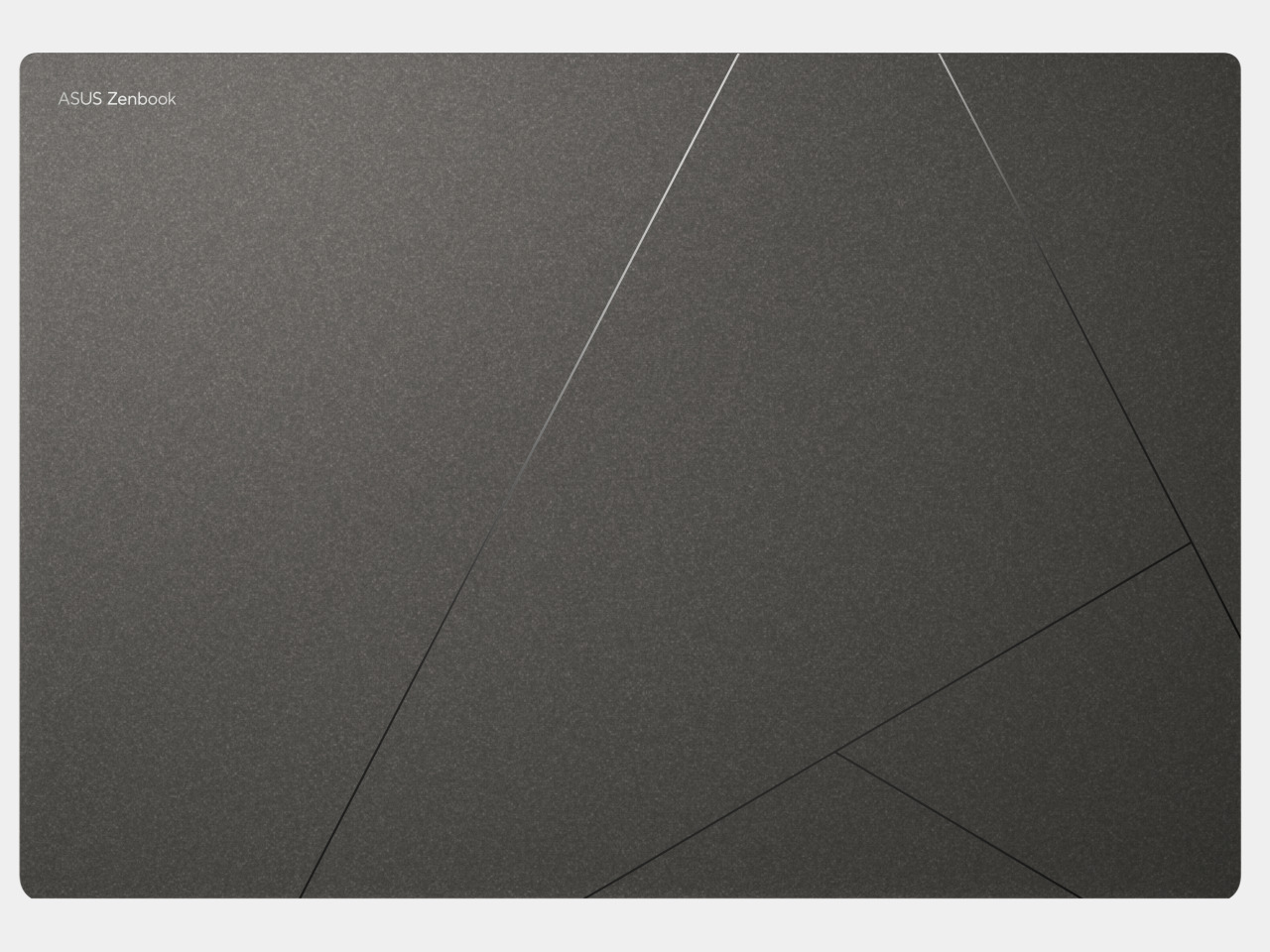
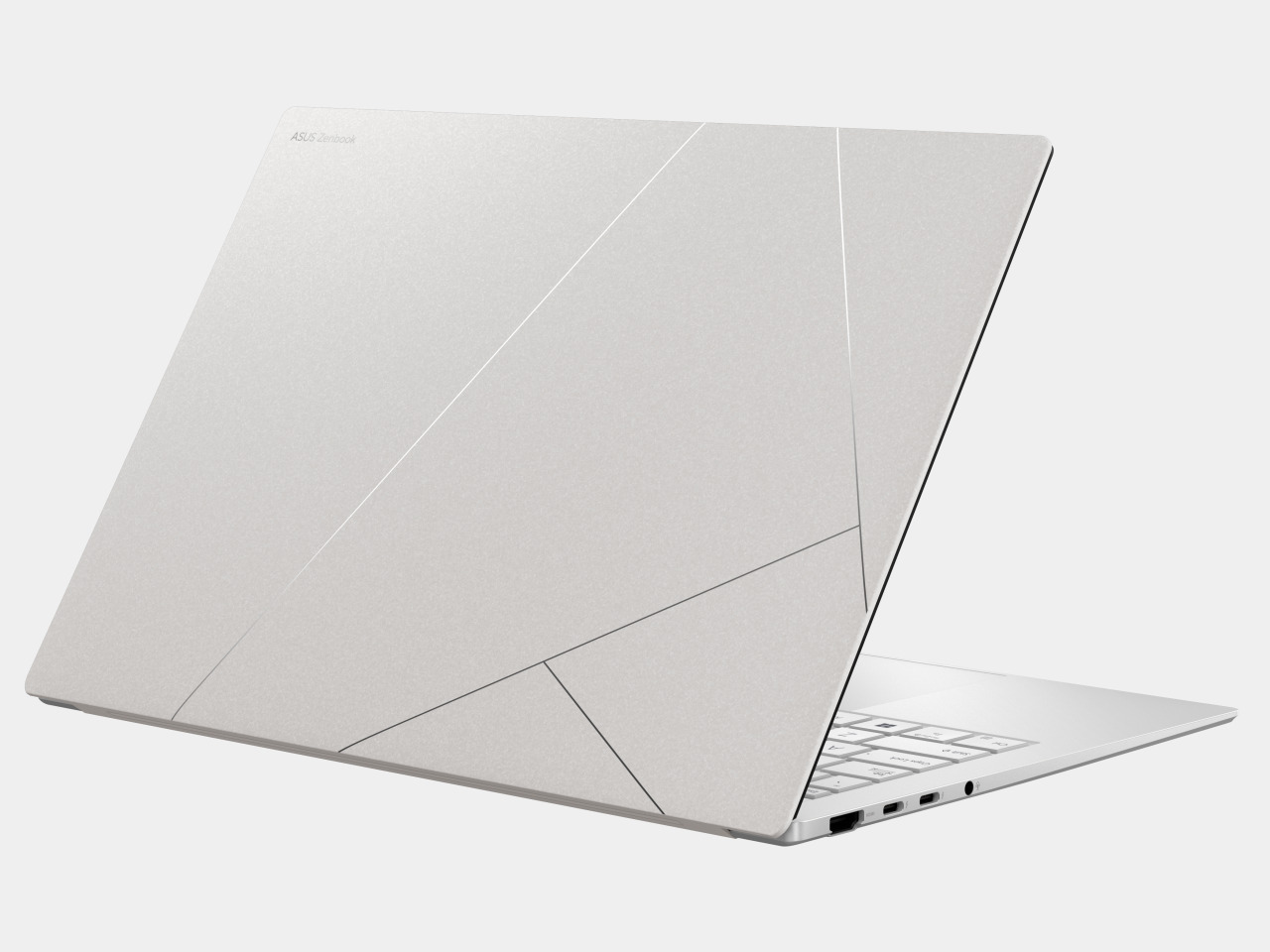
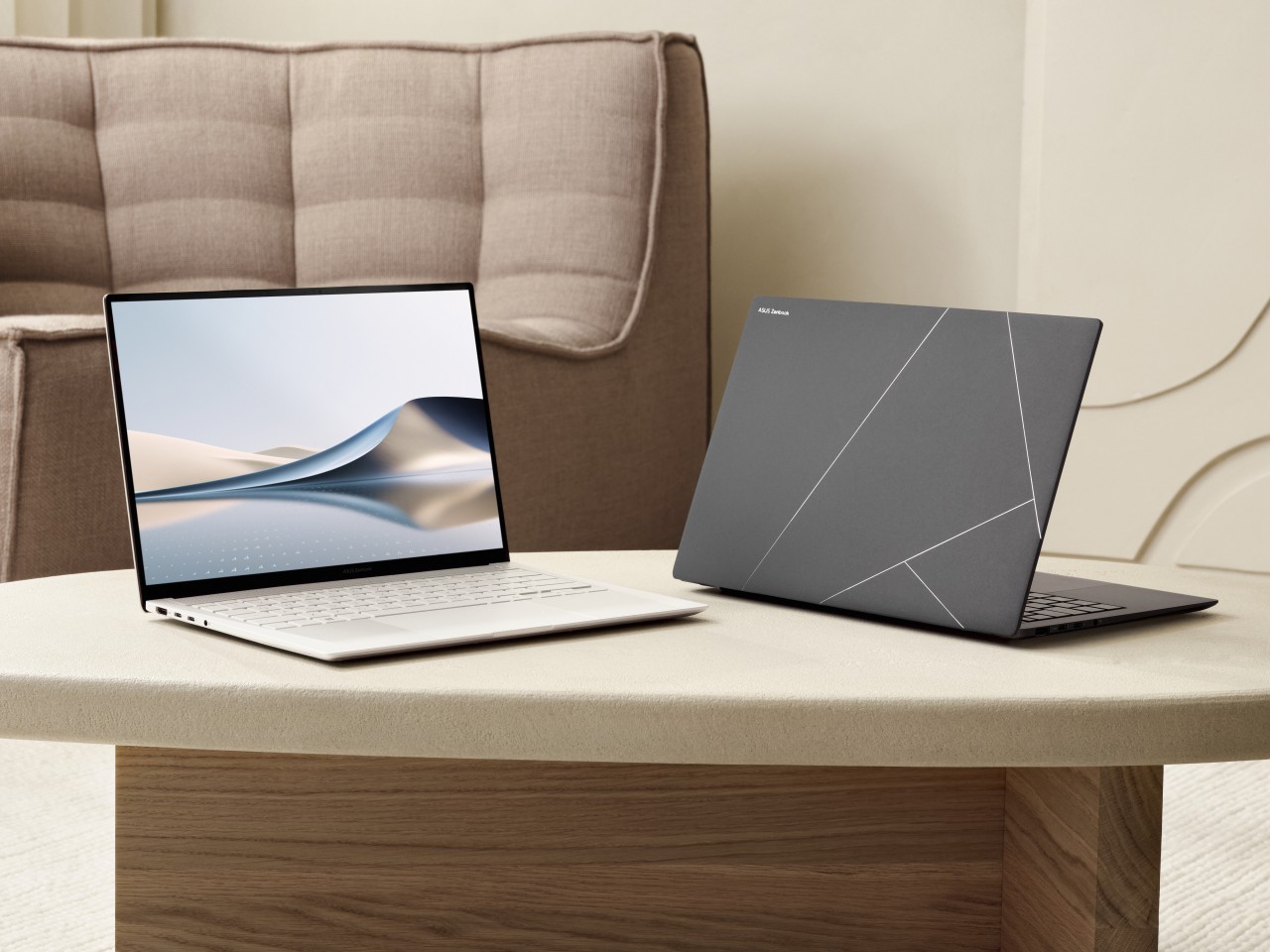
Revealed last June at Computex 2024, the ASUS Zenbook S 14 offers not only AI prowess but, perhaps more importantly, an exquisite design that’s made to last. The new Ceraluminum material, an amalgamation of ceramic and aluminum, combines the durability of metal with the elegance and texture of glass, delivering a graceful aesthetic that belies the power inside. This attention to detail carries over to the cooling system that includes a geometric grille design composed of no less than 2,715 vents. Only 2.6 lbs light and 0.47 inches (11.9mm) thin, the Zenbook S 14 offers a delightful mobile experience that doesn’t compromise on power either.
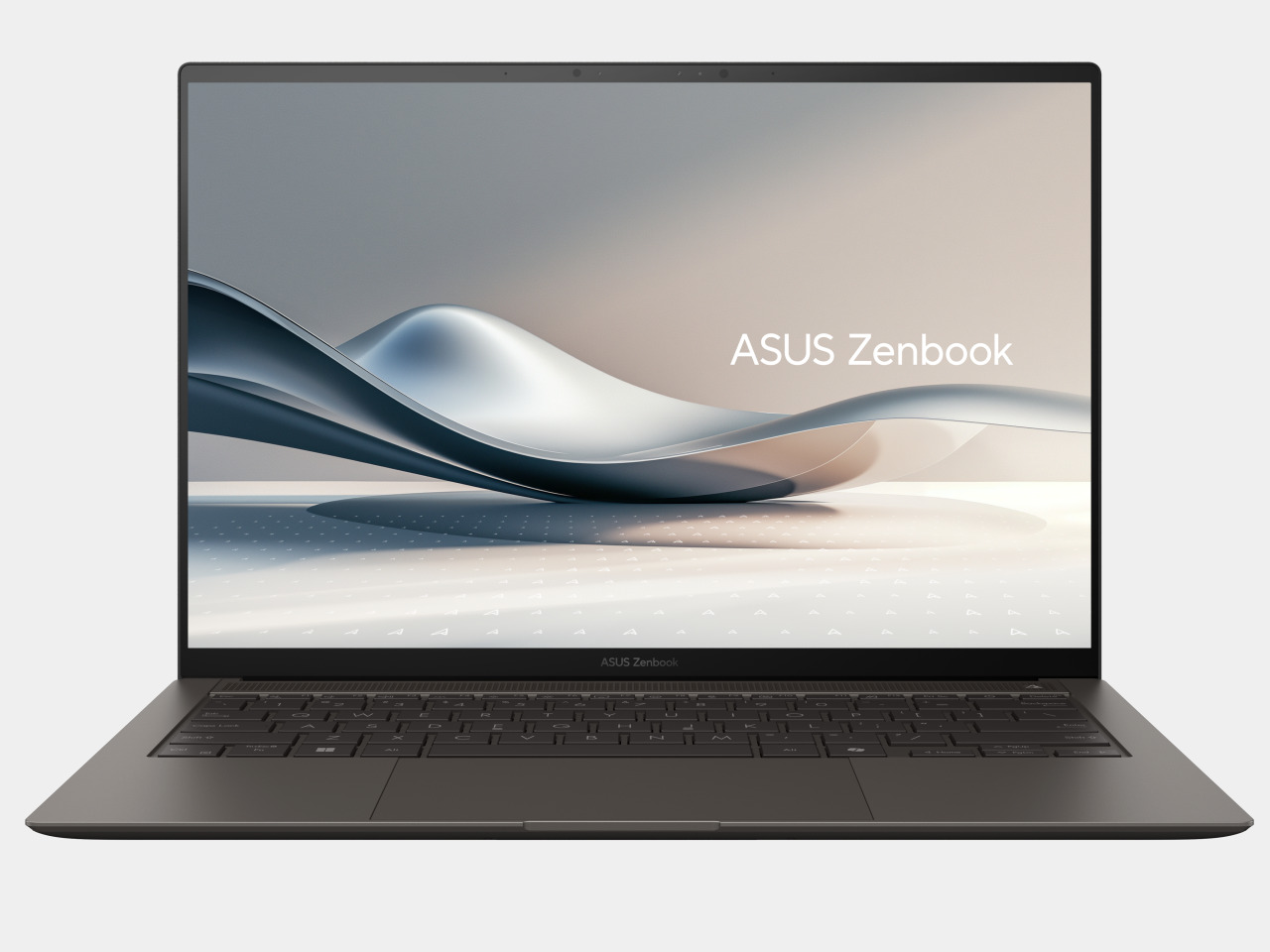
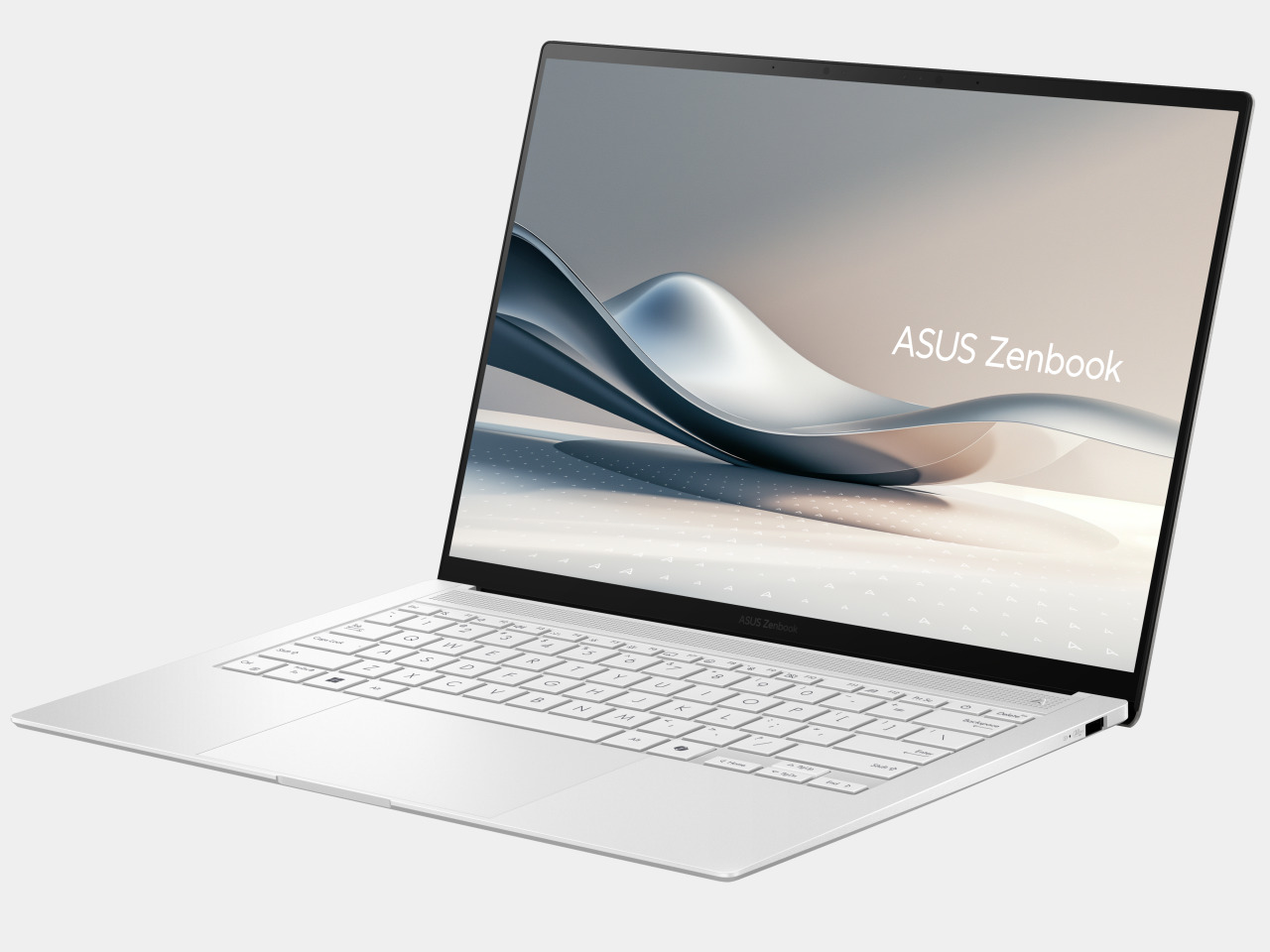
That power is delivered by the new Intel Core Ultra 7 258V, promising 47 TOPS of neural processing performance to drive those AI features, whether it’s cleaning up audio for conference calls or adding effects to video interactions. Windows’ CoPilot+ key is also there, ready to generate images, create detailed summaries, and more with just the push of a button. The laptop’s 72Wh battery and a full range of ports, including Thunderbolt 4 support, allow users to take their work anywhere they go without having to worry too much about running to the nearest power outlet.

ASUS Vivobook S 14

Embracing minimalism and simplicity, the ASUS Vivobook S 14 delivers that same Intel Lunar Lake performance in a sleek and unassuming design. With a weight of 2.85 lbs and a 0.55-inch profile, this mobile computer offers a stylish companion for all your work and entertainment needs, wherever life takes you. With an Intel Core Ultra 7 258V and its 47 NPU TOPS performance, you also have the full range of AI features available at your fingertips.
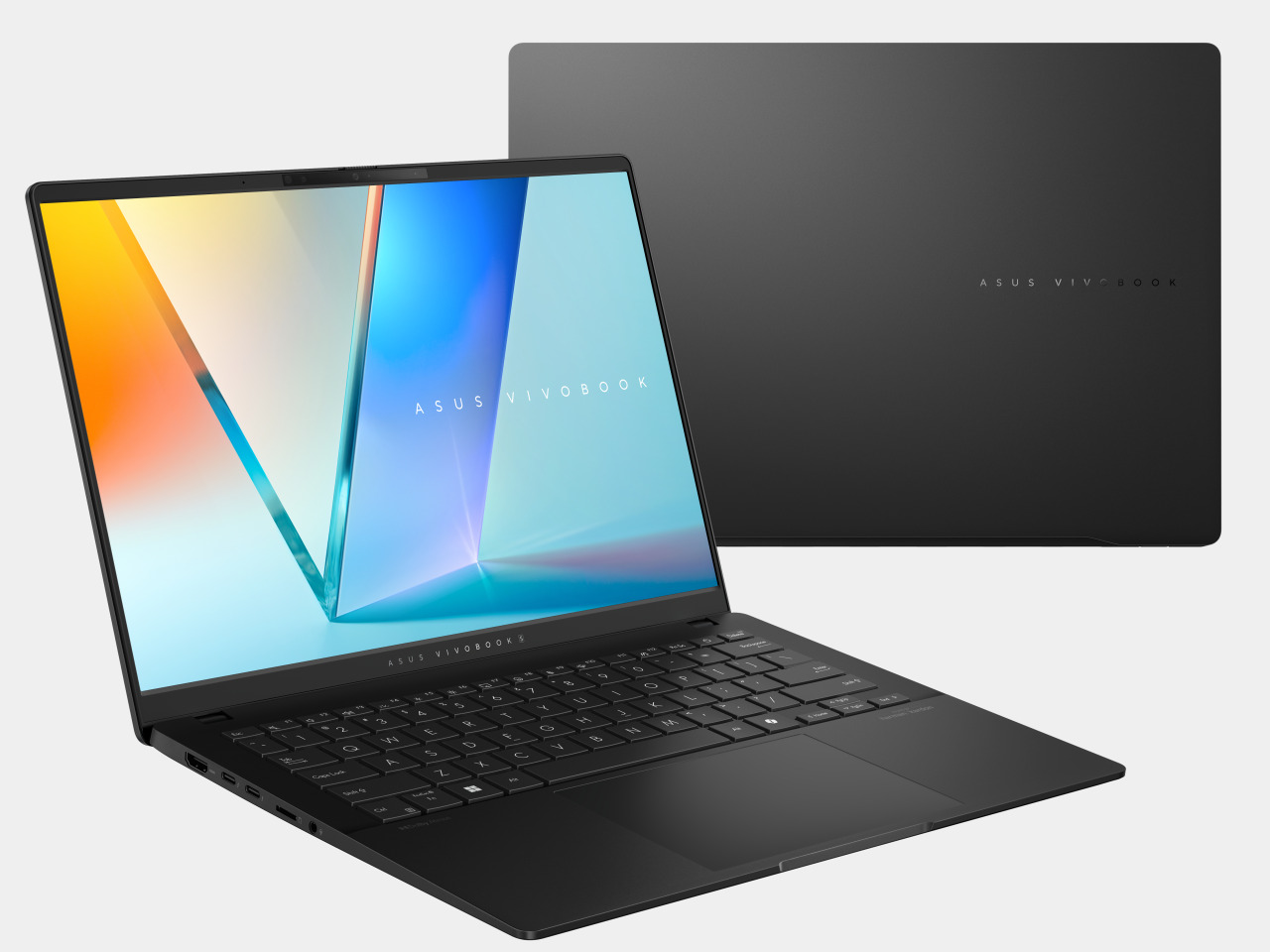
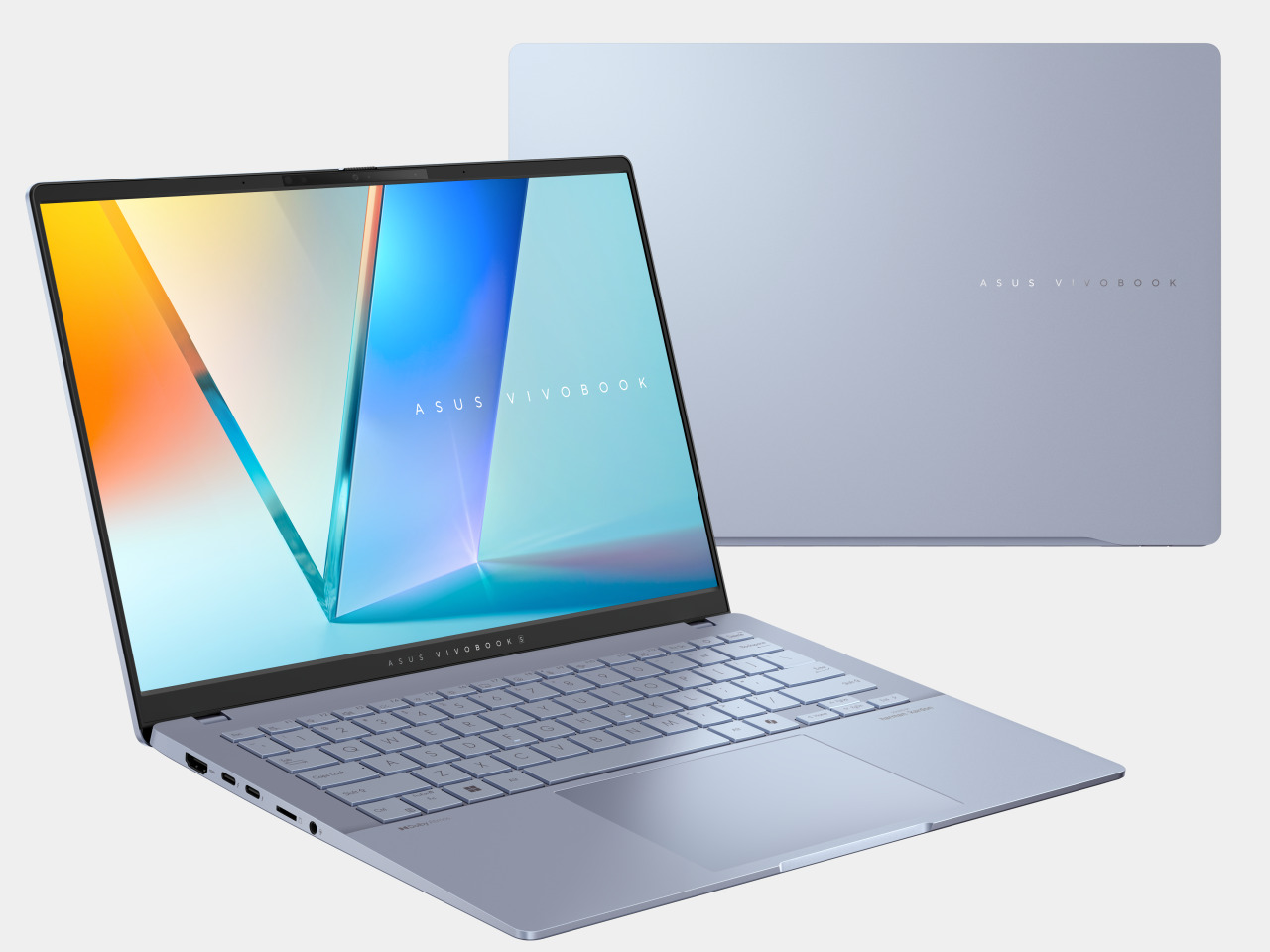
Quality of life features for the Vivobook S 14 include a gorgeous 14-inch 16:10 OLED display and Harman Kardon-certified Dolby Atmos speakers, a good number of I/O options, including a microSD card reader, and a large touchpad to complement an RGB backlit keyboard. A 75Wh battery promises hours of use on the go, while USB-C charging offers the flexibility to charge even when away from power outlets.

ASUS Vivobook 14/16 Flip

If flexibility is the name of the game, then the new 14-inch and 16-inch ASUS Vivobook Flip notebooks will satisfy your needs. A 360-degree hinge converts the laptop into a tablet or display, depending on the circumstances, and support for the optional ASUS Pen 2.0 helps those creative juices flow more naturally. Of course, it is also powered by the new Intel Core Ultra 7 258V, giving it AI chops you can take with you anywhere.
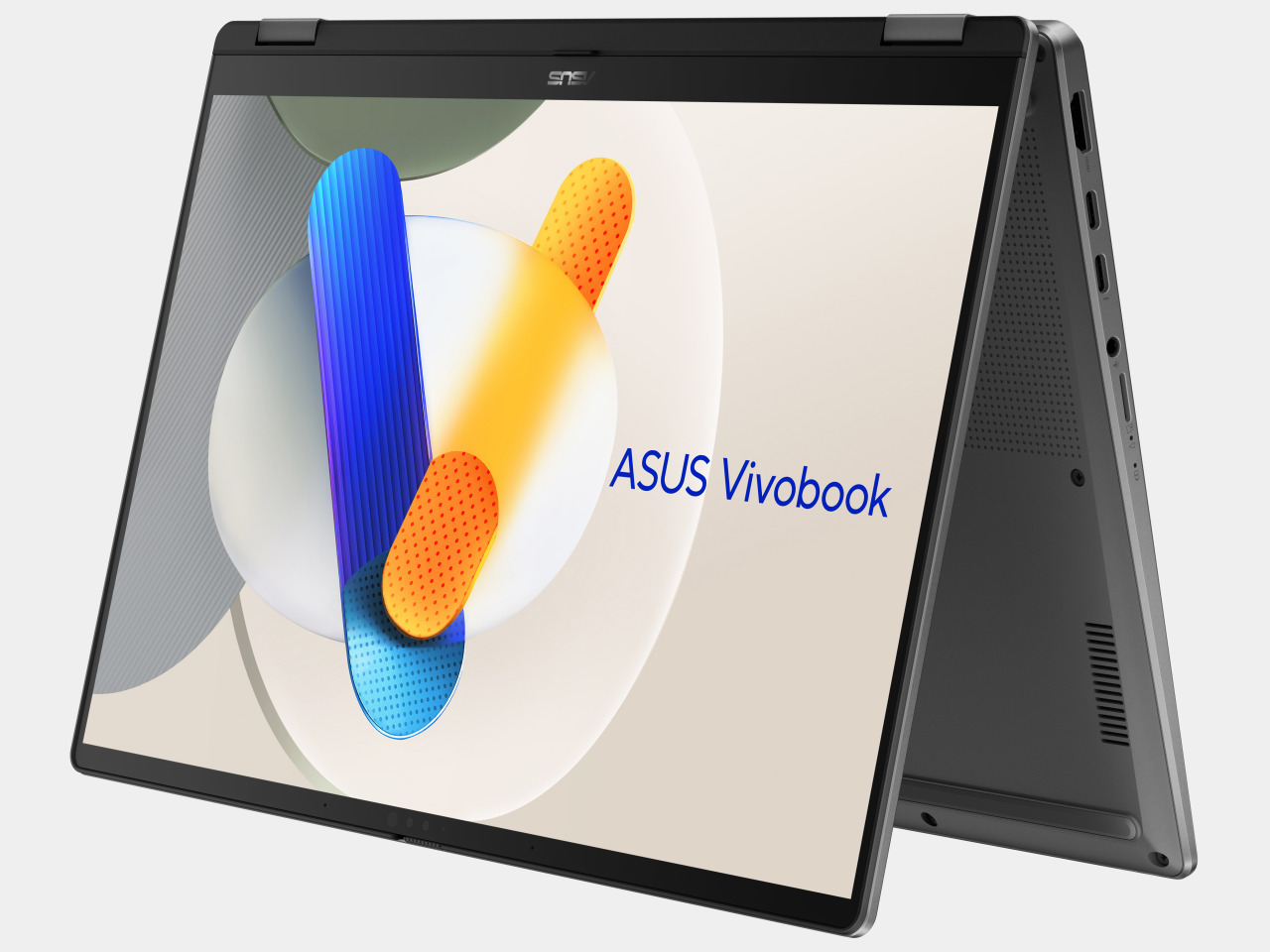
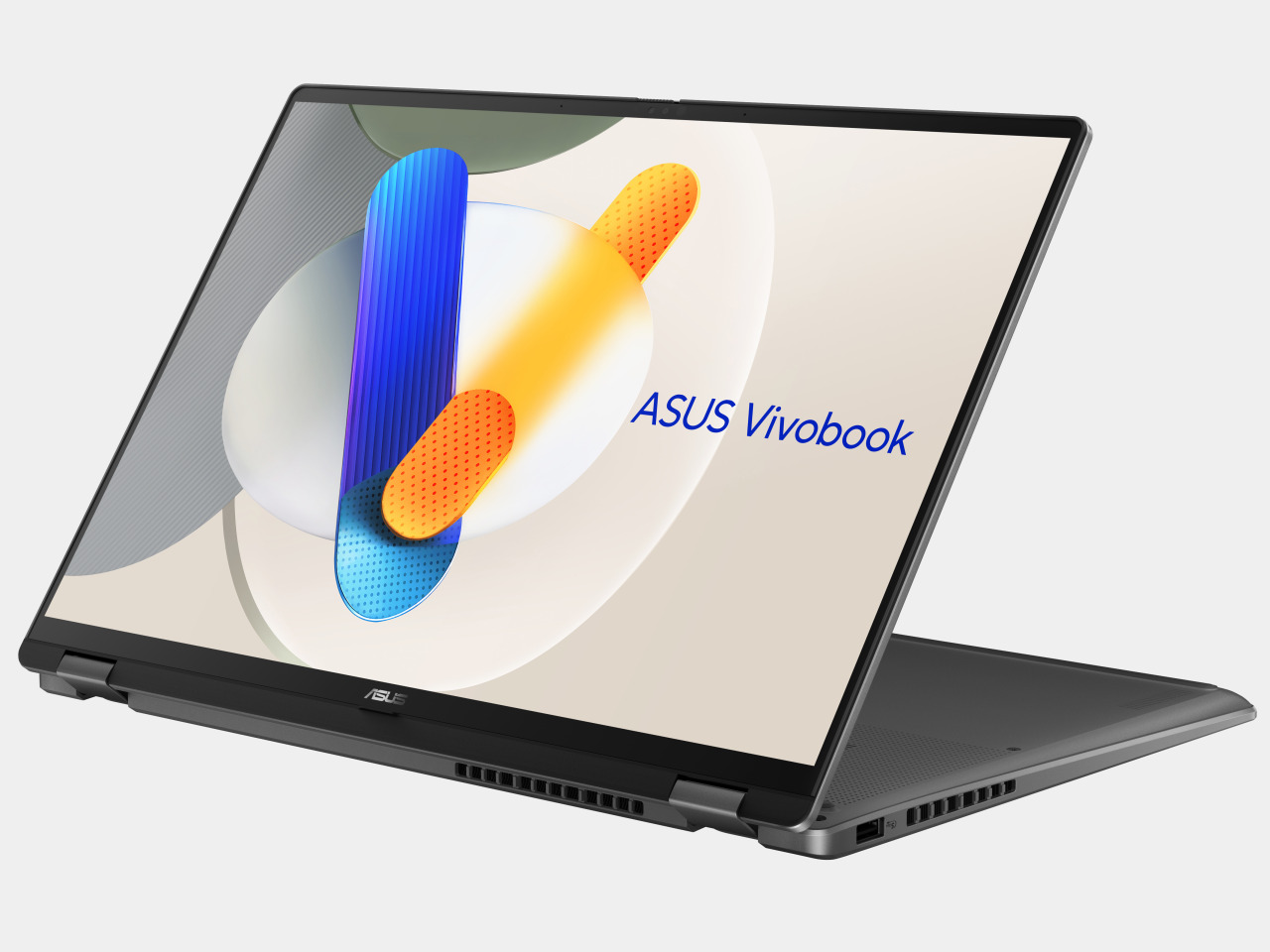
The ASUS Zenbook S 14 (UX5406), which is now available from ASUS’s online store, will also be available for pre-order from Best Buy starting 6th September with a starting price tag of $1,399.99. The ASUS Vivobook S 14 (Q423) has a starting price of $999.99 and will be up for pre-order from Best Buy on 5th September, with other configurations following in Q4 this year. Also launching in Q4 are the ASUS Vivobook 14 Flip and Vivobook 16 Flip, with details to be disclosed closer to their availability.

The post ASUS Zenbook S 14 with Ceraluminum lead Ubiquitous AI push with Intel Core Ultra 200V first appeared on Yanko Design.

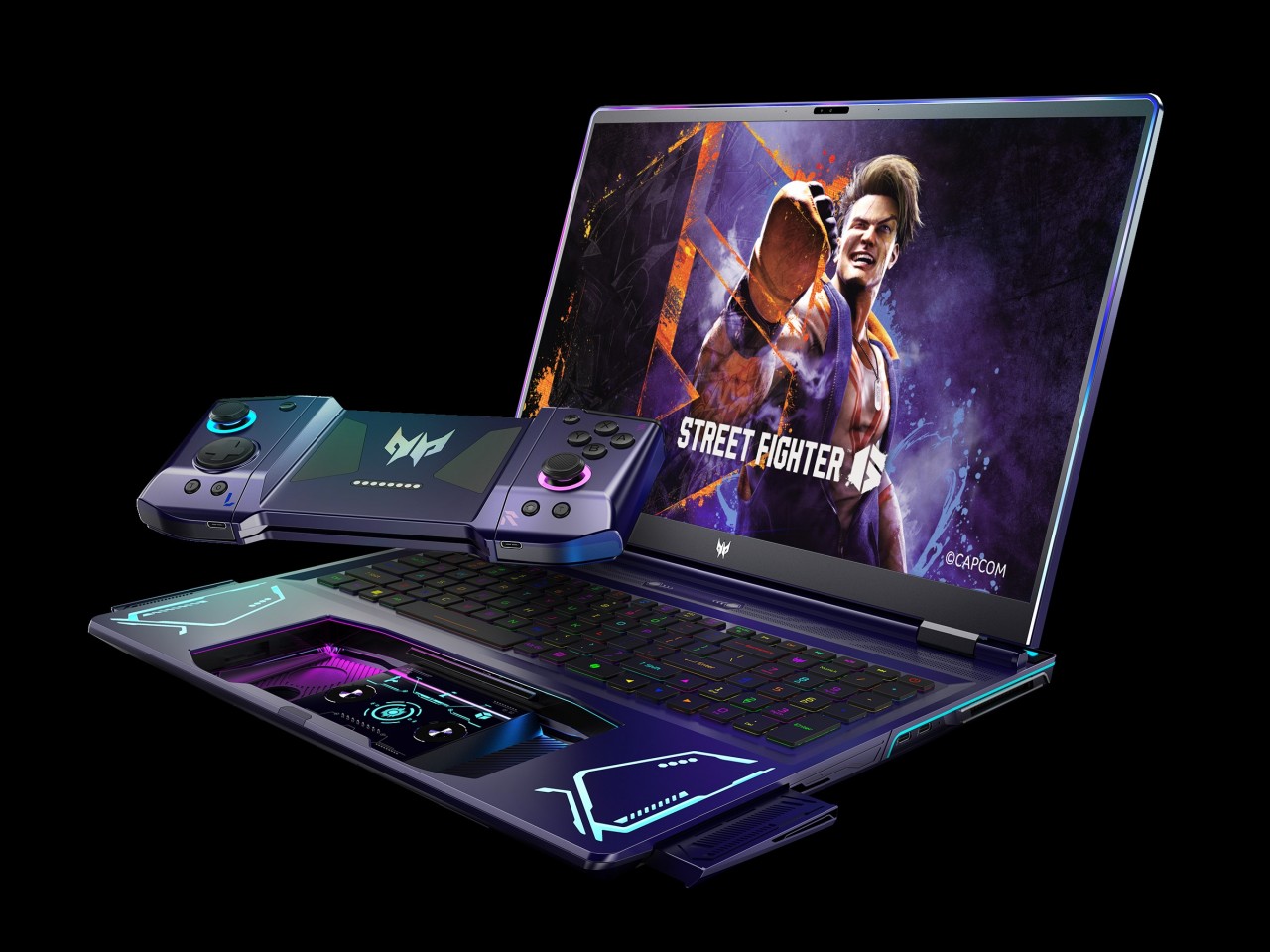
Acer Project DualPlay Laptop Concept puts a unique twist to gaming on the go

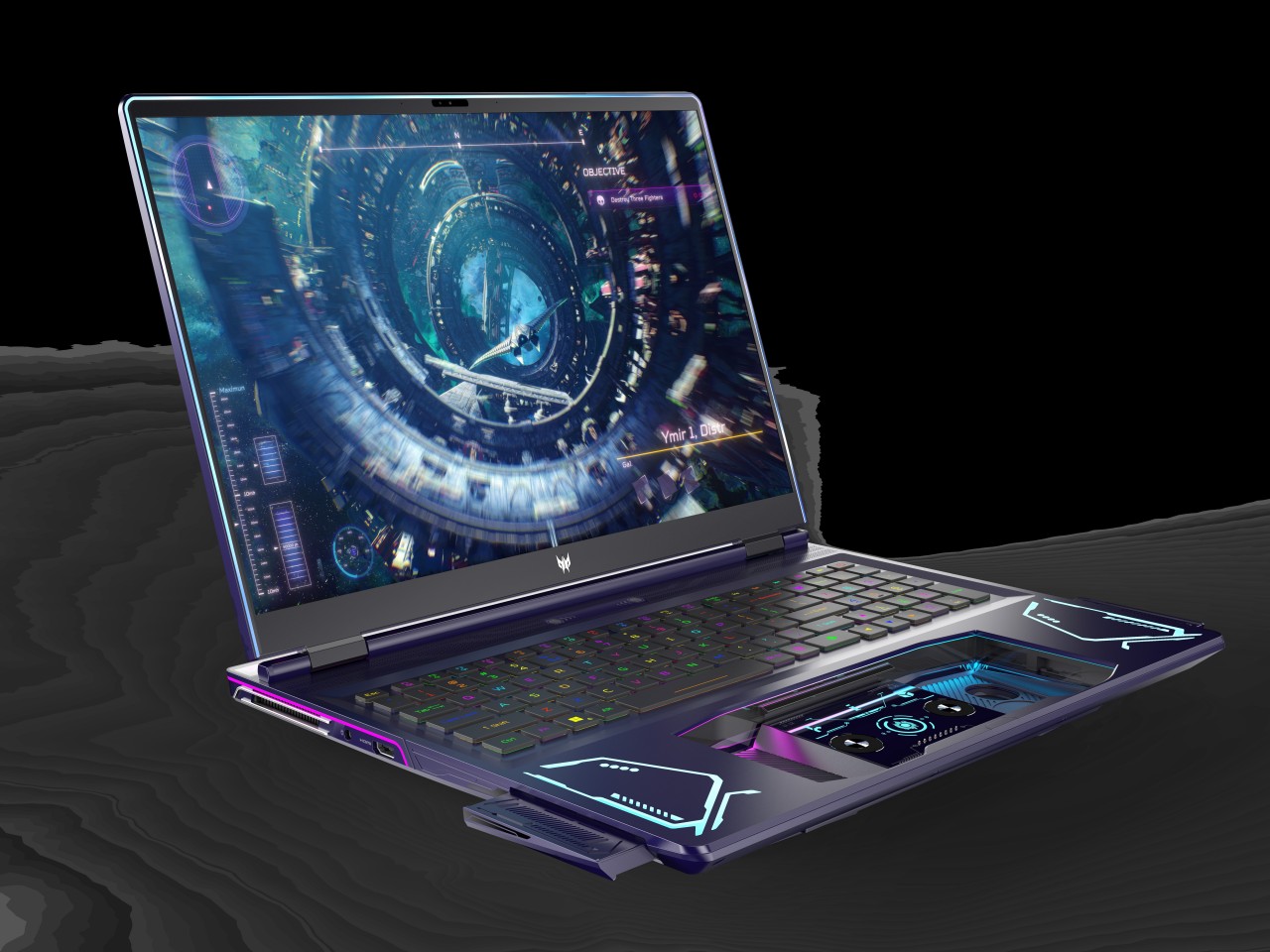
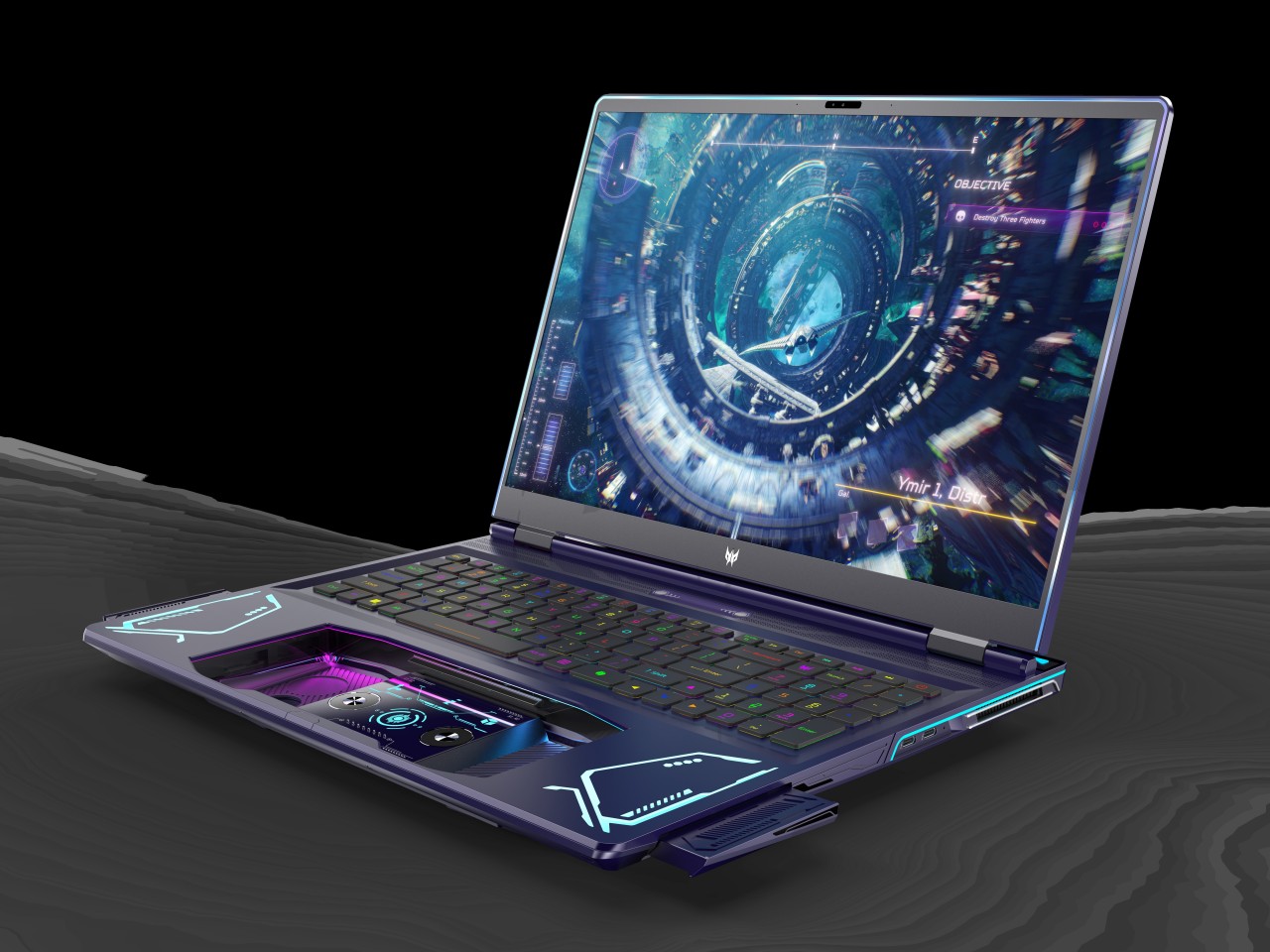
PC gaming has experienced a huge boost thanks to the advent of handheld gaming PCs like the Steam Deck, the ASUS ROG Ally, and the Lenovo Legion Go. But while these offer a more mobile gaming experience, they still pale in comparison to dedicated gaming laptops when it comes to performance, battery life, and heat management. Gaming laptops have been around for years, of course, but they, too, are experiencing a renaissance, whether they’re becoming slimmer and sleeker or, in this case, taking on a completely different design. Rather than completely overhauling the laptop or even doing away with it, the Acer Project DualPlay concept instead transforms this familiar design into something that adapts to the latest gaming trends, including playing the same game with a friend who’s right beside you.

Designer: Acer

The days when PC and console gaming camps were divided across keyboard or controller lines are long gone. Those on PS5 and Xbox now feel the need to grab a keyboard to communicate with friends, while some PC gamers now swear by gamepads, especially those playing on handheld PCs. The trends may have changed, but the design of gaming laptops has not caught up to this shift, which is why the Acer Project DualPlay concept changes the formula a wee bit by embracing both playing styles in the same device.

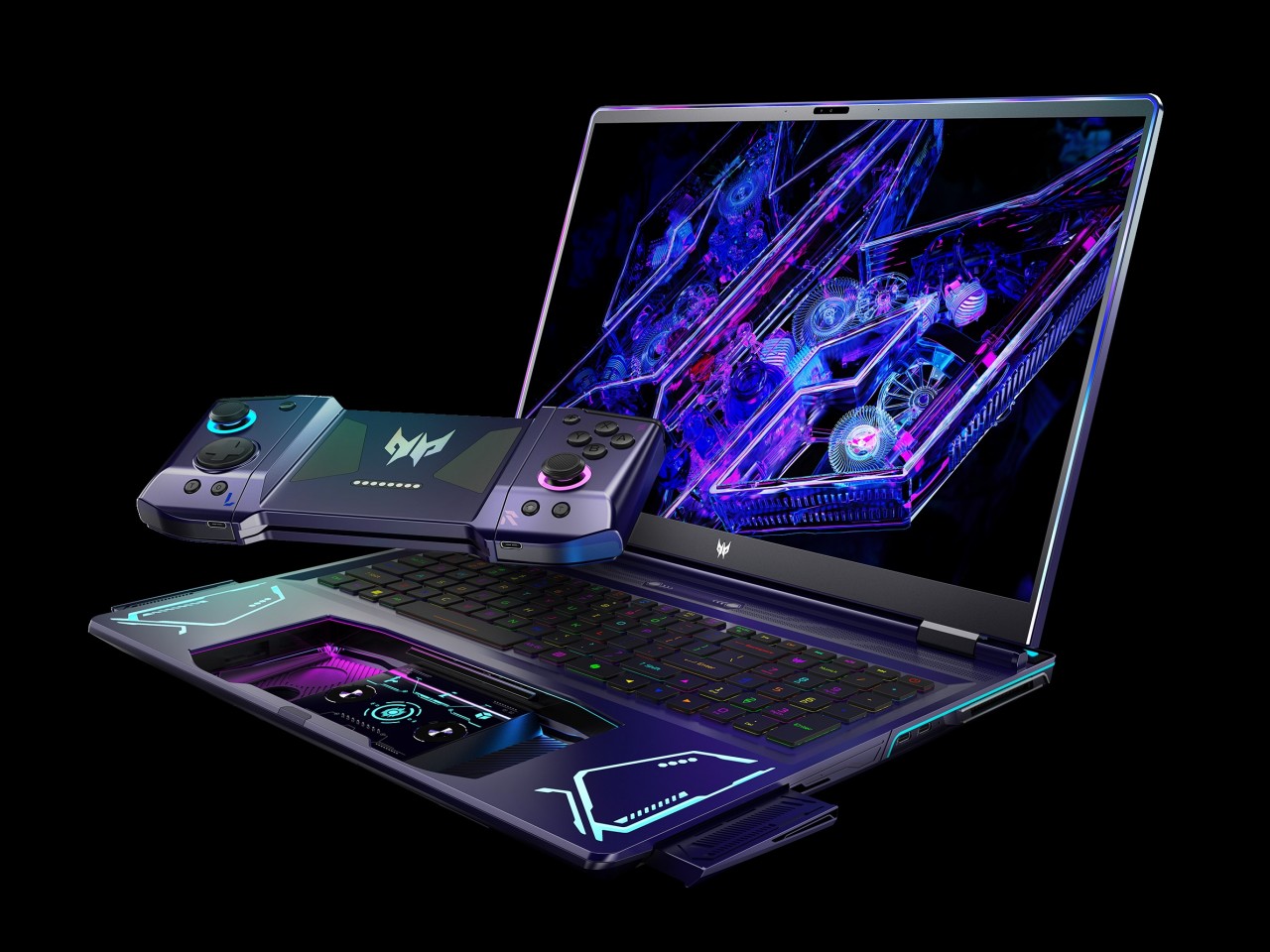
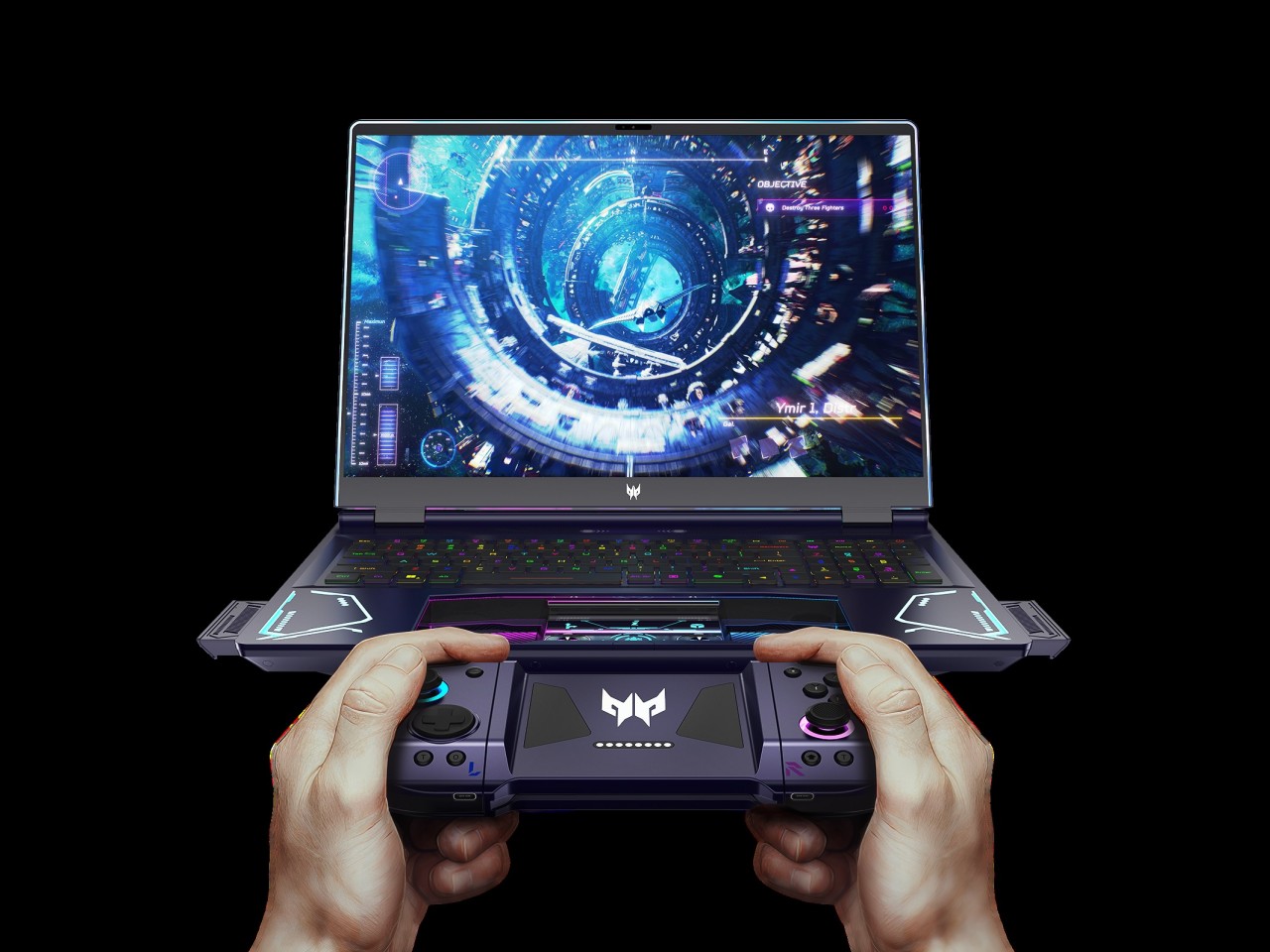
When you press a certain “release” button on top of the keyboard with two fingers, the laptop’s extra-large touchpad pops out and becomes a wireless controller, not unlike those you’d usually connect and bring with you in a separate case or pouch. This dual system lets gamers quickly switch between keyboard and controller without missing a beat and without having to worry about forgetting to bring the controller or having no space for it in the bag.

“DualPlay,” however, has dual meanings here. That detachable controller can actually be separated into two joysticks, not unlike the concept of the Nintendo Switch Joy-con, allowing two people to compete or cooperate in the same game without having to fight over the controls. It brings back the social feeling of playing with someone beside you that home consoles offered, except you’re no longer limited to doing that at home.

The Acer Project DualPlay gaming laptop concept has other surprising features that really take gaming to the next level. Releasing the controller also pops out two high-fidelity 5W speakers from the sides, delivering audio that’s not impeded by desks or other obstacles. There’s also an overabundance of dynamic RGB lighting not only around the keyboard but also around the screen, flanking the detachable controllers, the infinity mirror lighting bar on the back, and even the controller’s joysticks. It definitely looks like a gaming laptop from the future, though it remains to be seen if it is far too ahead of its time as well.

The post Acer Project DualPlay Laptop Concept puts a unique twist to gaming on the go first appeared on Yanko Design.

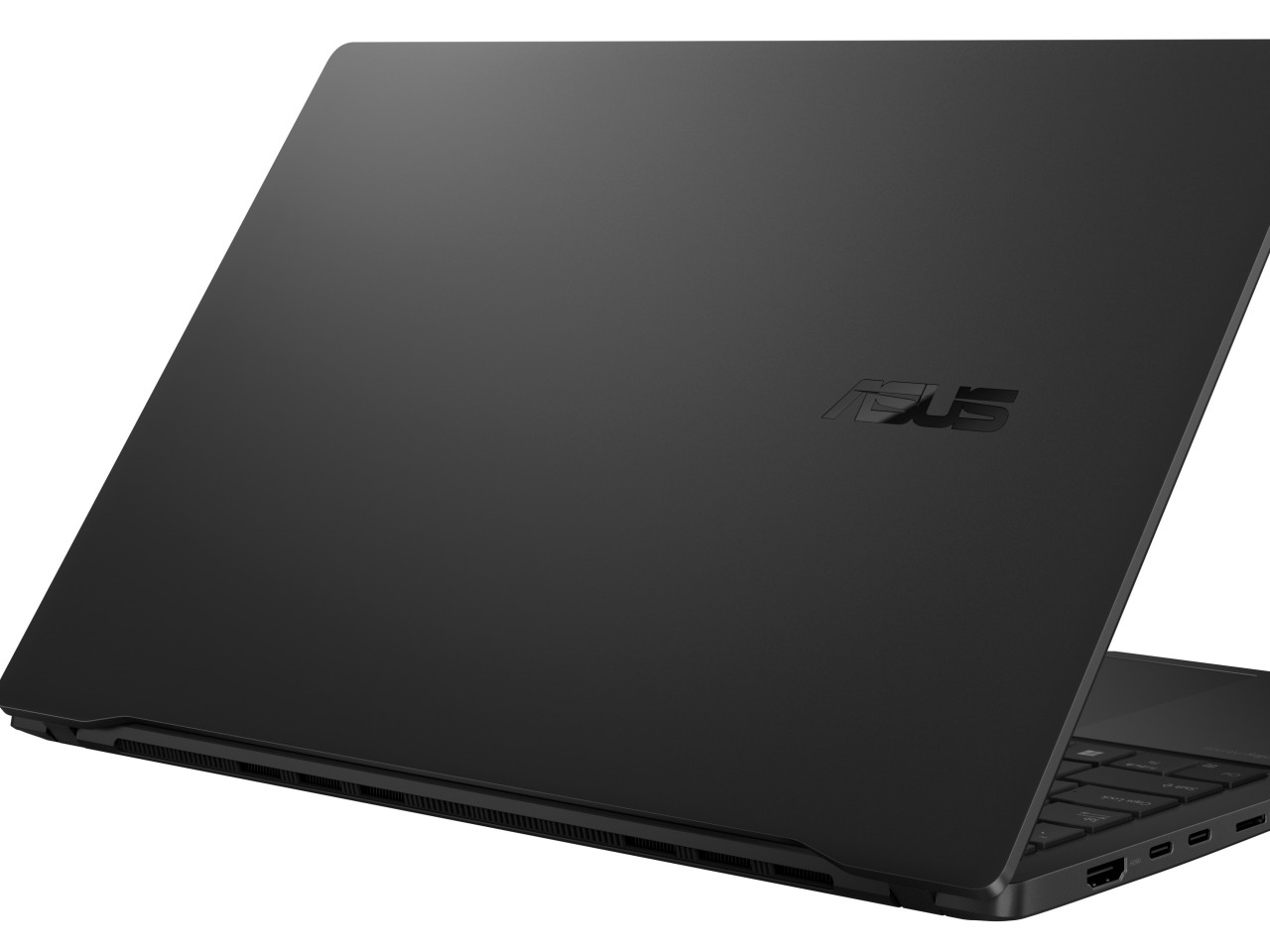
ASUS ProArt PZ13, Vivobook S 15 with Snapdragon X Plus make AI more accessible

AI is fast becoming a thing on desktop and laptop computers, even on those devices that aren’t used for heavy computation or heavy content creation. Whether it’s generating images for inspiration, making sense of documents, or optimizing performance, AI is starting to become a prevalent presence in computing, but those features seem to benefit only those with enough resources to spend on a powerful but pricey rig. Good technology shouldn’t just be for a select few, and ASUS is working with Qualcomm to make not just AI but multi-day battery life more accessible to everyone with new mobile computers powered by the new Snapdragon X Plus.

Designer: ASUS

ASUS ProArt PZ13

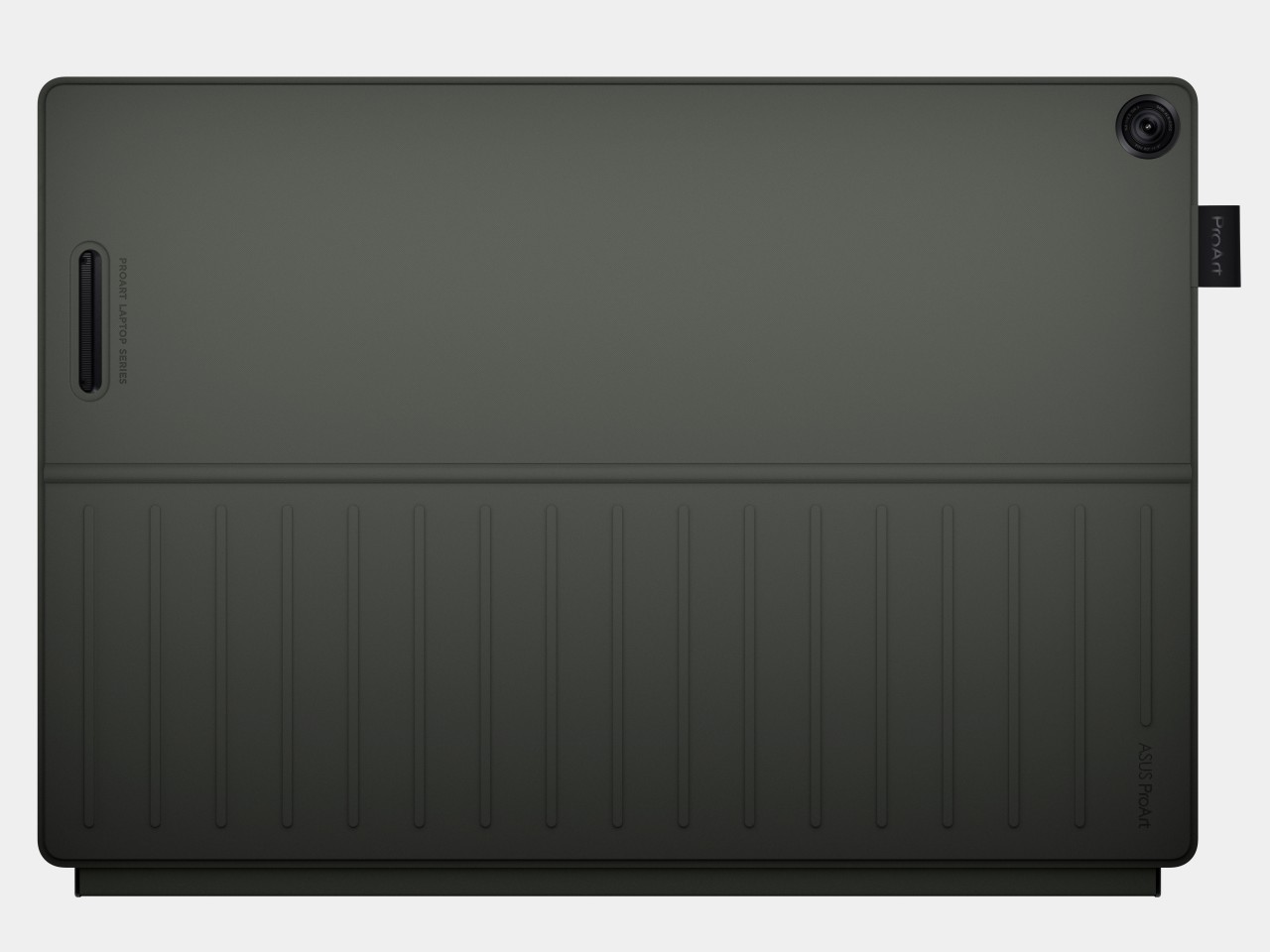
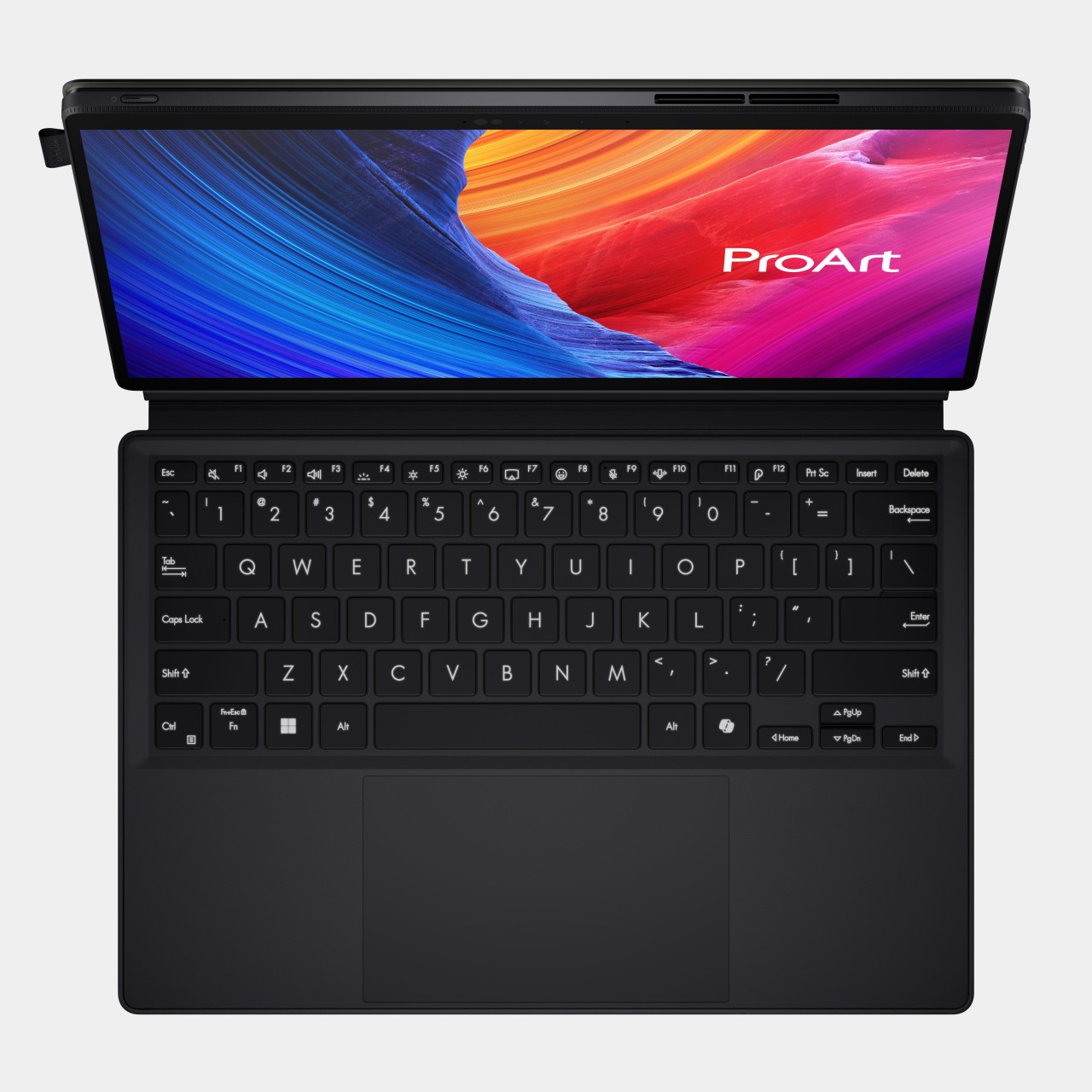
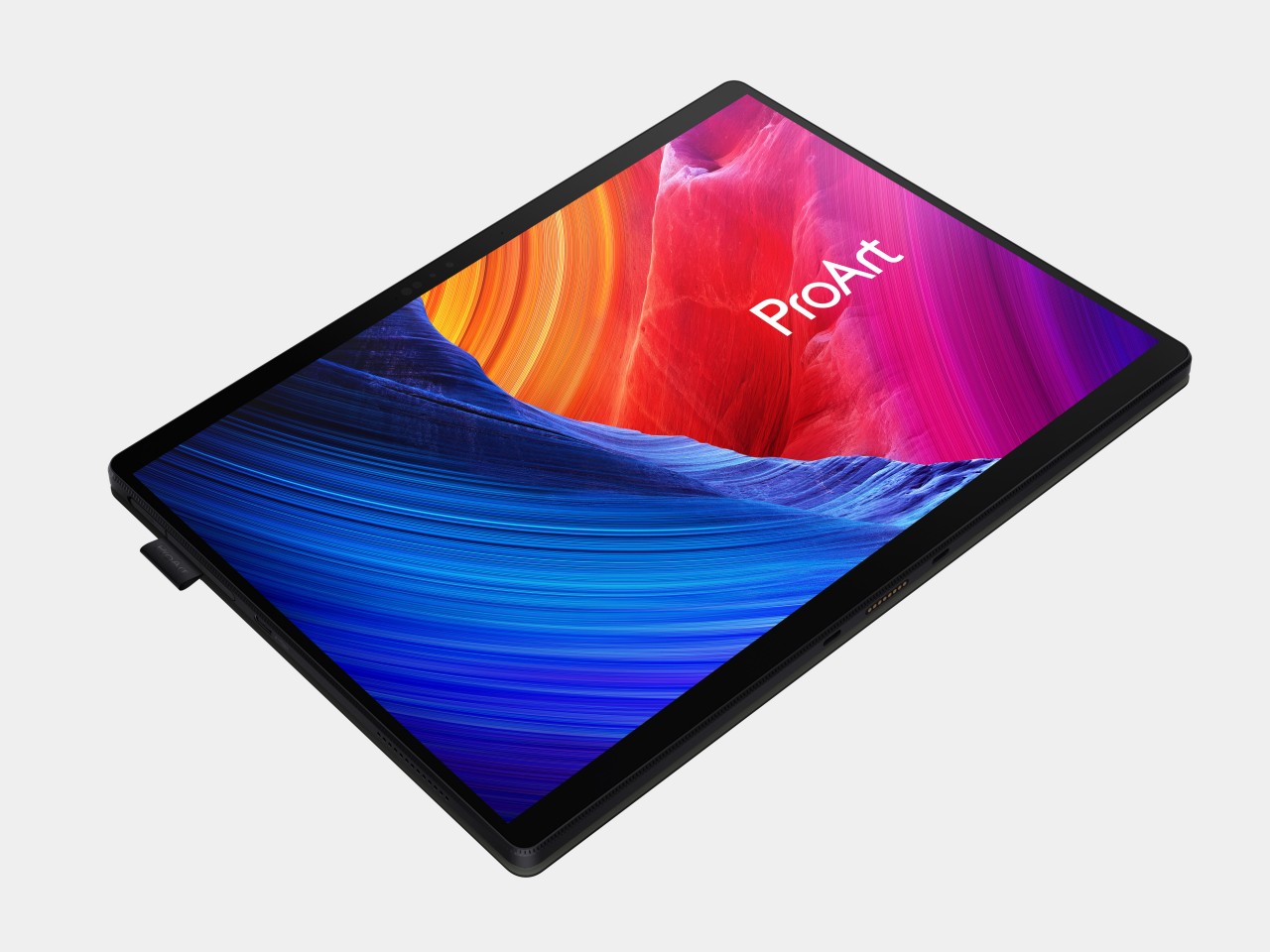
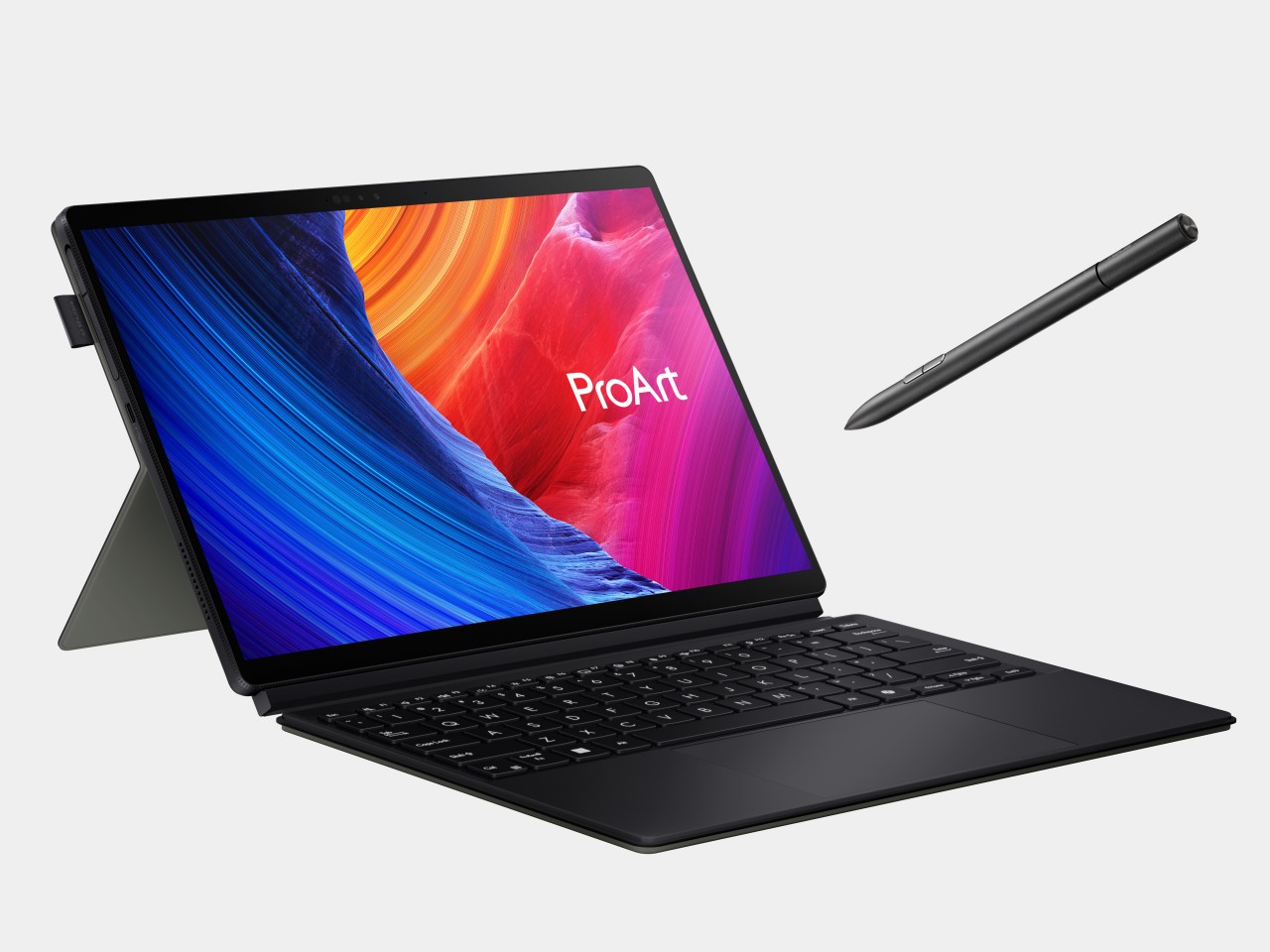
Right at the top of that list is the new ASUS ProArt PZ13, first shown off at Computex back in June. It’s a 2-in-1 tablet with a detachable keyboard cover and kickstand, not unlike some of the popular designs for these portable PCs. What makes it extra special is the silicon inside, the Qualcomm Snapdragon X Plus, an octa-core variant of the chipmaker’s latest line that targets not smartphones that run Android but Windows computers. What it lacks in raw power compared to the Snapdragon X1 Elite it makes up for in a balanced performance per watt, delivering long battery life while still supporting AI features thanks to its Neural Processing Unit (NPU) and integrated graphics processor.

As part of ASUS’ ProArt family, the ProArt PZ13 caters to digital content creators like designers, artists, streamers, and writers. These users benefit from the computer’s highly portable design, only 9mm thick and weighing only 1.87 lbs. The 70Wh battery makes the lack of nearby power outlets less of a worry, especially if you can charge it via USB-C. The IP52 dust and water resistance, along with MIL-STD-810H certification, also takes away some of the fear when using this AI-powered creativity machine outside of your office or home. And with the same sleek Nano Black coating we saw on the ASUS ProArt PX13, you will definitely want to show it off outdoors.

Of course, as a creative tool, the screen is a critical factor, and the ProArt PZ13 doesn’t disappoint with its bright and vibrant 13.3-inch 3K (2880×1800) Lumina OLED display. ASUS lets you control every aspect of that display, from the color gamut it uses down to color calibration. The ProArt PZ13 also includes a suite of software that really showcases its AI chops, including StoryCube for managing photos and videos. Creativity no longer has to be tethered to desks and power outlets thanks to the ASUS ProArt PZ13 and Snapdragon X Plus.

ASUS Vivobook S 15 (S5507)

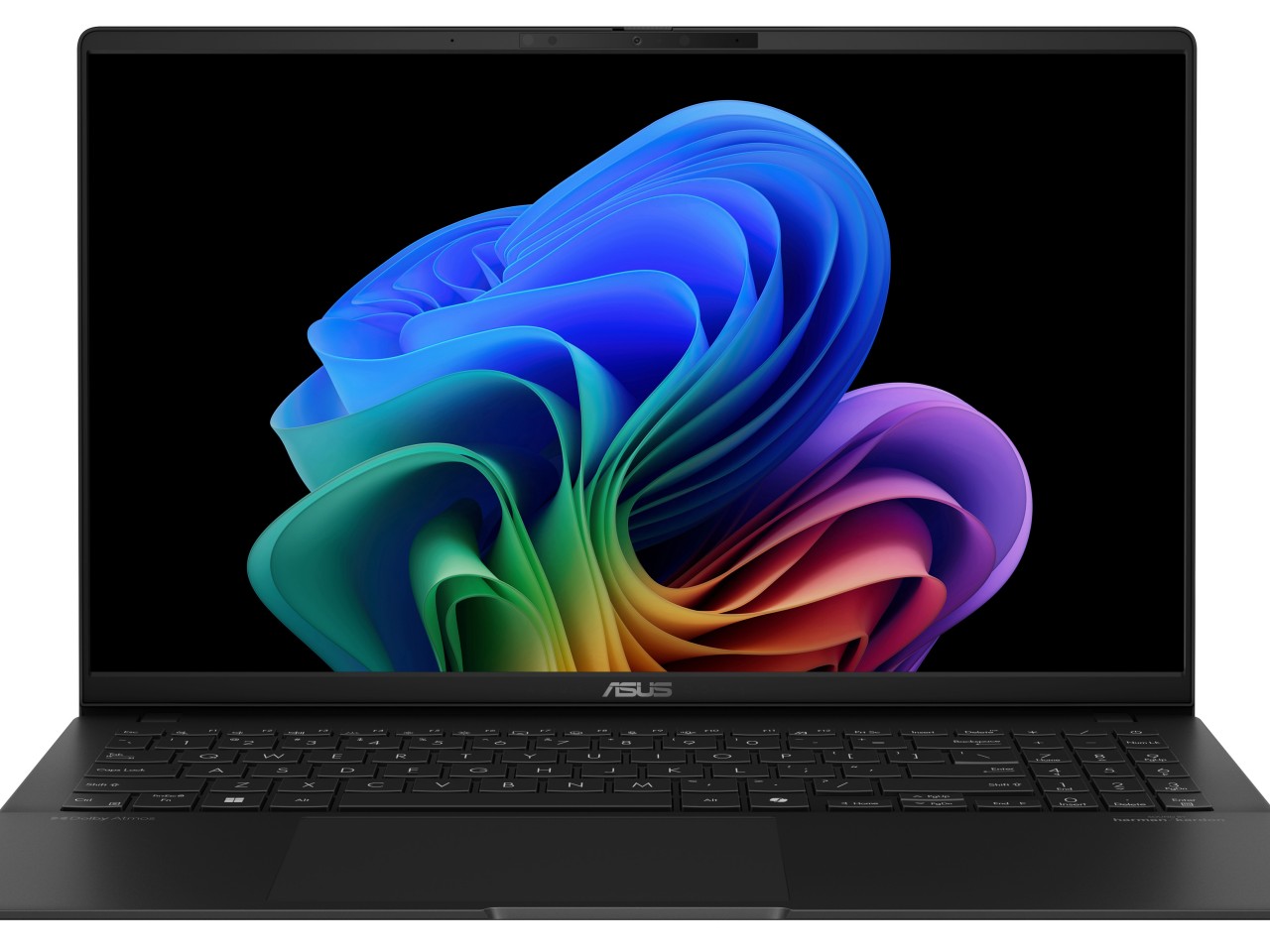
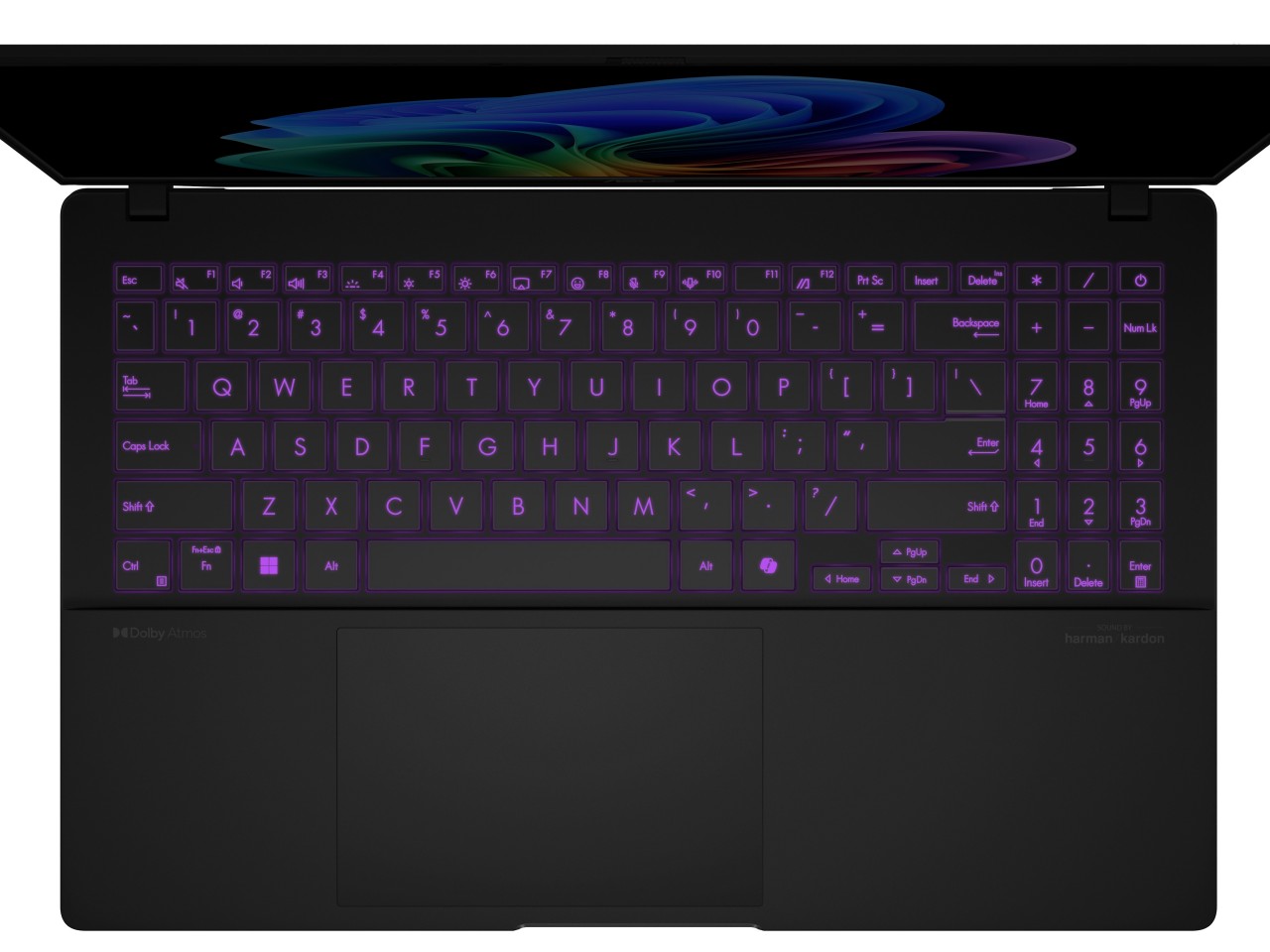
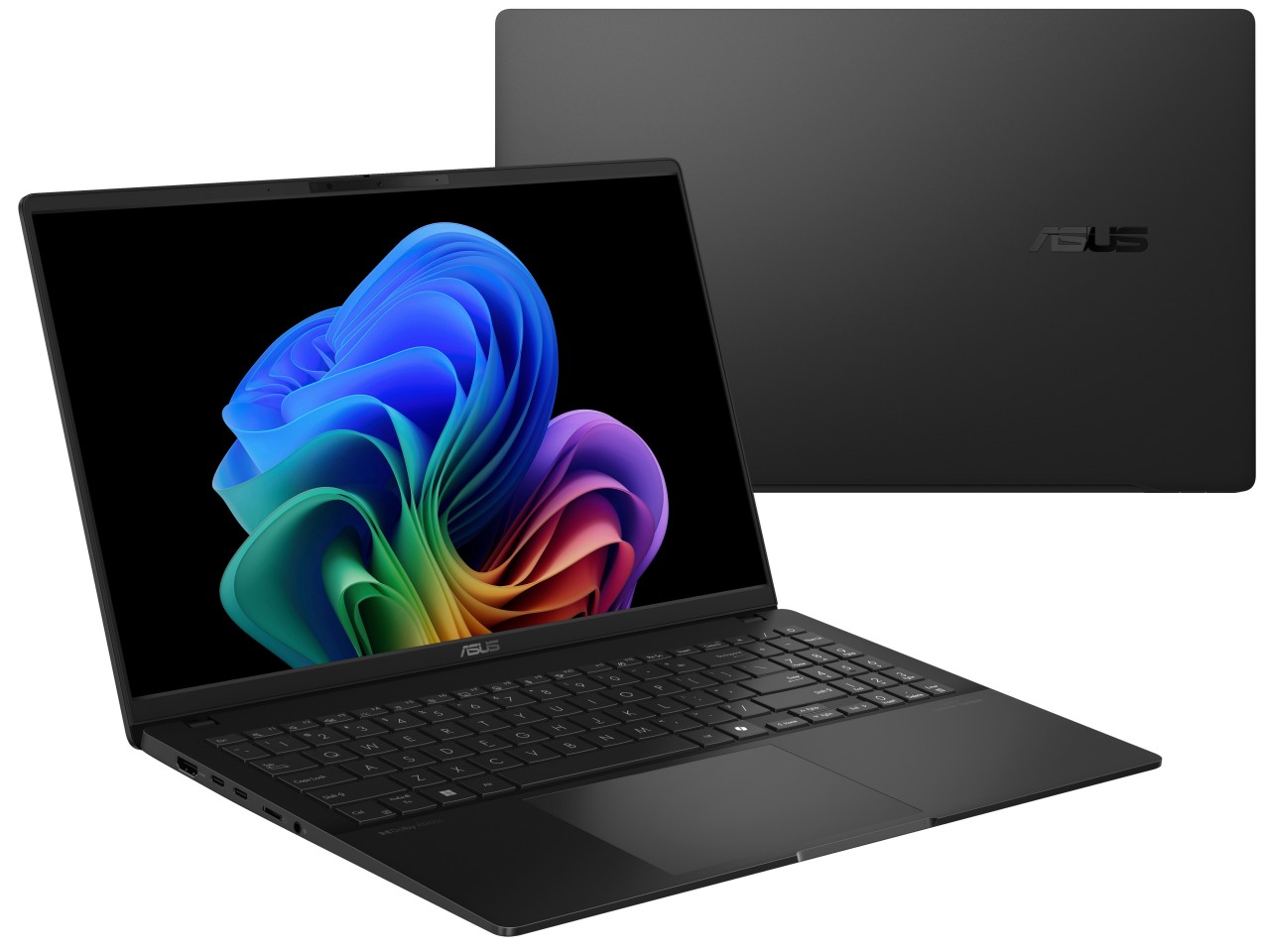
Those who want a more traditional laptop form factor will be happy with the ASUS Vivobook S 15, also powered by that Snapdragon X Plus AI process and boasting more than 18 hours of uptime with its 70Wh battery. The 15-inch 3K 120Hz Lumina OLED screen will also delight content creators who need precise and accurate color reproduction, especially with support for 100% of the industry standard DCI-P3 gamut. A plethora of connectivity options, both wired and wireless, make working anywhere a breeze, and its slim and stylish design makes it a joy to bring out in public.

Best of all, these two Snapdragon Windows computer carry accessible price tags that make them tempting options for your next mobile computer. The ASUS Vivobook S 15 (S5507) will start at $899.99, while the ProArt PZ13 starts at $1,099.99.

The post ASUS ProArt PZ13, Vivobook S 15 with Snapdragon X Plus make AI more accessible first appeared on Yanko Design.

How to Create a New Folder on Your Mac: The Easy Guide

Create a New Folder on Mac

In this article, we will show you a range of methods that you can use to create a new folder on your Mac. Getting around your Mac’s file system is a key part of keeping your workspace tidy and organized. One of the foundational skills you’ll need to master is creating new folders. It might […]

The post How to Create a New Folder on Your Mac: The Easy Guide appeared first on Geeky Gadgets.

iPad vs MacBook: Which is Best for Students?

iPad vs MacBook

When selecting the best device for students, the choice often narrows down to an iPad or a MacBook. Each has its strengths and weaknesses, making the decision dependent on individual needs and preferences. As a student, you need a device that can keep up with your academic demands, provide a seamless user experience, and offer […]

The post iPad vs MacBook: Which is Best for Students? appeared first on Geeky Gadgets.

6 Awesome macOS Sequoia Features You Need to Know About

macOS Sequoia

macOS Sequoia, the latest version of Apple’s desktop operating system, brings a wealth of exciting features and enhancements that aim to transform your computing experience. This update not only improves upon existing functionality but also introduces new tools that can potentially replace some popular third-party applications. Let’s dive into the six most awesome features that […]

The post 6 Awesome macOS Sequoia Features You Need to Know About appeared first on Geeky Gadgets.

13 Amazing Mac Shortcuts for Fast Workflows

Mac Shortcuts

Boosting your productivity on a Mac is easier with the right shortcuts. These shortcuts automate tasks, saving you time and effort. By integrating these tools into your daily routine, you can enhance your efficiency and streamline your workflows.The video below from Stephen Robles shows us 13 amazing Mac shortcuts for fast workflows, lets find out […]

The post 13 Amazing Mac Shortcuts for Fast Workflows appeared first on Geeky Gadgets.