Carrying a USB-C Hub and SSD? ADAM elements Hub S Does Both

Modern laptops aren’t short on power, but they’re increasingly short on ports. One USB-C port ends up doing everything: charging, video out, storage, and peripherals, while a small pile of adapters accumulates next to the keyboard. The setup works, but it doesn’t look like the clean, minimal desk you were going for, and it means carrying more pieces than you’d like when you’re working somewhere that isn’t home.

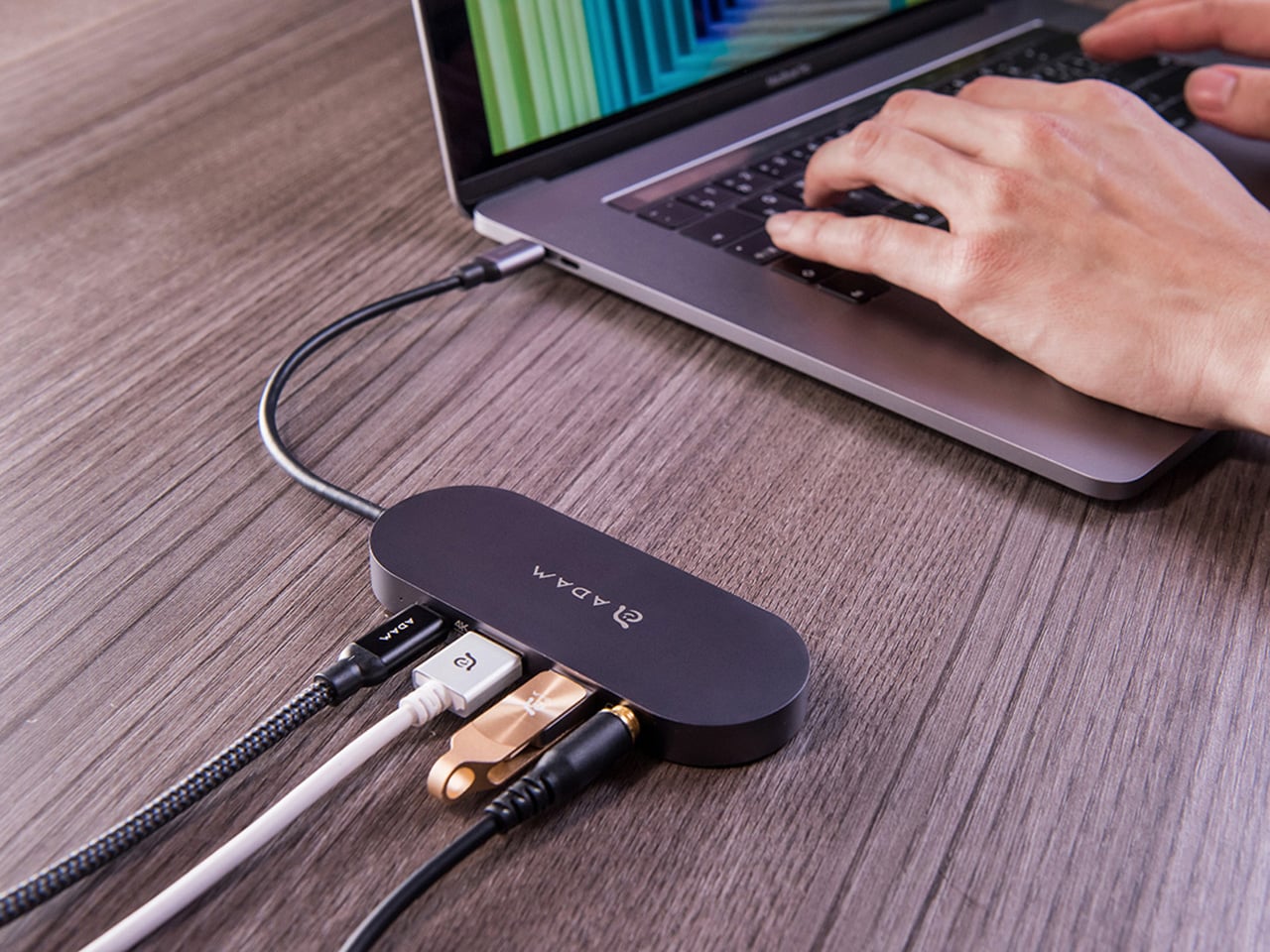
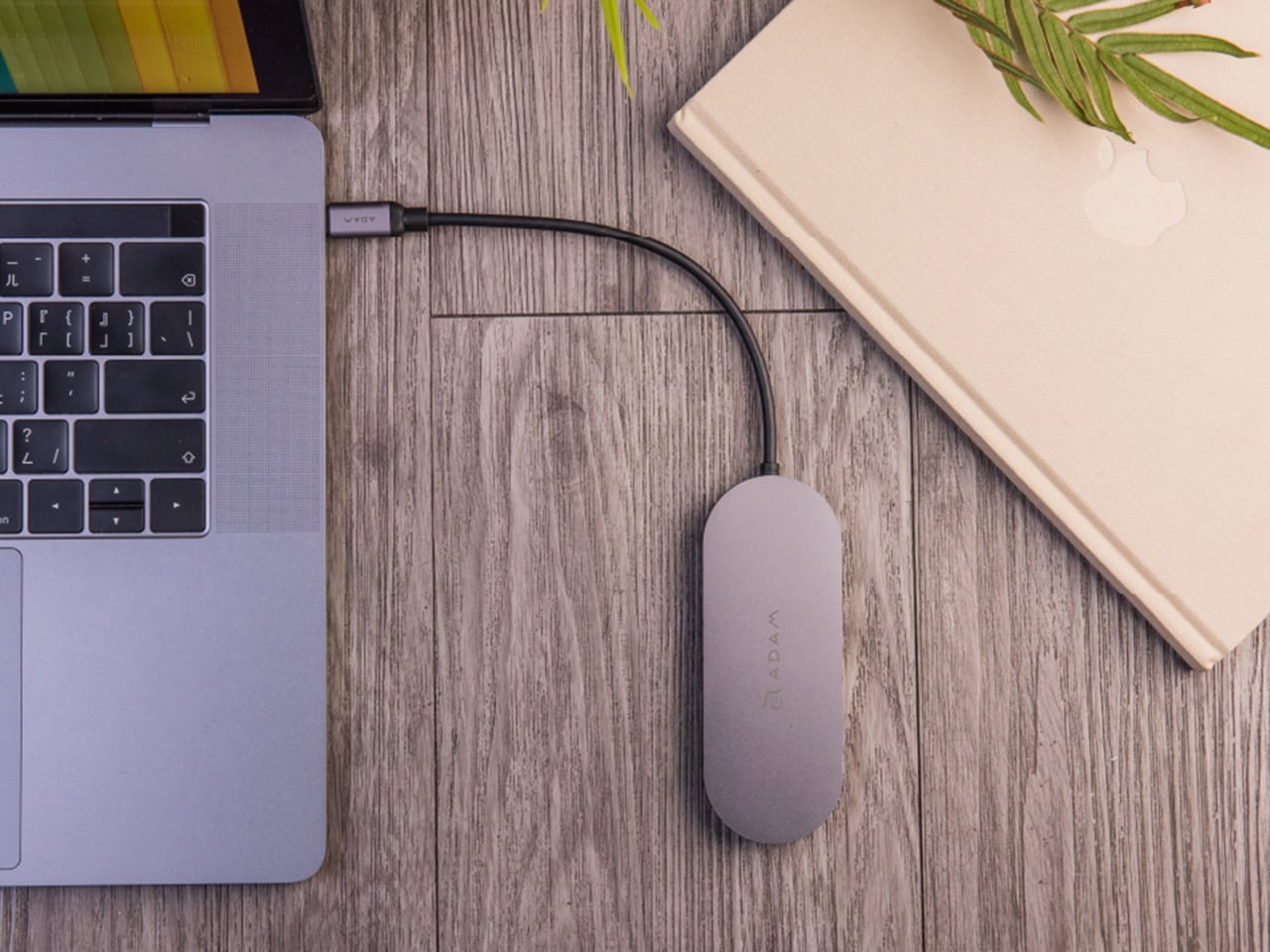
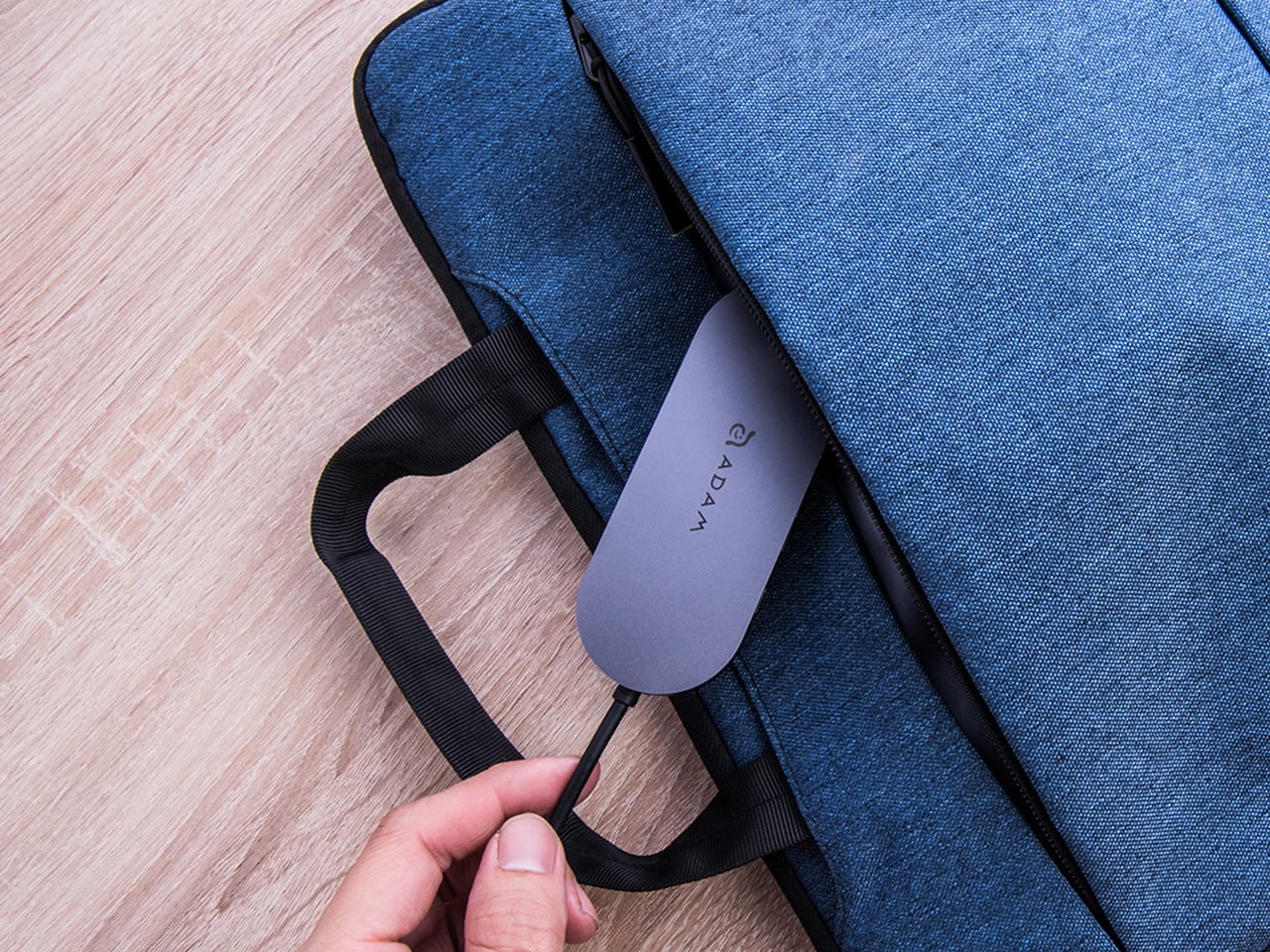
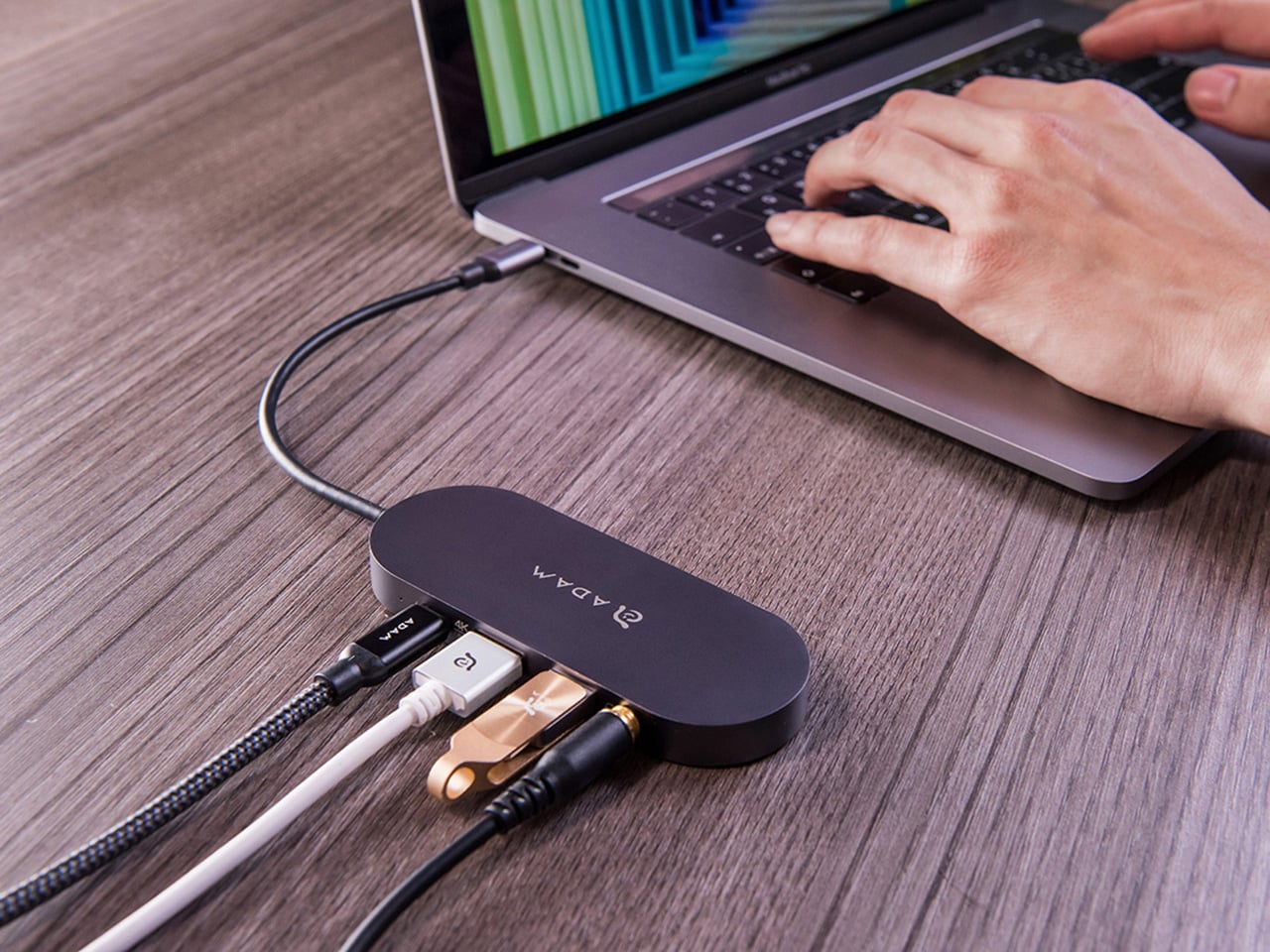
ADAM elements’ Hub S is a USB-C hub with built-in SSD storage, designed around the idea that a hub and an external drive don’t need to be two separate objects. Instead of plugging in one thing for ports and another for files, you plug in one slim aluminum accessory that handles both. It isn’t trying to replace a full docking station, but it’s the right-sized tool for someone who needs the essentials covered without the clutter.

Designer: ADAM elements

Click Here to Buy Now: $69.30 $99 (30% off, use coupon code “30YANKOHBSN”). Hurry, deal ends in 48-hours!

The built-in SSD is available in 240 GB, 480 GB, and 960 GB capacities, so there’s a size for whether you’re keeping a working project library or just enough space for recent shoots and backups. Having storage physically attached to your hub means it’s always there when you need to dump footage, move large project files, or keep a client’s assets close during a session, without remembering to pack a separate drive.

Transfer speeds are rated at up to 520 MB/s read and 456 MB/s write, which makes moving large files feel routine rather than something you schedule around. That kind of speed isn’t just a spec, though. It’s the difference between waiting through a transfer and forgetting it’s happening. For photographers and video editors working on the road, that matters more than it sounds on a product page.

For Mac users, the ADAM elements Hub S is also Apple Time Machine compatible. That means it can act as a rolling backup target every time you plug in, turning a habit that’s easy to forget into something that happens automatically. Backup isn’t exciting, but having it built into the same accessory you’re already using for everything else makes it feel less like a separate job.

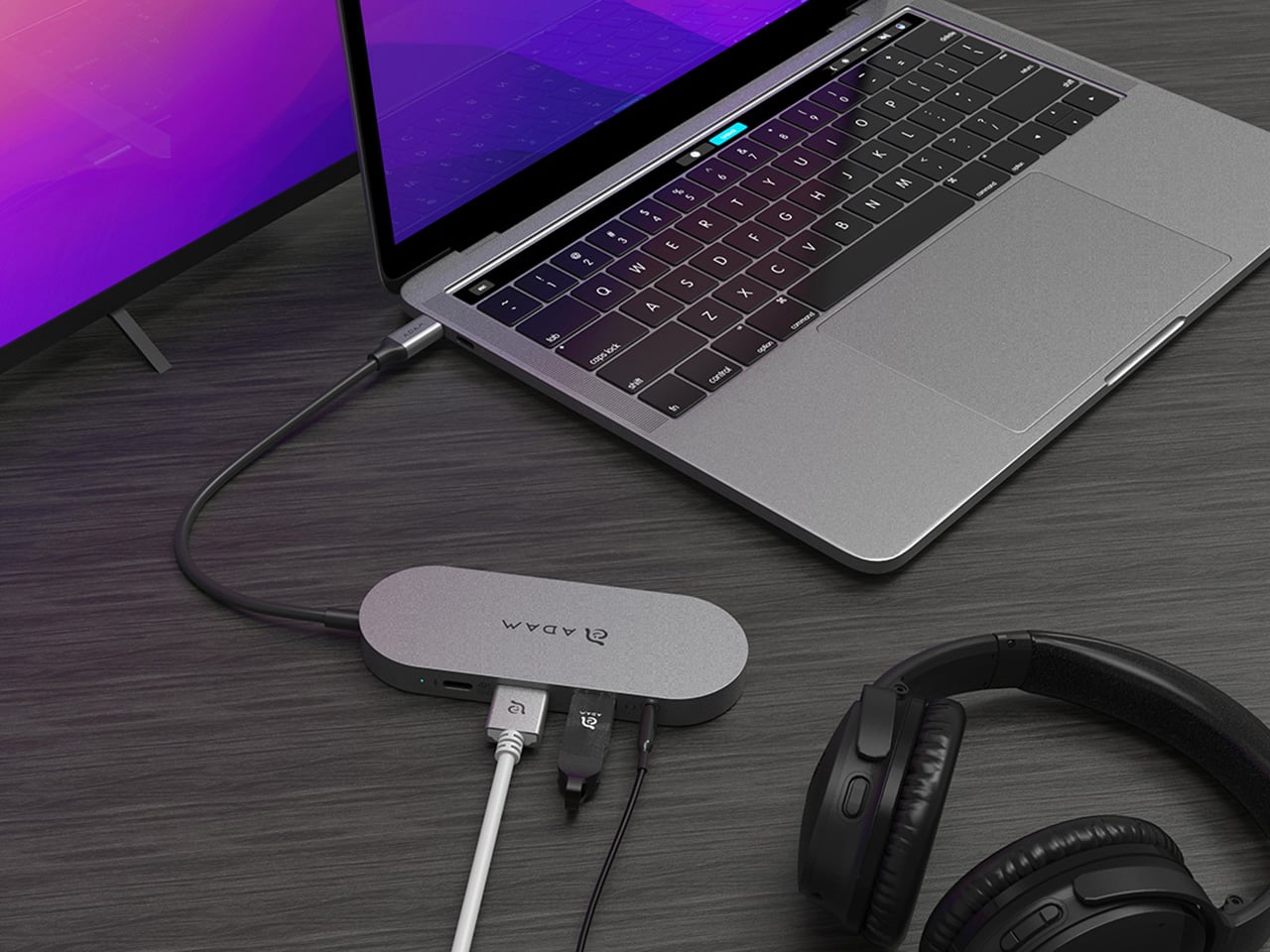
The USB-C port on the hub supports PD 3.0 pass-through charging up to 60W, so your laptop doesn’t lose its charge while the hub is handling storage, display, and peripherals. That’s a meaningful consideration when you’re transferring large files and streaming to an external display at the same time, both of which can pull enough power to make a laptop feel like it’s running a sprint.

The HDMI port outputs up to 4K at 30Hz and supports HDCP 2.2, which is the protocol required for streaming 4K HDR content from services like Netflix. A lot of hubs advertise “4K output” but fail on DRM handshakes, so the HDCP 2.2 compliance isn’t a minor footnote. Whether you’re mirroring for a presentation or extending to a monitor for a proper editing session, the connection holds up where it matters.

Rounding out the port selection is a USB-A 3.1 port rated at up to 5 Gbps for peripherals or flash drives, and a 3.5mm headphone jack that supports 48kHz/16-bit audio. Neither is glamorous, but together they cover the inputs that would otherwise require yet another adapter. The aluminum alloy body is designed to sit flush on a desk surface, and the whole thing weighs about 2.5oz, roughly the weight of a single C battery.

The ADAM elements Hub S works best as the kind of accessory you stop thinking about. You plug it in, your files are there, your display is connected, your laptop is charging, and your headphones are plugged in. That’s it. For people who’d rather carry one considered piece of hardware than a small collection of adapters and drives, consolidating all of that into a single slim object that fits in a jacket pocket feels like the more sensible way to work.

Click Here to Buy Now: $69.30 $99 (30% off, use coupon code “30YANKOHBSN”). Hurry, deal ends in 48-hours!

The post Carrying a USB-C Hub and SSD? ADAM elements Hub S Does Both first appeared on Yanko Design.

One Cable, Five Ports, 960GB SSD: The CASA Hub S Turns Your iPad or MacBook into a Powerful Desktop

The modern office is wherever you can find a Wi-Fi signal and a flat surface. This freedom to work from anywhere, however, comes with its own set of challenges. Your laptop’s limited ports become a bottleneck when you need to connect a monitor, mouse, and charge your device simultaneously. At the same time, you need immediate access to large project files, and relying on slow coffee shop internet to pull them from the cloud is a recipe for missed deadlines. This constant juggle between connectivity and data access is the primary source of friction for today’s mobile professional.

The CASA Hub S is engineered specifically to eliminate that friction. It acts as a single, reliable bridge between your portable setup and a full-featured workstation. With its integrated SSD, your essential assets are stored locally, ready at speeds that cloud storage can’t match, while its collection of ports handles everything from 4K video output to peripherals and power delivery. It’s a device that understands the demands of a flexible work life, providing both the expanded digital real estate and the high-speed local storage needed to be productive, whether you’re at your home desk or miles away from it.

Designer: ADAM elements

Click Here to Buy Now: $69.30 $99 (30% off, use coupon code “30YANKOHBSN”). Hurry, deal ends in 48-hours!

ADAM elements has been quietly building a reputation for accessories that actually think through the problem instead of just checking feature boxes. The CASA Hub S is probably their clearest example of this philosophy. You get 240GB, 480GB, or 960GB of NVMe SSD storage built directly into what would otherwise be a standard USB-C hub. The read speeds hit 520 MBps and writes clock in at 456 MBps, which puts it squarely in the territory of “actually usable as a working drive” rather than just backup storage. I’ve used plenty of external SSDs that claim similar numbers but choke when you’re actively editing 4K footage or working with massive Photoshop files. The performance here is consistent enough that the 480GB model is specifically recommended for Time Machine backups, which tells you they’re confident it won’t become a bottleneck.

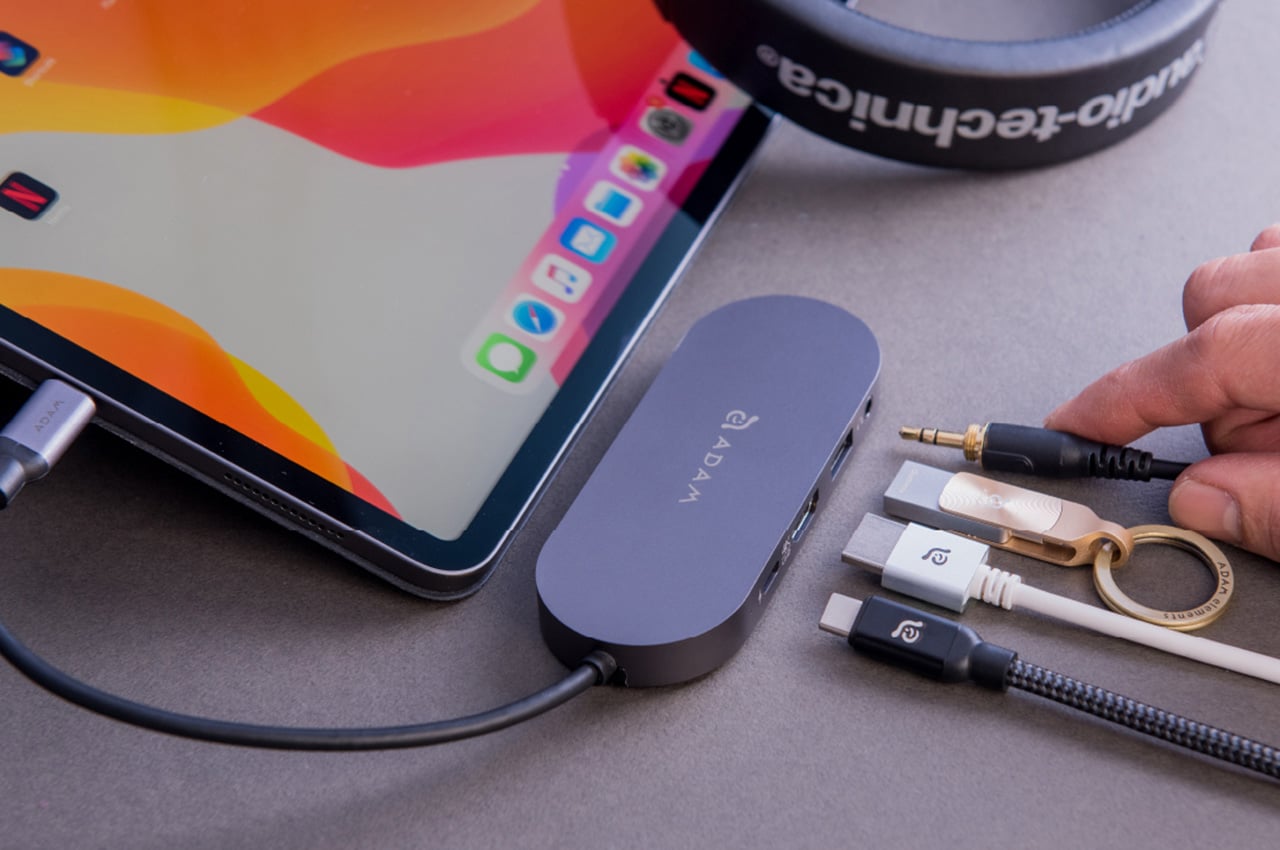
The port selection feels well considered too. You get a USB-A 3.1 Gen 1 port running at 5 Gbps, a USB-C port with 60W Power Delivery passthrough, 4K HDMI output at 30Hz, and a 3.5mm audio jack. That HDMI port supports HDCP 2.2, which matters more than you’d think because it means you can actually stream Netflix in 4K without the annoying “this content is protected” error that cheaper hubs trigger. The audio jack outputs at 48kHz, 16-bit, which is perfectly adequate for most headphones and won’t introduce the weird ground loop hum that some hubs seem to love creating.

Looking at the physical design you realize how ADAM elements clearly designed this with iPad Pro users in mind. That 16cm cable length seems arbitrary until you realize it’s the exact sweet spot that lets the hub lay flat on a desk instead of dangling awkwardly off the side of your tablet. It’s a small detail, but it’s the kind of thing that separates products designed by people who actually use them from products designed by people staring at CAD files. The whole thing weighs 70 grams and comes with a flannel carrying pouch, which again, small detail, but it shows someone thought about how this thing actually travels.

The aluminum chassis is a perfect blend of sleek, lightweight, and heat-dissipating, that makes it an ideal pick for something as portable and productivity-boosting as this hub. ADAM elements went with a Space Gray finish that matches the MacBook aesthetic without being obnoxiously matchy-matchy. The device is plug and play across macOS, iOS 13 and later, iPadOS, Windows 8/10, and Chrome OS. No driver installation, no proprietary software, no account creation. You plug it in and it works, which in 2026 somehow still feels like a minor miracle.

The pricing structure spans three capacities, with the 240GB model landing at $69.30, the 480GB at $132.30, and the 960GB at $209.30 through the end of February using code 30YANKOHUBS. That puts the middle option at roughly the combined cost of a decent standalone SSD and a quality hub bought separately, which makes the value proposition pretty straightforward for anyone who was planning to grab both anyway. The real win here is eliminating one device from your bag and one cable from your setup, which for mobile workers translates to actual daily convenience rather than just saving a few dollars. ADAM elements backs it with a three-year warranty, and the hub is available now directly from their site, which means you skip the Amazon reseller lottery and get support directly from people who actually designed the thing.

Click Here to Buy Now: $69.30 $99 (30% off, use coupon code “30YANKOHBSN”). Hurry, deal ends in 48-hours!

The post One Cable, Five Ports, 960GB SSD: The CASA Hub S Turns Your iPad or MacBook into a Powerful Desktop first appeared on Yanko Design.

I Stopped Paying for Cloud Storage After Trying This Tiny 256GB iPhone SSD

I remember a time when smartphones had expandable storage. In fact, I remember feeling this internal rage when I saw the iPhone Air and that Apple even decided that a physical SIM slot wasn’t necessary anymore, because apparently a SIM tray blocks so much space that you need to shave down on a phone’s battery capacity. It’s wild that we’ve gotten to this point in our lives, and what’s more wild is that we now have to ‘rent’ storage out by paying for iCloud or Google Drive subscriptions to store our photos and videos. I remember when you could pop in a MicroSD card and those low-storage problems would go away… and ADAM Elements is trying to bring back that convenience with its ultra-tiny SSDs.

The iKlips S isn’t as small as a MicroSD, but it’s sufficiently more advanced than one. Barely the size of a 4-stud LEGO brick, this SSD plugs right into your smartphone, giving it an instant 256GB memory boost. It docks in your phone’s USB-C port, transferring data at incredible speeds, and here’s the best part – the tiny device packs biometric scanning too, which means you can pretty much secure your backups with a fingerprint the way you secure your phone with FaceID. The best part? No pesky subscription fees. You pay once and own the storage forever, and everything’s local and offline… so you never need to worry about remembering passwords, or about having companies and LLMs spy on your personal data to train themselves.

Designer: ADAM Elements

Click Here to Buy Now: $62.3 $89 (30% off, use coupon code “30YANKOIKPS”). Hurry, deal ends in 48-hours!

Think a thumb drive, but insanely tinier. That’s the beauty of SSDs, and ADAM Elements touts that the iKlips S currently holds the record for the world’s smallest SSD. Plug it into your phone, tablet, laptop, or any device and it instantly gets a 258GB bump. Data transfers at speeds of up to 400Mb/s with read speeds of 450Mb/s, that’s fast enough to move RAW files in milliseconds and entire 4K videos in seconds, or even directly preview/edit ProRes content on your phone, tablet, or laptop without having to transfer data to local storage. After all, that’s the dream, right?

The tiny device comes with a machined aluminum body and a lanyard hole so that you can string something through to prevent it from getting lost. Plug it into your phone to back up media, then into your laptop or iPad to edit said media. You can transfer data between multiple devices fairly quickly, across platforms too, thanks to cross-compatibility with iOS, Android, MacOS, Windows, ChromeOS, and even Linux. The tiny design sits practically flush against your phone, tablet, or laptop, occupying about the same amount of space as a USB receiver for a wireless keyboard or wireless mouse. Its most important design detail, however, hides in plain sight.

On the underside of the iKlips S is a fingerprint scanner, allowing you to add authentication to your SSD the way you add a password to your iCloud. The device can hold as many as 20 fingerprints, making it perfect for redundancies (just in case you cut a finger while chopping veggies) or even for a team of multiple people sharing data. Place your finger on the iKlips S and it unlocks the SSD, allowing you to read/write data in no time. You’re never faced with forgetting your iCloud password as your password literally lives on your fingertips.

The price of it all? A mere $62.3, which costs about as much as an annual subscription to these cloud storage services. For that, you get something you truly own, and can use without needing an app or an internet connection. Just plug it in and you’ve suddenly got extra storage. Secure the storage with a fingerprint, and move data around at speeds your internet service provider could only dream of. Neat, huh?

Click Here to Buy Now: $62.3 $89 (30% off, use coupon code “30YANKOIKPS”). Hurry, deal ends in 48-hours!

The post I Stopped Paying for Cloud Storage After Trying This Tiny 256GB iPhone SSD first appeared on Yanko Design.