MagSafe Breadboard Turns Your iPhone Into a Circuit Prototyping Lab

Show me another MagSafe breadboard. I’ll wait. Kevin Yang’s Commi Board is the only one, and that alone tells you something about how design students occasionally see opportunities that entire industries miss. The engineering is smarter than it looks: instead of embedding a full microcontroller and battery into a phone accessory, Yang uses GPIO communication to let your smartphone handle the processing. Your phone already has more power than an Arduino Mega, better connectivity than most dev boards, and a screen you actually want to look at. Commi Board just provides the physical interface for components and the software to make it work. You get four programming methods ranging from conversational AI to a proper IDE, real-time circuit validation, and a small display that shows execution status. Dimensions are tight: 62mm by 98mm when installed, with the board itself at 62mm by 82mm when detached.

The color scheme gives strong Flipper Zero vibes, but there’s a key difference between that infamous pen-testing tool and this humble breadboard. Flipper wants to be everything: NFC reader, IR blaster, sub-GHz radio, GPIO interface, and more. Commi Board has a tighter scope and probably benefits from that focus. It’s specifically for prototyping circuits and validating code, not for pentesting your neighbor’s garage door. The modular design splits into the breadboard surface and a MagSafe mounting frame with that distinctive ring cutout for phone cameras. Everything connects through USB-C 3.2, BLE, or Bluetooth, and the cloud storage means you can start a project on your phone and pick it up later without dealing with local file management. Yang has a working theoretical PCB prototype with tested connectivity, though the full API integration is still in mockup phase. For a student project that started in June 2024, this is surprisingly far along.

Designer: Kevin Yang

Most IoT hardware tries to do everything and ends up mediocre at all of it. You get a device with its own processor, battery, screen, and connectivity stack, essentially rebuilding a worse version of the phone already in your pocket. Yang went the opposite direction. Commi Board is parasitic by design, borrowing your phone’s computational power, display, internet connection, and power management. What remains is pure interface: holes for components, GPIO pins for communication, and minimal onboard electronics to translate between physical circuits and software. This approach means lower weight, cheaper manufacturing, and no battery degradation to worry about in three years. After 3 years, swap your phone, but continue your tinkering. Sounds almost revolutionary, no?

You can tell Yang actually built and tested this thing because of how the modular split works. Sometimes you want the board magnetically stuck to your phone for portable testing. Other times you need it detached because your circuit blocks the camera or needs more space to breathe. The MagSafe frame has that circular cutout positioned exactly where iPhone camera arrays sit, which matters more than it sounds. Misalign that by a few millimeters and the magnetic connection feels sketchy. The orange border serves double duty as brand identity and a visual indicator of where the two pieces separate. Good industrial design makes functional divisions obvious without needing instruction manuals, and this pulls it off cleanly.

Four programming methods cover a wide range of experience levels, from ‘never touched circuitry in my life’ to ‘I ship builds and hardware for a living.’ Beginners can type “make an LED blink every second” and watch AI spit out working code. That builds intuition about syntax without requiring fluency first, which is how people actually learn instead of how computer science departments think they should learn. Visual block programming handles the intermediate phase where you understand logic flow but typing semicolons still feels unnatural. Puzzle-piece interfaces work surprisingly well for teaching conditionals because the physical constraints mirror logical ones. Then there’s the full IDE for anyone comfortable with text editors or shipping actual products. Most educational platforms force you to switch ecosystems as you level up, losing all your previous projects in the migration. This keeps you on the same hardware using the same project files, just changing how you communicate with the circuits.

Yang claims GPIO communication lets the phone simulate most microcontrollers, which holds up for Arduino-class applications but gets questionable under pressure. Smartphones have absurd amounts of raw compute, but they run full operating systems with schedulers and background processes that introduce latency. Blinking LEDs and reading sensors? Totally fine. Tight timing loops or bit-banging niche protocols? You’ll probably hit walls. The spec sheet lists USB-C 3.2 alongside Bluetooth and BLE, which tells me Yang ran into exactly these problems during development. USB-C handles the demanding stuff while Bluetooth covers casual wireless control. That’s the kind of tiered connectivity you see from someone who tested their assumptions and had to architect around reality.

And the Commi Board comes with cloud storage too, allowing you to save your projects/builds/experiments in a secure place that isn’t bound to your phone. Imagine the alternative – you get inspired, start wiring something up, then life happens and three weeks later you can’t remember which transistor you needed or where you saved that working code. Friction kills momentum harder than technical difficulty does. Being able to pull up a half-finished project on your phone while standing in a component aisle trying to remember your parts list solves a real problem. The project-sharing community is obviously coming next, which transforms this from a standalone product into a platform. If Yang opens the API properly for third-party development, this could turn into something way bigger than a thesis project. Right now there’s a working PCB prototype with tested connectivity, which means the core tech functions. Let’s hope Yang gets to a point where he can take this to a startup level, or even crowdfunding. I know I’d have my money ready.

The post MagSafe Breadboard Turns Your iPhone Into a Circuit Prototyping Lab first appeared on Yanko Design.
This MagSafe cable case wants to end the eternal bag-digging for good

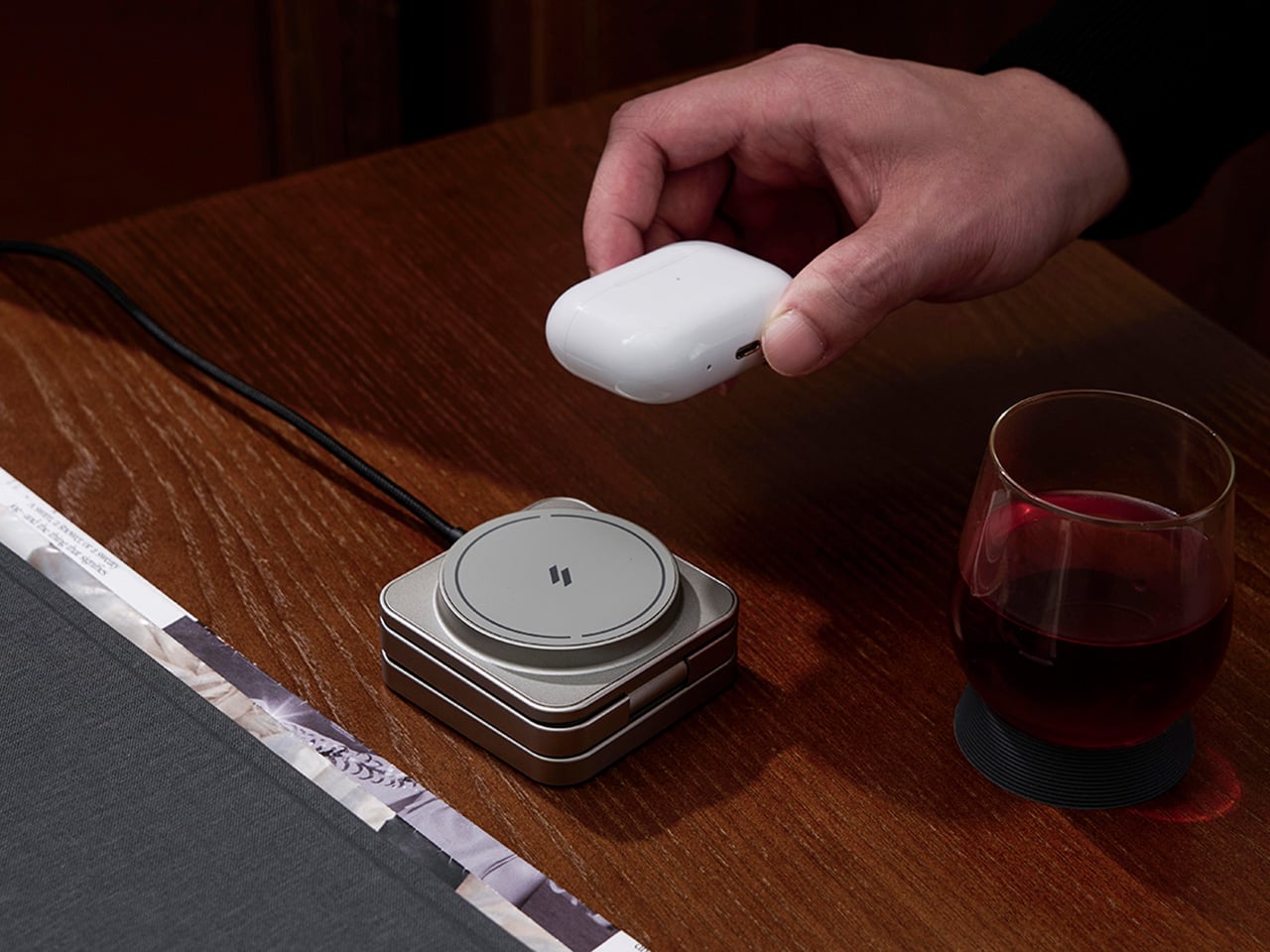
The market is flooded with charging cables and MagSafe chargers. But both standalone ones only add to the inconvenience of carrying them. The endless toil in the bag for a cable is an everyday chore for me. I’m sure many of you have fished endlessly at the bottom of the backpack/handbag for a charging cable? To find a solution to this problem, I was scrolling through options for accessories with built-in charging cables, when I came across this interesting project for a MagSafe Multipurpose Charging Cable Case on Behance.

It is designed like a hand grip mobile holder, which I first presumed this guy to be, until I saw the dangling cable and thought there was more to it than its design. The cable case is designed in a way to store a charging cable within a MagSafe-compatible accessory. Sounds unfamiliar? It probably is, I haven’t seen a similar concept before.

Designer: Jinkyo Han

If you look over the last decade, charging cables (which still remain important after wireless charging and MagSafe options) haven’t meaningfully changed. Of course, universal acceptance of USB-C cable does help, but the standardization doesn’t stop the cables from tangling and getting lost in the bag. Maybe, a MagSafe case that allows the changing cable to literally attach to the back of your iPhone, could, in a way limit that.

Therefore, Jinkyo has conceived this idea with a focus on convenience: “easy portability and instant charging when needed.” The accessory – called UNTITLE 1-219 – as imprinted on it, is divided into three parts, the MagSafe cable case, the changing cable that coils within it, and the clip end, which secures the dangling USB-A and USB-C ends on either side. This design does not consider the case and the cable as two easily lost appendages, instead imagines it as a MagSafe-compatible puck that snaps to the back of your phone and doubles as a storage, allowing changing cable to be coiled right inside; so, you can pull it out when you need to power your device.

And when you’re not using it, the case becomes a bit of drop prevention for the iPhone. The accessory may seem like a small – even useless – tweak to some, but for me, it is an accessory that has the potential to evolve past the drawing board. The idea of allowing the changing case to live on the phone instead of in the backpack is a logical option to the problem of tangling and lost cables. But how thick would this accessory make the phone and how much of an inconvenience it will be in daily usage, is, of course questionable. From where I see though, this accessory would mean one less thing to buy or lose.

The post This MagSafe cable case wants to end the eternal bag-digging for good first appeared on Yanko Design.
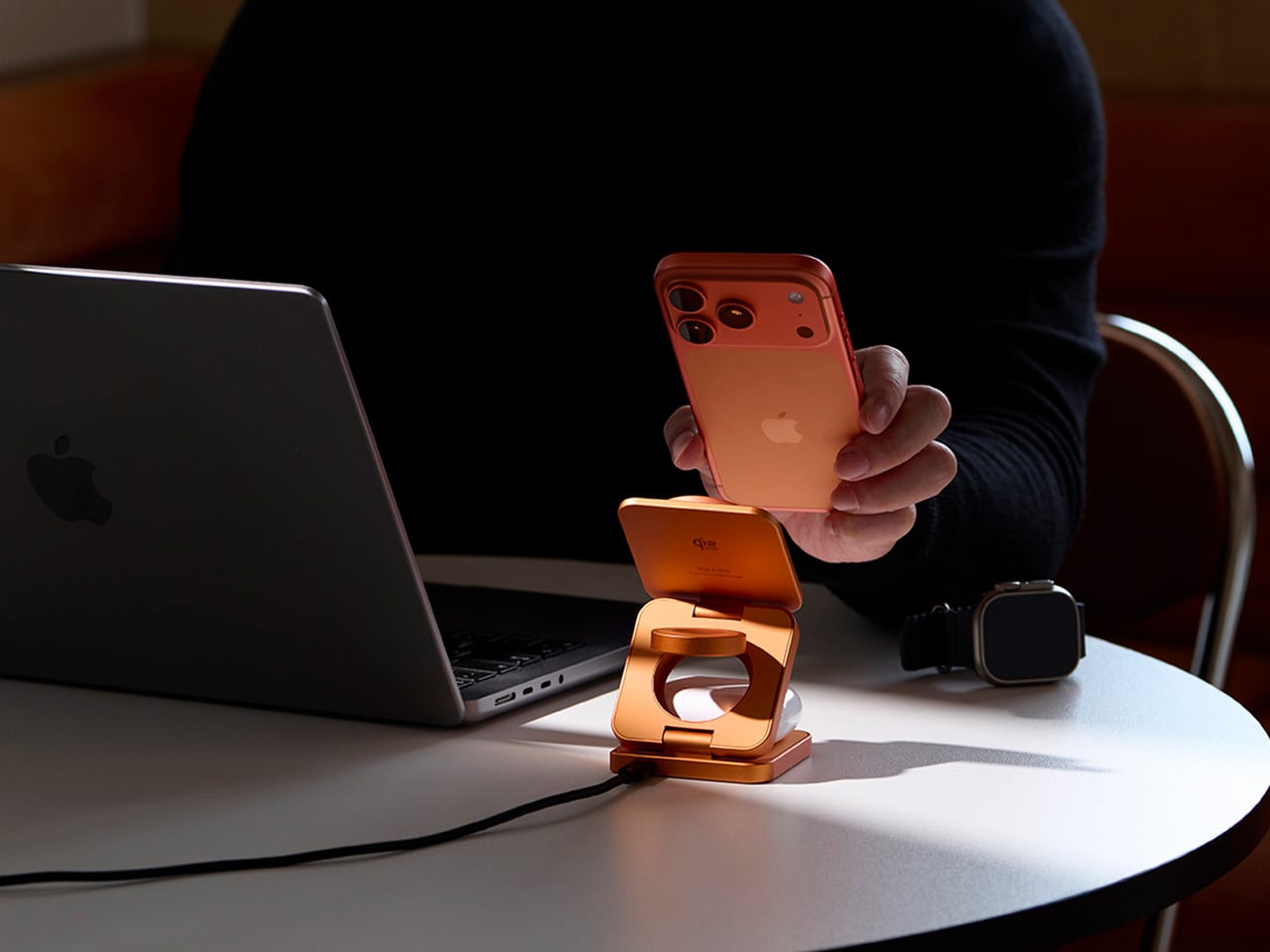
Apple’s $70 Hikawa Grip Proves Accessibility & Art Can Coexist

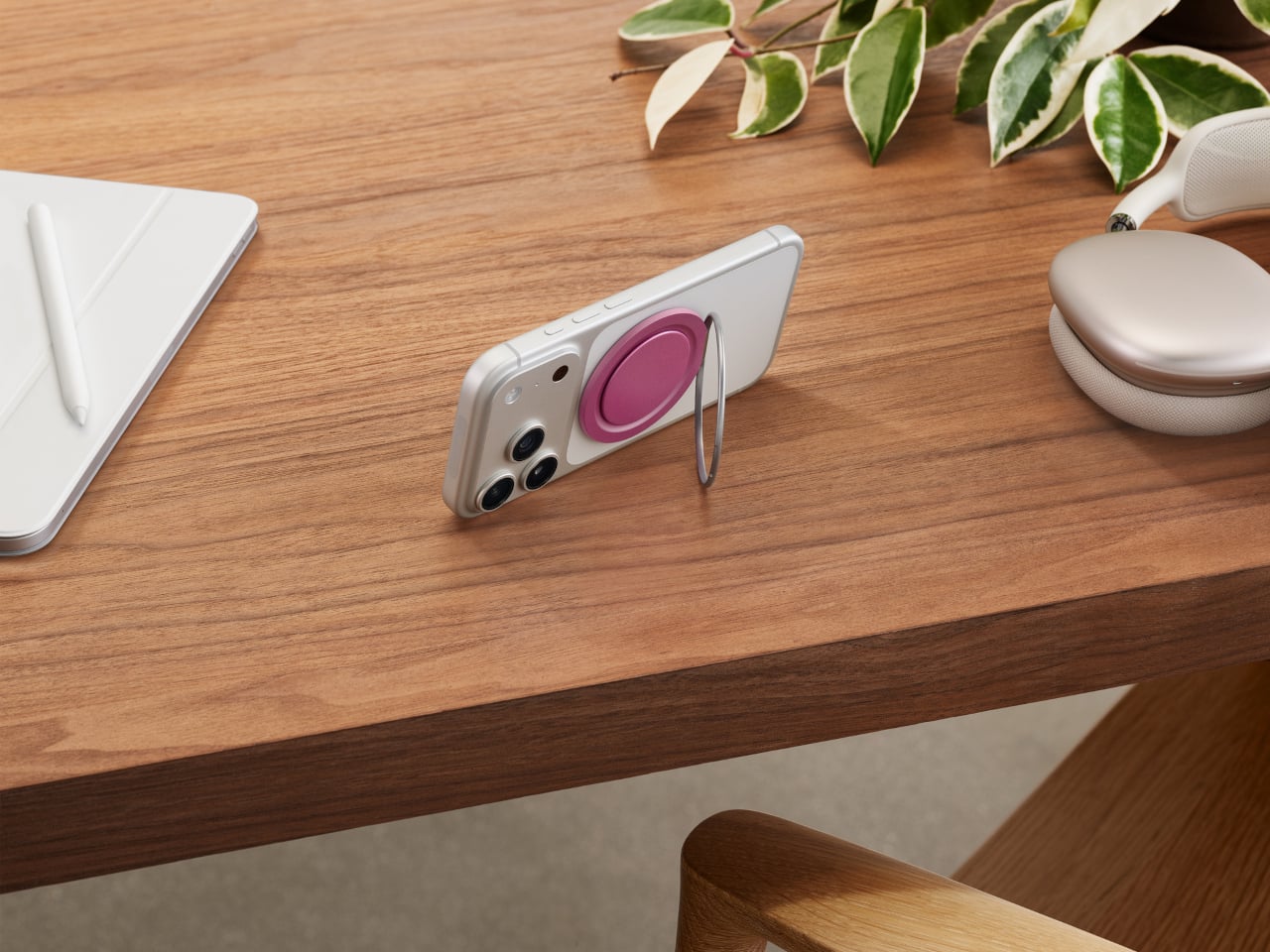
Apple just dropped something unexpected and pretty cool: the Hikawa Phone Grip & Stand, a $69.95 MagSafe accessory that looks more like a piece of modern art than your typical phone attachment. What makes this launch special isn’t just the design, though. It’s Apple’s way of marking 40 years of accessibility work, and honestly, it shows in every curve and ridge of this thing.

Los Angeles designer Bailey Hikawa didn’t just sketch this grip at a design table. She worked directly with people who deal with limited muscle strength, reduced dexterity, and various hand control challenges. That kind of collaboration makes a difference you can actually feel. The triangular silicone form accommodates different grip styles, letting users hold their phones with way less effort than usual. The magnetic MagSafe connection stays secure during use but snaps off easily when you’re done.

Designer: Apple

Here’s where it gets practical. The grip doubles as a stand that works in both portrait and landscape modes. Propping up your iPhone for a FaceTime call or binge-watching session suddenly doesn’t require awkward hand positions or makeshift setups. The premium silicone has that soft-touch feel that doesn’t irritate your hands during extended use, which matters more than you’d think.

Hikawa’s artistic background really shines through in the sculptural form. Each grip genuinely looks like something you’d see in a contemporary art gallery. Apple is offering two exclusive colors: Chartreuse, a bold greenish-yellow picked specifically for high visibility, and Crater, a recycled finish with gray, black, and white specks that feels surprisingly sophisticated. At 3.1 by 2.3 inches, it adds just enough bulk to be useful without turning your phone into a brick.

Compatibility spans everything from the iPhone 12 through the upcoming iPhone 17 lineup, including the new iPhone Air. Any MagSafe-enabled device works right out of the box. Sarah Herrlinger, Apple’s Head of Accessibility, made an interesting point about this product. She acknowledged that it’s designed to solve specific problems for certain users, and that’s perfectly fine. Not every accessibility tool needs to appeal to everyone.

This limited edition grip is exclusive to Apple’s U.S. online store, and given how fast their recent iPhone Pocket sold out, you might want to move quickly if it catches your eye. What strikes me most is how Apple’s bringing attention to accessible design without making it feel like charity or an afterthought. The Hikawa grip works because it’s genuinely useful and genuinely beautiful, proving those two things don’t have to be mutually exclusive.

The post Apple’s $70 Hikawa Grip Proves Accessibility & Art Can Coexist first appeared on Yanko Design.
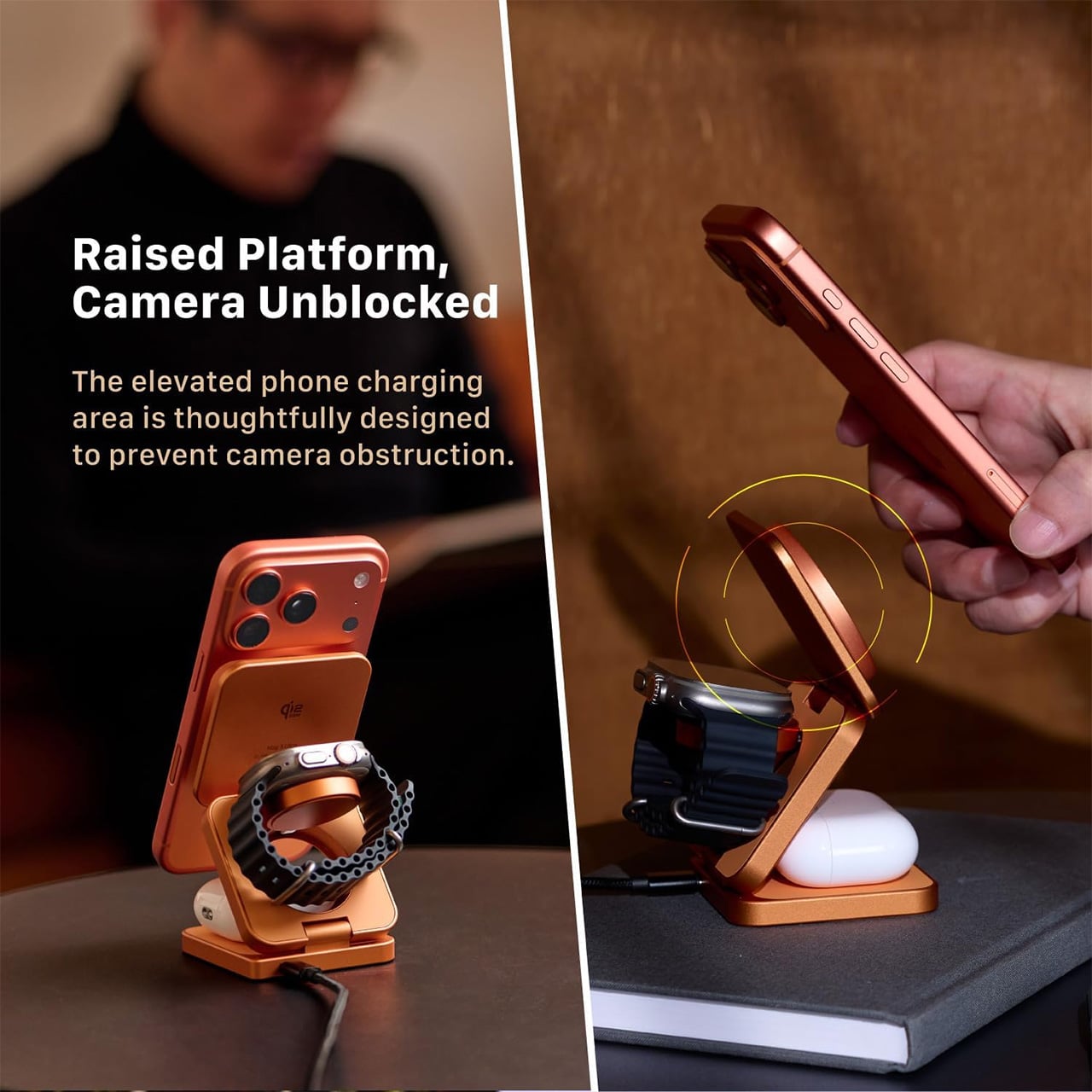
Satechi 7-in-1 Hub Retracts Its Cable and Sticks Magnetically

Travel adapters and USB hubs have always been a necessary evil for anyone working on the go. You need the ports, but you definitely don’t want the mess of cables tangling in your bag or the clunky rectangle of plastic taking up desk space. Most hubs solve the functionality problem while creating new ones, giving you dongles that dangle awkwardly or adapters so bulky they block adjacent ports. Heck, some of them are so ugly you’d rather hide them under your laptop than let anyone see what you’re working with.

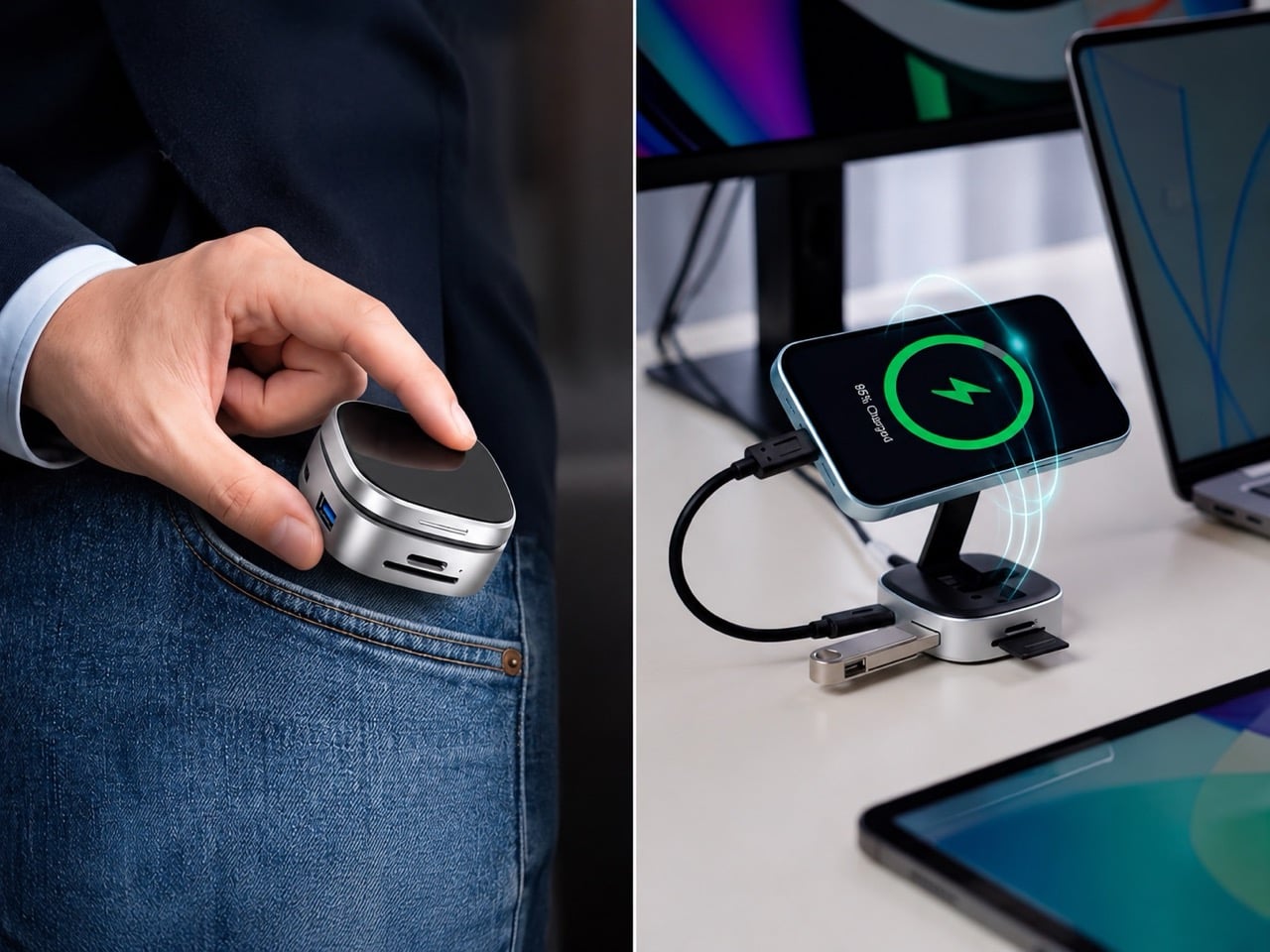
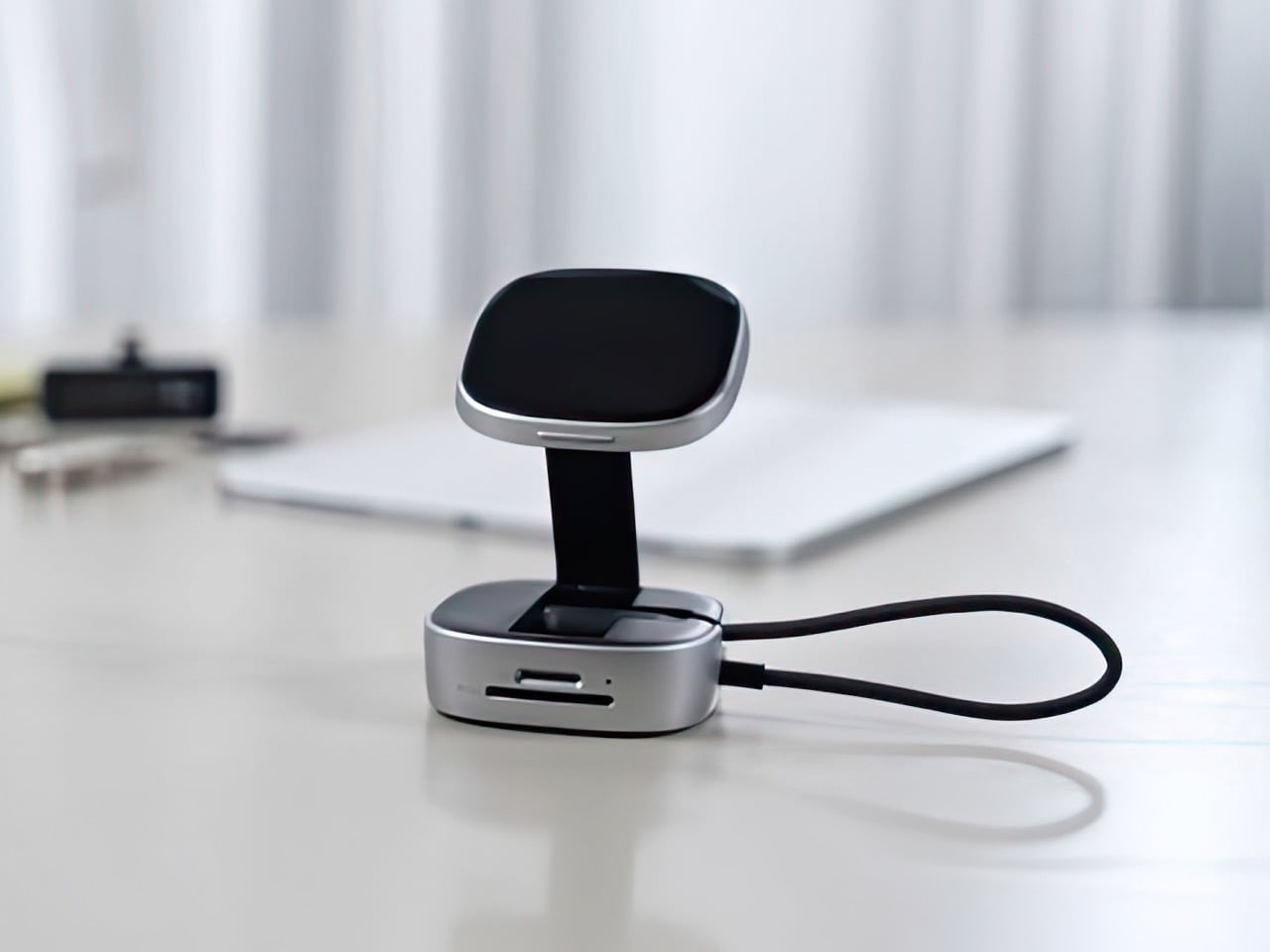
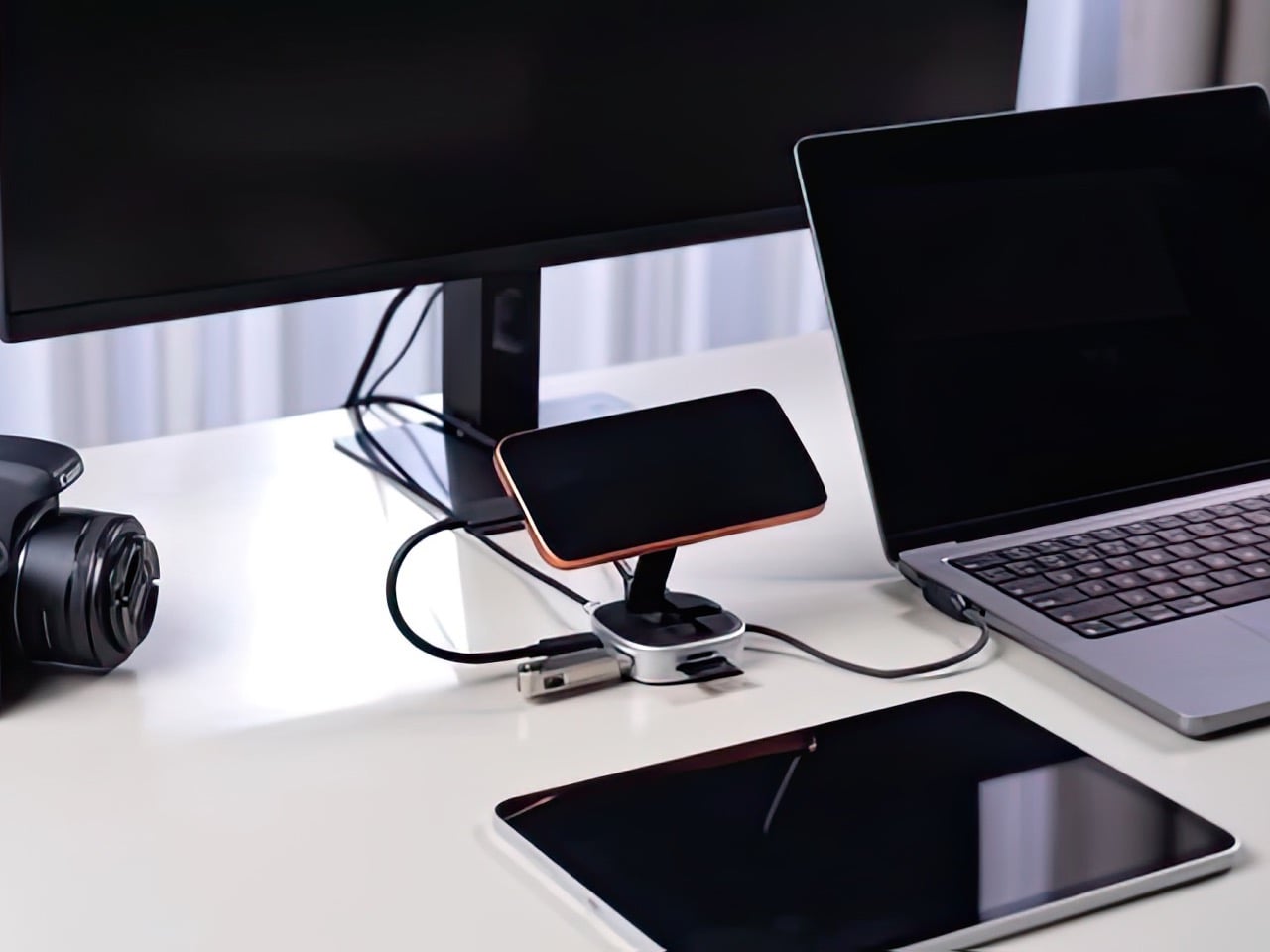
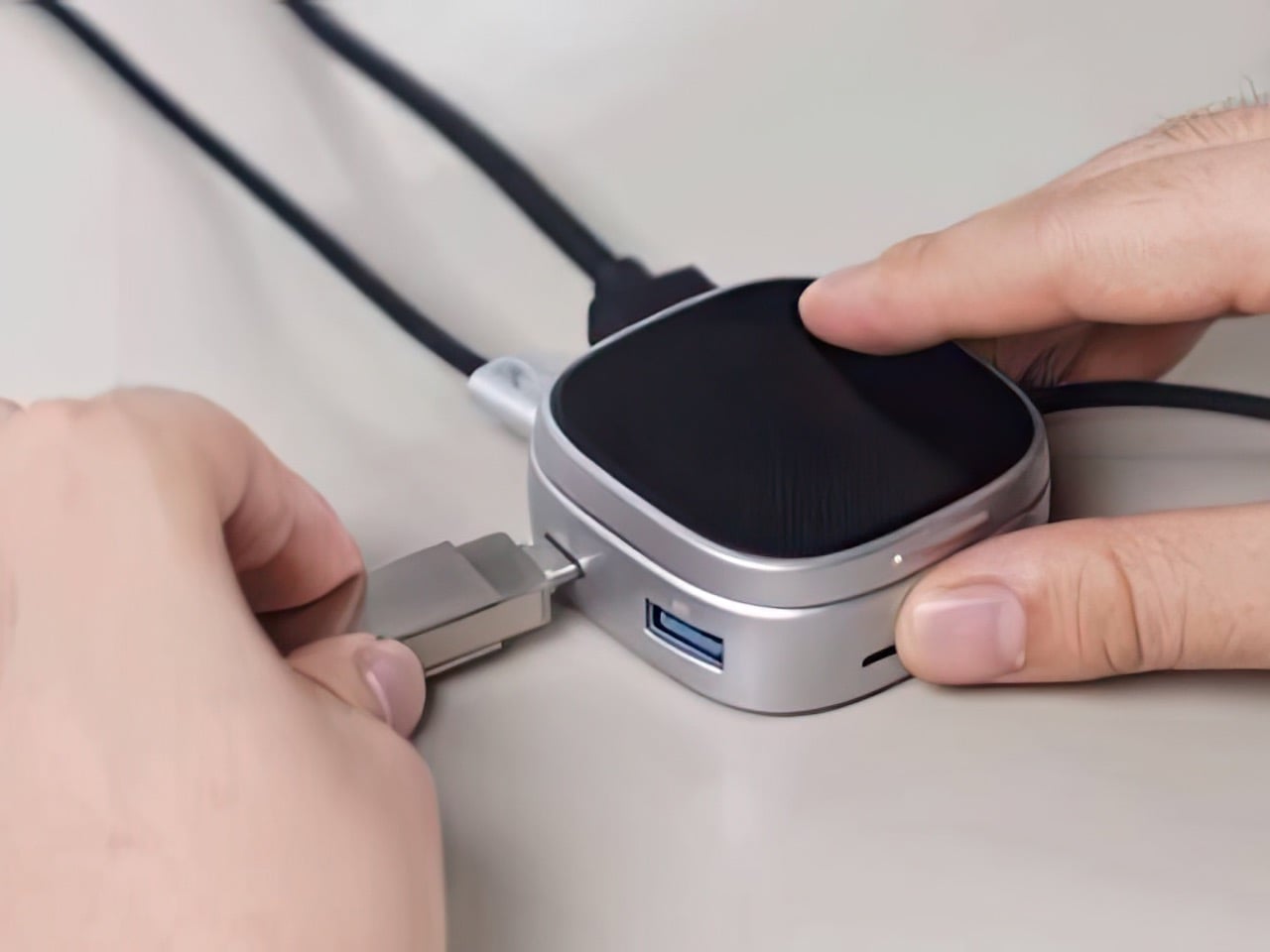
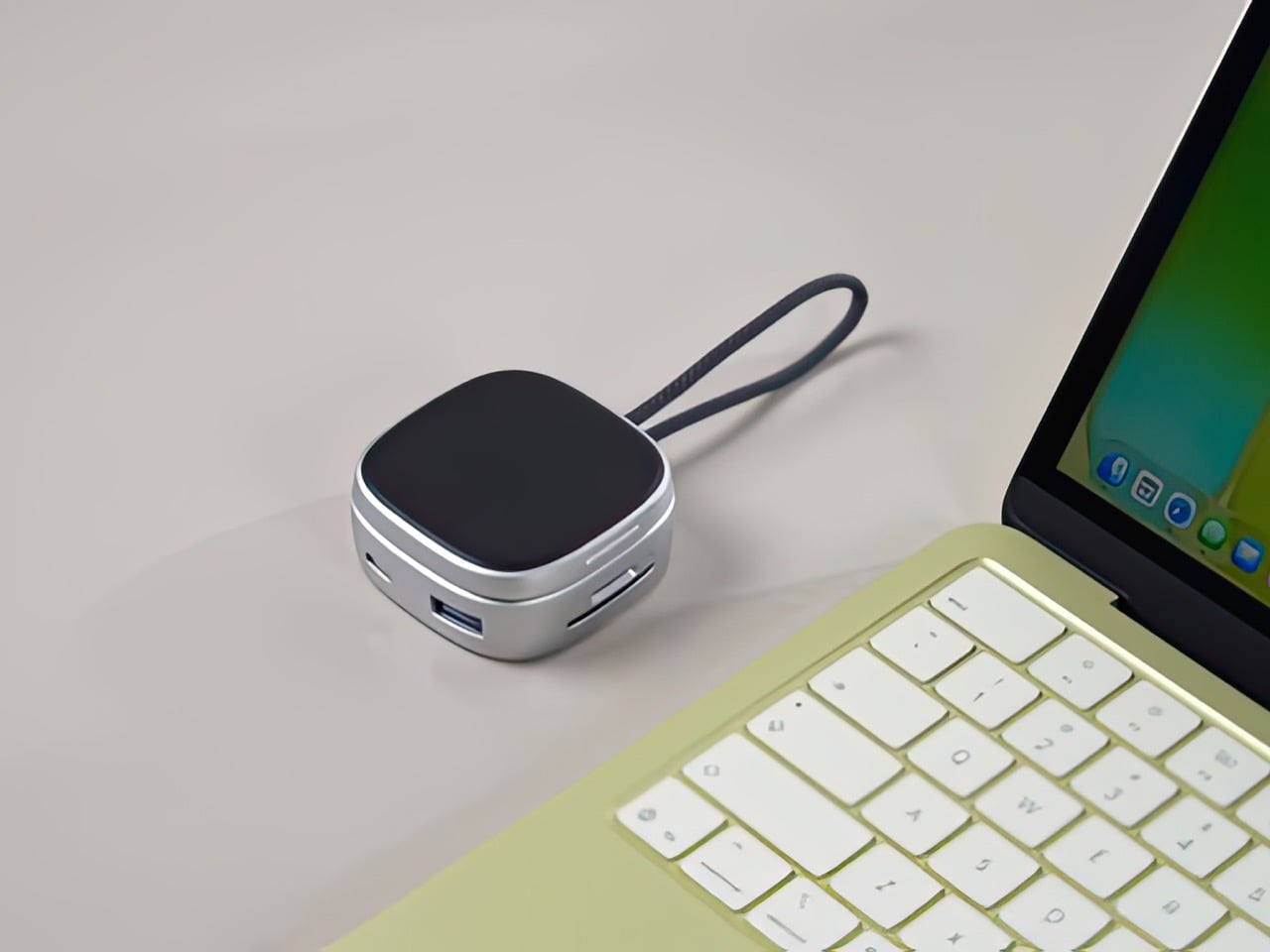
Satechi’s OntheGo 7-in-1 Multiport Adapter takes a different approach, packing seven essential ports into a compact, round design that actually looks like something you’d want to carry around. The real trick is how it handles cables and portability. Instead of a short, rigid cable that forces the hub to sit awkwardly next to your device, this one uses a coiled, braided USB-C cable that retracts neatly around the base when not in use, keeping everything tidy and tangle-free.

Designer: Satechi

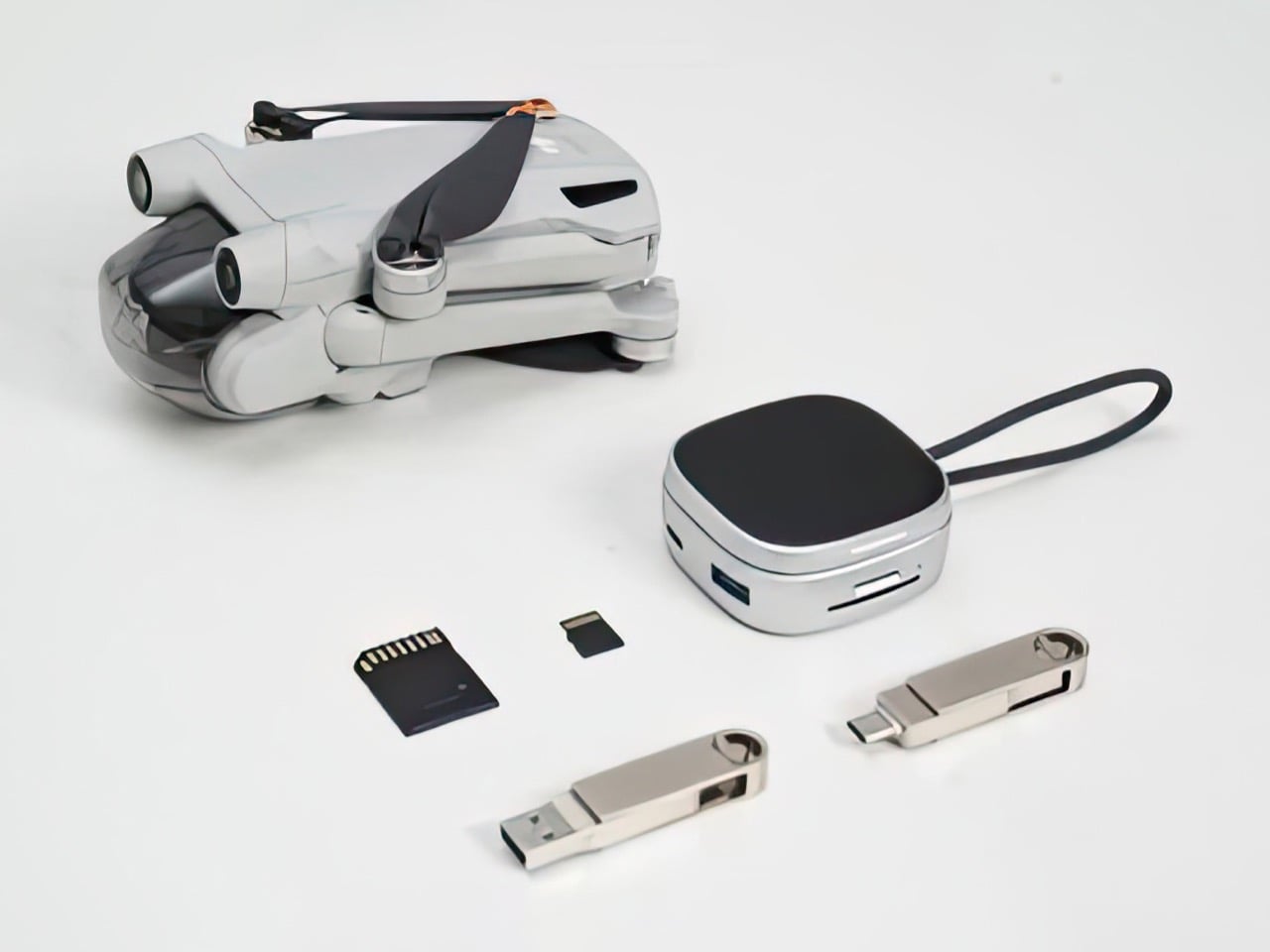
The adapter itself is a matte black puck measuring just 2.6 inches across and one inch thick, small enough to fit in your pocket next to an AirPods case. Subtle Satechi branding sits embossed on the top, while the edges feature knurled grips that make it easy to handle. The ports wrap around the perimeter, including HDMI for displays up to 4K at 60Hz, gigabit Ethernet for reliable wired connections, two USB-A ports running at 5Gbps, and slots for both SD and microSD cards supporting UHS-I speeds up to 104MB/s.

Of course, there’s also USB-C Power Delivery that accepts up to 100W input and delivers up to 80W output, so you can charge your laptop while using all the other ports. That’s particularly useful when you’re working from a coffee shop or airport lounge and need to plug in everything at once without running out of power halfway through your tasks.

What makes the OntheGo adapter feel genuinely clever is the magnetic mounting. It snaps directly onto MagSafe iPhones, or you can stick the included adhesive ring onto the back of any tablet or laptop to create a magnetic surface. That means the hub stays attached to your device when you pack it away, eliminating the usual hunt through your bag for a missing adapter. It’s a small detail, but one that makes the whole experience feel more intentional.

At $59.99, the OntheGo sits between cheap adapters that barely work and premium options that cost twice as much. For anyone tired of tangled cables and bulky hubs cluttering their bag, that’s a reasonable price for something that actually fits how people work these days. The fact that it magnetically sticks to your devices and stores its own cable means you might actually stop losing dongles in the depths of your backpack for once.

The post Satechi 7-in-1 Hub Retracts Its Cable and Sticks Magnetically first appeared on Yanko Design.
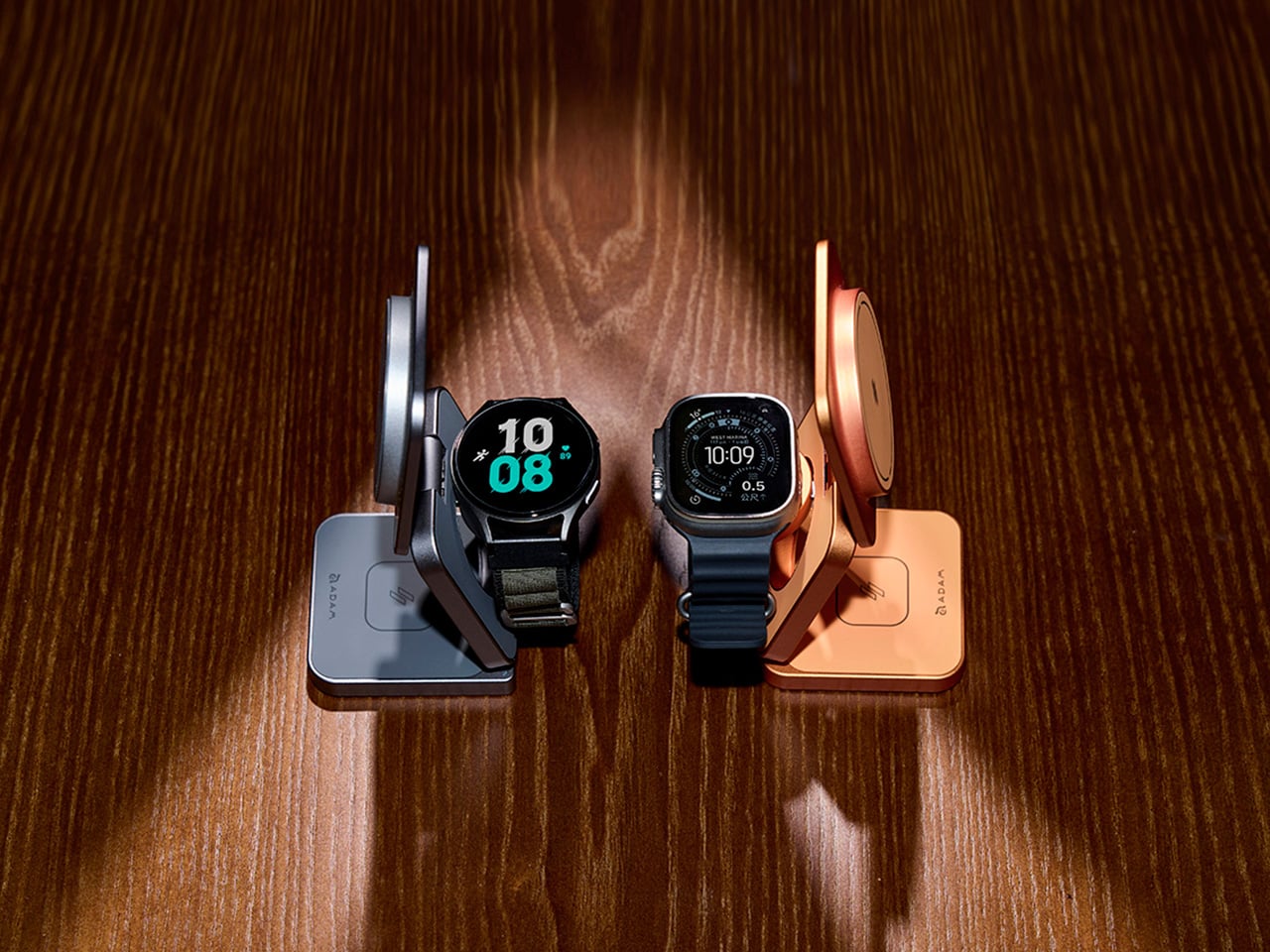
Top 10 World’s Thinnest MagSafe Power Banks That Give Your Phone Battery Without Any Bulk

The current war in the tech industry isn’t about megapixels anymore. It’s moved on from cameras to folding displays to AI… and now the battleground is slimness. Companies like Samsung, Tecno, Honor, and Apple are actively locking horns here, shaving off precious millimeters off their phones to make them slimmer and sleeker, without really any strength tradeoff. The iPhone Air is a legitimately strong phone, and took over 200 lbs of pressure to break according to JerryRigEverything’s strength test. The problem, however, with a slim phone isn’t bendability or breakability… it’s battery capacity.

These slim phones end up boasting pro-grade performance, but at the cost of battery life. To be honest, nobody ever asked for ultra-slim phones – go on the streets and ask anyone and they’ll tell you day-long battery is more important than a slick gadget. The solution exists in broad daylight too – MagSafe power banks… but slap a chunky power bank on even a regular phone and it ends up looking like you’re using a massive Nokia Communicator phone. So we sifted through the internet to find the slimmest MagSafe power banks out there. These power banks are all under 10mm, which means they should attach to your phone without adding too much visual bulk. We’ve zeroed down on 11 power banks that fit this unique problem statement… I’ve added the 11th one not just because it’s technically impressive, but also I begrudgingly had to add Apple’s MagSafe Power Bank for the iPhone Air to this list (even though it literally only works with one smartphone). Here are our picks and what we love about them.

01. SnapWireless PowerPack Slim 2 (5.8mm)

You know what, shame on me for assuming that only legacy companies like Apple, LG, Samsung, Xiaomi, and Huawei have advanced battery R&D. The thinnest power bank on the market comes from a company you’d least expect. SnapWireless is known for its smartphone accessories like cases, chargers, and MagSafe wallets, but they also hold the title for selling the world’s thinnest power bank. The SnapWireless PowerPack Slim 2 may just pack 5,000mAh, but it does so in a form factor nearly as slim as the thinnest part of the iPhone Air.

The Slim 2 comes in 5 colors that match the iPhone 17’s palette (so you can get a power bank that matches your phone), and boasts a nifty matte metallic outer body that works as a heat sink, dissipating heat while your phone charges away. Snap the power bank on and it barely adds any thickness or weight to your phone (the thing weighs just 82 grams or 2.8 oz), and it gives your iPhone (or even Qi2-ready Android phone) an extra 5,000mAh, or just enough to get through a weekend.

Why We Recommend It

At 5.8mm, this thing is as thin as 7 credit cards stacked together… Snap it onto your phone and it practically blends in, considering most camera bumps are a comfortable 4-5mm thick anyway. At $45.56 on the SnapWireless website, this power bank is dirt cheap thanks to the Black Friday promo… let’s not also forget that it literally managed to beat stalwarts like Apple, Baseus, and Anker for the title of the ‘World’s Slimmest MagSafe Power Bank’.

02. Apple iPhone Air MagSafe Battery Pack (6.5mm)

Apple had a MagSafe Battery Pack that was discontinued in 2023, just 2 years after it launched. That battery pack notoriously got the nickname of ‘Camel Hump’, because of how it added this strange malignant growth to the back of the phone. Apple, however, quietly relaunched the MagSafe Battery Pack in September, as an iPhone Air exclusive. The reason? Because the iPhone Air’s battery could only pack so much power.

That being said, this $99 Battery Pack basically doubles your iPhone Air’s extra battery. The Air has a 3,149mAh battery itself, and the MagSafe Battery Pack adds an additional 3,149mAh to the phone. It does so while being just 6.5mm thick, and iFixit managed to tear it apart to reveal that the actual battery cell inside the pack was just a mere 2.72mm. The rest of the thickness can be attributed to the insulation/cover, the wireless charging coil, the MagSafe magnets, and the microcontroller that runs the battery pack along with its charging status LED.

Why We Recommend It

We don’t. Well, unless you’re one of the rare few people who splurged on the iPhone Air (apparently the Air only accounted for 3% of iPhone sales since September), this power bank really doesn’t make sense. It’s oddly shaped (and won’t mount on any other iPhone except the Air), and it also has the lowest mAh rating of any power bank in this list, making it an extremely niche product. But despite all that, a 6.5mm-thick power bank is quite the feat.

03. KUULAA Magnetic Power Bank (6.9mm)

Here’s what I love about this list – companies that most consumers wouldn’t have heard of are genuinely pushing boundaries by building well-engineered, slim devices. KUULAA’s slimmest power bank is just 1.1mm thicker than the thinnest power bank in the world. At 6.9mm, it sits third on this list, packing 5,000mAh of battery capacity, which is enough to charge most phones from 0-100 all the way through.

This power bank sports a glass back that matches most glass-back iPhones, and offers 7.5W standard MagSafe charging, but a pretty neat 20W when plugged in using the USB-C port on the bottom. At 110 grams (3.88 ounces), this thing is lighter than Apple’s own MagSafe Power Bank mentioned above, while still having nearly an extra 2,000mAh of capacity.

Why We Recommend It

What’s not to recommend? This thing’s a full $20 cheaper than Apple’s power bank. Super-strong N52 magnets hold the power bank on securely, and the thing supports dual-charging, working simultaneously as a wireless as well as a wired charger. The power bank comes in black or white, and if you want a pop of color, there are purple and pink variations too, although I’m personally a fan of subtle classic colors.

04. KUULAA MagOn Power Bank Ultra-Thin (7.2mm)

Back again on this list, KUULAA’s MagOn Power Bank sits at 7.2mm thick, making it just a fraction of a millimeter thicker than its own sibling. The specs are exactly the same – 5,000mAh on the inside, 7.5W wireless charging, 20W wired charging, and the ability to support dual charging. The difference, apart from the thickness, is its use of materials.

While the KUULAA Magnetic Power Bank had a glass-encased design, this one boasts an aluminum outer shell with a glass panel on the back (where the wireless coil is). The aluminum shell does two things – it helps dissipate heat efficiently, keeping the MagOn power bank cool, but it simultaneously also blends well with more premium Pro-grade iPhones that have muted metallic tones. The MagOn’s Titanium and Grey finishes complement the Pro-series iPhones wonderfully, making them a great pick if design matters to you.

Why We Recommend It

It might be thicker than its sibling, but it’s somehow lighter, clocking in at 104 grams or 3.67 ounces. I personally prefer the aluminum back because it visually blends in with my 15 Pro Max wonderfully well. That 0.3mm size bump is negligible, and your eyes (or even your hands) will never be able to tell the difference. The MagOn’s also priced at $76.5, making it even more affordable than its marginally slimmer sibling.

05. Baseus Picogo Ultra-Slim (7.6mm)

We’re sort of venturing into this grey area where all the power banks begin offering the same features. The Picogo Ultra-Slim comes from Baseus, known for their chargers and dongles (I swear by mine), measuring 7.6mm, tying it in with the TORRAS MiniMag which is next on the list. The one (actually two) thing/s giving the Picogo Ultra-Slim its edge remain, firstly, the fact that it’s the lighter of the two, measuring 3.8 ounces or 107.7 grams in weight… The next pro is just pure affordability.

As of this article, the Picogo Ultra-Slim is just $34.99, making it the most budget-friendly power bank on this list. That does matter to most people, and to seal the deal, Baseus also makes some pretty wild claims, like the Picogo Ultra-Slim having its own AI chip for monitoring and managing the power bank’s temperature for ‘cooler charging’. It also helps that the Picogo Ultra-Slim has an aluminum outer shell, helping dissipate heat.

Why We Recommend It

I recommend it for the sheer price. Baseus’ Black Friday discount gives this power bank an undeniable edge (apart from the one its slim design already has). It also supports pass-through charging, and has a 2-year warranty, which feels pretty compelling considering it’s double of what most companies offer.

06. TORRAS MiniMag (7.6mm)

TORRAS is an interesting company because while they make some pretty remarkable personal cooling wearables, they’re also absolute masters at casemaking. I still have (and cherish) their Ostand cases with the built-in rotating kickstand, but that’s not what this is about. Aside from neck-based phase-changing coolers and slim creator-friendly cases (and tempered glass protectors), TORRAS also owns bragging rights to the MiniMag, a 7.6mm-thin MagSafe power bank that packs 5000mAh of power in a deceptively thin form factor.

The MiniMag is the size of a playing card, and measures 0.01 inches thinner than the iPhone 17 (which clocks in at 0.31 inches). This, along with the fact that it weighs 115 grams or 4 ounces makes it a perfectly portable pack of power, phone and pocket-worthy. The limiting factor with thin power banks is usually being capped at 5,000mAh (and the MiniMag is limited by that too), but TORRAS also sells a thin 10,000mAh MagSafe power bank that’s a mere 0.5 inches thick… although that one clearly doesn’t make this list.

Why We Recommend It

It’s small, it’s light, and as of today, it’s $43.99 on TORRAS’ website thanks to Black Friday deals going live well in advance. The thing supports super-fast wired charging, making it faster than standard power banks, and the battery’s rated to last 500+ cycles, which easily gives you years of use without any signs of slowing down.

07. SAVEWO EVA MagCell (8mm)

Here’s an unexpected one – truly, because not only have I never heard of SAVEWO as a company, their 8mm-thick power bank looks nothing like any of the ones before it. The EVA (short for Evangelion) comes with an anime-inspired aesthetic, with graphics, characters, and motifs from the anime series Neon Genesis Evangelion. That outer aesthetic adds character to the otherwise fairly template-ish internals.

5,000mAh, 15W of wireless power delivery, 20W of PD3.0 thanks to the USB-C on the bottom – there’s nothing extraordinary here if you purely look at the spec sheet, but that’s a pretty scummy way to judge a design. The design is how it looks too, and the EVA MagCell definitely gets our vote in that department.

Why We Recommend It

At $40, this one feels like a good bargain. You get a power bank that’s slim and looks good enough that it won’t get lost or mixed up with your friends’ power banks any time soon. You’ve also got multiple designs to choose from, making this the only themed product in the entire series.

08. Native Union (Re)Classic MagSafe Power Bank (8.6mm)

If the EVA was the edgy one, Native Union’s (Re)Classic power bank is the classy one, sporting not a plastic or metal outer casing, but one made from faux leather for that extra oomph. You’ve got 5 very dapper colors to choose from, all echoing very pristine leather tan hues, blending in perfectly with any leather case you may put on your phone.

At 8.6mm, this isn’t the thinnest of the bunch, but it’s certainly impressive in its sleekness, and comes with a 5,000mAh internal, along with both MagSafe and Qi2 support (so that works for newer Android phones too). Each power bank gets paired with one of Native Union’s braided USB-C cables, upping the class-factor on this gizmo.

Why We Recommend It

Why rock plastic or glass when you could rock vegan leather? And this isn’t some run-of-the-mill vegan leather – Native Union designed it to be durable, and even gave it a gorgeous diamond texture that your fingers will love. At $69.99, it’s on the pricier side, but then again, you’re paying for style and substance as well as sleekness.

09. Anker Nano MagGo Power Bank (8.6mm)

About time Anker made it to the party. The company that practically pioneered an entire industry of charging accessories, Anker’s Nano MagGo barely makes the cut, tying in with Native Union’s (Re)Classic power bank at 8.6mm in thickness. I dock points for being basic looking, given that Anker’s power bank sort of looks like a mirror image of Apple’s own MagSafe power bank.

The only difference is that the Nano MagGo comes in 4 colors as opposed to Apple’s singular white. This bad-boy packs a 5,000mAh capacity too, with 15W fast wireless charging as well as fast-recharging for the battery pack itself. Anker claims it charges an iPhone 16 to 25% in just half an hour if you plug it in (delivering 20W of power), but marginally longer if you rely on the MagSafe charging protocol.

Why We Recommend It

Is it thicker than Apple’s own power bank? Yes, but it packs more capacity, works with all iPhones, and costs $54.99, which makes it cheaper than what Apple offers. I’d pick this if the only other option was Apple’s MagSafe power bank, but if you want style and substance, or even a competitive price point, there are others on this list.

10. PITAKA Aramid Fiber Magnetic Power Bank (8.8mm)

Vegan leather is nice, but Aramid fiber is infinitely cooler. Made from the same material used to make Kevlar, PITAKA’s power bank has a reputation that precedes it. Sure, it won’t deflect bullets, but that Aramid fiber weave is genuinely one of the coolest things I’ve seen on a power bank. PITAKA’s perfected the ability to weave the fibers in different patterns, creating unique designs that truly stand out. While blending in thanks to the sleek 8.8mm profile.

Sure, 8.8mm isn’t the slimmest, but if you’re trying to find a power bank that truly is a treat for the eyes, this one’s your bet. It packs 5,000mAh on the inside (a standard at this point), has MagSafe and Qi2 support, and even packs a 4 LED battery indicator that tells you exactly how much juice you’ve got remaining on the bank.

Why We Recommend It

At $69.99, it’s not your budget option, but one look at the Aramid fiber weave and you’d never think of using the word ‘budget’. This thing looks gorgeous as heck, and pairs rather well with PITAKA’s woven Aramid fiber cases too. Here’s the best part, each case comes with a magnetic array on the inside, which means the Android cases all instantly become MagSafe compatible in seconds!

[Bonus] KU XIU 2025 Solid-State Magnetic Portable Charger (9.9mm)

This otherwise-unheard-of brand gets a special mention on this list – not for just being slim, but for pioneering a technology that no company on this list has managed to so far. This KU XIU power bank features a solid-state battery, which is significantly more advanced than any of the Li-ion batteries on the competition. Solid state batteries are pretty much the holy grail of consumer-grade battery technology at this point. They’re a lot more durable than Li-ion, and unlike the latter that tend to catch fire or explode under duress, solid state batteries can literally get crucified with a nail and a hammer and they’ll still work. Don’t do that though. Just know that your battery is ridiculously durable.

It’s going to be a while before we see this tech in phones, but the fact that you’re getting them in power banks this slim (at a respectable 9.9mm) is still impressive. Go to KU XIU’s website and you’ll see someone literally hammering the power bank’s battery cell, puncturing it with nails, even clipping the corner off with pliers. The thing still works without catching fire or heating up. I’d call that mighty impressive considering it isn’t even a decade since the Samsung Galaxy Note 7 fiasco we had in 2016.

Why We Recommend It

Three words. Solid State Batteries. One more word. $49.99. You read that right, this 5,000mAh solid state power bank is literally cheaper than most of the other contenders on this list. Is it thicker? Yes, but is it also safer, more long-lasting, and quite literally the future of battery tech? Also yes.

The post Top 10 World’s Thinnest MagSafe Power Banks That Give Your Phone Battery Without Any Bulk first appeared on Yanko Design.
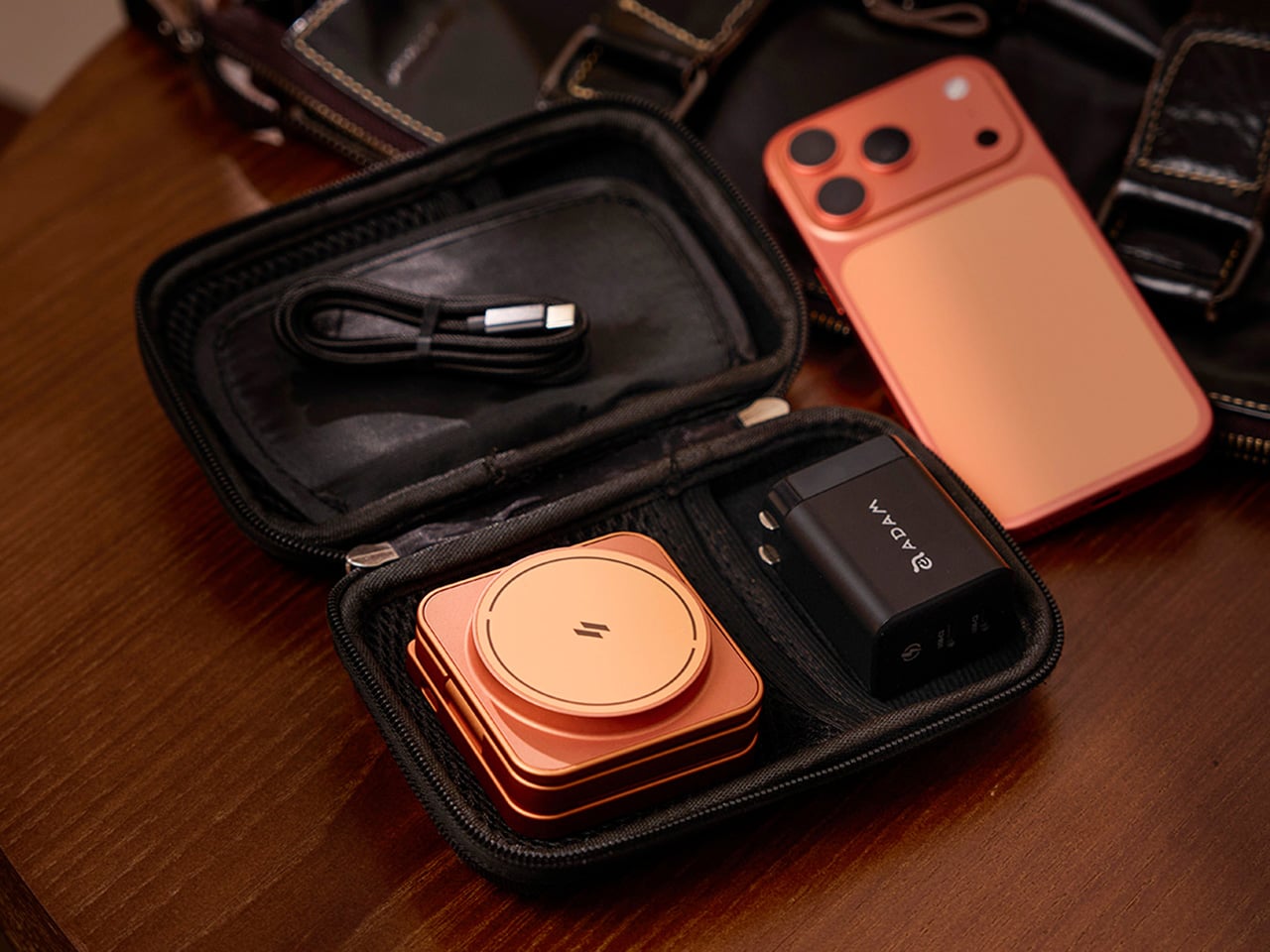
Experience True Charging Freedom with the AL Stackable Cord-Free Portable Chargers

Imagine a world where charging your phone is as seamless as grabbing a cup of coffee in the morning. That’s the magic of the AL Charger Stackable Cord-Free Portable Chargers. These wireless chargers are crafted to integrate effortlessly into your daily routine, offering the convenience of powering up your phone anytime, anywhere, without the hassle of plugs and wires. It’s freedom redefined in the world of charging.

Picture this: you’re at home, moving from the living room to the kitchen, perhaps even out by the pool. With the AL Charger, you have the liberty to charge your phone wherever you are. Forget about searching for outlets or untangling cables. Just grab a charger from the stack, place your phone on top, and watch it power up. When you’re done, stack it back to recharge the unit. It’s that simple.

Designer: Michael Walker

Click Here to Buy Now: $125 $150 ($25 off). Hurry, deal ends in 72-hours to go! Raised over $45,000.

What makes the AL Charger truly remarkable is its speed. With up to 15W of power, it can charge your phone from zero to full three times faster than traditional 5W wireless chargers. This means your device is ready to go when you are, no waiting around required. Each charger comes with a robust 5000 mAh battery, providing ample power to keep your devices running. The base unit, on the other hand, uses a single USB-C port that can charge AL chargers or your phone with the same 15W power as the portable chargers.

The genius of the AL Charger lies in its precision-placed magnets. These magnets ensure that MagSafe-compatible phones snap perfectly into place every time, maximizing charging efficiency. Plus, these magnets allow for flawless stacking with other AL Chargers, enhancing the charging capabilities of each unit. It’s a design that doesn’t just function well; it functions brilliantly.

For those juggling multiple gadgets, the AL Charger offers a unique advantage: the ability to charge multiple devices at once. Imagine hosting friends and having the capability to power up all their devices simultaneously — just as easy as grabbing a couple more coasters. It’s a host’s dream come true, ensuring everyone’s gadgets are ready for action.

Compatibility is key, and the AL Charger doesn’t disappoint. It works with both Qi-enabled and MagSafe devices, ensuring a wide range of gadgets can benefit from its innovative design. No need to hide this charger away, either. With a waterproof leather top designed to resemble a luxury set of coasters, the AL Charger blends beautifully into your decor. It’s a piece of tech you’ll be proud to display.

Life is full of unexpected spills and splashes, but the AL Charger is prepared for it all. Its water-resistant design means you can charge with confidence, whether you’re in the kitchen dealing with spills or lounging poolside. It’s charging made versatile, adapting to your lifestyle without missing a beat.

Whether you’re a tech enthusiast with multiple gadgets or someone who loves hosting guests, the AL Charger is the perfect solution for keeping everyone connected. It’s more than just a charger; it’s a lifestyle upgrade, making your daily routine smoother and more efficient. They’re designed to fit into your life, not the other way around. So why settle for anything less? Experience the freedom and convenience of cord-free charging today.

Click Here to Buy Now: $125 $150 ($25 off). Hurry, deal ends in 72-hours to go! Raised over $45,000.

The post Experience True Charging Freedom with the AL Stackable Cord-Free Portable Chargers first appeared on Yanko Design.
Circular MagSafe SSD sticks to the back of your phone for near-infinite storage

With the death of microSD cards in smartphones, the storage that you buy is all that you’ll ever get. Sure, you can use cloud storage, but that puts you at the mercy of an Internet connection. It’s not always available, as some might want you to believe, and it’s not always fast, especially for large files.

Nothing beats local storage in terms of speed and security, but OTG (on-the-go) USB flash drives for phones only have so much capacity. SSDs are the king of fast and compact data storage, and this rather unusual design puts as much as 2TB at your disposal, sticking securely to the back of your phone so you won’t have to deal with dangling cables while recording video or taking photos.

Designer: Dockcase

You can already connect external drives to smartphones these days, but even the smallest SSD would be left dangling when you pick up the phone. Yes, you can hold both in your hand like how some hold a power bank, but that makes things just awkward and sometimes dangerous. Thankfully, MagSafe technology now lets us stick things to the back of the phone, so why not an SSD as well?

The Dockcase MagSafe M.2 NVMe SSD enclosure does exactly that, coming in the form of a small puck that attaches magnetically to the back of your phone. It still needs a USB-C connection for data and a bit of power, but it can be a very short one that won’t get tangled in your hand. This design is perfect for mobile photographers as it can let them easily record even 4K videos directly to the storage, depending on the camera app being used.

This device, however, is just an enclosure, so you’ll have to buy and put in a compatible SSD module. This, however, offers more flexibility, as you can have up to 2TB in storage and, if needed, swap out modules. It also has a square LCD display that, at the push of a button, can show important information about the SSD inside.

Although it can technically be used with any computer that can read SSD storage via USB-C, Dockcase was clearly intended for use with iPhones and MagSafe-compatible phones or cases. It even has passthrough charging so you can keep the enclosure connected and charge your phone at the same time. It’s a rather simple yet elegant design that solves the data storage problem of smartphones today.

The post Circular MagSafe SSD sticks to the back of your phone for near-infinite storage first appeared on Yanko Design.
MagSafe phone stand concept adds hands-free face tracking for perfect framing

Video calls have become a staple of online communication today, whether it’s for meetings or even just personal one-on-one calls. Unfortunately, the devices we use for video calls haven’t caught up quickly with the trend, and we’re only recently seeing webcams with better sensors or phone stands with better angles. Even then, however, there is still some missing aspects to make these videos more engaging and natural.

This simple-looking phone stand tries to deliver that missing piece by making sure that the user’s face is always within the frame during those video calls. It isn’t a one-trick pony, though, and can keep your phone’s battery topped up or be an interesting piece of desk decor even when not in use.

Designer: Kunal Wagh

Webcams are admittedly getting more sophisticated, both in terms of hardware as well as software. While those integrated into laptop screen bezels are limited to simply upgrading their imaging sensors, external cameras are now sporting stabilizers and gimbals. There are also apps that do automatic focus, zooming, and framing. That’s all fine if you’re using your computer, but not if your smartphone is your device of choice.

Orbit is a design concept for a phone stand that brings those features to mobile devices. It’s practically a MagSafe-compatible charging stand with a unique, minimalist design that makes it look good even when not in use. It pretty much looks like a miniature trophy, with a dome-like shape on top held aloft by two thin arms.

Simply place the phone on the stand and go about your video call or even watch videos. Orbit will simply follow your face to make sure that you always have a clear view of the screen or that your face is always in frame. The concept doesn’t exactly explain the software that makes this possible, but it’s not that difficult to pull off given today’s technology.

Of course, it also functions as a charger to make sure your battery never goes empty, whether you’re on a call or not. Unlike a phone gimbal, Orbit’s simpler design makes it suitable for use almost anywhere, even when away from your desk, as long as you have a power source to keep that charger and internal motors running.

The post MagSafe phone stand concept adds hands-free face tracking for perfect framing first appeared on Yanko Design.
Astropad Bookcase turns iPhones into slightly more ergonomic e-Readers

E-book Readers, a.k.a. e-Readers, are becoming popular again thanks to the introduction of new technologies like Color E Ink, as well as the proliferation of new brands like Onyx BOOX, Bigme, and reMarkable. That said, some people prefer to stick to the slightly large screens of their smartphones rather than carry a separate device, but that kind of digital reading experience brings its fair share of discomfort. Even disregarding eye strain, reading for long periods on a smartphone means potentially blocking part of the screen or giving your hand cramps in the long run. This iPhone accessory offers a solution that tries to make reading on a phone slightly more comfortable, even if it only addresses one very specific problem.

Designer: Astropad

While smartphones and tablets are banishing bezels, e-Readers are insistent on keeping them around. It isn’t because they can’t make screen borders incredibly thin but because they want to offer an ergonomic design where one or two hands can comfortably hold the device without worrying about accidentally touching the screen or blocking part of the content. Without that kind of “margin,” holding a smartphone can become awkward and uncomfortable for an extended period of time.

Astropad Bookcase is an accessory that adds handles to the sides of a phone without forcing owners to put on a protective case. A MagSafe-compatible phone attaches to the middle of the tray-like accessory when you want to read, giving your hands something stable to grasp. And when you’re done, you simply detach the phone, put away the Bookcase, and be on your merry way. The accessory is made with lightweight polycarbonate that makes it feel like you’re adding nothing to the smartphone, and it uses vegan leather to add a bit of style and elegance to the design.

The Astropad Bookcase has a few gimmicks that make the e-Reading experience a bit smoother. A companion app, for example, can automatically launch your favorite e-Reader app the moment you attach the iPhone to the Bookcase thanks to an NFC chip inside the MagSafe mount. Although it’s primarily compatible with iPhone 12 and later models, the package includes a MagSafe conversion kit to support older iPhones as well as Android phones.

While the Bookcase does solve one part of the smartphone ergonomic problem, it doesn’t fully address the reasons why it’s not ideal to read on a smartphone for too long. For one, there are no convenient physical buttons that would let you turn the page without having to swipe or tap on the screen, similar to how some apps allow you to use the volume buttons for the same purpose. And there’s no escaping the fact that LCD and OLED screens, regardless of advertised advanced technologies, cause eye strain over prolonged use compared to eye-friendly E Ink displays.

The post Astropad Bookcase turns iPhones into slightly more ergonomic e-Readers first appeared on Yanko Design.
Astropad Bookcase turns iPhones into slightly more ergonomic e-Readers

E-book Readers, a.k.a. e-Readers, are becoming popular again thanks to the introduction of new technologies like Color E Ink, as well as the proliferation of new brands like Onyx BOOX, Bigme, and reMarkable. That said, some people prefer to stick to the slightly large screens of their smartphones rather than carry a separate device, but that kind of digital reading experience brings its fair share of discomfort. Even disregarding eye strain, reading for long periods on a smartphone means potentially blocking part of the screen or giving your hand cramps in the long run. This iPhone accessory offers a solution that tries to make reading on a phone slightly more comfortable, even if it only addresses one very specific problem.

Designer: Astropad

While smartphones and tablets are banishing bezels, e-Readers are insistent on keeping them around. It isn’t because they can’t make screen borders incredibly thin but because they want to offer an ergonomic design where one or two hands can comfortably hold the device without worrying about accidentally touching the screen or blocking part of the content. Without that kind of “margin,” holding a smartphone can become awkward and uncomfortable for an extended period of time.

Astropad Bookcase is an accessory that adds handles to the sides of a phone without forcing owners to put on a protective case. A MagSafe-compatible phone attaches to the middle of the tray-like accessory when you want to read, giving your hands something stable to grasp. And when you’re done, you simply detach the phone, put away the Bookcase, and be on your merry way. The accessory is made with lightweight polycarbonate that makes it feel like you’re adding nothing to the smartphone, and it uses vegan leather to add a bit of style and elegance to the design.
The Astropad Bookcase has a few gimmicks that make the e-Reading experience a bit smoother. A companion app, for example, can automatically launch your favorite e-Reader app the moment you attach the iPhone to the Bookcase thanks to an NFC chip inside the MagSafe mount. Although it’s primarily compatible with iPhone 12 and later models, the package includes a MagSafe conversion kit to support older iPhones as well as Android phones.
While the Bookcase does solve one part of the smartphone ergonomic problem, it doesn’t fully address the reasons why it’s not ideal to read on a smartphone for too long. For one, there are no convenient physical buttons that would let you turn the page without having to swipe or tap on the screen, similar to how some apps allow you to use the volume buttons for the same purpose. And there’s no escaping the fact that LCD and OLED screens, regardless of advertised advanced technologies, cause eye strain over prolonged use compared to eye-friendly E Ink displays.

The post Astropad Bookcase turns iPhones into slightly more ergonomic e-Readers first appeared on Yanko Design.