5 Best Gadgets Every Tech-Savvy Digital Nomad Is Quietly Packing Right Now

The digital nomad bag has evolved past the obvious picks. Laptop, charger, earbuds, done. That kit worked five years ago when remote work meant answering emails from a beach hostel. Now, the people doing this full-time run dual-monitor editing setups from Lisbon apartments, take client calls from co-working spaces in Chiang Mai, and file deadlines from airport lounges without missing a beat. The gear that makes that possible is not the laptop itself but the small, clever peripherals around it, the ones that turn a single USB-C port into a proper workstation and collapse back into a carry-on when it is time to move again.

We have been tracking the gadgets that keep surfacing in nomad communities and tech-forward travel kits this year, and five products stood out for the same reason: they each solve a specific friction point that remote workers hit repeatedly. Not gimmicks, not luxury upgrades, but tools that collapse the gap between a fixed desk setup and a backpack-based office. Some are shipping now, others are in the crowdfunding stage with strong traction. All of them earn space in a bag that has no room to waste.

1. Nothing Power (1)

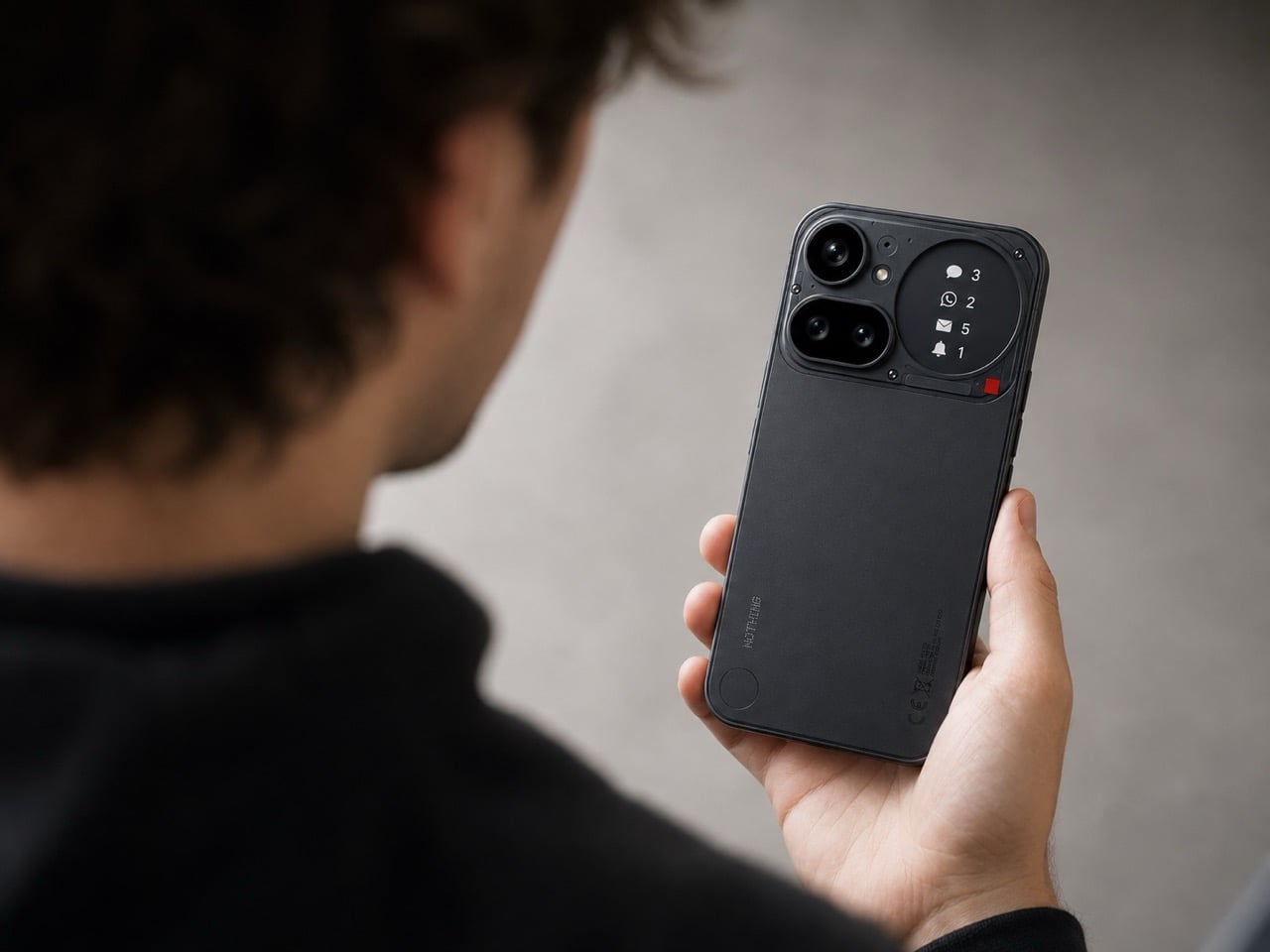
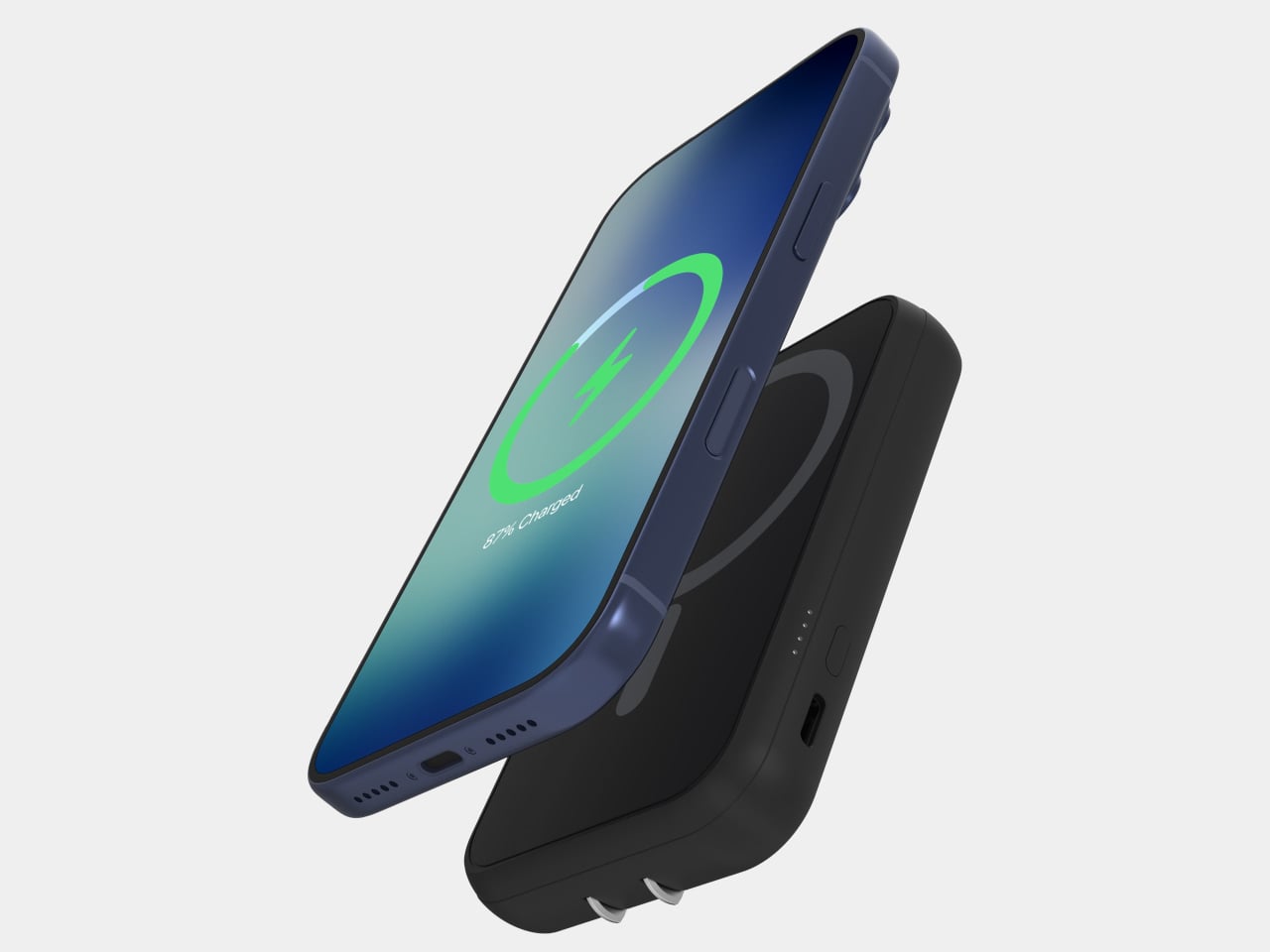
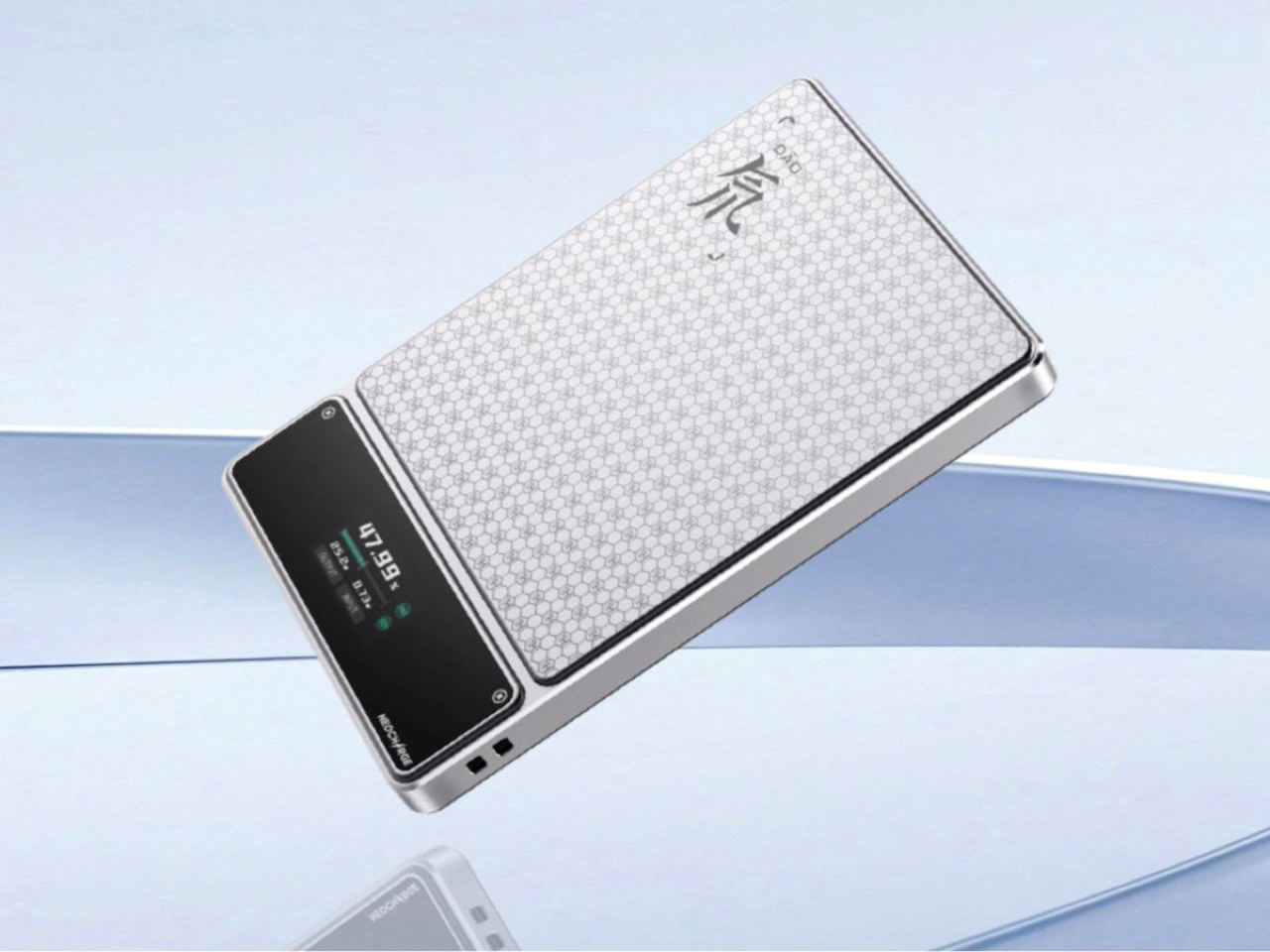
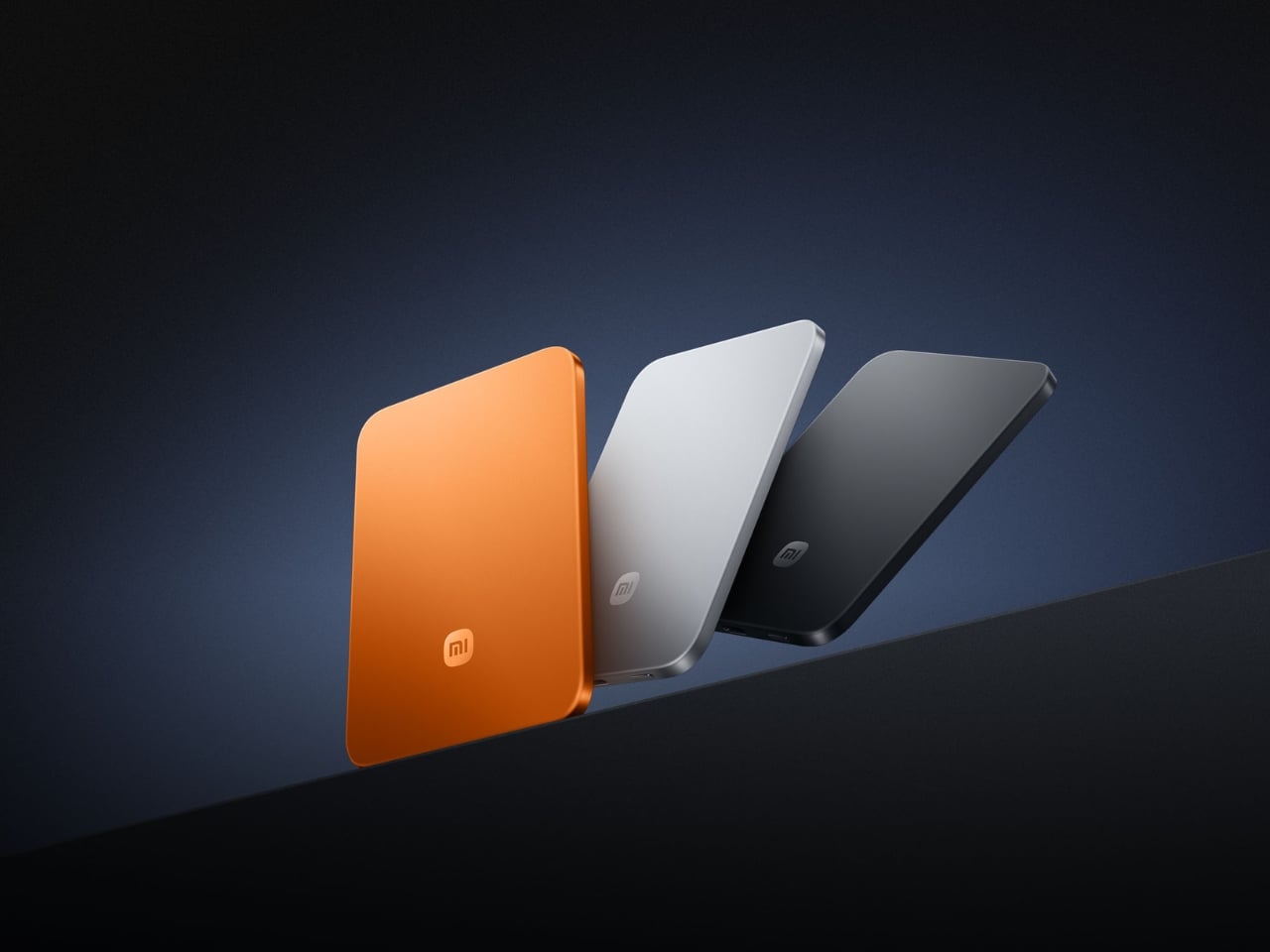
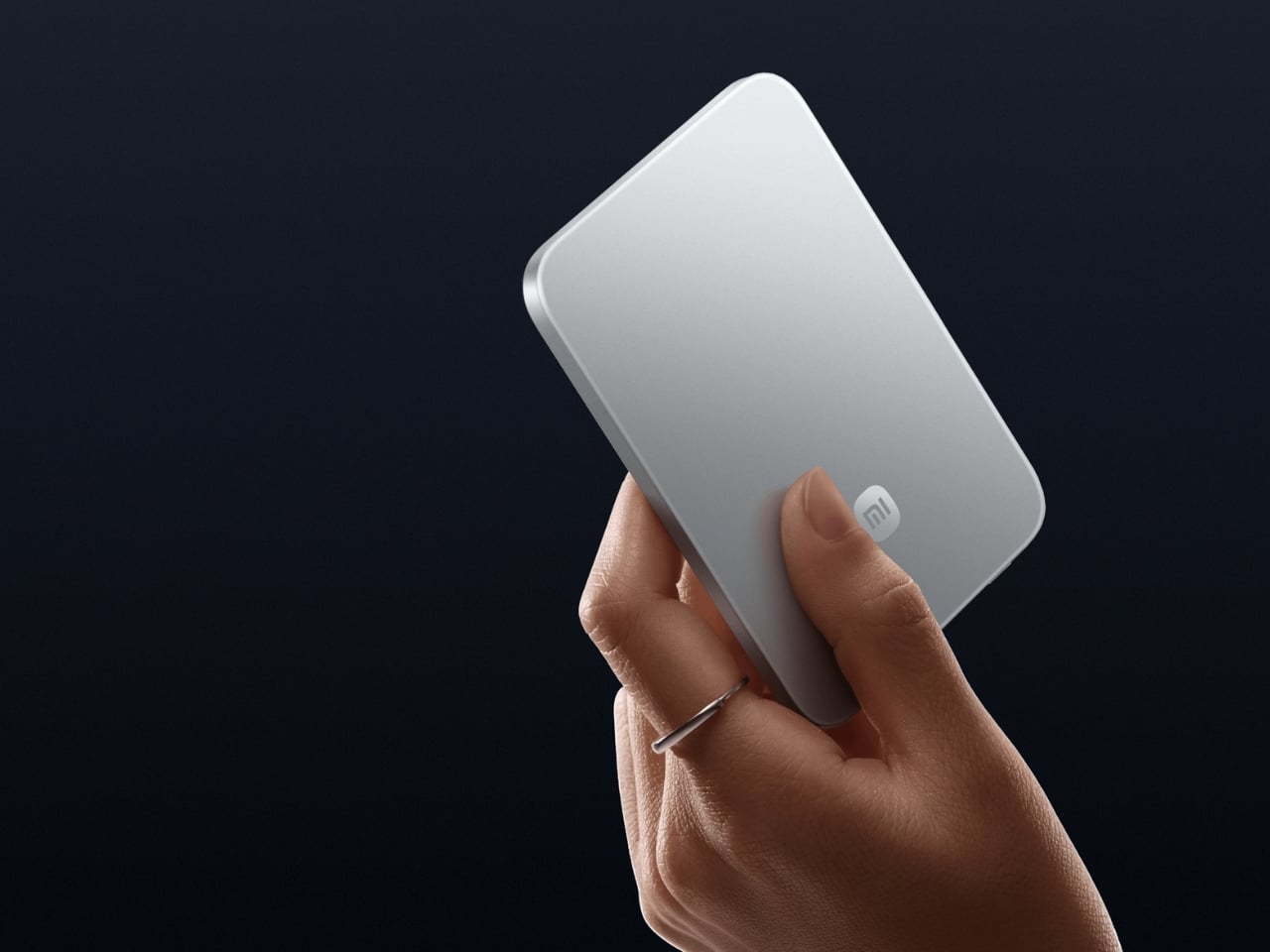
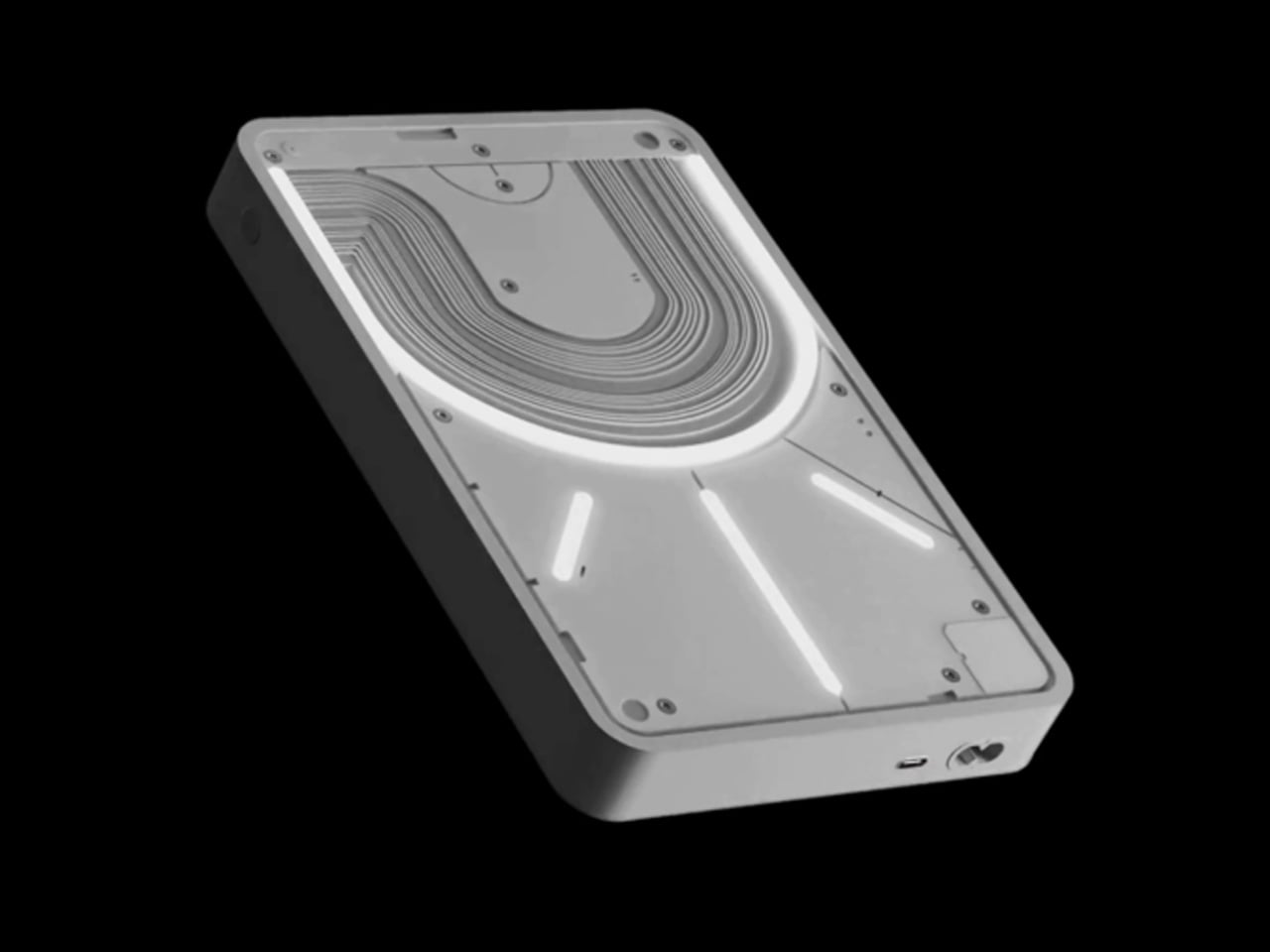
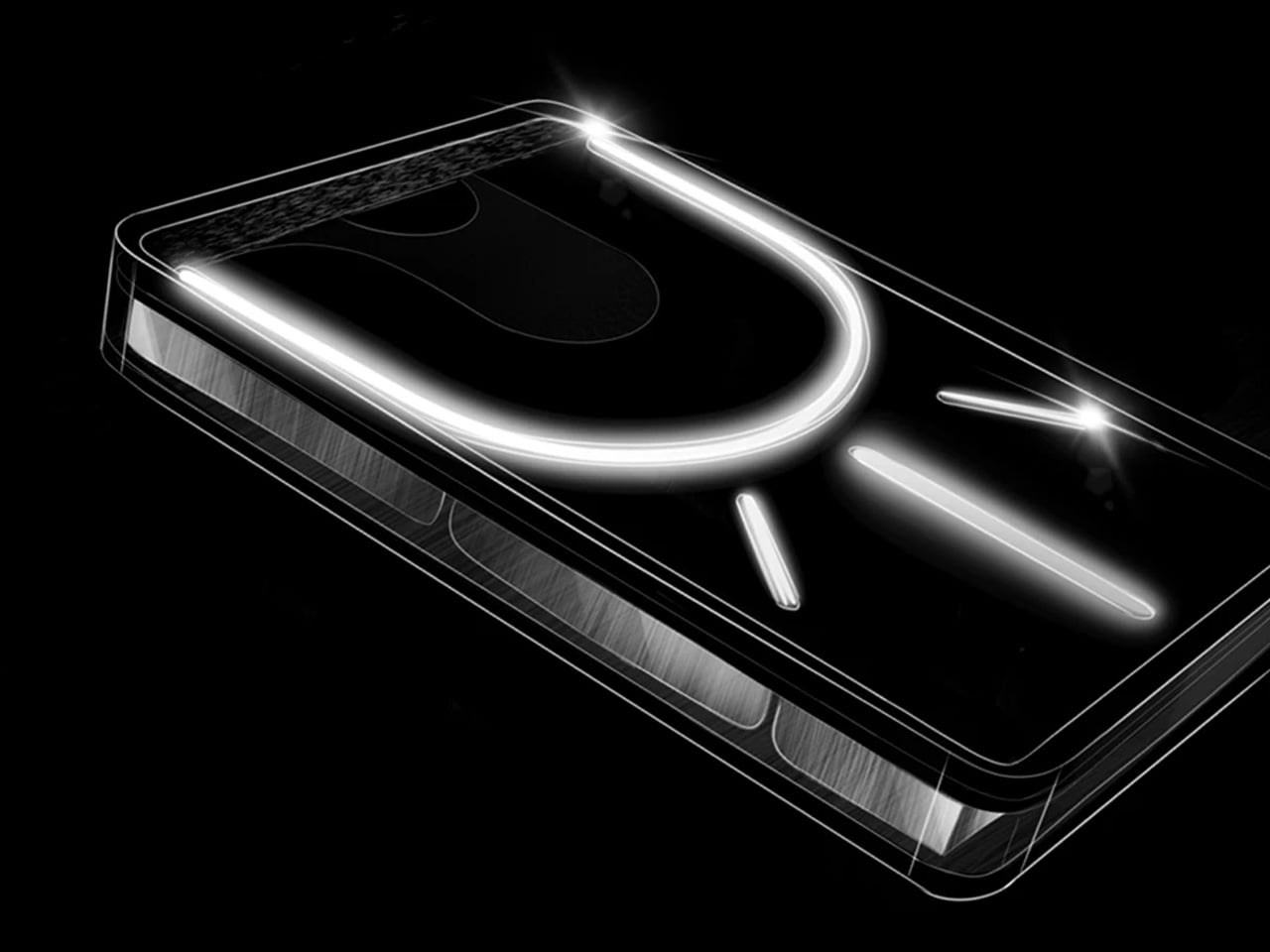
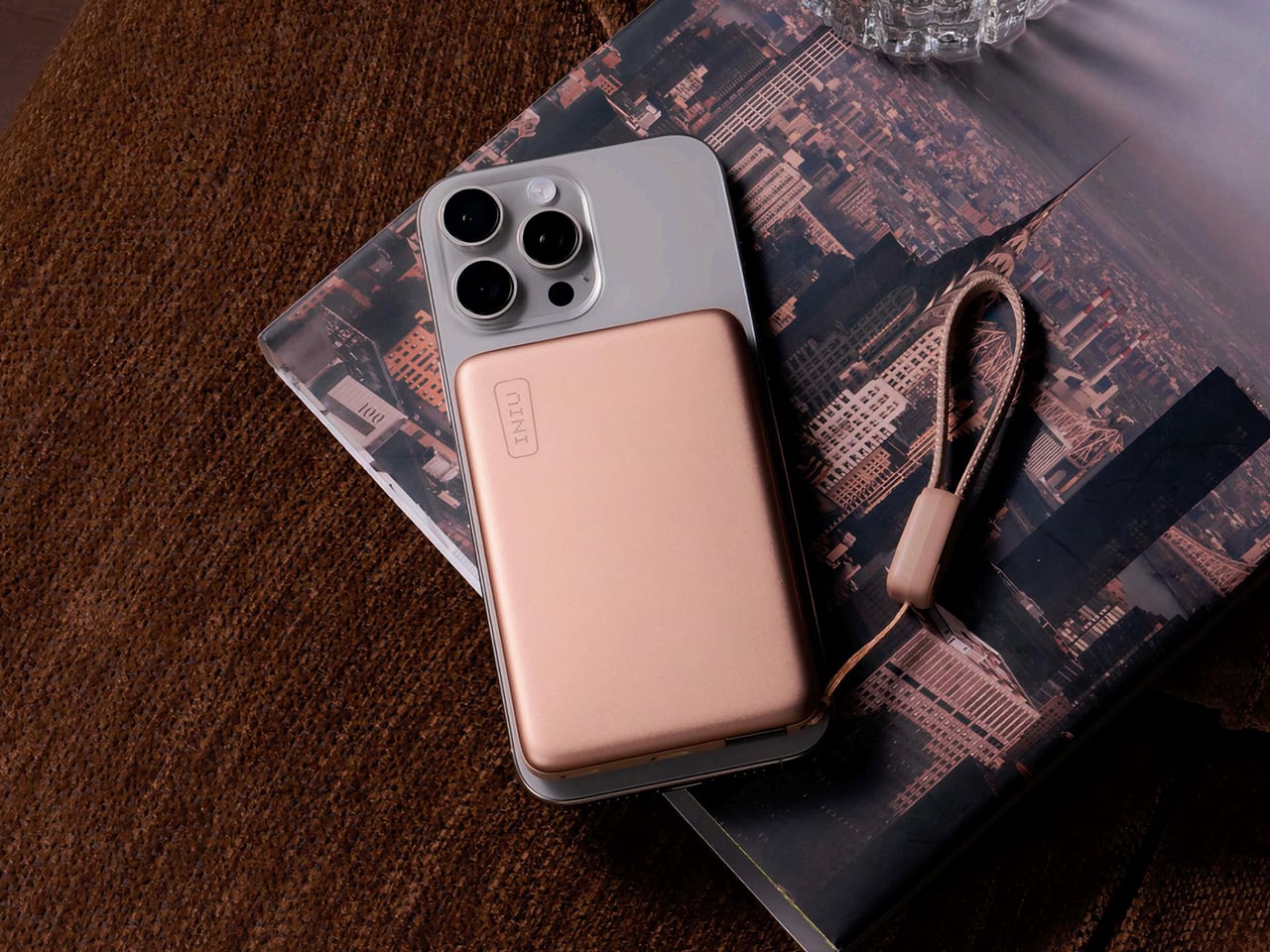
Power banks are the least glamorous item in any travel kit, which is exactly why most of them look like featureless plastic bricks. The Nothing Power (1) is a concept design that imagines what Nothing’s Glyph interface would look like on a battery bank: transparent layers, LED light paths that show charging status and notifications, and the same design language that made the Nothing Phone (1) and Phone (2) stand out in a sea of identical smartphones.

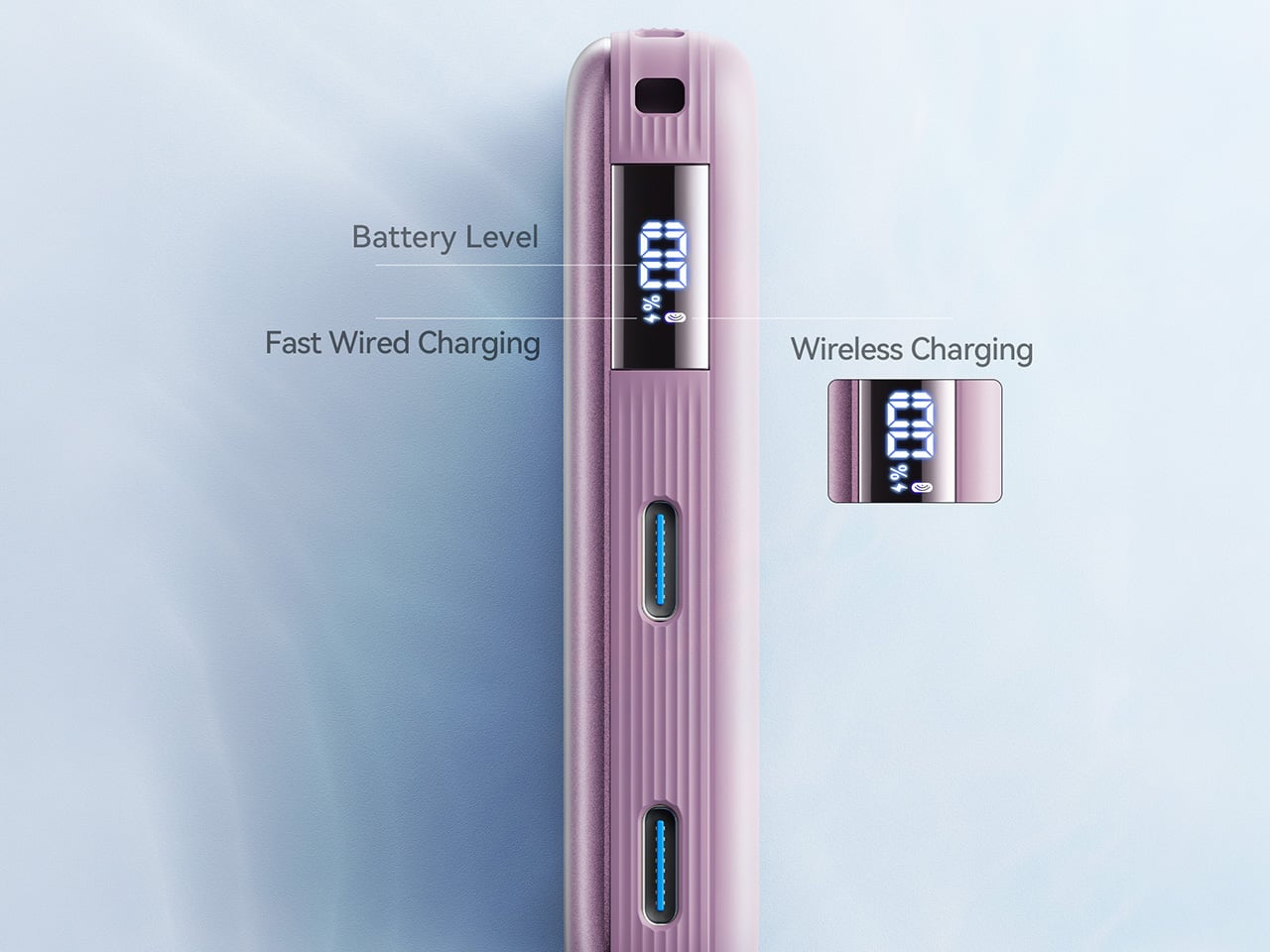
The concept proposes a 20,000mAh capacity with 65W fast charging, enough to hit 50% battery on a phone in under 20 minutes. Dual USB-C ports handle two devices simultaneously. The Glyph LEDs do more than look interesting; they provide intuitive visual feedback for charging status and battery levels without needing to press a button or check a display. Nothing actually had a power bank in development at one point, but scrapped it due to durability concerns with the transparent casing cracking on impact. This concept reimagines that idea with a cleaner silhouette and enough surface area to make the Glyph interface feel purposeful rather than decorative. For nomads who carry a power bank every single day, the idea that it could be a well-designed object instead of an anonymous slab is appealing. This is not a production product yet, but the demand in Nothing’s community forums suggests it is an idea the brand should revisit.

What we like

  • Glyph LED interface provides at-a-glance charging status without screens or buttons, which is faster and more intuitive than hunting for a tiny indicator light on a conventional power bank.
  • 20,000mAh capacity with 65W fast charging (as proposed in the concept) would cover a full day of heavy device use for multiple gadgets.

What we dislike

  • This is a concept design, not an official Nothing product, and the transparent casing durability issue that killed the original project remains unsolved.
  • Transparent construction would likely show internal wear, dust, and scratches over time, especially in a bag that gets tossed around daily.

2. KeyGo Gen2

1

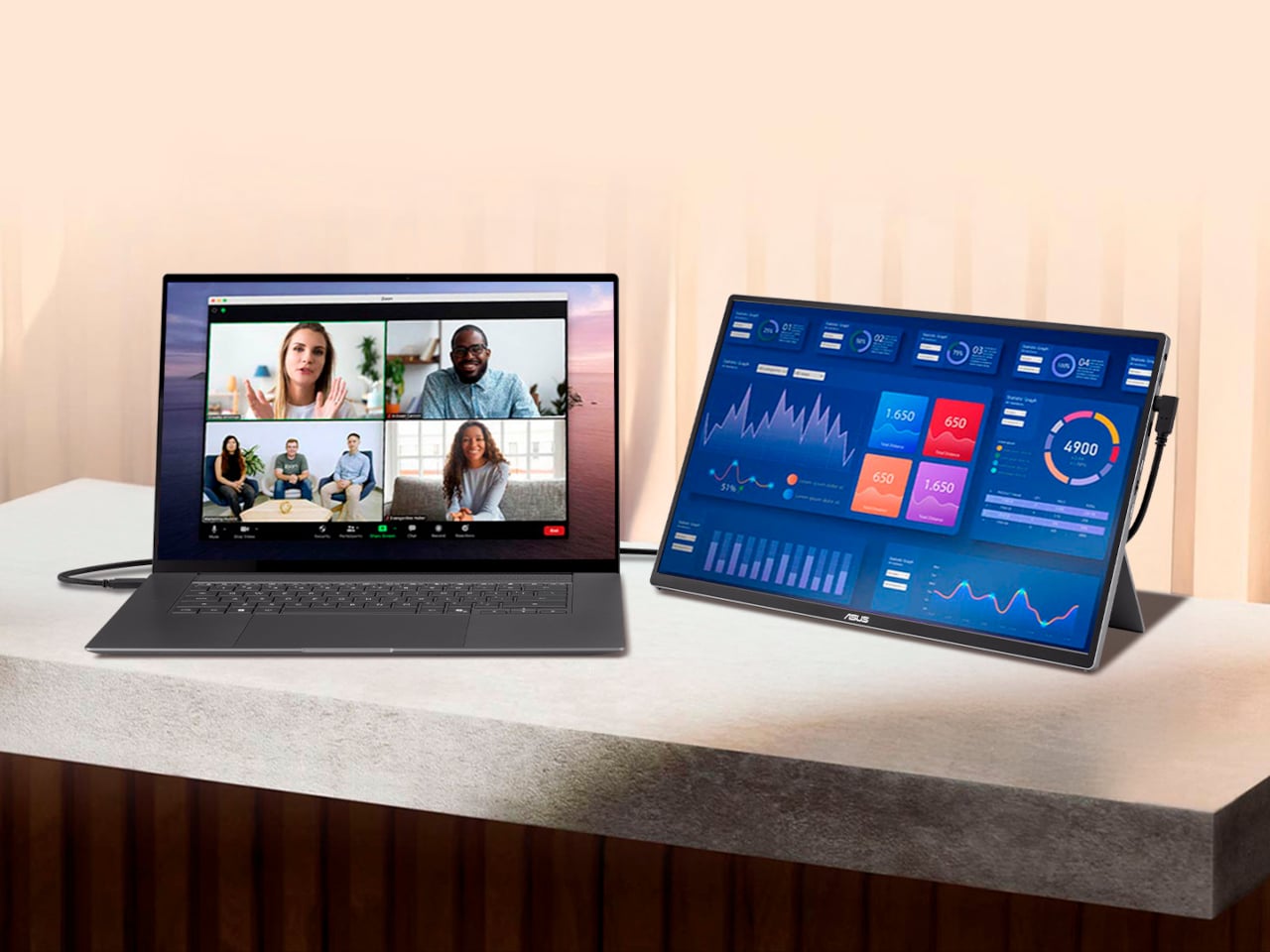
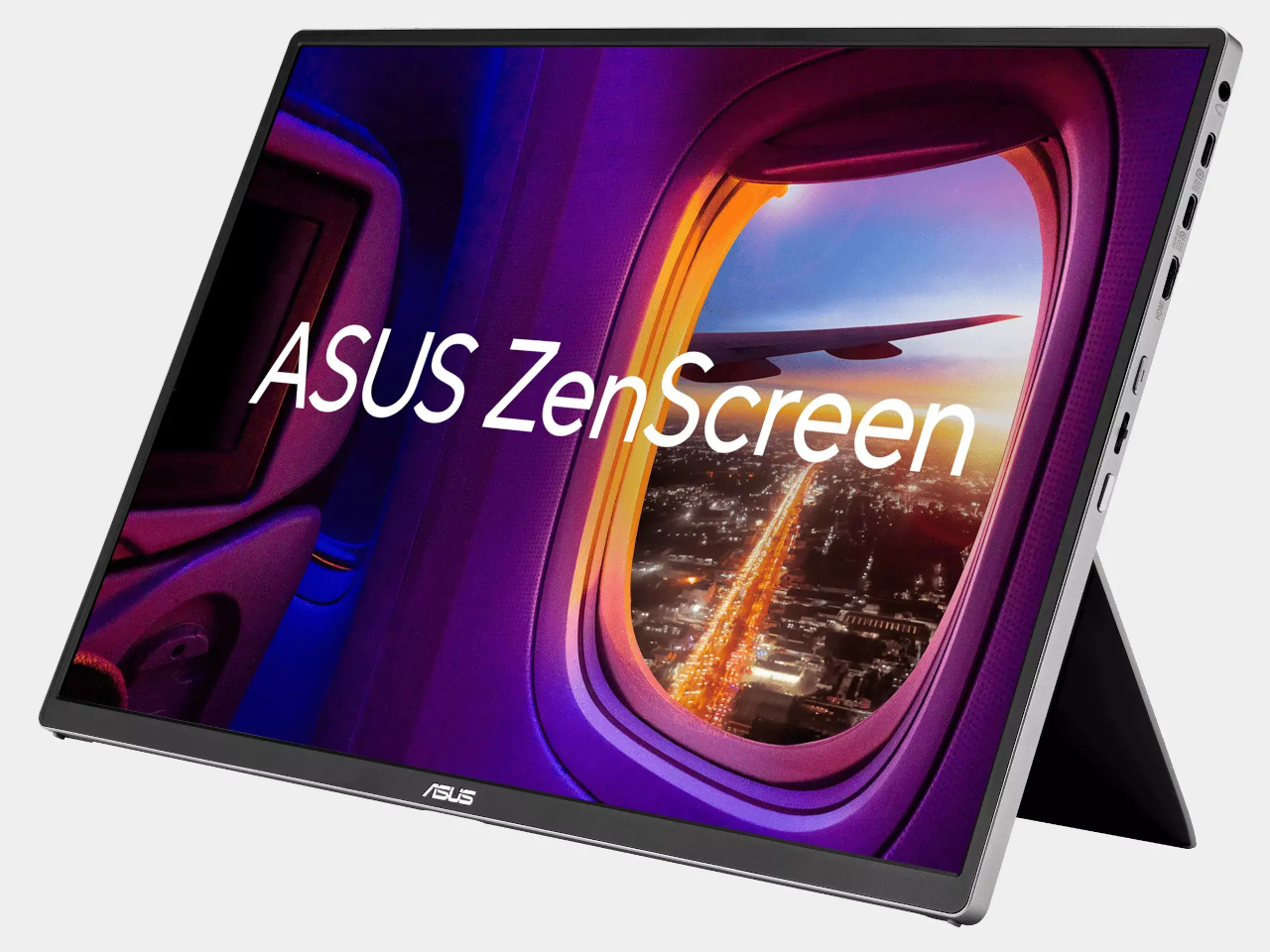
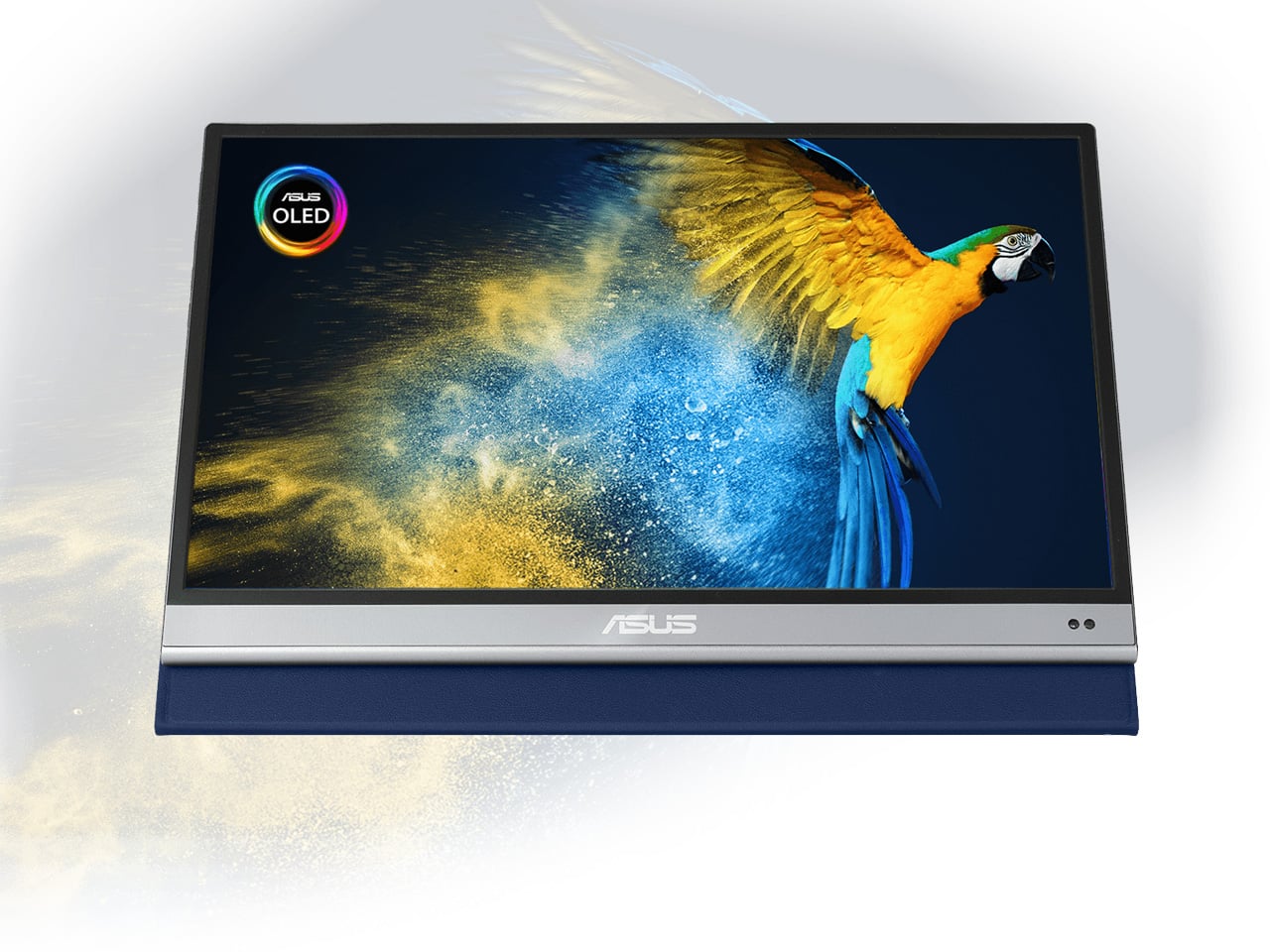
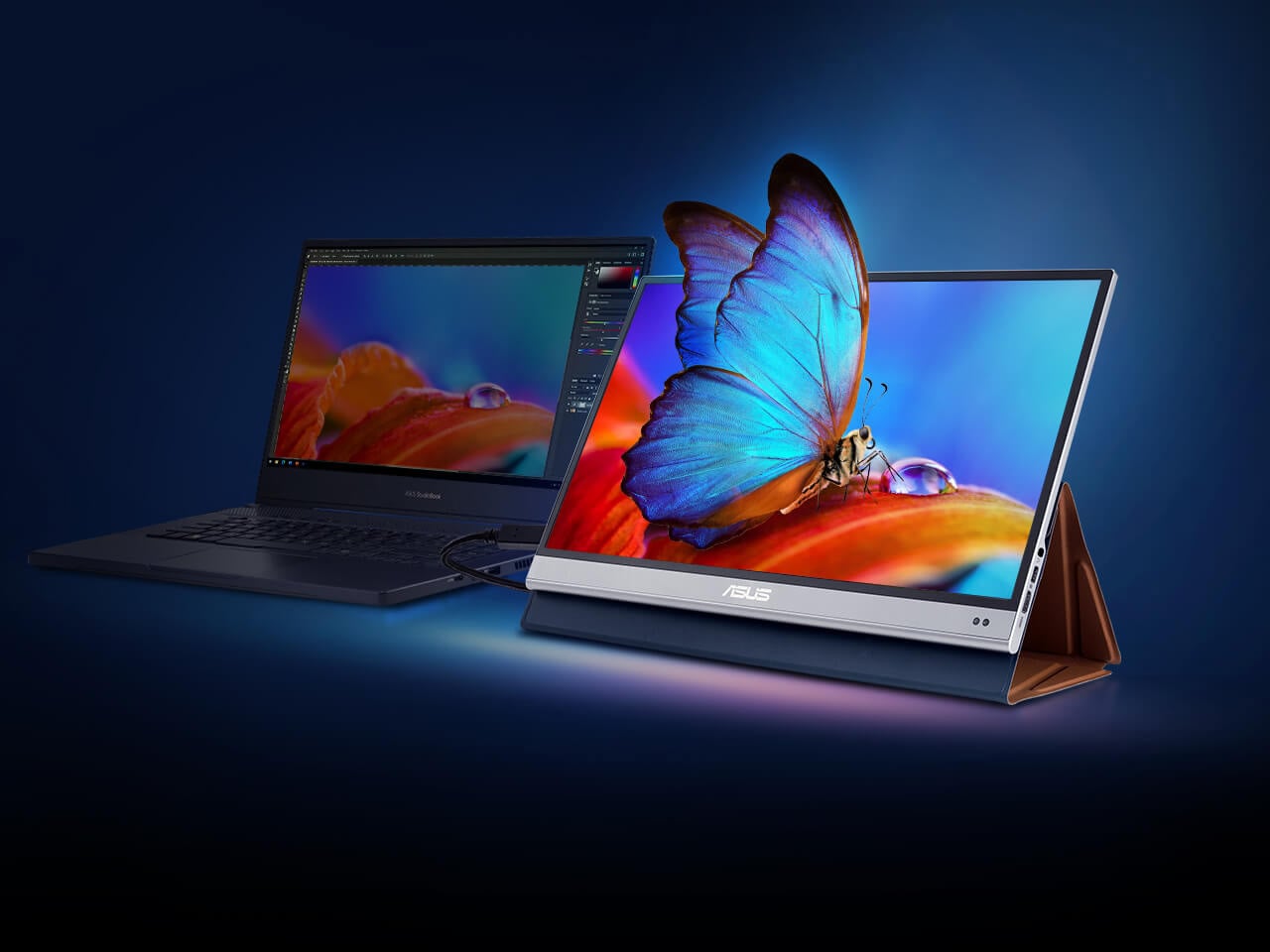
Carrying a laptop, a portable monitor, and a separate keyboard creates a three-device problem that digital nomads have been trying to solve with lighter versions of each. KeyGo Gen2 collapses all three into one folding slab. It is an ultra-slim keyboard with a built-in 13-inch 4K/60Hz IPS touchscreen, CNC-machined aluminum construction, built-in speakers, and a 180-degree hinge that folds everything flat to 19.3mm thick when closed. A single USB-C cable handles video, power delivery (up to 65W), and data.

The original KeyGo raised over $185,000 in its first campaign, featuring a 720p screen. Gen2 bumps that to full 4K at 3,840 x 2,160, ten-point multitouch, adjustable brightness up to 300 nits, and a weight of about 1 kilogram (2.2 pounds). Unfold it, plug in a USB-C cable, and a laptop instantly gains a second display sitting right below eye level with a full keyboard beneath it. It works with Windows, macOS, Linux, and Android, which means it also pairs with mini PCs and tablets for people building ultra-compact travel rigs. The crowdfunding campaign has already passed $300,000 in pledges, with early bird pricing around $279 and estimated delivery in May 2026. For nomads editing video on cafe tables, managing spreadsheets in airport lounges, or running code with documentation on a secondary panel, this eliminates the portable monitor and keyboard as separate line items in the bag.

Click Here to Buy Now: $329 $658 ($329 off). Raised over $521,000.

What we like

  • Replaces a portable monitor and external keyboard with a single folding device, cutting significant weight and bag space from a travel workstation.
  • 4K touchscreen with 10-point multitouch and 300-nit brightness makes it genuinely usable for detail work like photo editing and timeline scrubbing.

What we dislike

  • At 1 kilogram, it is not featherlight, and the 19.3mm closed profile is thicker than a standalone portable keyboard would be.
  • Crowdfunding status means the product is not shipping yet, and the final typing experience can only be judged once production units are in hand.

3. TWS ChatGPT Earbuds

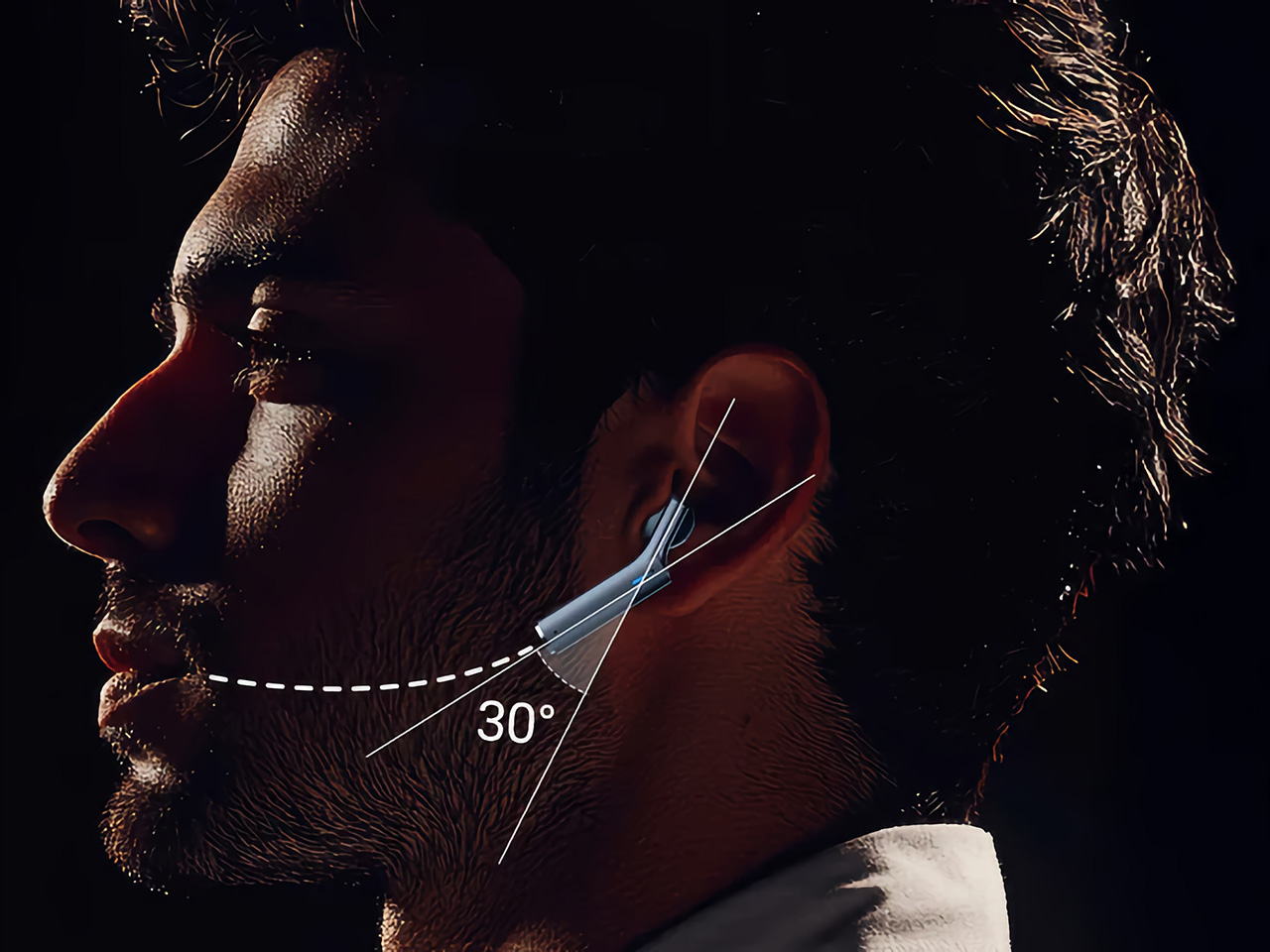
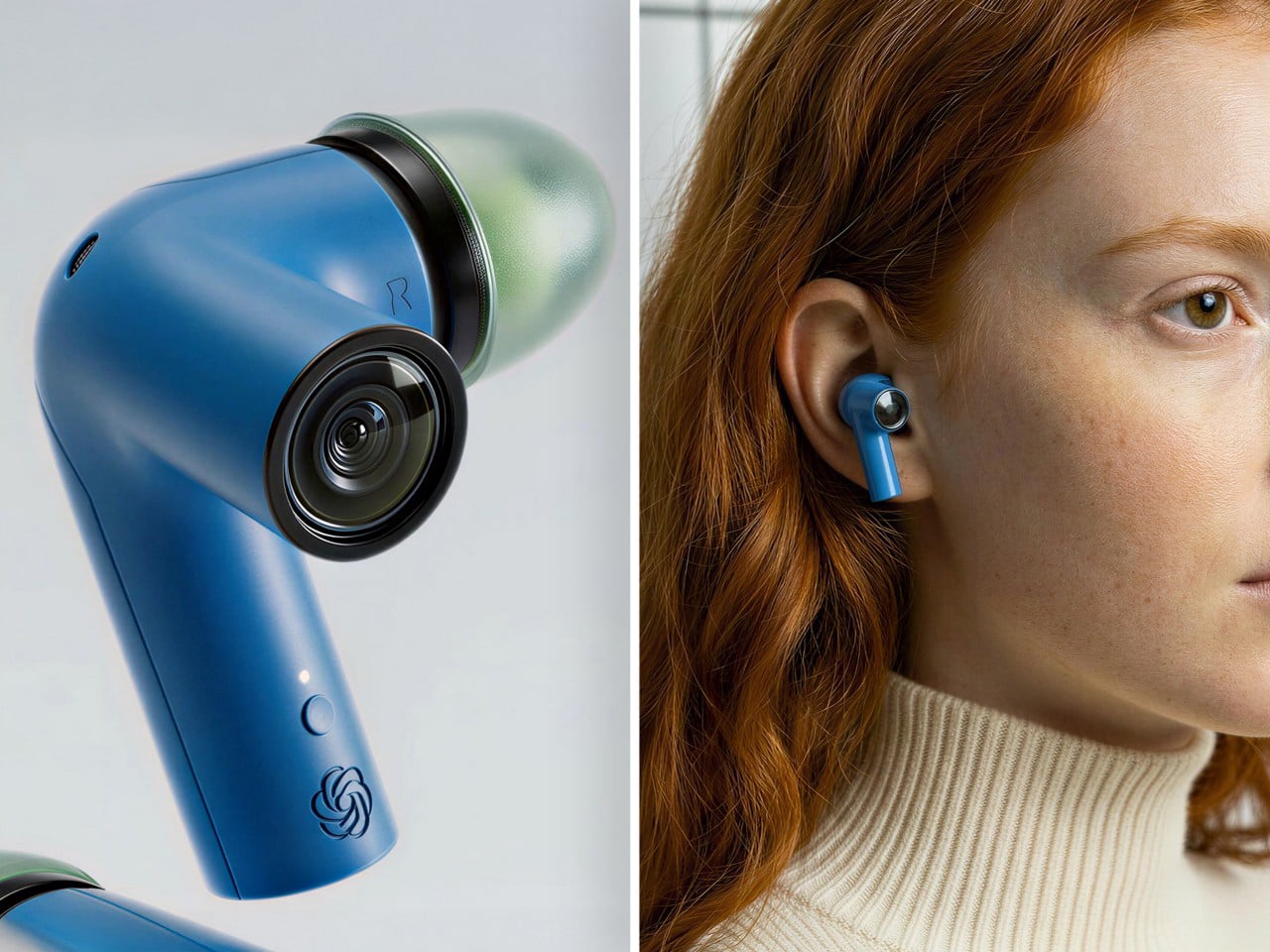
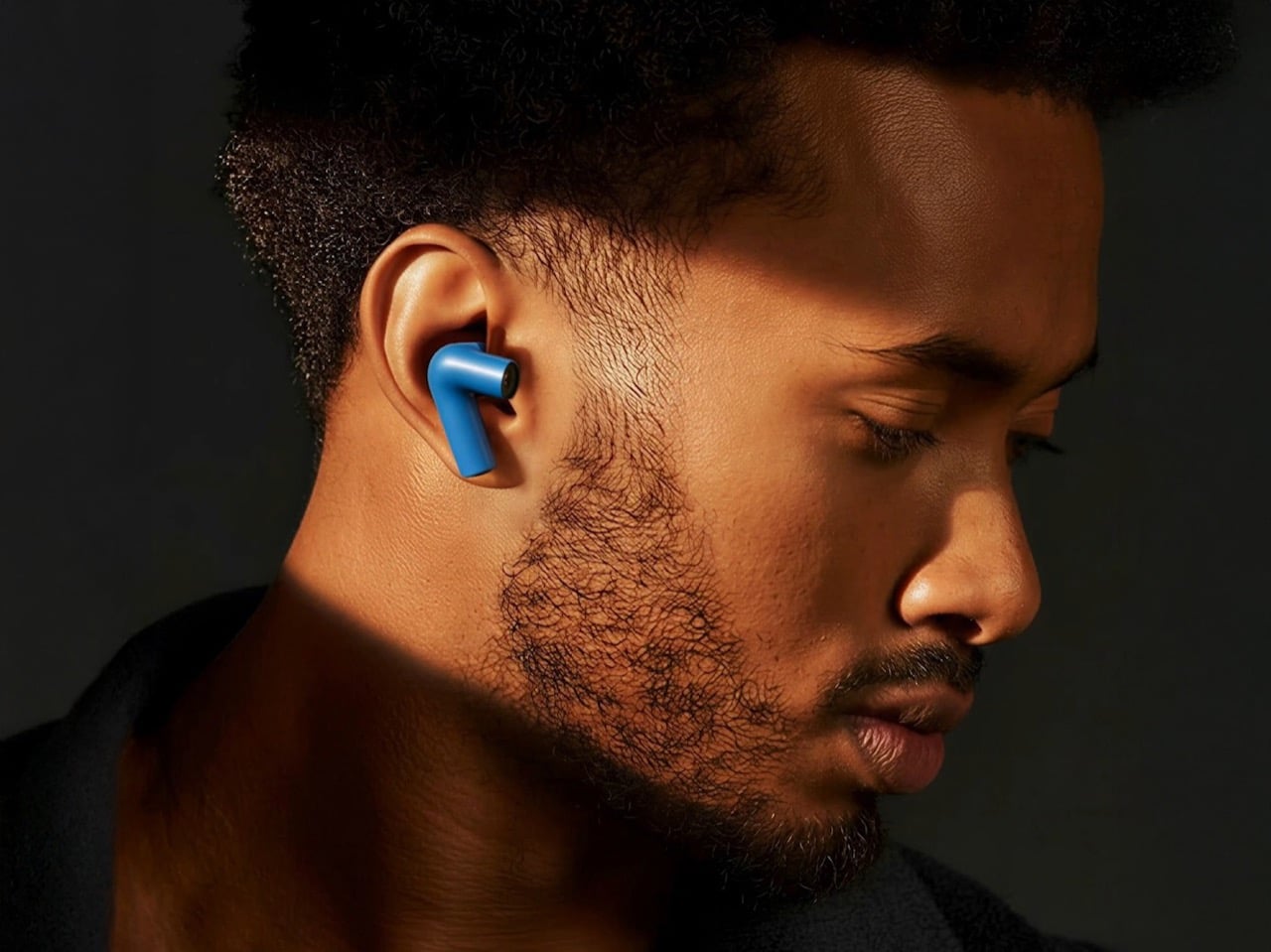
Wearable AI has spent the last two years stuck in an awkward phase. Smart pins looked strange. Pendant cameras felt forced. Smart glasses screamed, “I am recording.” This concept hides cameras inside TWS earbud stems, positioned near the natural line of sight, and pairs them with ChatGPT to create a visual AI assistant that lives entirely in the ears. No screen. No conspicuous hardware. Just a familiar form factor doing something new.

For digital nomads navigating foreign cities, the use cases are immediate. The earbuds can read menus in unfamiliar languages, interpret street signs, describe scenes, and guide navigation through voice alone, all without pulling a phone from a pocket. The social advantage is that earbuds are already normalized. People wear them everywhere without drawing attention, which removes the friction of face-mounted cameras that make conversations uncomfortable. Voice interaction keeps hands free for luggage, laptops, or coffee. The AI processes visual input in real time and responds through audio, creating an assistive loop that does not require staring at a screen. This is a concept at this stage, not a shipping product, but it represents the direction wearable AI is heading. For nomads who spend their weeks moving between cities and languages, an AI assistant that sees what the wearer sees and speaks directly into the ear could replace a handful of translation apps, navigation tools, and accessibility aids with a single pair of earbuds.

What we like

  • Familiar earbud form factor avoids the social awkwardness of face-mounted cameras, making it usable in meetings, cafes, and public spaces without drawing stares.
  • Hands-free visual AI assistance for translation, navigation, and scene description addresses real daily friction for nomads moving between countries.

What we dislike

  • Concept status means no confirmed specs, battery life, or pricing, so the product’s real-world viability is unproven.
  • Privacy concerns around always-available cameras in earbud stems will be unavoidable once production models enter public spaces.

4. HubKey Gen2

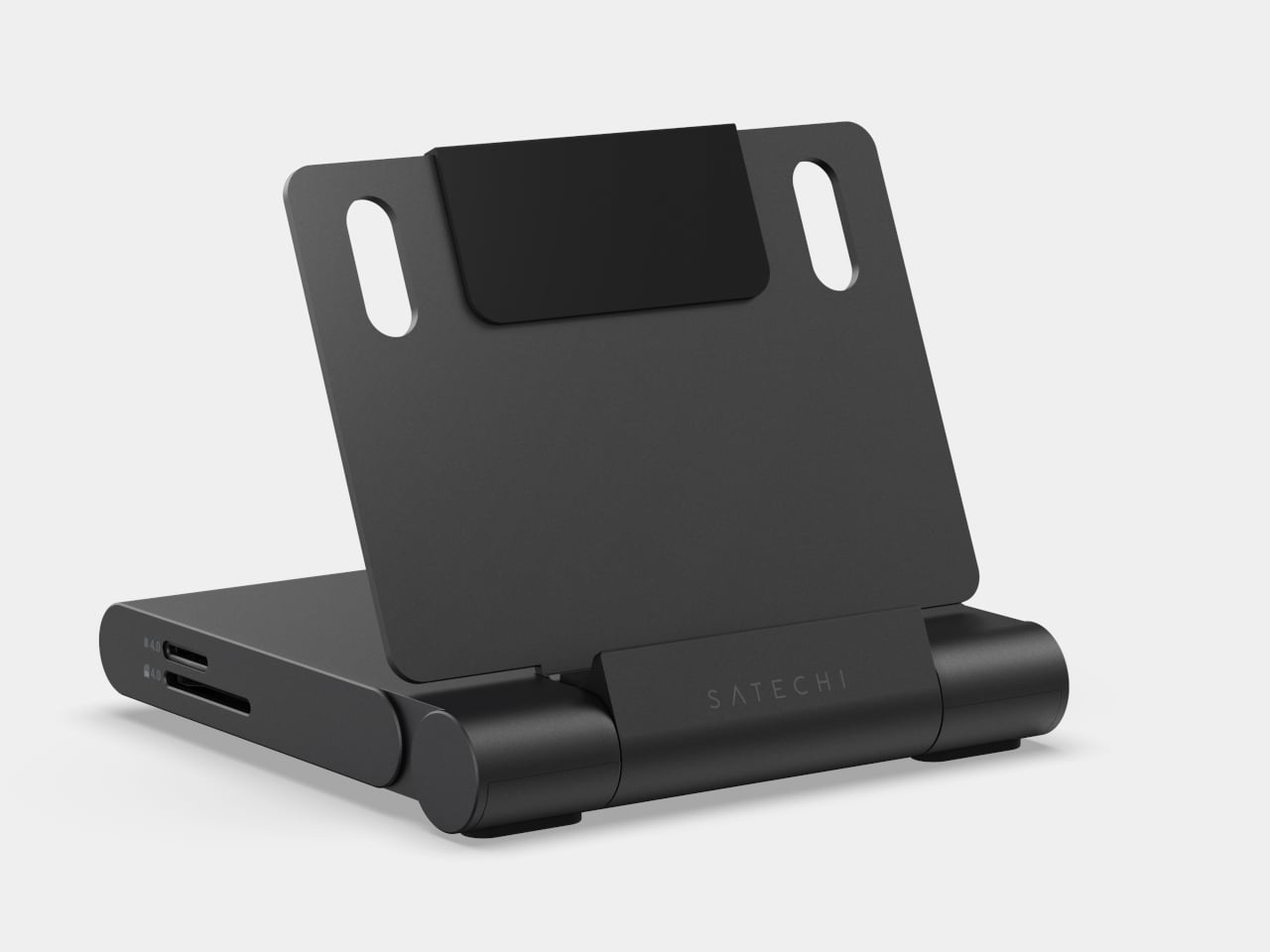
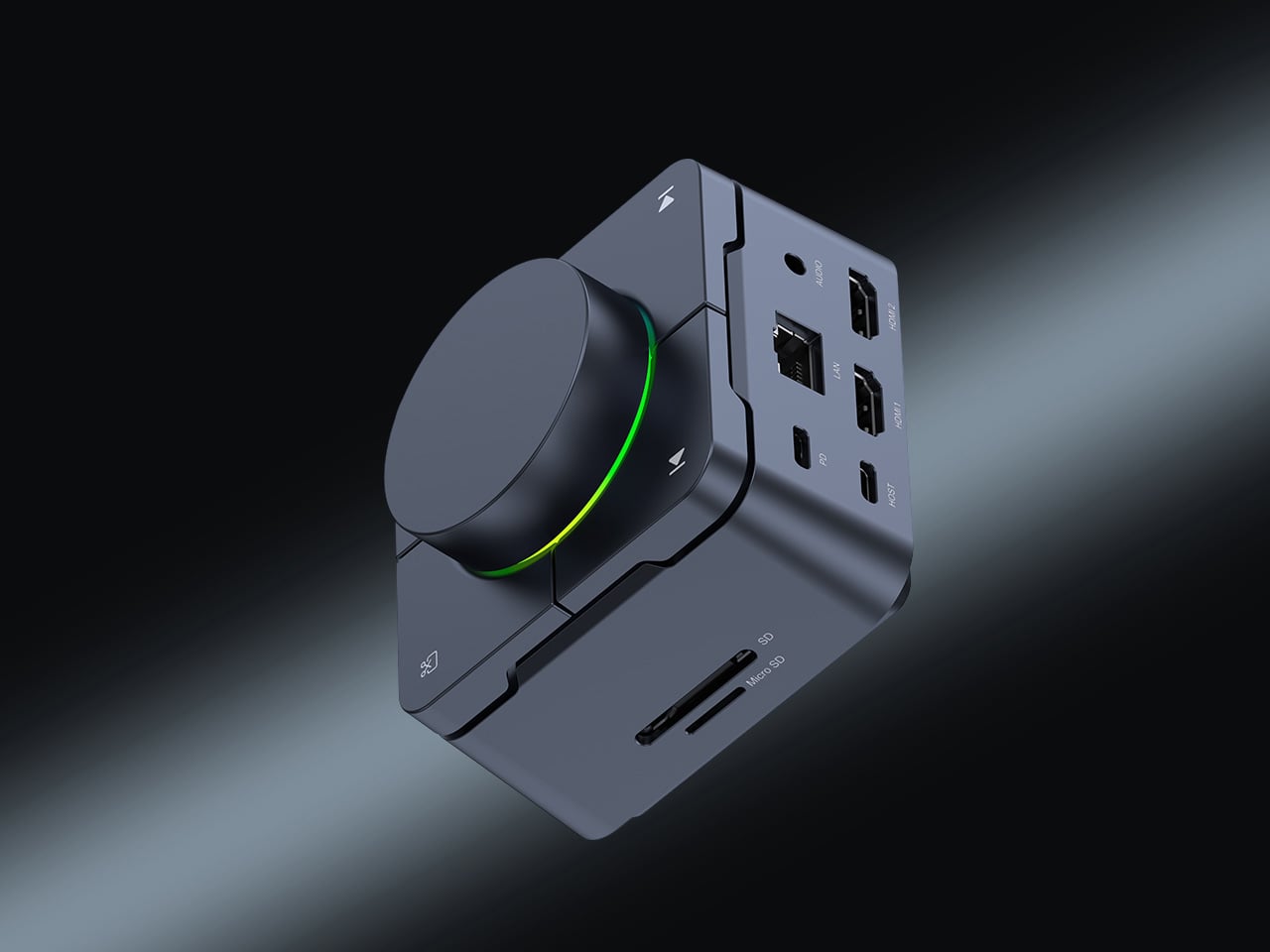
The typical nomad desk involves a laptop teetering on a cafe table surrounded by a small constellation of dongles, adapters, and cables fighting for two USB-C ports. HubKey Gen2 consolidates that mess into a single compact cube. It is an 11-in-1 USB-C hub with dual HDMI ports (both 4K at 60Hz), two USB-A 3.1 ports, one USB-C 3.1 port, SD and TF card readers, a 2.5 Gbps Ethernet jack, a 3.5mm audio port, and a 100W USB-C PD charging port. One cable from the cube to the laptop brings everything online.

What separates it from standard hubs is the top panel. Five programmable shortcut keys and a central control knob sit above the ports, turning the hub into a mini control surface. Volume, mute, screen lock, screenshot, display off: tasks that normally require keyboard shortcuts or menu diving can be done with a single tap or twist. The driver system offers 170 presets with full macro customization across Windows, macOS, Linux, and Steam Deck. At 7 x 7 x 3 cm, the cube disappears into a laptop bag pocket. For photographers and videographers constantly offloading cards while driving external displays, this removes the need for three or four separate adapters.

What we like

  • Dual 4K/60Hz HDMI output from a single hub means a nomad can build a two-monitor setup at any co-working space without carrying separate adapters for each display.
  • Programmable shortcut keys and a physical knob add hands-on control that standard hubs do not offer, cutting repetitive menu navigation during editing and video calls.

What we dislike

  • The compact form factor means ports are tightly packed along the edges, which can cause thicker cables or drives to crowd each other.

5. OrigamiSwift Mouse

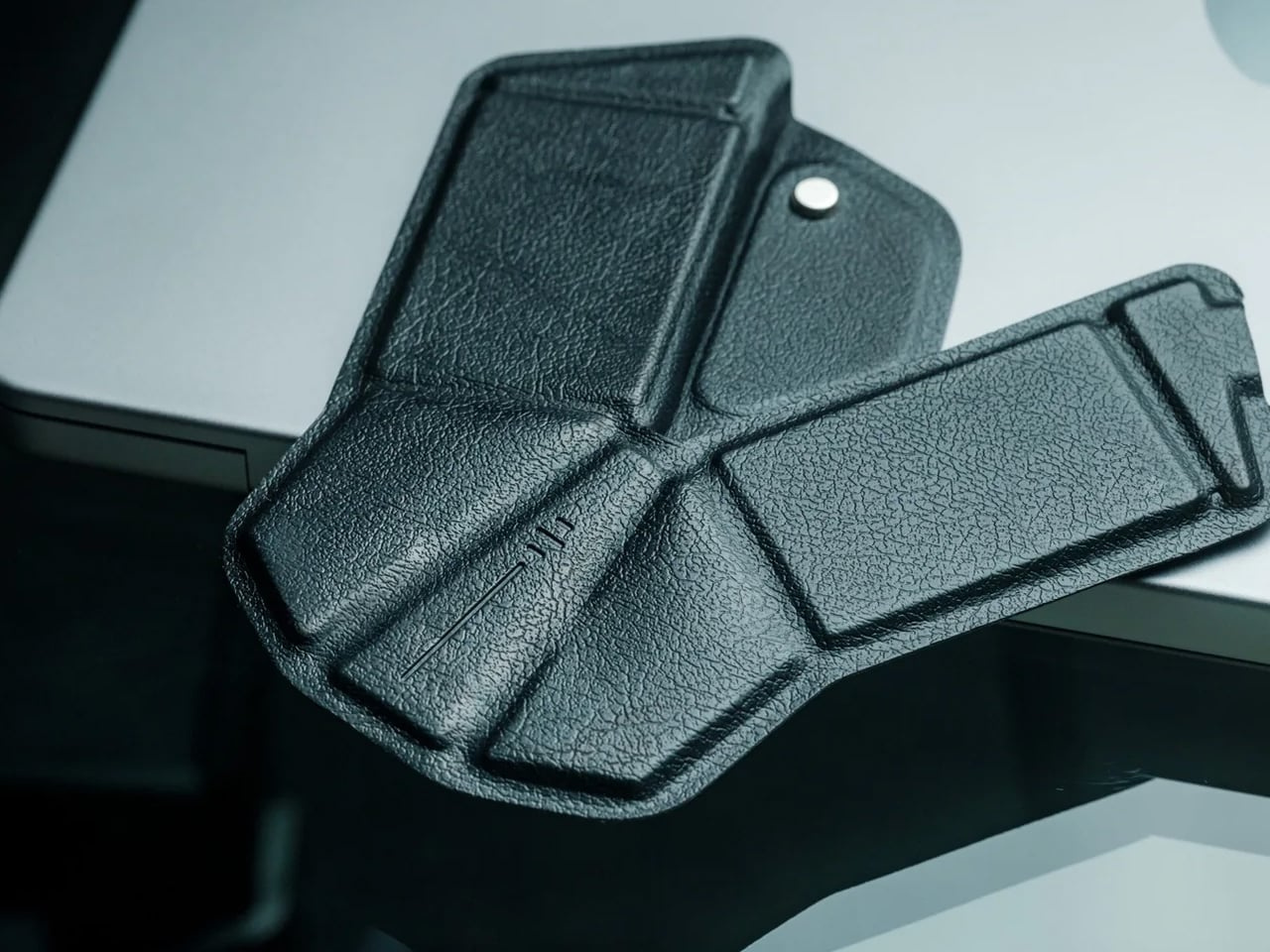
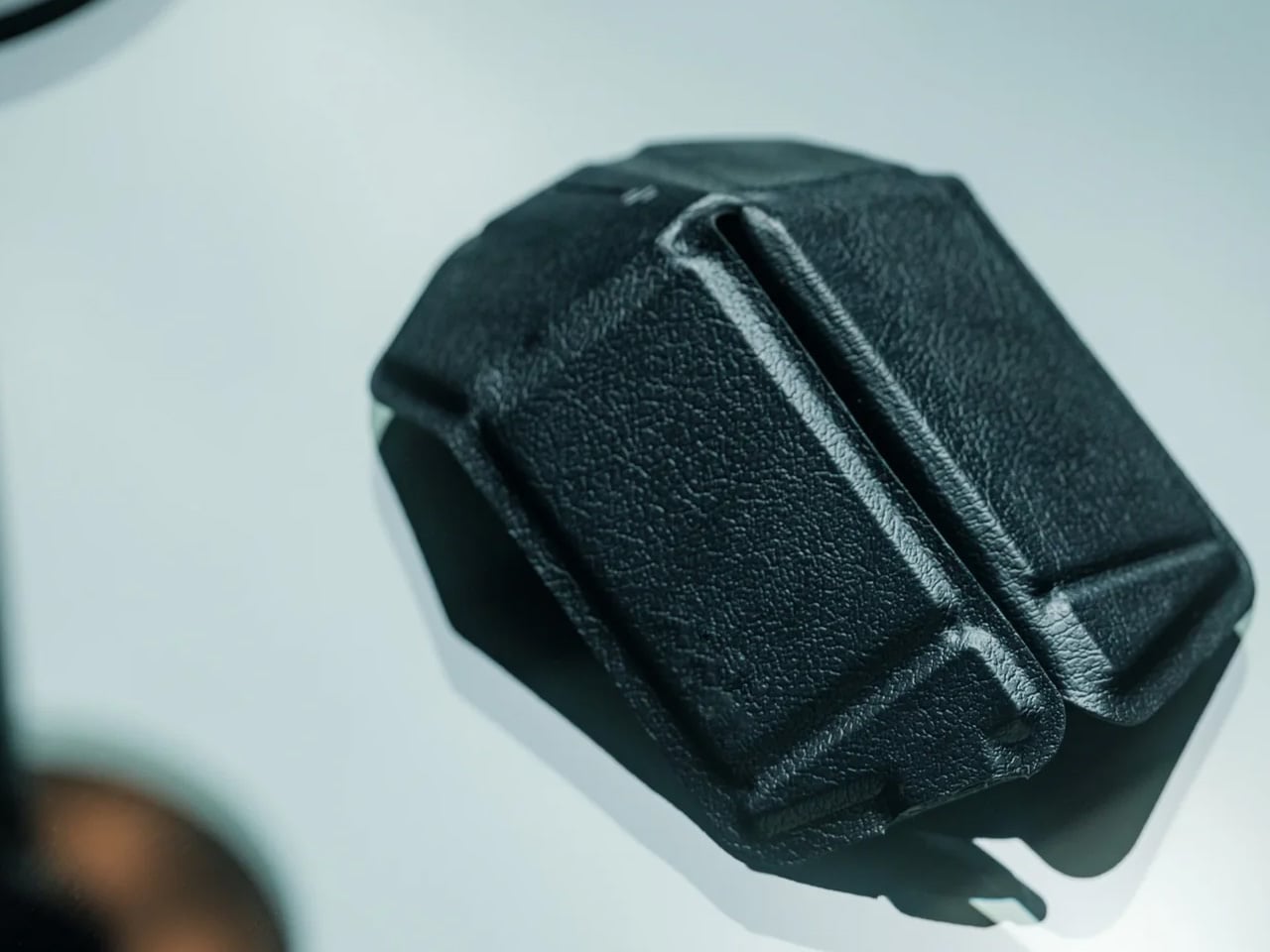
Trackpads work fine until they do not. Precise selections in spreadsheets, long editing sessions, and detailed design work all benefit from a real mouse, but carrying a conventional one eats bag space that nomads cannot spare. OrigamiSwift solves this by folding a full-sized Bluetooth mouse down to a 4.5mm-thick slab that weighs just 40 grams (1.41 ounces). Magnetic snaps lock the two sides together in under half a second, and the mouse powers on automatically when assembled. Fold it flat again, and it slides into a laptop sleeve or even a shirt pocket.

Under the origami-inspired exterior sits a 4000 DPI HD infrared sensor capable of tracking at up to 30 inches per second, paired with Bluetooth 5.2 for stable, dongle-free connectivity across Mac, Windows, Android, and iPadOS. A 500mAh lithium polymer battery charges via USB-C and lasts up to three months on a single charge, which effectively removes battery anxiety from the equation. The vegan leather skin adds grip and surface compatibility, while mechanical click switches on the left and right buttons provide tactile feedback. A touch-sensitive scroll area replaces a physical wheel, which keeps the profile flat. At around $49 to $69, depending on the retailer, it sits in a reasonable range for a travel peripheral that genuinely disappears when not in use. The trade-off is that it is not built for gaming or high-speed precision work, but for the spreadsheet-to-email-to-design workflow that defines most nomad days; it handles everything a full-sized mouse would.

Click Here to Buy Now: $85.00

What we like

  • Folds to 4.5mm flat and weighs 40 grams, making it the most packable full-sized mouse option available for nomads who cannot sacrifice bag space.
  • Three-month battery life on a single USB-C charge means one less device to worry about charging between cities and time zones.

What we dislike

  • The touch scroll area, replacing a physical scroll wheel, takes adjustment, and some users report that it lacks the tactile precision of a traditional wheel during fast scrolling.
  • Not suitable for gaming or tasks demanding sub-millisecond response times, so users with hybrid work-and-play setups will still need a second mouse.

What the nomad bag looks like now

These five gadgets share a design philosophy that would have seemed niche a few years ago: they treat portability not as a marketing checkbox but as the primary constraint around which everything else is engineered. A hub that replaces four dongles. A keyboard that is also a 4K monitor. A mouse that folds into a credit card sleeve. A power bank that communicates through light. Earbuds that double as a visual AI assistant. Each one subtracts something from the bag while adding a capability that used to require a dedicated device.

The shift is worth paying attention to. Remote work hardware is no longer about miniaturizing desk products and hoping they survive a carry-on. The best nomad gear now starts from the constraints of movement, weight, and setup speed, then works backward to figure out how much functionality can fit inside those limits. Two of these products are concepts, two are crowdfunding, and one is shipping today. That ratio will flip fast. The bag is getting lighter, the workspace is getting more capable, and the gap between a fixed office and a cafe table keeps narrowing.

The post 5 Best Gadgets Every Tech-Savvy Digital Nomad Is Quietly Packing Right Now first appeared on Yanko Design.
7 Best 2026 Gadgets & Tools Every Digital Nomad Needs in Their Backpack

The digital nomad lifestyle thrives on contradiction. You need professional-grade tools that disappear into a carry-on. Power without bulk. Connection without cables. The freedom to work from a Bali café or a Berlin co-working space demands gear that adapts as quickly as your location changes. The right equipment doesn’t just make remote work possible—it makes it effortless, turning any corner of the world into your office.

This year’s standout gadgets understand that nomadic work isn’t about compromising between portability and performance. These seven designs solve real problems that emerge when your desk is wherever you set down your laptop. They’re built for the constant motion between airports and coffee shops, for the moments when a stable internet connection matters more than a stable address, for professionals who measure workspace in grams and millimeters.

1. HubKey Gen2: Your Entire Setup in a Cube

The chaos of the modern nomadic workspace often comes down to ports. Your sleek ultrabook offers maybe two USB-C connections, yet you’re constantly reaching for monitors, ethernet reliability, external drives, and power. What begins as minimalist hardware design becomes a tangle of dongles and adapters stuffed into every pocket of your tech pouch. HubKey Gen2 rethinks this entirely, consolidating 11 different connections into a palm-sized cube that sits exactly where you need it.

Beyond the connectivity sprawl, this device addresses another friction point: the small actions buried in menus and keyboard shortcuts that disrupt your workflow. Four programmable keys and a central control knob transform software commands into physical gestures. Mute your microphone, adjust volume, toggle camera privacy, or switch between tasks with tactile certainty. For someone working across time zones and video calls, having media controls at your fingertips rather than three clicks deep makes the difference between smooth professionalism and fumbling mid-presentation.

What We Like

  • The 11-in-1 hub eliminates the need for multiple adapters, significantly streamlining your packing list.
  • Dual 4K display support means you can plug into external monitors at co-working spaces or client offices without compromise.
  • Physical shortcut keys and a control knob bring immediate access to privacy toggles and media controls.
  • The compact cube design fits easily in a backpack’s tech compartment without adding bulk.

What We Dislike

  • The stationary cube format works best on stable desks, which isn’t always guaranteed in nomadic setups.
  • At a premium price point, it’s an investment that may not suit budget-conscious travelers.

2. OrigamiSwift Folding Mouse: Full-Size Precision in Your Pocket

Laptop trackpads work fine until they don’t. After hours of detailed work—editing photos, building spreadsheets, designing mockups—your fingers cramp and precision suffers. Full-sized mice offer the ergonomic relief you need but consume precious backpack real estate. OrigamiSwift solves this spatial puzzle with origami-inspired engineering that lets a complete mouse fold completely flat, transforming from 40 grams of barely-there weight into a proper productivity tool the moment you need it.

The transformation happens in under half a second. One flip and the mouse springs into an ergonomic form that fits naturally in your palm, ready for extended work sessions, whether you’re at a standing desk in Bangkok or a wobbly café table in Lisbon. When you pack up, it collapses just as quickly into a profile thin enough to slide into a notebook pocket. The Bluetooth connection means one less cable to manage, and the full-size functionality means you’re not sacrificing comfort for convenience.

Click Here to Buy Now: $79.00

What We Like

  • The foldable design delivers genuine full-size mouse comfort without occupying significant bag space.
  • Weighing only 40 grams, it’s essentially weightless in your daily carry.
  • The instant transformation in under 0.5 seconds means you can deploy it as quickly as you open your laptop.
  • Ergonomic shaping provides the comfort needed for extended work sessions across multiple time zones

What We Dislike

  • Bluetooth connectivity requires occasional charging, adding one more device to your power management routine.
  • The folding mechanism, while durable, introduces moving parts that could potentially wear over time.

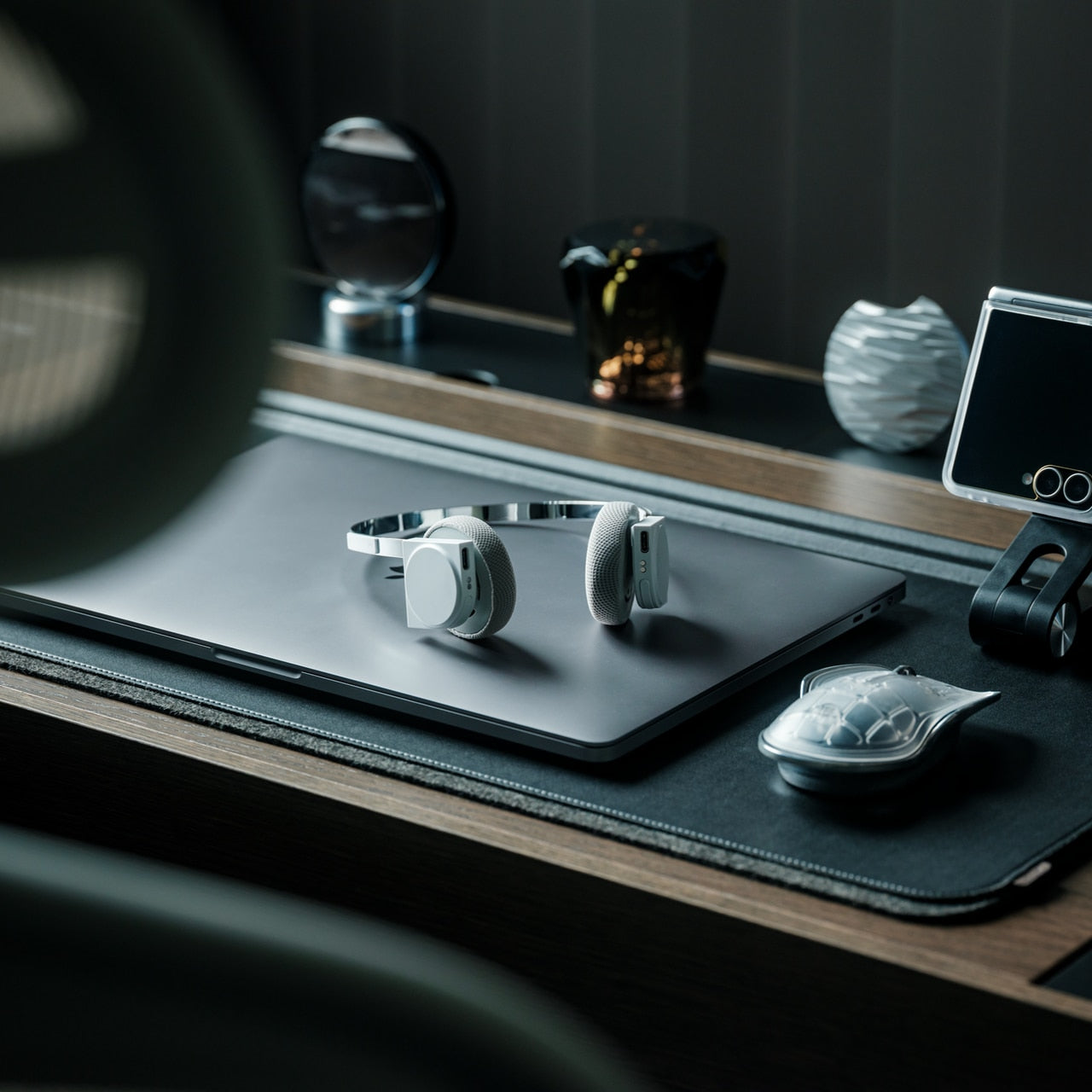
3. StillFrame Headphones: Creating Focus Anywhere

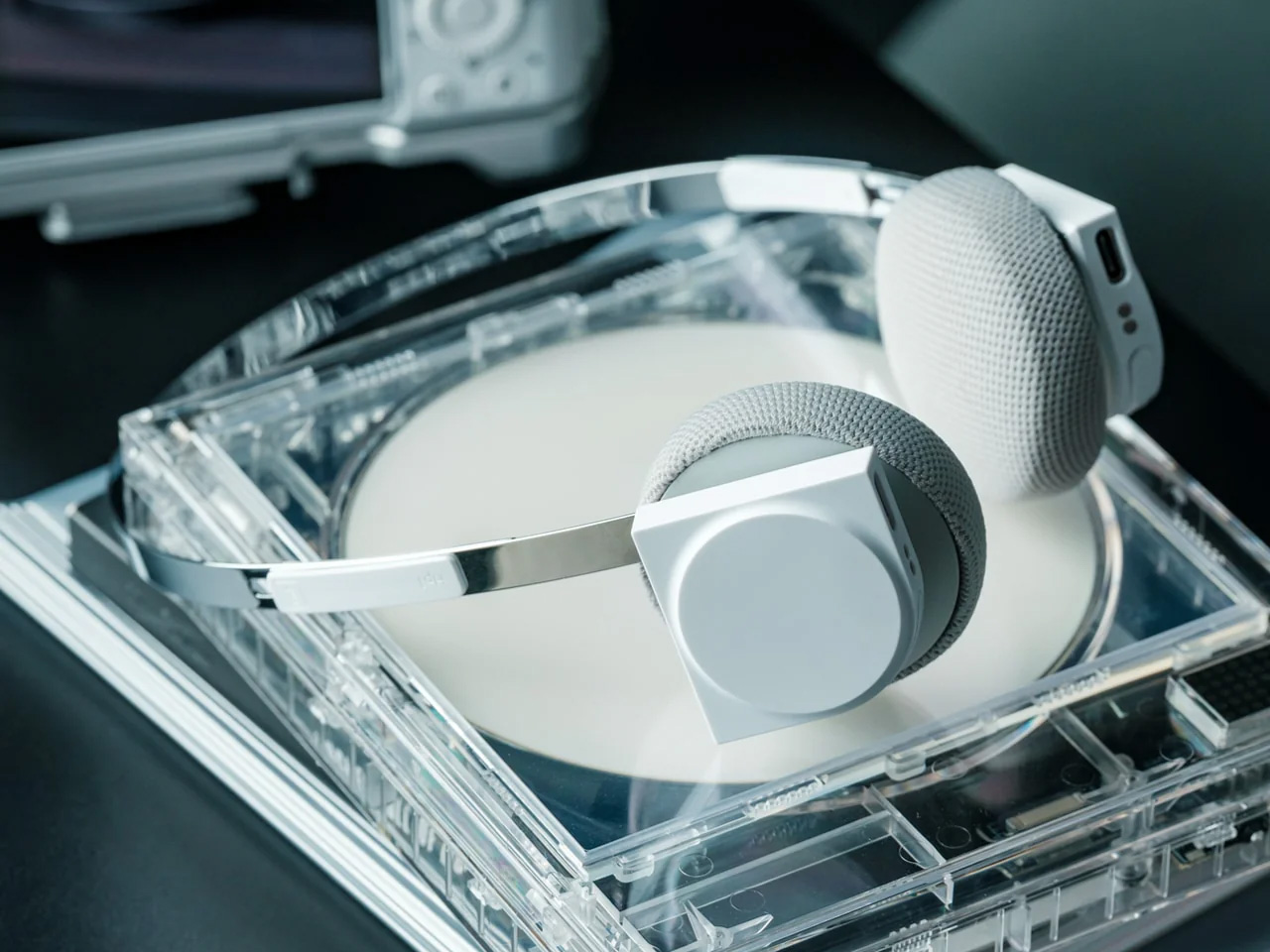
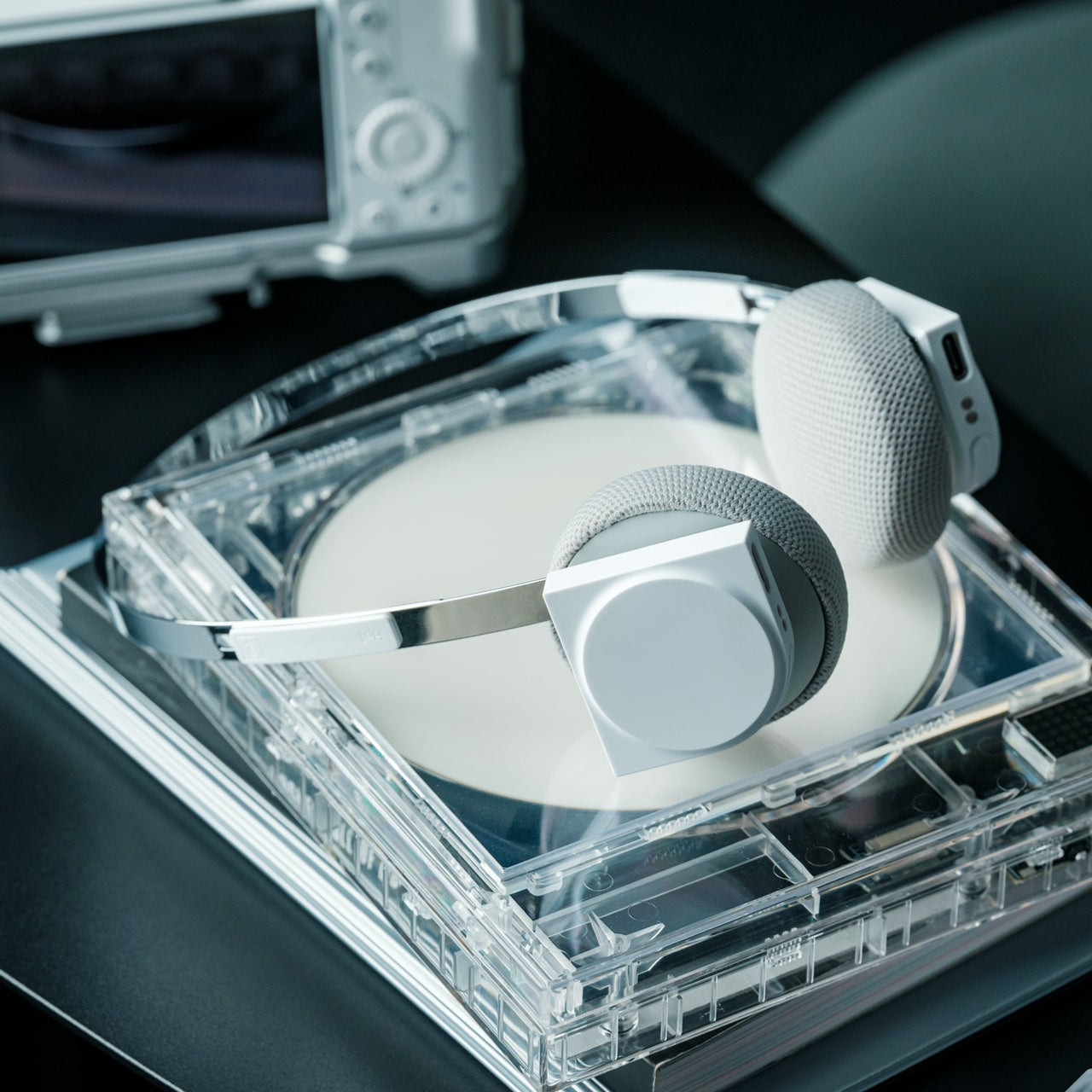
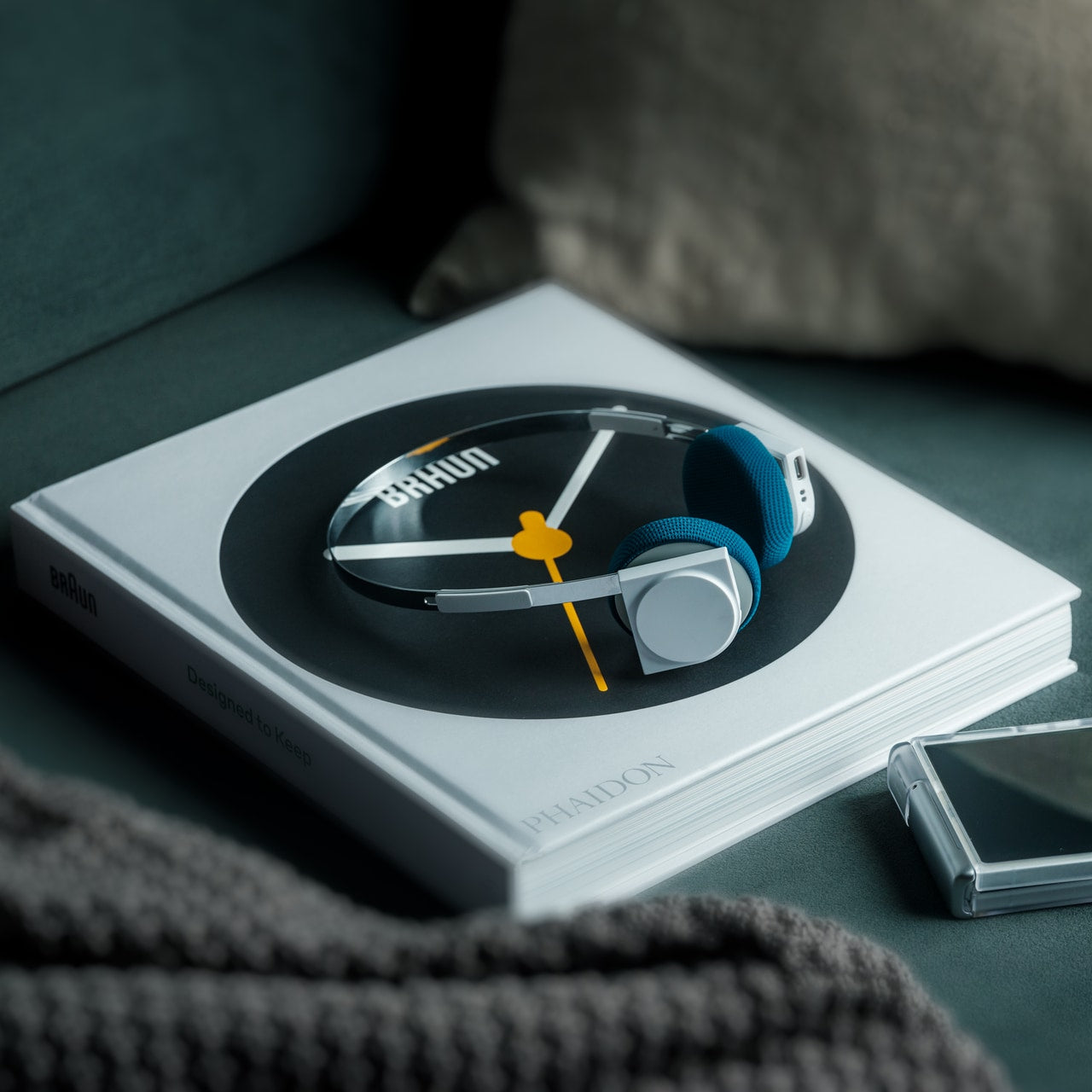
Airports, cafés, co-working spaces—the nomadic office is rarely quiet. Concentration becomes a portable skill, and headphones evolve from accessory to essential tool. StillFrame approaches audio with a design philosophy borrowed from the deliberate era of physical media, when albums were objects you held, and listening was an intentional act. The result sits comfortably between in-ears and over-ears, at just 103 grams, with 40mm drivers that open up soundscapes rather than just pumping audio into your ears.

The real utility emerges in the switching. Active noise cancellation erases the chaos when you need to disappear into deep work. Transparency mode keeps you connected to your surroundings when you’re waiting for a gate announcement or want to stay aware in an unfamiliar city. Twenty-four hours of battery life means you can travel from New York to New Delhi without reaching for a charging cable, maintaining your focus through layovers and long-haul flights.

Click Here to Buy Now: $245.00

What We Like

  • The 24-hour battery life eliminates anxiety about running out of power during long travel days.
  • Weighing just 103 grams, these headphones stay comfortable through marathon work sessions.
  • Both noise-cancelling and transparency modes adapt to shifting environments from silent libraries to bustling streets.
  • The 40mm drivers create an open soundstage that makes both music and podcasts more immersive.

What We Dislike

  • The on-ear design may not provide the same noise isolation as full over-ear models in extremely loud environments.
  • The retro-inspired aesthetic, while distinctive, may not appeal to those preferring more modern styling.

4. Memento Business Card Log: Analog Memory in a Digital World

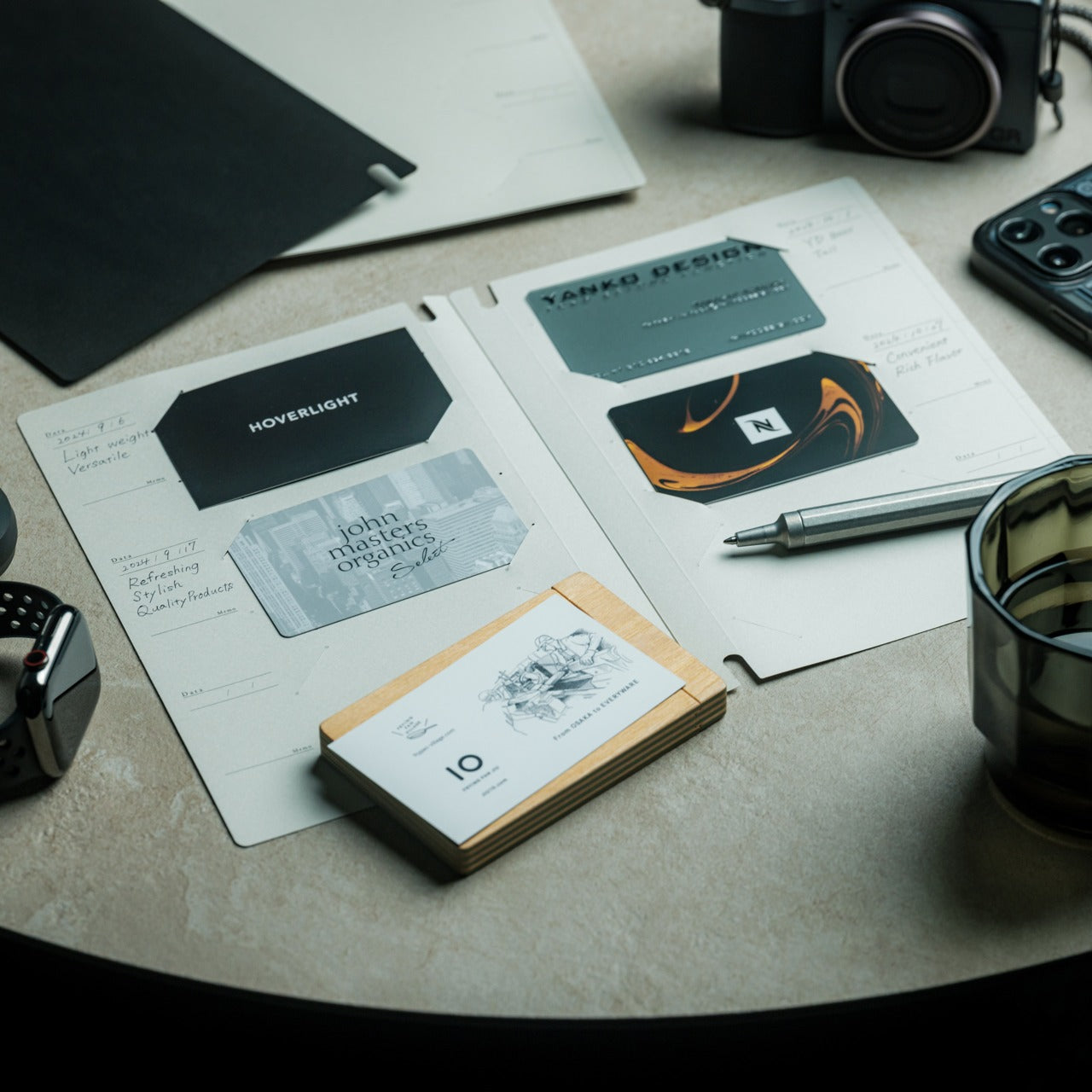
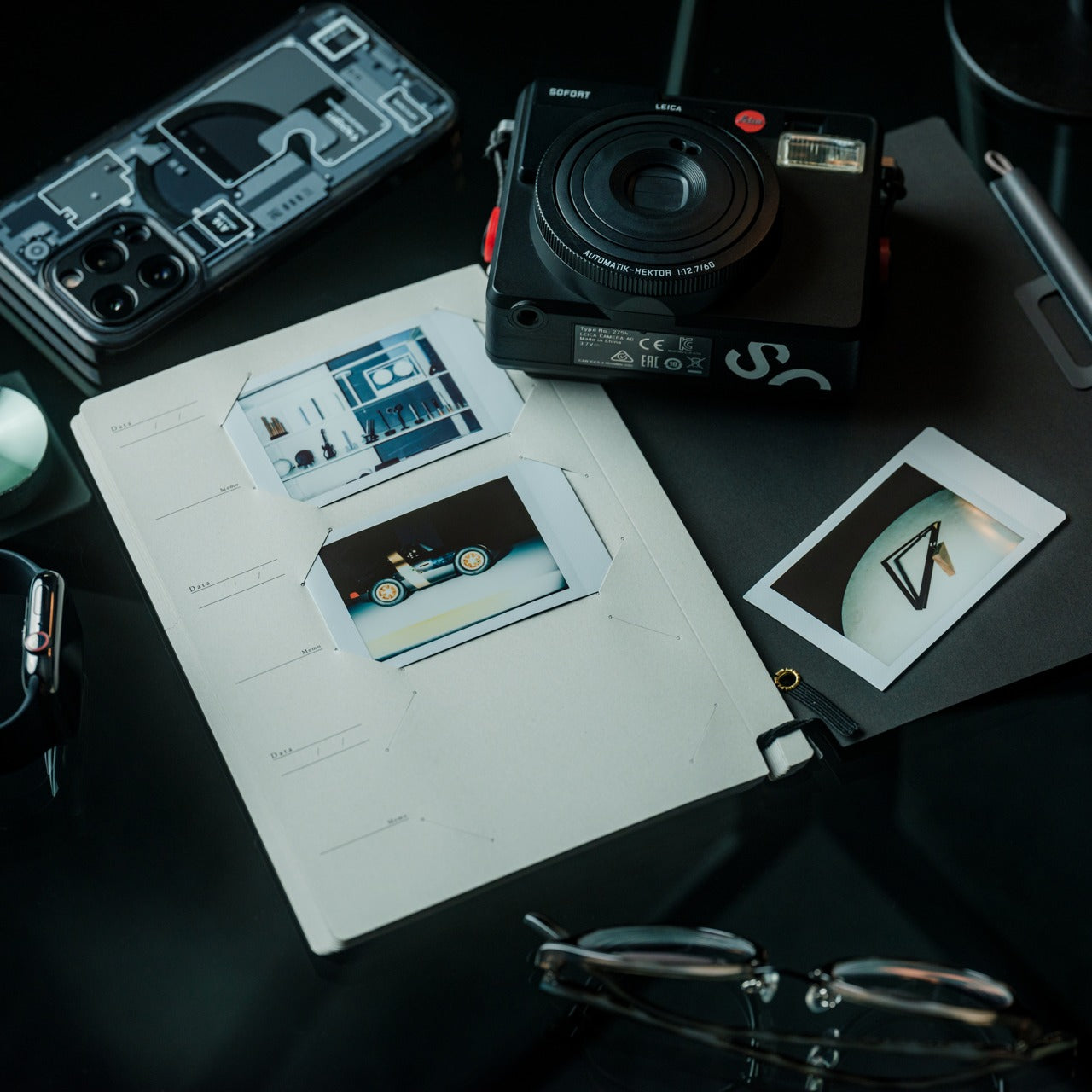
Digital contacts sync across devices, but they don’t capture the texture of a conversation. The nomadic lifestyle means constantly meeting collaborators, clients, and fellow travelers—connections that could turn into partnerships if you remember not just names but contexts. The Memento Business Card Log stores up to 120 business cards using a binding system that lets you reorganize and reference them easily, but more importantly, it provides space for the handwritten details that transform a card into a memory.

Japanese brand Re+g built this organizer around the idea that writing things down changes how you remember them. After a chance meeting at a conference in Singapore or a productive coffee chat in Copenhagen, you can note what you discussed, ideas that emerged, or even just the person’s working style. These annotations become retrieval cues that software contact lists can’t replicate. When you reconnect weeks or months later, those handwritten notes help you pick up the conversation with genuine context rather than generic pleasantries.

Click Here to Buy Now: $35.00

What We Like

  • The capacity for 120 business cards means you can collect connections throughout extended trips without needing to transfer them.
  • Handwritten note space beside each card captures conversational context that digital contacts miss.
  • The unique binding system allows easy reorganization as your network and priorities evolve.
  • Minimal, tactile paper design from Re+g elevates organization into something you’ll actually enjoy using.

What We Dislike

  • The analog format means cards aren’t automatically backed up if the log is lost or damaged.
  • Physical storage takes up more space than purely digital contact management.

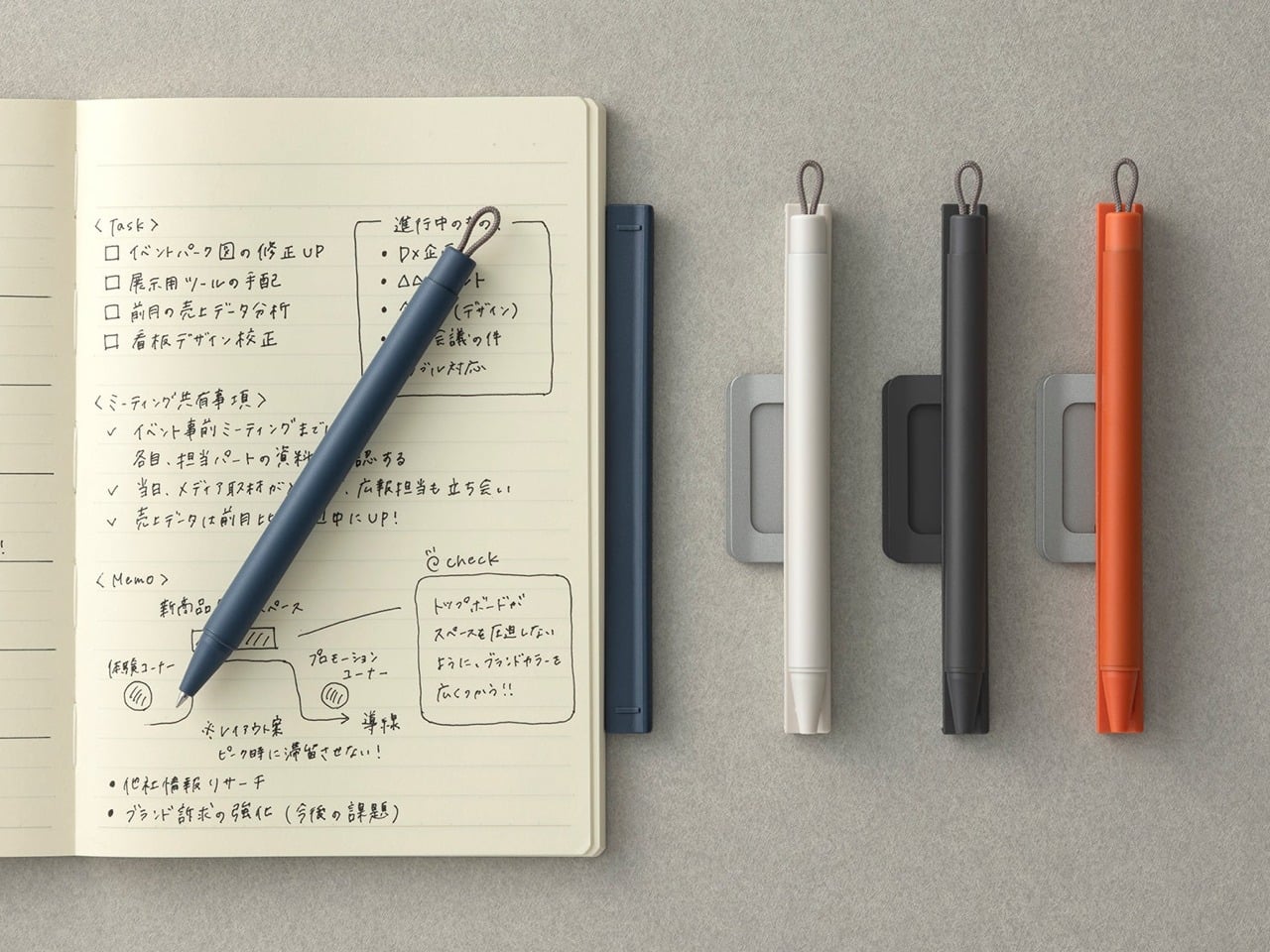
5. Inseparable Notebook Pen: Never Hunt for a Pen Again

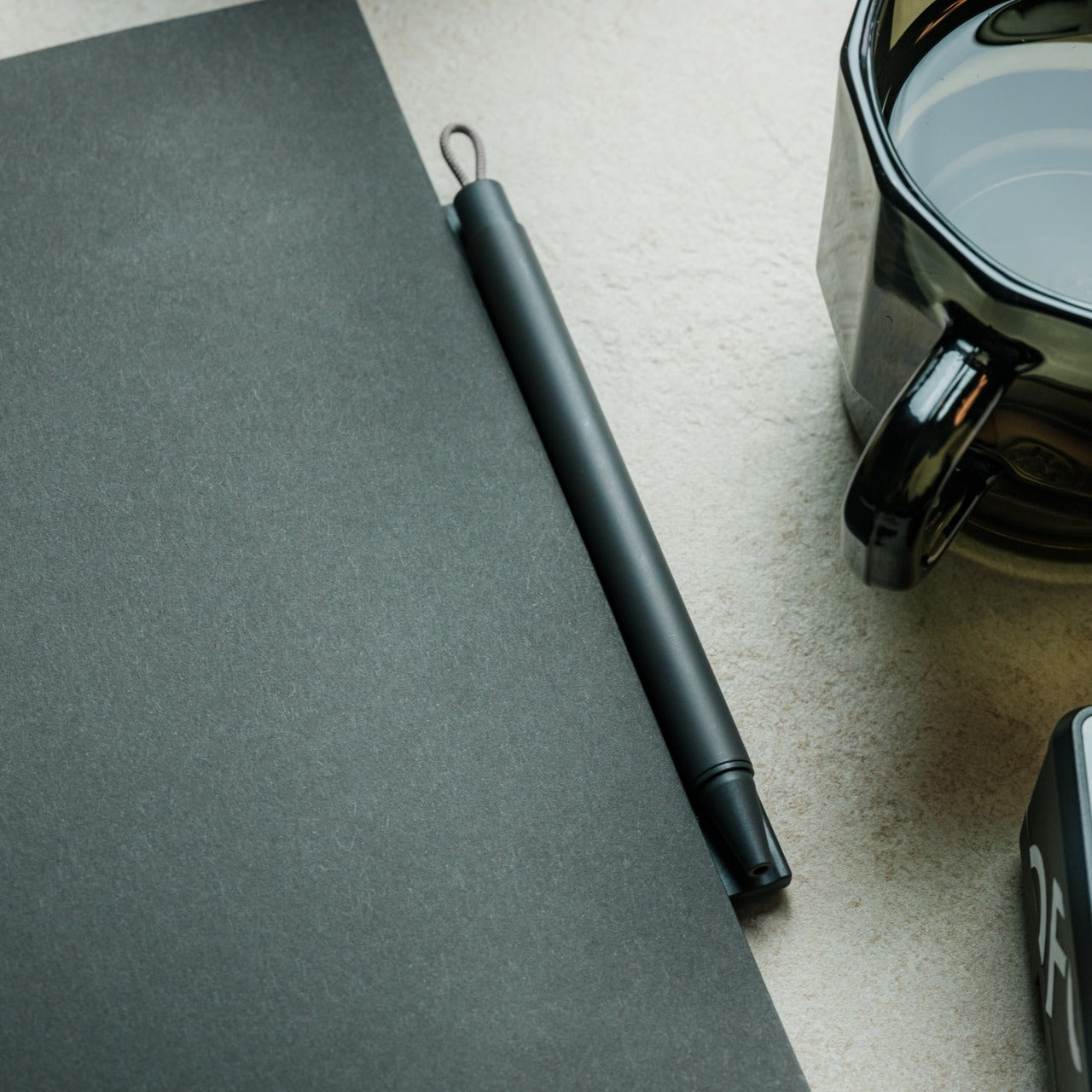
The friction of creativity often isn’t the idea—it’s the split second when you can’t find something to write with. Inspiration arrives during a walking tour, mid-conversation, or while half-asleep on a red-eye flight. By the time you’ve rummaged through your bag for a pen, the thought has scattered. The Inseparable Notebook Pen uses a magnetic clip that attaches securely to your notebook, ensuring your writing tool lives exactly where you reach for it.

The design focuses on seamless integration. A built-in silencer makes attaching and detaching the pen a quiet, satisfying gesture rather than a clumsy snap. The minimalist form fits any notebook style without visual clash, and the smooth ink flow handles everything from quick notes to detailed sketches. For digital nomads who alternate between typing and handwriting—brainstorming on paper before building in software—this pen becomes an extension of your process rather than something you have to think about.

Click Here to Buy Now: $19.95

What We Like

  • The magnetic clip ensures the pen is always exactly where your notebook is, eliminating lost-pen frustration.
  • The built-in silencer creates a refined, quiet attachment experience.
  • Minimalist design complements any notebook without stylistic compromise.
  • Smooth ink flow handles varied writing needs from rapid note-taking to careful sketching.

What We Dislike

  • The pen is designed specifically for notebooks with compatible magnetic areas, limiting versatility.
  • As a single pen solution, you’ll need backup options if the ink runs out mid-journey.

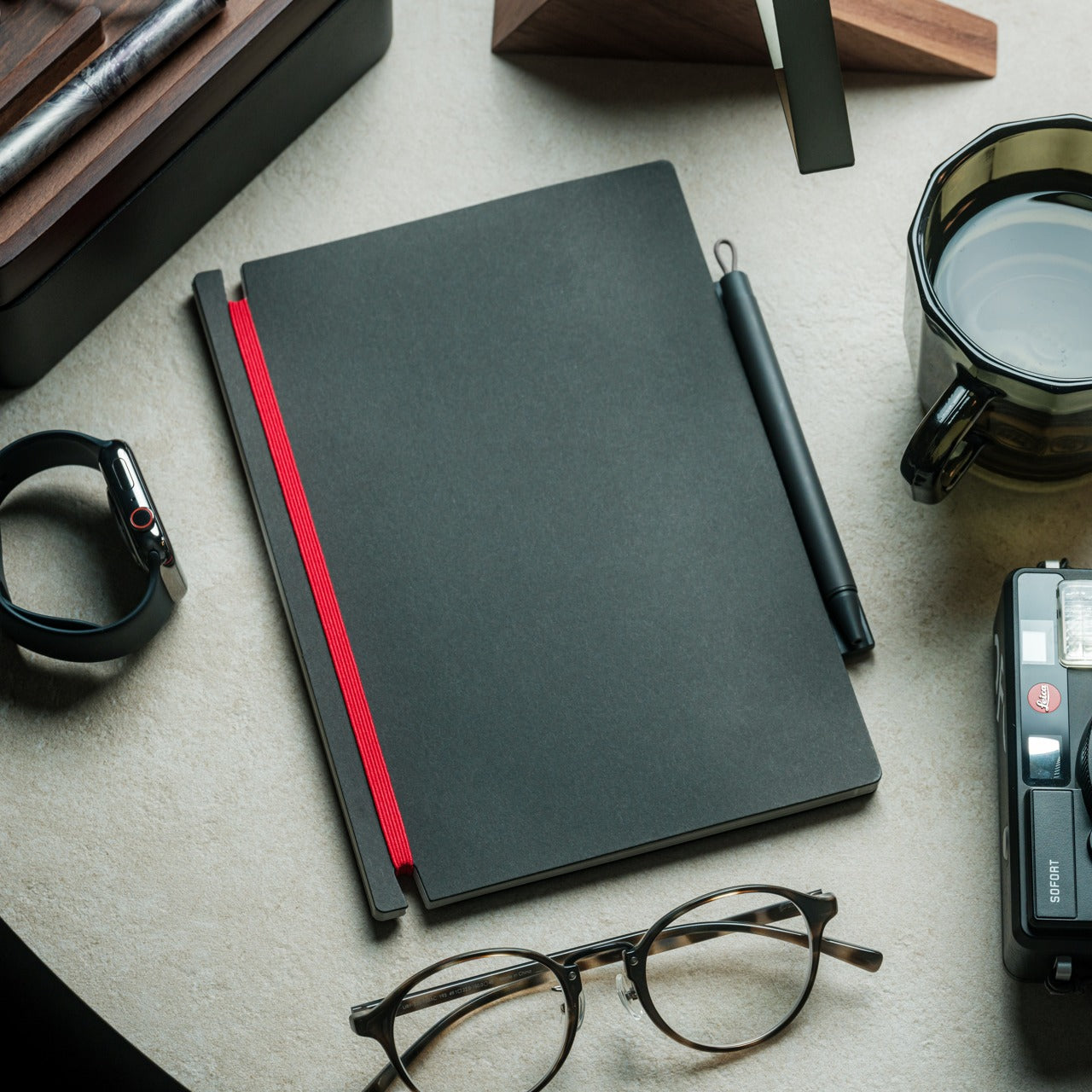
6. MagBoard Clipboard: Flexibility Without Binding

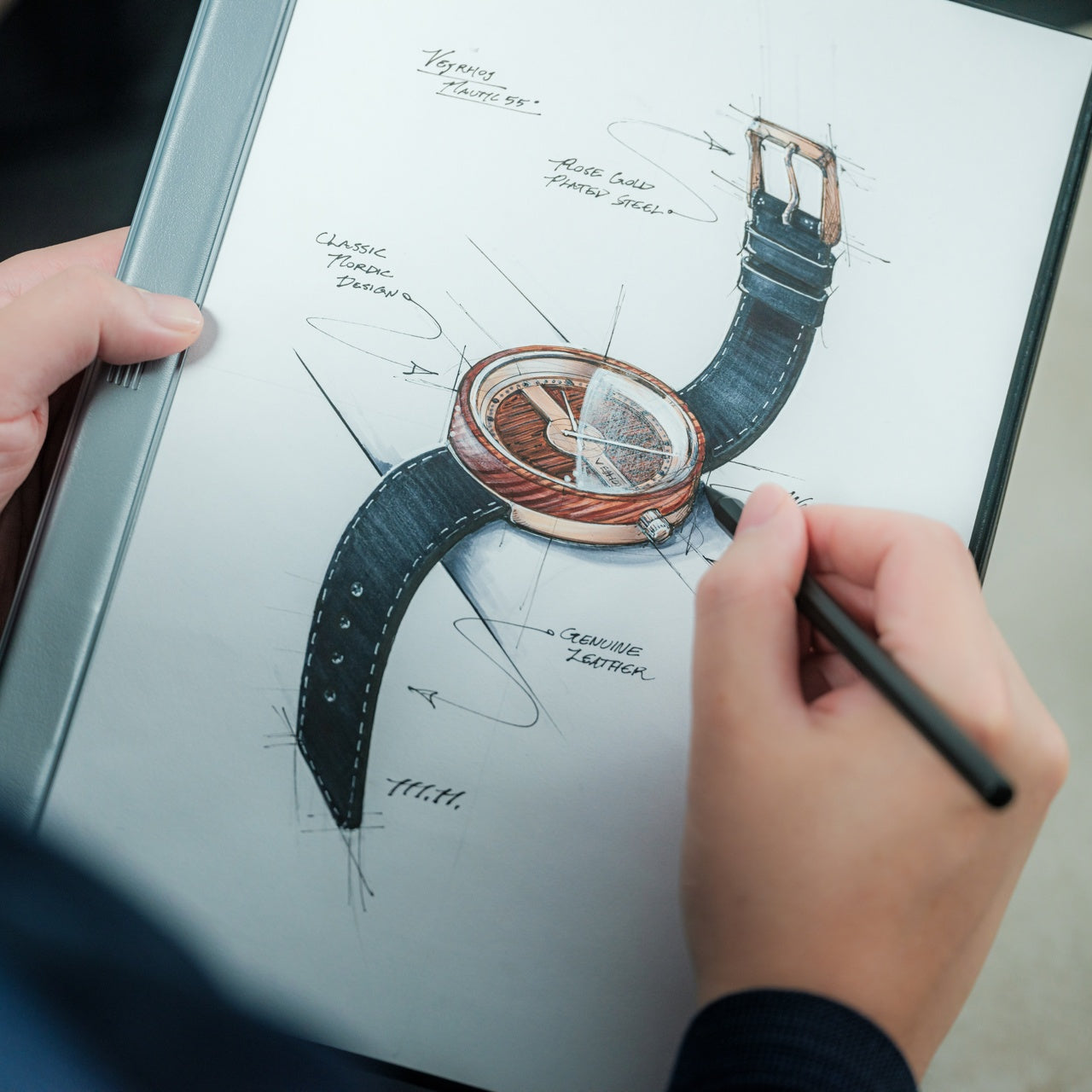
Traditional notebooks lock you into linear page order and permanent binding. That structure helps for continuous journals but frustrates project-based thinking where ideas need to be rearranged, removed, or reordered. MagBoard uses a magnet and lever mechanism to secure up to 30 loose sheets, letting you compose, decompose, and reorganize pages however your thinking demands. The hardcover backing means you can write standing, leaning against a wall, or anywhere without a stable surface.

For nomads juggling multiple projects, this flexibility becomes essential. Keep client notes separate until a meeting, then compile them in order. Sketch design concepts on individual sheets and arrange them spatially before committing to a sequence. Remove finished work without the orphaned pages that haunt traditional notebooks. The water-resistant cover handles the unpredictability of working outdoors or in transit, and the simple cleaning means coffee spills don’t become permanent damage.

Click Here to Buy Now: $45

What We Like

  • The magnetic lever system holds up to 30 sheets securely while allowing instant reorganization.
  • Hardcover design enables writing anywhere, even standing or without a desk surface.
  • Water-resistant and easy-to-clean materials protect your work in unpredictable environments.
  • Complete flexibility to add, remove, or rearrange pages matches project-based workflows.

What We Dislike

  • Loose sheets can be lost more easily than bound pages if not carefully managed.
  • The hardcover adds some weight compared to lighter, flexible notebooks.

7. Rolling World Clock: Time Zones at a Glance

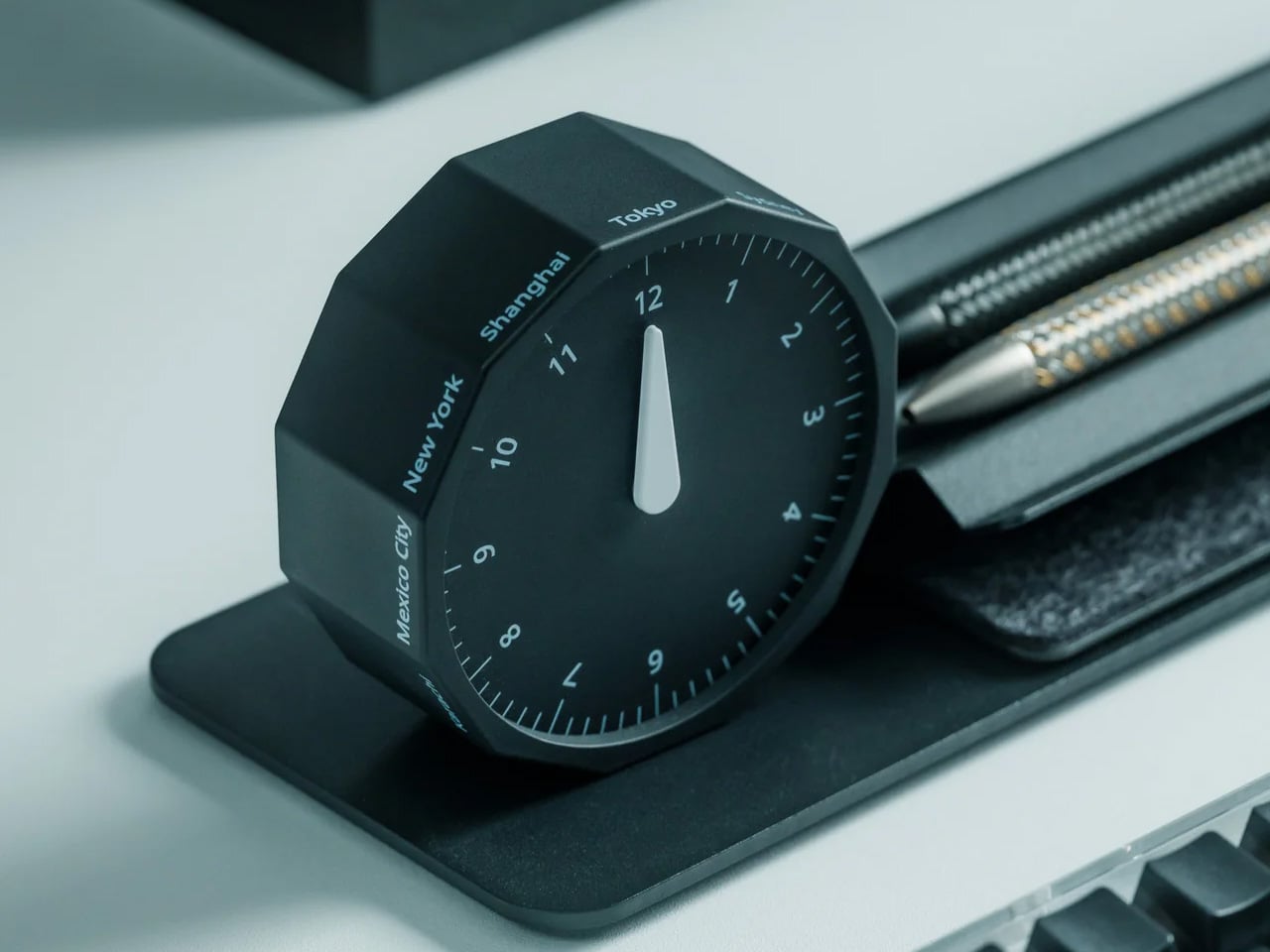
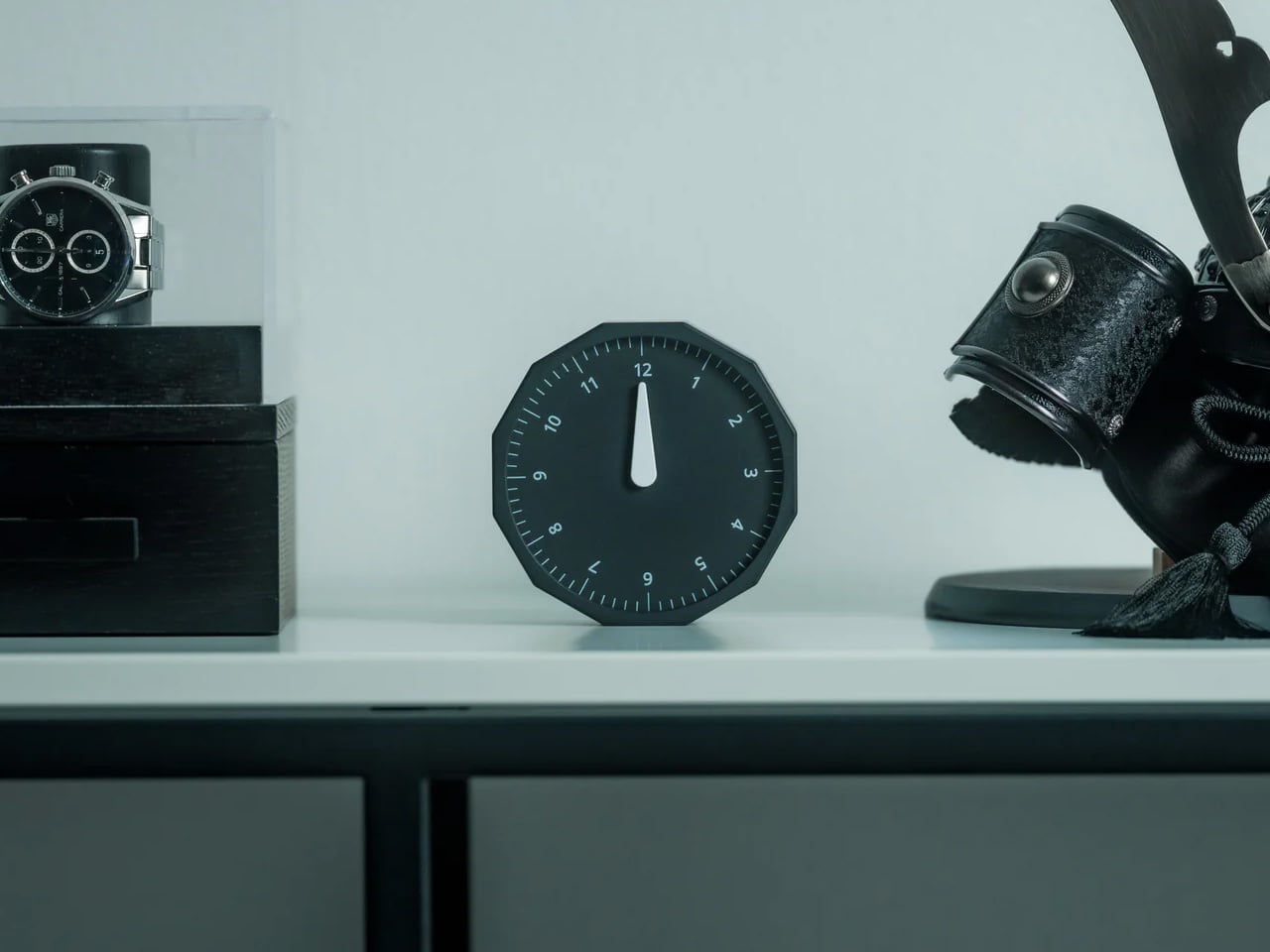
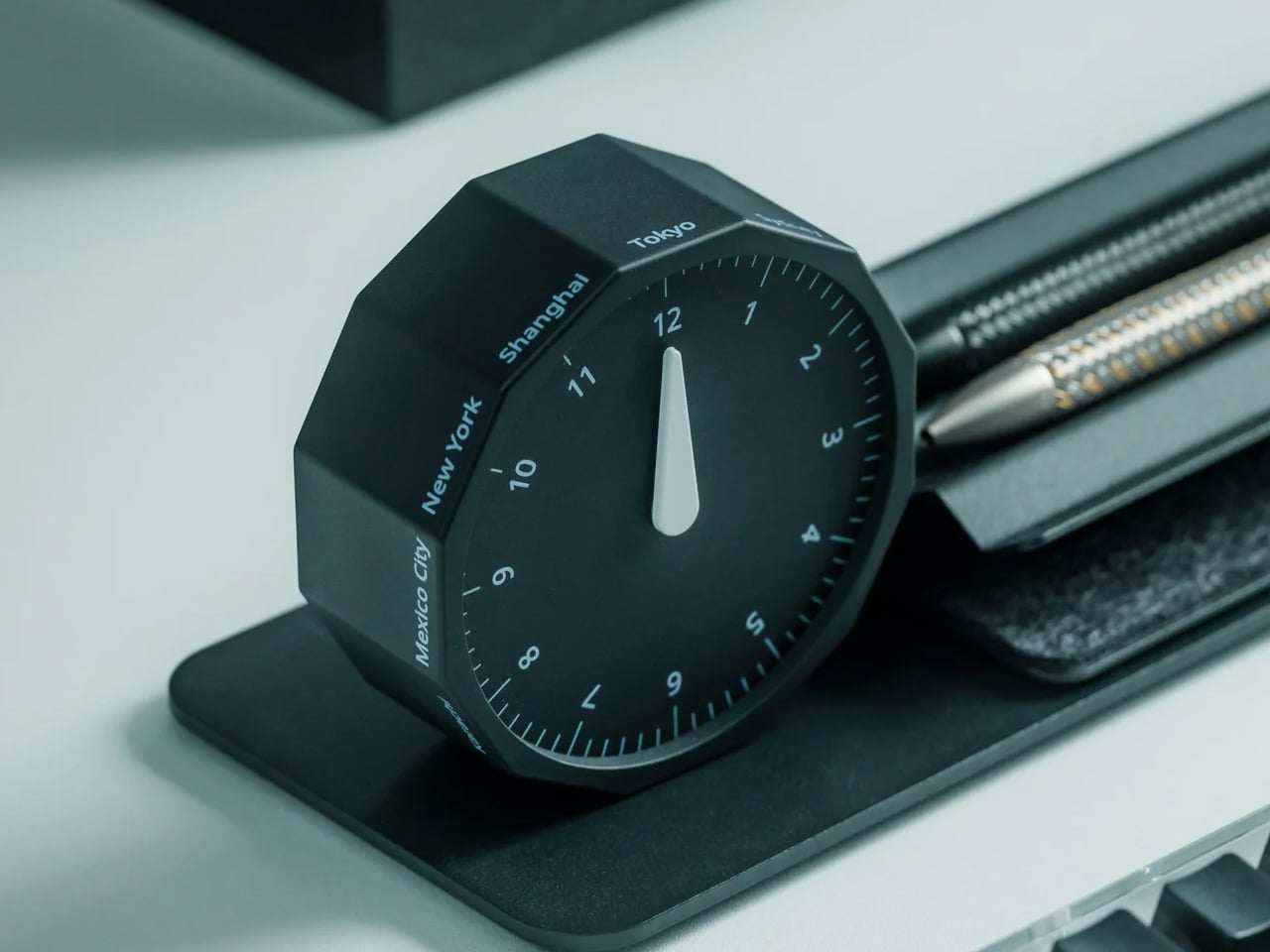
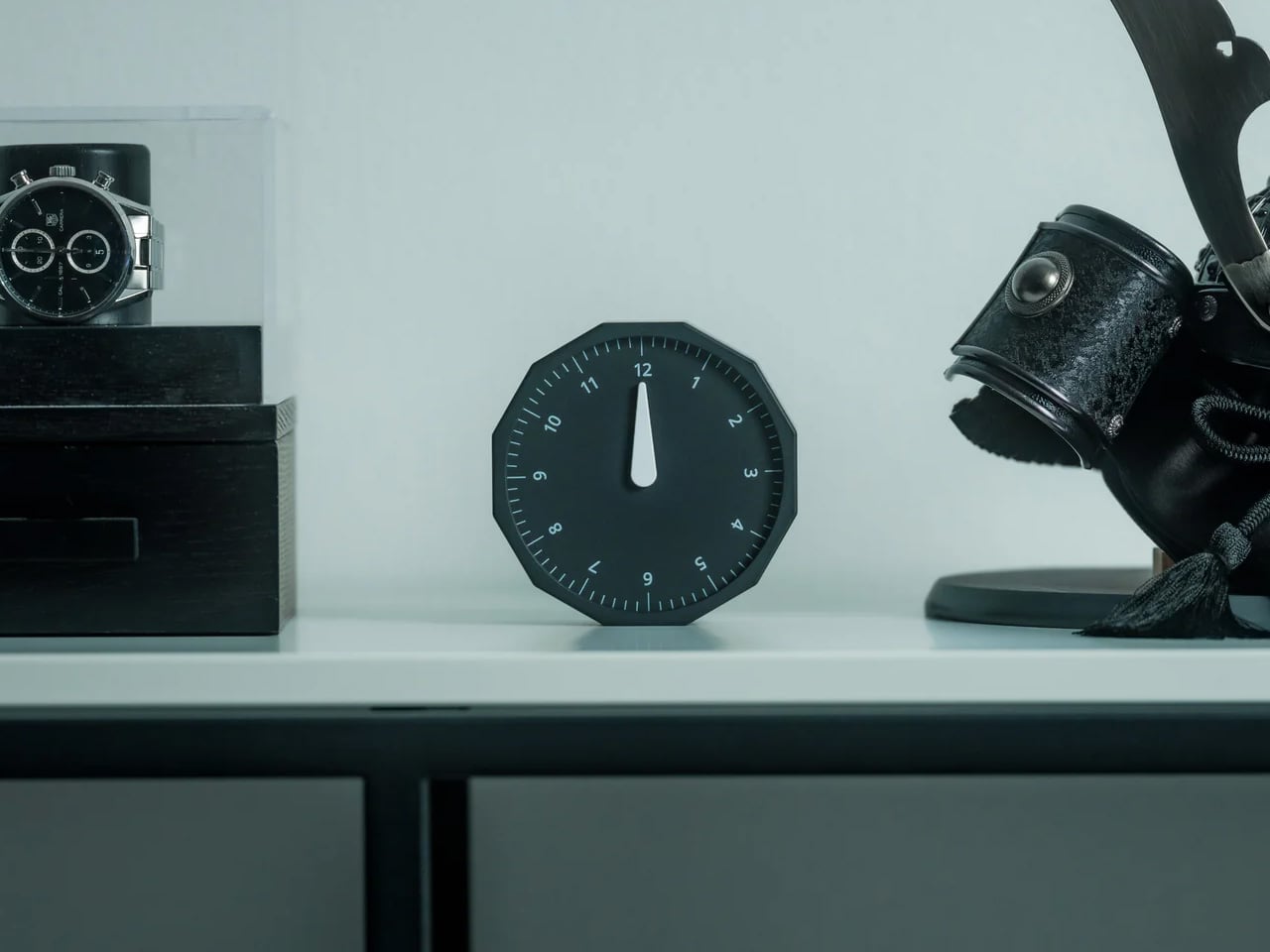
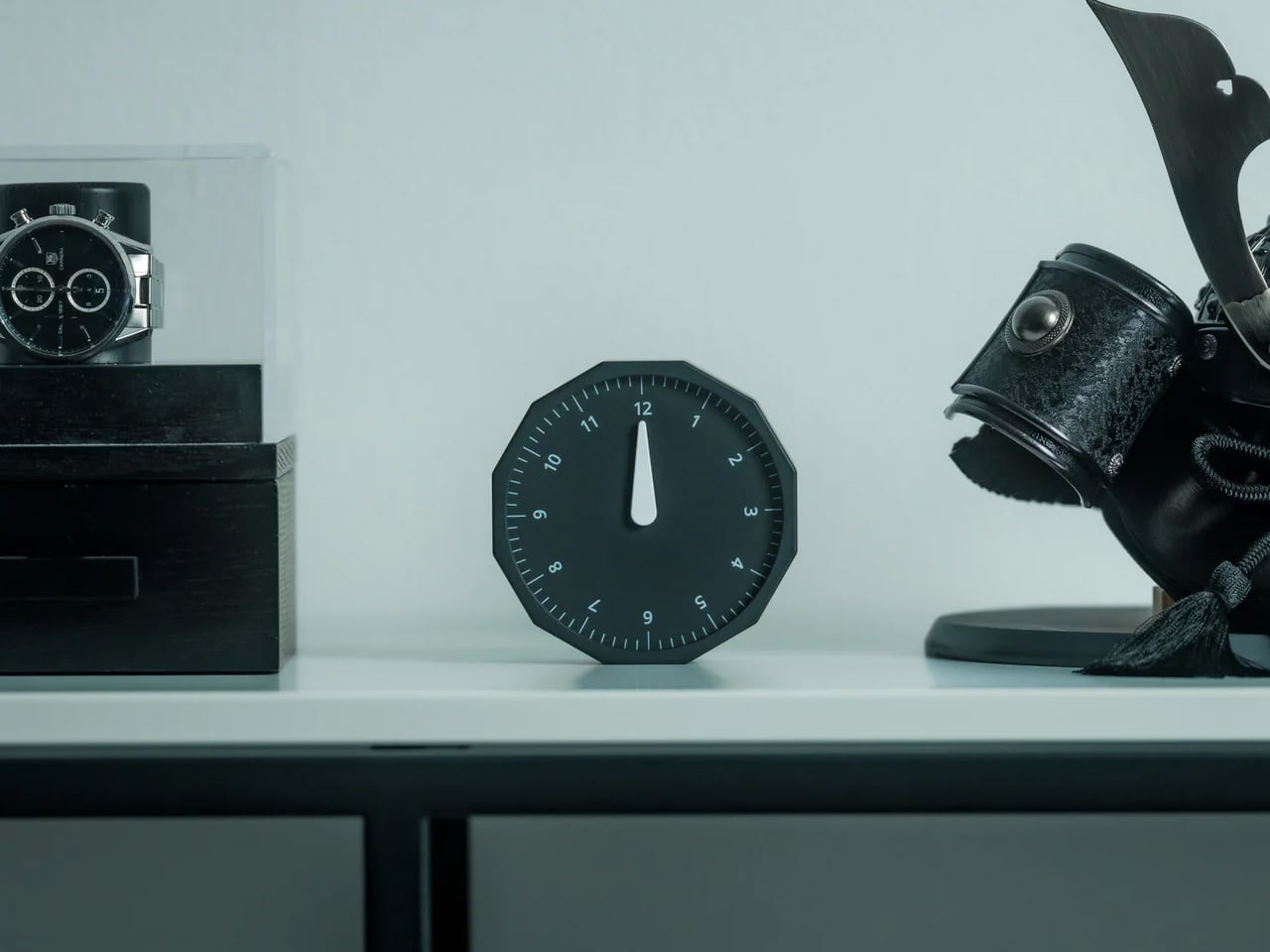
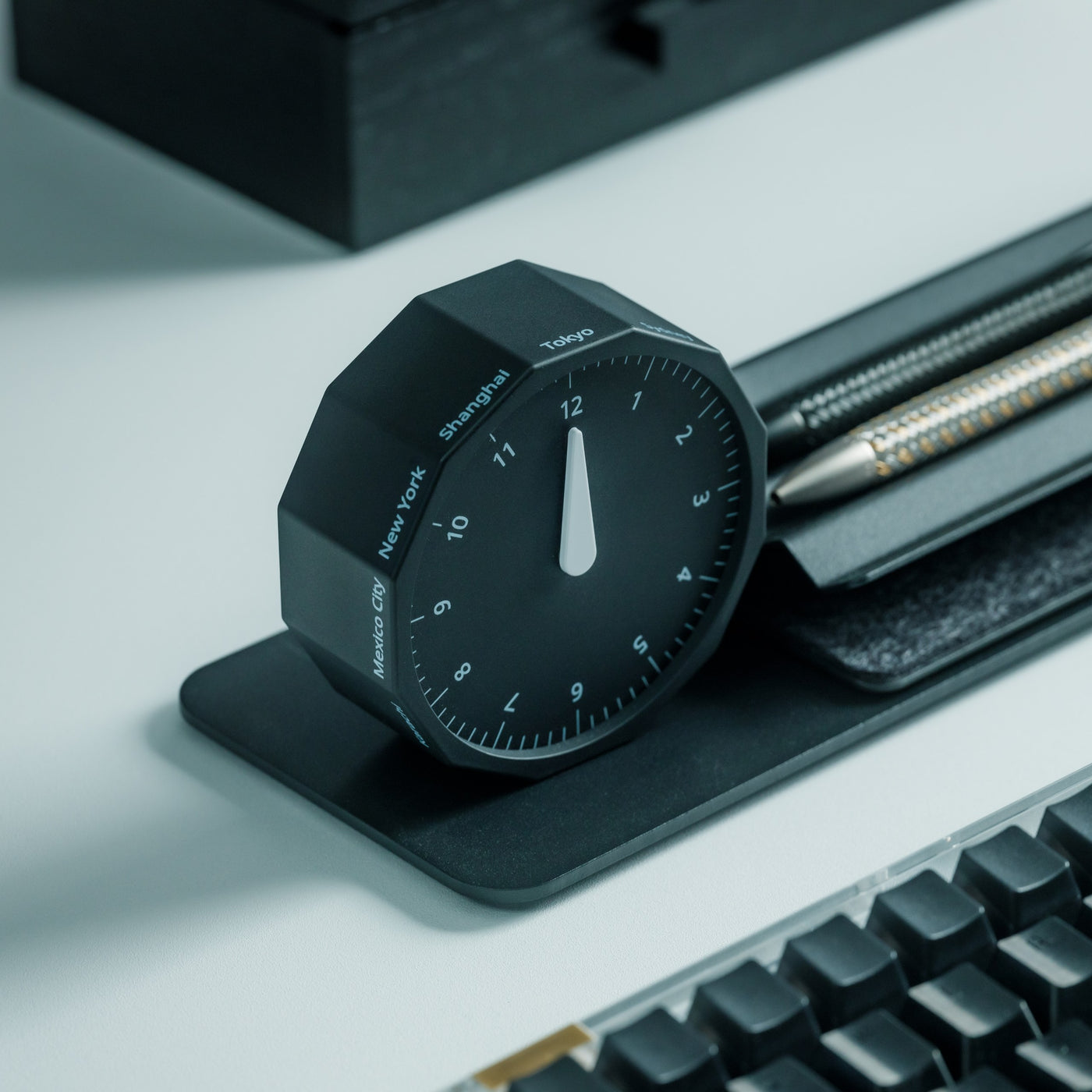
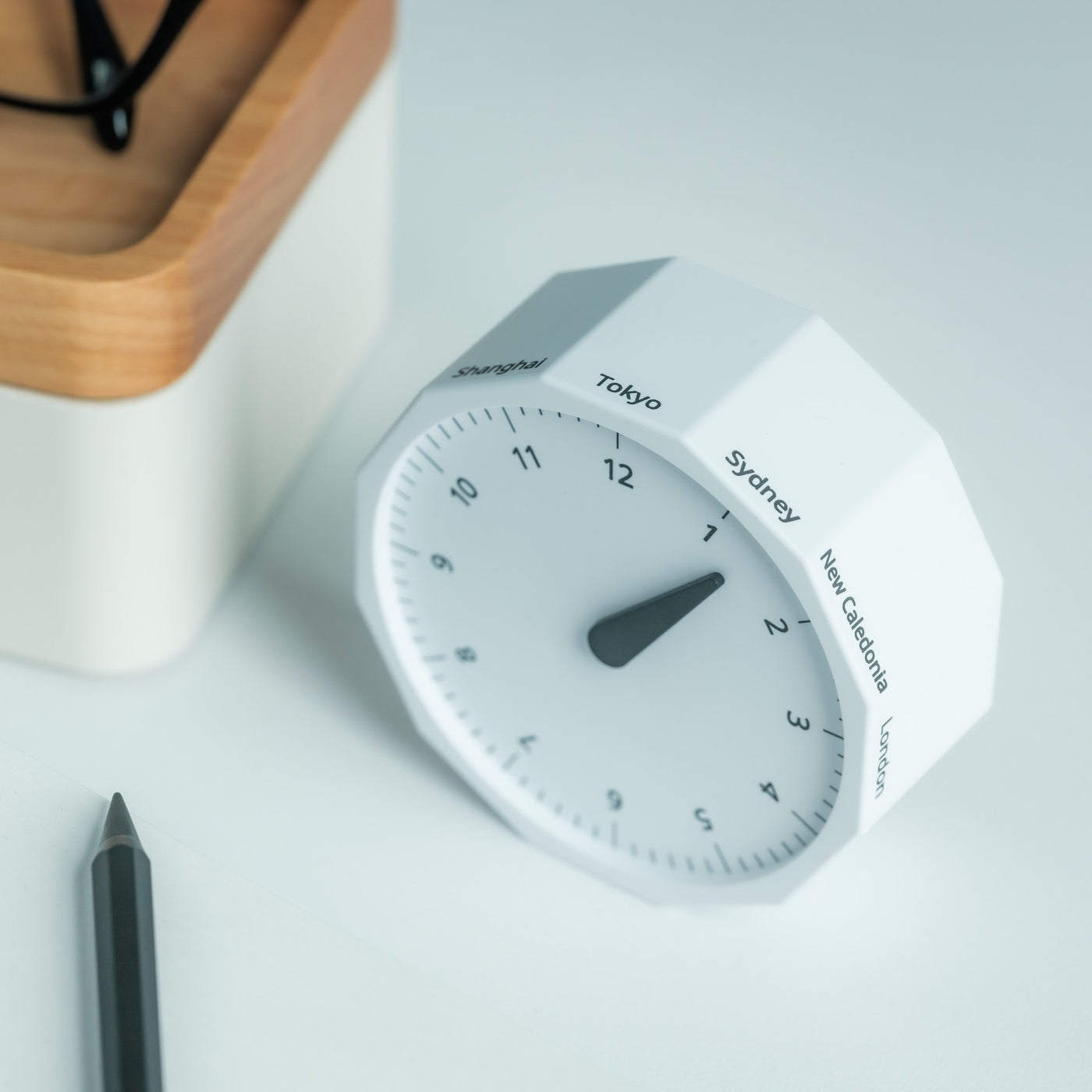
Working across continents means constantly calculating time zones. Is it too late to call your client in Tokyo? When does your team meeting in New York start relative to your current location in Cape Town? Digital clocks and apps provide answers, but they require pulling out your phone and breaking focus. The Rolling World Clock offers a tactile, immediate solution: a 12-sided desktop piece that displays the current time in major cities simply by rolling it to the desired timezone.

Each of the twelve sides represents a location—London, Paris, Moscow, Los Angeles, Karachi, Mexico City, New York, Shanghai, Tokyo, Sydney, Cape Town, and New Caledonia. A single hand shows the hour for whichever city faces up. The minimalist design eliminates digital distractions while adding a physical, almost playful element to time awareness. When you’re working from temporary desks and rented apartments, this small object becomes both functional tool and a reminder of the global nature of your work.

Click Here to Buy Now: $49

What We Like

  • The twelve-sided design covers major global time zones in one compact object.
  • Physical rolling creates a tactile, screen-free way to check international times.
  • Minimalist aesthetics work as both functional tool and desk decoration.
  • Available in black and white options to match different workspace styles.

What We Dislike

  • Limited to twelve preset cities, which may not include all the locations you coordinate with.
  • The single-hand design requires some interpretation compared to digital displays showing exact minutes.

Building Your Mobile Office

The nomadic workspace is personal, built piece by piece until it reflects exactly how you work rather than where. These seven gadgets share a common understanding: that portability and capability aren’t opposites. They fit into the rhythms of constant movement, solving the small frictions that accumulate when your office exists in a backpack. Connection without cables. Writing without searching. Time awareness without screens.

The best gear for digital nomads doesn’t announce itself. It disappears into your process, working so seamlessly you forget it’s there until you need it. Whether you’re coordinating across twelve time zones, capturing ideas before they evaporate, or creating focus in chaotic airports, these designs adapt to your location rather than constraining it. Your backpack becomes not just luggage but the architecture of your professional life, carefully curated for the work that matters wherever it happens.

The post 7 Best 2026 Gadgets & Tools Every Digital Nomad Needs in Their Backpack first appeared on Yanko Design.
Top 10 Desk Gear For Digital Nomads To Improve Their Workflow & Productivity Anywhere

If you’re a digital nomad who works on the go, your desk could often switch between a typical work desk or a table at a cafe. A desk is probably one of the most important pieces of furniture in our modern lives, only because we spend the majority of our day on it. Maintaining a well-organized desk, will not only improve your work routine and productivity, but it will also help you maintain a clearer and more streamlined mindset. And, I’ve discovered that adding limited, quality, and innovative products to my desk setup can help me in achieving these goals! The desk accessories you place on your desk are an integral part of your home/corporate office. From a USB key that can fit into your keypad to a personal whiteboard for jotting down important notes – these ingenious desk accessories are all you need to achieve your desk setup goals!

1. Saint Antoine USB Key

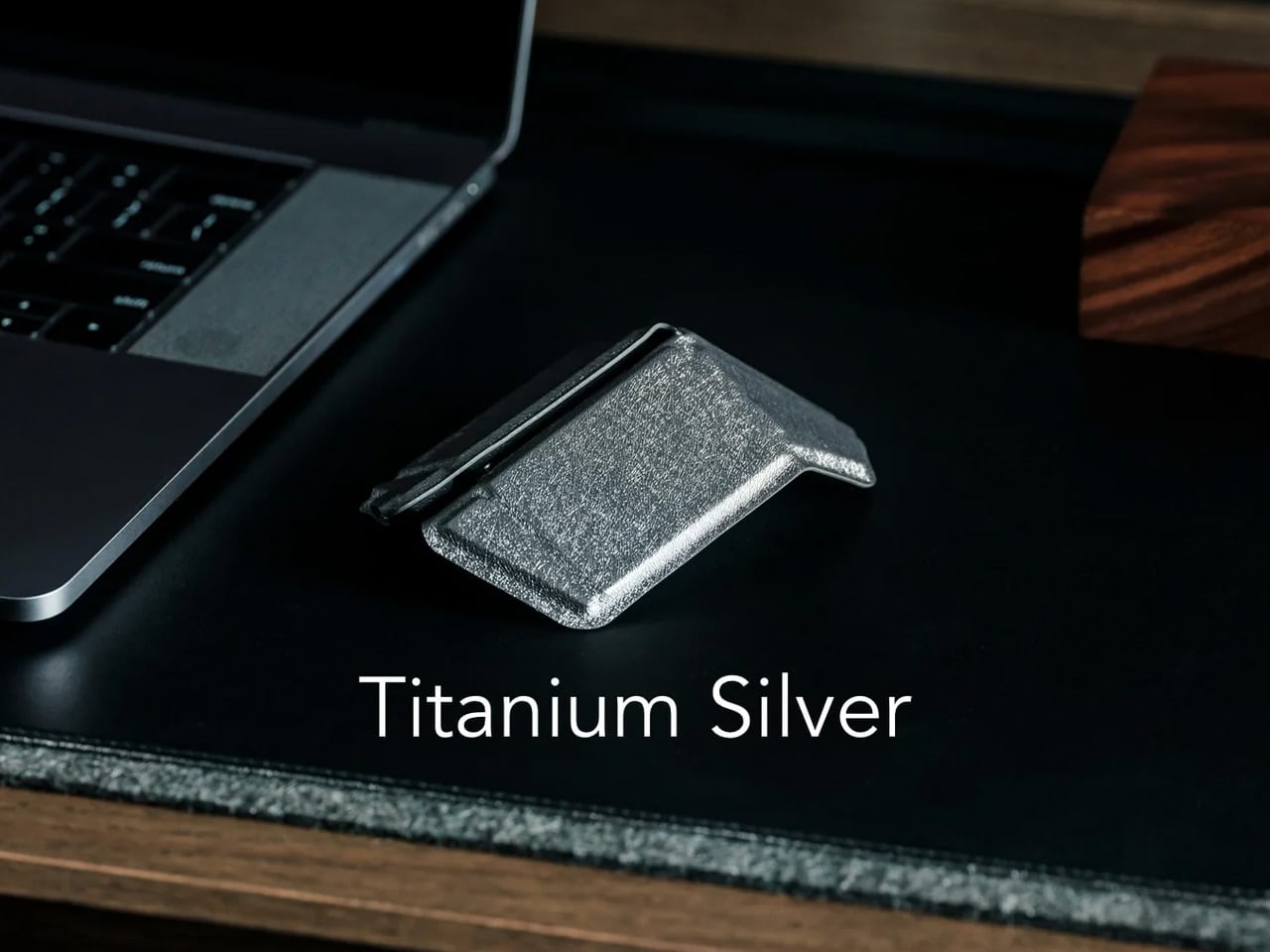
USB flash drives are often quite compact, and easy to carry around, however since they are pretty small, you can easily lose them. Named the Saint Antoine USB Key, this conceptual design rids you of that problem, by giving the drive a thin form that lets you stick it between your laptop’s screen and keyboard.

Why is it noteworthy?

The drive features small protrusions that branch off from this stem. This unique shape allows the USB key to fit perfectly between the keys of your laptop keyboard, ensuring you never really lose it.

What we like

  • It prevents you from misplacing your USB key
  • You can close the laptop lid on it, as it won’t puncture or damage the screen

What we dislike

  • Seems quite small and thin, so there may not be enough space to store a lot of data
  • Removing it and putting it back into the keyboard can be inconvenient

2. Battery-Free Amplifying iSpeakers

Named the Battery-Free Amplifying iSpeakers, these portable battery-free speakers are an excellent addition to your on-the-go workdesk. The iPhone speaker is an upgraded and improved version of the typical no-power smartphone speaker. Built from metal, the speaker is functional, sturdy, and good-looking.

Click Here to Buy Now: $179

Why is it noteworthy?

The amplifying speakers are constructed from Duralumin, an aluminum alloy that is utilized in the aviation and aerospace industries. The alloy has vibration-resistant properties, so it makes for a good material of choice. You need to simply place the smartphone into the speaker, and the sound will surround you.

What we like

  • The speaker is electricity-free and doesn’t need power
    Sturdy, sleek, and minimal aesthetics

What we dislike

  • Incompatible with bulky smartphone covers and cases

3. Awekeys Metal Keycaps

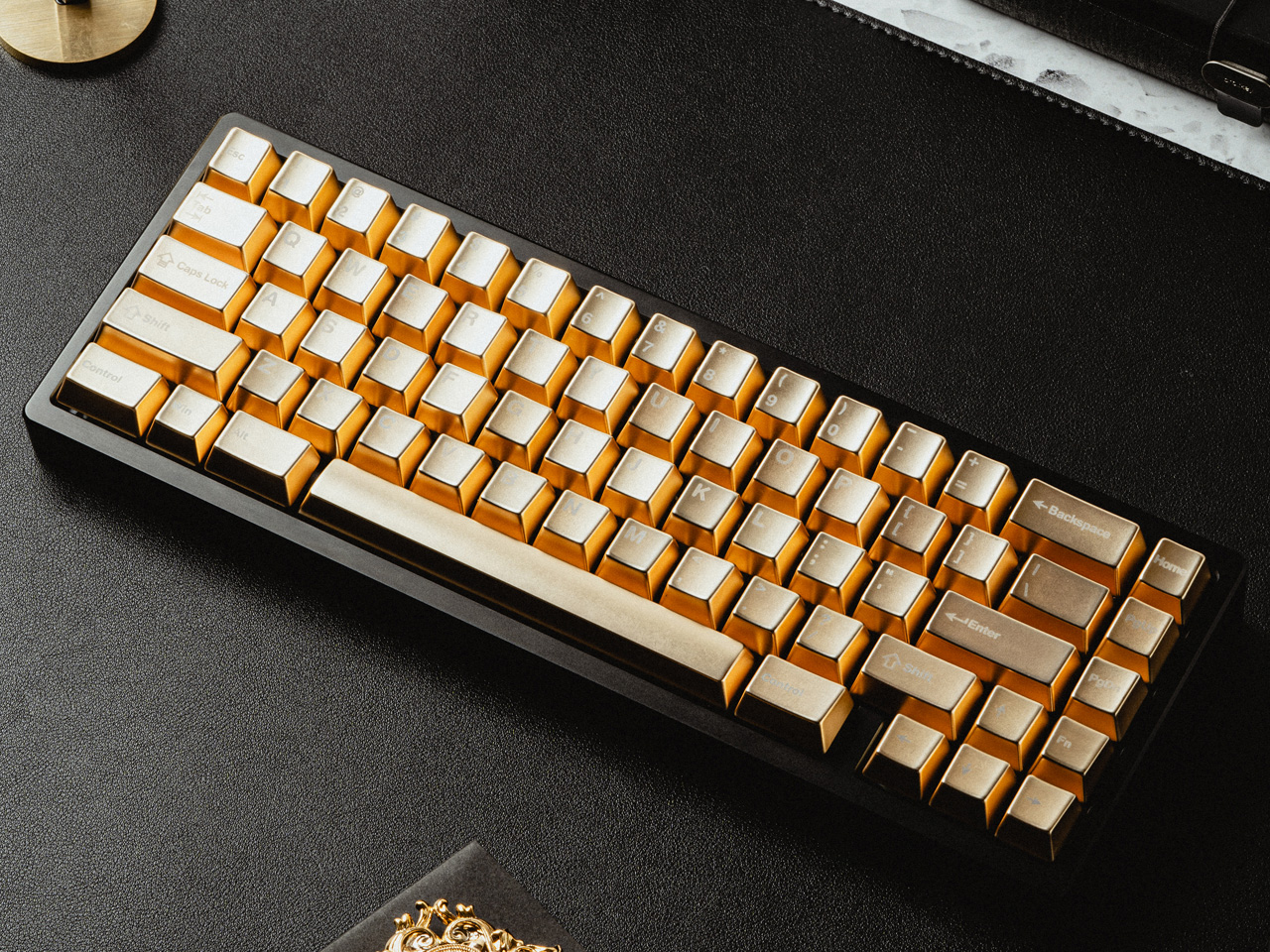
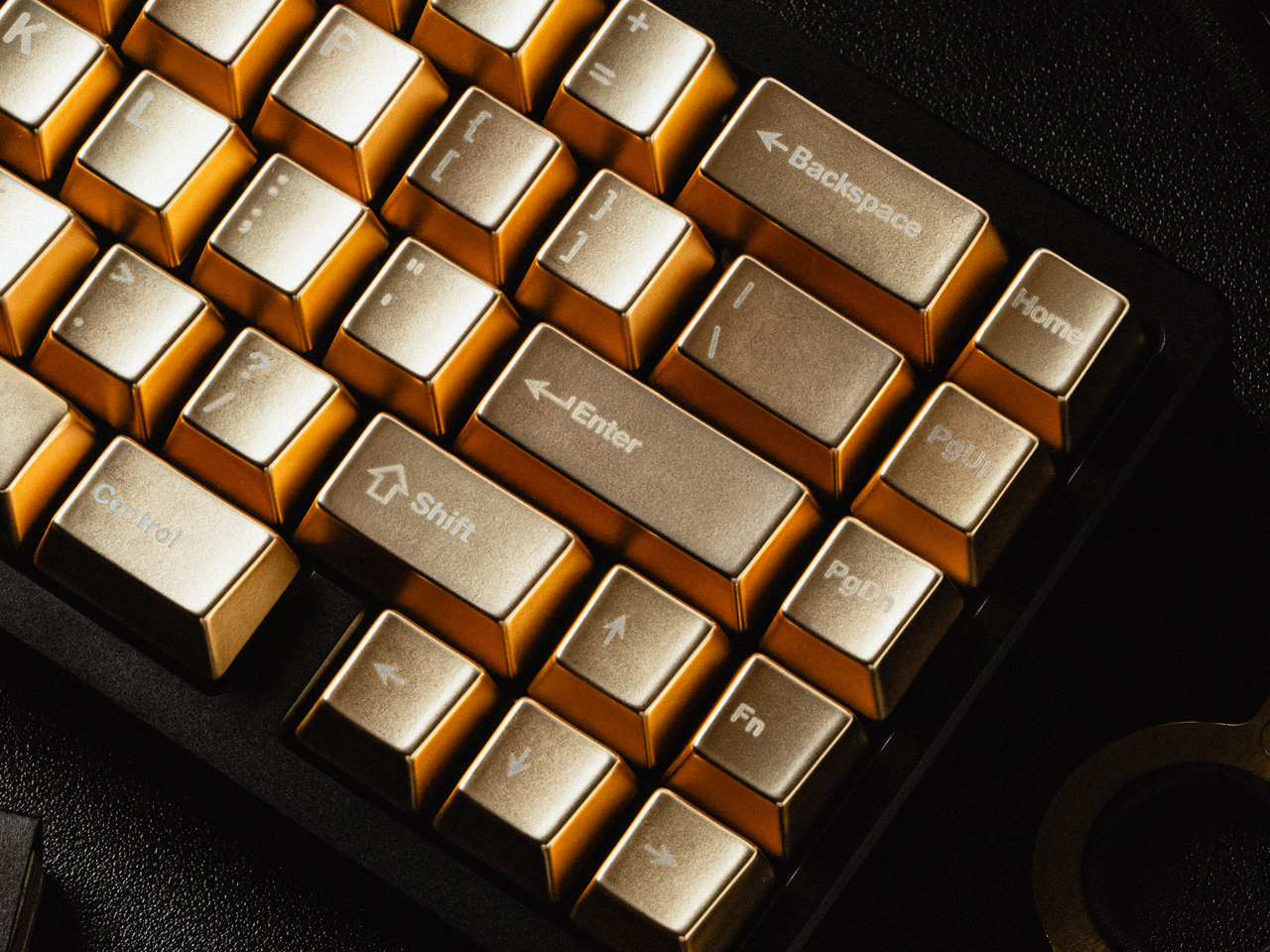
Awekeys is now giving you the chance to transform your favorite mechanical keyboard into a work of art! The keys in this set are made from recycled metal, allowing discarded materials to adopt a new life while reducing the negative effect of the manufacturing process on the planet. The advanced full CNC machining system used ensures that these keys are sturdy, and can easily resist wear and tear.

Why is it noteworthy?

Besides being strong and sturdy, the keys look stunning and feel very luxurious too. You have the option to customize them as well, you can adopt matte or glossy finishes, or choose from a variety of colors to match your style. The keycaps feature nano-coating, to ensure no patina is developed, as it may look unattractive on a keyboard.

What we like

  • The keycaps feature unique artwork
  • Convert your keyboard into a boast-worthy design object

What we dislike

  • Heavier than plastic keycaps
  • They’re on the expensive side

4. Fidget Cube

Dubbed the Fidget Cube, this interesting desk toy is great for those who easily get stressed. It is an addictive toy, designed to help users focus, and complete their tasks better. The cube has six sides, each with something different that you can fidget with, ensuring your mind calms down.
Why is it noteworthy?

The cube features six versatile sides, each with something new and exciting for you to do. There is – Click, Glide, Flip, Breathe, Roll, and Spin. The Click side has a clicker, so you won’t need to click on pens anymore, and the glide actions let you experience the gliding action of a joystick.

What we like

  • Ten different color schemes to choose from
  • Allows you to focus better, and streamline your thoughts

What we dislike

  • Fidgeting isn’t considered a positive activity by everyone, so the product may not be approved by some people

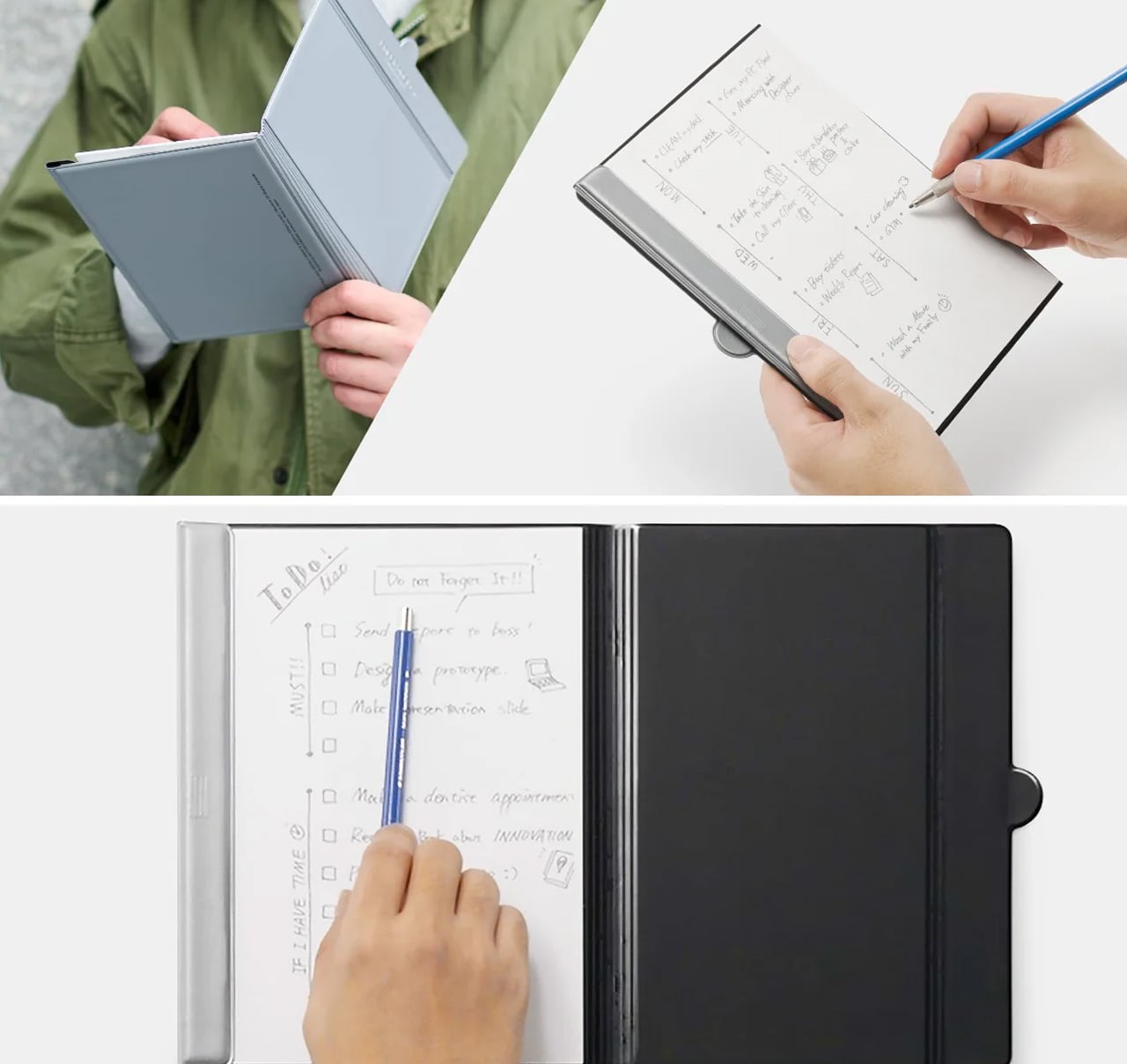
5. Personal Whiteboard

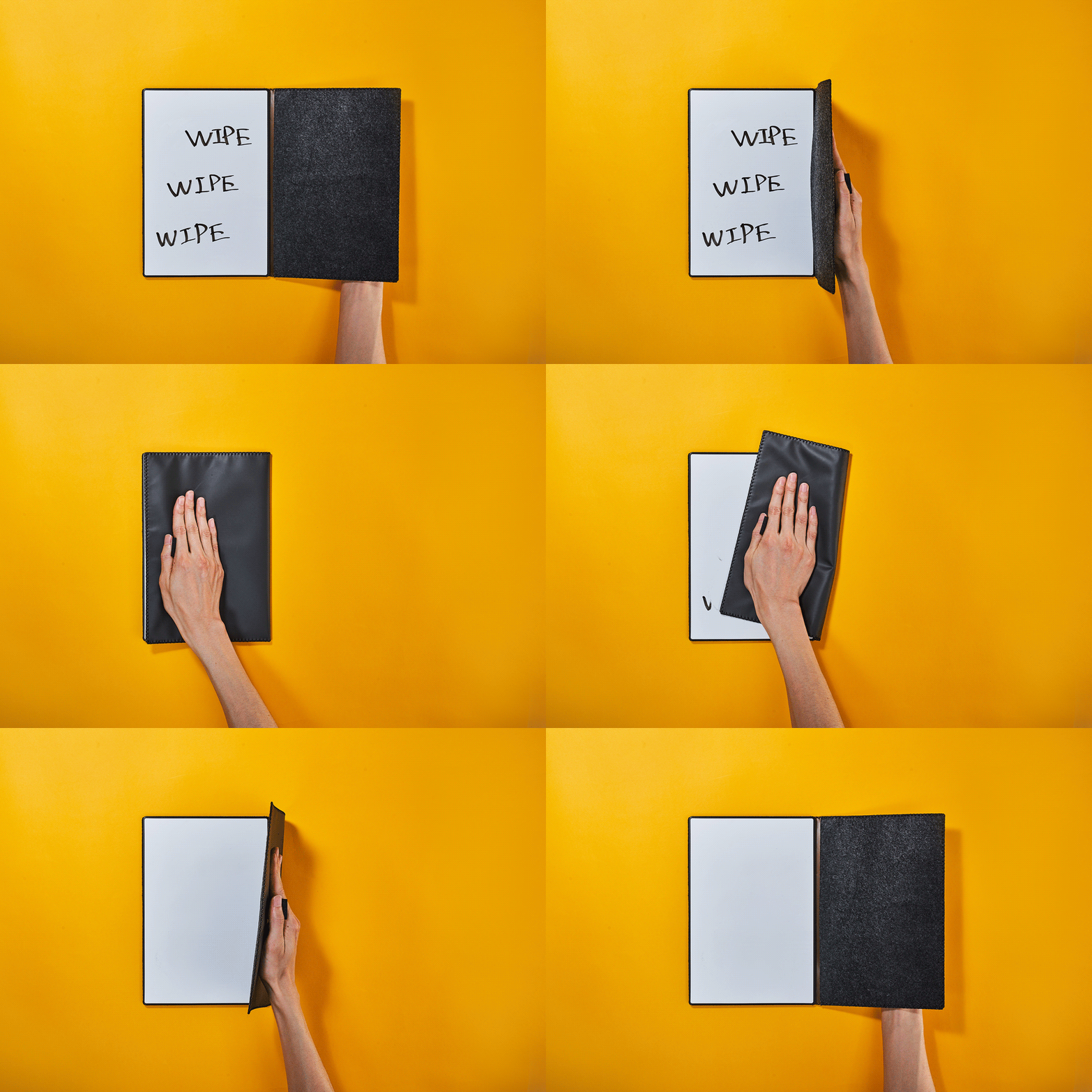
This Personal Whiteboard is great for taking notes and jotting down what’s important. It has a small design, which makes it pretty easy to carry around. Equipped with an eraser, the whiteboard is an efficient space for you to write things on, erase, and then write again!

Click Here to Buy Now: $49.00

Why is it noteworthy?

It has a personal and compact size, and it is a little smaller than A4 paper. It’s great for digital nomads and remote workers, since it has a portable form, allowing you to carry it everywhere with you. You can write on it, take a photo to save, and send it to the cloud.

What we like

  • Features a Mag Force system
  • Portable design that is no hassle to carry around

What we dislike

  • You can only use a dry-erase or whiteboard pen on it, not a permanent marker

6. iSwift Pi

The iSwift Pi is a paper-thin durable laptop desk for your bed and office. You can easily unfold it in seconds, and carry it around wherever you like. It is easily storable and can undergo six transformations. It helps support improved posture for boosted productivity.

Why is it noteworthy?

The iSwift Pi is designed to be a lap desk and a laptop stand, and it is a complete game changer, as it ensures you feel cozy while maintaining a healthy posture when working. It is a great companion for when you’re navigating a WFH or remote working situation.

What we like

  • Versatile design that elevates your working experience
  • Features 4 sitting angles as a laptop stand

What we dislike

  • Some customers complained the stand was too narrow, and didn’t fit on all lap sizes

7. Orbitkey 2-in-1 Tech Pouch

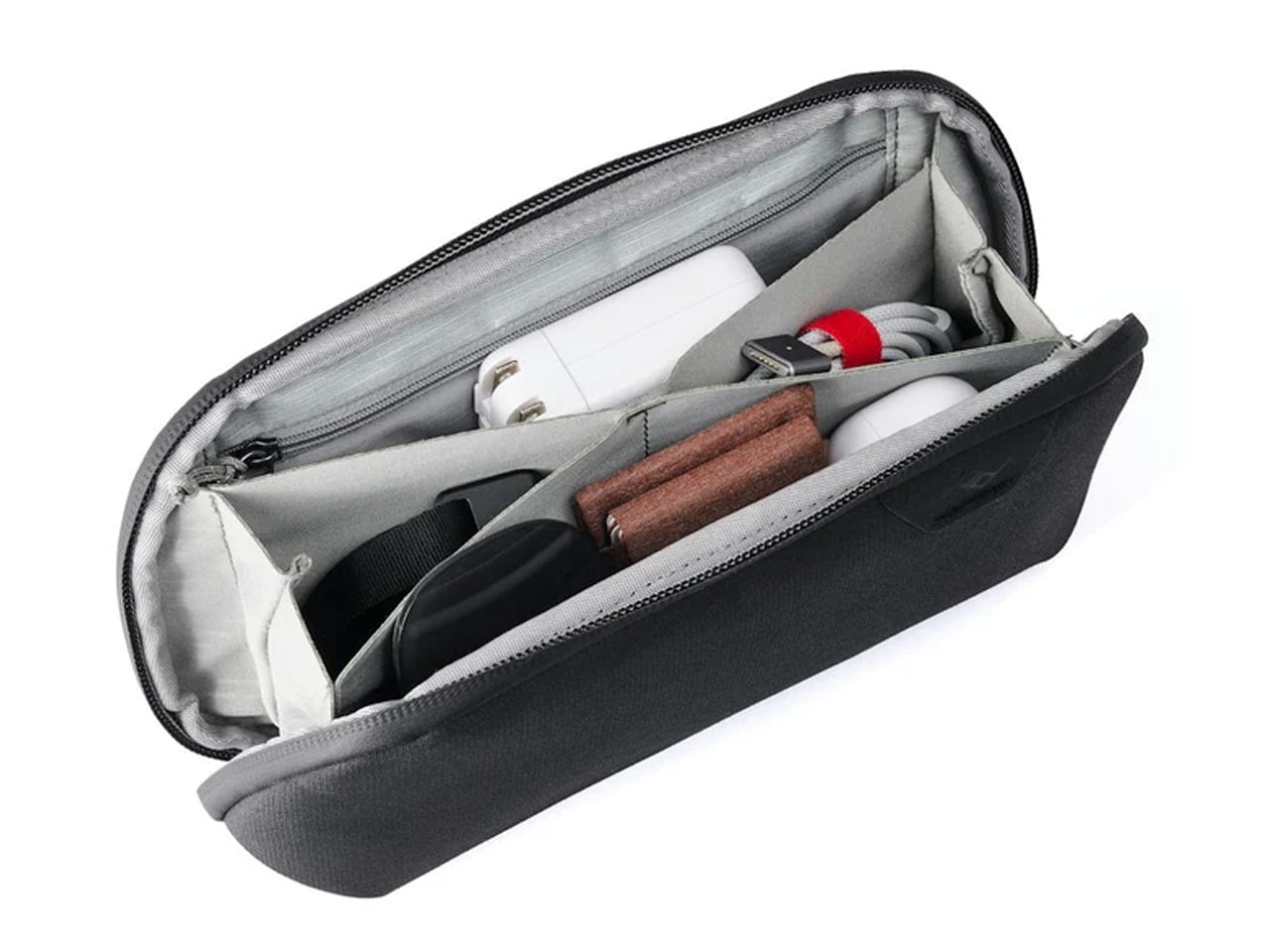
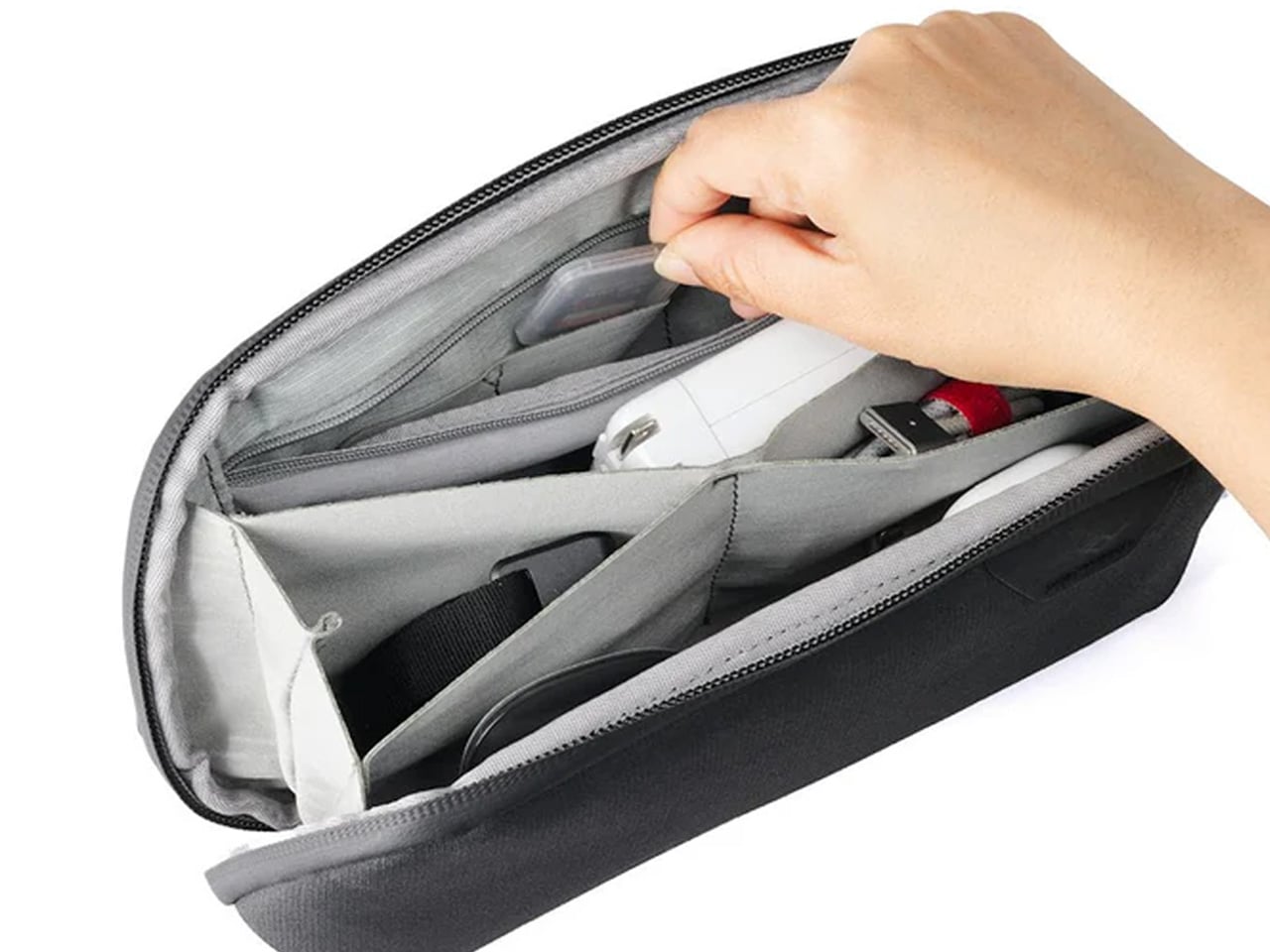
Called the Orbitkey 2-in-1 Tech Pouch, this innovative pouch offers access and flexibility for all your tech-carry needs, irrespective if you’re on the go, working at your desk, or anywhere in between. It features a clever twin pouch organization system that prevents desk clutter and helps you store essentials with ease.

Why is it noteworthy?

The pouch has a detachable inner storage which functions as a separate desk pouch for your most-used items. It offers quick and easy access to the items you use often and keeps the lesser-used items off your desk, but still within reach.

What we like

  • It has accessible pen loops and an efficient self-standing design

What we dislike

  • There are only 2 color options to choose from

8. AdapDesk

Called AdapDesk, this unique portable desk is designed to cater to the growing need to comfortably use a laptop or device on a bed, couch, floor, and much more. It is a complete desk designed to help you use your laptop to the fullest. You can use it with all your peripherals connected.

Why is it noteworthy?

The AdapDesk is available in four different editions, so you can pick the one that best suits your needs. One folds to 11.75” x 12.75” x 3.75”, but still manages to fit inside most laptop briefcases. There is also one which is 5” wider and folds into a 12.75” x 28.5” x 2” for easy storage.

What we like

  • Features a scratch-resistant work surface

What we dislike

  • Assembly can be a bit tedious

9. LAPCASE

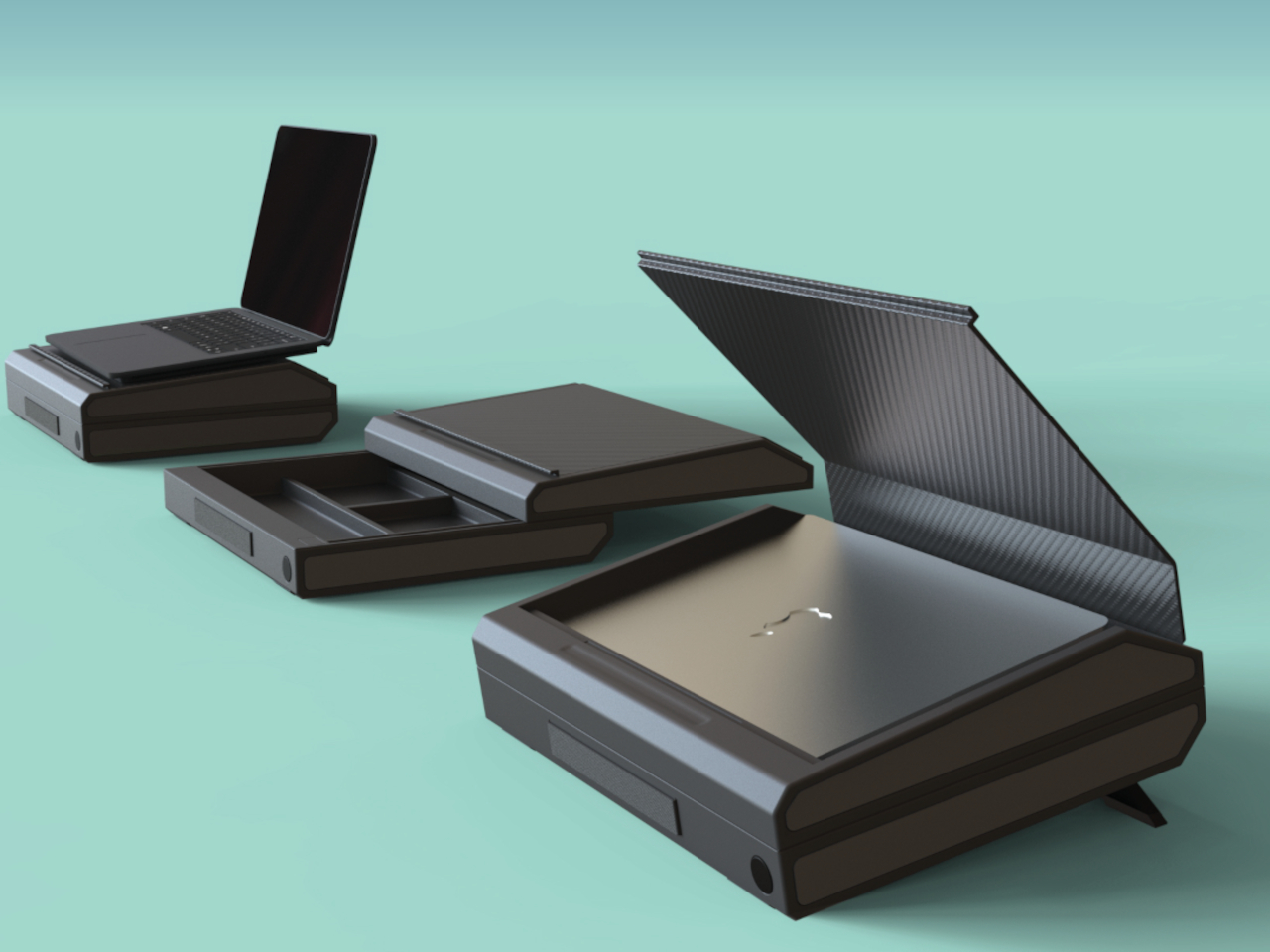
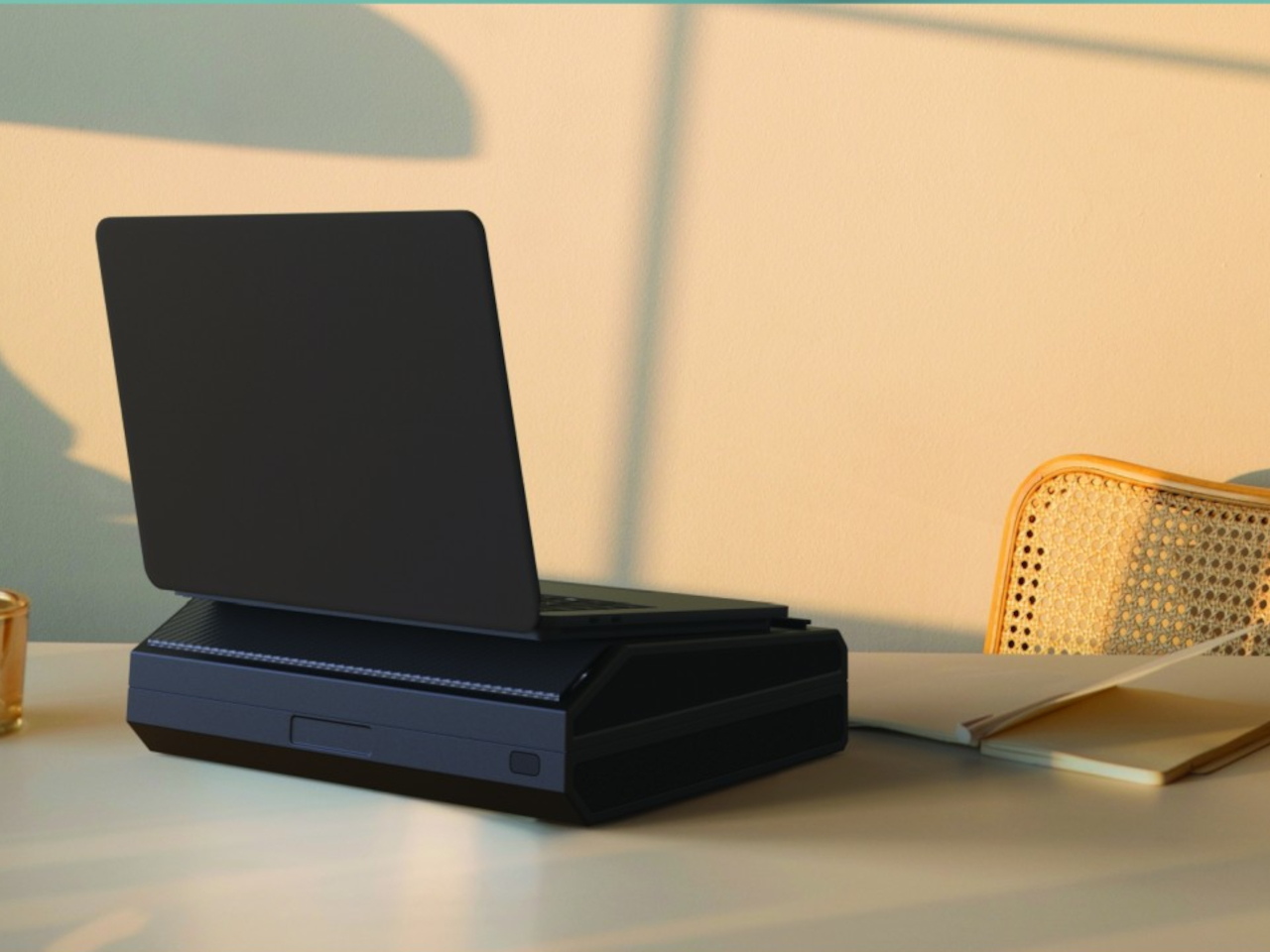
Called LAPCASE, this conceptual design tries to eliminate all the problems attached to a laptop’s usability on the go. Designed to be a laptop bag, but also a briefcase, it has room for your laptop, as well as other accessories you may need. It doesn’t feature pockets but has actual dividers that can organize your peripherals.

Why is it noteworthy?

LAPCASE also has a laptop compartment at the top which is protected by a two-fold magnetic flap. The flap is placed at such an angle, that the laptop’s back is raised, providing a slightly ergonomic height when on a table.

What we like

  • Helps you carry your office with you wherever you go

What we dislike

  • The case is quite bulky
  • You will need an external keyboard when placed on a table, as the laptop’s keyboard is too high for typing

10. ovOlio

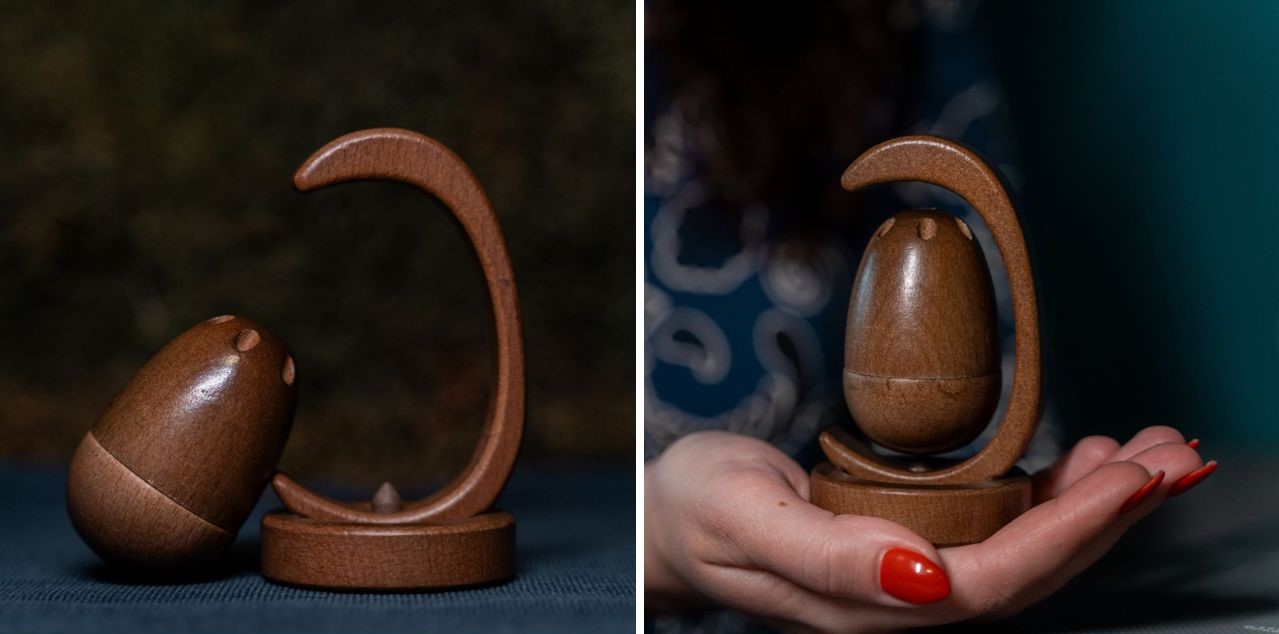
Workdays can often be crazy, and it is tough to find some peace and calm in them. This zen-like desk accessory is designed to be a revolutionary fusion of design and mindfulness, and it will elevate your state of mind, and enhance your workspace.

Why is it noteworthy?

Dubbed ovOlio, this unique desk accessory is equipped with a partial magnetic levitation of the wooden block at its center, with a small base for support. You can open the little block, and add in your favorite essential oil, and the delicate aroma will spread through the room, calming you down.

What we like

  • Creates a calm and peaceful workday for you
  • Combats anxiety and makes you feel more at peace

What we dislike

  • Seems a bit fragile, and the oil could spill over if it falls

The post Top 10 Desk Gear For Digital Nomads To Improve Their Workflow & Productivity Anywhere first appeared on Yanko Design.