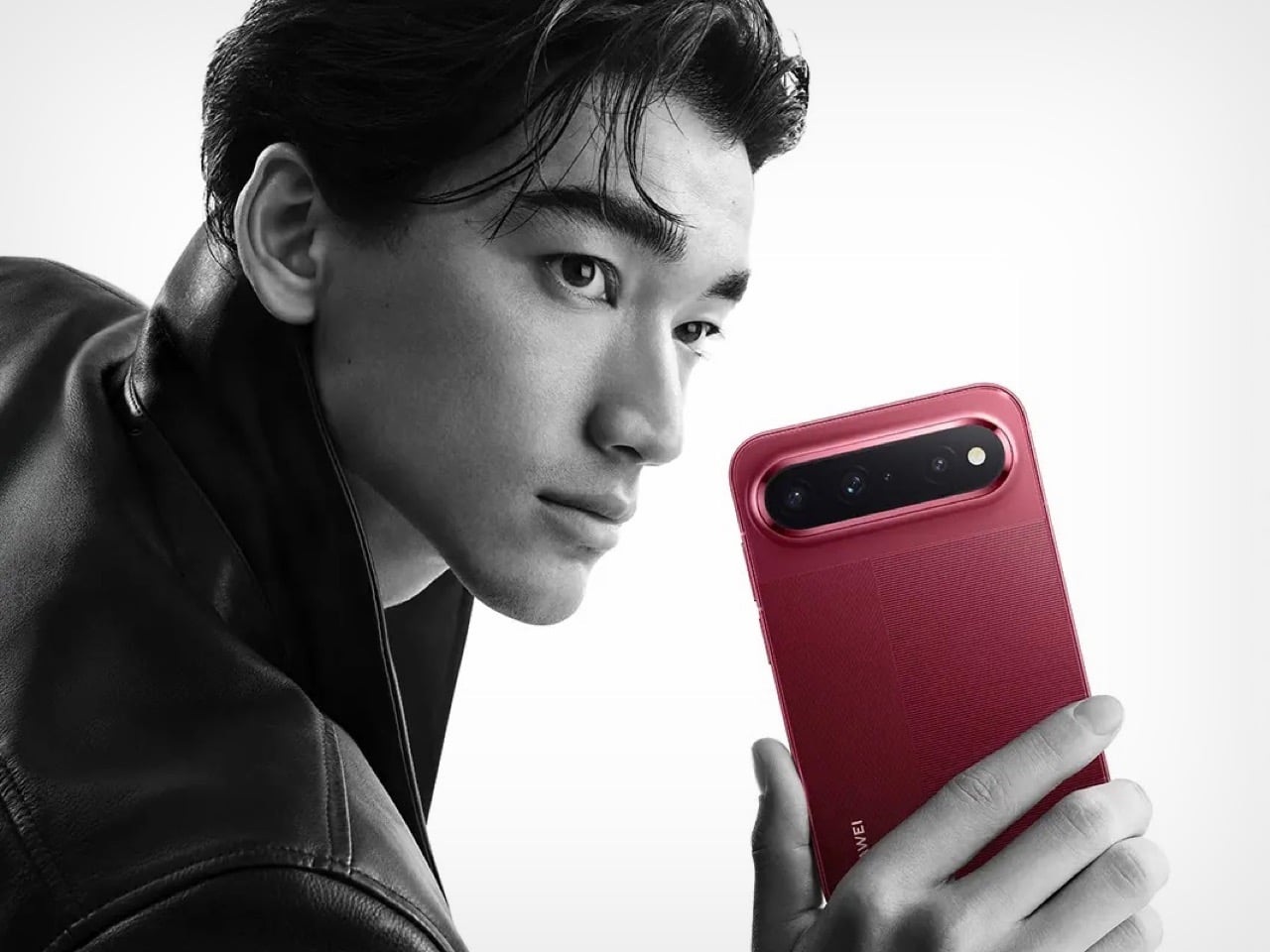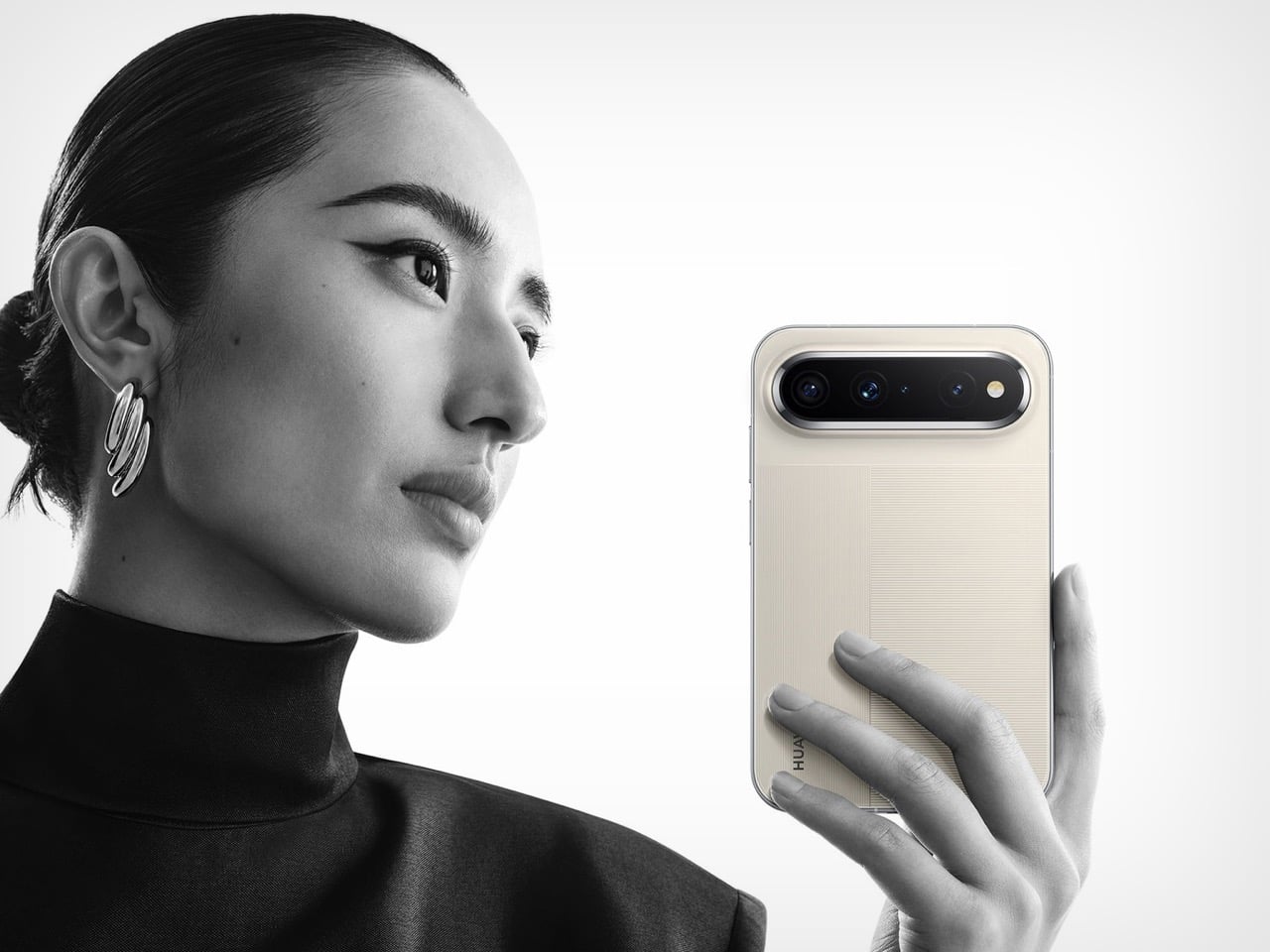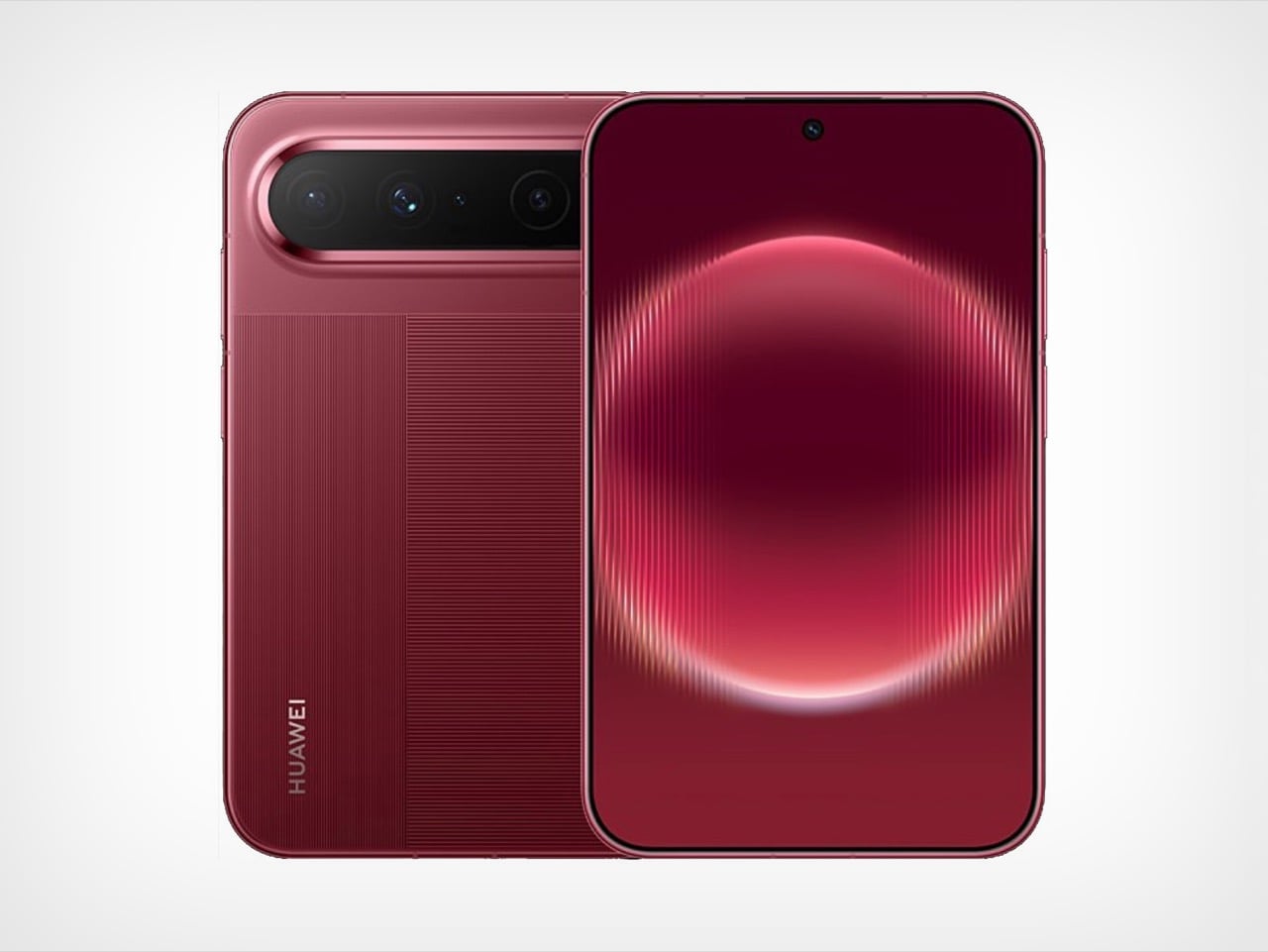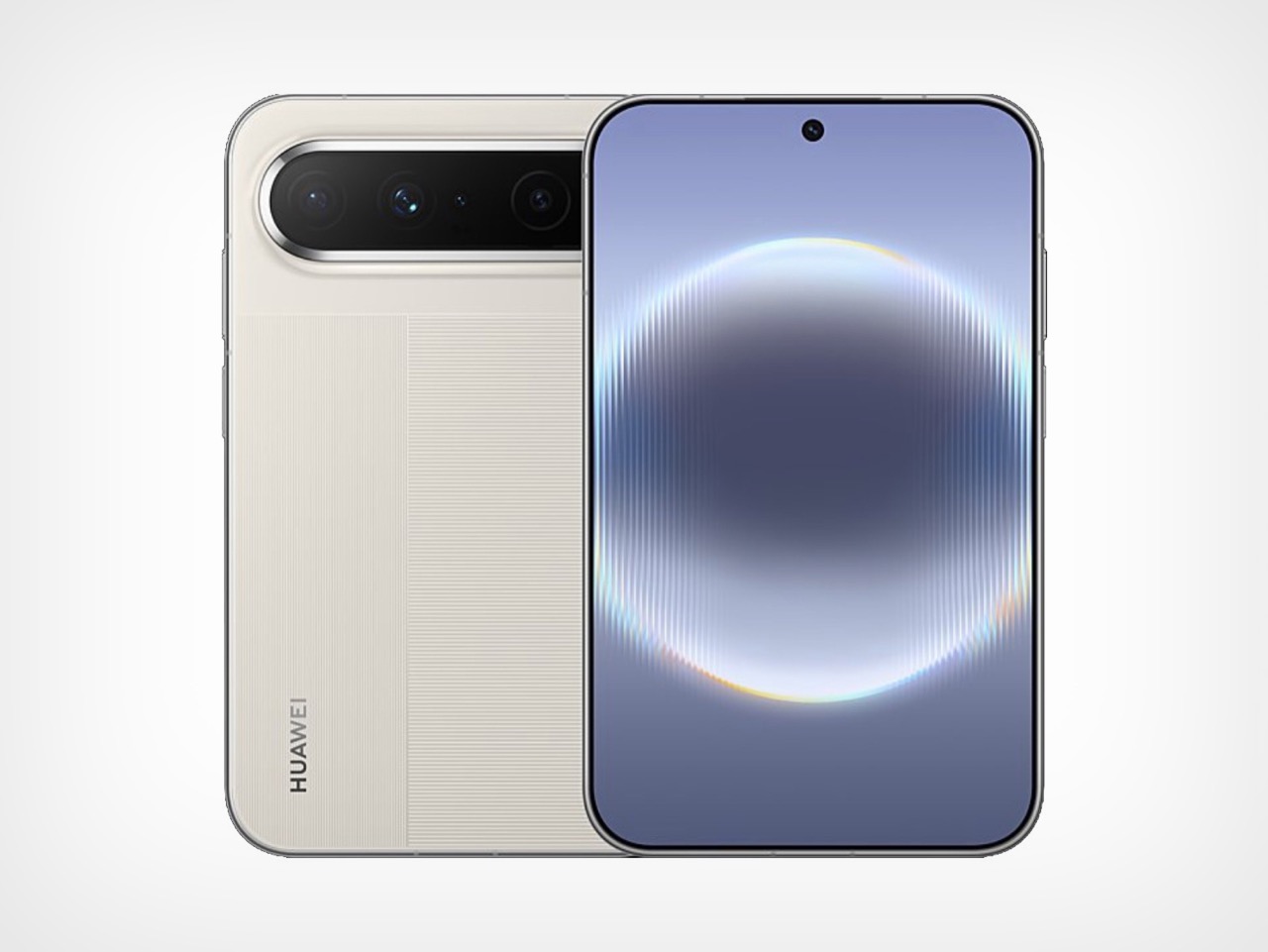
Huawei MatePad Pro 12” Review: Stunning Hardware, One Familiar Caveat

PROS:


  • Gorgeous PaperMatte display

  • Very thin and light formfactor

  • Big battery

  • Good speaker

CONS:


  • No built-in Google Play Store

  • Long-term software support remains unclear

RATINGS:

AESTHETICS
ERGONOMICS
PERFORMANCE
SUSTAINABILITY / REPAIRABILITY
VALUE FOR MONEY

EDITOR'S QUOTE:

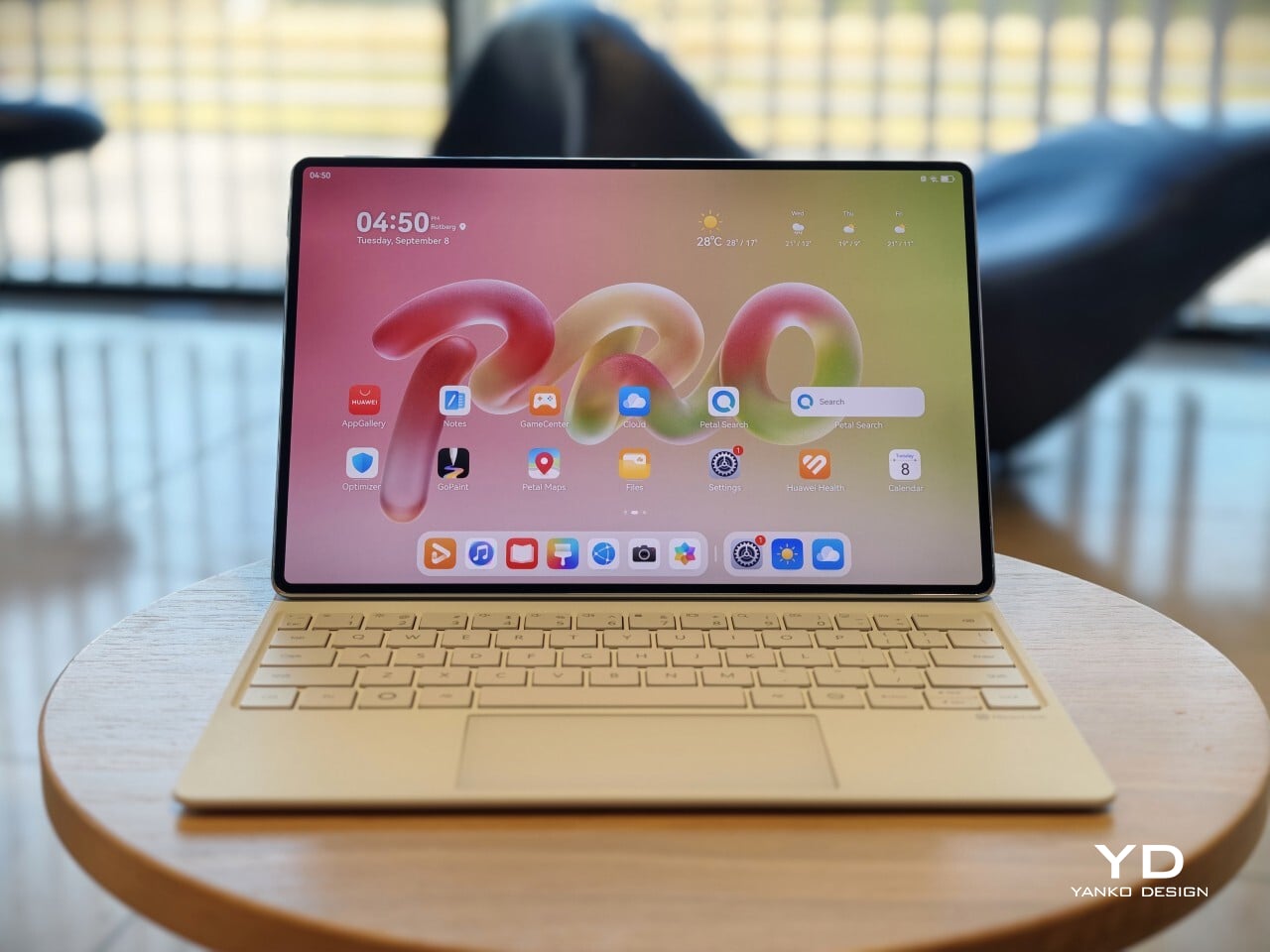
The MatePad Pro 12" is stylish, light, and lovely to use, with a PaperMatte display that does a lot of the heavy lifting.

Huawei’s tablet lineup is not doing itself many favors right now. The names suggest one thing, the products suggest another, and if you are just a normal person trying to work out which model is which, the whole range can feel oddly muddled. The MatePad Air sounds like it should be the lighter, breezier option, yet the MatePad Pro 12″ is actually the one that feels lighter and more effortless in the hand.

The MatePad Pro Max, by contrast, is much easier to understand. It is the big brother in the family, and it looks the part too, with a very similar design language to the MatePad Pro 12″. That makes this tablet feel like the middle child in Huawei’s lineup, not in a bad way, but in the sense that it sits between the easy-to-place Max and the more confusingly named Air.

Designer: Huawei

The good news is that the product itself is much easier to understand than the naming. The MatePad Pro 12″ is a slim, striking tablet that clearly wants to be useful as well as beautiful. It aims to cover work, entertainment, note-taking, and creative play in one polished package, and for the most part, it succeeds by being pleasant to use rather than merely impressive on paper.

Aesthetics

The MatePad Pro 12″ looks a lot like a smaller MatePad Pro Max, which is no bad thing. The two share the same slim, polished design language, and that gives the Pro 12″ an immediately premium feel. If anything, this size makes the look more approachable. It still has that high-end flagship polish, just in a form that feels a little less dramatic and easier to live with.

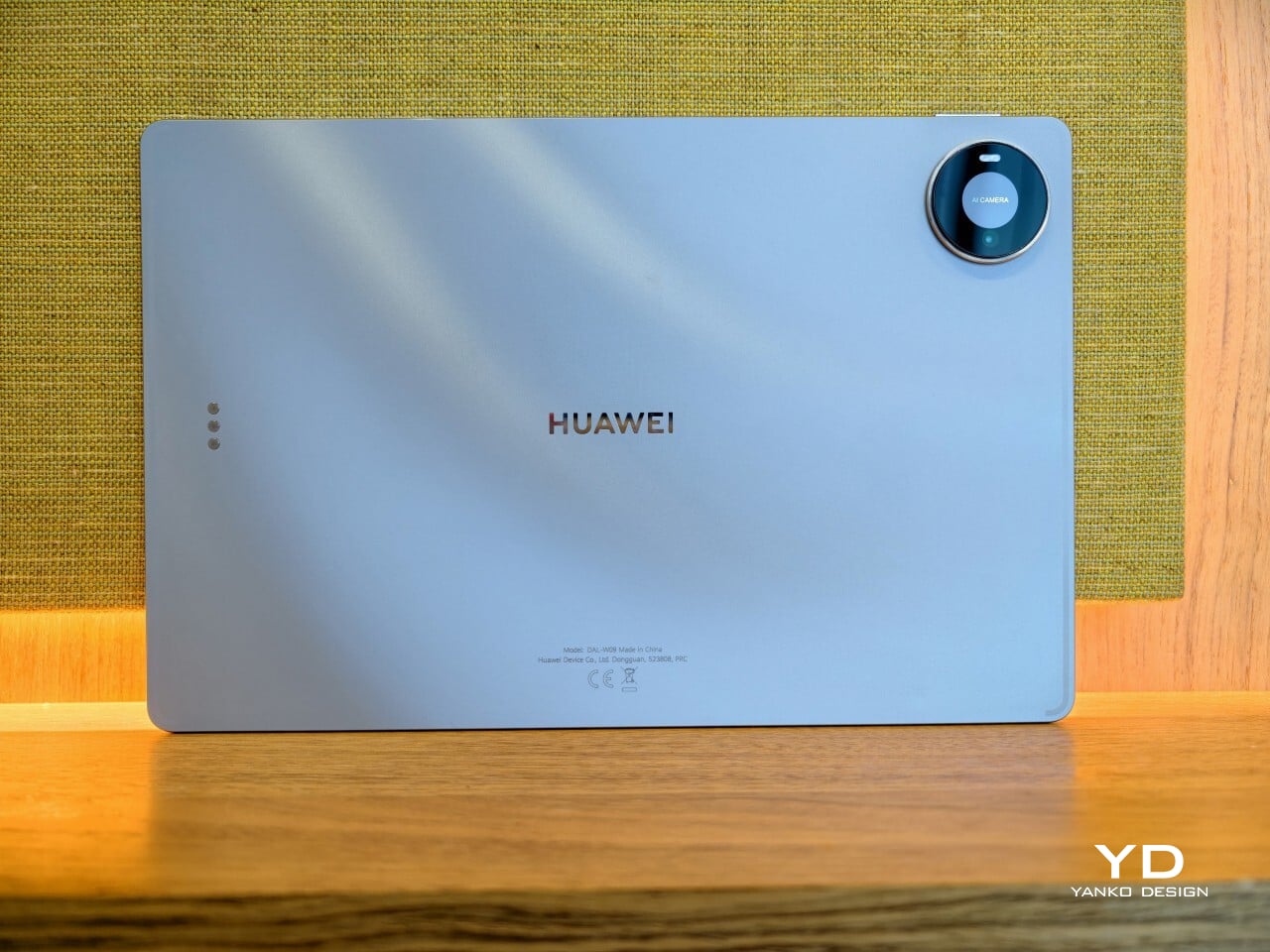
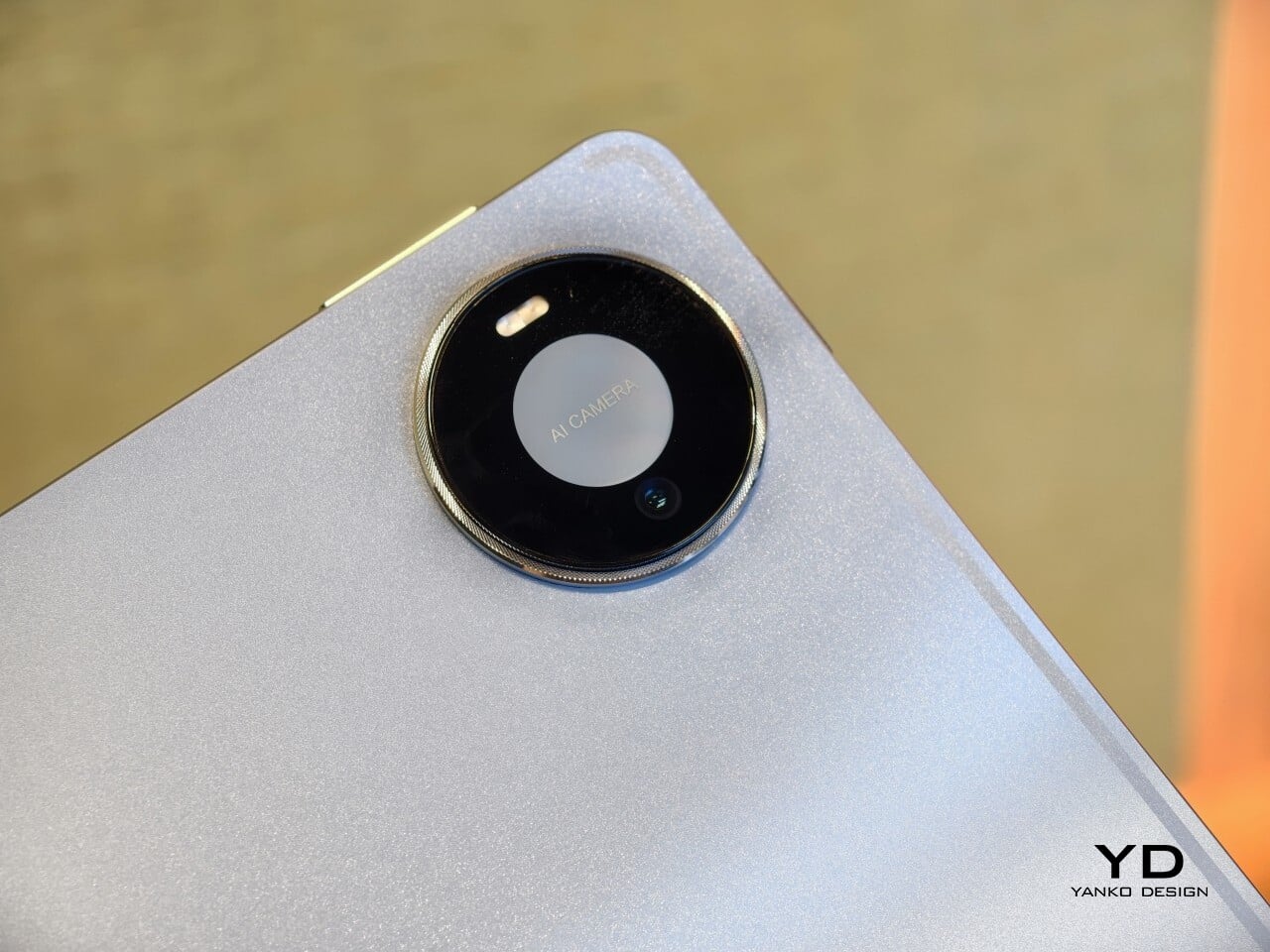
Both tablets come in Blue and Space Gray, and the Blue version I received is especially attractive. It has a soft shimmer finish that catches the light nicely without tipping into anything too flashy or fussy. There is also a nice contrast between the shimmer back panel and the glossy side frame, while the slightly rounded edges keep the tablet from feeling too sharp or severe. Together with the circular camera bump, these details give the design a bit more warmth and character without taking away from its clean, premium feel.

Ergonomics

For a 12-inch tablet, the MatePad Pro 12″ is impressively easy to handle. It measures about 10.4 x 6.8 inches (264.2 x 172.9 mm) and is just 0.19 inches thick (4.7 mm), but at 454g, or about 1 pound, it feels lighter in the hand than its size suggests. That makes a real difference in daily use. It is easy enough to hold one-handed for short stretches, and it never feels as cumbersome as some larger tablets do.

Just as importantly, it does not feel flimsy. Despite how thin and light it is, the MatePad Pro 12″ still feels solid and premium in the hand. That balance matters, because a tablet this slim could easily have tipped into feeling delicate. Instead, it feels refined without feeling fragile.

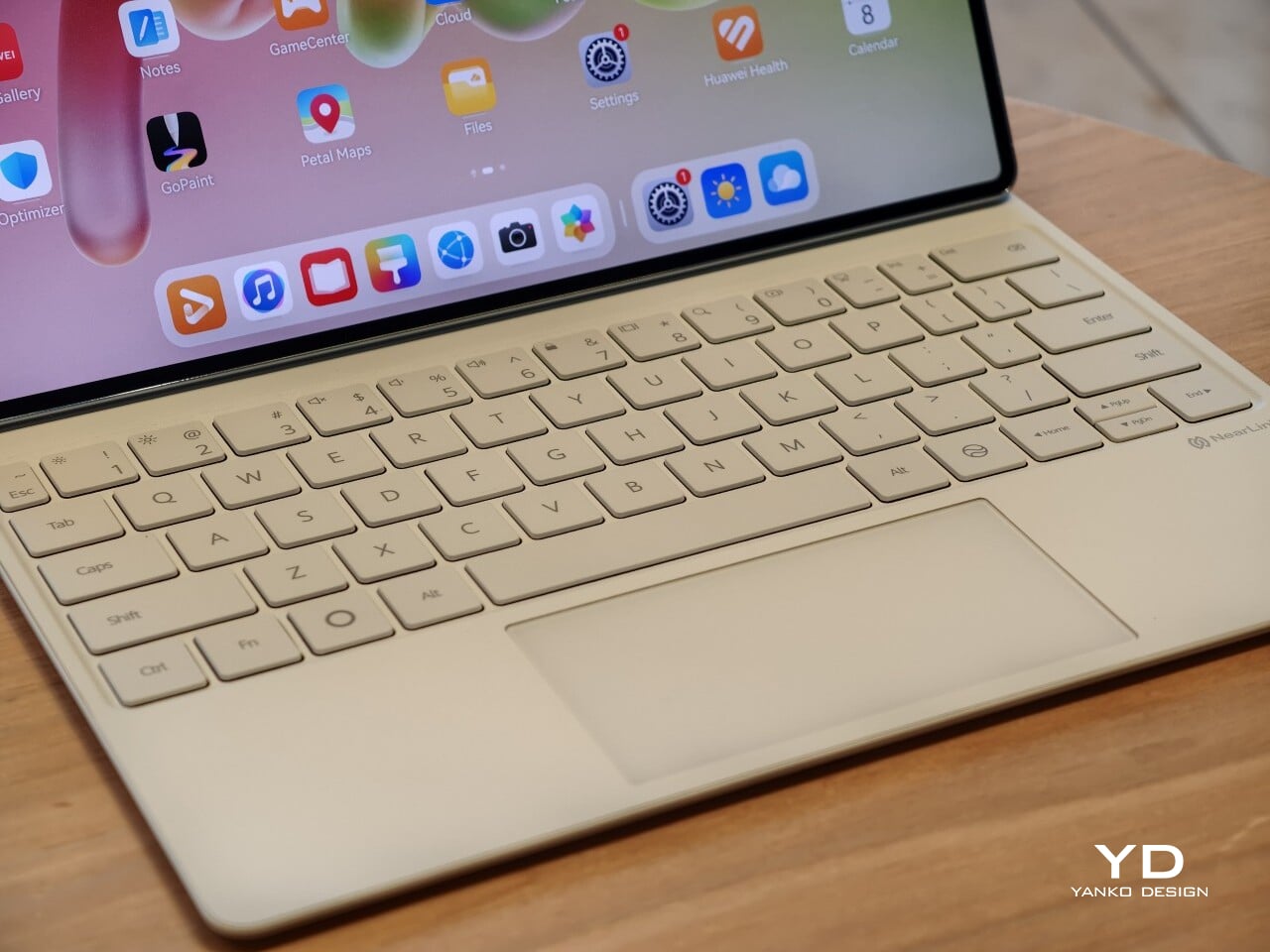
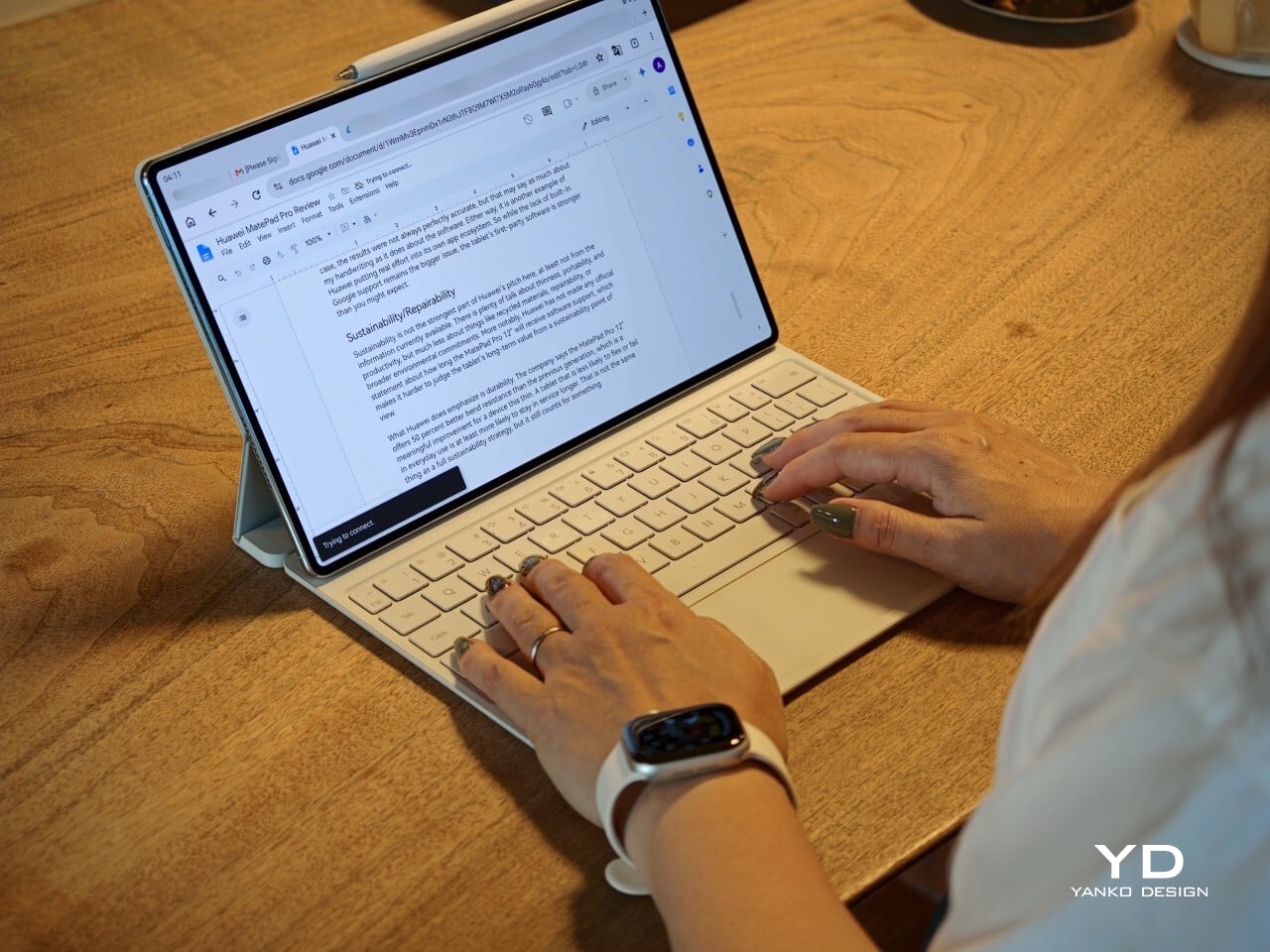
I also received the optional Huawei Glide Keyboard, which weighs 399g, or about 14.1 ounces, and turns the tablet into something much closer to a compact laptop. The typing experience is good, and one detail I especially appreciated is the way the keyboard neatly nests the stylus. It gives the pen a proper place to sit, which means there is less chance of it going missing while you are carrying the tablet around. Small touches like that make the whole setup feel more thought through.

That said, the keyboard is not perfect. The touchpad is a little too easy to trigger, and I often found myself accidentally brushing it while typing, so I ended up turning off Tap to Click. There is also only one viewing angle, which limits flexibility a bit, and the keyboard is not backlit. None of these issues are deal-breakers on their own, but together they make the accessory feel a little less polished than the tablet itself.

Performance

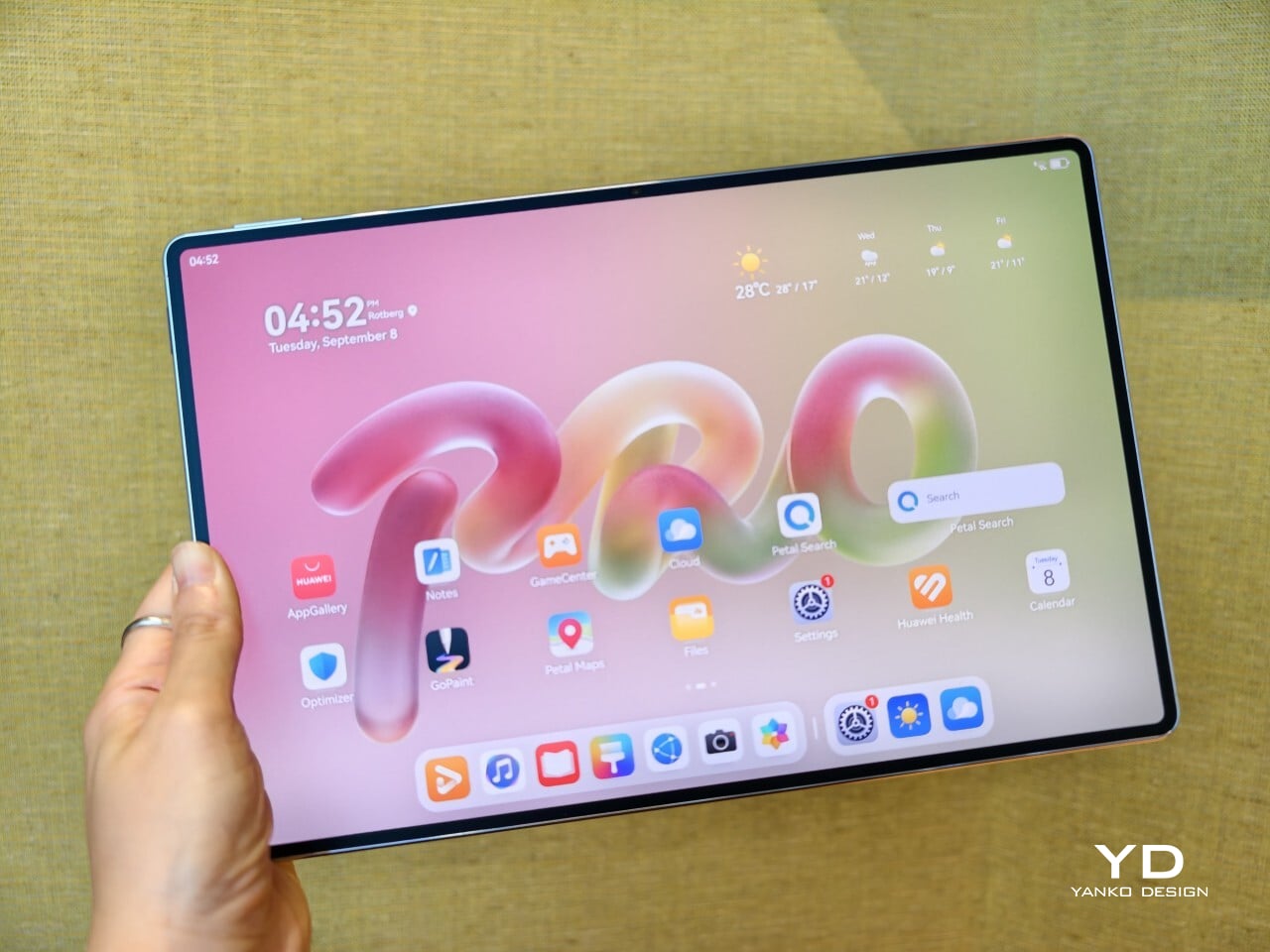
The display of the MatePad Pro 12″ is the obvious star. Huawei’s PaperMatte screens remain one of the company’s best ideas, and that is true here as well. The 12-inch OLED panel looks sharp, bright, and vibrant, while the slim 3.5mm bezels help give it a more immersive feel. Huawei has also embedded the front camera neatly into that thin border, which keeps the front looking clean and uninterrupted rather than broken up by a notch or thicker framing.

What really makes the screen stand out, though, is the PaperMatte finish. Huawei’s PaperMatte displays have impressed me before, and this one is no exception. The matte treatment cuts down on glare without making the panel look flat or dull, which is not always easy to pull off. Huawei says anti-reflection performance is 30 percent better than the previous generation, and that feels believable in everyday use. Even in bright environments, the screen comes remarkably close to reflection-free, and with up to 1600 nits of peak brightness, it stays comfortable for reading, browsing, and longer work sessions without constantly fighting the light.

The speakers are another pleasant surprise. The MatePad Pro 12″ uses a four-speaker setup, and for something this thin and light, it gets plenty loud and has more bass presence than you might expect, which gives music, dialogue, and video a bit more body than a device this slim really ought to manage. It never quite feels like the sound is coming from such a small and thin tablet. The audio can get a little sharp at times, especially at higher volume, but for casual listening and streaming, it still does a very good job.

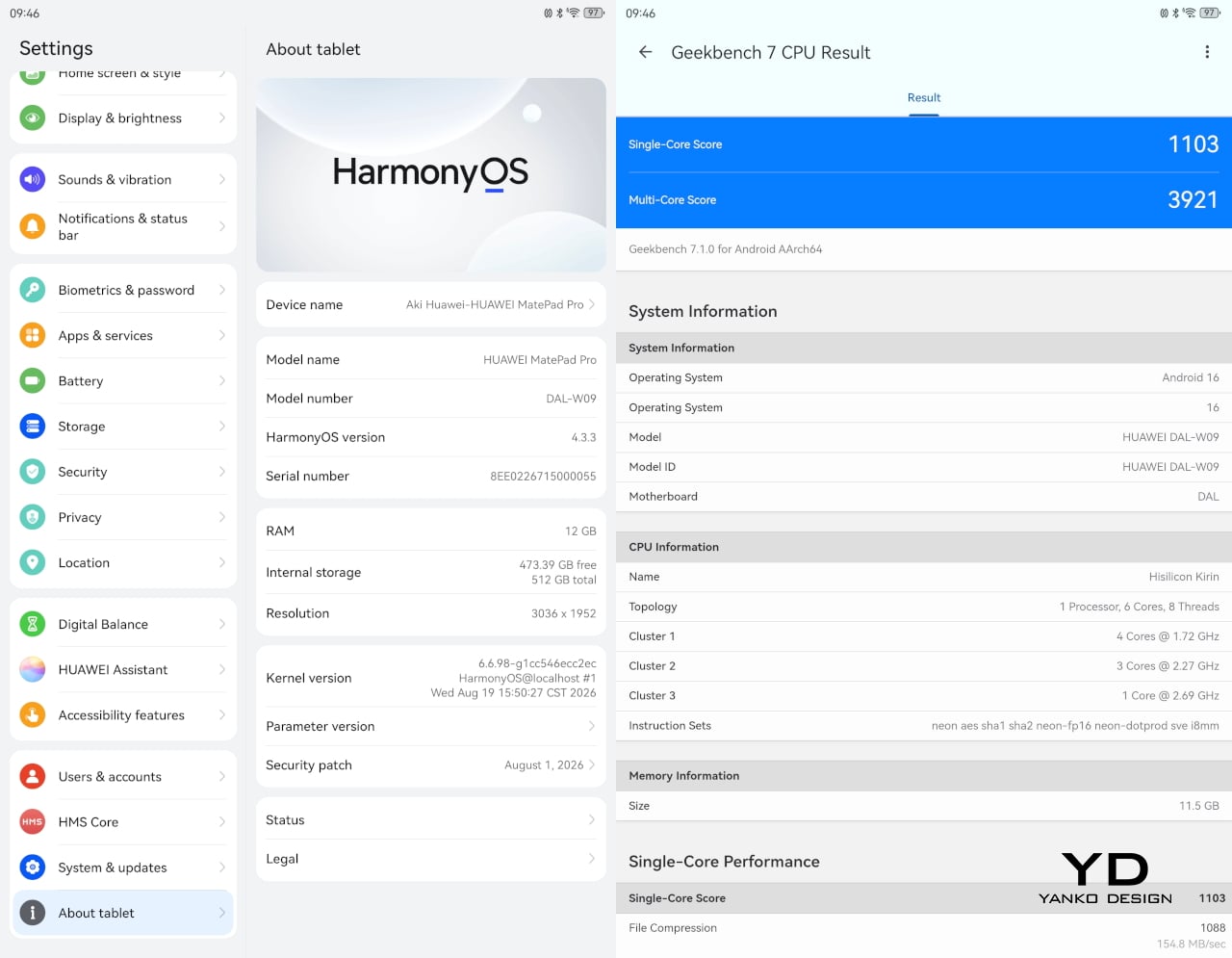
Battery life has been solid in my use. The MatePad Pro 12″ packs a 10,400mAh battery, and in a fairly normal day of writing, emails, keeping up with my team on Slack, web browsing, and YouTube, it got through to the end of the day without me worrying too much about battery. Huawei rates it for up to 14.7 hours of local video playback, and there is also 40W reverse charging if you need to top up another device.

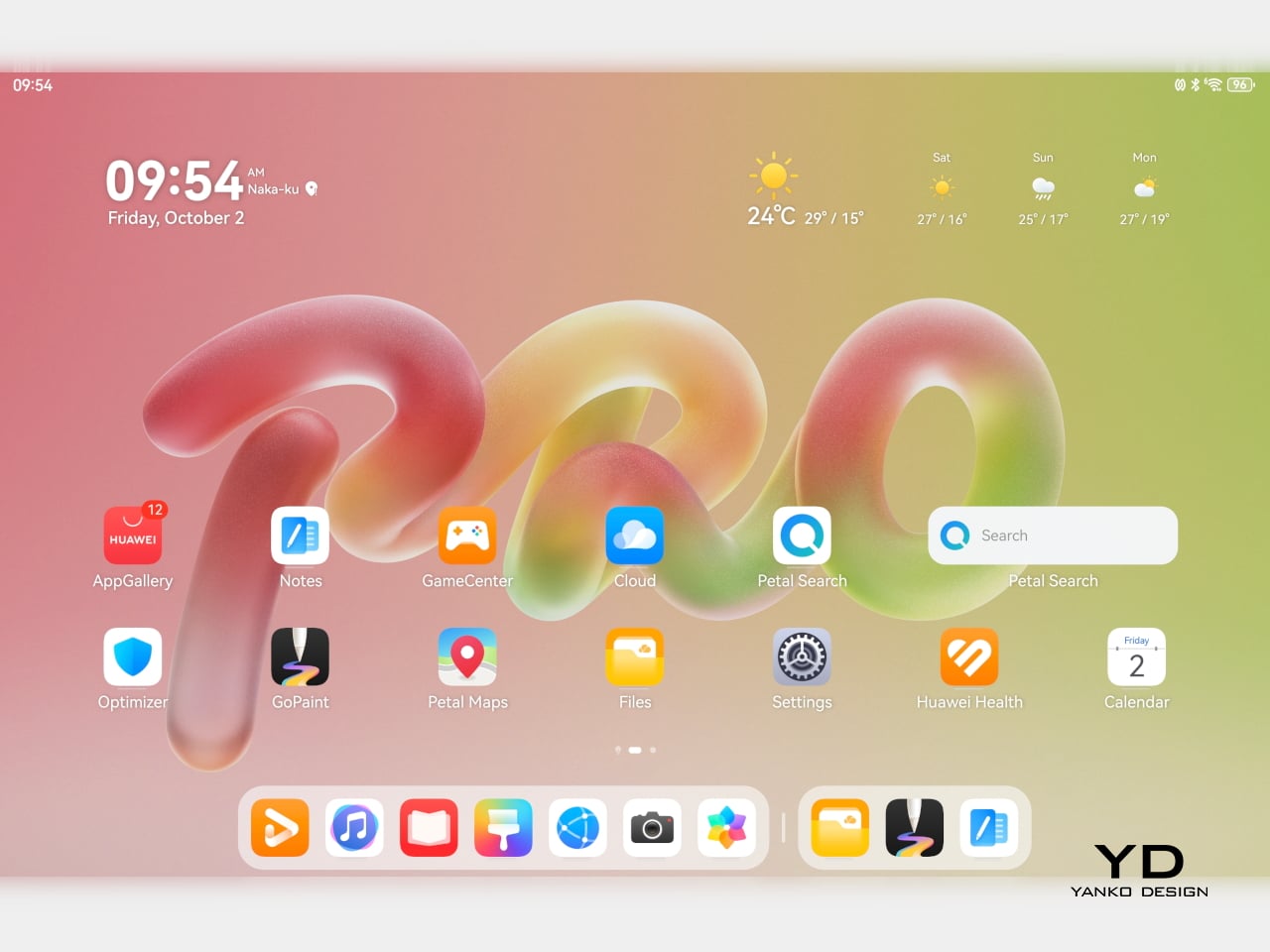
Software is where the MatePad Pro 12″ becomes a more conditional recommendation. The tablet runs Harmony OS 4.3 out of the box, and there is no built-in support for the Google Play Store or Google Mobile Services here, and while there are workarounds, there is no guarantee every app you rely on will work exactly as expected. That is the main thing potential buyers need to understand going in. The hardware is easy to appreciate straight away. The software side asks for a bit more patience and flexibility.

Huawei’s AppGallery does offer options like GBox, which can help you access apps that depend on Google services, but the experience is not always seamless. In my testing, GBox did not support split-screen, which felt limiting on a tablet that is otherwise clearly built for multitasking. I had better luck with apps downloaded through Aurora, which did work in split-screen, but that still leaves you deciding how comfortable you are relying on third-party app sources. For some people, that will be a manageable compromise. For others, it will be reason enough to hesitate.

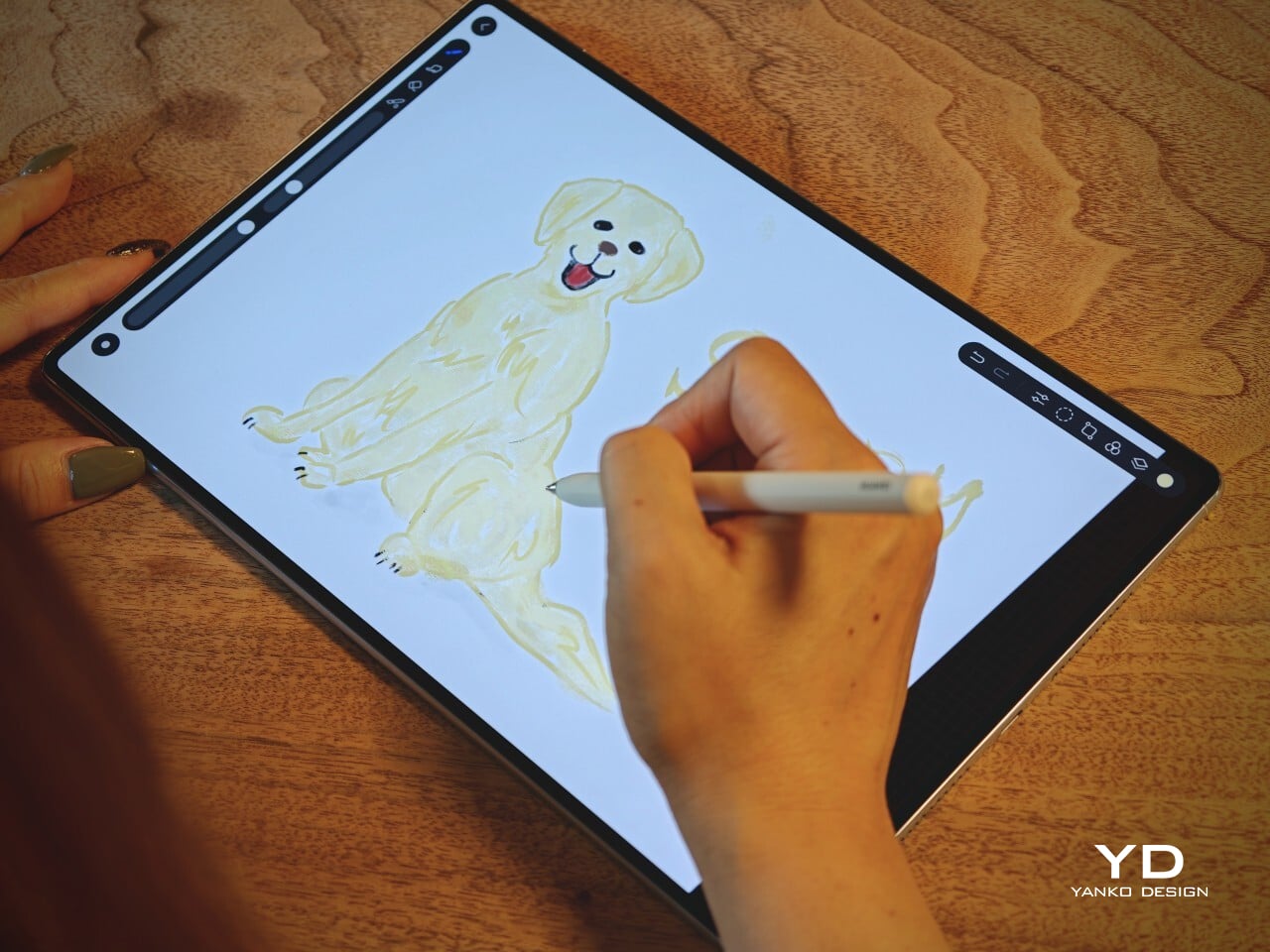
On the plus side, Huawei’s own built-in apps for productivity and creativity are genuinely quite capable. GoPaint, in particular, feels feature-rich, with a wide variety of brushes and granular control over how they behave. There are also more ambitious tools like animation, which appears to build movement from your layers, and a timelapse feature that lets you replay a drawing from start to finish. Even if not everyone will use those tools seriously, they help the app feel more than just a token extra.

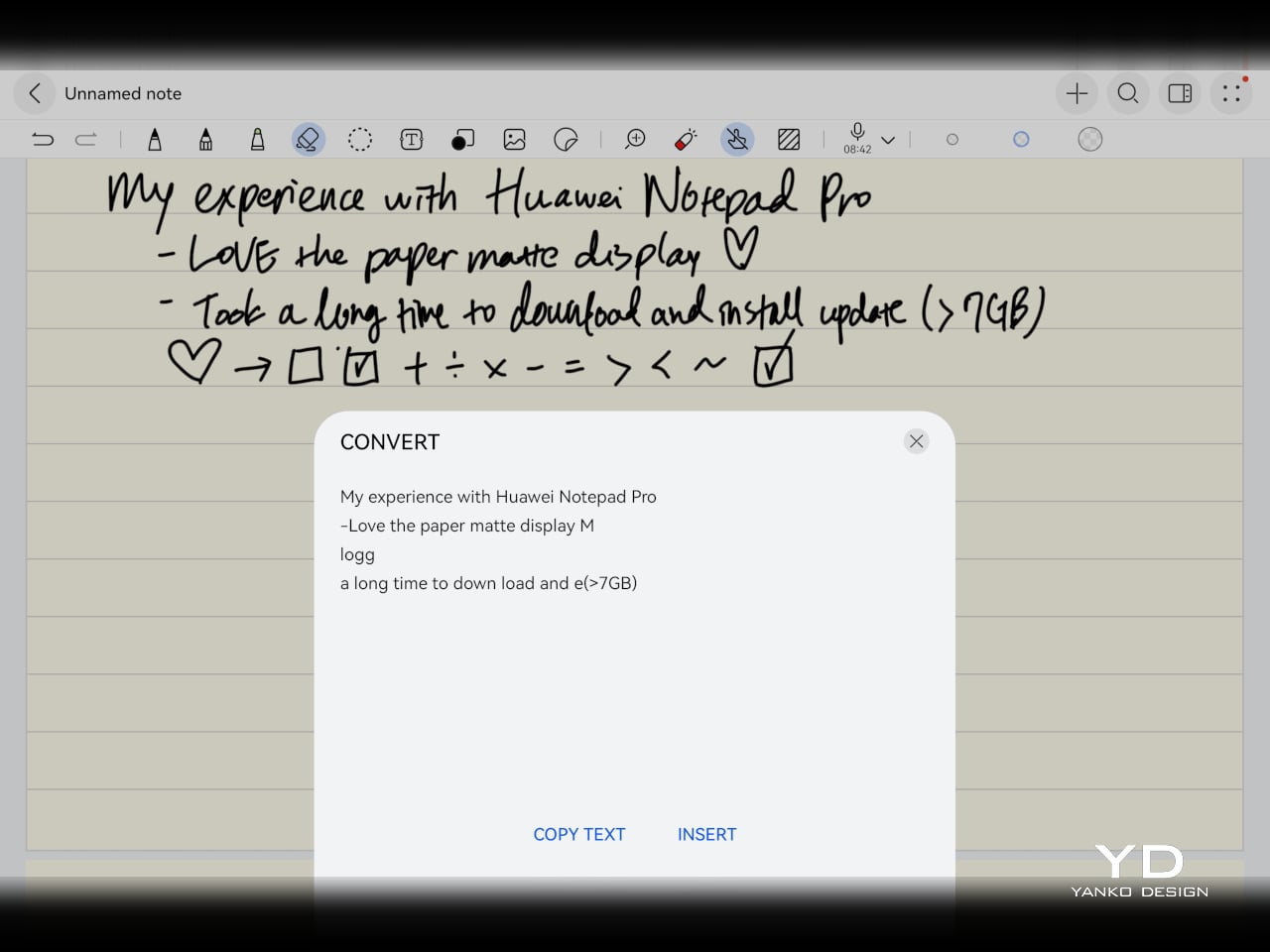
The Notes app is also packed with features, including AI handwriting-to-text. In my case, the results were not always perfectly accurate, but that may say as much about my handwriting as it does about the software. Either way, it is another example of Huawei putting real effort into its own app ecosystem. So while the lack of built-in Google support remains the bigger issue, the tablet’s first-party software is stronger than you might expect.

Sustainability

Sustainability is not the strongest part of Huawei’s pitch here, at least not from the information currently available. There is plenty of talk about thinness, portability, and productivity, but much less about things like recycled materials, repairability, or broader environmental commitments. More notably, Huawei has not made any official statement about how long the MatePad Pro 12″ will receive software support, which makes it harder to judge the tablet’s long-term value from a sustainability point of view.

What Huawei does emphasize is durability. The company says the MatePad Pro 12″ offers 50 percent better bend resistance than the previous generation, which is a meaningful improvement for a device this thin. A tablet that is less likely to flex or fail in everyday use is at least more likely to stay in service longer. That is not the same thing as a full sustainability strategy, but it still counts for something.

Value

Value is where the MatePad Pro 12″ becomes more complicated. Pricing starts at €1,199, or about $1,330, for the 12GB and 256GB model with a folio cover, rises to €1,299, or roughly $1,440, with the Glide Keyboard, and reaches €1,449, or around $1,610, for the 12GB and 512GB version with the keyboard. For context, Apple’s 11-inch iPad Pro with 256GB of storage starts at $1,199 in the U.S., so Huawei is clearly pricing this in direct flagship territory.

Judged purely on hardware, the MatePad Pro 12″ feels convincingly premium. It is slim, light, beautifully made, and fitted with an excellent display. The problem is that the software caveats do not disappear just because the hardware is this polished. The lack of built-in support for the Google Play Store or Google Mobile Services still makes this a more selective recommendation than the price might suggest. If you are already comfortable with Huawei’s ecosystem, the value makes more sense. If not, the asking price may feel harder to justify.

Verdict

The Huawei MatePad Pro 12″ makes its strongest case through hardware. It is slim, light, beautifully made, and fitted with a PaperMatte display that remains one of Huawei’s real strengths. The speakers are better than you might expect from something this thin, battery life has been solid in my use, and the overall experience feels properly premium. It is the kind of tablet that makes a strong first impression and, for the most part, keeps earning it.

What stops it from being an easy recommendation is software. There is no built-in support for the Google Play Store or Google Mobile Services, and while workarounds exist, they are still workarounds. For buyers already comfortable with Huawei’s ecosystem, that may be manageable. For everyone else, it adds friction to a tablet that is otherwise polished and appealing. The MatePad Pro 12″ is a very good piece of hardware, but it is not the most straightforward premium tablet to buy.

The post Huawei MatePad Pro 12” Review: Stunning Hardware, One Familiar Caveat first appeared on Yanko Design.
Huawei Watch GT 7 Pro Review: Refined, Not Reinvented

Verdict 3.8 out of 5 Average of 5 criteria
Aesthetics
4.0 out of 5
Ergonomics
4.0 out of 5
Performance
4.0 out of 5
Sustainability / Repairability
3.0 out of 5
Value for money
4.0 out of 5

What works

  • Distinctive octagonal design with a premium look
  • Strong battery life
  • Bright, sharp AMOLED display
  • Board health and fitness tracking

What doesn't

  • Limited third-party app support
  • Proprietary pinned strap design
The Watch GT 7 Pro 46mm shows Huawei sticking to a proven formula and sharpening it further. It is not a bold leap, but it is a confident and well-rounded one.

Huawei has spent the last few years turning wearables into one of the strongest parts of its consumer business. The company has performed especially well in China, with that momentum also carrying into overseas markets. As a result, Huawei has grown into one of the biggest names in smartwatches, offering a lineup that covers different styles, price points, and user needs.

Within Huawei’s smartwatch lineup, the GT series is the company’s sports-focused range. The new GT 7 series stays true to that identity, building on the formula that has made the lineup popular. The GT 7 Pro is not a major leap over the GT 6 Pro, but it feels like a more polished and refined take on the same core idea.

Designer: Huawei

Aesthetics

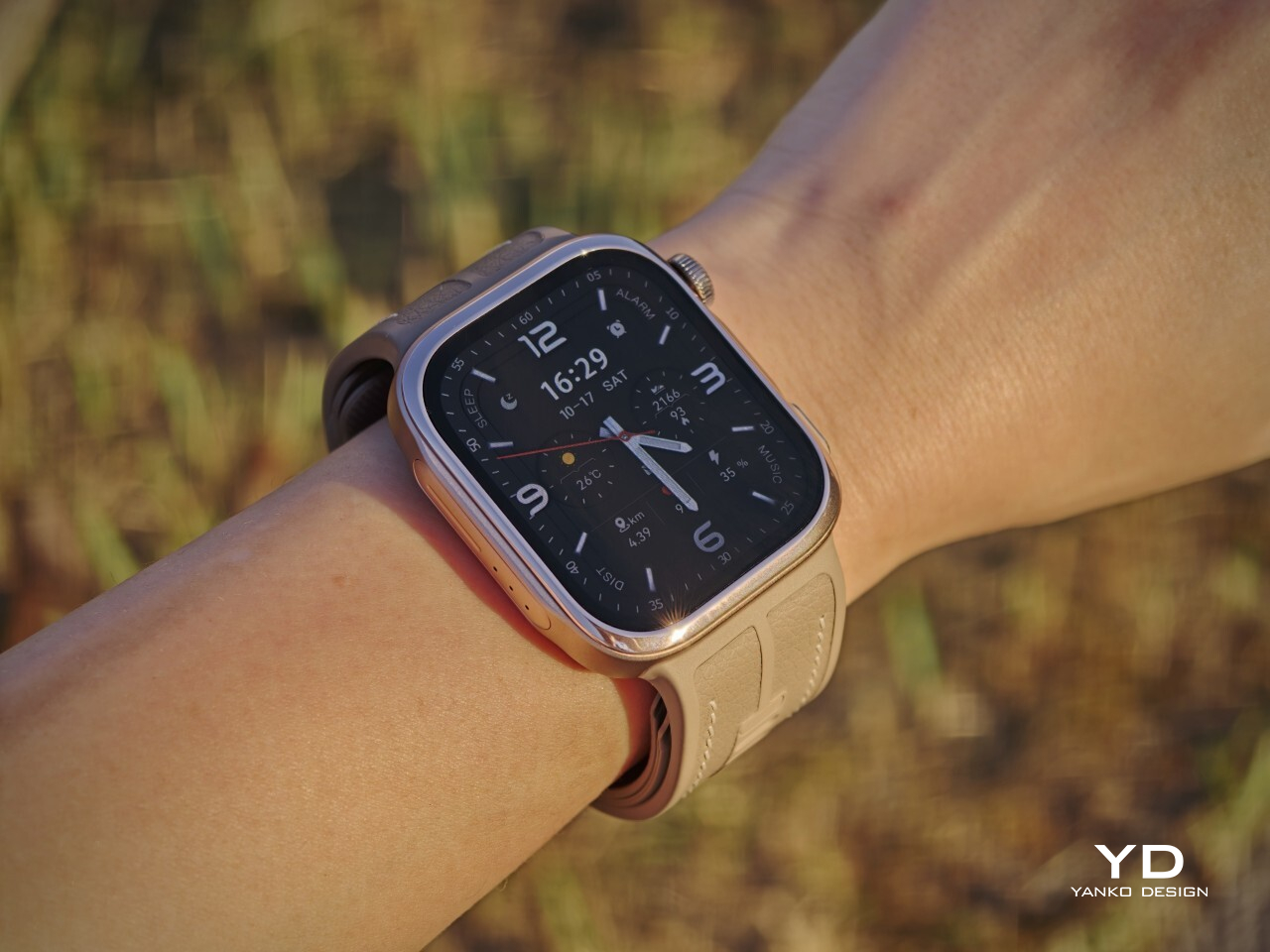
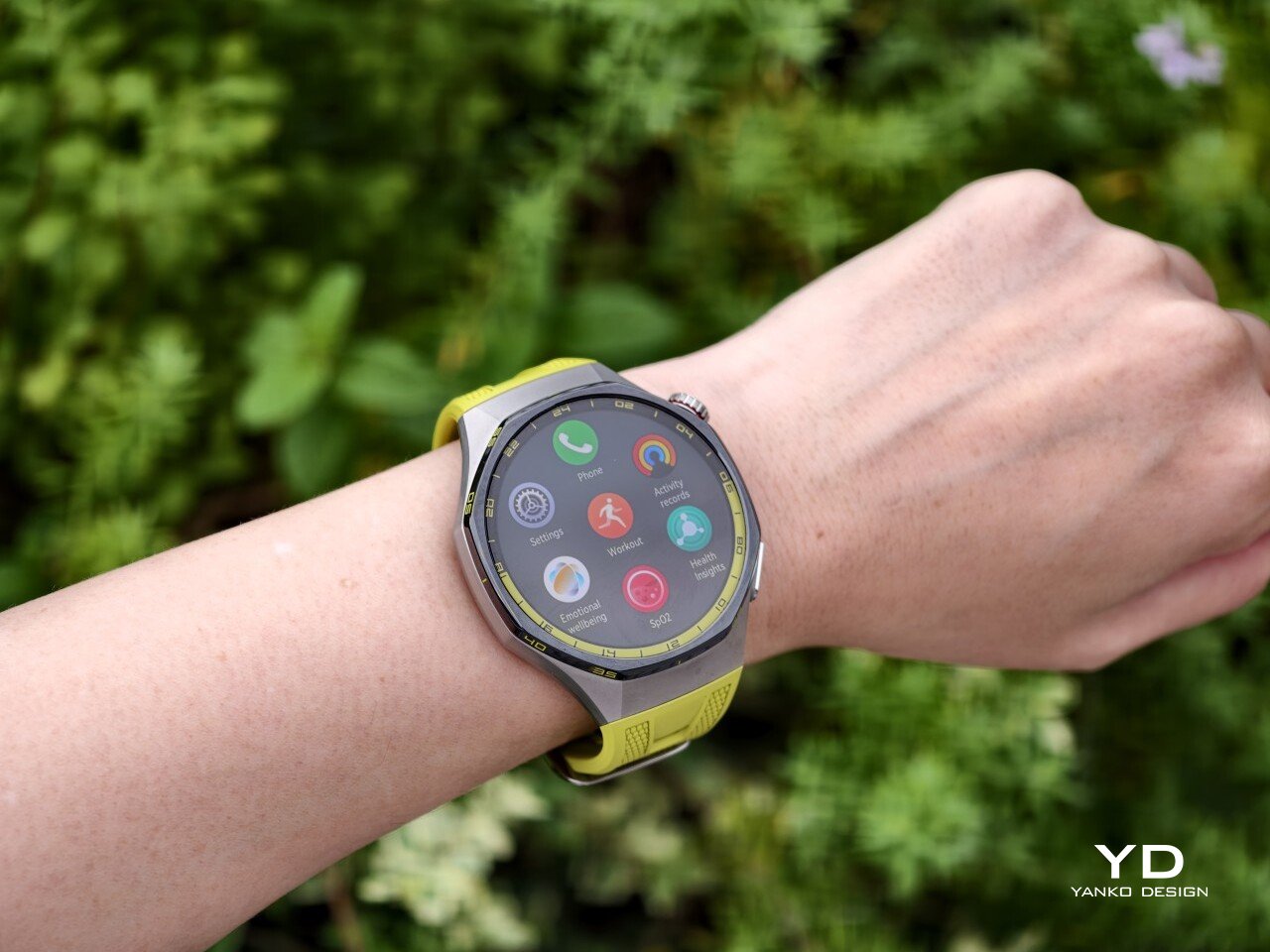
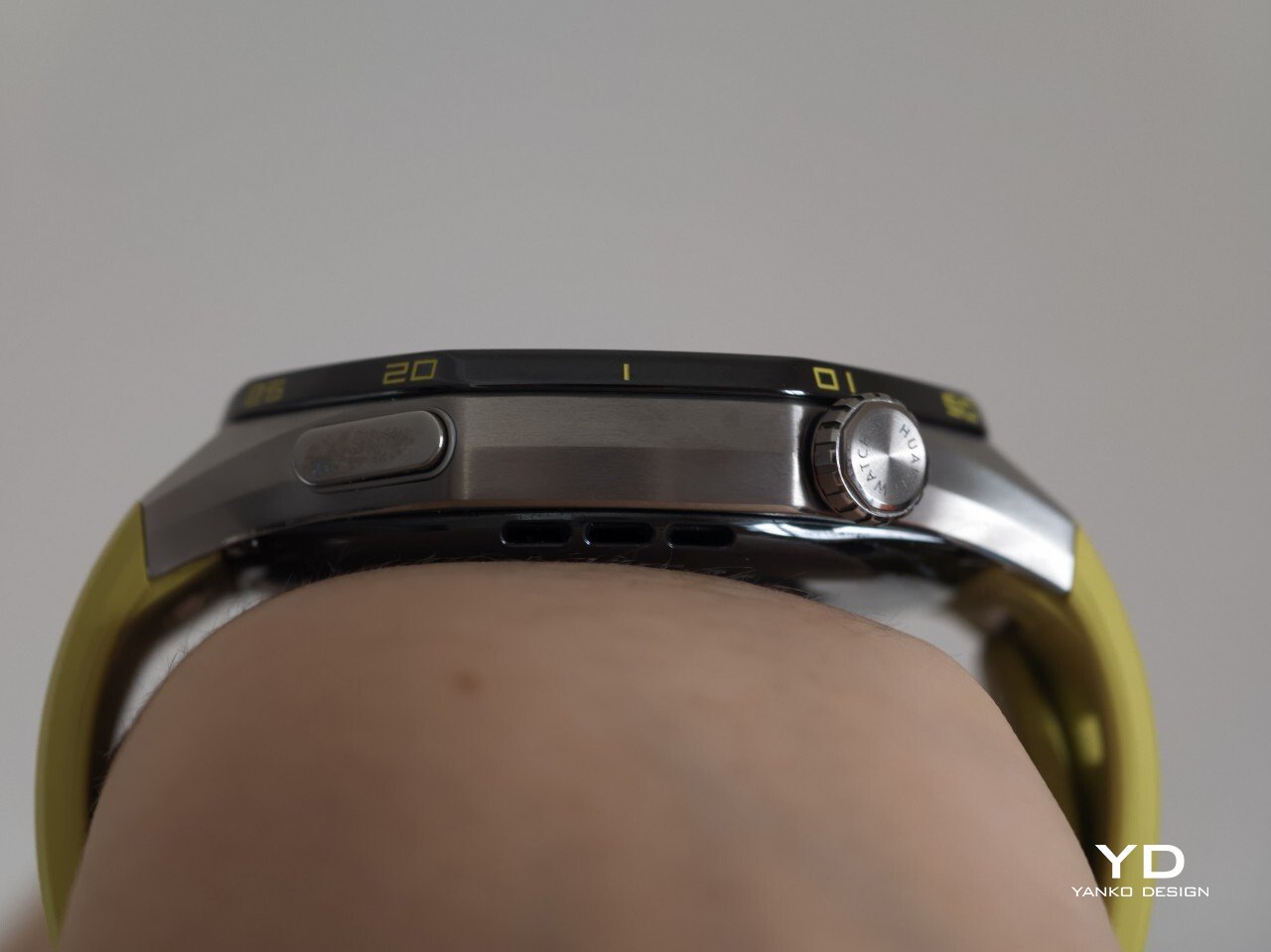
The Watch GT 7 Pro 46mm stays largely in line with the design language of its predecessor, keeping the same sporty character that defined the GT 6 Pro. Its octagonal case continues to give it a distinctive look, helping it stand out from the many conventional round smartwatches on the market. At the same time, Huawei balances that sportier shape with a polished finish, so the watch still feels premium rather than overtly rugged.

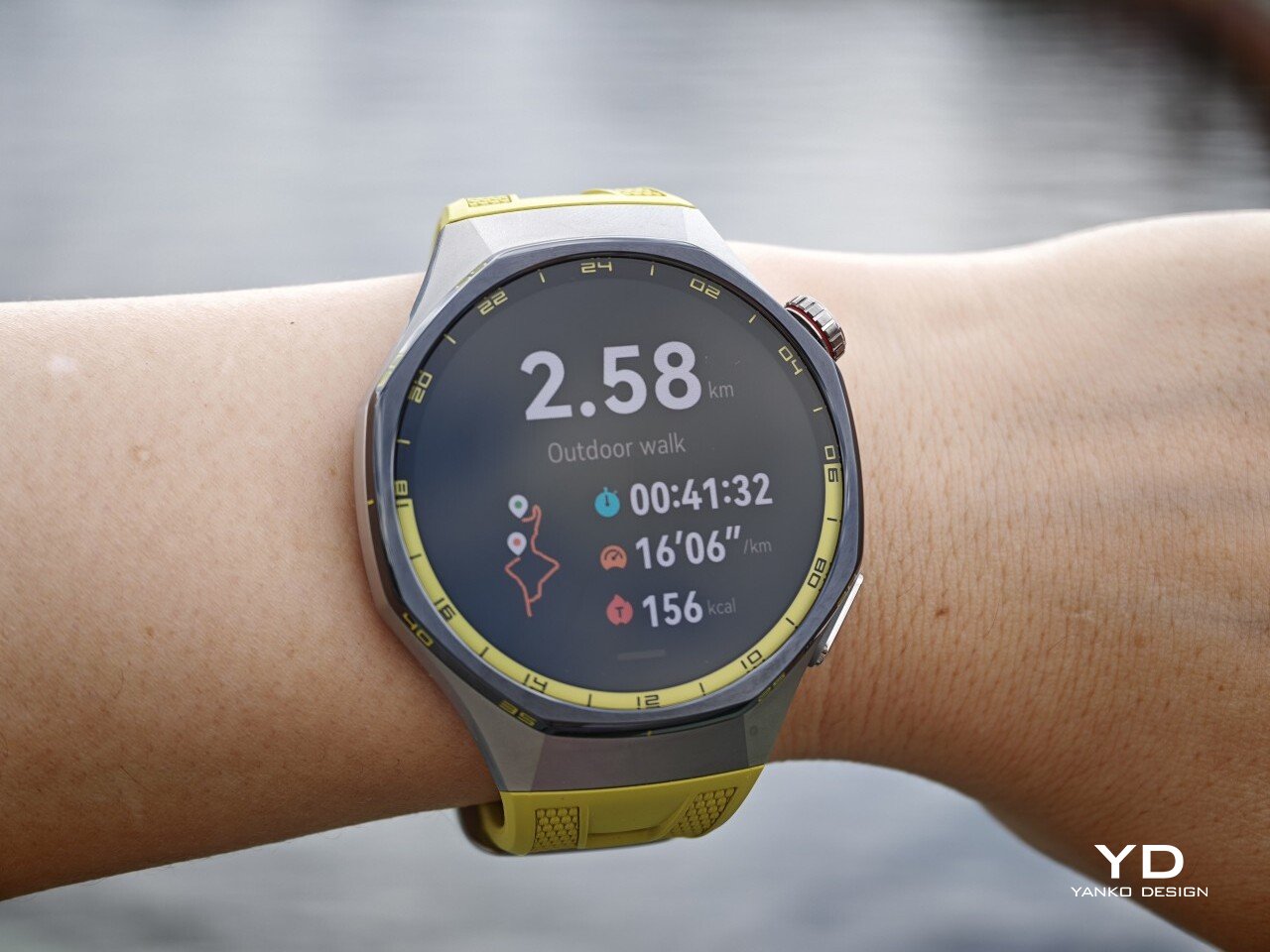
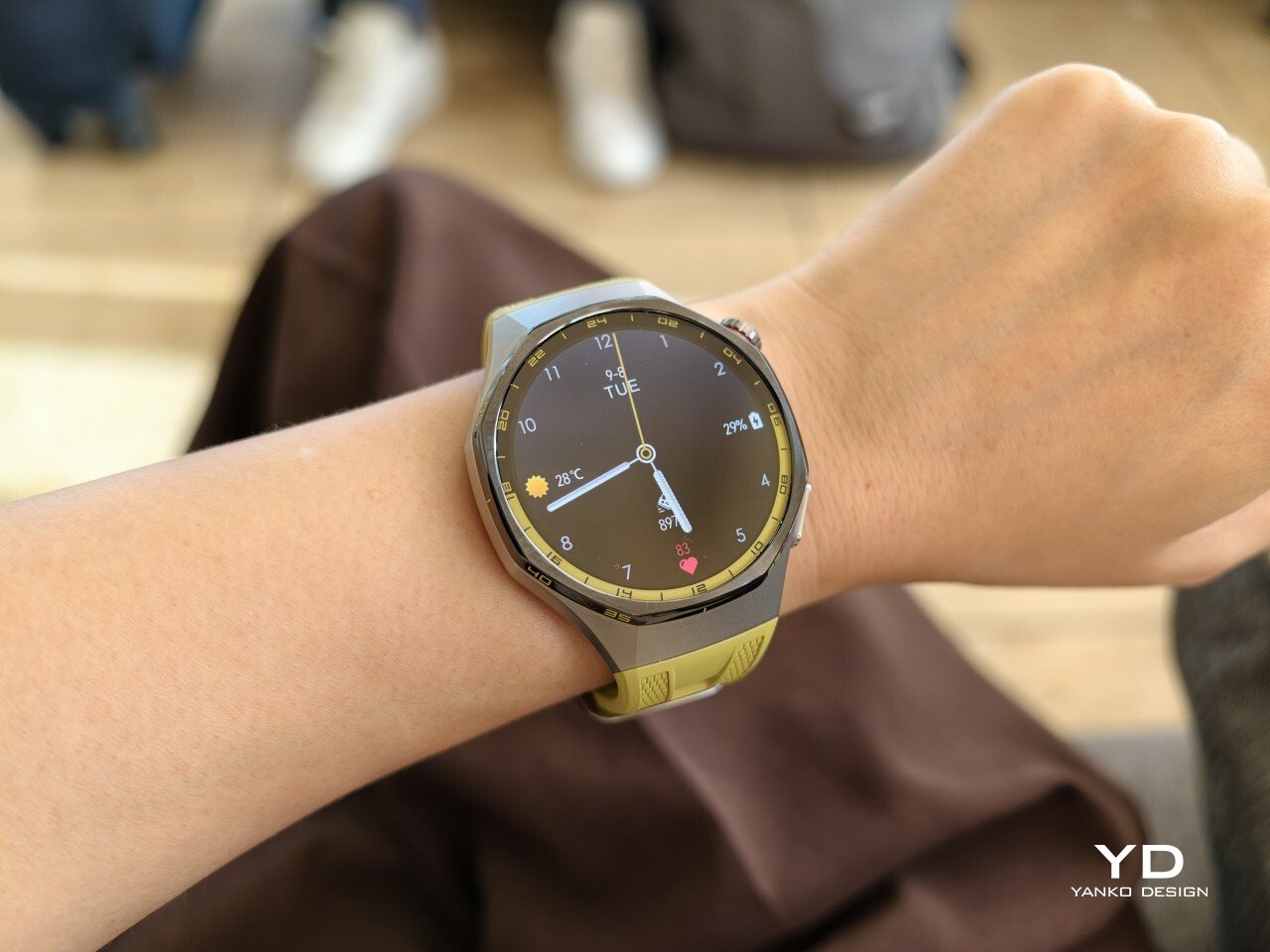
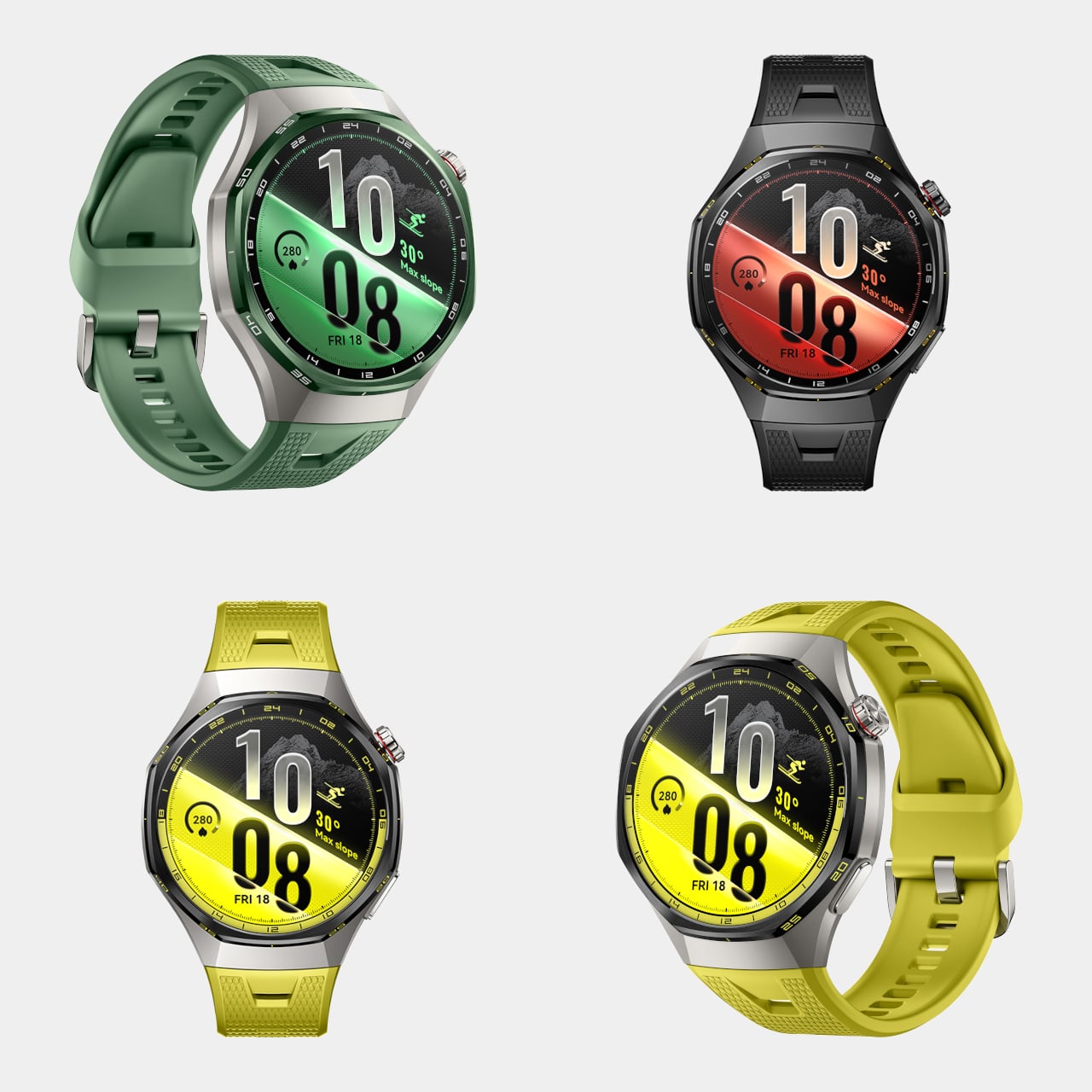
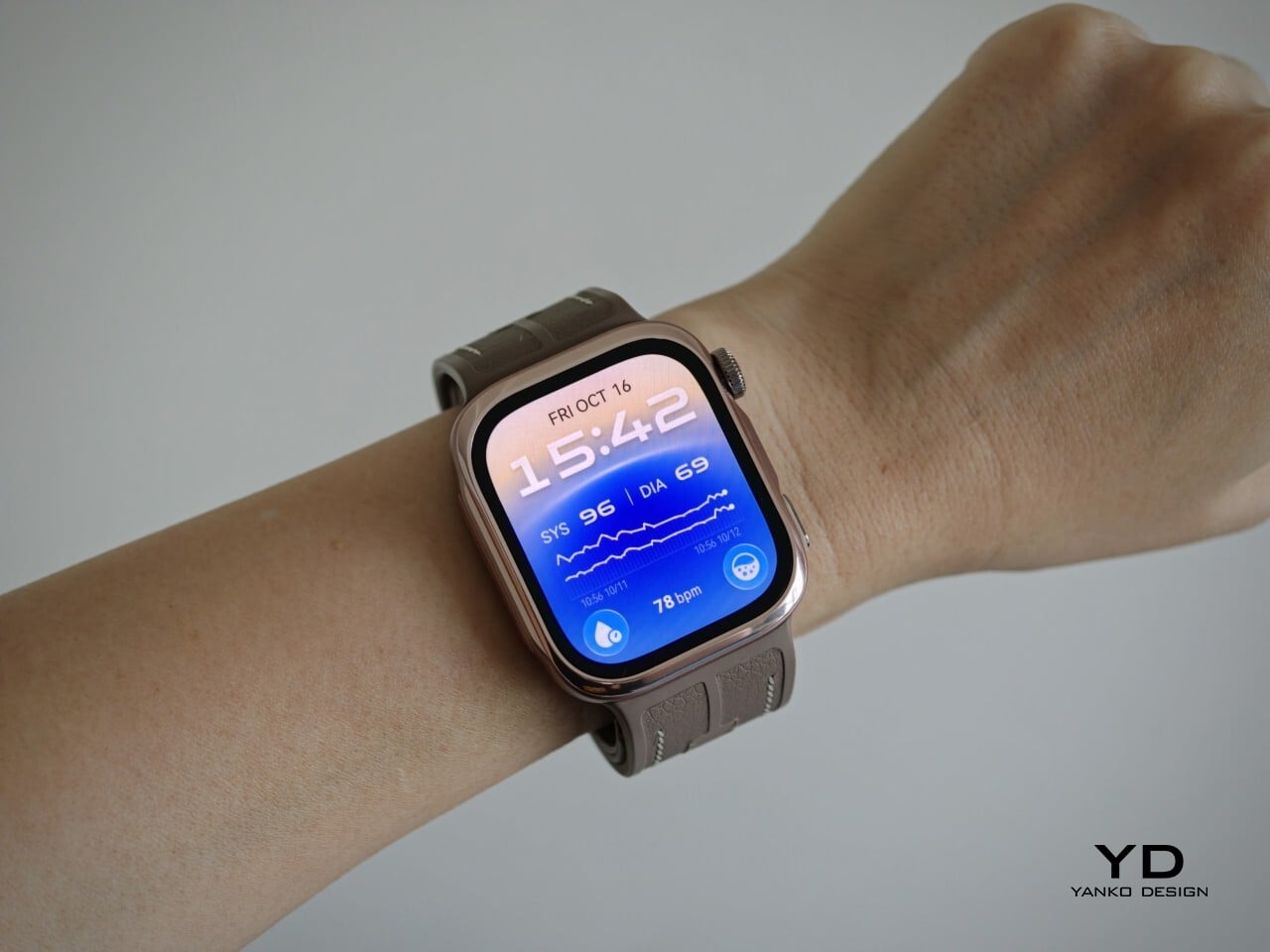
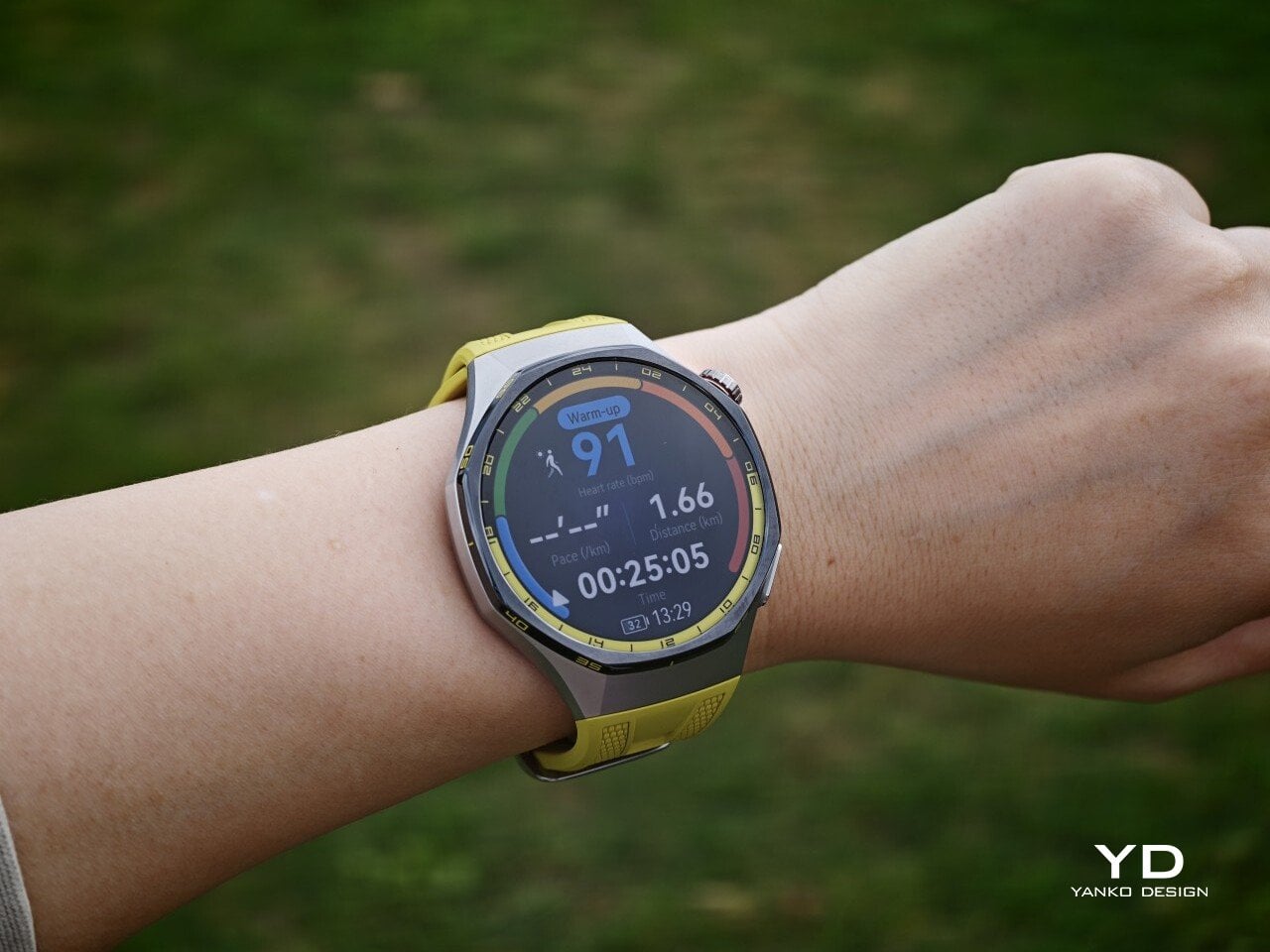
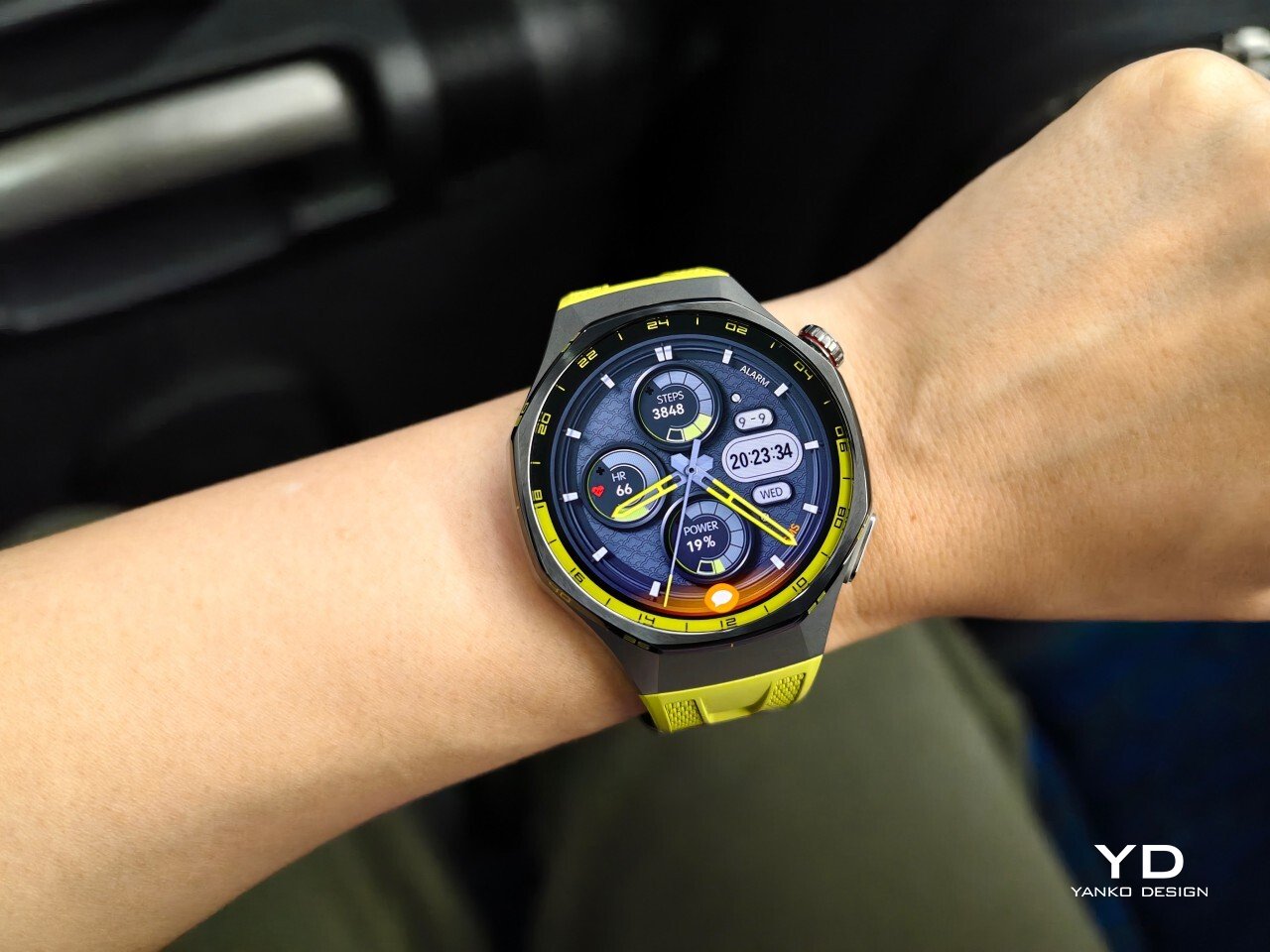
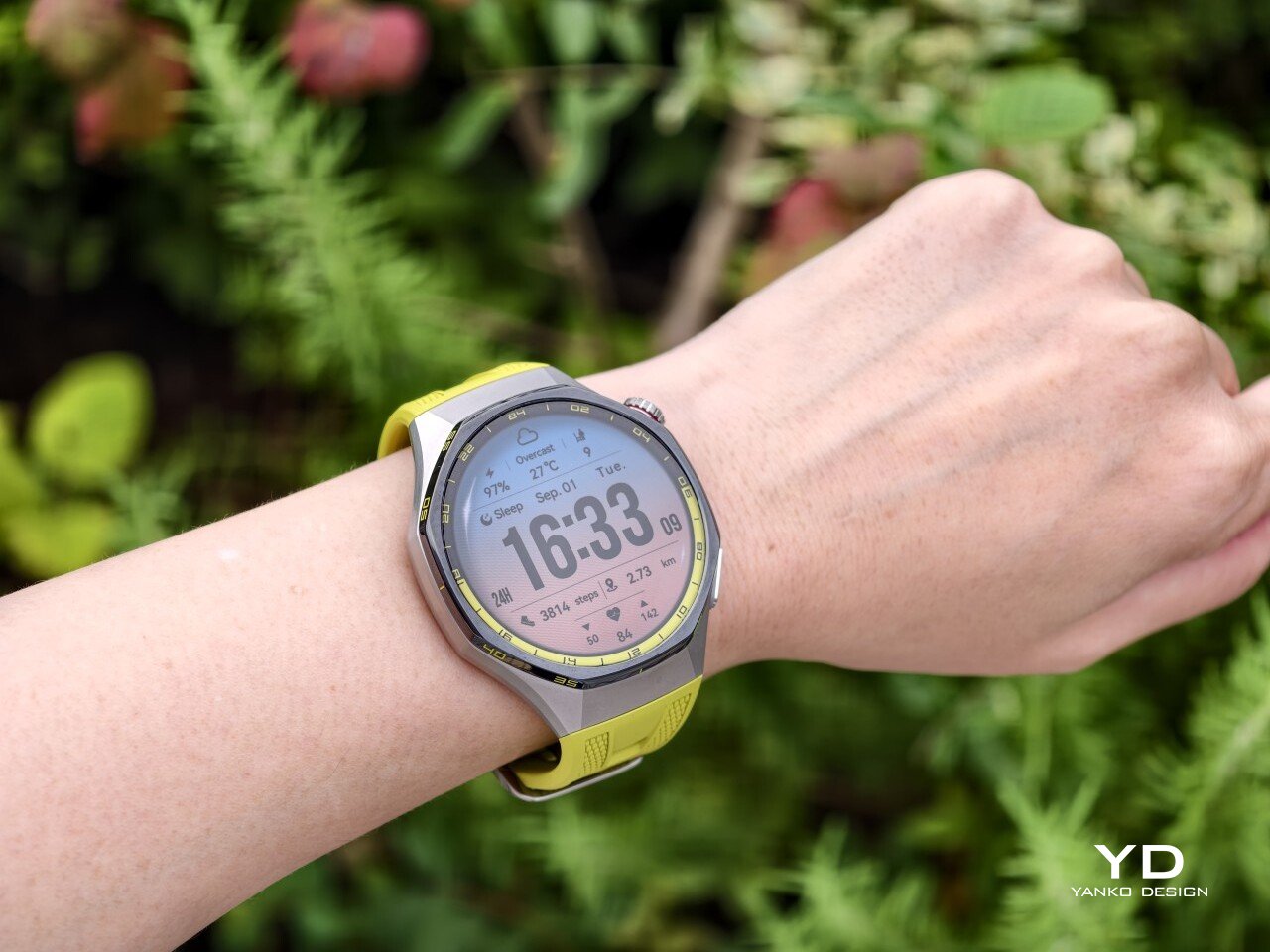
The front of the watch keeps that same balance. Its 1.47-inch AMOLED display sits beneath sapphire glass, which adds a more upscale touch while also improving durability for everyday wear. Around the display, Huawei uses 24-hour markings that strengthen the watch’s sporty identity and give the face a more instrument-like look.

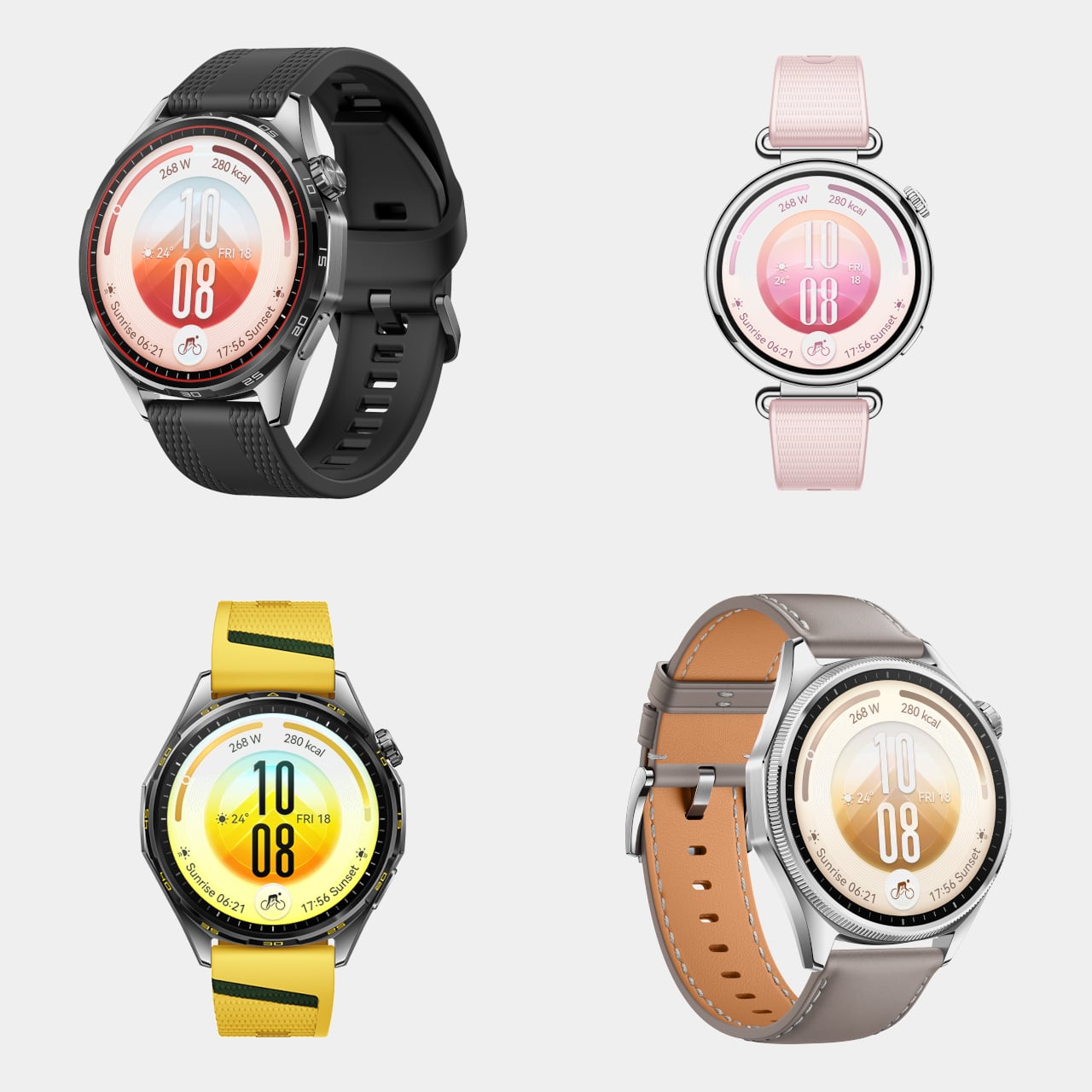
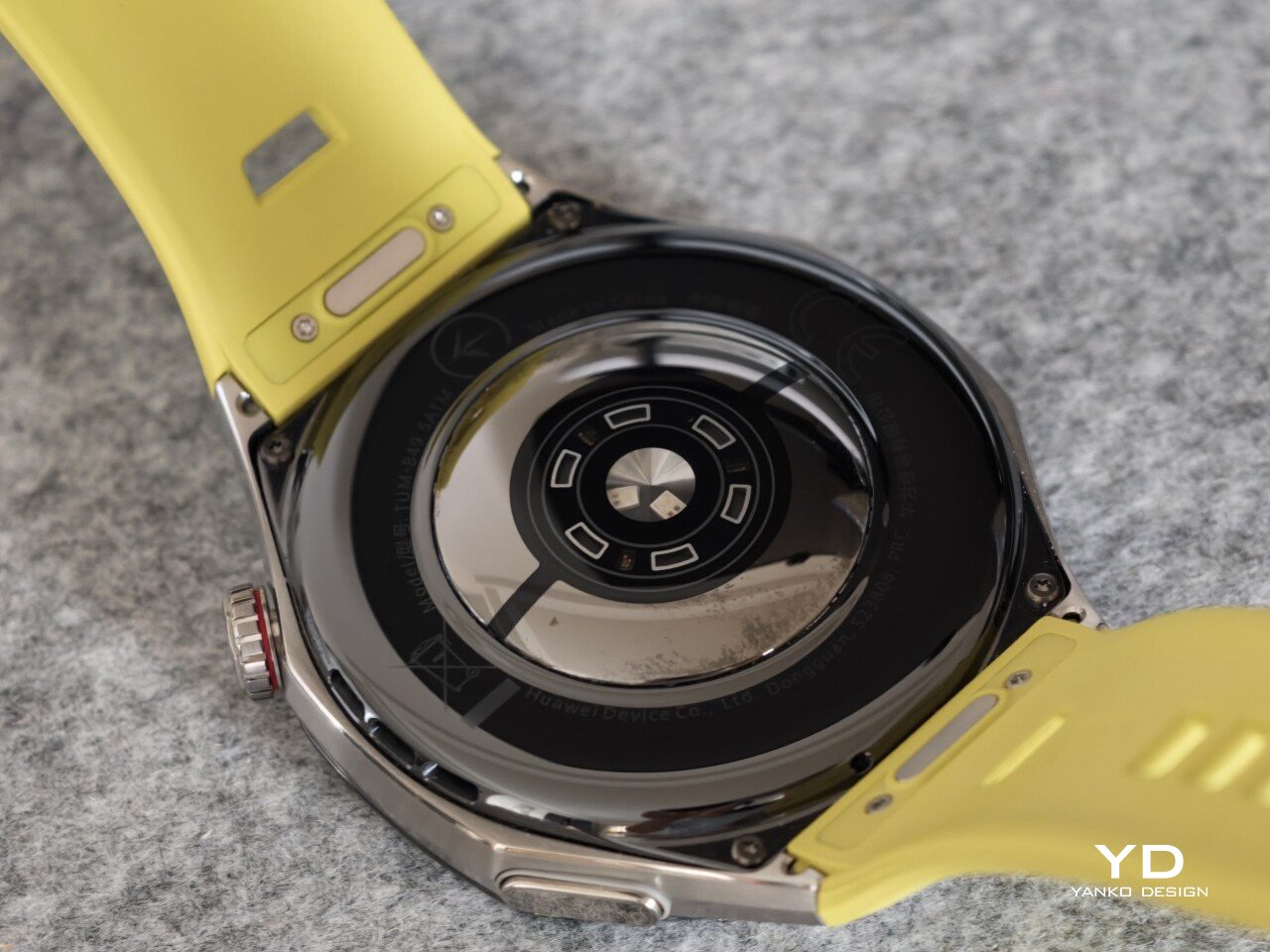
Huawei is offering the GT 7 Pro 46mm in yellow, green, and black, and each one gives the watch a distinct personality. The yellow version I received is easily the boldest of the three, pairing a silver case with a black bezel and a bright lime yellow strap. Matching yellow accents around the bezel and on the watch face make it feel the most energetic and overtly sporty of the lineup.

The green version takes a more outdoorsy approach. It keeps the same overall design but swaps in a muted green strap and matching accents, giving the watch a look that feels active without being as loud as the yellow model. The black version, by contrast, is the most understated. With its darker finish and strap combination, it gives the GT 7 Pro a stealthier and more versatile appearance that should appeal to buyers who prefer something cleaner and easier to wear every day.

Ergonomics

Despite its sporty, fairly bold design, the Watch GT 7 Pro 46mm is comfortable to wear for long stretches. At 56g and 11.2mm thick, it has enough presence to feel substantial on the wrist, but it never comes across as overly bulky in daily use. Huawei has also done a good job with weight distribution, which matters more than raw dimensions when you are wearing the watch through workouts, sleep tracking, or a full day out.

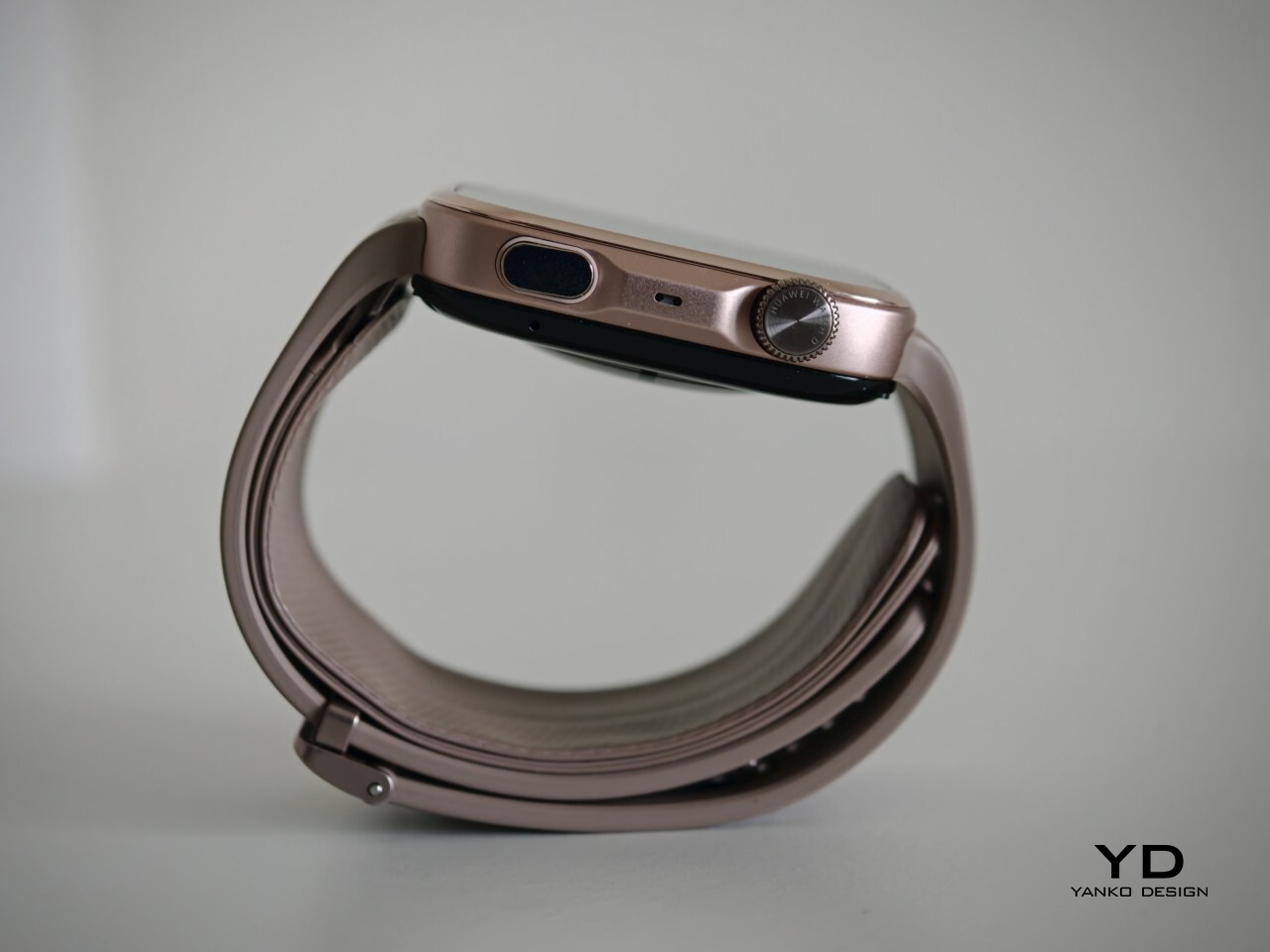
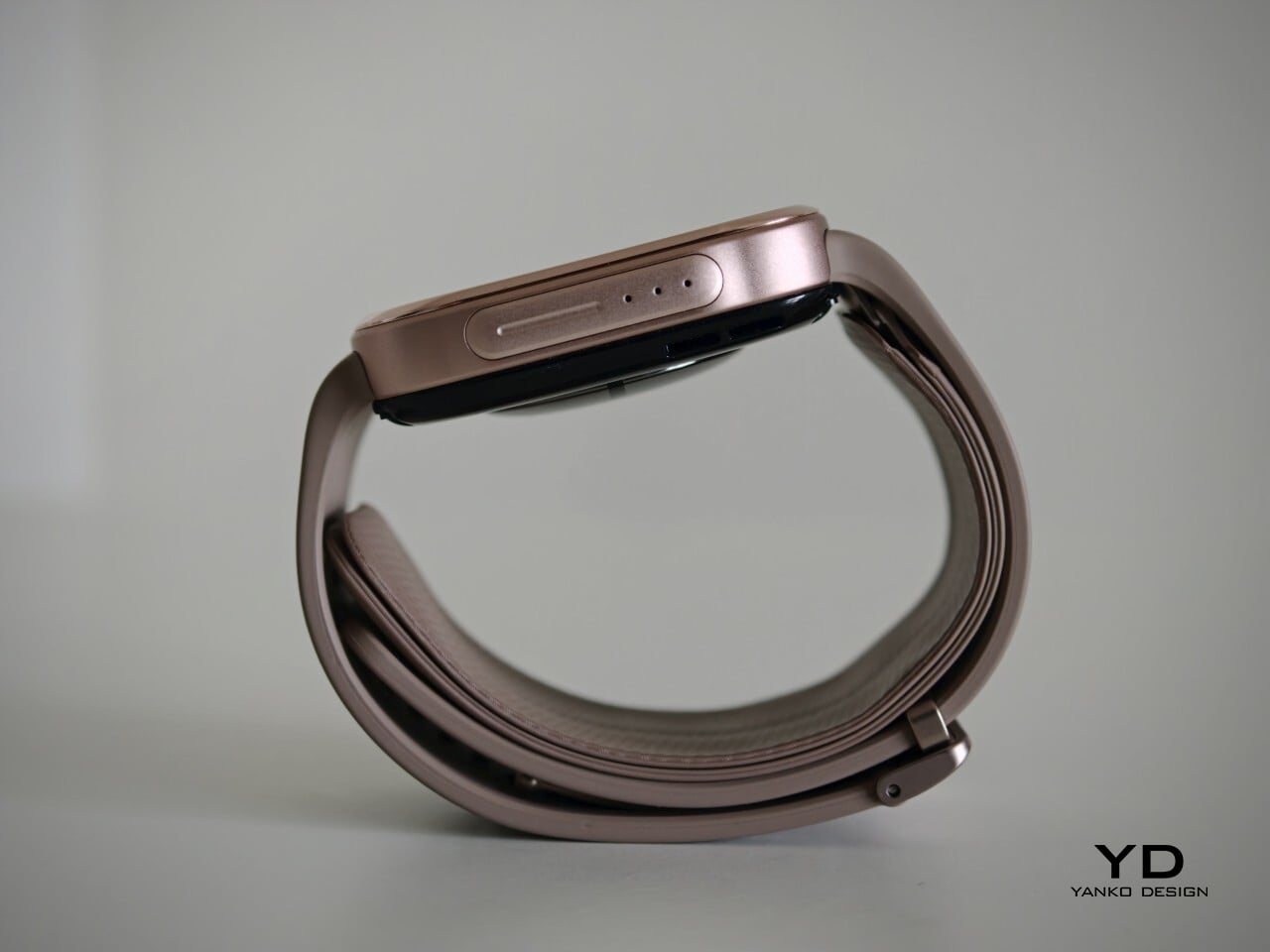
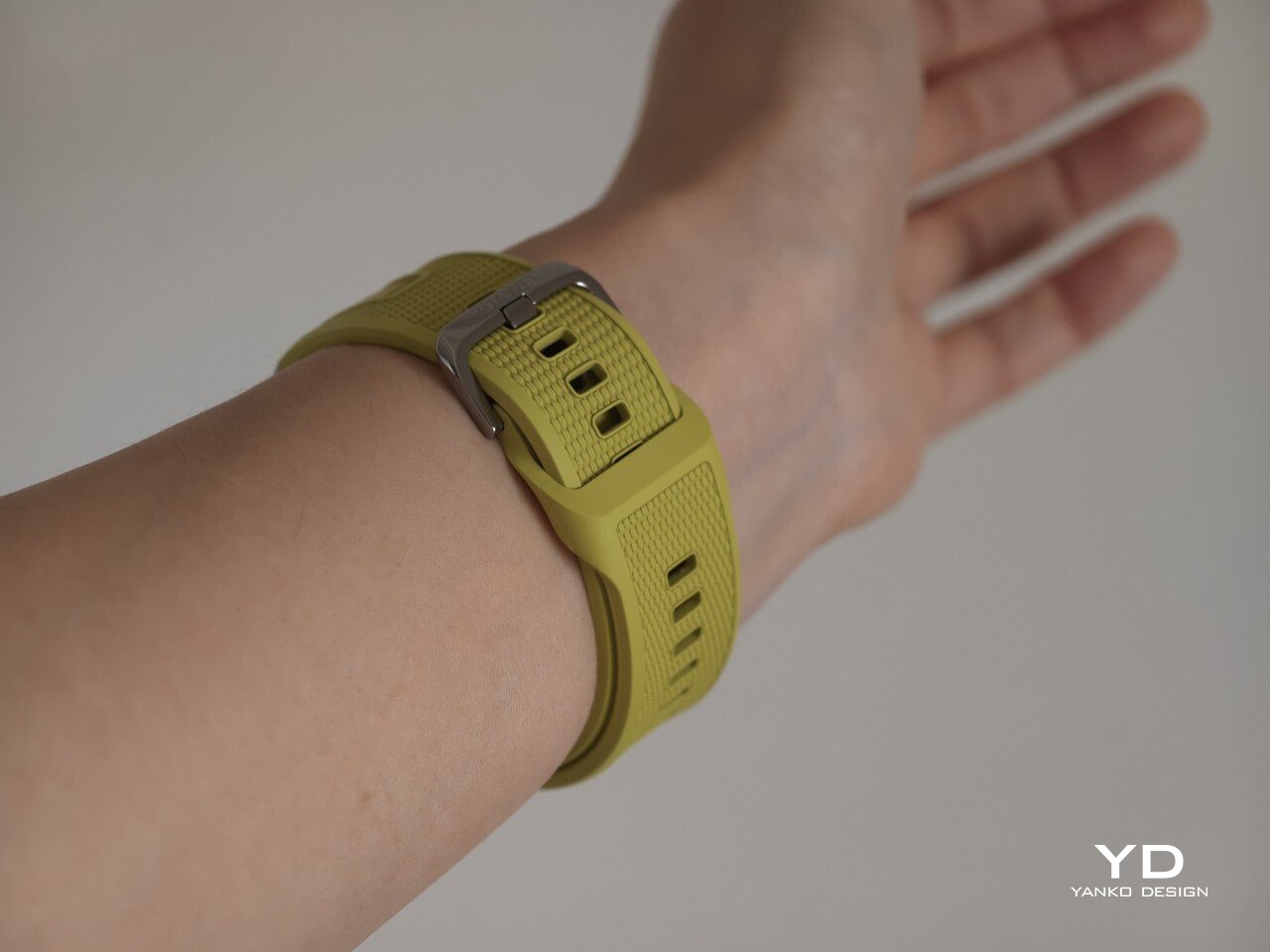
The strap has also been revised. Huawei calls it the Easy Cross Strap, and the key change is that the loose end tucks underneath instead of threading through a traditional belt loop. According to Huawei, this makes the watch easier to wear day to day while also creating a snugger fit that can help improve the consistency of health tracking. The elastomer strap feels soft enough for extended wear while still staying secure during exercise. It is detachable and uses a 22mm fitting, but because it is secured with pins, swapping it out is less straightforward than with a standard third-party strap.

Huawei’s control layout is familiar and easy to get used to. The buttons sit within easy reach, and the rotating crown adds a more tactile way to move through menus. That makes the watch feel more natural to use when you are on the move and do not want to rely entirely on touch input. Combined with the curved case and integrated strap design, the GT 7 Pro feels built not just to look sporty, but to wear like it too.

Performance

The Watch GT 7 Pro 46mm features a 1.47-inch AMOLED display, and it is one of the first things that stands out about the watch. Huawei claims a peak brightness of 3,000 nits, and in use the panel looks sharp, bright, and vibrant. Watch faces have plenty of visual punch, while menus and health data remain easy to read at a glance. Huawei has been consistently strong in this area, and that continues here with a screen that feels right at home on a watch in this class.

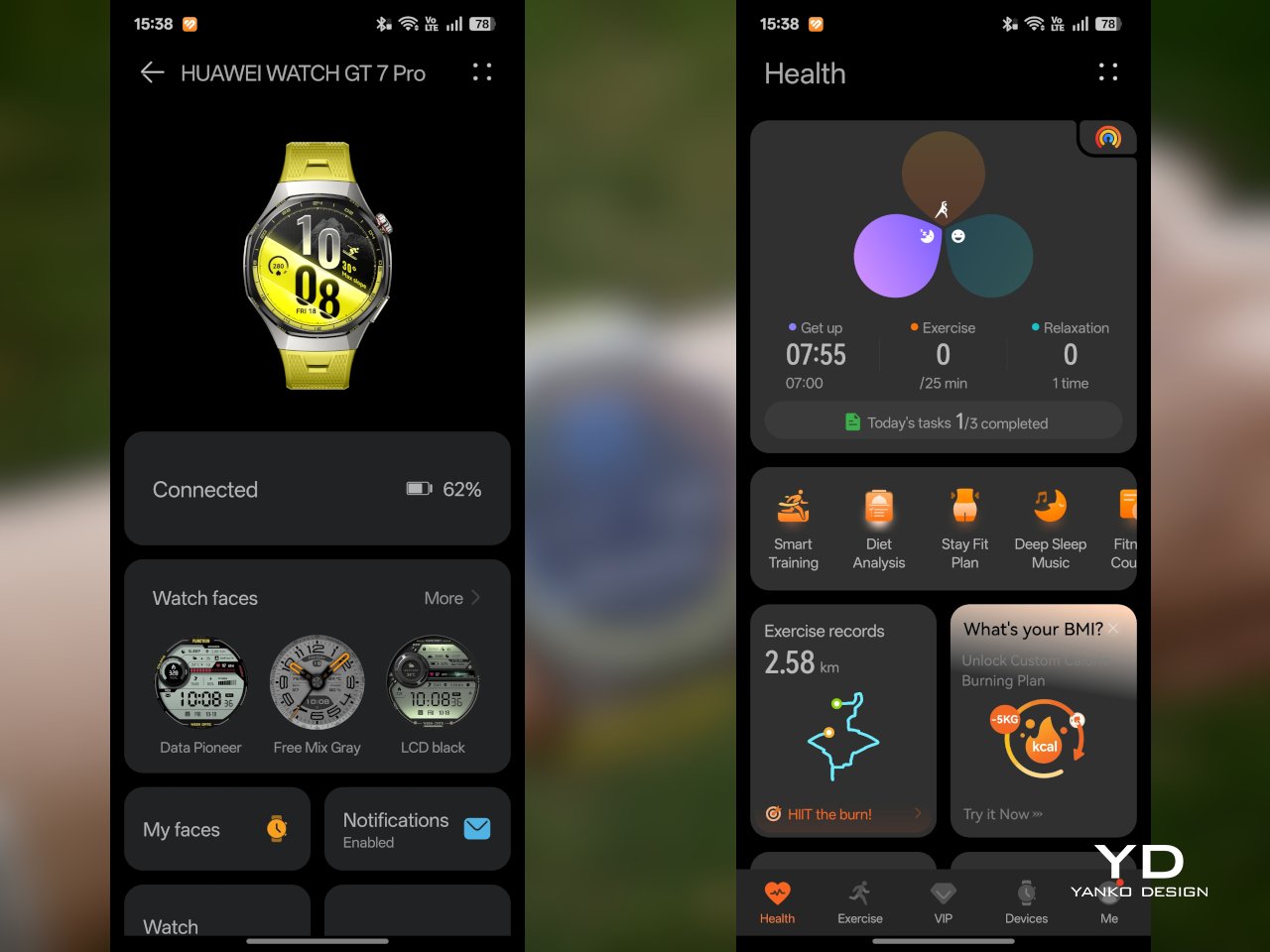
Out of the box, the GT 7 Pro runs HarmonyOS 6.1 and supports both Android and iOS devices, which immediately makes it more flexible than some ecosystem-bound alternatives. The software itself is easy to navigate, with clean menus, smooth animations, and a layout that does not take long to learn. It is not trying to overwhelm you with complexity, and that works in its favor on a smartwatch that is meant to balance fitness features with everyday usability.

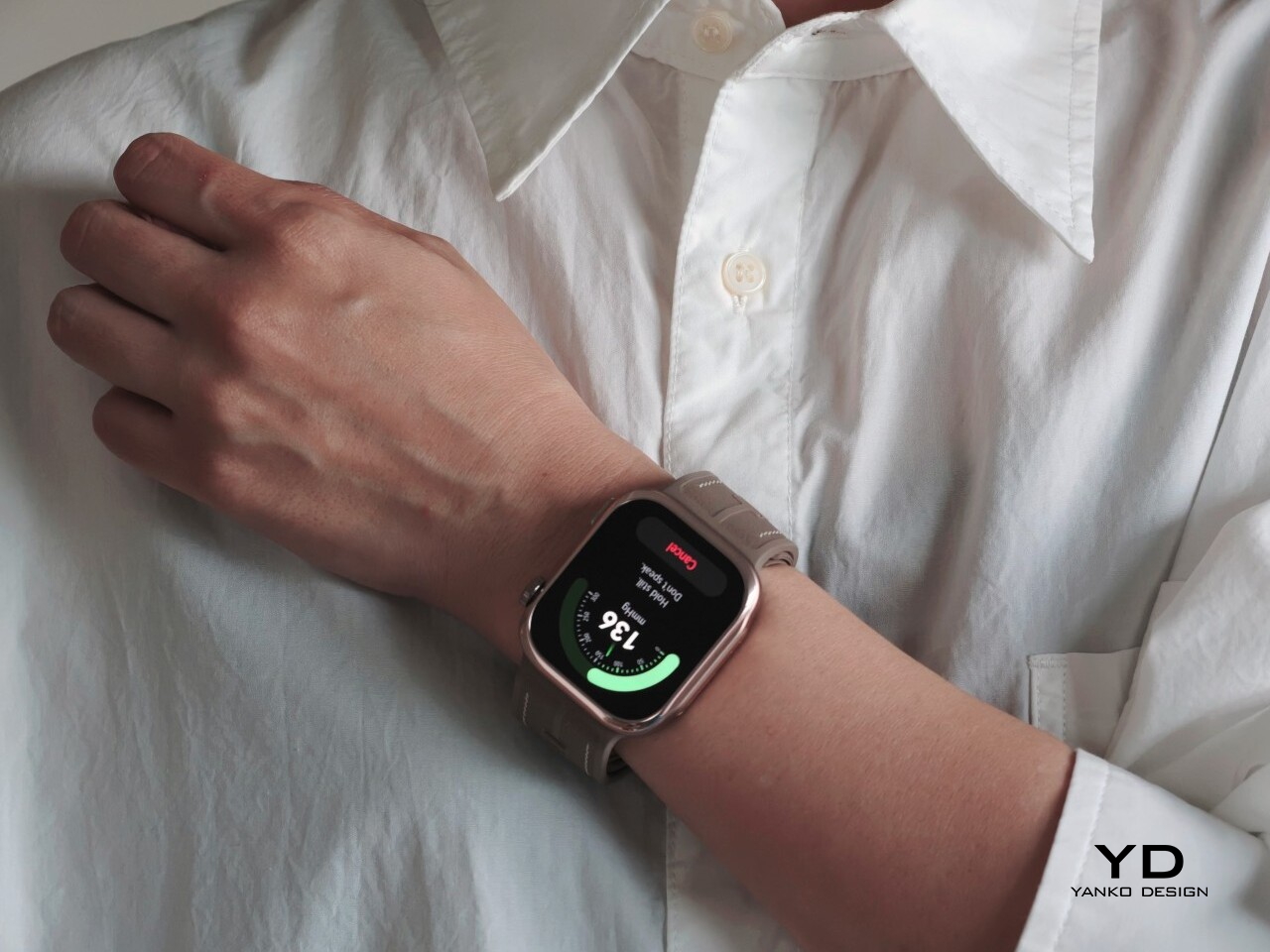
Health and fitness remain at the heart of the experience, which is exactly where the GT series has built much of its appeal. Huawei includes a broad set of tracking features here, covering the usual essentials such as heart rate, sleep, blood oxygen, stress, and workout monitoring, while also adding more unusual tools like the Diabetes Risk Study and Coronary Heart Disease Study. The latter, however, was not available on my test unit during the review period.

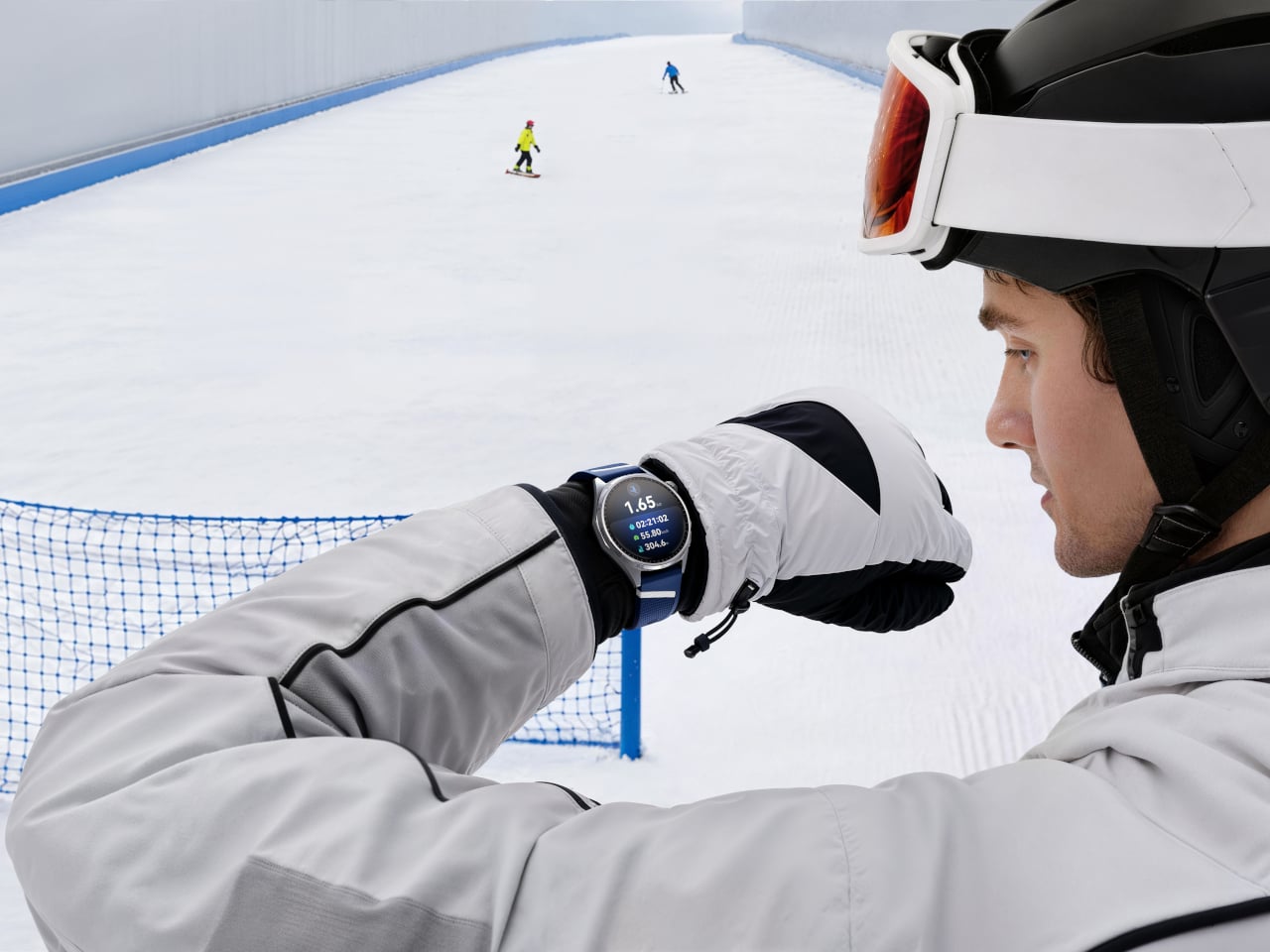
On the fitness side, the watch offers more than 100 workout modes, reinforcing its role as a serious sports-focused smartwatch. Huawei has also expanded its support for winter sports, with dedicated indoor and outdoor skiing as well as snowboarding modes. These can track data such as maximum speed, average incline, total descent, and run count, making the watch more useful for users who want something beyond basic activity logging. It also supports downloads for more than 3,000 ski resort maps worldwide, complete with details such as slope names, difficulty ratings, and lift station locations.

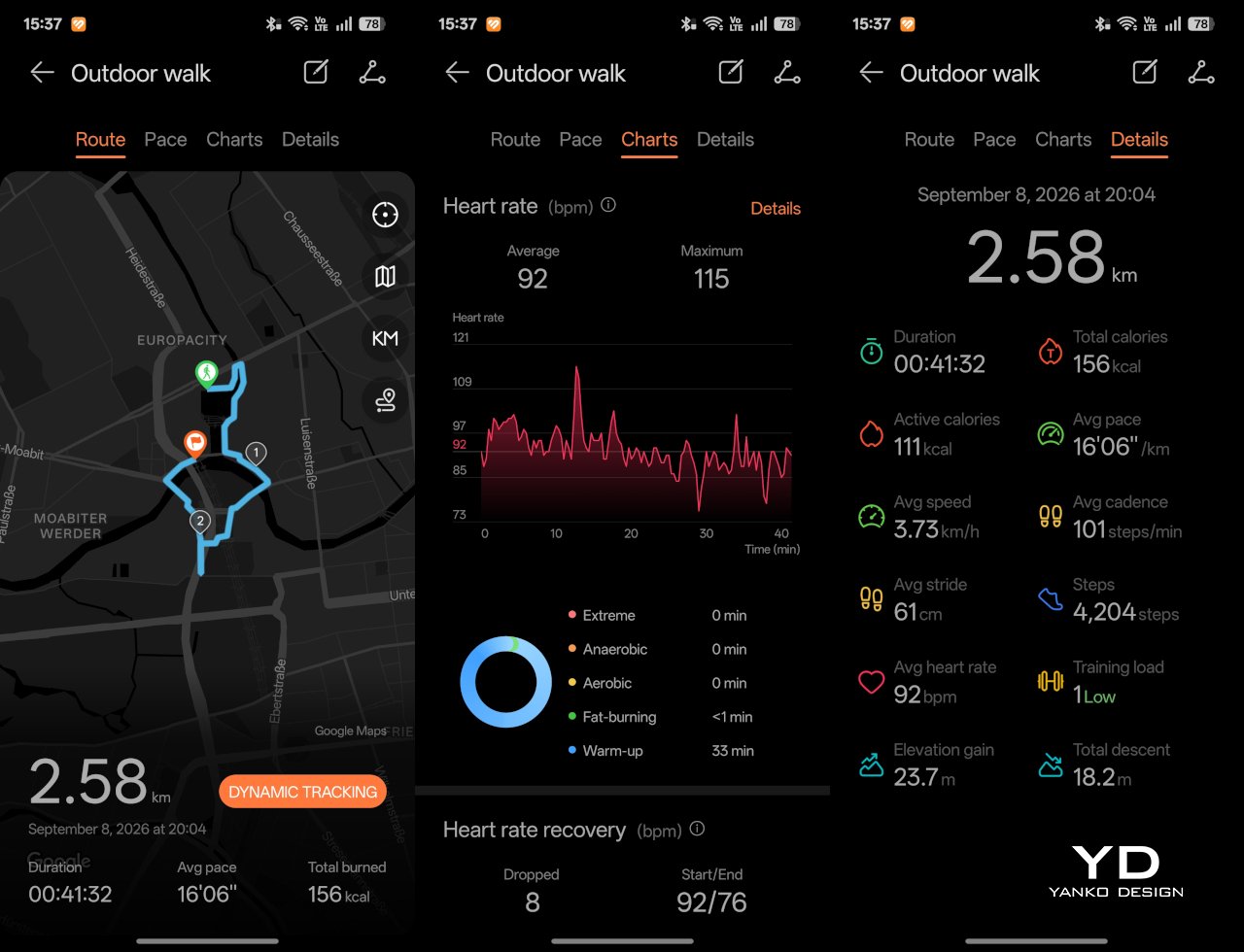
Since ski season is still months away where I live, I was not able to test those winter sports features properly. My hands-on time was limited to more routine activities like outdoor walks, yoga, and casual cycling. Even within that narrower scope, the watch performed well. GPS tracking was accurate in my testing, even when I passed under railway bridges and near buildings, where signals can sometimes become less stable.

Battery life is one of the GT 7 Pro’s biggest strengths. Huawei rates it for up to 21 days at the upper end, up to 12 days under typical use, up to 7 days with the always-on display (AOD) enabled, and as much as 51 hours in trail running mode. Those are ambitious figures, but in my time with the watch, its endurance was genuinely impressive.

I took it with me on a nine-day trip after charging it to 100 percent, and by the end of the trip it still had 19 percent battery remaining. During that time, I had all health tracking features on, AOD turned on, and used it for a couple of indoor and outdoor walking sessions as well. That makes the result more impressive, because the watch was not simply sitting idle for most of the trip. In day-to-day use, that kind of endurance makes a real difference, especially on a sports-focused smartwatch where frequent tracking can drain smaller batteries much more quickly.

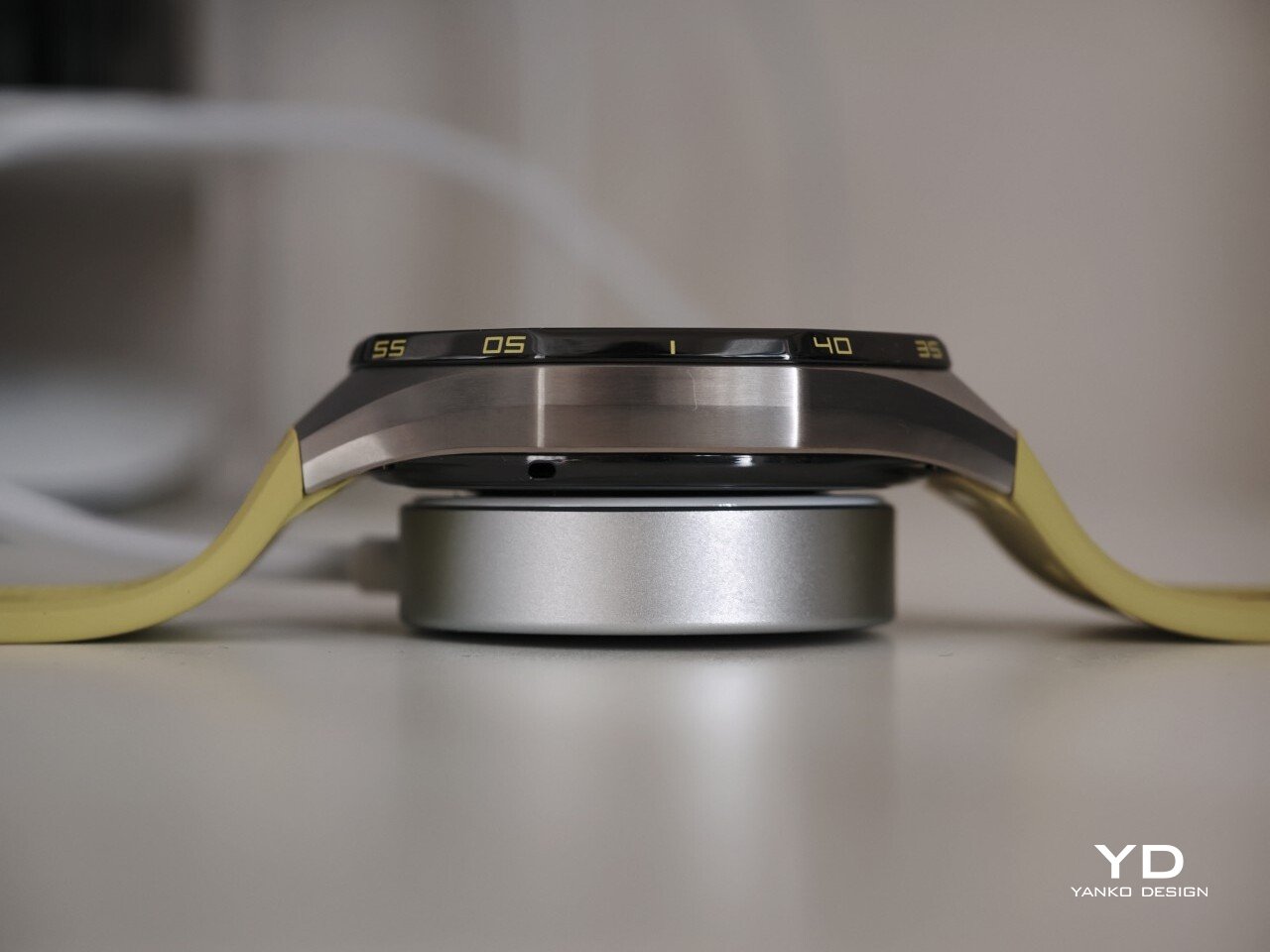
Charging is handled through a proprietary magnetic wireless charger included in the box, and it is fairly quick. Because of the watch’s shape, though, it does not sit flat on the charger, which can be a mild annoyance in everyday use. It hovers slightly, and I often found myself checking to make sure it was still charging after the initial confirmation screen disappeared. It also feels like time for Huawei to move from USB-A to USB-C, as the included cable already feels a bit dated.

Sustainability

The Watch GT 7 Pro also puts some emphasis on durability. It carries both IP69 and 5ATM ratings, giving it a solid level of protection against dust and water exposure. That makes sense for a watch positioned around sports and outdoor use, where it is more likely to be exposed to sweat, rain, splashes, and more demanding day-to-day conditions.

Huawei also uses sapphire glass over the display, which adds another layer of reassurance. Sapphire is known for its strong scratch resistance, and it also helps the watch feel more premium in the process. Taken together, these details give the GT 7 Pro a tougher, more dependable character without pushing it fully into rugged-watch territory. That said, sustainability is less of a focus, with no clear mention of recycled materials or other environmental measures.

Value

At £379, or roughly $510, the Watch GT 7 Pro is priced like a premium smartwatch, so it has to offer more than just a nice design. For the most part, it does. You are paying for a watch that gets the basics right, with strong battery life, a durable build, a comfortable fit, and a health and fitness feature set that feels broad enough for most users.

The value proposition really comes down to what you want from a smartwatch. If you care most about app support and deeper smart features, there are rivals that make a stronger case. But if your priorities are battery life, fitness tracking, and a watch that looks and feels good on the wrist, the GT 7 Pro makes more sense. It is not a dramatic step up from the GT 6 Pro, so current owners may not feel much pressure to upgrade. Still, for anyone coming from an older device, it feels like a well-rounded package that knows exactly what it is.

Verdict

The Watch GT 7 Pro 46mm is not the kind of upgrade that changes everything, but it does not need to be. Huawei has taken a formula that already worked and polished it further, keeping the GT series focused on the things it has consistently done best. The result is a smartwatch that looks distinctive, wears comfortably, lasts a long time on a charge, and offers more than enough health and fitness features for most users.

It is not without trade-offs. Third-party app support remains limited, and Huawei’s pinned strap design also cuts down your band options compared with a standard 22mm quick-release system. Still, if you want a premium sports-focused watch that feels dependable, lasts well beyond a few days, and fits easily into everyday use, the GT 7 Pro gets a lot right. It is not a radical step forward, but it is a solid and well-rounded one.

The post Huawei Watch GT 7 Pro Review: Refined, Not Reinvented first appeared on Yanko Design.
Huawei FreeBuds Neo Review: Style, Comfort, and a Strong Feature Set

PROS:


  • Exceptionally comfortable fit

  • Great overall performance for the price point

  • Nebula Pink gives the design real personality

  • Pleasant, well-rounded sound

    CONS:


    • Some Huawei smartwatch features were not available during testing

    RATINGS:

    AESTHETICS
    ERGONOMICS
    PERFORMANCE
    SUSTAINABILITY / REPAIRABILITY
    VALUE FOR MONEY

    EDITOR'S QUOTE:

    The FreeBuds Neo are not about chasing flagship bragging rights. They are about getting the everyday essentials right, and doing it with a bit more style than most.
    award-icon

    Huawei has been on a bit of an audio expansion streak lately. It now offers everything from traditional in-ear earbuds to open-ear and clip-style designs, and the company has openly said it wants to become the number one audio brand. In many ways, it feels like Huawei is trying to repeat the kind of success it has already had with smartwatches, building out a wider ecosystem instead of relying on just one or two standout products.

    That bigger push has also made the lineup more crowded. On the in-ear side, Huawei already has the premium FreeBuds Pro, the comfort-focused FreeBuds, the more affordable FreeBuds i, and the entry-level FreeBuds SE. The FreeBuds Neo feel like the pair meant to fill the gap in between, offering something a little more polished and feature-packed without tipping too far into premium pricing.

    Designer: Huawei

    That alone makes them interesting. I went into this review with fairly high expectations because the Huawei FreeBuds Pro 5 are still one of my favorite earbuds for ANC and sound quality. The FreeBuds Neo are clearly not trying to play in that league, but they do feel like an important part of Huawei’s bigger audio plan, and a pair that could end up appealing to a much wider audience.

    Aesthetics

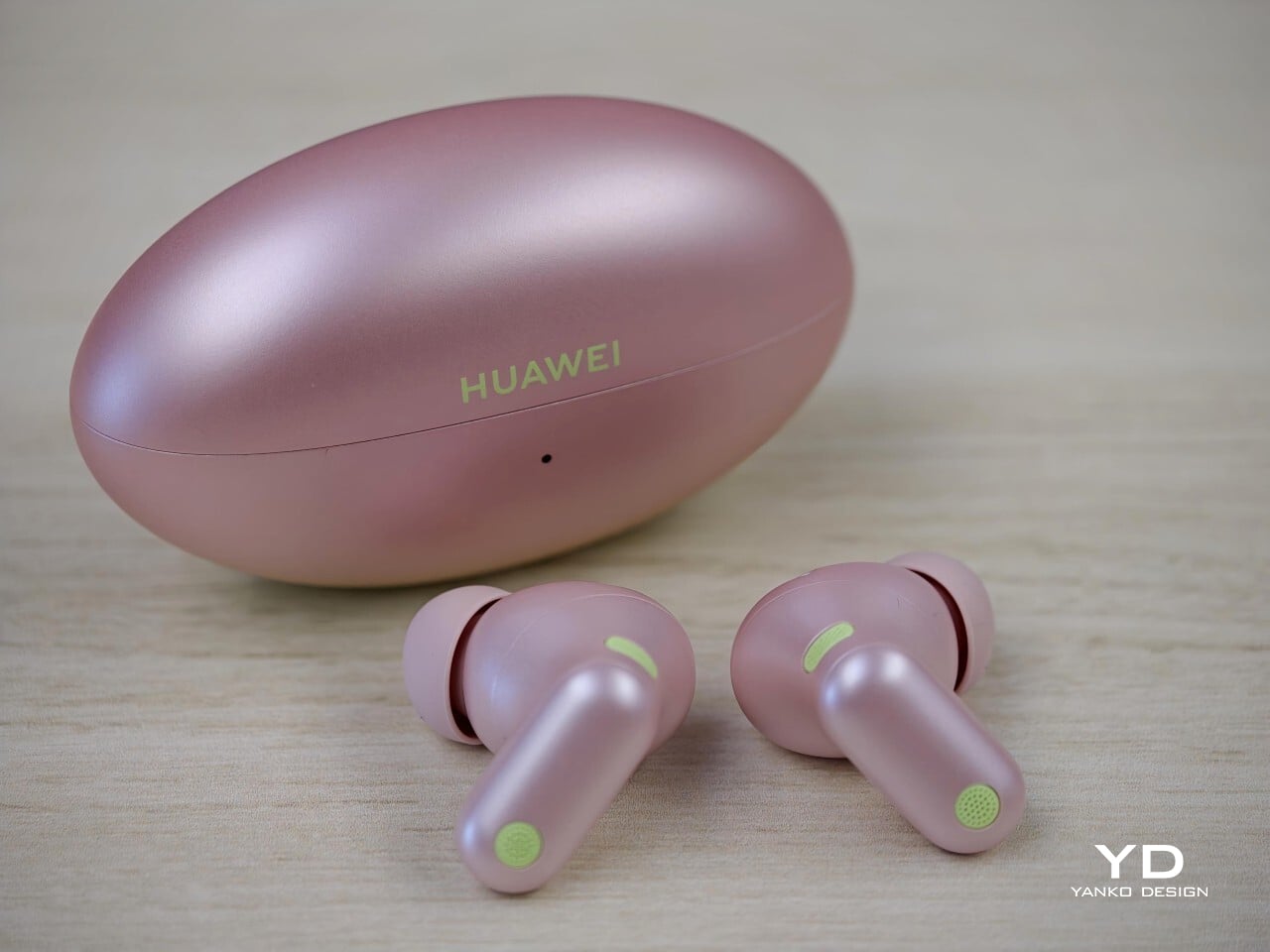
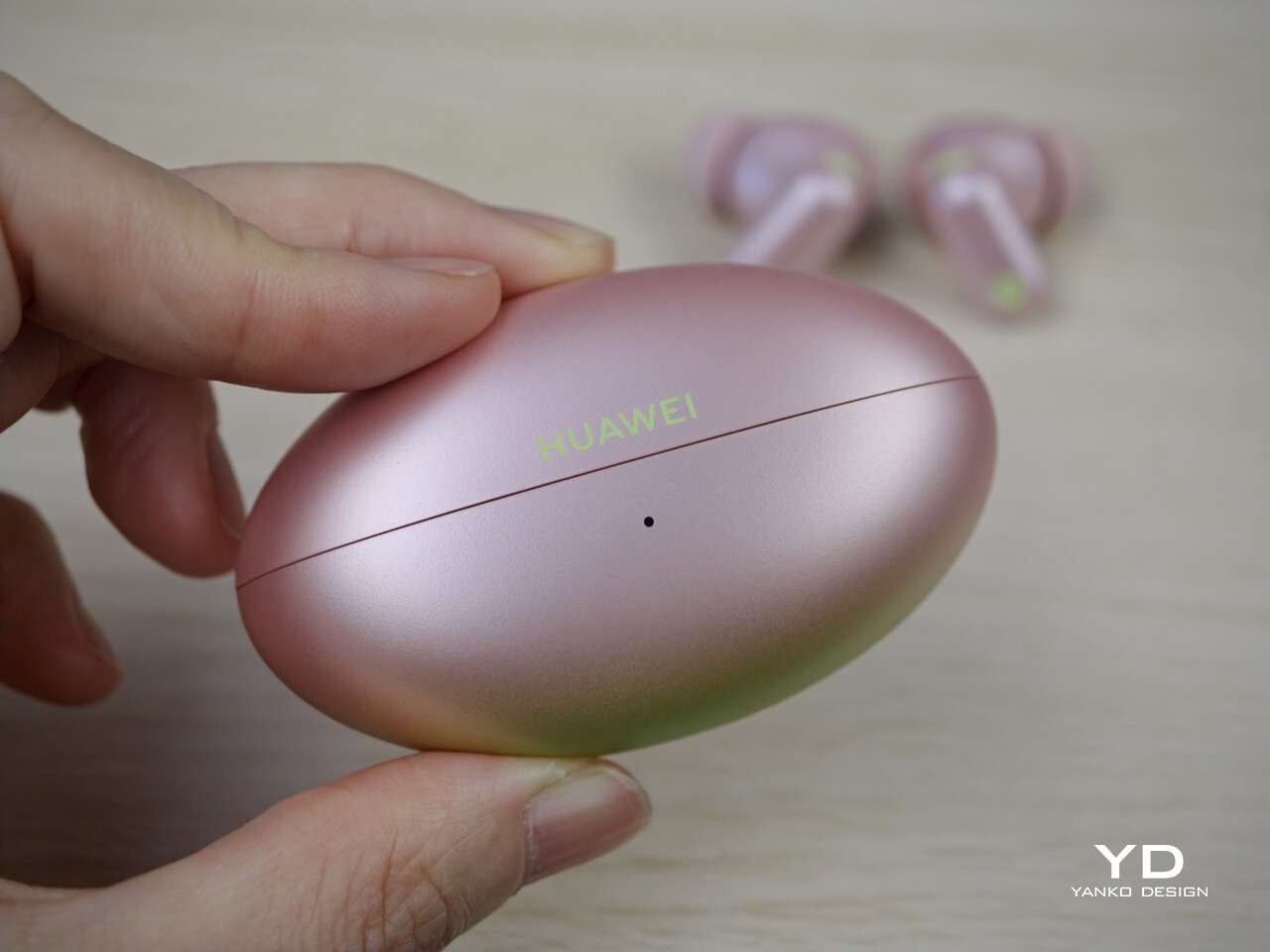
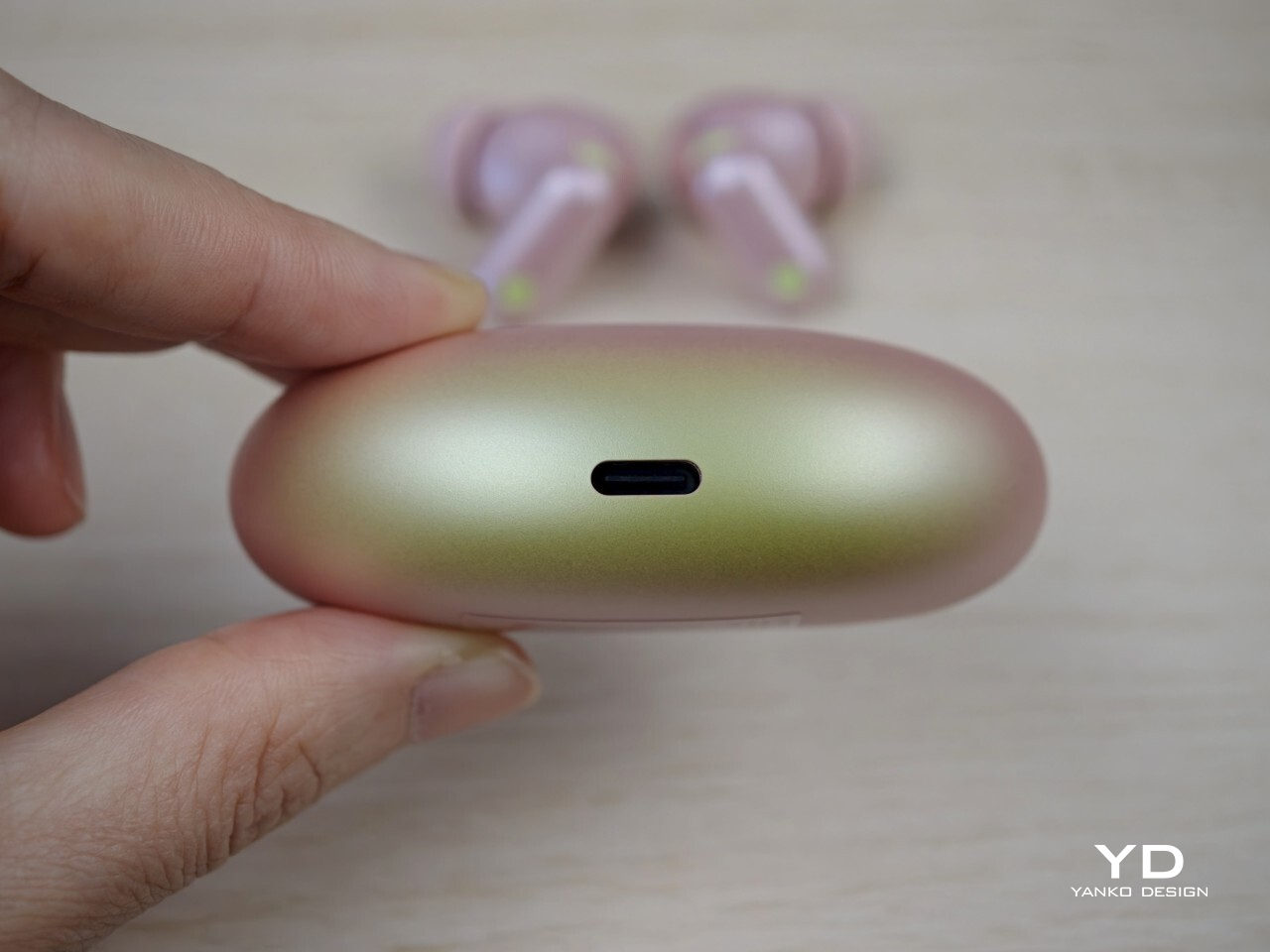
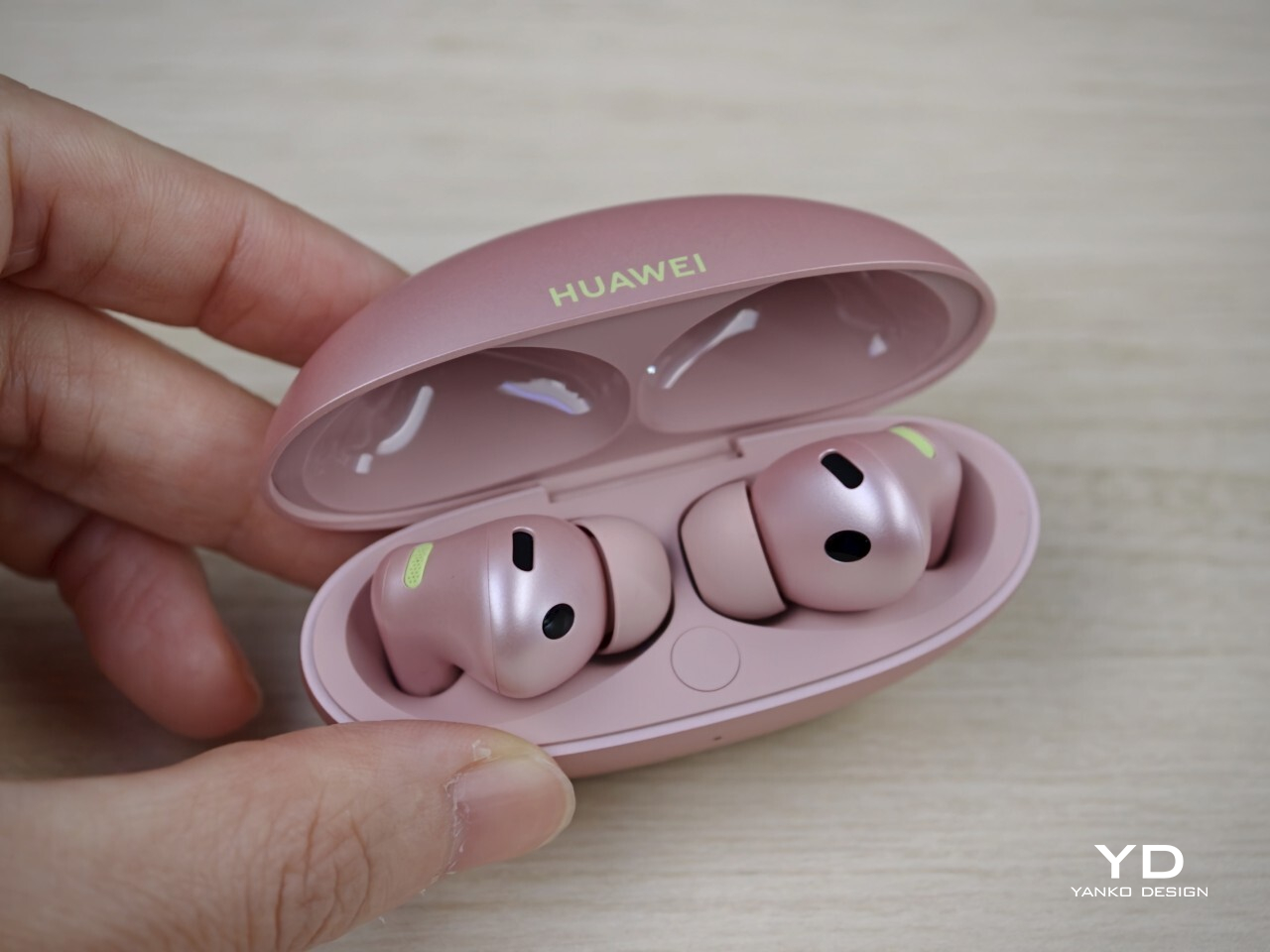
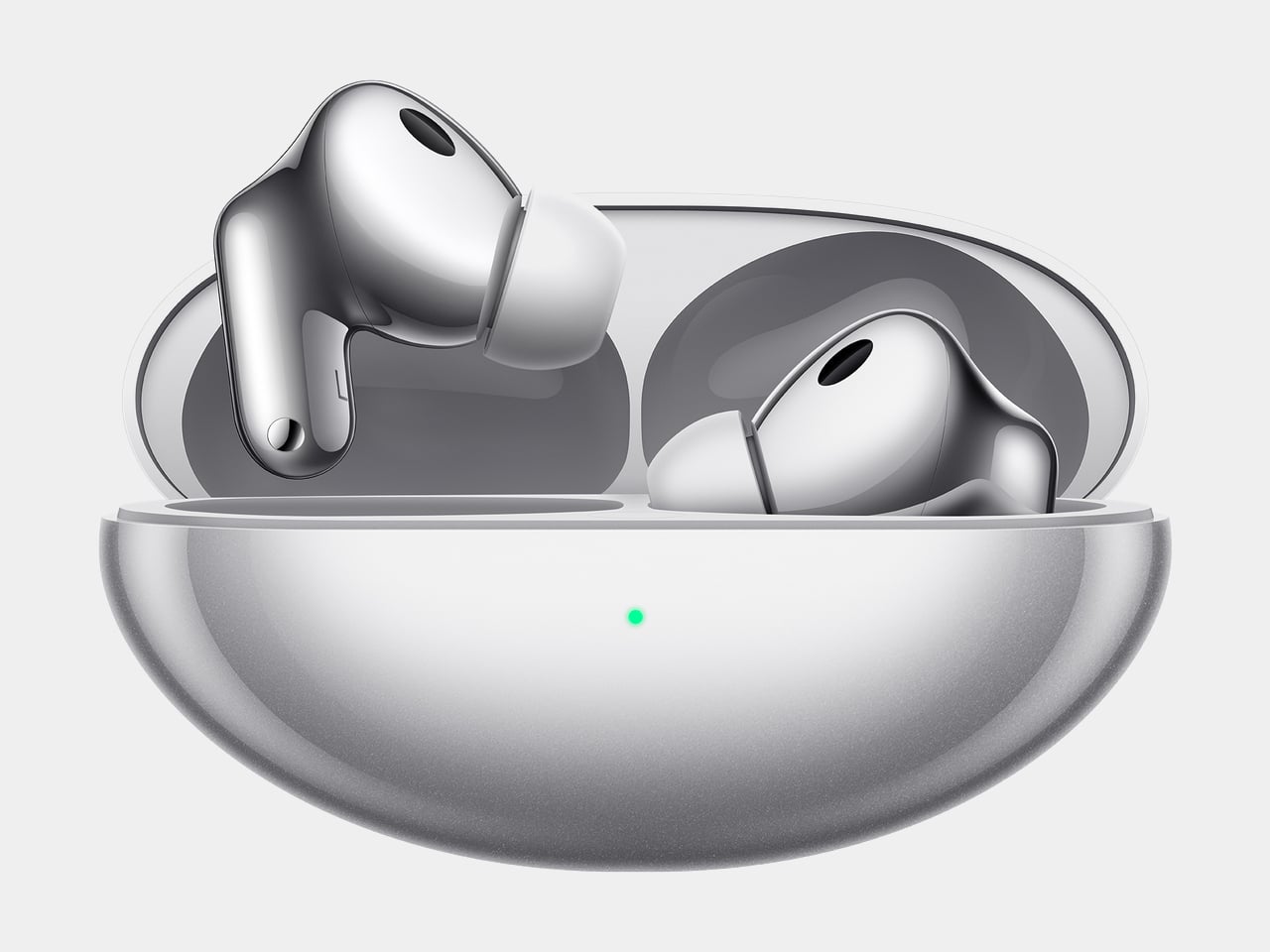
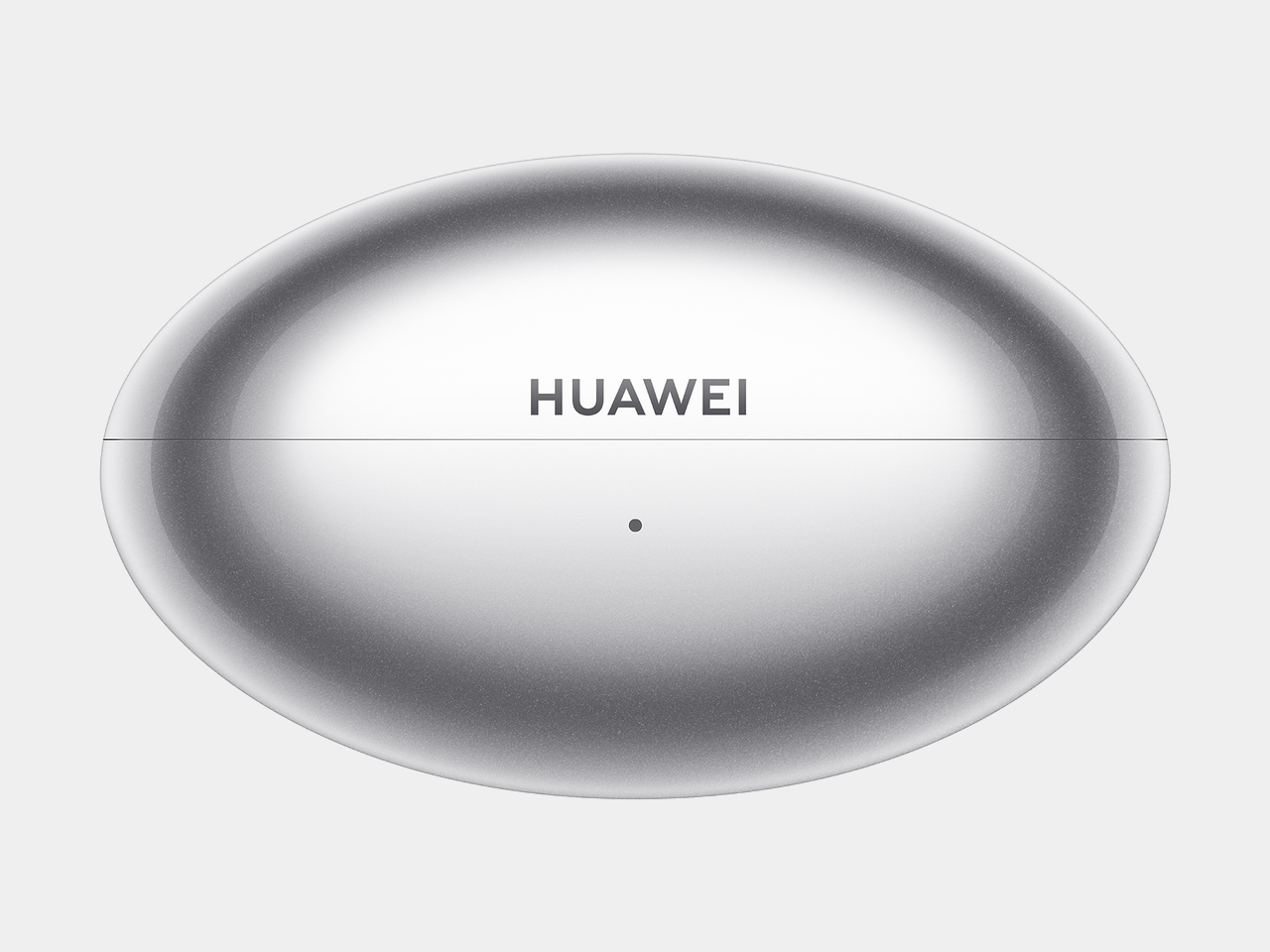
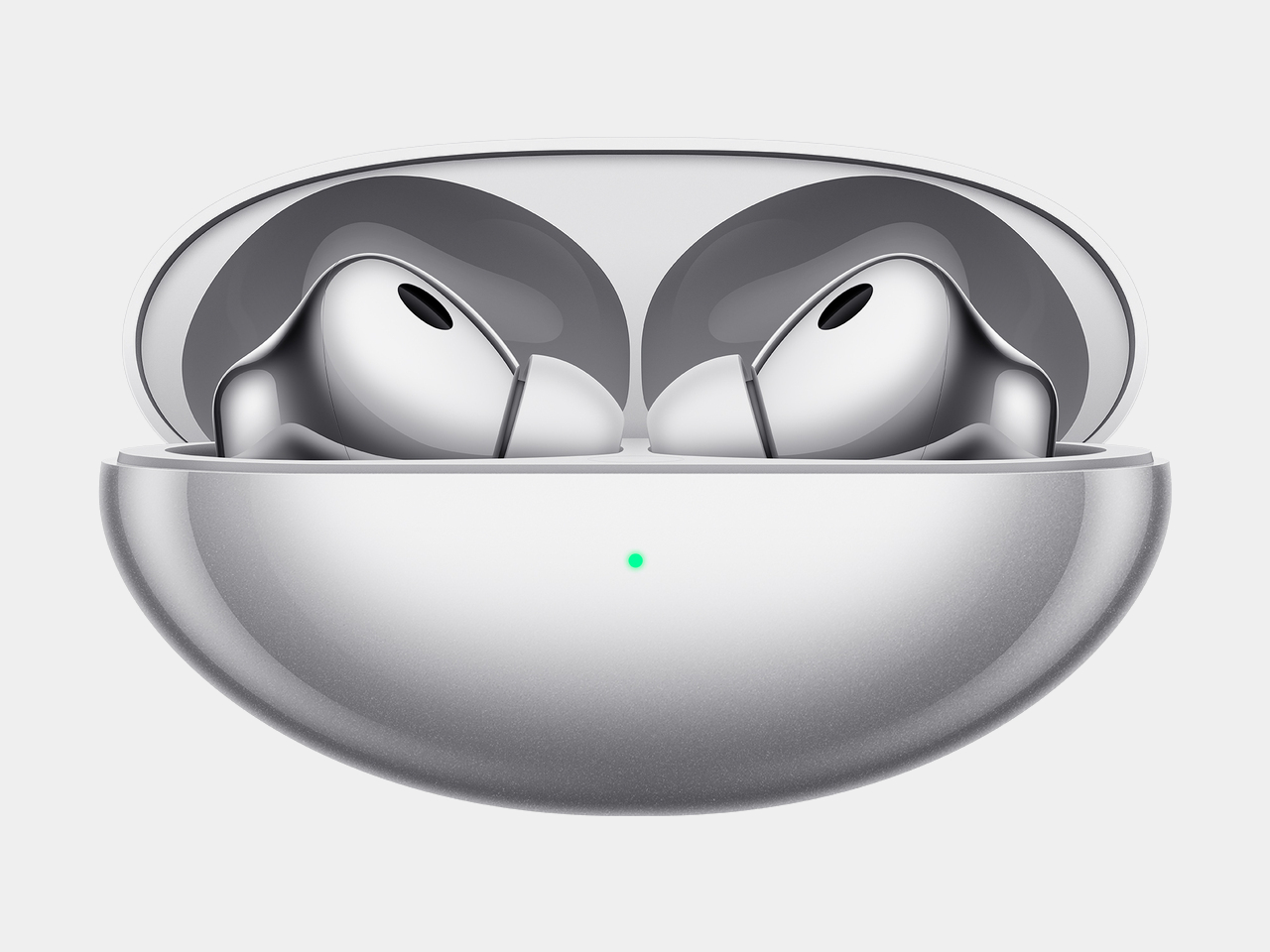
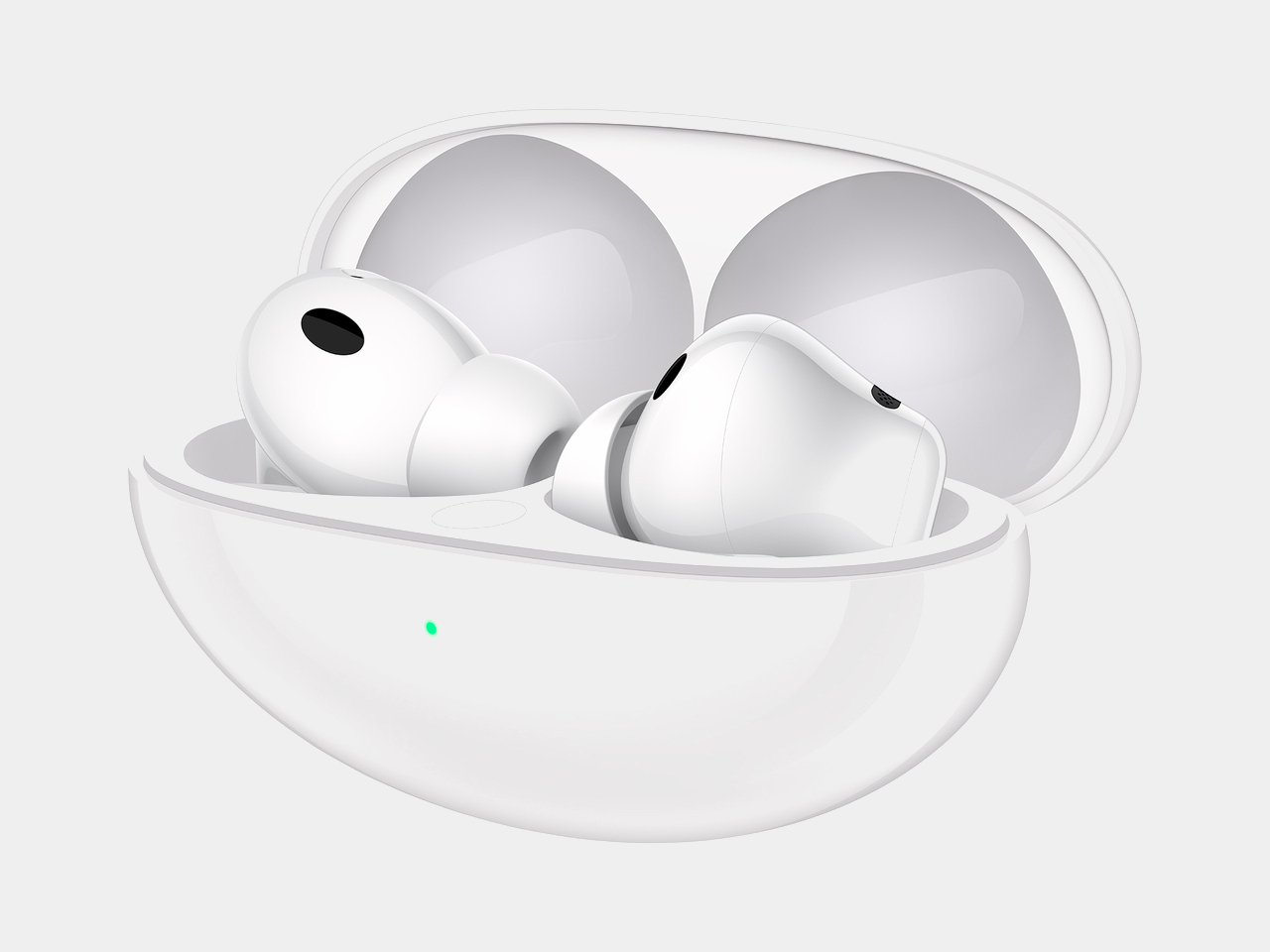
    The Huawei FreeBuds Neo brings a bit more personality than the usual square or pebble-shaped earbud case. The case has an elongated oval shape, almost like a small American football, which gives it a more distinctive look than most budget rivals. It feels a little more sculpted than the norm, while still fitting nicely in the palm.

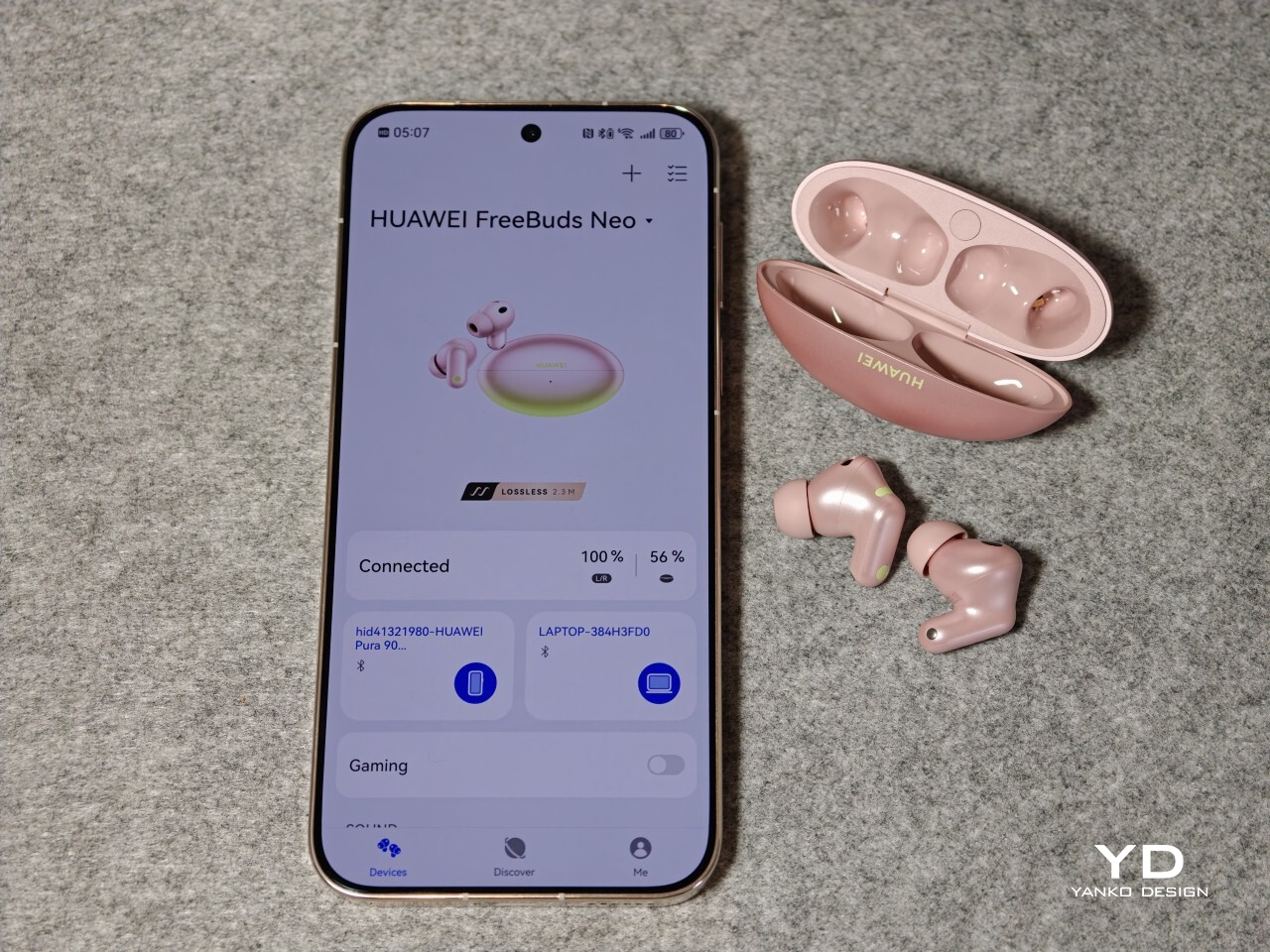
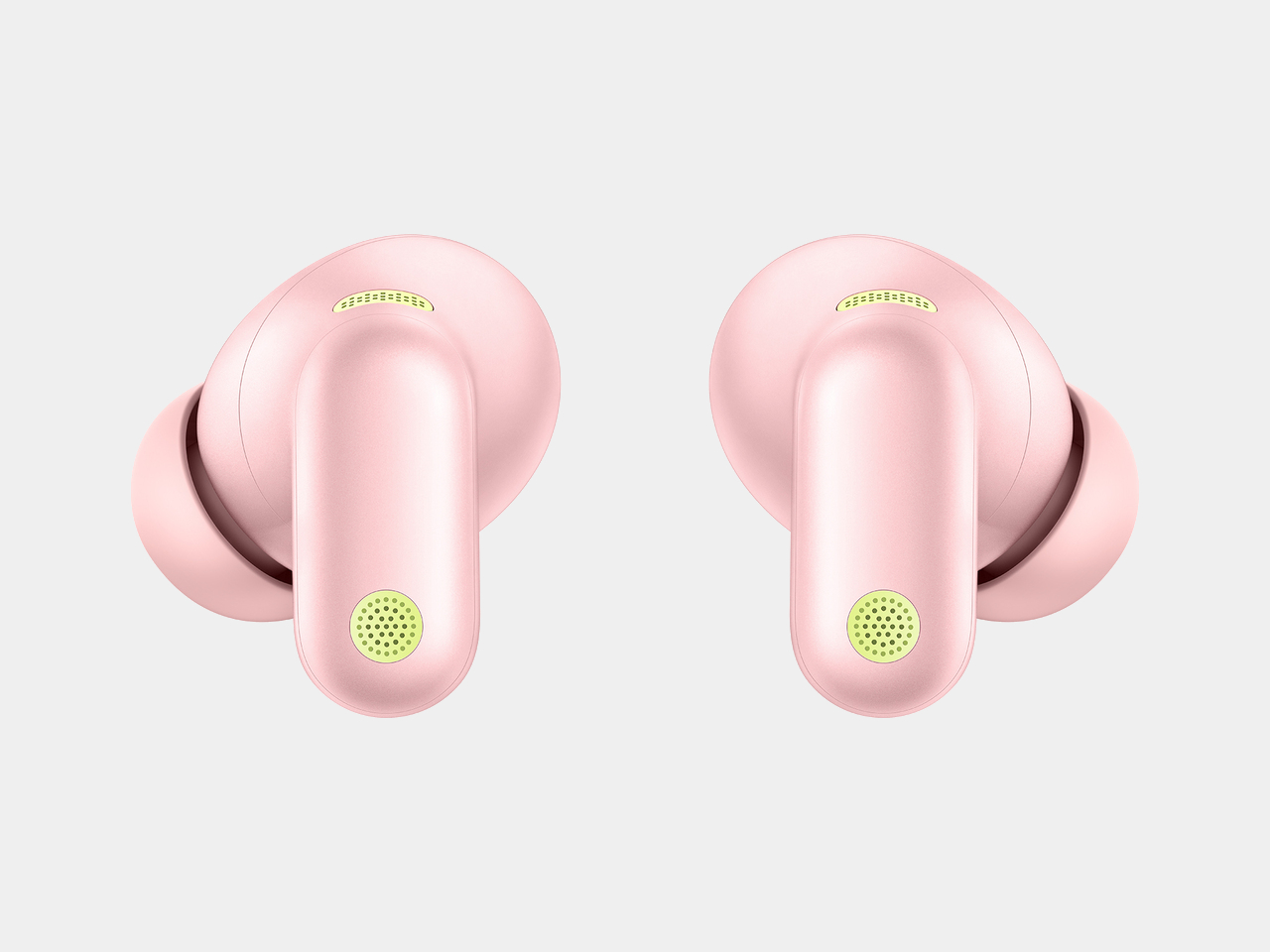
    Nebula Pink is easily the most interesting finish in the lineup. Most of the case is a soft pink with a muted metallic sheen, while the bottom fades into a pale light green with a gentle gradient between the two. It adds more depth than a flat single-tone finish and helps this version feel less generic than the plainer Stellar Silver, Ice White, and Starry Black options.

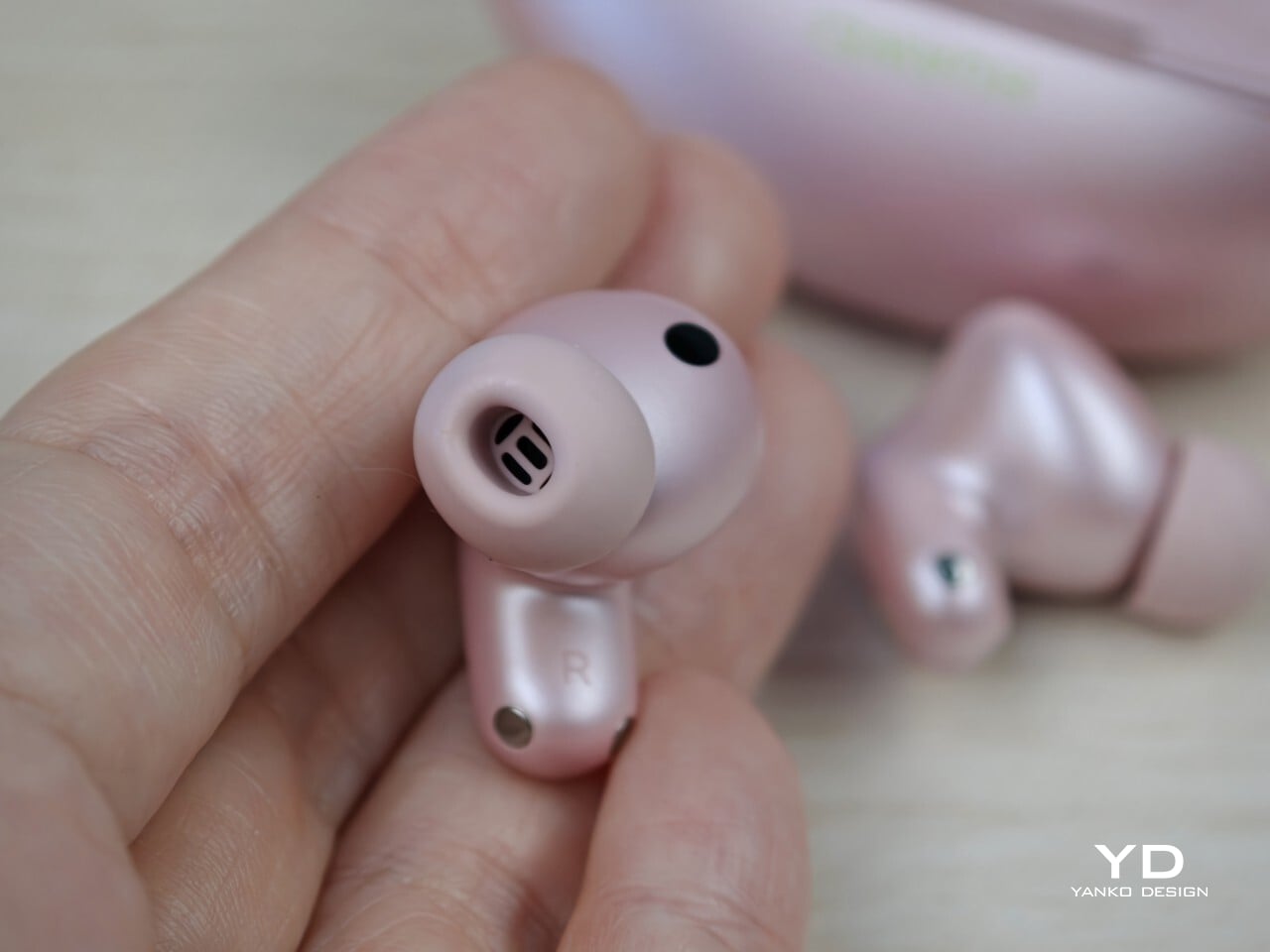
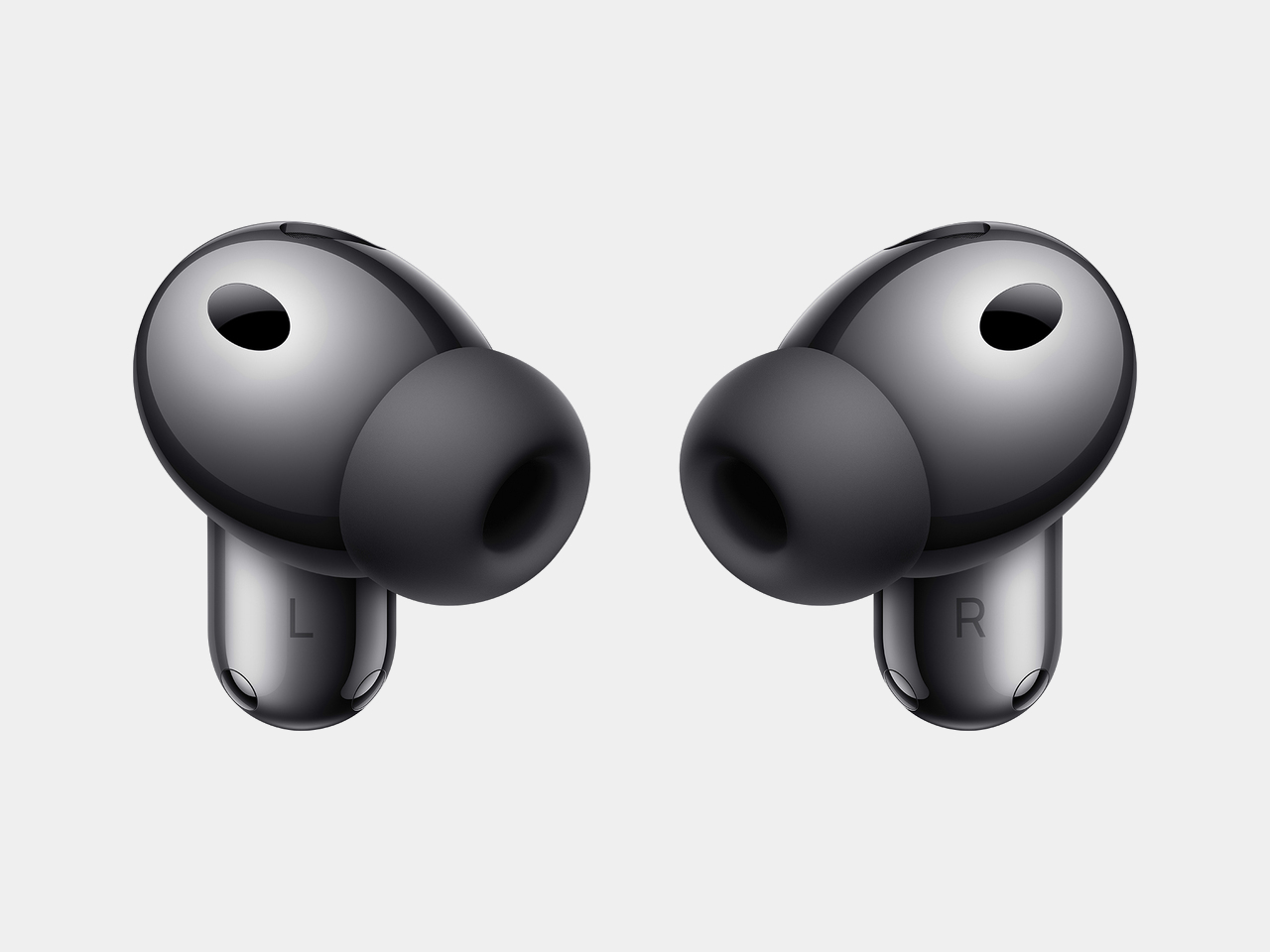
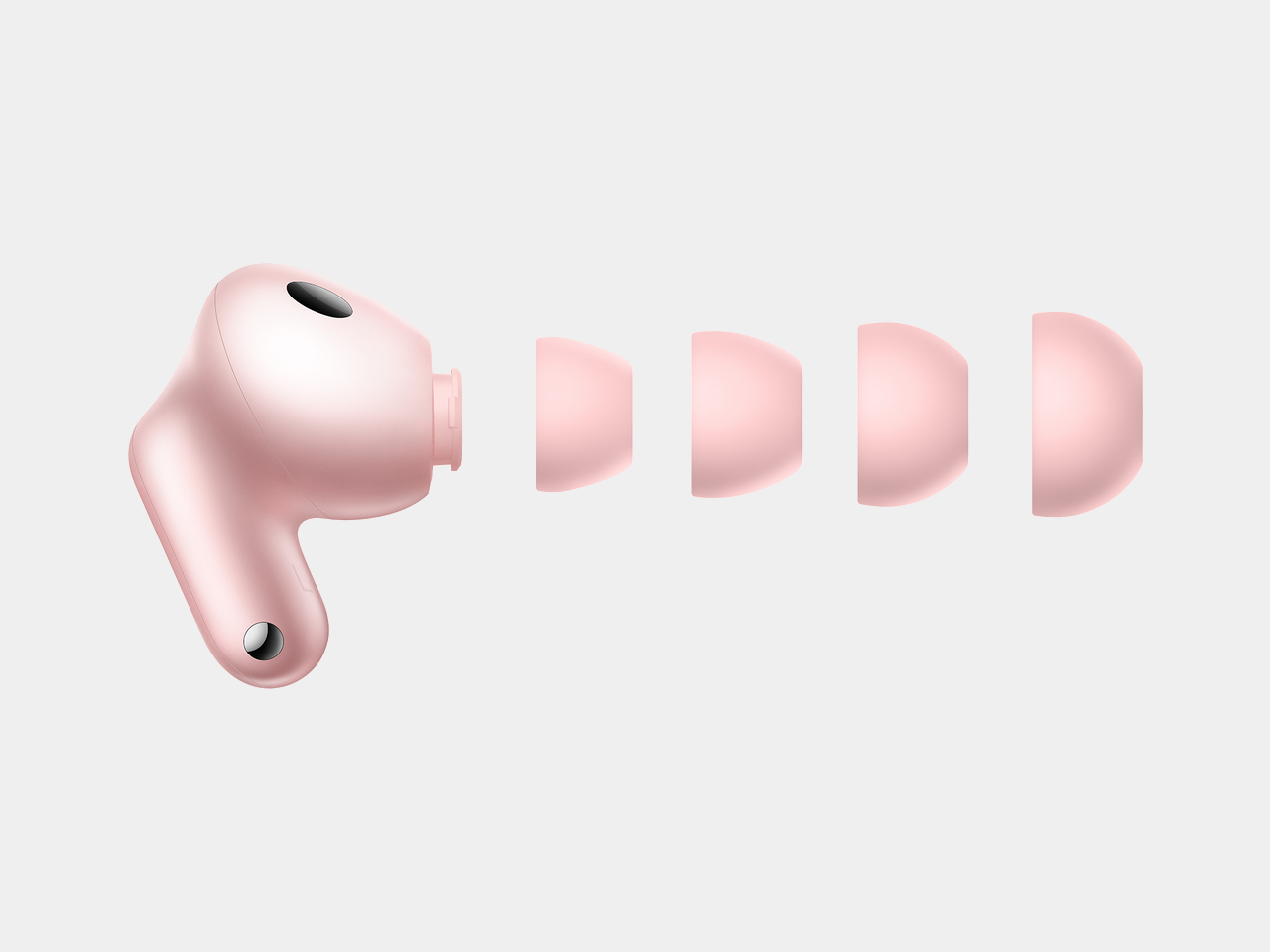
    The earbuds themselves follow a familiar stem-based design, but the stems are relatively short, which helps them look tidier in the ear. They are finished in the same pink tone, with light green accents that tie in neatly with the case. In this color, the FreeBuds Neo feel more expressive than many affordable earbuds, while the other finishes are much more straightforward.

    Ergonomics

    The case is easy to live with. Its elongated oval shape sits nicely in the palm, and the smooth curves make it easy to slip into a pocket or small bag. It is compact without feeling fiddly, which is exactly what you want from something you will be reaching for throughout the day.

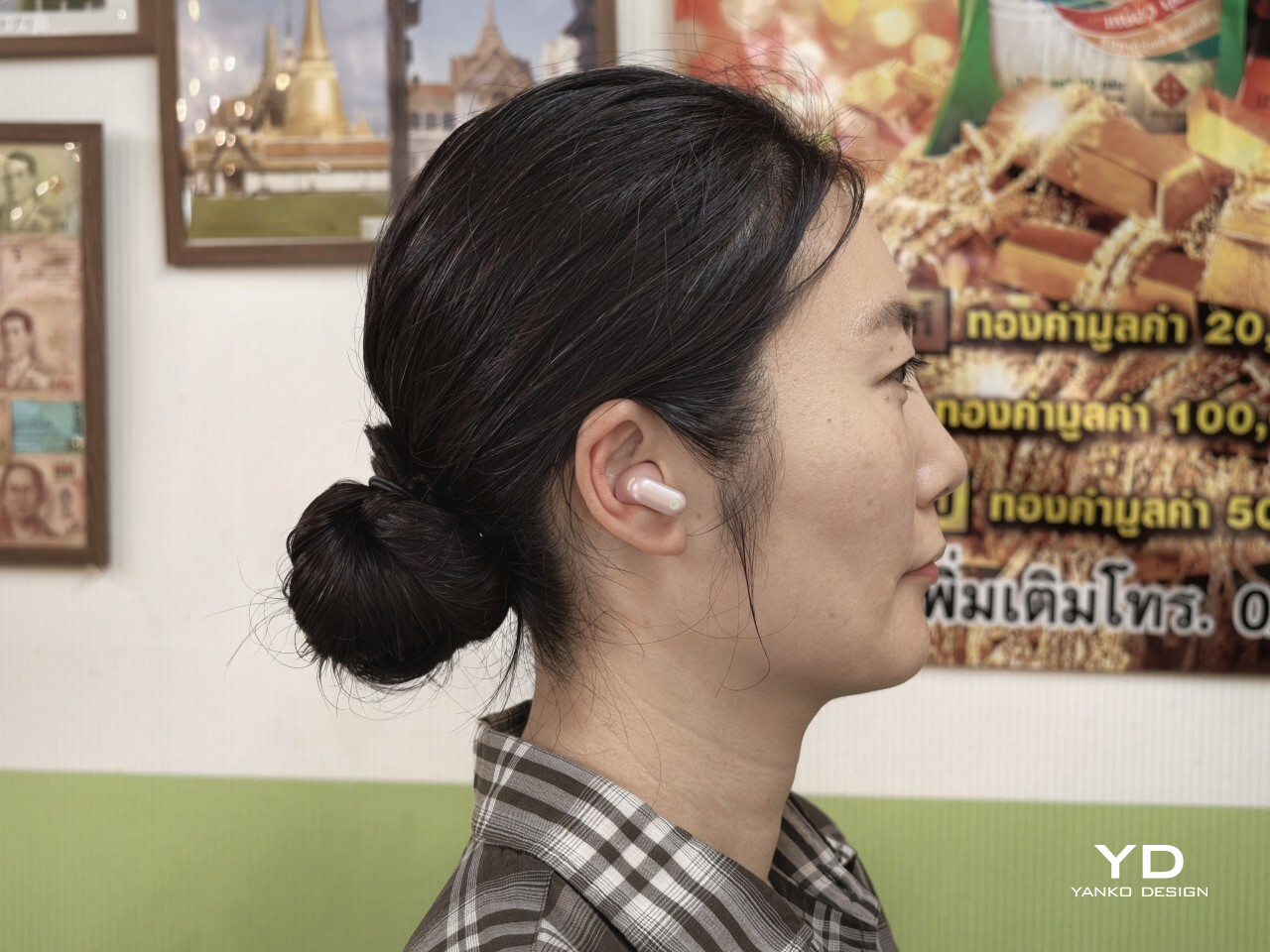
    The earbuds are also very light at just 0.17 ounces, or 4.9g, each, and that helps a lot with comfort. The short stems are not just there for looks. They improve weight distribution, so the earbuds feel more balanced in the ear instead of hanging downward like some longer-stem designs. The downside is that they are not quite as easy to handle when adjusting them or placing them back into the case, simply because there is less stem to grab.

    For me, these are among the most comfortable earbuds I have used. I actually found them more comfortable than the Huawei FreeBuds Pro 5, even though that is the more premium model in Huawei’s lineup. The short stems make a bigger difference than expected, especially when lying back or resting your head to one side. On an overnight flight, I could lean against my neck pillow without them digging in or becoming annoying, which is not something I can say about every pair of stem-based earbuds.

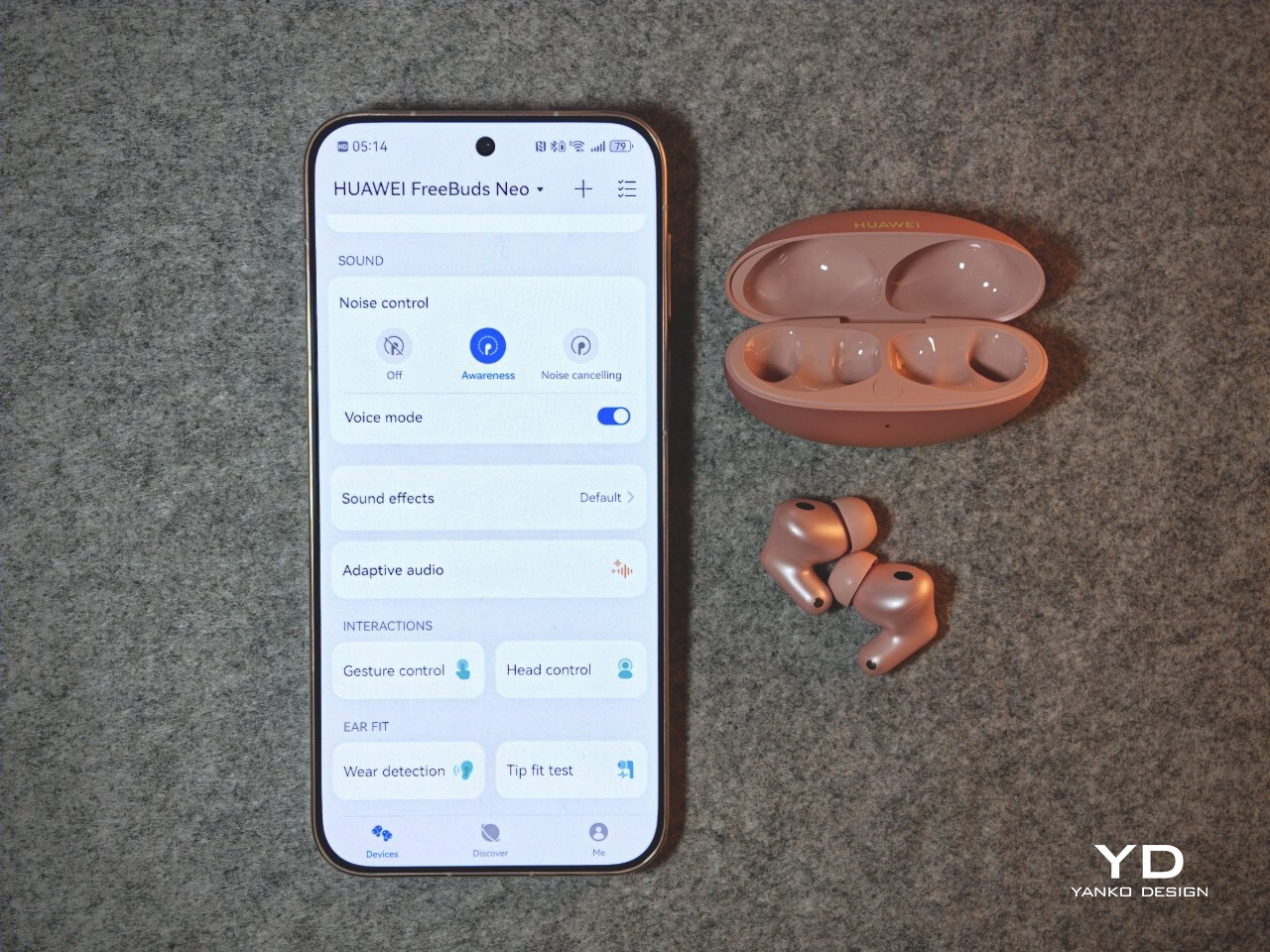
    Huawei includes extra silicone tips in XS, S, and L sizes, which is about what you would expect for in-ear earbuds. The companion app also includes a tip fit test, which can tell you whether the seal is good or not. It is a simple feature, but a useful one if you are unsure about fit.

    Performance

    The FreeBuds Neo are tuned for easy everyday listening rather than showy first impressions. They sound clean, balanced, and generally pleasant across music, videos, podcasts, and calls. Vocals come through clearly, there is enough bass to give tracks some weight, and the overall tuning avoids sounding too sharp or tiring over longer sessions. They also support LDAC and Hi-Res Audio, which is a nice bonus on a pair of earbuds at this level, especially for listeners who want access to higher-quality wireless audio.

    The ANC is good for the price. It does a solid job softening the usual background hum of travel or public spaces, though it does not match the stronger, more complete effect you get from premium models like the Huawei FreeBuds Pro 5. For everyday commuting or working in mildly noisy places, though, it is useful enough to make a real difference.

    Awareness mode works well too, and it feels genuinely useful rather than just included for the sake of it. I especially liked the voice mode within Awareness, which seems to let speech through more clearly. That made it easier to catch announcements or have a quick conversation without taking the earbuds out.

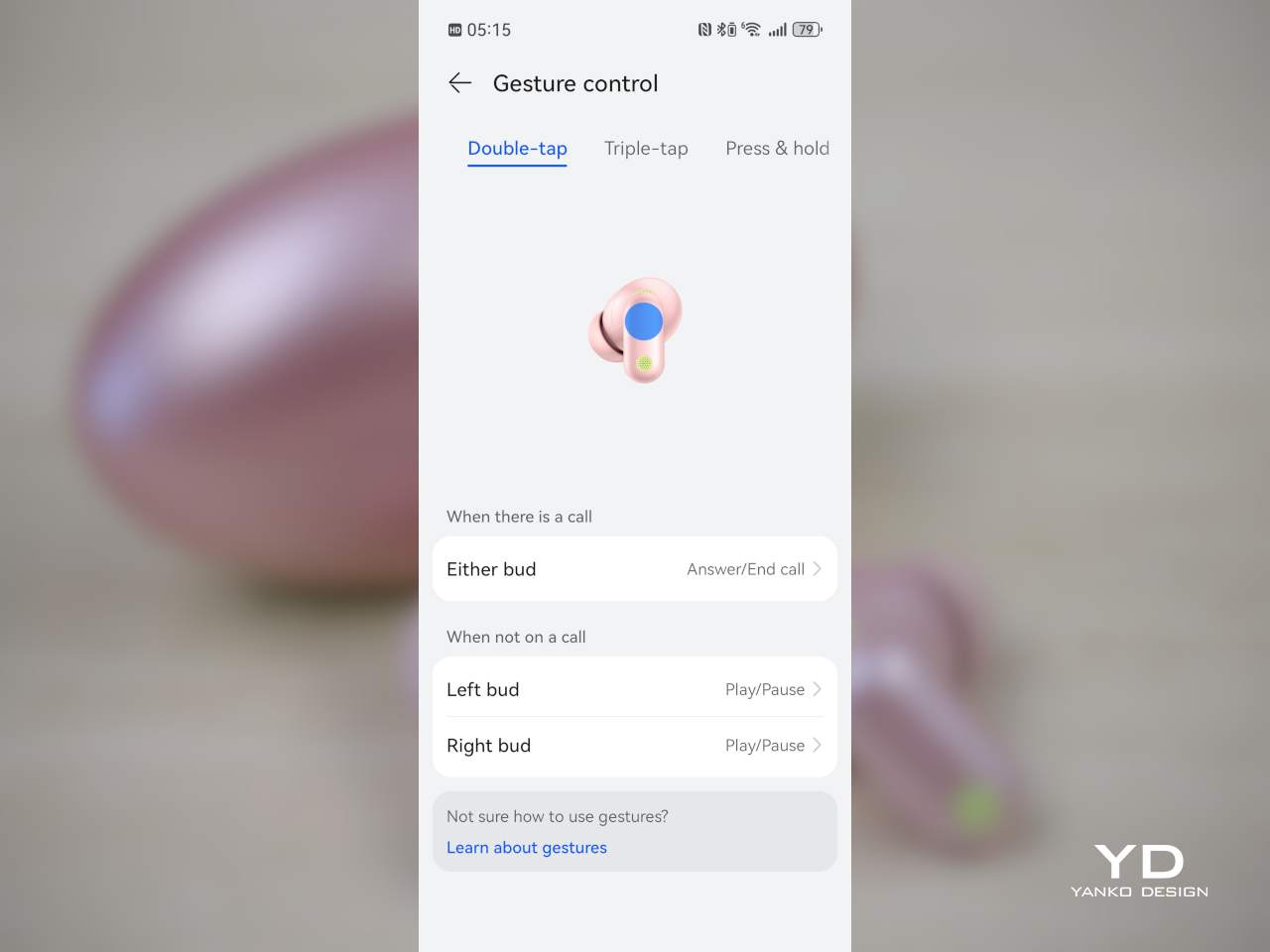
    Controls are another area where the FreeBuds Neo do well. Even with the short stems, gesture controls worked reliably for me. You get double tap, triple tap, press and hold, plus swipe up and down, which gives you a fairly complete set of controls without constantly reaching for your phone. Head controls are here too, letting you nod to answer calls or shake your head to decline them.

    Dual device connection is one of the more practical features. Being able to stay connected to two devices at once makes the earbuds much easier to slot into daily life, especially if you switch between a phone and a laptop or tablet. They also support Bluetooth 6.0, which helps keep the overall feature set feeling current.

    Huawei also says that if you have a Huawei smartwatch, you can control music playback from the watch, hear workout notifications through the earbuds while listening from your phone, and adjust settings like ANC and EQ from your wrist. In my testing, though, those extra features were not available with the Watch GT 7 Pro.

    Battery life is solid. Huawei rates the FreeBuds Neo for up to 10 hours with ANC off or 6.5 hours with ANC on, with up to 38 hours in total when you include the case. That should be more than enough for most people, especially since these are the kind of earbuds that will usually be topped up in the case between listening sessions anyway.

    Overall, the FreeBuds Neo gets the important things right. The sound is easy to enjoy, ANC is useful, Awareness mode works well, the touch controls are reliable, and dual device support adds real convenience. They may not feel as polished or as powerful as Huawei’s more expensive earbuds, but for everyday use, they offer a well-rounded set of features without becoming complicated.

    Sustainability

    Sustainability is not a major part of the Huawei FreeBuds Neo story. Huawei does not make any notable environmental claims here, and like most true wireless earbuds, they are built in a compact, sealed form that is not really designed for easy repair.

    The main durability point is the IP55 rating for the earbuds themselves, which adds some protection against dust and splashes. That should help them hold up better in daily use. As with most earbuds in this category, the best way to get long-term value is simply to take care of them and keep them in use for as long as possible.

    Value

    At £119.99 (approximately $160), the Huawei FreeBuds Neo sit in the middle of the market, but they offer a fairly complete package for the price. They are not exactly cheap, though they still come in below more premium earbuds, so the value is less about one headline feature and more about how well everything comes together.

    What you get is a strong all-rounder. There is good ANC, a useful Awareness mode, reliable gesture controls, dual device connection, LDAC support, and a design that feels more distinctive than many rivals, especially in Nebula Pink. In markets like the UK, Huawei is also offering a £20 discount before October 26, which makes them even more appealing.

    They may not be the first choice if you are only chasing the strongest ANC or the absolute best sound for the money. But as a stylish, comfortable, and easy-to-use pair of everyday earbuds, the FreeBuds Neo offer solid value and feel like a well-judged package overall.

    Verdict

    The Huawei FreeBuds Neo get a lot right for a pair of everyday wireless earbuds. They are comfortable, easy to use, and come with enough useful features to feel like a well-rounded option. The short stems, lightweight fit, and palm-friendly case make them especially easy to live with day to day.

    Nebula Pink also gives them more personality than most earbuds in this price range. Add in good ANC for the price, a useful Awareness mode, reliable gesture controls, dual device connection, and strong battery life, and there is plenty here to like.

    The ANC does not reach the level of Huawei’s more premium earbuds, but that is easy to accept given the price. Even so, at £119.99, or about $160, and less if you catch the early bird discount in some markets, the FreeBuds Neo are an easy pair to like and an easy pair to recommend for everyday use.

    The post Huawei FreeBuds Neo Review: Style, Comfort, and a Strong Feature Set first appeared on Yanko Design.
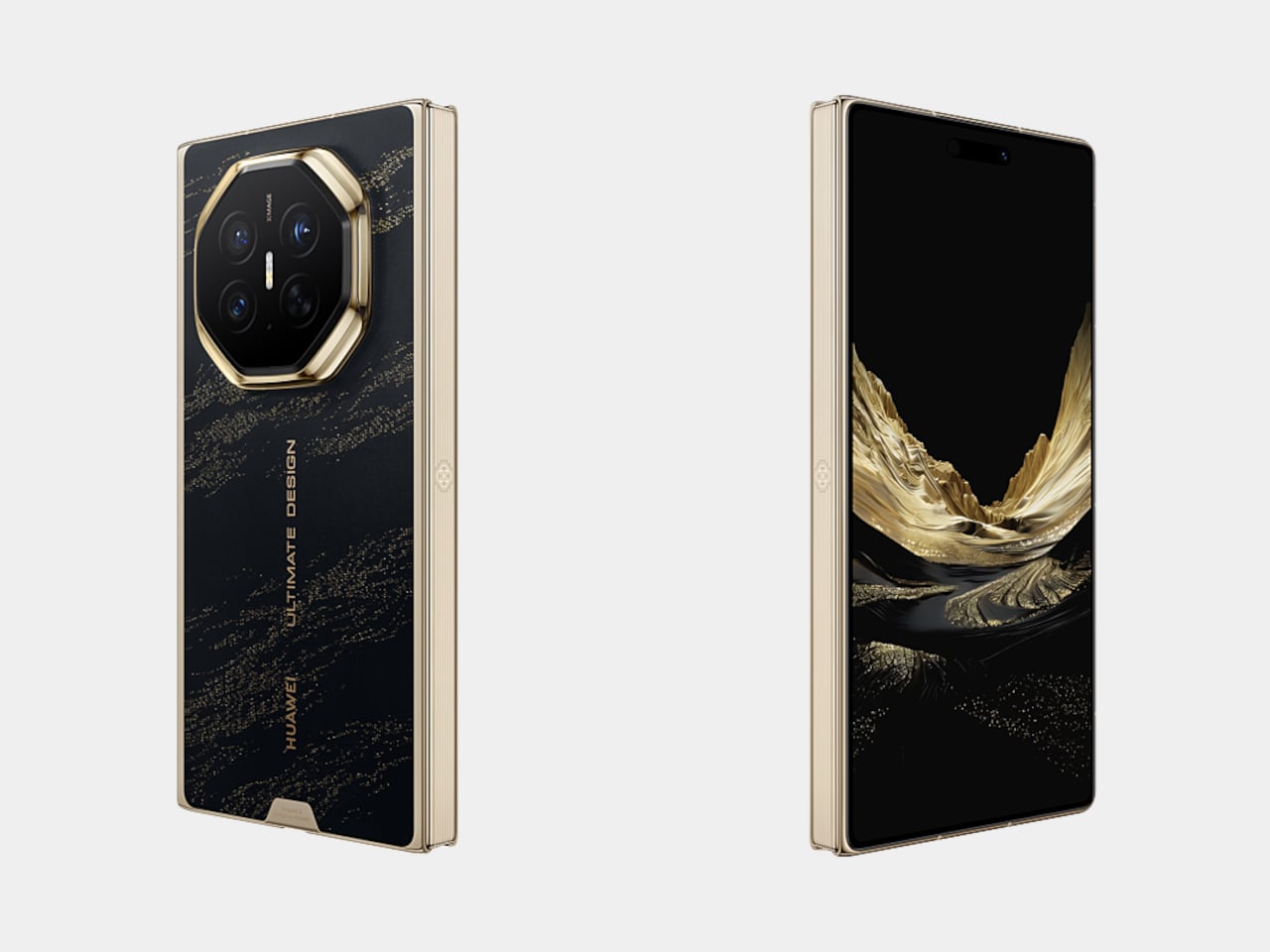
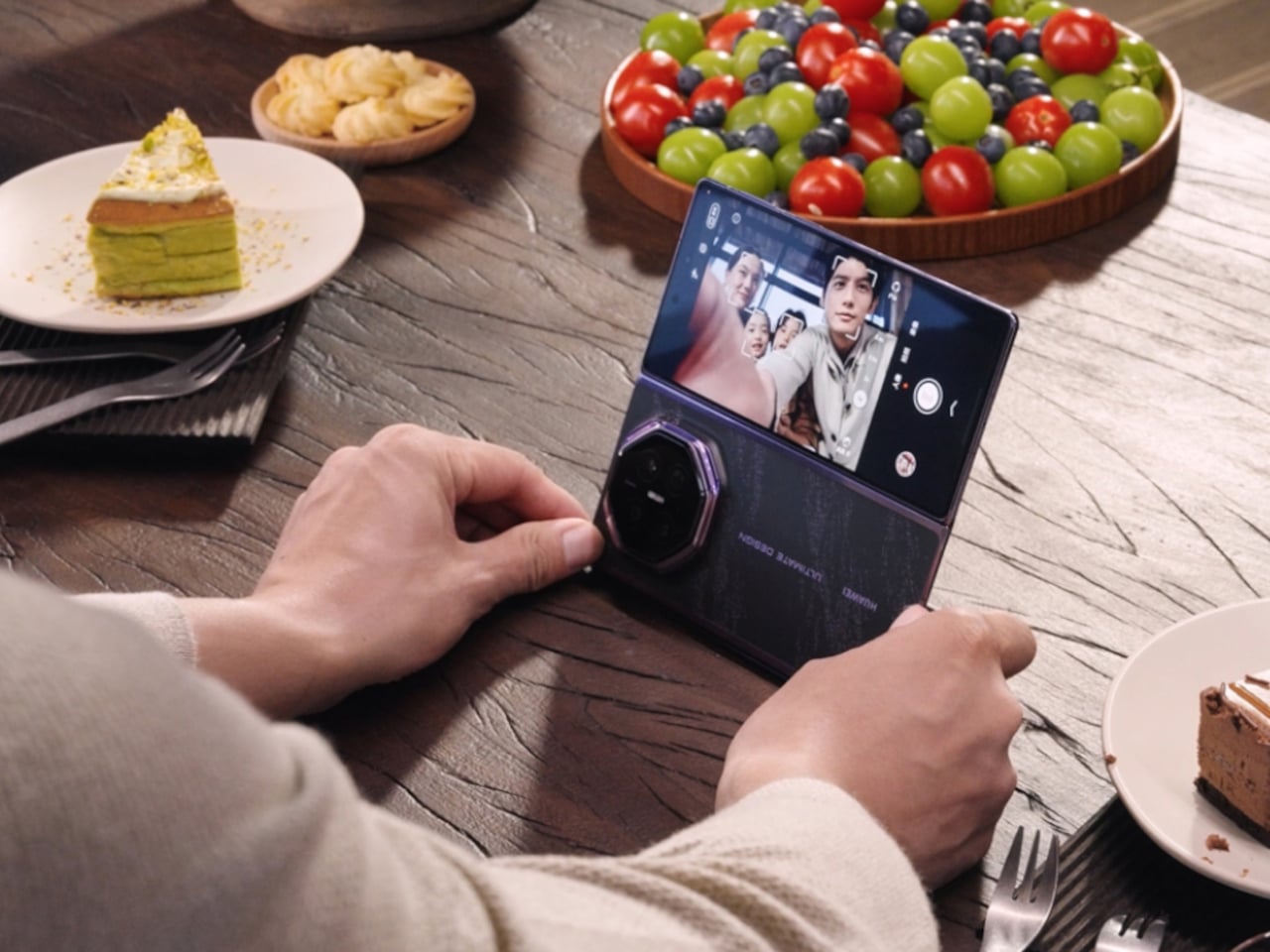
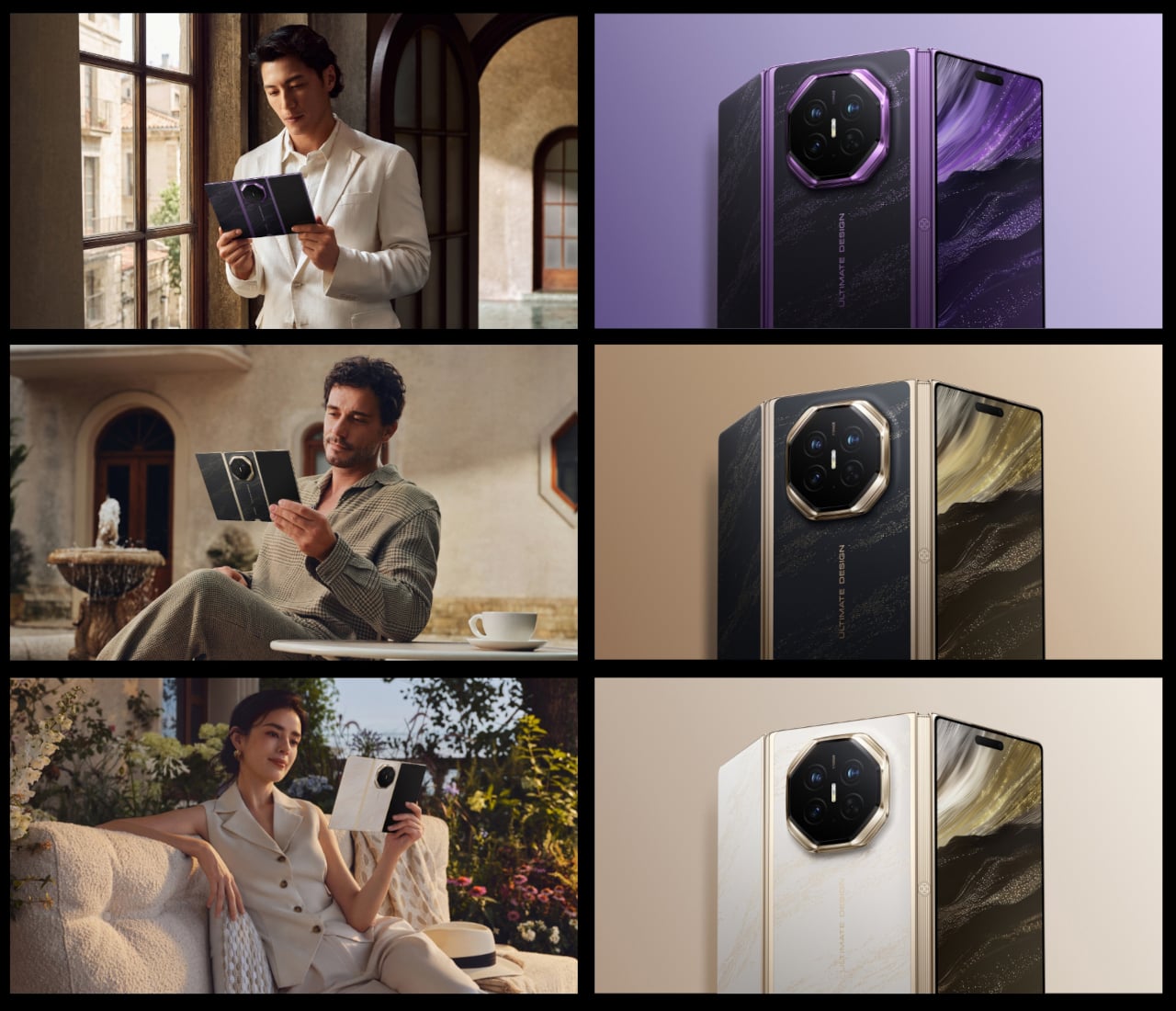
    Huawei Finally Fixed the One Flaw That Followed Its Tri-Fold Phone

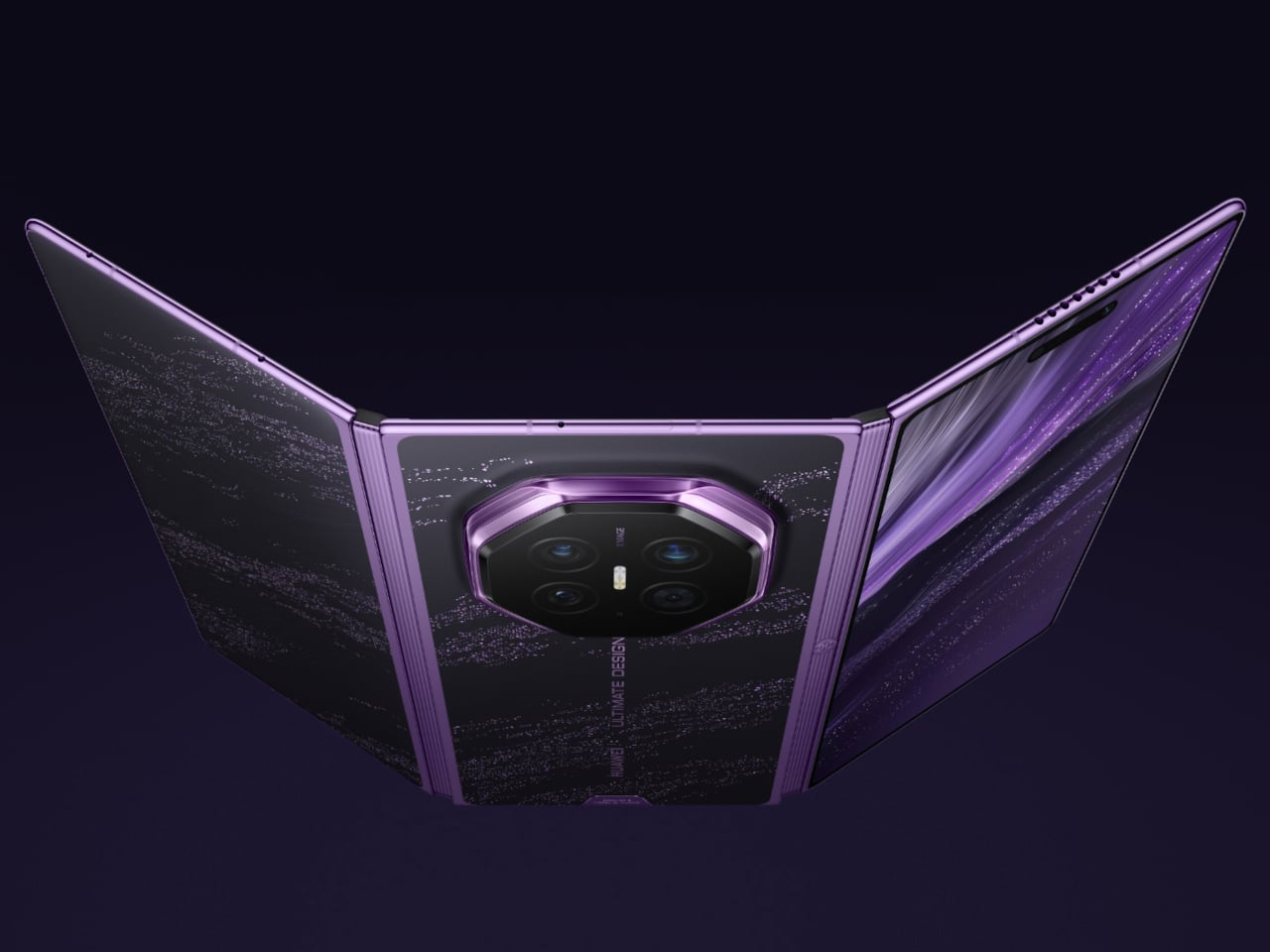
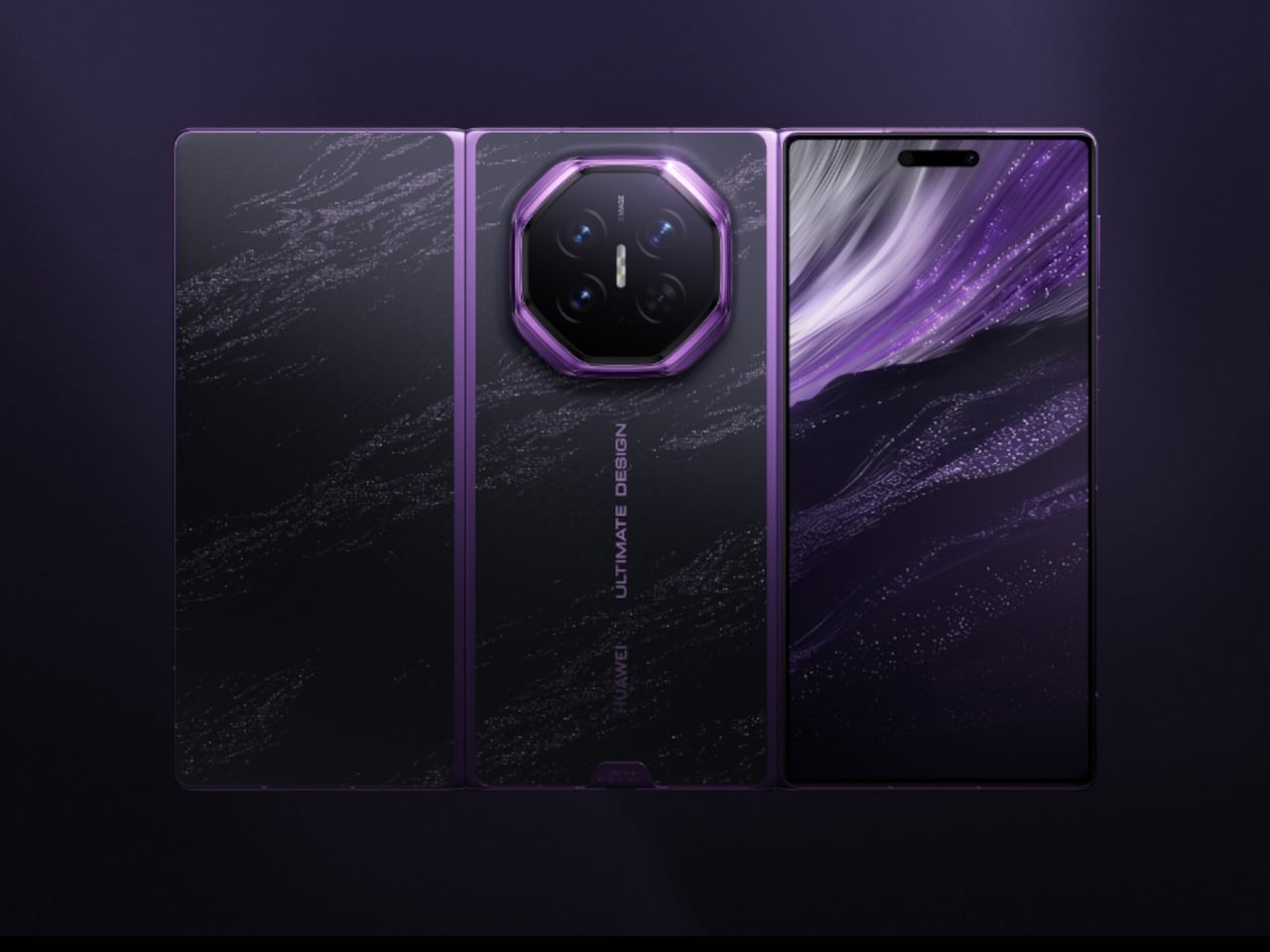
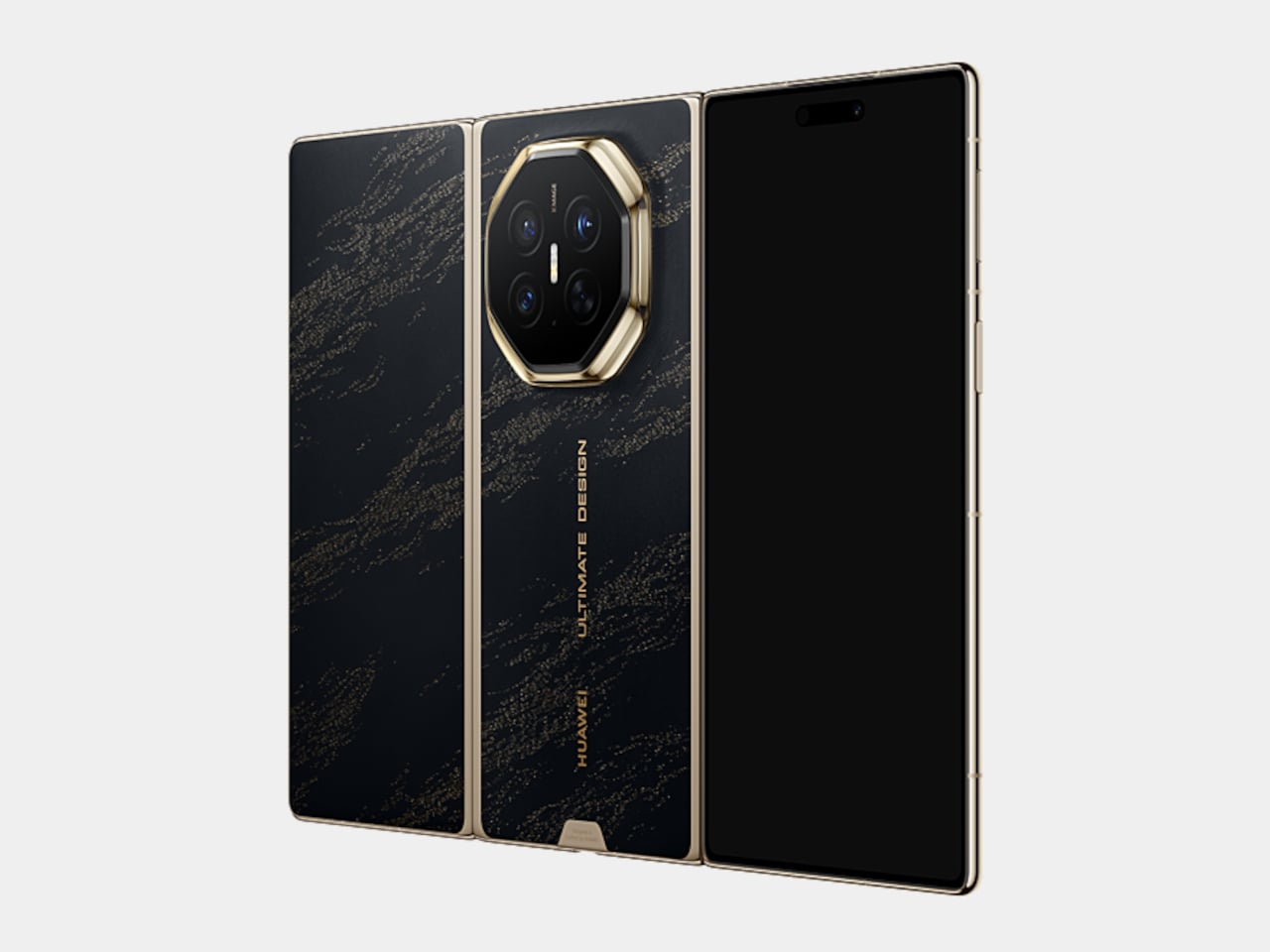
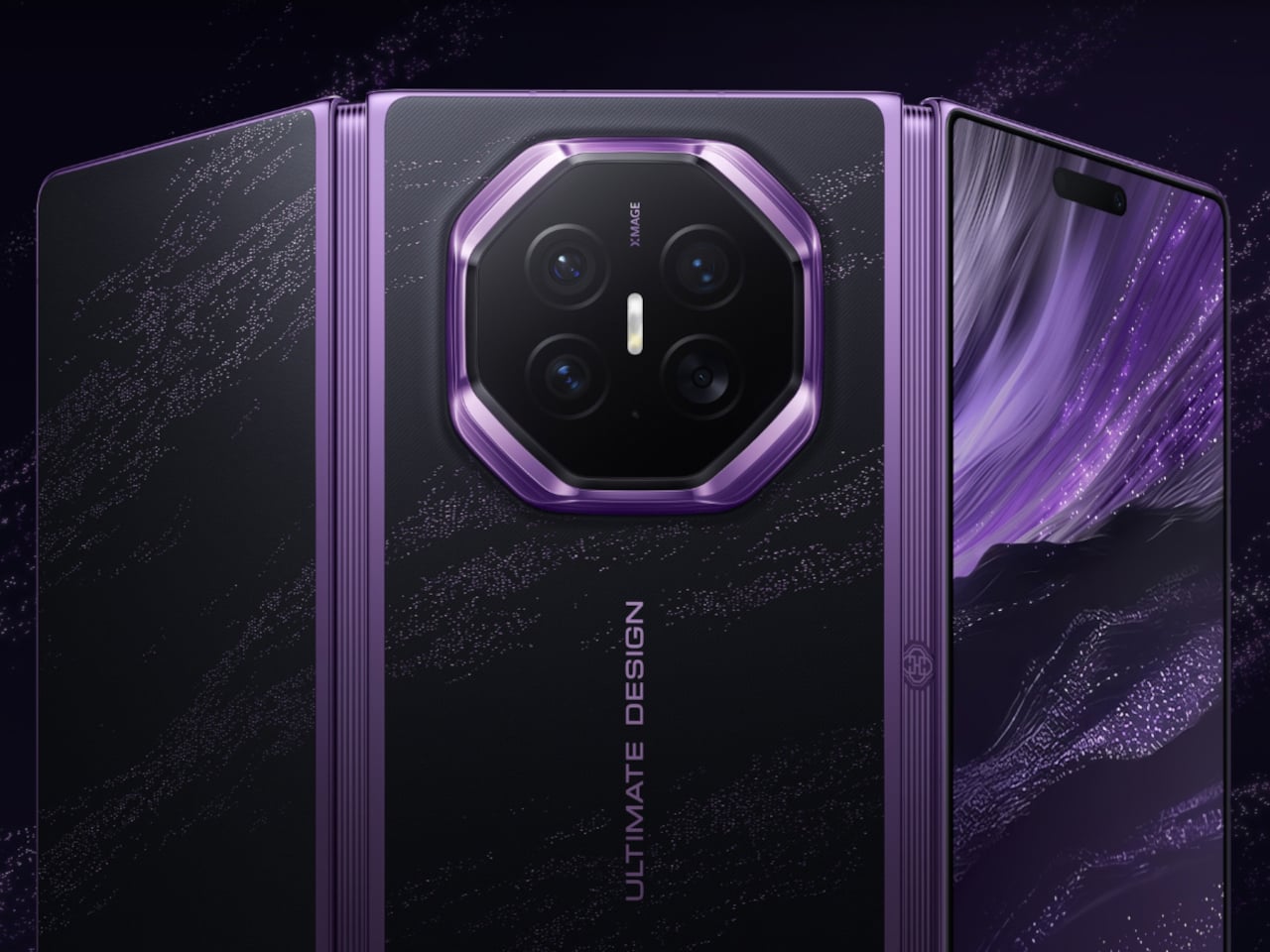
    Huawei’s original tri-fold phone made headlines for unfolding into a tablet, but closing it back down left one part of the flexible screen exposed to scratches and pocket grit. The Mate XT 2 Ultimate Design fixes that flaw at the architecture level, not with a case. Instead of the old zigzag fold, a new wing-style hinge tucks both sides of the screen inward, so every part of the display faces itself once it’s closed.

    That trick rests on a second-generation hinge system built around a dual-axis wing structure and an industry-first connecting-rod synchronization mechanism, keeping both folding axes moving in perfect step. The load-bearing core uses 2,400 MPa steel arranged in a five-arm arc, an upgrade that pushes overall impact resistance up 100 percent and drop resistance up 90 percent compared to the outgoing model.

    Designer: Huawei

    Unfold it fully, and a 10.2-inch 3K OLED panel spreads out at a 90Hz refresh rate, easily the largest screen tri-fold owners have gotten yet. Keep it folded and a 6.5-inch cover display takes over instead, running at 120Hz with peak brightness reaching 6,500 nits. Switching between the two feels less like opening a phone and more like choosing between a notebook and a full tablet.

    A hardware privacy mode sits at the center of that inner display too, using an independent dual-pixel design that narrows the viewing cone from the sides while keeping the view sharp head-on. A double tap on the cover screen or a dedicated shortcut key switches it on, so a crowded train seat or an open-plan desk doesn’t turn into a screen-sharing session anyone asked for.

    Protection extends to the materials themselves. The cover glass gets a Kunlun treatment that survives 30 times more drops and 16 times more scratches than ordinary glass, while the inner screen layers ultra-thin aerospace-grade steel and carbon fiber beneath the display for 200 percent better impact resistance. Over 120 sealing points across the body also make this the first tri-fold rated IP58 and IP59 for dust and water.

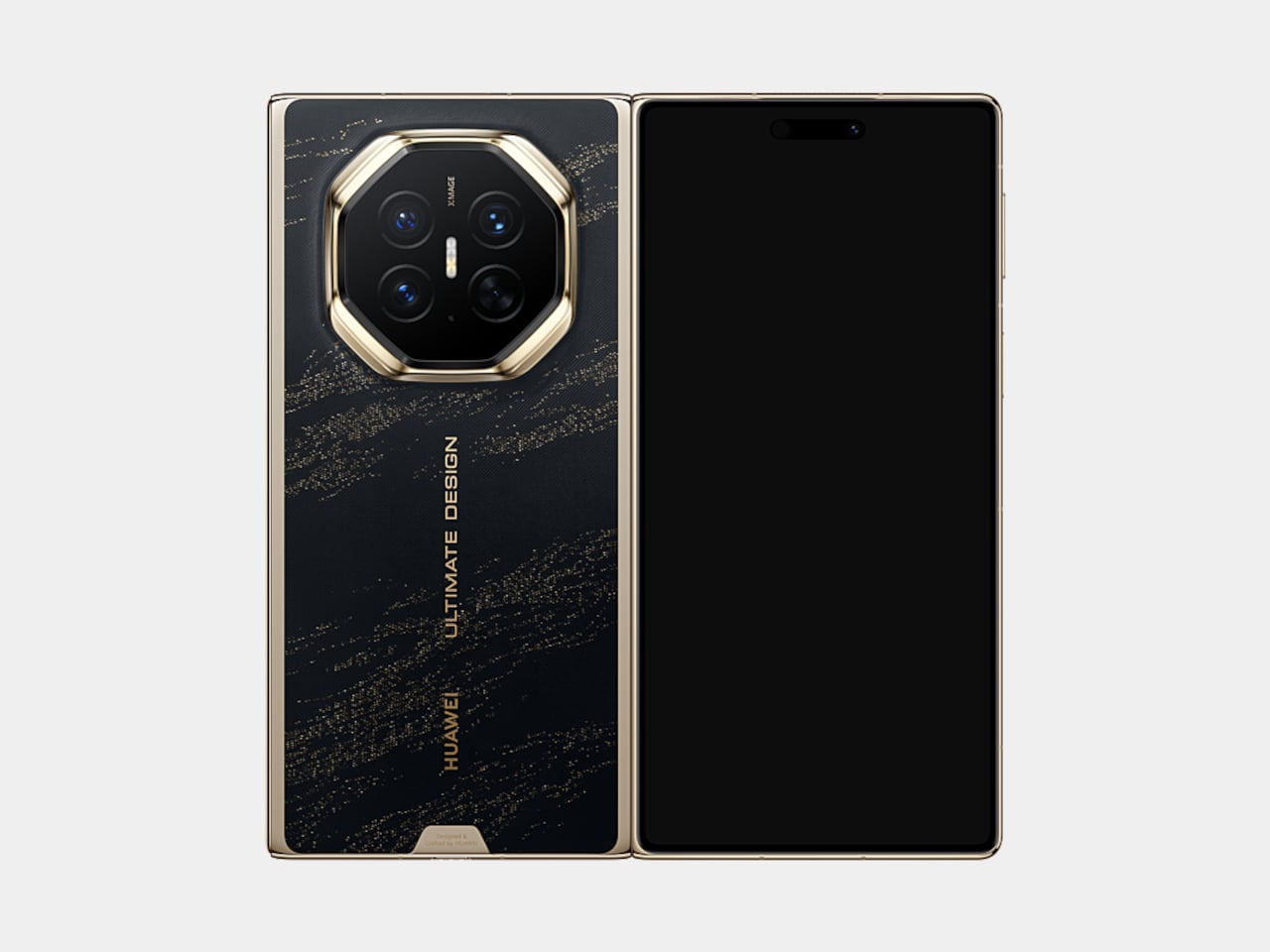
    The rear camera module carries the distinctive octagon shape that Huawei’s flagships have been sporting for quite some time now. Underneath sit a 50MP main sensor with a variable aperture, a 40MP ultra-wide lens, and a 50MP periscope telephoto capable of 100x digital zoom. A third-generation color engine tunes the results for tones that hold up without heavy editing.

    Powering all of it is the Kirin 9050 Pro, built on Huawei’s LogicFolding architecture rather than a conventional layout, which the company says raises transistor density by 53.5 percent and clock speeds by 12.7 percent. HarmonyOS 7 takes advantage of the extra room by running three apps side by side on the unfolded display, treating the tri-fold shape as a genuine workspace instead of a novelty.

    None of this bulks up the phone the way its spec sheet suggests. A 5,600mAh battery charges at 66W over a cable or 50W wirelessly, and the whole device still folds down to 12.3mm while weighing 299 grams. Pricing starts at CNY 19,999 (approximately $2,800) in China, climbing to CNY 29,999 (approximately $4,200) for the privacy-screen version bundled with a stylus.

    The post Huawei Finally Fixed the One Flaw That Followed Its Tri-Fold Phone first appeared on Yanko Design.
    Huawei’s FreeBuds Neo Are Small Enough to Forget, Loud Enough Not To

    Huawei’s FreeBuds Neo makes a case for restraint, proving a pair of earbuds can shrink in size without shrinking in ambition. Announced globally to launch at IFA 2026, the FreeBuds Neo pairs noise cancellation with a shape built for long days of wear, arriving in four colorways that read more like a fashion accessory than typical tech hardware. It’s a design that treats comfort as a feature worth engineering around, not an afterthought.

    That comfort starts with the numbers. Each earbud weighs only approximately 4.8 g, and Huawei built that lightness around a significant number of real human ear feature data points, delivering an ergonomic, pressure-relieving fit that achieves even pressure distribution for pain-free long-term wear. Simulation tests replicating high-frequency movement led to design tweaks in areas prone to loosening, so the buds stay anchored through workouts, commutes, and everything in between.

    Designer: Huawei

    The Mini shuttle case carries that same restraint into its shape, presenting a fully curved form, with a sleek and minimalist silhouette and a lightweight body that slips into a pocket without adding bulk. Four color options, Stellar Silver, Nebula Pink, Ice White, and Starry Black, let the case double as a small style statement rather than a purely functional accessory. The Light Mini Stem carries that philosophy further, conforming to the ear’s contours for a fit that looks as refined as it feels.

    Underneath that compact shell, Huawei packs a dual-channel noise cancellation architecture that optimizes sound paths, cutting down medium and high-frequency noise, like wind and ambient chatter, for a full-frequency depth of up to 30dB. A third-gen audio chip handles the heavy lifting, reacting to shifting noise within milliseconds so a subway platform one moment and a quiet office the next don’t require manually adjusting anything.

    Sound quality gets its own upgrade courtesy of an all-new Turbo driver unit, stretching frequency response from 10Hz up to 48kHz. That range keeps bass hitting hard on a commute playlist while vocals and instruments stay clear during a podcast or a video call, recreating the texture of a live performance rather than a compressed streaming file. Paired with a Huawei phone, the buds support up to 2.3Mbps of lossless transmission, dropping to a still-respectable 990kbps over LDAC with other devices.

    Huawei also built in unlimited spatial audio, using its own algorithms to wrap sound in a 360-degree soundstage regardless of source or device, so a movie watched on a laptop can feel as enveloping as one streamed through a dedicated app. Cross-platform support rounds out that flexibility, breaking down ecosystem barriers to work across Android, iOS, and Windows, with dual-device connections that let someone switch from a work laptop to a phone call without digging through Bluetooth menus.

    Pricing lands at £119.99 (around $162) when the FreeBuds Neo arrives in the UK on 23 September 2026, positioning it as a mid-range option against pricier flagship earbuds. Between the lightweight fit, the four-color palette, and noise cancellation tuned for shifting environments, Huawei seems to be betting that people want earbuds that disappear into daily routines rather than demand constant attention.

    The post Huawei’s FreeBuds Neo Are Small Enough to Forget, Loud Enough Not To first appeared on Yanko Design.
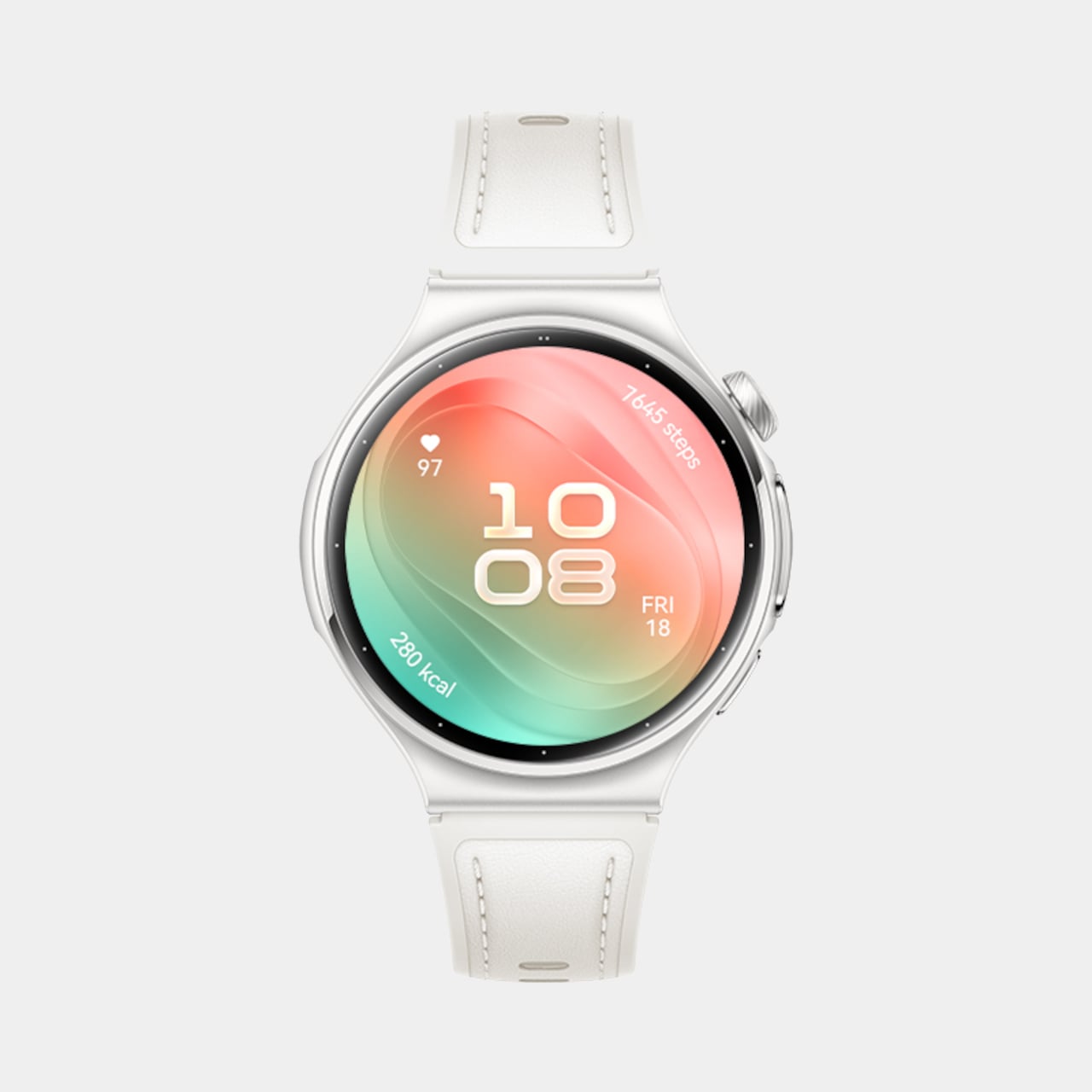
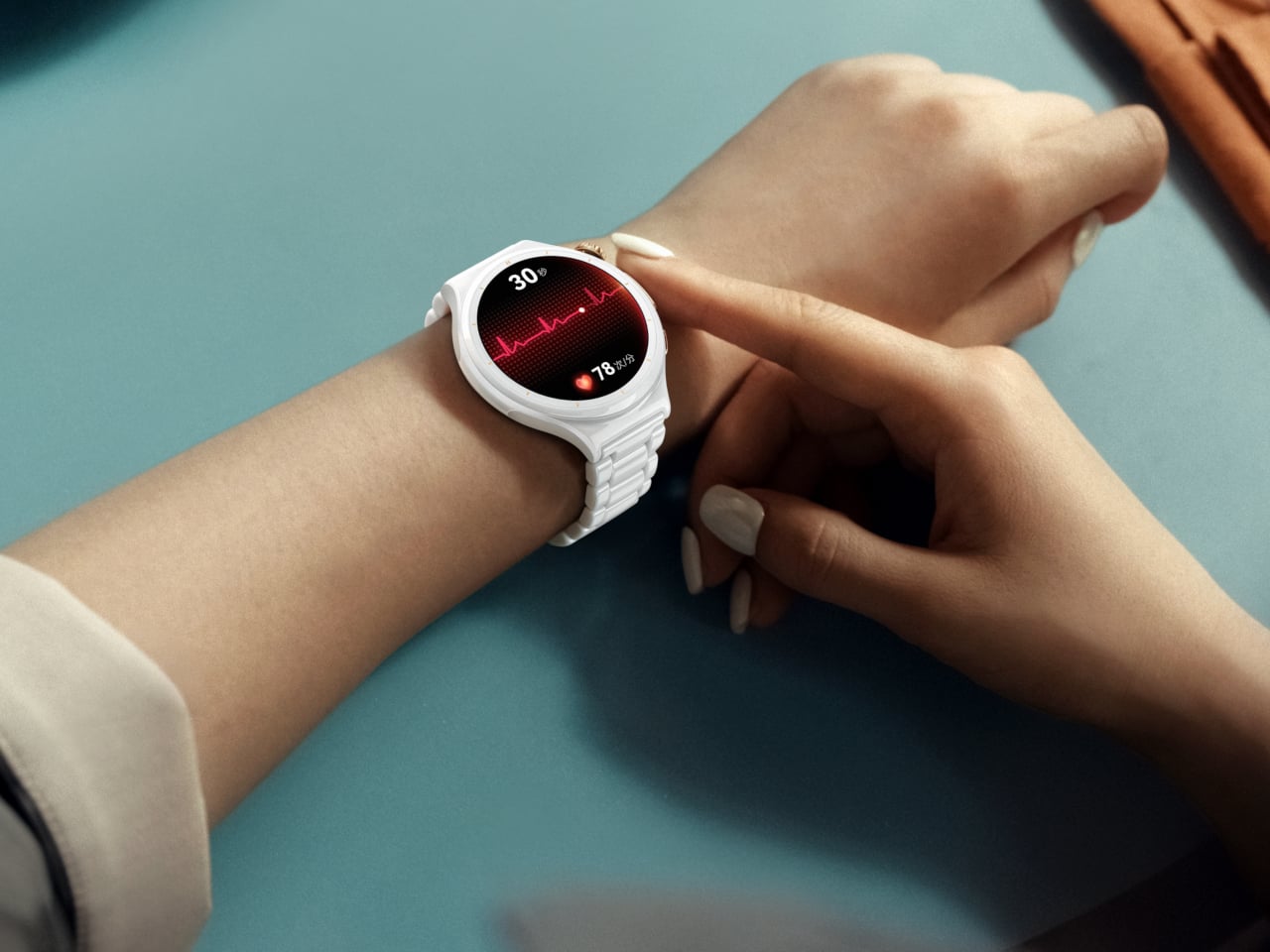
    Huawei Finally Made a Blood Pressure Watch That Looks Like Jewelry

    Huawei used IFA 2026 to show that a smartwatch can care for you in two very different ways without ever feeling like two different products. The HUAWEI WATCH 6 Series and the HUAWEI WATCH D3 launched together, one built around elegance and daily versatility, the other built around round-the-clock medical monitoring. Both treat the wrist as a place worth designing carefully, just toward different ends.

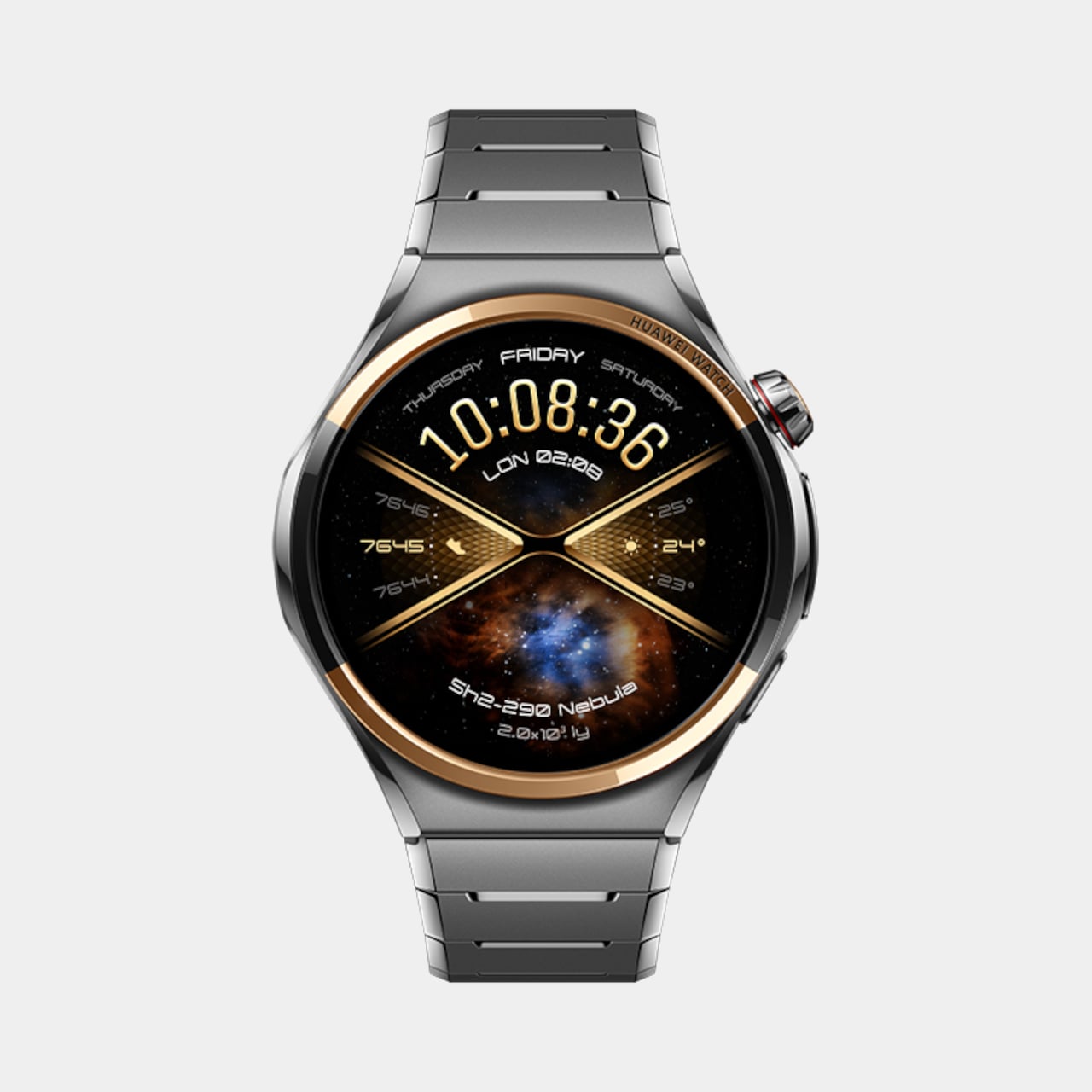
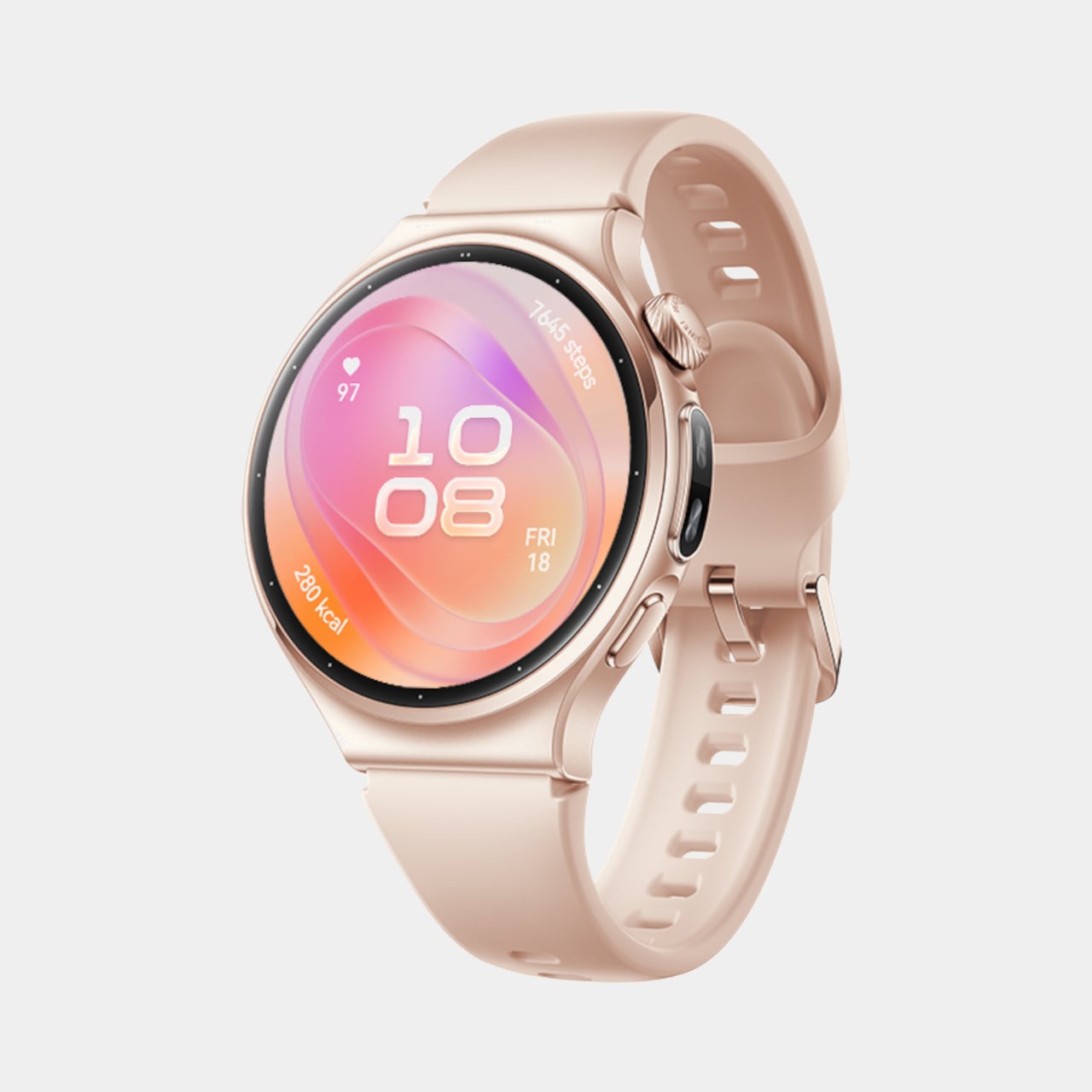
    The WATCH 6 leads with restraint. Huawei carries forward the sleek, minimalist design legacy of the WATCH family, introducing a timeless aesthetic that exudes sophistication, and backs that look with real engineering. The 42mm model claims the lightest design in the history of the HUAWEI WATCH Series at just 38g and 10.2mm thin, while the 46mm version leans into a durable stainless-steel case for anyone who prefers heft on their wrist.

    Designer: Huawei

    Huawei Watch 6

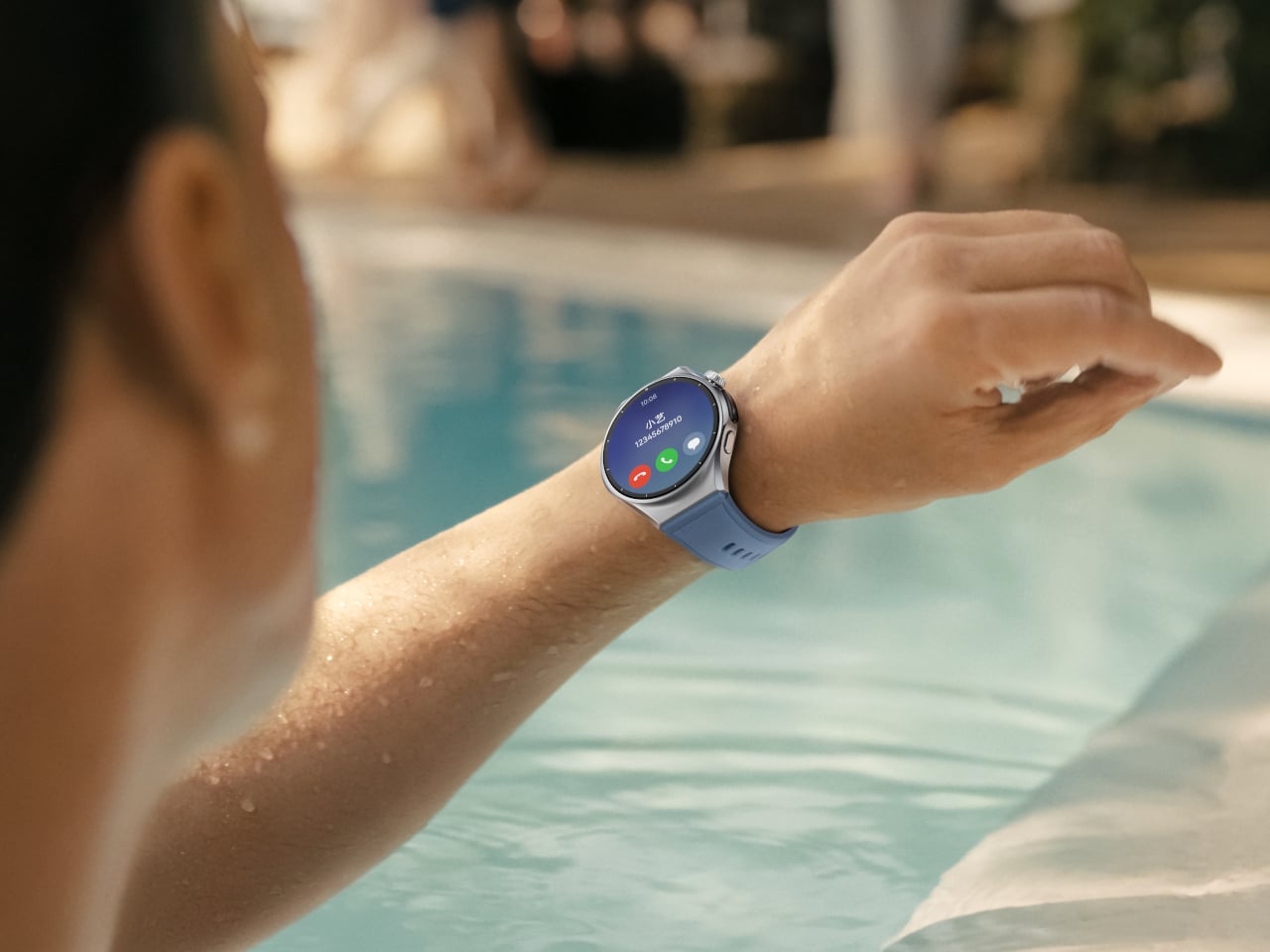
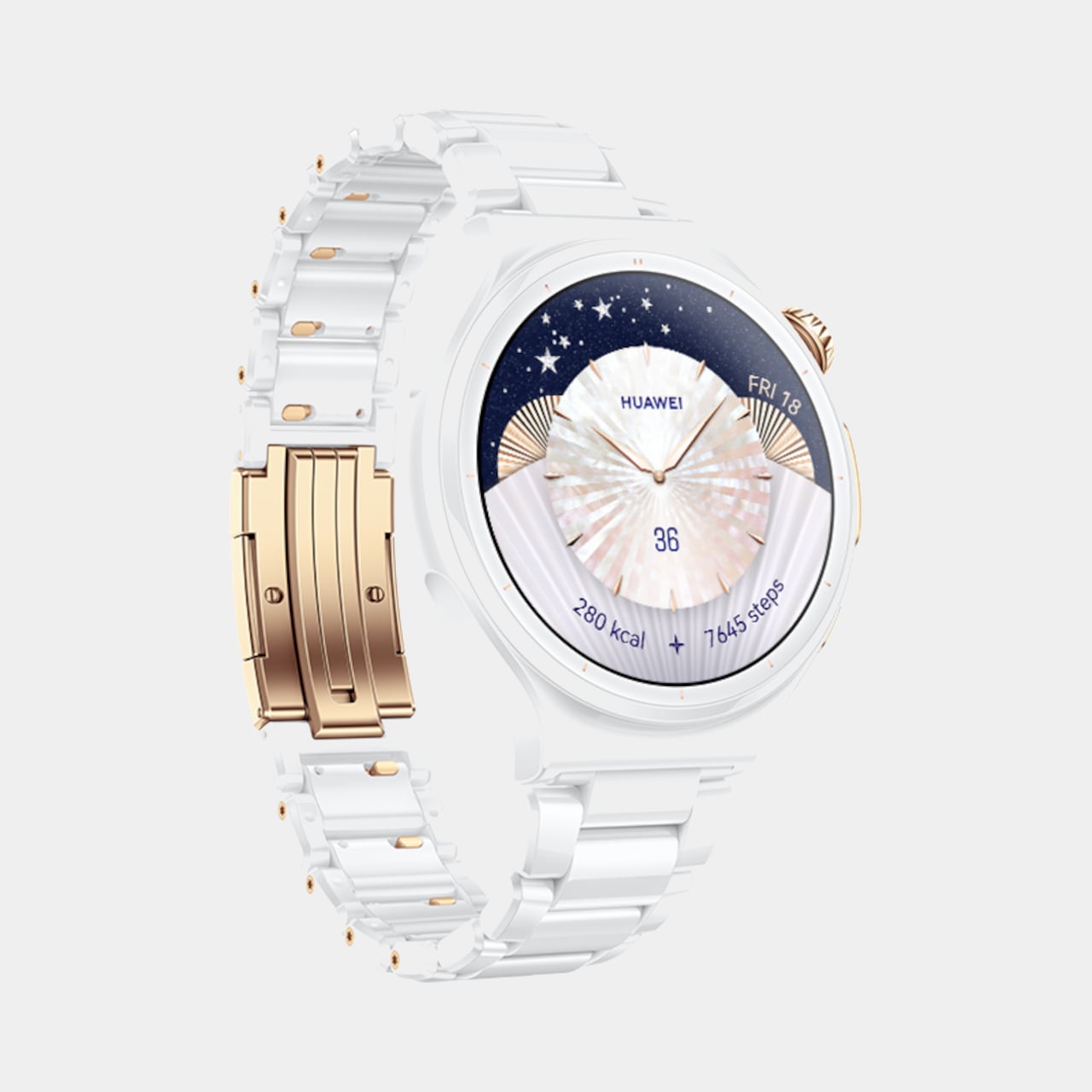
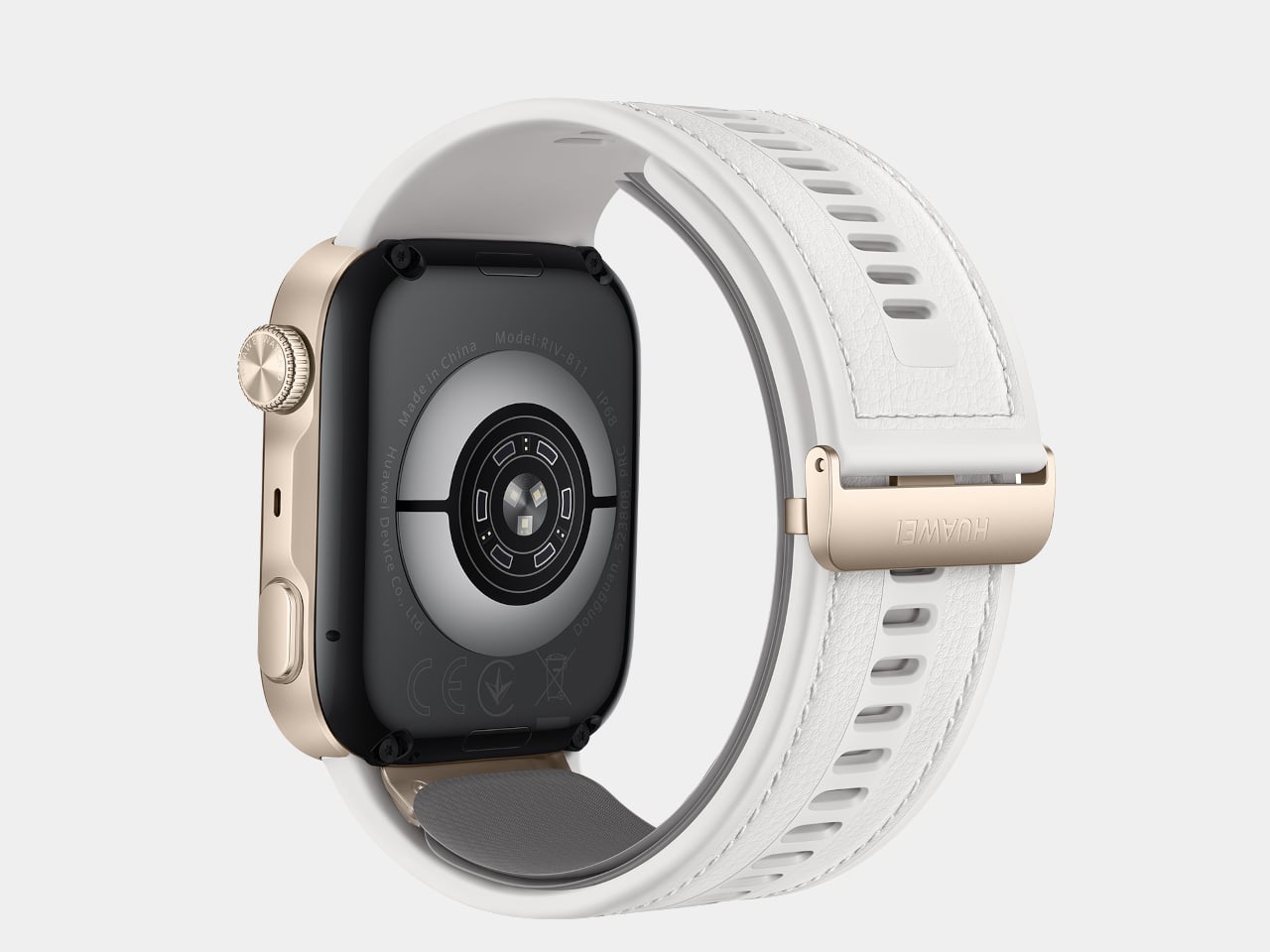
    Four finishes carry that design further, from Black Stainless Steel to a Gold Aluminum Alloy paired with a soft pink strap, each fitted with the new HUAWEI EasyCross Strap for a smoother, more breathable fit. The Pro tier pushes materials even harder, with a Space Edition pairing a black ceramic bezel against gold detailing, and a 43mm model marking the first all-ceramic watch in Huawei’s lineup, finished with 18K gold accents for a genuinely jewelry-like presence.

    Underneath that shell, the WATCH 6 quietly tracks a lot. An upgraded X-TAP pulls up a full Health Glance with one touch, spanning 11 metrics across basic, endocrine, cardiovascular, and respiratory categories. A new Diet clover rounds out Huawei’s four-leaf wellness model, nudging users toward balanced habits around exercise, sleep, mood, and food instead of just logging numbers nobody revisits.

    Connectivity rounds out the experience without demanding constant phone contact. Built-in eSIM keeps calls and messages flowing through a swim or a run, while Safety Check quietly shares location and status with family during less predictable moments. A new wrist rotation gesture lets someone scroll through menus with a flick, freeing the other hand for a coffee cup, a leash, or a set of keys.

    Huawei Watch 6

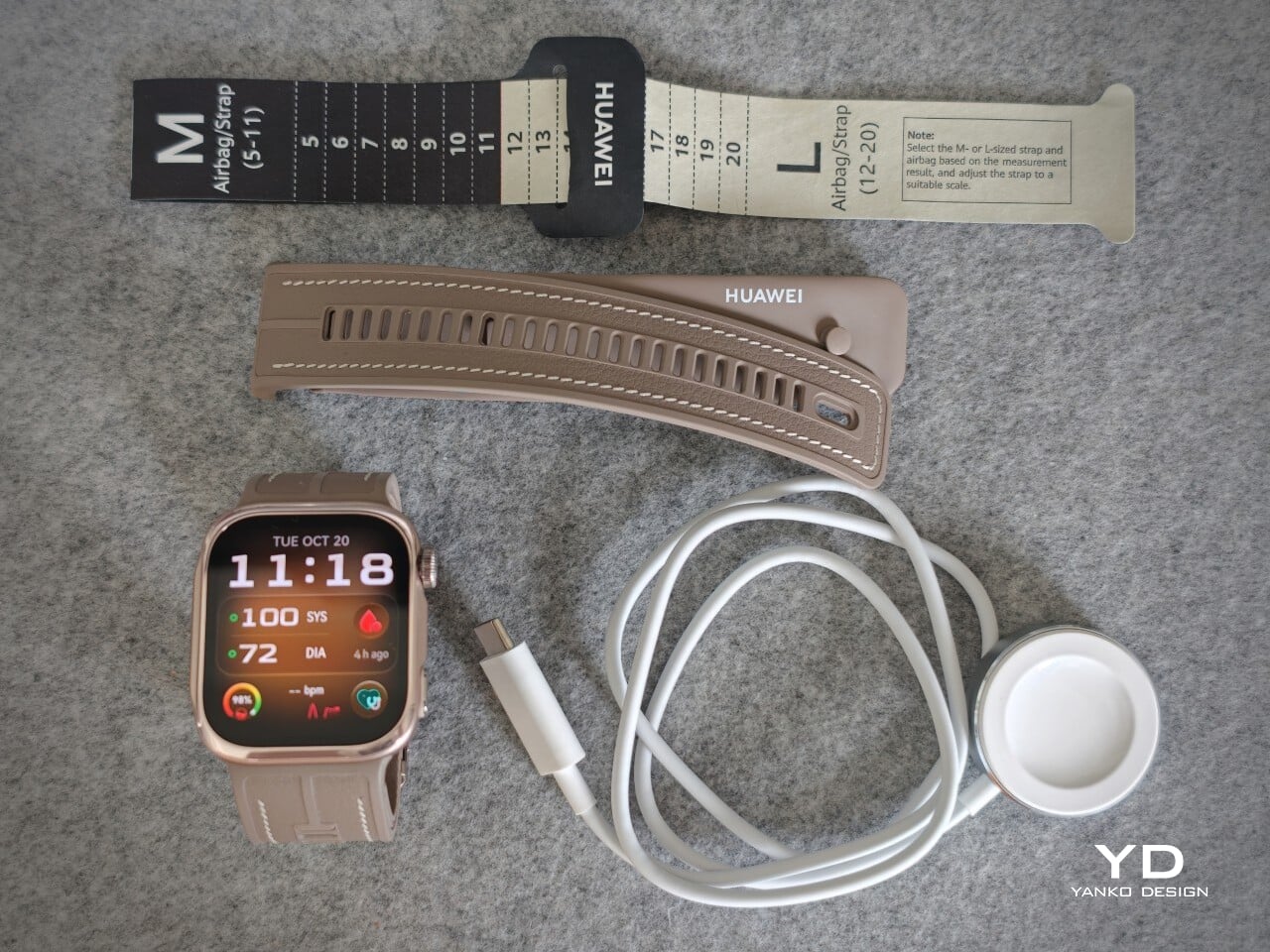
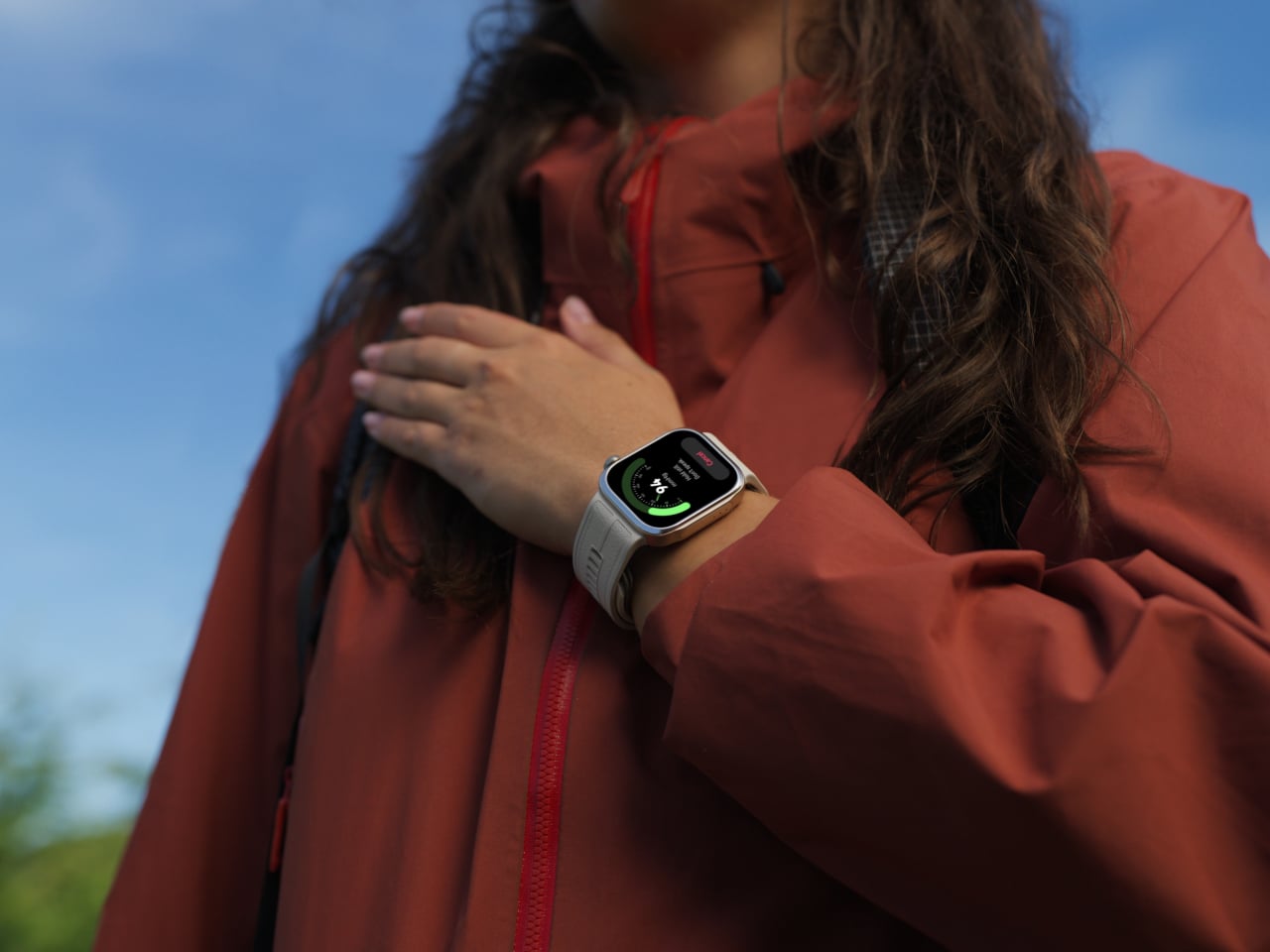
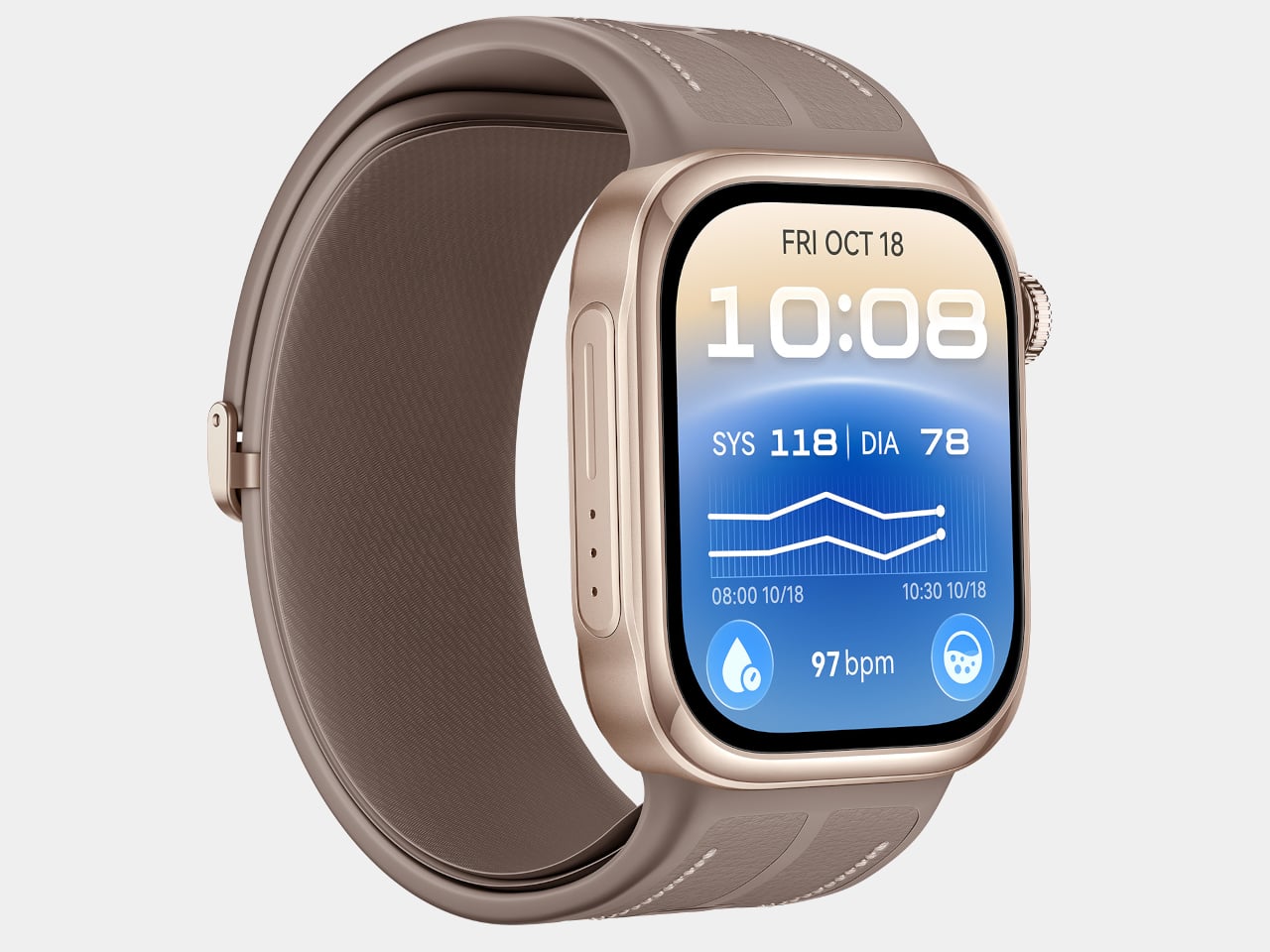
    Set beside all that polish, the WATCH D3 takes a more clinical approach, though it never abandons comfort to get there. At 11.3mm thick and 40g, paired with a 25.5mm ultra-narrow airbag strap, the watch stays slim enough to sleep in without leaving a mark. Three finishes, Black, White, and Mocha Gold, keep it looking like an accessory rather than a piece of medical equipment.

    Huawei Watch D3

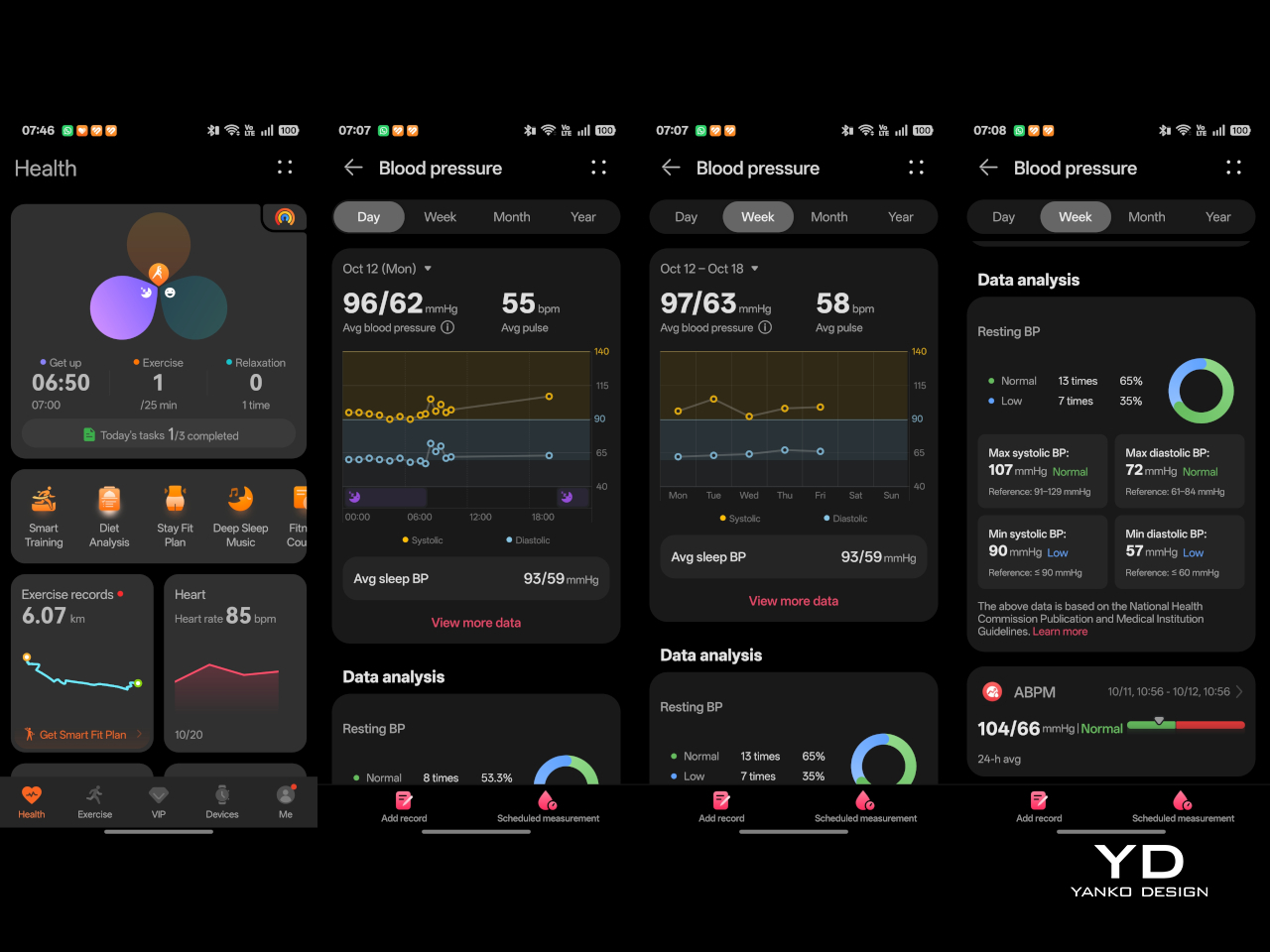
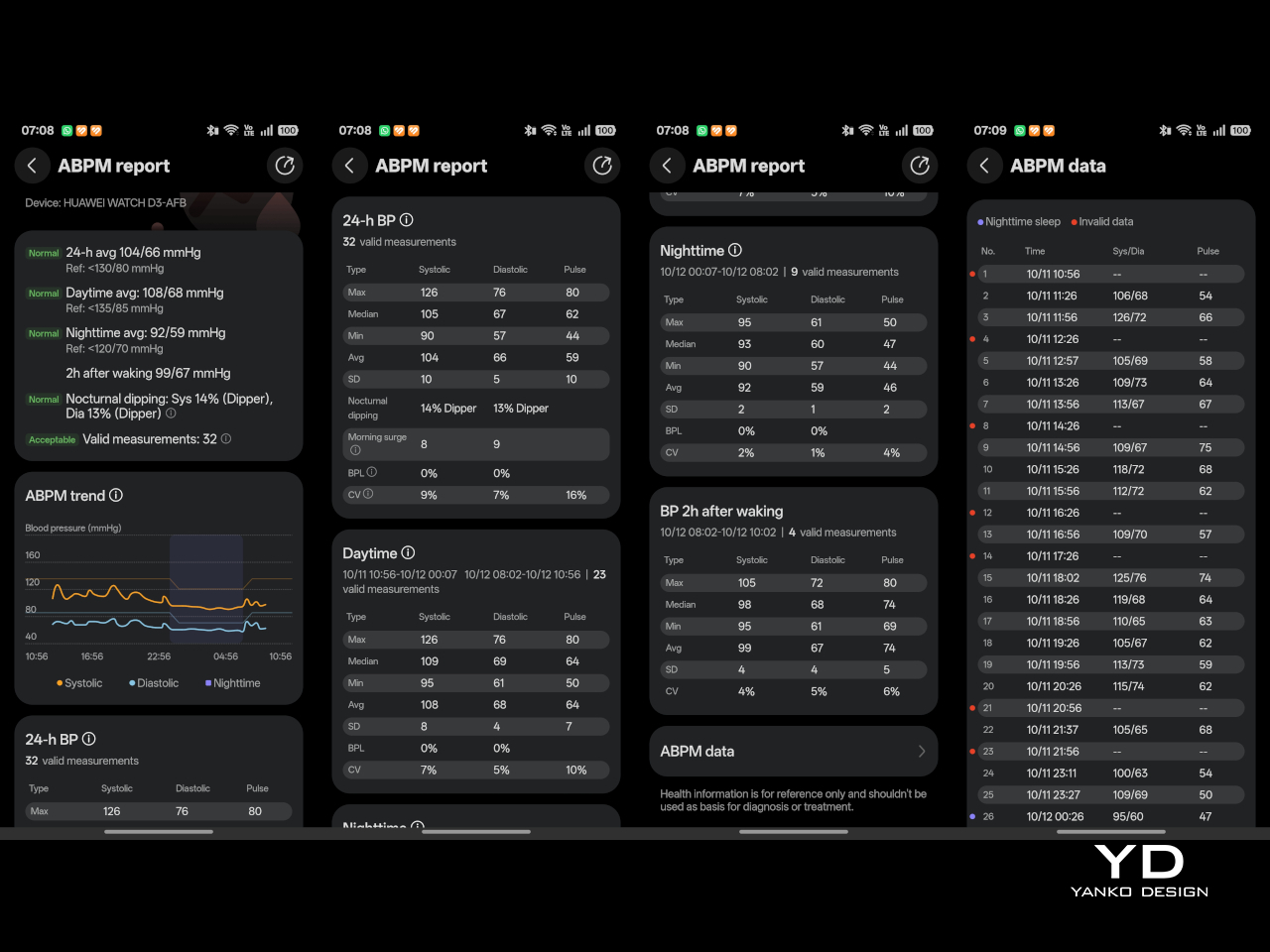
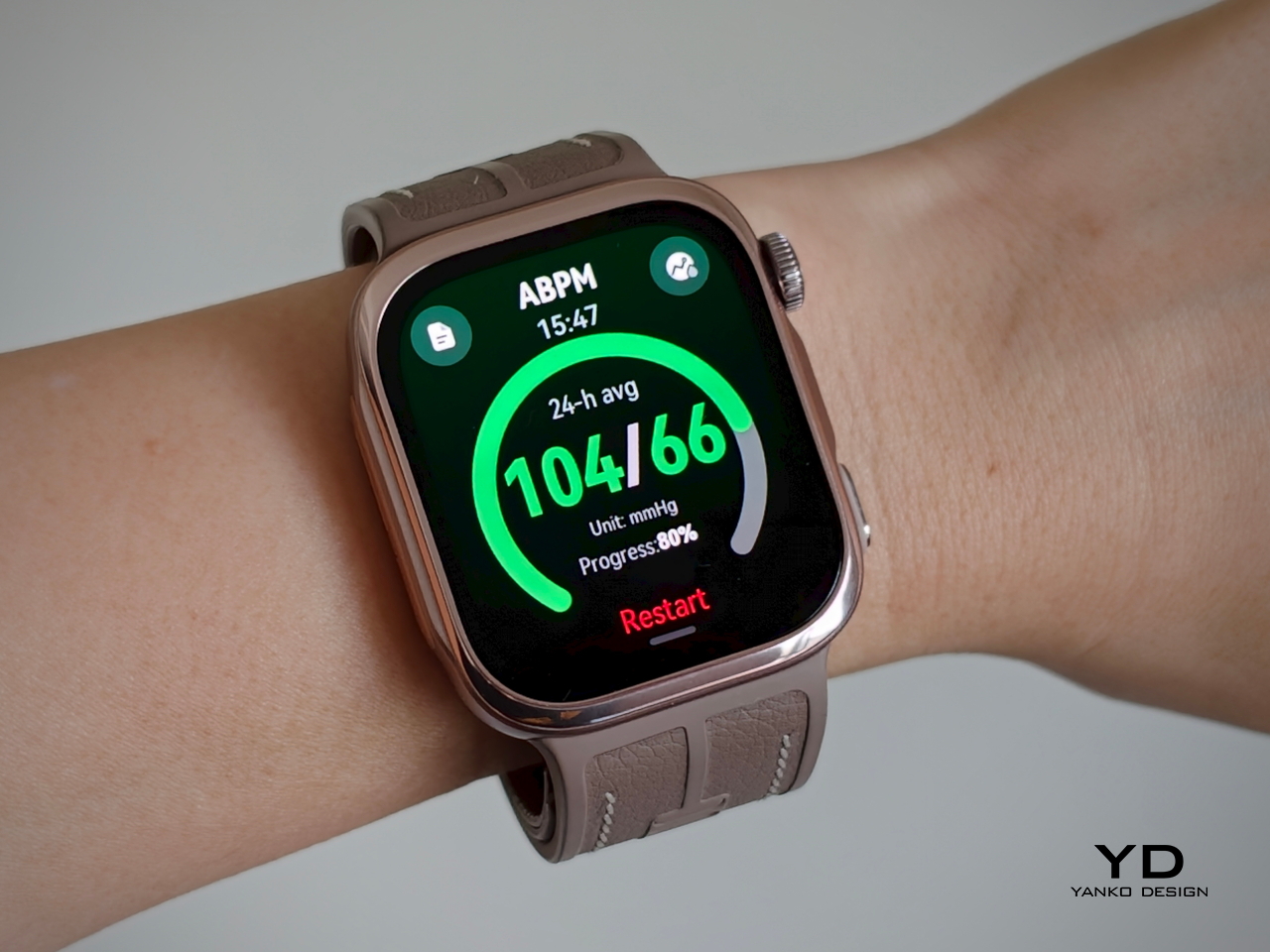
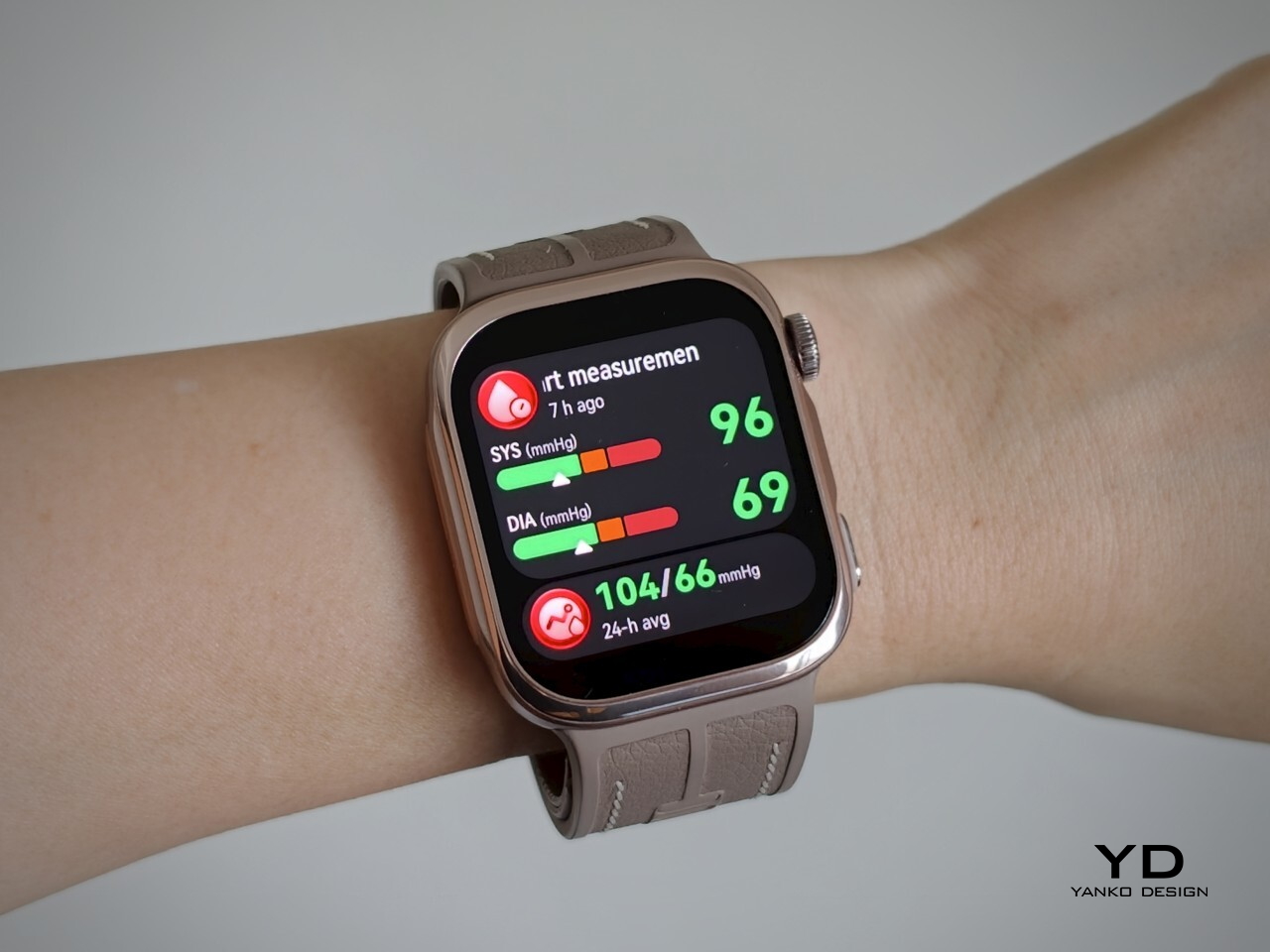
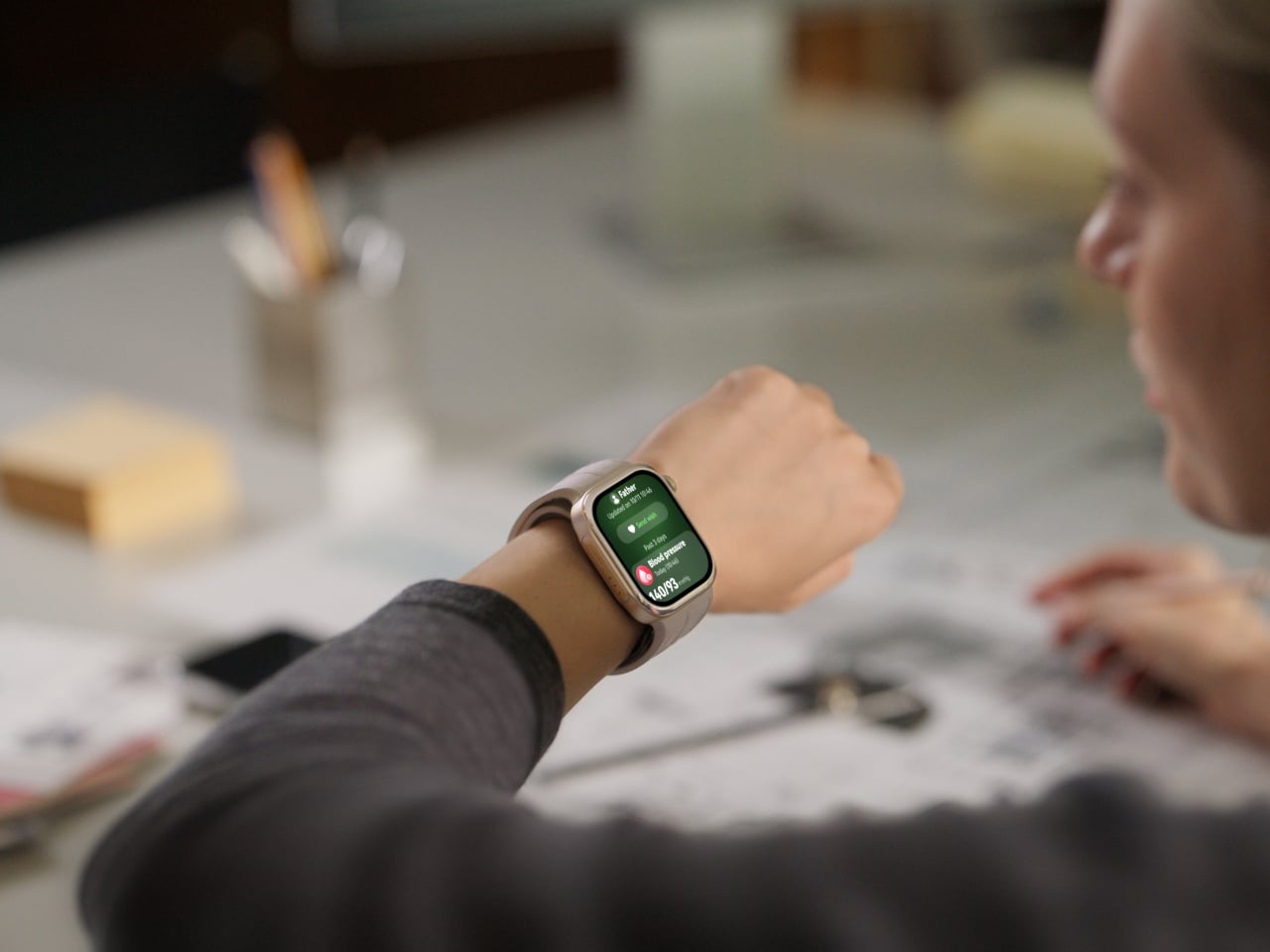
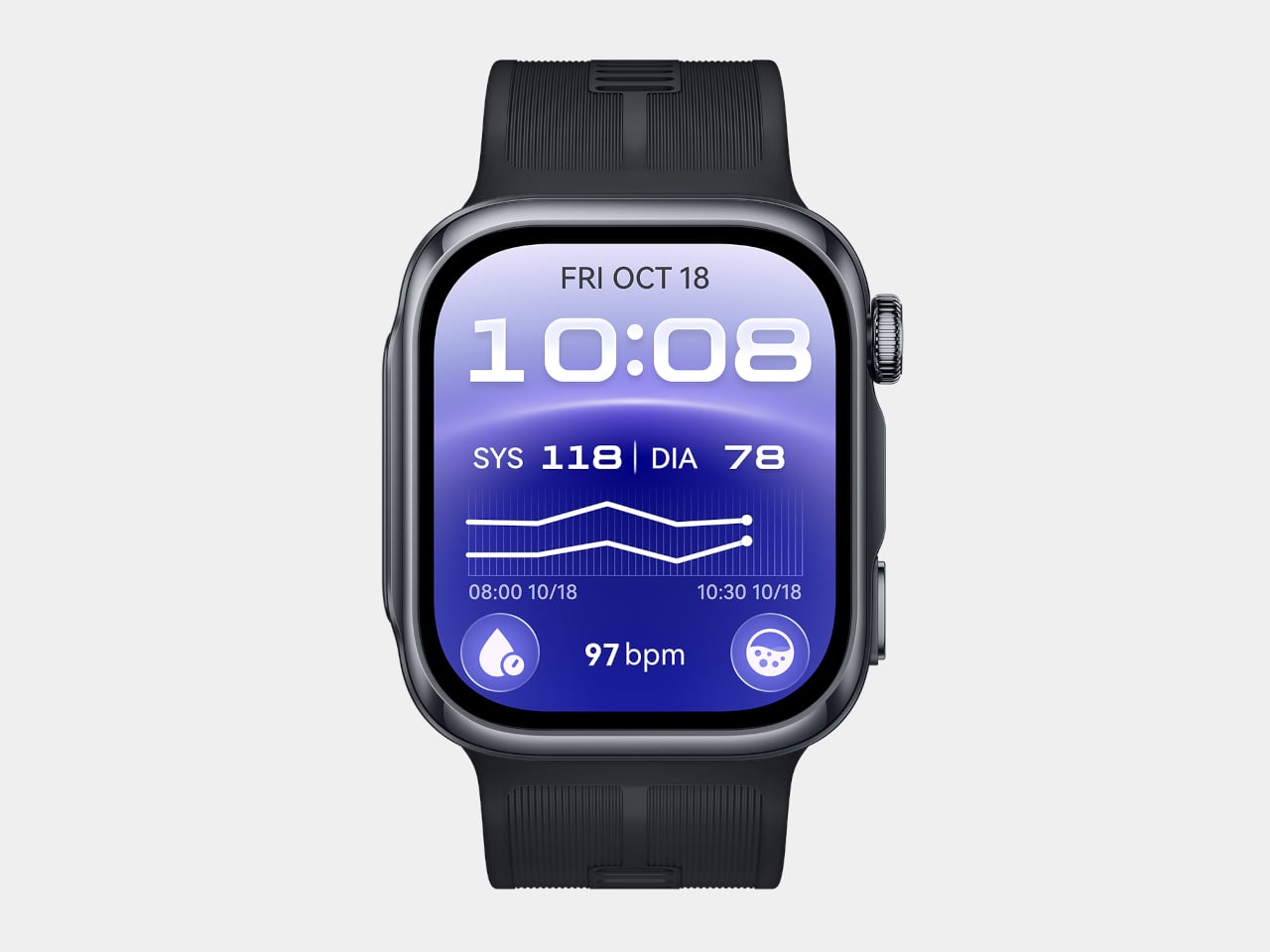
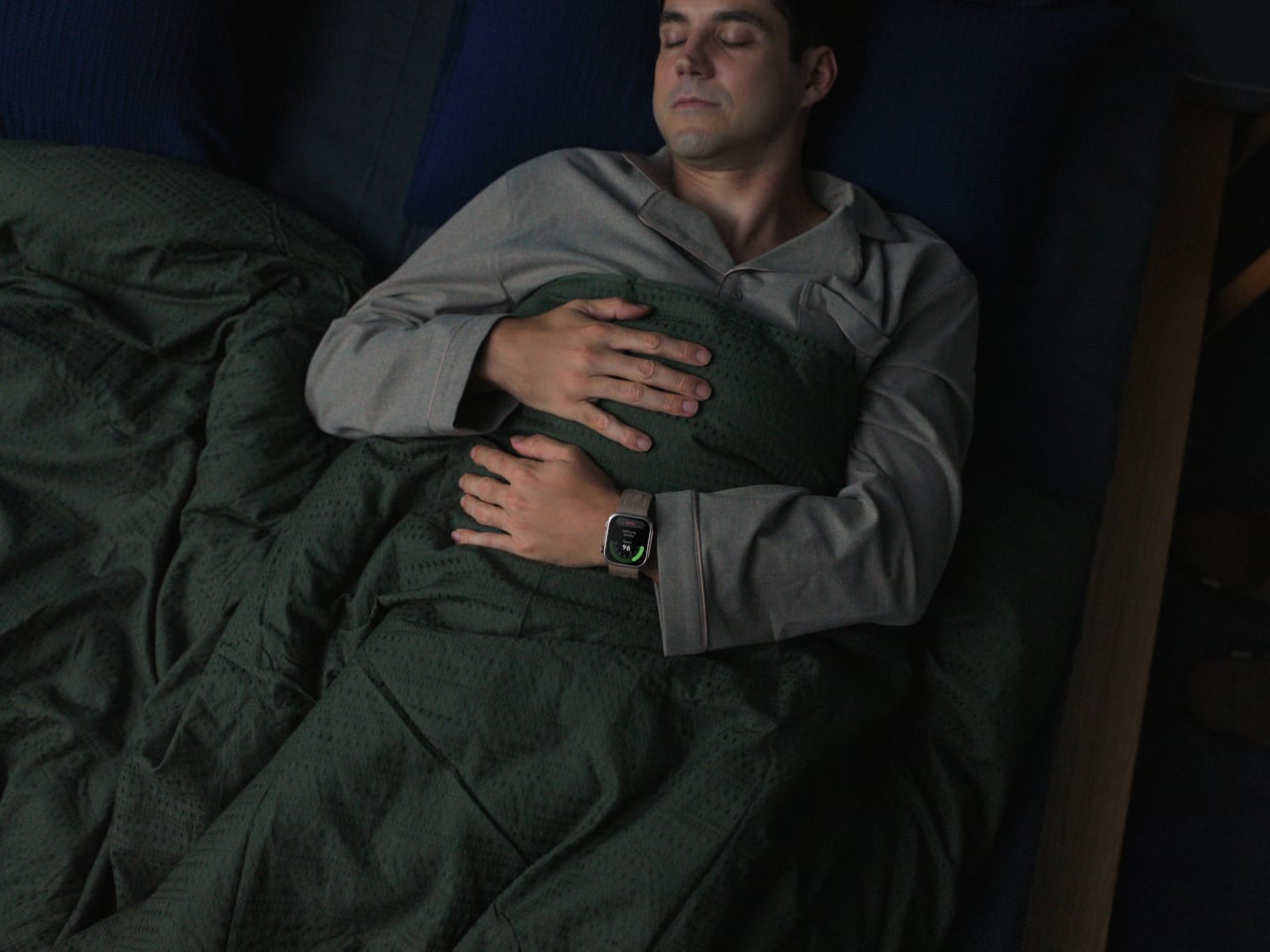
    That comfort matters because the D3 asks more of its wearer than a typical smartwatch. A mechanical airbag delivers effective compression and precise sensing across a minimal skin-contact area, paired with a high-precision sensor for readings that hold up against actual blood pressure cuffs. Huawei built in 24-hour Ambulatory Blood Pressure Monitoring, quietly inflating overnight with reduced noise so sleep tracking and blood pressure tracking can finally happen at the same time.

    A dedicated pre- and post-exercise measurement mode adds a layer most fitness trackers skip entirely, checking whether blood pressure sits in a safe range before a workout begins and tracking how it shifts once the effort is over. That monitoring carries real weight too, having earned CE marking under the EU Medical Device Regulation, a certification that puts the D3 closer to clinical hardware than typical wearables ever get.

    Family features tie the D3’s data into something more useful than a personal log. Health Community lets users view a parent’s or partner’s Health Glance, blood pressure, heart rate, and SpO2 readings from their own wrist, with real-time alerts triggering if something looks off. It turns a single watch’s readings into a small, informal support system for whoever’s paying attention.

    Both watches launch in the UK from £399.99 (around $540), with the WATCH 6 Pro topping the range at £599.99 (around $810). Seen together, the WATCH 6 and WATCH D3 make the case that Huawei isn’t chasing one definition of a smartwatch, but building toward two: one dressed for a dinner reservation, the other quietly watching over blood pressure while its wearer sleeps.

    The post Huawei Finally Made a Blood Pressure Watch That Looks Like Jewelry first appeared on Yanko Design.
    Huawei Just Made a Watch That Tracks Your Skiing Inside, Without Real Snow

    Huawei built the WATCH GT 7 Series around a simple idea: that a smartwatch meant for the outdoors shouldn’t have to wait for good weather or a full calendar to be useful. Unveiled at IFA 2026, the series unites bold design, advanced outdoor capabilities, and comprehensive health monitoring to deliver a smarter, more capable wearable experience. It’s a watch built to follow someone from a ski lodge to a coastal bike route without missing a beat.

    That versatility starts with fit. The WATCH GT 7 comes in 46mm and 41mm sizes across eight colorways, from a woven pink strap to sun-bright yellow silicone, while the Pro model steps up its materials with a nano-tech ceramic bezel and a titanium alloy middle frame. A fluoroelastomer strap using Huawei’s EasyCross design keeps everything secured whether someone’s typing at a desk or crouched into a bike’s drop bars.

    Designer: Huawei

    Where the GT 7 earns its outdoor reputation is in a new suite of snow sports features that don’t require snow to actually fall. Indoor snow sports modes remove seasonal and geographical constraints, letting a multi-sensor array detect skiing or snowboarding activity and track training time by reading posture and elevation changes, even when GPS signal disappears entirely inside an indoor slope facility.

    Huawei Watch GT 7

    Outdoors, that same intelligence sharpens further. Riders get access to maps for more than 3,000 ski resorts worldwide, downloaded through the Huawei Health app and synced instantly, useful for a beginner trying to avoid an accidental black diamond or an expert hunting for a faster line down a familiar run. A new Turn Detection feature counts short and long turns by calculating turning radius, while G-Force detection measures the centrifugal pull of a sharp carve.

    Huawei Watch GT 7 Pro

    Team-Up rounds out the slope-focused features, letting a group track each other’s locations and performance metrics in real time, so nobody has to guess where the rest of the party ended up after a run splits everyone apart. It’s a detail built less for solo athletes chasing a personal record and more for families or friend groups navigating a mountain together.

    Cycling gets its own dedicated toolkit too. Climb Planning generates a profile of upcoming elevation gains before a ride even starts, while Climb Broadcast reports live gradient and remaining distance mid-ascent. Sharp Turn Alerts step in with haptic and voice warnings if someone barrels into a bend too fast, a small addition that could matter far more than its size suggests on a descent like the coastal road these watches were clearly built to handle.

    Health tracking ties all that activity back into daily life through an upgraded Physical Readiness score, blending sleep quality, heart rate variability, emotion, and calories burned into a five-level recovery snapshot each morning. Rather than dumping raw numbers on a screen, Huawei frames the data as a quick read before the day even begins, useful whether someone’s deciding to push hard or hold back.

    Battery life backs up all that tracking, with high-silicon stacked batteries pushing the GT 7 Pro and 46mm models to as long as 21 days per charge under light use. Add contactless payments through Curve Pay and compatibility across iOS and Android, and the GT 7 starts looking less like a fitness tracker and more like a travel companion that happens to count steps.

    Pricing starts at £279.99 (around $378) for the WATCH GT 7, climbing to £379.99 (around $513) for the Pro model, positioning the series comfortably below premium sports watches from rival brands. Between the ceramic finishes, the resort maps, and the sheer range of conditions it’s built to track, Huawei’s newest GT model reads like a watch designed for people who treat a change in season as an excuse to keep moving.

    The post Huawei Just Made a Watch That Tracks Your Skiing Inside, Without Real Snow first appeared on Yanko Design.
    We just reinvented Phablets: Huawei’s Wide-body Pura X View feels oddly nostalgic to the touch

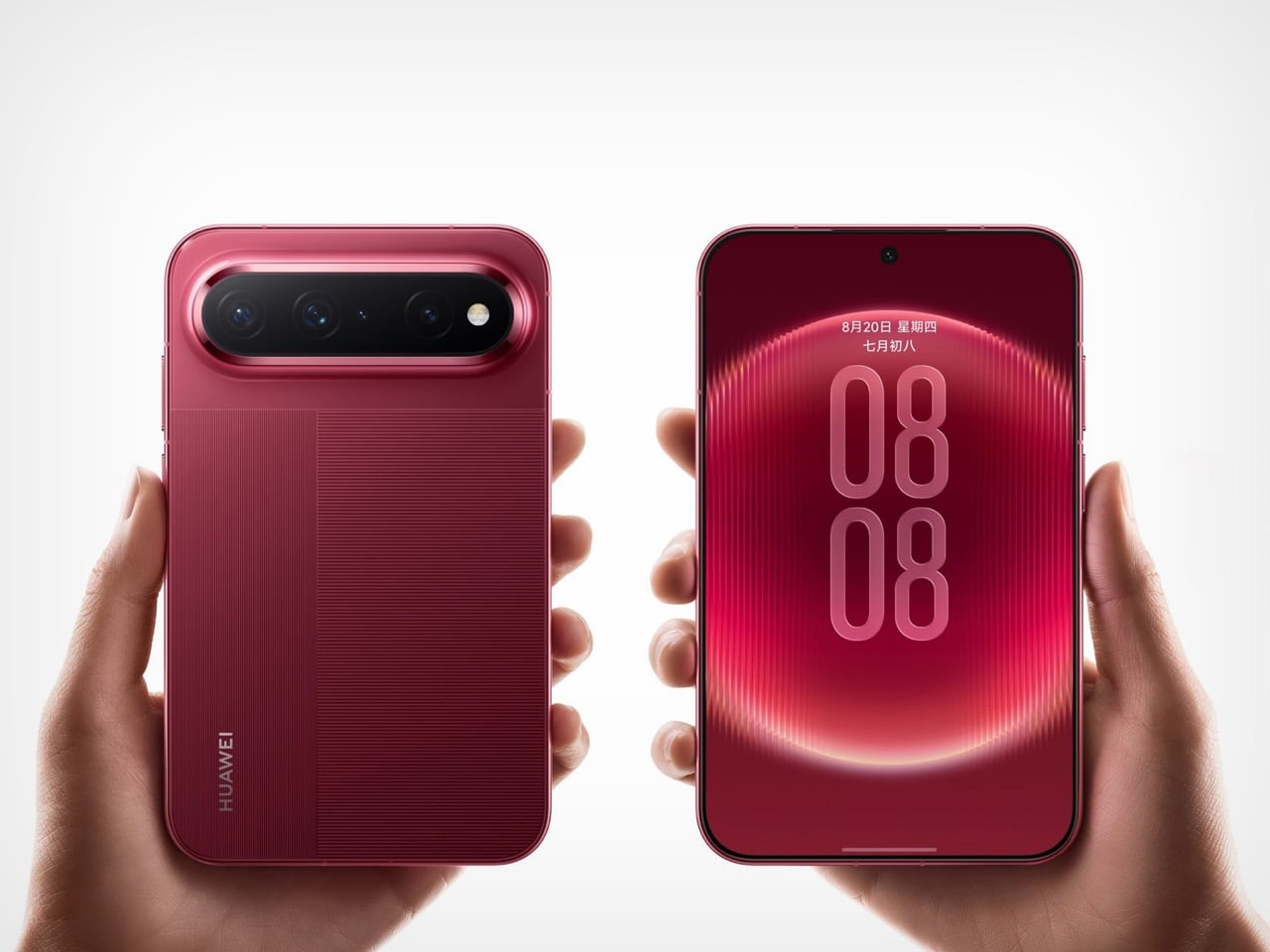
    Seventy percent of Samsung’s record 1.44 million Galaxy Z8 series pre-orders went to the wide 4:3 model over the traditional tall one, a number that makes product planners cancel their afternoon meetings. Huawei saw it coming. The Pura X View, launched in China on August 20, is a slab phone with a 16:9.5 screen, no hinge, 6.68mm of thickness, and a 7,000mAh battery packed into 201 grams. Run the panel geometry and the body lands near 144 by 86mm, which is essentially the 2011 Galaxy Note’s 146.9 by 83mm with fifteen years of thinning applied on top. The first phablet just came back, and it skipped the hinge entirely.

    Huawei shipped its first 16:10 phone in March 2025, roughly seventeen months before Samsung’s wide Fold 8 and eighteen before Apple’s expected iPhone Ultra. That head start counts for plenty editorially and almost nothing commercially, because the Pura X View runs HarmonyOS 7 without Google services and has no confirmed launch outside China. The width also brings a problem nobody involved has solved yet. Fold 8 reviewers keep flagging that one-handed typing on a wide cover screen demands a thumb stretch most people just do not have. Huawei is asking you to live inside that stretch full time, with no fold to escape into.

    Designer: Huawei

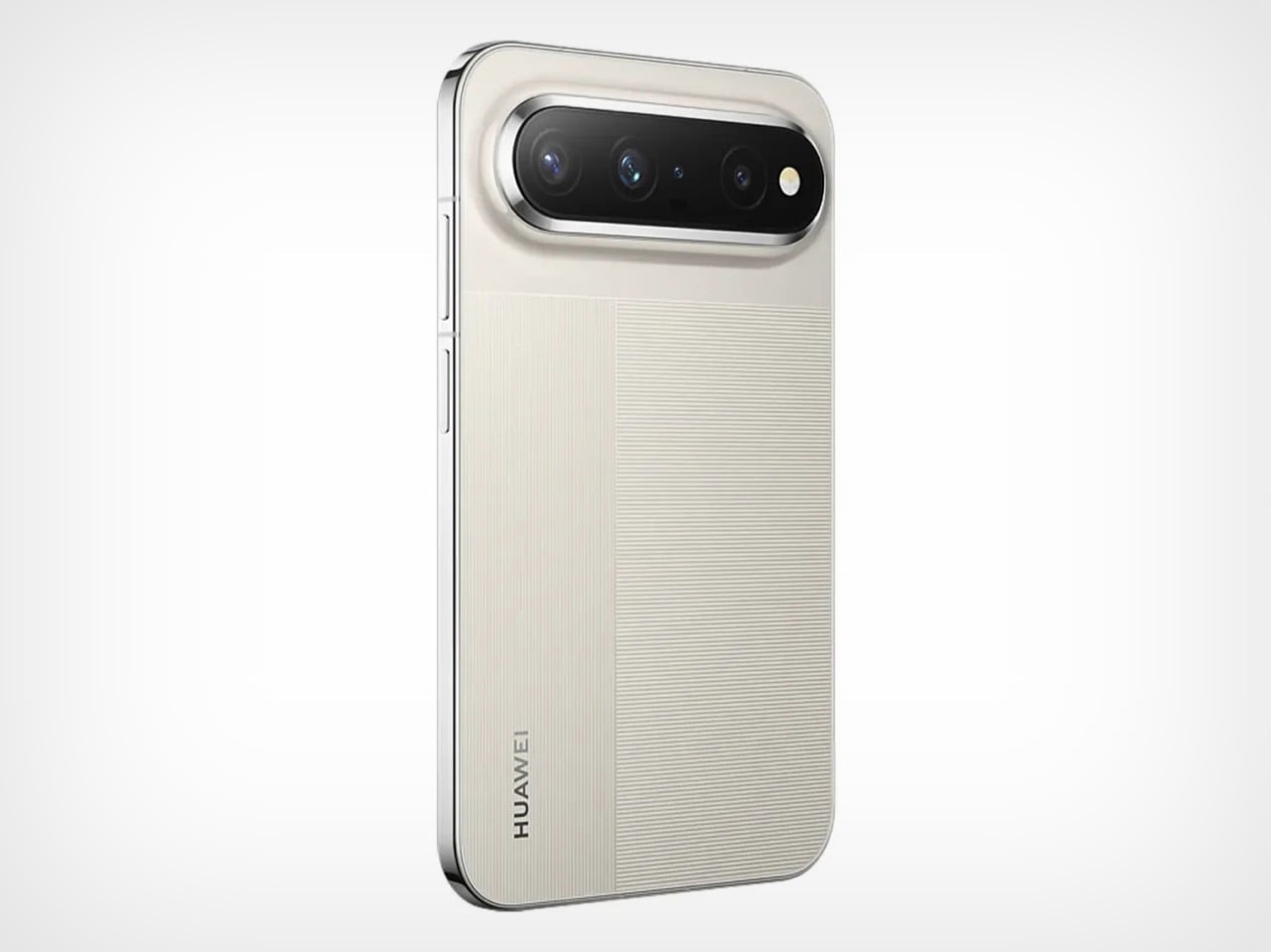
    I keep coming back to the battery number because it should not work the way it does. Cramming 7,000mAh into a 6.68mm body usually means a phone that feels like a coaster, but Huawei leaned on the extra width instead of stacking cells vertically, and the reported silicon-carbon anode chemistry lets the pack sit flatter than lithium-ion ever could. The screen-to-body math backs it up too, a claimed 96.1 percent with bezels measured at a uniform 1.05mm on all four sides, which is tighter framing than most flagships bother chasing. Around back, Huawei kept the pill-shaped camera bar and striped texture from the Pura X Max, so this reads as a family member rather than a one-off experiment.

    The historical parallel only gets stranger the closer you look at it. Samsung built the Galaxy Note on a 16:10 panel in 2011 specifically because it read and wrote better than 16:9, and that logic held until the LG G6 and Galaxy S8 dragged the entire industry toward 18:9 in 2017. At the start of that year, over 95 percent of phones sold still ran 16:9. Within about eighteen months it had nearly vanished, replaced by taller and taller screens that eventually made “phablet” sound like a word from a dead language. At 1.68:1, the Pura X View is actually squatter than any of those old 16:9 phones, closer in spirit to the doomed Dell Streak than to the Note it resembles in the hand.

    None of this makes the Pura X View an easy recommendation, and I would rather say that upfront than let the nostalgia do all the talking. Pricing remains unconfirmed, early Chinese estimates swing wildly between 4,499 and 7,500 yuan, and Huawei has a recent history of catching real backlash over Pura pricing. There is also no path to a Google-services version, which locks most of the world out regardless of cost. What the Pura X View does prove is that the tall screen was never physics, just a decade of consensus that Samsung and Apple are now both quietly abandoning. We covered the Pura X Max when it doubled down on this same wide logic inside a folding body, and the View feels like Huawei betting the shape works even better without the crease.

    The post We just reinvented Phablets: Huawei’s Wide-body Pura X View feels oddly nostalgic to the touch first appeared on Yanko Design.
    Huawei MatePad Air 2026 Review: The OLED Upgrade Changes Everything

    PROS:


    • Excellent 12-inch OLED PaperMatte display

    • Slim and lightweight design

    • Strong speaker performance

    CONS:


    • No native Google service out of the box

    • Software support period is not clearly defined

    RATINGS:

    AESTHETICS
    ERGONOMICS
    PERFORMANCE
    SUSTAINABILITY / REPAIRABILITY
    VALUE FOR MONEY

    EDITOR'S QUOTE:

    The OLED upgrade does most of the heavy lifting, but the MatePad Air 2026’s real strength is how well its design, ergonomics, and stylus experience come together.
    award-icon

    Huawei has been making tablets for long enough to know that raw specs are only half the story. Plenty of slates have big screens, fast refresh rates, and keyboard cases. What separates the memorable ones from the forgettable ones is how they feel when they slip into your day. That is the angle Huawei is chasing with the MatePad Air 2026, a tablet that wants to look stylish, travel light, and still feel capable enough for proper work when the moment calls for it.

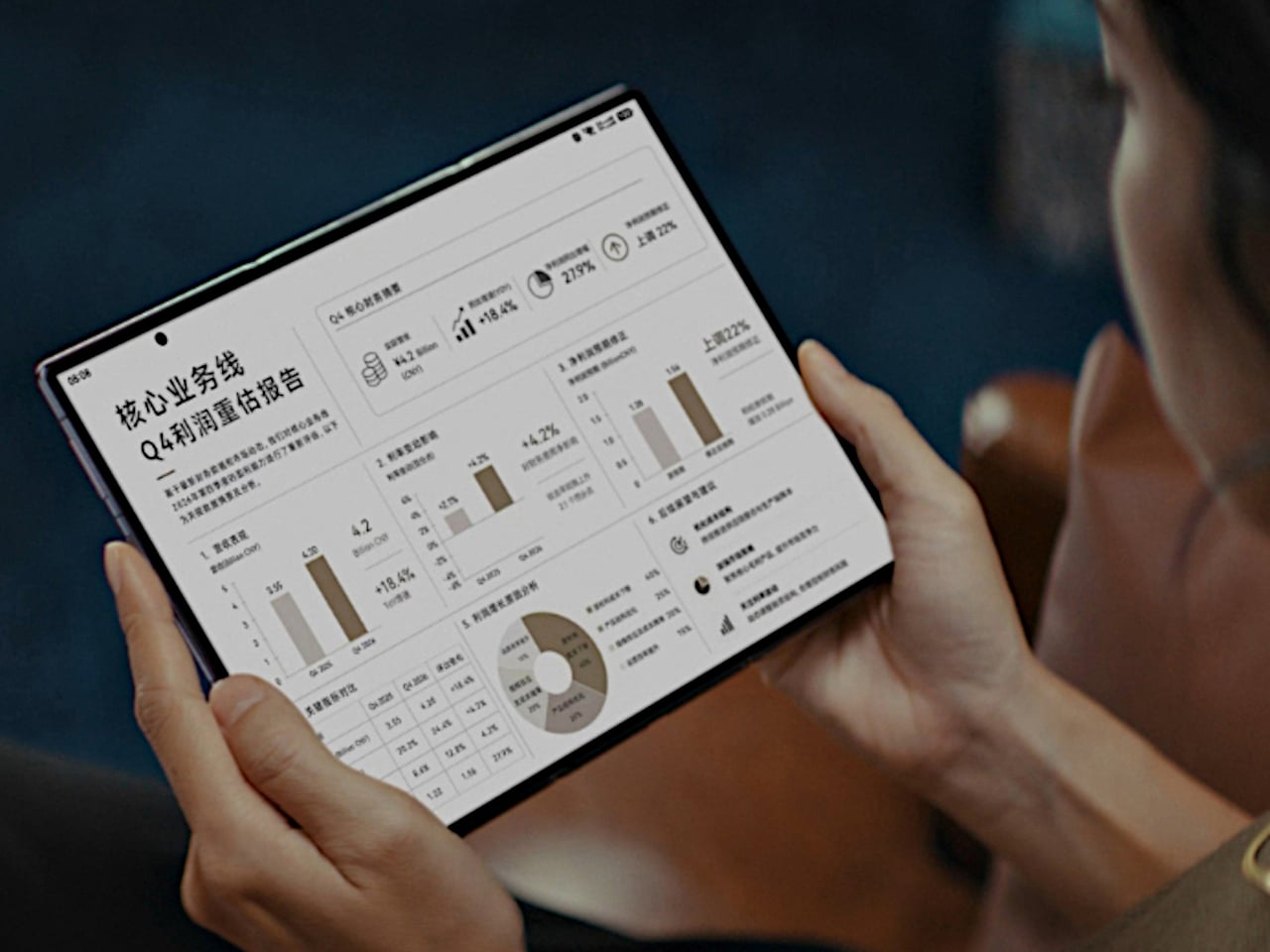
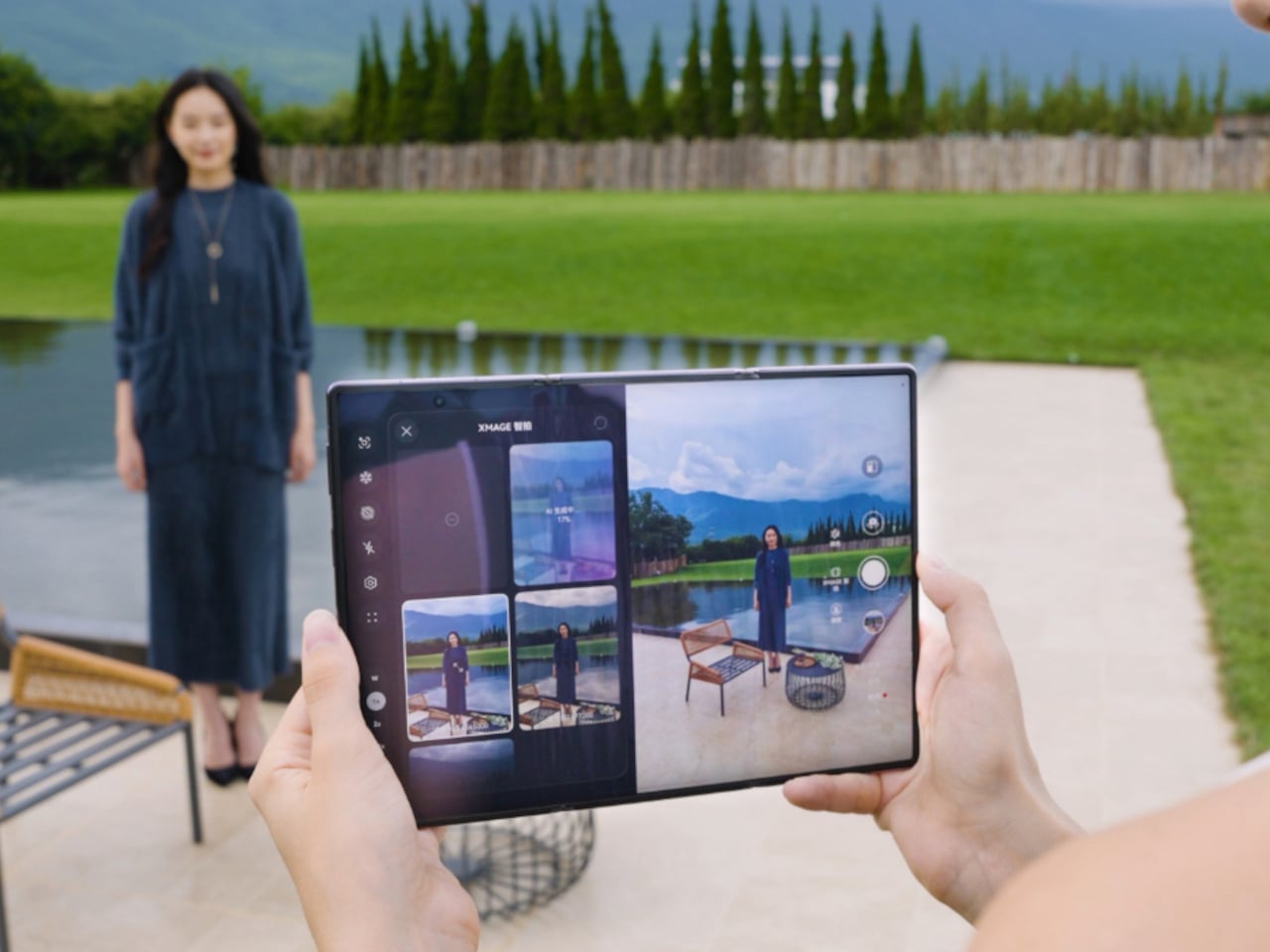
    On paper, it makes a strong first impression. The MatePad Air 2026 features a 12-inch OLED display, an optional PaperMatte finish, a very slim 5.3mm body, a weight of 509g, a 144Hz refresh rate, a 10,100mAh battery, and a six-speaker setup. The biggest upgrade over the 2025 model is the move from an IPS LCD panel to OLED, and it gives the tablet a much stronger foundation for entertainment, note-taking, and everyday use.
    Designer: Huawei

    Aesthetics

    The MatePad Air 2026 seems designed by people who are tired of serious-looking tablets. That is a compliment. Most premium slates still arrive in some variation of grey metal and call it sophistication, but Huawei has gone in a softer direction here with White, Airy Blue, and Sakura Pink finishes that feel more lifestyle-minded. I received the Sakura Pink version, and it gives the tablet a warmer, more distinctive look than the usual sea of neutral-toned rivals.

    The finish itself is a big part of the appeal. The back panel uses a pearlescent e-coating process with natural mica powder, which gives the surface a soft-touch feel and a subtle glow under light. It feels more inviting than the average metal slab, and that extra bit of texture helps the tablet come across as something more personal and less industrial.

    There is also a welcome amount of restraint in the design, and even the camera island follows that philosophy. The oval module sits in the upper-right corner with a raised, layered construction, but it avoids the harsh look that camera bumps can sometimes have. Its lower section uses a brushed, color-matched metallic finish, topped by a thin polished metallic strip for a subtle accent. The black camera module is framed by a matching outline, while a polished silver Huawei logo sits at the center.

    Huawei also deserves some credit for carrying that design thinking through to the accessories. The MatePad Air supports the M-Pencil Pro, and in the Sakura Pink version, the bundled stylus comes in a matching color. The M-Pencil Pro is not sold separately in that finish, which is a bit of a shame, but it is still nice to see a color-matched stylus included. It makes the whole package feel more cohesive, and it adds a bit of charm to a category that often forgets accessories can be part of the design story too.

    Ergonomics

    At 509g and 5.3mm thick, the MatePad Air 2026 feels impressively manageable for a 12-inch tablet. This is the kind of device you can carry all day without feeling like you packed a second laptop. It matches the Huawei MatePad Pro 13.2 in weight while coming in noticeably thinner, and Huawei also says it is 0.8mm thinner than the iPad Air 7.

    That slim profile makes a real difference in daily use. The MatePad Air feels easy to hold for reading, sketching, or watching videos, and it never comes across as bulky or awkward. Thin tablets can sometimes feel fragile, but that is not the case here. Despite how light it is, the body feels solid and well put together.

    Just as importantly, slim and light does not mean delicate. The chassis feels sturdy in the hand, and it does not bend easily. Even when I tried flexing it harder than anyone normally would, it did not feel worrying. That gives the tablet a reassuring sense of durability, which matters on a device built to travel.

    The back panel also helps. Its texture feels nice in the hand and gives the tablet a softer, less slippery feel than a plain metal finish. The M-Pencil Pro feels good in the hand, too. Its matte finish gives it a comfortable grip, which makes a difference during longer writing or sketching sessions. There is also a squeeze function and a physical button at the top of the pen, and both feel practical without getting in the way.

    Performance

    The latest Huawei MatePad Air upgrades to a 12-inch OLED PaperMatte display, replacing the IPS LCD panel on its predecessor. It is easily one of the tablet’s biggest selling points. The panel has a 2800 x 1840 resolution, a pixel density of 275ppi, support for 1.07 billion colors, P3 wide color gamut, a dynamic refresh rate ranging from 30Hz to 144Hz, and peak brightness of up to 1,200 nits.

    That move to OLED brings the kind of benefits you would expect. Blacks look properly deep, colors have more pop, and contrast feels richer overall. Paired with the 92 percent screen-to-body ratio, the MatePad Air delivers a very enjoyable viewing experience, especially when watching films with darker scenes where the extra contrast really helps.

    The PaperMatte finish is what makes the screen feel a little different from the usual premium tablet display. It cuts down glare well enough that I could sit near a window and still enjoy what I was watching without constant reflections getting in the way. That alone makes the tablet more comfortable to use in bright environments, and it adds a practical edge to what is already a very good-looking panel.

    The PaperMatte finish also helps when it comes to writing and drawing. It adds a bit of texture to the surface, so the stylus does not glide too freely across the screen. That makes note-taking and sketching feel more controlled and a little closer to pen on paper.

    Audio also adds to the experience. The tablet uses a six-speaker system with dedicated drivers handling different frequencies. Four of them focus on the lower end, which helps give the MatePad Air fuller and deeper bass than you would normally expect from a tablet this slim.

    Together, the display and speaker setup make the MatePad Air feel well suited to entertainment. Whether I was watching videos, sketching, or just browsing in a bright room, the hardware consistently played to the tablet’s strengths. This is a tablet that clearly puts a lot of emphasis on the sensory side of the experience, and for the most part, that effort pays off.

    Powering the tablet is Huawei’s Kirin T93C chipset, paired with either 8GB or 12GB of RAM and 256GB of storage. In day-to-day use, performance feels smooth and responsive, whether I was jumping between apps, taking notes, browsing, or doing light creative work. It feels fast enough for the kind of tasks most people are likely to throw at a tablet like this, though this is still more of a productivity and media machine than a device built to show off raw benchmark muscle.

    Huawei also puts some focus on sustained performance. The MatePad Air uses a 3D cooling design to help manage heat, and that matters on a thin tablet where thermal limits can show up quickly under heavier use. In practice, the tablet stays comfortable to hold, which is arguably just as important as outright speed in a device designed for long reading, drawing, or viewing sessions.

    The tablet runs HarmonyOS 4 out of the box, and that comes with the usual Huawei caveat. Google services are not available natively, so the setup is not as straightforward as it is on a regular Android tablet. There are workarounds such as GBox through Huawei’s AppGallery, and getting things up and running is not especially difficult, but it is still an extra step that some users may not want to deal with.

    Huawei leans heavily on apps like HUAWEI Notes, GoPaint, and WPS Office to make the MatePad Air feel more useful as a work and creativity device. HUAWEI Notes and GoPaint make the most sense here, especially with the M-Pencil Pro, and they help the tablet feel more purpose-built for note-taking and sketching than a generic large-screen slate.

    Battery life is solid. The MatePad Air packs a 10,100mAh battery, which gives it enough stamina for a full day of mixed use without much anxiety. Whether I was watching videos, browsing, writing, or sketching, it felt like a tablet built to last through the day rather than one that constantly pushes you toward the charger.

    Charging is also reasonably quick. Huawei rates it for 66W wired charging, which helps take some of the stress out of topping up a battery this large. That is especially useful for a device meant to move between work, entertainment, and creative tasks, because it makes the MatePad Air easier to treat like an all-day companion rather than something you need to plan around.

    Sustainability

    Sustainability is not just about materials. It is also about how long a device can stay in use, and the MatePad Air 2026 makes a fair case for itself here. Huawei says the body’s resistance to warping has improved by 10 percent compared with the MatePad 12X, and that it can handle an additional load equal to 50 percent of its own weight with only around 1mm of flex. Those are brand claims, but they do support the sense that this is a thin tablet built to hold up well over time.

    That said, durability is only part of the picture. Huawei does not publish a fixed multi-year guarantee or a clear end date for software support, which makes the long-term outlook harder to judge. The hardware may be built to last, but without a clearer update commitment, the MatePad Air 2026’s sustainability story feels incomplete.

    Value

    The MatePad Air 2026’s value depends heavily on the market, since pricing and bundles vary. Huawei also splits the lineup differently depending on region, which can make the tablet feel more or less competitive at first glance. In some markets, it is sold in Standard Edition and PaperMatte Edition versions, with 8GB + 256GB and 12GB + 256GB configurations available.

    In certain markets, the 8GB + 256GB PaperMatte Edition is priced at €799 and includes either a Glide Keyboard or an M-Pencil Pro. That is firmly flagship pricing, but the bundle helps justify it, especially since the accessories are a big part of the overall experience. For buyers who want the PaperMatte display and plan to use the stylus or keyboard, the value looks fairly strong.

    Verdict

    The Huawei MatePad Air 2026 makes a strong case for itself with its slim design, excellent OLED PaperMatte display, solid battery life, and thoughtful stylus support. It feels well suited to people who want a premium tablet for reading, sketching, note-taking, and entertainment without carrying something heavy or awkward.

    The main caveat is the software experience. HarmonyOS is usable, but the lack of native Google services still makes it less straightforward than a regular Android tablet. If that is not a dealbreaker for you, the MatePad Air 2026 stands out as a stylish and versatile tablet with a lot going for it.

    The post Huawei MatePad Air 2026 Review: The OLED Upgrade Changes Everything first appeared on Yanko Design.