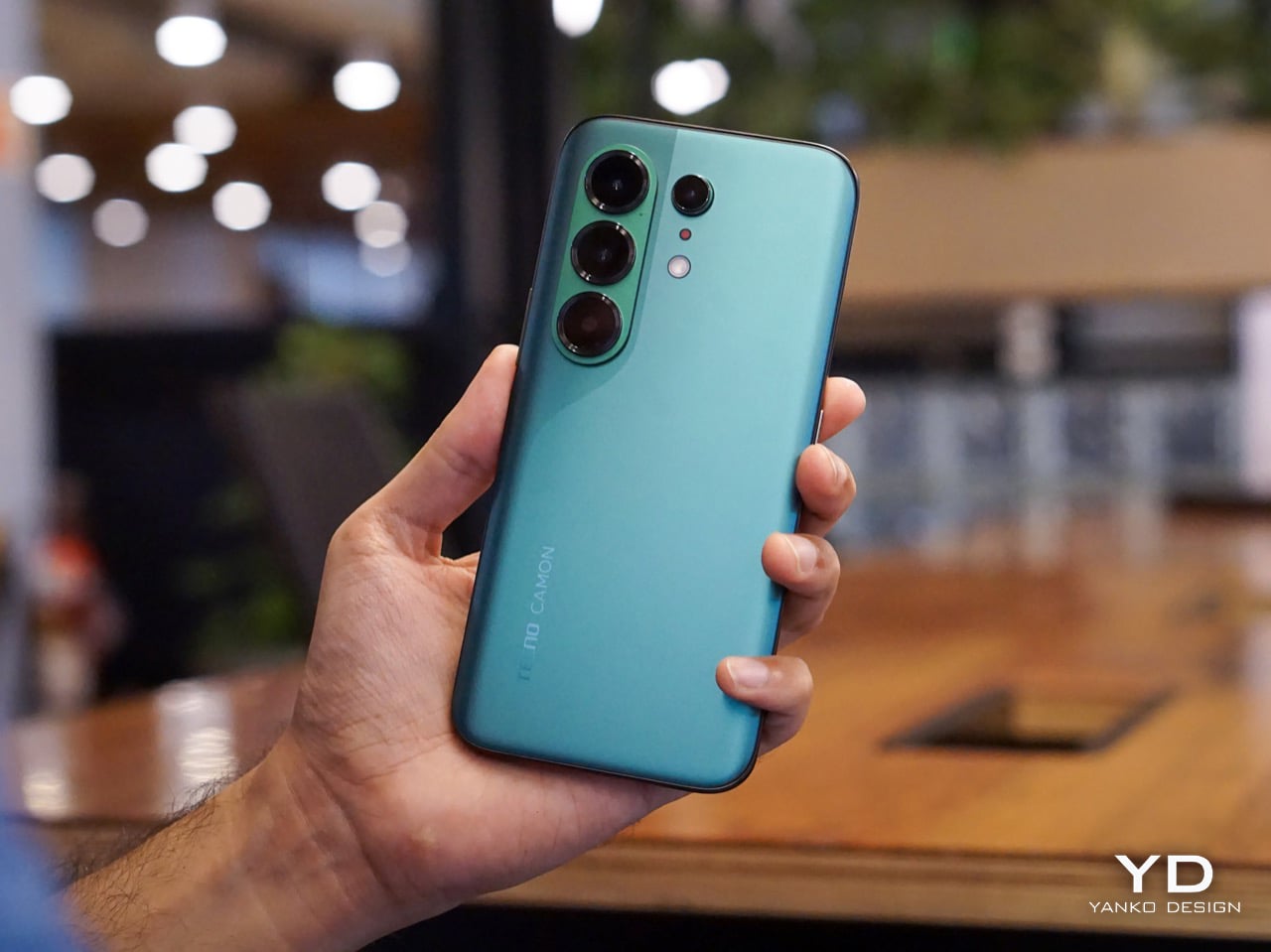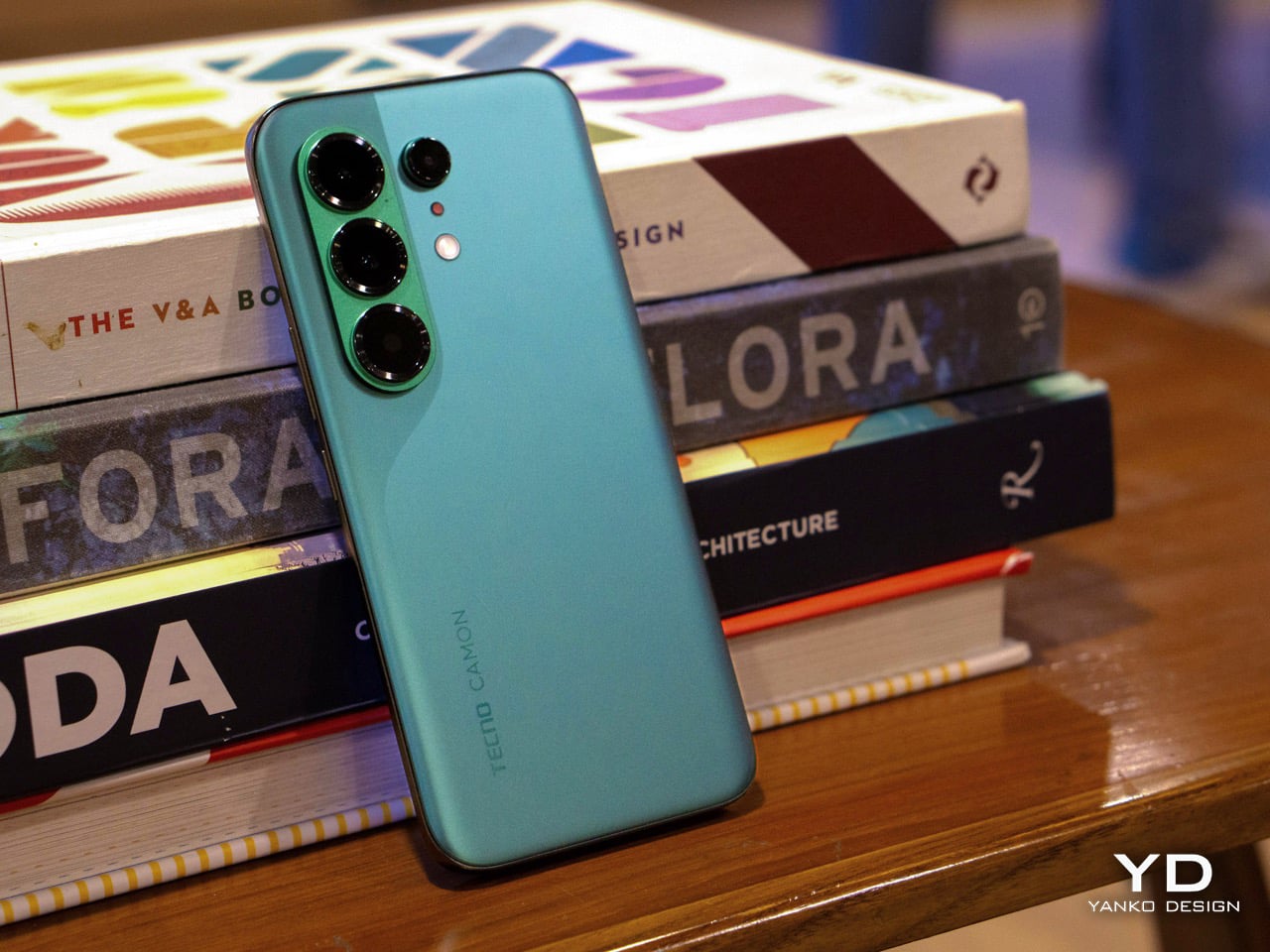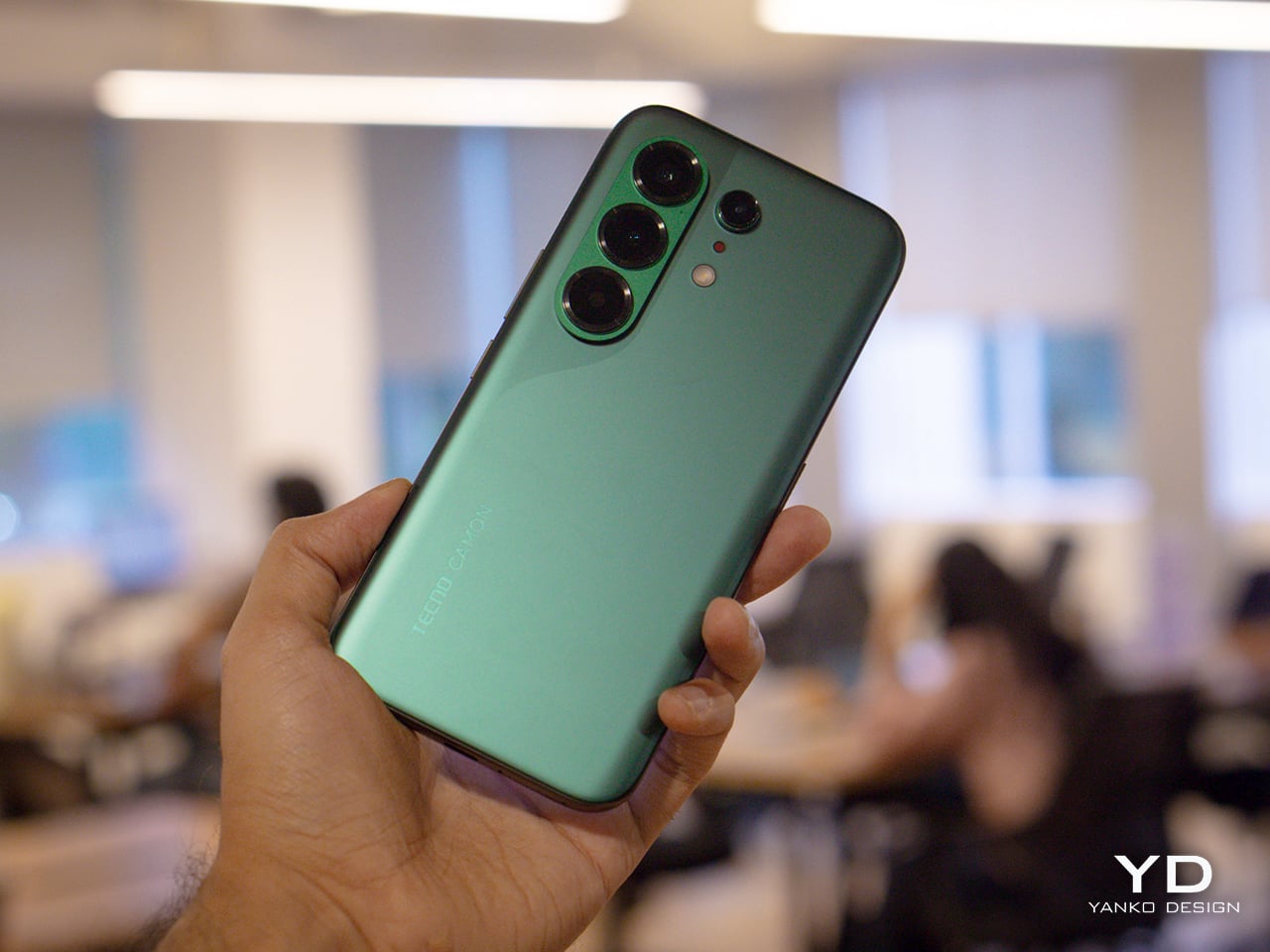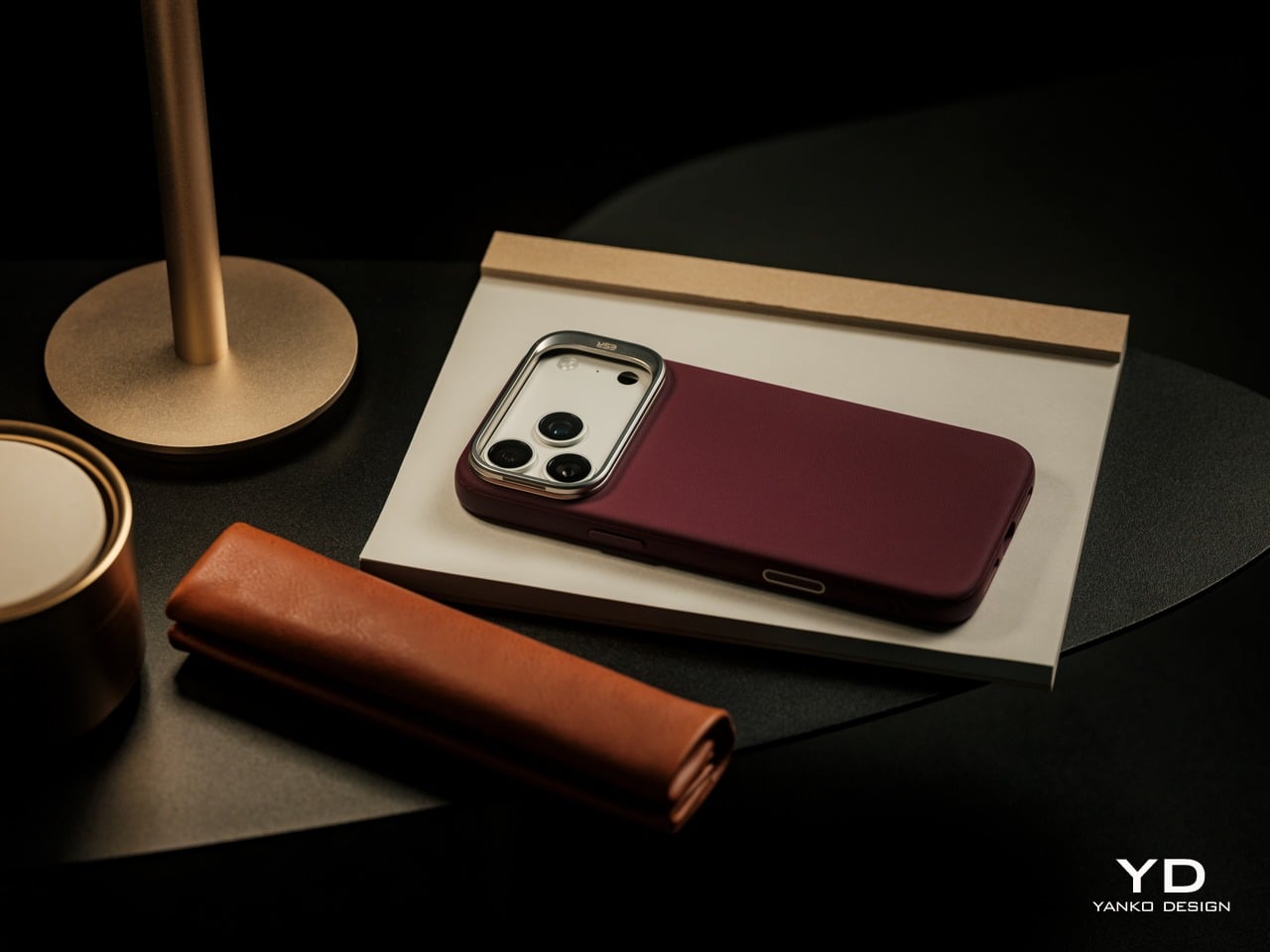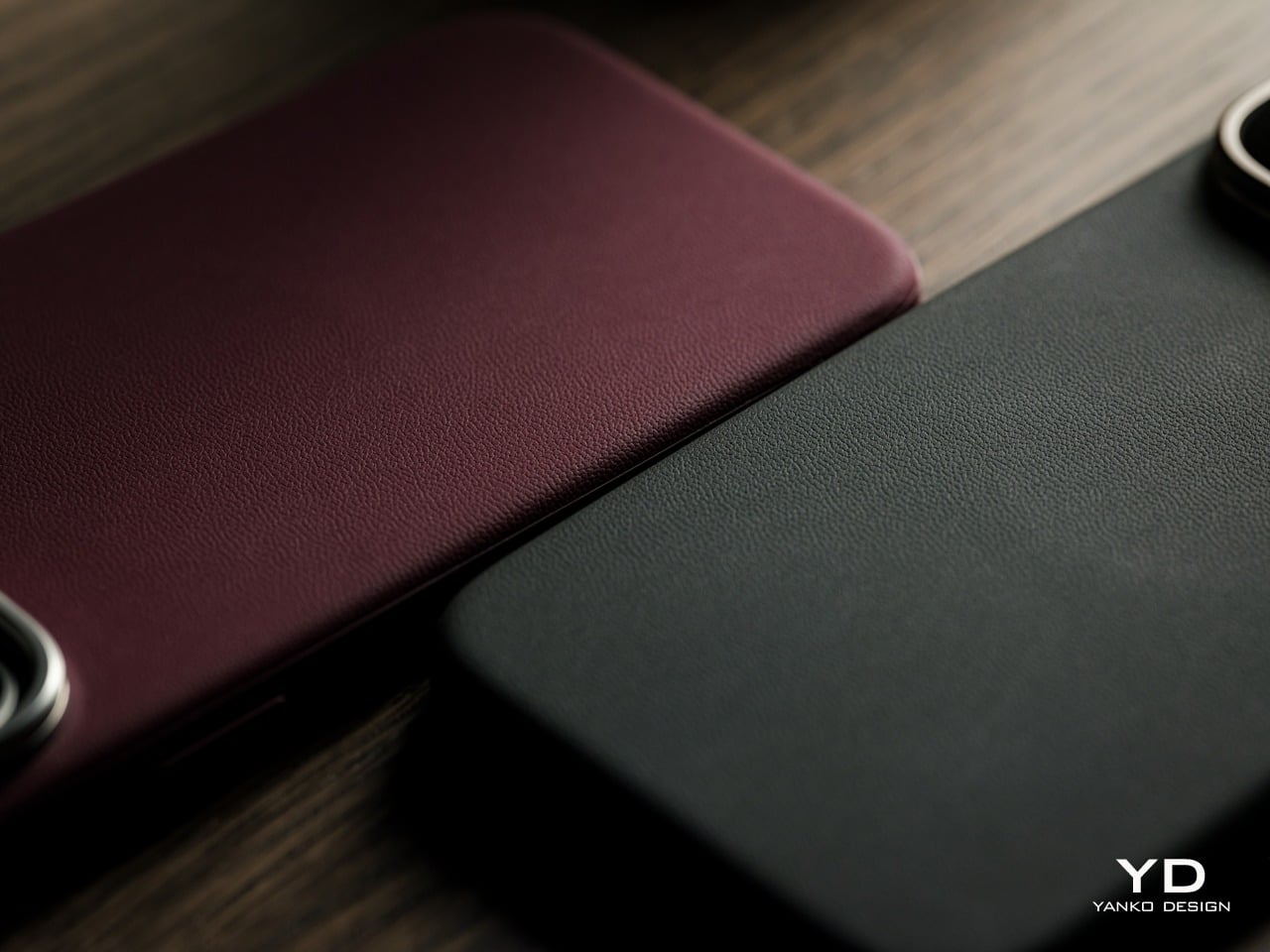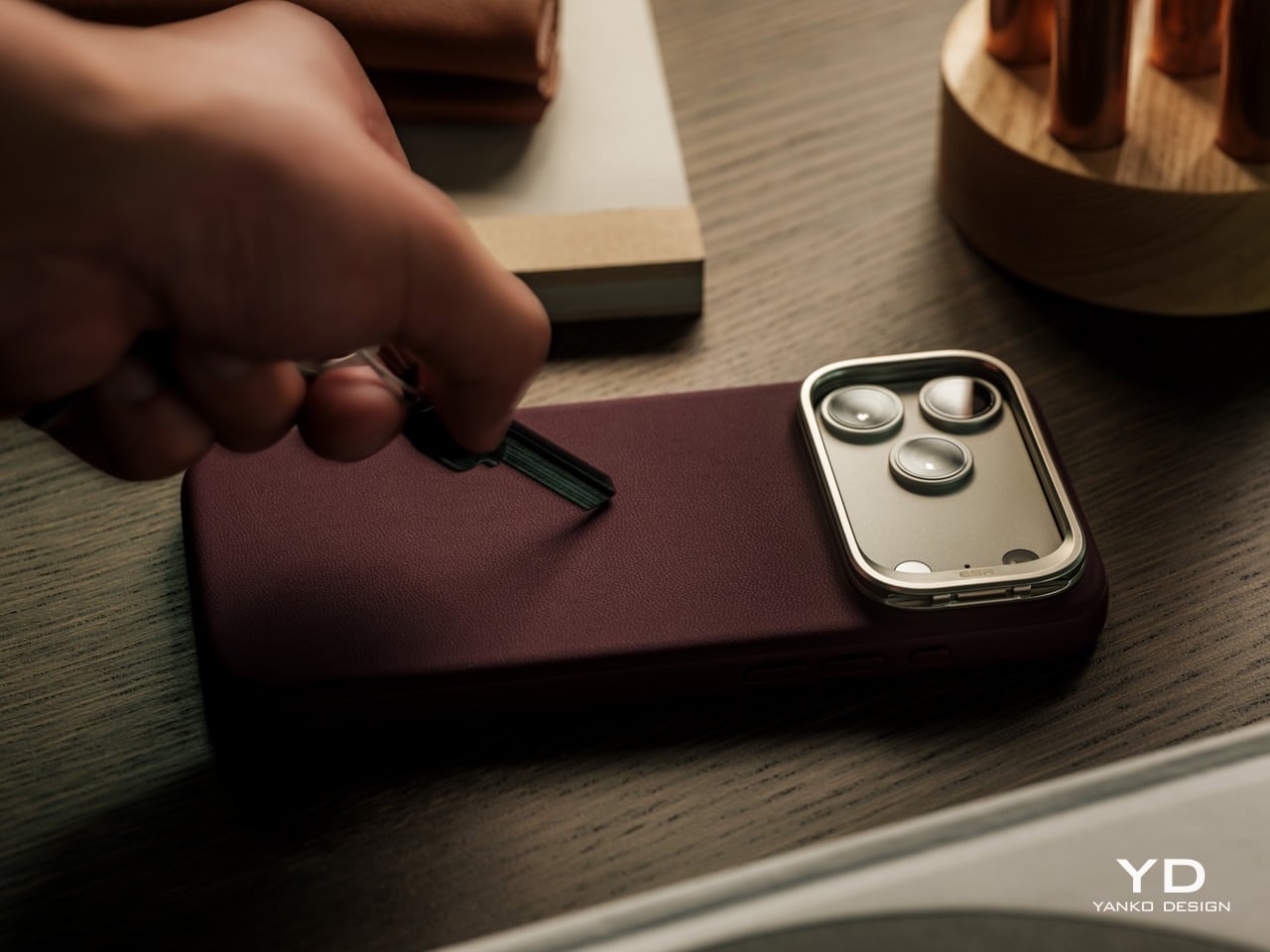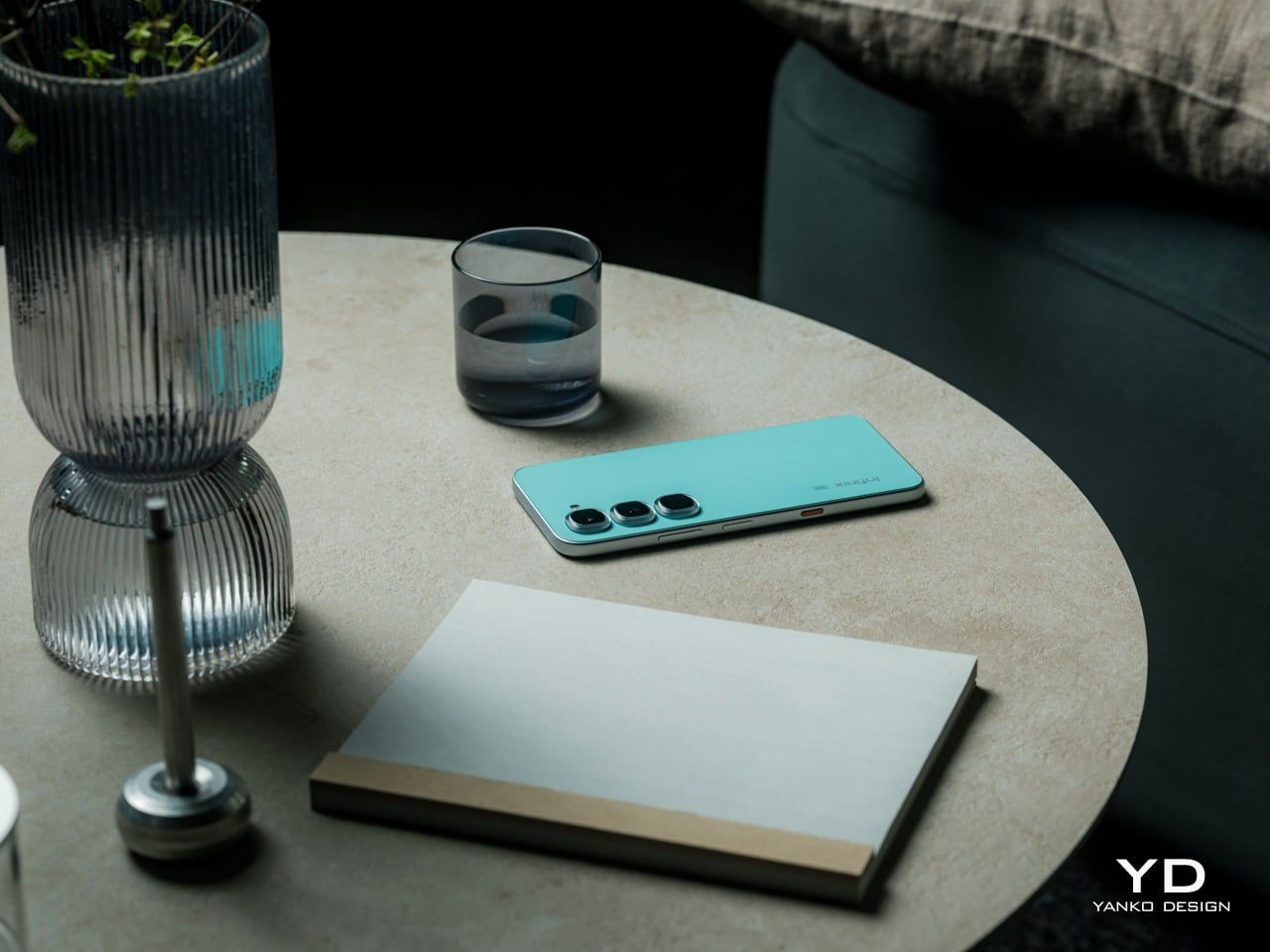
Infinix HOT 70 Series Review: Designed Like a Flagship, Not Priced Like One

PROS:


  • Eye-catching designs that deliver a strong visual identity

  • Color-changing Thermo Orange opens DIY possibilities

  • Clous de Paris-inspired button makes AI more tactile and personal

  • Decent performance and strong value for its price

CONS:


  • No dedicated telephoto or ultra-wide cameras

  • Infinix HOT 70 (non-Pro) is limited to 4G networks only

RATINGS:

AESTHETICS
ERGONOMICS
PERFORMANCE
SUSTAINABILITY / REPAIRABILITY
VALUE FOR MONEY

EDITOR'S QUOTE:

The Infinix HOT 70 is proof that expressive, design-forward smartphones don't have to cost a fortune.
award-icon

The affordable smartphone market has long operated on an unspoken rule: you get your camera, your processor, and a solid battery, but genuine design ambition is a luxury reserved for pricier tiers. Walk into any mid-range phone aisle, and you’re likely to face the same predictable cycle, gradient blues and purples on glass-and-plastic slabs that look almost indistinguishable from one another, functional but rarely intentional.

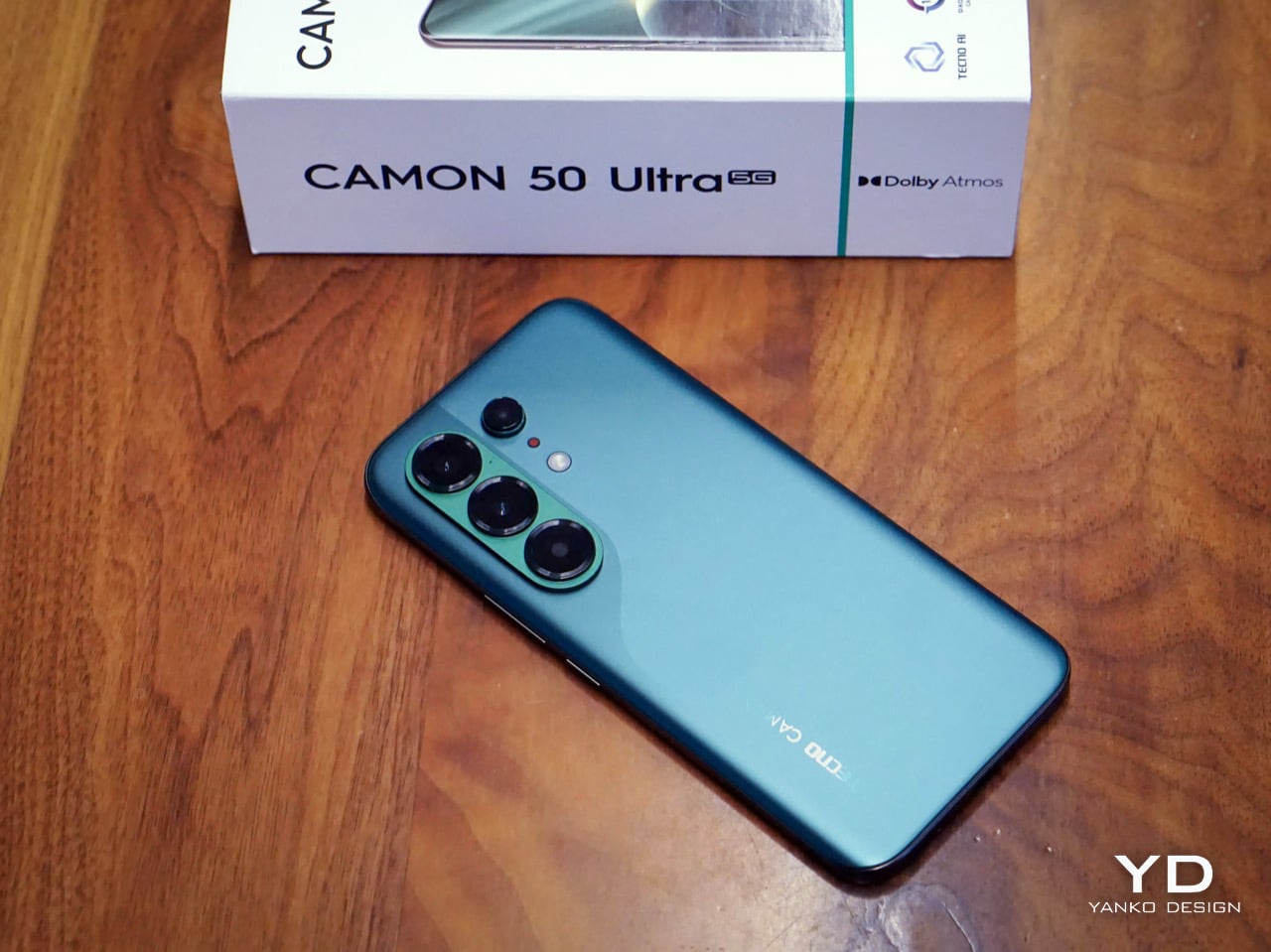
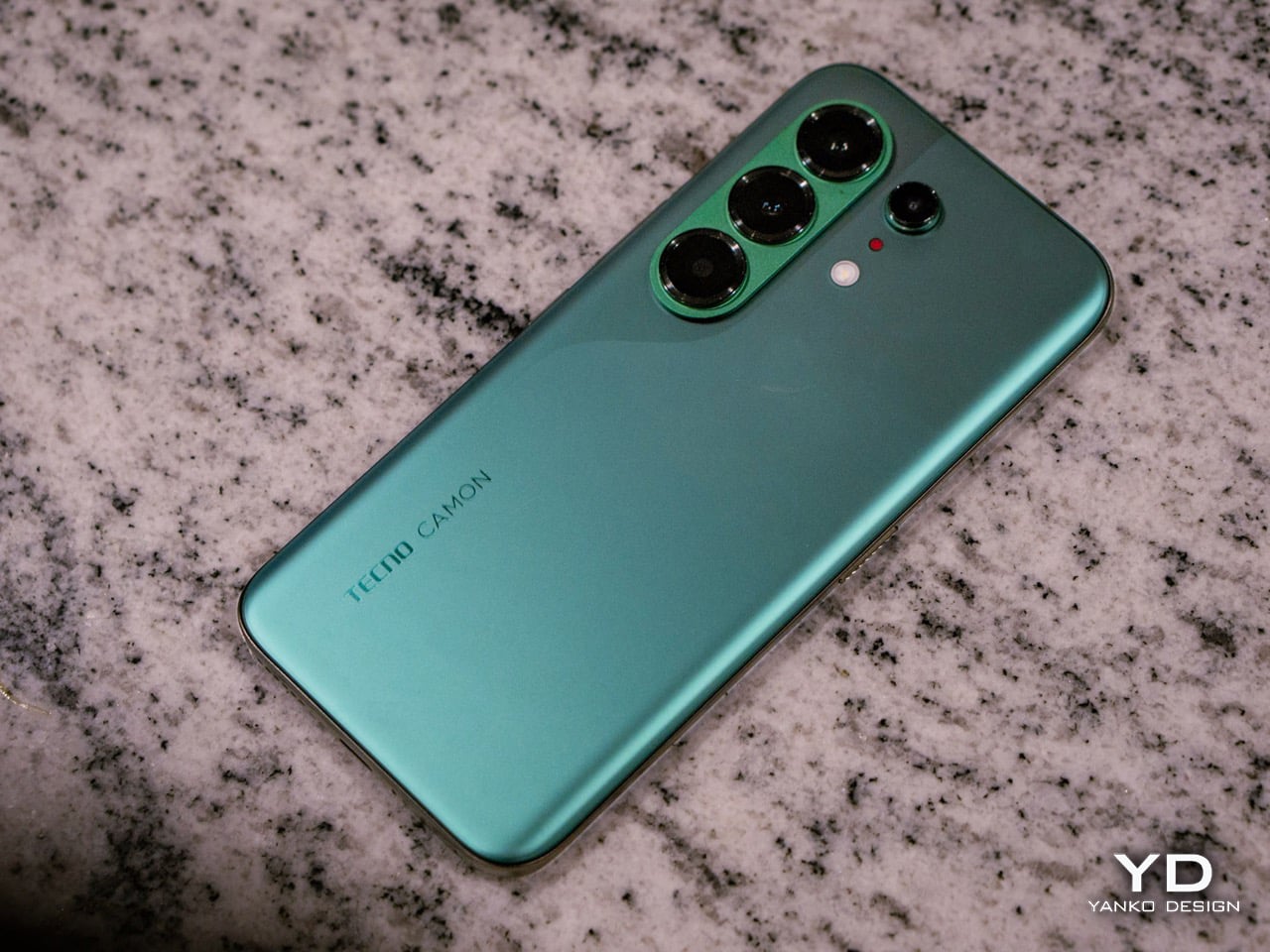
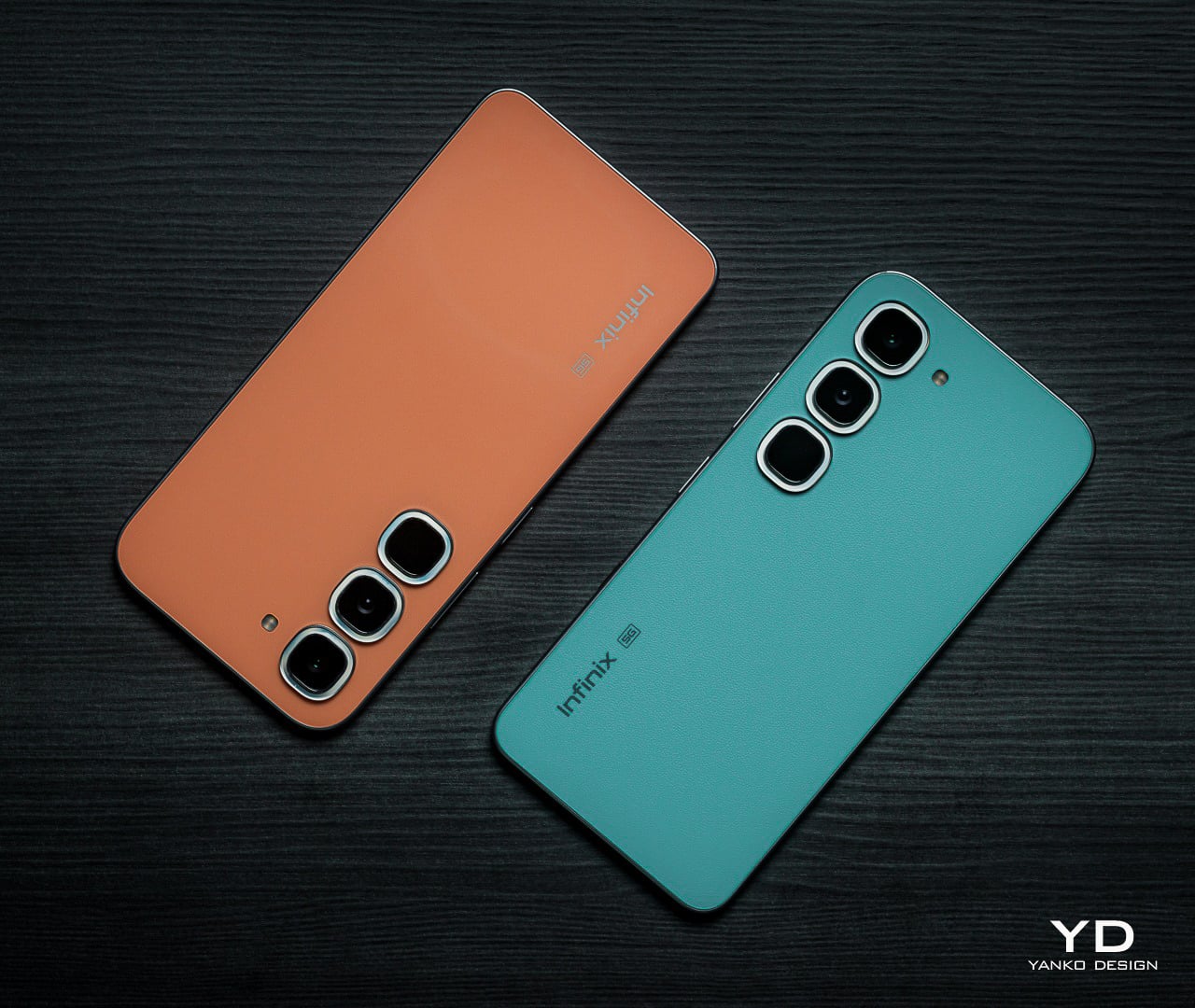
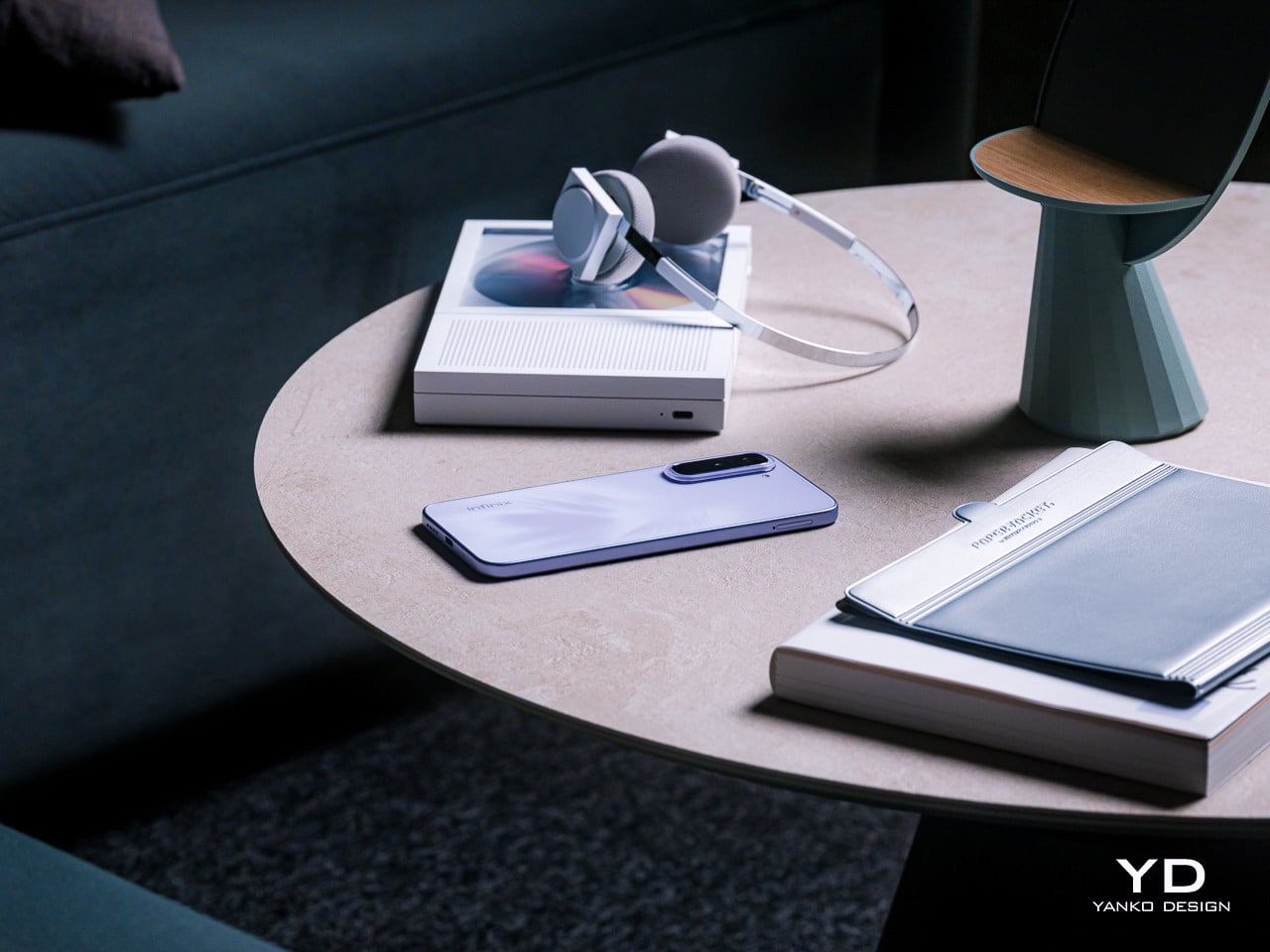
Infinix is trying to challenge that assumption with the HOT 70 series with its Industry-First 12-Colorway Dynamic Shine Design. It comes in two distinct flavors: the HOT 70 and the HOT 70 Pro 5G. Both arrived for this review, the HOT 70 in Quiet Violet and the HOT 70 Pro 5G in Thermo Orange and Mirage Green, and all announced themselves as something genuinely

Designer: Infinix

Click Here to Buy Now: HOT 70 | HOT 70 Pro 5G

Aesthetics

Infinix has long understood something that a lot of phone brands still haven’t fully caught on to: young users aren’t shopping for specs alone, they’re buying something that reflects who they are and what they’re about. The HOT 70 series is the brand’s clearest statement on that front, organized around a “Colorful, Versatile, Fun” philosophy that treats aesthetic identity and personal expression as core design priorities, not afterthoughts.

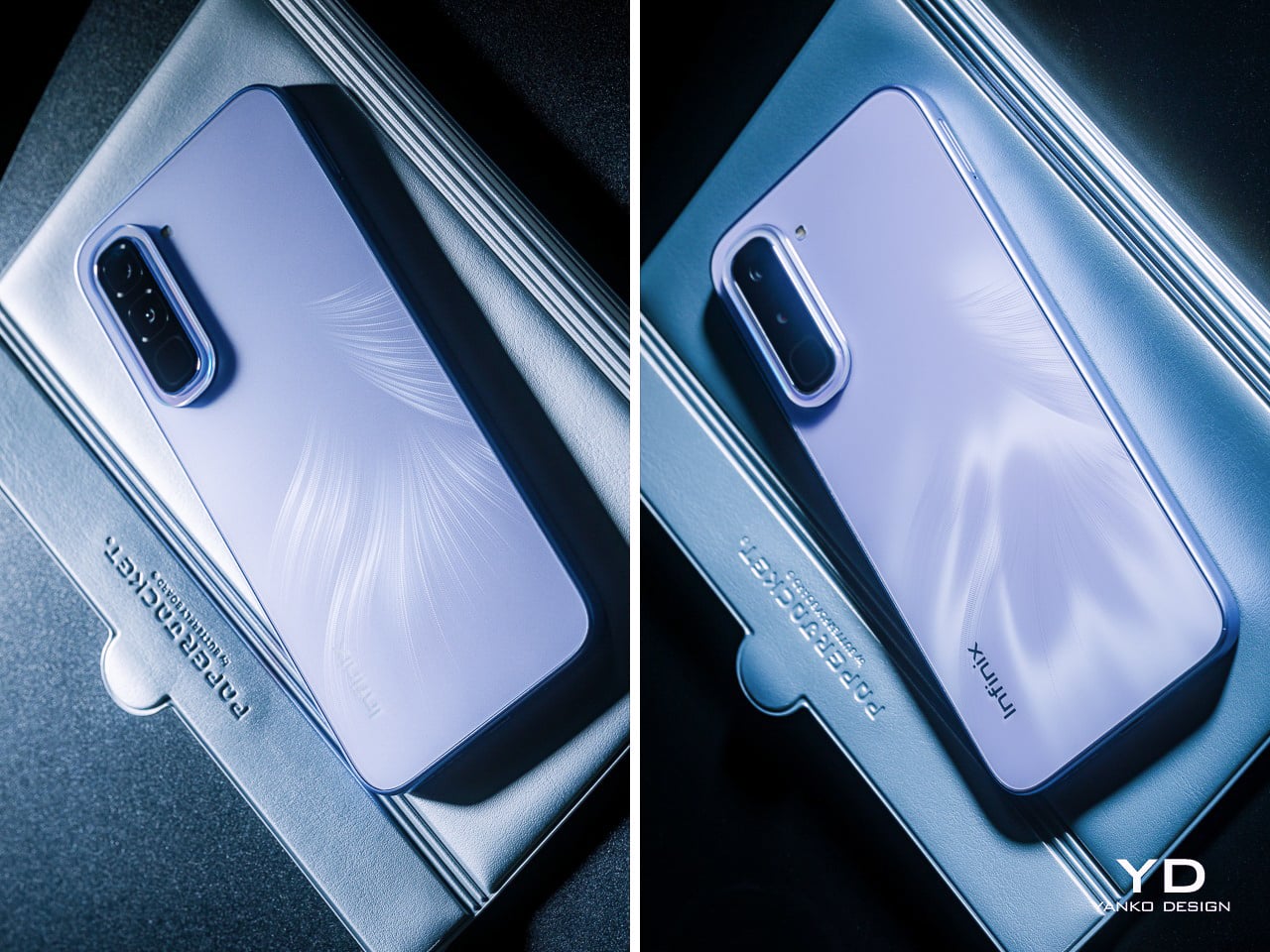
Both phones share a design language Infinix calls the Dynamic Shine Aesthetic Design, and the common thread across both models is a Baby-Smooth Finish, a surface with an advanced anti-fingerprint coating. That silky, finely soft in-hand texture genuinely holds up in practice. After time with both phones, fingerprints and grease smudges are noticeably less of a nuisance than on most others in this price category, which counts for a lot.

Infinix HOT 70

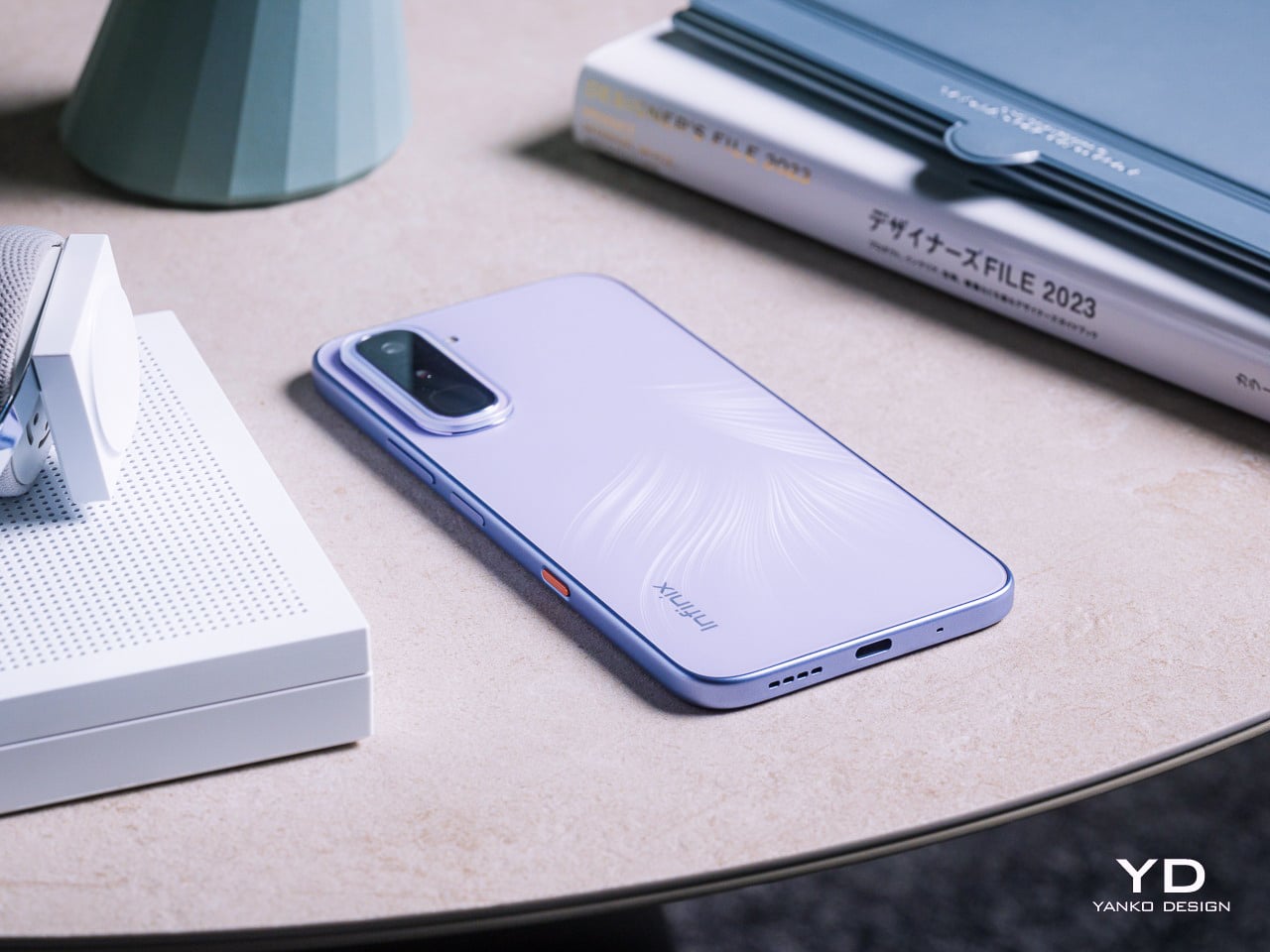
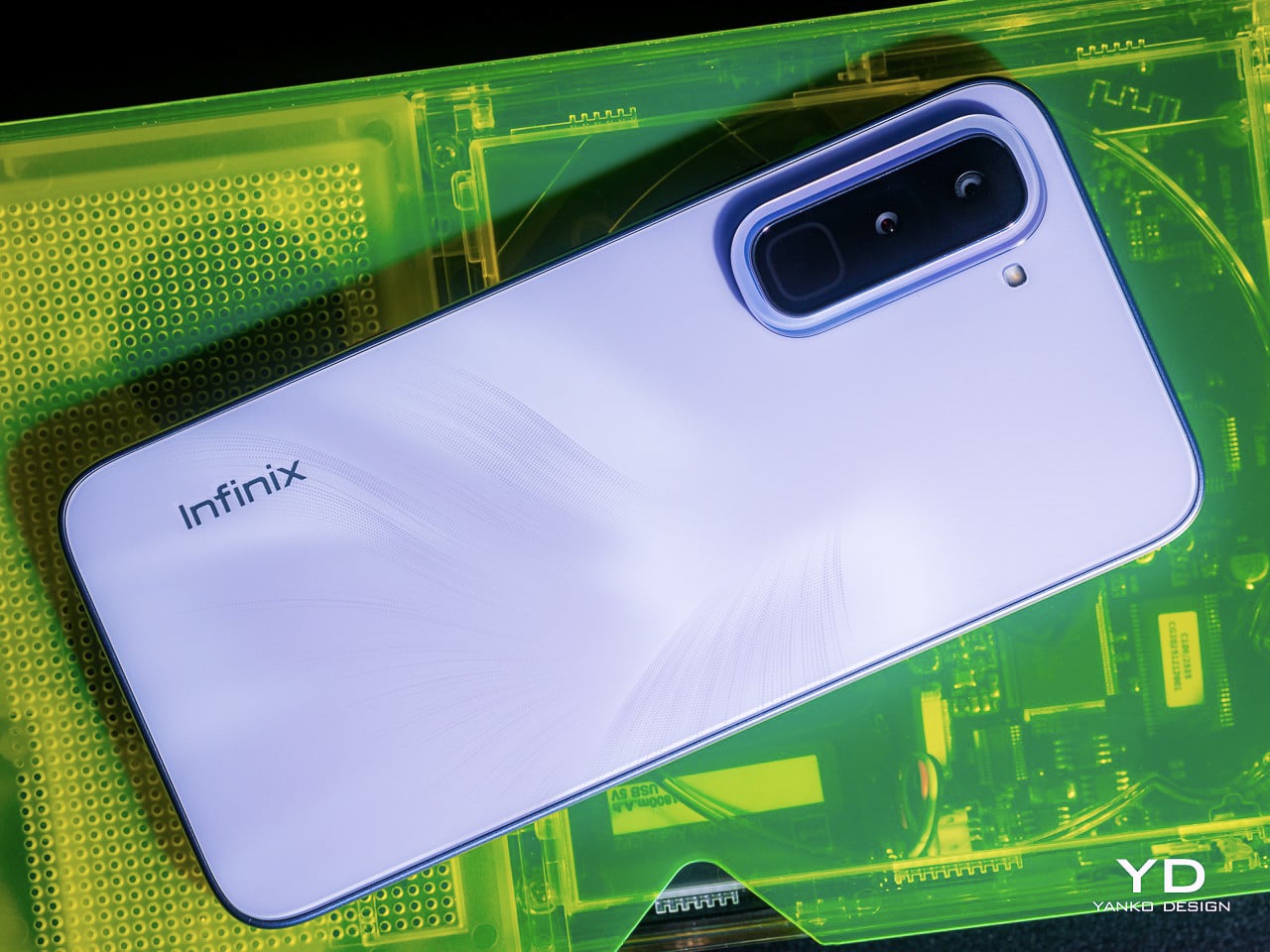
The HOT 70 arrives in six colorways: Thermo Orange, Night Pulse, Silver Dancer, Dive Blue, Green Texture, and the Quiet Violet reviewed here. Where most phones at this price simply pick a color and commit to it, the Quiet Violet does something more considered. The Lumina Flare Dynamic Flame Texture layers micro-textures beneath the surface, creating a shifting light-and-shadow effect that reads differently depending on where you are.

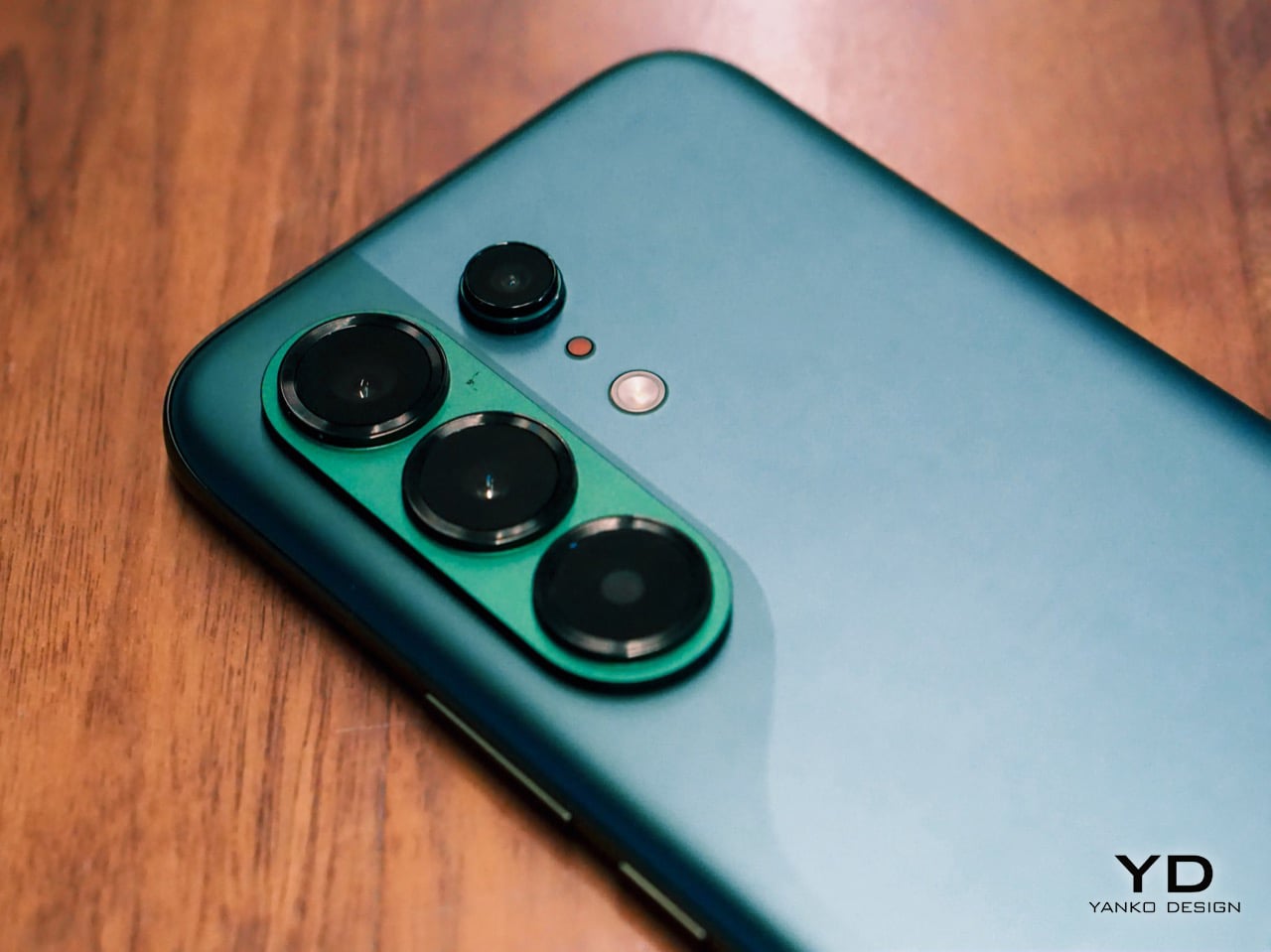
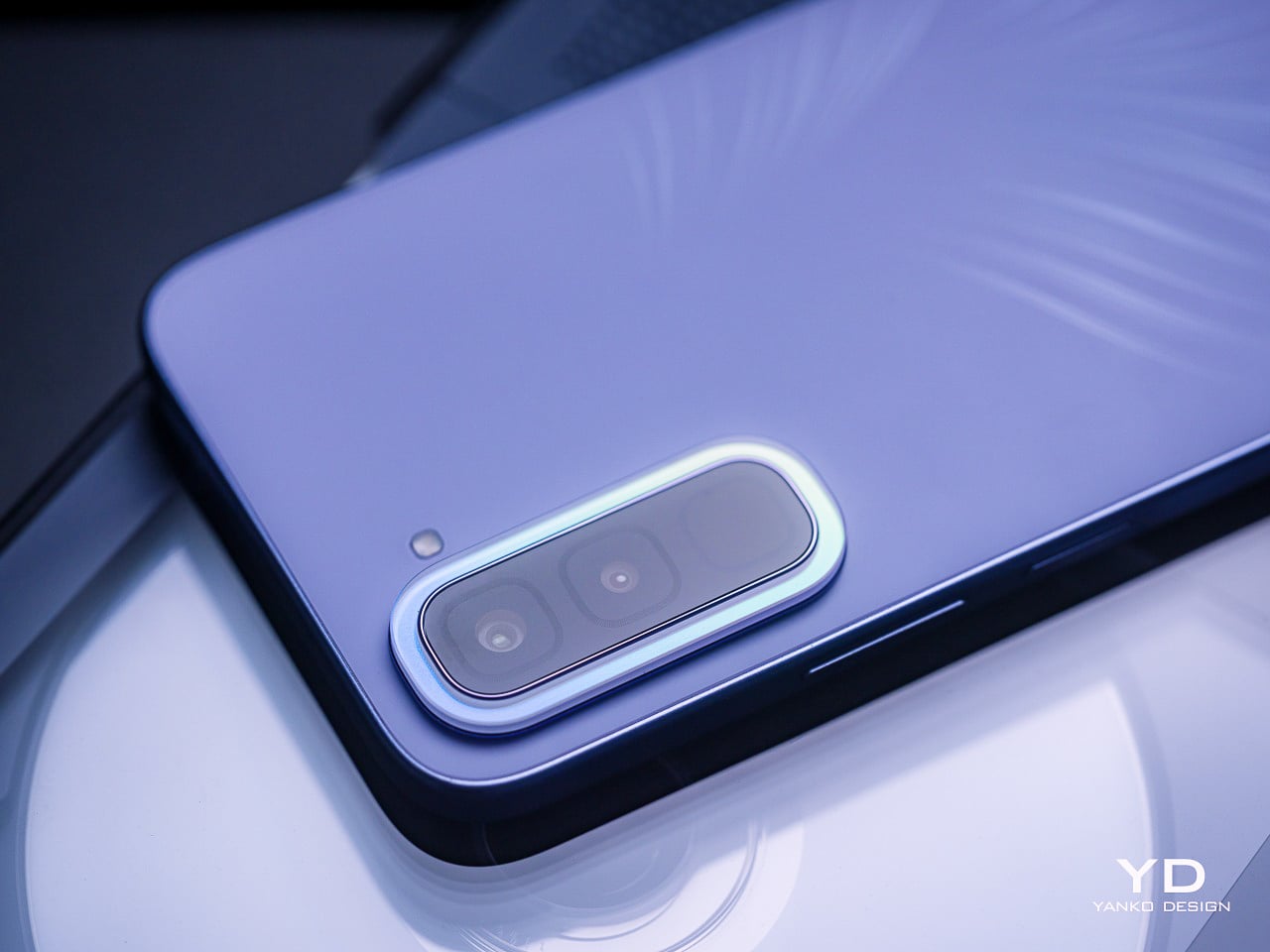
The Crystal Mood Island camera ring is where the craftsmanship gets more deliberate. It sits around the camera bump as a decorative ring that catches light and bends it into iridescent gloss, shifting tone with every viewing angle. On paper, that sounds like a marketing detail, but in practice, it adds genuine visual contrast between the ring and the rest of the panel behind it.

Then there’s the Active Halo, the light ring surrounding the camera area that pulses softly for calls, messages, charging status, and game launches. It’s tempting to dismiss this as a gimmick, but there’s a genuinely useful case for it: the phone is face down, silent, and the Halo quietly signals an incoming call without making you reach for it every few minutes.

Infinix HOT 70 Pro 5G

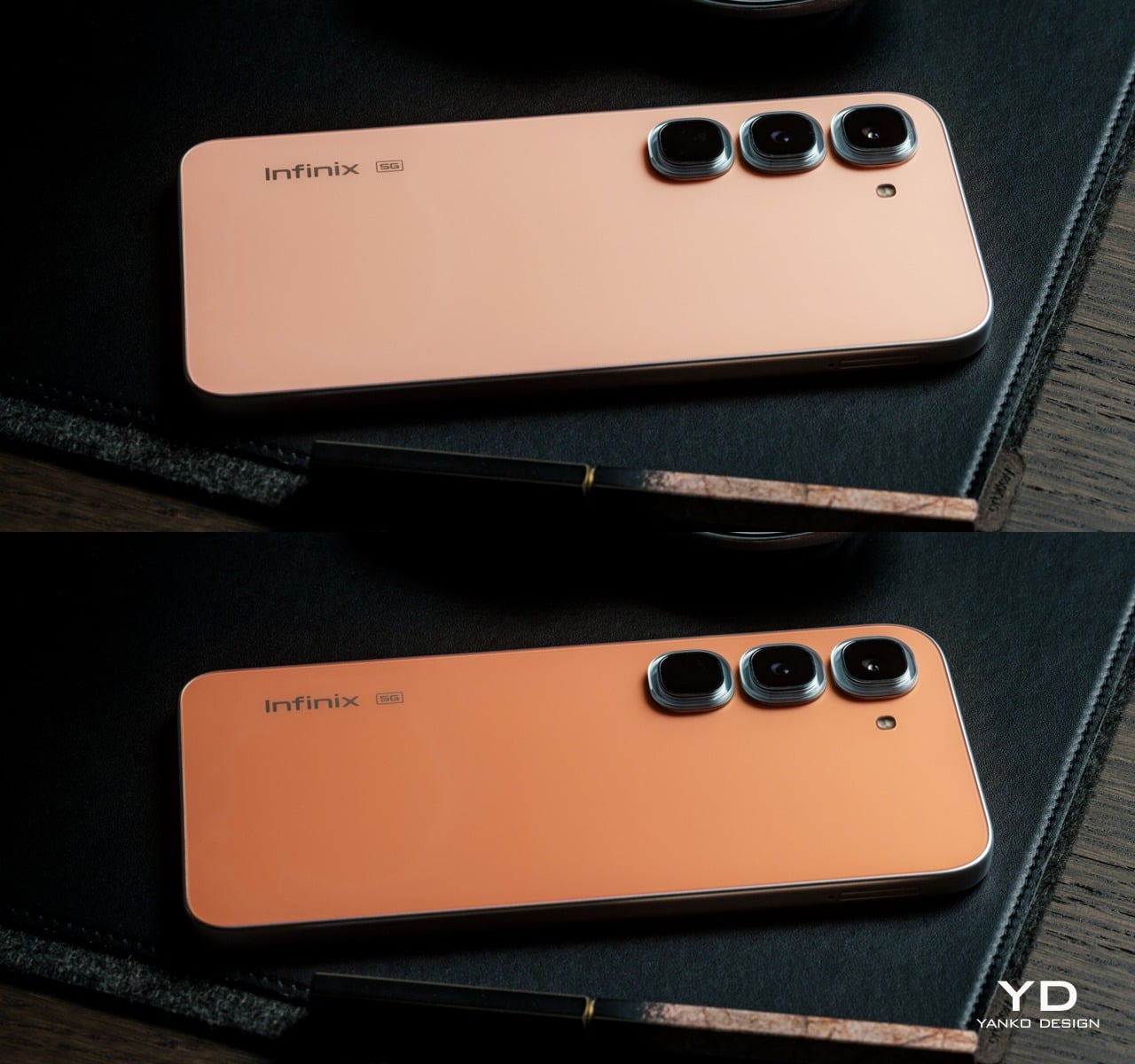
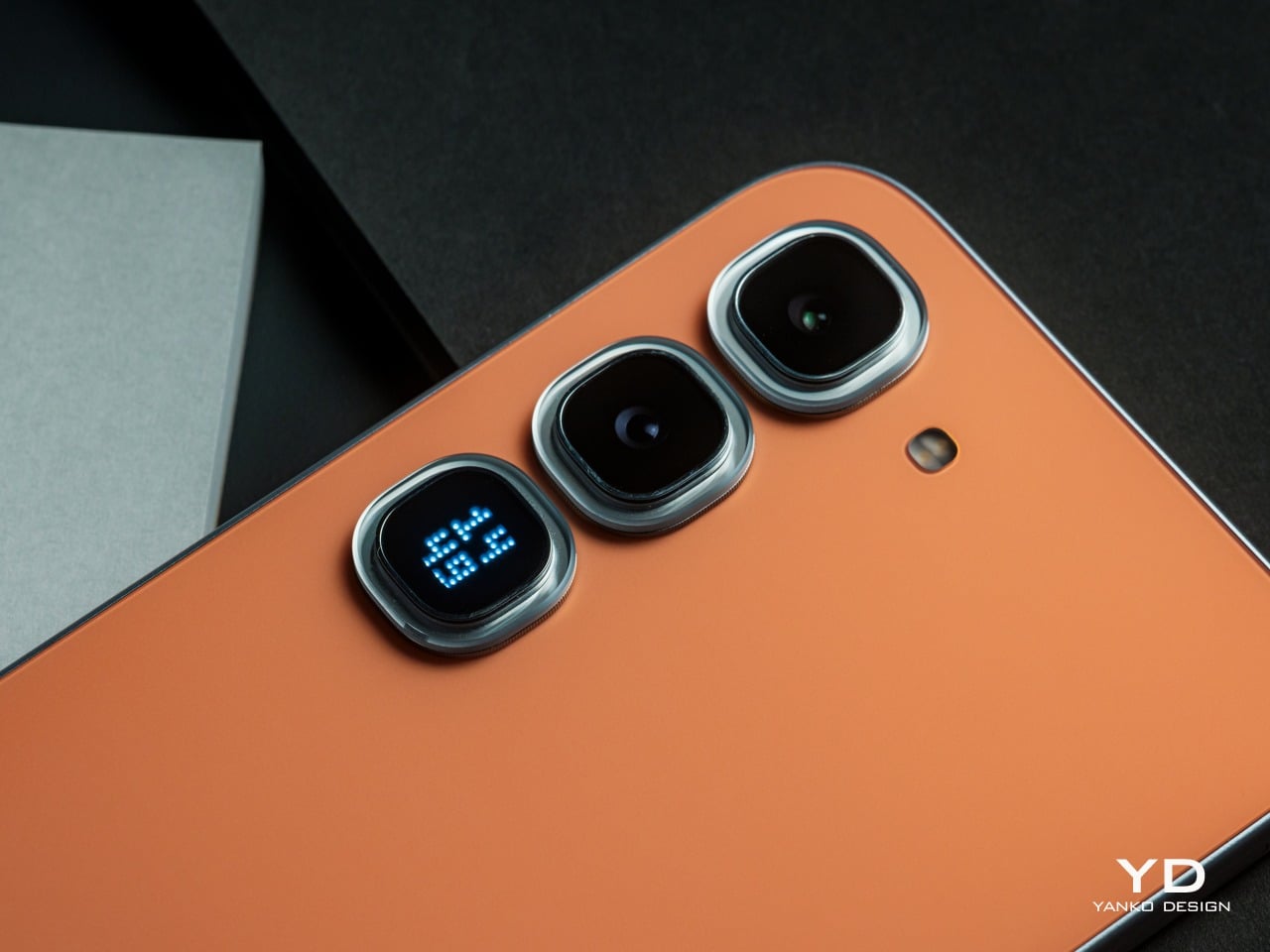
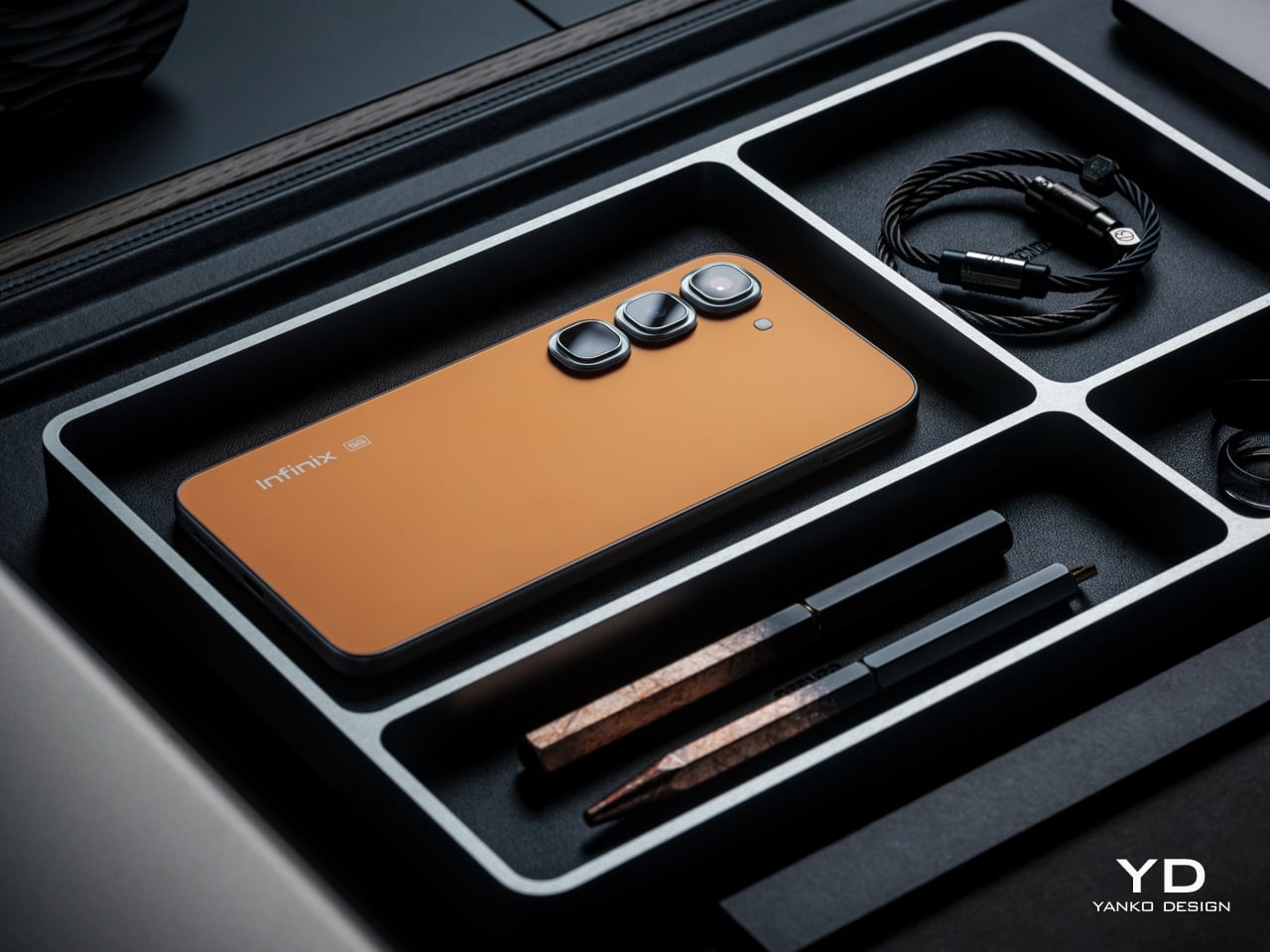
The HOT 70 Pro 5G is available in six colorways: Thermo Orange, Mirage Green, Silk Glow Purple, Night Pulse, Dive Blue, and the limited edition Depth Ring White. The Thermo Orange commands the most attention, and rightly so. Its Dual-way Thermo Sensing Skin technology physically shifts between a deeper orange below 0°C and a lighter tone above 65°C, and crucially, holds that state until the temperature resets it.

What the Thermo Orange also enables is DIY customization: cool the phone to its deep state, then press a heated stamp or trace with a hot glue pen at around 65°C to create patterns directly onto the back. The concept is genuinely novel for this price tier, and it’s quite fascinating to see the phone come out of the freezer with a different shade of orange. It also opens up possibilities for DIY designs with the stencils and the careful use of a glue gun to heat up only certain areas, creating eye-catching contrasts of light and dark areas you’d think the phone was designed with originally. Given that you are exposing the phone to extreme cold and hot temperatures, however, proper care should still be taken.

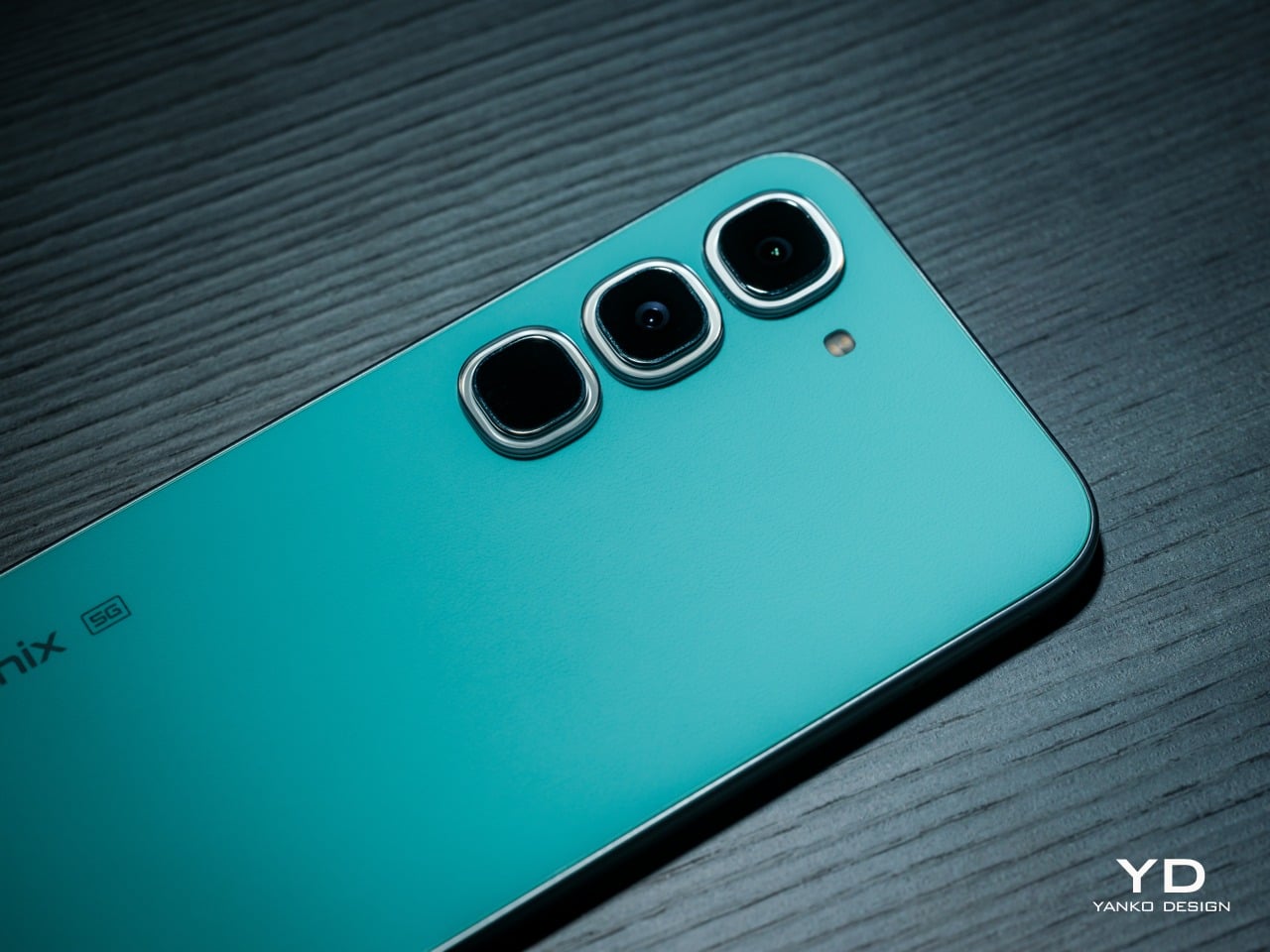
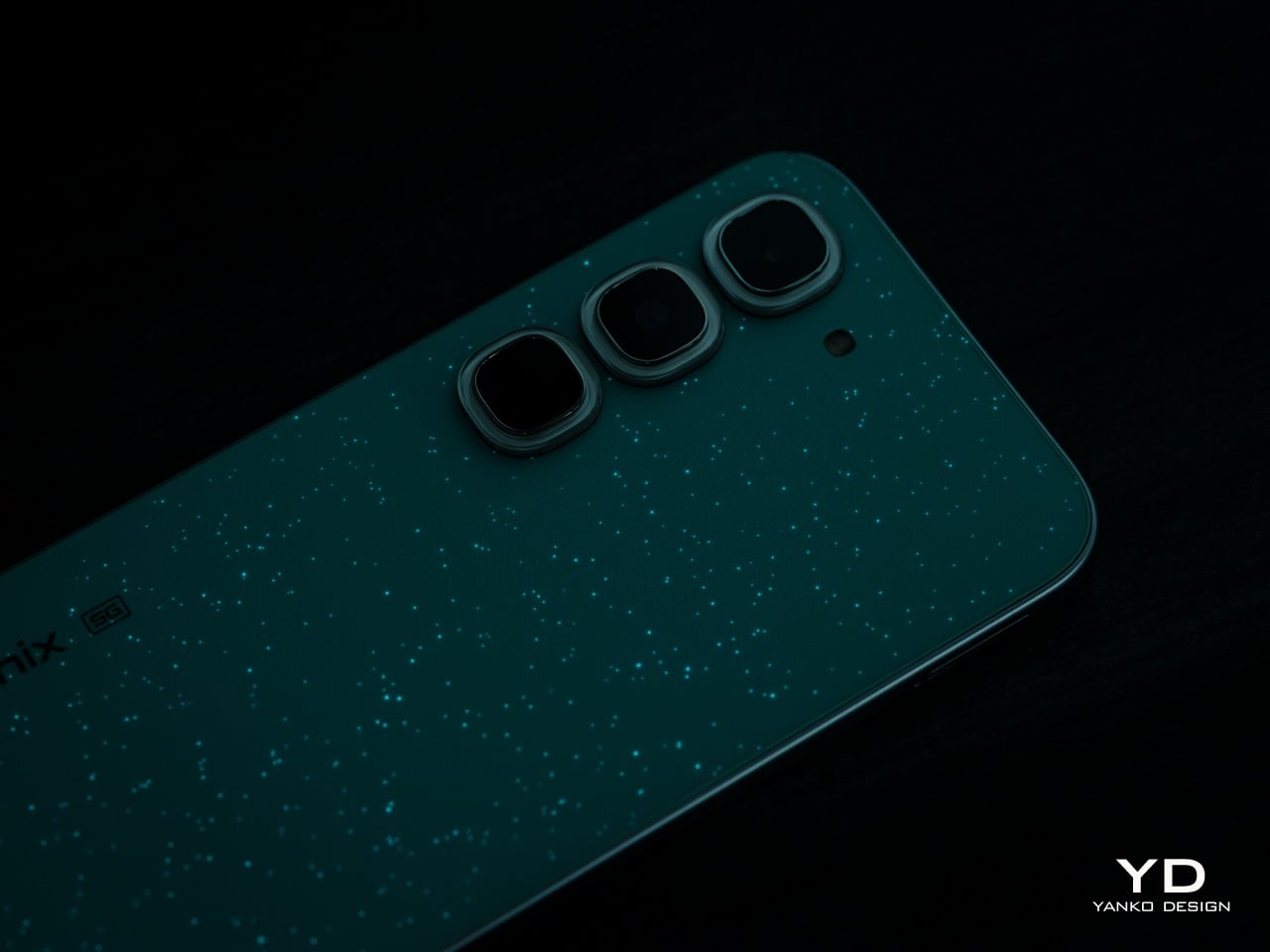
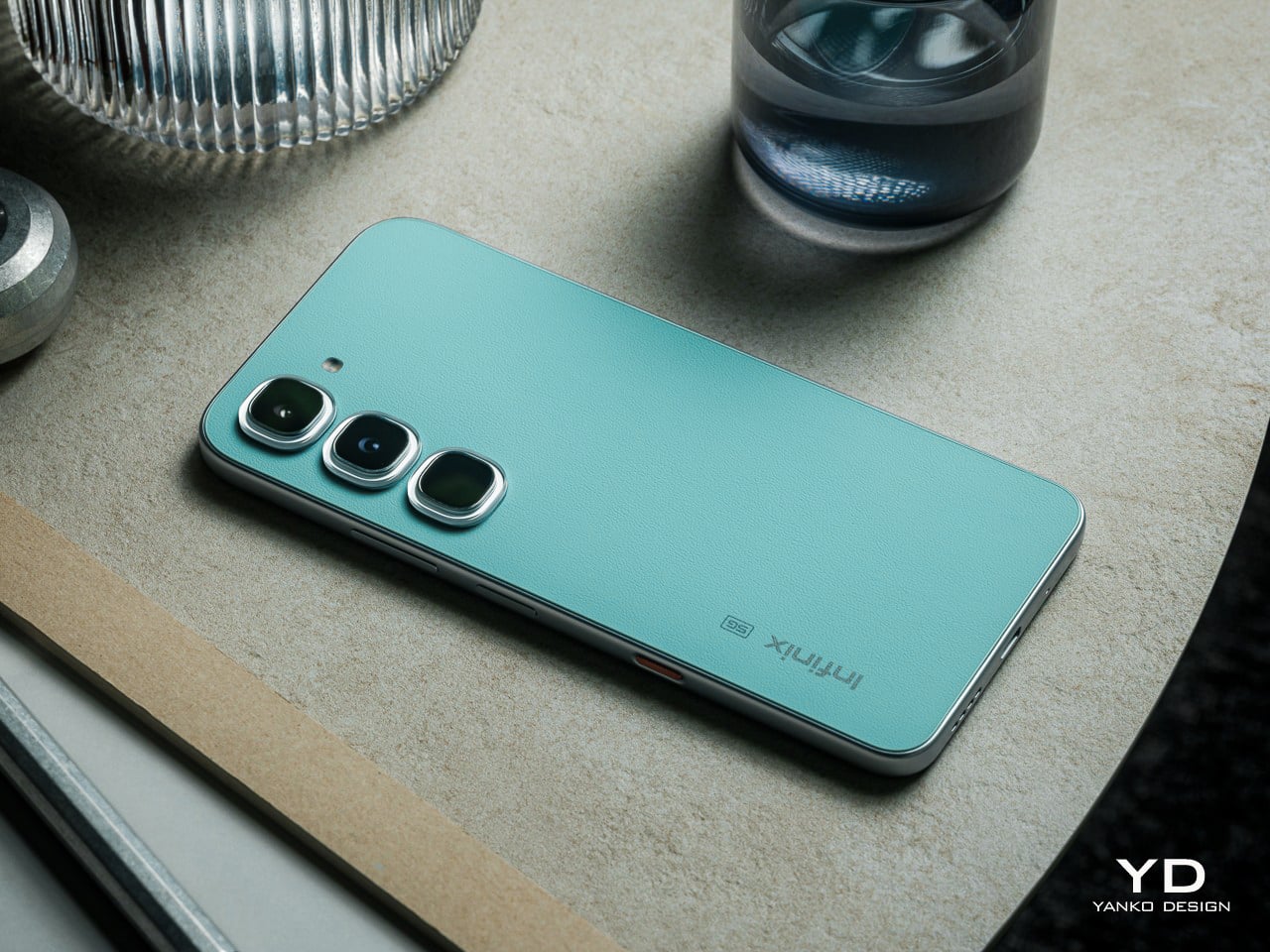
Mirage Green, exclusive to the Pro model, offers a more subtle yet equally stunning color-changing effect. Nearly-invisible luminous particles embedded in the leather-like finish on the back of the phone absorb light during the day. Once the sun sets, these dots glow like stars dots scattered against a dark green night sky. It’s a visual that is both premium and calming, perfectly reflecting its design.

The remaining hero finishes deserve more than a footnote. Silk Glow Purple builds its color from nano-scale structural layers rather than pigment, which means the purple actually shifts and travels across the surface as the angle changes. The Limited Edition Depth Ring White goes further, using a micro-lens array to create what reads as a floating 3D ring against an otherwise flat back panel.

The Active Matrix Cube is the Pro’s most distinctive rear-surface detail, a programmable light matrix that’s a flagship-level feature from Infinix’s premium product lineup. It handles status alerts, ambient lighting, mini-games, and custom pattern displays, and can even share those creations via NFC with a single tap. It turns the back of the phone into a secondary surface that communicates something, even when the screen is dark.

Ergonomics

At just 7.49mm thin and 195g light, the HOT 70’s pocket-favourite design offers effortless portability, slipping easily into pockets or small bags and ensuring smooth one-handed handling for commuting, travel, and everyday use. The HOT 70 Pro 5G is marginally heavier at 204g and slightly thicker at 7.85mm to 7.95mm, depending on the colorway, differences that don’t read as particularly significant in everyday handling.

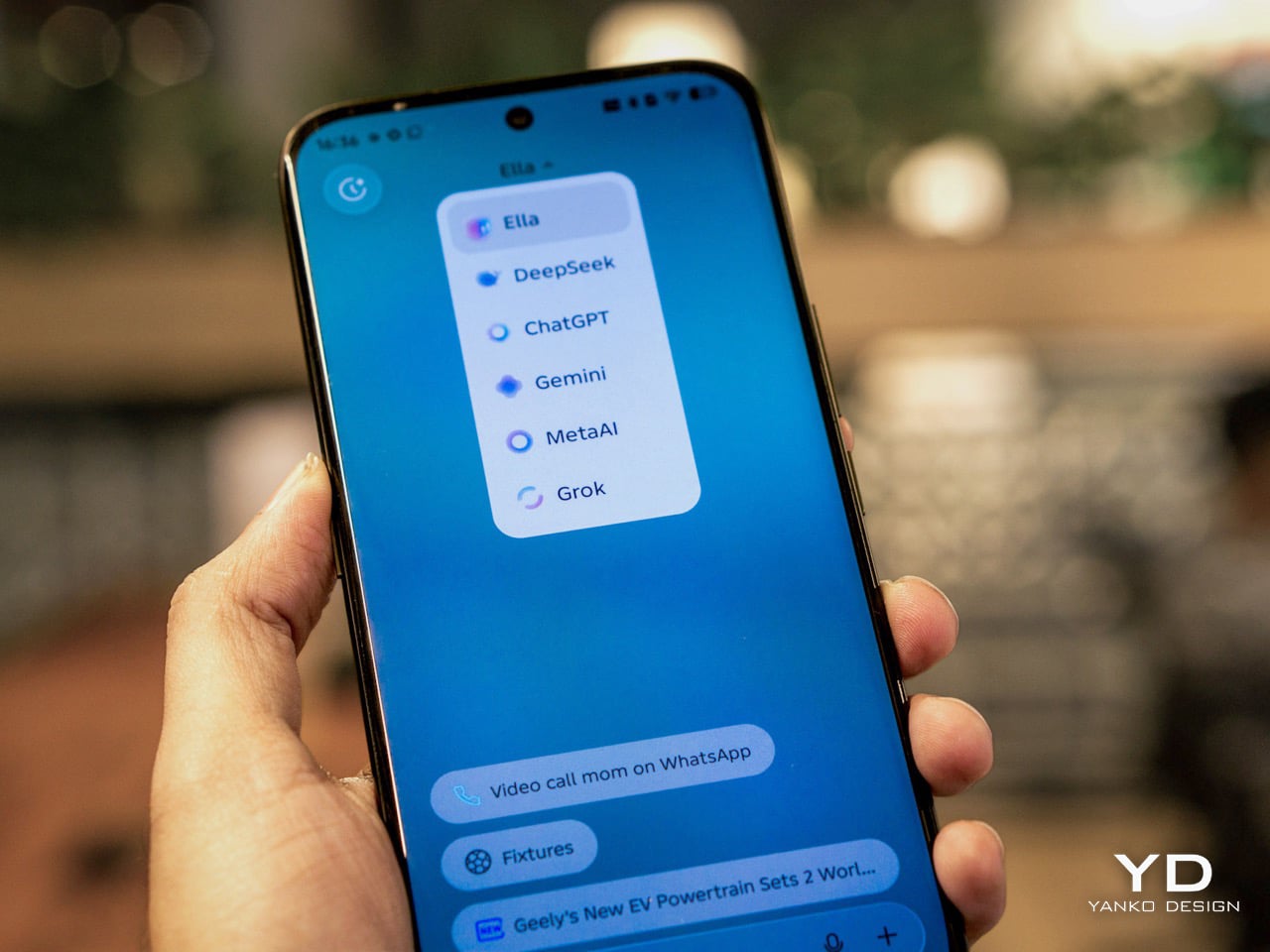
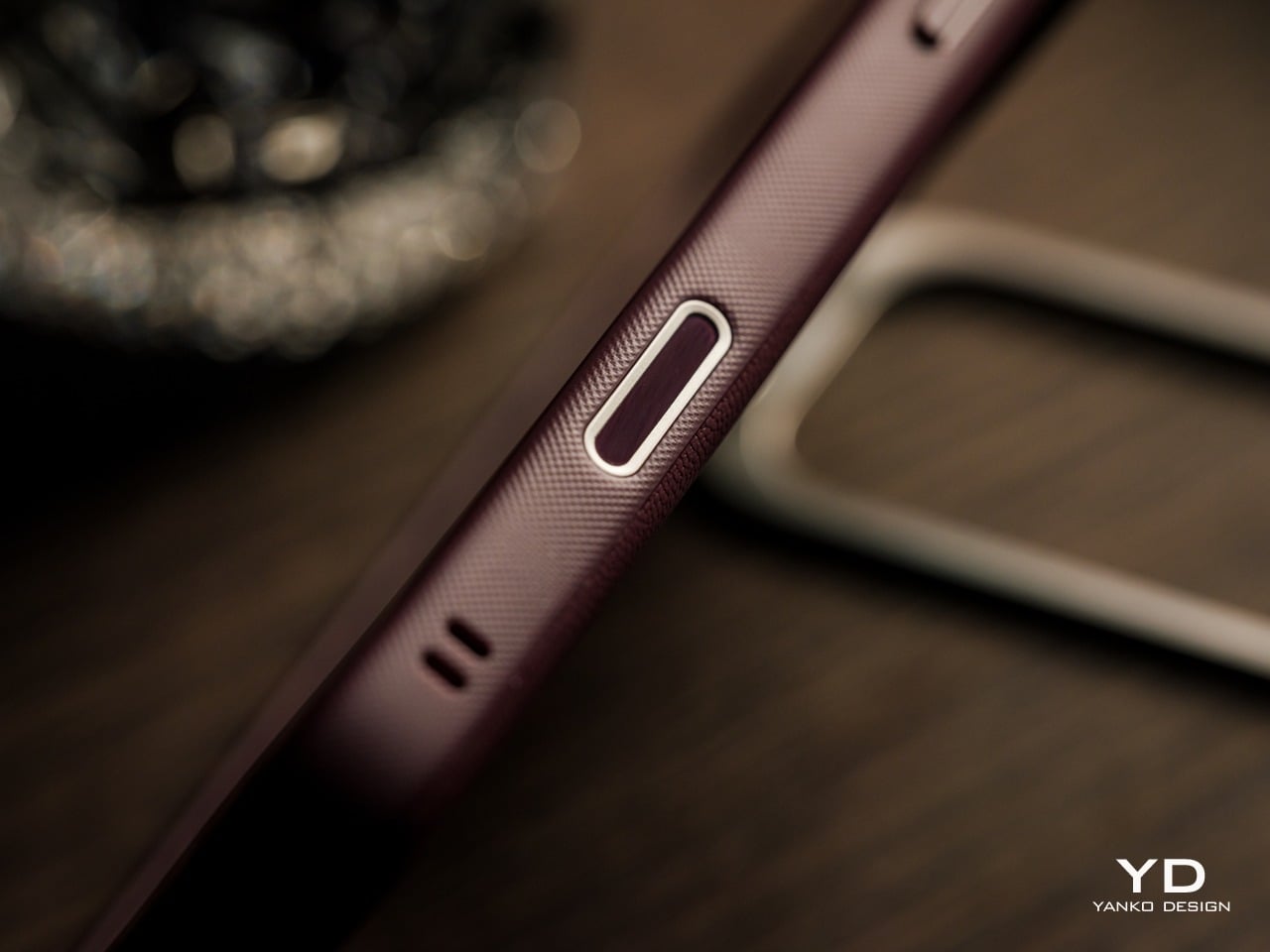
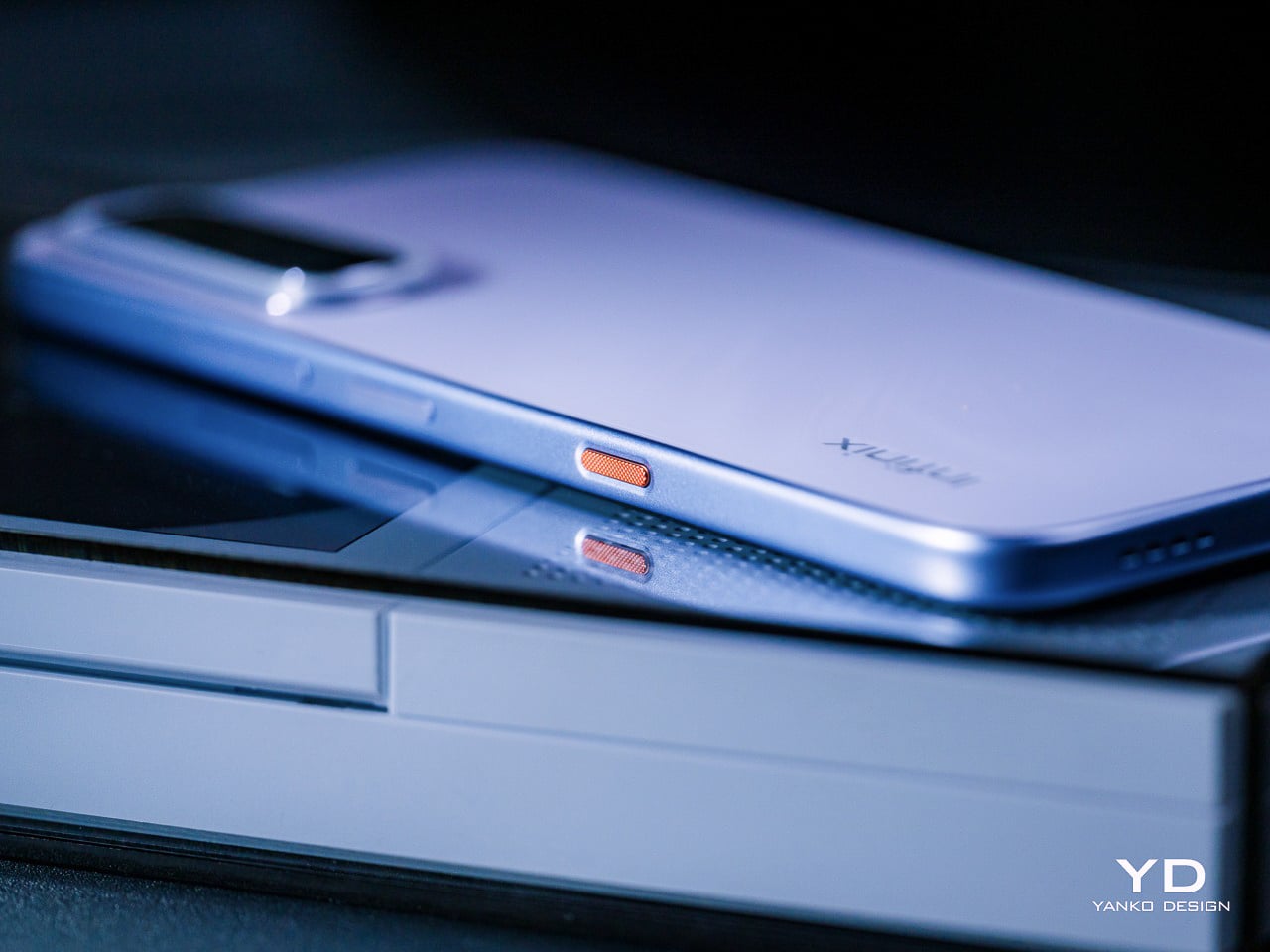
The One-Tap AI Button on both phones is inspired by the Clous de Paris design, with a three-dimensional textured surface that delivers a refined, premium tactile feel. Its customizable shortcut logic enables One-Tap AI FlashMemo with a short press and activates Folax AI assistant with a long press, allowing intuitive control and more efficient smart interaction by streamlining everyday tasks. That physical anchor makes AI feel genuinely accessible rather than buried in software menus.

Both phones use punch-hole displays with narrow bezels, giving a clean, open canvas for everyday use. The HOT 70 and HOT 70 Pro 5G have very similar screen sizes at 6.78 and 6.76 inches, respectively, so the real ergonomic difference lies in the refresh rate. The HOT 70 Pro 5G’s 144Hz high refresh rate and 240Hz touch sampling rate deliver ultra-smooth scrolling without ghosting while browsing and streaming, while the HOT 70’s 120Hz panel handles daily navigation comfortably. The smooth visuals help ease eye strain while also improving the overall user experience.

Performance

AI is quite the trend these days, and Infinix isn’t one to be left behind. The HOT 70 Series delivers a full AI experience upgrade featuring a physical One-Tap AI Button, with a dedicated AI Button that supports intelligent intent recognition, enabling one-tap capture of ideas, meetings, emails, and more, with auto archiving and smart schedule creation based on content type. Long-pressing the button activates Folax, Infinix’s custom AI assistant, which answers questions based on whatever is on screen, from displayed text to a live camera view, with access to five or more AI models simultaneously. Between FlashMemo’s capture-and-organize logic and Folax’s any-screen contextual awareness, the two together cover most of what people actually reach for their phones to do throughout the day.

Battery anxiety is real, especially among the younger generation, so Infinix naturally has a solution. Both models offer a 15% larger battery capacity than the previous generation, featuring a 6,000 mAh single-cell design or 5,600 mAh in certain regional markets, a capacity difference driven by local regulatory requirements rather than any hardware compromise. Fortunately, both capacities support 45W Lightning FastCharge, and in Super Fast Charging mode, which allowed us to hit 50% in half an hour and fully charge in an hour. Bypass charging routes power directly from the charger to keep the phone cooler during heavy use, a critical safety measure when gaming or using the phone for navigation.

The Infinix HOT 70 runs on a MediaTek Helio G100 Ultimate, a powerful octa-core gaming processor designed for smoother daily use, multitasking, and light gaming. That said, the Helio G100 is a 4G-only chip, which means the HOT 70 can’t connect to 5G networks. The HOT 70 Pro 5G steps up to a MediaTek Dimensity 7100 with 5G support, a meaningfully stronger chip that pushes AnTuTu V11 scores above 780,000, delivers up to 90 fps in supported games, and brings faster 5G connectivity tuned for crowded real-world conditions.

The display difference between the two models is more significant than the size gap suggests. The HOT 70’s 6.78-inch 120Hz Eye-Care Display reaches 700 nits of HBM brightness for sunlight readability. The HOT 70 Pro 5G’s 6.76-inch FHD+ panel pushes that to 950 nits of HBM brightness, a genuine sunlight-legibility advantage, and the jump to Full HD+ resolution adds sharpness that becomes particularly noticeable when reading text or watching video.

Camera setups share a foundation but diverge meaningfully at the Pro tier. Both phones use a 50MP main sensor, with AI Live Photo on both automatically filtering out shaky frames from a burst. The HOT 70 Pro 5G’s imaging toolkit, however, rests on a 50MP Sony IMX882 with a large 1/1.95-inch sensor, f/1.8 aperture, and full-pixel autofocus, plus a 2x lossless zoom shortcut, giving it stronger low-light performance.

In both cases, both images and videos come out clear, detailed, and vibrant, punching above their price tier. Sadly, the lack of a dedicated telephoto or ultra-wide cameras will make you miss out on decent close-ups and breath-taking panoramas. It isn’t the series’s strongest suit, but it at least won’t let you down when you need to preserve important moments and scenes.

Sustainability

The HOT 70 carries an IP65 rating, featuring six-level full dustproofing and IP65 splash resistance, blocking dust, rain, and sweat effectively for safer daily commutes and outdoor use. It also boasts military-grade durability with an SGS-certified 5-star drop protection. The HOT 70 Pro 5G steps up to IP68, Infinix’s highest rating to date, rated for up to 2 meters of fresh water for 30 minutes, with screen and camera protected throughout, and further adds MIL-STD-810 military-grade certification for durability across more demanding conditions.

Both phones deliver long-term OS support, keeping the device smooth, secure, and reliable for years, with guaranteed three years of major XOS version upgrades (only for models with 6GB RAM or more) starting with factory-installed XOS 16, continuously updating to XOS 17, XOS 18, and XOS 19. Three OS upgrades aren’t quite on par with what some flagship brands now offer, but it’s a genuinely generous commitment for this price tier, where software longevity is rarely treated as a selling point at all. One caveat is that certain XOS features only apply if your configuration has 6GB of RAM or more.

Value

The Infinix HOT 70 starts at around $120, depending on configuration and market, and the package it delivers at that price is hard to dismiss. Tactile finishes, a physical AI shortcut, a generous battery, and a sunlight-readable display aren’t common at this tier. The Lumina Flare texture and Crystal Mood Island add visual differentiation that most competitors simply don’t bother attempting.

The Infinix HOT 70 Pro 5G starts at around $200, and the step up from the base HOT 70 is justified on multiple fronts. A faster 5G chip, a sharper and faster display, a more capable Sony camera sensor, full IP68 waterproofing alongside military certification, and the Active Matrix Cube add up to a meaningfully more capable and expressive package.

Neither phone asks for a premium price to deliver a premium-feeling design, and that’s genuinely rare. At comparable price points, the alternatives in this category tend to compete primarily on camera megapixels or battery size, without investing much thought into what the phone feels like to hold, look at, or interact with. The HOT 70 series treats those questions as worth answering, which puts it in a different conversation entirely.

Verdict

The HOT 70 makes a case for what affordable phone design can look like when treated as an actual discipline. The Lumina Flare texture, the Crystal Mood Island camera ring, the Active Halo, and the Baby-Smooth Finish come together in a device that rewards closer attention. It gets noticed on a table or out of a pocket, not because it’s loud, but because it clearly has a point of view. The HOT 70 Pro 5G takes that design ambition further into something genuinely experimental, with four optical behaviors across its colorways, a 5G chip with real gaming headroom, a Sony camera sensor that performs above expectations, and IP68 waterproofing for more demanding conditions.

Together, both phones say something interesting about where considered, expressive design is heading at the more accessible end of the smartphone market. At a price tier where “design” usually means picking between black, blue, or midnight black, the Infinix HOT 70 series is quietly raising the bar for what a phone at this price is allowed to look and feel like.

Click Here to Buy Now: HOT 70 | HOT 70 Pro 5G

The post Infinix HOT 70 Series Review: Designed Like a Flagship, Not Priced Like One first appeared on Yanko Design.

SwitchBot Lock Vision Series Review: Face ID for Your Front Door


PROS:


  • Fast 3D face unlock that feels truly hands free and effortless.

  • Palm vein and fingerprint biometrics add secure, contactless backup options.

  • Geo-fence auto-unlock arms intelligently and avoids accidental walk-by unlocks.

  • Three-tier battery system reduces lockout risk and long-term power anxiety.

  • Weatherproof IP65 exterior and mmWave radar help sensors last and save power.

CONS:


  • Motor noise is noticeably louder, especially near a bedroom off entryway.

  • Auto-unlock only works for owner or admin, not regular family members.

RATINGS:

AESTHETICS
ERGONOMICS
PERFORMANCE
SUSTAINABILITY / REPAIRABILITY
VALUE FOR MONEY

EDITOR'S QUOTE:

Face unlock finally feels like a deadbolt you forget is even there.

You walk up to your front door with both hands full of groceries. You don’t stop. You don’t shift bags to free a thumb for a fingerprint sensor. You don’t dig for keys. The door unlocks before you reach it. That’s the promise of the SwitchBot Lock Vision Series, and it’s the first deadbolt I’ve seen that actually delivers.

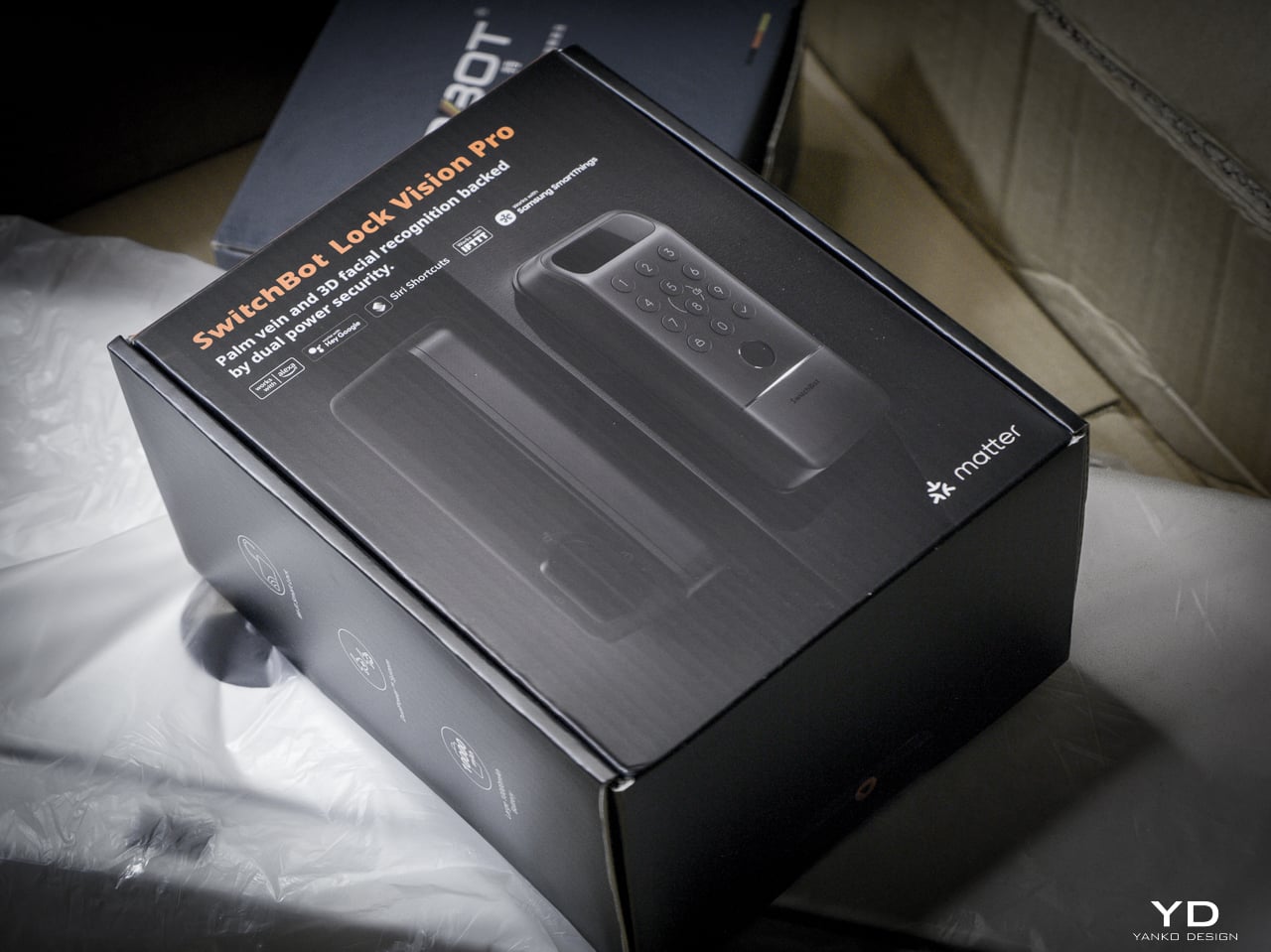
The Lock Vision Series has two models. The Lock Vision at $169.99 (model W9022003) gives you 3D structured-light facial recognition, passwords, NFC, auto-unlock via geo-fence, app control, and voice control. The Lock Vision Pro at $229.99 (model W9022000) adds contactless palm vein recognition and a semiconductor fingerprint sensor. Everything else is identical between them.

Click Here to Buy Now: SwitchBot Lock Vision Pro | SwitchBot Lock Vision

This is the world’s first deadbolt to use 3D structured-light facial recognition. Same core technology as iPhone Face ID. Twenty thousand infrared dots projected across your face, a camera captures the deformed pattern, a 3D map reconstructs and matches in under a second. The false recognition rate is less than 0.0001 percent. It works in total darkness because the IR projector is its own light source. It resists photo and video spoofing. It works with glasses, wigs, and makeup.

The first time it happened, I didn’t believe it. I walked up to the door, heard the bolt snap back, and walked through. Fast. Effortless. I dare say magical. That’s not a word I throw around in reviews, but there it is.

Other smart locks I’ve tested share the same bad habit: the deadbolt motor is too slow, so if you push or pull the door before it finishes retracting, the bolt catches, the lock panics, and you have to unlock it all over again. The Lock Vision doesn’t do that. The motor is quick enough that the bolt clears before you register it moving, and the sound it makes isn’t a whir. It’s a thunk. That’s the difference between a lock you wait for and a lock you forget is there.

Design, Ergonomics, and Aesthetics

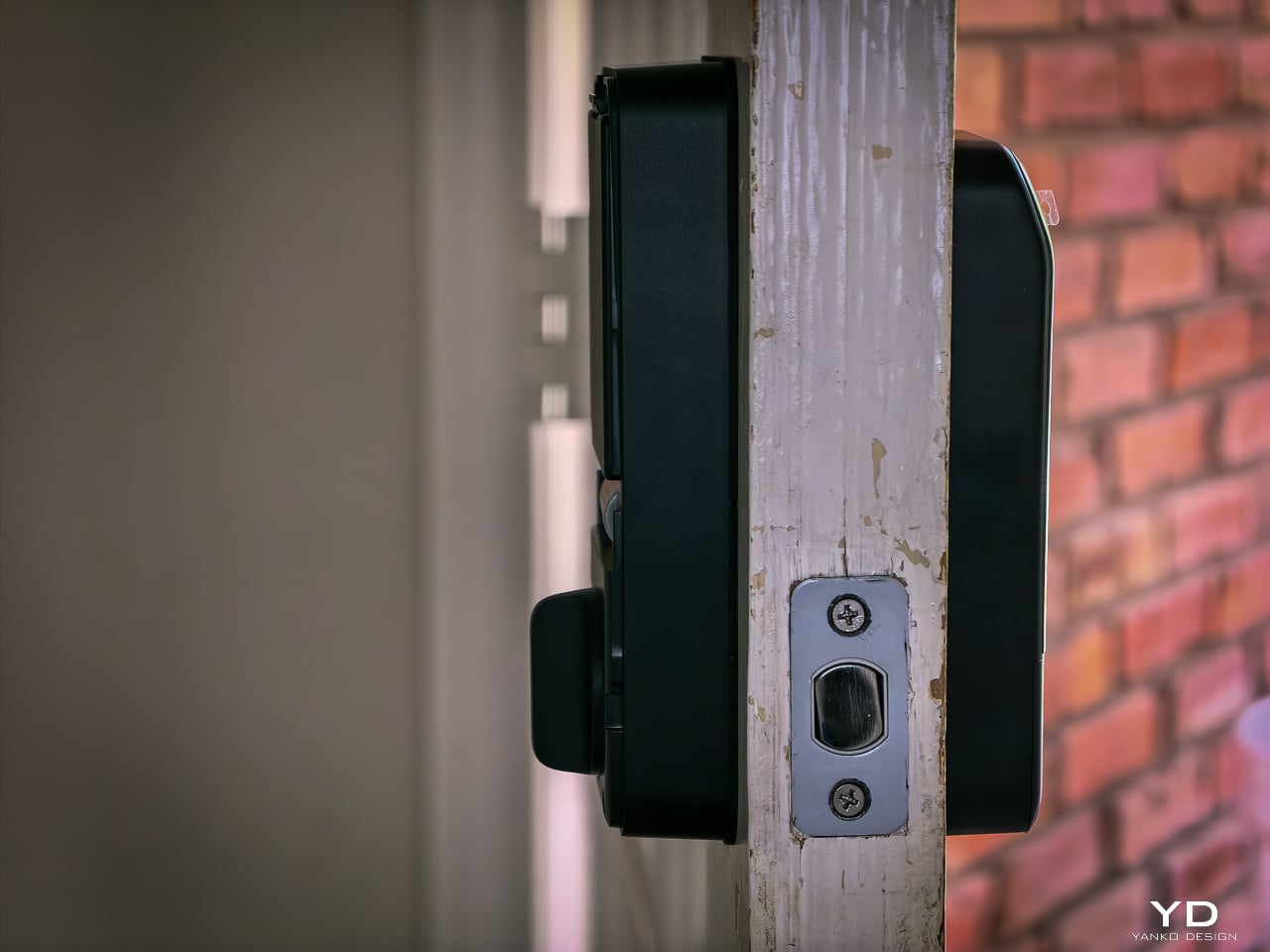
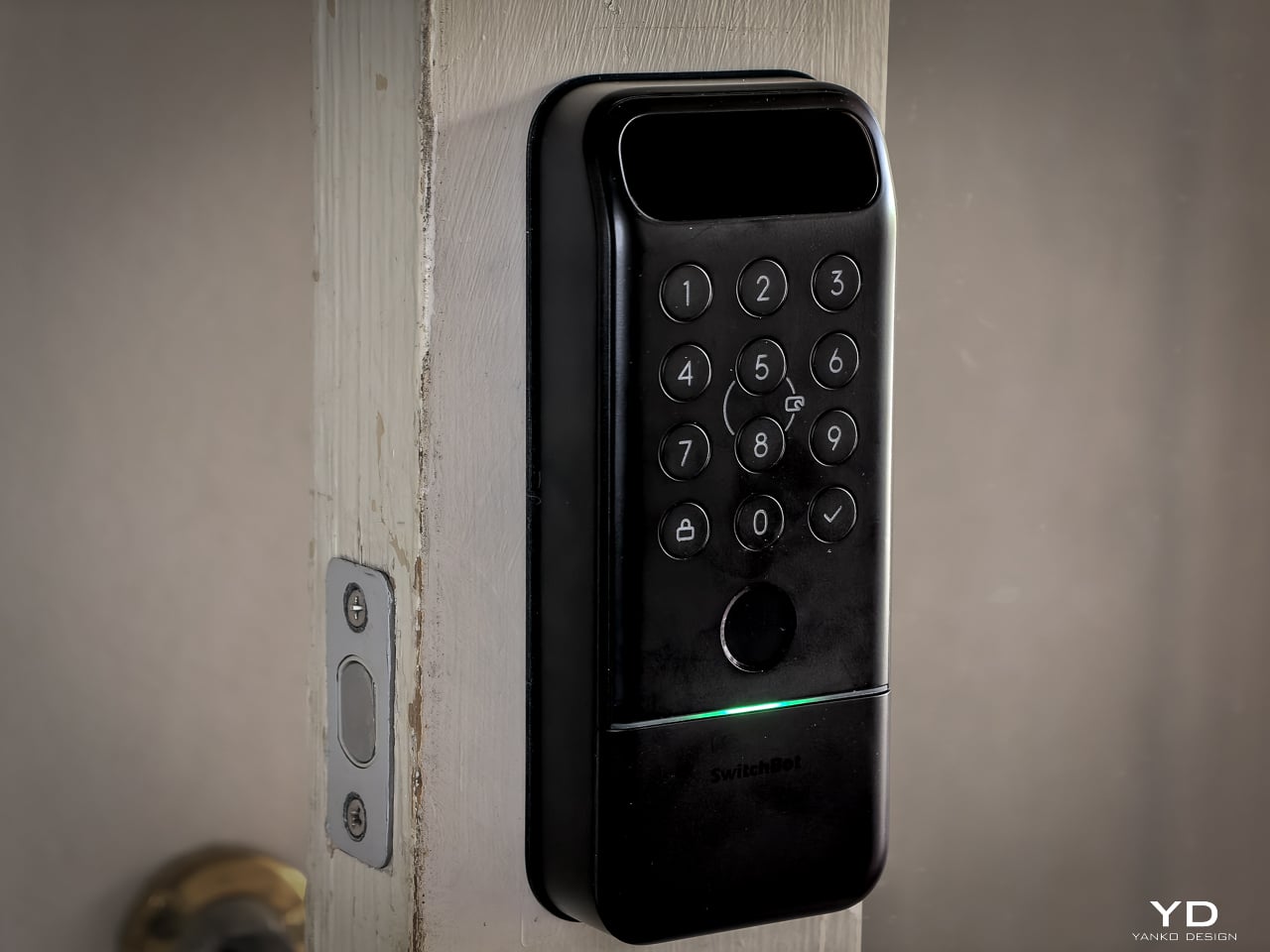
The Lock Vision Series is a rectangular slab in black zinc alloy with a circular keypad integrated into the lower half and a sensor module at the top. The exterior unit measures 6.42 by 2.76 by 1.10 inches and weighs 551 grams (19.4 ounces), with an interior unit at 7.09 by 3.03 by 1.26 inches. It isn’t tiny, but it doesn’t dominate the door the way some camera-heavy smart locks do. The proportions are clean. The branding is restrained. On a dark door, it disappears visually.

SwitchBot built the exterior for weather. IP65 water and dust protection means rain and grime don’t get inside. The operating range spans minus 20 to 55 degrees Celsius, and humidity tolerance runs 10 to 90 percent. Certifications hit BHMA Grade 3, FCC, IC, and ISDS.

The interior unit is where things get interesting. At 218 grams (7.7 ounces), it’s strikingly light. SwitchBot uses a combination of zinc alloy and PC+ABS. On paper you might wonder if it feels cheap. Doesn’t matter. You mount it to the door. You only touch it to lock or unlock from inside, and the knob has a click to it. Clean look, feels fine where it counts. I stopped thinking about the weight after day one.
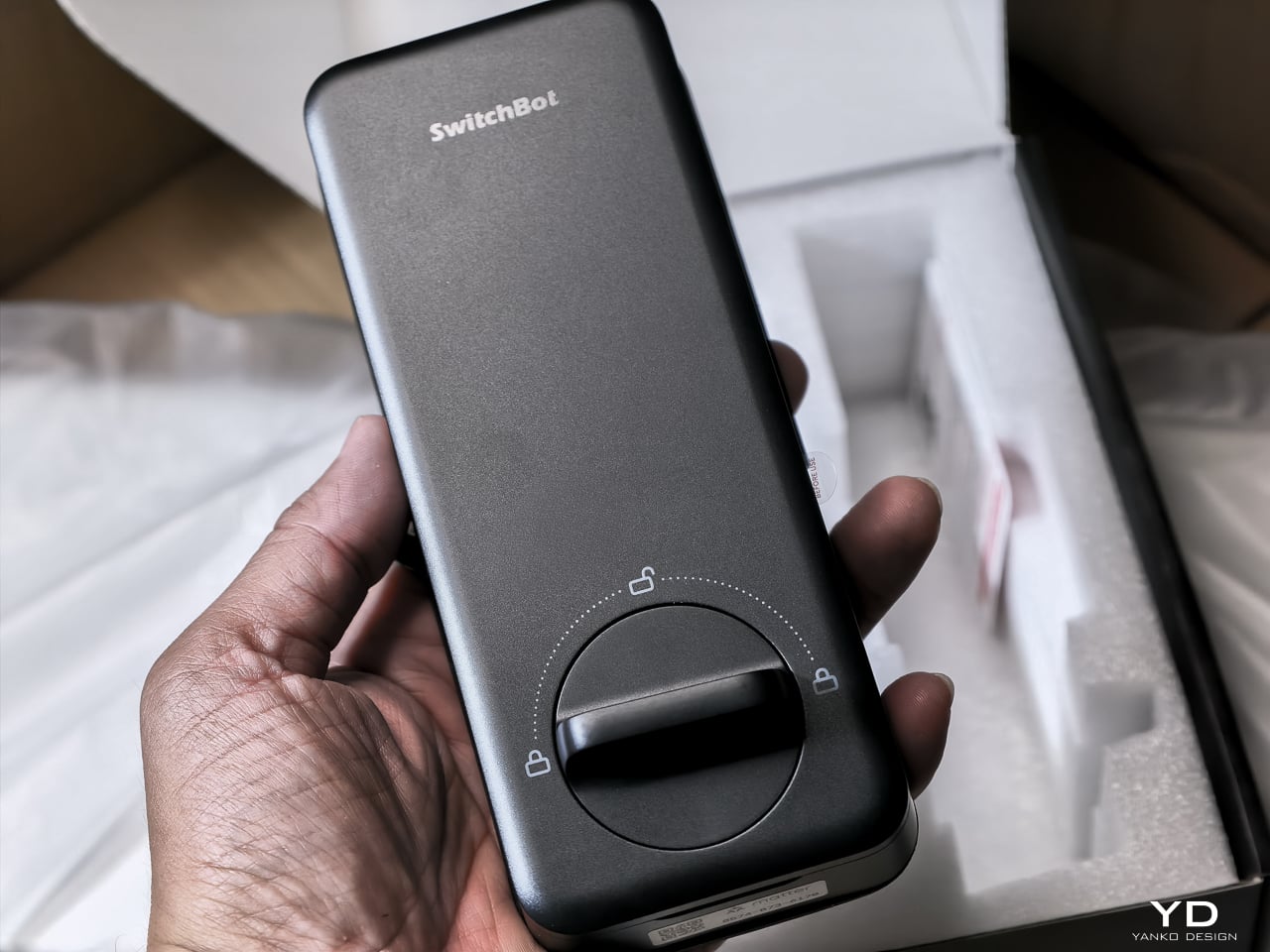
The keypad features tactile mechanical buttons with red, white, and green LED indicators. Press and hold for 2 seconds to pair. Press and hold for 15 seconds for Matter pairing. There’s a knob for manual unlocking from the inside.

The included visual assets tell the story well. The key visual shows both models with a hand reaching for a palm scan and a face profile with a 3D wireframe overlay. Scene images show a woman with groceries (hands-free), a child using palm vein (family-friendly), and a dramatic ice-encased shot (weather resistance). All available in the Drive media kit.

Performance: How It Actually Works

I’ve been living with the Lock Vision Pro long enough to say this: everything works. The facial recognition, the palm vein sensor, the fingerprint reader, and the geo-fence auto-unlock all behave the way the spec sheet says they should. When you test as many smart home devices as I do, that kind of delivery is rare.
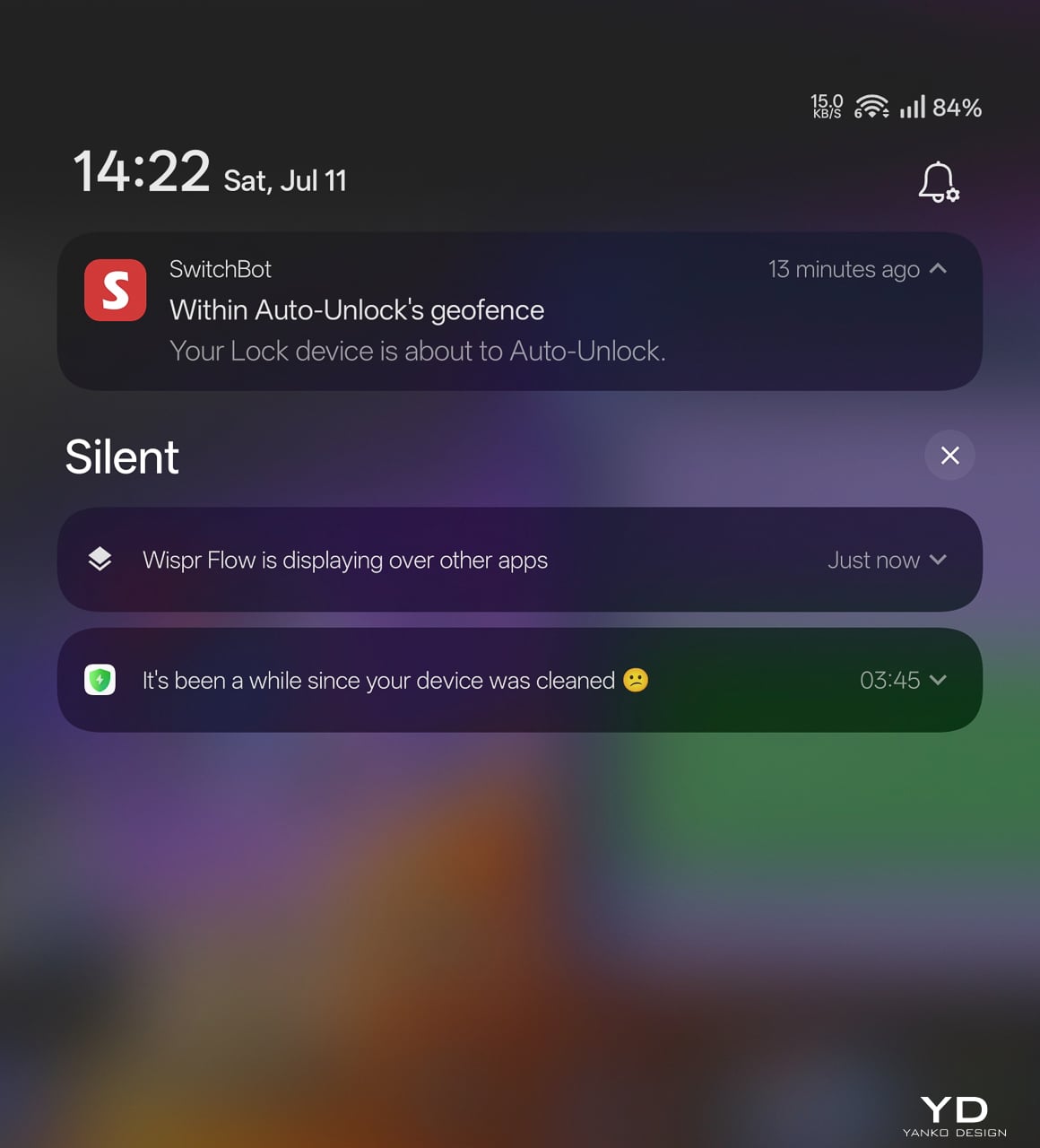
The auto-unlock geo-fence is the killer feature here. SwitchBot labels it beta in the app, which makes its reliability surprising. Here’s how the chain works.

You set a geofence radius around your home. When your phone crosses into that zone from outside, the lock doesn’t open. It arms. The SwitchBot app starts scanning for the lock over Bluetooth. A validity timer starts, default ten minutes. When you close to within Bluetooth range, your phone and the lock establish a connection. The bolt retracts.

No biometric step. No app interaction. You walk through.

That arming step is the design intelligence in a system that could have been a disaster. A dumb geofence that unlocked the door whenever your phone wandered into range would trigger every time you walked past your own house. SwitchBot’s version requires the inbound crossing, starts the timer, and disables itself if you don’t reach the door within that window. Leave and re-enter, a new cycle begins.

No hub required. GPS, Bluetooth, the app running in background, and Wi-Fi enabled on the phone are the only prerequisites.

The limitation worth knowing: auto-unlock only works from the home owner’s phone or an admin account. Family members and shared users with member permissions don’t get the walk-up entrance on their own devices. They authenticate at the door with face, palm vein, or a code instead. For a lock built around passive entry, that’s a real asymmetry, and it’s the first thing I’d ask SwitchBot to fix as the feature graduates from beta.
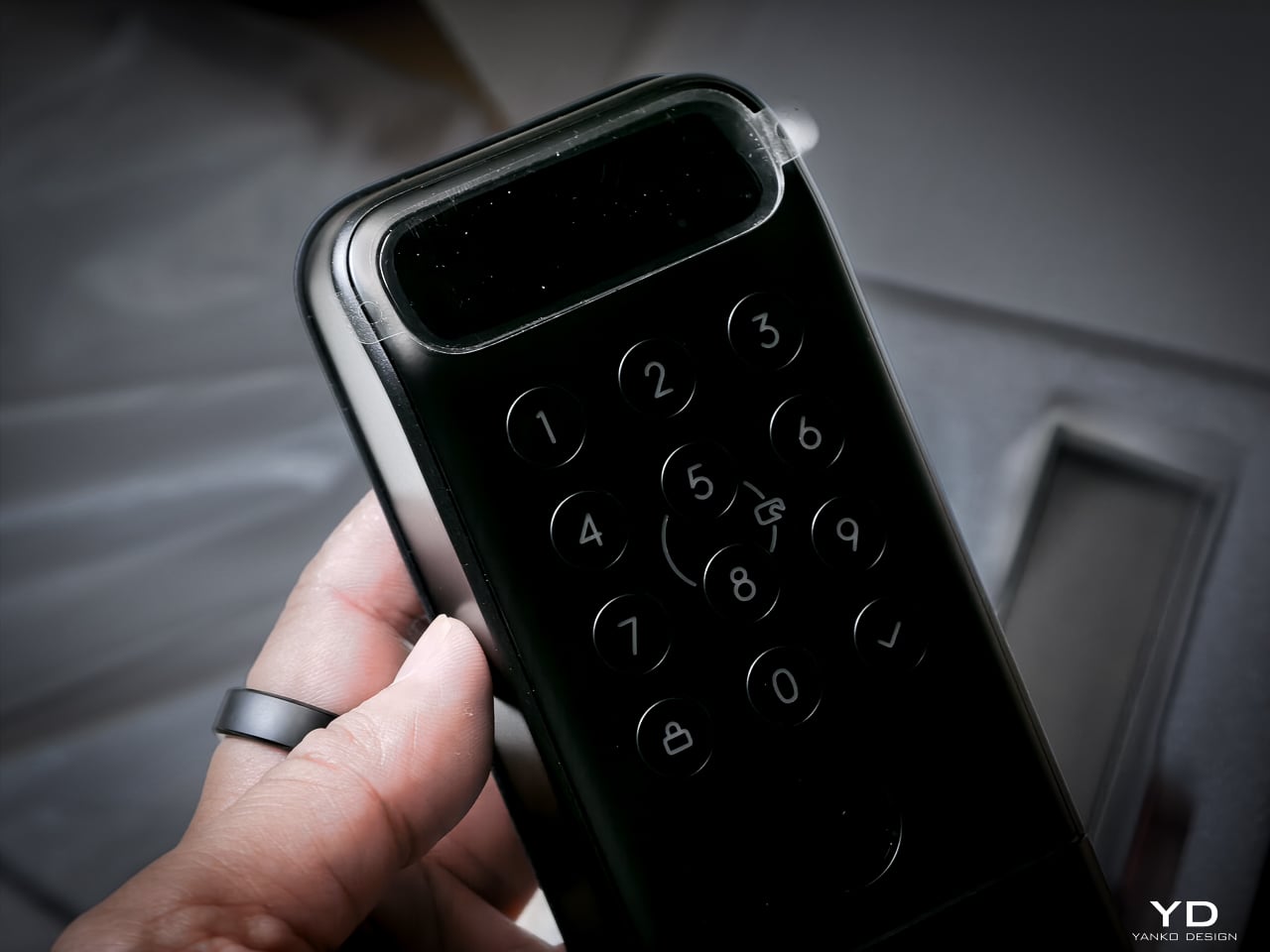
3D Structured-Light Facial Recognition

Your face becomes the key. Most smart locks with facial recognition at this price use 2D infrared cameras that a printed photo can defeat. The Lock Vision Pro does not.

A laser and IR dot projector embedded around the lens cluster fires more than 20,000 infrared dots across your face in a grid pattern invisible to the naked eye. An IR flood illuminator provides fill light for total darkness operation. An IR camera captures how that dot pattern deforms against the three-dimensional contours of your face and reconstructs a millimeter-accurate depth map. The system matches that map against your enrolled template, the same foundational principle behind iPhone Face ID, and throws the bolt if the geometry matches.

The sub-second unlock speed means you don’t pause at the door. The IR projector works through condensation and surface buildup on the housing exterior, so IP65 weatherproofing doesn’t degrade sensor accuracy over time. It works in total darkness because the IR projector is its own light source. It resists photo spoofing because a flat image can’t reproduce the spatial deformation pattern. It resists video spoofing for the same reason.

Glasses, wigs, and makeup don’t throw it off because the underlying facial geometry the dot grid maps doesn’t change. SwitchBot claims a false recognition rate under 0.0001 percent. Across my testing period I haven’t had a single false positive or false negative in any lighting condition.

Contactless Palm Vein Recognition

Palm vein recognition is what separates the Pro from the standard Lock Vision. The technology reads subcutaneous vein patterns using near-infrared light: the unique geometry of veins inside your palm, entirely internal to your body.

You hover your palm near the sensor without touching anything. The IR emitter penetrates the skin surface and maps the vein network underneath. The lock matches that vascular geometry against your enrolled template.

This matters more than fingerprint in practice. A surface impression doesn’t work because veins aren’t on the surface. A photograph fails. The contactless method sidesteps the hygiene friction of a shared fingerprint pad, and it keeps working when your hands are slightly wet or dirty because the sensor reads through the skin rather than off it. Palm vein readers have been in high-security facilities for years. Finding one in a sub-250-dollar deadbolt is what makes the Pro worth the extra money.

Semiconductor Fingerprint Recognition

The fingerprint sensor is the third biometric layer. It’s positioned for kids and guests not in the face or palm databases, plus it works as a deliberate emergency fallback.
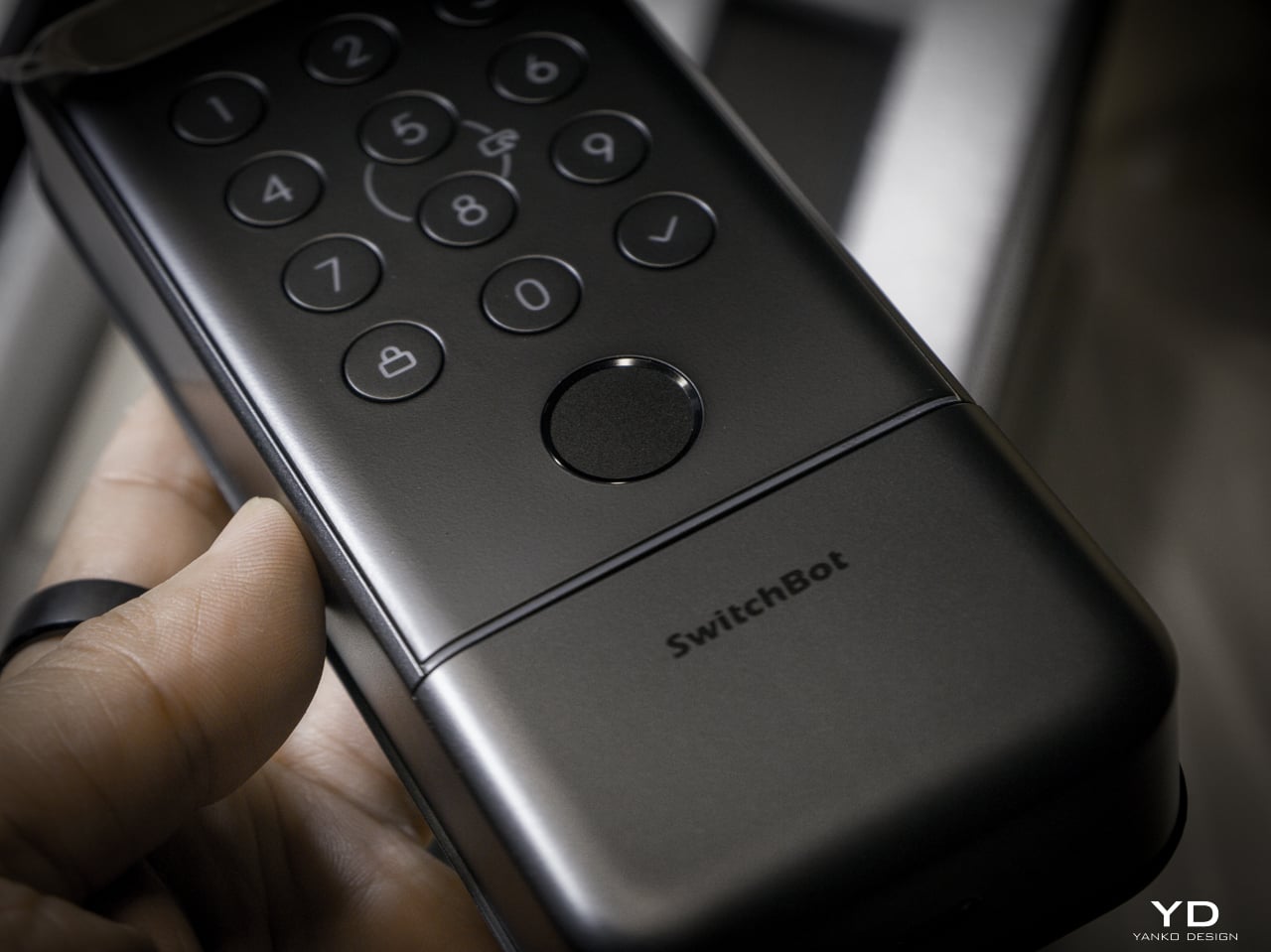
The semiconductor reader captures ridge patterns at the hardware level without storing images. All biometric data stays on the device, never routed to the cloud. It holds up to 90 user fingerprints and reserves 10 more slots for emergency prints.

The sensor reads quickly and reliably in dry and normal conditions. Wet fingers introduce the same challenge every semiconductor reader faces, but the palm vein sensor above it makes that edge case less relevant than it’d be on a lock without another contactless option.

mmWave Radar: The Power Manager

None of these biometric sensors stay active, and the mmWave radar unit handles that. It detects approach and wakes the recognition stack only when someone shows up. Without it, the 10,000mAh battery drains keeping a face camera awake. With it, the lock sleeps until you approach, wakes the sensors, and opens by the time you reach the handle. Across my testing it runs with no phantom triggers from passing cars or pedestrians.

The radar is separate from the auto-unlock GPS and Bluetooth chain. Auto-unlock handles the actual door opening via your phone. The radar handles sensor power management so the biometric readers aren’t burning battery scanning an empty porch all day.

A Note on Motor Noise

I’m not gonna sugarcoat this: the Lock Vision is noticeably louder than most smart deadbolts I’ve tested. The trade-off is speed. It’s the same trade-off you make with a fast garage door opener, more noise, faster movement. I’d rather have a motor that gets out of the way quickly than one that whispers and leaves me standing at the door.
That said, there’s a guest bedroom about five feet from our front door. It doesn’t get a lot of use, so most nights it’s a non-issue. When we do have guests staying over, the lock cycling is a little louder than I’d like. It’s one of the very few genuine downsides to this product, and the only people it will affect are those with a bedroom directly off the entryway.

The Access Hierarchy

The full unlock method count sits at 19, but the design intelligence isn’t in the number. It’s in how SwitchBot organized them by use case rather than technology type.

Passive biometrics, face and palm vein, for residents who should never have to think about unlocking. Fingerprint and NFC cards for recurring guests. Temporary and one-time passwords for deliveries and service visits. Geo-fence auto-unlock for the owner’s daily return. Physical key as the permanent legal fallback that requires no battery, no firmware, and no app update.

That’s a considered access hierarchy, not a feature list.

SwitchBot also built six tiers of security into the lock, and they all run behind the scenes. The alarm system records and notifies door status, ajar alerts, and tamper detection. Geo-fence auto-lock secures the door when you leave. On the unlock side, you get SOS fingerprint recognition, remote unlock confirmation, forced unlock for emergencies, and auto-lockout after repeated failed attempts. Data moves over AES-128 encryption, and every biometric stays local. Three-tier power management keeps the whole thing running with intelligent failover.

DualPower and DualBackup

Battery anxiety keeps people from buying smart locks. SwitchBot built a three-tier system.

Tier one: 10,000mAh rechargeable Li-Po. SwitchBot rates it for up to 12 months at 10 lock/unlock cycles per day, and the motor handles 50,000 cycles. Tier two: CR123A backup providing up to 500 emergency unlocks with 5-year standby. Auto-activates if main battery dies. Tier three: USB-C port on the keypad surface for emergency power. Connect a power bank, unlock, go find batteries.
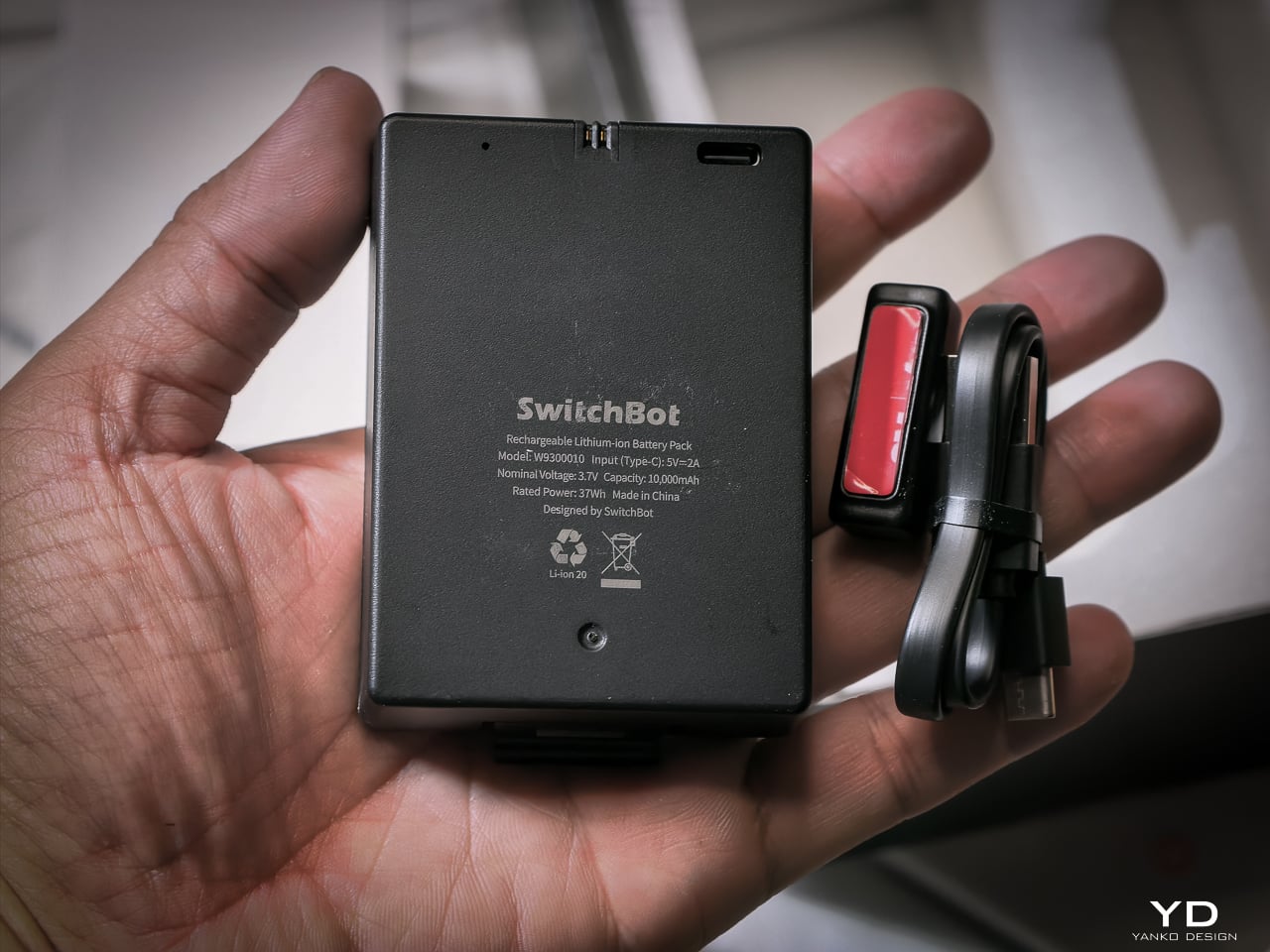
I haven’t had it long enough to need a recharge yet, and that’s the whole idea. SwitchBot says the 10,000mAh battery lasts up to 12 months, and so far it hasn’t dipped enough for me to notice.

When it does run dry, the CR123A backup beats what most locks offer. Some competitors make you tap a battery pack to two contacts outside the lock for one open. This one has a dedicated cell already inside, good for 500 emergency unlocks and five years on standby. Haven’t needed it yet. Glad it’s there.
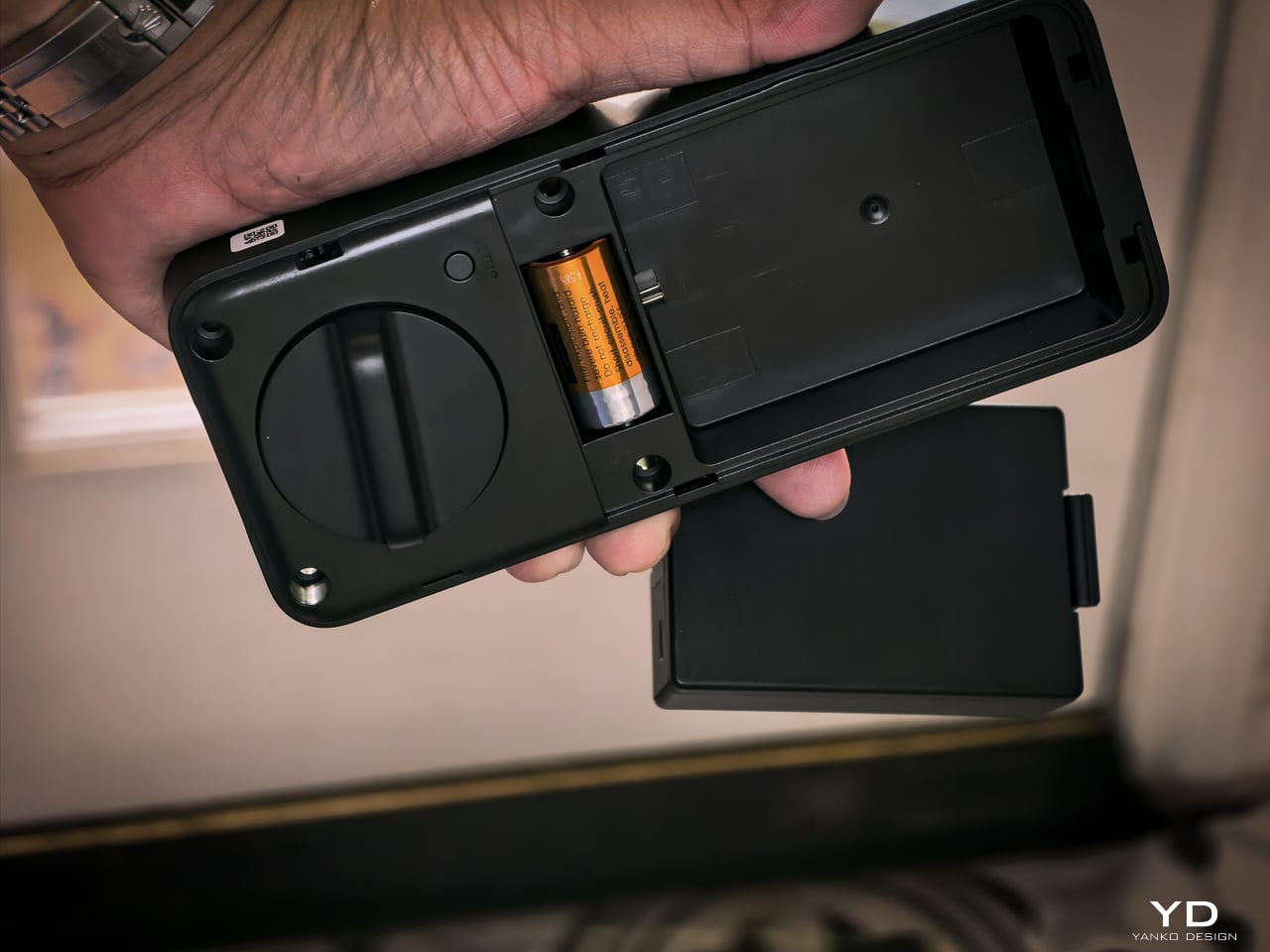
The mmWave radar handles power management. The lock only activates biometric sensors when someone approaches. The app provides real-time battery monitoring, push notifications at low power, and audio alerts at critical level.

Matter-over-WiFi and Ecosystem

Connects via Matter-over-WiFi. You don’t need a separate hub. Bluetooth holds a stable connection within 16.4 feet outside the door, and WiFi manages the same range through walls. SwitchBot listed Apple Home certification as in progress at launch. I don’t use Apple Home, so I didn’t test it, and that’s not a feature I personally value on a lock. The SwitchBot app handles everything: lock status, battery level, access management, unlock logs going back six months. Voice control works through Alexa, Google Assistant, and Siri if you want it. If Apple Home integration is a dealbreaker for you, verify it’s live before buying. For me, the app does everything I need.

With the Smart Video Doorbell: monitor activity outside, lock/unlock from doorbell, automate entry. With the Wallet Finder Card: tracking card doubles as NFC key. With the Hub 3: doorbell chime plus lock status display. All biometric data stays local on the device.

Installation

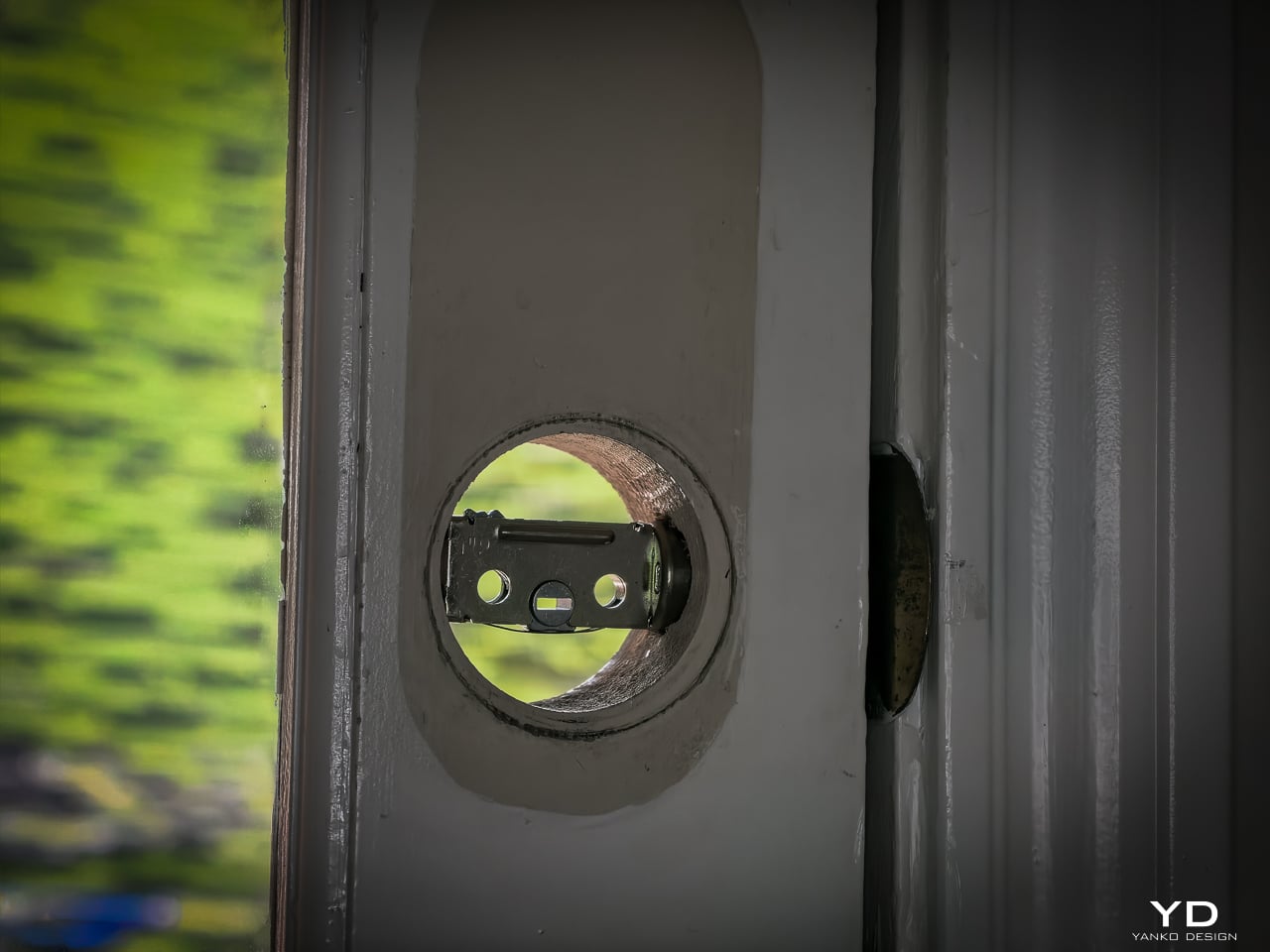
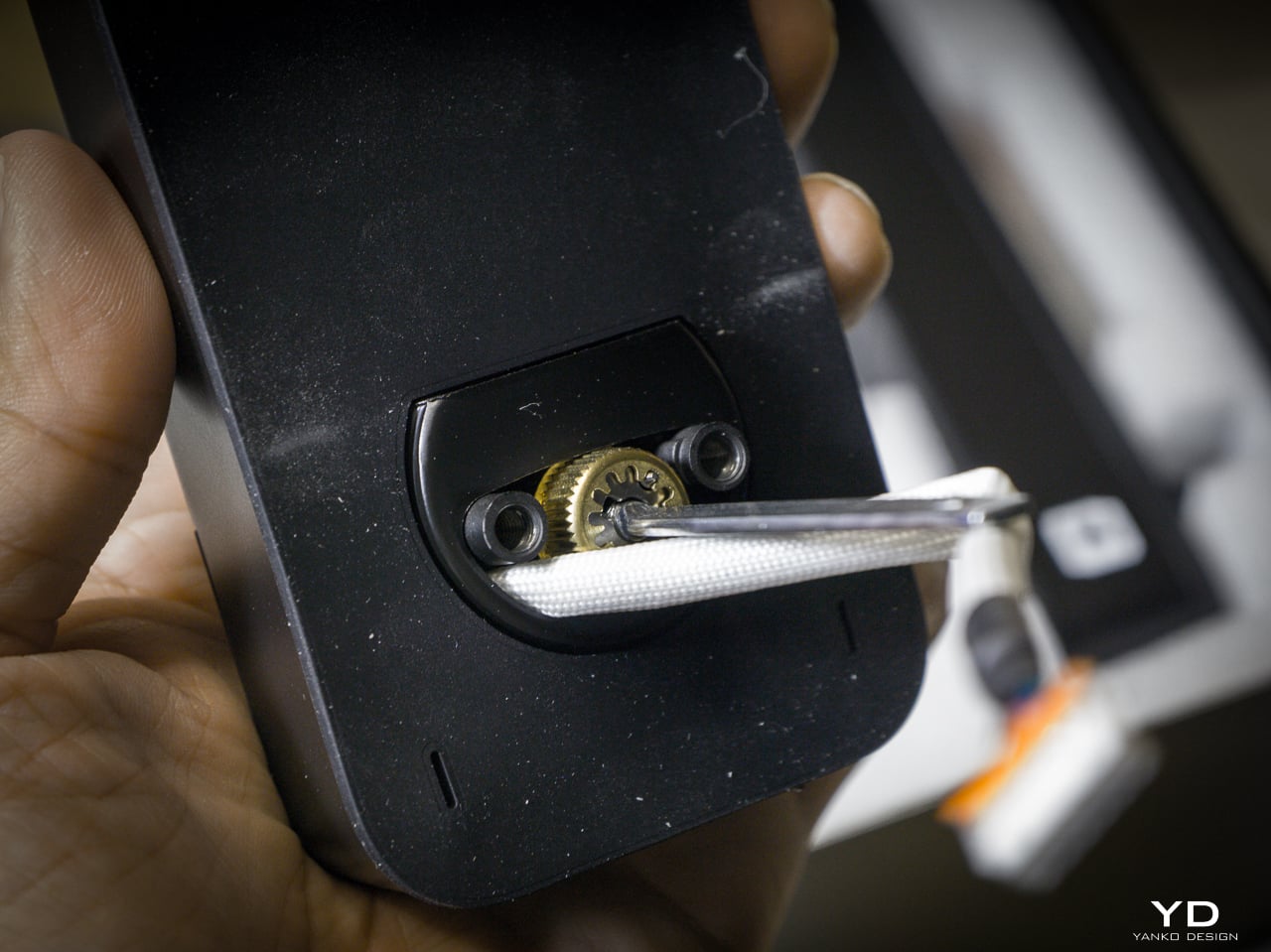
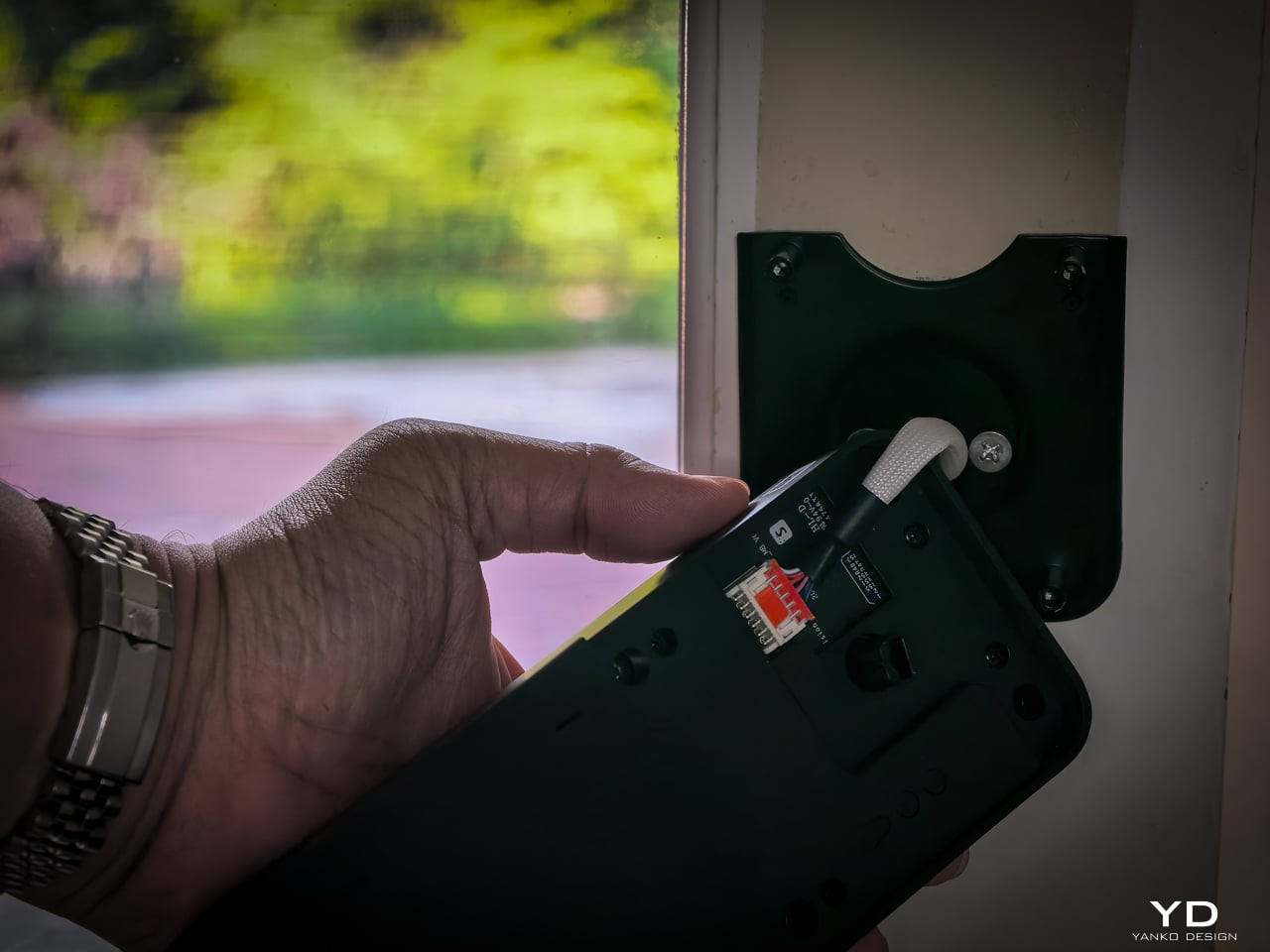
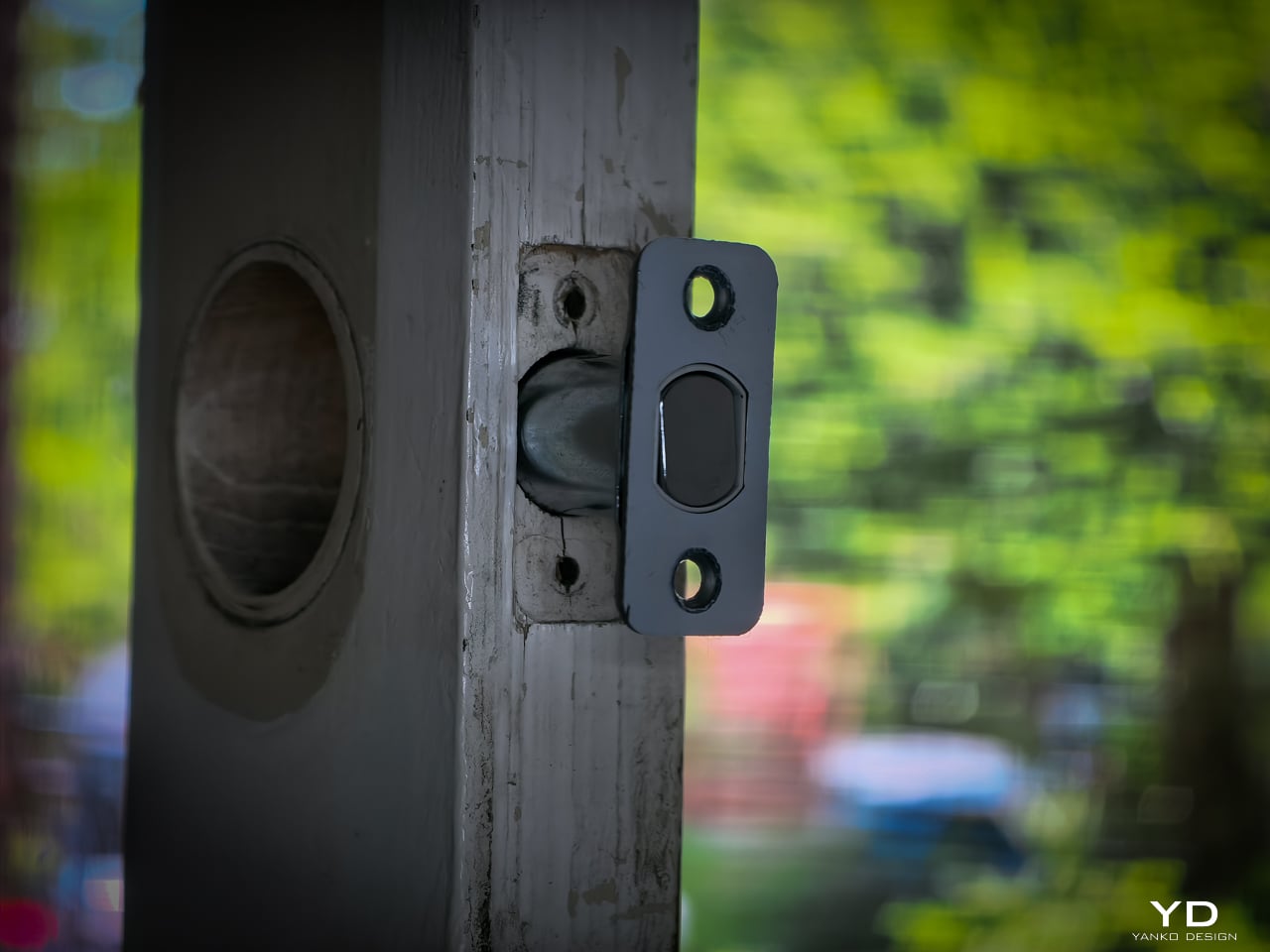
Installation didn’t take long. My previous deadbolt had four screws. The Lock Vision’s bolt has a specific notch that mates with the SwitchBot housing, so I did have to swap out the deadbolt that was already in the door. That added maybe an extra minute to pull the old one and slide the new one in. Everything else lines up cleanly since the dimensions are standard.
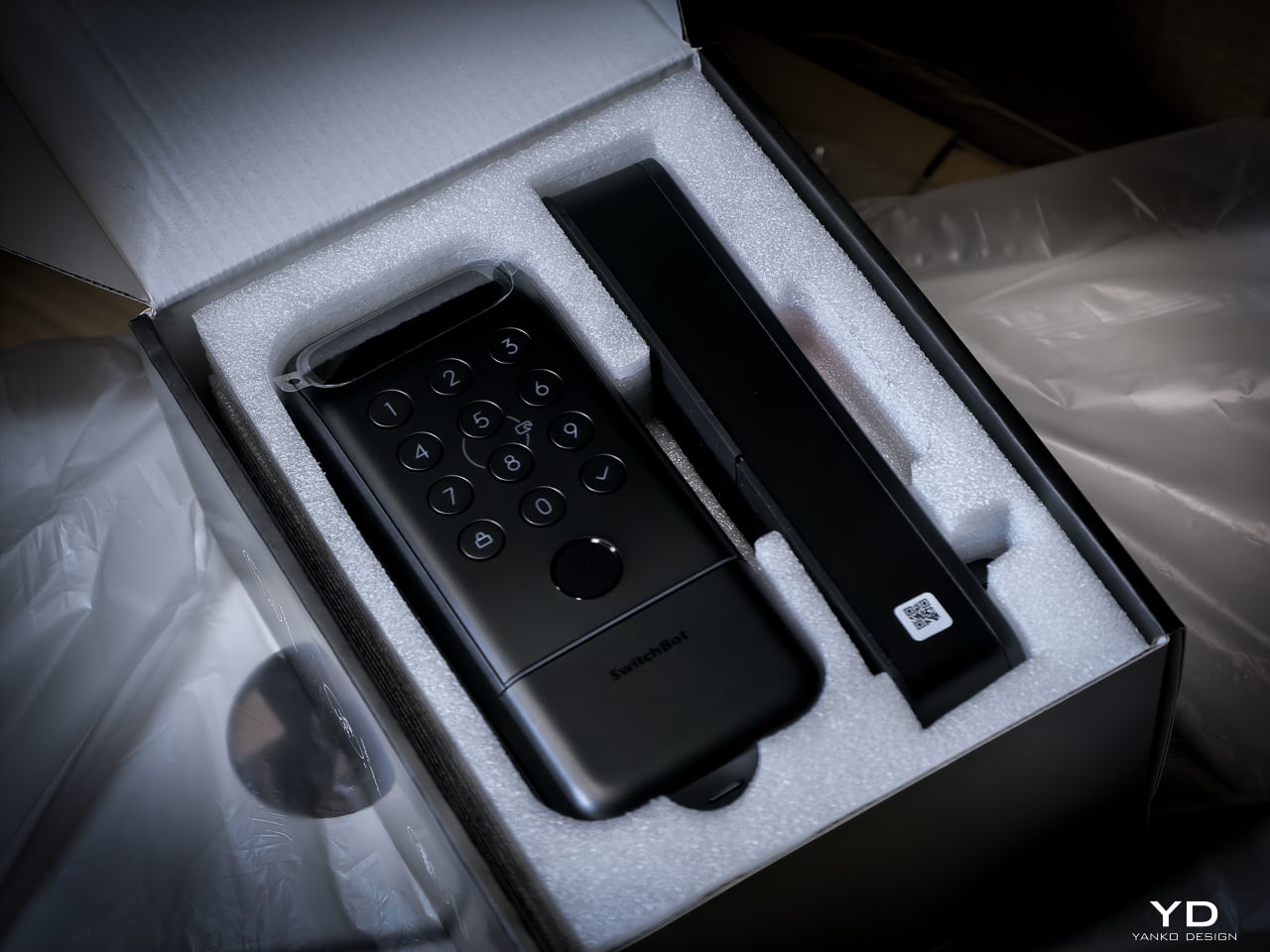
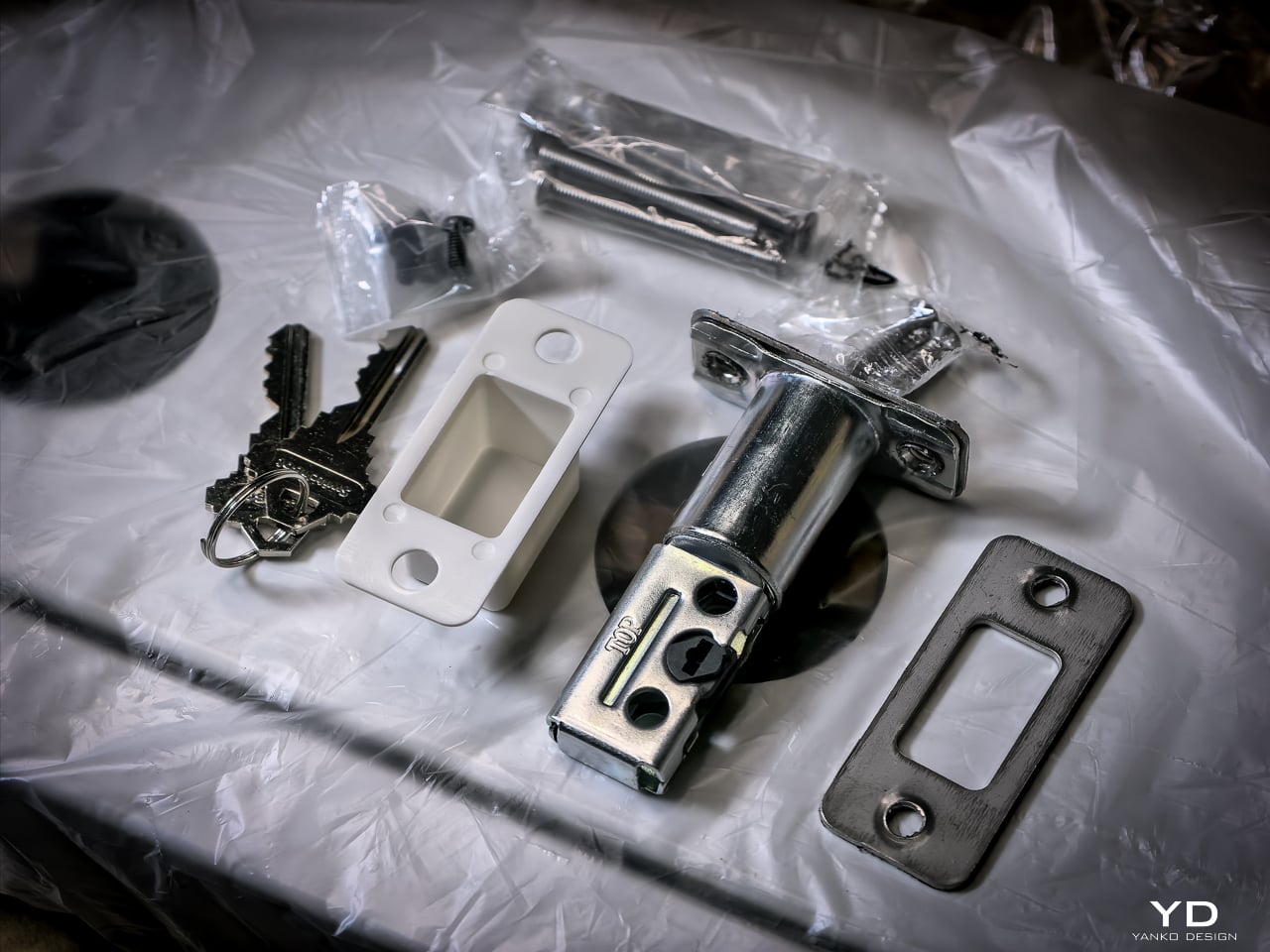
Hardware swap took about 10 to 12 minutes. Setup: pairing the lock, enrolling my face, enrolling a palm, enrolling fingerprints, all of it happened fast. Under 20 minutes total and the new lock was live. If you’ve swapped a deadbolt before, this is the same job. If you haven’t, a single screwdriver and the included instructions will get you there.

Sustainability

The 10,000mAh battery is rechargeable and rated for 12 months per charge. CR123A backup lasts 5 years in standby. USB-C emergency port eliminates lockout. All biometrics stay local with no cloud dependency. SwitchBot rates the motor for 50,000 cycles.
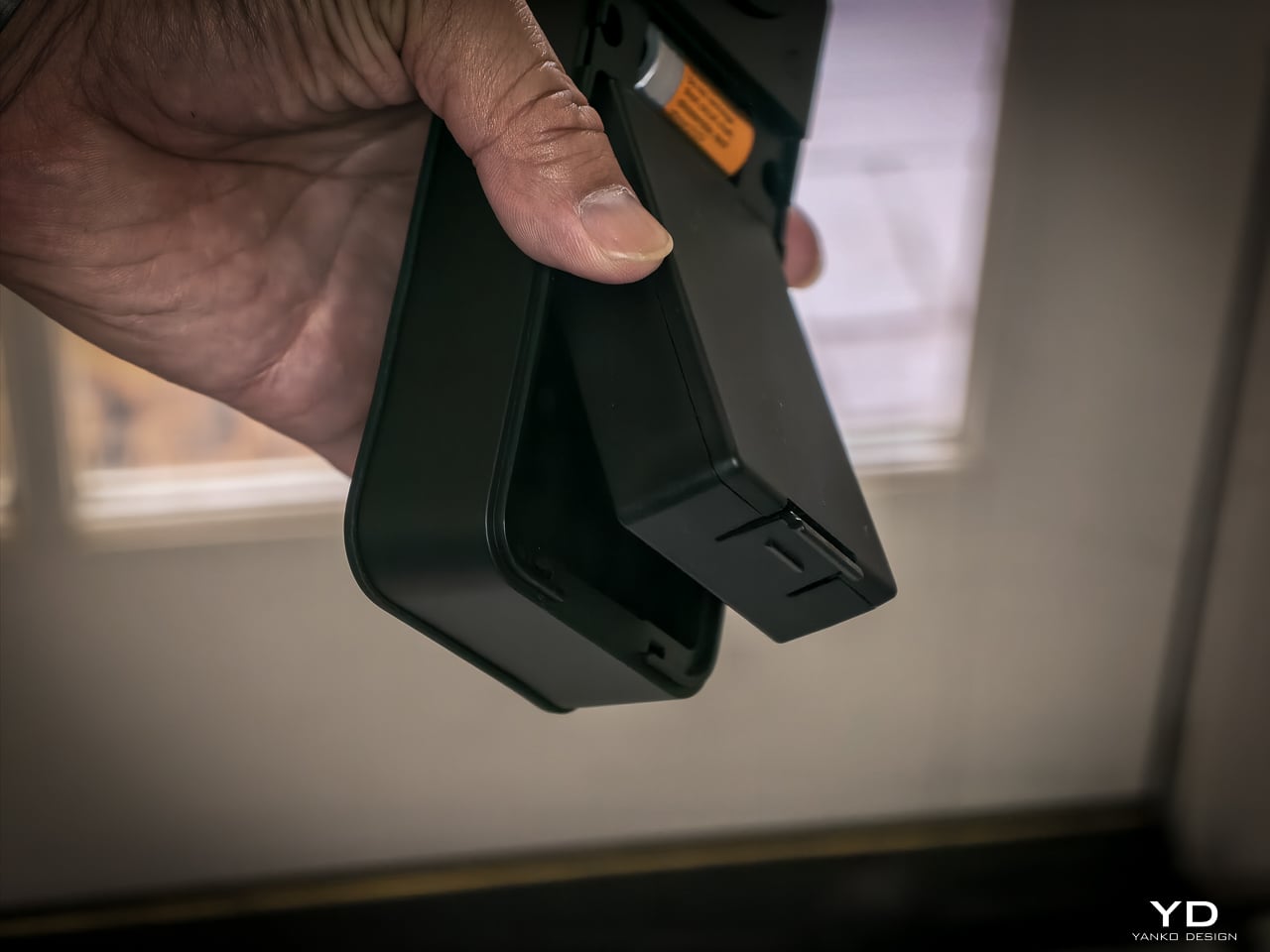
One detail I really like: the battery compartment comes off the top with no screws, no tools. Just lift and the battery slides out. SwitchBot clearly thought about what actually happens when someone needs to swap or charge a battery, and they made it easy. That’s the kind of ergonomic detail you appreciate six months in when you finally need to pull it.
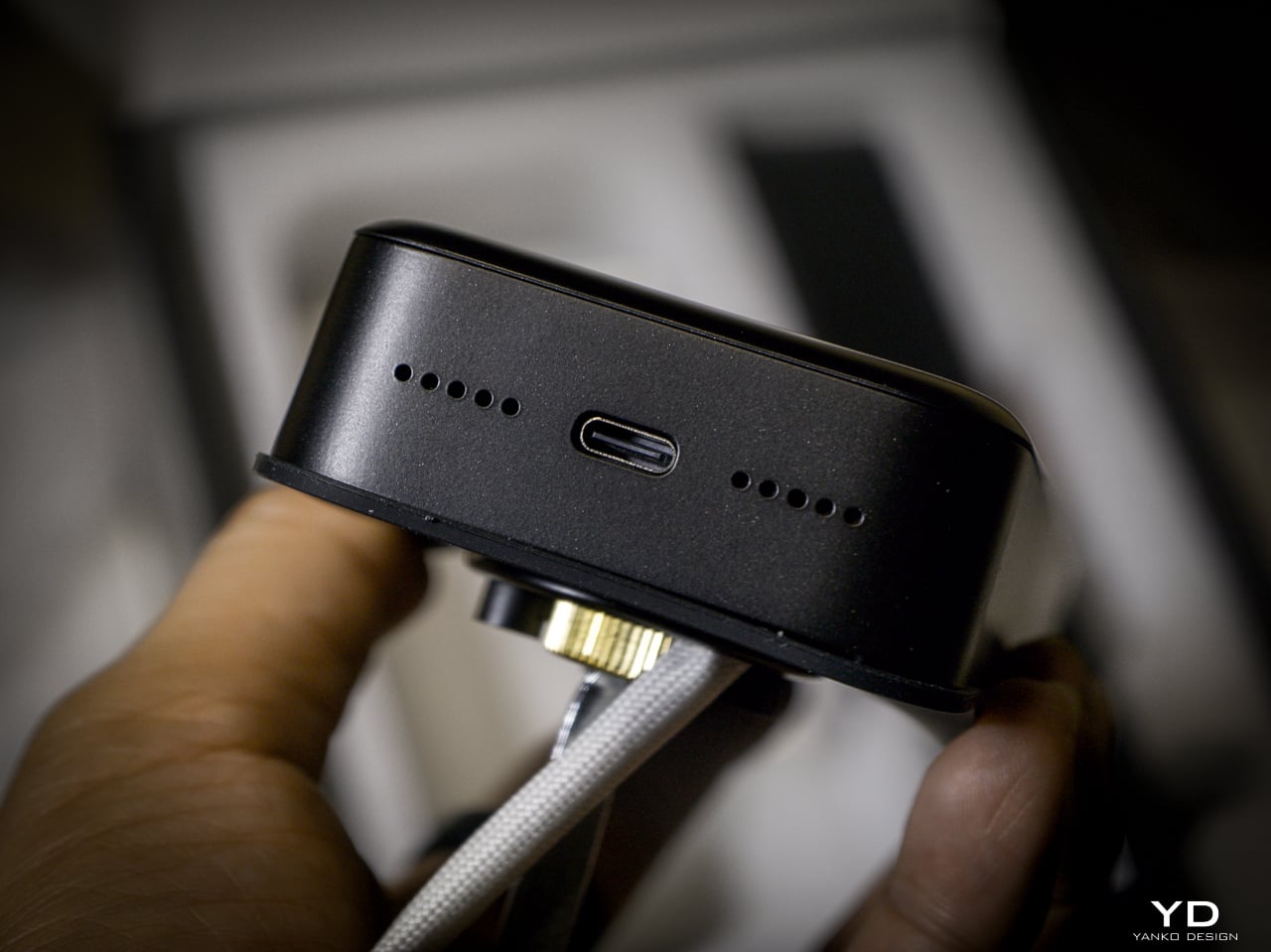
Value

At $169.99 (Lock Vision) and $229.99 (Lock Vision Pro), SwitchBot prices against the August Wi-Fi Smart Lock, Yale Assure Lock 2, and Level Lock Plus. None of those competitors offer 3D structured-light face unlock. The facial recognition alone puts the Lock Vision Series in a different category.

The $60 Pro premium gets you palm vein and fingerprint. I’d pay it. We’ve got a front door, a back door to the garage, and a garage door into the house. If I had to redo all three, I’d spend the extra for the Pro on every single door.

Bundle pricing: Lock Vision + Video Doorbell $259.99, Pro + Video Doorbell $329.99. Canadian buyers pay CAD 229.99 and CAD 299.99 for the locks, CAD 329.99 and CAD 399.99 for the bundles. Both models sell direct from SwitchBot and on Amazon in the US and Canada.
Verdict

The Lock Vision Series is the first smart deadbolt I’d put on my own door. The 3D facial recognition works in the dark. The battery system covers every failure mode. Matter-over-WiFi means no hub on your nightstand. And when the battery dies, there’s a key in your hand. Two of them in the box.

But it isn’t for everyone. Apple Home certification hadn’t gone live as of my testing. Not every home qualifies without power tools on the door compatibility front. And I want to live with the 218g interior unit for a month before I trust the long-term build.

It’s a lock that just works, no matter how you get it open. Face, palm vein, fingerprint, code, phone, NFC, geo-fence, and yes, a physical key. Comes with two. When the tech is optional and the brass key still turns, that’s a lock I trust.

Click Here to Buy Now: SwitchBot Lock Vision Pro | SwitchBot Lock Vision

The post SwitchBot Lock Vision Series Review: Face ID for Your Front Door first appeared on Yanko Design.
This 37.6g Titanium Caliper Is the One EDC Tool That Was Missing

The EDC community is particular about what earns a place in their pockets. Titanium hardware, precision multitools, and machined accessories all go through plenty of scrutiny before they make the cut. Yet for all that attention to detail, accurate measurement is still largely a workshop activity. A full-size caliper stays on the bench. A rough estimate fills the gap. Something between the two has been missing.

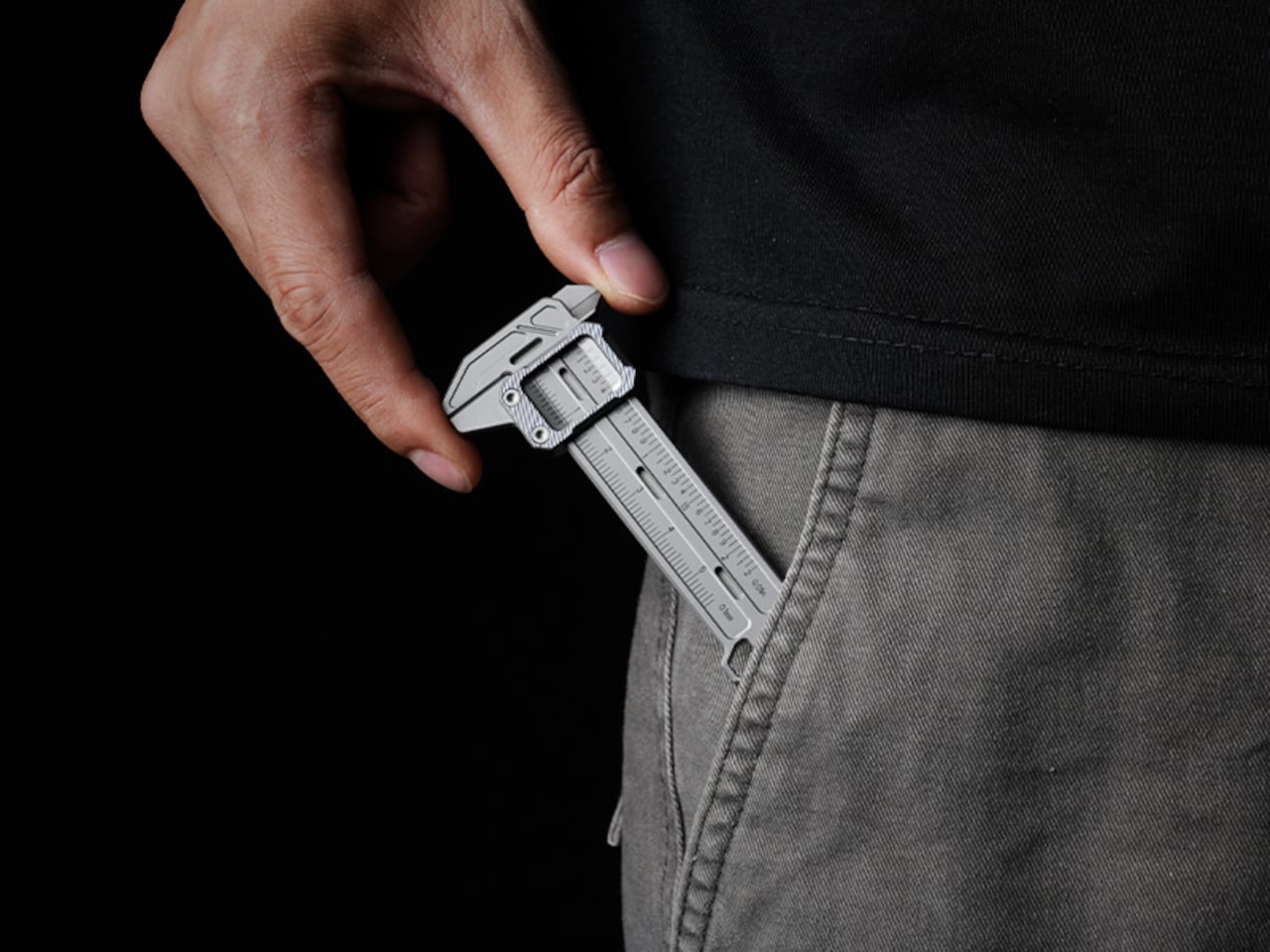
TiCal Pro 2.0 is designed to fill that gap and makes a bold case for being the first pocket caliper you’d actually trust for real measurement work. It’s not trying to replace the full-size tool on your workbench, but to bring genuine vernier precision down to something that clips to your keychain, hangs from a cord, or disappears into your pocket.

Designer: InnoZoom

Click Here to Buy Now: $59 $96 (39% off). Hurry, only a few units left! Raised over $41,000.

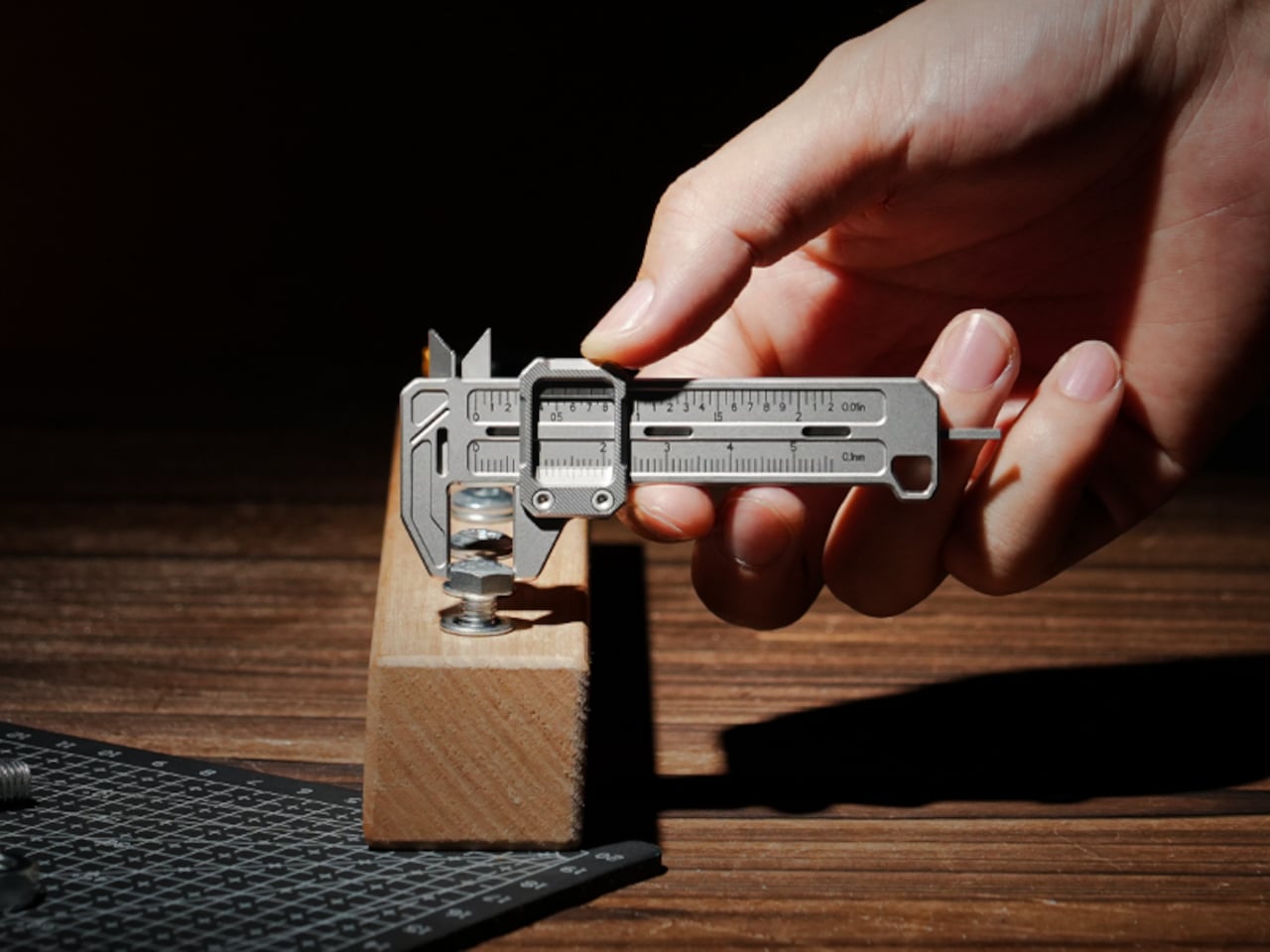
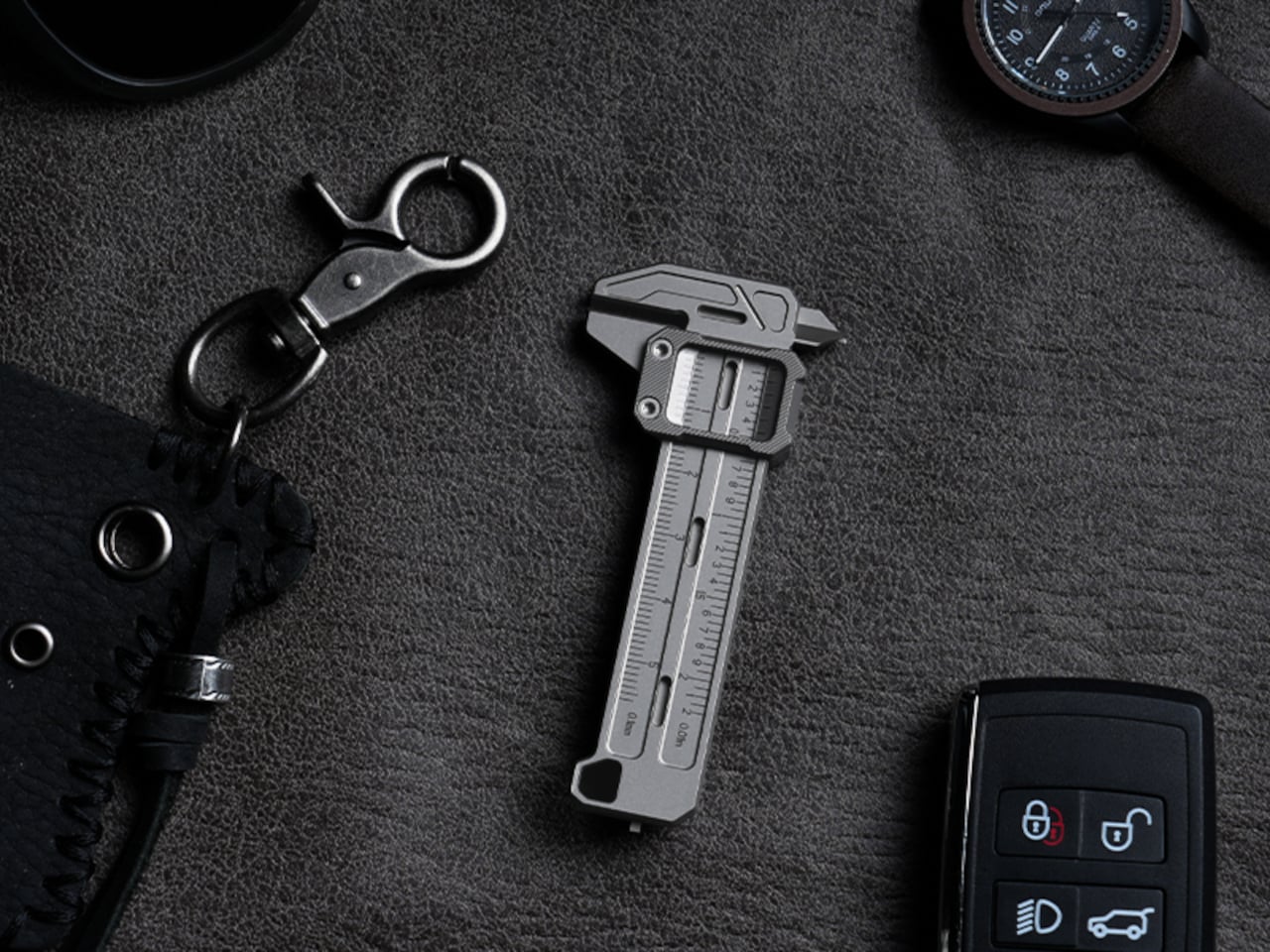
What sets it apart from the usual pocket-tool crowd is a deliberate narrowness of purpose. There’s no bottle opener, no ruler on the back, and no attempt to make it busier than it needs to be. TiCal Pro 2.0 does one thing: it measures. Outer diameters, inner diameters, and depth, with jaws and a depth rod machined as integral parts of a single titanium frame.

1

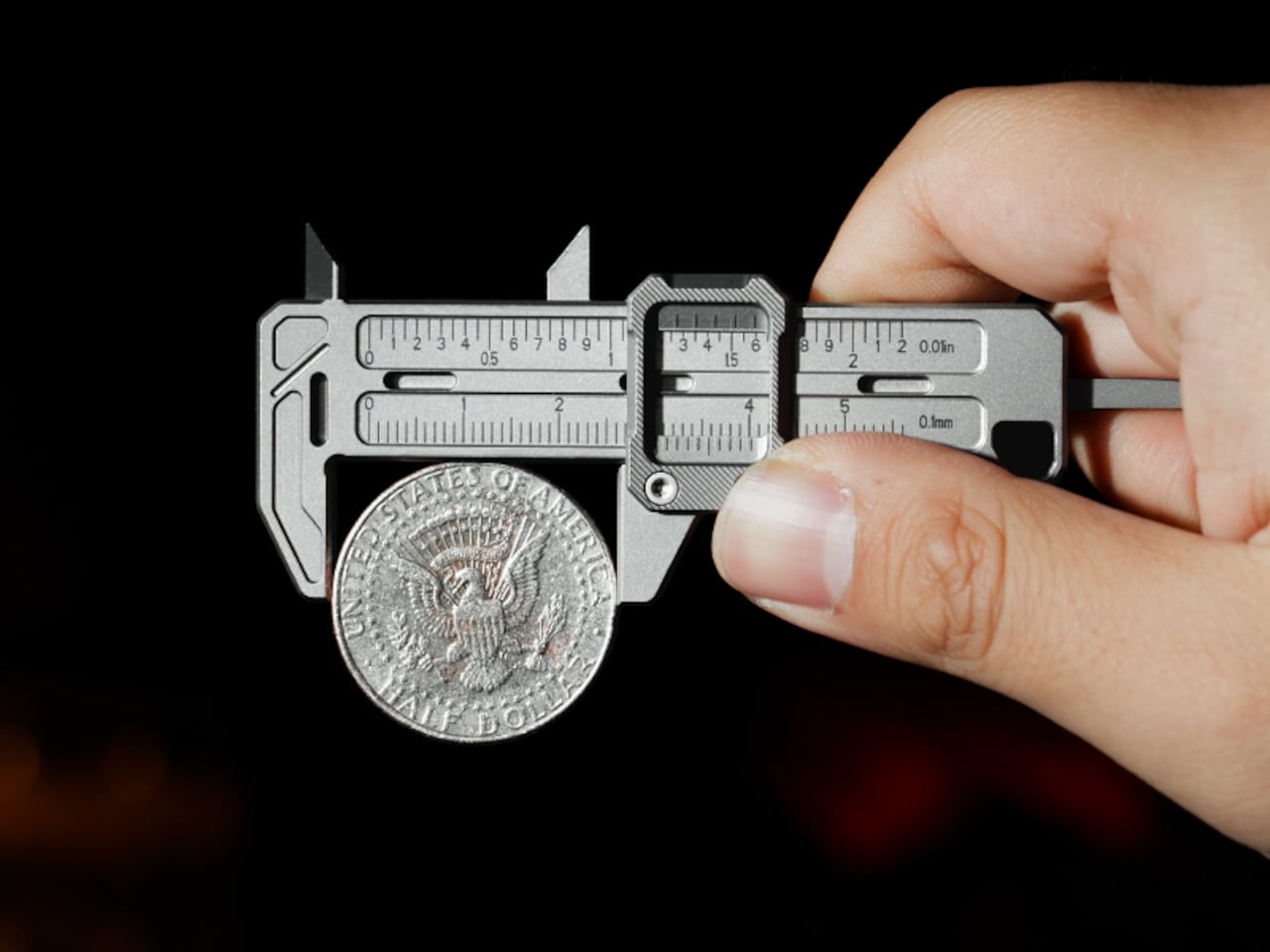
One of the more practical details is the dual-scale vernier system. Makers who move between metric drawings and imperial hardware know the frustration of converting on the fly. TiCal Pro 2.0 carries both inch and millimeter scales simultaneously, synchronized so that a single glance gives you both readings at once. There’s no mental math involved and far less room for the errors that unit conversion can invite.

1

With a resolution down to 0.01-inch for imperial measurements and 0.1mm for metric ones, it’s built for the kind of small-dimension work that usually gets left to guesswork outside the workshop. The scales themselves are laser-engraved deeply enough to resist daily wear, which matters a lot for something that lives in your pocket. Shallow printed markings fade quickly; these stay sharp and legible through regular carry.

Precision tools have a tactile dimension that often gets overlooked. TiCal Pro 2.0 addresses this with a self-lubricating POM ball rail system that delivers a silk-smooth slide with no oil and no grinding. The damping is also adjustable with a standard T5H driver, letting you set the slide resistance to your preference so the jaw stays exactly where you put it, no locking screw needed.

1

The choice of Grade 5 titanium for the body is practical rather than decorative. It offers the strength of steel at half the weight and is corrosion-proof, shrugging off sweat, rain, and shop fluids without complaint. For a tool meant to stay on your person at all times, that kind of durability makes a genuine difference in how willing you’ll actually be to carry it.

Think about the moments when a precise measurement would’ve been useful. A screw that looks like the right size but isn’t. A 3D-printed part that fits almost perfectly but not quite. A watch lug you’re trying to match without guessing. A keyboard stabilizer that needs a bit of finessing. These are the moments where a quick estimate wins by default simply because the right tool isn’t close enough.

1

At 3.37 inches long and weighing only 37.6g (1.33 oz), it’s compact enough to clip to a keychain or hang as a pendant, always within reach but never in the way. Four integrated tritium slots add a subtle glow for low-light situations, and the tool is available in either Sandblast Titanium or PVD Black, two very different expressions of the same object.

None of that changes the fact that a full-size caliper will always offer more range and a longer measurement stroke. But TiCal Pro 2.0 isn’t competing with the bench tool; it’s filling the space where that tool never goes. Precision doesn’t always happen in a workshop, and this small titanium instrument quietly makes the case that it doesn’t have to.

Click Here to Buy Now: $59 $96 (39% off). Hurry, only a few units left! Raised over $41,000.

The post This 37.6g Titanium Caliper Is the One EDC Tool That Was Missing first appeared on Yanko Design.

This 37.6g Titanium Caliper Is the One EDC Tool That Was Missing

The EDC community is particular about what earns a place in their pockets. Titanium hardware, precision multitools, and machined accessories all go through plenty of scrutiny before they make the cut. Yet for all that attention to detail, accurate measurement is still largely a workshop activity. A full-size caliper stays on the bench. A rough estimate fills the gap. Something between the two has been missing.

TiCal Pro 2.0 is designed to fill that gap and makes a bold case for being the first pocket caliper you’d actually trust for real measurement work. It’s not trying to replace the full-size tool on your workbench, but to bring genuine vernier precision down to something that clips to your keychain, hangs from a cord, or disappears into your pocket.

Designer: InnoZoom

Click Here to Buy Now: $59 $96 (39% off). Hurry, only a few units left! Raised over $41,000.

What sets it apart from the usual pocket-tool crowd is a deliberate narrowness of purpose. There’s no bottle opener, no ruler on the back, and no attempt to make it busier than it needs to be. TiCal Pro 2.0 does one thing: it measures. Outer diameters, inner diameters, and depth, with jaws and a depth rod machined as integral parts of a single titanium frame.

1

One of the more practical details is the dual-scale vernier system. Makers who move between metric drawings and imperial hardware know the frustration of converting on the fly. TiCal Pro 2.0 carries both inch and millimeter scales simultaneously, synchronized so that a single glance gives you both readings at once. There’s no mental math involved and far less room for the errors that unit conversion can invite.

1

With a resolution down to 0.01-inch for imperial measurements and 0.1mm for metric ones, it’s built for the kind of small-dimension work that usually gets left to guesswork outside the workshop. The scales themselves are laser-engraved deeply enough to resist daily wear, which matters a lot for something that lives in your pocket. Shallow printed markings fade quickly; these stay sharp and legible through regular carry.

Precision tools have a tactile dimension that often gets overlooked. TiCal Pro 2.0 addresses this with a self-lubricating POM ball rail system that delivers a silk-smooth slide with no oil and no grinding. The damping is also adjustable with a standard T5H driver, letting you set the slide resistance to your preference so the jaw stays exactly where you put it, no locking screw needed.

1

The choice of Grade 5 titanium for the body is practical rather than decorative. It offers the strength of steel at half the weight and is corrosion-proof, shrugging off sweat, rain, and shop fluids without complaint. For a tool meant to stay on your person at all times, that kind of durability makes a genuine difference in how willing you’ll actually be to carry it.

Think about the moments when a precise measurement would’ve been useful. A screw that looks like the right size but isn’t. A 3D-printed part that fits almost perfectly but not quite. A watch lug you’re trying to match without guessing. A keyboard stabilizer that needs a bit of finessing. These are the moments where a quick estimate wins by default simply because the right tool isn’t close enough.

1

At 3.37 inches long and weighing only 37.6g (1.33 oz), it’s compact enough to clip to a keychain or hang as a pendant, always within reach but never in the way. Four integrated tritium slots add a subtle glow for low-light situations, and the tool is available in either Sandblast Titanium or PVD Black, two very different expressions of the same object.

None of that changes the fact that a full-size caliper will always offer more range and a longer measurement stroke. But TiCal Pro 2.0 isn’t competing with the bench tool; it’s filling the space where that tool never goes. Precision doesn’t always happen in a workshop, and this small titanium instrument quietly makes the case that it doesn’t have to.

Click Here to Buy Now: $59 $96 (39% off). Hurry, only a few units left! Raised over $41,000.

The post This 37.6g Titanium Caliper Is the One EDC Tool That Was Missing first appeared on Yanko Design.

Vizcom x Corkway Launch a ‘Cork Design Challenge’ With Winning Designs Getting Industrial Production

Cork has spent decades being underestimated. Wine stoppers, bulletin boards, yoga mats, the occasional floor tile. Somewhere along the way, a material with genuinely remarkable engineering properties got slotted into the background of everyday objects.

That changed when designers started paying attention to cork’s unique properties: it absorbs sound, repels moisture, insulates against heat, compresses without cracking, and comes from a tree that absorbs more carbon than it releases. The story of cork is really a story of a material waiting for the right question to be asked of it.

Vizcom and Corkway are asking that question now. Their Cork Design Challenge invites designers worldwide to reimagine cork in the spaces where people live, gather, and work, from home interiors to public installations to office environments. The brief is intentionally wide, letting designers push the boundaries of the material: from wall coverings, ergonomic objects, acoustic installations, to even sculptural décor. What makes the challenge compelling is that the top three designs get physically manufactured, CNC-milled from cork blocks in Portugal, and shipped to the winners. Submissions are open through June 8, 2026.

Click Here to Submit Now: Hurry, last date to enter is June 8, 2026.

The Brief

Vizcom and Corkway have structured the challenge around three spatial contexts: home, public, and office — each offering a different lens on how cork can enhance our everyday lives.

Designers are invited to think about how cork can enhance the comfort, experience, or functionality of a home? Could it redefine public installations or elevate office spaces?

At home, the intent is to push cork into décor and wall treatments that reframe how the material reads in a living space.

In public environments, the scope opens to installations, wayfinding systems, and seating concepts that could meaningfully transform communal areas.

Office applications lean into cork’s acoustic and tactile properties, where sound-absorbing partitions, ergonomic desk objects, and creative meeting environments are all fair game.

The Constraints

Creativity comes from constraints and these are the non-negotiables participants must keep in mind while they design:

  • Your design must be able to be CNC milled
  • Painted cork designs must be RAL colors
  • Must be at least 70% cork
  • Supplementary material can only be metal or plastic
  • Objects must be no larger than 890 (L) x 590 (W) x 180 (H) mm in total volume

The Submission

All entries must be designed in Vizcom: from early sketches through to final renders — and include a 3D model generated using Vizcom’s Make 3D tool as part of the submission.

All submissions must include:

  • Project name and description
  • Project inspiration
  • Vizcom project file link
  • Main hero image
  • Five final design images
  • One optional animation file

The best part: the winning concepts are made real. Corkway, the manufacturing partner behind the challenge will CNC-mill the top three designs from cork blocks at their production facility in Portugal and ship the finished objects to the winners. The challenge highlights the workflow from sketch to render, to real.

How To Participate

  1. Log in or create a free account at vizcom.com
  2. Access the Vizcom Template file from the Learn section
  3. Design your concept within Vizcom, ensuring your project meets the production constraints outlined in the challenge guide
  4. Generate a 3D model in Vizcom and set your project file to “Anyone with link” sharing

Submit your final entry at the challenge page before June 8 at 11:59 PM EST, including your project file link, hero image, five final design images, and a written project description and inspiration

Competition Dates

May 25, 2026 – Prompt released at 9:00 AM EST
June 8, 2026 – Submission deadline at 11:59 PM EST
June 16, 2026 – Top 30 announced
June 23, 2026 – Top 3 announced
Month of July – Production begins with Corkway

Judging Criteria

Entries will be evaluated by a panel of industry designers across five criteria:

  • Creativity and Originality (30%) – How well the design explores cork’s texture, flexibility, acoustic properties, and sustainability in meaningful ways
  • Design Quality and Spatial Experience (25%) – How well the concept integrates into a space, enhancing atmosphere, usability, and visual appeal
  • Feasibility and Material Understanding (20%) – Demonstrated understanding of cork as a material, including its strengths, limitations, and manufacturing possibilities
  • Process and Use of Vizcom (15%) – How ideas were explored, iterated, and developed using the platform
  • Alignment with Brief (10%) – How clearly the design connects to home, public, or office contexts while enhancing comfort, functionality, or experience

What You Can Win

Duck perched in a woven planter filled with plants floating on a pond, with a large orange koi swimming below.

  1. Your design, manufactured – in collaboration with Corkway, the top 3 winning designs will be CNC-milled and shipped to the winners
  2. Featured story – winning designs will be showcased across Vizcom’s site, social channels, and newsletter
  3. Vizcom Pro licenses – each winner receives 3 months of Vizcom’s Pro plan, free

Challenge Resources

Need feedback before you submit? Vizcom and Corkway are hosting two open office hours (May 28 at 12PM ET and June 5 at 10AM ET) — and keeping a #cork-challenge Discord channel open throughout the competition for material questions, design advice, and production guidance.

Join the Challenge

Close-up of a textured cork surface with the white branding 'vizcom × corkway' across the center.

If you’re a designer who’s ever wanted to see your idea made real, this is your chance. Design in Vizcom and submit your work by June 8 at 11:59PM for a chance to see it come to life.

How will you imagine cork in spaces we live, gather, and work?

Click Here to Submit Now: Hurry, last date to enter is June 8, 2026.

The post Vizcom x Corkway Launch a ‘Cork Design Challenge’ With Winning Designs Getting Industrial Production first appeared on Yanko Design.

10 Minimalist Desk Accessories That Earn Their Footprint

The minimalist desk setup has become one of the most documented trends in home office design, particularly as hybrid work continues pushing people to invest more seriously in the spaces where they spend their days. Most products marketed toward that crowd lean hard on the visual side, neutral finishes, restrained forms, nothing that draws attention to itself. What they’re less reliable at is spatial logic.

The ten accessories on this list were chosen with that in mind. Each one has to pass a practical test, not just look calm on a desk, but actually justify the space it occupies. That means hiding clutter, combining functions, freeing surface area, or removing a small friction before it turns into a habit.

KNOB. Pen Tray

Most pen trays solve a narrow version of the problem. They give you a fixed layout, usually a rectangle divided into two or three compartments, and expect you to work around it forever. That’s fine until your tools change, and they always do. Changho Lee’s KNOB. Pen Tray takes a different approach by making the interior of the tray something you can actually reconfigure.

Designer: Changho Lee

The dividers are controlled by knobs that take their cues from gas burner controls, a design reference that also gives the tray its name. Turn them and the internal layout shifts, letting you organize pens alongside rulers, adapters, or whatever else needs a place. One tray handles what might otherwise require three, which makes a convincing case for its footprint. The mechanism can feel fiddly if you reorganize often.

Inseparable Notebook Pen

There’s a particular kind of frustration that comes with reaching for a pen and finding it’s no longer where you left it. It’s small enough to ignore once, but it happens often enough to become a genuine irritant. The Inseparable Notebook Pen doesn’t try to solve desk organization broadly. It solves this one specific problem by keeping the pen attached to the notebook it belongs with.

Click Here to Buy Now: $19.95

A magnetic clip secures the pen directly to the notebook cover, so the two travel as a unit and stay that way on the desk. There’s also a built-in silencer that softens the attach-and-release motion, which sounds like a small detail until you use it daily. The pen works best when paired with its intended notebook, so it’s less convincing as a standalone writing instrument.

Orbitkey Desk Mat

Desk mats often get treated as the last layer of a setup, something you add once everything else is in place to make the whole thing look polished. The Orbitkey Desk Mat earns more than that role. It addresses one of the quieter problems on any active desk, the gradual spread of loose papers, sticky notes, and reference sheets that slowly take over the surface.

Designer: Orbitkey

A document hideaway built beneath the top layer lets you slip papers out of view without throwing anything away. They stay flat and within reach, invisible until you need them. A toolbar along one edge keeps stationery and smaller tools from drifting. Available in Black and Stone across two sizes, the mat works whether you’re running a compact home setup or a larger studio table.

ME-1 U-shaped Power Strip Concept

Cable management is one of those desk problems that most solutions only partially solve. You gather the cords, clip them together, maybe run them through a box, and the result is still visible, still part of the desk’s noise. Michael Kritzer’s ME-1 power strip concept takes a different position, arguing that the power strip itself should hang below the work surface rather than claim space on top of it.

Designer: Michael Kritzer

Curved into a U-shape, it can hang under a table or stick to metallic surfaces, while its two legs give you somewhere to wrap cables so they don’t trail freely. There’s also enough spacing between the alternating three-prong sockets and USB ports to fit bulky chargers without blocking each other. It’s still a concept, and questions about how far it protrudes remain, but the logic behind it is sound.

Oakywood Desk Shelf Pro

Monitor risers are supposed to help, and usually they do, but only as far as ergonomics go. The desk surface often ends up just as crowded as before, just with a platform sitting in the middle of it. The Oakywood Desk Shelf Pro approaches the problem differently, treating the riser not as an accessory but as furniture that earns its size by doing more than one job.

Designer: Oakywood

The shelf spans desk width, lifting the monitor to eye level while clearing space underneath for a keyboard or laptop, with steel legs at each end creating a floating effect. Built-in drawers tuck away stationery and small tech, and a felt-lined open shelf handles tablets or a closed laptop. It’s built from solid oak or walnut, not MDF with a plastic skin, and can hold up to 100 kg without flexing.

Practiko Otis Hanger 3.0

Minimalist desks look clean partly because many of them don’t come with built-in drawers. That’s a reasonable design choice until the pens, sticky notes, charging cables, and paper clips have nowhere to go and start accumulating on the surface instead. The Practiko Otis Hanger 3.0 adds that missing storage back without a single screw or permanent alteration.

Designer: Practiko

The system clips onto the desk edge and hangs beneath the work surface, giving you three trays and the full top plane back. The 3.0 version features more perforation points for finer divider adjustments, and three nested mini trays handle smaller items like paper clips, thumbtacks, or earbuds. Larger handles on each tray let you pull them out smoothly without looking down, which makes more of a difference in daily use than it sounds.

Nuka Eternal Stationery

There’s a version of minimalism that’s about owning as little as possible. There’s also one that’s about how much the things you do own keep asking of you. Nuka’s Eternal Stationery belongs to the second kind. Built around permanence rather than disposability, it’s a notebook-and-writing-tool system designed to stop demanding replenishment, which is its own quiet argument for staying on a well-edited desk.

Designers: Nikolay Lozinskiy (3D animation & Product Design), O0 design (Branding, 3D animation & Product Design), Evgenija Medvedeva (Product Design), vennndii (Product Shootings)

The notebook is waterproof and tear-proof, and pairs with a metal alloy tip that writes with the consistency of a traditional pencil but requires no sharpening and never breaks. Pages clear completely with the Nuka Magic Eraser, ready to be written on again. For anyone who writes regularly, the appeal is straightforward, though writers accustomed to ink on paper may need some adjustment time with the metal alloy tip.

Quiver Ruler

A ruler is one of the few tools that earns a place in a minimalist setup by compressing several small tasks into a single flat form. Tunir Maity’s Quiver does that more thoroughly than most. It’s an anodized aluminum ruler designed primarily for people who actually cut with one, not just measure. It treats shaky hands and imprecise cuts as design problems worth solving, not limitations the user is expected to compensate for.

Designer: Tunir Maity

A clip mechanism holds paper in place, a blade slit guides the cut in a straight line, and the weight distribution favors the cutting end, so you don’t have to press down as hard. It also includes a carabiner attachment for clipping to a bag. Quiver is currently a concept, so availability hasn’t been confirmed, and it’s more specialized than what a casual desk user would reach for day to day.

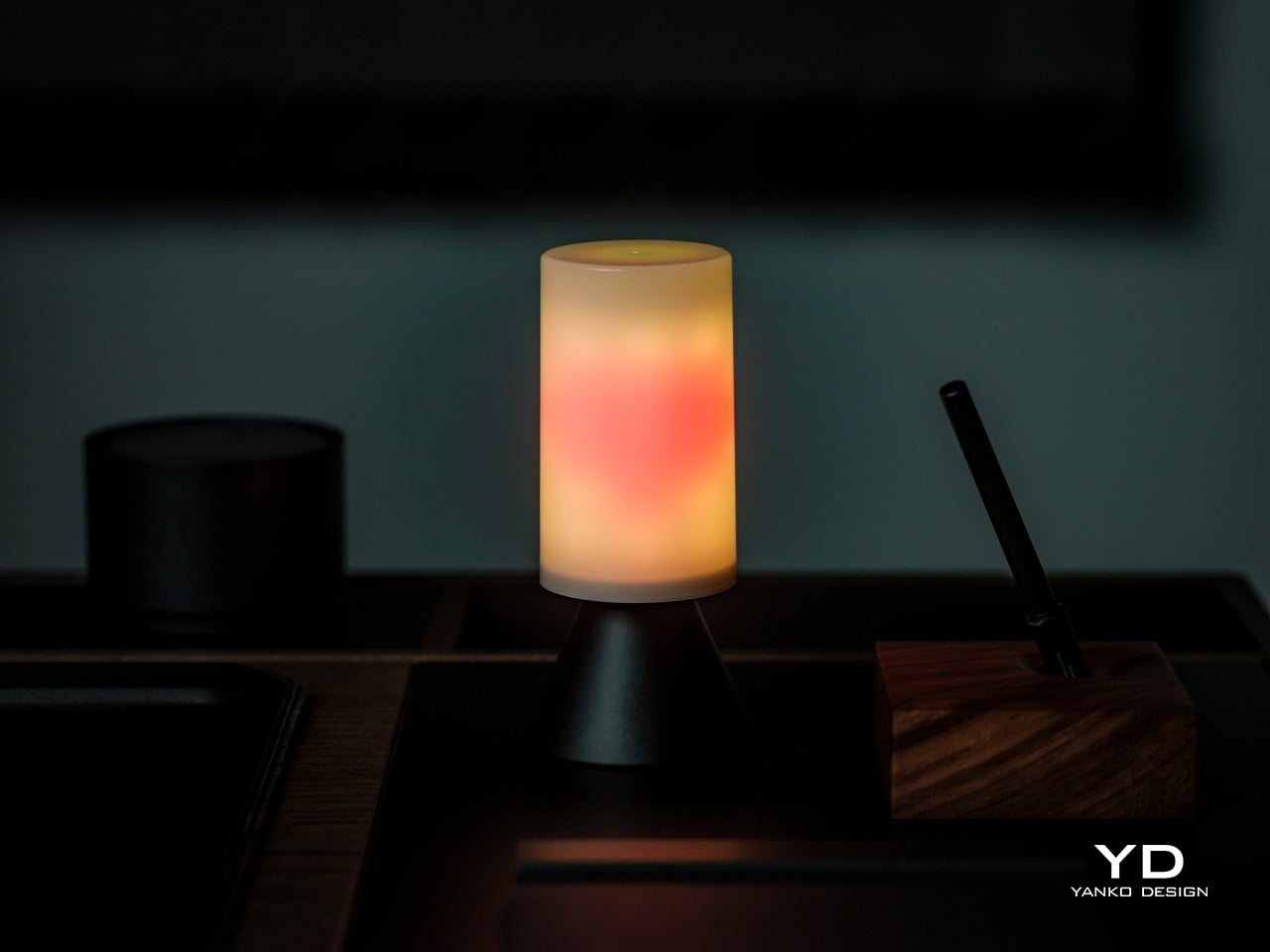
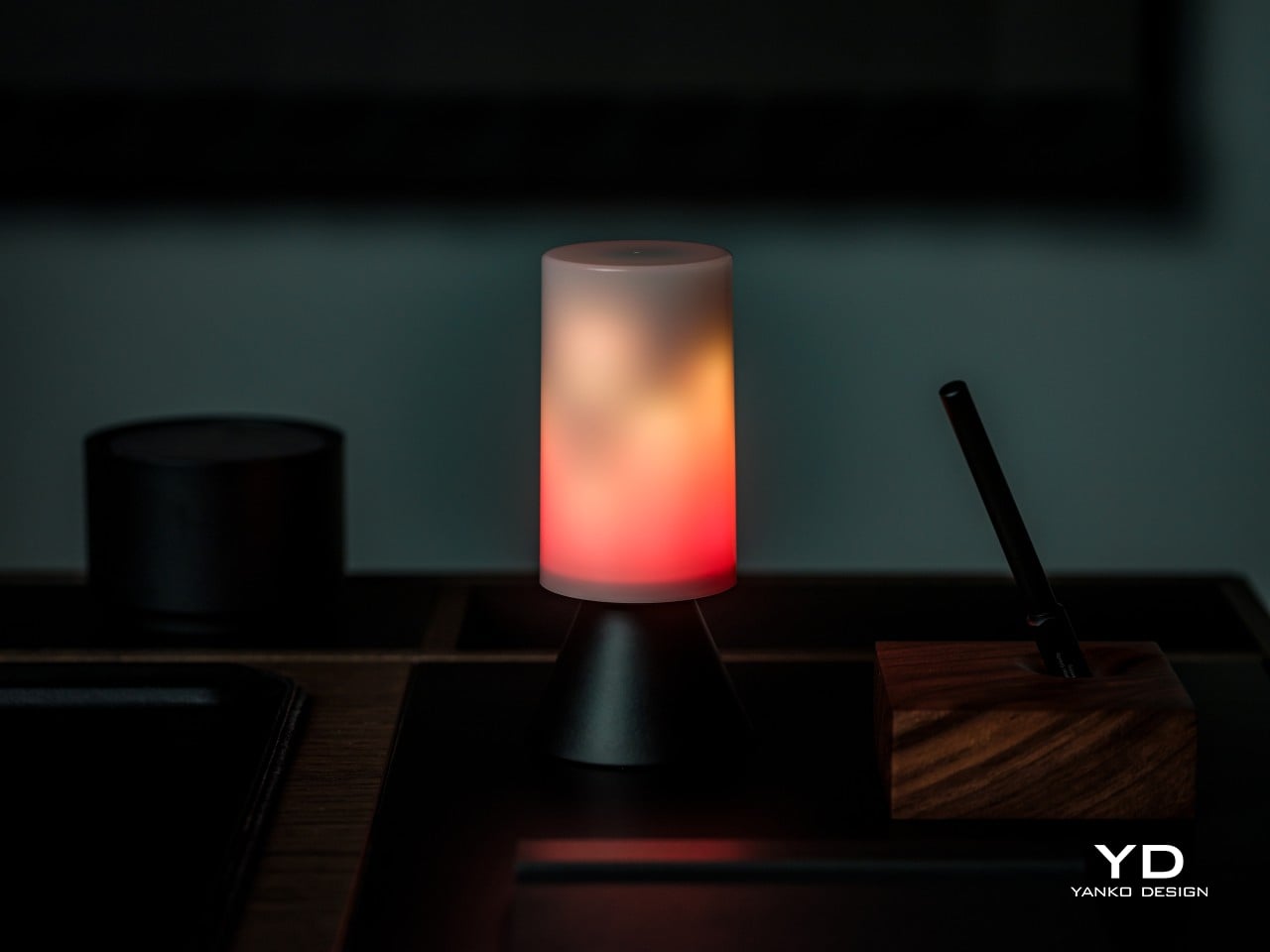
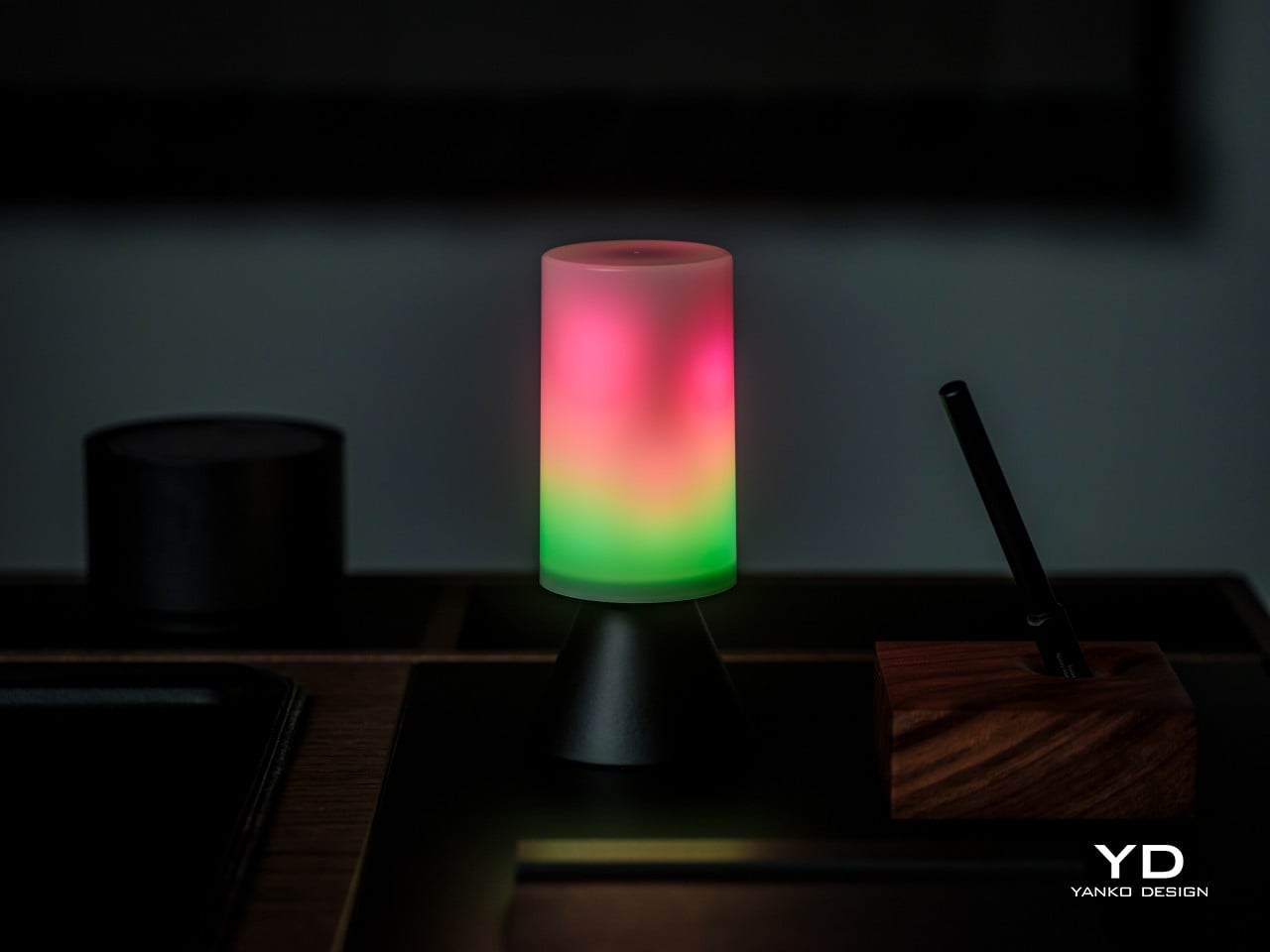
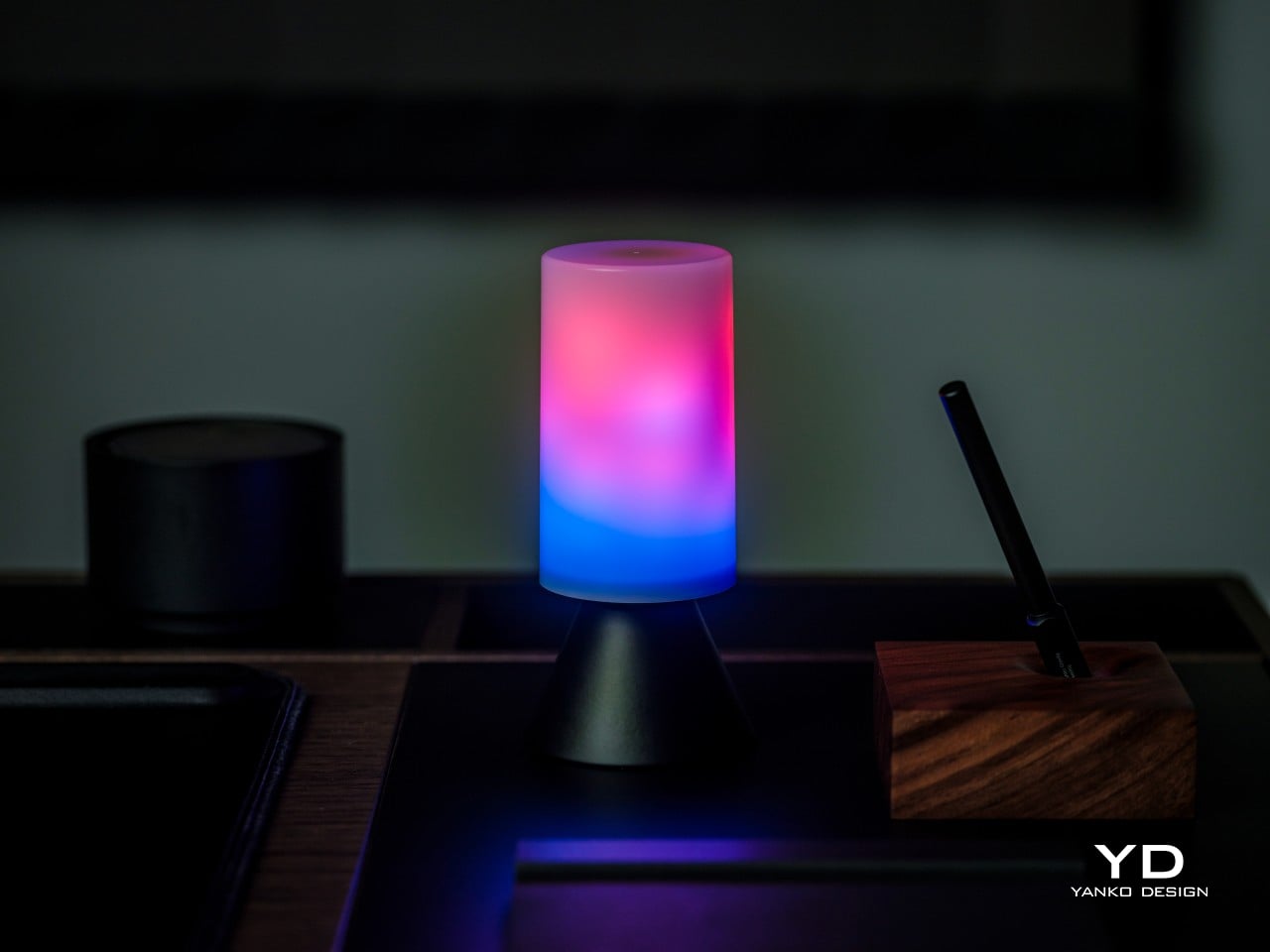
Ichi Portable Lamp

Desk lamps rarely fail in the obvious ways. Most give off enough light and last long enough. What they tend to get wrong is the base, which on wider models claims an entire desk corner, and the cord, which invariably ends up somewhere visible. The Ichi Portable Lamp, born from the collaboration between Fujita Kinzoku and TENT Design, keeps the form slim and goes cordless, addressing both without turning the lamp into a statement piece.

Click Here to Buy Now: $149

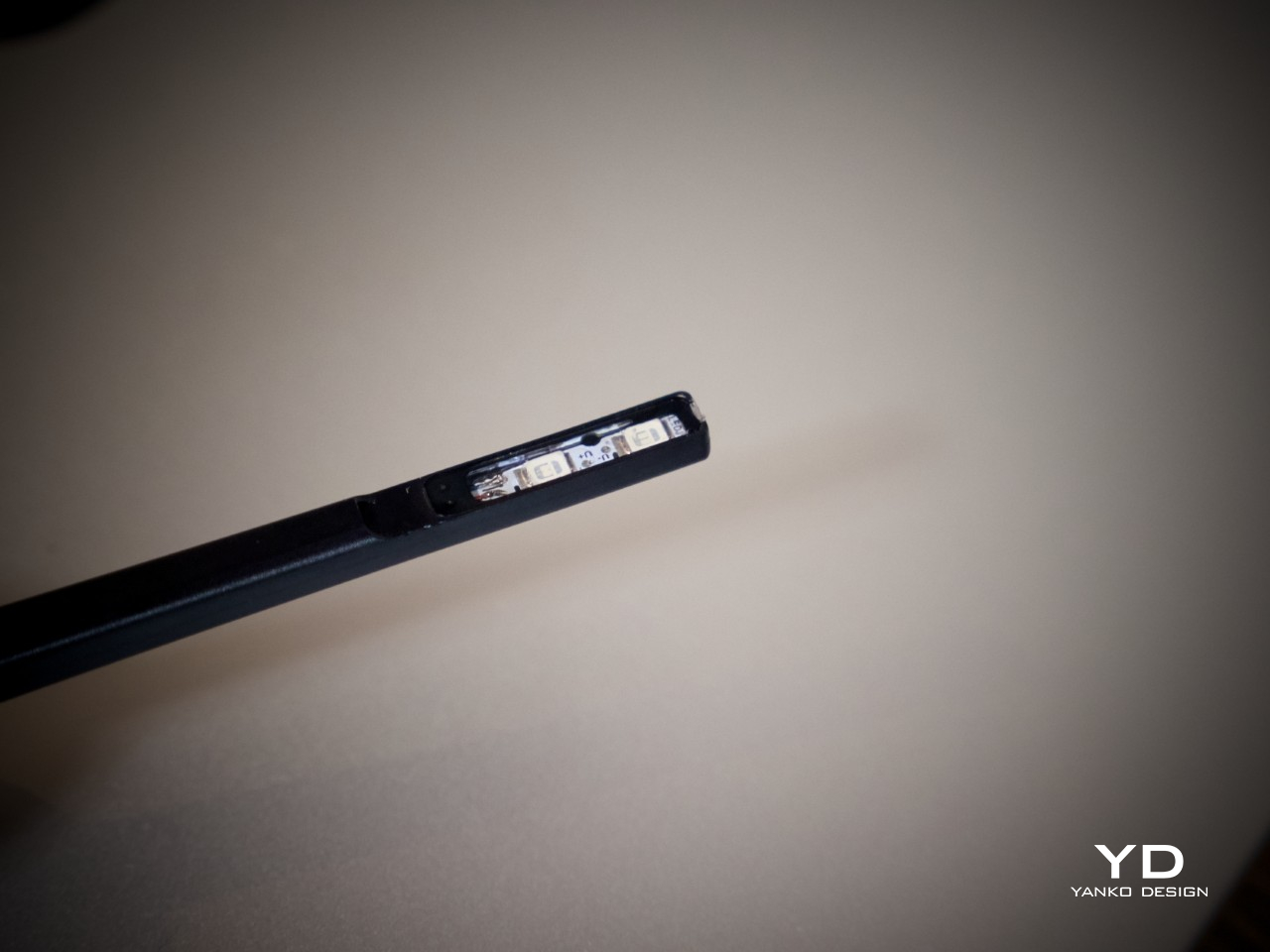
Powered by four standard AA batteries, it runs cordless without the limitations of proprietary chargers. Its warm, high-color-rendering CRI 95 LED creates a soft, radiant glow suitable for task work or winding down. The modular design disassembles into three parts and packs down to a slim 20mm thickness. It’s more portable than a permanent desk fixture, which is worth knowing if you need sustained, high-output lighting for long stretches.

Satechi 3-in-1 Foldable Wireless Charging Stand

Getting a phone stand onto a minimalist desk requires a stronger argument than just holding the phone upright. The Satechi 3-in-1 Foldable Wireless Charging Stand with Qi2 25W makes that argument by doing three jobs at once, replacing the tangle of separate charging pads that Apple users typically accumulate. Wireless charging was supposed to simplify things, but most setups end up with a different kind of mess instead.

Designer: Satechi

Set the iPhone down, and Qi2 snaps it into position, the Apple Watch gets its own fast-charge arm, and the AirPods rest on a pad below, all drawing from a single cable to the wall. The stand folds flat for travel and fits easily in a carry-on. A 45W USB-C adapter with US, EU, and UK plugs ships in the box. It’s most compelling for people already working within the Apple ecosystem.

Building a cleaner desk comes down to the same question applied to every object on it: what is it giving back for the space it takes? Color and material can make things look minimal, but they don’t make them earn their place. That’s a footprint budget, and it’s a much better framework for deciding what stays than any mood board, setup guide, or neutral palette.

The post 10 Minimalist Desk Accessories That Earn Their Footprint first appeared on Yanko Design.

Ideas Are Dead. Why Execution Matters More for Designers in 2026

Yanko Design’s Design Mindset, powered by KeyShot, continues to carve out a thoughtful space for conversations around creativity, process, and the way design is evolving in real time. Now at Episode 21, the weekly podcast has become a compelling extension of the publication’s larger design lens, moving beyond products and visuals to focus on the people, principles, and practices shaping the creative world today. Each episode opens up a deeper look at the mindset behind modern design, asking what it really means to create with relevance in a landscape that keeps changing.

This week’s guest is Ben Fryc of Framer, a creative voice whose work sits at the intersection of storytelling, digital product thinking, and workflow design. In conversation with Radhika Sood, Ben speaks about a shift many designers are already feeling, where the role is expanding from someone who visualizes ideas to someone who can actively bring them to life. The result is a timely discussion about momentum, confidence, tools, and the growing value of designers who know how to build.

Download your Free Trial of KeyShot Here

The Gap Between Taste and Execution

Ben’s central argument lands quickly and stays with you through the rest of the episode: most creatives do not struggle with ideas, they struggle with execution. That distinction gives shape to a frustration many designers know well. The vision is there, the taste is there, and the instinct is often sharp, but the path from concept to finished outcome can still feel longer than expected. Ben attributes that gap to experience, or more specifically, the lack of enough repetition to turn instinct into capability. He speaks candidly about the misconception that strong execution should arrive early, especially for young designers stepping out of school and into the profession.

What makes his perspective resonate is the way he strips away the mythology around creative success and replaces it with something more useful. Good ideas matter, but the people who move forward are usually the ones who learn how to carry those ideas through constraints, revisions, and real-world expectations. Experience becomes the bridge between taste and output, and that bridge is built over time. In Ben’s framing, becoming a stronger designer is less about waiting for talent to click and more about putting in enough cycles of making to close the distance between what you imagine and what you can actually produce.

When Designers Start Becoming Builders

A major theme in the episode is the changing role of the designer, especially in a world where tools have made prototyping, publishing, and testing much more accessible. Ben talks about how the shift often begins the moment a designer starts thinking beyond the static mockup and becomes interested in how something actually works in motion. Once that curiosity enters the process, design starts to feel more active and more complete. The act of building no longer belongs exclusively to another team or another discipline. It becomes part of the designer’s own creative vocabulary.

Ben describes this transition almost like unlocking a new layer of ability, where confidence grows because the work can finally move out of presentation mode and into lived experience. That shift changes more than output. It changes the way a designer thinks about learning, problem-solving, and authorship. Coding, prototyping, 3D modeling, and other adjacent skills begin to feel less like optional extras and more like natural extensions of the design process. What emerges is a broader creative identity, one rooted in agency and in the satisfaction of making something real enough for others to use, experience, or respond to.

Workflow as a Creative Force

One of the most interesting parts of the conversation comes when Ben talks about workflow, not as a backstage concern but as a genuine creative advantage. He pushes back on the idea that workflow is simply a matter of optimization and instead frames it as something that shapes the quality of thinking itself. For him, a smooth workflow creates the conditions for ideas to evolve naturally, especially in projects where the final outcome only becomes clear through the act of making. That kind of process depends on iteration, room for discovery, and enough flexibility to let references, instincts, and experimentation inform the direction of the work.

He also makes an important point about communication, especially in collaborative environments where creative momentum can either build quickly or lose energy just as fast. Sharing work early, being clear about process, and inviting feedback before everything is fully polished all become part of a healthier workflow. Ben’s view is that better work often comes from showing progress sooner rather than later, because feedback strengthens the idea while it is still flexible. In that sense, workflow is not just about personal efficiency. It is also about preserving momentum, protecting creative energy, and giving ideas a better chance to grow into something stronger.

The Tools That Shape Ambition

Because Ben works at Framer, the discussion naturally moves into the role of tools, though what makes his take interesting is that he avoids reducing the conversation to features alone. He speaks instead about the feeling of a tool, how quickly it communicates its purpose, how naturally it invites experimentation, and how much friction it introduces between thought and action. In his view, the best creative tools are the ones that feel legible early on, even if they reveal more depth over time. Complexity can have value, but approachability matters because it determines whether someone begins with curiosity or hesitation.

That idea becomes especially relevant in the context of today’s no-code and low-friction creative platforms, which have changed what designers can realistically attempt on their own. Ben notes that when tools lower the barrier to making, people often become more ambitious because the path from idea to execution feels more direct. Instead of getting lost in abstraction, they can start building, testing, and refining with greater immediacy. The result is not just speed for its own sake, but a more intentional creative process where the tool amplifies possibility and supports the designer’s ability to act on instinct while learning along the way.

Why Shipping Changes the Designer

The episode closes on a note that feels especially relevant for creatives who spend too long refining, adjusting, and waiting for the right moment to release something. Ben speaks honestly about perfectionism and how easily it can interrupt momentum, especially when creators become so focused on improving the work that they never let it exist in the world. His answer is not careless speed, but a healthier relationship with progress. Making something real, even in an imperfect form, creates a kind of confidence that reflection alone cannot produce. The act of shipping becomes a turning point because it changes how the creator sees their own role.

That is ultimately what gives this conversation its energy. Ben is not presenting building as a trend layered on top of design, but as a deeper evolution in how designers participate in their own ideas. Once something moves from concept to reality, even on a small scale, it carries a different weight. It becomes proof of capability, proof of momentum, and proof that taste can be translated into action. For a weekly podcast like Design Mindset, that kind of conversation feels exactly on point, because it captures the creative shift defining this moment. Designers today are being asked to do more than imagine. They are being invited to make.

Design Mindset drops every week on Yanko Design. Catch Episode 19 in full wherever you listen to podcasts. For a free trial of KeyShot, visit keyshot.com/mindset.

Download your Free Trial of KeyShot Here

The post Ideas Are Dead. Why Execution Matters More for Designers in 2026 first appeared on Yanko Design.

PITAKA Asked the World to Design Its Aramid Phone Cases. Here Are Some of the Best Entries So Far

Pattern has always been one of humanity’s most instinctive forms of expression. Before there was writing, there was weave, the repetition of motifs in cloth, stone, and ceramic that encoded identity, belief, and belonging long before language could do the same. The Japanese asanoha, the Nordic Fair Isle, the geometric armor vocabulary of ancient Chinese craft, these are visual systems developed over centuries that survive precisely because they carry emotional weight. In 2026, those same systems are finding a new surface to live on, and the conversation around what that means has quietly become one of the more compelling ones happening in product design.

When PITAKA launched “Weave the Next, Weave Our World,” the brief it handed designers was deceptively open. Submit a texture system, anchor it in one of four broad themes, and consider how it might actually live on a physical product. No prescriptions on culture, no mandate on aesthetic direction. The entries that came back reflected the full range of what happens when that kind of creative latitude meets genuine material ambition. A few of them stand out, not for spectacle, but for the quality of thinking they bring to a surface most people never stop to examine.

Click Here to Submit Now. Hurry, Competition Ends: May 25, 2026.

Nathan.c’s “Nordic Knit Dream” feels instantly familiar and comforting. The design is inspired by Fair Isle knitwear, the classic two-color style from the Shetland Islands, turning its traditional geometry into a clean, pixel-like pattern. It’s a smart nod to the grid-like nature of knitting, but updated for a modern tech accessory. The choice of a vintage red and crisp white feels both festive and timeless. This concept connects directly with PITAKA’s own manufacturing, as the Fusion Weaving process literally weaves patterns into the aramid fiber, making it a perfect modern counterpart to a traditional textile art.

From Japan, Mahkciw’s “Emerald Lattice” takes the asanoha, or hemp leaf pattern, and gives it a modern twist with a deep emerald green and accents of champagne gold. This color choice makes the pattern feel less like a traditional craft and more like a luxury item, but without losing its classic power. The design is confident and polished, showing a great understanding of how a historical pattern can be updated for today’s products. It feels ready to go, a testament to the idea that good design is often about smart, subtle translation rather than loud invention.

The same designer also submitted “Golden Armor,” which has a completely different energy. Inspired by ancient Chinese armor, this black-and-gold design feels more like architecture than decoration. It’s a fascinating test to see if a pattern designed to look powerful on a large scale can still feel just as strong when shrunk down to fit a phone. The sharp, commanding lines suggest it absolutely can. Seeing both this and “Emerald Lattice” from the same person shows a remarkable ability to work with different cultural vocabularies and bring them to life.

Finally, marc_’s “Feathery Green Flow” is the quietest of the bunch, and that’s its strength. Inspired by the veins of a leaf, the design uses flowing lines in a soft teal-on-navy palette. It doesn’t shout for attention; instead, it creates a mood and asks you to look a little closer to really appreciate it. This kind of subtle, nature-inspired work relies on texture to make its point, which is exactly what PITAKA’s aramid fiber material does best. It’s a design that would feel as good as it looks.

These submissions are more than just beautiful concepts; they are proof of the incredible creativity that emerges when a brand opens its doors to the world. They show how a single material technology can become a canvas for countless cultural stories, from the cozy warmth of a Scottish sweater to the disciplined elegance of Japanese geometry. Each design is a conversation starter, a small piece of art that carries a much bigger story, which is precisely what the Weave the Next, Weave Our World initiative set out to find.

Promotional poster for a design competition with the slogans 'Weave the Next' and 'Weave Our World' on a dark, lined background; includes submission dates and a URL.

The competition is a search for the next visual language for tech, but it’s also a bridge between global creativity and real-world production. The most exciting part is that this is just the beginning. With the submission period open until May 25th, there is still time for more designers to add their voices to this global dialogue. For creators, this is a rare opportunity, a chance to have their work seen by a jury that includes industry leaders like Ross Lovegrove and to potentially see their vision become a real product. For the rest of us, it’s a front-row seat to the future of design, one woven pattern at a time.

Click Here to Submit Now. Hurry, Competition Ends: May 25, 2026.

The post PITAKA Asked the World to Design Its Aramid Phone Cases. Here Are Some of the Best Entries So Far first appeared on Yanko Design.
PITAKA Is Letting the World Design Its Next Phone Cases, Royalties Included. Here’s How To Participate

Tech accessories have hit a curious inflection point. The last year trained us to worship thinness and glass, but somewhere between the tenth identical ‘Air’ or ‘Edge’ smartphone and the fifteenth glossy case, a countermovement quietly took root. Texture matters again. Grip, weave, and tactile identity are no longer afterthoughts, they’re the differentiators that keep objects from sliding into the sea of sameness. PITAKA, a brand built on aerospace-grade aramid fiber and what it calls “fusion weaving,” has spent years proving that phones don’t have to feel like jewelry-store display pieces. Now, with the launch of “Weave the Next, Weave Our World,” the company is turning that philosophy outward, inviting designers worldwide to imagine the surfaces and visual languages that will define the next generation of tech we carry, hold, and interact with every day.

Launching April 24th, 2026, the competition is framed explicitly around the intersection of technology and art, which is less marketing speak and more PITAKA’s operational DNA. The brand’s cases have always leaned hard into material science, using woven aramid fibers (the same stuff in bulletproof vests and aircraft components) that are five times stronger than steel and a fraction of the weight. But strength alone doesn’t sell. What makes PITAKA cases notable is the texture vocabulary they’ve developed over years of refining weave patterns, experimenting with 600D and 1500D aramid densities, and pushing techniques like “fusion weaving,” where multiple patterns coexist on a single loom to create intricate, layered surface designs. “Weave the Next, Weave Our World” extends that exploration beyond the company’s internal design studio and into the hands of students, professionals, and independent creators who might see texture, pattern, and tactility from entirely different cultural or aesthetic starting points.

Click Here to Submit Now. Hurry, Competition Ends: May 25, 2026.

The Brief

Nordic Knit Dream

Drifting Shadows

PITAKA’s “Weave the Next, Weave Our World” global design competition invites designers to create texture and visual language systems for the brand’s future product series, positioned explicitly at the intersection of technology and art. Participants choose from four thematic directions: “These Moments,” which captures the raw beauty and shifting rhythms of the natural world; “Timeless Threads,” weaving stories of culture, memory, and human journeys; “Beyond Tomorrow,” exploring visionary futures where innovation reshapes daily life; or “Roots of Rhythms,” celebrating the textures, symbols, and spirit born from each land’s heritage. The competition aims to explore emerging global trends in tactile and visual design, strengthen PITAKA’s art-tech identity, and potentially commercialize winning designs through royalties, co-branding, and official recognition.

How To Participate

  1. Visit the official competition website or Dribbble page to submit your entry
  2. Provide participant information and upload your texture designs
  3. Include a written design explanation with your submission
  4. Entries will be evaluated through a combination of professional jury review and public voting
  5. Winners will be announced and showcased in an online exhibition

Competition Dates

  • Competition Launch: April 24, 2026
  • Submission Period: April 24 – May 25, 2026
  • Judging Period: May 26 – May 31, 2026
  • Winners Announcement: June 9, 2026

Jury Panel

  • Qiongzhi Xie (Artist; Founder of Daxing Jizi Studio)
  • Matteo Menotto (Head of Design, Prints & Textile Accessories at Bulgari)
  • Sarang Sheth (Editor-in-Chief, Yanko Design)
  • James (Founder / CEO, PITAKA)

Important Information

The most compelling entries are likely to do three things at once:

  1. Treat texture as a system, not a single image
    PITAKA’s products live across multiple form factors, so a strong entry will propose a visual/tactile system that can scale and adapt, not just a one-off pattern.
  2. Anchor the concept in one of the four themes without being literal
    “These Moments” does not need a photo-real print of a wave; “Roots of Rhythms” does not need a direct copy of a folk motif. Abstraction, distillation, and translation into a tech-accessory context will matter.
  3. Consider manufacturability and user experience
    Even in a speculative competition, the jury includes industrial design and brand leadership. Textures that look stunning in render but collapse in real material or feel uncomfortable in hand will likely be deprioritized.

If you already experiment with materials, parametric patterns, or culturally rooted visual systems, “Weave the Next, Weave Our World” is essentially an invitation to push that work into a space where it might actually ship.

Click Here to Submit Now. Hurry, Competition Ends: May 25, 2026.

Click Here to Submit Now. Hurry, Competition Ends: May 25, 2026.

The post PITAKA Is Letting the World Design Its Next Phone Cases, Royalties Included. Here’s How To Participate first appeared on Yanko Design.
PITAKA Is Letting the World Design Its Next Phone Cases, Royalties Included. Here’s How To Participate

Tech accessories have hit a curious inflection point. The last year trained us to worship thinness and glass, but somewhere between the tenth identical ‘Air’ or ‘Edge’ smartphone and the fifteenth glossy case, a countermovement quietly took root. Texture matters again. Grip, weave, and tactile identity are no longer afterthoughts, they’re the differentiators that keep objects from sliding into the sea of sameness. PITAKA, a brand built on aerospace-grade aramid fiber and what it calls “fusion weaving,” has spent years proving that phones don’t have to feel like jewelry-store display pieces. Now, with the launch of “Weave the Next, Weave Our World,” the company is turning that philosophy outward, inviting designers worldwide to imagine the surfaces and visual languages that will define the next generation of tech we carry, hold, and interact with every day.
Launching April 24th, 2026, the competition is framed explicitly around the intersection of technology and art, which is less marketing speak and more PITAKA’s operational DNA. The brand’s cases have always leaned hard into material science, using woven aramid fibers (the same stuff in bulletproof vests and aircraft components) that are five times stronger than steel and a fraction of the weight. But strength alone doesn’t sell. What makes PITAKA cases notable is the texture vocabulary they’ve developed over years of refining weave patterns, experimenting with 600D and 1500D aramid densities, and pushing techniques like “fusion weaving,” where multiple patterns coexist on a single loom to create intricate, layered surface designs. “Weave the Next, Weave Our World” extends that exploration beyond the company’s internal design studio and into the hands of students, professionals, and independent creators who might see texture, pattern, and tactility from entirely different cultural or aesthetic starting points.

Click Here to Submit Now. Hurry, Competition Ends: May 25, 2026.

The Brief

Nordic Knit Dream

Drifting Shadows

PITAKA’s “Weave the Next, Weave Our World” global design competition invites designers to create texture and visual language systems for the brand’s future product series, positioned explicitly at the intersection of technology and art. Participants choose from four thematic directions: “These Moments,” which captures the raw beauty and shifting rhythms of the natural world; “Timeless Threads,” weaving stories of culture, memory, and human journeys; “Beyond Tomorrow,” exploring visionary futures where innovation reshapes daily life; or “Roots of Rhythms,” celebrating the textures, symbols, and spirit born from each land’s heritage. The competition aims to explore emerging global trends in tactile and visual design, strengthen PITAKA’s art-tech identity, and potentially commercialize winning designs through royalties, co-branding, and official recognition.

How To Participate

  1. Visit the official competition website or Dribbble page to submit your entry
  2. Provide participant information and upload your texture designs
  3. Include a written design explanation with your submission
  4. Entries will be evaluated through a combination of professional jury review and public voting
  5. Winners will be announced and showcased in an online exhibition

Competition Dates

  • Competition Launch: April 24, 2026
  • Submission Period: April 24 – May 25, 2026
  • Judging Period: May 26 – May 31, 2026
  • Winners Announcement: June 9, 2026

Jury Panel

  • Qiongzhi Xie (Artist; Founder of Daxing Jizi Studio)
  • Matteo Menotto (Head of Design, Prints & Textile Accessories at Bulgari)
  • Sarang Sheth (Editor-in-Chief, Yanko Design)
  • James (Founder / CEO, PITAKA)

Important Information

The most compelling entries are likely to do three things at once:

  1. Treat texture as a system, not a single image
    PITAKA’s products live across multiple form factors, so a strong entry will propose a visual/tactile system that can scale and adapt, not just a one-off pattern.
  2. Anchor the concept in one of the four themes without being literal
    “These Moments” does not need a photo-real print of a wave; “Roots of Rhythms” does not need a direct copy of a folk motif. Abstraction, distillation, and translation into a tech-accessory context will matter.
  3. Consider manufacturability and user experience
    Even in a speculative competition, the jury includes industrial design and brand leadership. Textures that look stunning in render but collapse in real material or feel uncomfortable in hand will likely be deprioritized.

If you already experiment with materials, parametric patterns, or culturally rooted visual systems, “Weave the Next, Weave Our World” is essentially an invitation to push that work into a space where it might actually ship.

Click Here to Submit Now. Hurry, Competition Ends: May 25, 2026.

Click Here to Submit Now. Hurry, Competition Ends: May 25, 2026.

The post PITAKA Is Letting the World Design Its Next Phone Cases, Royalties Included. Here’s How To Participate first appeared on Yanko Design.