XREAL Aura glasses put digital screens in view while letting wearers see their surroundings through the lenses. They can display Android apps, computer desktops and games, with hand tracking for navigating windows. In his hands-on review, Steven Sullivan explores how the Aura performs across everyday productivity, media consumption and gaming, including its PC VR capabilities. […]
Apple’s MacBook Pro OLED XDR introduces a series of firsts to its iconic laptop lineup, including an advanced tandem OLED display and touchscreen navigation. These features mark a significant evolution for the MacBook Pro, alongside a lighter chassis design, extended battery life, and the integration of the powerful M5 Pro and Max chips. However, its […]
Google has described an internal cleanup system that finds outdated project notes that can send coding agents into unrequested work. The system is not publicly available, but Claude Code users can apply similar checks to their own project files. Stale instructions can lead an agent away from its assigned task, even when the requested work […]
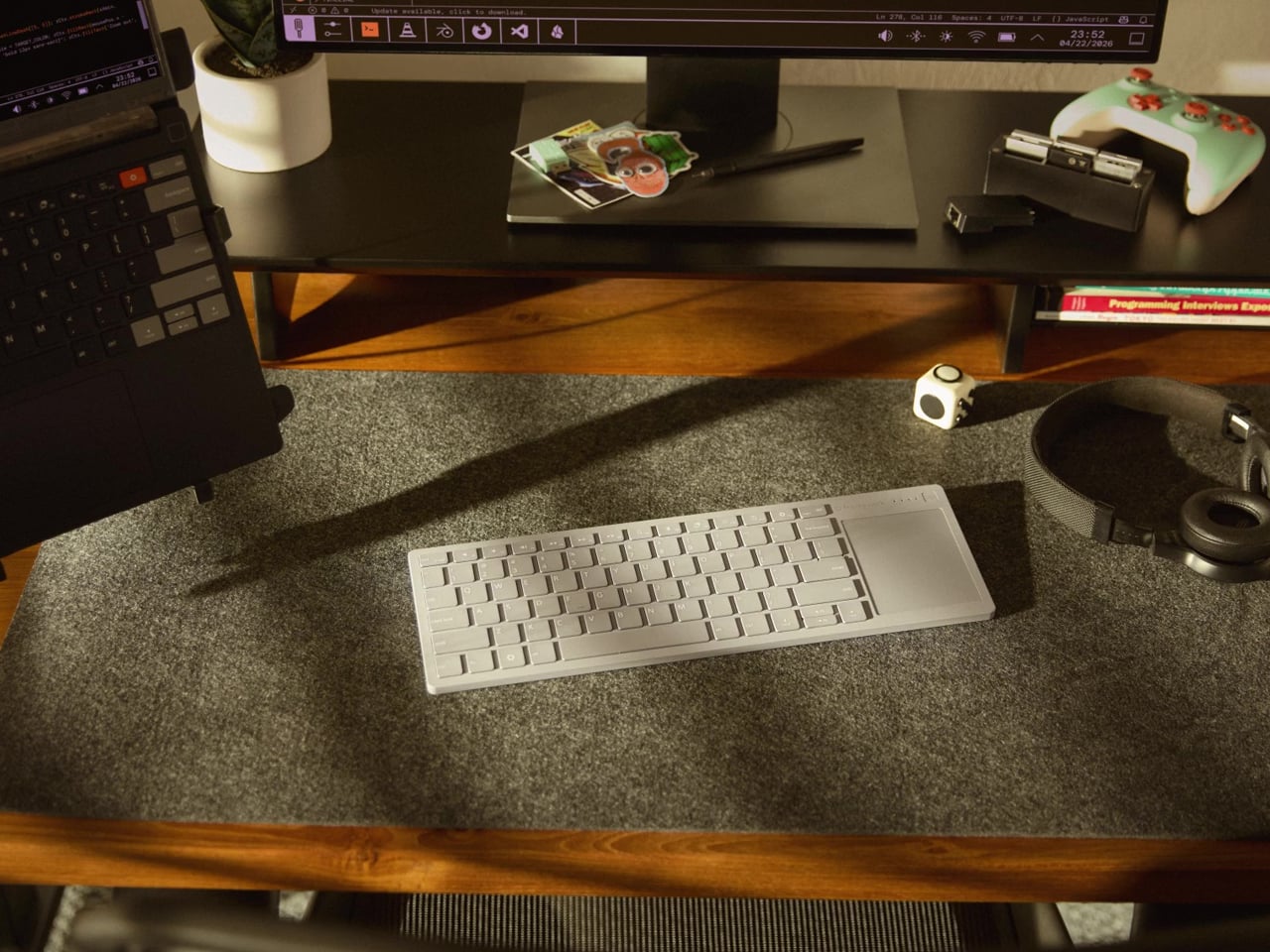
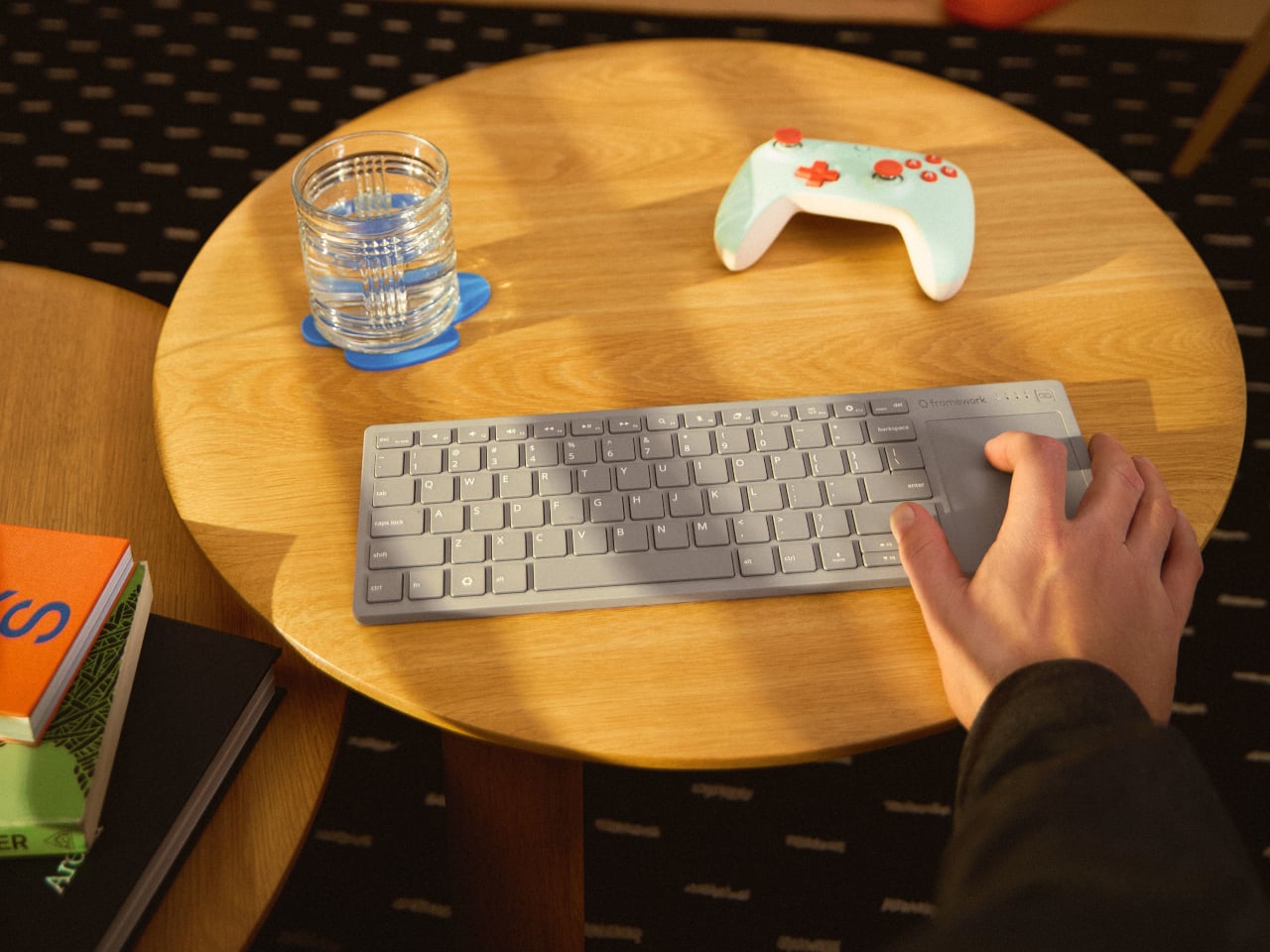
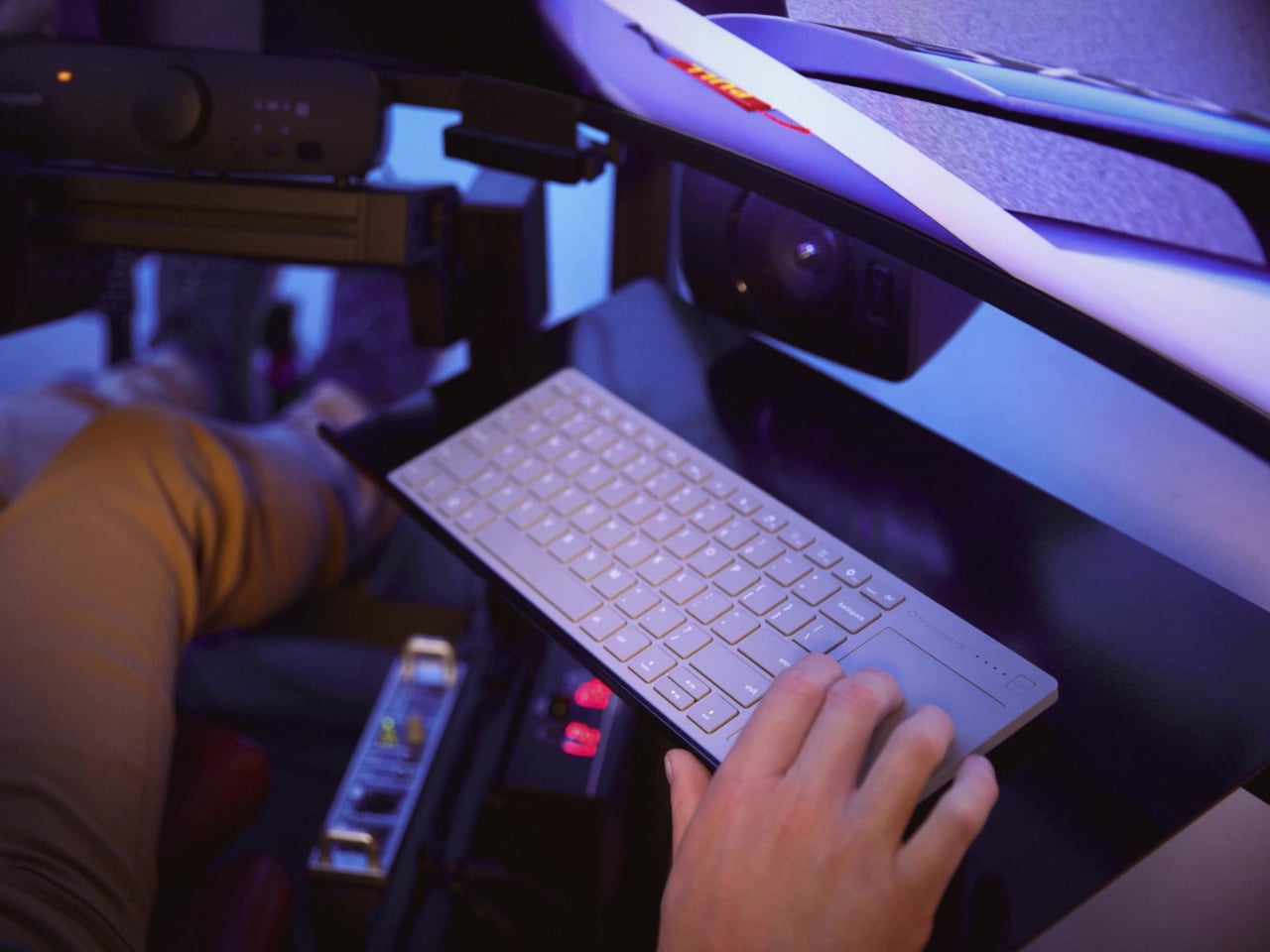
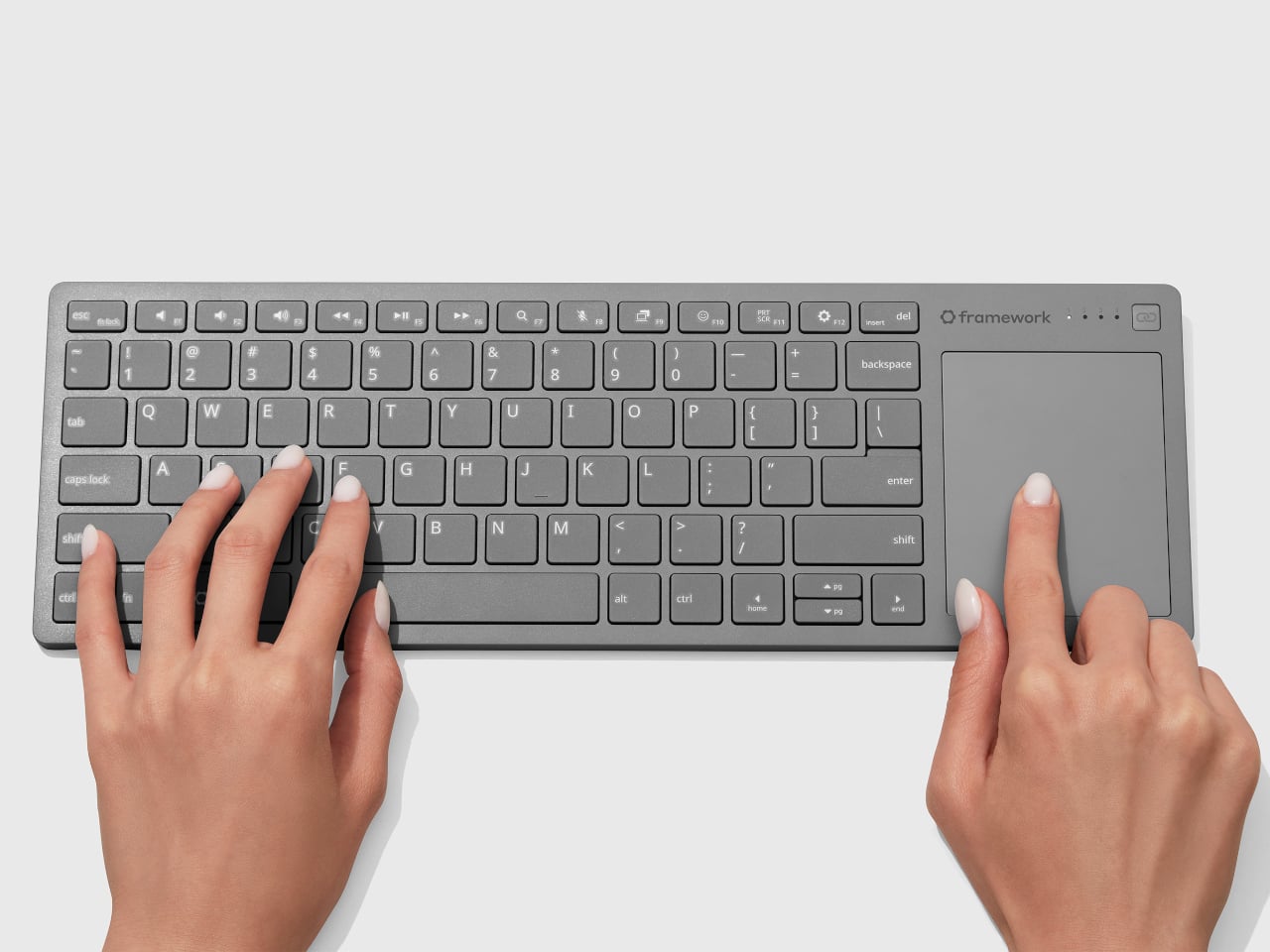
Using a computer from the couch sounds relaxing until the mouse needs somewhere to sit. Framework’s Wireless Touchpad Keyboard keeps typing and pointing on one board, with laptop-derived keys and a clickable touchpad on the right. Now available for preorder at $99, it also carries over the company’s interest in replaceable parts, giving this living room accessory a life beyond its first battery.
The gray rectangular body measures approximately 14.1 inches wide and 4.7 inches deep. Moving the touchpad beside the keys, rather than below them, keeps the whole arrangement wide but shallow. A steel plate beneath the keyboard is intended to resist flexing when it rests on your lap. At about 1.07 pounds, this isn’t an accessory trying to feel weightless in your hands.
The keys themselves come from the Framework Laptop 12, using a scissor mechanism rather than mechanical switches. Their roughly 0.06-inch travel and 0.75-inch spacing preserve familiar laptop proportions without squeezing everything into a miniature remote. The tall touchpad supports clicks and multi-finger gestures, although placing it permanently on the right makes this arrangement less accommodating if you prefer pointing with your left hand.
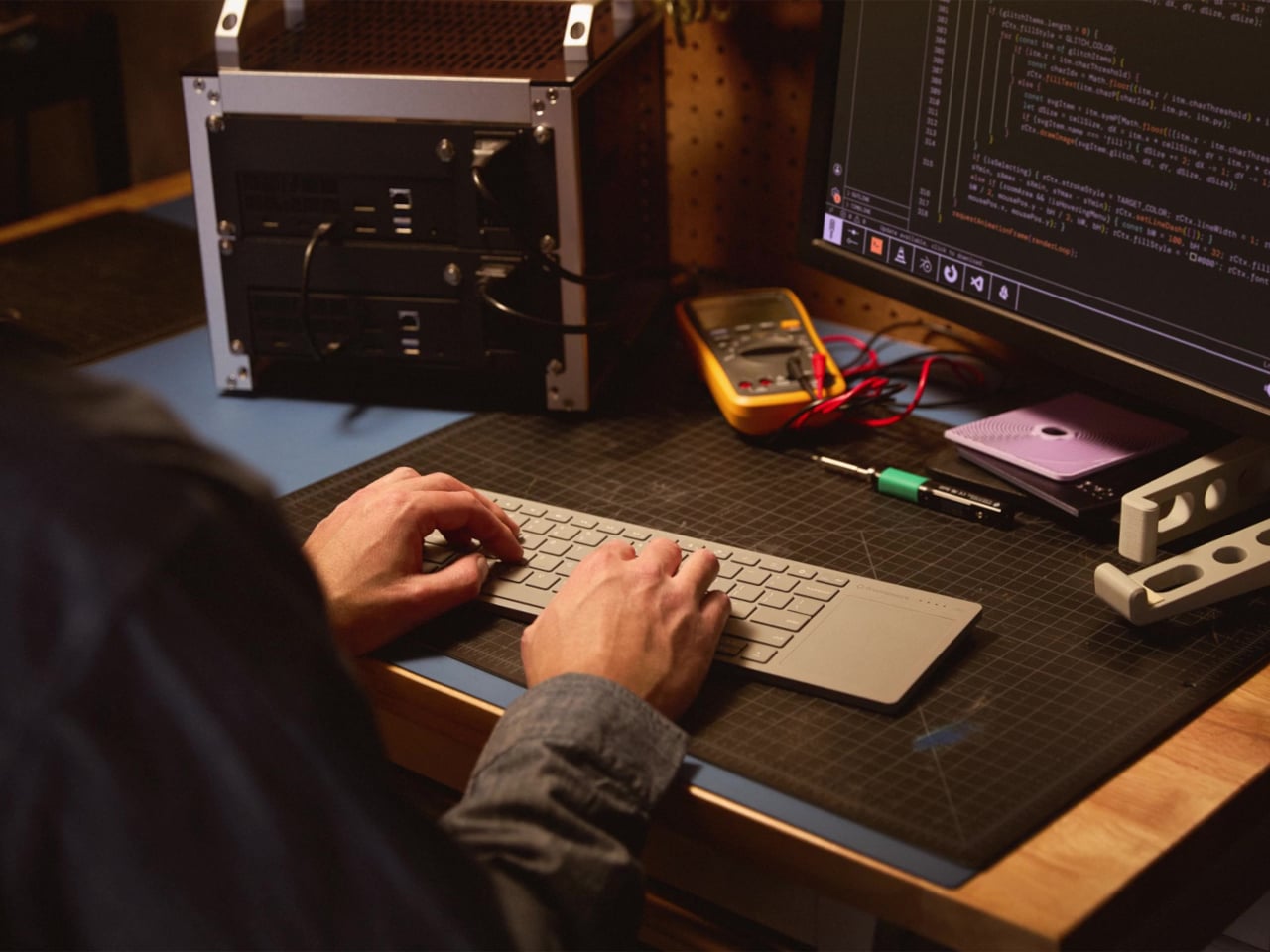
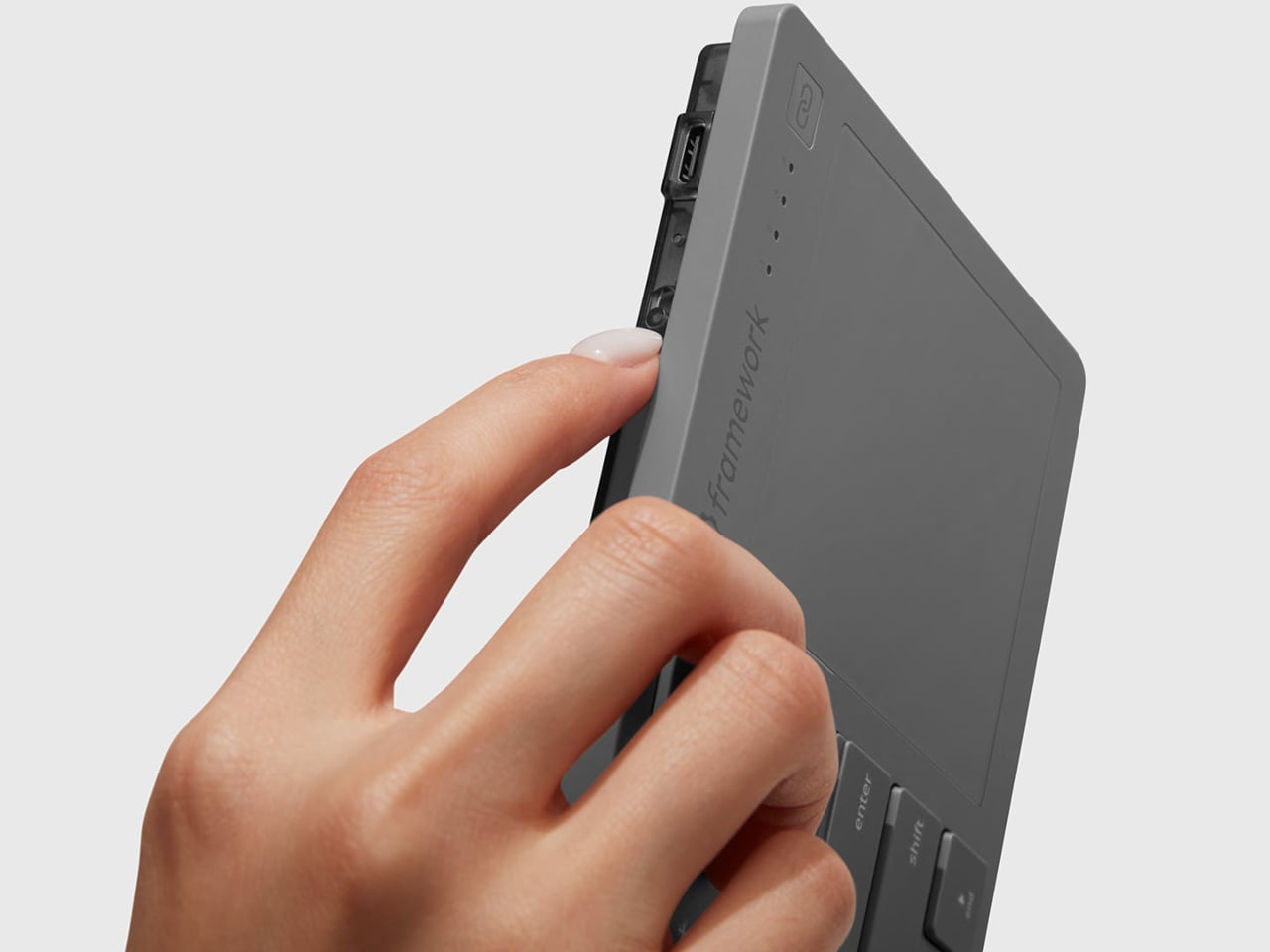
Moving between machines doesn’t require a collection of receivers. The included USB-A dongle occupies one wireless channel, while three Bluetooth channels let you save devices and switch between them with a button. The receiver stores in the back when it isn’t needed. USB-C handles charging and wired operation, including computer setup before an operating system loads, without needing to establish a Bluetooth connection.
That flexibility extends beyond moving from the television to your workbench. Published surface CAD files give you a starting point for 3D-printing a mount for a racing simulator or custom workstation. Framework also plans to release its ZMK-based firmware, while key remapping is supported through ZMK Studio. You can change what the keys do without designing a new keyboard around your project.
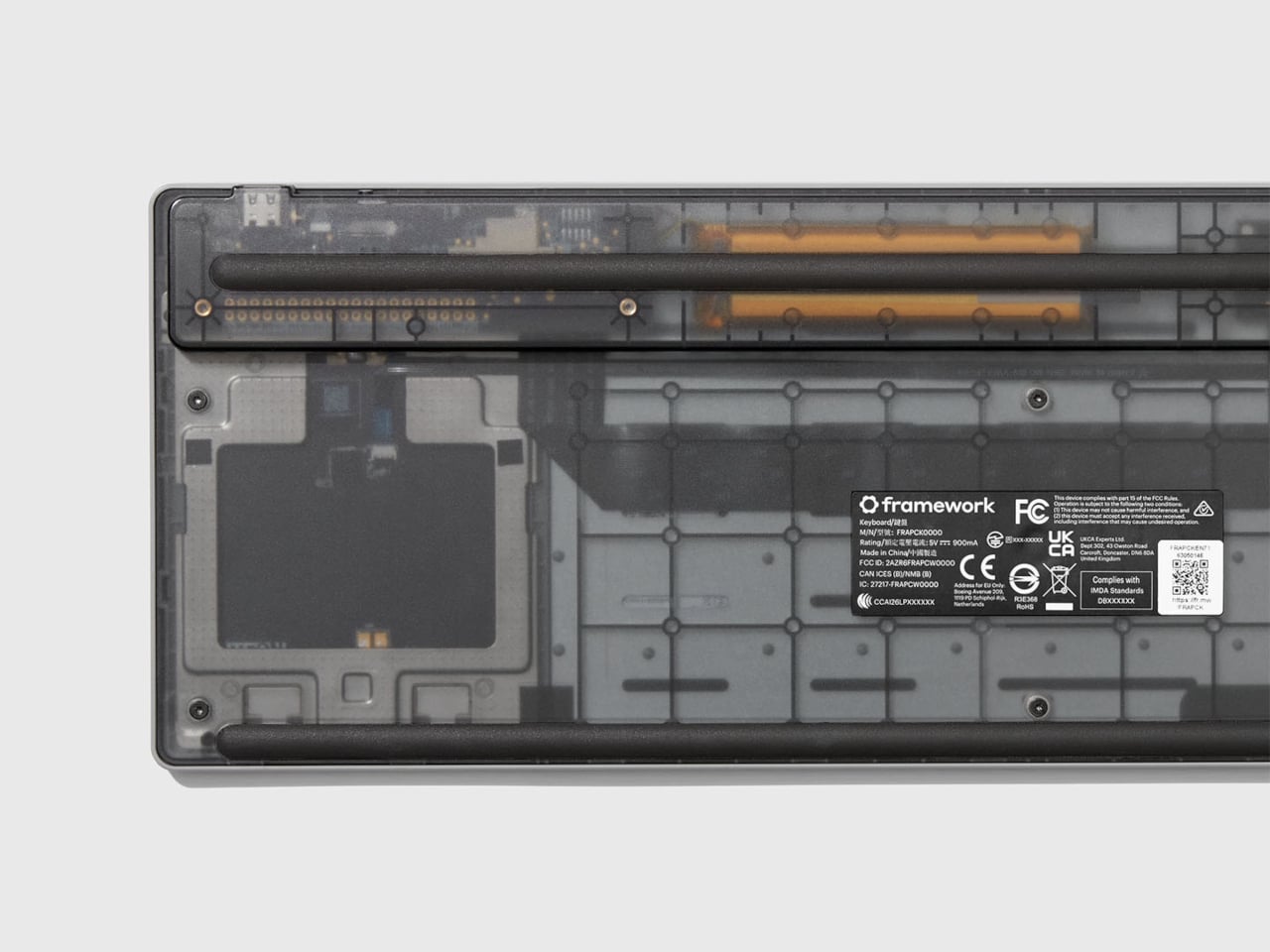
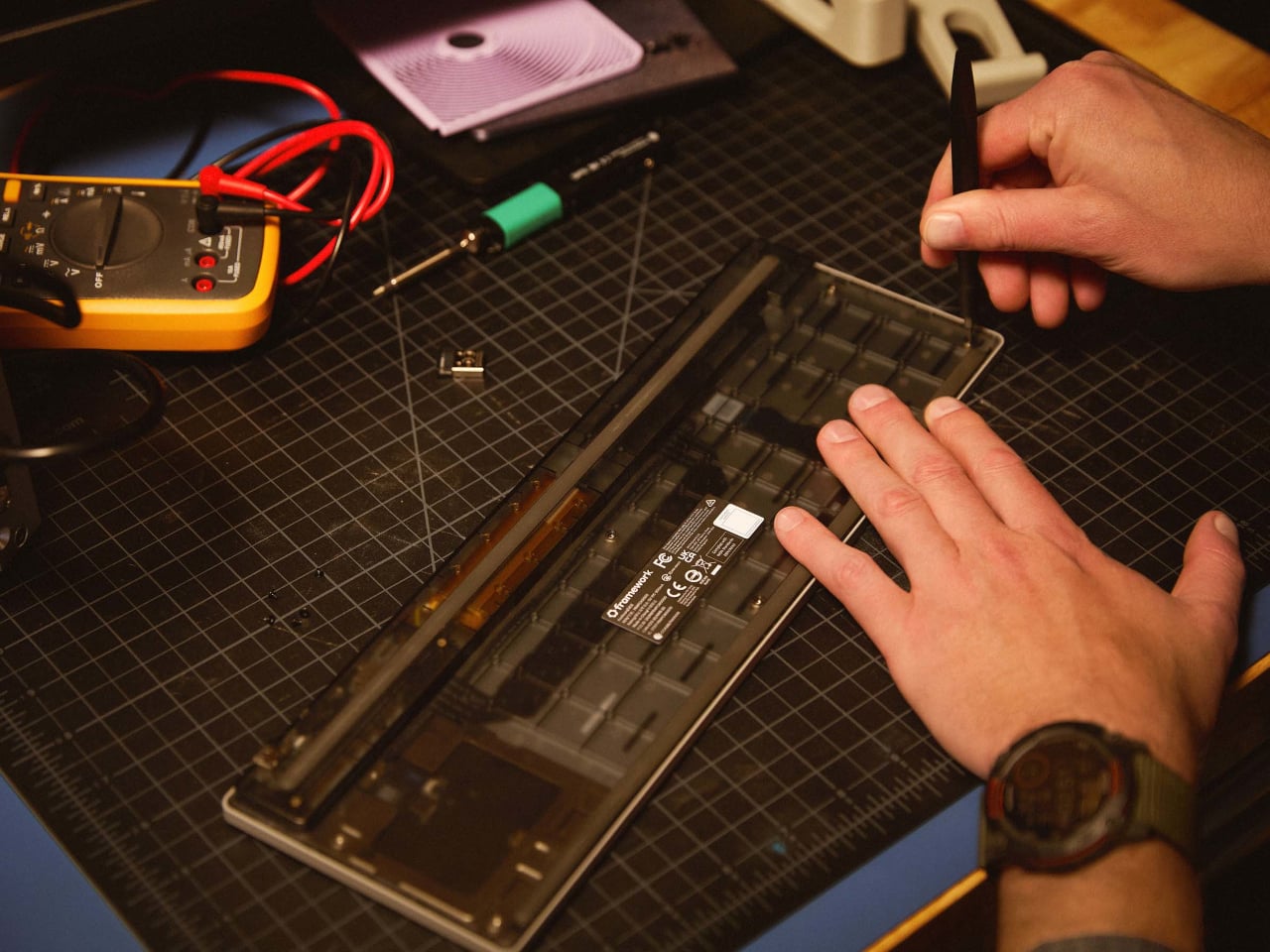
Turn to the underside and the restrained gray exterior becomes a more revealing. A translucent black cover exposes the internal layout, including the battery and electronics. Both covers use post-consumer recycled plastic, but the more consequential detail is access. The battery and control board are replaceable, and Framework says replacement parts will be offered through its Marketplace rather than requiring another keyboard.
Framework estimates that the replaceable 1,200mAh battery lasts over a month with daily use and over a year when idle. Those figures depend on how you use it, but long standby matters for an accessory that might spend weeks beside the remote. You don’t want an occasional password entry to become another search for a charging cable. A USB-C cable isn’t included, incidentally.
Initial shipments are scheduled for the first quarter of 2027, with a US English ANSI layout. There’s no backlighting, though, which feels like an odd omission for a living room keyboard. You can leave the mouse behind and settle into the couch, but finding an unfamiliar symbol during a movie might still mean turning on the very lamp you just switched off.
The Samsung Galaxy S27 series, set for release in early 2027, is already capturing widespread attention due to its rumored design innovations, advanced features and expanded customization options. Among the lineup, the Galaxy S27 Ultra and Pro models are poised to stand out, offering a blend of innovative technology and refined aesthetics. From a bold […]
The Xbox Ally X and Xbox Ally X20 are handheld gaming PCs built around the same Ryzen AI Z2 Extreme processor, but they differ in cooling design and display technology. In a four-game comparison, the X20 ran cooler and often delivered slightly steadier or higher performance than the original, according to GameTechPlanet. Compare frame rates […]
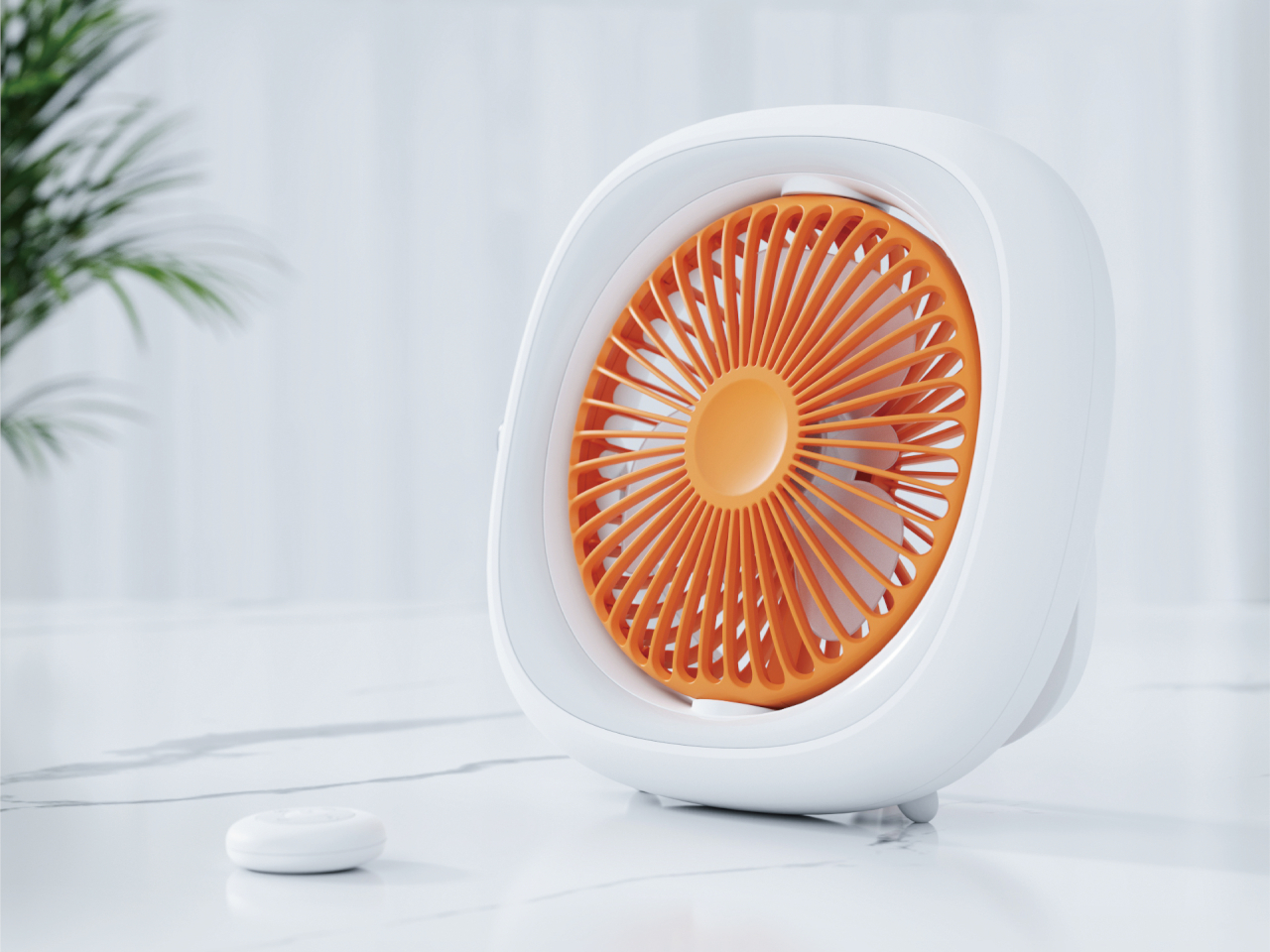
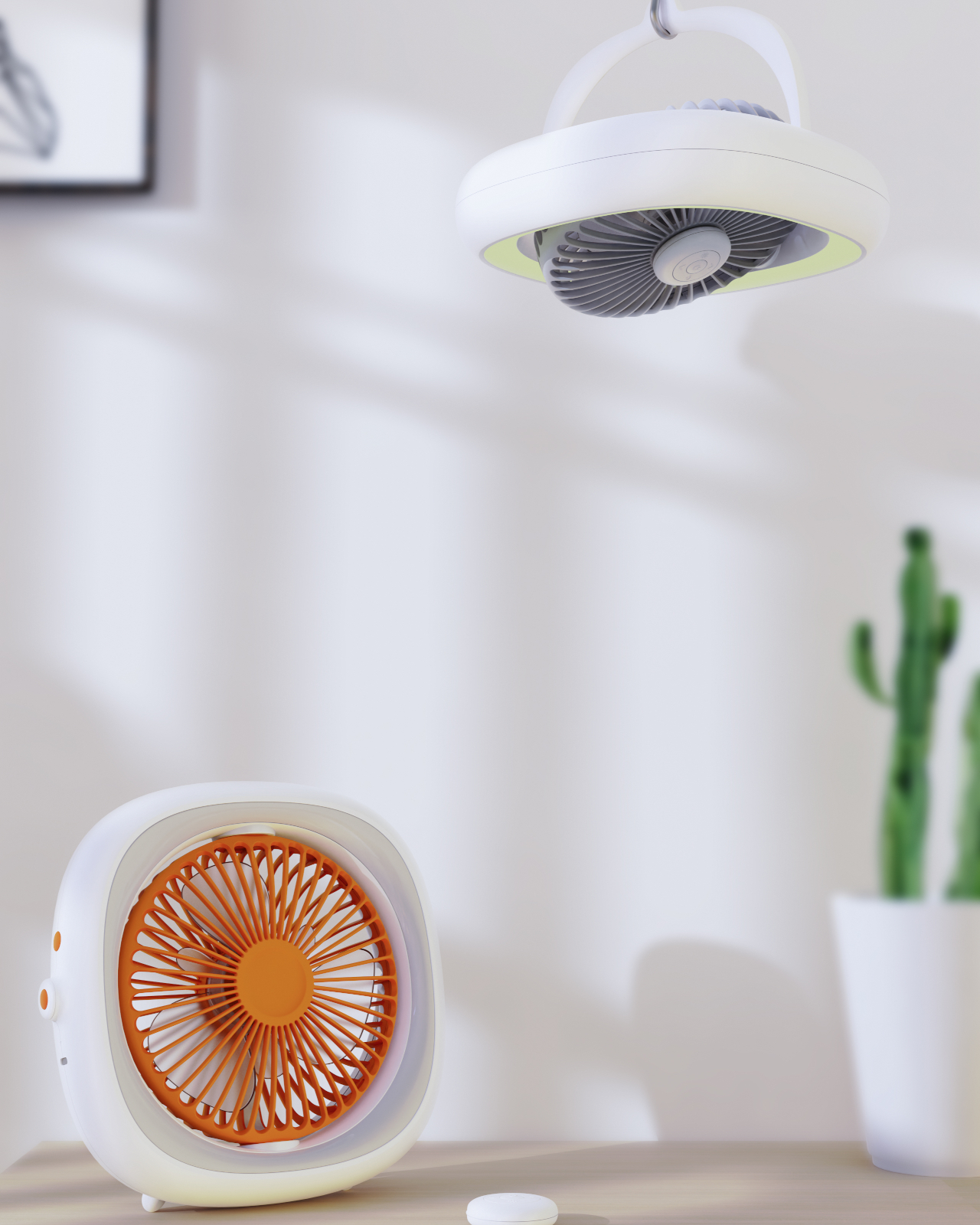
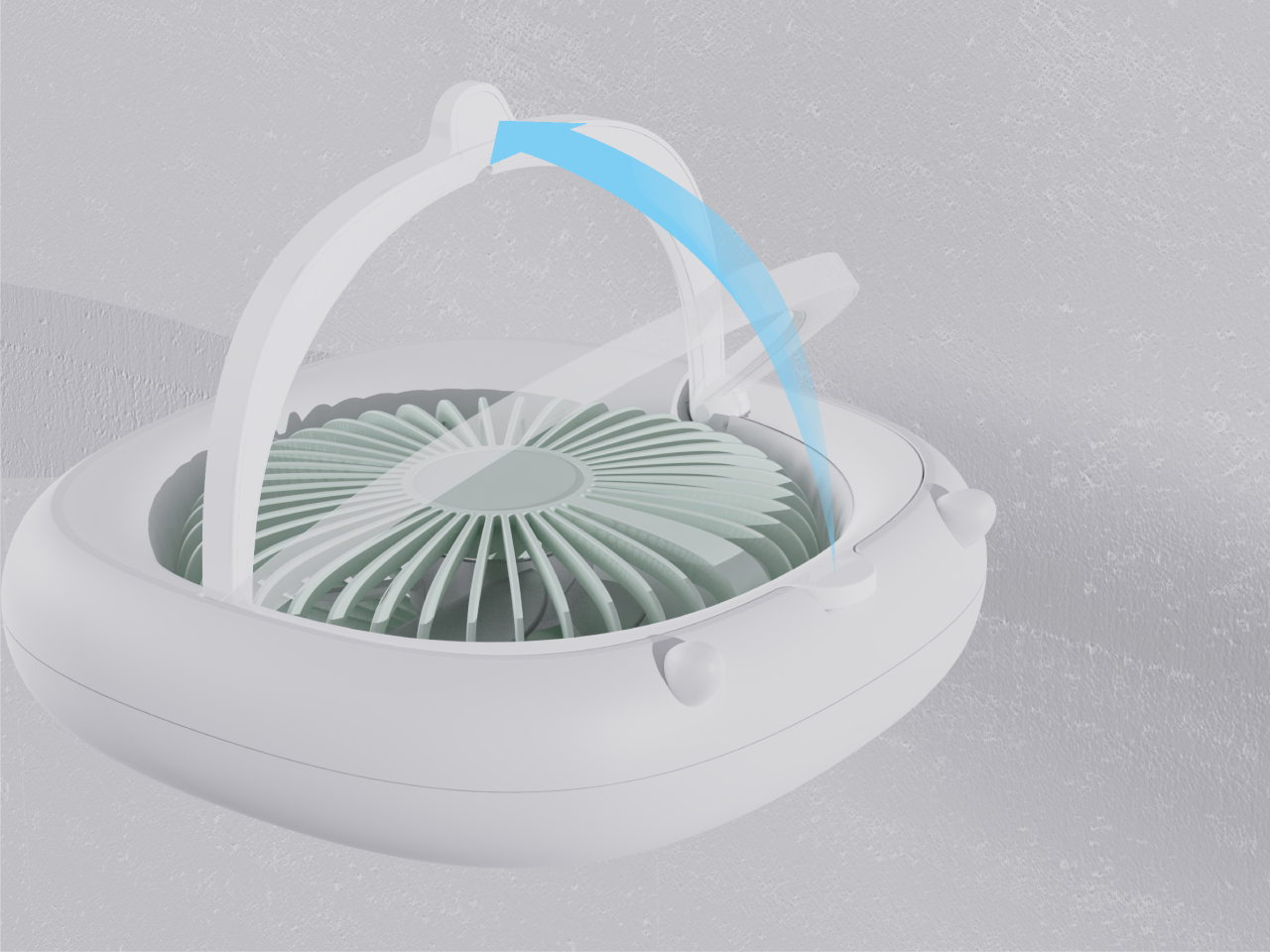
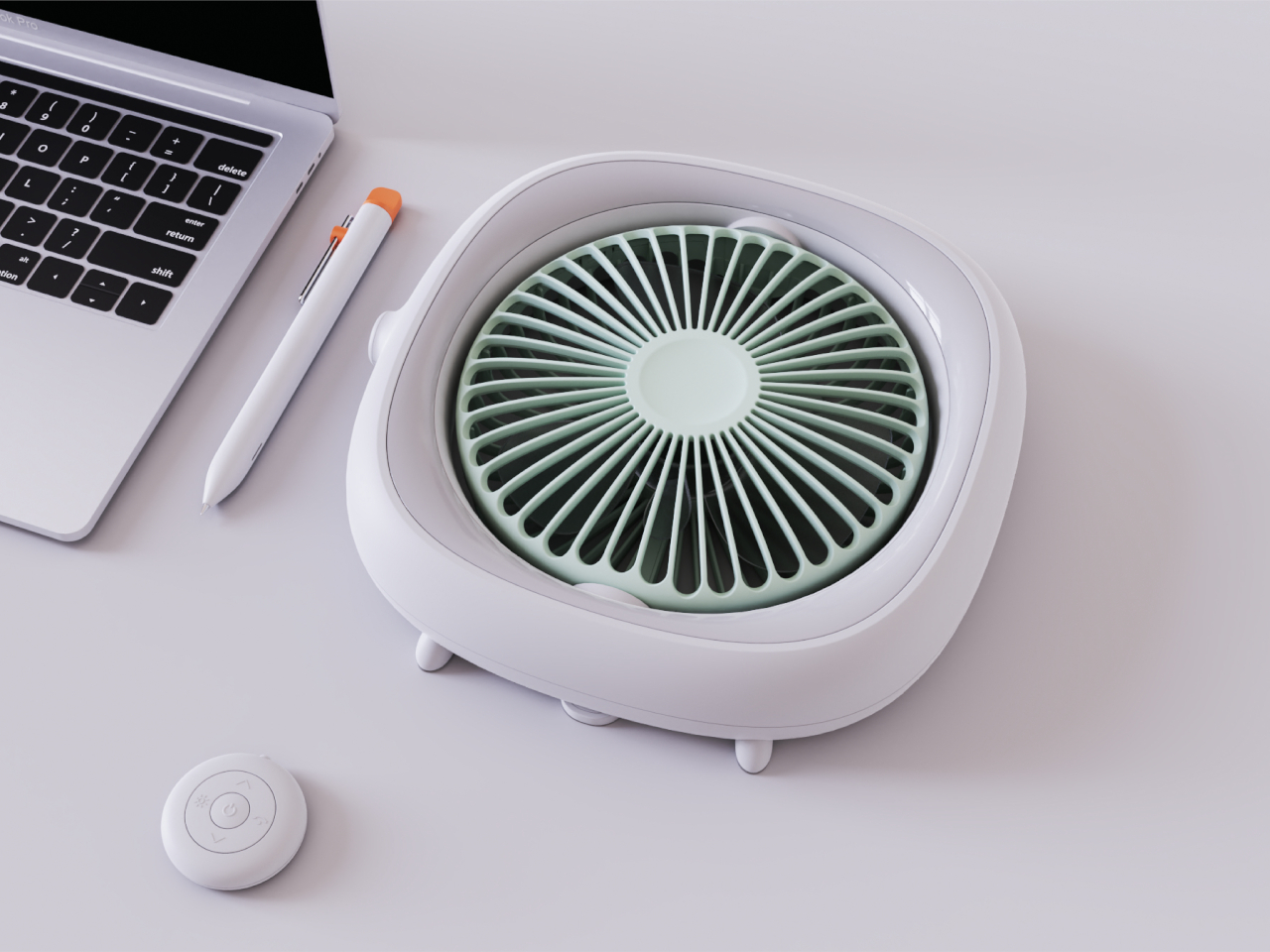
A desk fan and a lamp can make a warm evening at the computer more comfortable, but finding room for both is another matter. The Multi-Functional Fan concept brings them together in a rounded frame that can stand on a table or hang overhead. Its central fan tilts independently, letting you redirect the breeze without moving the surrounding light along with it.
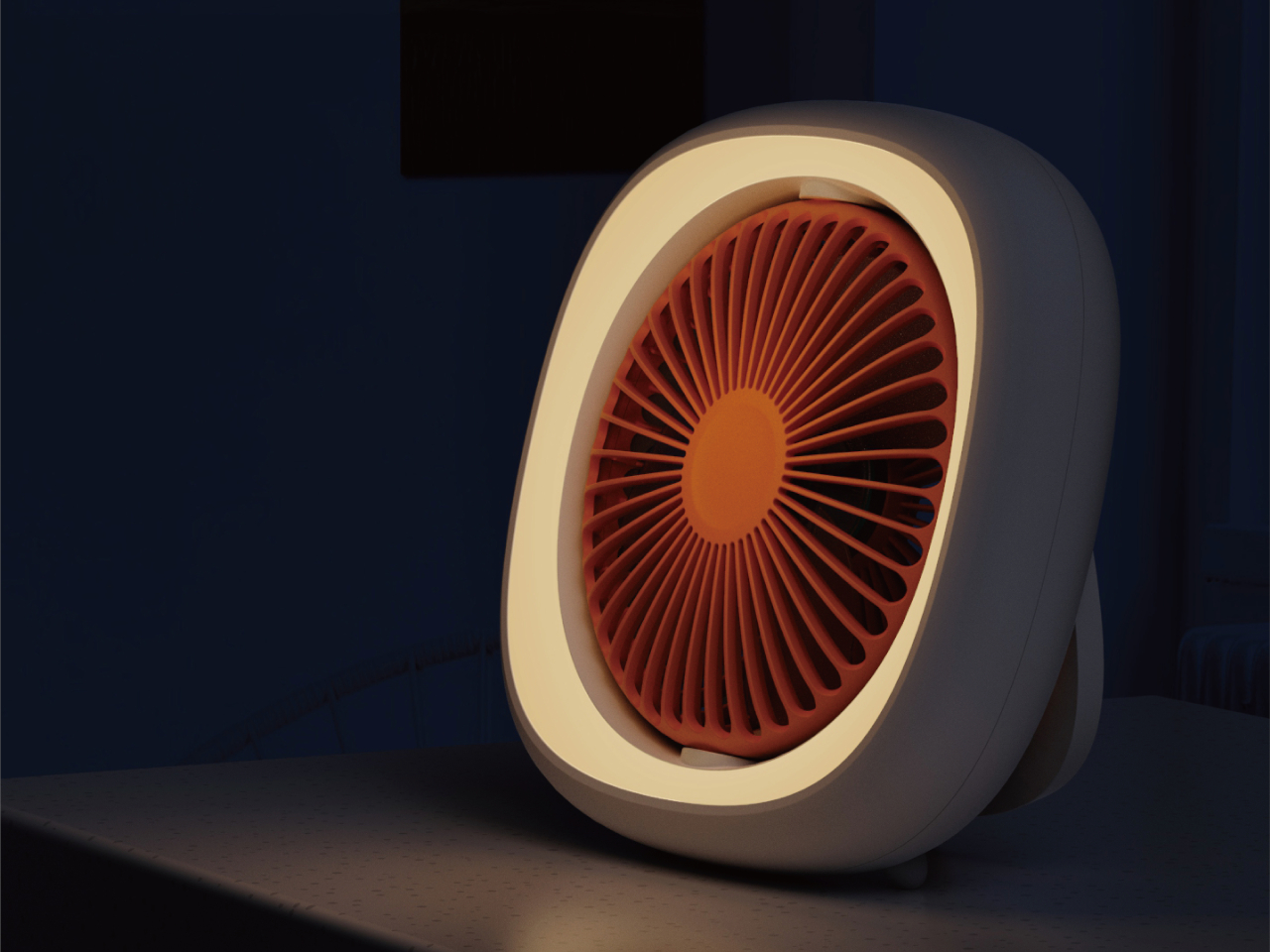
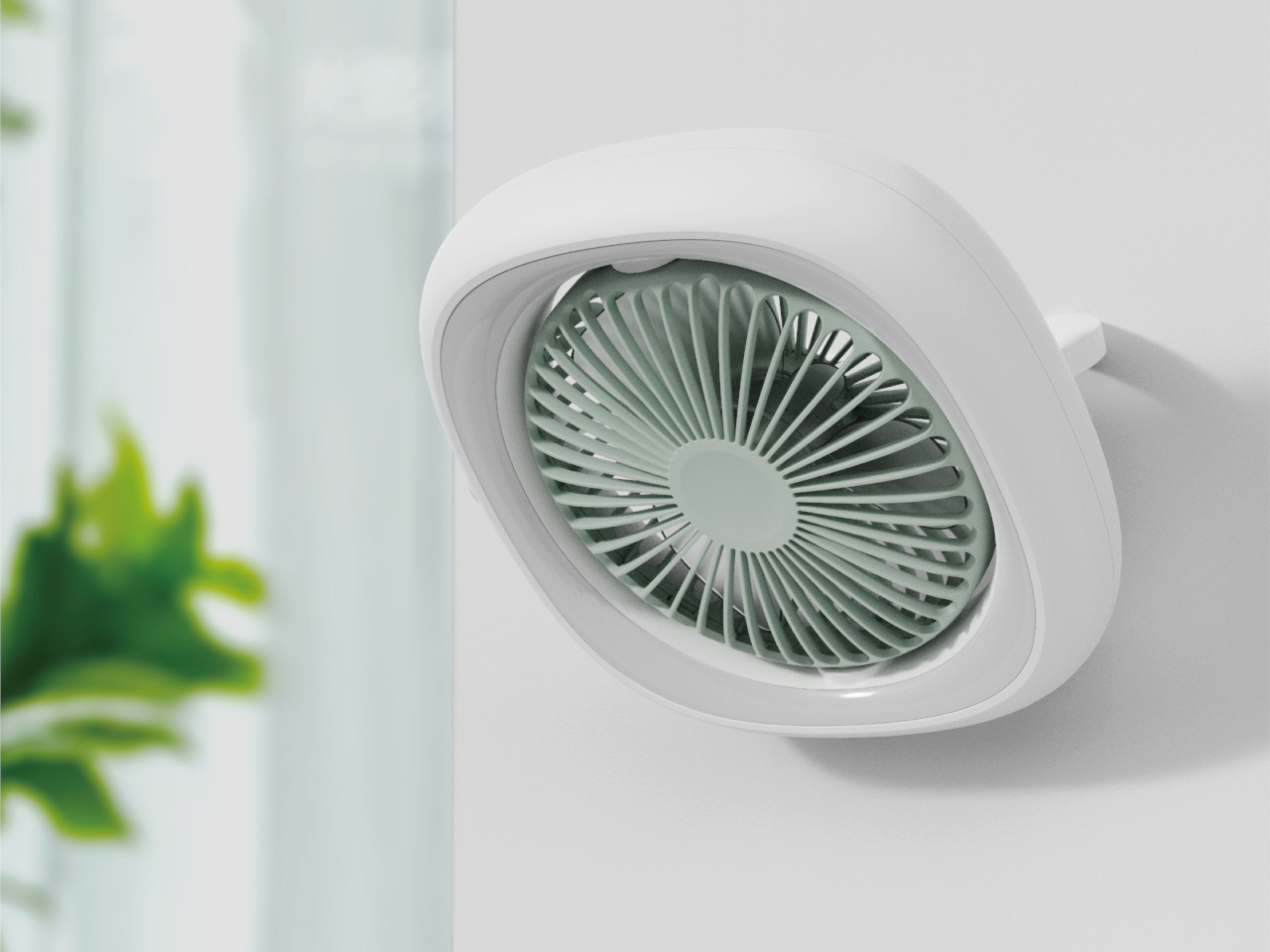
The white housing has the outline of a square with generously rounded corners, framing a circular grille rather than the usual exposed fan cage on a pedestal. Orange gives that radial pattern a cheerful, almost flowerlike appearance, while mint green and gray offer quieter alternatives. The illuminated band sits between the grille and outer edge, so the lighting belongs to the enclosure itself.
Designer: HonGa Design
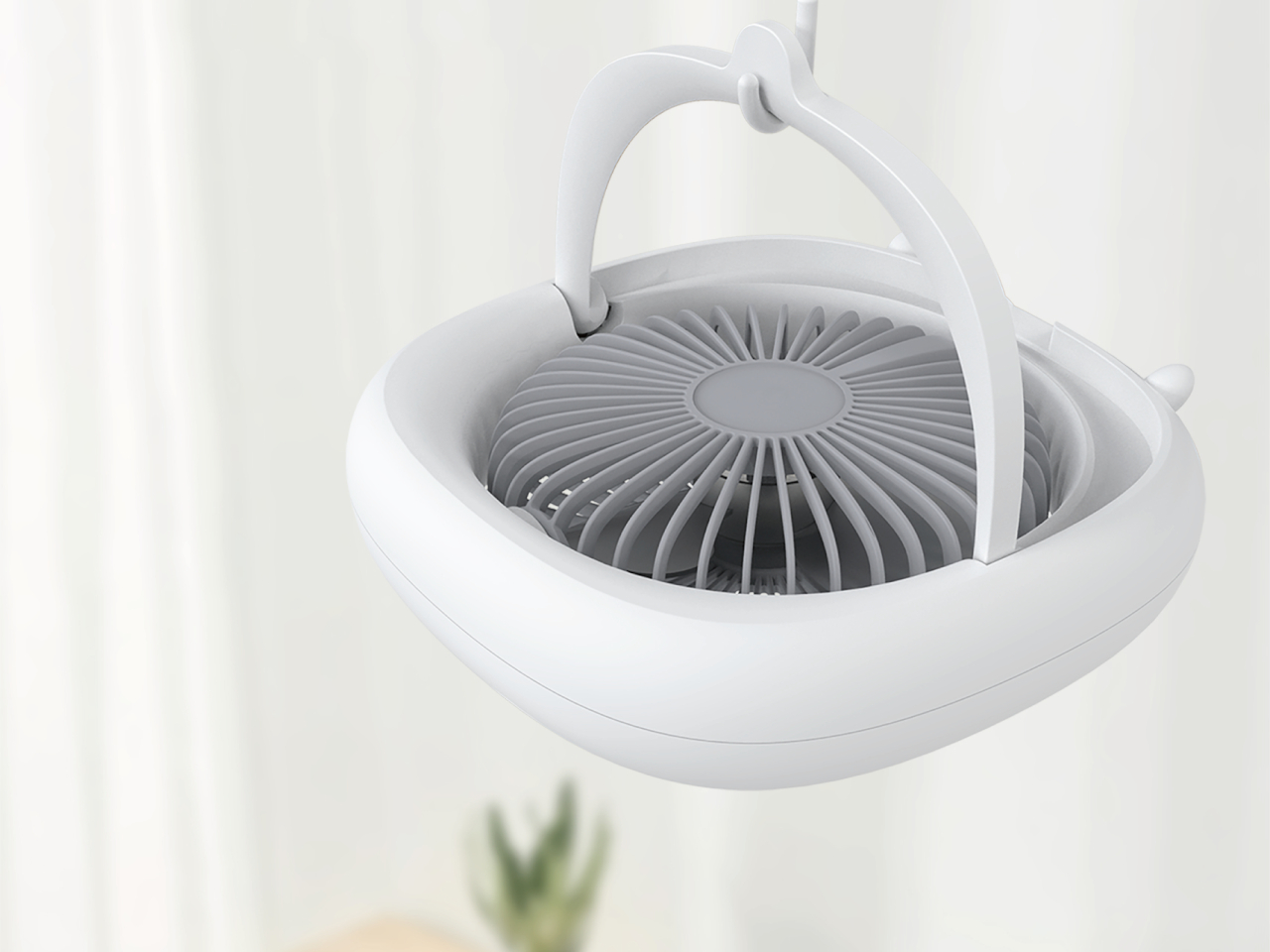
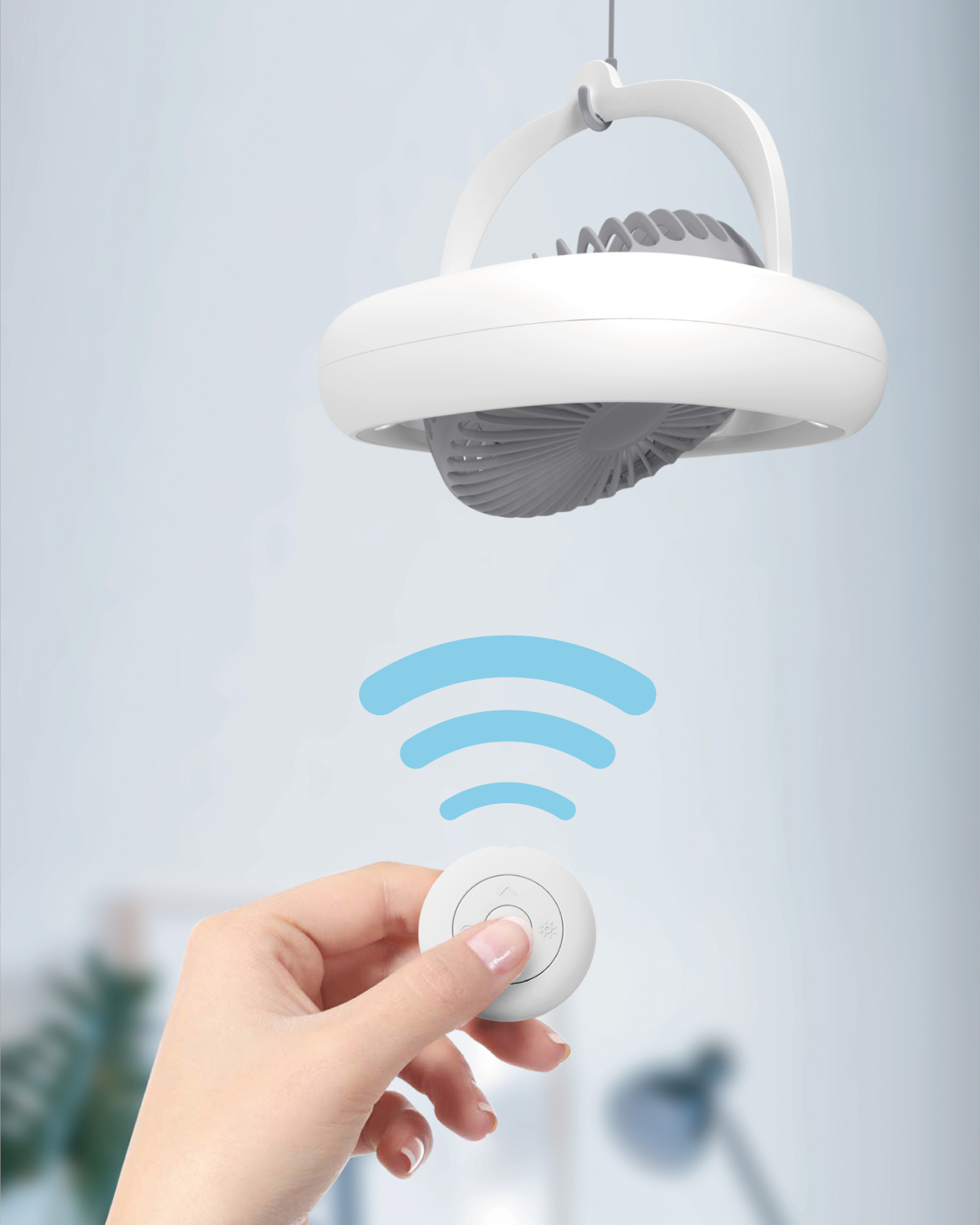
That distinction becomes useful when the fan is suspended above a work surface. Tilting the circular head would aim the airflow toward your chair while leaving the lamp facing downward. You wouldn’t have to point the whole appliance at your face just to catch a breeze. The design separates those two directions, instead of making lighting and ventilation follow exactly the same angle.
The folding handle makes the change of position possible. Raised above the body, it provides a hanging point for a clip; folded behind it, it props the frame up on a tabletop. A wall-mounted arrangement offers another place to put it. There’s no tall stem or separate weighted base to accommodate, although the hanging setup would still need a secure attachment point.
Once evening arrives, the ring gives the appliance another reason to stay nearby. On a bedside table, it could provide a little illumination alongside the breeze without adding a second object. A small, round remote would keep the controls within reach when the fan is overhead, so switching the light wouldn’t mean getting up and reaching for a button on the housing.
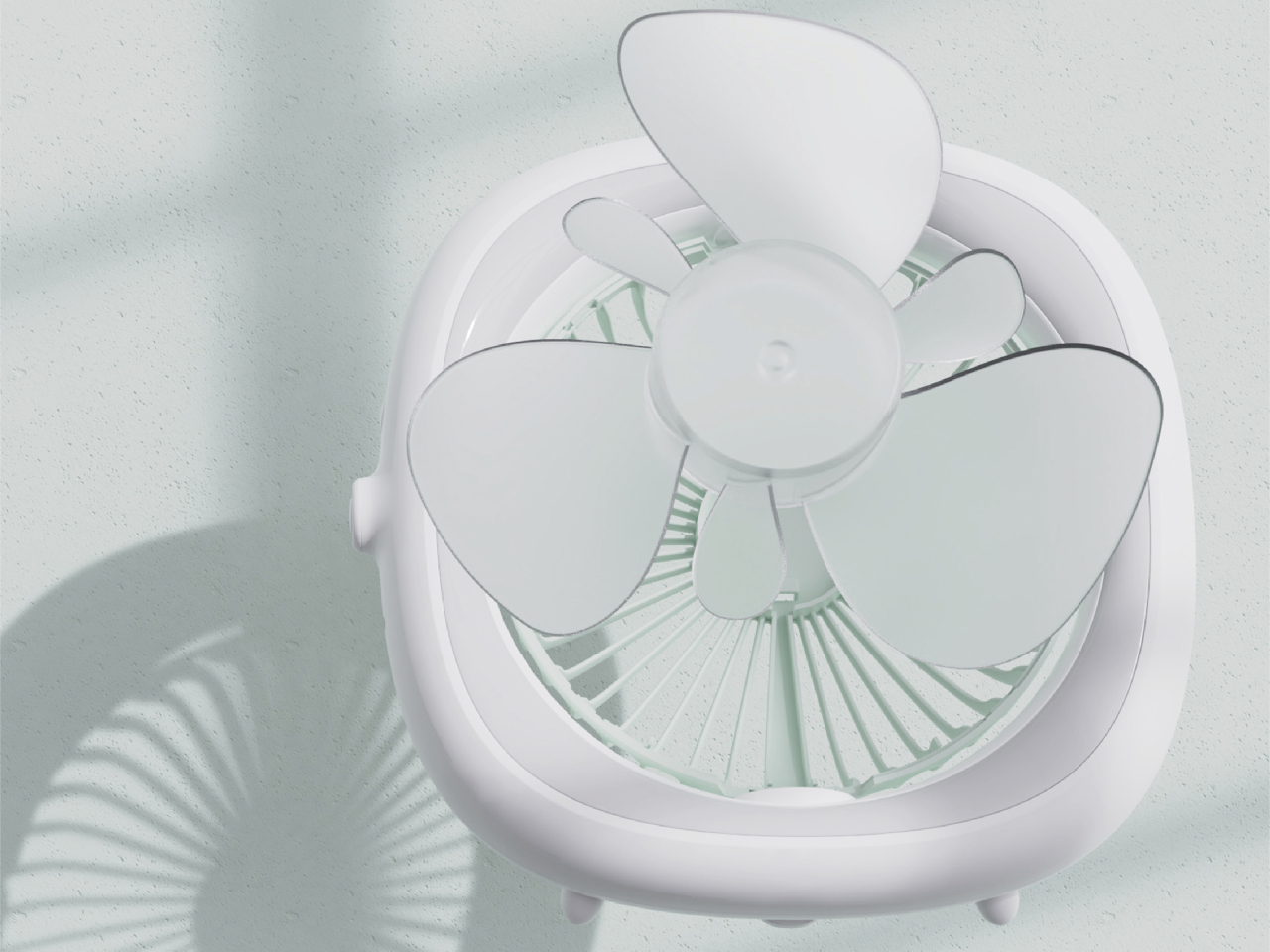
The proposed removable front grille acknowledges another familiar part of fan ownership: dust eventually finds its way onto everything behind those narrow slots. Access to the blades could make cleaning less awkward than trying to poke a cloth through the guard. How the cover releases isn’t explained, but making it removable would be a useful consideration for something intended to move between settings.
Outdoor relief is part of the project’s brief, particularly where conventional cooling equipment can’t be installed. That’s an appealing role for a hanging fan and light, but the proposal doesn’t specify weather resistance, power arrangements, airflow, or noise levels. Nor does it establish a working prototype. For now, its flexibility is a design proposition rather than proof of how comfortably it handles summer.
There’s also a small negotiation between the two jobs. You might want air aimed at your face while keeping light away from your eyes, or a breeze after the room goes dark. Independent controls would matter just as much as the tilting head. A fan shouldn’t have to light up your bedroom simply because the evening hasn’t cooled down as you’d hoped.
Apple’s iOS 27.3 Beta 2 introduces a range of updates for the iPhone Duo, focusing on usability, security, and performance improvements. Among the most notable additions is face unlock for the outer display, a feature that combines convenience with robust security protocols. Other enhancements include proximity-based locking, smarter Siri capabilities, and expanded app and media […]
The ongoing debate between MacBooks and Windows laptops continues to captivate users, as both platforms evolve to meet the demands of modern computing. Each offers distinct advantages in design, user experience, and functionality, but they also come with their own set of challenges. While MacBooks are renowned for their seamless ecosystem integration and reliability, […]