Sony is starting a weird service that scans people to put them in PlayStation games

Sony just announced a truly strange initiative called The Playerbase. This is a program to scan people's likenesses and pop them in PlayStation games. That's pretty wild, but potentially cool to those who have always wanted to become a weird humanoid version of Crash Bandicoot.

The program is ramping up slowly. Sony has announced a contest of sorts to place one lucky fan inside of Gran Turismo 7, though in a reduced fashion. The chosen player will get an image of their face placed inside the game as a character portrait and will get the chance to design a logo and the exterior of a vehicle.

A lady named Sarah is now in Gran Turismo 7.
Sony

This person will also get a trip to Los Angeles to participate in a full-body scan, but Sony hasn't said what, if anything, they'd do with this scan. After all, Gran Turismo 7 is a racing game without too many full-body models walking around.

Fans have a lot of hoops to jump through to be considered for placement. There's a traditional application process, but also video interviews and other stuff. The promotion is available to players in the Americas, Europe, Asia, South Africa and Australia.

Of course, there needs to be actual new PlayStation games for people to scan their likenesses into. Sony hasn't exactly been providing us with a robust lineup of first-party titles this generation. 

This article originally appeared on Engadget at https://www.engadget.com/gaming/playstation/sony-is-starting-a-weird-service-that-scans-people-to-put-them-in-playstation-games-150130276.html?src=rss

NASA shares incredible photos from the far side of the Moon

The Artemis II crew made history as they traveled further from our planet than any other living humans. The astronauts and NASA are making the most of the trip, including by capturing some utterly stunning photos. The space agency shared some that were taken from the far side of the Moon, including the "Earthset" shown above.

This is a depiction of our planet setting behind the Moon, just as the sun sets over the horizon for us on terra firma every single night. "The image is reminiscent of the iconic Earthrise image taken by astronaut Bill Anders 58 years earlier as the Apollo 8 crew flew around the Moon," the NASA Artemis account on X noted. 

The crew also witnessed a solar eclipse from the far side of the Moon, with the satellite totally blocking out the sun. This lasted for around 57 minutes as Orion travelled more than 4,000 miles beyond the Moon. You can see several photos of the eclipse and Earth from the lunar flyby in the slideshow above. (And yes, the astronauts used eclipse glasses to protect their eyes.)

While they were circling the Moon, the Artemis II crew discovered two new craters. The astronauts suggested names for them: Integrity (after the nickname for their spacecraft) and Carroll, after the late wife of Commander Reid Wiseman, describing the latter as a “bright spot on the Moon.” 

The mission will last a few more days as the astronauts are now returning to Earth. Orion is scheduled to splash down in the Pacific Ocean near San Diego on April 10.

This article originally appeared on Engadget at https://www.engadget.com/science/space/nasa-shares-incredible-photos-from-the-far-side-of-the-moon-142355972.html?src=rss

The $2,000 iPhone is Real: Leak Reveals Apple’s Foldable Starting Price

The $2,000 iPhone is Real: Leak Reveals Apple’s Foldable Starting Price Comparison image placing the iPhone Fold next to iPhone 18 Pro models to show size and lineup position.

Apple is poised to make a significant impact in the foldable smartphone market with the upcoming release of the iPhone Fold. Scheduled to debut this fall alongside the iPhone 18 Pro and Pro Max models, the iPhone Fold represents Apple’s first venture into a segment currently dominated by competitors like Samsung. With its sleek design, […]

The post The $2,000 iPhone is Real: Leak Reveals Apple’s Foldable Starting Price appeared first on Geeky Gadgets.

Posted in Uncategorized

ASUS ZenBook A16 review: A surprisingly light and powerful 16-inch ultraportable 

I went into 2025 incredibly amped to review ASUS's 2.2-pound ZenBook A14, only to be disappointed by the lackluster performance of its Snapdragon X chip. I'm still a bit heartbroken, to be honest. But now ASUS is back with a revamped A14 and a larger 16-inch ZenBook A16, both of which sport new Snapdragon X2 Elite Extreme chips. The A16 is slightly heavier at 2.6 pounds and 2.9 pounds, but it still competes with LG’s Gram Pro 16. And thanks to Qualcomm's new hardware, it's actually speedy enough to compete with Intel and AMD ultraportables. 

Take everything I initially liked about the ZenBook A14 last year — its thin design and portability, its smooth "Ceraluminum" case and its bold OLED screen — stretch it out a bit, and you've got the ZenBook A16. There's an understated beauty to its design that's far more intriguing than ASUS's mainstream notebooks, like the ZenBook 14 OLED from a few years ago, and it's not trying as hard to impress as ASUS's typical gaming notebooks. It's similar to the company's gorgeous Zephyrus G14 and G16 machines, which feel high-end without needing too much gaming bling. 

What struck me first about the A14 last year remains the most intriguing aspect of the A16: It just seems impossibly light for its size. The model I’m testing, which will also be sold at Best Buy, weighs 2.9 pounds due to its glass touchscreen cover. But you can also get a slimmer 2.6-pound version of the A16 at ASUS’s online store

ASUS's Ceraluminum material, which feels like a blend of ceramic and metal, also exudes quality and warmth when you hold it. There's no shock of cold metal on your lap like you'll find with most premium laptops, including Apple's MacBook Pro. But it's also just as sturdy as those machines, with no discernible creaks or flex when stressed. ASUS claims its Ceraluminum cases are also scratch and fingerprint resistant, and so far that seems to be true of my review unit after a few weeks of testing.

ASUS Zenbook A16
ASUS Zenbook A16
Devindra Hardawar for Engadget

The ZenBook A16's stunning 16-inch 3K OLED screen is its defining feature, and it delivers everything you'd expect from OLED. Colors look bold and bright, and it offers inky dark black levels. It delivers an eye-popping sense of contrast you won't find on most LCD screens (unless they have Mini LED backlights, like the MacBook Pro). Text appears crisp and sharp, and the large screen size does a great job of making video playback feel immersive (especially if you're laying in bed, trying to catch up on The Pitt). 

Personally, I'd still opt for the A14 because of the weight difference, but if you prefer big screens this is certainly one of the most intriguing options around. The A16 also has a full-sized SD card reader and HDMI connection, both of which the smaller model lacks entirely. ASUS also included a healthy amount of other ports, including two USB-C 4.0 connections, one USB Type A 3.2 port and a headphone jack. From a productivity perspective, you can certainly get a lot more done with the ZenBook A16's connectivity. 

The same holds true for Qualcomm's new Snapdragon X2 Elite chips in the A16. Both the X2E94100and X2E96100 are 18-core chips with a single core boost speed of 4.7GHz, which is a big leap over the 8-core X1 chip in last year's A14. The X2 Elite-equipped A16 also comes with a whopping 48GB of RAM, which feels downright luxurious given our current RAM availability crisis, as well as a new 80-TOPS NPU for AI workloads.

Geekbench 6 CPU

Geekbench 6 GPU

Cinebench 2024

ASUS Zenbook A16 (Qualcomm Snapdragon X2 Elite X2E94100)

3,262/20,808

43,849

98/1,238

ASUS Zenbook A14 (2025, Qualcomm Snapdragon X1)

2,113/10,316

9,603

96/540

Apple MacBook Air (M5)

4,193/17,270

47,656

N/A

Microsoft Surface Laptop (2024, Qualcomm Snapdragon X Elite)

2,797/14,400

19,963

123/969

I immediately felt the difference in power when I booted up the ZenBook A16. The awkward sluggishness while browsing the web or perusing Evernote entries on the A14 was gone. Instead, the A16 always felt incredibly responsive and ready to work, like an eager puppy that never gets tired of playing fetch. Benchmarks also revealed the massive speed differences: The X2 Elite A16 scored 1,200 points higher in Geekbench 6's single-core CPU test, and its multi-core performance was twice as fast. 

The comparison is a bit unfair, I'll admit, because the A14 I reviewed last year was stuck with the most basic X-series Snapdragon chip, whereas the A16 touts Qualcomm's latest and greatest hardware. That also makes the A16 a bit more expensive than last year's A14: Best Buy lists it at $1,600, whereas the A14 initially sold for $1,100.

ASUS Zenbook A16
ASUS Zenbook A16
Devindra Hardawar for Engadget

But at least the ZenBook A16 delivers the performance you'd expect for its price range. In the PCMark 10 Applications benchmark, it scored 17,264 points, which is 1,000 points higher than Dell's Premium 16 (aka last year's XPS 16) with Intel's Core Ultra 7 255H chip. It's also leagues ahead of the old ZenBook A14, which scored a meager 12,127 points.

Benchmarks never tell the whole story, of course, but those huge performance gaps are the sort of thing you immediately notice in everyday performance. I was able to load up the ZenBook A16 with dozens of tabs, Evernote, 4K YouTube video streams and large Audacity jobs, and it never broke a sweat. Since it's an ARM-based Snapdragon system, though, be aware older apps may run into issues, or fail to work entirely. 

That Qualcomm hardware also made gaming a major problem for the first generation of Snapdragon X Elite chips, which didn't perform well and were also incompatible with games that required kernel-level anti-cheat. Updates to the Windows on Arm platform fixed the latter issue, and Qualcomm also launched its Snapdragon Control Panel to deliver faster driver updates. Now all Snapdragon X Elite chips can play Fortnite, Roblox and Tencent titles. Qualcomm claims that 90 percent of games will run on the Snapdragon Elite X2 chips.

ASUS Zenbook A16
ASUS Zenbook A16
Devindra Hardawar for Engadget

And that includes demanding titles like Cyberpunk 2077. I was able to reach 80 fps in that game, while playing with medium settings in 1080p, along with enabling AMD's FSR frame generation. This wouldn't be my ideal way to play Cyberpunk, but it's a sign that the ZenBook A16 can at least hold its own in gaming. Unfortunately, it wouldn't load Arc Raiders, because there's still no support for its anti-cheat tech. Fortnite launched just fine, though, and for some people that'll be enough.

But really, anyone buying the ZenBook A16 isn't doing it to play shooters, you're doing it to get one of the lightest productivity machines around. ASUS's keyboard was comfortable to type on, though I would have liked to see more key depth akin to the Surface Laptop. Its trackpad is large and responsive, but it's also mechanical, which means you can only click along the lower two-thirds. In this price range, I'd expect ASUS to use a haptic trackpad with full coverage.

The ZenBook A14's battery life (18 hours and 15 minutes) was one of its truly impressive features. ASUS repeats history here with the A16 clocking in 21 hours and 35 minutes in our rundown test. That's the immediate benefit of having a chip based on mobile ARM architecture. During my testing, the A16 drained down to 80 percent after around four hours of continuous work.

Compatibility issues aside, the ZenBook A16 delivers just about everything I want in an ultraportable. It’s got a gorgeous OLED screen and all of the ports you need. Qualcomm’s Snapdragon X2 Elite chips also give it a much-needed power boost. And best of all, it's one of the lightest and sleekest 16-inch Windows laptops I've come across. Just be prepared to pay a bit extra over other ultraportables for its slim size.

This article originally appeared on Engadget at https://www.engadget.com/computing/laptops/asus-zenbook-a16-review-a-surprisingly-light-and-powerful-16-inch-ultraportable-140000914.html?src=rss

How Google Stitch Turns Simple Text Prompts Into Complete UI Layouts

How Google Stitch Turns Simple Text Prompts Into Complete UI Layouts Google Stitch interface showing a text prompt creating a website homepage layout with editable sections and colors.

Google has introduced “Stitch,” an AI-driven platform designed to streamline the creation of user interfaces for websites and applications. By using natural language text prompts, Stitch enables users to generate and refine designs with greater efficiency. One standout feature is its Direct Edit mode, which allows real-time adjustments to design elements without relying solely on […]

The post How Google Stitch Turns Simple Text Prompts Into Complete UI Layouts appeared first on Geeky Gadgets.

Posted in Uncategorized

moto pad – 2026: 5G Tablet With 2.5K Screen, Quad Dolby Atmos

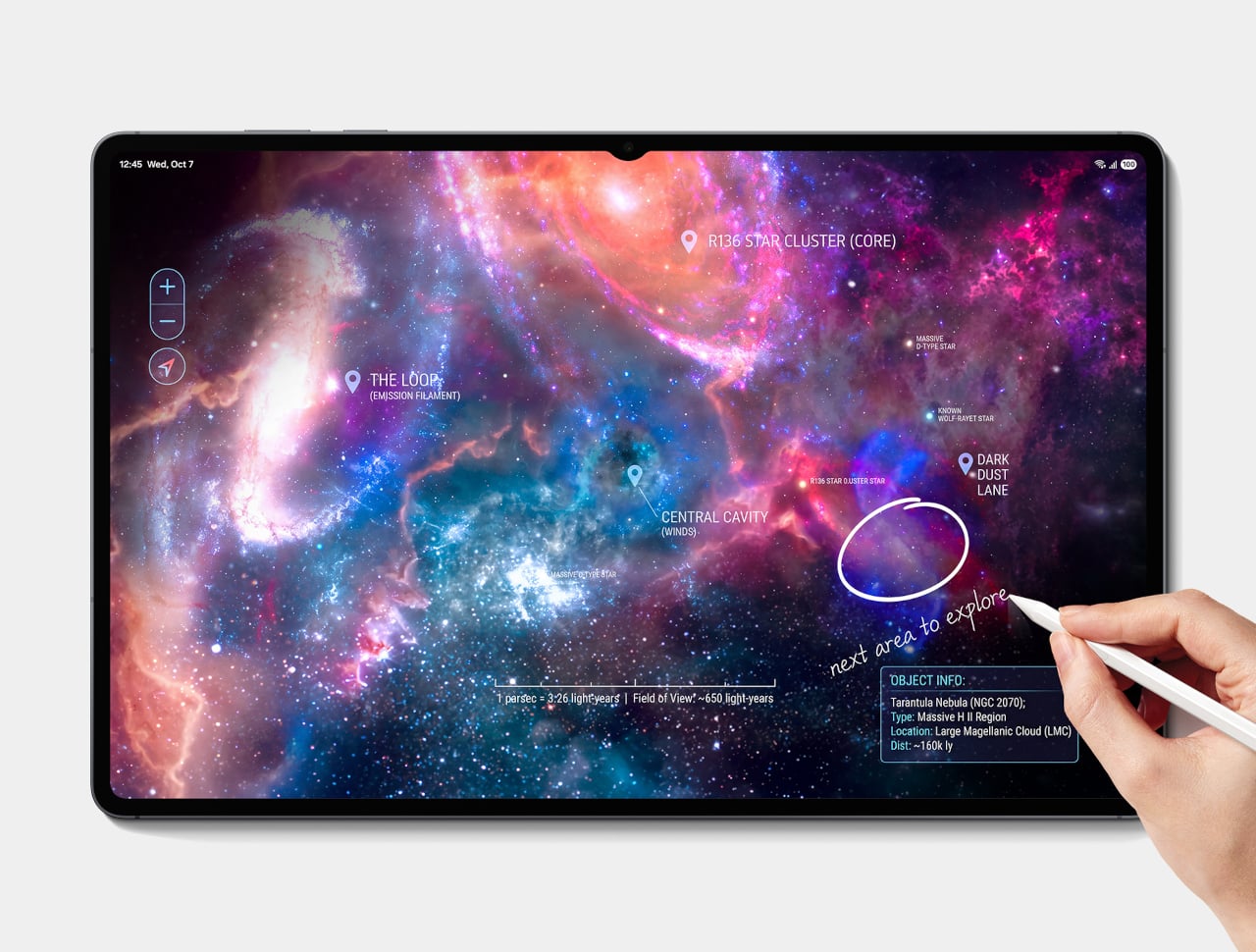
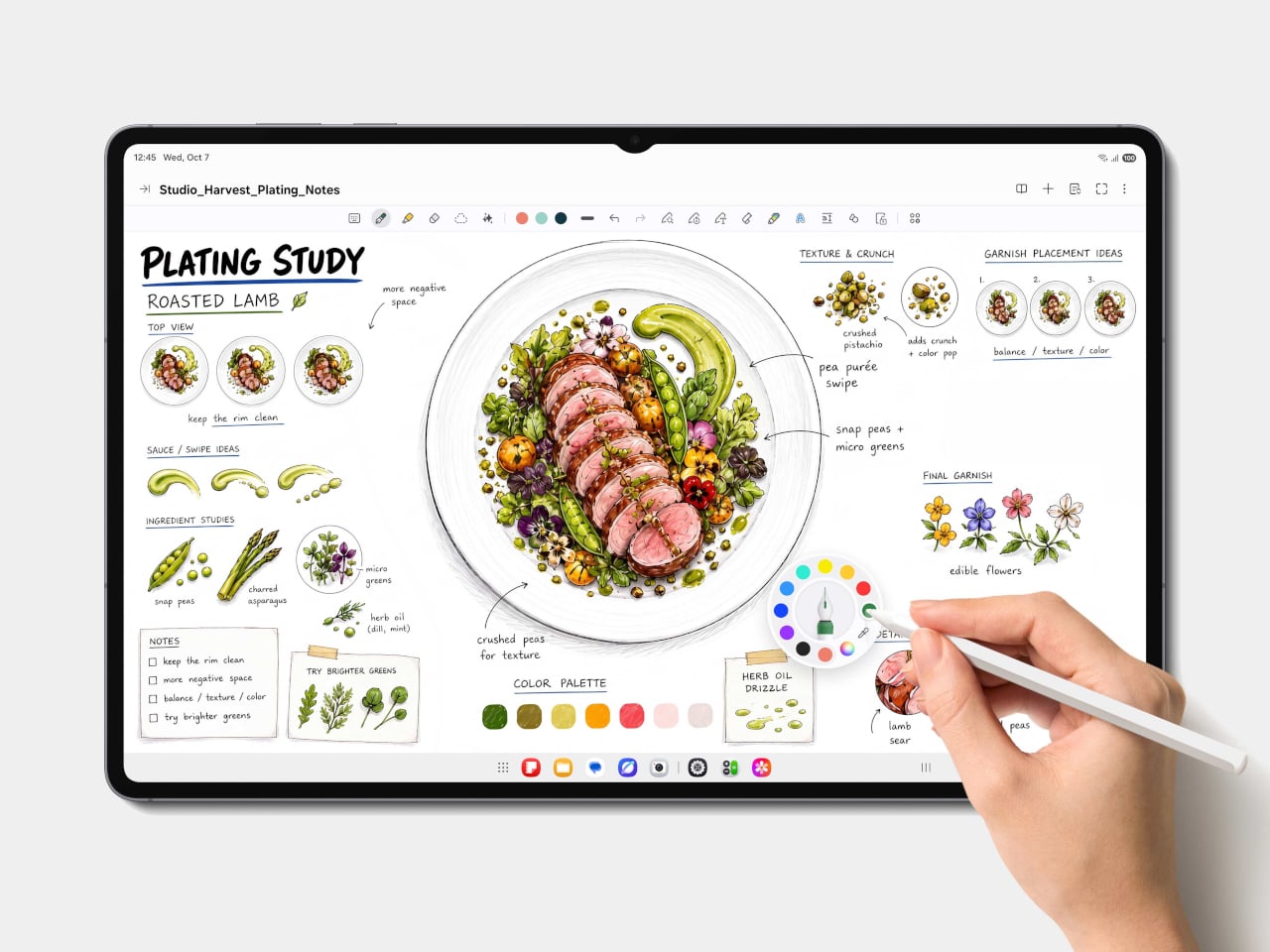
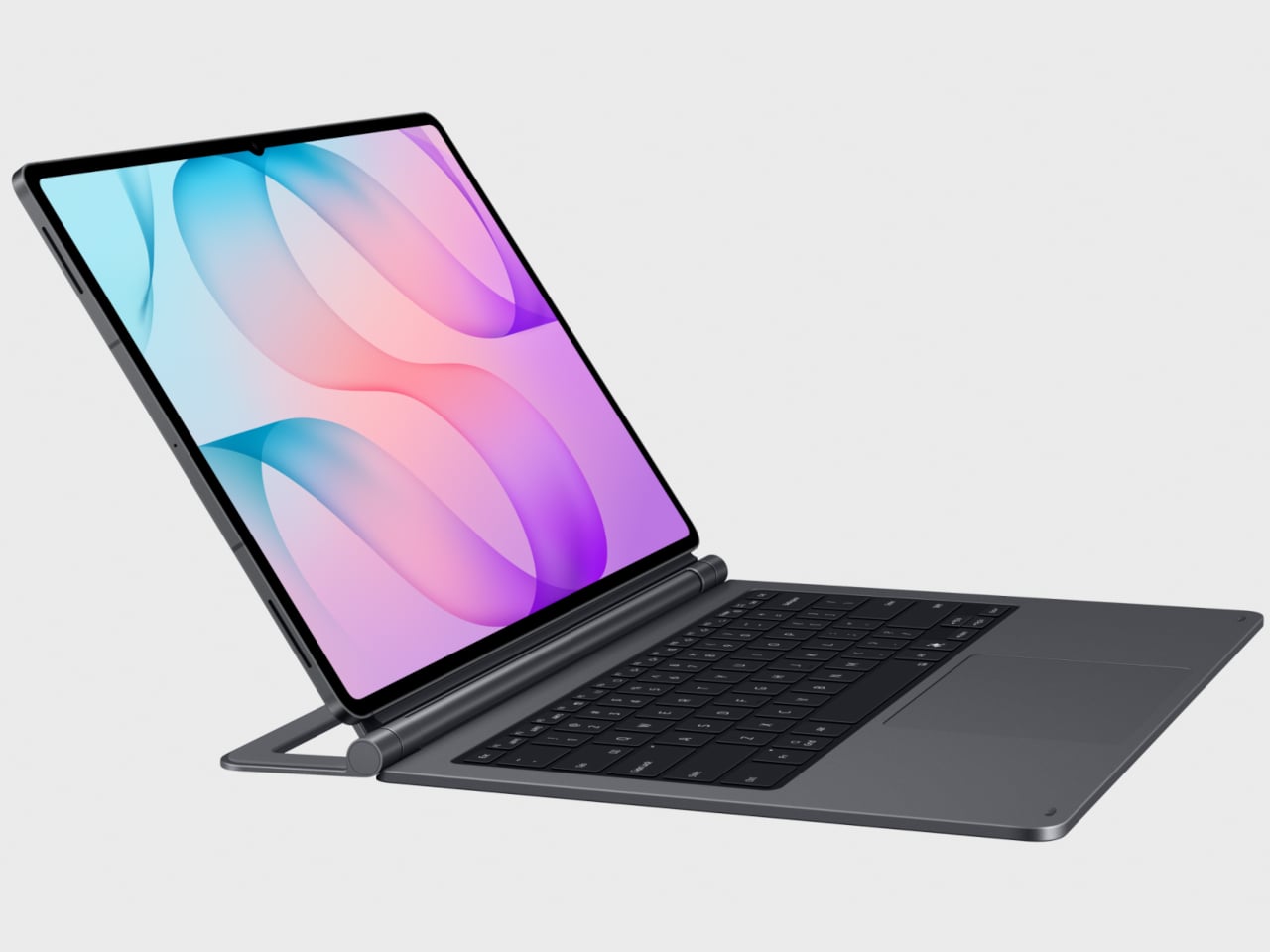
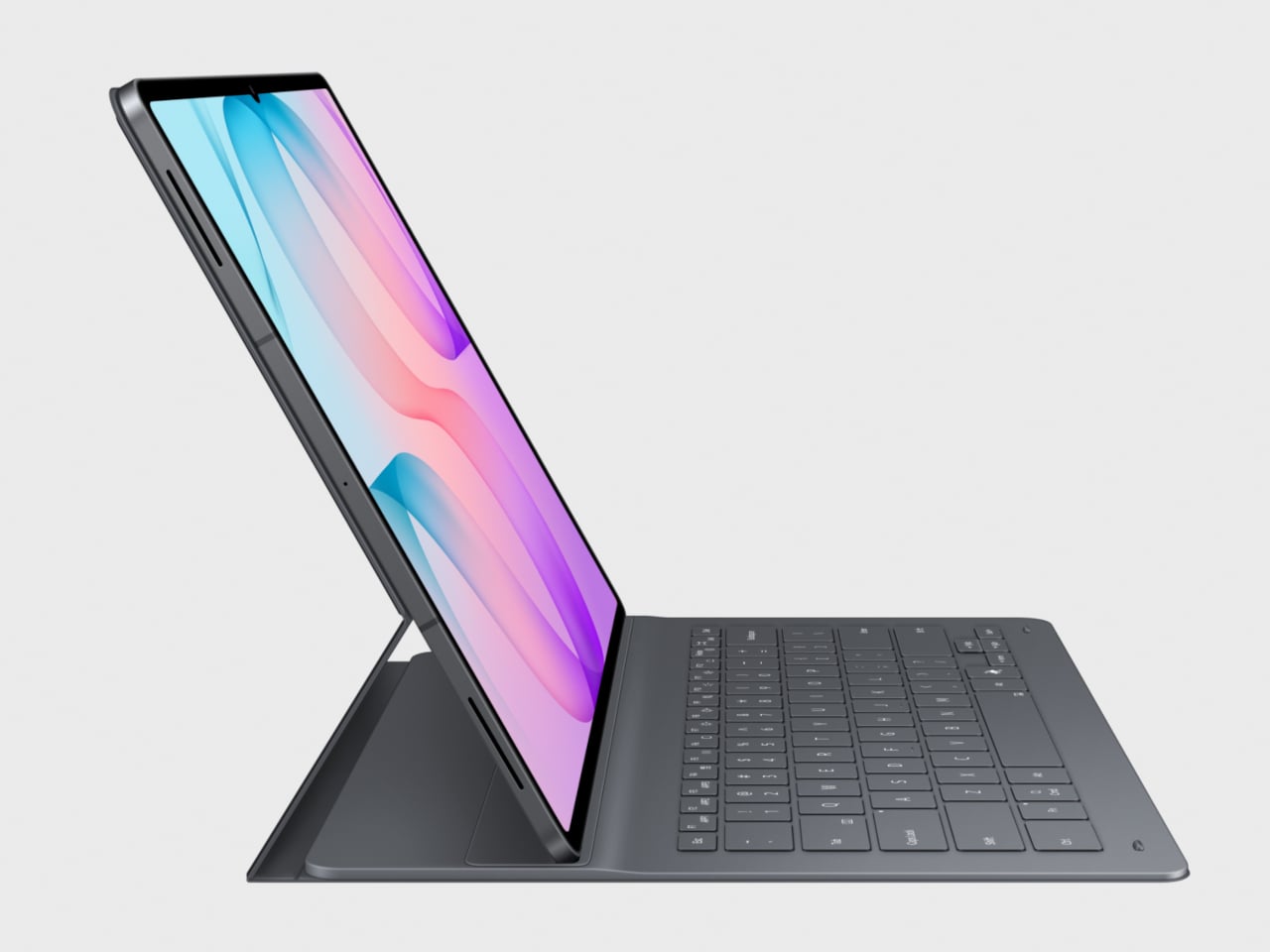
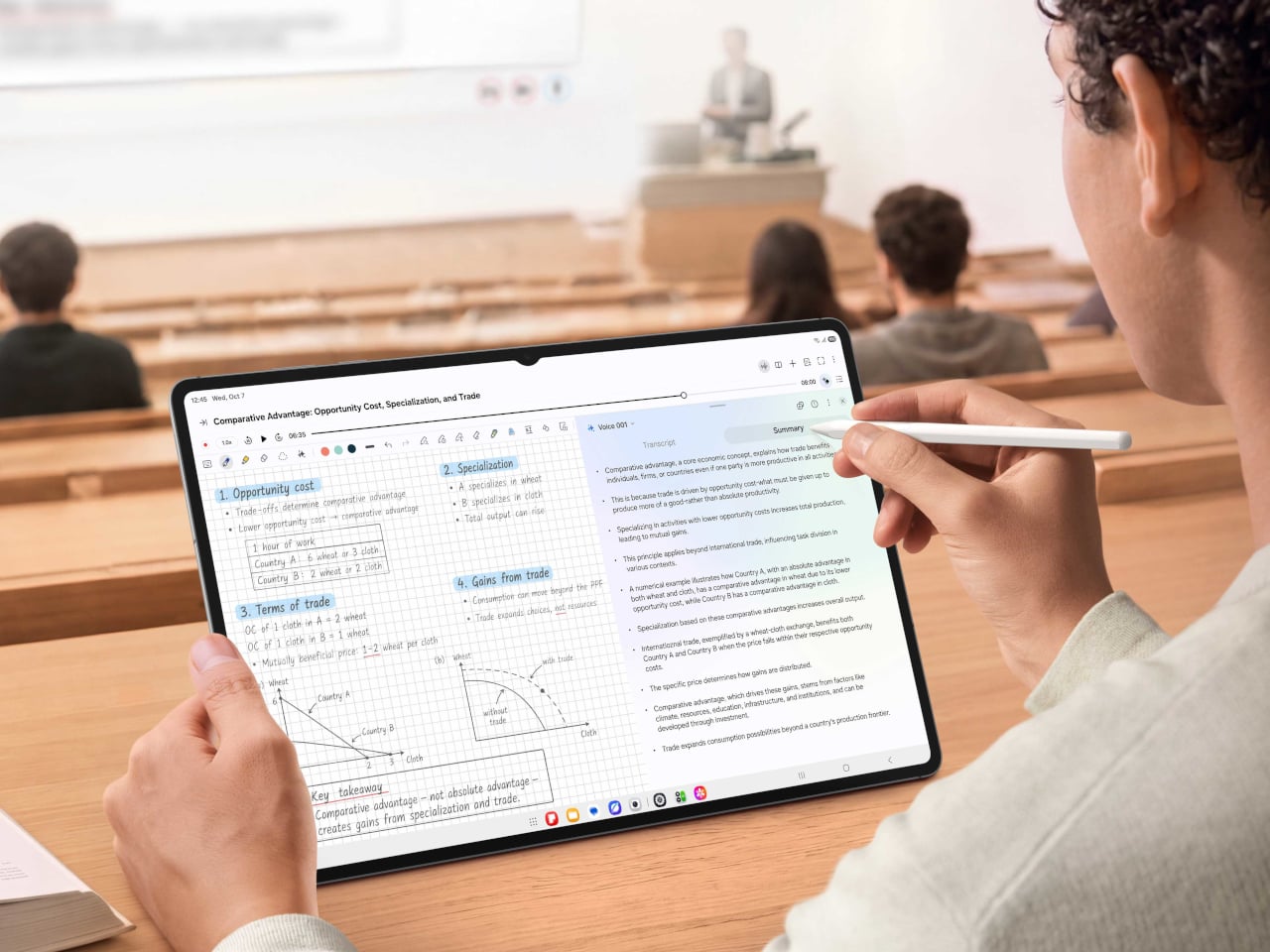
Motorola has introduced the moto pad – 2026, a new Android tablet that expands the company’s device lineup beyond smartphones and into a more connected cross-screen experience. Announced alongside the moto g stylus – 2026, the tablet is positioned as a larger-screen companion for productivity, entertainment, and everyday multitasking. Based on its specs and overall appearance, the device also appears to be a rebranded version of the Moto Pad 60 Neo, which launched in India last year.

That resemblance matters because the moto pad – 2026 does not arrive as a dramatic reinvention of the Android tablet formula. Instead, it looks like Motorola is leaning on a familiar hardware base and repositioning it for a wider audience under a simpler product name. In that sense, the story here is not just about a new tablet, but about how Motorola is continuing to build out a broader ecosystem around its existing devices.

Designer: Motorola

The moto pad – 2026 centers on an 11-inch display with 2.5K resolution and a 90Hz refresh rate, giving it a hardware foundation aimed at streaming, reading, and light productivity. Motorola says the screen reaches up to 500 nits in High Brightness Mode, which should make it usable in a wider range of lighting conditions. The tablet’s 6.99mm profile and roughly 480g weight also suggest a design meant to feel portable rather than bulky, whether it is being used on a desk, on a couch, or on the go.

The spec sheet also points to an anti-fingerprint finish and a PANTONE Bronze Green metal design. Those details give the device a cleaner and slightly more refined visual identity than many budget-focused tablets that tend to settle for plain plastic shells. Even if the overall hardware looks familiar, Motorola is clearly trying to make the tablet feel more polished and lifestyle-friendly in the way it is presented.

Performance is handled by the MediaTek D6300 5G processor, paired with 8GB of LPDDR4x memory and 128GB of built-in storage. The tablet also supports microSD expansion up to 2TB, adding flexibility for users who want to keep more video, downloads, apps, and documents locally. That combination should be enough for everyday streaming, browsing, reading, casual gaming, and light multitasking, even if it is not positioned as a high-end productivity machine.

One of the more practical additions is 5G connectivity, which gives the moto pad – 2026 an advantage over Wi-Fi-only tablets that lose some of their usefulness away from home or office networks. That makes the device easier to imagine as a portable screen for students, travelers, or anyone who wants a larger display without constantly relying on hotspot connections. It also helps reinforce the idea that this is meant to be a flexible everyday tablet rather than a stay-at-home media slab.

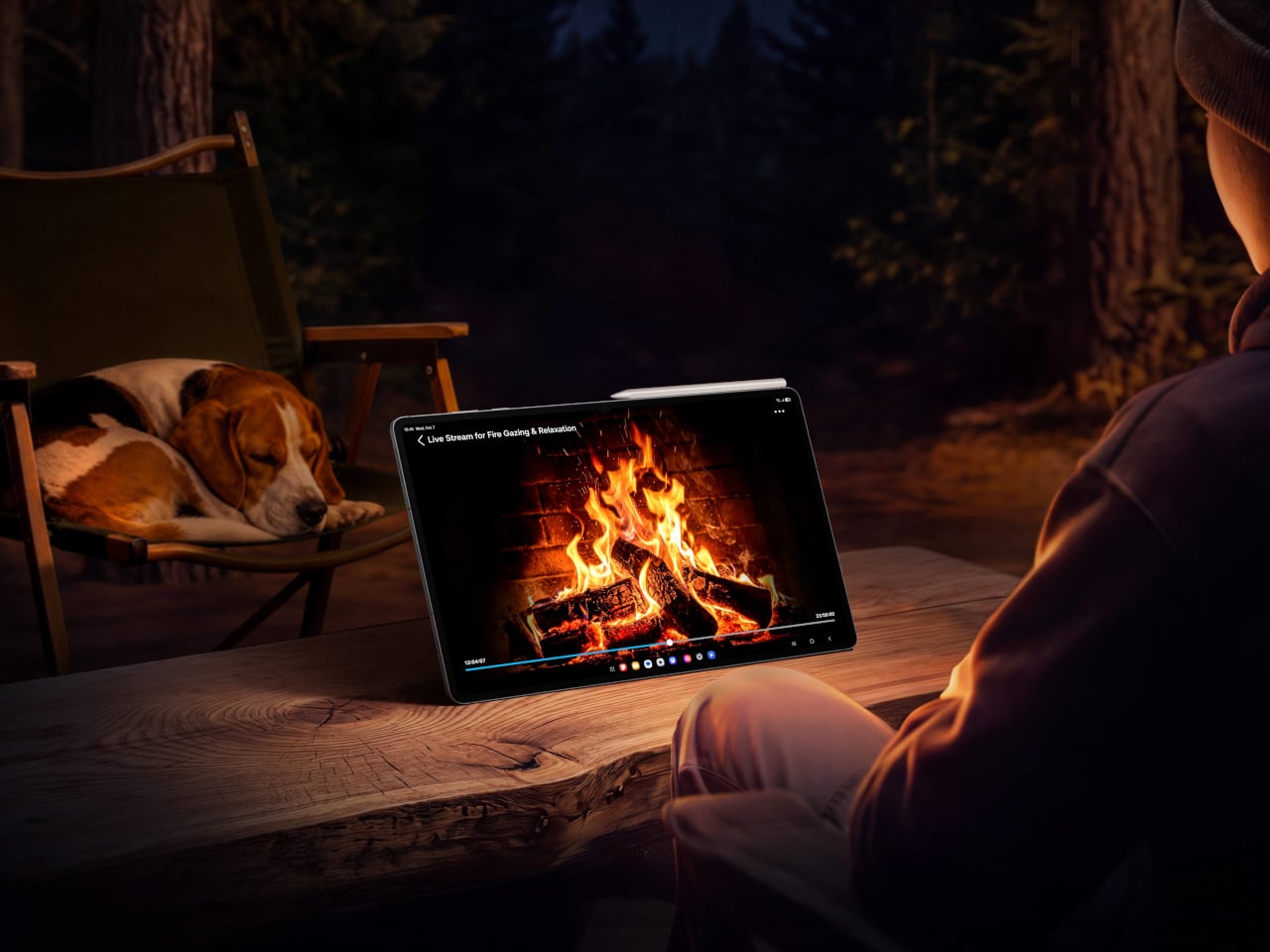
Audio appears to be one of the stronger parts of the package. The moto pad – 2026 includes quad speakers with Dolby Atmos, which should give it a better foundation for movies, streaming, and casual gaming than entry-level tablets with simpler speaker setups. A 3.5mm headphone jack is also included, which remains a practical feature for users who still prefer wired audio or want an easy connection for older accessories.

The software story here is less about reinvention and more about ecosystem fit. Motorola says the moto pad 2026 supports Smart Connect, allowing it to work more closely with phones and PCs for multitasking and content sharing across screens. It also includes Circle to Search, extending one of Android’s more useful recent features to a larger display and giving the tablet a more modern software feel.

Battery life is backed by a 7,040mAh cell, while charging tops out at 20W. The spec sheet also lists an IP52 rating, along with a 5-megapixel front camera and an 8-megapixel rear camera, reinforcing the sense that this is primarily a media and productivity tablet rather than a device built around photography or premium flagship ambitions. Taken as a whole, the moto pad 2026 looks like a practical addition to Motorola’s lineup, even if its strongest selling point may be how familiar it already seems.

The post moto pad – 2026: 5G Tablet With 2.5K Screen, Quad Dolby Atmos first appeared on Yanko Design.
Apple Studio Display vs Studio Display XDR: Does the 6K Resolution Actually Matter?

Apple Studio Display vs Studio Display XDR: Does the 6K Resolution Actually Matter? Apple Studio Display vs XDR

  Deciding between the Studio Display (2026 edition) and the Studio Display XDR can be challenging, especially when both monitors offer impressive features tailored to different user needs. By understanding their similarities and differences, you can make an informed decision that aligns with your specific requirements and budget. Whether you’re a casual user or a […]

The post Apple Studio Display vs Studio Display XDR: Does the 6K Resolution Actually Matter? appeared first on Geeky Gadgets.

Posted in Uncategorized

moto g stylus – 2026: Pressure-Sensitive Stylus, Military-Tough, $500

Motorola has introduced the moto g stylus – 2026, refreshing one of its more popular smartphone lines with an upgraded built-in stylus, added durability, and a feature set aimed at users who want productivity tools without stepping into flagship pricing. The moto g stylus has become one of Motorola’s more popular models by offering a built-in stylus in a segment where that feature remains relatively rare. With the 2026 version, Motorola is clearly building on one of the line’s biggest points of differentiation.

The stylus is central to the phone’s updated experience. It now supports tilt and pressure sensitivity in supported apps, allowing for broader shading, finer lines, and a more natural pen-on-paper feel when sketching, jotting notes, or marking up ideas on the fly. That functionality extends to a refreshed Notes experience, where handwritten notes, doodles, and brainstorms live in one place.

Designer: Motorola

Beyond the pen features, the moto g stylus – 2026 brings together a hardware package aimed at broadening its appeal. The phone includes a 6.7-inch AMOLED display with 1.5K resolution and a 120Hz refresh rate. Peak brightness has been increased to 5,000 nits, up from 3,000 nits on the previous model.

The camera hardware, however, looks rather familiar. Motorola lists a 50-megapixel main camera with Sony’s LYTIA 700C sensor, along with a 13-megapixel ultrawide and macro camera and a 32-megapixel front-facing camera. That mirrors the setup used on the 2025 model on paper, suggesting the bigger story this year is the stylus and durability rather than a major imaging overhaul.

Motorola is also putting more emphasis on durability this year. The moto g stylus – 2026 adds IP69 protection and SGS-certified military-grade toughness, building on the IP68 resistance already offered by the previous model. That should help the phone better handle dust, water exposure, drops, and more demanding day-to-day conditions.

Battery life remains another key part of the package. The phone includes a 5,200mAh battery that Motorola says can deliver up to 44 hours of use, along with support for 68W wired charging and 15W wireless charging. On the software side, the device ships with Android 16 and includes Google Gemini, Motorola’s Hello UX customization layer, Smart Connect for multi-device experiences, and Moto Secure.

The new model continues Motorola’s design-forward approach, pairing its feature set with a leather-inspired finish and twill-like texture. It will be offered in Pantone-curated Coal Smoke and Lavender Mist color options. Motorola announced the phone alongside the Moto Pad 2026, a new tablet intended to complement the smartphone across productivity and entertainment use cases.

The Moto G Stylus 2026 will go on sale on April 16 as an unlocked device through Best Buy, Amazon, and Motorola.com, with a starting price of $499.99. We are expecting to receive a review unit, and we will have more to say once we have had the chance to test the stylus, camera system, battery life, and day-to-day performance. Stay tuned for our full review.

The post moto g stylus – 2026: Pressure-Sensitive Stylus, Military-Tough, $500 first appeared on Yanko Design.

Motorola announces Moto Pad and next-gen Moto G Stylus

Motorola has announced its two latest devices: the budget-friendly Moto G Stylus smartphone and the Moto Pad. The latter is a tablet and a new addition to the Motorola lineup with an 11-inch 2.5K display, compared to the 6.7-inch screen on the Moto G Stylus.

The Moto Pad offers a MediaTek D6300 5G processor and 5G connectivity. It also has quad speakers with Dolby technology, including Dolby Atmos capability on speakers or through headphones with using supporting platforms. The Moto Pad comes with a 7040mAh battery that can stream for 12 hours on one charge.

The new Moto Pad is available in Pantone's Bronze Green on April 30 from T-Mobile and Metro by T-Mobile. Motorola has yet to share an exact price, instead stating it will be "communicated by carrier upon availability."

Meanwhile, the 2026 Moto G Stylus is an upgrade of its predecessor, offering a built-in active stylus. Inside the Notes app, it offers Sketch to Image, an AI tool for polishing drawings, and Handwriting Calculator, a feature for solving handwritten equations without switching to a calculator.

The Moto G Stylus also has 100 hours of standby time. It only lasts four hours while continually writing, but Motorola claims it recharges in 15 minutes. It comes with a 50MP Ultra Pixel main camera, 13MP Ultrawide & Macro Vision camera and 32MP selfie camera. Plus, its 6.7-inch screen is an Extreme AMOLED display with a 1.5K super HD resolution and 120Hz refresh rate — the Moto Pad has a 90Hz refresh rate, in comparison.

Motorola is releasing the 2026 Moto G Stylus on April 16 and will start at $500. The 126GB option will initially come with four free Moto Tags, while the 256GB version will offer free Moto Buds Loop earbuds, a Moto Watch and a Moto Tag.

This article originally appeared on Engadget at https://www.engadget.com/mobile/motorola-announces-moto-pad-and-next-gen-moto-g-stylus-130014526.html?src=rss

Inside Qwen 3.6 Plus : 1-Million-Token AI Designed for Advanced Reasoning

Inside Qwen 3.6 Plus : 1-Million-Token AI Designed for Advanced Reasoning Example interface where Qwen 3.6 Plus reasons over an image and returns structured observations and steps.

Qwen 3.6 Plus has arrived, bringing a host of updates tailored for developers and researchers tackling technical challenges. This latest iteration, as highlighted by Prompt Engineering, emphasizes structured problem-solving through features like agentic coding, which facilitates step-by-step refinement for intricate workflows. With its 1-million-token context window, the model can handle extensive datasets while maintaining coherence, […]

The post Inside Qwen 3.6 Plus : 1-Million-Token AI Designed for Advanced Reasoning appeared first on Geeky Gadgets.

Posted in Uncategorized