Top 5 Non-Tech Gifts for Designers Who Have Every Gadget

Designers accumulate screens, tablets, and peripherals until their desks resemble mission control. Yet the most meaningful moments in creative work often happen away from pixels and processors. A perfectly weighted pen moving across paper creates a connection that no stylus can replicate. These analog tools offer something technology can’t: the tactile satisfaction of manipulating physical materials, the quiet pleasure of objects that don’t require charging or updates.

This collection celebrates the opposite of smart devices. Each piece proves that thoughtful design doesn’t need Bluetooth connectivity or app integration to elevate daily rituals. From writing implements engineered with surgical precision to candles that transform ambient lighting into meditation, these gifts remind us that the best tools sometimes do exactly one thing extraordinarily well. They’re for designers whose homes already hum with gadgets but whose souls crave something more deliberate and human.

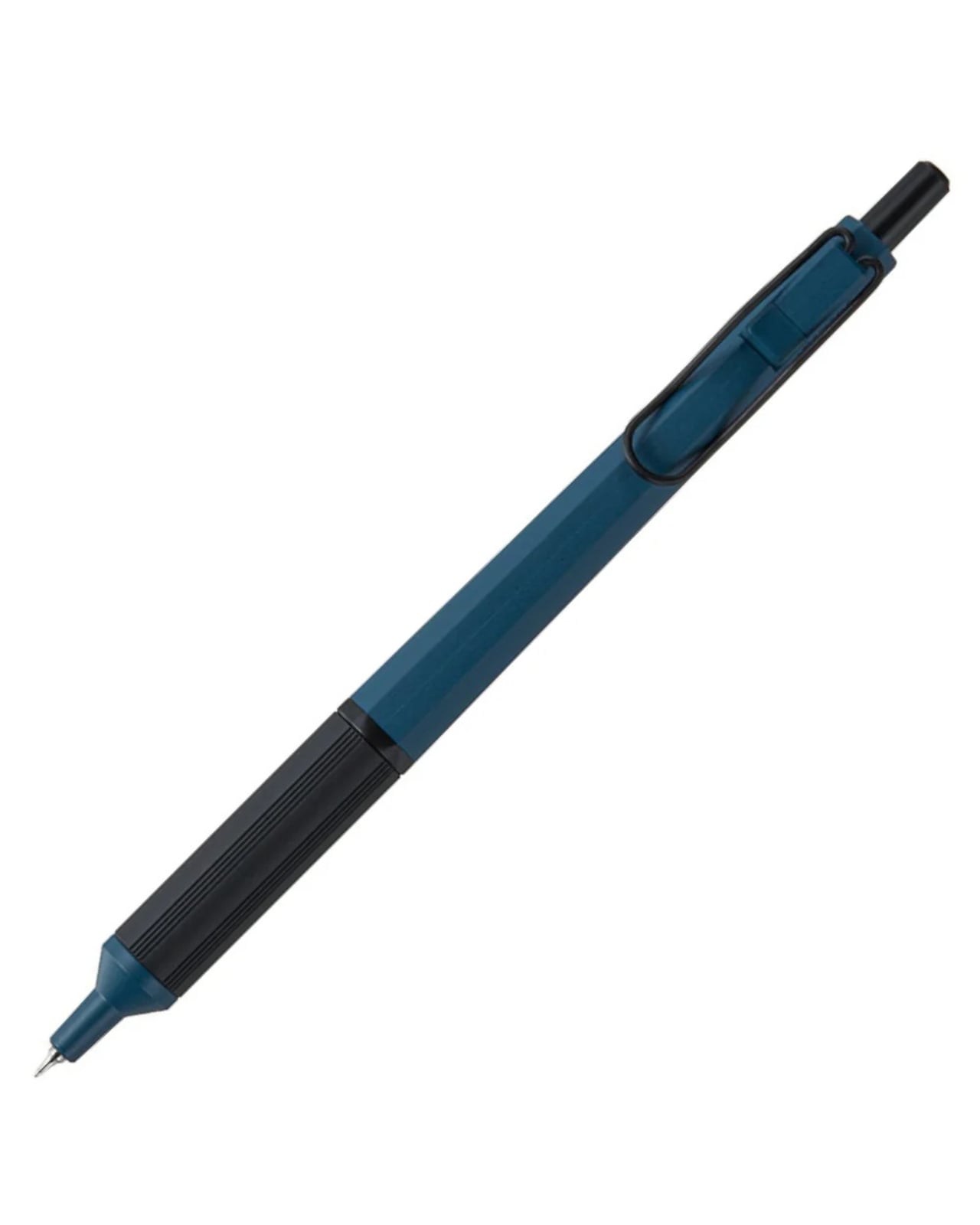
1. Jetstream Edge

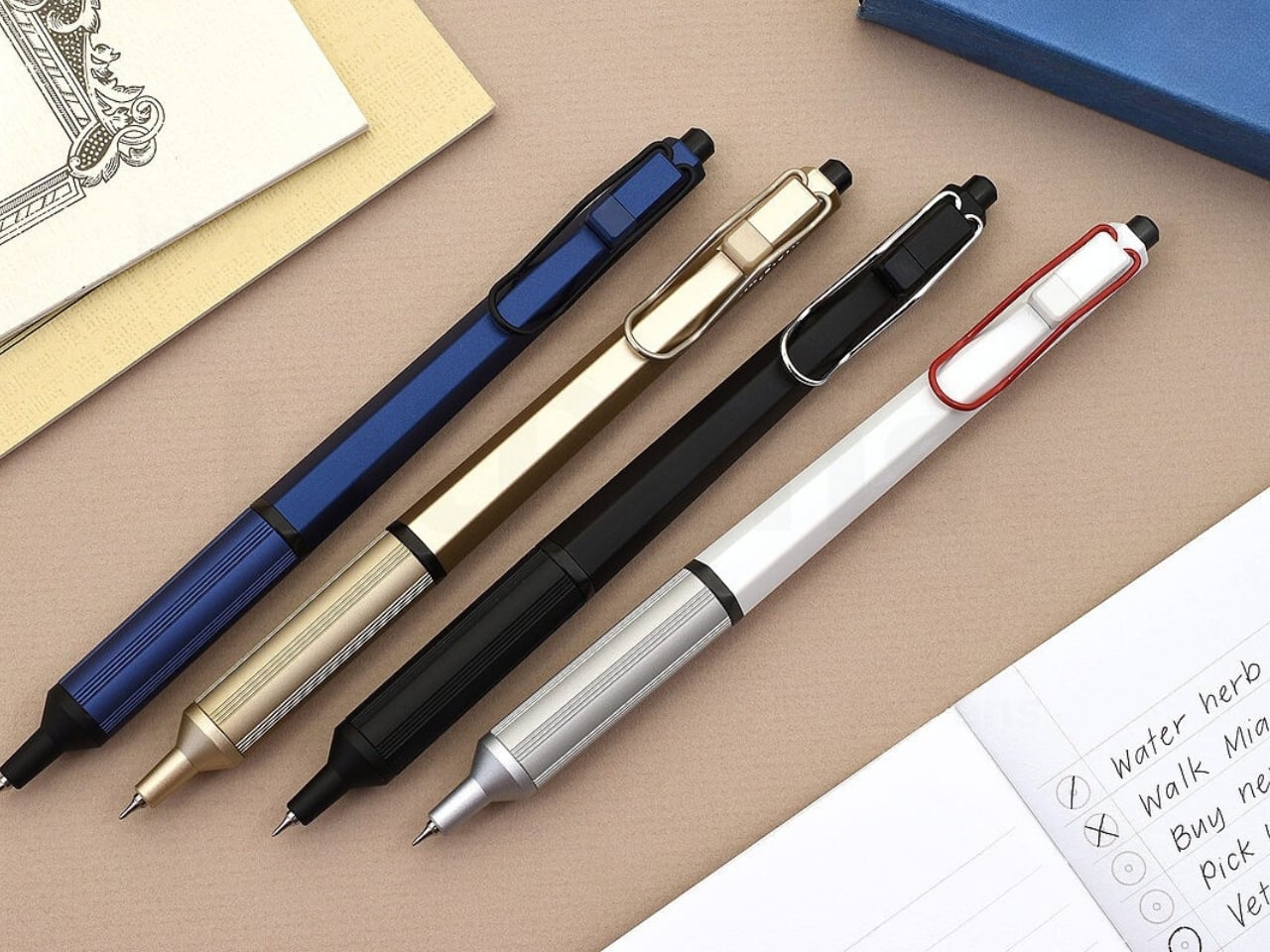
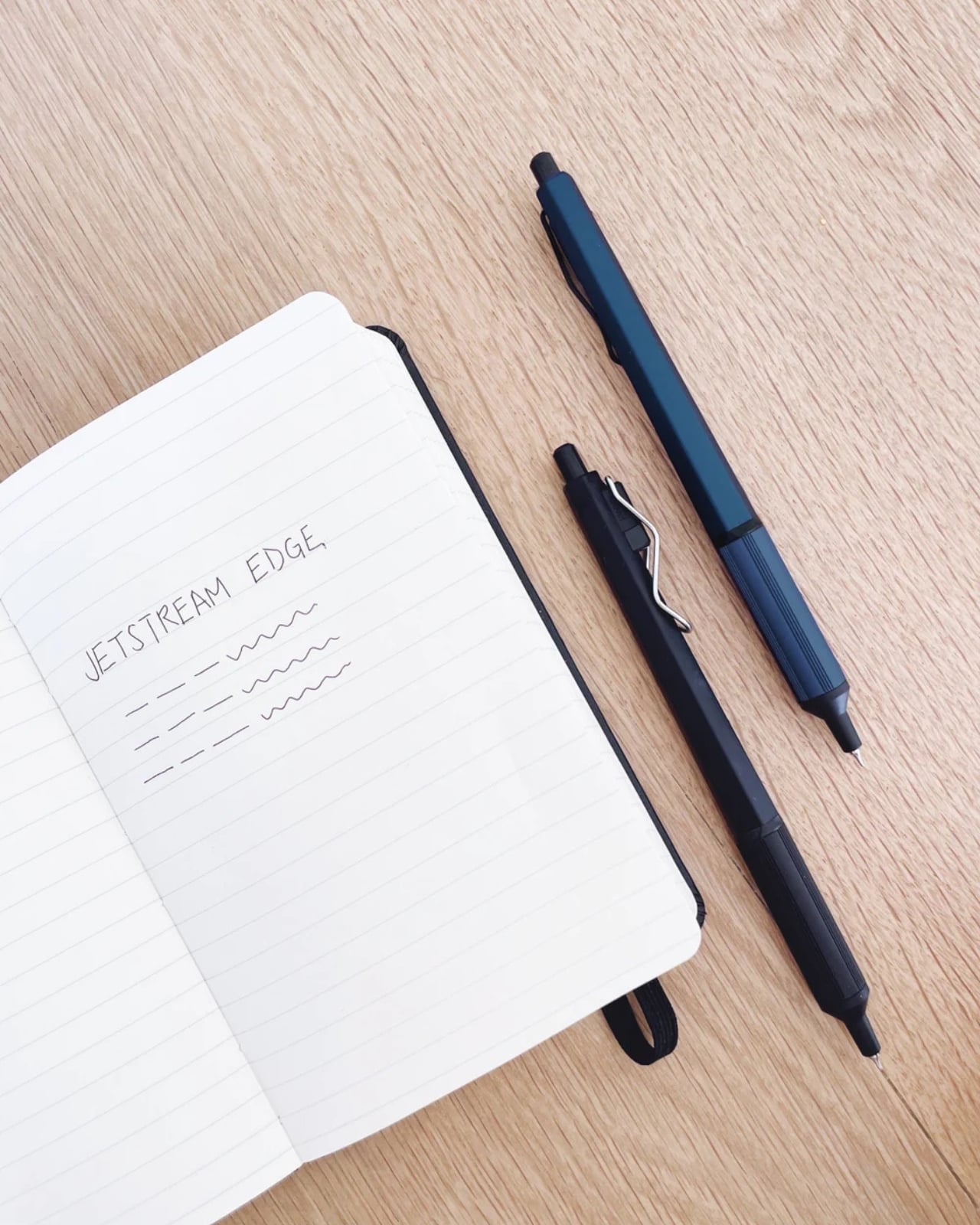
The world’s thinnest ballpoint pen sounds like marketing hyperbole until you drag the 0.28mm tip across paper and watch lines appear that rival technical drafting pens. This Uniball creation doesn’t just write thin; it writes with the kind of precision that makes handwritten notes feel like an intentional design exercise. The hexagonal black barrel catches light along its edges while the knurled metal grip provides just enough texture to keep your fingers anchored during extended writing sessions without causing fatigue or slippage.

What makes this pen exceptional lies in its hybrid ink formulation. The archival-quality black ink combines gel pen smoothness with ballpoint quick-drying properties, eliminating the smeared margins that plague lefties and rushed note-takers. The low center of gravity keeps the ultra-fine tip stable against paper, preventing the wobble that turns delicate linework into jagged scratches. The wire clip adds visual interest while securing the pen to notebook covers or shirt pockets. For designers who sketch concepts before digitizing them, this pen transforms rough ideation into refined mark-making.

What we like

  • The 0.28mm tip delivers drafting-pen precision in a portable ballpoint format.
  • Hybrid ink technology dries instantly to prevent smudging on fresh pages.
  • The hexagonal barrel and knurled grip provide ergonomic control during long sessions.
  • Archival-quality black ink ensures notes and sketches remain legible for years.

What we dislike

  • The ultra-fine tip requires quality paper to prevent catching or tearing.
  • Replacement refills may prove difficult to source compared to standard ballpoints.

2. Heritage Craft Unboxing Knife

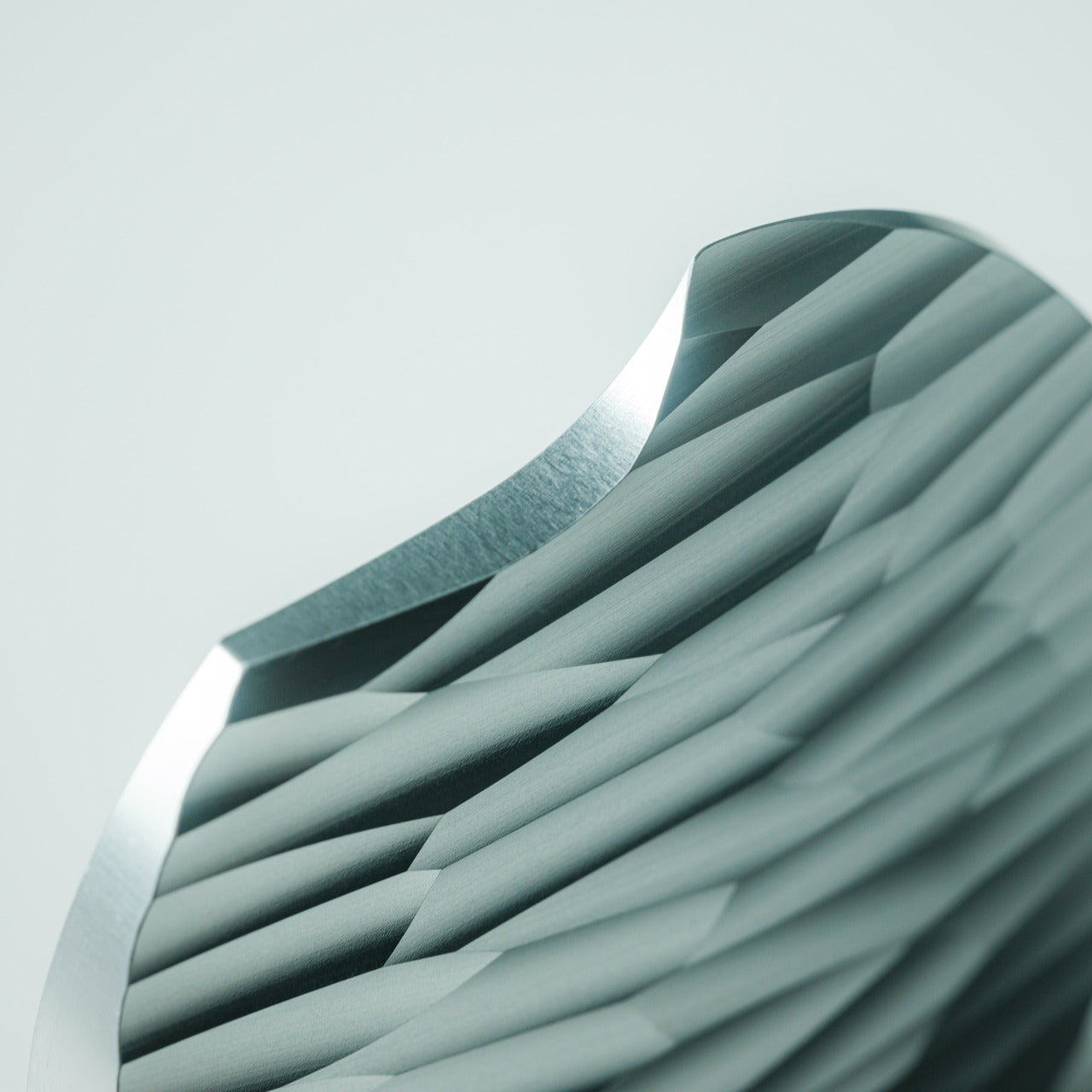
Most box cutters hide in junk drawers because they’re aggressively utilitarian and vaguely dangerous-looking. This aluminum sculpture reimagines the ancient hand axe through precision machining, creating something you’ll want displayed on your desk rather than buried in a drawer. Carved from a solid aluminum block, its circular form echoes Paleolithic tools while the wave-like patterns from the cutting process provide grip and visual intrigue. The tapered shape fits naturally in the hand, making package opening feel less like a chore and more like wielding a carefully considered instrument.

The intentional blade angle prevents over-penetration that damages package contents while maintaining enough sharpness for clean tape slicing. Aluminum’s inherent luster gives the knife a refined presence that elevates the mundane ritual of receiving deliveries. Designers who appreciate when everyday objects receive serious design consideration will find themselves reaching for this piece even when scissors would suffice. It sits at the intersection of functional tool and desktop sculpture, proving that utilitarian objects don’t need to sacrifice beauty for practicality or effectiveness.

Click Here to Buy Now: $99.00

What we like

  • Paleolithic-inspired form transforms mundane unboxing into a satisfying ritual.
  • Precision-milled aluminum construction provides luxury weight and lasting durability.
  • Wave-pattern machining creates a natural grip while adding sculptural visual interest.
  • Angled blade design ensures safe cutting without damaging package contents.

What we dislike

  • The exposed blade requires careful handling despite thoughtful safety considerations.
  • Premium aluminum construction places it at a higher price point than standard cutters.

3. Japanese Lantern Candle

Chouchin lanterns once lit Japanese festival nights with a gentle glow that modern LEDs struggle to replicate. This contemporary interpretation captures that soft illumination through handmade candles crafted in Kurashiki by artisans who understand how light transforms space. The minimalist holder design lets the candle become the focal point while patented technology prevents the outer wax from melting, maintaining the lantern shape throughout its burn life. As the interior wax liquefies, light dances through the undulating surface, creating shifting patterns that turn any room into a contemplative sanctuary.

The ritual of lighting a candle creates a deliberate pause that screens and notifications constantly interrupt. For designers accustomed to blue light and digital stimulation, this analog light source offers a different quality of illumination—one that encourages winding down rather than ramping up. The traditional chouchin form brings Japanese design philosophy into Western interiors without feeling forced or appropriative. Each candle burns with the kind of warm ambiance that makes reading physical books or sketching in analog notebooks feel natural again, reclaiming evening hours from device dependency.

Click Here to Buy Now: $69.00

What we like

  • Handcrafted by Japanese artisans in Kurashiki using traditional candle-making methods.
  • Patented technology maintains the lantern shape as interior wax melts and liquefies.
  • Minimalist design integrates seamlessly into contemporary or traditional interior styles.
  • The undulating surface creates mesmerizing light patterns as the candle burns down.

What we dislike

  • Replacement candles require sourcing from specific suppliers rather than local stores.
  • The contemplative burn time means less instant gratification than switching on a lamp.

4. Penguin x MOEBE Book Stand

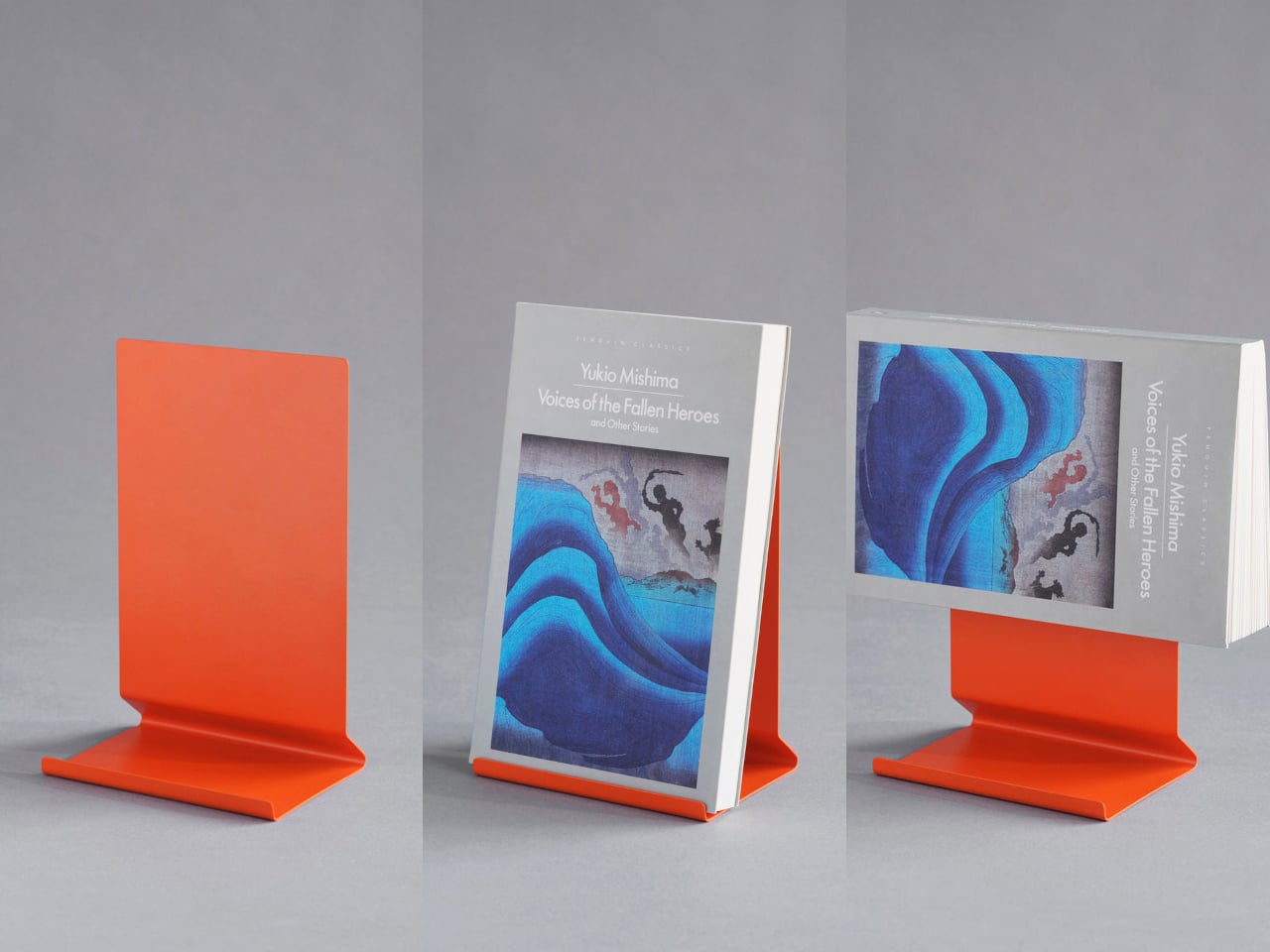
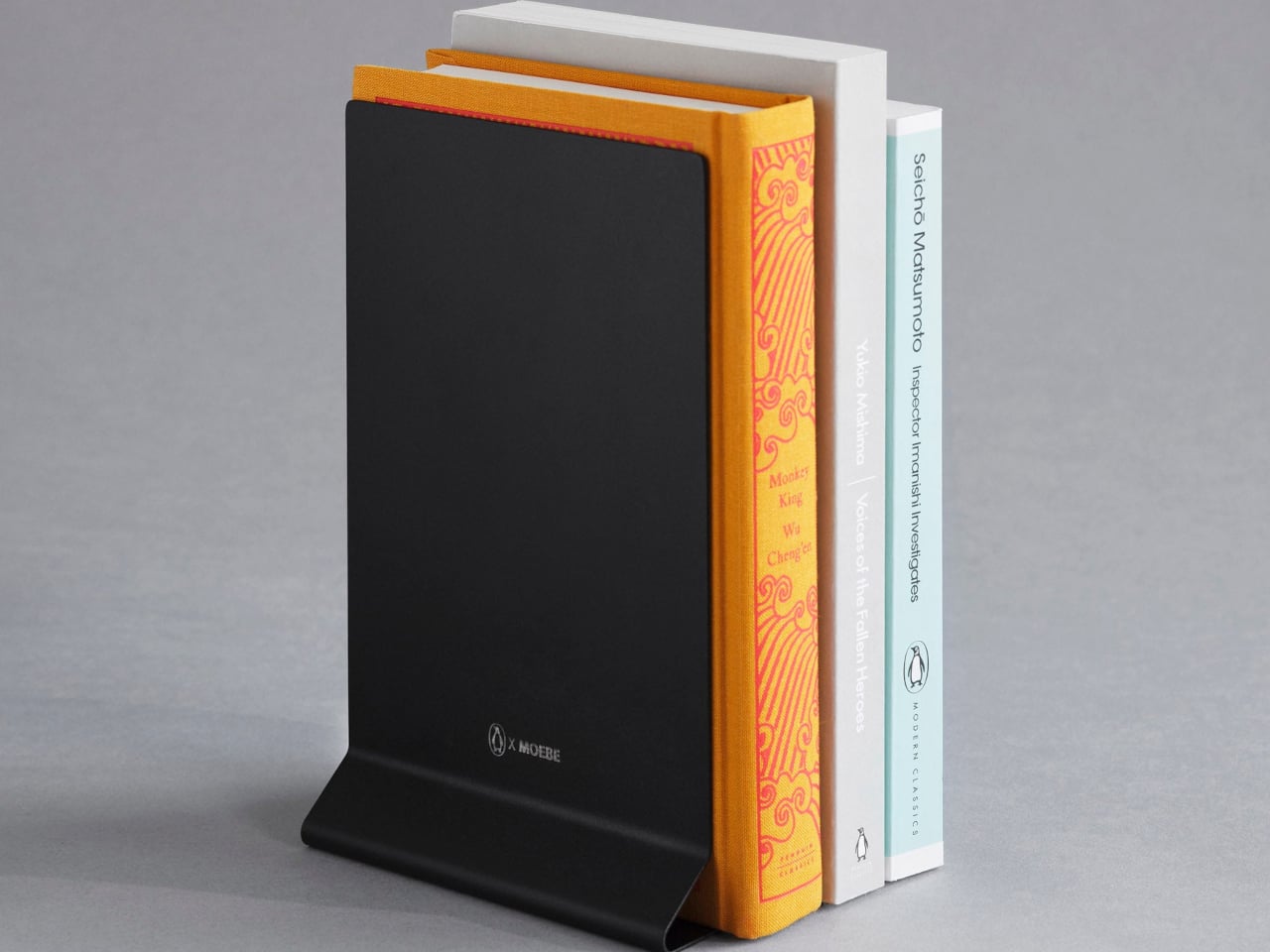
Books deserve better than lying face down with spines cracked or getting buried under device chargers. This collaboration between Penguin and MOEBE treats reading material as objects worth displaying, using bent steel to create a versatile stand that functions as a bookmark, display easel, or bookend depending on configuration. The single-sheet construction eliminates visible fasteners that would interrupt the clean lines, while the matte finish in stainless steel, cream, black, or Penguin orange lets you match existing desk aesthetics or add a pop of color.

The angled base supports everything from slim poetry collections to chunky design monographs without wobbling or tipping forward. Designers who collect physical books for reference and inspiration will appreciate how the stand keeps current reading visible rather than lost in stacks. Pair two stands to create bookends that frame a curated shelf section, or use a single piece to hold cookbooks open during kitchen experiments. Subtle Penguin and MOEBE branding sit on the base, where it remains visible without dominating the overall form. The stand quietly insists that books matter.

What we like

  • Single bent-steel construction creates seamless form without visible fasteners or joints.
  • Angled base supports books of varying thickness without wobbling or tipping.
  • Multiple colorways, including Penguin’s signature orange, integrate with existing decor.
  • Functions as a bookmark, display stand, or bookend depending on current needs.

What we dislike

  • The minimalist aesthetic may not provide enough visual presence for some interiors.
  • Steel construction adds weight that makes it less portable than plastic alternatives.

5. Personal Whiteboard

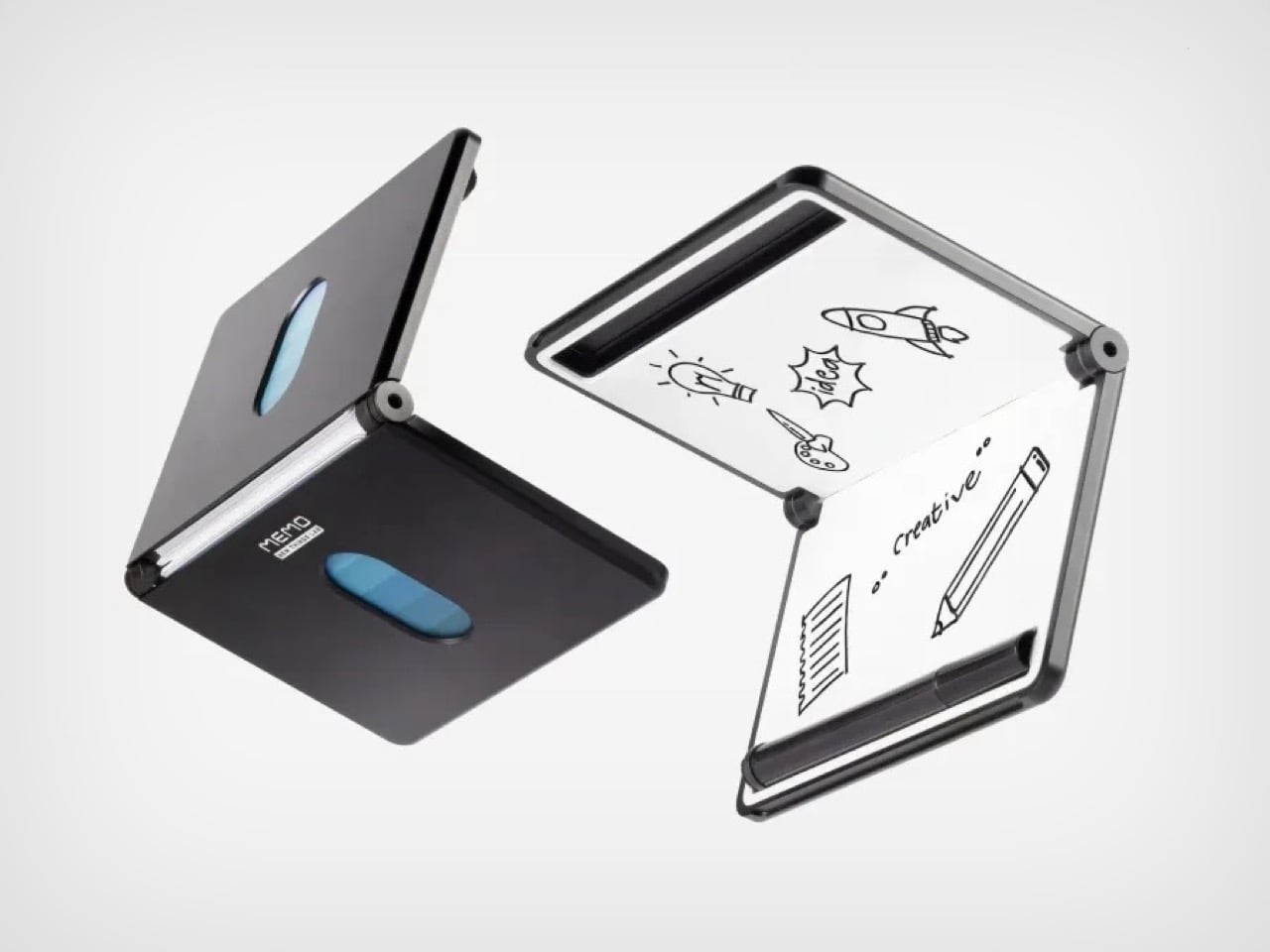
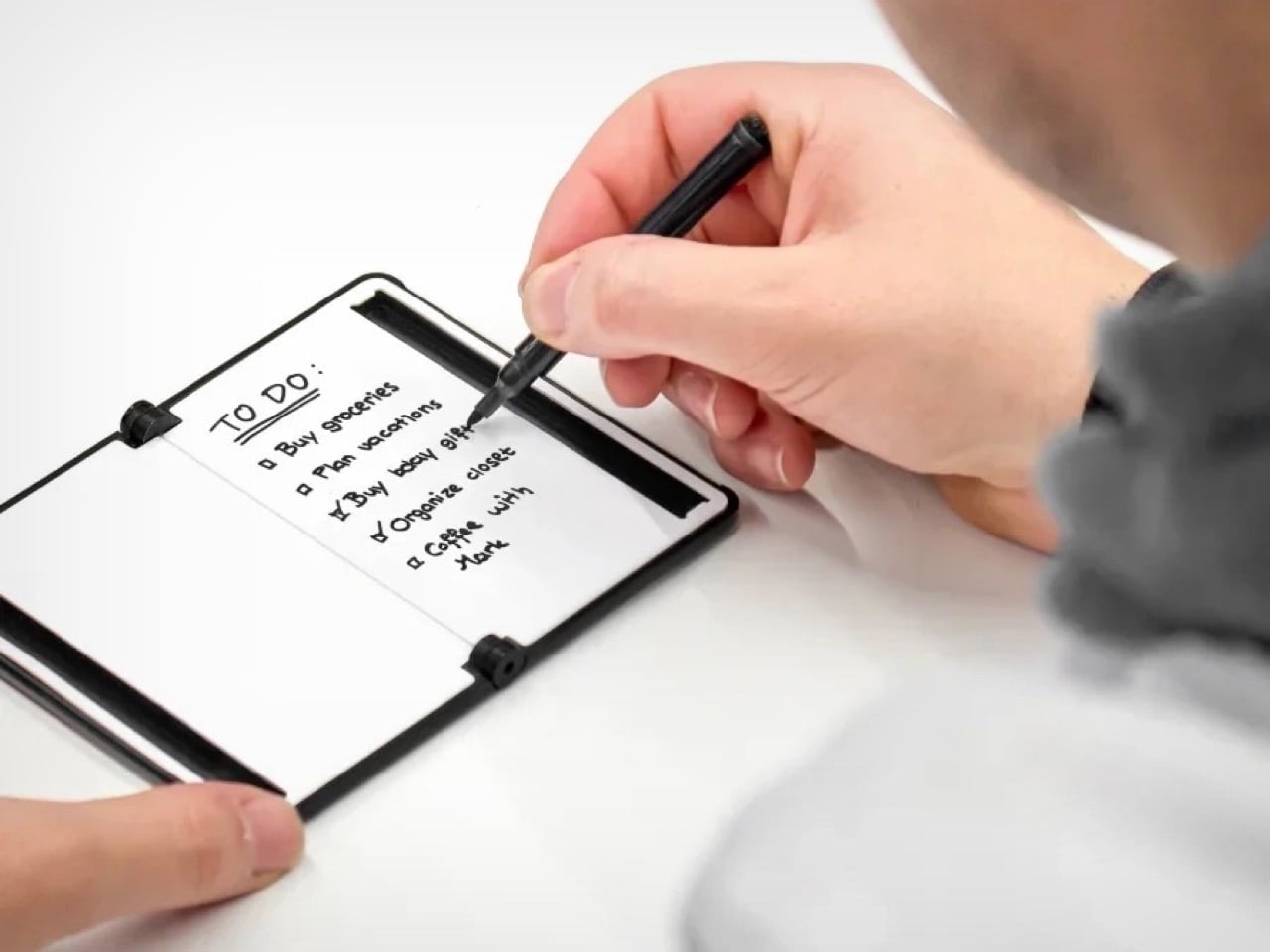
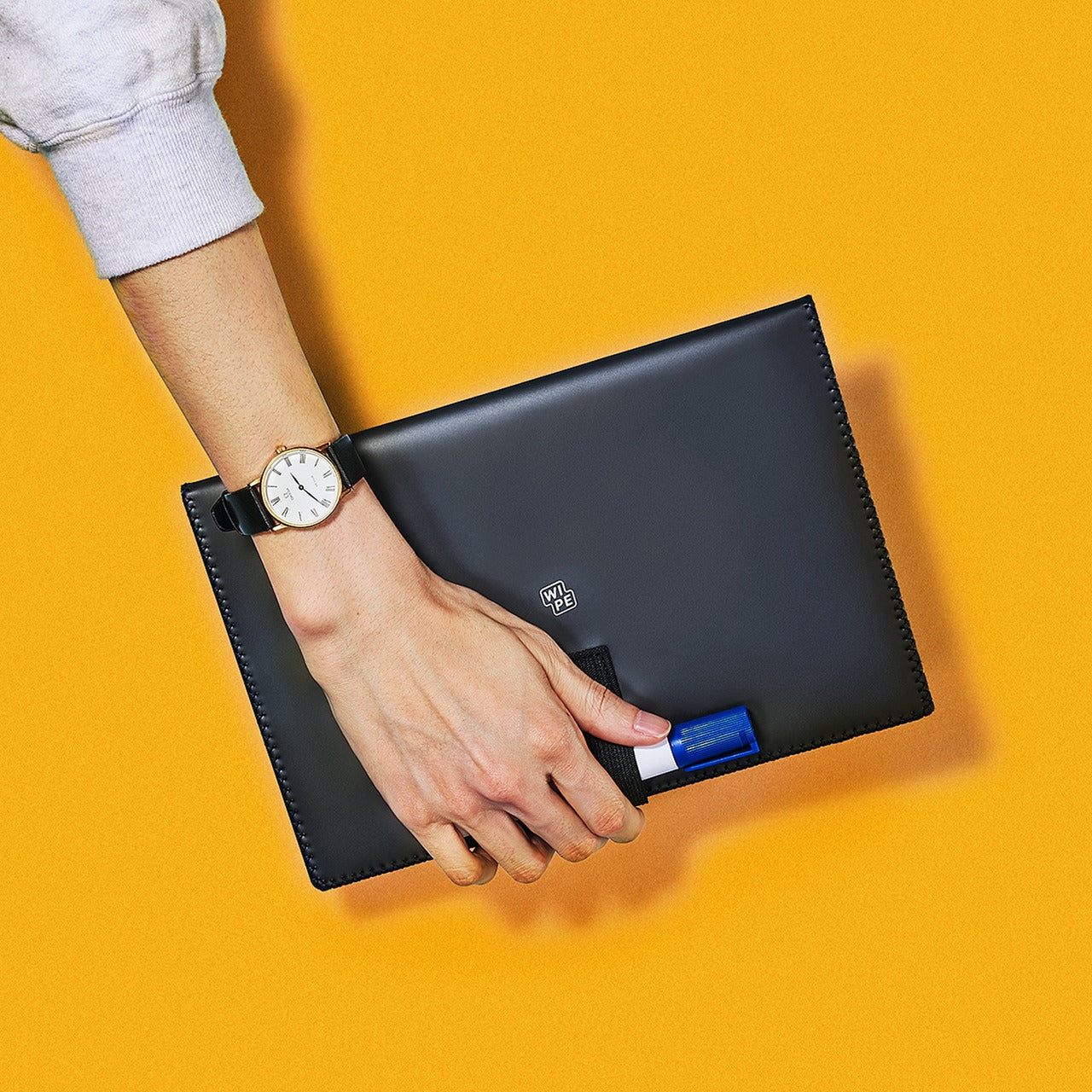
Digital note-taking apps promise searchability and cloud sync, yet many designers still think best with markers in hand. This portable whiteboard reduces the friction between thought and capture by fitting the essential ritual into a notebook form factor. The multi-functional cover wipes the surface clean, props the board at a comfortable viewing angle, and creates a pocket for loose papers. The Mag Force system turns the cover into both a handle for carrying and a magnetic pen holder that keeps your marker attached and accessible.

The genius lies in accepting that some notes are ephemeral. Sketch a quick concept, photograph it for the cloud, then wipe it clean for the next idea. The single reusable page eliminates the wasteful stack of marker-stained papers while maintaining the kinetic satisfaction of writing on a physical surface. Any standard whiteboard marker works, removing the premium-refill anxiety that plagues some reusable notebooks. For designers who facilitate workshops, lead brainstorming sessions, or simply think better while standing at a wall, this personal version brings that same energy to individual work.

Click Here to Buy Now: $49.00

What we like

  • Multi-functional cover serves as an eraser, an adjustable stand, and a document pocket.
  • The magnetic Mag Force system secures any whiteboard marker for transport and storage.
  • Photograph-then-erase workflow combines analog thinking with digital archiving.
  • Compatible with all standard whiteboard markers rather than proprietary refills.

What we dislike

  • The single-page format limits capturing multiple simultaneous thoughts or comparisons.
  • The whiteboard surface can develop ghosting over time with frequent use and inadequate cleaning.

Beyond the Charging Cable

The best gifts don’t always light up or connect to Wi-Fi. These five pieces prove that analog tools still have vital roles in creative work, offering textures and interactions that screens can’t replicate. From the meditative ritual of lighting a candle to the precise satisfaction of an engineered pen, each object does one thing superbly well without requiring updates or subscriptions. They’re investments in slowing down, in making everyday interactions feel intentional rather than automatic.

For designers drowning in devices, these non-tech gifts offer something increasingly rare: objects that work the same way in five years as they do today. No planned obsolescence, no compatibility issues, no battery anxiety. Just beautifully considered tools that make analog rituals feel luxurious again. They remind us that the most sophisticated technology sometimes means no technology at all, just materials and craftsmanship in service of human needs that haven’t changed in centuries.

The post Top 5 Non-Tech Gifts for Designers Who Have Every Gadget first appeared on Yanko Design.
These 5 Christmas Gifts for Designers Just Replaced Our Entire Home Office Setup

The best workspace tools seamlessly integrate into your creative flow, making every interaction feel intentional. For designers who spend hours surrounded by materials, implements, and ideas, the objects on their desk become extensions of their thinking process. This holiday season presents an opportunity to replace utilitarian clutter with pieces that spark joy through thoughtful design and refined aesthetics.

These five gifts represent a different approach to workspace essentials. Each one reimagines everyday tools through the lens of considered design, transforming mundane interactions into moments of tactile pleasure. From Japanese steelwork to magnetic innovation, these pieces prove that functional objects deserve the same design attention we give to creative projects themselves. They elevate workspaces not through decoration but through intelligent form meeting purposeful function.

1. Stellar Edge Scissors

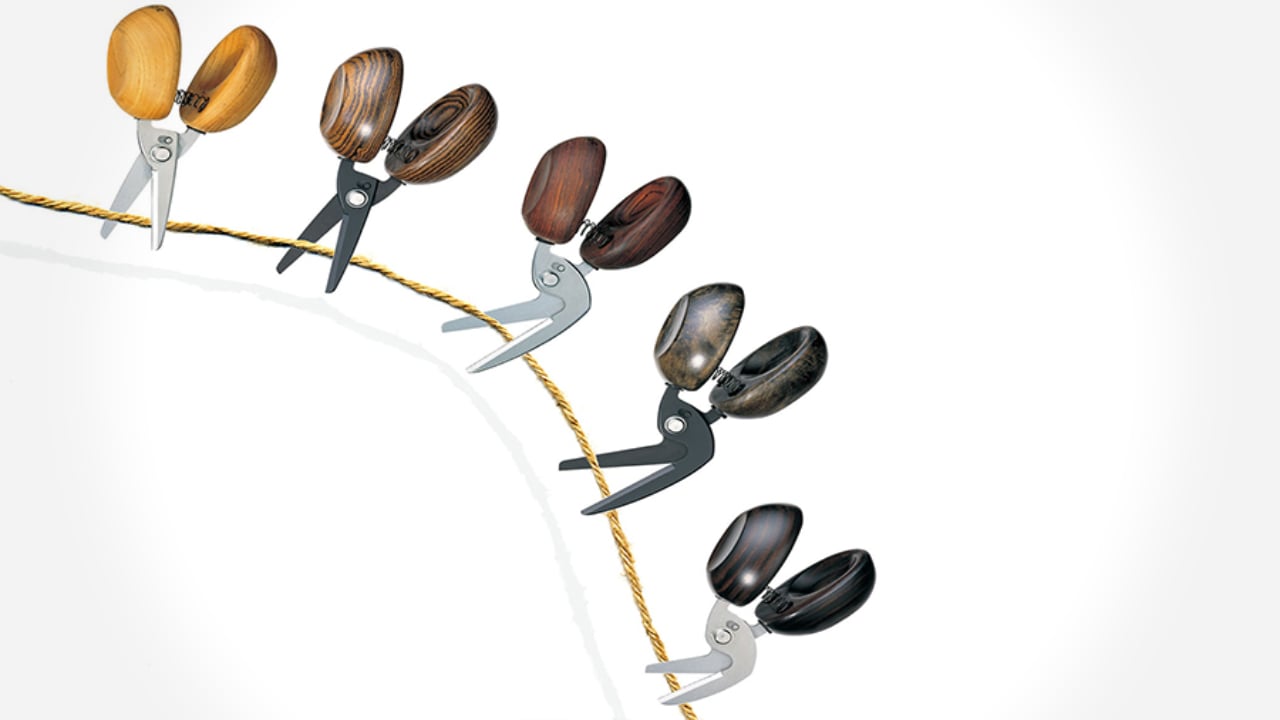
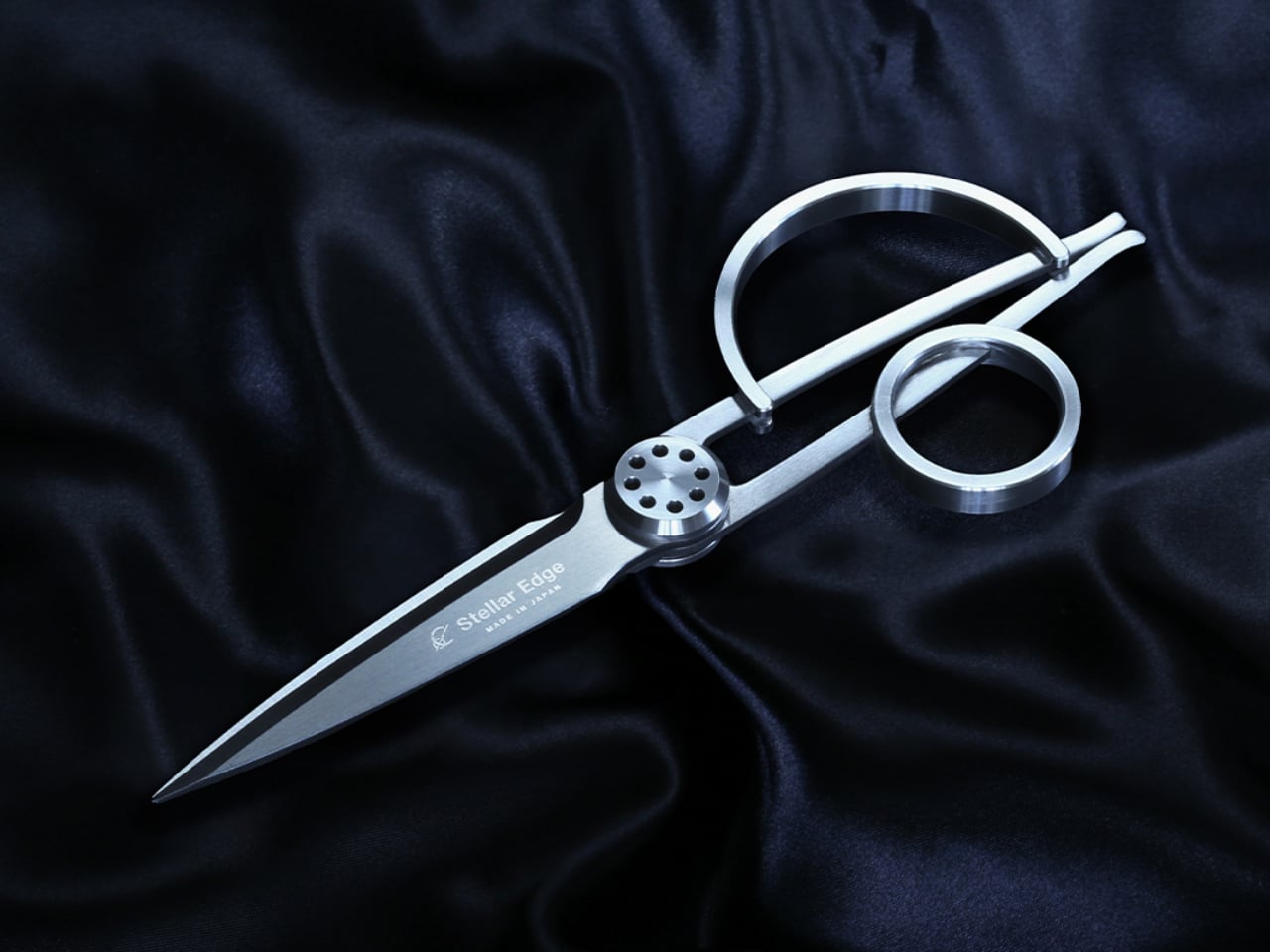
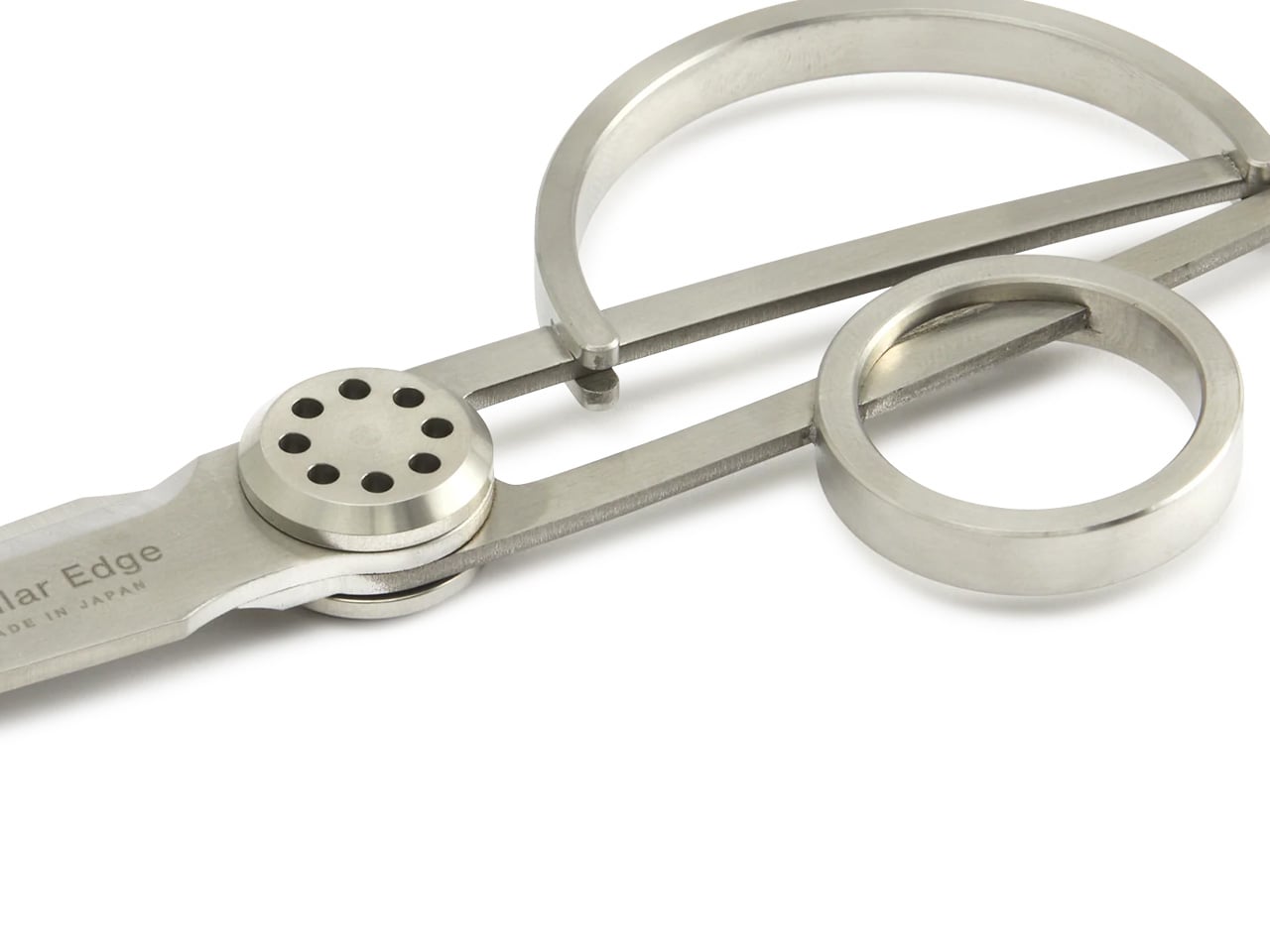
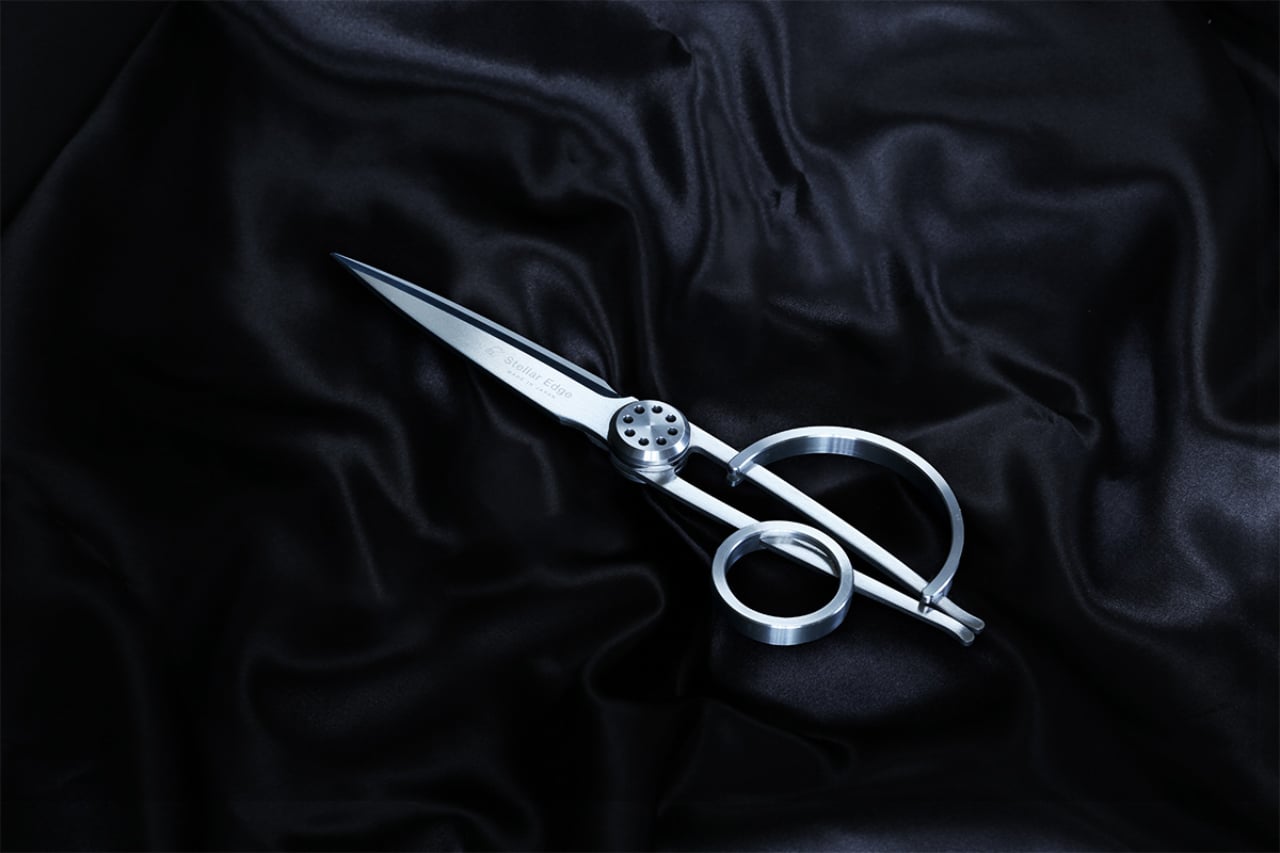
The moment you pick up these scissors, you understand why they come from Seki, Japan’s legendary blade-making region. Their asymmetrical handles challenge expectations while delivering surprising comfort, creating a sculptural presence that commands attention on any desk. The seamless stainless steel construction catches light beautifully, turning a cutting tool into an object worth displaying. When designers reach for scissors dozens of times daily, that repeated interaction deserves this level of refinement and visual consideration.

What makes these scissors exceptional goes beyond their museum-worthy appearance. The blade geometry ensures clean, effortless cuts through various materials, from delicate tracing paper to thick cardstock. That perfect balance point makes extended cutting sessions feel weightless rather than tedious. The polished finish resists fingerprints while providing just enough grip for control. These scissors transform routine tasks into satisfying rituals, proving that tools designed with genuine care create measurably better experiences throughout your workday.

What we like

  • The architectural form creates an instant focal point on any workspace surface.
  • Japanese stainless steel maintains razor sharpness through thousands of cuts.
  • Ergonomic engineering makes asymmetrical handles surprisingly comfortable for extended use.
  • Seamless construction and polished finish elevate them beyond typical office supplies.

What we dislike

  • The premium price point places them out of reach for budget-conscious buyers.
  • Their artistic appearance might make colleagues hesitant to borrow them for quick tasks.

2. Magboard Clipboard

Traditional notebooks impose structure before you’ve captured a single thought. This magnetic clipboard system throws out those constraints, letting you work with loose sheets that can be rearranged, removed, or inserted as ideas evolve. The hardcover design provides solid backing for writing anywhere, whether you’re sketching at your desk or capturing inspiration during a standing meeting. That simple magnet and lever mechanism holds up to thirty sheets securely while making page changes effortless and intuitive.

The beauty lies in removing friction from your creative process. Tear out pages that don’t work, reorder sequences that do, and add fresh sheets without committing to bound permanence. The water-resistant cover protects your work while staying easy to clean, making it genuinely portable rather than precious. For designers who think visually and need to see multiple concepts simultaneously, this system supports fluid thinking rather than forcing linear progression through pre-bound pages.

Click Here to Buy Now: $45.00

What we like

  • Magnetic binding system lets you reorganize pages instantly without tearing or waste.
  • Hardcover backing provides a stable writing surface for standing or mobile work sessions.
  • Water-resistant construction protects notes while remaining lightweight and portable.
  • Minimalist design strips away unnecessary features that complicate simple note-taking.

What we dislike

  • Loose sheets can scatter if the clipboard accidentally opens in a bag.
  • The system requires maintaining a supply of appropriately sized paper for ongoing use.

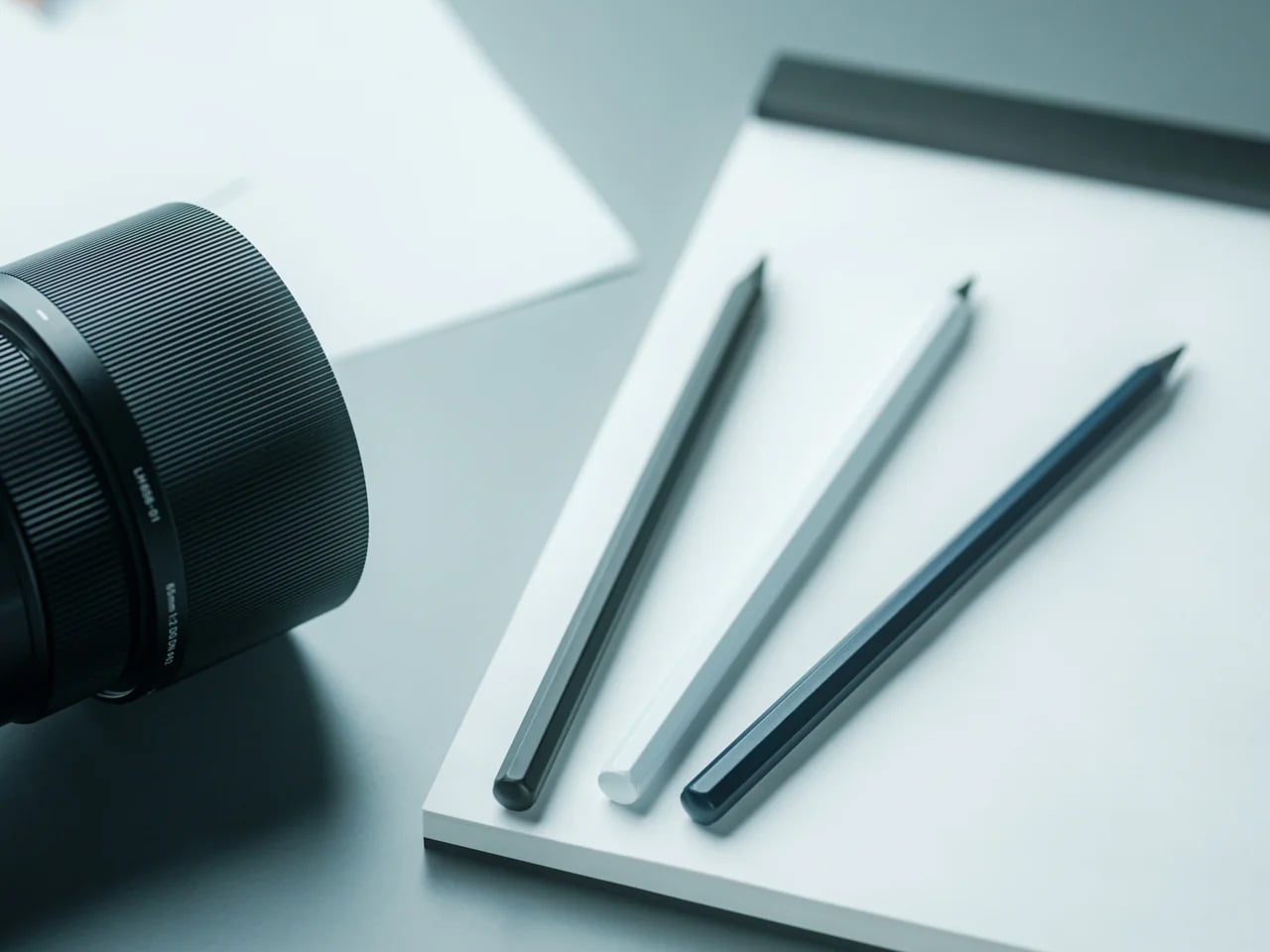
3. Everlasting All-Metal Pencil

Pencils break, dull, and disappear precisely when you need them most. This metal alternative writes like graphite but never requires sharpening, combining a special alloy core with an aluminum body that feels substantial without being heavy. The marks it leaves behave exactly like traditional pencil writing, erasing cleanly and refusing to bleed when you add watercolor or markers over your sketches. It’s the kind of tool that makes you forget about the tool itself and focus entirely on the marks you’re making.

The engineering behind its “everlasting” claim deserves attention. Rather than soft graphite that wears away with each stroke, this alloy core releases tiny particles that create marks without significant material loss. You get consistent line weight and darkness through thousands of uses. For designers who sketch constantly throughout their day, eliminating the sharpen-write-sharpen cycle removes an annoying interruption from creative flow. The metal construction also means no snapped leads or splintered wood to derail your momentum mid-thought.

Click Here to Buy Now: $19.95

What we like

  • No sharpening required means uninterrupted sketching and writing sessions.
  • Alloy core provides consistent line quality through extensive use.
  • Standard erasers remove marks cleanly without special techniques.
  • Compatible with watercolor and water-based markers since the core doesn’t bleed or smear.

What we dislike

  • The metal body lacks the warmth and texture some prefer from traditional wooden pencils.
  • Line darkness may not satisfy those who love the rich blacks from soft graphite grades.

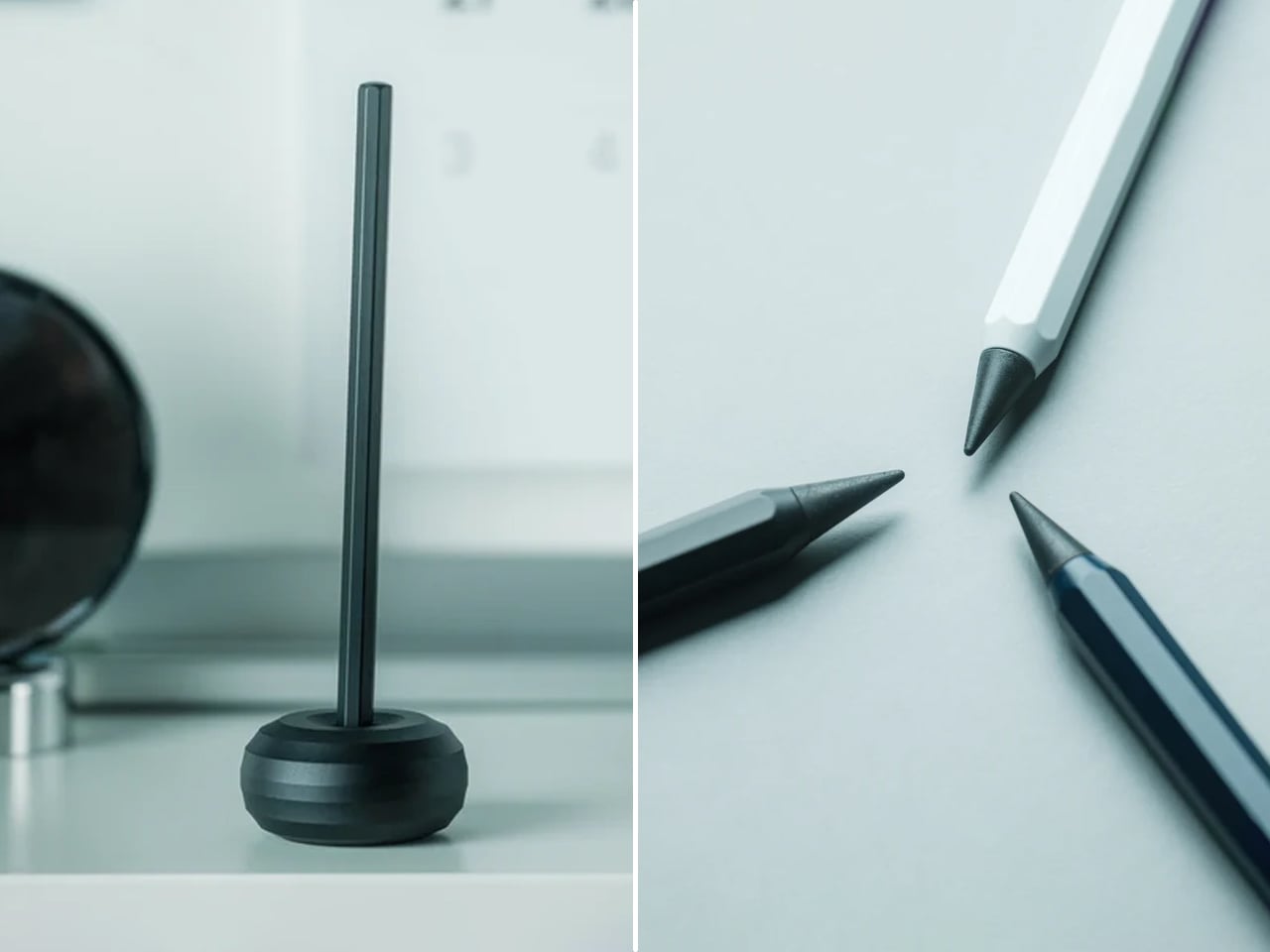
4. Quick Access Pencil Sharpener Stand

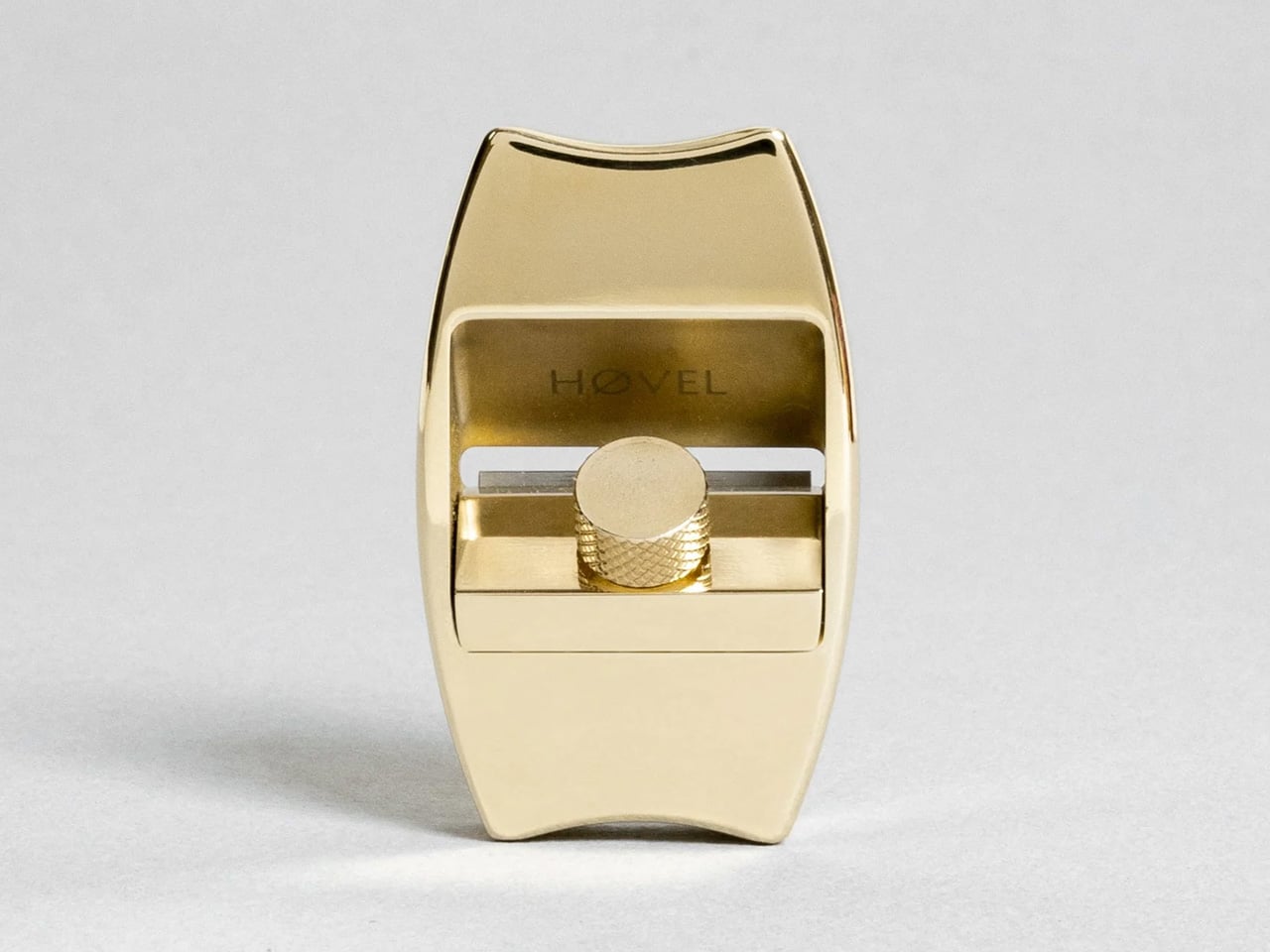
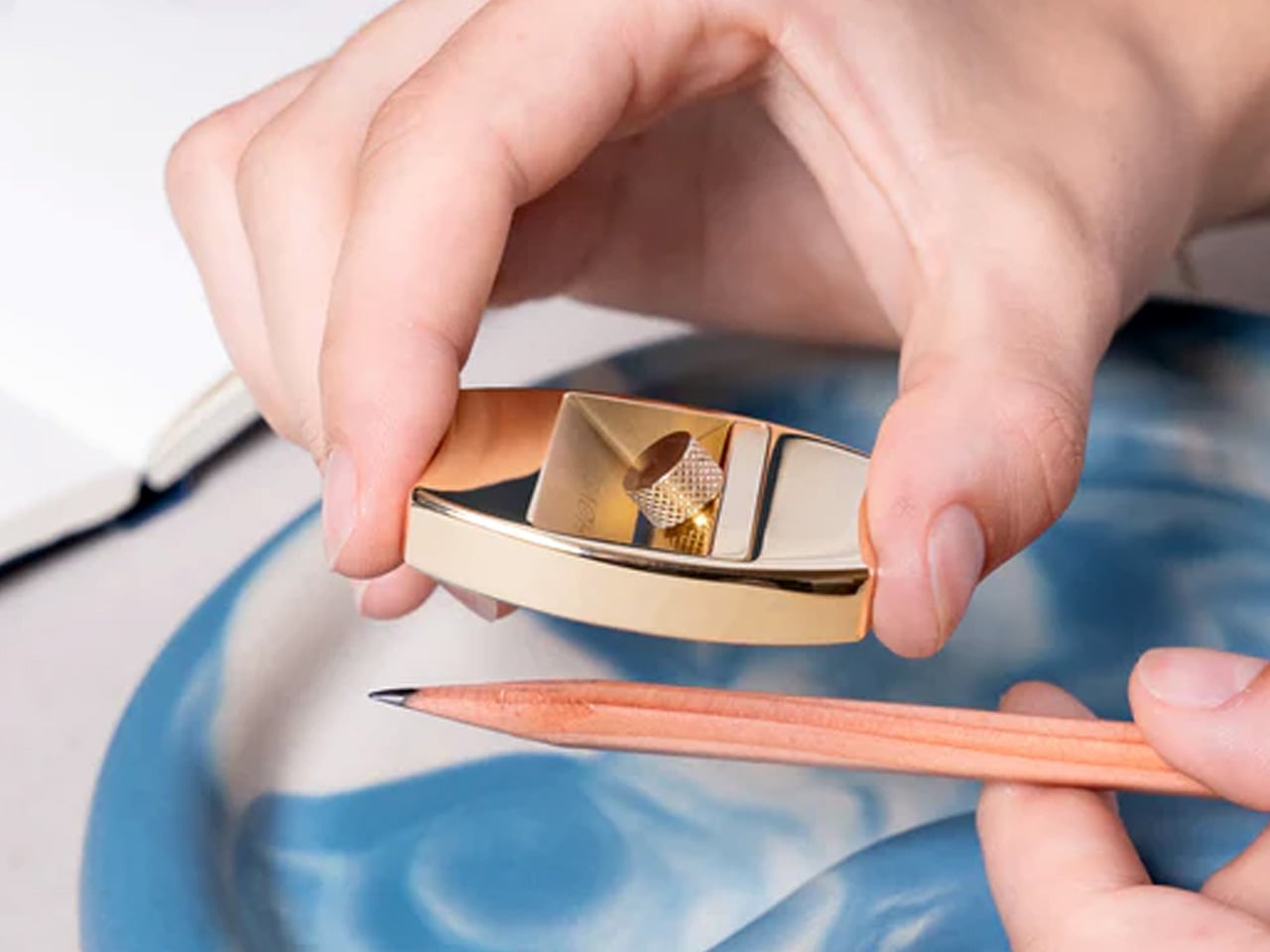
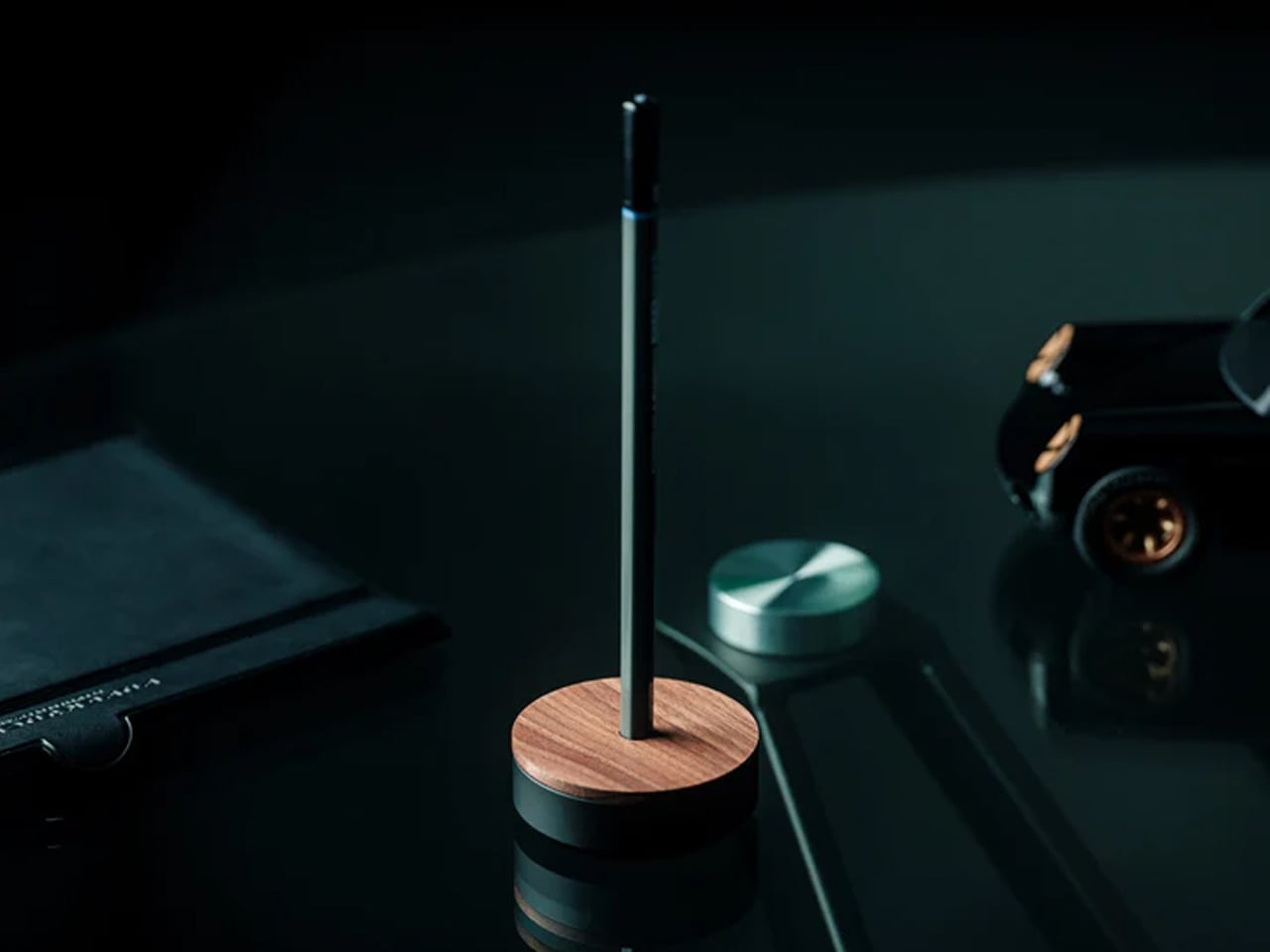
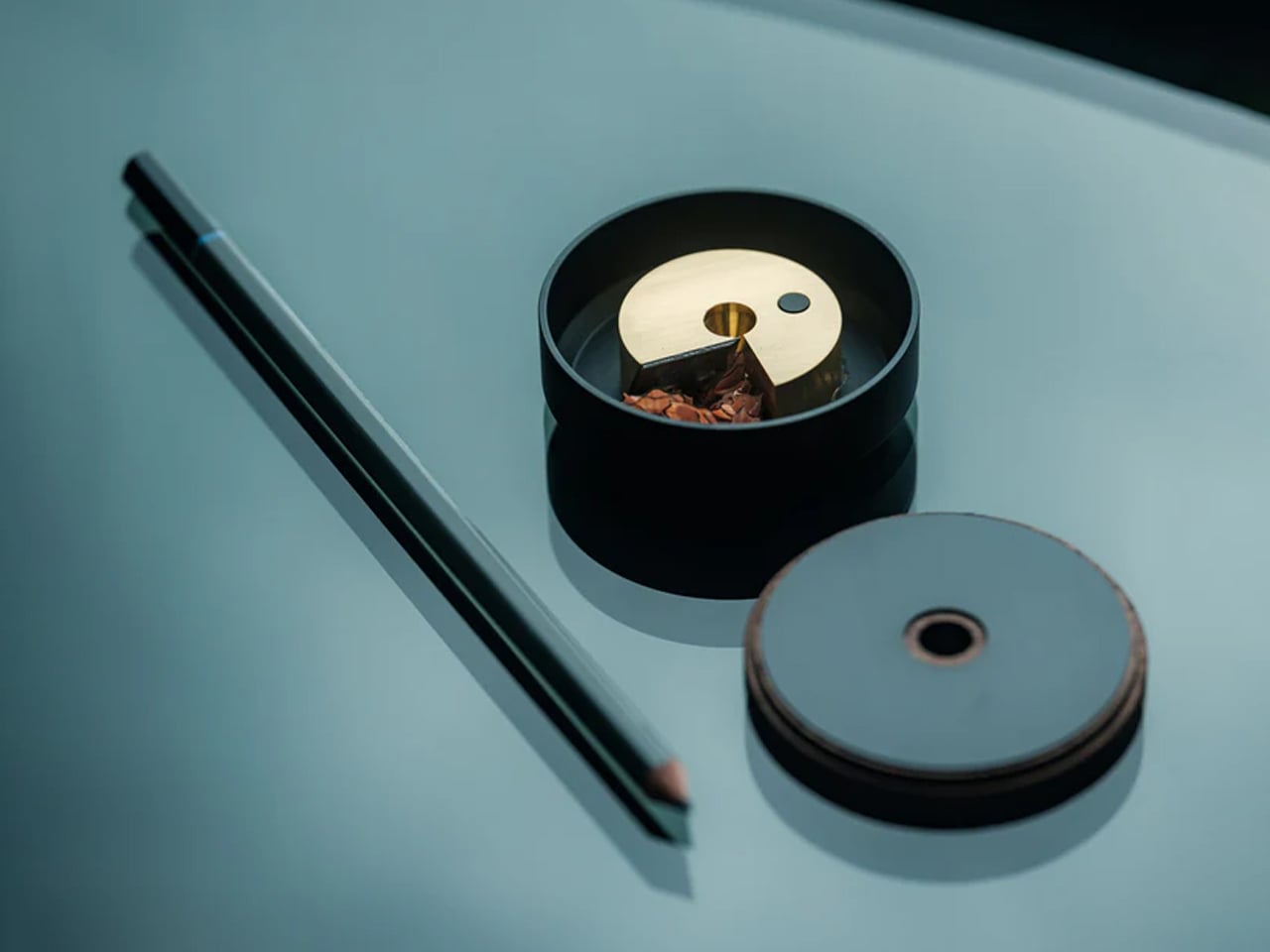
This disc-shaped object solves the eternal problem of misplaced sharpeners through brilliant simplicity: your pencil stands in the sharpener when not in use. The walnut wood cover and anodized aluminum base create an elegant desktop presence that justifies permanent placement rather than drawer banishment. That specially angled sharpening mechanism extends pencil life while reducing waste, making each sharpening session more purposeful. The brass mechanism prevents accidental opening, keeping shavings contained until you’re ready to empty them.

Beyond functional innovation, this piece brings warmth to workspaces dominated by glass and metal. The wood’s natural grain patterns ensure each sharpener carries a unique character, while the magnetic connection between cover and base provides satisfying tactile feedback. Designers who still value traditional pencils for sketching gain both a reliable sharpening solution and a sculptural desktop accent. It’s the kind of thoughtful industrial design that makes everyday interactions feel special rather than merely efficient or functional.

Click Here to Buy Now: $55.00

What we like

  • Dual function as a sharpener and a stand keeps everything organized in one elegant object.
  • Specially angled blade prolongs pencil life while creating less waste.
  • Walnut wood adds natural warmth to typically cold office environments.
  • Strong magnet prevents accidental spills while providing satisfying closing feedback.

What we dislike

  • The single-pencil capacity doesn’t accommodate designers who work with multiple pencils simultaneously.
  • Premium materials and construction result in a higher price than basic sharpeners.

5. reMarkable Paper Pro Move

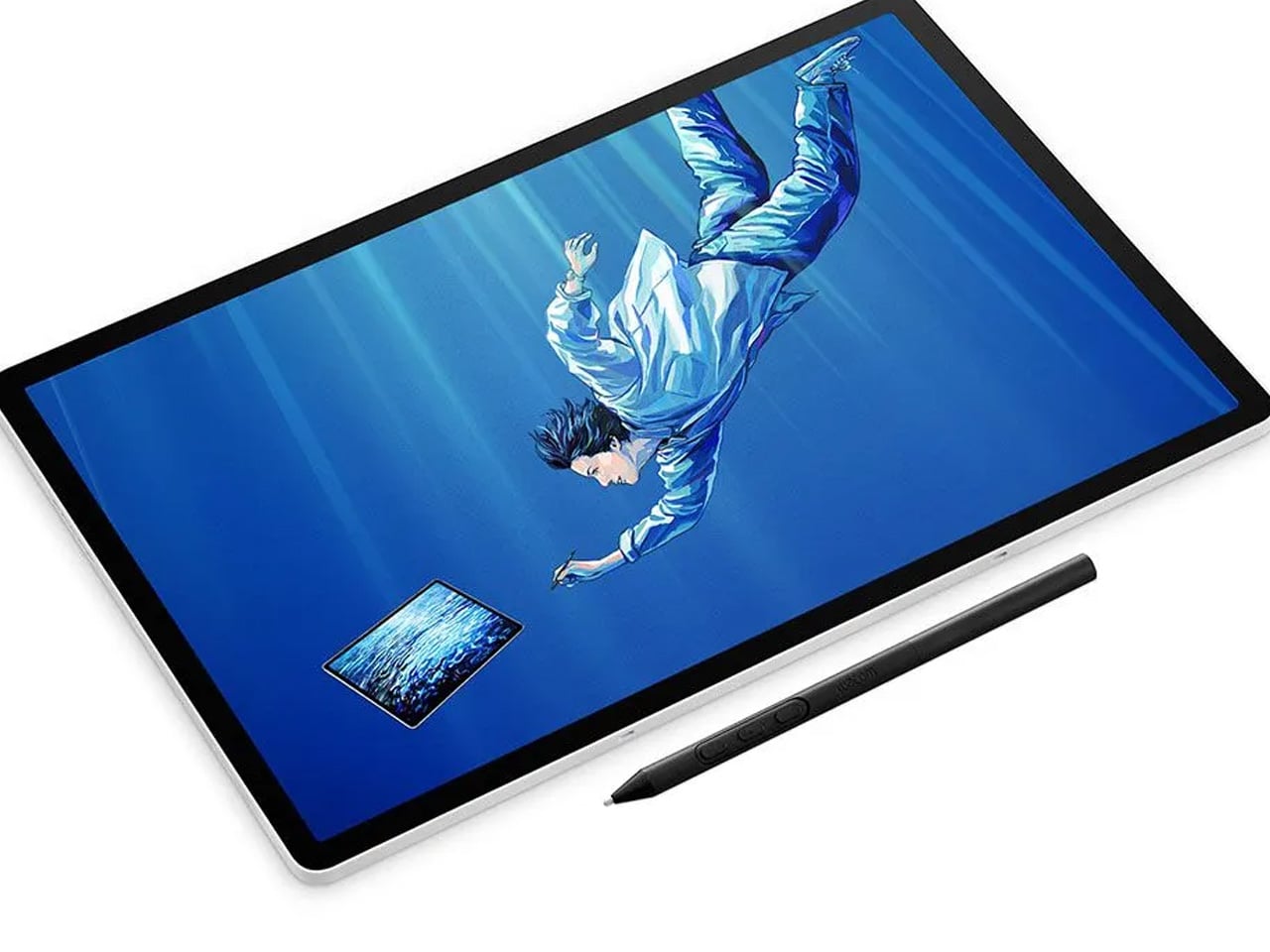
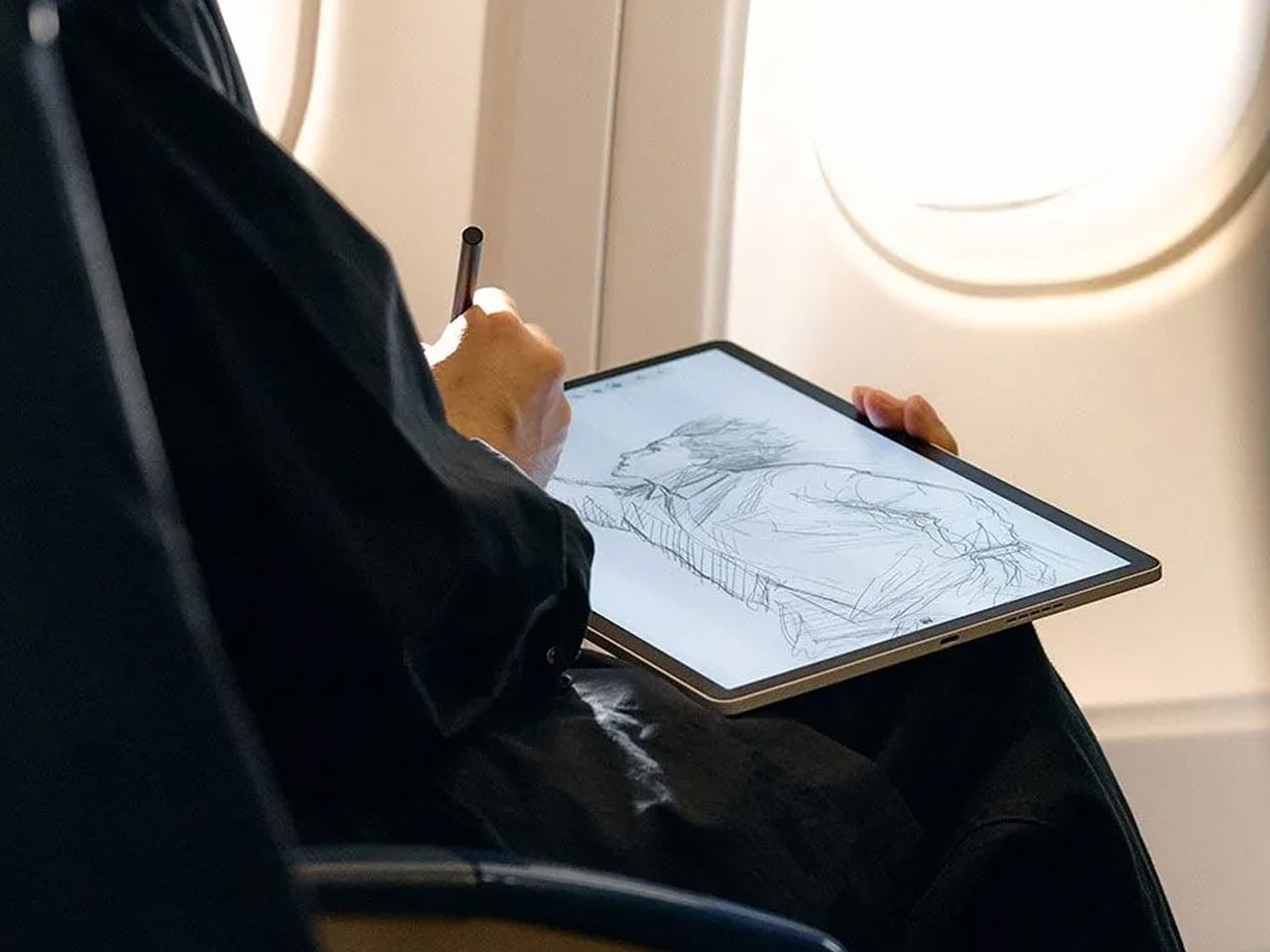
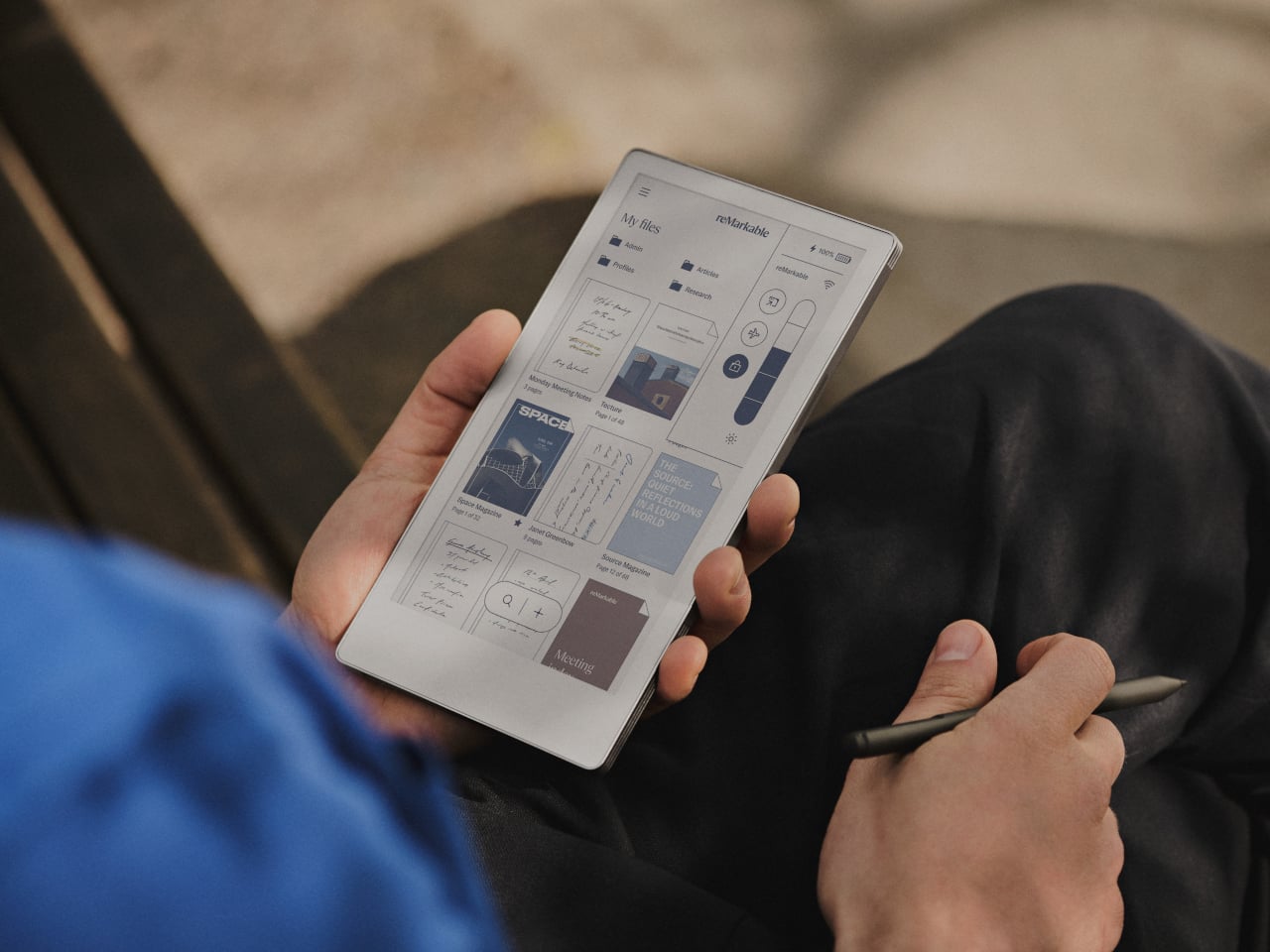
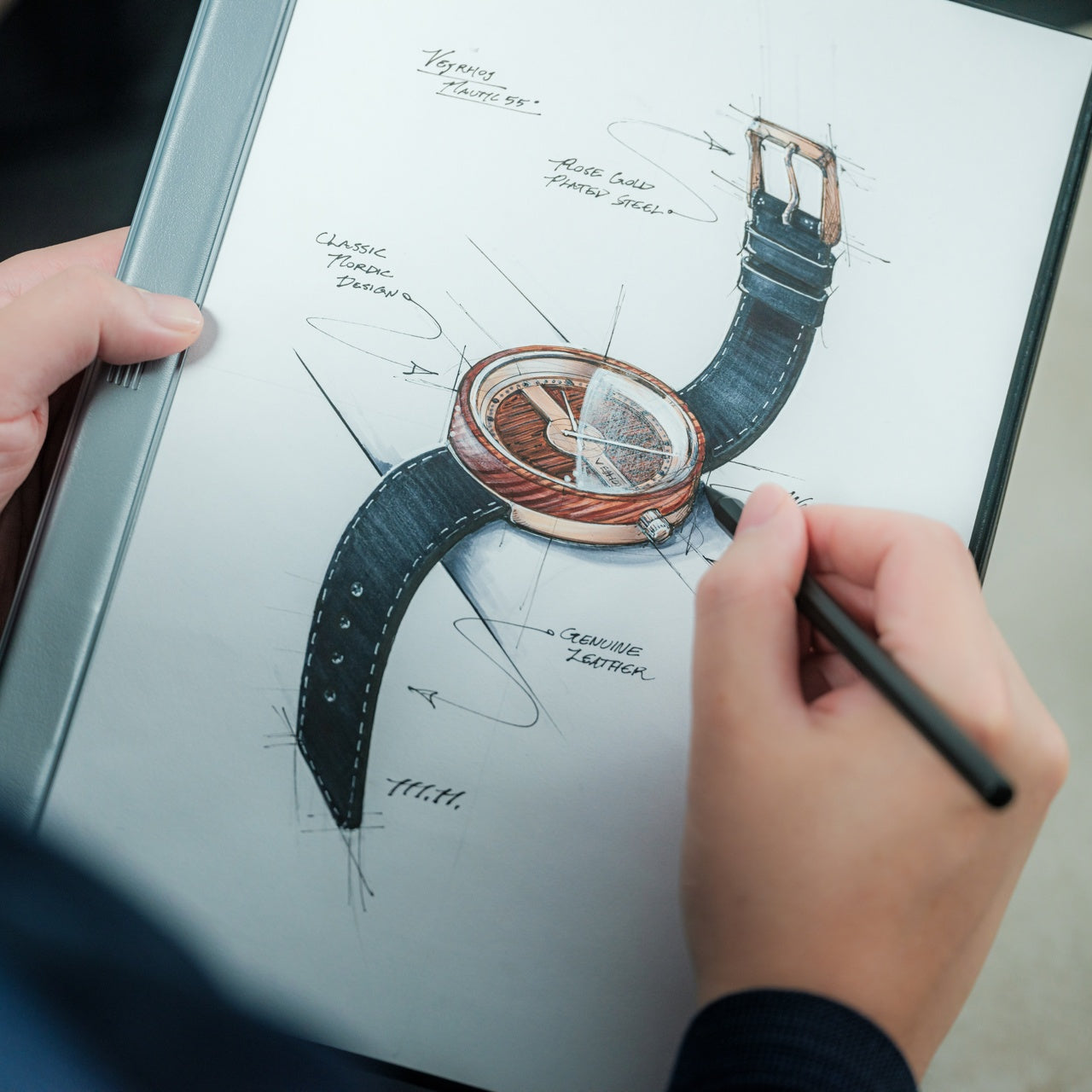
Digital notes often disappear into folders, never to resurface. This E Ink tablet bridges analog satisfaction with digital organization, offering that pen-on-paper texture designers crave while maintaining searchable, shareable files. The 7.3-inch color display fits comfortably in jacket pockets while providing enough real estate for meaningful sketching and notation. At $449, it occupies premium territory, yet the refined materials and thoughtful engineering justify the investment for designers serious about capturing ideas throughout their day.

The included Marker stylus delivers genuine tactile feedback that makes extended writing sessions genuinely pleasurable rather than tolerable. The E Ink screen eliminates eye strain from backlit displays, letting you work comfortably for hours without fatigue. Magnetic attachment keeps the stylus secure during transport while adding minimal bulk. The responsive surface captures subtle pressure variations, making sketches feel natural and expressive. For designers transitioning between physical and digital workflows, this device removes friction while maintaining the creative experience of working on actual paper.

What we like

  • The color E Ink display provides comfortable viewing during extended creative sessions.
  • Pocketable size makes it genuinely portable without sacrificing usable screen space.
  • Tactile feedback from the Marker stylus creates an authentic pen-on-paper sensation.
  • Magnetic stylus attachment prevents loss while keeping the profile slim and portable.

What we dislike

  • The $449 price point represents a significant investment compared to paper notebooks.
  • E Ink refresh rates can’t match the instant response of traditional paper or iPad displays.

Wrapping Up Workspace Elevation

Transforming a workspace isn’t about adding decoration. These five gifts demonstrate how reimagining fundamental tools creates measurably better daily experiences. Each piece removes friction from creative work while bringing visual refinement to surfaces where designers spend countless hours. They’re investments in the quality of repeated interactions, understanding that the tools you touch dozens of times daily deserve genuine design consideration and thoughtful engineering.

The best Christmas gifts for designers don’t gather dust on shelves. They integrate seamlessly into existing workflows while quietly elevating every interaction. From Japanese scissors to magnetic clipboards, these pieces prove that functional objects can spark joy through intelligent form and purposeful design. They’re reminders that workspace elevation comes from choosing tools that respect both your creative process and your aesthetic sensibilities.

The post These 5 Christmas Gifts for Designers Just Replaced Our Entire Home Office Setup first appeared on Yanko Design.
10 Iconic & Influential Women Designers Of The Last Century

8th March is celebrated as International Women’s Day, and rightly so, although in all honesty, we deserve every day to be Women’s Day! Women’s Day is the result of the efforts of a lady called Clara Zetkin, the leader of the ‘Women’s Office’ for the Social Democratic Party in Germany. In 1910, she proposed that every country should have a celebration every year on the same day – a Women’s Day, a day when women could press for their demands. Cut to 2024, and Women’s Day is a 24-hour period where we widely celebrate the women all around us, and in every aspect of our lives. And we’re taking it upon ourselves to celebrate the iconic women in our design world! These women paved the path for women in the design and architecture industry, changing the perceived status of women in this arena, and making space for their successors to push boundaries liberally and without hindrances. Although even today there is a gender disparity in the design world, with women designers facing experiences of bias and prejudice, and with the product and industrial design world being primarily 78-95% male. But let’s take a moment to celebrate these iconic women designers, creators, and innovators and raise a toast to them!

1. Zaha Hadid

The late Zaha Hadid was the first woman to win the Pritzker Prize for Architecture in 2003, and also the first female star architect who managed to transform, and deeply influence the status of women in the design world. Known as the ‘Queen of the Curve’, her unique creative vision positively impacted and changed the design and architecture world, while also establishing that a woman can conquer these worlds in her unique way and style. Her feisty personality, intense determination, and desire to challenge the design status quo supported her in consistently pushing the limits of form and function. Her first major public building  – the Rosenthal Centre for Contemporary Art in Ohio opened in 2003 and marked an important turning point, where critics and the rest of the world accepted her as the force she truly was.

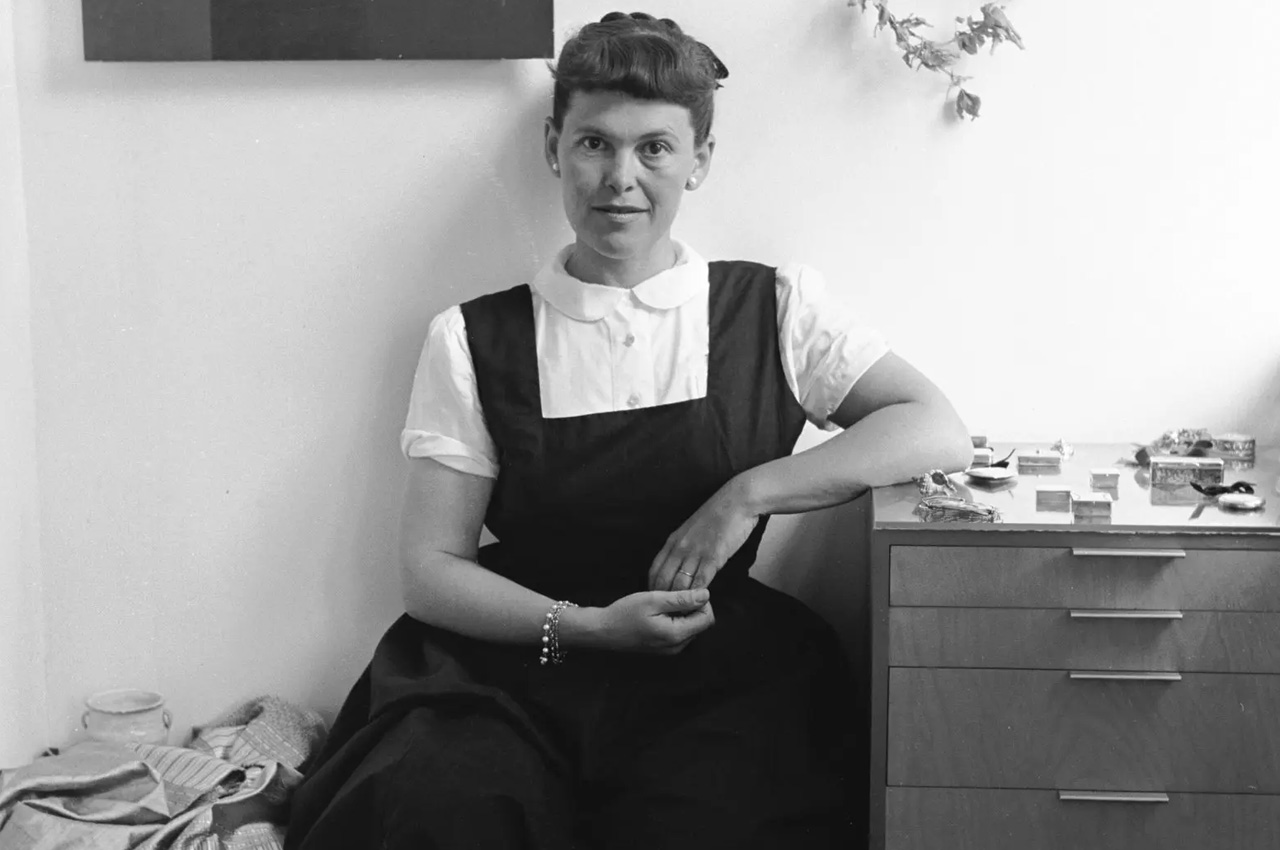
2. Ray Eames

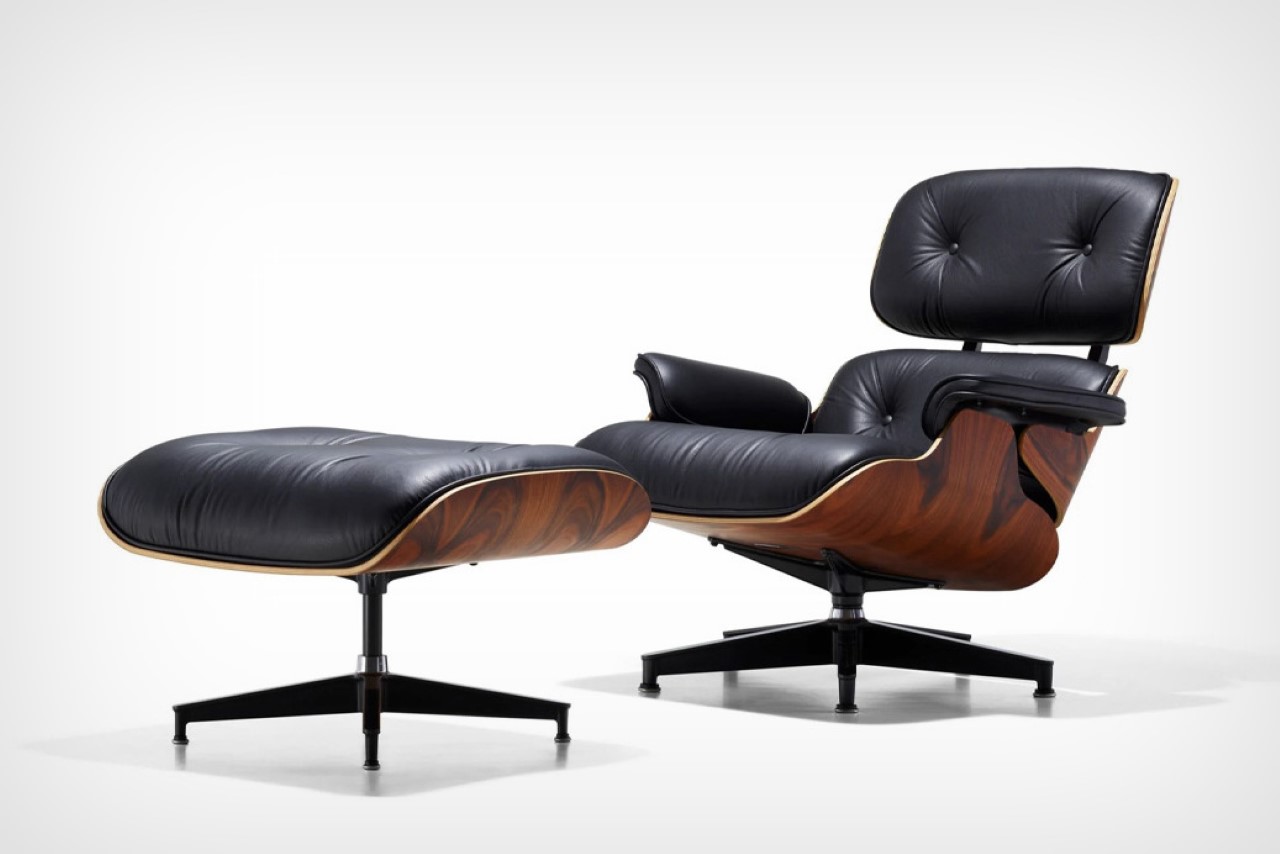
Everyone’s heard of the Eames Lounge Chair. It was the centerpiece of any office in the 1960s and 1970s, and it has still maintained its relevance and value even today. You’ve probably heard of the mastermind behind it – Charles Eames, but you may not be aware of his wife Ray Eames, who played an equally important role in its birth and creation. The duo spent most of their time experimenting with plywood, which led to their first mass-manufactured product – a molded plywood leg splint that would be purchased in abundance by the US Navy. They played around with different materials, using fiberglass, aluminum, leather, and plywood to build furniture. Even after Charles died in 1978, Ray continued to spread their design philosophy and beliefs through her writing and numerous talks.

3. Hella Jongerious

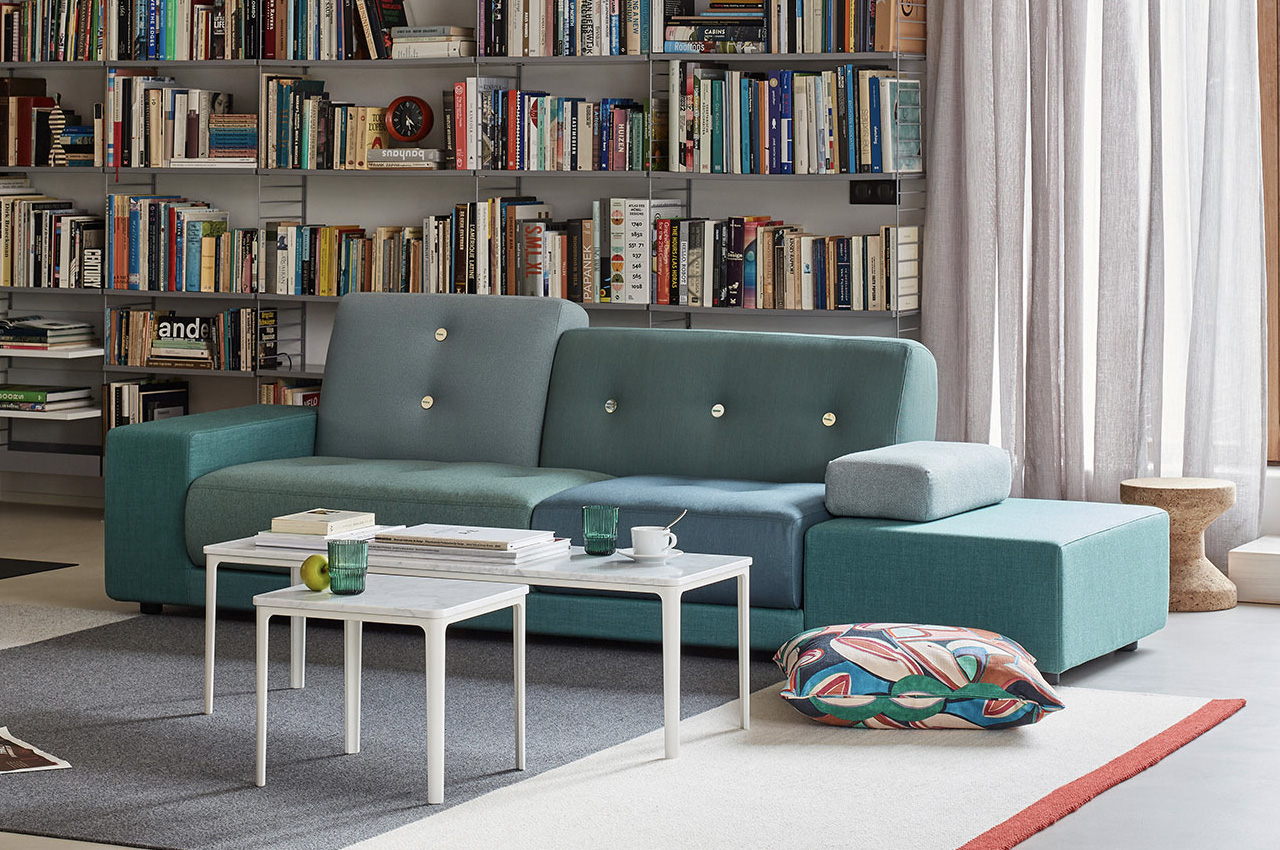
The Dutch designer Hella Jongerious is considered a master of colors and texture in her profession of industrial design. The strong-headed and independent designer once said “Design is not about objects. Design is about relations”. She founded her studio called the Jongeriuslab studio in 1993, and since then has worked with major clients such as Maharam, Danskina, IKEA, and KLM. Through her work with textiles, ceramics, and furniture, she has highlighted the importance and magnitude of colors and surfaces in contemporary designs. She designed the Polder Sofa for the Swiss company Vitra, which is one of her most distinctive and popular pieces. It is inspired by her home country – the Netherlands and is a beautiful mixture of asymmetrical shapes and cushions in various colors and fabrics.

4. Neri Oxman

Israeli-American architect, designer, and professor Neri Oxman is the founder of the Mediated Matter Group at the MIT Media Lab. Her work is incredibly pioneering, and she had to coin the word “material ecosystem” to describe it. She combines technology, biology, and design to create astounding projects such as the Silk Pavilion and the Wanderers Wearable Skins, which pushed the boundaries of what fabrication and design could do. Her 3D-printed wearable skins are designed for interplanetary pilgrims, and they have been merged with synthetically engineered microorganisms to make the hostile habitable.

“Nature does not come together. “It expands,” she said at Design Indaba. “At this point, there is a collision between the worlds of civilization and nature.” It is a gradual process, but they are coming together.”

5. Kazuyo Sejima

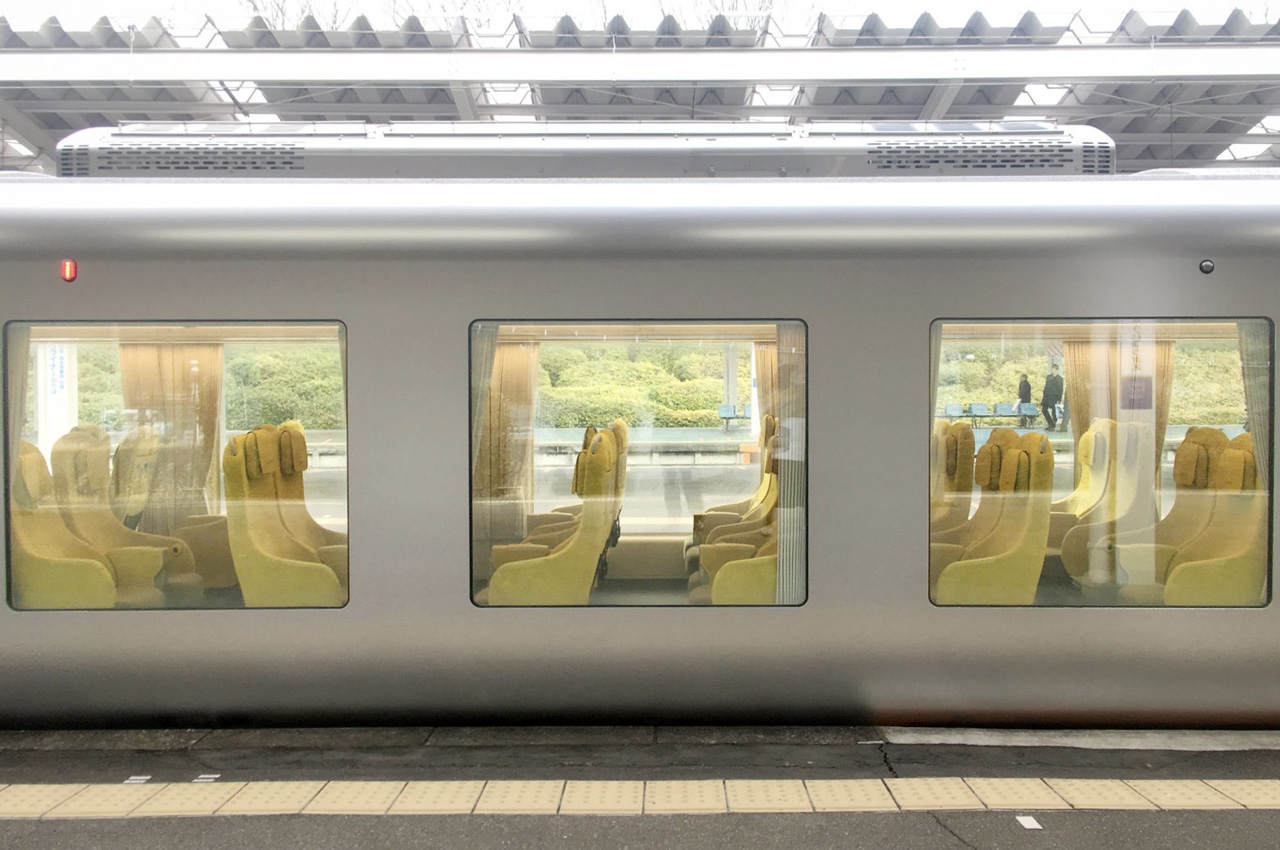
Kazuyo Sejima is a Japanese architect, and also the second woman to win the Pritzker Architecture Prize in 2010, following Zaha Hadid’s lead a few years later. Sejima claims, “Being an architect. I am just interested in making architecture.”, and this comes through in her clean, minimalist, and yet innovative design style. Her works are highlighted by a subtle and minimal character, and they often playfully blur the boundaries between interior and exterior spaces. One such project is the Laview commuter train, which features massive windows, and a curved edge glass nose. The commuter train was designed to make the passengers feel like they’re at home, instead of on a train moving between Tokyo and Saitama. The carriages were created to make the passengers feel comfortable and at ease, mimicking the experience of sitting in your own house.

6. Florence Knoll Bassett

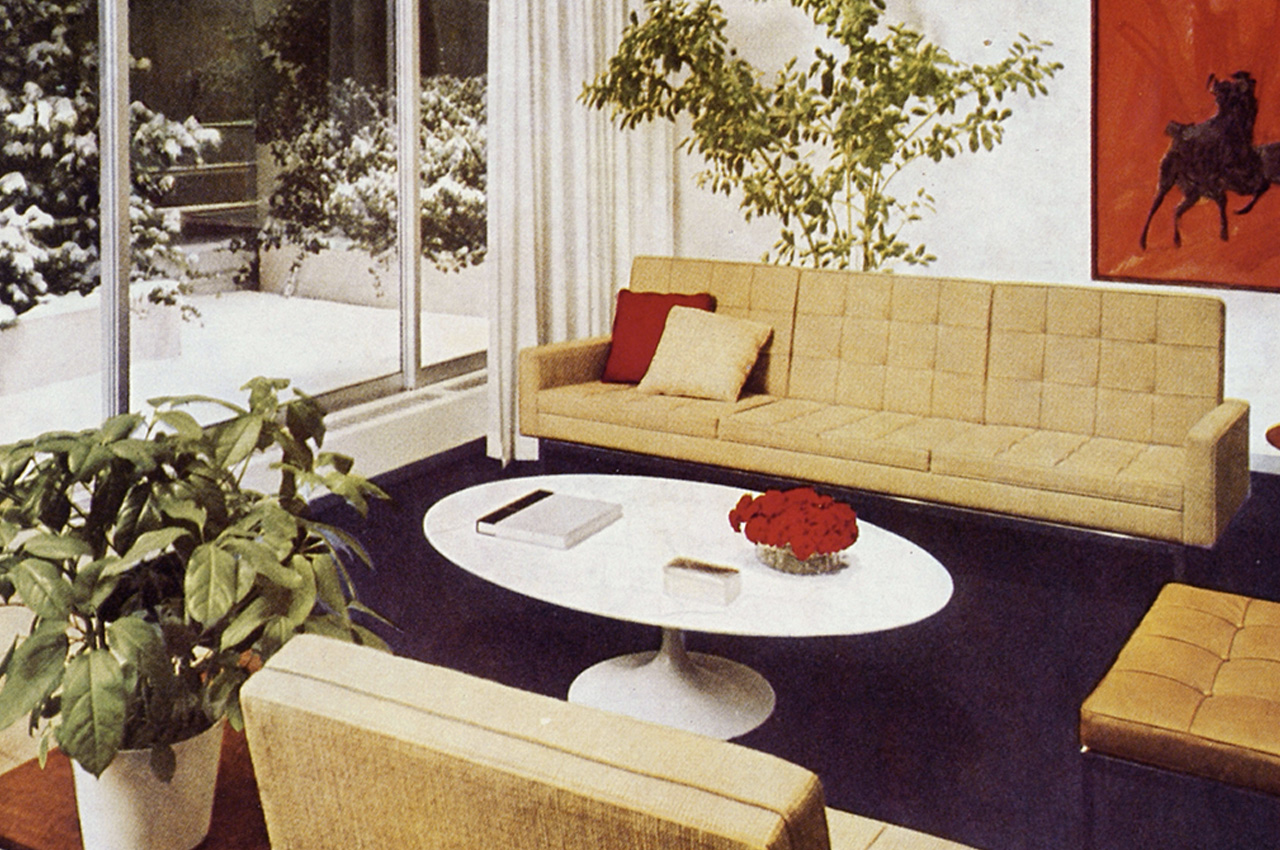
Florence Knoll Bassett was an American architect and furniture designer who completely revolutionized and transformed the design of workplaces, in turn shaping the mid-century modern design movement. She was trained by the three giants of European Modernism – Marcel Breuer, Walter Gropius, and Ludwig Mies van der Rohe, which helped her immensely as she began working for her husband’s furniture company, which was later named Knoll Associates. She created the concept of the modern open-plan office, truly reimagining workplace spaces. Her open-plan ‘Knoll look’ interior completely rejuvenated the office landscape of corporate America, and the impact still lingers on how offices are designed today. She took over Knoll Associates after her husband died in 1955, and the company continued to grow and flourish under her leadership.

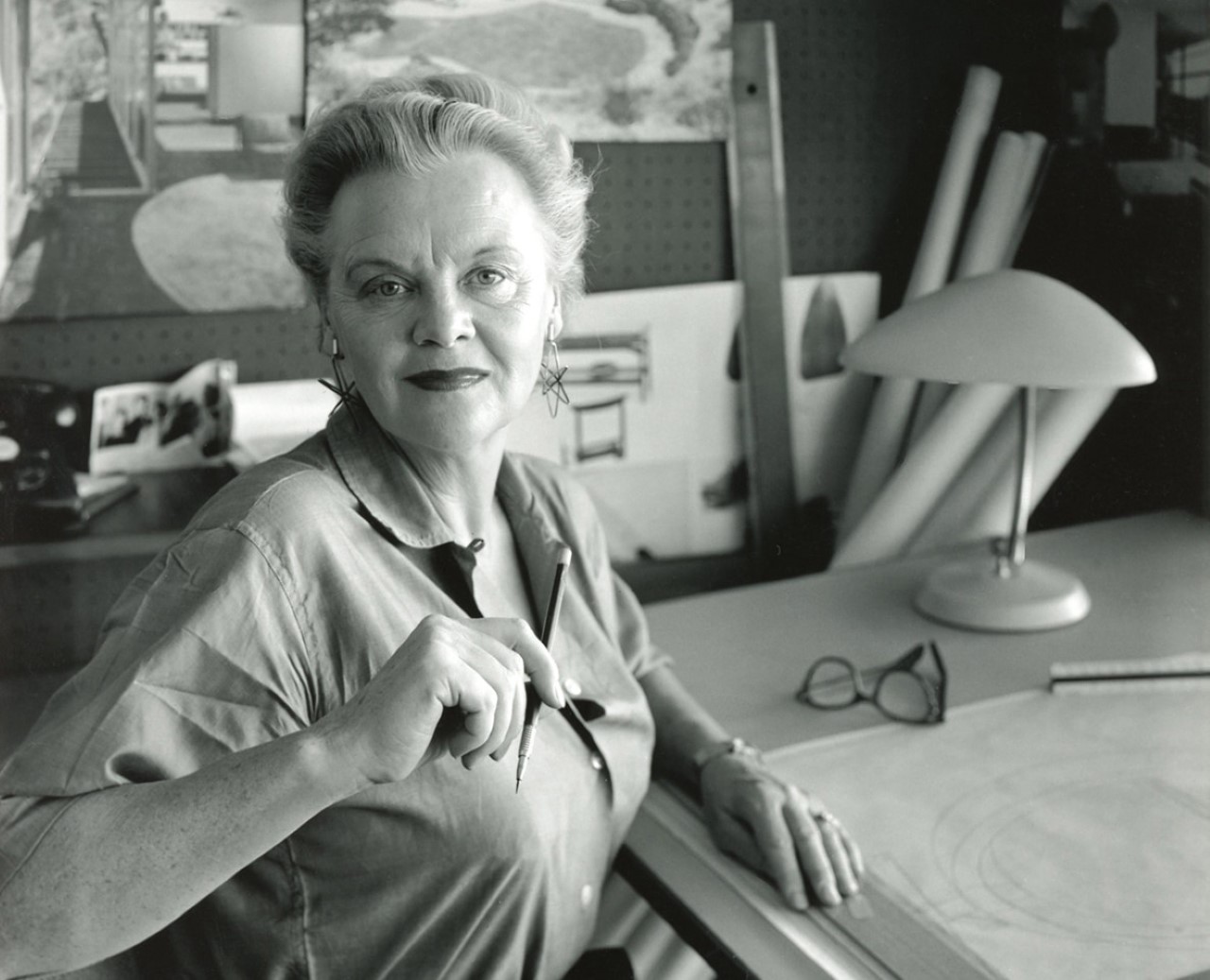
7. Greta Magnusson-Grossman

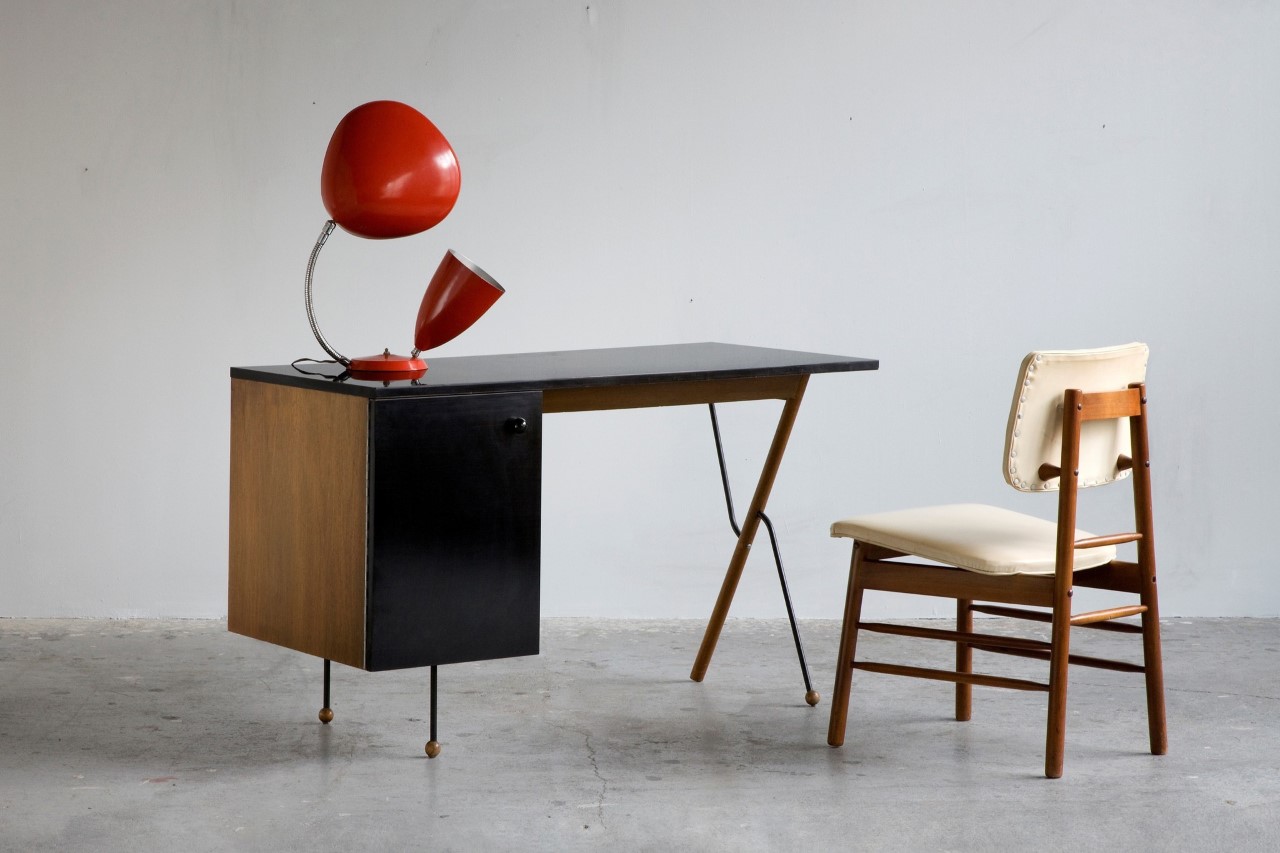
Greta Magnusson Grossman, a Swedish designer, seamlessly merged Scandinavian sensibilities with the midcentury design movement in California in the 1940s. Grossman was not only renowned for her furniture designs but also for her architectural projects, particularly homes in the Los Angeles area, which embraced open floor plans and integrated with the surrounding landscape. Despite her success in architecture, Grossman is best known today for her lamp designs, notably the Grasshopper floor lamp and the Cobra table lamp, both of which have gained iconic status in the midcentury-modern design canon. Towards the end of her career, Grossman also taught furniture design at UCLA from 1957 to 1963.

8. Suzanne Vanderbilt

Suzanne Vanderbilt, a trailblazing auto designer at GM, began her career as one of the original Damsels of Design. Vanderbilt joined GM after graduating from Pratt Institute in 1955 and worked on automotive interior design for Chevrolet and Cadillac. Her innovative work included patents for ergonomic automobile seats and safety switches, although these were never produced. Despite facing setbacks and sexism, she persevered, rising to become chief designer of Chevrolet’s Interior Studio by 1972. Vanderbilt’s career was marked by a pursuit of perfection and creativity, reflected in her dedication to automotive design. Her pursuits in the male-dominated automotive industry helped pave the way for other women designers like Diane Allen and Michelle Christensen.

9. Diane Allen

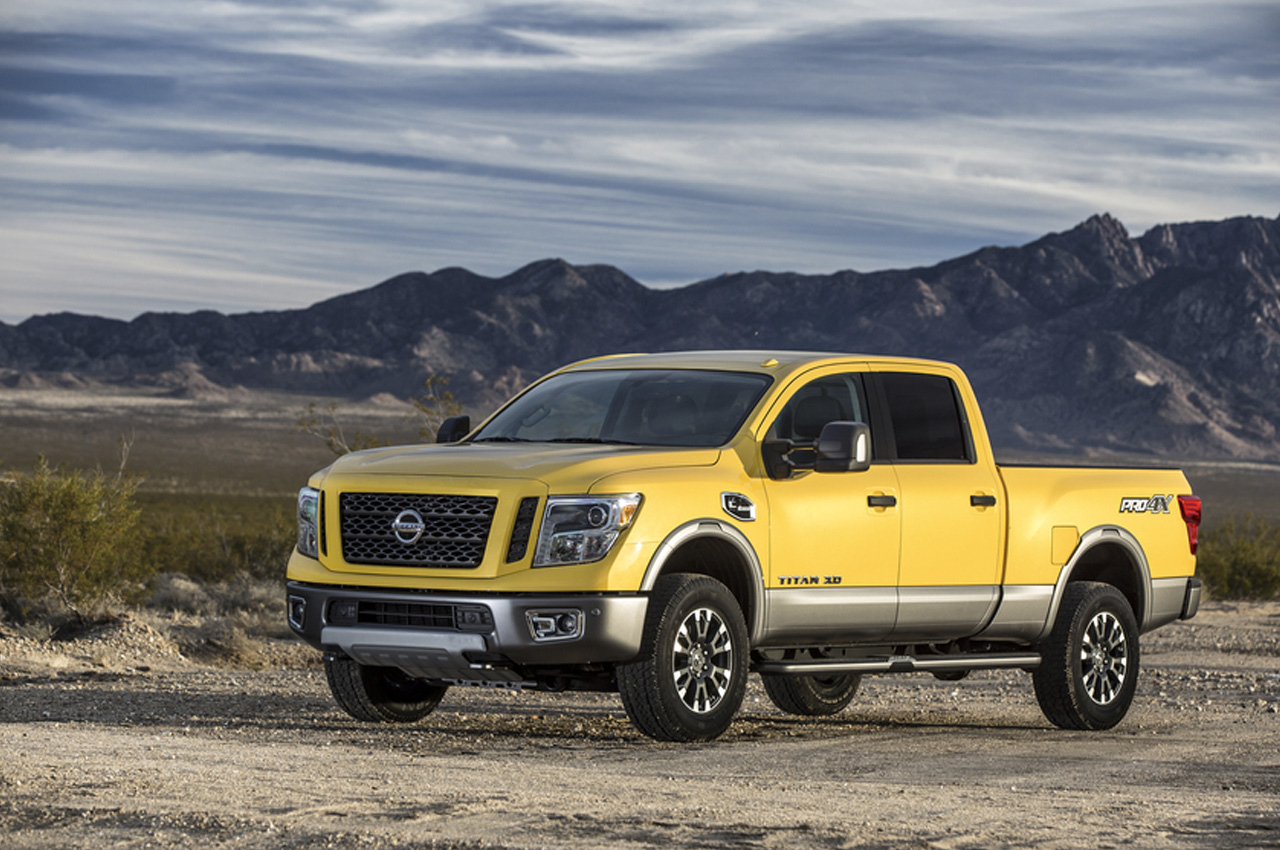
Diane Allen is a senior designer manager at Nissan Design America in San Diego, and she also manages the design programs for the Nissan brand assigned to NDA by the Nissan Global Design Center in Japan. She designed the 2016 Nissan Titan, which is a heavy-duty pick-up truck made from pure gearhead muscle, and capable of hauling everything from boats to horse trailers! She manages the design process of the TITAN family of trucks – overseeing the design concept and sketch development to the production sheet metal, and designing and prototyping of all the different parts, accessories, and wheels! She also managed the Nissan 350Z and 370Z sports coupes, the Rogue crossover SUV, and the Infinity QX56 SUV.

10. Michelle Christensen

Michelle Christensen made history by becoming the auto industry’s first female to lead the development of a supercar when she headed the 2017 remodel of the iconic Acura NSX. It is a second-gen hybrid supercar that was named “Performance Car of the Year” by Road & Track. The launch of the automotive was highly awaited, as it was being re-released 25 years after its original debut. She graduated in transport design from the Art Center College of Design in Pasadena, California, and went on to work for Honda, General Motors, and then Acura – the luxury division of Honda.

The post 10 Iconic & Influential Women Designers Of The Last Century first appeared on Yanko Design.