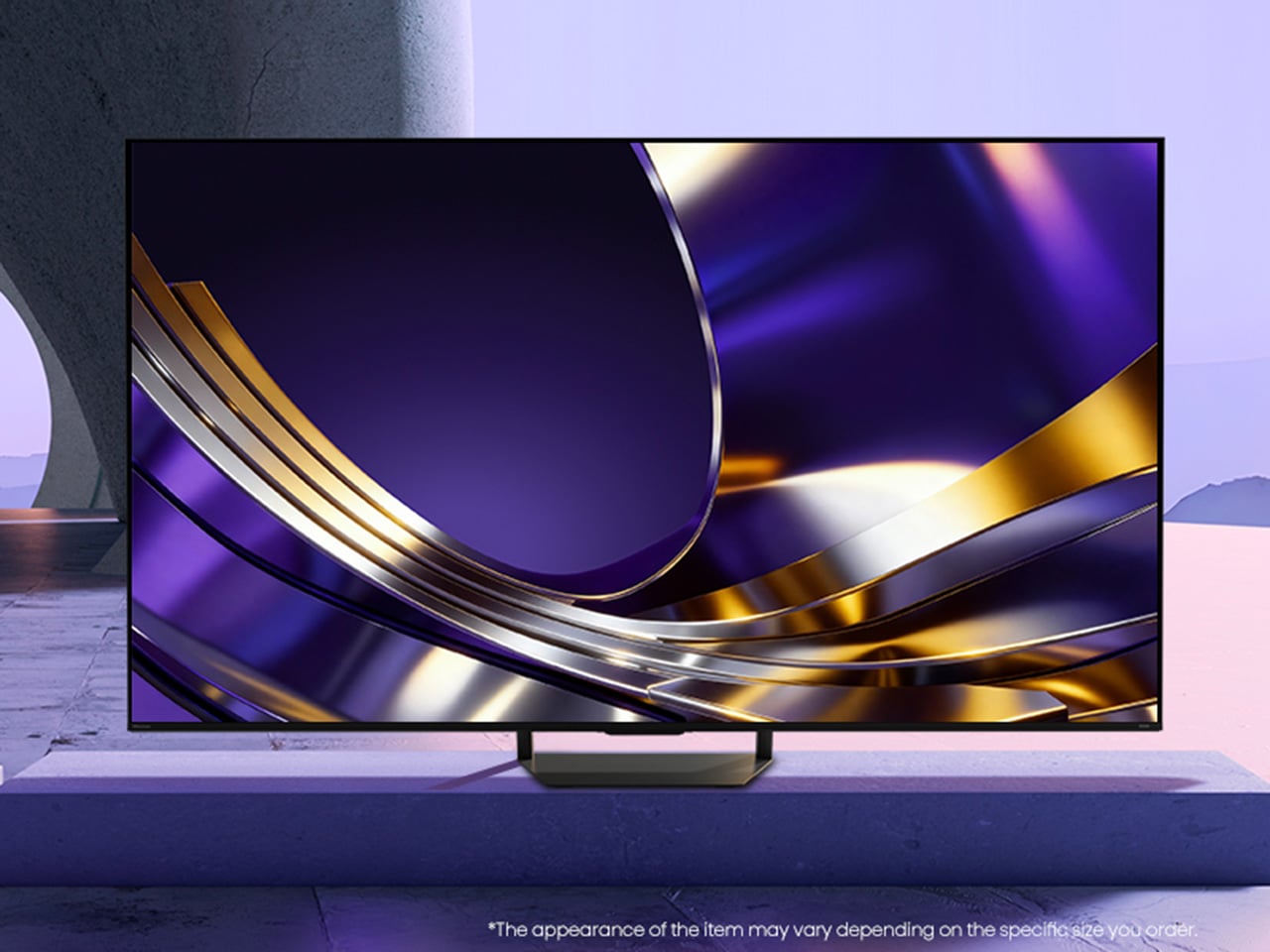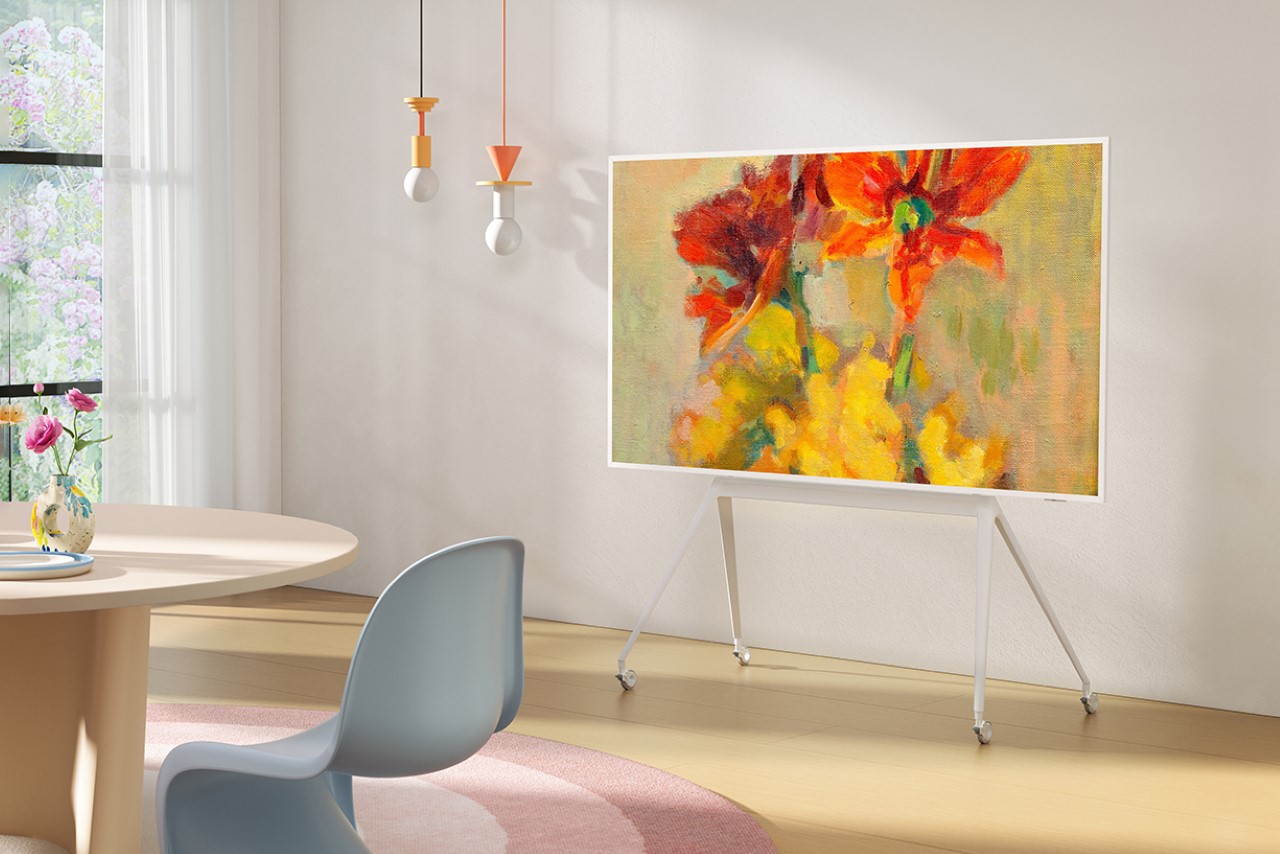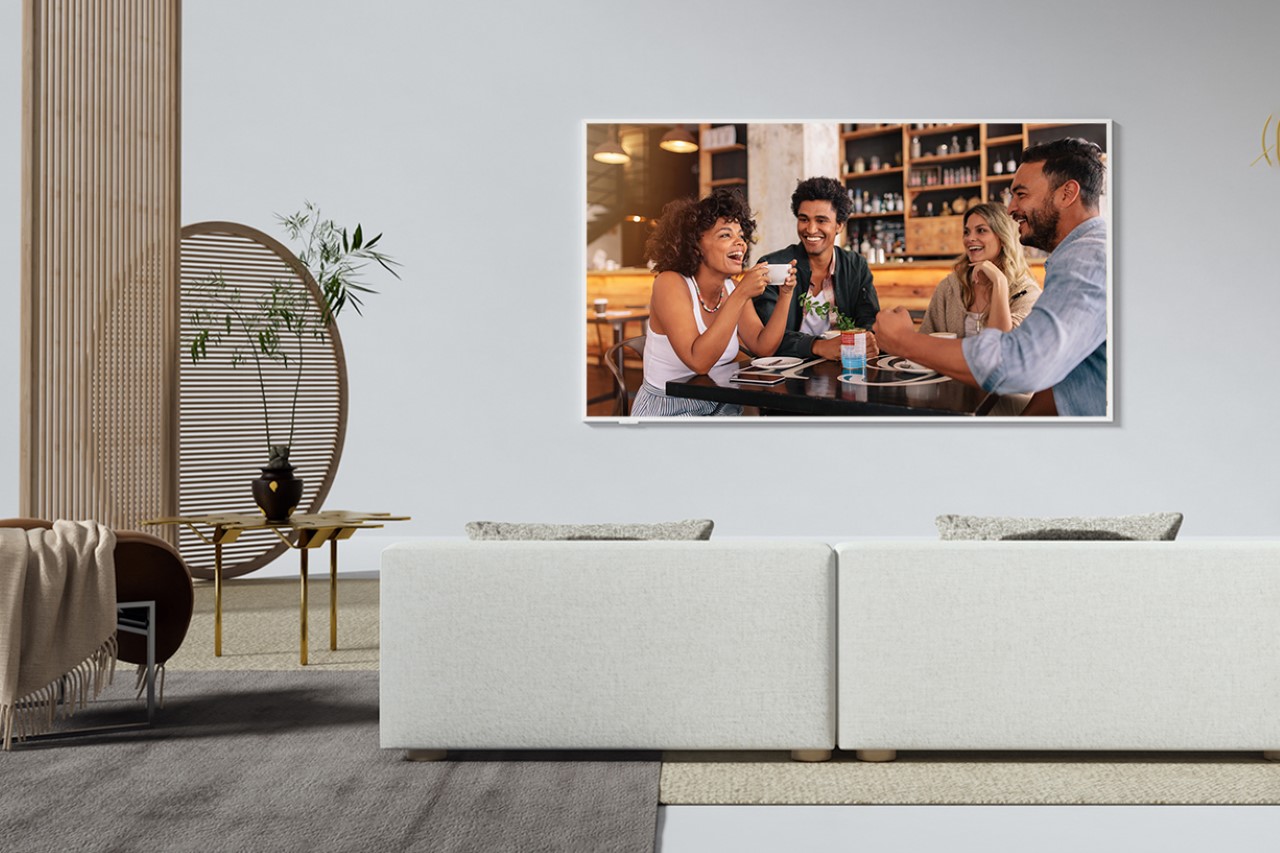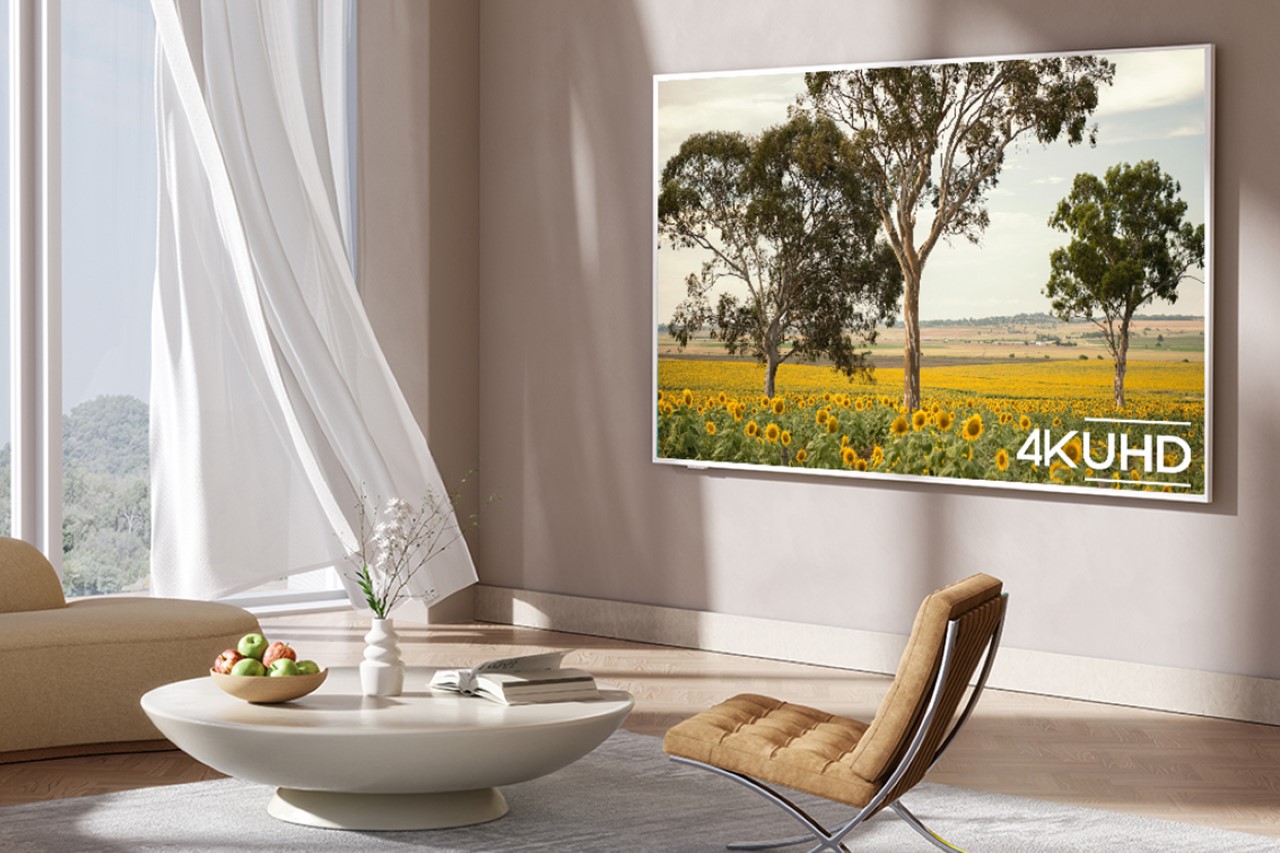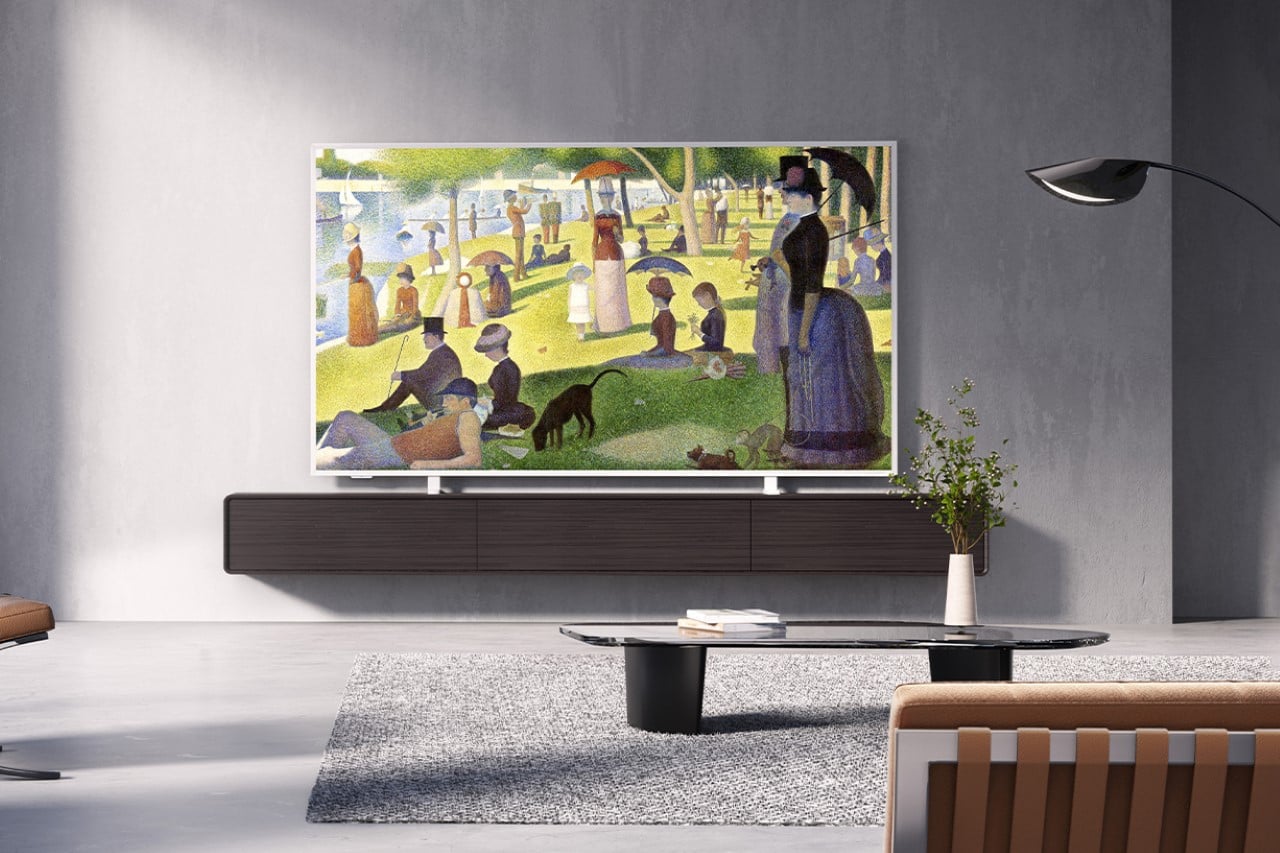
Standard TVs Filter Their Color, the Hisense UR8 Creates Its Own

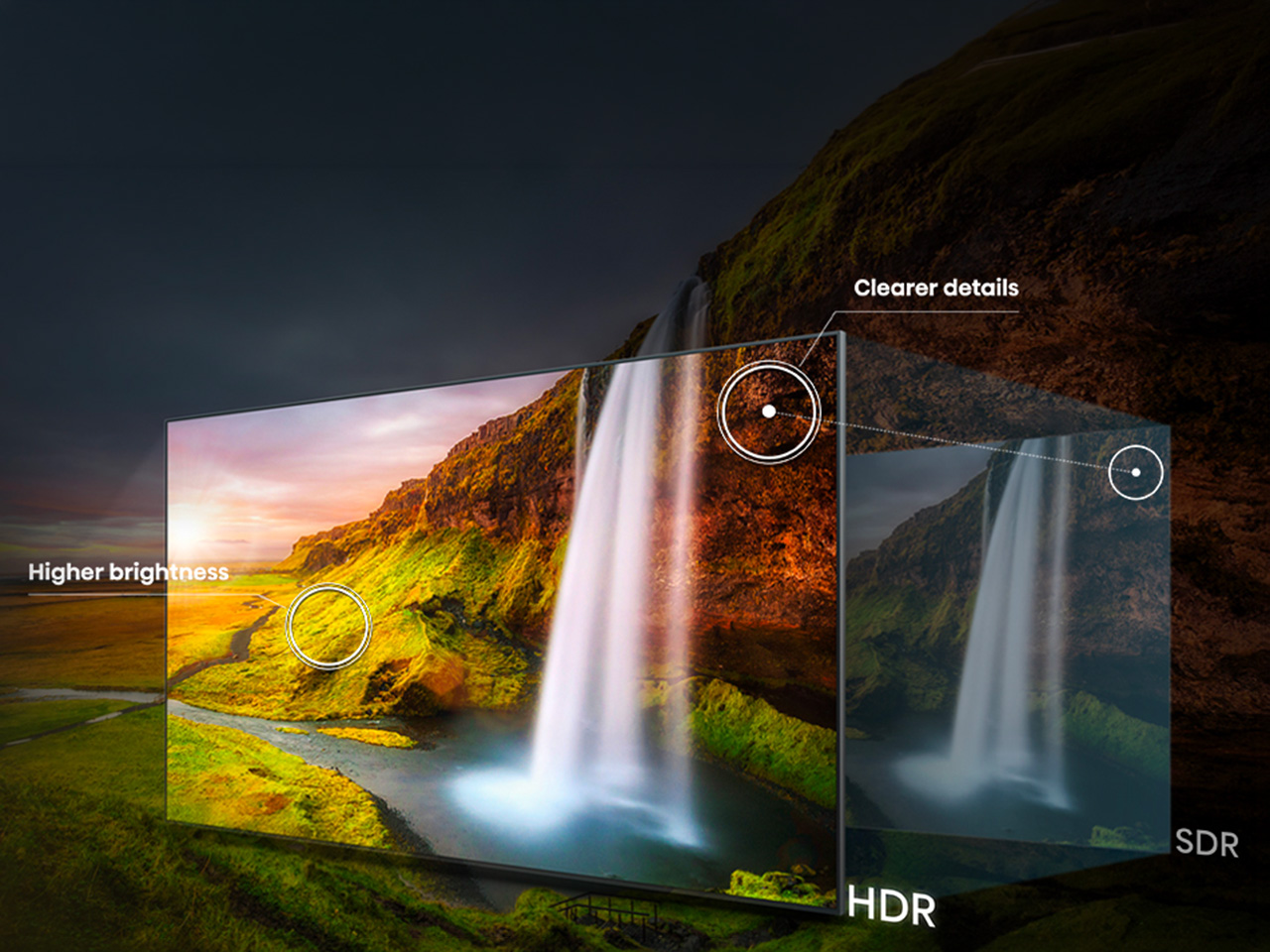
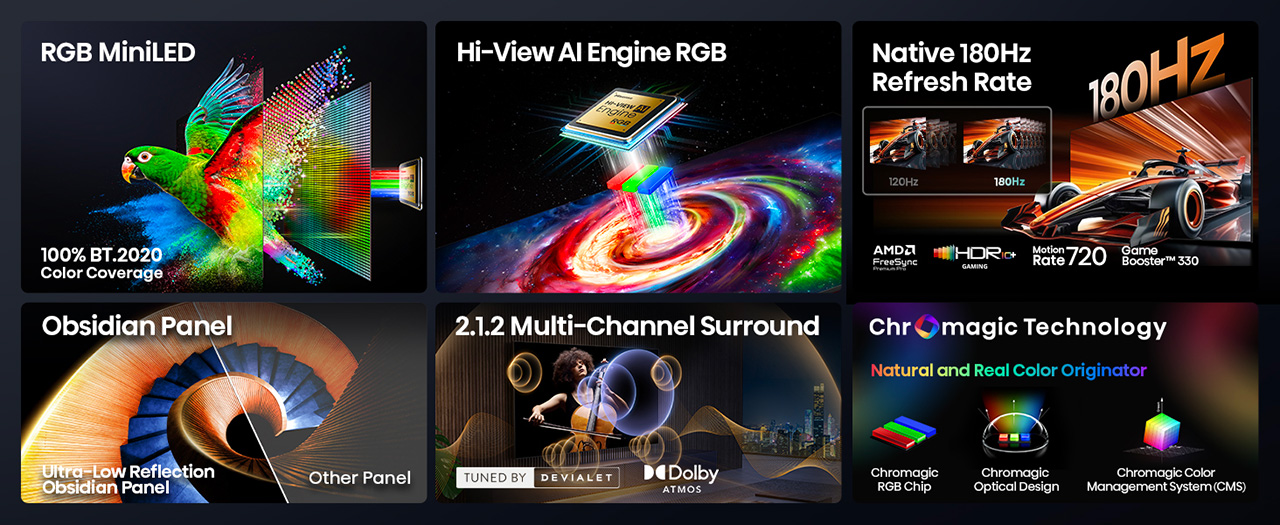
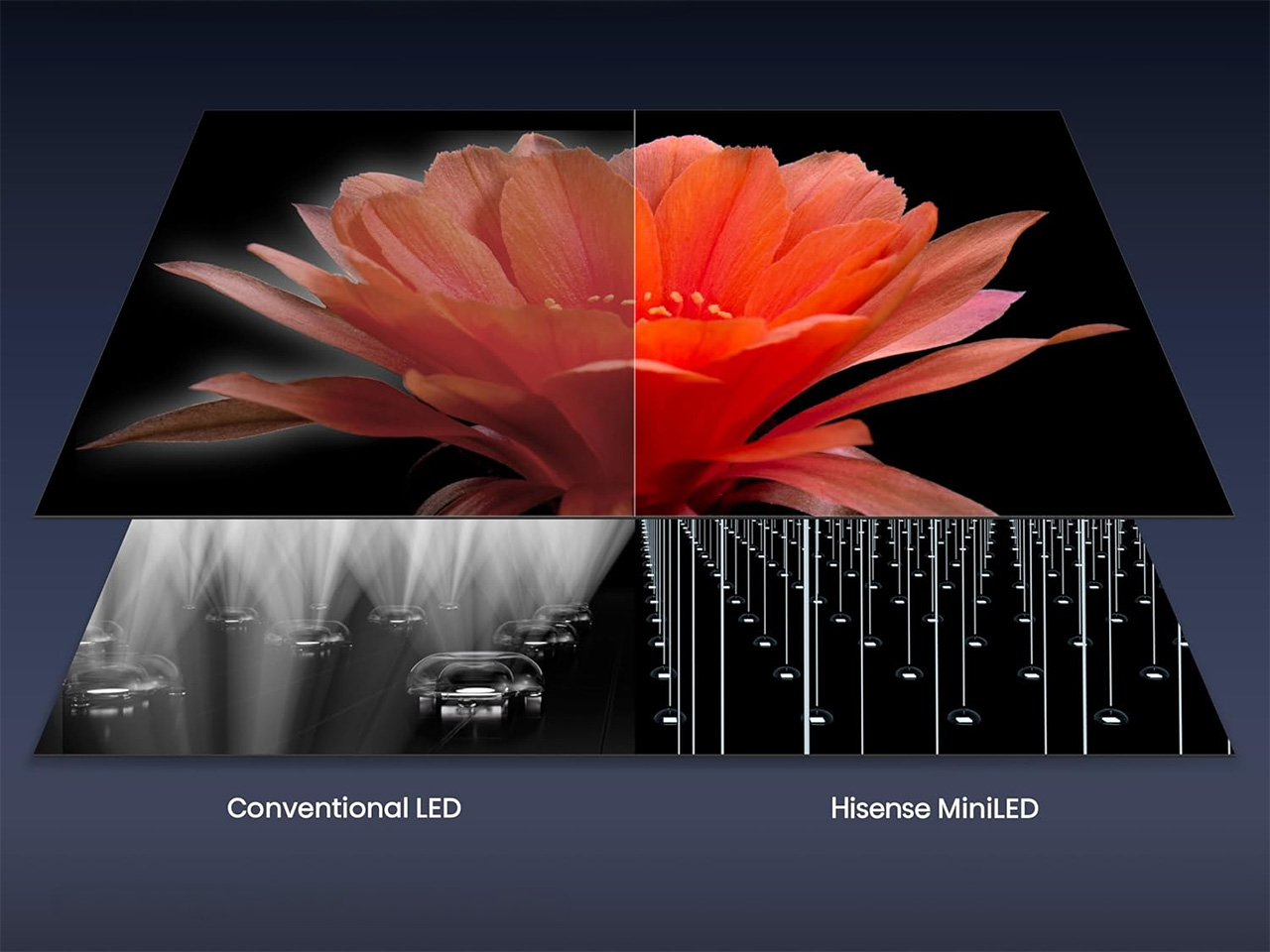
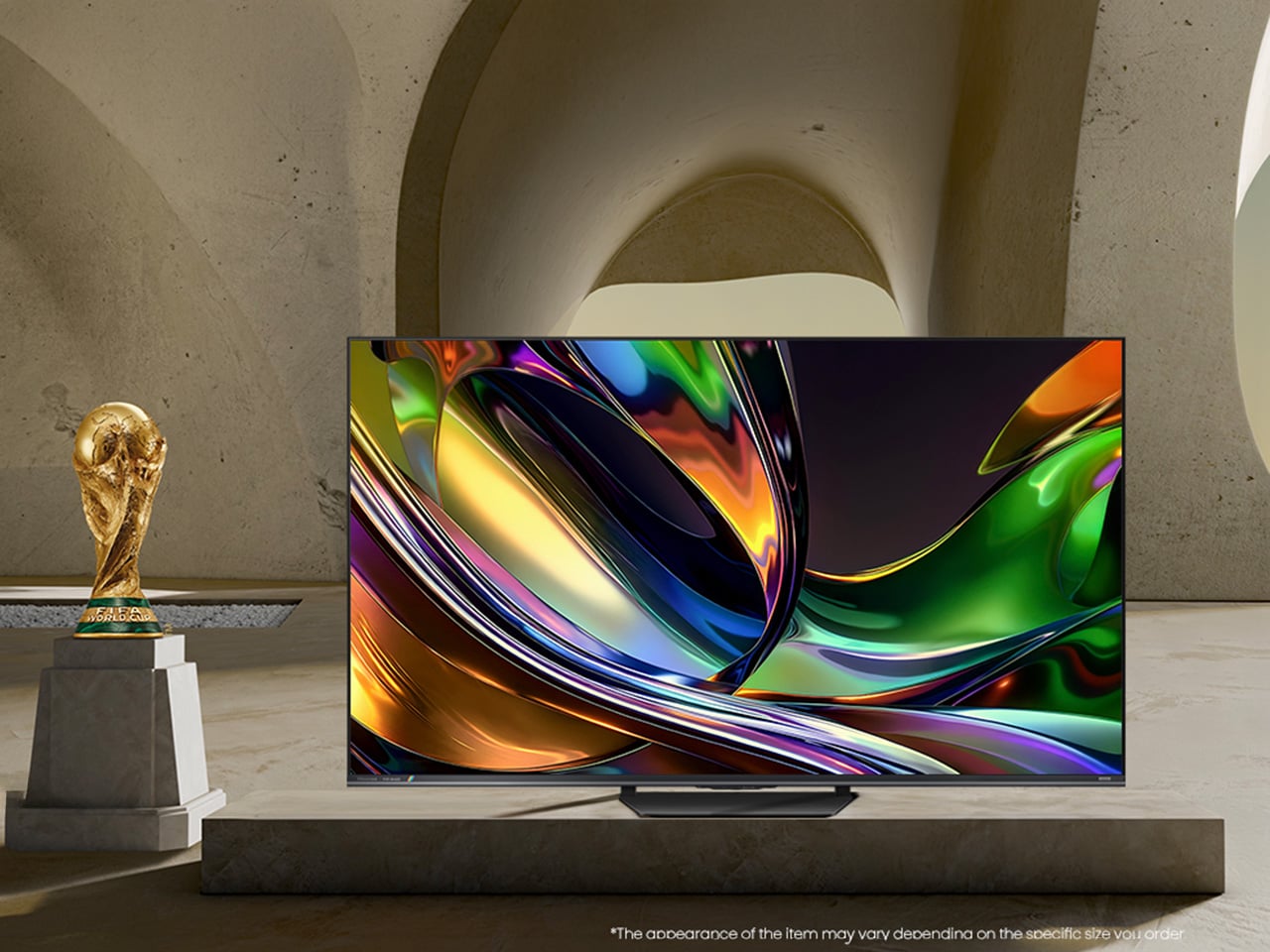
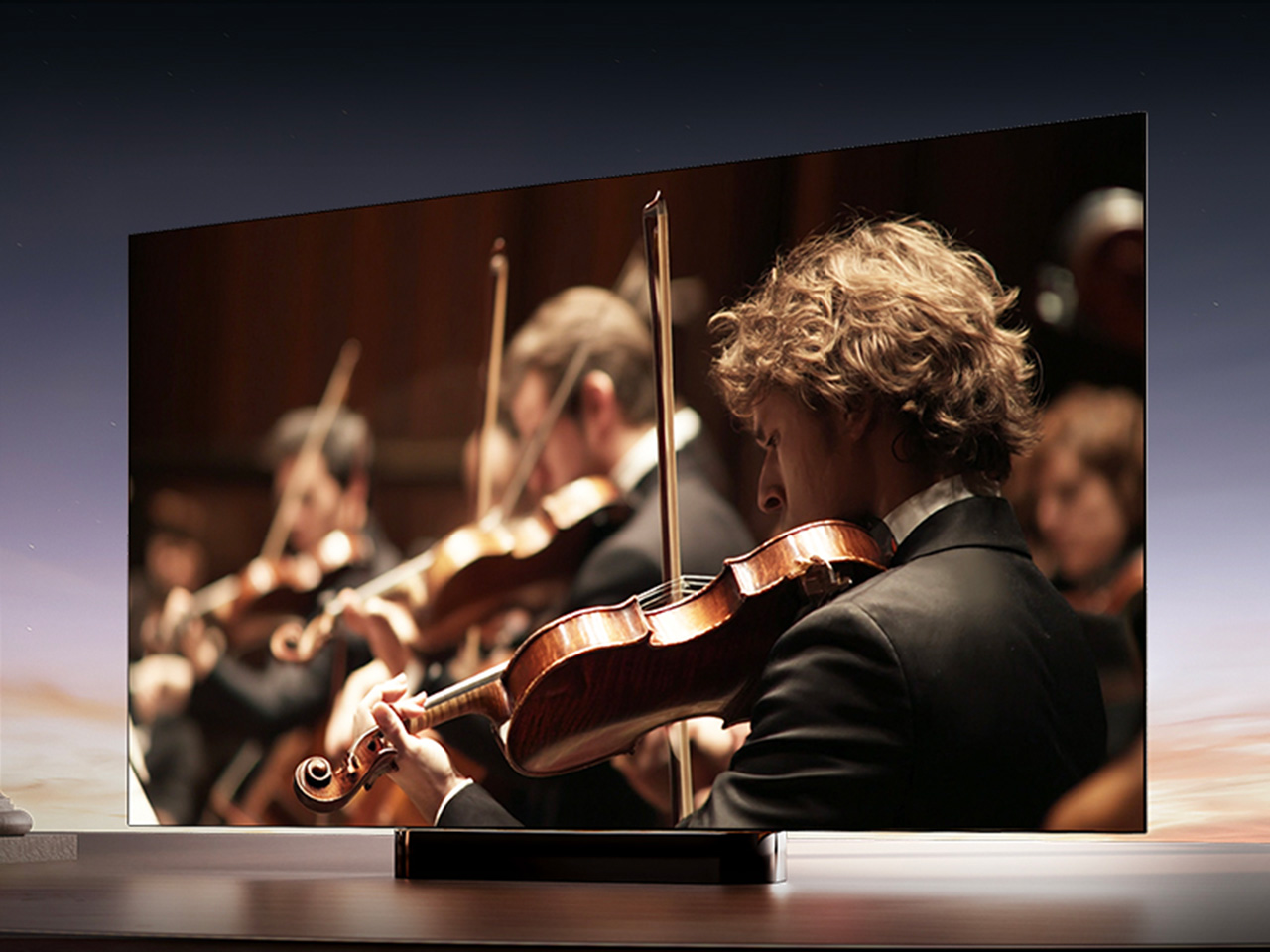
For decades, every television has made color the same way, filtering a single blue light down into red, green, and blue until something resembles a picture. The Hisense UR8 ditches that habit. Instead, it creates red, green, and blue light individually, right at the source, through what Hisense calls Chromagic display technology built on its RGB MiniLED architecture. UR8’s RGB MiniLED, powered by Chromagic display technology, builds color differently, using red, green, and blue light individually to deliver natural and real color that looks closer to life. It’s a real design shift, overdue by a few decades.

Conventional MiniLED TVs work by shining a single blue light and filtering it into color, a process that removes light rather than creating it. The brighter and richer the scene, the more that filtering process quietly throws away. It’s not exactly a flaw, just a limitation baked into how these screens have always been built. Hisense decided to rebuild that process instead of tweaking around it.

Designer: Hisense

Click Here to Buy Now: $1899.99 $2499.99 ($600 off). Hurry, deal ends in 48-hours!

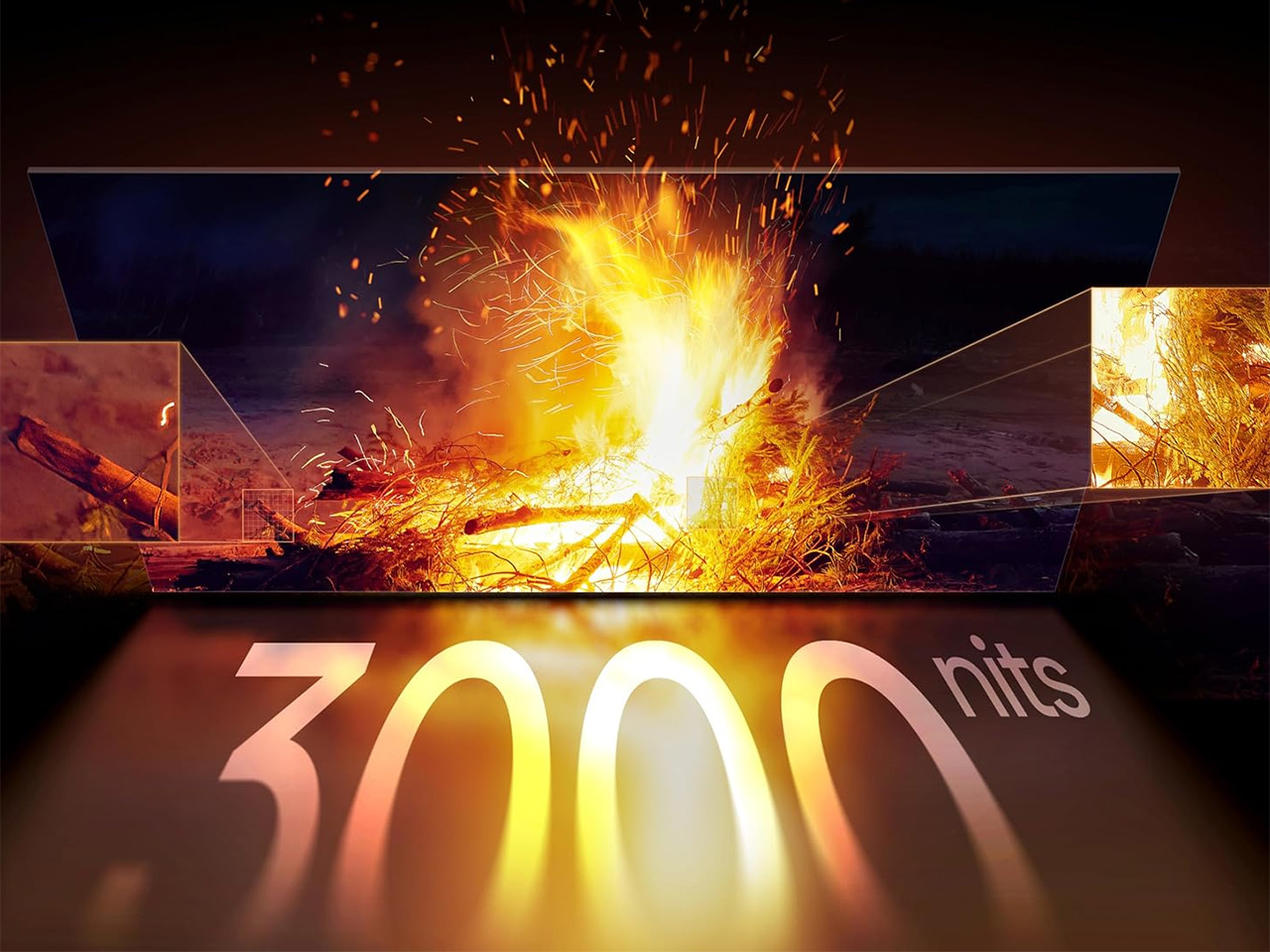
The UR8 swaps that single-source filtering for up to nearly 15,000 individual RGB LEDs working independently across the panel. Instead of dimming zones guessing at brightness, each LED produces its own hue and intensity without needing a filter to correct it later. It’s a quiet redesign most viewers won’t think about, even while doing most of the work behind a different picture.

What that translates to on screen is surprisingly specific. Sunsets look warm, skin tones look natural rather than processed, and viewing feels easier on your eyes. Hisense backs this up with a claimed 100% BT.2020 color coverage and Pantone-validated accuracy, though you don’t really need the certifications to notice it.

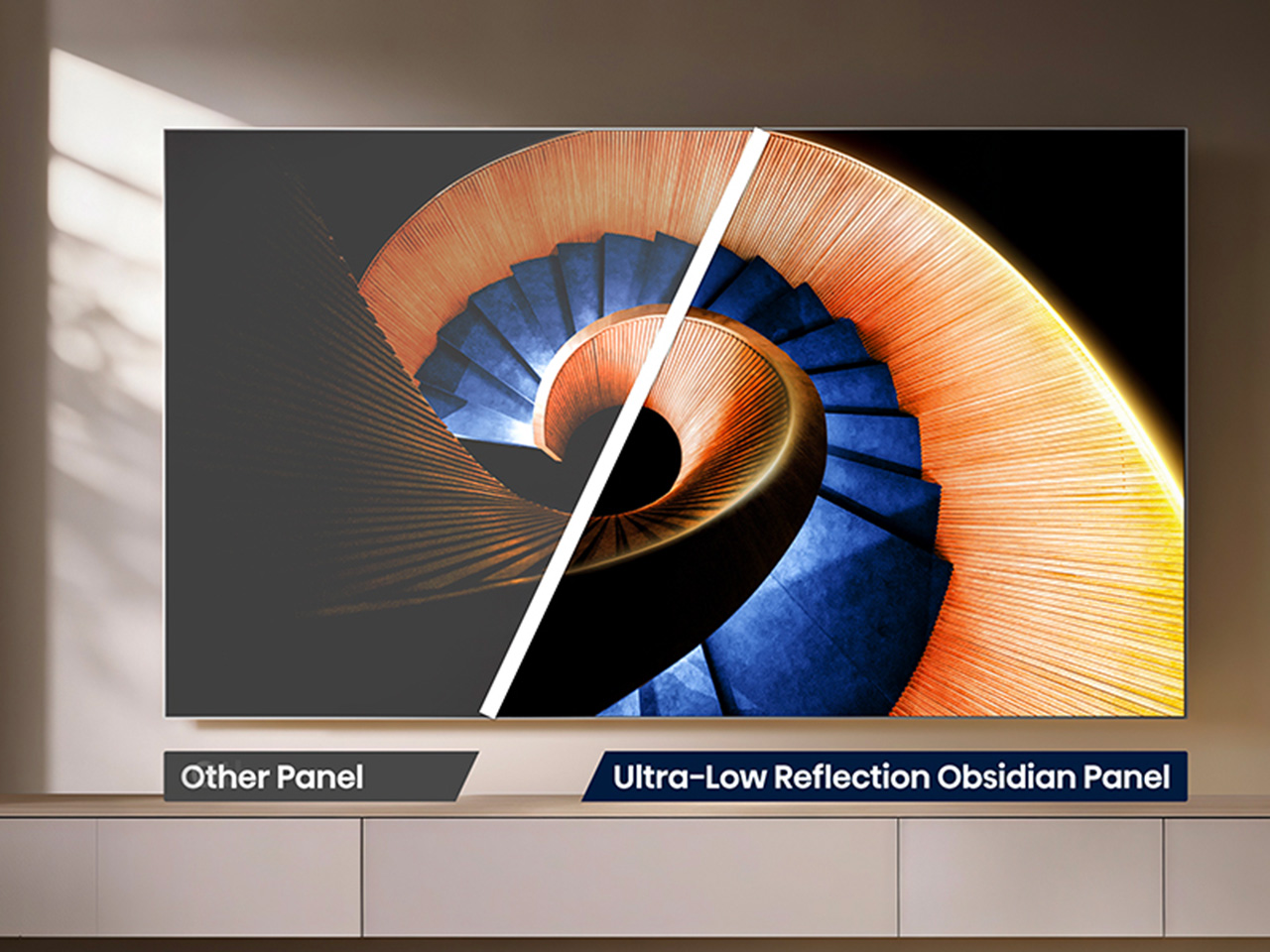
All of that is pointless if the screen turns into a mirror the second you flip on a lamp, which is where the UR8’s Obsidian panel comes in. The Ultra-Low Reflection Obsidian Panel dramatically reduces reflection so the picture stays clear in any room. Dark scenes are up to 3x darker for rich and deep blacks, never gray, never washed out. That’s a practical call for people who watch TV in living rooms, not theaters.

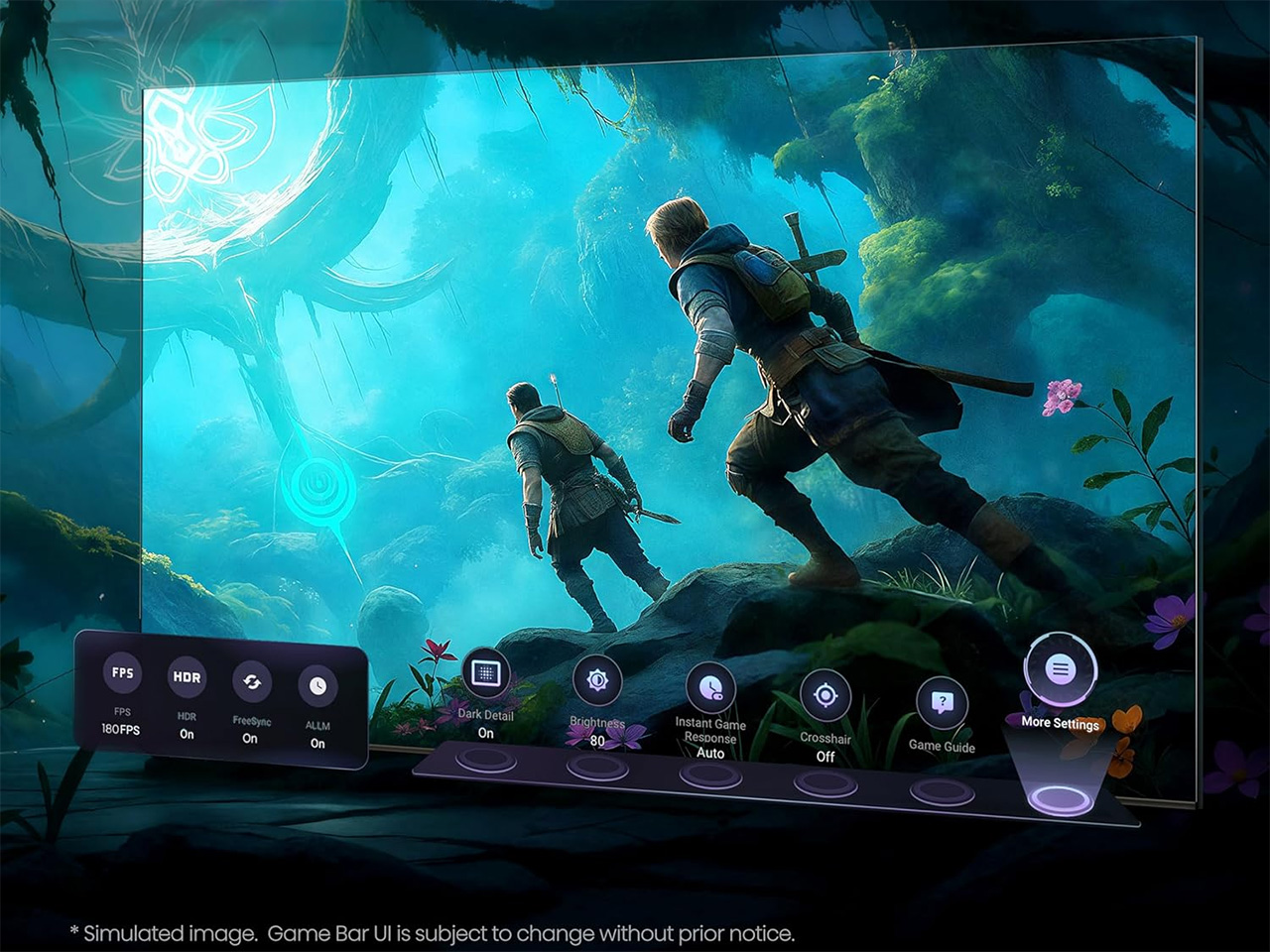
Gaming is where the UR8’s engineering choices show off. Native 180Hz motion processing reduces blur in fast-moving content so you can follow the action clearly, whether it’s a live game or a quick-cut sequence. Game Booster 330 with the Enhanced Game Bar supports VRR up to 330 and AMD FreeSync Premium Pro certification for smooth, tear-free gameplay. Four HDMI 2.1 ports mean a console or gaming PC doesn’t fight for bandwidth.

That same motion handling pays off during live sports, when a fast break or a corner kick doesn’t turn into a blur of jerseys. Pair that with color that looks closer to what you’d see in person, and the UR8 becomes the kind of screen that naturally holds a room’s attention. A television already sits at the center of most living spaces, planned or not.

There’s a quieter benefit in this RGB engineering. Because RGB MiniLED creates natural and real color directly rather than filtering light, it wastes less energy and uses 40% less overall. Hisense says the UR8 also delivers nearly 50% less harmful blue light than standard MiniLED displays, independently certified by TÜV Rheinland. It’s a rare case where a design choice made for better color also means an easier bill and easier eyes.

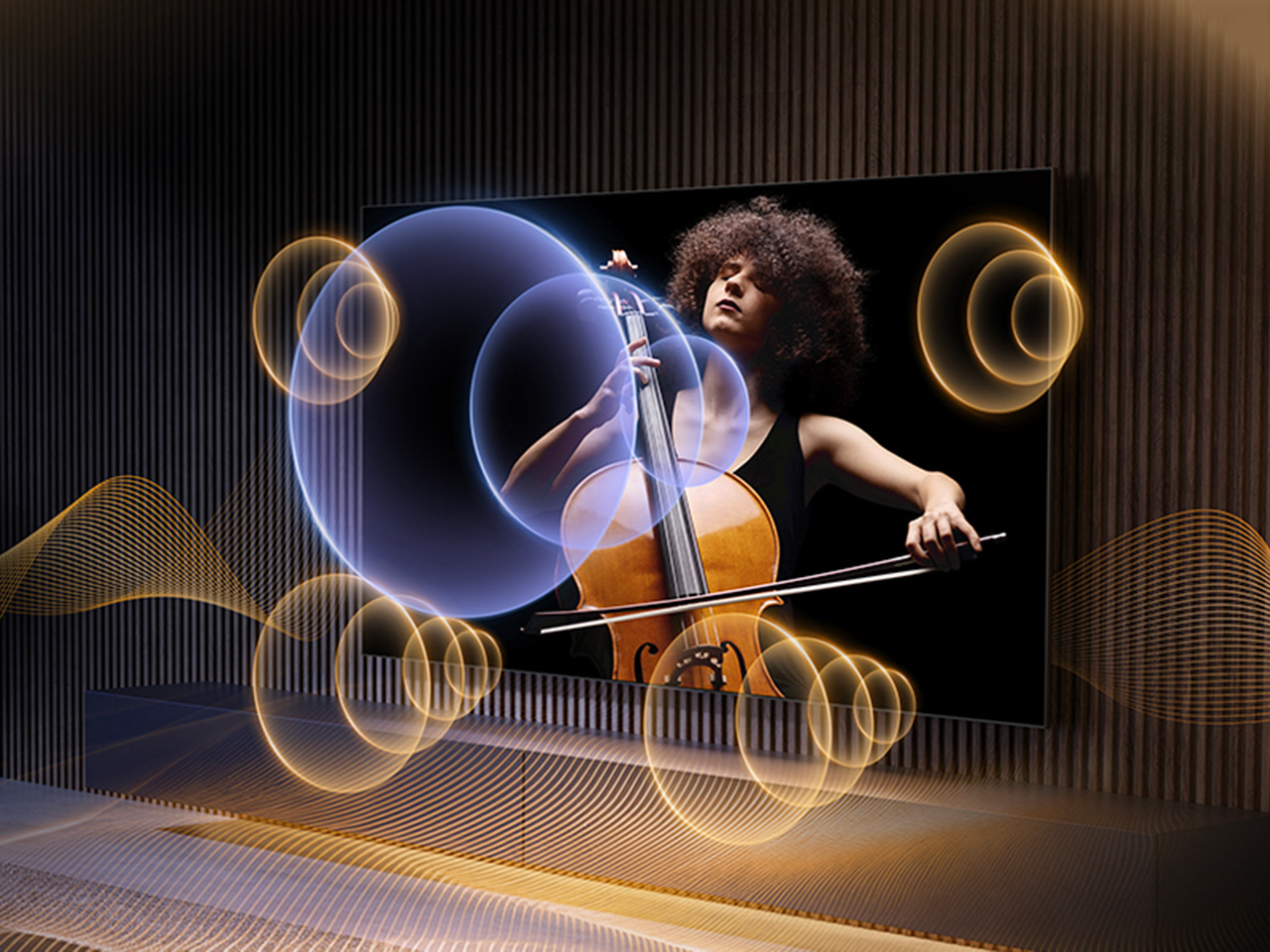
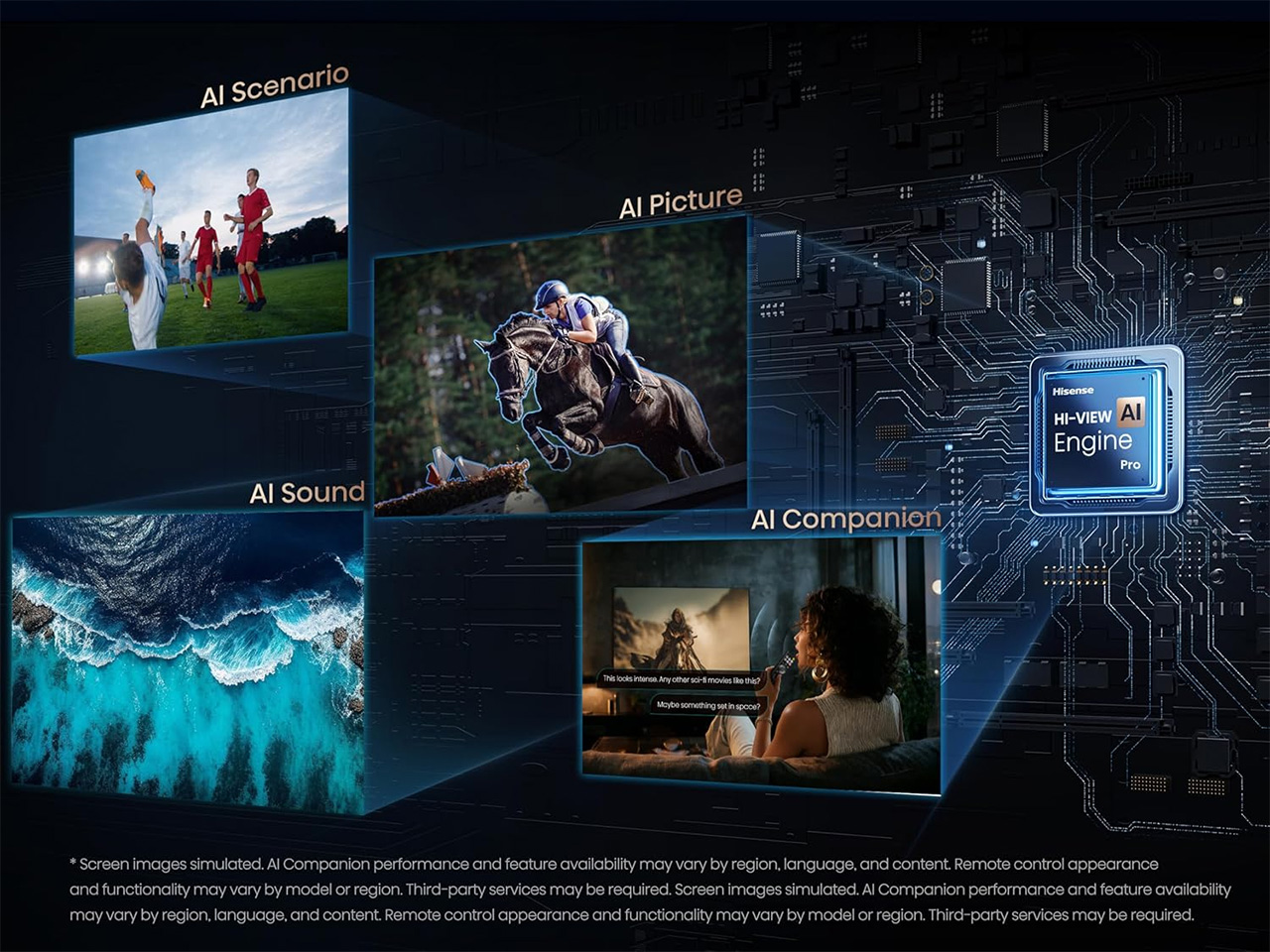
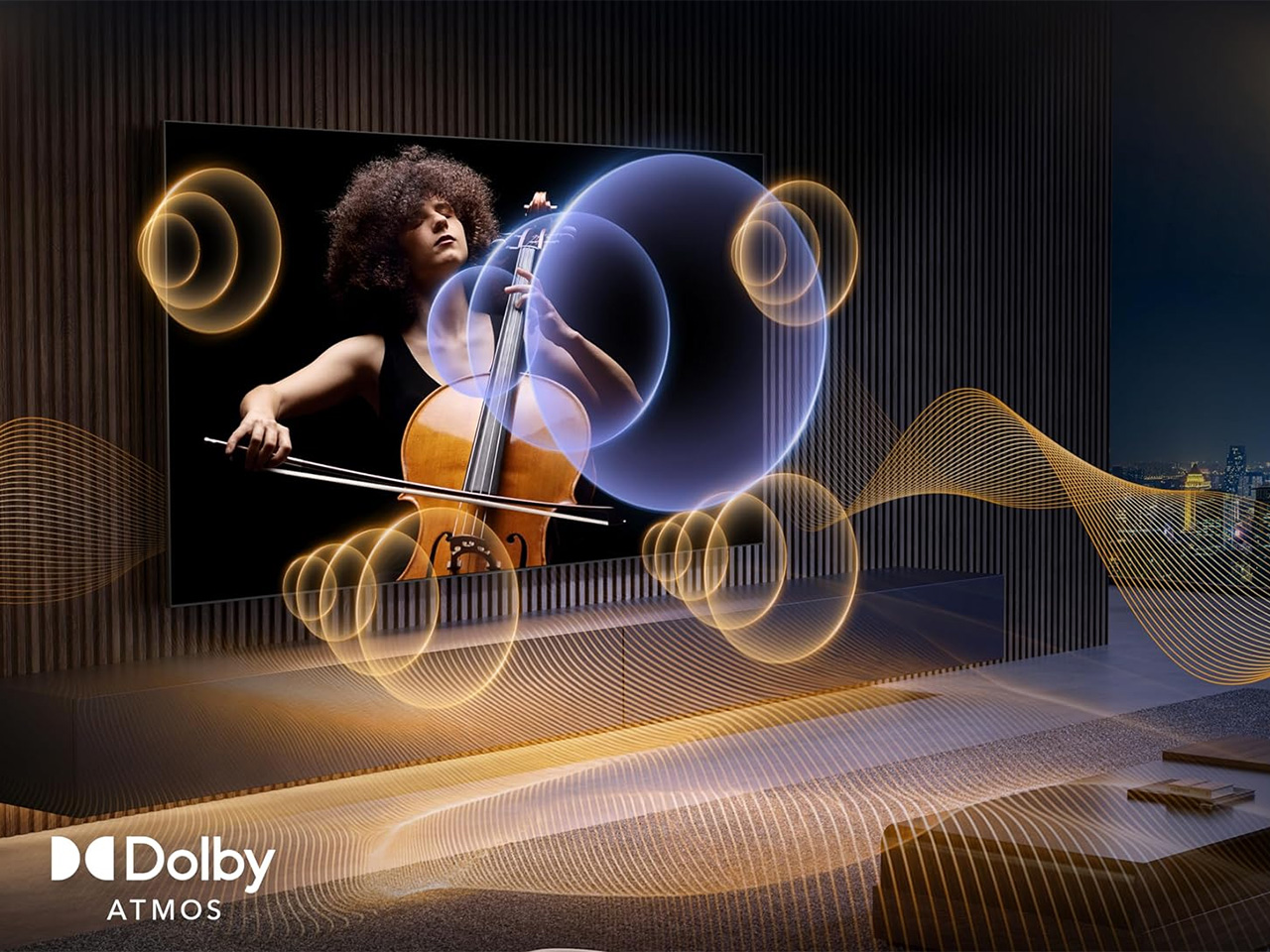
The software side keeps pace with the hardware. Google TV with Gemini lets you chat with a conversational AI assistant, discover what to watch with personalized recommendations across 10,000-plus apps, or find content by simply describing what you want. Sound comes from a built-in 2.1.2 multi-channel speaker system tuned by Devialet, with Dolby Atmos support, so the audio doesn’t feel bolted onto an otherwise impressive screen.

The UR8 lineup spans 55, 65, 75, 85, and 100 inches, with pricing starting at $1,299 and available at Best Buy, backed by a two-year warranty. That range matters because it puts a genuinely different approach to color inside apartments and larger family rooms, not just showroom displays. Good engineering ideas usually take years to trickle down to accessible prices. This one arrived a little faster than expected, and it shows.

Click Here to Buy Now: $1899.99 $2499.99 ($600 off). Hurry, deal ends in 48-hours!

The post Standard TVs Filter Their Color, the Hisense UR8 Creates Its Own first appeared on Yanko Design.

The Hisense U7SG TV Was Built for Bright Rooms, Not Dark Showrooms

Despite what showroom demos suggest, nobody actually watches TV in a blacked-out room with the blinds drawn. Real living rooms have windows, afternoon sun, and someone walking in front of the screen mid-game. The Hisense U7SG seems to understand that, building its picture quality around the messy, bright rooms people actually watch in, not the dark theater fantasy TVs are usually sold on.

That starts with the panel itself. Thousands of MiniLEDs pack behind the screen, each one controlled with enough precision that bright highlights and deep blacks sit right next to each other without either blowing out. Hisense calls it MiniLED Pro with Full Array Local Dimming, but what it means is a sunset scene doesn’t wash out and a night scene doesn’t turn into a gray, murky mess.

Designer: Hisense

Click Here to Buy Now: $690 $1280 (47% off). Hurry, deal ends in 48-hours!

None of that matters much if the picture disappears under glare the moment the sun hits the window, which is where the anti-reflection layer earns its keep. Hisense uses a dual-layer screen treatment that goes further than the usual single-layer coating most TVs rely on, so afternoon light, overhead fixtures, and that one lamp nobody turns off stop being the enemy of a clear picture.

Motion is where a lot of TVs quietly fall apart once a game picks up speed. A native 165Hz refresh rate paired with Hisense’s own motion processing keeps fast breaks, corner kicks, and quick camera pans from turning into smeared pixels. It’s a small thing until you notice its absence, the kind of detail that only becomes obvious once a cheaper TV can’t keep up.

Gamers get their own reason to care. Game Booster 330 uses HSR technology to push refresh rates up to 330Hz VRR for smoother motion and less input lag, and the on-screen Game Bar lets you check FPS, VRR, and HDR settings without pausing whatever you’re playing. Four HDMI 2.1 ports also mean nobody argues over which console gets the good input, since all four handle 4K at 165Hz.

Color gets the same careful treatment. Hisense’s Hi-QLED panel is Pantone validated, which sounds like a checkbox until you notice how natural team uniforms, grass, and skin tones actually look instead of oversaturated. Add support for Dolby Vision, HDR10+, and IMAX Enhanced, and the U7SG stops caring what format your content showed up in. It just plays it, accurately, without asking you to think about it.

Sound tends to be an afterthought on most TVs, but not here. A 2.1.2 multi-channel setup tuned by Devialet pushes up to 60W across the room, with Dolby Atmos adding height overhead. Dialogue stays clear over crowd noise, commentary carries over stadium chatter, and reaching for a soundbar remote doesn’t feel as urgent as it usually would on a new television.

Google TV runs the show on the software side, now with Gemini built in for conversational searches instead of typing clumsy keyword strings. Ask it what to watch, and it pulls from more than 10,000 apps, or describe a vague mood and let it figure out the rest. It also answers questions on sports, cooking, or travel, a strange but welcome bonus for a television.

The U7SG also comes in sizes ranging from 55 inches up to 116 inches, which changes what the TV is for. A smaller set fits quietly into an apartment, but the larger ones turn into the obvious gathering point for a watch party or a family movie night, with a screen big enough that everyone feels like they got the good seat.

There was a time when getting all of this in one TV meant paying flagship prices for it. Hisense has spent the last few years chipping away at that assumption, one MiniLED generation at a time, and the U7SG is what that effort looks like now: a set that doesn’t force a choice between how bright your room gets and how good the picture looks in it.

Click Here to Buy Now: $690 $1280 (47% off). Hurry, deal ends in 48-hours!

The post The Hisense U7SG TV Was Built for Bright Rooms, Not Dark Showrooms first appeared on Yanko Design.

Our Sunroom’s New Masterpiece: The Hisense CanvasTV Review

Finding the perfect balance between cutting-edge technology and home décor can feel like a never-ending quest. We didn’t just want another big screen; we wanted something to enhance our living space, not dominate it. Enter the Hisense CanvasTV, a television that promises performance and seamless integration into your home’s aesthetic.

PROS:


  • Stunning Art Mode with over 120 free artworks included.

  • Sleek, customizable frame blends seamlessly into any room.

  • Versatile setup options—wall mount or mobile stand.

  • Crisp, vibrant QLED display with 144Hz refresh rate for smooth viewing.

  • Eco-friendly design with responsibly sourced materials and efficient power use.

CONS:


  • Lacks Mini-LED backlighting, affecting black level depth.

  • Art Mode requires manual activation through the remote, limiting automation.

RATINGS:

AESTHETICS
ERGONOMICS
PERFORMANCE
SUSTAINABILITY / REPAIRABILITY
VALUE FOR MONEY

EDITOR'S QUOTE:

This TV turns your living room into an art gallery, transforming entertainment into a visual masterpiece.
award-icon

Designer: Hisense


A Sunroom Makeover

Our journey began in our sunroom, a bright and airy space with an entire wall of windows that flood the room with natural light. For too long, this beautiful room was overshadowed—literally—by an outdated, bulky 85″ VIZIO TV that felt more like an eyesore than a centerpiece. It was high time for a change.
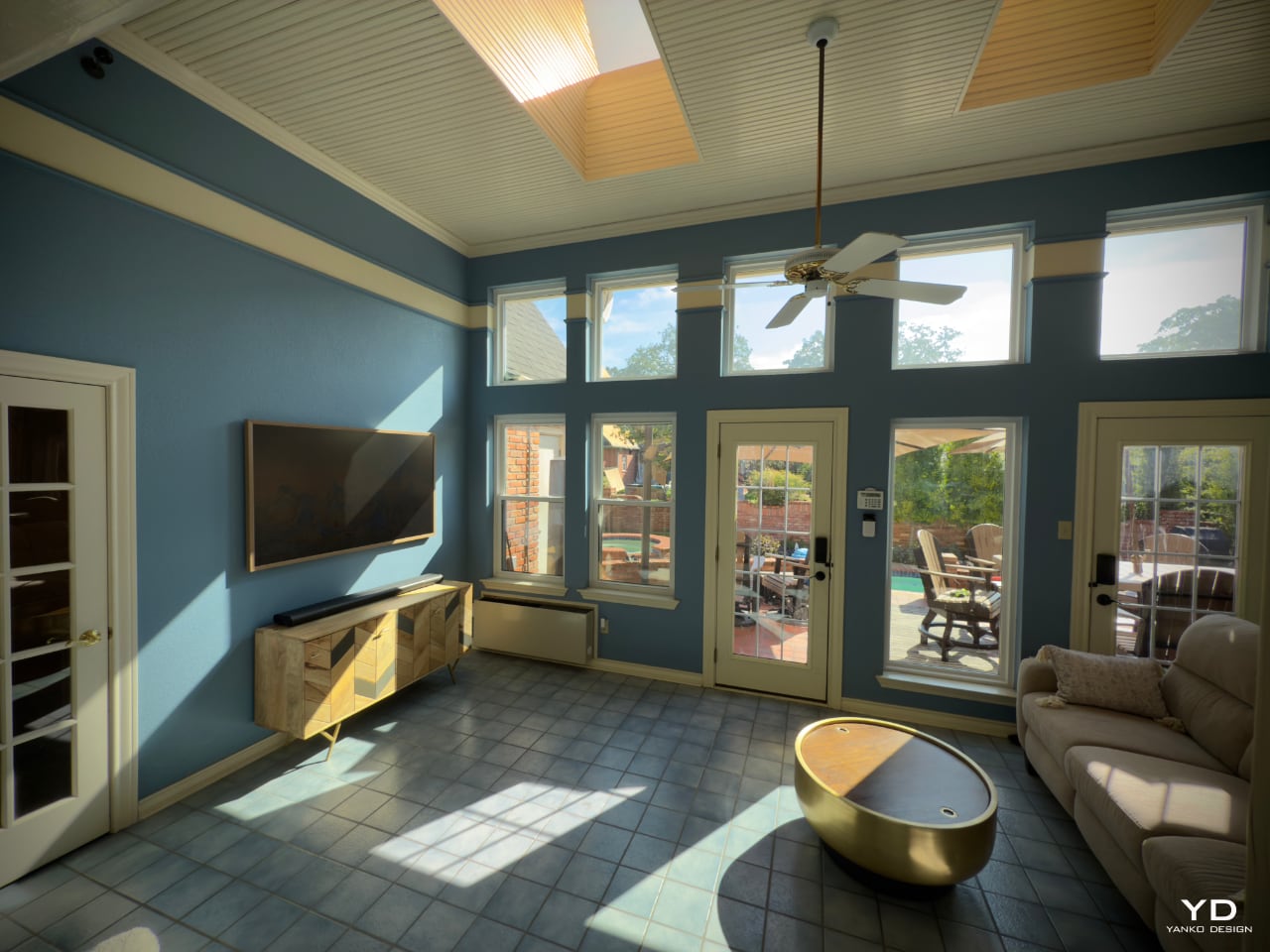
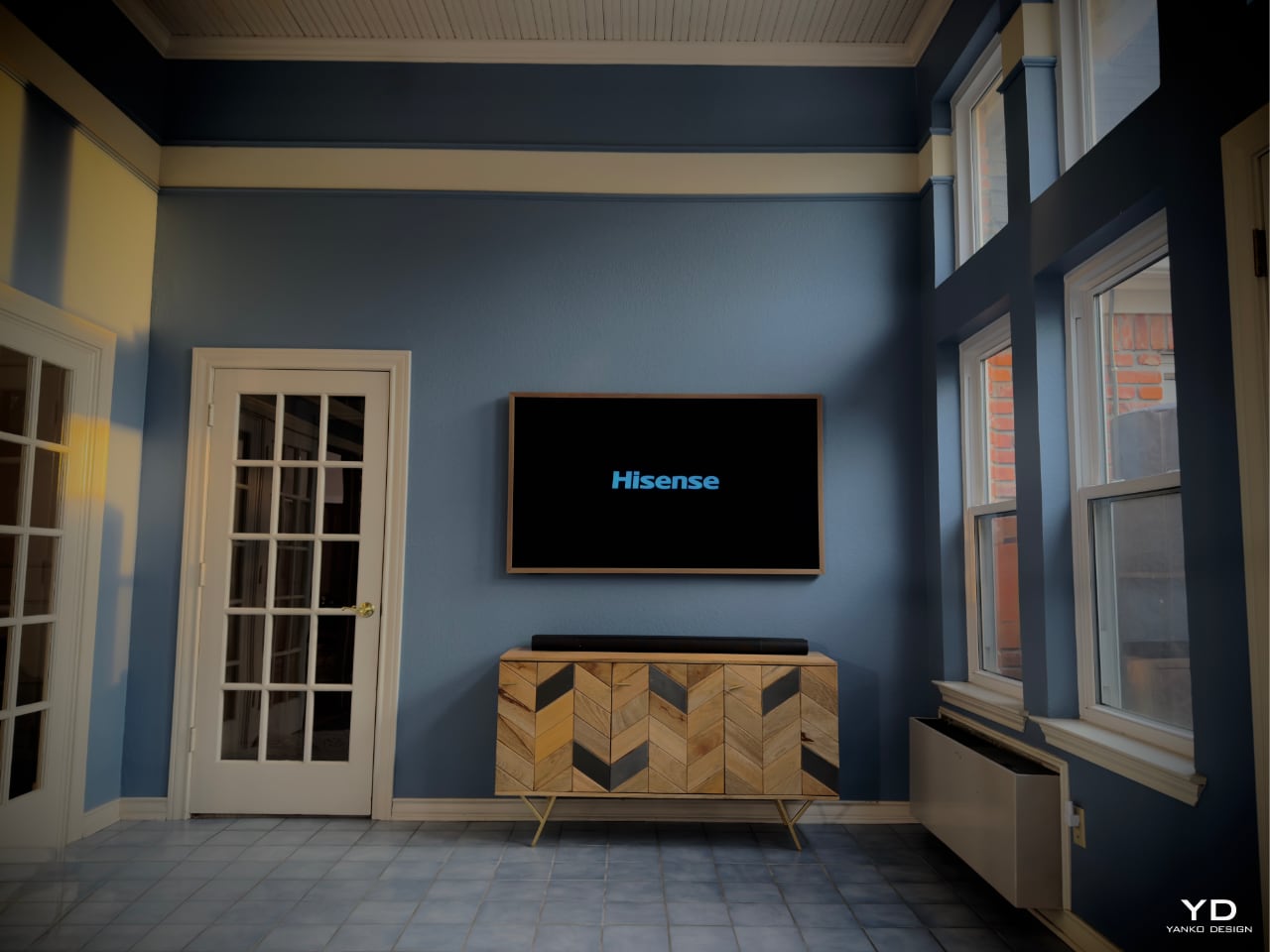
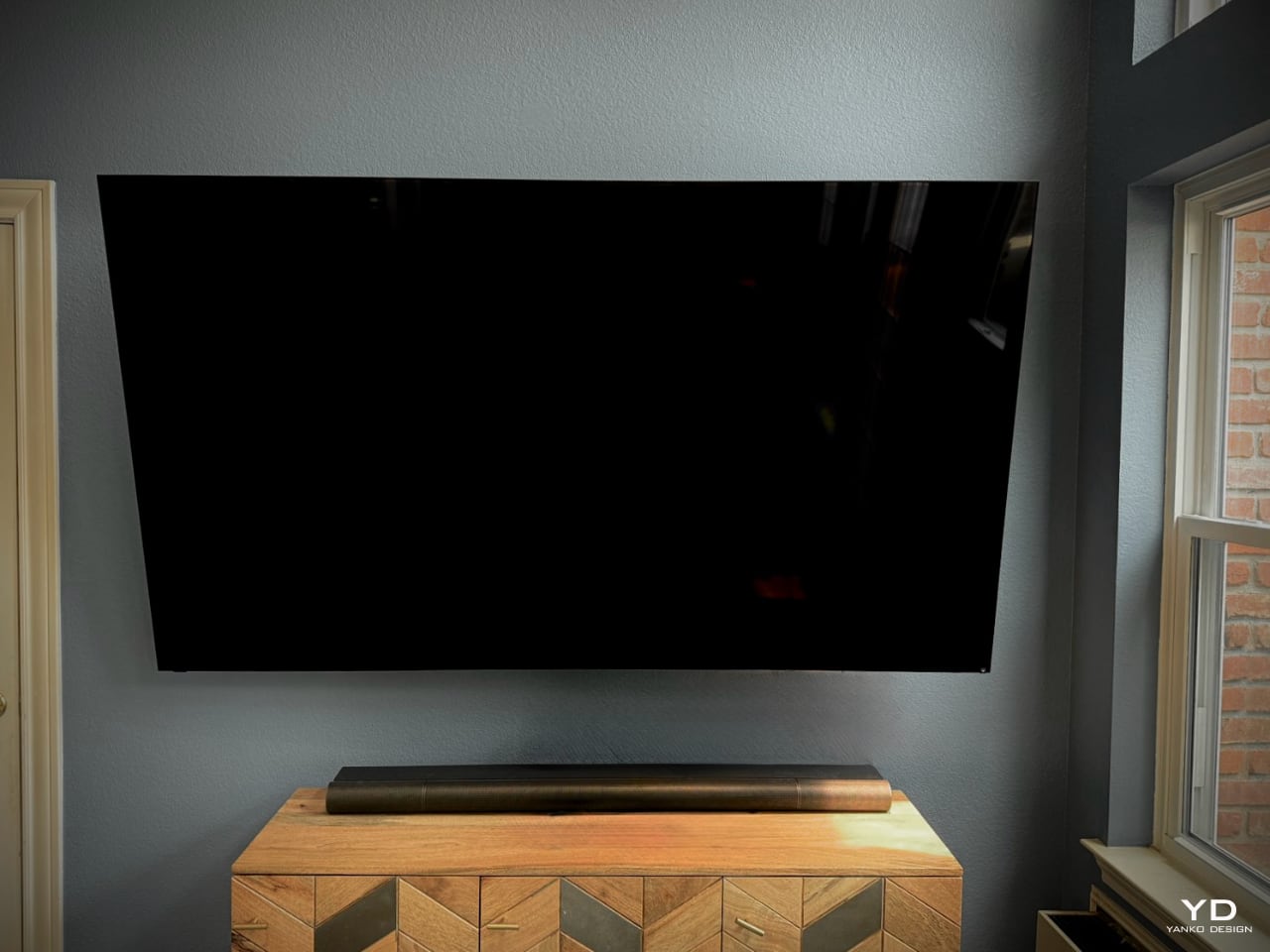
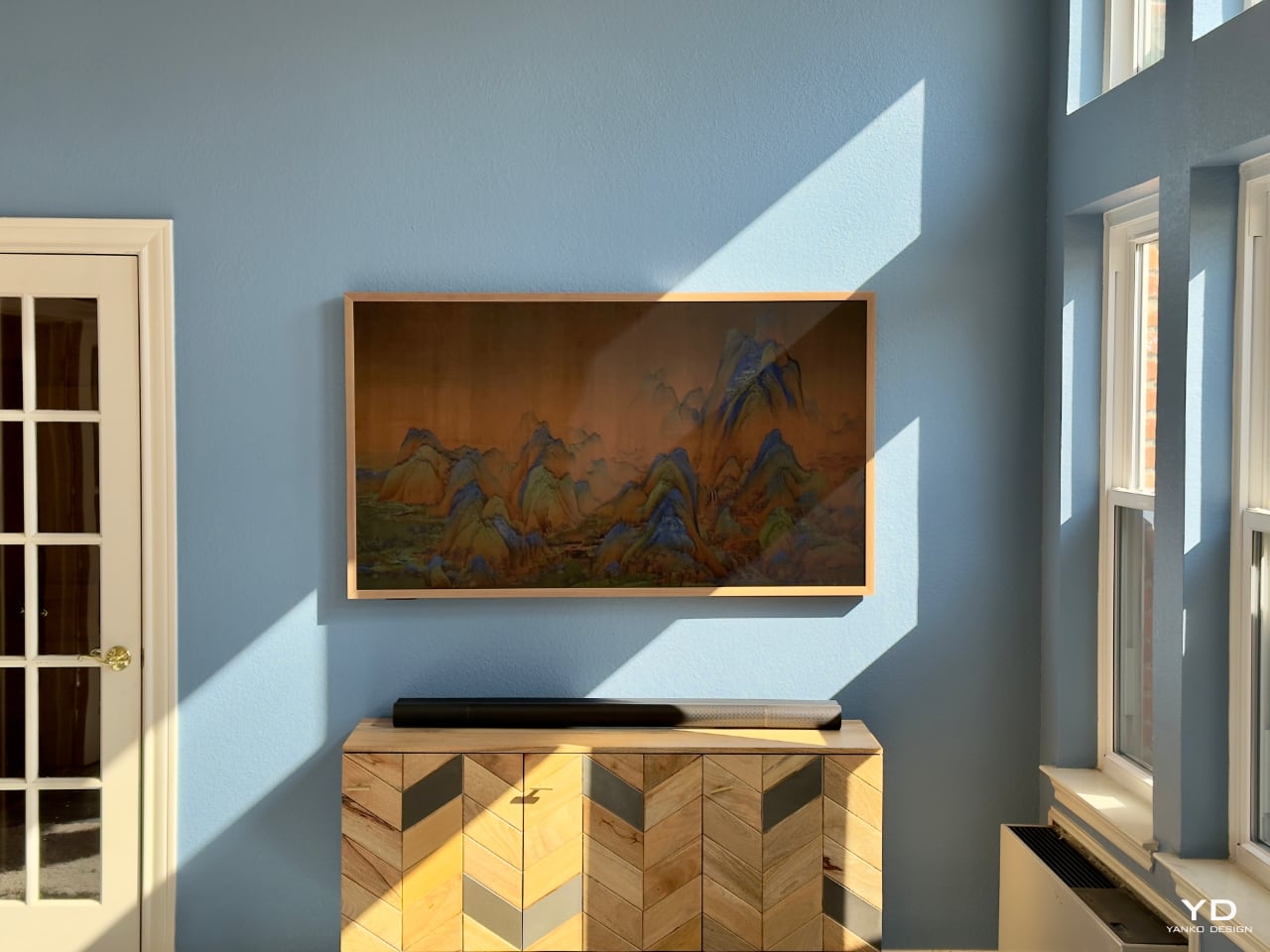
Swapping it out for the sleek 65″ Hisense CanvasTV was like lifting a veil. The room instantly felt more spacious and inviting. The TV’s slim profile and minimalist design complemented the room rather than competing with it. It wasn’t just about replacing a piece of hardware; it was about transforming the atmosphere of our home.

Art Mode: More Than Just a Screen

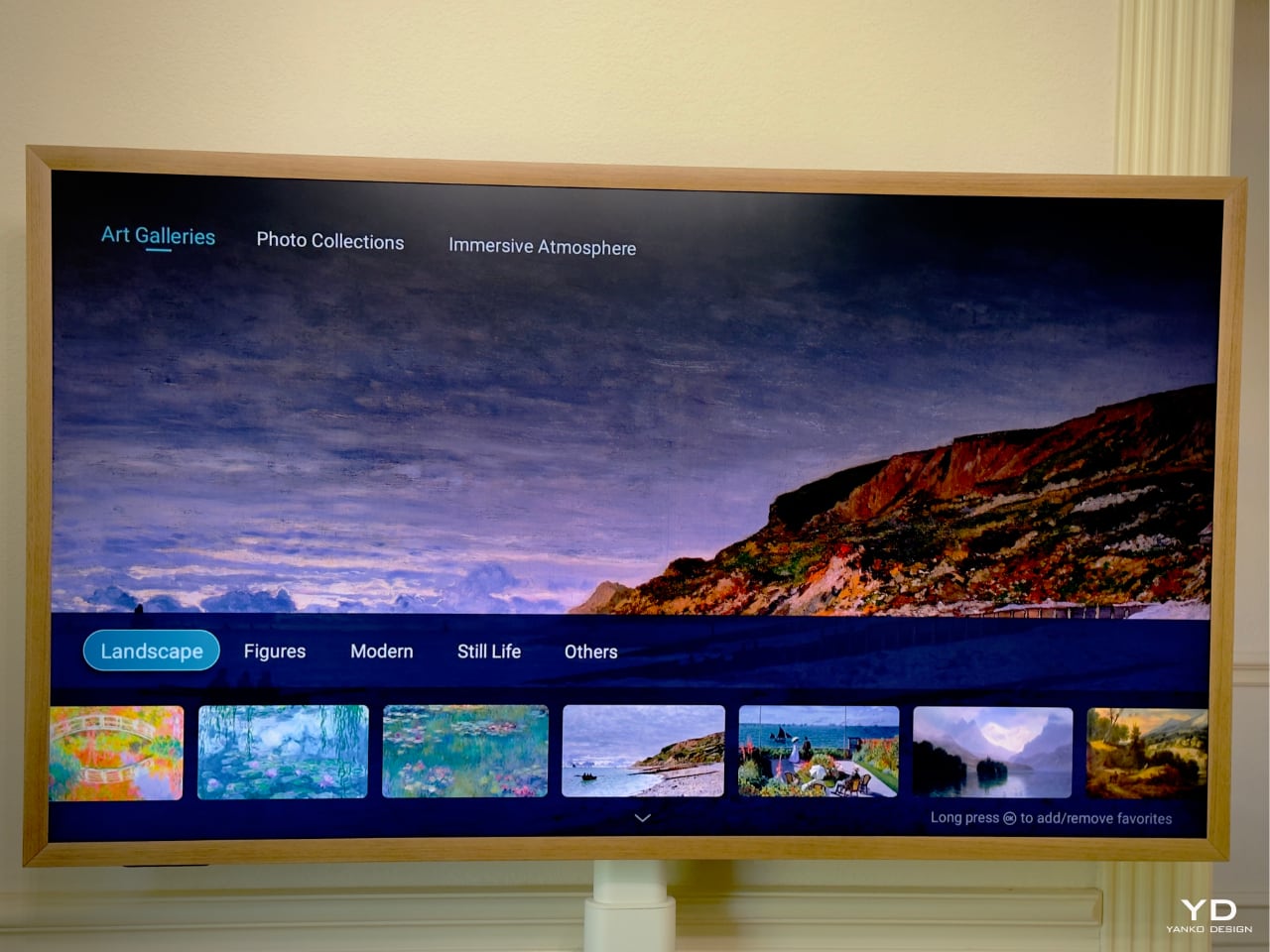
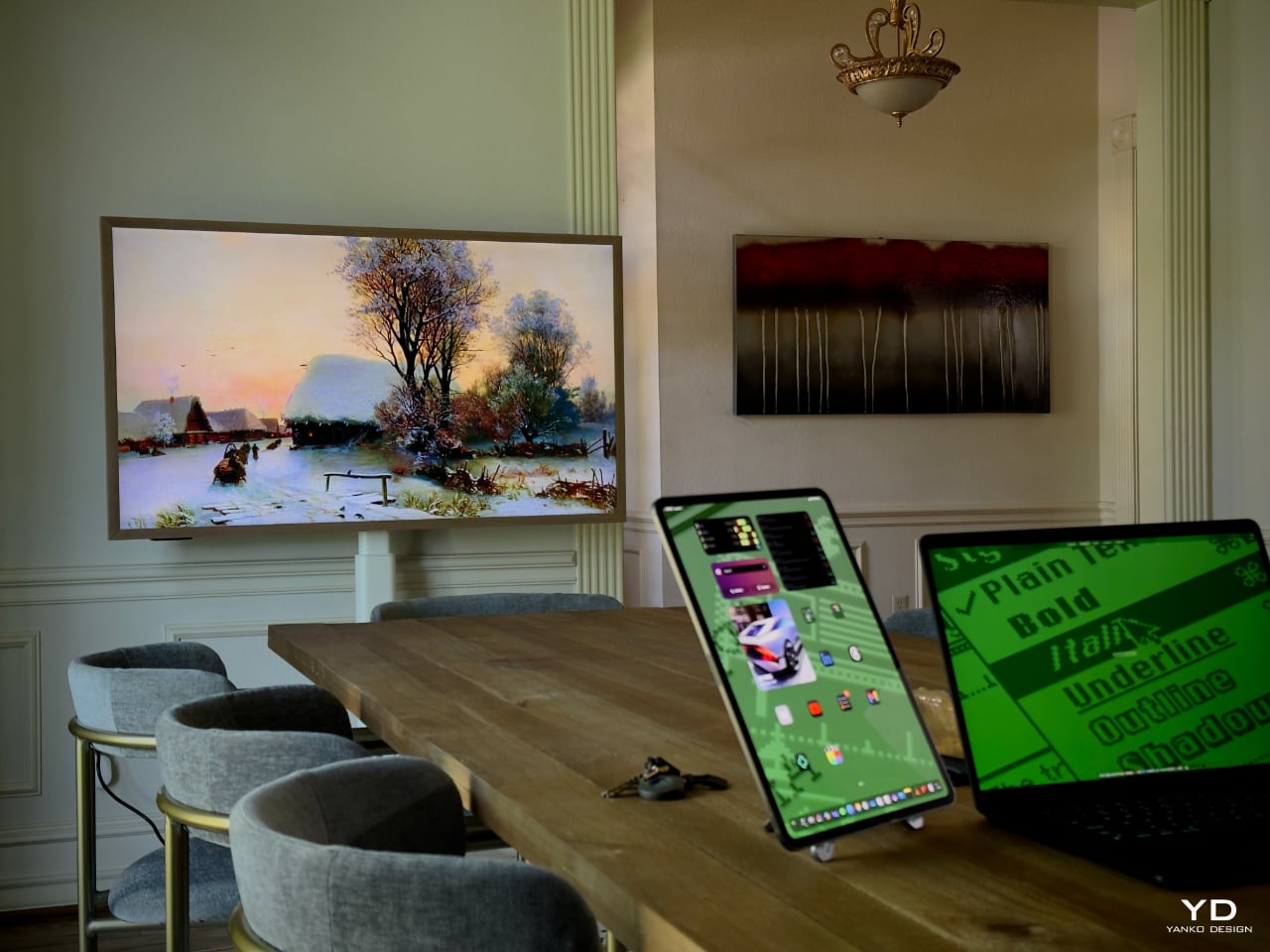
One of the features that drew us to CanvasTV is its Art Mode. Instead of staring at a blank, lifeless screen when the TV is off, we’re now greeted by a rotating gallery of stunning artworks or our own cherished photos. Setting it up was a breeze—intuitive controls let us switch between various curated collections or upload our own images without any hassle.

What impressed us most is that the TV comes pre-loaded with over 120 free art pieces across multiple categories, such as landscapes, still life, and modern art—no subscription fees required. This thoughtful feature transforms the TV from a mere electronic device into an artistic statement that enhances the ambiance of any room.
Design That Speaks Volumes

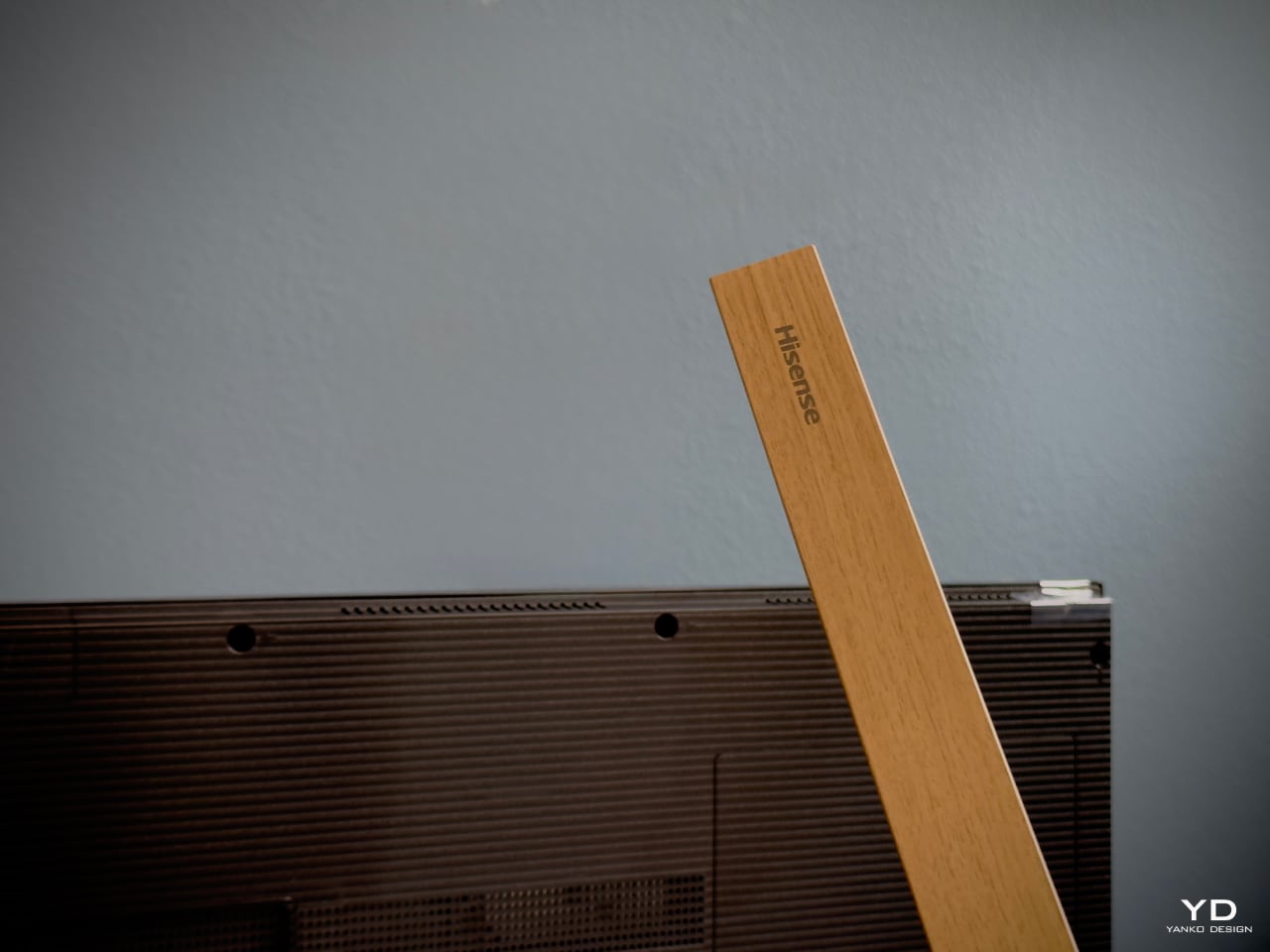
The CanvasTV doesn’t just display art; it is art. Hisense has clearly put thought into every aspect of its design. The TV features a slim bezel that focuses on the content, not the frame. It comes standard with a teak frame, but thanks to its magnetic design, you can easily swap it out to match your décor or mood. We love the light wood tones, which perfectly complement our sunroom’s natural aesthetic.
One of my favorite moments was seeing Claude Monet’s “Water Lilies” displayed on the screen. The soft blues, greens, and pinks seemed to come alive against the backdrop of our vibrant blue walls. This created a mesmerizing interplay of color that transformed the space and added a sense of tranquility and elegance.
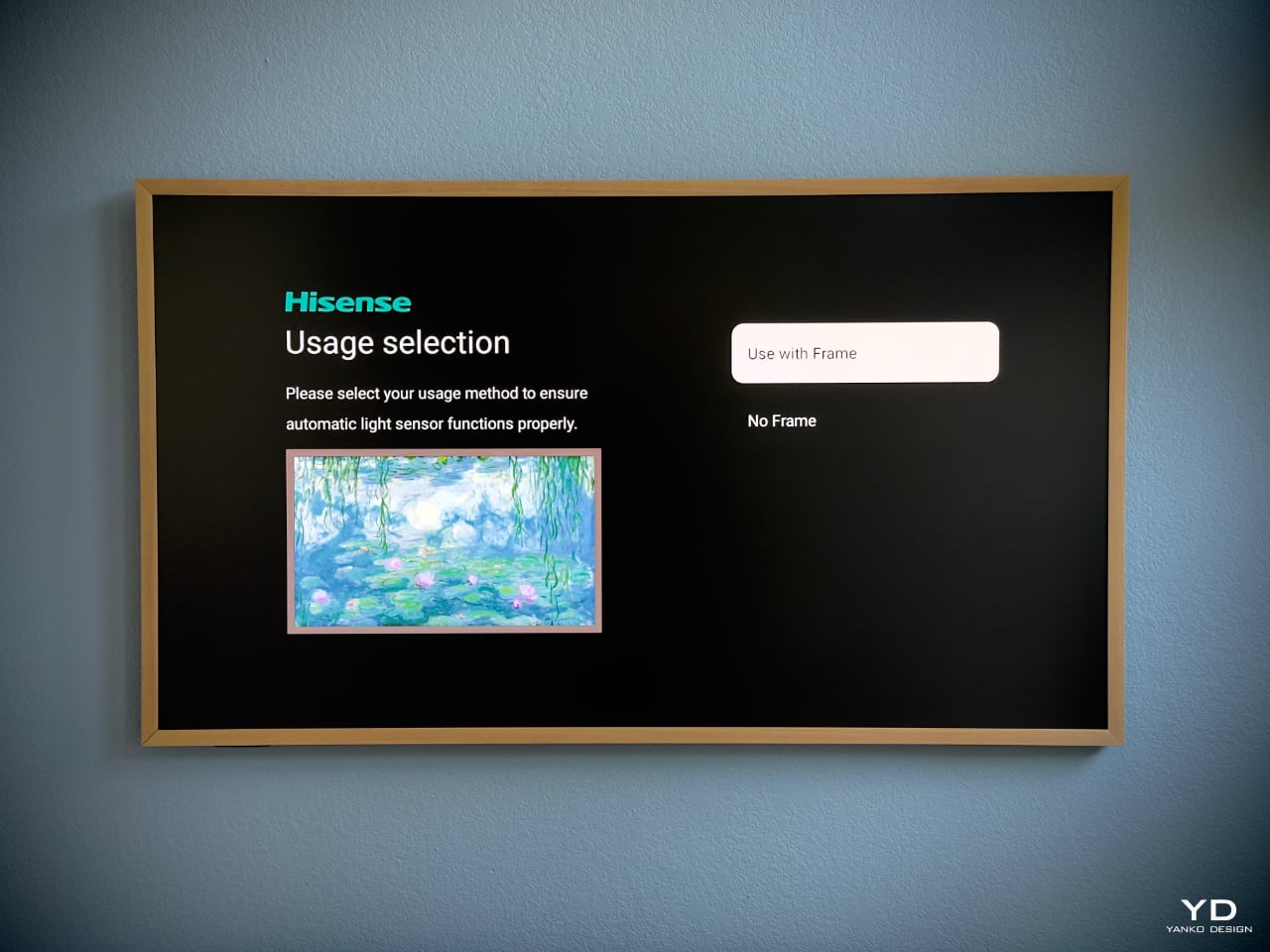
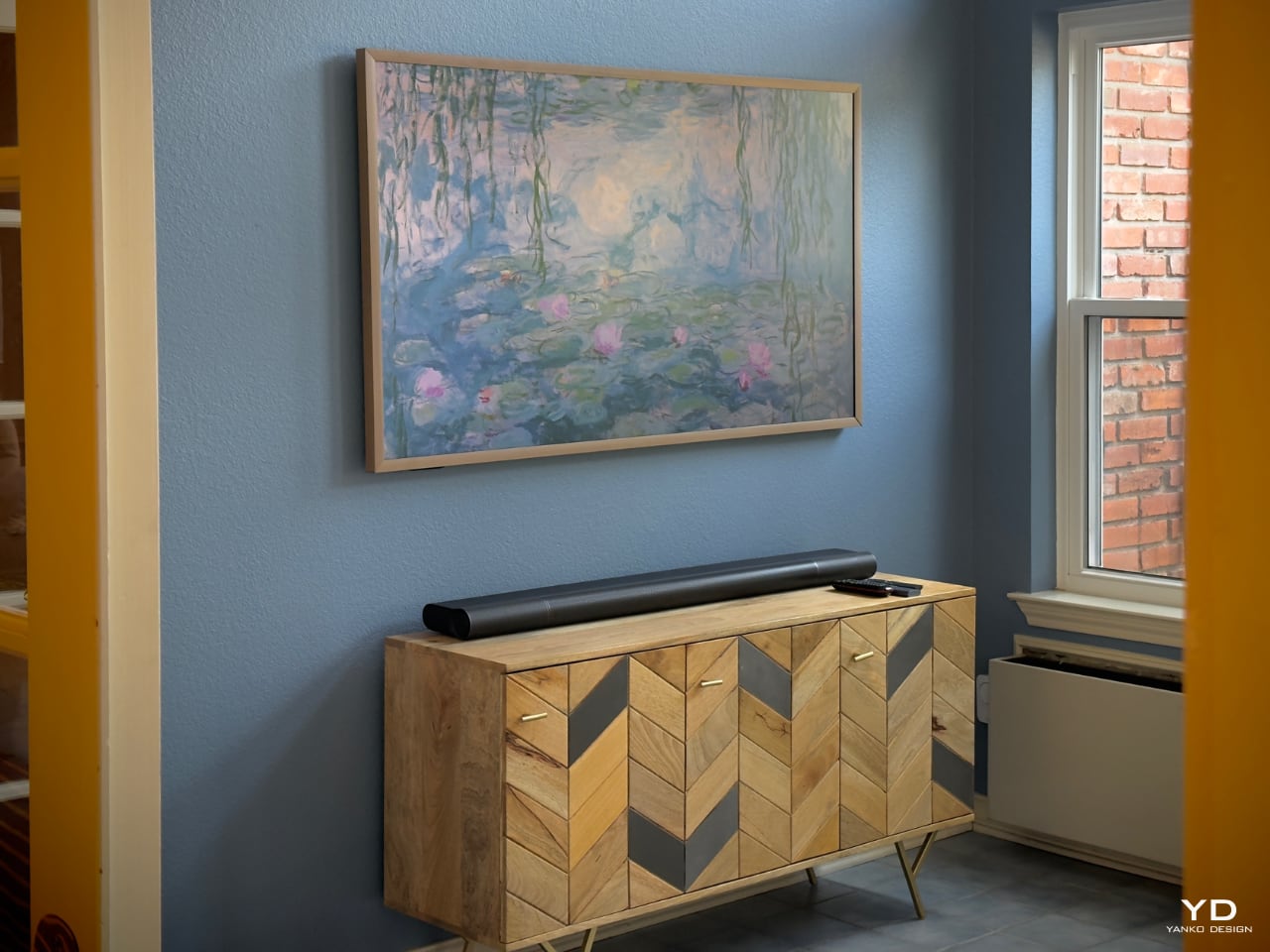
Beneath the TV, we placed a natural wood console that echoes the frame’s light wood tones. The simplicity of its design, with clean lines and earthy textures, ties the whole look together. The result is a harmonious blend that feels more like a curated art installation than just a TV setup.
Versatility with the 55″ Model

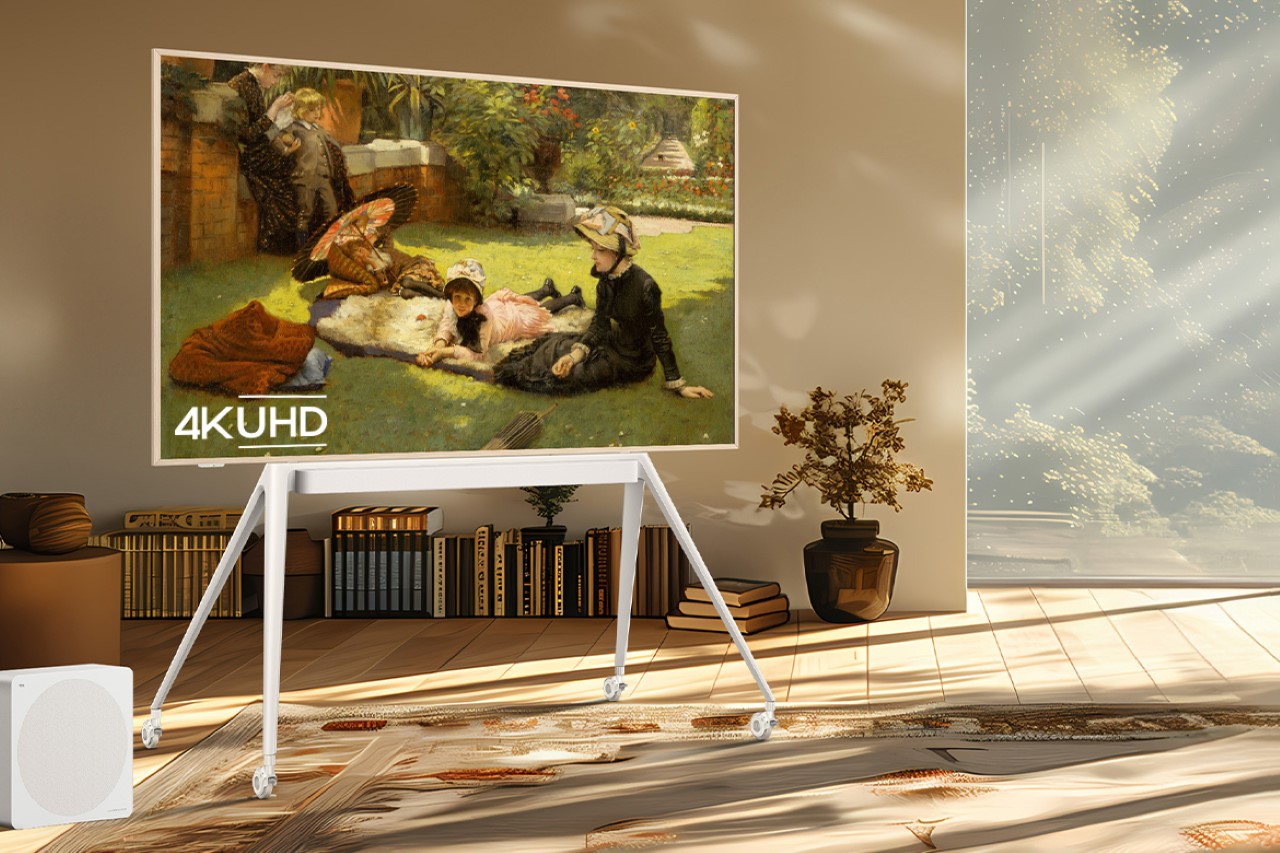
While the 65″ CanvasTV found its permanent home in the sunroom, we decided to get adventurous with the 55″ model. Instead of mounting it, we opted for the mobile stand—a decision that has added a whole new layer of versatility to our home entertainment.
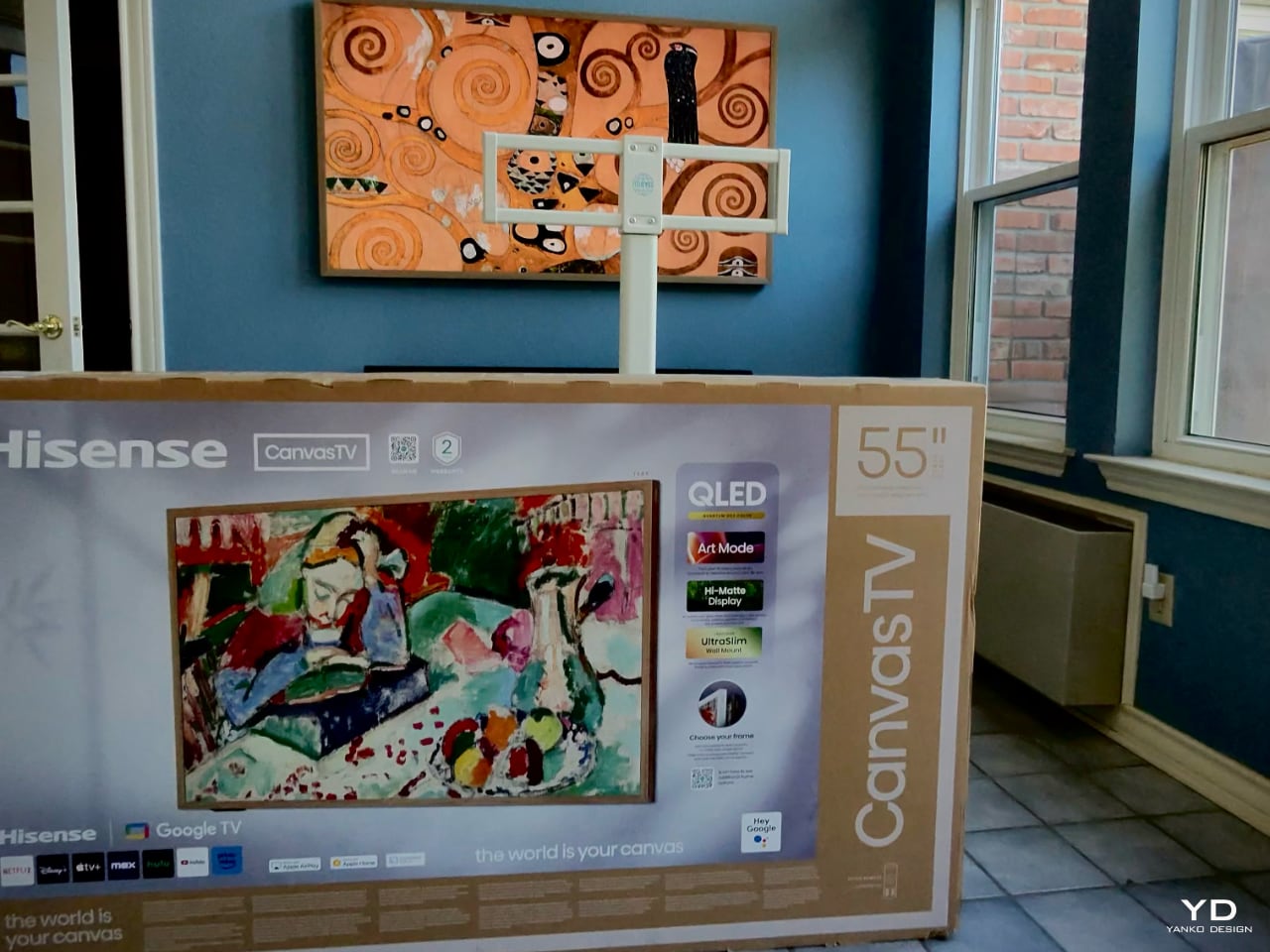
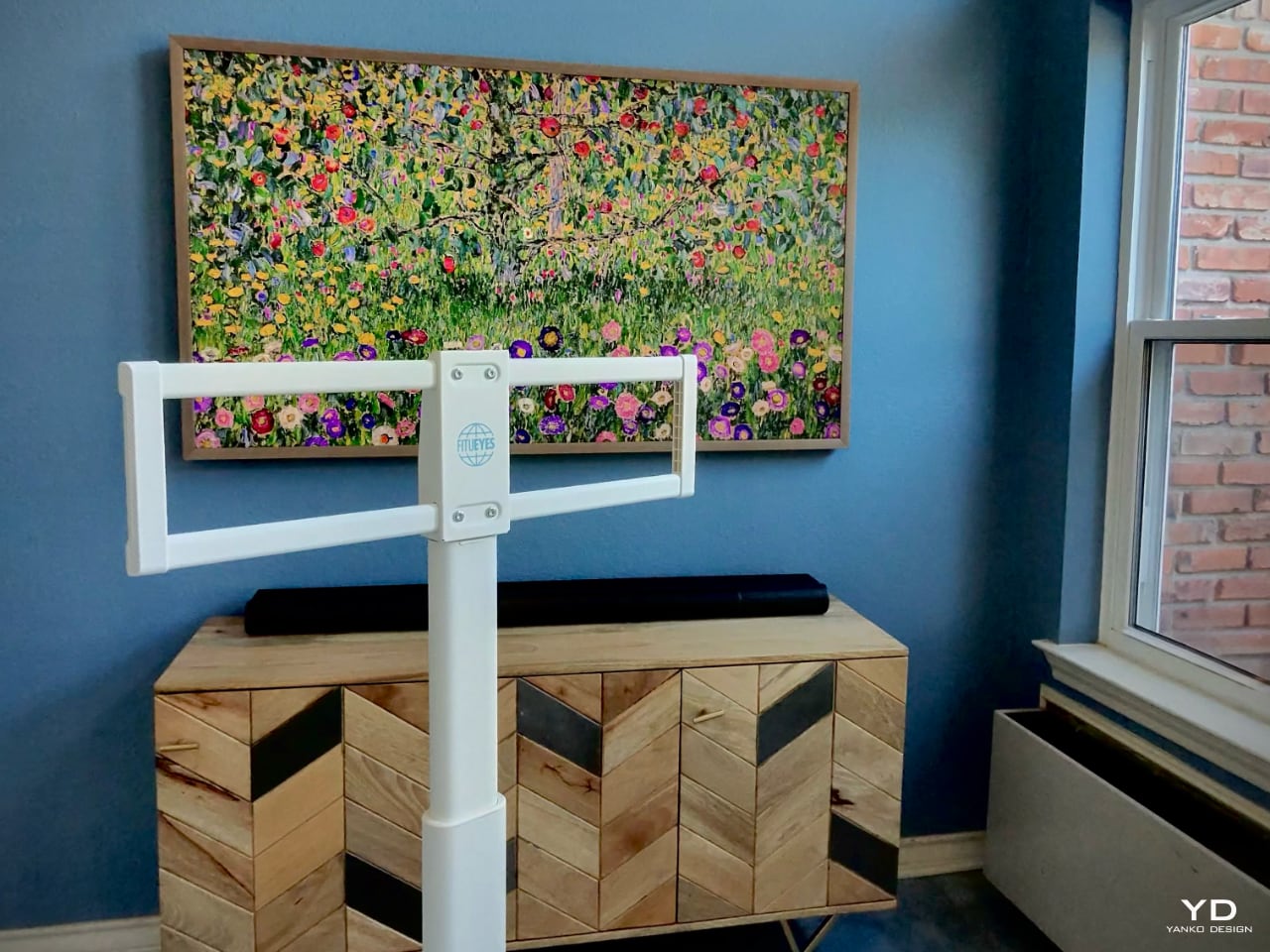
The mobile stand is a game-changer. Its clever design includes an integrated power outlet, reducing cable clutter and making it incredibly easy to move the TV from room to room. Need a screen in the kitchen for following a new recipe? Roll it in. Hosting friends in the dining room and want to display a slideshow of memories? Easy. Cozy movie night in the bedroom? Done.
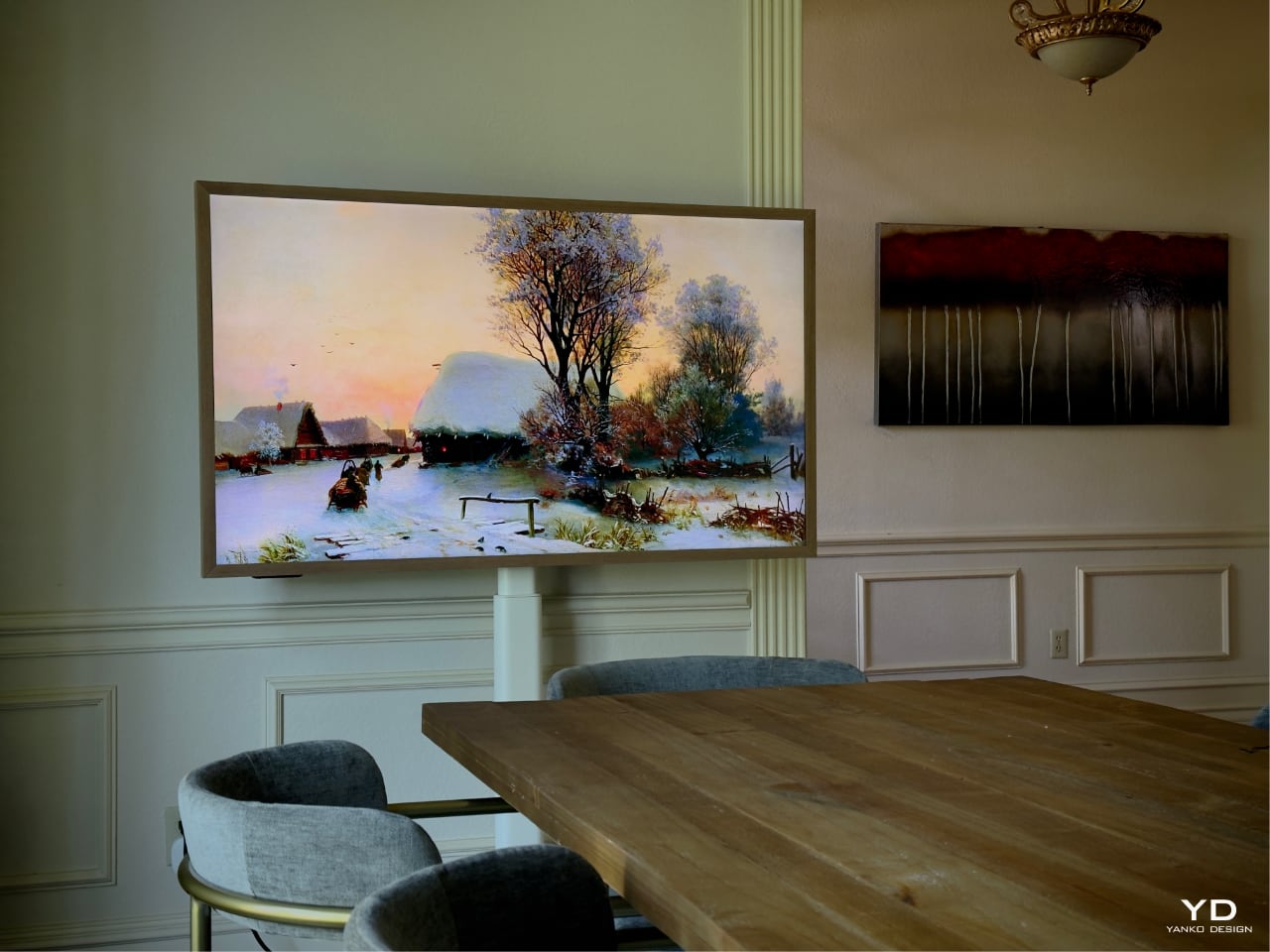
All the necessary ports—power, HDMI, and USB—are neatly integrated into the back of the TV. There’s no need for external boxes or messy cables, keeping the setup clean and elegant.

For families, this flexibility is a huge plus. Imagine being able to wheel the TV into the kids’ room for a special movie night or setting up an impromptu gaming session in any part of the house. It’s the convenience of a portable entertainment center without sacrificing style or quality.

Ergonomic Design and User Experience

The CanvasTV is designed with the user in mind. Wall mounting the 65″ model was straightforward, thanks to its lightweight build and slim profile. It sits flush against the wall, enhancing that art gallery feel.
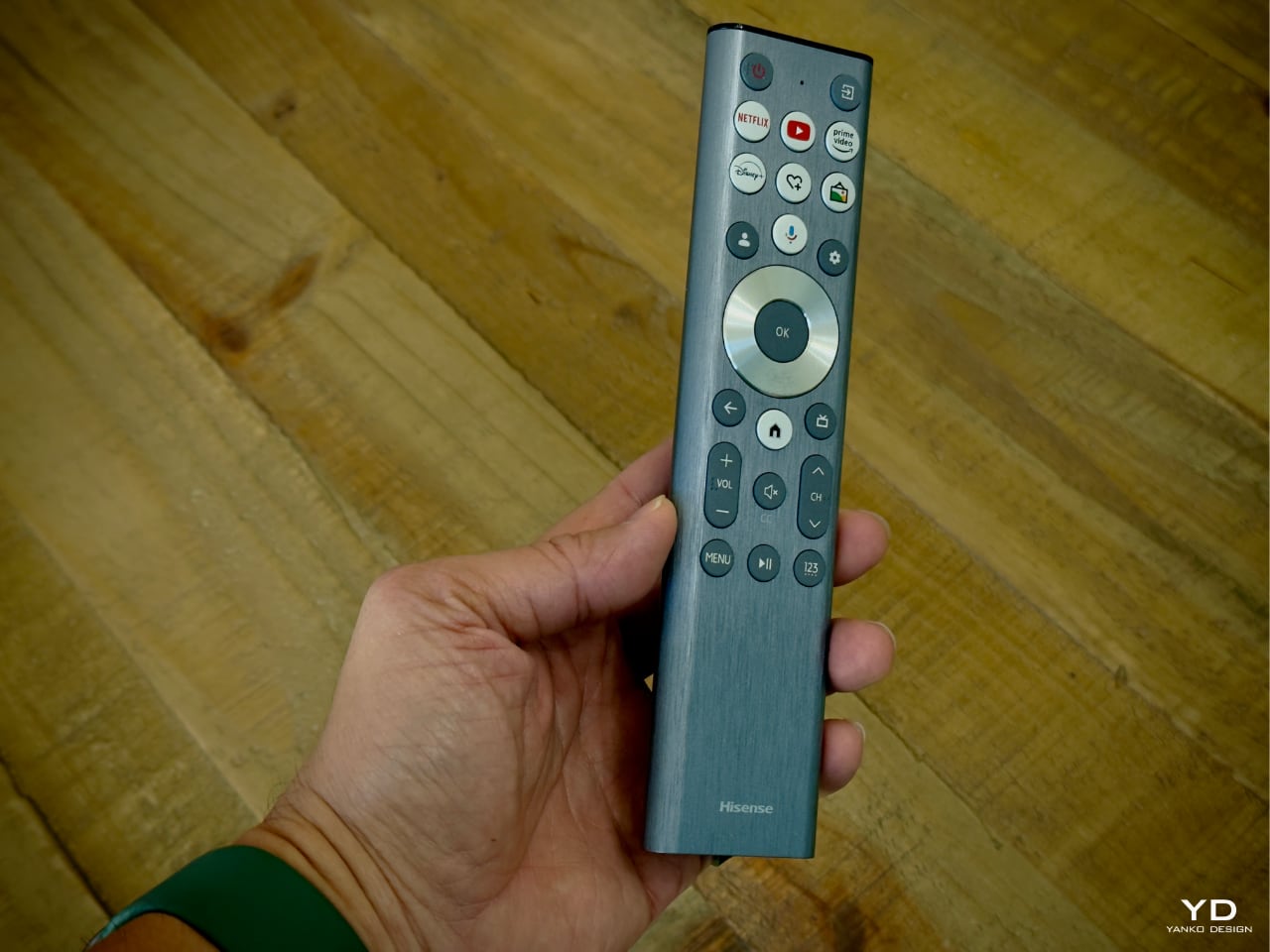
The remote control continues the minimalist theme. With its brushed metal finish, it feels substantial yet sleek in hand. The button layout is intuitive—quick-access buttons for popular streaming services like Netflix, YouTube, Prime Video, and Disney+ are right at your fingertips. The inclusion of voice control via Google Assistant adds an extra layer of convenience. We can navigate content, adjust settings, or even control other smart devices in our home with simple voice commands.

Performance: A Visual and Auditory Delight

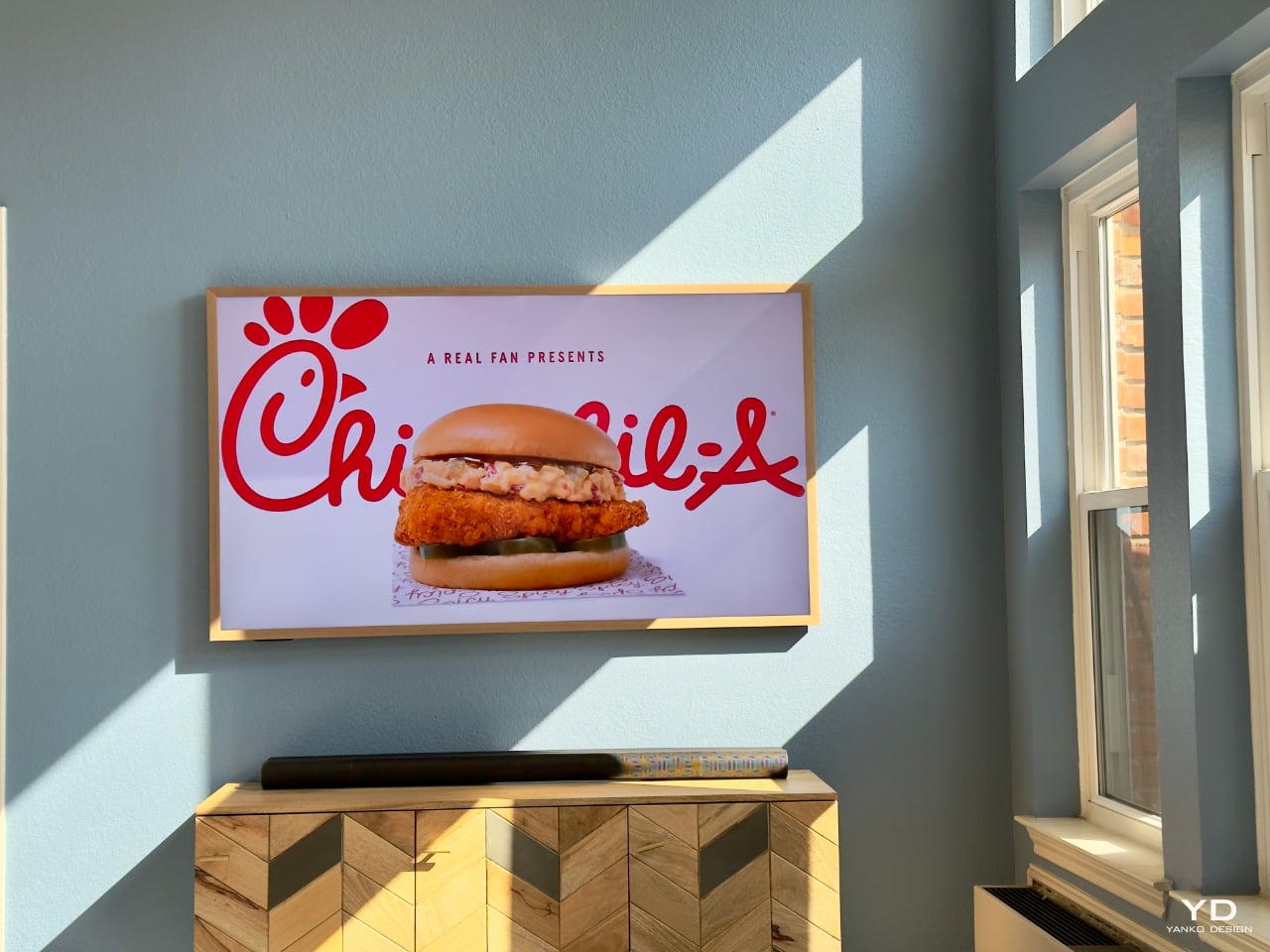
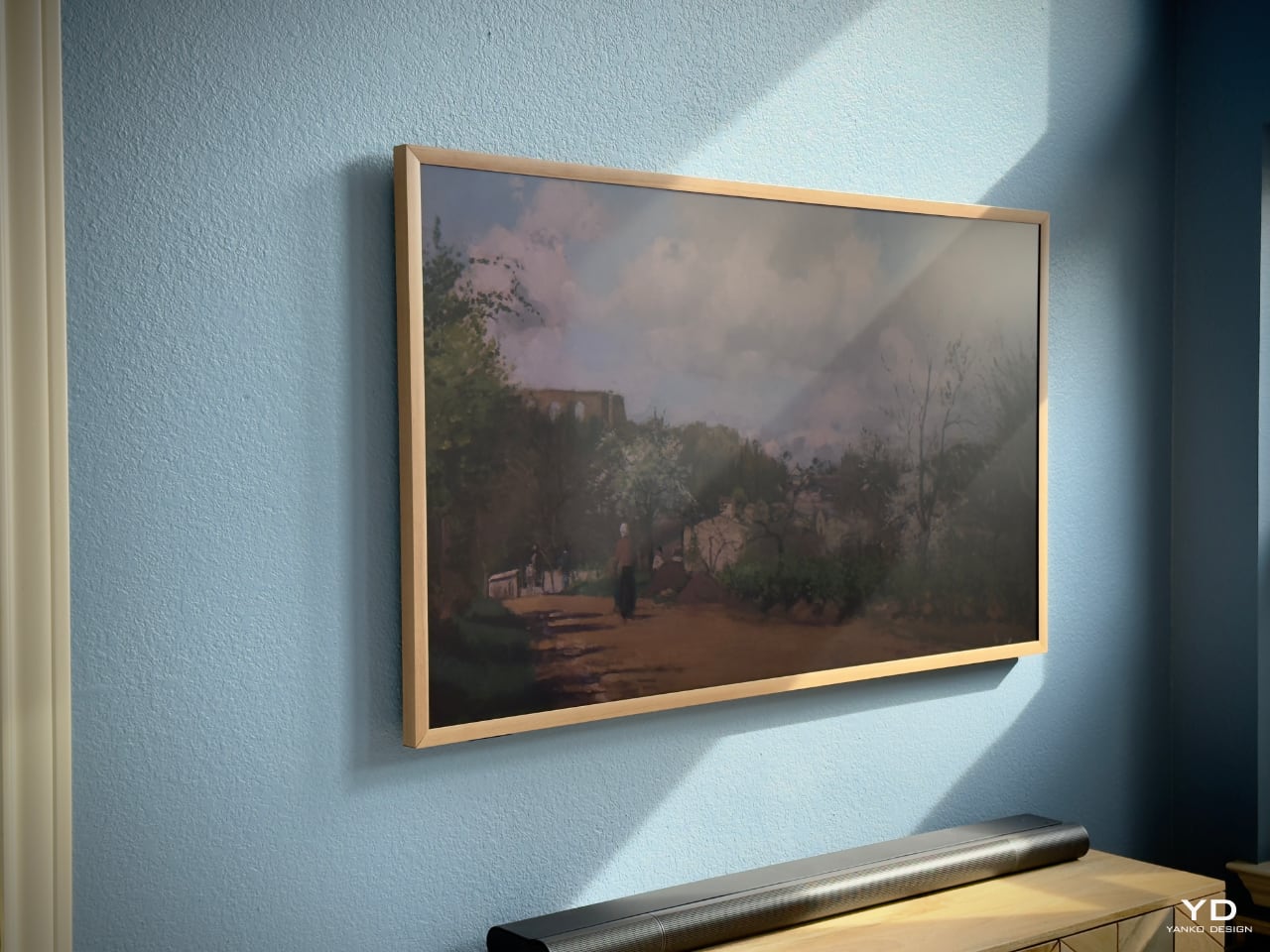
Now, let’s talk about performance. The CanvasTV might not feature Mini-LED backlighting—a technology known for delivering deep blacks and high contrast—but it makes up for it in other ways. The matte display is amazing, especially in a room like ours where the entire back wall is glass and the sunrise shines directly into the space. The CanvasTV’s matte screen does a fantastic job, offering more than adequate brightness, even under direct sunlight.
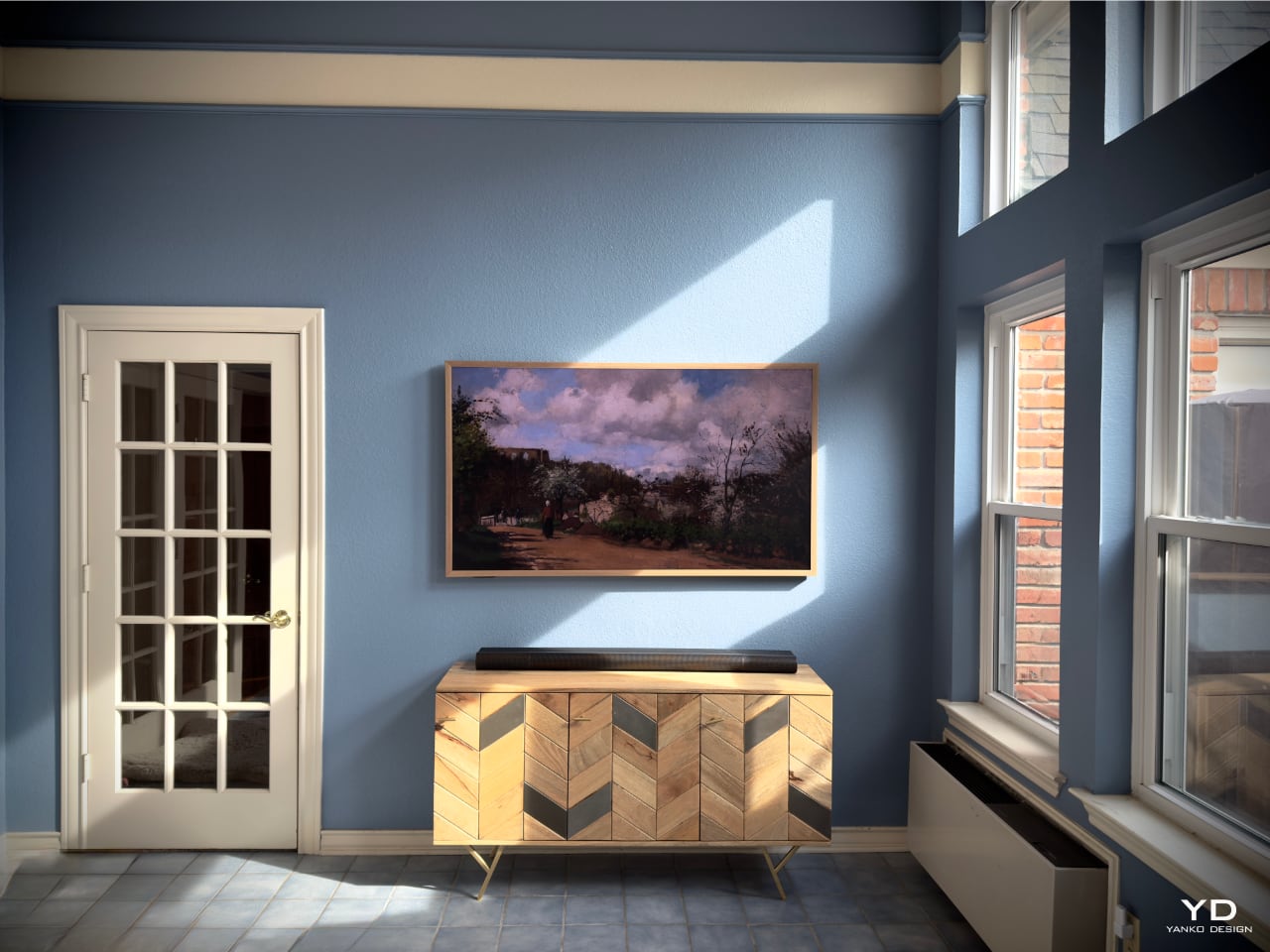
The matte display quite literally ‘eats up’ and swallows any shadow thrown at it—making the artwork look like real art instead of something viewed through a monitor. Add in the Quantum Dot (QLED) technology, and the colors are vibrant and true to life, enhancing everything from movies to artwork.
With a refresh rate of up to 144Hz, the TV handles fast-paced action scenes and gaming without breaking a sweat. We connected our gaming console, and the experience was smooth and immersive. The visuals were crisp, with no noticeable lag or motion blur.

The audio doesn’t disappoint, either. With Dolby Atmos support, the built-in speakers deliver sound that fills the room. Dialogue is clear, music is rich, and the overall audio experience complements the high-quality visuals. While audiophiles might prefer an external sound system, we found the integrated speakers to be more than sufficient for our needs.
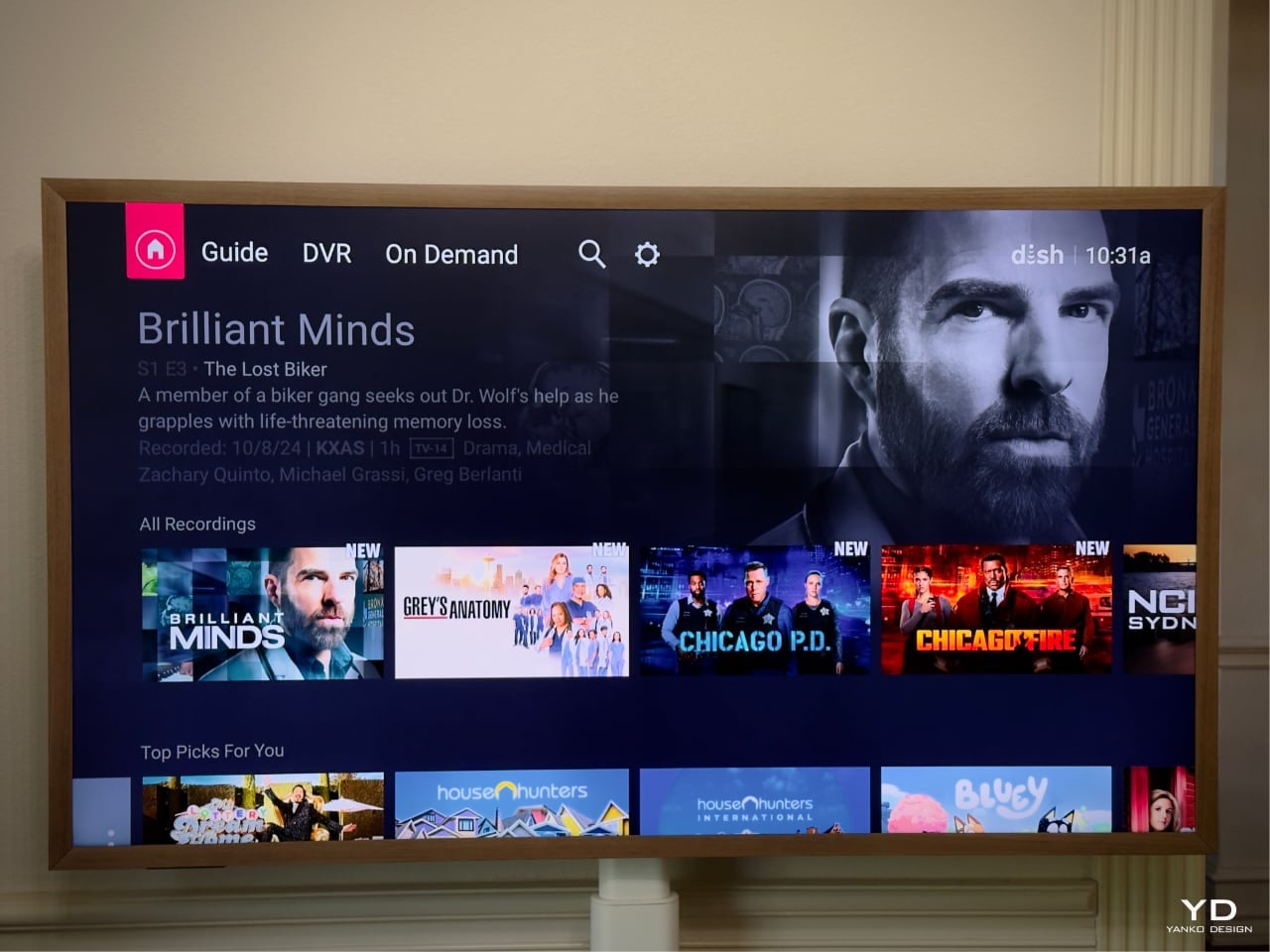
Navigating the TV’s interface is a breeze, thanks to the VIDAA U operating system. It’s clean, responsive, and doesn’t bog you down with unnecessary clutter. Integration with Google TV means easy access to all our favorite streaming services, including Dish Anywhere. If you’ve ever dealt with Dish Network, you know the hassle—wiring, coaxial cables, and setting up a box. With CanvasTV, it’s as simple as installing the Dish Anywhere app, and you’re good to go. The 55″ model on a mobile stand makes this even more convenient—art and entertainment on wheels, ready to roll into any room. Plus, support for Apple HomeKit and AirPlay 2 ensures seamless connectivity with our Apple devices.

Connecting my laptop and extending the use of CanvasTV as a second or third monitor makes life easier for meetings, streaming shows, and those long Zoom calls.

Sustainability Matters

Being eco-conscious is more important than ever, and we’re pleased to see that Hisense shares this value. The CanvasTV uses responsibly sourced wood certified by the Forest Stewardship Council (FSC), ensuring that materials meet high environmental and social standards.
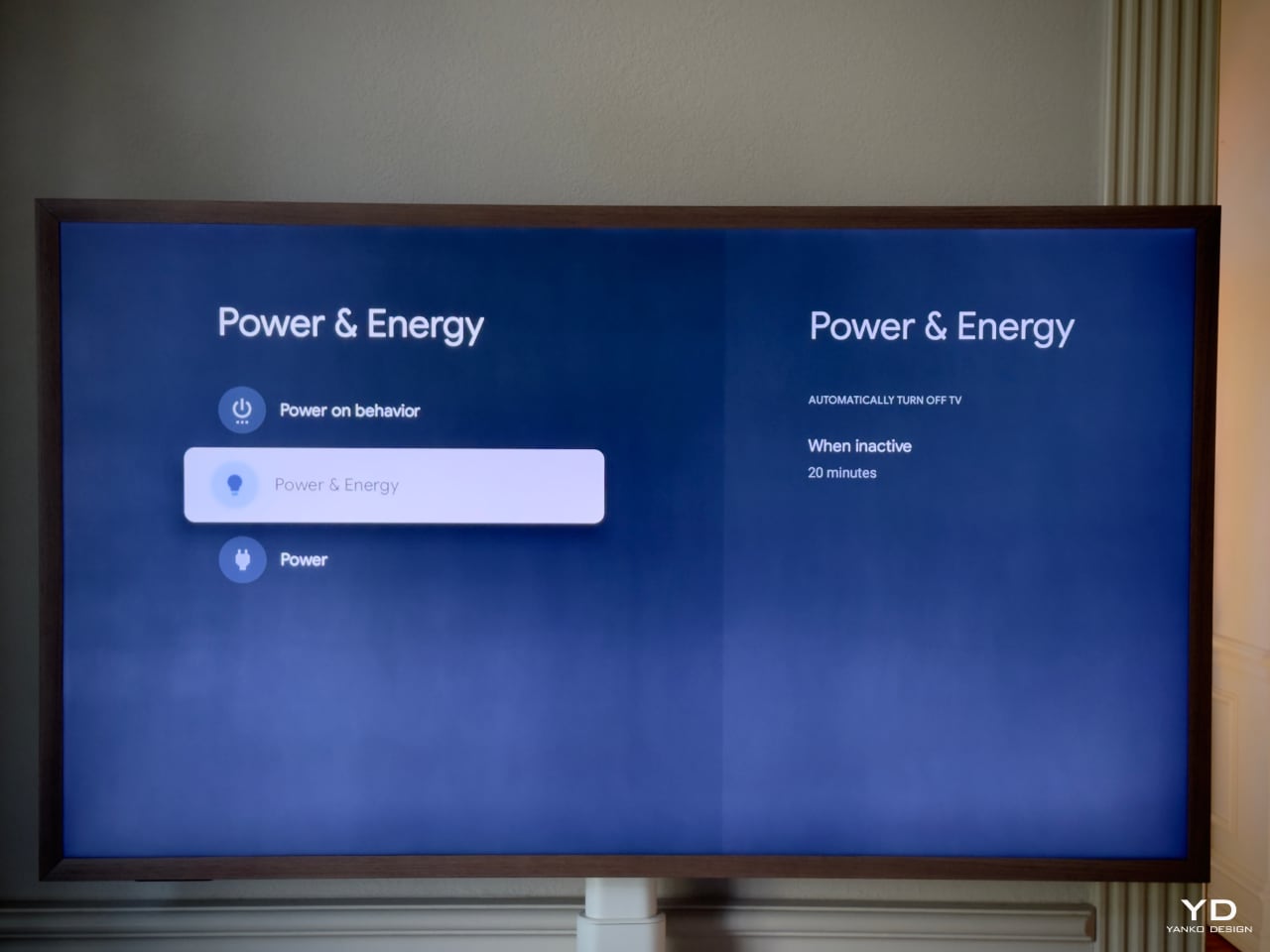
Energy efficiency is another highlight. The TV includes advanced power management features to minimize energy consumption during use and standby. It meets or exceeds international energy efficiency standards, which not only reduces our carbon footprint but also helps lower our electricity bill.

Even the packaging reflects Hisense’s commitment to sustainability. They use recyclable materials and minimize the use of plastics, reducing waste without compromising product protection during shipping.

Value That Hits the Sweet Spot

One of the most compelling aspects of CanvasTV is its value proposition. The current price for the 55″ CanvasTV at Best Buy is $850, making it an appealing entry point for those looking to bring this blend of technology and art into their homes without breaking the bank. The 65″ model, priced around $1,100, offers many of the premium features found in higher-priced competitors like Samsung’s The Frame or TCL’s Nxtframe, but at a more accessible price point.
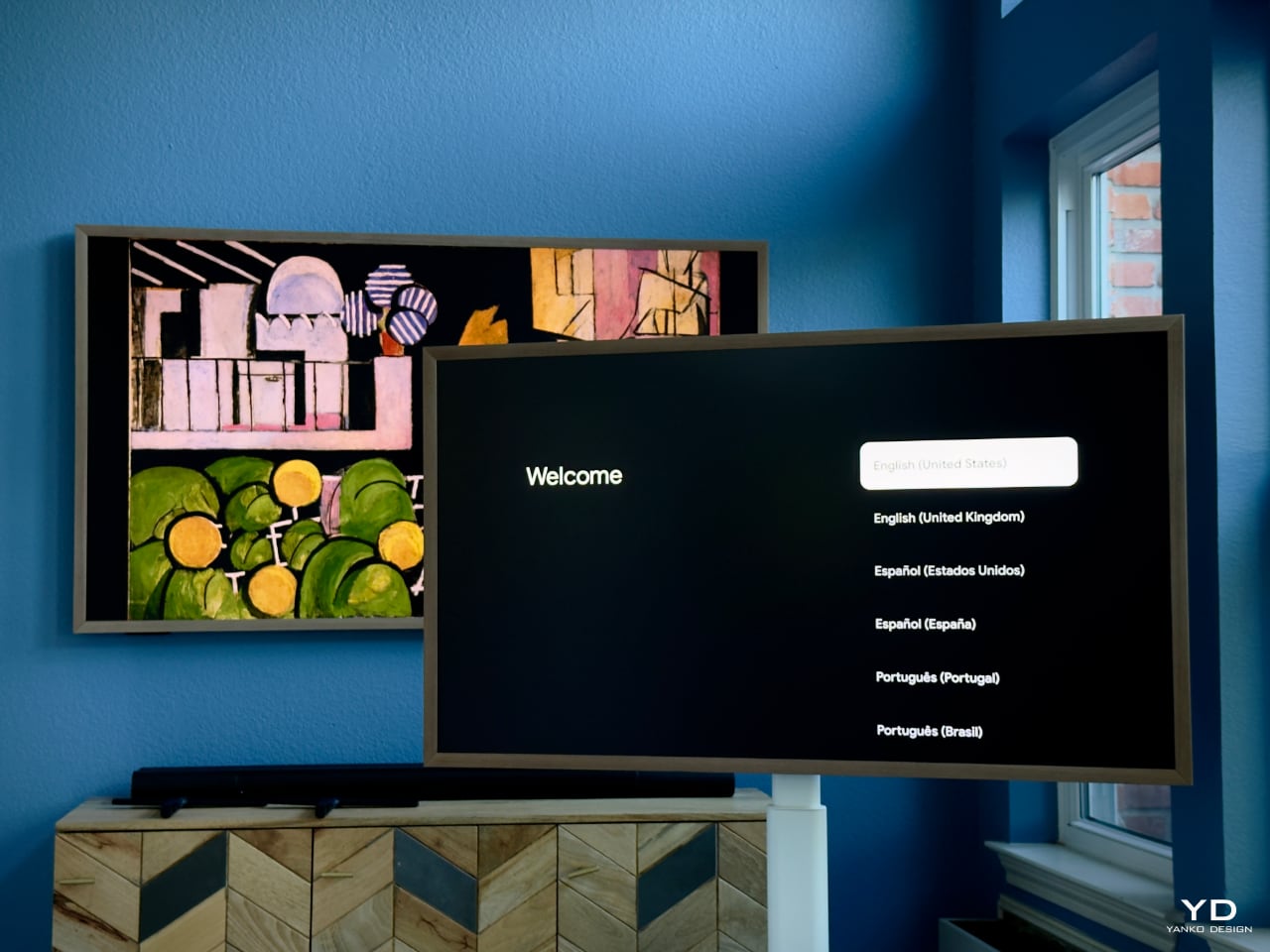
Including over 120 free pieces of curated art—without any subscription fees—is a significant bonus. Competitors often require monthly fees to access similar features. The ability to upload personal images at no extra cost adds another layer of personalization that enhances the overall value.

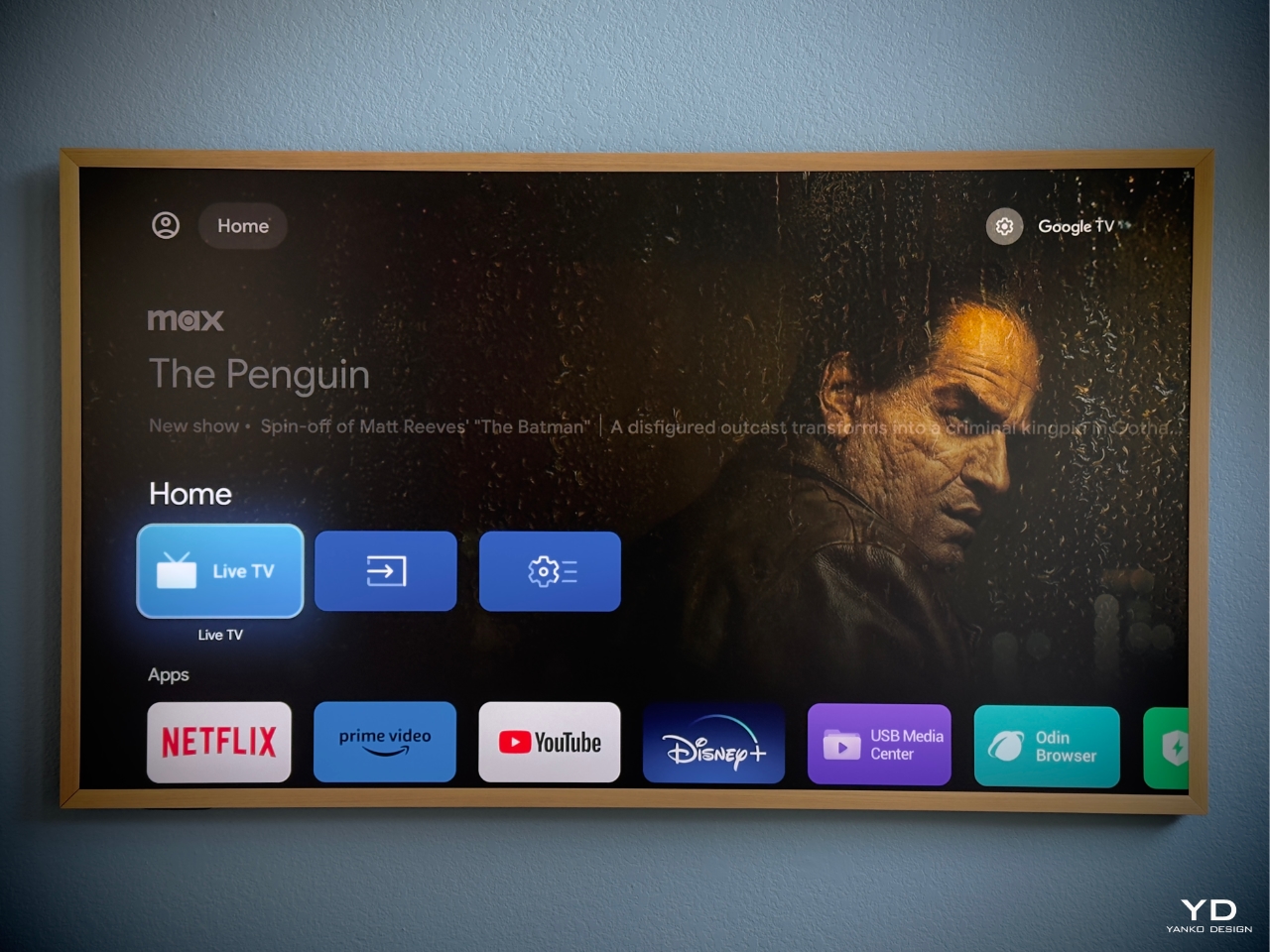
The TV’s compatibility with various smart home ecosystems—Google Voice, Google TV, Apple HomeKit, and AirPlay 2—makes it convenient for users across different platforms. The thoughtful design extends to every aspect of the user experience, highlighting Hisense’s focus on usability.
The versatile mounting options further enhance its utility. Whether you choose to wall-mount it for a sleek, integrated look or use the mobile stand for adaptable use throughout your home, the CanvasTV adapts to your lifestyle.

Final Thoughts: A Seamless Blend of Lifestyle and Technology

The Hisense CanvasTV has redefined our expectations of what a television can be. It’s a device for consuming content; it’s an integral part of our home’s aesthetic and functionality. From its stunning design and customizable art displays to its practical mobility and solid performance, it checks all the boxes.
For anyone torn between wanting the latest technology and maintaining a stylish, inviting home, the CanvasTV offers the best of both worlds. It’s elevated our living space in ways we didn’t anticipate, and we couldn’t be happier with our choice.

Would We Recommend It? Absolutely.

If you’re in the market for a new TV that does it all, the Hisense CanvasTV deserves serious consideration. Its blend of art, design, and technology offers a unique experience that’s hard to find elsewhere, especially at this price point.
Whether you’re an art enthusiast, a tech lover, or someone who appreciates thoughtful design, this TV has something to offer. It’s become an integral part of our home entertainment setup; it’s a conversation piece, a mood setter, and, quite frankly, a joy to own.

Key Takeaways:

  • Art Mode with 120+ Free Artworks: Transform your TV into a personal art gallery without extra costs.
  • Sleek, Customizable Design: Slim profile and magnetic frames let you tailor the look to your home.
  • Versatile Mounting Options: Choose between wall mounting or a mobile stand to suit your lifestyle.
  • Solid Performance: Vibrant QLED display with 144Hz refresh rate and Dolby Atmos sound.
  • Smart Home Integration: Compatible with Google Voice, Google TV, Apple HomeKit, and AirPlay 2.
  • Eco-Friendly Features: Uses responsibly sourced materials and energy-efficient technology.
  • Great Value: Offers premium features at a more accessible price compared to competitors.

The post Our Sunroom’s New Masterpiece: The Hisense CanvasTV Review first appeared on Yanko Design.
TCL’s Ultra-Slim 1.1 Inch NXTFRAME Smart TVs with AI Art Generation and Built-in Art Gallery

If you still happen to have an NFT collection, TCL’s TV might just be the new way to display it.

It was probably Samsung that came up with the idea of transforming your TV into an ambient art frame when not in use, and I have to admit, it’s quite a stellar idea. The television is great when you’re watching something on it, but the minute you switch it off, it becomes an ugly black rectangle on your wall. Frame-inspired TVs are a great alternative, allowing you to turn your wall into home decor, and TCL’s jumped onto that trend with its NXTFRAME range of smart TVs. Measuring a mere 1.1 inches thick, the NXTFRAME televisions sit virtually flush against your wall, pretty much like a piece of framed art.

Designer: TCL

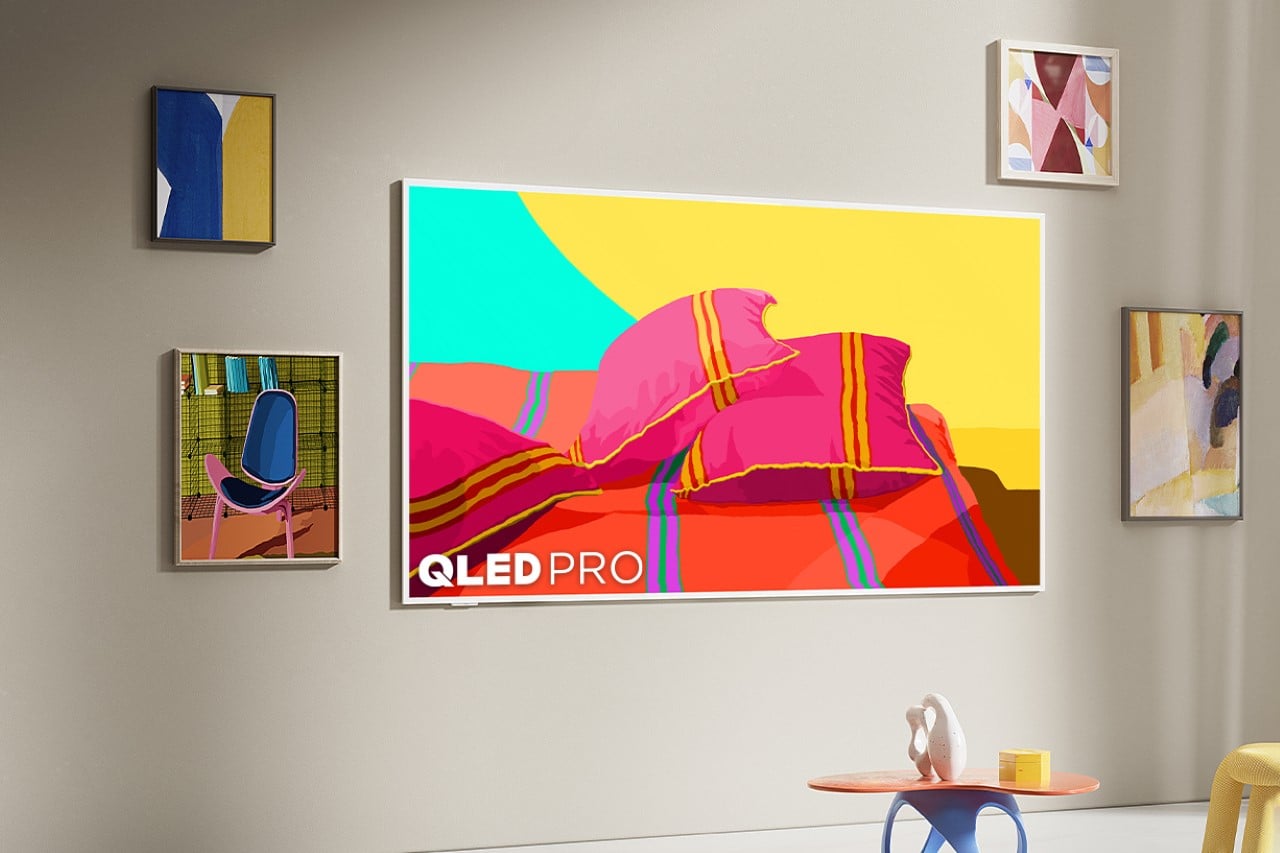
Ranging between 55 and 85 inches in size, the smart TVs blend right into your home seamlessly, with the QLED Pro screen mimicking the feeling of printed art really well thanks to its high contrast and clarity even in brightly lit rooms. The 4K TVs come with Google TV for watching all your streaming services, but the display’s beauty lies in TCL’s built-in curated art library as well as the ability to make and display AI-generated art. A gorgeous matte screen helps the art stand out well without any added glare from lights or nearby windows, and the TV even comes with wood-like veneers that attach onto the bezel, giving the NXTFRAME a bonafide outer frame.

As gorgeously slick as the NXTFRAME looks, its performance specs are equally impressive. With a refresh rate of up to 144Hz, it promises smooth and fluid visuals, whether you’re watching a high-action movie or playing the latest video games. The inclusion of Dolby Vision IQ ensures that the picture quality adapts to the lighting conditions in your room, offering the best possible image at all times. Additionally, the support for AMD FreeSync Premium makes it an excellent choice for gamers, reducing screen tearing and providing a more responsive gaming experience. Motion Rate 480 and MEMC motion smoothing technology further enhance the viewing experience by reducing motion blur and judder, making fast-moving scenes clear and crisp.

Under the hood, the NXTFRAME runs on Google TV, offering seamless integration with various streaming services and smart home devices. It supports Chromecast and Apple AirPlay 2, making it easy to stream content from your devices. Voice control is also well catered for, with compatibility with Amazon Alexa, Google Assistant, and Apple Home. For gamers, the TV comes equipped with Game Accelerator 240, Auto Game Mode, and AMD FreeSync Premium, ensuring an optimized gaming experience with minimal input lag and maximum visual clarity. The sound system is robust, featuring two built-in 20W speakers and support for advanced audio technologies like Dolby Atmos and DTS.

The Pro version of the NXTFRAME takes the audio experience a notch higher by including a wireless 3.1.2 soundbar and subwoofer, developed in partnership with the renowned audio company Bang & Olufsen. This combination promises an immersive audio experience, enhancing everything from dialogue clarity to the rumble of on-screen explosions. The TV also boasts four HDMI ports, including one with eARC support, allowing for easy connection of multiple devices and ensuring that audio signals remain high quality.

Pricing for the NXTFRAME series starts at $1,499.99 for the 55-inch model and goes up to $3,999.99 for the 85-inch version. The Pro versions, which include the enhanced audio system, start at $1,999.99 for the 55-inch model and reach $4,999.99 for the 85-inch model. These models are expected to be available in September 2024, along with accessories like the movable floor stand priced at $699.99 and matching table feet at $149.99. It’s unclear if the art library and GenAI art features are available along with the TV or incur an added subscription.

The post TCL’s Ultra-Slim 1.1 Inch NXTFRAME Smart TVs with AI Art Generation and Built-in Art Gallery first appeared on Yanko Design.
LG MyView 32-inch 4K monitor is like having a smart TV for your desk

The lines that separate large displays at home are becoming blurrier by the day. Although TVs still have the size advantage, the computer monitors on our desks are catching up slowly but surely. And that’s not even considering how many of the functions they have are now being shared by both devices, especially when it comes to supporting a variety of input sources, both wired and wireless. In fact, smart TVs are pretty much gigantic computer monitors, if you want to hook up your desktop, laptop, or even handheld to your living room screen. LG’s latest batch of smart monitors is now turning the tables by incorporating those very same features and putting them at the service of computer users, allowing them to switch between work and play seamlessly, without even mixing those worlds together.

Designer: LG

The needs of computer users and TV owners can be very different, but that doesn’t mean they don’t have things in common as well. In addition to picture quality, both groups probably want to have a wealth of content to choose from, whether it’s for productivity or for entertainment. To some extent, smart TVs actually have the edge with a multitude of connectivity options and built-in support for streaming services. The latter is what LG’s MyView line of smart monitors is bringing to the table, quite literally, giving users a bit more freedom in what they can do on their desks.

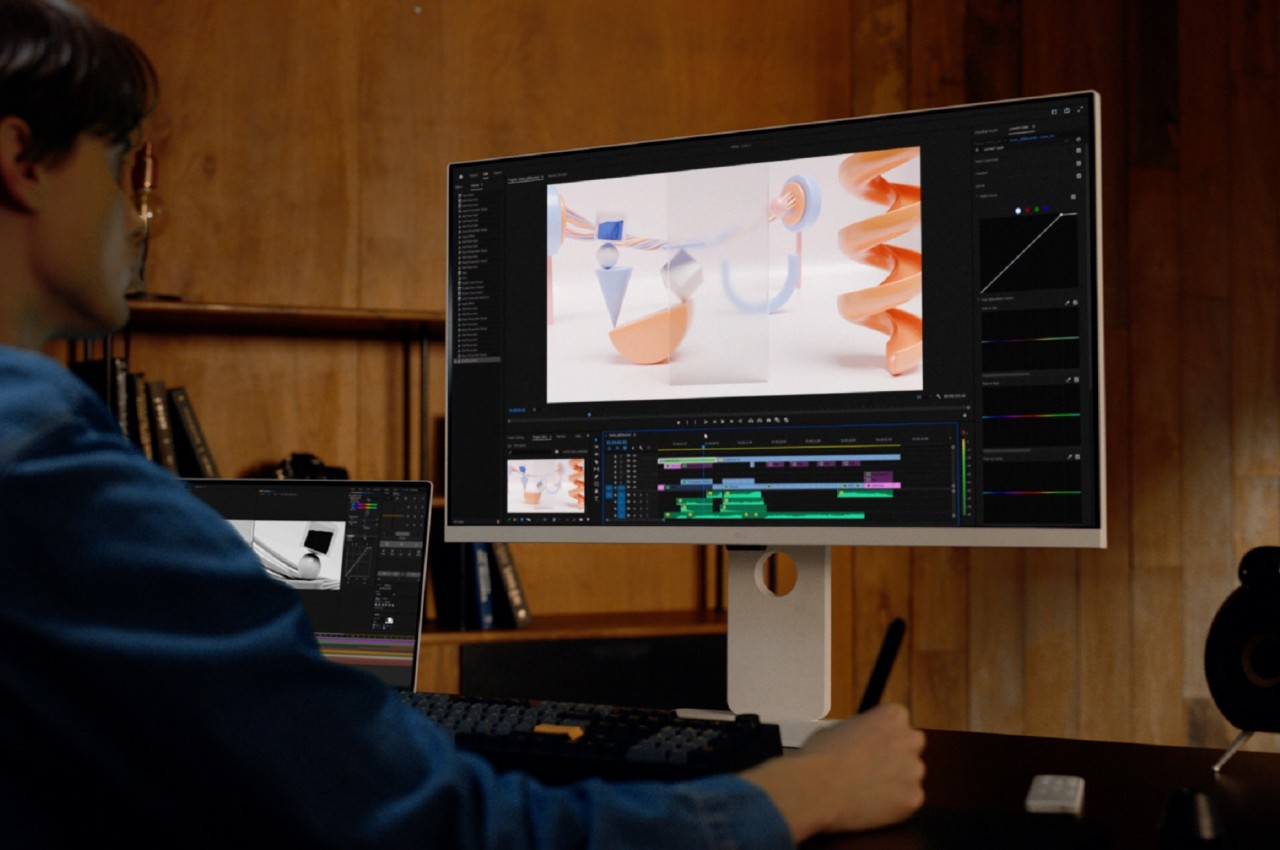
The 2024 LG MyView lineup consists of 31.5-inch 4K monitors that, to be honest, might not make PC gamers that happy with their 5ms response time and 60Hz refresh rate. Content creators, in contrast, will be satisfied with the DCI-P3 95% color gamut support and adjustable stands that will let them work at a more comfortable level. Simply based on those specs, the LG MyView sounds pretty mediocre, but as they say, wait, there’s more!

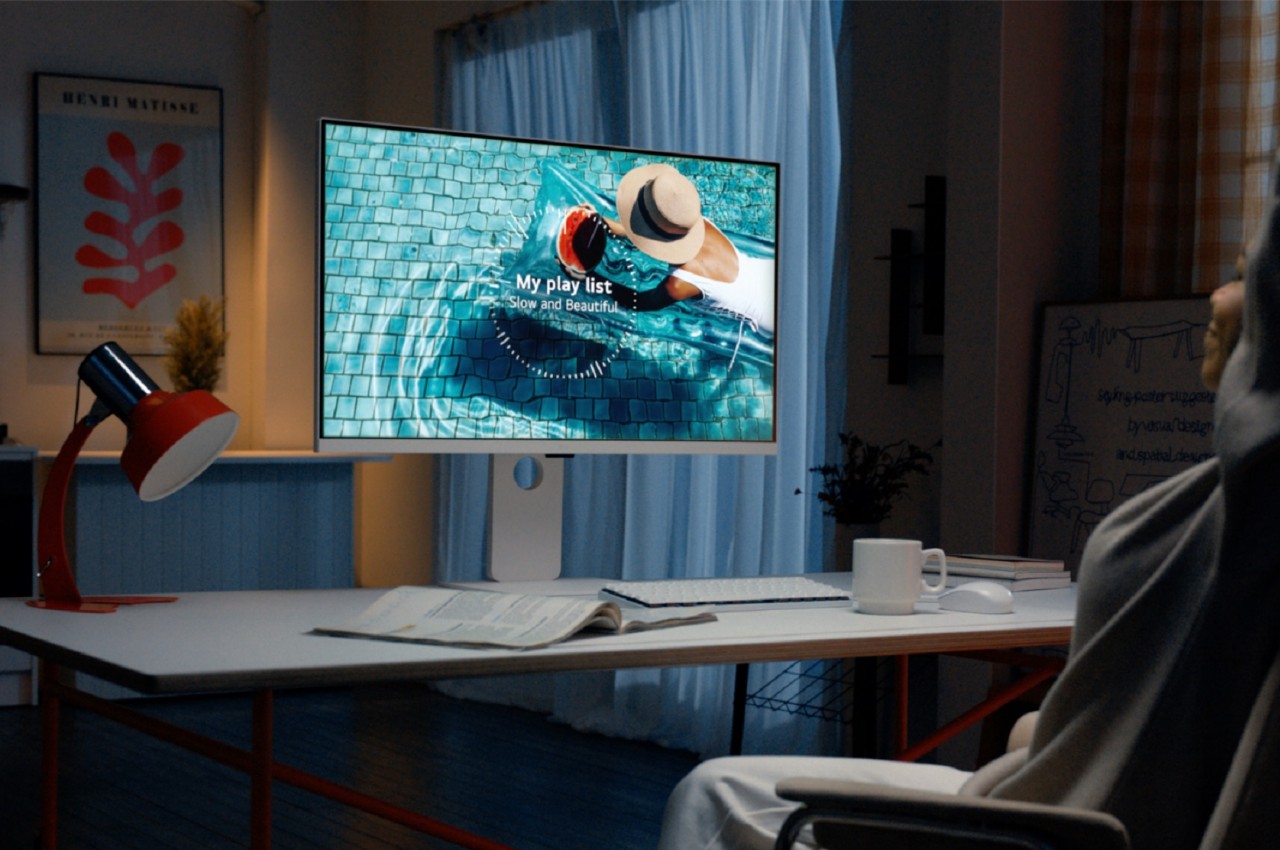
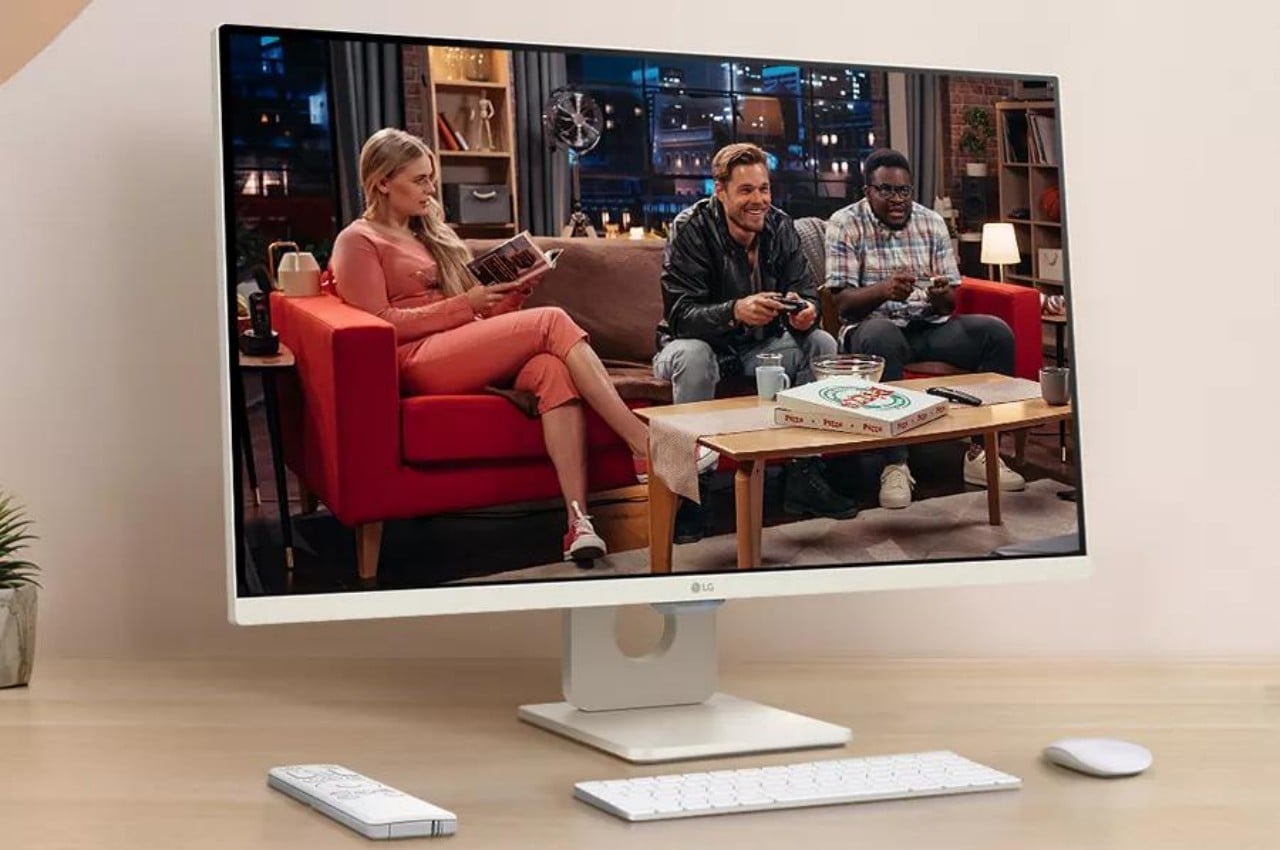
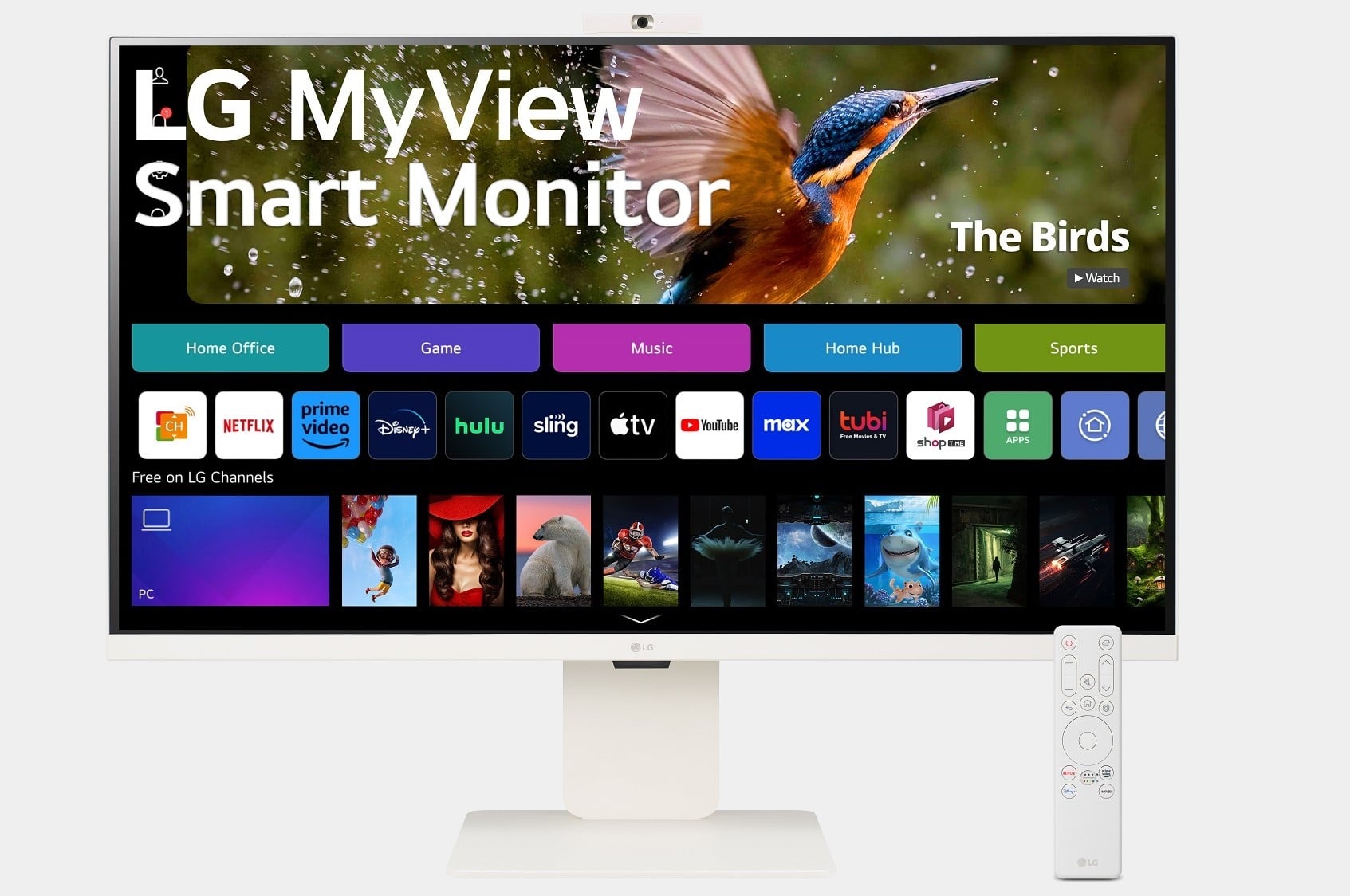
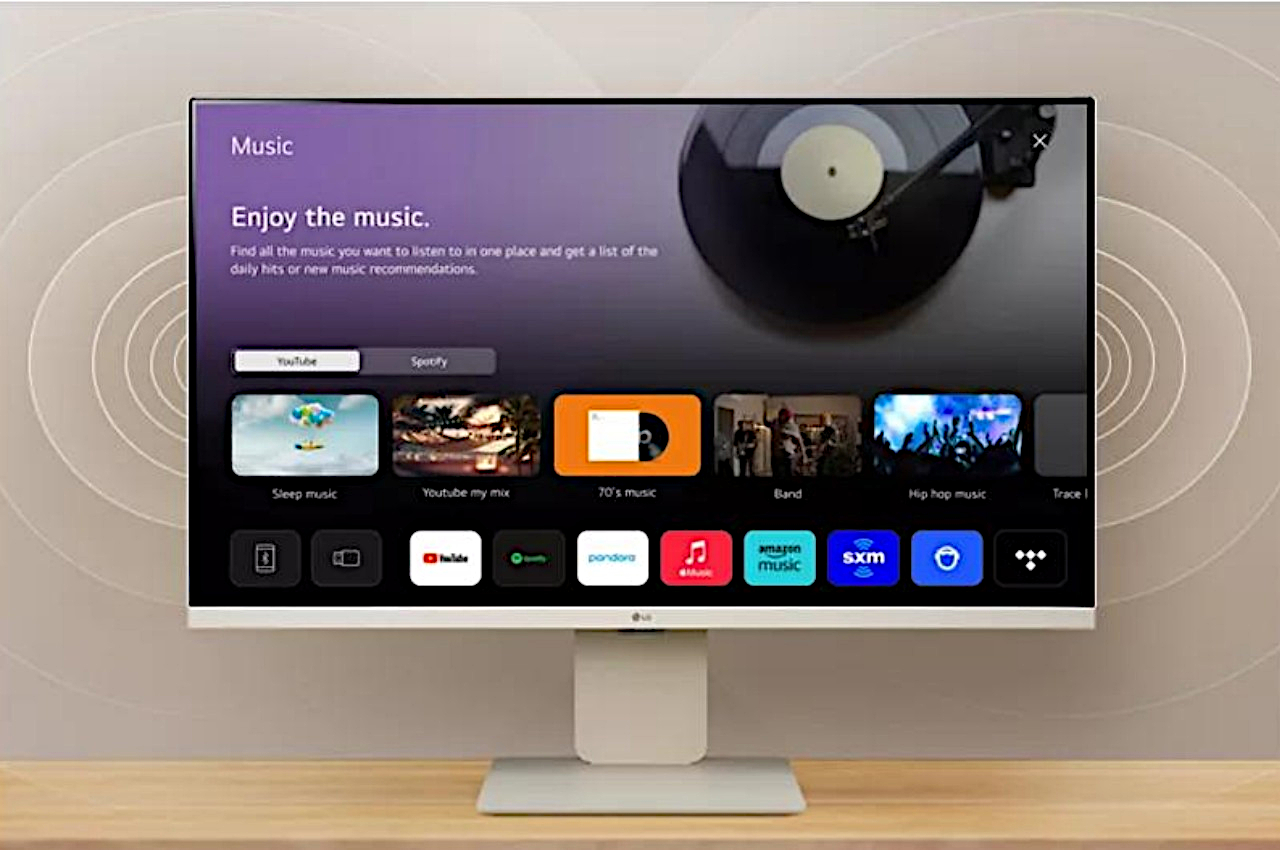
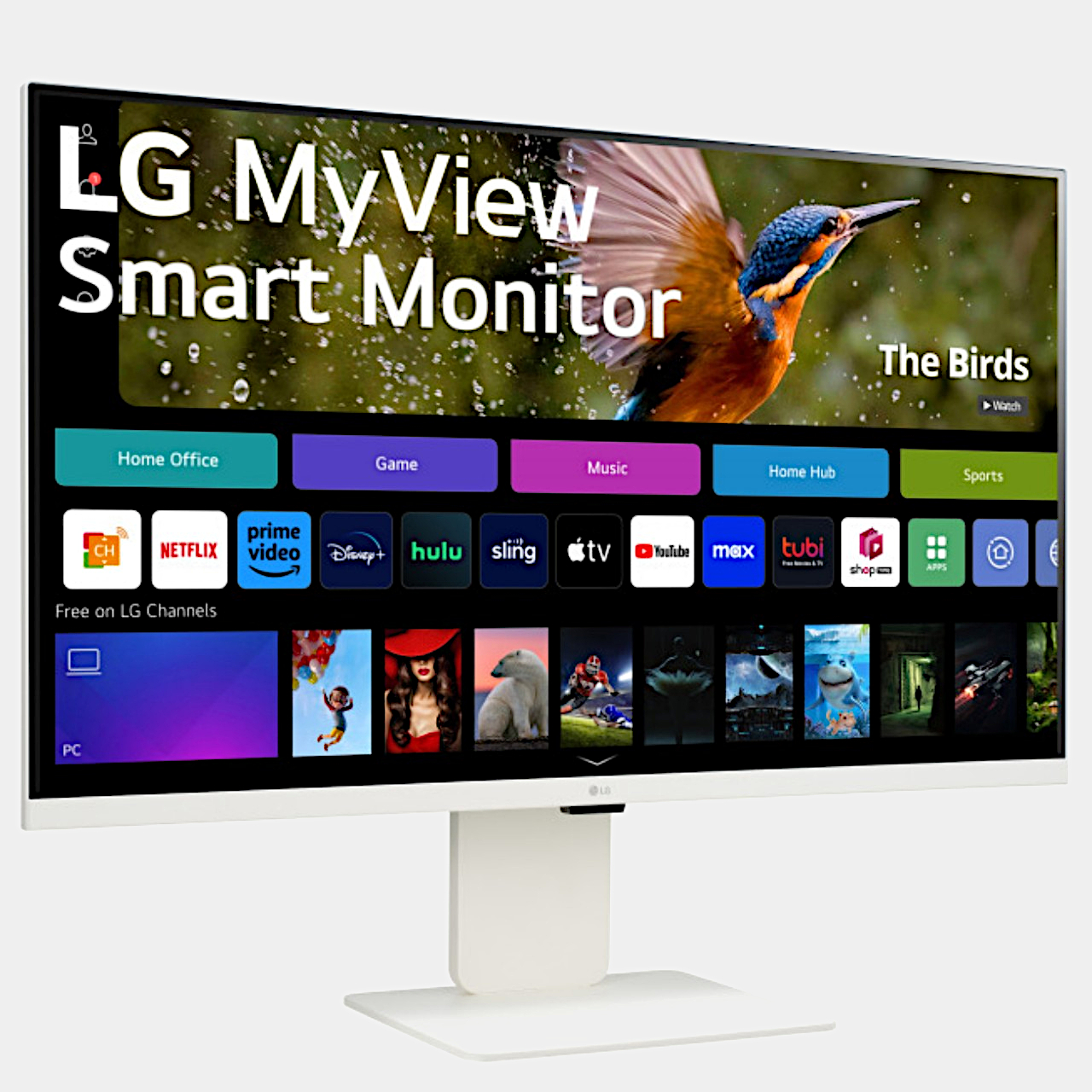
The real highlight here is that the monitors are running webOS, which practically makes them 32-inch smart TVs. This gives them access to a variety of streaming services as well as apps such as Microsoft 365 and Google Calendar, all without even connecting to a computer. Of course, you’re most likely to already have a computer attached anyway, but this independent mode will let you enjoy watching videos without distractions from your computer’s notifications.

Admittedly, it might sound like a niche use case, one that will cost you $599.99 if you do subscribe to that kind of workflow. It could even encourage unhealthy habits, with people preferring not to get up from their desks since they can just watch their favorite flicks from there anyway. Then again, this isn’t LG’s first MyView monitor, nor is it alone in this market, so it might only be a matter of time before all computer monitors become smart computer monitors without exception.

The post LG MyView 32-inch 4K monitor is like having a smart TV for your desk first appeared on Yanko Design.