PROS:
- Fast 3D face unlock that feels truly hands free and effortless.
- Palm vein and fingerprint biometrics add secure, contactless backup options.
- Geo-fence auto-unlock arms intelligently and avoids accidental walk-by unlocks.
- Three-tier battery system reduces lockout risk and long-term power anxiety.
- Weatherproof IP65 exterior and mmWave radar help sensors last and save power.
CONS:
- Motor noise is noticeably louder, especially near a bedroom off entryway.
- Auto-unlock only works for owner or admin, not regular family members.
RATINGS:
SUSTAINABILITY / REPAIRABILITY
EDITOR'S QUOTE:
Face unlock finally feels like a deadbolt you forget is even there.
You walk up to your front door with both hands full of groceries. You don’t stop. You don’t shift bags to free a thumb for a fingerprint sensor. You don’t dig for keys. The door unlocks before you reach it. That’s the promise of the SwitchBot Lock Vision Series, and it’s the first deadbolt I’ve seen that actually delivers.
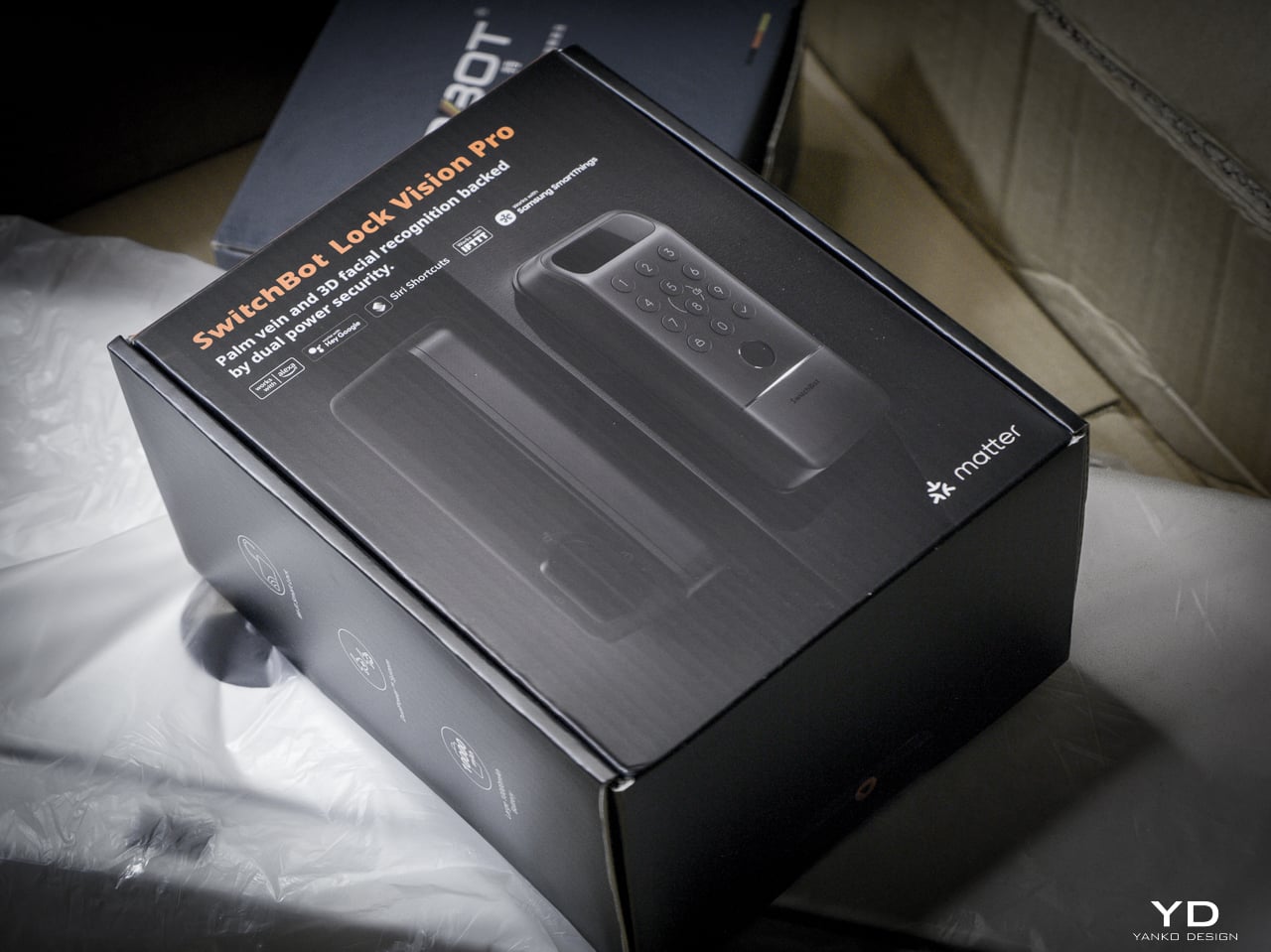
The Lock Vision Series has two models. The Lock Vision at $169.99 (model W9022003) gives you 3D structured-light facial recognition, passwords, NFC, auto-unlock via geo-fence, app control, and voice control. The Lock Vision Pro at $229.99 (model W9022000) adds contactless palm vein recognition and a semiconductor fingerprint sensor. Everything else is identical between them.
Click Here to Buy Now: SwitchBot Lock Vision Pro | SwitchBot Lock Vision
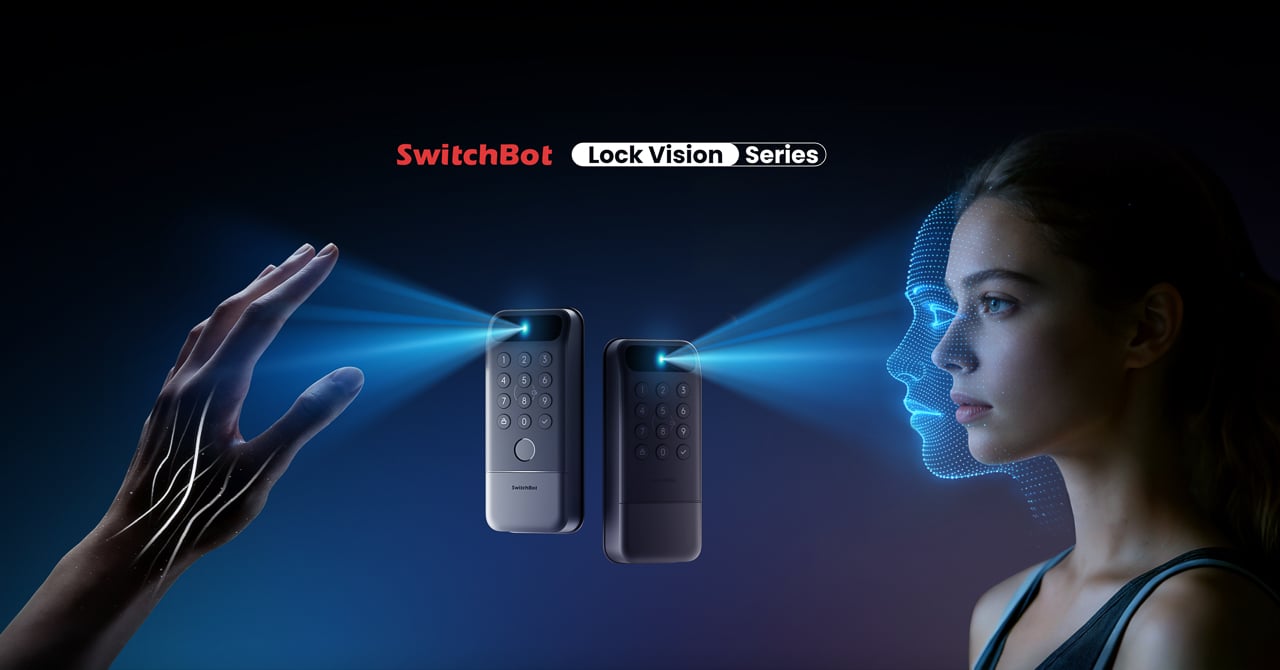
This is the world’s first deadbolt to use 3D structured-light facial recognition. Same core technology as iPhone Face ID. Twenty thousand infrared dots projected across your face, a camera captures the deformed pattern, a 3D map reconstructs and matches in under a second. The false recognition rate is less than 0.0001 percent. It works in total darkness because the IR projector is its own light source. It resists photo and video spoofing. It works with glasses, wigs, and makeup.
The first time it happened, I didn’t believe it. I walked up to the door, heard the bolt snap back, and walked through. Fast. Effortless. I dare say magical. That’s not a word I throw around in reviews, but there it is.
Other smart locks I’ve tested share the same bad habit: the deadbolt motor is too slow, so if you push or pull the door before it finishes retracting, the bolt catches, the lock panics, and you have to unlock it all over again. The Lock Vision doesn’t do that. The motor is quick enough that the bolt clears before you register it moving, and the sound it makes isn’t a whir. It’s a thunk. That’s the difference between a lock you wait for and a lock you forget is there.
Design, Ergonomics, and Aesthetics
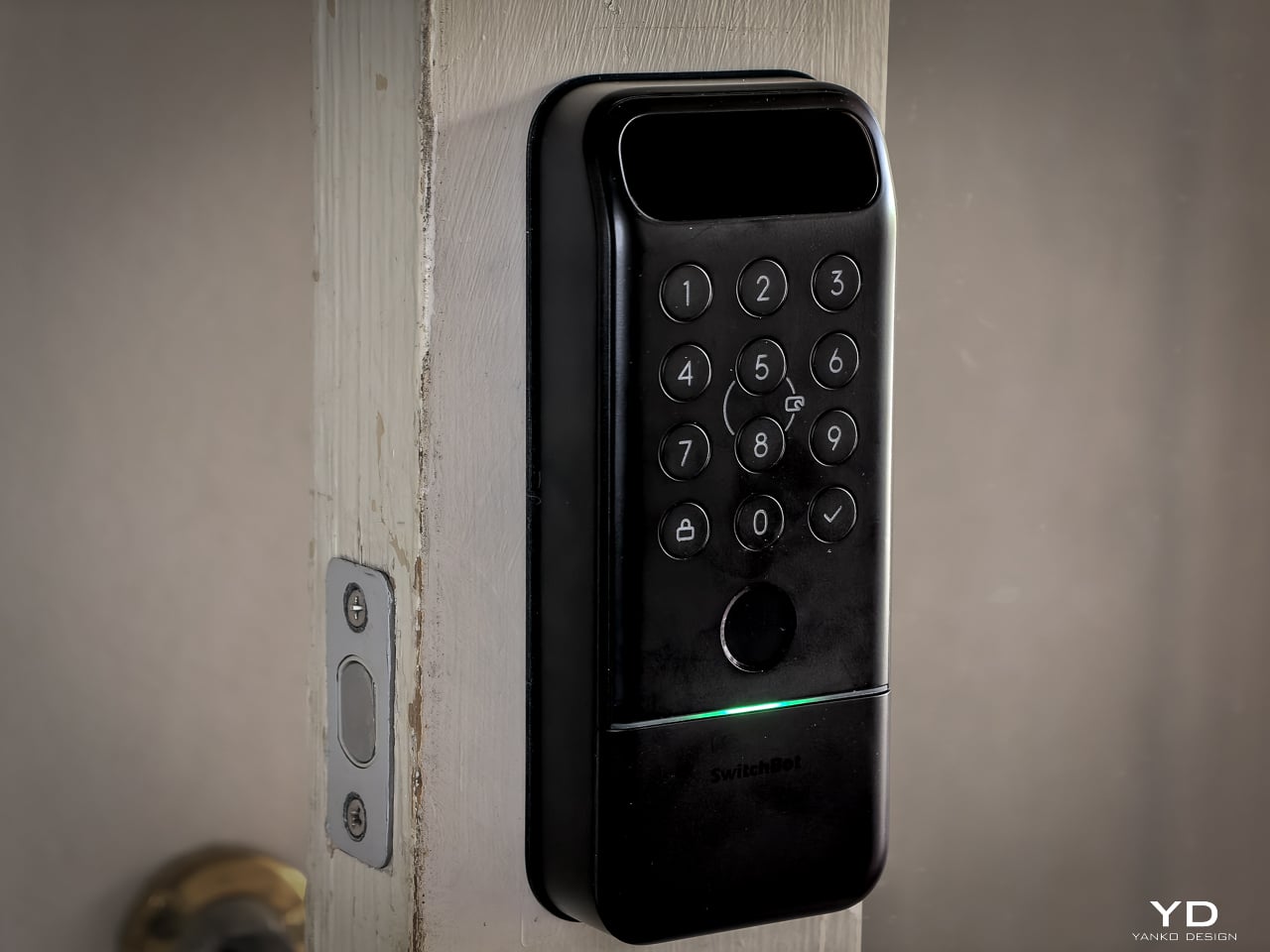
The Lock Vision Series is a rectangular slab in black zinc alloy with a circular keypad integrated into the lower half and a sensor module at the top. The exterior unit measures 6.42 by 2.76 by 1.10 inches and weighs 551 grams (19.4 ounces), with an interior unit at 7.09 by 3.03 by 1.26 inches. It isn’t tiny, but it doesn’t dominate the door the way some camera-heavy smart locks do. The proportions are clean. The branding is restrained. On a dark door, it disappears visually.
SwitchBot built the exterior for weather. IP65 water and dust protection means rain and grime don’t get inside. The operating range spans minus 20 to 55 degrees Celsius, and humidity tolerance runs 10 to 90 percent. Certifications hit BHMA Grade 3, FCC, IC, and ISDS.
The interior unit is where things get interesting. At 218 grams (7.7 ounces), it’s strikingly light. SwitchBot uses a combination of zinc alloy and PC+ABS. On paper you might wonder if it feels cheap. Doesn’t matter. You mount it to the door. You only touch it to lock or unlock from inside, and the knob has a click to it. Clean look, feels fine where it counts. I stopped thinking about the weight after day one.
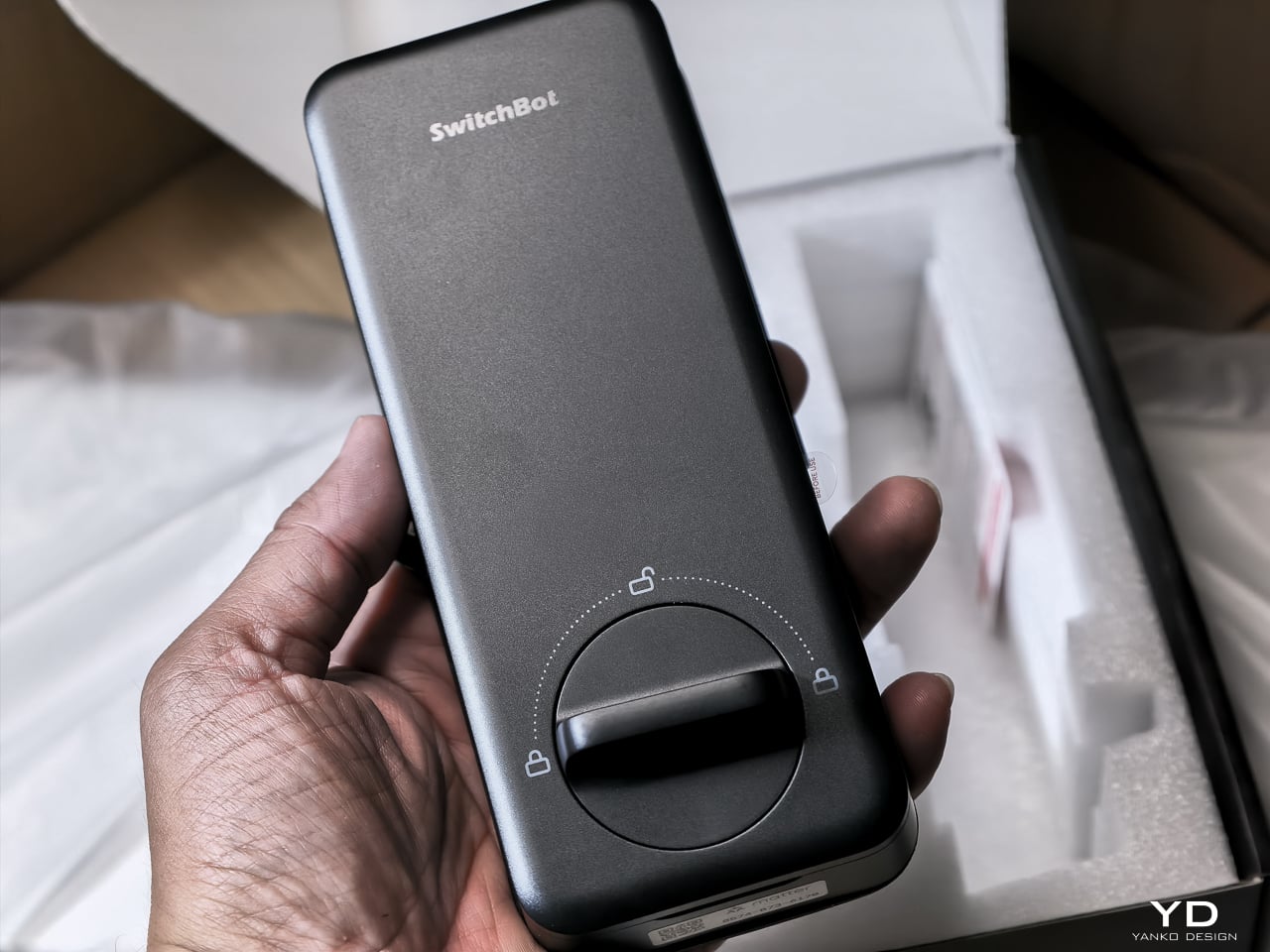
The keypad features tactile mechanical buttons with red, white, and green LED indicators. Press and hold for 2 seconds to pair. Press and hold for 15 seconds for Matter pairing. There’s a knob for manual unlocking from the inside.
The included visual assets tell the story well. The key visual shows both models with a hand reaching for a palm scan and a face profile with a 3D wireframe overlay. Scene images show a woman with groceries (hands-free), a child using palm vein (family-friendly), and a dramatic ice-encased shot (weather resistance). All available in the Drive media kit.
Performance: How It Actually Works
I’ve been living with the Lock Vision Pro long enough to say this: everything works. The facial recognition, the palm vein sensor, the fingerprint reader, and the geo-fence auto-unlock all behave the way the spec sheet says they should. When you test as many smart home devices as I do, that kind of delivery is rare.
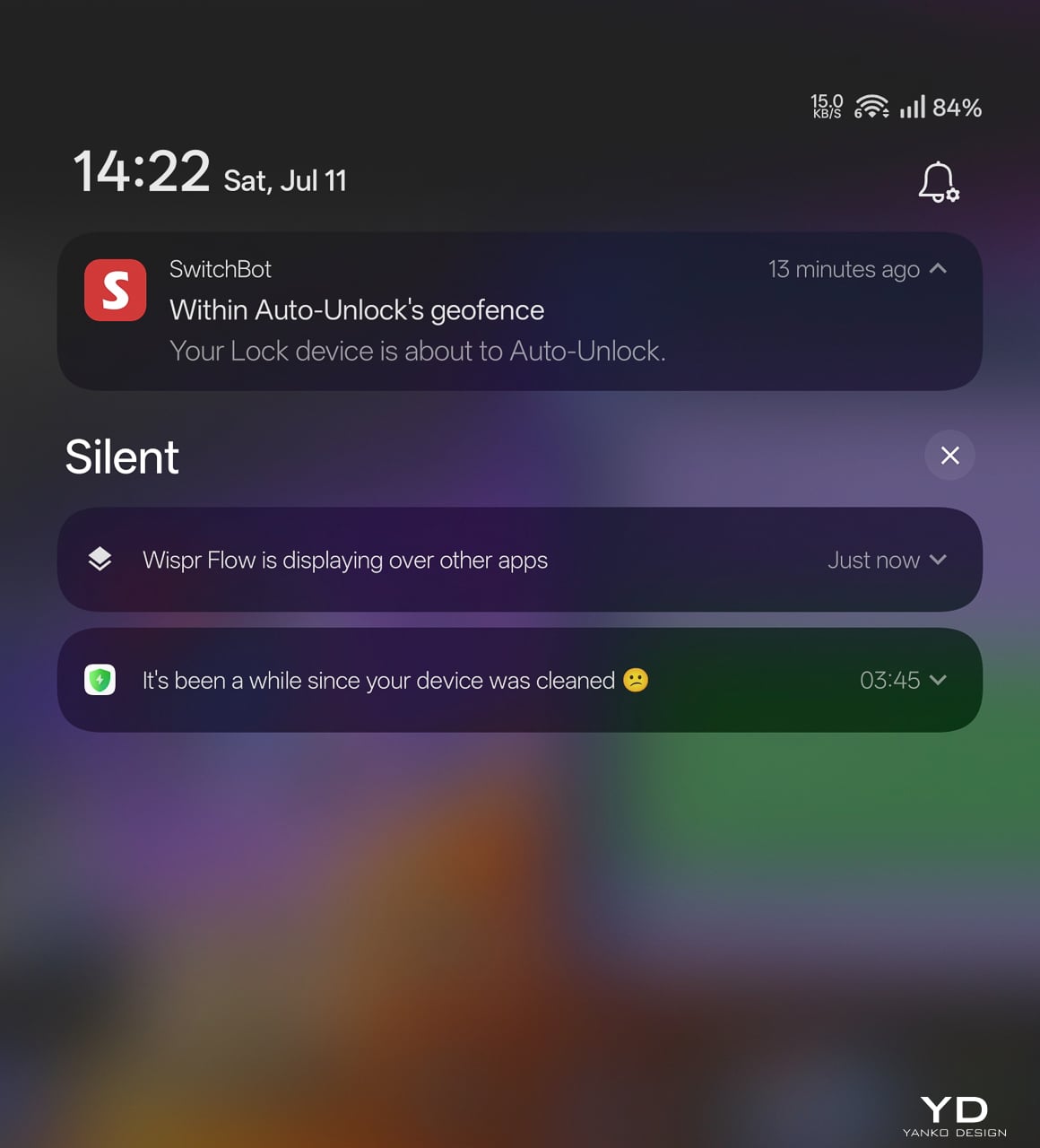
The auto-unlock geo-fence is the killer feature here. SwitchBot labels it beta in the app, which makes its reliability surprising. Here’s how the chain works.
You set a geofence radius around your home. When your phone crosses into that zone from outside, the lock doesn’t open. It arms. The SwitchBot app starts scanning for the lock over Bluetooth. A validity timer starts, default ten minutes. When you close to within Bluetooth range, your phone and the lock establish a connection. The bolt retracts.
No biometric step. No app interaction. You walk through.
That arming step is the design intelligence in a system that could have been a disaster. A dumb geofence that unlocked the door whenever your phone wandered into range would trigger every time you walked past your own house. SwitchBot’s version requires the inbound crossing, starts the timer, and disables itself if you don’t reach the door within that window. Leave and re-enter, a new cycle begins.
No hub required. GPS, Bluetooth, the app running in background, and Wi-Fi enabled on the phone are the only prerequisites.
The limitation worth knowing: auto-unlock only works from the home owner’s phone or an admin account. Family members and shared users with member permissions don’t get the walk-up entrance on their own devices. They authenticate at the door with face, palm vein, or a code instead. For a lock built around passive entry, that’s a real asymmetry, and it’s the first thing I’d ask SwitchBot to fix as the feature graduates from beta.
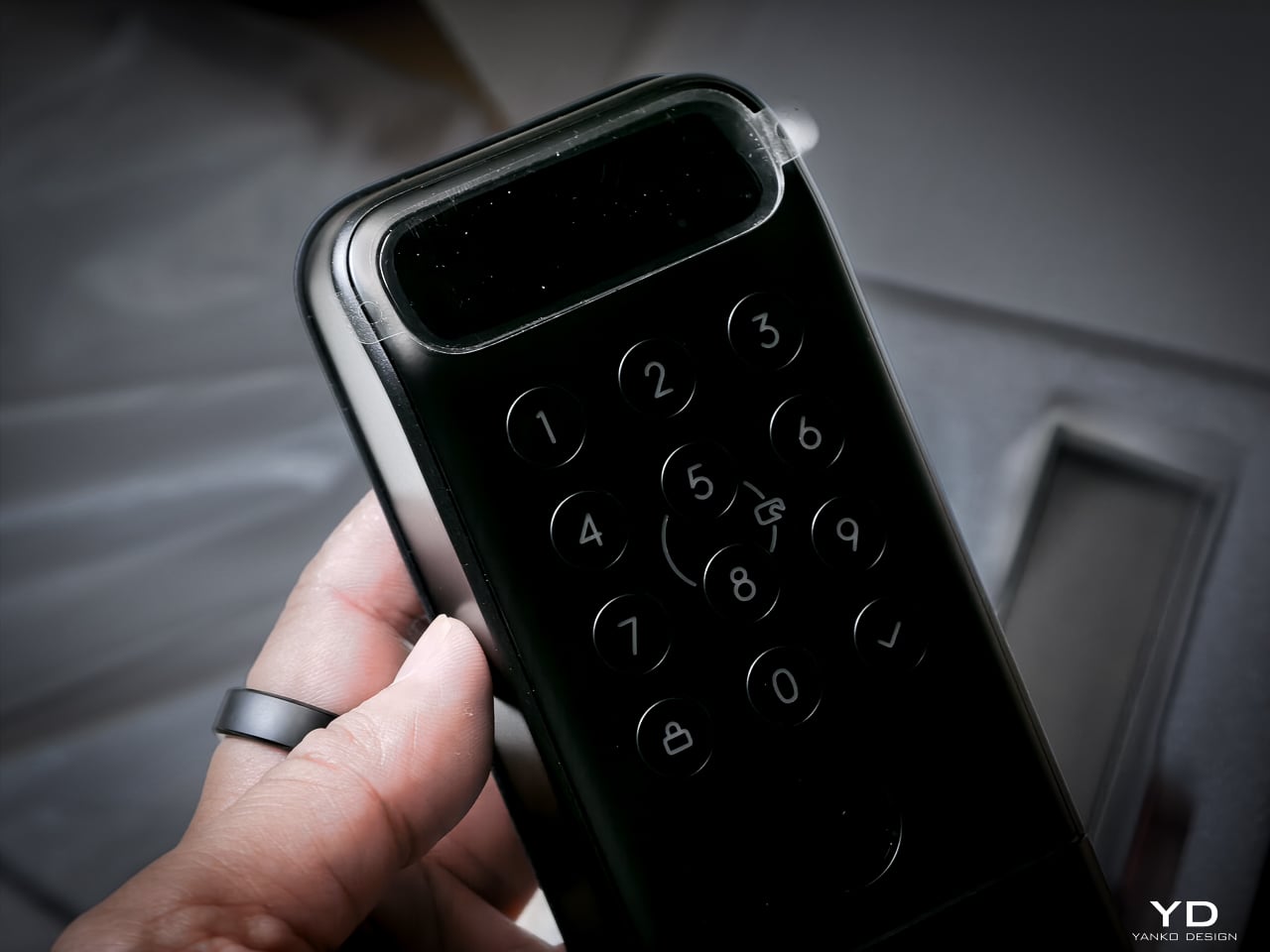
3D Structured-Light Facial Recognition
Your face becomes the key. Most smart locks with facial recognition at this price use 2D infrared cameras that a printed photo can defeat. The Lock Vision Pro does not.
A laser and IR dot projector embedded around the lens cluster fires more than 20,000 infrared dots across your face in a grid pattern invisible to the naked eye. An IR flood illuminator provides fill light for total darkness operation. An IR camera captures how that dot pattern deforms against the three-dimensional contours of your face and reconstructs a millimeter-accurate depth map. The system matches that map against your enrolled template, the same foundational principle behind iPhone Face ID, and throws the bolt if the geometry matches.
The sub-second unlock speed means you don’t pause at the door. The IR projector works through condensation and surface buildup on the housing exterior, so IP65 weatherproofing doesn’t degrade sensor accuracy over time. It works in total darkness because the IR projector is its own light source. It resists photo spoofing because a flat image can’t reproduce the spatial deformation pattern. It resists video spoofing for the same reason.
Glasses, wigs, and makeup don’t throw it off because the underlying facial geometry the dot grid maps doesn’t change. SwitchBot claims a false recognition rate under 0.0001 percent. Across my testing period I haven’t had a single false positive or false negative in any lighting condition.
Contactless Palm Vein Recognition
Palm vein recognition is what separates the Pro from the standard Lock Vision. The technology reads subcutaneous vein patterns using near-infrared light: the unique geometry of veins inside your palm, entirely internal to your body.
You hover your palm near the sensor without touching anything. The IR emitter penetrates the skin surface and maps the vein network underneath. The lock matches that vascular geometry against your enrolled template.
This matters more than fingerprint in practice. A surface impression doesn’t work because veins aren’t on the surface. A photograph fails. The contactless method sidesteps the hygiene friction of a shared fingerprint pad, and it keeps working when your hands are slightly wet or dirty because the sensor reads through the skin rather than off it. Palm vein readers have been in high-security facilities for years. Finding one in a sub-250-dollar deadbolt is what makes the Pro worth the extra money.
Semiconductor Fingerprint Recognition
The fingerprint sensor is the third biometric layer. It’s positioned for kids and guests not in the face or palm databases, plus it works as a deliberate emergency fallback.
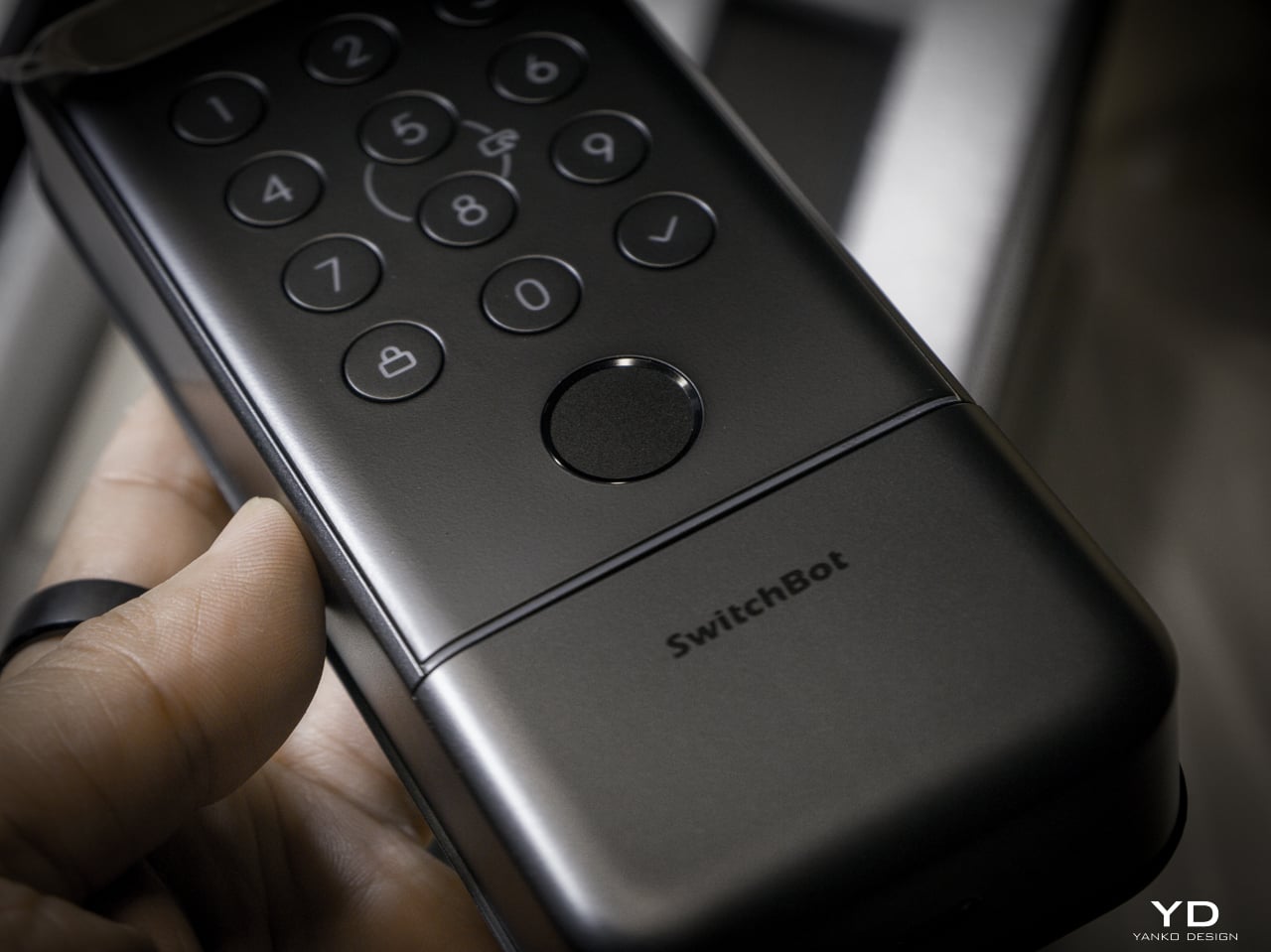
The semiconductor reader captures ridge patterns at the hardware level without storing images. All biometric data stays on the device, never routed to the cloud. It holds up to 90 user fingerprints and reserves 10 more slots for emergency prints.
The sensor reads quickly and reliably in dry and normal conditions. Wet fingers introduce the same challenge every semiconductor reader faces, but the palm vein sensor above it makes that edge case less relevant than it’d be on a lock without another contactless option.
mmWave Radar: The Power Manager
None of these biometric sensors stay active, and the mmWave radar unit handles that. It detects approach and wakes the recognition stack only when someone shows up. Without it, the 10,000mAh battery drains keeping a face camera awake. With it, the lock sleeps until you approach, wakes the sensors, and opens by the time you reach the handle. Across my testing it runs with no phantom triggers from passing cars or pedestrians.
The radar is separate from the auto-unlock GPS and Bluetooth chain. Auto-unlock handles the actual door opening via your phone. The radar handles sensor power management so the biometric readers aren’t burning battery scanning an empty porch all day.
A Note on Motor Noise
I’m not gonna sugarcoat this: the Lock Vision is noticeably louder than most smart deadbolts I’ve tested. The trade-off is speed. It’s the same trade-off you make with a fast garage door opener, more noise, faster movement. I’d rather have a motor that gets out of the way quickly than one that whispers and leaves me standing at the door.
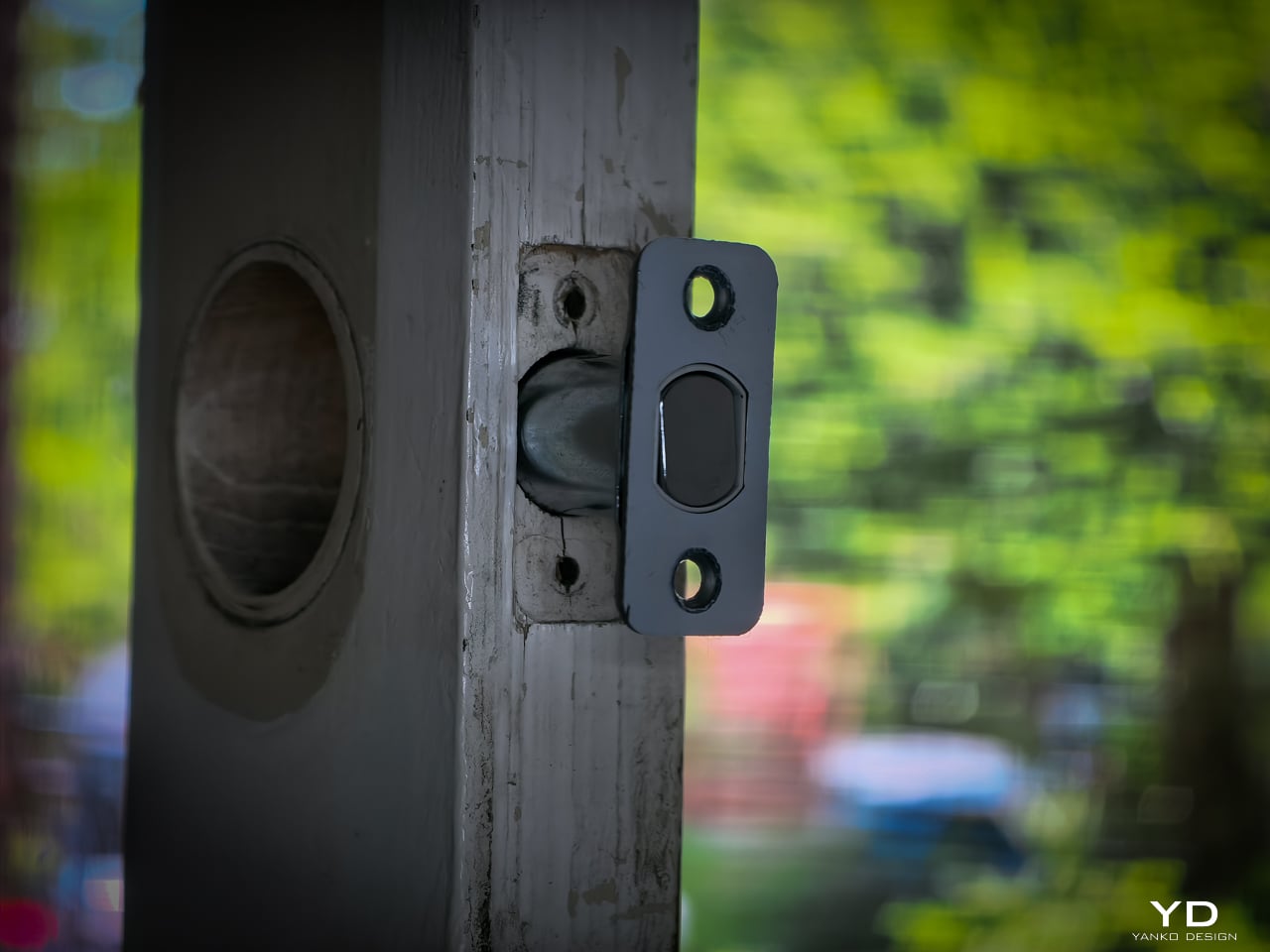
That said, there’s a guest bedroom about five feet from our front door. It doesn’t get a lot of use, so most nights it’s a non-issue. When we do have guests staying over, the lock cycling is a little louder than I’d like. It’s one of the very few genuine downsides to this product, and the only people it will affect are those with a bedroom directly off the entryway.
The Access Hierarchy
The full unlock method count sits at 19, but the design intelligence isn’t in the number. It’s in how SwitchBot organized them by use case rather than technology type.
Passive biometrics, face and palm vein, for residents who should never have to think about unlocking. Fingerprint and NFC cards for recurring guests. Temporary and one-time passwords for deliveries and service visits. Geo-fence auto-unlock for the owner’s daily return. Physical key as the permanent legal fallback that requires no battery, no firmware, and no app update.
That’s a considered access hierarchy, not a feature list.
SwitchBot also built six tiers of security into the lock, and they all run behind the scenes. The alarm system records and notifies door status, ajar alerts, and tamper detection. Geo-fence auto-lock secures the door when you leave. On the unlock side, you get SOS fingerprint recognition, remote unlock confirmation, forced unlock for emergencies, and auto-lockout after repeated failed attempts. Data moves over AES-128 encryption, and every biometric stays local. Three-tier power management keeps the whole thing running with intelligent failover.
DualPower and DualBackup
Battery anxiety keeps people from buying smart locks. SwitchBot built a three-tier system.
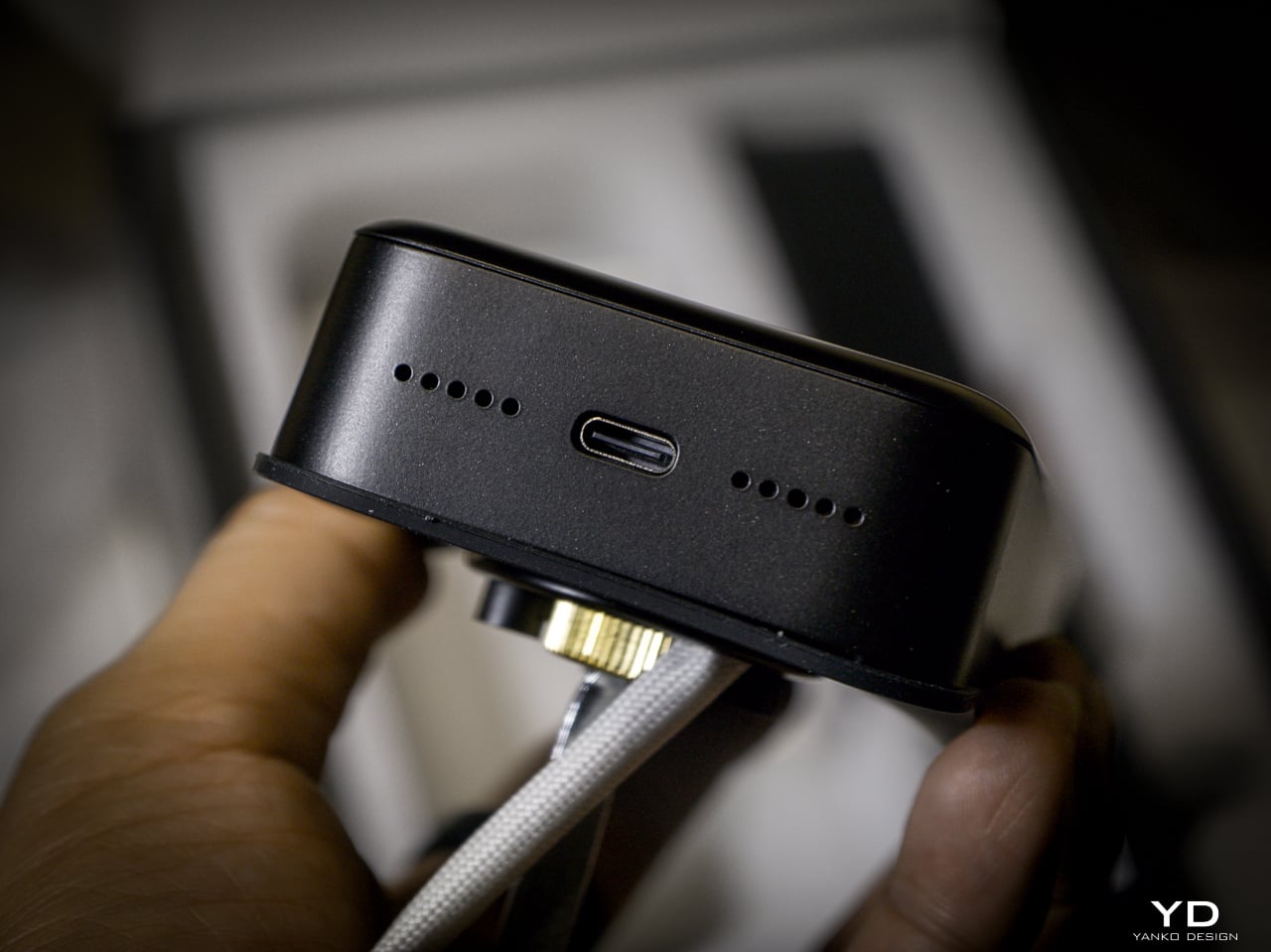
Tier one: 10,000mAh rechargeable Li-Po. SwitchBot rates it for up to 12 months at 10 lock/unlock cycles per day, and the motor handles 50,000 cycles. Tier two: CR123A backup providing up to 500 emergency unlocks with 5-year standby. Auto-activates if main battery dies. Tier three: USB-C port on the keypad surface for emergency power. Connect a power bank, unlock, go find batteries.
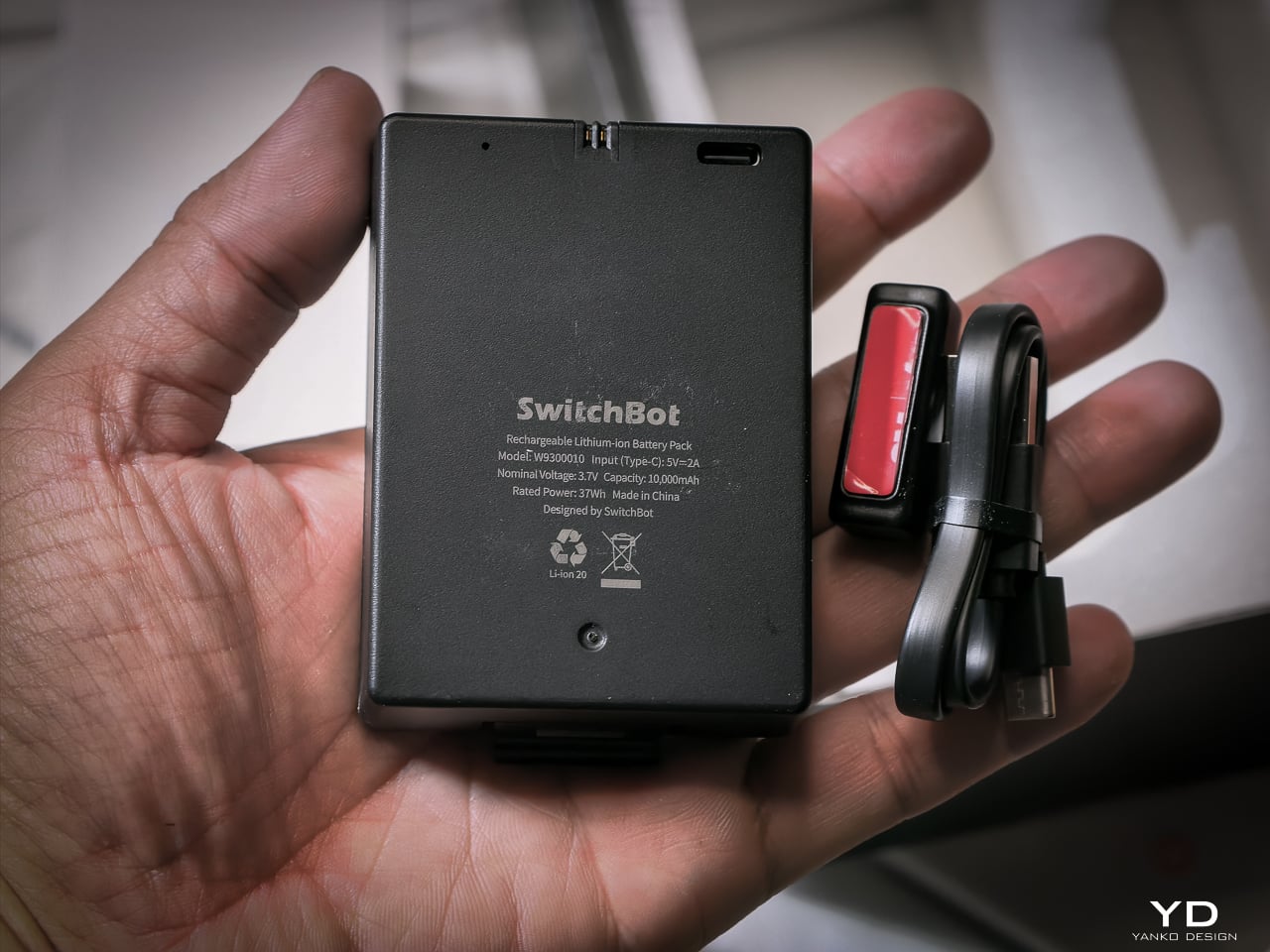
I haven’t had it long enough to need a recharge yet, and that’s the whole idea. SwitchBot says the 10,000mAh battery lasts up to 12 months, and so far it hasn’t dipped enough for me to notice.
When it does run dry, the CR123A backup beats what most locks offer. Some competitors make you tap a battery pack to two contacts outside the lock for one open. This one has a dedicated cell already inside, good for 500 emergency unlocks and five years on standby. Haven’t needed it yet. Glad it’s there.
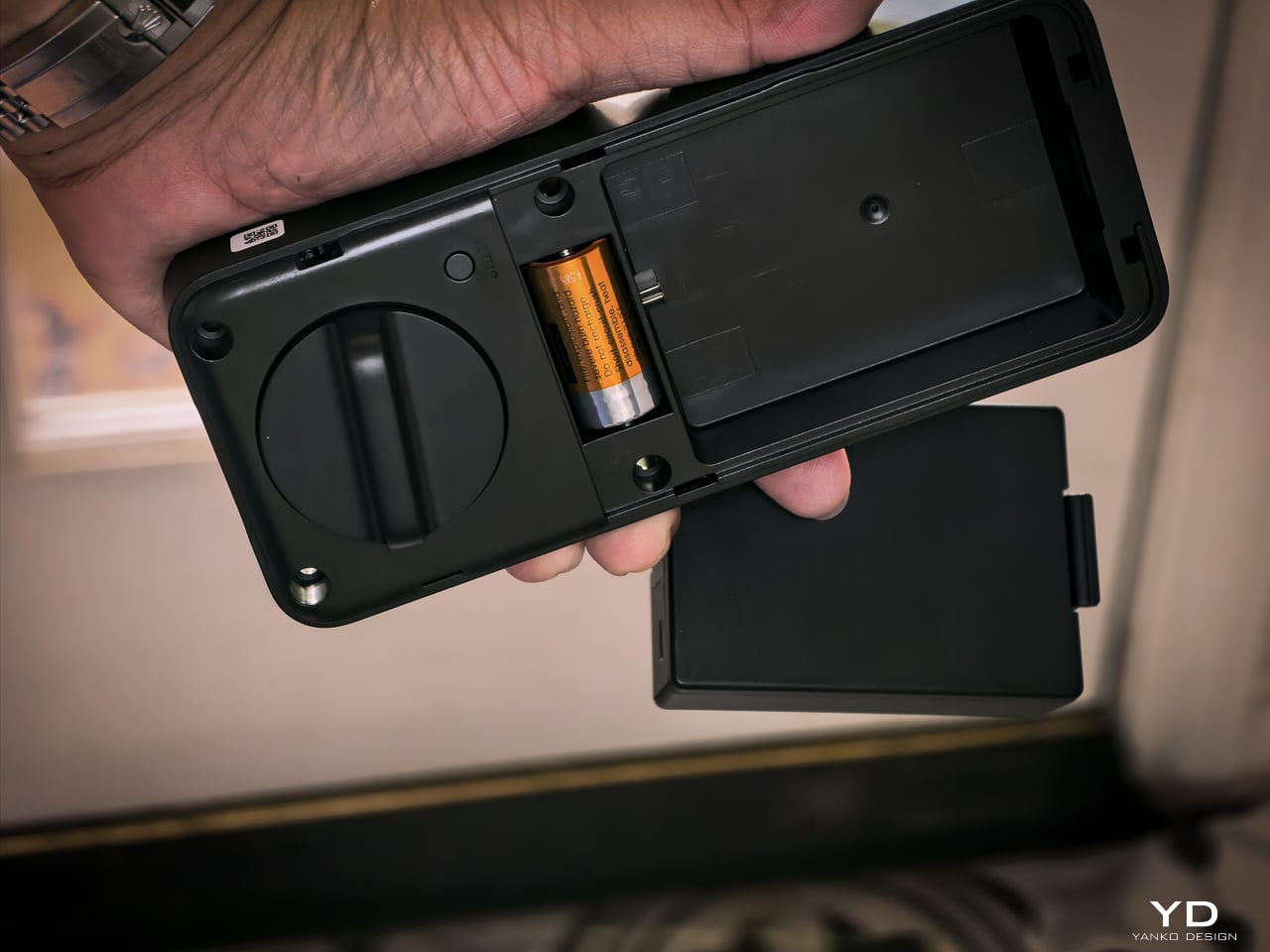
The mmWave radar handles power management. The lock only activates biometric sensors when someone approaches. The app provides real-time battery monitoring, push notifications at low power, and audio alerts at critical level.
Matter-over-WiFi and Ecosystem
Connects via Matter-over-WiFi. You don’t need a separate hub. Bluetooth holds a stable connection within 16.4 feet outside the door, and WiFi manages the same range through walls. SwitchBot listed Apple Home certification as in progress at launch. I don’t use Apple Home, so I didn’t test it, and that’s not a feature I personally value on a lock. The SwitchBot app handles everything: lock status, battery level, access management, unlock logs going back six months. Voice control works through Alexa, Google Assistant, and Siri if you want it. If Apple Home integration is a dealbreaker for you, verify it’s live before buying. For me, the app does everything I need.
With the Smart Video Doorbell: monitor activity outside, lock/unlock from doorbell, automate entry. With the Wallet Finder Card: tracking card doubles as NFC key. With the Hub 3: doorbell chime plus lock status display. All biometric data stays local on the device.
Installation
Installation didn’t take long. My previous deadbolt had four screws. The Lock Vision’s bolt has a specific notch that mates with the SwitchBot housing, so I did have to swap out the deadbolt that was already in the door. That added maybe an extra minute to pull the old one and slide the new one in. Everything else lines up cleanly since the dimensions are standard.
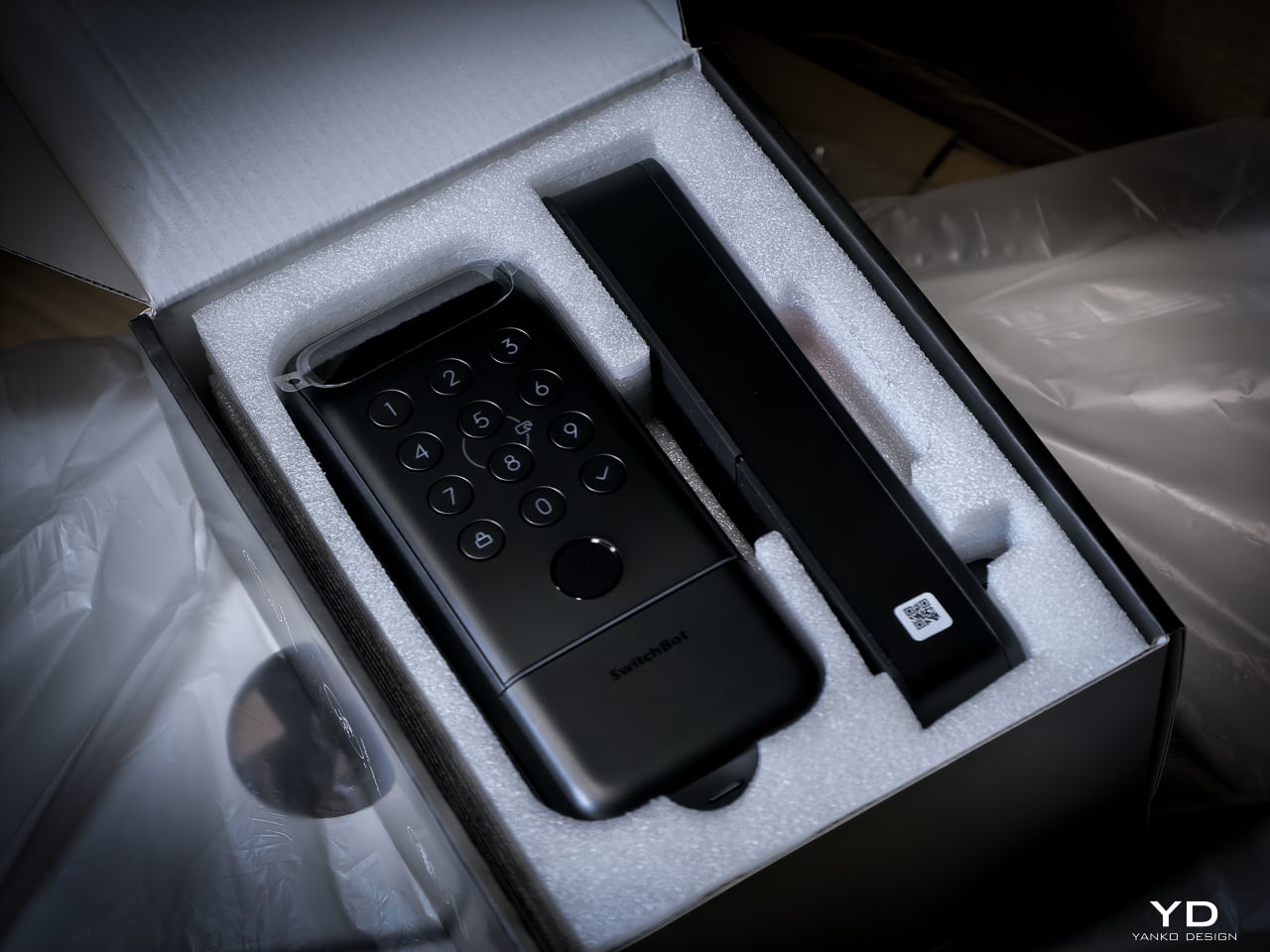
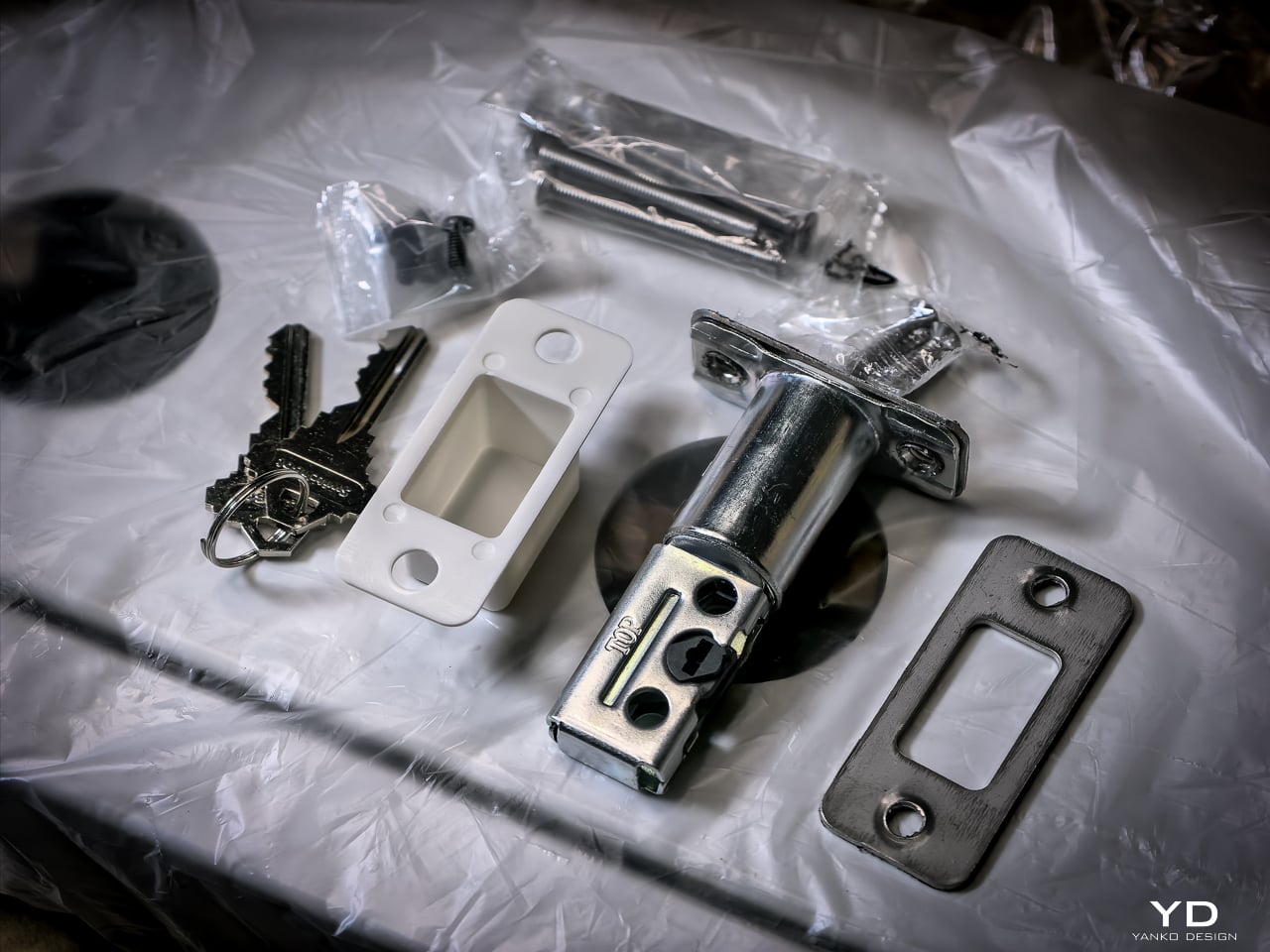
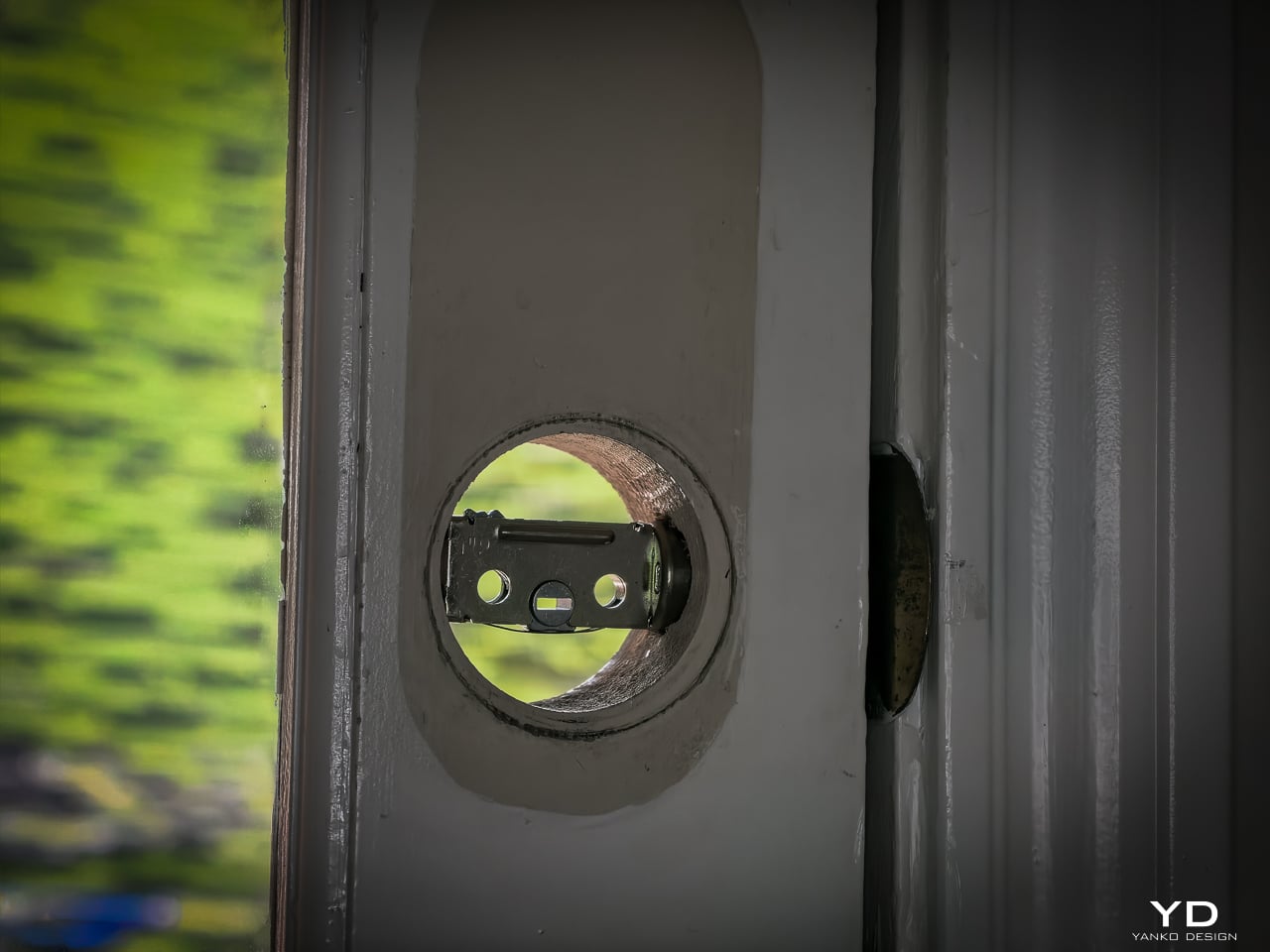
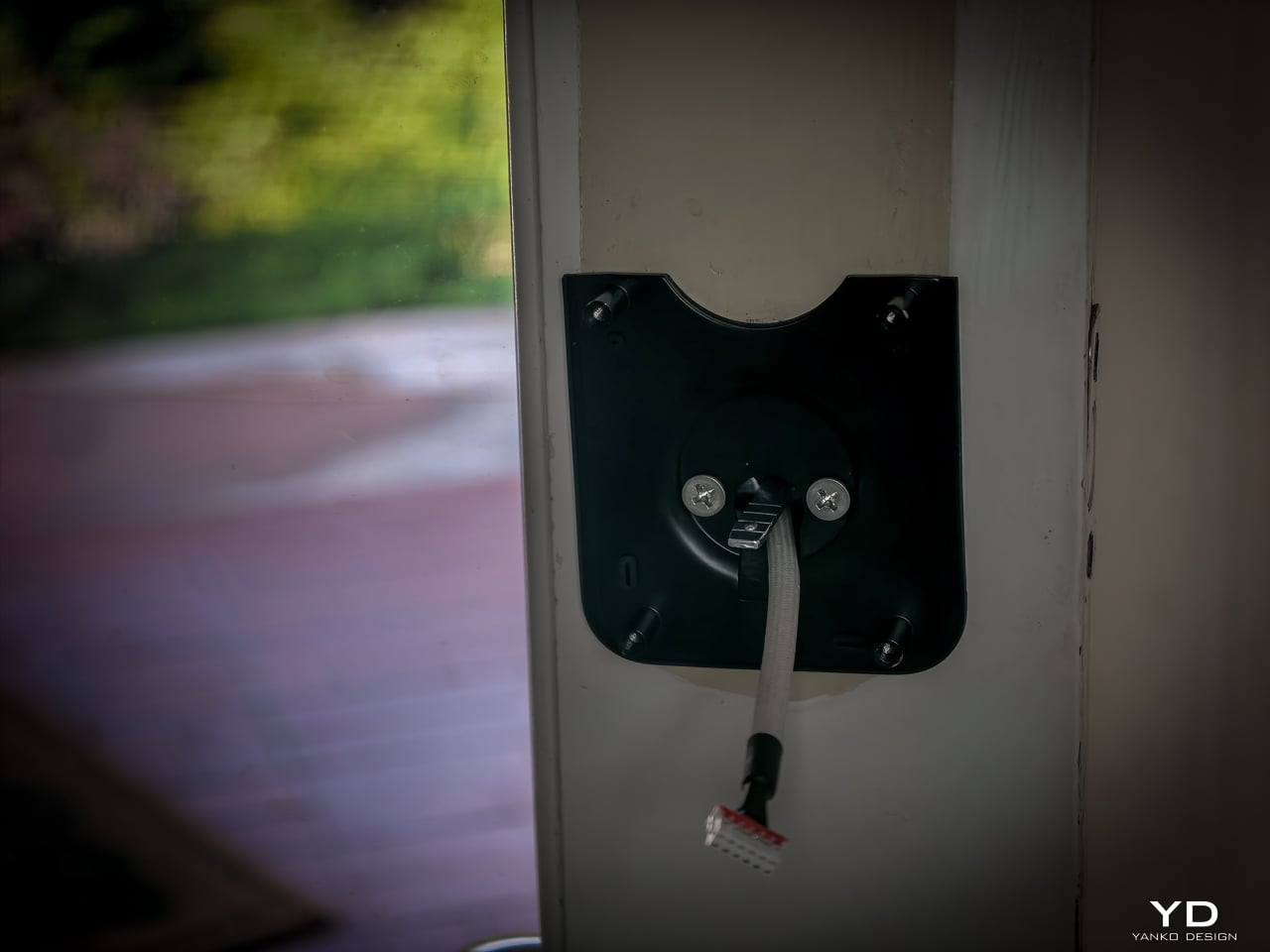
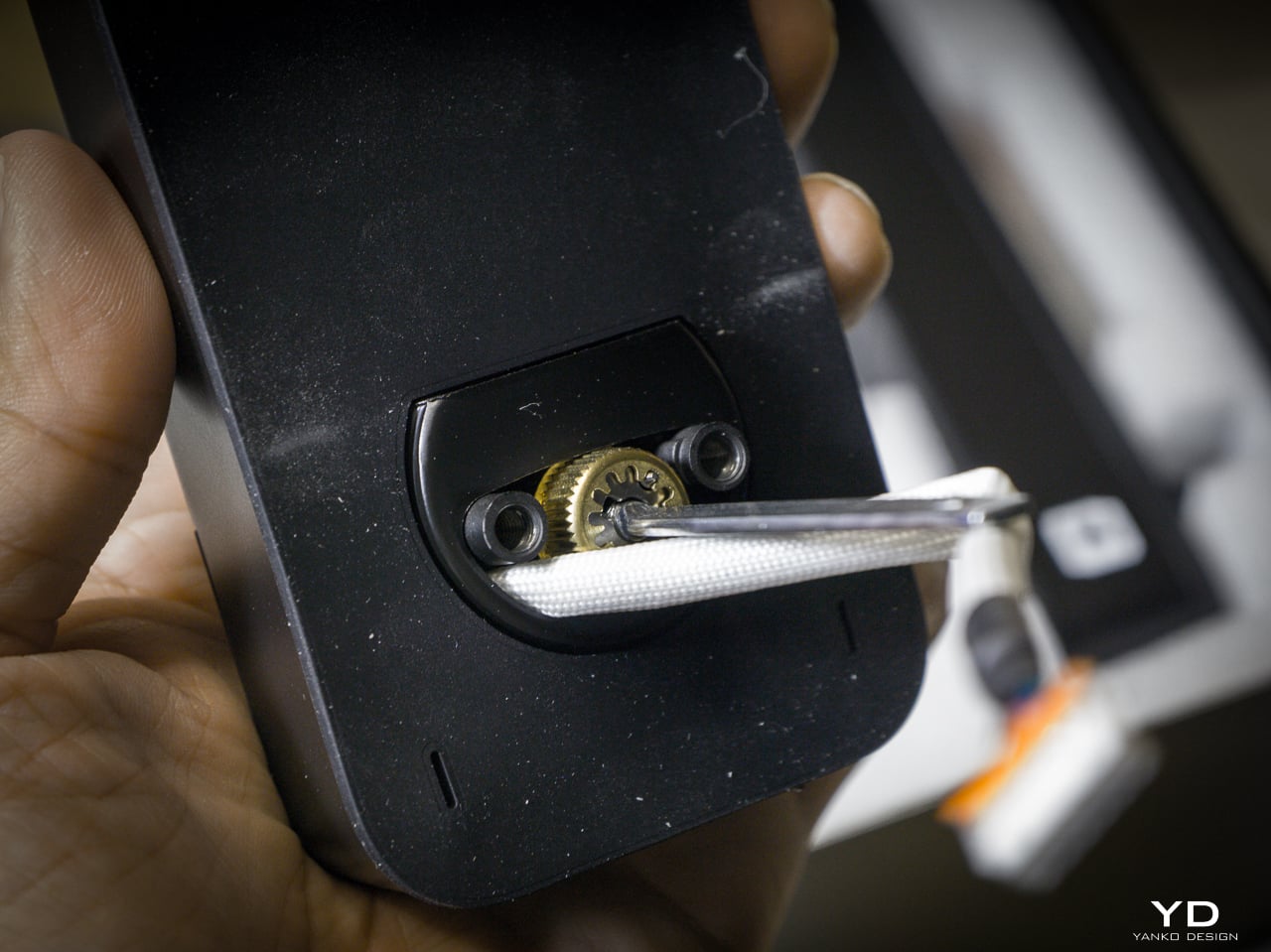
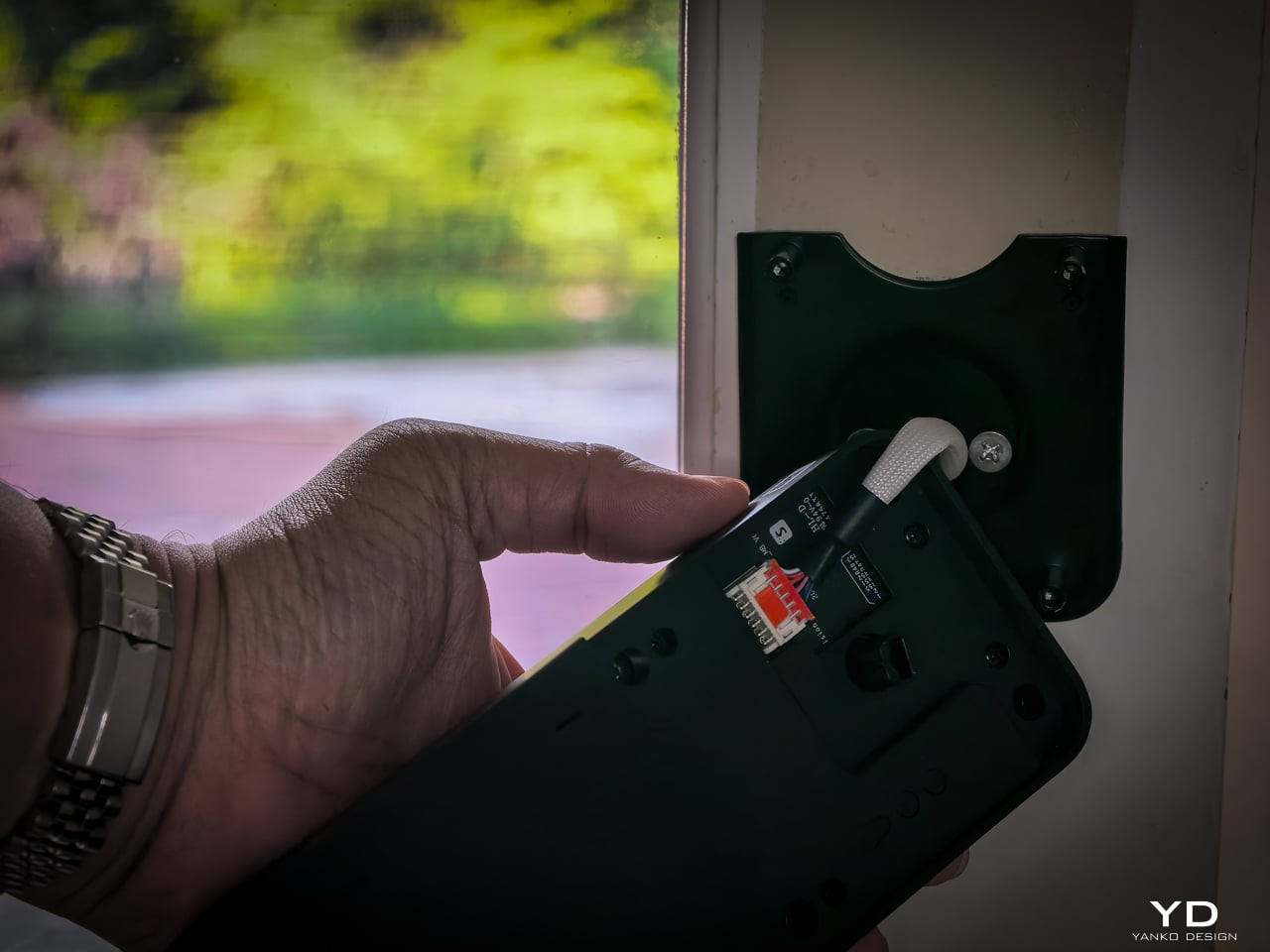
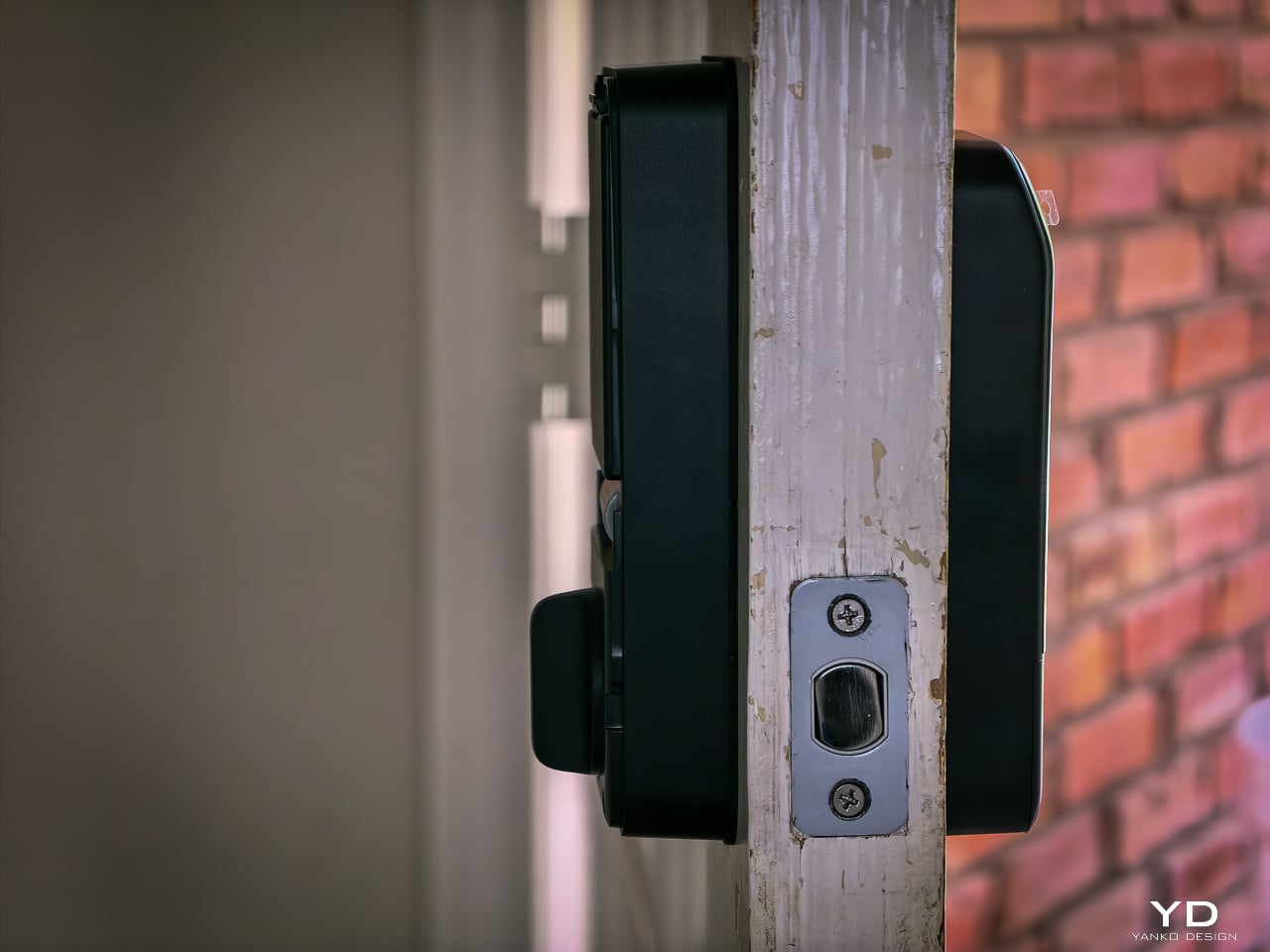
Hardware swap took about 10 to 12 minutes. Setup: pairing the lock, enrolling my face, enrolling a palm, enrolling fingerprints, all of it happened fast. Under 20 minutes total and the new lock was live. If you’ve swapped a deadbolt before, this is the same job. If you haven’t, a single screwdriver and the included instructions will get you there.
Sustainability
The 10,000mAh battery is rechargeable and rated for 12 months per charge. CR123A backup lasts 5 years in standby. USB-C emergency port eliminates lockout. All biometrics stay local with no cloud dependency. SwitchBot rates the motor for 50,000 cycles.
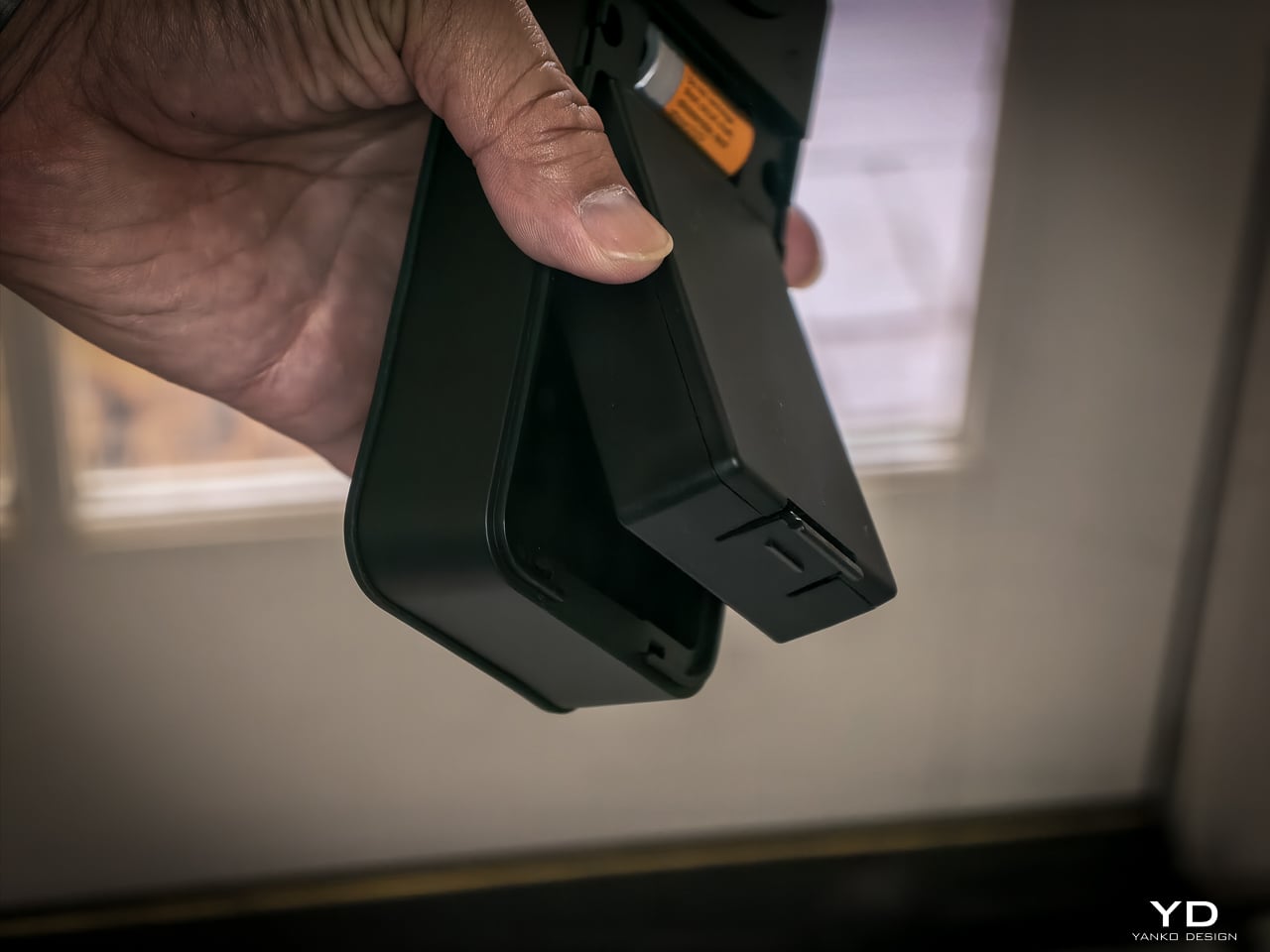
One detail I really like: the battery compartment comes off the top with no screws, no tools. Just lift and the battery slides out. SwitchBot clearly thought about what actually happens when someone needs to swap or charge a battery, and they made it easy. That’s the kind of ergonomic detail you appreciate six months in when you finally need to pull it.
Value
At $169.99 (Lock Vision) and $229.99 (Lock Vision Pro), SwitchBot prices against the August Wi-Fi Smart Lock, Yale Assure Lock 2, and Level Lock Plus. None of those competitors offer 3D structured-light face unlock. The facial recognition alone puts the Lock Vision Series in a different category.
The $60 Pro premium gets you palm vein and fingerprint. I’d pay it. We’ve got a front door, a back door to the garage, and a garage door into the house. If I had to redo all three, I’d spend the extra for the Pro on every single door.
Bundle pricing: Lock Vision + Video Doorbell $259.99, Pro + Video Doorbell $329.99. Canadian buyers pay CAD 229.99 and CAD 299.99 for the locks, CAD 329.99 and CAD 399.99 for the bundles. Both models sell direct from SwitchBot and on Amazon in the US and Canada.
Verdict
The Lock Vision Series is the first smart deadbolt I’d put on my own door. The 3D facial recognition works in the dark. The battery system covers every failure mode. Matter-over-WiFi means no hub on your nightstand. And when the battery dies, there’s a key in your hand. Two of them in the box.
But it isn’t for everyone. Apple Home certification hadn’t gone live as of my testing. Not every home qualifies without power tools on the door compatibility front. And I want to live with the 218g interior unit for a month before I trust the long-term build.
It’s a lock that just works, no matter how you get it open. Face, palm vein, fingerprint, code, phone, NFC, geo-fence, and yes, a physical key. Comes with two. When the tech is optional and the brass key still turns, that’s a lock I trust.
Click Here to Buy Now: SwitchBot Lock Vision Pro | SwitchBot Lock Vision
The post SwitchBot Lock Vision Series Review: Face ID for Your Front Door first appeared on Yanko Design.