Phoenix Springs offers breathtaking beauty in a desolate neo-noir world

Take me to Phoenix Springs. 

I didn’t make it all the way to the remote desert oasis and its mysterious community of misfits while playing the Phoenix Springs demo at Summer Game Fest, but after spending a brief time in Iris Dormer’s neo-noir world, I’m desperate to get there. I want to find out what happened to Iris’ brother, a man I’ve only heard about in strange, sad tales. I want to hear Iris’ voice articulating in my ear, providing brusque context for every scene. I’m ready to get lost again in the game’s sickly green shadows. I’m wildly curious to find out what awaits me in the desert. Take me back.

Phoenix Springs
Calligram Studio

Phoenix Springs is a point-and-click detective game starring Iris Dormer, a reporter who’s looking for her estranged brother, Leo. Her search eventually leads beyond the city’s crumbling skyscrapers and across the desert, to an oasis community called Phoenix Springs. Iris investigates the area and its people using an inventory of mental notes, collecting ideas instead of physical objects as clues.

The Summer Game Fest demo covered the game’s initial stages, featuring Iris on a train and in the city, only teasing the oddities that might be hiding in the desert community of Phoenix Springs. Each scene in the game is a work of art and Iris is its historian, revealing threads of relationships and storylines as she reads documents and picks up information from strangers. In any situation, she has three options for interaction: talk to, look at, use.

Phoenix Springs
Calligram Studio

Iris’ mental inventory fills with names, dates, places and obscurities as she unpacks boxes, searches the net and tries to speak with her brother’s former neighbors. Leo’s last address is a building that’s been boarded up, abandoned by its landlords mid-remodel, and here she encounters the people that have been left behind. There’s a young boy making a plant dance with some kind of electronic box, and a middle-aged man sprawled, unconscious, on top of a shipping container. They’re called the orphans and neither of them are up for conversation. On the other side of the building, an intercom houses a separate voice that shares the history of the area, filling Iris’ inventory with words. Selecting an idea allows Iris to investigate her surroundings with that information, narrowing her focus and often unlocking solutions. It’s a clean and familiar investigation mechanic presented in a starkly beautiful format.

Phoenix Springs is gorgeous. Undeniably. Its canvas is menacing — dark green backgrounds are striped with even-deeper shadows, while pops of yellow, red and blue define the edges of important set pieces. The inventory bursts onto the screen as a bright white screen with black text, individual ideas separated by delicate thought bubbles. There's a papery sheen to the entire experience, as if it's an interactive interpretation of a mid-century sci-fi novel cover.

Phoenix Springs
Calligram Studio

Where the game lacks color, Iris provides it via narration, and her verbal palette is just as stark as the game’s appearance. She speaks dispassionately and with a posh nihilism that would feel at home in an Orson Welles detective noir. Her voice is comforting and foreboding, and it’s a welcome, near-constant companion in the demo.

In the middle of a busy trade show packed with compelling games, I wanted to keep playing Phoenix Springs, and that’s pretty much the highest praise I can give. Phoenix Springs feels utterly unique. It’s coming to Steam on September 16, developed and published by London-based art collective Calligram Studio.


Catch up on all of the news from Summer Game Fest 2024 right here!

This article originally appeared on Engadget at https://www.engadget.com/phoenix-springs-offers-breathtaking-beauty-in-a-desolate-neo-noir-world-130046288.html?src=rss

10 Awesome New iPhone Features Coming in iOS 18

iPhone Features Coming in iOS 18

Apple’s iOS 18 is set to transform the way you interact with your iPhone, introducing a wealth of new features and enhancements designed to streamline your daily tasks, enhance security, and provide a more personalized user experience. From scheduled messaging to granular battery management, iOS 18 promises to deliver a comprehensive upgrade that caters to […]

The post 10 Awesome New iPhone Features Coming in iOS 18 appeared first on Geeky Gadgets.

be Quiet Dark Rock 5 Single-Tower CPU air cooler launching soon

be Quiet Dark Rock 5 CPU air cooler

be quiet!, a renowned German manufacturer of premium PC components, has unveiled its latest innovation in air cooling technology: the Dark Rock 5 CPU Cooler. This single-tower cooler is designed to deliver exceptional cooling performance while maintaining low noise levels, making it an ideal choice for various PC builds, including gaming rigs, workstations, and home […]

The post be Quiet Dark Rock 5 Single-Tower CPU air cooler launching soon appeared first on Geeky Gadgets.

Posted in Uncategorized | Tagged

Blackmagic Spatial Camera for Apple Vision Pro looks like a mini spacecraft

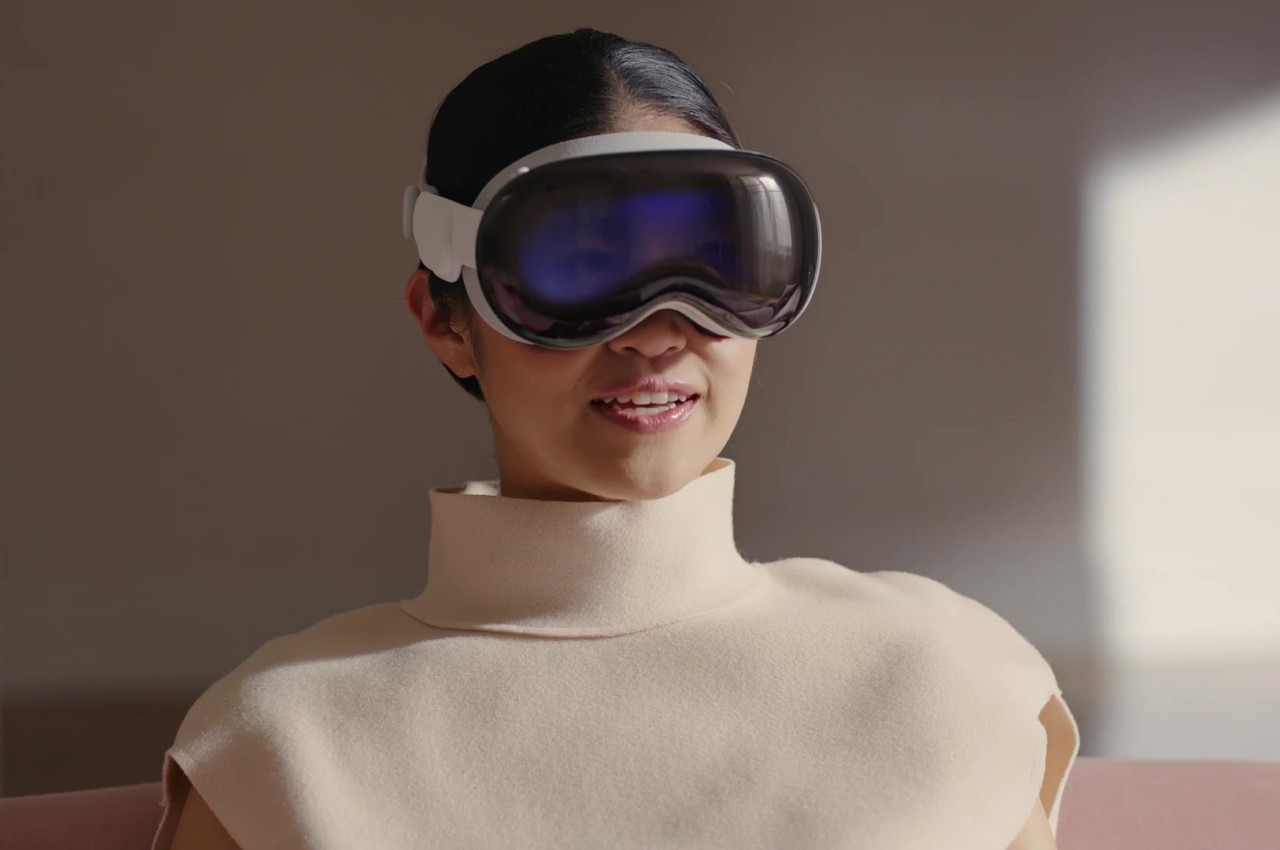
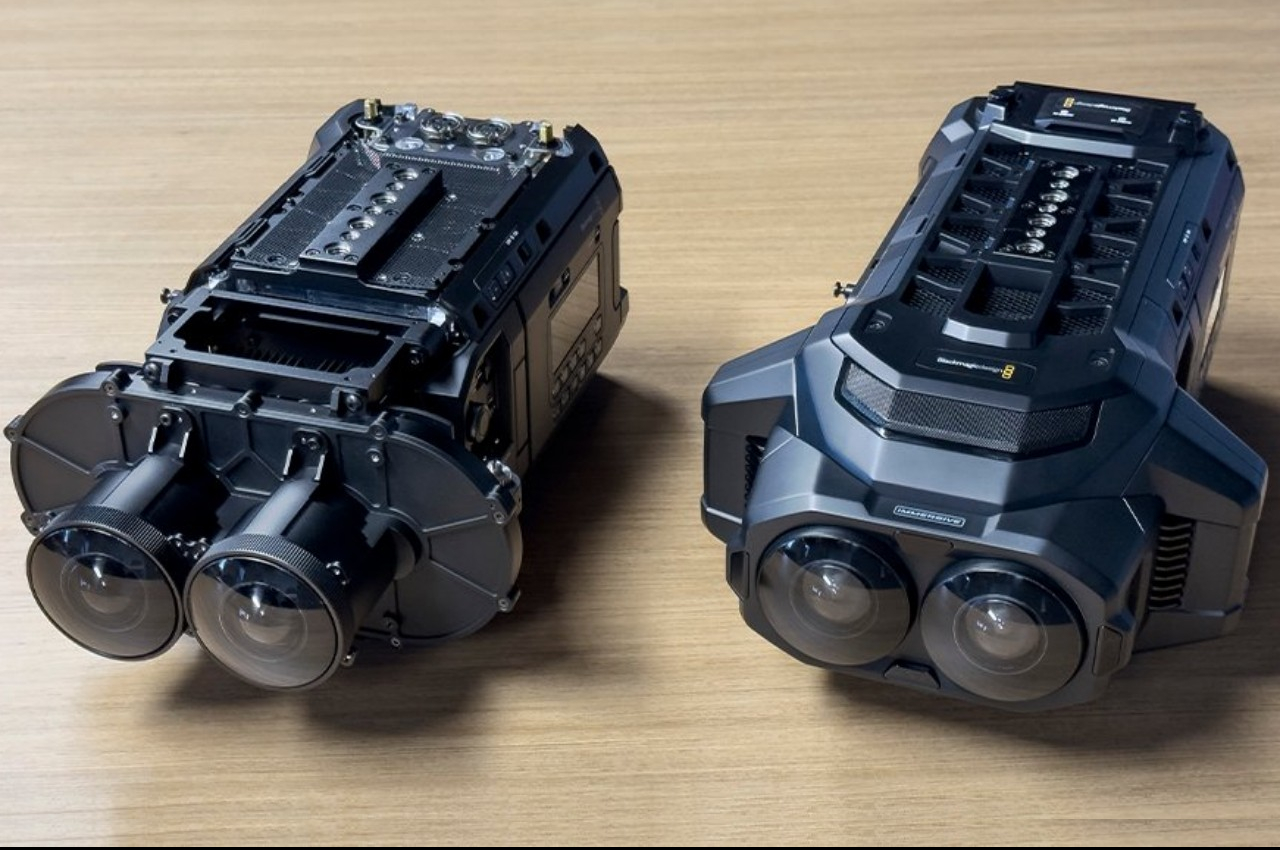
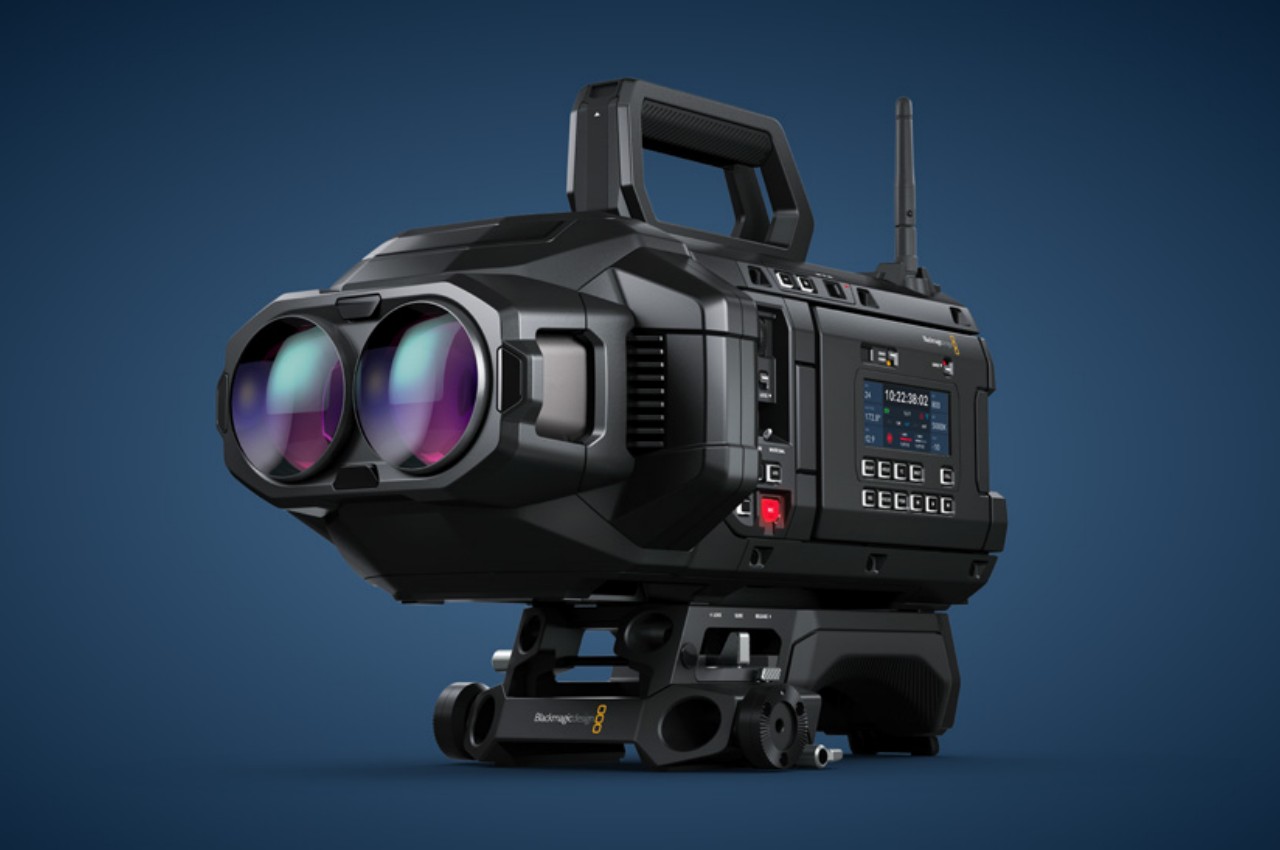
A lot of the focus at Apple’s WWDC event has so far revolved around the cleverly named Apple Intelligence and its features for iPhones and iPads. Of course, that’s hardly the only thing the company talked about this week, and one of its more highly debated products did get its fair share of attention as well. Although the initial hype seems to have died down and complaints about the device’s comfort have popped up here and there, Apple is showing that the Vision Pro is still going strong and growing strong, expanding not only its features but also its reach to other markets. In fact, Apple has just revealed how the platform will become an even bigger space thanks to devices that will let creators design content specifically for visionOS, like this two-eyed camera that looks more like a miniature version of a space-faring cargo ship.

Designer: Blackmagic Design

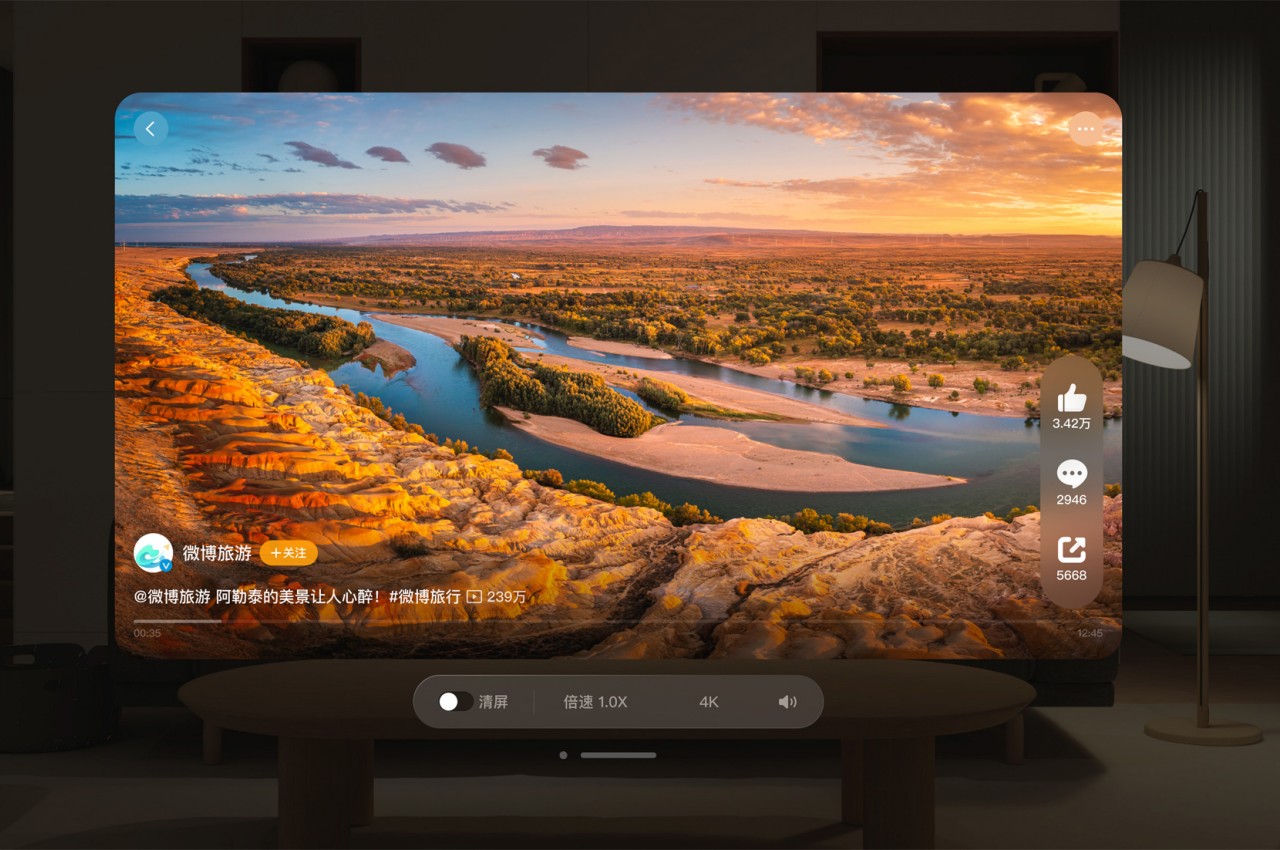
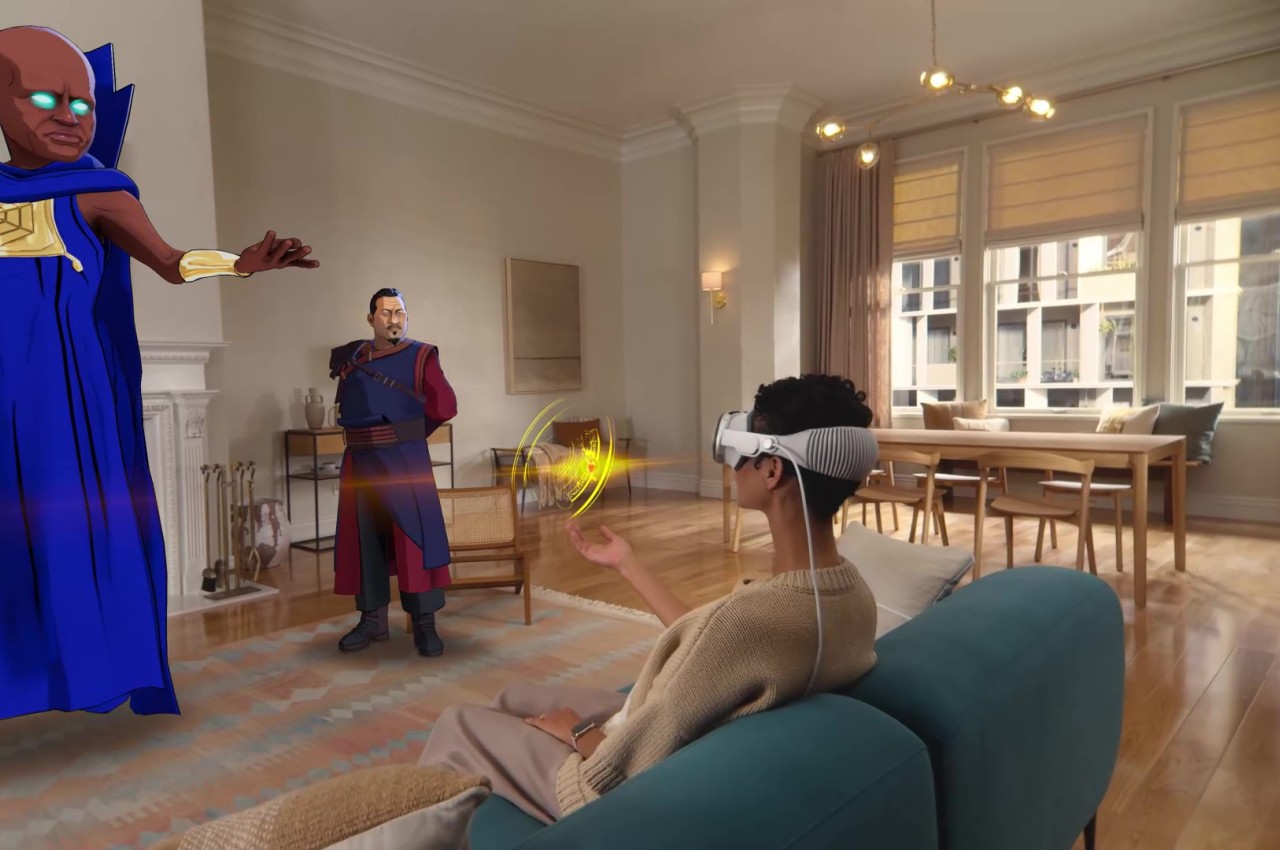
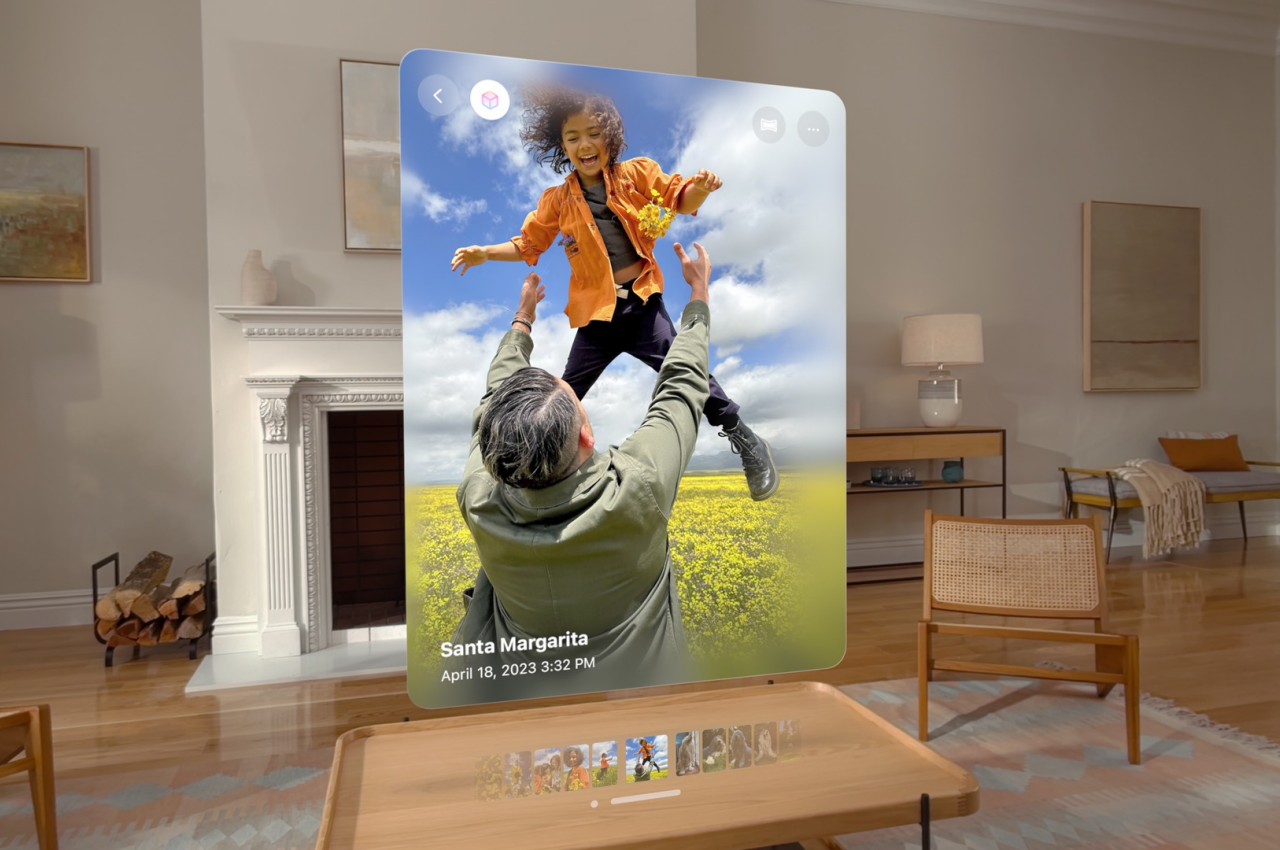
One of the strengths of Apple’s spatial computing platform is the seamless fusion of the physical and digital worlds, which means plain two-dimensional objects like apps and photos look almost natural while floating in the air in front of you. Of course, that doesn’t take full advantage of the strengths of the Vision Pro headset, which requires crafting content designed specifically for it. For that, you’ll also need the right tools for the job, and the upcoming Blackmagic URSA Cine Immersive camera is one such new device made especially for Apple’s visionOS.

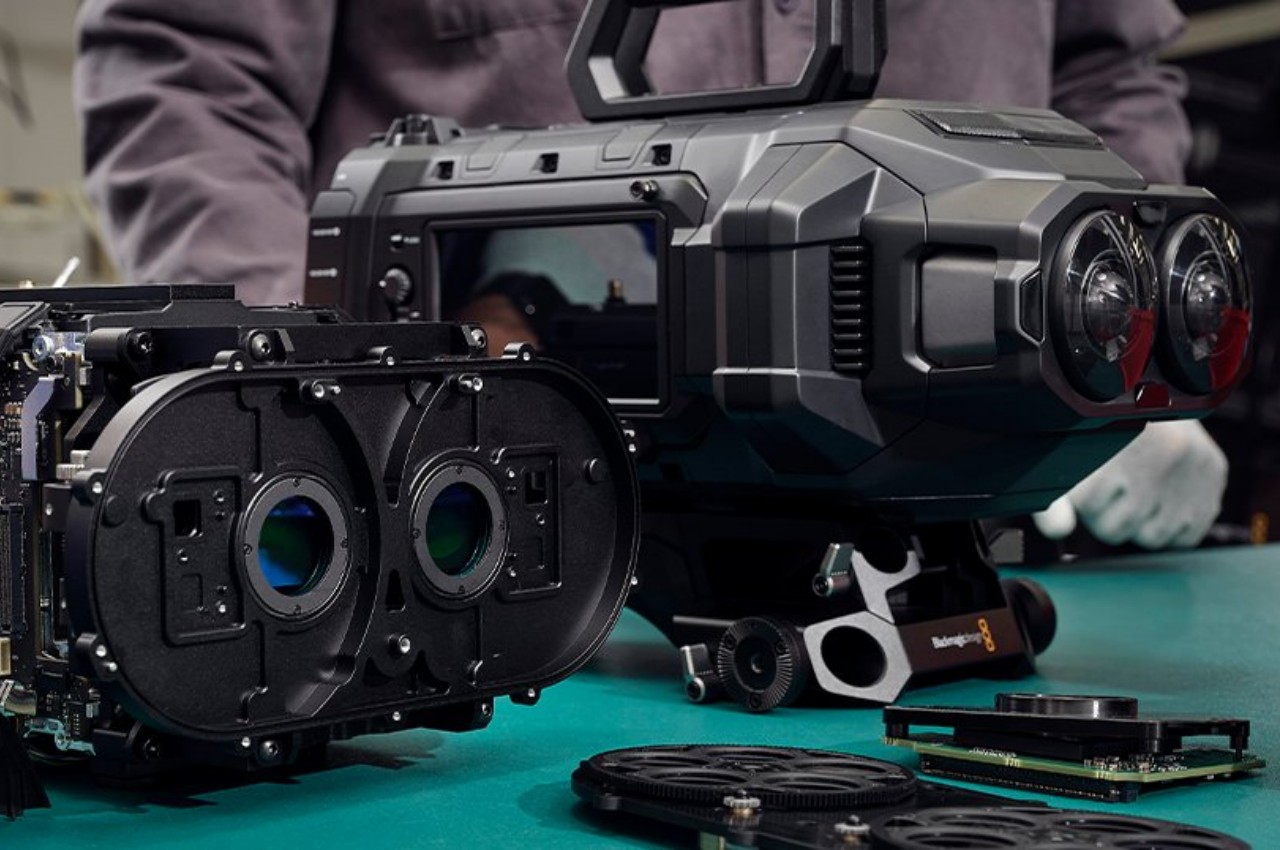
Like any camera system designed to capture stereoscopic 3D content, be it photos or videos, this Blackmagic Design spatial camera has two “eyes,” each of which boasts 8160×7200 sensor. The camera also has 16 dynamic range stops for better color quality and accuracy, and it supports recording 3D video at 90fps rates. This imaging is made possible with Blackmagic’s own RAW format as well as the built-in Blackmagic Media Module that provides 8TB of high-performance network storage. In theory, this would allow creators to record over two hours of 8K stereoscopic 3D immersive video in that high-quality format.

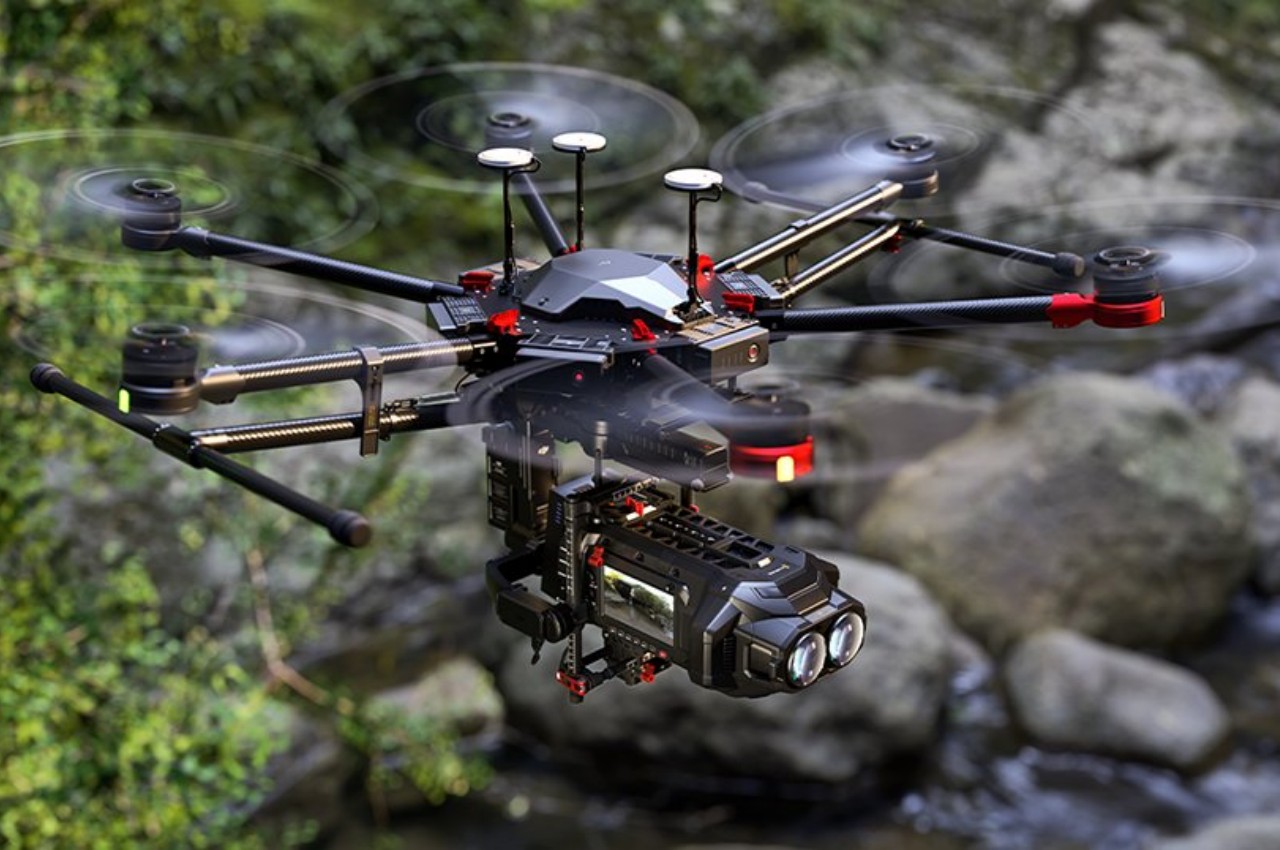
The camera’s design itself is as distinctive as its features. Made with a robust magnesium alloy chassis and lightweight carbon fiber polycarbonate composite skin, the camera is designed to keep up with filmmakers, regardless of where inspiration takes them. The URSA Cine Immersive’s blocky yet sleek aesthetic gives it a retro-futuristic flavor reminiscent of the design for spaceships in films and TV shows from the 80s and 90s. Add to the fact that it can be mounted beneath a drone for aerial shots, you shouldn’t be surprised if it gets mistaken for a UFO from afar.

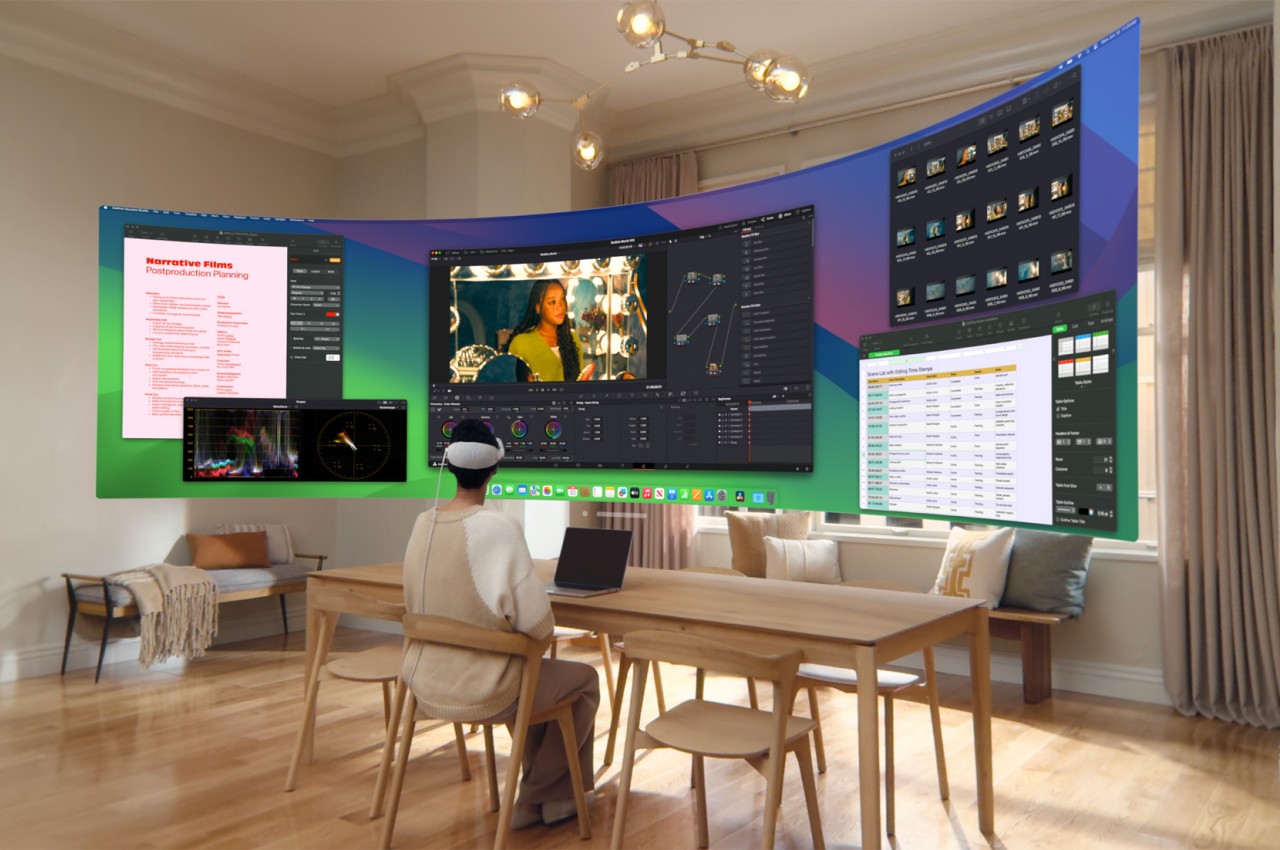
The Blackmagic URSA Cine Immersive camera and an upcoming update to the famed Da Vinci Resolve Studio software are some of the first tools designed for Apple’s new Immersive Video format for visionOS. This is just one of the new features that are coming to the Vision Pro, including the ability to turn any plain 2D image into a spatial photo, with no additional hardware or software required. The Vision Pro headset is also being made available to more countries this month, which will hopefully increase the testing of the headset’s design and its features to help future iterations of Apple’s spatial computing platform.

The post Blackmagic Spatial Camera for Apple Vision Pro looks like a mini spacecraft first appeared on Yanko Design.

Blackmagic Spatial Camera for Apple Vision Pro looks like a mini spacecraft

A lot of the focus at Apple’s WWDC event has so far revolved around the cleverly named Apple Intelligence and its features for iPhones and iPads. Of course, that’s hardly the only thing the company talked about this week, and one of its more highly debated products did get its fair share of attention as well. Although the initial hype seems to have died down and complaints about the device’s comfort have popped up here and there, Apple is showing that the Vision Pro is still going strong and growing strong, expanding not only its features but also its reach to other markets. In fact, Apple has just revealed how the platform will become an even bigger space thanks to devices that will let creators design content specifically for visionOS, like this two-eyed camera that looks more like a miniature version of a space-faring cargo ship.

Designer: Blackmagic Design

One of the strengths of Apple’s spatial computing platform is the seamless fusion of the physical and digital worlds, which means plain two-dimensional objects like apps and photos look almost natural while floating in the air in front of you. Of course, that doesn’t take full advantage of the strengths of the Vision Pro headset, which requires crafting content designed specifically for it. For that, you’ll also need the right tools for the job, and the upcoming Blackmagic URSA Cine Immersive camera is one such new device made especially for Apple’s visionOS.

Like any camera system designed to capture stereoscopic 3D content, be it photos or videos, this Blackmagic Design spatial camera has two “eyes,” each of which boasts 8160×7200 sensor. The camera also has 16 dynamic range stops for better color quality and accuracy, and it supports recording 3D video at 90fps rates. This imaging is made possible with Blackmagic’s own RAW format as well as the built-in Blackmagic Media Module that provides 8TB of high-performance network storage. In theory, this would allow creators to record over two hours of 8K stereoscopic 3D immersive video in that high-quality format.

The camera’s design itself is as distinctive as its features. Made with a robust magnesium alloy chassis and lightweight carbon fiber polycarbonate composite skin, the camera is designed to keep up with filmmakers, regardless of where inspiration takes them. The URSA Cine Immersive’s blocky yet sleek aesthetic gives it a retro-futuristic flavor reminiscent of the design for spaceships in films and TV shows from the 80s and 90s. Add to the fact that it can be mounted beneath a drone for aerial shots, you shouldn’t be surprised if it gets mistaken for a UFO from afar.

The Blackmagic URSA Cine Immersive camera and an upcoming update to the famed Da Vinci Resolve Studio software are some of the first tools designed for Apple’s new Immersive Video format for visionOS. This is just one of the new features that are coming to the Vision Pro, including the ability to turn any plain 2D image into a spatial photo, with no additional hardware or software required. The Vision Pro headset is also being made available to more countries this month, which will hopefully increase the testing of the headset’s design and its features to help future iterations of Apple’s spatial computing platform.

The post Blackmagic Spatial Camera for Apple Vision Pro looks like a mini spacecraft first appeared on Yanko Design.

New Dream Machine AI video generator by Luma Labs demonstrated

Luma Labs Dream Machine AI video creator

Luma Labs AI has introduced Dream Machine, an AI video generator that produces high-quality, realistic videos using both text and image inputs. This tool is currently accessible for free on their website, offering users the ability to create and animate content efficiently. Dream Machine stands out due to its scalability, efficiency, and the ability to […]

The post New Dream Machine AI video generator by Luma Labs demonstrated appeared first on Geeky Gadgets.

Samsung Unveils SmartThings Pro for Business

Samsung SmartThings Pro

Samsung has recently unveiled SmartThings Pro, a groundbreaking solution designed to transform business operations by bringing advanced intelligence and automation to various industries. Building upon the success of Samsung’s renowned smart home technology, SmartThings Pro extends its capabilities to cater to the unique needs of businesses, offering enhanced sustainability, operational automation, and improved overall experiences. […]

The post Samsung Unveils SmartThings Pro for Business appeared first on Geeky Gadgets.

Insta360’s GO 3S is its new tiny wearable camera with 4K video

If you're looking for a discreet action camera that can take Dolby Vision-ready 4K resolution videos, Insta360's latest model is a great candidate. The Insta360 GO 3S is an updated version of the GO 3 action camera the company released last year, and it comes with several upgrades in addition to its capability to capture 4K 30fps footage. It's equipped with a chip that has 50 percent more computing power than its predecessor's, and it has a new wide-angle lens that enables videos with less distortion and straighter edges. The model can also take smoother slow-motion footage with a 1080p resolution at 200fps or a 2.7K resolution at 100fps. 

Insta360's new action-camera is compatible with Apple's Find My network, which sounds incredibly useful for such a small device that could be easily misplaced. It also has native waterproofing for up to 33 feet, or twice that of the GO 3. If you want to switch from horizontal to vertical shooting, you can simply twist the camera. And if the device is out of reach, you can use its new hand gesture feature to start or to stop shooting, as well as to take photos. 

A person holding a phone with a tiny camera attached to it.
Insta360

For hands-free shooting, you can set a recording frequency and length if you want the camera to automatically record your day, thanks to its new Interval Video mode. Plus, you can use its app's new Auto Edit function to get an AI to combine several clips into one long video, with scoring, in case you'd rather not edit your footage manually. 

The model's Action Pod serves as its all-in-one housing, remote control and charger, and you can still preview your shots on its 2.2-inch touchscreen that you can flip up or down. Aside from the Action Pod, the Insta360 GO 3S standard bundle also comes with a magnet pendant and an easy clip that you can use to attach the camera to your cap, clothes, your pet's collar or anywhere else you want to. It also ships with a pivot stand and a lens guard. The standard bundle is now available for purchase around the world via the Insta360 website and retailers like Amazon. You can choose between the 64GB and the 128GB variant, which will set you back $400 and $430, respectively. 

This article originally appeared on Engadget at https://www.engadget.com/insta360s-go-3s-is-its-new-tiny-wearable-camera-with-4k-video-130044121.html?src=rss

LinkedIn’s AI job coach can write your cover letters and edit your resumé

Last year, LinkedIn began experimenting with AI-powered tools for job seekers on its platform. Now the company has added a bunch of new capabilities for its premium subscribers who are #OpentoWork, including personalized resumé, AI-assisted cover letters and more conversational job searches.

The changes are meant to speed up some of the most tedious aspects of looking for a new role. For example, the revamped job search feature now allows you to look for roles with queries like “find me a marketing job that’s fully remote and pays at least $100,000 a year,” or “find business development roles in biotech.” Those are all relatively simple descriptions but anyone who has searched for jobs on LinkedIn (without the help of AI) knows that it can often be a struggle to narrow down job listings with keywords.

Once you find a role you’re interested in, the built-in assistant can give you feedback on your qualifications and help with your application. You can upload a copy of your current resumé and LinkedIn’s AI will provide tips on what to update based on the job description. This can include suggestions on specific experiences to highlight or the ability to rewrite entire sections of the document. Likewise, LinkedIn can generate cover letters based on your experience and the job you want to apply for.

LinkedIn Job Seeker AI
LinkedIn

The company gave me a preview of these tools and I thought it did a surprisingly decent job for a first attempt at a cover letter. It incorporated specific details from my profile and the tone didn’t feel as robotic as much of the AI-written text I’ve encountered. Of course, as a journalist, I like to believe I can still write a better cover letter than an AI. But, I can see how the tool could be useful for people applying to dozens of jobs at once, especially since many companies use AI software to whittle down applications anyway.

LinkedIn product manager Rohan Rajiv says that these tools are meant to be more of a jumping off point for users rather than an all-in-one solution. “What we want to do is make it easy for folks who have a difficult time telling their story, have a difficult time staring at a blank screen trying to put something together to at least get started,” he tells Engadget.

But he also notes that the company is still in the relatively early stages of its AI push and it could eventually automate more of the job application process. “The next horizon is going to be … can you just do that for me,” he says. “You can almost imagine people thinking about it from an agent standpoint, and helping you get things done.”

This article originally appeared on Engadget at https://www.engadget.com/linkedins-ai-job-coach-can-write-your-cover-letters-and-edit-your-resume-130033553.html?src=rss

How Messages via Satellite will work on iOS 18 and how much it will cost

Apple is slowly turning the iPhone into a fairly capable satellite communications device. It first rolled out Emergency SOS via Satellite on the iPhone 14 lineup. While you were previously limited to relying on the spacecraft for communications only when dialing emergency services, in iOS 18 this capability will apply to all situations where you're away from cellular or Wi-Fi coverage. I got to check out the updated experience at Apple Park, here's how it will work with iMessage or SMS messages.

When you’ve been disconnected from cellular or Wi-Fi for some time, an alert will appear to say you’ll need to hop on satellite communications to send messages. Tapping this notification brings up the new connection assistant, which contains all your satellite-powered tools, like Find My, roadside assistance and emergency SOS.

You can start a chat from this page or just go to the Messages app, where a prompt will appear in the Dynamic Island to instruct you on how to find an overhead satellite. You can also go to the Satellite option in Settings or in the Control Center to get set up when cellular or Wi-Fi signals aren’t available.

The connection experience here isn’t much different from before — you’ll be told what direction to point your iPhone, as well as suggestions to avoid obstructions. Once you’re linked, an indicator in the dynamic island shows a green check mark and it’ll continue to change colors and shapes if your connection begins to weaken.

To prevent networks getting congested with promotional SMS messages, Apple has made it so the person that’s off grid is the one who can initiate SMS chats over satellite. That is, except for people who are listed as your emergency contacts or your iCloud family members. Their messages will still come through when you’re on a satellite connection. Regardless of whether you’re using iMessage or SMS, you’ll only be able to send texts, emojis or tapback reactions. Compressing these into packages small enough to convey over satellite is already challenging, not to mention images and video.

In my demo on an iPhone that was tweaked so it couldn’t connect to Wi-Fi or cellular, I watched an Apple rep connect to an available satellite via the Dynamic Island’s interface, then send a text to another person. On the sender’s phone, the words “iMessage. Satellite” appeared above the blue bubble, and the same showed up on the recipient’s phone over the gray bubble. Read receipts aren’t supported over satellite, so I only saw the “delivered” and “sent” status labels under the bubbles.

It’s nice to see both SMS and iMessage supported over satellite, even if only the latter is end-to-end encrypted. Apple’s decision to include SMS is thoughtful, and though I’d like RCS to be covered as well, that platform’s messages are too large or complicated to compress effectively. They are, after all, going to satellite infrastructure over 800 miles away from Earth, and targeting spacecraft that are moving at 15,000 miles per hour.

The company still hasn’t shared details on the pricing for satellite connectivity and related features after its free trial is over, but for now, those with an iPhone 14 and newer will be able to use these features for free. Apple’s provision here is a little confusing at the moment, but basically you get two years of free satellite service from the time you purchase your new iPhone, and in November 2023 the company added another year to its free trial. In theory that’s a window of a total of three years, though it might depend on when you bought your iPhone, since Apple didn’t initially offer a two-year period.

iOS 18 is expected to come to iPhones this fall, and we'll undoubtedly find out more about Messages via Satellite before then. We'll update this article with more information as and when we get it.

Catch up here for all the news out of Apple's WWDC 2024.

This article originally appeared on Engadget at https://www.engadget.com/how-messages-via-satellite-will-work-on-ios-18-and-how-much-it-will-cost-130020976.html?src=rss