If you’re someone who enjoys scrapbooking or cardmaking in their free time, then you’ve landed in the right space. There is something truly therapeutic in creating something, and then maintaining it. And maintaining a scrapbook or journal, or creating a card for a loved one is always fun, wholesome, and productive. To assist you in your scrapbooking endeavors, we’ve curated a collection of functional and exciting stationery items, that are not only essentials but a joy to use. From a Pen Fan with 8 sketch pen flat-heads to a photo printer that transforms images for your smartphone into cute little stickers – these must-have designs are excellent for those who love scrapbooking, journalling, and putting their creative juices to good use!
1. Pen Fan
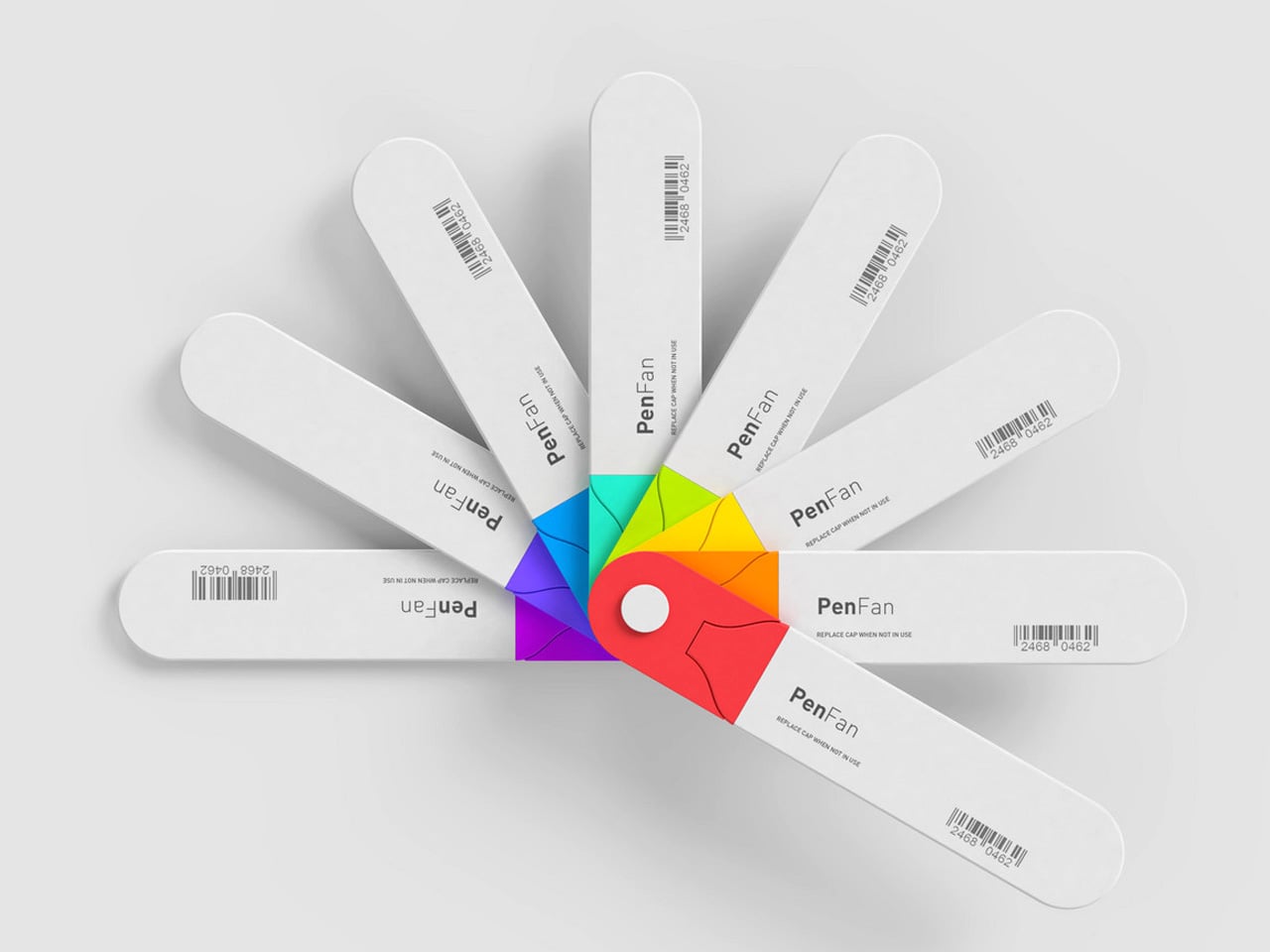
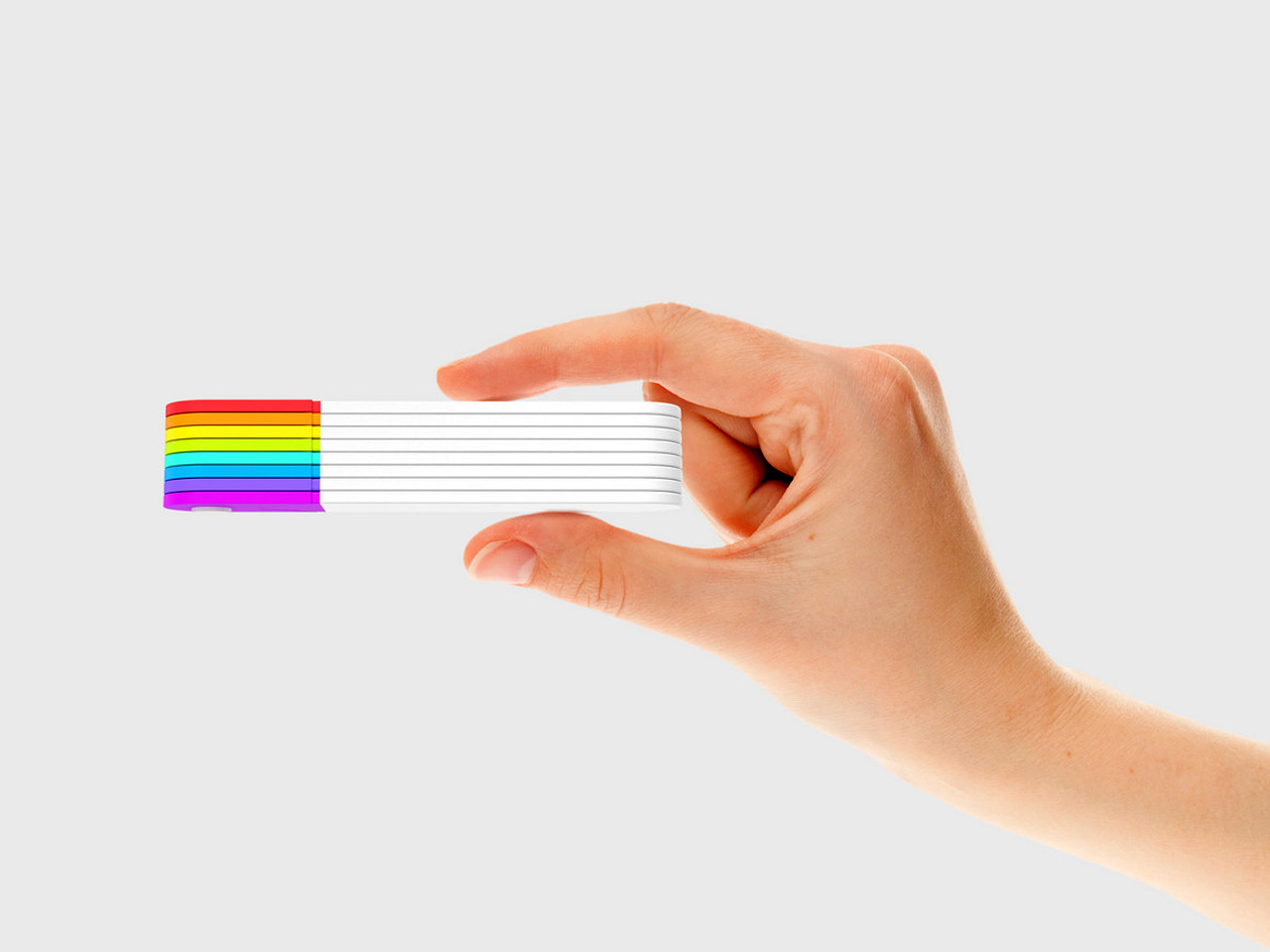
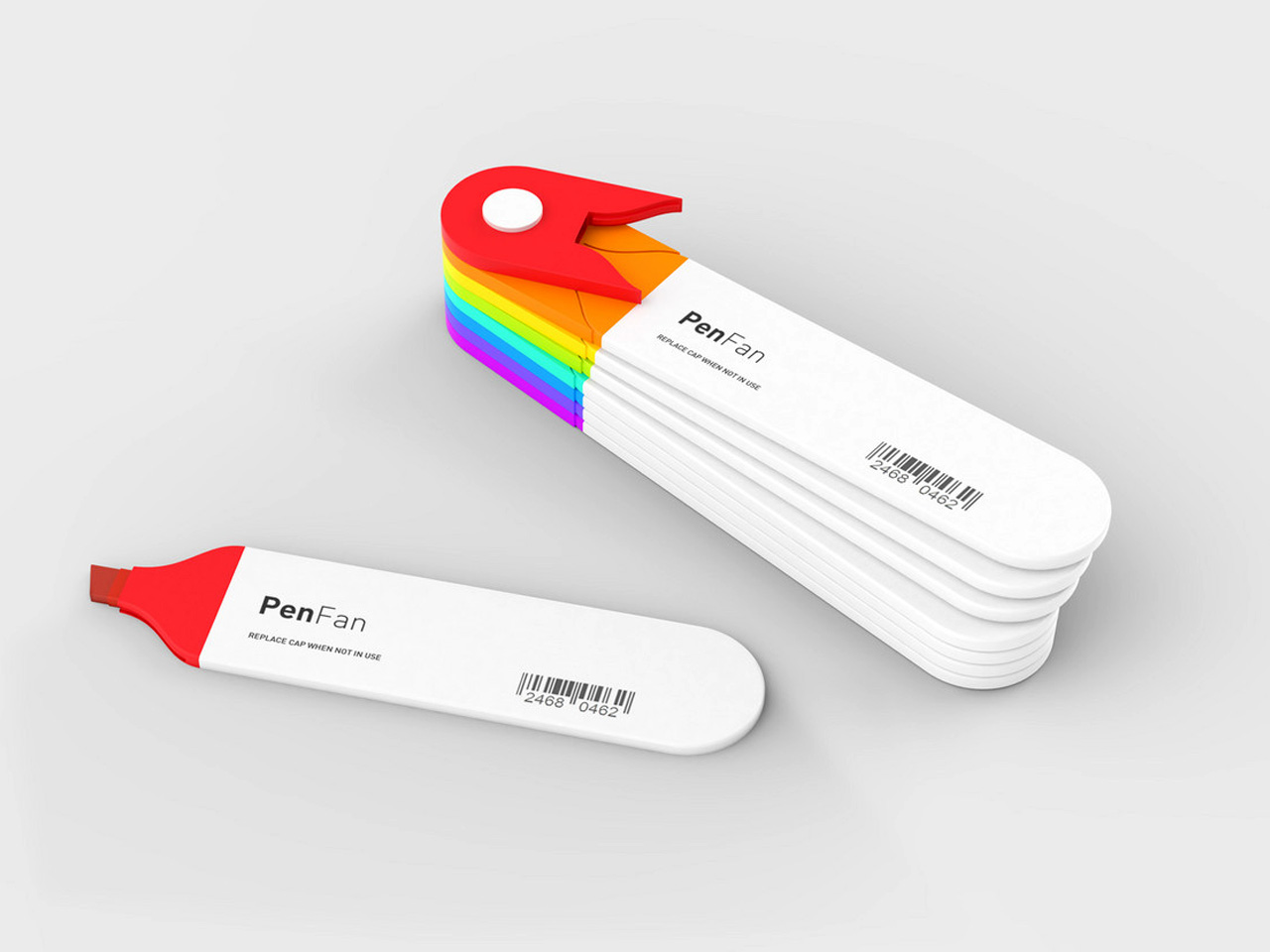
Dubbed the Pen Fan, this one-of-a-kind stationery product is a cross between a Pantone shade card, and a stationery set. It is equipped with 8 flat-head sketch pens and is packaged in a compact and portable form that you can carry anywhere with you with ease. The different choice of pens makes the product a great fit for scrapbooking or cardmaking.
Why is it noteworthy?
The flat pens are all connected, and they form an adorable little Japanese-fan-style layout that beautifully displays all 8 colors. You can easily pick and choose from them. The flat pens are detachable, and you can easily snap them on and off, building a palette that perfectly caters to your needs.
What we like
- Portable set that you can carry with you
- The pens cannot be easily misplaced or lost
What we dislike
- It only includes 8 color options, which can be a bit limiting if you prefer a wide variety of colors
2. Memories Log Book


We usually tend to discard business and shop cards or throw them away into a forgotten drawer. But what if we carefully gather them in a minimalist and profound log book, that lets us pen down our thoughts and memories about the people and events we experienced, allowing us to create little stories that let us travel back in time?
Why is it noteworthy?
Named the Memories Log Book, this unique little book lets you transform every business card, shop card, or photo into a wonderful and memorable experience to look back at. You simply need to fit the two corners of a card into the slit, and it will stay securely in place, without the need for adhesives or pockets.
What we like
- It can accommodate business cards, shop cards, and even small Instax photos
- Includes blank canvases to note down your reflections on the person or event
What we dislike
- Only fits one specific size of cars or photos
3. Craftmaster EDC Utility Knife
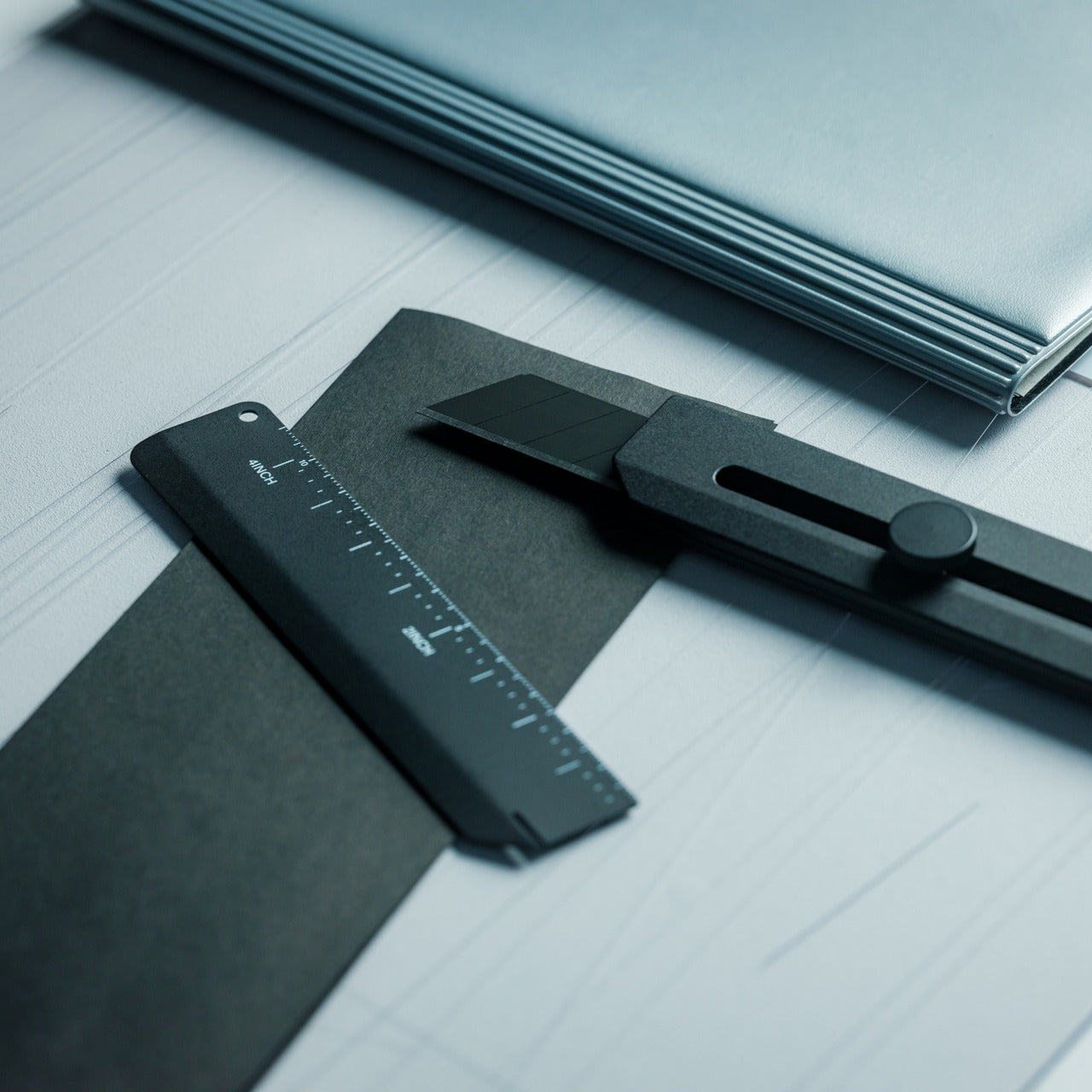
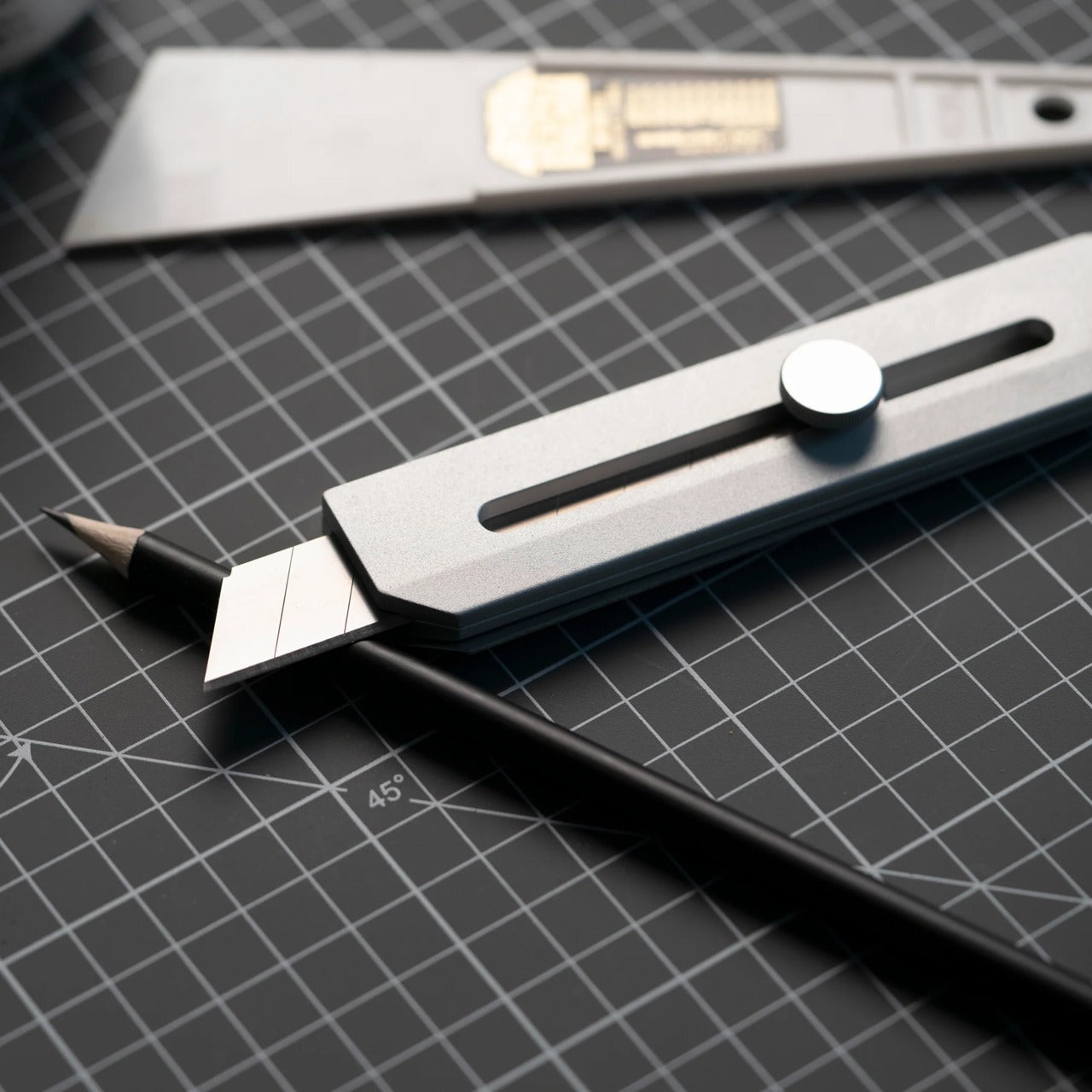
Called the Craftmaster EDC Utility Knife, this minimal and clean EDC knife resembles an everyday paper cutter. It is equipped with an all-metal body and a textured knob which lets you easily deploy and lock the blade. The knife’s handle is pretty grippy and weighted, so holding it is an easy task.
Why is it noteworthy?
The knife is amped with a simple, subtle, and sophisticated aesthetic and a CNC-machined handle. It also features an enclosed blade which is machined to perfection. The blade is enclosed, so it glides with smoothness, and no hassle at all, providing a seamless and harmonious experience.
What we like
- Equipped with a 45° slant to help you open boxes with ease
- Features a metal scale, making it a multifunctional design
What we dislike
- It has a magnetic back, which can attract small metal bits
4. ColorPik Pen
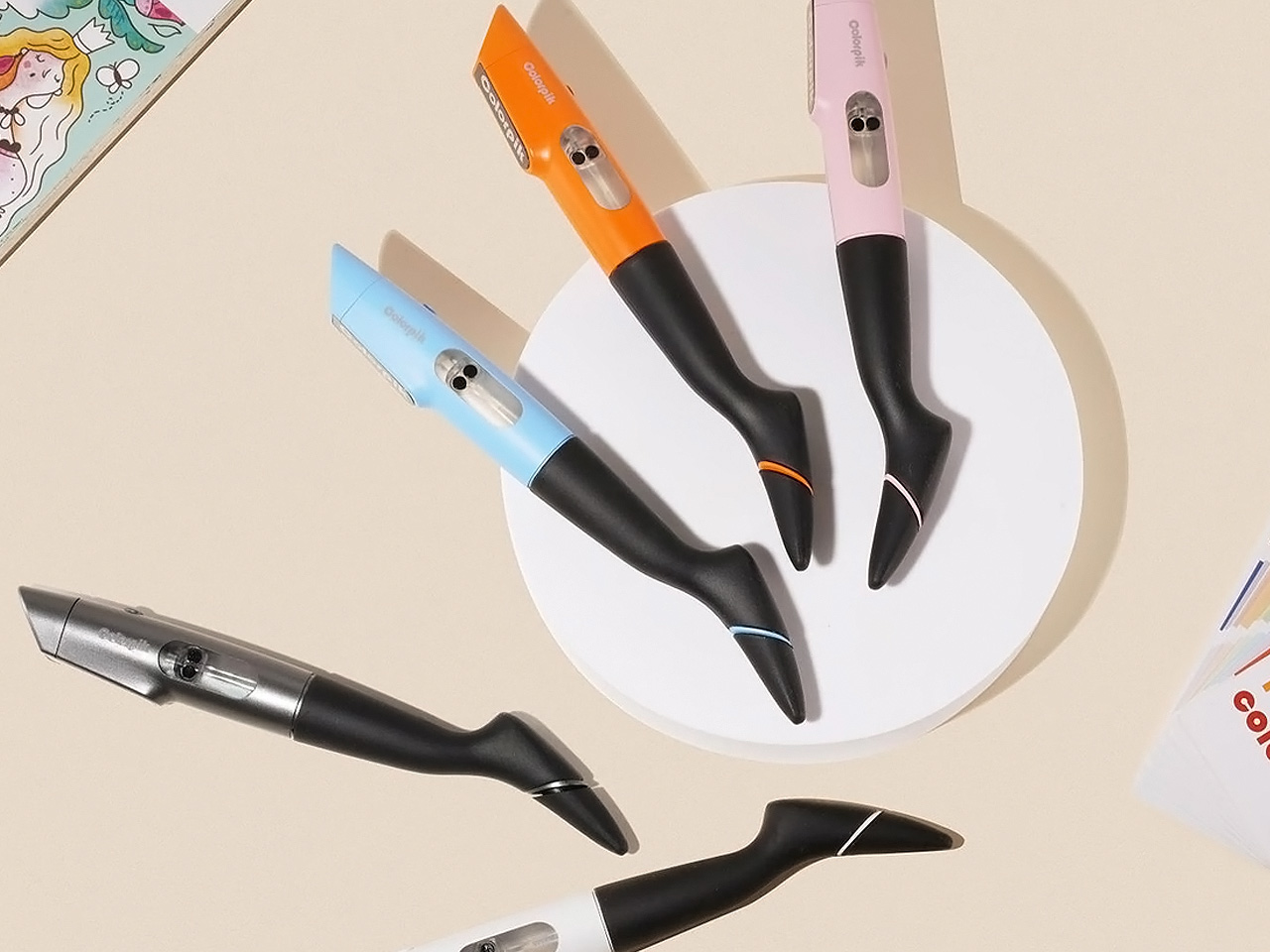

Meet the ColorPik Pen – a super extraordinary pen that accommodates 16 million colors! With the ColorPik Pen, you don’t need to buy different pens, you can simply use it and have fun with an unlimited number of colors. You simply need to scan the item whose color you want to imitate, and then doodle with it.
Why is it noteworthy?
The ColorPik Pen uses a smart color, that is light fast, and water resistant, and can’t just be weathered away. You can control the texture and dimension for writing by selecting any of the multiple tips, allowing you to write beautifully as well as draw.
What we like
- Combines 16 million colors into one nifty pen
- Features re-fillable smart cartridges
What we dislike
- Some users say the pen doesn’t produce the color accurately
- The app isn’t very easy to use
5. Scissors w/ Base
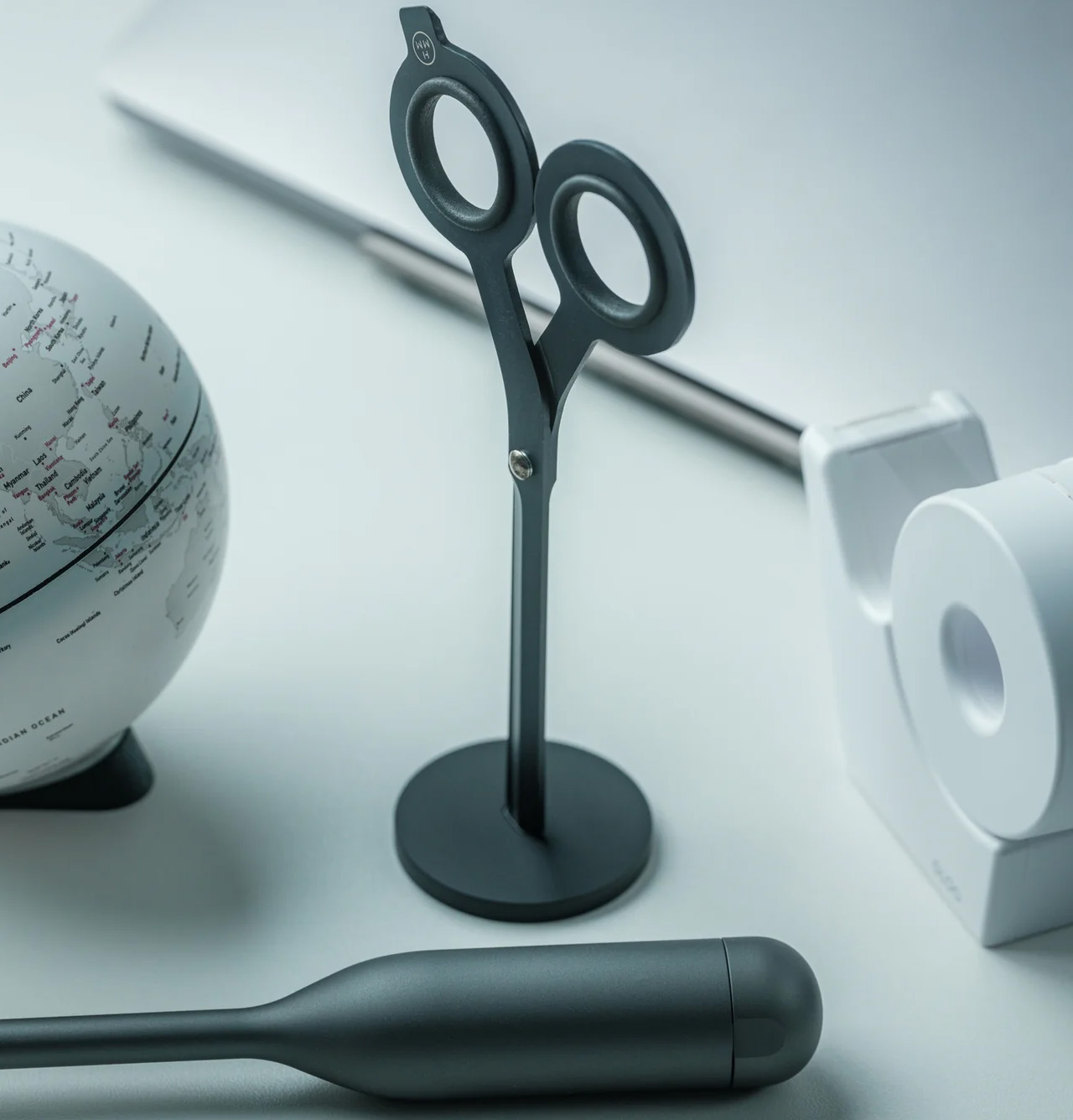
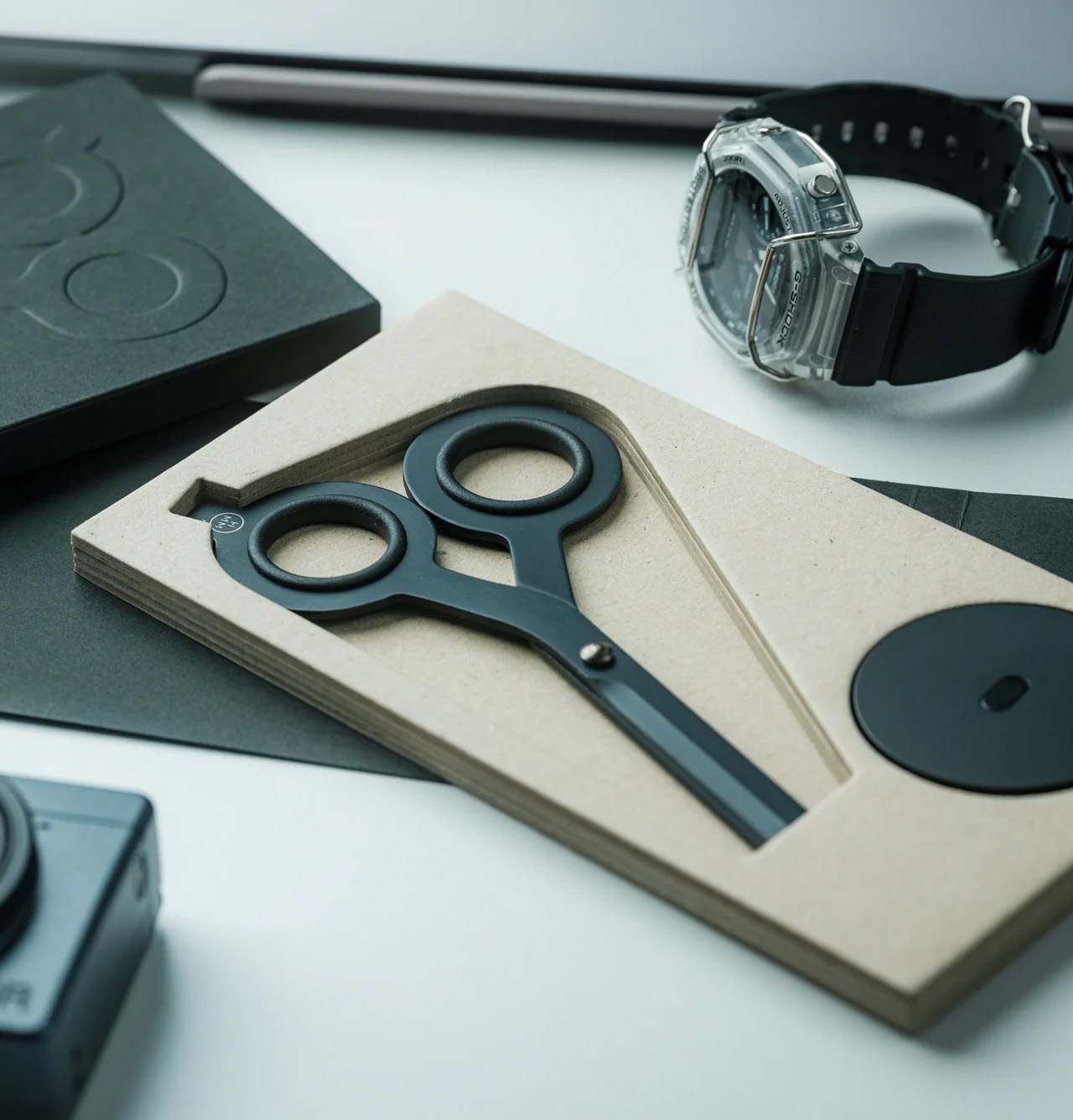
These unique scissors are called the Scissors w/ Base, and they feature a magnetic basic, making the product a really cutting-edge one. The scissors have an innovative design that lets you renovate your workspace organization, ensuring your scissors don’t lie around, simply creating clutter.
Why is it noteworthy?
The scissors have a magnetic base which makes it a complete game-changer. They are made from lustrous Japanese steel, and serve as a handy little tool, while also making for a good-looking addition to your work desk.
What we like
- The magnetic base can be utilized as a dedicated spot for your scissors
- Features a built-in cutter, which is quite an innovative forward-thinking detail we appreciate
What we dislike
- You cannot use them for difficult tasks
6. Penxo
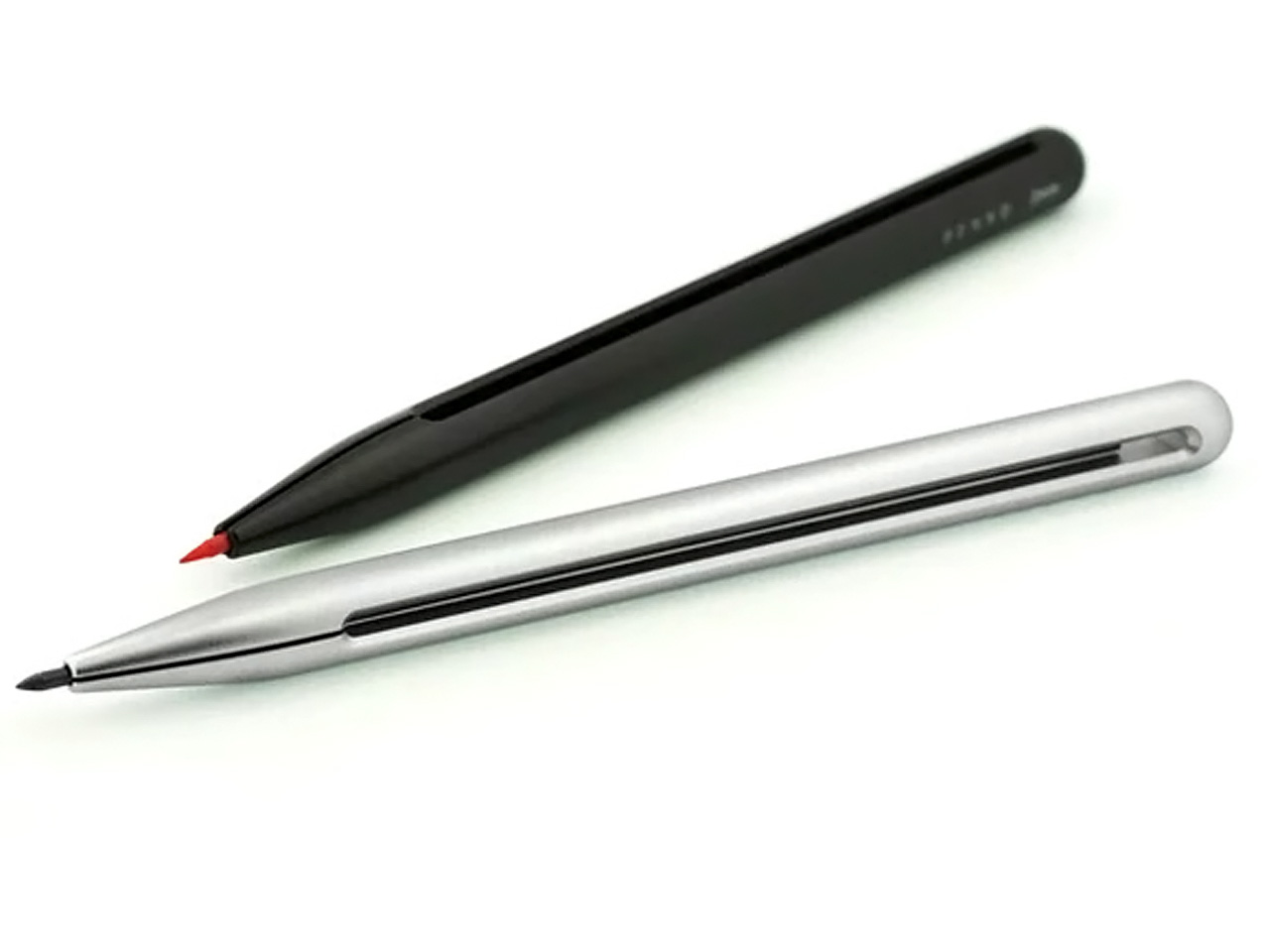
Say hello to Penxo – the most minimalist pencil out there! Penxo is designed with complete simplicity, and it features a last-lead release mechanism. The designer spent countless hours refining the Penxo, adding some modernity while maintaining its traditional form. It is a 2mm lead holder pencil, milled from a single block of aluminum.
Why is it noteworthy?
The Penxo has a simple design, cutting out springs, buttons, and other mechanical parts found in mechanical pencils. It has a center gap which serves as a lead trigger release, and an indicator window for lead color, markings, and usage.
What we like
- Has the fastest lead release compared to any other lead pencil
What we dislike
- It can only hold one piece of lead
- It is a bit difficult to deploy the lead
7. Potto
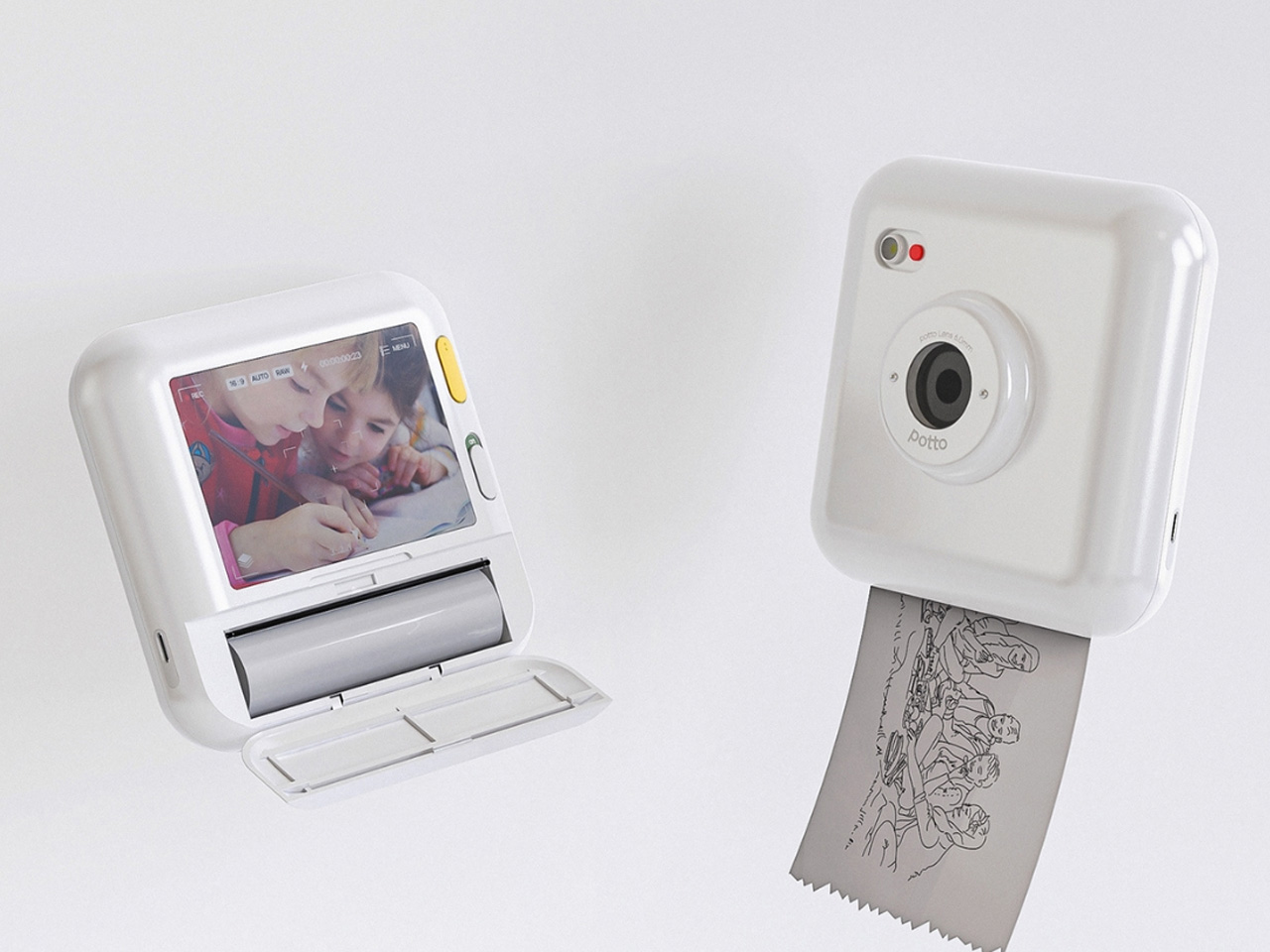

Called Potto, this conceptual design is a toy camera that prints out different kinds of photos for you. It doesn’t print out your typical pictures for you, instead, it delivers an outline of the image you clicked or sent to the camera. It provides a line drawing you can keep as it, or color, creating a creative and colorful element for your scrapbook.
Why is it noteworthy?
The camera helps you indulge in some coloring, making your scrapbook or journal even more elaborate. It is a product both kids and adults can use and appreciate, as coloring is something people of all age groups enjoy.
What we like
- Has a display screen, so you can see the images before clicking them
What we dislike
- Uses thermal paper which eventually fades over time, so it’s not very long-lasting
8. Passion Planner

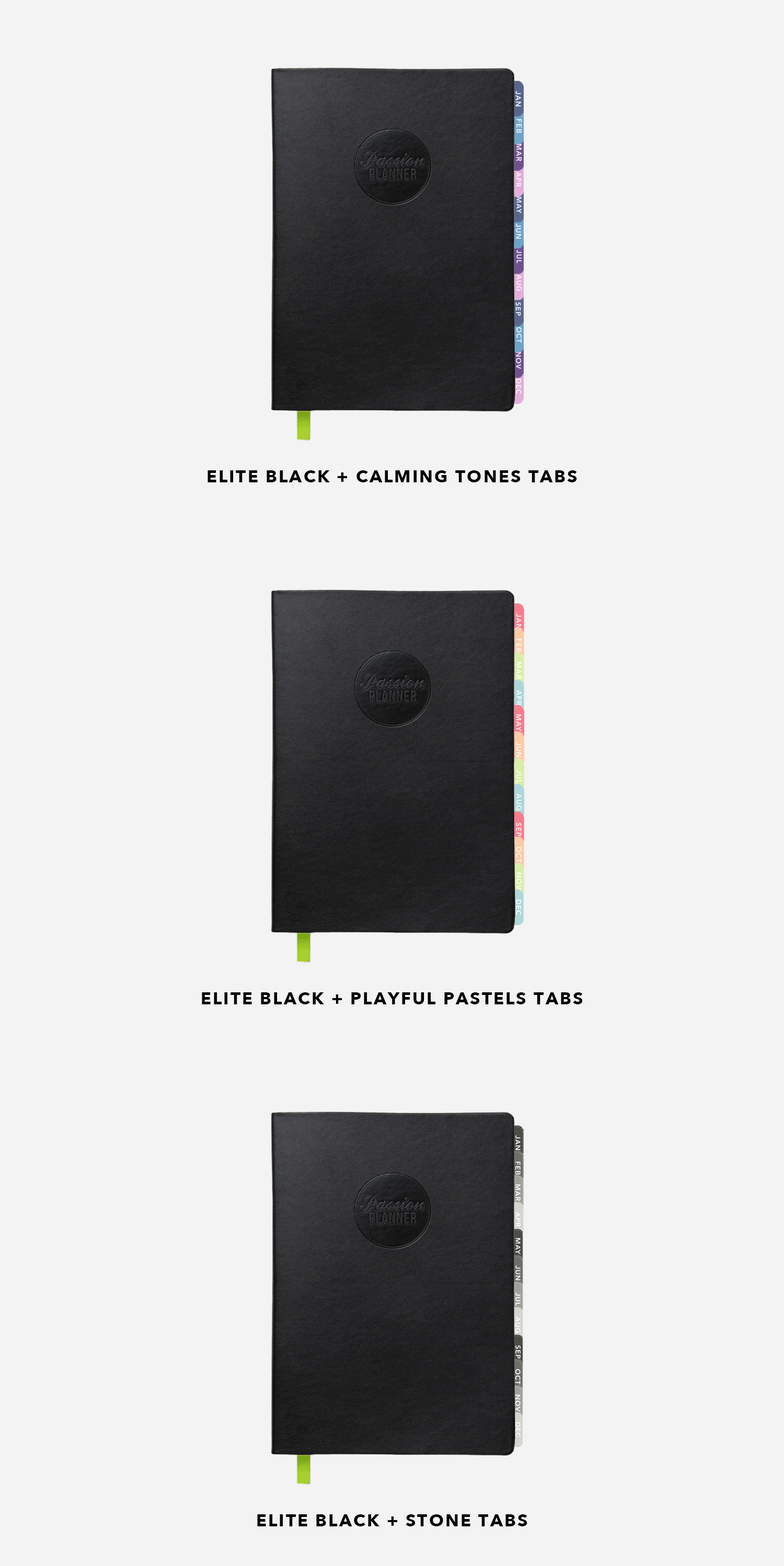
This is the Passion Planner – the one space for all your thoughts. It includes an appointment calendar, goal-setting guide, journal, sketchbook, gratitude log & personal and work-to-do lists – all in one notebook. It is a paper planned and designed with your passions and personal goals in mind, helping you strike a balance between functionality, personal reflection, and goal setting.
Why is it noteworthy?
The Passion Planner has a beautiful handcrafted design which makes it great to carry almost anywhere. It measures 5.5′ x 8.5′, and is printed on premium quality, recycled, and bleed-resistant paper.
What we like
- Features a durable and low profile soft faux leather cover with an elastic enclosure strap
What we dislike
- The visioning place is a little small
- The design of the planner is a bit boring
9. 30° Ruler
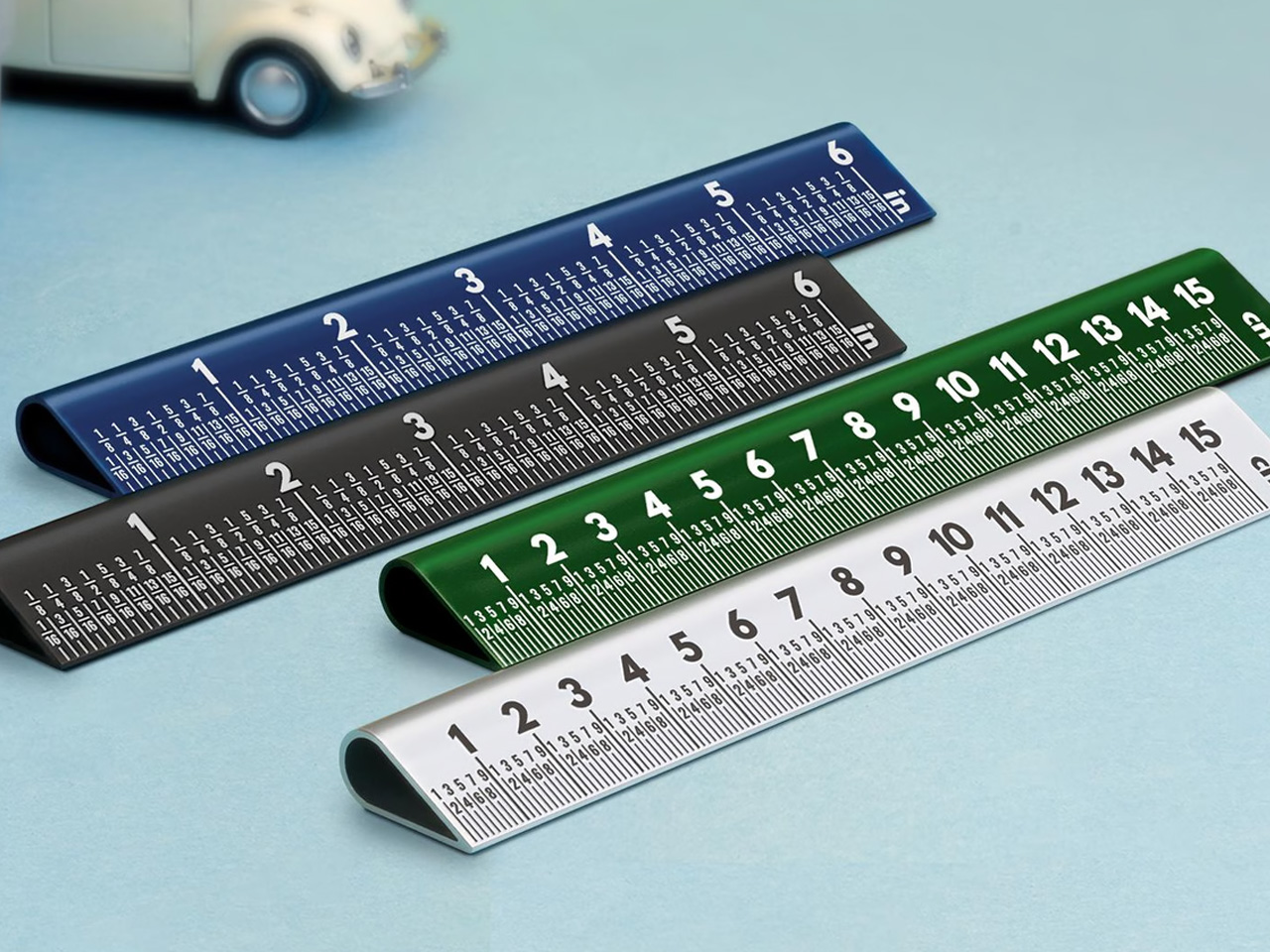

Called the 30° Ruler, this innovative ruler features a simple elevation. The slope on the ruler’s face is lifted by 30°, which makes it easier to use, and also expands its utility. The slope allows you to read measurements from a glance without needing to lean over to use the device. You switch from a tilted neck to a tilted ruler, while your back is straight and your eyes are on the target.
Why is it noteworthy?
Since the ruler is elevated, you can also easily grab it, without the need to drag it towards the edge of the table or dig your nails underneath it. The angled nature makes the ruler pretty safe for cutting too.
What we like
- Features large fonts and clear indications
- You can read the measurements from a distance
What we dislike
- Users may take some time to adjust to the ruler’s new form
10. Canon IVY 2 Mini Photo Printer

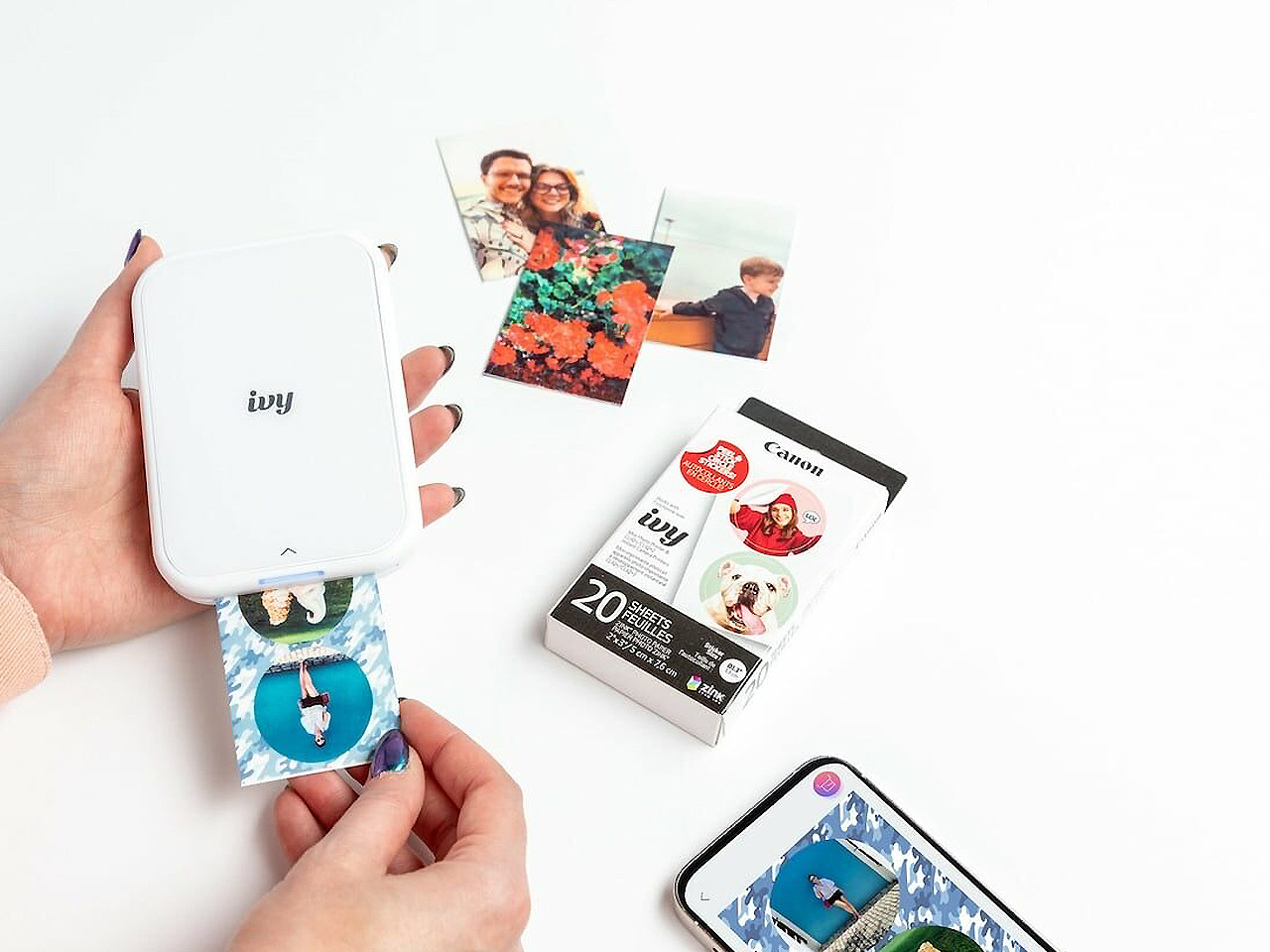
Named Canon IVY 2 mini photo printer, this unique little device lets you capture and cherish your memories in a fun way. You can transform the images from your smartphone into personalized photo stickers without using any ink. The photo printer has a compact form, and it fits easily into your pocket, so you can carry it anywhere with you.
Why is it noteworthy?
The photo printer uses ink-free technology, so it maintains a vibrant print quality without the extra mess or cost of traditional ink. You can connect it to compatible smartphones via Bluetooth 5.0 for quick and easy printing.
What we like
- It easily recharges within 45 minutes
- You can modify photos using the free Canon Mini Print App
What we dislike
- It supports only Bluetooth connectivity
- It is a bit on the pricier side
The post Top 10 Essential Scrapbooking & Cardmaking Supplies For Crafters first appeared on Yanko Design.