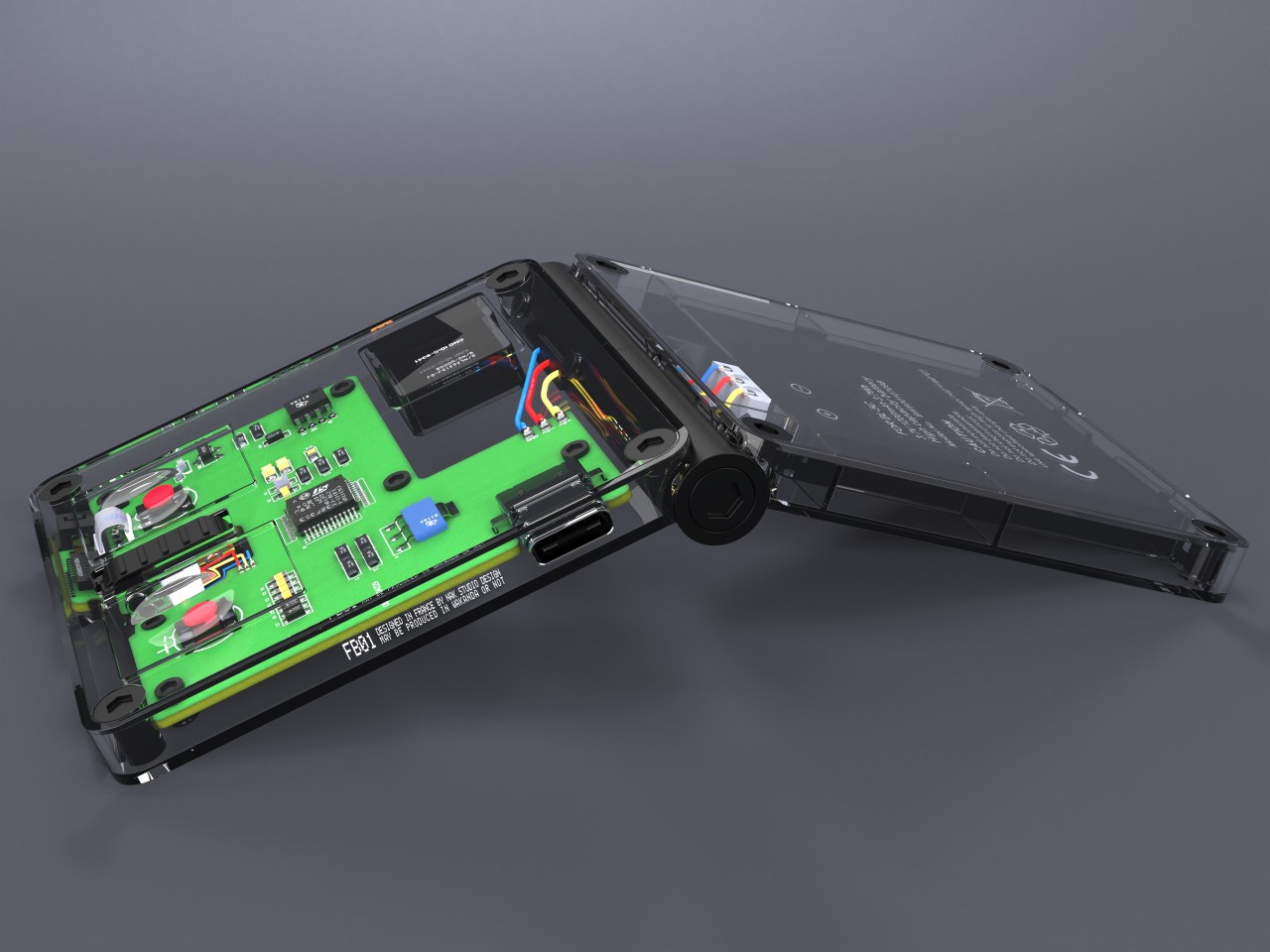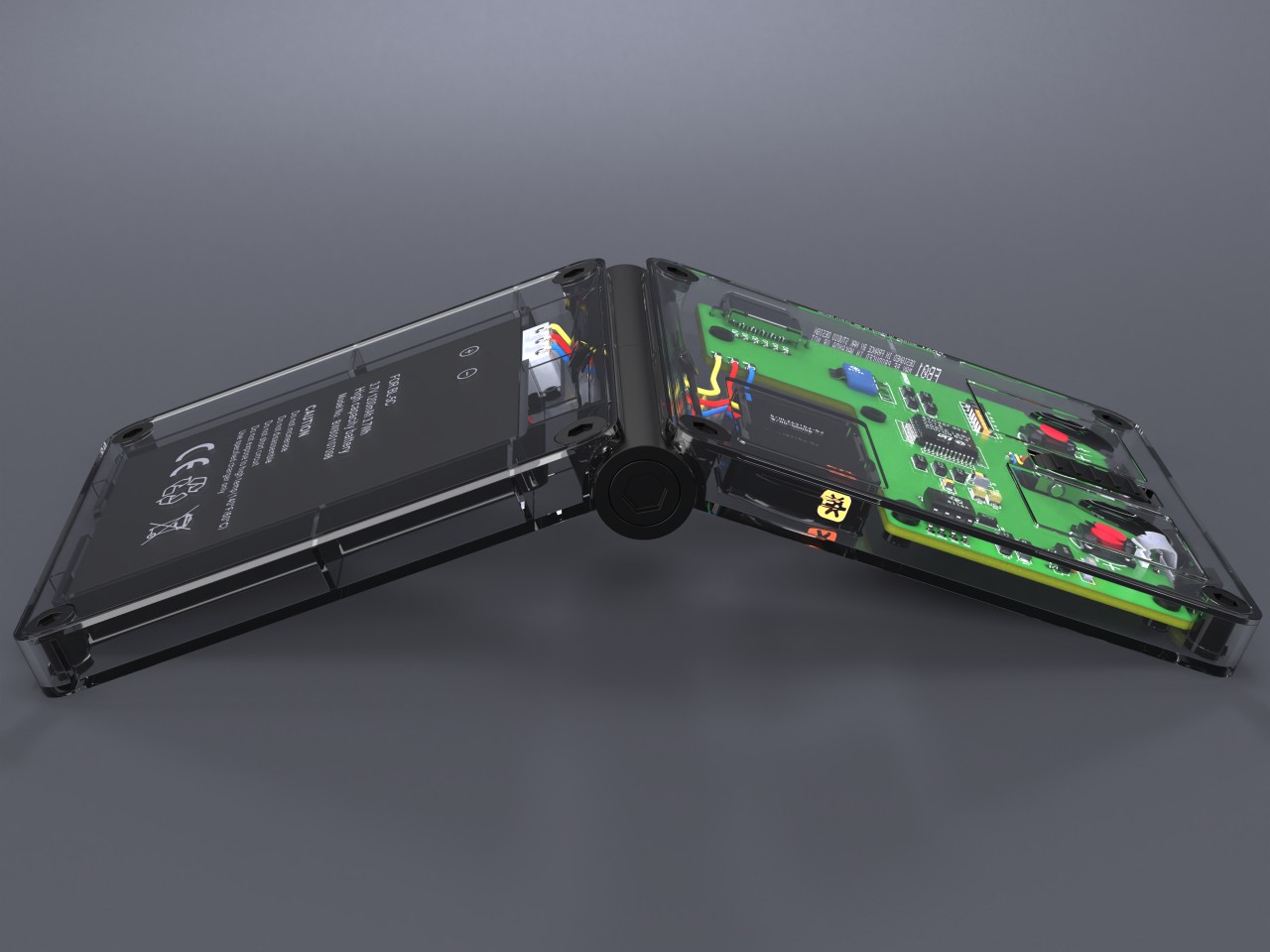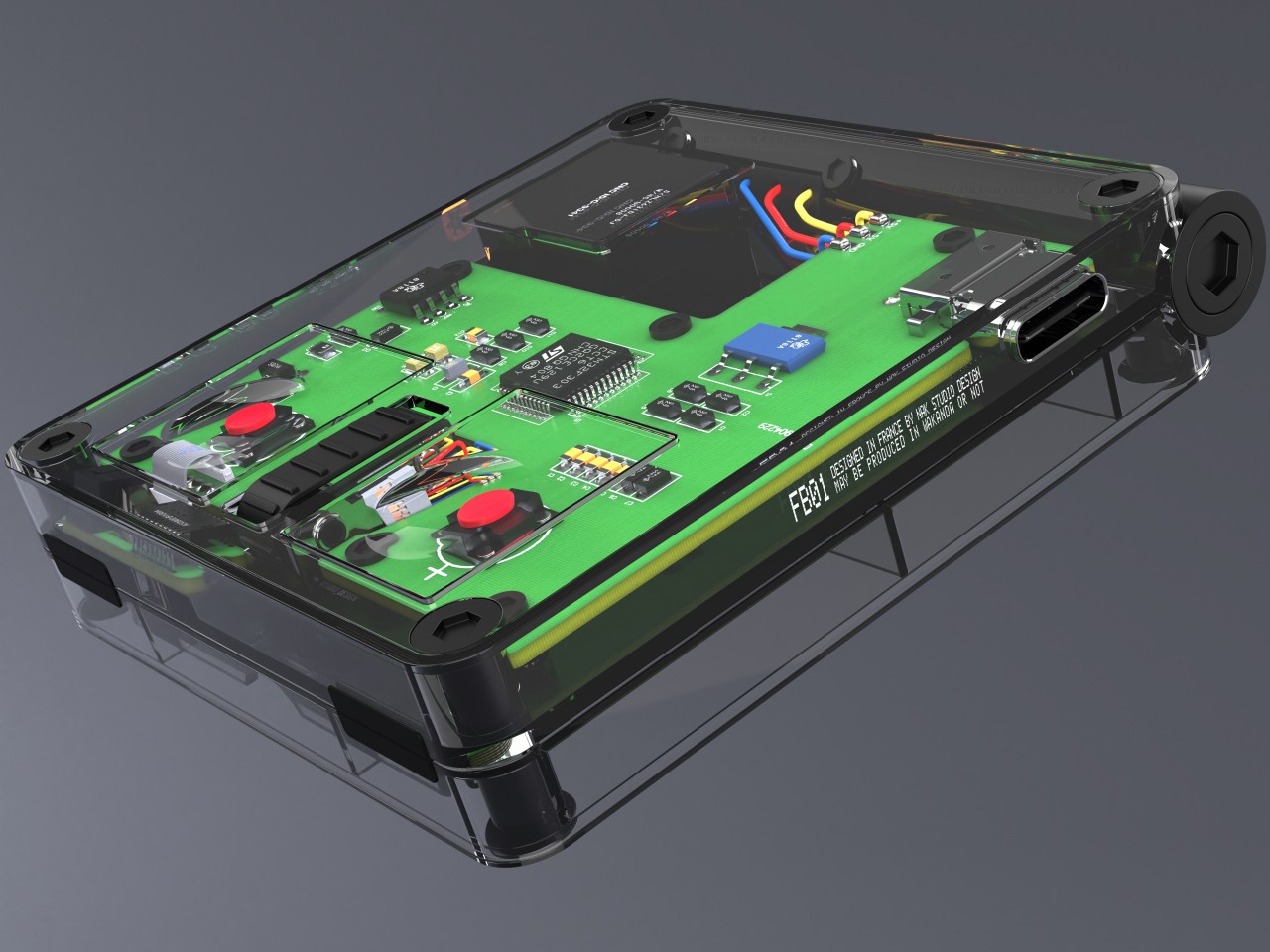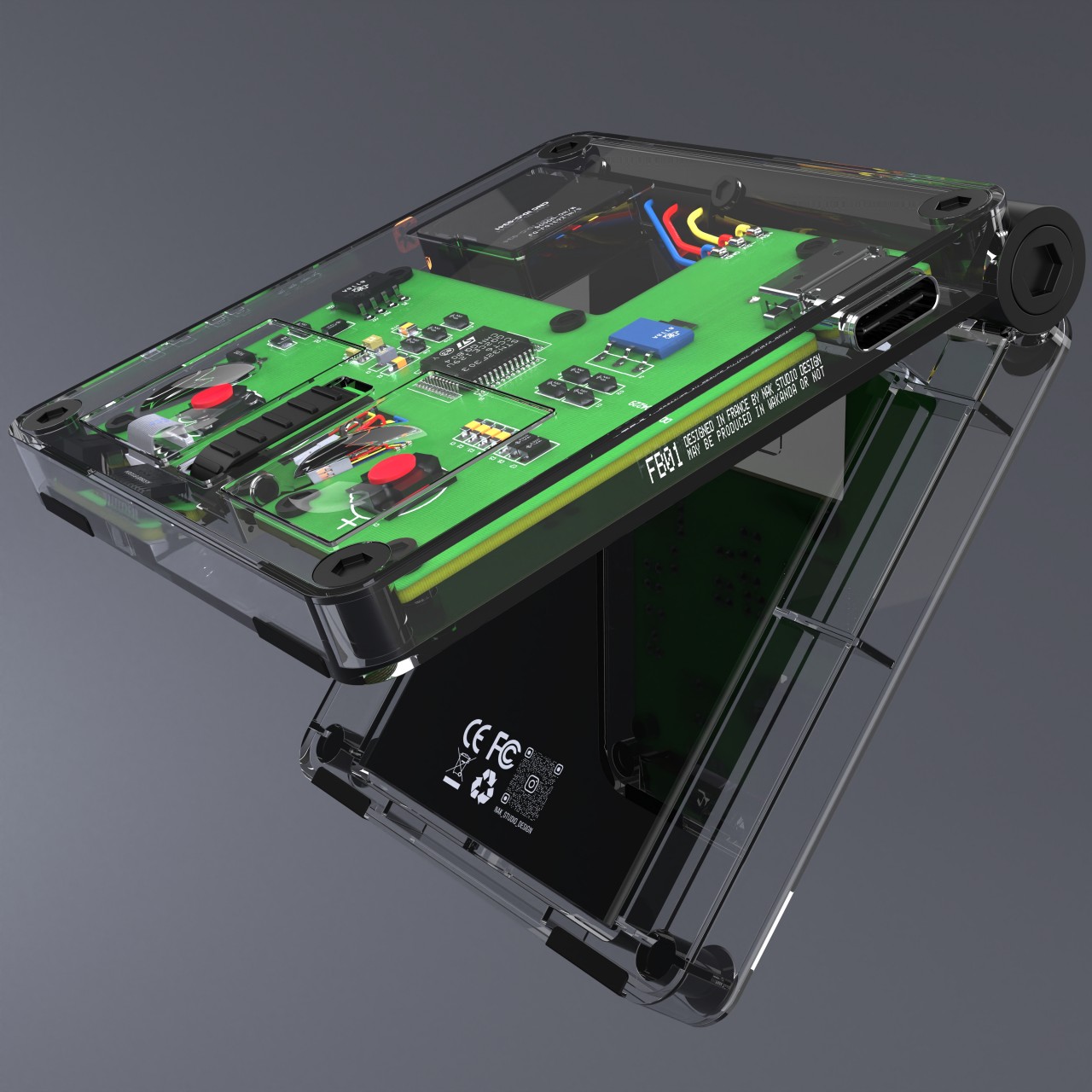
A Mouse That Enhances Your Gaming Experience Inspired By Star Wars

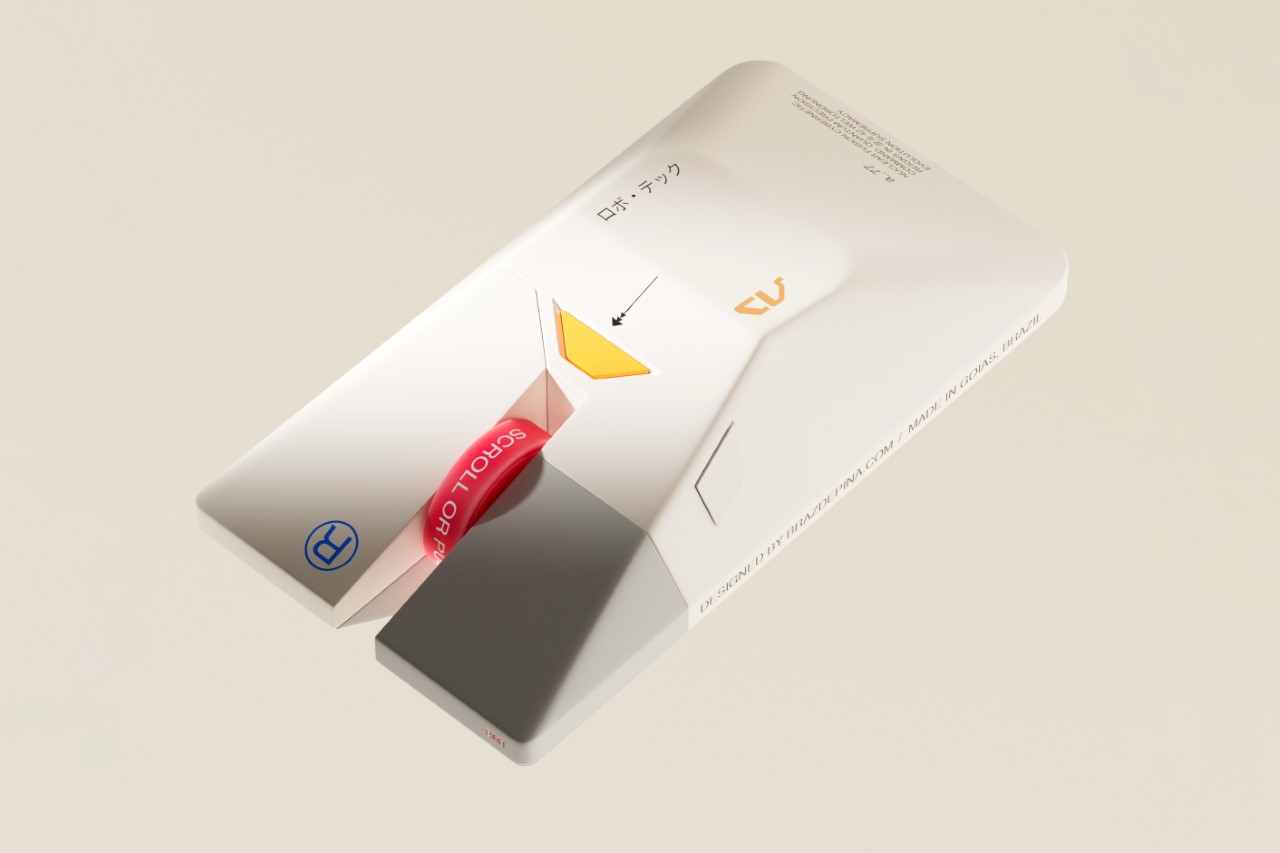
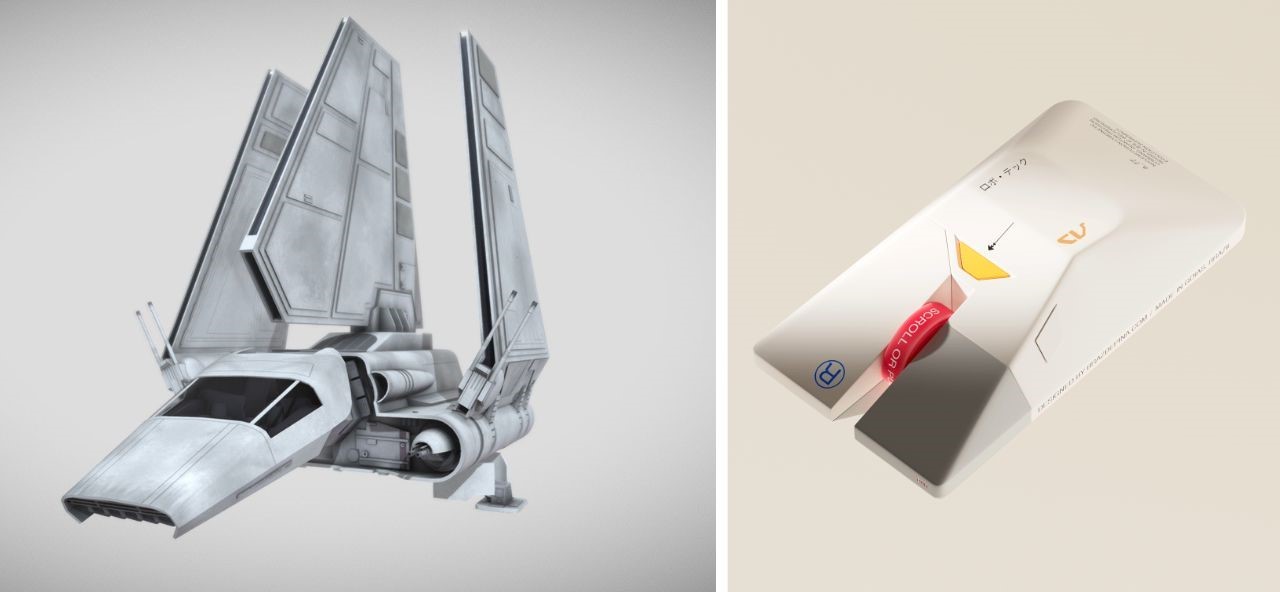
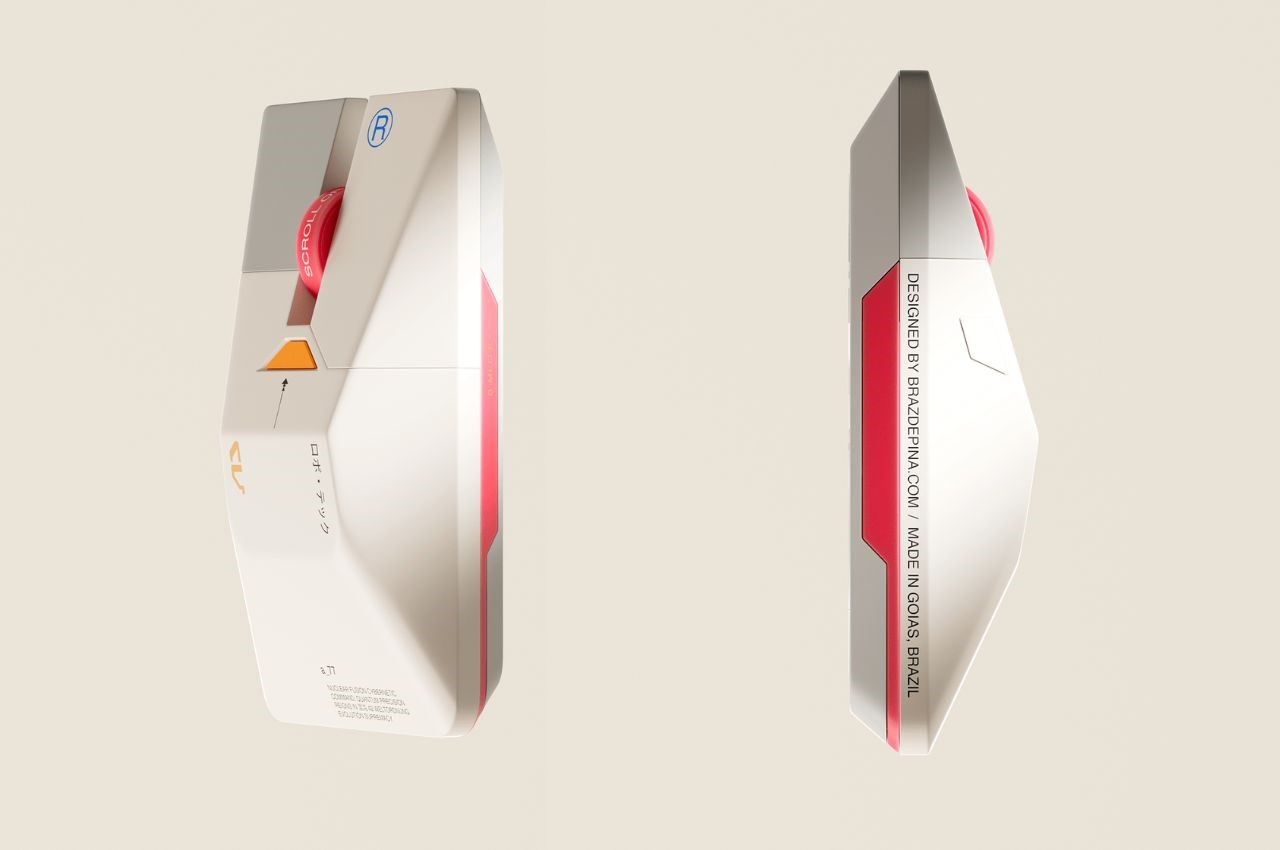
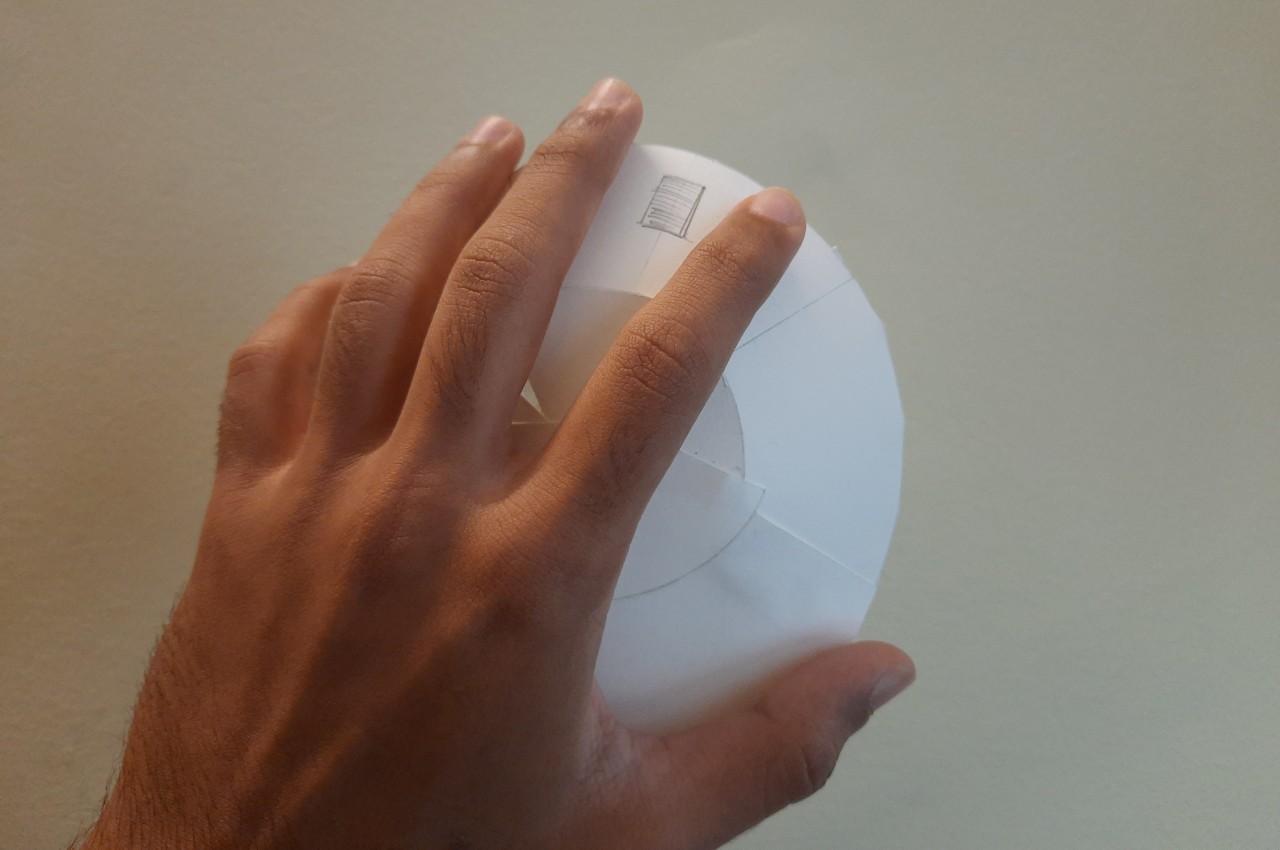
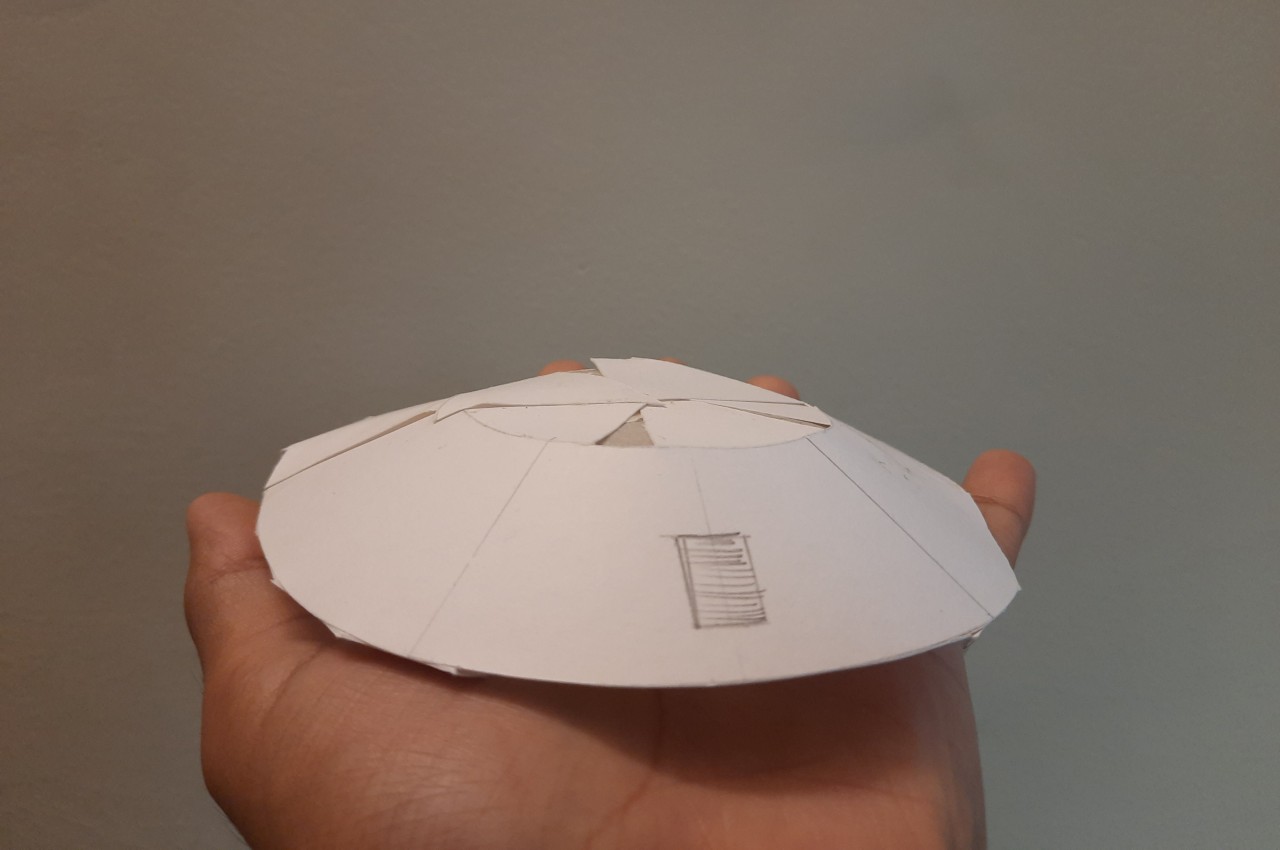
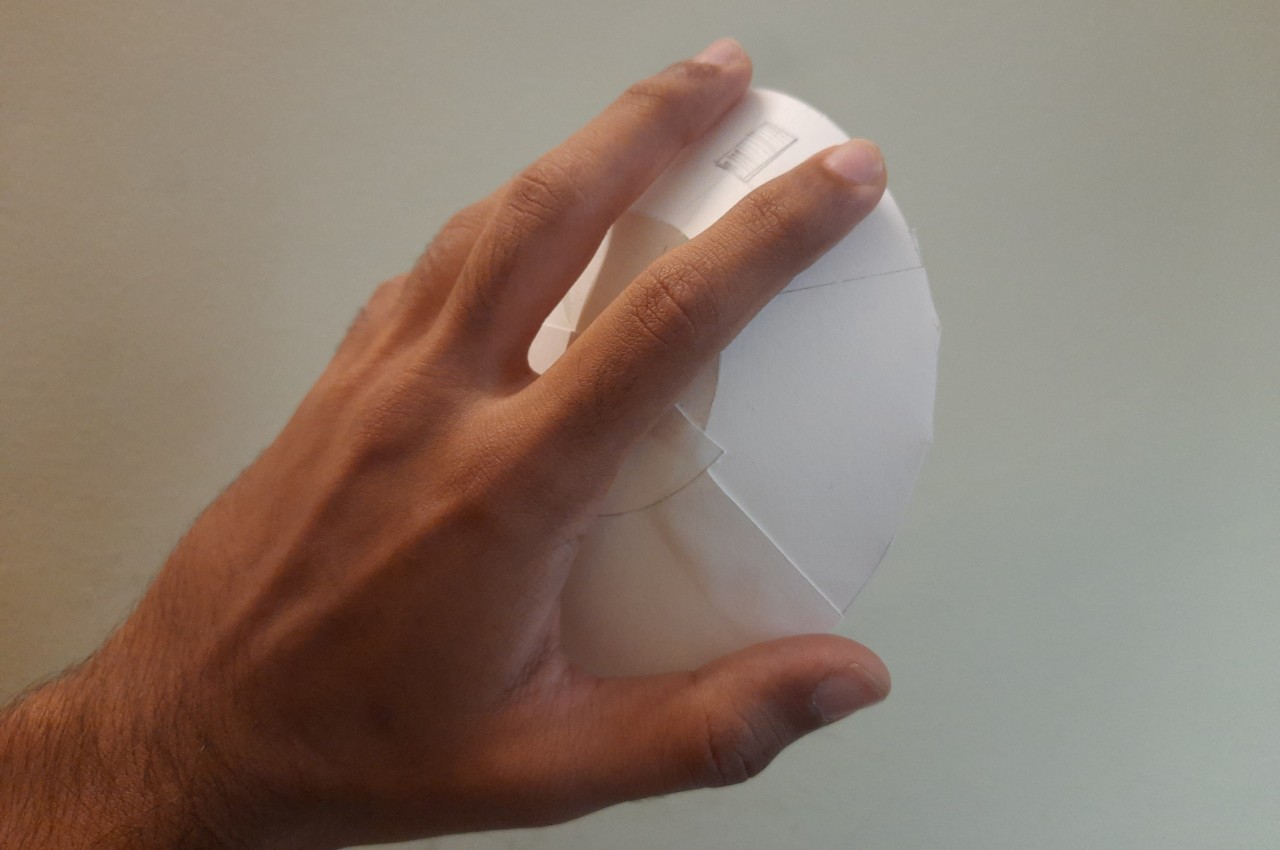
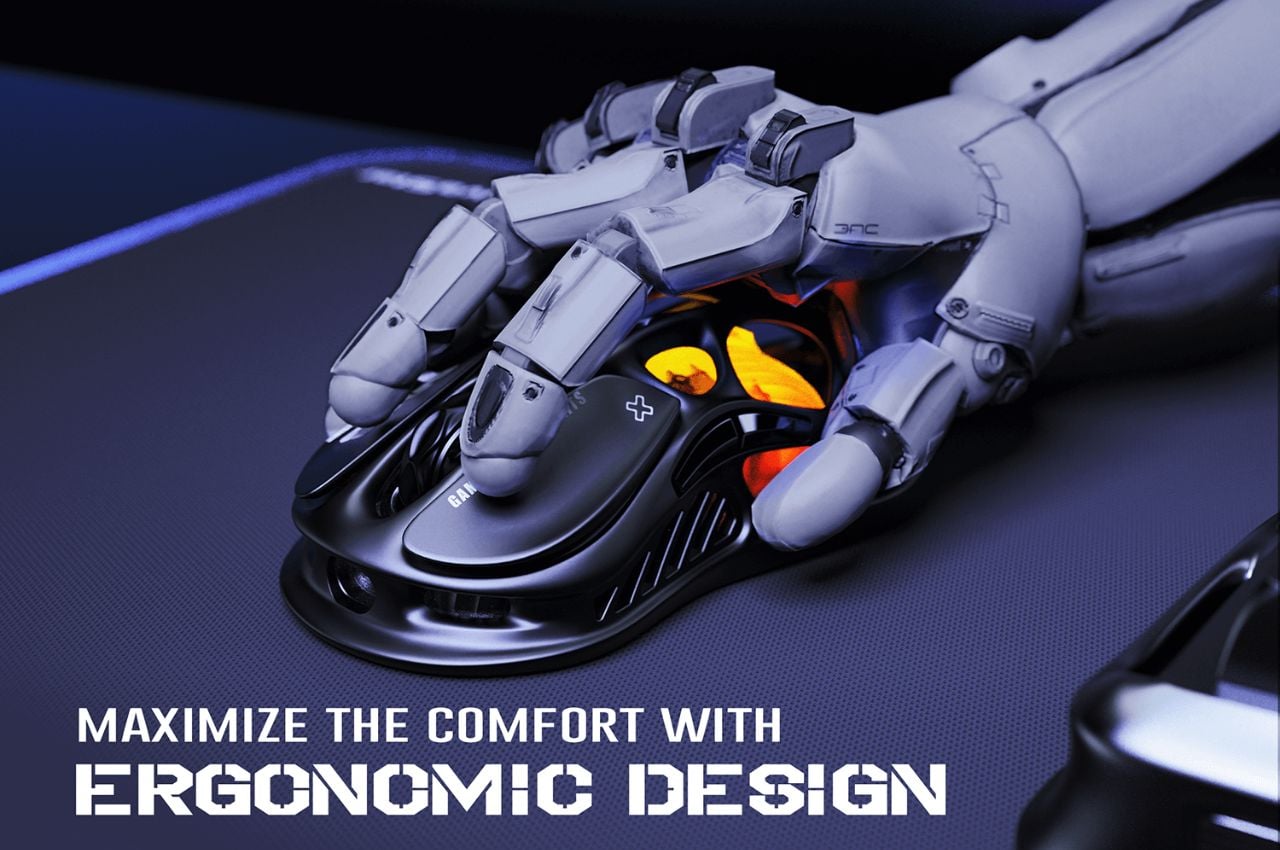
As a design website, we’ve had the distinction of covering practically every computer mouse there is. Regular mice, ergonomic mice, vertical mice, gaming mice, inflatable mice, even origami mice… so the BM1 doesn’t come as any massive surprise in terms of the visual design department. Modeled on the Lambda-class T-4A Shuttle from Star Wars, the mouse balances ergonomics with a rather inventive design that pays tribute to one of the greatest cinematic universes of all time.

Designer: Braz de Pina

Crafted by a visionary designer with a profound love for the Star Wars universe, the BM1 Mouse pays homage to one of the saga’s most iconic vessels – the Lambda-class T-4a shuttle. With its sleek contours and unmistakable resemblance to the Imperial Shuttle, this mouse beckons adventurers to embark on a journey through the stars, where every click and scroll resonates with the pulse of interstellar warfare.

For the legions of Star Wars aficionados and gamers alike, the BM1 Mouse offers an unparalleled experience, seamlessly blending the allure of the Galactic Empire with the thrill of virtual conquests. At first glance, the echoes of the Lambda-class shuttle resonate through the sleek contours of the mouse, with its central body mirroring the iconic vessel’s silhouette (if you exclude the wings).

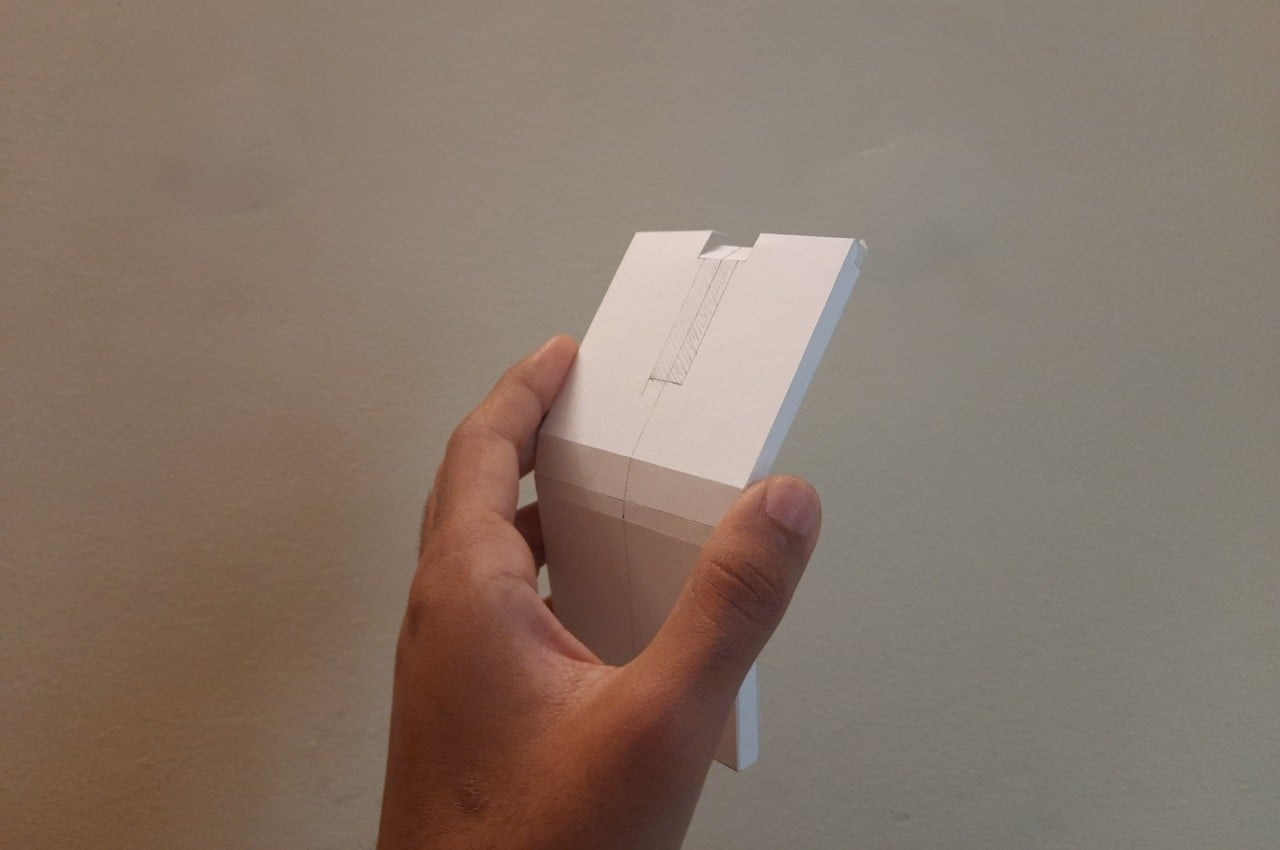
The fusion of form and function reaches its peak with the mouse’s primary features – the left and right clicks, reminiscent of the cannons adorning the front of the Imperial Lambda. Each click resonates with the exhilaration of battle, offering gamers an immersive experience akin to piloting a starfighter through the vast expanse of space.

Beyond its striking resemblance to the Imperial Shuttle, the BM1 Mouse boasts a visual identity that exudes sophistication and ergonomic brilliance. Chamfered edges provide not only aesthetic appeal but also enhance grip and comfort during prolonged gaming sessions. The streamlined shape evokes a sense of speed and agility, reminiscent of the starships that dominate the Star Wars universe.

Not to be overlooked is the mouse’s scroller – a distinctive feature that commands attention with its futuristic design. Easy to spot and effortless to use, the scroller serves as a tool for navigation in the digital realm, guiding users through galaxies far and wide with precision and ease.

Moreover, the visual cues and font selection evoke a sense of futurism, drawing parallels to the technological marvels of the Star Wars universe. The color palette, a delicate fusion of greys, whites, and vibrant primary hues, further accentuates the mouse’s futuristic appeal, transporting users to a realm where technology and imagination converge.

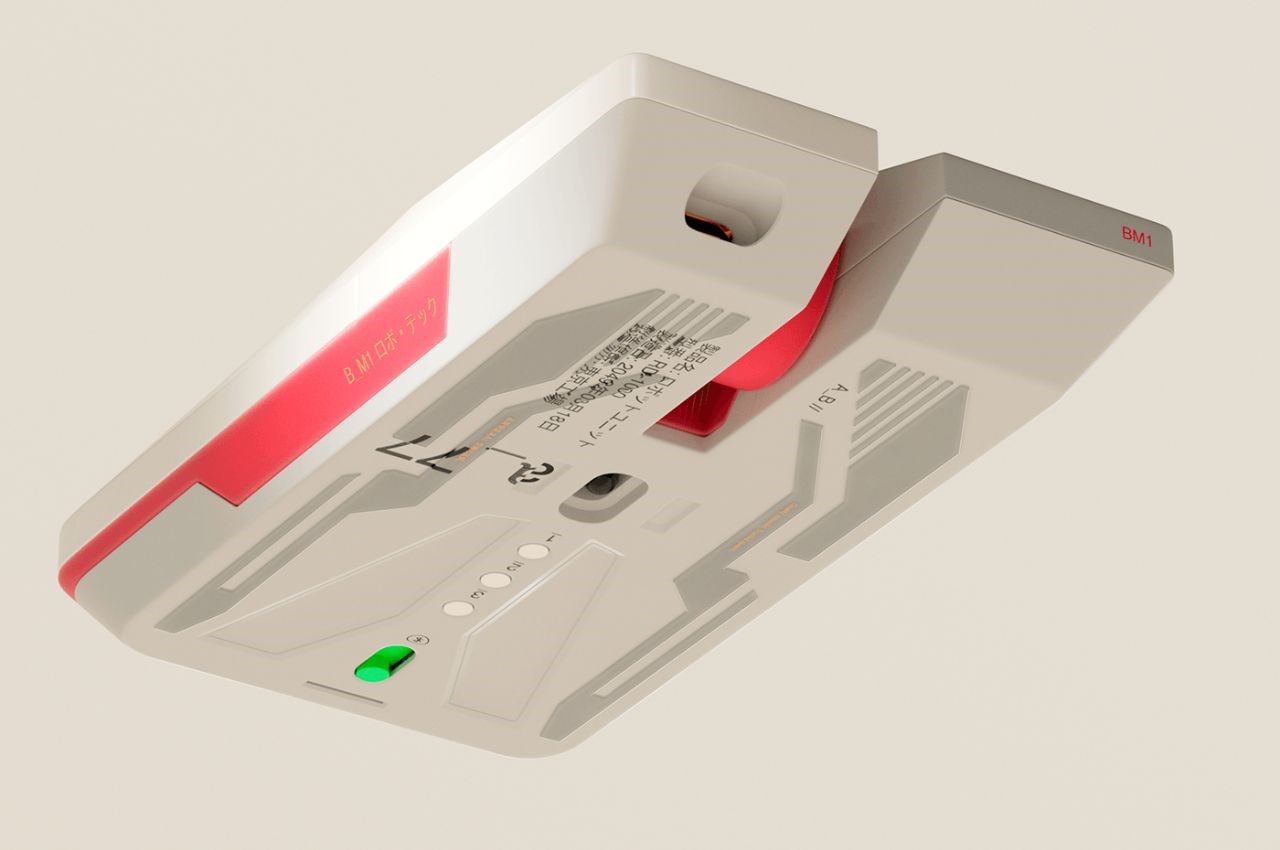
A closer look at the mouse’s underside reveals a flat base adorned with sleek depressions, reminiscent of the underbelly of a spaceship preparing for flight. This attention to detail not only enhances the mouse’s aesthetic appeal but also reinforces its identity as a vessel for digital exploration and conquest.

The post A Mouse That Enhances Your Gaming Experience Inspired By Star Wars first appeared on Yanko Design.

Computer mouse design has to be scratched and deteriorated to show its true self

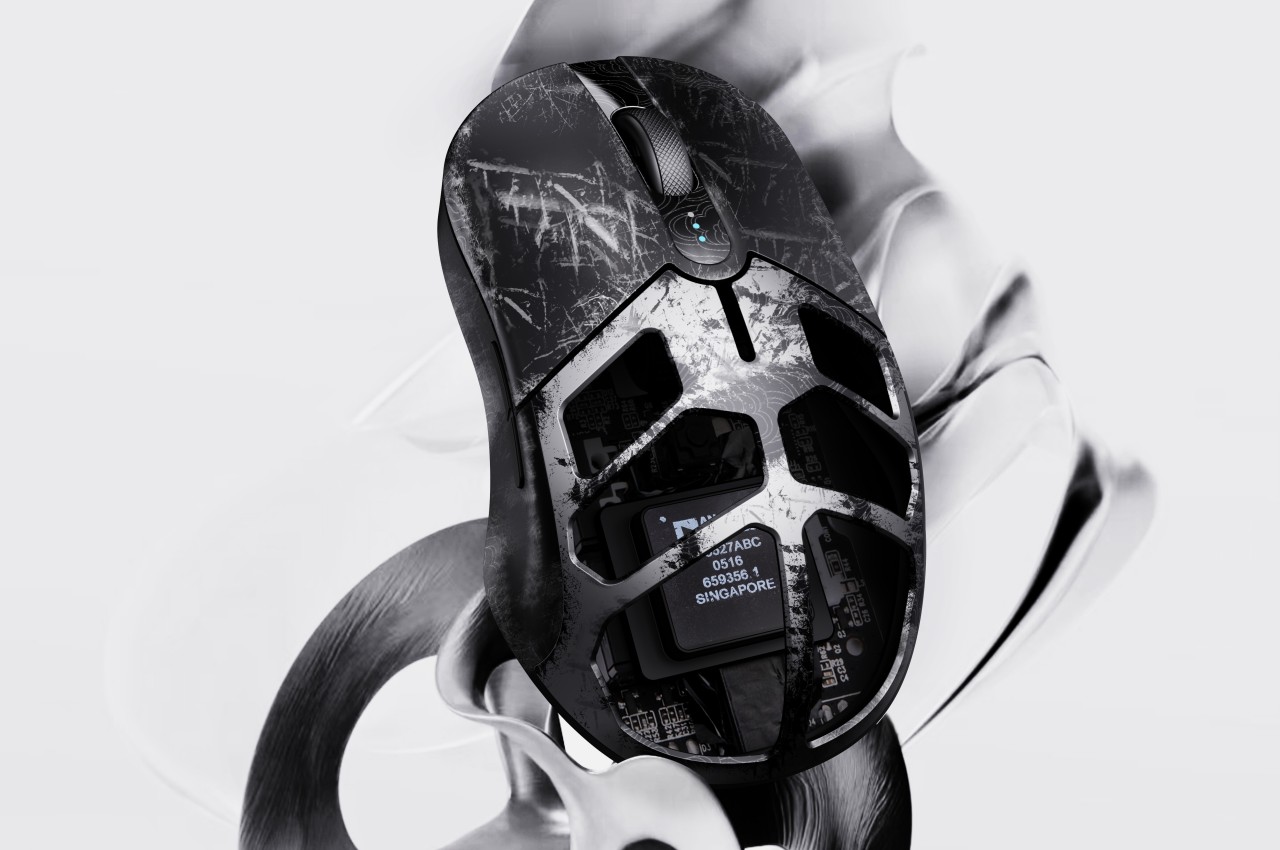
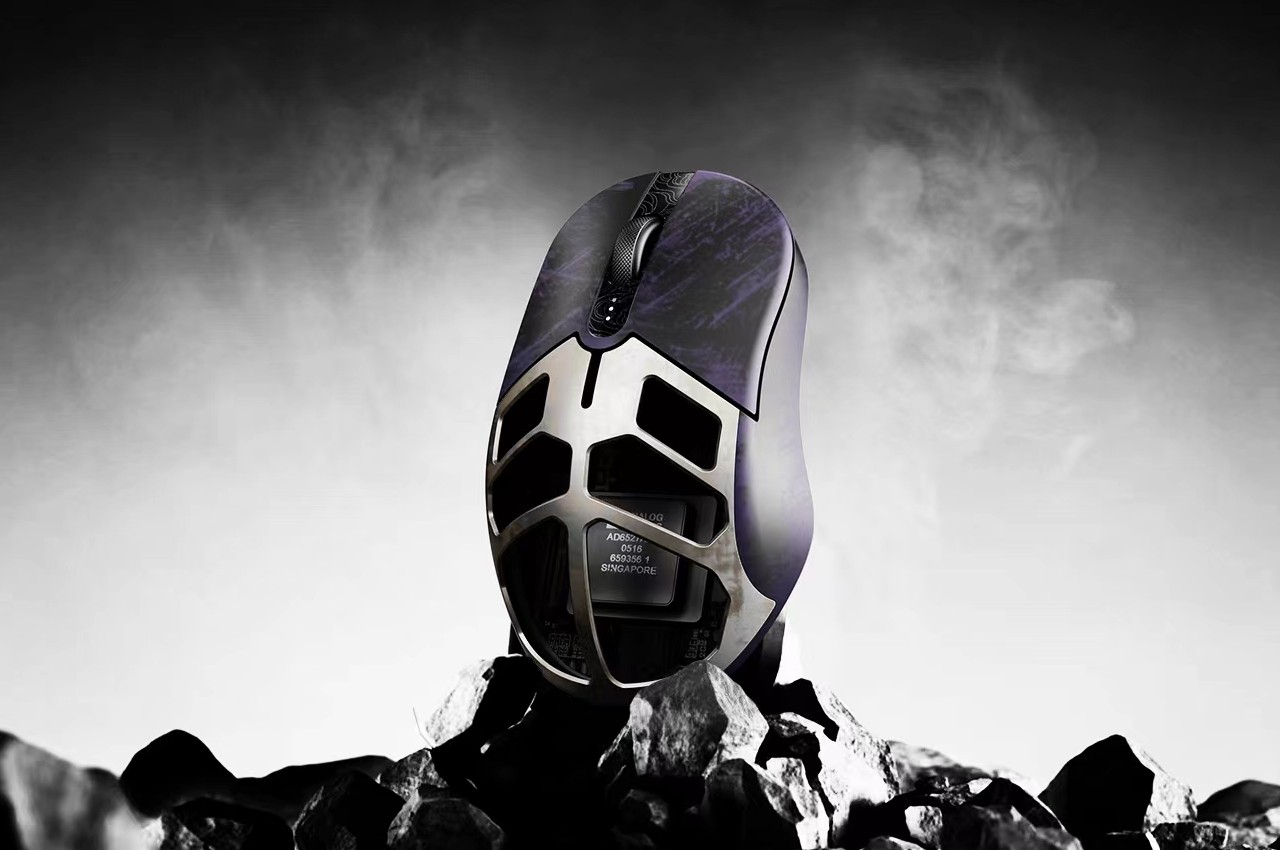
We see plenty of designs that try to address one of the computer mouse’s biggest problems, that of ergonomics. Truth be told, however, it’s unlikely that it will change en masse and for good, considering how the horizontal shape of this device has been so ingrained in our consciousness for decades. Of course, that doesn’t mean that there’s no room for experimentation, especially when it comes to adding some value to a traditional mouse design. That can be through its shape, its texture, or even its materials. The latter is something that this curious concept tries to play with, suggesting a computer mouse that you intentionally want to get scratched or quickly deteriorate just so that you can see the secret color or design hidden underneath its skin.

Designer: Liang Yao (苦 口)

Physical products age and deteriorate over time, but those that provide some utility tend to grow old and wear down faster. Not all materials, however, age as gracefully as leather or brass, materials develop unique patinas from their use. Wood can chip, metal gets scratched, and plastic fades or gets discolored. Normally, you wouldn’t want your stuff to even get dinged, let alone scratched, because it then loses its value, but this computer mouse concept is the complete opposite.

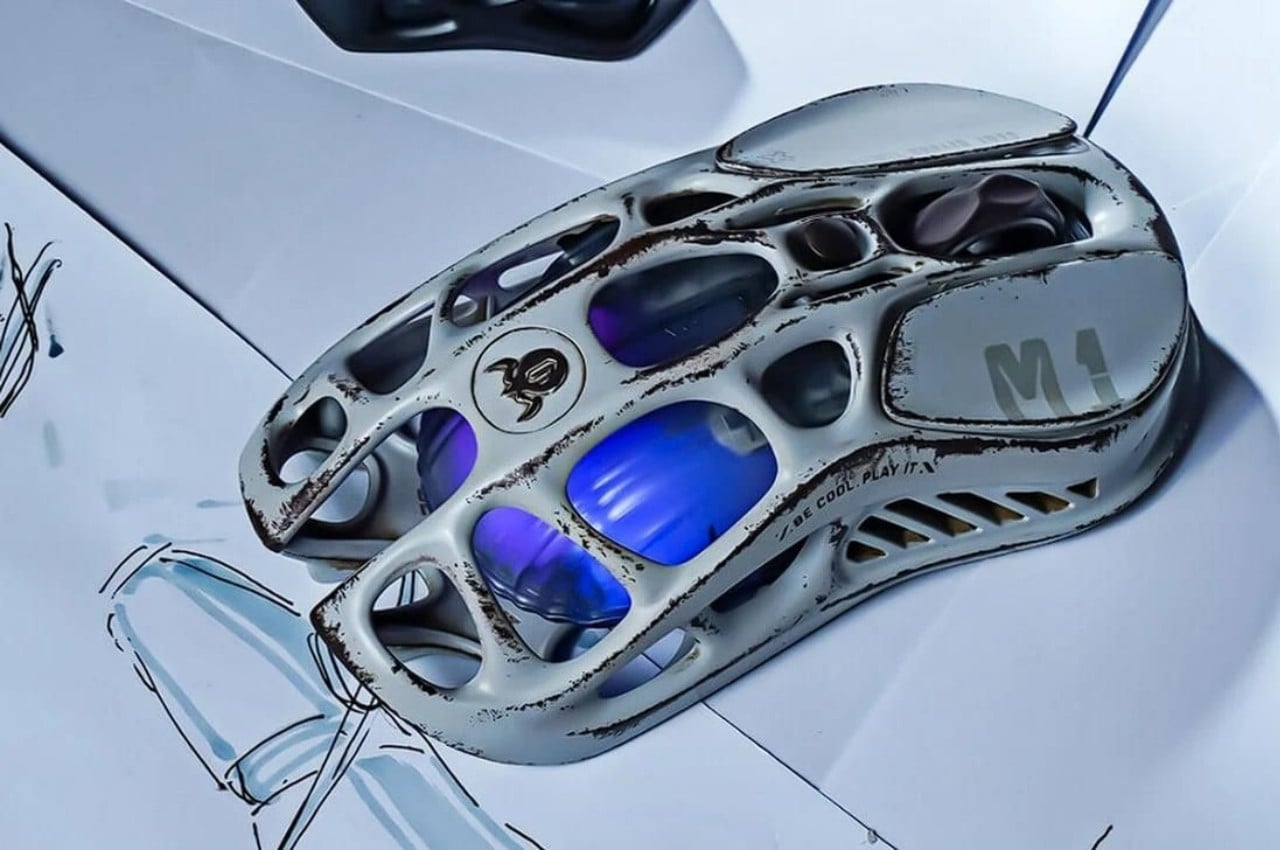
“Scratch-off” is a design that adds an extra layer on top of the mouse’s actual design that’s not meant to last forever. Just like those lottery scratchcards, the temporary material on top reveals a prize or a dud when you scratch it off. Of course, you won’t intentionally scratch this mouse’s surface, but it adds a bit of thrill and excitement as you slowly see the hidden design underneath.

This actually brings a lot of opportunities for branding and advertising, with logos or markings hidden underneath the outer layer of the mouse’s surface. Of course, it could be a long burn depending on the kind of material used. After all, it might take weeks or even months before the mouse’s outer cover gets scratched off or peeled completely. In some cases, however, there might even be a marketing gimmick where you intentionally damage the mouse’s surface to reveal some visual gem underneath, hopefully in a safe manner.

The concept, however, does raise the question of the material that should be used to implement this outer layer. It has to be easy to scratch or fade, but not too quickly like some plastic sheet that will defeat the entire purpose of anticipating the product’s deterioration. At the same time, however, it has to be a hygienic material that won’t leave flakes behind, considering how your hand will always be making contact with the mouse.

The post Computer mouse design has to be scratched and deteriorated to show its true self first appeared on Yanko Design.

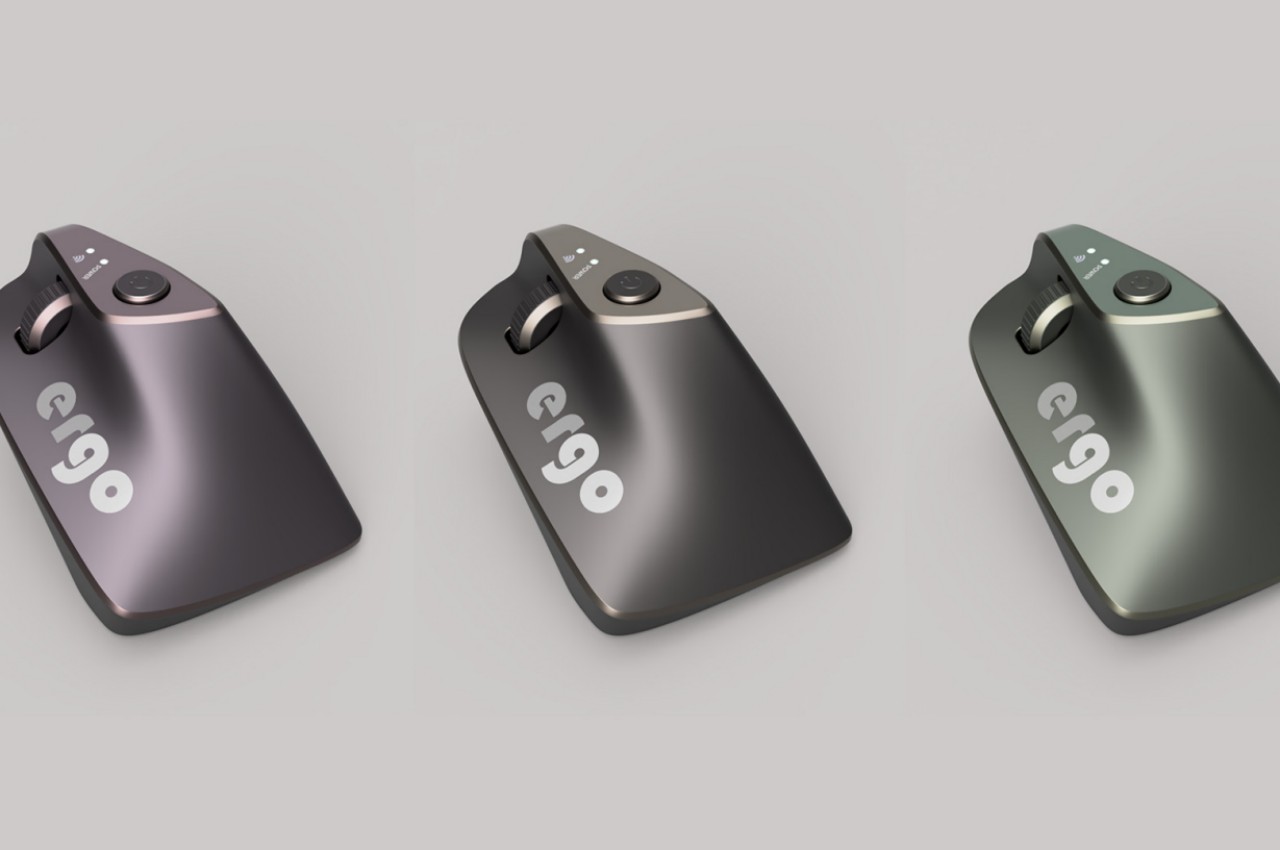
Ergonomic mouse concept oddly looks like a familiar home appliance

Computer mice have been around for decades, and despite their form making no objective sense, they remain the most basic and most common pointing device that we now use intuitively. The core design of the mouse hasn’t changed significantly since its inception, which unfortunately means they’re still one of the biggest causes of repetitive strain injury or RSI for many people. Ergonomic mice are starting to gain traction, particularly the vertically oriented designs that promise a more natural and comfortable grip for your hand. This device concept builds on that same premise, but the execution is a bit puzzling considering how it looks less like a mouse and more like a miniature clothes iron.

Designer: Pranav Kuber

The rationale behind vertical mice is that the normal orientation of human hands has the palms facing inward rather than downward. With a regular mouse, users are forced to keep their hands at an unnatural angle, whether or not they’re moving the mouse at that moment. Of course, a vertical mouse would still need to provide the basic functions of a conventional mouse, which includes left and right buttons as well as a scroll wheel.

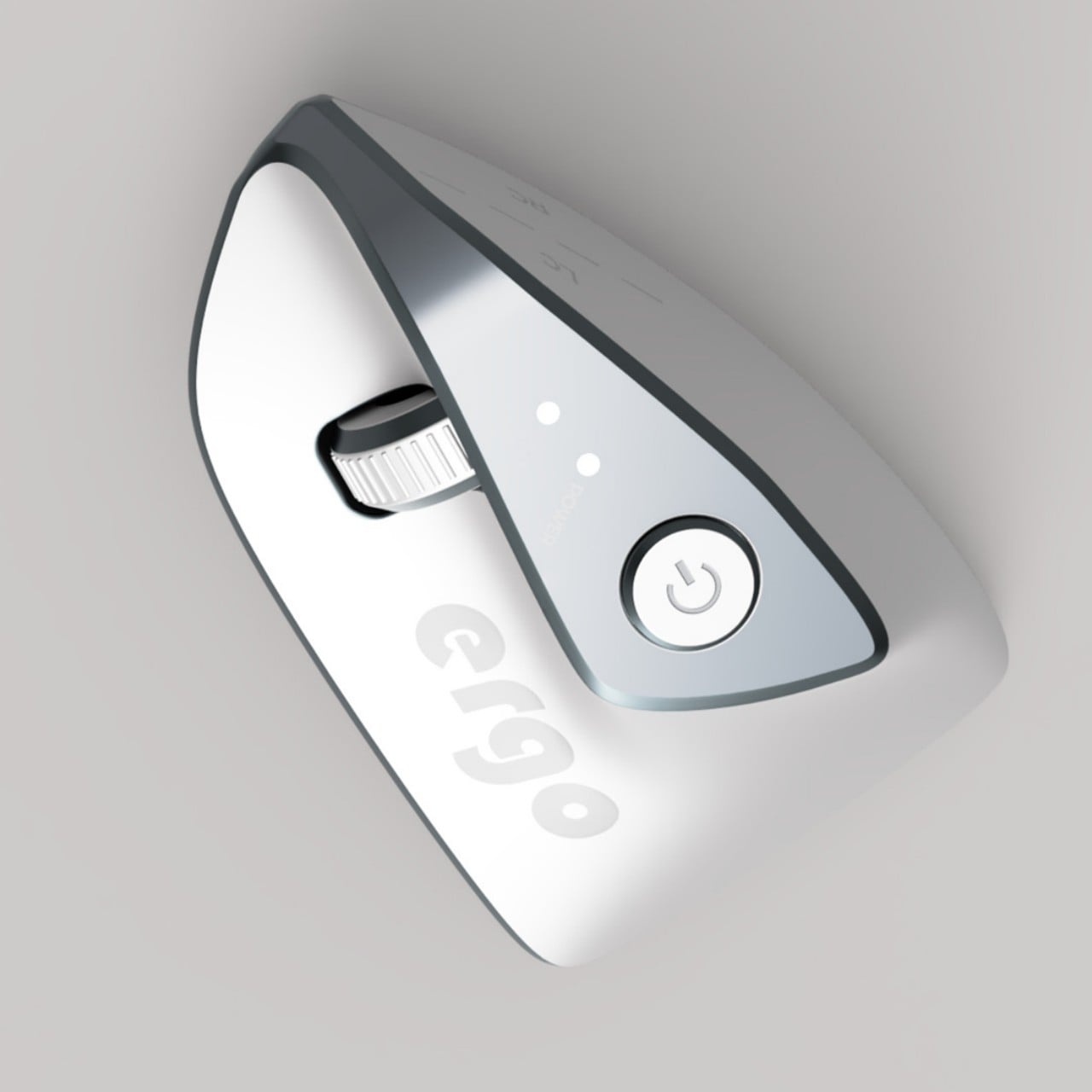
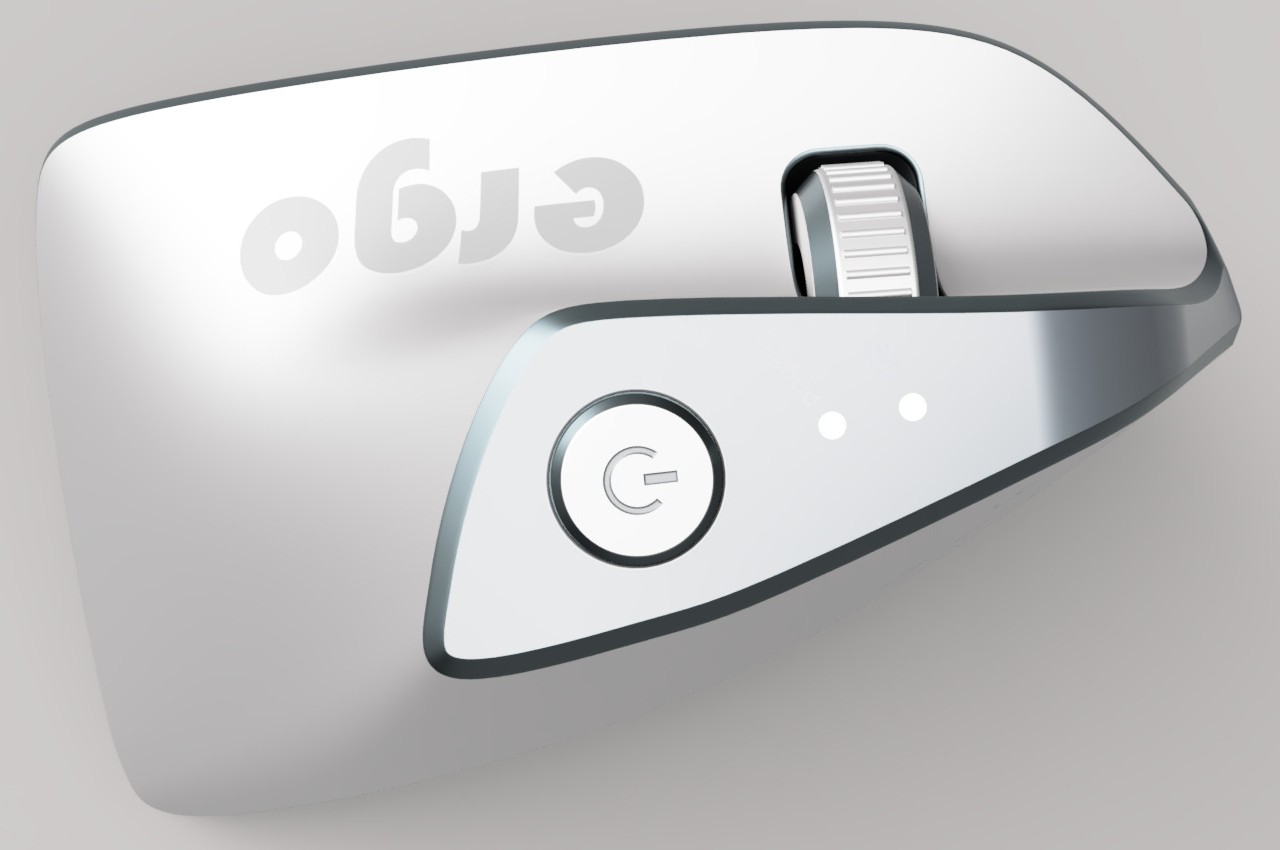
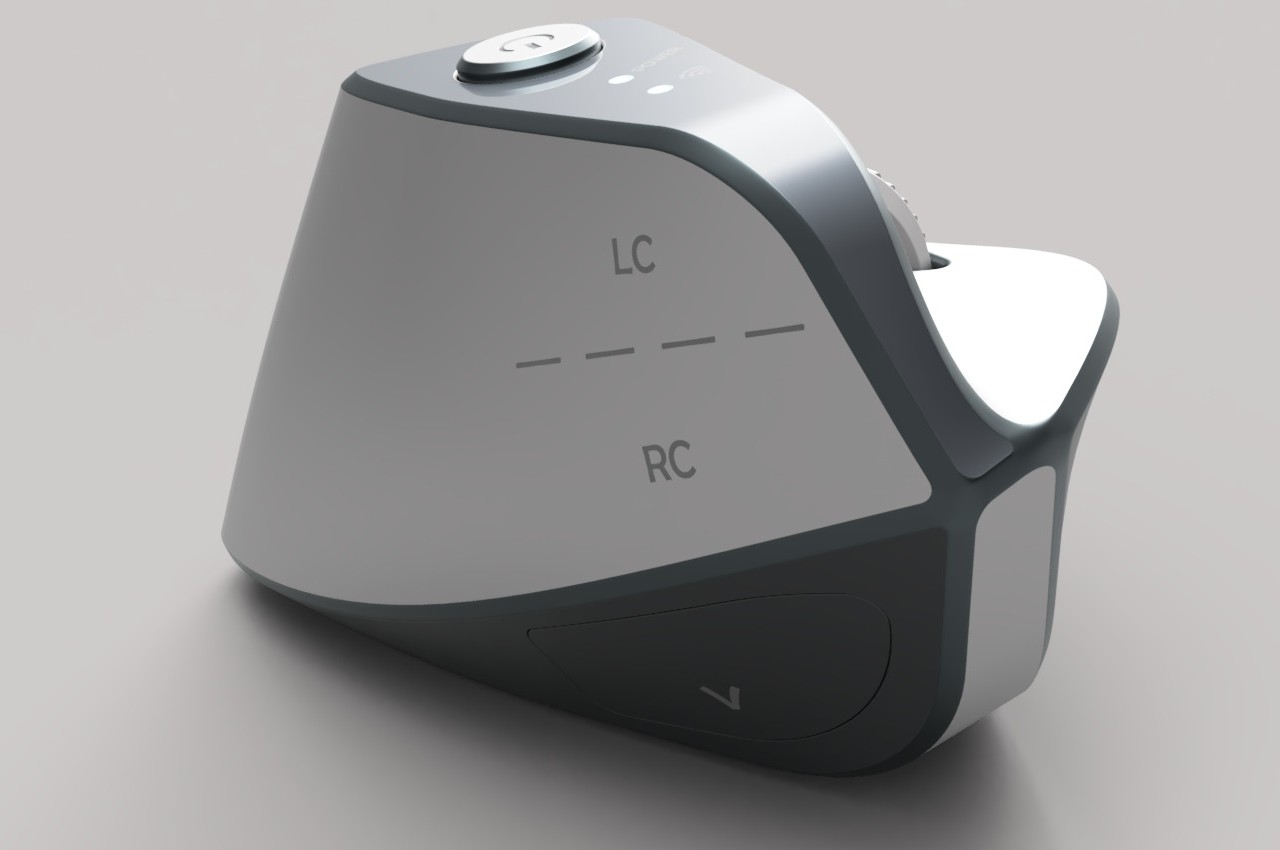
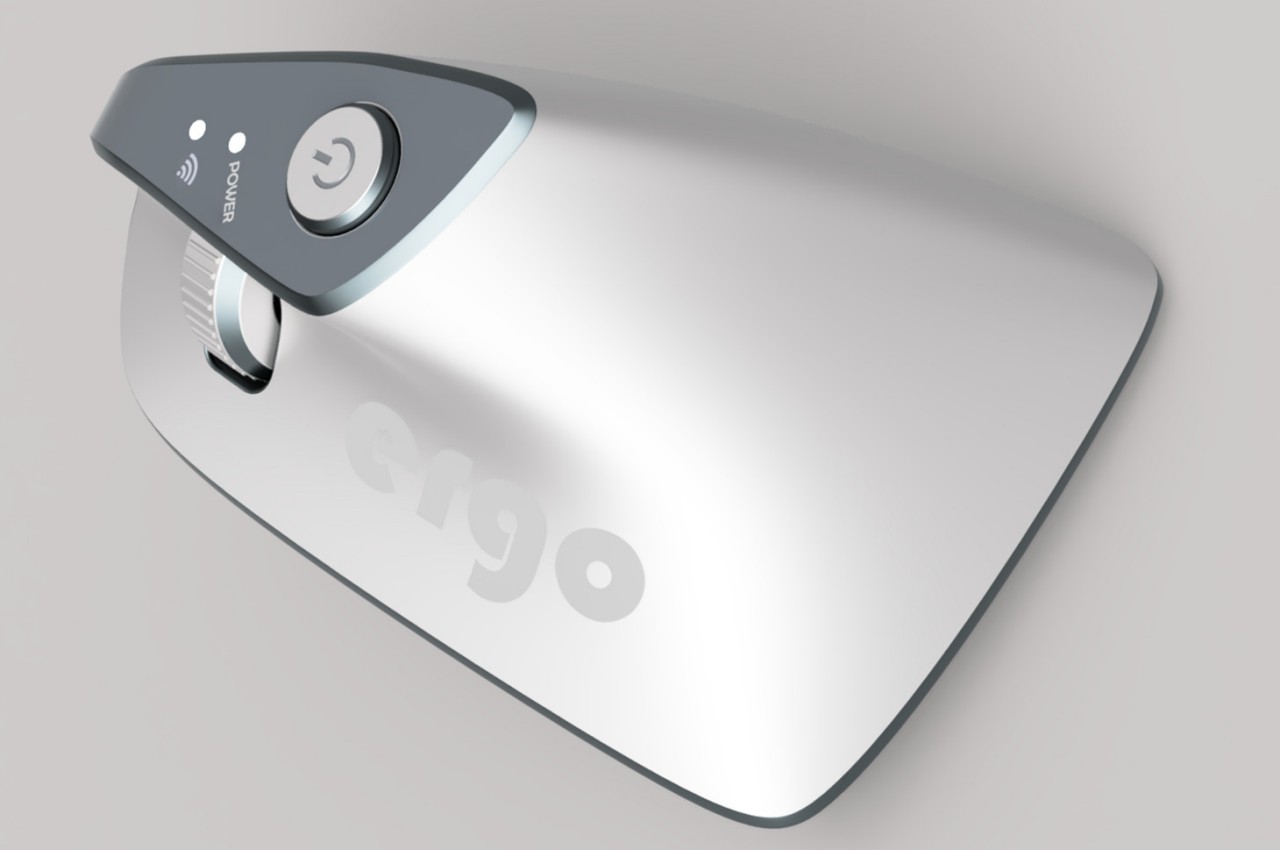
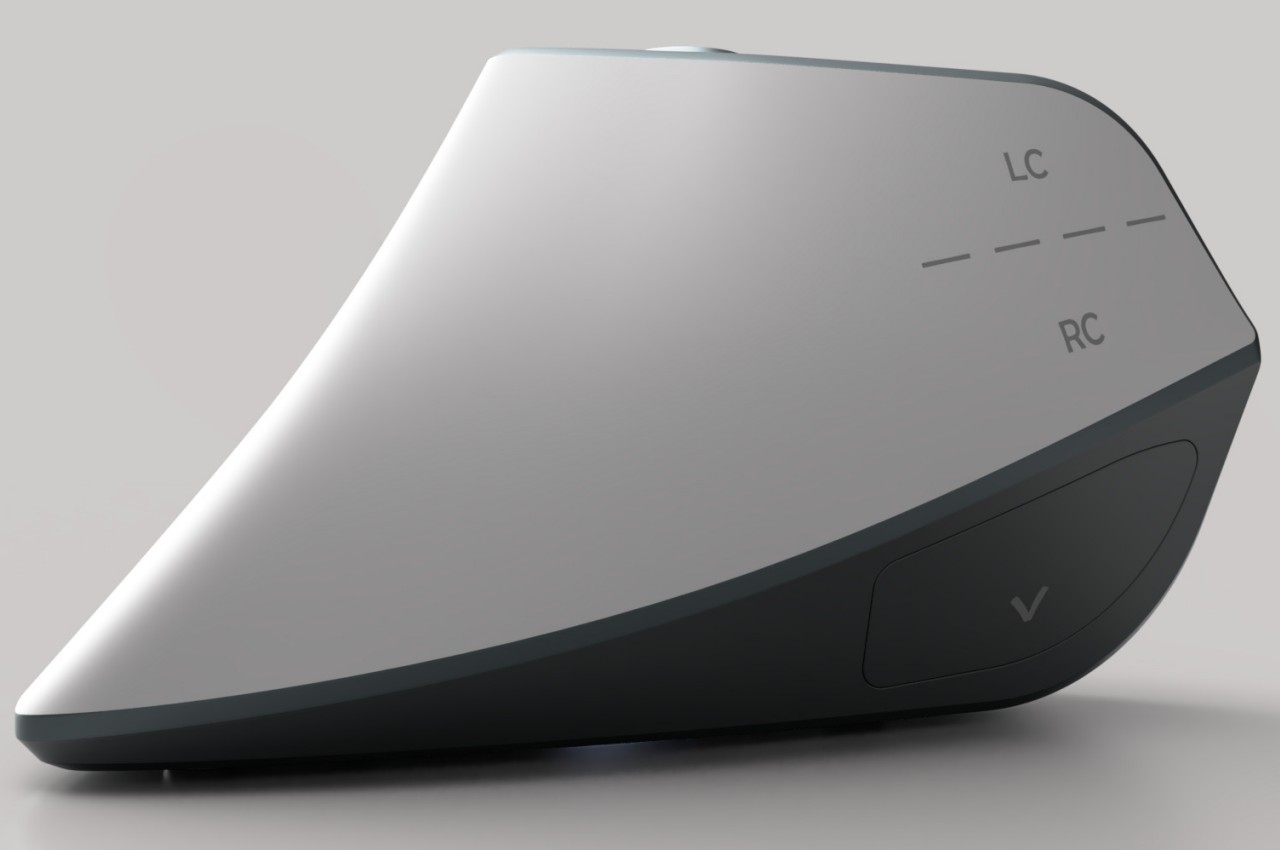
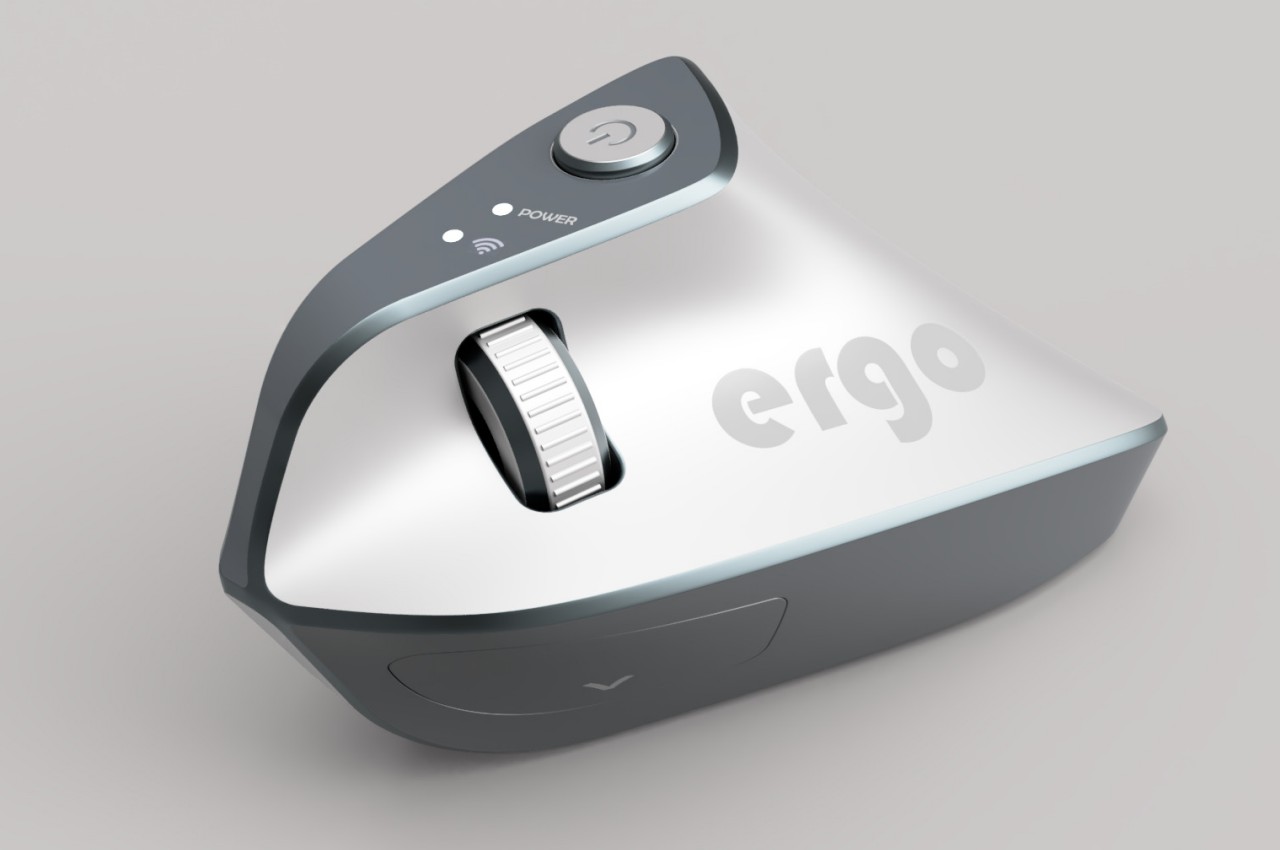
At first glance, the Ergo ergonomic mouse concept is just like any other vertical mouse now available for purchase, but examining its form and silhouette generates a slightly different image. The top plane’s wide surface tapers sharply toward the front, while the wide middle section looks rectangular when viewed from above. If not for the actual bottom of the mouse, which merges two vertical sides like the keel of a ship, the Ergo looks almost like a clothes iron, albeit one without a handle to grip.

Aside from the peculiar shape, the mouse design also raises a few other questions. The buttons on the outer or right side are clearly marked, but they don’t look like buttons you can physically click at first glance. The position of the mouse wheel on the opposite side is even more puzzling, as it will require a lot of swinging movement from the thumb that could actually put more strain on its joint. The rather wide rear might also make it harder to grasp the mouse, potentially resulting in more discomfort in the long run.

The post Ergonomic mouse concept oddly looks like a familiar home appliance first appeared on Yanko Design.

Ergonomic mouse concept gives left-handed users the comfort they deserve

The vast majority of computer products are designed to favor the biggest groups of users, sometimes to the exclusion of the minority. We’re not speaking about accessibility for persons with physical disabilities, but that is especially true for them as well. Even just the common keyboard and mouse are designed with the presumption that they will be used by right-handed people. And while ambidextrous mice do exist, those tend to sacrifice comfort for the sake of a symmetrical design. That doesn’t have to be the case, as this concept design tries to prove, promising both comfort as well as proficiency, regardless of which hand you hold it with.

Designer: Sameeraj Dronamraju

There has been an increasing awareness and demand for ergonomic mice, sadly due to the equally rising cases of computer-related injuries. But while there are plenty of ergonomic designs now available, most of them only cater to right-handed users. You’d be lucky if the manufacturer produced a left-handed design, but most don’t because of the costs involved in another product with only a few minor differences.

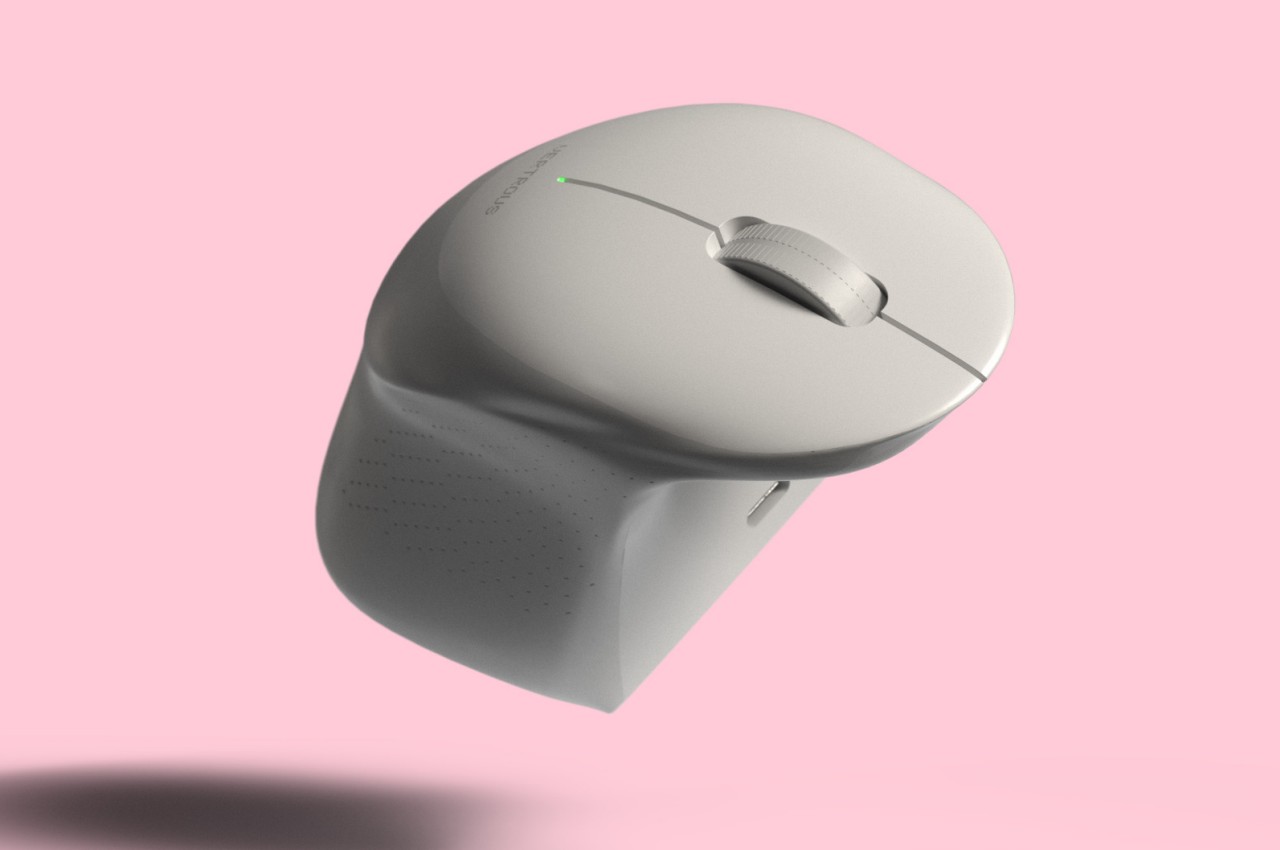
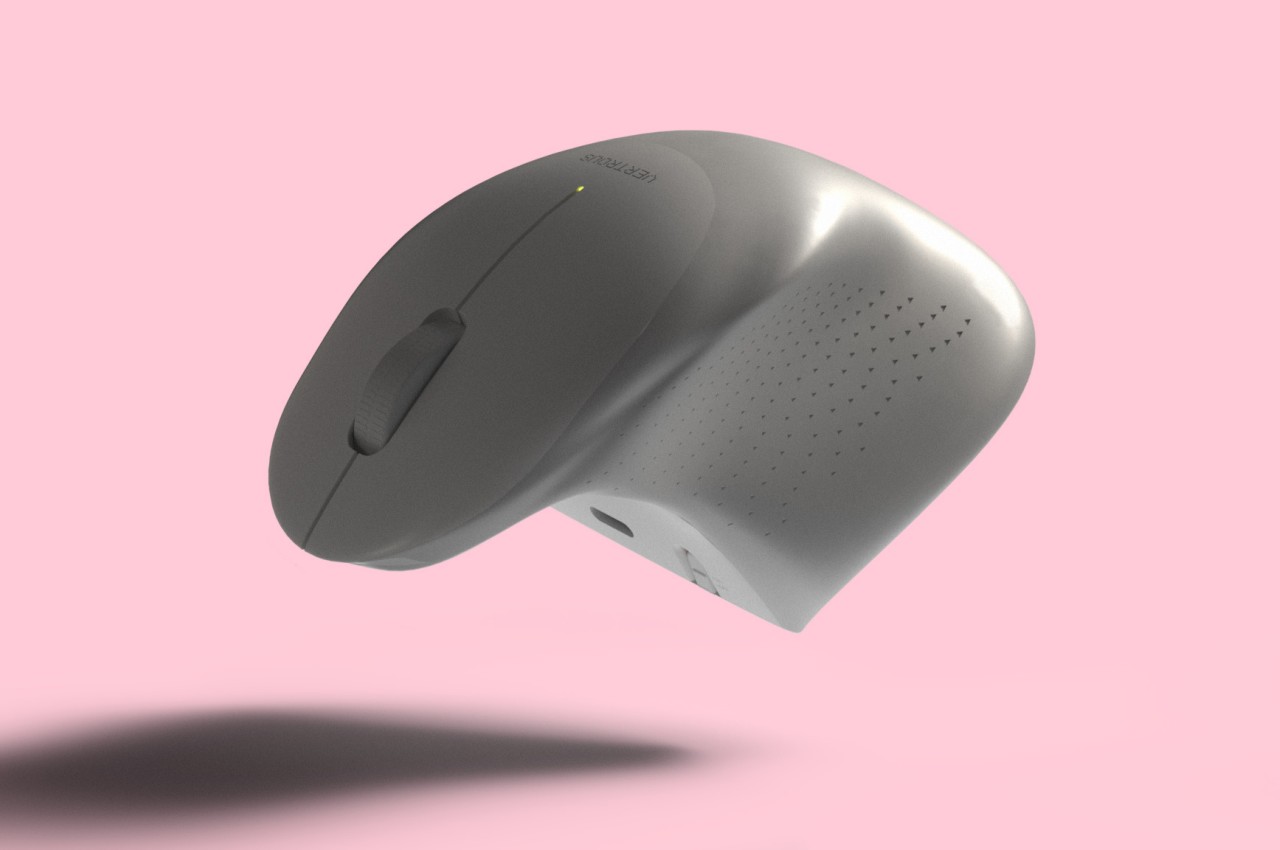
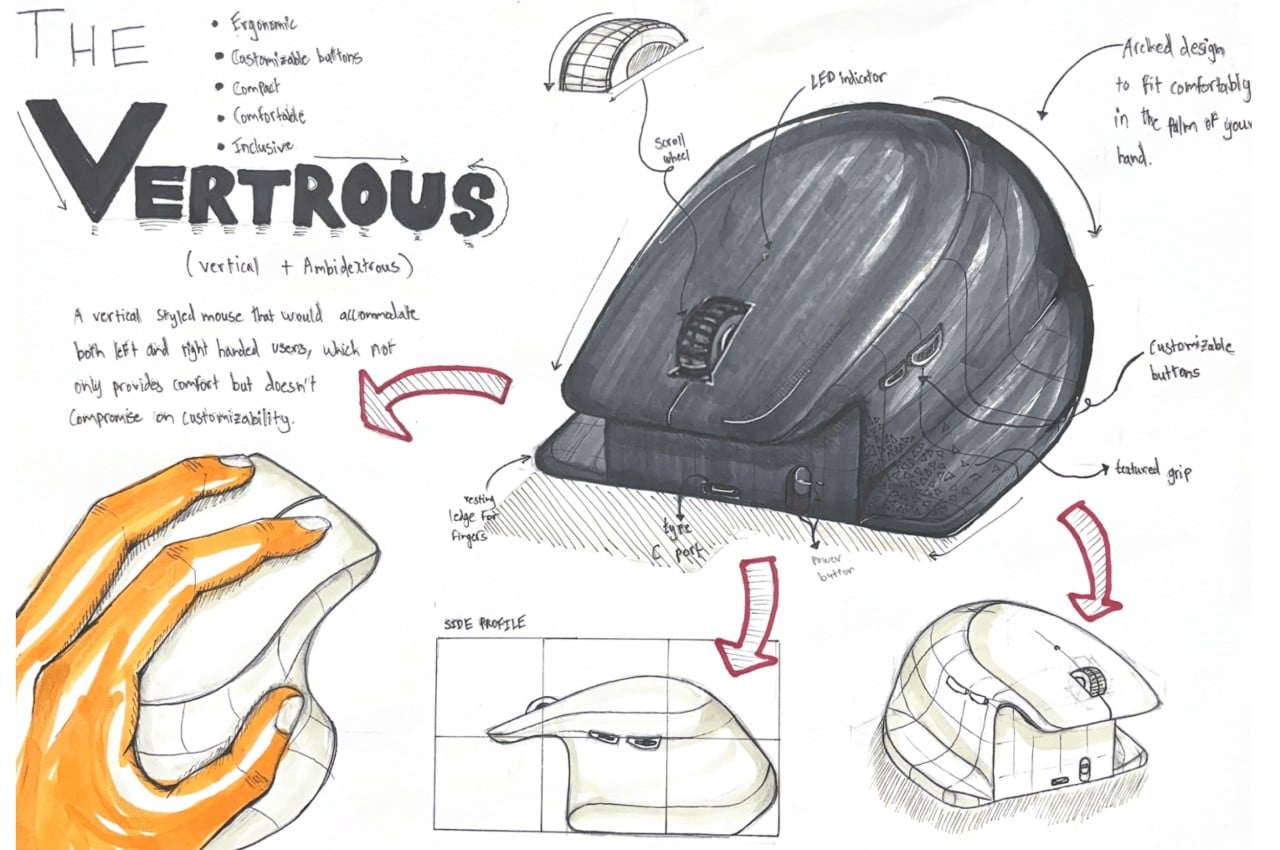
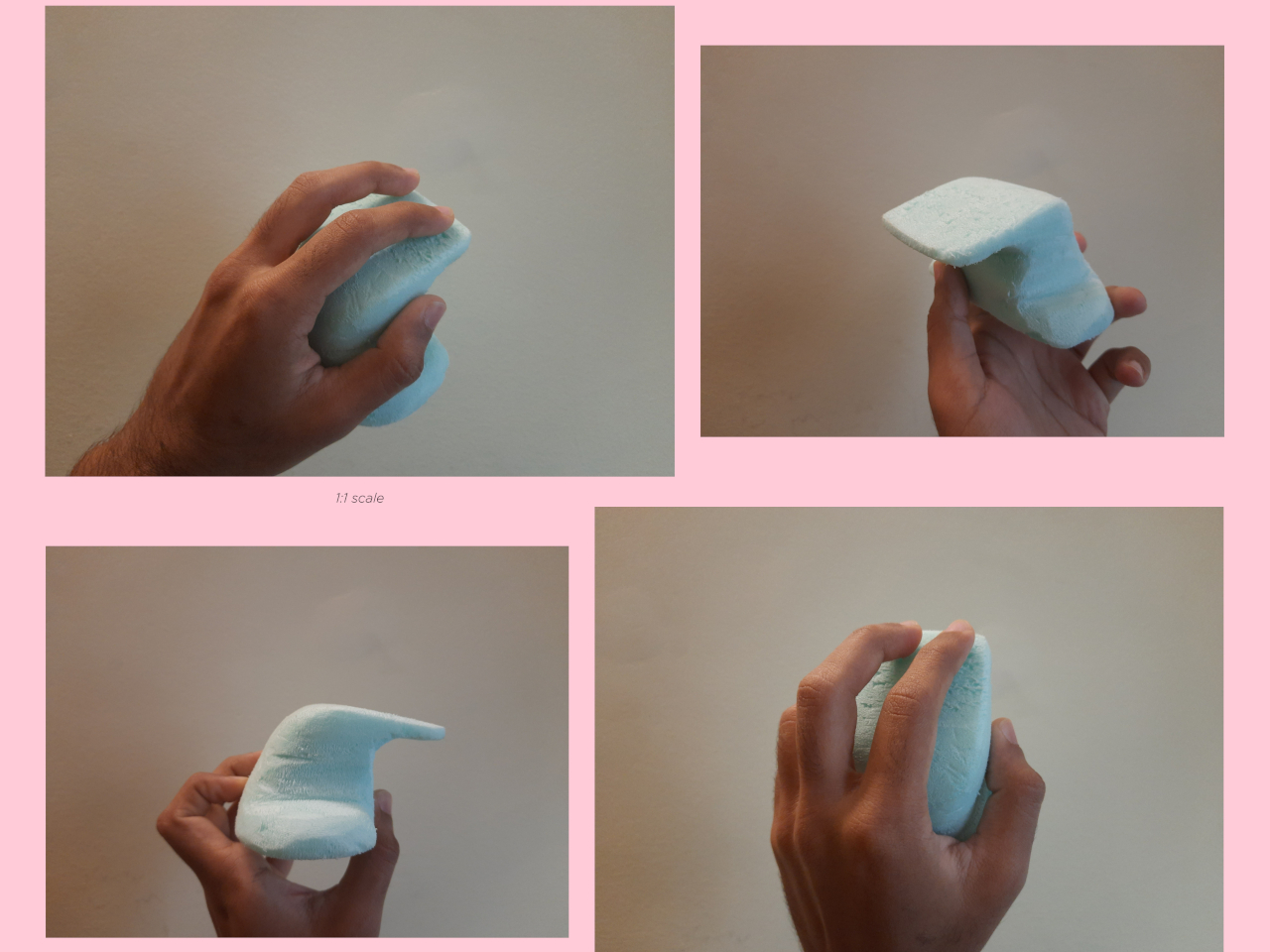
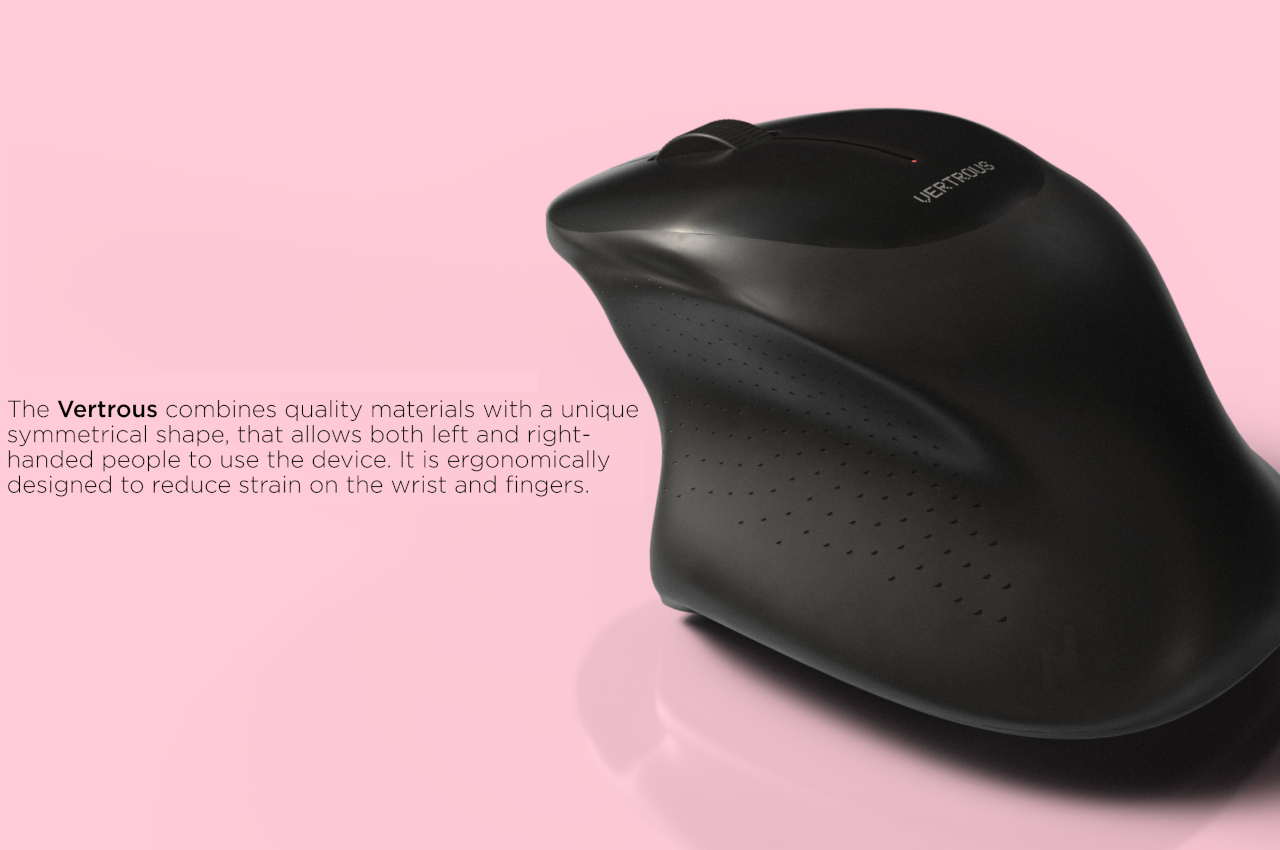
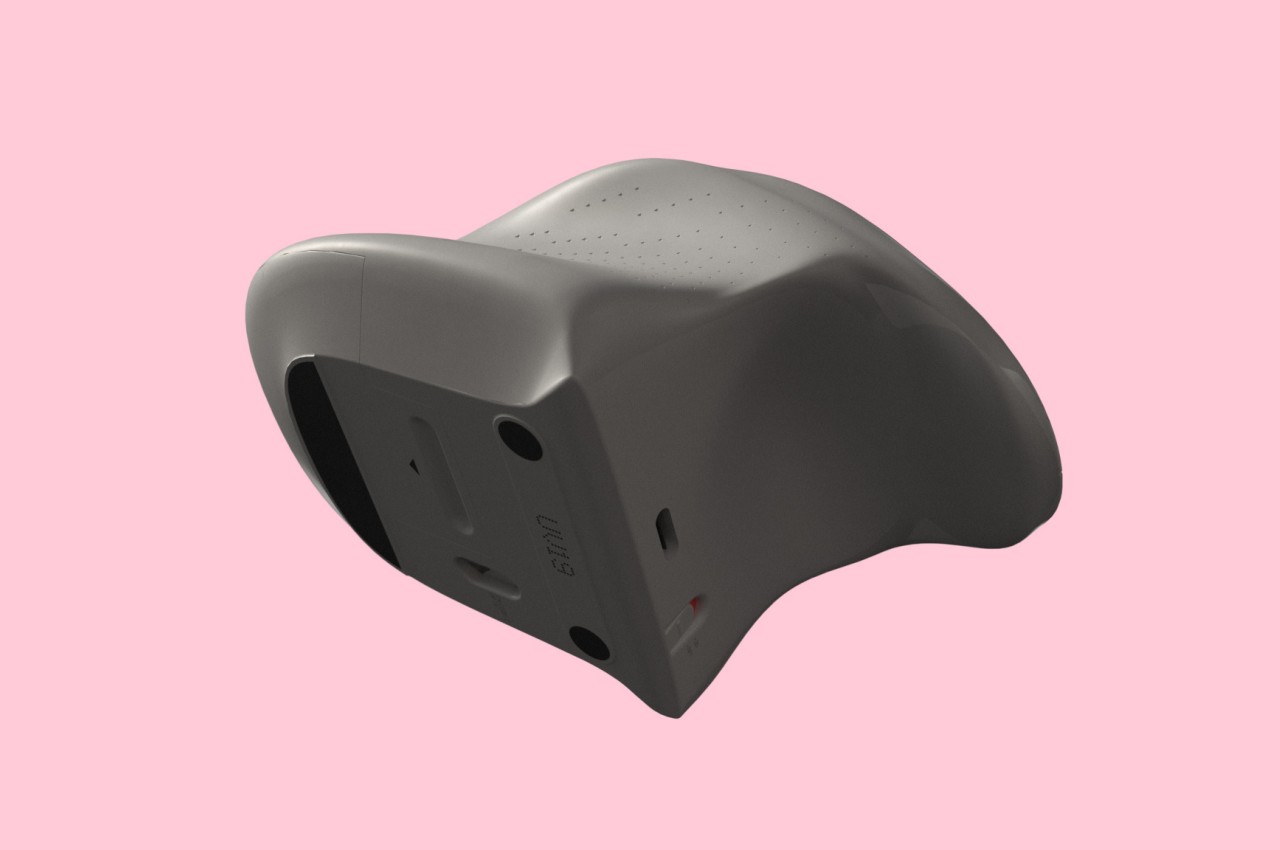
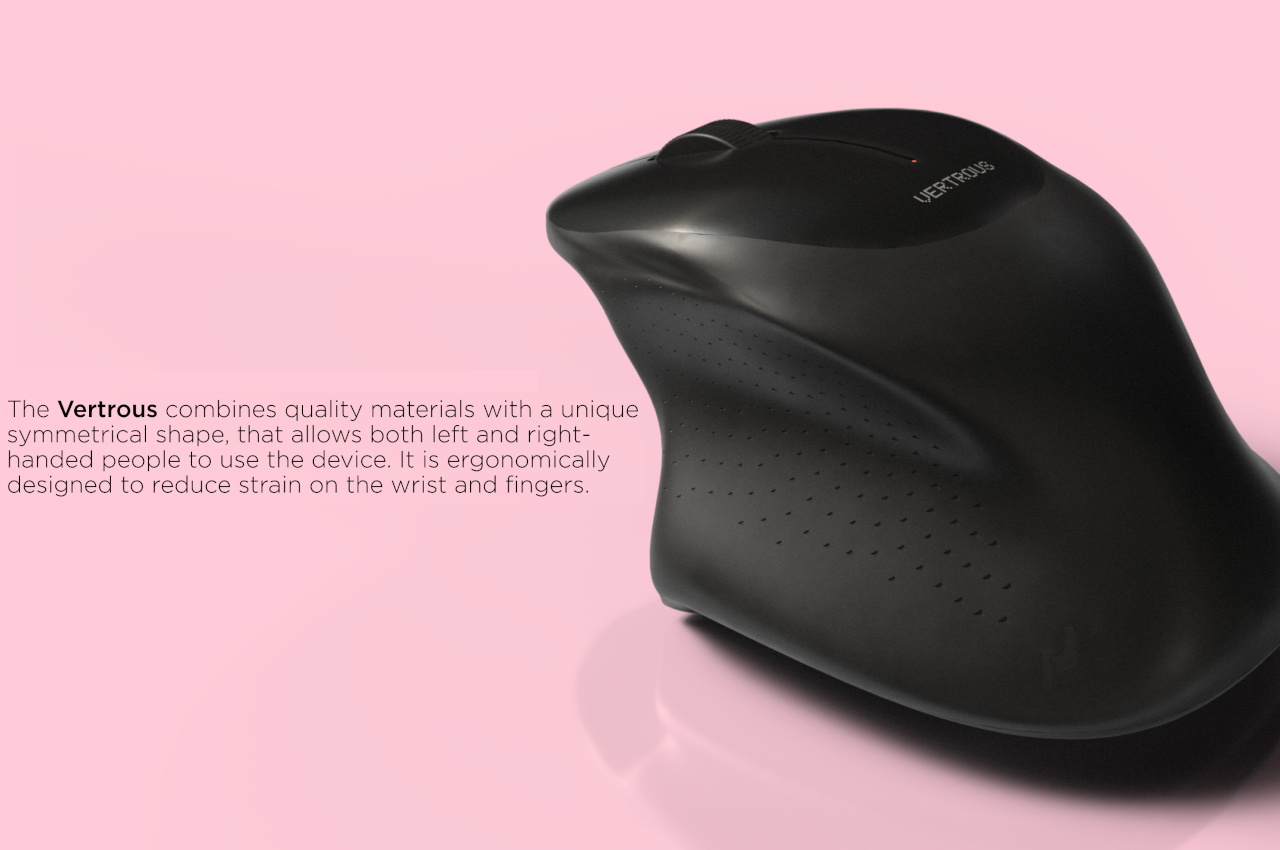
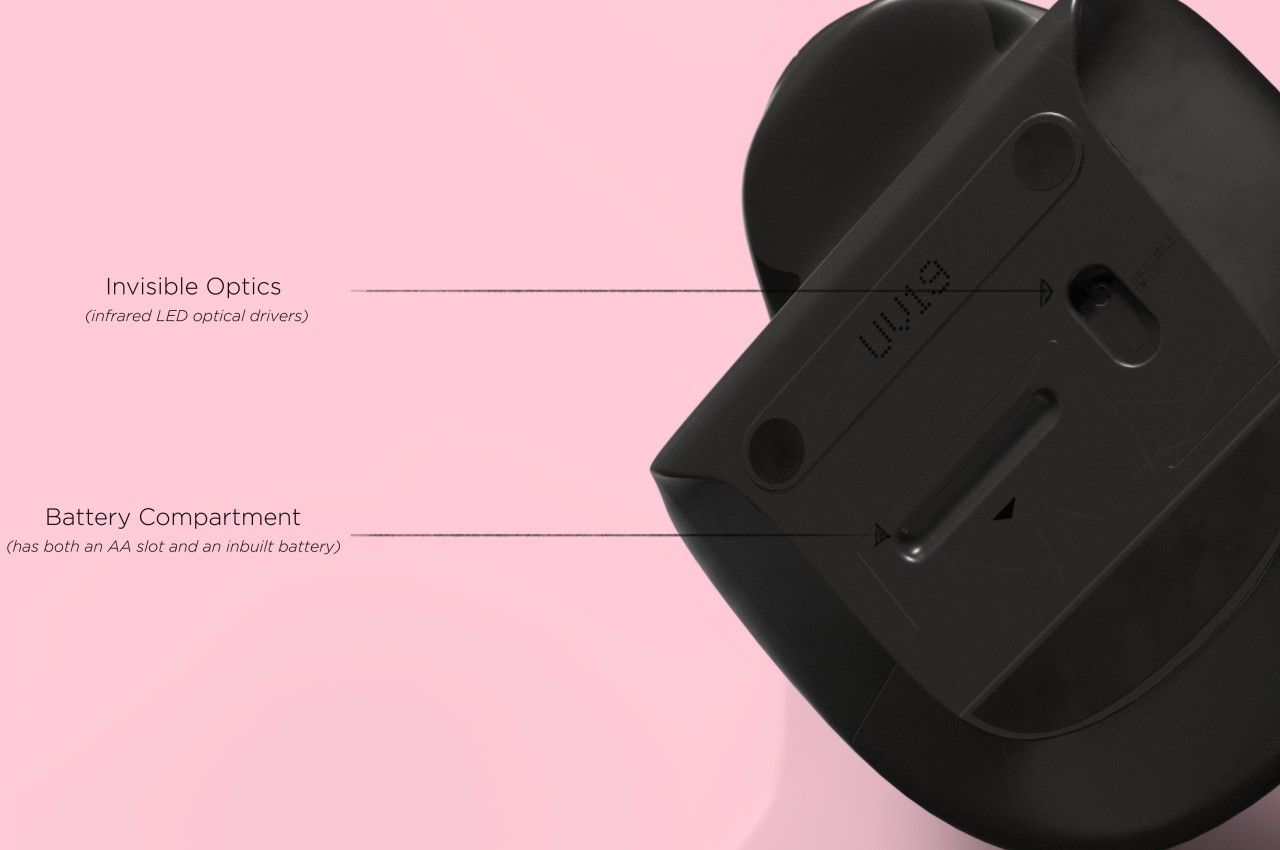
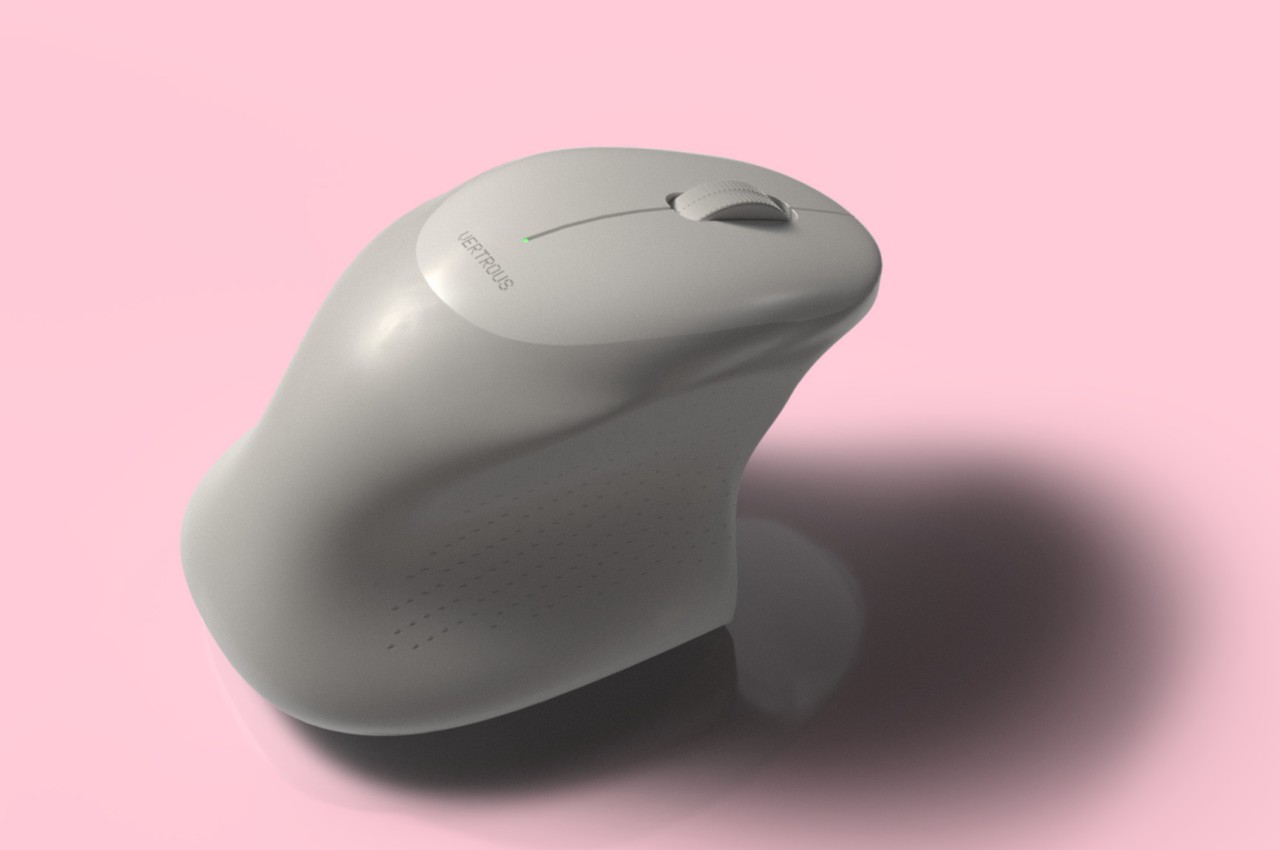
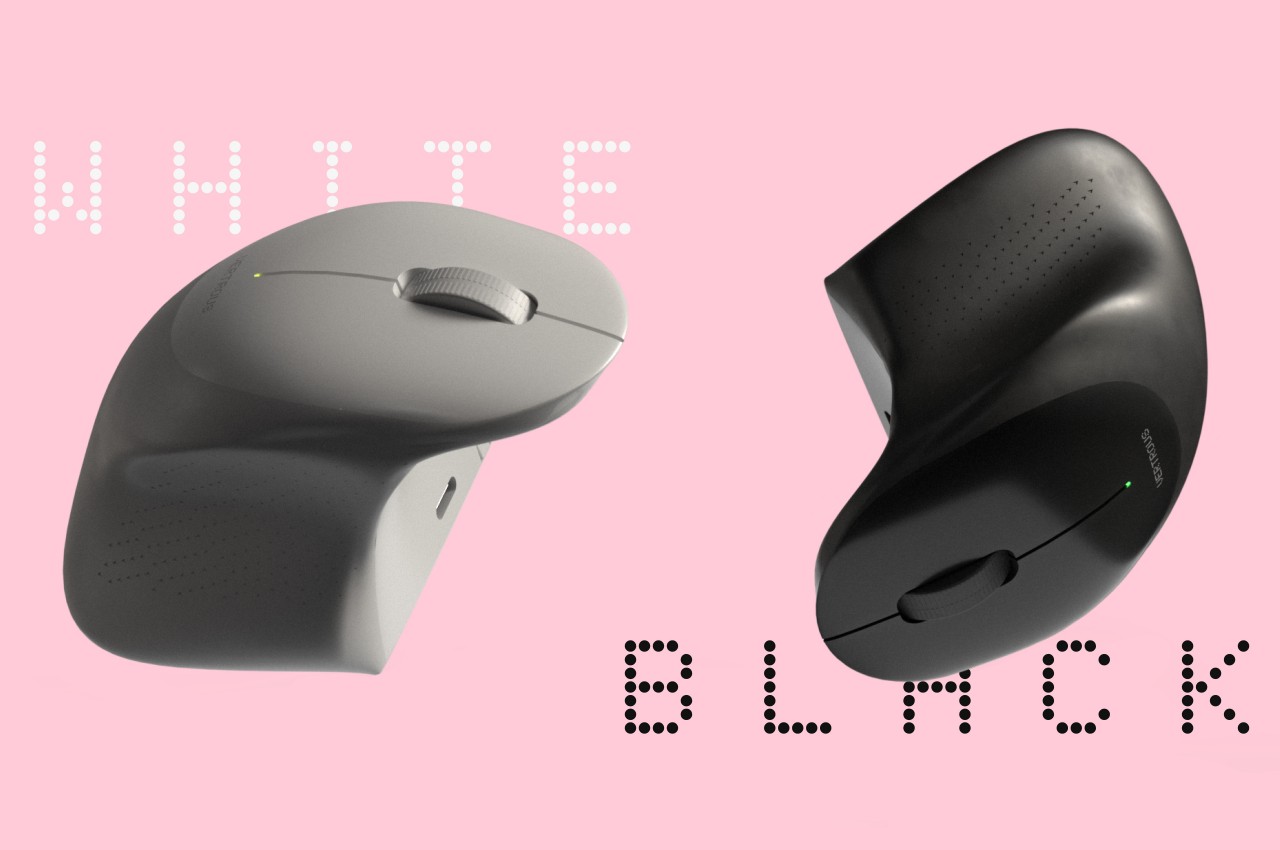
The proper solution would be to mix ergonomics and symmetry to create a mouse that is comfortable to hold for both kinds of people. Vertrous, a portmanteau of “vertical” and “ambidextrous,” takes its cue primarily from the plethora of ergonomic mice now in existence, most of which adopt a vertical design that attempts to reduce the strain placed on the wrist by offering a more natural grip. But rather than have your hand holding it sideways, you almost grip it like a claw, with your index and middle fingers still resting on top.

At the same time, the mouse’s shape is more or less equally balanced on both sides. Great care is taken to ensure that textured areas are found on both sides, so no one hand has the advantage over the other. That said, there are some features that can really be found in only one place, like the power button, but that’s really a minor detail that has no significant impact on the use of the mouse itself.

While Vertrous does present an interesting solution, there are still some considerations left unanswered by the design. For example, gripping the mouse like a claw could actually end up being more uncomfortable and strenuous than a regular mouse. The symmetrical design also leaves out features like extra buttons that would normally be found only on one side, an absence that many power users will feel acutely. These aren’t flaws per se but more like points for further improvement, paving the road for the day that we finally land on a standard ergonomic mouse design that will really leave no one out, whichever hand they prefer to use.

The post Ergonomic mouse concept gives left-handed users the comfort they deserve first appeared on Yanko Design.

A Lightweight Gaming Mouse That Elevates Your Gameplay Experience With Its Personalization Features

News for all the gamers around who are looking for a mouse upgrade! GravaStar, a renowned name in innovative gaming accessories, has recently introduced two amazing gaming mouse designs that promise to revolutionize the gaming experience. The Mercury M1 Pro and Mercury M2, the latest additions to GravaStar’s lineup, are now available for pre-order, capturing the attention of gamers worldwide with their advanced technology, ergonomic features, and customizable options.

Designer: GravaStar

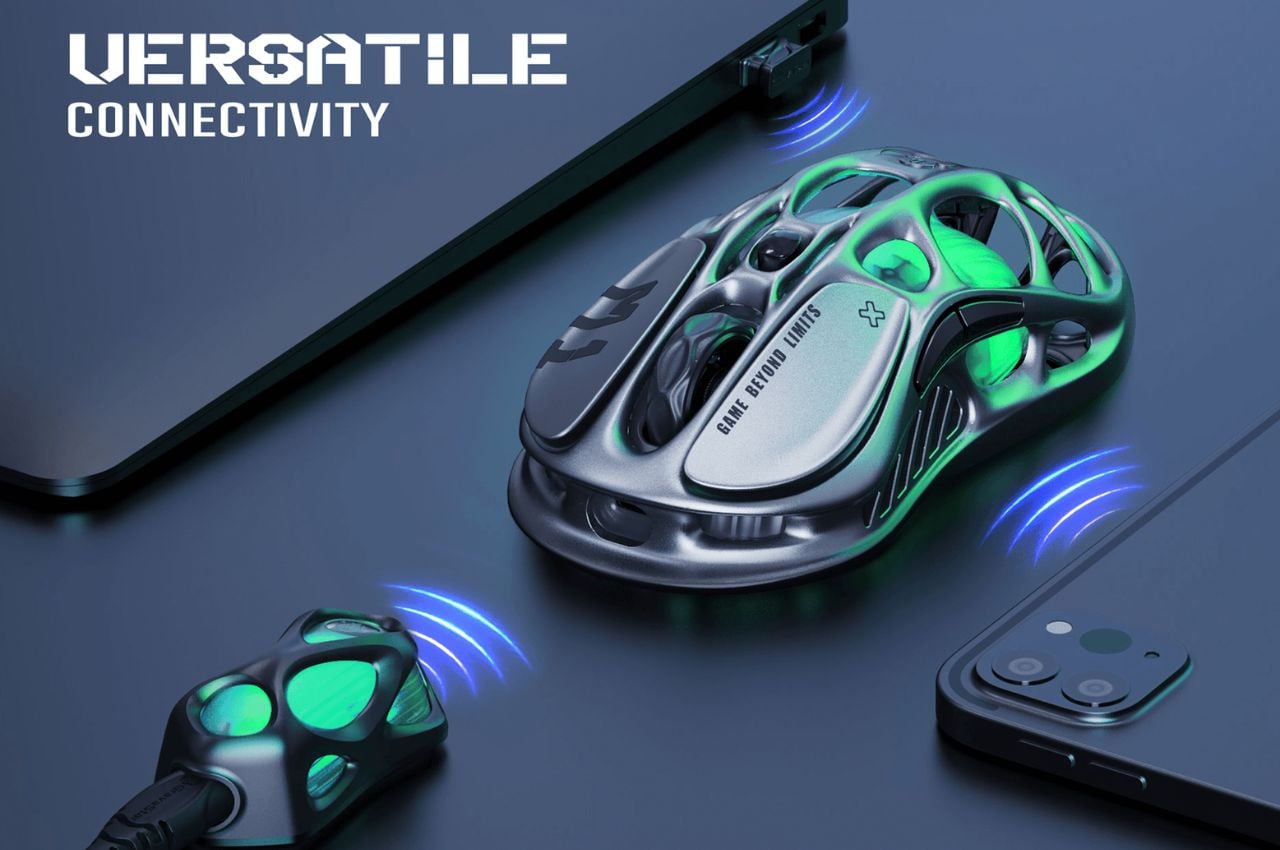
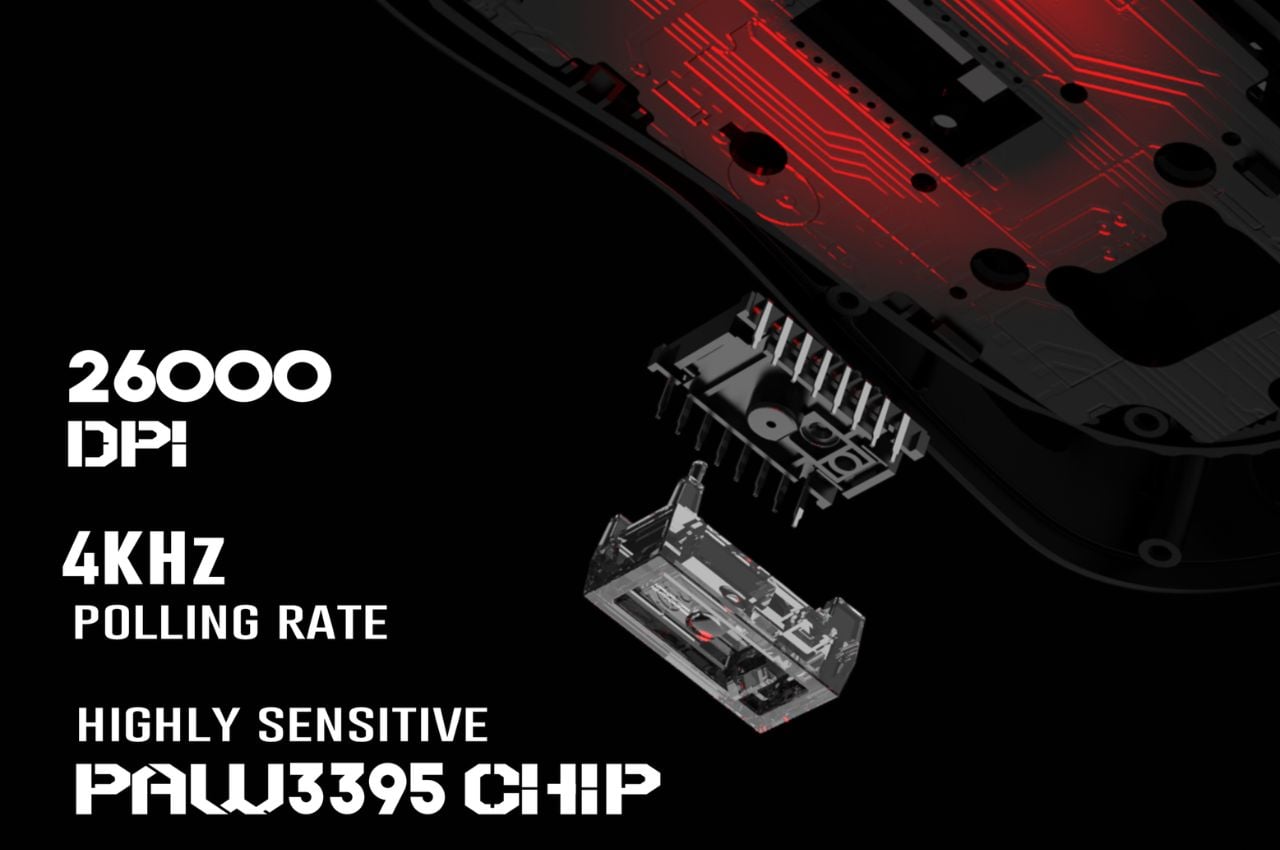
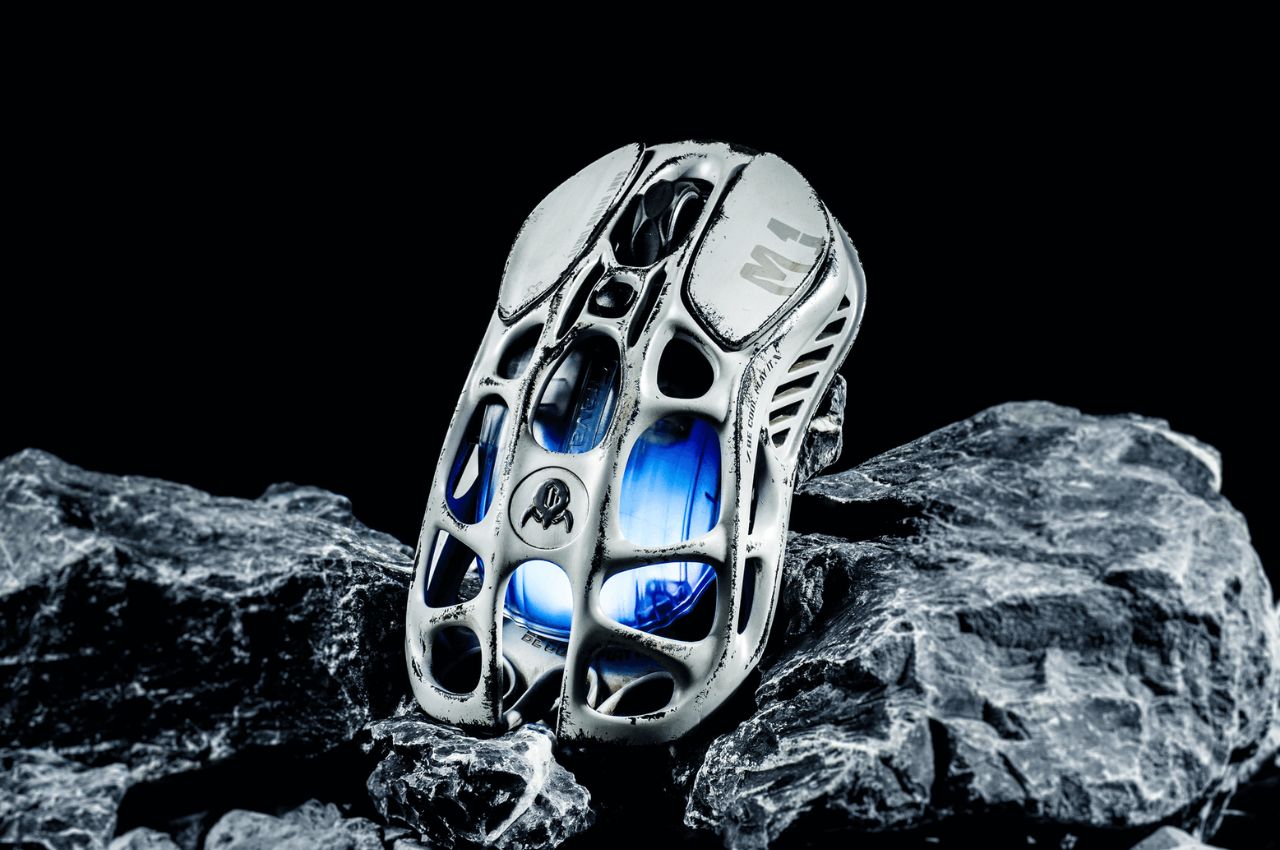
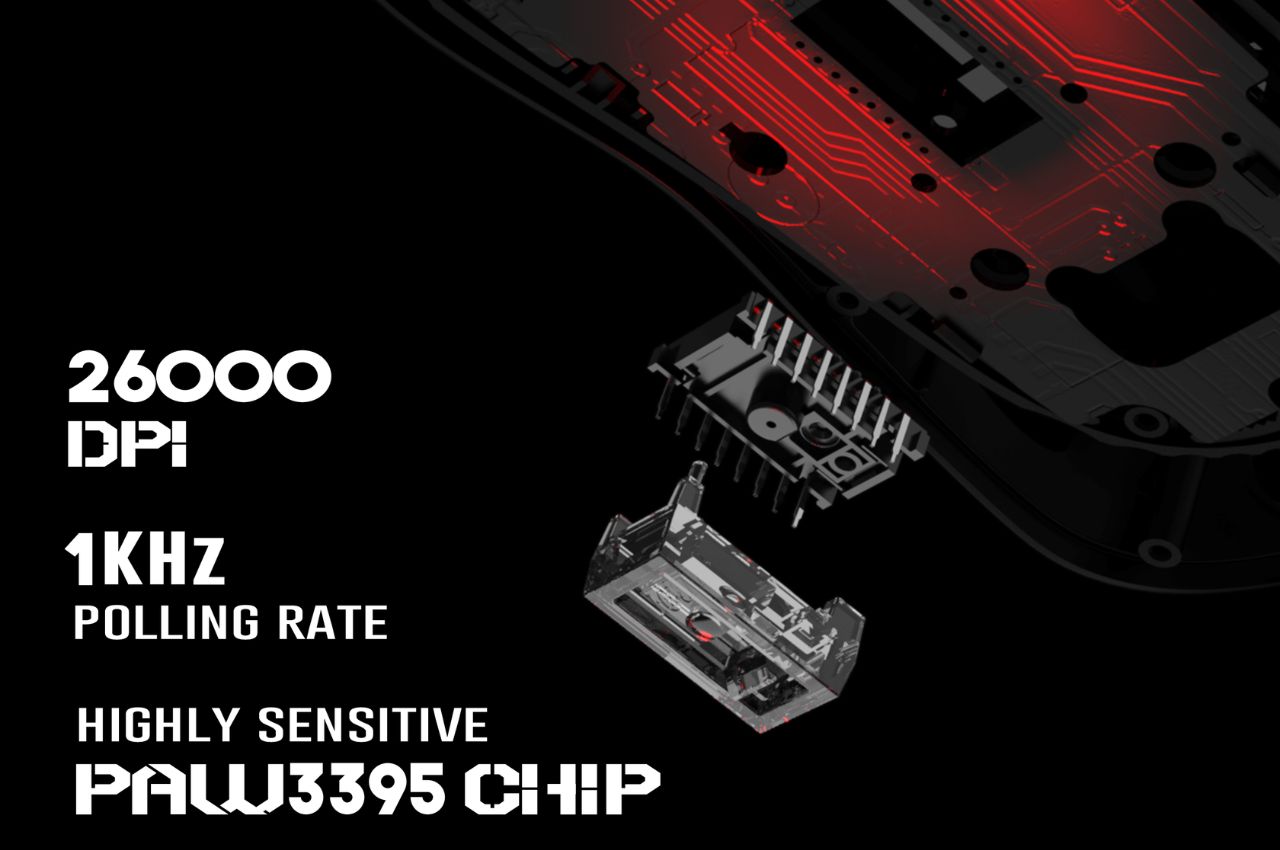
The Mercury M1 Pro stands out with its robust yet lightweight magnesium alloy body, available in two stylish versions: the Silver Mist, equipped with both 1K and 4K dongles and the Gunmetal Gray, featuring a 1K dongle. The gaming mouse boasts a high-precision 26,000 DPI sensor powered by the PAW3395 chip, ensuring unparalleled accuracy in every movement.

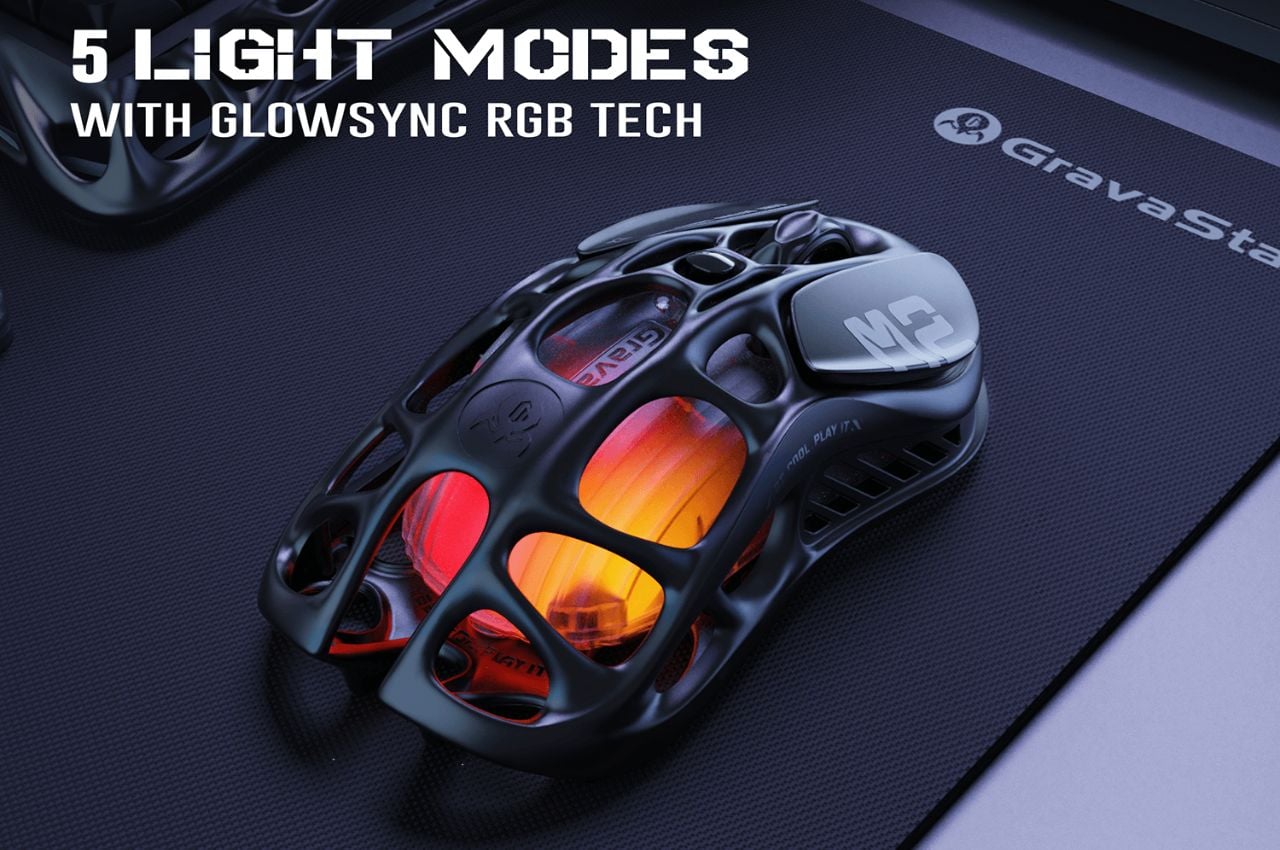
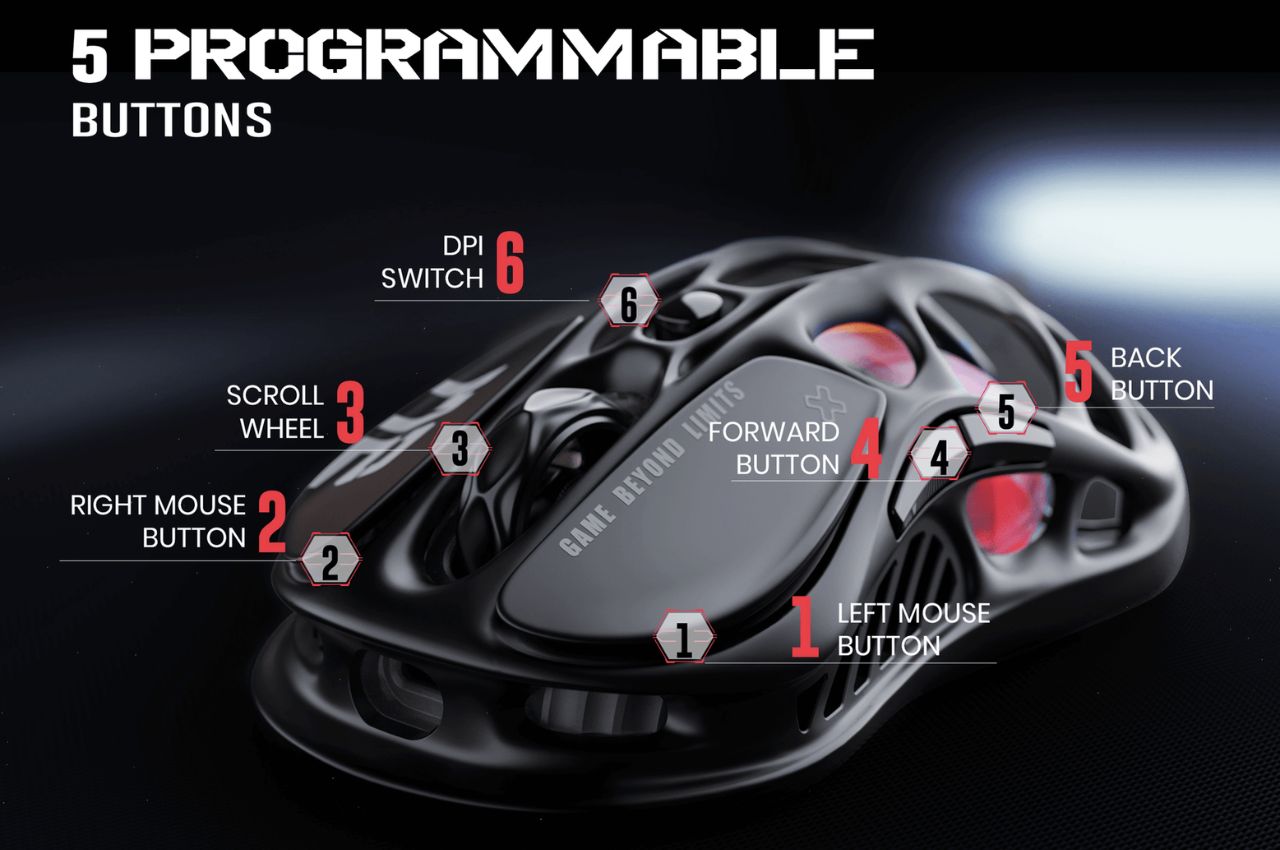
The TUROSPEED Wireless Technology embedded in the M1 Pro guarantees a stable and reliable connection, essential for intense gaming sessions. The mouse’s customization options include GLOWSYNC RGB lighting and five programmable buttons, allowing gamers to tailor their experience to their unique preferences.

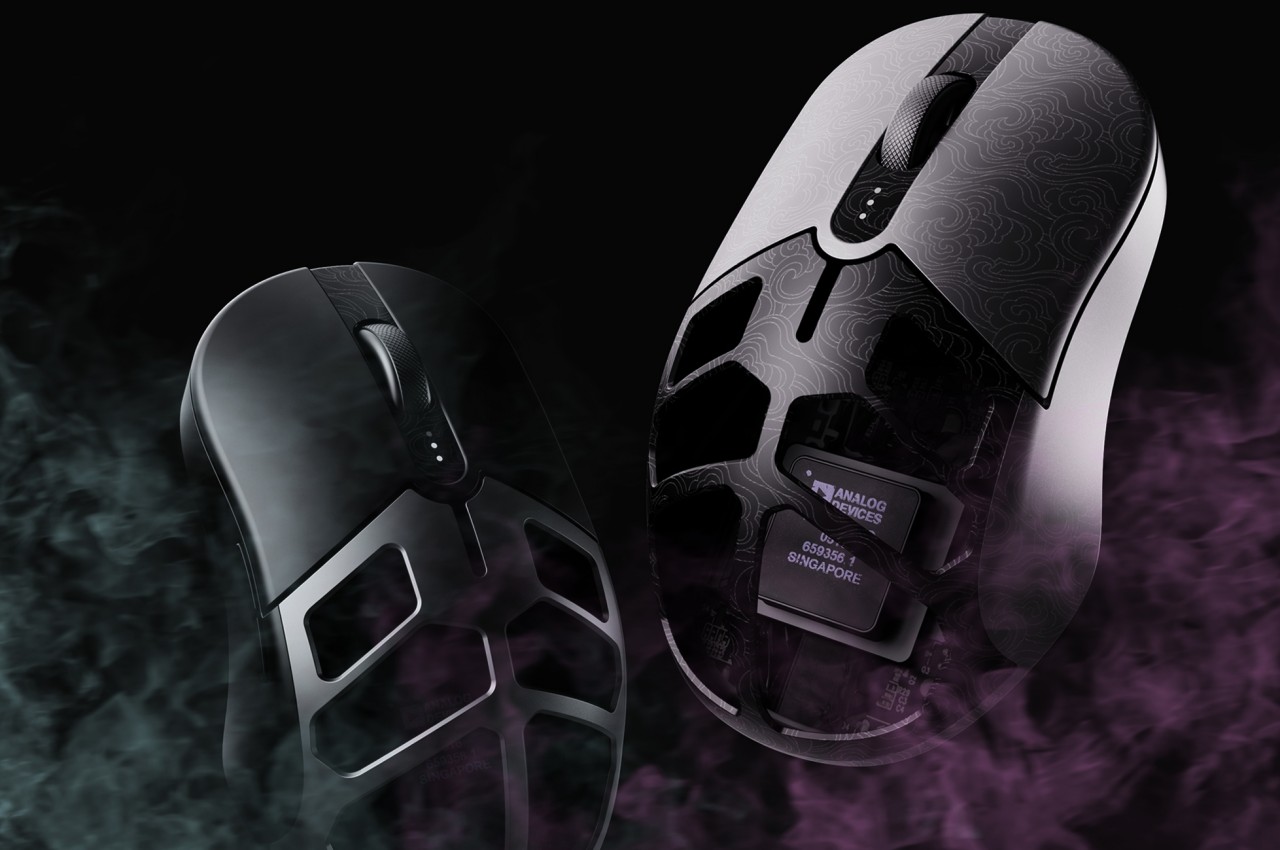
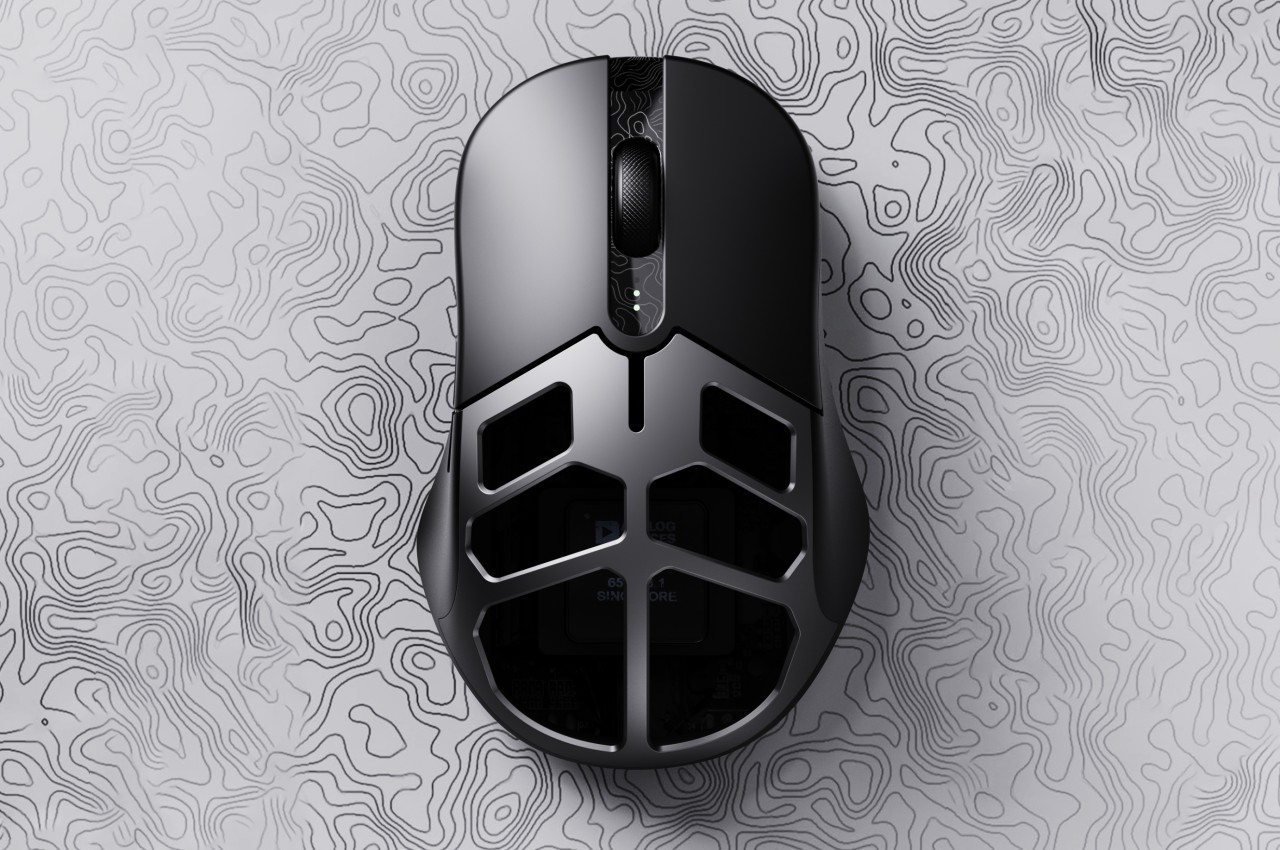
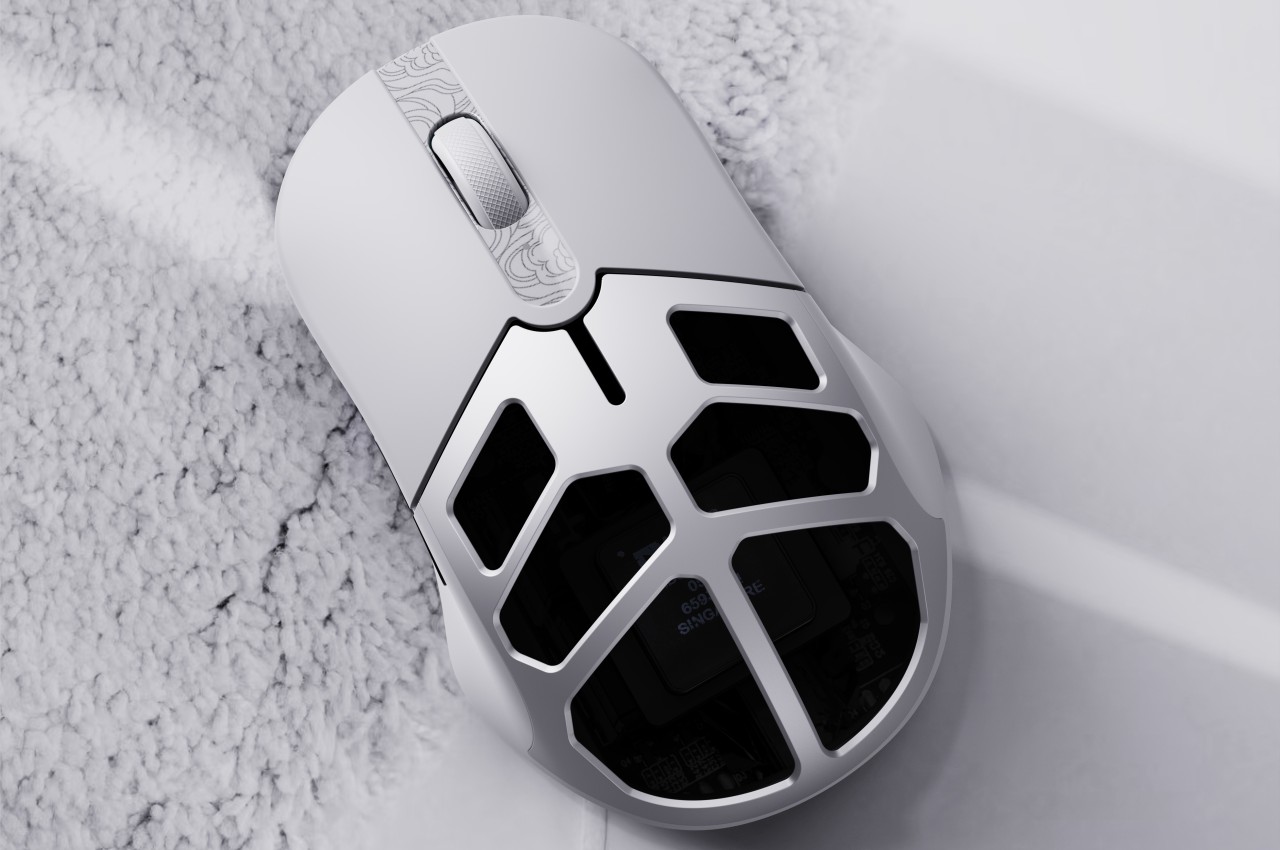
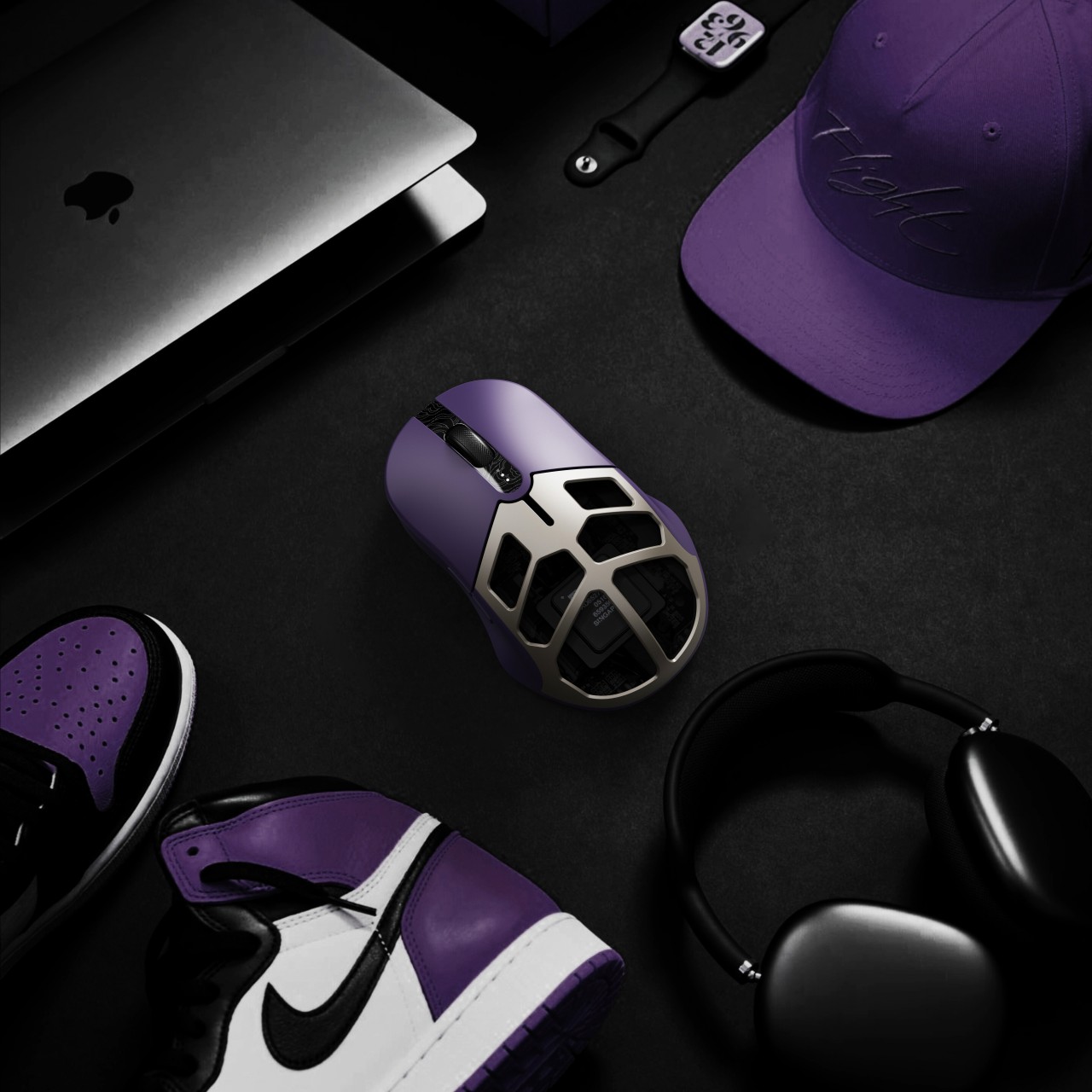
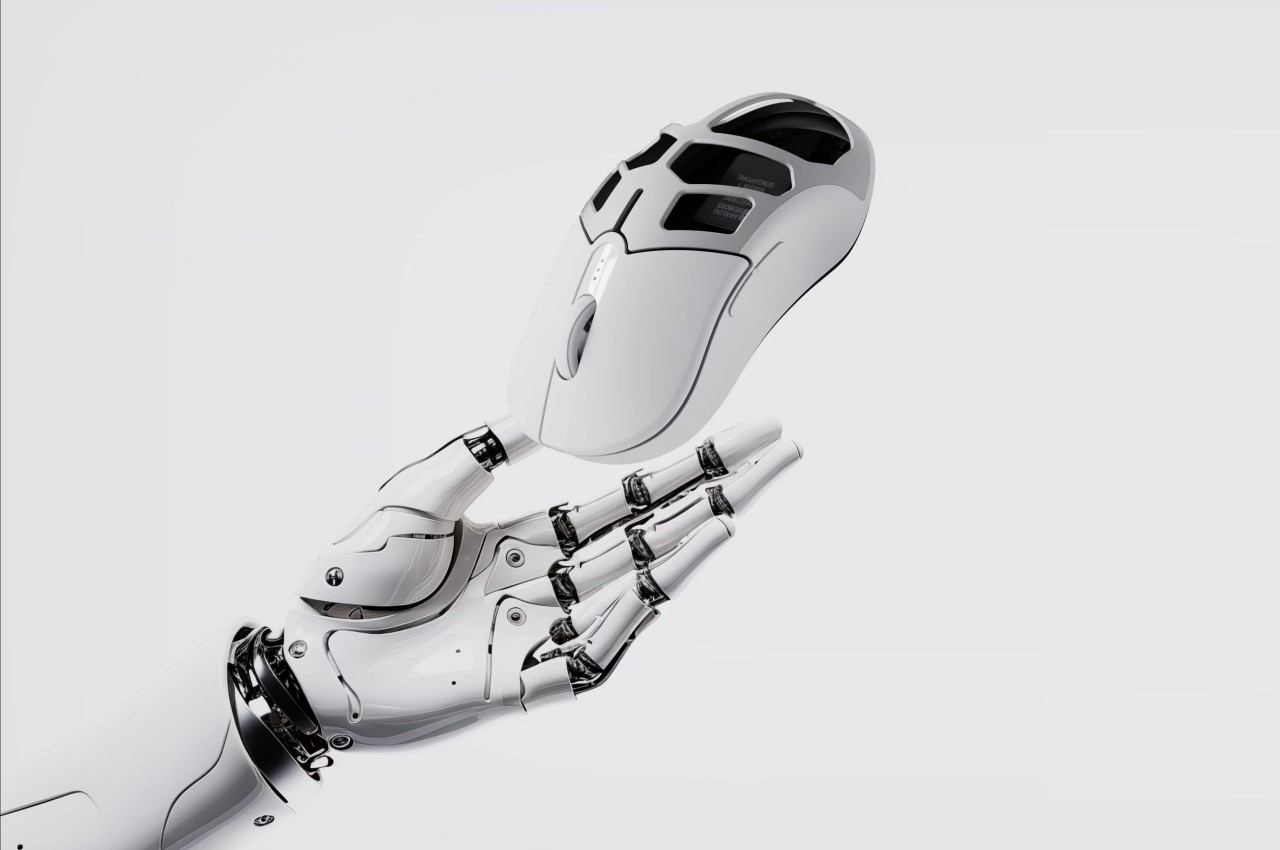
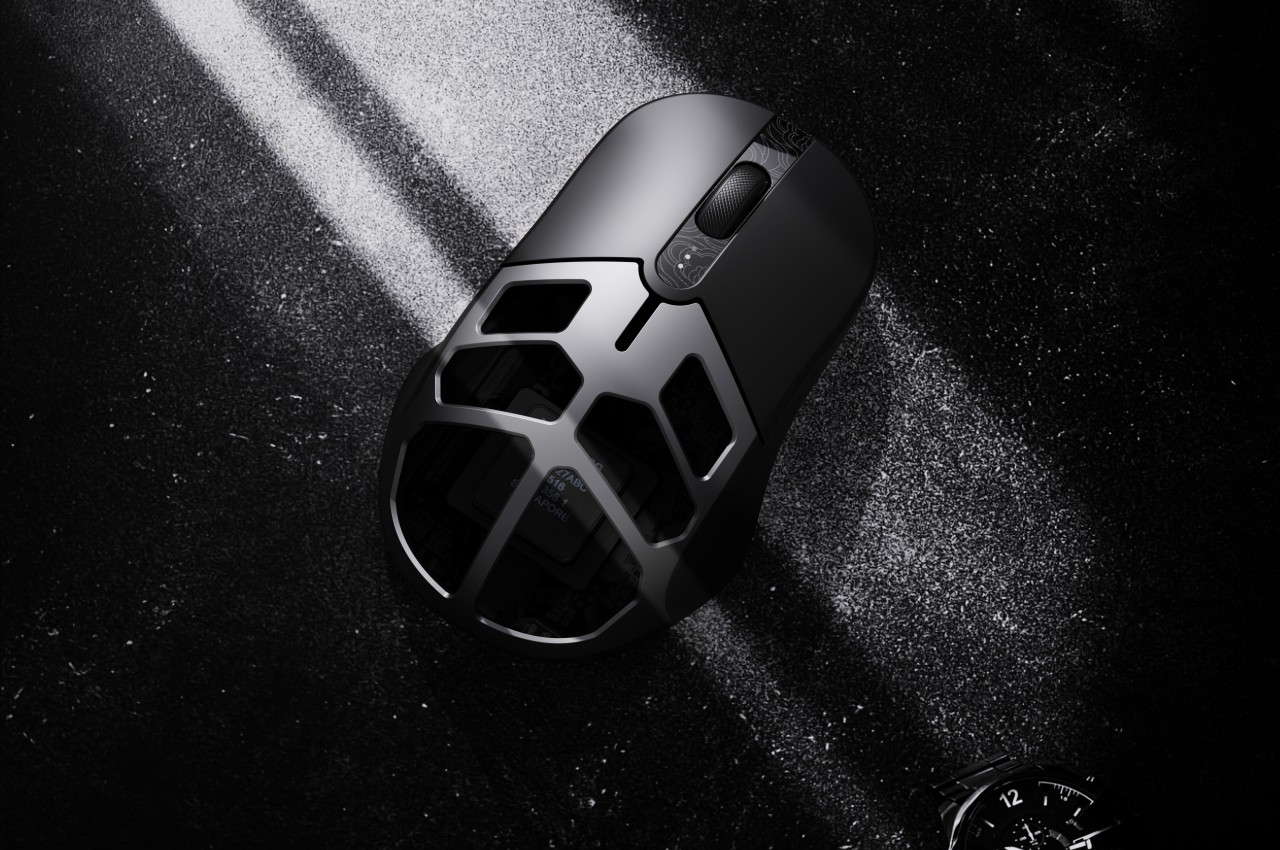
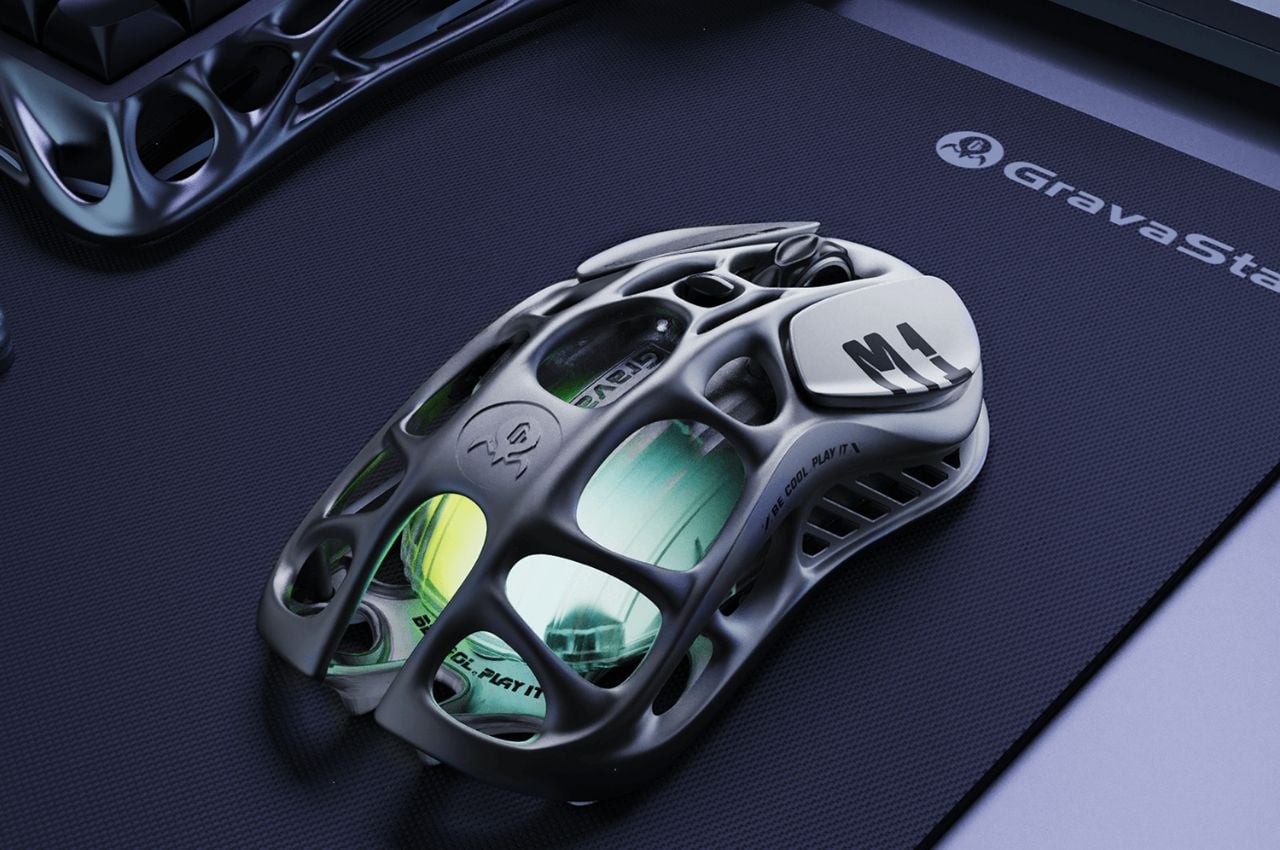
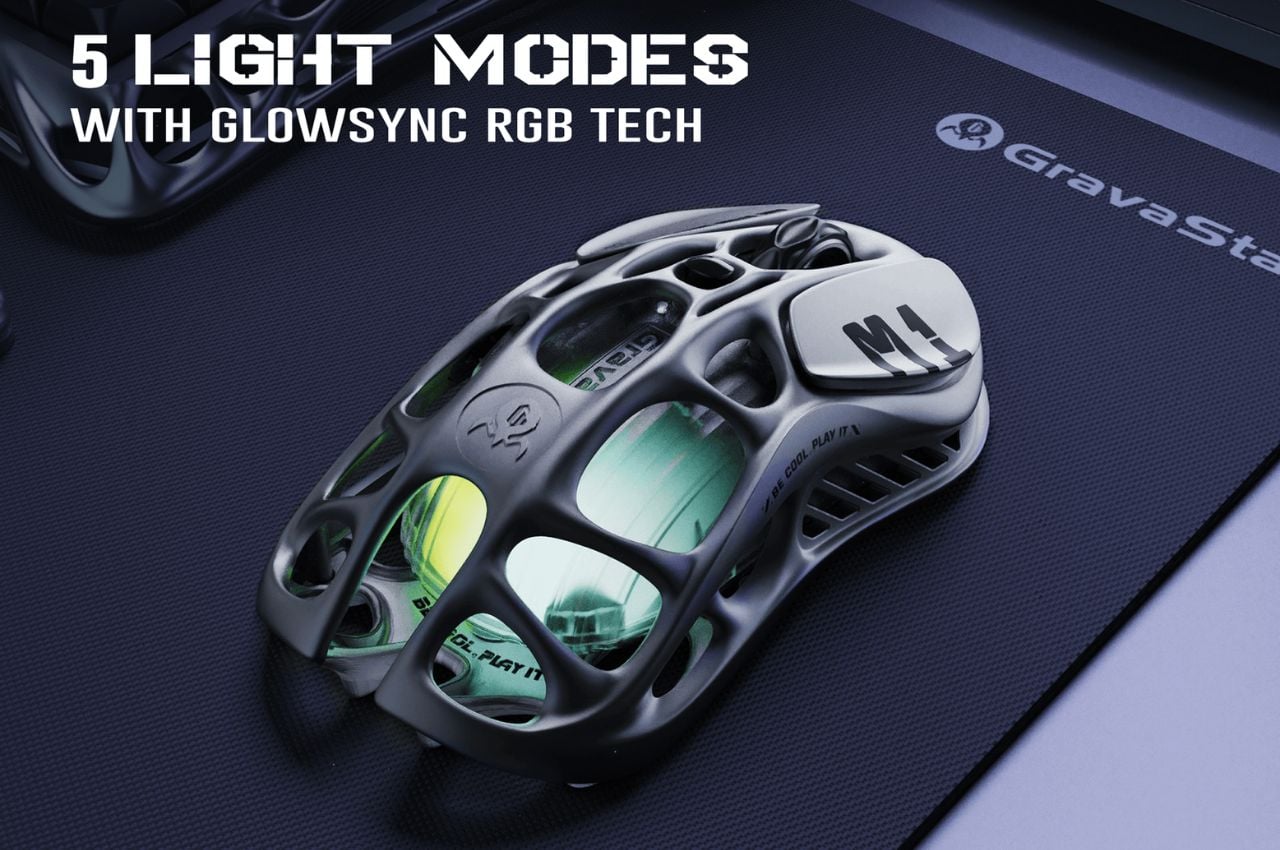
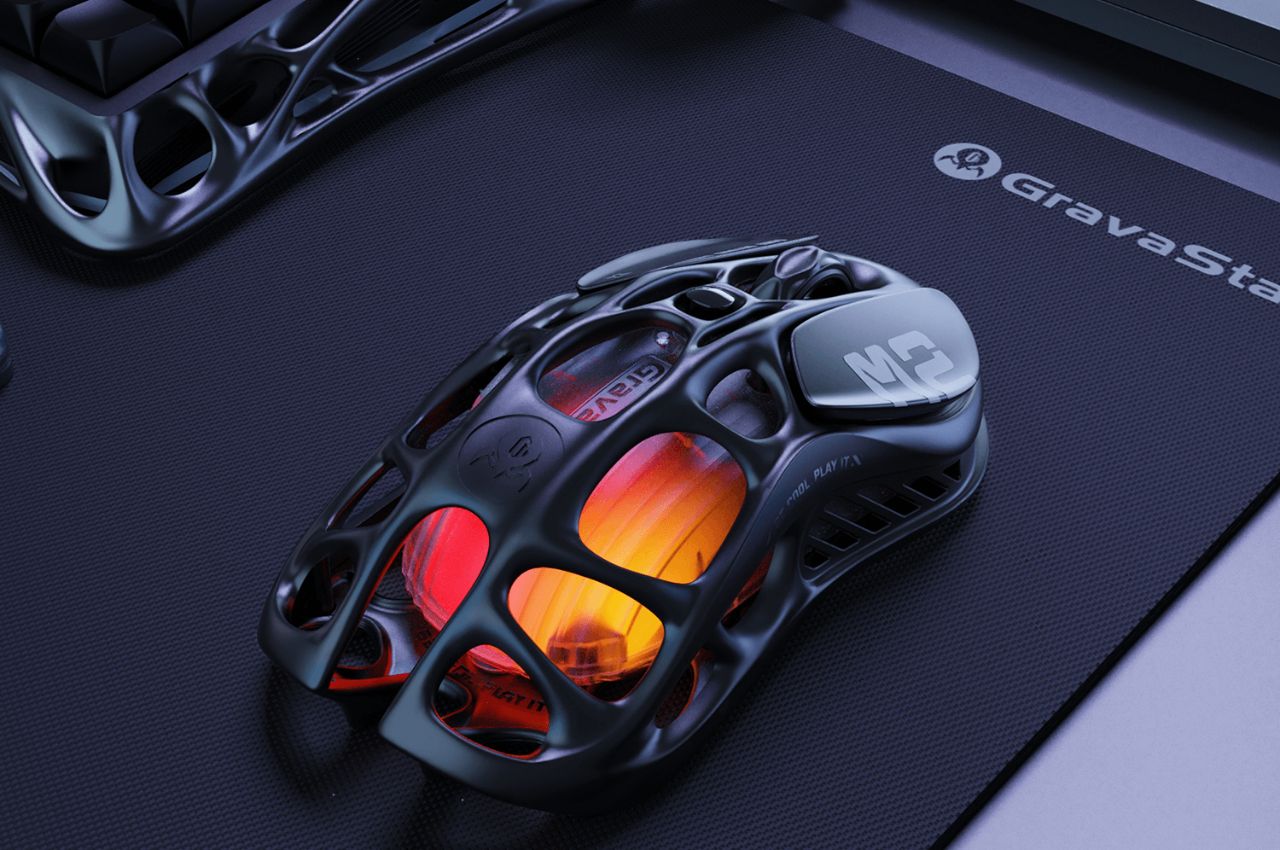
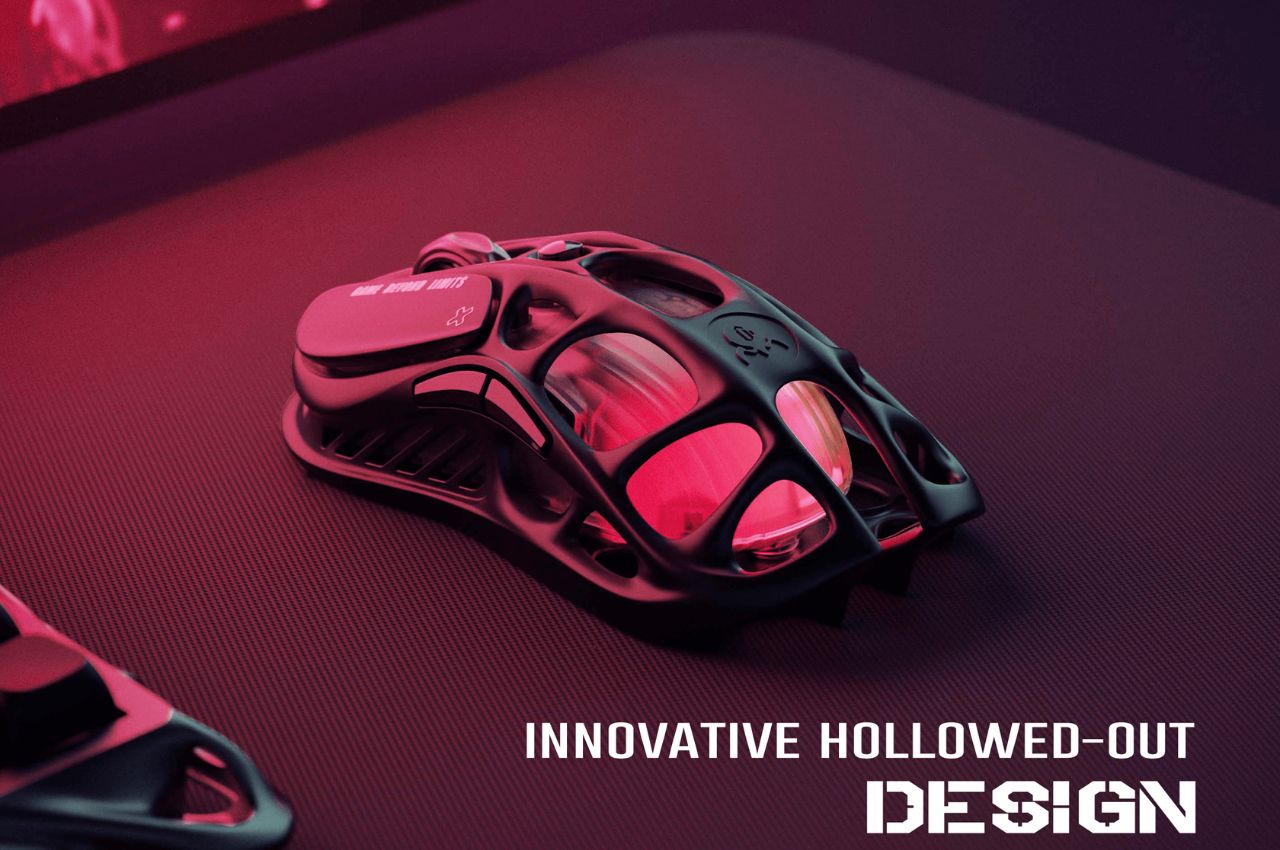
The Mercury M2 takes a different approach with its distinctive hollowed-out design, reducing the weight to a mere 79 grams. This innovative design not only makes the mouse lighter but also enhances airflow, keeping your hand cool during extended gaming sessions. Like its counterpart, the M2 features a high-accuracy 26,000 DPI sensor, a 1K Hz polling rate, and offers versatile connectivity options, including 2.4G, Bluetooth, and wired connections.

The M2’s adaptability extends to its customizable features, including five LIGHTSYNC RGB modes and programmable buttons. Gamers can seamlessly switch between different modes to match their gaming environment and style.

The Mercury M1 Pro and M2 gaming mice by GravaStar boast an impressive set of specifications tailored to meet the demanding needs of gamers. Crafted with a magnesium alloy construction, these mice combine strength with a lightweight design. The high-precision 26,000 DPI sensor, powered by the PAW3395 chip, ensures unparalleled accuracy in every movement. The incorporation of TUROSPEED Wireless Technology guarantees a stable and reliable connection during intense gaming sessions.

The innovative hollowed-out design of the mice not only reduces weight for enhanced maneuverability but also improves airflow, keeping hands cool during extended gameplay. Operating at a 1K Hz polling rate, these gaming mice provide a responsive and lag-free experience. Beyond their technical prowess, these gaming mice embody the vision of Yong Huang, the creative mind behind GravaStar, who meticulously designed them with a focus on merging performance and aesthetics. Far from being mere peripherals, the Mercury M1 Pro and M2 exemplify GravaStar’s commitment to producing durable, lightweight, and highly customizable gaming devices that resonate with the discerning preferences of gamers.

As gamers eagerly await the release of the Mercury M1 Pro and M2 gaming mice, it’s evident that these devices go beyond being simple tools. They reflect GravaStar’s dedication to enhancing the gaming experience through innovative design and personalization. Whether opting for the sleek Silver Mist or the robust Gunmetal Gray, users are choosing devices poised to elevate their gaming to new heights with precision, comfort, and style.

The post A Lightweight Gaming Mouse That Elevates Your Gameplay Experience With Its Personalization Features first appeared on Yanko Design.
This curved vertical ergonomic mouse helps lessen fatigue on your hand

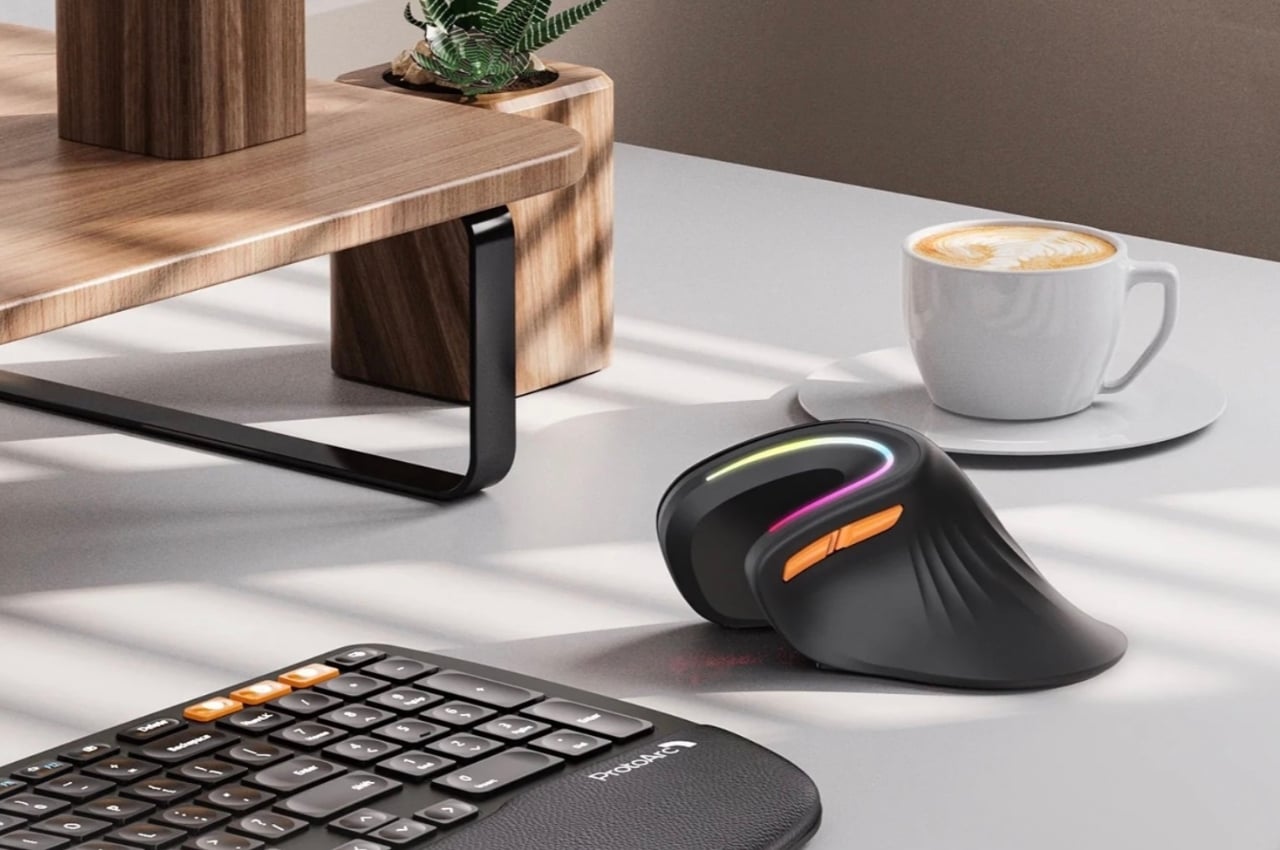
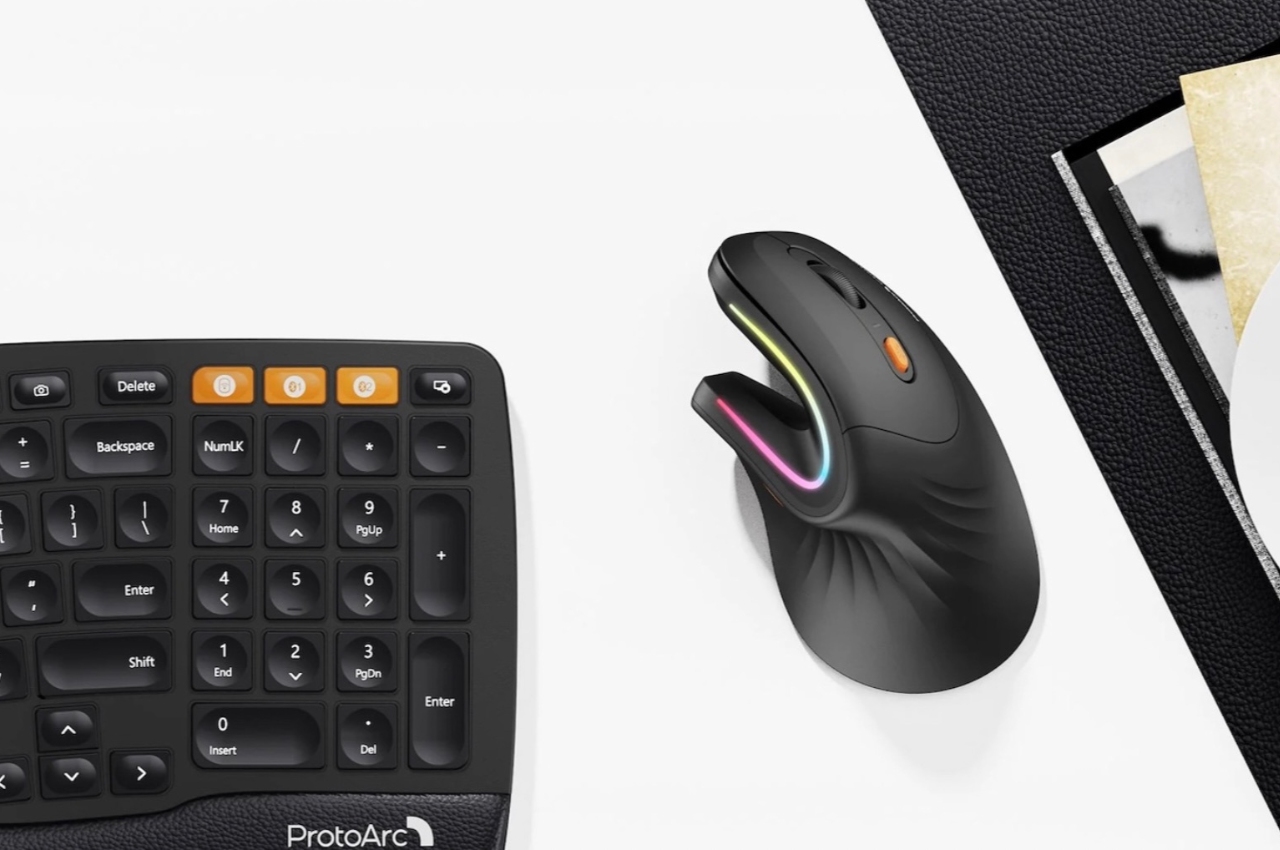
As someone who has not used a mouse since I switched to Mac years ago, the idea of mouse fatigue is foreign to me. But I do know a lot of people who spend more than half of their day in front of the screen and with a mouse to guide them most of the time and they testify that it can take a toll on your hand and fingers. There are several ergonomic options out there but this one from Protoarc seems to be unique and even more ergonomic than the usual ones out there.
Designer: Protoarc

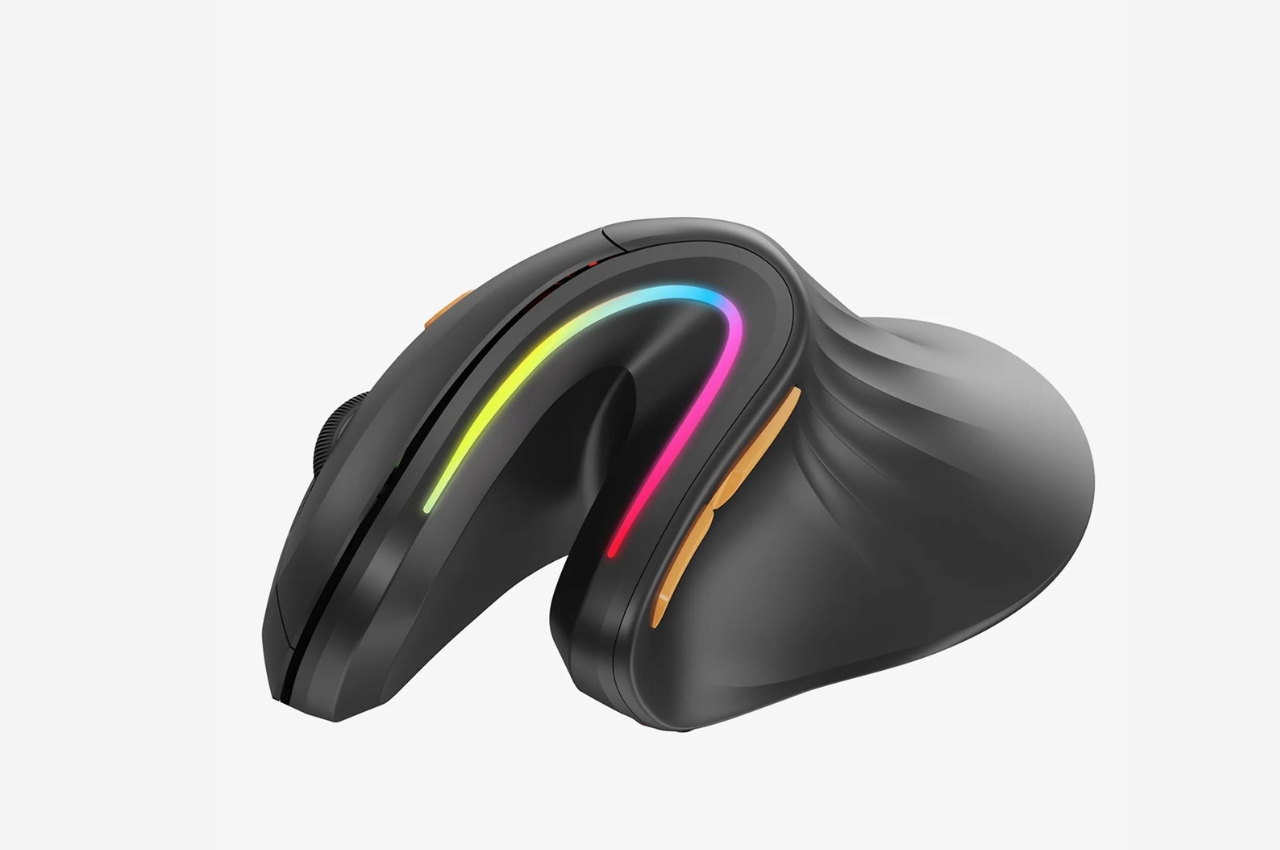
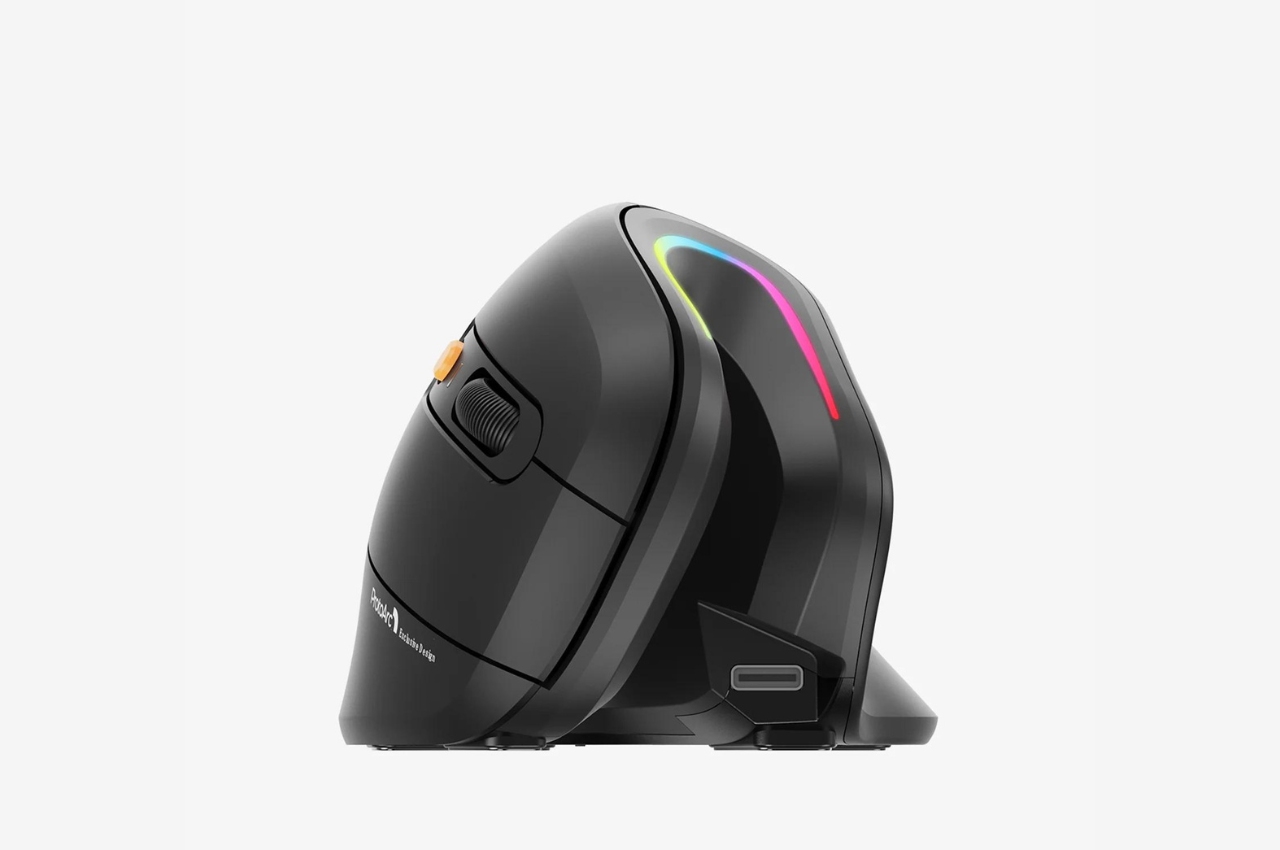
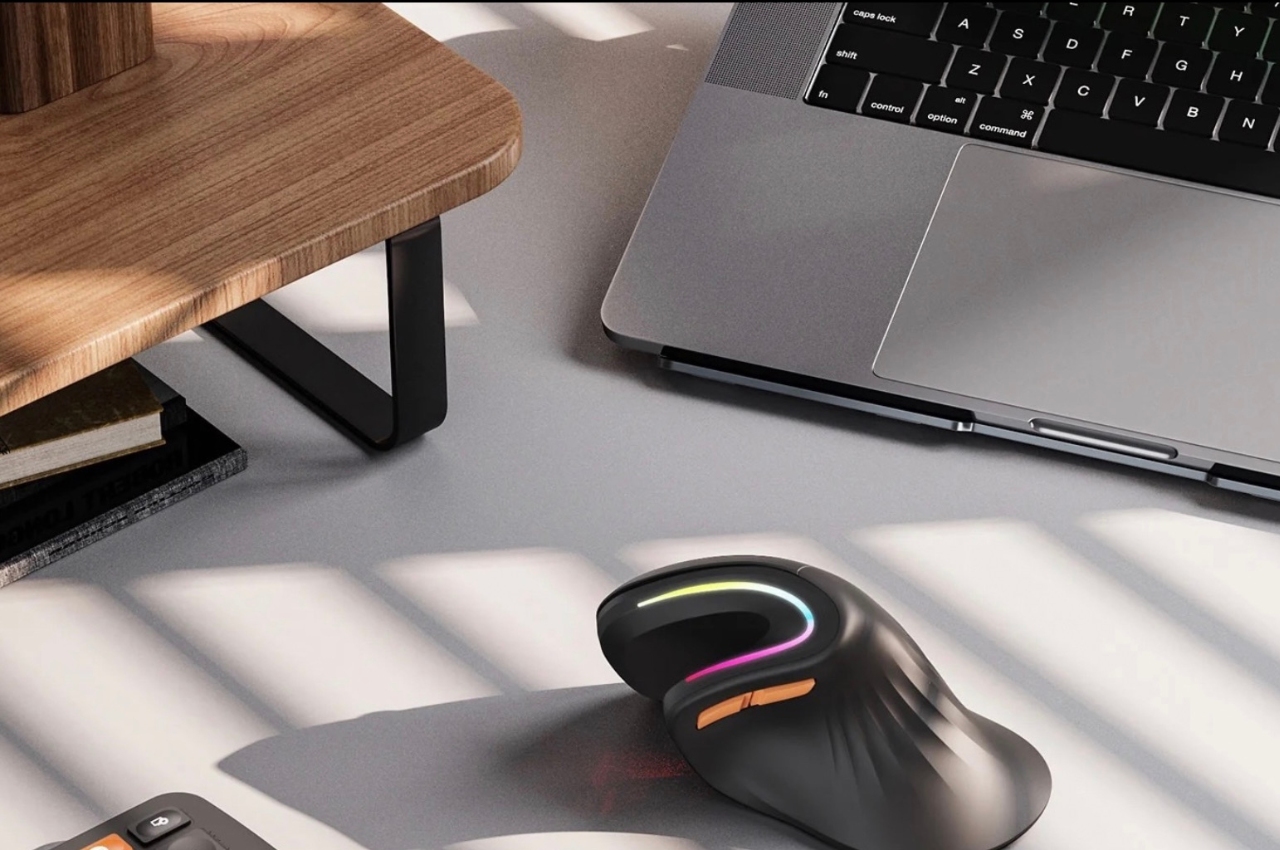
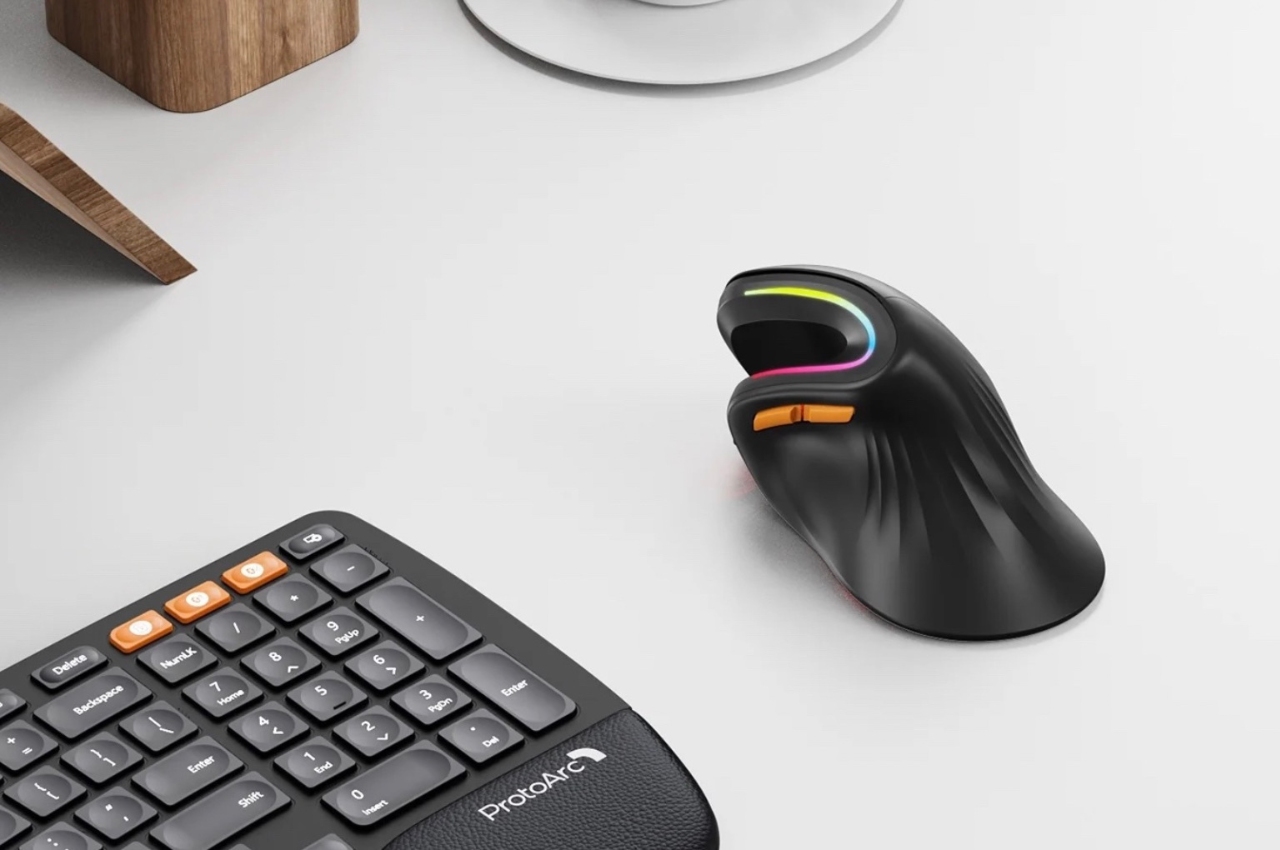
The EM11 RGB Wireless Ergonomic Vertical Mouse lets you have a more relaxed position when using the device, especially if you’ll be using it for long periods. The ergonomics vertical grip gives you a more natural position for your hand and will also supposedly give you fatigue resistance because of the way you use it and the way it’s designed. It should be able to reduce the strain on your arm, wrist, and hand and also is more convenient with its back and forward thumb buttons.

If you’re using multiple devices, the mouse is able to switch connection mode through low bluetooth with up to 3 devices and with three different available DPI for high precision control. And if you prefer something a bit more stable, you can also connect it to your computer through a USB receiver. It also has four different RGB light modes to match your mood while working or playing: neon, monochromatic, streamer, breathing. The battery life is also pretty impressive as it can last up to 90 days on a single charge.

With a lot of people staying in front of screens more hours every day, whether for work or for play, it’s really important to have ergonomic devices like these so we lessen the fatigue on our body. If I was still using a mouse, I would probably use something like this as the design seems more natural than your usual mouse devices.

The post This curved vertical ergonomic mouse helps lessen fatigue on your hand first appeared on Yanko Design.