Huawei MatePad Air 2026 Review: The OLED Upgrade Changes Everything

PROS:


  • Excellent 12-inch OLED PaperMatte display

  • Slim and lightweight design

  • Strong speaker performance

CONS:


  • No native Google service out of the box

  • Software support period is not clearly defined

RATINGS:

AESTHETICS
ERGONOMICS
PERFORMANCE
SUSTAINABILITY / REPAIRABILITY
VALUE FOR MONEY

EDITOR'S QUOTE:

The OLED upgrade does most of the heavy lifting, but the MatePad Air 2026’s real strength is how well its design, ergonomics, and stylus experience come together.

award-icon

Huawei has been making tablets for long enough to know that raw specs are only half the story. Plenty of slates have big screens, fast refresh rates, and keyboard cases. What separates the memorable ones from the forgettable ones is how they feel when they slip into your day. That is the angle Huawei is chasing with the MatePad Air 2026, a tablet that wants to look stylish, travel light, and still feel capable enough for proper work when the moment calls for it.

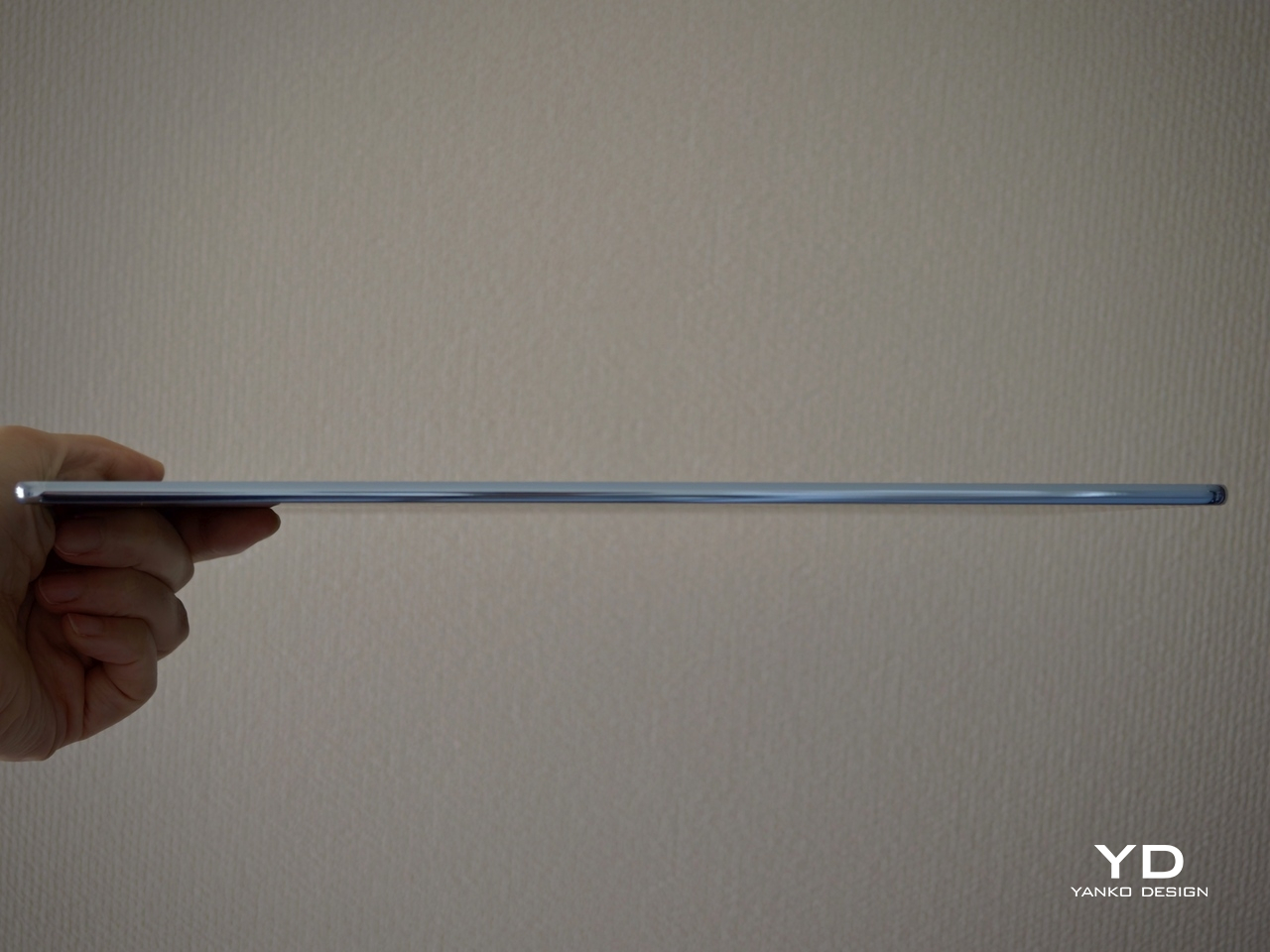
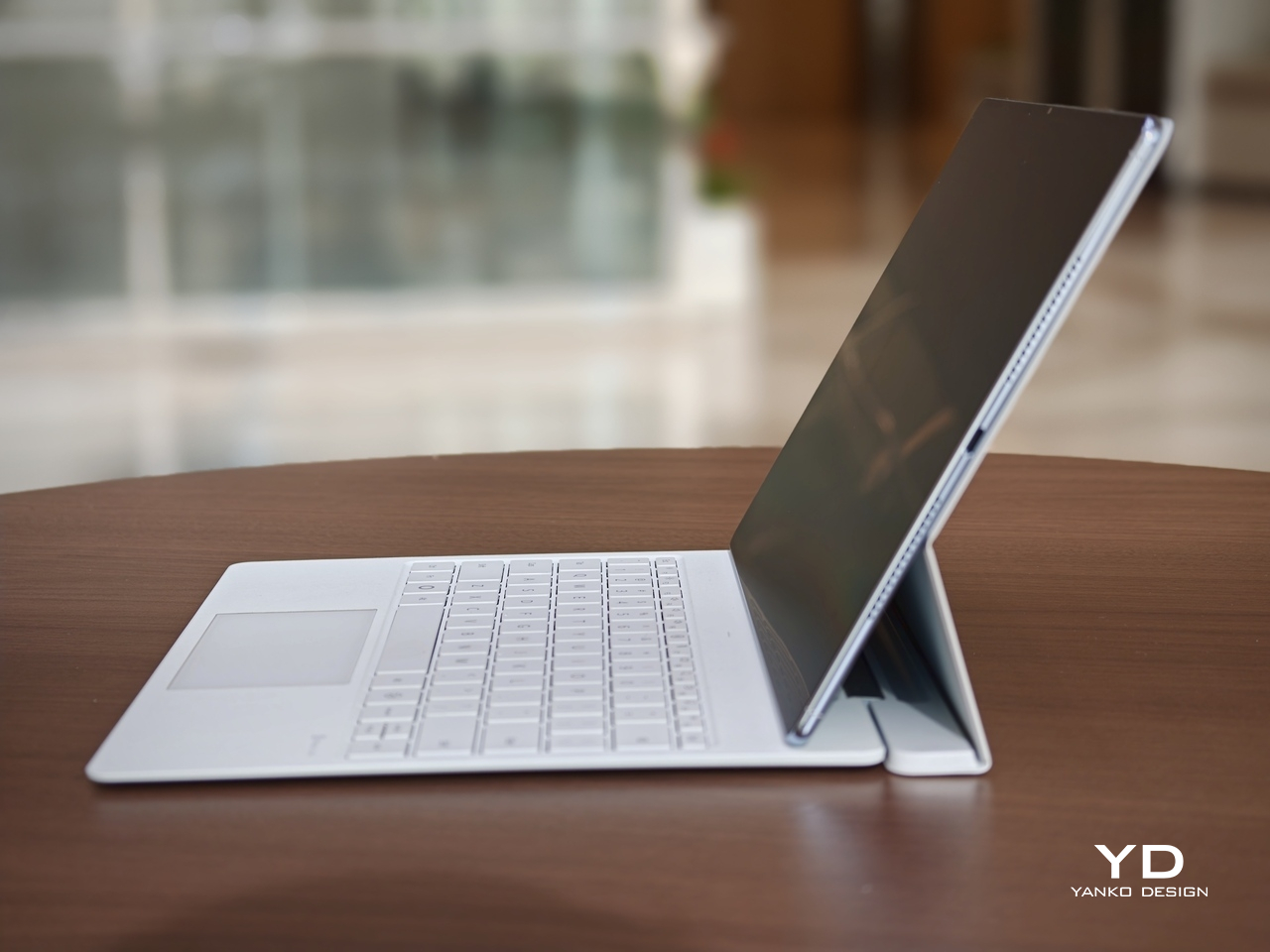
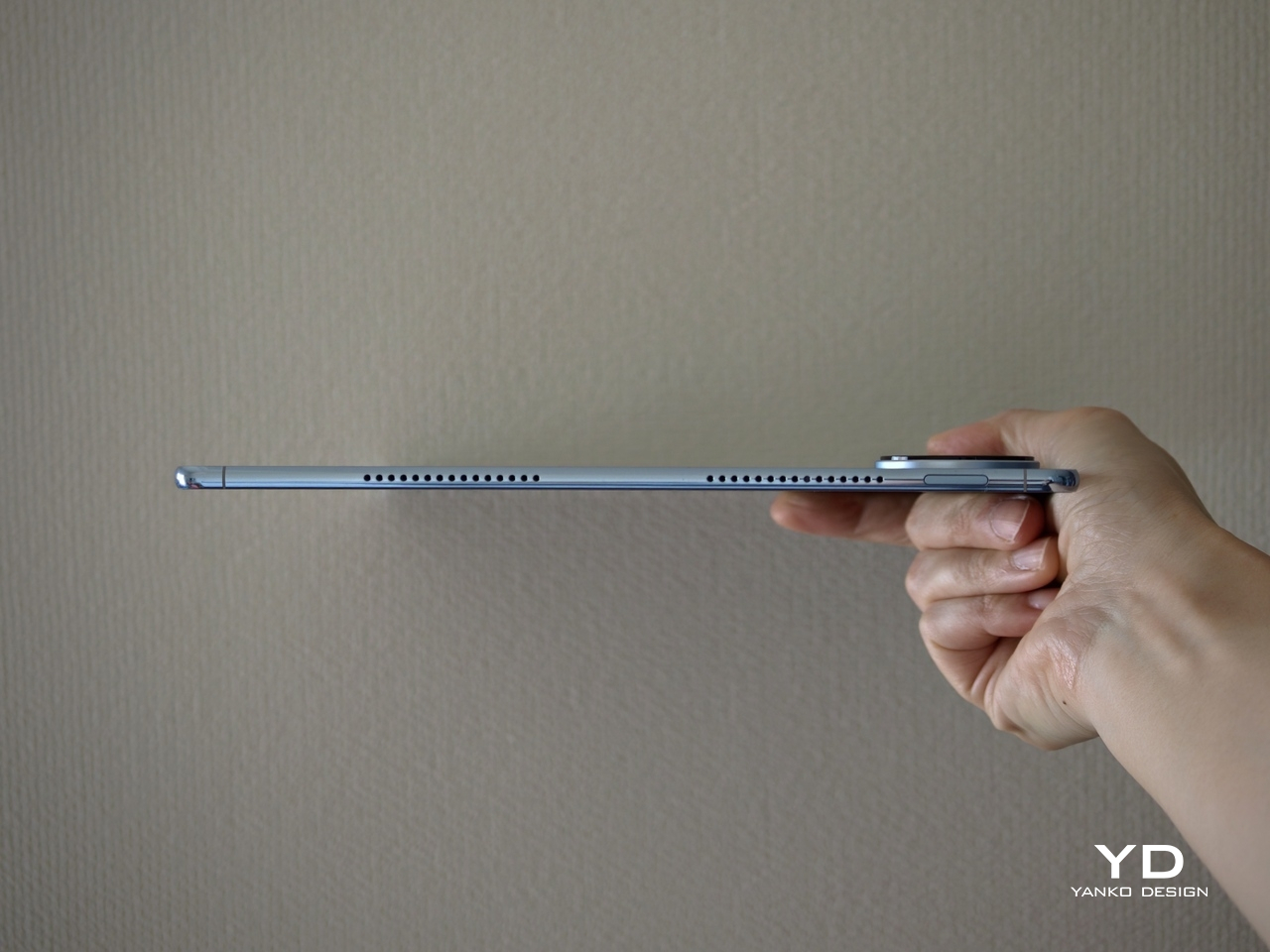
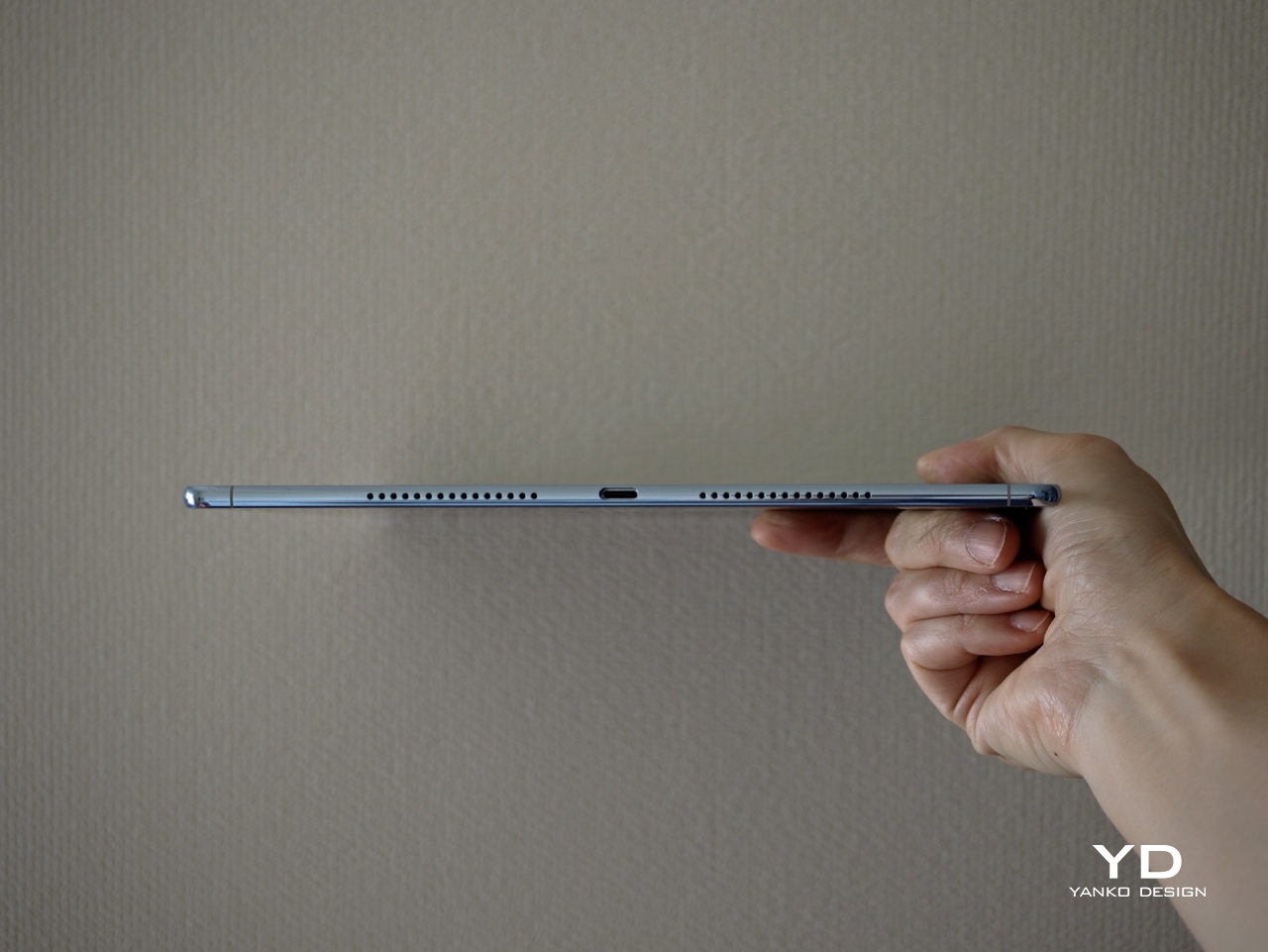
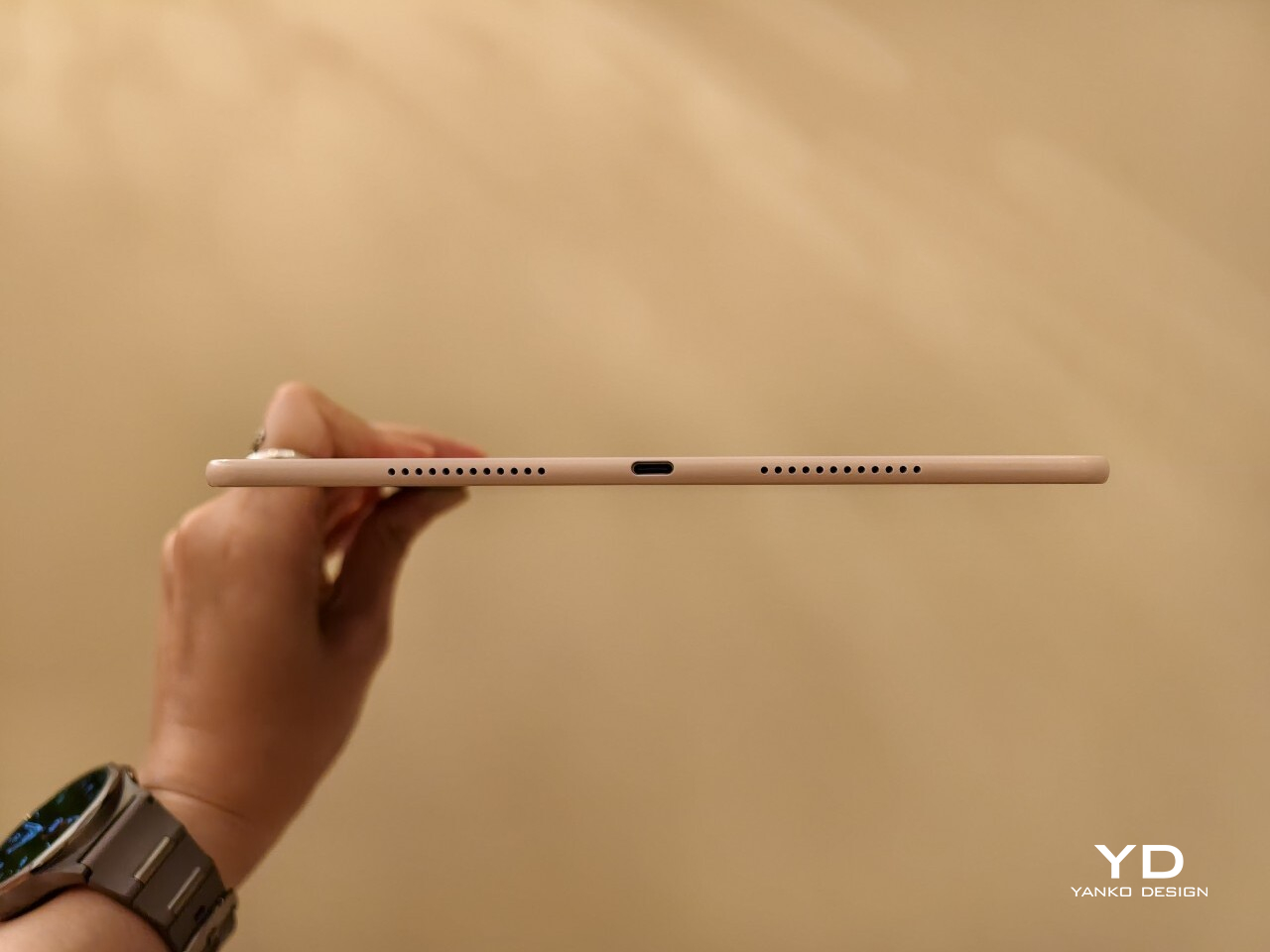
On paper, it makes a strong first impression. The MatePad Air 2026 features a 12-inch OLED display, an optional PaperMatte finish, a very slim 5.3mm body, a weight of 509g, a 144Hz refresh rate, a 10,100mAh battery, and a six-speaker setup. The biggest upgrade over the 2025 model is the move from an IPS LCD panel to OLED, and it gives the tablet a much stronger foundation for entertainment, note-taking, and everyday use.

Designer: Huawei

Aesthetics

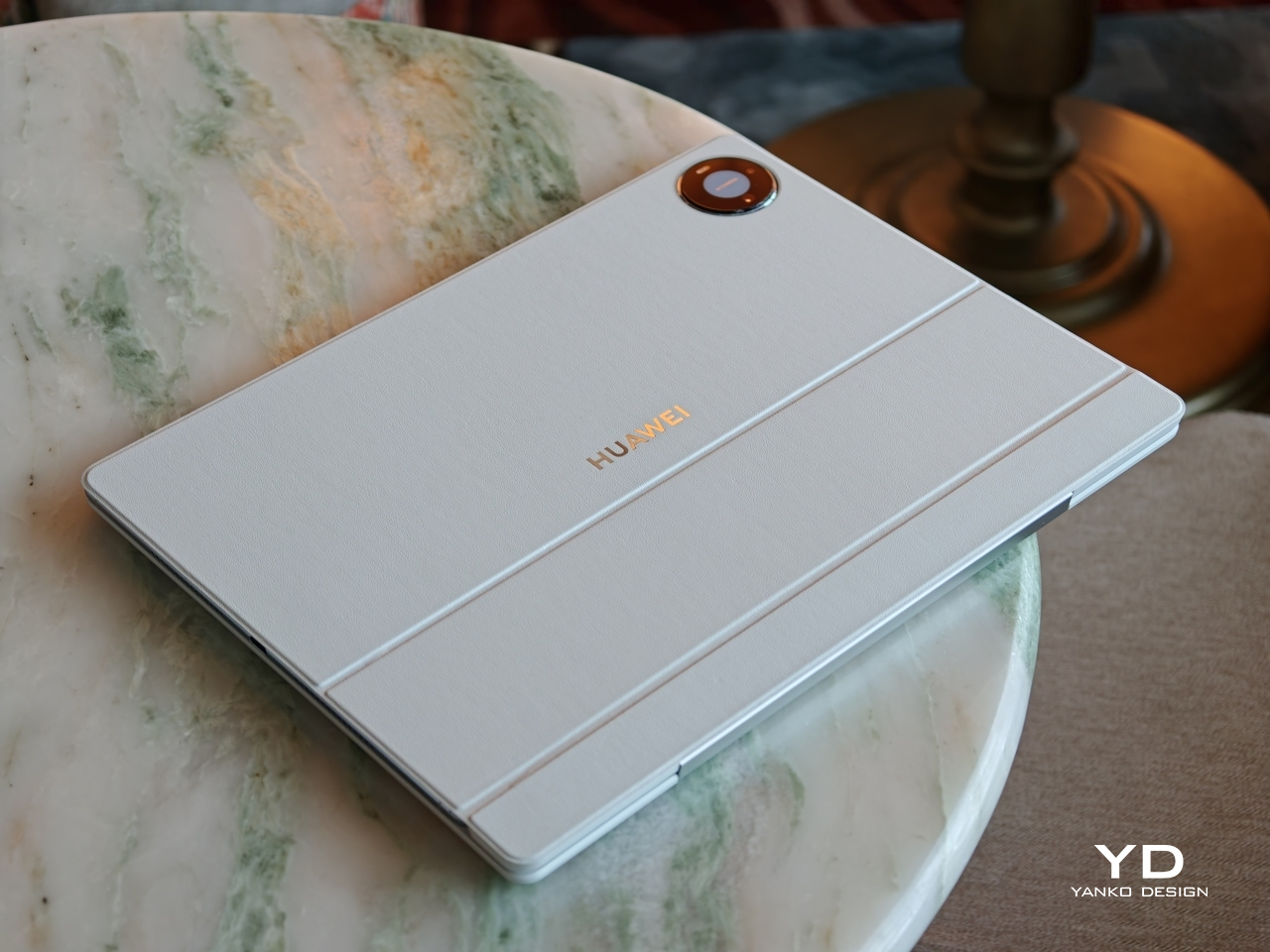
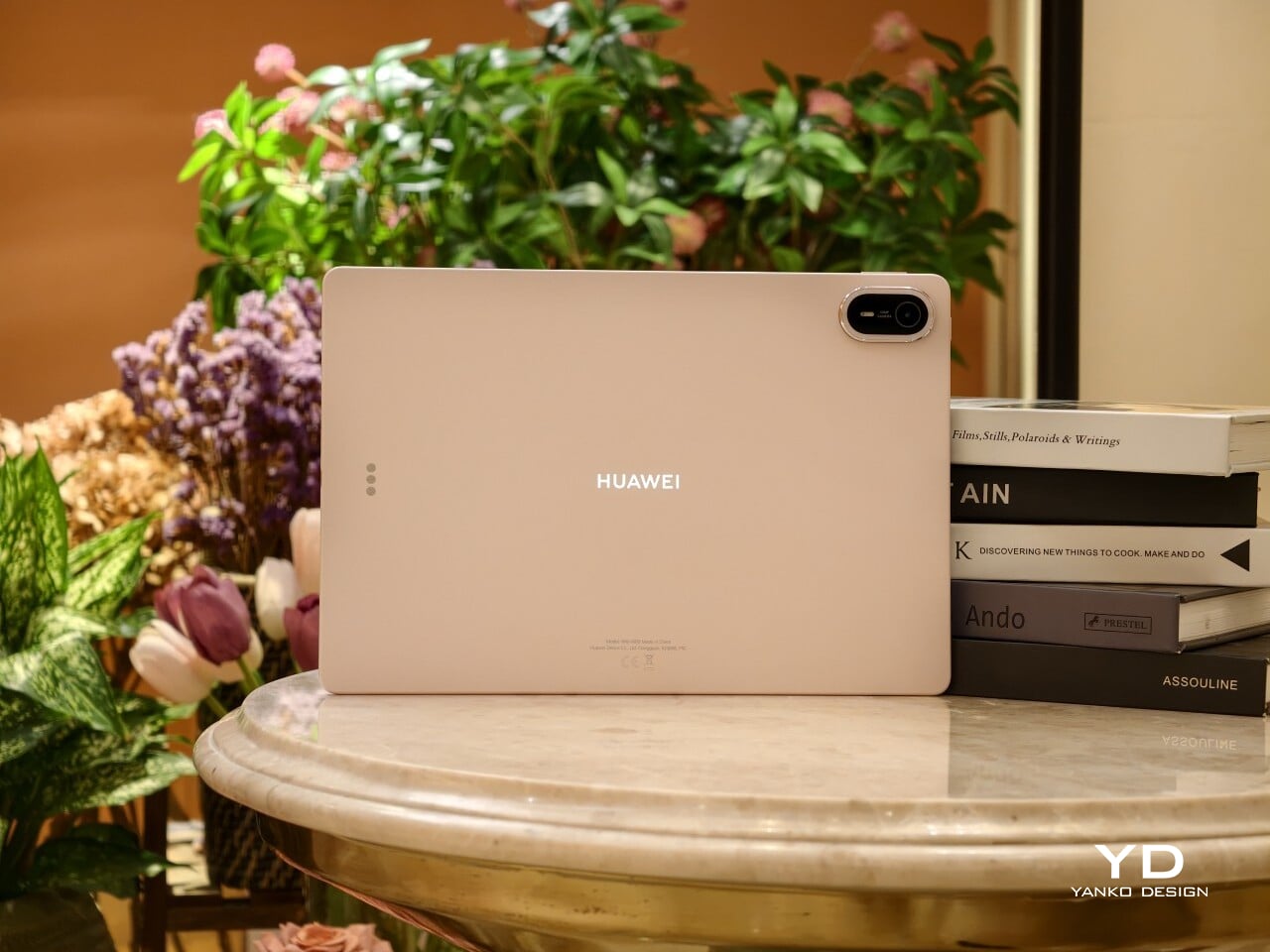
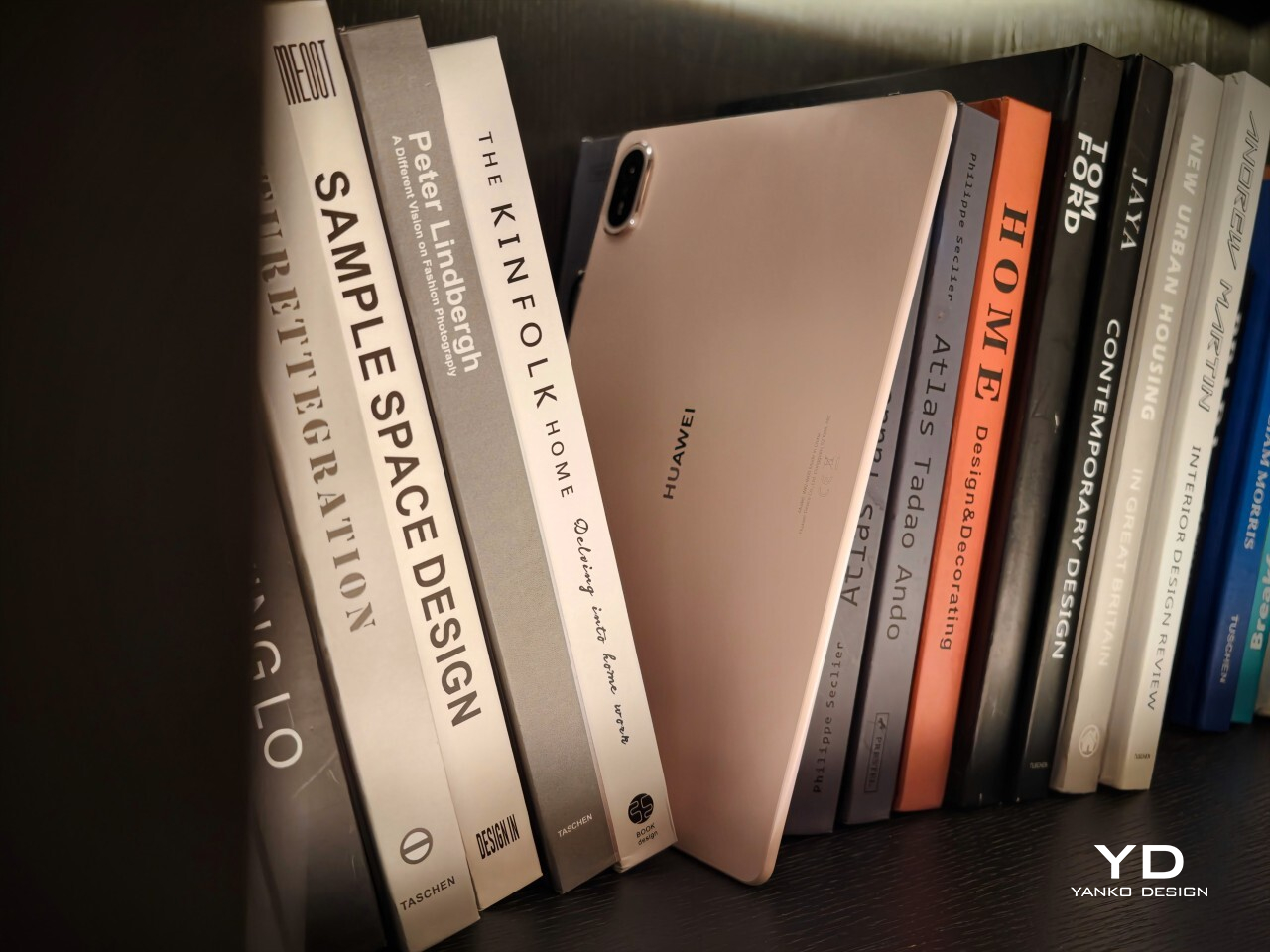
The MatePad Air 2026 seems designed by people who are tired of serious-looking tablets. That is a compliment. Most premium slates still arrive in some variation of grey metal and call it sophistication, but Huawei has gone in a softer direction here with White, Airy Blue, and Sakura Pink finishes that feel more lifestyle-minded. I received the Sakura Pink version, and it gives the tablet a warmer, more distinctive look than the usual sea of neutral-toned rivals.
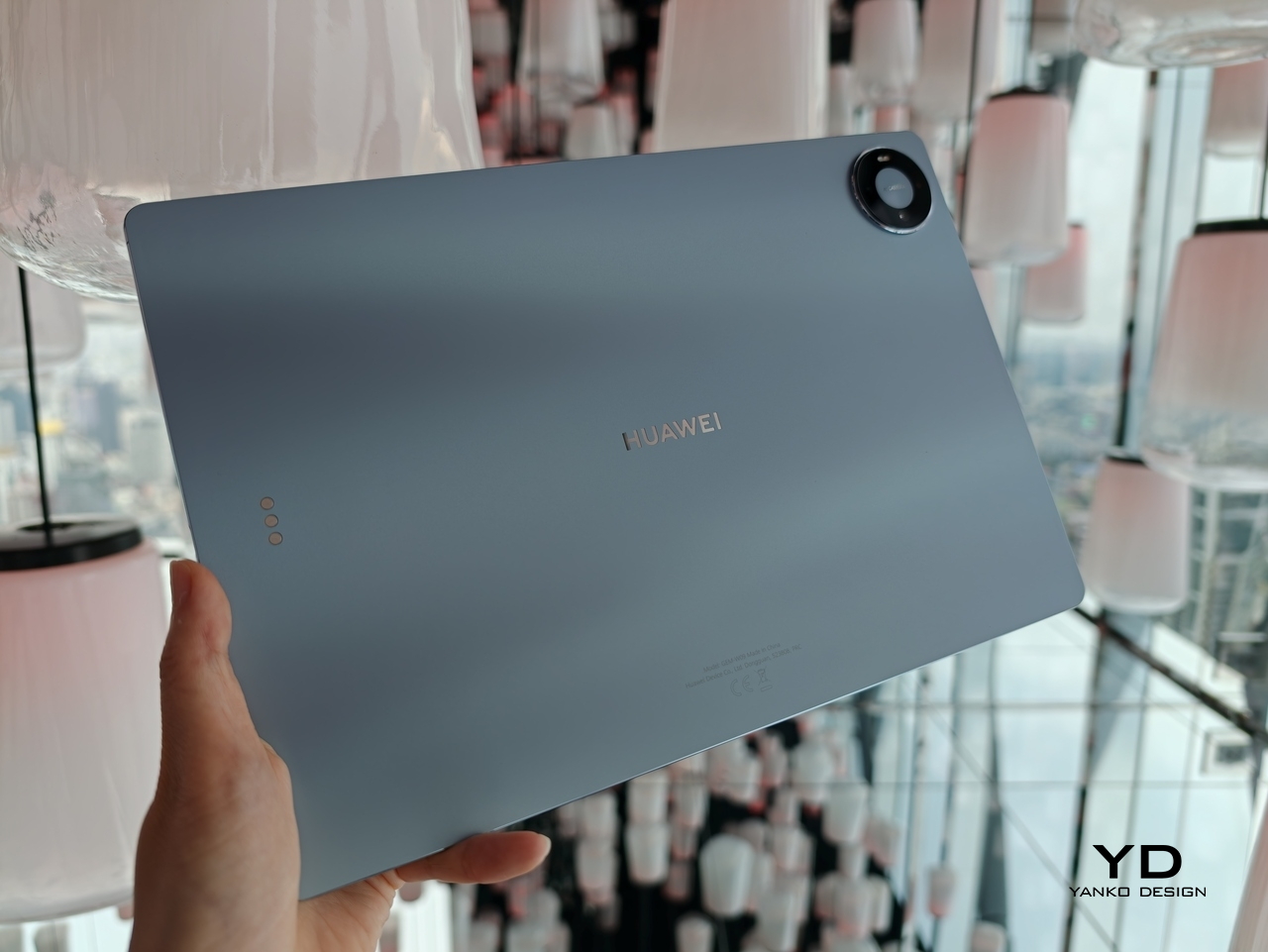
The finish itself is a big part of the appeal. The back panel uses a pearlescent e-coating process with natural mica powder, which gives the surface a soft-touch feel and a subtle glow under light. It feels more inviting than the average metal slab, and that extra bit of texture helps the tablet come across as something more personal and less industrial.

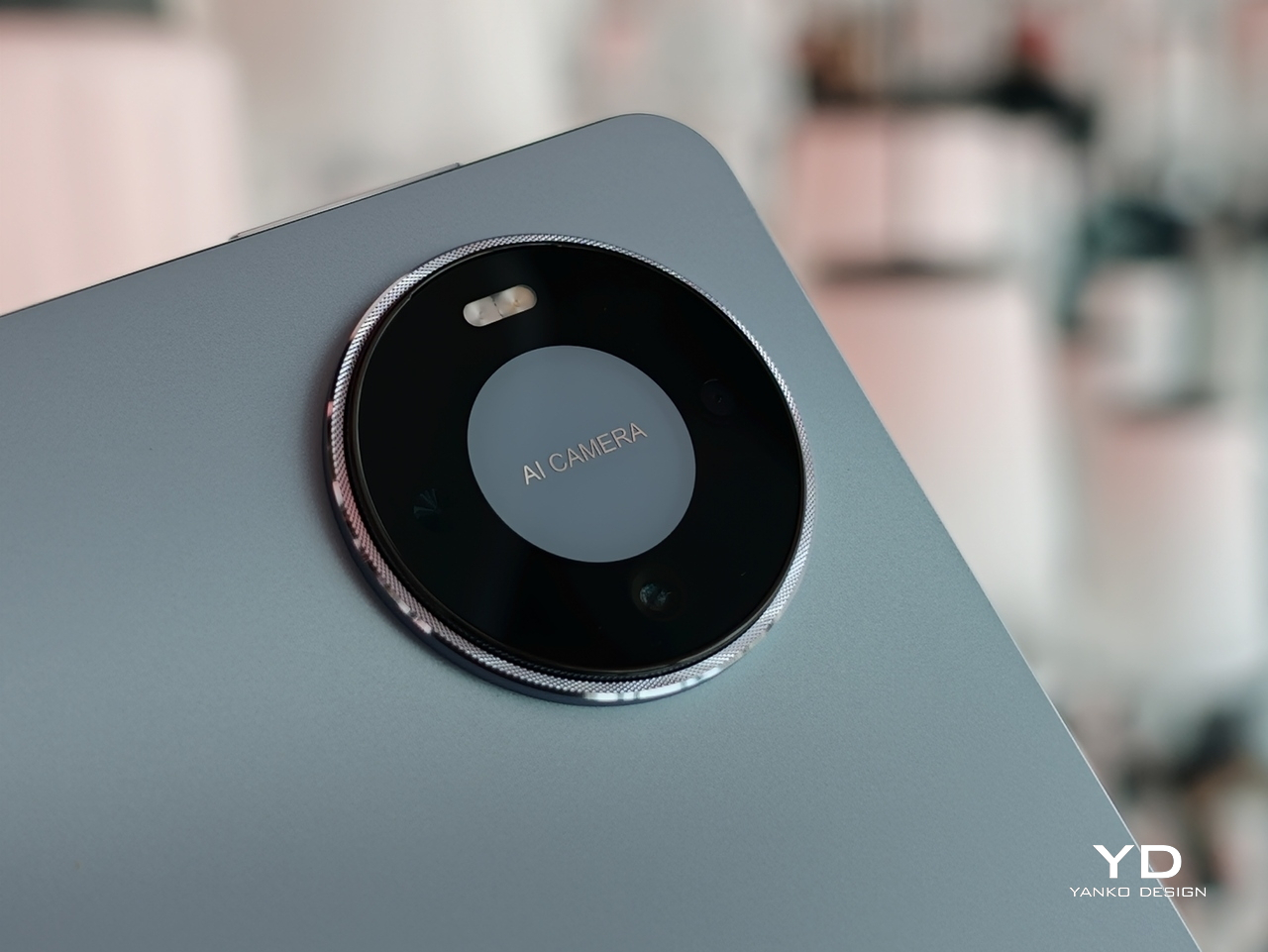
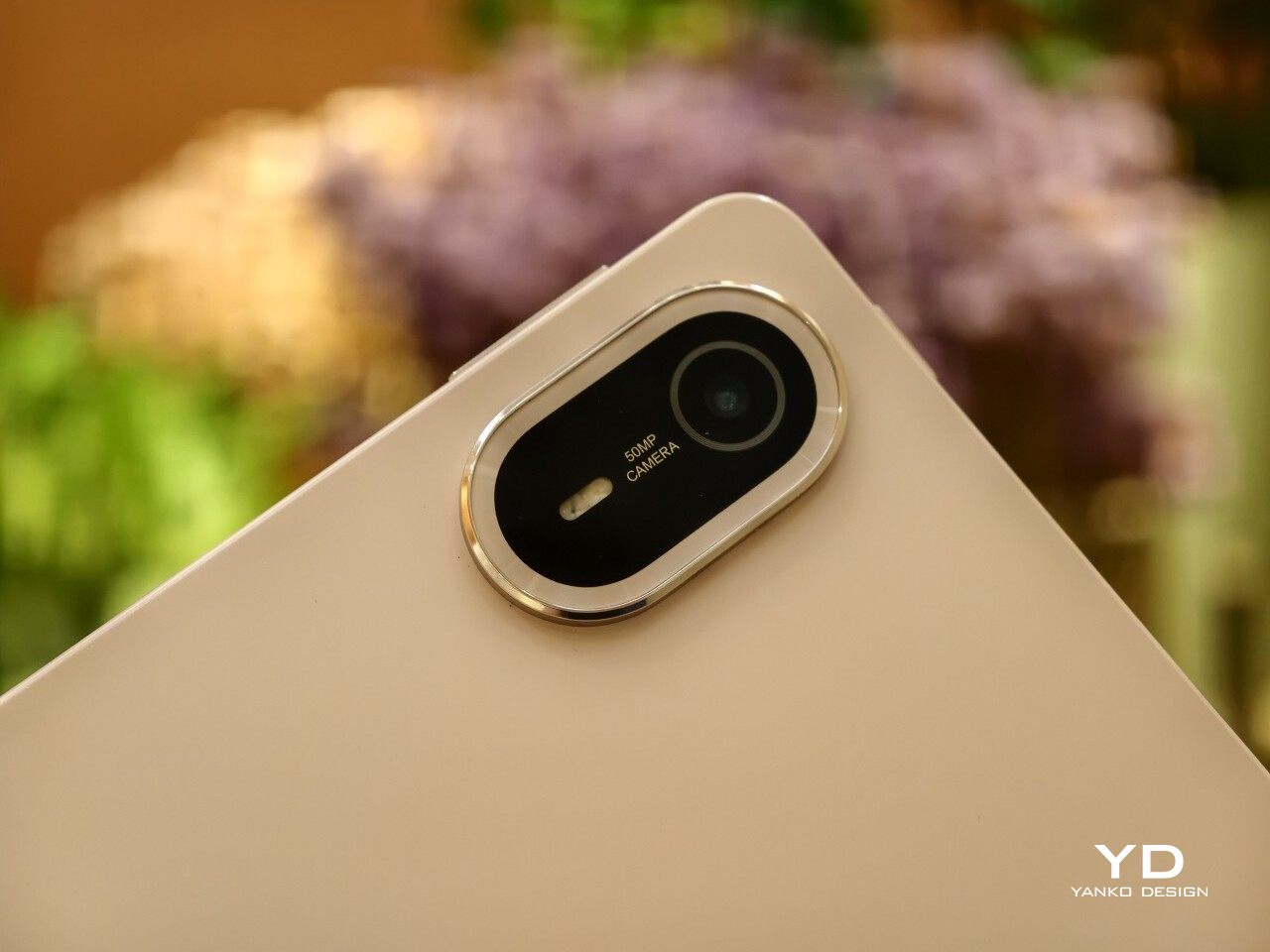
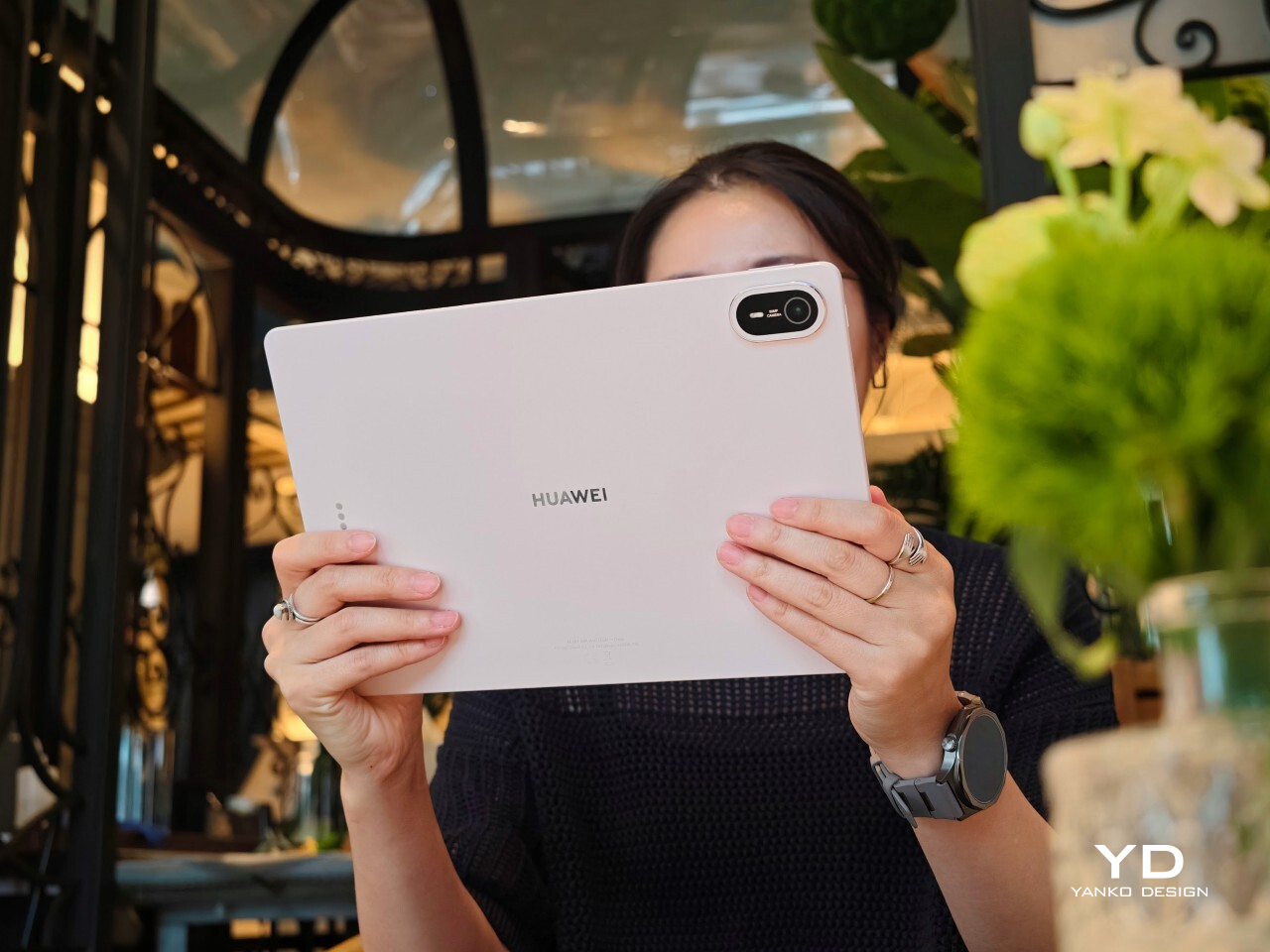
There is also a welcome amount of restraint in the design, and even the camera island follows that philosophy. The oval module sits in the upper-right corner with a raised, layered construction, but it avoids the harsh look that camera bumps can sometimes have. Its lower section uses a brushed, color-matched metallic finish, topped by a thin polished metallic strip for a subtle accent. The black camera module is framed by a matching outline, while a polished silver Huawei logo sits at the center.
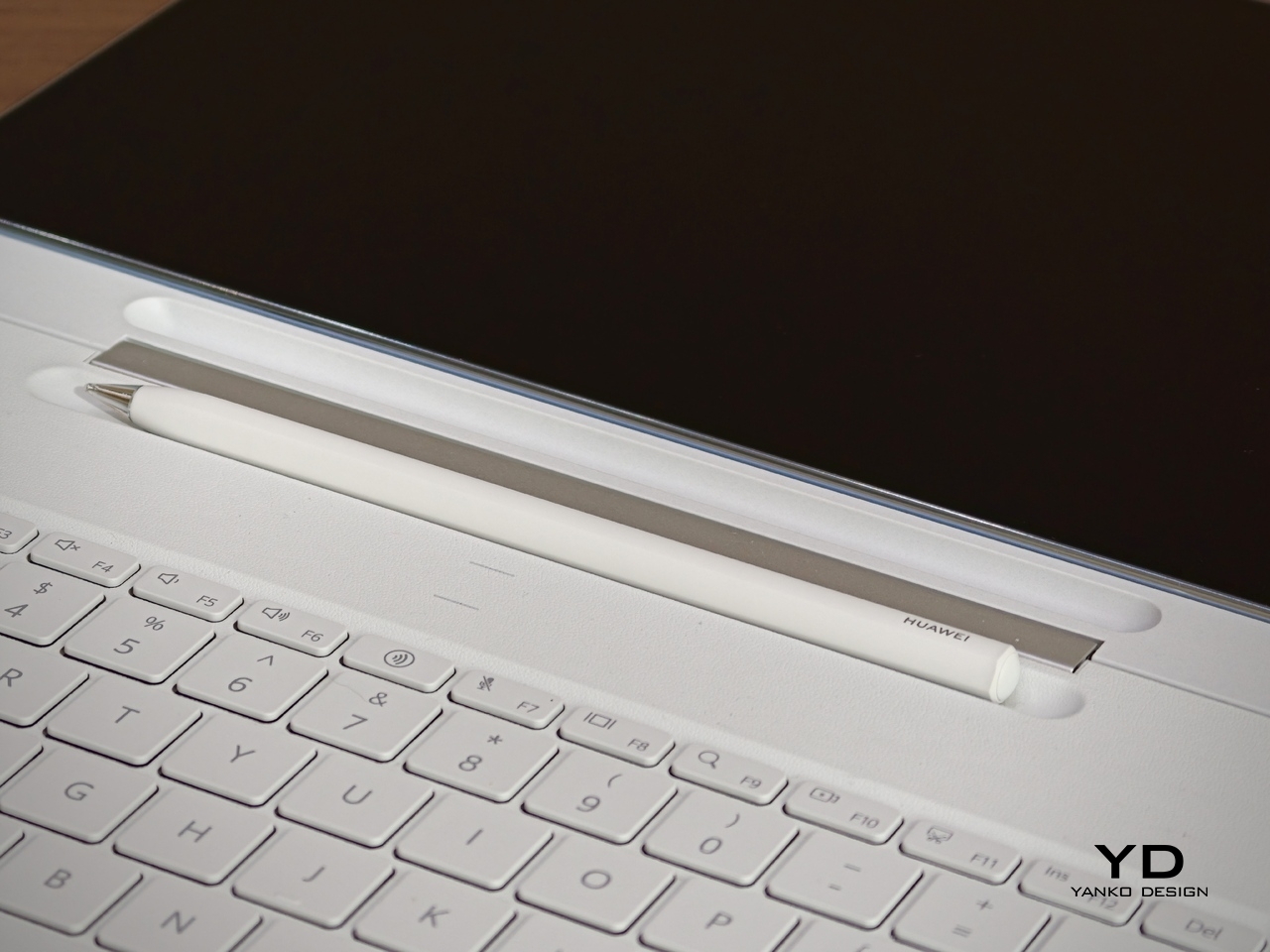
Huawei also deserves some credit for carrying that design thinking through to the accessories. The MatePad Air supports the M-Pencil Pro, and in the Sakura Pink version, the bundled stylus comes in a matching color. The M-Pencil Pro is not sold separately in that finish, which is a bit of a shame, but it is still nice to see a color-matched stylus included. It makes the whole package feel more cohesive, and it adds a bit of charm to a category that often forgets accessories can be part of the design story too.

Ergonomics

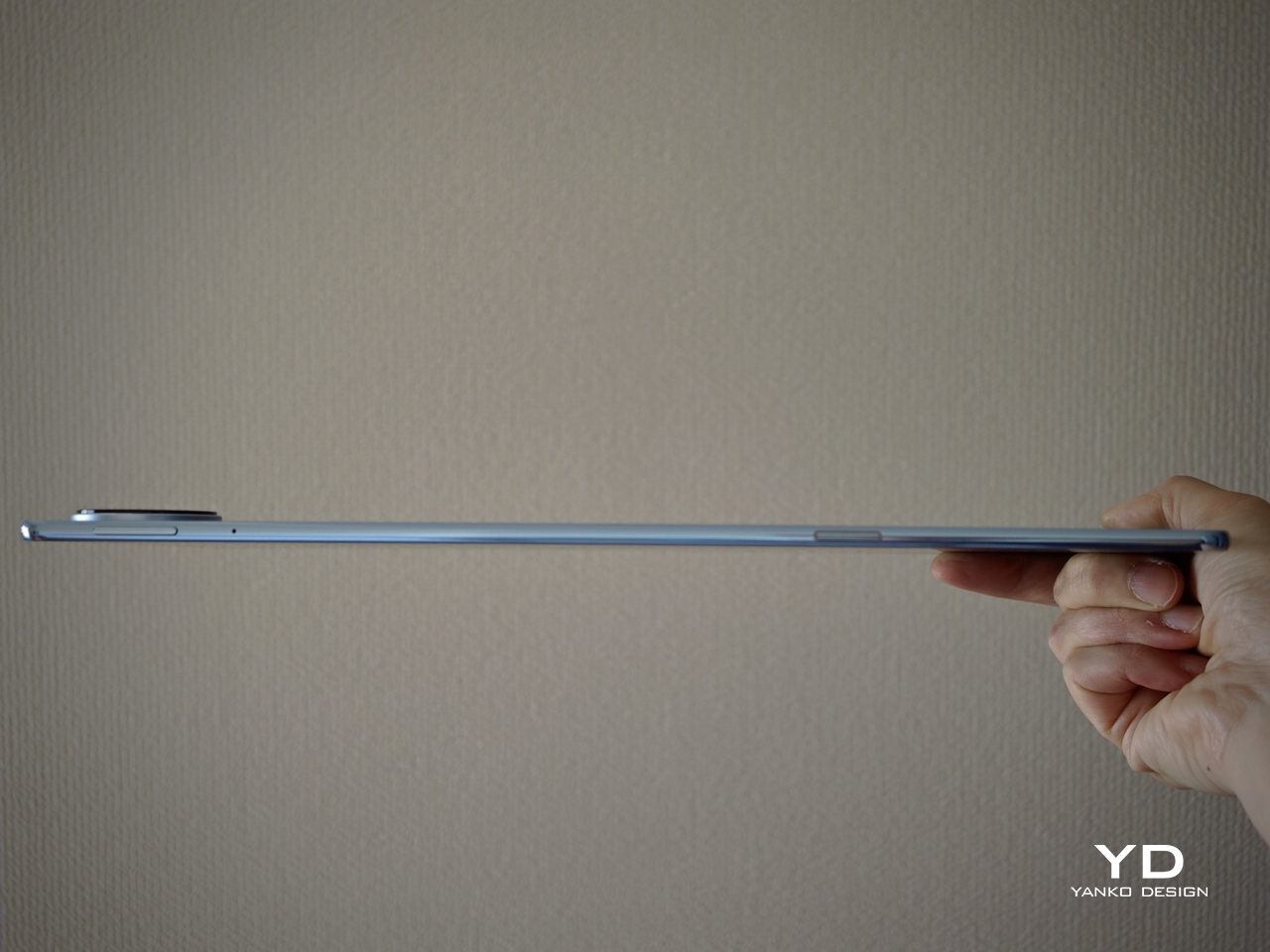
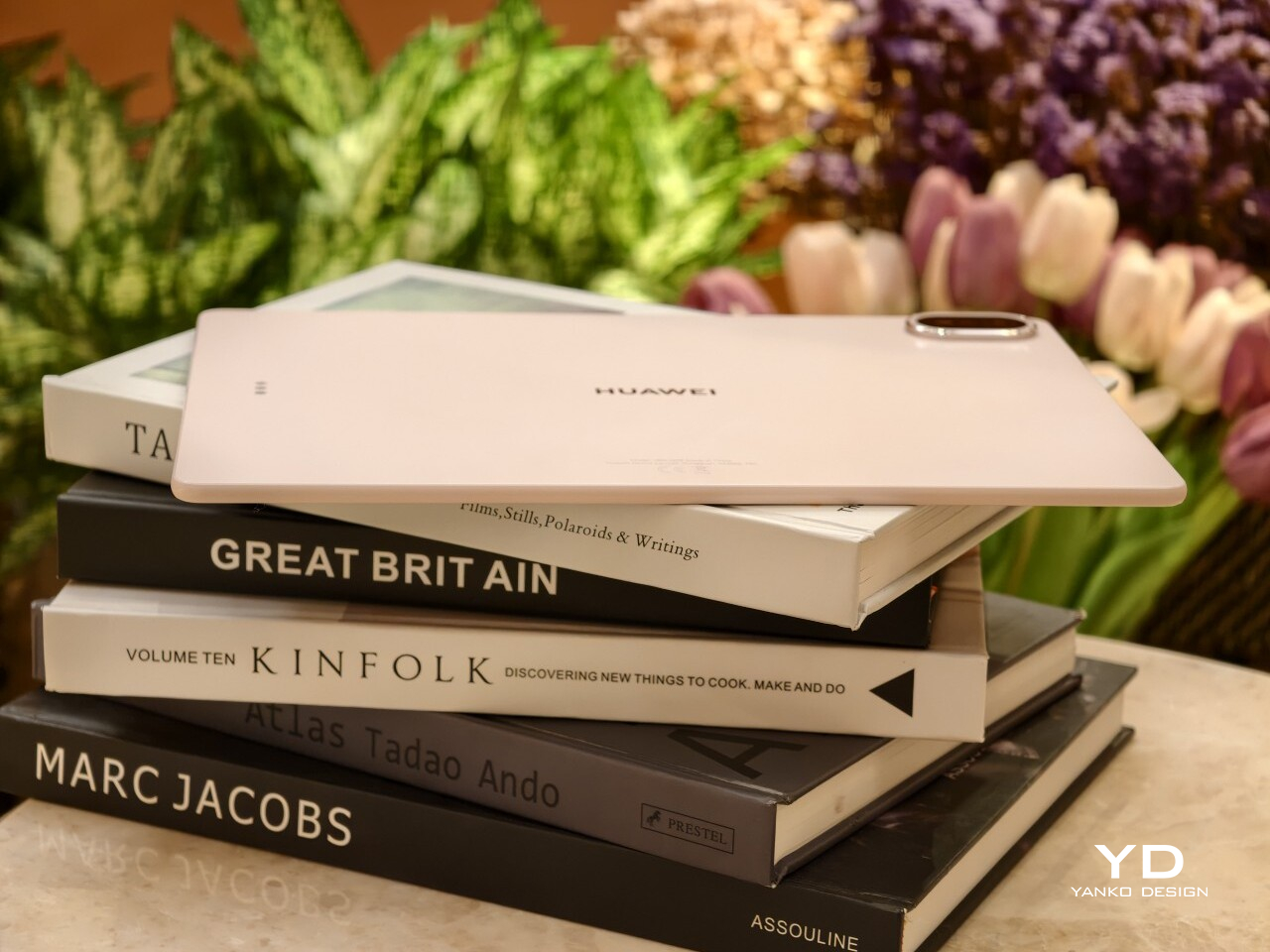
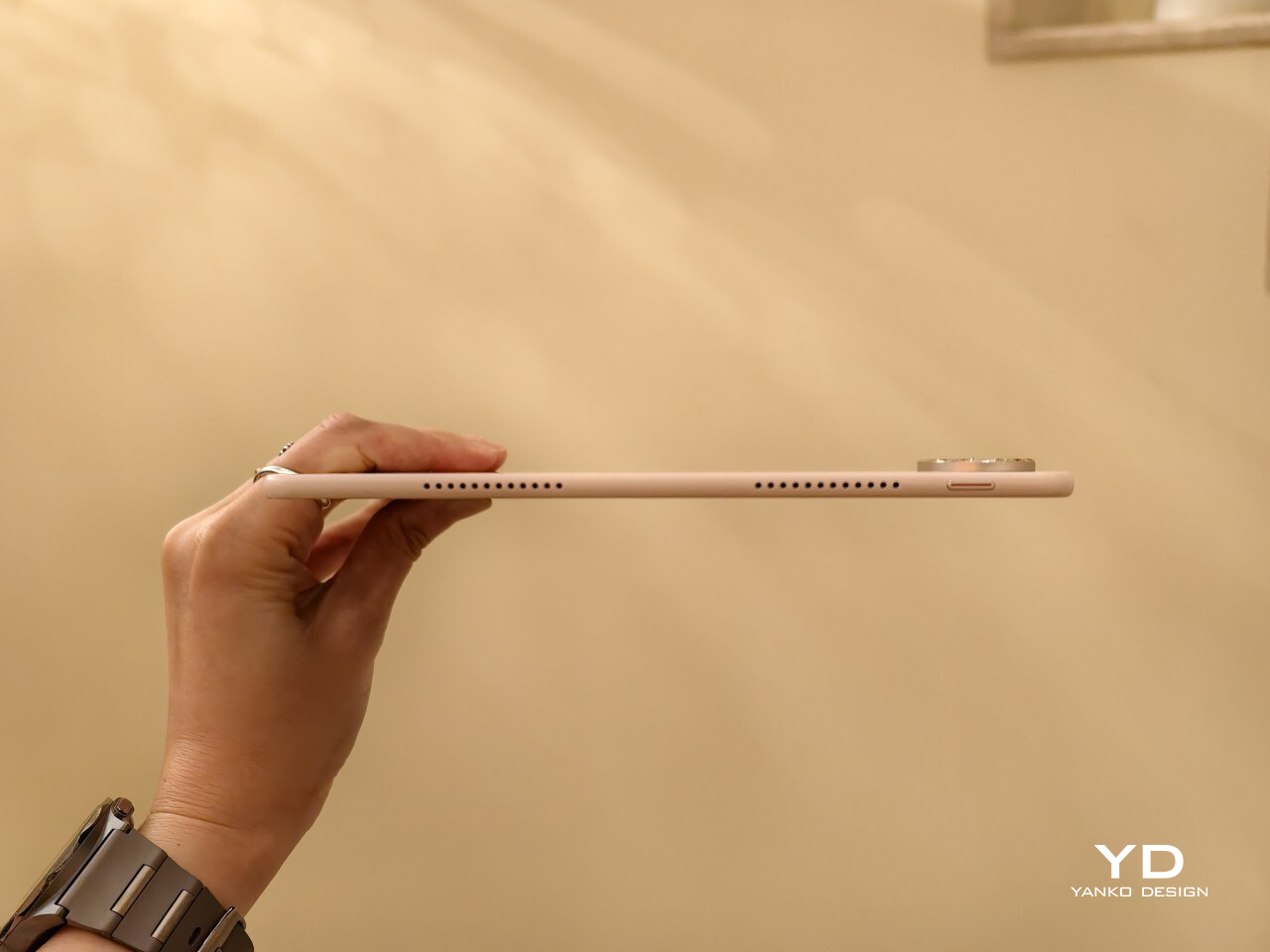
At 509g and 5.3mm thick, the MatePad Air 2026 feels impressively manageable for a 12-inch tablet. This is the kind of device you can carry all day without feeling like you packed a second laptop. It matches the Huawei MatePad Pro 13.2 in weight while coming in noticeably thinner, and Huawei also says it is 0.8mm thinner than the iPad Air 7.

That slim profile makes a real difference in daily use. The MatePad Air feels easy to hold for reading, sketching, or watching videos, and it never comes across as bulky or awkward. Thin tablets can sometimes feel fragile, but that is not the case here. Despite how light it is, the body feels solid and well put together.
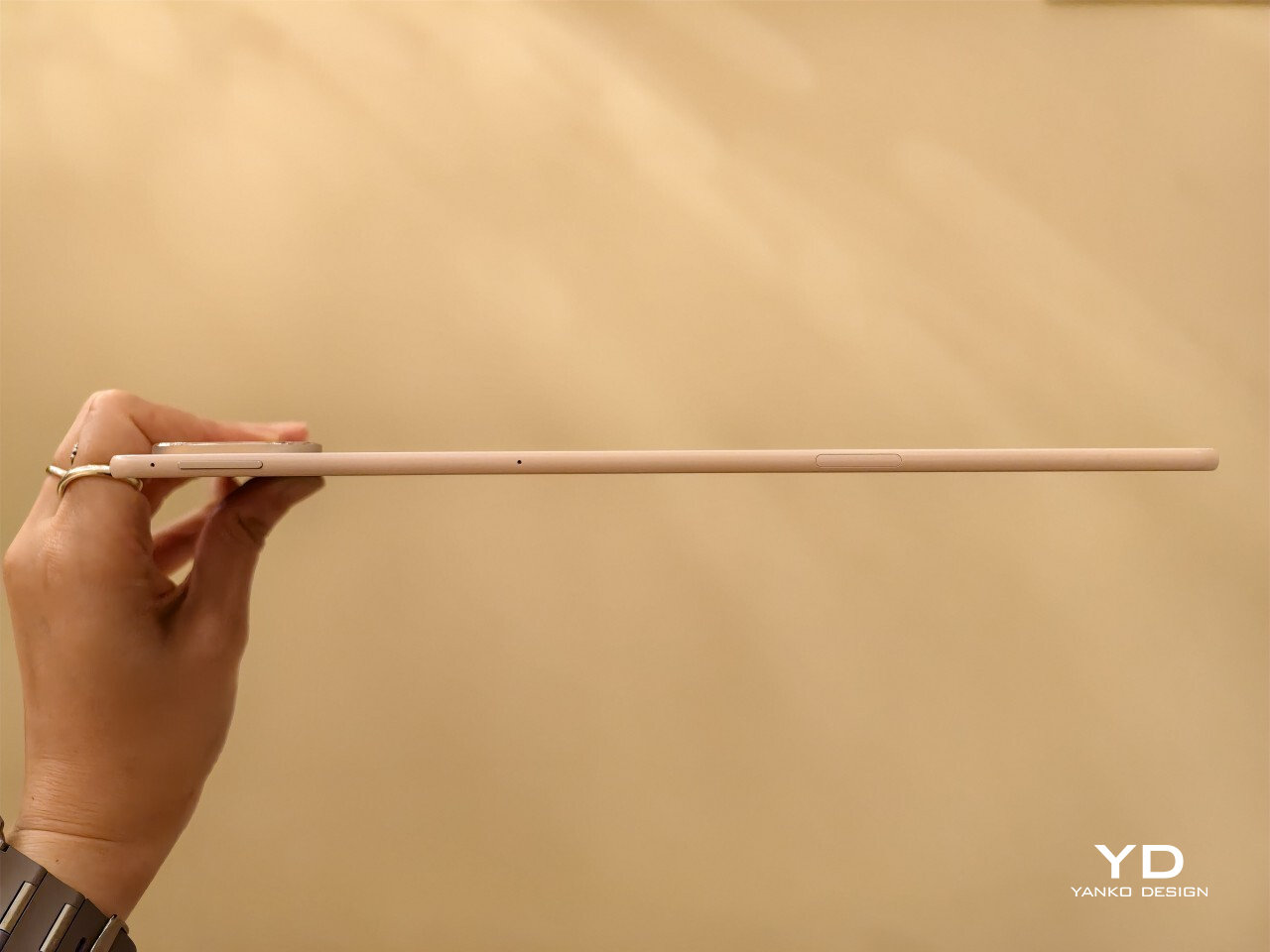
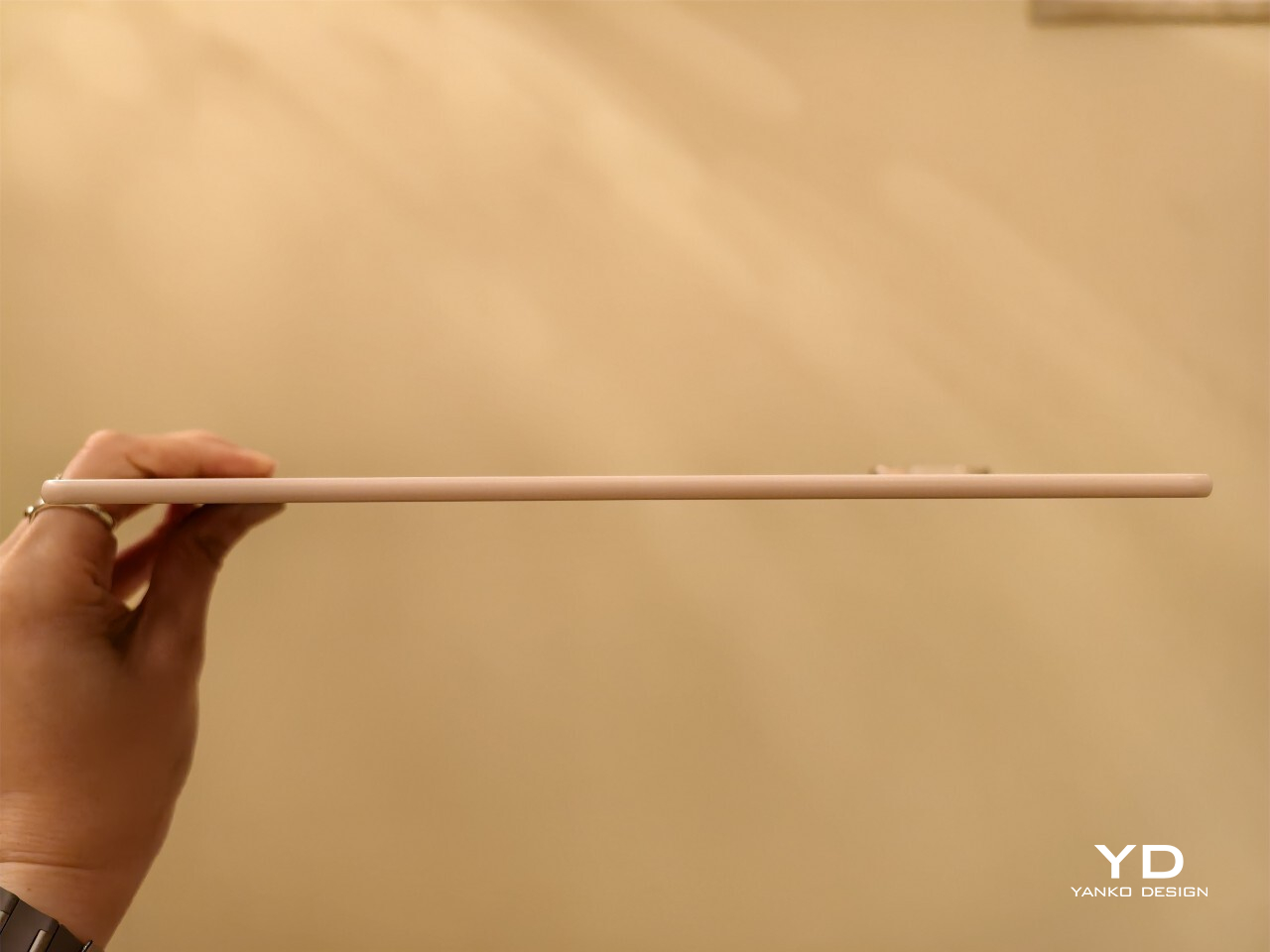
Just as importantly, slim and light does not mean delicate. The chassis feels sturdy in the hand, and it does not bend easily. Even when I tried flexing it harder than anyone normally would, it did not feel worrying. That gives the tablet a reassuring sense of durability, which matters on a device built to travel.

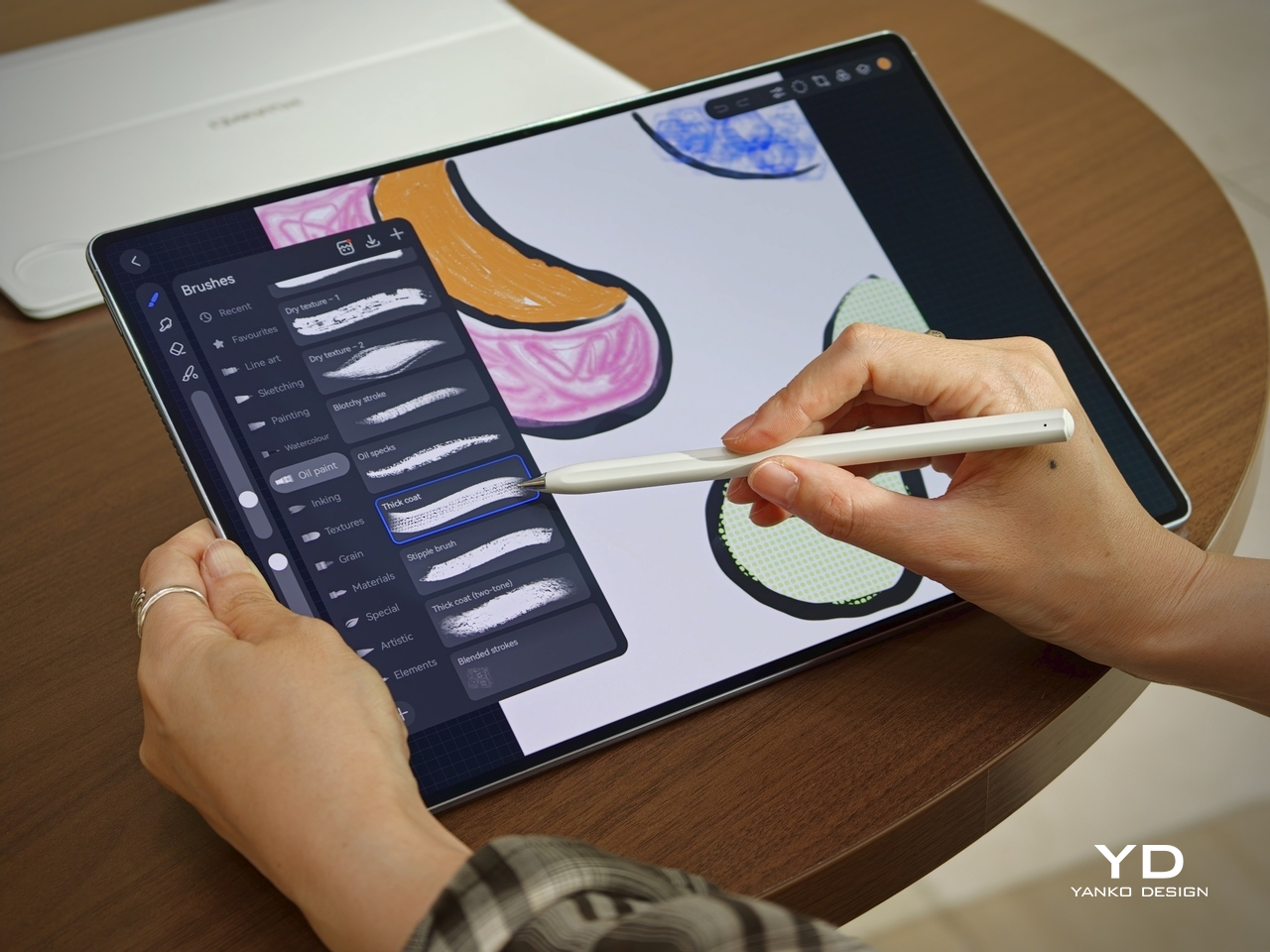
The back panel also helps. Its texture feels nice in the hand and gives the tablet a softer, less slippery feel than a plain metal finish. The M-Pencil Pro feels good in the hand, too. Its matte finish gives it a comfortable grip, which makes a difference during longer writing or sketching sessions. There is also a squeeze function and a physical button at the top of the pen, and both feel practical without getting in the way.

Performance

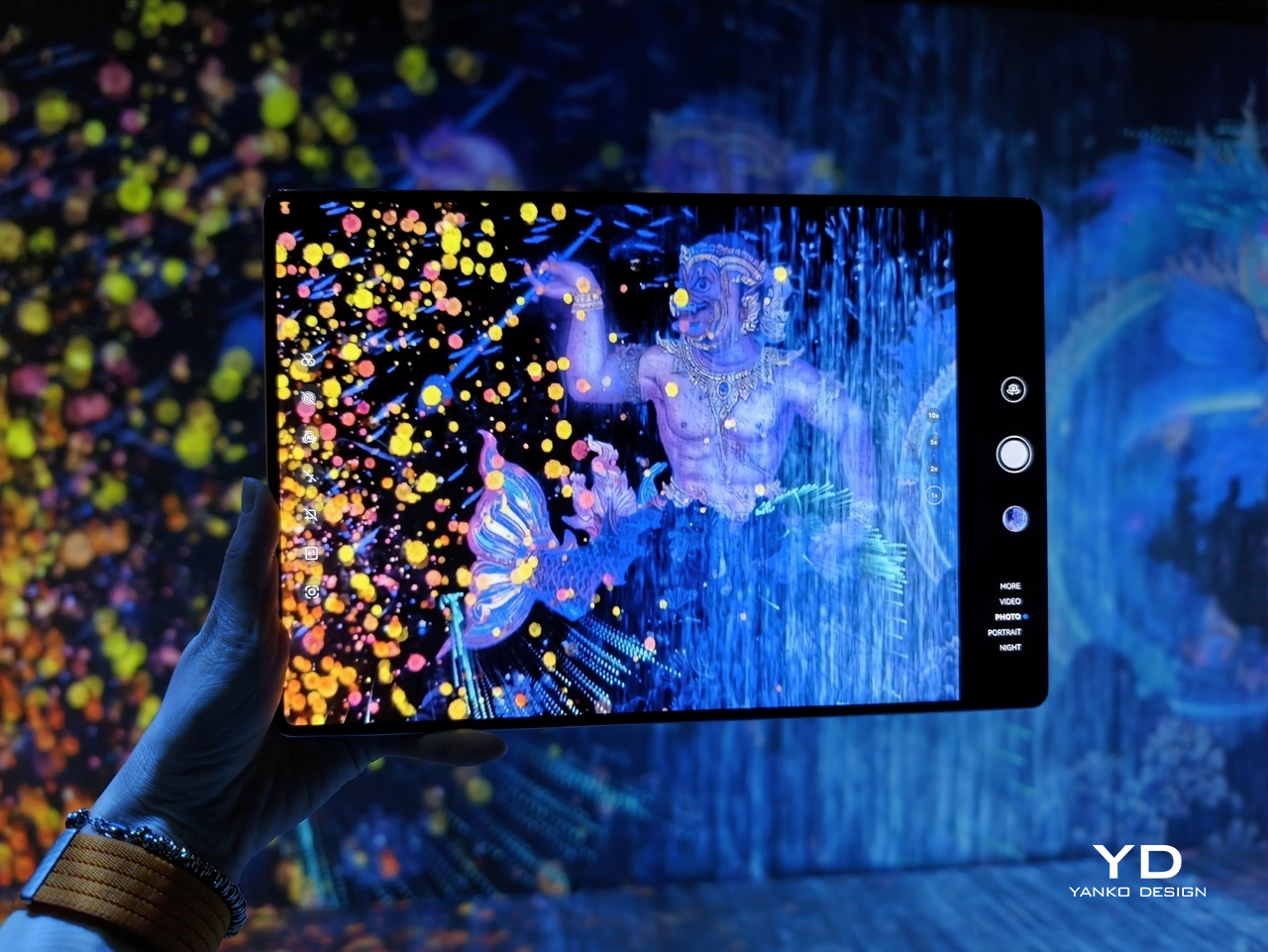
The latest Huawei MatePad Air upgrades to a 12-inch OLED PaperMatte display, replacing the IPS LCD panel on its predecessor. It is easily one of the tablet’s biggest selling points. The panel has a 2800 x 1840 resolution, a pixel density of 275ppi, support for 1.07 billion colors, P3 wide color gamut, a dynamic refresh rate ranging from 30Hz to 144Hz, and peak brightness of up to 1,200 nits.
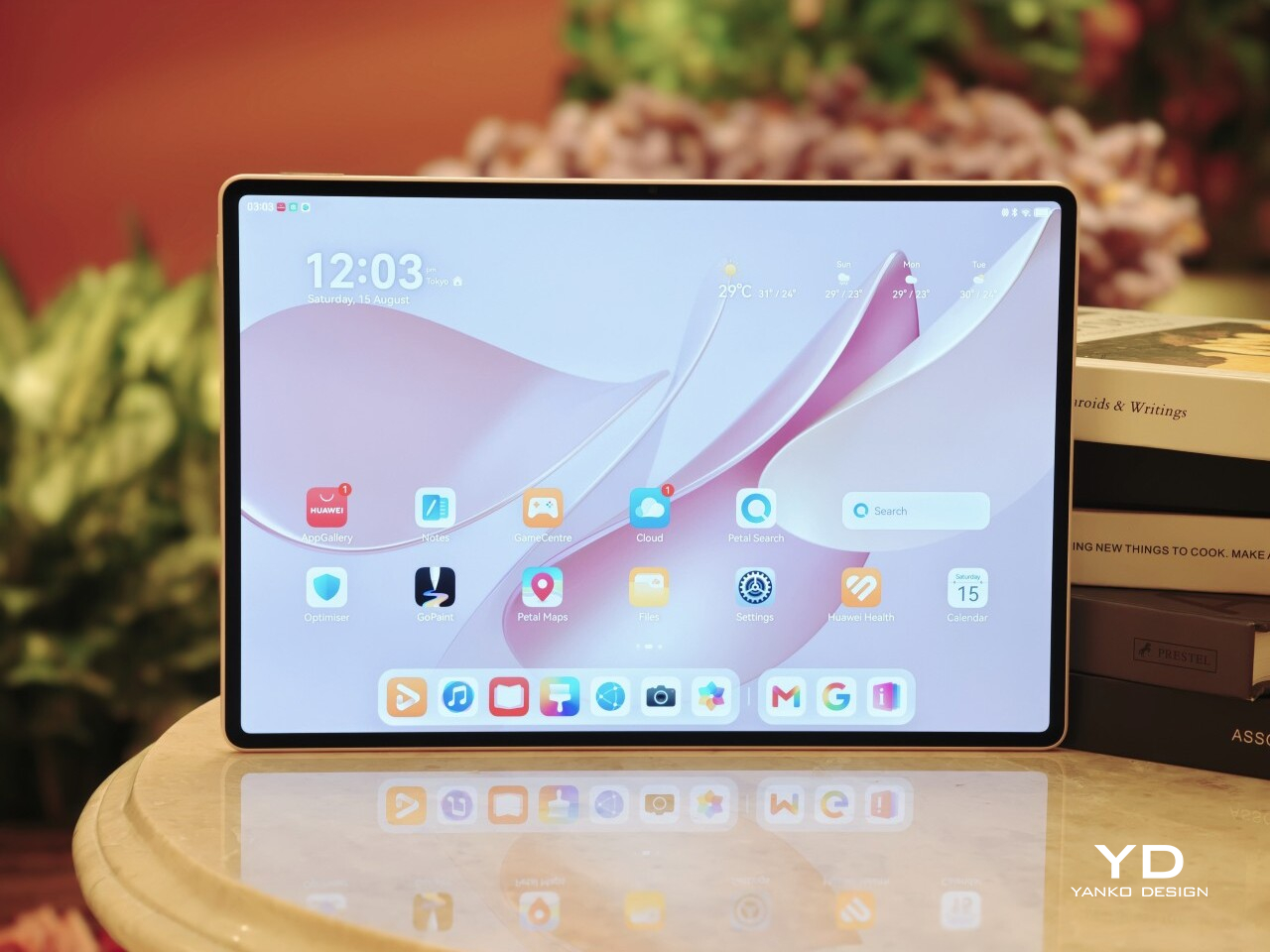
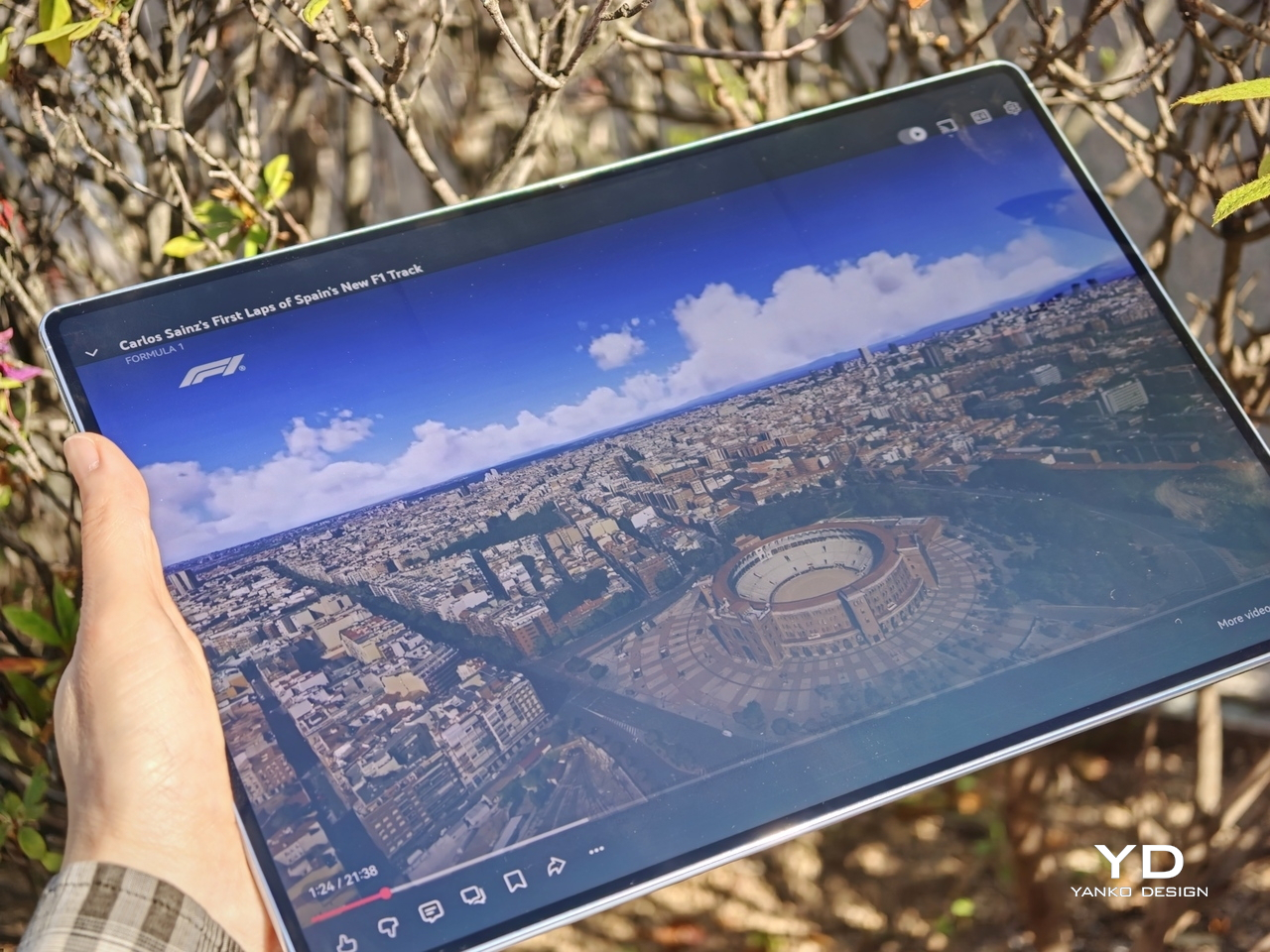
That move to OLED brings the kind of benefits you would expect. Blacks look properly deep, colors have more pop, and contrast feels richer overall. Paired with the 92 percent screen-to-body ratio, the MatePad Air delivers a very enjoyable viewing experience, especially when watching films with darker scenes where the extra contrast really helps.

The PaperMatte finish is what makes the screen feel a little different from the usual premium tablet display. It cuts down glare well enough that I could sit near a window and still enjoy what I was watching without constant reflections getting in the way. That alone makes the tablet more comfortable to use in bright environments, and it adds a practical edge to what is already a very good-looking panel.

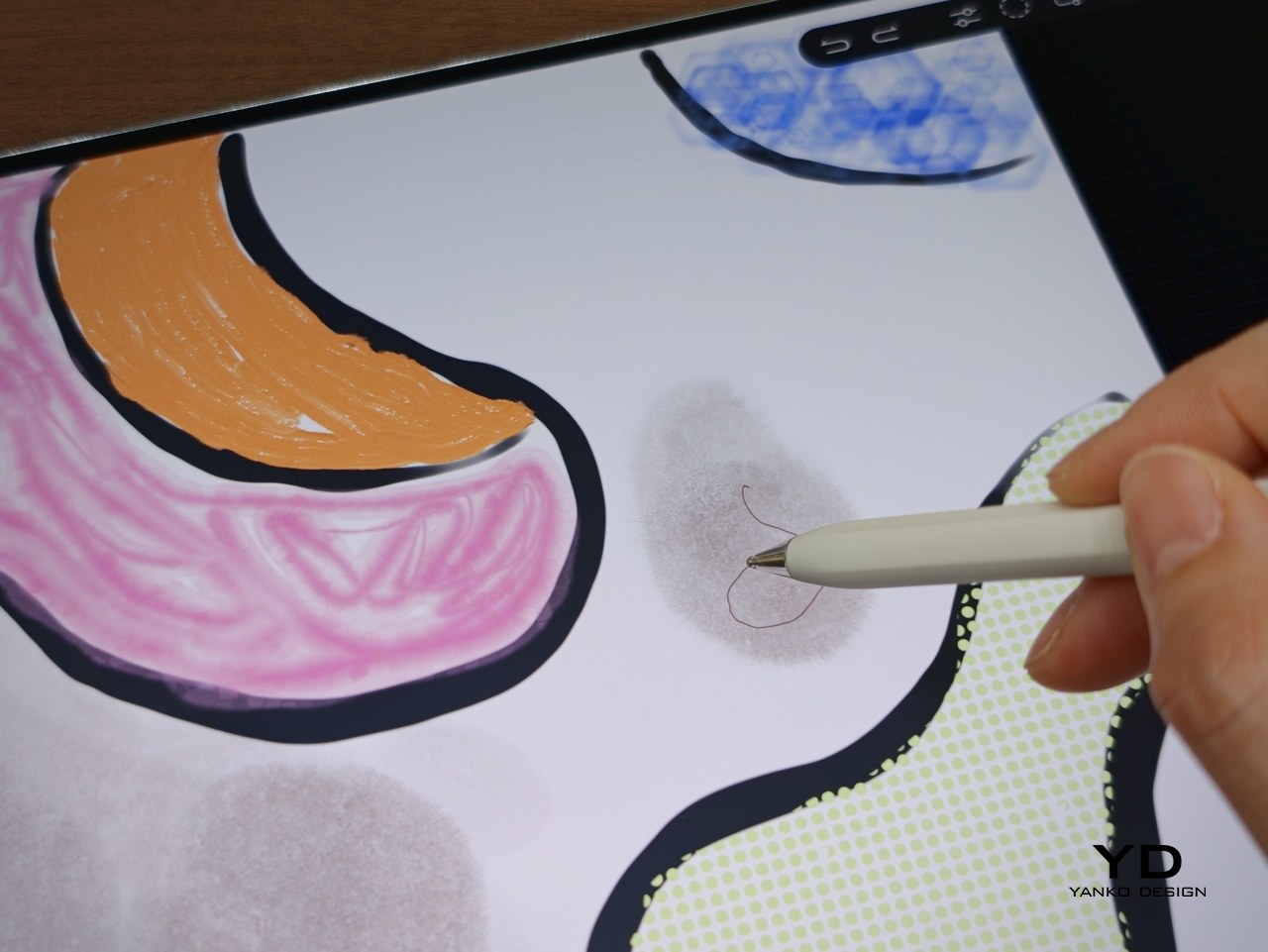
The PaperMatte finish also helps when it comes to writing and drawing. It adds a bit of texture to the surface, so the stylus does not glide too freely across the screen. That makes note-taking and sketching feel more controlled and a little closer to pen on paper.
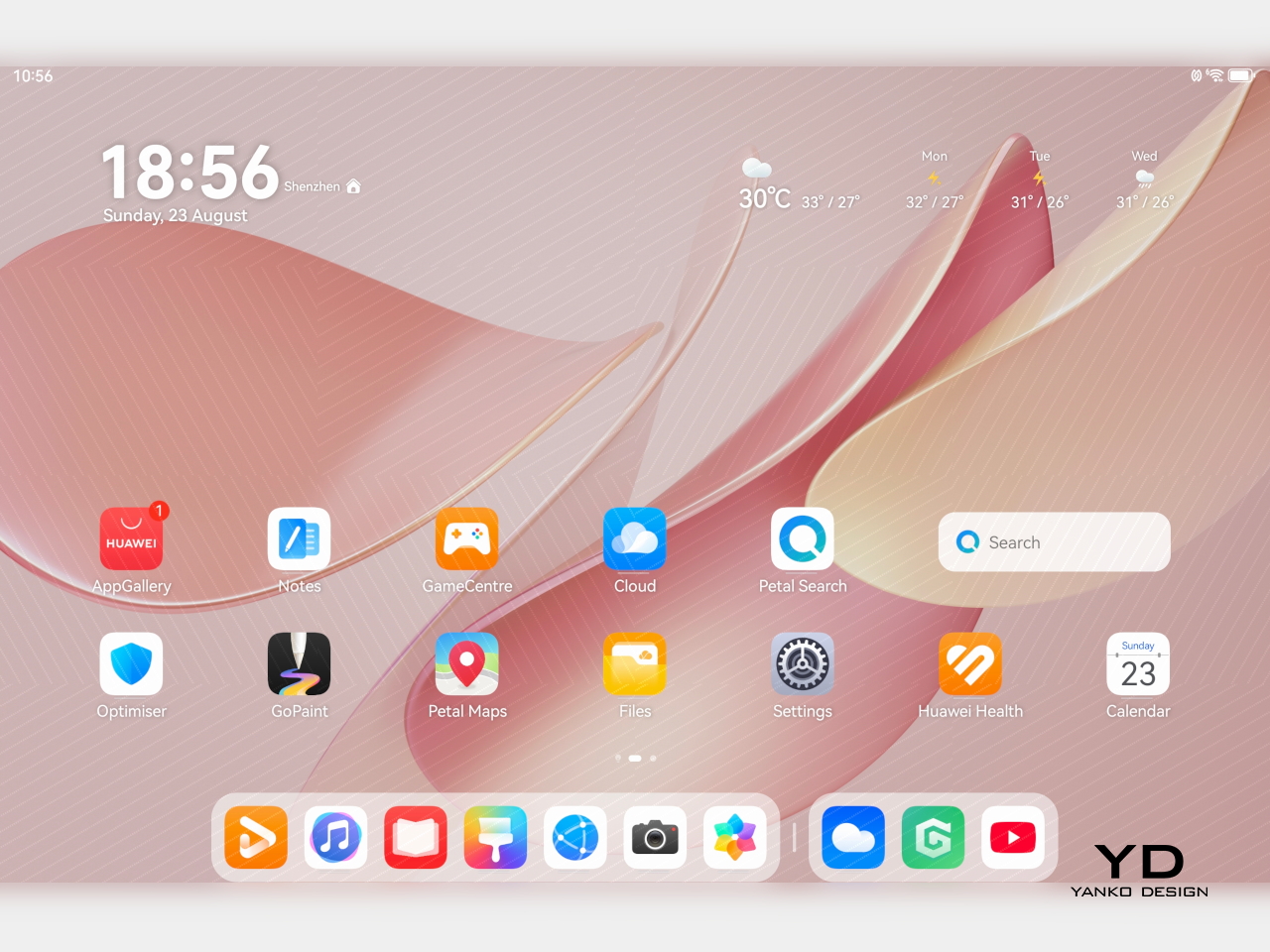
Audio also adds to the experience. The tablet uses a six-speaker system with dedicated drivers handling different frequencies. Four of them focus on the lower end, which helps give the MatePad Air fuller and deeper bass than you would normally expect from a tablet this slim.

Together, the display and speaker setup make the MatePad Air feel well suited to entertainment. Whether I was watching videos, sketching, or just browsing in a bright room, the hardware consistently played to the tablet’s strengths. This is a tablet that clearly puts a lot of emphasis on the sensory side of the experience, and for the most part, that effort pays off.

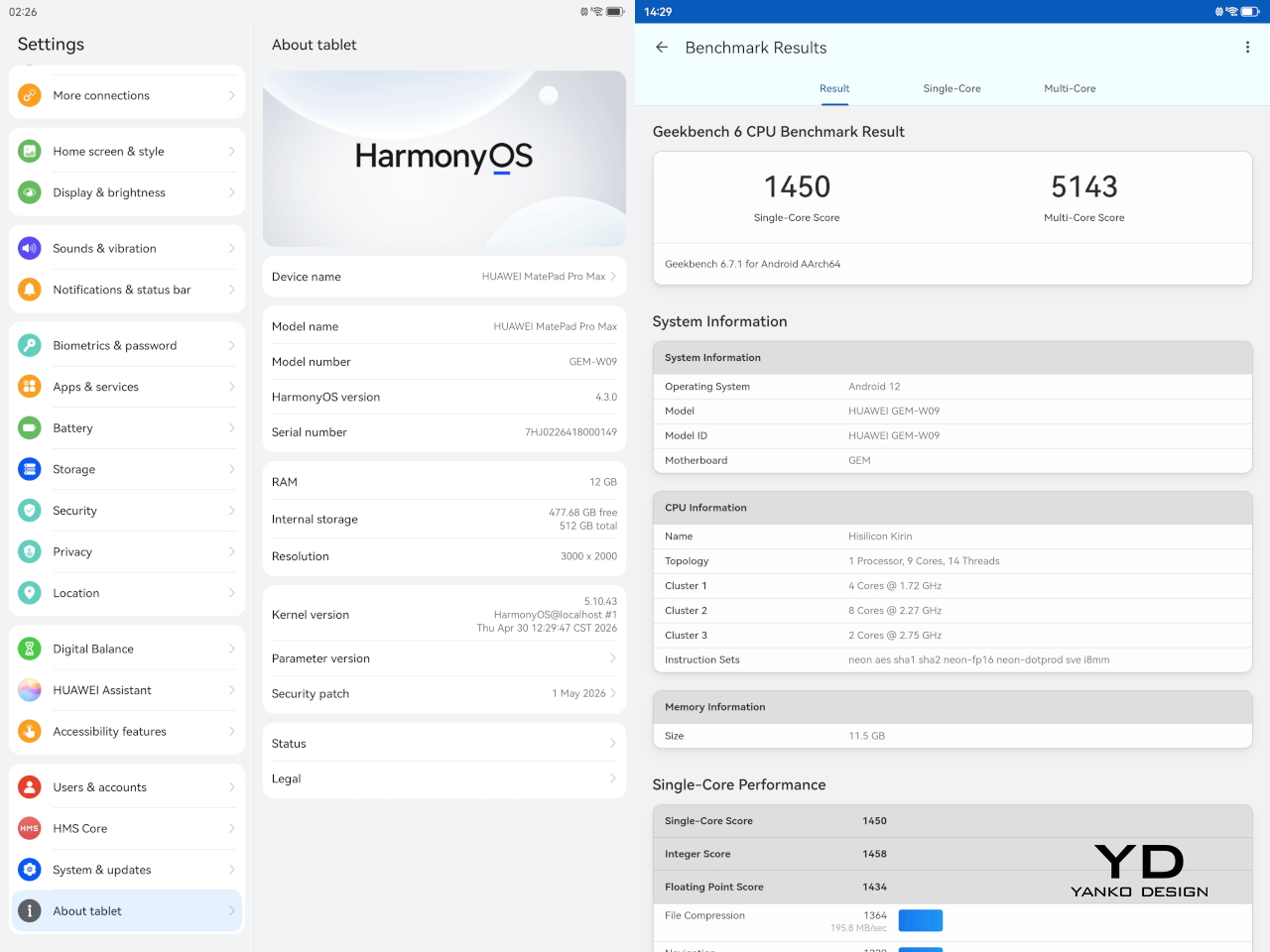
Powering the tablet is Huawei’s Kirin T93C chipset, paired with either 8GB or 12GB of RAM and 256GB of storage. In day-to-day use, performance feels smooth and responsive, whether I was jumping between apps, taking notes, browsing, or doing light creative work. It feels fast enough for the kind of tasks most people are likely to throw at a tablet like this, though this is still more of a productivity and media machine than a device built to show off raw benchmark muscle.
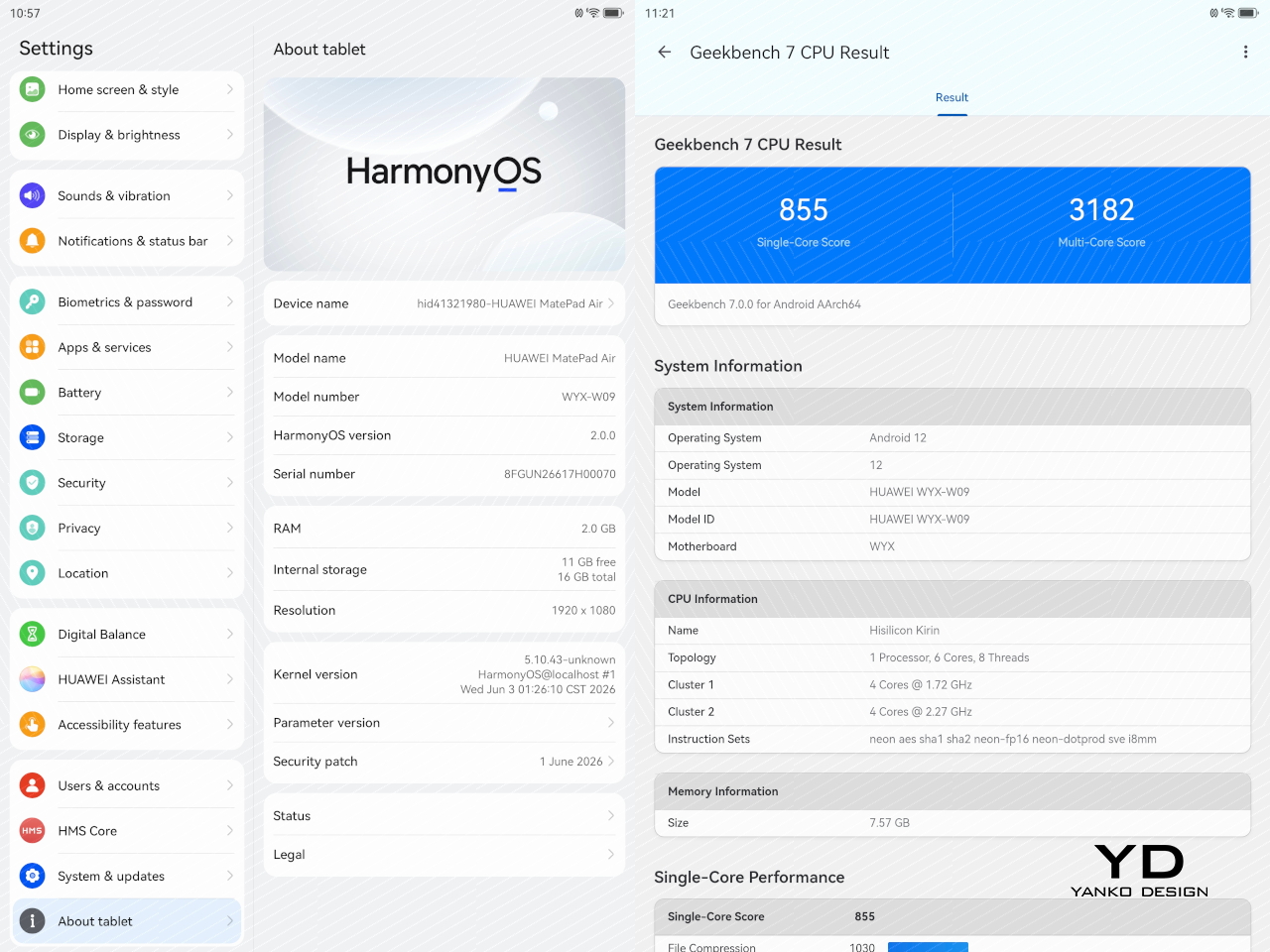
Huawei also puts some focus on sustained performance. The MatePad Air uses a 3D cooling design to help manage heat, and that matters on a thin tablet where thermal limits can show up quickly under heavier use. In practice, the tablet stays comfortable to hold, which is arguably just as important as outright speed in a device designed for long reading, drawing, or viewing sessions.

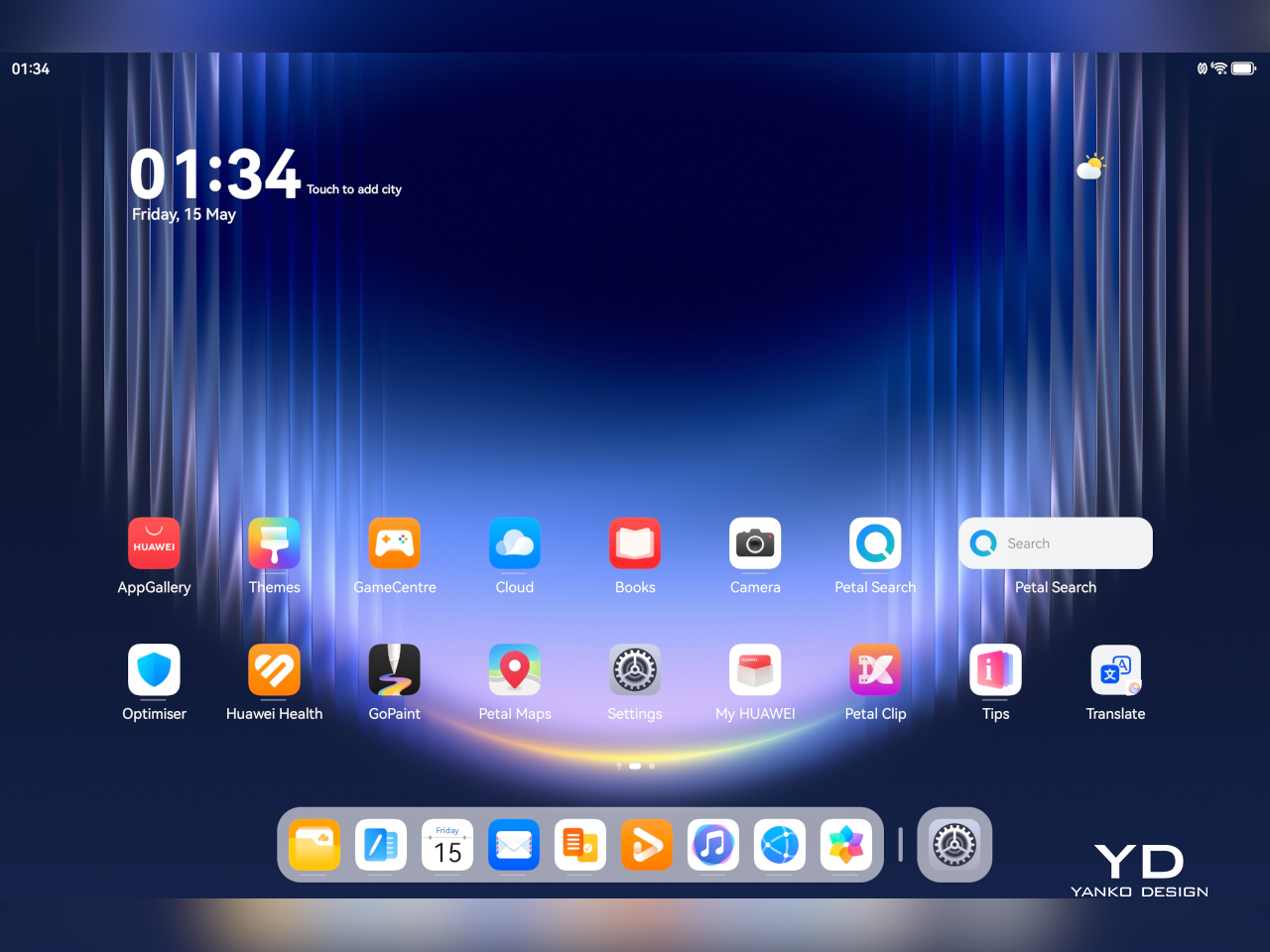
The tablet runs HarmonyOS 4 out of the box, and that comes with the usual Huawei caveat. Google services are not available natively, so the setup is not as straightforward as it is on a regular Android tablet. There are workarounds such as GBox through Huawei’s AppGallery, and getting things up and running is not especially difficult, but it is still an extra step that some users may not want to deal with.
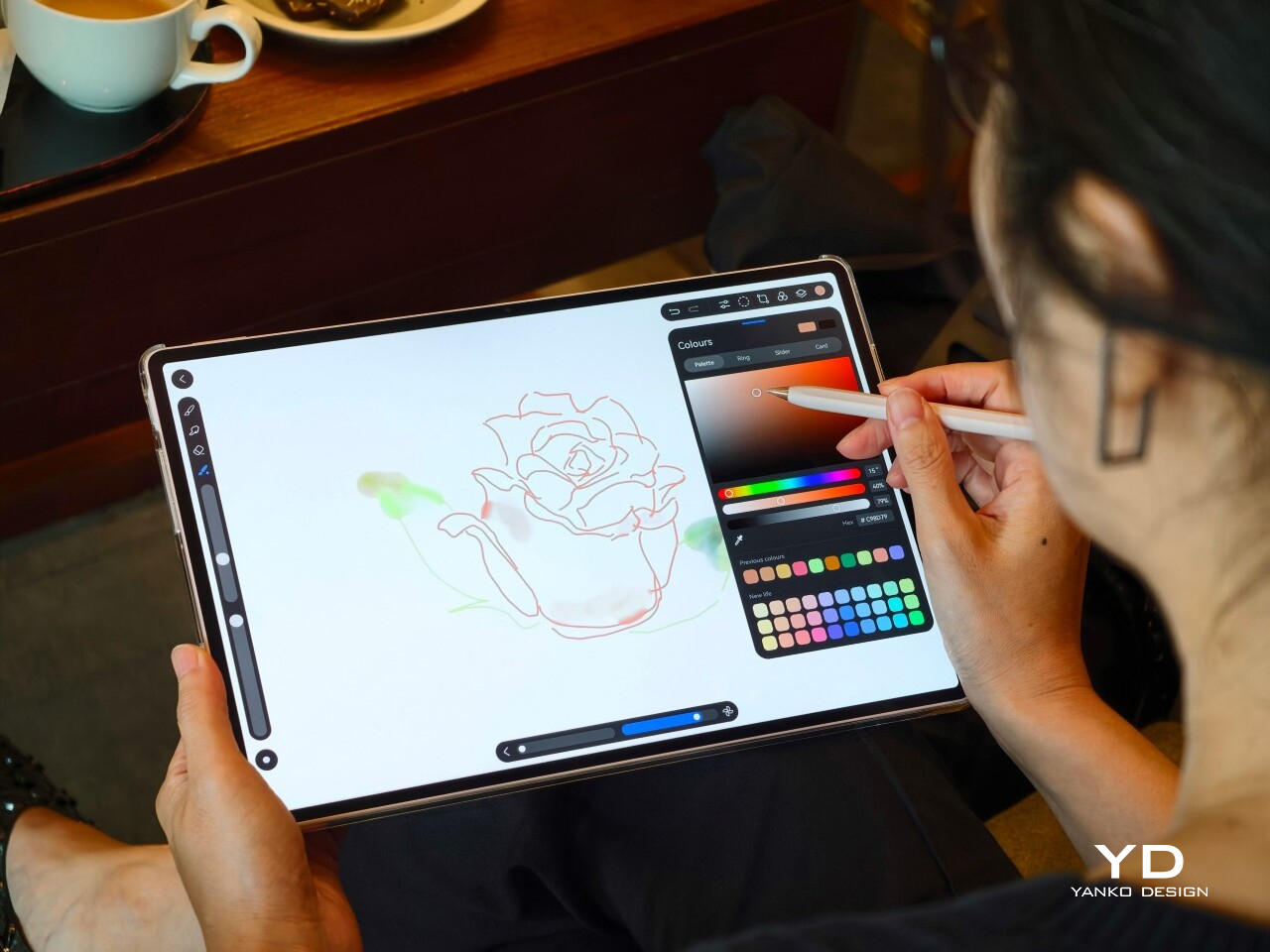
Huawei leans heavily on apps like HUAWEI Notes, GoPaint, and WPS Office to make the MatePad Air feel more useful as a work and creativity device. HUAWEI Notes and GoPaint make the most sense here, especially with the M-Pencil Pro, and they help the tablet feel more purpose-built for note-taking and sketching than a generic large-screen slate.

Battery life is solid. The MatePad Air packs a 10,100mAh battery, which gives it enough stamina for a full day of mixed use without much anxiety. Whether I was watching videos, browsing, writing, or sketching, it felt like a tablet built to last through the day rather than one that constantly pushes you toward the charger.
Charging is also reasonably quick. Huawei rates it for 66W wired charging, which helps take some of the stress out of topping up a battery this large. That is especially useful for a device meant to move between work, entertainment, and creative tasks, because it makes the MatePad Air easier to treat like an all-day companion rather than something you need to plan around.

Sustainability

Sustainability is not just about materials. It is also about how long a device can stay in use, and the MatePad Air 2026 makes a fair case for itself here. Huawei says the body’s resistance to warping has improved by 10 percent compared with the MatePad 12X, and that it can handle an additional load equal to 50 percent of its own weight with only around 1mm of flex. Those are brand claims, but they do support the sense that this is a thin tablet built to hold up well over time.
That said, durability is only part of the picture. Huawei does not publish a fixed multi-year guarantee or a clear end date for software support, which makes the long-term outlook harder to judge. The hardware may be built to last, but without a clearer update commitment, the MatePad Air 2026’s sustainability story feels incomplete.

Value

The MatePad Air 2026’s value depends heavily on the market, since pricing and bundles vary. Huawei also splits the lineup differently depending on region, which can make the tablet feel more or less competitive at first glance. In some markets, it is sold in Standard Edition and PaperMatte Edition versions, with 8GB + 256GB and 12GB + 256GB configurations available.
In certain markets, the 8GB + 256GB PaperMatte Edition is priced at €799 and includes either a Glide Keyboard or an M-Pencil Pro. That is firmly flagship pricing, but the bundle helps justify it, especially since the accessories are a big part of the overall experience. For buyers who want the PaperMatte display and plan to use the stylus or keyboard, the value looks fairly strong.

Verdict

The Huawei MatePad Air 2026 makes a strong case for itself with its slim design, excellent OLED PaperMatte display, solid battery life, and thoughtful stylus support. It feels well suited to people who want a premium tablet for reading, sketching, note-taking, and entertainment without carrying something heavy or awkward.

The main caveat is the software experience. HarmonyOS is usable, but the lack of native Google services still makes it less straightforward than a regular Android tablet. If that is not a dealbreaker for you, the MatePad Air 2026 stands out as a stylish and versatile tablet with a lot going for it.
The post Huawei MatePad Air 2026 Review: The OLED Upgrade Changes Everything first appeared on Yanko Design.

Huawei Pura 90s Pro Max Review: A Beautiful Comeback With Caveats

PROS:


  • Distinctive design with bold color options

  • Large, sharp display with anti-reflective treatment

  • Excellent main and telephoto cameras

CONS:


  • Performance is not class-leading

  • Weak cross-platform file sharing

  • No clear update policy

RATINGS:

AESTHETICS
ERGONOMICS
PERFORMANCE
SUSTAINABILITY / REPAIRABILITY
VALUE FOR MONEY

EDITOR'S QUOTE:

The Pura 90s Pro Max feels less like a safe flagship and more like a characterful one, which makes it easier to admire than to recommend without hesitation.

It has been a long time since I last reviewed a Huawei phone. The last one was the Huawei P50 Pocket Premium Edition. I still remember that phone well because it was genuinely beautiful. It had the kind of design that instantly felt premium, and it reminded me how good Huawei can be when it wants to make a phone stand out.

A lot has changed since then. The P series is now called Pura, but Huawei’s approach to hardware and design still feels very familiar. The company still knows how to make a flagship look different, and in a market where so many phones are starting to blend together, that still matters.

Designer: Huawei

This time around, Huawei is offering the Pura 90s Pro and the Pura 90s Pro Max. What is interesting is that there is no Ultra model in the lineup, unlike before. That means the Pura 90s Pro Max now sits at the top of the range. It also brings back 5G, which makes this release feel a bit more important than just another yearly update.

The Pura 90s Pro Max has all the right flagship ingredients at first glance. Big screen, ambitious cameras, premium build, and fast charging are all here. The question is whether that is enough to make it a great phone overall.

Aesthetics

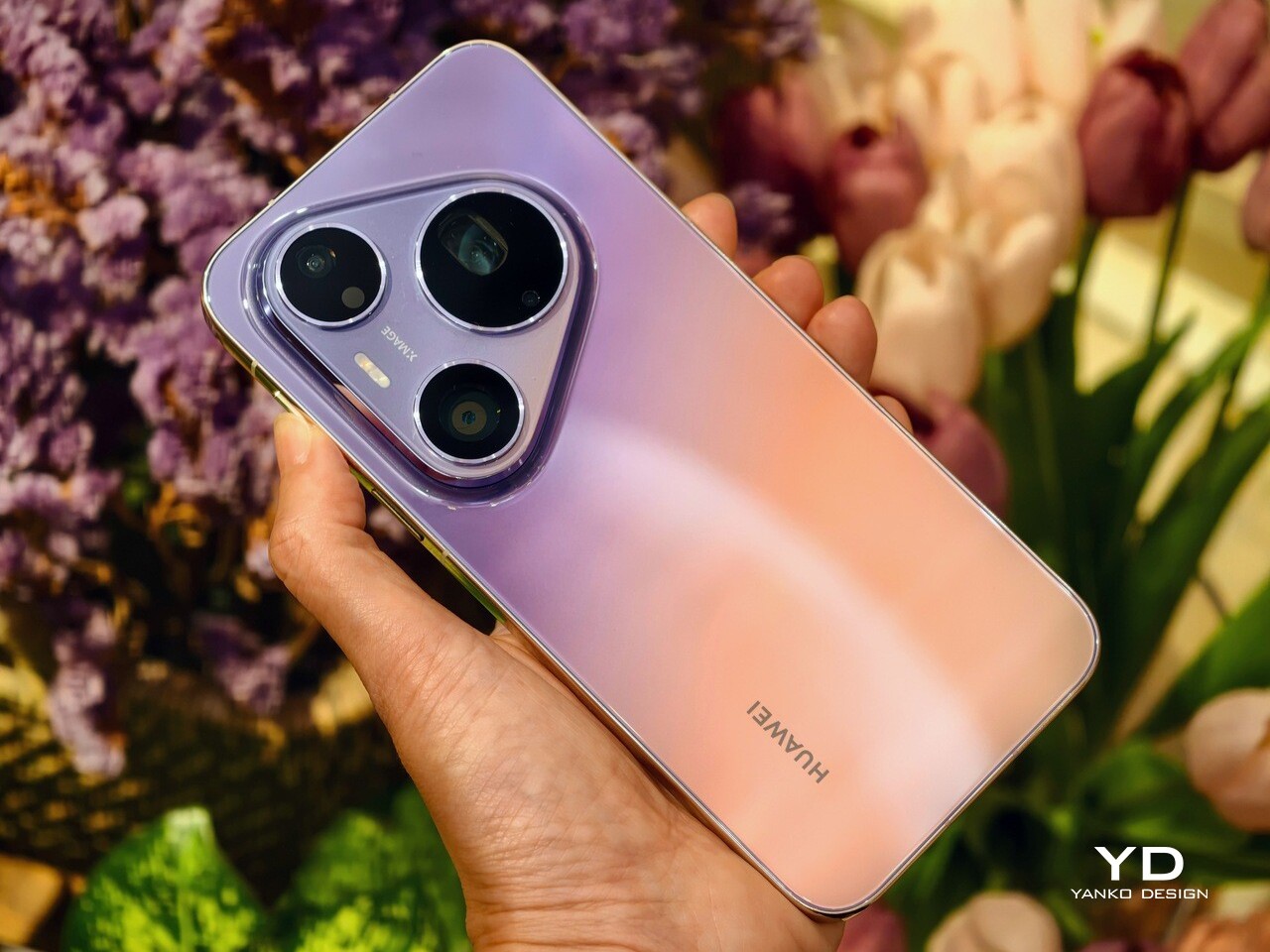
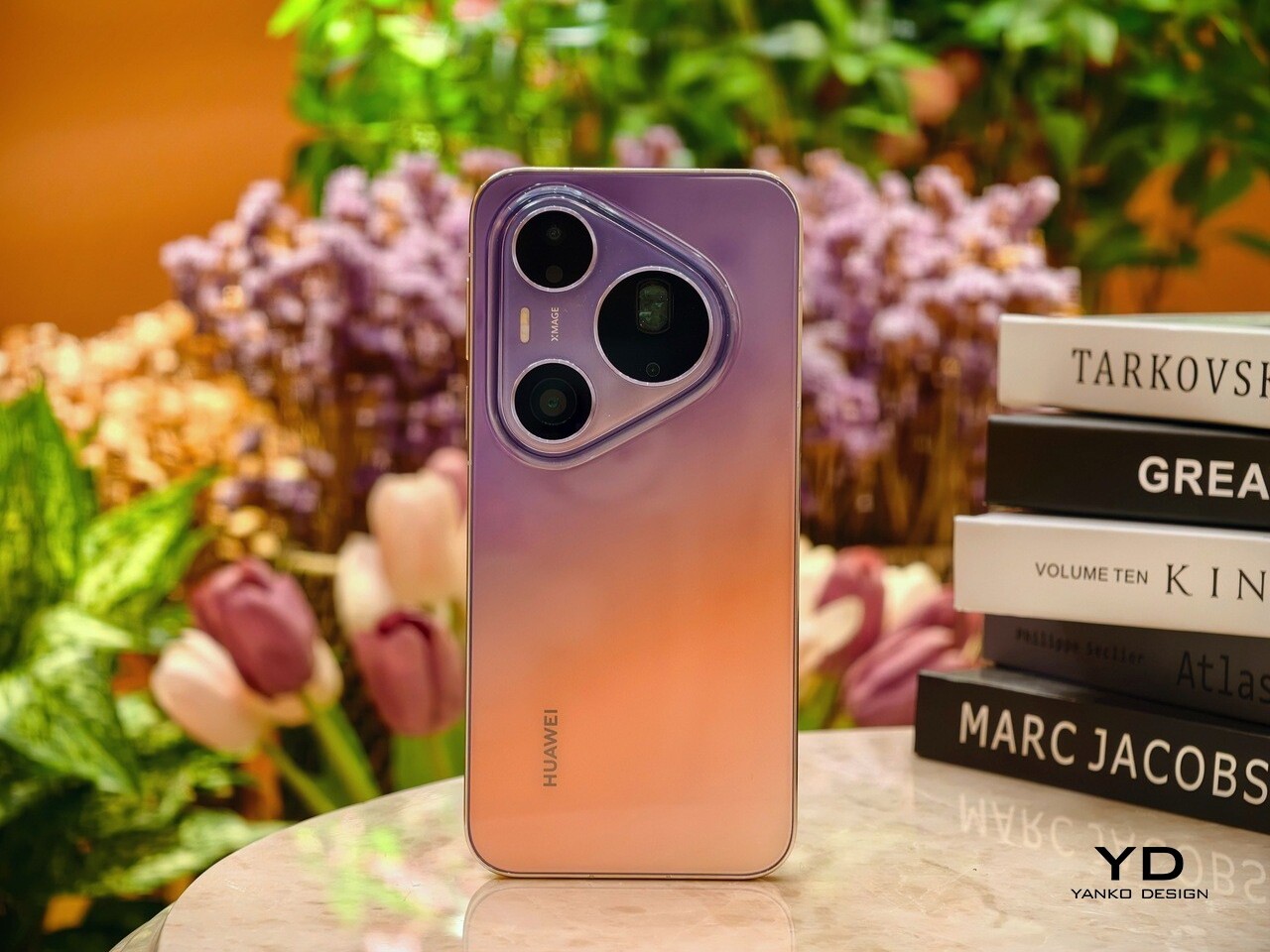
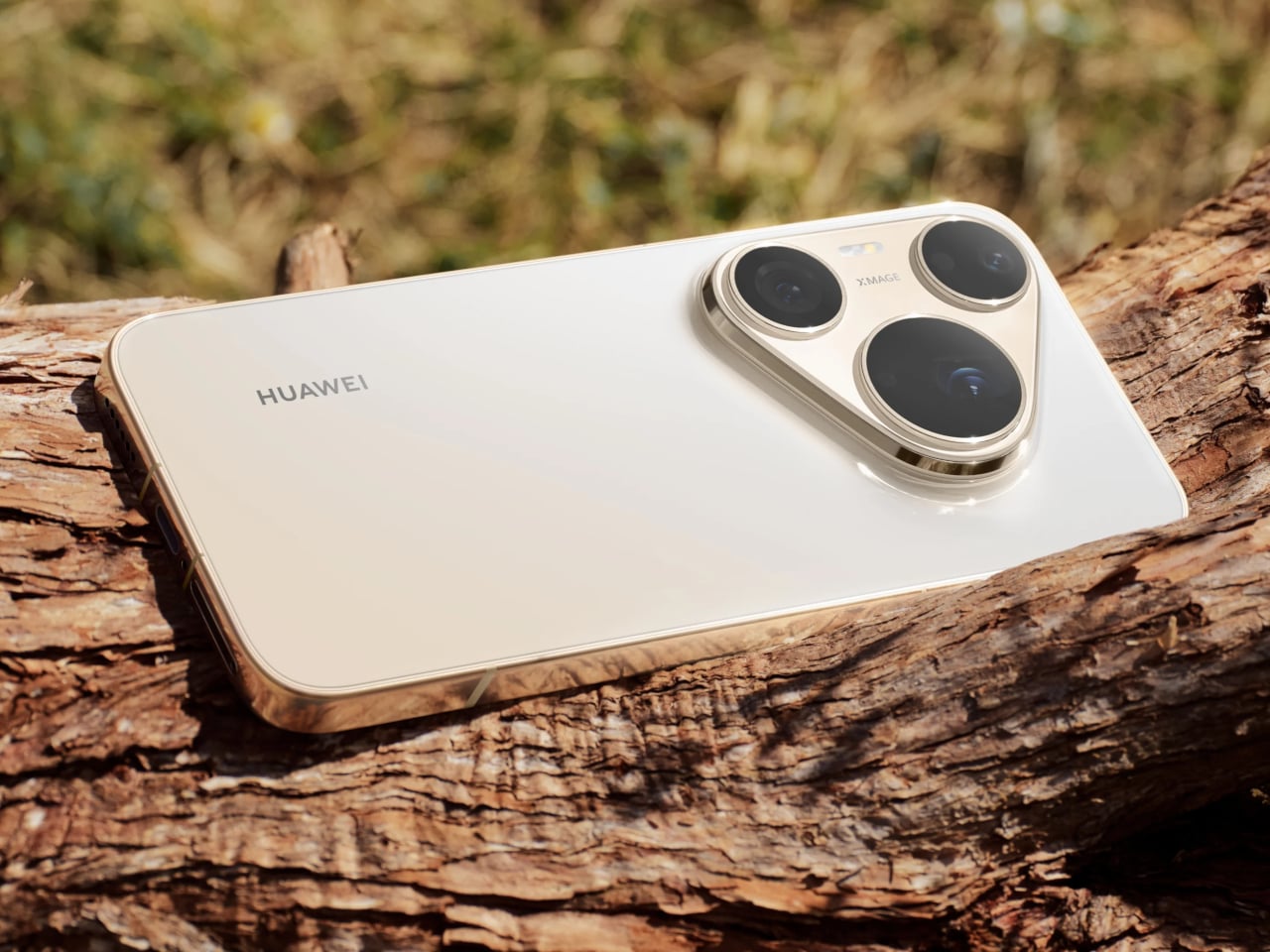
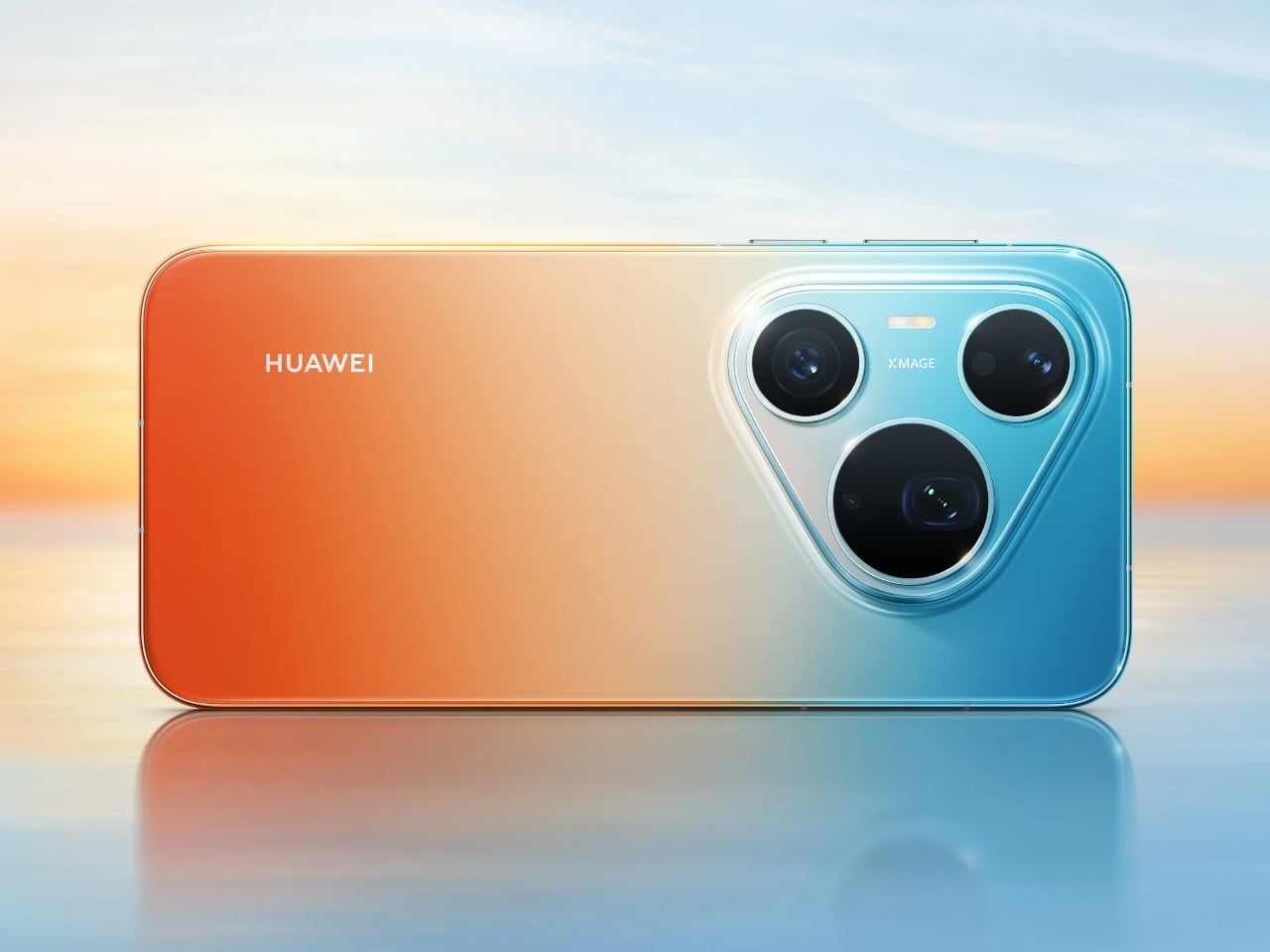
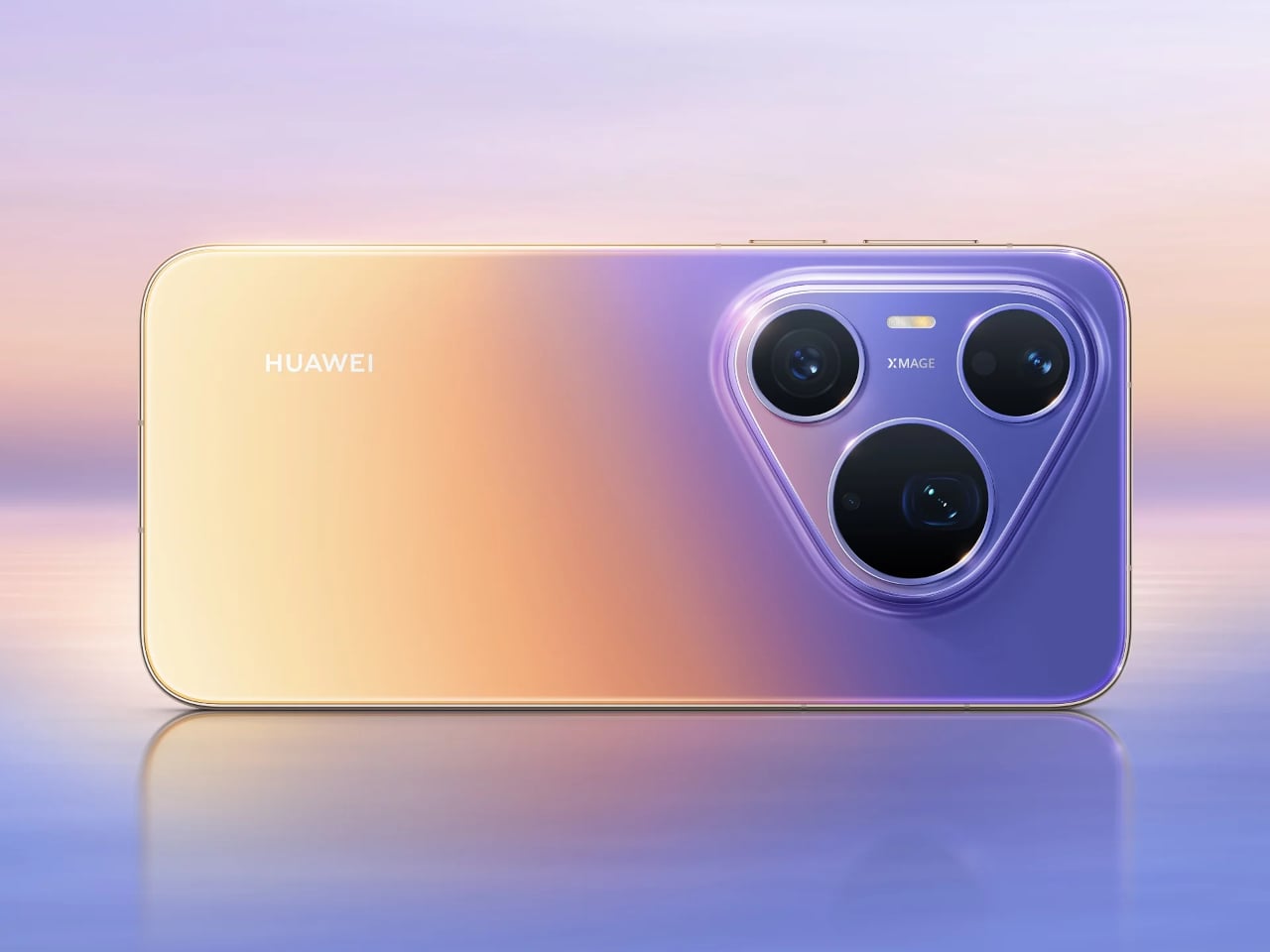
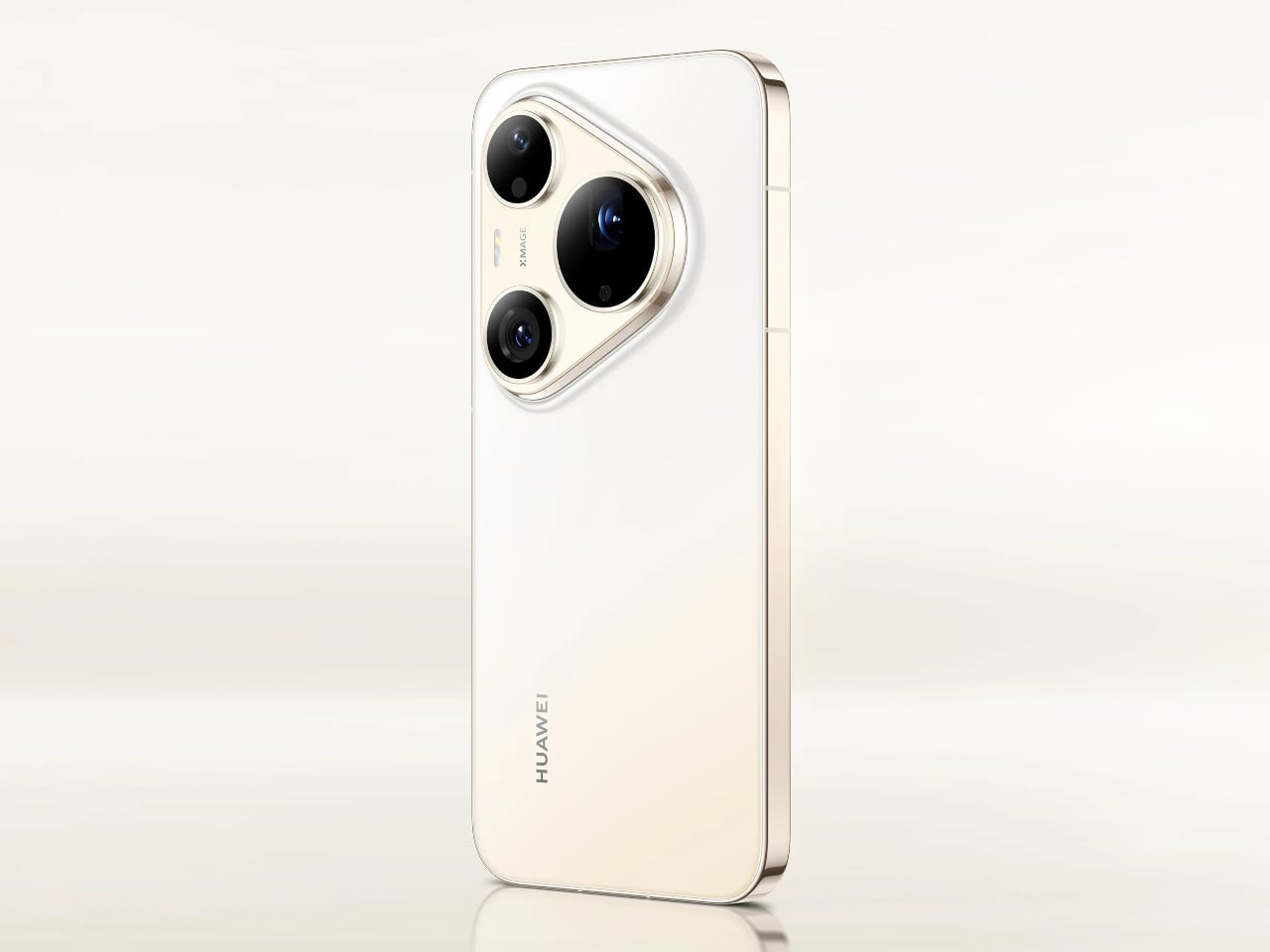
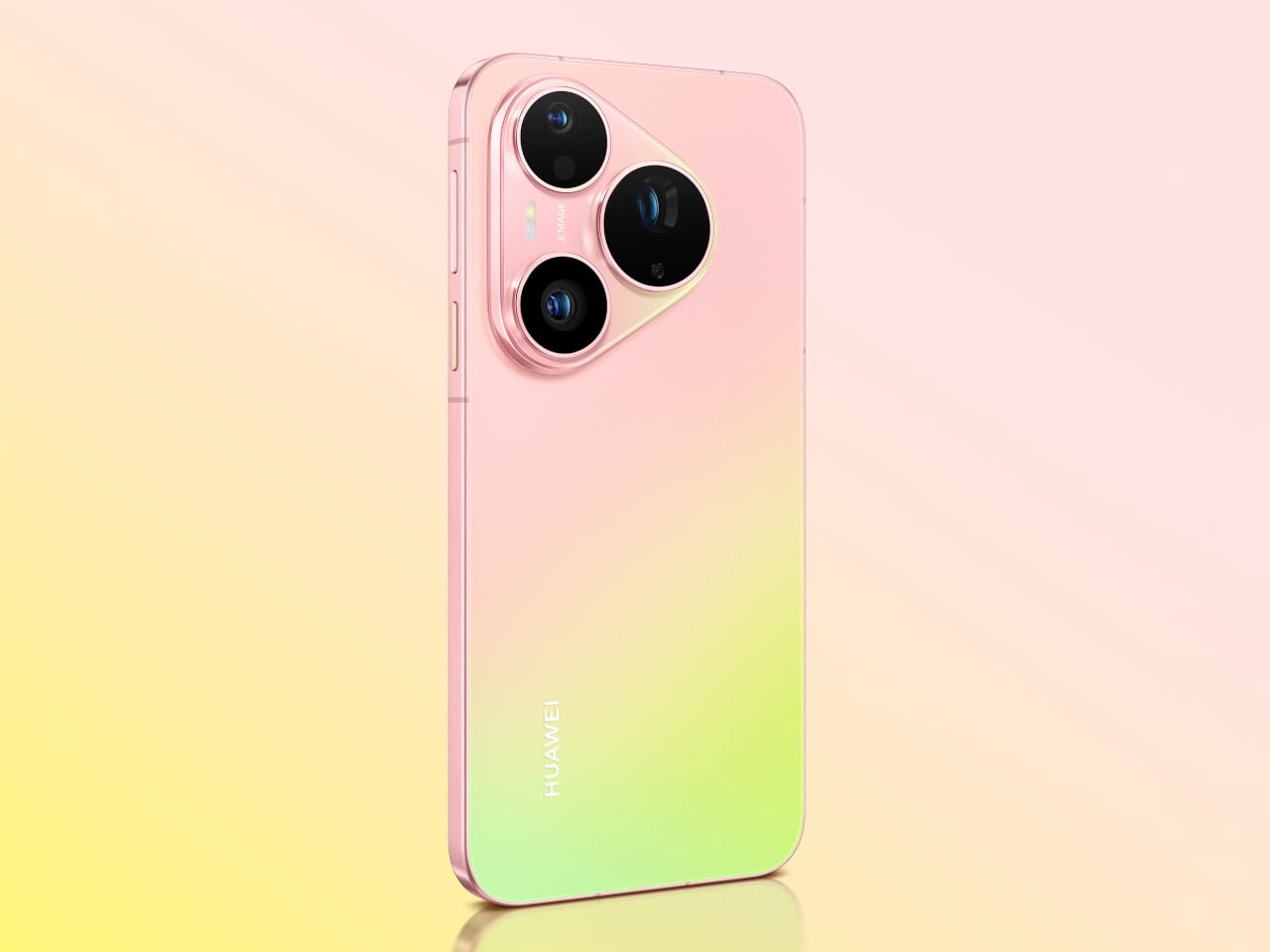
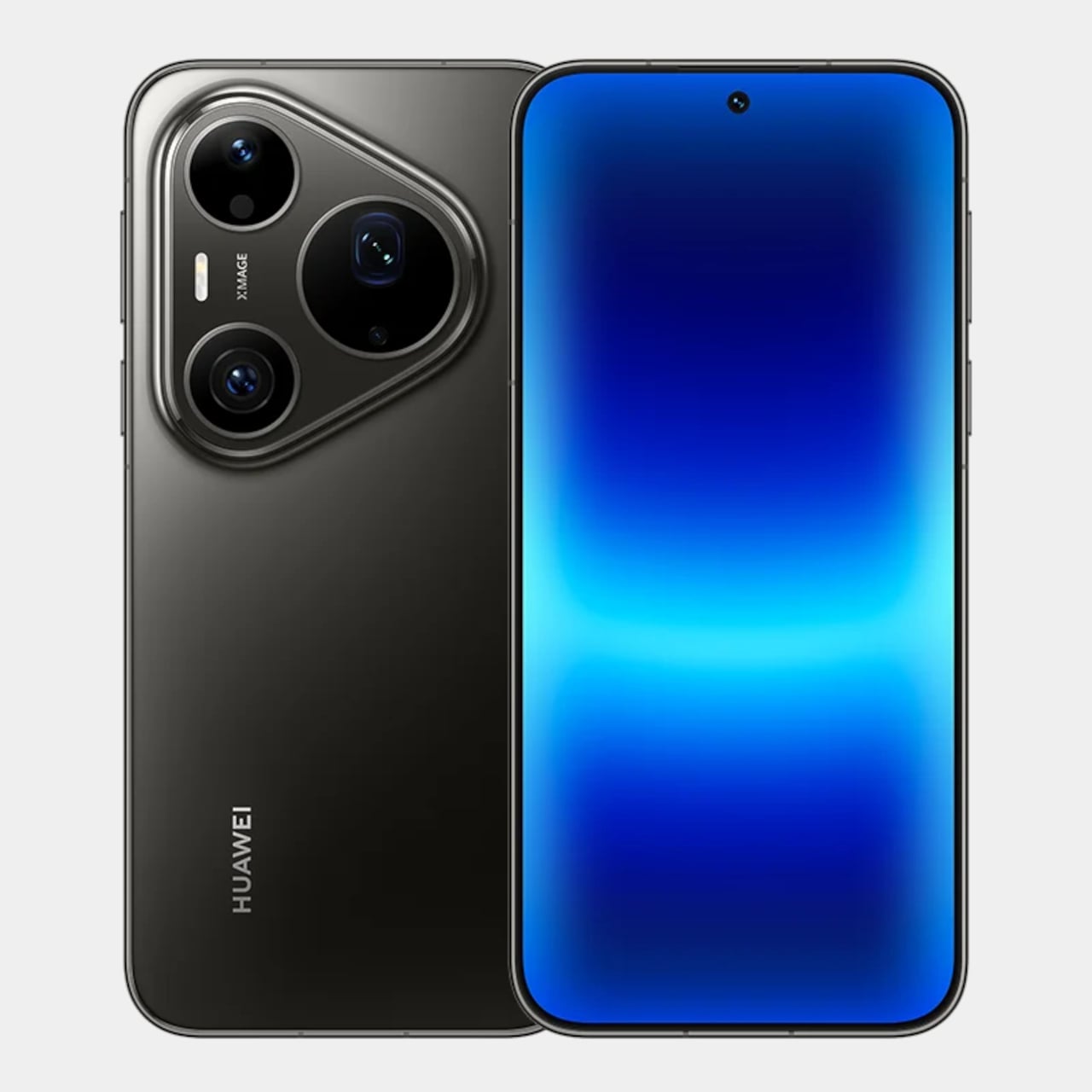
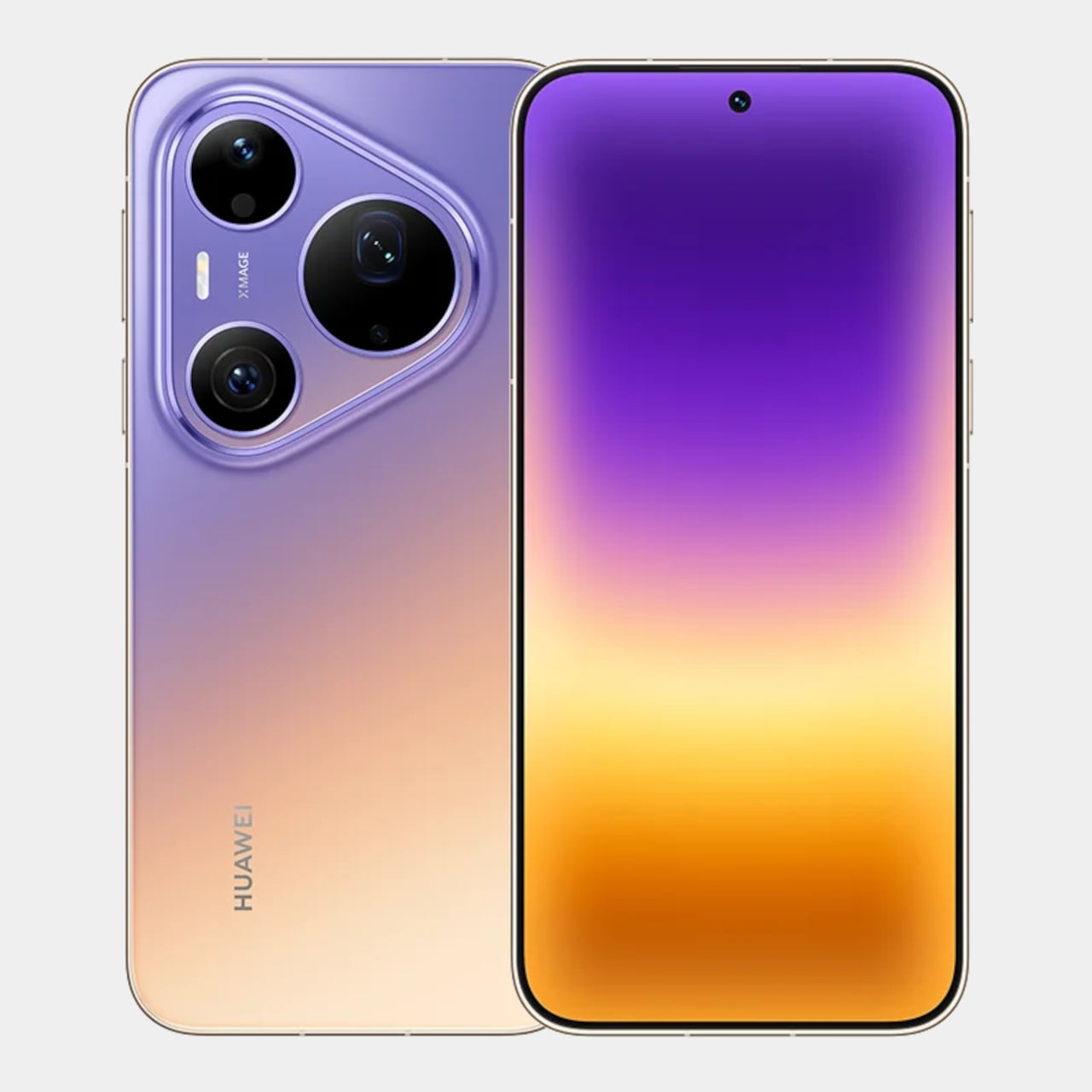
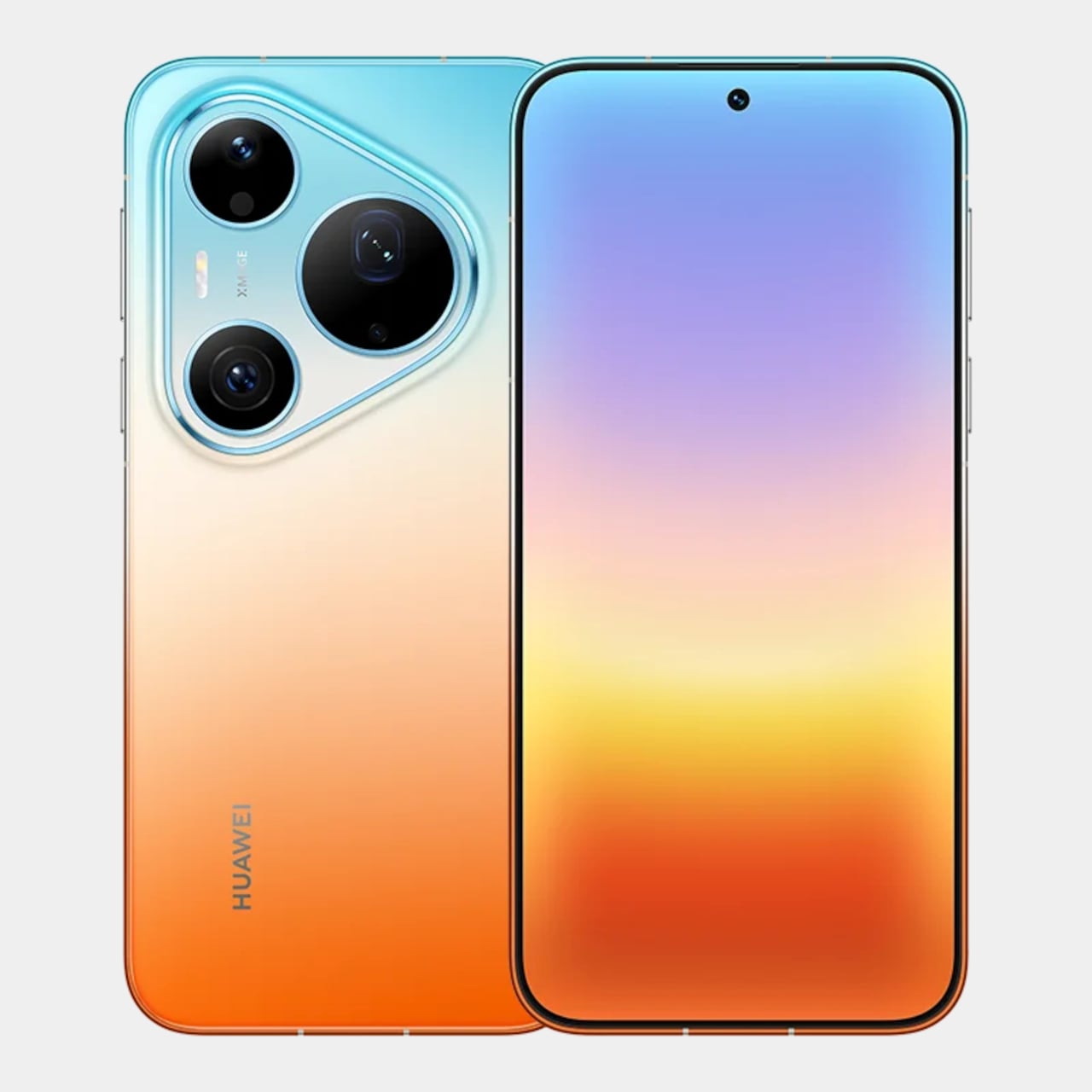
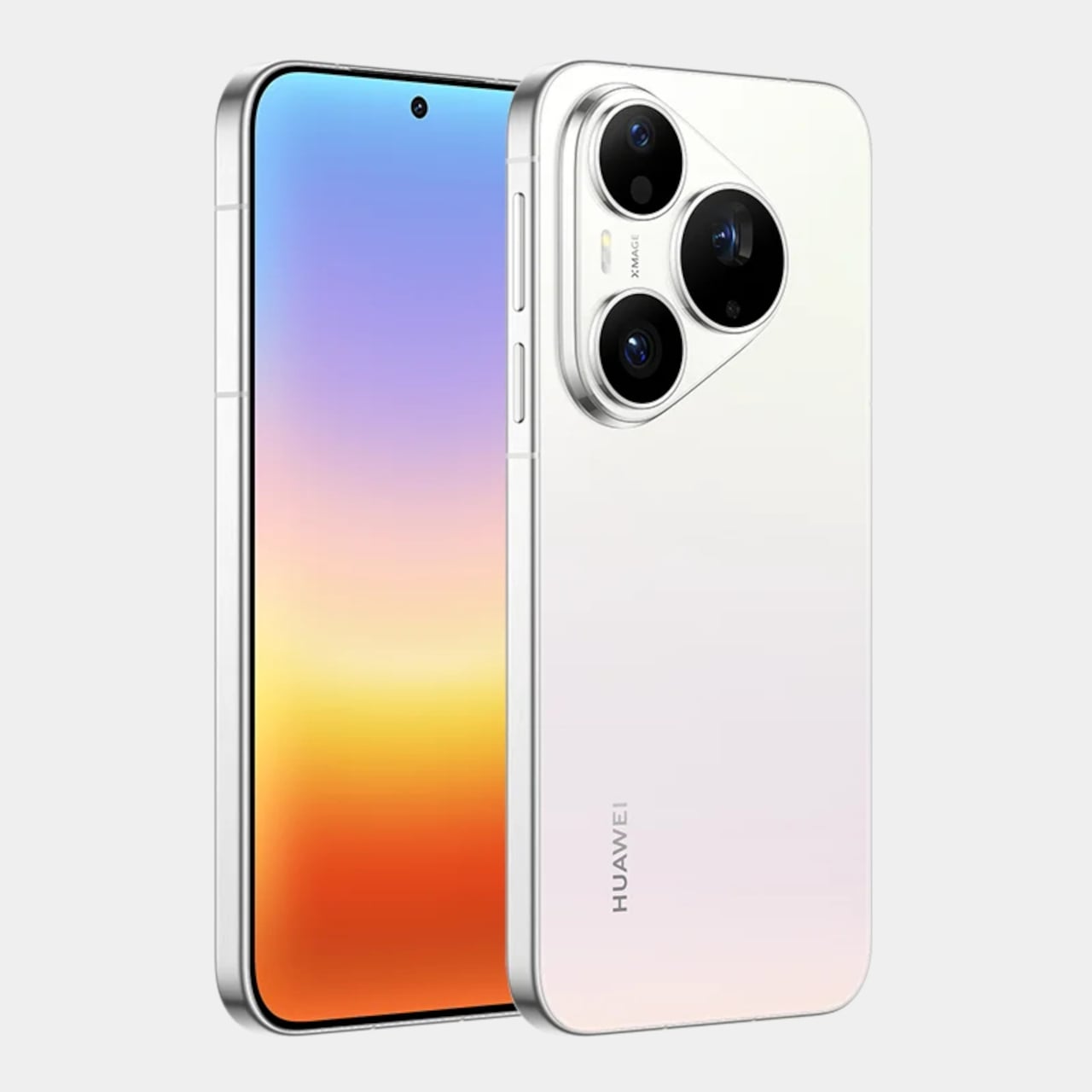
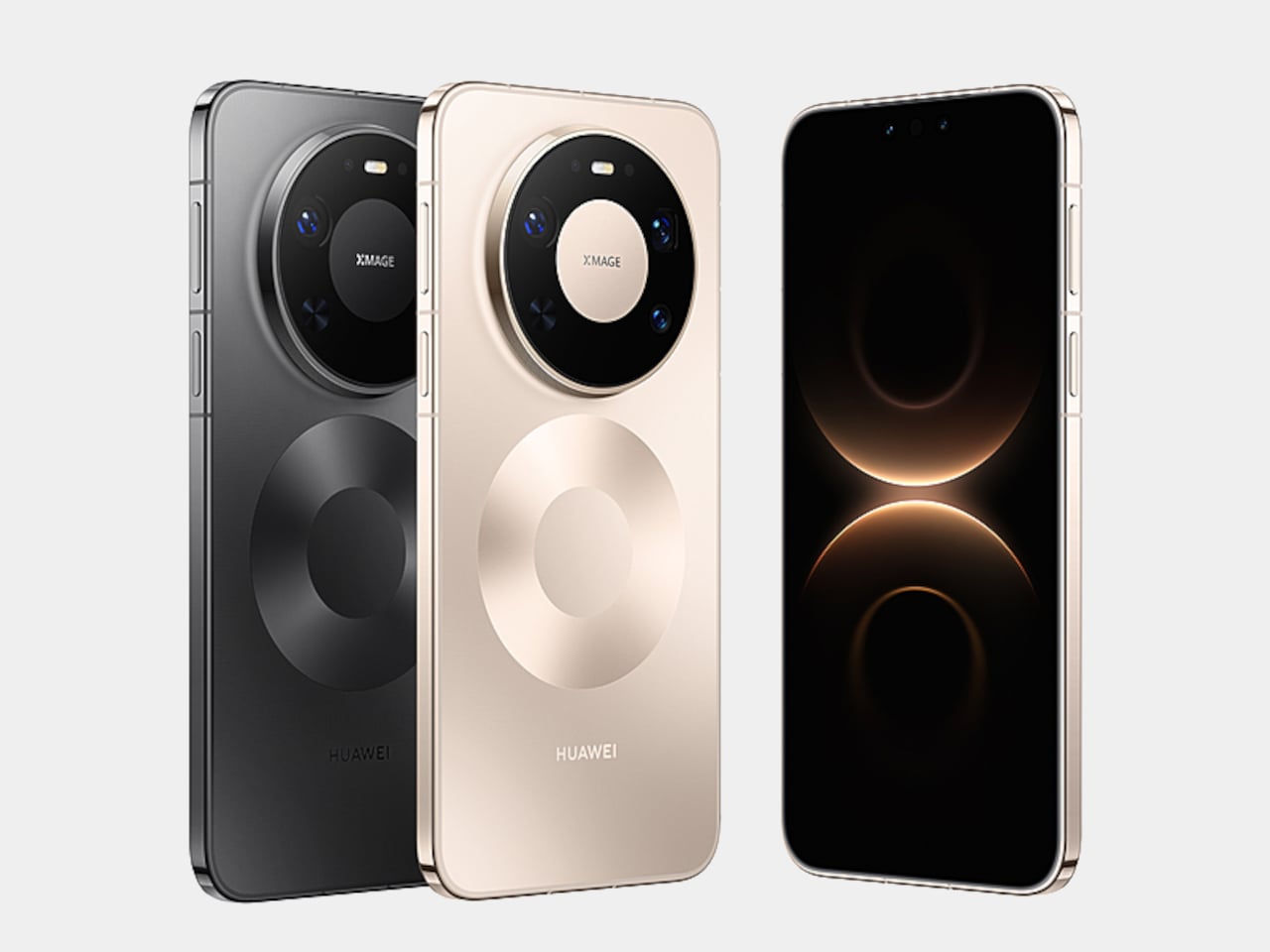
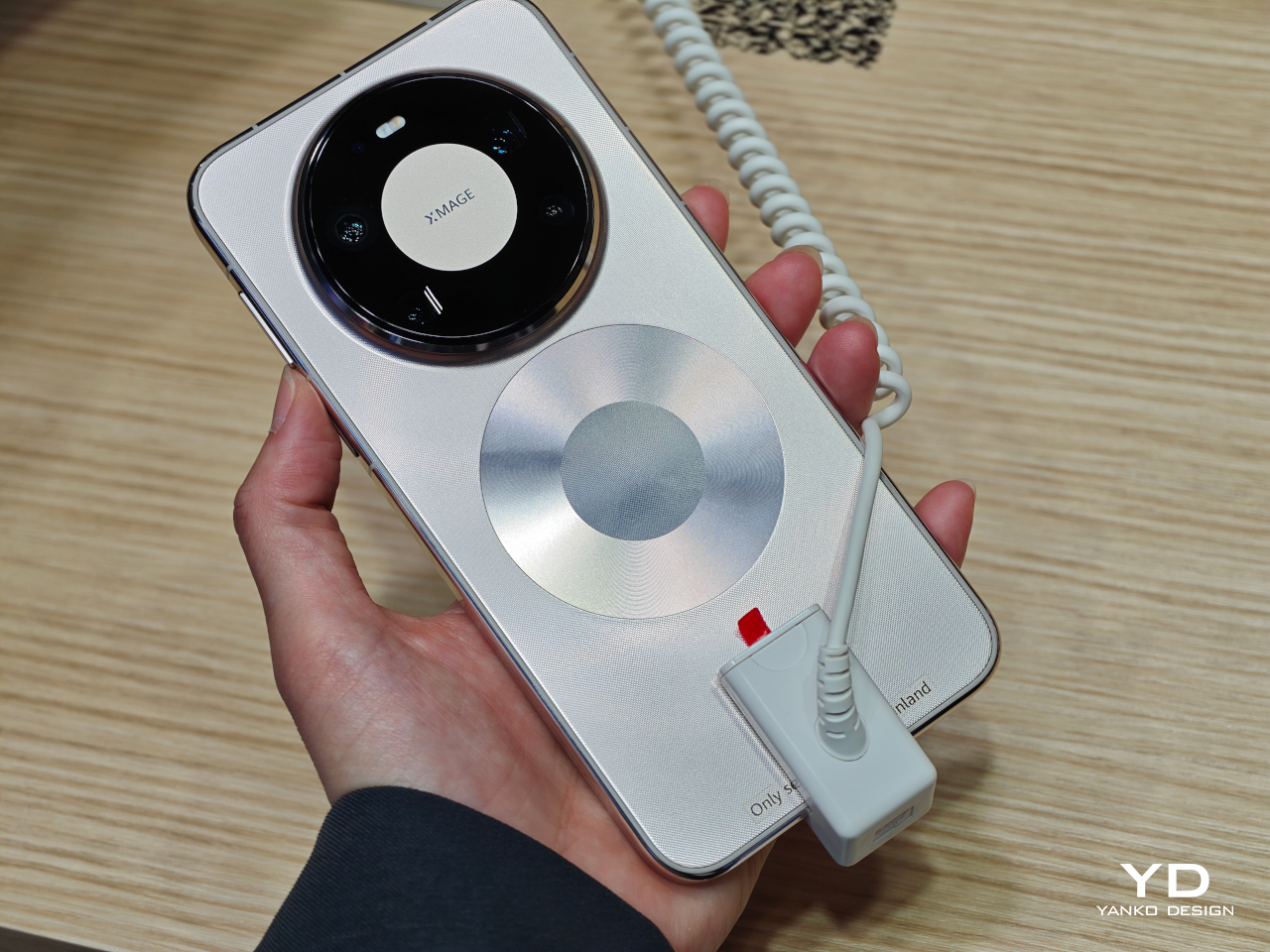
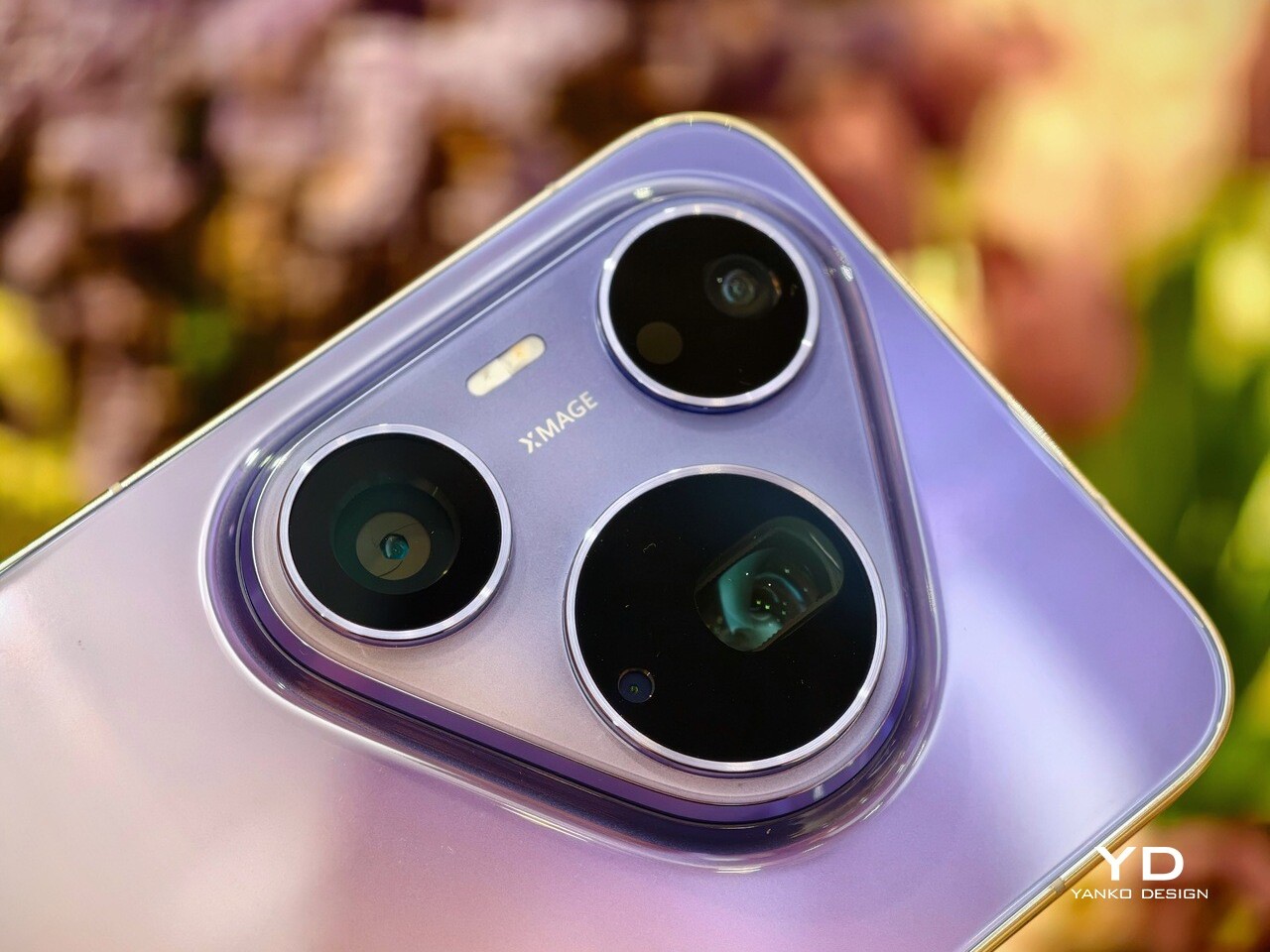
The Huawei Pura 90s Pro Max carries the now-familiar triangular camera island that has become a signature since Pura 70. It features two black circular cutouts for the ultra-wide and main cameras, along with a larger black circle for the telephoto camera. A pill-shaped LED flash also sits within the module, completing the layout. It is the kind of design detail that makes the phone instantly recognizable from across a table.

Huawei has also put real effort into the color finishes this year. The Pura 90s Pro Max comes in four colors, and two of them stand out immediately because of their dual-tone gradient treatment. The Blaze Purple unit I received pairs a purple upper half with an orangish-pink lower section, matched with a glossy gold frame that adds even more flair. It is bold, but it never tips into looking gaudy. Instead, it still feels polished and premium.

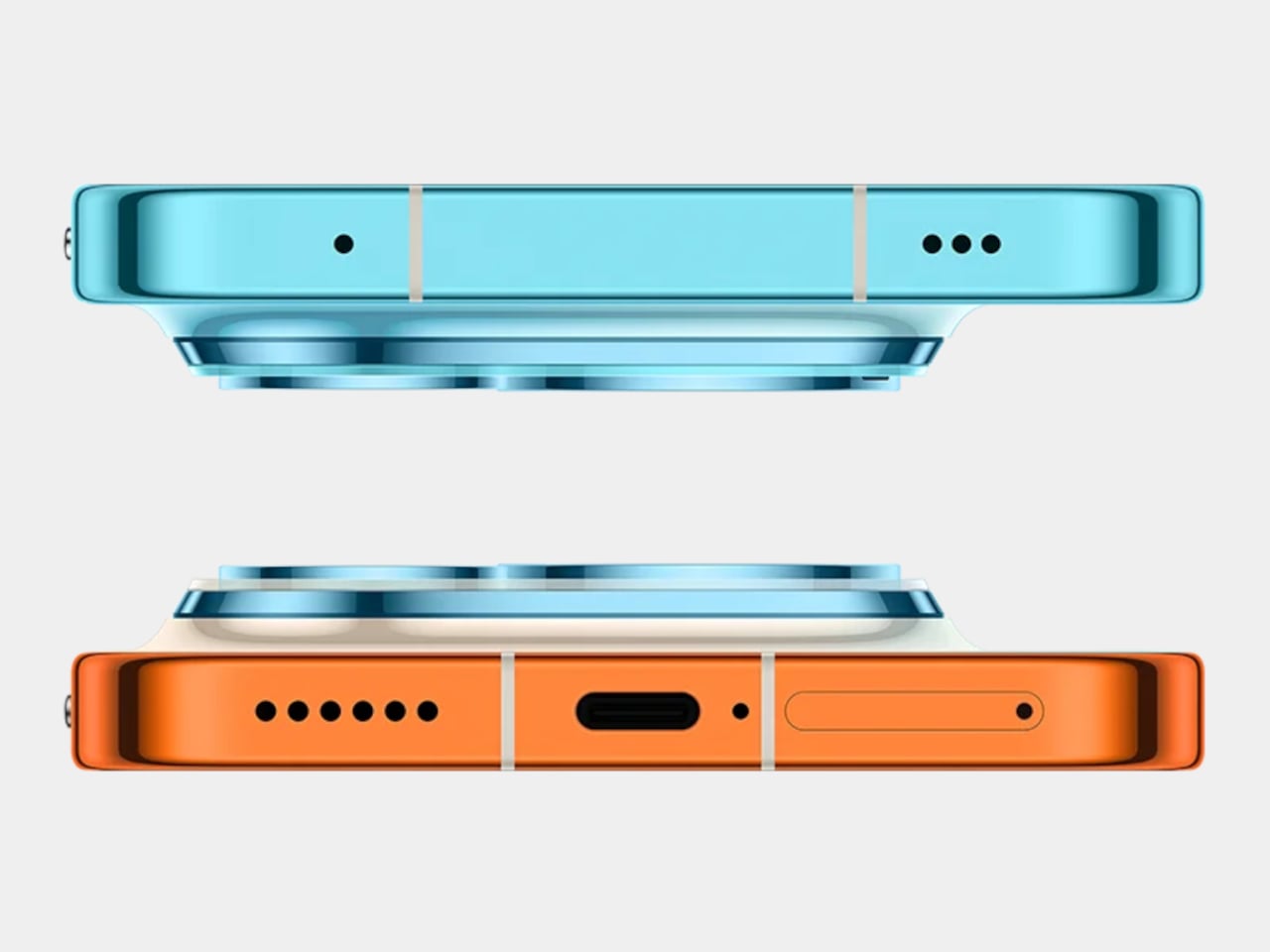
The other standout is Orange Ocean, which arguably takes the two-tone concept even further. It combines light blue at the top with orange at the bottom, while the center transitions smoothly between the two shades. Even the side frame follows the same color story, which makes the overall design feel more cohesive and more intentional. It is the kind of finish that feels playful at first glance, yet refined enough to belong on a flagship.

For those who prefer something safer, Huawei also offers Blush Gold and Graphite Black. These are more traditional options, but that is not necessarily a drawback. Not everyone wants their flagship phone to double as a statement piece. Still, if you are buying a Huawei at this level, the more expressive finishes are where the personality really comes through.

Ergonomics

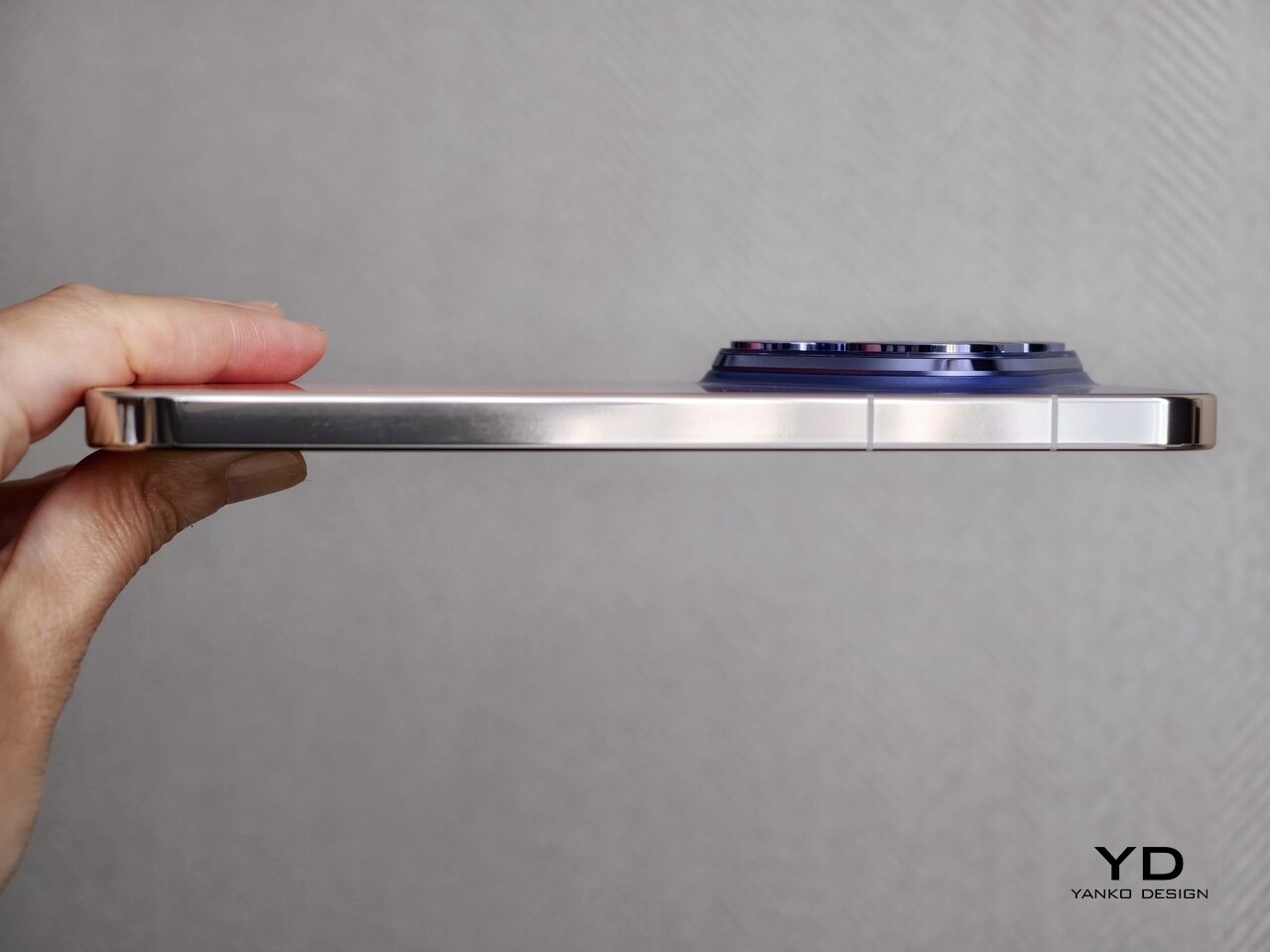
In hand, the Pura 90s Pro Max feels better balanced than its bold design might suggest. I was unsure at first whether the large triangular camera island would make the phone feel awkward, but in daily use it never really did. If anything, when I held it one-handed in my right hand, the raised module gave my index finger a natural place to rest.

There is a tradeoff, though. When holding the phone horizontally for gaming, the camera island becomes more noticeable and can get in the way a bit. It is not a huge problem, but it stands out more in landscape use than it does during normal day-to-day handling.

The finish also looks better from a distance than it does up close. Both the glossy back panel and the glossy side frame tend to pick up fingerprints and smudges quite easily, so the phone does need regular wiping if you want it to stay looking clean. That is a little disappointing for a device that puts so much emphasis on design.

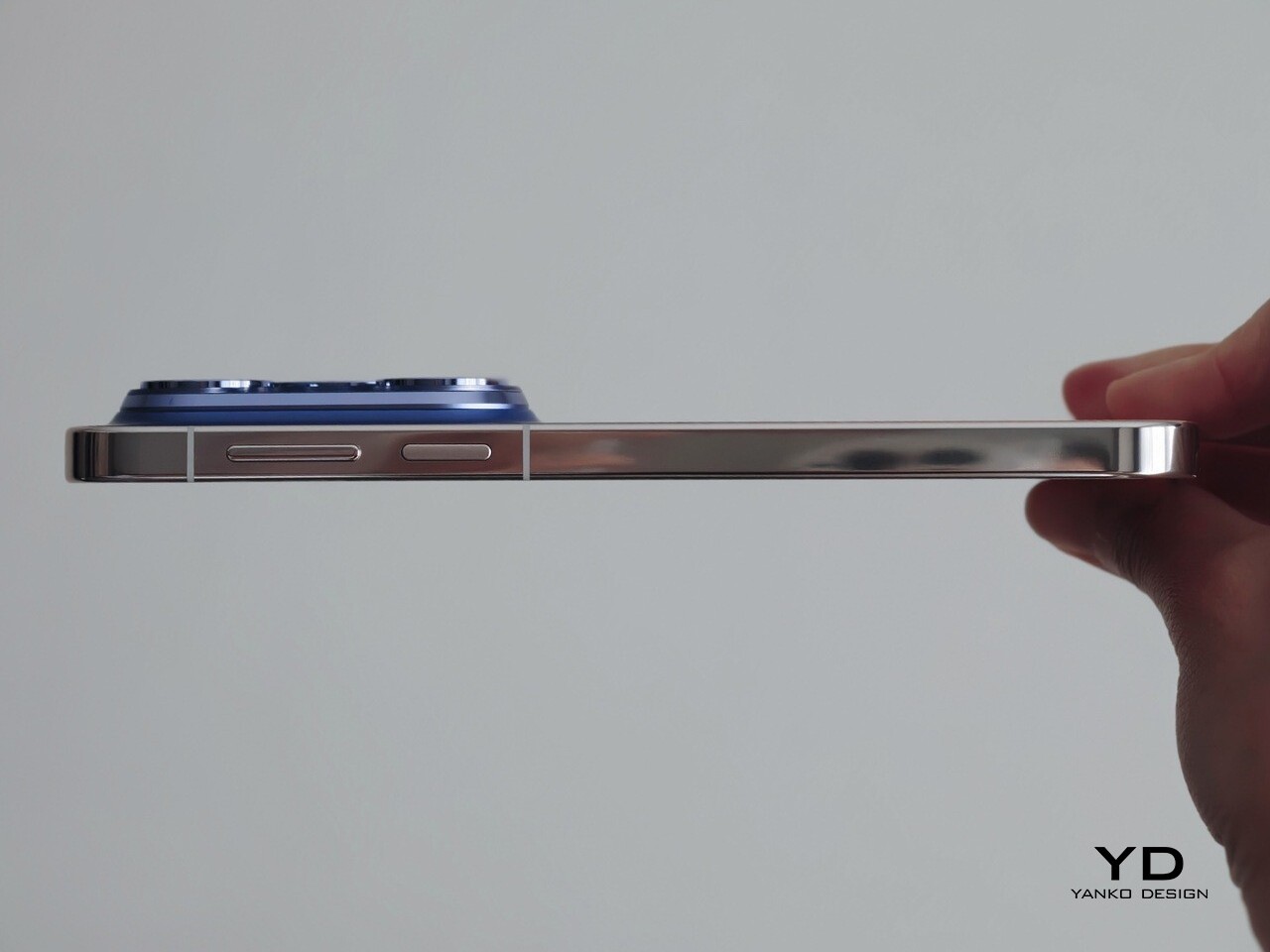
Huawei has also gone with a side-mounted fingerprint scanner rather than an in-display one. The power button on the right side doubles as the fingerprint reader, and in practice it feels intuitive enough. It is a small detail, but one that fits naturally with the overall handling experience.

Performance

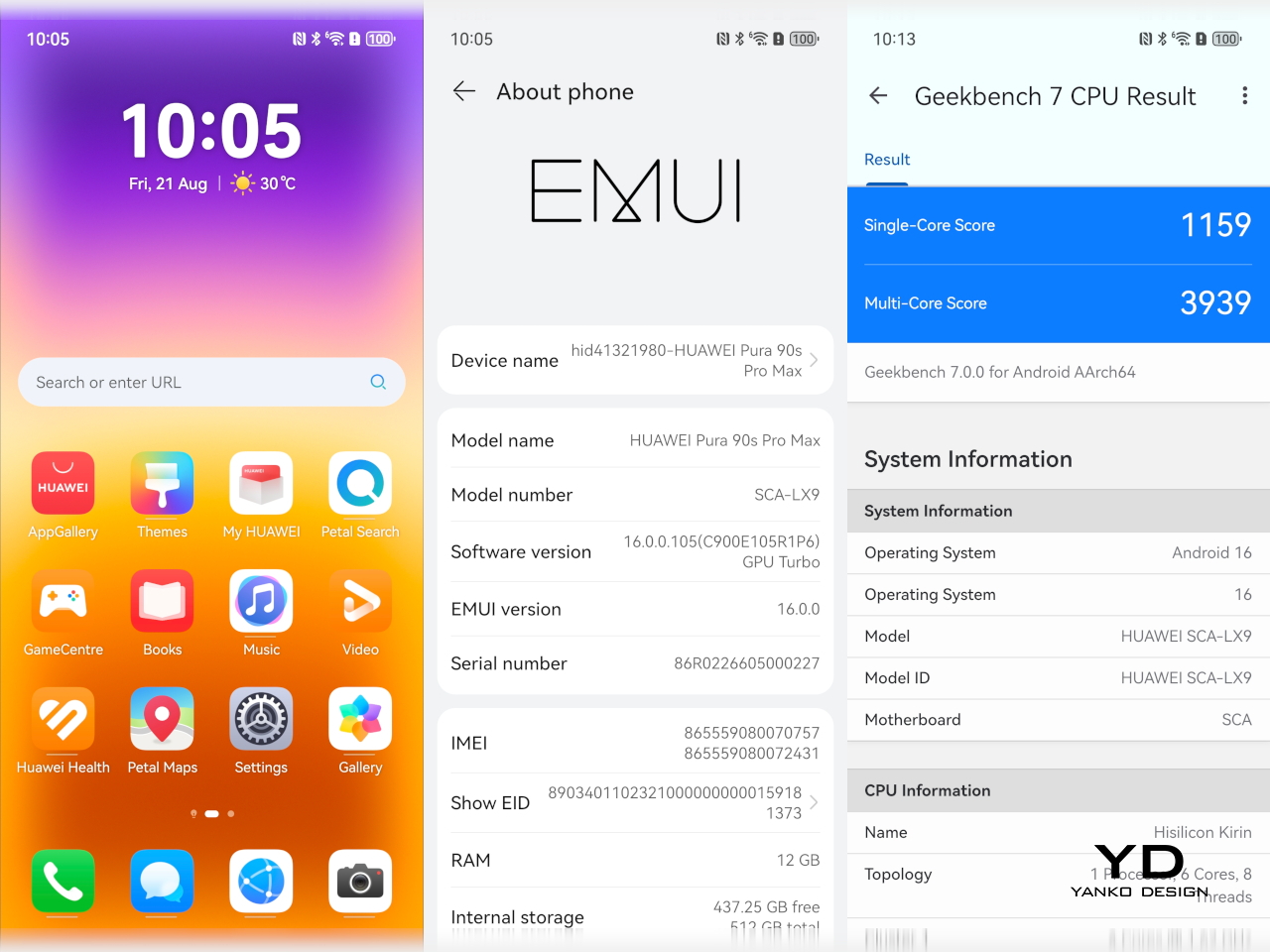
The Pura 90s Pro Max is powered by Huawei’s Kirin 9030S, paired with 12GB of RAM and either 256GB or 512GB of storage. It also supports 5G, which makes it feel more competitive than some of Huawei’s recent flagships. In daily use, the phone feels fast enough. Scrolling is smooth, apps open quickly, and multitasking is handled well. For things like web browsing, social media, messaging, navigation, and streaming, it behaves like a proper flagship.

The bigger question is whether that is enough at this price. Huawei is not really chasing benchmark dominance here, and that may matter more to enthusiasts than to casual users. If all you want is a phone that feels quick and responsive day to day, the Pura 90s Pro Max delivers. If you expect class-leading performance, though, it is less convincing.

The phone runs EMUI 16, and Huawei has spent years building a more workable ecosystem around its devices. The experience today feels much less daunting than it used to, and most of the apps people need can be downloaded easily through GBox, which is now available via Huawei AppGallery.

For me, one of the biggest remaining inconveniences is file sharing across different phone ecosystems. Huawei does offer solutions such as Huawei Share for transferring files to other devices, but the experience still does not feel as seamless or as universal as what you get with iPhones or across the wider Android ecosystem. That becomes especially noticeable if you regularly share photos and videos between phones from different manufacturers.

The display is one of the easiest things to like about the Pura 90s Pro Max. It is a 6.9-inch panel with a resolution of 2880 x 1308 and a refresh rate that scales from 1Hz to 120Hz. It is large, sharp, and well suited to a phone of this size and price.

Huawei says the anti-reflective screen reduces reflections by up to 70 percent compared with conventional glass. It is not as effective as the matte-style display treatment Huawei uses on some of its tablets, but it still makes the screen easier to view outdoors under bright sunlight.

The speaker setup is solid too. The stereo speakers are good enough for videos, games, and casual listening, with enough volume to avoid sounding weak in everyday use. They do not deliver especially rich or powerful sound, but they do the job well and help round out the phone’s media experience.

Main Camera, 1x

Telephoto Camera, 10x

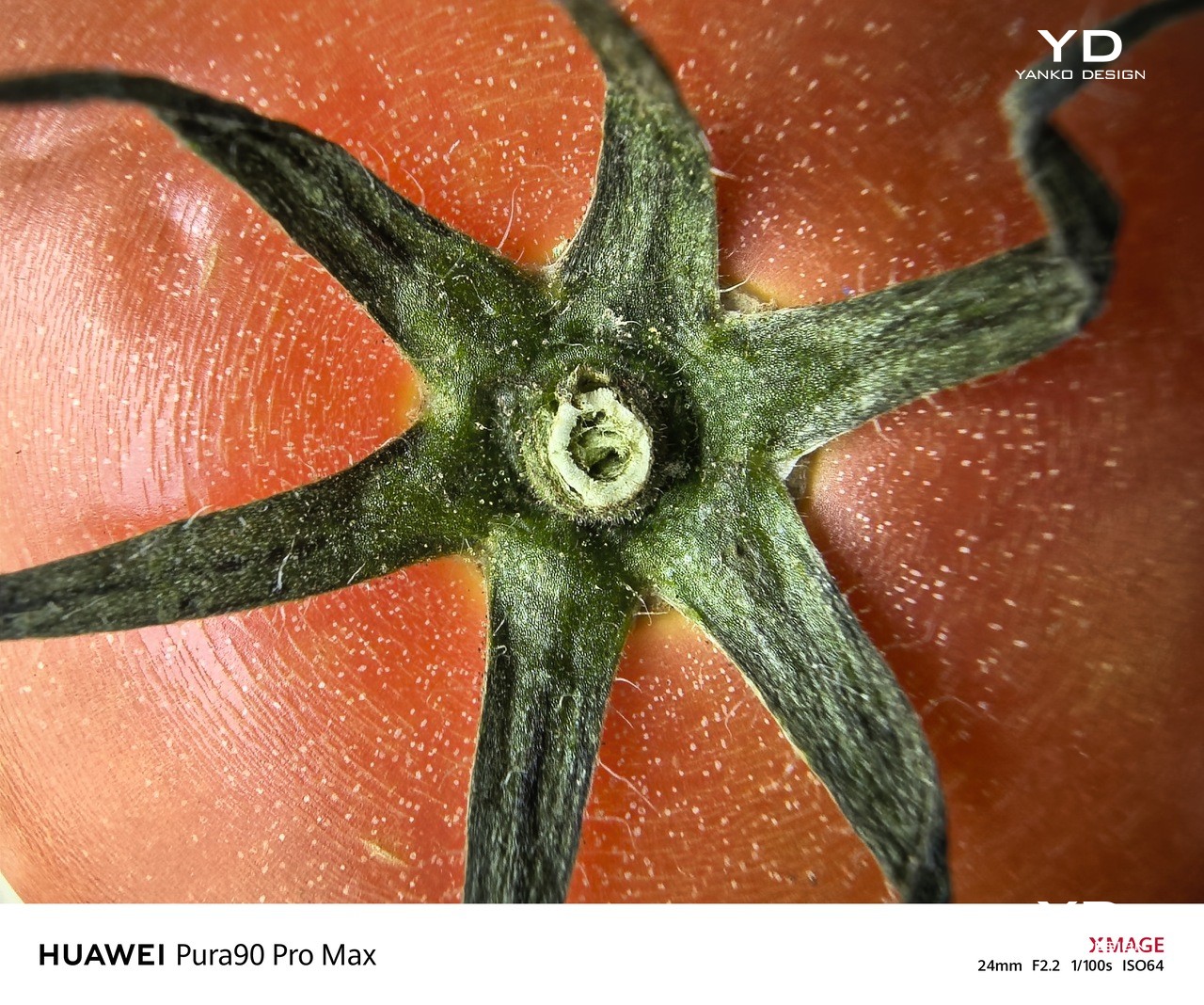
Main Camera, Macro Mode

Cameras remain one of the main reasons to pay attention to Huawei’s flagship phones, and that is still true here. The Pura 90s Pro Max has an ambitious camera setup, even if some of Huawei’s decisions this time feel a little unusual. On paper, it is a system that feels both impressive and slightly puzzling at the same time.

Telephoto, 4x, Portrait Mode

Telephoto camera, 4x, Snapshot mode

Telephoto Camera, 10x, shot from a moving car

Most notably, Huawei has moved from a 1-inch main sensor to a smaller 1/1.28-inch sensor. That is not entirely unprecedented, and other brands have made similar moves before, but it still feels surprising at this level. The new 50MP main camera uses an RYYB sensor with LOFIC technology, OIS, and a 10-step physical aperture from f/1.4 to f/4.0, though aperture control is limited to Pro mode.

Huawei has also dropped the dual telephoto setup with sensor-shift technology. In its place is a 200MP 4x telephoto camera with a 1/1.28-inch RYYB sensor, an f/2.6 aperture, and OIS. The rear setup is completed by a 40MP ultra-wide camera with an f/2.2 aperture, while the front camera is a 13MP unit.

Main Camera, 1x, Night

Telephoto Camera, 4x, Night

Telephoto Camera, 20x, Night

In actual use, though, the cameras are excellent. The main and telephoto cameras are the standouts, but the ultra-wide and front cameras are also very good. Colors are generally accurate thanks to Huawei’s True-to-Color Camera system, although the XMAGE Vivid profile can look a little oversaturated in some scenes.

Switching to XMAGE Original gives images a more natural look. Photos also tend to be slightly bright and a touch over-sharpened. Even so, the overall image quality is consistently strong and easy to like.

Ultra-wide Camera, 0.6x

Main Camera, 1x

Video is strong too. All four cameras can record at up to 4K 60fps, and the footage is crisp, sharp, and pleasingly colorful. The tradeoff is that there is no 8K, no 24fps option, and no Log recording, which may be down to chipset limitations.

The weaker part of the experience is usability. There is no timer shortcut in the main camera interface, so you have to dig into settings to find it. Double-tapping the preset zoom levels also does nothing, unlike on many rival phones.

Telephoto Camera, 10x

Telephoto Camera, 20x

Telephoto Camera, 100x

They are small issues, but they make the camera app feel less polished than the image quality itself. It is a little frustrating because the hardware and output are strong enough to deserve a more refined shooting experience. Huawei gets the fundamentals right, but some of the smaller interface decisions still feel oddly behind the curve.

The EU version of the Pura 90s Pro Max comes with a 5,270mAh battery, while other regions get a larger 6,000mAh cell. Even so, battery life was still solid in my use. The phone comfortably lasted a full day with a mix of camera use, browsing, and general daily tasks.

Main Camera, 2x, B&W

That said, 5,270mAh does not feel especially big by current flagship standards. The good news is that charging is very fast. The phone supports up to 100W wired charging and up to 80W wireless charging with compatible chargers.

Sustainability

On paper, the Pura 90s Pro Max looks well protected. It is rated IP68 and IP69 for dust and water resistance, and Huawei says its Kunlun Glass offers 25 times better drop resistance and 16 times better scratch resistance. Those are strong claims, and they help reinforce the sense that this is a phone built to handle daily wear reasonably well.

The bigger issue is what happens over time. Huawei still does not clearly say how long the phone will receive software updates or security patches, and that matters just as much for a flagship at this price. Good physical protection is important, but long-term software support is what really determines how well a phone ages.

Value

Starting at €1,149, or roughly $1,250, the Pura 90s Pro Max sits firmly in flagship territory. That is still a lot of money, but compared with some other camera-focused flagships like the Xiaomi 17 Ultra, Vivo X300 Ultra, and Oppo X9 Ultra, it is around €500 to €800 cheaper. Huawei is also offering the kind of hardware you would expect at this level, including a standout design, strong cameras, a large high-quality display, and very fast charging.

At the same time, that price leaves less room to overlook the phone’s weaker points. Performance is solid rather than class-leading, the software ecosystem still comes with some friction, and Huawei remains unclear about long-term update support. That makes the Pura 90s Pro Max feel less convincing on value than some of its rivals, even if the hardware itself is often impressive.

Verdict

The Pura 90s Pro Max is a phone I ended up liking more than I expected. It looks distinctive, feels premium, and delivers where Huawei has long been strongest, especially in camera performance. There is a lot here that feels thoughtfully done, even if some of Huawei’s decisions remain a little hard to understand.

At the same time, it is not a flawless flagship. The chipset does not feel best in class, the software ecosystem still asks for compromises, and the lack of clarity around long-term support is difficult to ignore at this price. The Pura 90s Pro Max is still a very good phone, but whether it makes sense for you depends a lot on how much you value Huawei’s design and camera strengths over a more complete all-round flagship experience.

The post Huawei Pura 90s Pro Max Review: A Beautiful Comeback With Caveats first appeared on Yanko Design.

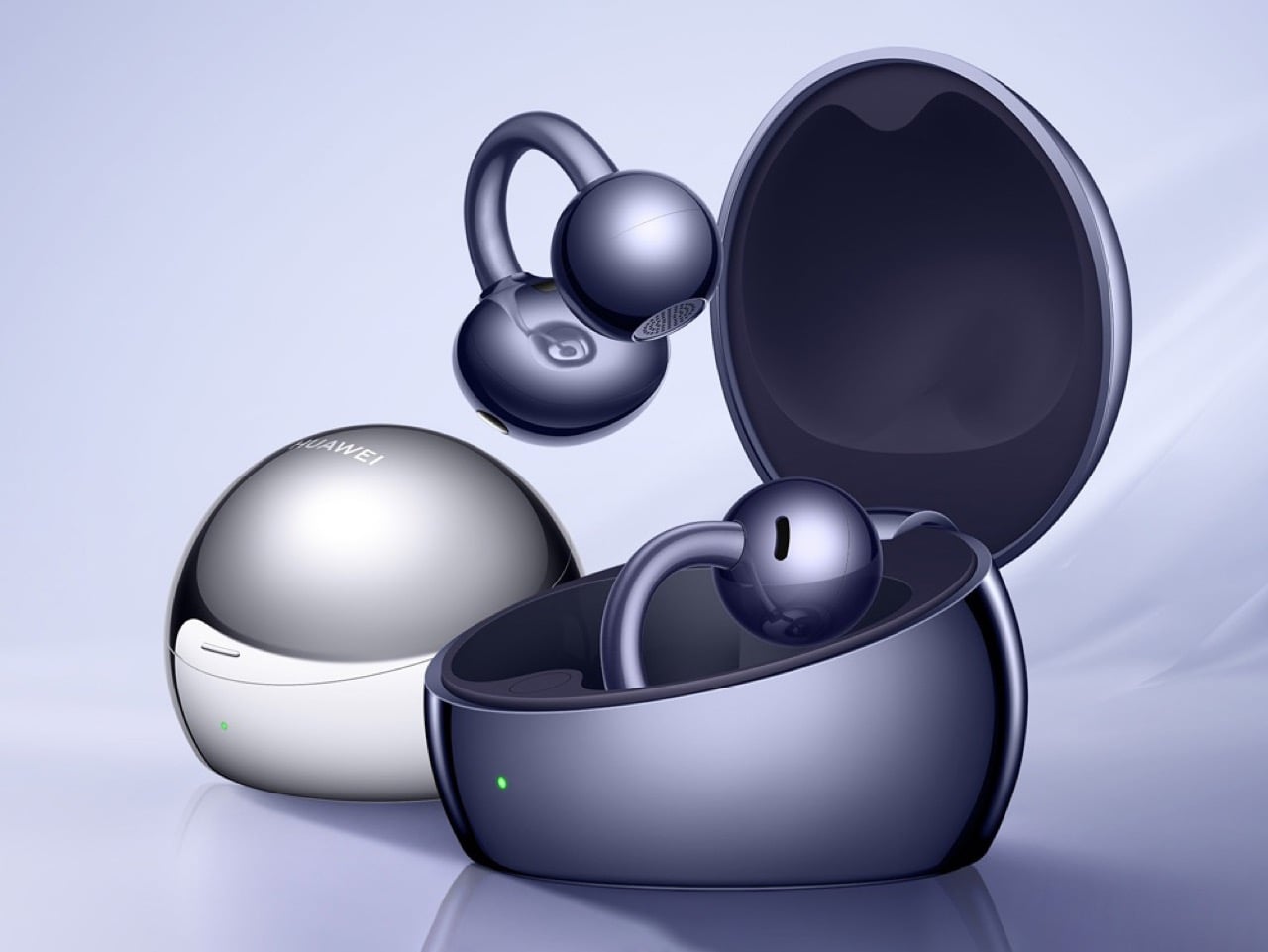
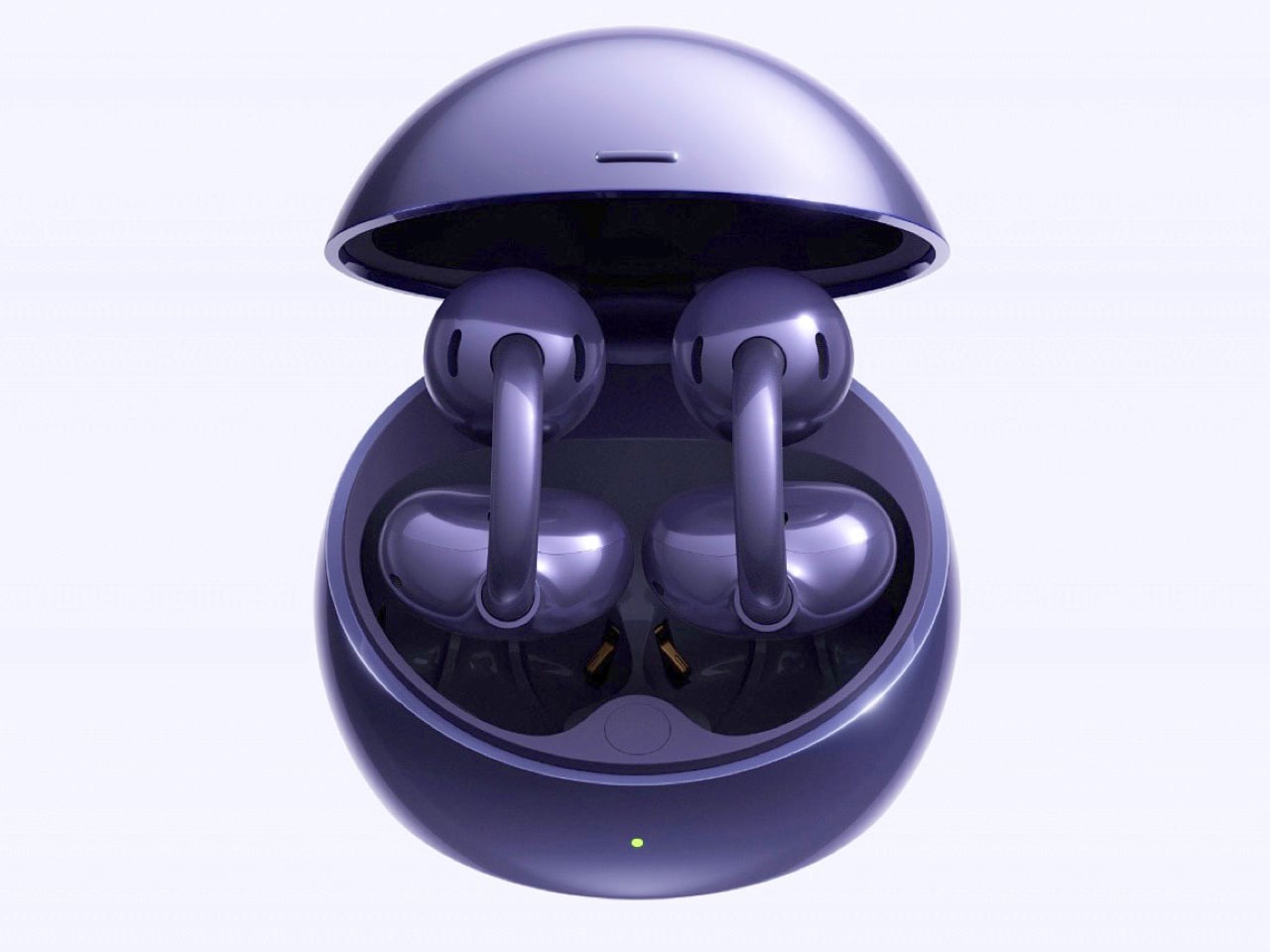
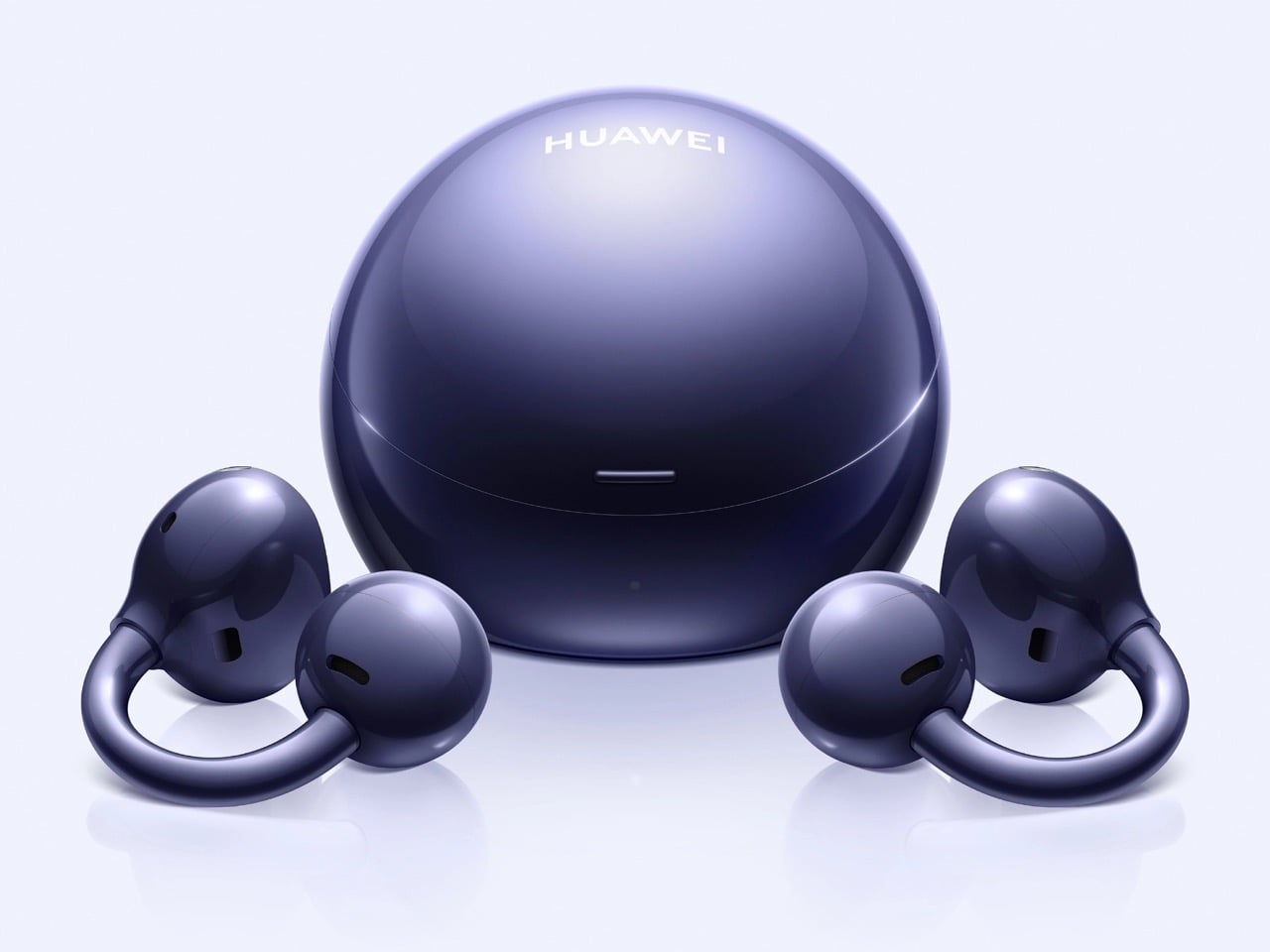
Huawei’s $229 FreeClip 2 S Earbuds Pack Spatial Audio In an Open-Ear Design, Case Doubles as a Jewelry Box

Pop open the case of the FreeClip 2 S and the first thing you notice has nothing to do with earbuds. There is room in there. Real, usable room, enough that Huawei is telling people to drop in a ring or a small pendant alongside the buds themselves. It sounds like a gimmick until you remember how much time people spend fumbling through bags looking for both their earbuds and their jewelry, and how rarely any company bothers to solve two small annoyances with one redesigned object.

Speaking of space, Huawei found room inside the earbuds too, in the form of spatial audio with dynamic head tracking. It is a feature typically reserved for sealed designs that can isolate sound and rebuild a convincing sense of space around it, and pulling it off on an open-ear bud is a genuinely difficult engineering problem, one most competitors have sidestepped rather than solved. That sits alongside dual 10.8mm drivers, an AI NPU handling adaptive sound, tri-mic call noise cancellation, and IP57 water resistance. Priced around 229 euros globally, with a discounted window running through August 21, 2026, the FreeClip 2 S treats itself as jewelry first and tech second, at least in how Huawei wants you to see it, while quietly pushing open-ear audio further than most of its rivals have dared.

Designer: Huawei

The case redesign alone signals a shift in how Huawei thinks about this product category. Gone is the AirPods style shell that defined the original FreeClip 2, replaced by something almost spherical, larger, and finished in a mirrored metallic coating that photographs like a compact rather than a charging dock. Huawei says the new shape offers 20 percent more internal volume, and rather than leave that space empty, the company built a whole marketing angle around filling it with small accessories. The bundled partnership with French costume jewelry brand Les Néréides makes that pitch explicit, pairing the earbuds with an actual piece of jewelry for buyers who opt into the launch bundle. It is an unusual move for an earbuds case, treating it as a personal object rather than a functional afterthought.

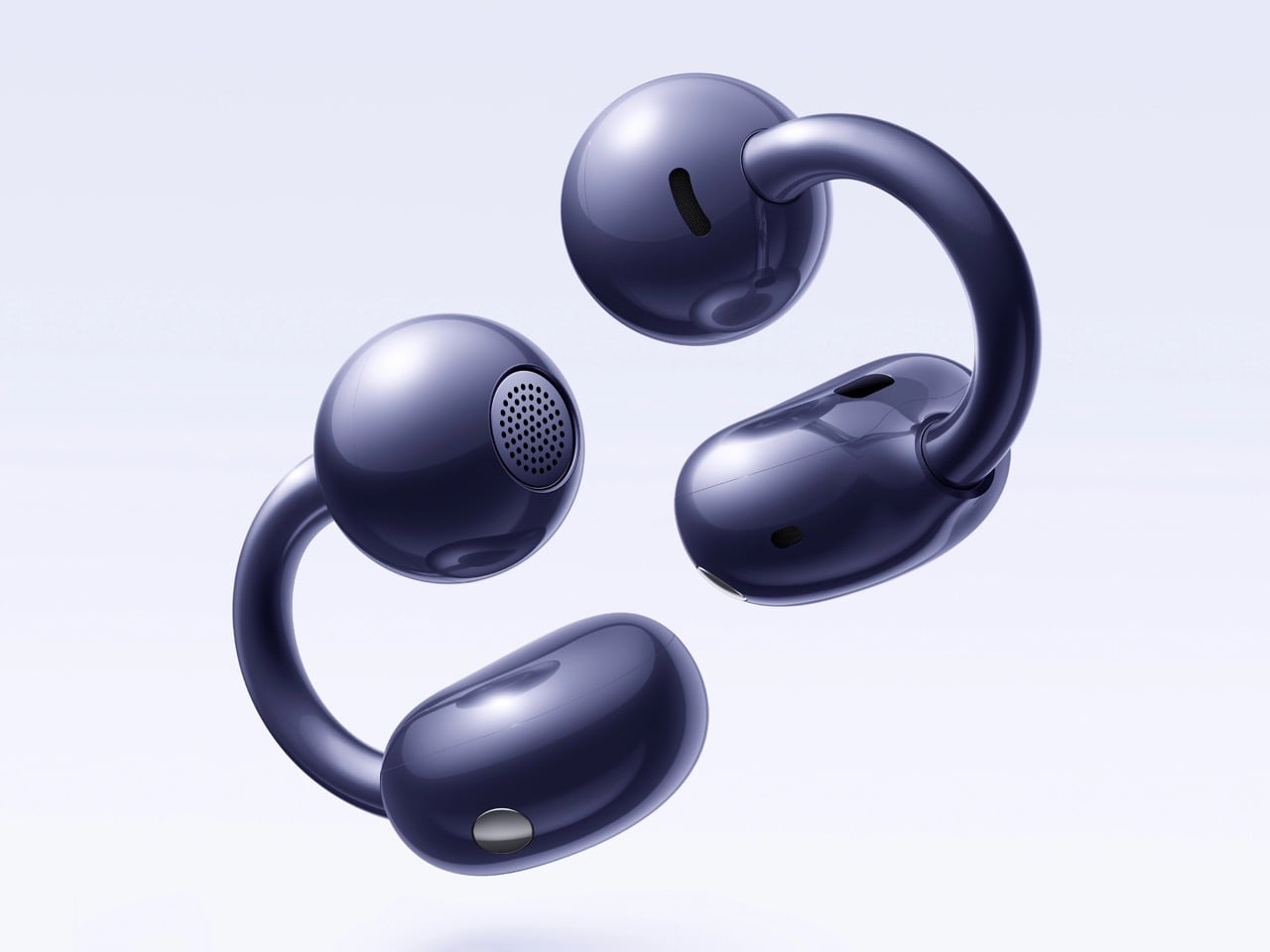
Underneath that redesigned shell, the earbuds themselves got quieter but meaningful updates. Huawei softened the C-bridge by 25 percent and smoothed out the grooves that ran along its surface, chasing a cleaner look and a gentler fit against the ear. The Comfort Bean shape carries over from the original FreeClip 2, still built using data pulled from over 10,000 ear samples worldwide. Each earbud weighs just 5.1 grams, light enough that the open-ear format keeps its core promise of all day wear without the fatigue that sealed buds can cause after a few hours.

Spatial audio remains the headline feature, and for good reason. Dynamic head tracking works best when a sealed fit lets software control exactly what the listener hears, which is why brands like Apple and Sony have largely kept the feature locked to their isolating designs. Huawei pairing it with dual 10.8mm diaphragm drivers and reverse sound wave technology, aimed at cutting down on audio leakage, suggests an attempt to close that gap without sacrificing the open-ear comfort that made the FreeClip line popular in the first place. Whether the tracking feels responsive in real use is something only hands on testing will confirm.

Huawei launched the FreeClip 2 S globally out of Malaysia alongside the Pura 90s series, positioning both as flagship efforts rather than incremental updates. At roughly 221 dollars, the earbuds undercut several open-ear rivals while adding a feature set that reads more like a premium sealed bud’s spec sheet. If the head tracking holds up under real world use, Huawei may have found a way to make open-ear audio feel a lot less like a compromise.

The post Huawei’s $229 FreeClip 2 S Earbuds Pack Spatial Audio In an Open-Ear Design, Case Doubles as a Jewelry Box first appeared on Yanko Design.

Huawei Built a 200MP Camera Phone That Finally Shows Your True Colors

The smartphone camera arms race hasn’t let up. Most flagships are pushing harder on AI-assisted processing to compensate for the physical limits of small sensors, and the results are often technically impressive but not always true to what was in front of the lens. There’s a real difference between a photo that looks good and one that actually looks right, and that’s a harder problem to solve than adding megapixels.

The Huawei Pura 90s Pro and Pura 90s Pro Max are Huawei’s answer to both. Launched in Kuala Lumpur on July 14, 2026, the two phones arrive with a design philosophy called “Rhythm of Colour,” gradient colorways that flow across the chassis, and a camera system built around the idea that color accuracy matters just as much as how sharp the final image gets.

Designer: Huawei

Both models feature True-to-Colour Camera 2.0, a system designed to close the gap between what the sensor captures and what the eye actually sees. A sunset shouldn’t come back looking oversaturated, and skin tones shouldn’t shift cooler or warmer than reality. The RYYB sensor array across all cameras supports this by gathering more color information in low-light conditions than a conventional RGGB layout can.

The Pro Max’s standout addition is a 200MP telephoto camera built on a 1/1.28-inch ultra-large sensor with OIS and 4x optical zoom that also functions as a macro lens. That resolution allows for aggressive cropping while still retaining detail throughout the frame. The Pro takes a different route with a 50 MP telephoto covering 4x optical and up to 8x optical-quality zoom.

Both phones share a 50MP main camera with a physical aperture spanning 10 sizes from F1.4 to F4.0. It’s a genuine mechanical iris rather than a simulated depth-of-field effect, and that distinction matters when conditions change. Moving from a dim restaurant to a bright outdoor afternoon doesn’t mean switching modes; the aperture adjusts, the exposure holds, and the shot works.

An AI composition feature suggests framing adjustments while you’re still pointing the camera, and Kunlun Glass on the front panel is rated at 25 times the drop-resistance and 16 times the scratch-resistance of standard glass. The Pro Max also carries a 40 MP ultra-wide camera, stepping above the 12.5MP sensor on the Pro, and adds LOFIC technology to the main sensor for better dynamic range.

The “Rhythm of Colour” philosophy runs through every finish in the lineup, from the warm orange-to-gold Orange Ocean with its Dual-Tone Gradient Mid-Frame to a purple-to-peach option, deep matte black, and soft pearl white. The triangular camera module on both phones carries XMAGE branding and sits within a chassis that, despite the hardware inside, still manages to feel like a deliberate aesthetic choice.

A 5270mAh battery powers both phones, with 66W Huawei SuperCharge on the Pro and 100W on the Pro Max. Both run HarmonyOS 6.1 on the Kirin 9030S chip and carry IP68 and IP69 ratings for dust and water resistance. The Pro has a 6.6-inch OLED display, while the Pro Max steps up to a 6.9-inch LTPO OLED panel with an adaptive refresh rate from 1 to 120Hz.

The post Huawei Built a 200MP Camera Phone That Finally Shows Your True Colors first appeared on Yanko Design.
Honor Watch 6 Review: Great Endurance, Not Quite Perfect

PROS:


  • Excellent battery life

  • Great AMOLED display

  • Unique soccer and badminton sports mode

CONS:


  • Honor Health app lacks polish

  • Twilight Brown leather strap feels stiff

RATINGS:

AESTHETICS
ERGONOMICS
PERFORMANCE
SUSTAINABILITY / REPAIRABILITY
VALUE FOR MONEY

EDITOR'S QUOTE:

The Honor Watch 6 pairs a gorgeous display with excellent battery life, even if its software and leather strap feel less refined.

With the Watch 6, Honor has given the series a complete visual reset. After the square-faced Watch 5, this new model arrives with a round case that feels more in step with the look of a traditional wristwatch. That redesign is backed by a fairly clear set of priorities. The Honor Watch 6 focuses on the things users are likely to notice first, such as a bright, attractive display and battery life that can stretch beyond a month.

After spending time with it, the Watch 6 comes across as a smartwatch built around practical strengths rather than bold innovation. The hardware makes a solid first impression, and the core experience is clearly aimed at people who want something dependable and easy to live with. At the same time, a few details, from the software experience to the quality of the leather strap, keep it from feeling quite as refined as it initially suggests.

Designer: Honor

Aesthetics

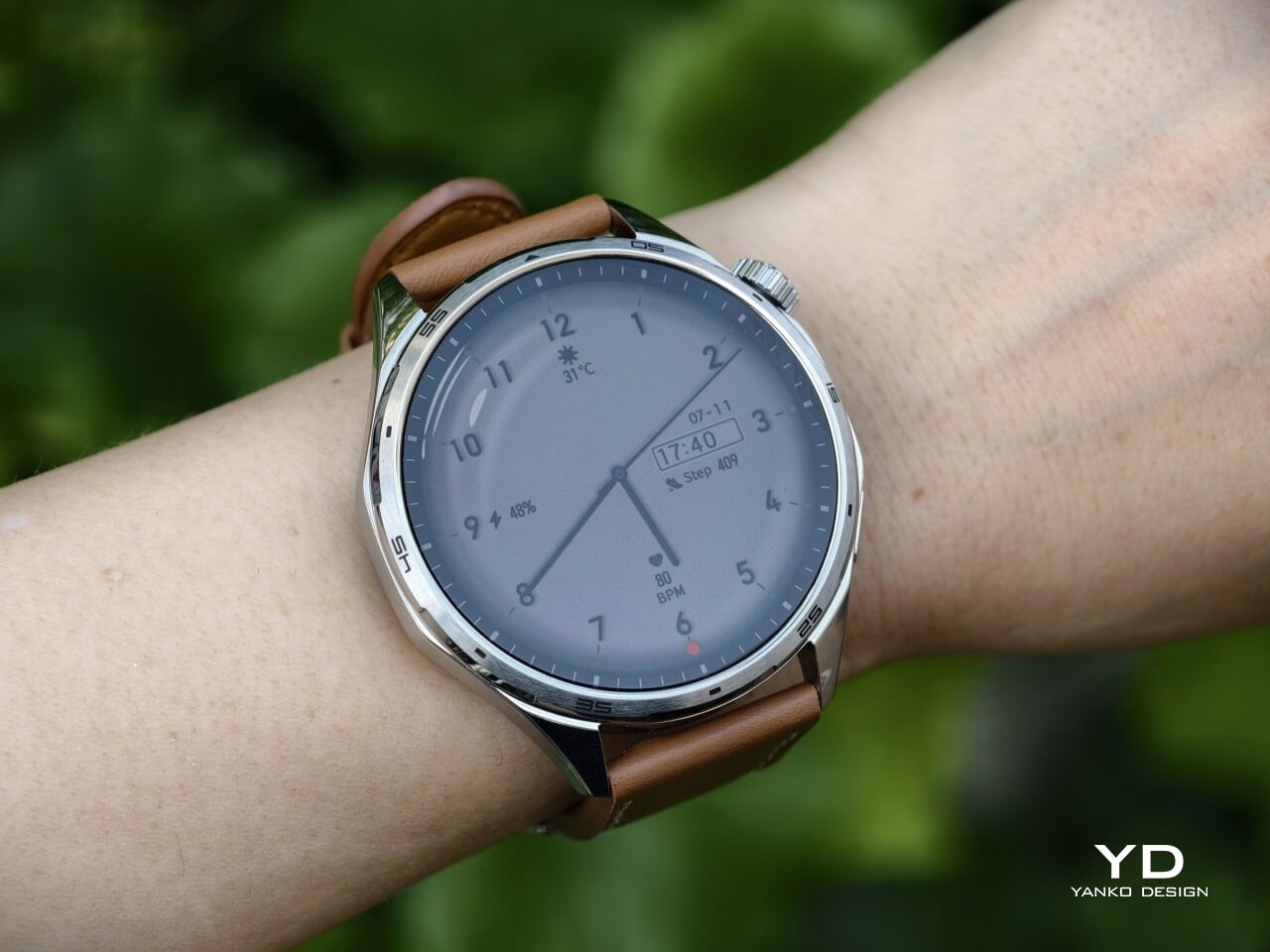
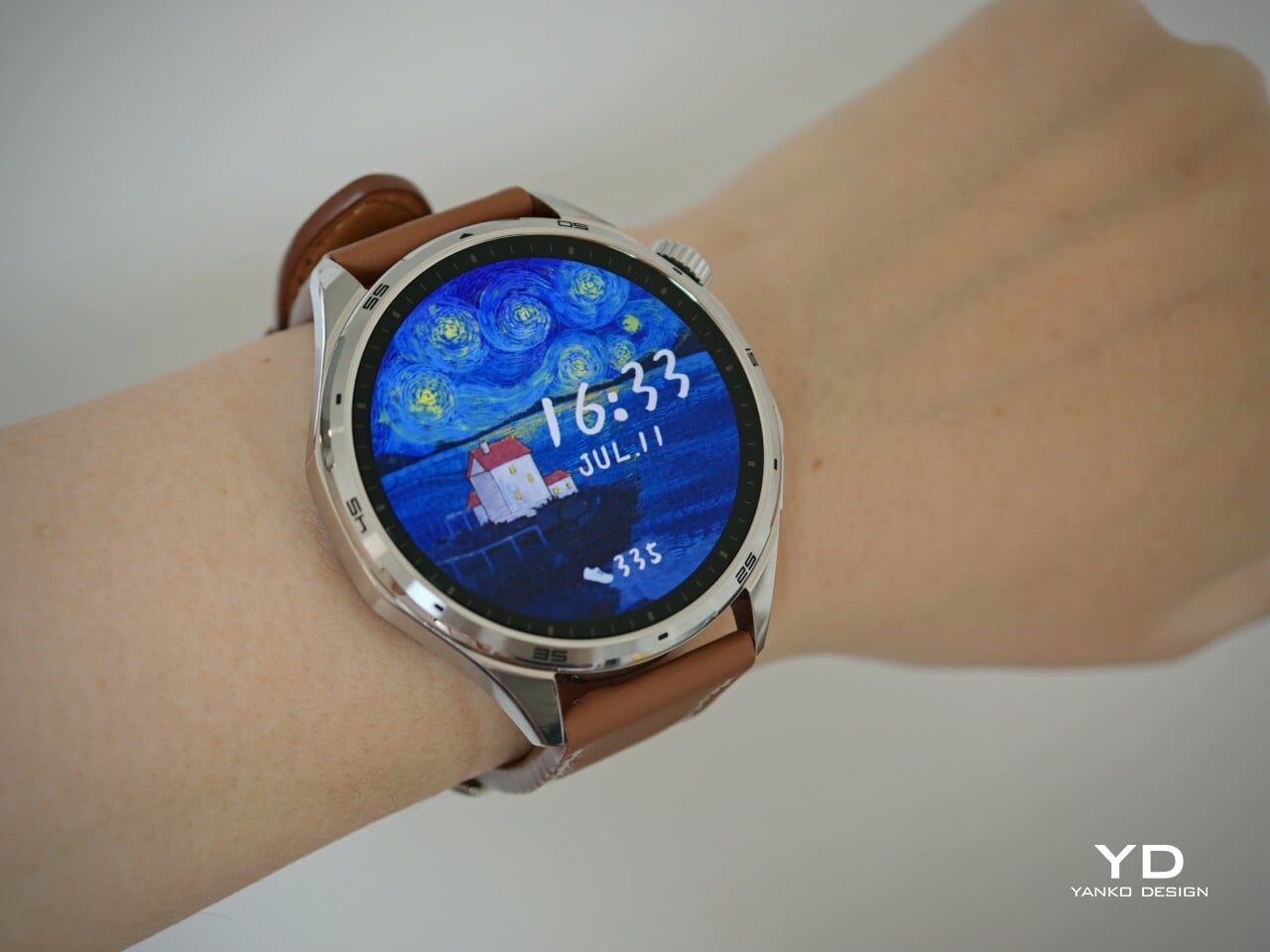
The Honor Watch 6 leans heavily into the visual language of a traditional wristwatch, and that gives it an immediate sense of familiarity. Its round face, sculpted lugs, and restrained detailing make it feel more like an everyday timepiece than a piece of sporty tech. That approach gives it some welcome versatility, allowing it to fit easily into casual or more polished settings.

At the same time, the design also feels a little too safe. There is nothing awkward or unattractive about the Watch 6, but there is also very little that feels surprising or distinctly memorable. It is clean, balanced, and easy to like, yet it stops short of making much of a visual statement.

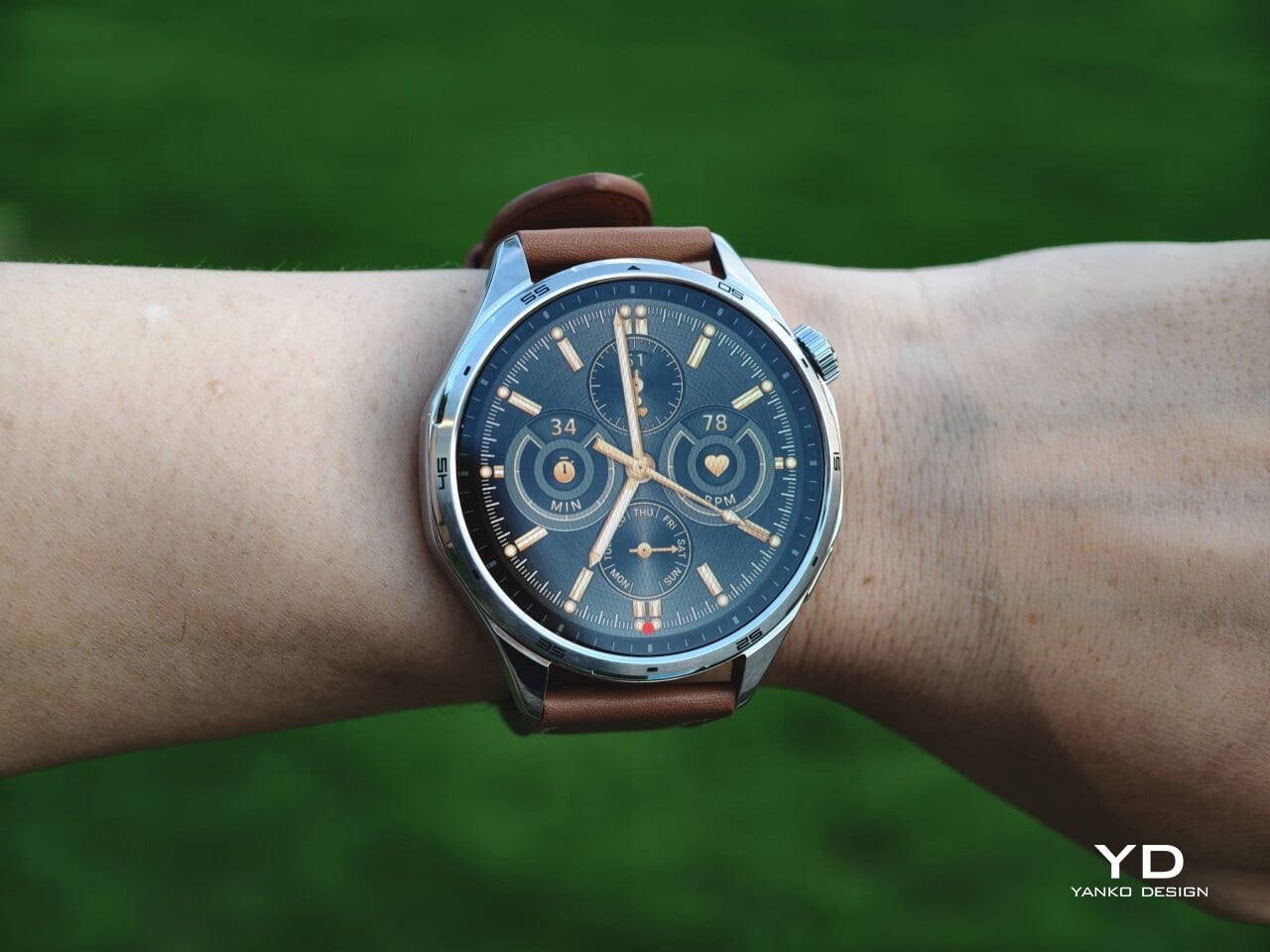
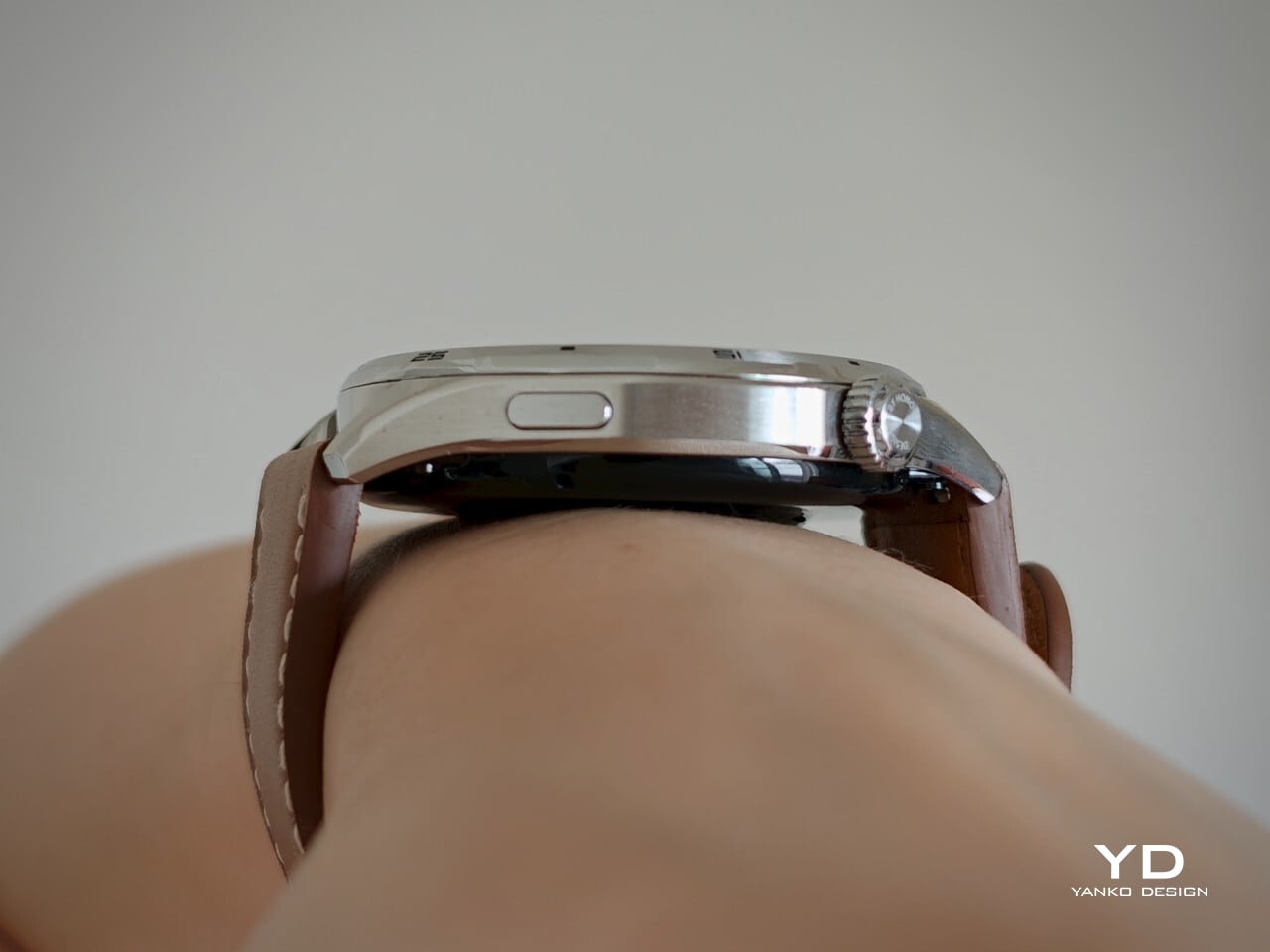
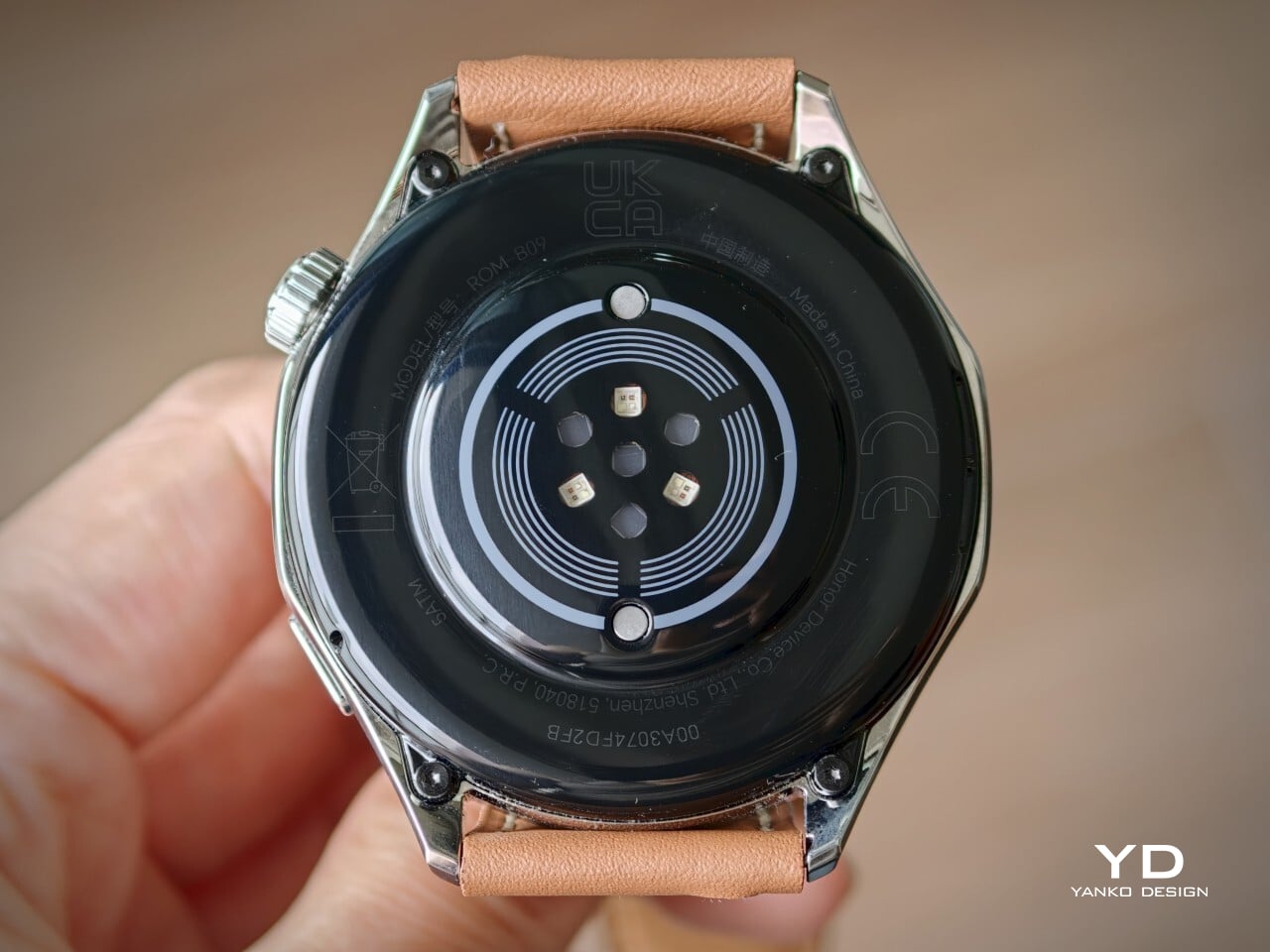
Honor offers the Watch 6 in two versions. The Twilight Brown model I received pairs a silver-colored 316L stainless steel body with a brown leather strap, giving it the more classic look of the two. The Shadow Black version uses a black aluminum alloy body with a matching black fluoroelastomer strap, which feels more understated and fitness-oriented.

The leather strap on the Twilight Brown unit is where the aesthetic story loses some of its polish. From a distance, it looks fine and complements the silver-toned case well, but up close, it feels stiff and a little synthetic. Thankfully, it uses a 22mm quick-release system, so swapping it out for something better is easy.

Ergonomics

With its 46.5mm case and 10.8mm thickness, the Honor Watch 6 sits squarely within the familiar modern smartwatch zone in terms of size. It is large enough to feel substantial on the wrist and give the display room to shine, yet it never looks ridiculously bulky, even on my relatively small wrist. There is a definite presence here, but it is handled with enough restraint that the watch does not feel visually overwhelming in daily wear.

The Shadow Black version comes in at 41 grams, while the Twilight Brown model weighs 50 grams, both figures excluding the straps. That makes the Watch 6 relatively light for something this large, though not dramatically so. You are always aware that you are wearing a sizable device, but it does not become overly cumbersome during normal daily use.

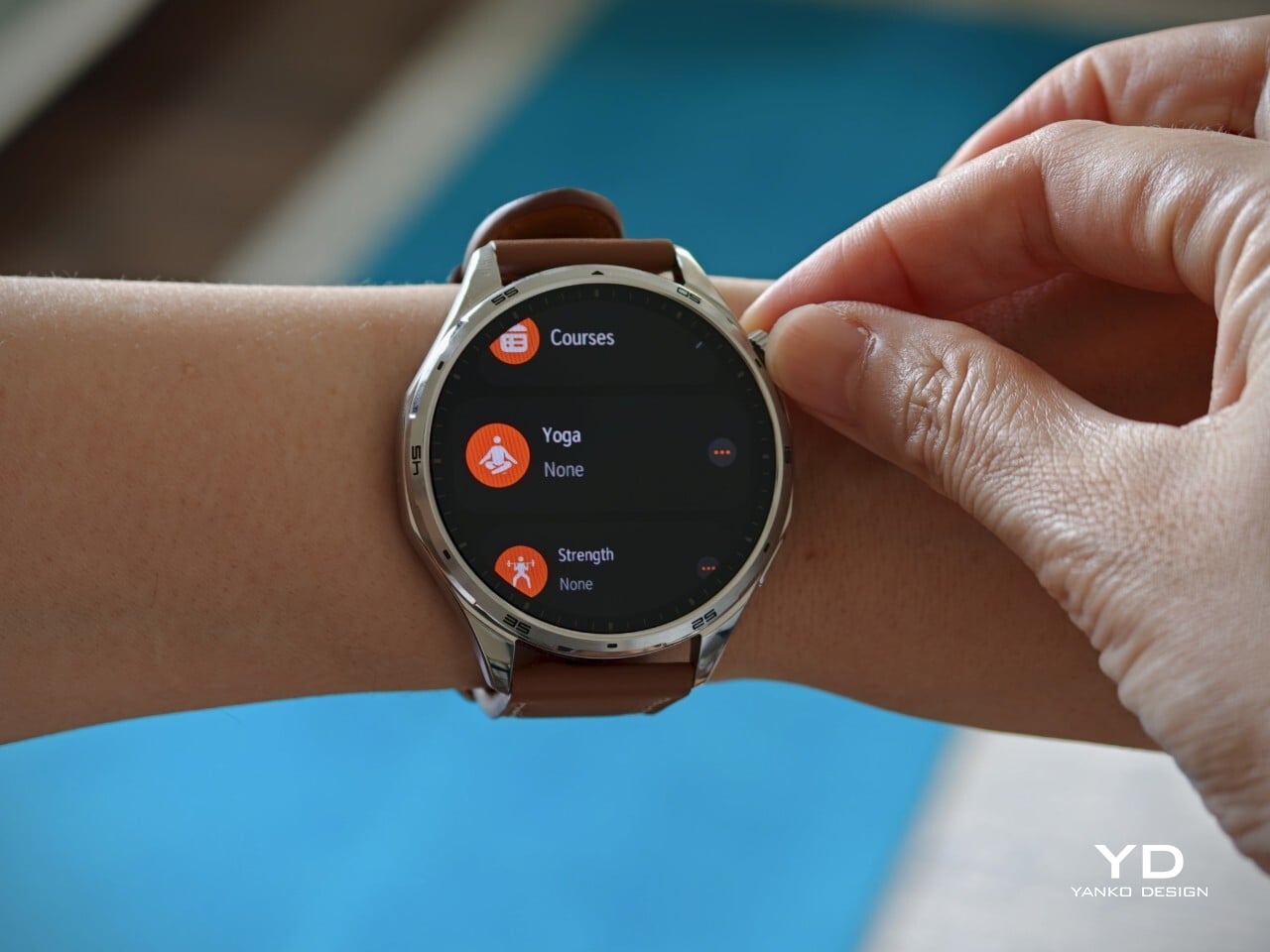
The physical controls are straightforward and familiar. On the right side of the case, Honor places two buttons in a layout that will feel instantly recognizable to most smartwatch users. The top control is a rotating crown that lets you scroll through apps, while the lower button serves as a shortcut to the workout menu. The crown is responsive, and the haptic feedback is satisfyingly strong.

Gesture navigation is equally easy to grasp. Swiping down brings up the quick menu, swiping up reveals notifications, and swiping left or right cycles through panels. The touch experience is not completely foolproof. I noticed a few instances where a scroll gesture was interpreted as a tap instead, which led to accidental selections. It is a minor frustration, but it chips away at the sense of polish.

Performance

The Honor Watch 6’s display is easily one of the best parts of the entire experience. It uses a 1.4-inch AMOLED panel with a 464 x 464 resolution, and the result is exactly what you would hope for from a modern smartwatch screen. The bezel is not especially thin, but colors look rich, and text appears crisp, giving the display a bright, polished quality that stands out in everyday use. Brightness is another major advantage. With a peak brightness of 3000 nits, the display remains clearly visible even under bright sunlight, which makes a real difference during outdoor use.

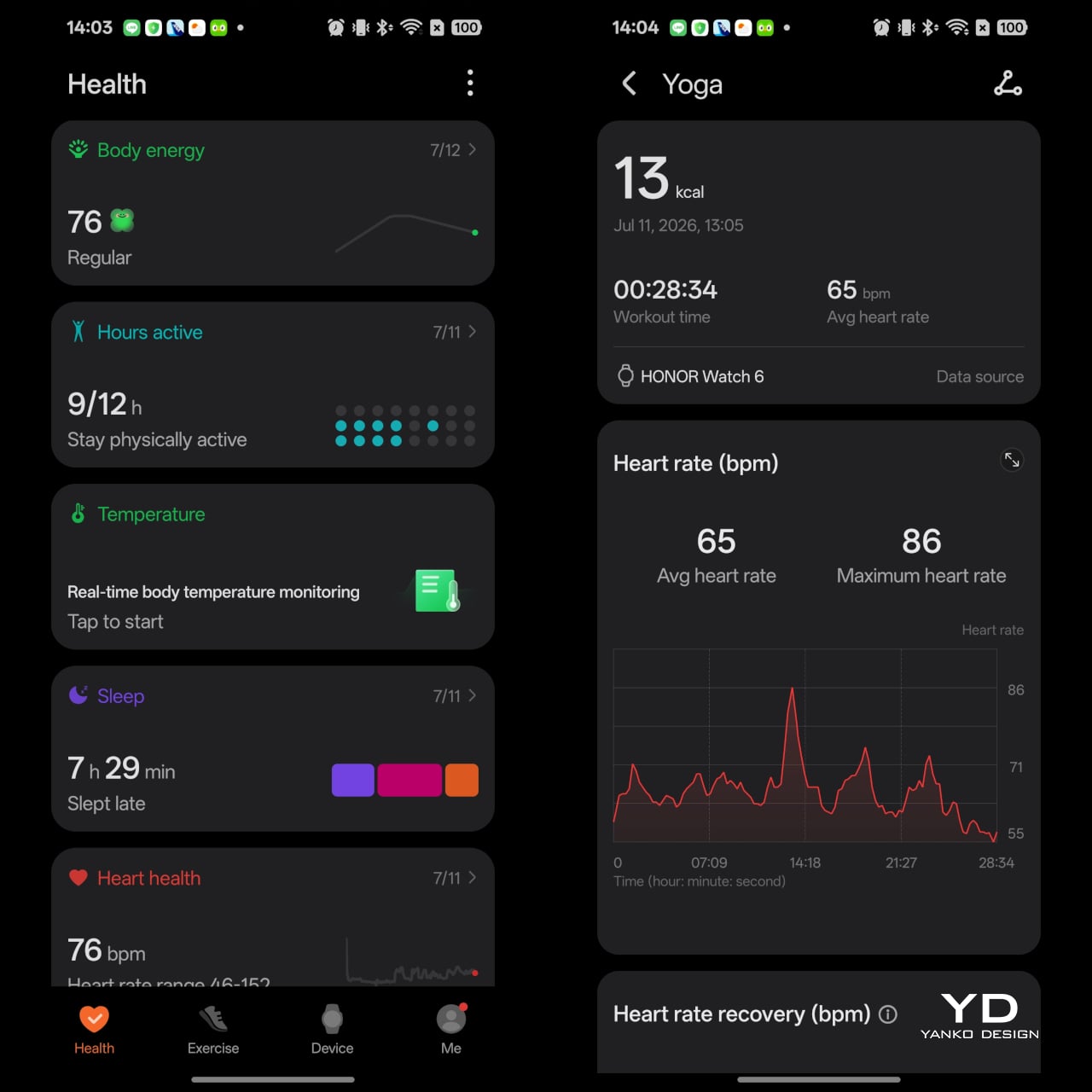
The Watch 6 covers the broad health tracking essentials that most mainstream users actually want. It handles heart rate monitoring, blood oxygen monitoring, sleep tracking, step count, and general day-to-day wellness features in a way that feels accessible and easy to understand. Nothing here feels especially groundbreaking or deeply specialized, but that could also be part of the appeal. Honor has focused on delivering a practical set of features rather than overwhelming users with more data than they are likely to need.

The same can be said for the fitness experience. The Watch 6 does not try to present itself as a hyper-technical performance tool for elite athletes, but it does offer enough depth to keep active users engaged. The data is presented clearly, the core features are easy to access, and the overall experience feels designed for people who want useful feedback without having to decode a mountain of analytics.

There is also a healthy amount of variety for exercise tracking. The watch includes 122 sports modes, which should be more than enough for most people, whether they are casual walkers or more active users looking for something specific. If you are inspired by the World Cup, there is a professional soccer mode that adds a little more personality than the usual generic workout presets. During exercise, you can view step count and distance in real time, while post-workout data includes top sprint speed, average speed, and even a heat map.

Another unusual addition is the badminton mode, which goes beyond simple calorie tracking and actually tries to capture the rhythm of play. Here, you can check swing count, swing speed, shot power, forehand to backhand ratio, and stroke type. Features like these do not transform the Watch 6 into a specialist sports device, but they do make it feel more considered than a smartwatch that simply piles on empty exercise labels.

Other smart features include notifications, the ability to make and answer phone calls, and a remote shutter function. If the watch is connected to an Android phone, you can also control music playback. When paired with an Honor phone, it can be used as a voice recorder as well. Honor also says NFC support will roll out to available markets in July, which should add a little more convenience depending on where you live.

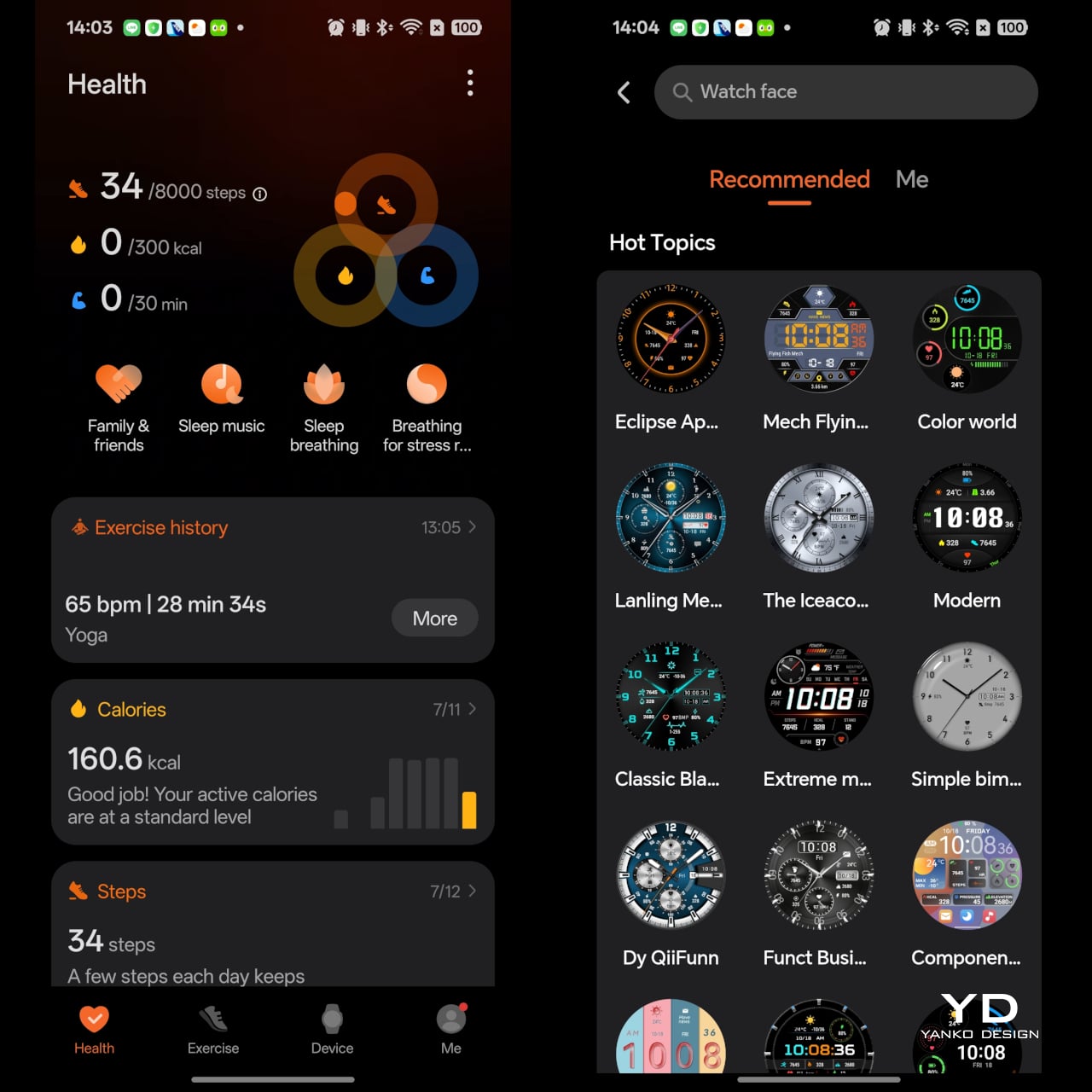
On the software side, the Watch 6 is functional but not especially refined. It works with both Android and iOS through the Honor Health app, which is good news for users who do not want to be locked into one ecosystem. Pairing and everyday syncing are straightforward enough, and the app gives you access to the usual health data, settings, and customization tools.

Still, the interface does not feel especially sophisticated. It gets the job done, but it lacks the polish and clarity found in the better smartwatch companion apps. Some of that lack of refinement shows up in the workout menu as well. Instead of grouping activities with the kind of color coding seen on many rival smartwatches, Honor presents them in a much plainer way. It gets the job done, but it makes the interface feel less intuitive and less thoughtfully designed.

That lack of refinement becomes especially noticeable when you start looking for watch faces. There are plenty of options available, which is great in theory, but the browsing experience could be much better. Instead of organizing faces in a way that helps users quickly narrow down what they want, too much of the selection feels thrown together. Compared to other smartwatch apps that sort faces into clearer styles or categories, Honor’s approach feels less curated and more cluttered. It is not a deal-breaker, but it does make personalization feel more cumbersome than it should.

Battery life, on the other hand, is impressive. The Watch 6 packs a 980mAh battery, and Honor claims it can last for up to 35 days. That figure is only possible if you turn off features like automatic blood oxygen detection, automatic stress detection, and raise to wake, while limiting exercise to light weekly activity. Even so, the claim gives a good sense of what the watch is aiming for, which is endurance far beyond what most smartwatches in this category can offer.

Honor says regular usage should deliver around 17 days of battery life, and based on my experience, that sounds believable. I have been wearing the watch for about 10 days and still have 55 percent battery left, so I have little reason to doubt the company’s estimate. When it is finally time to top up, charging is handled through the included magnetic pin charger.

Sustainability

Sustainability is rarely a headline feature for smartwatches, but the Honor Watch 6 does make a few sensible moves. Its IP69 and 5ATM ratings suggest it should hold up well against sweat, water, dust, and the wear of everyday use. In practical terms, that simply means it is built to take more abuse before becoming a problem.

Honor also says the watch uses recyclable aluminum alloy, which adds a small but welcome nod toward material responsibility. Paired with the excellent battery life, the Watch 6 feels like a device designed to stay in use rather than one that constantly asks for attention. It does not do anything groundbreaking on the sustainability front, but for a smartwatch, it makes a decent case for itself.

Value

At £229.99 for the Shadow Black version and £249.99 for the Twilight Brown model, the Honor Watch 6 sits in the upper mid-range part of the smartwatch market. That works out to roughly $295 and $320, respectively. It is not exactly cheap, especially for a smartwatch that does not offer the most polished software experience, but it does bring a few strengths that help justify the asking price.

The strongest part of its value proposition is that Honor has clearly invested in the features users will notice most often. The display is gorgeous, the battery life is genuinely excellent, and the core health and fitness features are broad enough for most people. At the same time, the stiff leather strap on the Twilight Brown version and the merely functional software keep it from feeling like a complete home run. The Watch 6 offers solid value if your priorities are battery life and screen quality, but it is a little harder to recommend purely on refinement alone.

Verdict

The Honor Watch 6 succeeds by keeping its priorities simple. It delivers a lovely display, excellent battery life, and a broad enough set of health and fitness features to satisfy most people who want a smartwatch for everyday use. Just as importantly, it wraps those strengths in a design that feels far more wearable and familiar than the square-faced direction Honor took before.

At the same time, it does not feel like a fully polished package. The software works, but it lacks the refinement and thoughtful organization that would make the experience feel truly premium. The leather strap on the Twilight Brown version also lets the hardware down a bit, since it looks better from a distance than it feels in the hand or on the wrist.

That leaves the Watch 6 in an interesting spot. It is not the most exciting smartwatch in its class, and it is not the one I would point to as the benchmark for software or overall finesse. But if your priorities are a gorgeous screen, long battery life, and a classic watch-like design, Honor gets a lot right here. The Watch 6 may not be the most memorable smartwatch of the year, but it is an easy one to live with.

The post Honor Watch 6 Review: Great Endurance, Not Quite Perfect first appeared on Yanko Design.

Huawei MatePad Pro Max PaperMatte Edition Review: Thinnest 13-inch Tablet Nails Portability and Creativity

PROS:


  • Impressively thin and lightweight

  • Excellent PaperMatte OLED display with ultra-thin bezels

  • M-Pencil feels highly responsive and natural for writing and drawing

  • Glide Keyboard adds useful productivity features, including secure stylus storage

CONS:


  • Wi-Fi only, with no cellular option

  • Glide Keyboard has no backlight

RATINGS:

AESTHETICS
ERGONOMICS
PERFORMANCE
SUSTAINABILITY / REPAIRABILITY
VALUE FOR MONEY

EDITOR'S QUOTE:

The Huawei MatePad Pro Max pairs an ultra-thin and lightweight design with a refined PaperMatte display and excellent stylus experience, making it one of Huawei’s most compelling tablets for creativity and everyday use.
award-icon

MatePad Pro Max PaperMatte Edition is the company’s largest tablet yet, and it arrives with a design that feels almost implausible in person. It is remarkably thin, unusually light for its size, and still positioned as a serious performance tablet rather than a pure showpiece. On paper, the appeal is immediate. You get a full-metal body, a 13.2-inch flexible OLED display, a 94 percent screen-to-body ratio, and a chassis that measures just 4.7mm thin.

Huawei is also aiming for a premium experience that extends well beyond the tablet itself. The ultra-thin bezel, the optional matte display treatment, the large battery, and the refined metal construction all work together to make the MatePad Pro Max feel elevated before the screen even turns on. Add in optional accessories like the Glide Keyboard and M-Pencil Pro, and it is clearly designed to stretch beyond entertainment into productivity and creative work. The real question is whether all of that sleek hardware leads to a meaningfully better everyday experience, or if it is simply a beautiful piece of industrial design wrapped around the usual tablet compromises.

Designer: Huawei

Aesthetics

The MatePad Pro Max is a sleek, premium-looking slate that relies on clean proportions and refined finishes rather than flashy details. It comes in Blue and Space Gray, and the blue version I received is especially striking. Its fine glitter finish catches the light beautifully and gives the back panel a more expressive look.

The full-metal body keeps the design simple and clean, while the round camera bump on the upper right adds a bit of visual weight to one corner, and the centered Huawei branding keeps the back from feeling too plain. Around the sides, the glossy frame adds a bit of contrast, with the power button and fingerprint scanner on the left side from the display view, and the volume rocker along the top. Huawei’s optional accessories also fit the design well, with the keyboard offered in white or black and the folio cover available in black.

Ergonomics

The MatePad Pro Max PaperMatte Edition is surprisingly manageable for a tablet this large. A 13.2-inch display usually suggests a device that is best left on a desk or propped on a stand, but here the physical experience feels far more inviting. At just 4.7mm thin and 509g, it feels notably easy to carry and hold for longer stretches.

Huawei calls it the world’s thinnest 13-inch-plus tablet, and that slimness is immediately noticeable in use. Even so, it does not feel flimsy or overly delicate in hand. The build still feels solid, though I would still handle it with some care, given just how thin the body is.

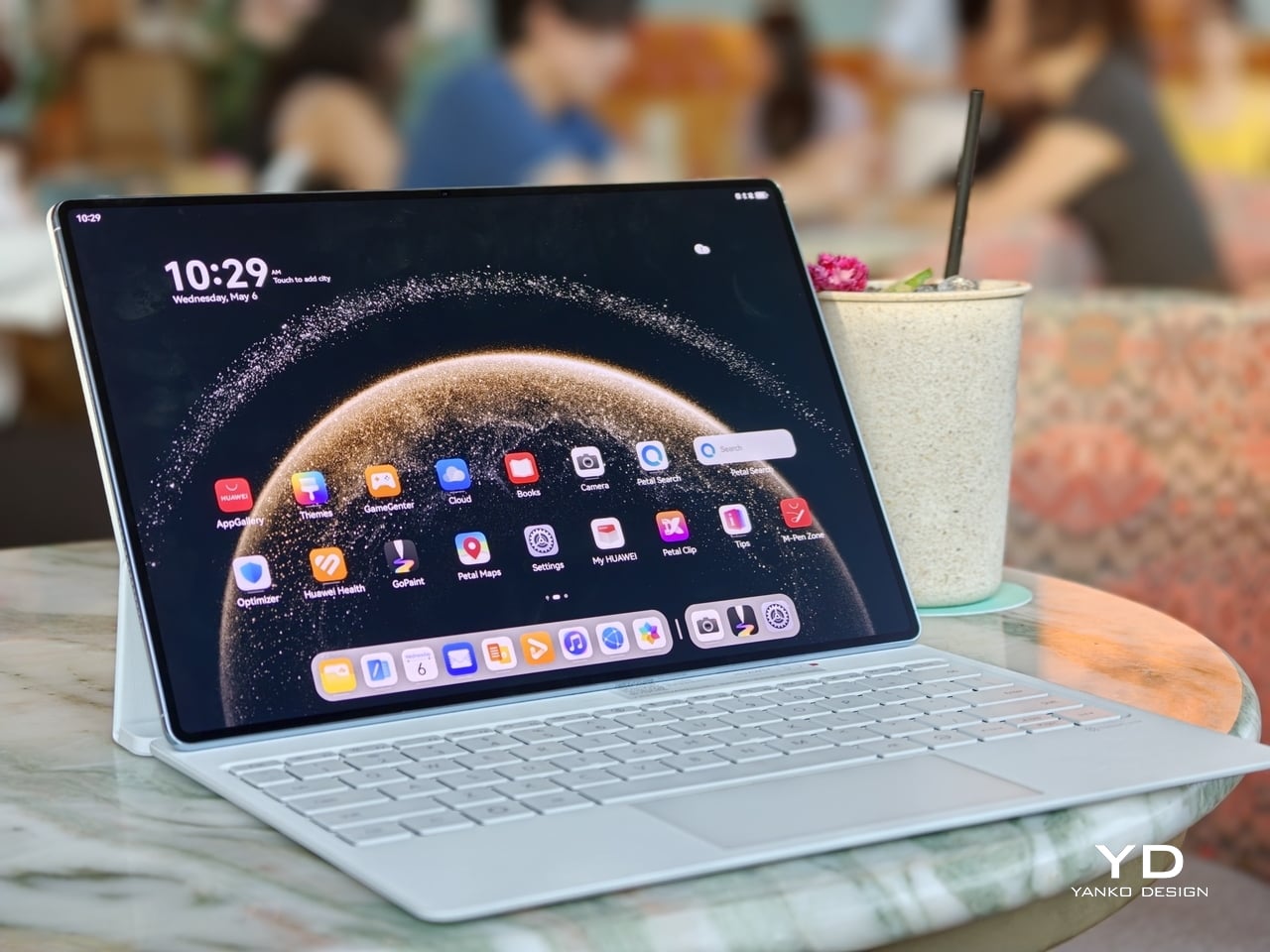
The Glide Keyboard adds 439g, but the full setup still feels very manageable for its size. What I like most is the integrated pen slot, which stores the M-Pencil more securely than a simple magnetic attachment on the side of the tablet. That small detail makes a real difference if you tend to toss your tablet into a bag and go, since the stylus feels less likely to come loose.

The keyboard itself is pleasant to type on, and the hinge feels sturdy in use. It gives the MatePad Pro Max a more laptop-like feel when you need to get work done. The main limitation is that the viewing angle is fixed to two positions, so it is less flexible than some other tablet keyboard setups. It also lacks a backlight, which makes it less convenient to use in darker environments.

Performance

Performance starts with the display, because it shapes nearly every interaction you have with the MatePad Pro Max. The 13.2-inch flexible OLED panel is large, sharp, and visually immersive, with a 3000 x 2000 resolution, 144Hz refresh rate, and up to 1,600 nits peak brightness. It is the kind of screen that makes reading, streaming, and multitasking feel immediately premium, especially with the PaperMatte finish, which helps cut glare and makes the display more comfortable to use in bright environments.

A big part of that immersive feel comes from the tablet’s extremely thin bezel. At just 3.55mm, the border around the display is slim enough to make the front feel almost all screen, helping the MatePad Pro Max reach a 94 percent screen-to-body ratio. Even more impressive is how Huawei has tucked the front camera into that narrow bezel so discreetly that it nearly disappears from view. The result is a front design that feels remarkably clean and uninterrupted, making the display look even more expansive and giving the tablet a more refined, almost futuristic presence in everyday use.

The display quality also lives up to the tablet’s premium design. OLED gives the MatePad Pro Max the deep contrast and rich color you want from a flagship tablet, while the 144Hz refresh rate keeps motion looking fluid and responsive. Whether you are scrolling through documents, flipping between apps, or watching high-quality video, the screen carries a polished sense of smoothness that fits the hardware well. Huawei also gets the basics right when it comes to unlocking the device. Both face recognition and the side-mounted fingerprint scanner worked reliably in my testing. Face unlock was even able to recognize me in the dark, which made the tablet feel quicker and more seamless to use throughout the day.

The MatePad Pro Max runs HarmonyOS 4 out of the box. Huawei does not specify the chipset, but in day-to-day use, performance feels strong and responsive. Apps open quickly, multitasking feels smooth, and the tablet has no trouble keeping up with entertainment, browsing, note-taking, and general productivity. It feels like a flagship tablet in everyday use, even without Huawei sharing much detail about the chip inside.

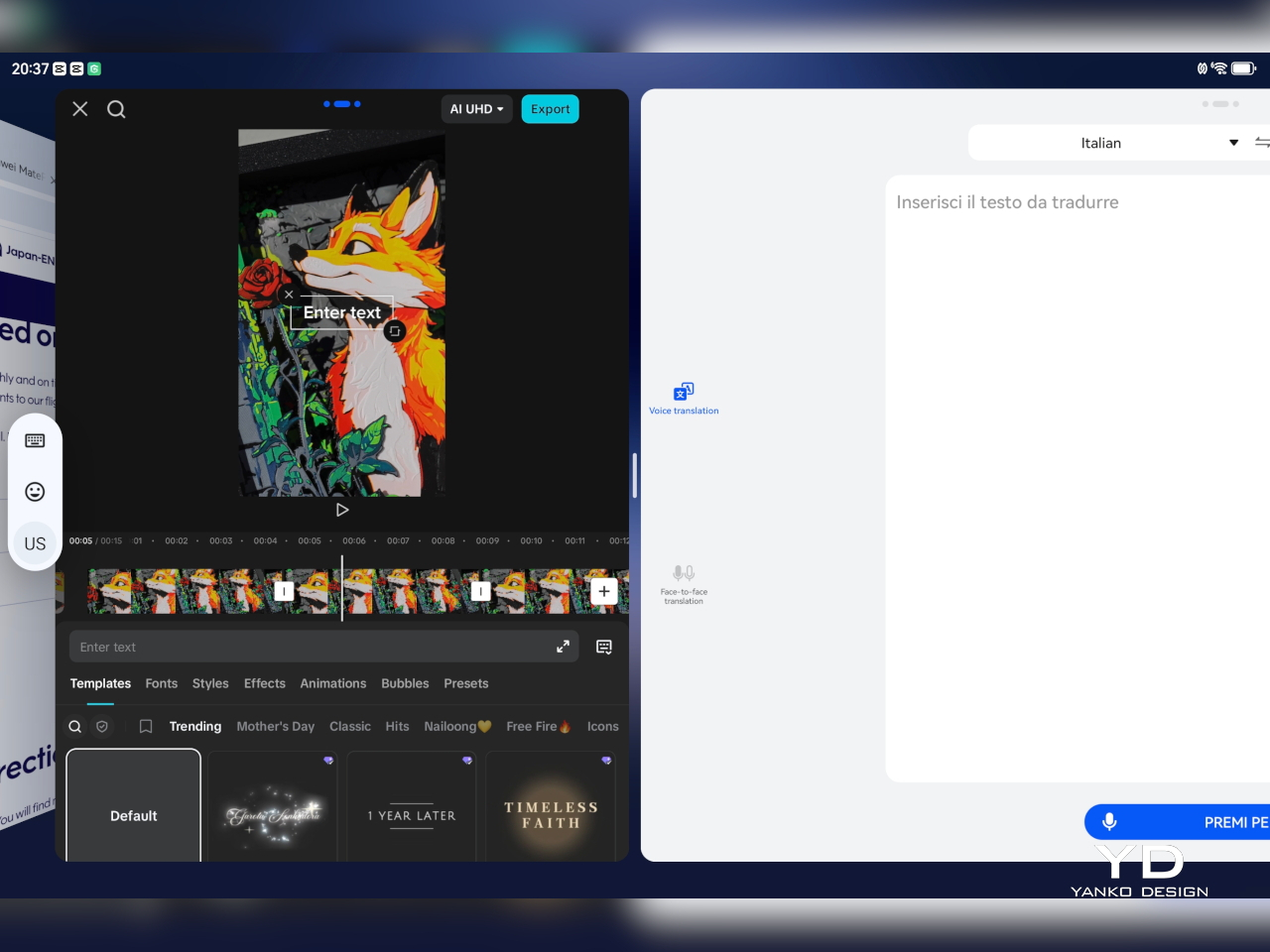
HarmonyOS also makes decent use of the large display. You can keep up to three apps active and move between them easily, though only one is fully visible at a time in that setup. For more direct multitasking, split-screen lets you run two apps simultaneously, either side by side in landscape or stacked vertically in portrait. On top of that, you can open up to two floating windows, which appear as smaller, resizable panels for quick access to other tasks without fully leaving your main app.

The M-Pencil is also a big part of the experience. It feels very responsive, with no noticeable latency in writing or drawing, and pressure sensitivity works very well. Combined with the PaperMatte display, the writing and sketching experience feels closer to paper than on many other tablets, which makes the MatePad Pro Max especially appealing for note-taking, annotation, and creative work.


Huawei also has one genuinely compelling creative advantage in GoPaint. It is a surprisingly sophisticated painting app that feels much more advanced than a basic bundled sketch tool. You get a wide range of features, including more than 100 brush options, color picking tools, and effects like a splatter brush, which makes it feel like a serious canvas for illustration rather than a simple note-taking extra. Paired with the M-Pencil, it gives the MatePad Pro Max a stronger identity as a creative tablet, not just a productivity device with stylus support.

The bigger consideration is software rather than speed. Because of ongoing U.S. trade restrictions affecting Huawei, the MatePad Pro Max does not come with Google Services, so users who rely heavily on Google’s apps and services will need to find workarounds.

Audio also helps sell the experience. Huawei includes a 6-speaker crossover system with a quad-driver bass unit, and the sound has enough scale to match the size of the display. It gives movies, music, and games more presence than you would expect from something this thin, which makes the tablet feel like a stronger all-around entertainment device rather than just a beautiful screen.

Battery life is also a strong point, given the 10,400mAh battery. Huawei also includes 40W reverse charging, which adds some practical versatility if you want to top up another device in a pinch. The MatePad Pro Max is clearly designed to deliver a premium media and productivity experience, with the display doing most of the heavy lifting and the rest of the hardware supporting it well.

Sustainability

Huawei’s sustainability story here feels understated, which is often the case with premium tablets that prefer to lead with design and experience. The full-metal body should help the MatePad Pro Max feel durable over time, and there is something inherently longevity-friendly about hardware that feels physically refined. A device that remains pleasant to touch, carry, and look at tends to stay in use longer, and that matters even if it is not framed as a sustainability feature.

At the same time, there is not much information that speaks directly to repairability, recycled materials, or long-term software commitments. That absence is worth mentioning because sustainability is no longer just about whether a product looks durable. It is also about whether it can remain relevant, supported, and serviceable over the years. Without stronger messaging around those areas, the MatePad Pro Max feels more premium than progressive on this front. The tablet feels built to last physically, but the broader ownership story remains less defined.

Value

The MatePad Pro Max is priced like a premium tablet. The 12GB + 512GB model with the Folio Cover costs EUR 1,399, or roughly $1,520 USD. The 12GB + 256GB version with the Smart Keyboard is EUR 1,499, about $1,630 USD, while the 16GB + 512GB model with the Smart Keyboard goes up to EUR 1,649, or around $1,790 USD.

At those prices, the MatePad Pro Max is really selling its hardware. The thin and light design, matte OLED display option, slim bezels, and strong stylus experience help it stand out from other large tablets. That said, it is worth noting that this is a Wi-Fi-only tablet with no LTE or cellular option, and there is no microSD card expansion. Storage tops out at 512GB, which should be more than enough for most users, but heavier users who install a lot of AAA games, edit high-resolution video, or keep large media libraries may want to factor that in.

Verdict

The Huawei MatePad Pro Max gets a lot right where it matters most. It is impressively thin and light for a tablet of this size, and that alone changes how approachable it feels in daily use. The 13.2-inch OLED display is the star of the experience, not just because it is large and vibrant, but because the ultra-thin bezel and discreet front camera integration make the whole front feel unusually clean and immersive. The matte screen is also a real treat, giving the display a more comfortable, paper-like quality that makes watching, reading, writing, and drawing feel more enjoyable over longer stretches.

What makes it stand out is how well the hardware and creative experience come together. The writing and drawing feel is excellent, GoPaint is more capable than expected, and the Glide Keyboard adds real utility without making the setup feel cumbersome. There are still a few tradeoffs, including the keyboard’s limited angle adjustment, lack of backlight, and the Wi-Fi-only setup with no microSD expansion, but for many users, those will be secondary to the overall experience. Huawei’s software situation also still requires some adjustment depending on your workflow.

Even with those caveats, the MatePad Pro Max is a thoughtfully designed tablet that feels distinct in a crowded category. It is not simply trying to be a bigger screen with flagship specs. It is trying to offer a more refined, paper-like, design-conscious experience, and for the right user, it succeeds very well. If your priorities are portability, display quality, and creative work, this is one of the most compelling large tablets Huawei has made.

The post Huawei MatePad Pro Max PaperMatte Edition Review: Thinnest 13-inch Tablet Nails Portability and Creativity first appeared on Yanko Design.
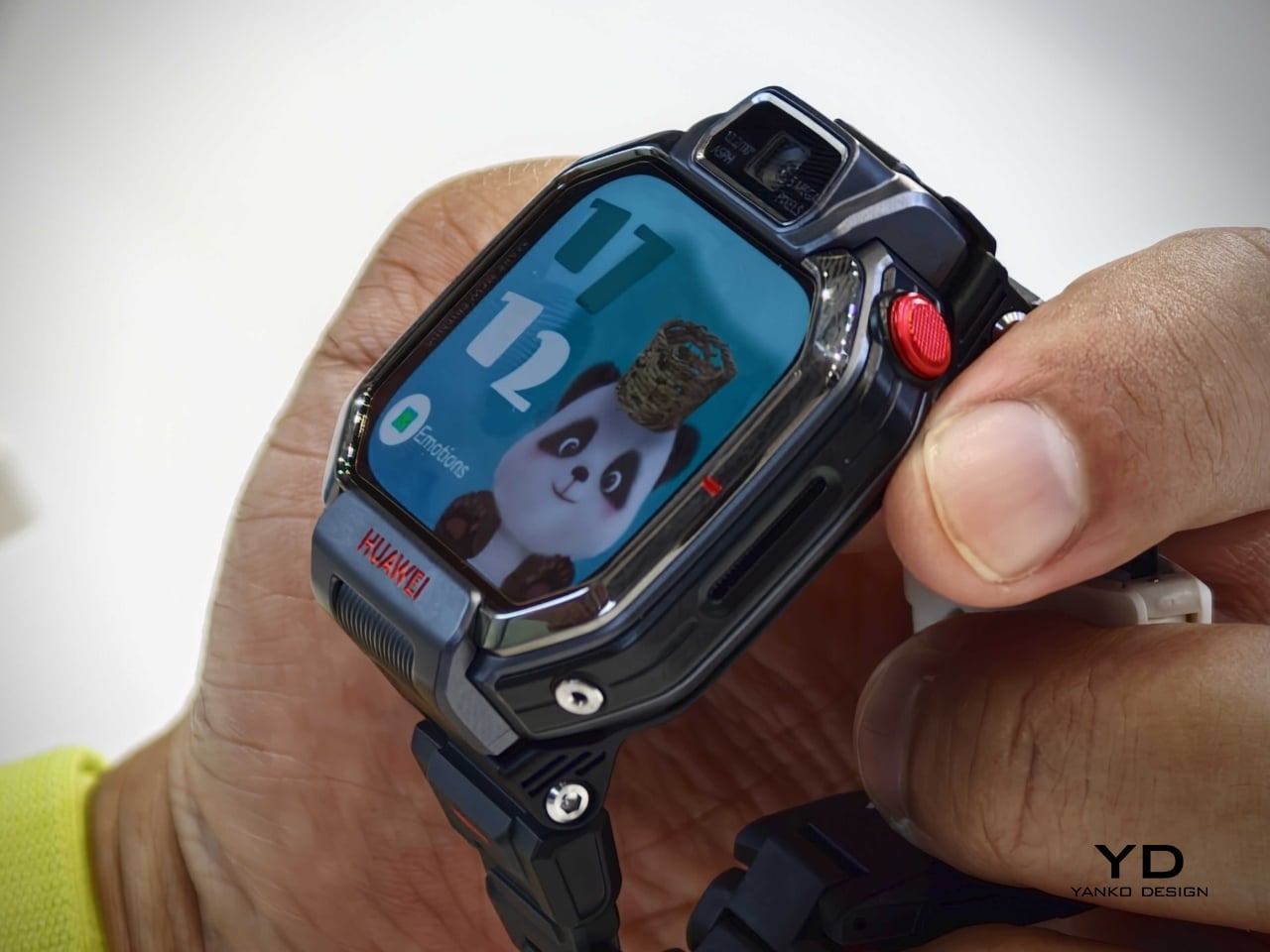
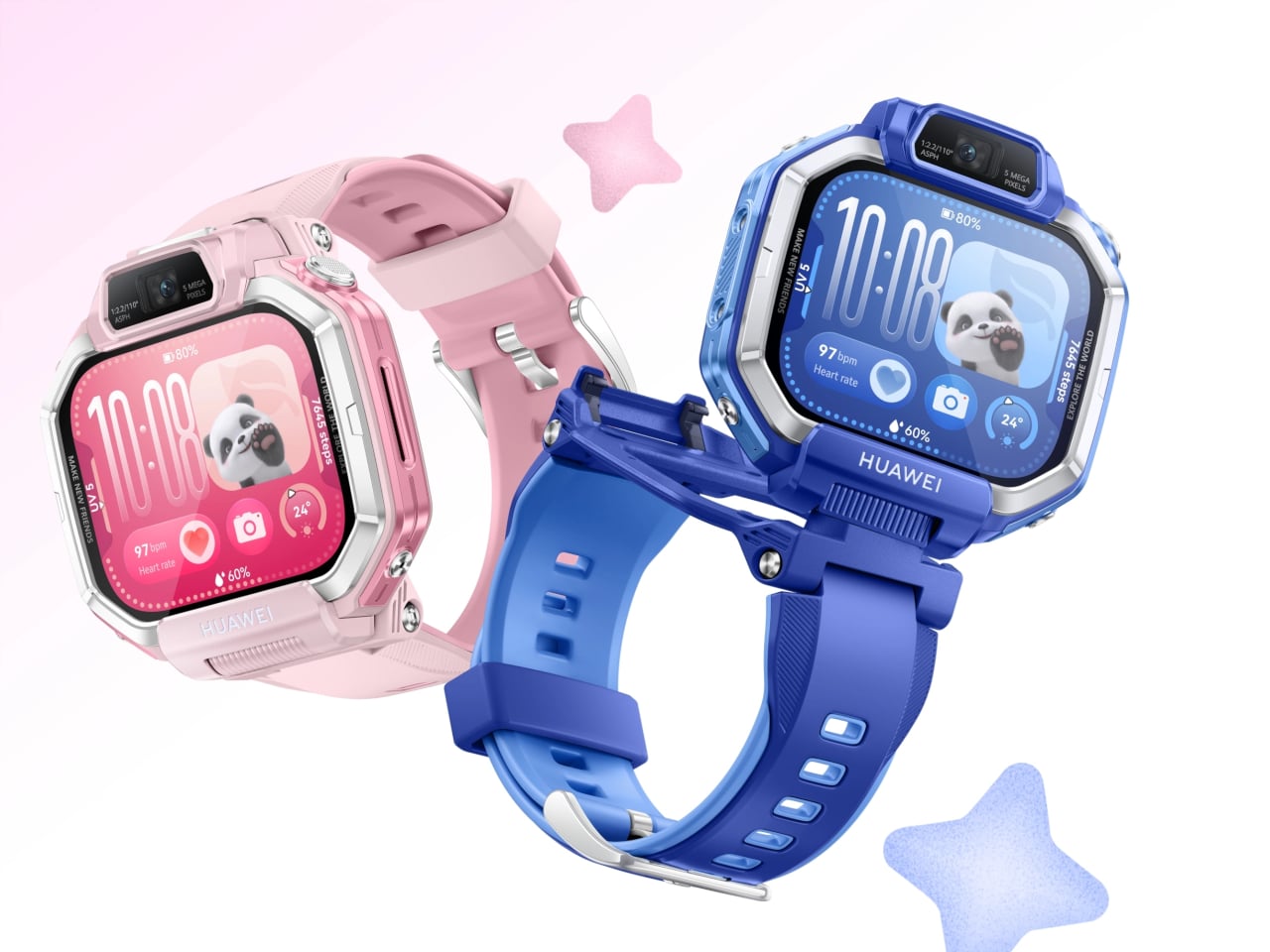
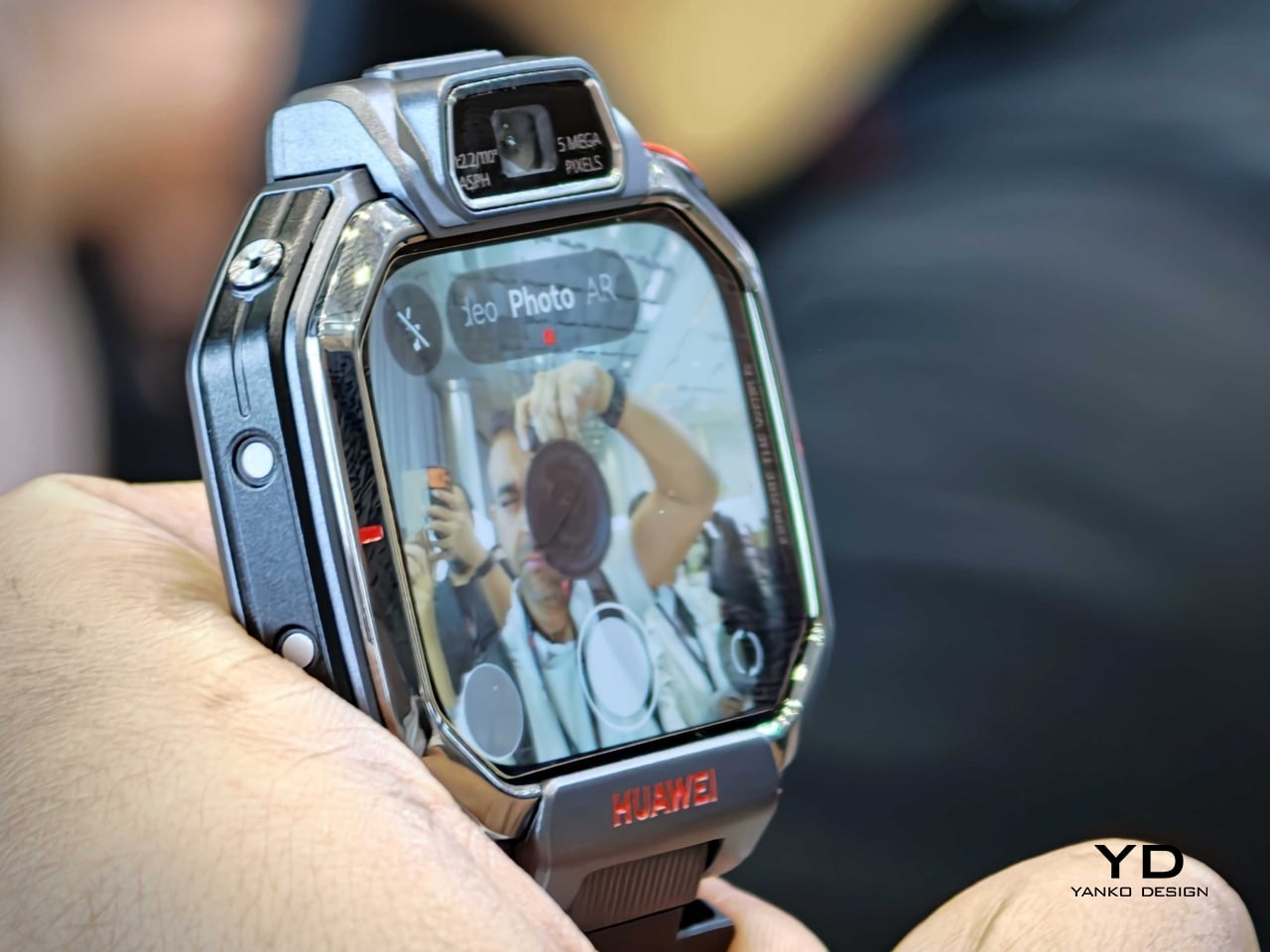
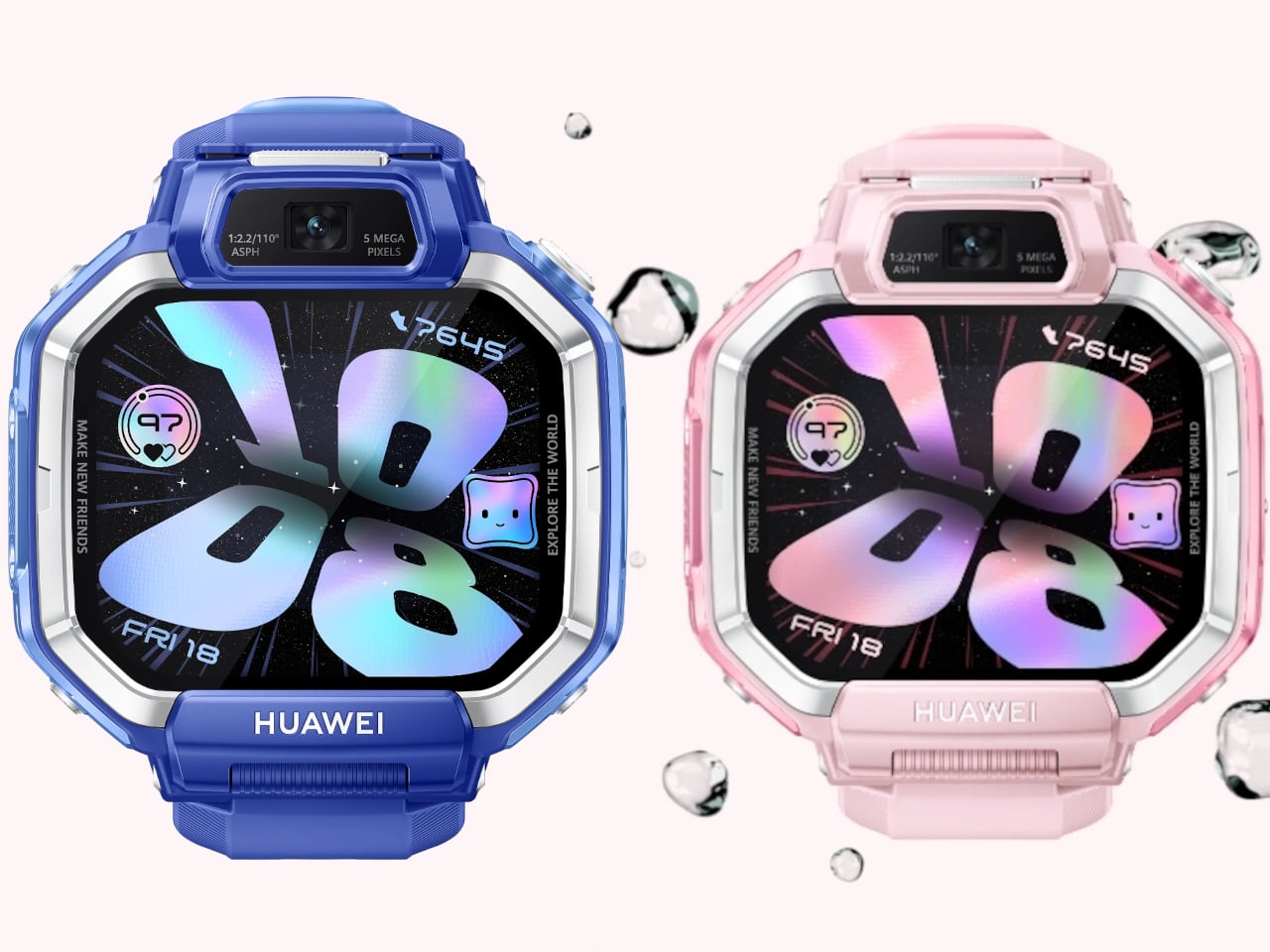
This Huawei Kids Watch Flips, Detaches, and Packs 2 Cameras

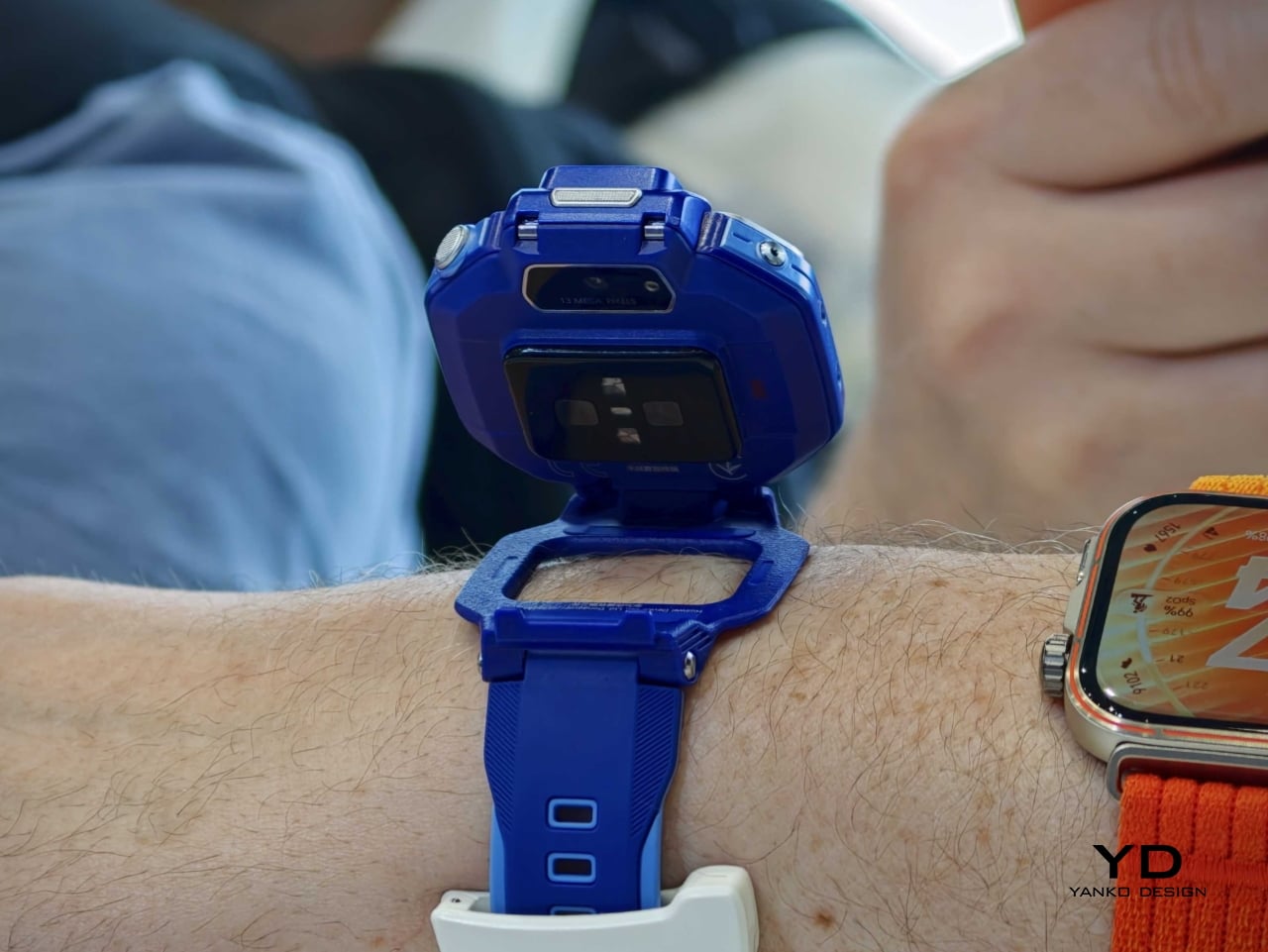
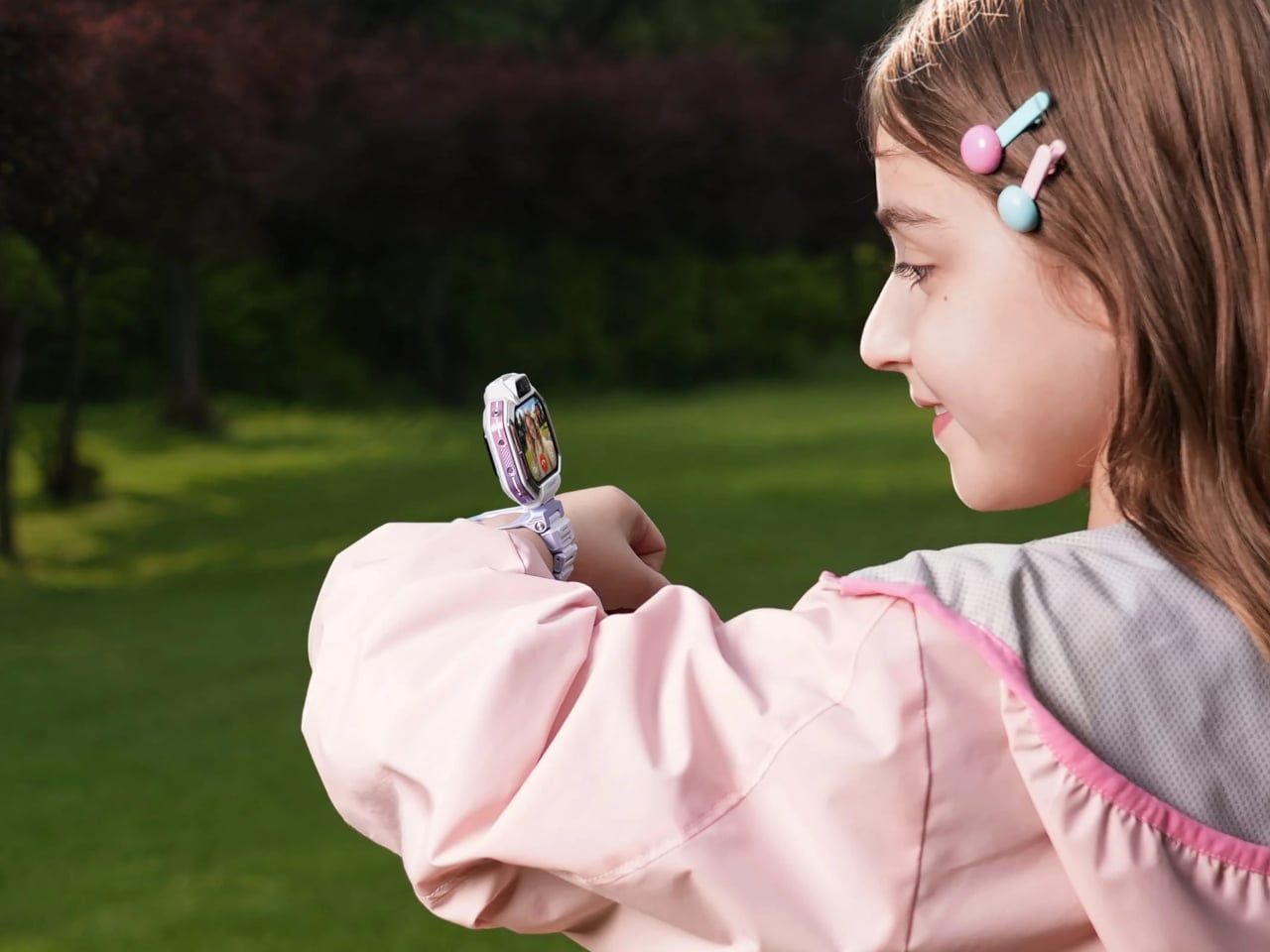
Huawei is returning to the children’s wearable category with the Watch Kids X1 series, a new lineup that feels noticeably more design-driven than the average kid-safe smartwatch. Announced during the company’s global launch event in Thailand, the series generated visible excitement from the audience, signaling strong interest in a product that brings a more playful and expressive take to kids’ tech. Instead of reducing the device to a wrist-bound tracker with calling features, Huawei gives it a more dynamic physical identity. The result is a wearable that balances parental reassurance with the kind of tactile, camera-friendly interaction that actually appeals to kids.

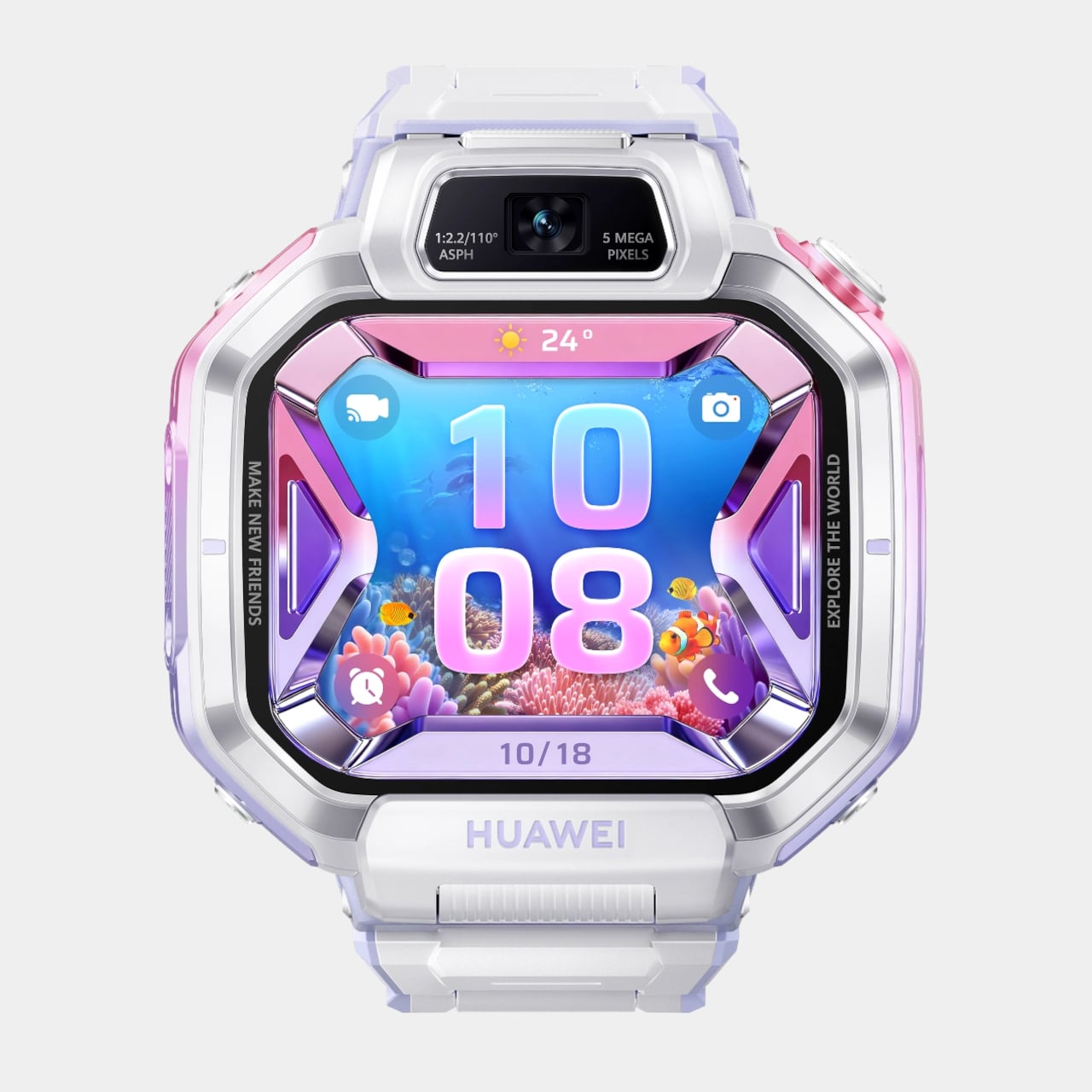
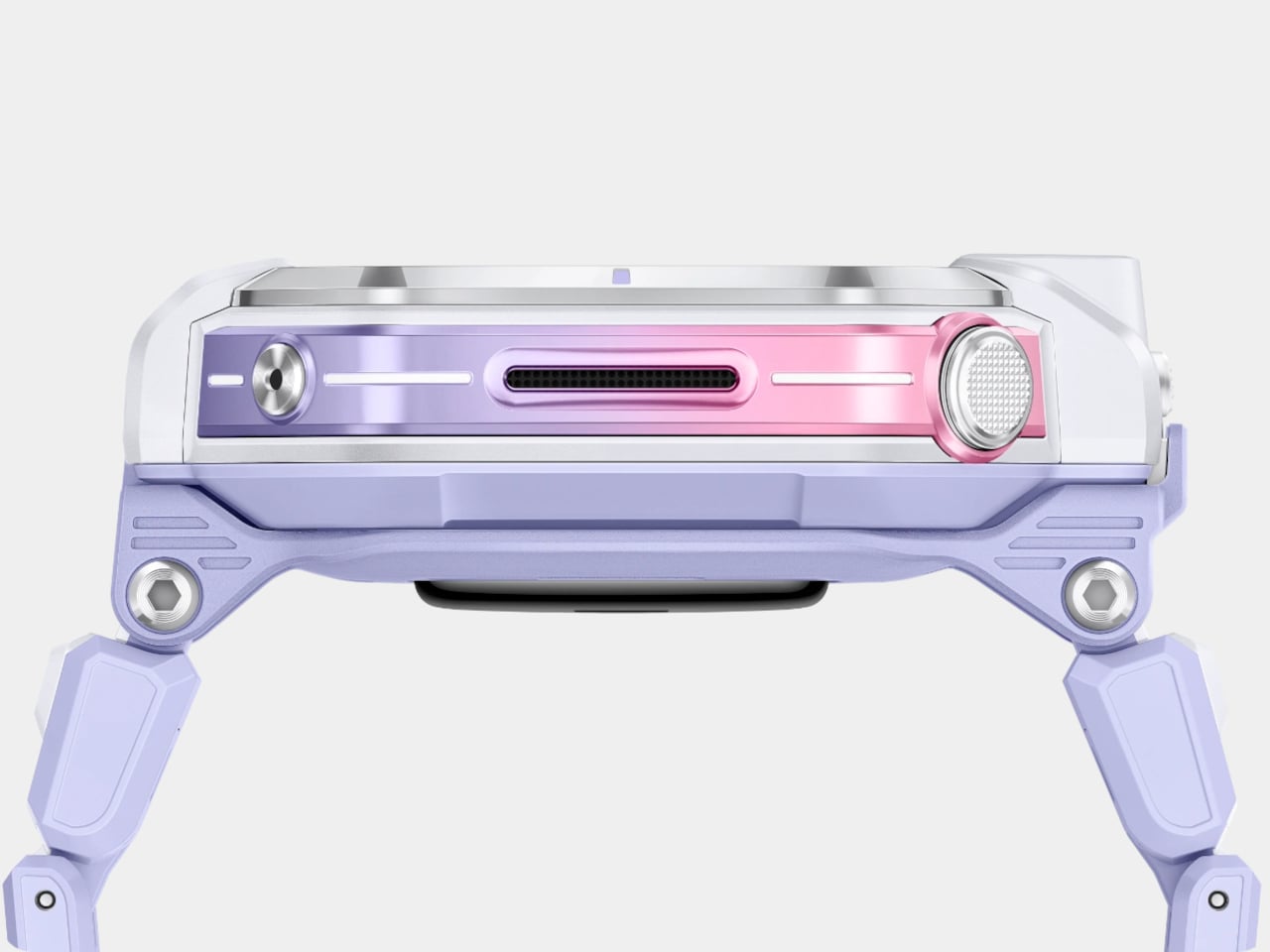
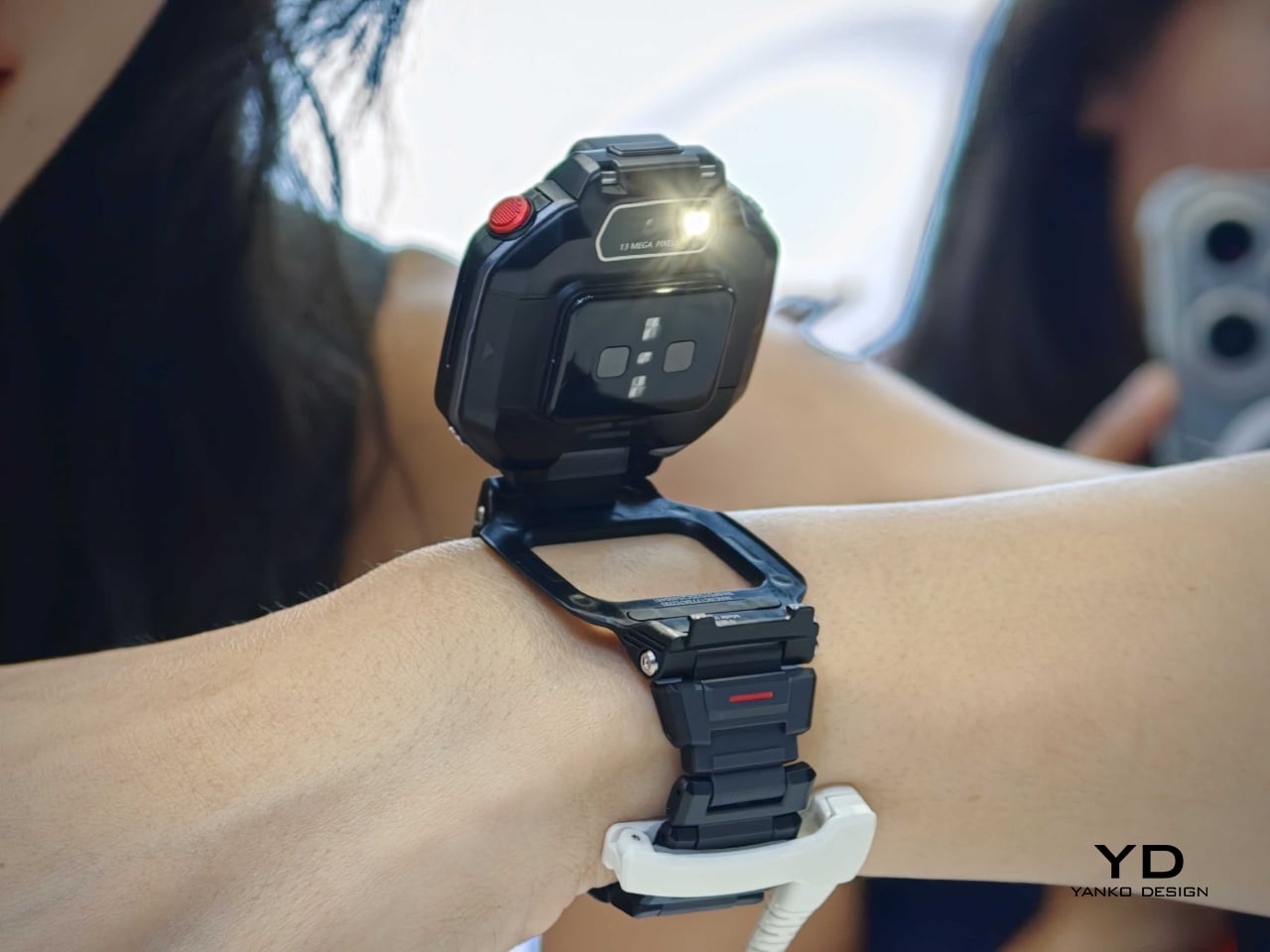
The series includes the Watch Kids X1 and Watch Kids X1 Pro, and both models lean heavily into transformable hardware. The standard version uses a flippable, 360-degree rotatable design, while the Pro adds a detachable module that can be removed from the strap and used more like a tiny handheld camera with its housing case. That shift in form makes the X1 series feel less like a miniature adult smartwatch and more like a hybrid object designed around play, communication, and movement.

Designer: Huawei

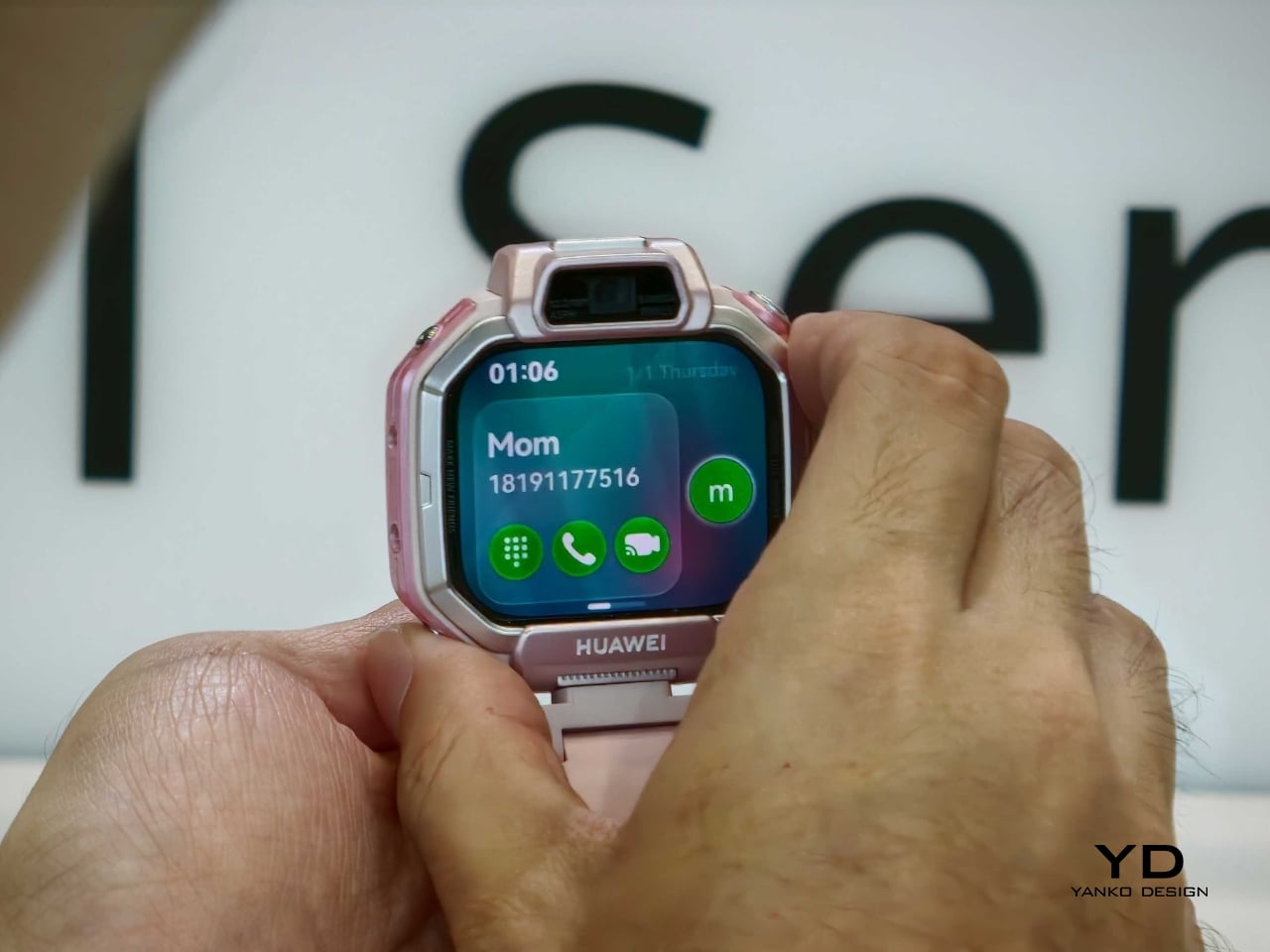
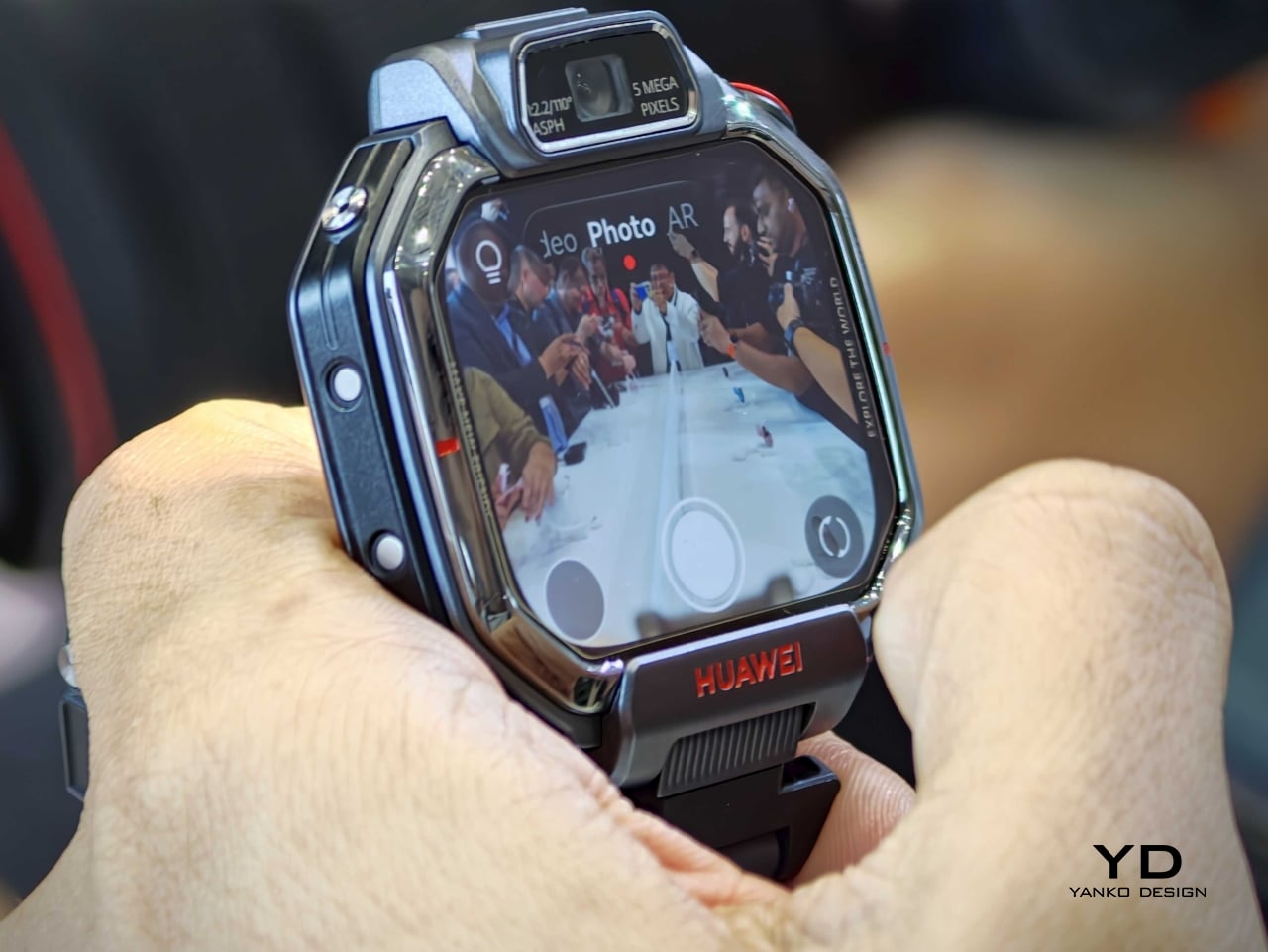
Both devices feature a 1.82-inch AMOLED touchscreen with a 480 x 408 resolution, giving the watches a bright, modern face that feels more premium than the category usually suggests. Huawei also equips the lineup with a 5MP front camera and a 13MP rear camera for HD video calls and photos, reinforcing the idea that these are communication-first wearables rather than simple step counters with GPS.

Safety remains a core part of the pitch. The Watch Kids X1 series supports multiple positioning methods, including dual-band satellite and GNSS-based tracking, along with additional location assistance modes designed to improve accuracy indoors and outdoors. Huawei also includes parental controls and health-oriented features, framing the watch as both a child-friendly gadget and a practical family tool.

There is also a more expressive side to the design. The watches support filters, stickers, timer shooting modes, and friend-adding gestures such as touching devices together or shaking hands. These details may sound small, but they turn the product from a passive utility into something performative and social, which is exactly where children’s tech often succeeds or fails.

Battery life appears to be centered around an 850mAh cell, with reports claiming charging can reach 50 percent in about 20 minutes. Connectivity includes cellular support with 2G, 3G, and 4G compatibility, alongside WLAN, Bluetooth, and GNSS. That combination positions the X1 series as a compact communication hub for calls, messages, photos, and location sharing.

The Watch Kids X1 series shows that Huawei does not treat safety features and delight as opposing ideas. The flip, rotate, and detach mechanics give the product a sense of personality, while the cameras and bright display make it feel more like a creative object than a compliance device. For a category that often defaults to chunky plastic and strictly functional design, that is a meaningful shift.

The Watch Kids X1 is priced at €249, while the Watch Kids X1 Pro comes in at €349. If those figures hold across broader availability, Huawei is clearly positioning the pair above the most basic children’s wearables and closer to a premium family tech accessory with stronger industrial design ambitions.

The post This Huawei Kids Watch Flips, Detaches, and Packs 2 Cameras first appeared on Yanko Design.

Huawei Adds 99 Diamonds to Its Toughest Smartwatch

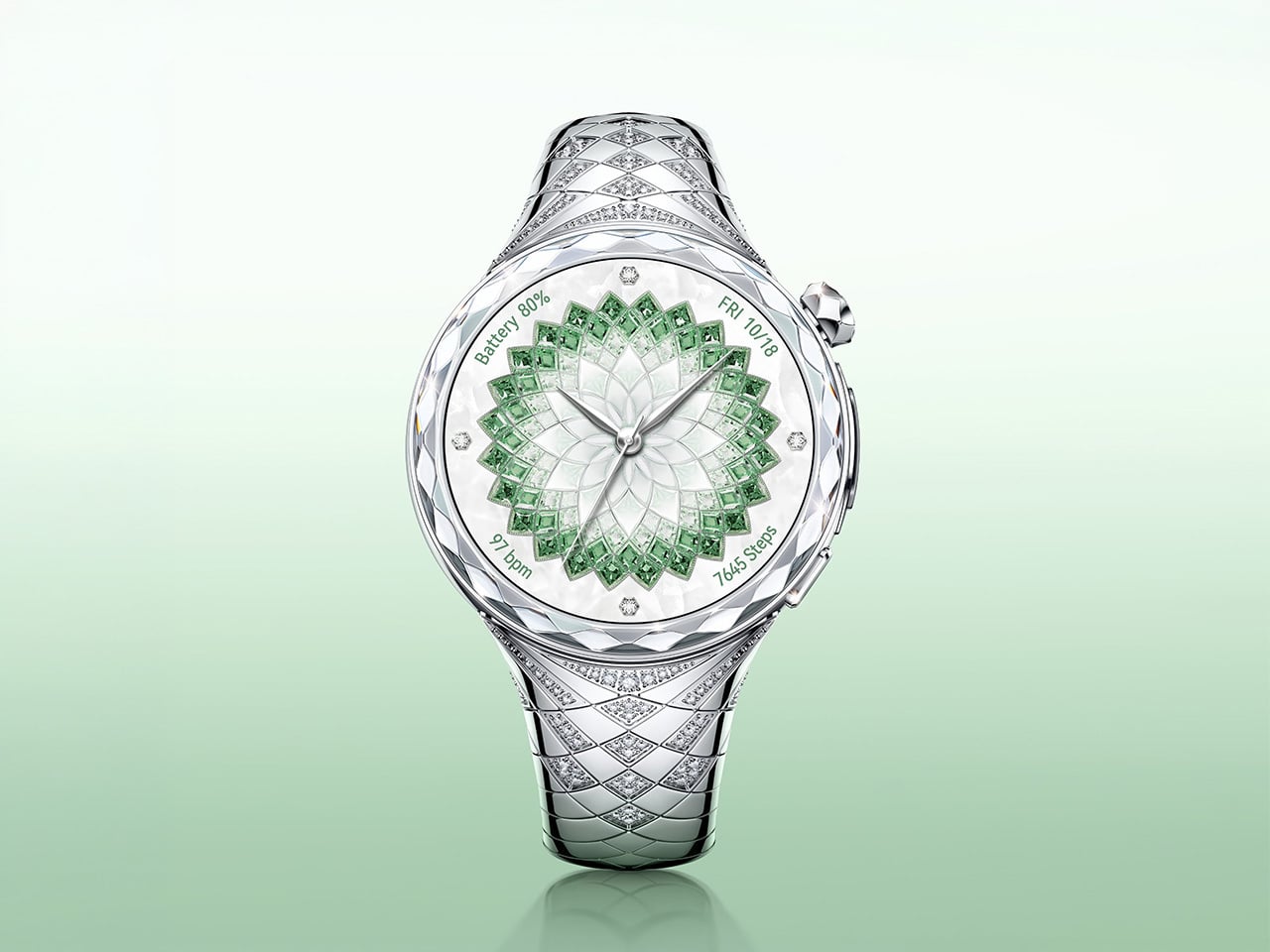
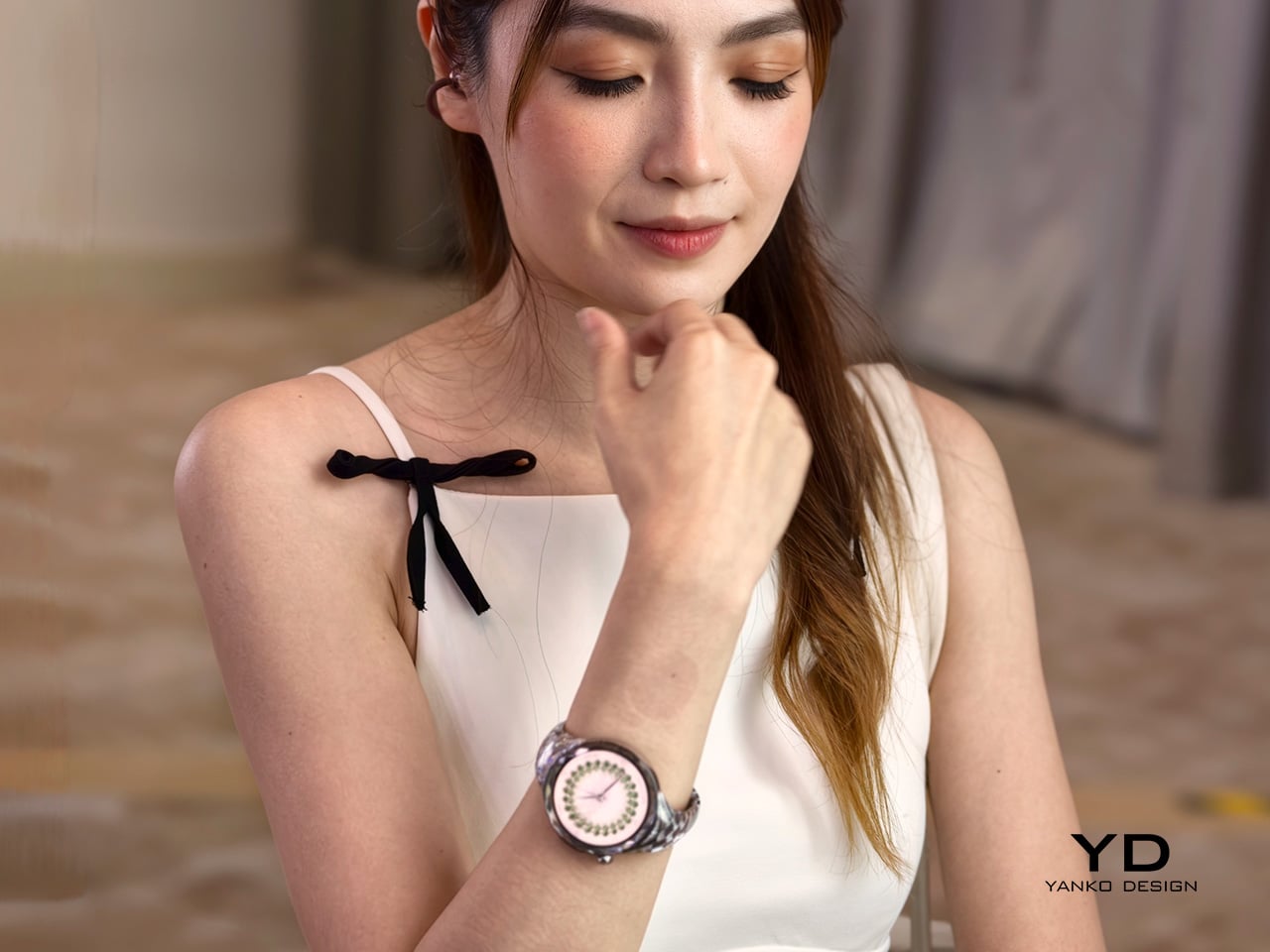
Huawei’s latest luxury wearable explores a space the smartwatch industry still hasn’t fully resolved. Instead of presenting technology as something discreet, technical, or performance-first, the Huawei Watch Ultimate Design – Spring Edition approaches the category from a more ornamental direction, treating the smartwatch as a fashion object as much as a connected device. In a market still dominated by sporty silhouettes and restrained finishes, that alone makes it a distinct proposition.

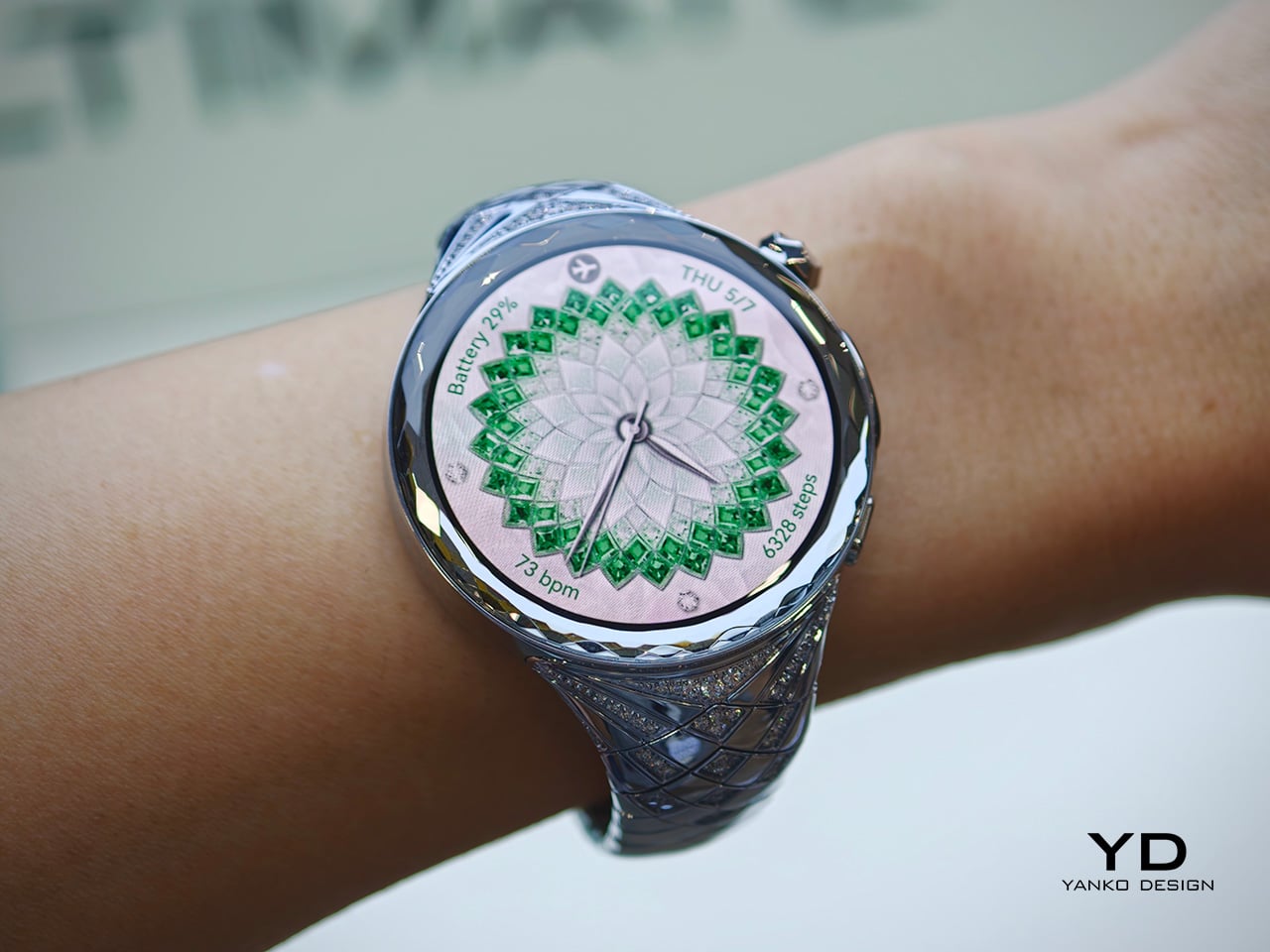
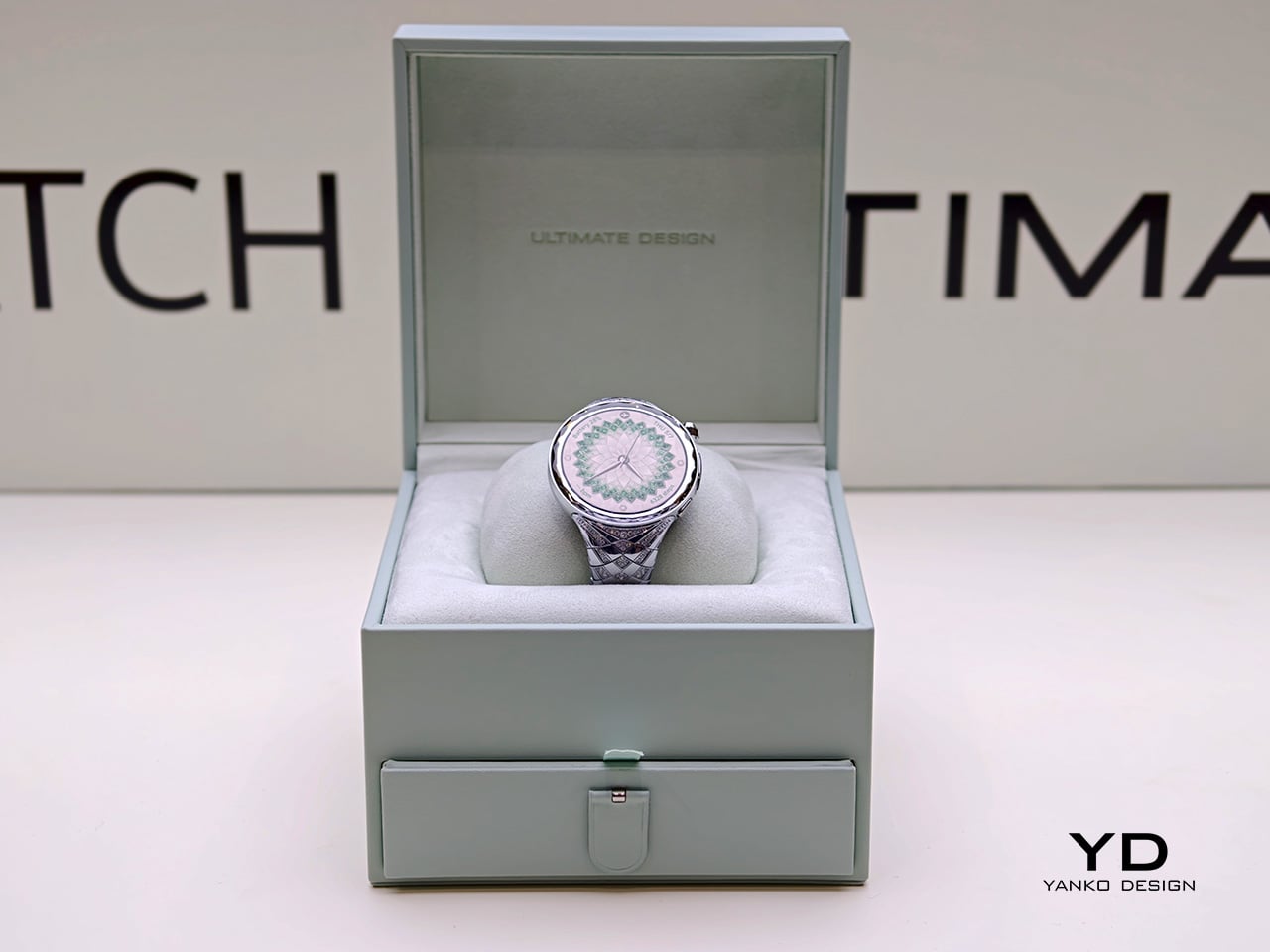
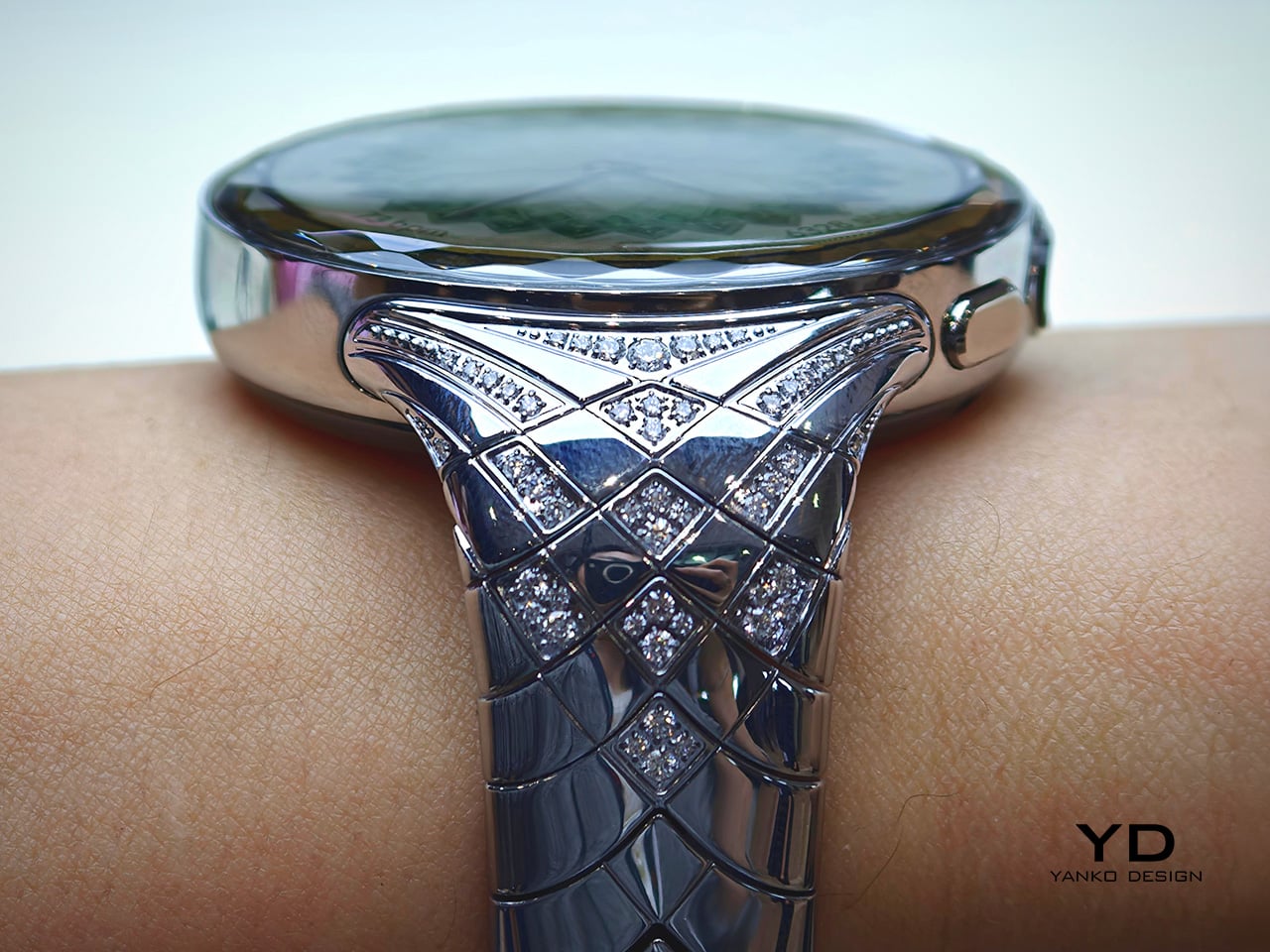
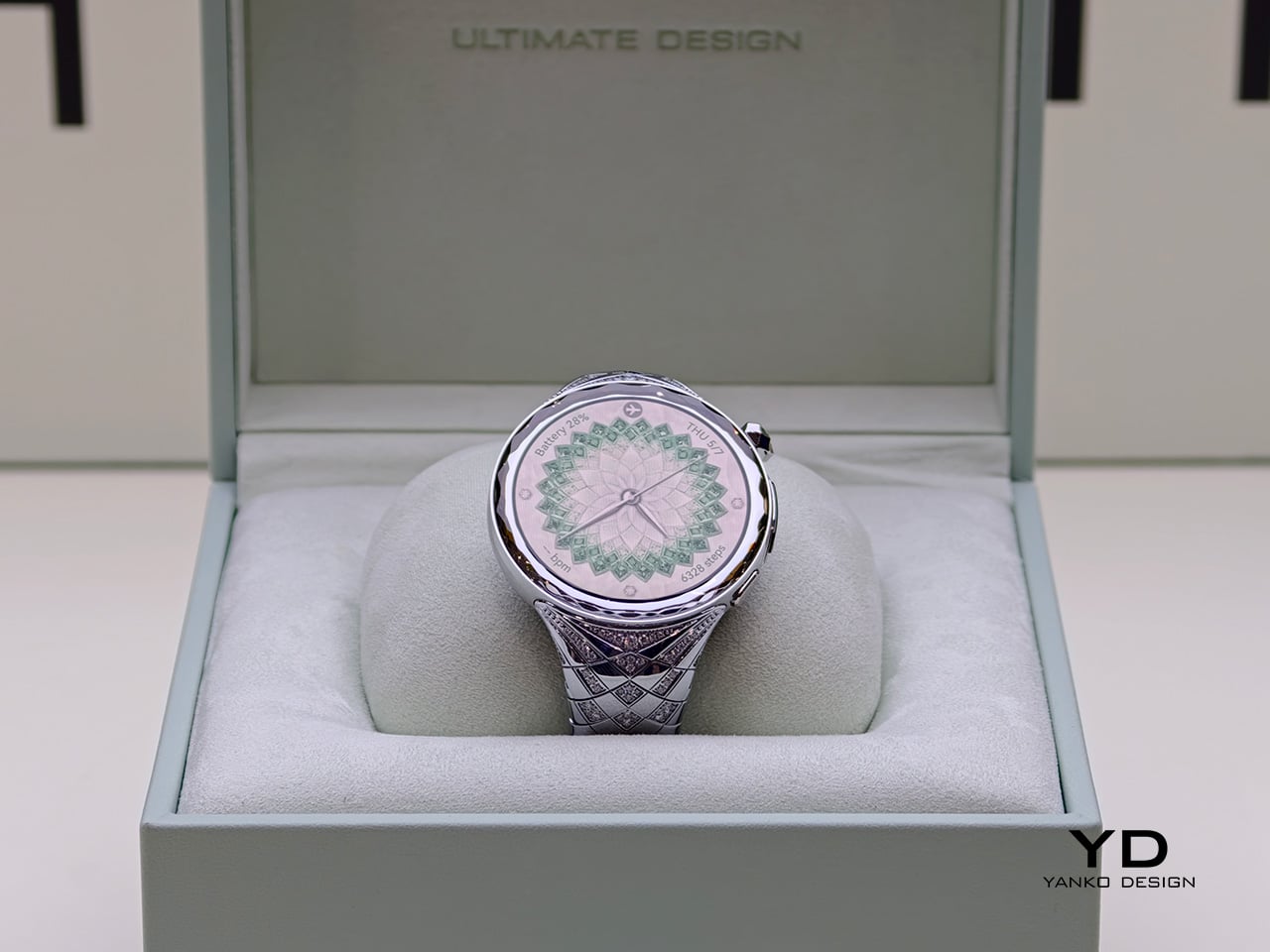
Announced as part of Huawei’s latest global product launch, the Huawei Watch Ultimate Design – Spring Edition was created in collaboration with world-renowned jewelry designer Francesca Amfitheatrof. The watch draws on the imagery of spring and incorporates 99 natural diamonds, positioning itself less as a conventional wearable and more as a luxury interpretation of one. Rather than relying on a simple premium finish or a new strap option, Huawei appears to have built the product’s identity around adornment from the outset.

Designer: Huawei x Francesca Amfitheatrof

Luxurious silver wristwatch with a green gem-encrusted dial and diamond-studded band on a pale green gradient background.

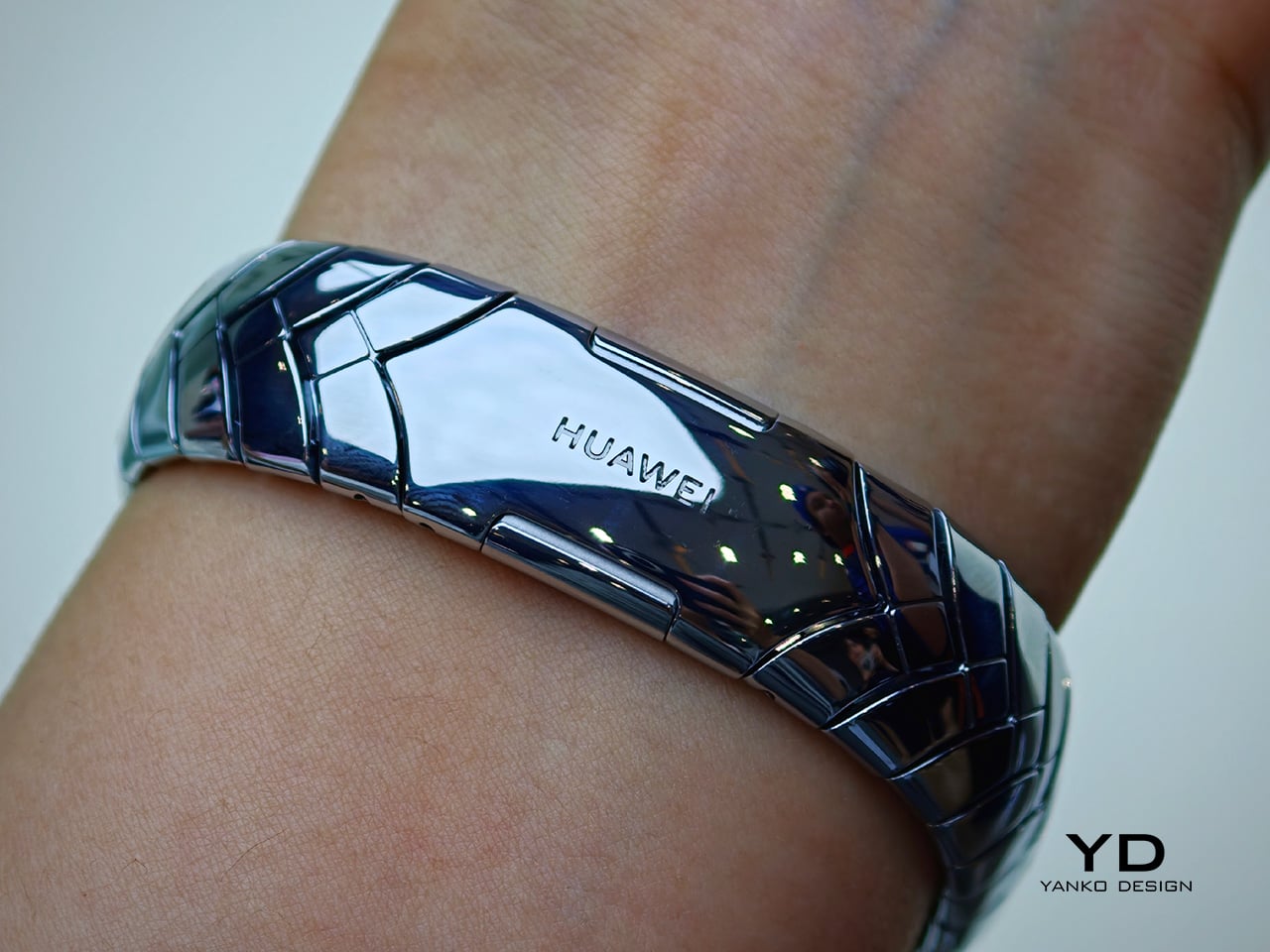
Most smartwatches still follow a familiar visual formula. They tend to emphasize utility through subdued finishes, sporty proportions, and a design language shaped by fitness tracking and digital convenience. The Huawei Watch Ultimate Design – Spring Edition moves in another direction, using precious materials and decorative detailing to shift attention toward styling, symbolism, and visual presence. It does not try to disappear into an everyday tech wardrobe. Instead, it is designed to be noticed, and to function as part of a broader personal aesthetic.

That is what makes the watch interesting from a design perspective. Rather than simply applying luxury cues to an otherwise standard smartwatch body, Huawei seems to frame the product around a more expressive visual narrative. The result is a wearable that sits closer to jewelry than to the stripped-back minimalism that still defines much of the category. It also reflects a broader shift in premium wearables, where differentiation increasingly comes from form, finish, and material storytelling rather than purely from software or sensors.

The watch is inspired by the blossoming of spring and is intended to reflect women’s strength and vitality. In practice, that gives the product a softer narrative framework than most wearable launches, which usually center on health metrics, performance upgrades, or endurance claims. Here, the emphasis is clearly on material expression and thematic storytelling. Whether that spring concept feels nuanced or simply decorative will depend on the viewer, but it does give the watch a more distinct point of view than the usual language of optimization and performance.

At the same time, Huawei has not stripped away the technical identity of the WATCH ULTIMATE range. It includes advanced outdoor modes, health tracking, ECG support, expedition mode, diving capability up to 100 meters, and battery life of up to 14 days under typical use. That combination makes the Spring Edition more than a simple luxury variant. It still carries the expectations of a tool watch, even as its materials and detailing push it toward a more ornamental category.

Huawei’s answer here is to push further into the language of jewelry, suggesting that for some users, a smartwatch is no longer just a tool to wear but an accessory to build a look around. Priced at £3,499.99 or €3,799, the Huawei Watch Ultimate Design – Spring Edition sits firmly in the territory of statement objects rather than everyday wearables. More than anything, it reflects how wearable tech is evolving, not just as a category of devices, but as a category of personal objects.

The post Huawei Adds 99 Diamonds to Its Toughest Smartwatch first appeared on Yanko Design.

Huawei Watch Fit 5 Pro Review: More Than Its Slim Design Suggests

PROS:


  • Excellent battery life

  • Bright, vivid display

  • Lightweight and slim design

  • Strong sports and health tracking features

CONS:


  • App ecosystem is still limited compared to WatchOS or Wear OS

  • Some features are restricted by region or work best with a Huawei phone

RATINGS:

AESTHETICS
ERGONOMICS
PERFORMANCE
SUSTAINABILITY / REPAIRABILITY
VALUE FOR MONEY

EDITOR'S QUOTE:

The Huawei Watch Fit 5 Pro blends style, comfort, and serious fitness features into a smartwatch that feels more capable than its slim design suggests.

Huawei has launched the Watch Fit 5 series, continuing the evolution of a product line that now feels far more ambitious than its name might suggest. The Watch Fit 5 Pro is only the second Pro entry in the series after the Watch Fit 4 Pro, but it makes a strong case for why that upgrade matters. Rather than simply offering a slightly nicer version of the standard model, Huawei is using the Pro label to push the Fit line into more premium territory.

That shift is immediately clear in the hardware, but it goes beyond looks. The Watch Fit 5 Pro combines a slim and comfortable design with higher-end materials, stronger health tracking, and a deeper set of sports and outdoor features than you might expect from something this light. After spending time with the Orange version, I found myself appreciating not just how much Huawei has added, but how well the watch still holds onto the easy-wearing character that made the Fit series appealing in the first place.

Aesthetics

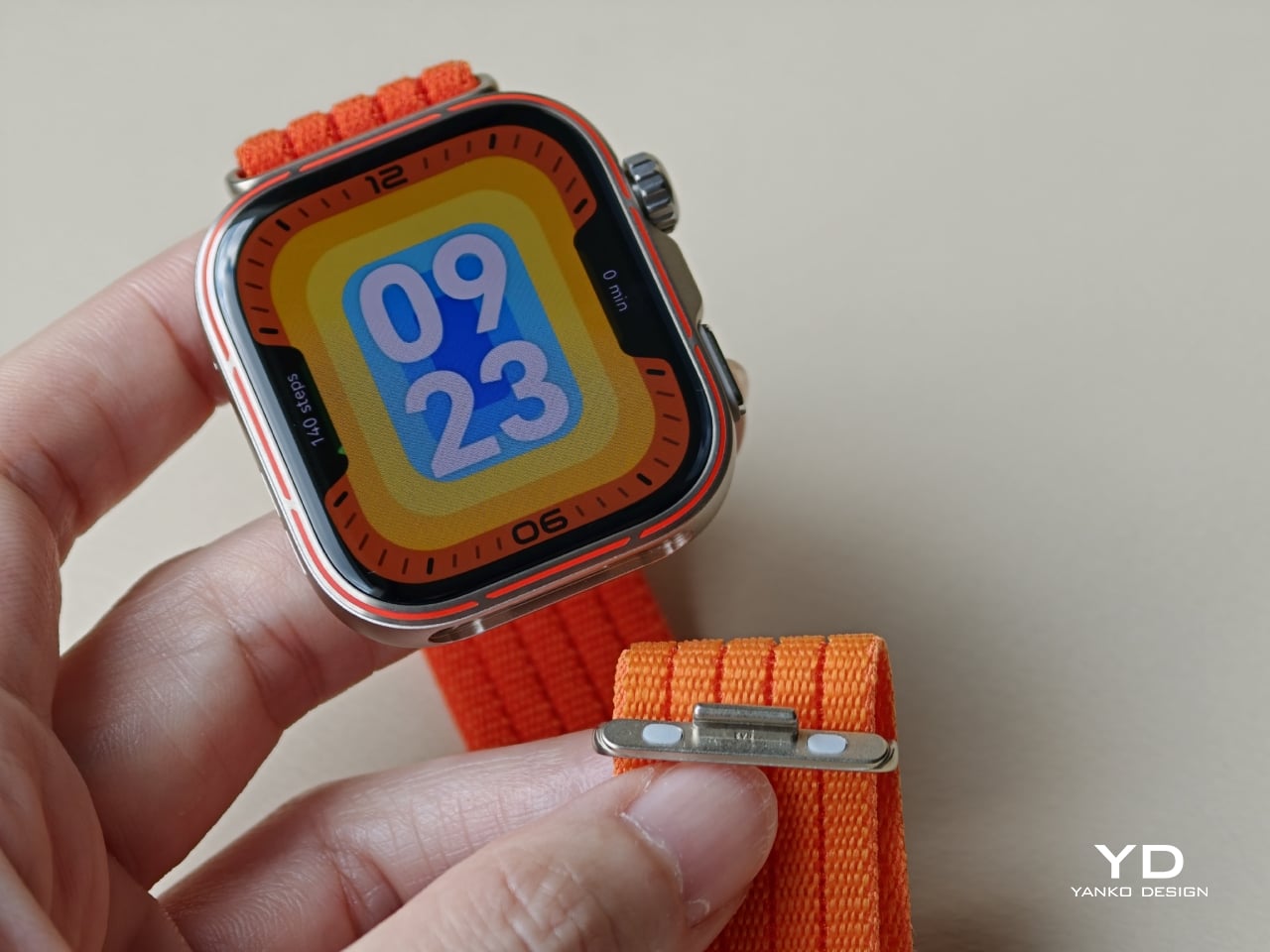
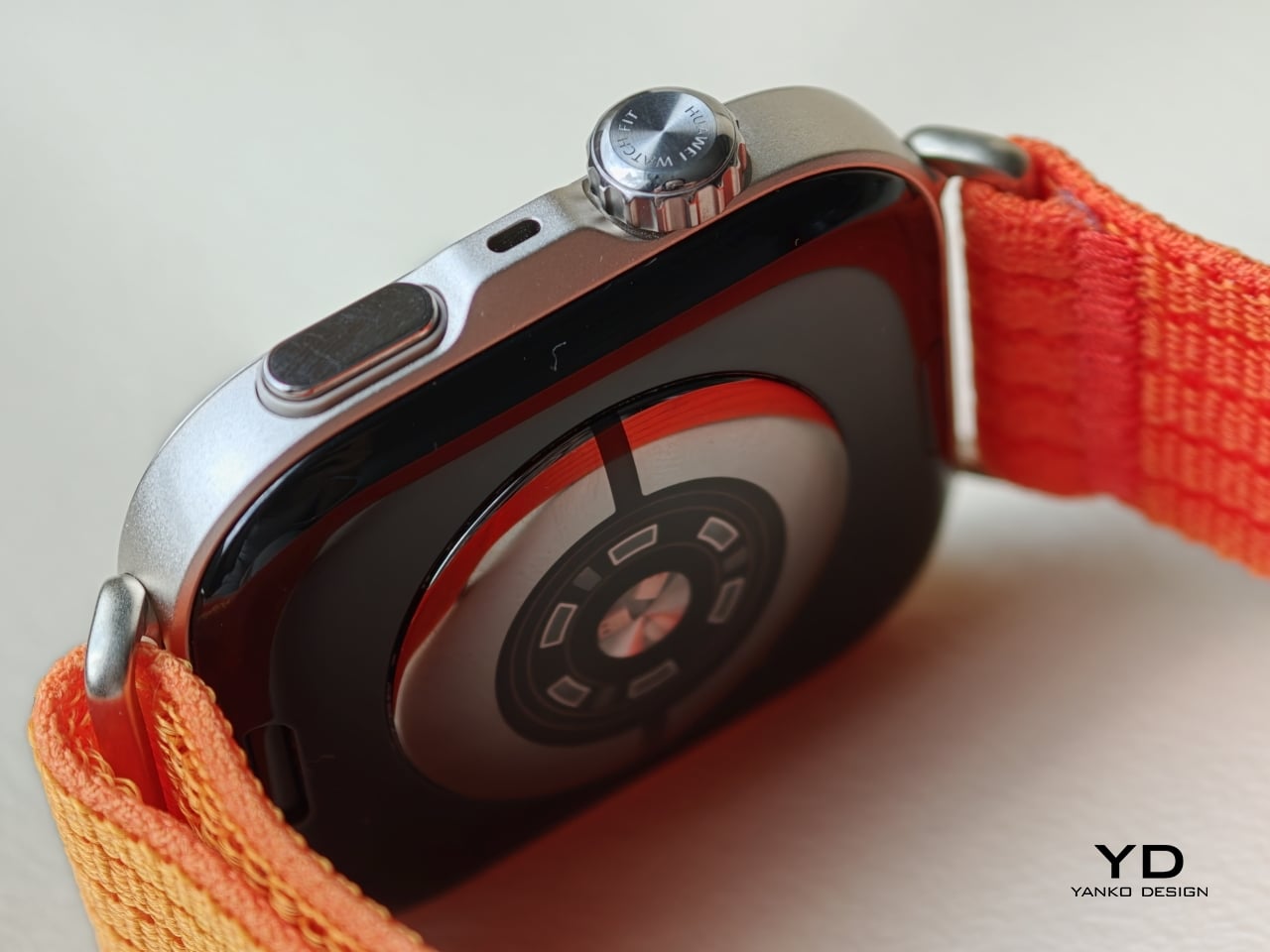
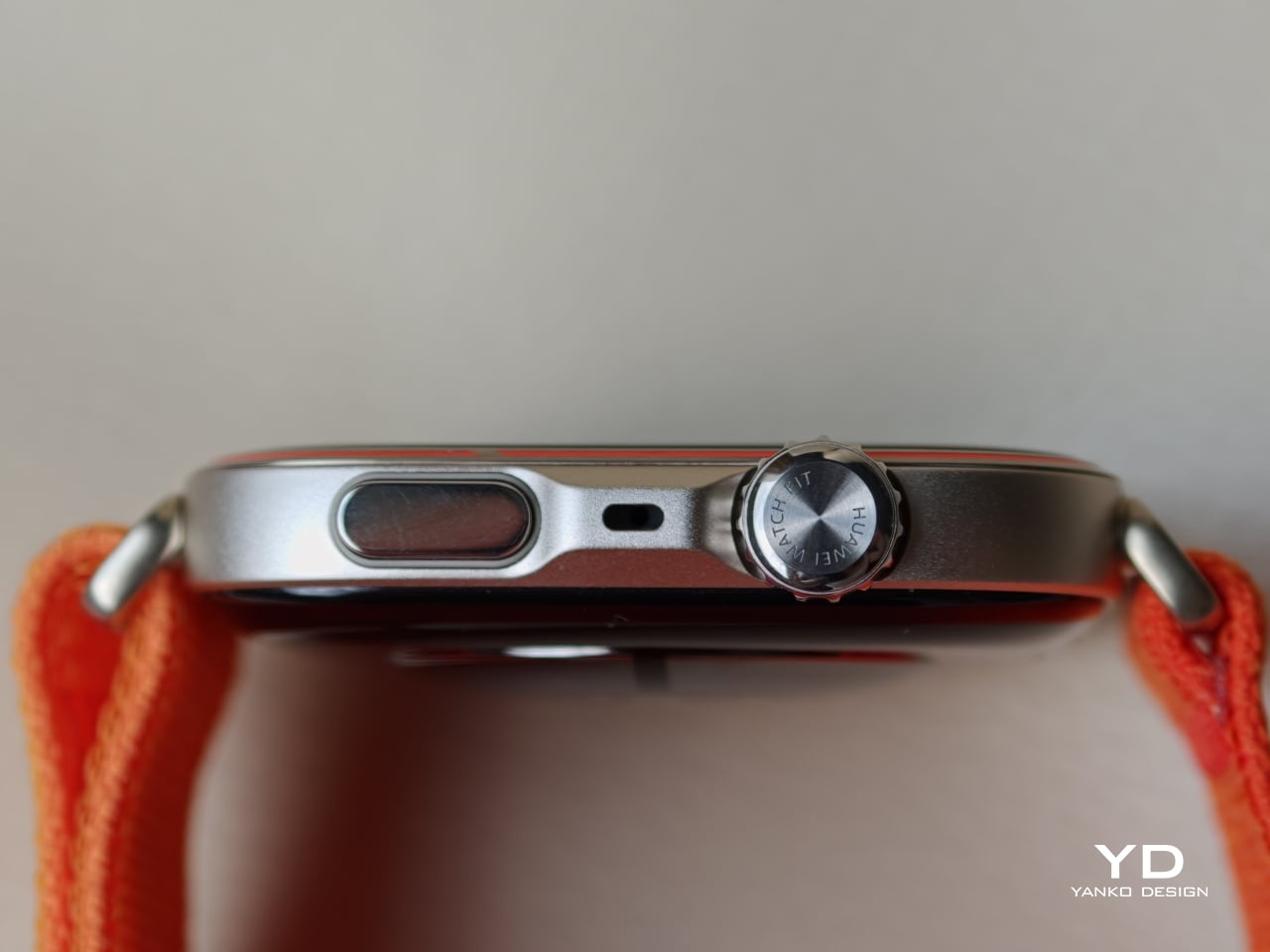
The Huawei Watch Fit 5 Pro is largely identical to its predecessor in overall shape, and that familiarity works in its favour. It continues Huawei’s Apple Watch Ultra-like approach, with a squared display, a rotating crown, and a secondary button on the right side, but slimmer and sleeker in execution. Rather than reinventing the formula, Huawei has refined it, giving the Watch Fit 5 Pro a cleaner and more polished presence than the Watch Fit 4 Pro.

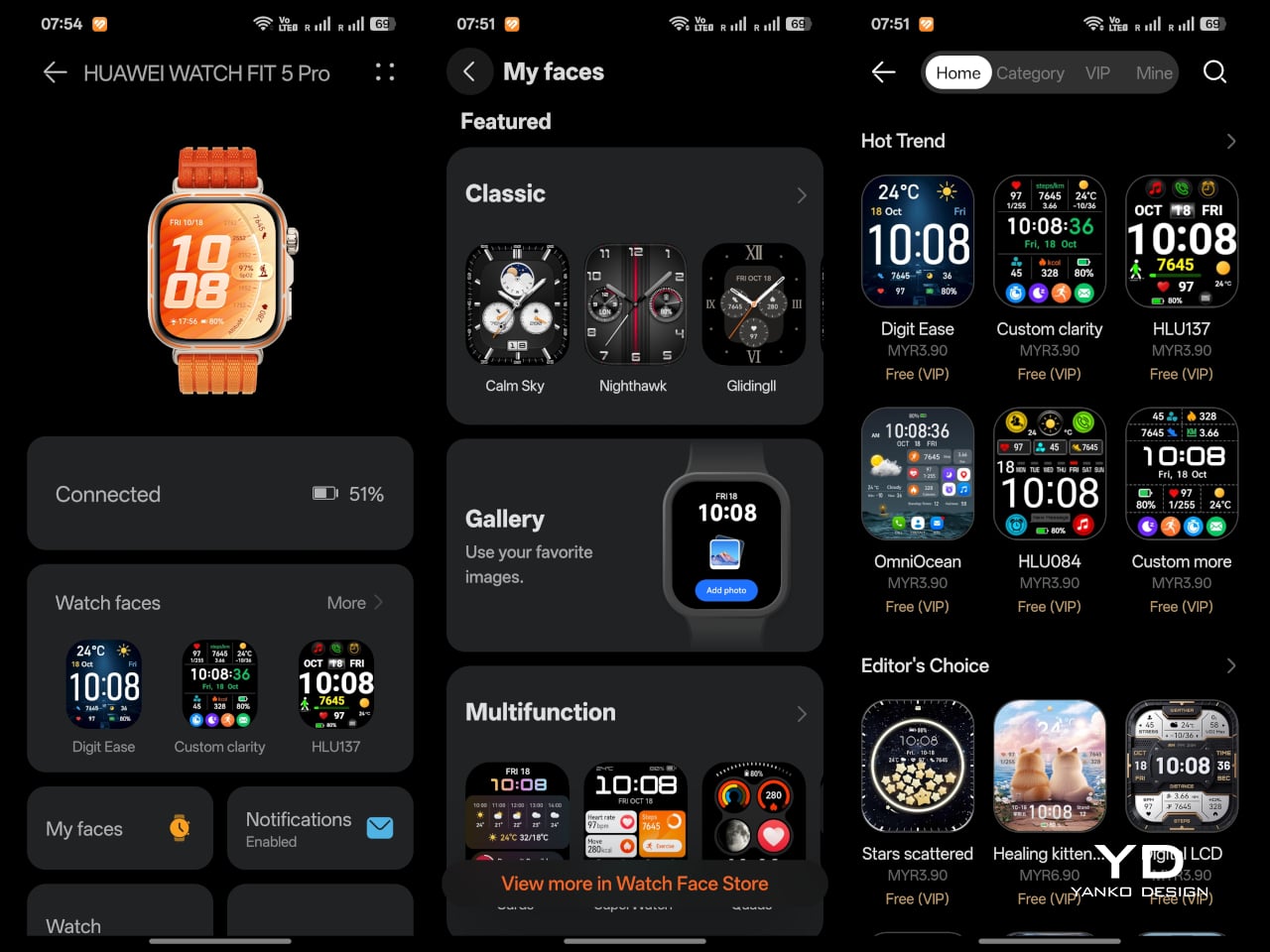
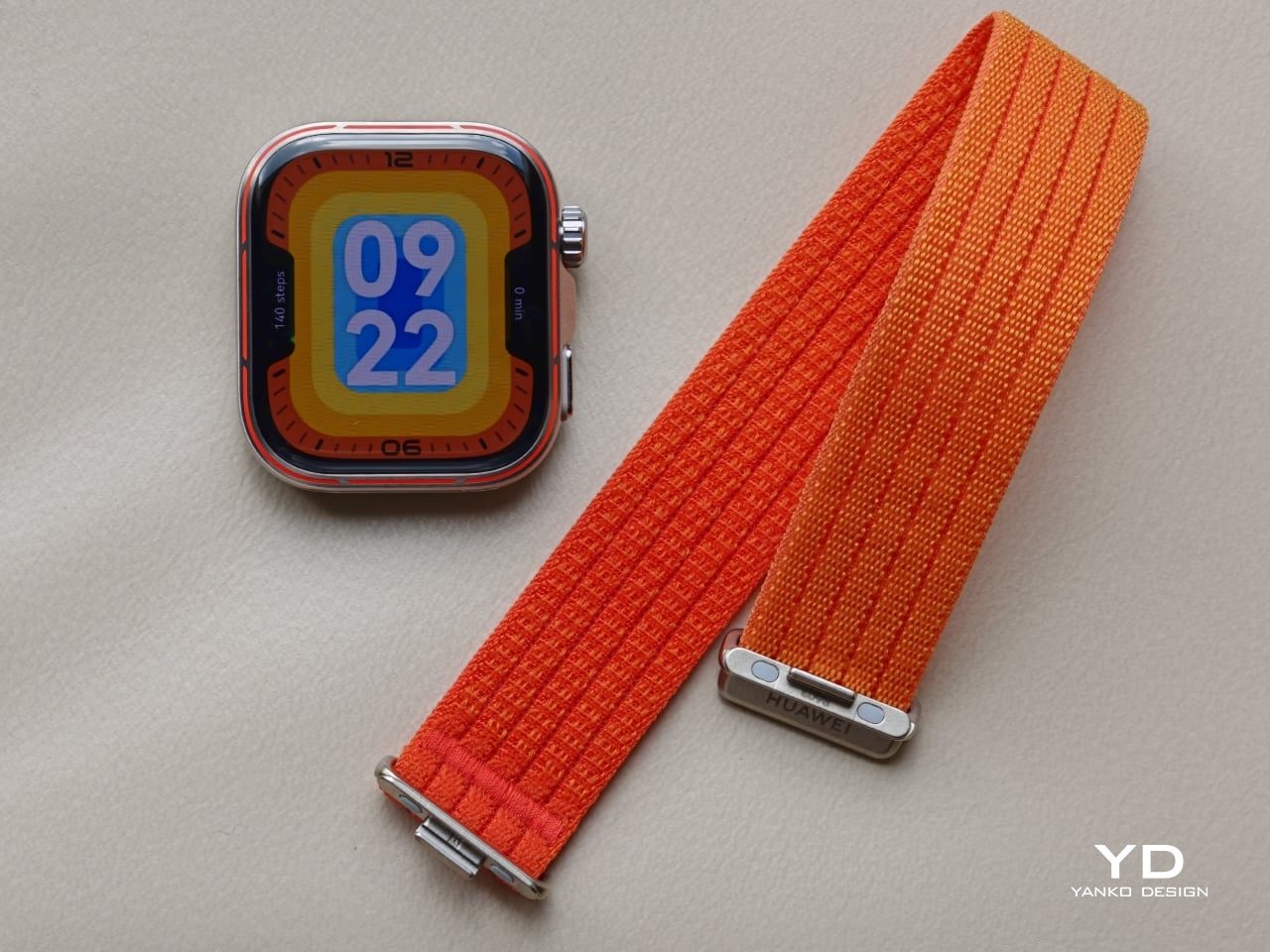
Huawei offers the watch in three colour versions, Orange, Black, and White, and each gives the design a distinct mood. The Orange version pairs a subtle warm gold-toned body with a vivid orange woven strap, along with an orange accent line around the bezel that stands out more clearly than on the other two models. The Black version is the most understated of the trio, with a black body, a black fluoroelastomer strap, and a matching black accent line around the bezel that blends in much more subtly. The White version is the most distinctive, using what Huawei calls Aerospace-Grade Nanoceramic Metal, where the surface is treated through oxidation technology to create a ceramic-like texture while also improving hardness and stain resistance. It too has a matching white accent line around the bezel, but like the black model, it is more understated than the orange version.

Part of what makes the Watch Fit 5 Pro feel more premium is its material mix. Huawei uses 2.5D sapphire glass, a titanium alloy bezel, and an aluminium alloy body, which gives the watch a stronger sense of quality than most slim fitness-focused wearables. Even if the silhouette remains familiar, the finishing does a lot of heavy lifting. The watch looks more elevated than a typical rectangular sports tracker, and that added material richness helps justify the Pro positioning.

I received the Orange version, and while I like the overall design, I am less convinced by one specific detail. The subtle warm gold tone of the body looks great, and I especially like the brushed metal texture, which gives the finish a bit more depth. The woven orange strap also gives the watch plenty of character without feeling cheap. But I am not a fan of the orange accent line around the bezel. I understand the intention, since it adds contrast and a more dynamic feel, but for me, it also makes the front of the watch look busier than necessary. It is still an attractive watch, but that accent slightly interrupts an otherwise polished design.

Ergonomics

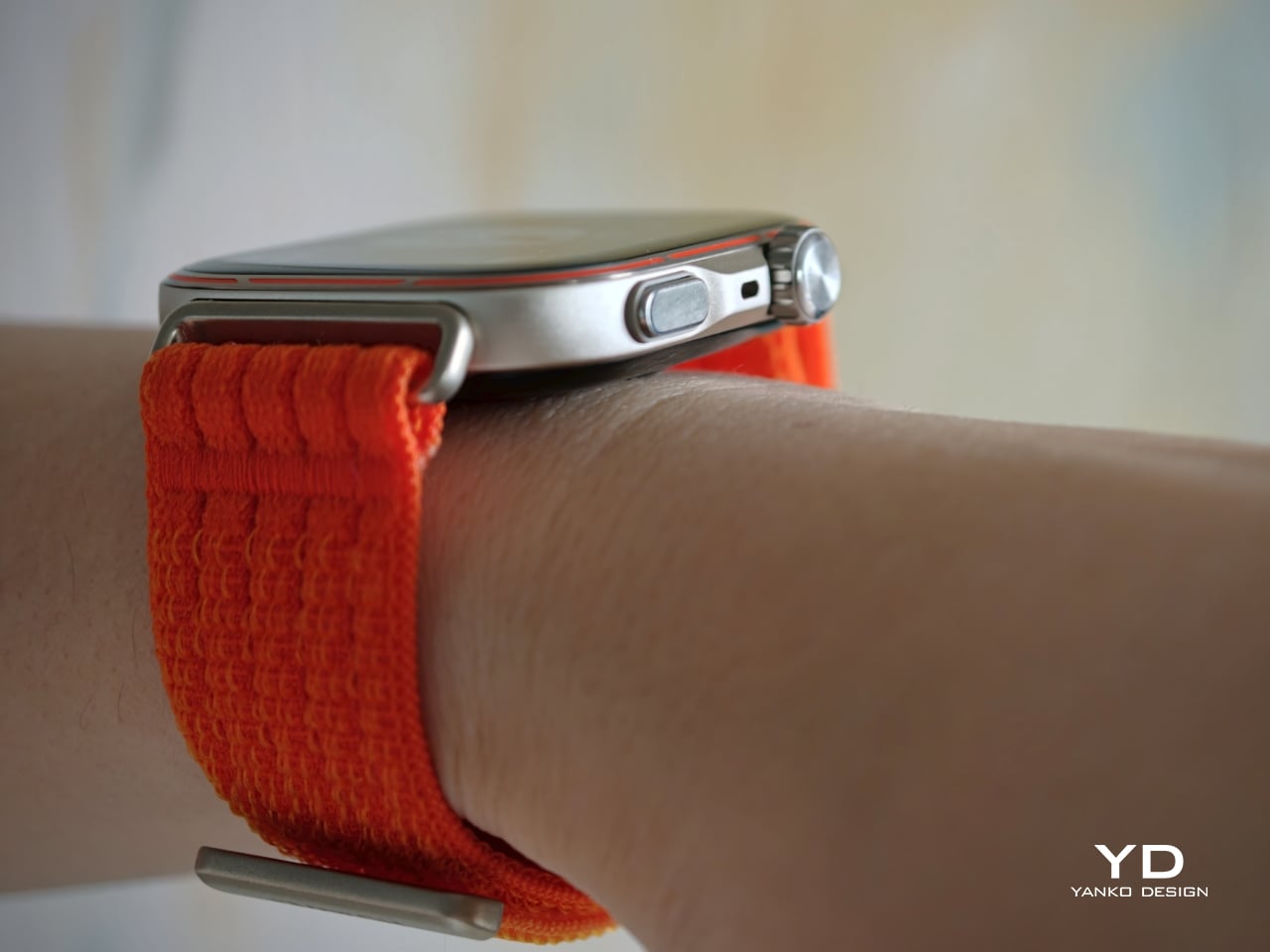
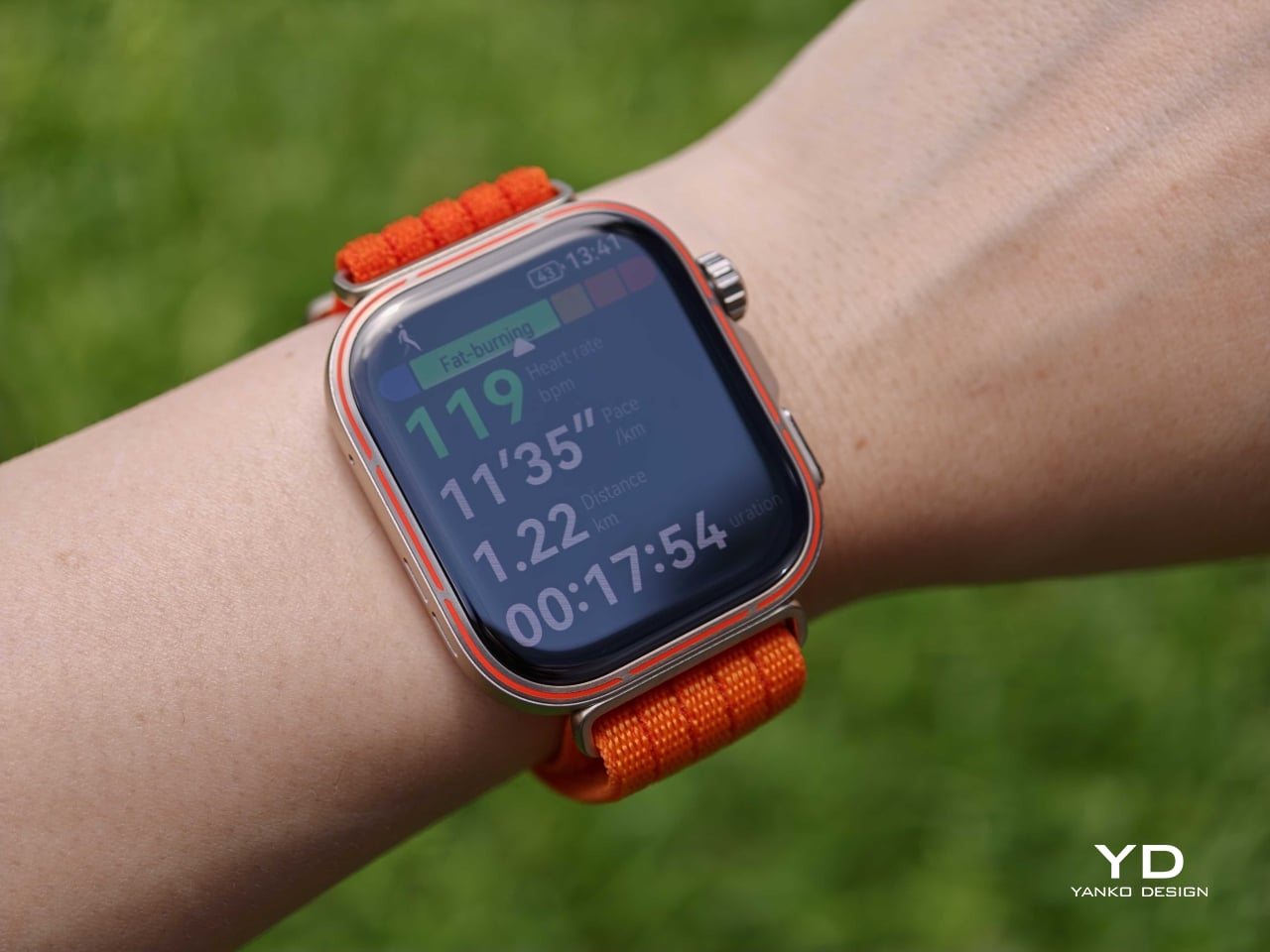
One of the most impressive things about the Watch Fit 5 Pro is how little bulk Huawei seems to have added despite how much the watch offers. It measures 44.5 × 40.8 × 9.5 mm and weighs just 30.4 g without the strap, which helps it feel surprisingly manageable for a smartwatch with features like ECG, golf maps, trail tools, and diving support. On paper, it sounds like a device that could easily become too much for everyday wear. In practice, it does a good job avoiding that trap.

Comfort is not only about weight. It is also about how easily a watch disappears into your routine. A model with this many features would be far less appealing if it felt awkward at a desk, uncomfortable in bed, or distracting during a run. Thankfully, the Watch Fit 5 Pro remains slim and light on the wrist, while the crown and side button are neatly integrated into the frame. I found the watch, especially with the breathable fabric strap, comfortable enough for all-day wear, even on a small wrist, which makes a real difference over longer stretches of use.

The smaller details are well handled, too. The rotating crown and side button are both responsive, and the haptic feedback on the crown feels pleasantly precise. The screen has a slight curve at the edges, so swiping in from the side never feels sharp or awkward against the finger. The fabric strap is also easy to put on and take off, while staying secure once fastened. Altogether, the Watch Fit 5 Pro feels like a watch designed not just to look sleek, but to stay comfortable and easy to use throughout the day.

Performance

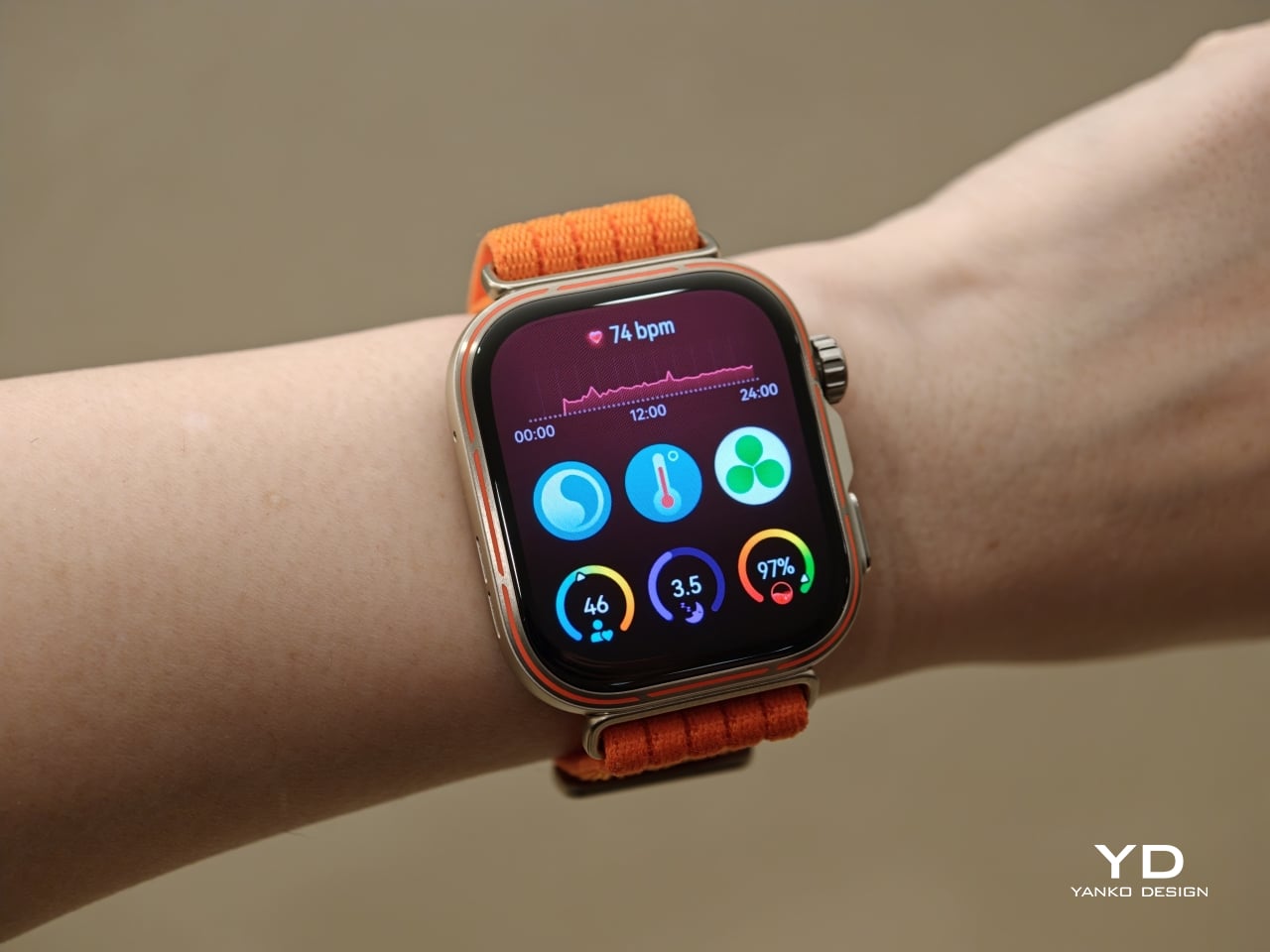
Huawei has upgraded the display to a 1.92-inch panel with an 83 percent screen-to-body ratio, evenly slim borders, and peak brightness of up to 3000 nits. Compared with the Watch Fit 4 Pro, which had a 79 percent screen-to-body ratio, the new model feels more immersive and more expansive at a glance. The slimmer borders make the interface look cleaner, while the brighter screen makes a real difference outdoors. For a watch built around workouts and activity, that matters more than raw numbers on a spec sheet. A bright and easily readable display is one of those things you notice every single day.

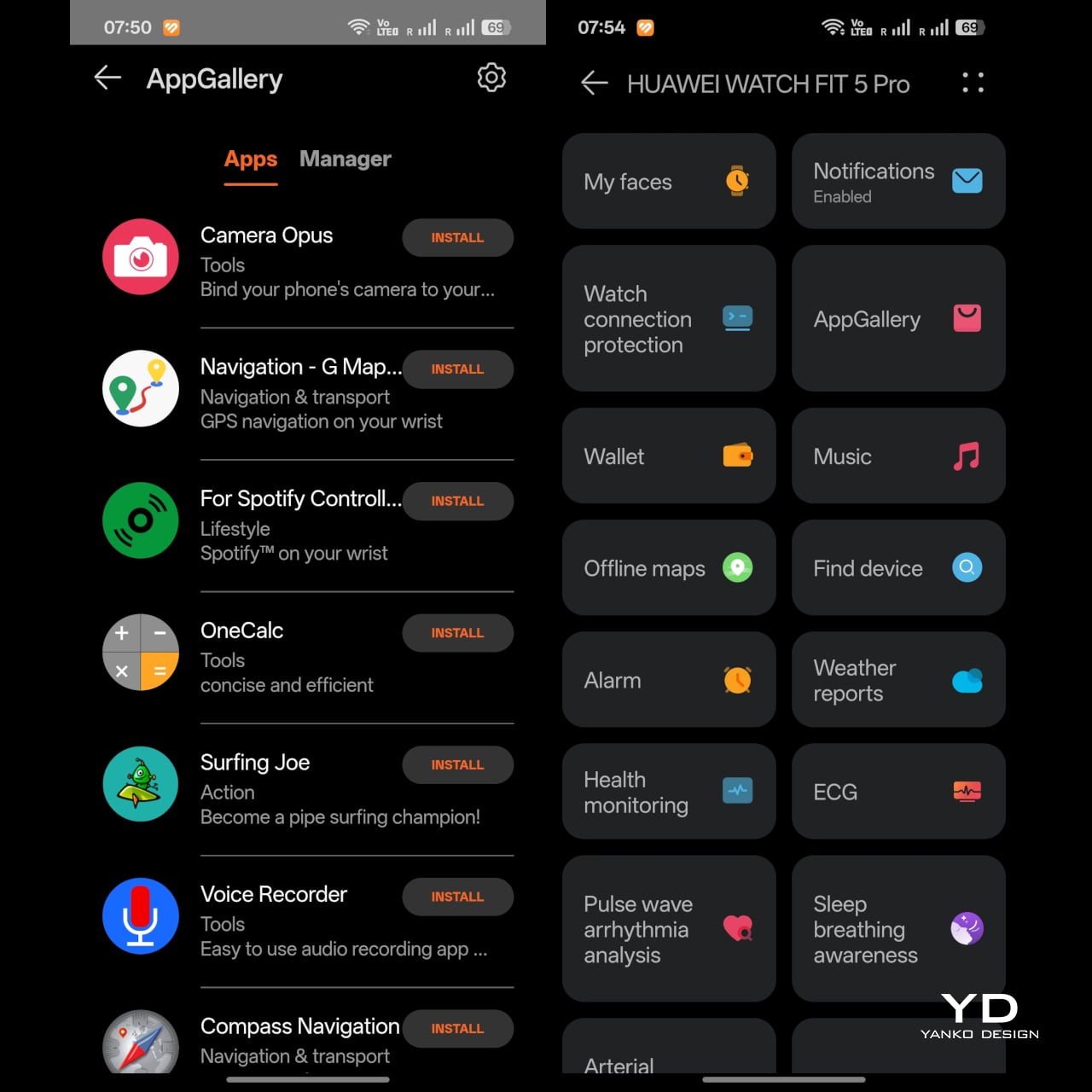
The Watch Fit 5 Pro is compatible with both iOS and Android, though you need to install the Huawei Health app, either through a QR code or directly from Huawei’s website. The watch runs HarmonyOS 6, and its smart features feel fairly basic by smartwatch standards. Notifications are supported, and you can reply using preset messages, emoji, or the on-screen keyboard. There is also Bluetooth calling, along with a remote camera shutter feature, though opening the camera remotely still requires a Huawei phone. You can also install third-party apps through Huawei AppGallery, but the overall app ecosystem remains more limited than what you get on Apple’s watchOS or Google’s Wear OS. Huawei also offers plenty of watch face designs, which adds some welcome personality and makes the watch easier to tailor to your taste. AI voice assistance is available too, but only for Huawei phone users.

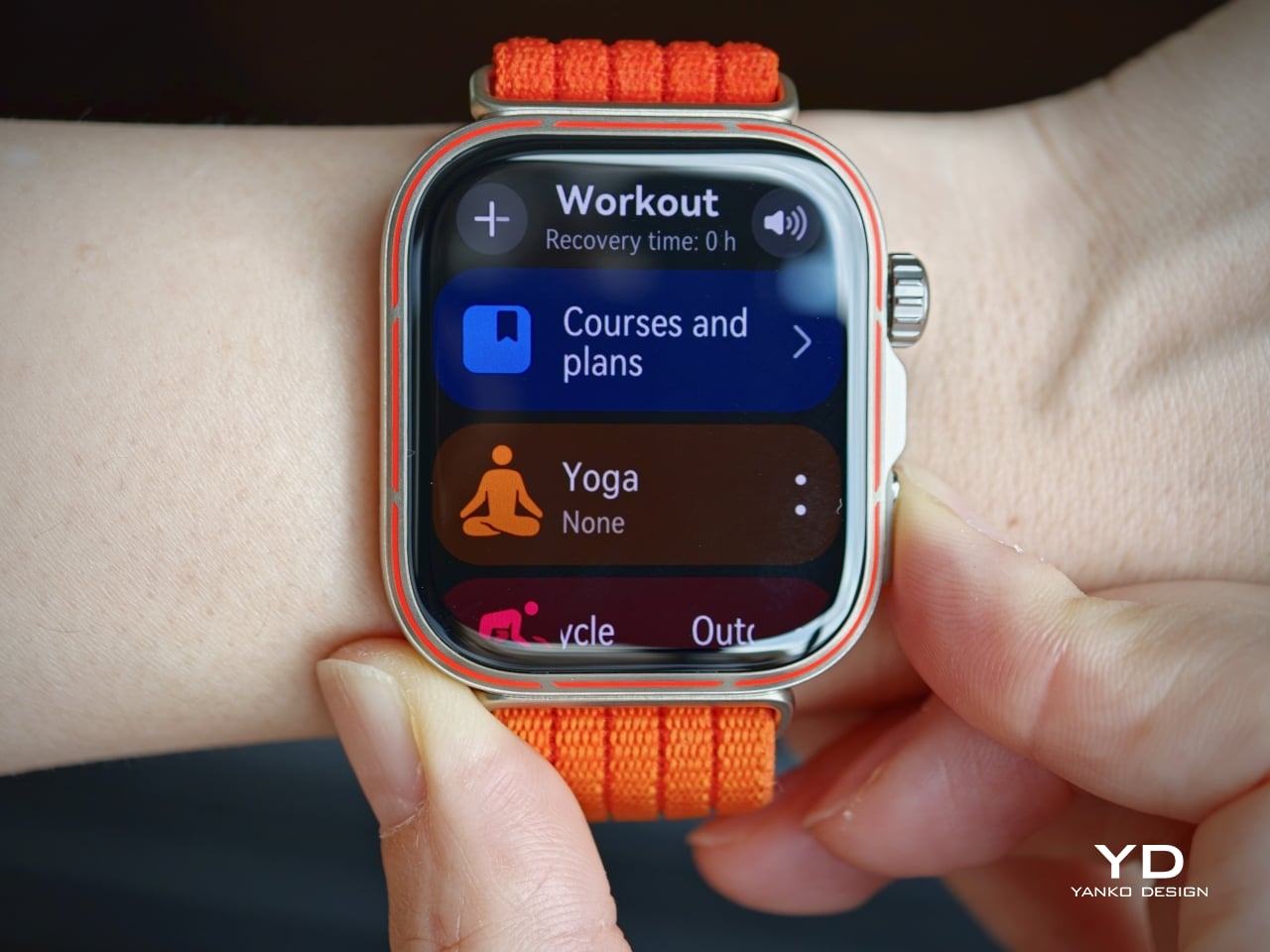
The interface is generally easy to navigate. Swiping down or rotating the crown downward brings up the quick menu, while swiping up or rotating the crown upward opens notifications. Swiping in from the right brings up the widget panels. Pressing the side button once opens the workout menu, and this can also be customized as a shortcut, which adds a bit of flexibility to the experience. That said, pressing the side button twice is assigned to the Wallet shortcut, and this cannot be changed. This feels less useful if contactless payment is not supported in your region, which limits part of the watch’s convenience.

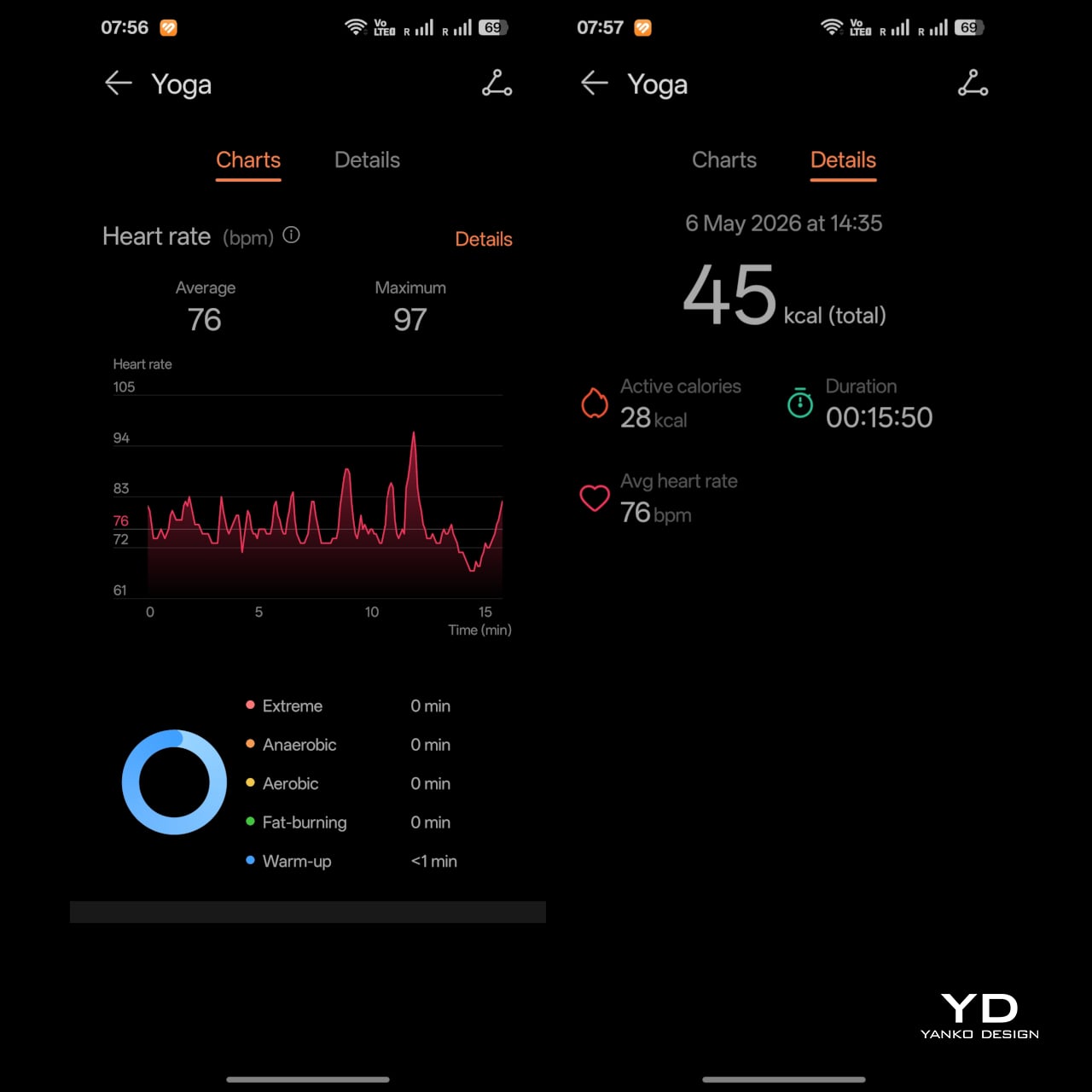
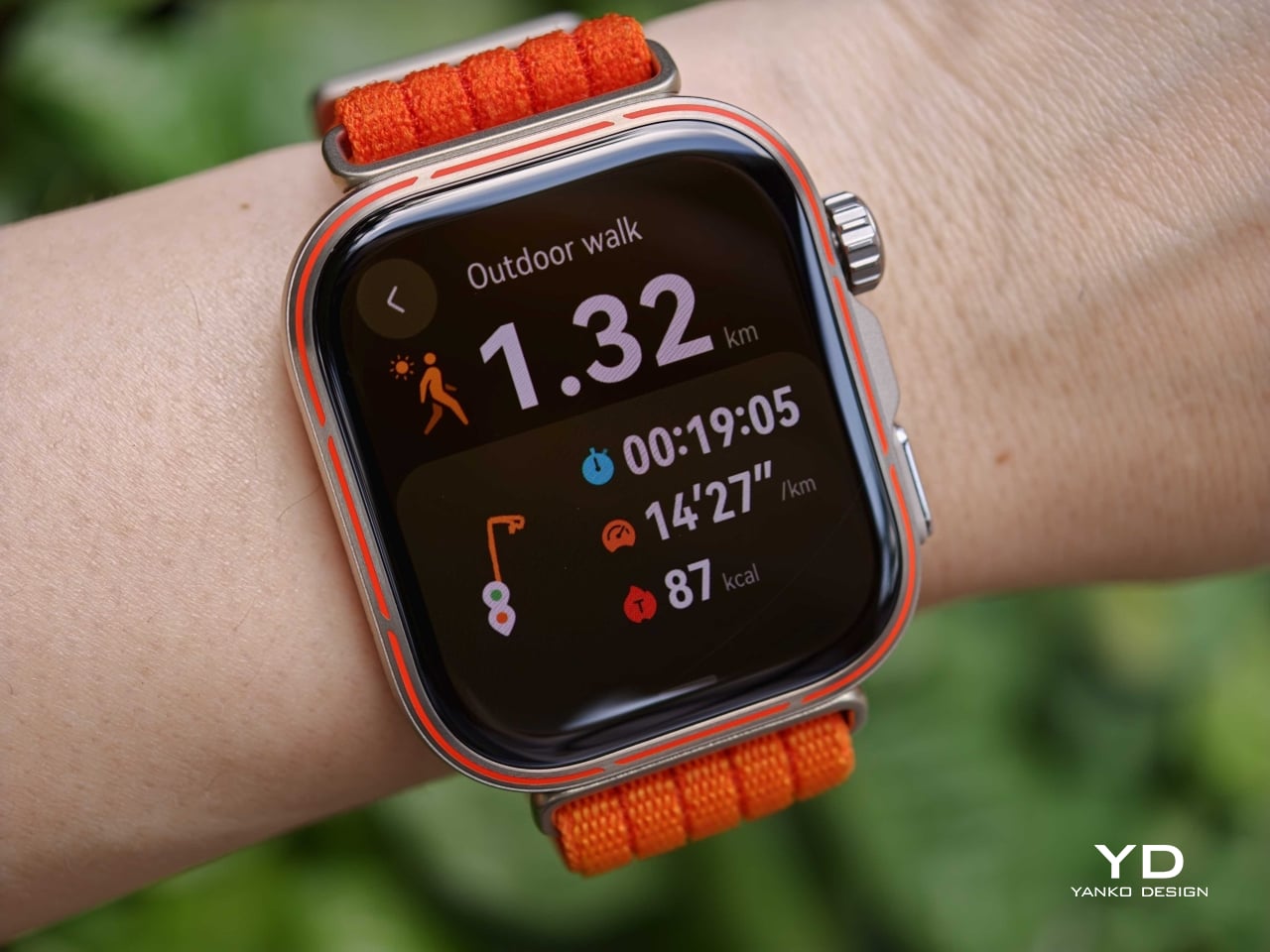
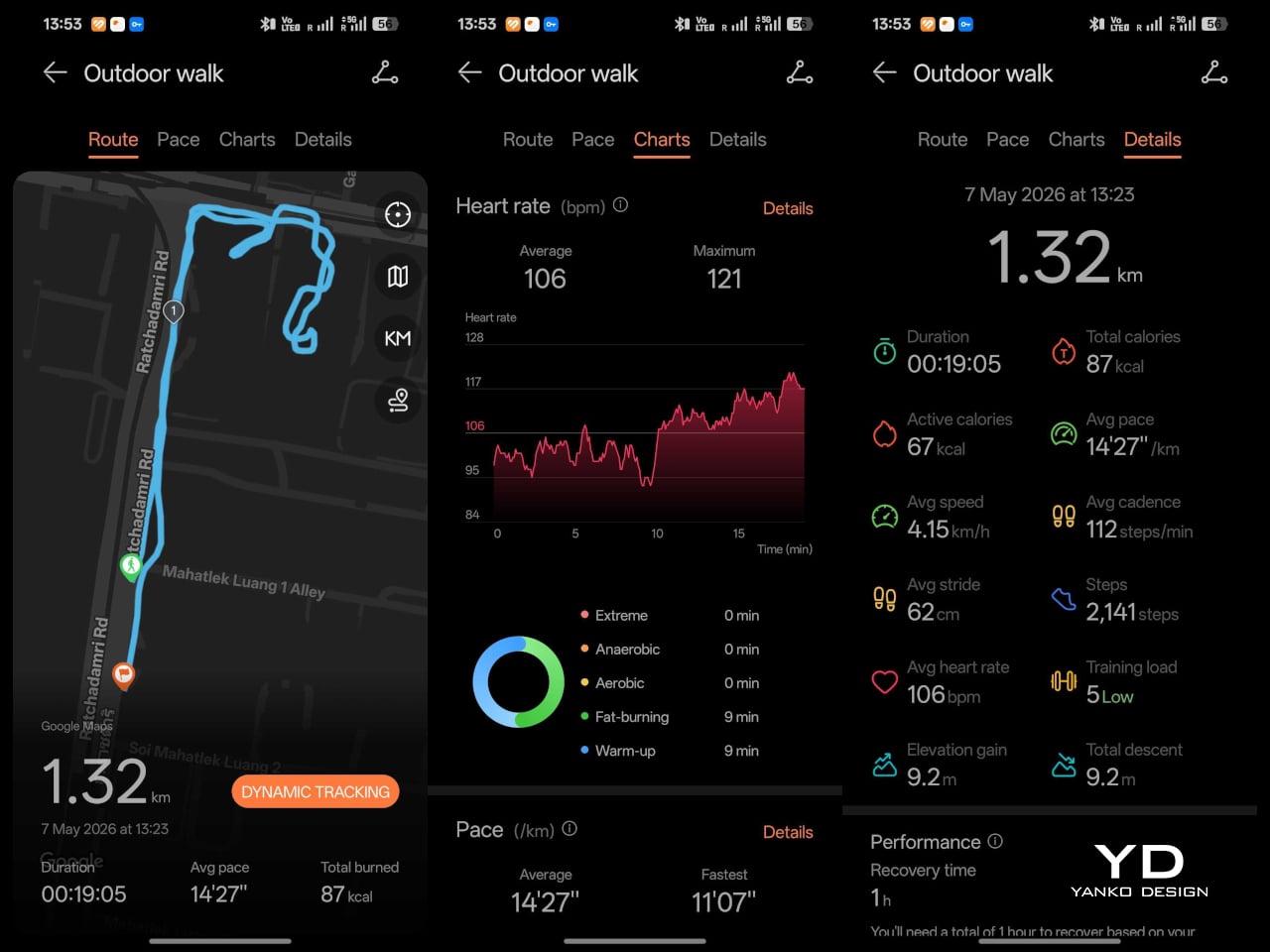
The sports side is where the Watch Fit 5 Pro starts to feel much more serious than a typical slim fitness watch. Huawei has added a richer set of cycling metrics, including virtual power, virtual cadence, and real-time grade, while trail running gets route navigation, off-course alerts, map zooming, split elevation, and estimated distance to markers. Golf is another major differentiator, with support for more than 17,000 course maps, up from 15,000 on the Watch Fit 4 Pro, alongside vector layouts, green view, custom distance measurement, and live scorecard features. There is also support for 40-metre free-diving. Taken together, these features make the Watch Fit 5 Pro feel less like a stylish wellness watch with extra modes and more like a genuinely capable sports companion.

Huawei is also pushing the watch harder on health tracking. The Watch Fit 5 Pro supports ECG analysis, arterial stiffness detection, pulse wave arrhythmia analysis, sleep breathing awareness, emotional well-being tracking, and the Diabetes Risk Study. That is an ambitious set of tools for a watch in this category, and it shows that Huawei wants the Pro model to do more than count steps and monitor heart rate. Some of these features are region-dependent, which is worth keeping in mind, but the overall package still feels notably broader than what the Fit line used to offer. It gives the Watch Fit 5 Pro a stronger sense of purpose beyond fitness alone.

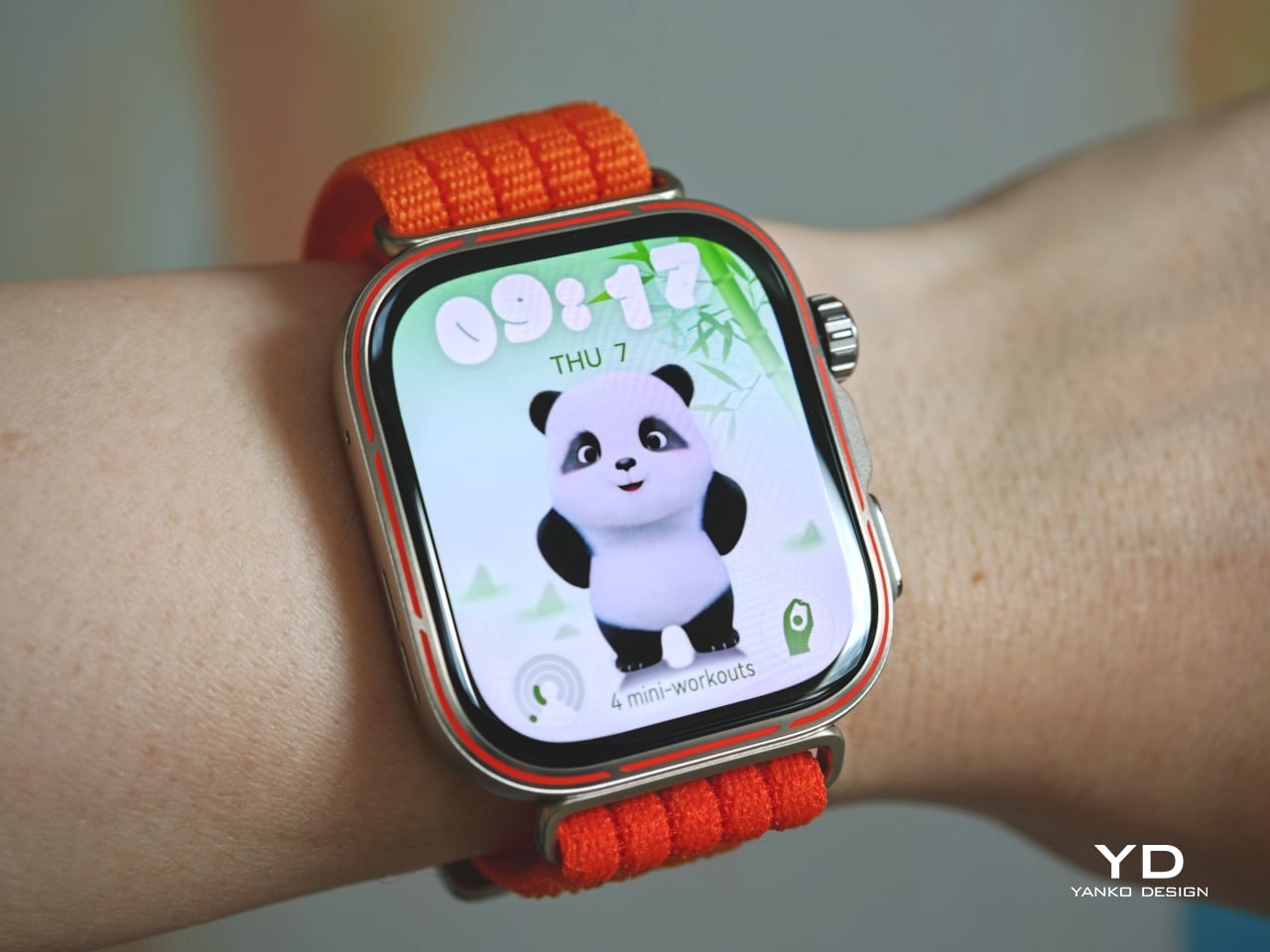
Even if you are not into cycling, golf, free-diving, or most of the 100-plus workout modes, the Watch Fit 5 Pro still offers plenty of practical reasons to care. One of the more charming additions is Mini-workout, which includes 30 guided movements designed to help you exercise anytime and anywhere, complete with playful panda animations. I appreciated this because I tend to shy away from regular exercise, and it encouraged me to fit in quick stretches and more movement throughout the day. I do wish Mini-workout were easier to access, as it is tucked under “Courses and Plans” in the Workout menu. If you use the dedicated Mini-Workout Panda watch face, you can also open it directly from the home screen.

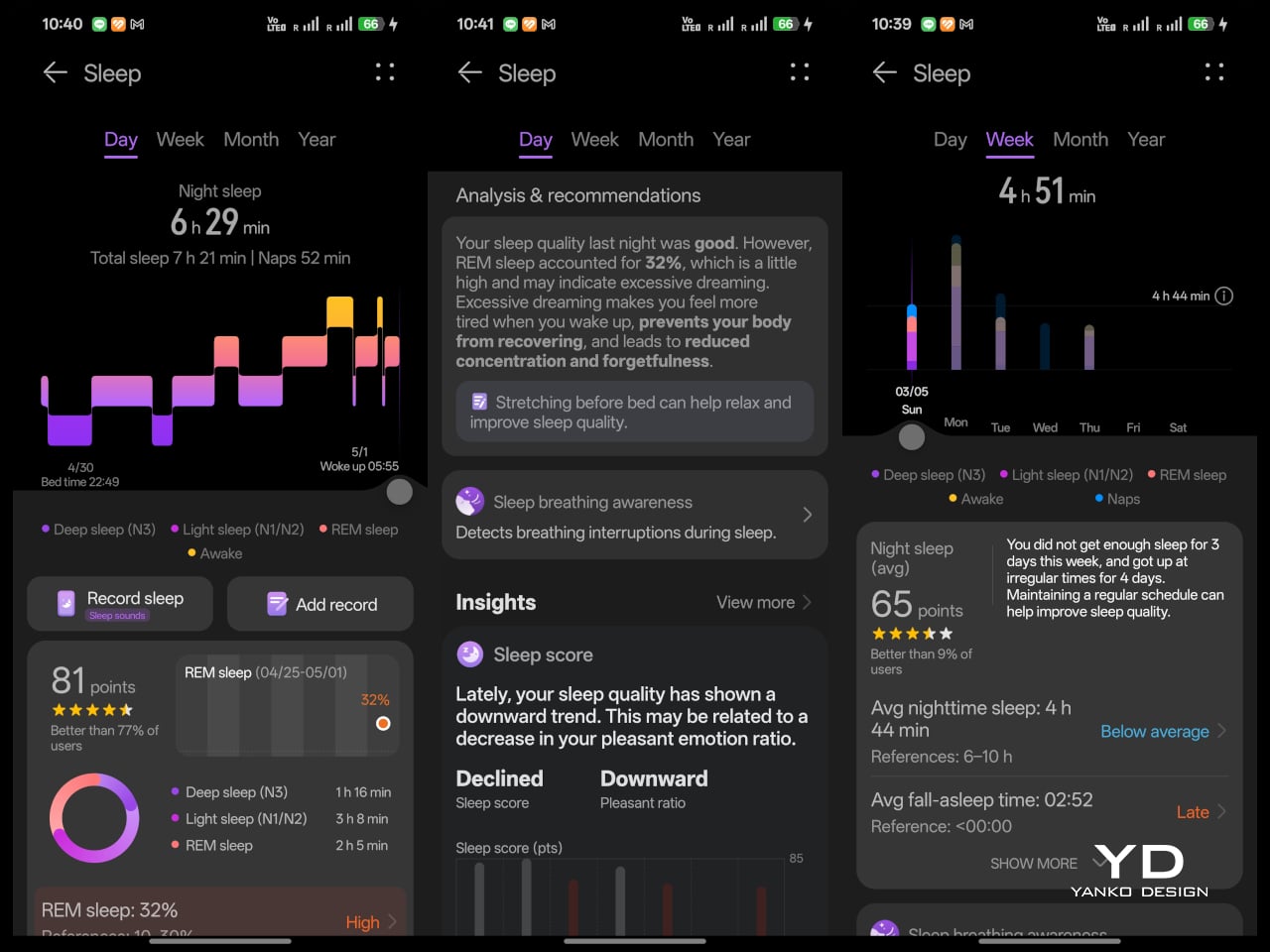
In daily use, the upgraded Huawei Sunflower Positioning System also proved accurate for GPS tracking. Sleep tracking is detailed, and I especially appreciated the easy-to-understand sleep report in the app. Huawei Health also lets you manually add sleep records, which came in handy on nights when I went to bed without wearing the watch.

Battery life remains one of the Watch Fit 5 Pro’s biggest strengths. It uses a 471 mAh battery, with Huawei claiming up to 7 days of typical use, 10 days of light use, and as much as 25 hours in trail run mode. It also supports 60-minute wireless fast charging. Those figures matter because a watch with a bright display and this many sensors could easily become high maintenance, yet Huawei still seems focused on making it practical for daily use. In my experience, the real-world performance comes close to those claims. That makes the Watch Fit 5 Pro far more convenient than smartwatches that demand charging every day or two. I do wish the included magnetic charger used USB-C rather than USB-A.

Sustainability

Sustainability is not a major part of Huawei’s pitch for the Watch Fit 5 Pro, and unfortunately, that seems to be true for most smartwatches on the market. There is little emphasis on recycled materials, repairability, or broader environmental commitments. As a result, this is not a watch that stands out as an especially sustainability-focused product.

What it does offer is durability and a bit of long-term flexibility. With sapphire glass, a titanium alloy bezel, and an aluminium body, the Watch Fit 5 Pro feels better built than many lightweight fitness watches. The strap is also easily replaceable without any extra hardware, which is a small but meaningful advantage if the original band wears out or if you simply want to change the look over time. It is also compatible with both iOS and Android, which adds a bit of flexibility if your phone platform ever changes. That does not make it a sustainability leader, but it does suggest a product designed to stay useful for longer rather than be quickly replaced.

Value

At £249.99, the Huawei Watch Fit 5 Pro feels competitively priced rather than aggressively cheap, and that is what makes its value proposition work. Huawei is not trying to win purely by offering the lowest price. Instead, it is offering a slim and comfortable watch with premium materials, a bright display, strong battery life, broad health tracking, and a surprisingly serious set of sports and outdoor features. That combination makes it feel more substantial than many rivals that sit somewhere between a basic fitness band and a full smartwatch.

That value does come with some limits. The smart features are still fairly basic by broader smartwatch standards, the app ecosystem remains more limited than what you get from Apple or Google, and features like Wallet will matter less in regions where support is restricted. Even so, I think Huawei has judged the balance well. At its price point, the Watch Fit 5 Pro does not need to be the smartest watch in its class to feel like good value. For the right user, especially someone who wants a sleek, lightweight watch with serious fitness and outdoor ability, it is a well-judged package at a fair price.

Verdict

After spending time with it, the Huawei Watch Fit 5 Pro feels like a smartwatch that understands. The Huawei Watch Fit 5 Pro strikes a convincing balance between style, comfort, and capability. It takes the slim and approachable Fit formula and elevates it with better materials, a brighter and more immersive display, stronger sports and health features, and battery life that remains comfortably practical. Just as importantly, it still feels light and easy to live with, which is not something every feature-packed smartwatch manages to achieve.

It is not perfect. The smart features are still fairly basic by broader smartwatch standards, the app ecosystem remains limited, and some functions become less useful depending on your region or phone. But if your priorities lean more toward fitness, health tracking, comfort, and design than deep app support, the Watch Fit 5 Pro makes a very strong case for itself. It is not trying to be the smartest watch you can buy. It is trying to be a sleek, capable, and highly wearable one, and in that role, it succeeds.

The post Huawei Watch Fit 5 Pro Review: More Than Its Slim Design Suggests first appeared on Yanko Design.

Huawei Put a Fan Inside the Mate 80 Pro Max, But It Cost a Camera

Gaming phones have had active cooling for years, strapping fans and heat pipes to the back like little mechanical tumors. They work, mostly, but they also make your phone look like it needs a pit crew. The Huawei Mate 80 Pro Max Wind Edition takes a different approach, tucking a cooling fan directly inside the phone itself. It is, quite literally, a Fan Edition, and not just in the collector’s edition sense of the word.

The Wind Edition is a variant of the standard Mate 80 Pro Max, currently listed for pre-order in China through Huawei’s Vmall store. It comes in Polar Night Black and Polar Day Gold, with 16GB of RAM paired with either 512 GB or 1 TB of storage. No pricing has been confirmed yet, and Huawei has yet to formally announce the device, but the listing and early images already make clear what the phone is doing and what it sacrificed to do it.

Designer: Huawei

The most obvious change is in the rear camera module. The standard Mate 80 Pro Max has a quad-camera setup; the Wind Edition trims that to three sensors. The space that the fourth camera occupied now goes to the fan mechanism, and the camera ring is noticeably wider to accommodate the ventilation. The perforated ring around the module is not decorative, but it is where the air moves. That trade-off deserves a moment: a flagship phone deleting a camera to make room for a fan.
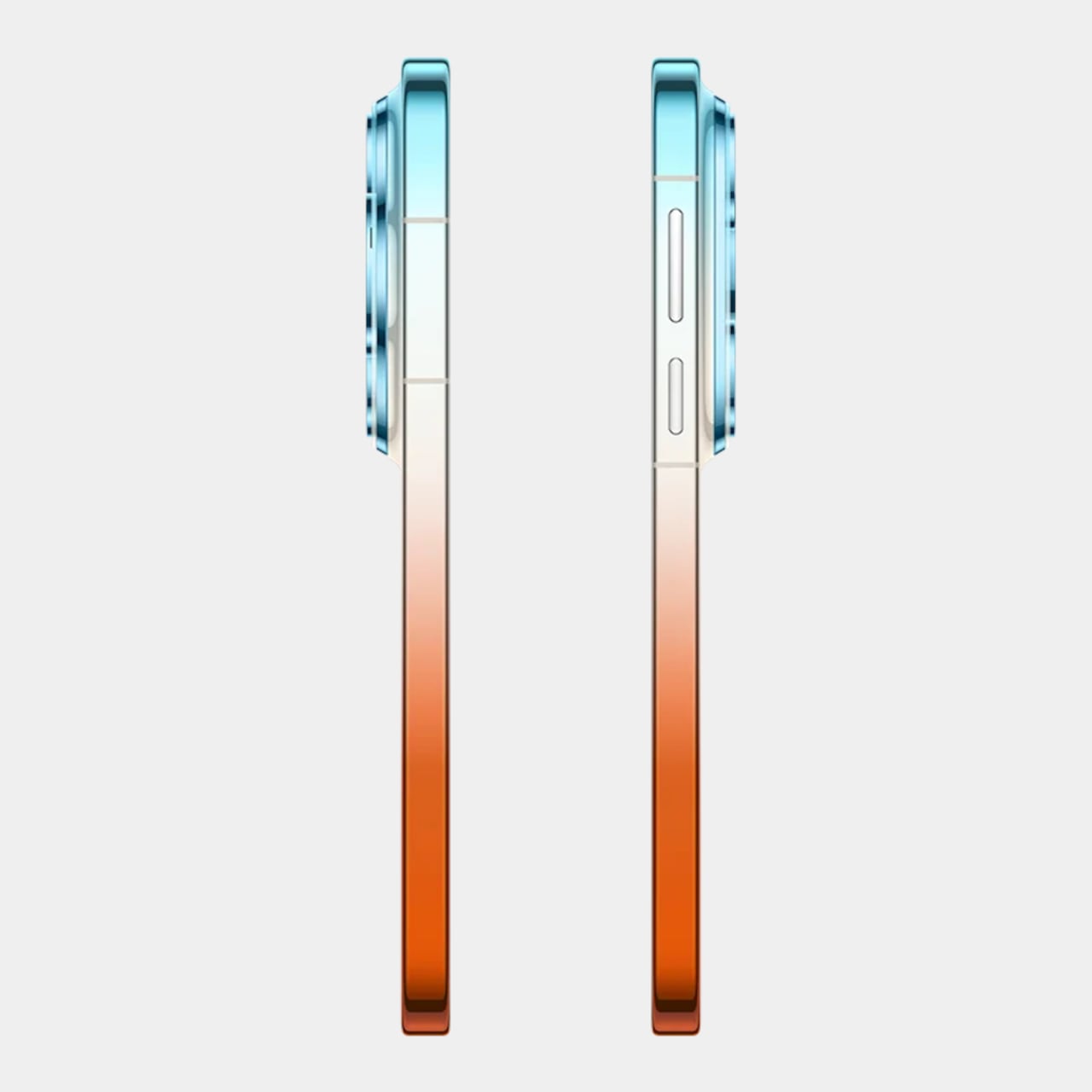
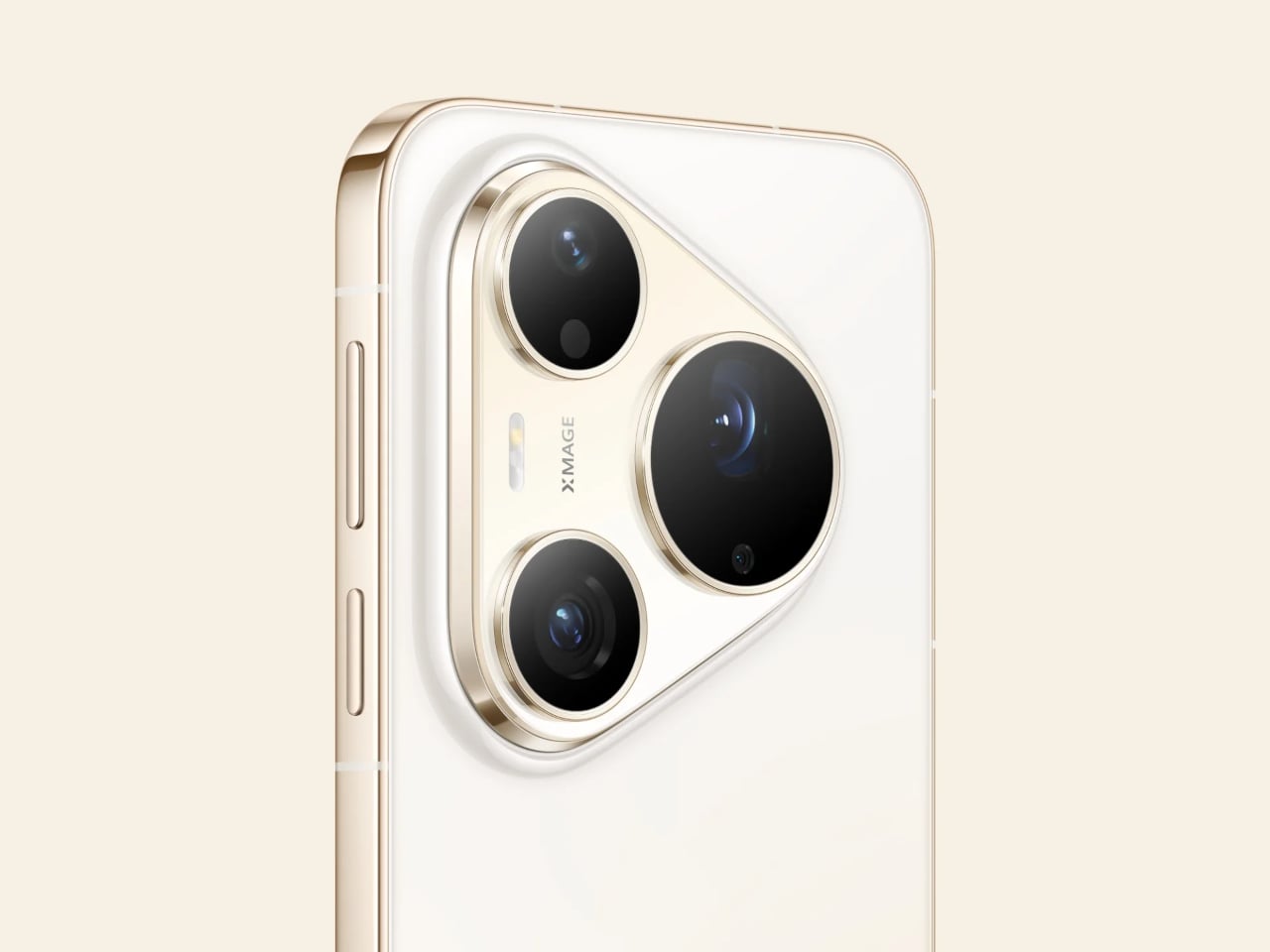
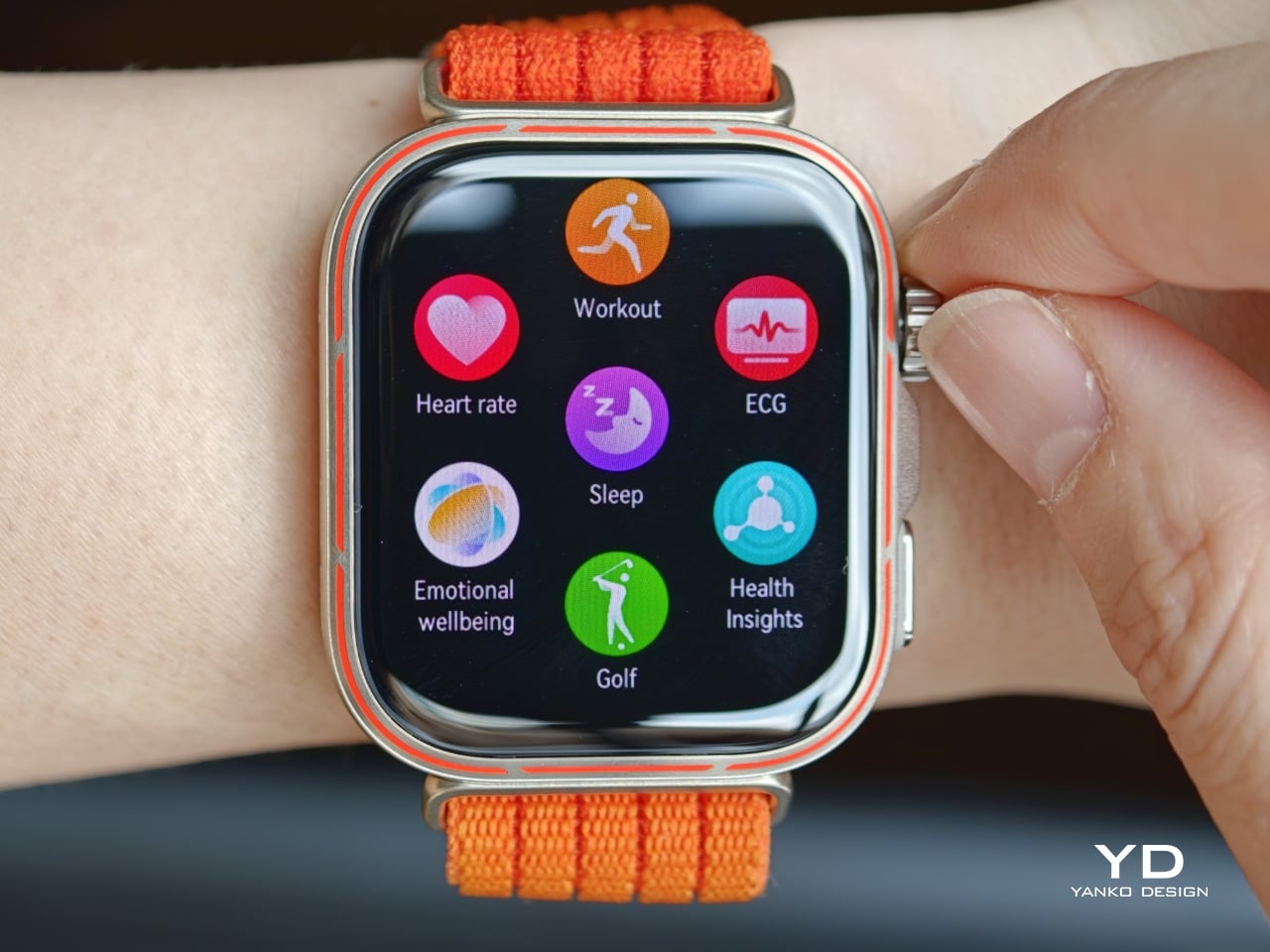
The rest of the hardware appears to carry over from the standard model, including the 6.9-inch AMOLED LTPO display, the Kirin 9030 Pro chipset, and the 6,000 mAh battery with 100W wired and 80W wireless charging. The fan is intended to help the Kirin 9030 Pro maintain performance during extended gaming or long video recording sessions, where heat buildup would otherwise force the chip to throttle and degrade output.
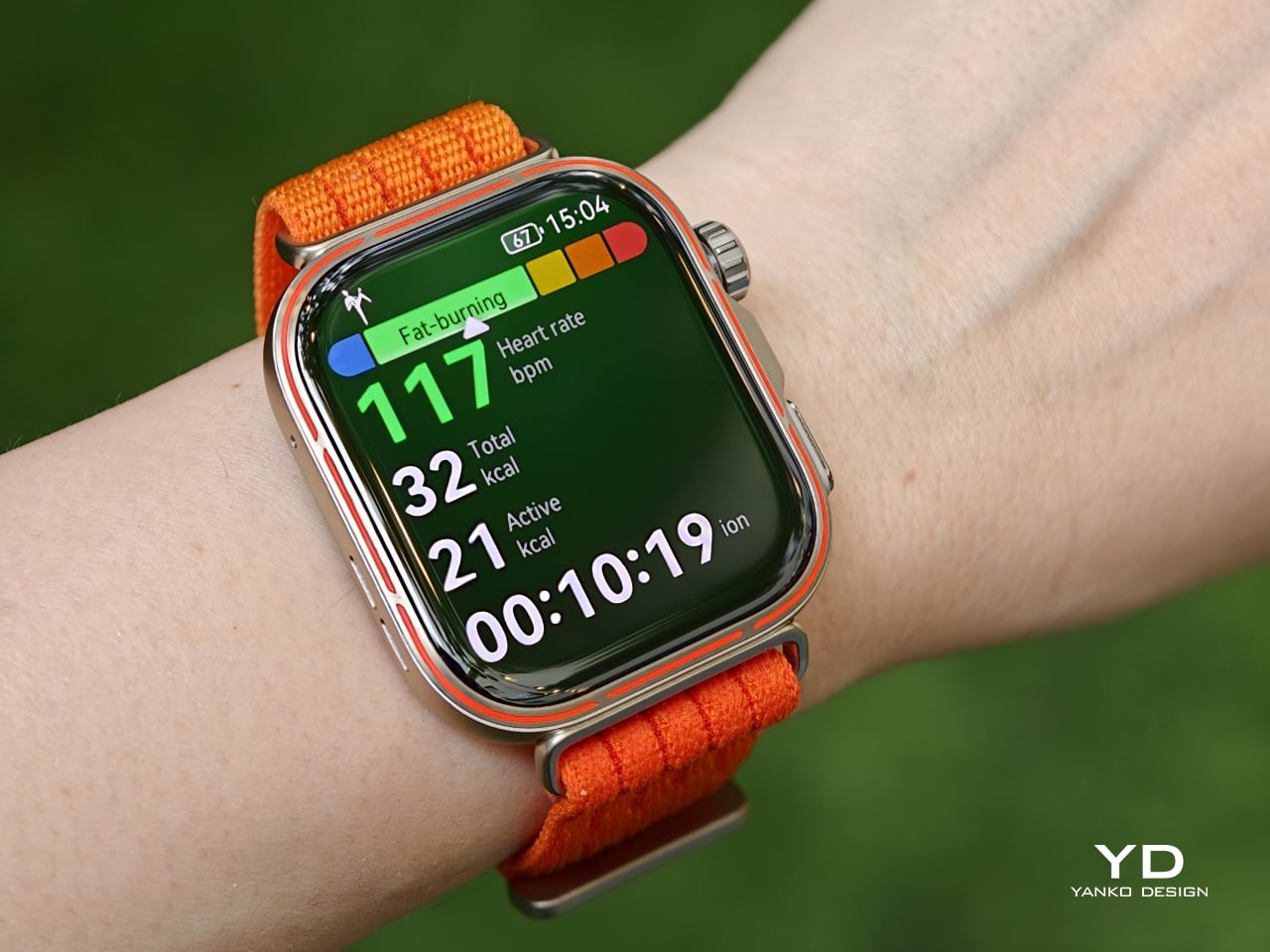
Active cooling in smartphones is a reasonable engineering response to a real thermal problem, but integrating a moving mechanical part into a device designed to survive drops and dust introduces variables that passive thermal systems simply do not have. Fans collect debris. They wear out. There is a potential failure mode here that no amount of vapor chamber engineering would ever introduce, and that is worth factoring in before committing.

Huawei Mate 80 Pro Max

Huawei Mate 80 Pro Max

Early reports suggest the Wind Edition will initially be sold in limited quantities through select Huawei lifestyle stores rather than the broader retail channel, which positions this less as a mass-market launch and more as a demand test. It is a cautious approach, and probably a sensible one given how different this phone is from anything Huawei has shipped before. Most people curious about it will be watching from the sidelines for now.

The Huawei Mate 80 Pro Max Wind Edition raises a question that no spec sheet can resolve: how much camera versatility is a meaningfully cooler phone actually worth? The downgrade from four sensors to three is a concrete loss, not a rounding error. For someone who pushes the chip through long gaming sessions and has watched their device thermal-throttle under load, the trade-off might make perfect sense. For a photographer who chose the Mate 80 Pro Max for its imaging range, it probably does not.

Huawei Mate 80 Pro Max

The post Huawei Put a Fan Inside the Mate 80 Pro Max, But It Cost a Camera first appeared on Yanko Design.