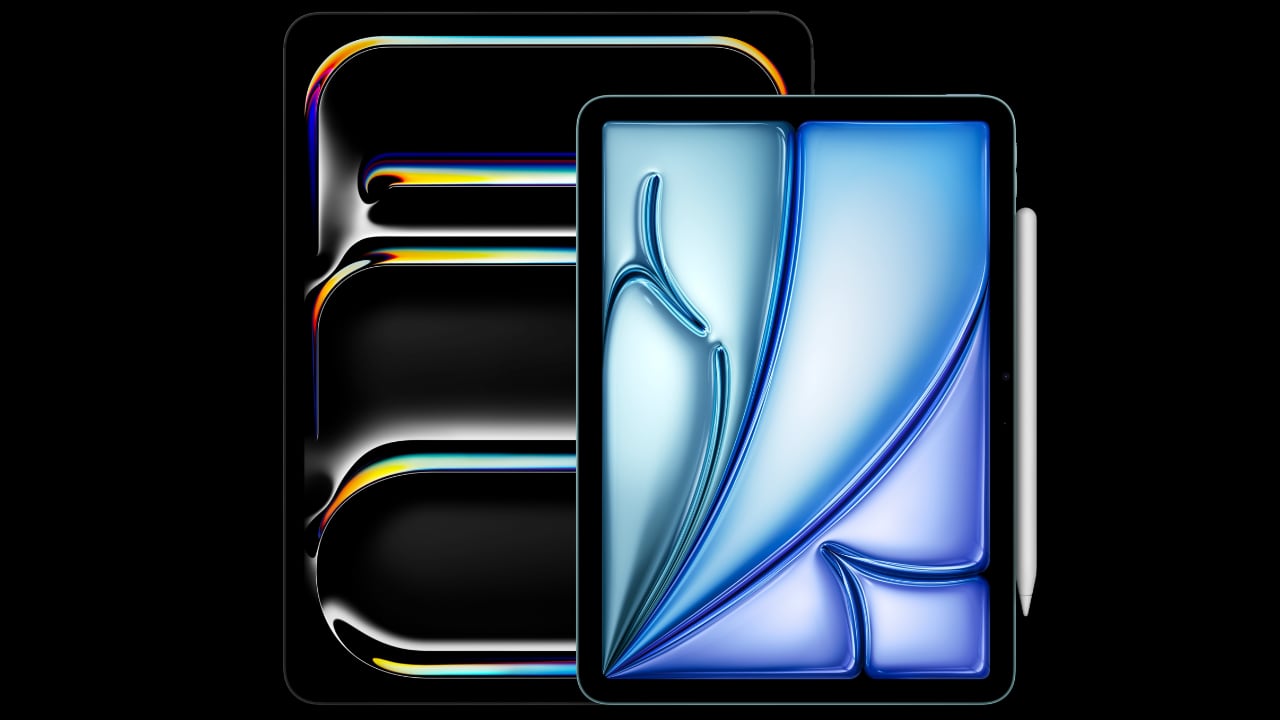
The new Apple Pencil Pro is a death-sentence for Wacom

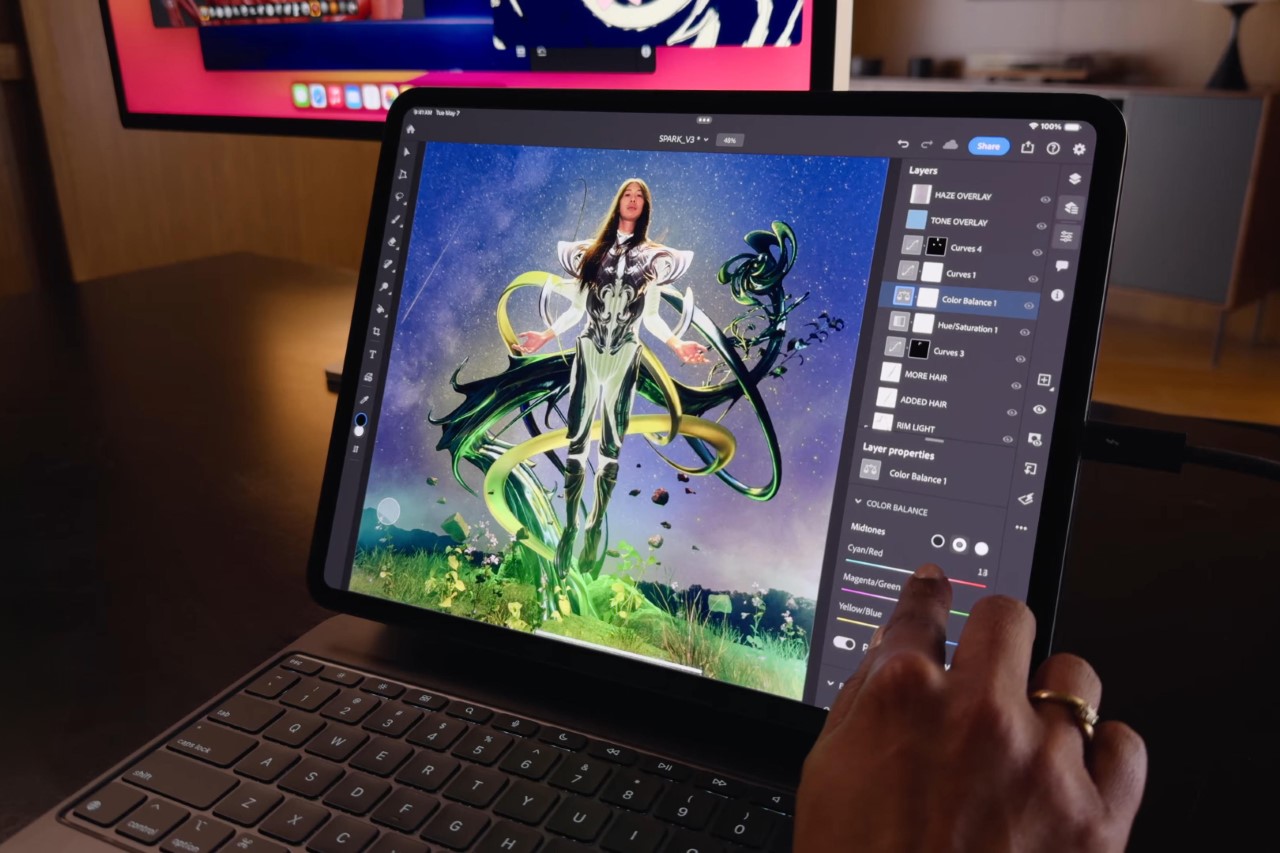
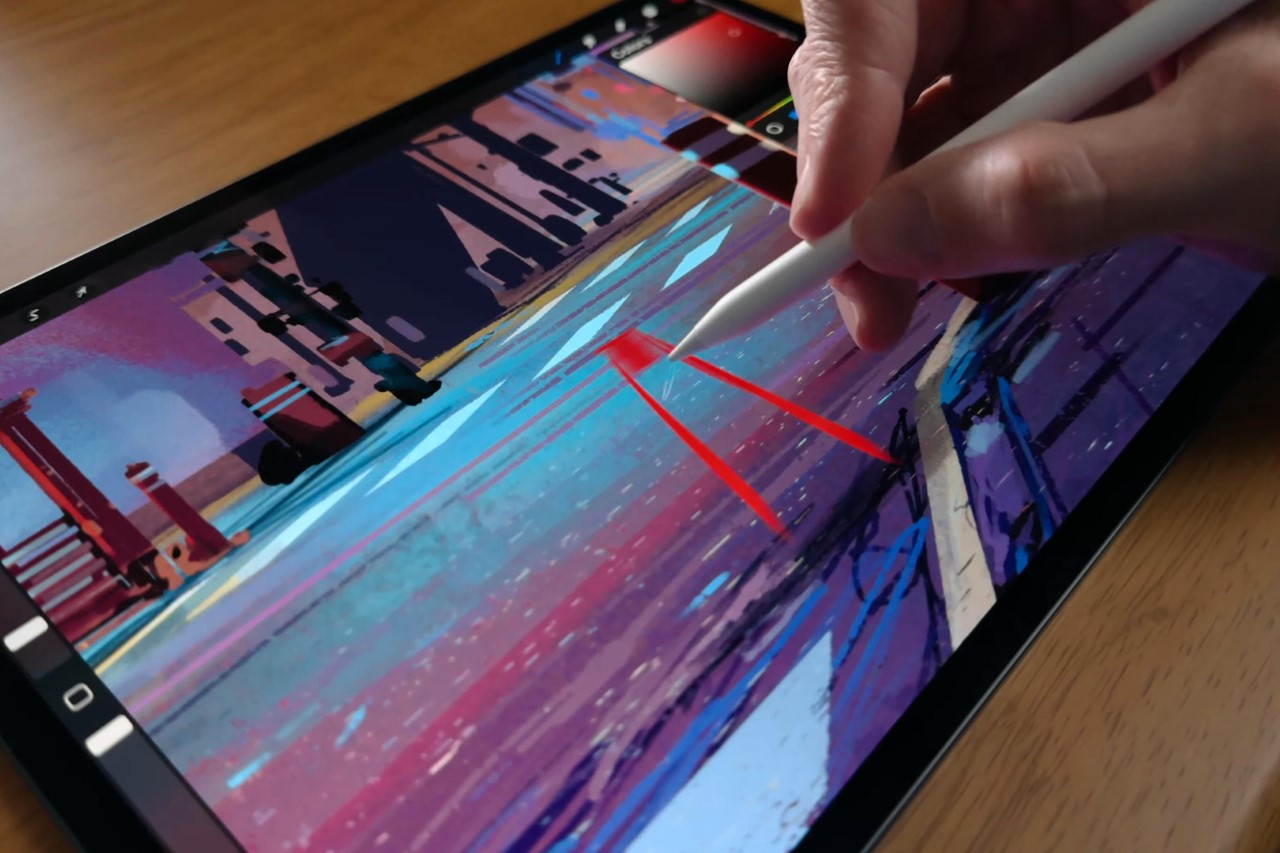
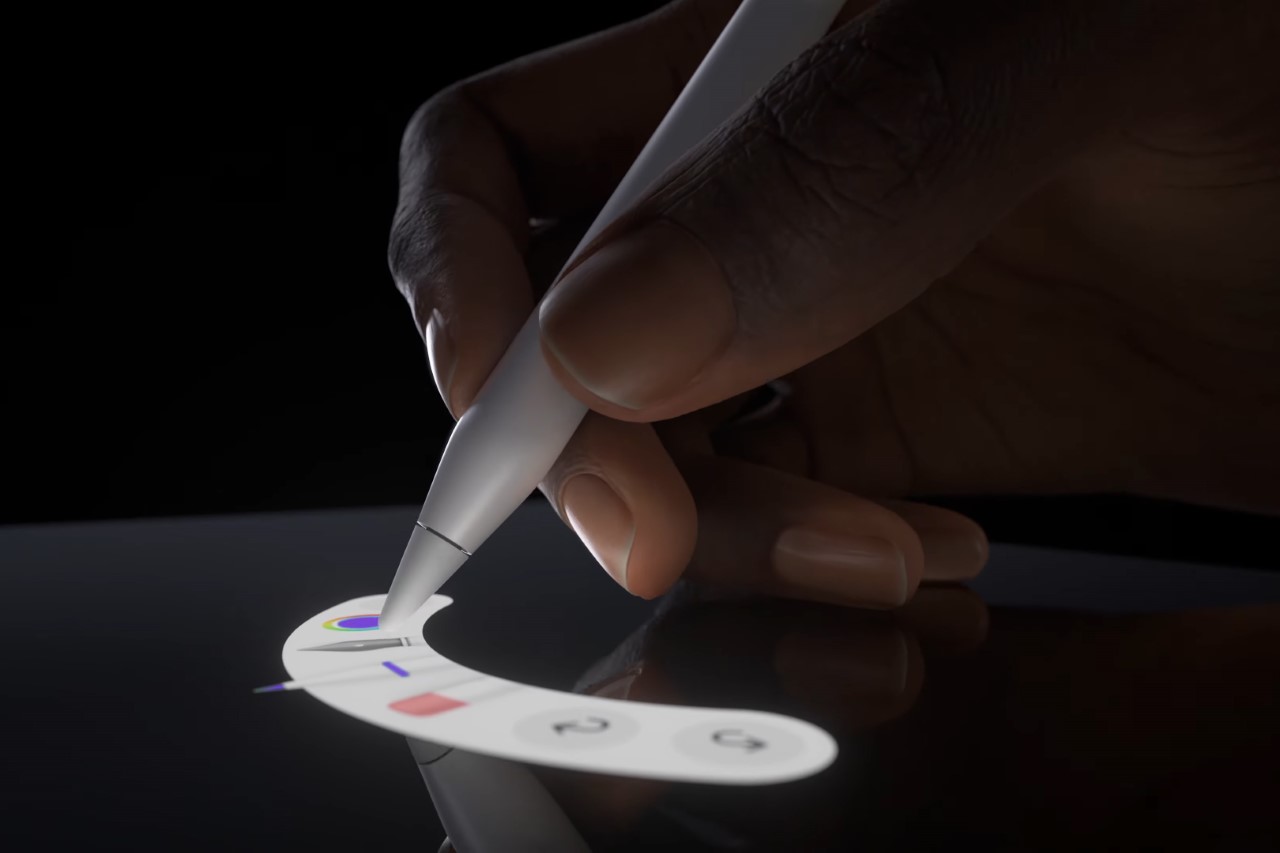
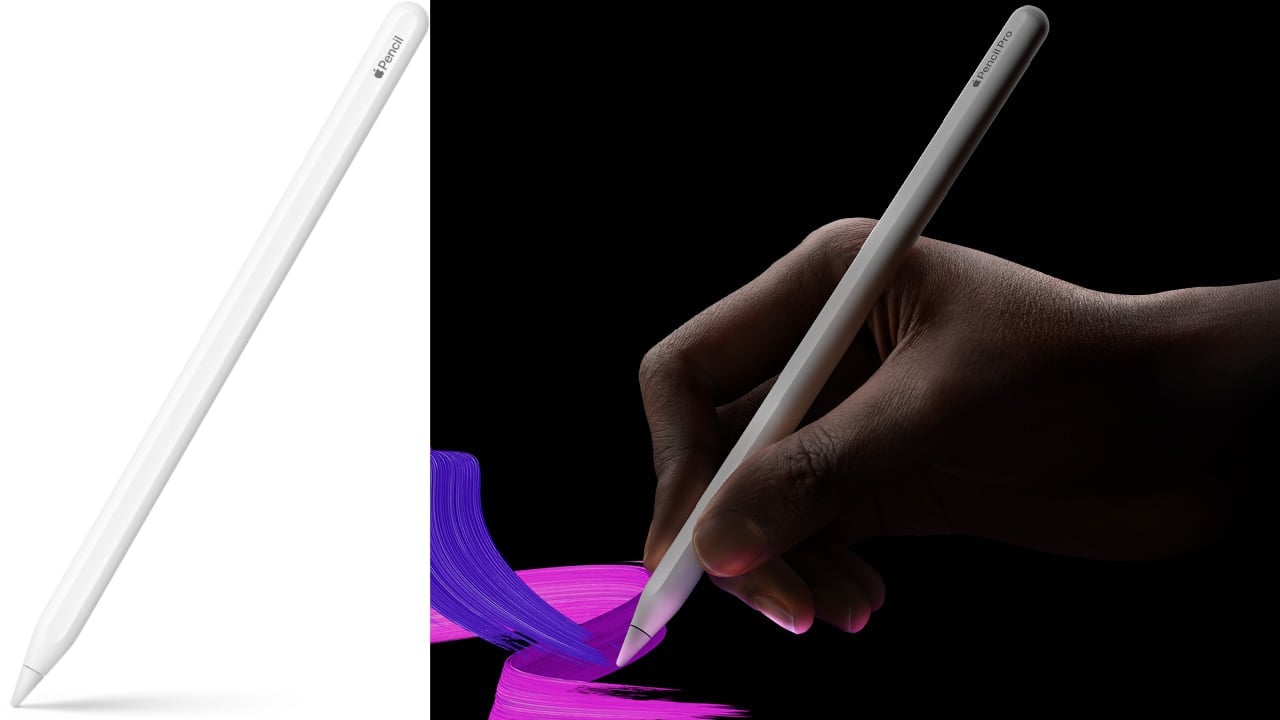
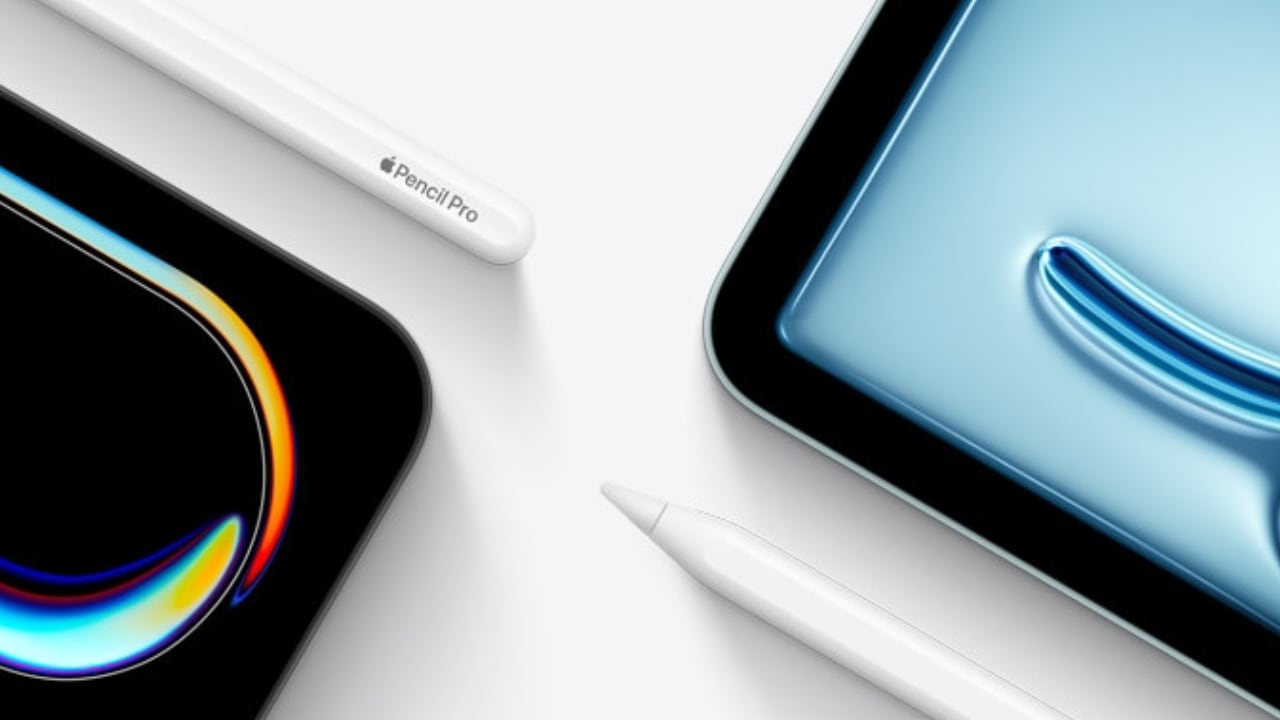
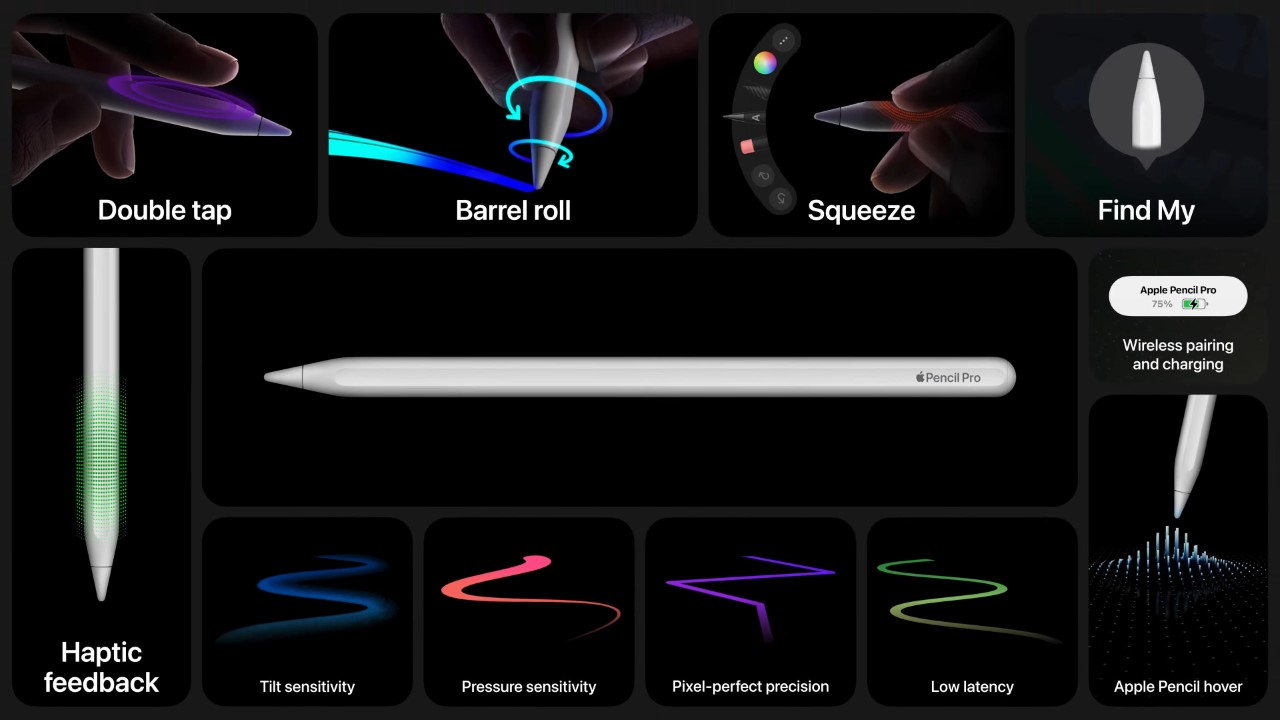
Wacom was once an industry leader in the sketching tablet PC market. However, it’s no match for the deadly combo of the new iPad Pro M4 and the Apple Pencil Pro. Announced at the iPad keynote yesterday, the new Pencil Pro packs features so unique, it makes regular capacitive styluses look like tools from the Stone Age. The new Pencil Pro has a new squeeze gesture to activate quick menus, can track rotation to have objects and brushes rotate in real-time (known as barrel roll), and even has a haptic motor for feedback – while still packing features from previous models like the hover feature, pressure and tilt sensitivity, and low-latency. If all that wasn’t enough, the Pencil Pro even has Find My support, allowing you to locate your stylus if it ever gets lost. The Wacom Pro Pen 3 on the other hand, has buttons.
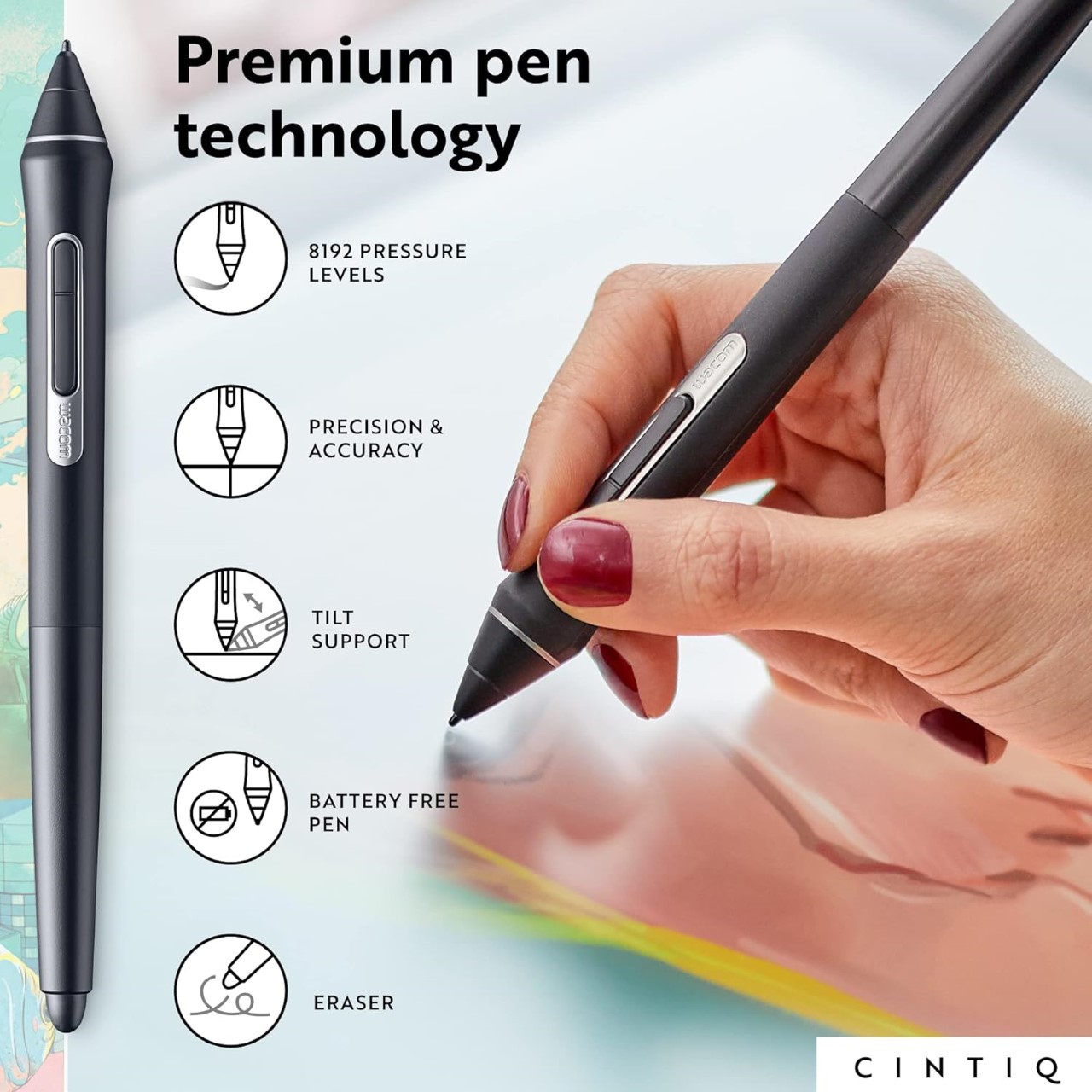
Styluses have existed for decades at this point, and if you asked anyone ten years back which was the most well-designed stylus and tablet combo for creatives, the answer would invariably be something from Wacom’s lineup. The company had three options back in the day, the budget Wacom Bamboo, the mid-range Wacom Intuos, and the flagship Wacom Cintiq. Apart from the Cintiq, none of the other tablets had screens – they were just massive trackpads that you could only draw on with styluses. The Cintiq was the closest thing to an iPad – it had a screen, allowed multi-touch gestures, and came with controls galore… the only problem was that it didn’t work independently, it needed to be tethered to a desktop or laptop to work. The Cintiq, along with the Intuos and Bamboo, came with a stylus that featured a pressure and tilt-sensitive tip, along with programable buttons that let you undo or redo tasks, and a stylus tip on the back of the pen also that activated the eraser, mimicking how most pencils come with erasers on their reverse tip. The styluses also operated without batteries, allowing for hours of sketching without needing to charge the pen periodically.
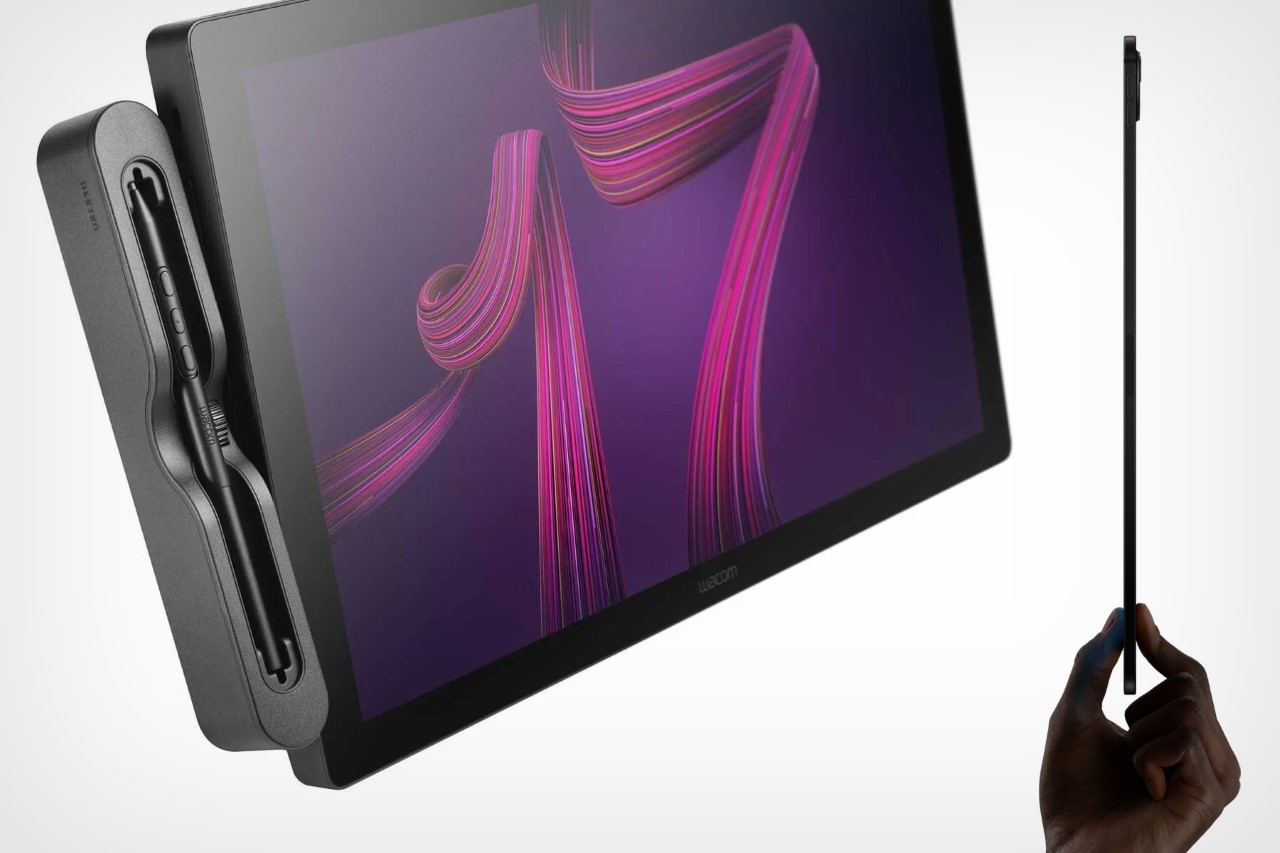
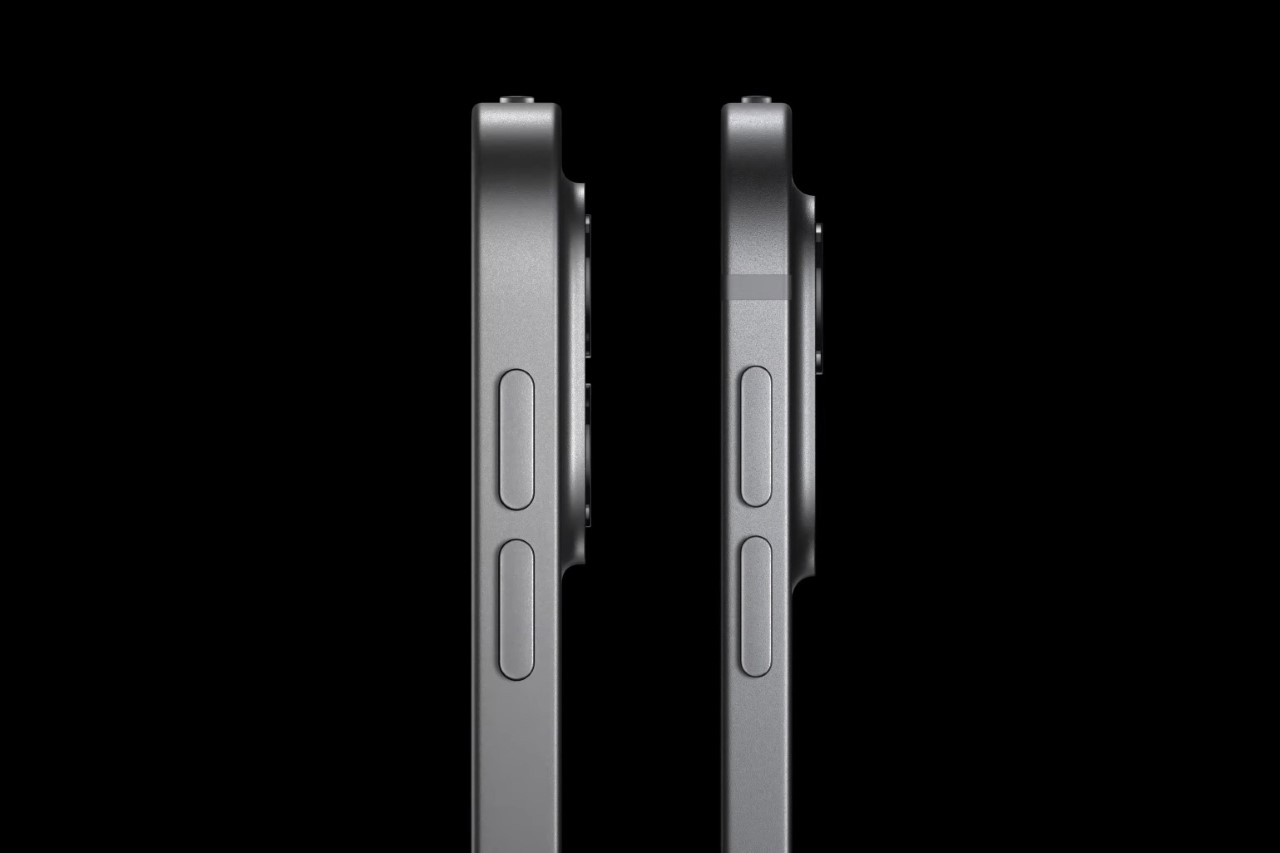
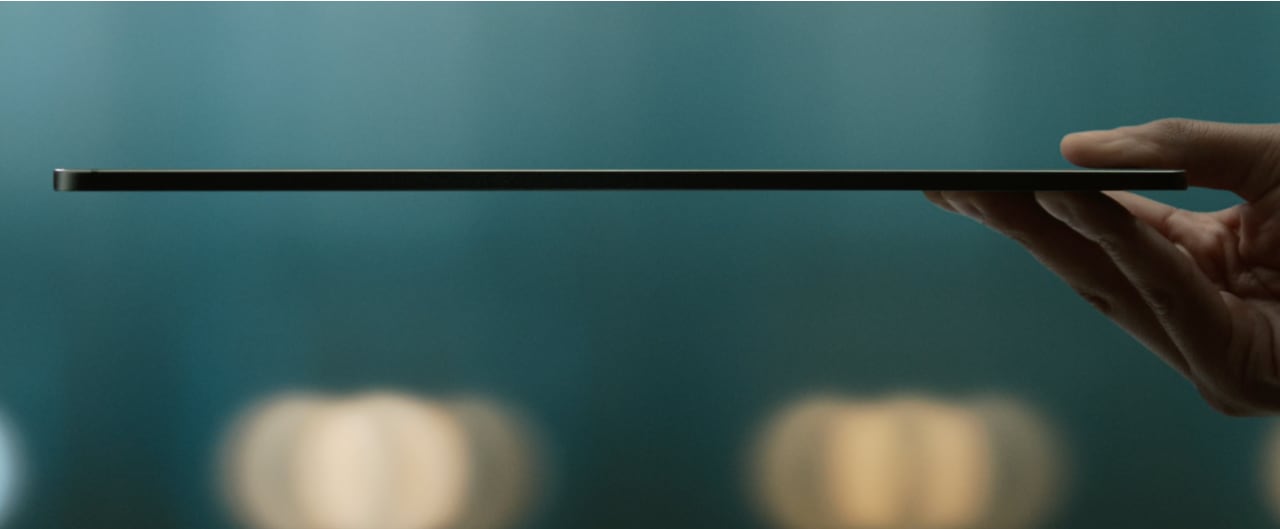
The Wacom Cintiq Pro is anywhere between 5-8 times thicker than the 2024 iPad Pro

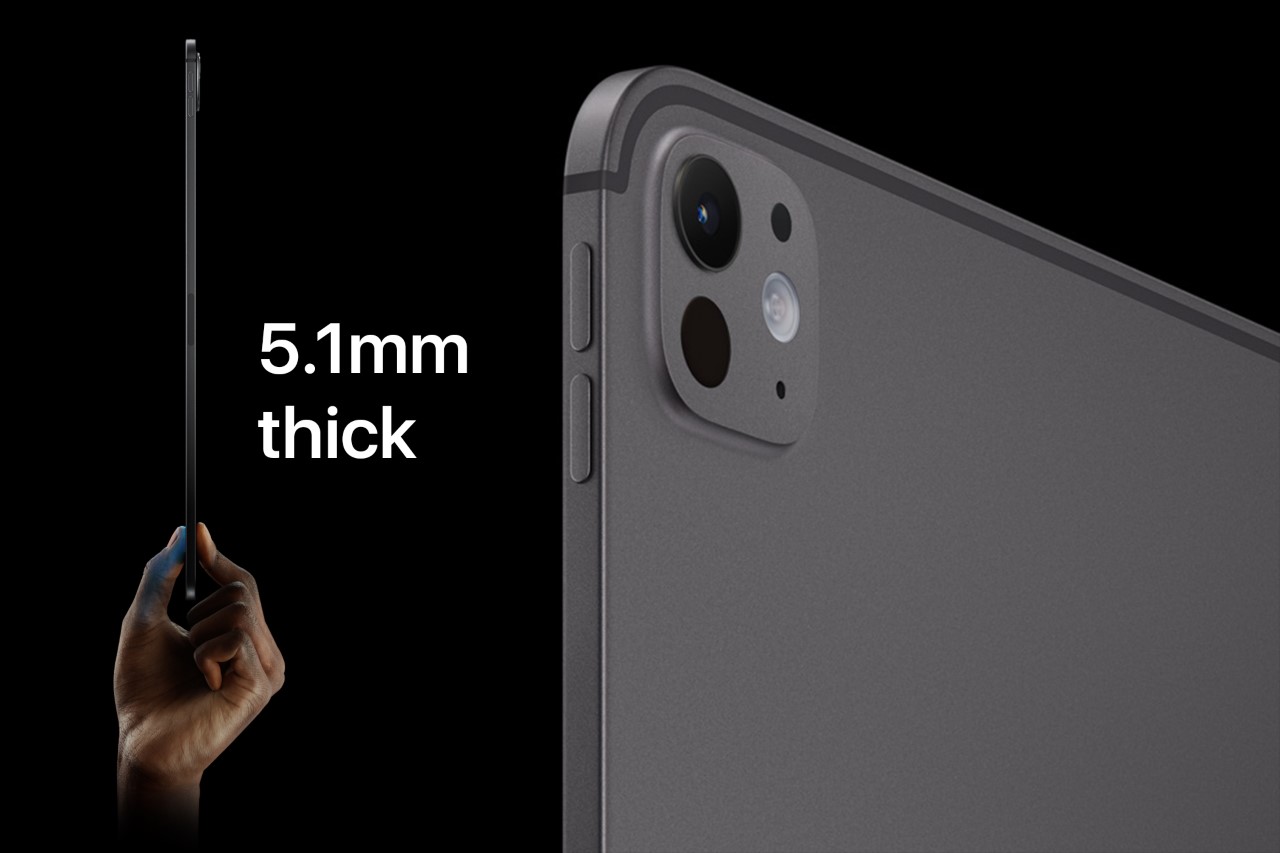
Cut to yesterday when Apple dropped the iPad Pro M4 and the comparison is incredibly stark. For starters, whenever anyone asks me whether they should buy an iPad or a Wacom, the answer is almost always the former… because when you’re not sketching on the Wacom, it’s useless, but when you’re not sketching on the iPad, it’s still an iPad. The difference seems even greater with the new iPad Pro being Apple’s thinnest device yet at just 5.1mm thick, while the 16-inch Wacom Cintiq is a whopping 25mm thick – 5 times thicker than its competitor. Cut to the larger 22-inch Cintiq and it’s a staggering 40mm thick, or the equivalent of 8 iPad Pros stacked one on top of the other.
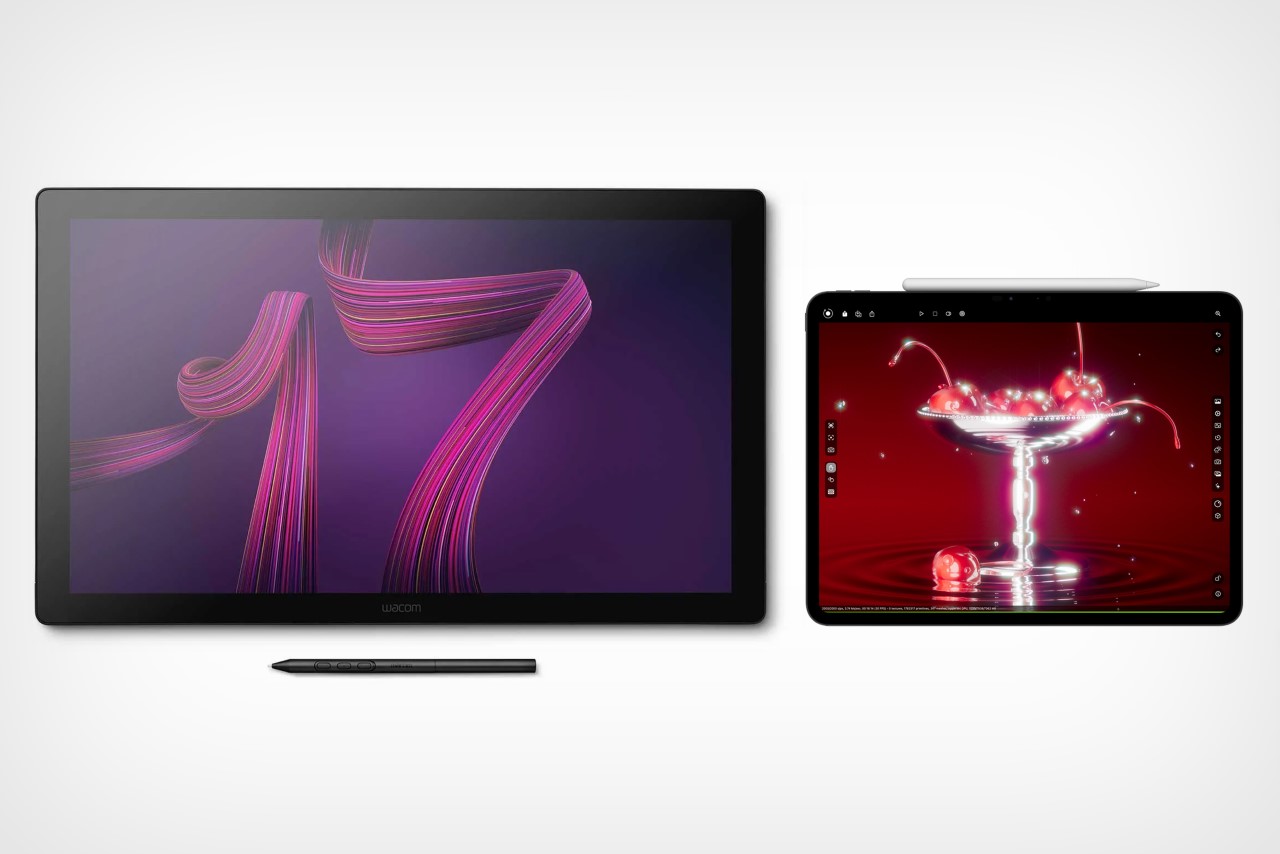
However, a hardware comparison between a trillion-dollar electronics giant and Wacom, that’s valued at just half a billion dollars doesn’t seem fair. What does seem fair, however, is to just look at one singular product to see how far Apple’s outpaced its competition – the humble stylus. Wacom played a critical role in perfecting its EMR stylus technology, which was game-changing a decade or so ago. The pens ran without batteries, could sense pressure and tilt with stunning accuracy, and an eraser on the rear, becoming the creative industry’s go-to for digital sketching. When Apple debuted the Pencil, it had the same features except without any buttons. The Pencil 2, on the other hand, got a tap feature that let you swap between brush and eraser, and a unique charging mechanism that allowed you to charge your stylus simply by snapping it to the side of an iPad (it subsequently also got a hover function with newer iPad models). Apple’s newly announced Pencil Pro, which dropped yesterday, however, is an entirely different beast.

The new Pencil Pro has the hover function, lets you squeeze to activate a quick menu, and even supports barrel rolls that allow you to rotate brushes or objects simply by rotating your stylus. In true Apple fashion, it doesn’t have any buttons on it, but you can still tap to alternate between brush and eraser, and you even get a brush preview when your stylus is near the screen, letting you know how your brush is oriented. If all that wasn’t enough, the new Pencil Pro even packs Apple’s Find My feature, letting you locate a lost pencil through your iPad or iPhone.
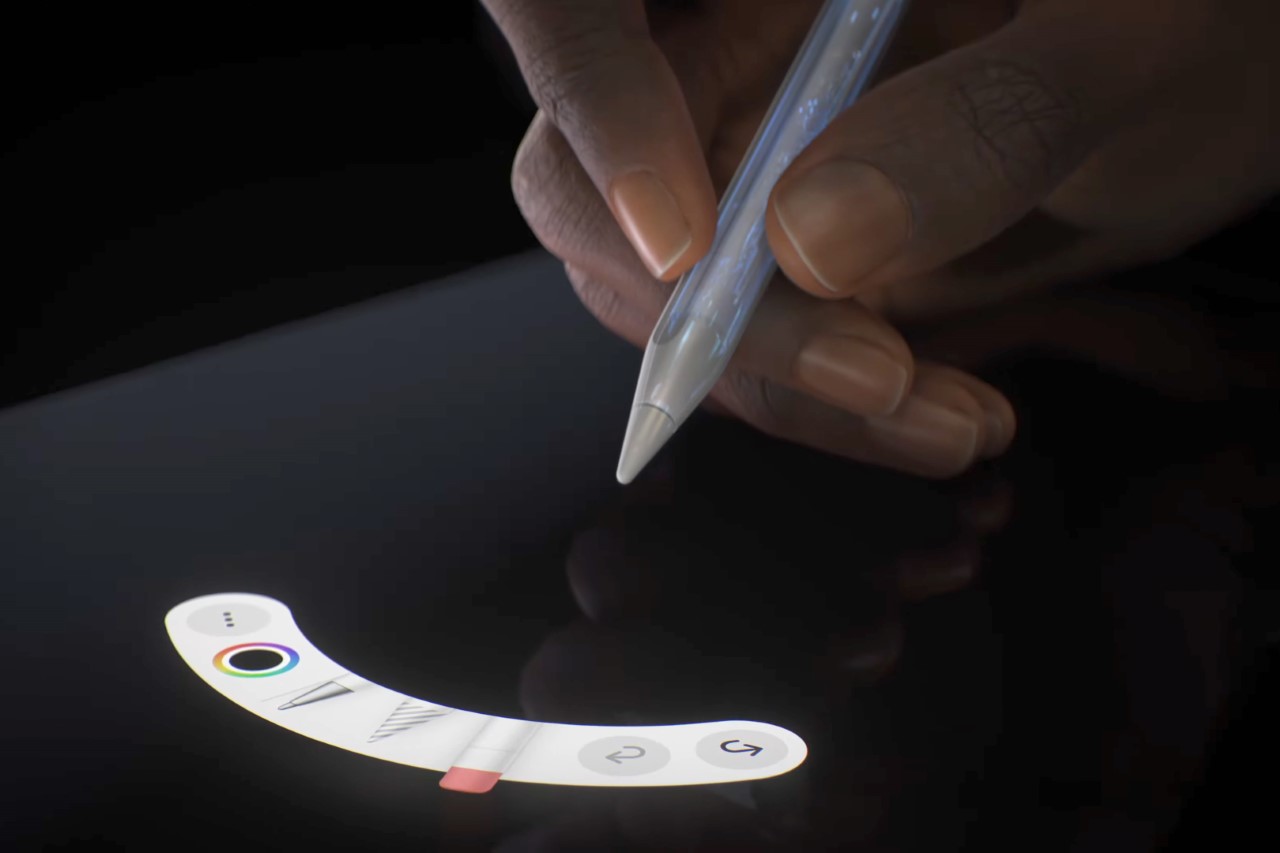
The Pencil Pro can be squeezed to activate a quick menu

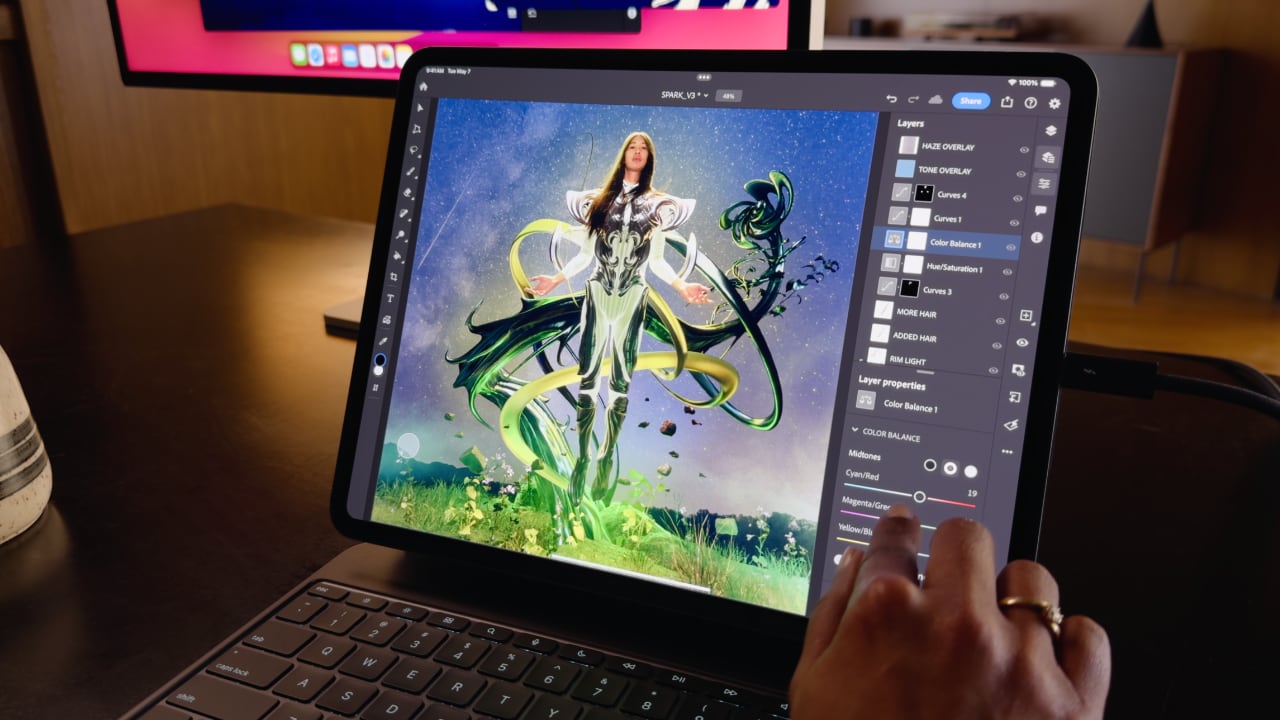
A great stylus on the iPad Pro, which already comes with an industry-leading chip, laptop-grade performance, a brilliant camera setup and LiDAR sensor, and an app store, basically makes the iPad or Wacom question moot. The only true advantage Wacom’s tablets have at this point is that they’re bigger than iPads, starting at 16 inches and maxing out at 27 inches diagonally. They also cost MUCH more than the iPad Pros, with the Cintiq Pro 16″ starting at $1599, and the Cintiq Pro 27″ having an eye-watering $3499 price tag. That’s Vision Pro territory for a sketching tablet.
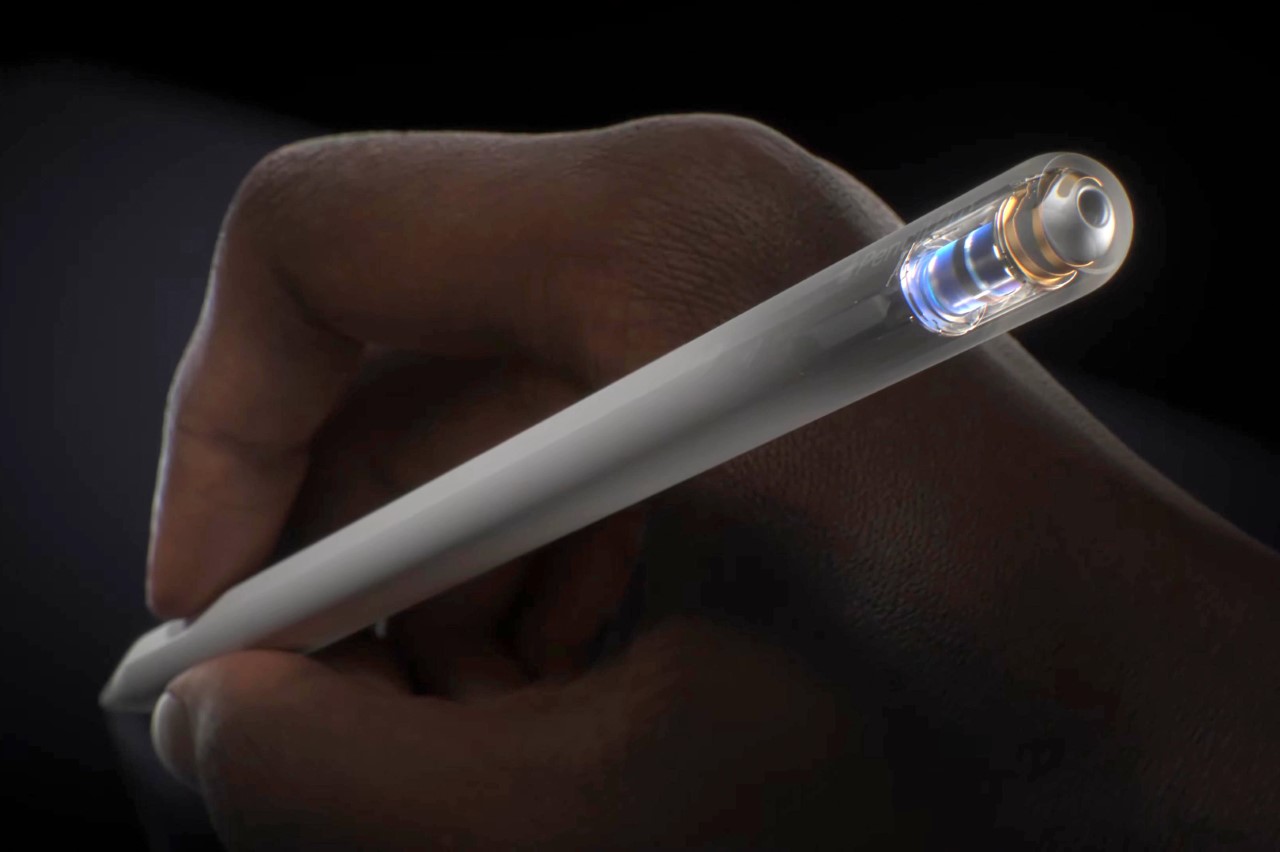
The haptic motor gives you feedback when you squeeze the Pencil Pro

There still is a market for Wacom products. They’re massive, preferred by the hardcore animation and visual industries, and are platform-agnostic, which means you can easily run Windows or Linux programs on them, which most power users will appreciate over being limited to the iPadOS. But for the most part, the iPad Pro and Pencil Pro are so far ahead of their competition at this point, that they’ve made Wacom’s tablets (an already niche creative-focused gadget) even more niche… almost to the point of obscure.
The post The new Apple Pencil Pro is a death-sentence for Wacom first appeared on Yanko Design.
Why the M2 iPad Air Is Ideal for Students, Designers, and Everyone In Between

iPad Air M2

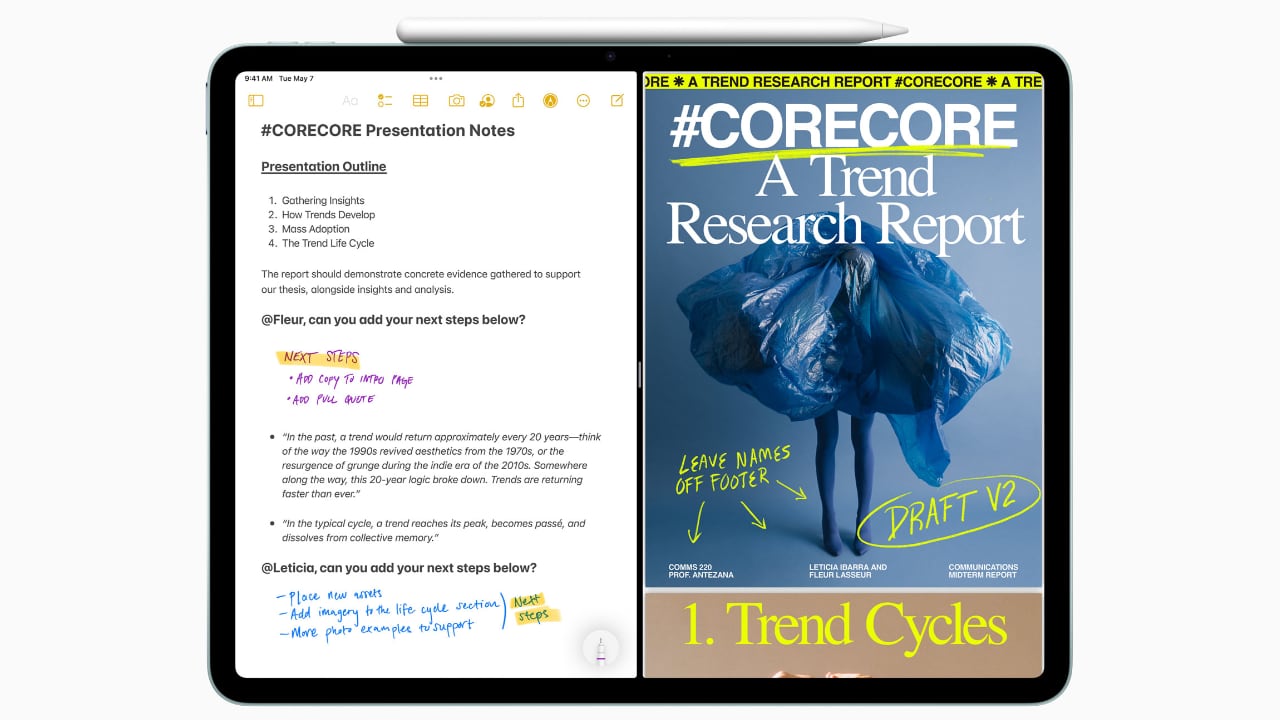
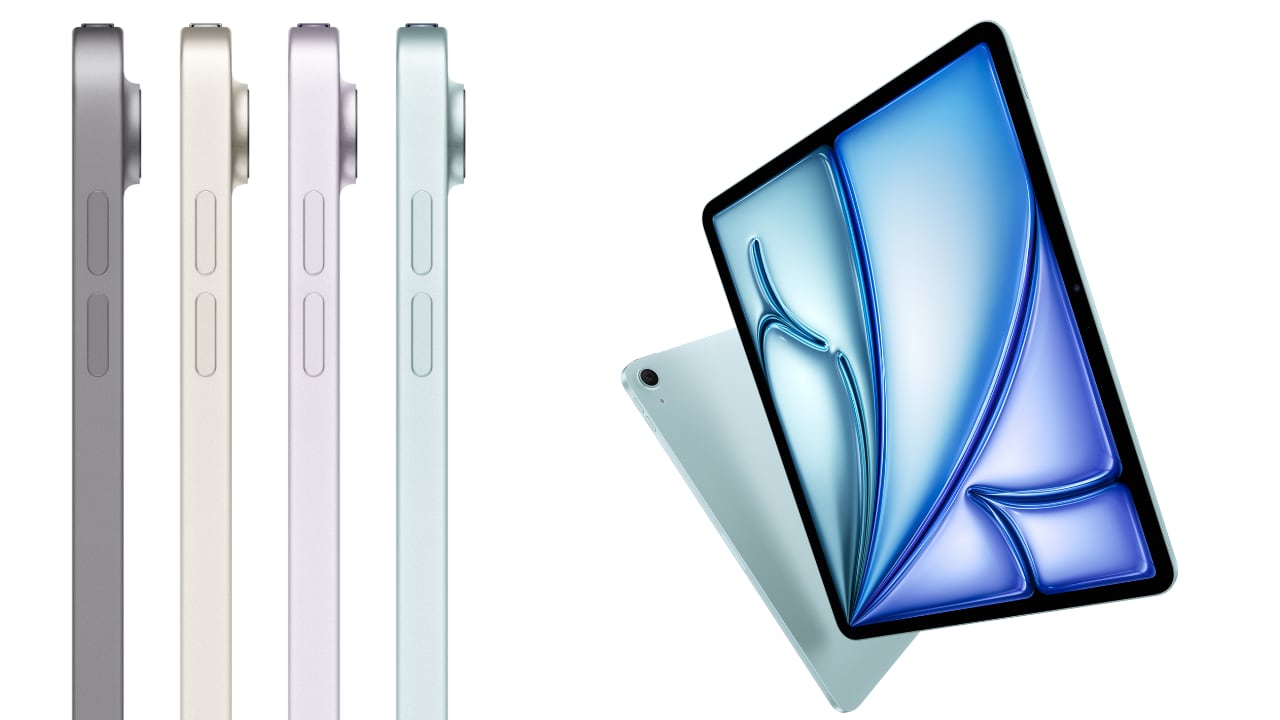
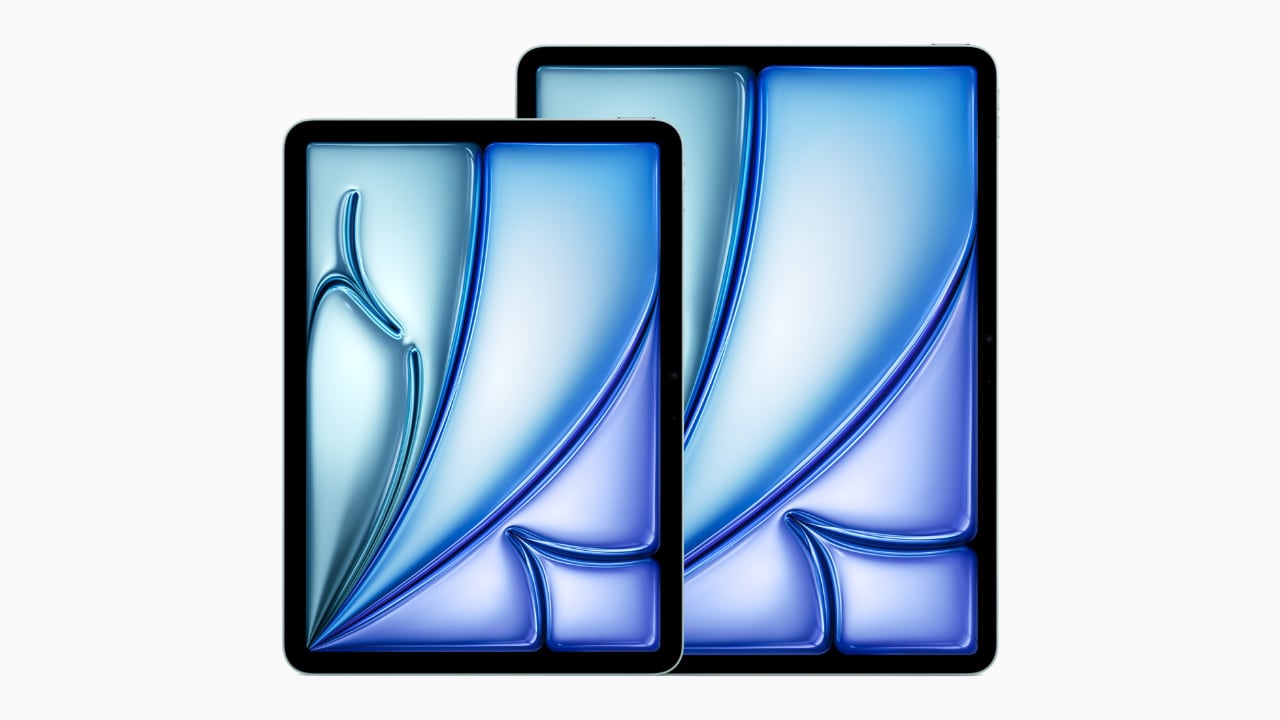
The iPad Air, now available in both 11-inch and 13-inch models, caters to a variety of needs and preferences. Whether you’re a student always on the move or a designer needing ample screen space for intricate visuals, there’s an option perfectly sized for you. The 11-inch version excels in portability, easily slipping into a small bag or backpack, making it the go-to device for students who juggle between classes and study sessions across campus. Meanwhile, the 13-inch model, with its expanded display, provides 30 percent more screen real estate, offering designers and students the luxury of a bigger canvas to work on complex projects or manage multiple applications side by side with iPadOS’s multitasking features.

Designer: Apple

The 11-inch iPad Air is super-portable, while the 13-inch model provides an even larger display, giving users more room to work, learn, and play.

Beyond size, the iPad Air boasts a Liquid Retina display with advanced technologies such as True Tone, high brightness, and anti-reflective coating, ensuring everything you see is detailed and vibrant. This is crucial when precision in color and detail plays a significant part in your coursework or professional projects. The support for P3 wide color gamut also means that the visuals are not just bright but incredibly accurate, which is especially important for design students and professionals who rely on true-to-life colors for their digital artistry.

The repositioned front-facing camera is another subtle yet impactful enhancement. Set along the landscape edge, the camera automatically keeps you in frame during video calls, thanks to the Center Stage technology. This feature is particularly beneficial now that remote collaboration has become more prevalent in both educational and professional settings. Whether you’re presenting a thesis to your class or brainstorming with colleagues over a video call, the camera adapts dynamically to ensure you are always seen, complemented by dual microphones that focus on your voice while minimizing background noise.

Moved to landscape edge, 12MP Ultra Wide front-facing camera with Center Stage improves call experience.

Performance-wise, the M2 chip in the iPad Air is a big leap forward, bringing not only speed but also efficiency to every task. This chip is tailored for advanced tasks such as photo and video editing, 3D modeling, and large-scale graphic designs, all while maintaining energy efficiency for all-day battery life. This means less time tied to a power outlet and more flexibility to work in settings that inspire you, be it a quiet corner of a library or lounging at your favorite cafe.

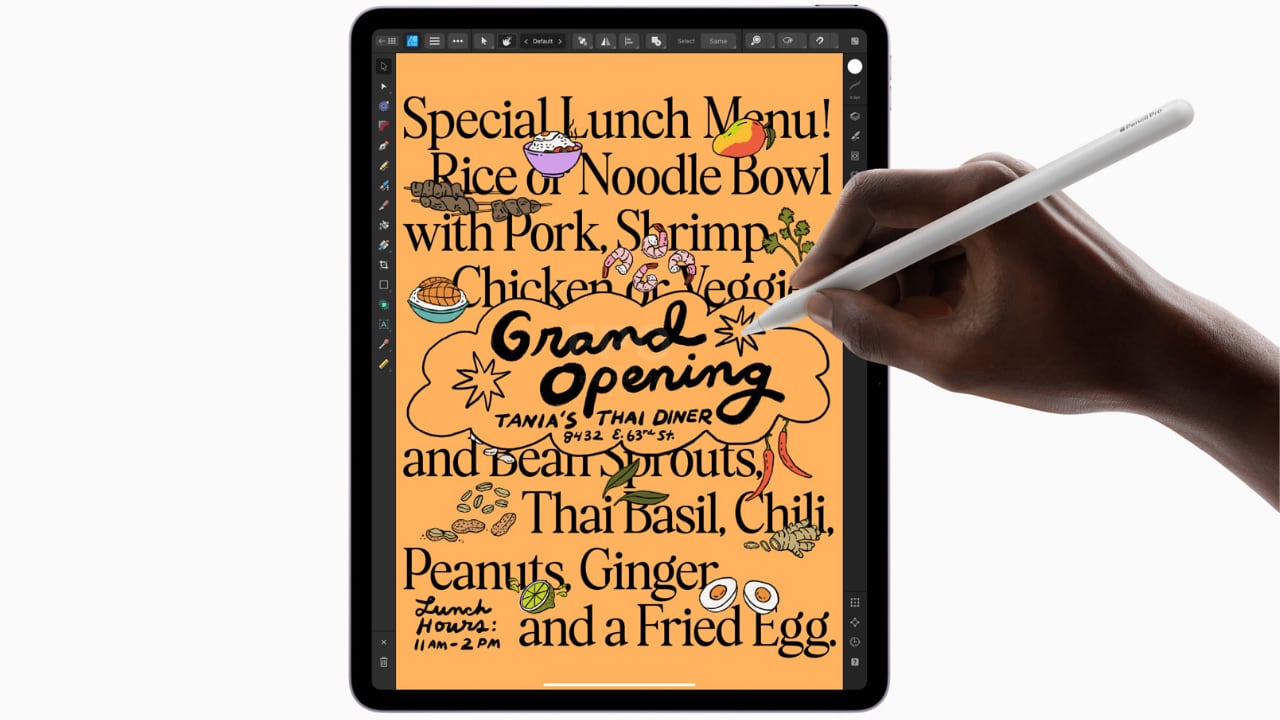
Moreover, the iPad Air now supports not only the Apple Pencil (2nd generation) but also the newly introduced Apple Pencil Pro, enhancing its utility for both students and designers. The Apple Pencil Pro includes a new sensor in its barrel that can detect squeezes, enabling users to quickly switch between tools, line weights, and colors effortlessly—ideal for designers working in applications such as Affinity Designer 2. Additionally, its custom haptic feedback provides tactile responses to actions like squeezing or double-tapping, enhancing the user’s interaction by confirming their inputs in a way that feels intuitive and direct. The inclusion of a gyroscope allows for fine control over tool orientation, mimicking the real-world experience of rotating a pen to achieve the desired stroke or effect.

Apple Pencil Pro enhances creativity with squeeze, barrel roll, and haptic feedback for intuitive marking, note-taking, and design in apps like Affinity Designer 2.

For those who are prone to misplacing their tools, the Apple Pencil Pro introduces support for Apple’s Find My network, a first for Apple’s stylus line. Both the Apple Pencil Pro and the Apple Pencil (2nd generation) attach magnetically to the side of the iPad Air, where they also charge, ensuring they are always ready for use and conveniently stored. This versatility makes the iPad Air an even more attractive option for anyone looking to maximize their productivity and creative output, whether they are annotating documents, taking detailed notes, sketching out a design, or navigating through complex creative software.

Connectivity is also an important feature of the iPad Air’s appeal. With the introduction of Wi-Fi 6E and the option for 5G connectivity, the device ensures that you can work from anywhere without lag or interruption. This is particularly valuable for students who need to download large resources quickly or for designers who must upload high-resolution files to cloud-based platforms.

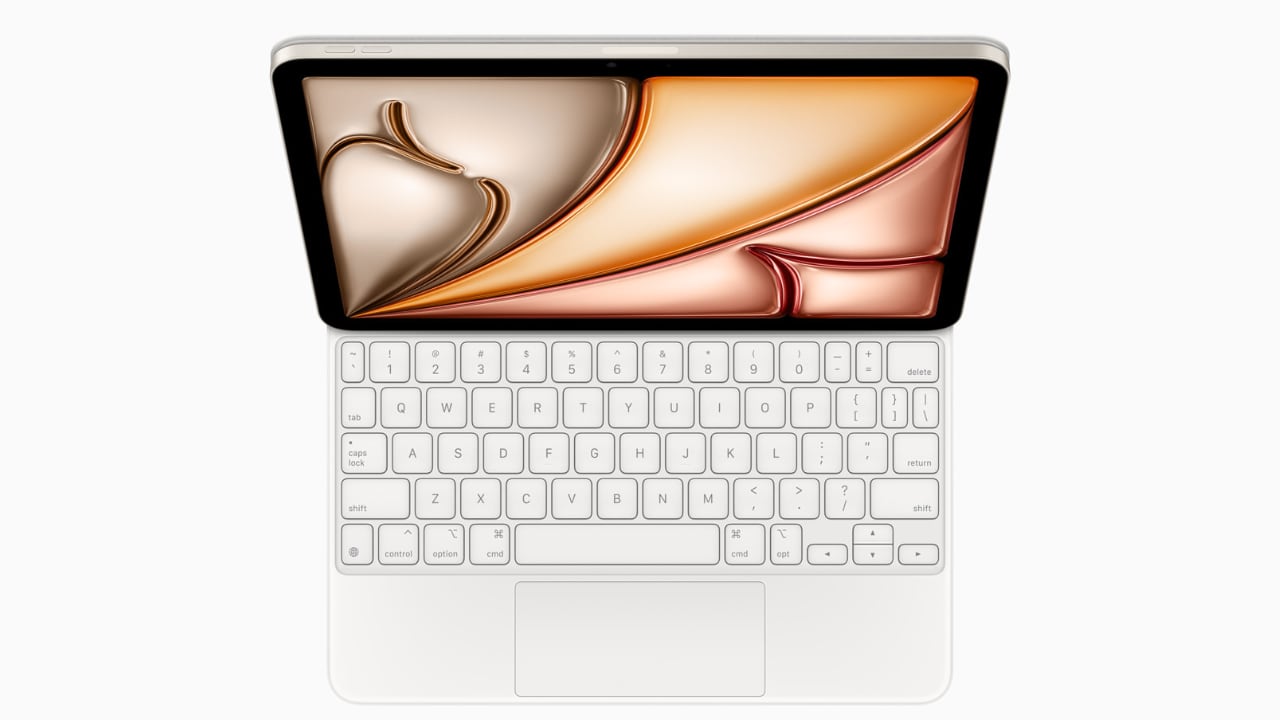
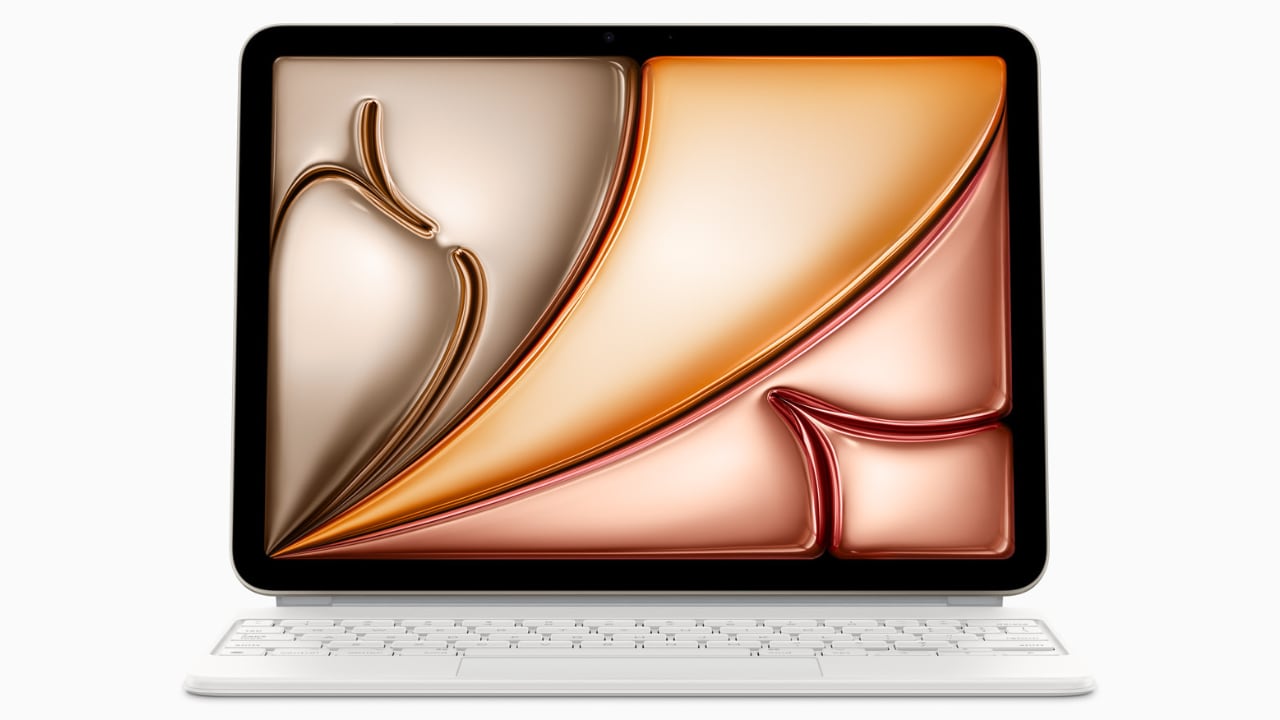
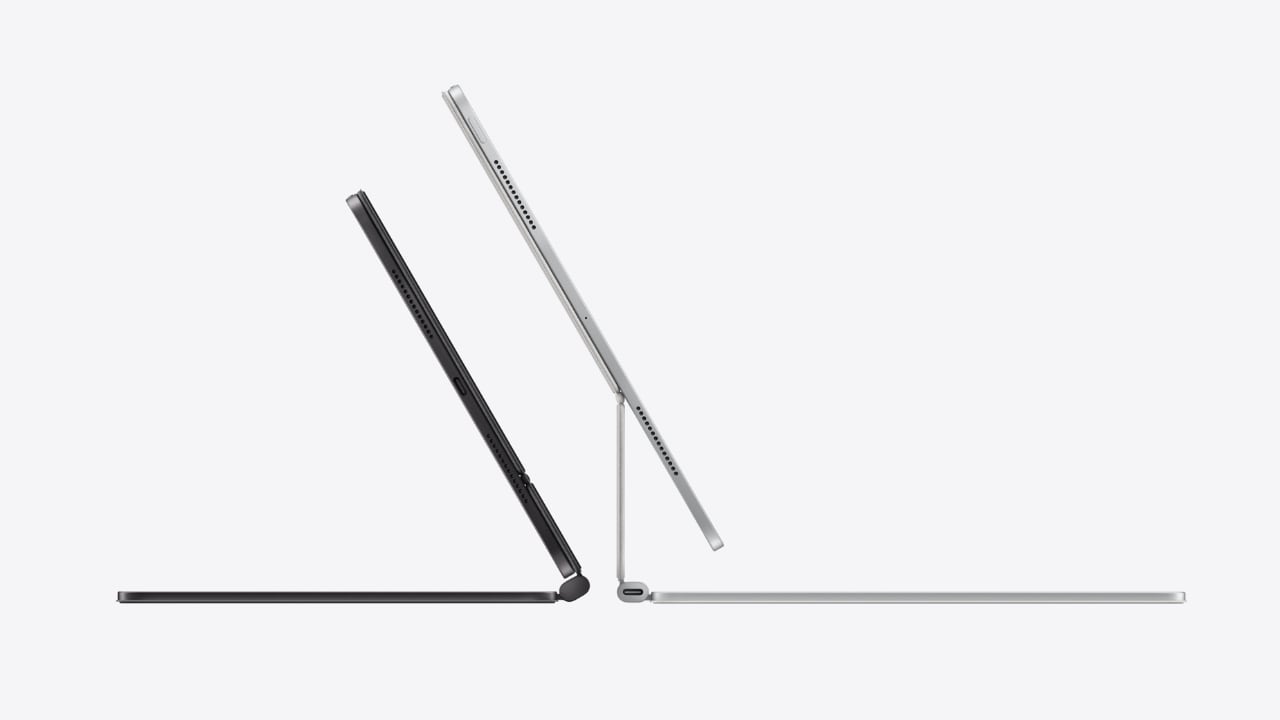
Magic Keyboard: Floating cantilever design, magnetic attachment, multiple viewing angles, integrated trackpad, USB-C pass-through charging, and full iPad protection.

Traveling with tech can sometimes feel like a balancing act between staying productive and managing your gear effectively, especially for someone like myself who’s always on the move. One of the standout features of the iPad Air, from my perspective, is its versatility—particularly the ability to detach it from the Magic Keyboard. This becomes incredibly handy during air travel. Picture this: you’re on a flight, deeply absorbed in your latest design project or perhaps the climax of your favorite Netflix series. Just as the airplane prepares for takeoff, the usual announcement comes over the PA: “Please stow your laptops.” However, thanks to the iPad Air’s detachable setup, you can continue your work or entertainment seamlessly by simply detaching the iPad from its keyboard. It’s moments like these where the iPad Air proves its worth, allowing you to maintain your creative or entertainment zone without a hitch.

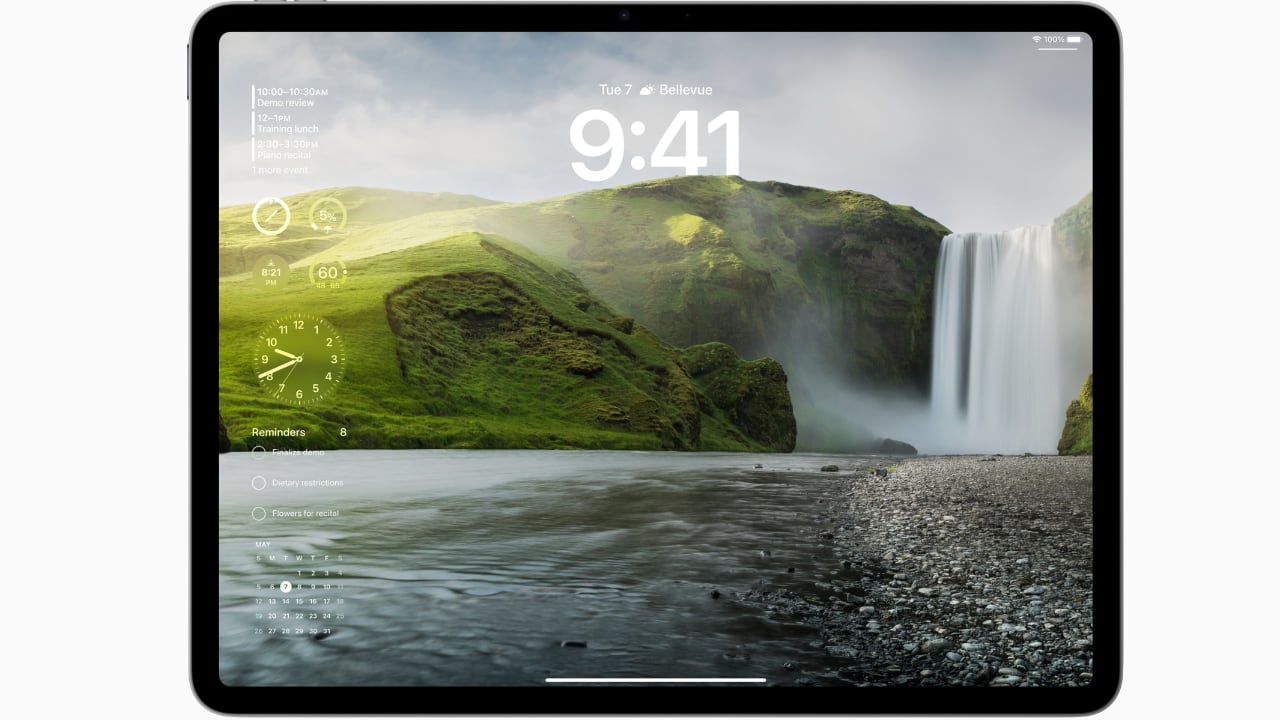
In terms of the operating system, I appreciate the straightforward and efficient design of iPadOS 17. It simplifies daily tasks and enhances user interaction, making everything from navigation to app management feel more fluid. The customization options in iPadOS 17 are particularly notable; they allow you to tailor the Lock Screen on both the 11-inch and new 13-inch displays. This personalization capability lets you set unique wallpapers and choose expressive fonts that truly reflect your personal style.

As WWDC 2024 approaches, while iPadOS 17 certainly gets the job done, I’m eager to see what iPadOS 18 will bring to the iPad. Anticipating new features and enhancements that could further refine and expand the functionality of this already versatile device adds an exciting layer of potential for iPad users looking forward to the next evolution in their device’s capabilities.

Interactive widgets on iPadOS 17 are also great for productivity. Imagine being able to glance at your screen and tap a widget to immediately capture a brilliant idea in the Notes app or adjust your schedule in Calendar. This kind of immediate interaction is perfect for someone who needs to stay flexible and react quickly to changes, which is often the case in both travel and creative professions.

iPad Air with M2 uses AI for features like Subject Lift, Visual Look Up, and Live Text.

The enhancements to Messages and FaceTime add a layer of fun and convenience. With new sticker features and the ability to leave video messages, staying connected feels more personal and engaging. For professionals, the Continuity Camera feature is particularly impressive. You can start a video call on your iPad Air and seamlessly hand it off to Apple TV, making it perfect for professional presentations or casual catch-ups.

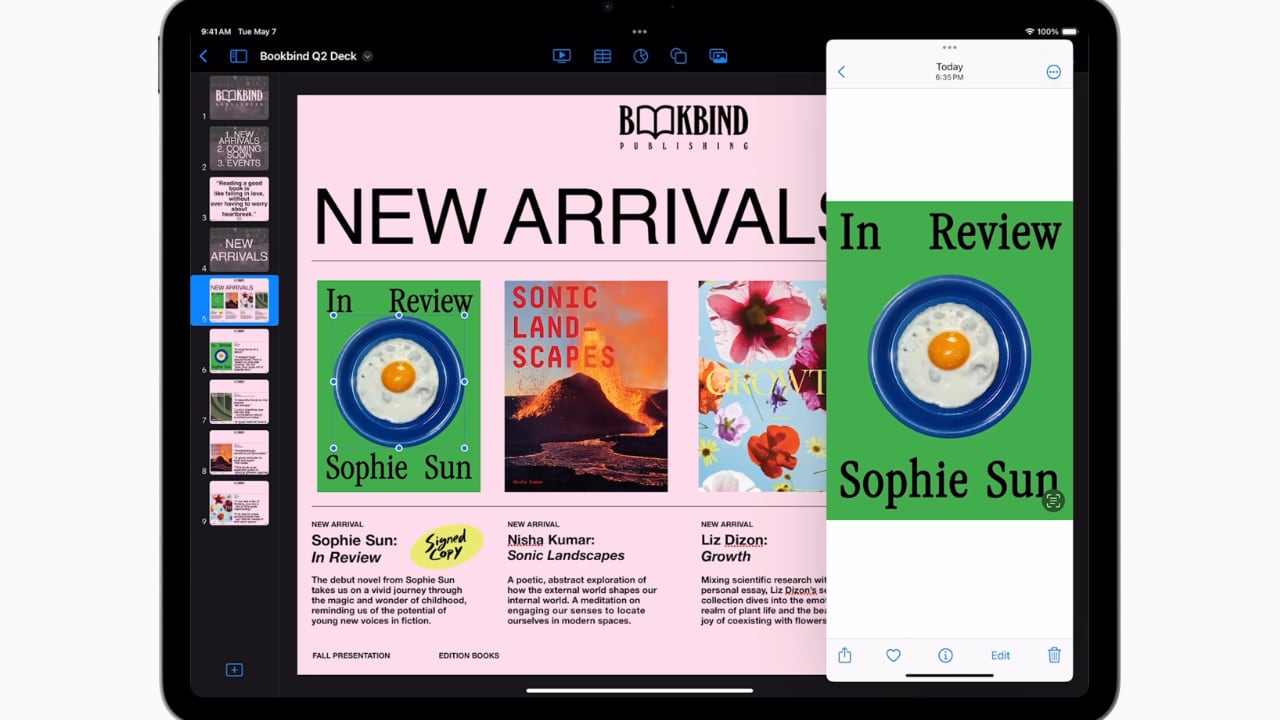
Freeform’s new tools for drawing and collaboration are a boon for creatives. Whether you’re sketching out a quick concept or organizing a project with teammates, these tools make it easy to bring your ideas to life. And for someone who frequently deals with contracts or creative briefs, the enhanced PDF capabilities in the Notes app can be incredibly efficient, allowing you to annotate, fill out forms, and collaborate without ever needing to print or scan anything.

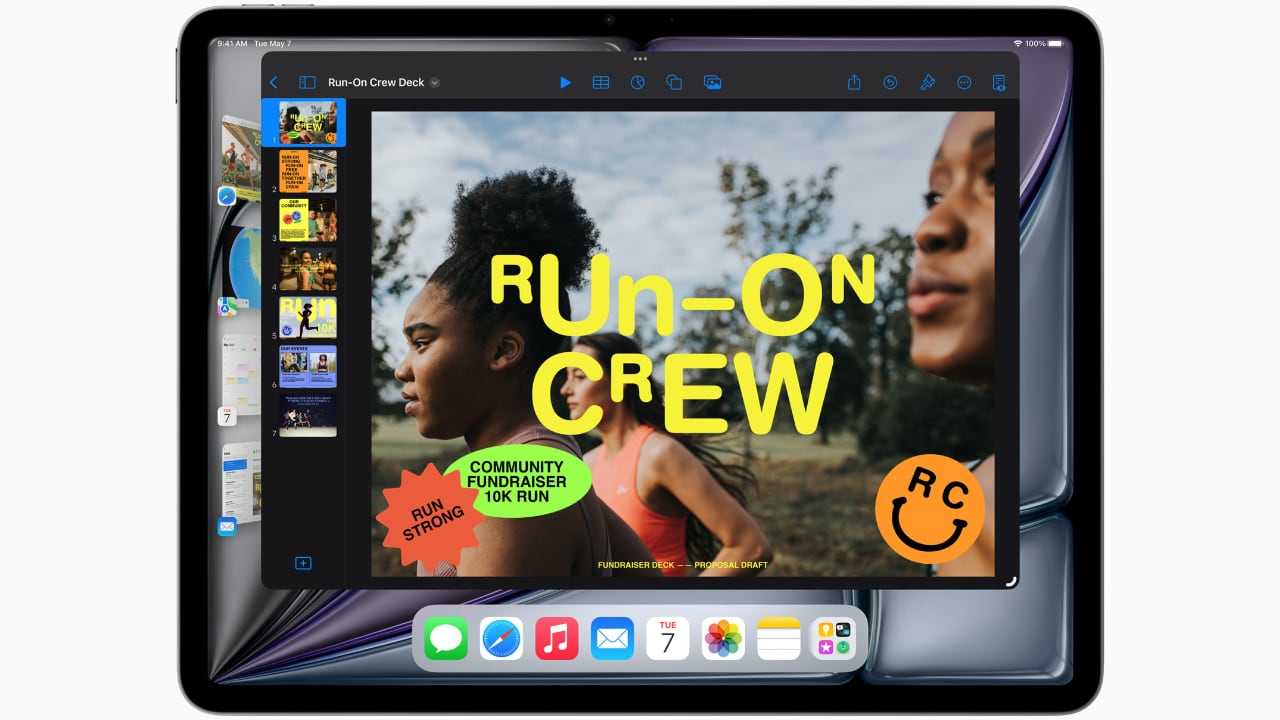
Lastly, the inclusion of features like Stage Manager, which lets you handle multiple overlapping windows, is ideal for multitasking. This feature, combined with AI-driven capabilities like Live Captions and intelligent accessibility features, ensures that the iPad Air isn’t just keeping up with the demands of mobile professionals and creatives—it’s anticipating them.

Every Apple product I’ve used, from my M1 MacBook Pro to an iPhone 12 Pro Max or a three-year-old iPad Pro with an M1 chip, continues to hold immense value. Remarkably, there has been very little performance degradation, and none feels obsolete. This changelessness is largely thanks to Apple’s timeless design concepts, which are consistently implemented across the product line.

Moreover, the new iPad Air reflects Apple’s ongoing commitment to environmental responsibility. It is crafted with 100% recycled aluminum for its enclosure, utilizes 100% recycled rare earth elements in all magnets, and features 100% recycled gold plating and tin soldering in multiple printed circuit boards. These efforts are complemented by packaging that is entirely fiber-based, aligning with Apple’s goal to eliminate plastic from all packaging by 2025. As part of a broader commitment, Apple aims to be carbon neutral across its entire manufacturing supply chain and the life cycle of every product by 2030. These steps not only reflect Apple’s dedication to reducing its environmental footprint but also enhance the appeal of the iPad Air to environmentally conscious consumers.

Whether you’re considering an upgrade or this might be your first Apple product, you can trust that in the next year, or even the year after, you won’t feel the need to upgrade unless you choose to. Apple’s commitment to quality, forward-thinking design, and environmental sustainability ensures that its products not only meet current demands but continue to remain relevant and perform excellently well into the future.

The post Why the M2 iPad Air Is Ideal for Students, Designers, and Everyone In Between first appeared on Yanko Design.
Oh no, I think I want an iPad Pro now

The iPad Pro has always struck me as a baffling device. It's significantly more expensive than the (very capable!) iPad and iPad Air. iPadOS still isn’t a great environment for multitasking. And Apple hasn't yet justified why, exactly, you'd want a super-powerful tablet in the first place (simplified versions of Final Cut Pro and Audition aren't enough!). If you're trying to get serious work done, you're better off buying a slightly used last-gen MacBook Pro, instead of shelling out $1,000 or more on a souped-up tablet.

And yet, something about this year's iPad Pros compels me.

Apple Magic Keyboard
Apple

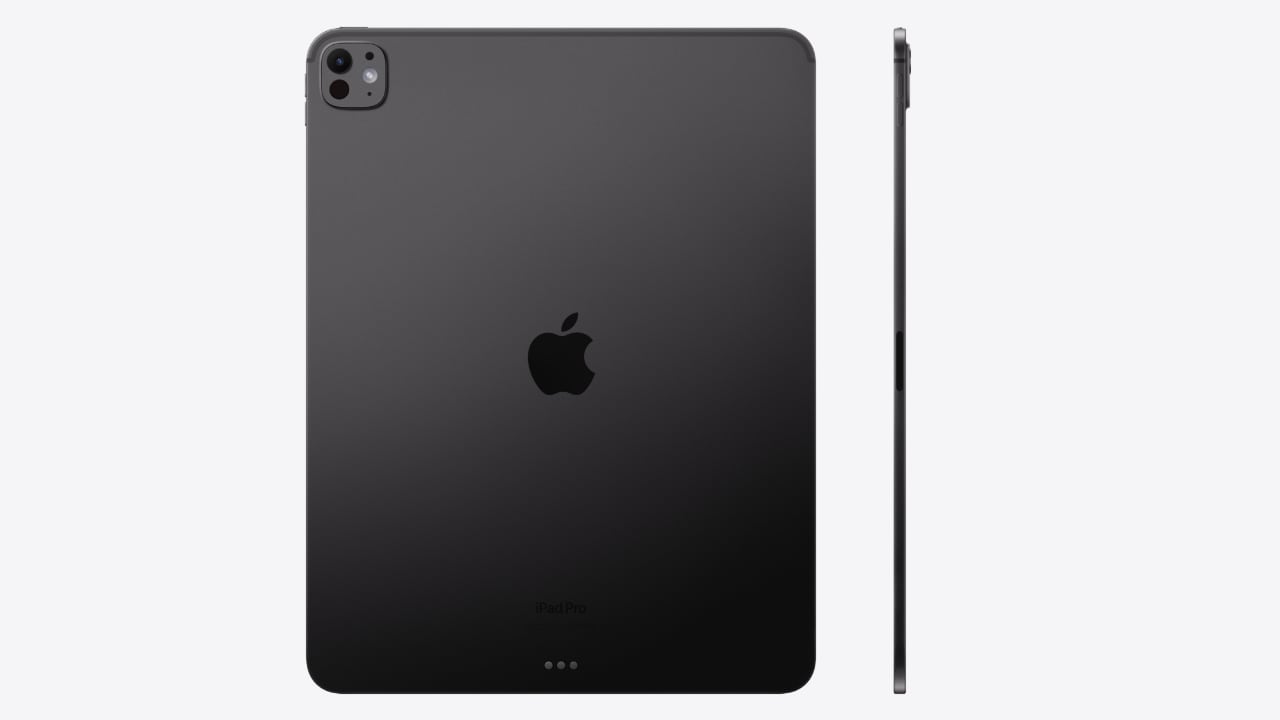
Taken individually, most of the tablet's new features seem inessential. It's the first device with Apple's M4 chip, which has vastly better AI performance than its earlier M-series hardware. It has a "tandem" OLED display, which stacks two OLED panels together for better performance. And both the 11-inch and 13-inch iPad Pros are incredibly thin and light (the latter model is the slimmest device Apple has ever made, measuring 5.1mm).

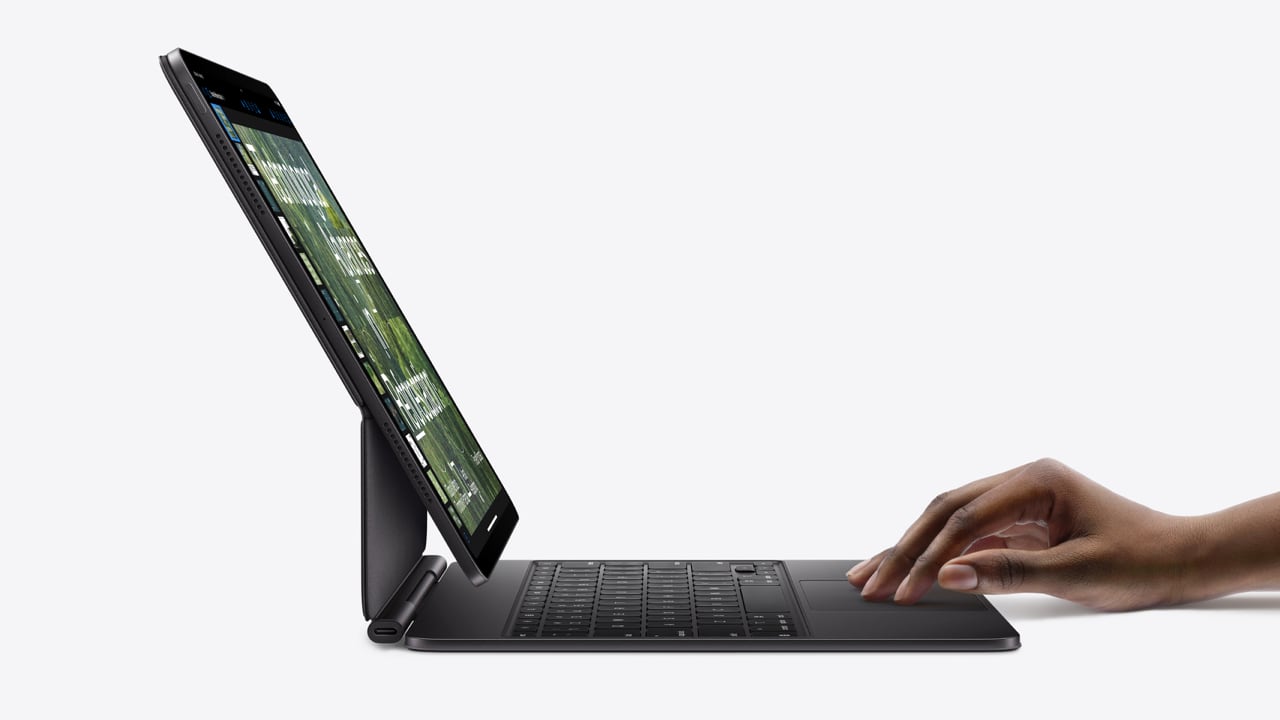
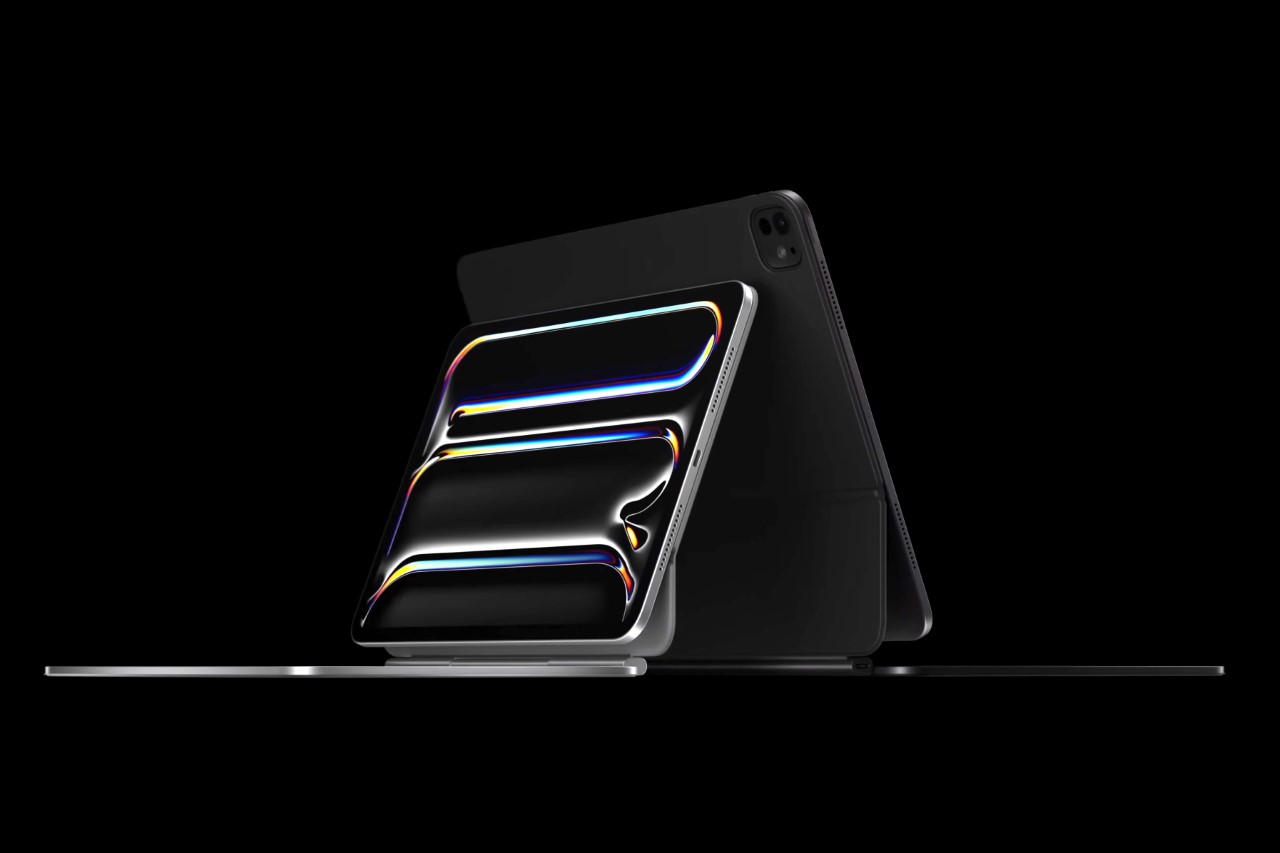
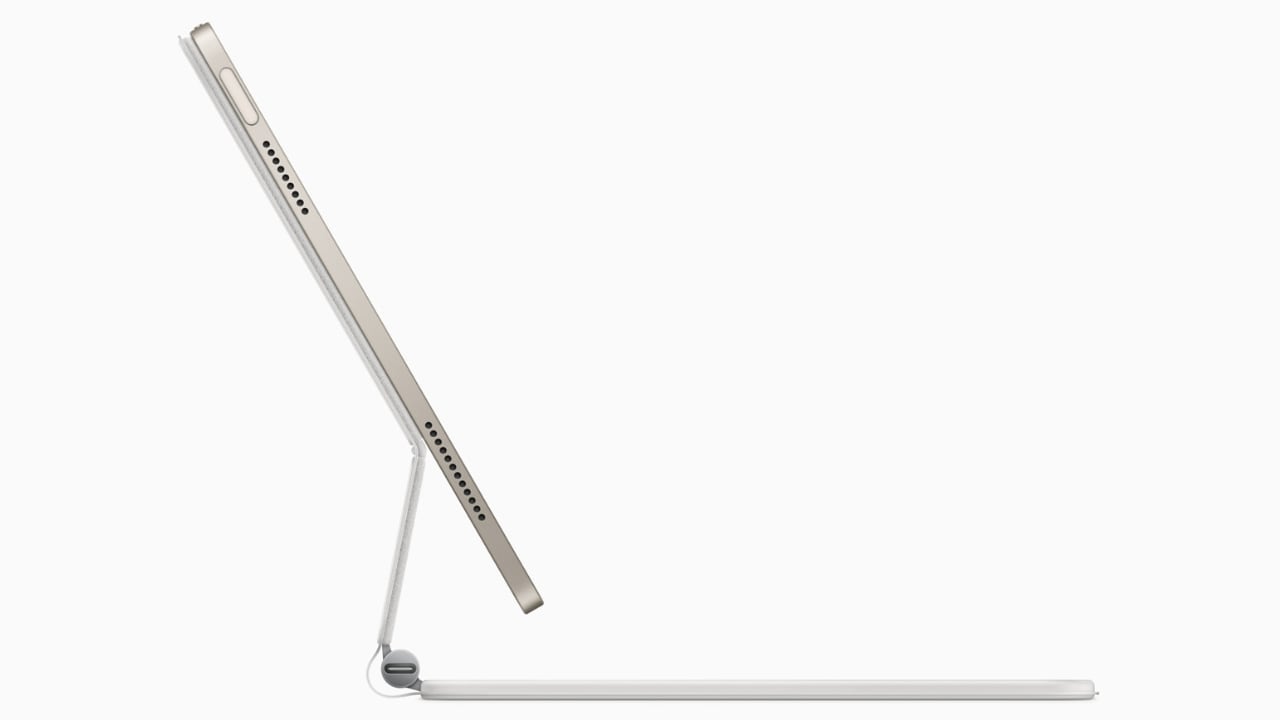
But when you wrap all of those advancements together and pair them up with a redesigned, MacBook-like Magic Keyboard, the iPad Pro M4 is starting to look more and more like the ultra-light computer of my dreams. A super-powerful machine that's easy to take anywhere, with a gorgeous screen for binging TV shows and a capable keyboard for writing on the go. Maybe I'm just charmed by the side profile of the iPad Pro with the Magic Keyboard, which looks like it could have been designed by Syd Mead in the '90s, imagining how laptops could be transformed in a few decades.

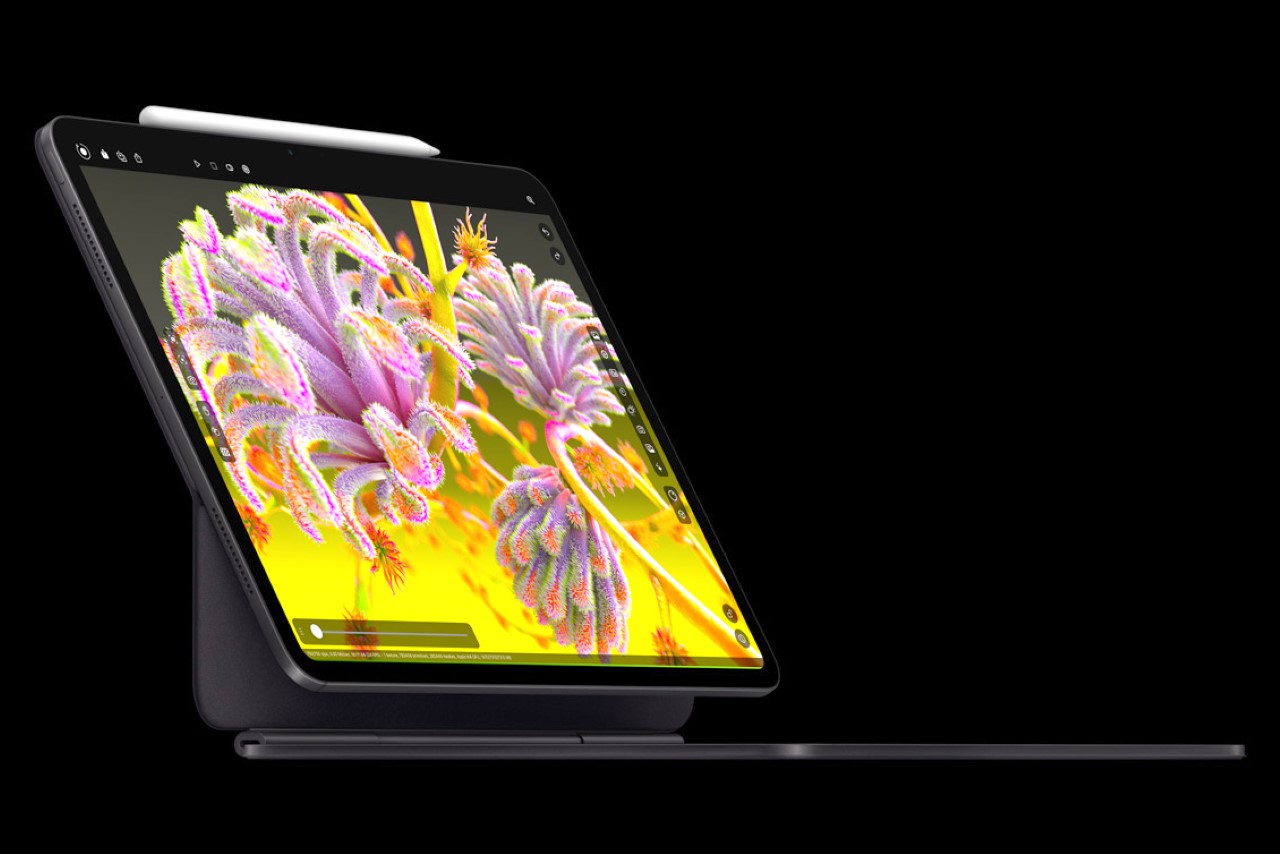
iPad Pro M4 with Magic Keyboard

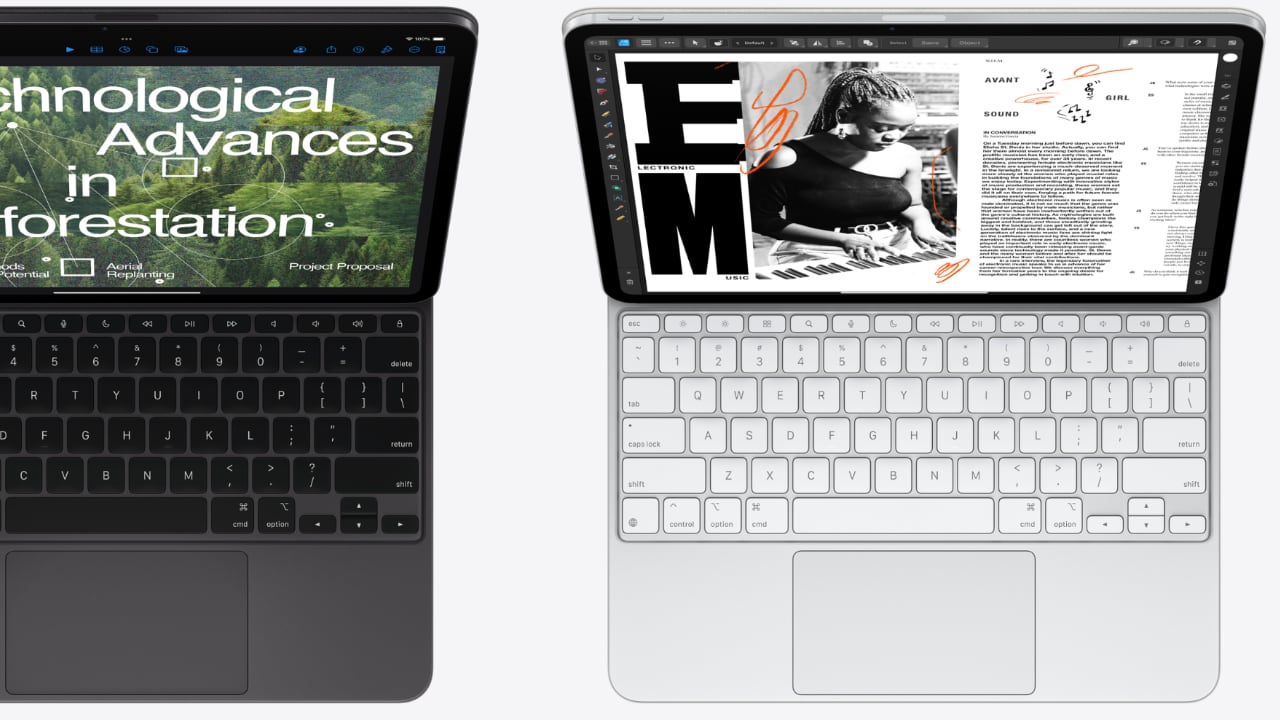
I'll admit, the new iPad Pro looks very similar to the 2022 model. But, as the kids say, it just hits differently now. This year’s iPad Pro is thinner than I ever thought possible, and the revamped Magic Keyboard solves most of the problems I've had with earlier versions, thanks to its aluminum top cover, function keys and larger touchpad.

Part of the appeal, for me at least, is that Apple has also taken the idea of a tablet PC a step further than Microsoft's Surface tablets. While those devices can function as genuine PCs and run full Windows apps, Microsoft hasn't improved its keyboard covers or overall design in years. If you want to hold a Surface on your lap, you'll still have a kickstand digging into your legs and a pretty flimsy typing experience. The iPad Pro M4, on the other hand, now more closely resembles an actual laptop.

Now I realize part of this gadget lust comes from covering Apple's recent launch event. I've been thinking far too much about iPads over the past few days, and it's taken a toll. You could potentially get a laptop-like PC experience from either the entry-level iPad or iPad Air when paired together with a keyboard case. But, then again, I’ve already bought a 10th-gen iPad with Logitech’s Slim Folio keyboard and I don’t actually use it much for typing. It’s fine for jotting down something short like emails, but the unsatisfying keys makes it tough to get into a writing flow.

I'd also feel better about jumping on the iPad Pro bandwagon once iPadOS becomes an even better platform for multi-tasking. Stage Manager is a start, but it's a bit clunky and hard to navigate. Sure, Apple is constrained by what's possible on smaller displays, but I could imagine iPads (along with iPhones and Macs) becoming far more functional once the company starts rolling out its rumored local AI models.

What if Siri could accurately note down your shopping list, pull in prices from local stores and share it with your friends. What if it could automatically edit your vacation videos to post on Instagram? Now imagine you could do those things without losing focus from the email on your screen, or your company’s Slack channel. Multitasking doesn't necessarily need to involve jumping between several apps. With AI enhancements down the line, we could potentially complete complex tasks with natural language, and our devices could better anticipate what we actually need.

iPad Pro 2024
Apple

Price is another obvious problem facing the iPad Pro. It has always been expensive, but Apple is really pushing the boundaries of acceptability with these new models. Both the 11-inch and 13-inch tablets are $200 more than before, starting at $999 and $1,299 respectively. While it's nice to see them come with 256GB of storage by default (up from 128GB), creative professionals will probably want to spend another $200 to get 512GB.

If you want the full 10-core CPU power of the M4 chip, though, you'd have to shell out for at least 1TB of storage, which makes the 11-inch iPad Pro $1,599. Want nano-textured glass for additional glare reduction? That's another $100. Oh, and don't forget the Magic Keyboard! That's $299 or $349 more, depending on the size. If you actually wanted to spec out the iPad Pro like a laptop, it's easy to hit a price near $2,000.

Alternatively, you could just get a $1,299 MacBook Air, or $1,599 14-inch MacBook Pro. Maybe add another $200 to get 16GB of RAM. At least with those machines, you've got larger screens, excellent keyboards, the full desktop power of macOS and more than a single port for connectivity. If you really want an iPad Pro experience, you could always keep an eye out for used or refurbished 2022 models, which come with the very capable M2 chip.

Given just how expensive it is, I likely won't be buying a new iPad Pro anytime soon. But the desire is certainly there, sitting somewhere deep within me, ready to take over my cognitive functions the minute these tablets get cheaper.

This article originally appeared on Engadget at https://www.engadget.com/oh-no-i-think-i-want-an-ipad-pro-now-170041331.html?src=rss

Should You Upgrade to the Latest iPad Pro with M4? A Critical Upgrade Analysis

iPad Pro with Magic Keyboard

I’ve been using my existing iPad Pro powered by Apple’s very first M1, along with the Magic Keyboard and Apple Pencil. Never once does it even stutter, nor have I felt like the performance was sluggish. However, there are a few physical design aspects that I would love to change on the iPad Pro device itself, including the Magic Keyboard and additional features on the Apple Pencil. I’ve never had the urge to upgrade to a new iPad Pro, but I’ve had the urge and need for a second MacBook. Whether it’s the Air or Pro is yet to be determined. Now that the all-new iPad Pro, Magic Keyboard, and Pencil Pro have arrived, I’m starring at a new companion that could last me an entire decade before I would need to upgrade.

Designer: Apple

My colleague Sarang and I have covered the iPad Pro news here, as well as the breakdown of the new Apple Pencil Pro vs. the second-generation Apple Pencil. Here’s a brief summary to catch you up in case you don’t get over there:

All-new iPad Pro

  • Design & Colors: The new thin, light design is available in silver and space black in 13-inch and 11-inch models.
  • Display: Features the advanced Ultra Retina XDR with tandem OLED technology for exceptional visuals.
  • Performance: It is powered by the new M4 chip, which offers significant performance improvements and all-day battery life; it includes enhancements in CPU, GPU, and a new display engine.
  • AI Capabilities: It is equipped with a powerful CPU, GPU, higher bandwidth memory, and the most advanced Neural Engine for superior AI performance.
  • Accessories: Includes new Apple Pencil Pro for enhanced interactions and a redesigned lighter Magic Keyboard.
  • Pricing: The 11-inch Wi-Fi model starts at $999, and the 13-inch Wi-Fi model at $1,299. Additional options include Wi-Fi + Cellular models and special education pricing.
  • Availability: Orders will start today, with in-store availability starting Wednesday, May 15.

The remaining decision is determining which size of the iPad Pro is best for you, especially if you’re considering upgrading or switching from another brand. However, before we discuss the size, let’s first examine the new Magic Keyboard. This accessory is crucial in determining if the new iPad Pro can effectively replace a 13-inch MacBook Air.

Magic Keyboard: Transforming the iPad Pro into a Laptop Contender

I’ve been using the current-generation Magic Keyboard with my iPad Pro. Although it significantly enhances my productivity, it has its shortcomings. When fully extended, the first row of keys is partially obscured by the lower part of the device, which can be frustrating. Additionally, the keyboard’s design and materials don’t quite match the sleekness of the iPad Pro, making it seem somewhat of an afterthought.

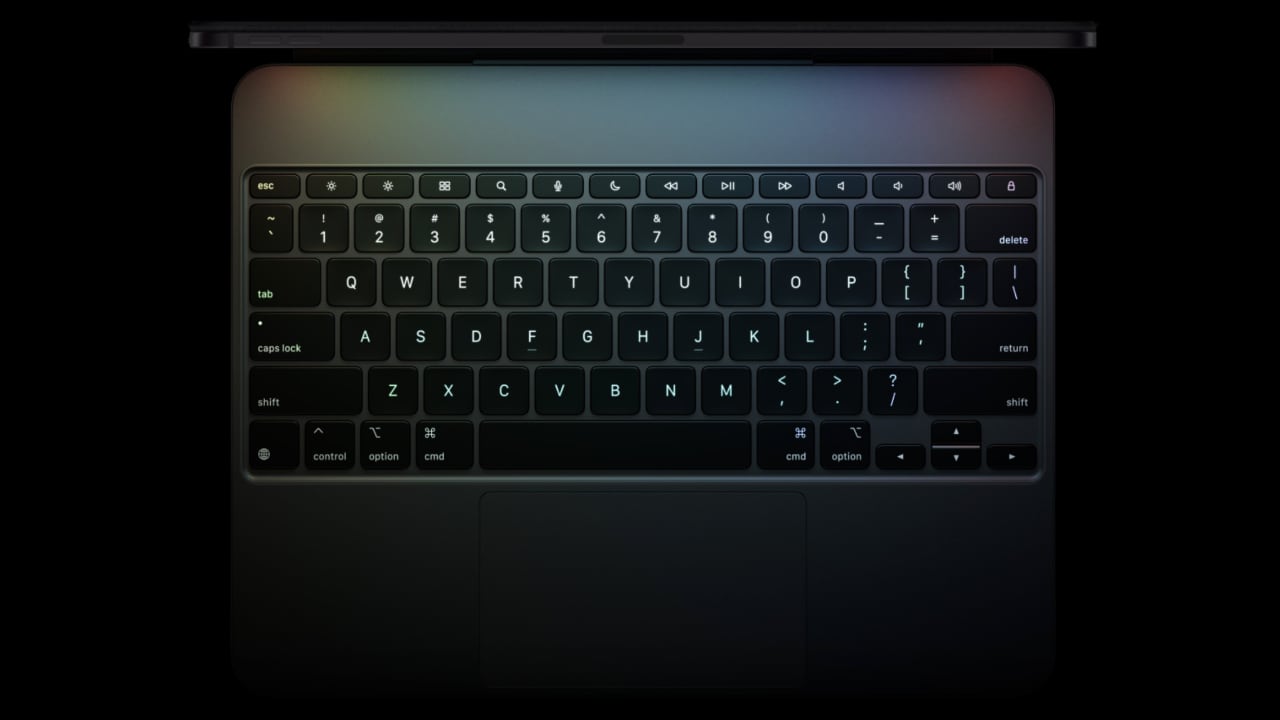
However, the introduction of the new Magic Keyboard for the iPad Pro appears to address my main concerns. The inclusion of a full function row above the number keys is transformative. This new 14-key function row provides easy access to controls such as screen brightness and volume, significantly boosting usability. The keyboard now complements the iPad Pro not only in its sleek profile and machined aluminum but it also feels like an integral part of the setup.

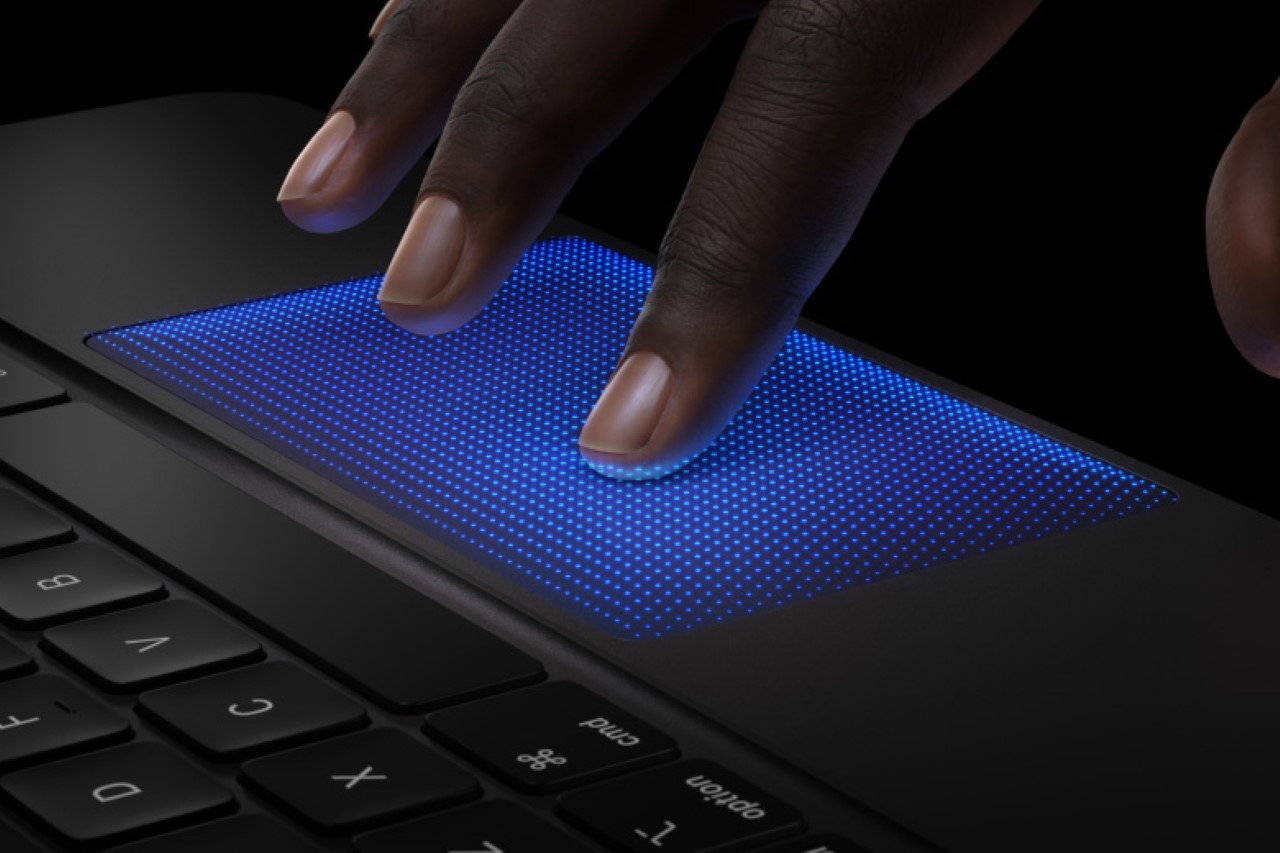
The redesigned keyboard also features backlit keys, which are ideal for any lighting condition, and its adjustable angles make it easy to find the optimal viewing position. A significant upgrade is the larger, redesigned glass trackpad with haptic feedback, enhancing responsiveness and intuitiveness—ideal for navigating large spreadsheets or highlighting text. Apple mentioned during the product announcement that the precise feedback from the trackpad will make every gesture—from scrolling and swiping to using Multi-Touch gestures—feel as natural as if you were using a MacBook.

Although I haven’t had the chance to test this out yet, Apple’s announcement suggests this should dramatically improve the user experience. It’s important to underscore the significance of a well-designed and constructed keyboard for the iPad, especially when in productivity mode, like during extensive writing sessions. The layout and key travel are crucial for comfort and efficiency. I’m eager to put this keyboard to the test and will share my findings in a detailed review later. Additionally, there are times when I prefer something slimmer and more streamlined, and that’s where the Smart Folio for iPad Pro comes in.

The new Smart Folio for the iPad Pro is the perfect companion. It attaches magnetically and now supports multiple viewing angles for reading, watching shows, typing, or making FaceTime calls. This versatility makes it ideal for various use cases, from viewing media to typing on the go. The Smart Folio is available in black and white, and it is a stylish new denim color. It is priced at $79 (U.S.) for the 11-inch model and $99 (U.S.) for the 13-inch model.

Overall, the updates to the new Magic Keyboard ($349) seem to rectify previous shortcomings and introduce improvements that integrate seamlessly with the iPad Pro experience. It’s slim, lightweight, and portable, featuring a floating cantilever design for smooth adjustability and stylish protection.

The toughest decision: 11-inch or 13-inch iPad Pro?

Practically speaking, the 13-inch model is a no-brainer due to its larger-screen real estate. Yet, there are times when I find myself wishing for the more portable 11-inch iPad Pro, especially when I’m working out of our Tokyo office where my business partner, Ewdison Then, uses the smaller pre-M1 iPad Pro. It’s also important to note the $300 price difference between the two models, with an additional $100 if you opt for the nano-textured glass. Keep in mind that choosing the nano-textured glass requires an upgrade to a 1TB or 2TB configuration.

2024 Apple iPad Pro: 11-inch and 13-inch model with Apple Pencil Pro

I understand that nothing lasts forever, but if you’re considering an iPad Pro over a fully equipped MacBook Air—which is about $800 cheaper—why not go all out? Choosing the fully upgraded 13-inch iPad Pro, which includes 2TB of storage, nano-texture glass, Magic Keyboard, WiFi+Cellular, and the new Apple Pencil Pro, might seem expensive at $3000, but it delivers a comprehensive package with top-tier functionality and performance. If you don’t need all the extras, you can opt for a more modest 512GB configuration with WiFi-only, Magic Keyboard, and Apple Pencil Pro for under $2000, aligning closely with the cost of a full-spec MacBook Air. Personally, my preference leans towards the former, though this heavily depends on the enhancements that iPadOS might offer in terms of multitasking features and app layout compared to MacOS. As it stands, we’ll have to wait for WWDC 2024 on June 10 to see what’s really possible.

Ultimately, the decision comes down to want versus need. Do I need the new iPad Pro? Not exactly, as my three-year-old model still works – perfectly I might add. I emphasize its age and mint condition because the impressive performance of the M1 chip and the build quality make me believe that an iPad Pro powered by the new M4 chip could potentially last me a decade before needing an upgrade.

The post Should You Upgrade to the Latest iPad Pro with M4? A Critical Upgrade Analysis first appeared on Yanko Design.

Steve Jobs would be absolutely proud of how far the new iPad Pro M4 has come

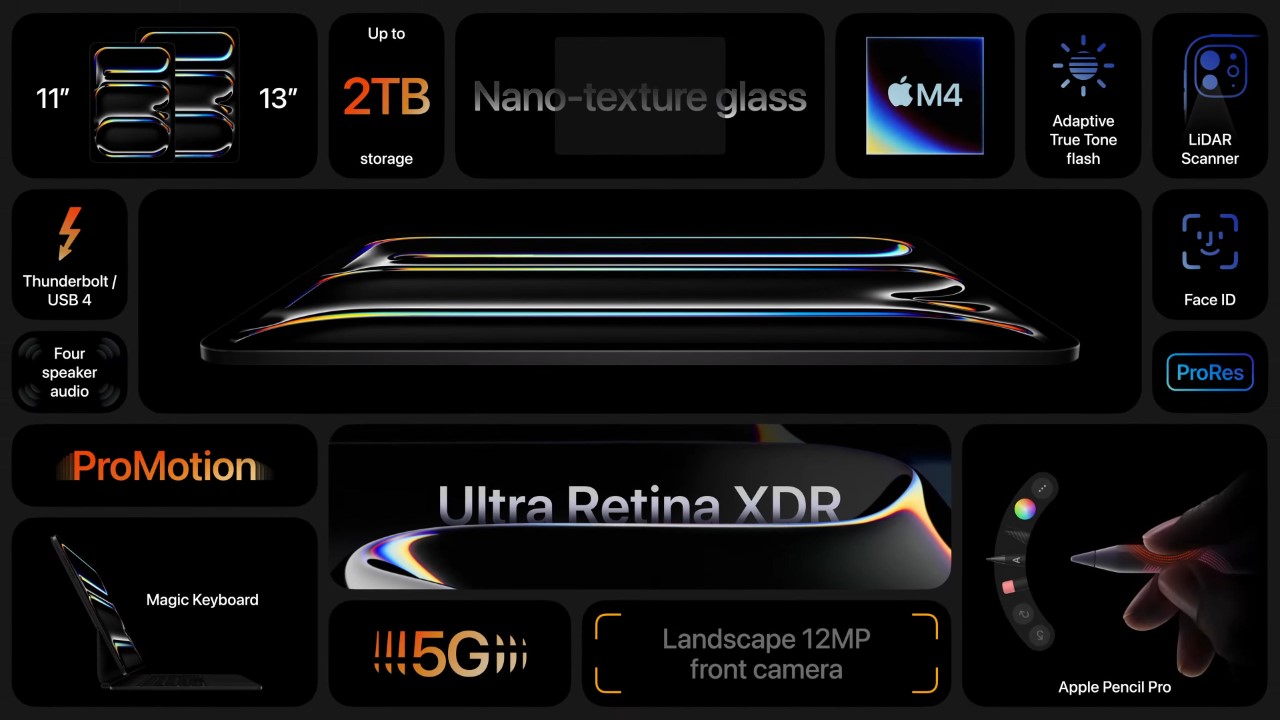
Here’s a snapshot of the new iPad Pro – an industry-leading M4 Chipset, Tandem OLED screen technology, a design thinner than any other Apple device ever made, nano-textured glass, studio-quality mics, graphite-sheet-infused hardware and copper-infused logo for better thermals, and an absolutely game-changing Apple Pencil Pro. It’s almost as if Apple is operating with alien technology.

I’ve mentioned this in the past that the iPad Pro really has no true competitor. It’s left Android tablets so far behind that almost every Galaxy, Pixel, or OnePlus tablet is just a budget competitor with Apple’s regular iPad. The iPad Pro has always been in a league of its own, and truth be told, I entered the Apple event thinking we’d get an incremental iPad Pro M3 update… because why does Apple really have to blow minds any more than it already has? Turns out I was absolutely wrong, because the more-than-one-year wait for a new iPad Pro was absolutely worth it.

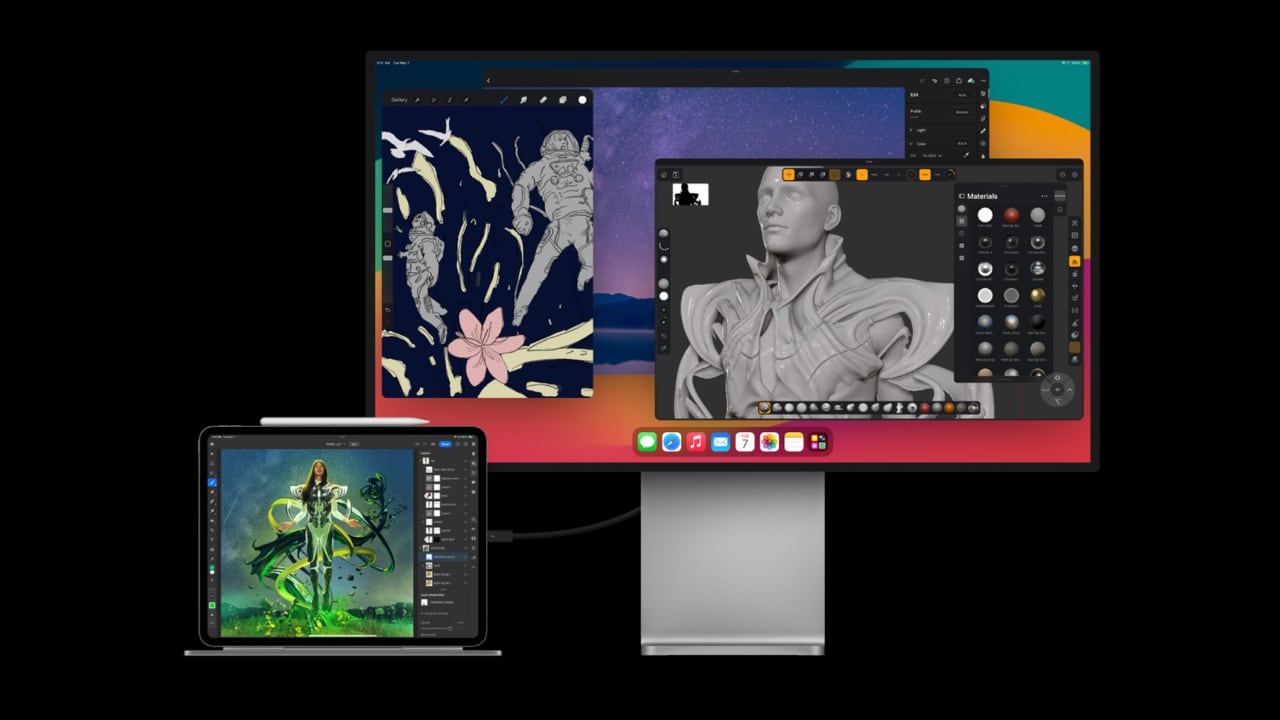
The tablet PC itself was a category that Jobs pioneered, ushering in a new era of handheld devices that would go on to become the intermediary between a phone and a laptop. Jobs introduced the iPad as a multimedia device back in the day, but today the iPad Pro is much more. In fact, it’s so ridiculously powerful that it could dethrone even Apple’s own MacBook. The landscape camera and Magic Keyboard with the function row are just two small updates that put the iPad Pro more and more in MacBook territory… except with an XDR touchscreen, a brilliant stylus, a flawless front-facing camera with LiDAR, and with FaceID – all features that the MacBook currently lacks.

Yes, I sincerely believe that if Jobs were around today, the iPad Pro M4 would have blown his mind because I’m pretty sure the CEOs of Samsung, Google, OnePlus, Huawei, and Microsoft are all mighty pissed at how much Apple has leapfrogged their own tablet efforts. There’s really no comparison between tablets the way there is between phones and even to some extent between smartwatches. No Qualcomm chipset matches the M4’s capabilities, neural engines (NPUs) on tablet chipsets aren’t that common or powerful (to our knowledge, only Microsoft’s Surface Pro has them), and the fact that the iPad is so good it could potentially eat into Chromebook sales is probably really irking some companies right now.

So what makes this iPad so ground-breaking? Well, for starters, pretty much all of us entered into this keynote expecting the usual – a chip upgrade, the shifting of the camera module, and maybe some Pencil tweaks. However, what Apple served up instead was miles ahead of what anyone could think. The first iPad Pro was touted as a magical piece of glass, given how thin and compact it was – this new iPad Pro, even with its new almighty M4 chip, is thinner than any iPad ever made. At 5.3 and 5.1 millimeters respectively (the 11 and 13-inch models), the new iPads are thinner than the thinnest iPod. Heck, they’re a full 40% thinner than an AirTag. AN AIRTAG.

That isn’t all, Apple’s new design is a combination of incredible engineering and borderline futuristic material sciences. The new screen gets bumped up from Retina to Tandem OLED, a technology that Apple developed in-house, merging two OLED panels together to bring screen brightness up to a peak of a whopping 1600 nits. Meanwhile, a nano-textured glass helps cut glare while refracting ambient light perfectly without causing any clarity issues. A better screen, an M4 chipset, and a radically thinner design obviously means the iPad Pro is prone to immense heating (it doesn’t have a fan the way laptops do either), but that’s where Apple’s ingenuity shines again. Instead of simply relying on machined aluminum, the new iPad Pro’s housing has graphite sheets incorporated into it… and that Apple logo on the back, that also has copper infused into it too, helping turn the iPad’s body into a much more efficient heat sink to dissipate heat.

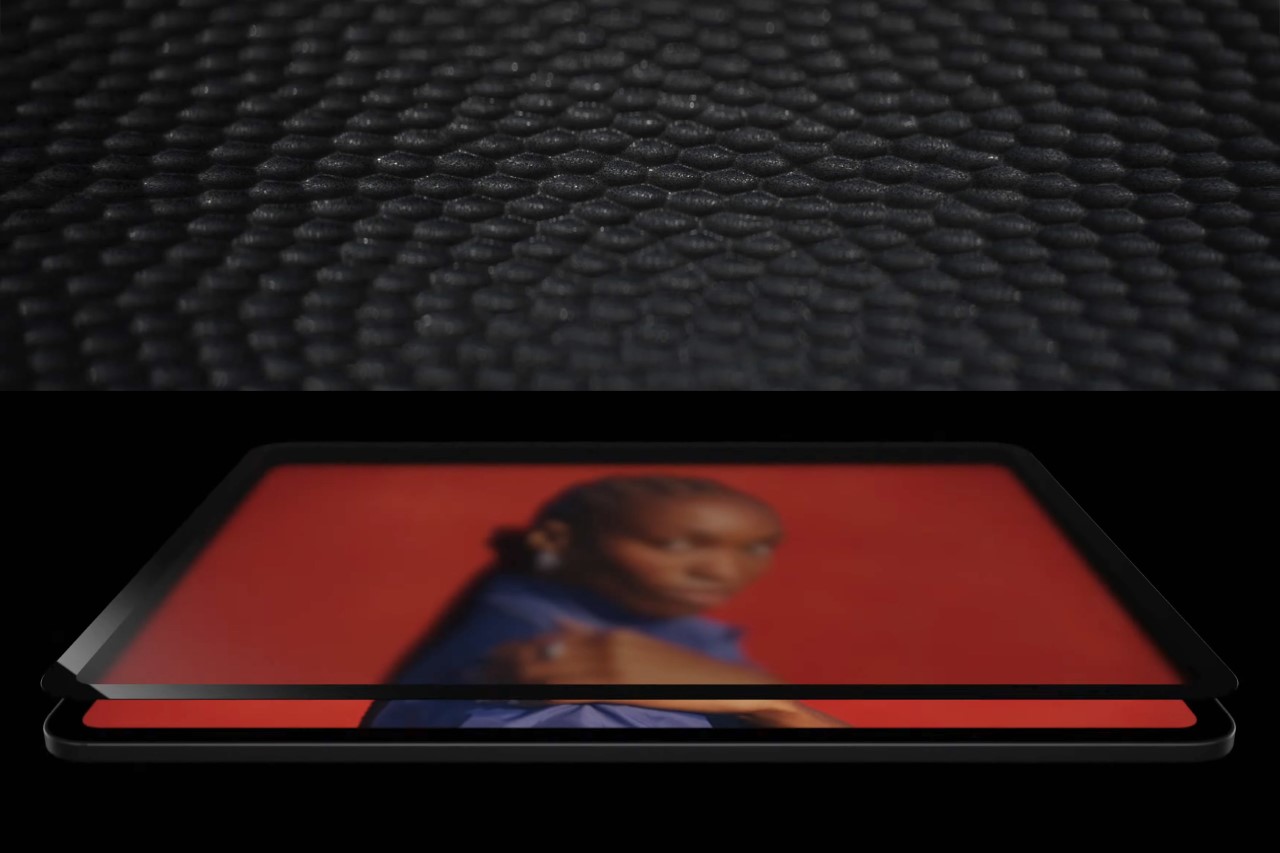
The iPad Pro’s nano-textured glass

The new iPad Pros also have better speakers, a set of studio-grade microphones, and a repositioned landscape camera that manages FaceID as well as functions as the perfect video-conferencing camera with CenterStage capabilities. The camera sits right where the wireless charging coil for the Apple Pencil would otherwise sit, so the fact that Apple’s managed to squeeze both of those in, while still making the iPad Pro thinner than before seems like a borderline miracle.

The new iPad Pro is also complemented by a redesigned Magic Keyboard that’s slimmer, and has an all-new function key row and a pressure-sensitive trackpad… and a Pencil Pro that’s so ground-breaking it puts other styluses to shame (fun fact, the Pencil Pro got 5 full minutes of coverage in a 44 minute keynote, including an in-depth breakdown by Procreate CEO, James Cuda), but more on that in a separate article. Despite its radical redesign, the iPad Pro doesn’t get a price-bump. Instead, it still starts at $999 for the 256Gb model (the 128Gb model is now discontinued), and $129 for the Pencil Pro. Even by Apple’s own standards, that’s a massive technological leap for the same price each year. Like I said, Jobs would be absolutely chuffed.

The post Steve Jobs would be absolutely proud of how far the new iPad Pro M4 has come first appeared on Yanko Design.
Apple Pencil Pro vs. the Apple Pencil 2nd Generation: A Detailed Features Comparison

Apple Pencil Pro vs. Apple Pencil 2nd Generation

Apple’s unveiling of the Apple Pencil Pro, together with the 2nd gen Apple Pencil, is likely to captivate the creative and professional communities. While both styluses have impressive features, the Pro version offers new capabilities that distinguish it. This article breaks down what the Apple Pencil Pro and the 2nd generation pencil have in common and dives into the cool new upgrades that make the Apple Pencil Pro stand out.

Designer: Apple

Common Features between Apple Pencil Pro vs. Apple Pencil (2nd generation)

Apple Pencil Pro and Pencil 2nd Generation

Precision and Responsiveness:

Both the Apple Pencil Pro and the 2nd generation Apple Pencil offer pixel-perfect precision, making them ideal for writing, sketching, and drawing on an iPad. They’re designed to feel as natural and responsive as a traditional pencil on paper, thanks to their low latency.

Tilt Sensitivity:

Artists and designers will appreciate that both models support tilt sensitivity, which allows users to shade and create effects just like they would with a real pencil.

Magnetic Attachment and Wireless Charging:

Both pencils magnetically attach to the side of compatible iPads, which not only keeps them securely in place but also charges them wirelessly, ensuring they’re always ready when inspiration strikes.

Double-tap to Change Tools:

This convenient feature allows users to quickly switch between tools (like pencil to eraser) with a simple double-tap on the body of the pencil.

Free Engraving:

Adding a personal touch is possible with both models, but it’s worth noting as a nice extra perk for both the Pro and 2nd generation models.

Exclusive to Apple Pencil Pro

Apple Pencil Pro Features

Barrel Roll Control:

The Apple Pencil Pro introduces a gyroscope that allows users to change the orientation of the shaped pen and brush tools by simply rotating the barrel. This provides an added layer of control that mimics the experience of using traditional art tools.

Squeeze Interaction:

One of the more useful features of the Pro model is the ability to squeeze the pencil to quickly access different tools, line weights, and colors. This feature enhances workflow efficiency and is perfect for professionals who need quick changes during intensive creative sessions.

Haptic Feedback:

The Pro model is also equipped with a custom haptic engine that provides tactile feedback during use. This enhances user interaction by confirming actions like double-taps or squeezes with subtle vibrations.

Find My Integration:

Losing an Apple Pencil can be frustrating, especially for professionals who rely on it daily. The Apple Pencil Pro can be easily located through the Find My app, thanks to its built-in support for Apple’s location network.

The Apple Pencil Pro clearly pushes the boundaries of what digital styluses can do, catering especially to the needs of professionals and power users who may find these advanced features conducive to their workflows. Meanwhile, the 2nd generation Apple Pencil remains a powerful tool for everyday users and professionals alike, offering essential features without the bells and whistles of the Pro model. The choice between them depends largely on the user’s specific needs and compatibility of their iPad, with the Pro model offering cutting-edge enhancements for those who need the highest level of precision and versatility. Both the Pencil Pro and the Apple Pencil 2nd gen are priced at $129. The Apple Pencil Pro will be available starting May 15.

Here’s a breakdown of the compatibility and pricing for the Apple Pencil Pro and Pencil 2nd generation:

Apple Pencil Pro Compatibility:

  • iPad Pro 13-inch (M4)
  • iPad Pro 11-inch (M4)
  • iPad Air 13-inch (M2)
  • iPad Air 11-inch (M2)

Apple Pencil (2nd Generation) Compatibility:

  • iPad Pro 12.9-inch (3rd, 4th, 5th, and 6th generation)
  • iPad Pro 11-inch (1st, 2nd, 3rd, and 4th generation)
  • iPad Air (4th and 5th generation)
  • iPad mini (6th generation)

The post Apple Pencil Pro vs. the Apple Pencil 2nd Generation: A Detailed Features Comparison first appeared on Yanko Design.
New 2024 iPad Pro’s M4 and Dual OLED Display Outshine All Tablets!

Powered by the M4 Apple silicon, Apple’s latest iPad Pro delivers a dramatic leap in device capabilities and efficiency. The chip, developed with advanced 3-nanometer technology, balances power consumption and performance, which is critical for the tablet’s innovative features. The enhanced energy efficiency supports the new Ultra Retina XDR display, offering improved brightness and color vibrancy. The design of the iPad Pro has also been refined to be thinner and lighter, making it highly portable yet durable due to its 100% recycled aluminum construction. The combination of advanced processing power and state-of-the-art display technology sets new standards in the mobile device industry.

Designer: Apple

Apple’s M4 Chip Revolutionizes the New iPad Pro

The impressive features of the new iPad Pro hinge on Apple’s latest M4 chip. This next-generation technology enables the device’s ultra-thin design and outstanding display features. Far from a minor update, the M4 chip is a transformative element that significantly enhances performance and efficiency.

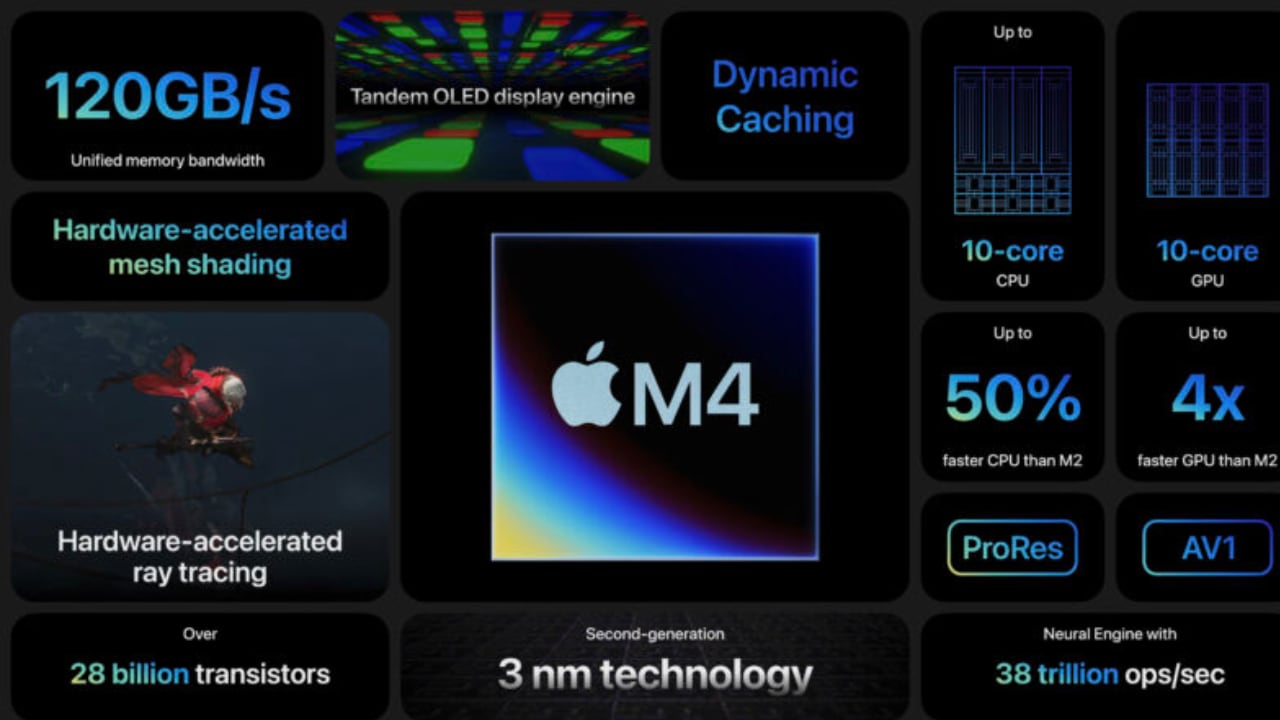
Built using second-generation 3-nanometer technology, the M4 chip is impressively efficient, aligning perfectly with the sleek and lightweight design of the new iPad Pro. Its advanced silicon architecture achieves high-performance levels with significantly reduced power consumption. Apple asserts that its new chip produces the same output as the previous M2 chip but uses only half the power. Additionally, it matches the performance of modern PC chips while consuming just a quarter of the power.

The M4 chip’s integration with the iPad Pro’s Ultra Retina XDR display is central to its impact. The chip’s new display engine revolutionizes the tablet’s visual output with precise detail, vibrant color, and dynamic brightness levels, setting a new mobile display standard. It also significantly improves processing power, featuring up to four performance cores and six efficiency cores, further enhanced by next-generation machine learning accelerators. These advances result in up to 1.5 times faster CPU performance than the M2 and up to four times faster performance in professional rendering applications like Octane.

Moreover, the M4 introduces sophisticated GPU capabilities not previously seen on iPads, including Dynamic Caching, hardware-accelerated mesh shading, and ray tracing. These features enhance both graphic rendering and efficiency, making complex visual tasks smoother and more responsive. The chip’s advanced Media Engine supports AV1 decoding, optimizing power efficiency for high-resolution video streaming, which benefits both media consumption and professional creative workflows.

Through these innovations, the M4 chip does more than just support the iPad Pro’s performance. It actively enhances it, making the device’s cutting-edge design and capabilities possible. Therefore, the M4 chip is not just a part of the new iPad Pro—it’s the very foundation that redefines what a mobile device can do.

Revolutionary Dual OLED Technology and Nano-Texture Glass: A Visual Feast

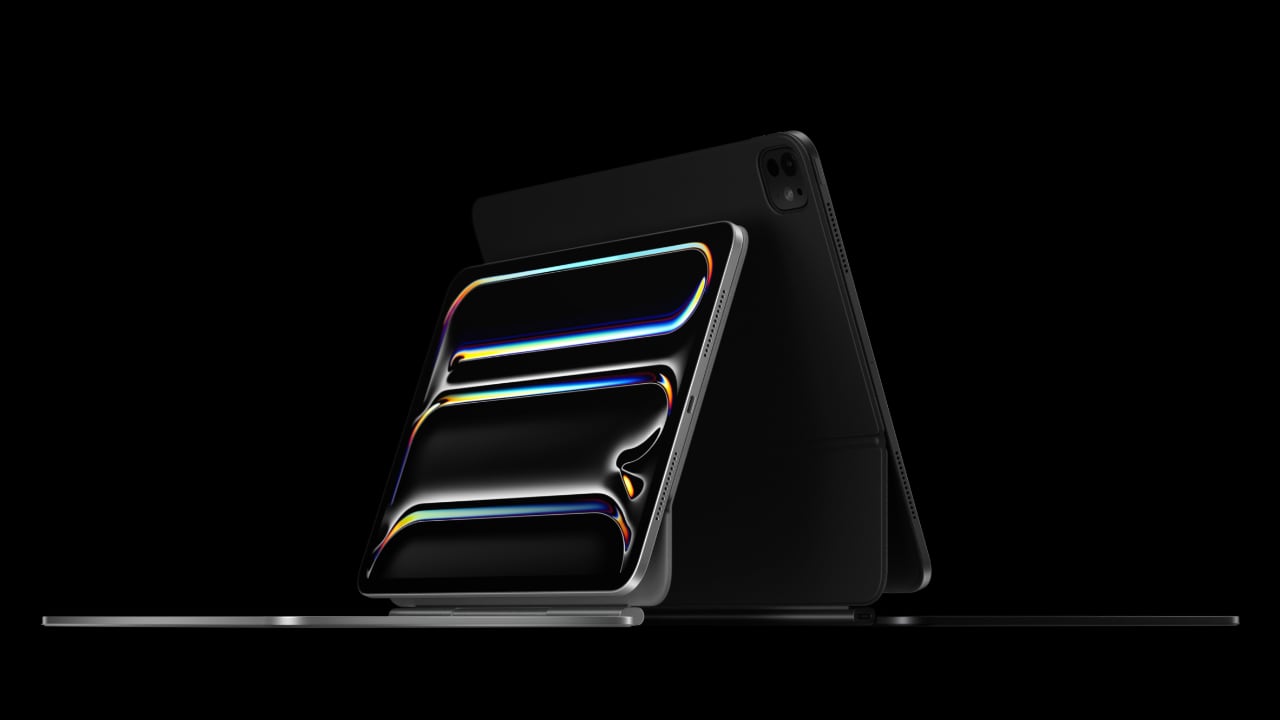
2024 iPad Pro with Ultra Retina XDR display with its dual OLED technology

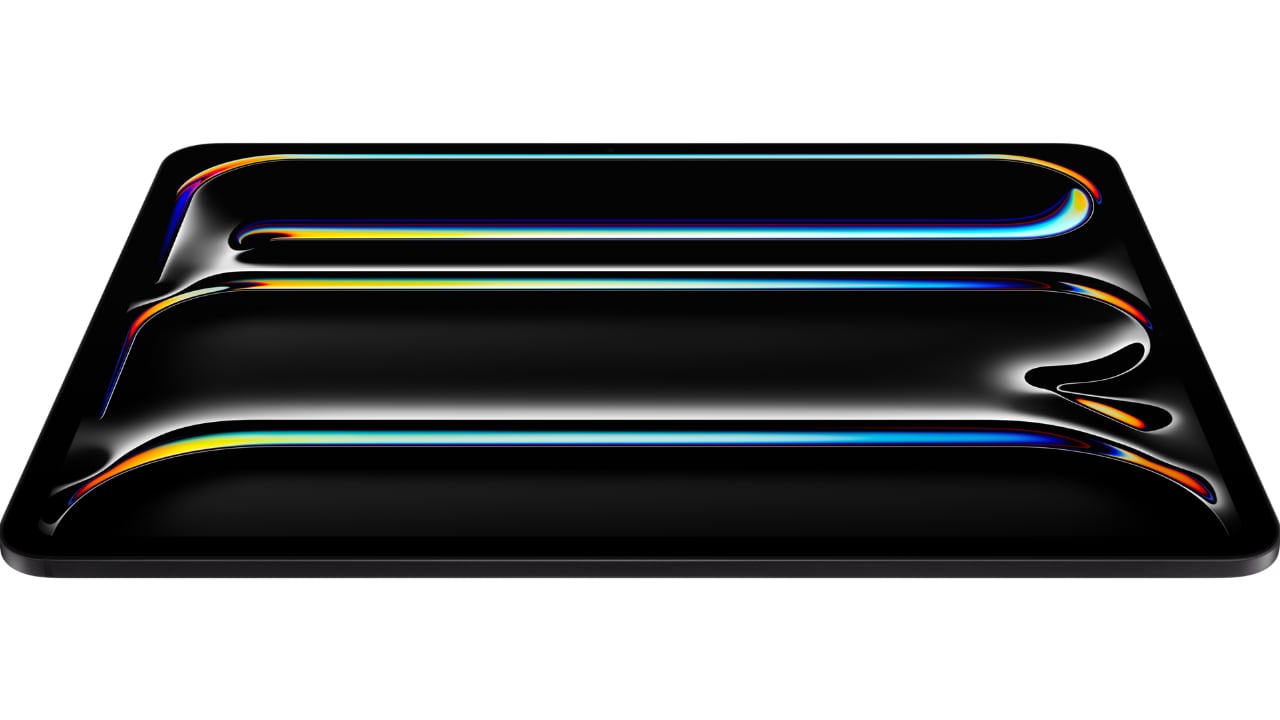
The new iPad Pro boasts the cutting-edge Ultra Retina XDR display, setting new benchmarks for visual quality with its advanced tablet display technology. This display uses tandem OLED technology, where two OLED panels are stacked, doubling the light output, enhancing brightness, and extending the display’s lifespan by reducing the strain on each panel. It achieves a remarkable full-screen brightness of 1000 nits, peaking at 1600 nits for HDR content, ensuring exceptional clarity and detailed visibility in various lighting conditions.

This setup enhances luminosity and allows for sub-millisecond adjustments in color and luminance, significantly improving the precision of HDR and the overall viewing experience. The display’s wide color range and swift response rates offer vibrant, lifelike colors and fluid motion, perfect for professional graphic work and entertainment. For professionals, particularly those working outdoors or in brightly lit conditions, the iPad Pro offers a nano-texture glass option. This feature, etched at the nanometer scale, significantly reduces glare while maintaining excellent image quality and contrast, which is essential for high-end, color-managed workflows.

The pairing of Apple’s M4 chip with the Ultra Retina XDR display is a crucial enhancement. It supports this advanced display technology with a new engine that fine-tunes color and brightness. This harmony between the chip’s capabilities and the display’s advanced technology not only heightens the user experience but also pushes the limits of mobile display technology. This makes the iPad Pro an indispensable tool for professionals and a top-tier device for general users seeking the very best in display performance.

Thinner, Lighter iPad Pro Redefines Portability with Advanced Materials and Optimized Camera Placement

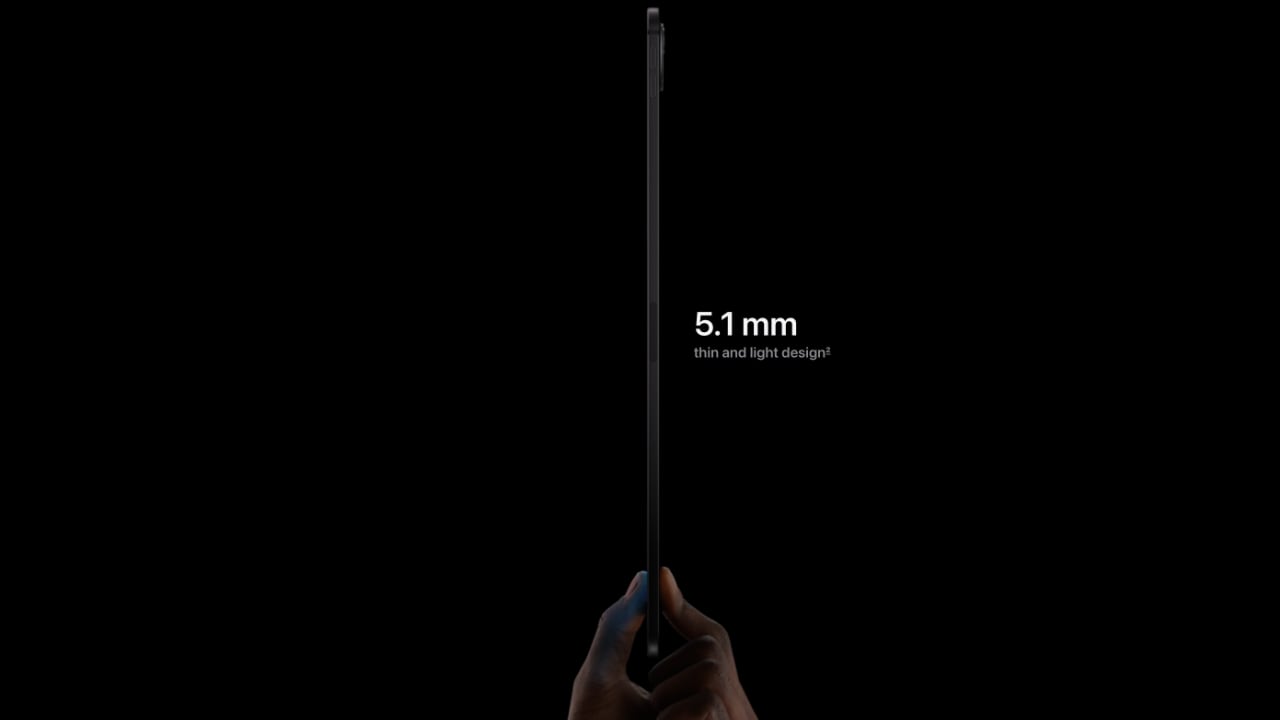
2024 iPad Pro: 11-inch 5.3 mm deep, and the 13-inch model is even slimmer at 5.1 mm

The new iPad Pro excels in performance and display while also showcasing significant advancements in hardware design, enhancing both portability and functionality. Here’s an overview of the redesigned iPad Pro:

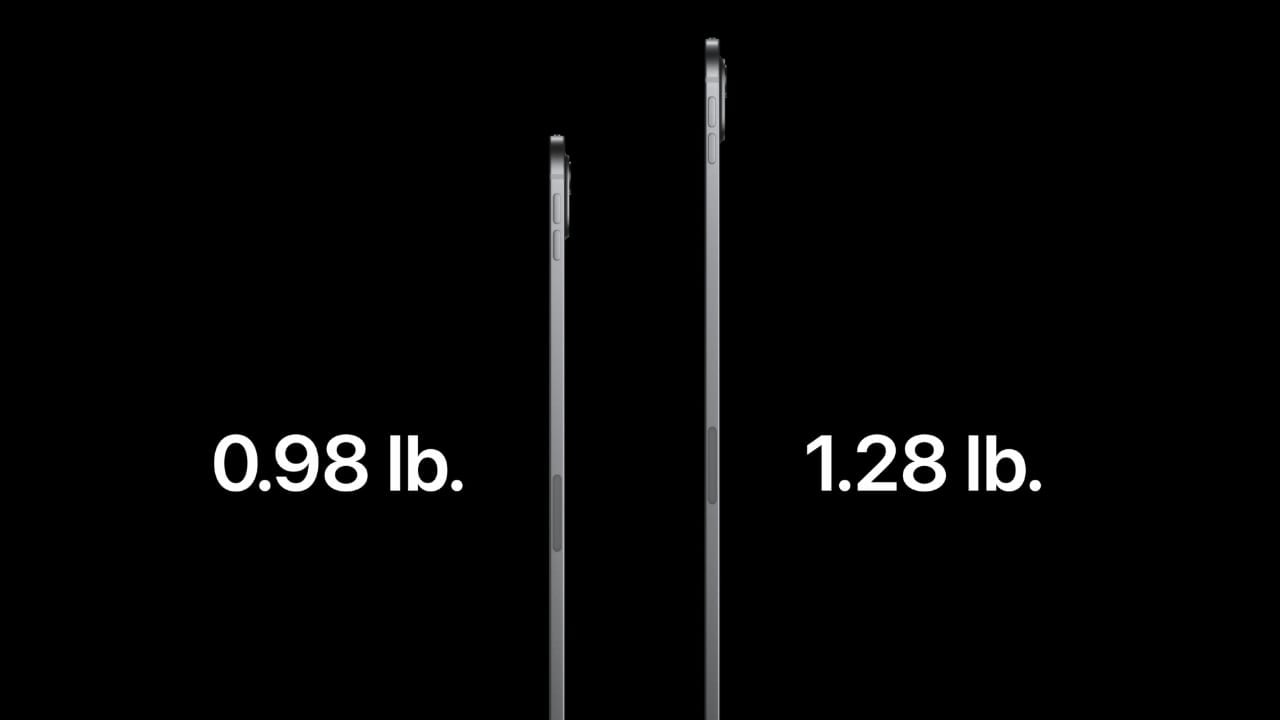
The latest models emphasize lightweight and slim profiles. The 11-inch iPad Pro is incredibly compact and light, weighing in at .98 pounds, making it an ideal companion for productivity and entertainment on the go. The 13-inch variant, despite its larger screen, maintains a surprisingly thin and light structure, weighing only 1.28 pounds. This makes it easier to carry, whether commuting or traveling.

Both models set new records in terms of slimness within Apple’s product lineup. The 11-inch version is only 5.3 mm deep, and the 13-inch model is even slimmer at 5.1 mm. This sleek form is achieved without compromising the device’s strength and durability, thanks to its construction from 100% recycled aluminum. This not only strengthens the iPad Pro but also underscores Apple’s commitment to environmental sustainability.

The new iPad Pro models really step up the game with their cool design and practical features. They’re pushing what’s possible with tablets and even thinking about the environment. It’s a bit of a letdown that they skipped MagSafe this time around, but when you think about the tablet’s design, it kind of makes sense. All in all, these iPads keep Apple at the cutting edge, perfect for pros and tech lovers who want top-notch performance and easy-to-carry tech.

Enhanced iPad Pro Cameras: Superior Photo Quality and Smarter Video Calls

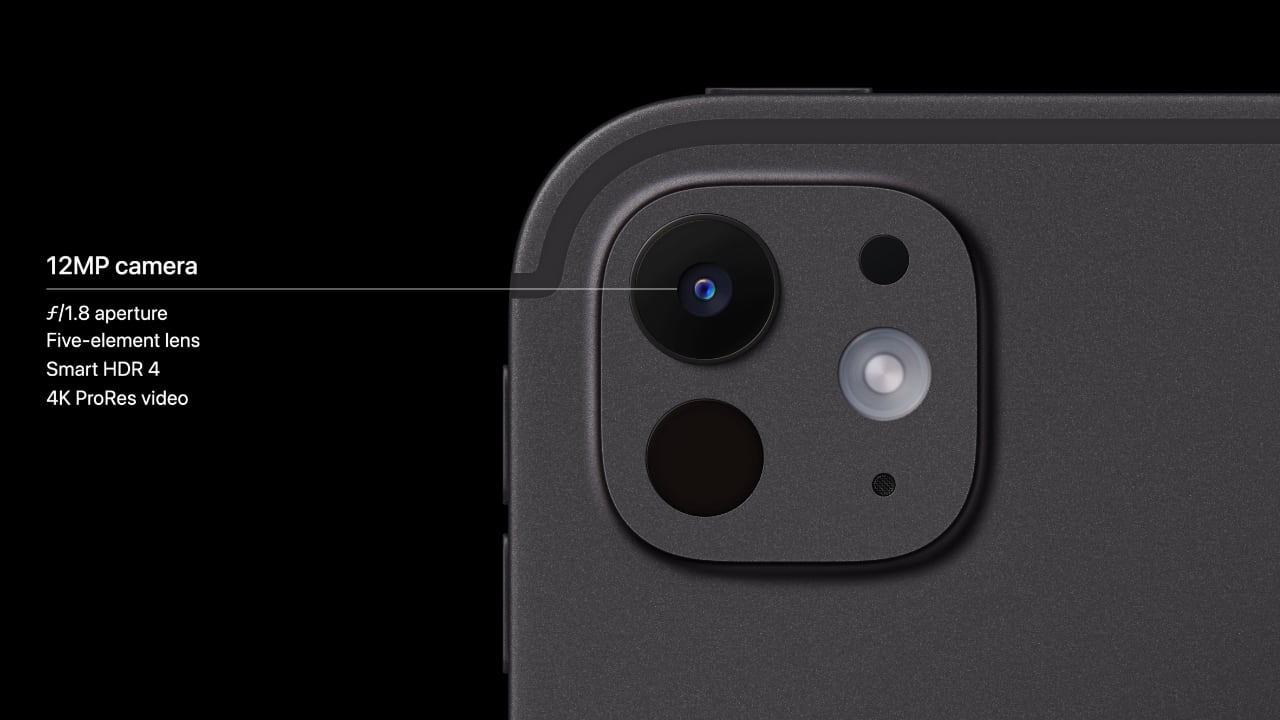
2024 iPad Pro camera: 12MP f/1.8 with Smart HDR 4 and 4K ProRes video

The camera capabilities of the latest Pro tablet from Apple have substantially improved. Furnished with studio-grade microphones for crystal-clear audio, the device amplifies both photography and video editing experiences. The Pro tablet’s 12MP rear camera seizes vibrant Smart HDR images and videos, presenting richer colors and more precise details, even in dim lighting. Besides, the innovative adaptive True Tone flash enhances document scanning. It employs AI to identify documents, automatically capturing several photos to remove shadows and flawlessly merging them for a pristine scan.

Turning to selfies and video calls, the front-facing TrueDepth camera now adopts a landscape orientation, optimizing the video call experience with the Ultra Wide 12MP camera and Center Stage technology. This setup ensures you remain in the frame effortlessly, even when moving, which is particularly beneficial when using accessories like the Magic Keyboard or simply holding the iPad. These intelligent enhancements significantly boost the versatility of the iPad Pro’s camera system.

I’m genuinely impressed with the new iPad Pro, especially with all the advanced features packed into it. Since I’m still using the iPad Pro M1, this new model seems like a delightful and worthwhile upgrade. The enhancements, from the M4 chip’s power efficiency to the stunning Ultra Retina XDR display with its dual OLED technology and nano-texture glass, all signal a major leap forward in design and functionality. Plus, the iPad’s sleeker, lighter build and the revamped camera system really speak to how much thought Apple has put into this iteration. We’re excited and anxious to get our hands on it and give it a thorough review. This could very well set a new standard for what we expect from tablets in terms of performance and portability. Moreover, the 13-inch model appears to be a potential laptop replacement, especially considering I’ve been contemplating getting a MacBook Air. This iPad Pro might just be the powerful, portable solution I’ve been looking for. The 11-inch model starts at $999, and the 13-inch model begins at $1,299. You can pre-order today, with availability starting on May 15, 2024.

The post New 2024 iPad Pro’s M4 and Dual OLED Display Outshine All Tablets! first appeared on Yanko Design.
Hands-on with the new iPad Pro M4: Absurdly thin and light, but the screen steals the show

The new 11- and 13-inch iPad Pro models that Apple just introduced may be completely redesigned from the outside in, but they still feel a lot like their predecessors. That's not a bad thing, as the old iPad Pro design was outstanding. But there's no doubt Apple is flexing its hardware engineering muscles with these new tablets, not just with the M4 chip inside.

Both tablets are noticeably thinner and lighter than the ones they replace, something I didn't really think was possible before. It's frankly a little absurd to see such a thin and light device with such an advanced display and powerful processor. It still feels like the prior iPad Pro, just in a more refined package. My big question is around durability, something Apple mentioned during its keynote — I'd be a little worried about bending these iPads, but hopefully this is something Apple rigorously tested for. But it has had issues with thin products bending before (albeit a long time ago). 

Apple iPad Pro 2024
Photo by Nathan Ingraham / Engadget

After the impressive physical specifications, the next thing you can't miss is the OLED screen. Technically, it's a "Tandem OLED" screen, a display layer that is thinner than the one in the old iPad Pro which helped Apple achieve the wild thinness here. In Apple's extremely bright demo area, the iPad Pro screen showed its quality — everything was extremely clear, blacks were pitch-black and colors really popped. After looking at the iPad Air display, it was obvious how much better these screens are. The viewing angles were particularly impressive to me, as images on the screen remained sharp, bright and clear no matter how I positioned the tablet. 
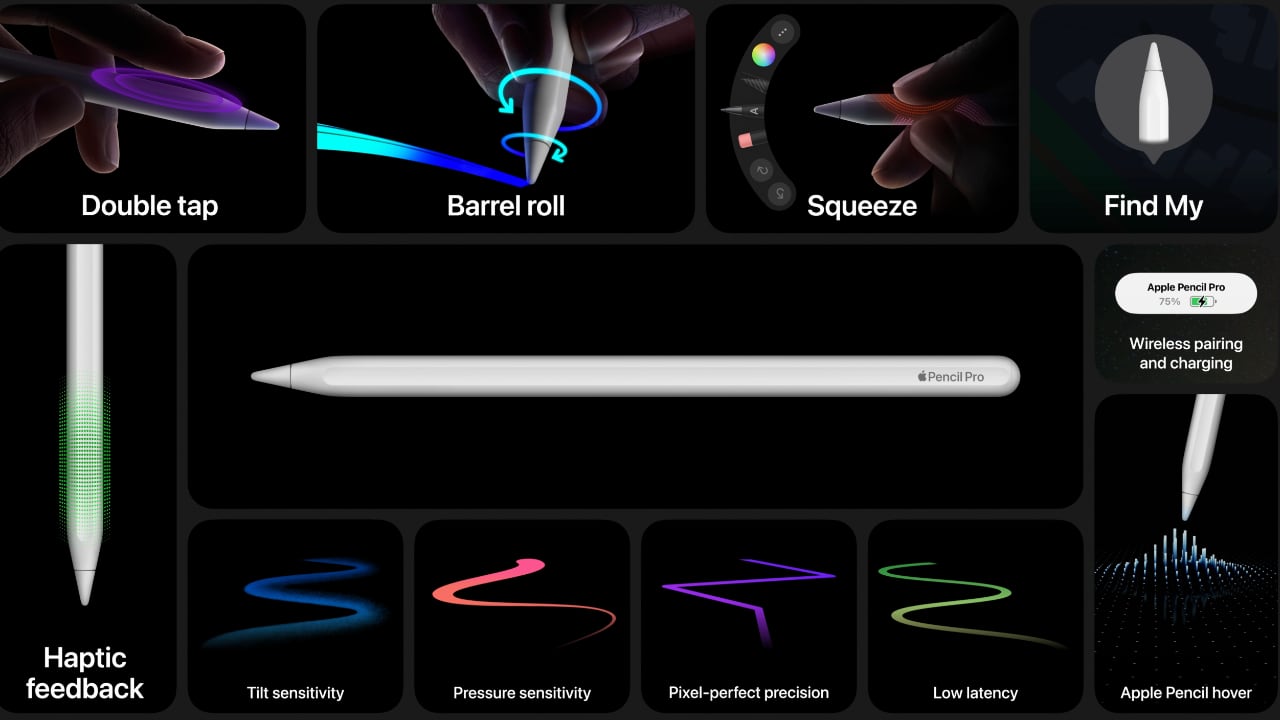
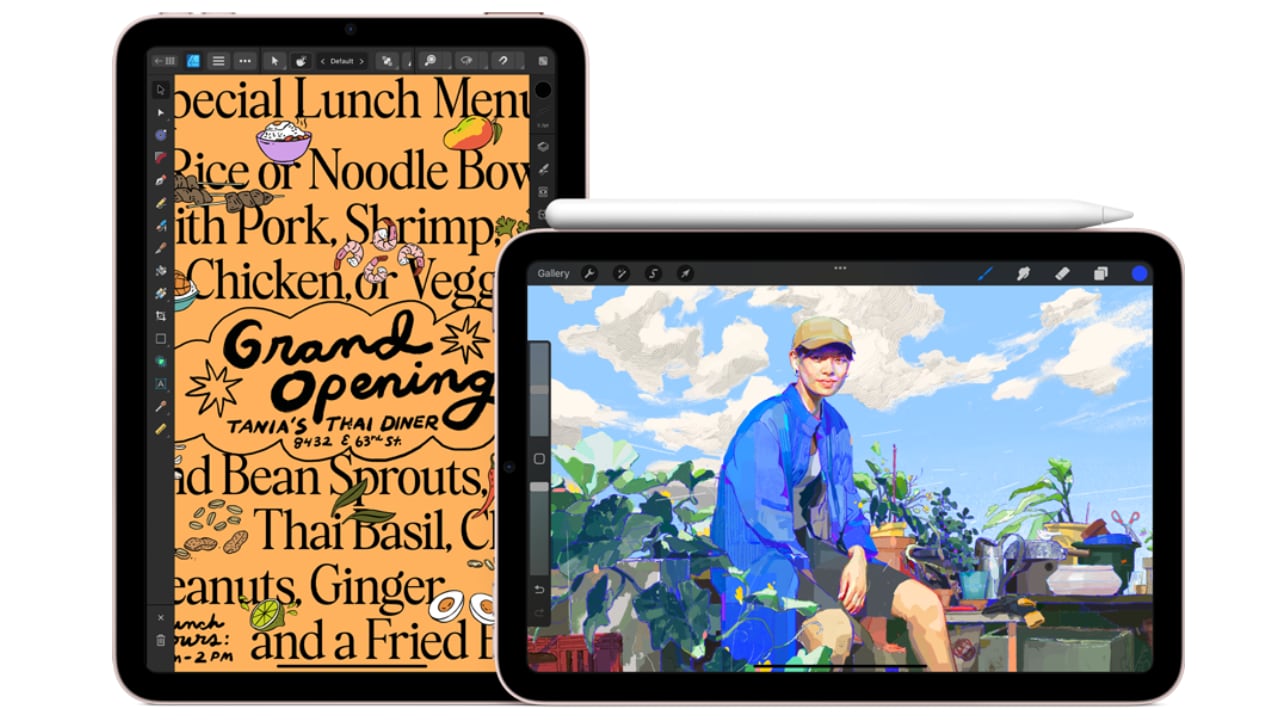
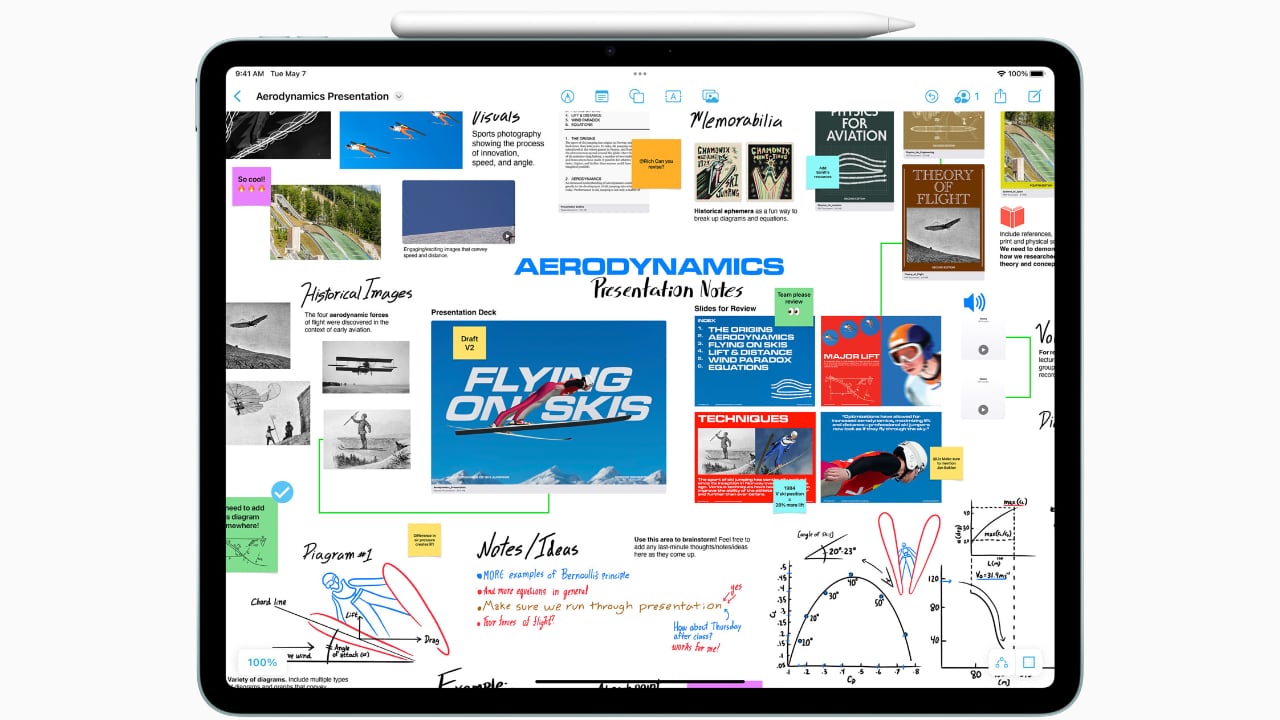
I also got a chance to check out the Apple Pencil Pro, which looks and feels nearly identical to the second-generation Apple Pencil revealed way back in 2018. That's OK, as the form factor is fine with me. It still connects to the side of the iPad Pro to charge and pair; all of its new tricks are under the hood. Squeezing the Pencil gives you a little burst of haptic feedback and pulls up a pane for selecting what brush you want to use in the FreeForm app demo I tried. But that action is customizable by third-party developers so the squeeze can do whatever is appropriate for the app you're using. The gyroscope, meanwhile, lets you spin the Pencil as you draw to change angles of your brush on the fly. 

Apple iPad Pro 2024
Photo by Nathan Ingraham / Engadget

Unfortunately, we didn't get to try the new Magic Keyboard Apple is producing for the iPad Pro, but Apple says it's thinner and lighter than the old model. That older one will still be available for the iPad Air.

Between the display, the M4 processor and the new dimensions of the iPad Pro, this feels like a major update for Apple's best tablet, with a price to match. Both the 11- and 13-inch iPad Pro are $200 more than their predecessors: the 11-inch model starts at $999, while the 13-inch is a whopping $1,299. But hey, at least storage now starts at 256GB! That pricing firmly puts these iPads out of reach for normal humans, and that's OK — most people will be more than happy with a tablet like the iPad Air. If you want this wildly impressive screen, though, you're going to pay for it.

You can also read my first impressions of the new M2-powered iPad Air right here.

11-inch iPad Pro 2024
Photo by Nathan Ingraham / Engadget

Follow all of the news live from Apple's 'Let Loose' event right here.

This article originally appeared on Engadget at https://www.engadget.com/ipad-pro-m4-hands-on-absurdly-thin-and-light-but-the-screen-steals-the-show-153641259.html?src=rss