Upgrade Your Workspace with this German-Made Monitor Stand Featuring A Patented Mounting Grid

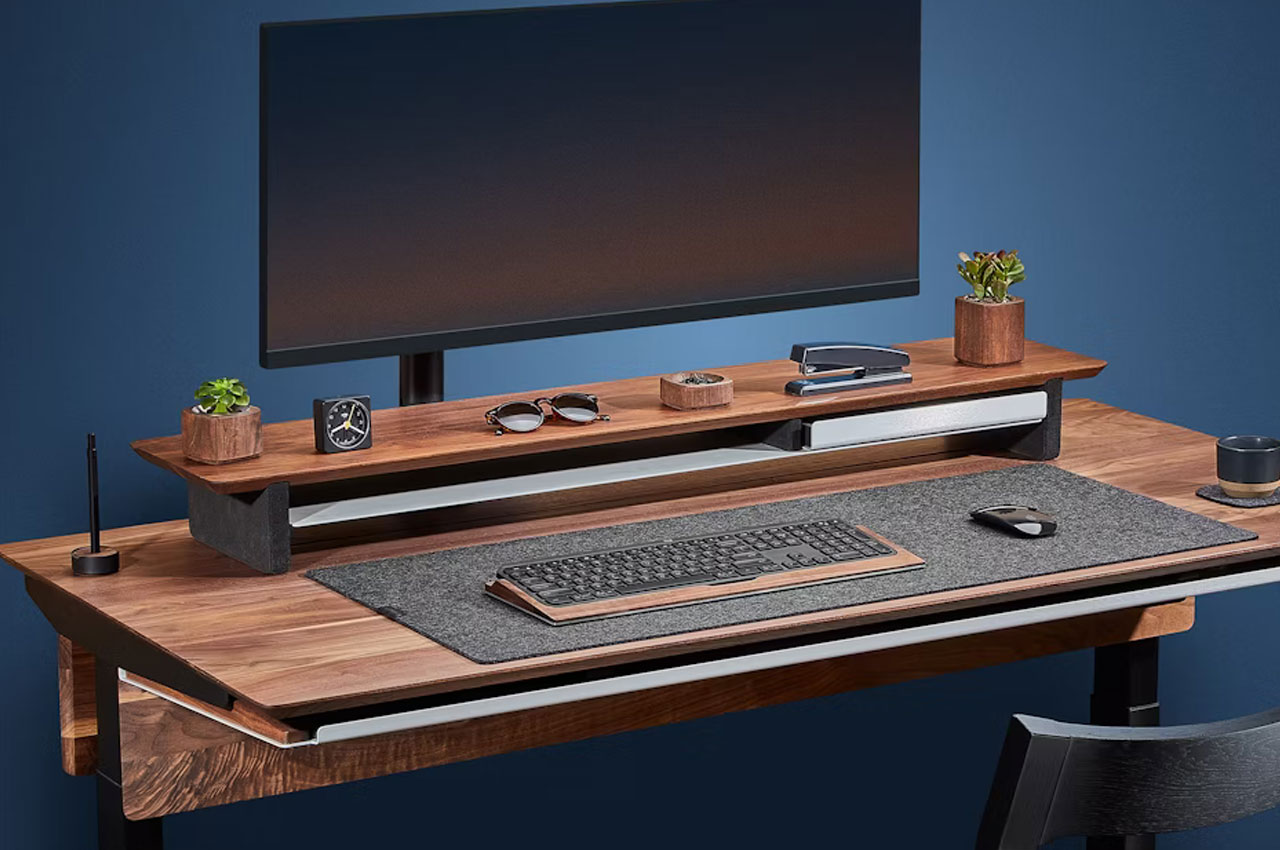
2020 may have been the year when we transitioned to working from home. 2024 may be the year we perfect it just a bit further. Meet the Setup Cockpit – a tabletop platform that doesn’t just act as a monitor stand, it becomes a framework for attaching modules that help declutter your desk and keep your work area crisply organized. The design of the Setup Cockpit features a patented mounting grid with as many as 28
threaded mounting holes underneath its platform, giving you the ability to attach accessories and mounts that turn your workspace into a
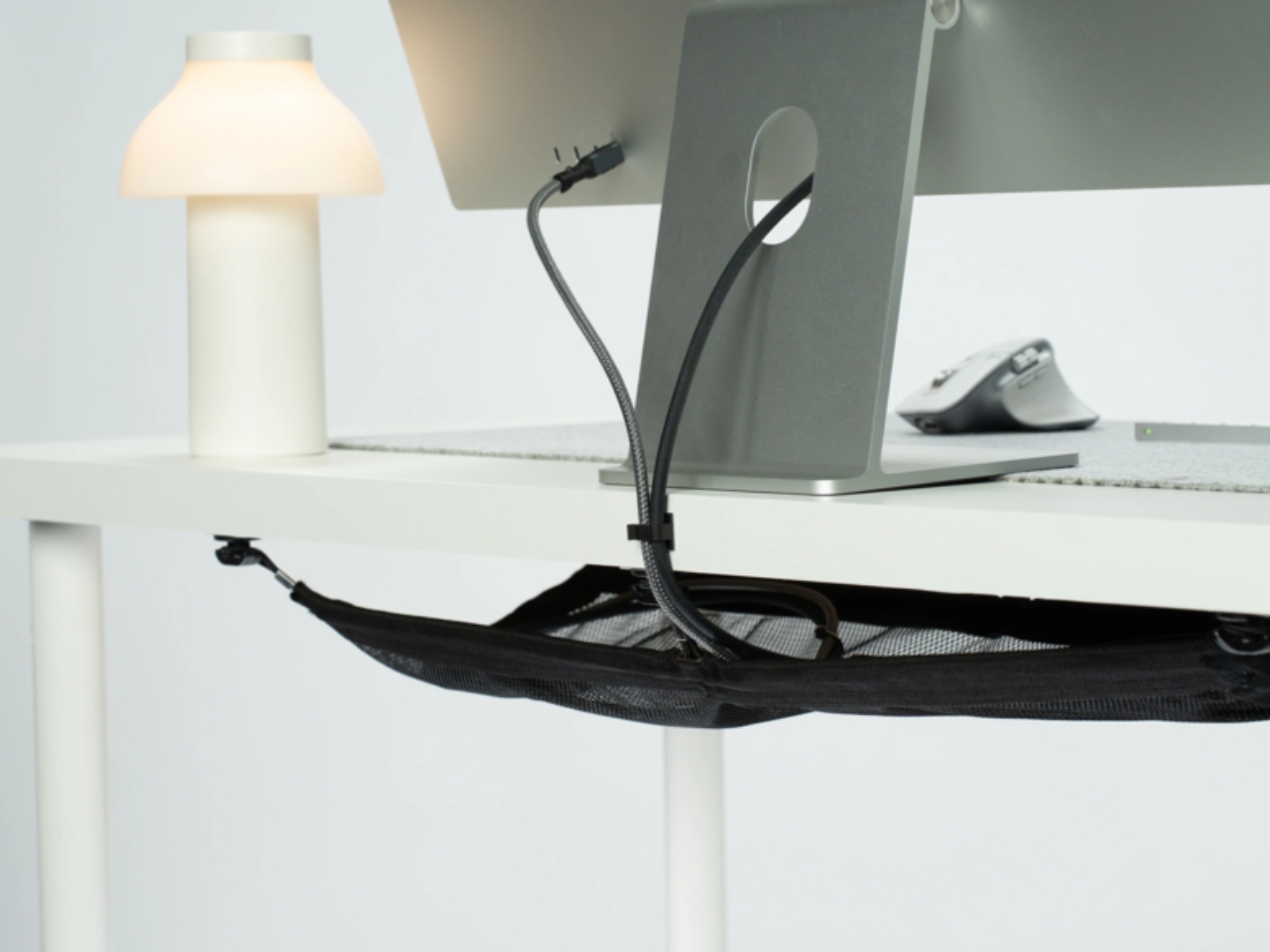
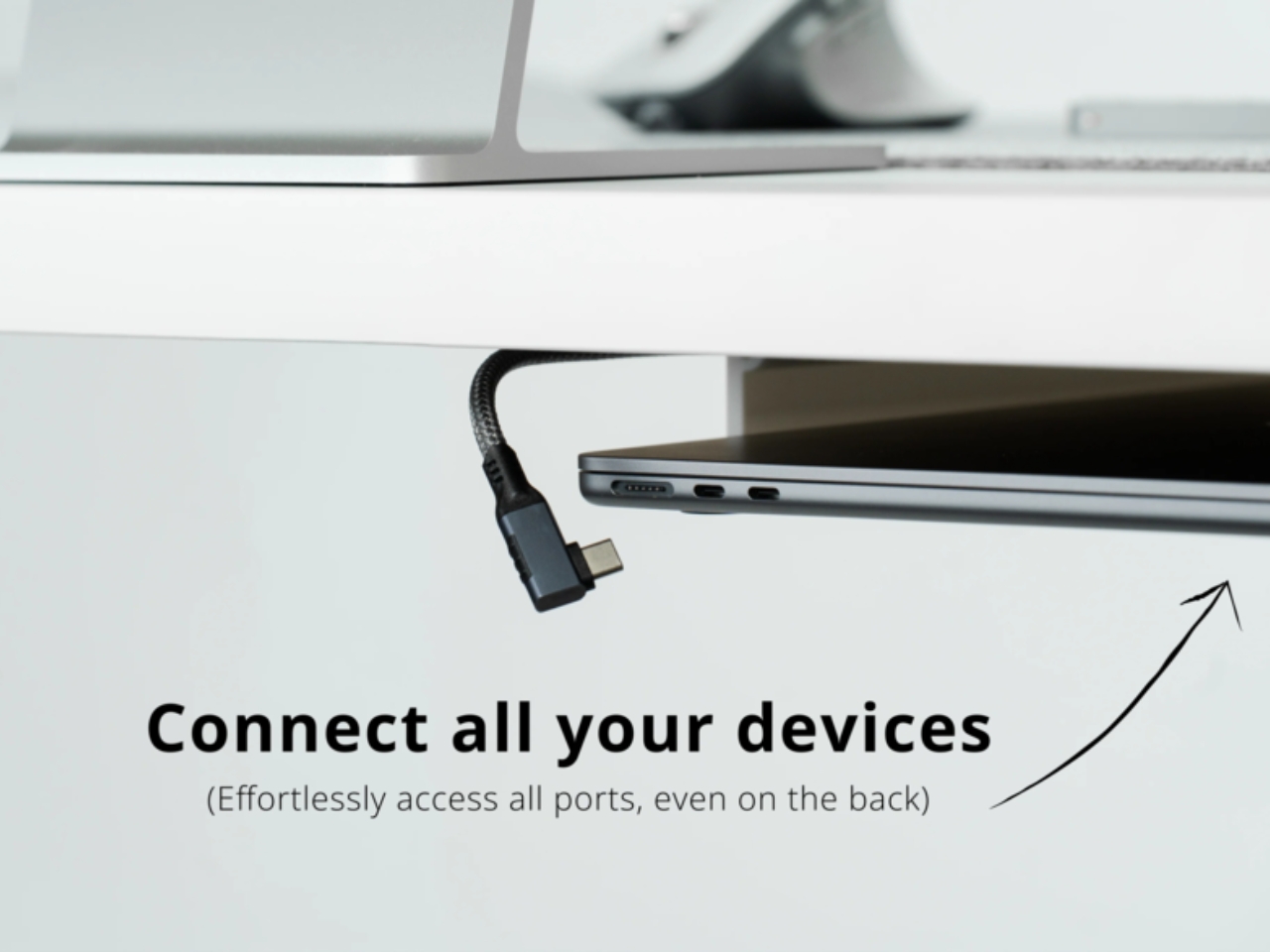
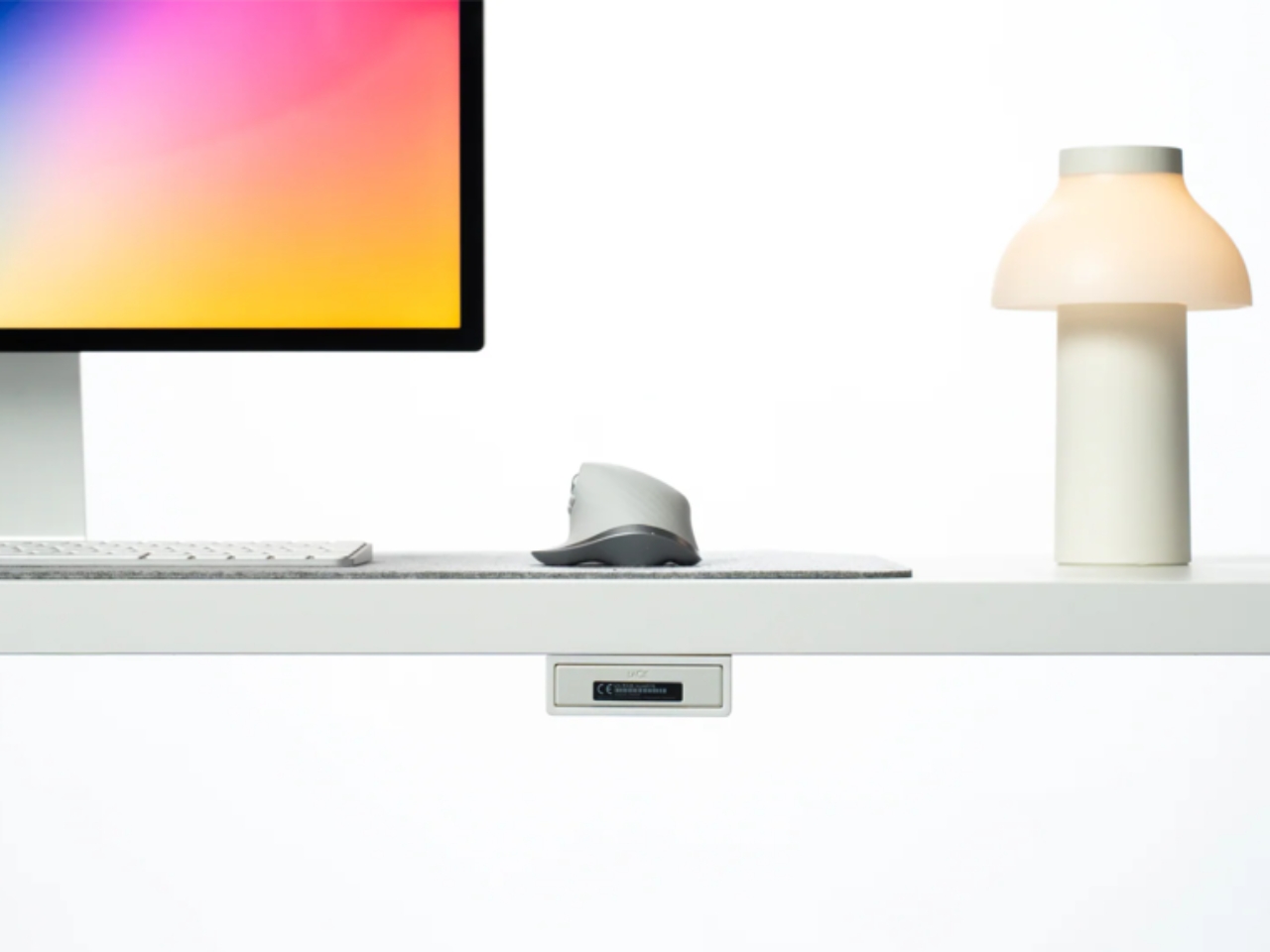
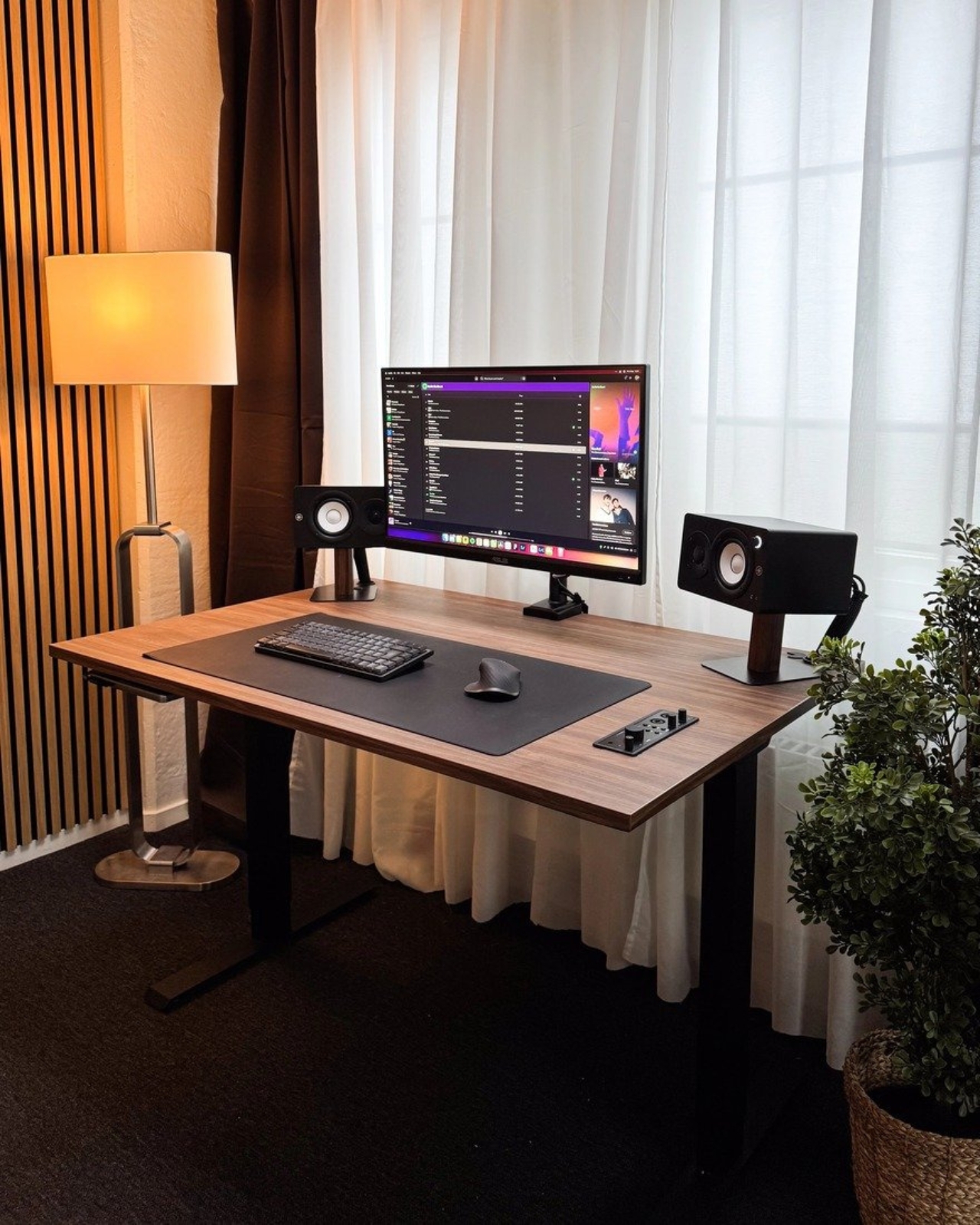
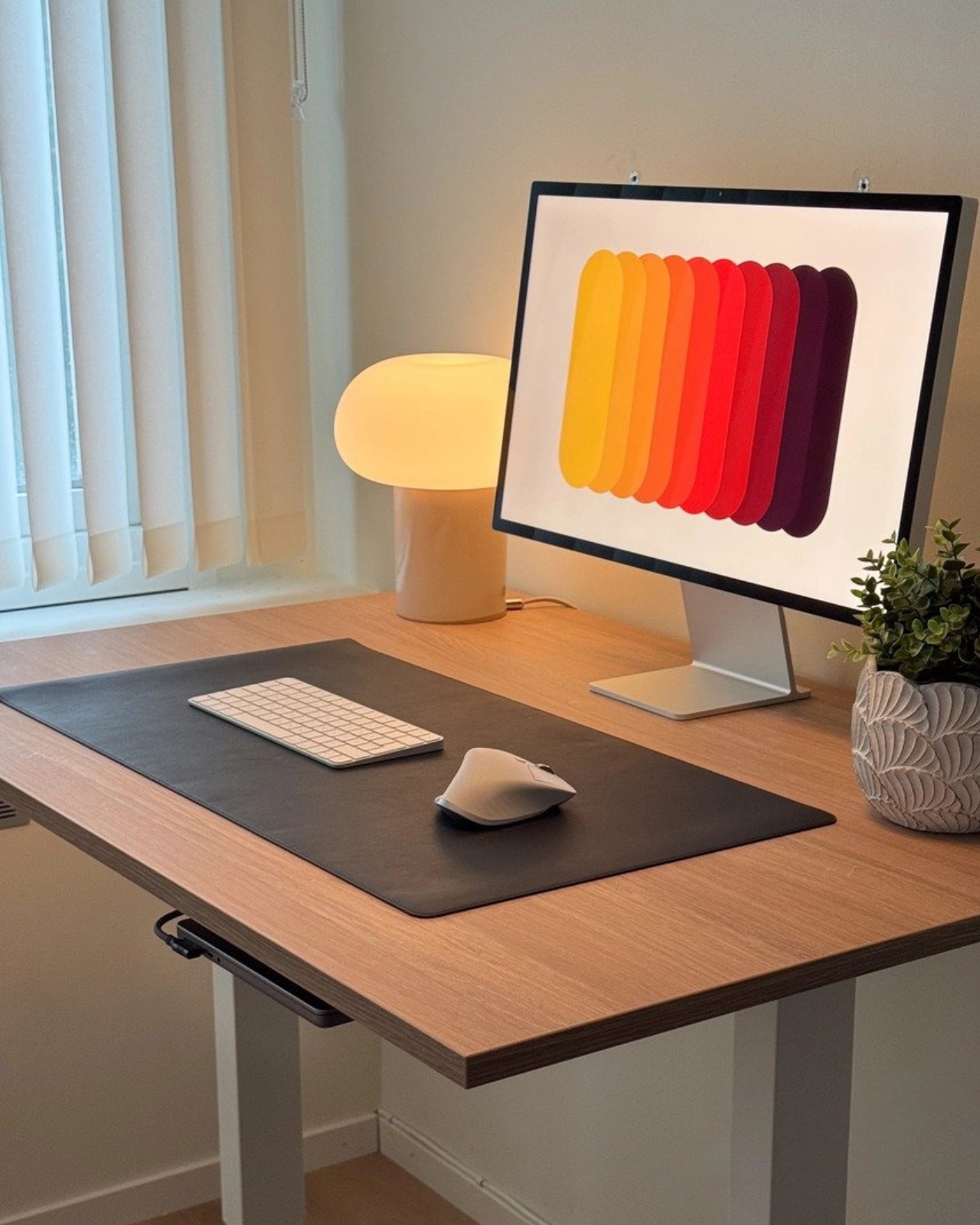
fully customizable and organized setup tailored to your workflow. The Setup Cockpit lets you dock up to two work monitors, and the space underneath the cockpit is perfect for multiport hubs or your phone, wallet, and keys during work. Once you’re done with work, you can slide your keyboard underneath too, keeping your tabletop decluttered and gorgeously minimalist.

Designer: Ruben Keferstein

Click Here to Buy Now: Use coupon code “YANKO” to get an exclusive discount, only for YD readers. Hurry, deal ends in in 48-hours!

The Patented Mounting Grid

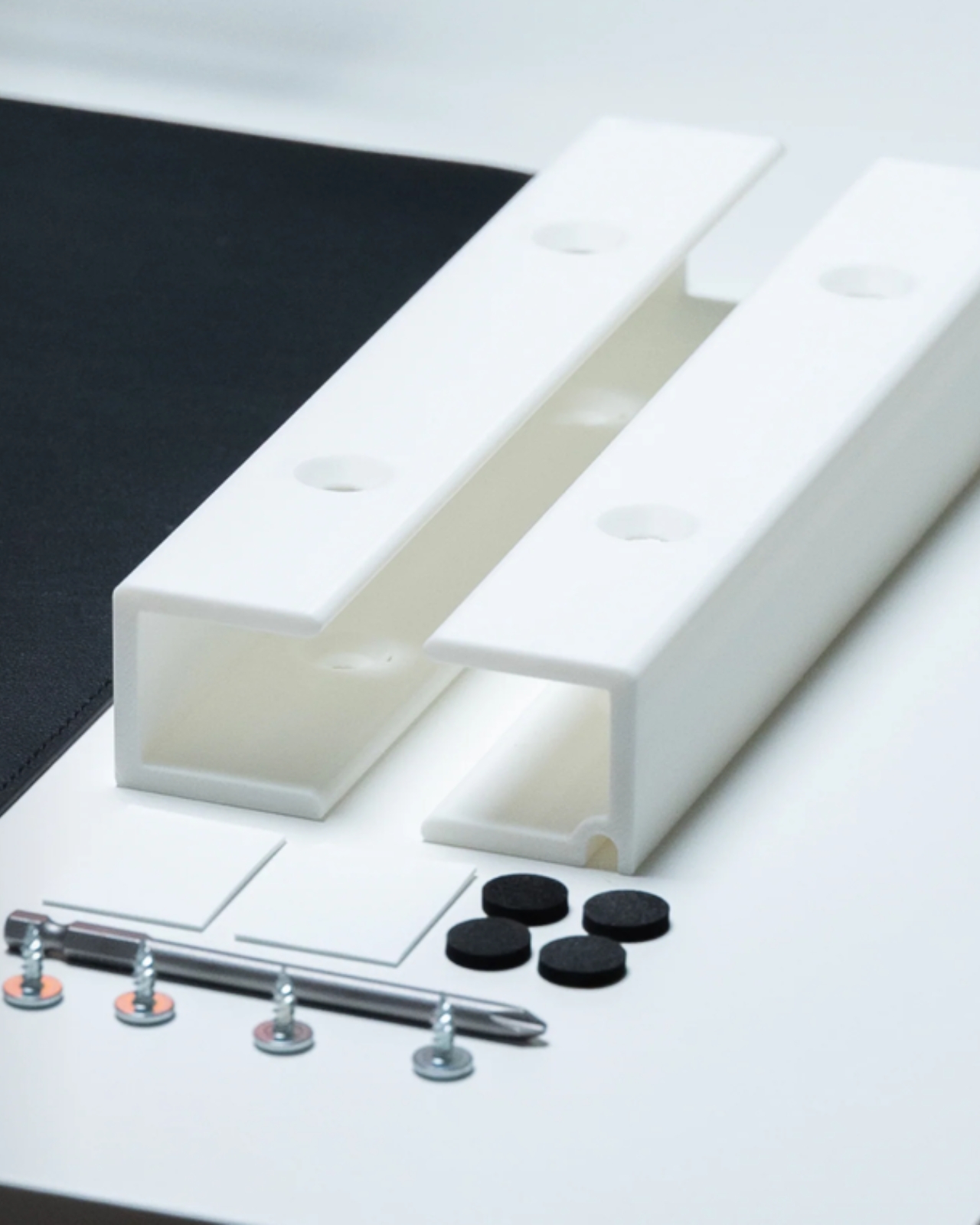
The biggest high light of the Setup Cockpit is its patented mounting grid. Flip the cockpit over and you’ll notice the strategic placement of
mounting points all around the borders. Built to accept threaded mounts, these points turn your cockpit into a foundation for accessories,
from phone mounts and watch mounts to laptop holders, headphone stands, drawers, shelves, etc.

For remote professionals, the docking system provides a place for everything, so essential tools stay within reach and off the desk. Podcasters can benefit from a dedicated mount for microphones, keeping them ready to use but off the table when not recording. Streamers, on the other hand, can organize webcams, lighting accessories, and audio gear without the constant hassle of plugging and unplugging devices. Multi-device professionals can mount a laptop stand on one end, hooking it to your monitor. The Setup Cockpit serves as an adaptable workspace tailored to the unique demands of each user type.

Tailored Configurations for Different Users

The beauty of the Setup Cockpit lies in how it adapts to what you need from it. You’ve got a variety of accessories you can mount onto the Cockpit, personalizing it to suit exactly what kind of productivity you aspire to embody. Here’s how it can work for different professional needs:

  • Remote Workers and Minimalists: For professionals seeking simplicity, the Setup Cockpit provides a well-organized layout where keyboards, phones, and notepads can be stowed without excess items. The compact, orderly setup allows for focused work while maintaining a neat, clutter-free look.
  • Podcasters and Content Creators: Those in audio or video production can leverage the patented mounting grid to set up microphones, headphones, and other peripherals with ease. Rather than dealing with tangled cords and misplaced mics, podcasters have a designated spot for each tool. For video creators, dedicated mounts for lighting and camera equipment keep everything in reach while allowing for a clean frame setup.
  • Graphic Designers and Digital Artists: A stable, organized workspace can be critical for creatives who rely on tablets, styluses, and multiple monitors. The large Setup Cockpit model (45 x 9 inches) accommodates two monitors comfortably, while extra mounting points ensure space for tablets and peripheral devices without overcrowding.
  • Streamers and Gamers: For streamers, the Setup Cockpit’s modular design means they can mount a microphone, camera, and lighting equipment directly onto the docking points, avoiding interruptions and improving workflow. The Setup Cockpit’s ecosystem lets them arrange streaming setups efficiently without the traditional clutter of tripods and cables.

Practical Ergonomics and Space Efficiency

The benefits of a monitor stand are pretty simple – an elevated screen (preferably at or slightly above eye level) can relieve neck and shoulder strain, allowing you to work long hours in front of a screen without feeling fatigue. The stand also provides stowaway space under it, which is perfect for hiding your keyboard after you’re done, keeping your table looking rather clean after you sign out. The fact that the Setup Cockpit has 28 mounting points to turn your monitor stand into an accessory ecosystem is another benefit entirely.

The two available sizes offer flexibility: the larger version comfortably holds dual monitors, while the smaller option caters to more compact setups. Beneath the platform, users find ample storage for keyboards and other accessories, ensuring everything has a place without sacrificing desk space​.

Design Meets Functionality

Crafted from premium materials like American walnut, oak, and powder-coated steel, the Setup Cockpit exudes a clean, natural look synonymous with Scandinavian design. Its minimalistic aesthetic blends seamlessly with modern interiors, while the modular layout ensures maximum adaptability. Each wooden piece is hand-finished with natural oils and waxes, delivering a warm, polished look that pairs durability with elegance. The Setup Cockpit is both designed and crafted by BALOLO in Cologne, Germany, so there’s no surprise it handles Euro-Scandinavian minimalism so well. The ‘designhaus’ uses genuine wood and durable steel, which means the Setup Cockpit is built to withstand daily wear while maintaining a timeless minimal aesthetic.

BALOLO’s Setup Cockpit is available for global shipping, and users can further customize their workspace by exploring an array of modular add-ons compatible with the patented mounting grid. The add-on ecosystem continually expands, allowing users to personalize and adapt their setup as their needs change.

The Setup Cockpit’s combination of adaptability, high-quality materials, and refined design positions it as a comprehensive solution for anyone looking to elevate their workspace. Whether you’re chasing productivity or aiming for a seamless creative workflow, this innovative setup could very well be your next desktop essential. And if you’re into Scandinavian simplicity paired with German engineering, this might just be the cockpit your setup’s been waiting for.

Click Here to Buy Now: Use coupon code “YANKO” to get an exclusive discount, only for YD readers. Hurry, deal ends in in 48-hours!

The post Upgrade Your Workspace with this German-Made Monitor Stand Featuring A Patented Mounting Grid first appeared on Yanko Design.

Upgrade Your Workspace with this German-Made Monitor Stand Featuring A Patented Mounting Grid

2020 may have been the year when we transitioned to working from home. 2024 may be the year we perfect it just a bit further. Meet the Setup Cockpit – a tabletop platform that doesn’t just act as a monitor stand, it becomes a framework for attaching modules that help declutter your desk and keep your work area crisply organized. The design of the Setup Cockpit features a patented mounting grid with as many as 28
threaded mounting holes underneath its platform, giving you the ability to attach accessories and mounts that turn your workspace into a
fully customizable and organized setup tailored to your workflow. The Setup Cockpit lets you dock up to two work monitors, and the space underneath the cockpit is perfect for multiport hubs or your phone, wallet, and keys during work. Once you’re done with work, you can slide your keyboard underneath too, keeping your tabletop decluttered and gorgeously minimalist.

Designer: Ruben Keferstein

Click Here to Buy Now: Use coupon code “YANKO” to get an exclusive discount, only for YD readers. Hurry, deal ends in in 48-hours!

The Patented Mounting Grid

The biggest high light of the Setup Cockpit is its patented mounting grid. Flip the cockpit over and you’ll notice the strategic placement of
mounting points all around the borders. Built to accept threaded mounts, these points turn your cockpit into a foundation for accessories,
from phone mounts and watch mounts to laptop holders, headphone stands, drawers, shelves, etc.

For remote professionals, the docking system provides a place for everything, so essential tools stay within reach and off the desk. Podcasters can benefit from a dedicated mount for microphones, keeping them ready to use but off the table when not recording. Streamers, on the other hand, can organize webcams, lighting accessories, and audio gear without the constant hassle of plugging and unplugging devices. Multi-device professionals can mount a laptop stand on one end, hooking it to your monitor. The Setup Cockpit serves as an adaptable workspace tailored to the unique demands of each user type.

Tailored Configurations for Different Users

The beauty of the Setup Cockpit lies in how it adapts to what you need from it. You’ve got a variety of accessories you can mount onto the Cockpit, personalizing it to suit exactly what kind of productivity you aspire to embody. Here’s how it can work for different professional needs:

  • Remote Workers and Minimalists: For professionals seeking simplicity, the Setup Cockpit provides a well-organized layout where keyboards, phones, and notepads can be stowed without excess items. The compact, orderly setup allows for focused work while maintaining a neat, clutter-free look.
  • Podcasters and Content Creators: Those in audio or video production can leverage the patented mounting grid to set up microphones, headphones, and other peripherals with ease. Rather than dealing with tangled cords and misplaced mics, podcasters have a designated spot for each tool. For video creators, dedicated mounts for lighting and camera equipment keep everything in reach while allowing for a clean frame setup.
  • Graphic Designers and Digital Artists: A stable, organized workspace can be critical for creatives who rely on tablets, styluses, and multiple monitors. The large Setup Cockpit model (45 x 9 inches) accommodates two monitors comfortably, while extra mounting points ensure space for tablets and peripheral devices without overcrowding.
  • Streamers and Gamers: For streamers, the Setup Cockpit’s modular design means they can mount a microphone, camera, and lighting equipment directly onto the docking points, avoiding interruptions and improving workflow. The Setup Cockpit’s ecosystem lets them arrange streaming setups efficiently without the traditional clutter of tripods and cables.

Practical Ergonomics and Space Efficiency

The benefits of a monitor stand are pretty simple – an elevated screen (preferably at or slightly above eye level) can relieve neck and shoulder strain, allowing you to work long hours in front of a screen without feeling fatigue. The stand also provides stowaway space under it, which is perfect for hiding your keyboard after you’re done, keeping your table looking rather clean after you sign out. The fact that the Setup Cockpit has 28 mounting points to turn your monitor stand into an accessory ecosystem is another benefit entirely.

The two available sizes offer flexibility: the larger version comfortably holds dual monitors, while the smaller option caters to more compact setups. Beneath the platform, users find ample storage for keyboards and other accessories, ensuring everything has a place without sacrificing desk space​.

Design Meets Functionality

Crafted from premium materials like American walnut, oak, and powder-coated steel, the Setup Cockpit exudes a clean, natural look synonymous with Scandinavian design. Its minimalistic aesthetic blends seamlessly with modern interiors, while the modular layout ensures maximum adaptability. Each wooden piece is hand-finished with natural oils and waxes, delivering a warm, polished look that pairs durability with elegance. The Setup Cockpit is both designed and crafted by BALOLO in Cologne, Germany, so there’s no surprise it handles Euro-Scandinavian minimalism so well. The ‘designhaus’ uses genuine wood and durable steel, which means the Setup Cockpit is built to withstand daily wear while maintaining a timeless minimal aesthetic.

BALOLO’s Setup Cockpit is available for global shipping, and users can further customize their workspace by exploring an array of modular add-ons compatible with the patented mounting grid. The add-on ecosystem continually expands, allowing users to personalize and adapt their setup as their needs change.

The Setup Cockpit’s combination of adaptability, high-quality materials, and refined design positions it as a comprehensive solution for anyone looking to elevate their workspace. Whether you’re chasing productivity or aiming for a seamless creative workflow, this innovative setup could very well be your next desktop essential. And if you’re into Scandinavian simplicity paired with German engineering, this might just be the cockpit your setup’s been waiting for.

Click Here to Buy Now: Use coupon code “YANKO” to get an exclusive discount, only for YD readers. Hurry, deal ends in in 48-hours!

The post Upgrade Your Workspace with this German-Made Monitor Stand Featuring A Patented Mounting Grid first appeared on Yanko Design.

Upgrade Your Workspace with this German-Made Monitor Stand Featuring A Patented Mounting Grid

2020 may have been the year when we transitioned to working from home. 2024 may be the year we perfect it just a bit further. Meet the Setup Cockpit – a tabletop platform that doesn’t just act as a monitor stand, it becomes a framework for attaching modules that help declutter your desk and keep your work area crisply organized. The design of the Setup Cockpit features a patented mounting grid with as many as 28
threaded mounting holes underneath its platform, giving you the ability to attach accessories and mounts that turn your workspace into a
fully customizable and organized setup tailored to your workflow. The Setup Cockpit lets you dock up to two work monitors, and the space underneath the cockpit is perfect for multiport hubs or your phone, wallet, and keys during work. Once you’re done with work, you can slide your keyboard underneath too, keeping your tabletop decluttered and gorgeously minimalist.

Designer: Ruben Keferstein

Click Here to Buy Now: Use coupon code “YANKO” to get an exclusive discount, only for YD readers. Hurry, deal ends in in 48-hours!

The Patented Mounting Grid

The biggest high light of the Setup Cockpit is its patented mounting grid. Flip the cockpit over and you’ll notice the strategic placement of
mounting points all around the borders. Built to accept threaded mounts, these points turn your cockpit into a foundation for accessories,
from phone mounts and watch mounts to laptop holders, headphone stands, drawers, shelves, etc.

For remote professionals, the docking system provides a place for everything, so essential tools stay within reach and off the desk. Podcasters can benefit from a dedicated mount for microphones, keeping them ready to use but off the table when not recording. Streamers, on the other hand, can organize webcams, lighting accessories, and audio gear without the constant hassle of plugging and unplugging devices. Multi-device professionals can mount a laptop stand on one end, hooking it to your monitor. The Setup Cockpit serves as an adaptable workspace tailored to the unique demands of each user type.

Tailored Configurations for Different Users

The beauty of the Setup Cockpit lies in how it adapts to what you need from it. You’ve got a variety of accessories you can mount onto the Cockpit, personalizing it to suit exactly what kind of productivity you aspire to embody. Here’s how it can work for different professional needs:

  • Remote Workers and Minimalists: For professionals seeking simplicity, the Setup Cockpit provides a well-organized layout where keyboards, phones, and notepads can be stowed without excess items. The compact, orderly setup allows for focused work while maintaining a neat, clutter-free look.
  • Podcasters and Content Creators: Those in audio or video production can leverage the patented mounting grid to set up microphones, headphones, and other peripherals with ease. Rather than dealing with tangled cords and misplaced mics, podcasters have a designated spot for each tool. For video creators, dedicated mounts for lighting and camera equipment keep everything in reach while allowing for a clean frame setup.
  • Graphic Designers and Digital Artists: A stable, organized workspace can be critical for creatives who rely on tablets, styluses, and multiple monitors. The large Setup Cockpit model (45 x 9 inches) accommodates two monitors comfortably, while extra mounting points ensure space for tablets and peripheral devices without overcrowding.
  • Streamers and Gamers: For streamers, the Setup Cockpit’s modular design means they can mount a microphone, camera, and lighting equipment directly onto the docking points, avoiding interruptions and improving workflow. The Setup Cockpit’s ecosystem lets them arrange streaming setups efficiently without the traditional clutter of tripods and cables.

Practical Ergonomics and Space Efficiency

The benefits of a monitor stand are pretty simple – an elevated screen (preferably at or slightly above eye level) can relieve neck and shoulder strain, allowing you to work long hours in front of a screen without feeling fatigue. The stand also provides stowaway space under it, which is perfect for hiding your keyboard after you’re done, keeping your table looking rather clean after you sign out. The fact that the Setup Cockpit has 28 mounting points to turn your monitor stand into an accessory ecosystem is another benefit entirely.

The two available sizes offer flexibility: the larger version comfortably holds dual monitors, while the smaller option caters to more compact setups. Beneath the platform, users find ample storage for keyboards and other accessories, ensuring everything has a place without sacrificing desk space​.

Design Meets Functionality

Crafted from premium materials like American walnut, oak, and powder-coated steel, the Setup Cockpit exudes a clean, natural look synonymous with Scandinavian design. Its minimalistic aesthetic blends seamlessly with modern interiors, while the modular layout ensures maximum adaptability. Each wooden piece is hand-finished with natural oils and waxes, delivering a warm, polished look that pairs durability with elegance. The Setup Cockpit is both designed and crafted by BALOLO in Cologne, Germany, so there’s no surprise it handles Euro-Scandinavian minimalism so well. The ‘designhaus’ uses genuine wood and durable steel, which means the Setup Cockpit is built to withstand daily wear while maintaining a timeless minimal aesthetic.

BALOLO’s Setup Cockpit is available for global shipping, and users can further customize their workspace by exploring an array of modular add-ons compatible with the patented mounting grid. The add-on ecosystem continually expands, allowing users to personalize and adapt their setup as their needs change.

The Setup Cockpit’s combination of adaptability, high-quality materials, and refined design positions it as a comprehensive solution for anyone looking to elevate their workspace. Whether you’re chasing productivity or aiming for a seamless creative workflow, this innovative setup could very well be your next desktop essential. And if you’re into Scandinavian simplicity paired with German engineering, this might just be the cockpit your setup’s been waiting for.

Click Here to Buy Now: Use coupon code “YANKO” to get an exclusive discount, only for YD readers. Hurry, deal ends in in 48-hours!

The post Upgrade Your Workspace with this German-Made Monitor Stand Featuring A Patented Mounting Grid first appeared on Yanko Design.

Upgrade Your Workspace with this German-Made Monitor Stand Featuring A Patented Mounting Grid

2020 may have been the year when we transitioned to working from home. 2024 may be the year we perfect it just a bit further. Meet the Setup Cockpit – a tabletop platform that doesn’t just act as a monitor stand, it becomes a framework for attaching modules that help declutter your desk and keep your work area crisply organized. The design of the Setup Cockpit features a patented mounting grid with as many as 28
threaded mounting holes underneath its platform, giving you the ability to attach accessories and mounts that turn your workspace into a
fully customizable and organized setup tailored to your workflow. The Setup Cockpit lets you dock up to two work monitors, and the space underneath the cockpit is perfect for multiport hubs or your phone, wallet, and keys during work. Once you’re done with work, you can slide your keyboard underneath too, keeping your tabletop decluttered and gorgeously minimalist.

Designer: Ruben Keferstein

Click Here to Buy Now: Use coupon code “YANKO” to get an exclusive discount, only for YD readers. Hurry, deal ends in in 48-hours!

The Patented Mounting Grid

The biggest high light of the Setup Cockpit is its patented mounting grid. Flip the cockpit over and you’ll notice the strategic placement of
mounting points all around the borders. Built to accept threaded mounts, these points turn your cockpit into a foundation for accessories,
from phone mounts and watch mounts to laptop holders, headphone stands, drawers, shelves, etc.

For remote professionals, the docking system provides a place for everything, so essential tools stay within reach and off the desk. Podcasters can benefit from a dedicated mount for microphones, keeping them ready to use but off the table when not recording. Streamers, on the other hand, can organize webcams, lighting accessories, and audio gear without the constant hassle of plugging and unplugging devices. Multi-device professionals can mount a laptop stand on one end, hooking it to your monitor. The Setup Cockpit serves as an adaptable workspace tailored to the unique demands of each user type.

Tailored Configurations for Different Users

The beauty of the Setup Cockpit lies in how it adapts to what you need from it. You’ve got a variety of accessories you can mount onto the Cockpit, personalizing it to suit exactly what kind of productivity you aspire to embody. Here’s how it can work for different professional needs:

  • Remote Workers and Minimalists: For professionals seeking simplicity, the Setup Cockpit provides a well-organized layout where keyboards, phones, and notepads can be stowed without excess items. The compact, orderly setup allows for focused work while maintaining a neat, clutter-free look.
  • Podcasters and Content Creators: Those in audio or video production can leverage the patented mounting grid to set up microphones, headphones, and other peripherals with ease. Rather than dealing with tangled cords and misplaced mics, podcasters have a designated spot for each tool. For video creators, dedicated mounts for lighting and camera equipment keep everything in reach while allowing for a clean frame setup.
  • Graphic Designers and Digital Artists: A stable, organized workspace can be critical for creatives who rely on tablets, styluses, and multiple monitors. The large Setup Cockpit model (45 x 9 inches) accommodates two monitors comfortably, while extra mounting points ensure space for tablets and peripheral devices without overcrowding.
  • Streamers and Gamers: For streamers, the Setup Cockpit’s modular design means they can mount a microphone, camera, and lighting equipment directly onto the docking points, avoiding interruptions and improving workflow. The Setup Cockpit’s ecosystem lets them arrange streaming setups efficiently without the traditional clutter of tripods and cables.

Practical Ergonomics and Space Efficiency

The benefits of a monitor stand are pretty simple – an elevated screen (preferably at or slightly above eye level) can relieve neck and shoulder strain, allowing you to work long hours in front of a screen without feeling fatigue. The stand also provides stowaway space under it, which is perfect for hiding your keyboard after you’re done, keeping your table looking rather clean after you sign out. The fact that the Setup Cockpit has 28 mounting points to turn your monitor stand into an accessory ecosystem is another benefit entirely.

The two available sizes offer flexibility: the larger version comfortably holds dual monitors, while the smaller option caters to more compact setups. Beneath the platform, users find ample storage for keyboards and other accessories, ensuring everything has a place without sacrificing desk space​.

Design Meets Functionality

Crafted from premium materials like American walnut, oak, and powder-coated steel, the Setup Cockpit exudes a clean, natural look synonymous with Scandinavian design. Its minimalistic aesthetic blends seamlessly with modern interiors, while the modular layout ensures maximum adaptability. Each wooden piece is hand-finished with natural oils and waxes, delivering a warm, polished look that pairs durability with elegance. The Setup Cockpit is both designed and crafted by BALOLO in Cologne, Germany, so there’s no surprise it handles Euro-Scandinavian minimalism so well. The ‘designhaus’ uses genuine wood and durable steel, which means the Setup Cockpit is built to withstand daily wear while maintaining a timeless minimal aesthetic.

BALOLO’s Setup Cockpit is available for global shipping, and users can further customize their workspace by exploring an array of modular add-ons compatible with the patented mounting grid. The add-on ecosystem continually expands, allowing users to personalize and adapt their setup as their needs change.

The Setup Cockpit’s combination of adaptability, high-quality materials, and refined design positions it as a comprehensive solution for anyone looking to elevate their workspace. Whether you’re chasing productivity or aiming for a seamless creative workflow, this innovative setup could very well be your next desktop essential. And if you’re into Scandinavian simplicity paired with German engineering, this might just be the cockpit your setup’s been waiting for.

Click Here to Buy Now: Use coupon code “YANKO” to get an exclusive discount, only for YD readers. Hurry, deal ends in in 48-hours!

The post Upgrade Your Workspace with this German-Made Monitor Stand Featuring A Patented Mounting Grid first appeared on Yanko Design.

10 Best Analog Desk Essentials Designed To Maximize Small Workspaces

In a world where technology reigns supreme, and we cannot survive without our digital tools simple analog desk accessories are often ignored. But they do have an undeniable charm and straightforward utility that cannot be overlooked. If you’re someone who has to deal with the constraints of a small workspace or compact desk, then these timeless tools can be a complete lifesaver for you. A collection of well-designed and functional analog desk supplies can create an efficient, organized, and conducive work environment for you. Irrespective if you’re a remote worker, office worker, or student, the right selection of analog accessories can help you maximize your compact workspace to the best. We’ve curated a collection of 10 essential analog desk accessories for you, that will convert your crampy workspace into a comfortable and conducive work environment.

1. Cork Boards and Sticky Notes

Corkboards are always a wonderful addition to a compact workspace since they’re ideal for pinning notes and important reminders. And if they’re portable, they’re all the better, as they can be easily moved or mounted. Portable cork boards function as flexible spaces to neatly organize your thoughts and pin up important information. Today you can even find compact cork boards with multiple functions, allowing them to serve as more than one useful product. Cork boards also can add some character and warmth to your desk.

The sPINmemo Lamp

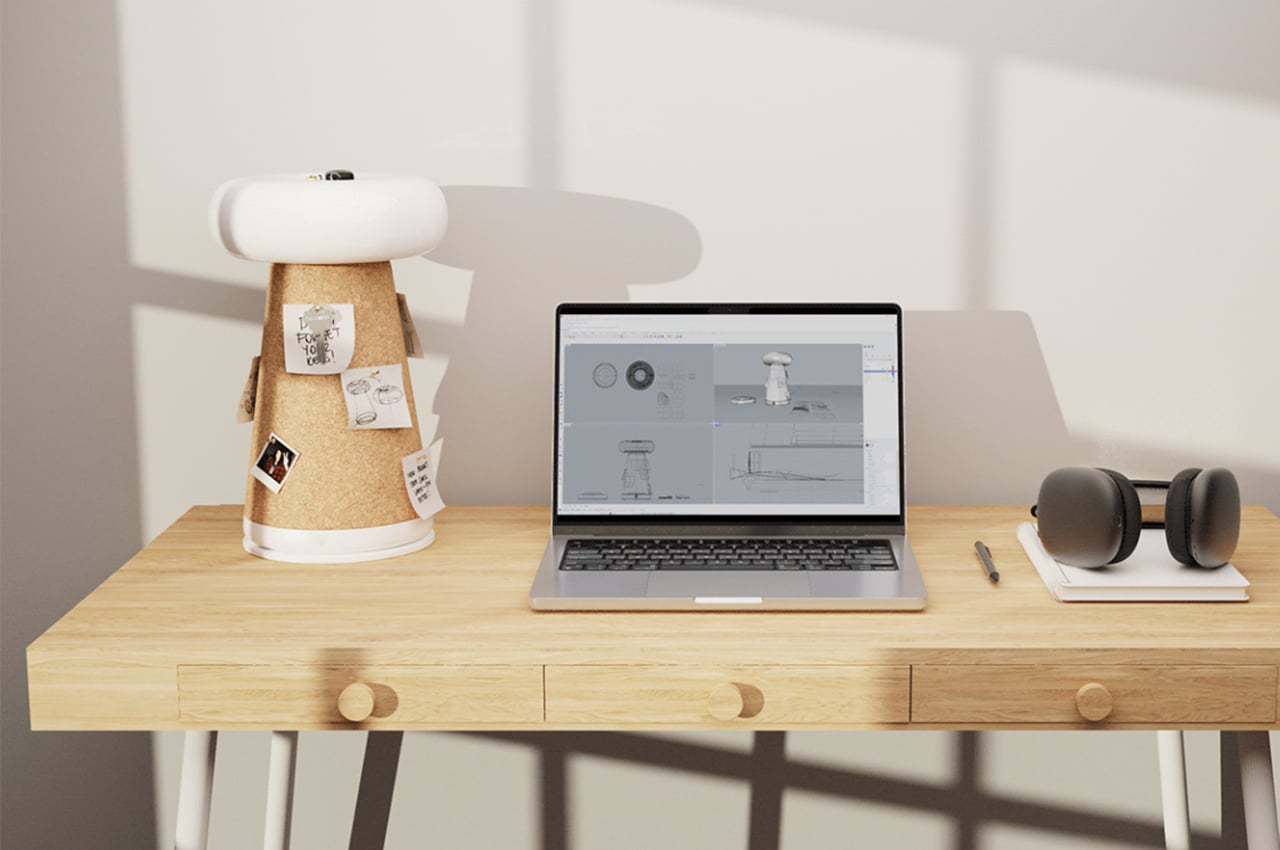
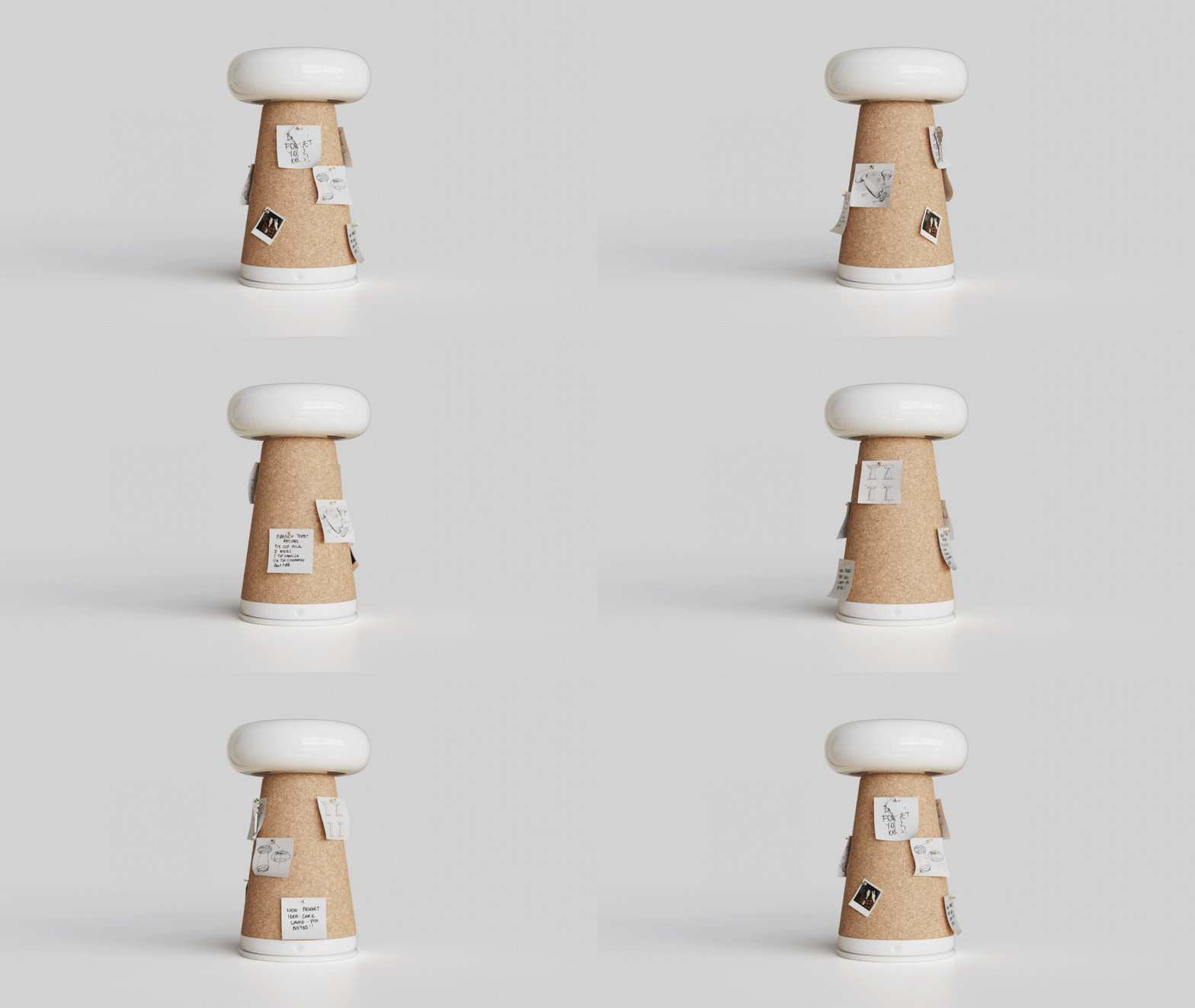
Named the sPINmemo lamp, this unique lamp combines traditional lamps and multifunctional designs to create an innovative and space-saving solution. Besides lighting up your workdesk, it features a rotating cork body that serves as a unique cork board. You can personalize the cork section with notes, reminders, and photos. It is an interactive element of the lamp, which offers a platform to pin your notes and thoughts. The concealed cavity on top of the lamp can also store your small items, making this a true gem for your small workspace.

What we like

  • The rotating feature ensures your notes and reminders are easily accessible
  • Aesthetically-pleasing design

What we dislike

  • The surface available for pinning is a bit limited, which may be inadequate for some users

2. Multi-Functional EDC for Desk

Tools with multiple functions are a godsend in a compact workspace. If you’re looking to add such tools to your arsenal, you may want to add multi-functional scissors to the list. Multi-functional scissors are pretty essential since they merge cutting capabilities with some additional useful features. They perform their basic duty of cutting but also double up as bottle openers, box cutters, screwdrivers, and more. This makes them versatile products, which eliminate the need for multiple tools, ensuring space is saved, and your desk is organized.

Cut & Slice Scissors

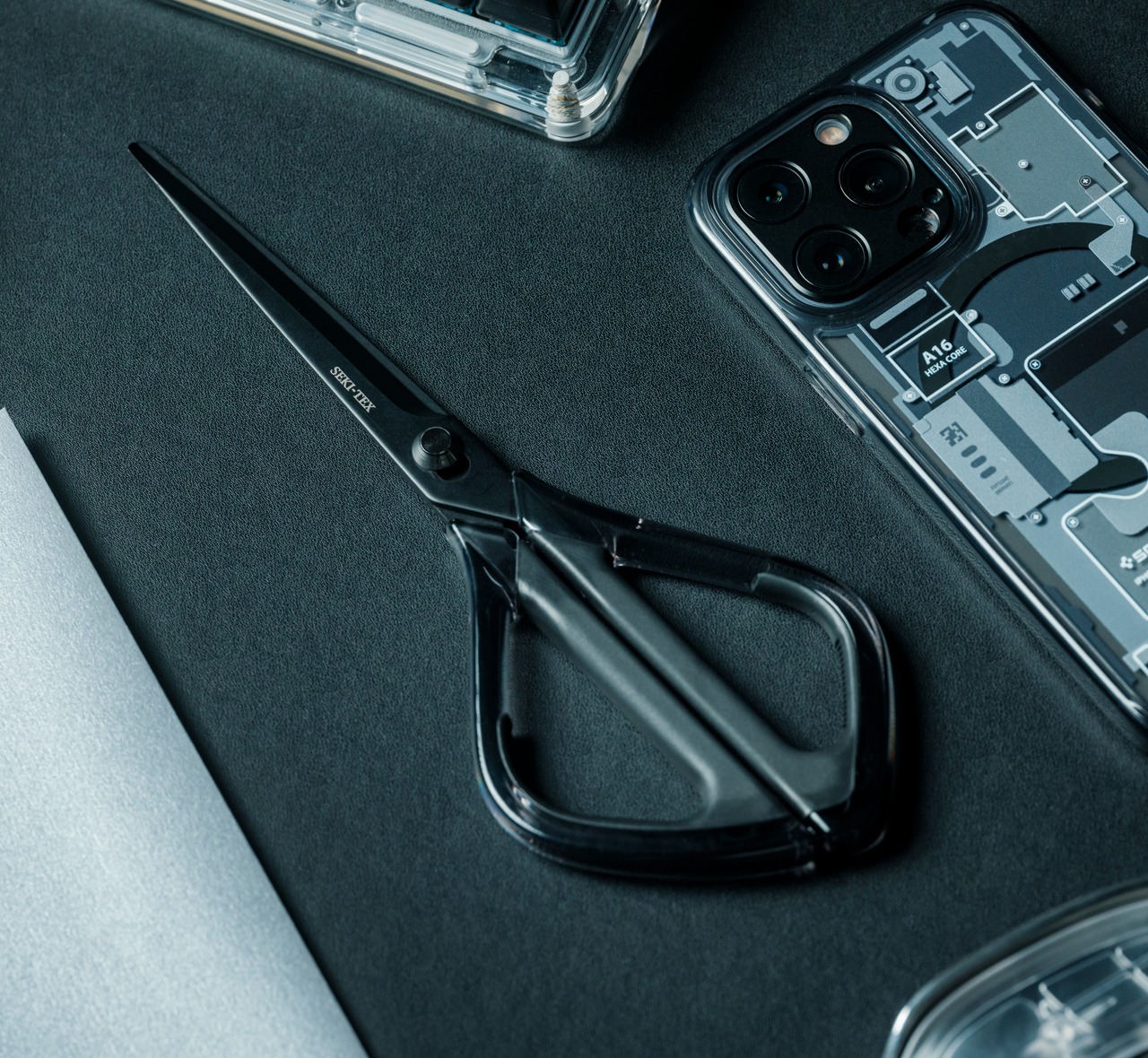
Dubbed the Cut & Slice Scissors, this nifty desk accessory features a sliding mechanism, which pushes one of the blades ahead, creating a handy box cutter, which offers a smooth cutting process. It is equipped with an easy-to-use sliding mechanism, which makes using the cutter a breeze, and also pretty safe to store. You can utilize the scissors handle as a blade handle as well.

Click Here to Buy Now: $29

What we like

  • The scissors have an innovative form with drop-shaped handles in transparent resin
  • Prevents sticky residue from building up, since the blades are coated with fluorine

What we dislike

  • The blade isn’t easily replaceable

3. Whiteboards for brainstorming

When you’re setting up a workspace, a whiteboard is a must-have. It is a versatile tool that is excellent for brainstorming, streamlining your thoughts, and organizing your goals and tasks. Portable and compact versions are great for small spaces, and also great for carrying them with you if you’re working outside the office. These whiteboards occupy minimal space, freeing up desk space for other products and tasks. A whiteboard is often beneficial since it provides a larger writing surface as compared to a notebook or diary. This will help you in properly planning and visualizing your tasks.

Personal Whiteboard

Quite rightly called the Personal Whiteboard, since it has a cute and compact size that makes it easy to use, especially in a small workspace, this unique whiteboard is the perfect product for taking notes and jotting down what’s important. Its easy-to-carry design ensures you can take it with you if you leave the office as well. It features an eraser, letting you easily write things down, erase them, and then write again!

Click Here to Buy Now: $49.00

Personal Whiteboard

What we like

  • Equipped with a Mag Force system
  • Portable design that is no hassle to carry around

What we dislike

  • You cant use a permanent marker on it, only a dry-erase or whiteboard pen

4. Planters to add some Life

Our work desks can often get mundane and dreary, and adding a touch of green works wonders to elevate aesthetics and the work environment. Mini, fun-sized planters are perfect for small desks. These little plant holders add an element of nature to your workspace, without occupying too much space. They’re great at holding small plants like succulents or air plants, and these require minimum maintenance. Adding plants to your workspace can improve quality, elevate your mood and productivity, and bring down stress. They serve as a refreshing element, that will spruce up your desk and mood.

Grovemade Wood Planter

A great way to add green to your desk is by incorporating the Grovemade Wood Planter. It includes a detachable, stainless steel liner cup made from solid walnut or maple hardwood. You can choose between black walnut or hard rock maple hardwood. The planters are available in three sizes – long, wide, and short. Pick the size that suits your working space, and your indoor planter will perfectly fit in.

What we like

  • The planters are meticulously handmade
  • Available in three different sizes

What we dislike

  • There are no drainage holes, which creates the risk of overwatering

5. Miniature Clocks

Analog clocks make for classic, functional, and elegant additions to your desk setup. And the miniature versions are an ideal match for smaller desks. Compact little clocks offer a glance at the time, without the hassle of getting distracted by your digital gadgets. Having a clock helps you manage time better, and eliminates the temptation of checking your phone for the time, which can get you distracted and lead to some doom scrolling on Instagram. A well-designed analog clock can also add some style and elegance to your desk.

Rolling World Clock

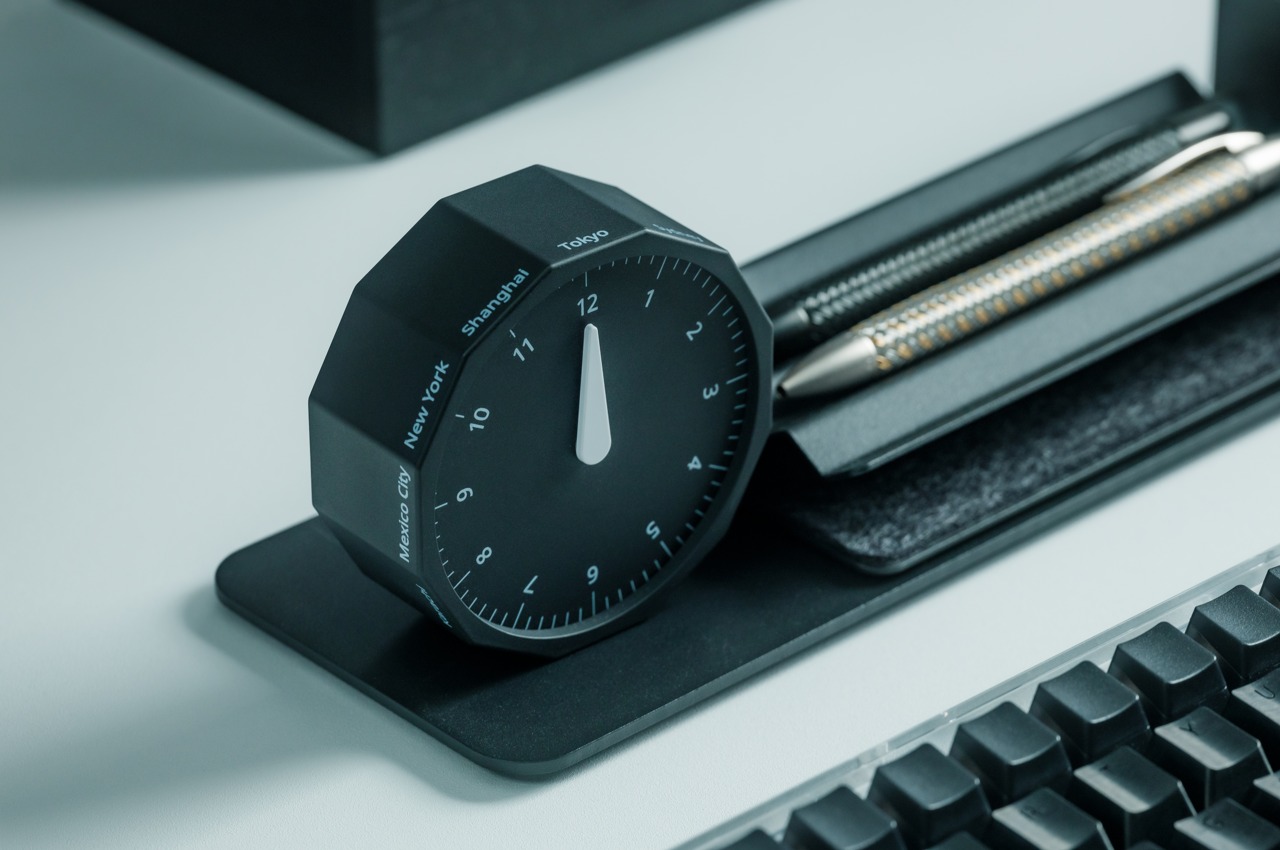
Named the Rolling World Clock, this one-hand device doesn’t simply tell the time of your city, but different countries as well. It is a boon if you work on international time, helping you deal with different clients in different time zones. It has a clean and sleek ethos, which allows it to serve as a visually pleasing addition to your compact workdesk.

Click Here to Buy Now: $49.00

What we like

  • Reduces the need to check your phone for the time
  • Makes time-telling a simple and joyful affair

What we dislike

  • The clock only includes 12 time zones, so you will need to calculate the time zones outside the clock’s interface

6. Space-Saving Pen Holders

A sleek and compact pen holder is important for your desk. It ensures your pens and other writing tools are organized and easily accessible. Choosing a vertical and space-saving design can ensure that precious real estate isn’t occupied by it. If you pick the right pen holder, it will keep your pens organized and tidy, ensuring they don’t roll off your desk or get lost easily. A well-designed pen holder also adds an aesthetic and sleek element to your desk space.

Serenity Pen Stand

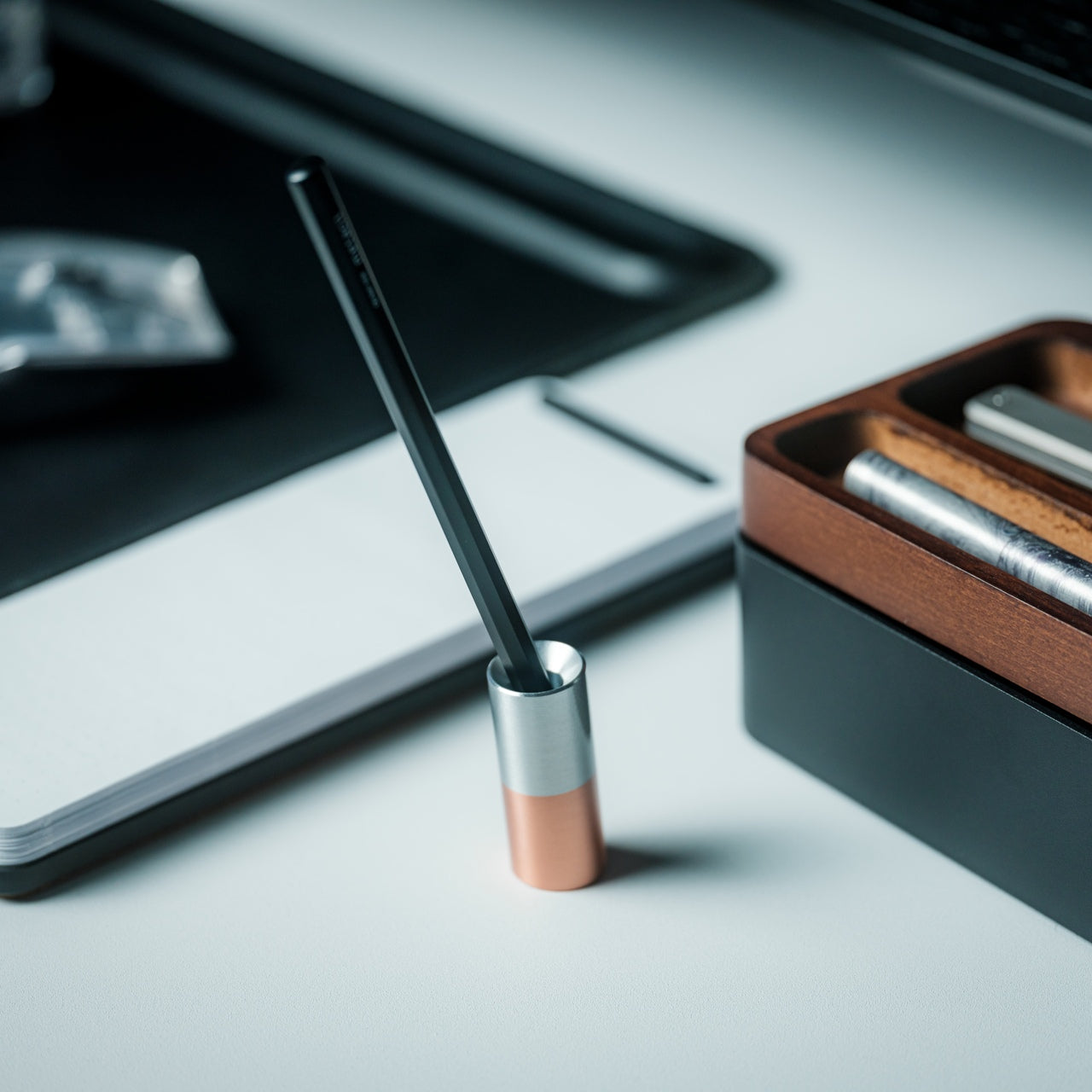
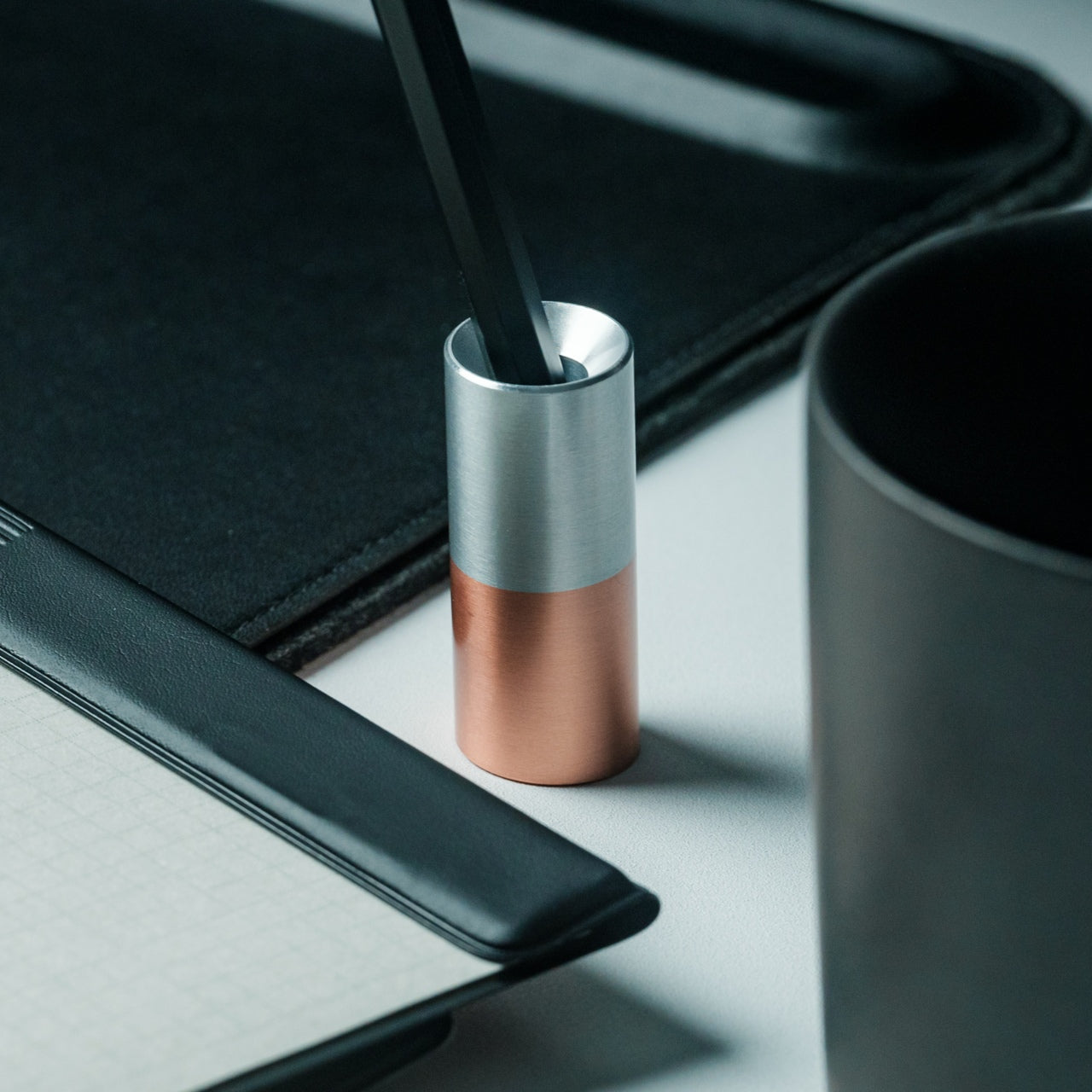
Named the Serenity Pen Stand, this unique pen holder has a compact and minimal form with a lovely metallic touch. It offers easy and constant access to your pen, safeguarding it, and never letting you lose track of it. It is built from aluminum and copper and features a well-balanced cylinder. The aesthetically pleasing and space-saving pen stand adds a dash of color and character to your sturdy desk.

Click Here to Buy Now: $39

What we like

  • Features a heavy copper bottom which provides it with a stable form
  • Sleek, minimal, and aesthetically pleasing design

What we dislike

  • Pretty small in size, so you may misplace the pen stand if you’re careless

7. Pens and More Writing Instruments

Working in a small workspace, you need everything to be small and sleek. You need reliable and elegant writing tools. If you choose sleek pens, you’re in for a treat, since they merge functionality with a sophisticated design, making them an excellent addition to your workdesk. These pens make your writing experiences smooth and seamless while adding some elegance and charm to your desk. Since they’re sleek and streamlined, they occupy minimum space and are also easily accessible.

Stilform INK

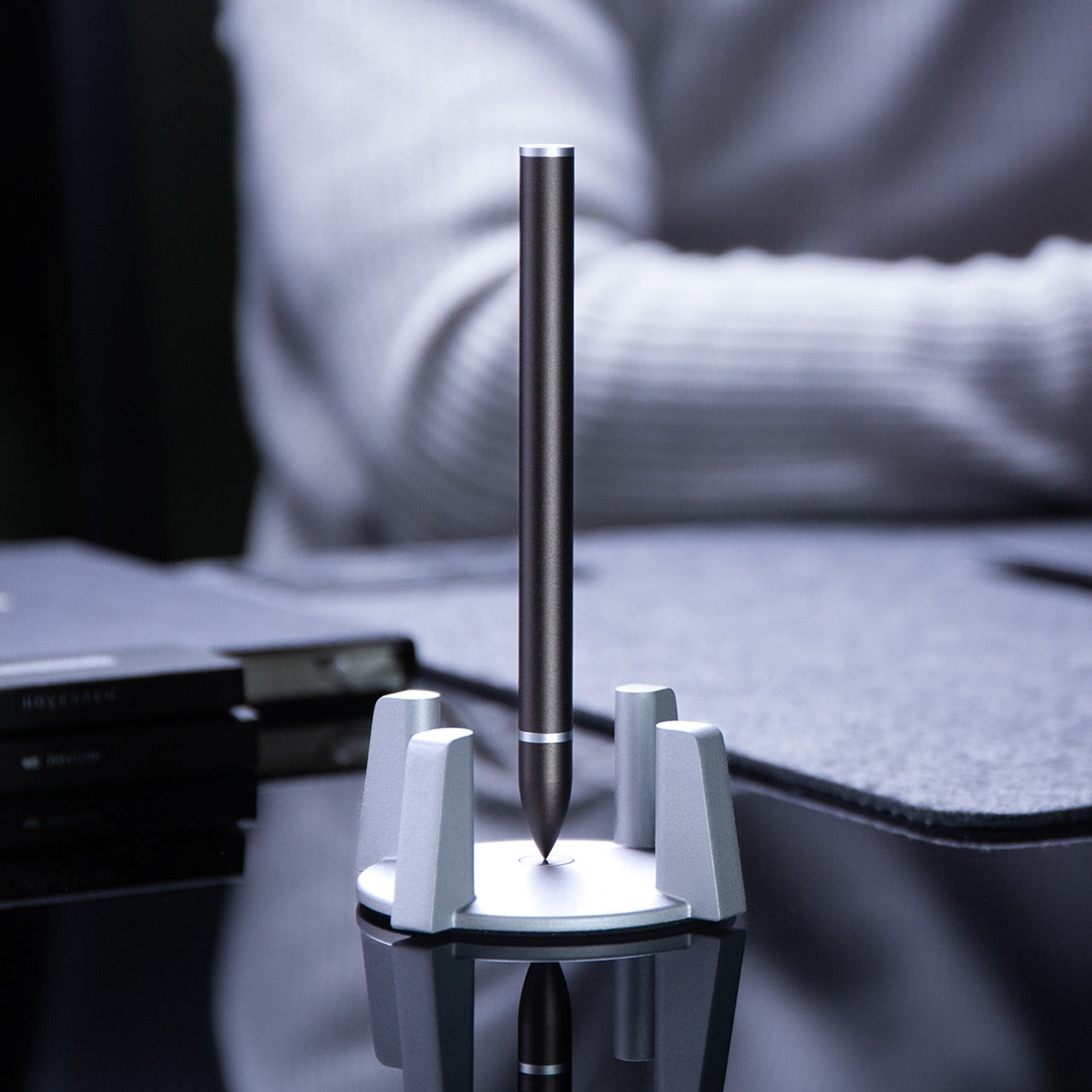
Say hello to Stilform INK, this award-winning fountain pen features a unique self-aligning cap and a brand-new mechanism. The new version is made in DLC-coated aluminum. By giving the cap a simple twist, it automatically gets pushed off by a strong magnetic force, making the pen pretty easy to handle. Since the pen features a unique magnetic closure, the distinctive flat sides along the pen will always align perfectly.

What we like

  • It also serves as a fidget toy
  • Offers the most comfortable holding position

What we dislike

  • The magnetic mechanism may not appeal to everyone, certain users may want the traditional click or twist mechanisms

8. Compact Notebooks & Journals

Note-taking is something we have now confined to digital note-taking apps, but there is something truly therapeutic and powerful about using a pen and paper to jot down your thoughts and ideas. The mundane yet humble notebook is always an excellent choice to note down your thoughts and create a streamlined vision. A notebook that is compact yet sturdy is a great option to add to your arsenal of analog desk accessories. Not to mention, writing by hand encourages creativity, and improves memory retention, ensuring you don’t forget important details and points.

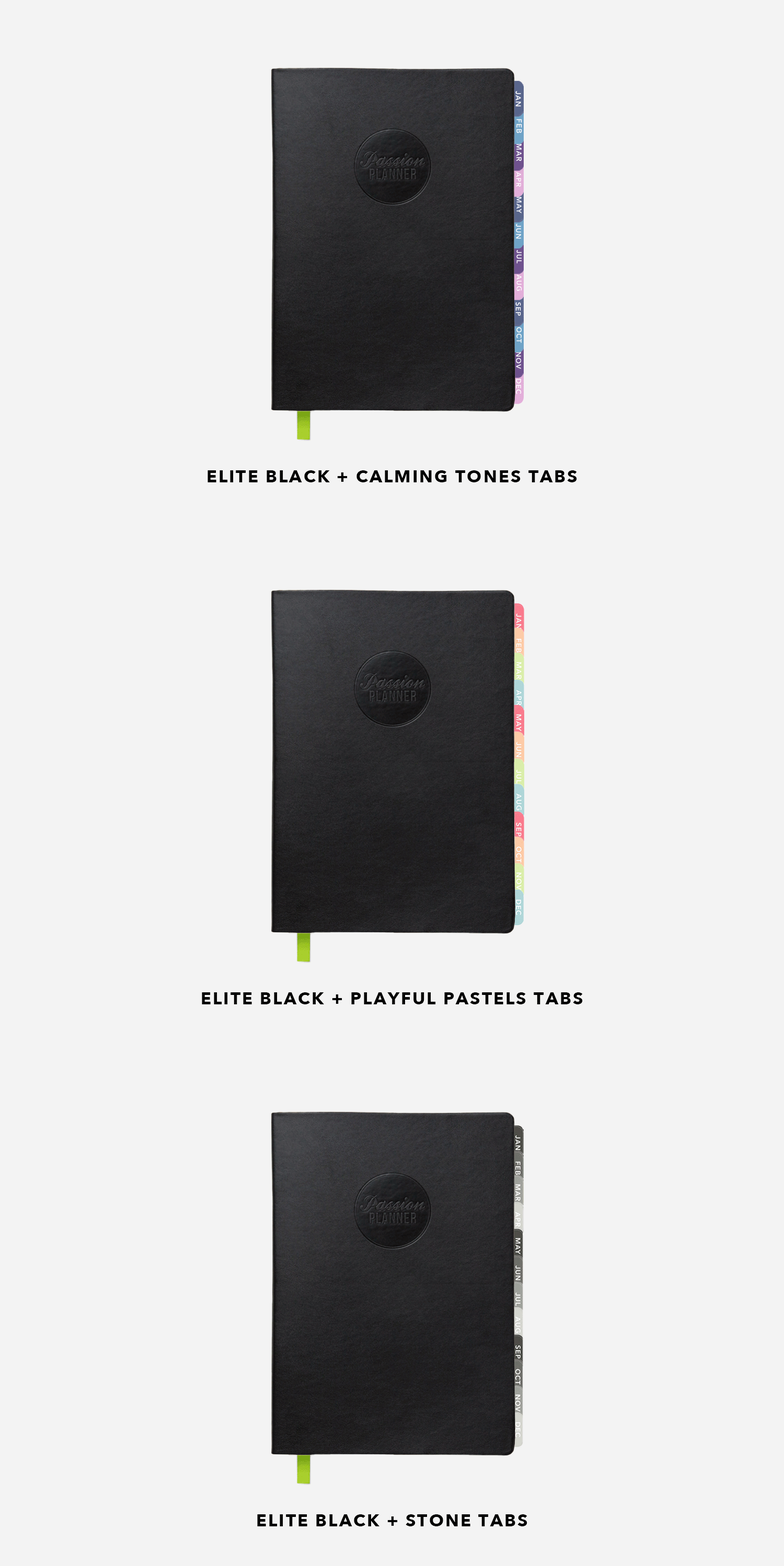
The Passion Planner

Say hello to the Passion Planner – the one space for all your thoughts and ideas. The Passion Planner isn’t simply an ordinary notebook, it goes one step ahead – it includes an appointment calendar, goal-setting guide, sketchbook, journal, and personal and work-to-do list. It was created keeping your personal goals and passions in mind, allowing you to create the ideal balance between personal reflection, goal setting, and functionality. It has a slim all-black aesthetic ensuring it occupies minimal space which is what you need in a small workspace, and merges with any kind of desk aesthetic.

What we like

  • Equipped with a durable and low profile soft faux leather cover with an elastic enclosure strap

What we dislike

  • The visioning place of the notebook is a tad bit small
  • The design of the planner may be a bit boring for those who prefer more colorful aesthetics

9. Multi-Functional Desk Organizers

Maintaining a neat workspace can often be difficult, but this is where multi-functional and nifty desk organizers come in. These organizers often feature multiple compartments which hold and organize your different belongings. A handy desk organizer can carefully segregate and store your pens, paper clips, sticky notes, etc. Organizers are great at reducing clutter and ensuring you find what you need with ease, so you don’t need to worry too much about losing your favorite stationery items.

Inbox Tray Trio

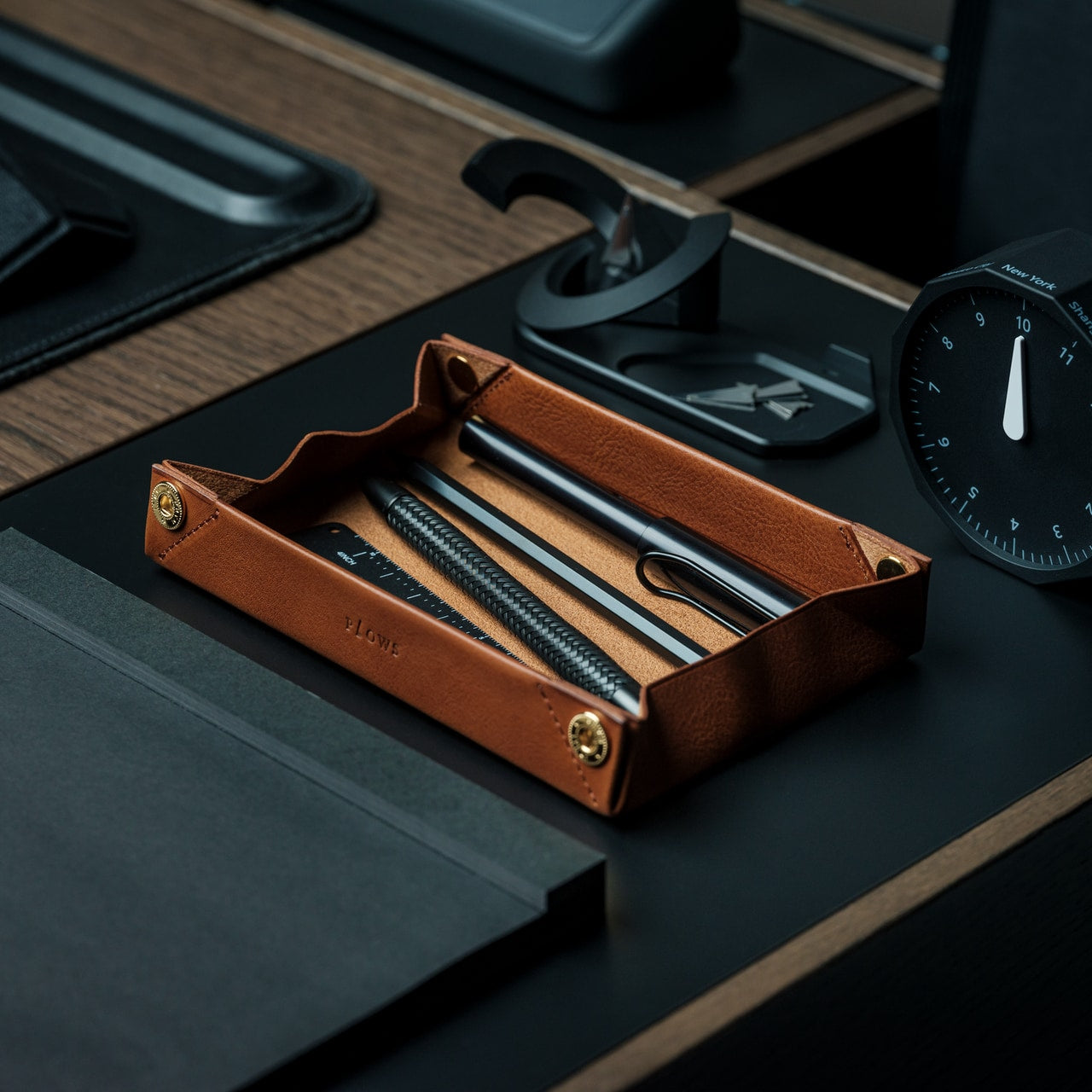
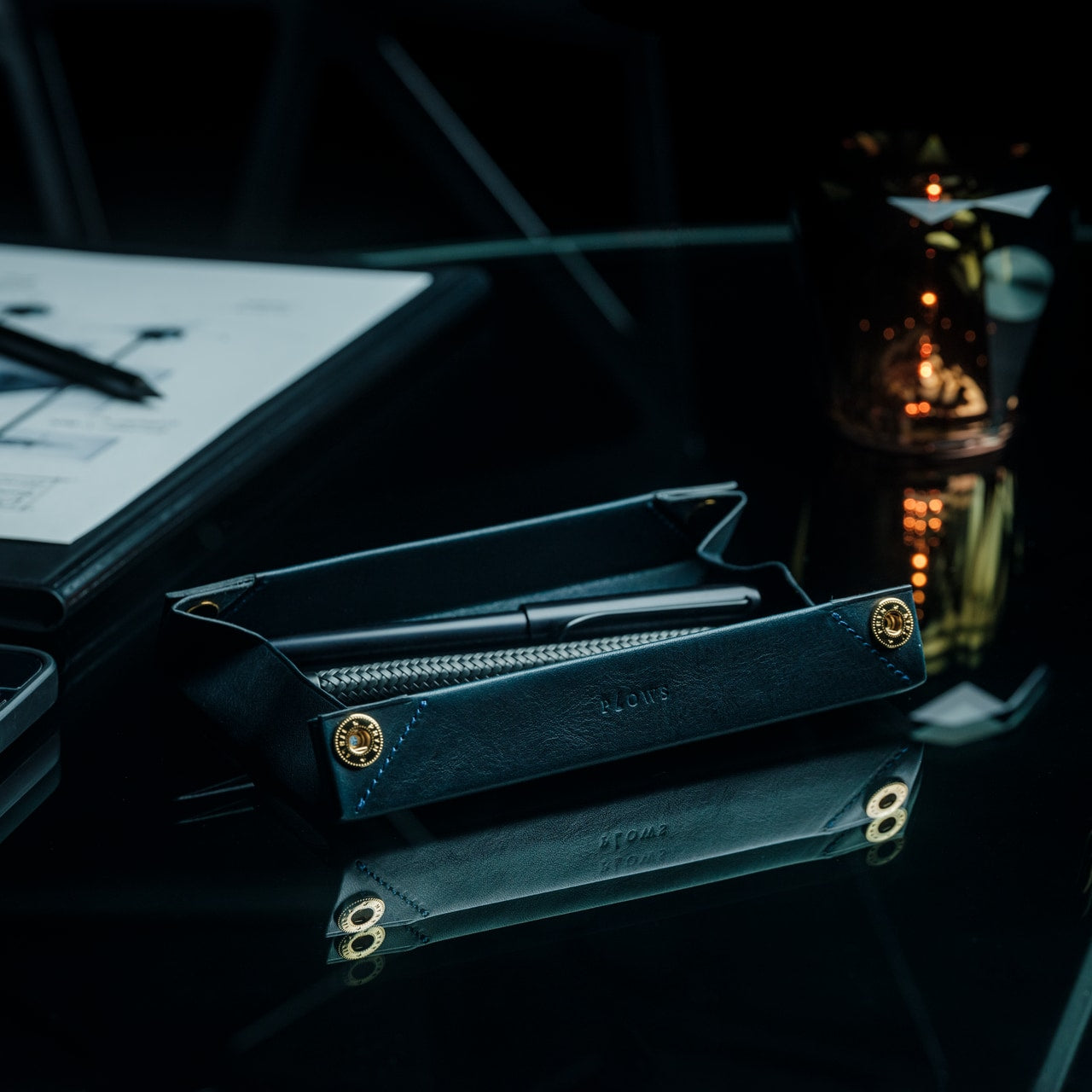
Named the Inbox Tray Trio desk organizer, this aesthetic-looking flexible leather organizer includes multiple leather trays that will organize your desk, while adding some style to it. Designed by hardgraft, each tray features a leather and felted wool insert or lid that can be utilized as dividers. It allows you to place important notes and letters at the bottom, and store paper clips and pens on the top, providing plenty of storage space, which is a boon for small workspaces.

What we like

  • Features small trays to hold the tiny accessories and tools
  • Made using stunning vegetable-tanned leather

What we dislike

  • An expensive price point, that may not be preferred by the budget-conscious customer

10. Foldable Lamps

When you’re working at a desk, proper lighting is extremely important. As useful as traditional desk lamps can be, they almost always occupy a significant amount of space. To ensure most of your desk space isn’t occupied by your lighting of choice, you can opt for foldable lamps. Foldable lamps offer sufficient lighting, without taking up much space on your desk. A foldable lamp will reduce your eye strain, and enhance your focus while giving you the luxury to adjust it to cater to your different working requirements. Foldable lamps are also portable, which is useful if you often work remotely.

R9 Desk Lamp

The R9 Desk lamp is created especially for creative individuals and designers. It provides precise lighting, especially in circumstances where natural light is limited. It features adjustable custom-made LEDs, which offer precise color rendering and versatile illumination, which is much-needed for detailed artwork. It features a lightweight and foldable design, which is great for small workspaces, as it doesn’t occupy much real estate.

What we like

  • Users can customize the lighting to their preferences
  • Offers exceptional color accuracy

What we dislike

  • It is a niche product intended for artists and creative professionals, and may not cater to the general users

The post 10 Best Analog Desk Essentials Designed To Maximize Small Workspaces first appeared on Yanko Design.

A Single Desk brings a minimalist aesthetic to your workspace

Desks don’t always have to be fancy and maximalist. Sometimes, all we need it to do is to hold our stuff while working or studying and to have space to put all the things we need while we’re doing that. Some desks are also designed to help you focus on what you need to do. Some are also created to add a bit of color or joy to the room you’re in so you won’t get bored while you’re doing what needs to be done.

Designer: found / Founded with Tamken

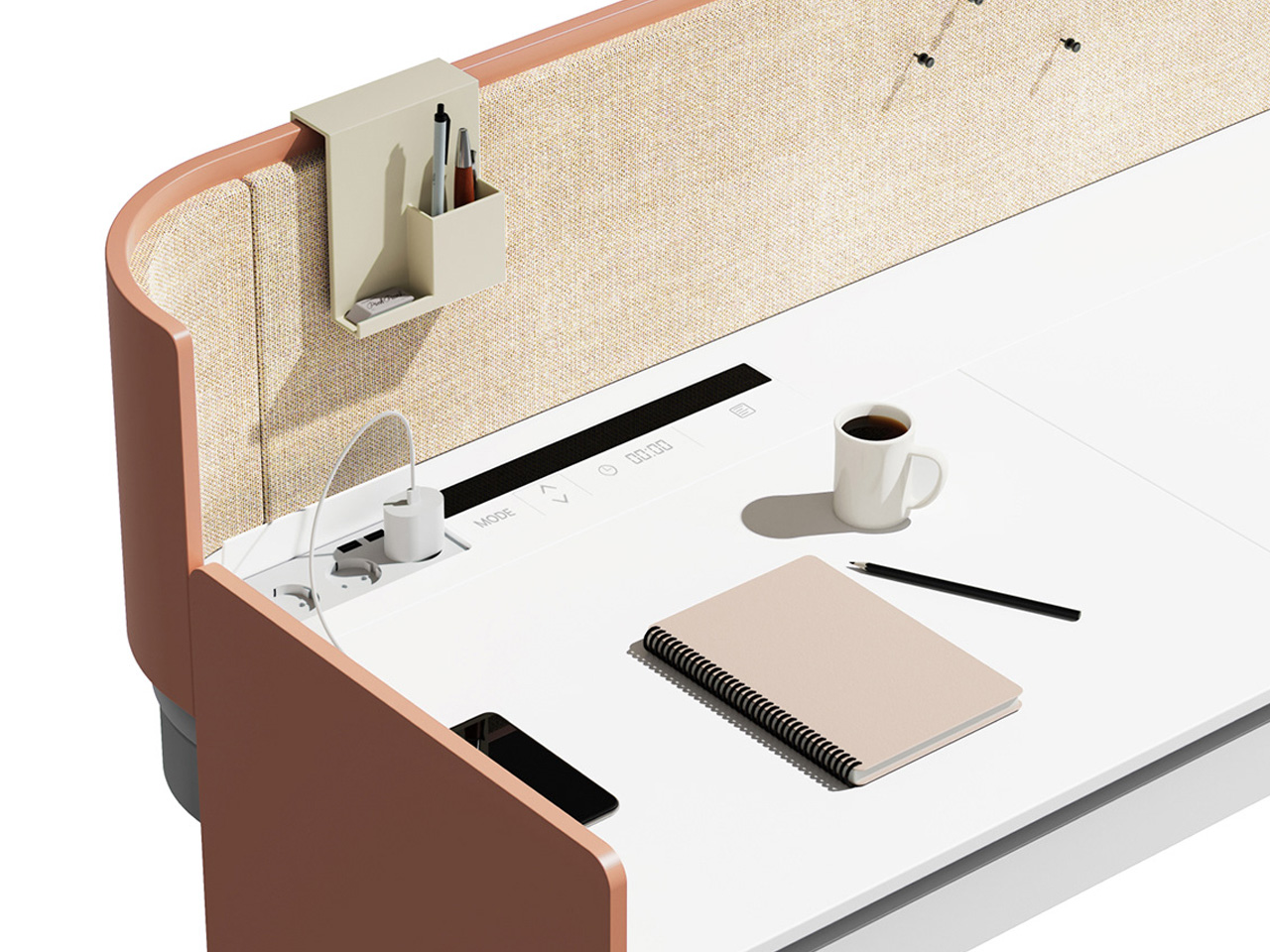
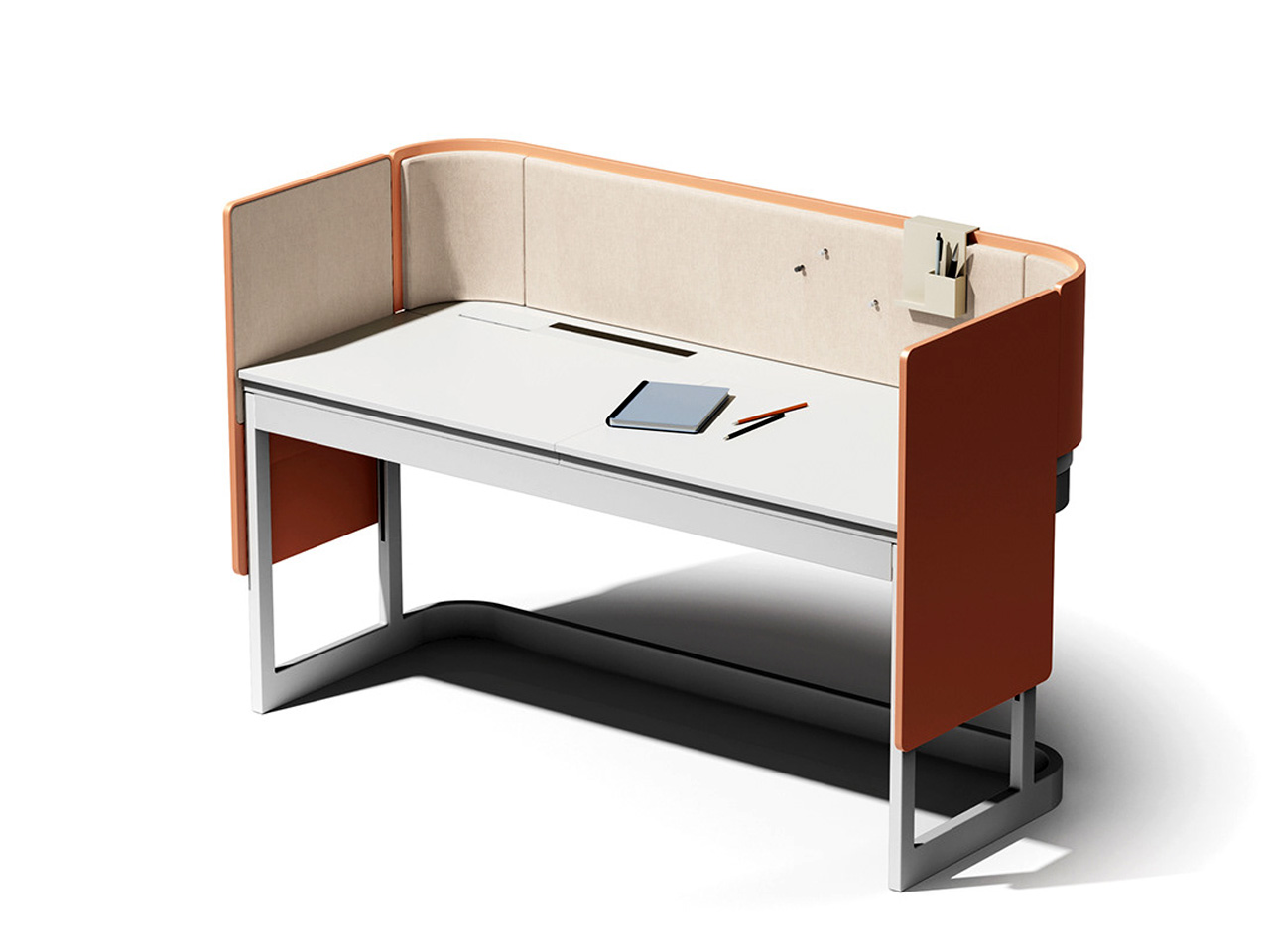
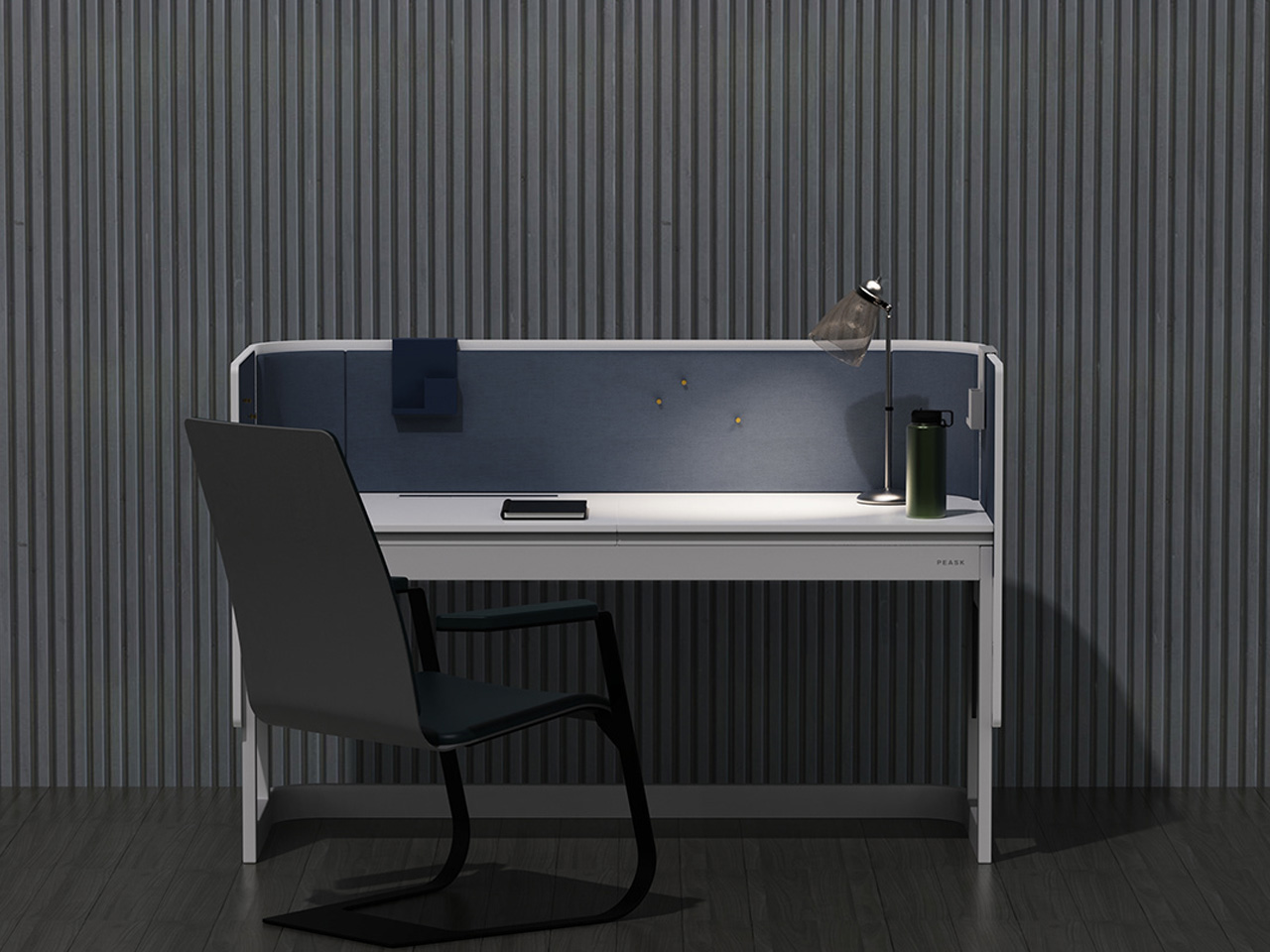
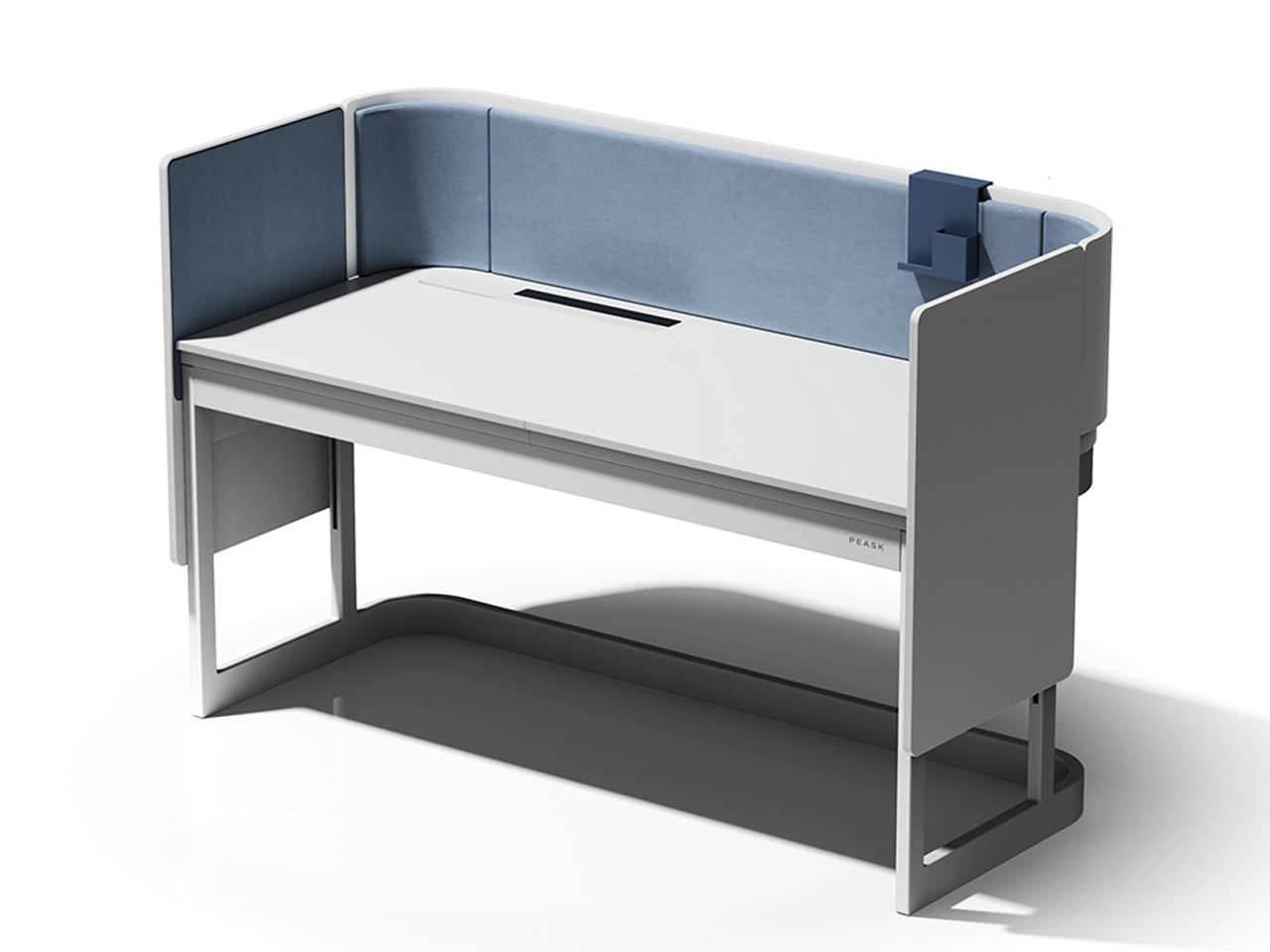
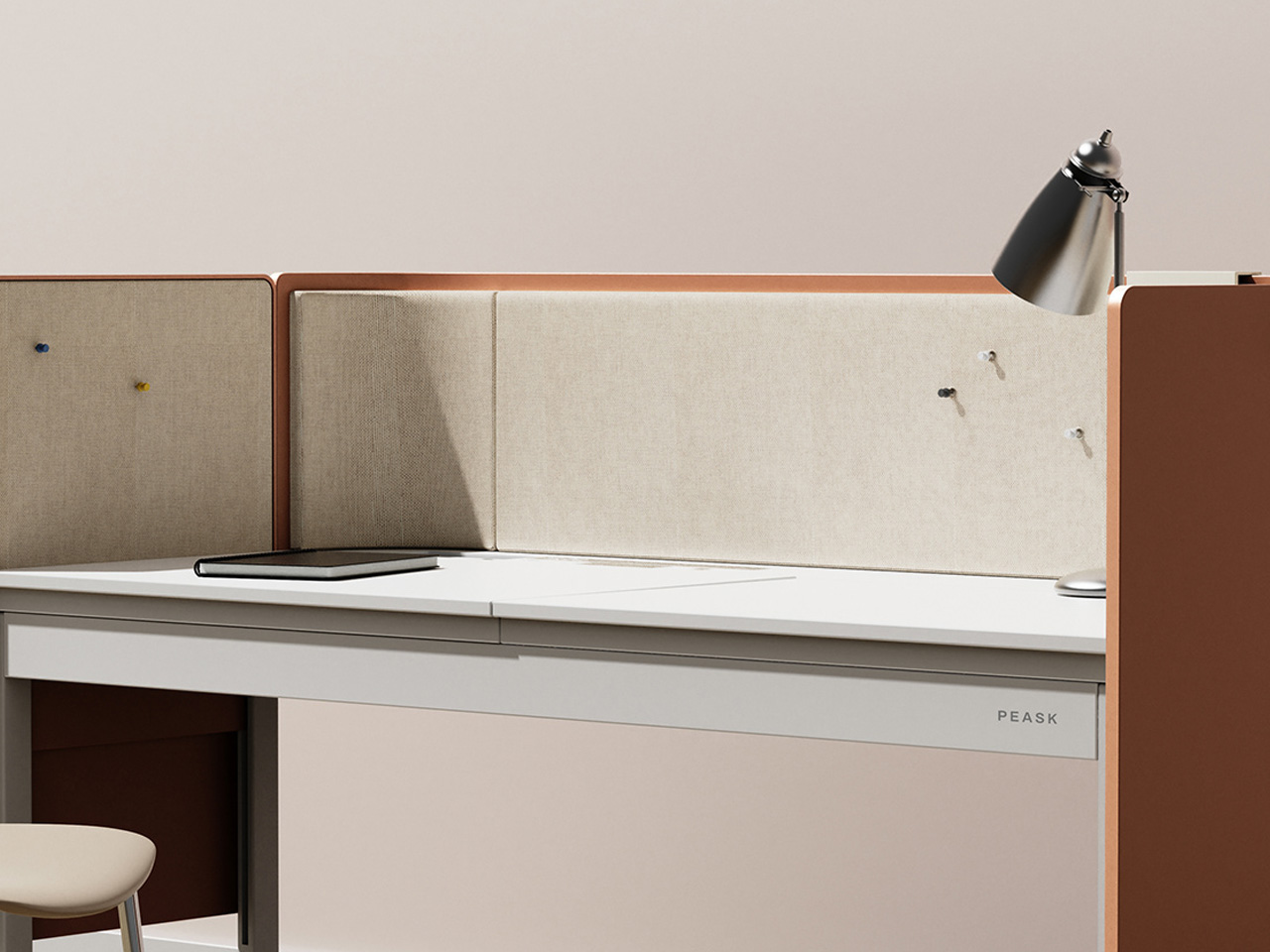
A Single Desk is just what its name says it is. It is a desk that was developed by a design company with a furniture company. It was created to have an “interior point” in a room so that one person will be able to work or study properly without being distracted by other people who may also be in the room with them. It is uncomplicated and minimalist with a splash of color thrown into it so that it also looks good even if it may be that simple.

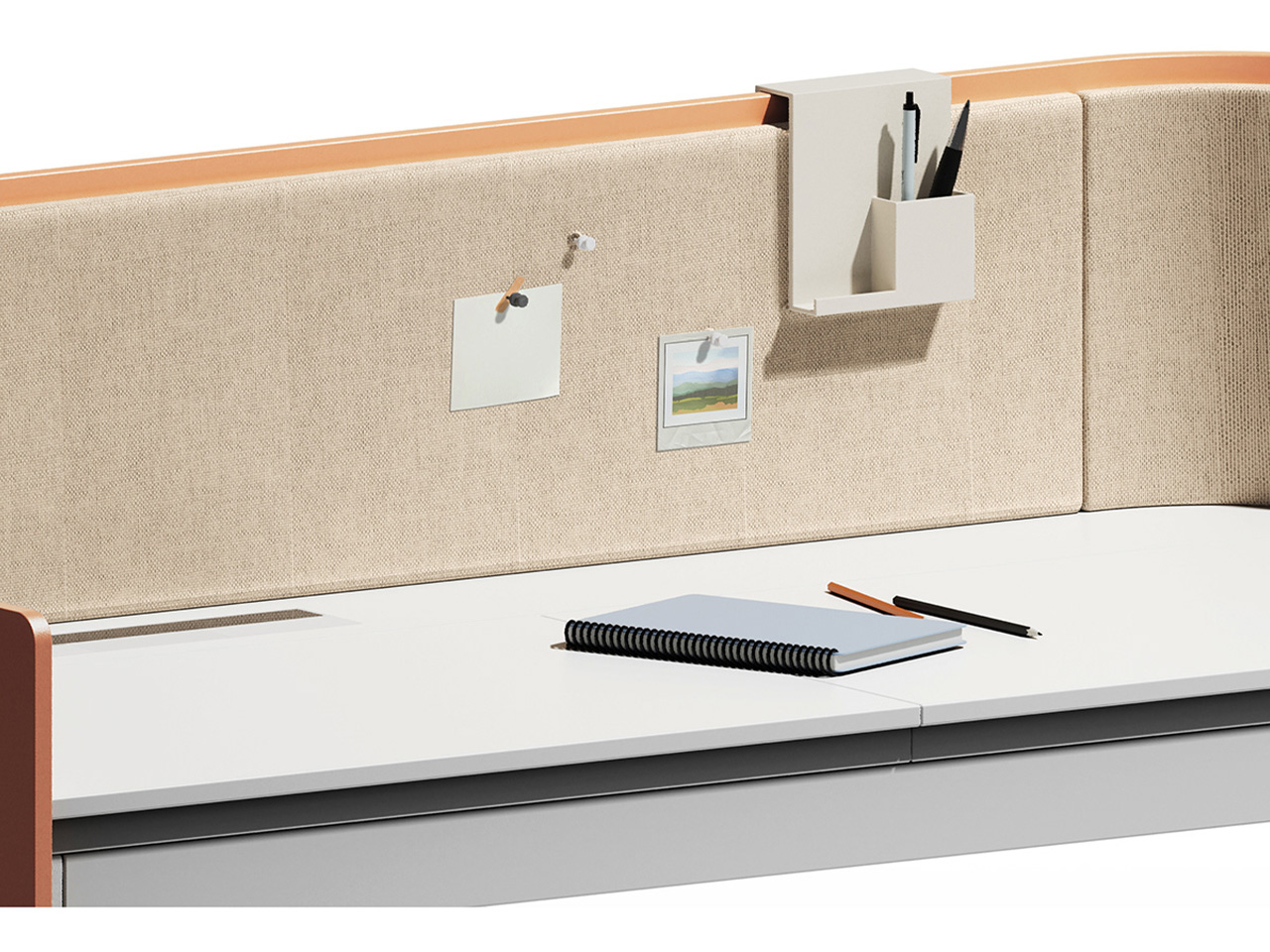
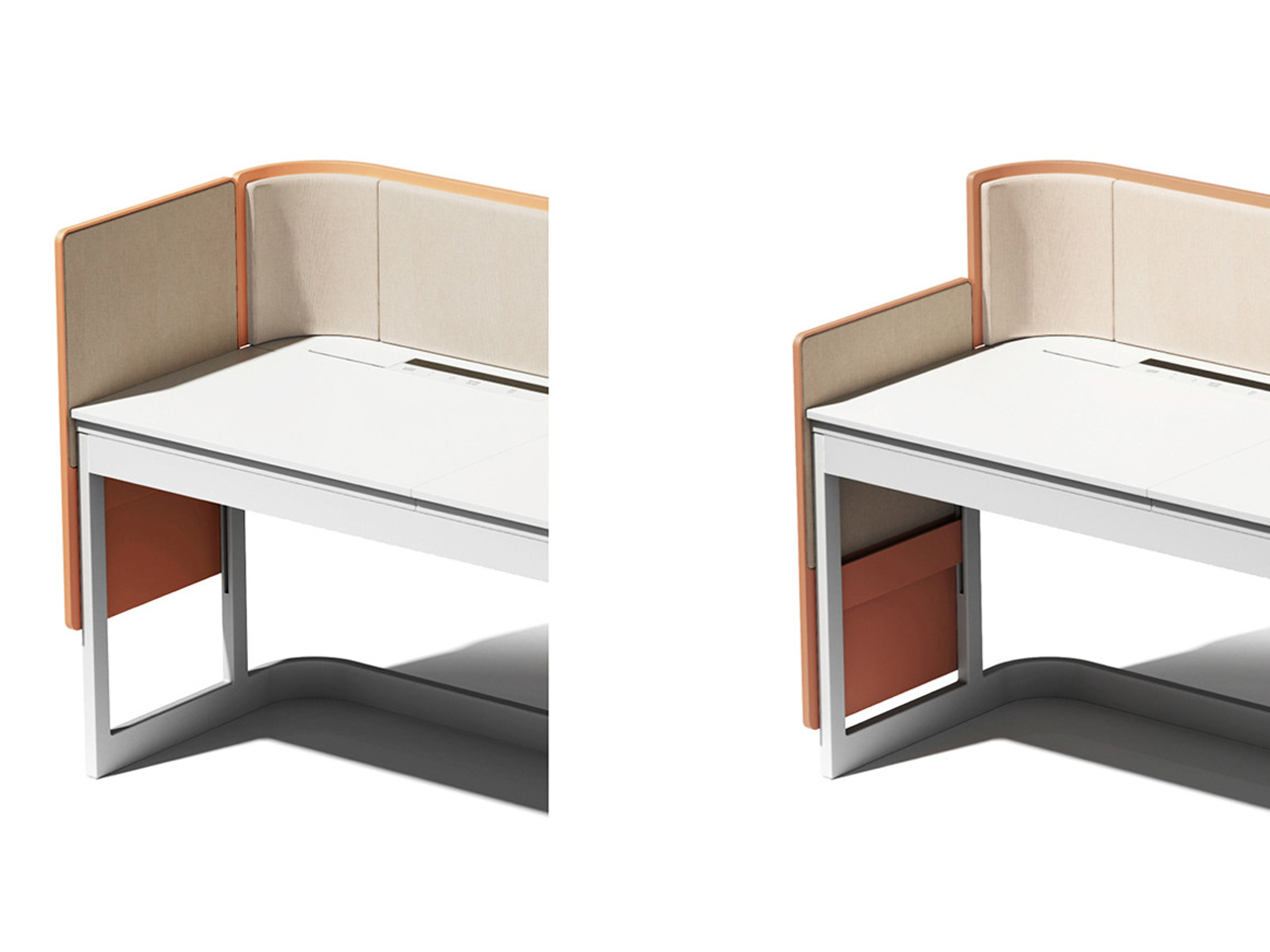
The focal point of this piece of furniture is the colorized iron screen sitting in front of the user. It can be used as a note board or to attach storage items that are magnetized. It also serves to obscure the view of the user or the people around them so that they will be able to focus. There’s also a thin drawer underneath to put other stuff you’d want to not place on top of the table as well as space on the tablet itself for your laptop, supplies, decorations, etc.

The sample shown of A Single Desk has a yellow color for the frame and iron screen but probably it will also come in other pastel or similar colors. It is also probably easy to assemble as it has a pretty simple design. It should be perfect for those going for a minimalist aesthetic and may have just a few items placed on their desk.

The post A Single Desk brings a minimalist aesthetic to your workspace first appeared on Yanko Design.

Top 10 Efficiency Boosting Gadgets You Need To Maximise Your Creativity & Work Potential

Whether you’re working from home or in a commercial office, boosting your productivity is going to be something you’re always focused on. And one way to elevate your productivity is to fill your desk with clever gadgets and well-designed products that help you streamline your work routine, and keep your concentration to a maximum. Adding limited, quality, and innovative products to your desk setup can help you achieve your work and productivity goals! And we’ve curated a collection of smart and thoughtful gadgets to help you achieve peak productivity. Have a look, happy working!

1. Magic Bar for MacBook

Say hello to the Magic Bar, a portable Touch Bar that pairs up perfectly with any Apple peripheral. The notable device is sleek, seamless, and easy to carry, serving as a portable and functional gadget that is pretty similar to the Touch Bar in terms of form and functionality. The features of the Magic Bar are pretty similar to the Touch Bar as well.

Why is it noteworthy?

It also has a pretty recognizable design that aligns horizontally with your keyboard. You can pair up the Magic Bar with your iPhone, to create and use multiple smart home shortcuts.

What we like

  • Portable and easy-to-carry form

What we dislike

  • It is a concept, so we are unsure how well it will translate into a real product

2. Keychrone K2 HE

Called the Keychron K2 HE, this keyboard is designed for gamers, programmers, writers, and professionals. It offers a personalized and customizable typing experience. The keyboard features an ergonomic design, and supports versatile connectivity, setting it apart from other magnetic keyboards on the market. Its focus on personalization, magnetic switches, and robust quality make it an excellent addition to your workdesk.

Click Here to Buy Now: $125 $130 ($5 off). Hurry, only 82/400 left! Raised over $560,000.

Why is it noteworthy?

It merges aesthetics and functionality to create a sleek and seamless keyboard with a compact 75% layout. The keyboard allows you to maximize desk space while maintaining the important keys. The keyboard is also available in multiple editions, amped with aluminum frames and lovely wooden accents.

What we like

  • The different keyboards are meticulously crafted to offer a robust and visually appealing experience

What we dislike

  • Comes with a battery-operated version only

3. Rolling World Clock

Called the Rolling World Clock, this minimal and one-hand device is an excellent purchase if you work globally, and need to interact with different clients in different timezones. Besides being quite functional, the Rolling World Clock is also quite minimal and sleek, making it an aesthetically pleasing addition to your workdesk.

Click Here to Buy Now: $49

Why is it noteworthy?

The Rolling World Clock lets you access different timezones using a simple one-handed movement. You can turn and move the clock until you get the city whose time you need to check, this enables the watch hand to adjust to the correct timezone automatically and with ease.

What we like

  • Eliminates the need to use a screen to check on multiple timezones
  • Makes time-telling a simple affair

What we dislike

  • The clock only features 12 set cities, so you will still need to calculate the time zones outside the clock’s interface

4. Snapmaker Artisan Premium

Designed by Snapmaker, the Artisan Premium is a top-notch creating tool. It is a 3-in-1 device that prints, engraves/etches, and CNC machines. It provides a big work area, while still saving up space since a whole bunch of functionalities are packed in one workstation. It has an all-metal design which facilitates factory-grade precision.

Why is it noteworthy?

The device includes an enclosure that holds the dust and provides protection to your eyes from laser damage. It also includes a control unit with a 7″ touchscreen, which lets you handle the machine with complete ease.

What we like

  • You can plug in any of Snapmaker’s various modules into the modular interface

What we dislike

  • Hefty price tag which may not be okay with everyone

5. Time Gate

Designed by Divoom, the Time Gate is a desk clock that ensures all your preferred notifications and widgets are placed in one unified interface, helping you work better, and cutting down on distractions. The device includes five separate screen interfaces, and it unifies all your necessary widgets onto one clock interface.

Why is it noteworthy?

The interfaces have been pixelated, and the digital clock has been given an expanded sense of realism, allowing all your essential assistants and dials to be placed in your peripheral view. You can add different widgets like weather updates, calendars, reminders, social media followers, stock market updates, and more.

What we like

  • The clock interface can be customized via the companion app which allows you to create custom texts and animated graphics

What we dislike

  • The clock’s form is unique and users may take some time to adjust to it

6. GRAVITUBE

Say hello to GRAVITUBE – a minimal anti-gravity desk gadget. It is a stylish anti-stress gadget amped with a neodymium floating magnet. If you find it difficult to concentrate at work, then you will like this innovative fidget toy. It features an anodized finishing touch, and it helps users calm down, ensuring they concentrate better at work.

Why is it noteworthy?

Fidgeting with the GRAVITUBE helps users calm down, but so does the magnet. Since the magnet is in movement, the field changes, creating a mechanical force that resists and slows down the magnet itself. The flow of the magnet can be observed from the precise 10cm cutout.

What we like

  • It has a smooth surface and a high-quality body

What we dislike

  • There are limited color options to choose from

7. Loona

If you need a break from work, and get some rest to heighten your productivity, then we’ve found the perfect companion for your break time – Loona. Meet Loona – the most intelligent Petbot with ChatGPT. Loona is so playful that you may even forget she is a robot.

Why is it noteworthy?

Loona can do almost anything! She’ll welcome you when you come home, follow you around as you walk, and get super happy when you pet her. Loona can also have fun by herself – she scratches, roams your home easily, and even sneezes.

What we like

  • Gives you a much-need break and distraction from work

What we dislike

  • She seems a bit fragile, so you need to handle her with care, especially if you own actual pets

8. Yeslamp Evo Adjustable LED Desk Lamp

This is the Yeslamp Evo Adjustable LED Desk Lamp – a 6-axis adjustable large-range LED natural spectrum lamp that meets all your lighting requirements when you’re working on a desk. This innovative lamp provides the perfect light and brightness for all your essential desktop working requirements.

Why is it noteworthy?

What makes the Yeslamp Evo even more unique is that it uses special LED beads that have been integrated with a Color Rendering Index (CRI), which is above 95. It is equipped with a spectrum that is close to the natural daylight, serving as an eye-friendly source of light that lets you read, work, write, and see with ease.

What we like

  • Retains the authentic color of any object you’re working with
  • You can complete your tasks better with minimum eye effort

What we dislike

  • The black body of the lamp does not work for all desk setups.

9. PowerStudio

Called PowerStudio, and designed by AUKEY, this new portable power source was built by listening to the voices of customers who said, “I want a portable power source with a stylish design,” and “I wish there was a portable power source that even beginners can use and that can be used daily!”. Taking these needs into consideration, AUKEY created the PowerStudio.

Why is it noteworthy?

PowerStudio is designed to be compact and lightweight with an aesthetically pleasing and decorative form. It has a retro feel as well, which allows it to harmoniously merge with the different interiors and styles of different homes. It features a round shape and has a handle made from cowhide leather, so its character develops more as you use it.

What we like

  • Combines functionality and aesthetics to create a product that will look great anywhere in your home

What we dislike

  • The power capacity may be low for some users

10. Shakerbot

Called the ShakerBot, this fully programmable “Mouse Jiggler” assists you with time-based scheduling, web configuration, and OTA updates. The ShakerBot is designed to be flexible like a standard USB device while functioning as a secondary mouse or a pointing device. You can also use the USB port or an external Wall Wart for power, and connect to a Bluetooth mouse.

Why is it noteworthy?

The ShakerBot is designed to function as a real mouse and a keyboard. It can simulate mouse movements, and inject keyboard keystrokes to ensure your laptop, smartphone or tablet remains awake. You can also add mouse movements to log out, log in, or keep a particular application awake.

What we like

  • Allows you to inject keystrokes into your device
  • Supports OTA updates

What we dislike

  • The device is quite small and compact, so can be misplaced easily

The post Top 10 Efficiency Boosting Gadgets You Need To Maximise Your Creativity & Work Potential first appeared on Yanko Design.
Plywood desk concepts use waves to create easy-access storage spaces

Just because a design is minimalist doesn’t mean it has to be featureless. Part of the challenge of this design style is to deliver the same functionality that more complicated products offer in simpler ways. A desk, for example, would normally have drawers and shelves to put things in, but drawers often introduce mechanisms that wear down over time, and they often block their contents from view, forcing the person to remember what’s inside or waste time going through each drawer in search for an item. Aalto, which means “wave” in Finnish, removes the blinders and designs an open storage system that uses no extra parts, just the table’s body itself.

Designer: Liam de la Bedoyere

Common desk drawers use a sliding mechanism to move a box in and out of the table. Regardless of the design of the slider, it will eventually fall victim to wear and tear, making it less useful and more stressful. Desks with “open” shelves instead of drawers do remove that variable but doesn’t make it easy to see what’s inside unless everything is at the front or you stoop to take a peek inside.

The Aalto design concept uses a series of undulating forms that create nooks that can become storage spaces. Thanks to the glass (or any transparent material) tabletop, you can immediately see what’s inside, ready to be taken out when you need it. Conversely, you can also easily see which compartments are still unoccupied in case you need an empty space.

The waves can come in different sizes, which makes room for different kinds of stationery and tools as well, like a laptop in the larger space or pens for the smaller ones. What makes the design even more interesting is that it doesn’t use any extra pieces other than the tabletop. It’s a single unbroken form, though sheets of plywood are indeed joined together to create the semblance of a flowing shape. Regardless, there are no moving parts that will break down or extra parts that can get lost. It is minimalism at its finest.

Another version of the Aalto design uses shorter and more uniform waves to address concerns about the troughs hitting people’s knees and legs. That said, it also reduces the flexibility of those spaces to hold objects of any size, but that also becomes a sort of enforced organization system to keep the desk tidy. In exchange, this Aalto variant has a small shelf off to the side, for holding smaller items like books or even a vase. It does have to switch to a polycarbonate material for the tabletop in order to support that bending shape.

The post Plywood desk concepts use waves to create easy-access storage spaces first appeared on Yanko Design.

Clarus Atmus Mobile Desk Transforms Design Studios with Multifunctional Whiteboard and Projection Capabilities

The Atmus Mobile Desk by Clarus goes beyond aesthetics and mobility. It’s a multifunctional product designed to boost productivity in any design studio. Its versatility makes it ideal for brainstorming sessions, serving as an expansive whiteboard, or acting as a projection surface for presentations.

Designer: Clarus

In a brainstorming session, the Atmus Mobile Desk transforms into a collaborative hub. The large, clear glass surface doubles as a whiteboard, allowing designers and team members to sketch ideas, jot down notes, and map out concepts directly on the surface. This seamless transition from desk to brainstorming tool ensures the creative flow is never interrupted. The desk’s mobility means it can be positioned anywhere in the studio, whether you’re gathering for an impromptu meeting or setting up for a more structured session.

The Atmus Mobile Desk excels as a traditional whiteboard. Its smooth glass surface is perfect for use with dry-erase markers, offering a clean and erasable writing area. This is ideal for planning projects, outlining tasks, or illustrating complex ideas. The clarity of the glass ensures any writing or drawings are easily visible from a distance, making it an effective communication tool in a busy studio.

Additionally, the desk can be utilized as a projection wall, adding another layer of functionality. When paired with a projector, the Atmus Mobile Desk’s clear surface provides an excellent backdrop for displaying digital content. This is particularly useful during presentations, client meetings, or team reviews. The ability to move the desk effortlessly allows you to set up the projection screen wherever it is most needed, enhancing your workspace’s versatility.

Atmus Mobile Desk by Clarus

Clarus’ expertise in glass technology ensures the surface of the Atmus Mobile Desk is optimized for all these uses. The high-quality, ultra-clear Starphire glass offers a pristine and durable surface that stands up to the demands of a busy studio. Whether you are brainstorming, writing, or projecting, the glass maintains its clarity and functionality, providing a reliable tool for all your creative needs.

The foldable work surfaces add another layer of practicality. These can be extended to provide additional space for sketching, placing materials, or setting up laptops and projectors. This adaptability makes the Atmus Mobile Desk not just a piece of furniture but a central component of your design process.

Beyond brainstorming and presentations, the Atmus Mobile Desk is also valuable for digital photography. The clear glass surface provides a neutral, reflective backdrop that enhances the details of the subject being photographed. Whether you’re capturing product shots, prototypes, or artistic compositions, the desk’s smooth surface ensures every detail is highlighted, and its mobility allows you to adjust lighting and angles easily.

In addition to its core functionalities, the Atmus Mobile Desk supports various creative processes in a design studio. It can serve as a temporary station for rapid prototyping, offering ample space to lay out materials and tools. The desk’s height and stability make it suitable for detailed craftsmanship, allowing designers to work comfortably and efficiently.

The sturdy, smooth-rolling casters are designed to move effortlessly across different floor surfaces, whether it’s carpet, wood, or concrete. This means you can reposition the desk without any hassle, ensuring it is always where you need it, whether at the center of a brainstorming session or tucked away after a photo shoot.

The post Clarus Atmus Mobile Desk Transforms Design Studios with Multifunctional Whiteboard and Projection Capabilities first appeared on Yanko Design.
This 59-year-young’s pedal-powered desk is a way to exercise while working from home and helping the environment

Working from home has become a norm post Covid-19. Most of us would agree that working from home leaves people with more time to sleep and exercise. Reality is strikingly different! People are more confined to their systems; bedrooms have turned into cubicles; and the idea and time for physical activity has gone for a toss.

For someone like me, who has been working from home long before the pandemic made it the new normal, managing time for exercising has always been a challenge. Whether you like it or not, we do not have defined work hours. Lack of routine means, no scheduled time for anything except nature’s call that comes back at the same time every morning beating the alarm by a couple of minutes.

Designer: Jim Gregory

In this purposeless regime, where typing is the only physical activity you can imagine, PedalPC is a godsent solution born from an individual’s willingness to counter the lack of physical activity mustered into his routine by having to work from home. How to stay active while spending so much time in front of the computer, you ask? 59-year-young Jim Gregory will tell you to pedal while you work and, in the process also power up the system, connected devices, and more with clean renewable energy.

By combining the ‘fun of cycling with his desire to reduce energy consumption,’ bicycle trailer-builder Gregory created the PedalPC back in 2010. Over the years he has perfected several prototypes and now what he uses is a repurposed bicycle trailer that can generate enough power to run his computer, home wi-fi, printer, LED bulbs, and even juice up his phone. “I pedal about four hours a day and generate between 200 and 250 watt-hours a day.”

When faced with the question of how to get adequate physical activity while working from home, Gregory considered getting a treadmill desk or bike desk, but the idea was too straightforward to his liking. A little more back and forth in search of solutions, he arrived at the idea of designing a pedal-powered generator. This would allow “plenty of exercise each day while making a positive impact on the environment,” he confirms. And thus the PedalPC, a human-powered computer desk, that lets the user exercise and generate electricity simultaneously came into being.

With an exercise bicycle-style form factor, the Pedal PC allows Gregory to pedal and generate electricity. The connected control box then channels this power out through USB and 12V outlets to the connected devices. A little computer in the back keeps track of the electricity produced and can also be seen on the webpage associated with the PedalPC. The access electricity that he ends up generating can be stored in the battery on board to work off the grid or when not in the mood to pedal.

Discussing the usefulness of his creation, Jim believes he could soon be deviating from his main business of building bicycle trailers to creating and selling the PedalPC. Not only because it’s a way to exercise but in Jim’s own words a “way to keep warm in the winter… lower thermostat, and save some energy.”

The post This 59-year-young’s pedal-powered desk is a way to exercise while working from home and helping the environment first appeared on Yanko Design.