Huawei MatePad Pro Max PaperMatte Edition Review: Thinnest 13-inch Tablet Nails Portability and Creativity

PROS:


  • Impressively thin and lightweight

  • Excellent PaperMatte OLED display with ultra-thin bezels

  • M-Pencil feels highly responsive and natural for writing and drawing

  • Glide Keyboard adds useful productivity features, including secure stylus storage

CONS:


  • Wi-Fi only, with no cellular option

  • Glide Keyboard has no backlight

RATINGS:

AESTHETICS
ERGONOMICS
PERFORMANCE
SUSTAINABILITY / REPAIRABILITY
VALUE FOR MONEY

EDITOR'S QUOTE:

The Huawei MatePad Pro Max pairs an ultra-thin and lightweight design with a refined PaperMatte display and excellent stylus experience, making it one of Huawei’s most compelling tablets for creativity and everyday use.
award-icon

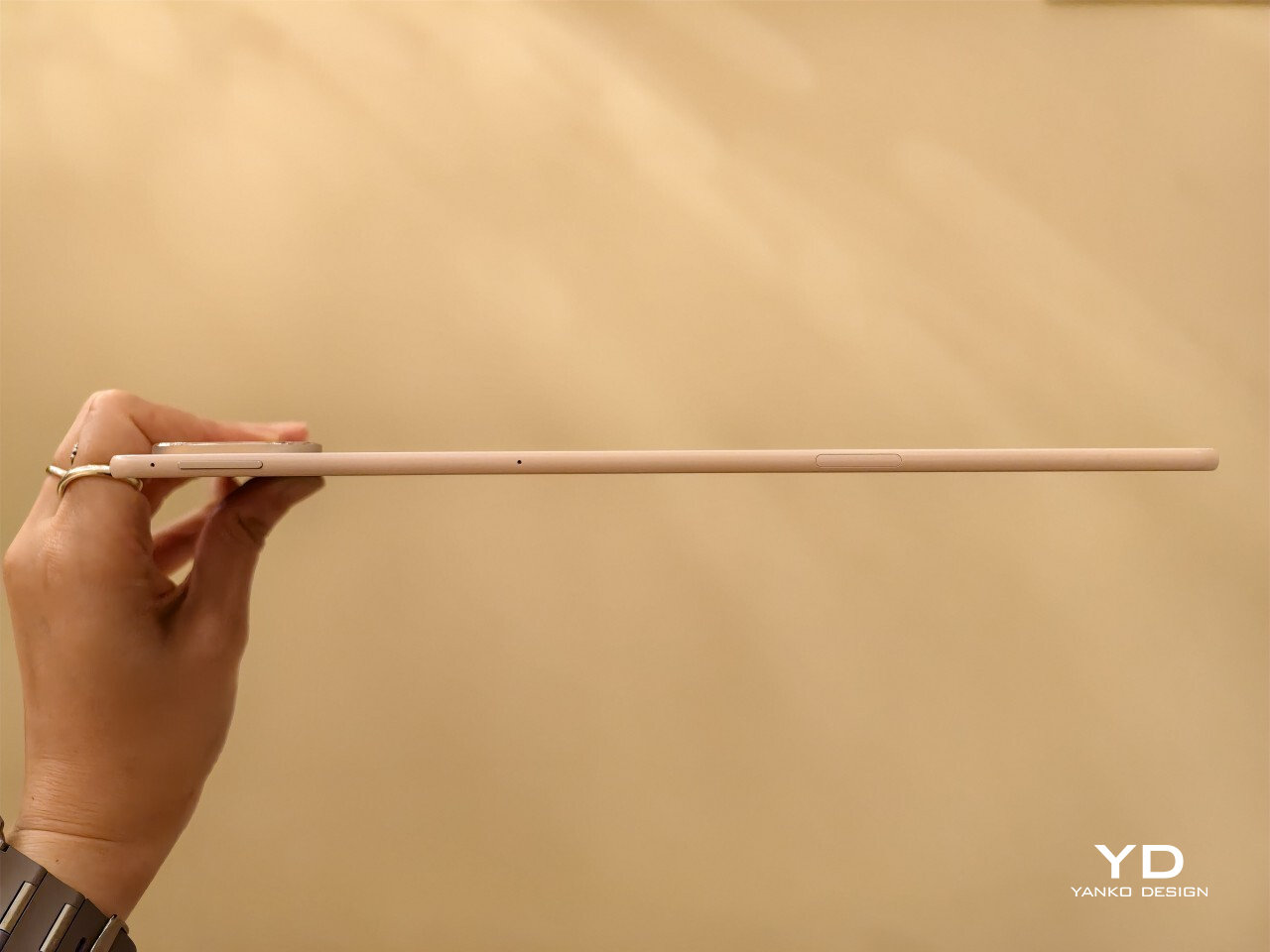
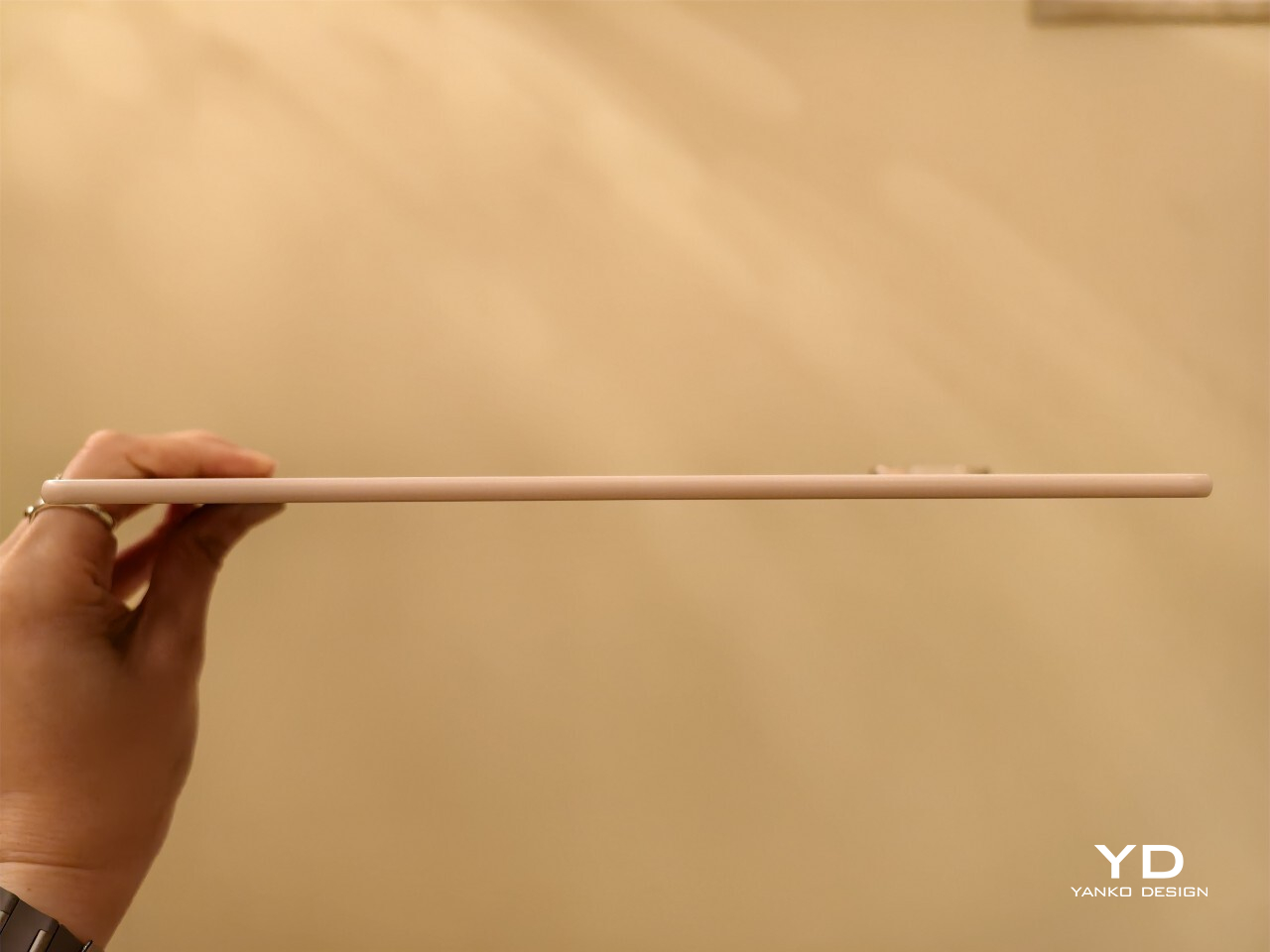
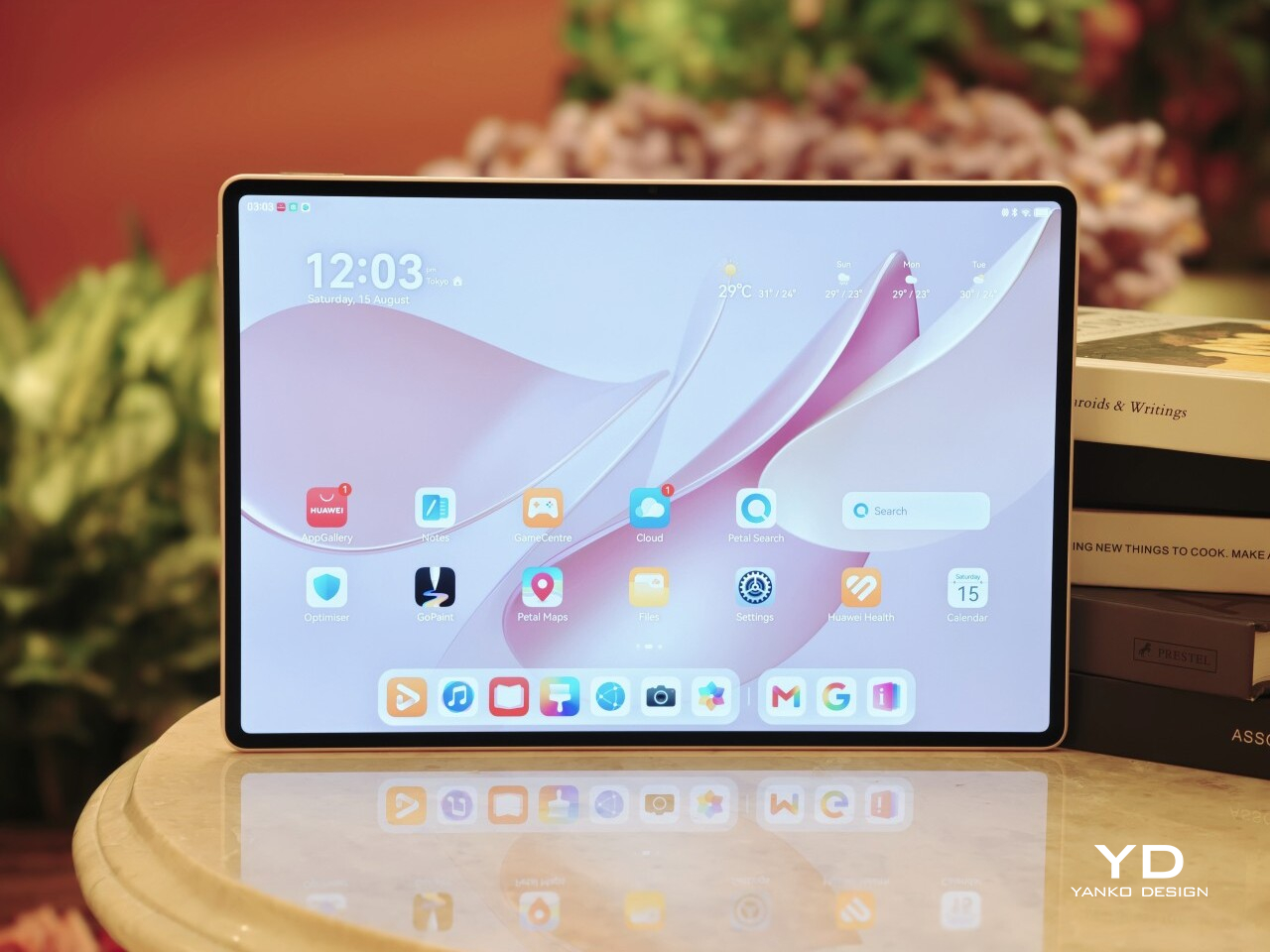
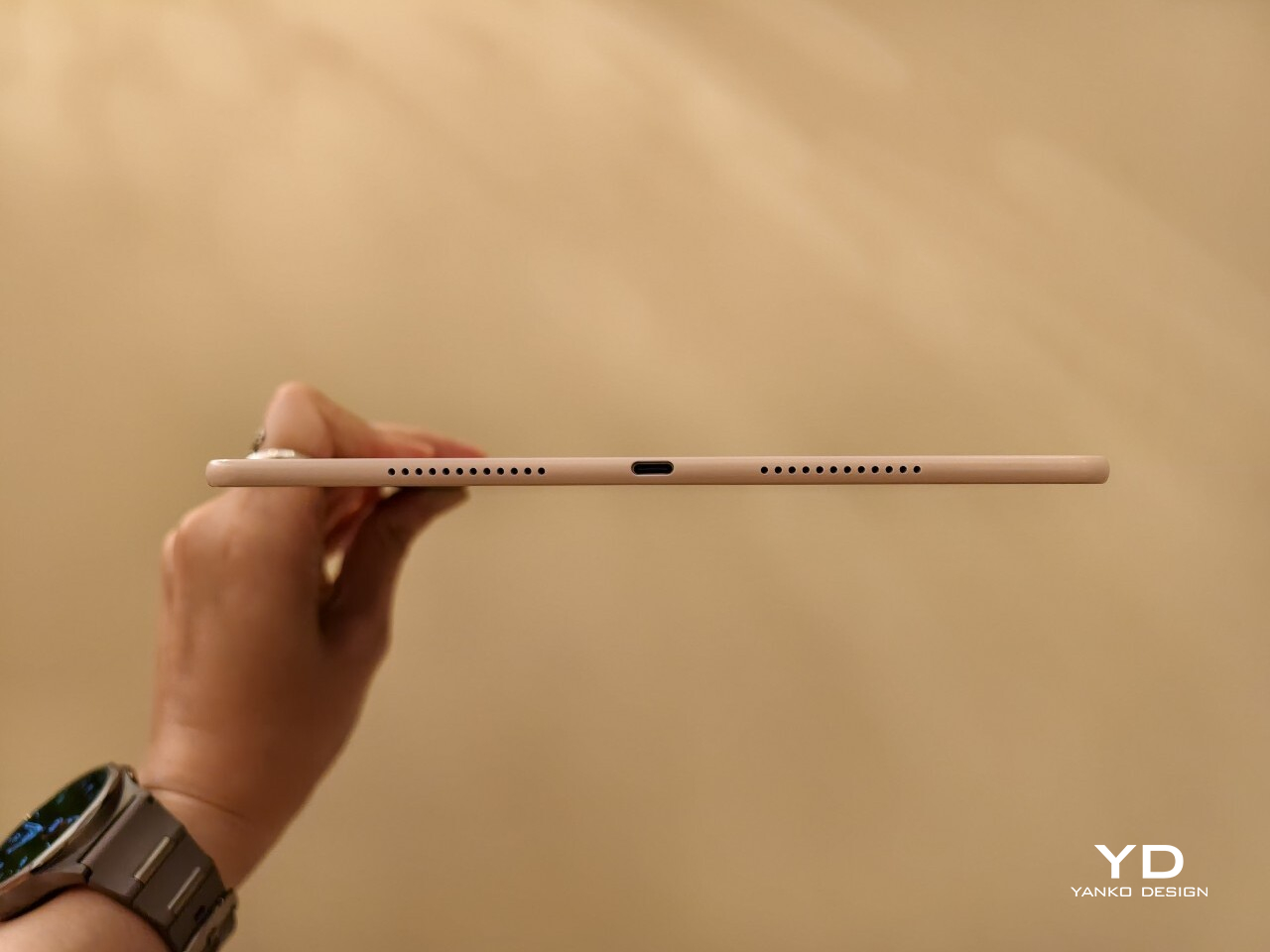
MatePad Pro Max PaperMatte Edition is the company’s largest tablet yet, and it arrives with a design that feels almost implausible in person. It is remarkably thin, unusually light for its size, and still positioned as a serious performance tablet rather than a pure showpiece. On paper, the appeal is immediate. You get a full-metal body, a 13.2-inch flexible OLED display, a 94 percent screen-to-body ratio, and a chassis that measures just 4.7mm thin.

Huawei is also aiming for a premium experience that extends well beyond the tablet itself. The ultra-thin bezel, the optional matte display treatment, the large battery, and the refined metal construction all work together to make the MatePad Pro Max feel elevated before the screen even turns on. Add in optional accessories like the Glide Keyboard and M-Pencil Pro, and it is clearly designed to stretch beyond entertainment into productivity and creative work. The real question is whether all of that sleek hardware leads to a meaningfully better everyday experience, or if it is simply a beautiful piece of industrial design wrapped around the usual tablet compromises.

Designer: Huawei

Aesthetics

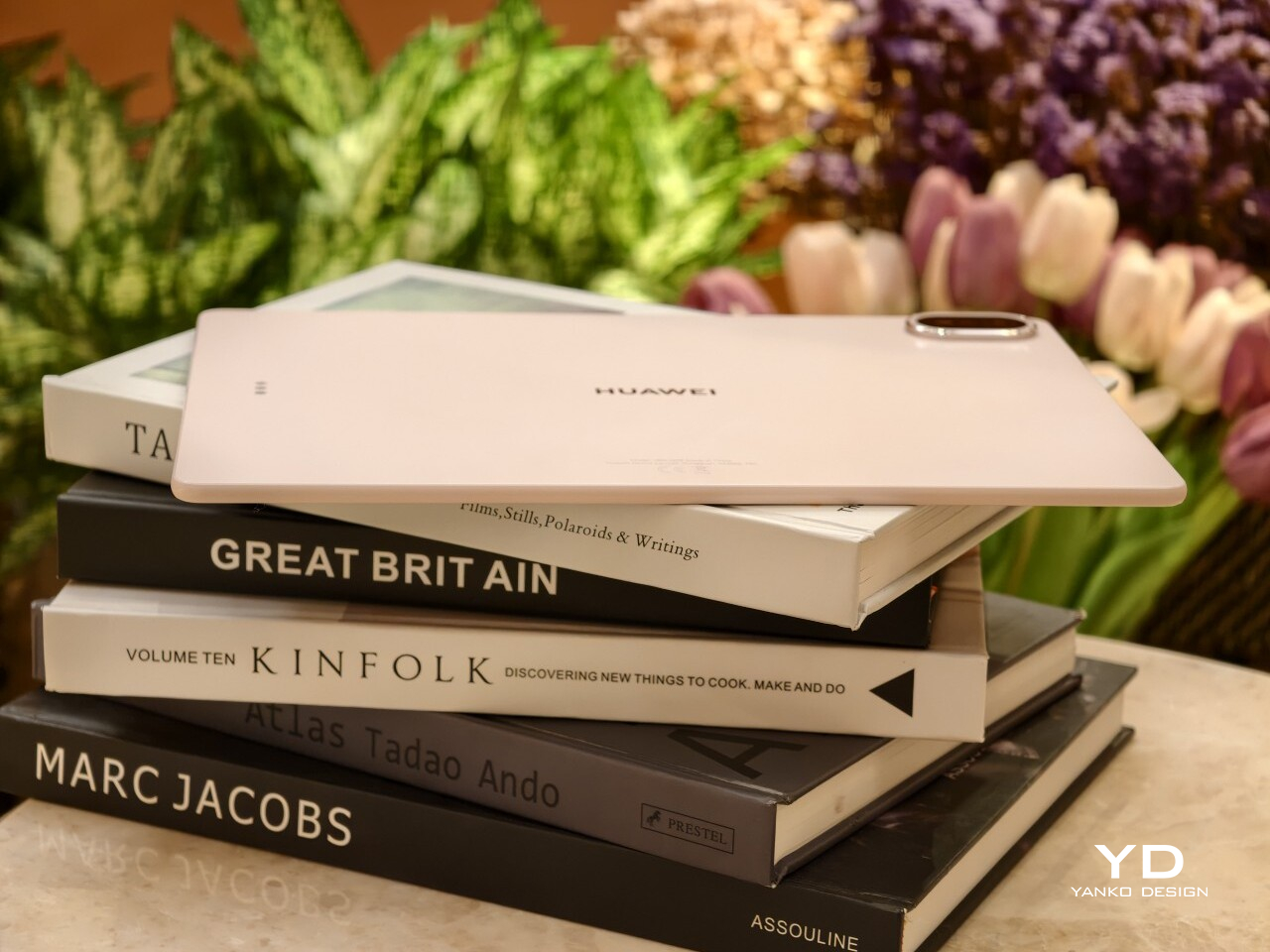
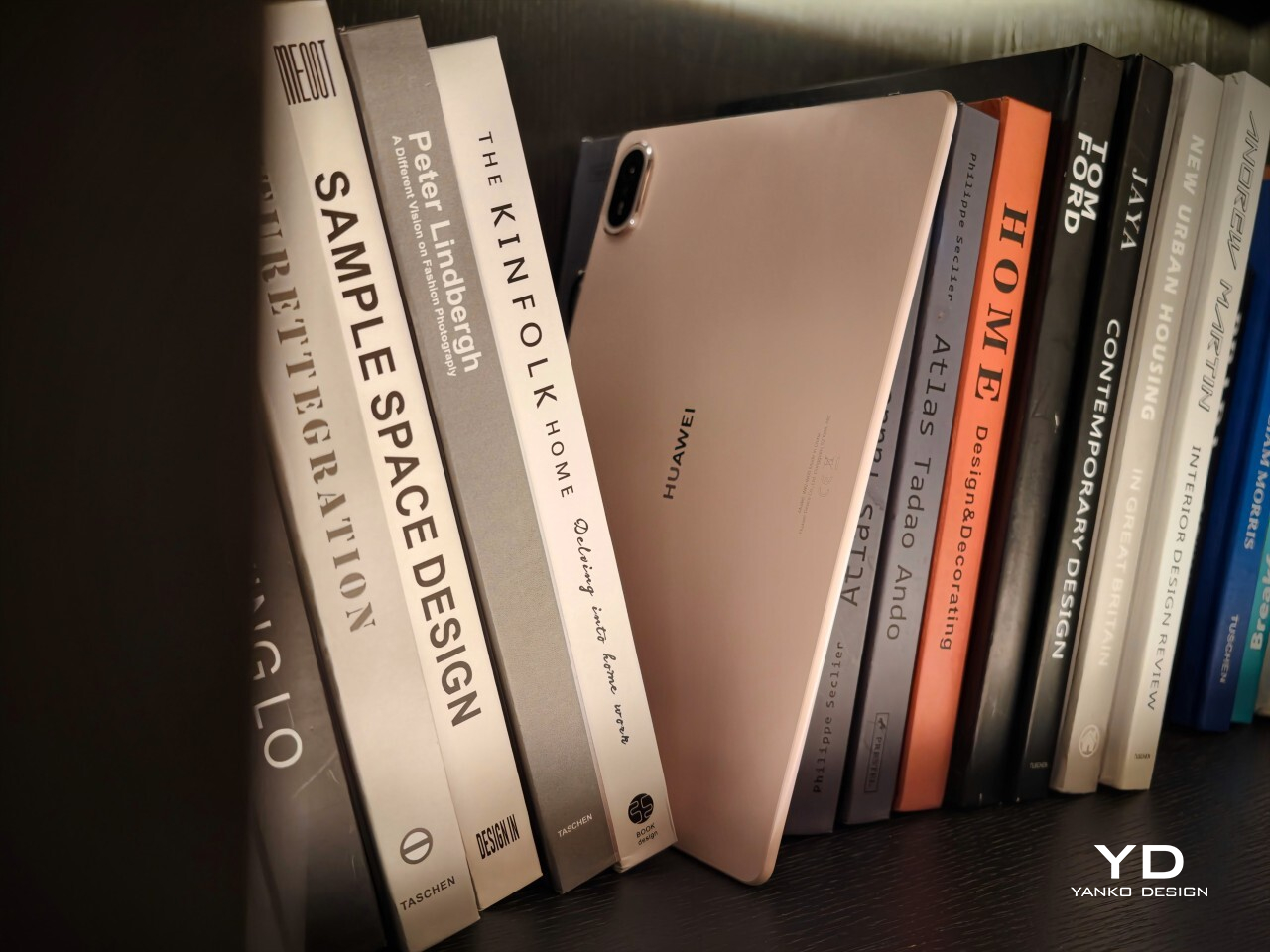
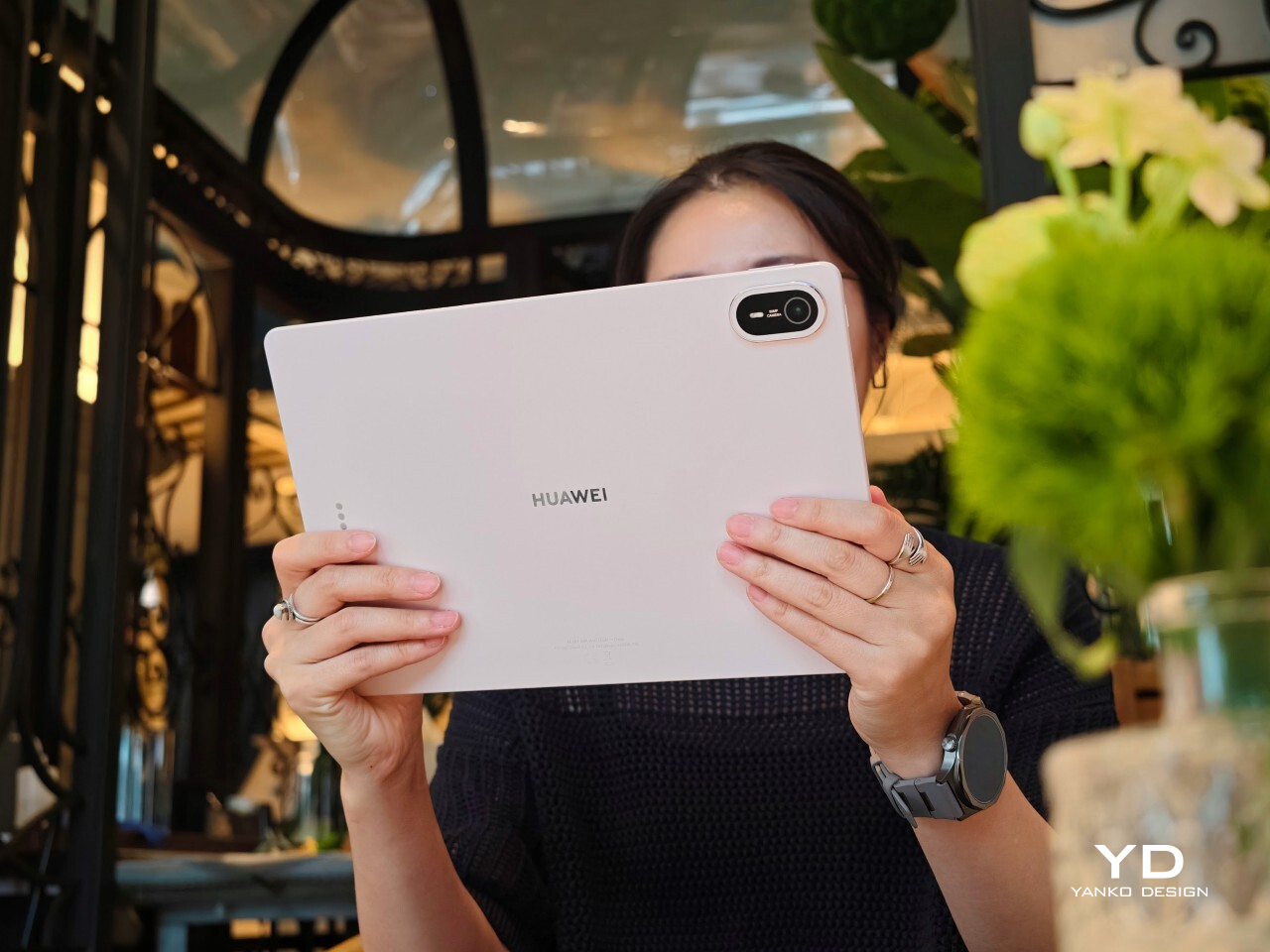
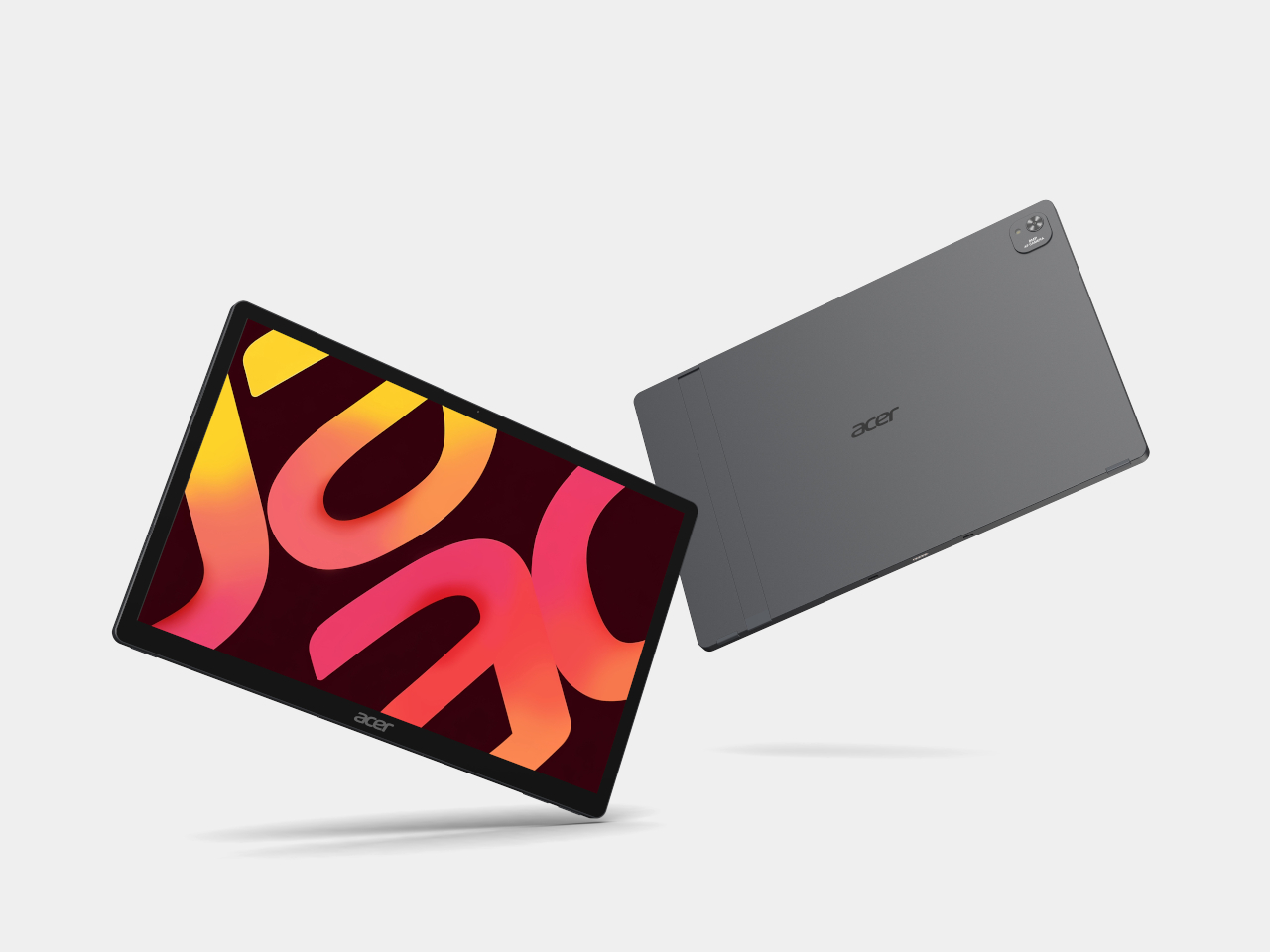
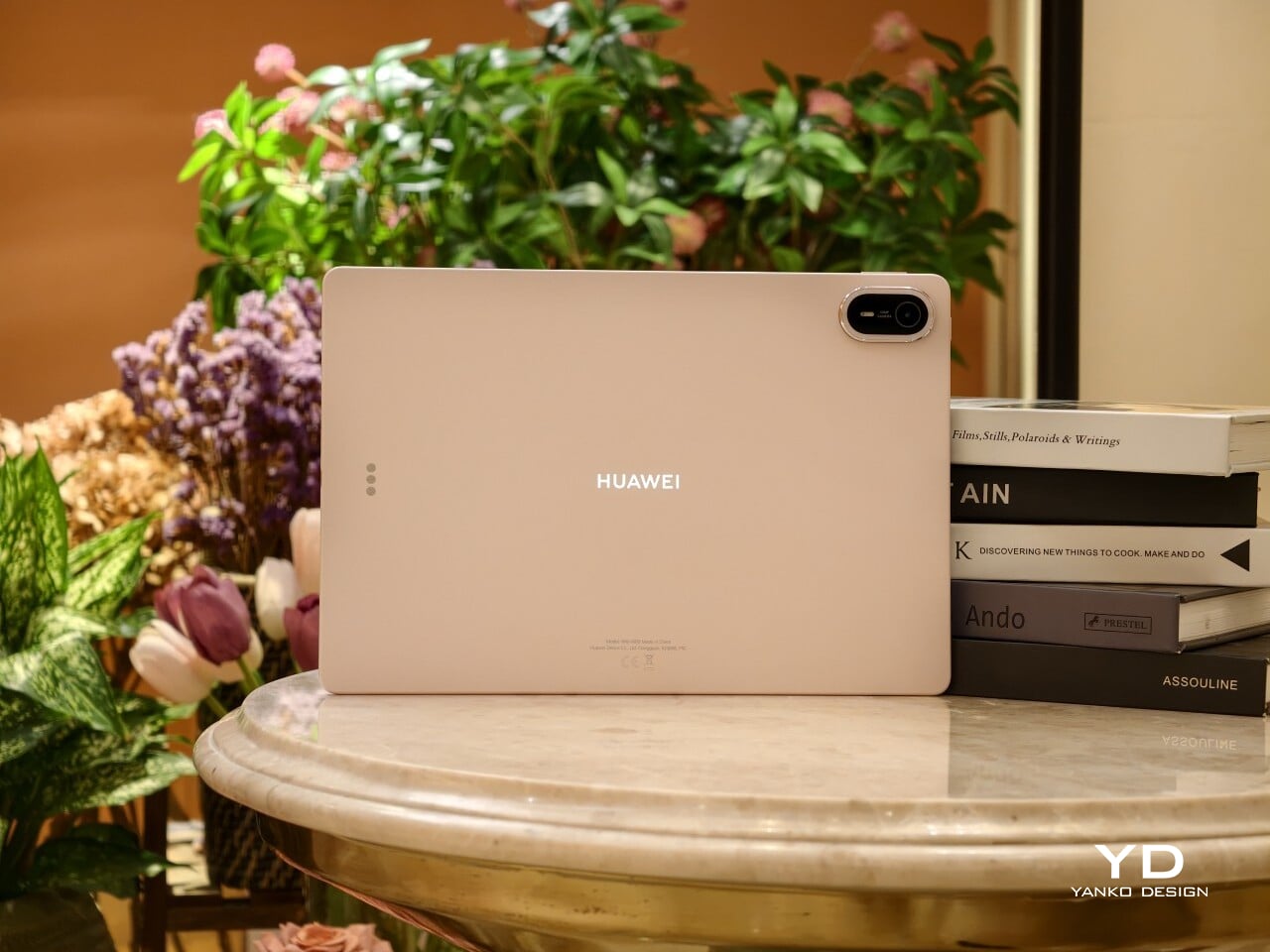
The MatePad Pro Max is a sleek, premium-looking slate that relies on clean proportions and refined finishes rather than flashy details. It comes in Blue and Space Gray, and the blue version I received is especially striking. Its fine glitter finish catches the light beautifully and gives the back panel a more expressive look.

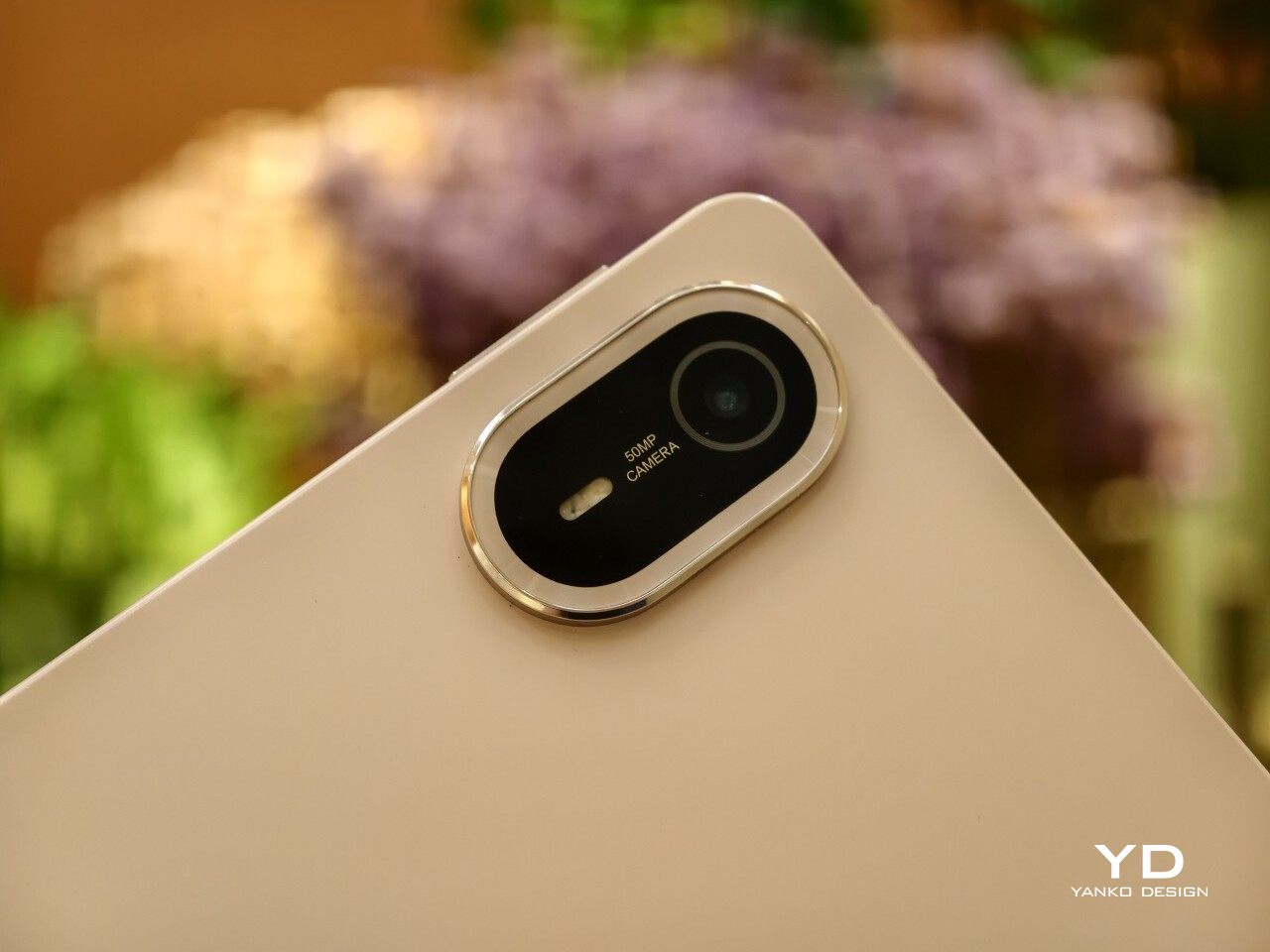
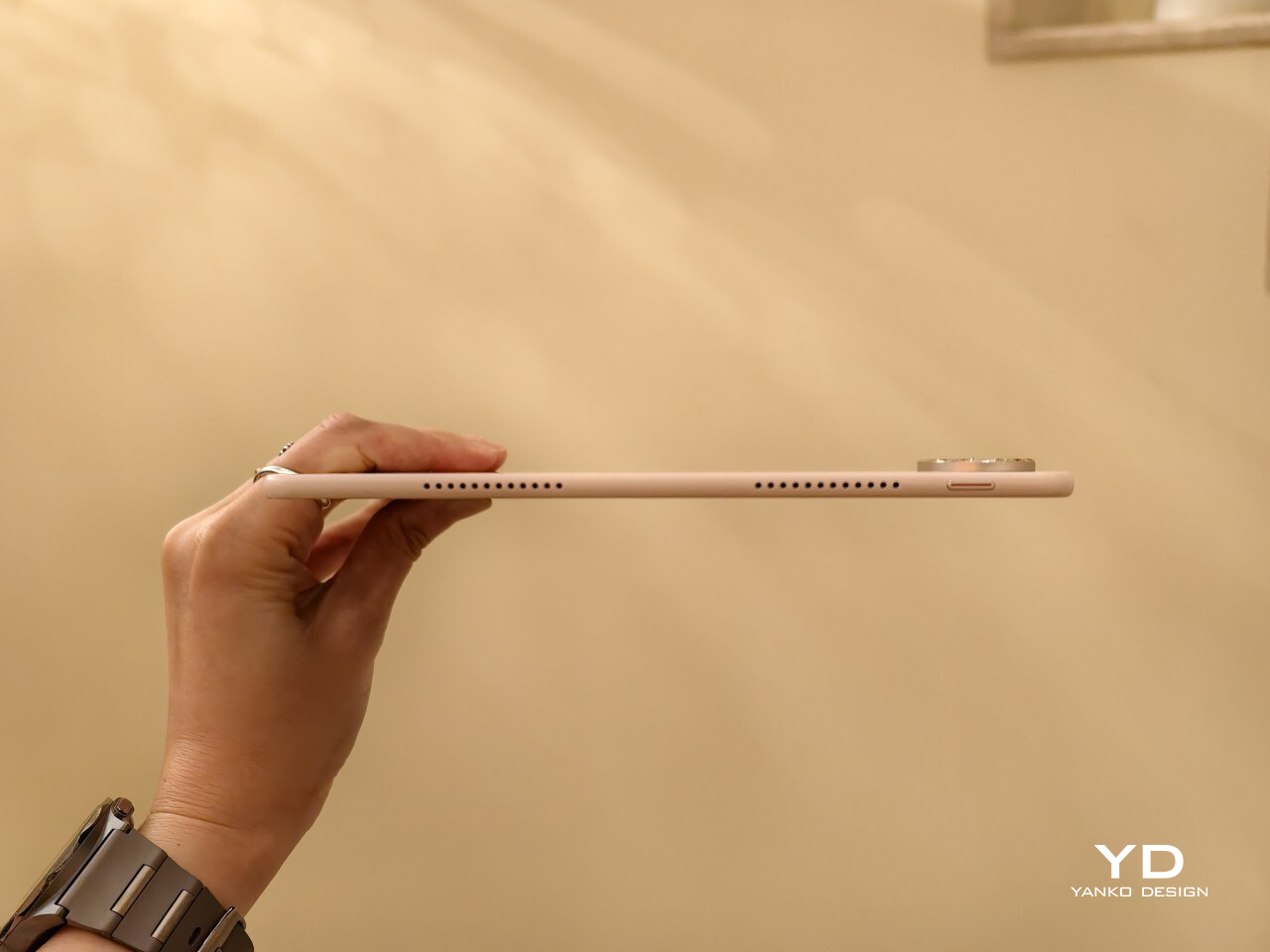
The full-metal body keeps the design simple and clean, while the round camera bump on the upper right adds a bit of visual weight to one corner, and the centered Huawei branding keeps the back from feeling too plain. Around the sides, the glossy frame adds a bit of contrast, with the power button and fingerprint scanner on the left side from the display view, and the volume rocker along the top. Huawei’s optional accessories also fit the design well, with the keyboard offered in white or black and the folio cover available in black.

Ergonomics

The MatePad Pro Max PaperMatte Edition is surprisingly manageable for a tablet this large. A 13.2-inch display usually suggests a device that is best left on a desk or propped on a stand, but here the physical experience feels far more inviting. At just 4.7mm thin and 509g, it feels notably easy to carry and hold for longer stretches.

Huawei calls it the world’s thinnest 13-inch-plus tablet, and that slimness is immediately noticeable in use. Even so, it does not feel flimsy or overly delicate in hand. The build still feels solid, though I would still handle it with some care, given just how thin the body is.

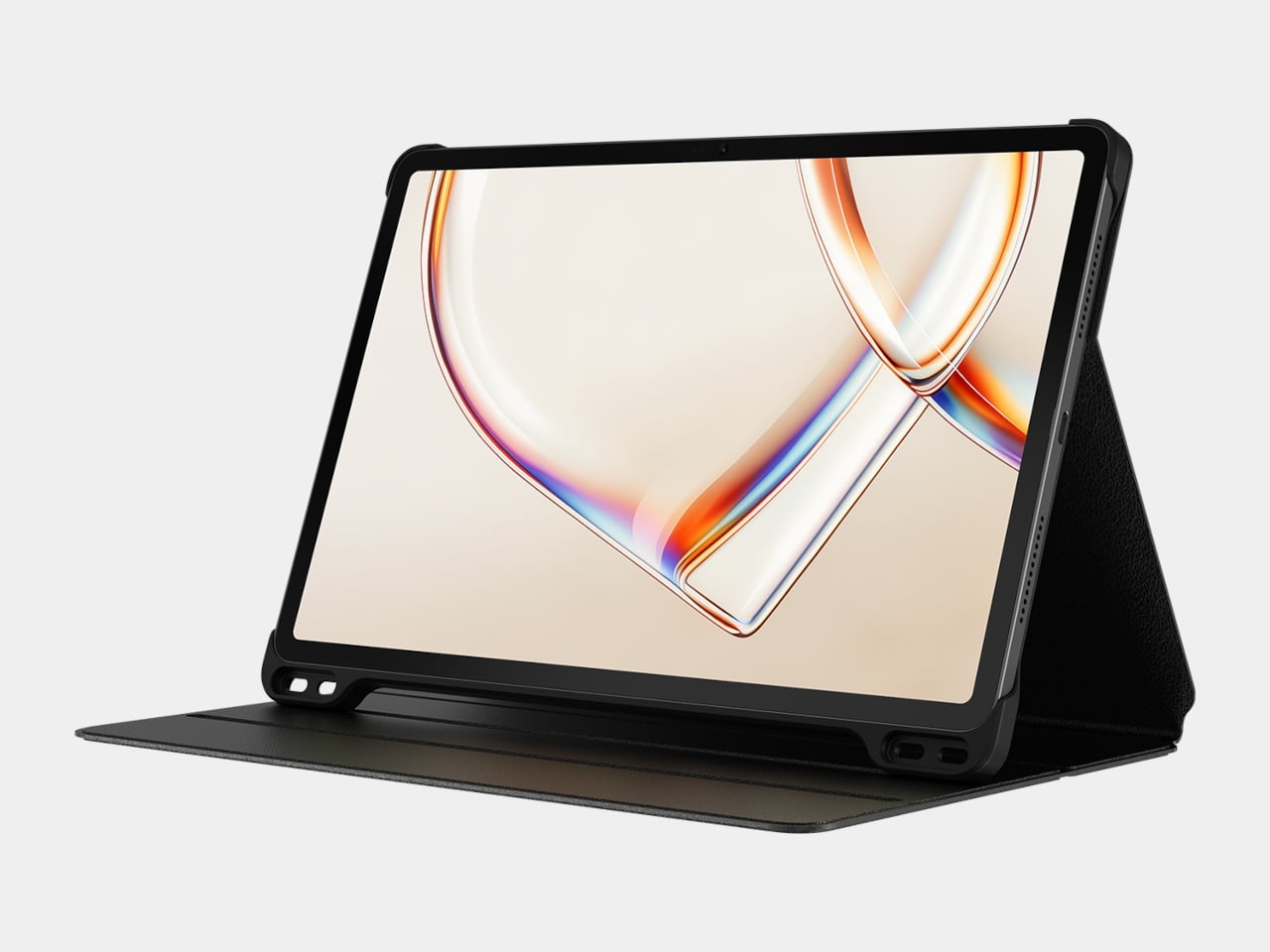
The Glide Keyboard adds 439g, but the full setup still feels very manageable for its size. What I like most is the integrated pen slot, which stores the M-Pencil more securely than a simple magnetic attachment on the side of the tablet. That small detail makes a real difference if you tend to toss your tablet into a bag and go, since the stylus feels less likely to come loose.

The keyboard itself is pleasant to type on, and the hinge feels sturdy in use. It gives the MatePad Pro Max a more laptop-like feel when you need to get work done. The main limitation is that the viewing angle is fixed to two positions, so it is less flexible than some other tablet keyboard setups. It also lacks a backlight, which makes it less convenient to use in darker environments.

Performance

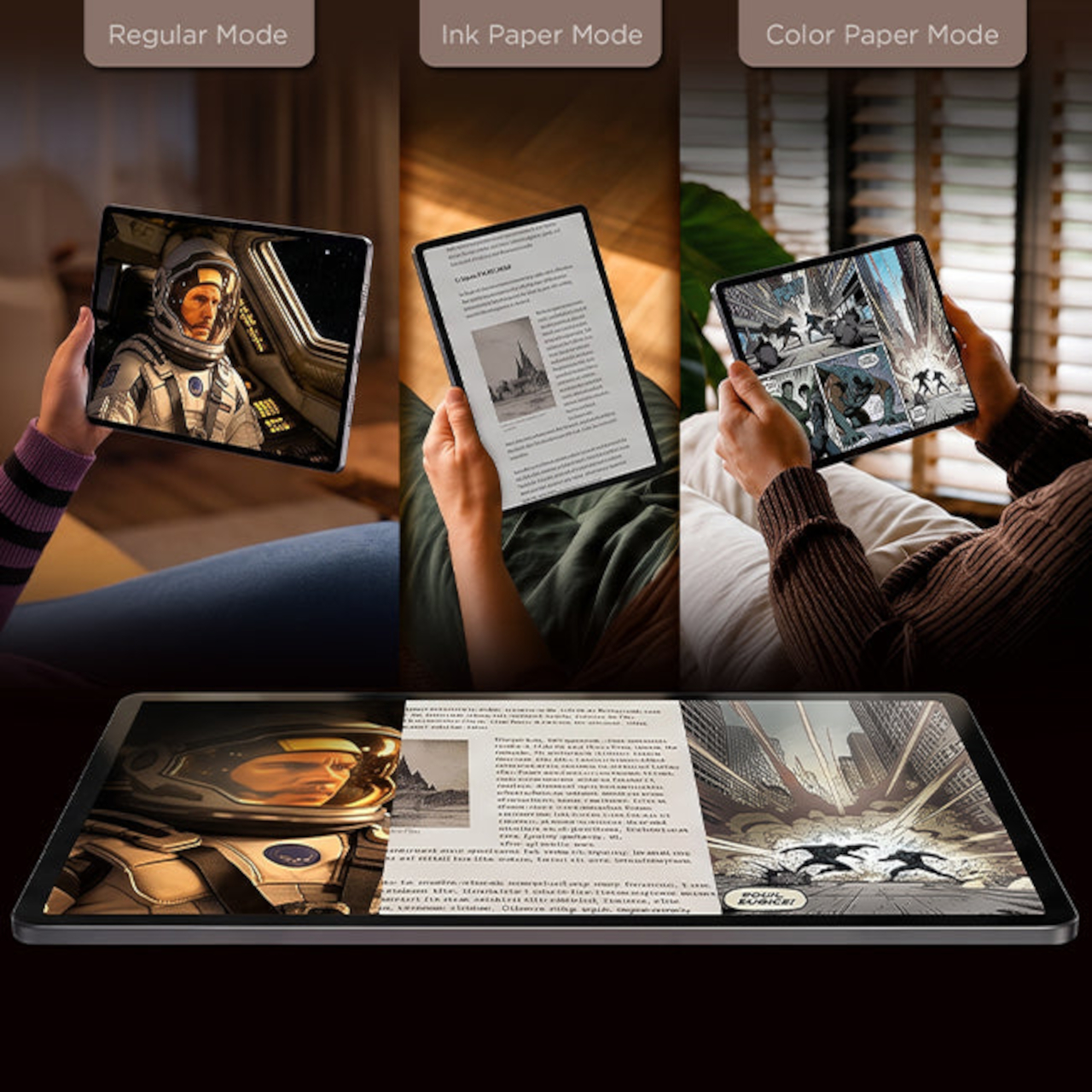
Performance starts with the display, because it shapes nearly every interaction you have with the MatePad Pro Max. The 13.2-inch flexible OLED panel is large, sharp, and visually immersive, with a 3000 x 2000 resolution, 144Hz refresh rate, and up to 1,600 nits peak brightness. It is the kind of screen that makes reading, streaming, and multitasking feel immediately premium, especially with the PaperMatte finish, which helps cut glare and makes the display more comfortable to use in bright environments.

A big part of that immersive feel comes from the tablet’s extremely thin bezel. At just 3.55mm, the border around the display is slim enough to make the front feel almost all screen, helping the MatePad Pro Max reach a 94 percent screen-to-body ratio. Even more impressive is how Huawei has tucked the front camera into that narrow bezel so discreetly that it nearly disappears from view. The result is a front design that feels remarkably clean and uninterrupted, making the display look even more expansive and giving the tablet a more refined, almost futuristic presence in everyday use.

The display quality also lives up to the tablet’s premium design. OLED gives the MatePad Pro Max the deep contrast and rich color you want from a flagship tablet, while the 144Hz refresh rate keeps motion looking fluid and responsive. Whether you are scrolling through documents, flipping between apps, or watching high-quality video, the screen carries a polished sense of smoothness that fits the hardware well. Huawei also gets the basics right when it comes to unlocking the device. Both face recognition and the side-mounted fingerprint scanner worked reliably in my testing. Face unlock was even able to recognize me in the dark, which made the tablet feel quicker and more seamless to use throughout the day.

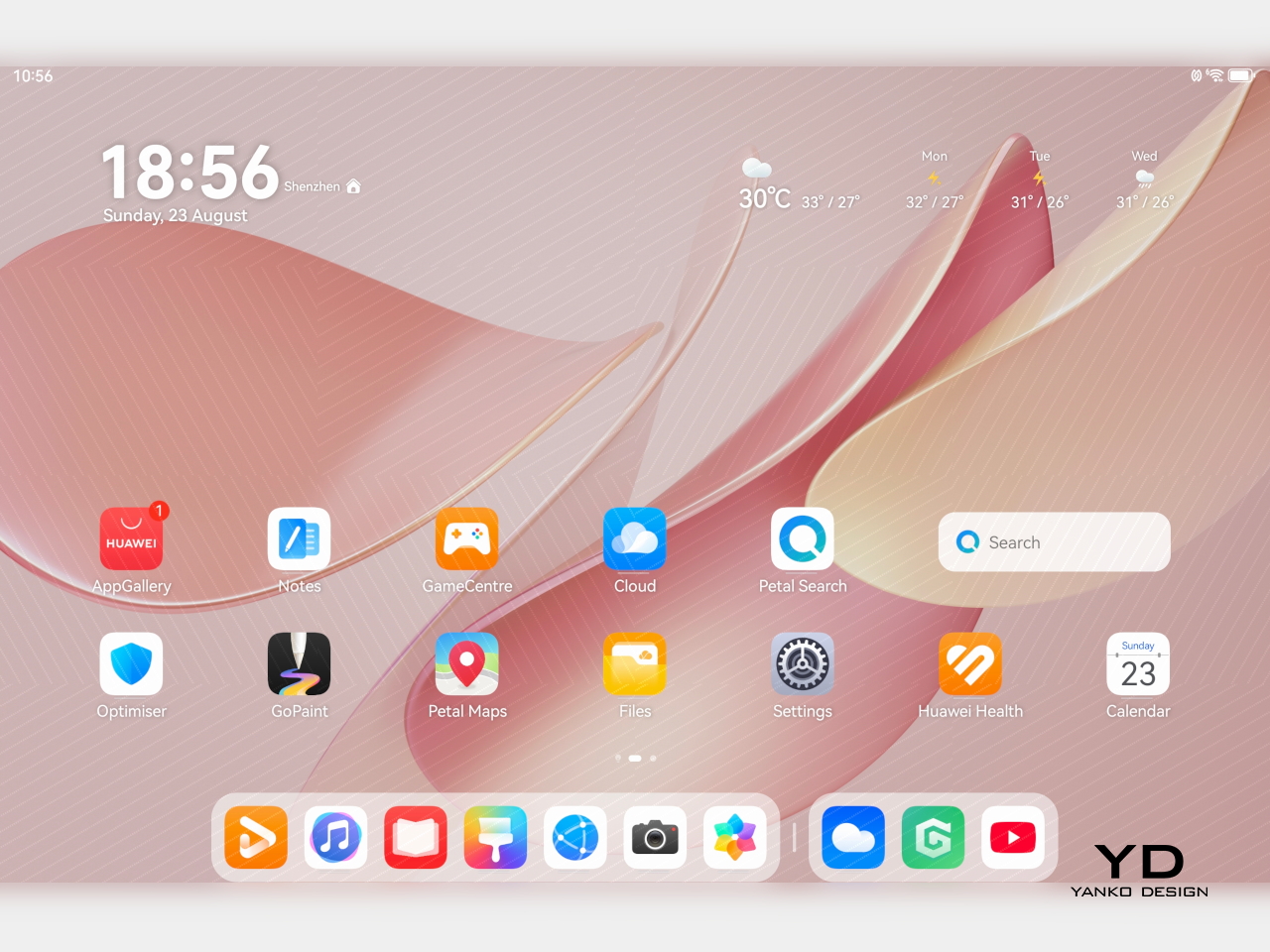
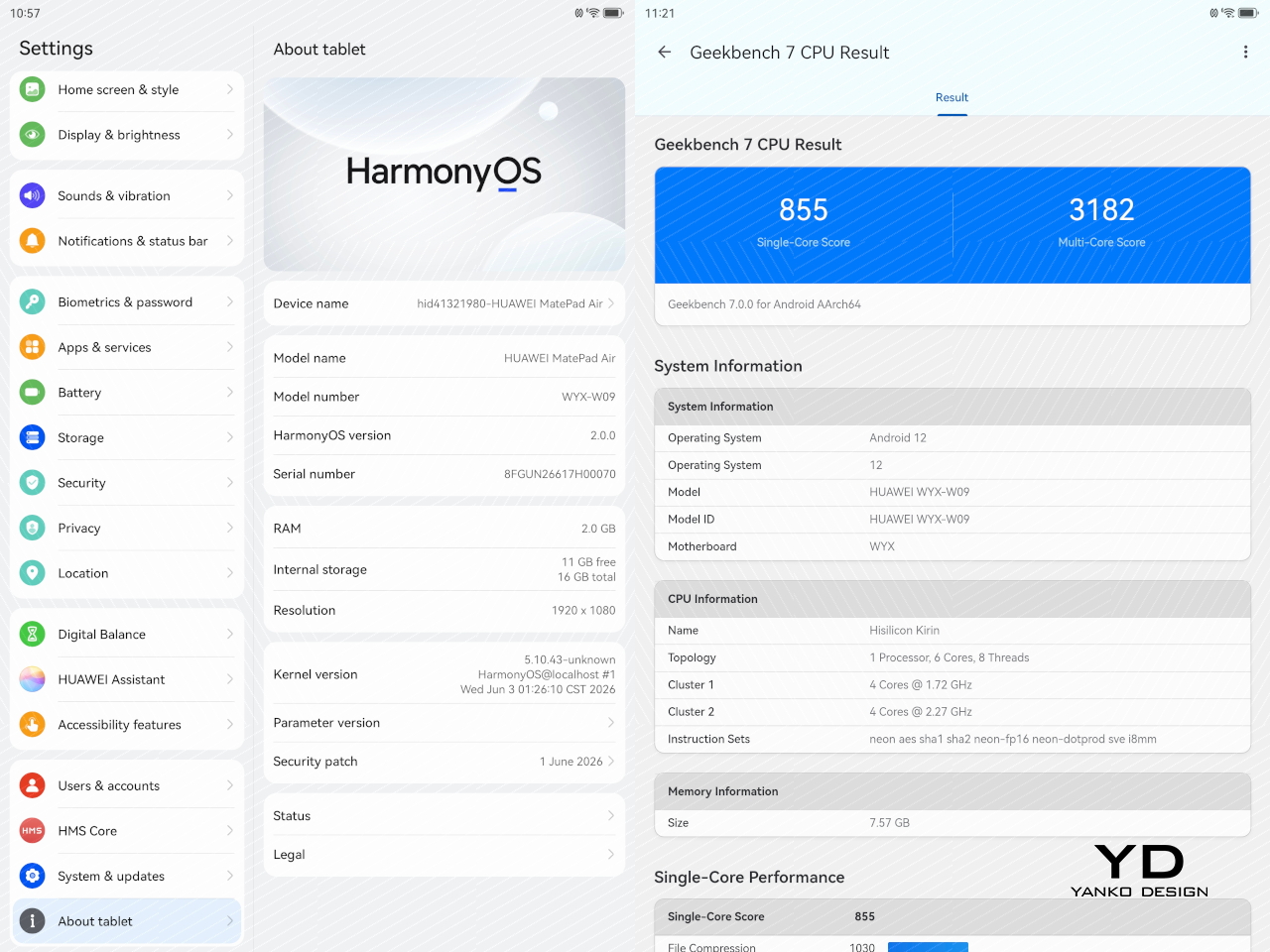
The MatePad Pro Max runs HarmonyOS 4 out of the box. Huawei does not specify the chipset, but in day-to-day use, performance feels strong and responsive. Apps open quickly, multitasking feels smooth, and the tablet has no trouble keeping up with entertainment, browsing, note-taking, and general productivity. It feels like a flagship tablet in everyday use, even without Huawei sharing much detail about the chip inside.

HarmonyOS also makes decent use of the large display. You can keep up to three apps active and move between them easily, though only one is fully visible at a time in that setup. For more direct multitasking, split-screen lets you run two apps simultaneously, either side by side in landscape or stacked vertically in portrait. On top of that, you can open up to two floating windows, which appear as smaller, resizable panels for quick access to other tasks without fully leaving your main app.

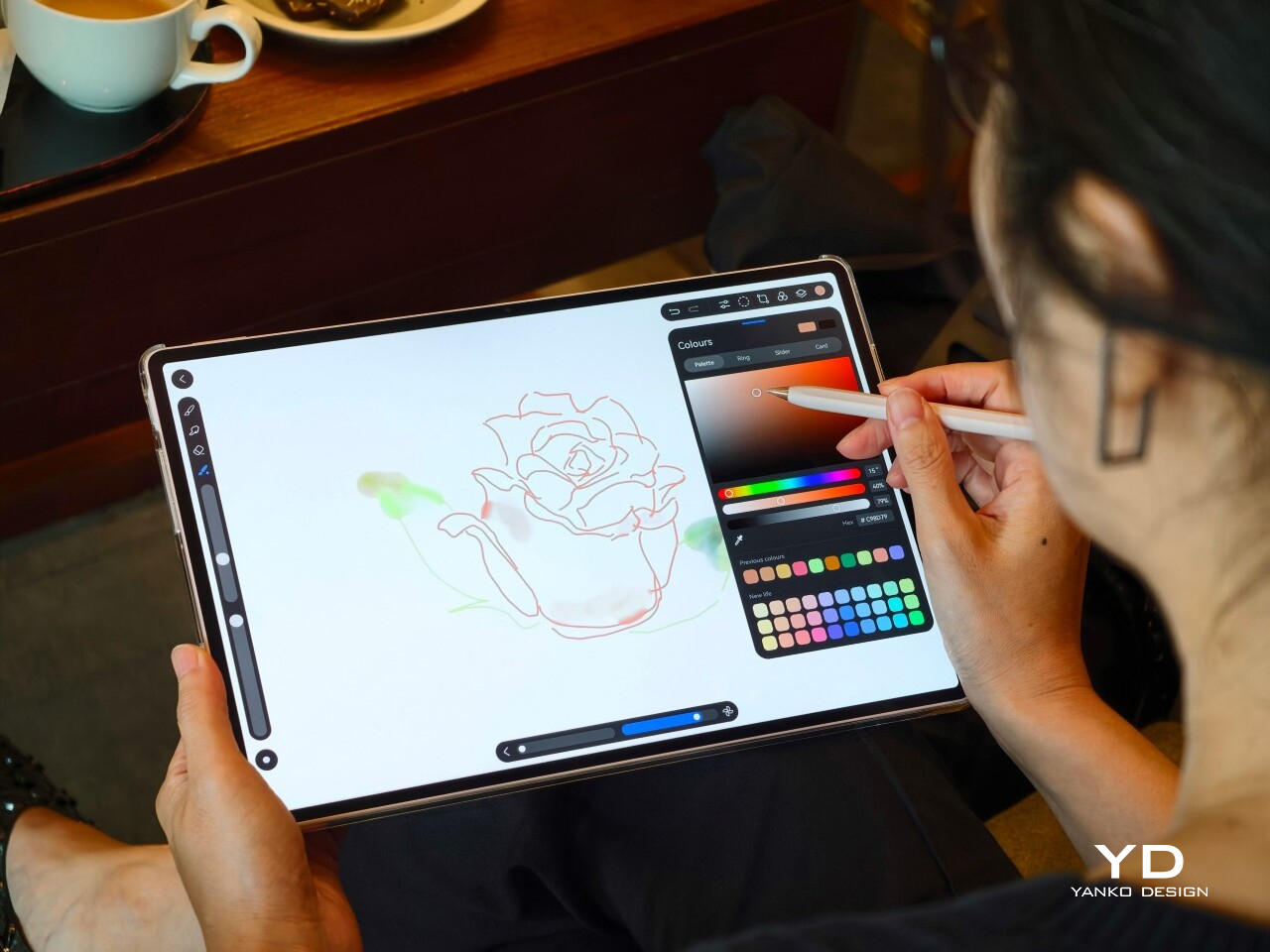
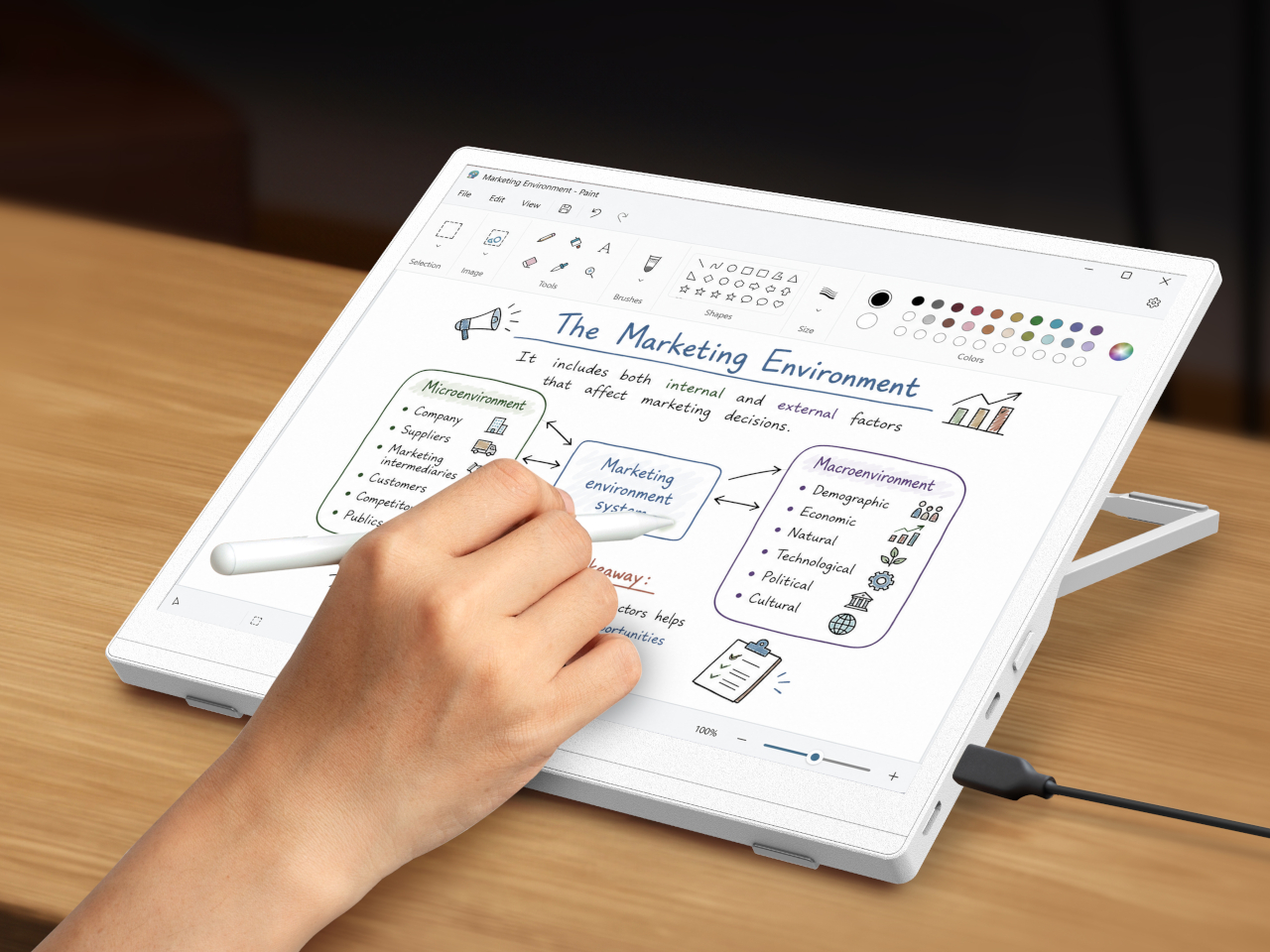
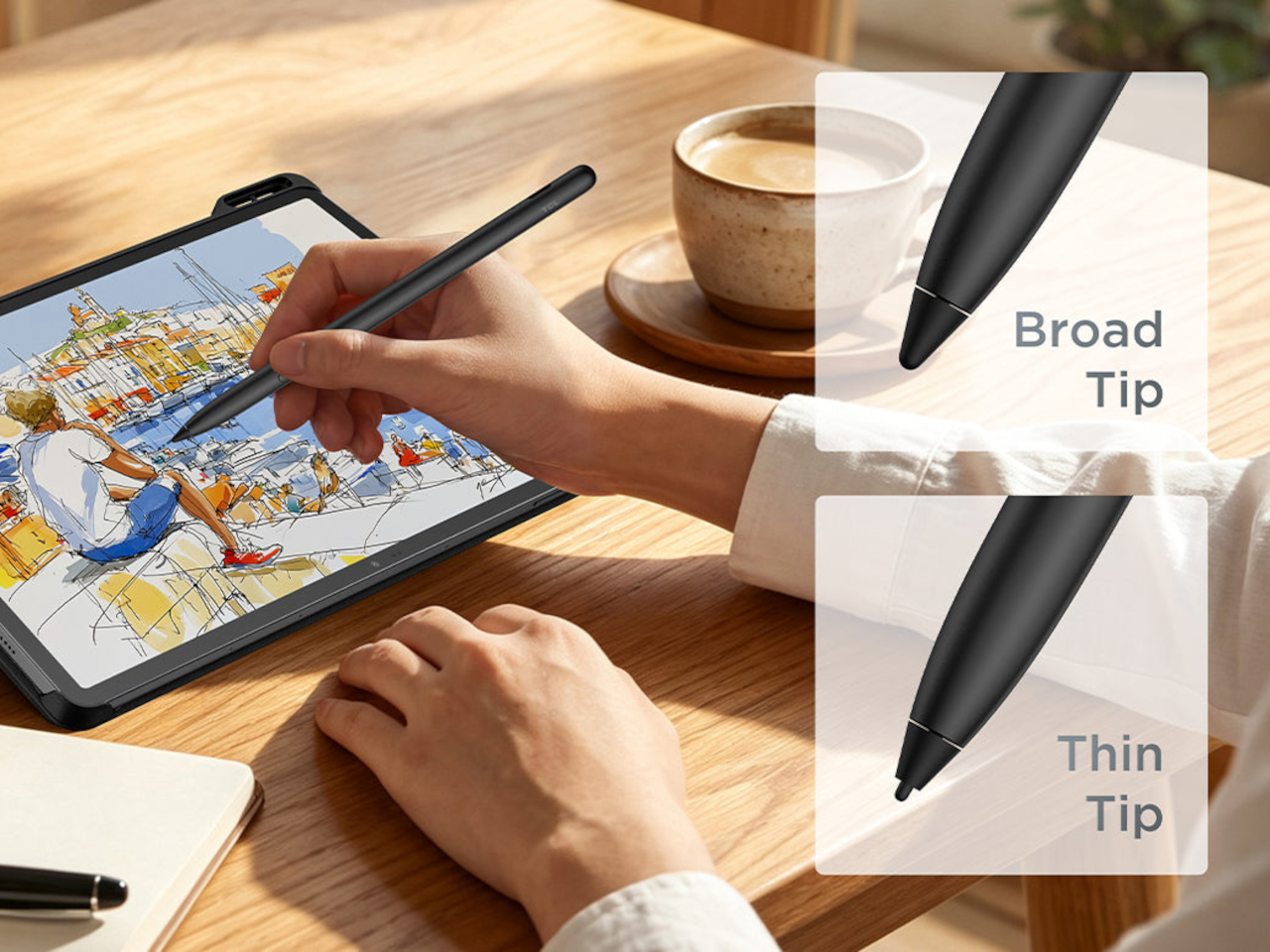
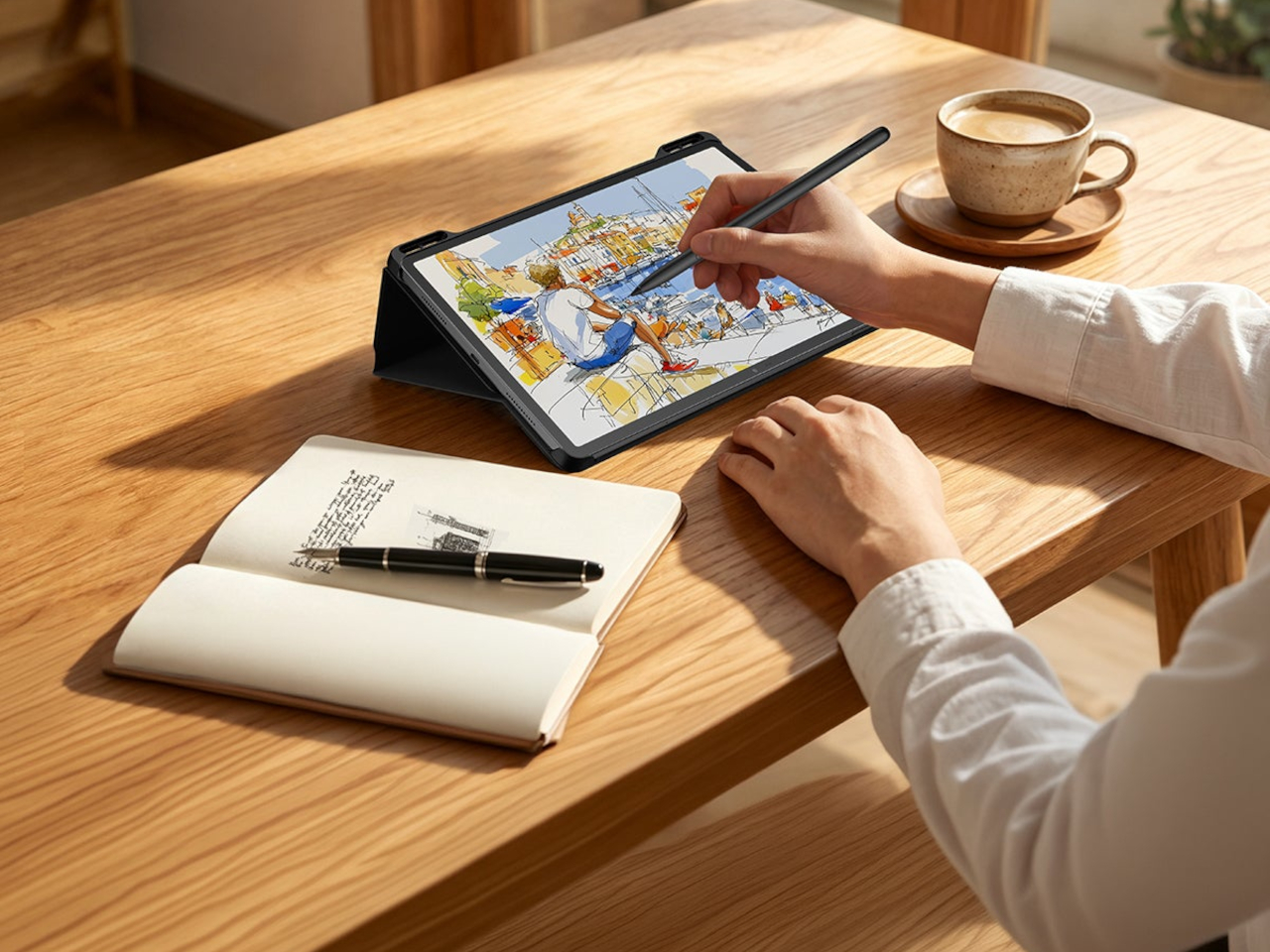
The M-Pencil is also a big part of the experience. It feels very responsive, with no noticeable latency in writing or drawing, and pressure sensitivity works very well. Combined with the PaperMatte display, the writing and sketching experience feels closer to paper than on many other tablets, which makes the MatePad Pro Max especially appealing for note-taking, annotation, and creative work.


Huawei also has one genuinely compelling creative advantage in GoPaint. It is a surprisingly sophisticated painting app that feels much more advanced than a basic bundled sketch tool. You get a wide range of features, including more than 100 brush options, color picking tools, and effects like a splatter brush, which makes it feel like a serious canvas for illustration rather than a simple note-taking extra. Paired with the M-Pencil, it gives the MatePad Pro Max a stronger identity as a creative tablet, not just a productivity device with stylus support.

The bigger consideration is software rather than speed. Because of ongoing U.S. trade restrictions affecting Huawei, the MatePad Pro Max does not come with Google Services, so users who rely heavily on Google’s apps and services will need to find workarounds.

Audio also helps sell the experience. Huawei includes a 6-speaker crossover system with a quad-driver bass unit, and the sound has enough scale to match the size of the display. It gives movies, music, and games more presence than you would expect from something this thin, which makes the tablet feel like a stronger all-around entertainment device rather than just a beautiful screen.

Battery life is also a strong point, given the 10,400mAh battery. Huawei also includes 40W reverse charging, which adds some practical versatility if you want to top up another device in a pinch. The MatePad Pro Max is clearly designed to deliver a premium media and productivity experience, with the display doing most of the heavy lifting and the rest of the hardware supporting it well.

Sustainability

Huawei’s sustainability story here feels understated, which is often the case with premium tablets that prefer to lead with design and experience. The full-metal body should help the MatePad Pro Max feel durable over time, and there is something inherently longevity-friendly about hardware that feels physically refined. A device that remains pleasant to touch, carry, and look at tends to stay in use longer, and that matters even if it is not framed as a sustainability feature.

At the same time, there is not much information that speaks directly to repairability, recycled materials, or long-term software commitments. That absence is worth mentioning because sustainability is no longer just about whether a product looks durable. It is also about whether it can remain relevant, supported, and serviceable over the years. Without stronger messaging around those areas, the MatePad Pro Max feels more premium than progressive on this front. The tablet feels built to last physically, but the broader ownership story remains less defined.

Value

The MatePad Pro Max is priced like a premium tablet. The 12GB + 512GB model with the Folio Cover costs EUR 1,399, or roughly $1,520 USD. The 12GB + 256GB version with the Smart Keyboard is EUR 1,499, about $1,630 USD, while the 16GB + 512GB model with the Smart Keyboard goes up to EUR 1,649, or around $1,790 USD.

At those prices, the MatePad Pro Max is really selling its hardware. The thin and light design, matte OLED display option, slim bezels, and strong stylus experience help it stand out from other large tablets. That said, it is worth noting that this is a Wi-Fi-only tablet with no LTE or cellular option, and there is no microSD card expansion. Storage tops out at 512GB, which should be more than enough for most users, but heavier users who install a lot of AAA games, edit high-resolution video, or keep large media libraries may want to factor that in.

Verdict

The Huawei MatePad Pro Max gets a lot right where it matters most. It is impressively thin and light for a tablet of this size, and that alone changes how approachable it feels in daily use. The 13.2-inch OLED display is the star of the experience, not just because it is large and vibrant, but because the ultra-thin bezel and discreet front camera integration make the whole front feel unusually clean and immersive. The matte screen is also a real treat, giving the display a more comfortable, paper-like quality that makes watching, reading, writing, and drawing feel more enjoyable over longer stretches.

What makes it stand out is how well the hardware and creative experience come together. The writing and drawing feel is excellent, GoPaint is more capable than expected, and the Glide Keyboard adds real utility without making the setup feel cumbersome. There are still a few tradeoffs, including the keyboard’s limited angle adjustment, lack of backlight, and the Wi-Fi-only setup with no microSD expansion, but for many users, those will be secondary to the overall experience. Huawei’s software situation also still requires some adjustment depending on your workflow.

Even with those caveats, the MatePad Pro Max is a thoughtfully designed tablet that feels distinct in a crowded category. It is not simply trying to be a bigger screen with flagship specs. It is trying to offer a more refined, paper-like, design-conscious experience, and for the right user, it succeeds very well. If your priorities are portability, display quality, and creative work, this is one of the most compelling large tablets Huawei has made.

The post Huawei MatePad Pro Max PaperMatte Edition Review: Thinnest 13-inch Tablet Nails Portability and Creativity first appeared on Yanko Design.
Galaxy Z Fold 7 Hit 4.2mm by Killing the S Pen: Worth the Trade?

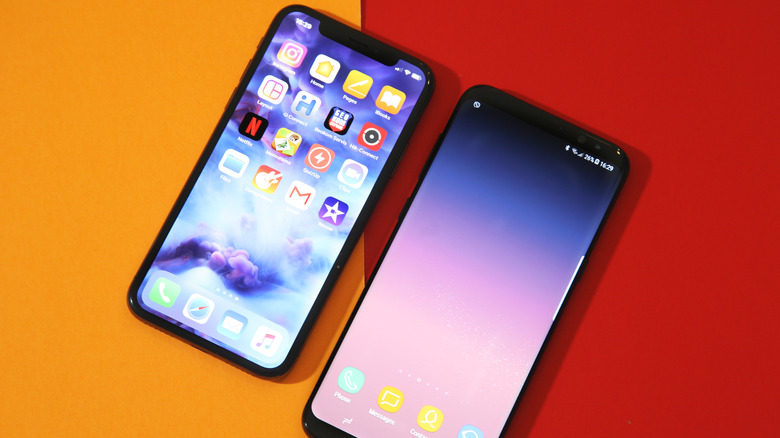
Foldables have spent the last two years chasing a simpler goal: to feel less like category experiments and more like normal premium phones that happen to open wider. Samsung pushed that idea hardest with the Galaxy Z Fold 7, officially measuring 4.2mm when unfolded and 215 grams in weight, making it the company’s slimmest and lightest book-style foldable yet, with thinness as the product’s defining promise.

That promise came with a quieter subtraction. Samsung removed S Pen support from the Galaxy Z Fold 7, cutting off a feature that had helped earlier Fold models feel connected to the company’s productivity-first identity. Nearly a year later, that choice carries more weight because the Fold 7 can now be judged as a finished design decision rather than a fresh flagship still riding its novelty.

Designer: Samsung

In practice, the Fold 7’s thinness changes behavior more than bragging rights. Reviews consistently described it as startlingly slim and easier to carry, suggesting Samsung had something more deliberate in mind than a good keynote number. The lighter frame, narrower pocket profile, and more usable 21:9 cover display all push toward the same goal: making the Fold feel less like a second device and more like your actual main one.

The missing stylus, though, changed the Fold 7’s identity as much as its feature list. On earlier Fold devices, pen support helped justify the large inner display as a workspace, somewhere to annotate documents, sketch ideas, and do precise work beyond just tapping through apps. The Galaxy Z Fold 7 doesn’t support S Pen in any form, which means the phone has let go of that precision-first promise entirely.

Outside reporting helps explain why Samsung made that call. T-Mobile’s comparison notes the company removed a layer from the inner display to help achieve the slimmer, lighter body, while others report Samsung cited low stylus adoption among Fold users to justify the cut. Even if that logic makes business sense, it still leaves the Fold 7 feeling like a foldable optimized for comfort over creative ambition.

Samsung also tried to reassure buyers that the thinner body wasn’t a weaker one. The Fold 7 uses a thicker Ultra-Thin Glass layer, a Grade 4 titanium lattice, new adhesive materials, and IP48 resistance, all meant to reinforce a slimmer chassis without making it feel fragile. Those details speak more clearly to Samsung’s engineering intent than to any definitive verdict on how the phone holds up over months of folding.

The rest of the hardware tells a similar story of selective advancement. Samsung paired the Fold 7 with Snapdragon 8 Elite for Galaxy and launched it on One UI 8 with Android 16, giving the device a solid performance base. The battery stayed at 4,400mAh, and the ultra-wide camera remained a 12MP unit alongside the more attention-grabbing 200MP main sensor. The phone moved forward, just not evenly.

That unevenness becomes more interesting when you consider where Samsung might be heading next. We’ve already covered early renders suggesting the Galaxy Z Fold 8 could bring back S Pen support and a bigger battery, at the cost of a thicker chassis. If those rumors hold, the Fold 7 starts to look less like the start of a permanent direction and more like a controlled experiment in subtraction.

Galaxy Z Fold8 Render

For buyers who want the most elegant Samsung foldable for everyday carry, the Fold 7 still makes a strong case. It’s the first Fold that genuinely reduced the physical friction of ownership without a compromise you’d notice daily. For former Note loyalists and pen-reliant users, though, the trade reads differently, because Samsung made the Fold 7 easier to live with by moving it away from the Fold line’s original ambition.

The post Galaxy Z Fold 7 Hit 4.2mm by Killing the S Pen: Worth the Trade? first appeared on Yanko Design.
Honor launched a $193 Kid-focused iPad Alternative with 22 Hours of Battery and Parental Controls Already Set Up

Setting up an iPad for a child costs $350 and about forty-five minutes of your life. You disable iCloud so your camera roll stays off their screen, lock down the App Store so in-app purchases don’t silently drain your card, configure Screen Time, and then spend the next six months re-configuring it every time an iOS update quietly resets something. Apple makes extraordinary tablets, but the parental infrastructure is clearly designed for adults who already know where to look. HONOR looked at that friction and built a tablet where none of that setup exists, because the kids-first architecture is the factory state, not a layer you construct yourself.

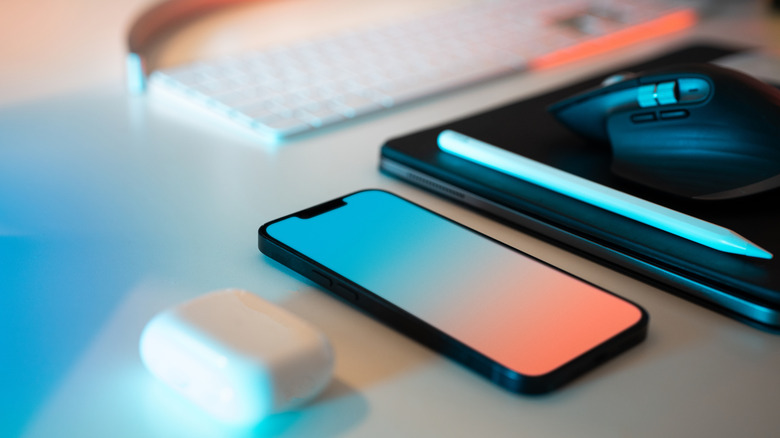
The Pad X8b Kids Edition starts at $193, landing it well under the entry iPad, and arrives with a dedicated Honor Kids OS environment, SGS 5-star drop resistance, a built-in kickstand handle, an integrated stylus silo, and a 10,100mAh battery that makes weekly charging a realistic schedule rather than an aspiration. The value proposition assembles itself pretty quickly.

Designer: HONOR

The blue silicone case with its lime-green handle does double duty as a carry grip and kickstand, which maps directly to how children actually use tablets: they’re either holding it or propping it against something. No separate folding stand, no accessory that gets left in a drawer. The handle is the stand. The Doodle Pen slots into a silo built into the case back so it travels with the device rather than disappearing within 48 hours of unboxing. FDA food-grade silicone throughout, SGS 5-star drop and crush resistance certification, and a construction that has clearly been tested against the kind of physical punishment children deliver with remarkable consistency and zero remorse.

The 11-inch panel runs at 1920×1200 with a 90Hz refresh rate, 500 nits of brightness, and carries TÜV Rheinland certifications for both low blue light and flicker-free performance. On a kids device those certifications carry more weight than on an adult one, given how close children hold screens and how many hours they log. The eye protection goes further than badges, though. Distance alerts, posture monitoring, brightness adjustments, and bumpy road detection that nudges kids away from reading in a moving car all run continuously without a parent needing to remember to enable anything.

The Honor Kids OS runs as a fully separate environment rather than a locked launcher sitting on top of the standard interface. The home screen uses cartoon island-style icons for Camera, Recorder, Kids Painting, and Multimedia, and parents manage the whole thing remotely through the HONOR Parental Assistant app, setting time slots and reviewing activity through visual charts. One tap activates Kids Mode, and getting back out requires authentication. None of this requires a Saturday afternoon in Settings.

The 10,100mAh battery is the unsung hero of the package. Twenty-two hours of continuous video playback means roughly eleven days of two-hour screen time sessions before a charge becomes urgent, and the 97-day standby figure means a tablet left on a shelf over a school break actually comes back to life when you pick it up. For a device category where battery anxiety is a genuine daily friction point, those numbers change the ownership experience in a way that a spec sheet undersells.

At $193, the Pad X8b Kids Edition sits in a position where competing options either underdeliver on hardware or ask parents to retrofit a general-purpose tablet for child use on their own time. HONOR made the child-safe design brief the starting point, and the result is a device that earns its price before you’ve even opened the box.

The post Honor launched a $193 Kid-focused iPad Alternative with 22 Hours of Battery and Parental Controls Already Set Up first appeared on Yanko Design.
Logitech Just Built an iPad Case Tested for 10,000 Backpack Drops

School tech accessories live and die by one rule that has nothing to do with specs: can they survive a school day? That’s not a small ask. It means tolerating backpack tosses, spilled drinks, a constant rotation of different hands, and the kind of daily disregard that would disqualify most consumer products after a semester. Keyboard cases designed for classrooms have to think about all of that before they think about typing feel.

Logitech’s new Rugged Combo 4c and Rugged Combo 4c Touch are the latest additions to the company’s Rugged Combo lineup, designed for the iPad (A16) and iPad (10th generation). Both cases are built explicitly around the realities of student life, and a few of their design choices reflect how thoroughly the company thought about where and how these devices actually get used.

Designer: Logitech

The most immediately useful upgrade in both models is the dedicated USB-C port. Audio has become central to how students learn, with literacy programs, digital assessments, and language learning all increasingly depending on wired headphones. Previously, plugging in headphones often meant going without charging, or the other way around. The USB-C port eliminates that choice by handling both simultaneously without any adapters.

The keyboard itself is fully sealed and spill-resistant, which handles the inevitable water bottle incident, and the case is made from material tested to survive more than three years of daily cleaning at school facilities. Drop protection reaches up to 6.6 ft, and the case has also been backpack drop-tested 10,000 times, addressing the specific scenario where a bag hits the floor from a hook or desk. That’s a meaningfully different durability benchmark than a standard drop test.

Both cases connect via Smart Connector, which means instant pairing without any Bluetooth setup and no separate charging required since the case draws power directly from the iPad. Four use modes, Type, View, Read, and Sketch, support a variety of classroom activities, including compatibility with Apple Pencil and Crayon for note-taking and drawing. There’s also a window for iPad asset tags and a built-in QR code to simplify IT tracking and deployment across a school fleet.

The main distinction between the two models is the Rugged Combo 4c Touch’s large, high-precision multi-touch trackpad. For students who’ve grown up navigating touchscreens, a trackpad offers a more familiar cursor-based experience that fits naturally into typing sessions. It’s one of those additions that sounds modest but actually changes how students interact with the device during longer tasks like writing assignments or research.

Logitech designed both products with school-wide deployment in mind rather than individual purchase, which explains features like the asset tag window and the clean construction that holds up to institutional cleaning protocols. Both cases are available through Logitech’s authorized education distributors. For any IT administrator who has ever had to account for hundreds of devices scattered across dozens of classrooms, that kind of practical thinking ends up mattering more than any single feature on the spec sheet.

The post Logitech Just Built an iPad Case Tested for 10,000 Backpack Drops first appeared on Yanko Design.
reMarkable Just Made a $399 Writing Tablet That Won’t Distract You

There’s a particular kind of frustration that comes with trying to take notes on a device that also wants to tell you about emails, calendar reminders, and a dozen app updates. A general-purpose tablet is extraordinary for many things, but for someone who simply wants to write, it’s often too much. That gap is exactly where reMarkable has built its reputation, and the Paper Pure is its clearest statement yet.

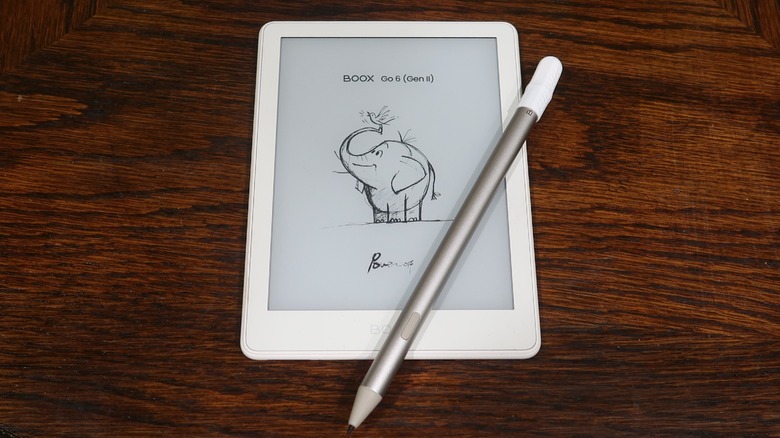
The Paper Pure launched as the direct successor to the reMarkable 2, priced at $399 with a Marker stylus and six replacement tips included. A $449 bundle adds the Marker Plus, which features a built-in eraser, along with a Sleeve Folio for protection. It’s a focused proposition for a focused device: write, read, annotate, and essentially nothing more.

Designer: reMarkable

The display is the centerpiece of what’s improved, which reMarkable calls a third-generation Canvas screen, built on E Ink’s Carta 1300 panel and delivering 20% more contrast than the reMarkable 2’s display. Ink promises to appear darker and crisper on a background that reads as noticeably whiter and more paper-like. An adjustable reading light is new to this form factor in the lineup, finally making the device usable in dim rooms.

Writing responsiveness matters as much as display quality on a device like this, and the Paper Pure advertises 21ms of latency. That’s fast enough to feel genuinely natural, especially combined with the textured surface that gives the Marker tip just enough drag to mimic paper. The Marker now recharges magnetically when attached to the side of the tablet, so there’s no separate cable to manage.

A three-week battery rating changes how you think about the device entirely. You stop treating it like a phone that needs a nightly top-up and start treating it more like a paper notebook you just pick up and toss in a bag. The internal storage also grew from 8GB to 32GB, and RAM doubled from 1GB to 2GB, both contributing to a noticeably snappier experience.

Notebooks sync to your phone or desktop through the reMarkable apps, and a Connect subscription unlocks cloud storage and handwriting-to-text conversion. The operating system stays deliberately out of the way, offering no browser, no email, and no app store. Whatever you write on the Paper Pure stays on the Paper Pure unless you choose to share it, which turns out to be a surprisingly refreshing constraint.

The back panel is now fully plastic, which sounds like a downgrade but actually makes the device more durable in everyday use. It’s also 44g lighter than the reMarkable 2, landing at around 360g total. What’s intentionally gone is support for keyboard accessories and the pogo pins that enabled them; those features belong to the Pro lineup, and the Paper Pure isn’t trying to compete.

It comes in Ocean Blue, Mist Green, and Desert Pink, three colors with more personality than the reMarkable line has typically offered. Orders opened on May 6, with first shipments expected in early June. At $399, it’s the most accessible entry into reMarkable’s current lineup, and for anyone whose main reason for wanting a tablet was always just to write, it makes a compelling argument for simplicity.

The post reMarkable Just Made a $399 Writing Tablet That Won’t Distract You first appeared on Yanko Design.
Lenovo’s 8.8-Inch Gaming Tablet Packs a 9,000 mAh Battery for $850

Gaming tablets have always been stuck in an awkward spot between portability and raw power. The ones fast enough to handle demanding titles tend to be bulky and heavy, more like a compact laptop than a true handheld. And smaller tablets, for a long time, simply didn’t have the hardware to keep serious players happy, leaving enthusiasts perpetually torn between convenience and performance.

Lenovo’s Legion Tab Gen 5 is the latest attempt to close that gap, and it’s making a convincing case. The 8.8-inch Android gaming tablet packs specs that could make larger competitors nervous, all within a frame light enough to slip into a backpack. First unveiled at MWC Barcelona and now available in the US, it starts at $849.99, a price that signals just how seriously Lenovo is treating this space.

Designer: Lenovo

Under the hood sits Qualcomm’s Snapdragon 8 Elite Gen 5, the same chip you’d find in today’s flagship smartphones. The base model pairs it with 12 GB of LPDDR5T RAM and 256 GB of UFS 4.1 Pro storage, though it’s configurable up to 16 GB RAM and 512 GB storage. Lenovo’s AI Engine+ also runs in the background, dynamically optimizing frame rates, touch response, and haptic feedback as you play.

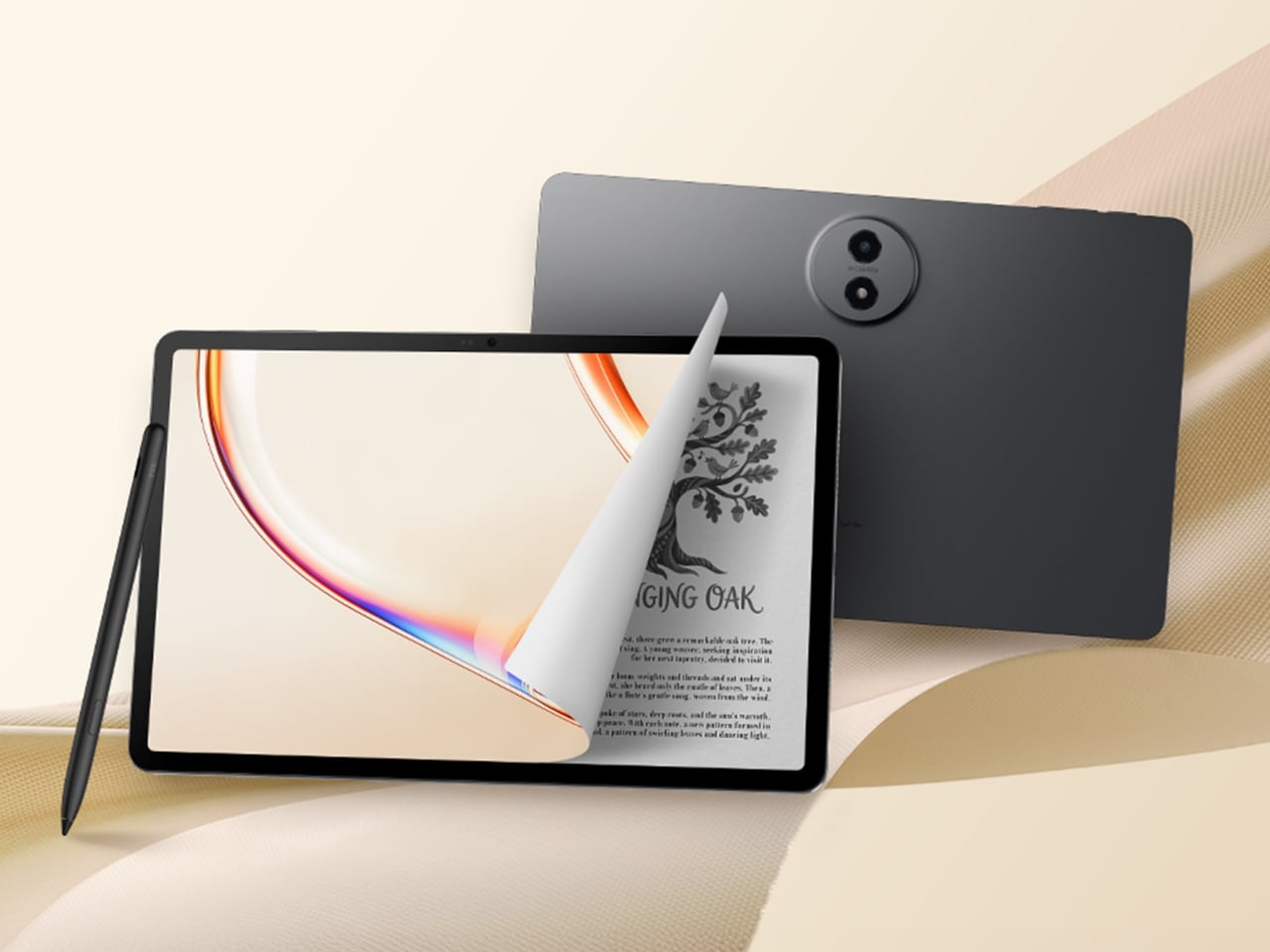
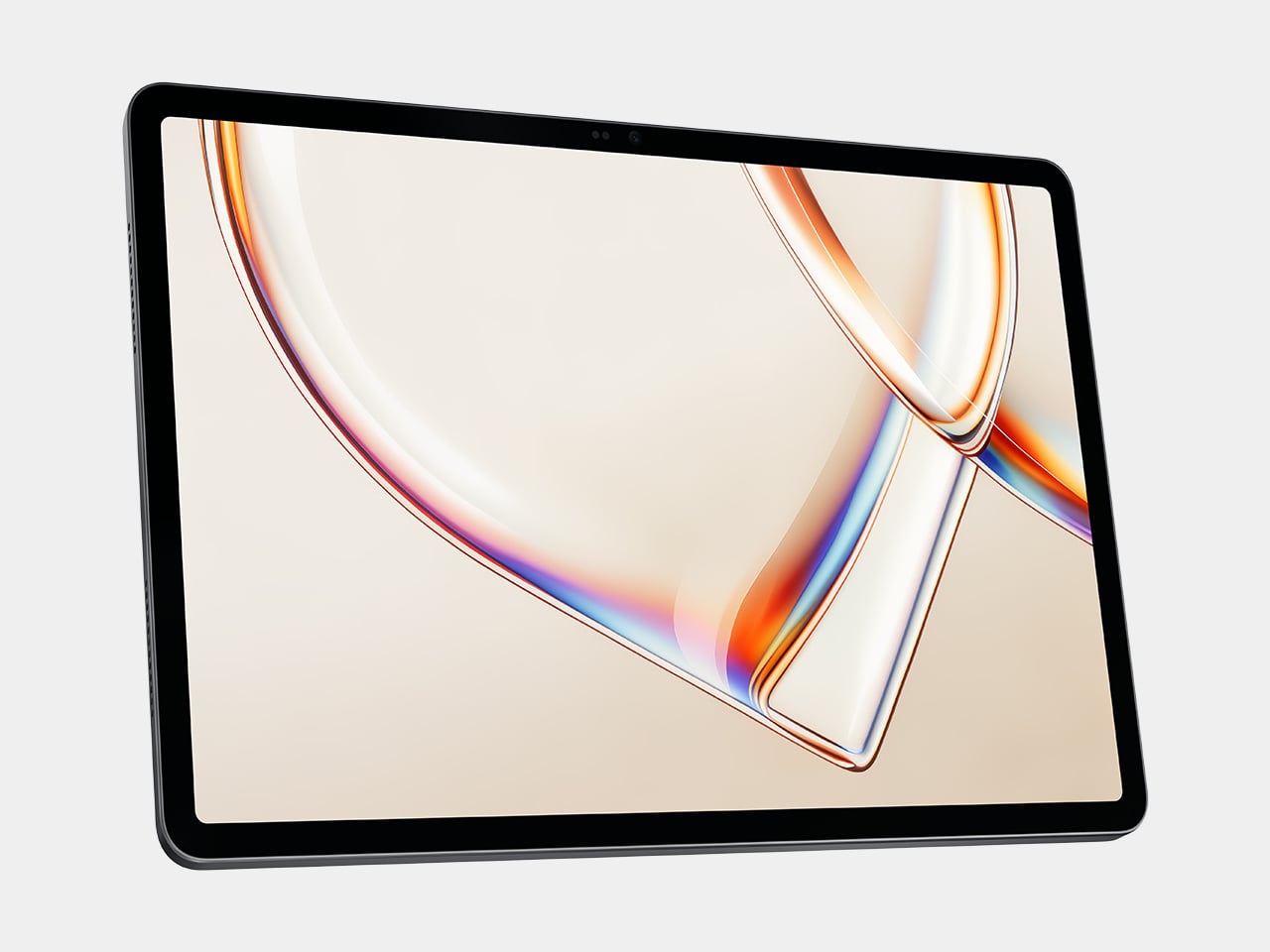
The screen all those frames render onto is equally impressive. Lenovo’s 8.8-inch PureSight Display runs at a 3K resolution of 3,040 × 1,904 pixels with a 165Hz refresh rate, covering 99% of the DCI-P3 color space with Dolby Vision support. Touch sampling reaches up to 480Hz, so inputs register almost instantly during a competitive match. TÜV Flicker Free and Low Blue Light certifications make extended sessions considerably easier on the eyes.

One of the most remarkable things about this tablet isn’t the chip or the display, it’s what’s powering everything. Lenovo managed to pack a 9,000 mAh battery into this 8.8-inch body, a significant leap over the previous generation, while keeping the whole package at just 360 grams. Add 68W fast charging and bypass charging support, which prevents battery degradation during extended sessions, and running this thing dry becomes genuinely difficult.

The audio hasn’t been shortchanged either. Dual superlinear 2712 speakers with Dolby Atmos certification handle the sound, backed by dual microphones, so voice chat holds its own during any session. Three color options are available: Eclipse Black, Glacier White, and a vibrant Surge green that was originally introduced as a FIFA edition. An RGB accent on the back adds a dose of personality without making the whole thing look gaudy.
At $849.99 starting, the Legion Tab Gen 5 is anything but an impulse buy for the base 12 GB RAM and 256 GB storage configuration. That’s a $300 jump over its predecessor, a hike partly blamed on the rising cost of memory, perhaps an indicator of things to come. There’s also no word yet on the accessories designed for its Chinese counterpart, which would probably help increase this pricey gaming tablet’s appeal.

The post Lenovo’s 8.8-Inch Gaming Tablet Packs a 9,000 mAh Battery for $850 first appeared on Yanko Design.