Is there any benefit to restarting your phone regularly?
It's a widely held belief that restarting your phone improves performance. Here's the truth.
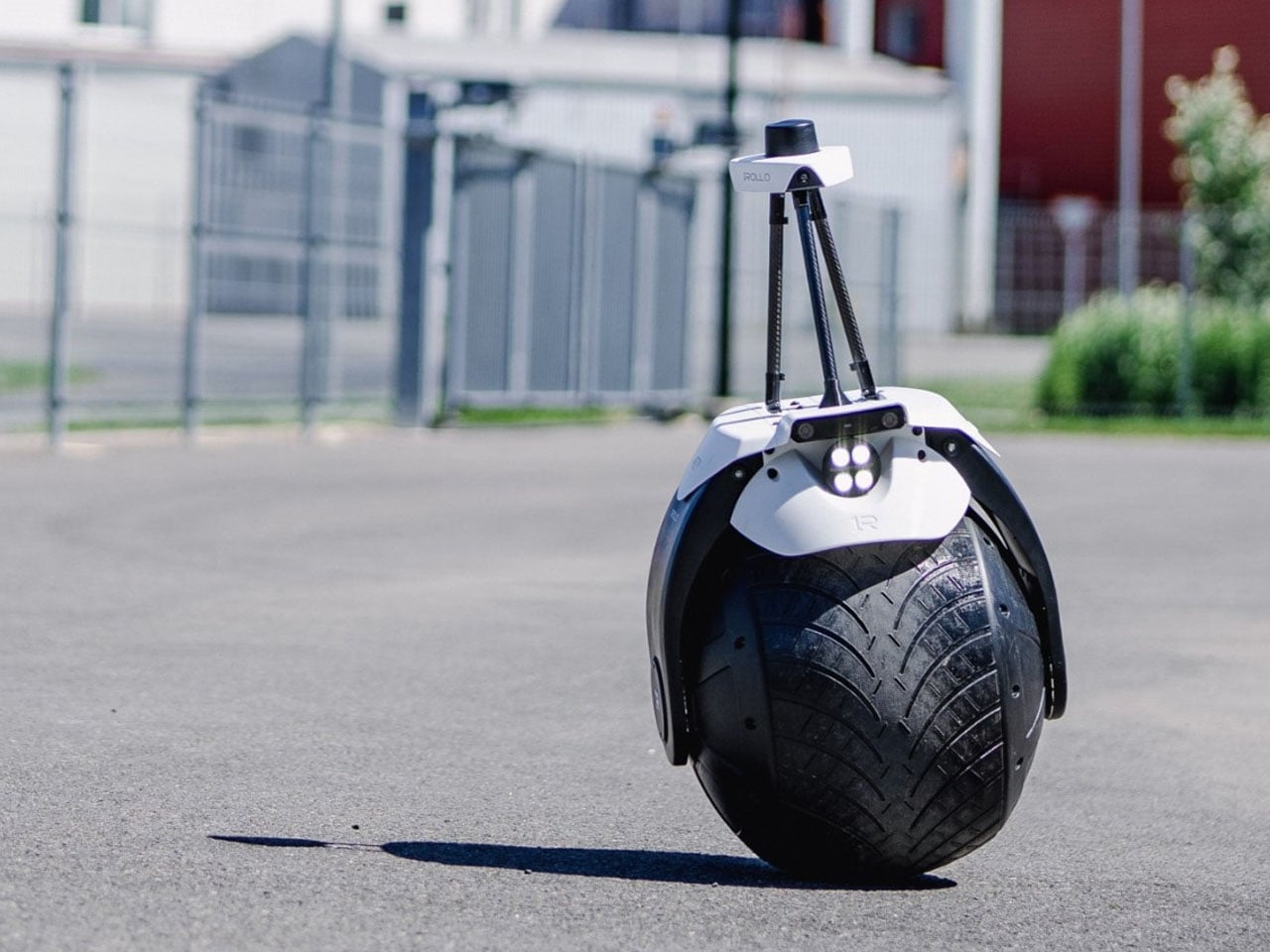
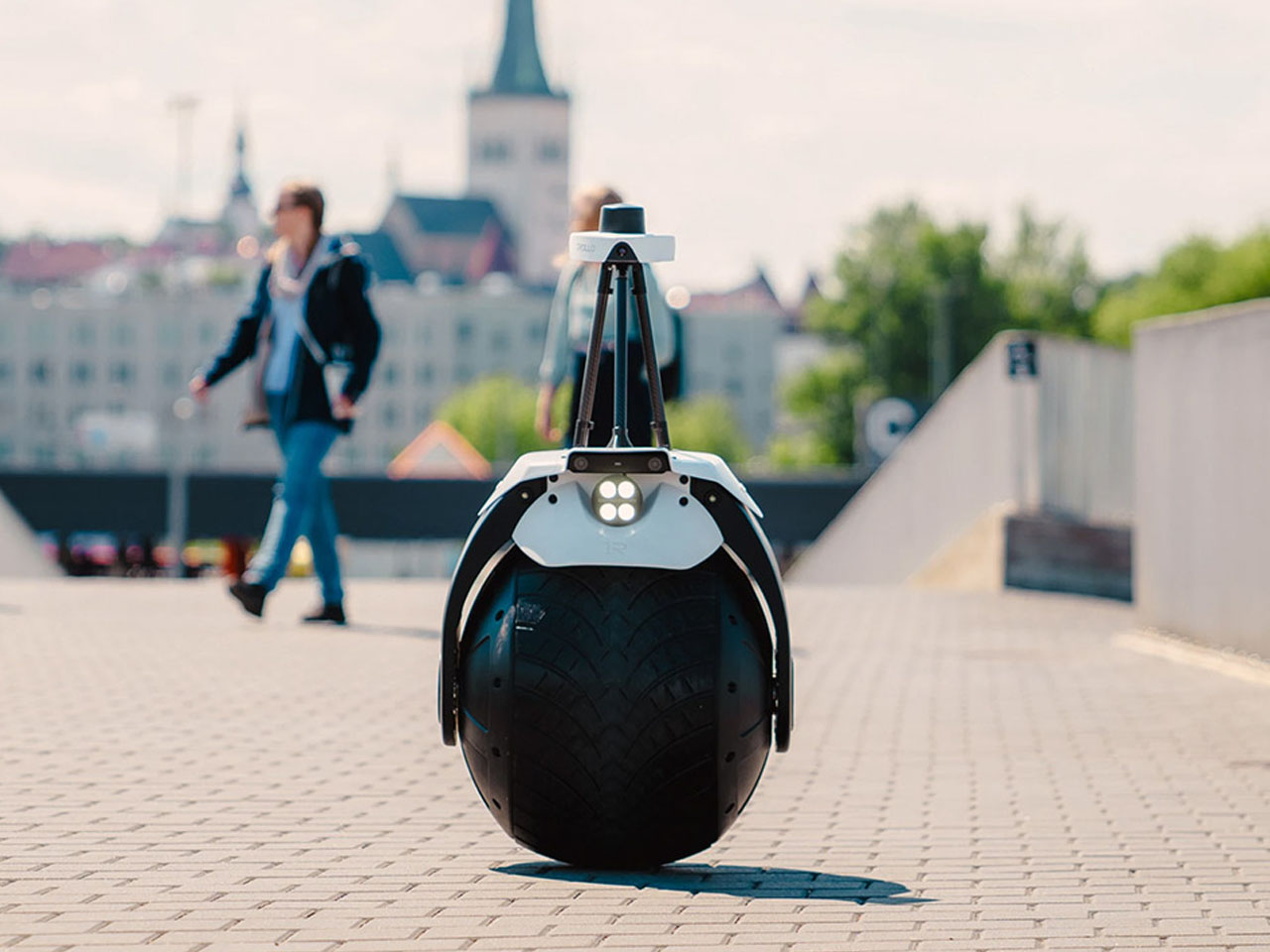
Most security robots are designed like small autonomous cars, with a bulky body and enough room for all the fancy tech. 1ROLLO, however, adapts a radically different approach. Developed by Estonian startup Rollo Robotics, this autonomous security robot balances on a single large wheel, turning an unusual piece of robotics into a practical patrol machine for large properties.
The 1ROLLO is built around a vertically oriented spinning flywheel housed inside its main wheel. Gyroscopic forces help the bot remain upright while moving, while the internal mechanism allows it to lean and change direction. The result is a remarkably narrow robot that can move independently through spaces that might be less accessible to larger wheeled security platforms.
Designer: Rollo Robotics
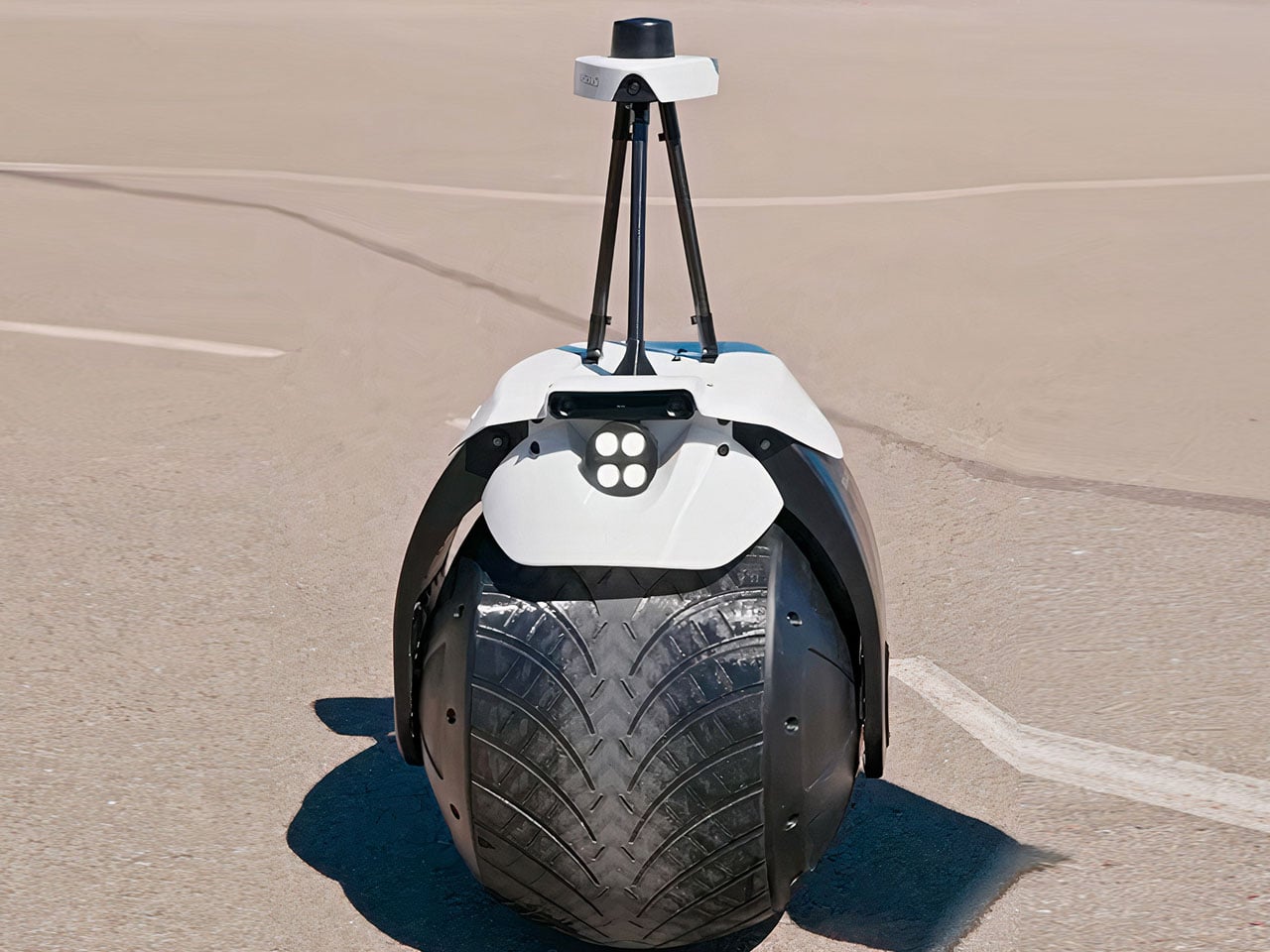
Despite its unconventional appearance, the 1ROLLO surveillance robot is designed for serious security work. Its autonomous navigation system combines 360-degree computer vision with RTK GNSS positioning, allowing the robot to follow mapped patrol routes while navigating around obstacles. It can detect movement and objects, record video, recognize license plates, and monitor for potentially dangerous gases, including carbon monoxide. The idea is to shift routine security patrols from people to machines without completely removing human oversight. This is estimated to save up to 80 percent of the cost that would otherwise be incurred using manual methods.

When the robot detects something unusual, it can alert a remote operator over 4G, 5G, or Wi-Fi. The operator can then access a live video feed, speak to people near the robot using its microphone and speaker, or dispatch a human guard if the situation requires intervention. A cloud-based management platform is intended to make the system scalable, allowing one operator to monitor multiple robots simultaneously. That could make the 1ROLLO particularly useful for expansive sites where continuously patrolling every corner would require significant manpower.
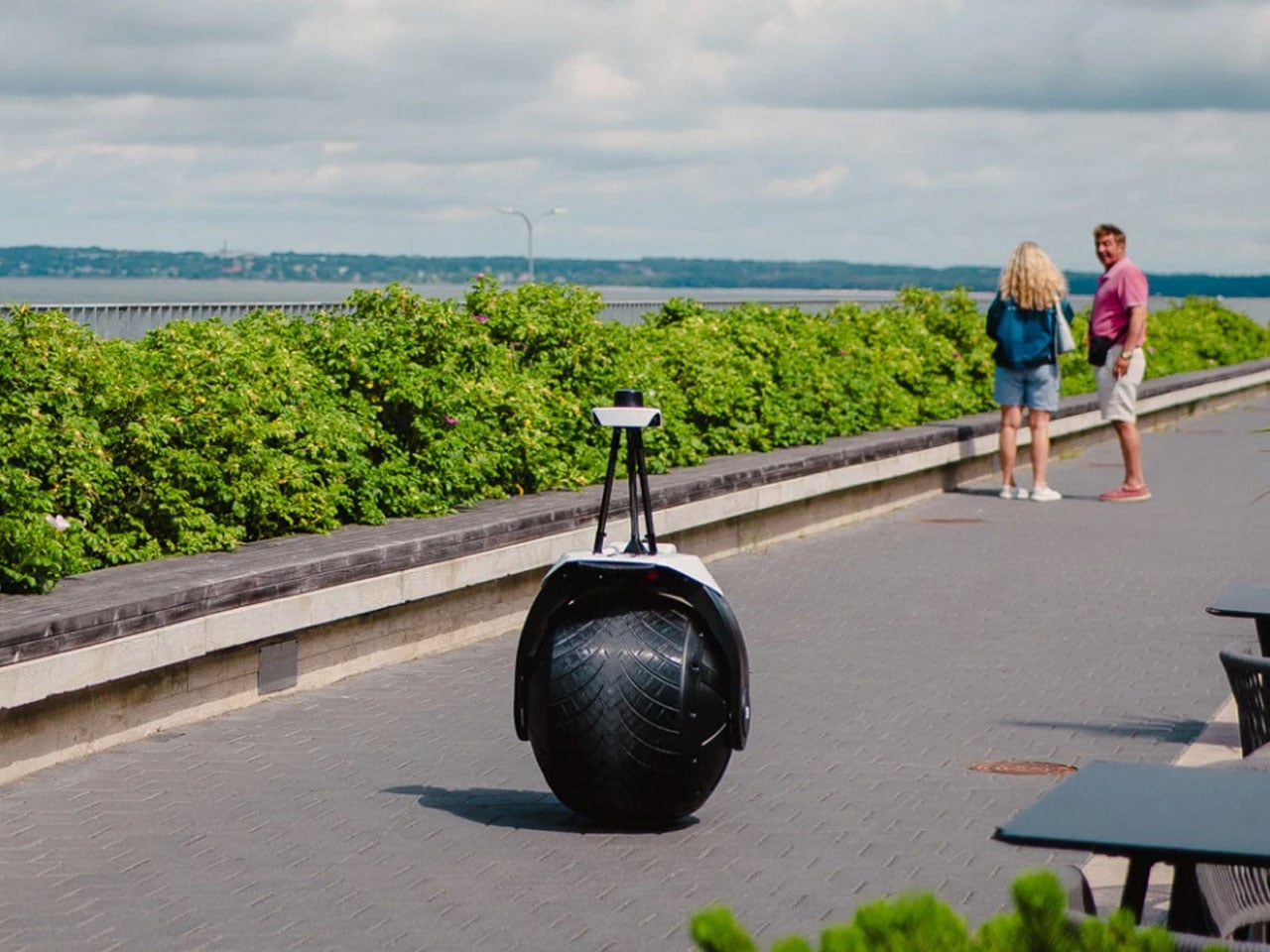
The robot measures approximately 60 x 60 x 140 centimeters and weighs around 35 kilograms according to the company’s specifications, while more recent reporting has described a 45-kilogram version with a higher top speed of up to 30 km/h. The company has also stated a battery runtime of up to eight hours, after which the robot can autonomously return to a charging station. Its IP65-rated enclosure protects against dust and water jets, supporting outdoor operation.
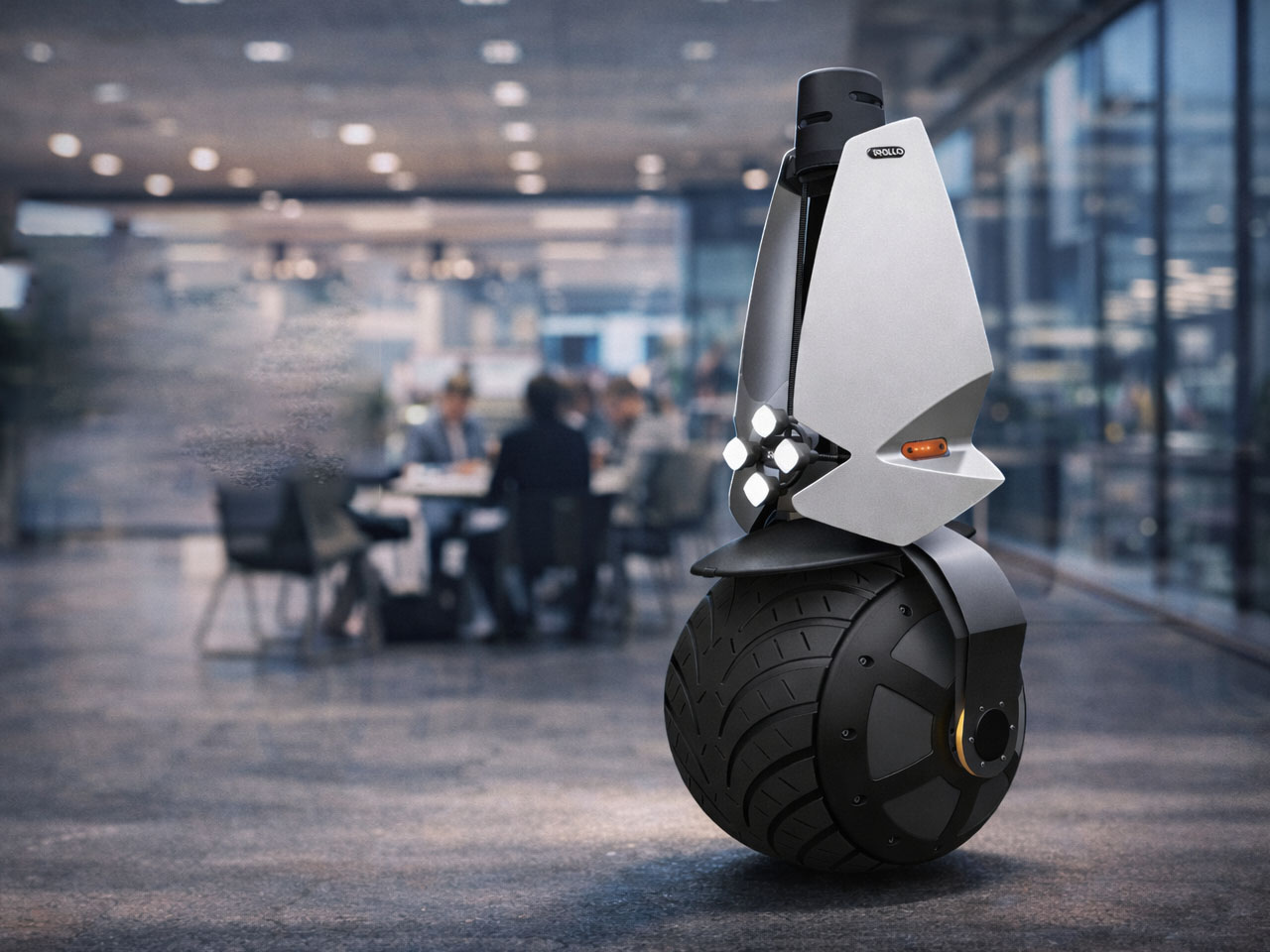
Rollo Robotics sees potential applications across airports, data centers, industrial facilities, corporate campuses, manufacturing sites, hospitals, hotels, and critical infrastructure. The robot could also find a role in environments such as mining operations, construction sites, oil and gas facilities, and gated communities, where autonomous monitoring could complement existing security teams.

Rollo Robotics plans to offer the surveillance robot through a Robotics-as-a-Service model. Customers would pay for access to the system while receiving maintenance, software updates, support, and future hardware upgrades as part of the service. The 1ROLLO is still evolving, with the company working to improve its performance in challenging weather and busy environments. Commercial availability is expected in 2027, but its single-wheel architecture already makes it an intriguing alternative to the increasingly familiar fleet of four-wheeled security robots.
The post This One-Wheel robot could patrol your property while you stay away first appeared on Yanko Design.
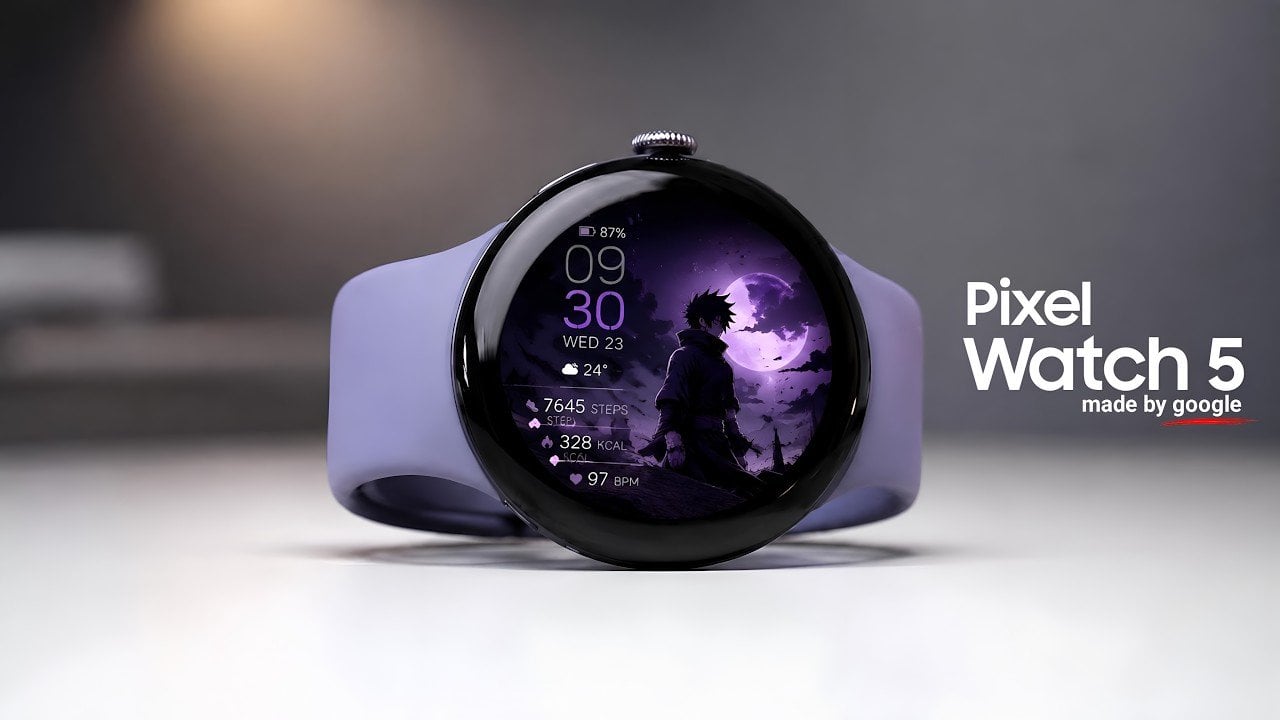
The Google Pixel Watch 5, unveiled via a Google Play Console listing, introduces a series of subtle yet meaningful upgrades over its predecessor, the Pixel Watch 4. While the design and core hardware remain largely familiar, enhancements in RAM, AI integration, and software promise a more refined and efficient user experience. These updates aim to […]
The post Google Pixel Watch 5 Specs Have Reportedly Leaked Online appeared first on Geeky Gadgets.

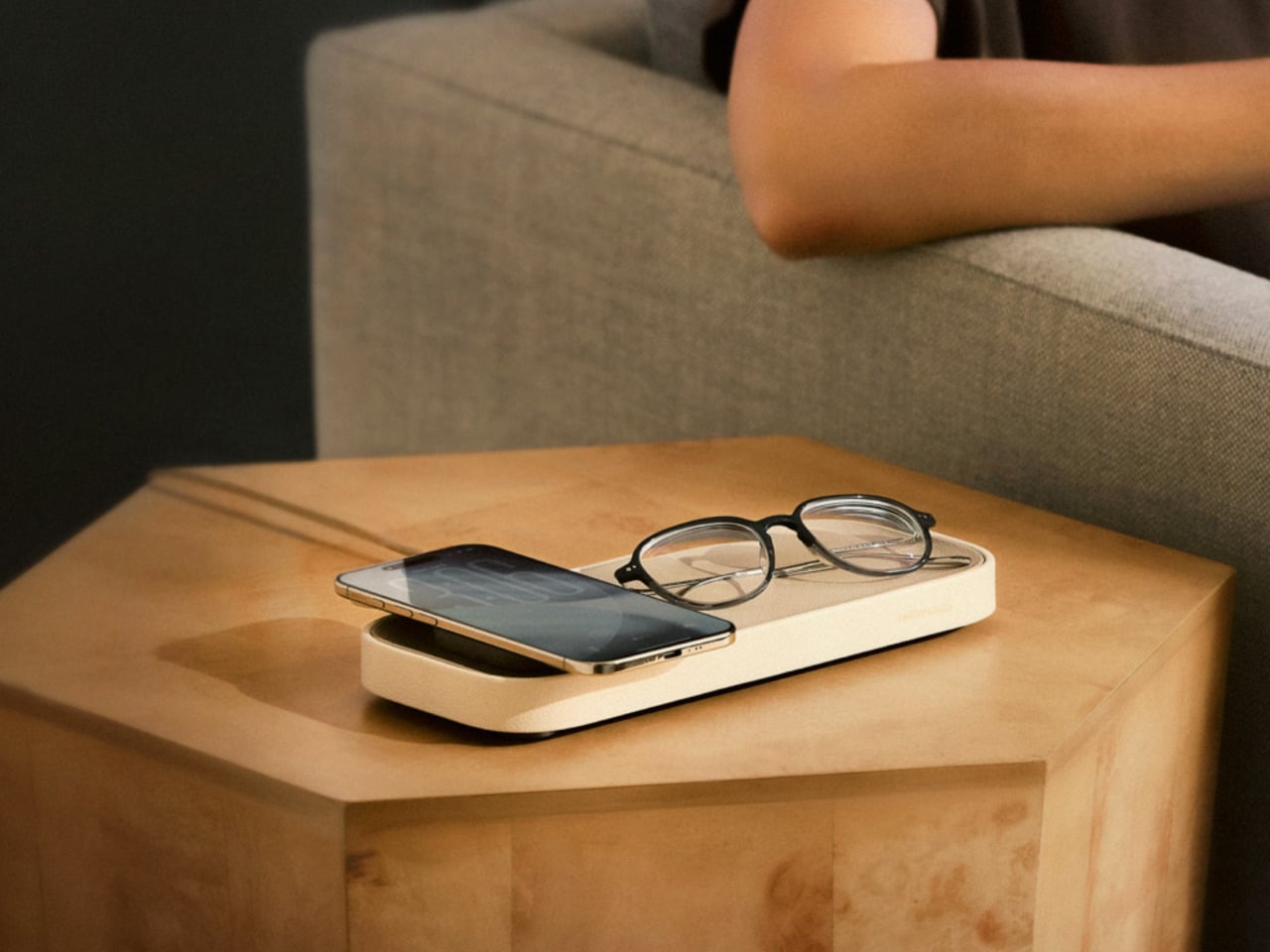
The nightstand has become one of the messiest surfaces in a home. A charging cable snaking across the top, a phone lying flat or propped against whatever happens to be nearby, maybe a watch charger completing the pile. Most accessories designed to address this solve the function while ignoring the furniture, leaving something clinical and plastic sitting next to things that actually belong in a bedroom.
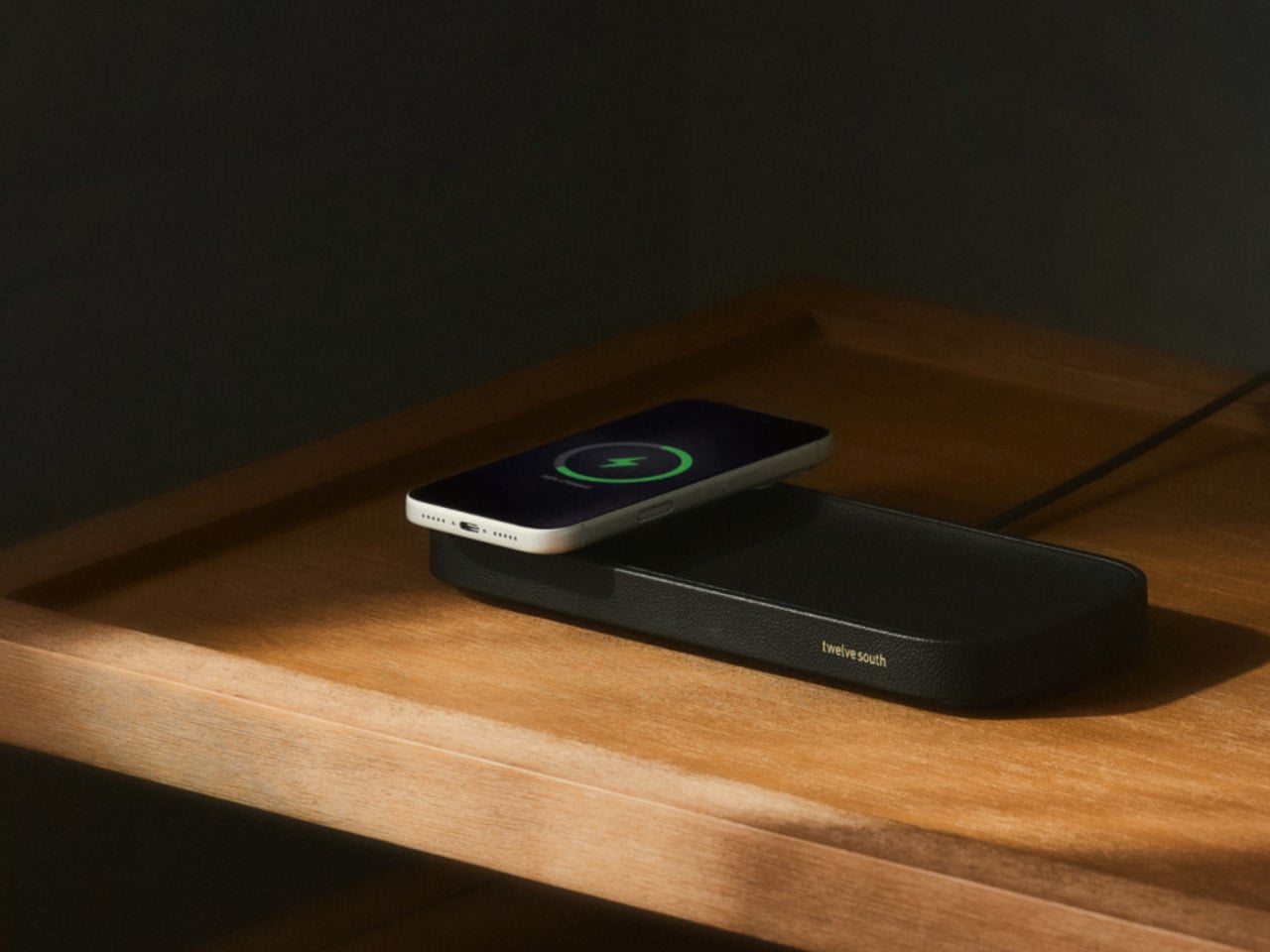
The Valet 4.25 from Twelve South approaches the problem differently. It’s a compact leather catchall tray with a 25W Qi2 wireless charger built into one end, sized specifically for nightstands and bedside tables. The idea isn’t to be a charger that fits in a room; it’s to be an object that actually belongs there, starting with its materials and ending with how it behaves overnight.
Designer: Twelve South
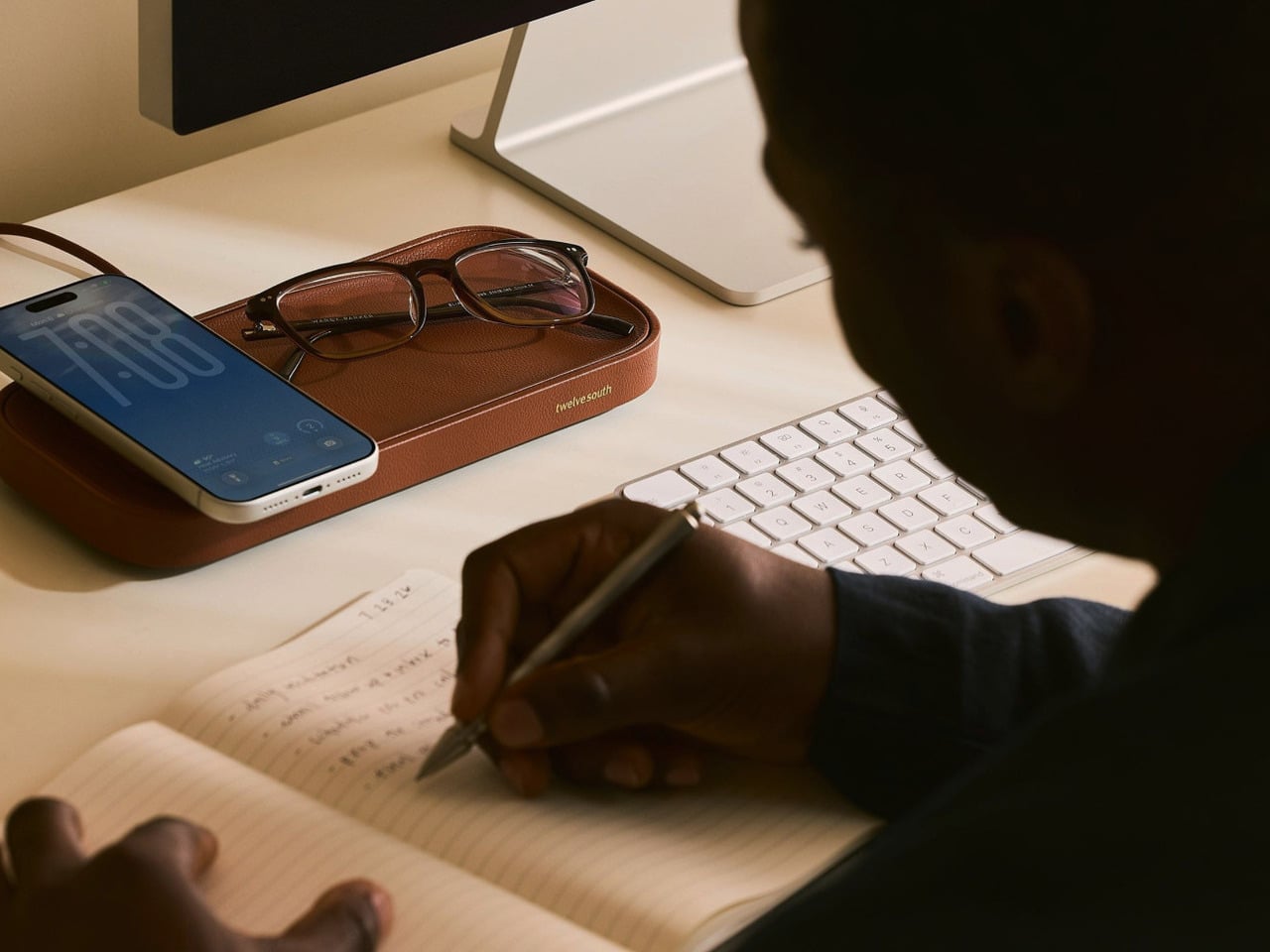
The base is a weighted zinc alloy frame wrapped entirely in Nappa leather, which keeps it planted on the surface without rubber feet or suction tricks. The tray measures 4.25 inches across, making it a tighter proposition than the brand’s original 7.5-inch Valet but considerably more appropriate for the average nightstand, where every spare inch is already committed to something else.
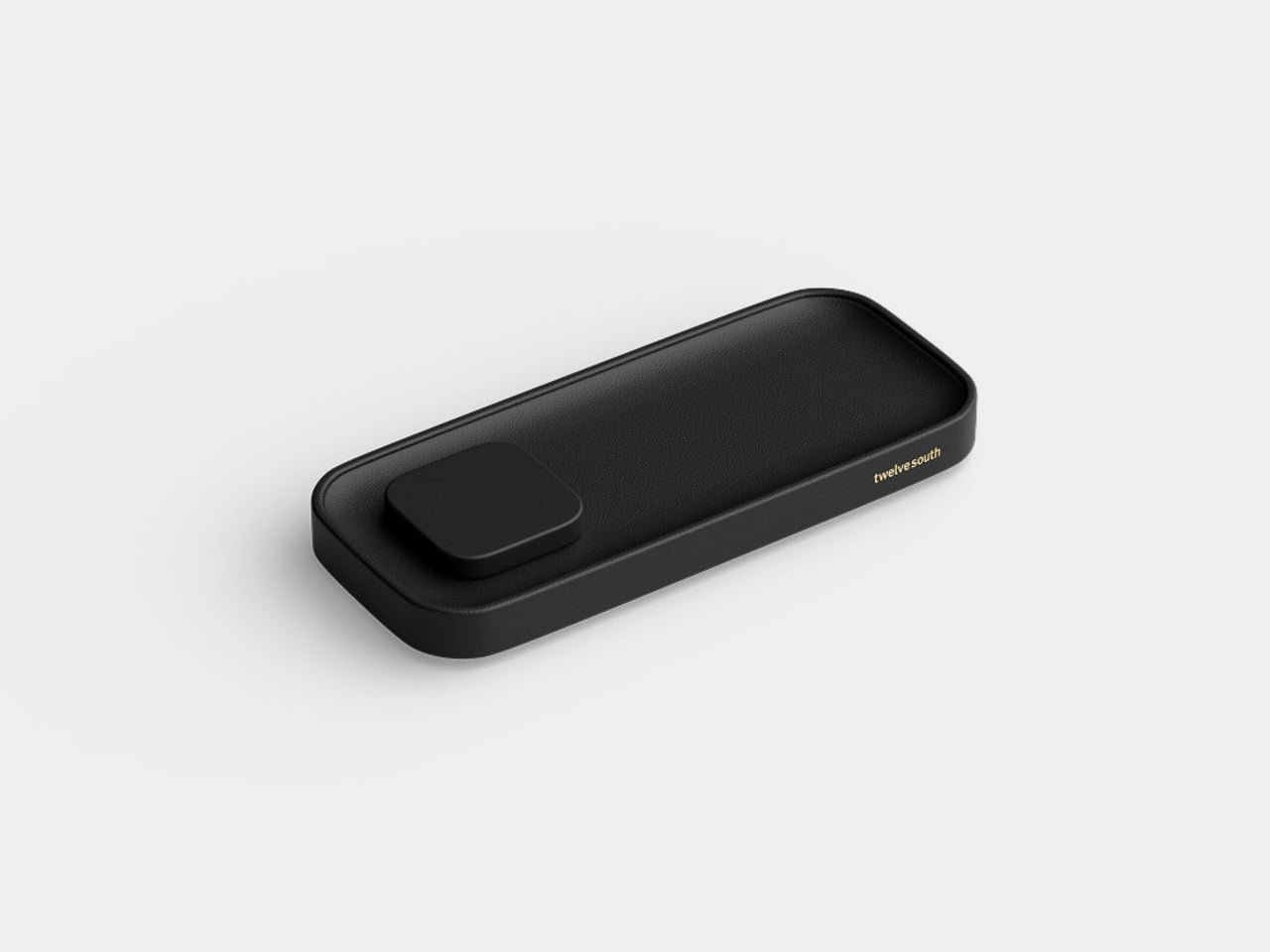
There’s a small but deliberate feature called the Goodnight Glow. When you set your phone down to charge, the tray pulses a soft light for eight seconds to confirm the connection, then fades completely. It doesn’t stay lit through the night. For something sitting beside you while you sleep, that restraint is more considered than it sounds, and it makes double-checking whether your phone is actually charging almost unnecessary.
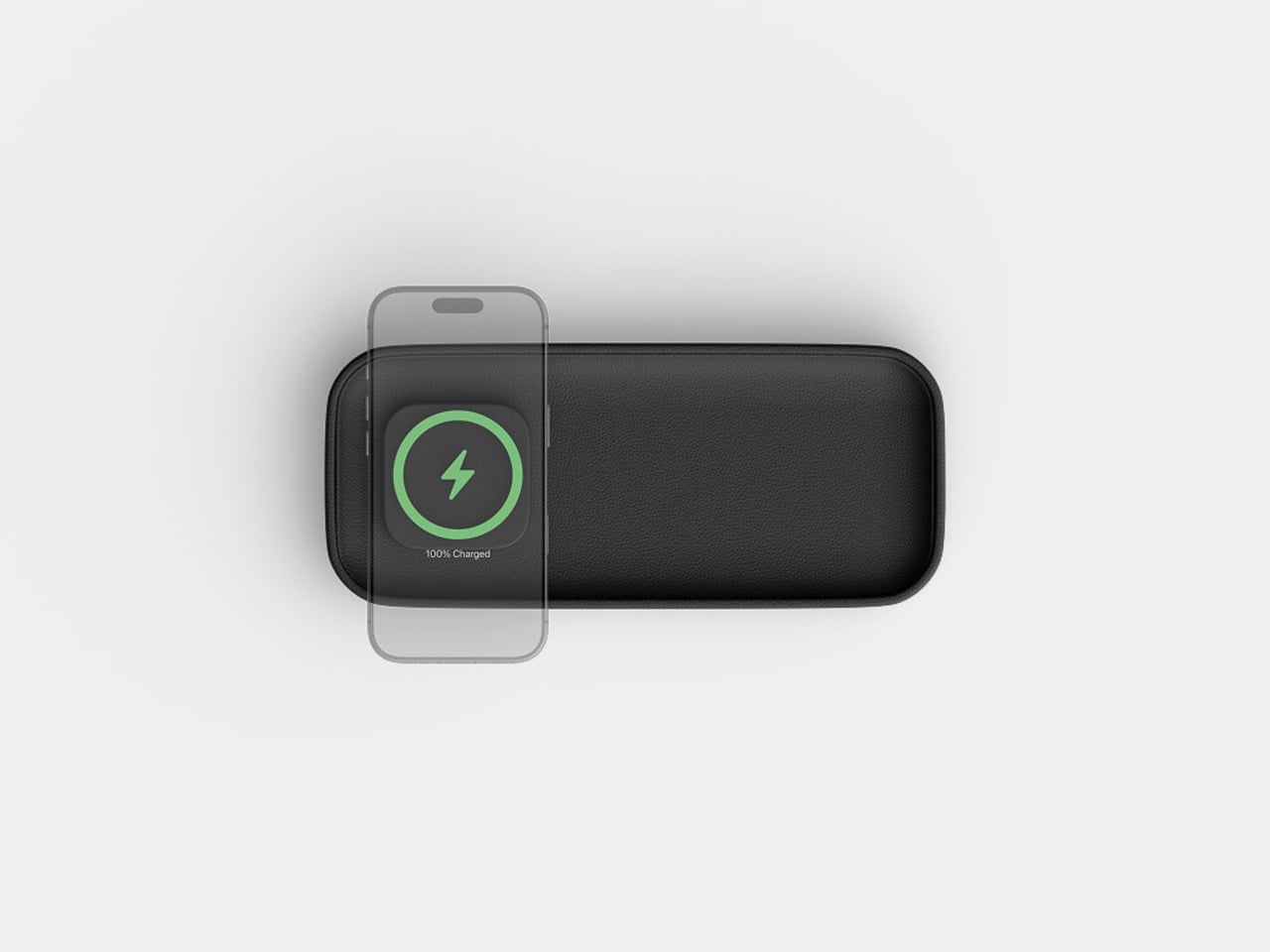
The wireless output is a meaningful upgrade over the original Valet, which topped out at 15W via Qi2. The new model delivers 25W, which is the full MagSafe speed that newer iPhones can receive. The smaller size doesn’t come at the expense of performance; if anything, it corrects the one technical criticism that followed the larger model since it launched at CES earlier this year.
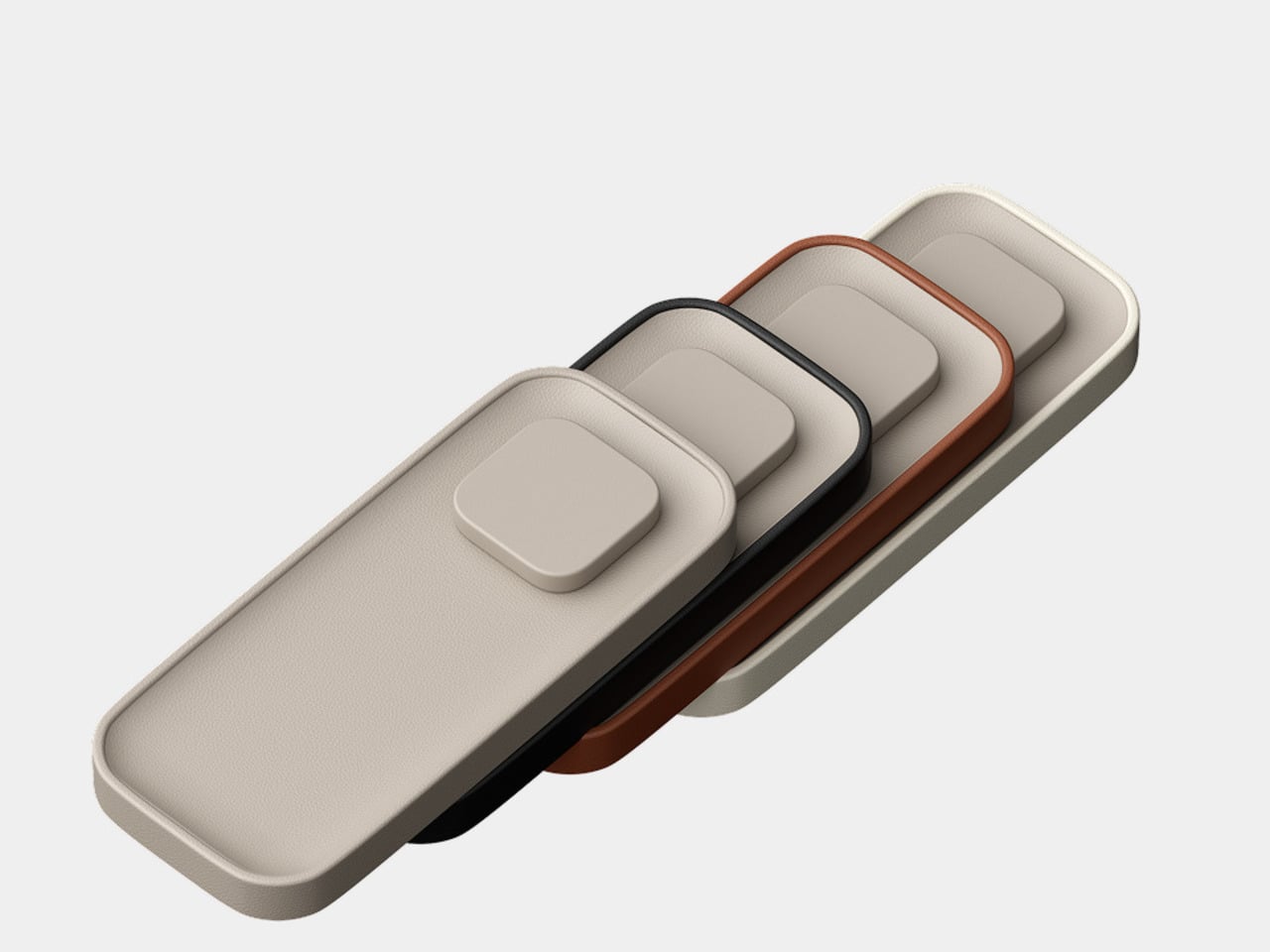
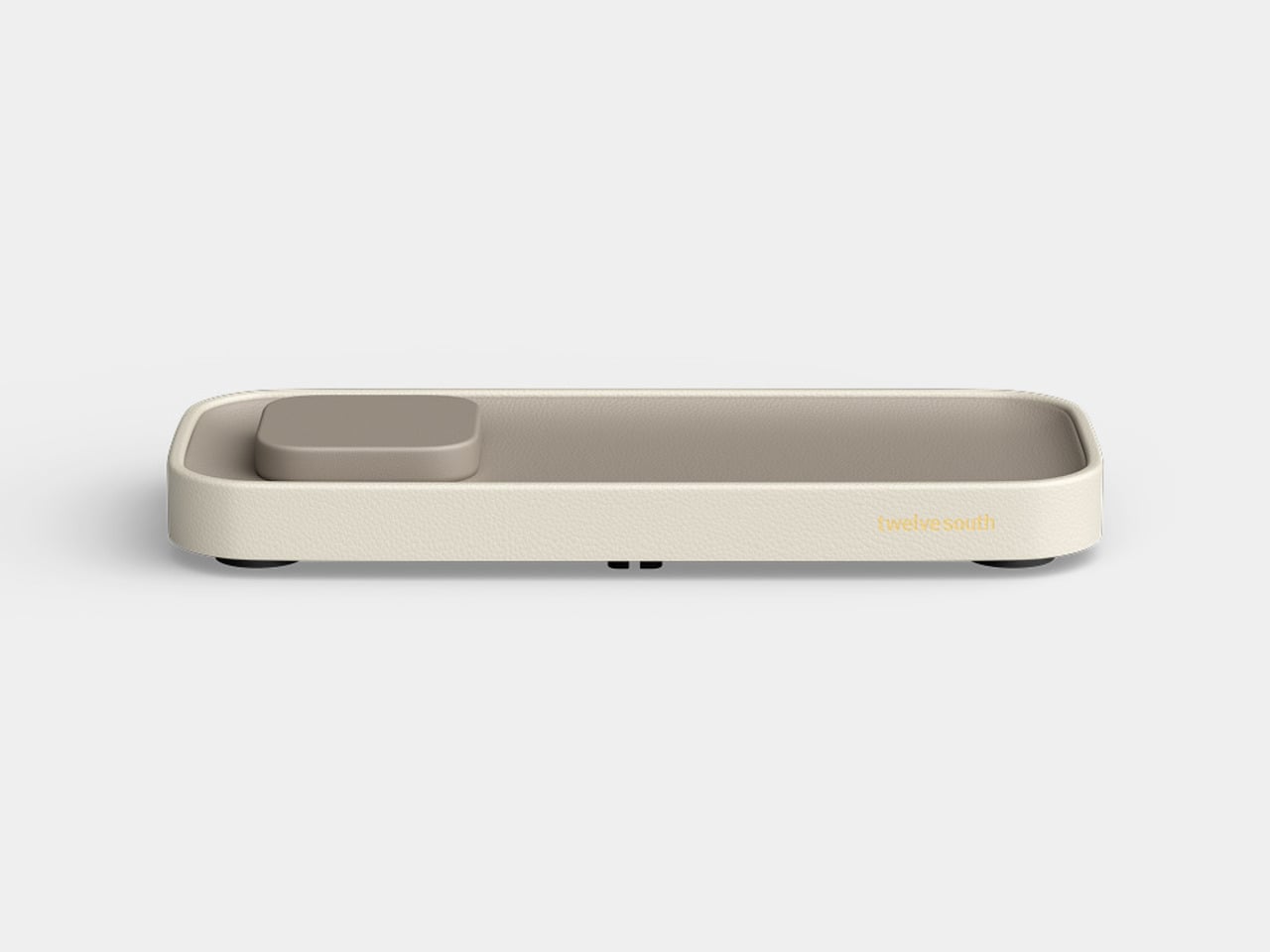
The outer frame is removable and interchangeable, available in four leather colors: black, taupe, brown, and ecru. The body itself comes in either black or taupe Nappa leather, giving you enough combination room to match most bedroom furniture without much deliberation. The tray can also be oriented four ways, letting you position the charging pad on either side or rotate the whole thing to fit a narrower nightstand.
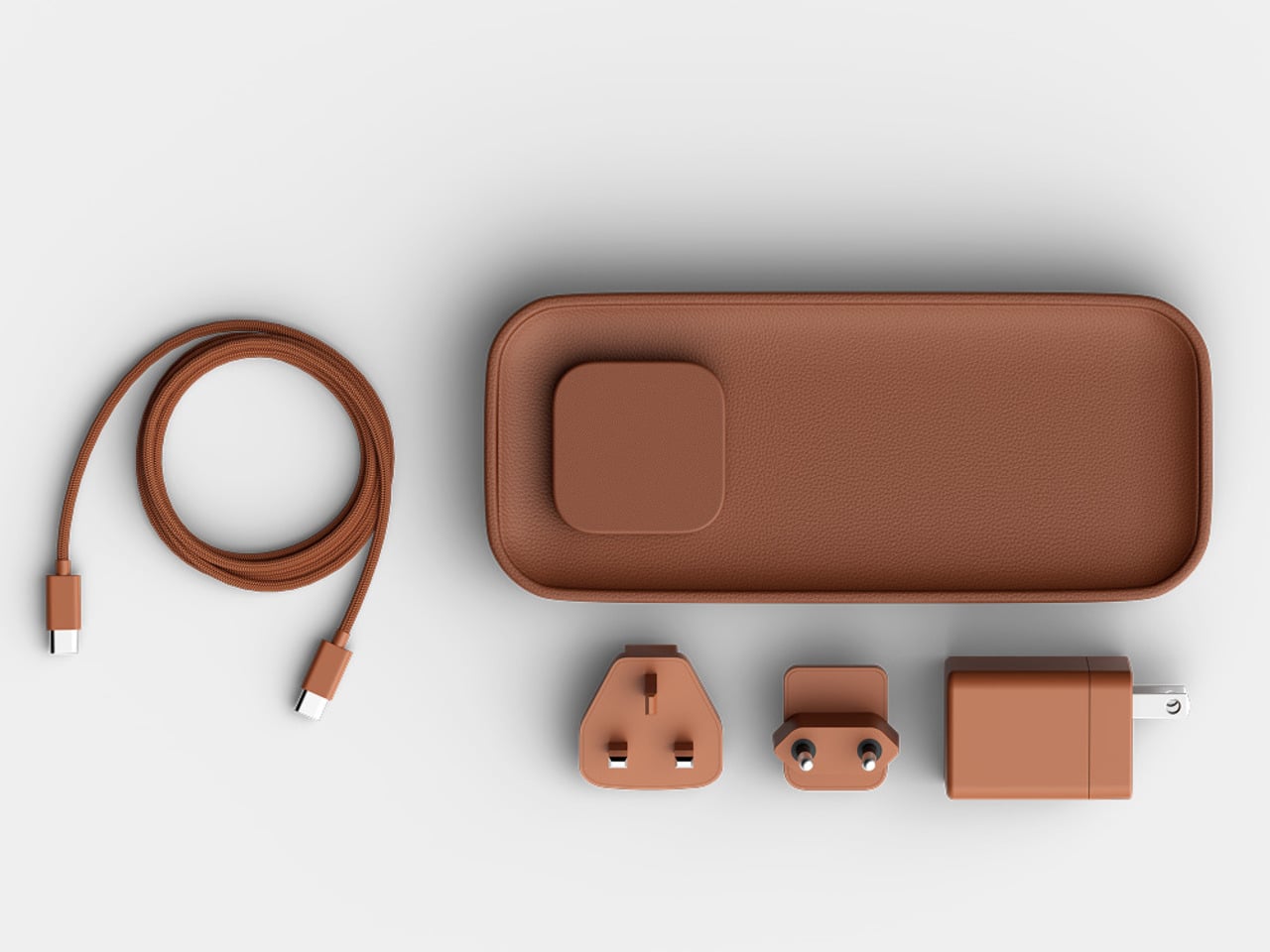
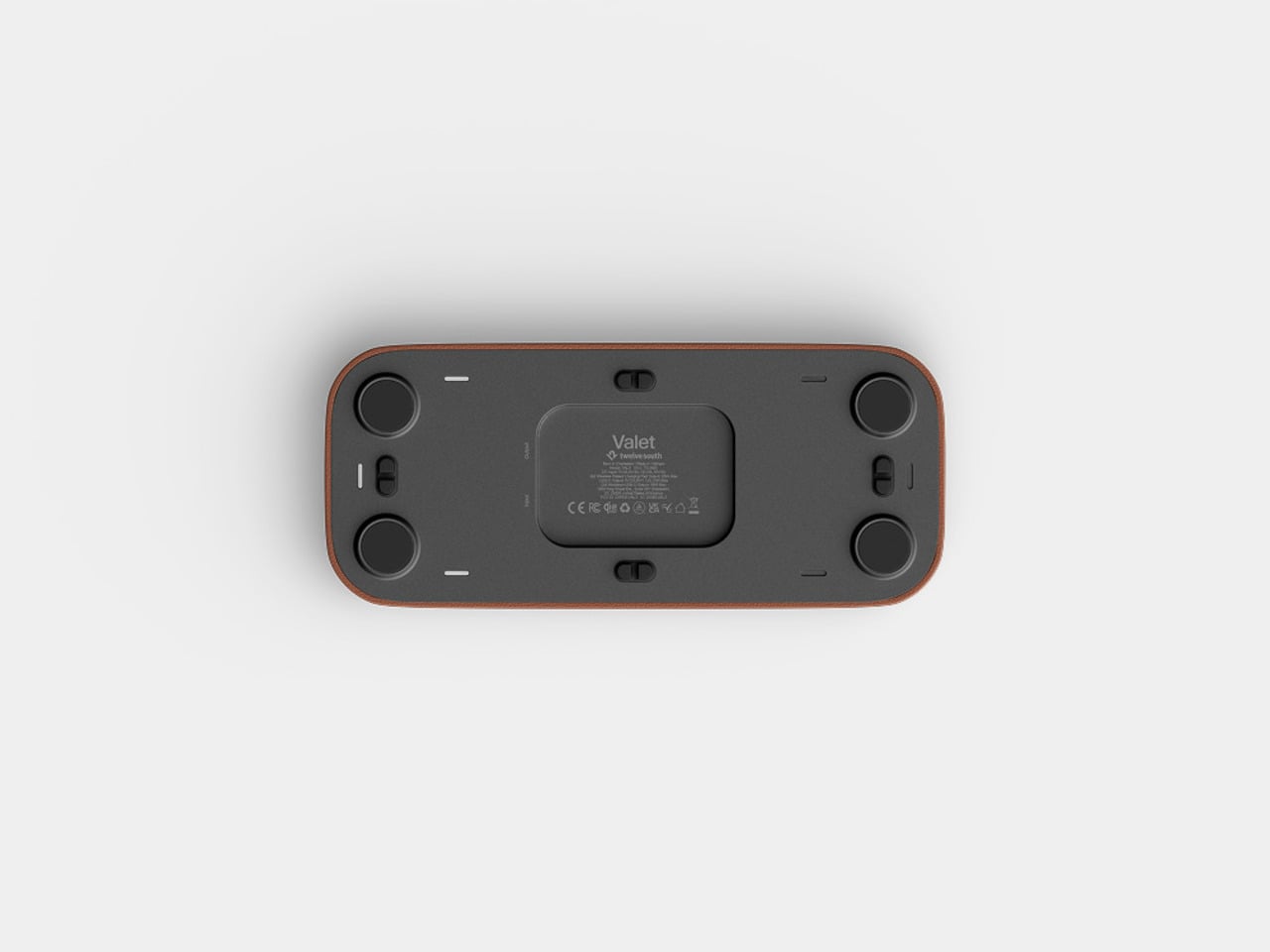
There’s a USB-C port tucked under the base for a second device, though at 10W it’s a step down from the 35W the larger Valet offers. It’ll handle a pair of earbuds or a smartwatch overnight, but it’s not fast-charging territory. The smaller tray is the other concession, reducing the landing area for everyday items compared to what the 7.5-inch version can comfortably hold alongside a phone.
At $129.99, it’s $50 less than the larger model and carries the same premium material finish. The Valet 4.25 is narrowly focused for a specific spot in the home, the kind where spending more on something you see every morning is easier to justify when it actually looks right. The Nappa leather and zinc alloy construction give it a permanence that most chargers, regardless of cost, rarely manage.
The post Twelve South Just Built a $130 Charger That Won’t Ruin Your Nightstand first appeared on Yanko Design.
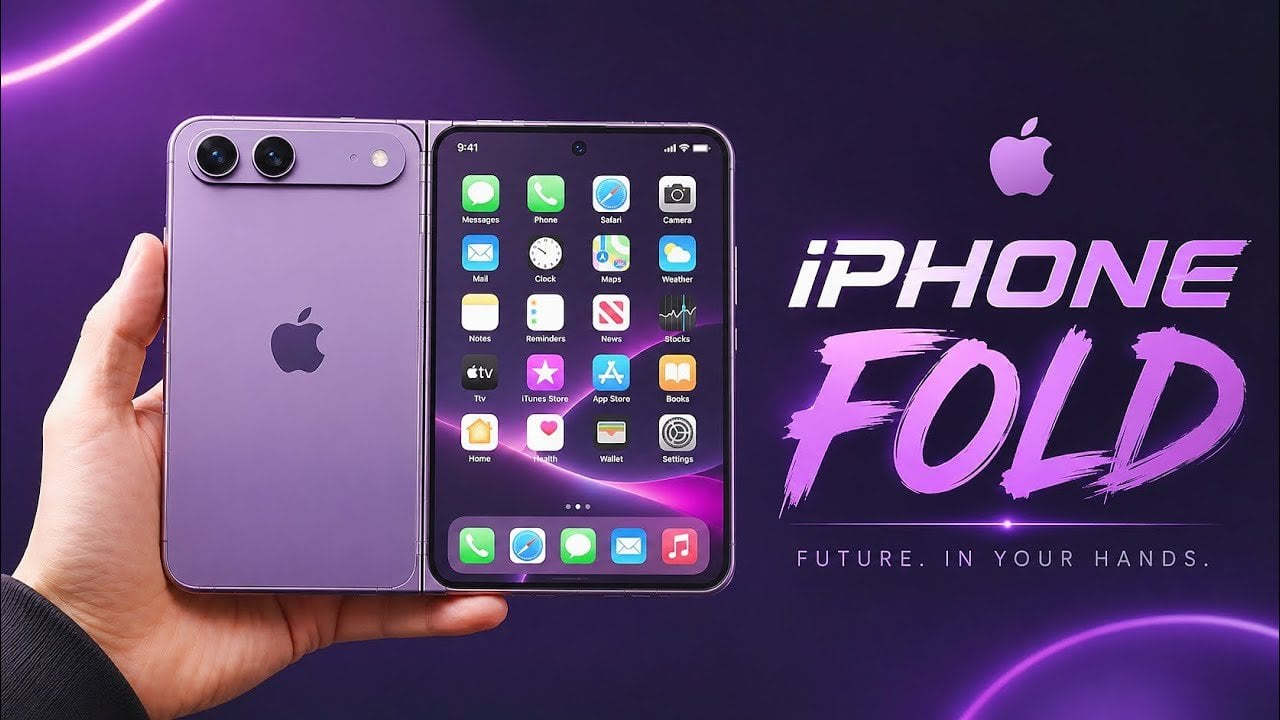
Apple is reportedly on the verge of unveiling its first foldable smartphone, potentially named the iPhone Ultra. This highly anticipated device is expected to combine the functionality of an iPhone and an iPad into a single, foldable design. With its advanced hardware, premium materials, and software tailored for foldable displays, the iPhone Ultra could reshape […]
The post How the Leaked iPhone Ultra Fold Could Change Apple Devices appeared first on Geeky Gadgets.



Every morning, millions of people brew their coffee, toss the grounds, and move on. It’s such a routine act of disposal that few of us stop to think about where all that spent coffee actually goes. MOFT apparently did think about it, and the result is one of the more genuinely interesting design stories to come out of the tech accessories space in recent memory.
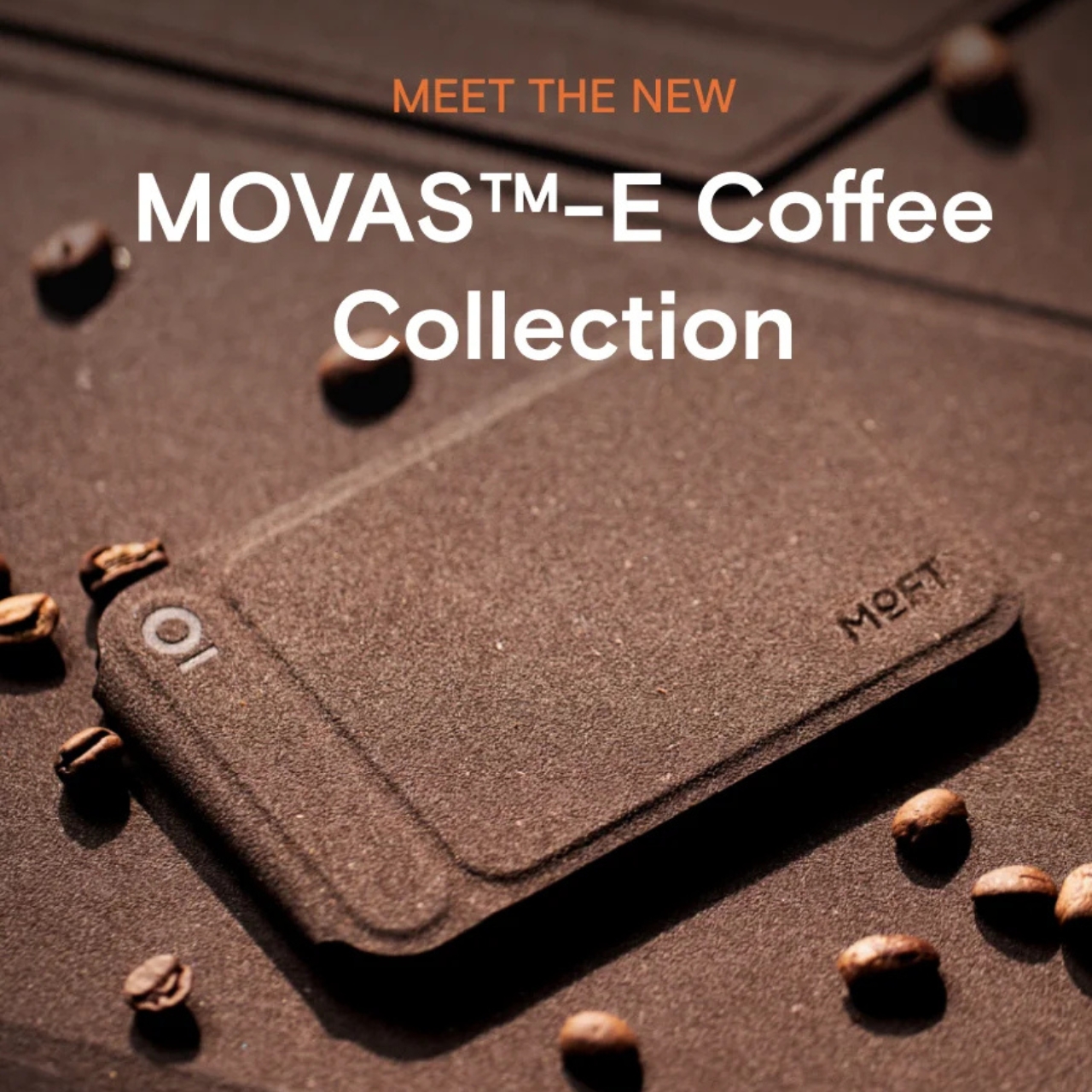
The MOFT MOVAS-E Coffee Collection is a new line of accessories built from a bio-based leather crafted from recycled coffee grounds. MOFT combined spent coffee grounds with waterborne bio-based polyurethane to create what they’re calling a new generation of bio-based leather. The material replaces both conventional leather and traditional synthetic alternatives, which makes the origin story feel less like a marketing angle and more like an actual shift in how the brand approaches materials.
Designer: MOFT

MOFT has already built a strong reputation for thoughtful material choices. Their MOVAS vegan leather line has been a staple in the premium accessories space for a while now, known for that soft, slightly textured finish that feels surprisingly luxurious on a phone MagSafe stand. The MOVAS-E Coffee Collection takes that established foundation and adds a genuine layer of purpose to it, pushing the material story well beyond aesthetics and into something more intentional.
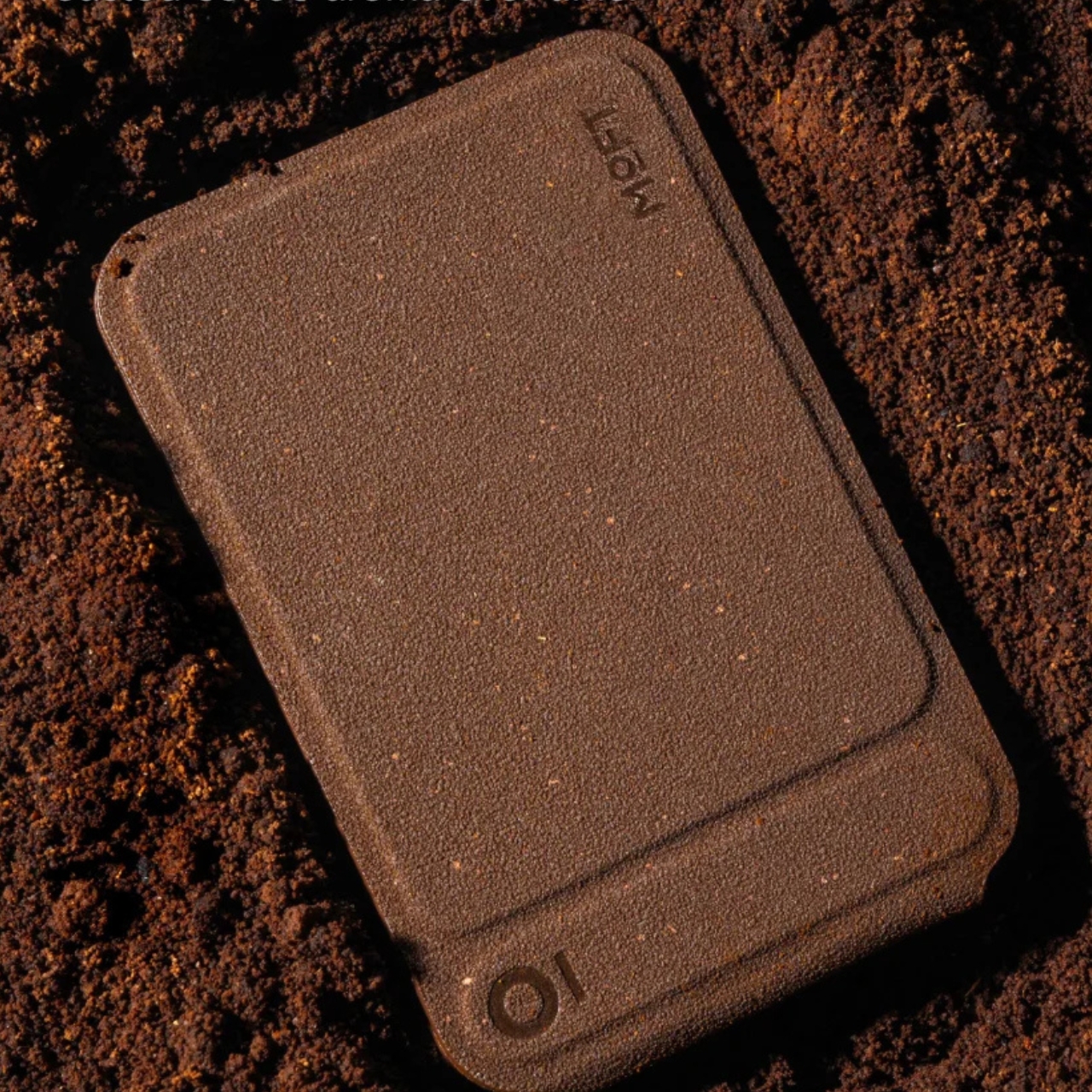
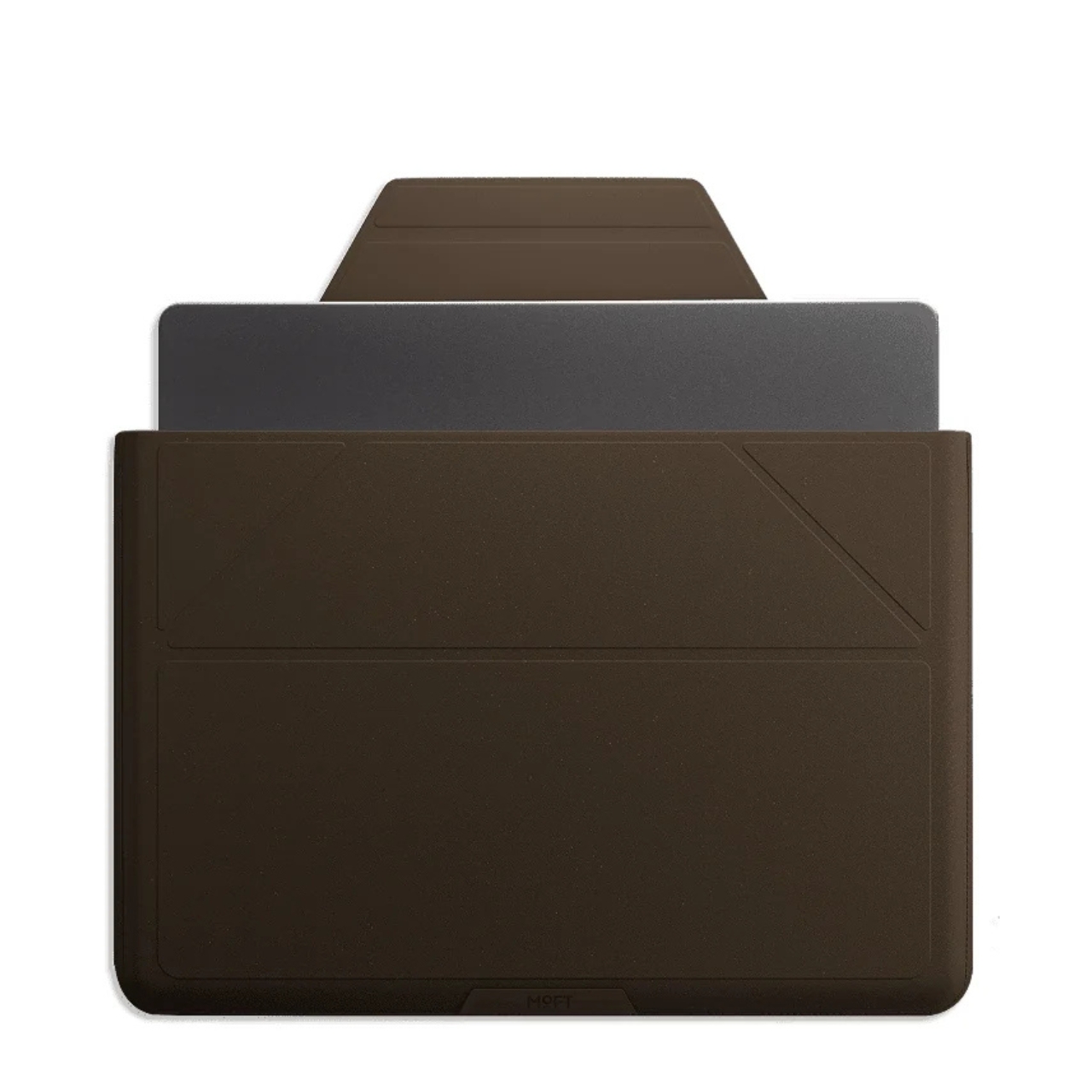
The collection includes products like a laptop Carry Sleeve, all finished in warm, coffee-toned colorways that look like they were pulled straight from a specialty café mood board. The tones are earthy and rich without veering into something overly minimal or clinical. If you’ve ever wished your tech accessories matched the aesthetic of a beautifully lit coffee shop corner, MOFT seems to have designed this one with exactly that feeling in mind. The tagline for the collection is “Brewed for Flow,” and it’s hard to argue with that framing.
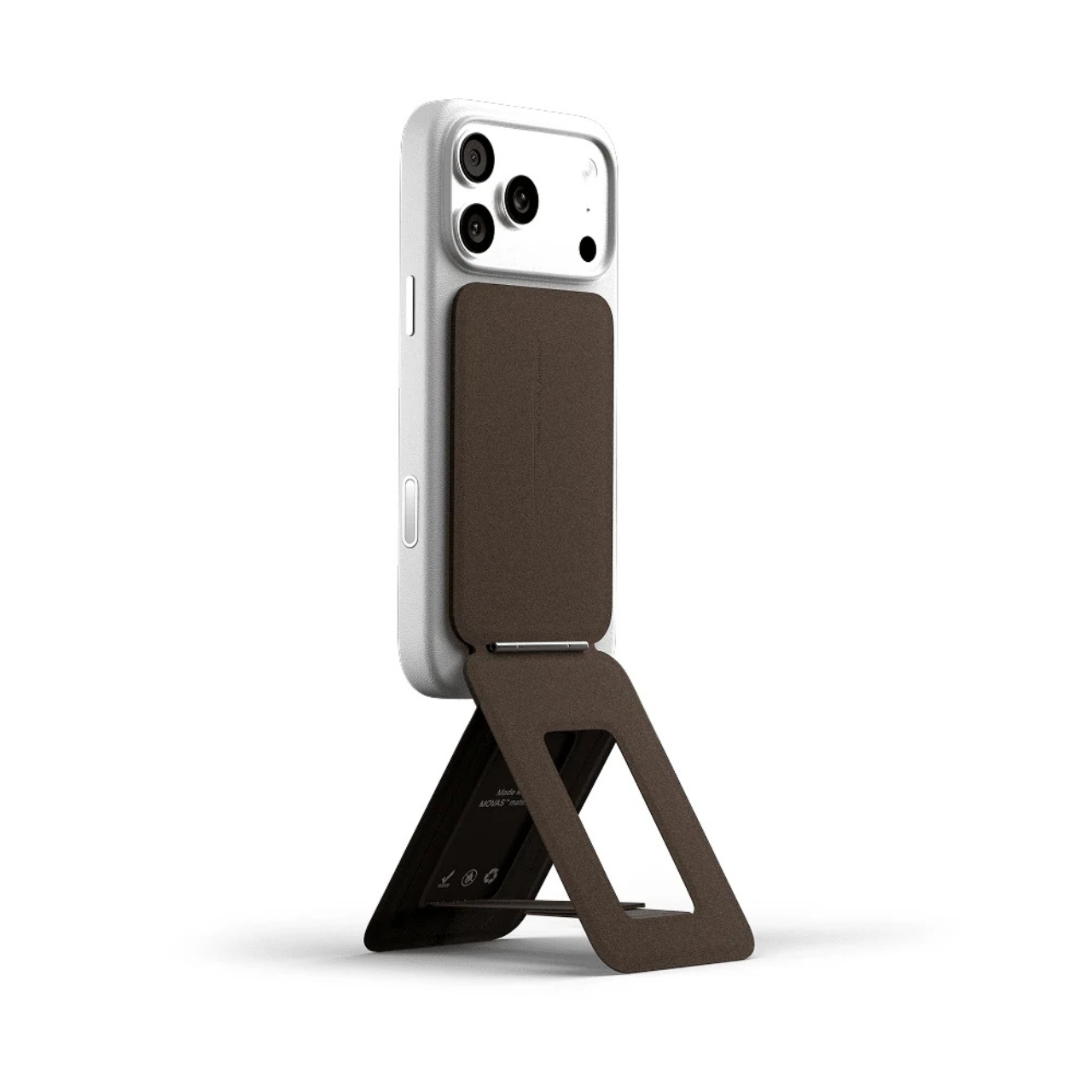
The packaging is also part of the story. MOFT went with a frosted, minimalist design they describe as food-safe, durable, and fully recyclable. It’s the kind of packaging decision that often goes unnoticed by most buyers, but it signals that the sustainability angle here isn’t just surface-level. When a brand puts the same thought into the box as the product inside, that’s usually a sign the commitment runs deeper than a trend cycle.
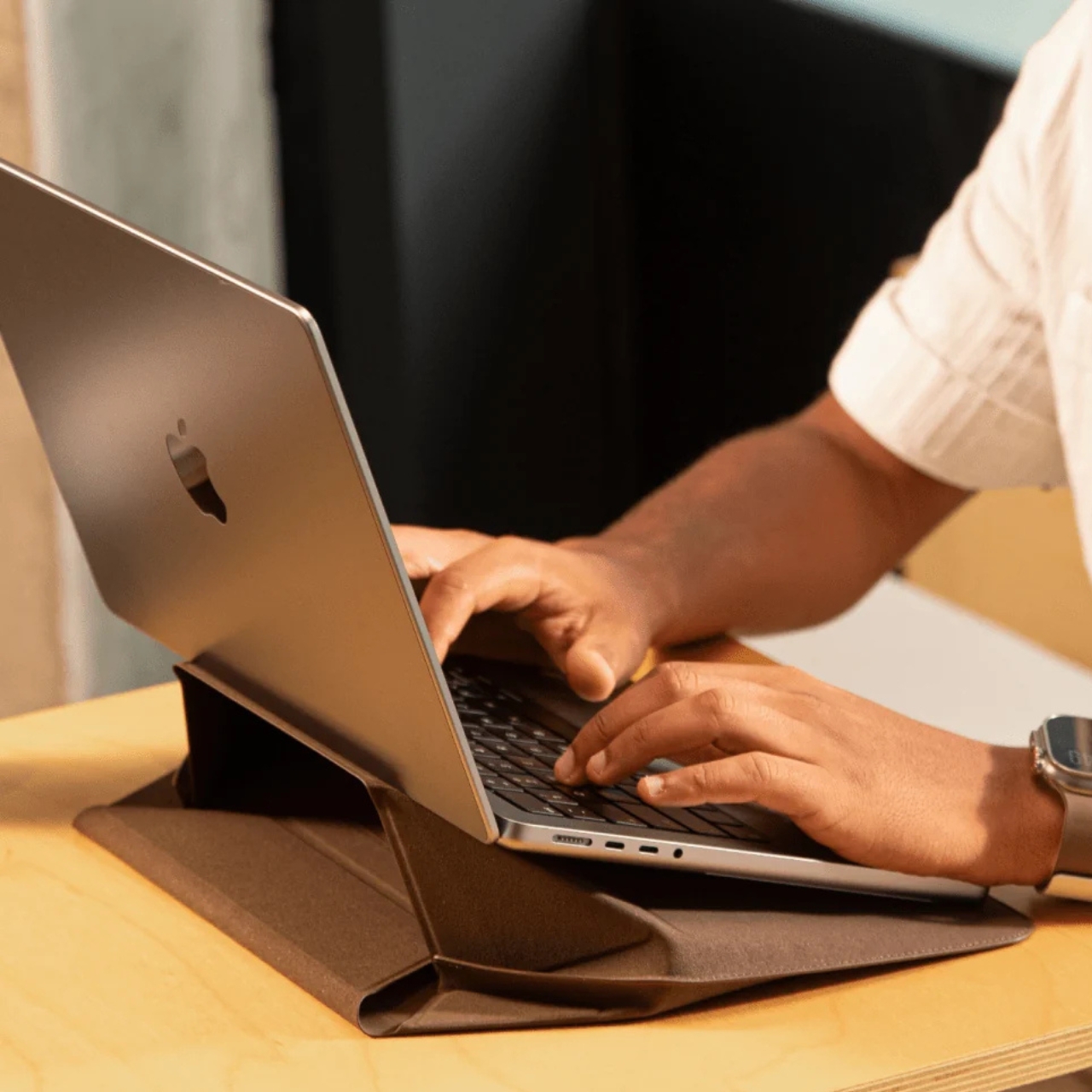
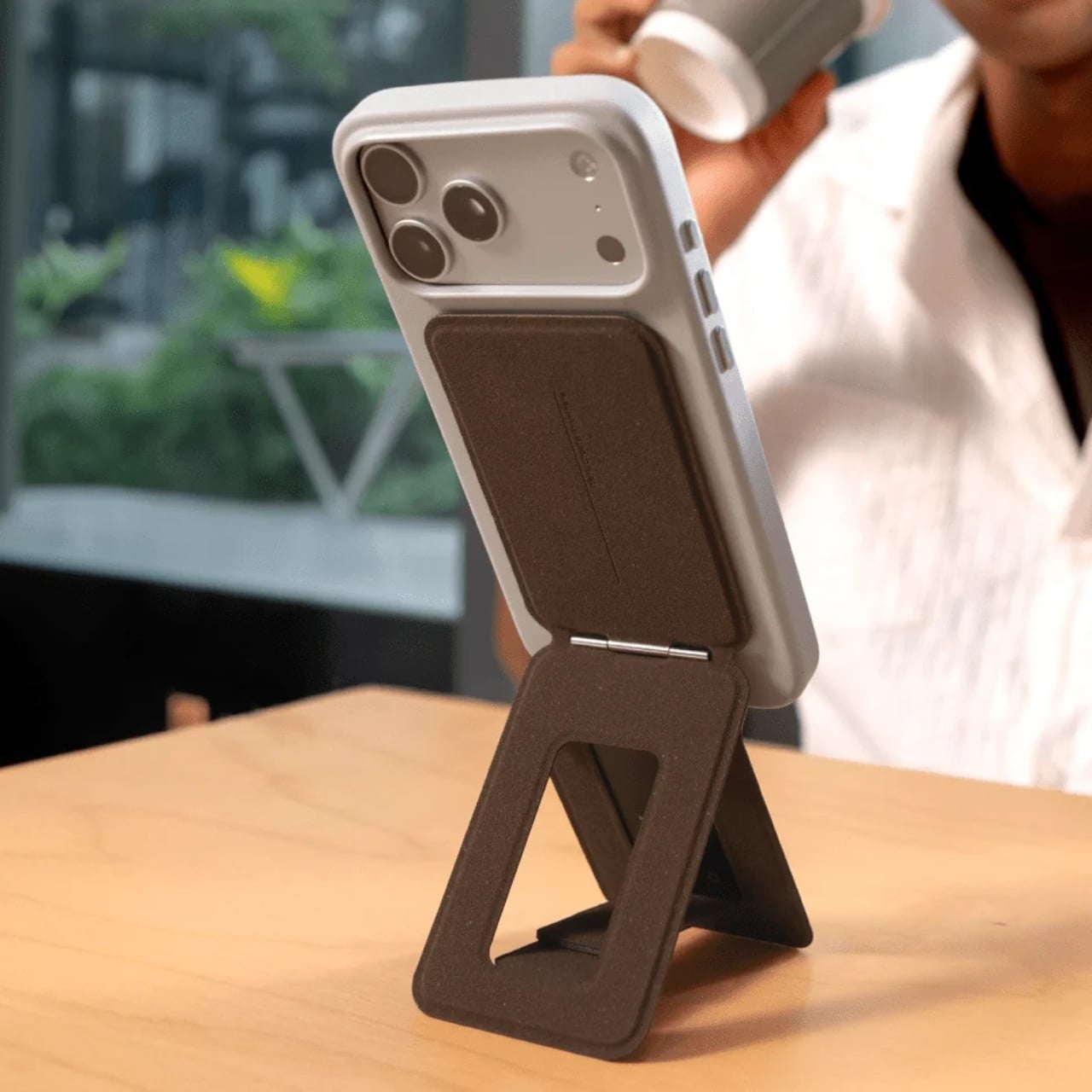
I’ll be honest: the sustainable materials conversation in tech accessories can feel exhausting. Every other brand is slapping the word “eco” on something and calling it a revolution. MOFT’s approach feels different, not because they’ve reinvented the wheel, but because the product doesn’t sacrifice anything to get there. The MOVAS-E Coffee Bio-Leather still delivers the same premium tactile quality that made their original MOVAS line popular. It’s stain-resistant, smooth, and has that matte finish that photographs well without ever looking cheap. The material carries its origins gracefully.
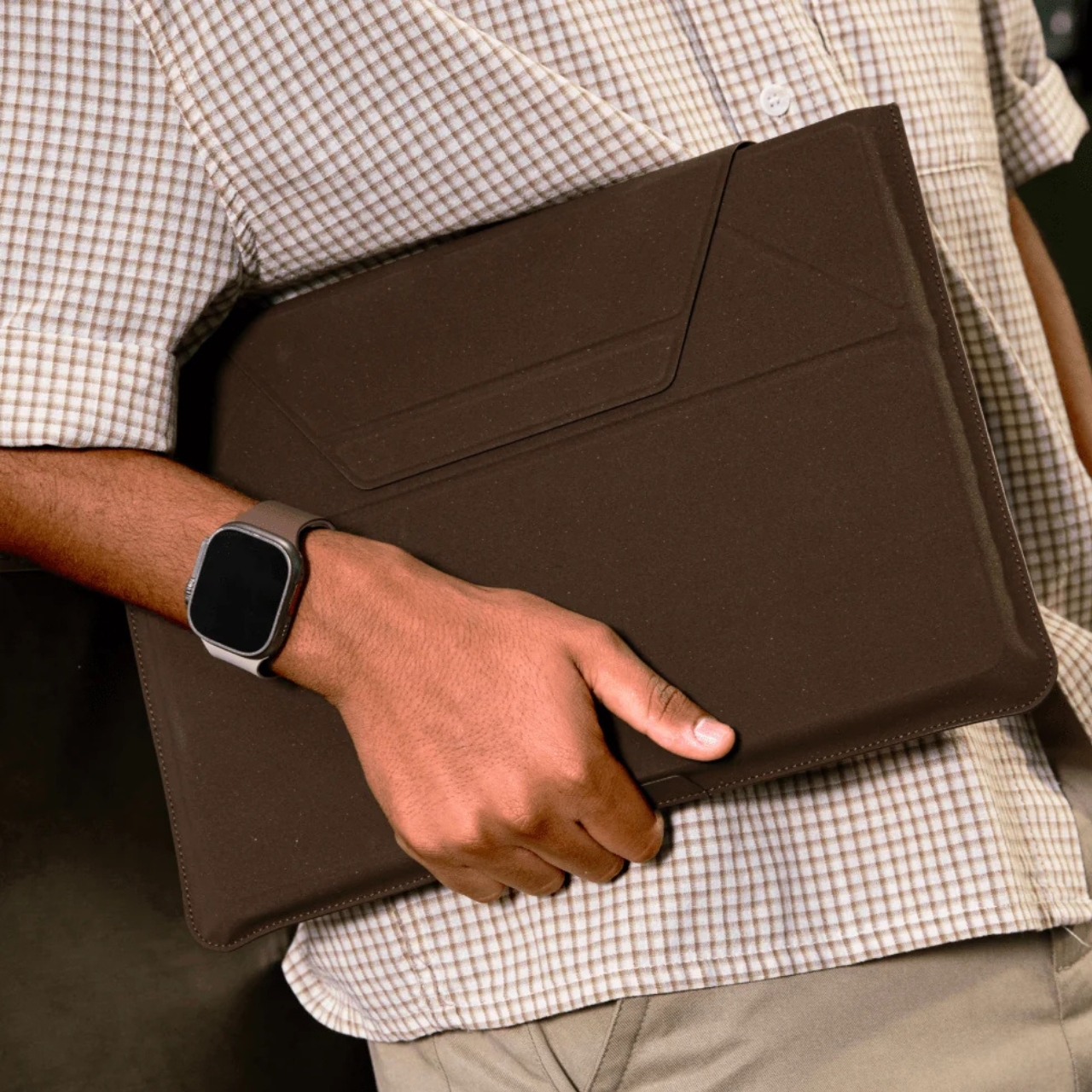

The timing of this collection feels culturally right, too. Coffee has become more than a beverage. It’s an aesthetic, a lifestyle marker, a ritual that people build their mornings around. The idea that your phone stand or laptop sleeve could be a physical extension of that daily ritual is a small but clever act of brand storytelling. It doesn’t feel forced. It feels like a natural fit for the kind of person who already gravitates toward MOFT: someone who pays attention to the things they carry.
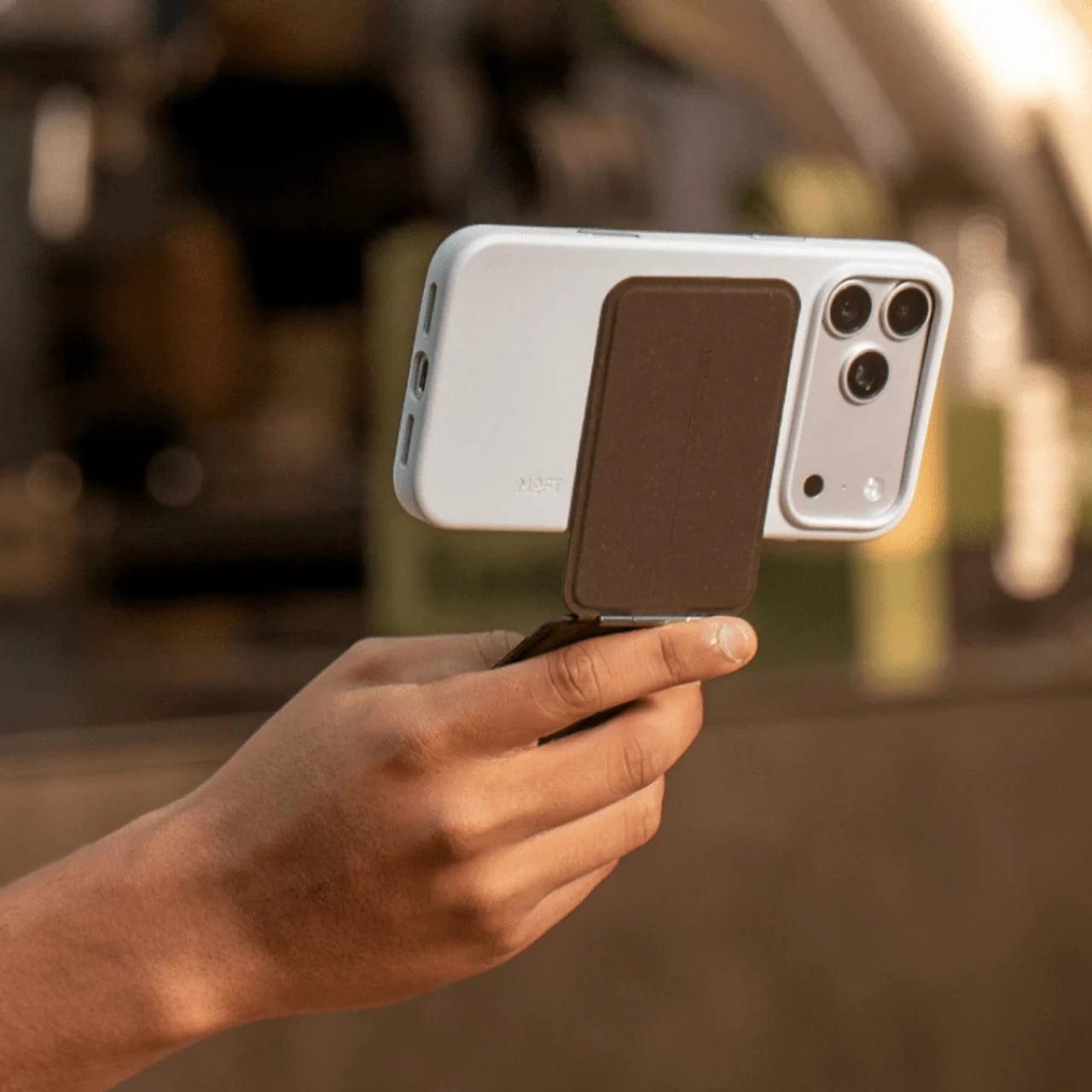
Whether or not bio-based leather made from coffee grounds becomes a broader standard for tech accessories, MOFT is asking the right questions here. What do we do with the waste streams already woven into our daily lives? How do we make sustainable choices feel desirable rather than merely dutiful? The MOVAS-E Coffee Collection doesn’t answer everything, but it’s a compelling and well-designed start.
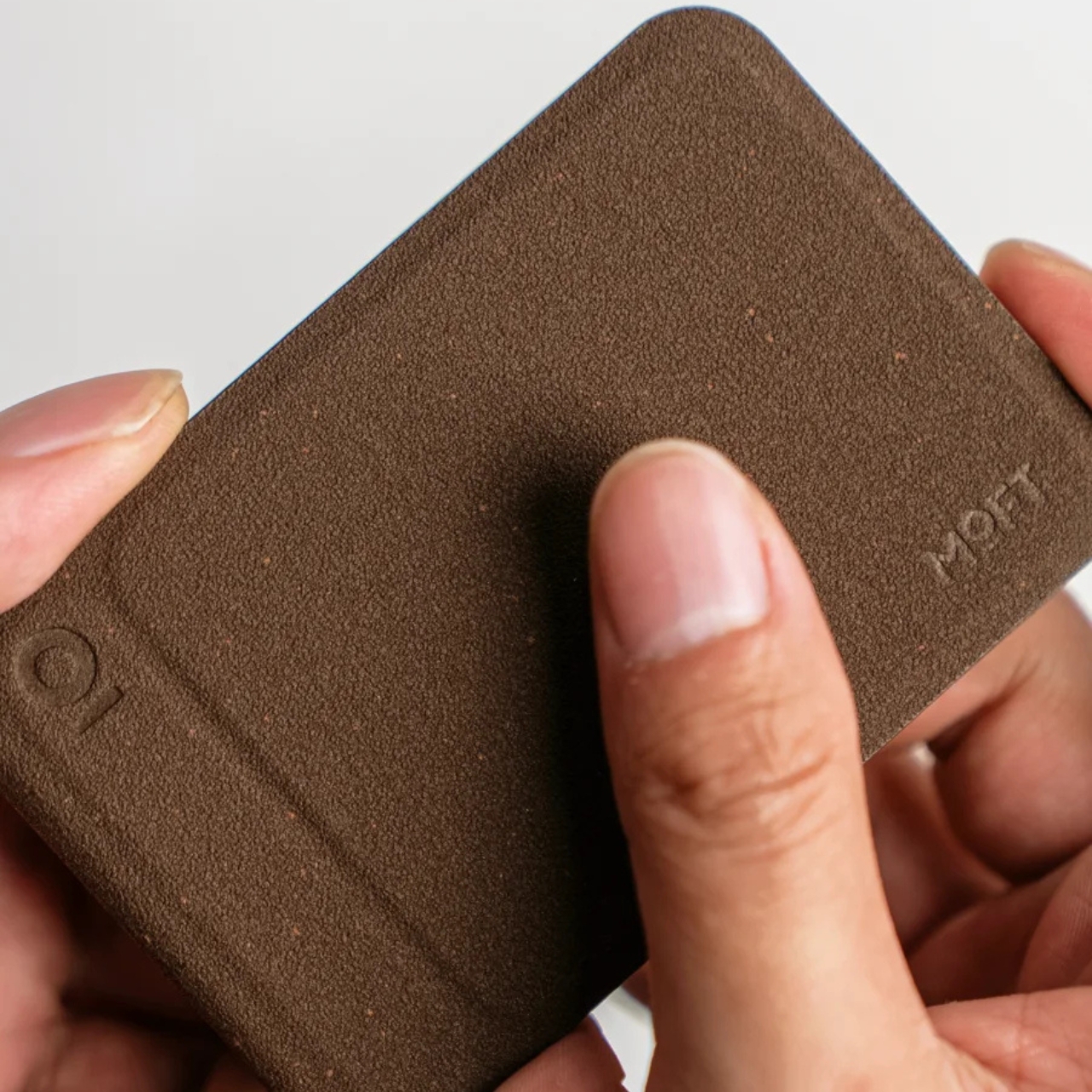
If you’ve been looking for a reason to upgrade your tech carry, this collection offers one that goes a little deeper than color options. It’s the kind of purchase that earns a second look, and a story that’s surprisingly easy to tell when someone asks where you got your case.
The post Your Phone and Laptop Stand Could Be Made From Recycled Coffee Grounds first appeared on Yanko Design.