Dasung Made a Phone Screen for People Who Hate Screens

Screens keep getting sharper and brighter, though the one complaint that never goes away is eye fatigue. LCDs and OLEDs are impressive, but both still rely on backlit panels aimed directly at your eyes, hour after hour. The e-reader crowd has long known that E-Ink is easier to live with, though swapping your daily phone for a dedicated E-Ink device is a trade-off most people aren’t willing to make.

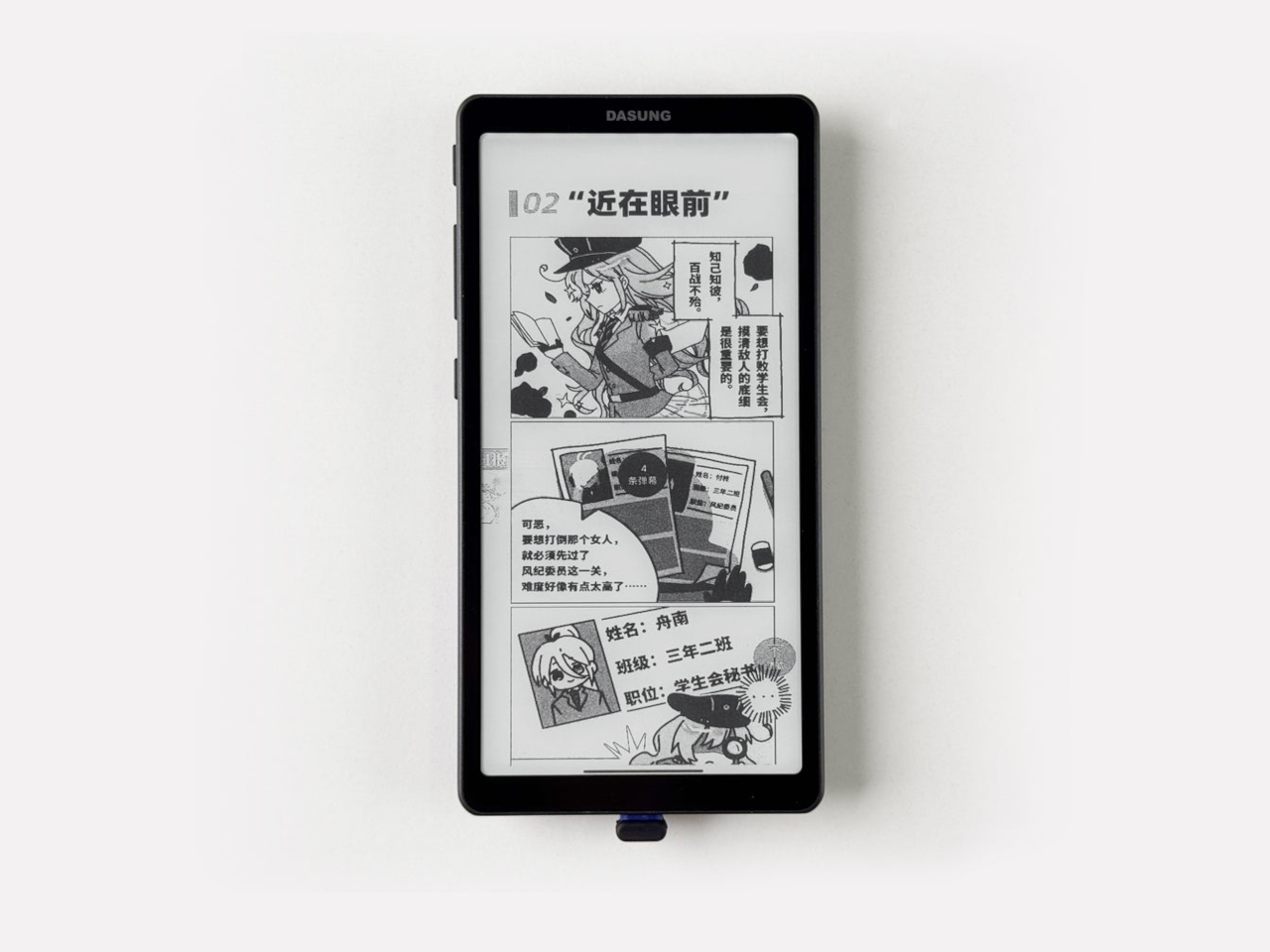
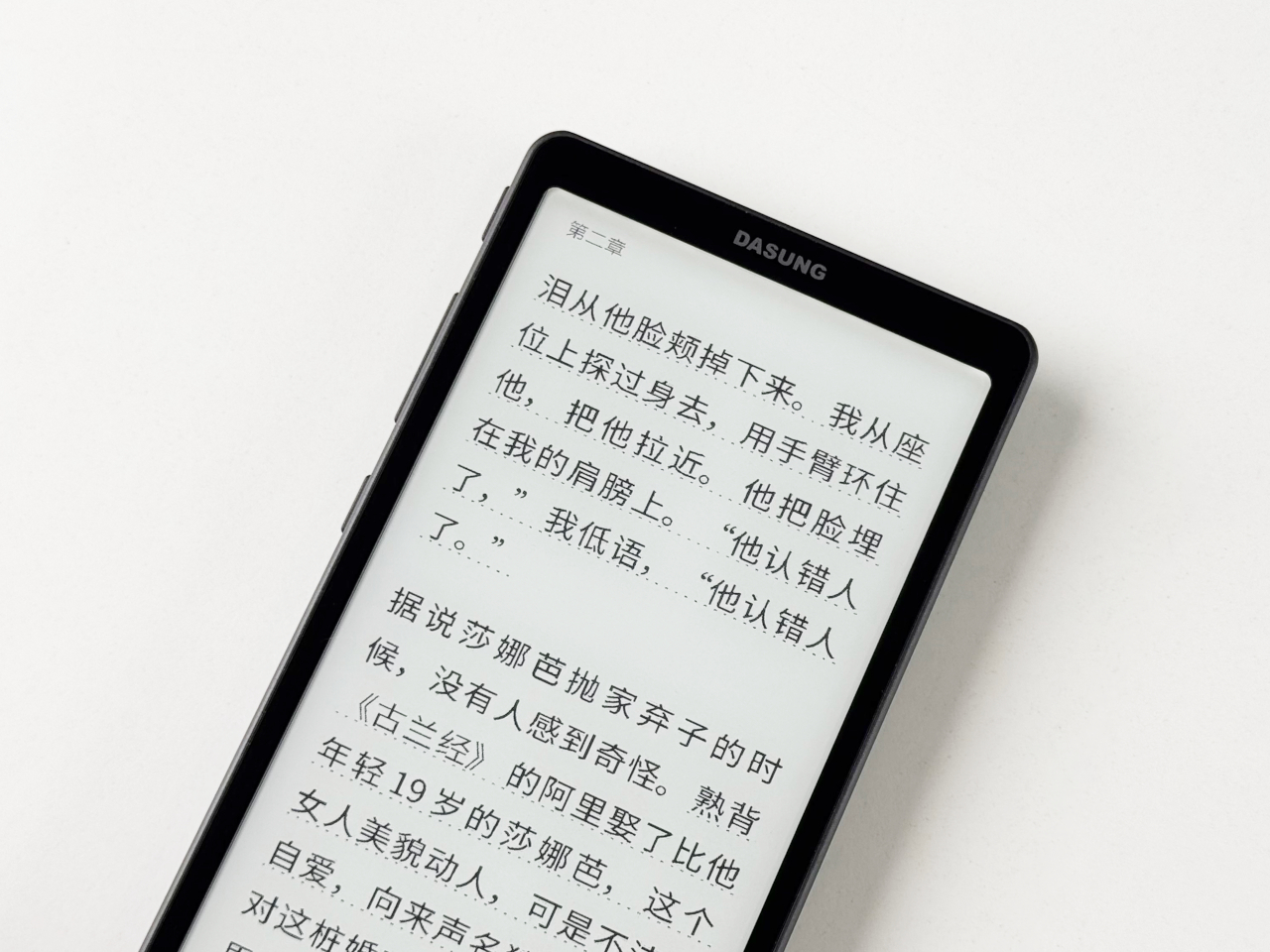
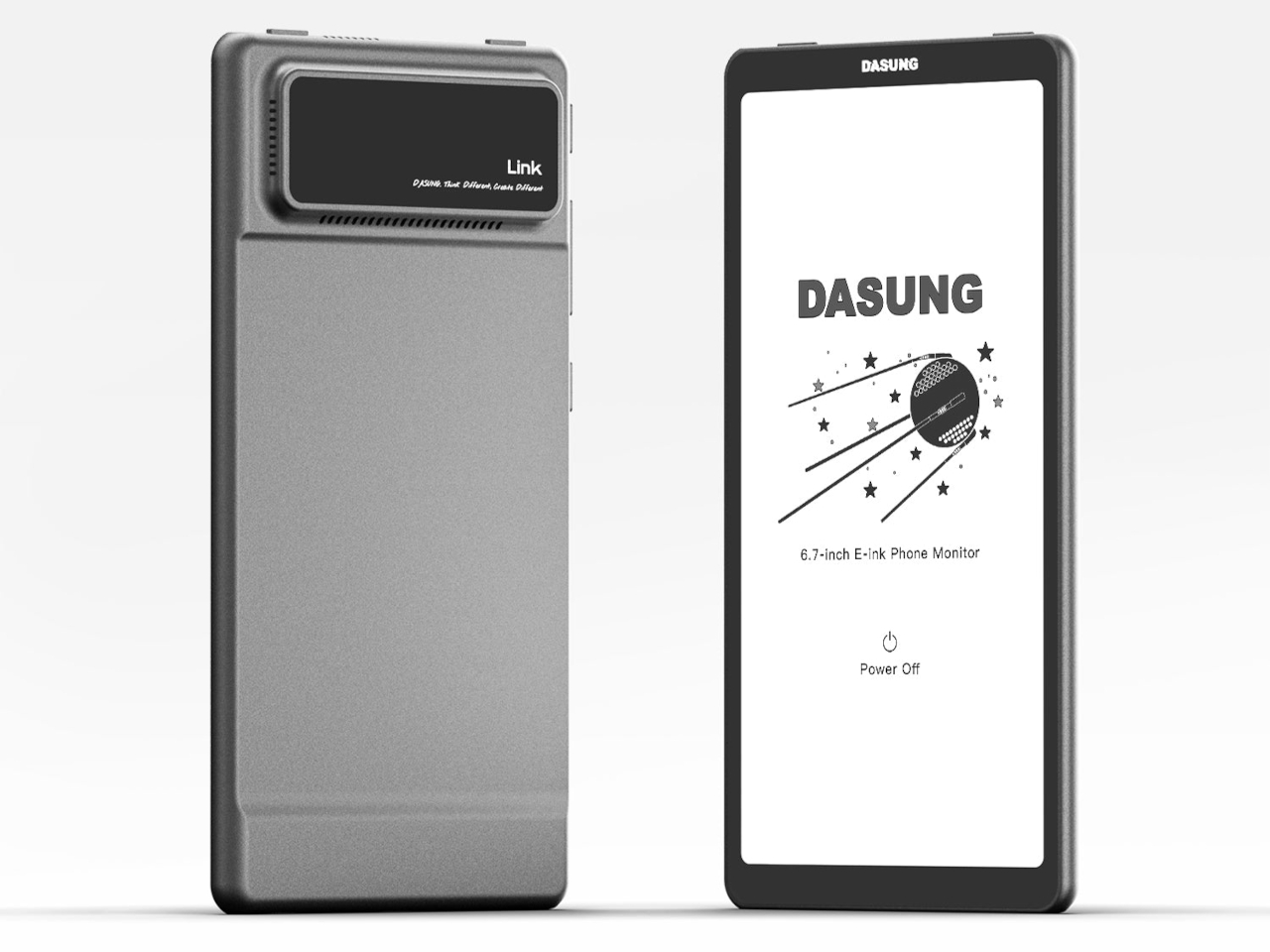
The Dasung Link 2 offers a different answer to that familiar problem. Rather than replacing your smartphone with an E-Ink device, it works alongside whatever phone you already have, mirroring its display onto a 6.7-inch monochrome E-Ink screen. The idea is straightforward: keep your apps, your contacts, and your habits, but read, scroll, and type on a surface that feels far closer to paper than any OLED ever will.

Designer: Dasung
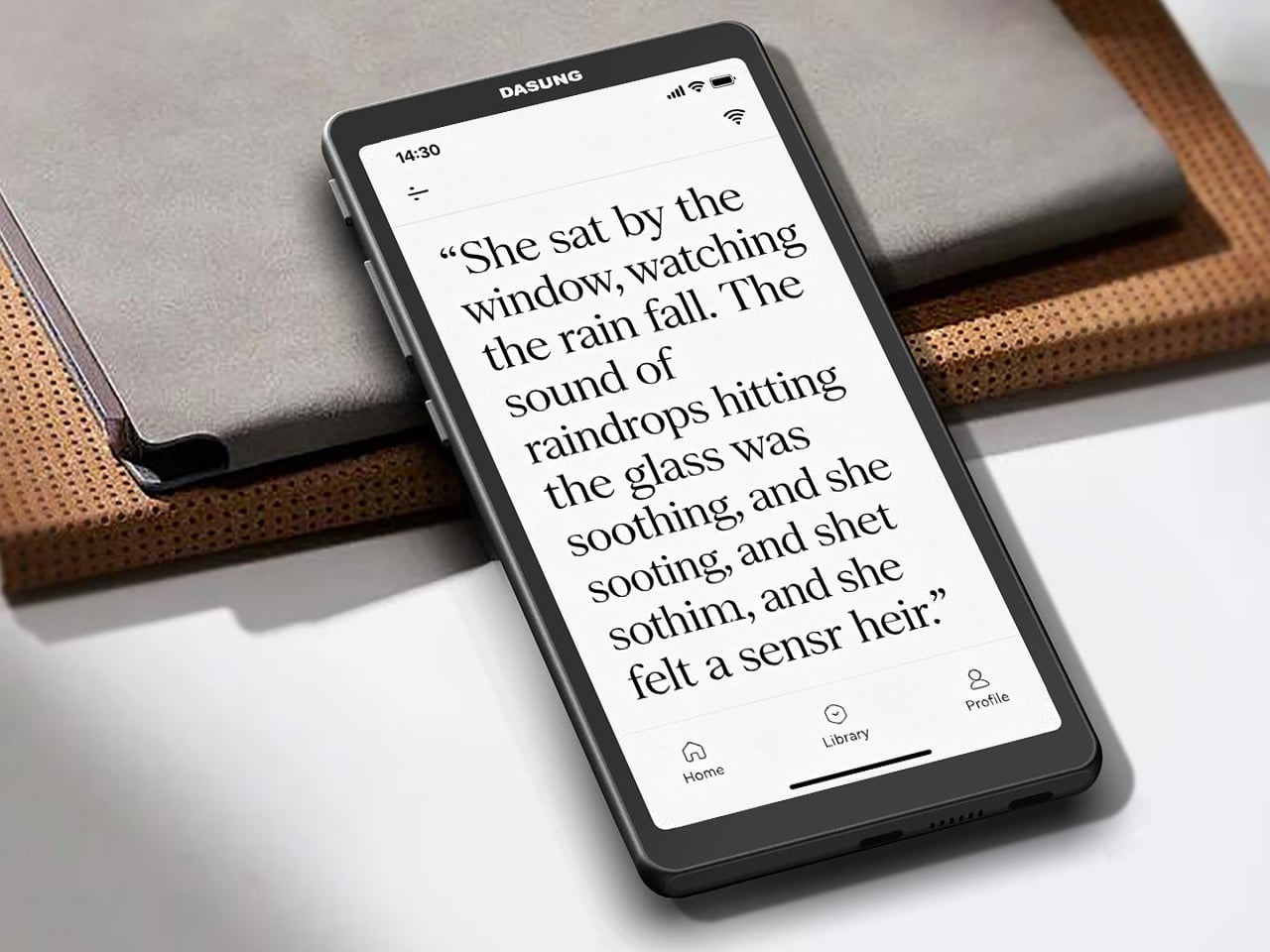
What makes the Link 2 practical as a daily companion rather than just a reading gadget is DASUNG’s 60Hz refresh technology. Most E-Ink screens run at a fraction of that speed, producing noticeable lag when scrolling or typing. At 60Hz, the Link 2 handles those tasks with minimal ghosting, making it comfortable for messaging, browsing, and even light video, things that would have been genuinely frustrating on earlier E-Ink displays.
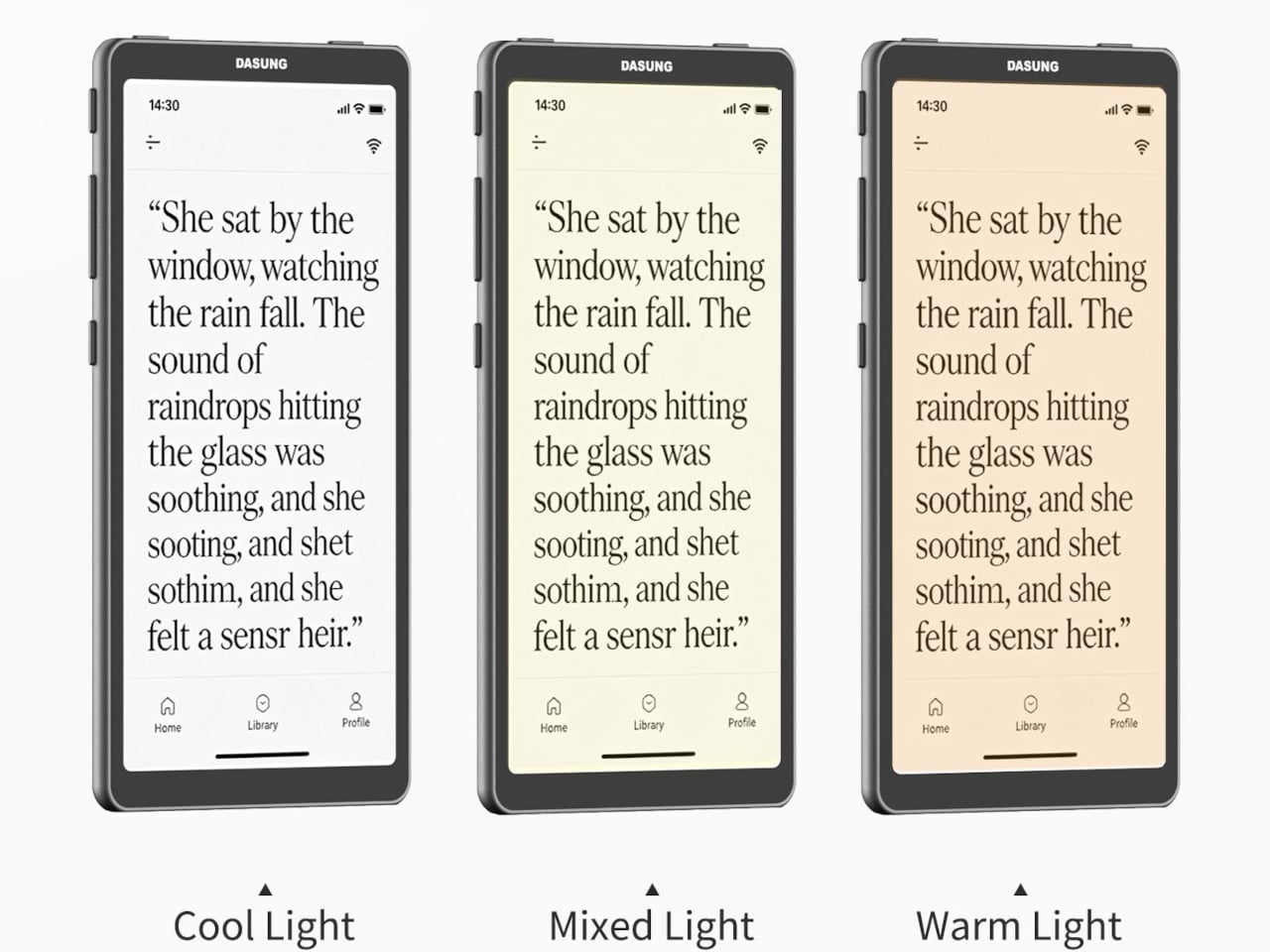
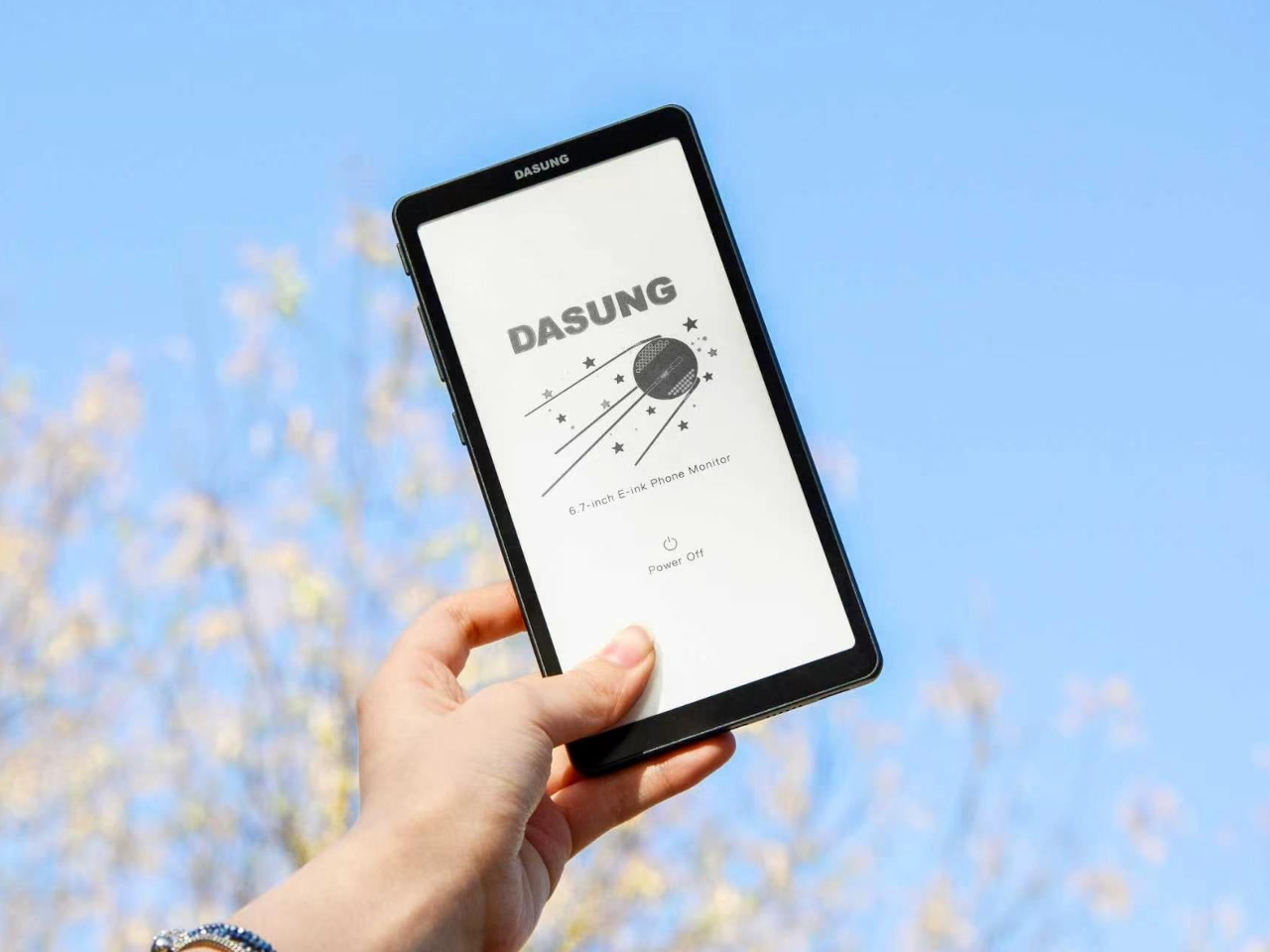
The screen measures 6.7 inches at 300 PPI, putting it in the same resolution range as premium e-readers. Text is sharp, and the display reflects ambient light the way paper does, staying legible in bright outdoor conditions where most LCD phones need to max out their brightness just to stay visible. For low-light reading, an adjustable dual-tone front light handles the darker hours without harshness.
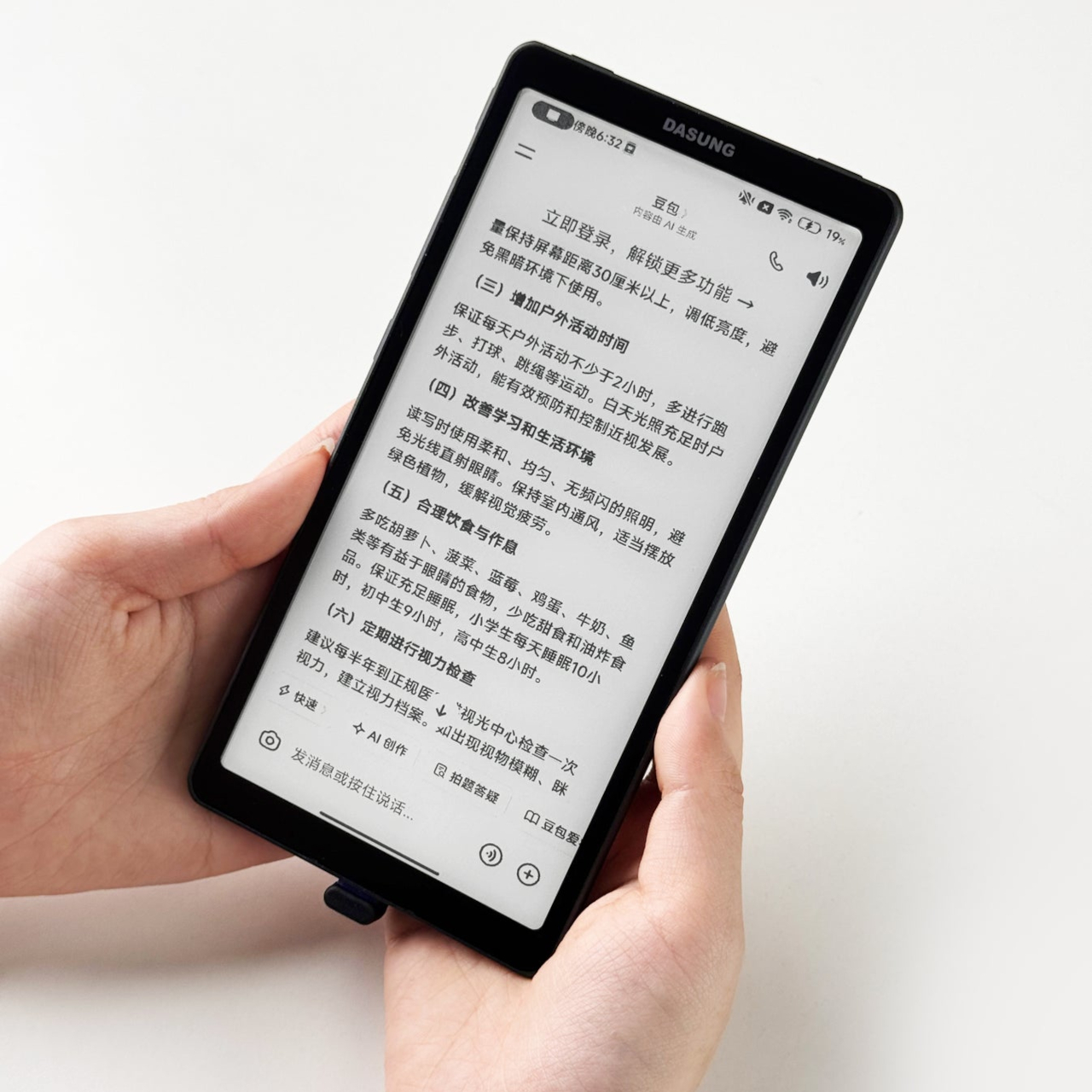
The Link 2 also supports reverse touch, which lets you interact with your phone directly through the E-Ink screen’s surface without picking your phone up separately. Physical keys on the body handle quick contrast and image adjustments, so you aren’t hunting through menus when the light around you changes. It makes a secondary screen feel less like a burden and more like a natural tool.
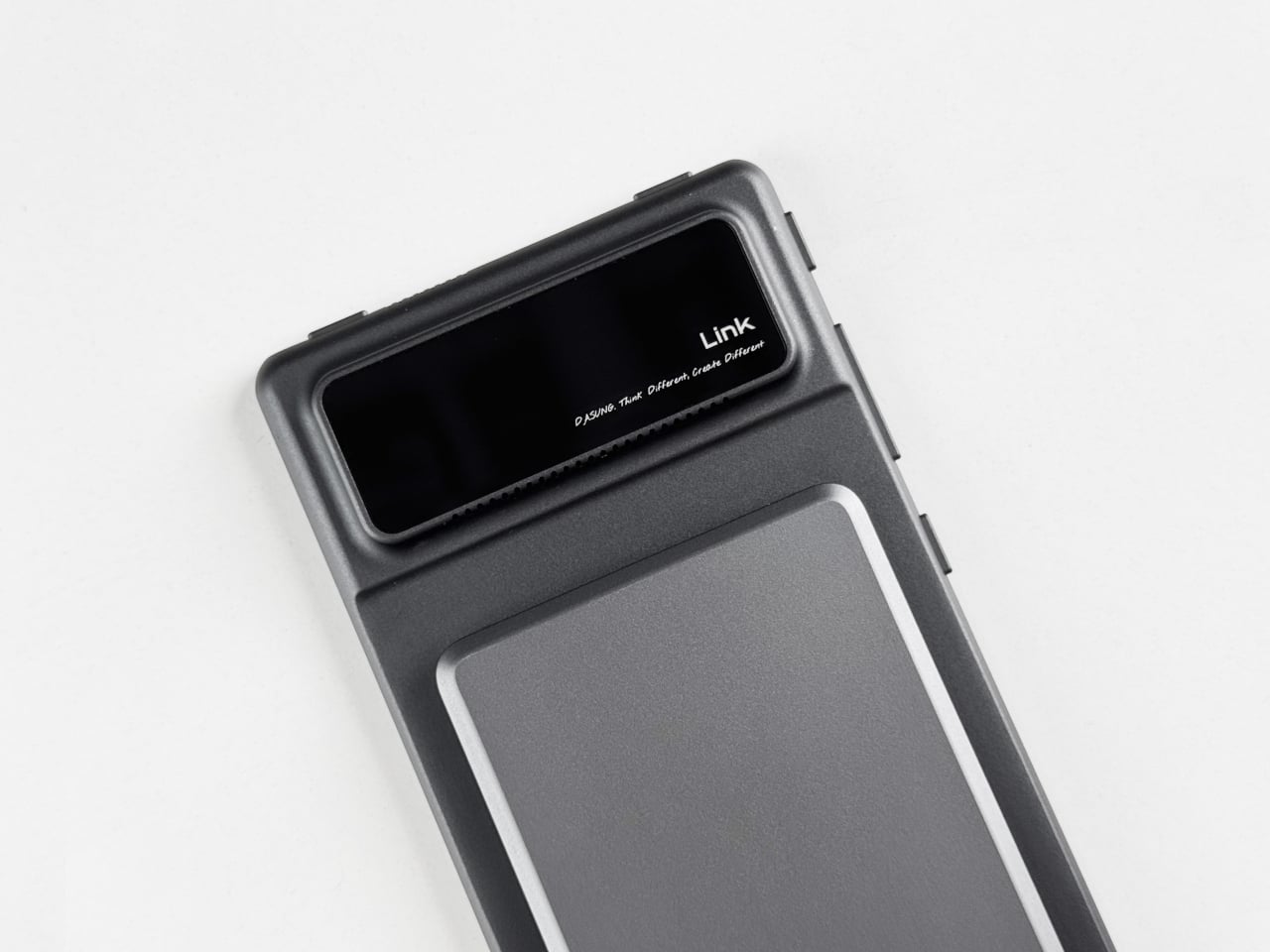
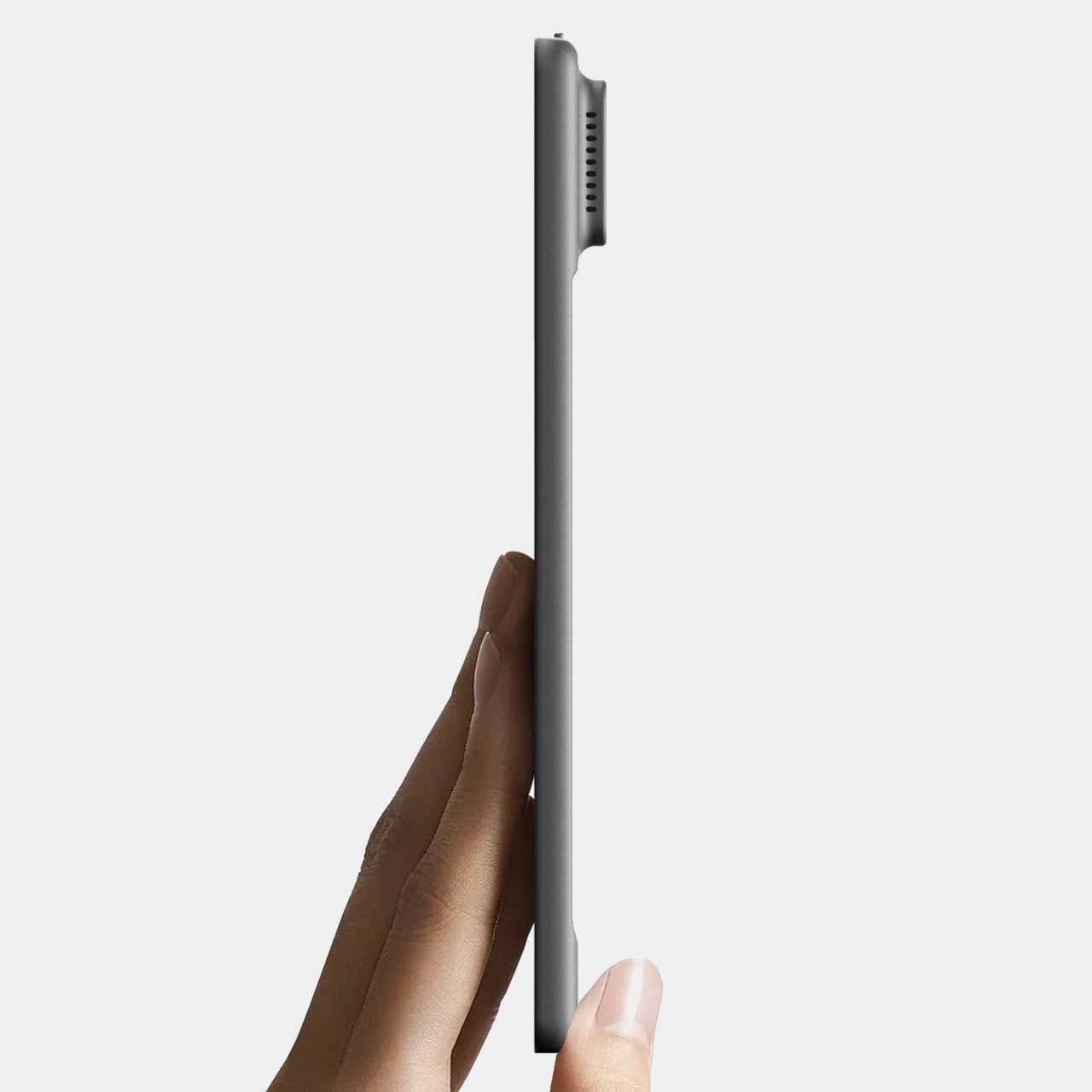
The hardware is built from metal and kept thin and light enough to slip into a pocket alongside your phone. It connects wirelessly for screen mirroring and works with magnetic power banks, which helps on longer outdoor outings where a wall outlet isn’t nearby. Compatibility spans Android 12 and later, modern iOS, and HarmonyOS, so it isn’t tied to any single phone brand or operating system.
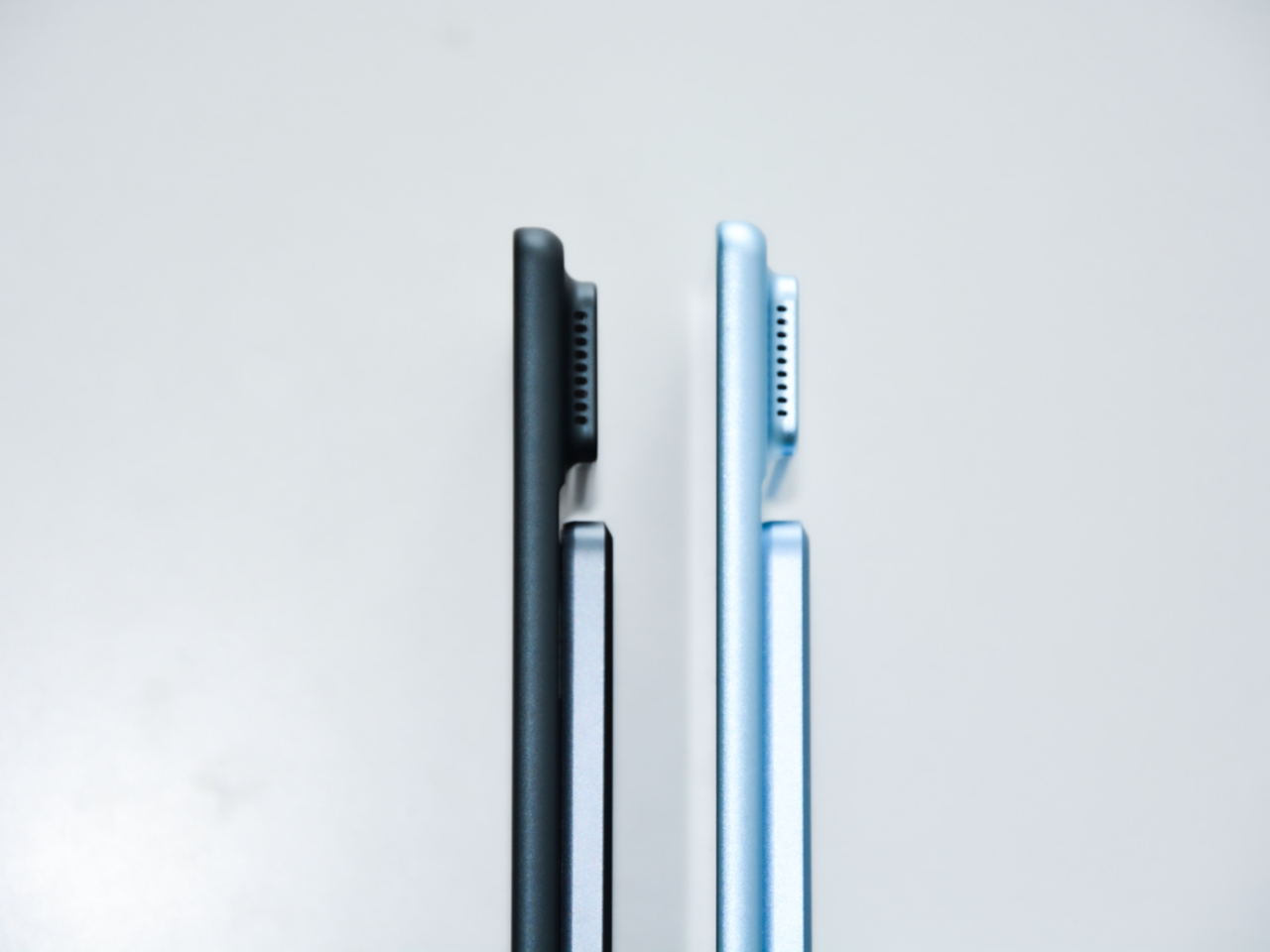
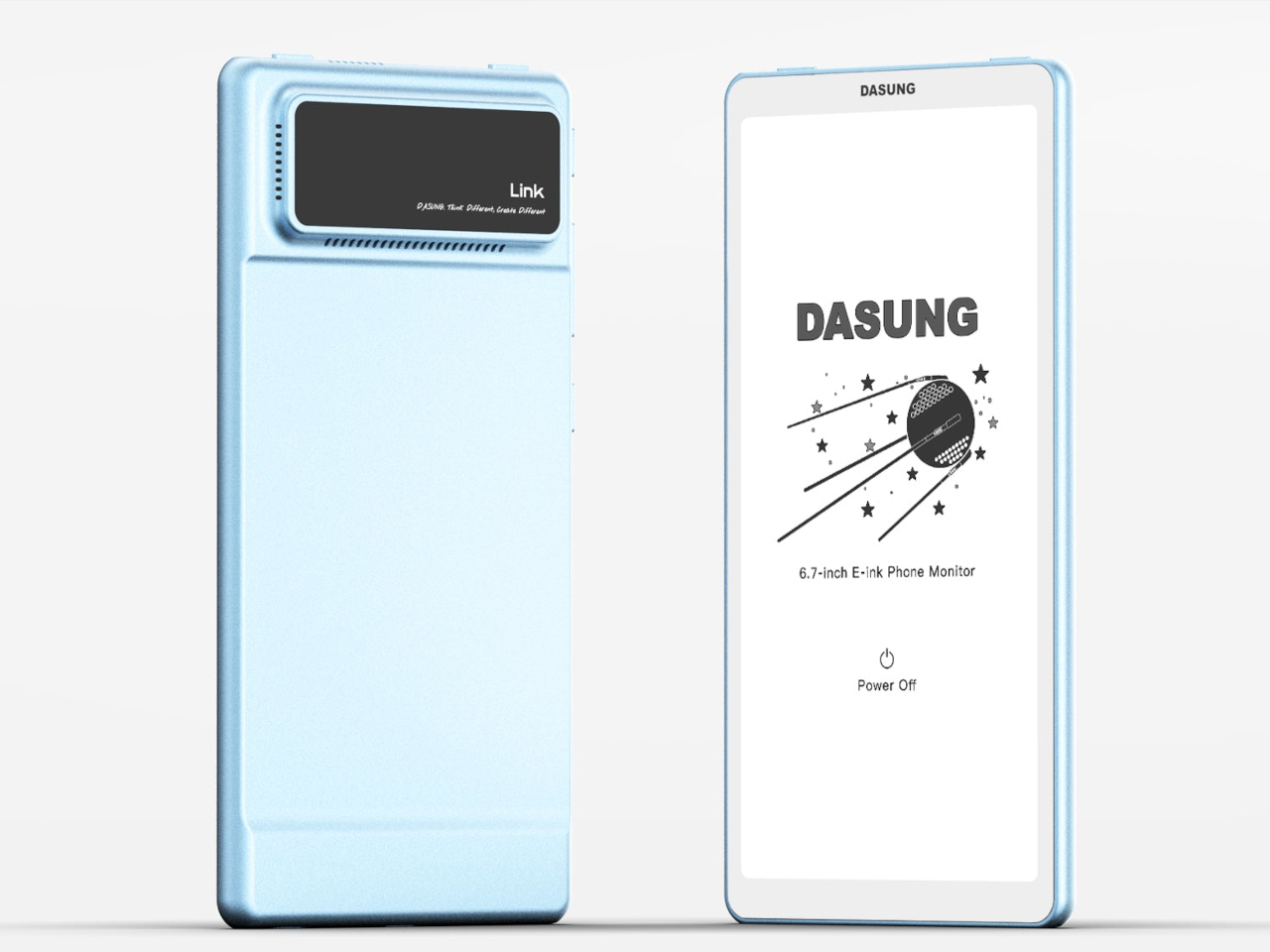
One thing worth noting is that the Link 2 doesn’t operate independently. It relies on your phone’s processing power, RAM, and installed apps to function, so it’s less a standalone gadget and more a screen you borrow for your phone. The battery-free model starts at $329, with the battery-equipped version available at $349, both offered in Space Gray and Glacier Blue.
It’s admittedly a niche proposition, and the limitations are real. Monochrome E-Ink isn’t ideal for color photos, and carrying a second screen is an extra thing to manage throughout the day. But for anyone who spends long stretches reading articles, messages, or documents on their phone, shifting that habit onto a paper-like surface rather than a glowing backlit display is a genuinely compelling idea.
The post Dasung Made a Phone Screen for People Who Hate Screens first appeared on Yanko Design.
Two Acer Portable Monitors and a $50 Screen You Can Actually Wear

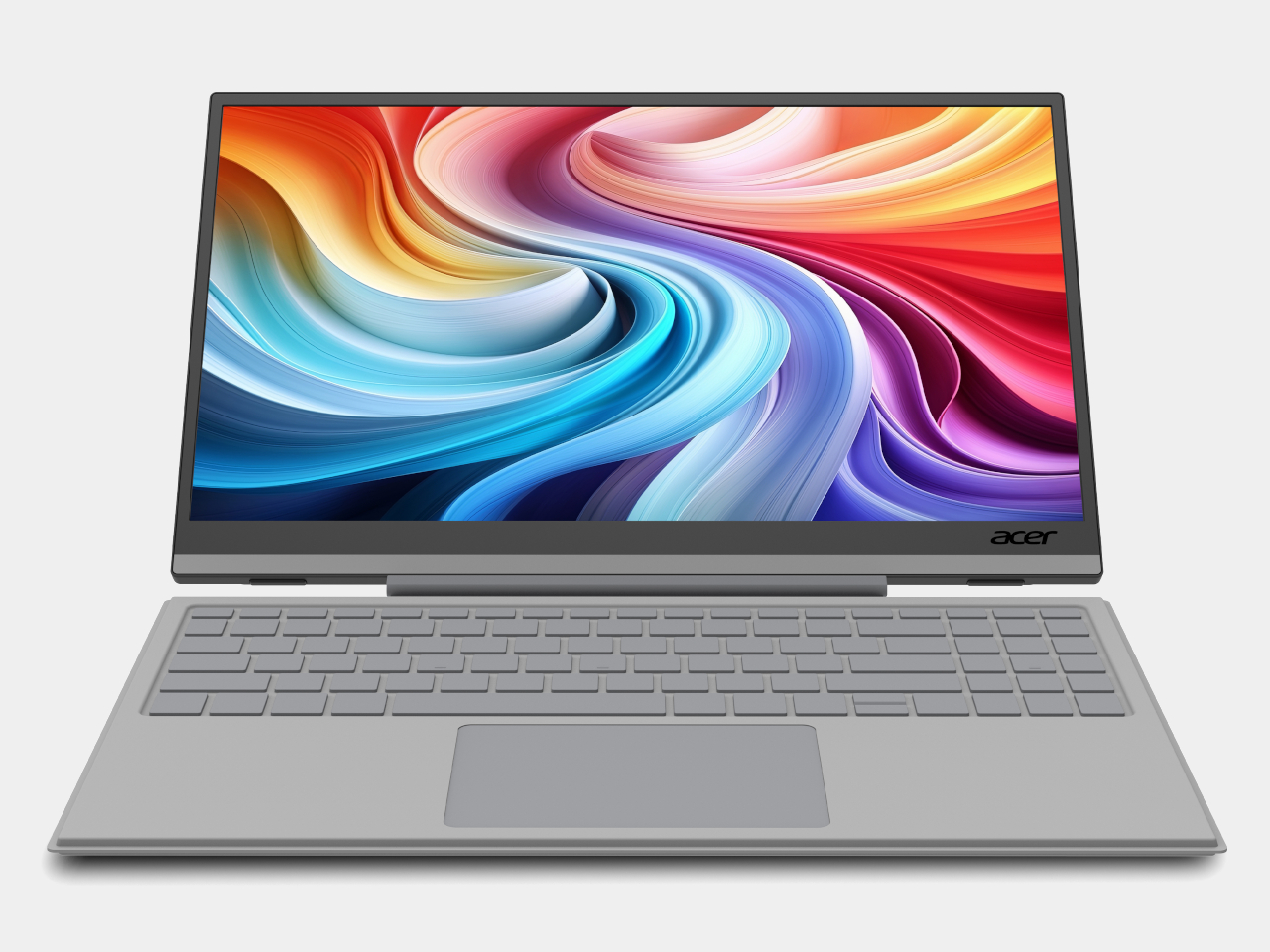
The laptop has become the default portable workstation, but it has one limitation that’s hard to overlook: you’re still stuck with one screen. Freelancers, students, and remote workers have learned to manage with a single panel, but demand for more display real estate on the go keeps growing. Cramming a presentation into one corner while notes fill the other half gets old quickly.

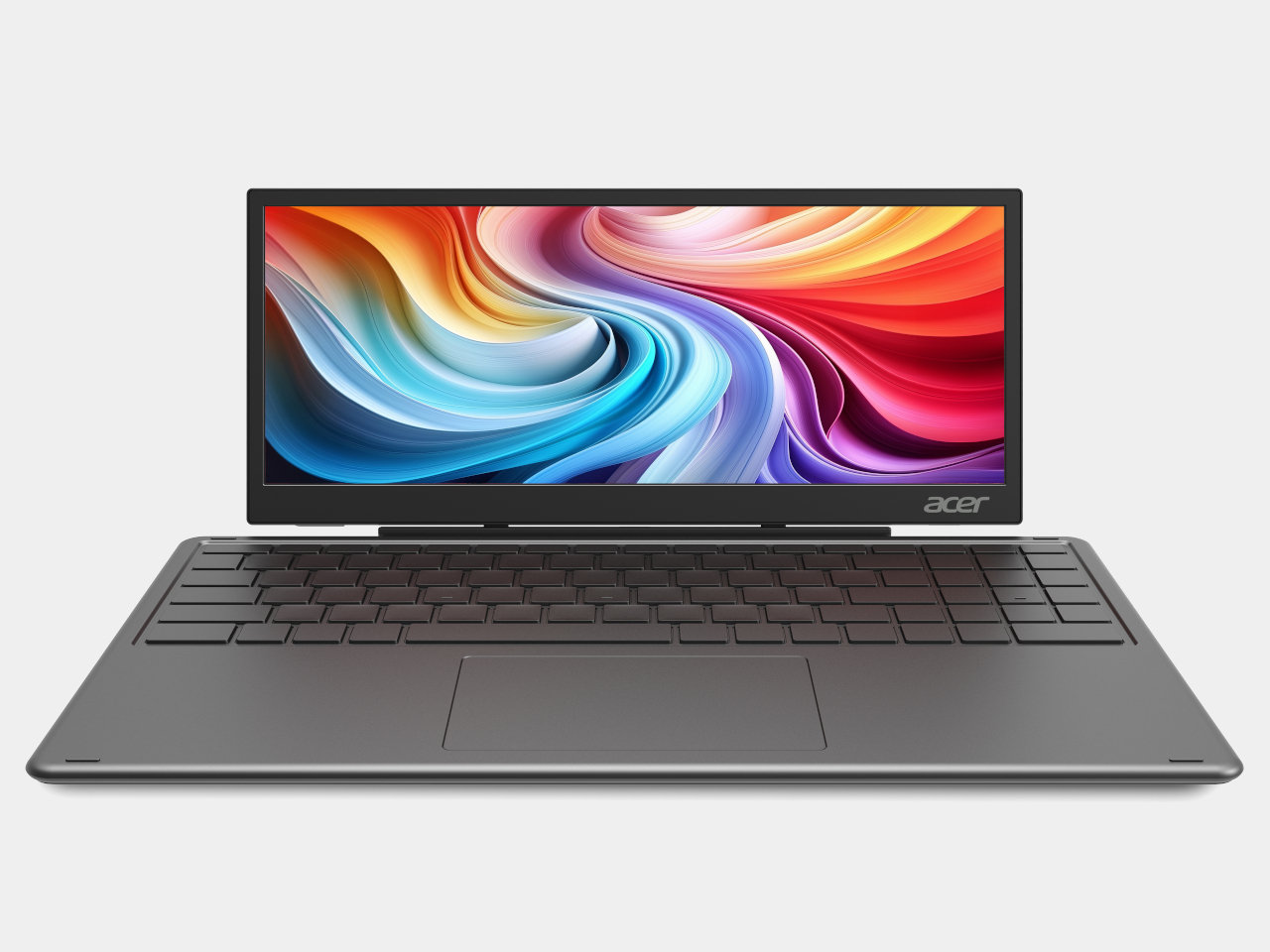
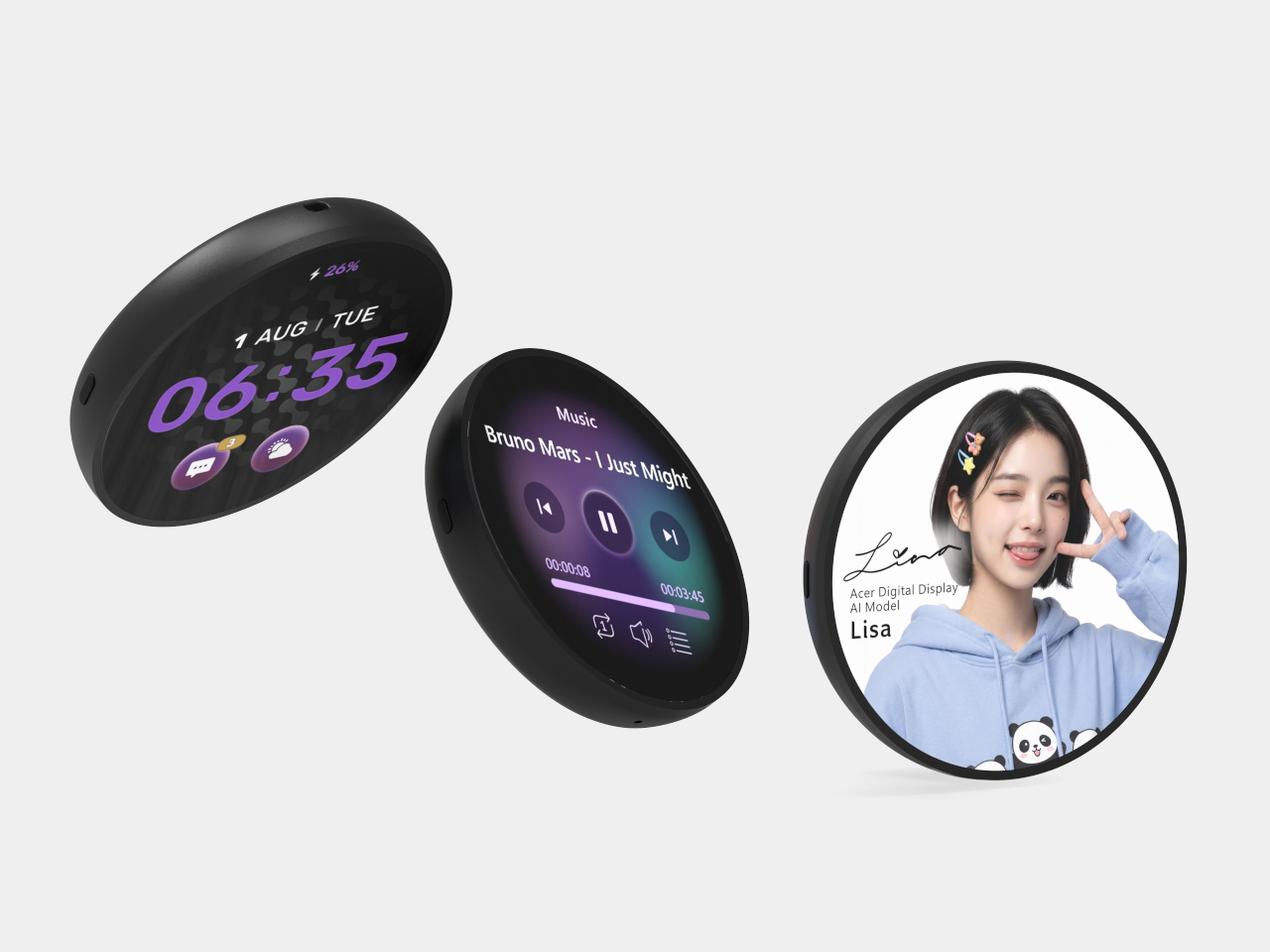
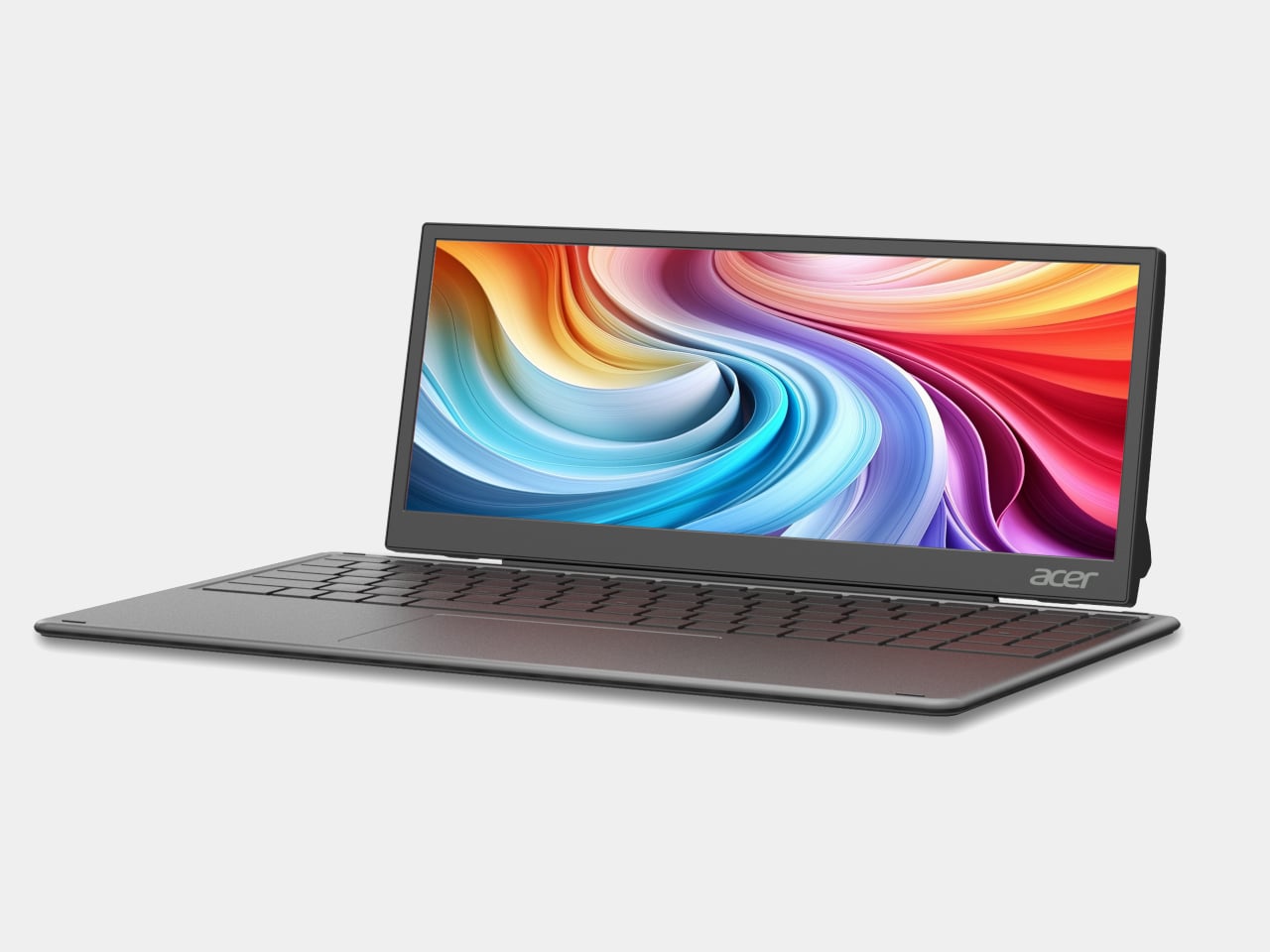
Acer is addressing that gap with two new portable monitors announced at Computex 2026, along with a third product aimed at an entirely different audience. The PM161Q JB and PM131QT cover professionals and digital nomads who need an extra screen wherever they land. The Aspire Badge is something else: a wearable display for kids and young creators who want to carry their personality with them, literally.

Designer: Acer

PM161Q JB

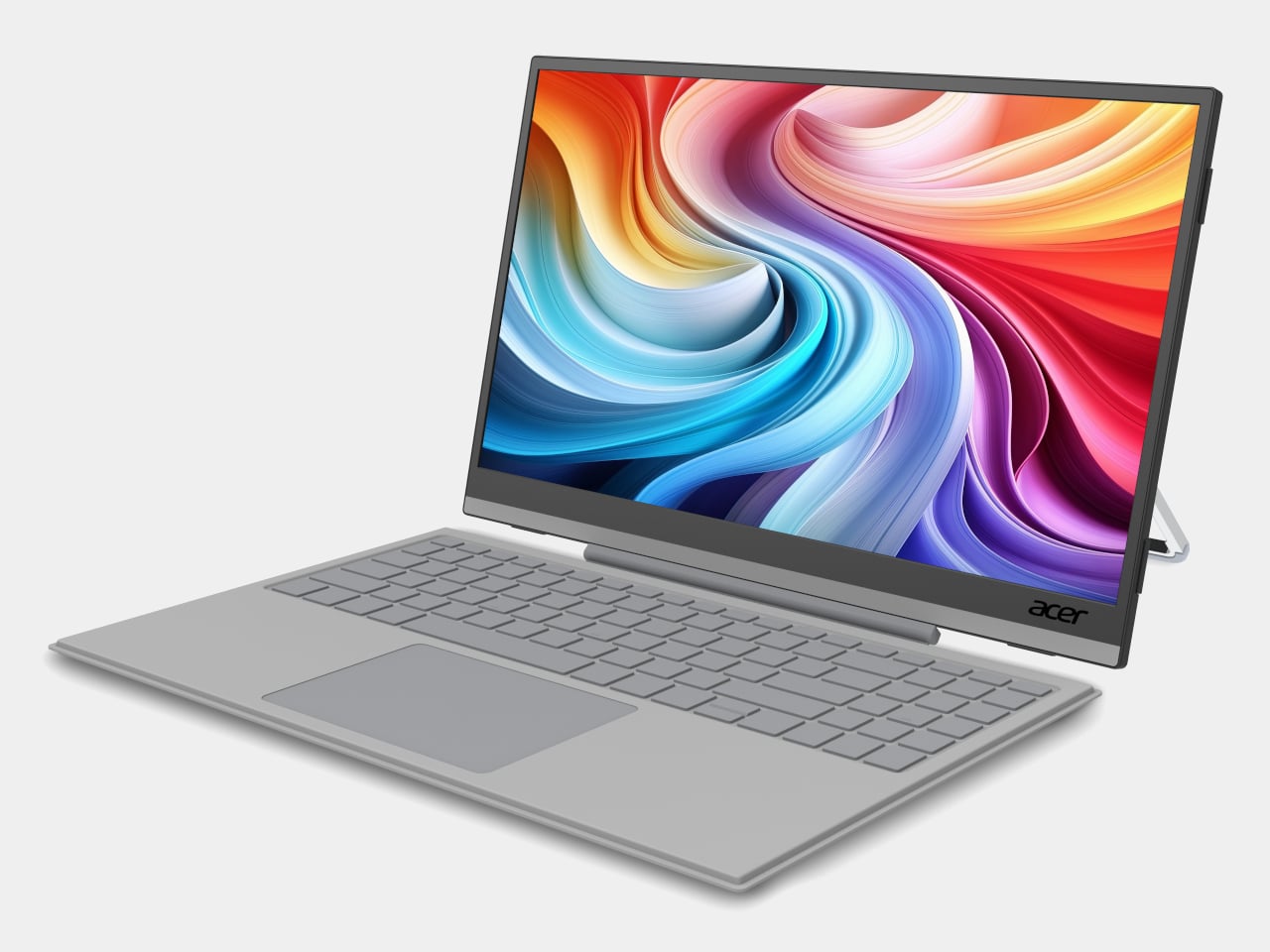
The PM161Q JB is the larger of the two portable monitors, coming in at 15.6 inches with a Full HD IPS panel and 170-degree viewing angles. A pair of Type-C ports and an HDMI input handle connectivity, and a single-cable setup means it’s ready to go as soon as you find a seat. A compatible detachable pogo keyboard turns it into a compact workstation without needing anything else nearby.

PM131QT

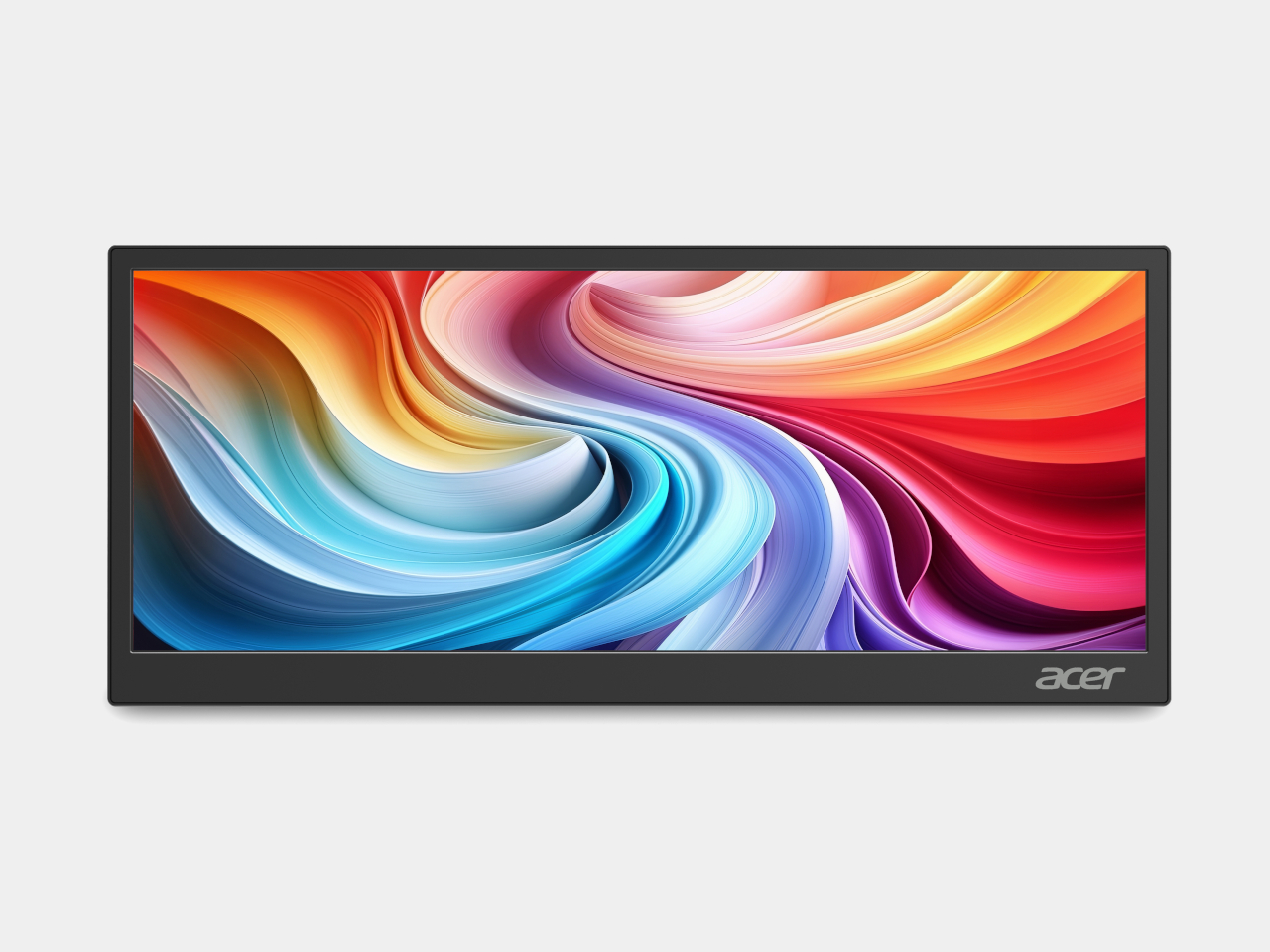
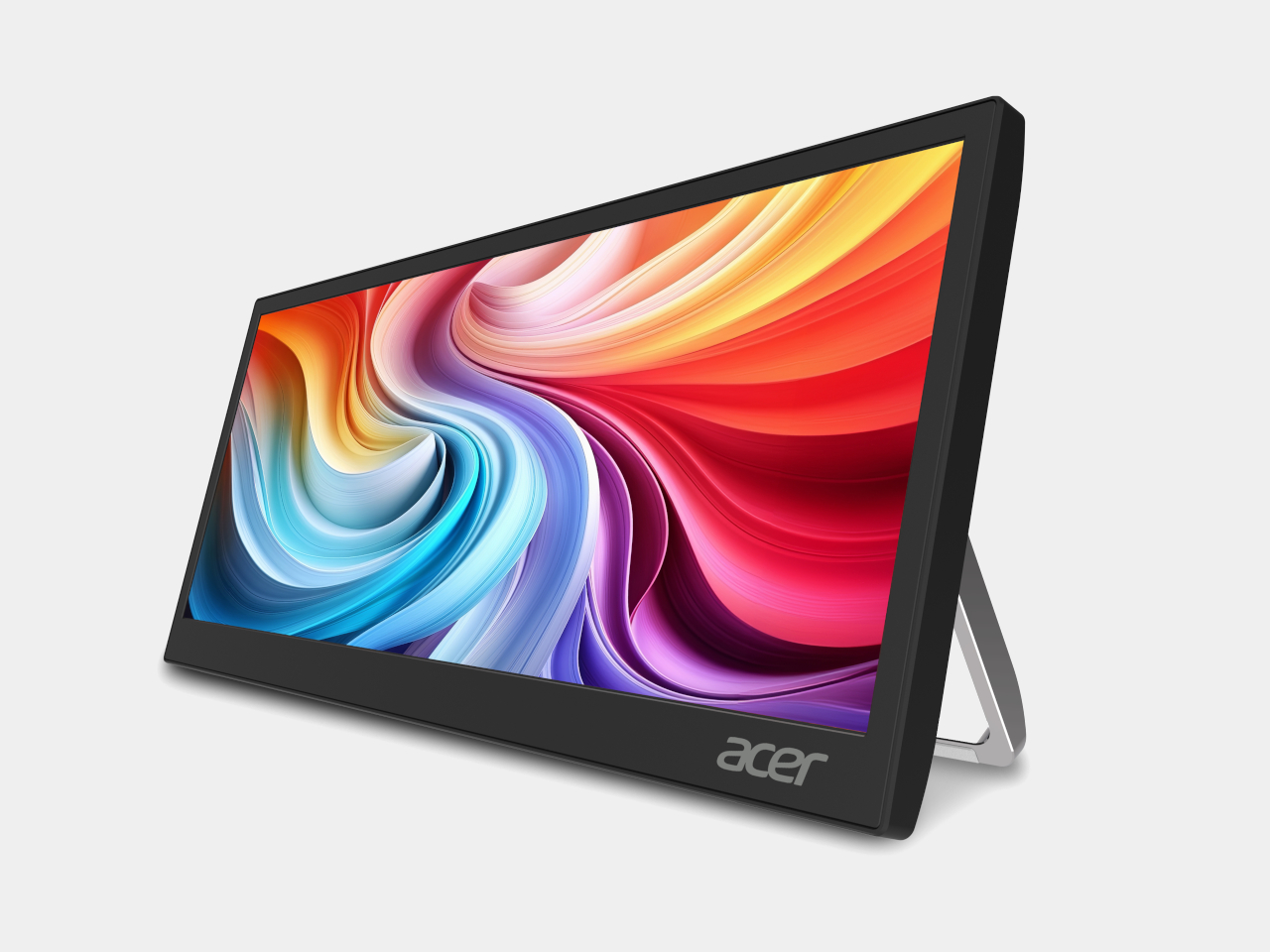
The PM131QT takes a different approach with a 12.3-inch touchscreen in an ultrawide 1920 × 720 format, a shape that suits secondary-display work rather than standalone use. Five-point touch makes it practical as an interactive panel, and the magnetic mounting design lets it attach to various surfaces, including a car dashboard. It also functions as a dedicated display for AI assistant interfaces on the road.

PM131QT

Both monitors connect over a single Type-C cable and support VESA mounting alongside a standard ¼-inch tripod thread, so a camera tripod becomes a workable monitor stand when there’s no desk in sight. The PM161Q JB starts at $149.99 in North America, arriving in Q4 2026, while the PM131QT comes in at $179.99 in the same window. Both reach Australia in Q3 2026.

The Aspire Badge is a round wearable with a 1.85-inch IPS screen that clips onto a shirt, hangs from a lanyard, or attaches magnetically to a bag. It pairs with a companion app over Bluetooth 6.0 and displays any image or animation pushed from a phone. Battery life runs up to four hours at full brightness or eight at minimum, with contact charging to restore it.

The Badge isn’t purely decorative. It includes an emergency alarm, an SOS alert that flashes in Morse code, and a night flash mode for improved visibility in the dark, adding a safety layer that makes it more than a novelty for kids walking to school or staying out after dark. It supports JPG, GIF, and PNG formats, and comes in at $49.99 in North America.

The three products together cover a broader range of needs than a typical monitor announcement does. The PM161Q JB and PM131QT reflect how seriously portable screen real estate has become for people working away from a fixed desk. The Aspire Badge takes the same logic in a completely different direction, treating a display not as a productivity tool but as something you wear out the door.

The post Two Acer Portable Monitors and a $50 Screen You Can Actually Wear first appeared on Yanko Design.

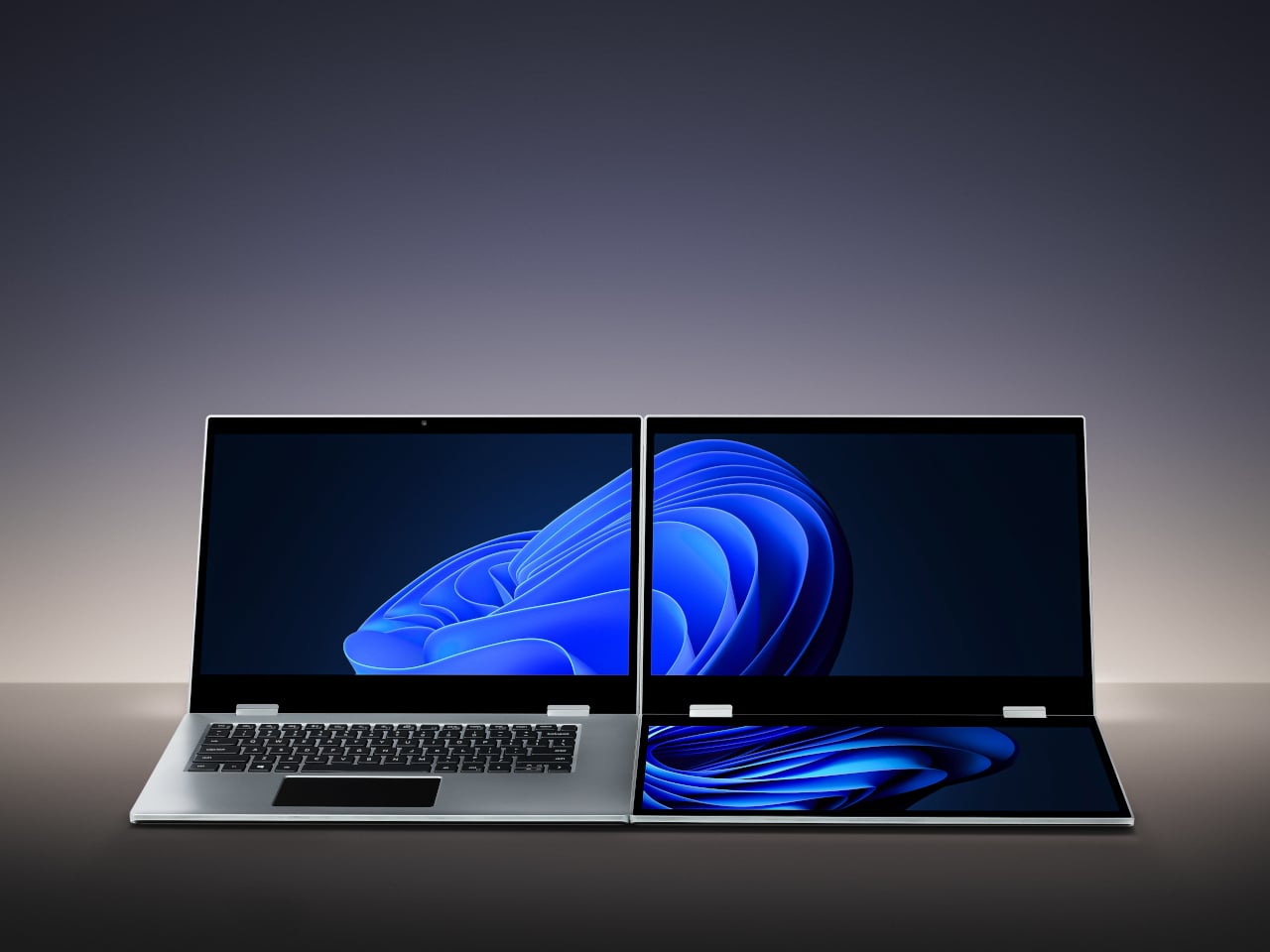
XbooK’s $1,999 Triple-Screen Laptop Is One Bag Instead of Three Monitors

Anyone who has worked remotely long enough knows the moment a single laptop screen stops being enough. It’s usually the day you’re cross-referencing three documents at once, or the morning you realize your financial model needs a live chart in one window while you edit formulas in another. The standard fix is an external monitor or a portable screen extender, which works fine until you’re hauling a bag that feels like it’s punishing you for being productive.

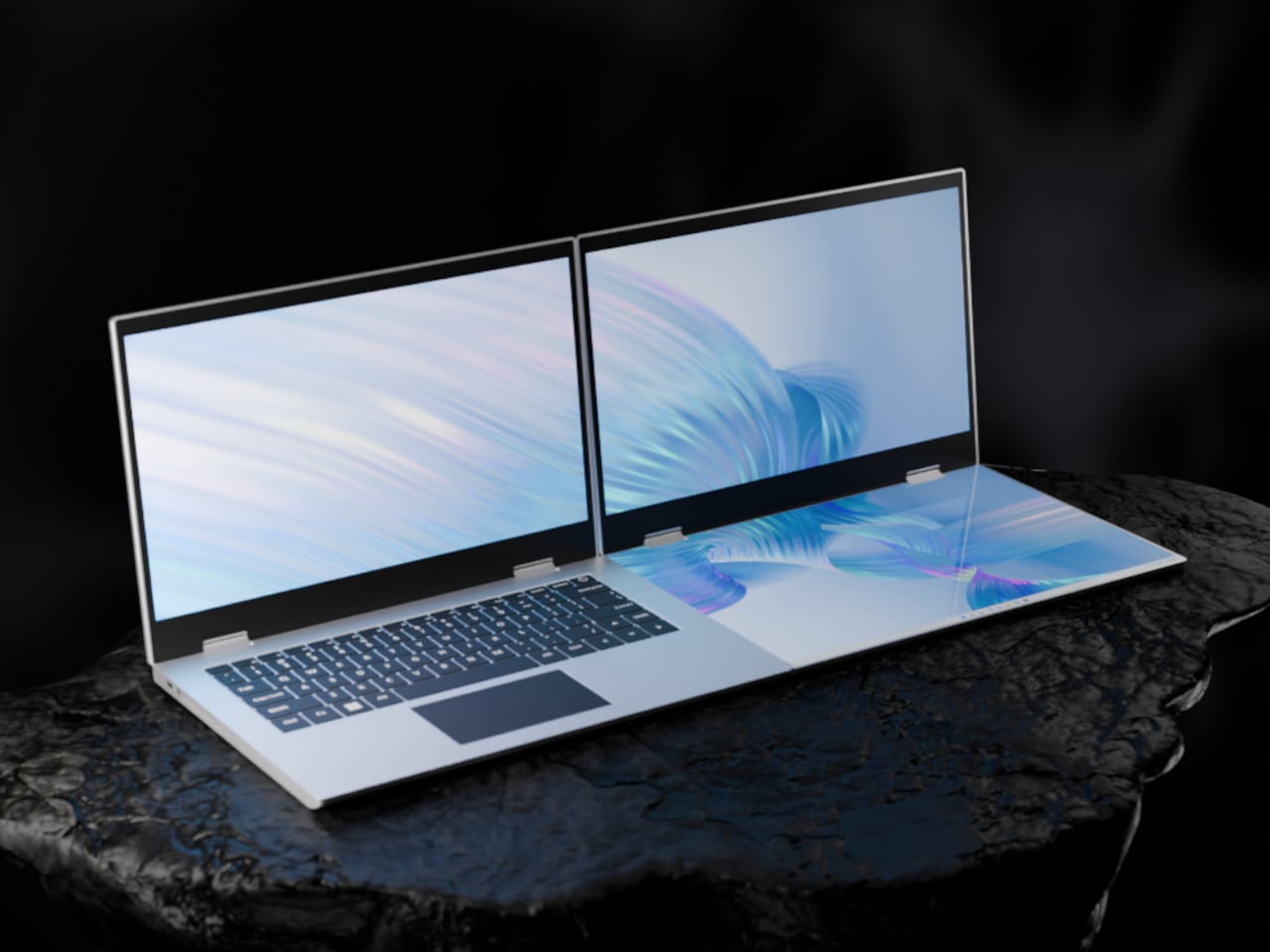
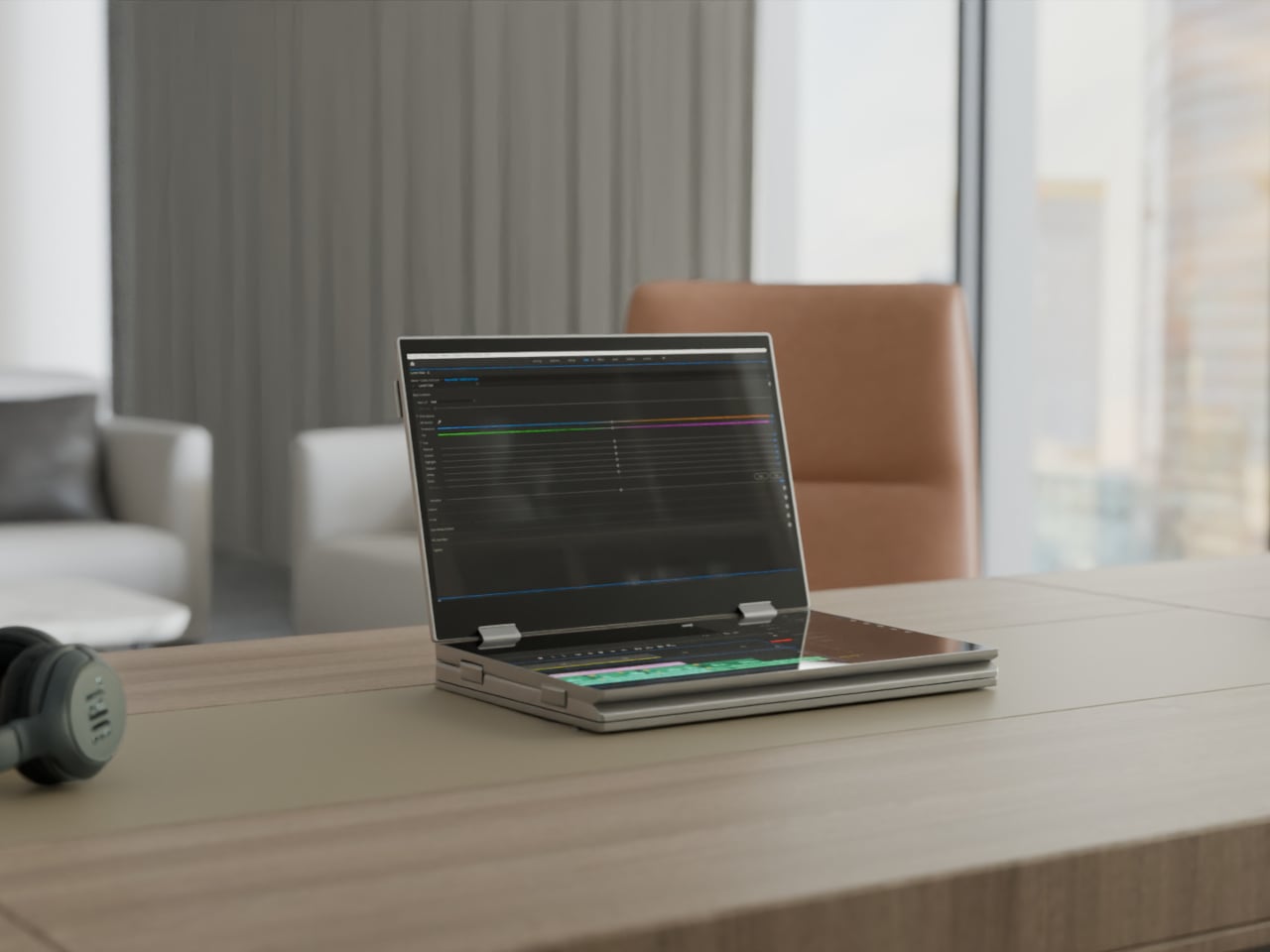
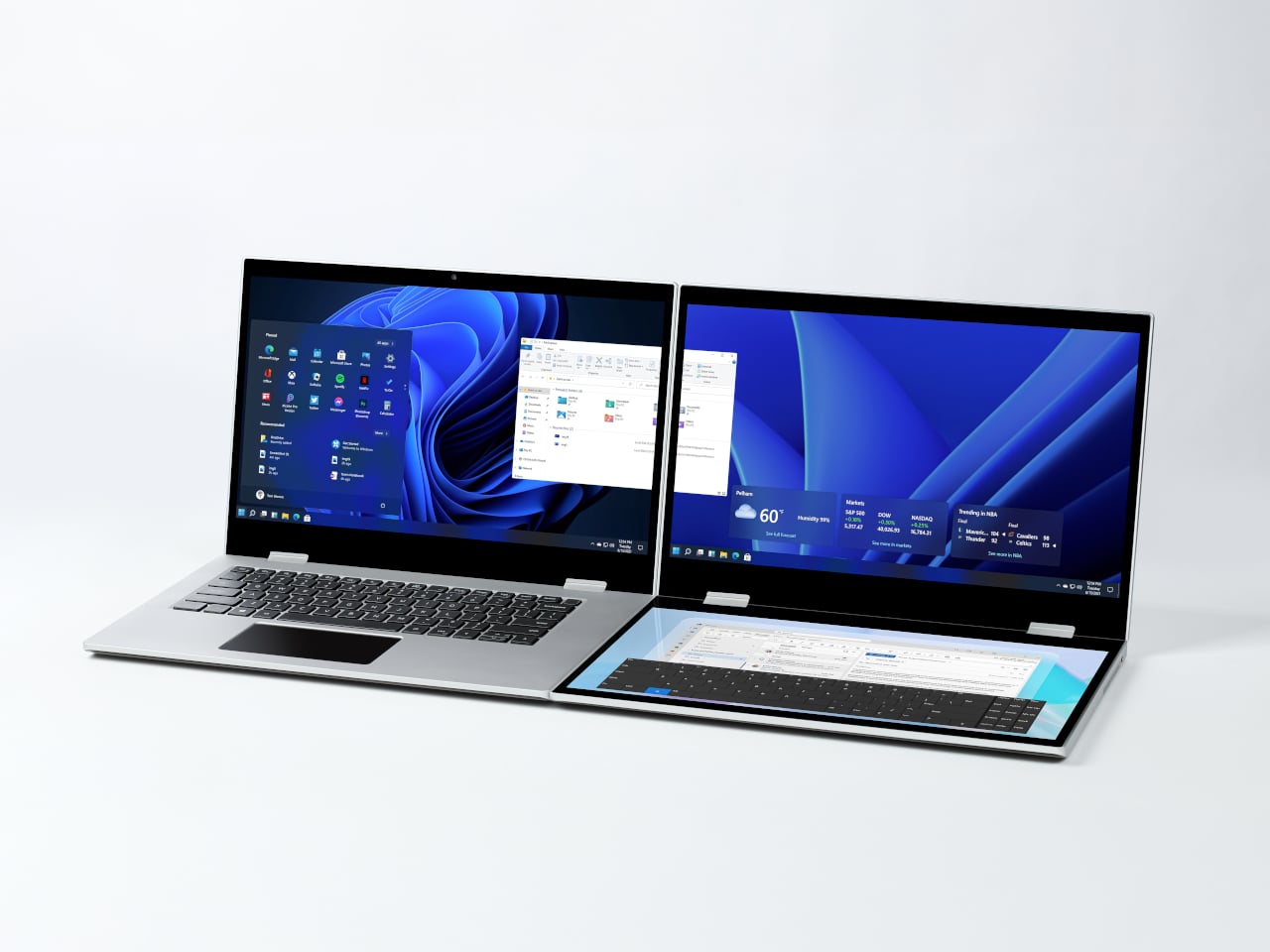
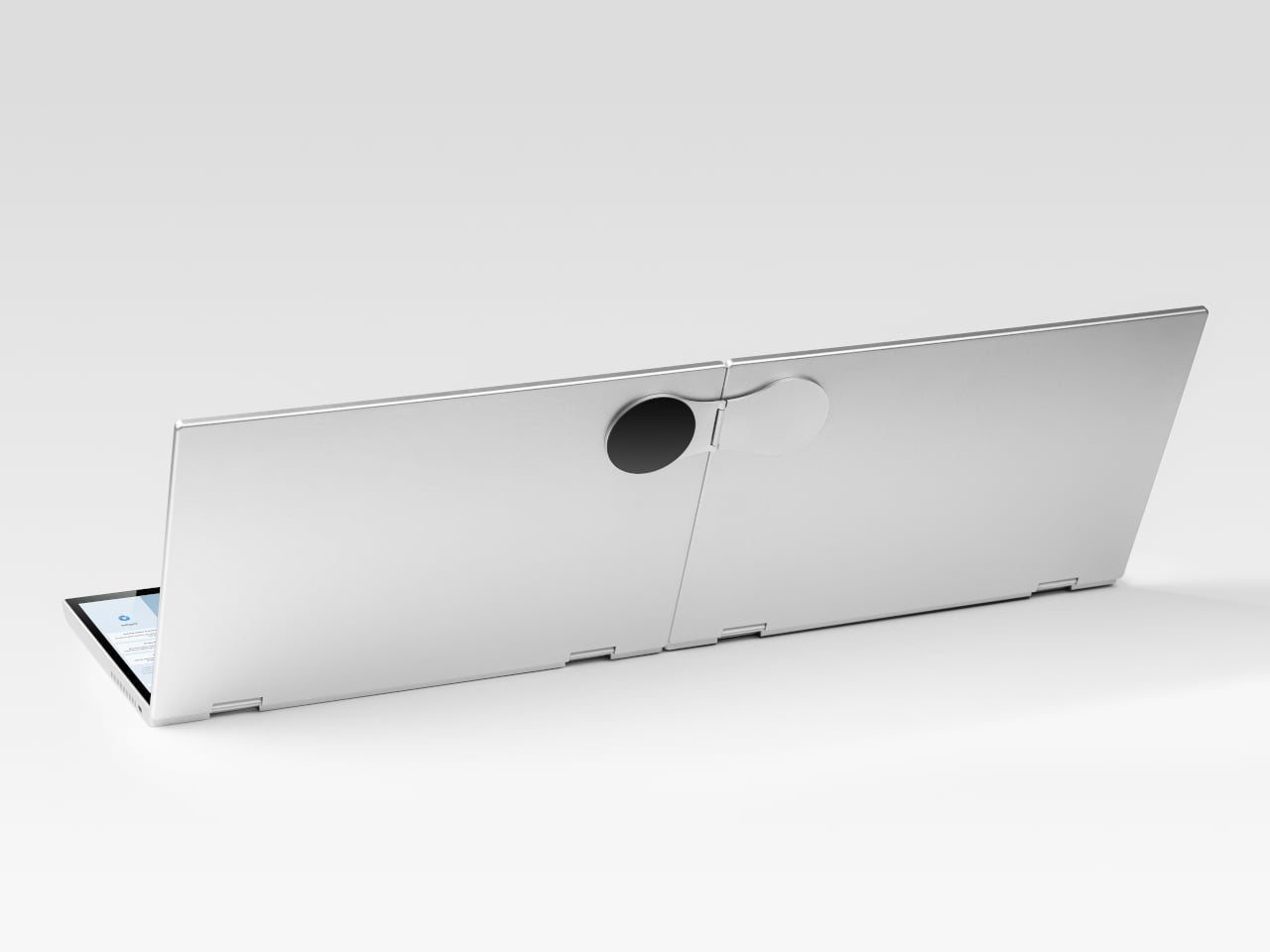
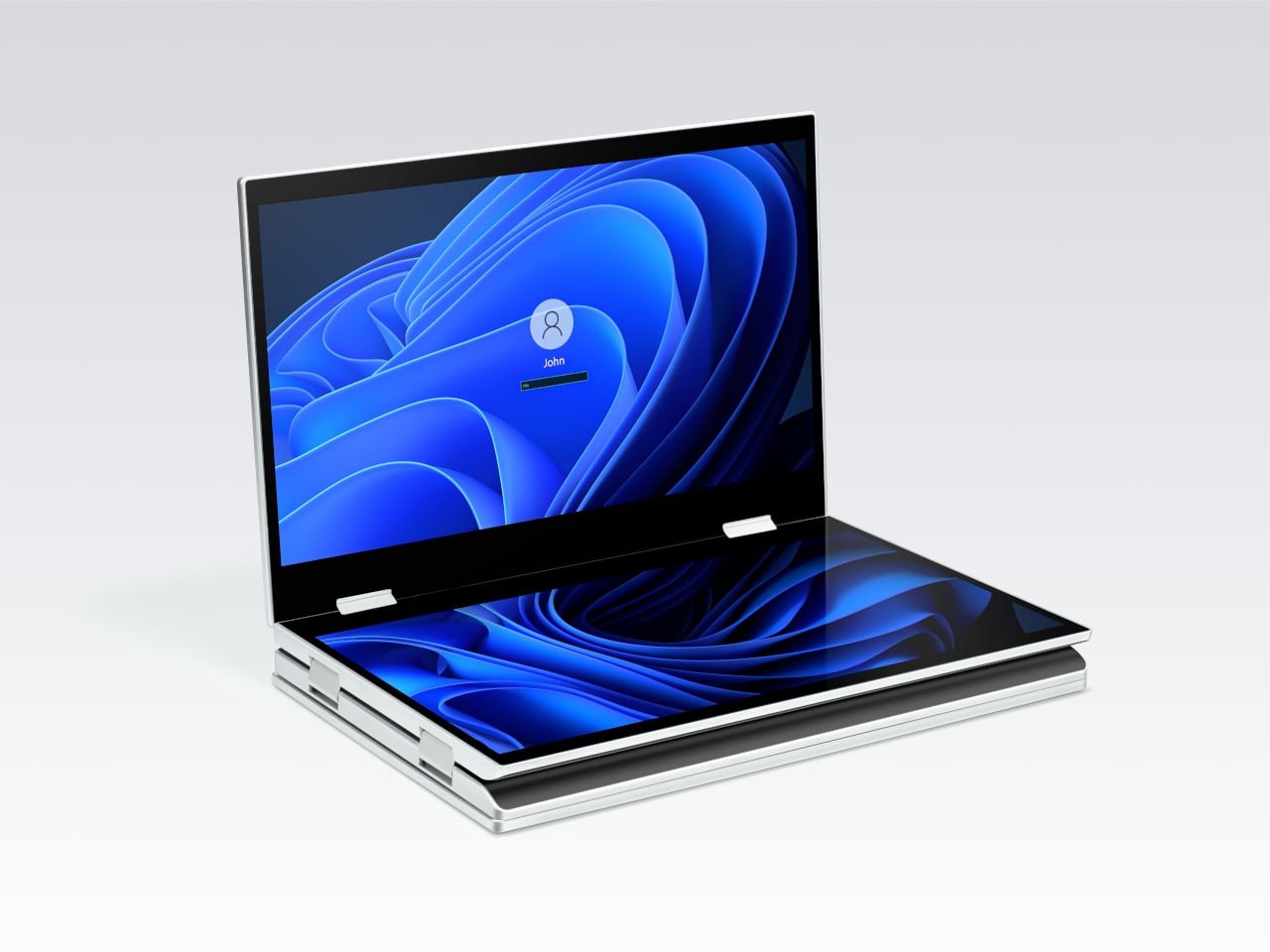
The XbooK takes a different approach by folding three full 14-inch touchscreens into a single aluminum laptop body that closes to just 1.5 inches thick. At 7.5 lbs, it’s heavier than a typical ultrabook. The tradeoff, though, is straightforward: you’re not carrying a laptop plus accessories. You’re carrying the whole setup in one piece.

Designer: XbooK

All three screens run at 1920×1080 with 400 nits of brightness each. The machine is powered by an Intel Core Ultra 7 with 32GB of DDR5 RAM and a 1TB SSD, with Wi-Fi 7 and Bluetooth 5.0 onboard. That’s capable hardware, though nothing unusual for a mid-to-high-range laptop in 2025. What makes those specs interesting here is what they’re pushing: 42 inches of combined touchscreen that unfolds in seconds without a single cable involved.

In full Workstation Mode, all three screens run simultaneously alongside an embedded mechanical keyboard and a 10-point touchpad. Connectivity covers Thunderbolt 4, two USB-C ports, and an AUX jack, with a 1,600×1,200 front camera that’s sharper than most built-in laptop cameras. The 70Wh battery has to power all of that, and battery life under a three-screen load is something any serious buyer should push the company on before committing.

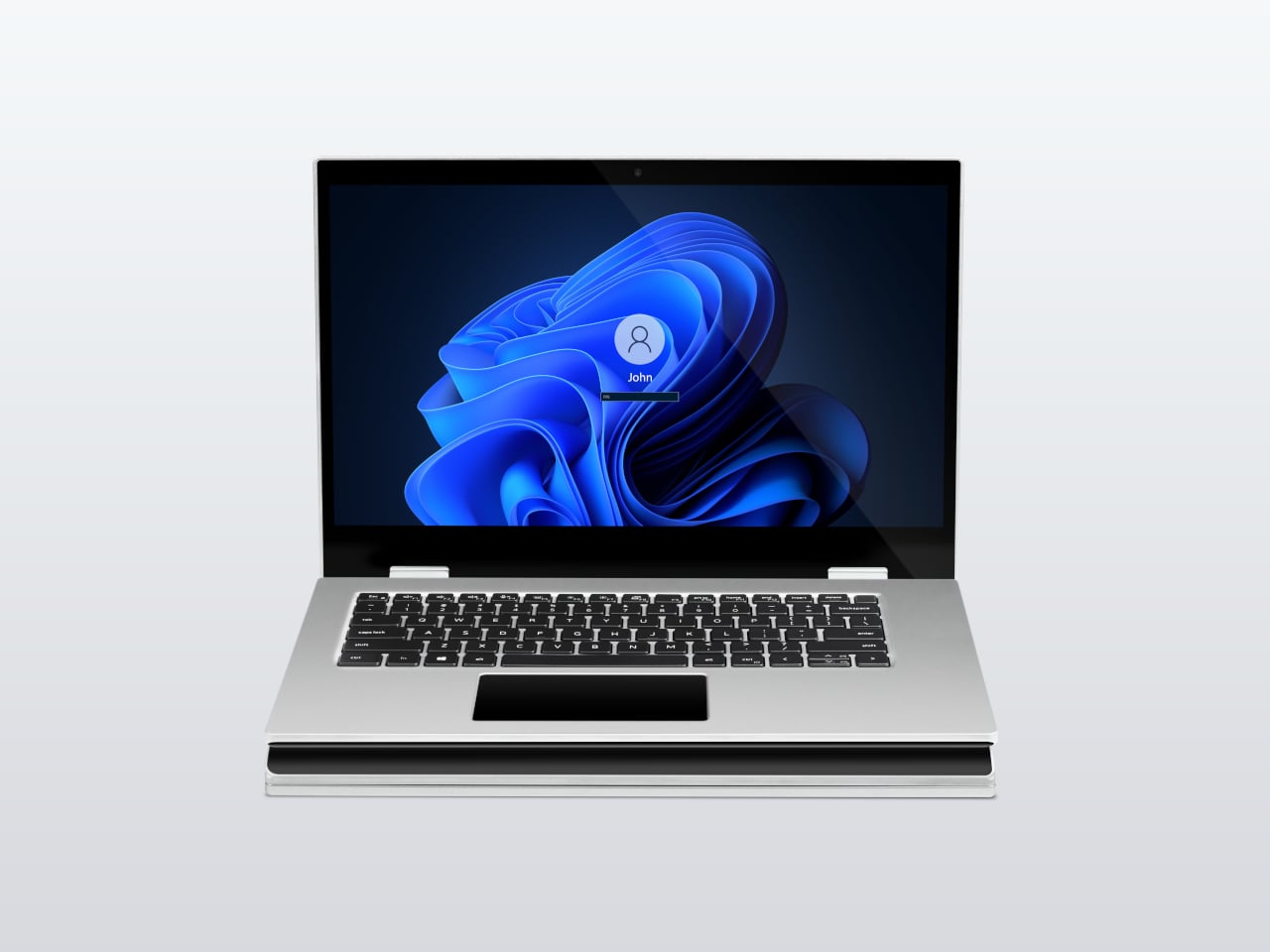
For days when the full spread is overkill, the XbooK also works in a two-screen mode or as a conventional single-screen laptop. The latter folds everything up and makes the device look surprisingly ordinary from the outside, except for the two thick slabs sitting underneath the keyboard. That adaptability is one of the more genuinely practical aspects of the design: you’re not locked into the workstation configuration every time you open the lid.

At $1,999 (down from a listed $2,999), it’s priced for professionals who already spend that much on monitors and docking stations. XbooK ships from the US with orders promised to be processed within 3 to 5 business days. The refund-before-shipping policy and fulfillment language have the texture of a startup still scaling up. Spending that much on a device from a company with no established hardware track record is a different kind of commitment than buying from a brand with a decade of products behind it.

Screen real estate is one of the last things portable computing has consistently failed to solve, and most multi-screen laptop concepts have been either too fragile or too awkward for daily travel. The XbooK has a cleaner physical premise than anything built around magnets or external rails. How the hinges and chassis hold up after a year on the road, though, is still an open question that no amount of spec-sheet confidence can close.

The post XbooK’s $1,999 Triple-Screen Laptop Is One Bag Instead of Three Monitors first appeared on Yanko Design.