Dell Finally Built a MacBook Neo Rival for $700 – Then Made One Baffling Decision

When Apple priced the MacBook Neo at $599 earlier this year, the reaction from the Windows side of the industry was roughly equivalent to a student showing up to a spelling bee having never studied. Manufacturers who had been selling mediocre plastic laptops at $700 and $800 suddenly had a very visible, very beautiful problem: a computer with premium aluminum construction, Apple Silicon efficiency, and a brand name that makes people line up outside stores, available for less than most of them were charging for hardware that couldn’t compete on any meaningful dimension. The demand that followed was so staggering that, as we covered recently, Tim Cook himself admitted Apple fundamentally misjudged how many people were waiting for exactly this moment, with production targets doubling and shipping estimates stretching to weeks. The scramble across the Windows world was predictable in direction if not in execution. What nobody quite predicted was that Dell, of all companies, would be the first to show up with a credible answer, and that it would look this good.

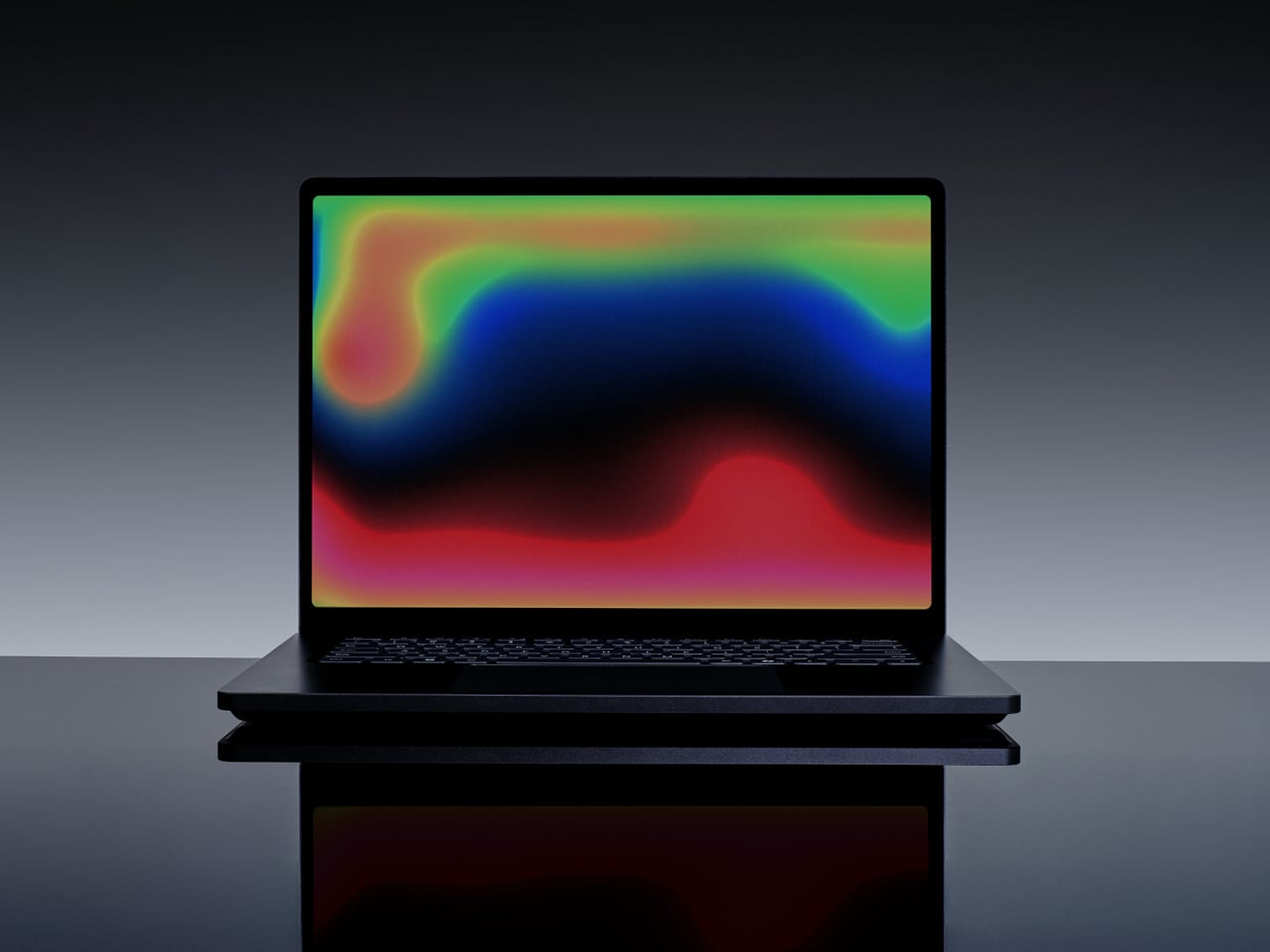
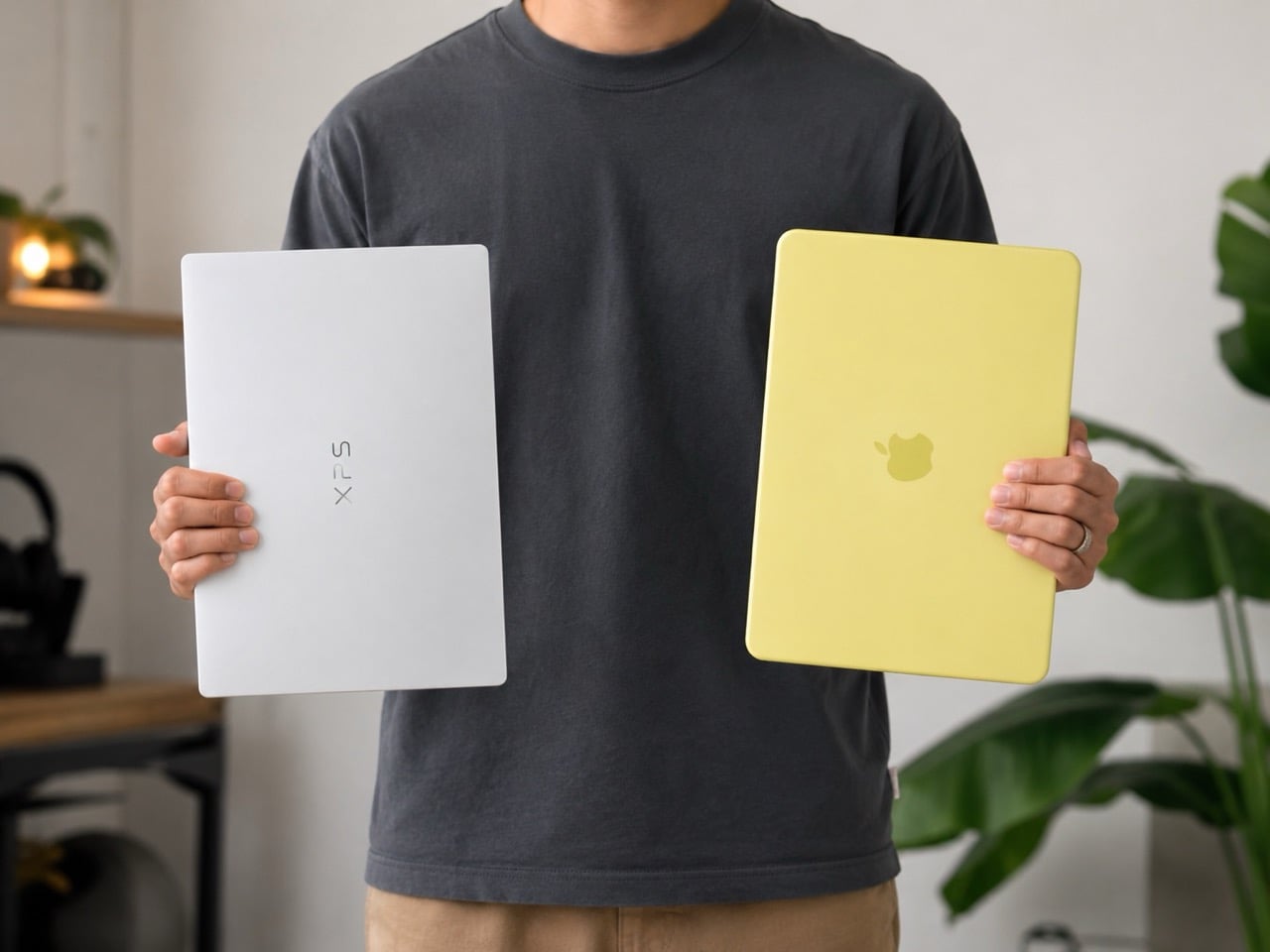
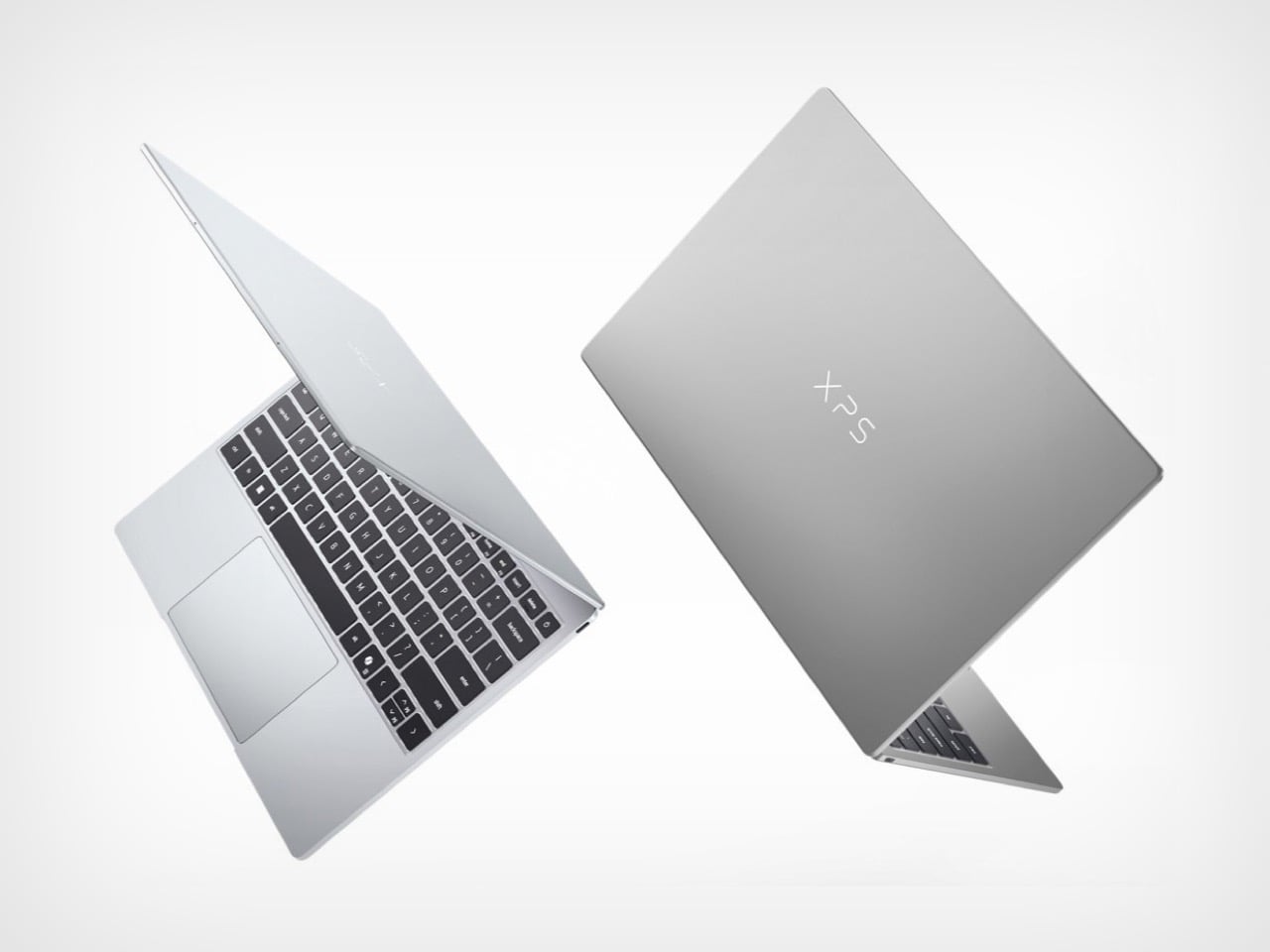
The new XPS 13, announced at Computex 2026, starts at $699 for general buyers and $599 for students, making it a direct price competitor to the Neo, and it arrives throwing considerably more hardware at the comparison. The display alone reframes the conversation: a 2.5K touchscreen running at up to 120Hz with HDR and Dolby Vision support, against the Neo’s non-touch panel that tops out at 60Hz. The chassis is CNC aluminum, the keyboard is backlit with chiclet keys, and the whole machine weighs 2.2 pounds at 12.7mm thin, lighter and slimmer than the Neo by a meaningful margin. Dell COO Jeff Clarke told journalists the company wasn’t chasing a pricing war but a value argument, and through the lens of pure hardware, that argument holds up convincingly right up until you hit the one decision that threatens to unravel all of it.

Designer: Dell

Let’s address the naming first, because it tells you everything about Dell’s thinking here. XPS stands for Xtreme Performance System, a designation Dell has historically reserved for its most capable consumer hardware, machines that justified the premium with raw processing muscle and build quality that could take on Apple’s best. Dropping that badge on a $699 laptop with a cut-down Intel Wildcat Lake processor and entry-level specs represents a deliberate repositioning of what the XPS identity means. Dell is essentially retiring the “extreme performance” promise and replacing it with “extreme value,” which is either a bold strategic pivot or a quiet brand dilution, depending on how the product actually performs in the real world. The hardware design team clearly delivered. The question is whether the product team followed through with the same conviction.
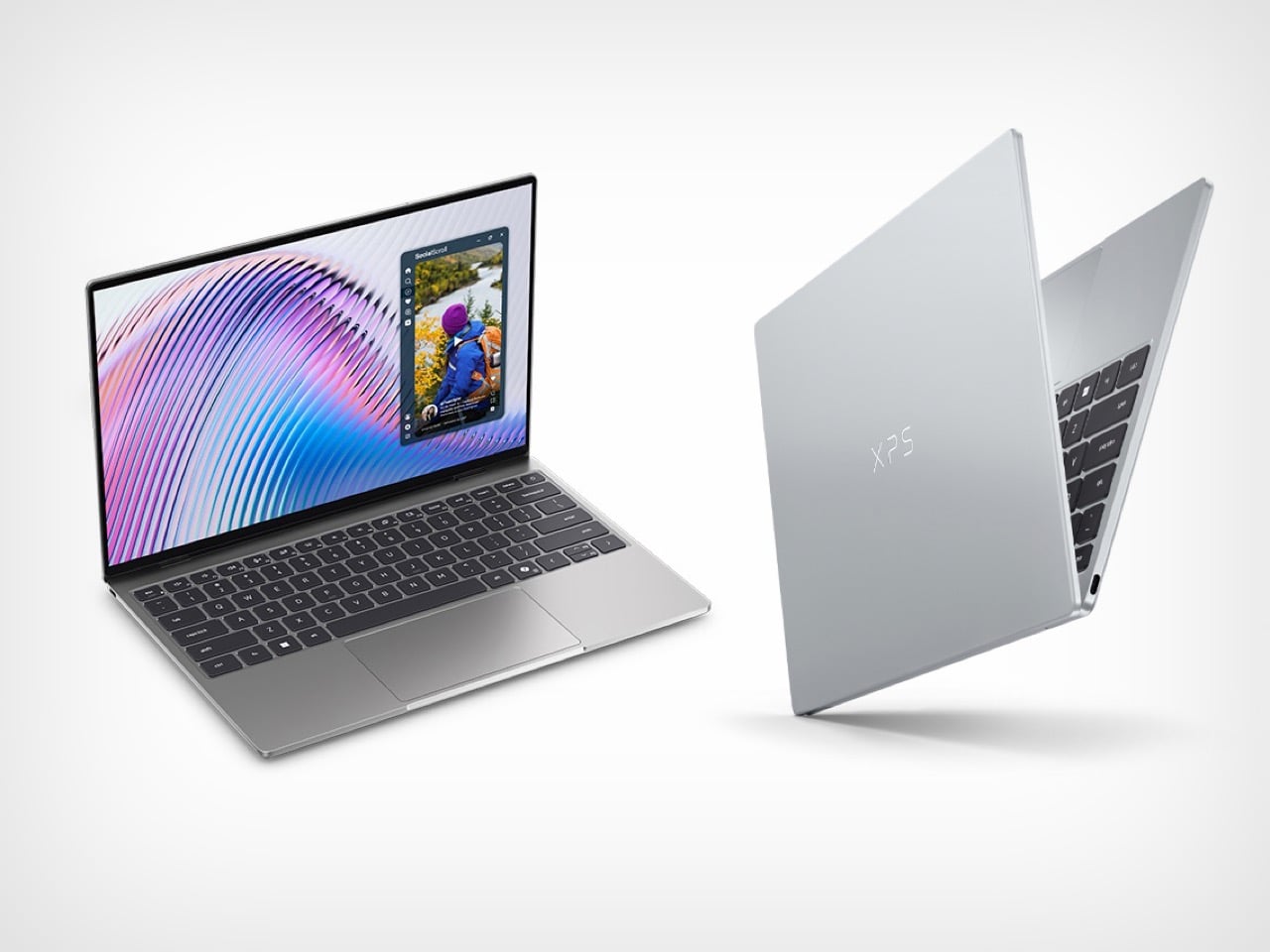
The base model ships with Intel’s new Wildcat Lake Core 5 320, a chip that shares its architecture with the Panther Lake lineup but is trimmed specifically for efficiency and lower price points. Paired to that processor is where the baffling decision lives: 8GB of LPDDR5x RAM in single-channel configuration, with 16GB as the upgrade option. On macOS, 8GB is a workable baseline, because Apple’s unified memory architecture and the efficiency of Apple Silicon mean the system manages that headroom with genuine intelligence. Windows in 2026 operates under an entirely different reality. Microsoft itself has publicly stated that 16GB is the recommended baseline for Windows going forward, and anyone who has watched a single Chrome tab push a Windows machine toward its memory ceiling knows this concern is grounded in daily experience. The XPS 13 can be configured up to 32GB, which is a meaningful long-term advantage over the Neo’s fixed 8GB ceiling, but that flexibility means very little if the entry configuration ships users straight into a frustrating afternoon.

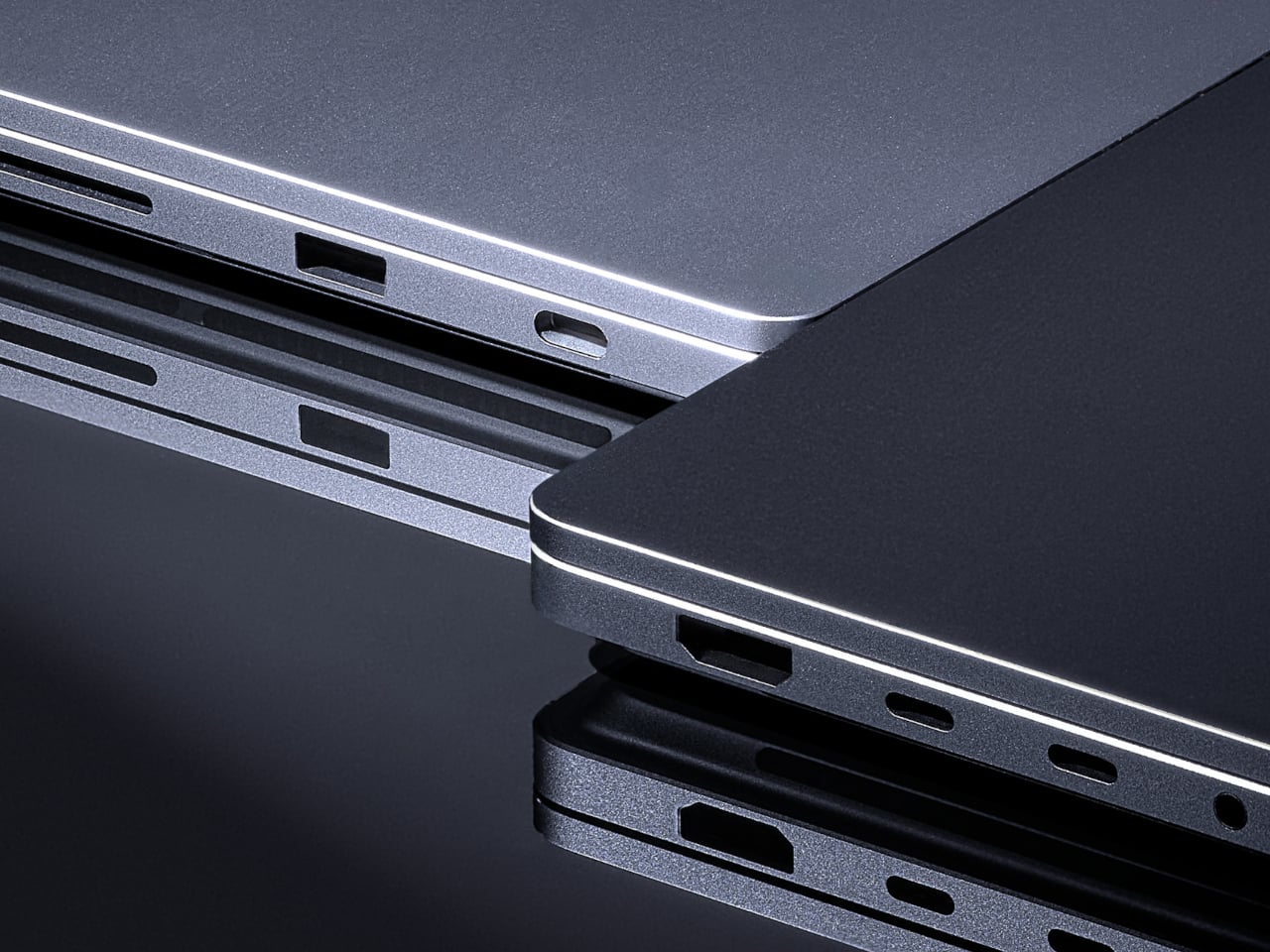
One other cut worth flagging: there is no headphone jack on the XPS 13, while the cheaper MacBook Neo actually keeps one. In isolation this would barely register as a footnote, but alongside the RAM situation it starts to sketch a picture of a product team that obsessed over every physical surface while trimming in places that affect daily use. The build quality is genuinely exceptional, the display beats the Neo’s on paper in almost every measurable way, and the backlit keyboard is something Neo owners have been asking Apple to include since launch. These are real advantages. They just deserve a foundation that doesn’t wobble under the weight of a normal workday.
The broader industry moment here is genuinely exciting, and the XPS 13 deserves credit for existing at all. We’ve also been watching with cautious optimism (and maybe some slop-skepticism) the rumors around Google’s Googlebook, and which could represent Google finally waking up to the fact that the MacBook Neo is eating the lunch that Chromebooks spent a decade carefully building. Google essentially invented the affordable premium laptop category for education and casual users, then wandered away from it, and Apple walked straight through the door they left open. If the Googlebook turns out to be a real product with genuine ambition, this sub-$700 category suddenly has three serious players fighting for the same buyer, and that competition is exactly what consumers at this price point have deserved for years.
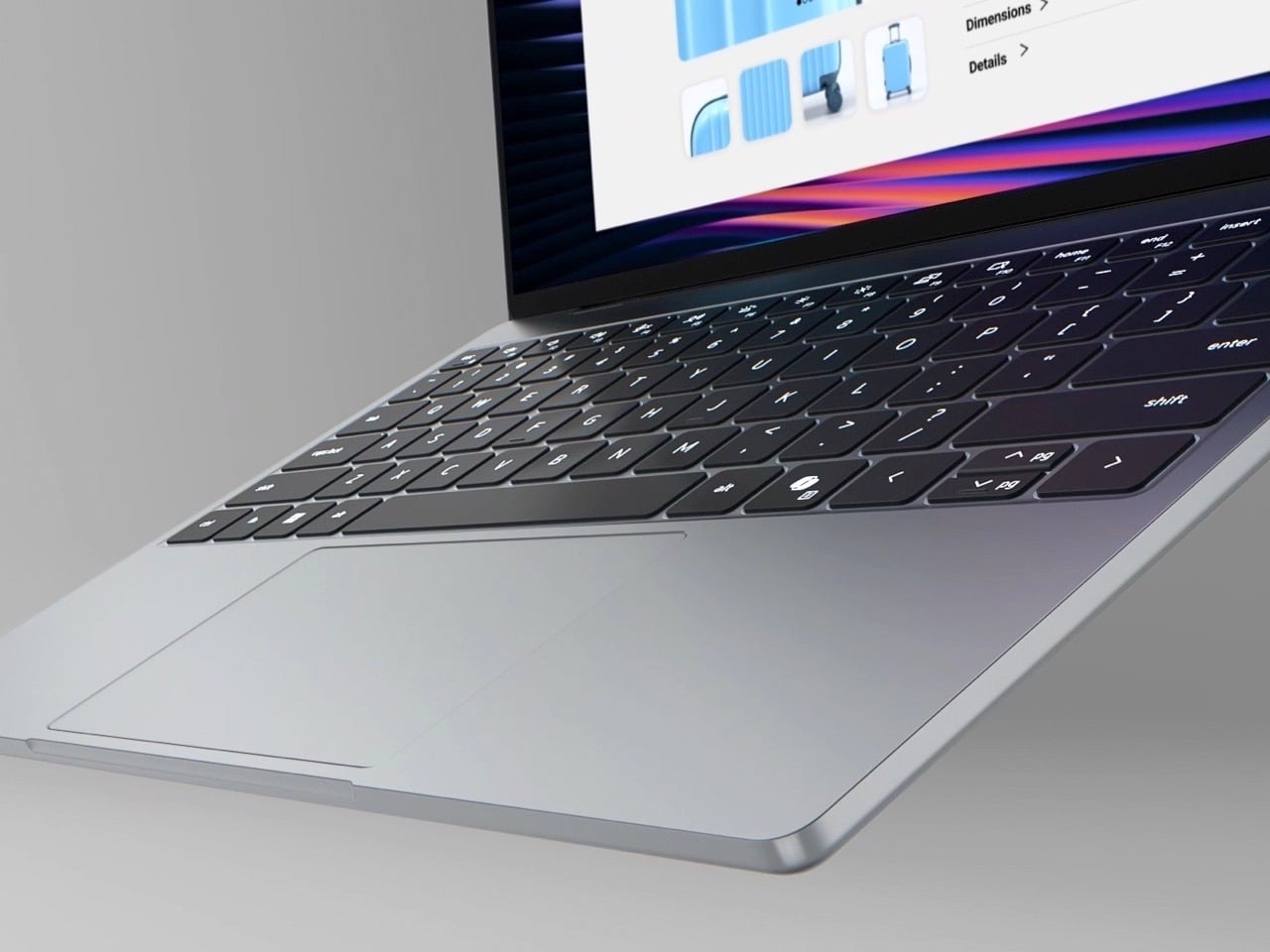
For now, the XPS 13 is the most compelling Windows laptop at this price in years, possibly ever. Spec up to 16GB of RAM and the value argument becomes genuinely hard to refute: a superior display, a backlit keyboard, Windows Hello biometrics, and CNC aluminum construction for the same money as a fully optioned Neo. But the base configuration, the one that captures the headline price and draws the comparison, asks buyers to trust that 8GB on Windows will be fine in 2026. That is a considerable ask, and Dell knew it when they made the call. The XPS may stand for Xtreme Performance System, but right now its most extreme feature is the optimism it takes to ship that memory configuration and call it done.

The post Dell Finally Built a MacBook Neo Rival for $700 – Then Made One Baffling Decision first appeared on Yanko Design.
ASUS ProArt Just Closed the Gap Between a Laptop and a Workstation

Creative professionals have been carrying a compromise for years. The laptop powerful enough for serious work tends to be too heavy or too loud, and the one thin and light enough for a day bag can’t handle the work. Purpose-built workstations solve the performance side but solve nothing about portability. The gap between the two has been a persistent frustration, not a deliberate choice most people would make.

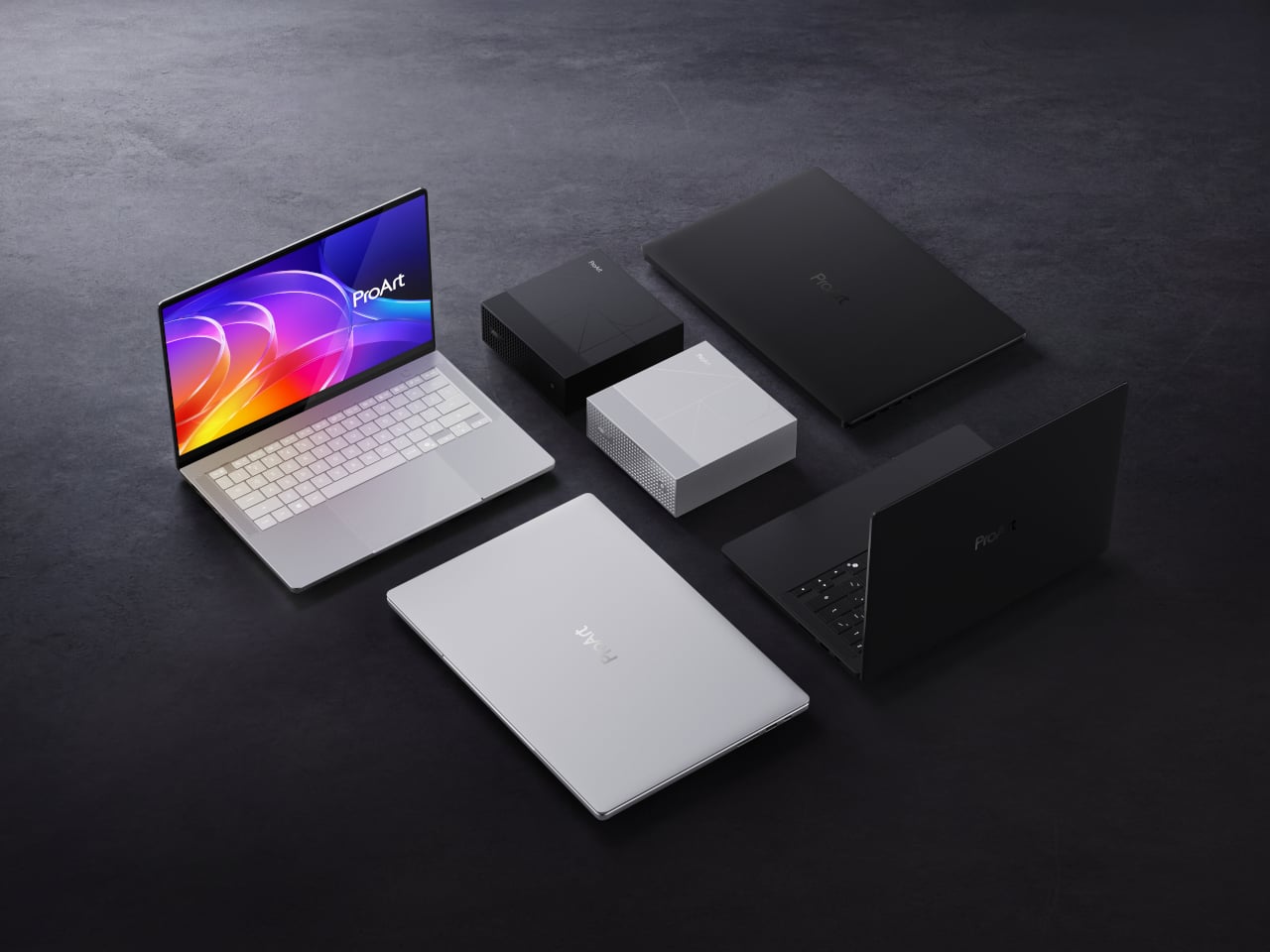
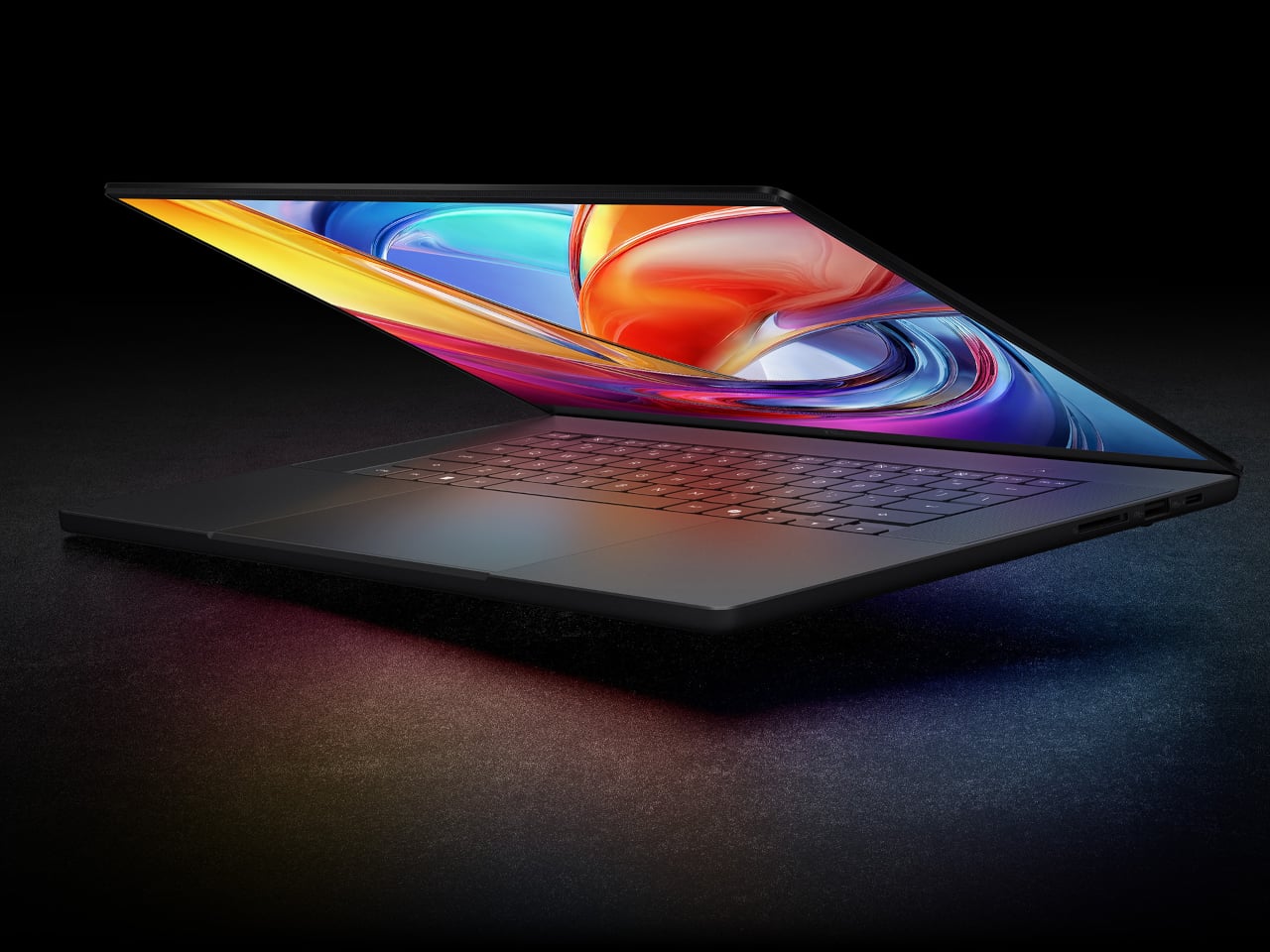
ASUS is addressing that directly at Computex 2026, where the ProArt P16, ProArt P14, and ProArt Mini PC were unveiled as the first ASUS devices powered by NVIDIA’s RTX Spark superchip. The same ARM-based chip combining a 20-core Grace CPU with a Blackwell RTX GPU and up to 128GB of unified memory runs across all three products, making the performance difference between a laptop and a desktop largely a matter of form factor rather than capability.

Designer: ASUS

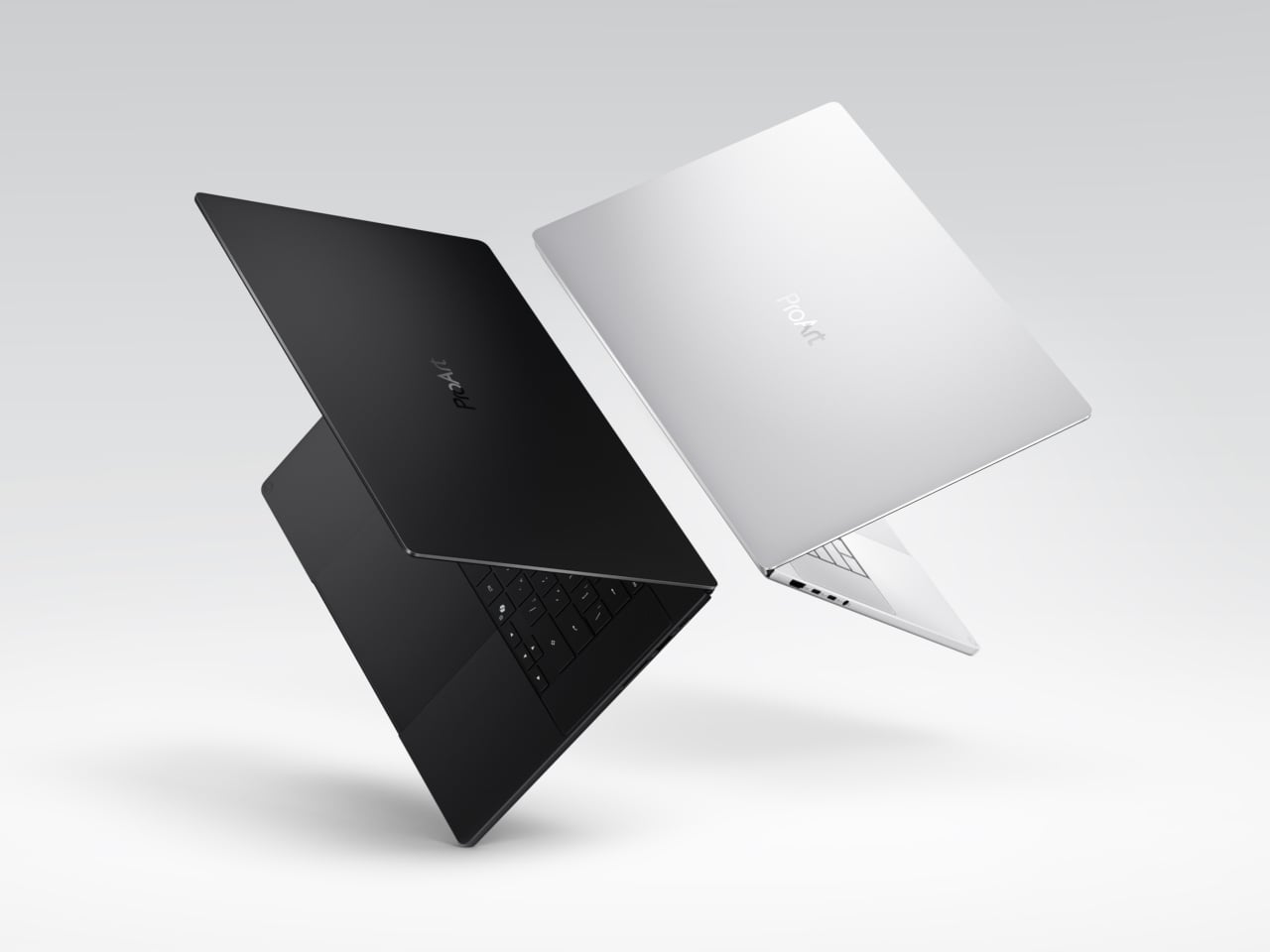
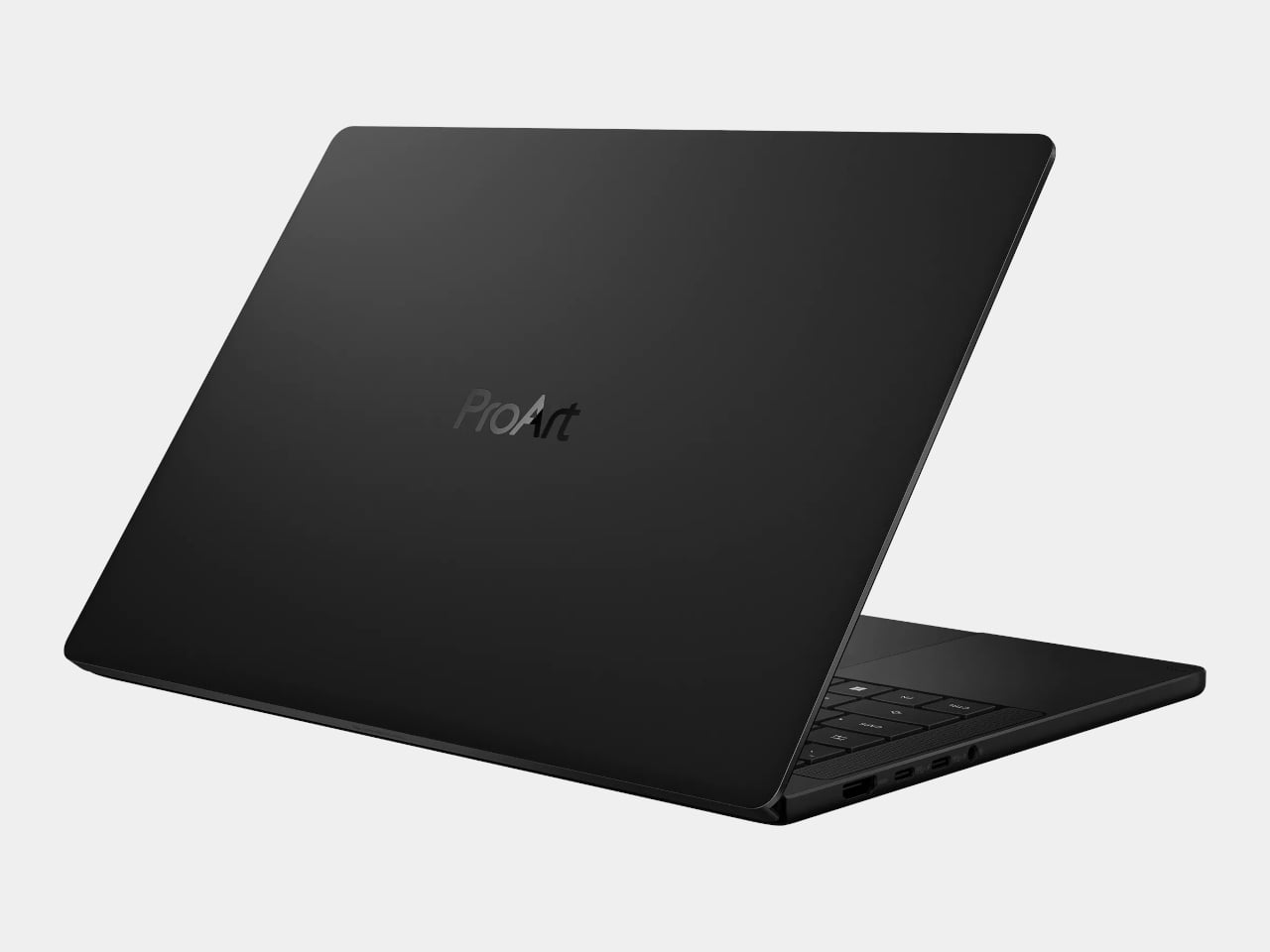
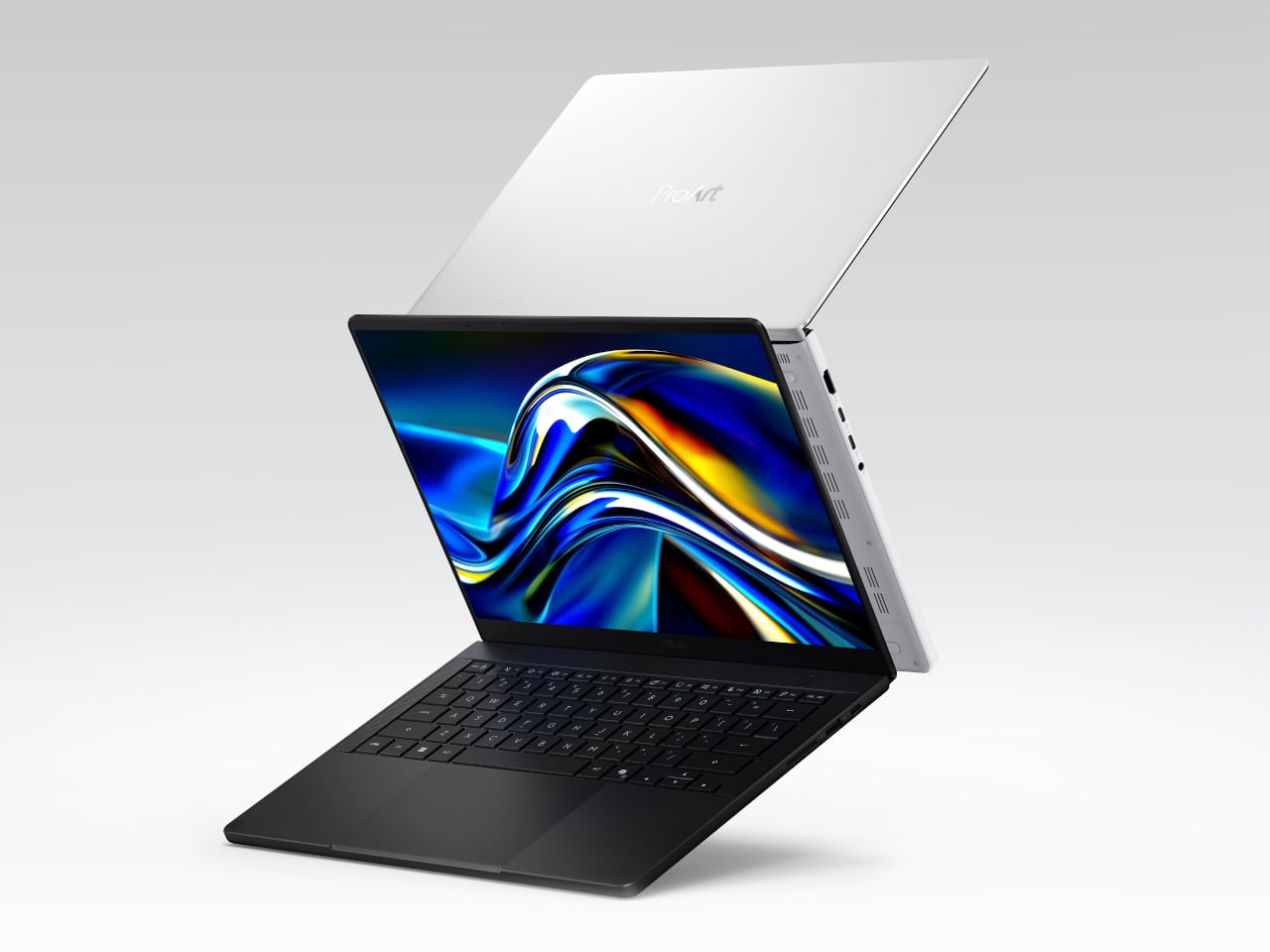
The ProArt P16 and P14 are the portable entries, and they arrive 13% thinner and 16% lighter than the previous P16 generation. The P16 weighs 1.77kg at 12.9mm, and the P14 comes in at 1.48kg and 13.9mm. Both are CNC-manufactured in Nano Black and Neo White finishes, and carry 99.9Wh batteries for all-day runtime, a detail that matters when the work is intensive enough to drain power quickly. The machines don’t sacrifice weight for performance or performance for weight.

The display on both laptops is ASUS Lumina Pro OLED, calibrated to Delta E < 1 color accuracy, Pantone Validated, and certified for VESA DisplayHDR True Black 1000. Peak HDR brightness reaches 1,600 nits, which is more than three times what the previous ProArt generation could manage. A 120Hz variable refresh rate, 0.2ms response time, and an anti-reflection coating that cuts glare by 65% complete a panel that keeps color decisions accurate regardless of the lighting conditions a shoot or edit session happens to land in.

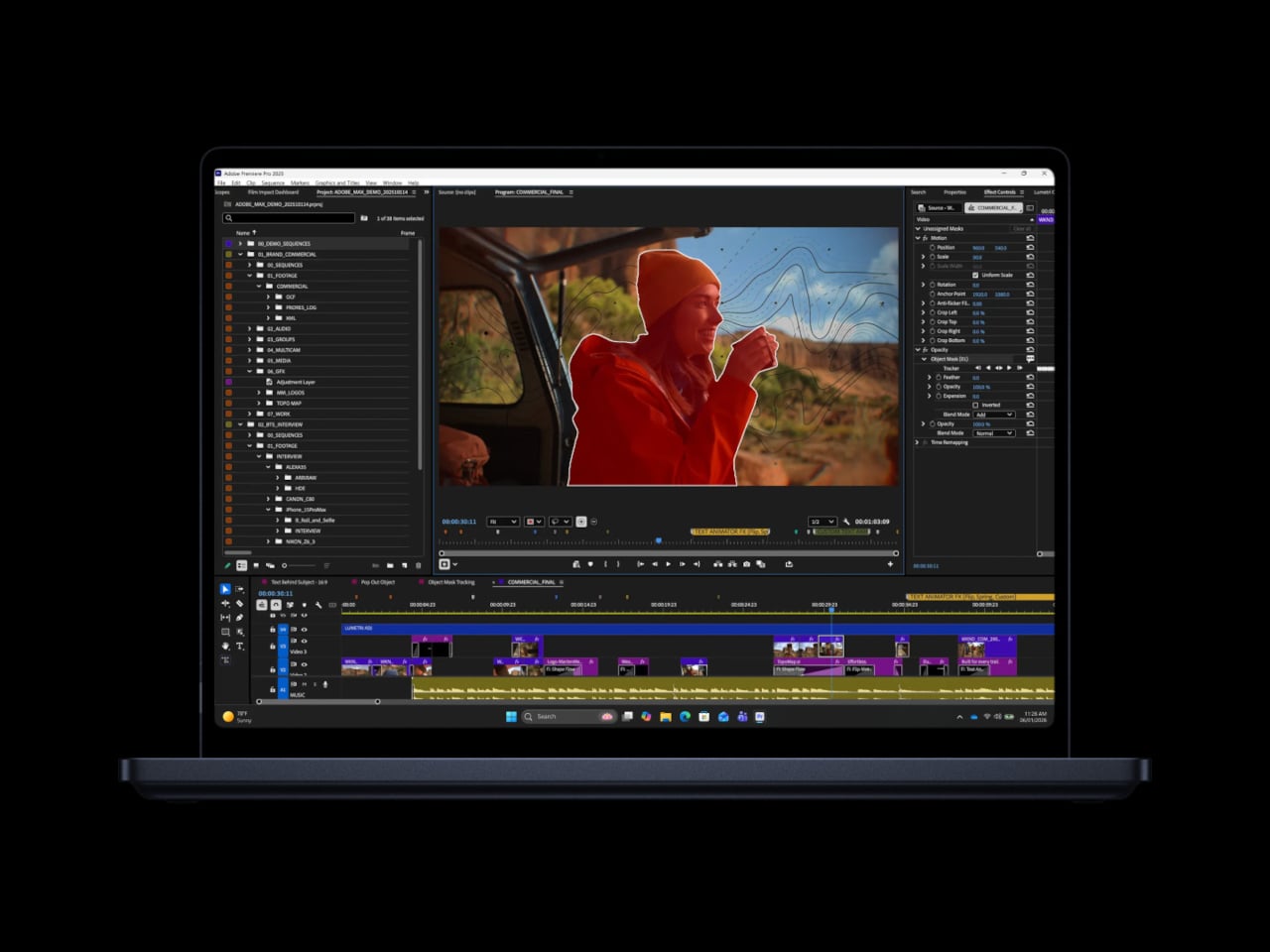
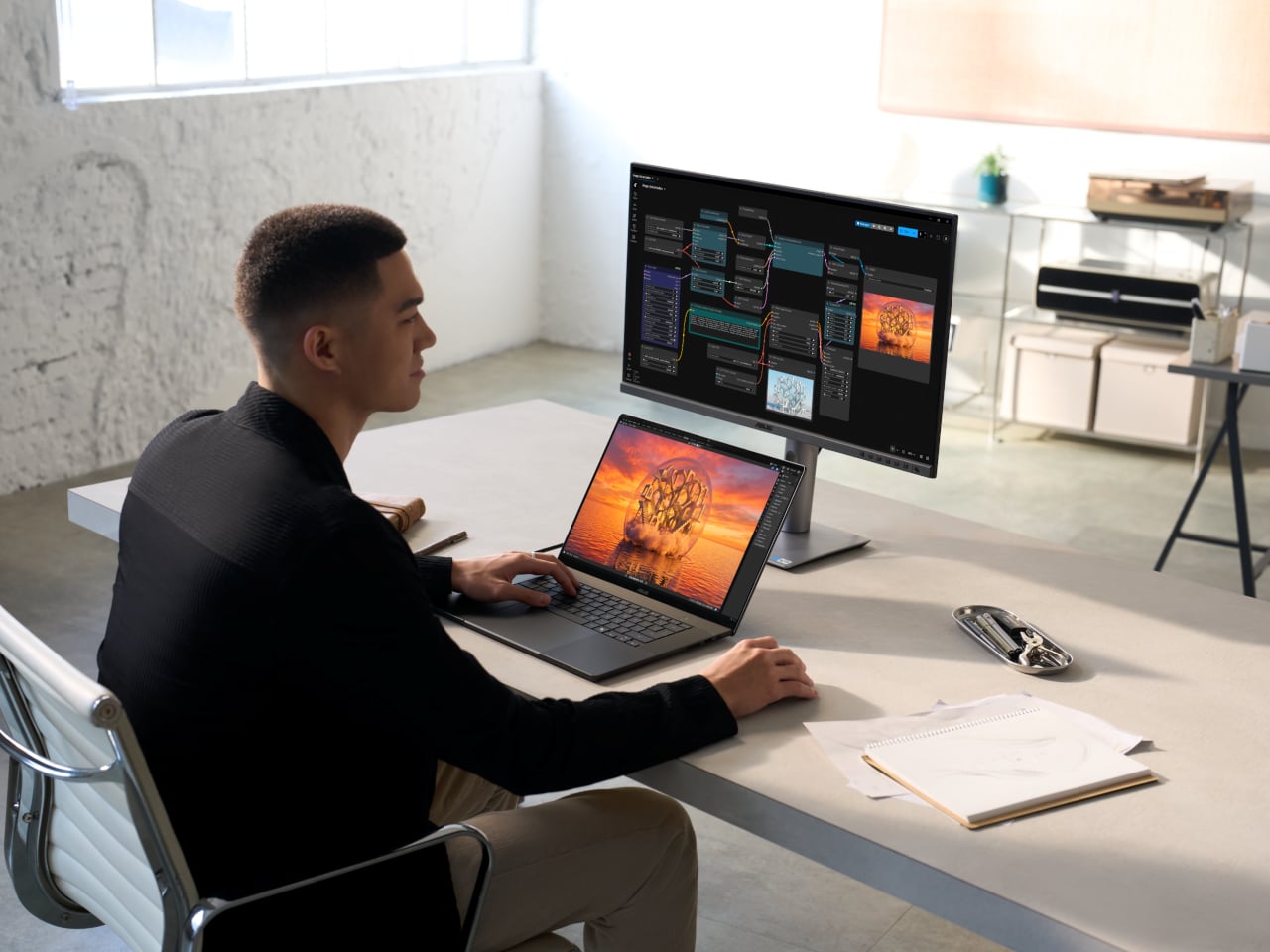
Under the hood, RTX Spark’s 1 petaflop of AI compute and unified memory pool change what locally processed work looks like. Rendering a 90GB-plus 3D scene, editing 12K 4:2:2 video, generating 4K AI video, or running a 120-billion-parameter language model locally are tasks that previously needed significantly bigger machines. Adobe is rebuilding Photoshop and Premiere specifically for RTX Spark to deliver 2x faster AI and graphics performance, and a three-month Creative Cloud subscription ships with the ProArt laptops.

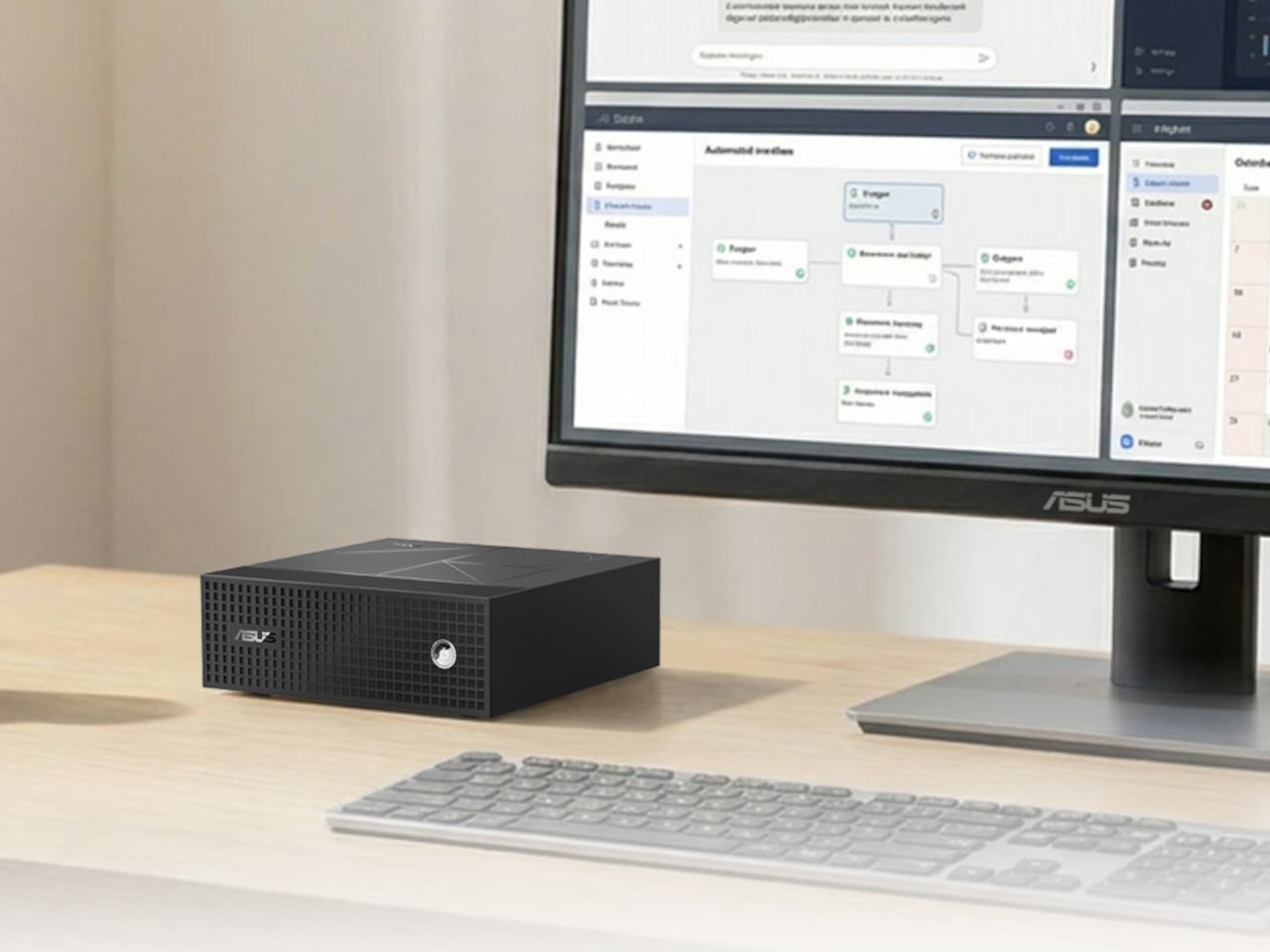
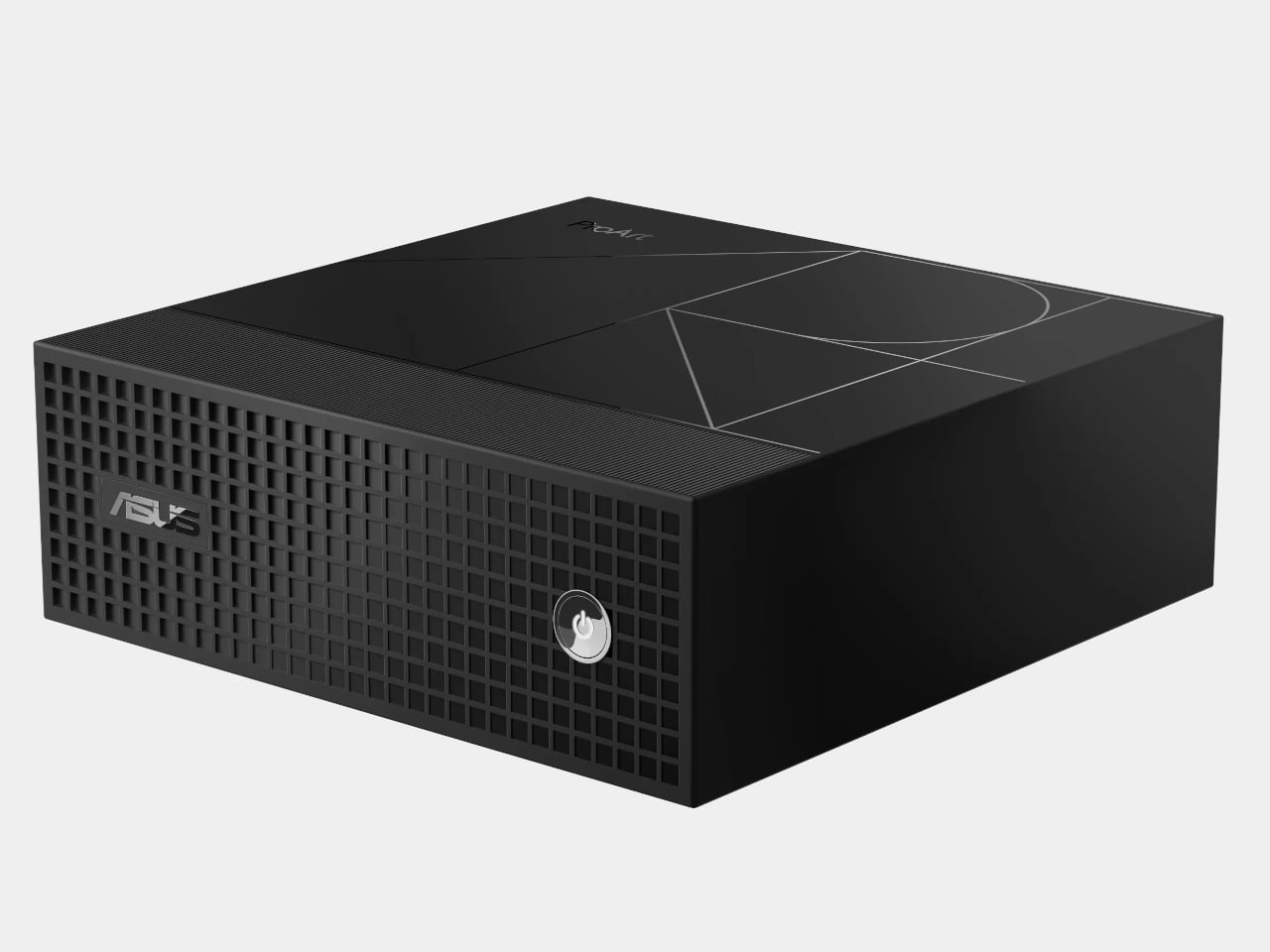
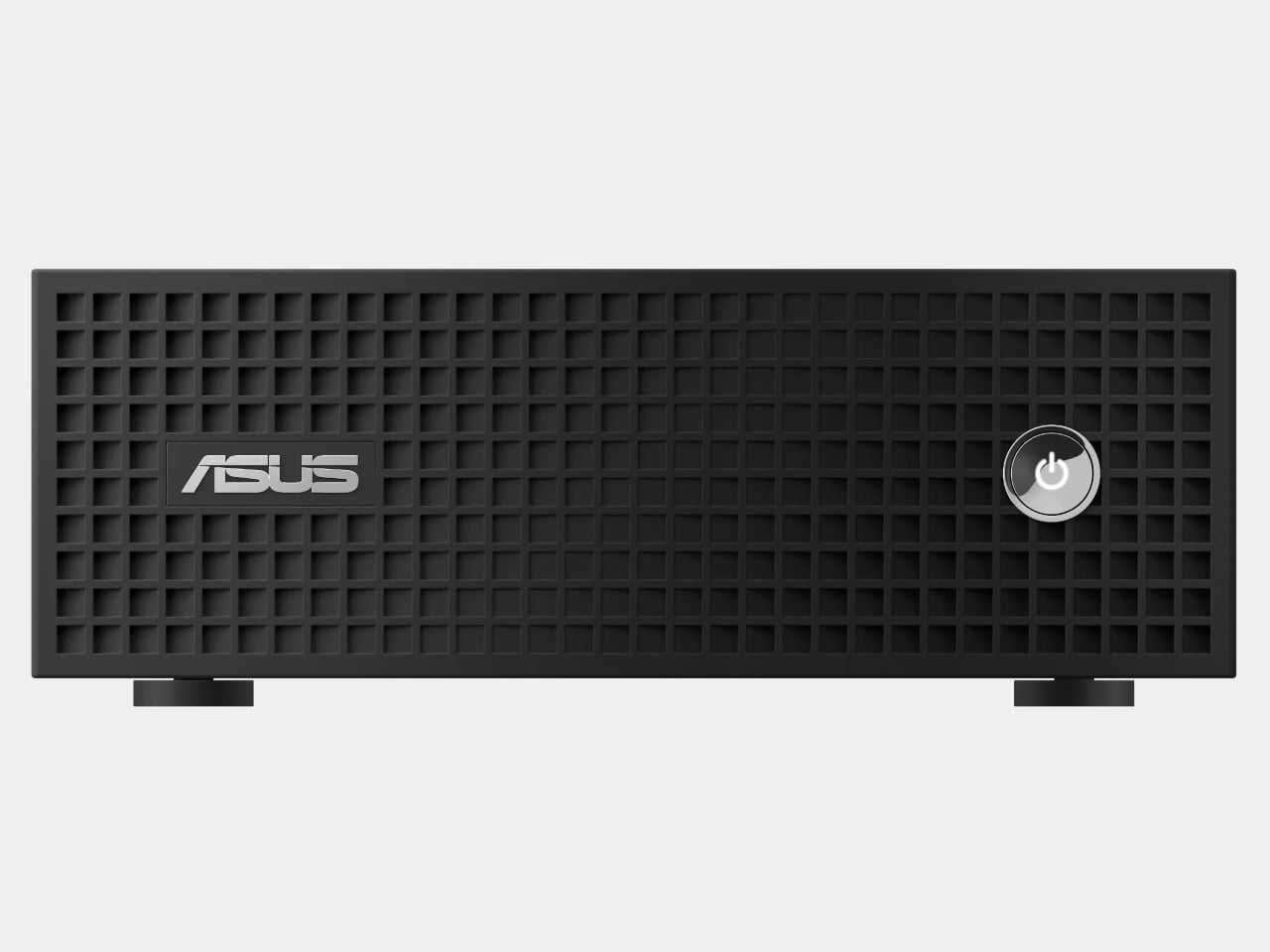
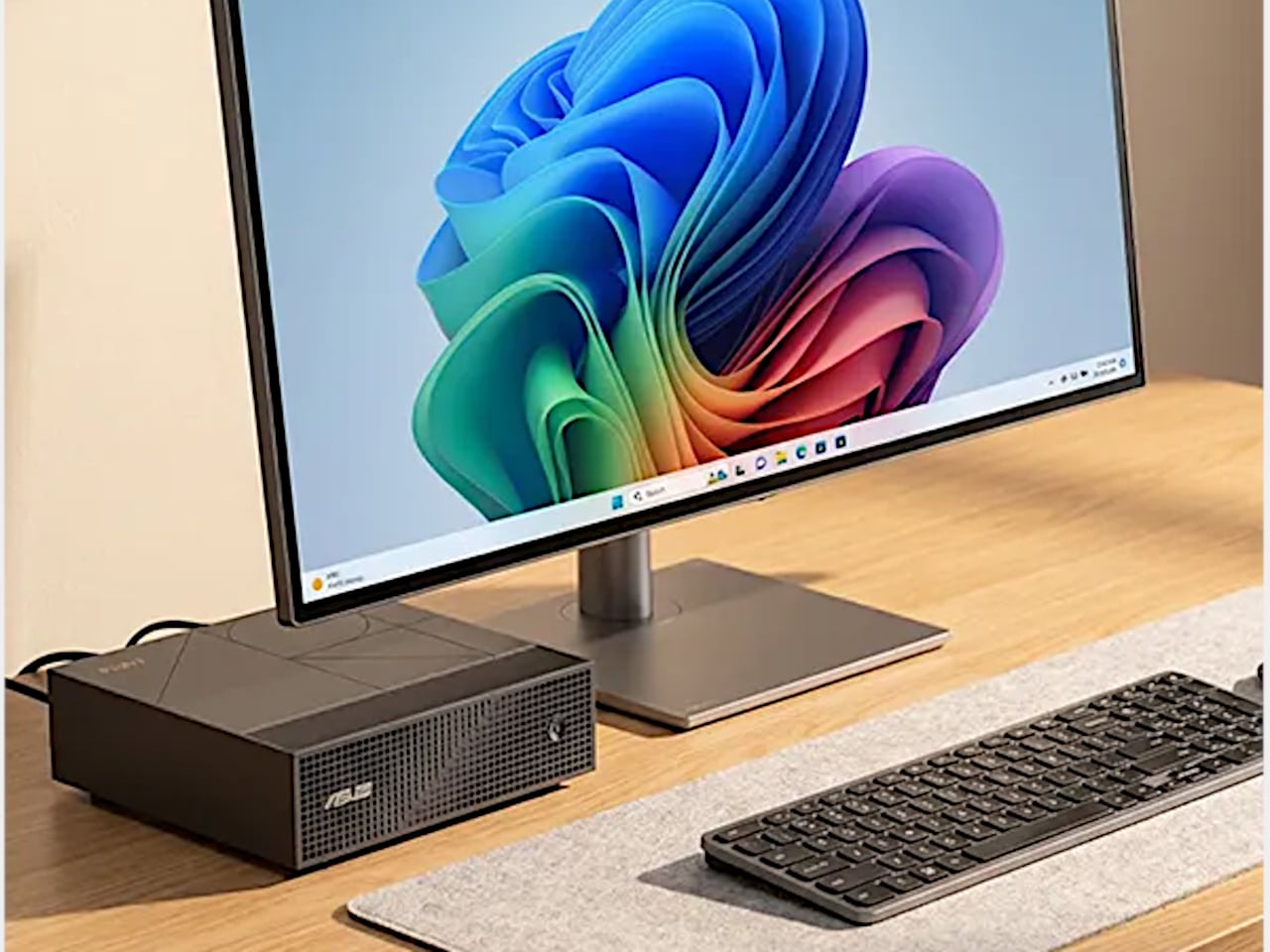
The ProArt Mini PC extends the same logic to the desk. At 150 × 150 × 51mm, it fits anywhere a small speaker would and carries up to 128GB of unified memory, 10GbE wired networking, M.2 PCIe Gen 5 expansion, and up to 140W of thermal headroom for sustained demanding workloads. A single RTX Spark-powered box of that size, running AI renders or local large language models around the clock, is a genuinely different proposition for a small studio or home setup than what was available previously.

All three products sit within a broader ASUS ProArt ecosystem that integrates displays, peripherals, creator apps, and AI workflow software into a connected end-to-end experience. ProArt P16, P14, and Mini PC are expected to be available in fall 2026 in select regions, with additional configurations announced closer to launch.

The post ASUS ProArt Just Closed the Gap Between a Laptop and a Workstation first appeared on Yanko Design.
ASUS Just Returned to Tablets, and It’s Coming for the iPad

Android tablets have had a complicated few years. The iPad solidified its lead at the premium end, and Android alternatives often competed on price rather than experience, producing devices that were acceptable but rarely compelling. Demand for something that genuinely rivaled the best tablets in the room, not on price alone, but on the quality of the thing itself, has been there for a while. It just hasn’t always been answered.

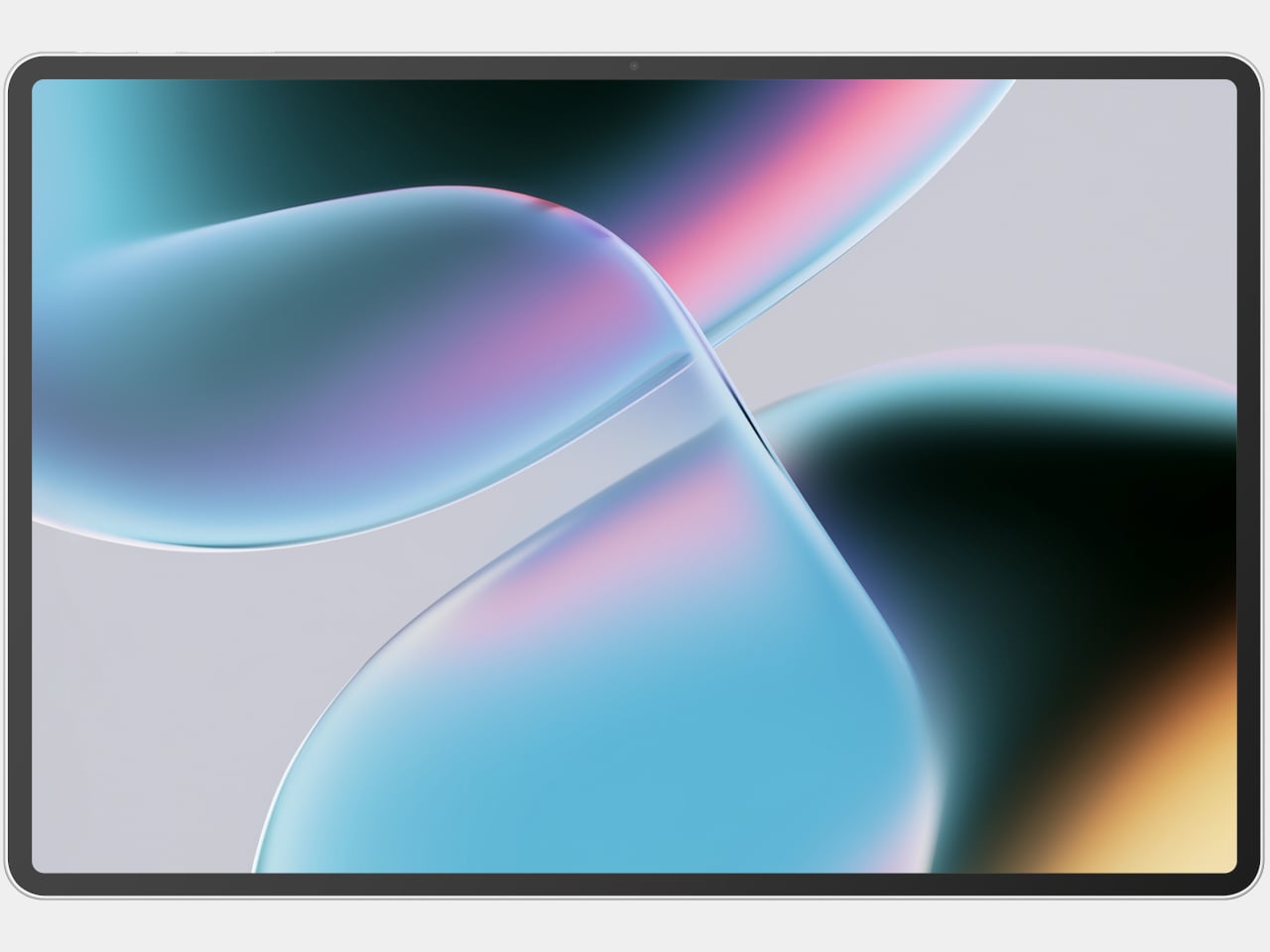
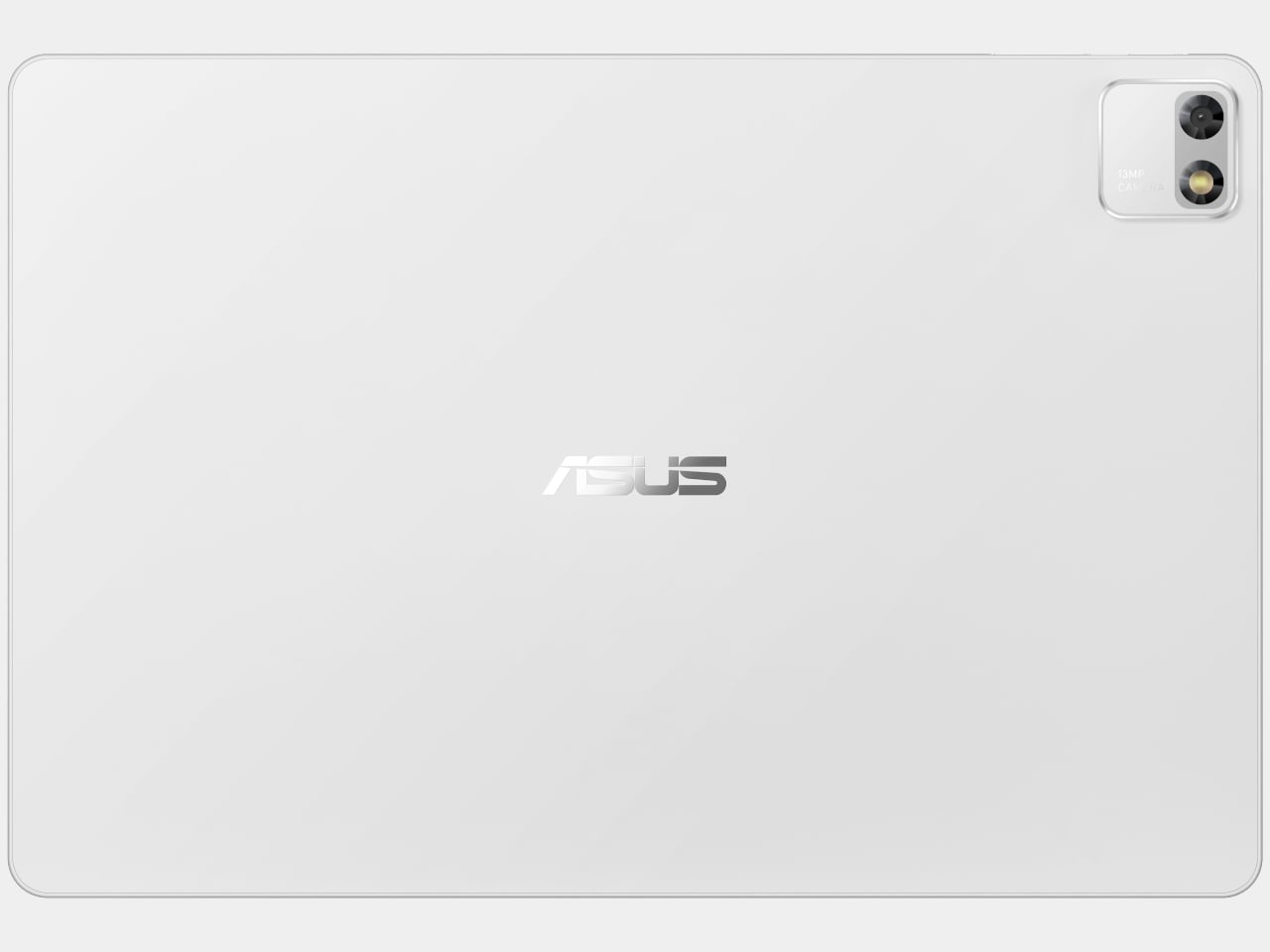
ASUS steps back into the conversation with the Pad, an Android 16 tablet announced at Computex 2026. The company stepped away from the tablet category for several years, and this is its return, built around a 12.2-inch dual-layer OLED display and a chassis light enough and slim enough to suggest that sitting on the couch with it for three hours isn’t something to plan around.

Designer: ASUS

The display is the obvious starting point, because the choice of dual-layer OLED is a meaningful one. Where a conventional OLED pushes through a single emission layer, the tandem structure stacks two of them. The result is better brightness, longer panel life, and improved power efficiency without demanding that any of those things trade off against each other. At a 2.8K resolution, 144Hz refresh rate, and full DCI-P3 coverage, the screen is built for content that benefits from all of that.

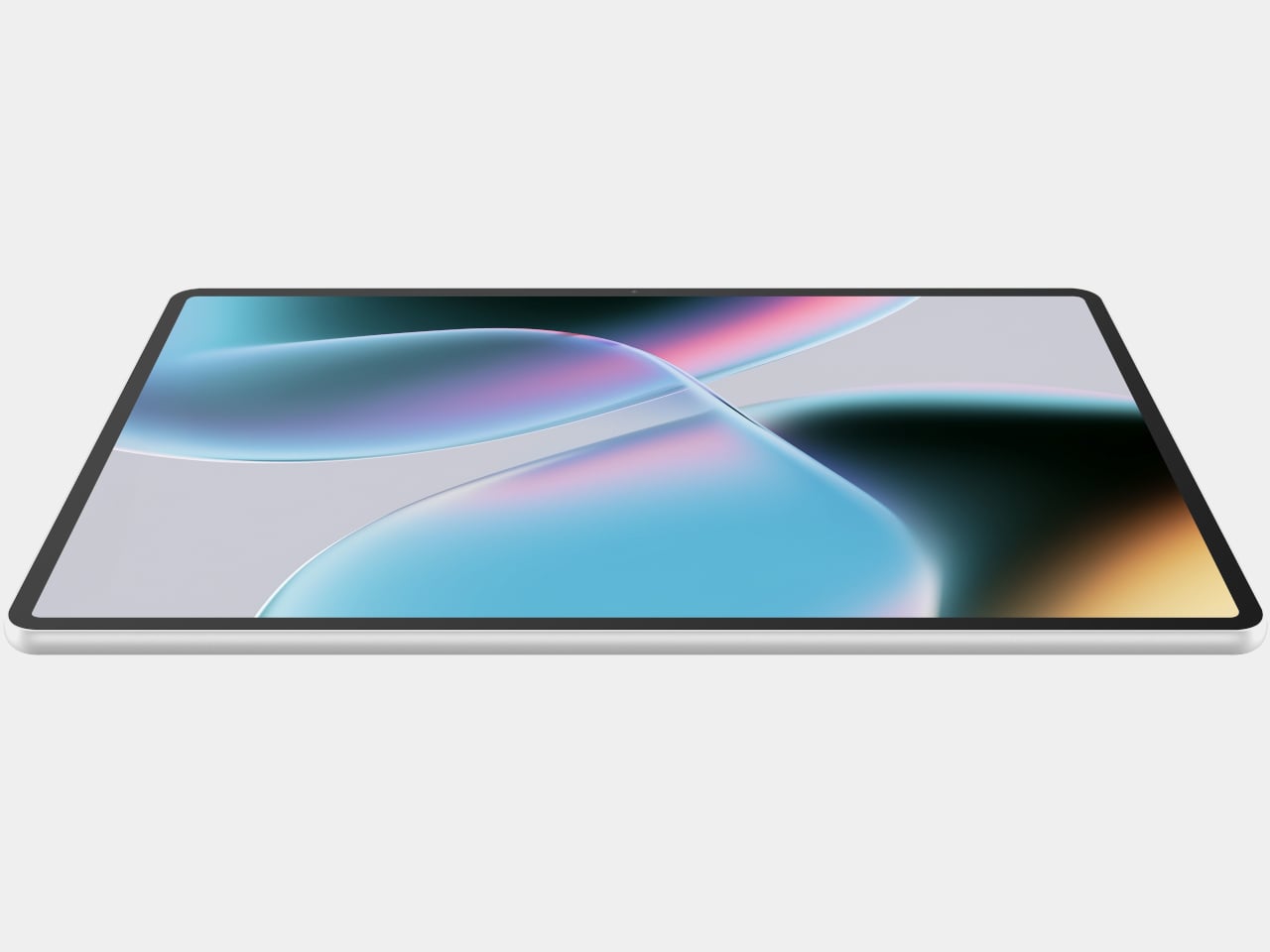
The body that carries it measures just 6.5mm thick and weighs 523g, built from a magnalium chassis with a fiberglass back. Those proportions bring the Pad well within the range of a device someone would actually carry in a bag or hold over a long flight without a second thought. Four speakers tuned with Dolby Atmos back up the display with audio that punches harder than the form factor suggests.

A MediaTek Dimensity 8300 chip handles the performance side, paired with 8GB of LPDDR5x RAM and storage in 128GB or 256GB configurations. A micro TF slot extends that to 1TB, keeping the device practical for anyone loading it with locally stored video or large files. The 9,000mAh battery charges to 50% in 30 minutes at 45W, and Wi-Fi 6E keeps the streaming side of things moving.

Software runs Android 16 with a handful of genuinely useful additions. ASUS GlideX handles cross-device connectivity, letting the tablet function as a secondary screen or swap files with a nearby laptop. Google Gemini integrates directly into the experience for AI assistance, while Circle to Search lets users search from anything visible on screen without disrupting what they’re doing. Face Login handles security without a passcode step.

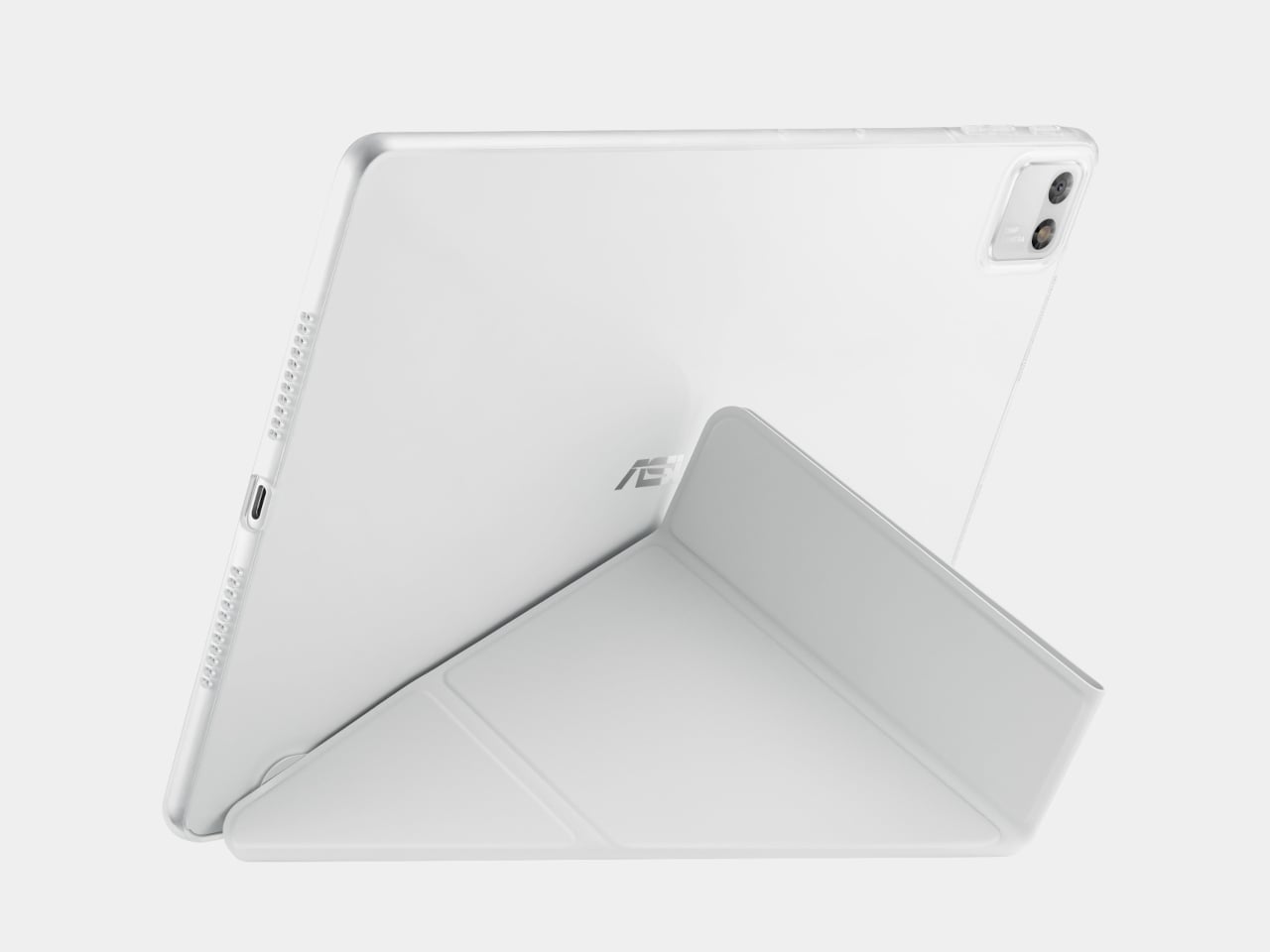
Accessory support rounds out what the Pad can do when the watching stops. ASUS Pen 2.0 enables handwriting and sketching, and Bluetooth keyboard support turns the tablet into something closer to a light laptop for longer text work. A protective case with a multi-angle origami stand ships in the box, meaning the setup is functional out of the packaging without anything additional to buy. Availability and pricing haven’t been confirmed yet, but the ASUS Pad is shaping up as a considered answer to a market that doesn’t always reward patience.

The post ASUS Just Returned to Tablets, and It’s Coming for the iPad first appeared on Yanko Design.

The Surface Laptop Ultra Just Got NVIDIA’s Answer to Apple Silicon

The laptop has always been a machine of compromises. Workstation-class performance typically arrived in thick chassis with short battery life and fan noise audible from across a room. Getting genuine power in a form factor thin and light enough to carry without a second thought has been largely Apple’s territory, a problem it’s been solving with its own ARM-based chips while Windows machines played catch-up.

NVIDIA is changing that calculus for Windows with RTX Spark, an ARM-based superchip that fuses a 20-core Grace CPU with a Blackwell RTX GPU carrying 6,144 CUDA cores, connected by NVIDIA’s NVLink-C2C chip-to-chip interconnect. Microsoft built the Surface Laptop Ultra around it from the silicon up, designing the machine and the chip in concert, producing what it describes as the most powerful Surface Laptop ever built.

Designer: Microsoft, NVIDIA

The reason ARM architecture matters for laptop design is power efficiency. Compared to x86 chips, ARM-based designs deliver significantly more performance per watt, and that ratio determines what’s physically possible in a chassis. RTX Spark laptops are engineered to be as slim as 14mm and as light as 3 pounds, proportions that previously excluded any serious dedicated GPU from the equation entirely.

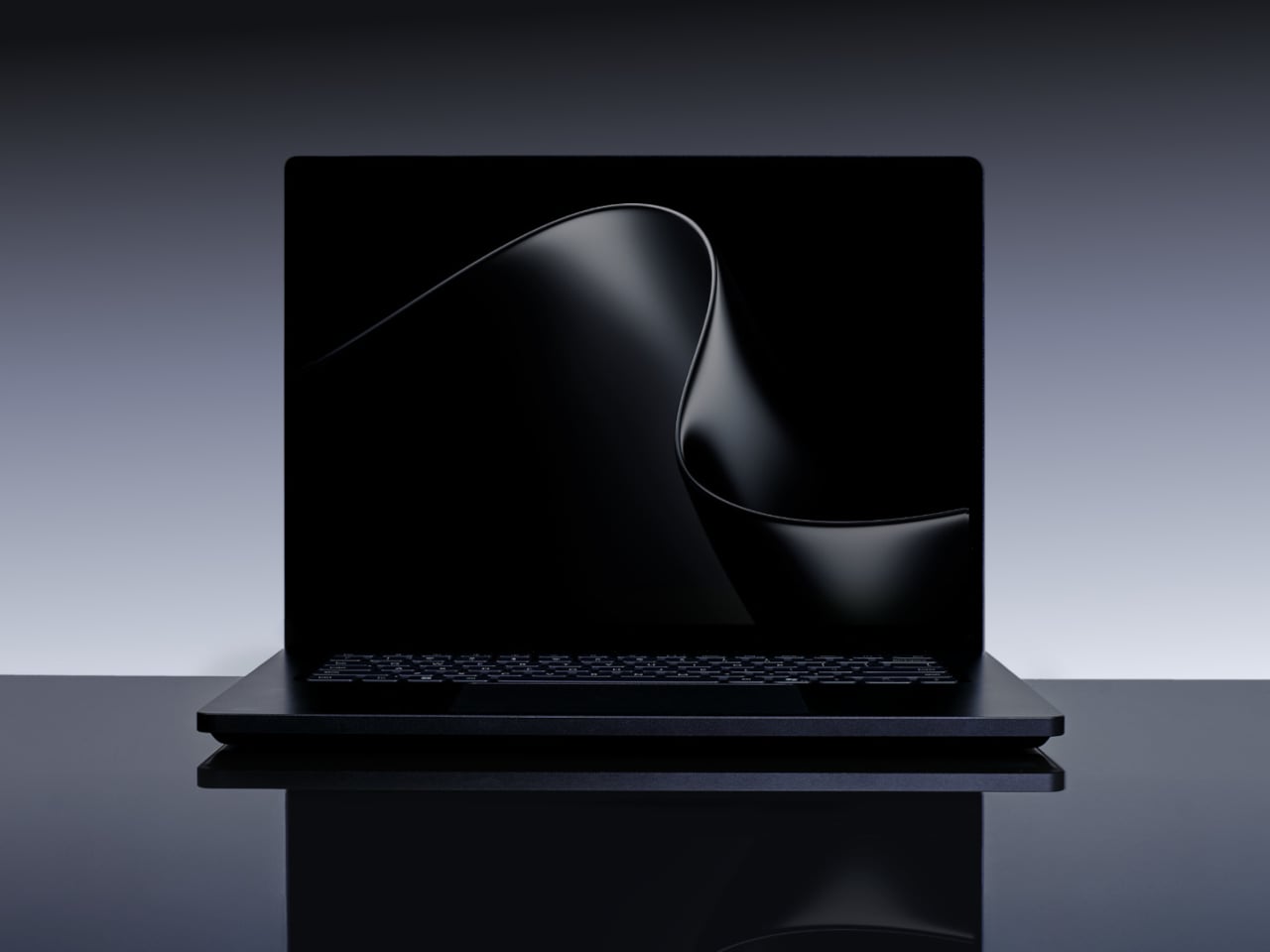
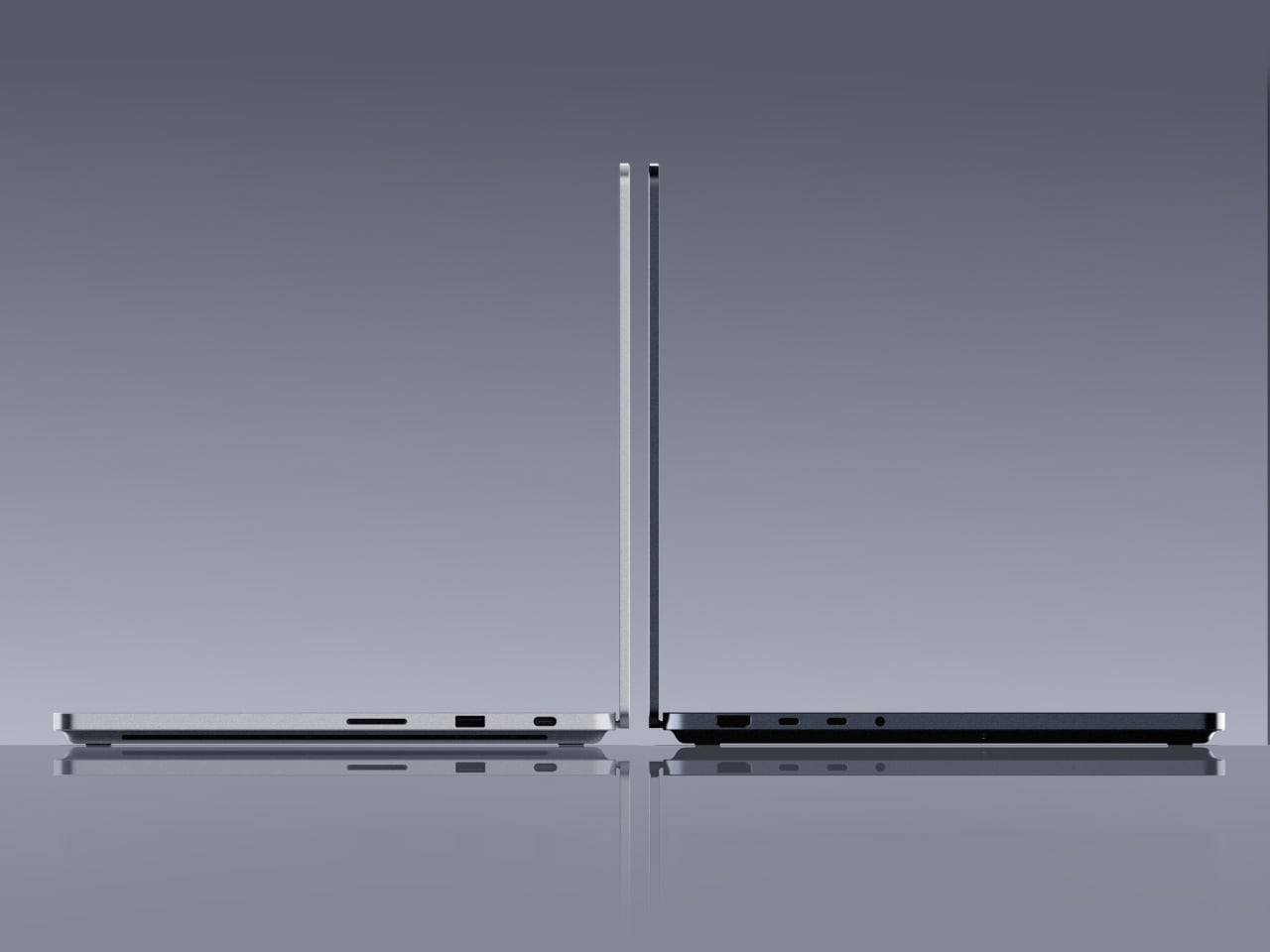
The Surface Laptop Ultra lands at under 18mm thick and under 4.5 pounds, housed in CNC-machined aluminum in Platinum and Nightfall finishes. The 15-inch mini-LED PixelSense Ultra touchscreen reaches up to 2,000 nits of peak HDR brightness with a 3:2 aspect ratio and 262 pixels per inch, making it the brightest display Microsoft has ever shipped on a Surface. A full port set, including HDMI, USB-C, USB-A, SD card, and headphone jack, rounds out a machine designed for professional use.

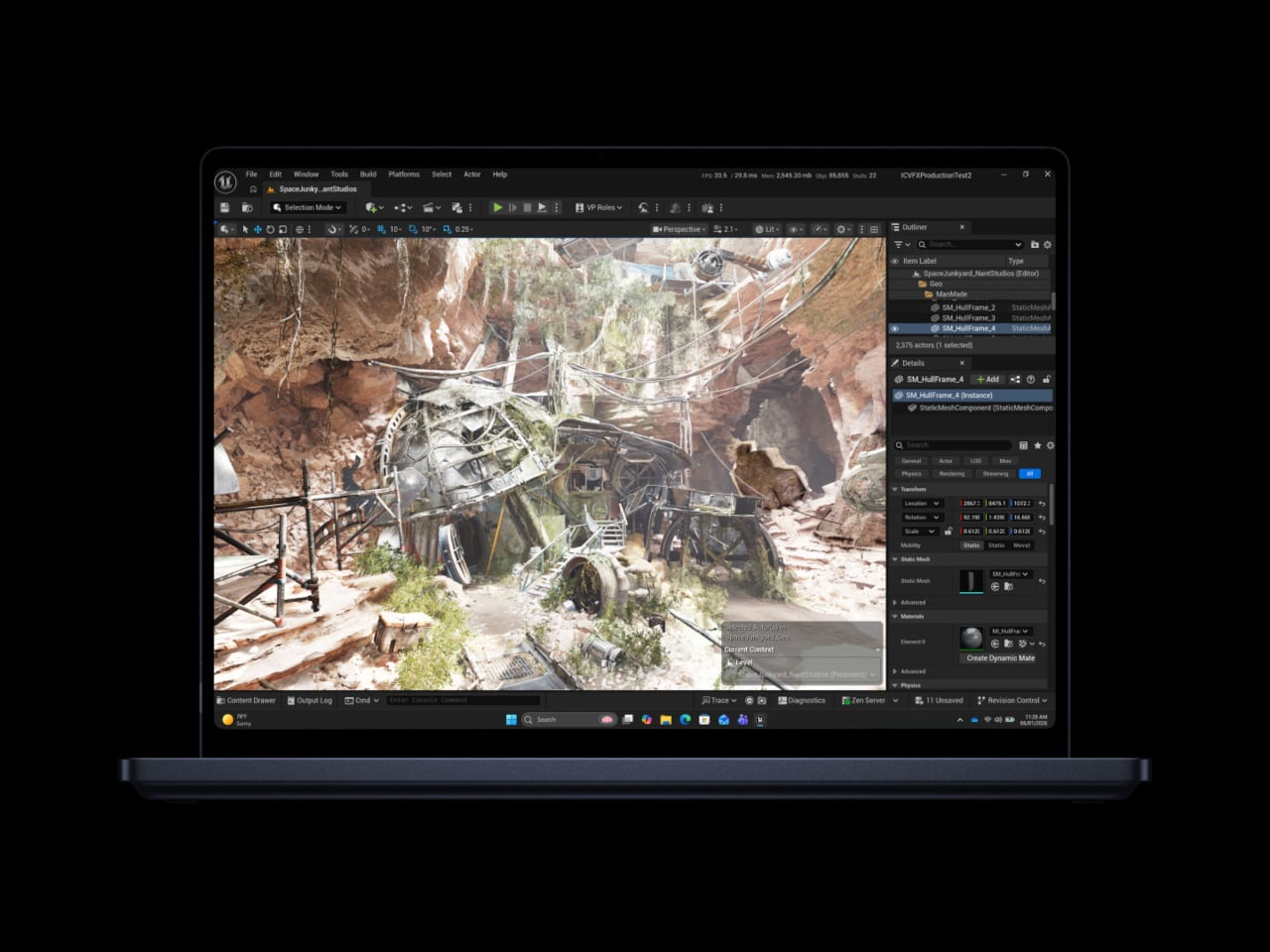
RTX Spark’s most defining architectural choice is unified memory, where up to 128GB of RAM is shared dynamically between the CPU and GPU. A 3D rendering job, a video edit, and a locally running AI model can all draw from that same pool simultaneously, without the bottlenecks discrete memory architectures create. That arrangement enables 1 petaflop of AI compute, enough to run 120-billion-parameter models entirely on the device.

The full CUDA software stack runs natively on RTX Spark, which matters directly for creative professionals. Adobe is rebuilding Photoshop and Premiere from the ground up for the chip, targeting 2x faster AI and graphics performance. On the creative side, RTX Spark handles 12K video editing, renders 90GB-plus 3D scenes using NVIDIA OptiX, and generates 4K AI video, tasks that previously required a dedicated workstation to complete without serious compromise.

NVIDIA describes RTX Spark as the most efficient PC chip ever built, a statement aimed squarely at Apple Silicon’s grip on the high-end creative laptop market. That efficiency is also what allows the Surface Laptop Ultra’s all-new thermal system to sustain heavy workloads without the throttling and fan noise that defined previous Windows machines in this tier. Microsoft’s own engineers worked across mechanical, thermal, materials, and industrial design disciplines simultaneously, treating the chassis and the chip as a single system.

All-day battery life holds even while running on battery power, and the compact charger is small enough to fit in a jacket pocket. The Surface Laptop Ultra and additional RTX Spark-powered devices from ASUS, Dell, HP, Lenovo, and MSI are expected in fall 2026. For a platform that has long asked users to choose between portability and capability, the arrival of an ARM PC chip in NVIDIA’s hands changes the terms of that conversation considerably.

The post The Surface Laptop Ultra Just Got NVIDIA’s Answer to Apple Silicon first appeared on Yanko Design.
ROG Just Gave the Ally Its First OLED and a 171-Inch AR Screen

Handheld gaming PCs have become serious pieces of hardware over the past few years, and the display has quietly become the most contested spec on the spec sheet. Early handhelds shipped with IPS panels as a matter of course, but expectations have shifted. Owners of these devices spend long hours staring at a relatively small screen, and the quality of that screen now shapes how the whole experience is judged.

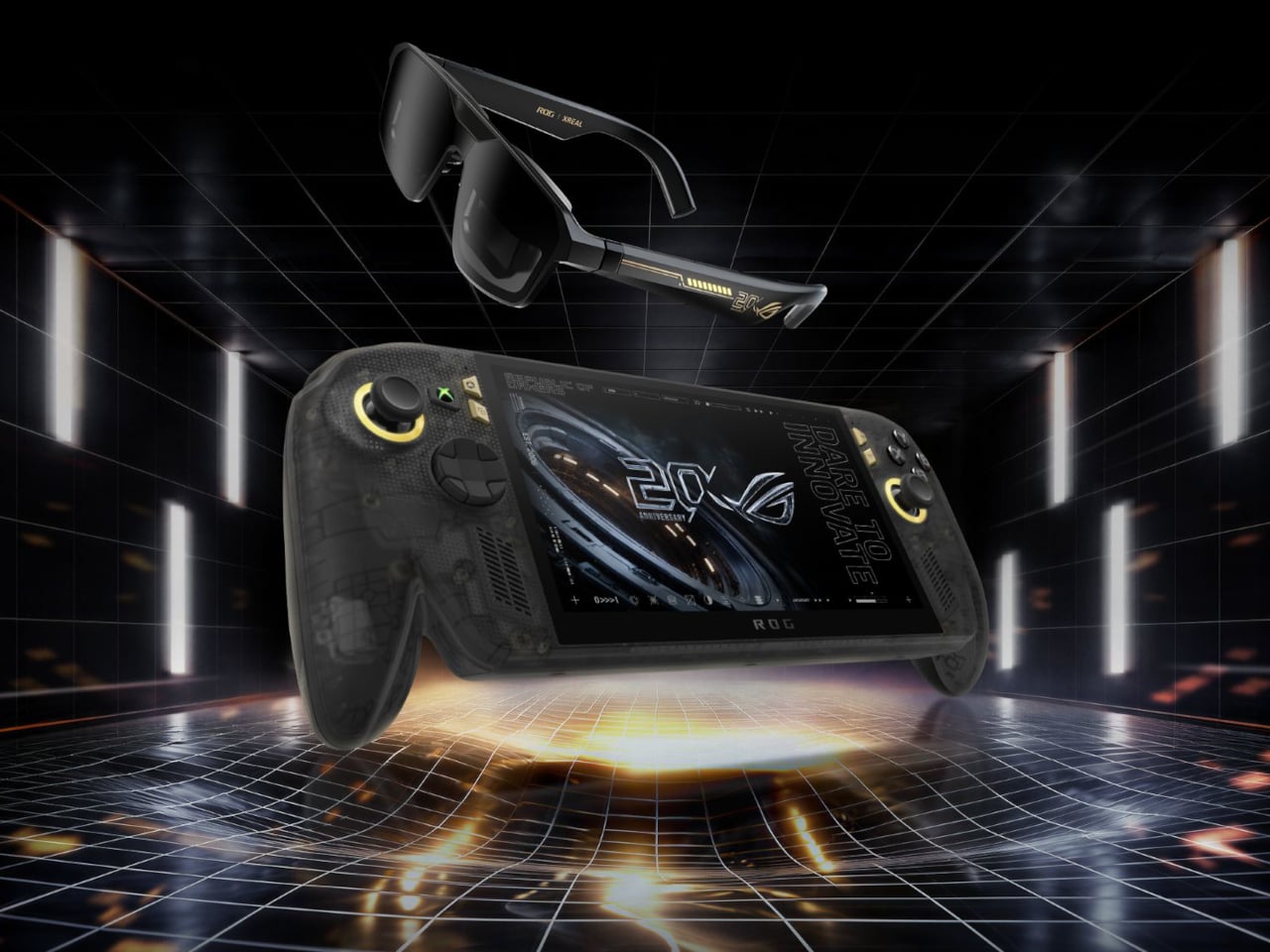
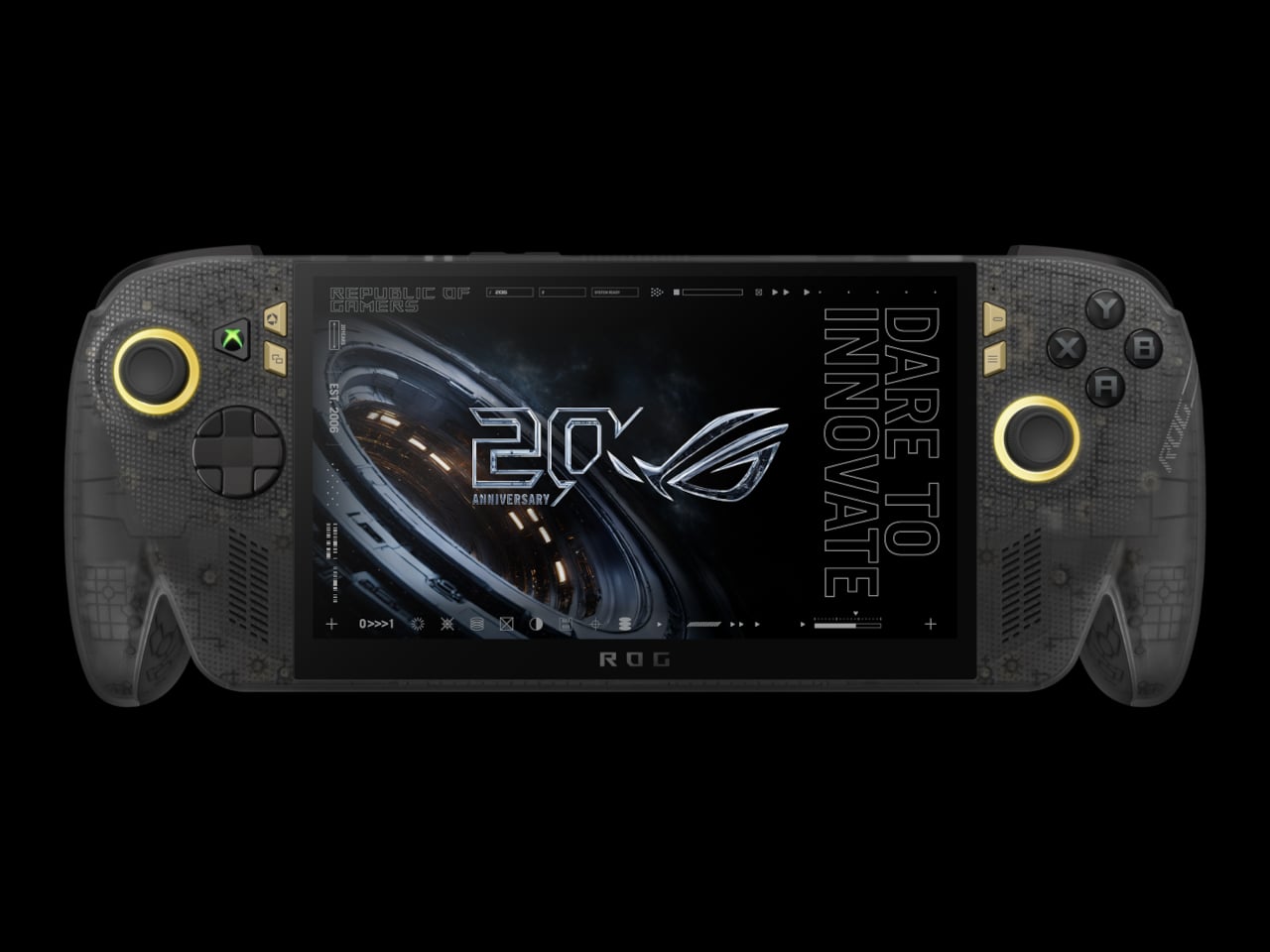
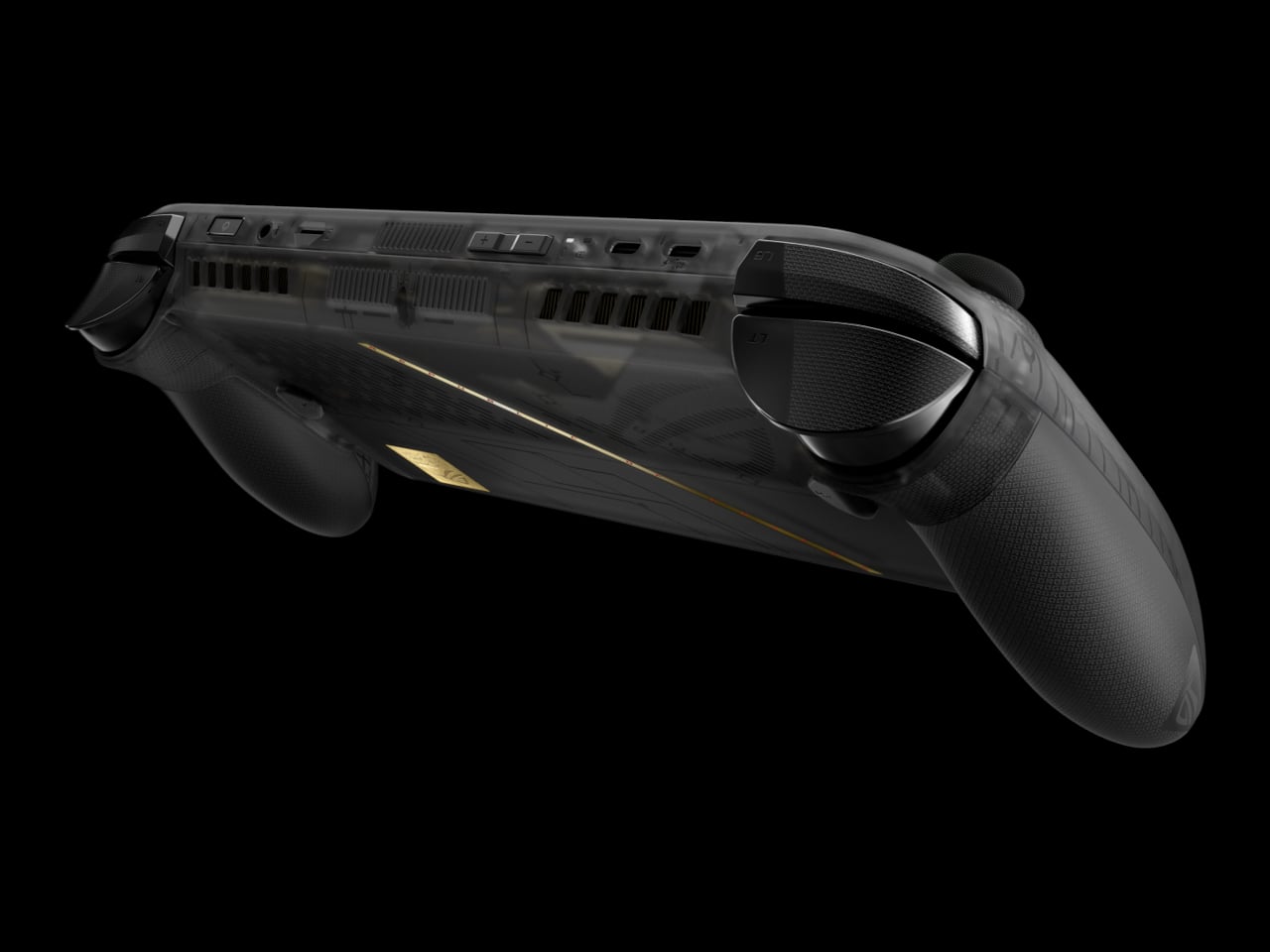
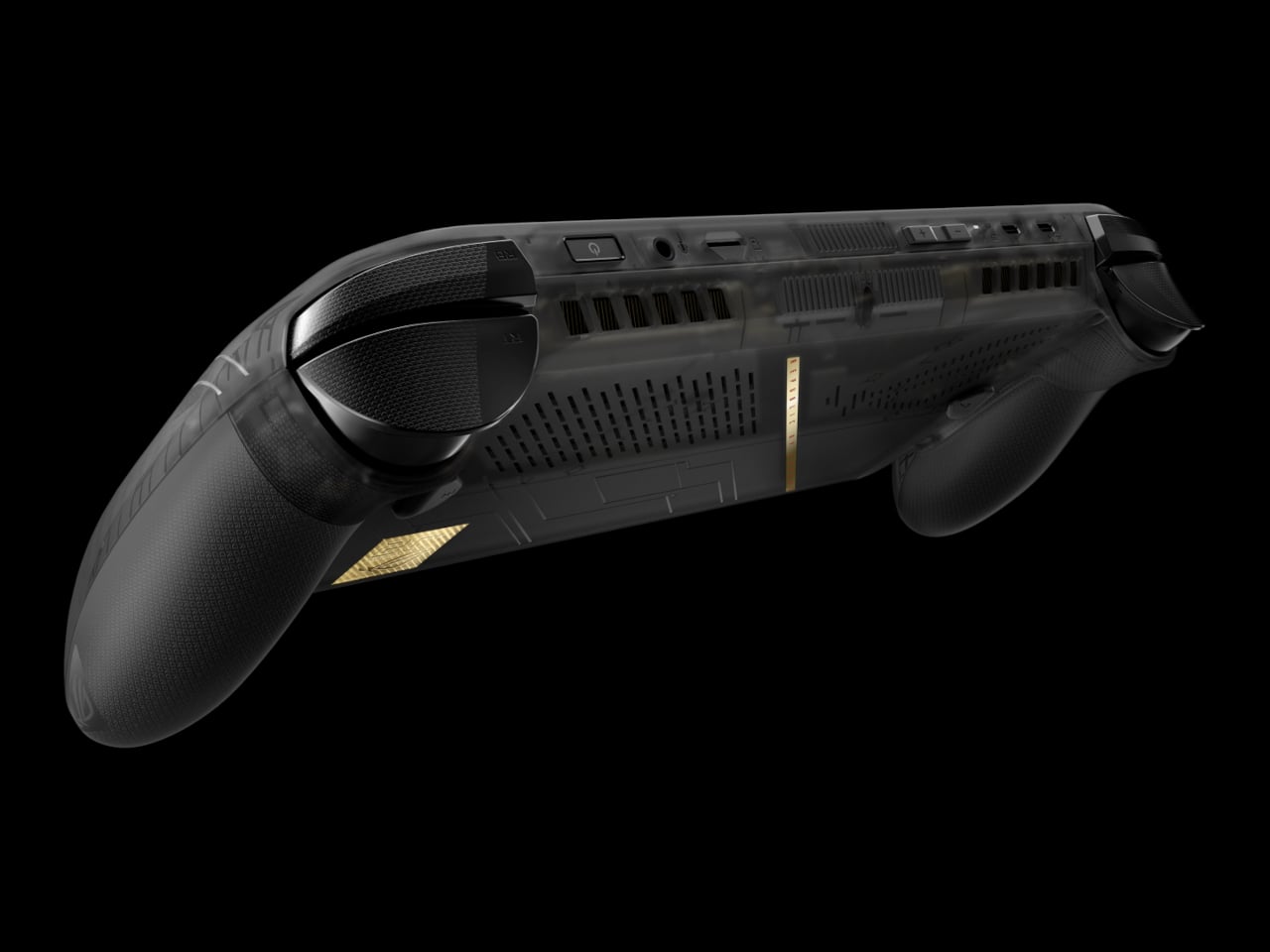
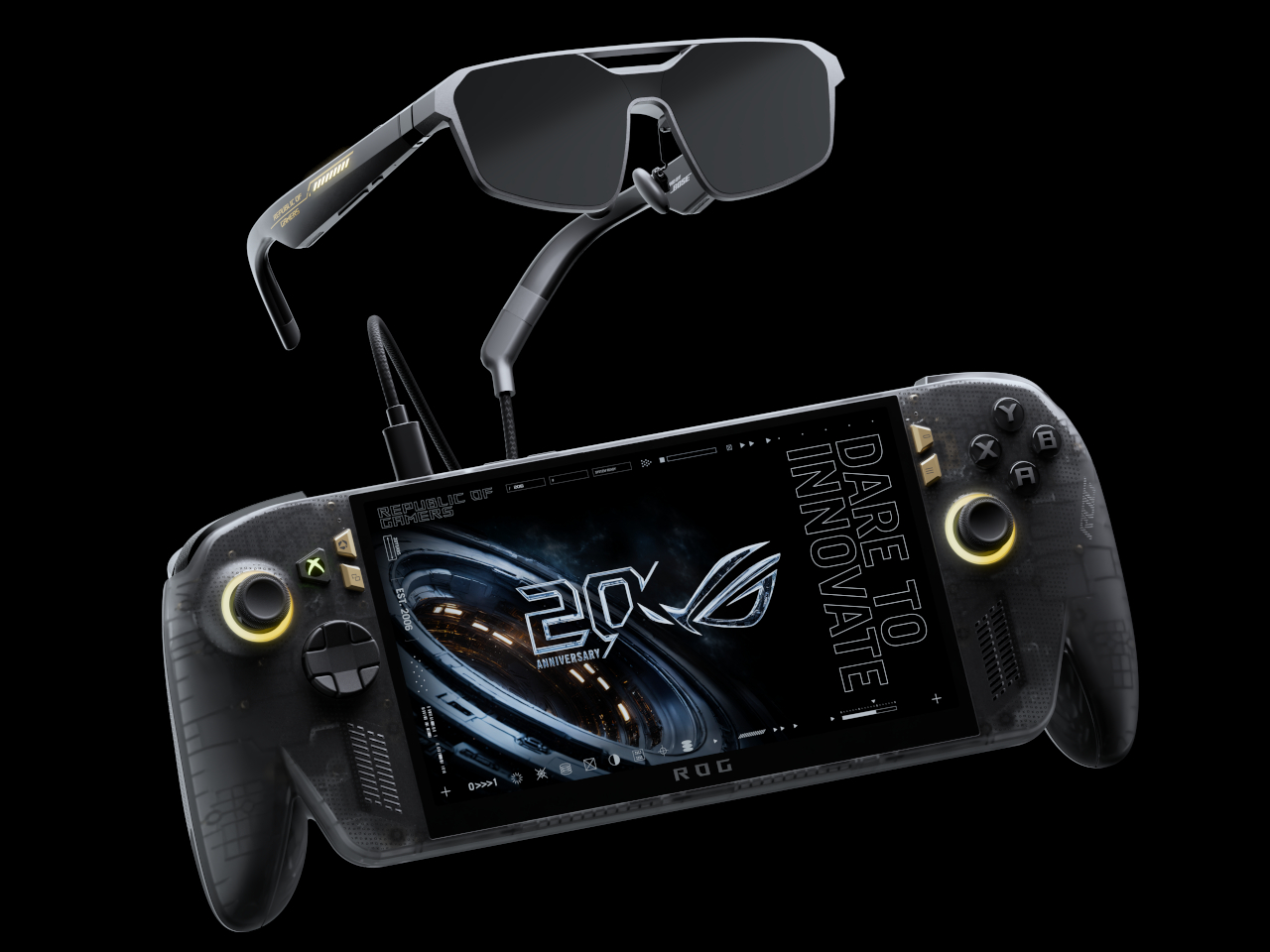
ROG is marking 20 years as a brand with an anniversary bundle that puts its most significant Ally upgrade to date front and center. The ROG XBOX Ally X20 is a special-edition take on the Ally X, built around a translucent black chassis with a gold internal structure and a 7.4-inch OLED display, the first of its kind on an Ally, paired in the box with a set of AR gaming glasses.

Designer: ASUS

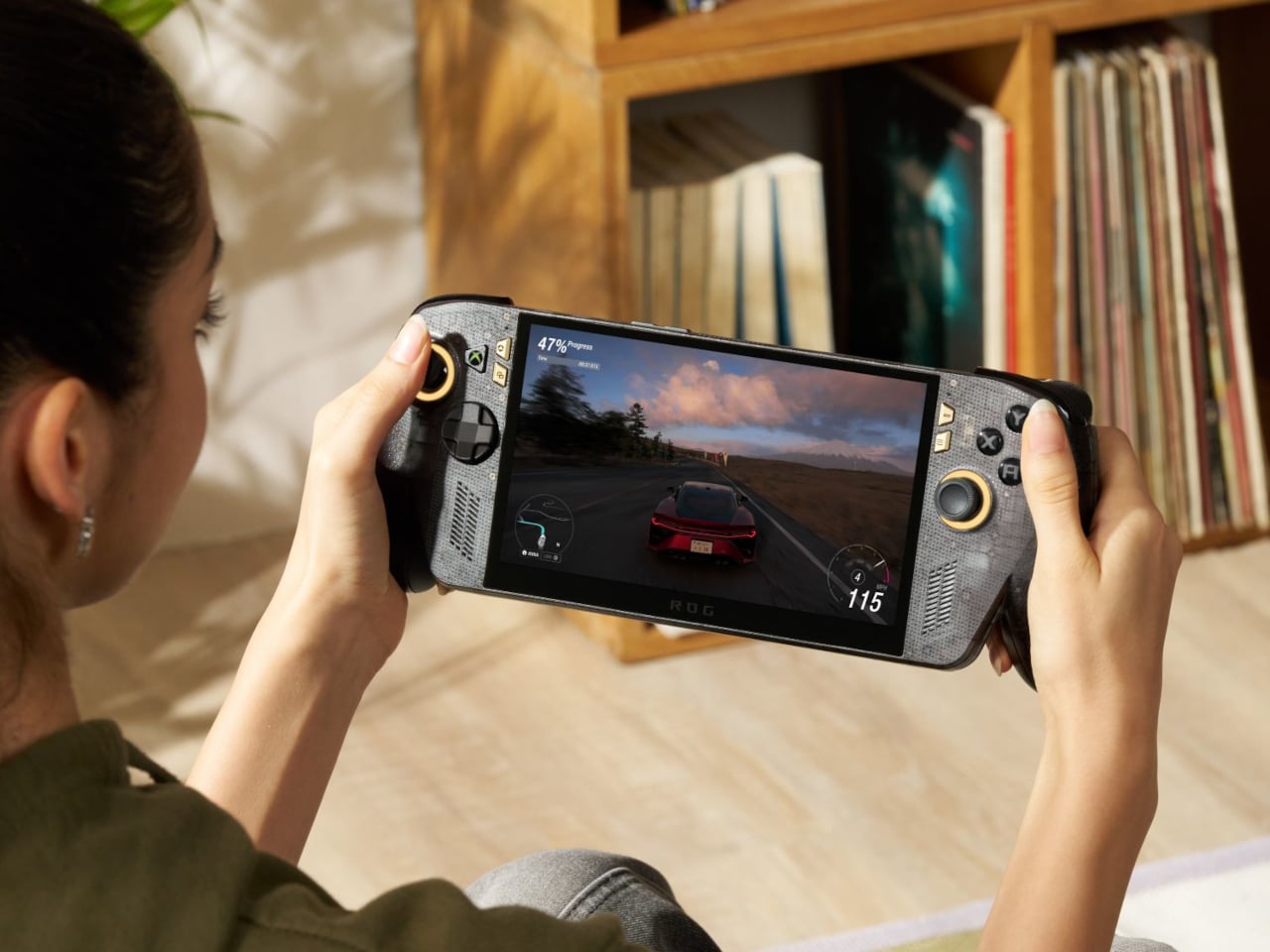
The jump from IPS to OLED on the Ally is hard to overstate for anyone who’s spent time with both panel types. The Nebula HDR Display delivers 1,400 nits of peak brightness, a 0.2ms response time, a 120Hz refresh rate with FreeSync Premium Pro, and support for Dolby Vision. VESA DisplayHDR 1000 certification rounds it out, and Corning DXC glass with an anti-reflective coating cuts glare by 65%.

Under the hood, the AMD Ryzen AI Z2 Extreme processor carries the same horsepower as the Ally X, backed by 24GB of RAM and an 80Wh battery. New TMR joysticks deliver better precision and tracking. Auto SR upscaling handles frame-quality boosts at lower power costs, and Xbox Mode offers a clean, console-like interface for navigating a library that spans Xbox, PC Game Pass, and Steam.

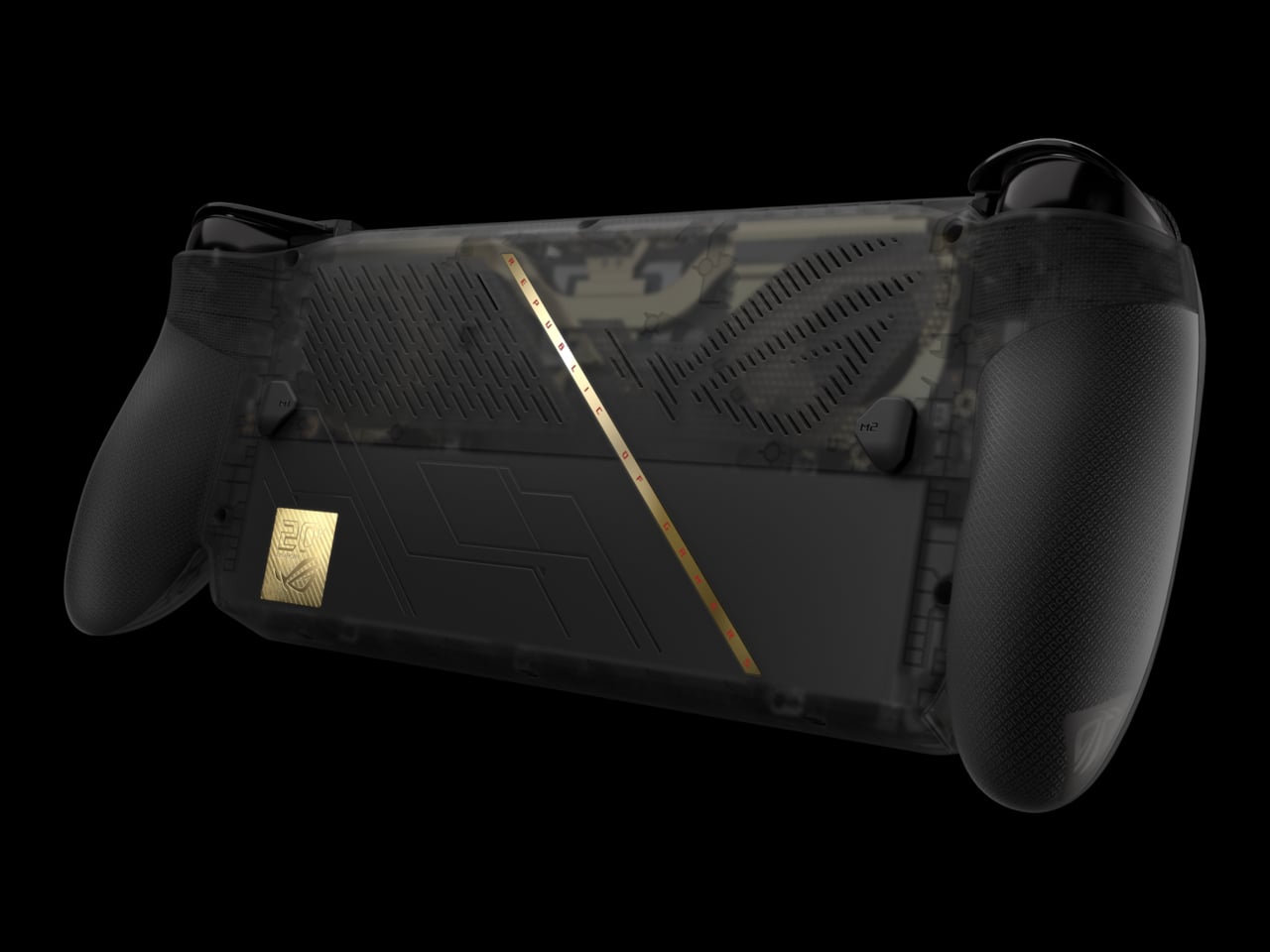
The design is the most conspicuous part of the X20’s identity. The translucent black body lets the gold-accented internal frame show through, making the engineering itself part of the aesthetic. It’s a specific kind of flex that ROG’s anniversary context earns credibility for. Rubberized coating on the rear handgrips keeps the feel practical rather than purely decorative, which matters for a device meant to hold through long gaming sessions.

The bundle’s second piece is the ROG XREAL R1 Edition 20 Gaming AR Glasses, and they’re the part that makes this package genuinely different from simply selling a revised Ally X. These aren’t the kind of smart glasses that surface notifications or track fitness. They’re designed specifically for gaming, using dual Sony Micro-OLED displays to generate a virtual screen sized for long sessions away from a TV or monitor.

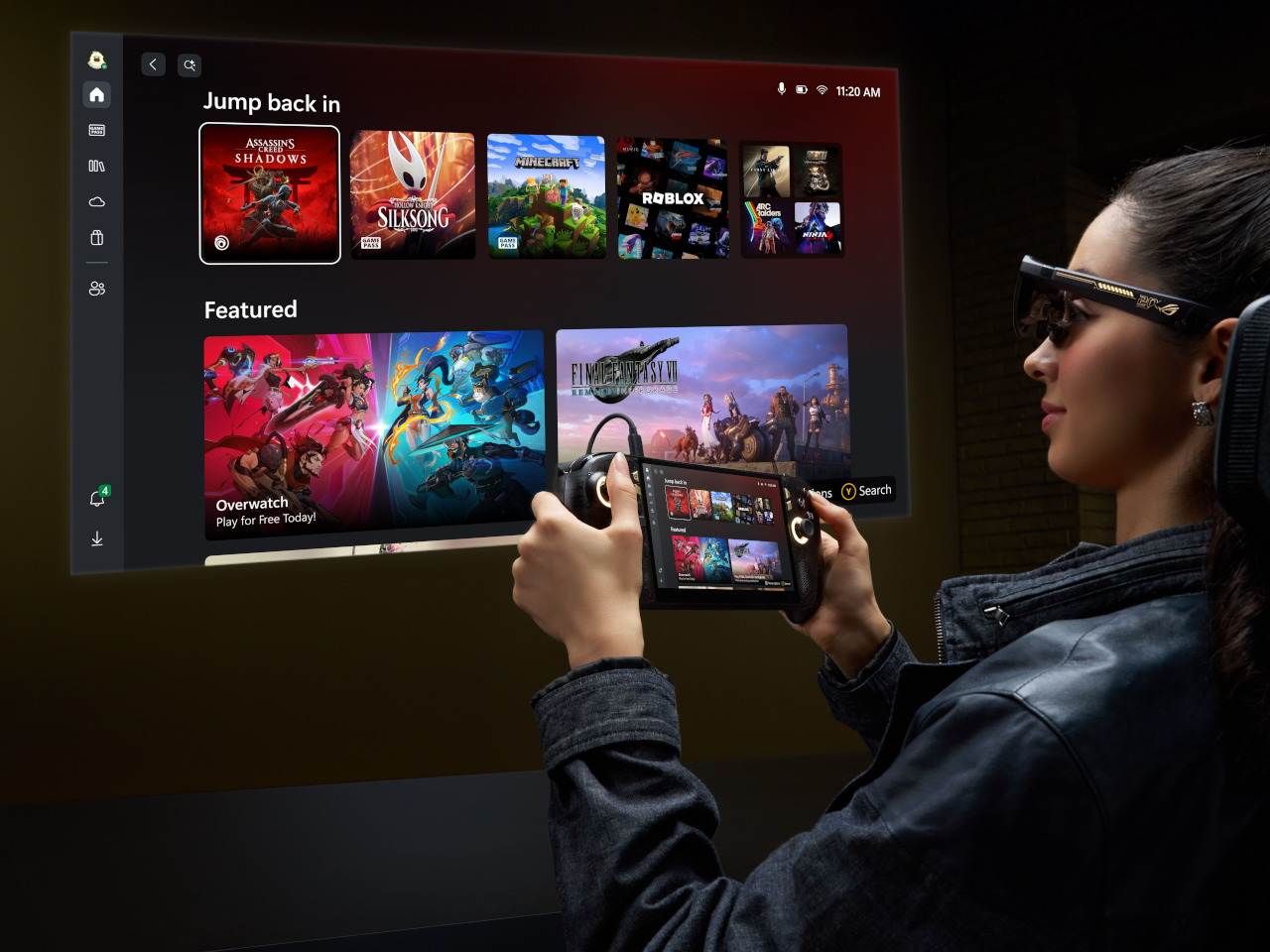
That virtual screen projects to 171 inches when viewed from 4 meters, covering 95% of the focused field of view. A 240Hz refresh rate and a 0.01ms response time keep fast-paced gameplay clean without smearing or lag. Native 3DoF head tracking anchors the display to your gaze, while Anchor Mode locks it in a fixed position for those who prefer to play without the screen following their movements.

The ROG XBOX Ally X20 isn’t the kind of hardware upgrade that quietly adds a spec or two. OLED on the Ally for the first time, combined with AR glasses that project a room-filling virtual display and wrapped in a translucent anniversary design, makes for a more complete idea than a typical limited-edition product usually delivers. A holiday 2026 release means the wait still has some time left.

The post ROG Just Gave the Ally Its First OLED and a 171-Inch AR Screen first appeared on Yanko Design.
ROG Just Gave the Ally Its First OLED and a 171-Inch AR Screen

Handheld gaming PCs have become serious pieces of hardware over the past few years, and the display has quietly become the most contested spec on the spec sheet. Early handhelds shipped with IPS panels as a matter of course, but expectations have shifted. Owners of these devices spend long hours staring at a relatively small screen, and the quality of that screen now shapes how the whole experience is judged.

ROG is marking 20 years as a brand with an anniversary bundle that puts its most significant Ally upgrade to date front and center. The ROG XBOX Ally X20 is a special-edition take on the Ally X, built around a translucent black chassis with a gold internal structure and a 7.4-inch OLED display, the first of its kind on an Ally, paired in the box with a set of AR gaming glasses.

Designer: ASUS

The jump from IPS to OLED on the Ally is hard to overstate for anyone who’s spent time with both panel types. The Nebula HDR Display delivers 1,400 nits of peak brightness, a 0.2ms response time, a 120Hz refresh rate with FreeSync Premium Pro, and support for Dolby Vision. VESA DisplayHDR 1000 certification rounds it out, and Corning DXC glass with an anti-reflective coating cuts glare by 65%.

Under the hood, the AMD Ryzen AI Z2 Extreme processor carries the same horsepower as the Ally X, backed by 24GB of RAM and an 80Wh battery. New TMR joysticks deliver better precision and tracking. Auto SR upscaling handles frame-quality boosts at lower power costs, and Xbox Mode offers a clean, console-like interface for navigating a library that spans Xbox, PC Game Pass, and Steam.

The design is the most conspicuous part of the X20’s identity. The translucent black body lets the gold-accented internal frame show through, making the engineering itself part of the aesthetic. It’s a specific kind of flex that ROG’s anniversary context earns credibility for. Rubberized coating on the rear handgrips keeps the feel practical rather than purely decorative, which matters for a device meant to hold through long gaming sessions.

The bundle’s second piece is the ROG XREAL R1 Edition 20 Gaming AR Glasses, and they’re the part that makes this package genuinely different from simply selling a revised Ally X. These aren’t the kind of smart glasses that surface notifications or track fitness. They’re designed specifically for gaming, using dual Sony Micro-OLED displays to generate a virtual screen sized for long sessions away from a TV or monitor.

That virtual screen projects to 171 inches when viewed from 4 meters, covering 95% of the focused field of view. A 240Hz refresh rate and a 0.01ms response time keep fast-paced gameplay clean without smearing or lag. Native 3DoF head tracking anchors the display to your gaze, while Anchor Mode locks it in a fixed position for those who prefer to play without the screen following their movements.

The ROG XBOX Ally X20 isn’t the kind of hardware upgrade that quietly adds a spec or two. OLED on the Ally for the first time, combined with AR glasses that project a room-filling virtual display and wrapped in a translucent anniversary design, makes for a more complete idea than a typical limited-edition product usually delivers. A holiday 2026 release means the wait still has some time left.

The post ROG Just Gave the Ally Its First OLED and a 171-Inch AR Screen first appeared on Yanko Design.
ROG Just Made Gaming Peripherals You’d Actually Put on Display

Gaming peripherals have gradually crossed from purely functional tools into design objects that enthusiasts keep, display, and collect alongside their builds. Limited-edition anniversary hardware has become part of that culture, giving manufacturers a chance to honor their history while reminding the community why certain names still carry weight. Making those commemorative pieces feel genuinely worthy of the occasion, however, is always the trickier part.

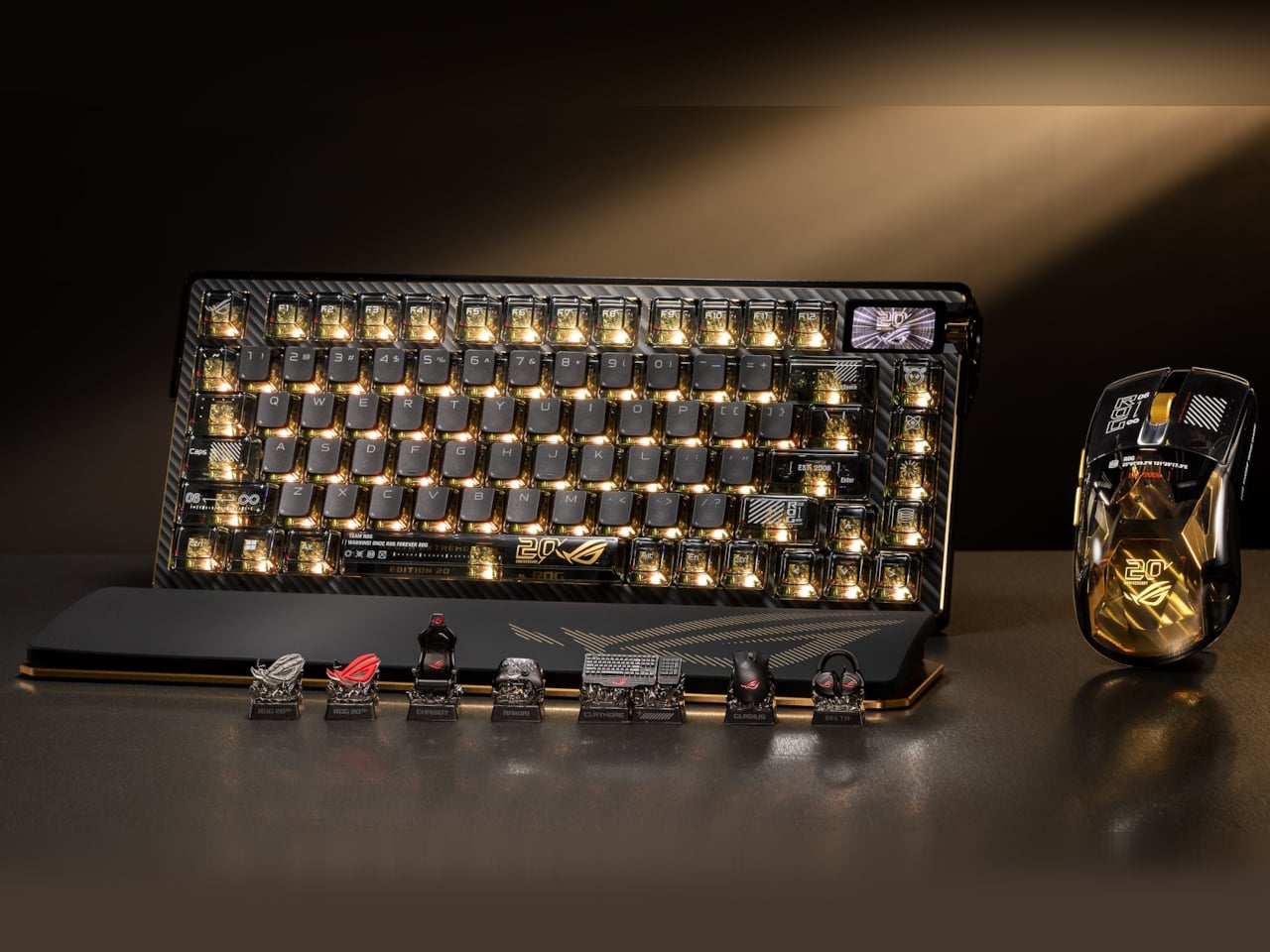
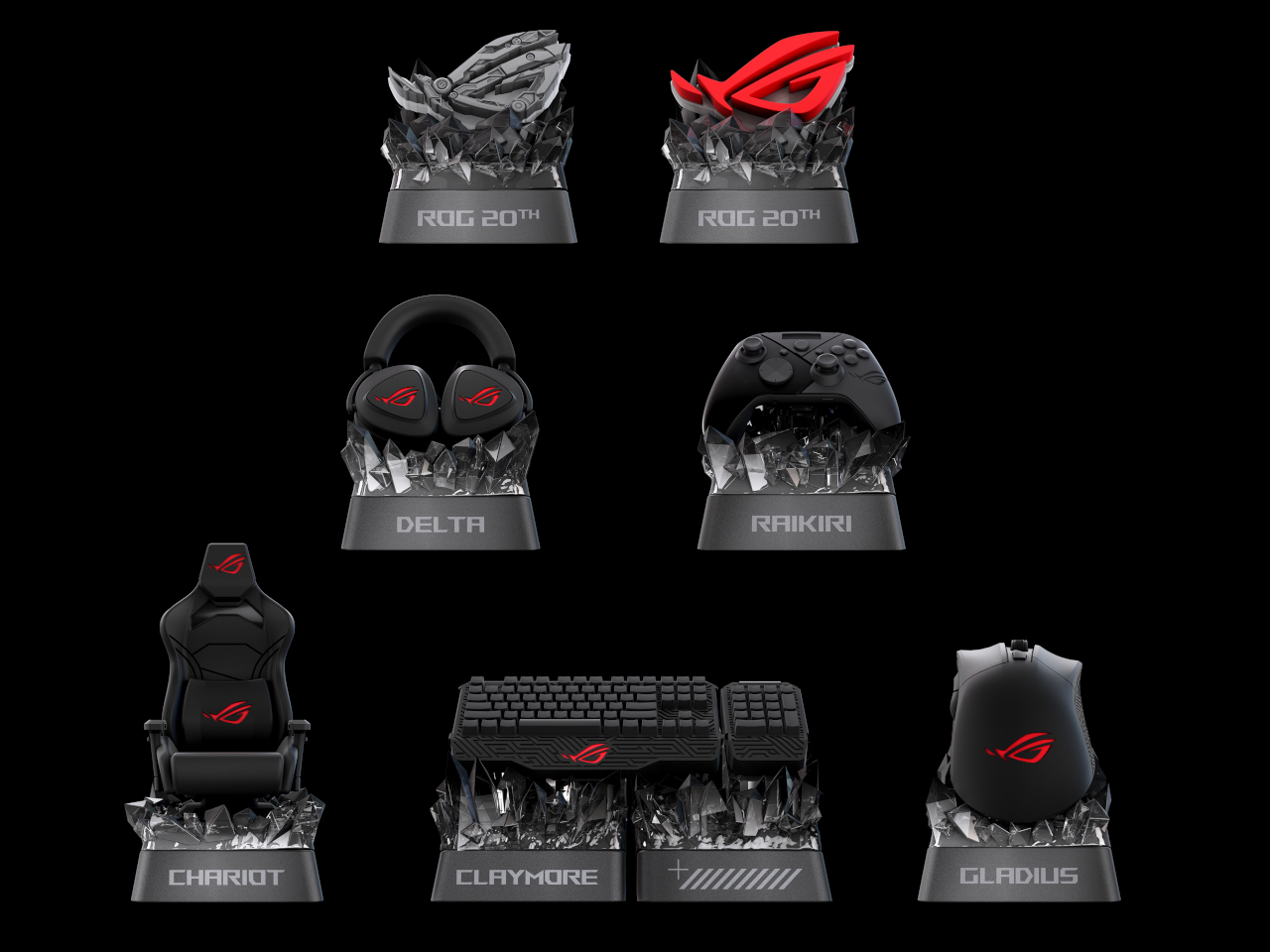
ROG, short for ASUS’ Republic of Gamers brand, is marking 20 years of gaming innovation with an anniversary lineup centered on a gold-and-black design identity it calls the Edition 20 colorway. Three peripheral additions sit at the heart of it, namely the Azoth Extreme Edition 20 keyboard, the Harpe II Extreme Edition 20 mouse, and the Keycap Mystery Box Edition 20, each making the case that high-performance hardware and collector-worthy design don’t have to live separately.

Designer: ASUS

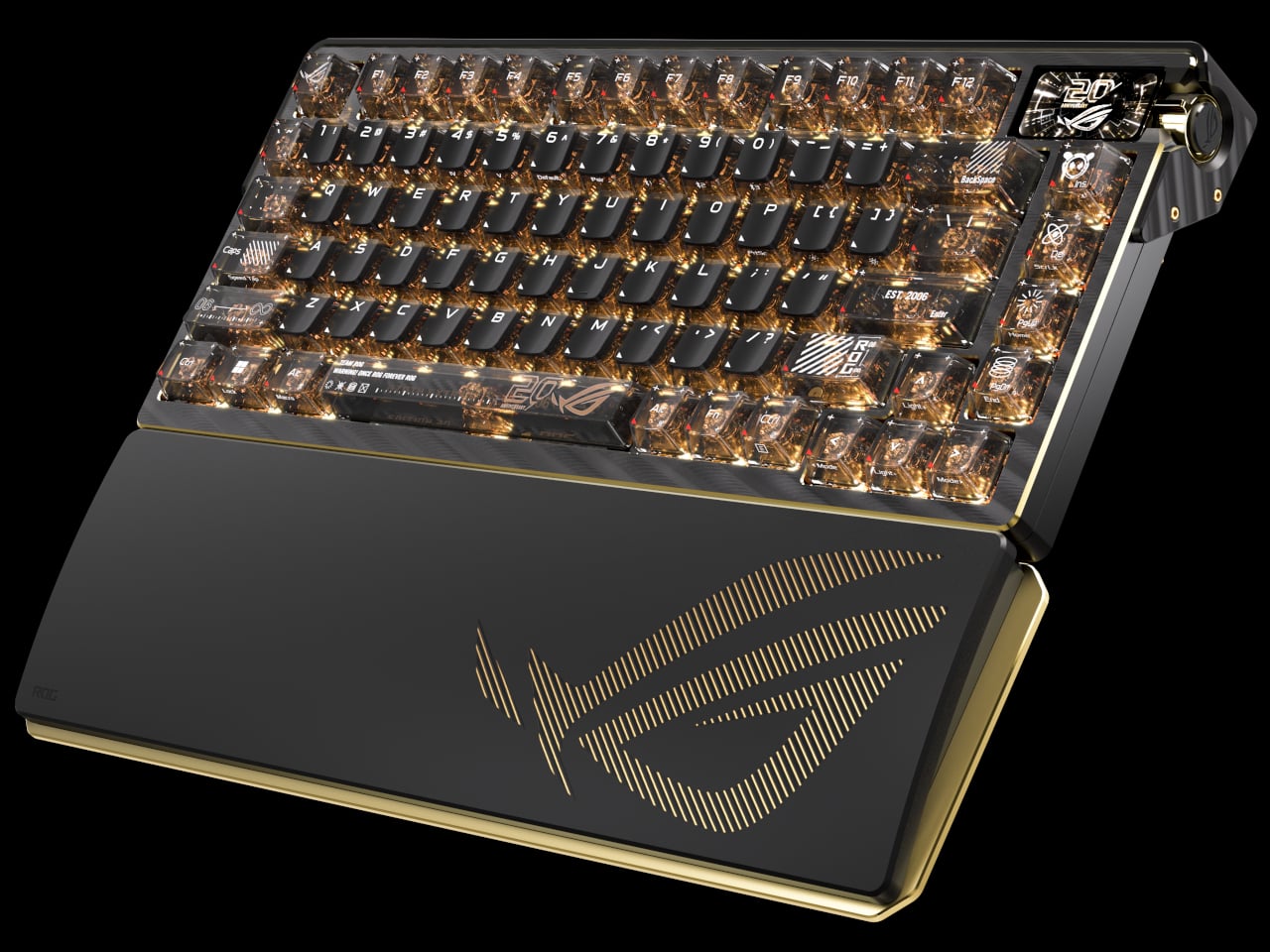
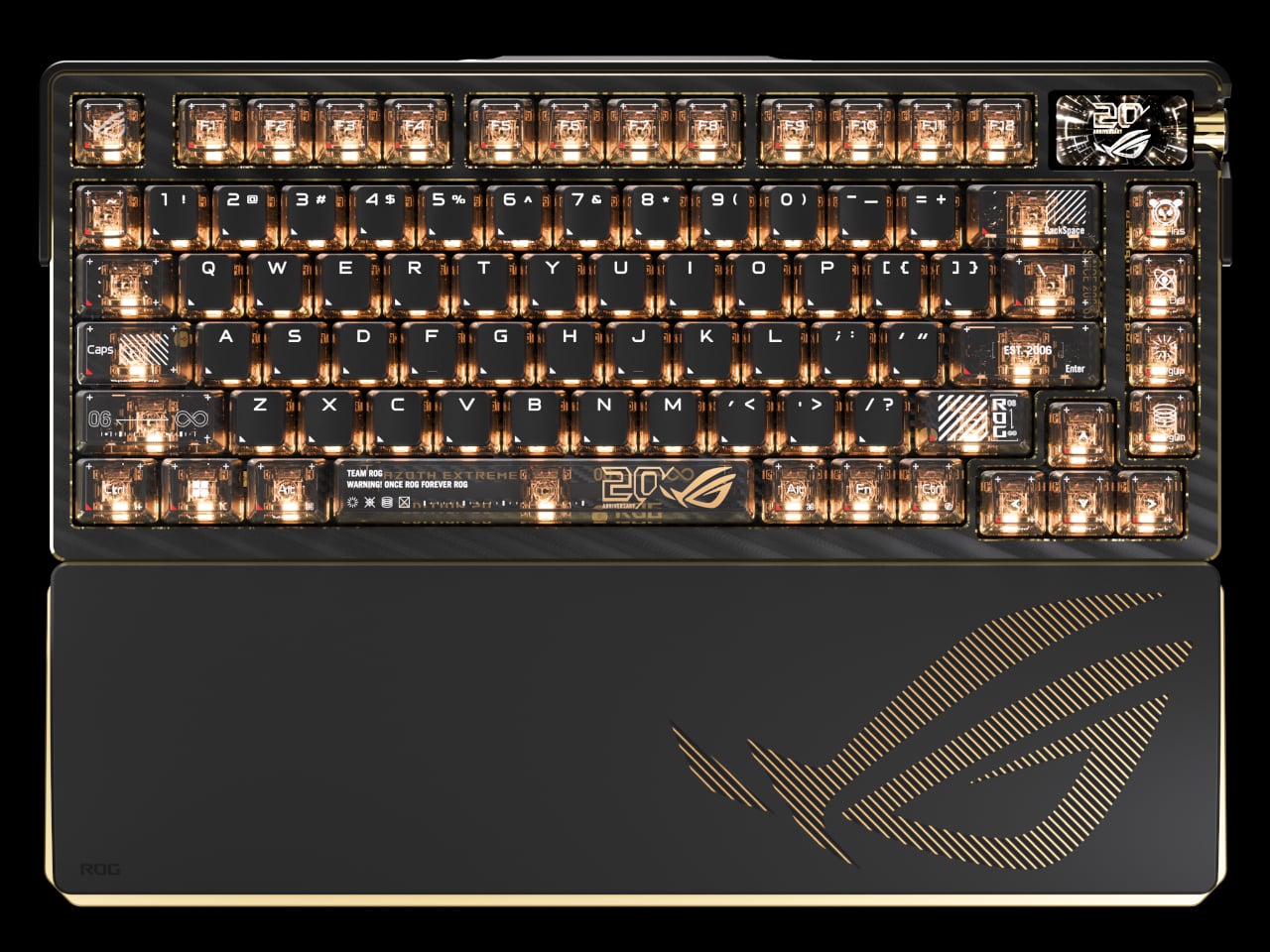
The Azoth Extreme Edition 20 is a 75% gaming keyboard that wears the anniversary theme without being heavy-handed about it. Translucent keycaps reveal the mechanics below, and a detachable 24K-gold-plated nameplate at the front makes the occasion official without being excessive. The extended silicone wrist rest adds completeness to the package, anchored by a gold-toned aluminum-alloy base that ties everything together without introducing anything out of place.

Beneath that exterior, an adjustable gasket mount toggles between Hard and Soft typing modes, useful for anyone who games and types for long hours in the same session. The custom ROG NX Edition 20 mechanical switches are transparent, factory pre-lubed, and hot-swappable, while an OLED touchscreen with a three-way control knob handles quick adjustments. In 2.4GHz wireless mode, battery life stretches to up to 1,600 hours.

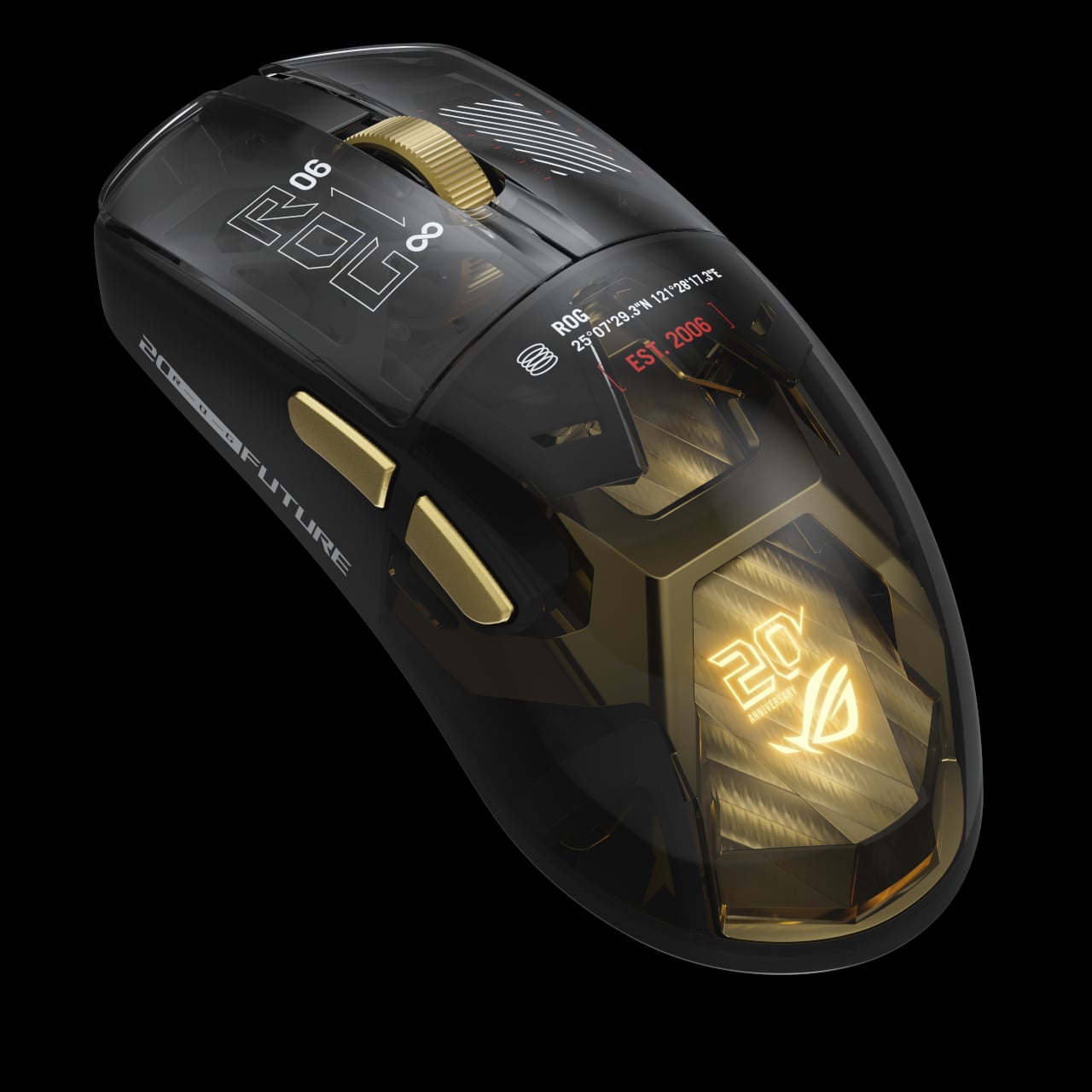
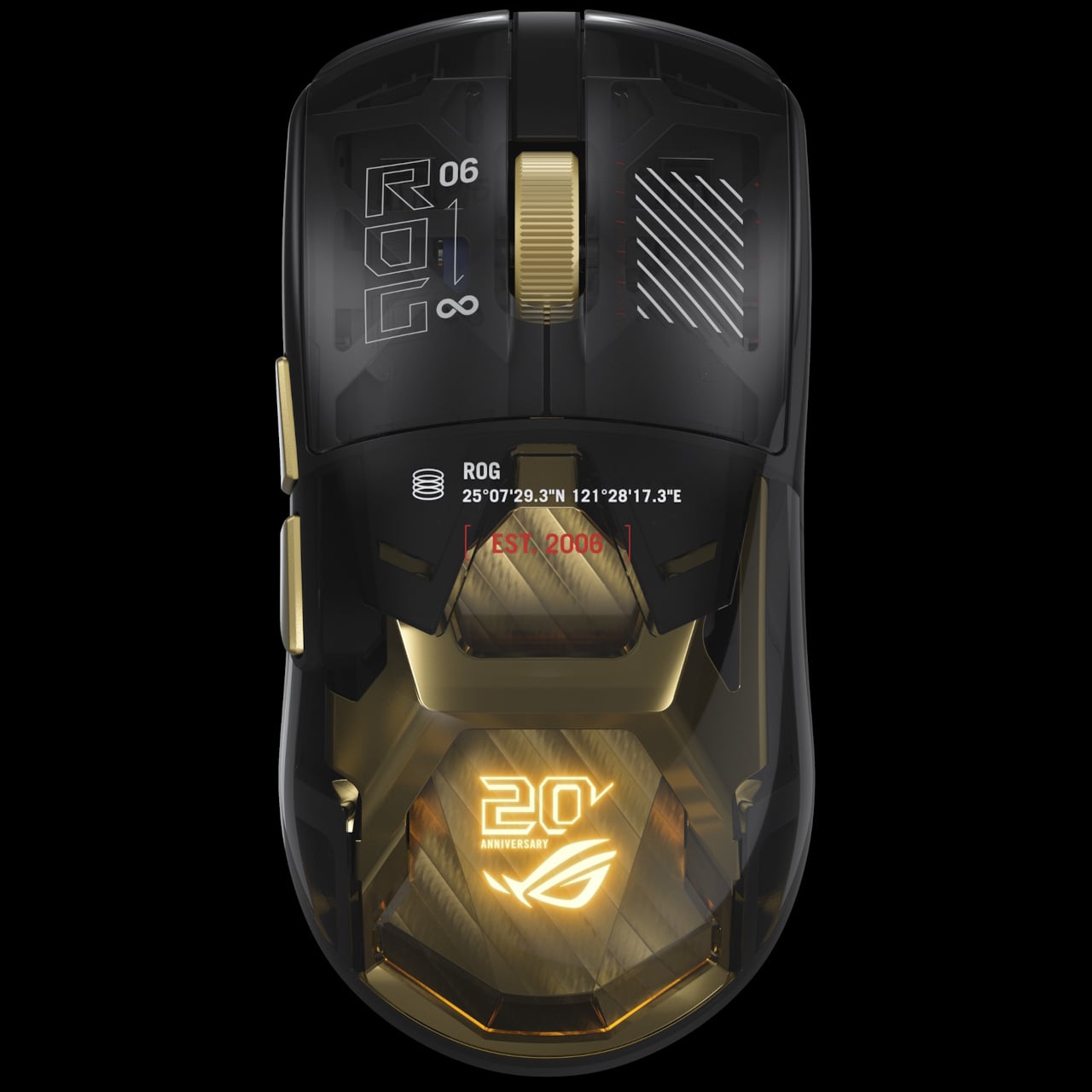
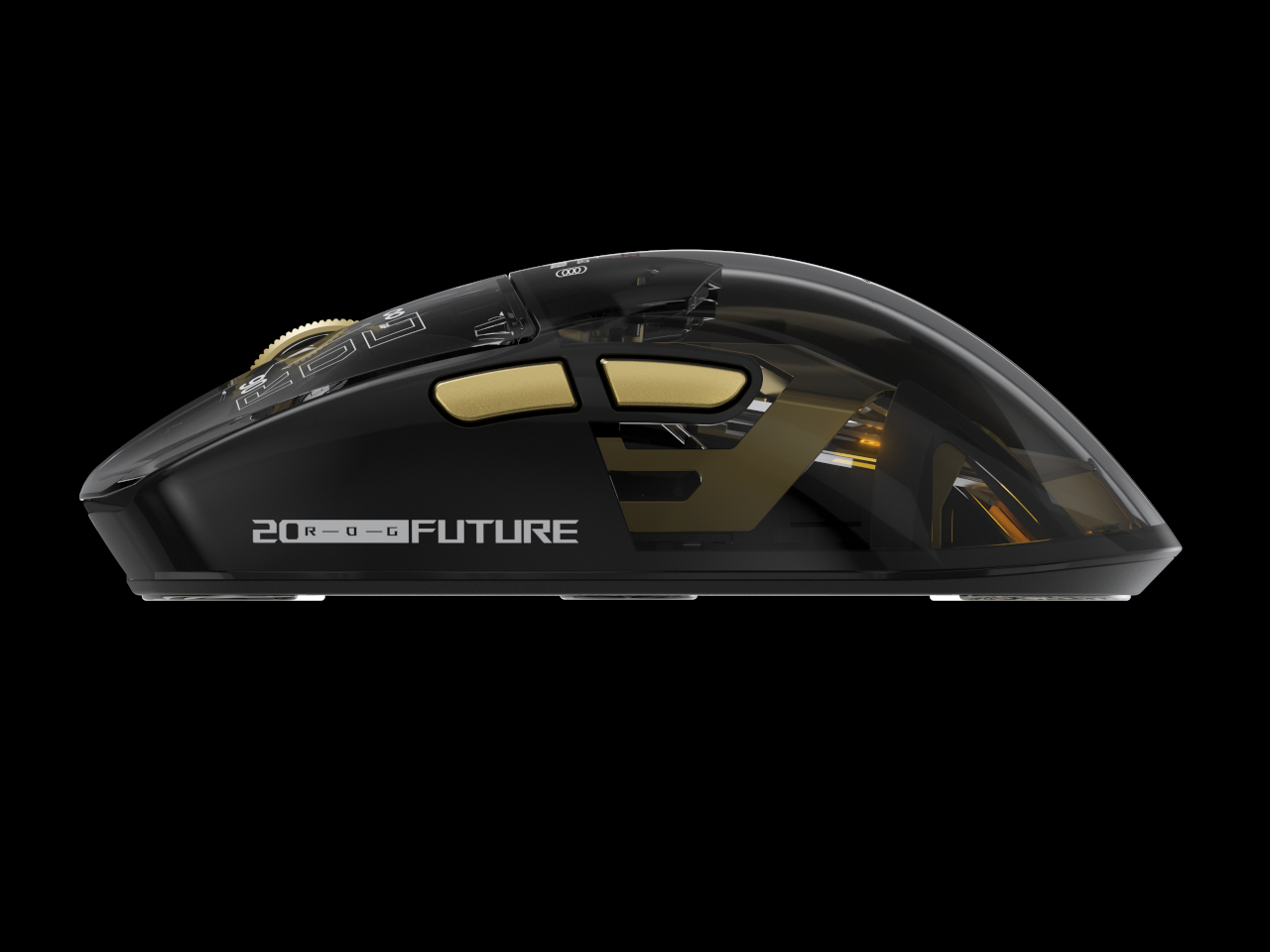
The Harpe II Extreme Edition 20 shares the same design language and makes a natural companion to the keyboard. Built on the pro-tested shape of the Harpe II Ace, it houses a 24K-gold-plated metal interior frame inside a crystal-clear shell, with an RGB light guide plate illuminating the components within. A display case ships with the mouse in the box, which feels entirely appropriate given how it looks at rest.

The ROG AimPoint Pro 65K sensor delivers 65,000 dpi with less than 1% CPI deviation and 8,000Hz wireless polling through ROG SpeedNova technology. At 82g with glass mouse feet already included, it’s ready for competitive play immediately. Battery life holds at up to 90 hours over 2.4GHz RF and 98.5 hours in Bluetooth mode, both measured with the lighting switched off.

For those who aren’t swapping out their entire setup, the Keycap Mystery Box Edition 20 is the most accessible entry into the anniversary series. Each box holds a randomly selected keycap in one of seven designs inspired by iconic ROG peripherals and the ROG Fearless Eye logo, built through casting, high-pressure forming, hand-painted finishing, and structural assembly. The obsidian-inspired base and refined detailing make each piece genuinely display-worthy.

The ROG Claymore design is the one most worth watching for, as it includes two interlocking keycaps that reference the original keyboard’s modular layout. A Special Edition crystal-like ROG Logo keycap is also in the pool. Available as a single unit or a six-piece box with no duplicates, the Mystery Box turns 20 years of ROG hardware history into something you can keep in the palm of your hand.

The post ROG Just Made Gaming Peripherals You’d Actually Put on Display first appeared on Yanko Design.
ROG Just Made Gaming Peripherals You’d Actually Put on Display

Gaming peripherals have gradually crossed from purely functional tools into design objects that enthusiasts keep, display, and collect alongside their builds. Limited-edition anniversary hardware has become part of that culture, giving manufacturers a chance to honor their history while reminding the community why certain names still carry weight. Making those commemorative pieces feel genuinely worthy of the occasion, however, is always the trickier part.

ROG, short for ASUS’ Republic of Gamers brand, is marking 20 years of gaming innovation with an anniversary lineup centered on a gold-and-black design identity it calls the Edition 20 colorway. Three peripheral additions sit at the heart of it, namely the Azoth Extreme Edition 20 keyboard, the Harpe II Extreme Edition 20 mouse, and the Keycap Mystery Box Edition 20, each making the case that high-performance hardware and collector-worthy design don’t have to live separately.

Designer: ASUS

The Azoth Extreme Edition 20 is a 75% gaming keyboard that wears the anniversary theme without being heavy-handed about it. Translucent keycaps reveal the mechanics below, and a detachable 24K-gold-plated nameplate at the front makes the occasion official without being excessive. The extended silicone wrist rest adds completeness to the package, anchored by a gold-toned aluminum-alloy base that ties everything together without introducing anything out of place.

Beneath that exterior, an adjustable gasket mount toggles between Hard and Soft typing modes, useful for anyone who games and types for long hours in the same session. The custom ROG NX Edition 20 mechanical switches are transparent, factory pre-lubed, and hot-swappable, while an OLED touchscreen with a three-way control knob handles quick adjustments. In 2.4GHz wireless mode, battery life stretches to up to 1,600 hours.

The Harpe II Extreme Edition 20 shares the same design language and makes a natural companion to the keyboard. Built on the pro-tested shape of the Harpe II Ace, it houses a 24K-gold-plated metal interior frame inside a crystal-clear shell, with an RGB light guide plate illuminating the components within. A display case ships with the mouse in the box, which feels entirely appropriate given how it looks at rest.

The ROG AimPoint Pro 65K sensor delivers 65,000 dpi with less than 1% CPI deviation and 8,000Hz wireless polling through ROG SpeedNova technology. At 82g with glass mouse feet already included, it’s ready for competitive play immediately. Battery life holds at up to 90 hours over 2.4GHz RF and 98.5 hours in Bluetooth mode, both measured with the lighting switched off.

For those who aren’t swapping out their entire setup, the Keycap Mystery Box Edition 20 is the most accessible entry into the anniversary series. Each box holds a randomly selected keycap in one of seven designs inspired by iconic ROG peripherals and the ROG Fearless Eye logo, built through casting, high-pressure forming, hand-painted finishing, and structural assembly. The obsidian-inspired base and refined detailing make each piece genuinely display-worthy.

The ROG Claymore design is the one most worth watching for, as it includes two interlocking keycaps that reference the original keyboard’s modular layout. A Special Edition crystal-like ROG Logo keycap is also in the pool. Available as a single unit or a six-piece box with no duplicates, the Mystery Box turns 20 years of ROG hardware history into something you can keep in the palm of your hand.

The post ROG Just Made Gaming Peripherals You’d Actually Put on Display first appeared on Yanko Design.
The $4,499 ASUS Gaming Laptop With Two Full Screens Will Make You Question Every Laptop You’ve Owned

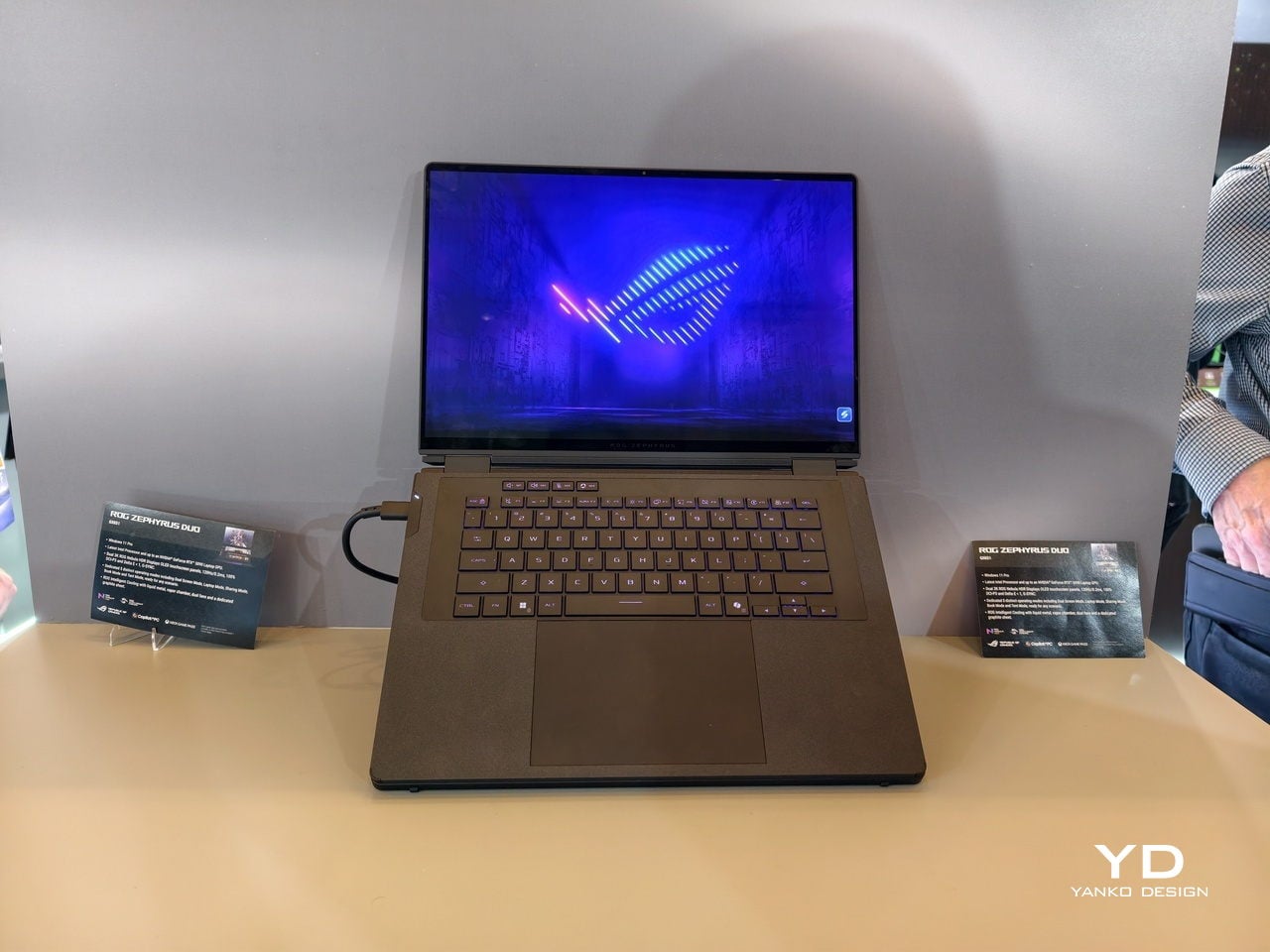
Dual-screen laptops have been ASUS’s long game. The Zenbook Duo spent several years proving that two displays could coexist for productivity users before the form factor felt genuinely mature. The ROG Zephyrus Duo carried that logic into gaming territory, though the 2022 original hedged its bets with a half-sized secondary panel perched above the keyboard. The 2026 GX651, which first appeared at CES earlier this year and got its US pricing confirmed at Computex this week, drops the hedge completely. Two full 16-inch OLED panels, same resolution, same refresh rate, same brightness ceiling.

The base configuration opens at $4,499, and the Computex backdrop gives that number useful framing. Nvidia and Microsoft were teasing ARM-based laptop chips a few booths over, and the rest of the gaming hall was running its annual RTX refresh cycle. None of that noise touched the Duo’s story, because its headline was a chassis decision rather than a silicon one. After six years and three generations, ASUS finally has a dual-screen gaming laptop that leads with the screens and lets everything else follow.

Brand: ASUS ROG

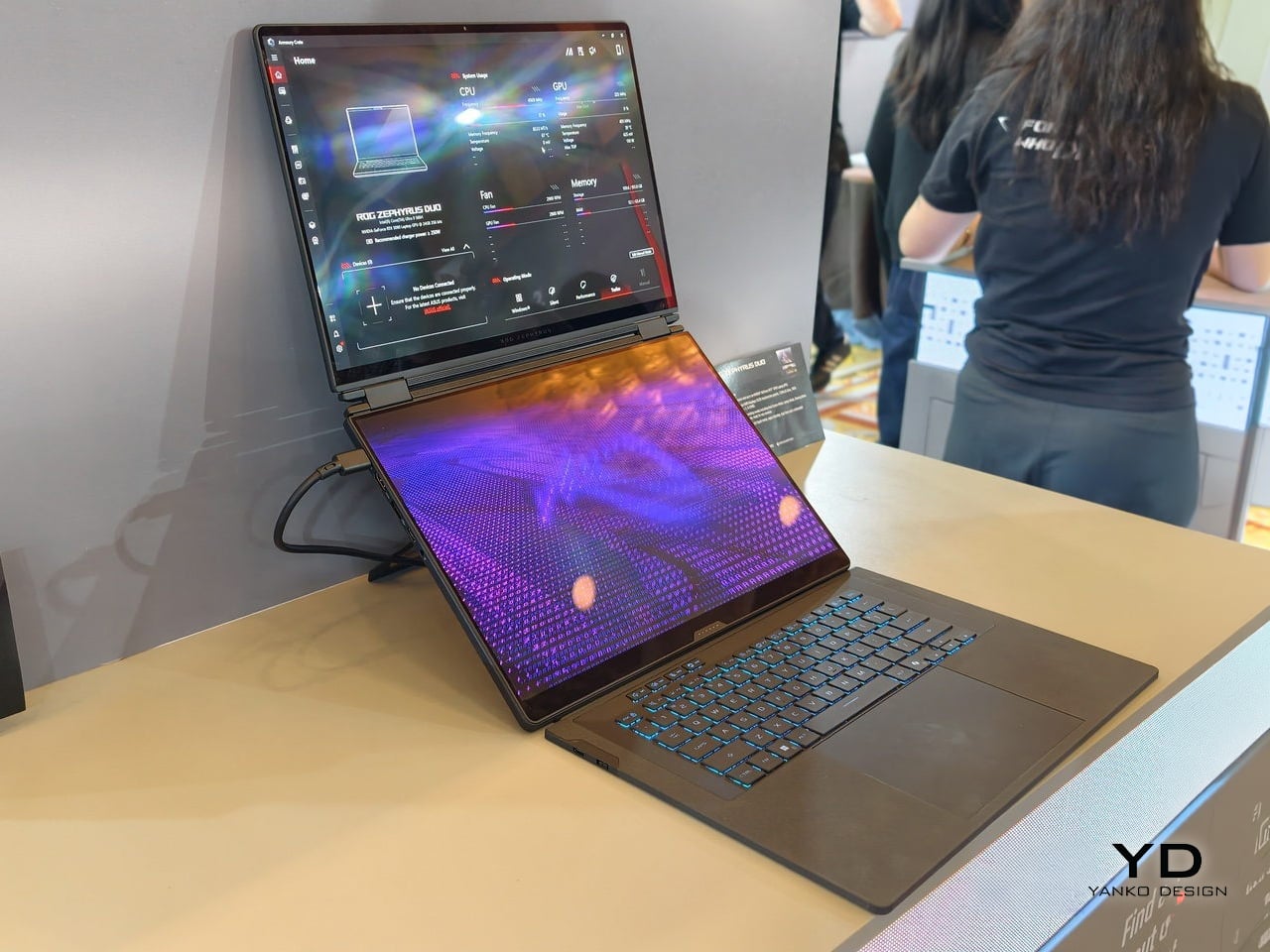
Dual-screen laptop on a showroom table; main keyboard visible and purple-pattern display on the lower screen, upper screen showing software UI.

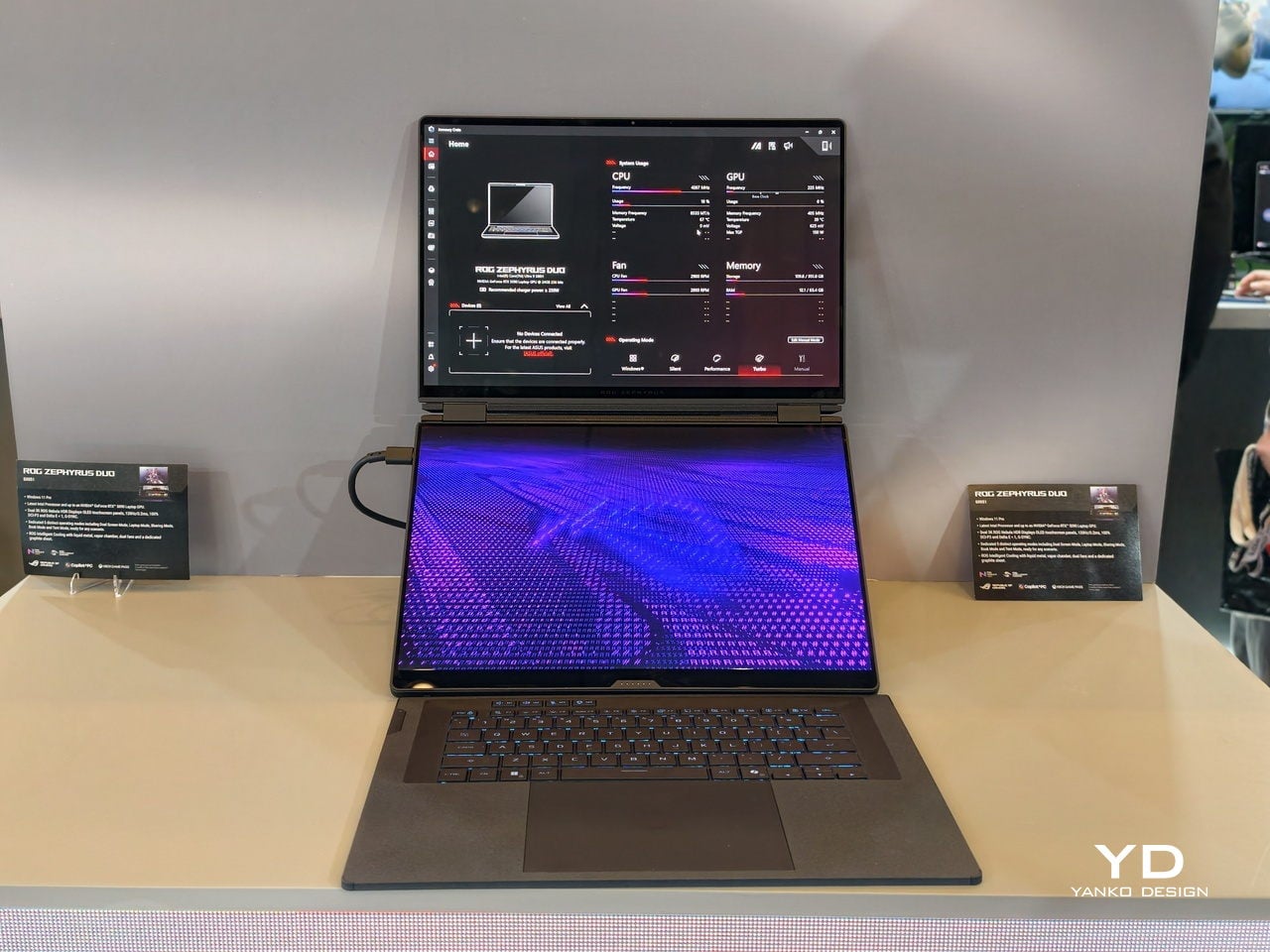
Matching the displays across both panels is the design decision that signals intent. Both screens deliver 3K resolution at 2880 x 1800 pixels, both run at 120Hz with variable refresh rate support, and both hit 1,100 nits peak brightness in HDR with full DCI-P3 color coverage. The top panel gets G-Sync compatibility because it handles gaming duties, but the bottom screen doesn’t get downgraded to compensate. Previous Zephyrus Duo models gave you a flagship display up top and a secondary utility screen below, a hierarchy that made sense when the bottom panel was physically smaller. The GX651 treats parity as the baseline, which changes the relationship between the two surfaces entirely. One screen runs your game, the other runs Discord, Spotify, streaming software, browser tabs, whatever parallel workflow gaming actually requires in 2026.

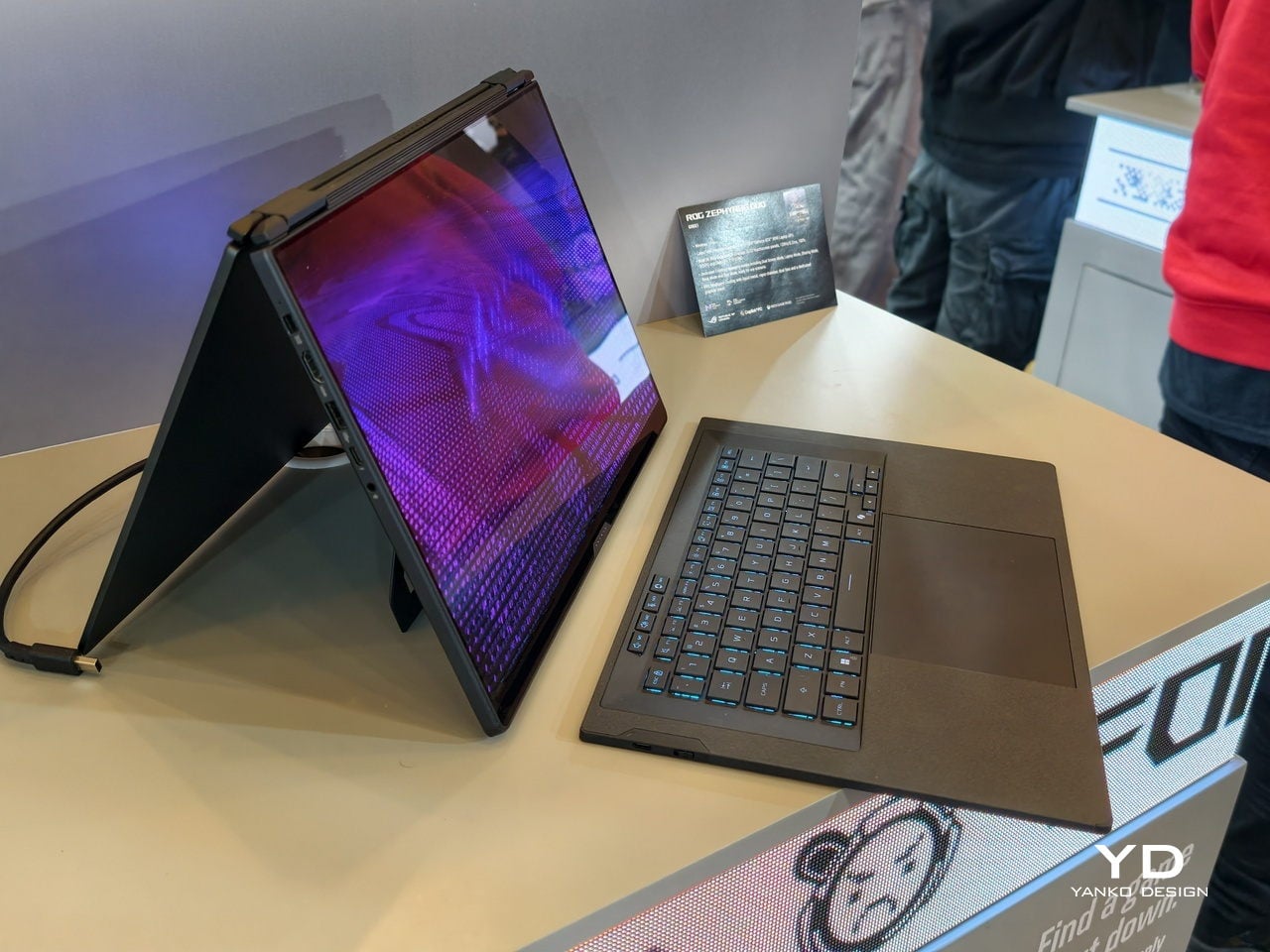
The keyboard detaches completely and connects over Bluetooth when separated from the chassis, continuing the design language ASUS refined with the Zenbook Duo line over the past few years. Magnets hold it in place when docked, covering the lower display for traditional laptop mode, but the machine was engineered to run with both screens exposed. Pull the keyboard free and set it wherever makes ergonomic sense, angled on a stand or flat on the desk beside the laptop itself. The trackpad lives on the keyboard folio, so input travel is part of the design assumption. ASUS isn’t treating detachment as a party trick or an edge case. The entire thermal layout, the hinge mechanism, and the port placement assume you will use this machine with the keyboard removed.

Two-in-one laptop set in tent mode on a display table, screen glowing purple.

The silicon inside follows the screen-first brief rather than leading it. The base $4,499 configuration ships with an RTX 5070 Ti, while the top-end model pushes into RTX 5090 territory at a price ASUS hasn’t officially published yet but Gizmodo clocks at $5,500. Intel’s Panther Lake CPUs handle the processor side, with options ranging across the Core Ultra X series depending on configuration. All of that is competitive hardware in mid-2026 terms, but the specs themselves are table stakes. What matters is how ASUS packaged them. The cooling system has to manage thermals across a chassis that expects both displays to be running simultaneously under load, and the hinge assembly has to support the weight and structural integrity of two full glass OLED panels without compromising rigidity. Those are the engineering problems that define this product, and the GPU choice is downstream of solving them.

Open dual-screen laptop on a showroom table with purple backlit keyboard and a blue neon screen display on the main panel.

ASUS confirmed US availability at Computex after showing the hardware at CES in January, which means the company spent the better part of six months watching feedback, finalizing logistics, and preparing the supply chain for a machine that doesn’t fit neatly into any existing SKU category. At $4,499 the Zephyrus Duo GX651 costs meaningfully more than a conventional gaming laptop with identical silicon, and the delta is purely the dual-screen chassis. That premium is either justified or deal-breaking depending on whether you’ve spent the last several years wishing your gaming laptop had room for a second panel. ASUS is betting that enough buyers have been waiting for exactly this. Computex 2026 will be remembered for Nvidia’s ARM tease and the RTX 5090 mobile flood, but the Zephyrus Duo is the machine that asked a different question entirely and shipped with an answer.

The post The $4,499 ASUS Gaming Laptop With Two Full Screens Will Make You Question Every Laptop You’ve Owned first appeared on Yanko Design.

Two Acer Portable Monitors and a $50 Screen You Can Actually Wear

The laptop has become the default portable workstation, but it has one limitation that’s hard to overlook: you’re still stuck with one screen. Freelancers, students, and remote workers have learned to manage with a single panel, but demand for more display real estate on the go keeps growing. Cramming a presentation into one corner while notes fill the other half gets old quickly.
Acer is addressing that gap with two new portable monitors announced at Computex 2026, along with a third product aimed at an entirely different audience. The PM161Q JB and PM131QT cover professionals and digital nomads who need an extra screen wherever they land. The Aspire Badge is something else: a wearable display for kids and young creators who want to carry their personality with them, literally.

Designer: Acer

PM161Q JB

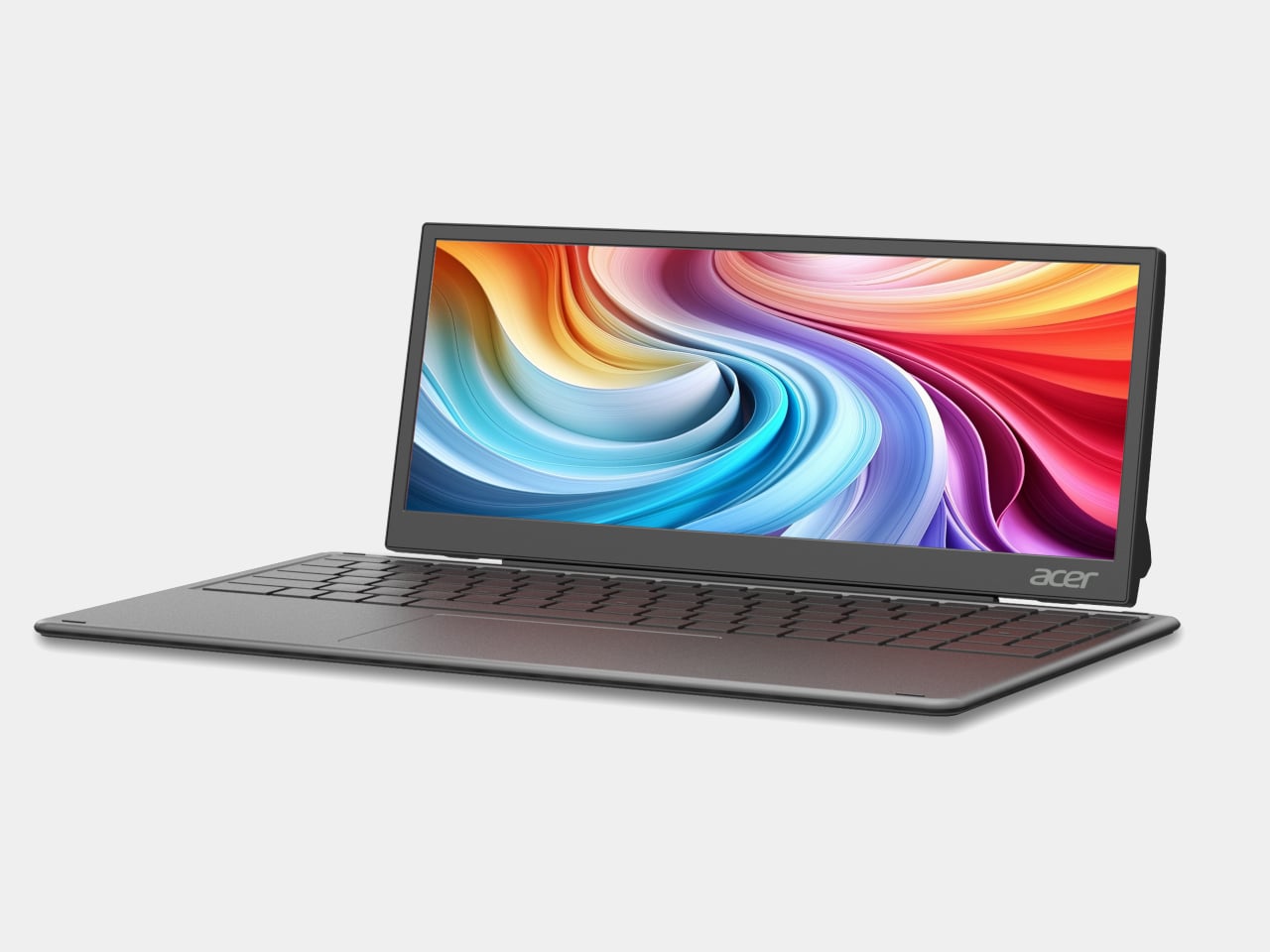
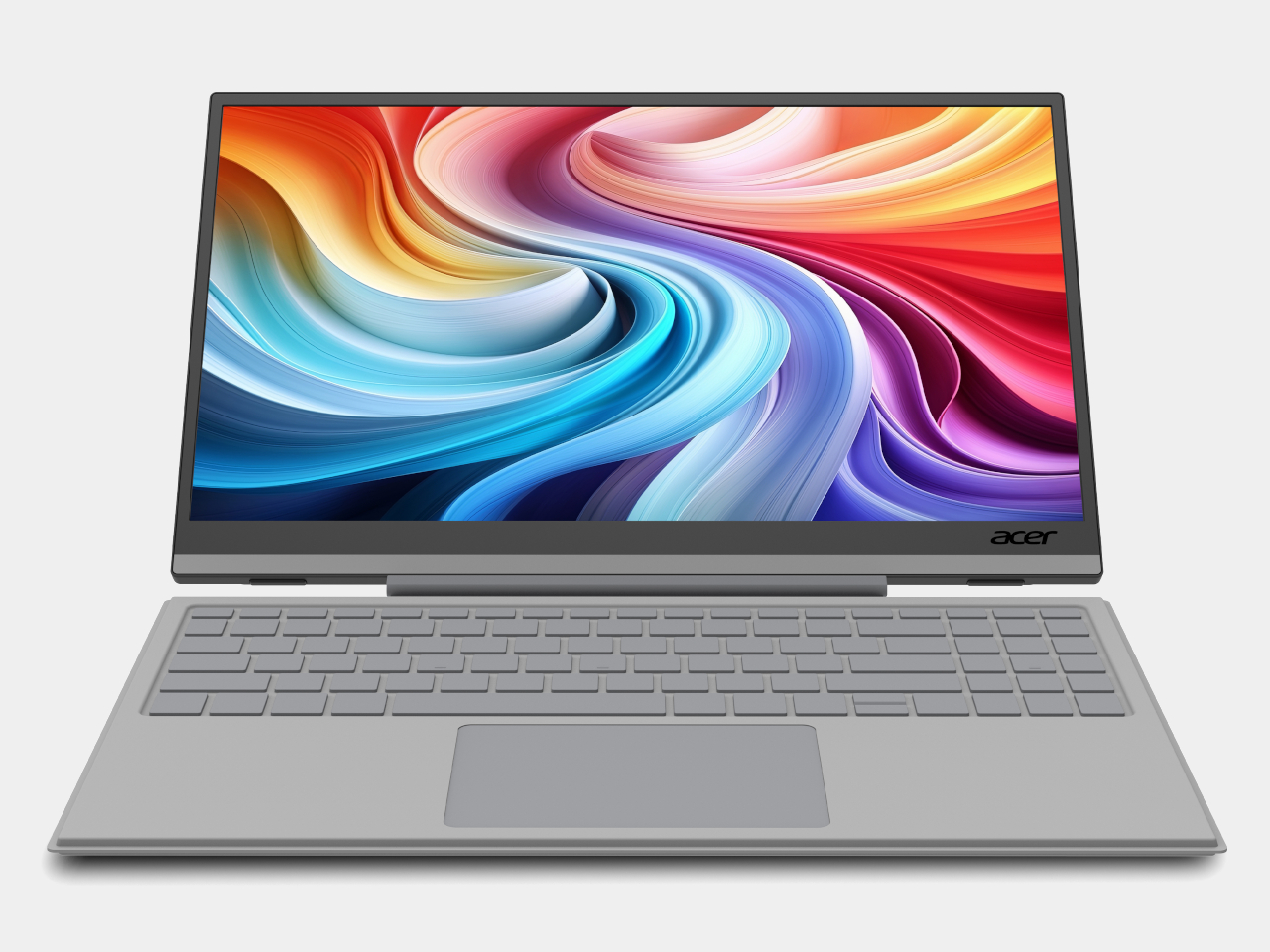
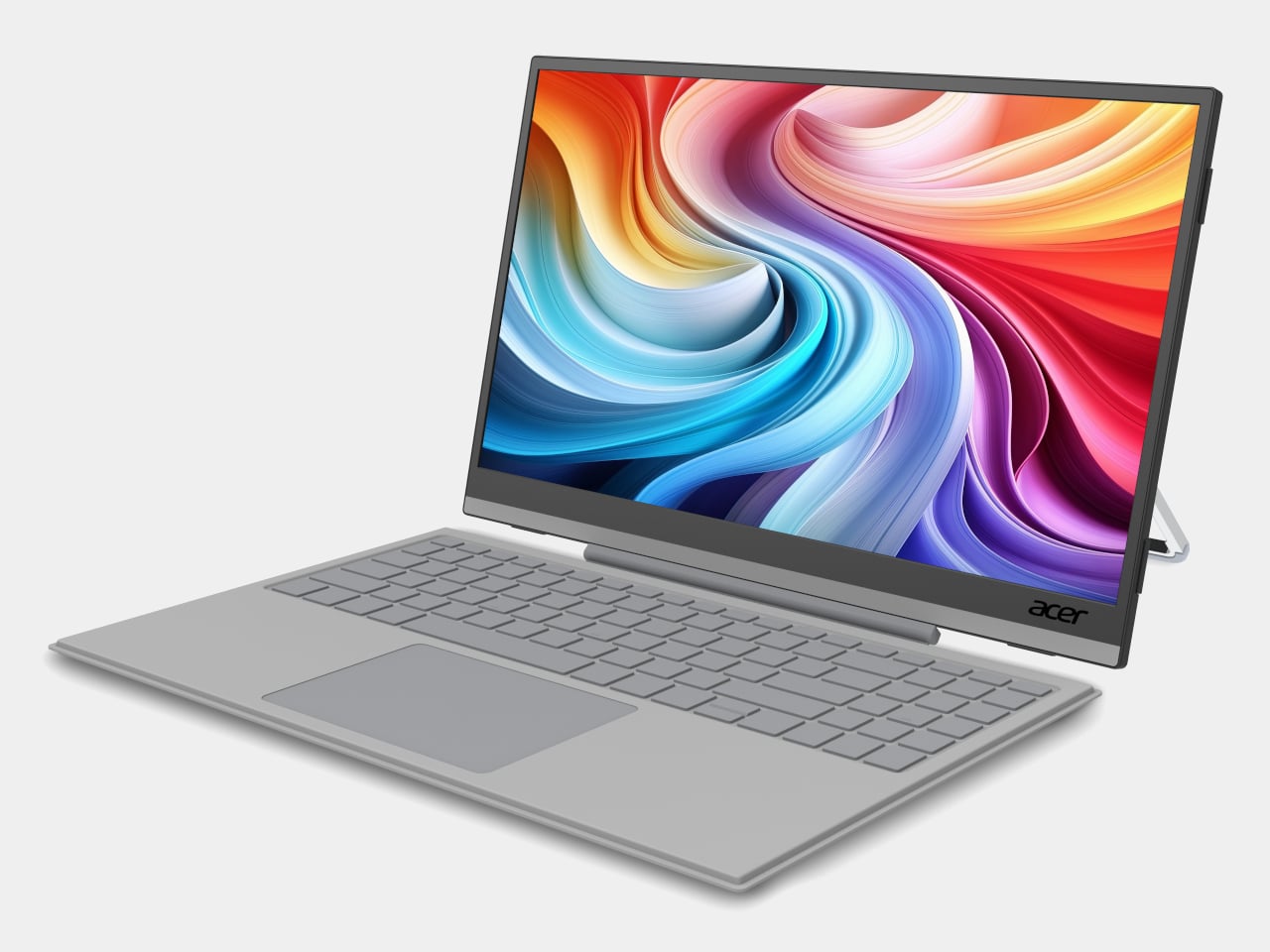
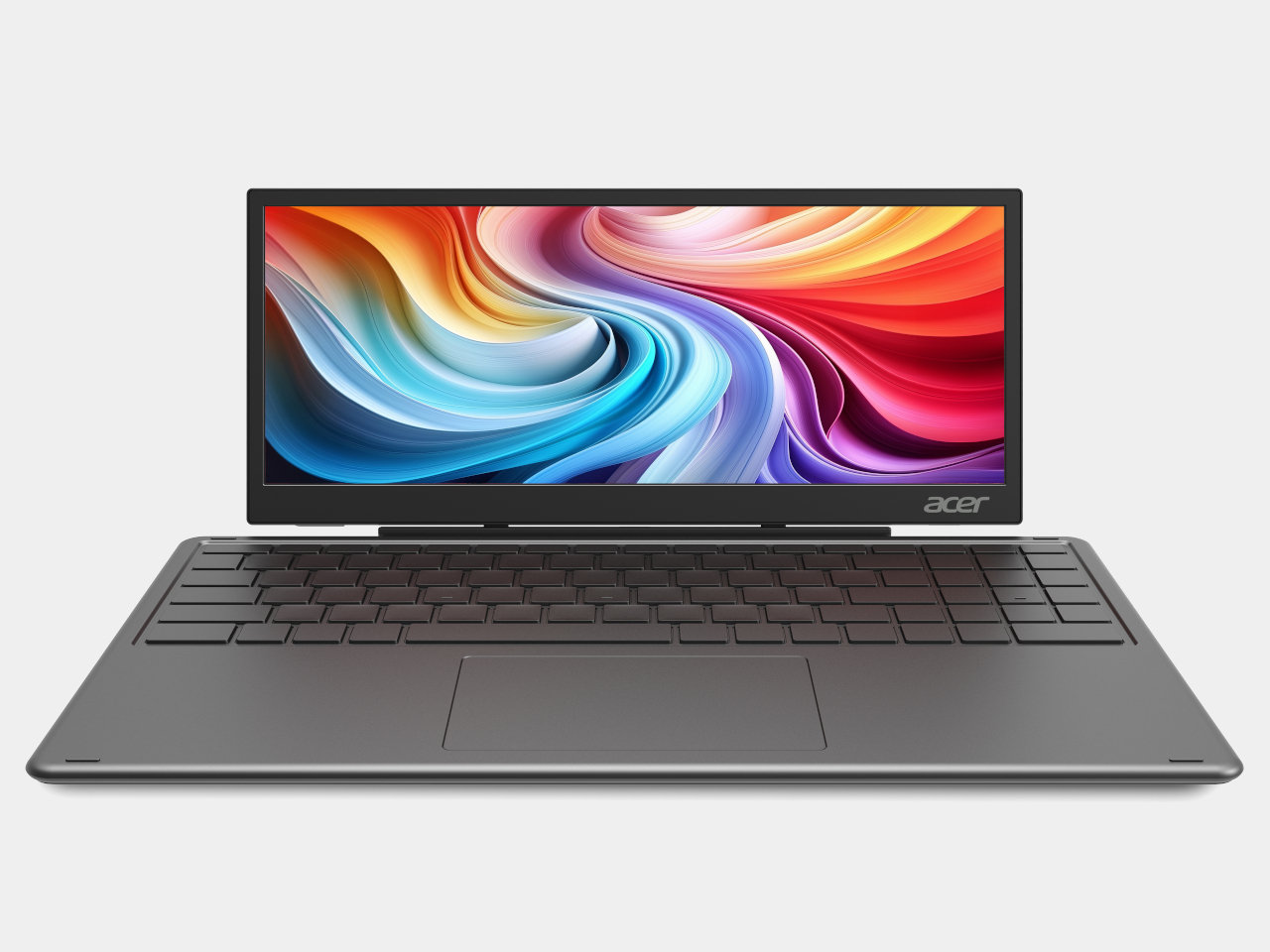
The PM161Q JB is the larger of the two portable monitors, coming in at 15.6 inches with a Full HD IPS panel and 170-degree viewing angles. A pair of Type-C ports and an HDMI input handle connectivity, and a single-cable setup means it’s ready to go as soon as you find a seat. A compatible detachable pogo keyboard turns it into a compact workstation without needing anything else nearby.

PM131QT

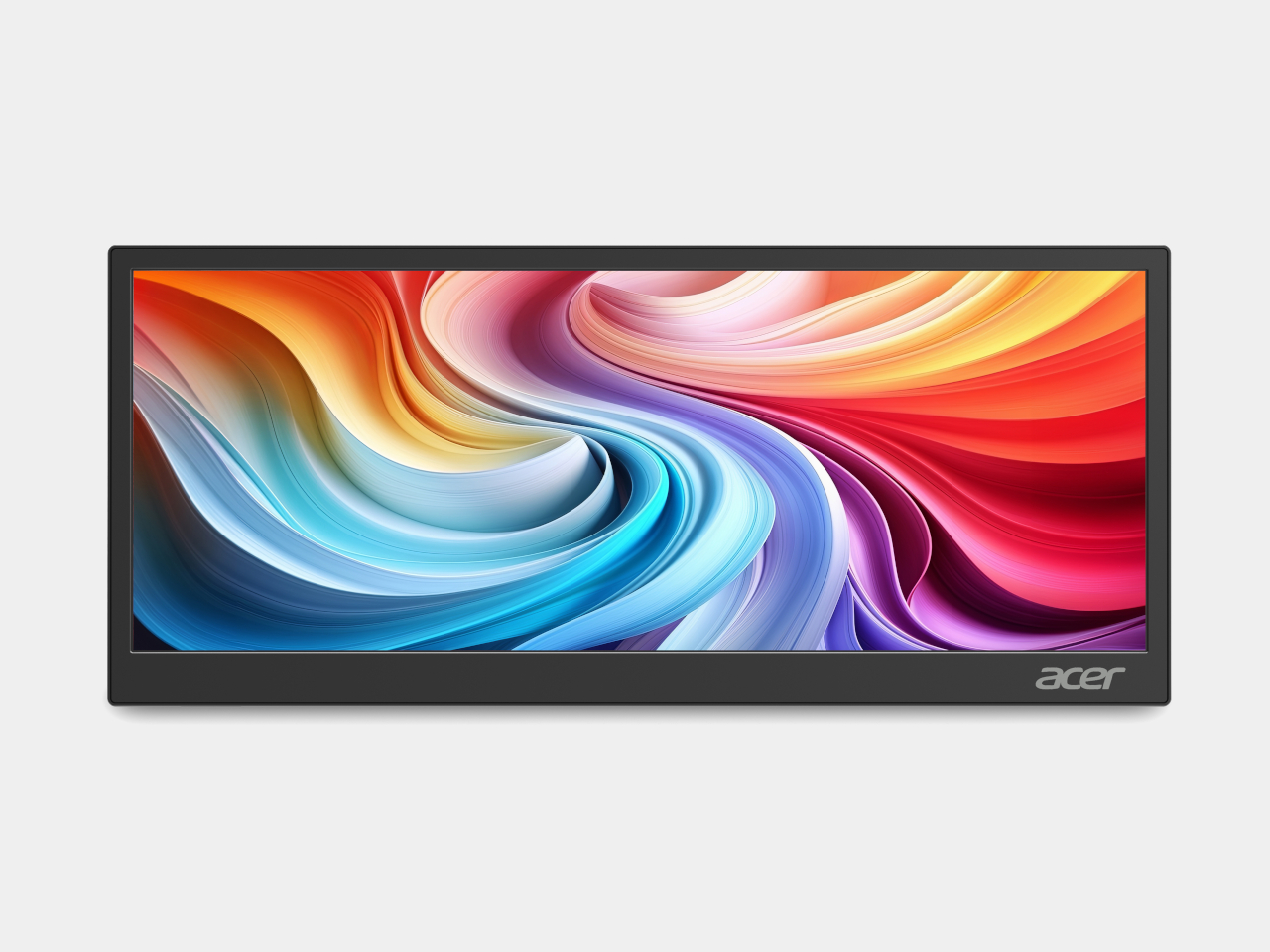
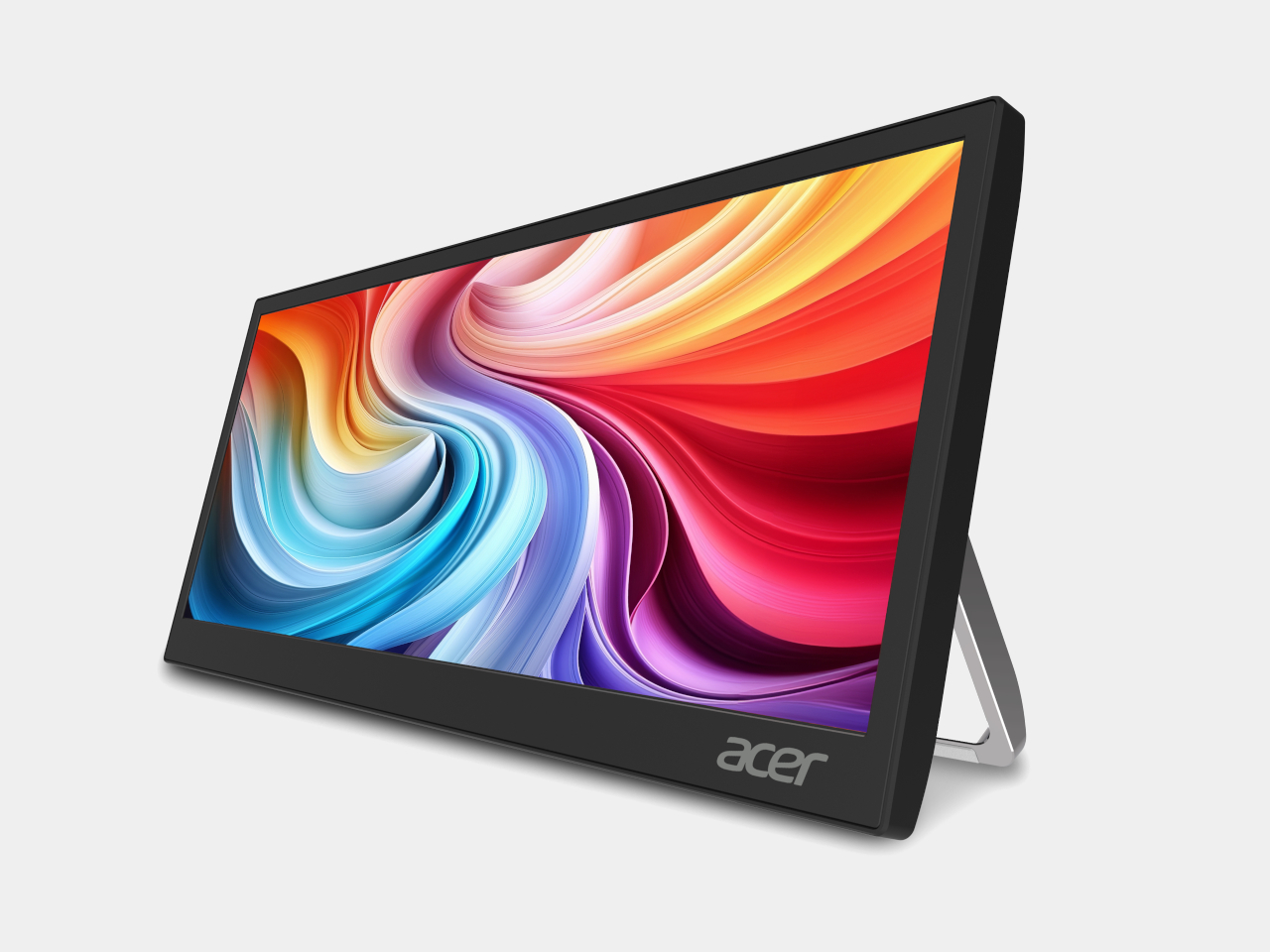
The PM131QT takes a different approach with a 12.3-inch touchscreen in an ultrawide 1920 × 720 format, a shape that suits secondary-display work rather than standalone use. Five-point touch makes it practical as an interactive panel, and the magnetic mounting design lets it attach to various surfaces, including a car dashboard. It also functions as a dedicated display for AI assistant interfaces on the road.

PM131QT

Both monitors connect over a single Type-C cable and support VESA mounting alongside a standard ¼-inch tripod thread, so a camera tripod becomes a workable monitor stand when there’s no desk in sight. The PM161Q JB starts at $149.99 in North America, arriving in Q4 2026, while the PM131QT comes in at $179.99 in the same window. Both reach Australia in Q3 2026.

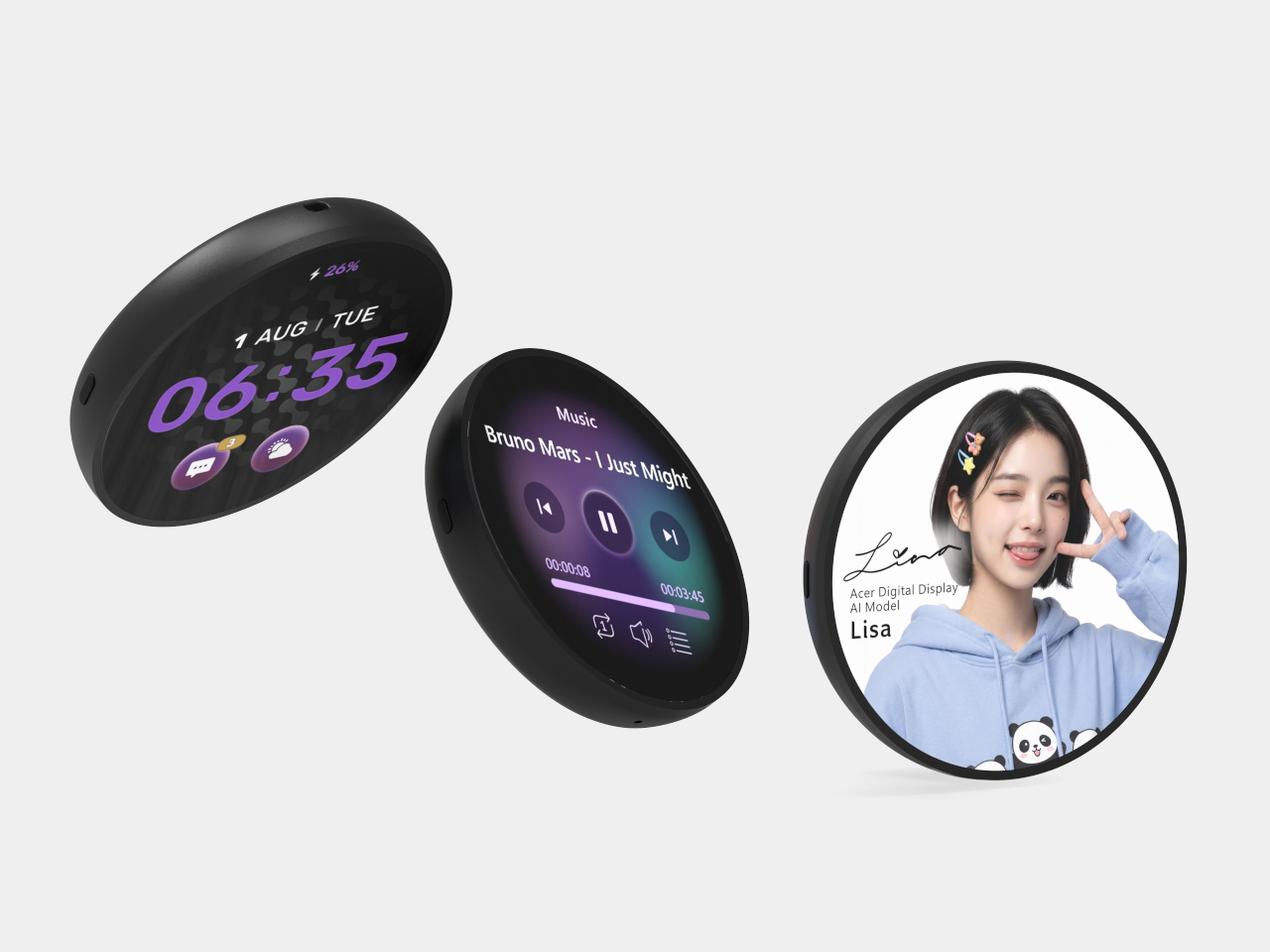
The Aspire Badge is a round wearable with a 1.85-inch IPS screen that clips onto a shirt, hangs from a lanyard, or attaches magnetically to a bag. It pairs with a companion app over Bluetooth 6.0 and displays any image or animation pushed from a phone. Battery life runs up to four hours at full brightness or eight at minimum, with contact charging to restore it.

The Badge isn’t purely decorative. It includes an emergency alarm, an SOS alert that flashes in Morse code, and a night flash mode for improved visibility in the dark, adding a safety layer that makes it more than a novelty for kids walking to school or staying out after dark. It supports JPG, GIF, and PNG formats, and comes in at $49.99 in North America.

The three products together cover a broader range of needs than a typical monitor announcement does. The PM161Q JB and PM131QT reflect how seriously portable screen real estate has become for people working away from a fixed desk. The Aspire Badge takes the same logic in a completely different direction, treating a display not as a productivity tool but as something you wear out the door.

The post Two Acer Portable Monitors and a $50 Screen You Can Actually Wear first appeared on Yanko Design.