Amazon Gave the Fire HD 10 4GB of RAM Without Telling Anyone

Budget tablets have always played a peculiar role in consumer electronics. They aren’t meant to be powerful; they’re meant to be just capable enough to get through a streaming queue, a few Kindle chapters, or a morning of casual browsing. Amazon’s Fire lineup has mastered that balance for years, finding a loyal audience among people who want a large enough screen that doesn’t hurt to drop.

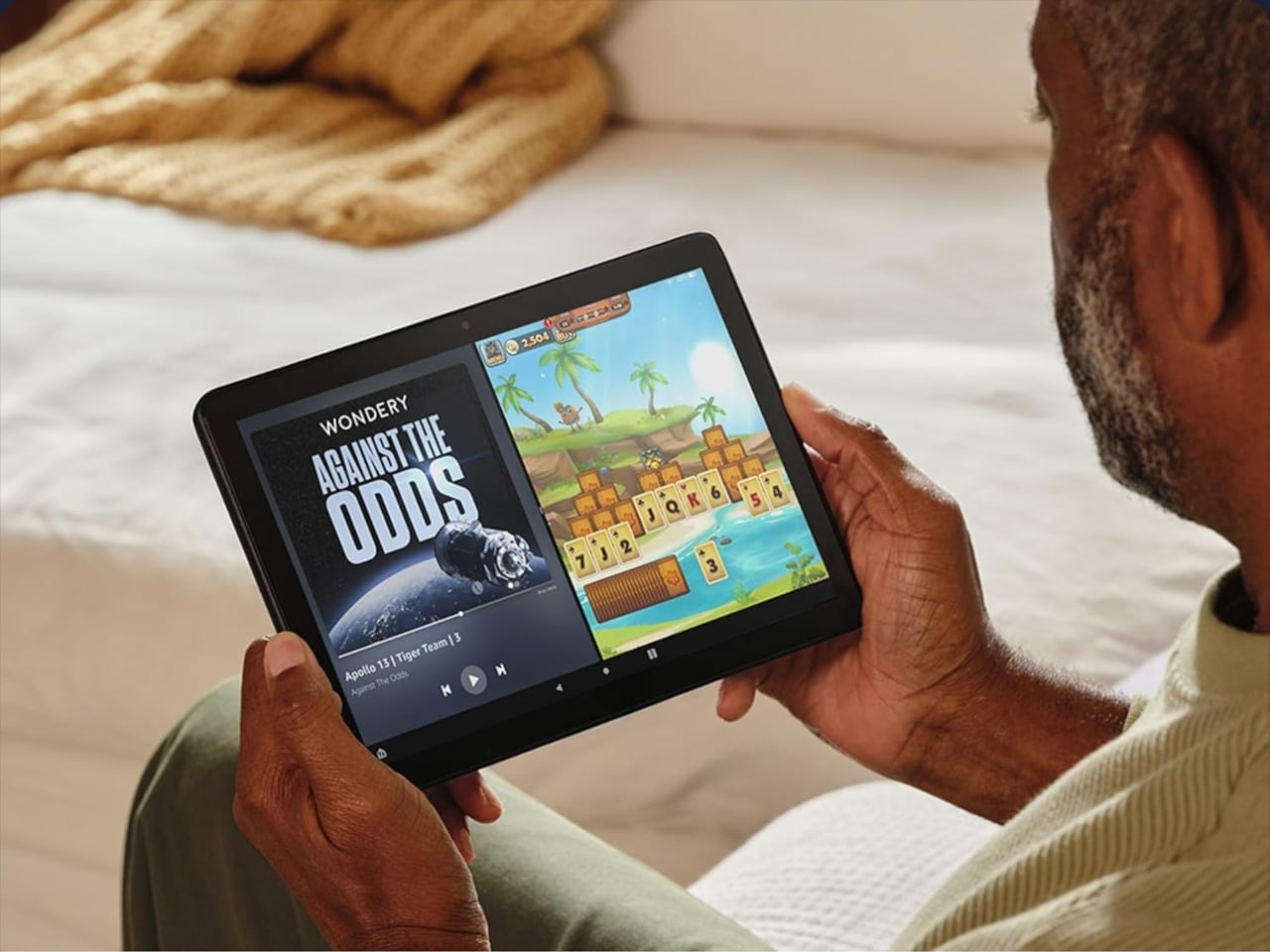
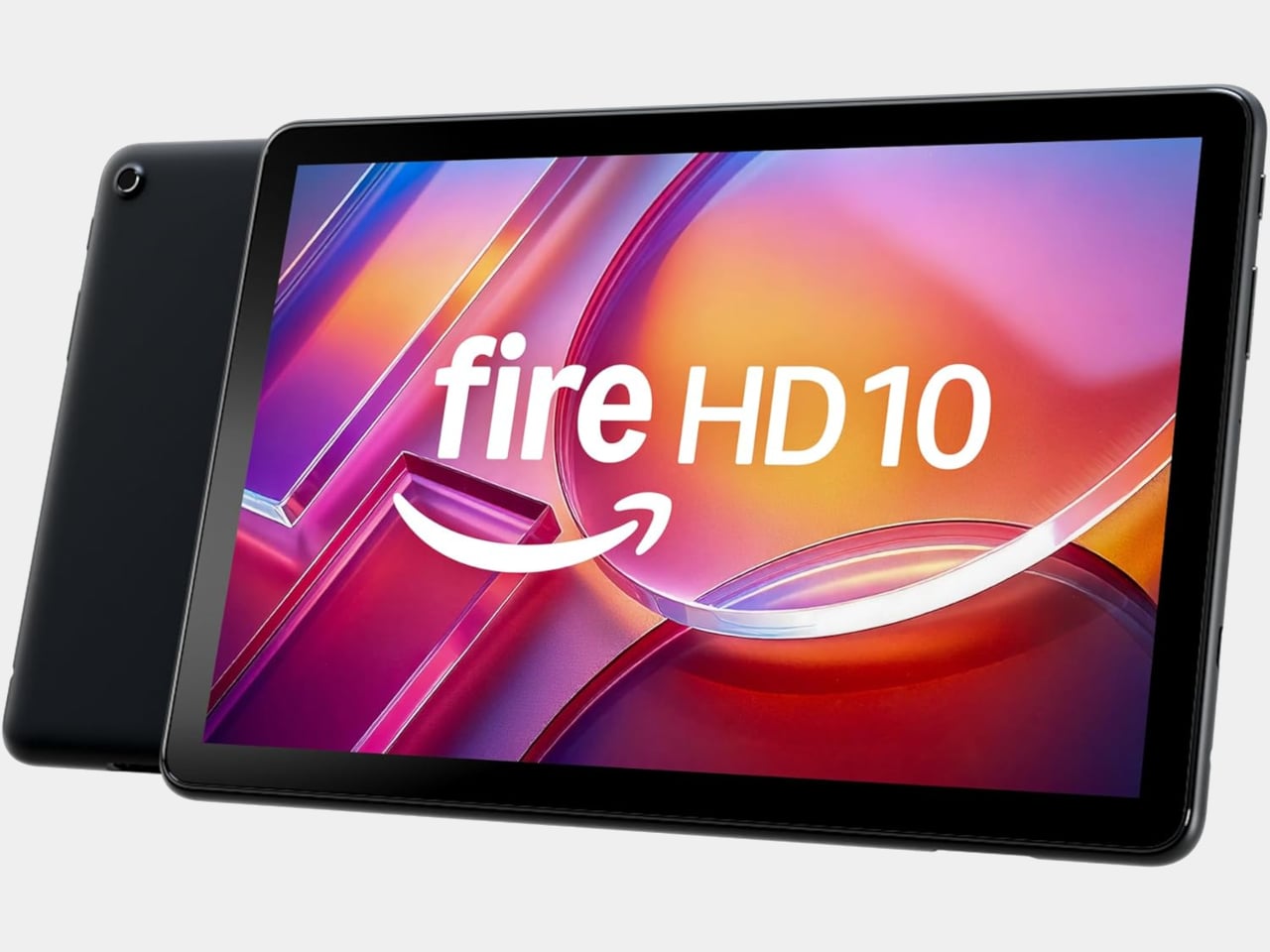
The Fire HD 10 has been Amazon’s flagship Fire tablet for a few years now, and it hasn’t seen new hardware since 2023. That’s unusual for a company that used to refresh its lineup almost every year. Rather than launch a new generation, Amazon quietly added 1GB more RAM to one specific configuration of the existing tablet and made no formal announcement about it.

Designer: Amazon

What makes this update slightly overdue is that the cheaper Fire HD 8 had already been available with 4GB of RAM, while the more expensive Fire HD 10 was still capped at 3GB. That’s a strange hierarchy for a product line, where the lower-tier model offers more memory than the flagship. The new 4GB variant fixes that imbalance, at least for buyers who land on the right configuration.

The extra gigabyte makes a real difference for a tablet you use this casually. Jumping between Prime Video and a browser tab without one of them reloading, or keeping music playing while you scroll through a shopping cart, are the kinds of small interruptions that 3GB quietly introduced. It’s the sort of upgrade you only notice once the problem it fixed stops happening.

There is a catch worth knowing before getting excited. The 4GB version is only available in one specific setup: 32GB of storage, Black, with lock screen ads. Anyone who wants 64GB of storage, a different color, or an ad-free tablet is still working with 3GB. It’s a narrower window than most buyers might expect, particularly given how long this model has gone without any changes at all.

Everything else about the tablet stays the same as the 2023 model. The 10.1-inch 1080p Full HD display, the octa-core processor running at 2GHz, the 13-hour battery life, and the USB-C charging port are all unchanged. The microSD card slot still accepts up to 1TB of additional storage, and Fire OS keeps the usual Amazon ecosystem running front and center.

Amazon has priced the 4GB variant at $154.99, up $15 from the previous $139.99 that the 32GB, 3GB model carried. For a tablet that hasn’t had new hardware in three years, it’s a modest increase tied entirely to the memory upgrade, especially considering the rising costs of RAM. The extra cost is easy to justify if the RAM difference affects how smoothly the device runs for your typical day.

The post Amazon Gave the Fire HD 10 4GB of RAM Without Telling Anyone first appeared on Yanko Design.

Rugged Phones Are Ugly, but FCNT Just Proved They Don’t Have to Be

Rugged smartphones have always carried an inherent compromise. They’re built to take punishment, so manufacturers typically bulk them up with thick rubber borders, angular shapes, and enough plastic to survive a construction site. The result is a phone that can handle almost anything but looks conspicuous in everyday settings. That tradeoff has become so accepted that few people bother to question it.

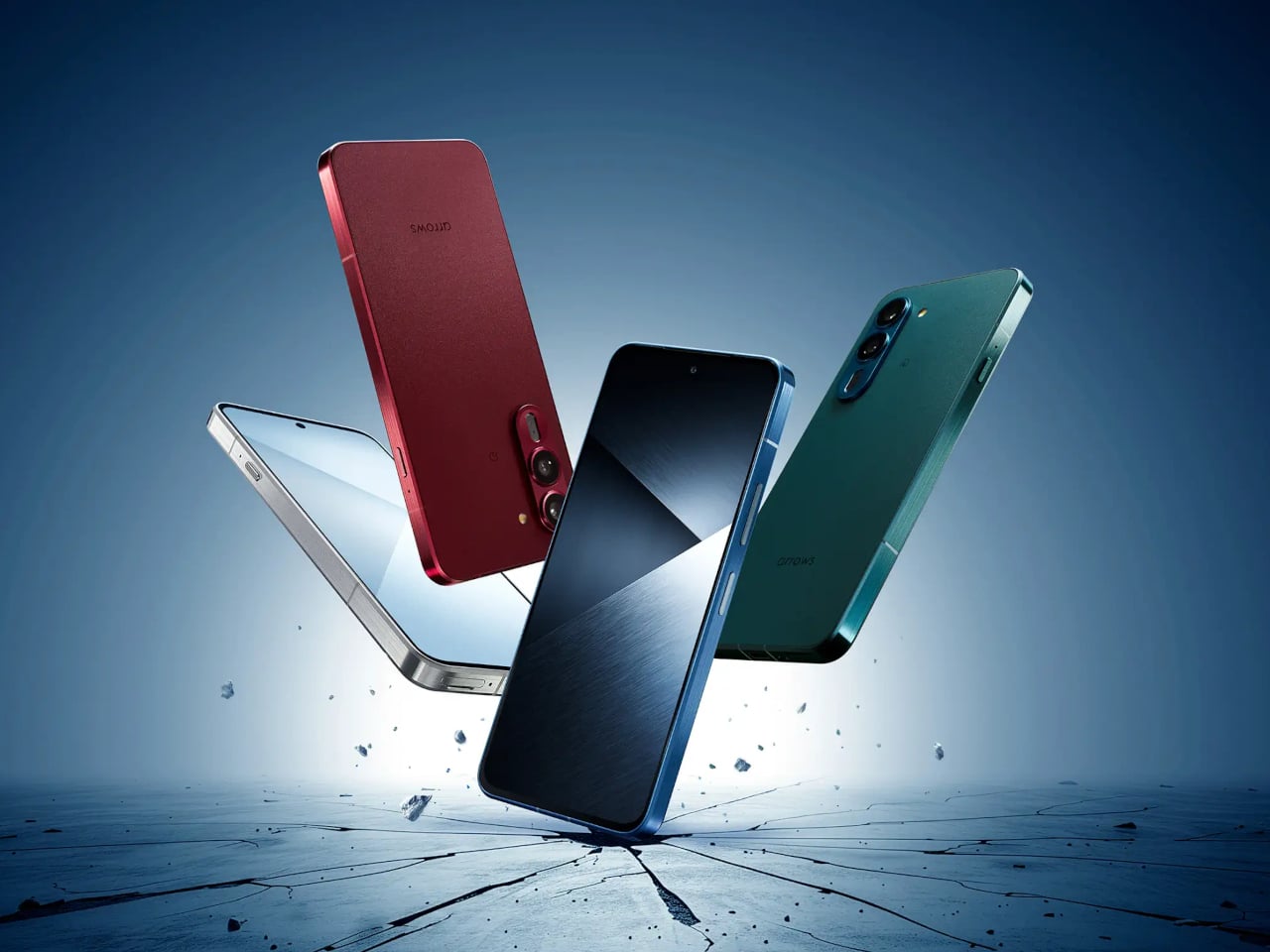
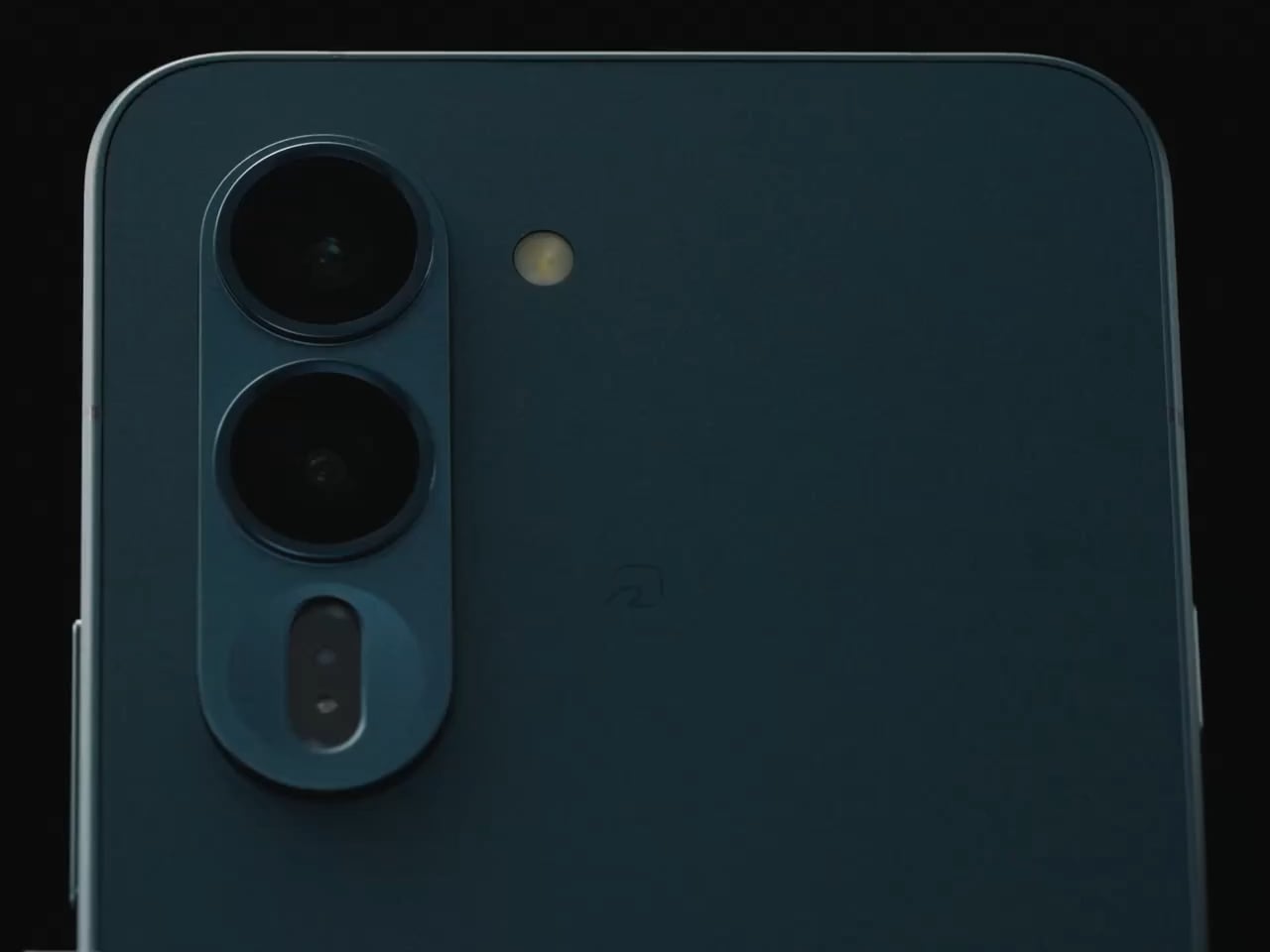
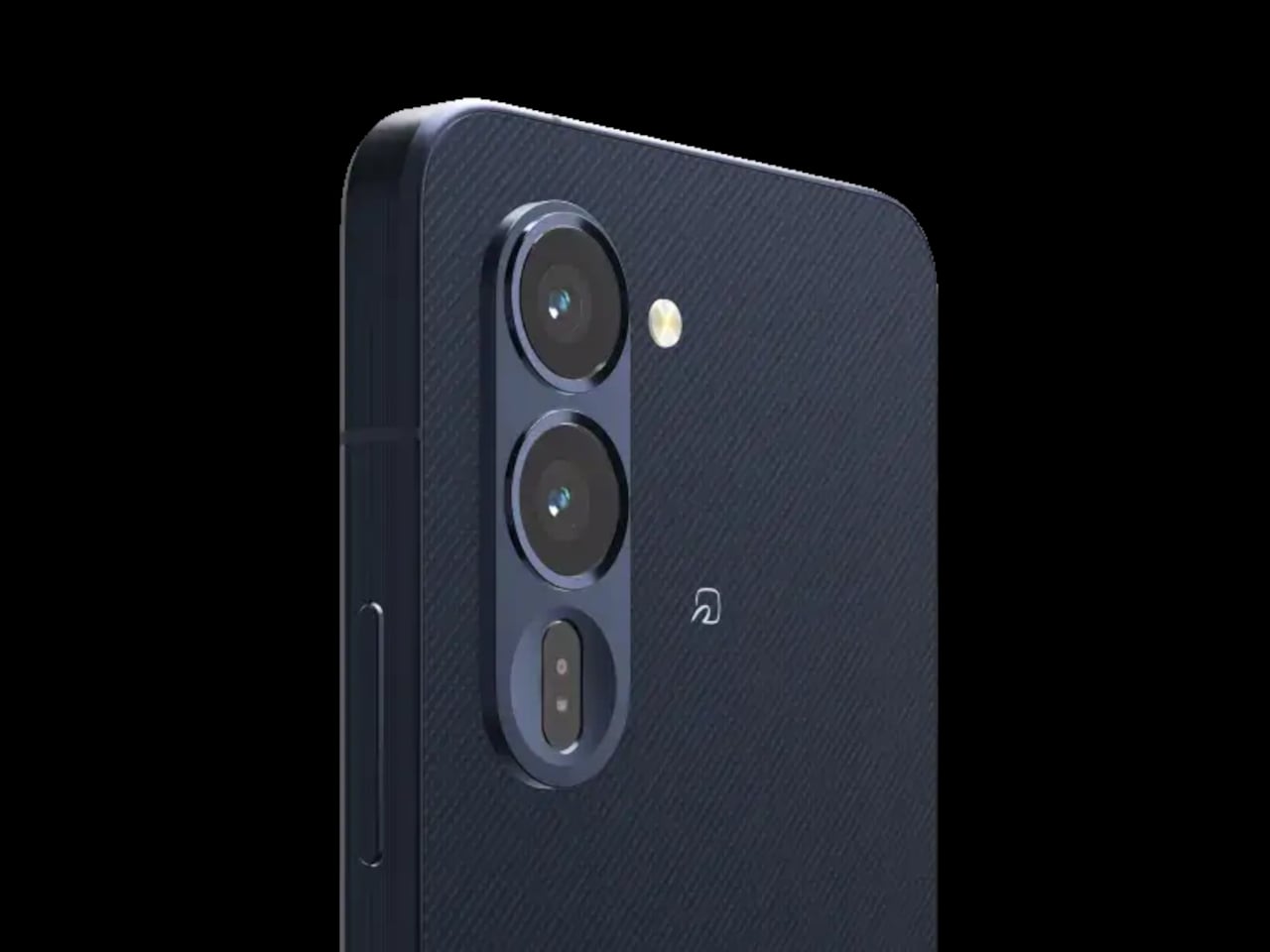
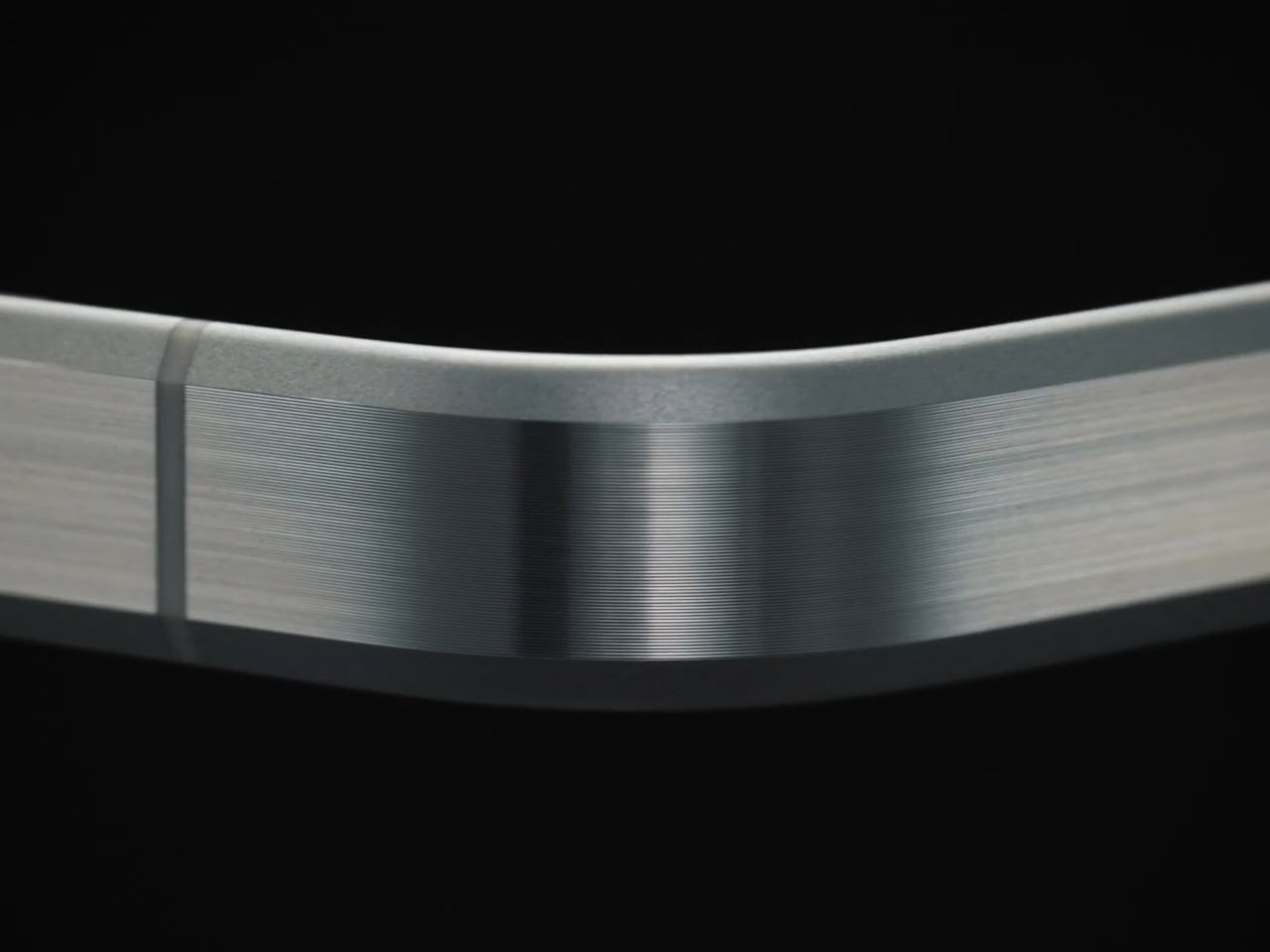
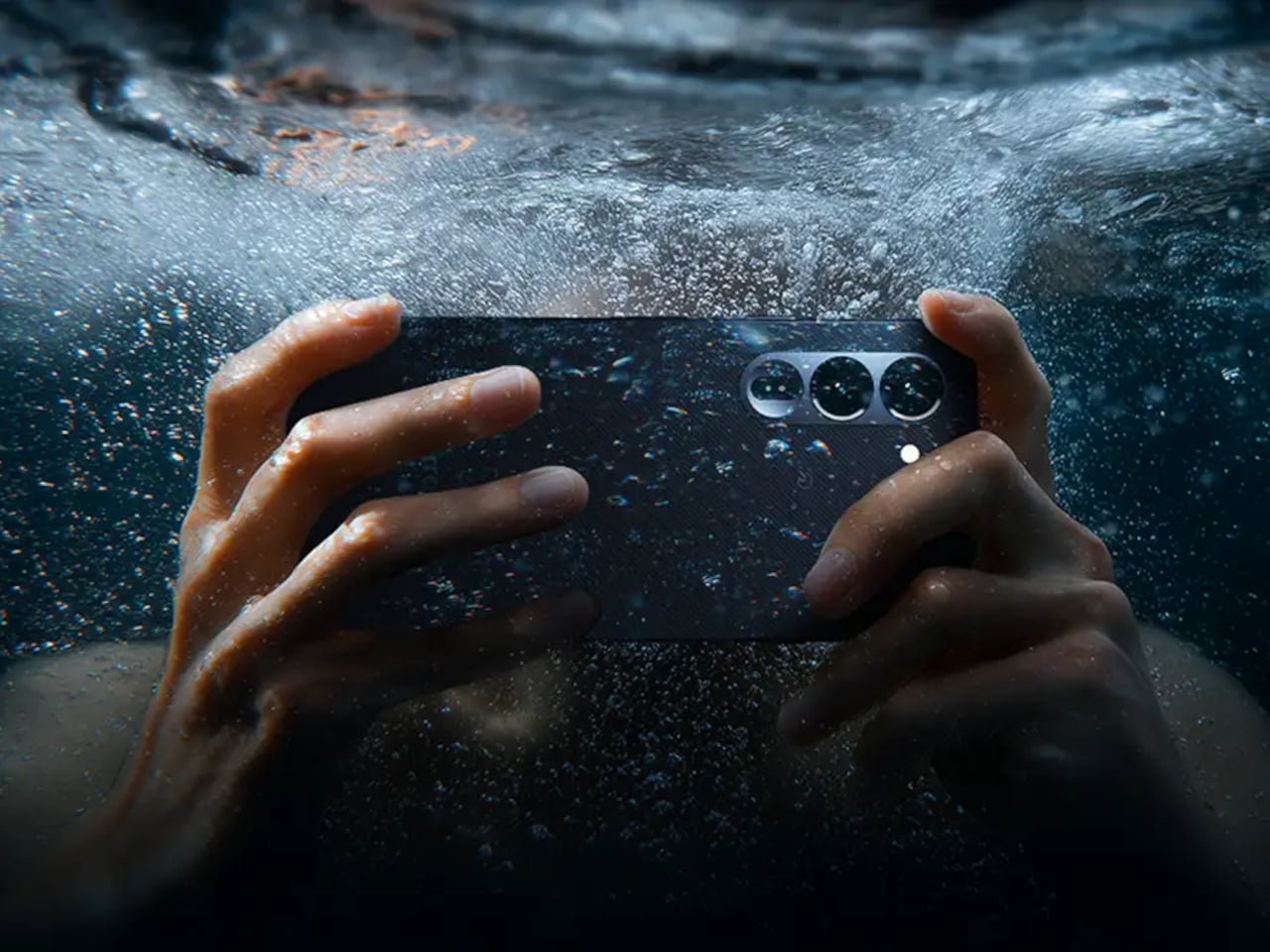
The arrows Alpha 2 takes the opposite position. It’s built around a brushed metal frame with a textured back panel, comes in four bold colors, and carries an 8.6 mm profile that doesn’t betray its durability credentials at all. Underneath the considered design is a phone that has passed 23 MIL-spec tests and holds IP66, IP68, and IP69 water and dust resistance ratings simultaneously.

Designer: FCNT (Lenovo)

The drop resistance is the detail that stands out most. FCNT claims the arrows Alpha 2 can survive a 1.8-meter fall onto concrete without the screen cracking, thanks partly to Gorilla Glass Victus 2 sitting on a flat, 2D panel. The display itself is a 6.4-inch LTPO OLED capable of hitting 3,000 nits, which also lets the phone hold its own outdoors, where most screens struggle to stay visible.

The battery is a silicon-carbon cell at 5,370mAh, the largest ever used in an Arrows-series phone. FCNT claims it delivers two full days on a single charge, engineered to sustain that performance for roughly four years. A 90W fast charger, sold separately, takes the battery from zero to full in about 40 minutes for those days when two days of stamina isn’t quite enough runway.

The camera system doesn’t make the compromises you’d expect from a phone that prioritizes toughness. The main shooter is a 50 MP Sony LYTIA 710 sensor on a 1/1.5-inch chip with optical image stabilization, backed by a 50 MP ultra-wide lens covering a 120-degree field of view. The front camera is also 50 MP. All three support 4K/60fps HDR video, which puts the image capabilities well outside what most rugged phones offer.

A MediaTek Dimensity 8350 Extreme chip handles performance, with the base model offering 8 GB of RAM and 256 GB of storage, and the higher-end variant stepping up to 12 GB of RAM and 512 GB. Virtual RAM expansion pushes the ceiling to 24 GB. The phone ships with Android 16 and arrives with three major OS upgrades and five years of security patches promised alongside the hardware.

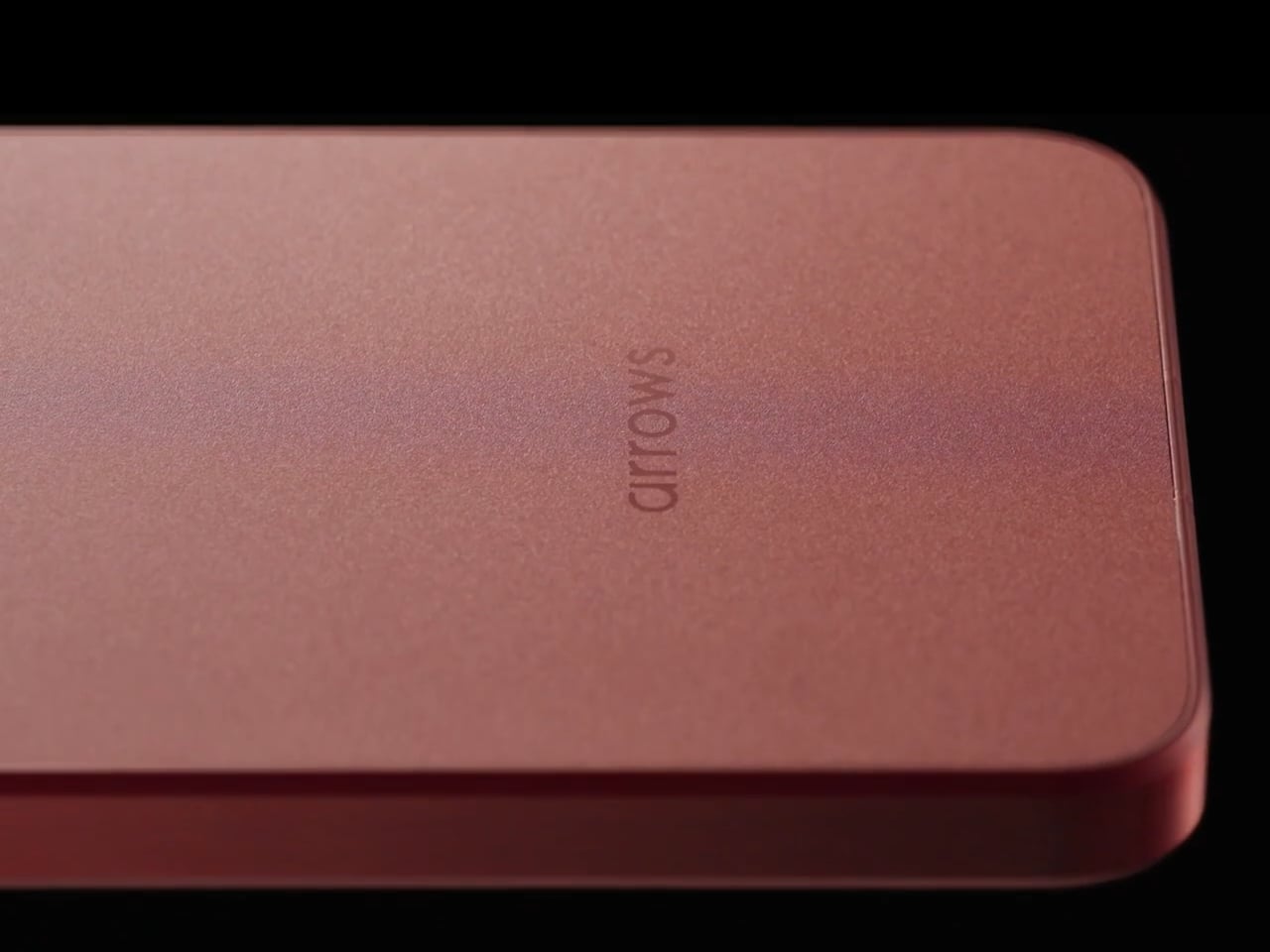
The brushed metal frame and textured back give the phone a natural grip that doesn’t need rubber armor to achieve. FCNT also made some sustainability choices: the frame uses recycled aluminium, and the packaging is FSC-certified and fully recyclable. The arrows Alpha 2 goes on sale in Japan through NTT Docomo from late August 2026, with the 512 GB model exclusive to the Docomo Online Shop.

It’s a phone that argues against the idea that durability and design can’t occupy the same body. The 8.6mm profile doesn’t look like it belongs strapped to a workbelt, and the four color options reinforce that this wasn’t designed purely for industrial deployment. The battery engineering alone makes it stand apart from most competitors in the category, and the rest of the spec sheet does little to undermine that case.

The post Rugged Phones Are Ugly, but FCNT Just Proved They Don’t Have to Be first appeared on Yanko Design.

Samsung’s Best Foldable Has 4,400mAh, Vivo’s Has 7,000

Foldable phones have gone from novelties to genuine daily drivers, but the category still wrestles with two persistent complaints: battery anxiety and cameras that don’t quite match their non-folding counterparts. The big names have made progress on both fronts, though rarely at the same time, and rarely without some trade-off in thickness, weight, or price. That tension has defined the foldable experience for years.

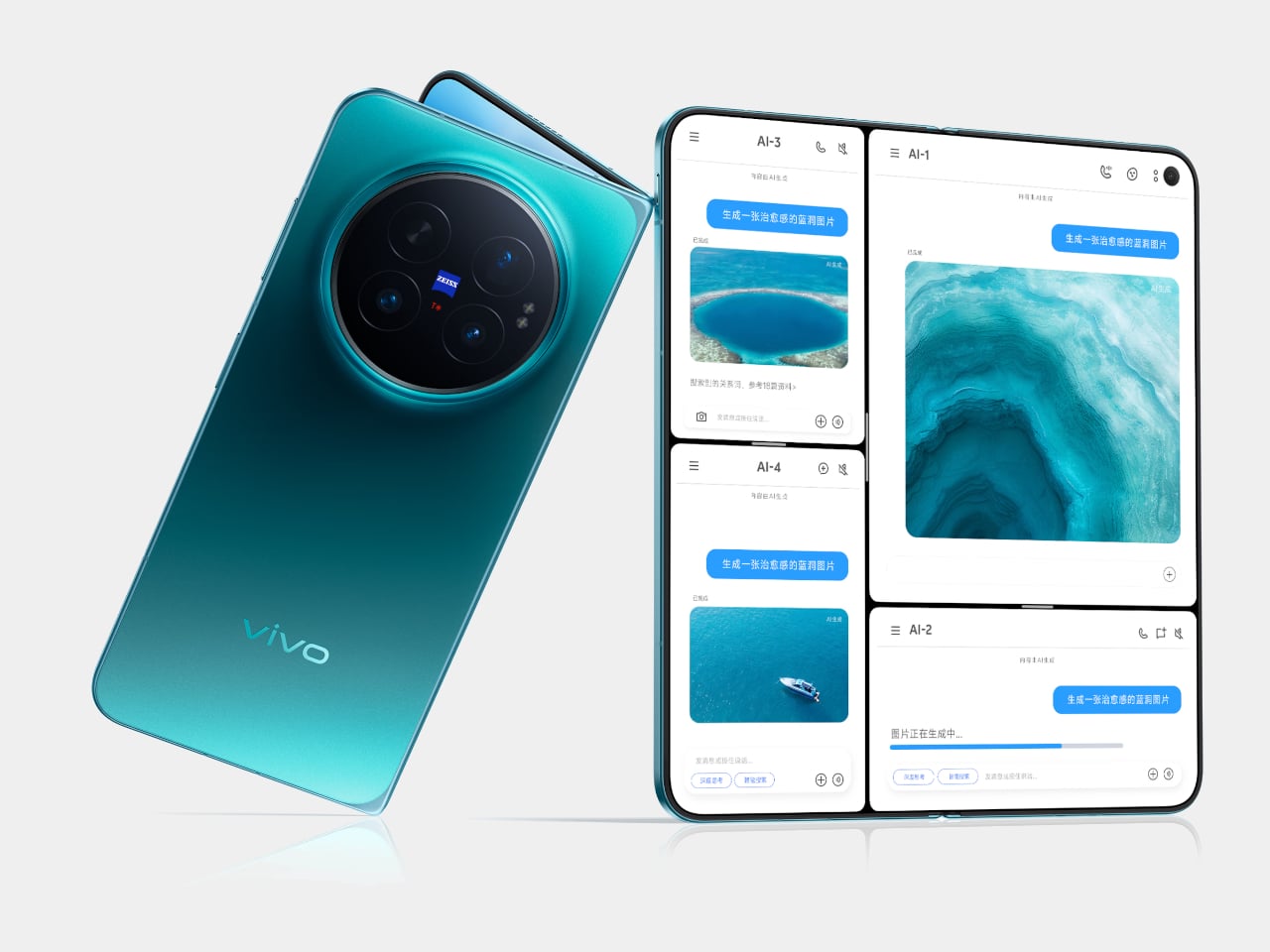
The Vivo X Fold 6 takes aim at both problems at once, arriving with a 7,000mAh silicon-carbon battery and a 200MP ZEISS-tuned main camera on a form factor that still manages to fold flat into your pocket. It’s a foldable that doesn’t ask you to pick between photography and endurance, and the spec sheet makes a strong case that Vivo isn’t bluffing on either front.

Designer: Vivo

That 7,000mAh figure deserves some context. Samsung’s Galaxy Z Fold 7 packs a 4,400mAh battery, a 2,600mAh gap that isn’t a rounding error. The X Fold 6’s cell is a silicon-carbon design, which keeps the phone from becoming unreasonably thick despite the capacity. It charges at 80W over wire and 40W wirelessly, so topping up on a desk or a hotel nightstand doesn’t take long.

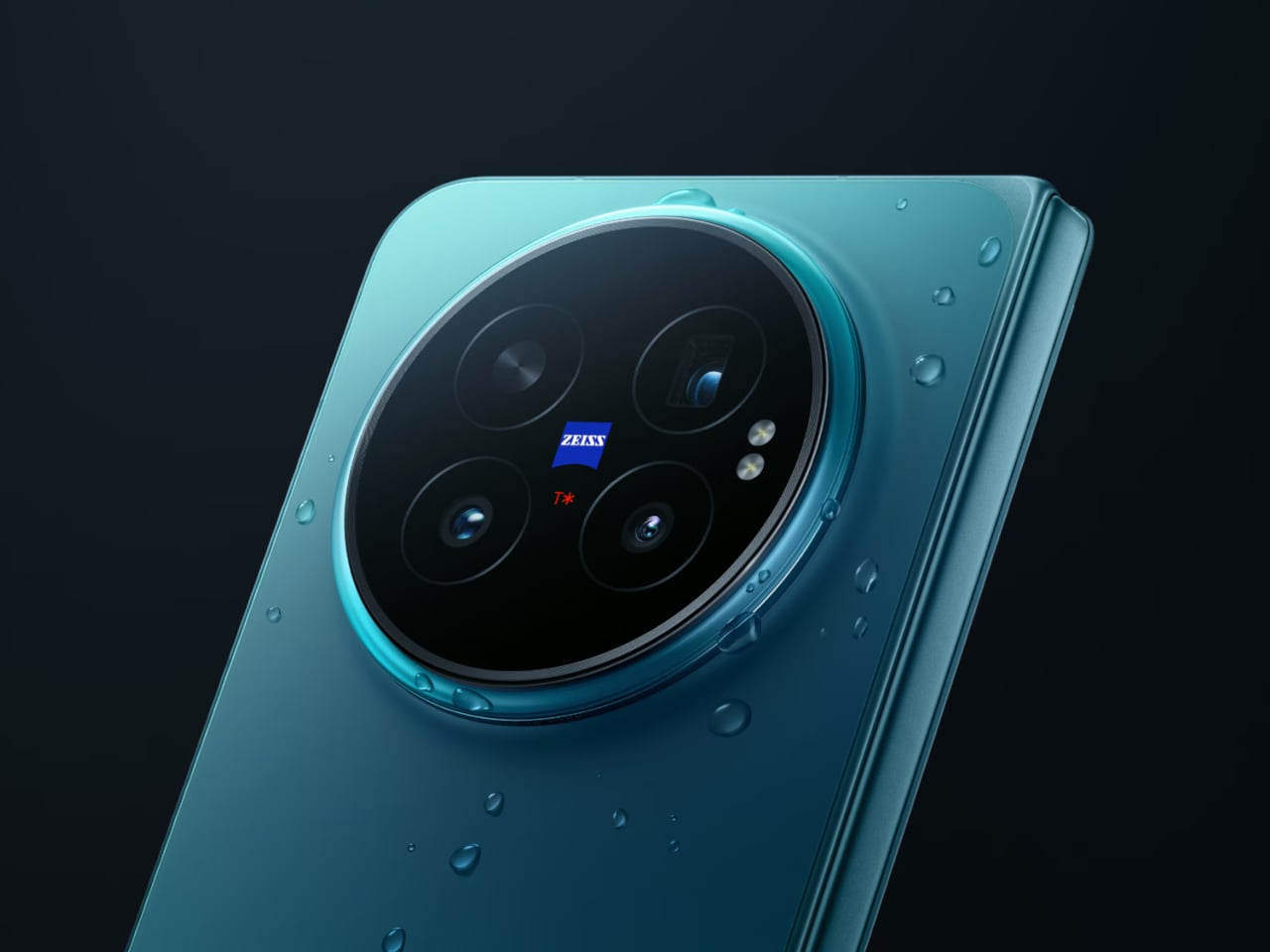
The camera system is where things get genuinely interesting. The 200MP main sensor, which measures 1/1.4 inches and opens at f/1.68, is ZEISS-tuned and sits alongside a 50MP ultrawide and a 50MP 3x periscope telephoto. That telephoto sensor, a Sony LYT-602, is larger than the one found in competing foldables from Samsung, OPPO, and Honor. Vivo’s Blueprint V3+ imaging chip handles processing duties across the setup.

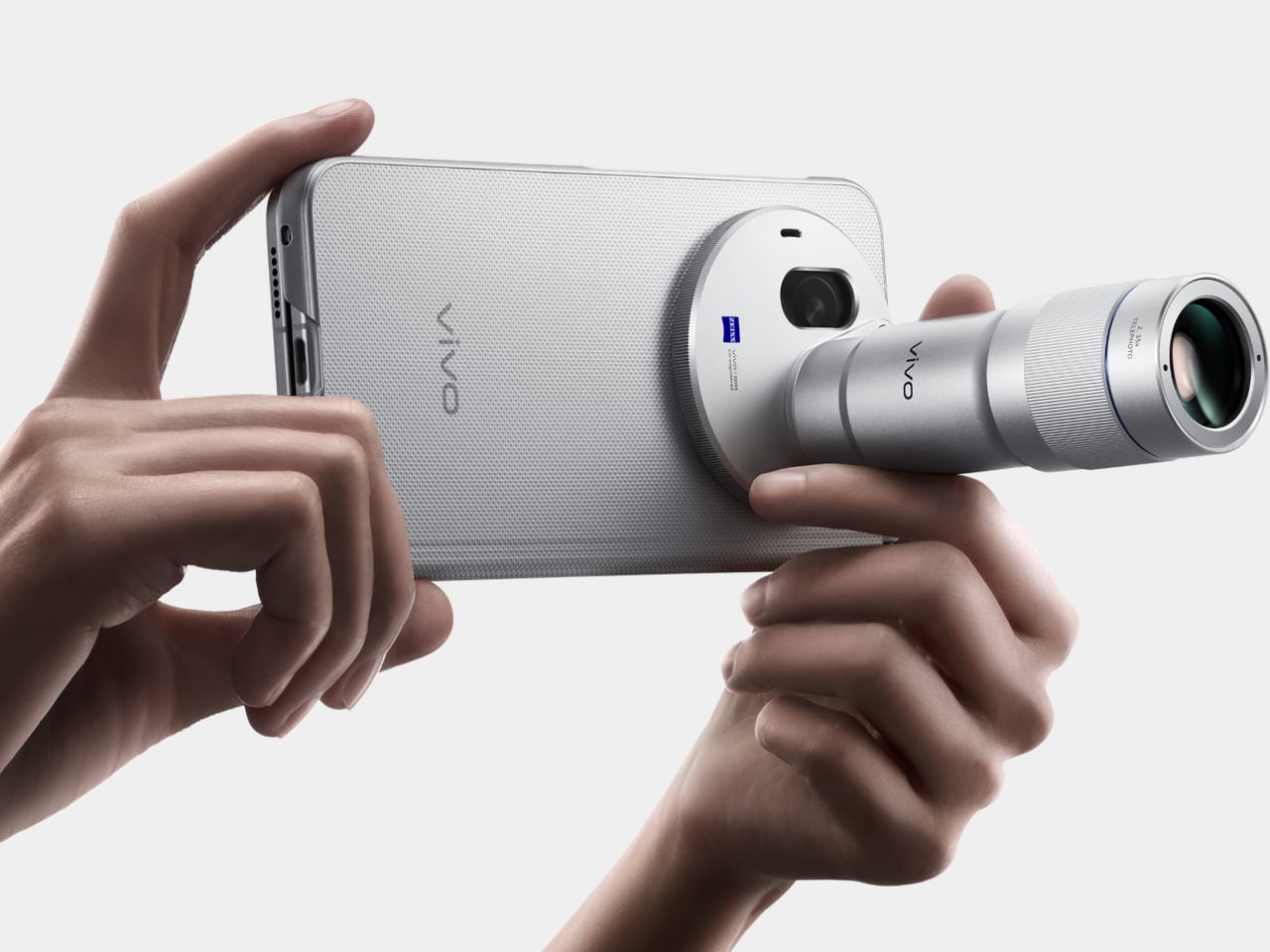
There’s also a first for the X Fold series: support for an external camera lens. The second-generation 200mm telephoto extender, which clips onto the 3x camera, enables native 8.3x shots and lossless 17x captures. For video, the phone records at up to 8K and supports 4K/60fps Dolby Vision, along with film styles borrowed from Vivo’s higher-end lineup. Two 20MP front cameras, one per display, handle video calls.

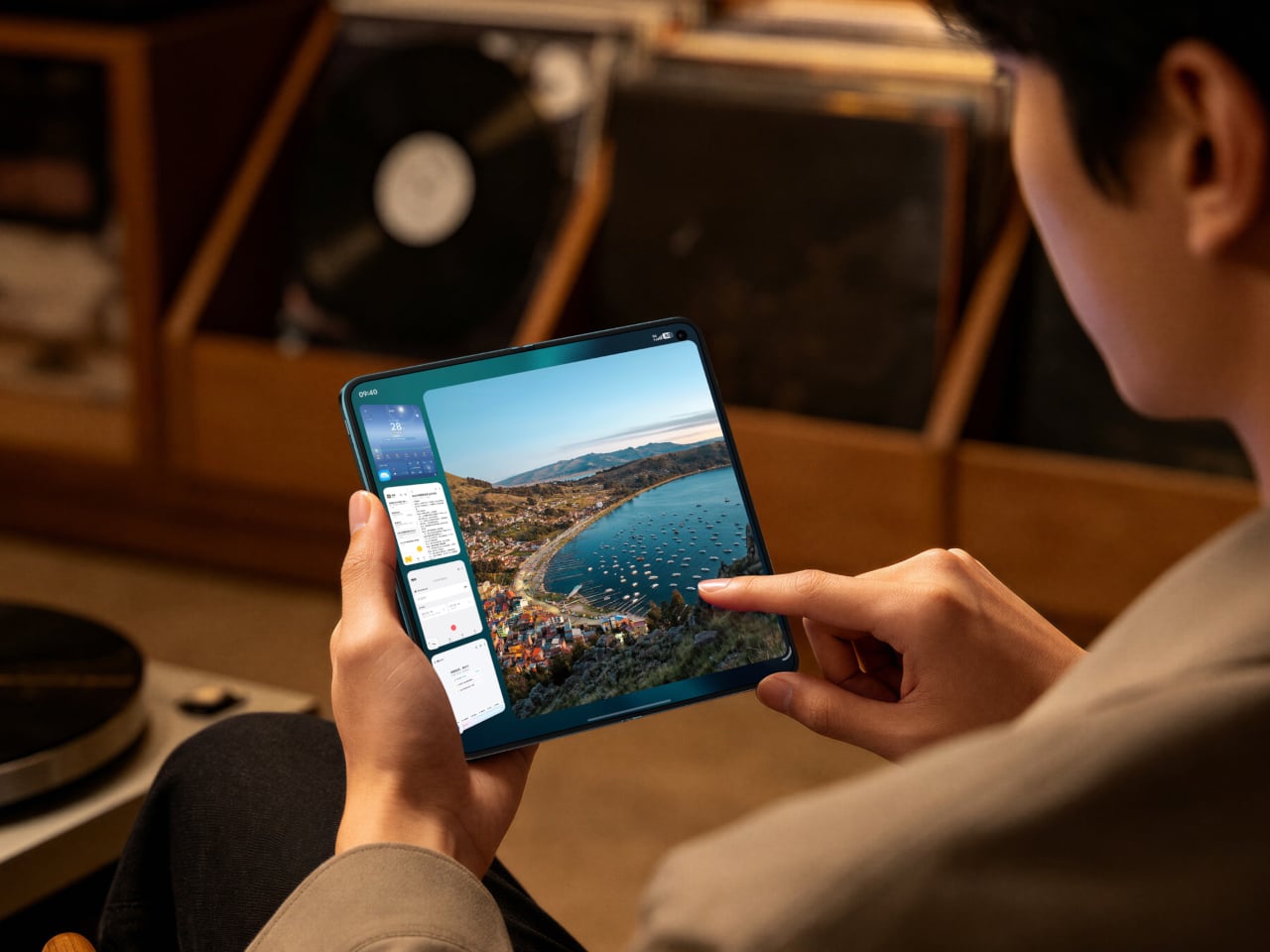
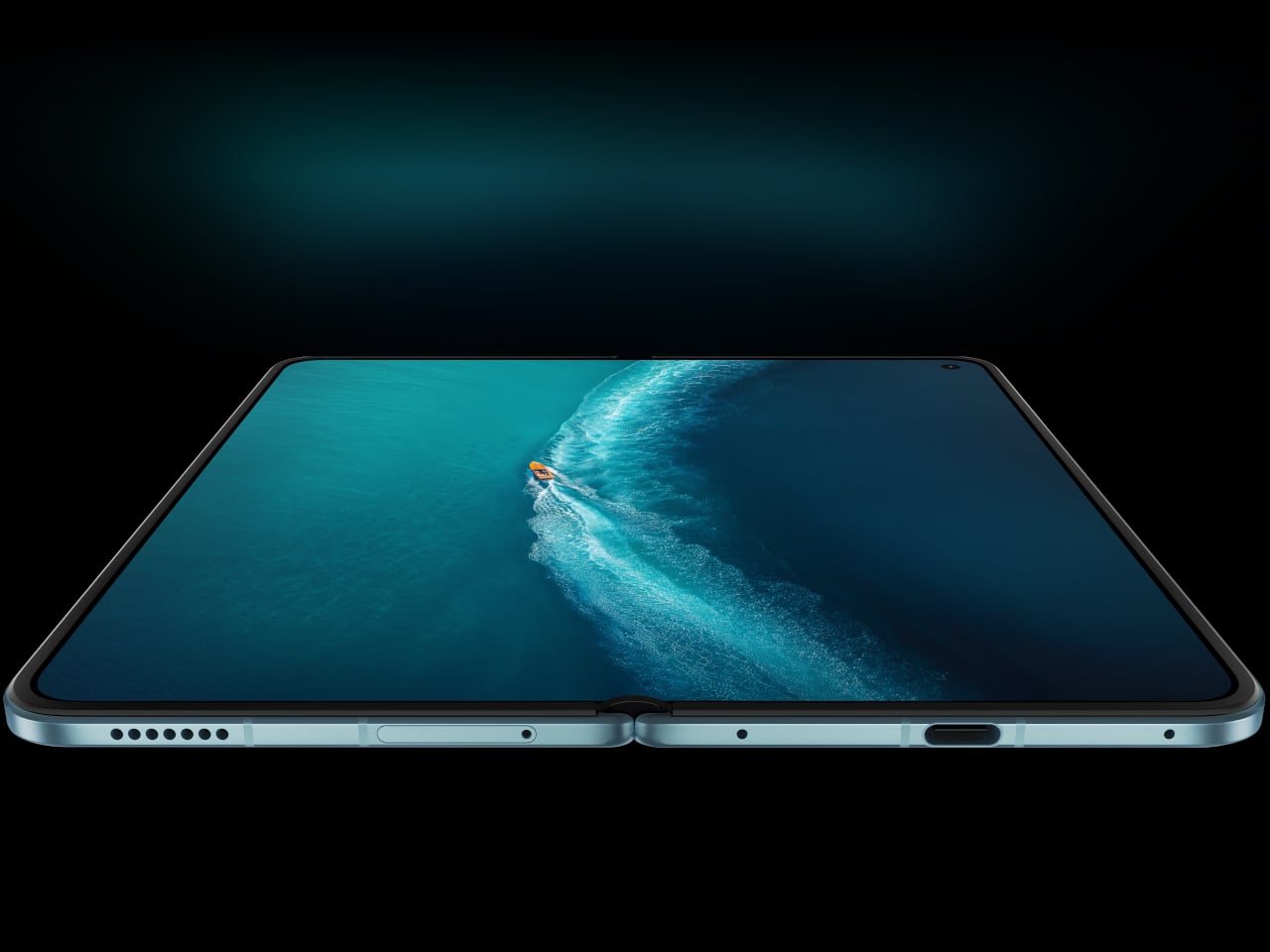
Unfold the device, and you’re greeted by an 8.02-inch AMOLED inner display, powered by a Samsung M14 panel, with a peak brightness of 5,000 nits and a variable refresh rate between 1Hz and 120Hz. The cover screen is 6.51 inches. Both carry IP58 and IP59 ratings for dust and water resistance, which actually puts the X Fold 6 ahead of Samsung’s current flagship on that particular front.

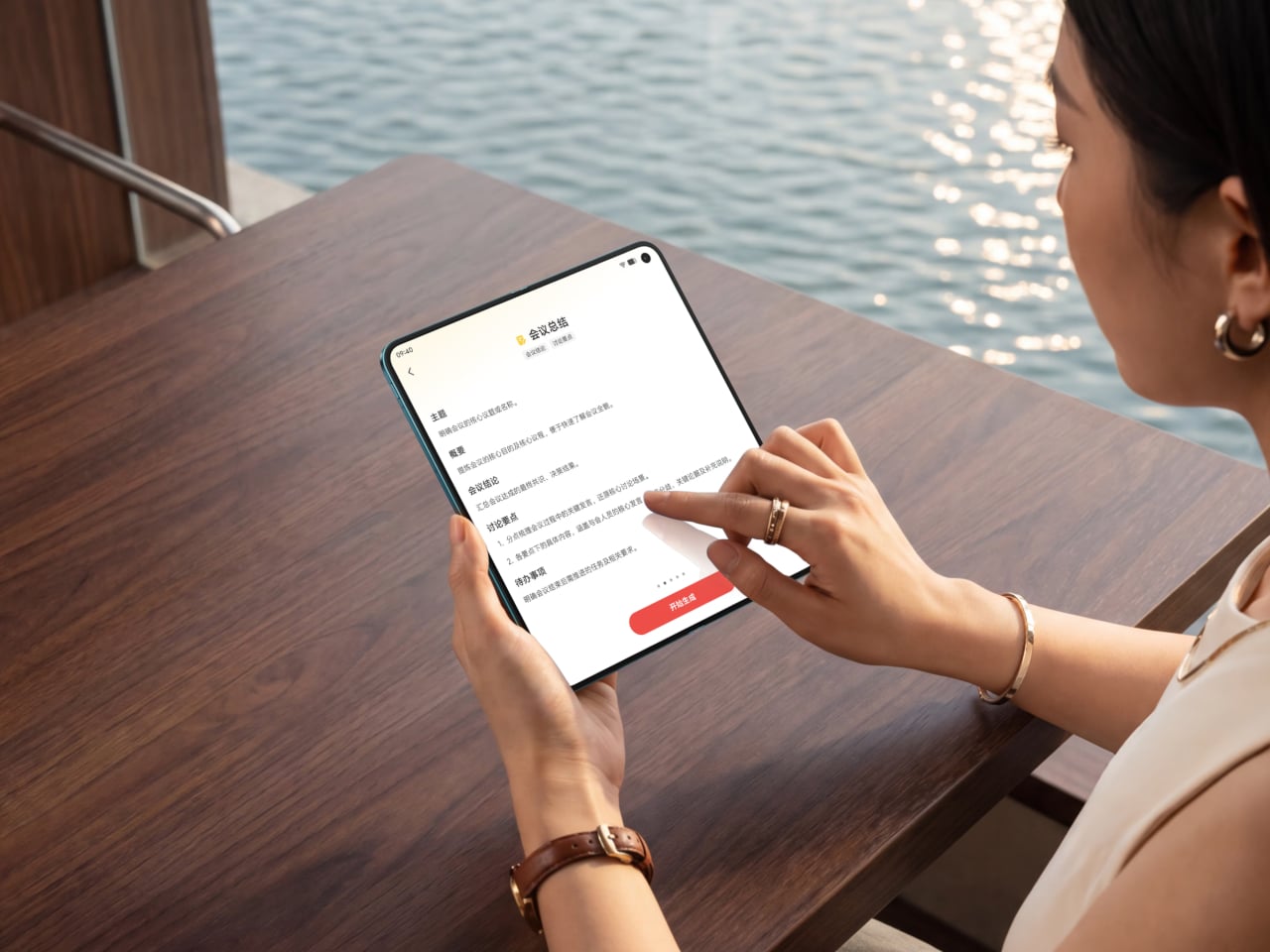
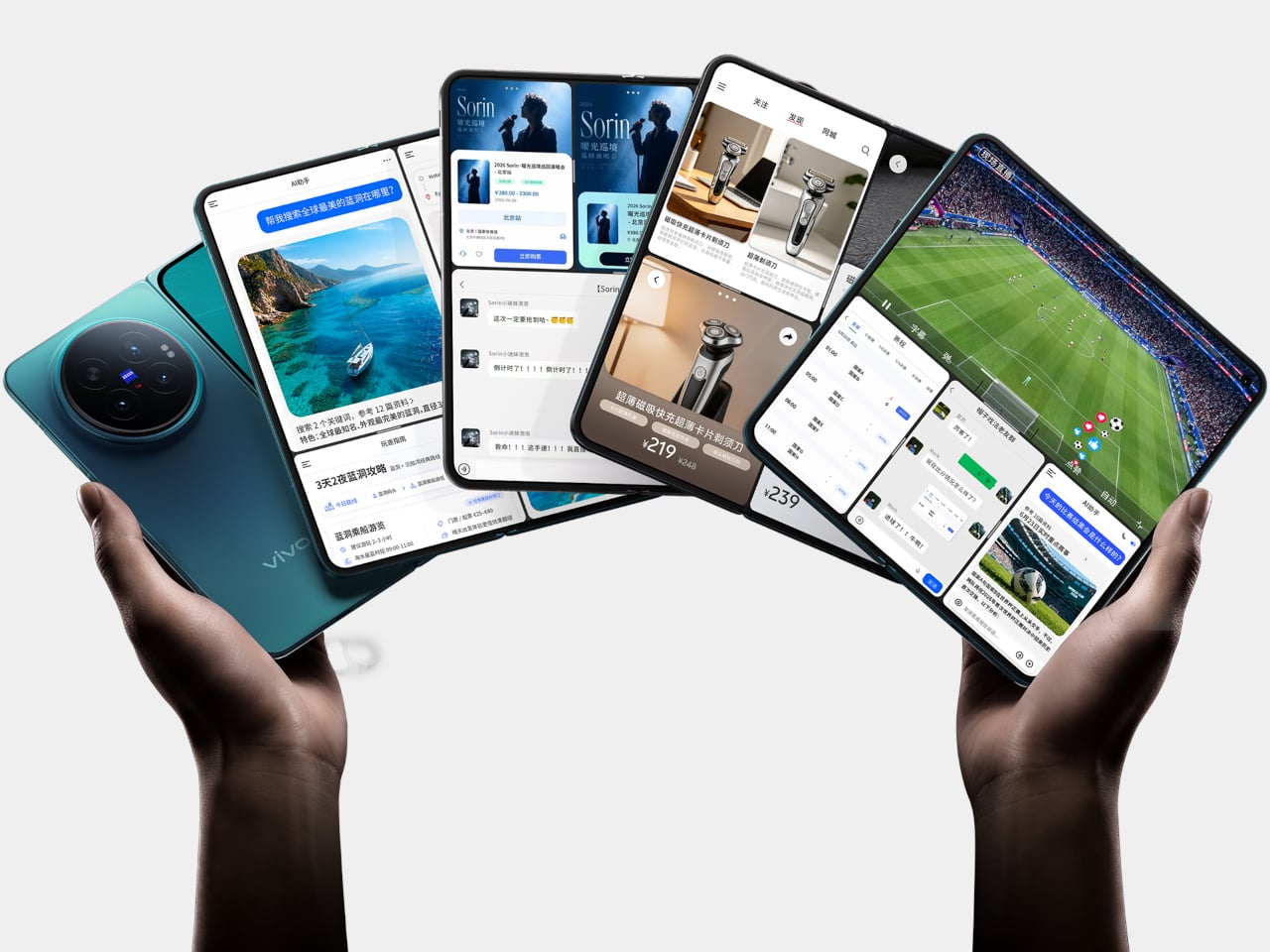
OriginOS 6 Fold is built specifically for the foldable experience rather than simply scaled up from a phone UI. The upgraded Atomic Workbench makes keeping multiple apps side by side less of a chore, with AI tools for transcription, file suggestions, and document summaries. The Dimensity 9500 Super Edition, the first MediaTek chip in an X Fold flagship, does the heavy lifting across all of it.

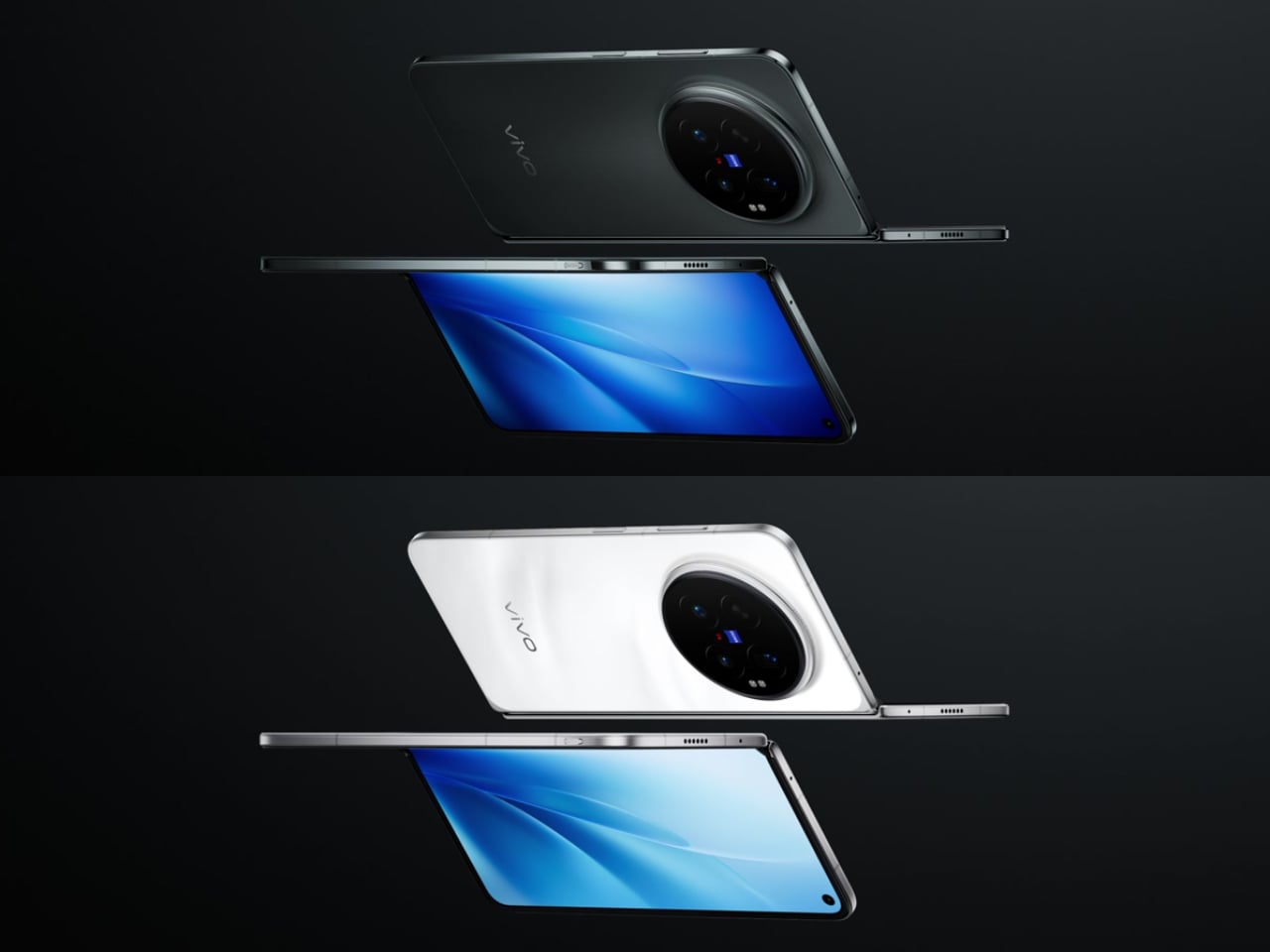
The X Fold 6 launched in China starting at CNY 7,999 (around $1,180) for the 12GB/256GB variant, with the top-tier 16GB/1TB Black Gold Edition at CNY 11,299 (roughly $1,660). A global release date hasn’t been announced yet. It comes in Blue Hole, Salt Lake, Polar Night, and Black Gold, and its hinge is rated for 600,000 folds, which should cover years of daily use.

The post Samsung’s Best Foldable Has 4,400mAh, Vivo’s Has 7,000 first appeared on Yanko Design.

Get Ready for the $395 Tablet That Makes iPad Look Overpriced

Large Android tablets have long occupied an awkward middle ground. They’re capable enough to replace a laptop for basic tasks, but the best ones tend to carry prices that push them out of reach for most people. Apple’s iPad Pro remains the benchmark, but it demands a premium few can justify. Smaller competitors have tried to close that gap, though few have done so convincingly at the high end.

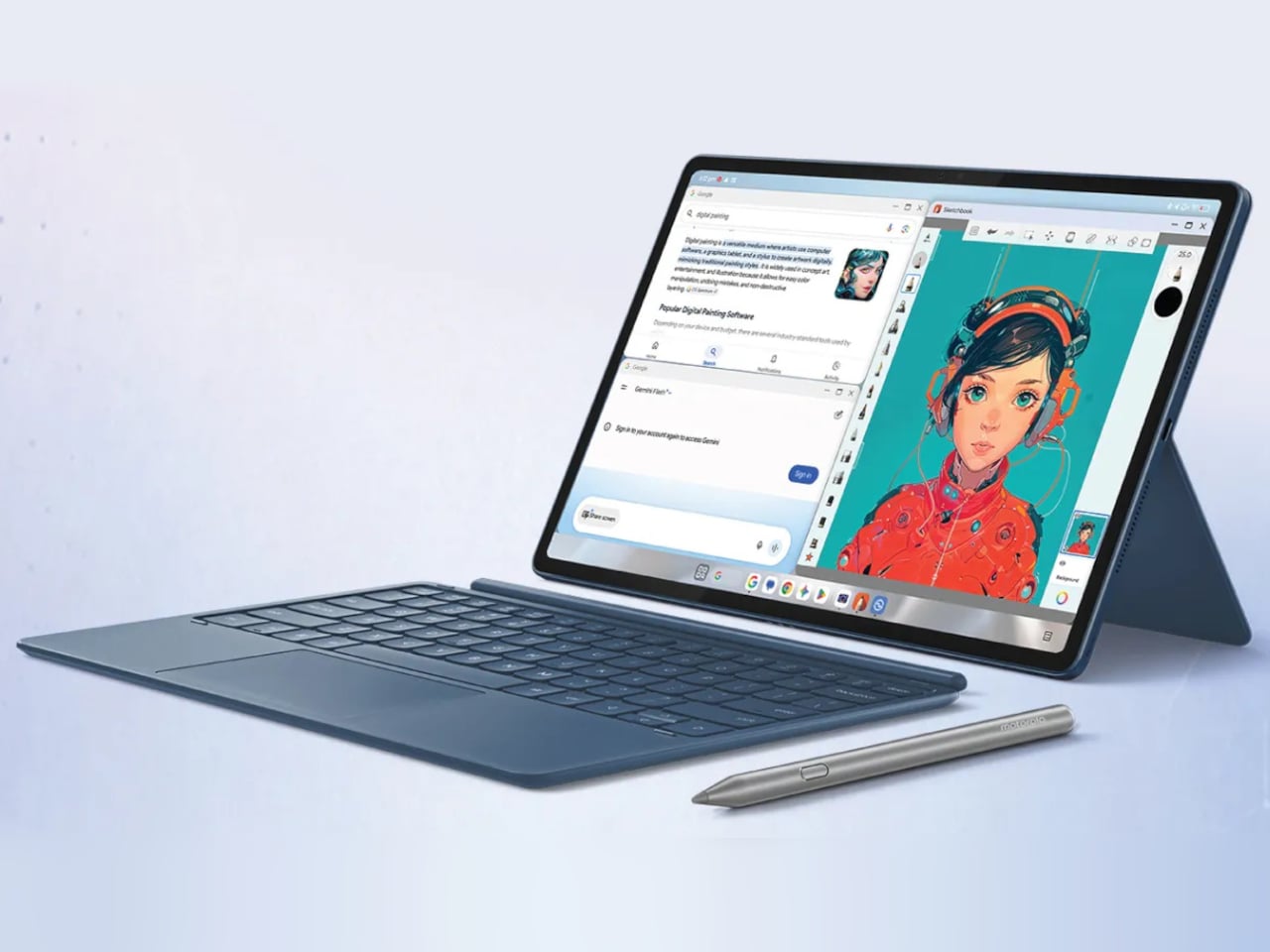
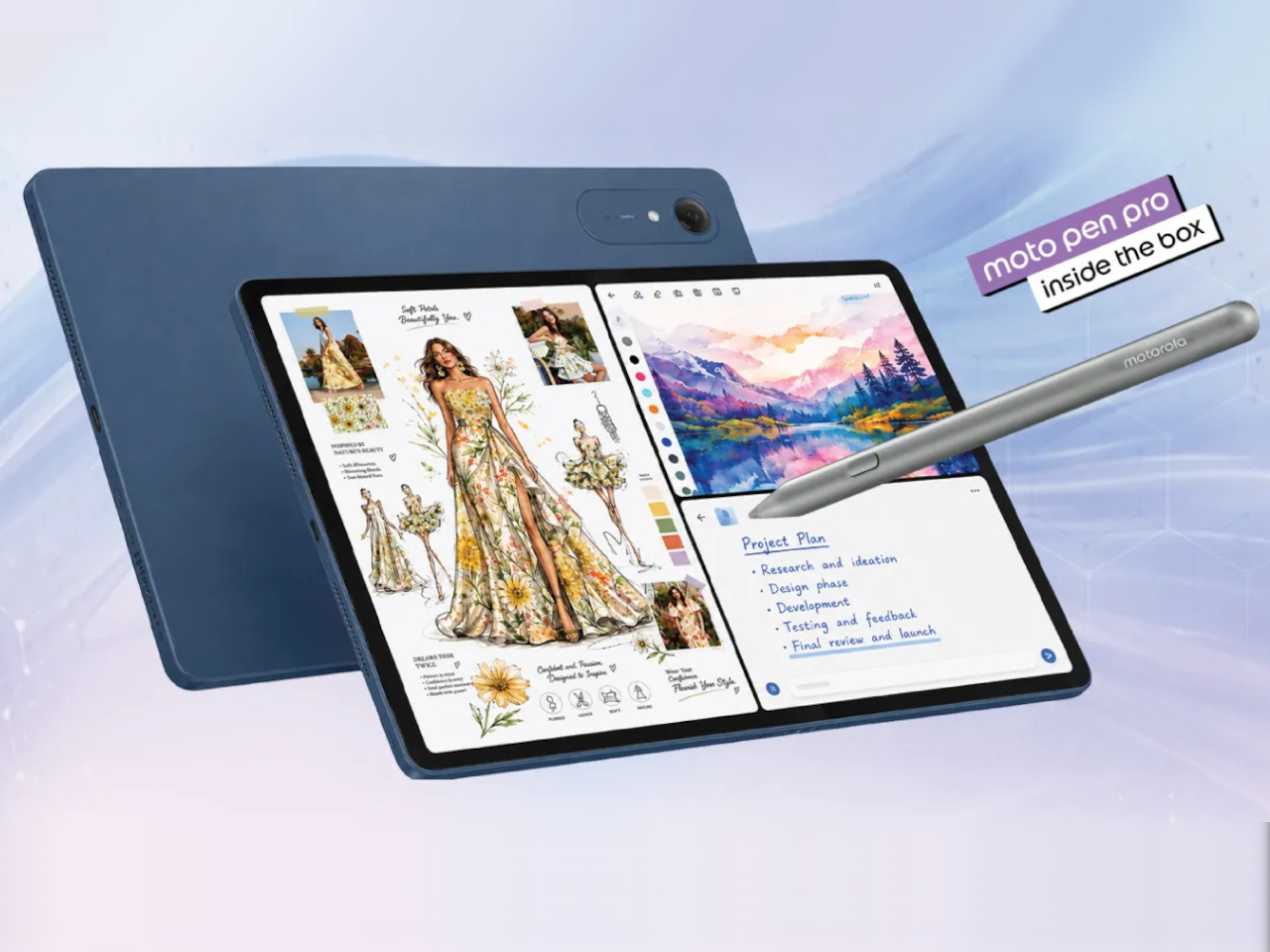
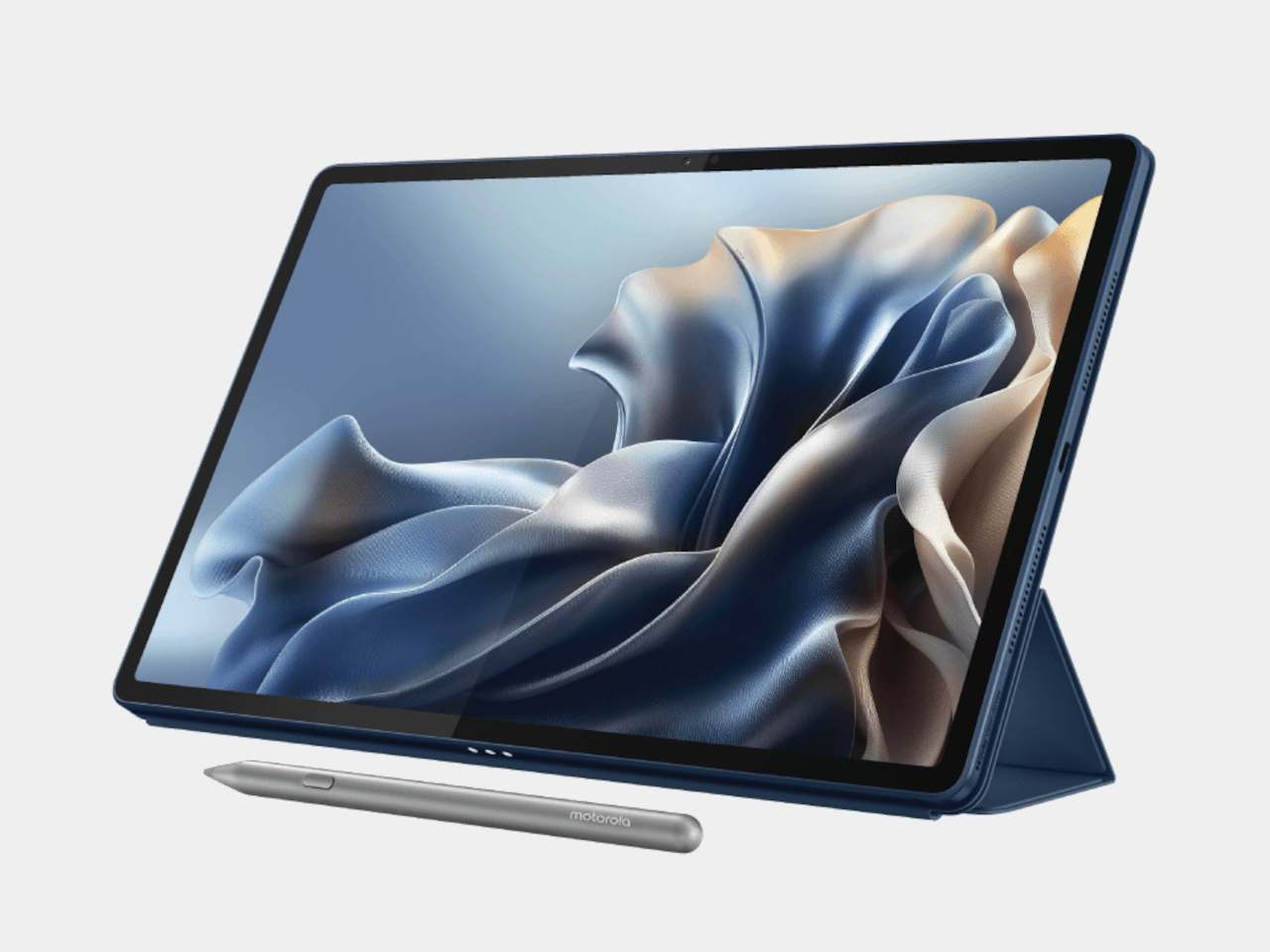
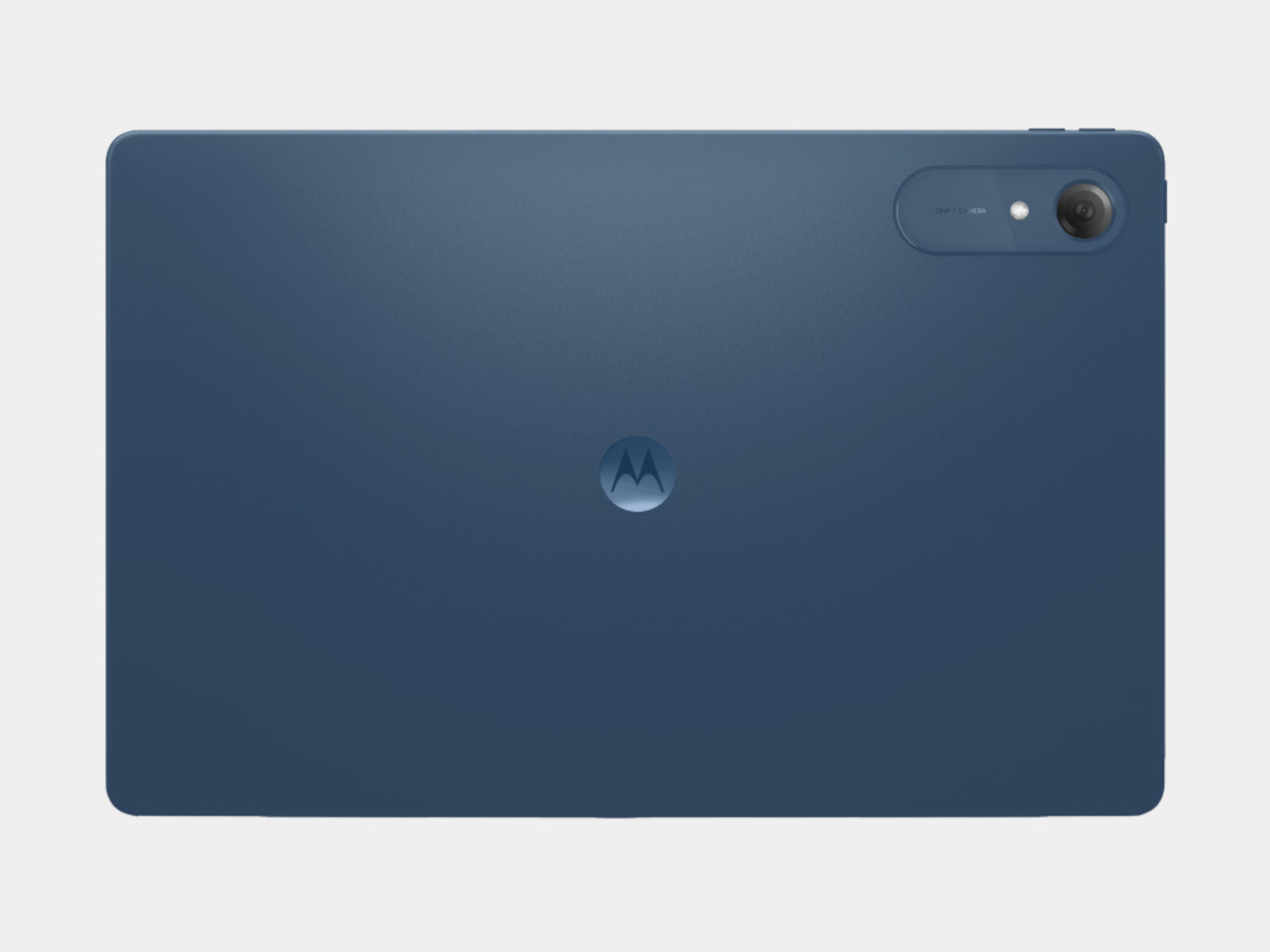
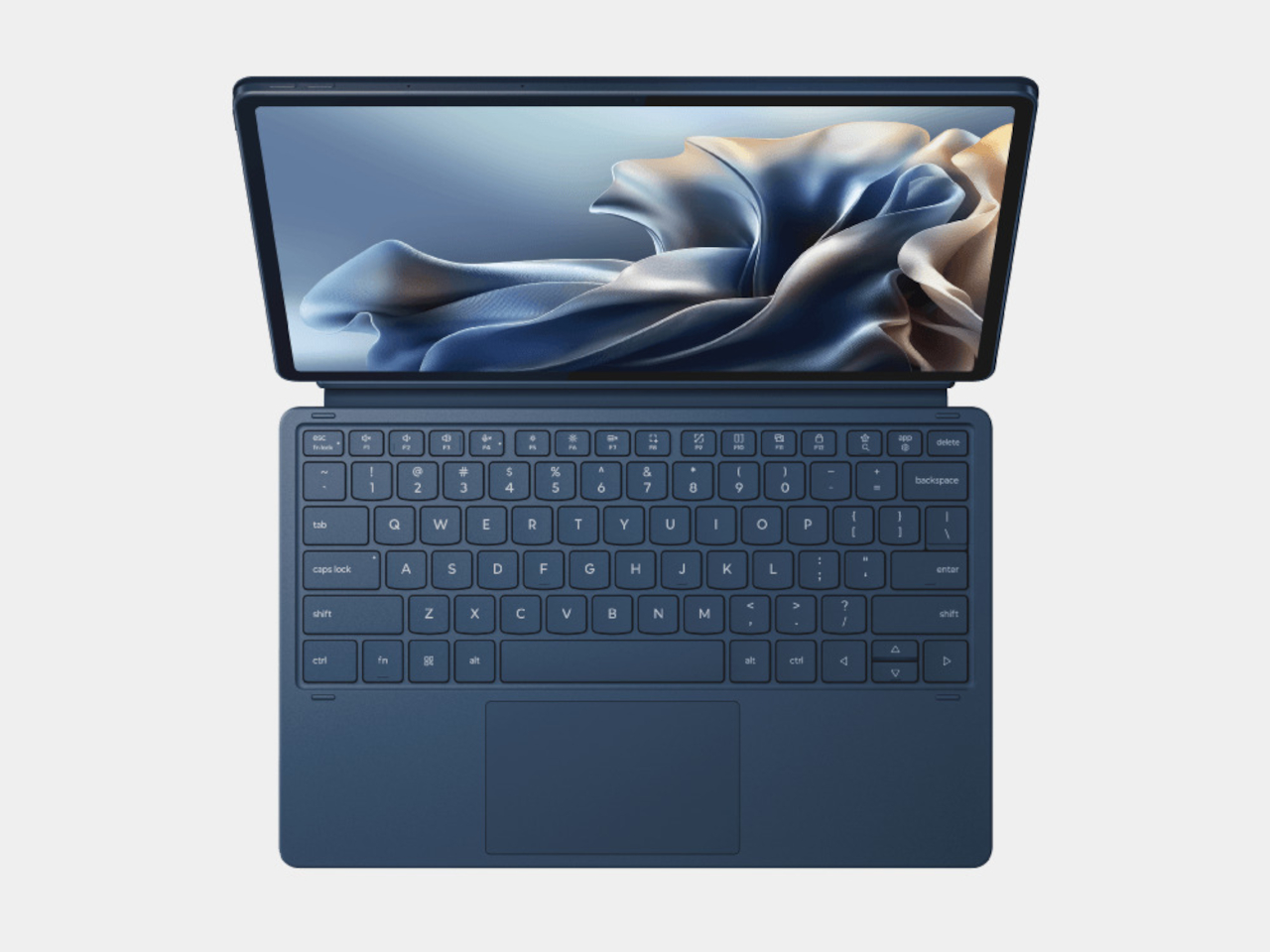
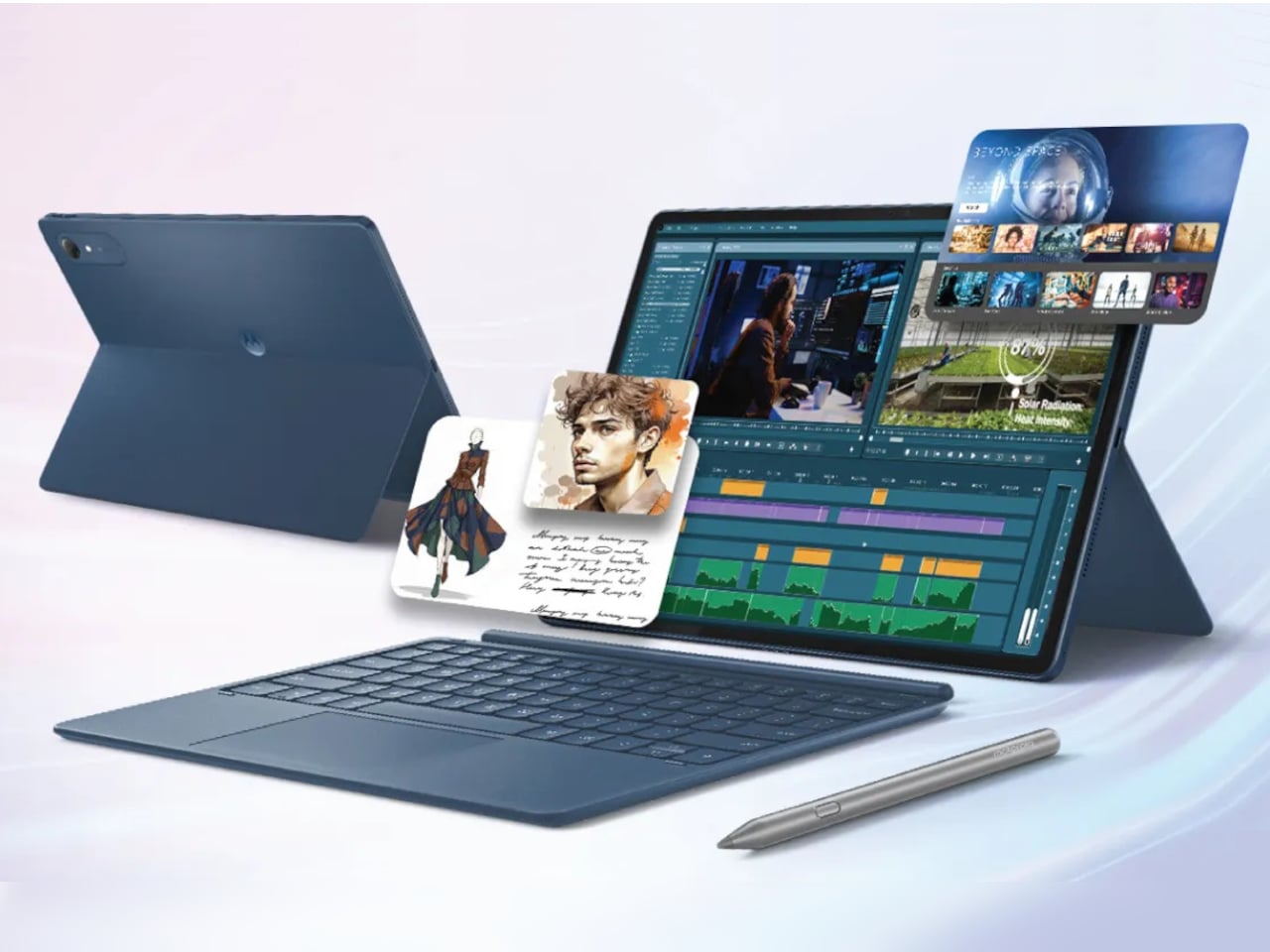
The Moto Pad 70 Pro takes a different approach by packing a flagship-grade experience into a price most people can actually stomach. It’s a 13-inch tablet running on Qualcomm’s Snapdragon 8s Gen 4, and it comes with the Moto Pen Pro stylus already in the box. That last detail is worth pausing on, considering that rival devices often charge extra for that same privilege.

Designer: Motorola

The display is the first thing that wins you over, and rightly so. The 13-inch screen hits a 3.5K resolution, runs at 144Hz, and supports Dolby Vision with 12-bit color depth. At 800 nits in HBM mode, it handles most well-lit rooms with little trouble. For streaming, sketching, or just browsing through a long article, the panel holds up comfortably.

Performance is handled by the Snapdragon 8s Gen 4, which Motorola claims scores around 2.5 million on AnTuTu. In practical terms, that means the tablet can run games at 120FPS without breaking a sweat. It ships with Android 16 and is promised updates through Android 18, alongside security patches until 2030. Storage goes up to 256GB internally, with a microSD slot supporting cards up to 2TB.

The Moto Pen Pro is included in the box, which makes a bigger difference than it might seem. It connects to AI tools like Sketch to Image, which turns rough doodles into finished artwork, and AI Live Transcript, which converts spoken audio to text in real time. Smarter Reader, meanwhile, summarizes long documents on the fly. These features feel genuinely practical when the stylus is already in your hand.

Audio on a tablet this size can either be forgettable or genuinely useful, and the Moto Pad 70 Pro leans toward the latter. Four JBL speakers tuned with Dolby Atmos make the difference noticeable, especially during video calls, movie sessions, or when someone’s presenting a slide deck to a small group. It’s the kind of audio setup that makes you reach for external speakers far less often.

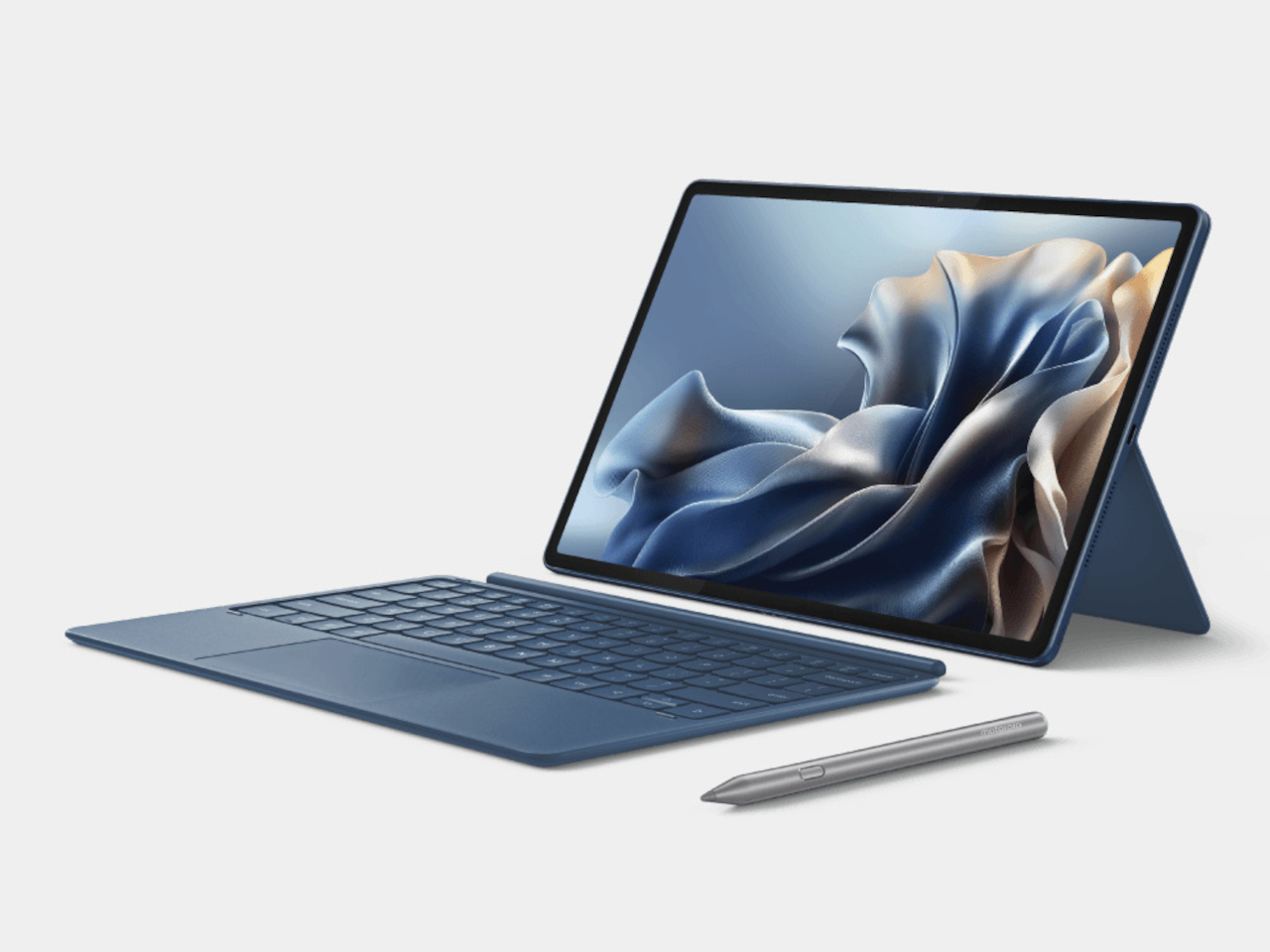
Battery life is anchored by a 10,200 mAh cell with 45W charging, though Motorola bundles a 68W adapter in the box. The tablet’s productivity credentials go further with a PC Mode that gives the interface a desktop feel, and Smart Connect for file sharing between devices. A snap-on keyboard is available separately, and a USB Type-C 3.2 port lets you hook it up to an external display.

The Moto Pad 70 Pro goes on sale July 4 in India, starting at ₹36,999, roughly $395, for the 8GB/128GB variant and ₹39,999, around $425, for the 8GB/256GB model. It has no LTE option, and the single Pantone Titan finish doesn’t leave much room for personalization. But at 6.2mm thin, weighing 589g, and with a bundled stylus already in the box, there’s a lot here for the price.

The post Get Ready for the $395 Tablet That Makes iPad Look Overpriced first appeared on Yanko Design.

Wacom MovinkPad Pro 14 Review: The $900 Sketchbook Designers Needed

PROS:


  • Minimalist design streamlined for focused work on the go

  • Paper-like experience when drawing or writing

  • Comes with Wacom Pro Pen 3 in the box

  • Large, bright, color-accurate OLED screen with anti-reflective surface


CONS:


  • Quite a significant investment

  • Uncertain software update roadmap

  • Instant Pen Display Mode is currently offered as a beta feature

RATINGS:

AESTHETICS
ERGONOMICS
PERFORMANCE
SUSTAINABILITY / REPAIRABILITY
VALUE FOR MONEY

EDITOR'S QUOTE:

The Wacom MovinkPad Pro 14 isn't another Android tablet. It's a sketchbook that happens to run one.
award-icon

For decades, Wacom has held an almost unchallenged grip on the drawing tablet and pen display market. Its products are so trusted that studios and design firms often keep them running for years, sometimes long after they’ve been discontinued. Lately, though, its rivals have been gaining a lot of attention, pushing increasingly attractive prices and expanding into new product categories.

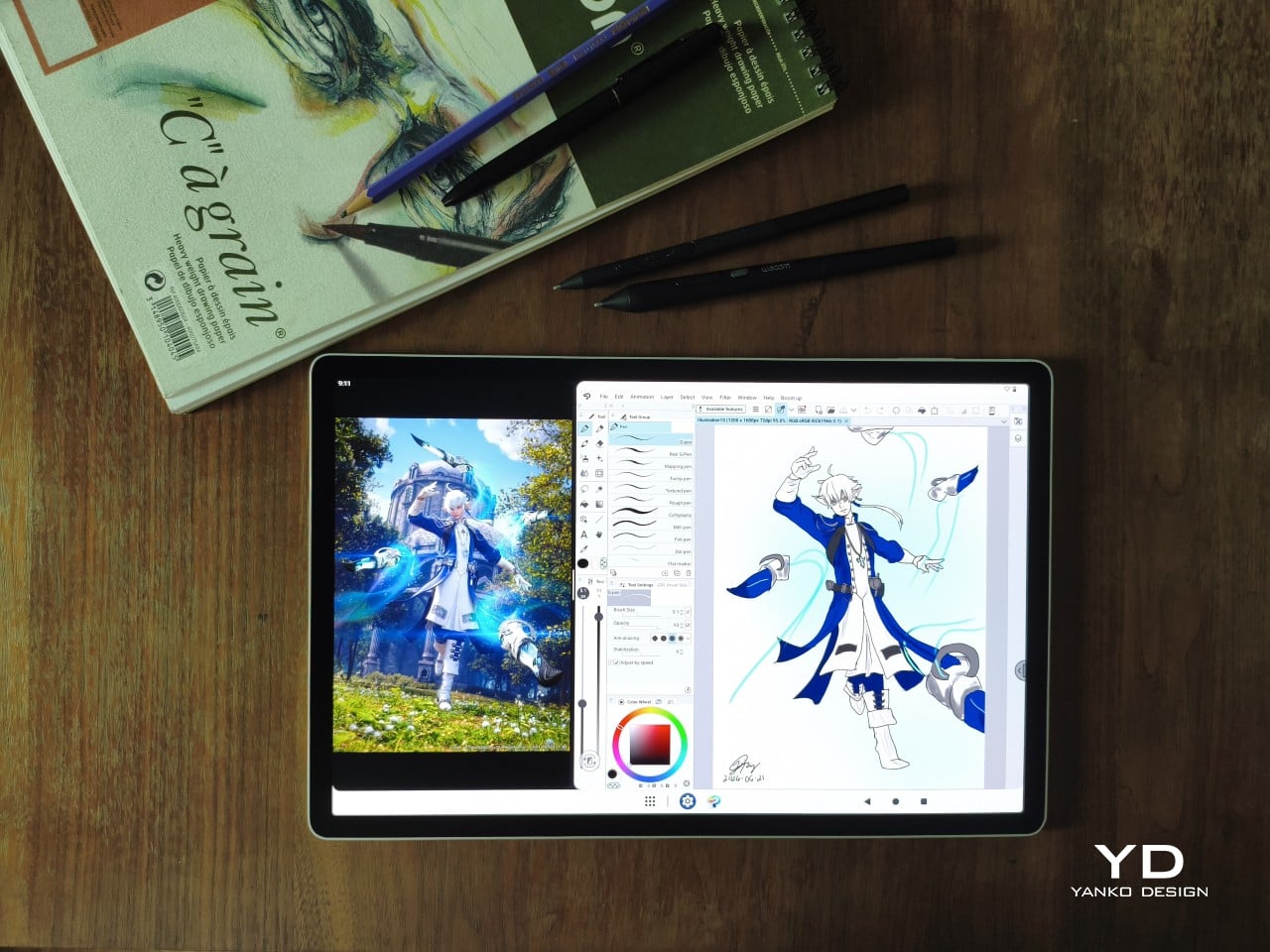
That doesn’t mean Wacom has been idling. The company is finally wading into standalone Android tablet territory with the MovinkPad 11 and the more premium MovinkPad Pro 14, a proper portable drawing machine aimed squarely at working creatives. We’ve been spending time with the larger of the two, along with the new Wacom Art Pen 2, and the question is whether it’s worth every dollar of its price tag.

Designer: Wacom

Aesthetics

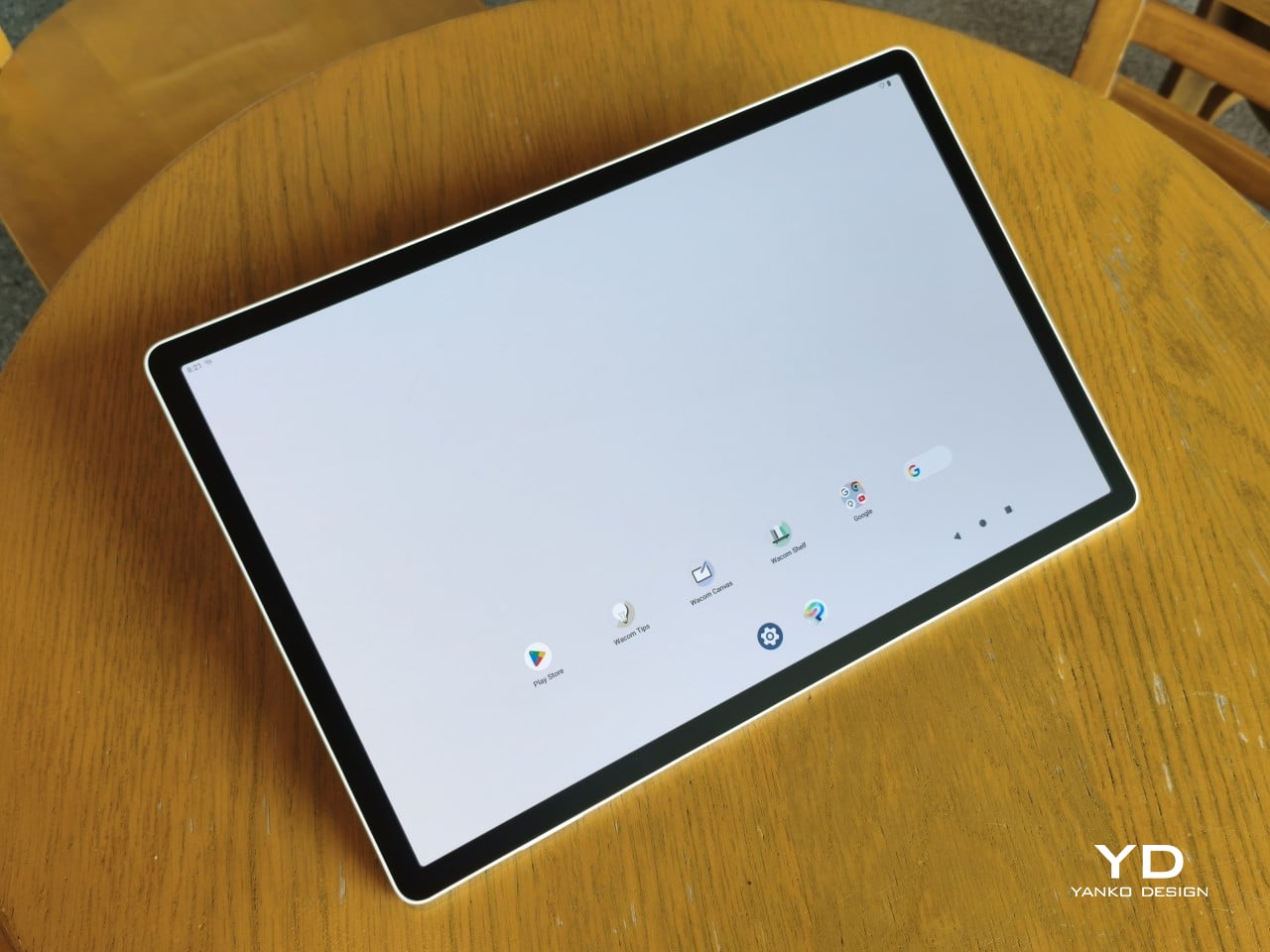
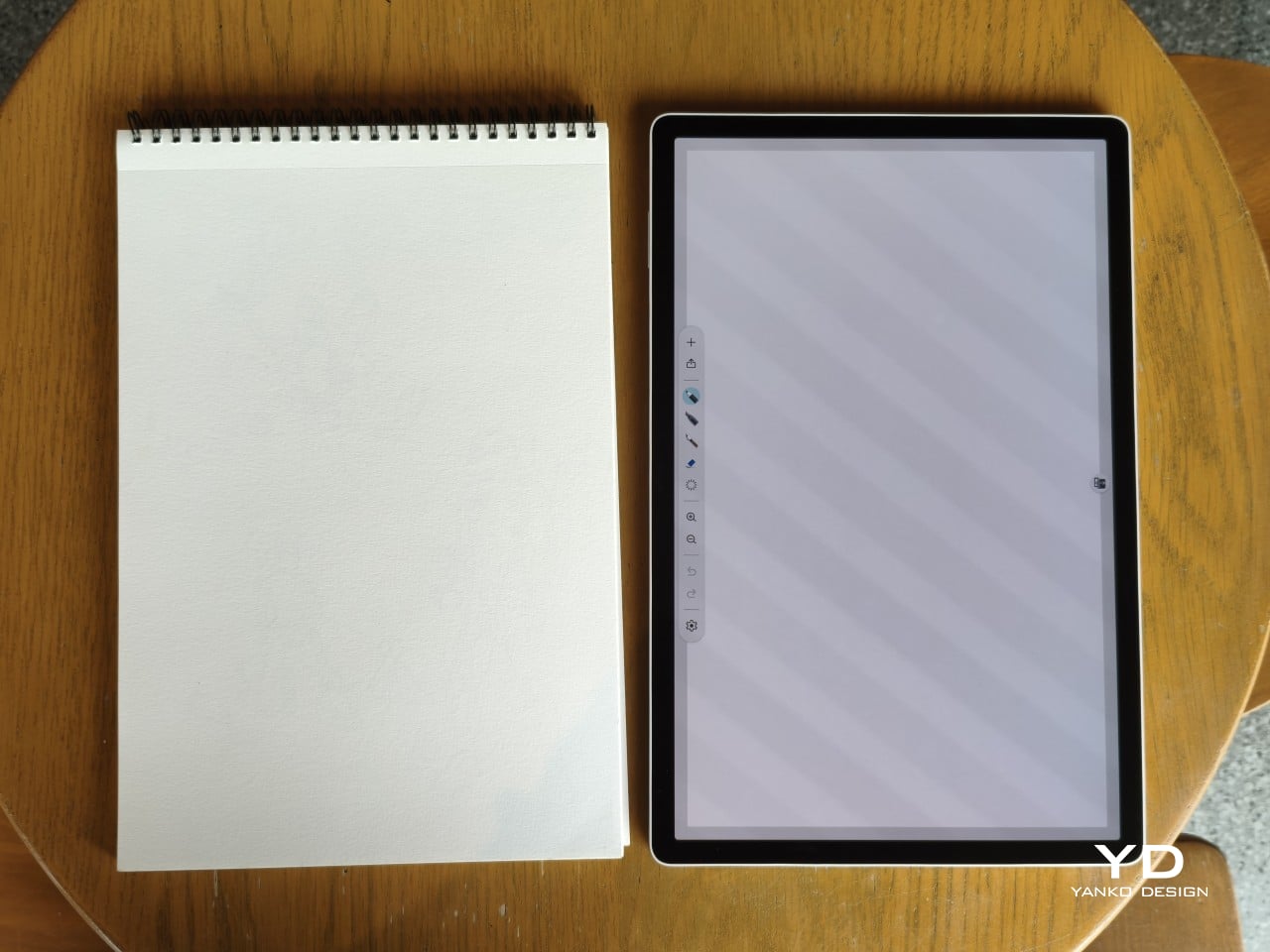
Right out of the box, the MovinkPad Pro 14 doesn’t dazzle the way other tablets in its price range tend to. There are no flashy colors, no ultra-thin borders, no polished surfaces. The bezels are noticeably wide, the default wallpaper is a solid, flat light gray, and the whole thing carries a stubbornly plain look that feels almost out of step with the competition.

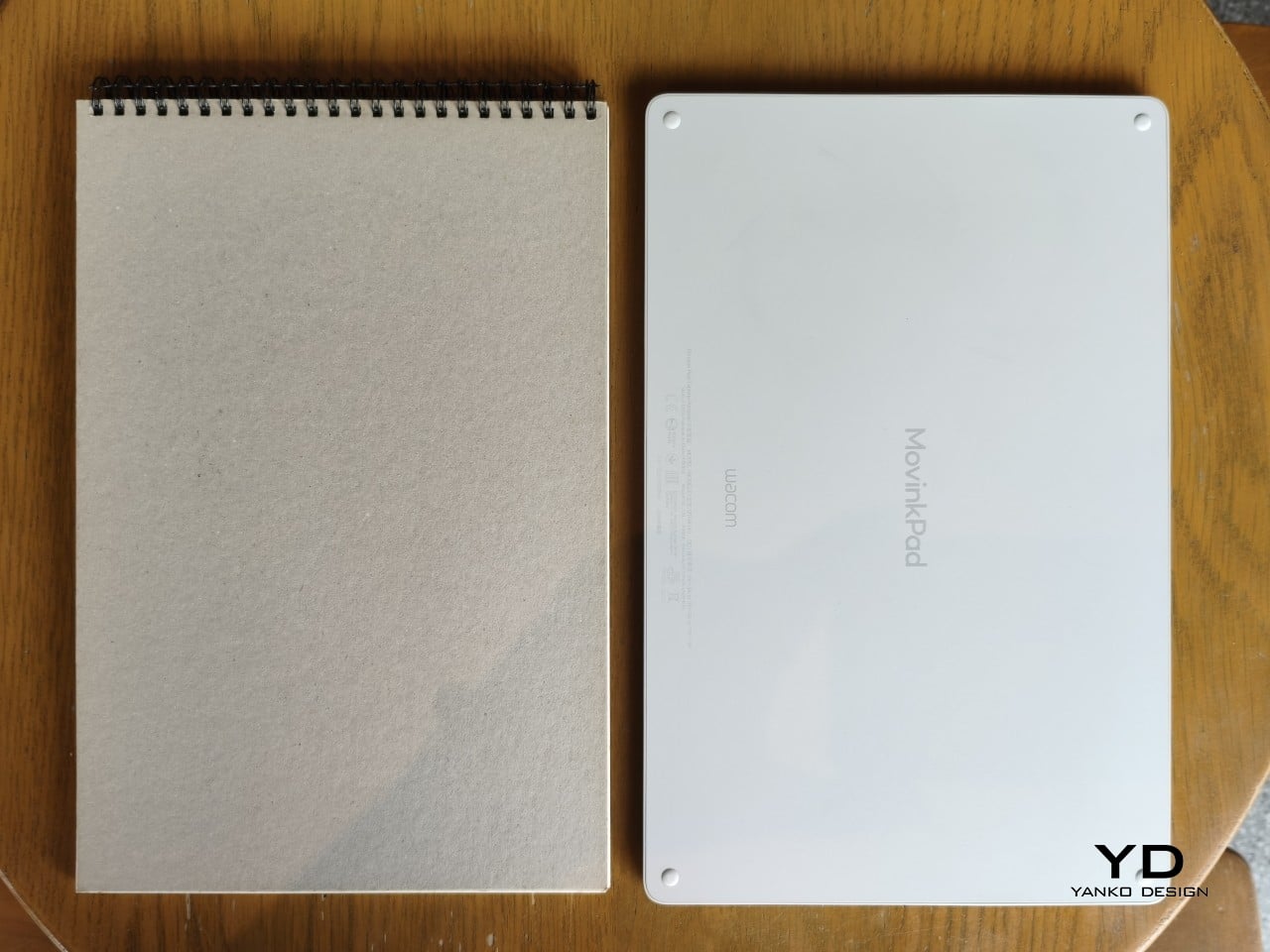
It’s all very much by design. Wacom’s intent is to mimic the look and feel of a physical sketchbook, the kind artists, designers, and architects carry everywhere. The device comes in one color, light gray, which echoes the tone of most sketchbook paper. Its rectangular form, wide borders included, also closely mirrors the footprint of an A4 pad, binding and all.

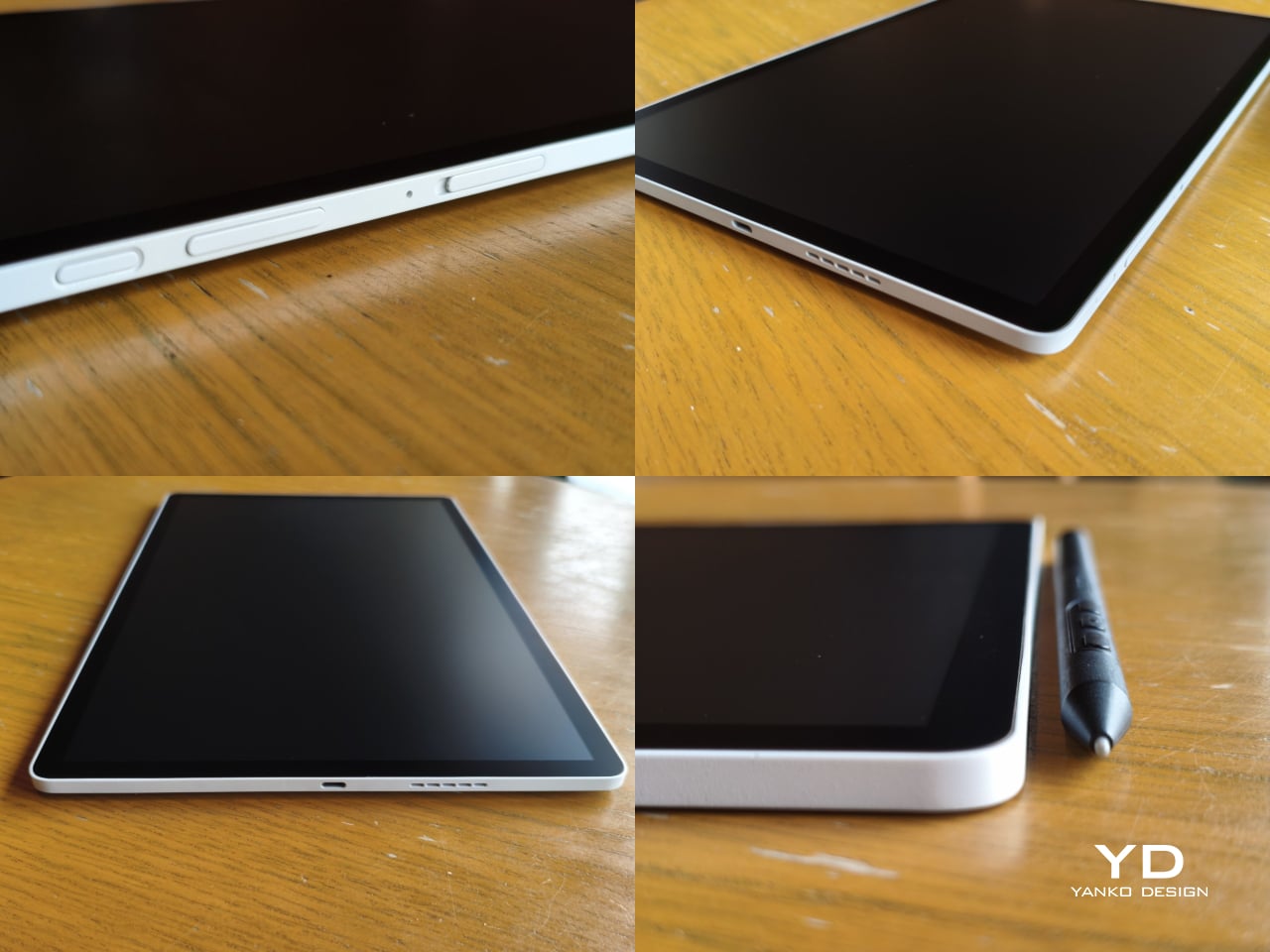
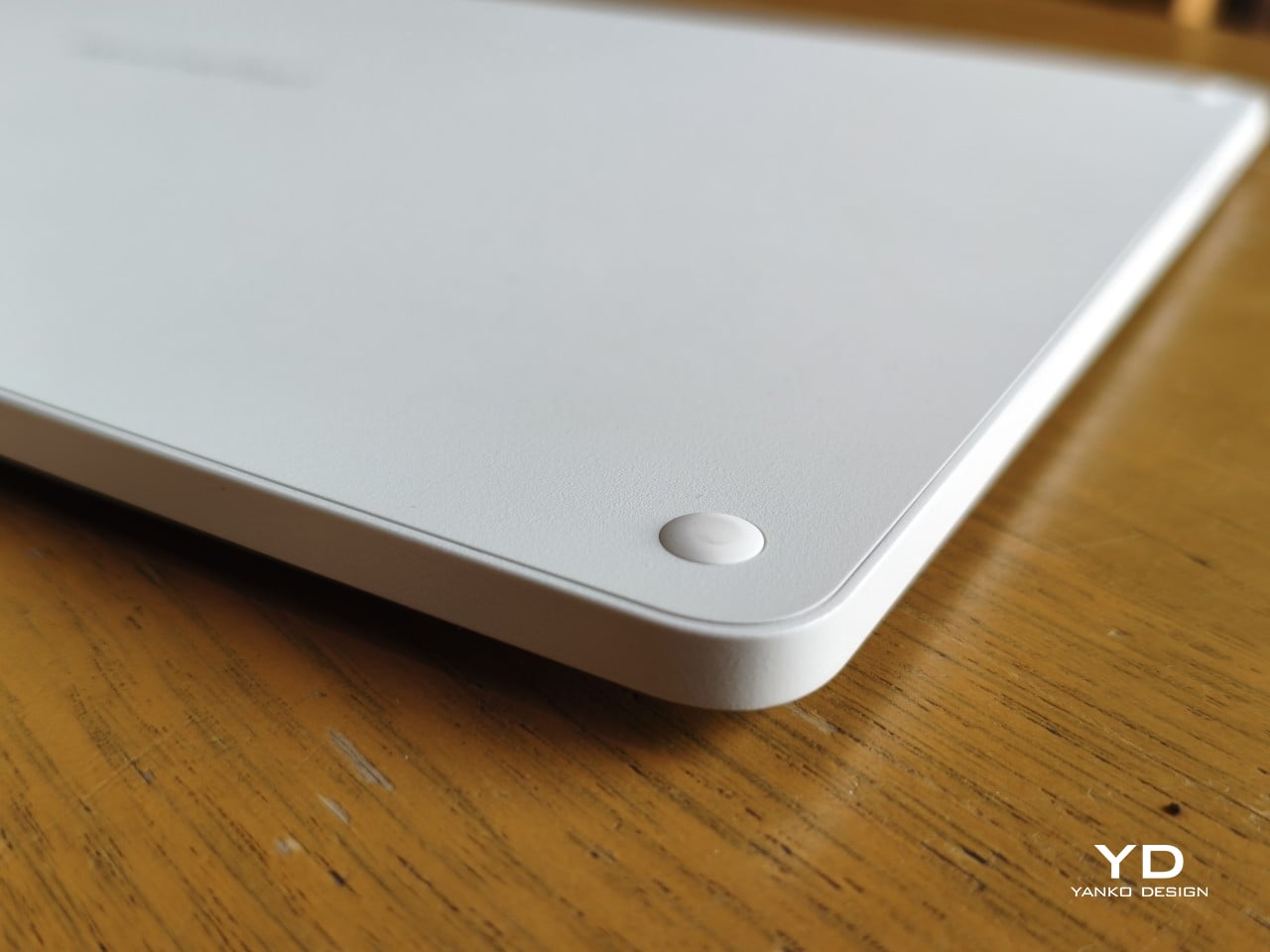
The sides of the device carry that same restraint. One long edge holds the power button, volume rocker, and microSD slot, while the opposite edge features connectors for the optional cover accessory. The short edges house the speakers, and the bottom is reserved for branding, regulatory inscriptions, and four rubber feet. There’s nothing extraneous, nothing decorative, and nothing that distracts from the task you’re there to do.

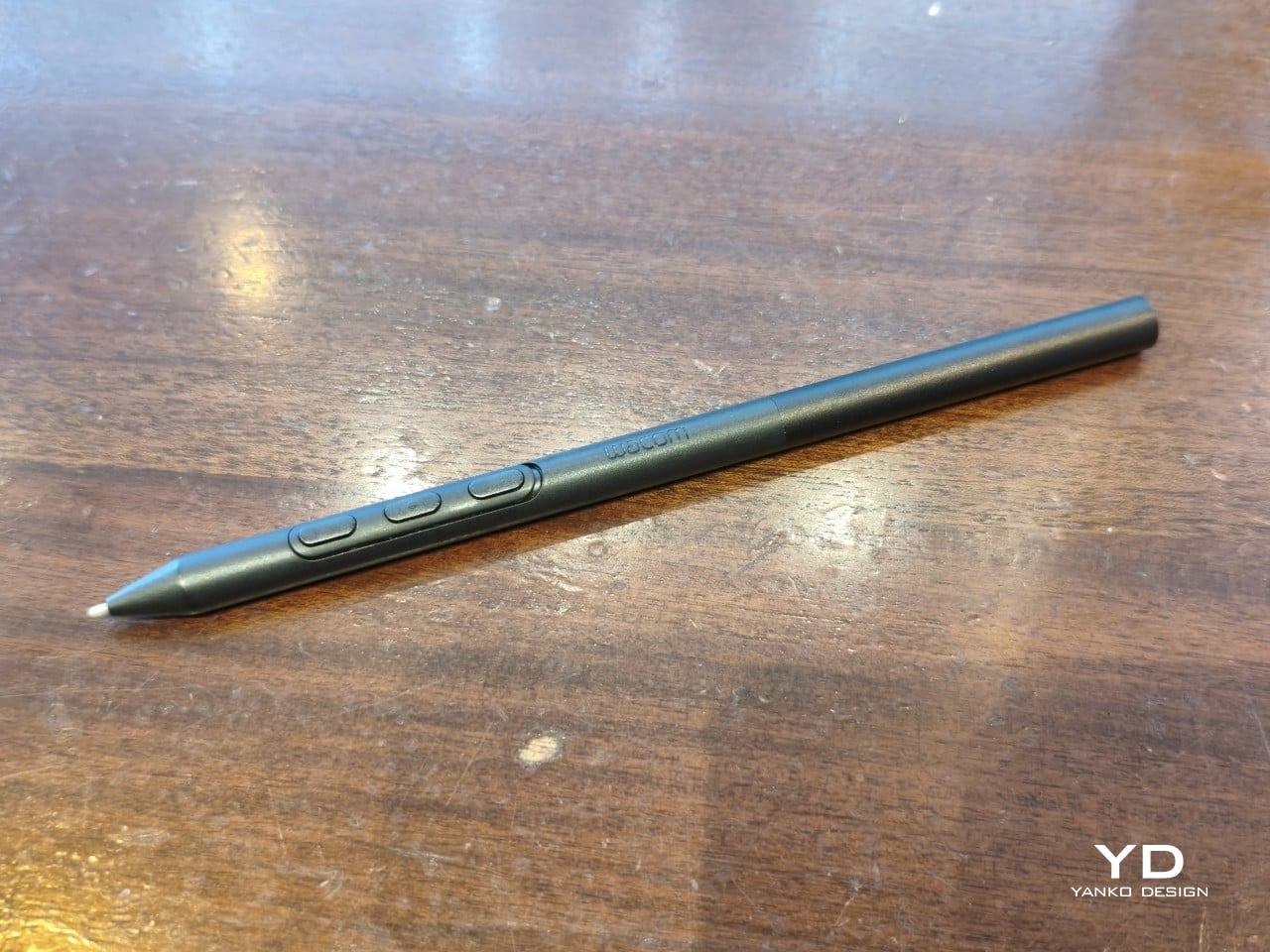
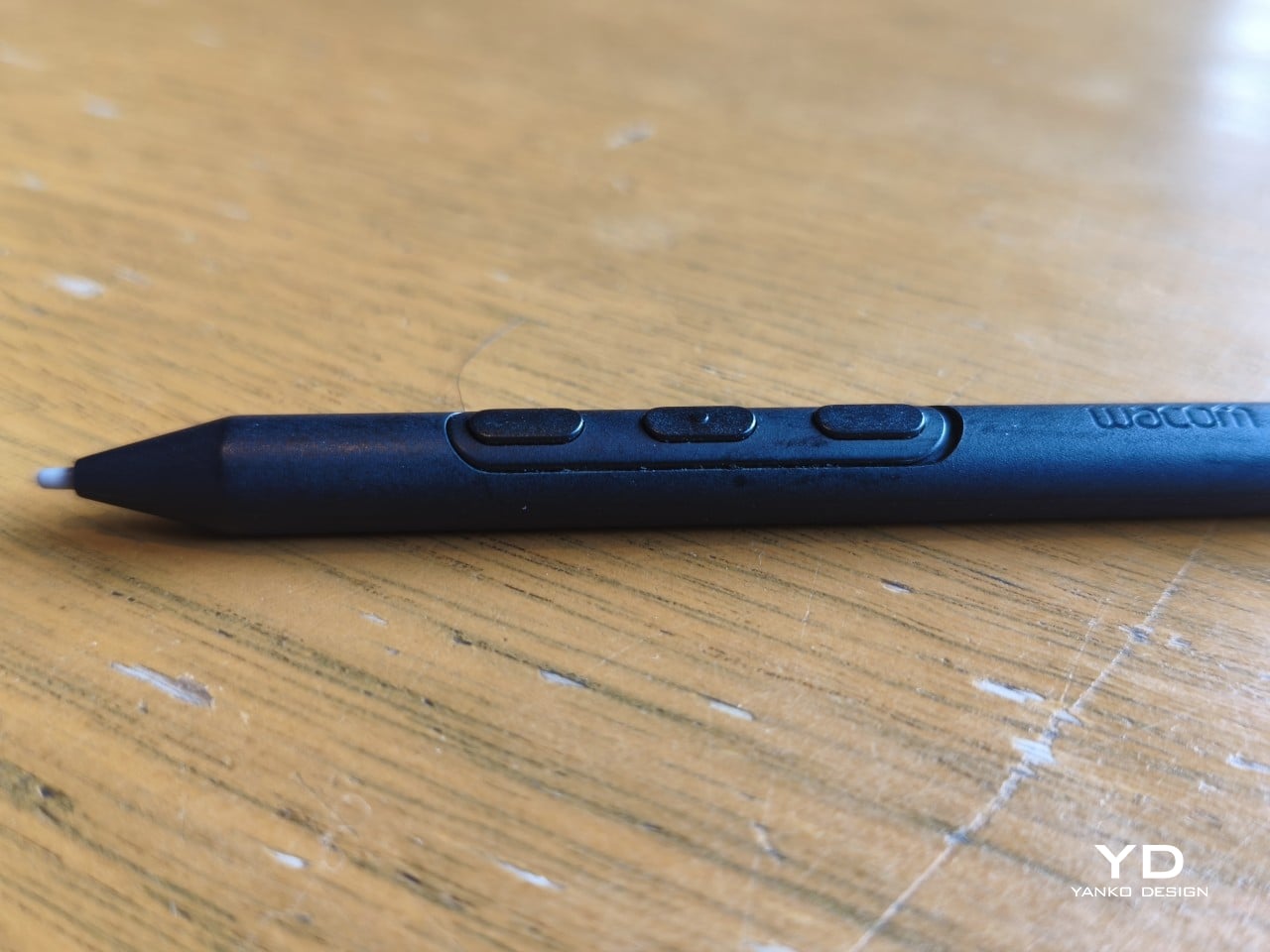
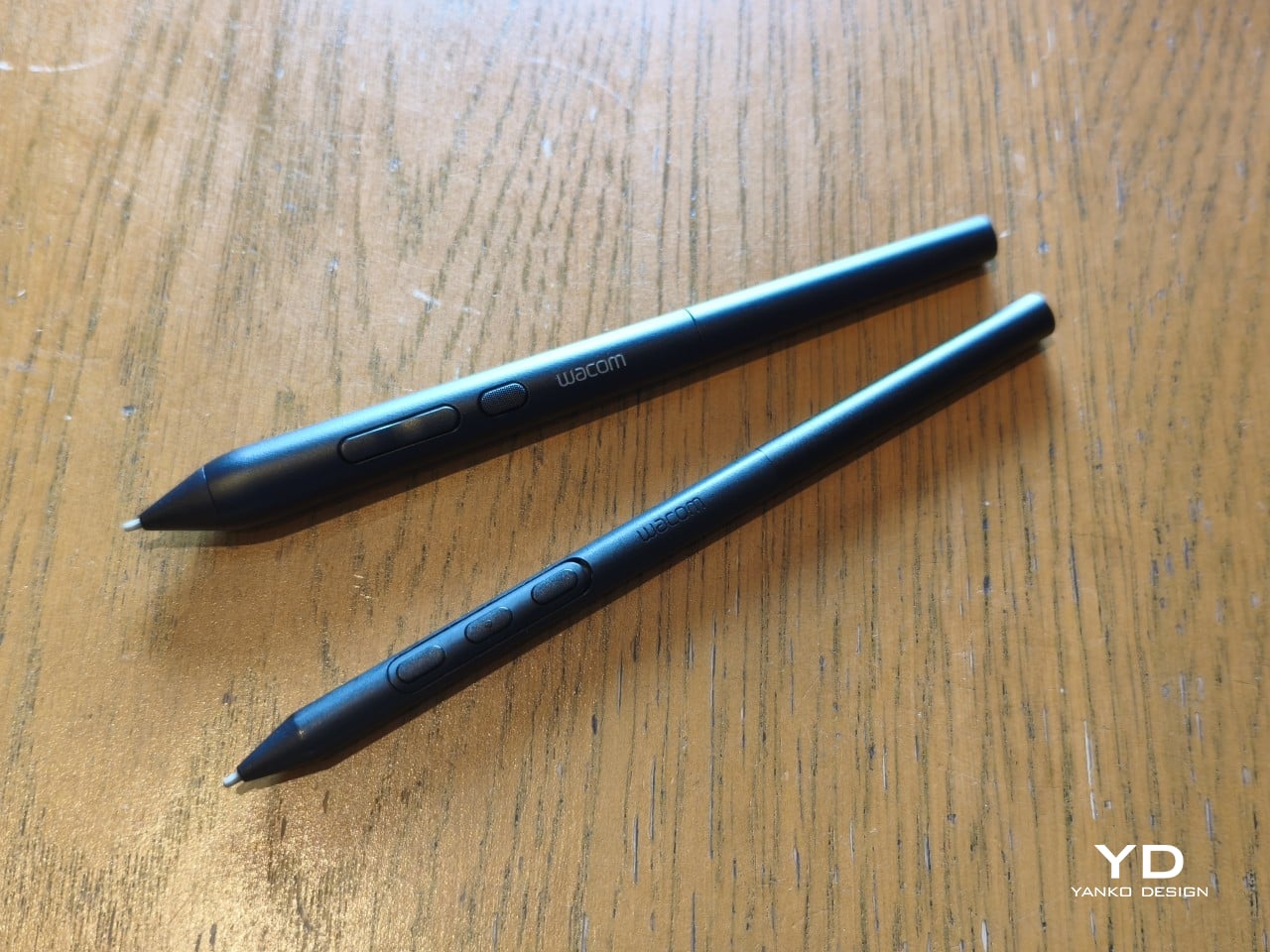
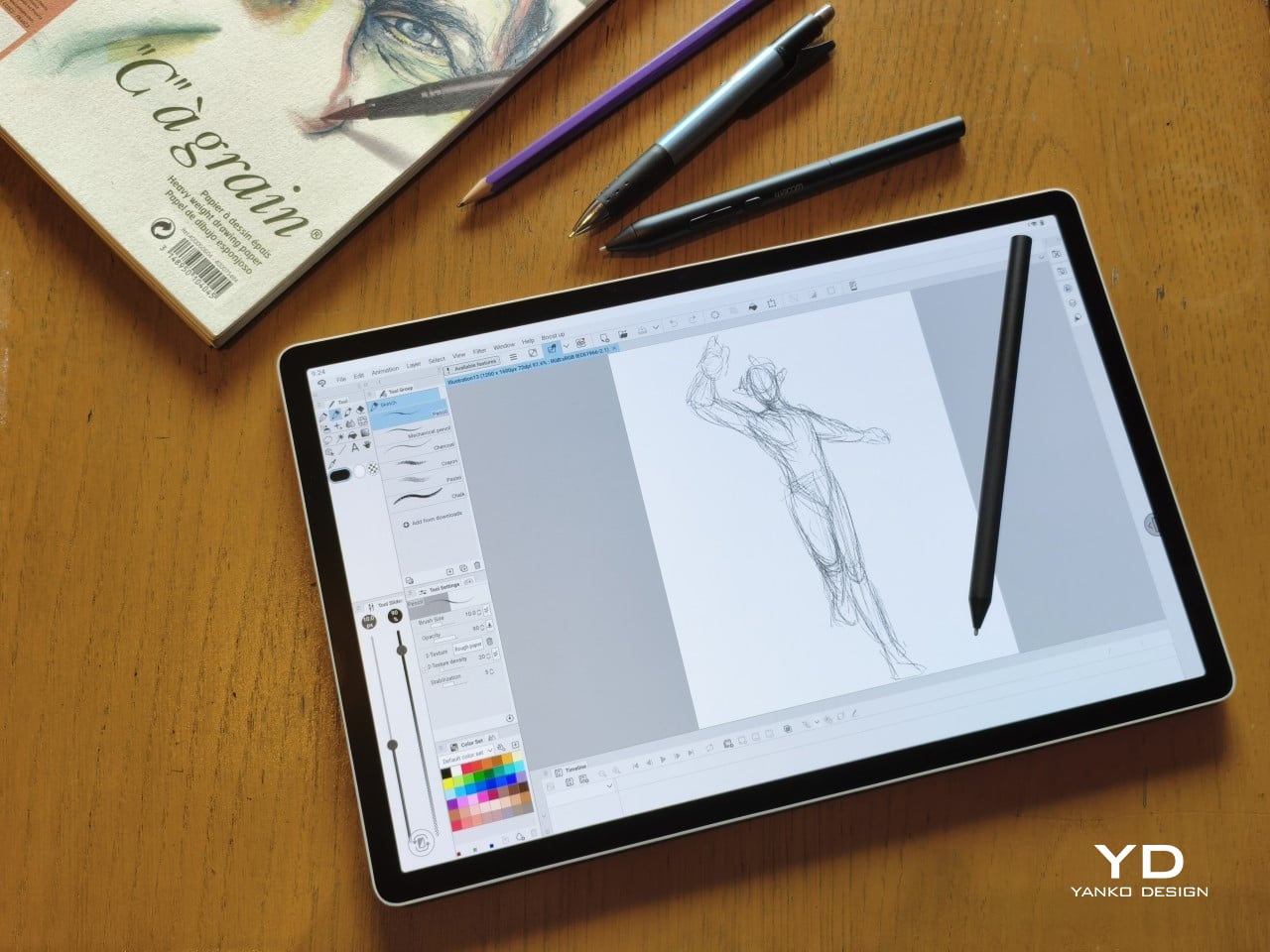
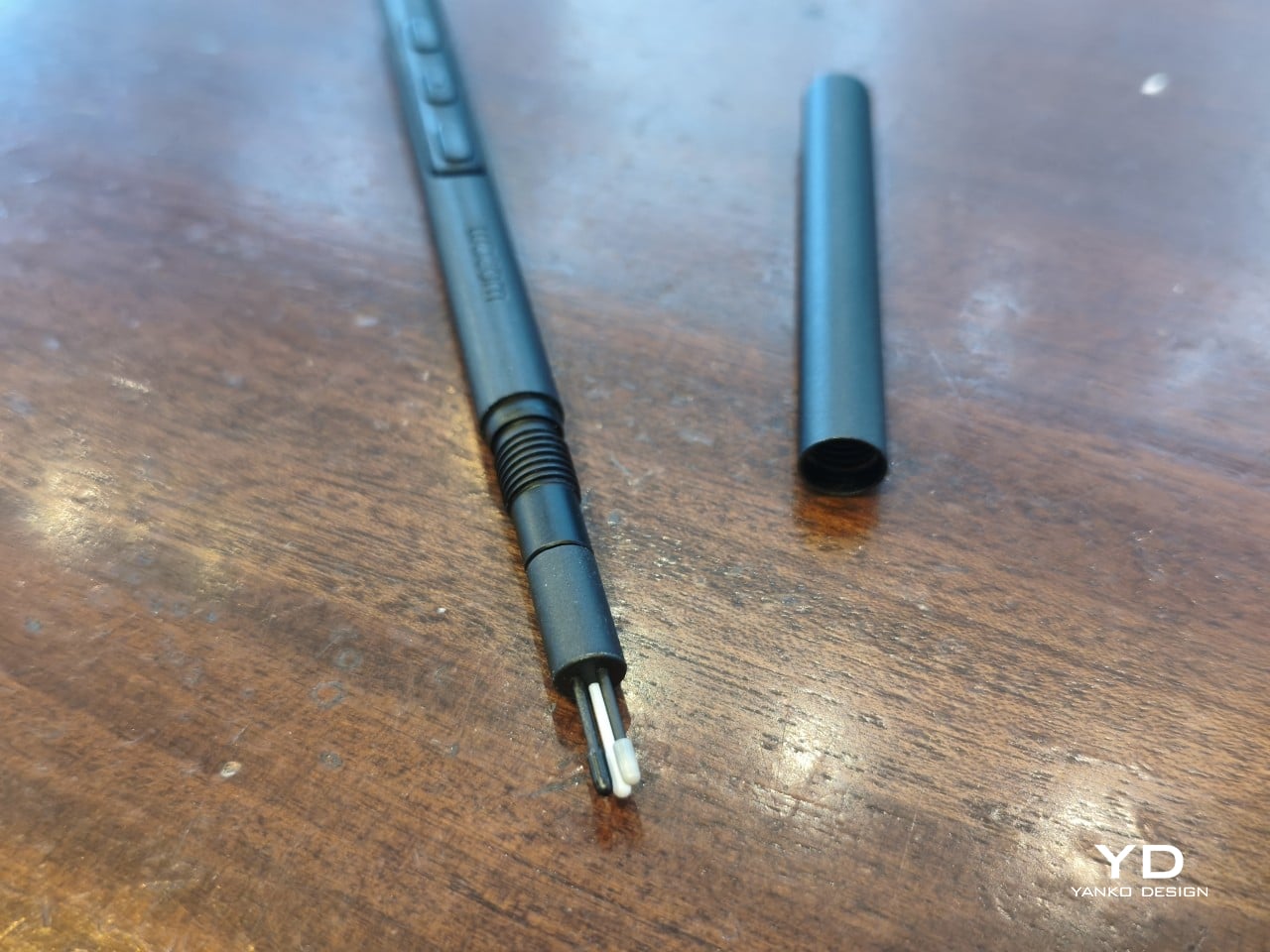
The included Pro Pen 3 follows the same philosophy. It’s all black, slim, and cylindrical, with a body so uniform it almost looks like a high-end mechanical pencil. The three side buttons are barely raised, sitting nearly flush against the barrel for a cleaner look. Unscrewing the rear half reveals three replacement nibs tucked inside: a Carbon Shaft nib, a Felt nib, and a POM nib.

Wacom’s vision for the MovinkPad Pro 14 is to replicate the feeling of picking up a sketchbook, flipping to a fresh page, and getting straight to work. That intent comes through clearly because the tablet removes just about every visual, physical, and digital distraction it can. It doesn’t try to be the slickest-looking device in the room. It tries to be the one you reach for first.

Ergonomics

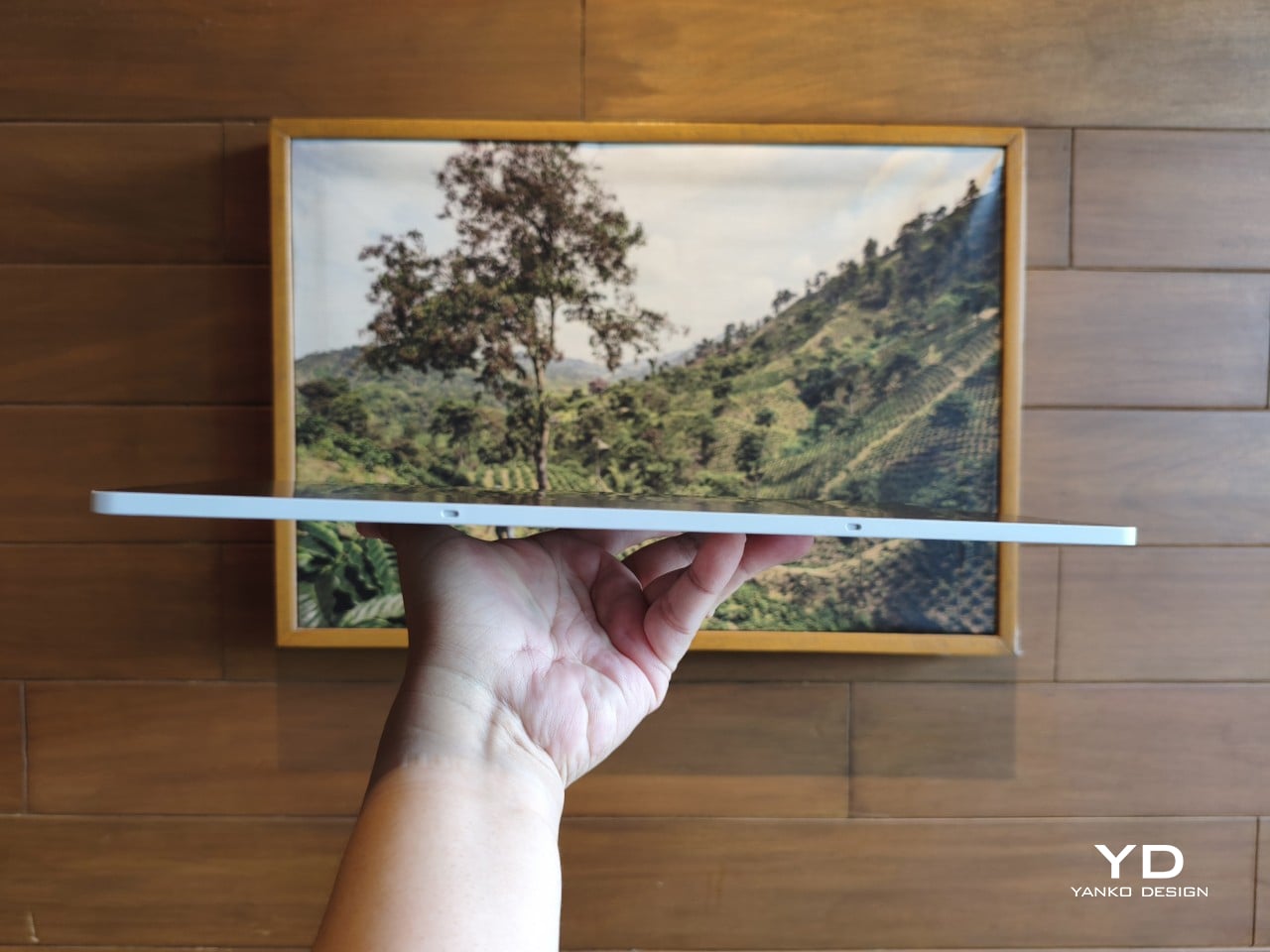
At 14 inches, the MovinkPad Pro 14 isn’t something you’d hold up one-handed for long, but at just 699 grams and 5.9mm thin, it slips easily into any bag. Resting it on your arm or lap doesn’t feel like a chore either. For creatives who move between locations throughout the day, that combination of size and lightness goes a long way toward making it a genuinely portable tool.

The four rubber feet on the underside keep the tablet from sliding around on a desk and slightly raise the back off the surface, which helps with airflow. There’s no built-in kickstand or angled stand, so if you prefer working at a tilt, you’ll need to source one separately, either from Wacom’s own accessory line or from a third-party option. It’s a small gap in an otherwise thoughtful package.

Those wide bezels, which might seem like a design quirk at first, actually earn their place here. They give you a comfortable inactive area to rest your palm or fingers when gripping the tablet from the sides, so your touch input doesn’t accidentally interfere with whatever you’re drawing. It’s the kind of practical thinking that tends to reveal itself only once you’re deep into a long session.

That said, the MovinkPad Pro 14’s footprint means it isn’t something you’d pull from a bag and start sketching on at a moment’s notice. For that kind of spontaneous work, the smaller MovinkPad 11 is probably the better fit. The Pro 14 is better suited to longer, more involved sessions away from the desk, as long as you’ve found a comfortable spot to settle in.

The Pro Pen 3 is well-balanced and comfortable enough in the hand, though your experience will vary depending on what you’re used to. Its slim, pencil-like build can lead to some cramping over long sessions for those accustomed to thicker tools. Official grips are available but aren’t cheap. The nearly-flushed buttons are also too easy to press accidentally. The Art Pen 2, which we’re also reviewing, offers a wider barrel as an alternative but is sold separately.

Performance

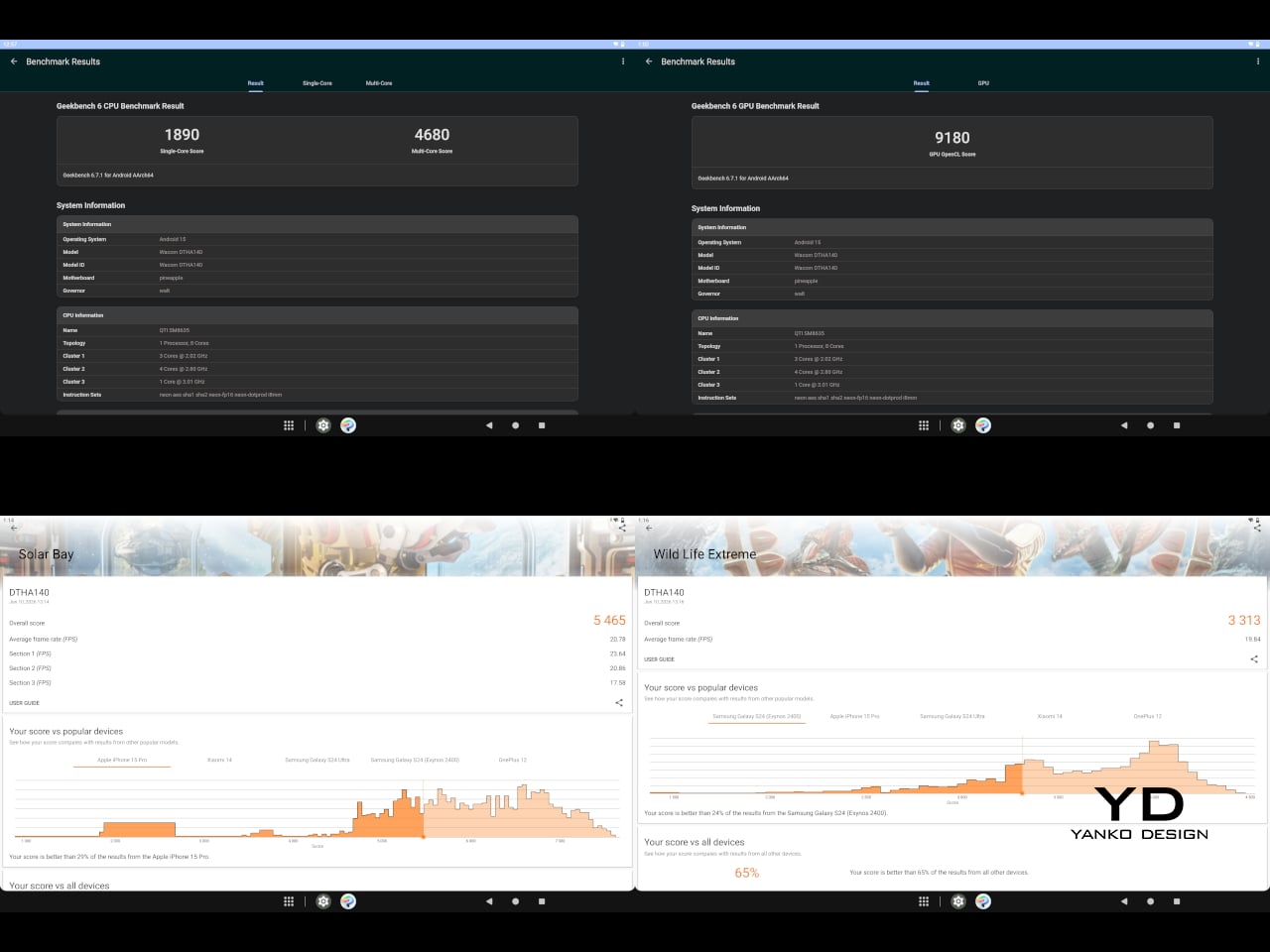
Under the hood, the MovinkPad Pro 14 runs on a Qualcomm Snapdragon 8s Gen 3 with 12GB of RAM and 256GB of storage, expandable via microSD up to 2TB. The processor isn’t the newest available, but it handles everything thrown at it with ease. Multitasking is smooth, app switching is fluid, and there’s no sense that the hardware is struggling to keep pace with anything.

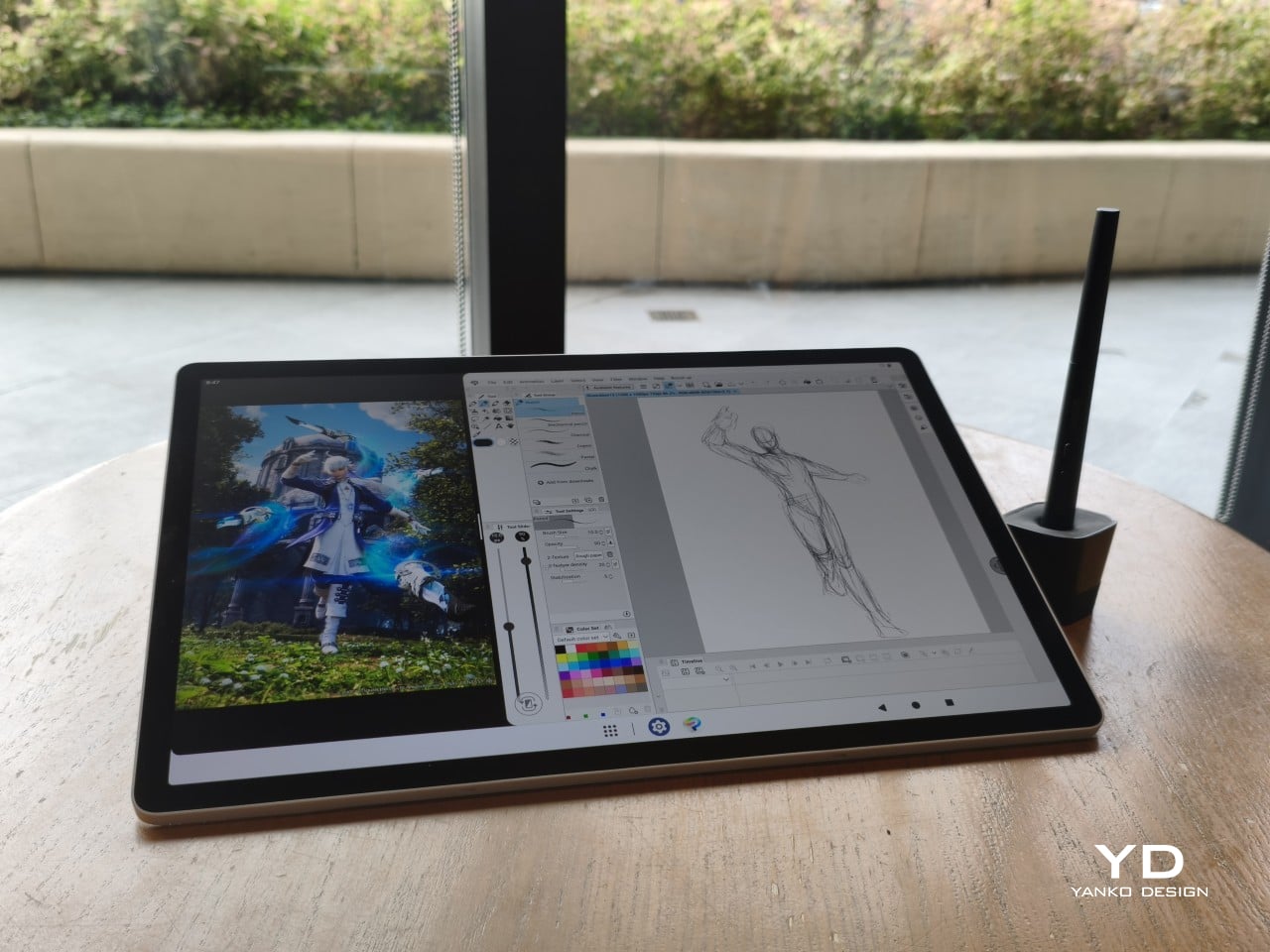
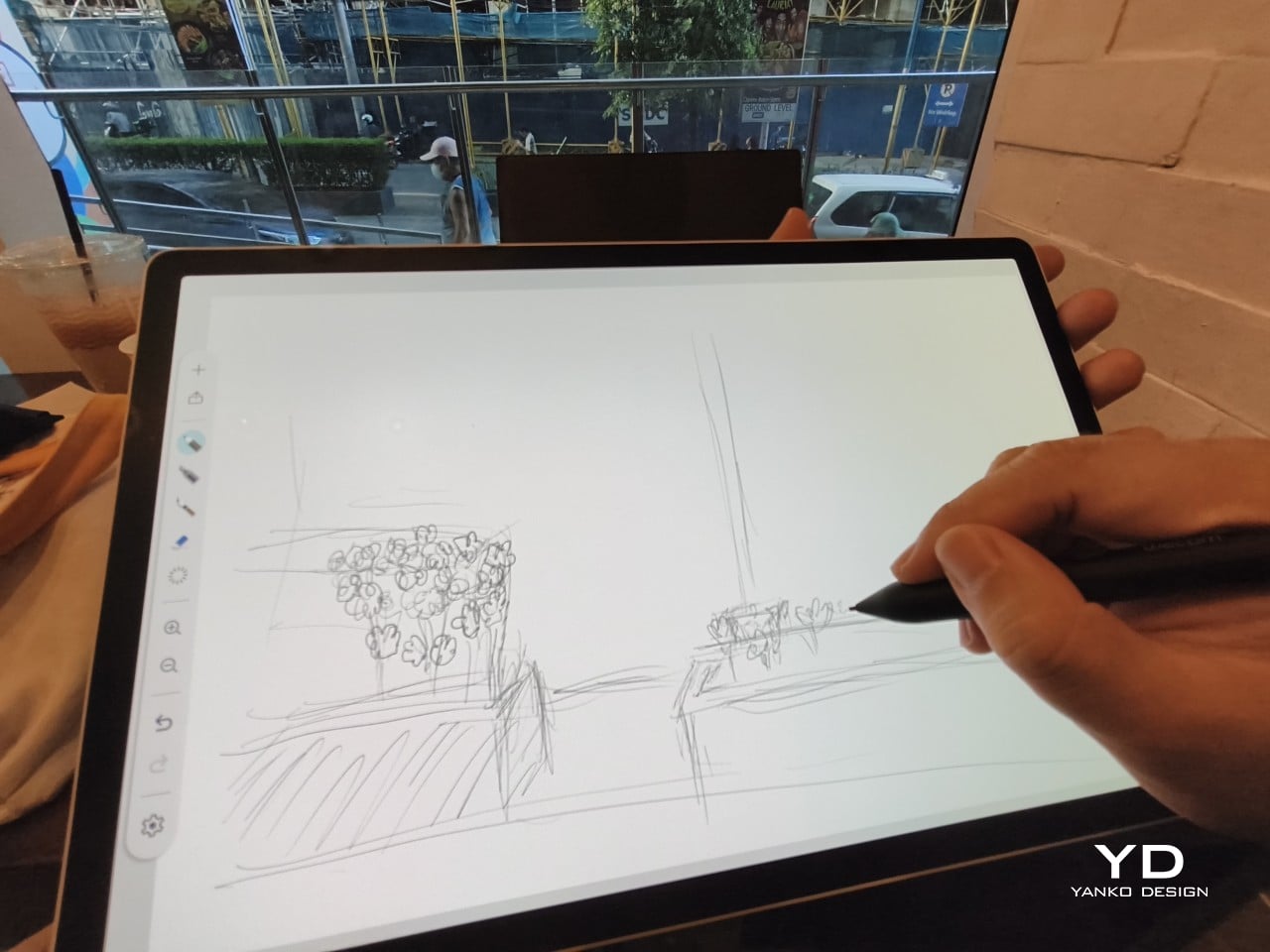
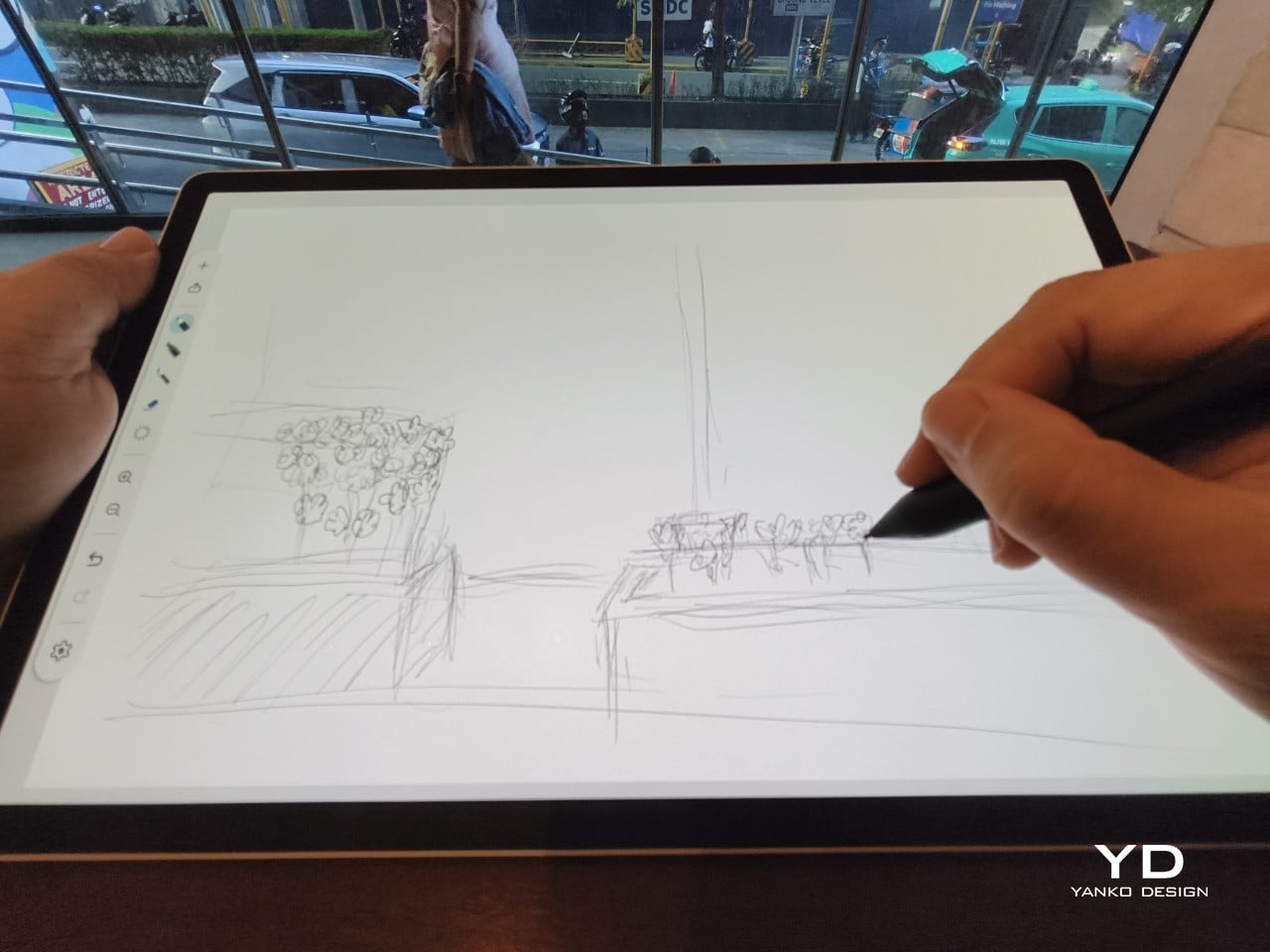
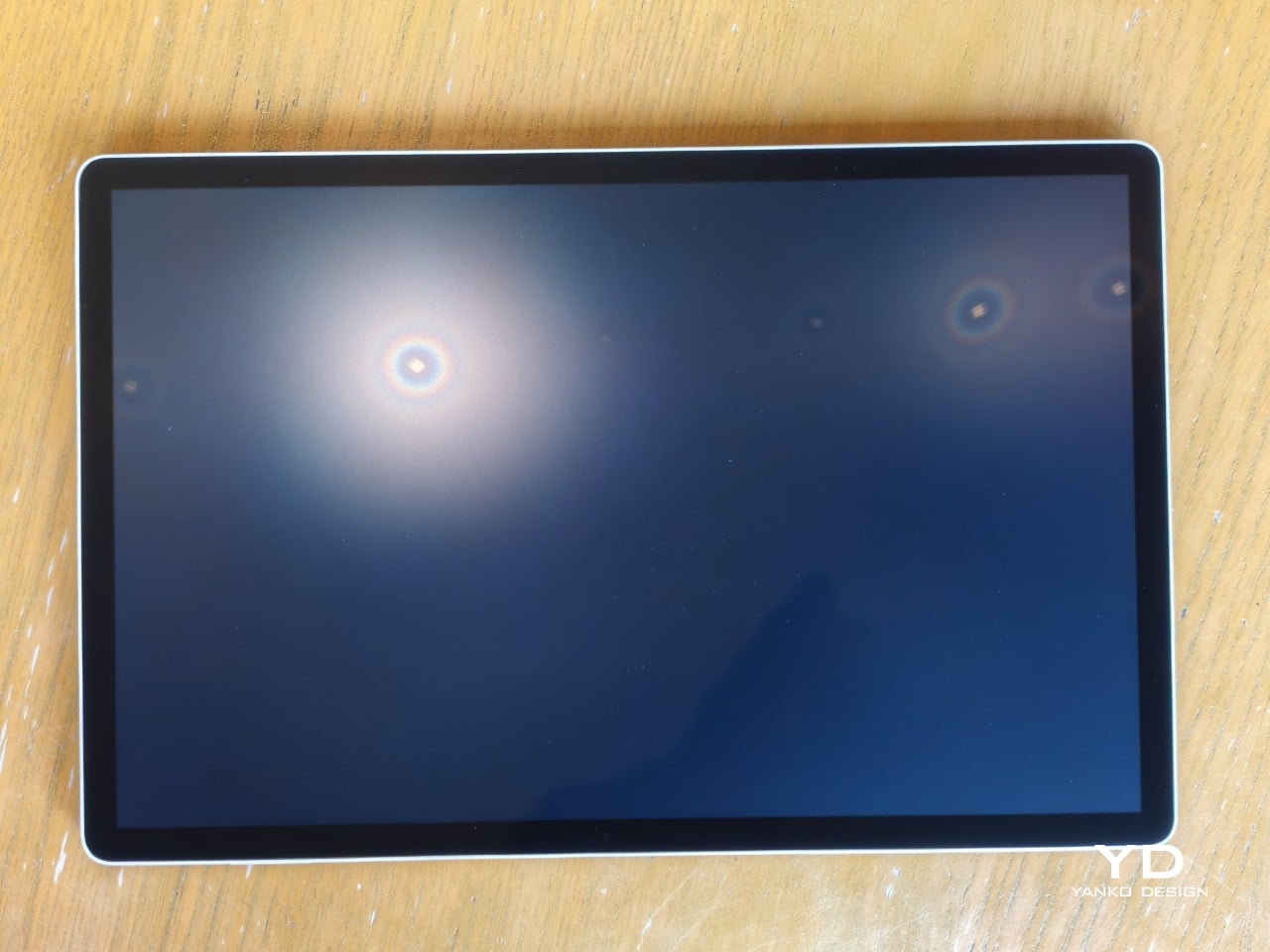
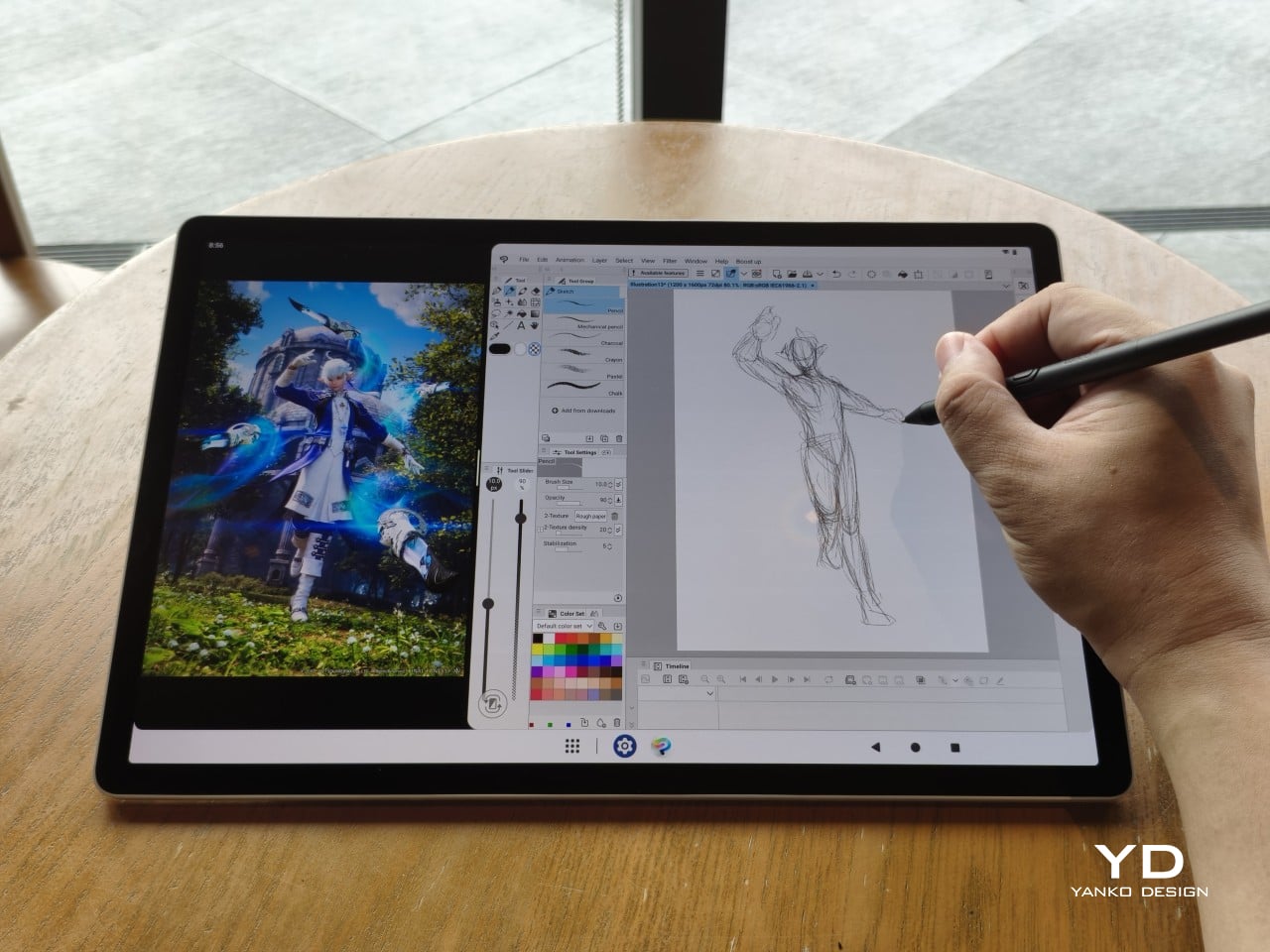
The 14-inch OLED display runs at a 2880×1800 resolution with a 120Hz refresh rate, treated with anti-fingerprint, anti-reflective, and anti-glare textured glass. The wide rectangular aspect ratio works in favor of drawing apps that line their UI panels along the sides, something squarish iPad screens can’t accommodate as cleanly. The textured coating adds a satisfying scratchiness to each stroke, and pen accuracy is, naturally, exactly what you’d expect from Wacom.

There are no cameras on the MovinkPad Pro 14, front or back. That’s a deliberate choice. There’s no temptation to flip over to social media, no accidental video calls, nothing that pulls focus away from what you’re there to do. Passively watching a tutorial in a corner of the screen is about as off-task as it gets, which, honestly, isn’t a bad thing for anyone prone to distraction. Split-screen functionality makes it easy to have a reference off to the side while you work.

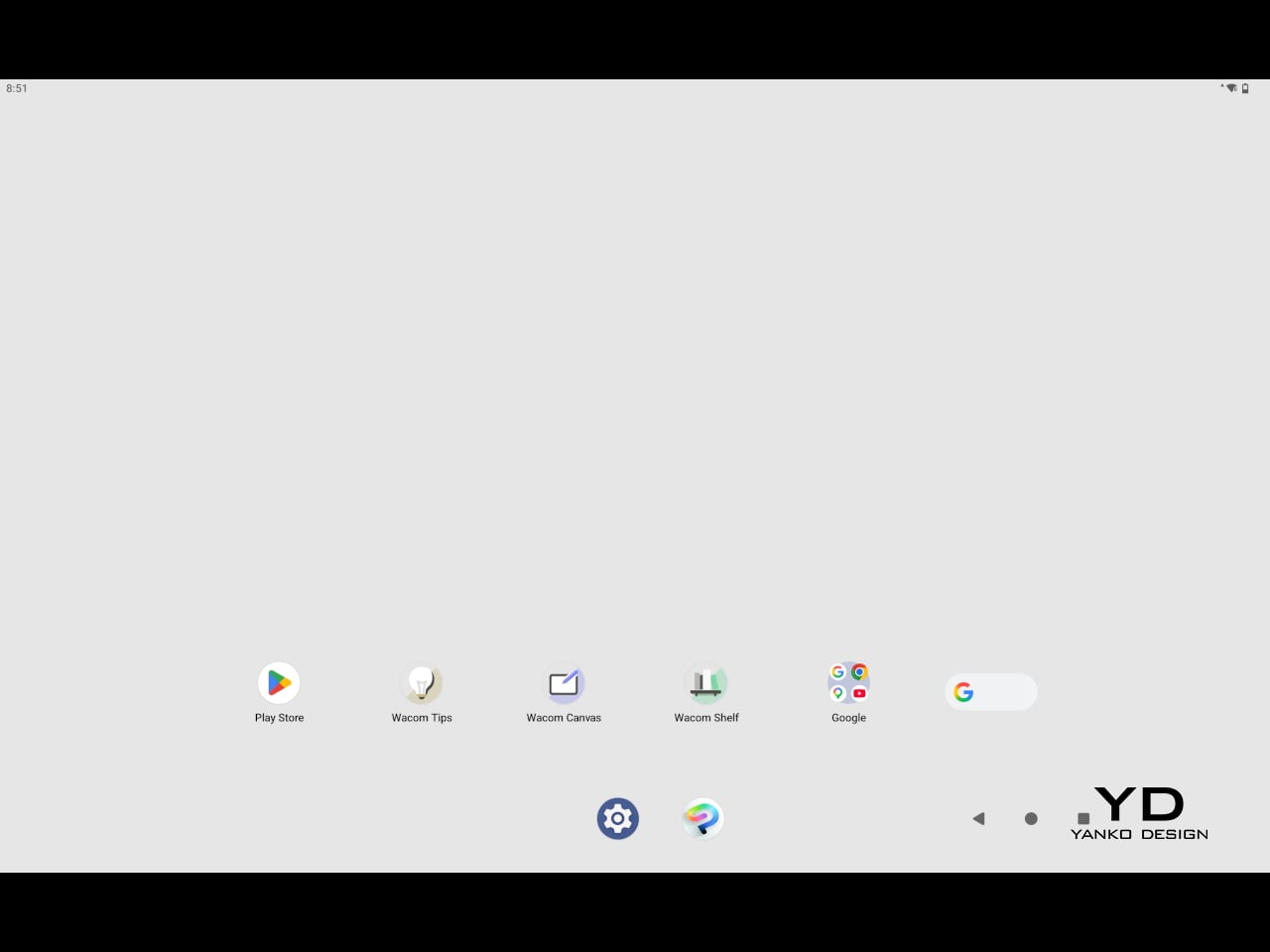
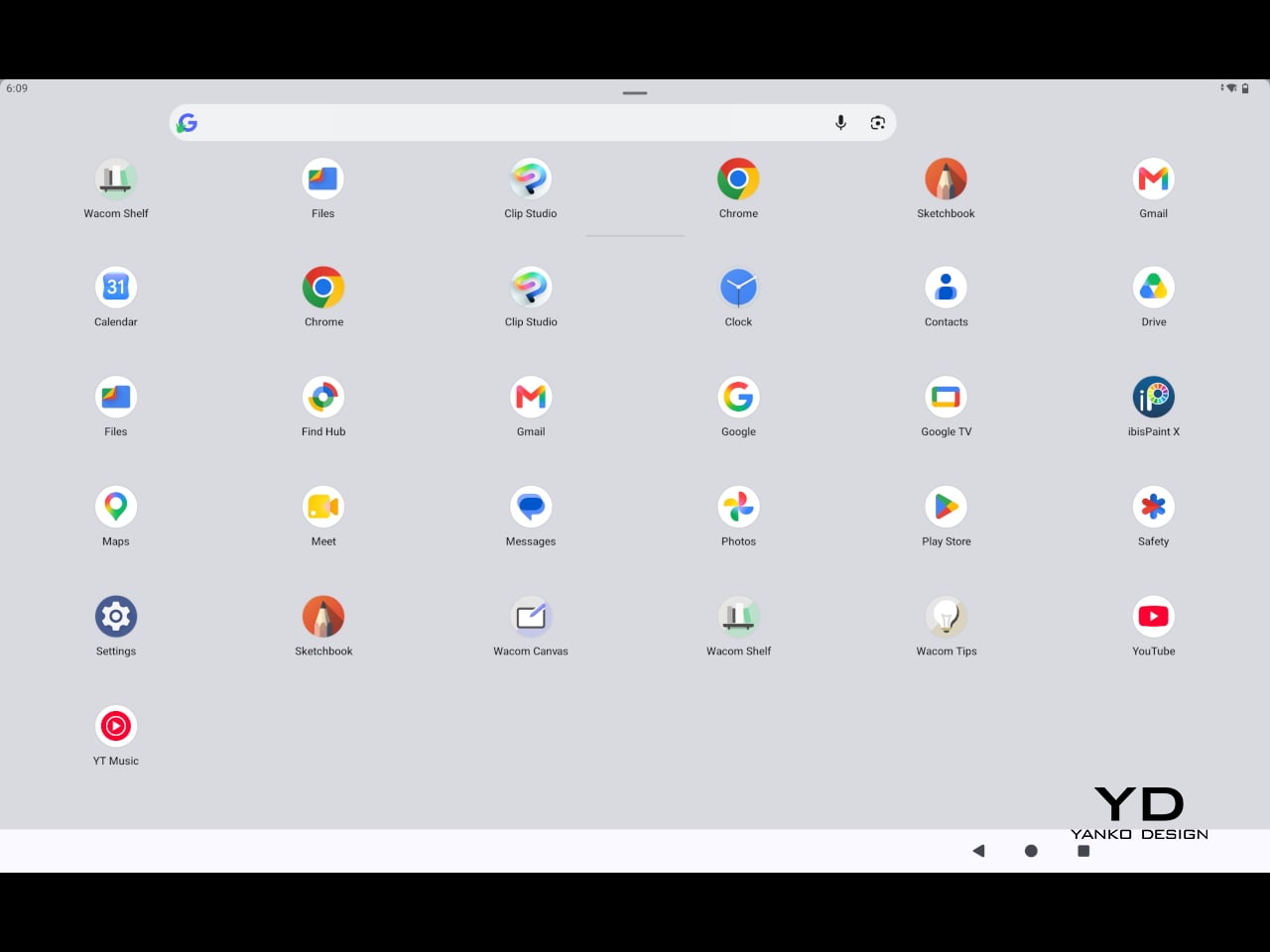
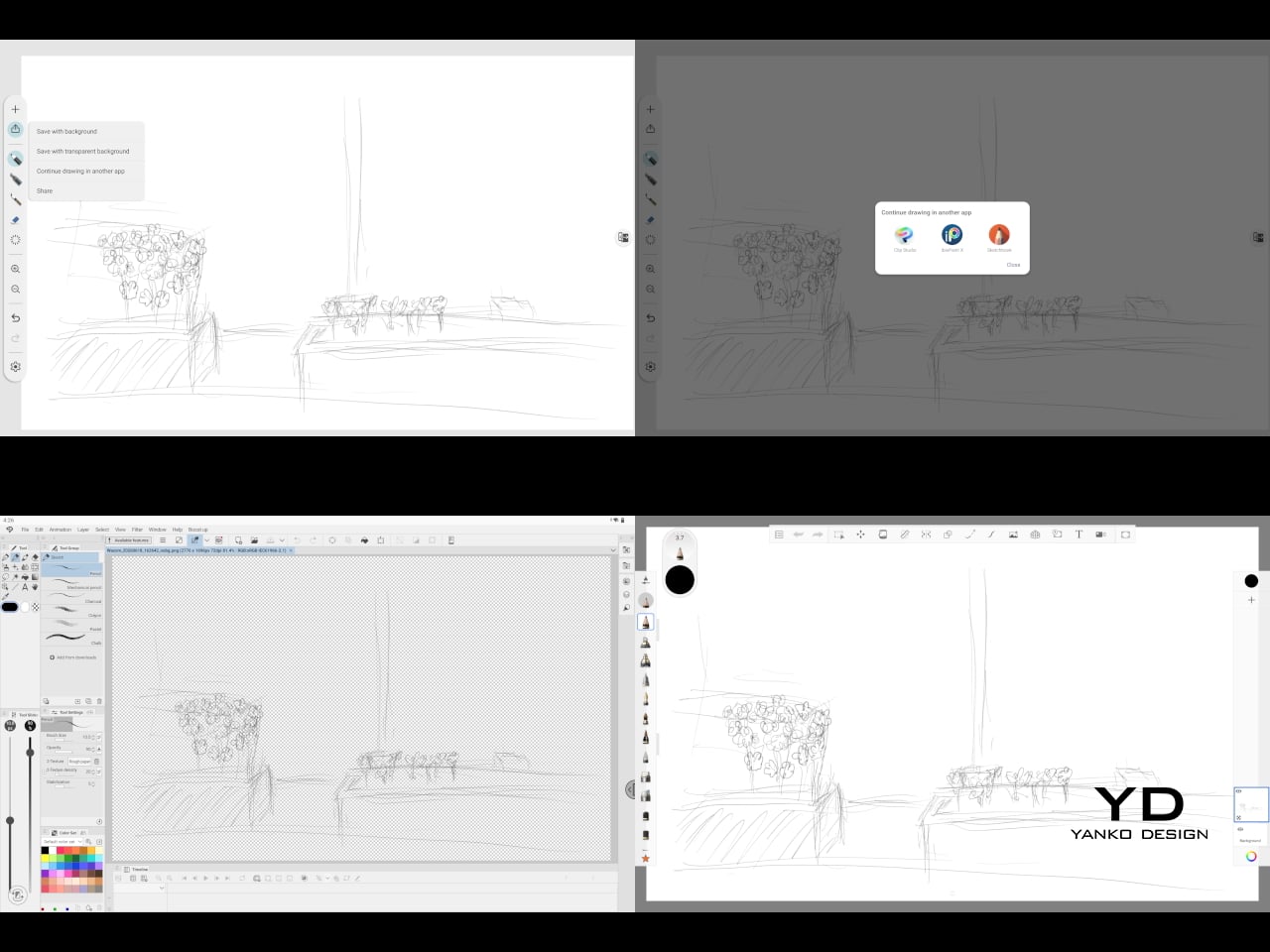
The software side is equally stripped down. Android 15 comes installed with zero bloatware and just three Wacom-made apps: Shelf for your gallery, Tips for settings, and Canvas, a quick sketching surface that wakes directly from sleep with a tap of the pen. It’s intentionally bare-bones for capturing fleeting ideas, though a few more brush options would genuinely be welcome. From Canvas, you can instantly send your sketch to an Android app, though it seems to be limited to Clip Studio Paint, iBisPaint, and Autodesk Sketchbook. Hoping it will offer some flexibility in the future.

Speaking of apps, desktop-grade drawing applications like Clip Studio Paint and Krita run without issue. The broader Android ecosystem opens up a decent range of options, though it’s worth remembering that anything exclusive to Windows or Mac won’t be available here. Customizing the pen buttons is also off the table, a limitation of the Android platform rather than any fault of the hardware itself.

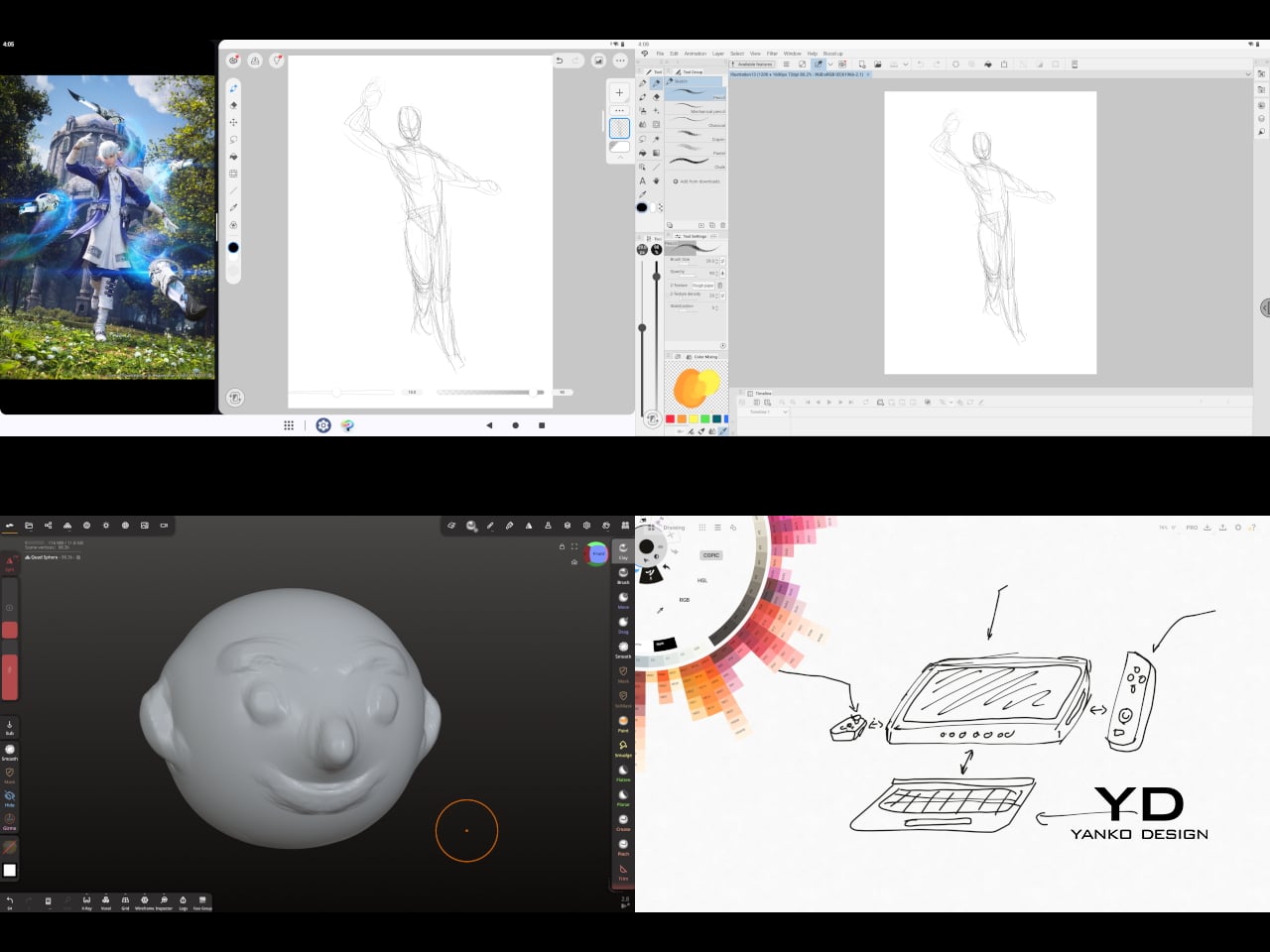
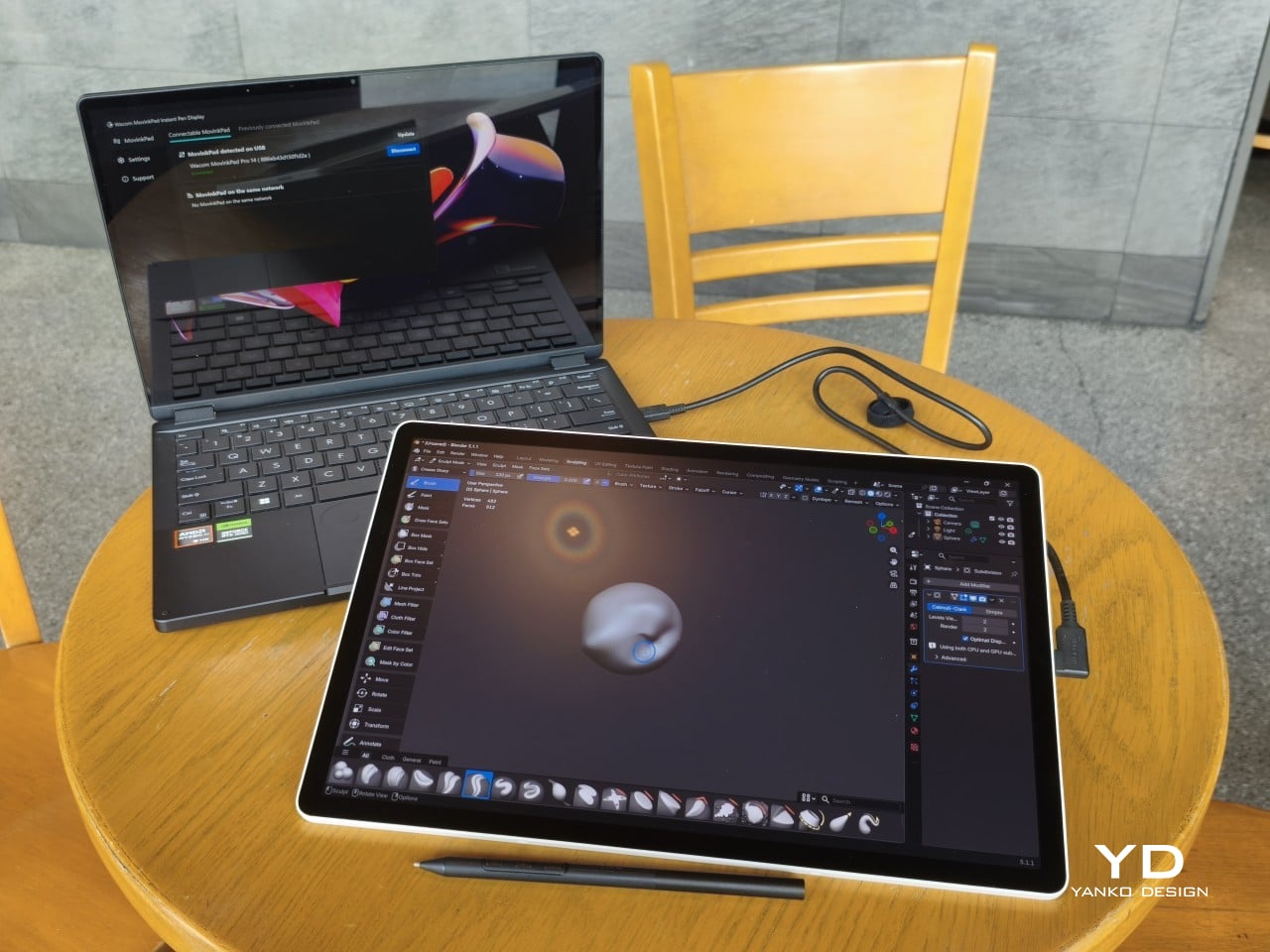
The Instant Pen Display Mode is arguably the most intriguing feature here. It converts the tablet into a secondary display for a Windows or Mac computer, via USB or Wi-Fi, turning it into a portable, makeshift Cintiq. It’s part of Wacom Lab, an experimental creator community that lets users explore and provide feedback on new creative possibilities through beta features. As of this writing, the setup process involves quite a number of steps, and pen button support is currently limited to toggling a small side panel for common modifier keys. It definitely shows promise, so hopefully development will be quick.

Battery life is genuinely impressive. The 10,000mAh cell can sustain nearly five days on standby and supports 65W fast charging, though you’ll need to bring your own charger since none is included in the box. The USB-C port is only 2.0, so it doesn’t charge as quickly as the spec might suggest, but an hour or more of active drawing barely makes a dent in the battery.

Sustainability

Wacom doesn’t use recycled or notably sustainable materials in the MovinkPad Pro 14 itself, but the company does meet several other environmental benchmarks worth noting. Its packaging is compact, minimal, entirely plastic-free, and fully recyclable, while the device is built with the kind of durability Wacom products are known for, the sort that keeps them in active use long after most gadgets would have been binned.

That longevity argument holds well for Wacom’s drawing tablets and pen displays, which tend to outlast their useful lives many times over. A standalone Android tablet is a different matter, though. Apps like Clip Studio Paint have already dropped Android 12 support, making regular OS updates critical. Wacom has committed to keeping the MovinkPad Pro 14 current, but no clear update schedule or roadmap has been shared publicly yet.

Value

At $899.95, the MovinkPad Pro 14 isn’t an impulse buy, but it’s a reasonably grounded one. An equivalent iPad would require buying the Apple Pencil separately, while a comparable Samsung Galaxy Tab tends to run noticeably higher. For a tablet built specifically around the drawing experience, with Wacom’s pen technology at its core, the price lands in a range that’s genuinely difficult to argue against.

The large screen and capable hardware make it a compelling option for creatives who frequently work away from their desks. It doesn’t sacrifice quality for the sake of portability. With the right app installed, it functions as a capable mobile workstation wherever you happen to be. And when a PC or Mac app becomes unavoidable, Instant Pen Display Mode is there to bridge the gap.

There are caveats, of course. The beta status of Instant Pen Display Mode means it’s not quite ready to be a daily driver feature. You’ll also need to feel at home with Android’s drawing ecosystem for this workflow to really make sense. And the uncertainty around long-term Android updates is a concern that Wacom will need to address more concretely before most buyers can put it fully to rest.

Verdict

The MovinkPad Pro 14 isn’t Wacom’s first stab at a standalone portable device. Veterans will remember the Windows-based Cintiq Companions and the MobileStudio Pros. But this is by far the most portable and clearly focused version of that idea. It doesn’t try to cram Windows into a pen display. It’s a purpose-built mobile experience that happens to carry a Cintiq-like trick discreetly tucked away.

At the same time, it doesn’t operate like an Android tablet with a Wacom digitizer tacked on, which is essentially what Samsung’s Wacom-enabled slates are. Wacom has built something around a specific, coherent idea: a true digital sketchbook. Some software edges still need ironing out, but for artists and designers craving genuine creative freedom outside the studio, the MovinkPad Pro 14 offers something few tablets in its class can match.

The post Wacom MovinkPad Pro 14 Review: The $900 Sketchbook Designers Needed first appeared on Yanko Design.

Motorola Edge (2026) Review: Beautiful, Brilliant, and an Acquired Taste

PROS:


  • Excellent compact form factor

  • Stylish and calm design

  • Sharp, vibrant 120Hz display

CONS:


  • 128Gb storage feels limiting

  • Software support is shorter than many rivals

RATINGS:

AESTHETICS
ERGONOMICS
PERFORMANCE
SUSTAINABILITY / REPAIRABILITY
VALUE FOR MONEY

EDITOR'S QUOTE:

The Motorola Edge 2026's compact size, clean software, and thoughtful design give it a charm that many rivals simply do not have, though it might not be the right fit for everyone.

Motorola’s comeback story is about more than nostalgia. The brand may still benefit from a familiar name and a long history in mobile, but its recent momentum has not come from recognition alone. Rather than simply trading on memory, Motorola has been building devices that feel stylish, approachable, and increasingly self-assured in a market that rarely makes room for second chances.

The Edge 2026 reflects that progress, even if it does not fully embody it. This is a phone with a clear sense of what it wants to prioritize, namely comfort, portability, and day-to-day ease, but it enters a crowded midrange field where those strengths have to work harder to justify the price. That makes the Edge 2026 easy to appreciate in some ways, but harder to justify in others. The real question is whether Motorola’s priorities here line up with what buyers at this price actually want.

Designer: Motorola

Aesthetics

There is something very Motorola about the way this device presents itself. The brand has become increasingly confident with phones that blend fashion-minded styling and mainstream usability, and the Edge 2026 continues that direction with ease. It looks premium without trying too hard, which is often one of the most difficult tricks to pull off in this category.

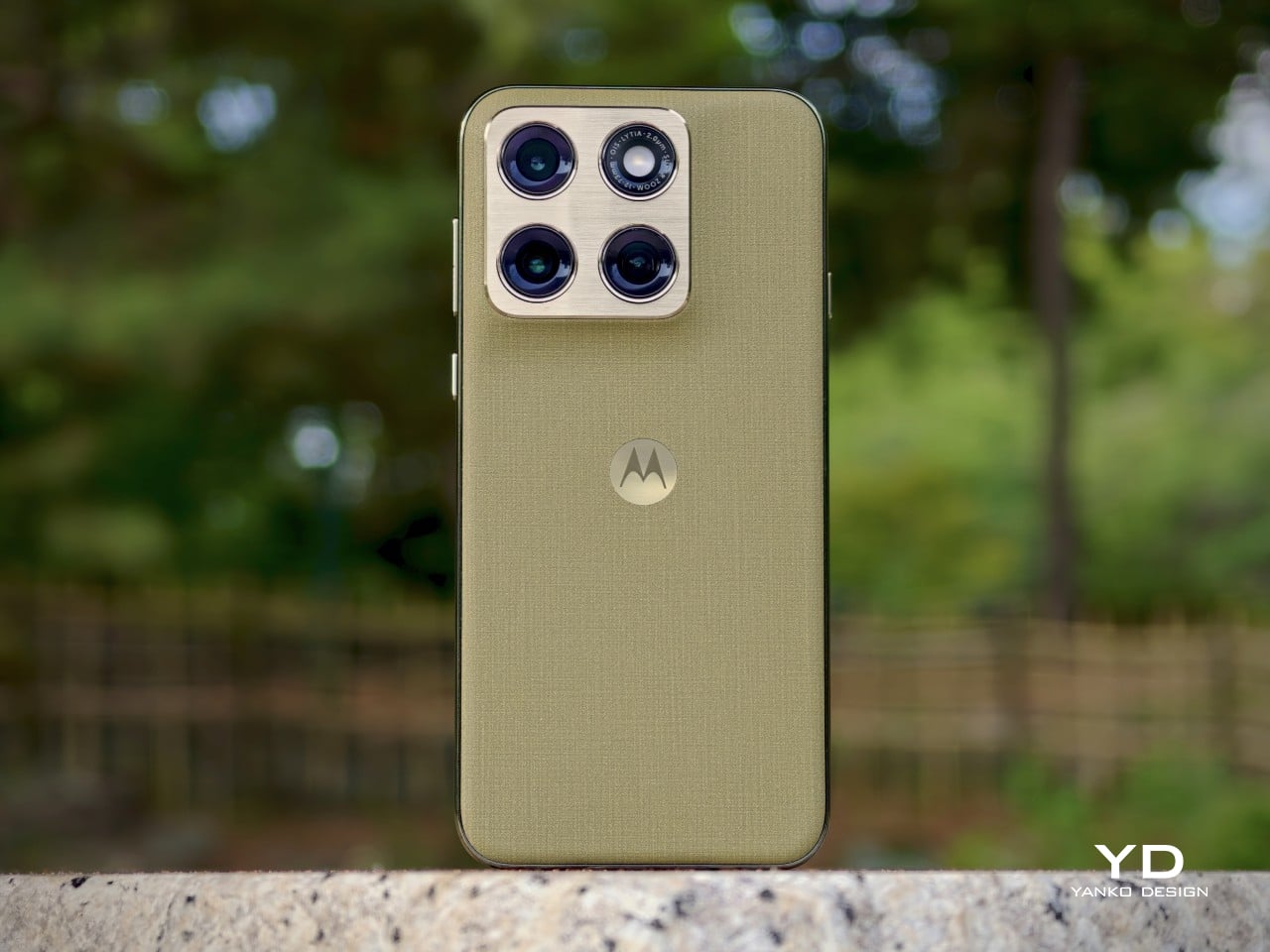
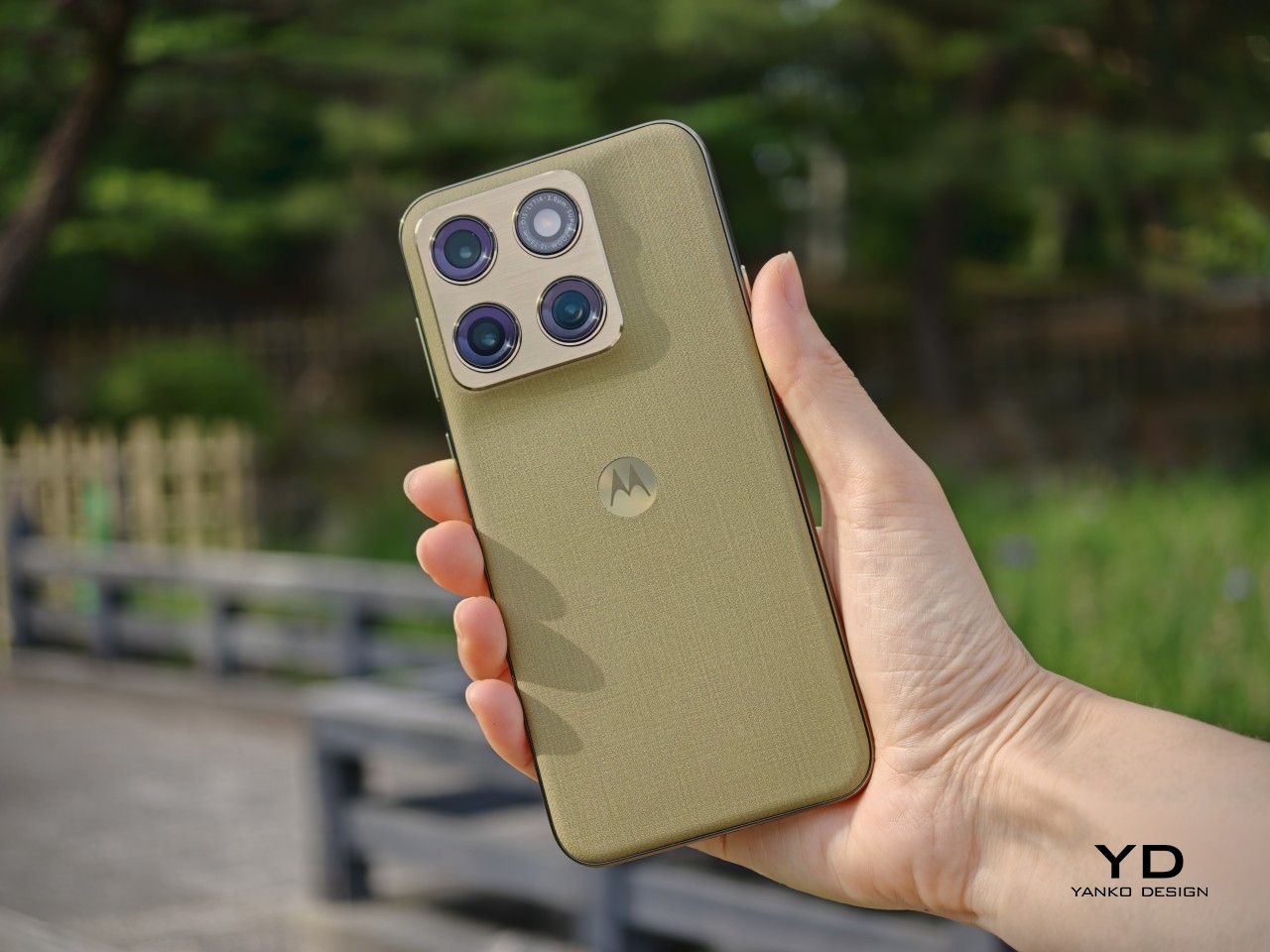
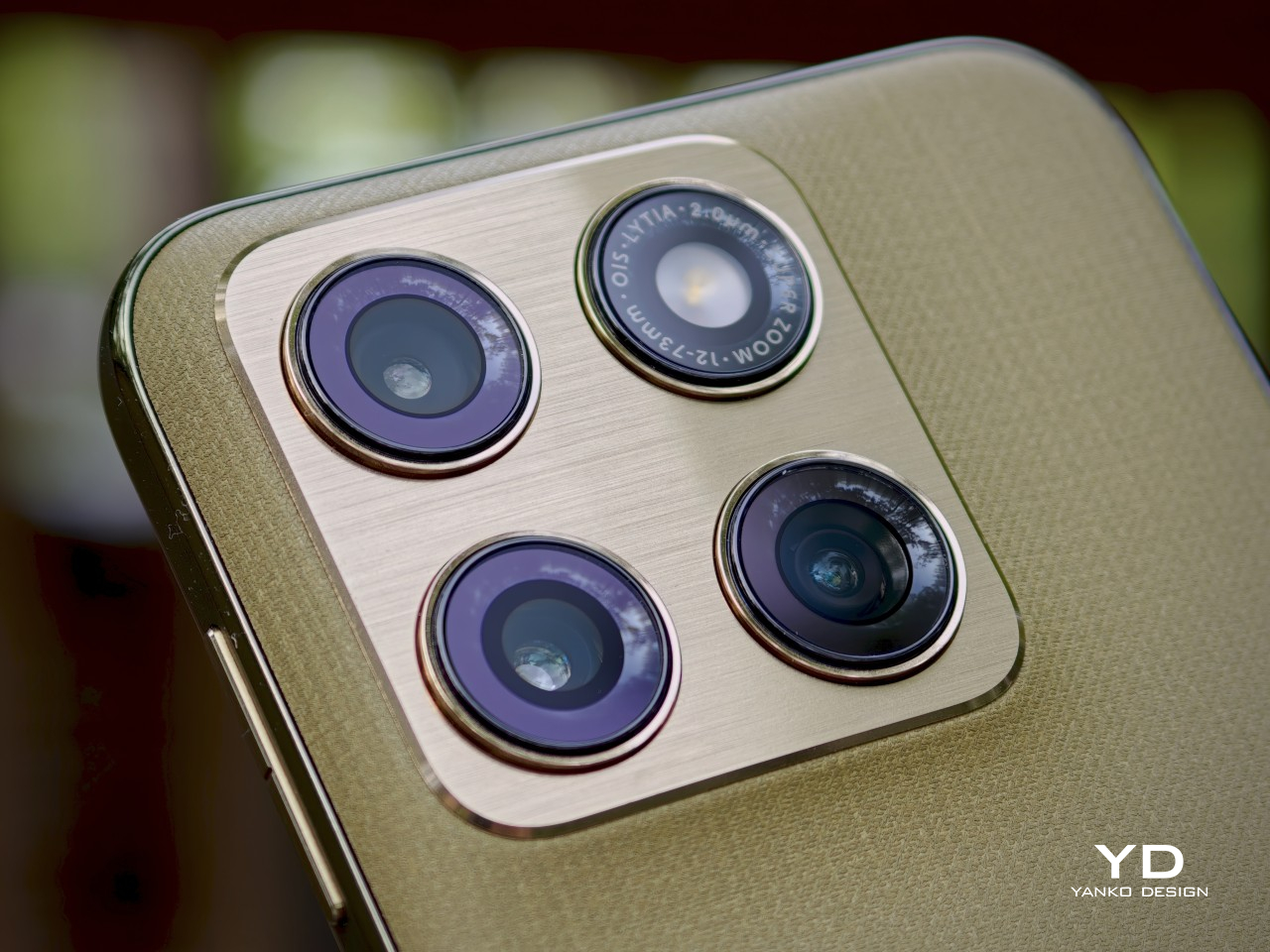
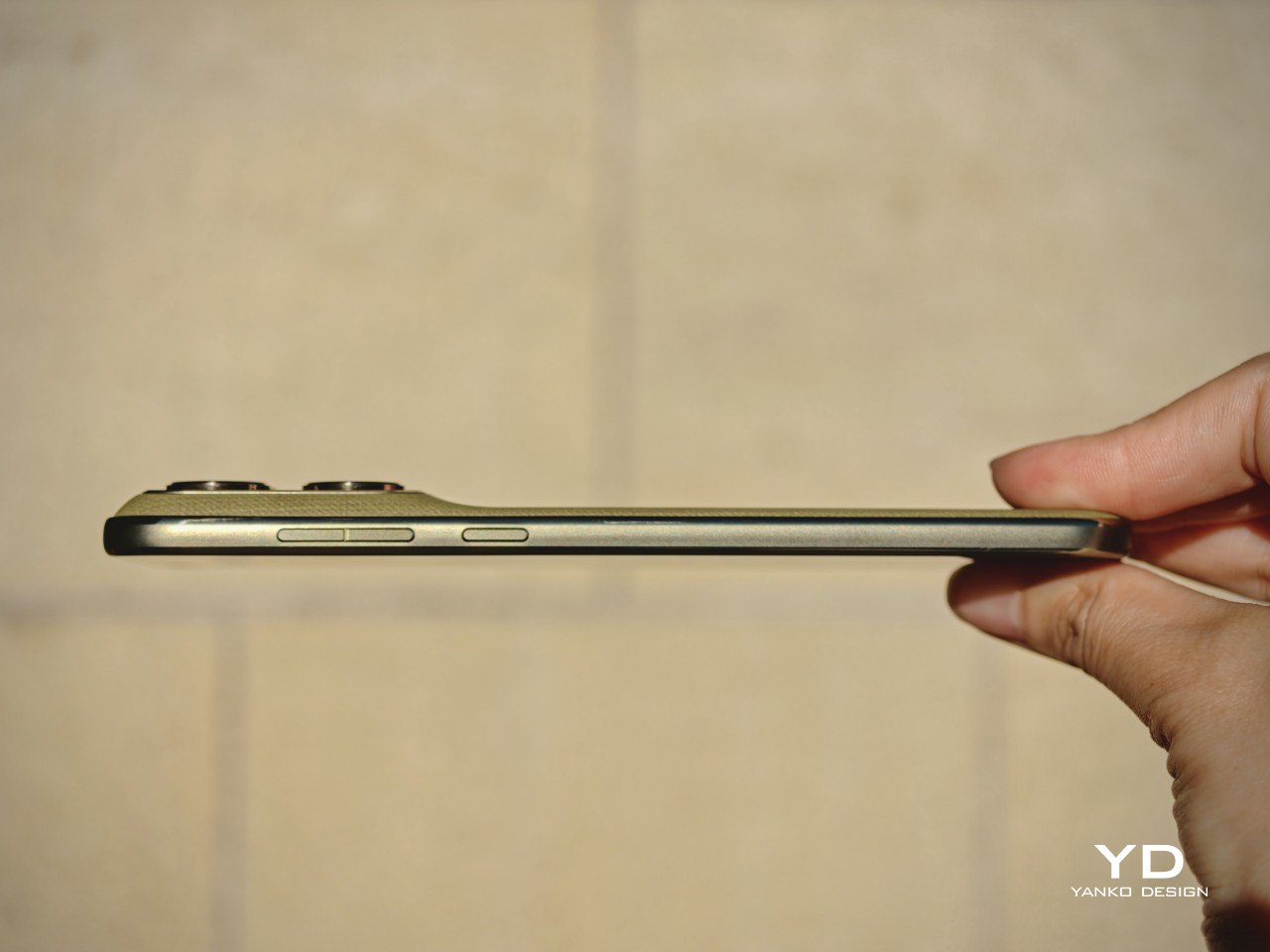
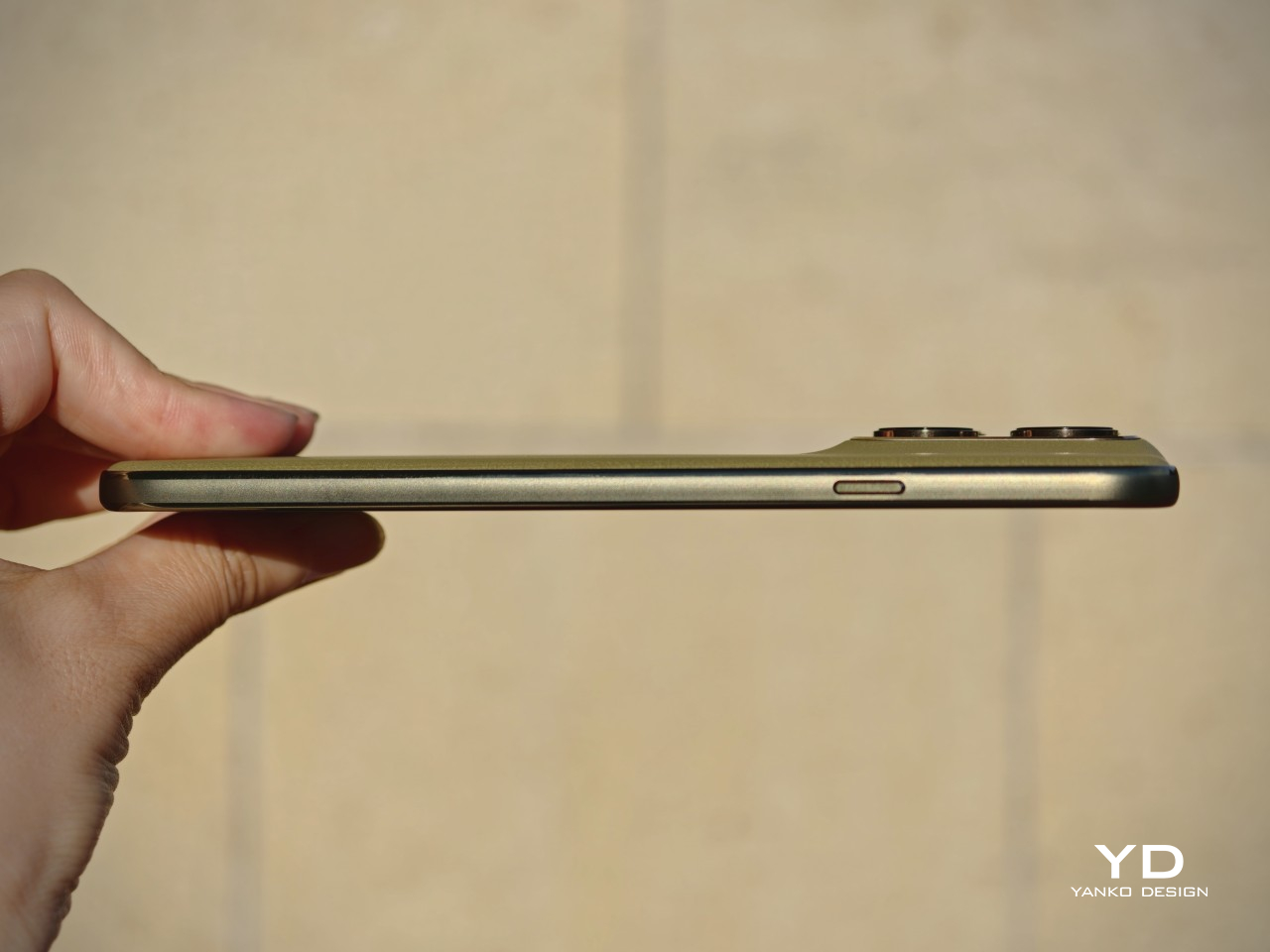
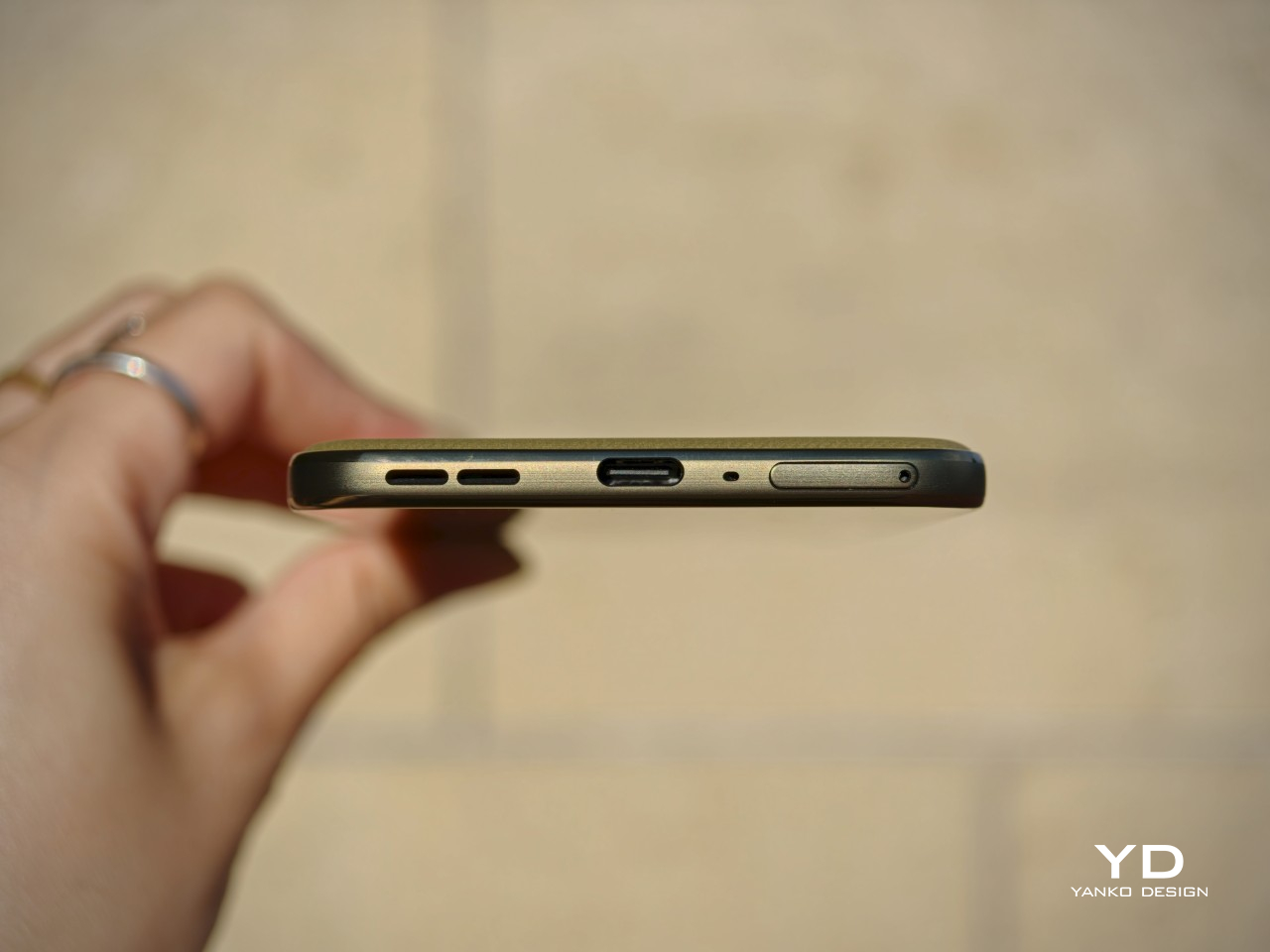
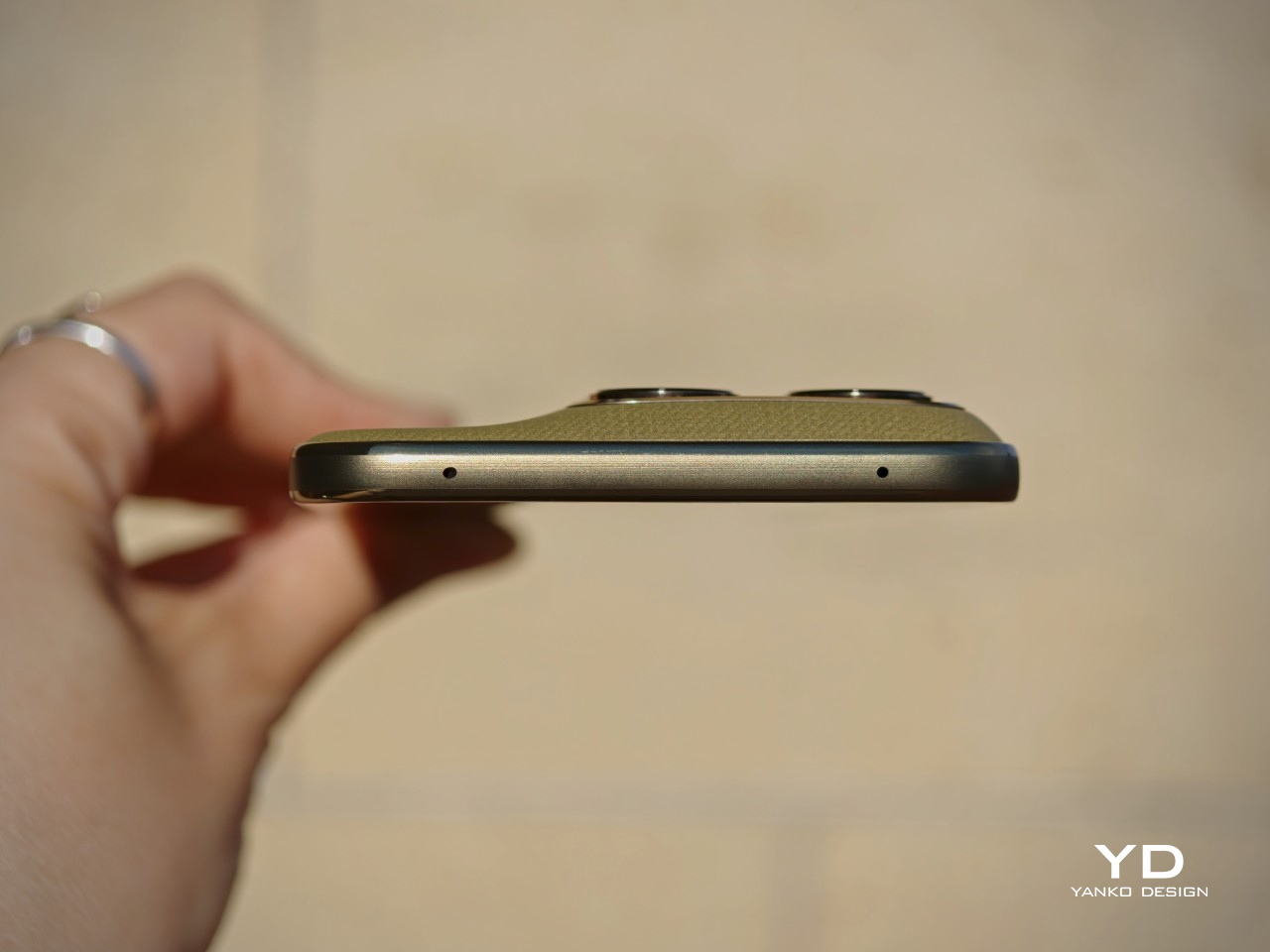
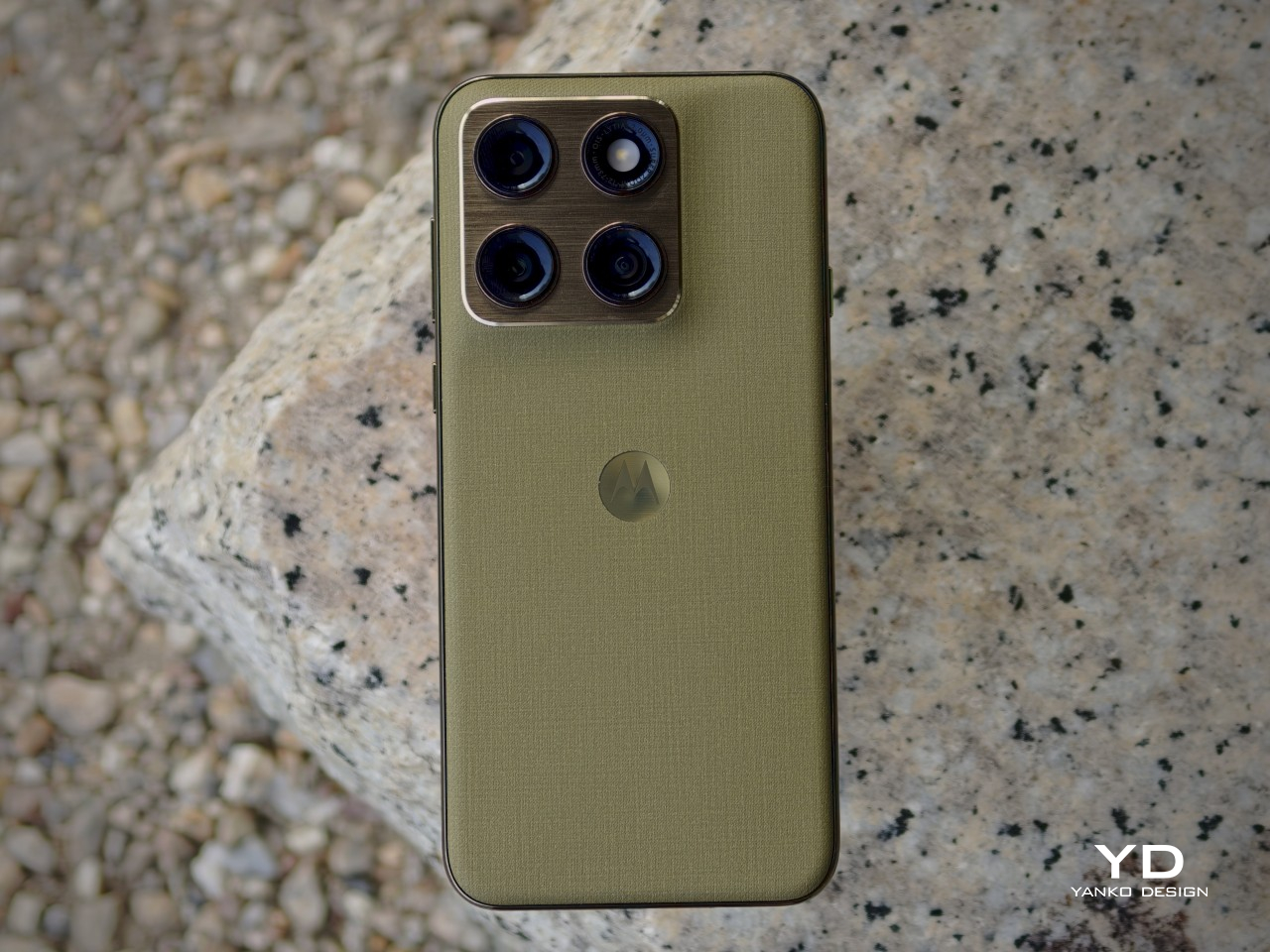
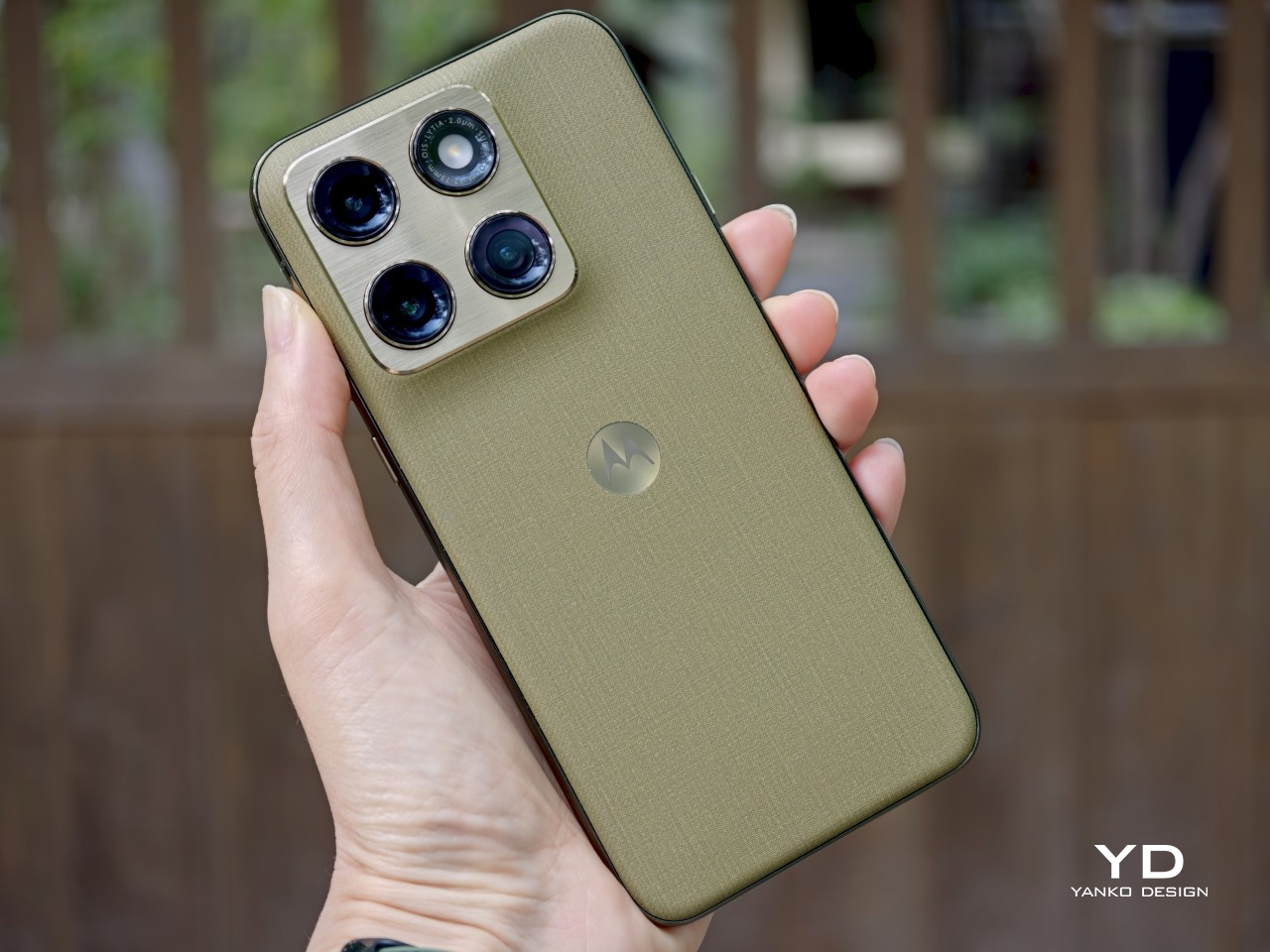
That confidence comes through clearly in the details. The back panel uses a twill-inspired finish in Pantone Martini Olive, and it gives the phone a softer, more composed visual character than the usual glossy midrange formula. Paired with the brushed gold camera bump, the centered Motorola logo, and the brushed finish frame, the whole design has a calm, almost zen-like quality. It feels restrained, but not plain, and that balance works in its favor.

It also looks strikingly close to Motorola’s flagship Signature, which is not currently available in the U.S. That resemblance gives the Edge 2026 a more elevated presence than its price might suggest, even if it also makes the phone feel a touch less distinctive on its own terms. Unlike the Signature, which comes in both Pantone Carbon and Pantone Martini Olive, the Edge 2026 is limited to just this one color option, though some buyers may wish Motorola had offered a bit more variety.

Ergonomics

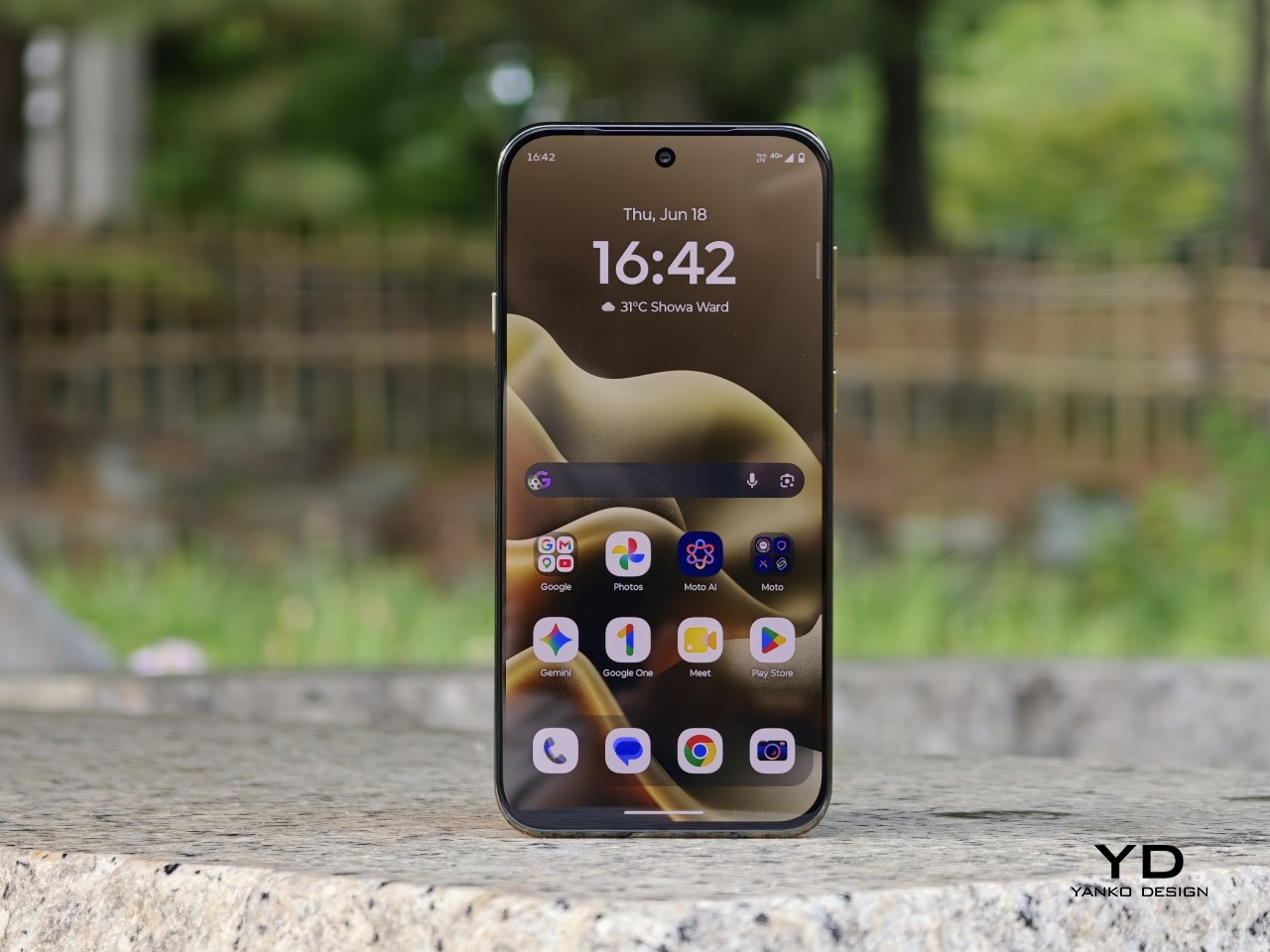
This is one of the most defining parts of the Edge 2026 experience. Motorola shrank the Edge from 6.7 inches to 6.3 inches, and that change has a bigger impact than it might seem on paper. With its more compact body, the phone feels noticeably easier to manage than many of the larger devices around it in this price range. The difference may sound small in theory, but in daily use, it changes a lot.

The Edge 2026 is genuinely pleasant to hold. It is easier to grip, easier to reach across, and easier to use one-handed without constantly adjusting your hold. In fact, it is one of the most pleasant phones I have tested in a very long time. The finish also helps in everyday use, because it does a good job resisting fingerprint smudges and light scratches, which makes the phone easier to keep looking clean over time.

Personally, I do not mind a bulkier phone if that extra size delivers the best possible experience. I know not everyone feels the same way, though, and that is exactly why a phone like the Edge 2026 makes sense. What we want from smartphones is different, and for people who care more about getting the basics right in a device that feels super portable and genuinely comfortable in the hand, this one feels very well judged.

The one clear ergonomic drawback is the fingerprint scanner placement. It sits a little too close to the bottom edge, which can make it feel slightly awkward to reach at first. It is not a major flaw, and it becomes easier to adapt to over time, but it does stand out on a phone that otherwise feels so carefully shaped.

Performance

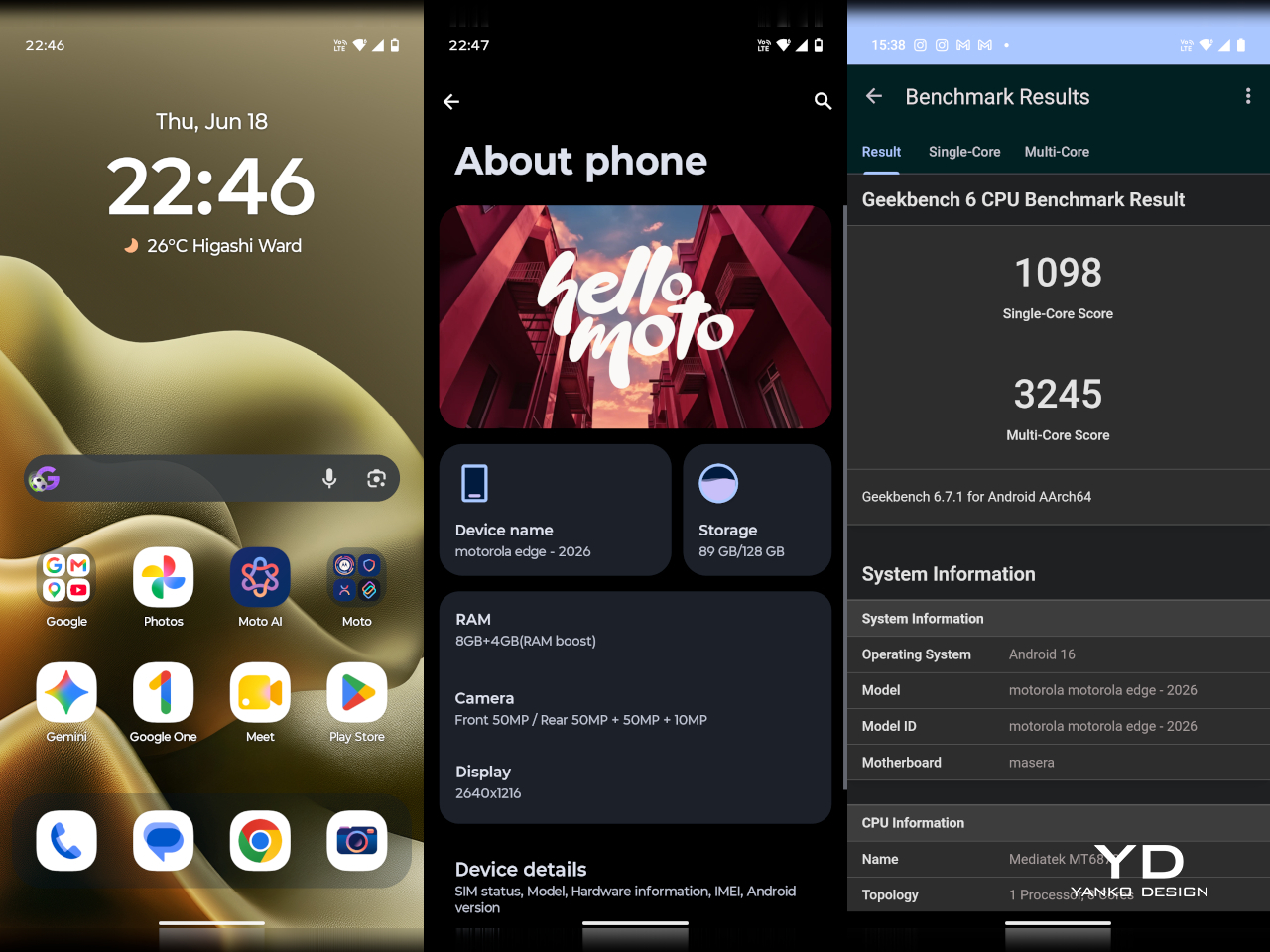
On paper, the Motorola Edge 2026 does not sound especially aggressive for the money. It runs on the MediaTek Dimensity 7450 chipset with 8GB of RAM and 128GB of storage in the U.S. model. While the chip is a modest upgrade over the previous generation, the drop from 256GB to 128GB feels less welcome.

In daily use, performance is solid without being especially impressive. Apps open quickly enough, scrolling feels smooth, and everyday tasks rarely cause much friction. For lighter users, 128GB should still be manageable, but anyone who takes lots of photos and videos, plays large games, or downloads media may run into storage limits sooner than expected.

Motorola’s software remains one of the phone’s more appealing strengths. The interface feels clean, light, and relatively uncluttered, and it was refreshing to use a phone that does not come buried under bloatware. I also liked Motorola’s added gestures and shortcuts, especially the double chop to turn the torch on and off, the double twist to quickly open the camera, and the option to flip the phone over to enable Do Not Disturb.

The company’s added features feel more useful than intrusive, which makes the software easy to settle into from the start. That said, I do wish Motorola included its own gallery app with built-in editing tools instead of relying entirely on Google Photos. Google Photos works well enough, but it does not feel as tailored or as seamless as a dedicated first-party gallery experience.

The 6.3-inch display is a big part of what makes the Edge 2026 feel great to use. With a resolution of 1216 x 2640 and a 120Hz refresh rate, the panel looks sharp, vibrant, and smooth, while the smaller size helps the phone feel more manageable without making the screen feel cramped. It also supports 1 billion colors and HDR10+, which gives content a richer and more lively look.

Colors have plenty of punch, and the display is enjoyable for everything from reading to streaming video. Audio is surprisingly rich and loud for such a compact phone, which adds to the overall media experience. Together, the screen and speakers make the Edge 2026 feel more immersive than its size might suggest.

Main Camera, 1x

The camera setup seems largely unchanged from its predecessor. The main camera uses a 50MP 1/1.56 inch Sony LYT 710 sensor with an f/1.8 aperture and OIS, while the 10MP telephoto camera offers 3x optical zoom with an f/2.0 aperture and OIS. The LYT 710 should bring modest improvements in light sensitivity and noise reduction over the sensor used in the previous model.

Main Camera, 1x

Main Camera, 2x

Main Camera, 3x

There is also a 50MP ultra-wide camera with a 122-degree field of view and an f/2.0 aperture, and it doubles as the macro camera. On the front, Motorola includes a 50MP selfie camera with an f/1.95 aperture. All cameras can record video at up to 4K at 30fps.

Ultra-wide

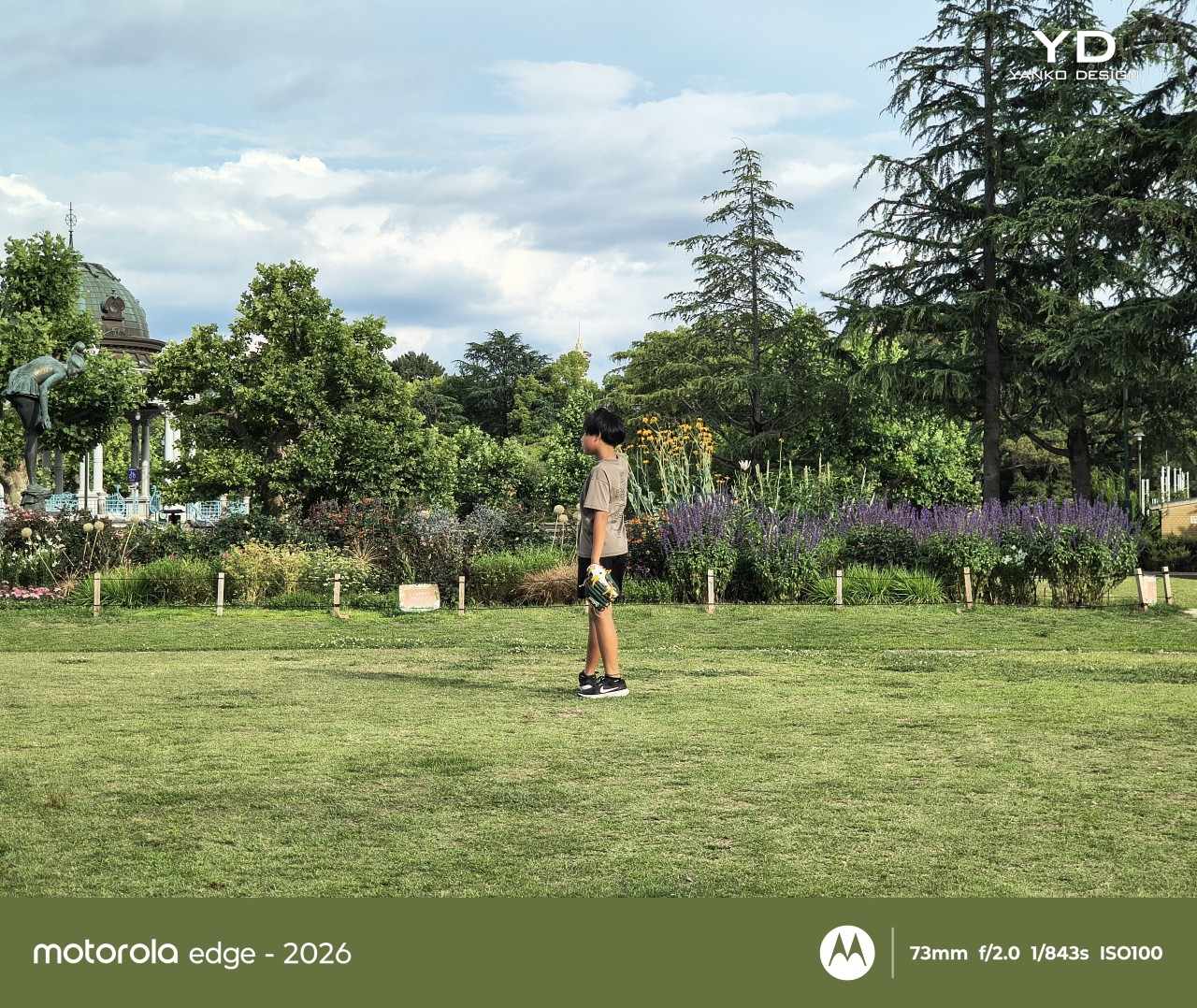
It is a well-rounded setup overall, and I was pleasantly surprised by it. It is not on the same level as a true flagship camera system, of course, but I found the color tuning more pleasing in some situations. The main camera handles dynamic range well enough to feel reliable for everyday use.

Main Camera, Portrait Mode (24mm)

Main Camera, Portrait Mode (35mm)

Telephoto Camera, Portrait Mode

The telephoto camera adds some welcome flexibility, even if its limitations become more obvious once you push beyond 3x. The phone automatically switches between the main and telephoto lenses depending on the scene, and while the telephoto camera is not especially detailed, it tends to get exposure right even in difficult lighting. Low light performance is solid too, though the shutter speed can be frustratingly slow even outside of Night mode, which makes it easier to end up with blur if your subject moves or your hand is not perfectly steady.

Telephoto Camera, 3x

Telephoto Camera, 3x

Main Camera, 6x

The battery has been reduced from 5200mAh on the previous model to 5000mAh, which is not especially exciting on paper. Even so, the phone remains efficient enough to last a full day comfortably, and light users may even be able to stretch it into a second day. That fits well with the Edge 2026’s broader focus on comfort and everyday ease.

Charging is solid, too. The 68W wired charging is quick enough to feel genuinely convenient, and 15W wireless charging adds a welcome bit of flexibility. Neither feature is especially headline-grabbing, but together they make the phone easy to live with.

Sustainability

The Motorola Edge 2026 makes a solid case for itself on durability. It is rated IP68 and IP69, uses Corning Gorilla Glass 7i, and also meets MIL-STD-810H standards. Motorola says it is designed to survive drops from up to 1.22 meters and handle extreme temperatures and high humidity.

That toughness helps its long-term appeal. The software support, however, is less impressive. Motorola promises two major OS upgrades and three years of security updates, which falls short of what many rivals now offer at this price.

Value

At $599.99, the Motorola Edge 2026 sits in a competitive part of the market, but its value becomes easier to understand once you look beyond the spec sheet. This feels like a phone aimed more at lighter users, especially with 128GB of storage, and its compact form factor is a big part of the appeal. The size, comfort, and ease of use give it an everyday charm that many rivals simply do not have.

That said, value is also shaped by how long a phone is likely to feel current. Motorola only promises two major OS upgrades and three years of security updates, which is not especially generous at this price. If you tend to keep your phone for many years, that shorter support window may matter more, even if the hardware itself feels pleasant and durable enough to last.

Verdict

The Motorola Edge 2026 knows exactly what it wants to be. It prioritizes comfort, portability, and everyday ease, and that gives it a clearer identity than many midrange phones. Its compact form factor is easily one of its best qualities, and for people who want a phone that simply feels great in the hand, it is a strong contender.

That said, it is not without compromise. The 128GB storage feels limiting, the software support is shorter than some rivals, and the performance is solid rather than standout. Still, for the right user, especially someone who values portability and comfort above all else, the Edge 2026 remains an appealing option.

The post Motorola Edge (2026) Review: Beautiful, Brilliant, and an Acquired Taste first appeared on Yanko Design.

This $399 Tablet Has 9 JBL Speakers and Works as a Bluetooth Speaker

Entertainment tablets have always been a bit of a compromise. They’re large enough to make video look good, but the speakers are almost universally disappointing, and most people end up propping them against a pillow or a water bottle to get a decent viewing angle. The hardware has gotten better over the years, but the experience still feels like it’s designed around the screen and nothing else.

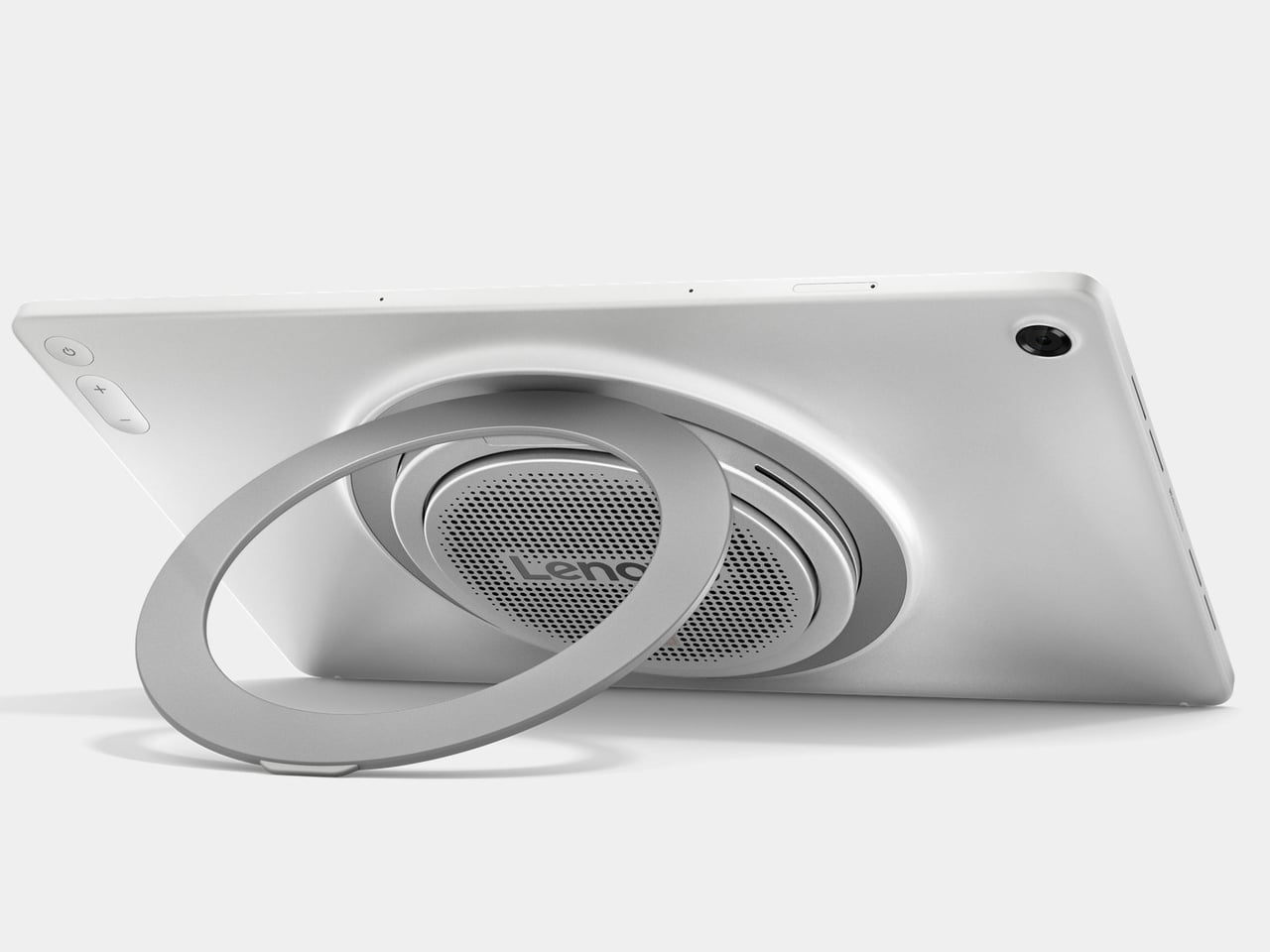
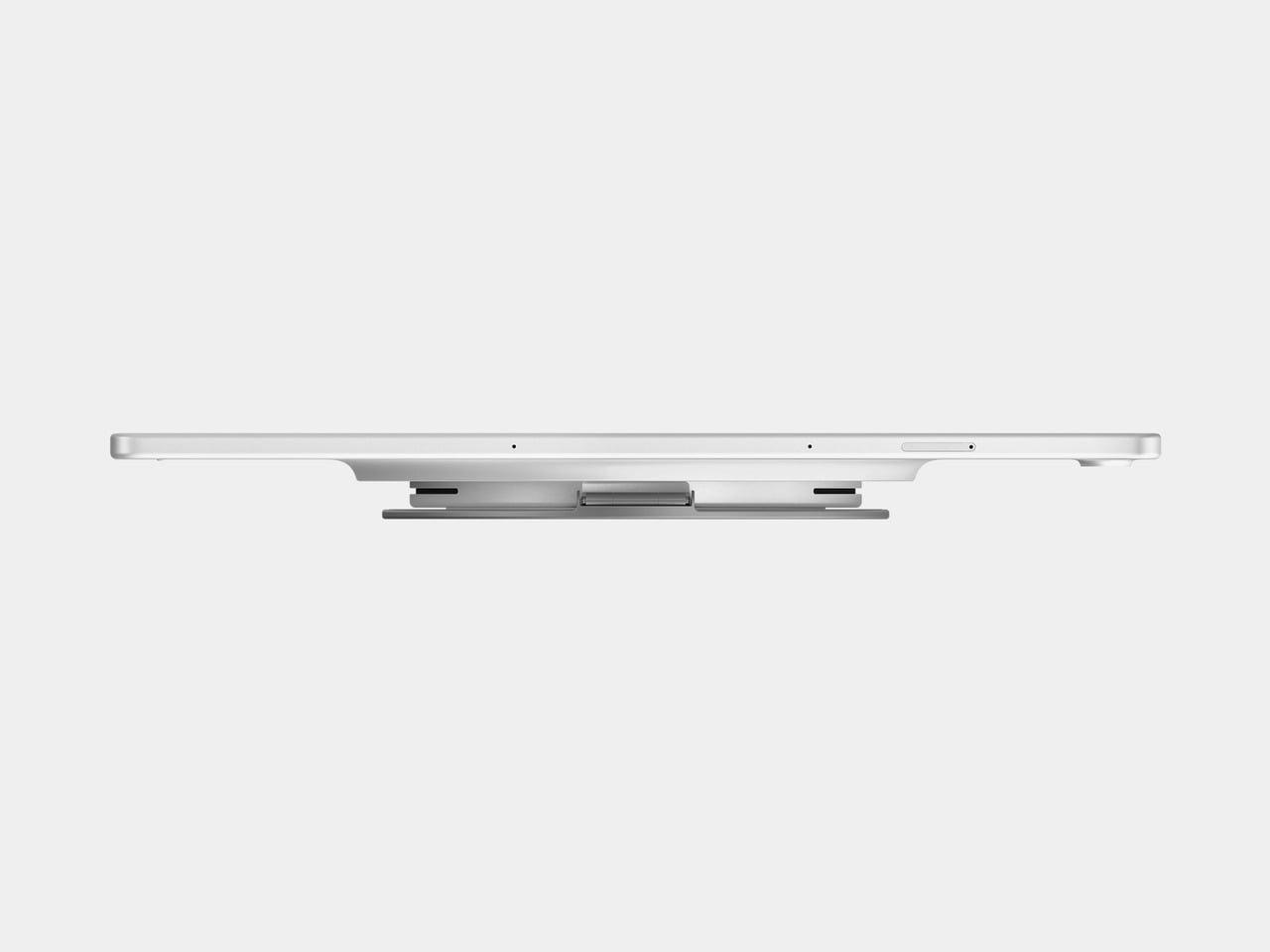
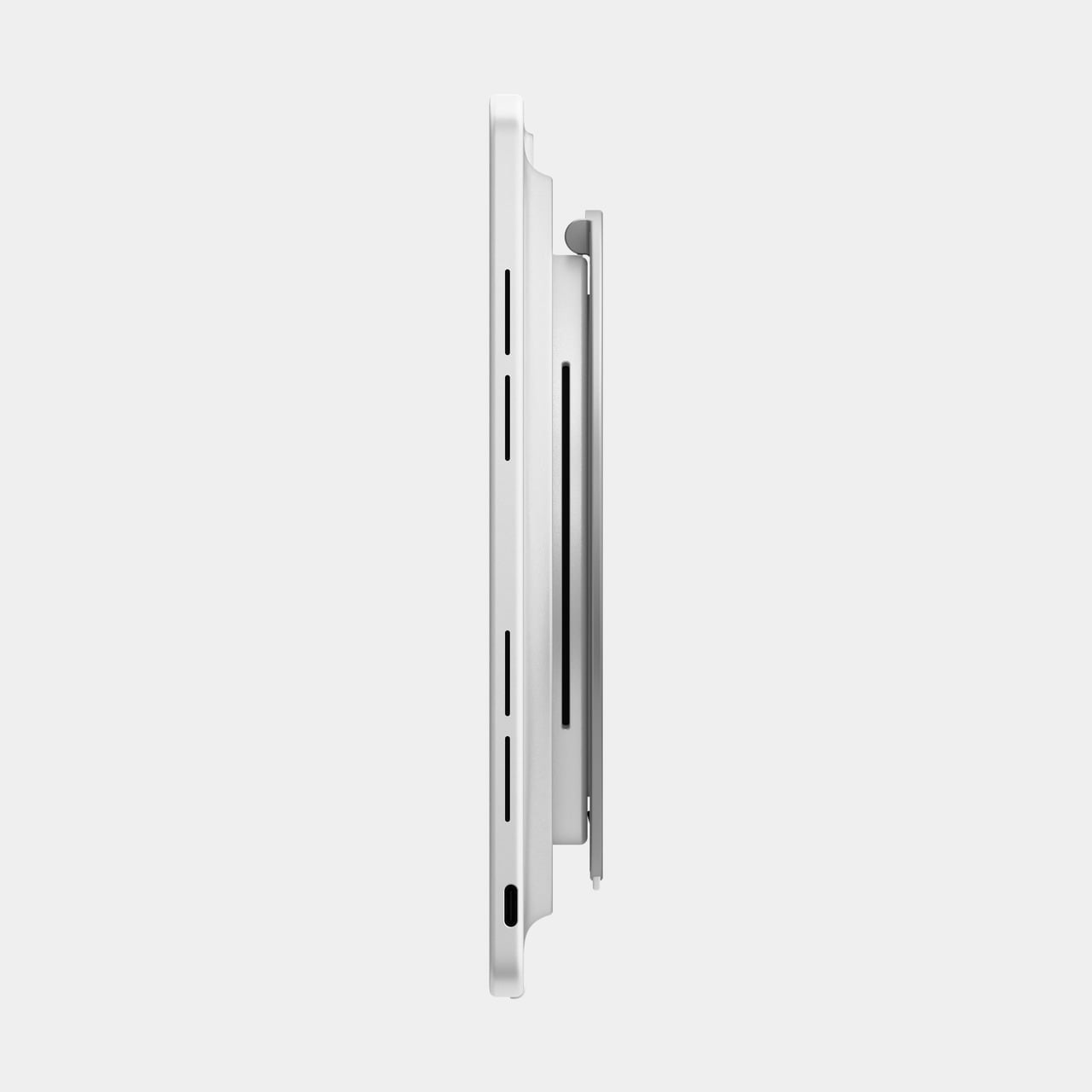
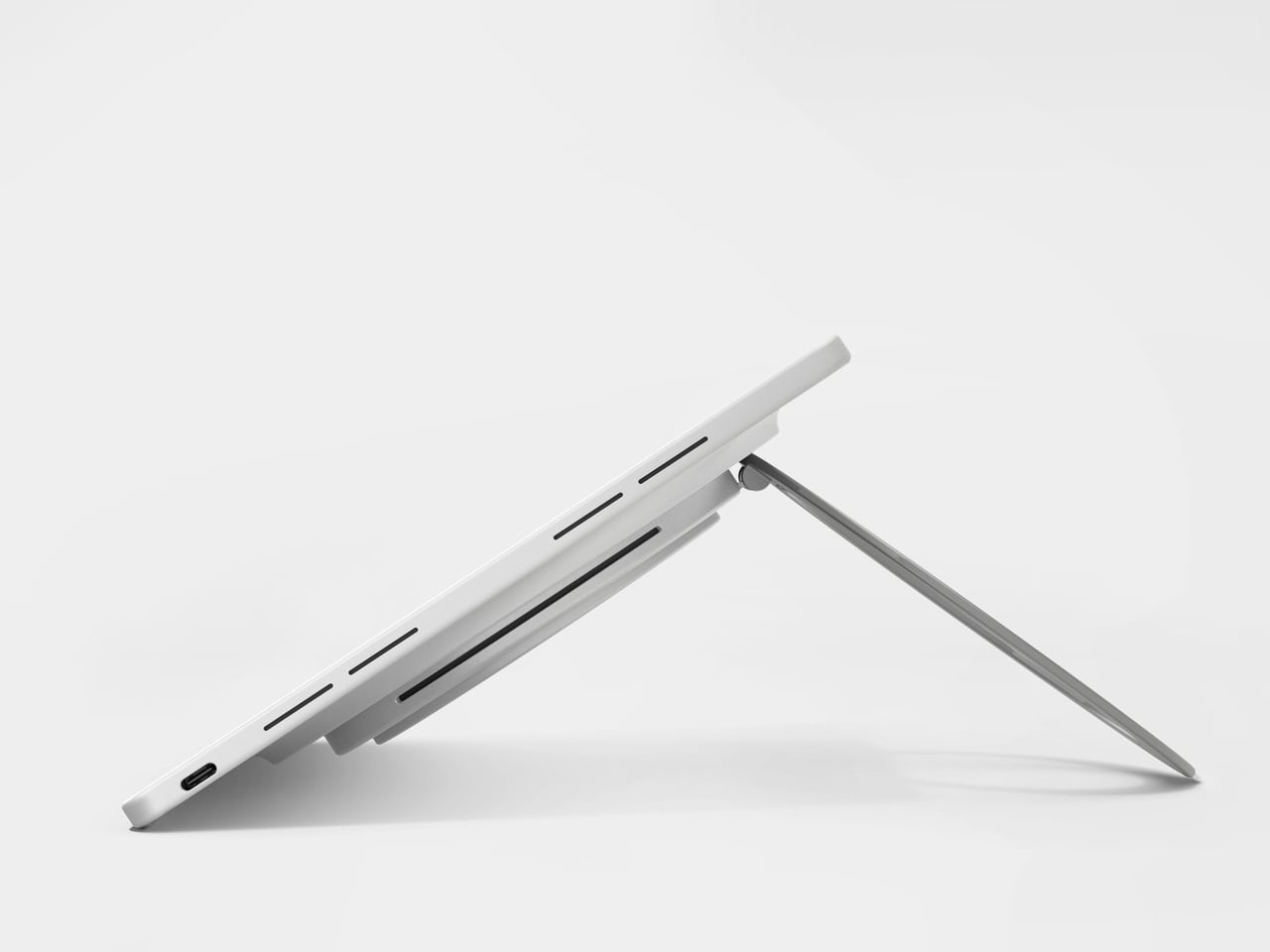
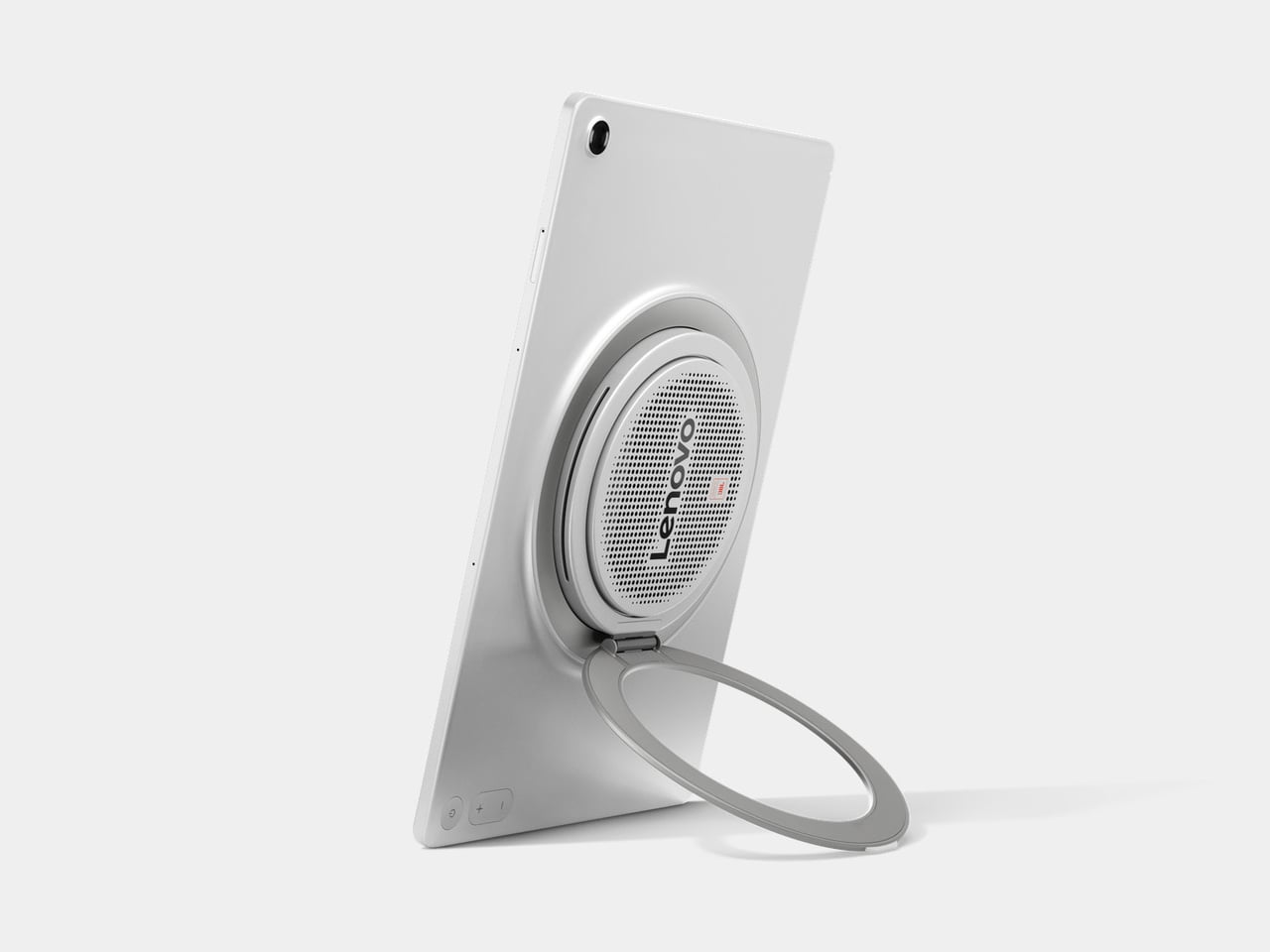
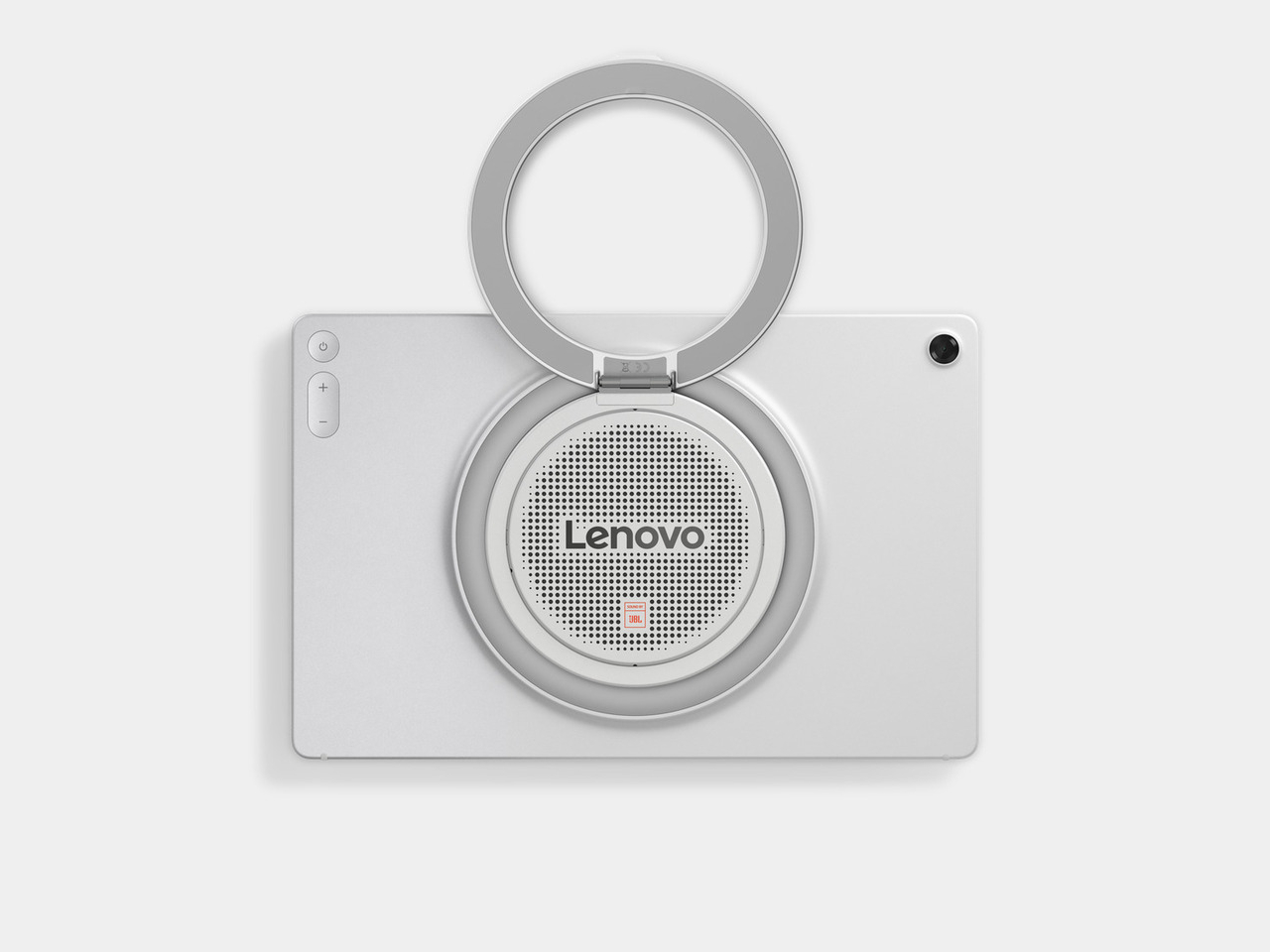
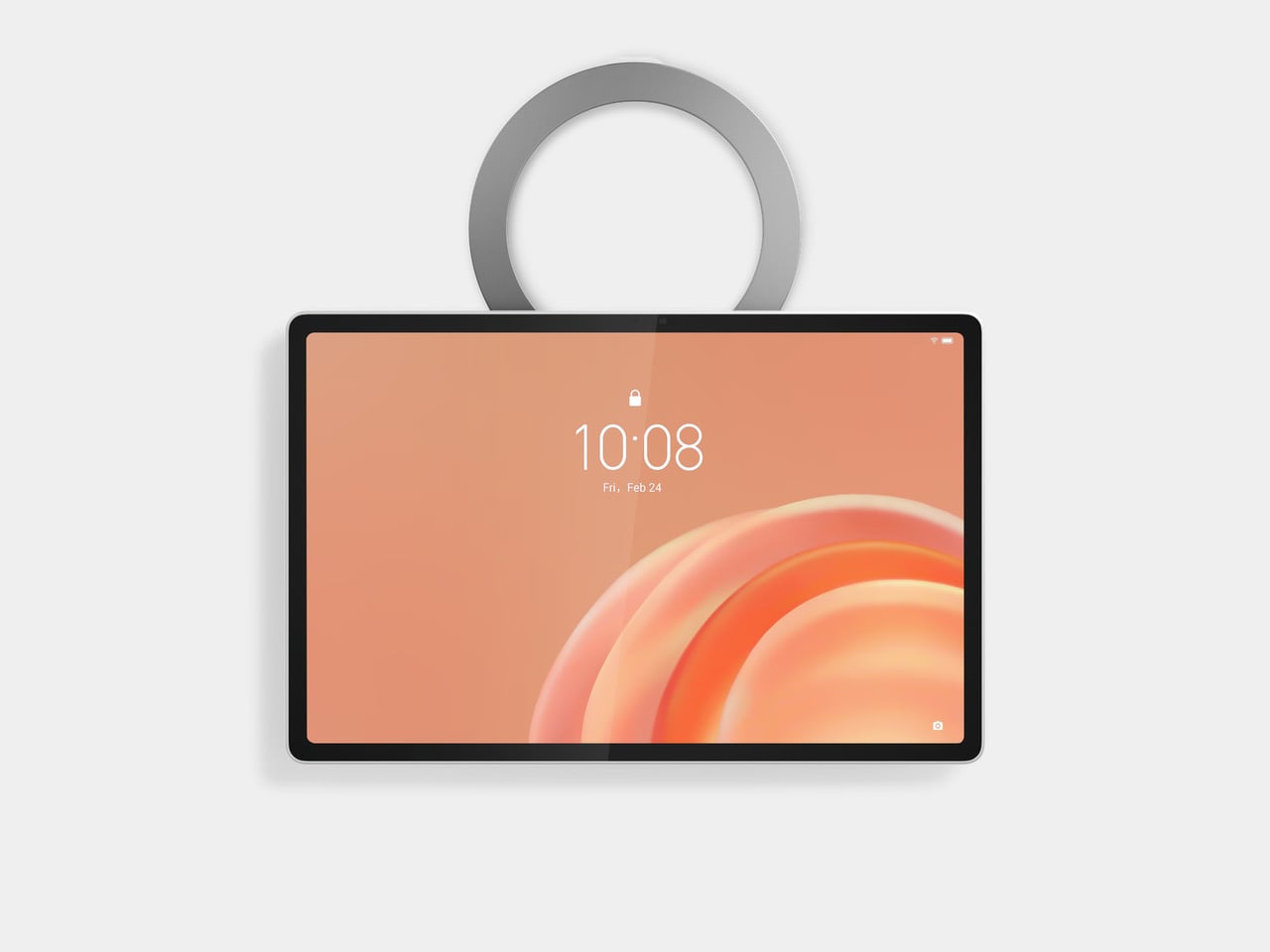
Lenovo’s Tab Plus Gen 2 is built around a different set of priorities. It leads with audio in a way that most Android tablets don’t, pairs that with a display that can actually do the sound justice, and backs both up with a mechanical kickstand that rotates 360 degrees so the tablet can sit, stand, lean, or hang in whatever configuration makes the most sense for the moment.

Designer: Lenovo

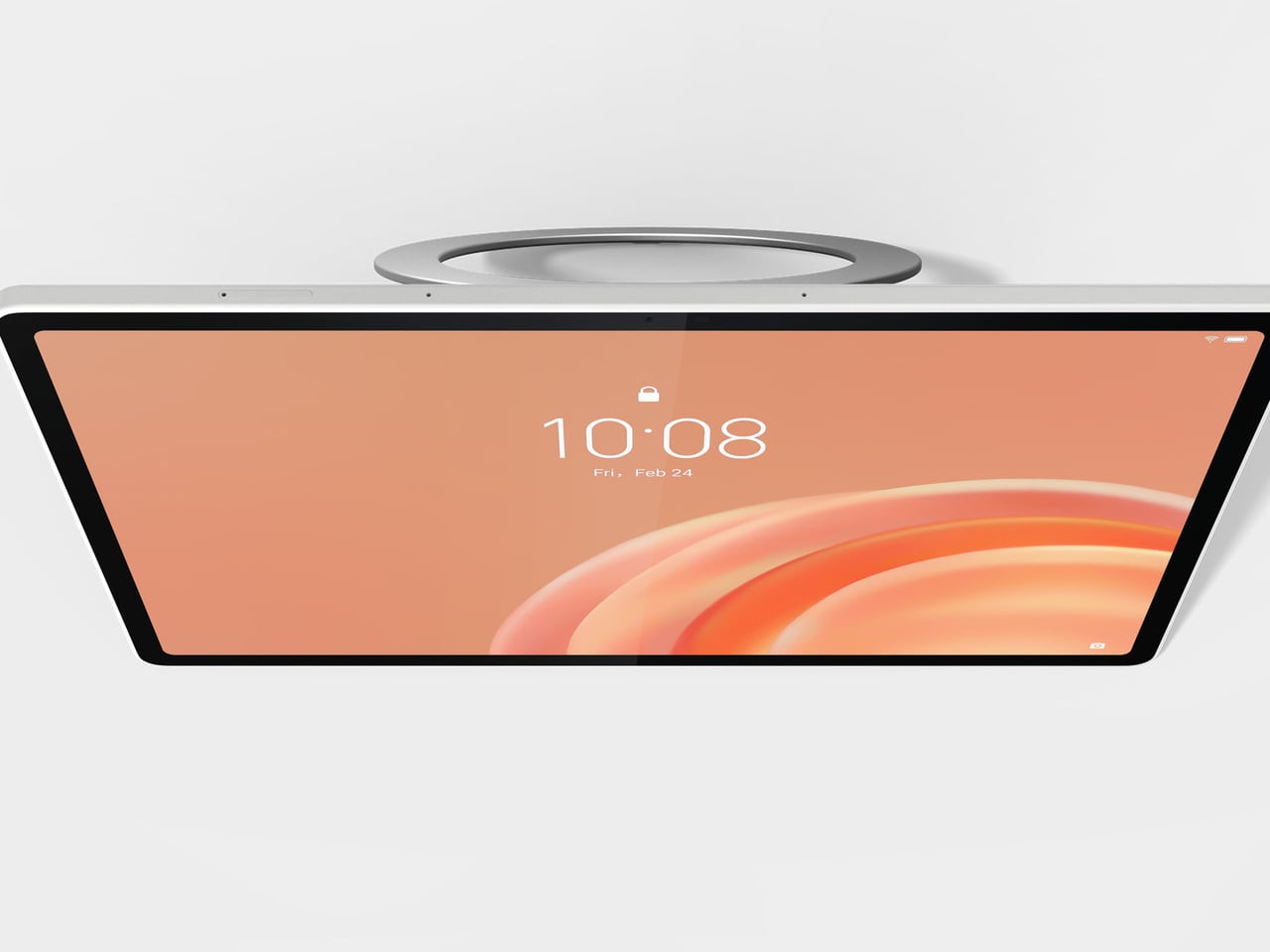
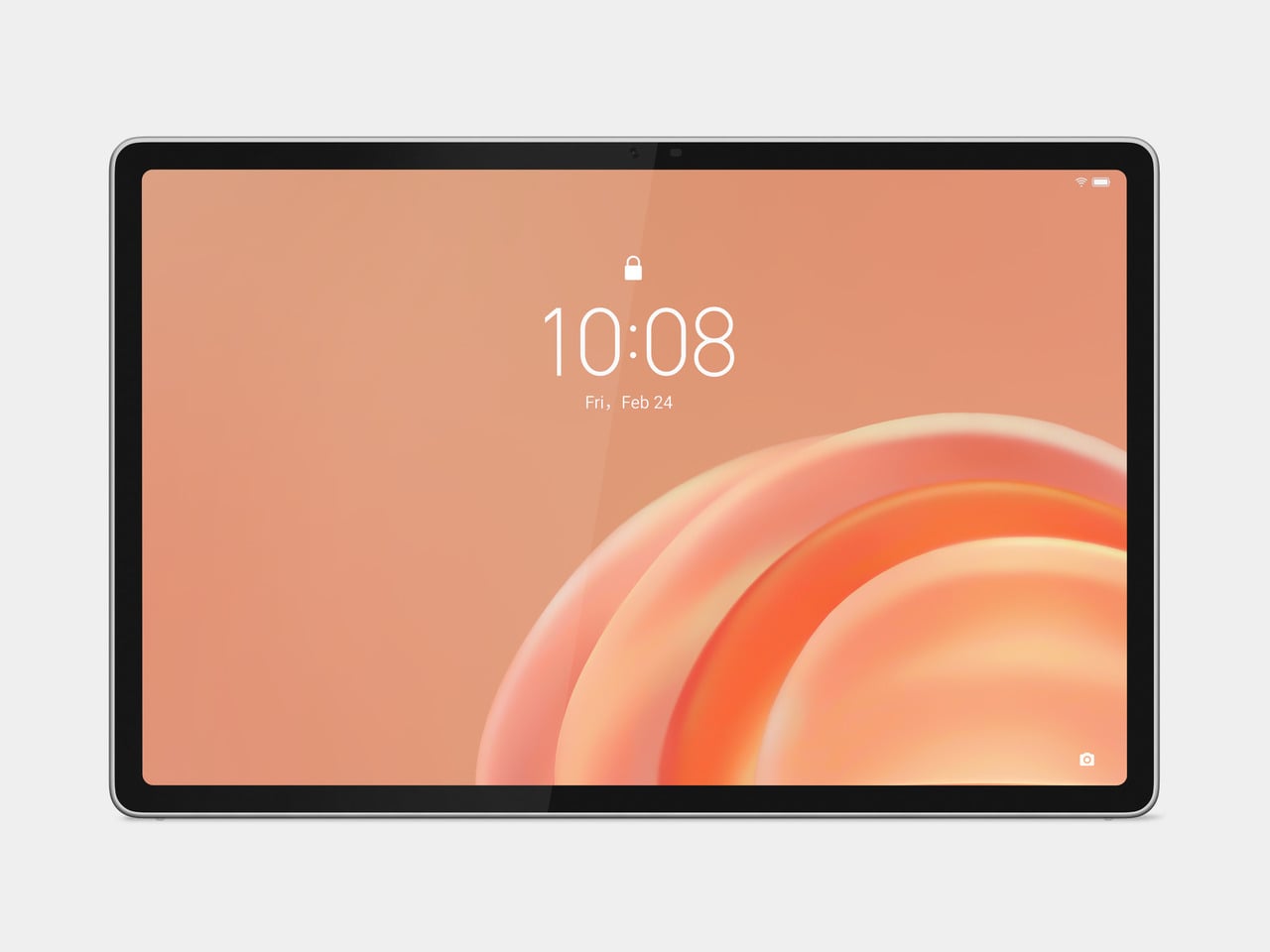
The 12.1-inch 2.5K LCD display carries Dolby Vision and HDR10 support, a 120Hz refresh rate, and up to 800 nits in High Brightness Mode for watching in brighter environments. At 249ppi, the pixel density stays sharp at this screen size, which matters when you’re switching between films, reading articles, or navigating something that would look noticeably soft on a lower-resolution panel.

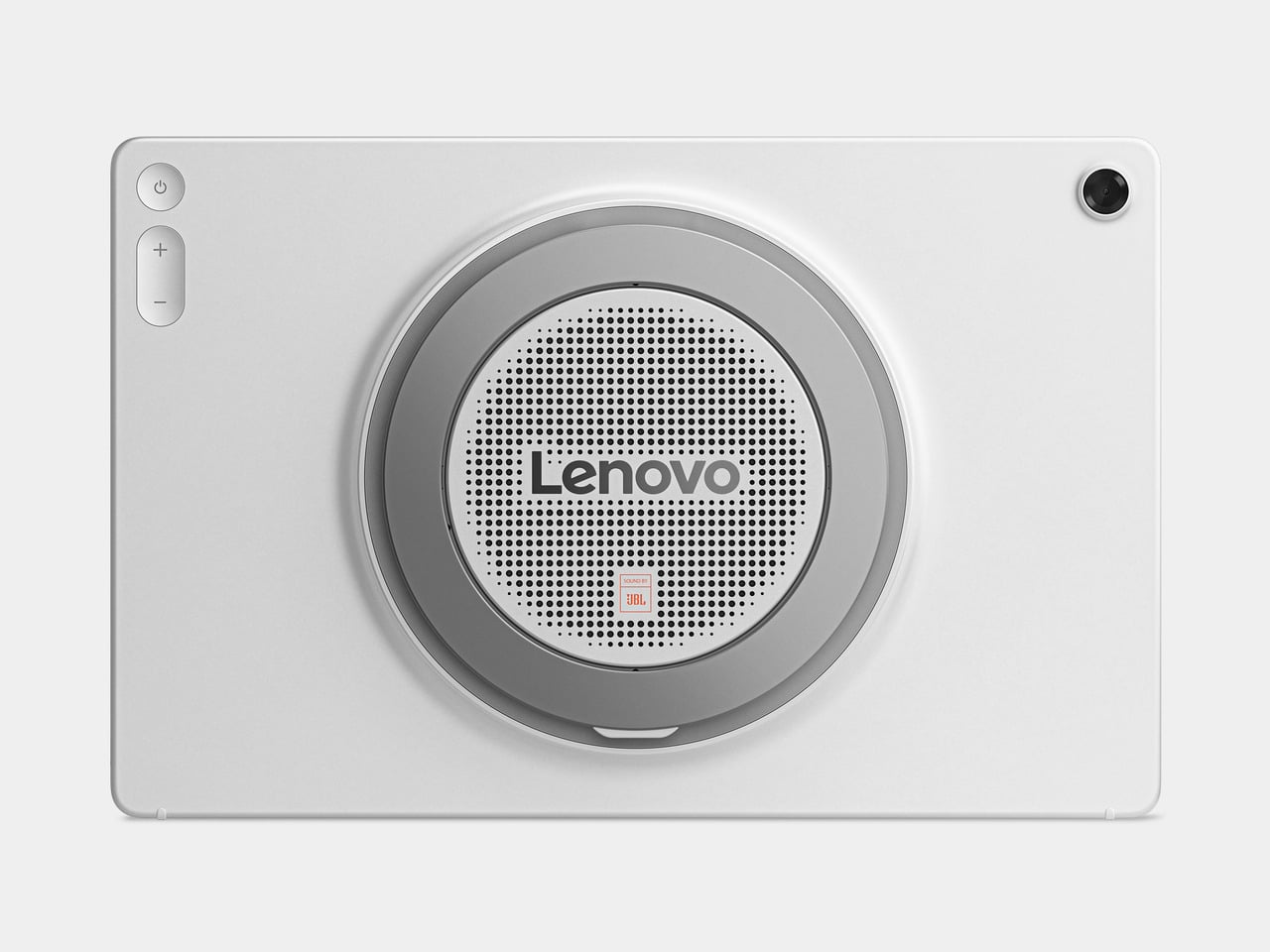
The JBL 9-unit Pro speaker system is tuned with Dolby Atmos and includes dedicated bass units that give the sound a physical weight most tablet audio simply doesn’t have. Dialogue stays clear, bass doesn’t disappear, and the whole thing scales with the content. Dolby Audio processing lets you switch between Dynamic, Movie, and Music modes depending on what you’re watching or listening to.

There’s also a built-in Bluetooth speaker mode that turns the Tab Plus Gen 2 into a standalone speaker you can control from your phone. That means you can set the tablet up in the kitchen, hit play on a playlist from across the room, and use it the same way you’d use a Bluetooth speaker, without needing a separate device sitting on the counter.

The 360-degree rotating kickstand handles four distinct positions: lean, theater, stand, and hanging mode. That covers everything from reclining on a couch to hooking onto a cabinet door in the kitchen, across both portrait and landscape orientations. When the tablet isn’t being actively used, a standby mode turns it into a digital picture frame, which gives it a purpose even when nobody’s watching anything.

AI Live Transcript handles real-time translation across more than 40 languages, which makes foreign-language content far more approachable without having to hunt for subtitles. AI Notes with Lenovo Notepad handles notetaking, and Smarter Reader makes navigating longer articles less of a chore. The 10,200mAh battery is rated for up to 15 hours of YouTube streaming, backed by 45W fast charging.

The Tab Plus Gen 2 starts at $399.99 and is available in Celestial White. It works with the Lenovo Tab Pen Plus and Lenovo Wireless Keyboard, both sold separately, and comes with a Sleeve Suite that includes a carrying sleeve and a shoulder strap for getting the tablet from room to room or out the door without digging around for a bag.

The post This $399 Tablet Has 9 JBL Speakers and Works as a Bluetooth Speaker first appeared on Yanko Design.

TECNO Just Built a Budget Phone With a Battery That Lasts 6 Years

Budget smartphones have gotten remarkably capable in recent years, but one persistent problem hasn’t gone away. They still feel disposable. Batteries degrade within a year or two, frames collect scratches quickly, and performance starts slipping right around the time the device is paid off. Most people accept this as part of the deal and cycle through handsets every couple of years without giving it much thought.

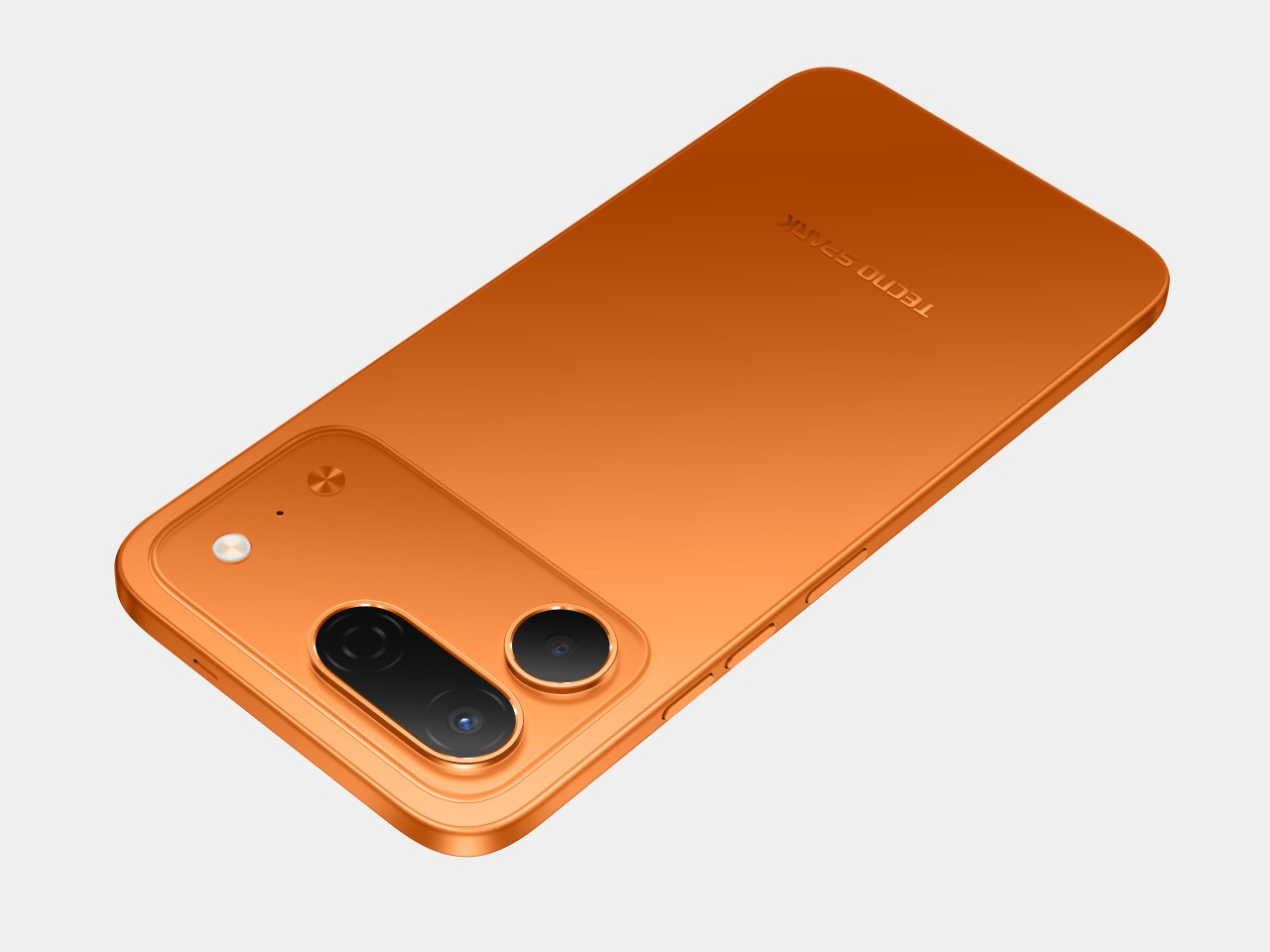
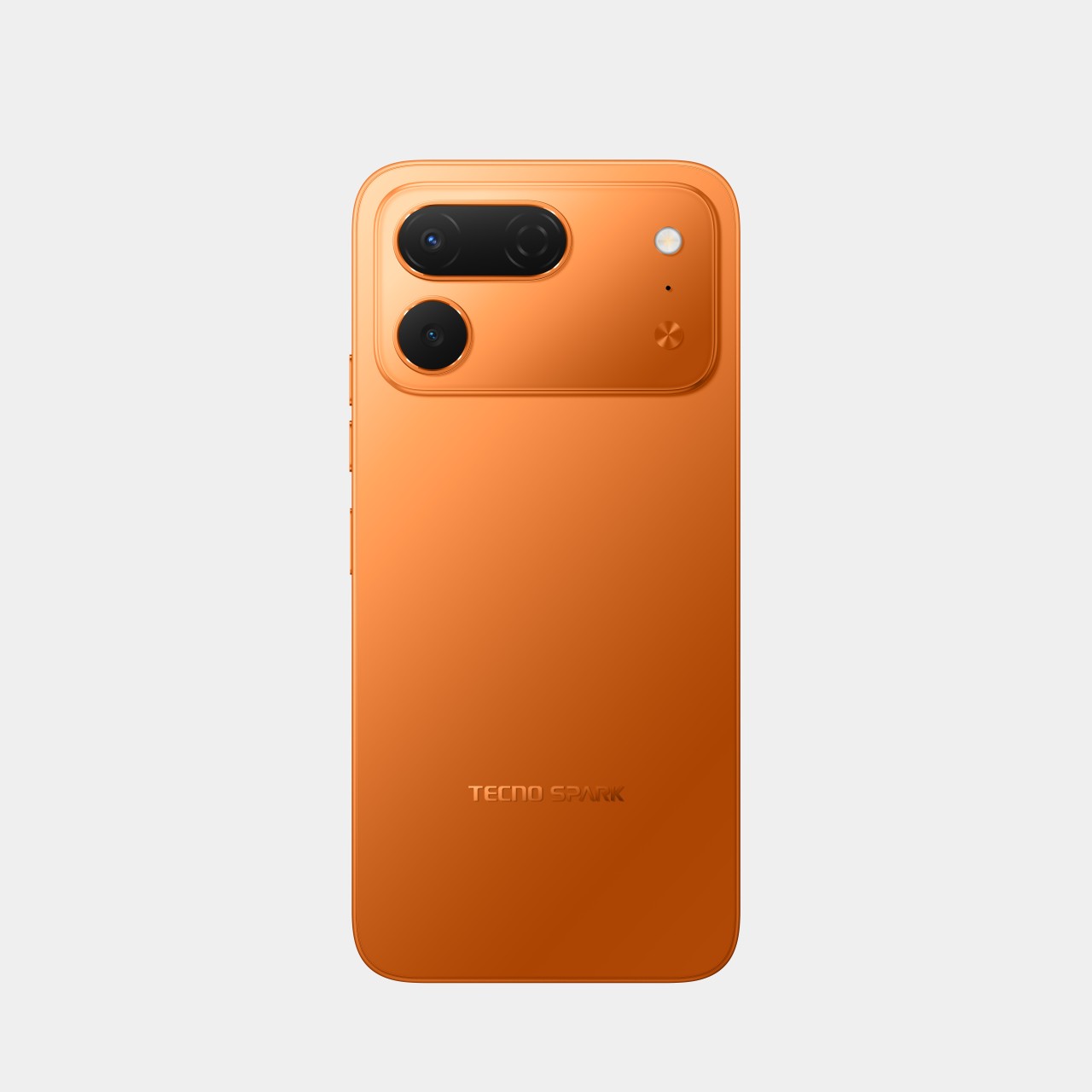
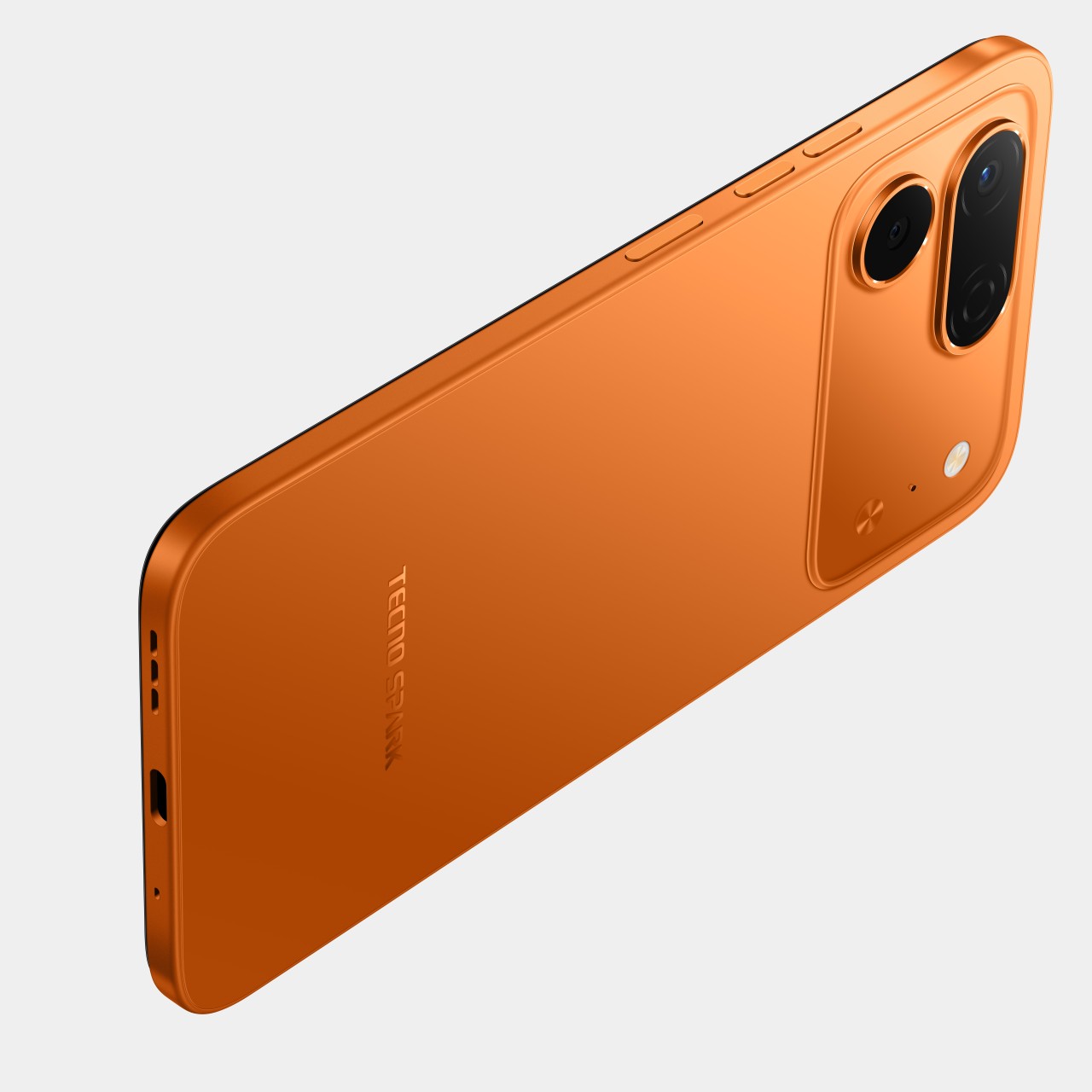
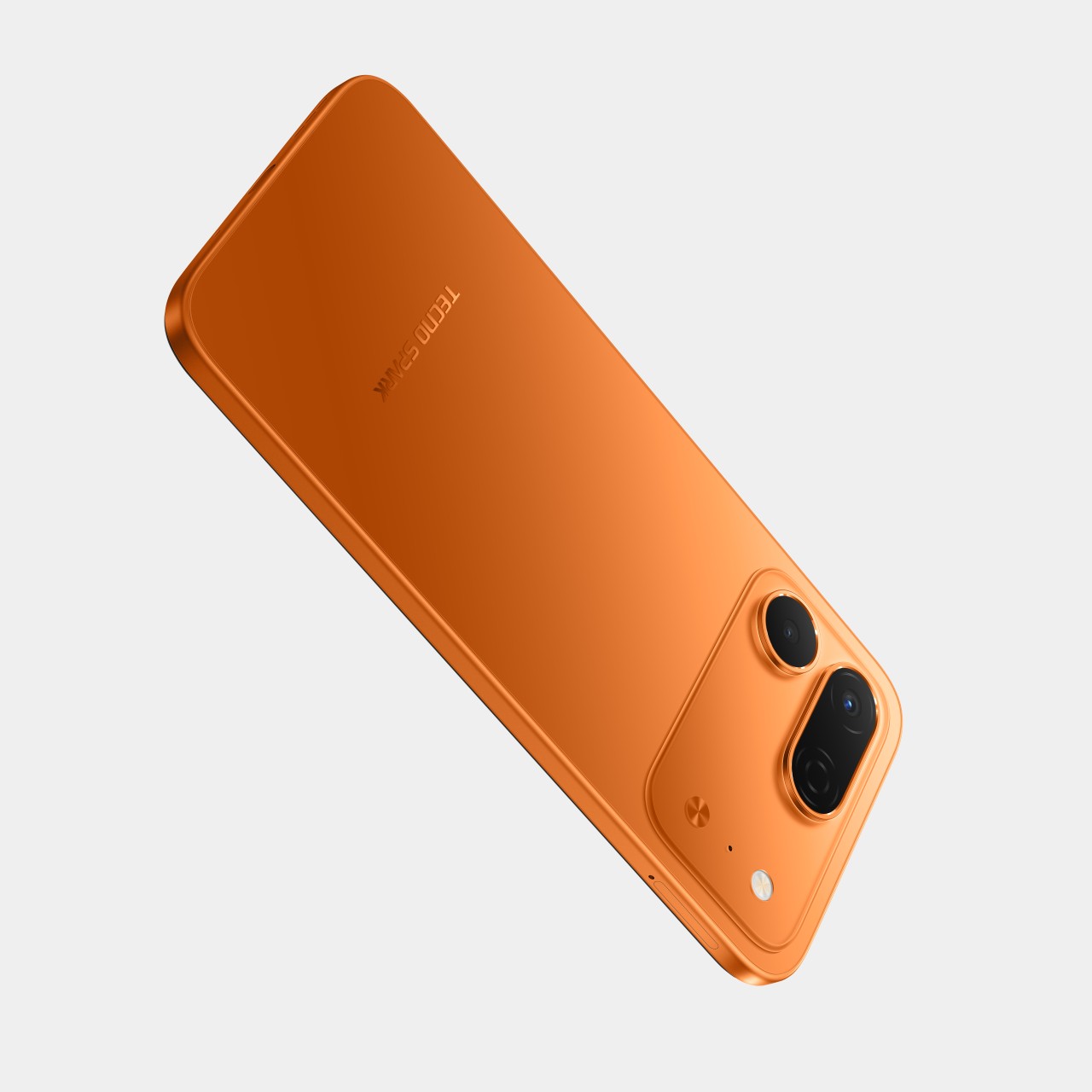
The TECNO SPARK 50 Pro tries to change that calculation. Rather than chasing raw benchmarks or stacking camera hardware, it focuses on something more practical: building a phone that holds up, physically and internally, over a long stretch of use. At just 7.8mm thin, it doesn’t look like a rugged device, but the specs and certifications beneath that slim exterior tell a different story.

Designer: TECNO

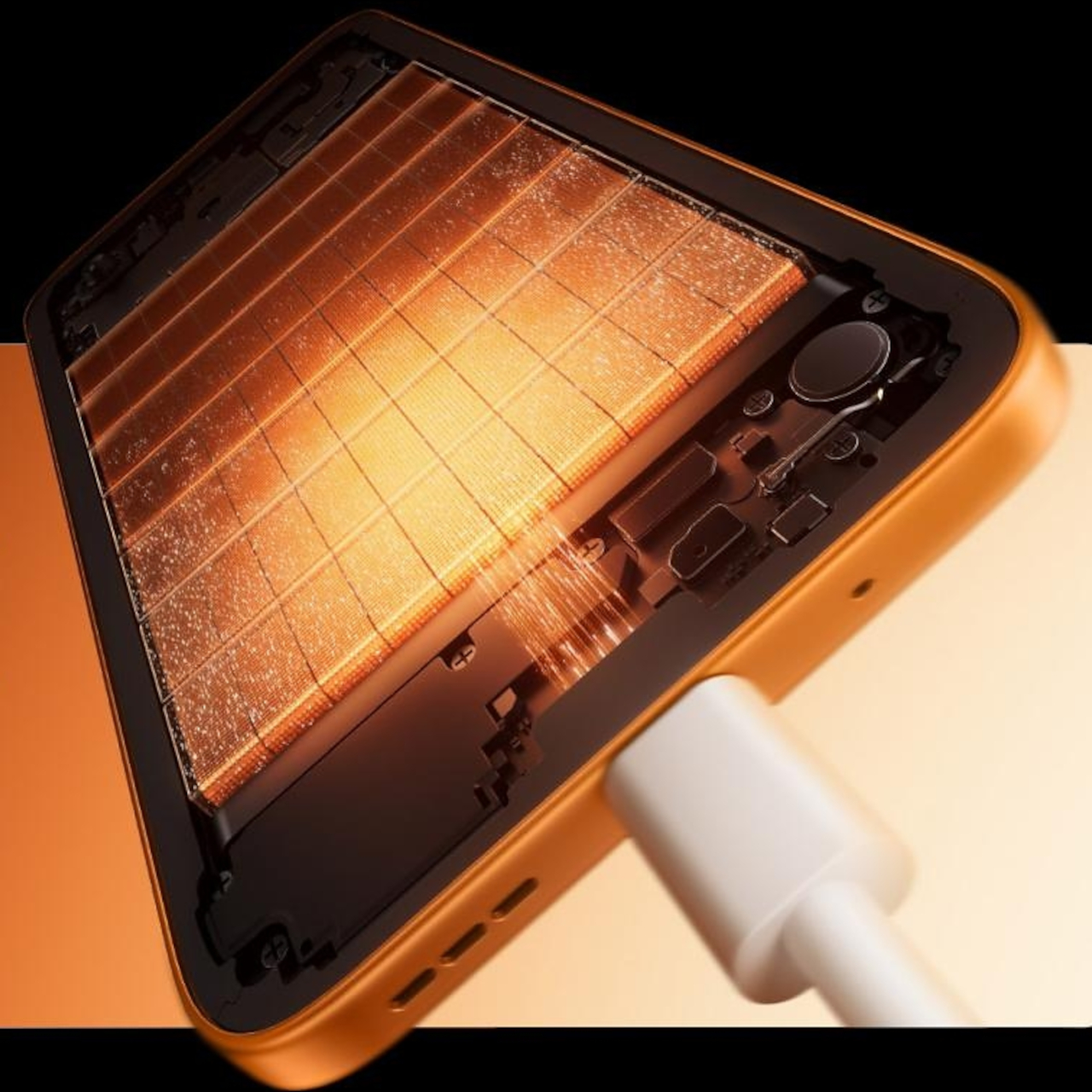
Battery longevity is one area where the SPARK 50 Pro makes a clear statement. It’s offered in two variants, a 5,600mAh dual-cell model and a 6,000mAh single-cell version, both certified to sustain more than 1,900 charge cycles while retaining over 80% of their original capacity. That’s roughly six years of daily charging without significant degradation, which is a genuinely unusual promise for a phone at this price point.

Keeping a large battery from being a chore to top up is 60W Super Charge support, which gets the device to 63% in 30 minutes and fully charged in 55. Three adaptive charging modes let users balance speed and heat, and bypass charging routes power directly to the motherboard during heavy use, keeping the battery from straining when the phone is plugged in while gaming or streaming.

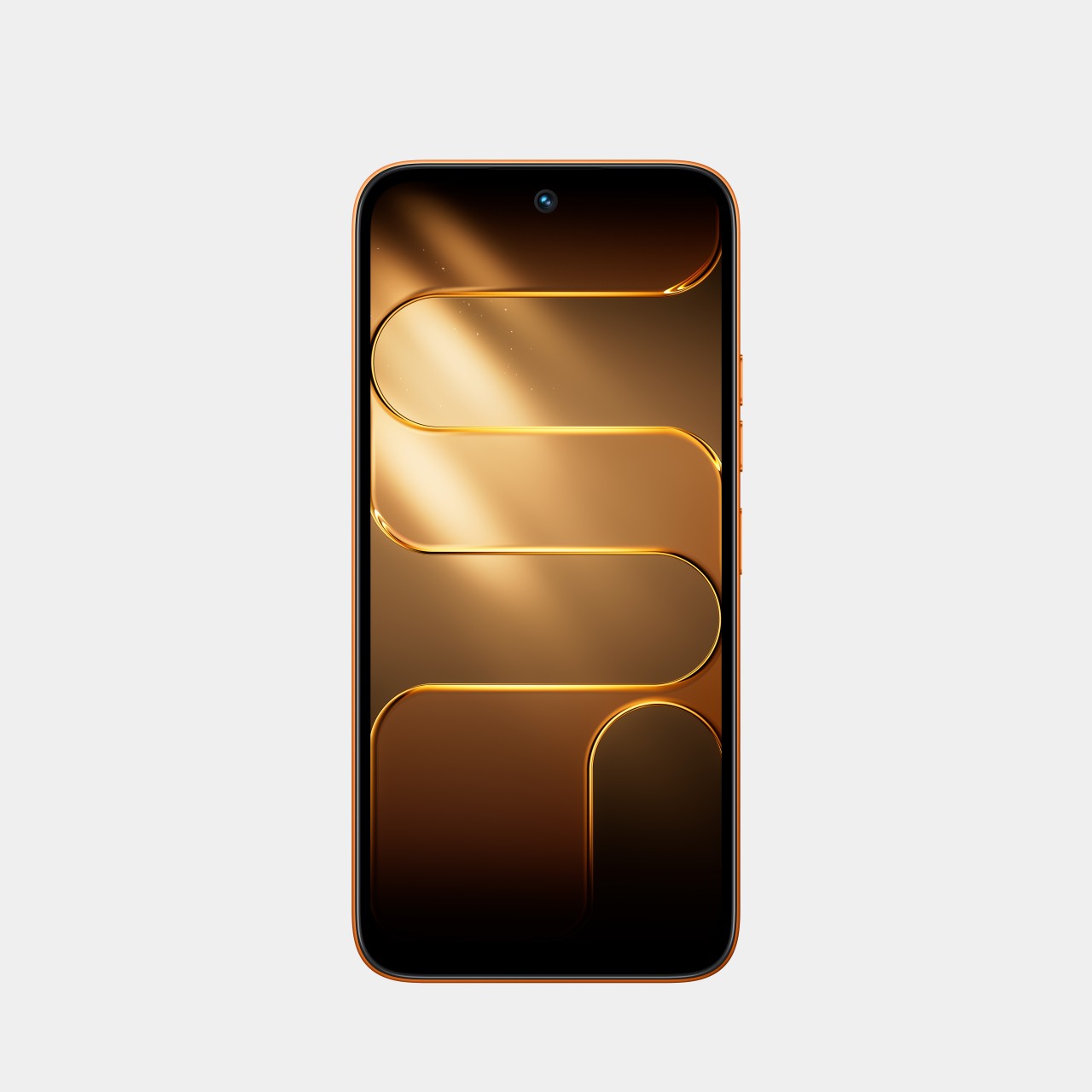
Performance comes from a MediaTek Helio G100 Ultimate processor scoring around 550,000 on AnTuTu, with Memory Fusion 4.0 pushing virtual RAM up to 24GB. The 6.78-inch IPS LCD runs at up to 120Hz, keeping scrolling and gameplay feeling fluid, while dual stereo speakers with DTS Sound lend more audio depth to videos and music than you’d typically get in this price bracket.

Photography centers on a Sony LYTIA 600 sensor with 50MP resolution, a 1/1.953-inch size, and an f/1.8 aperture, giving it a light-gathering advantage over the smaller sensors common in its class. FlashSnap technology pushes shutter speeds up to 1/10,000 of a second for catching fast-moving moments cleanly. AI Eraser 2.0 and AI Extender round out the imaging toolkit with cleanup and reframing options.

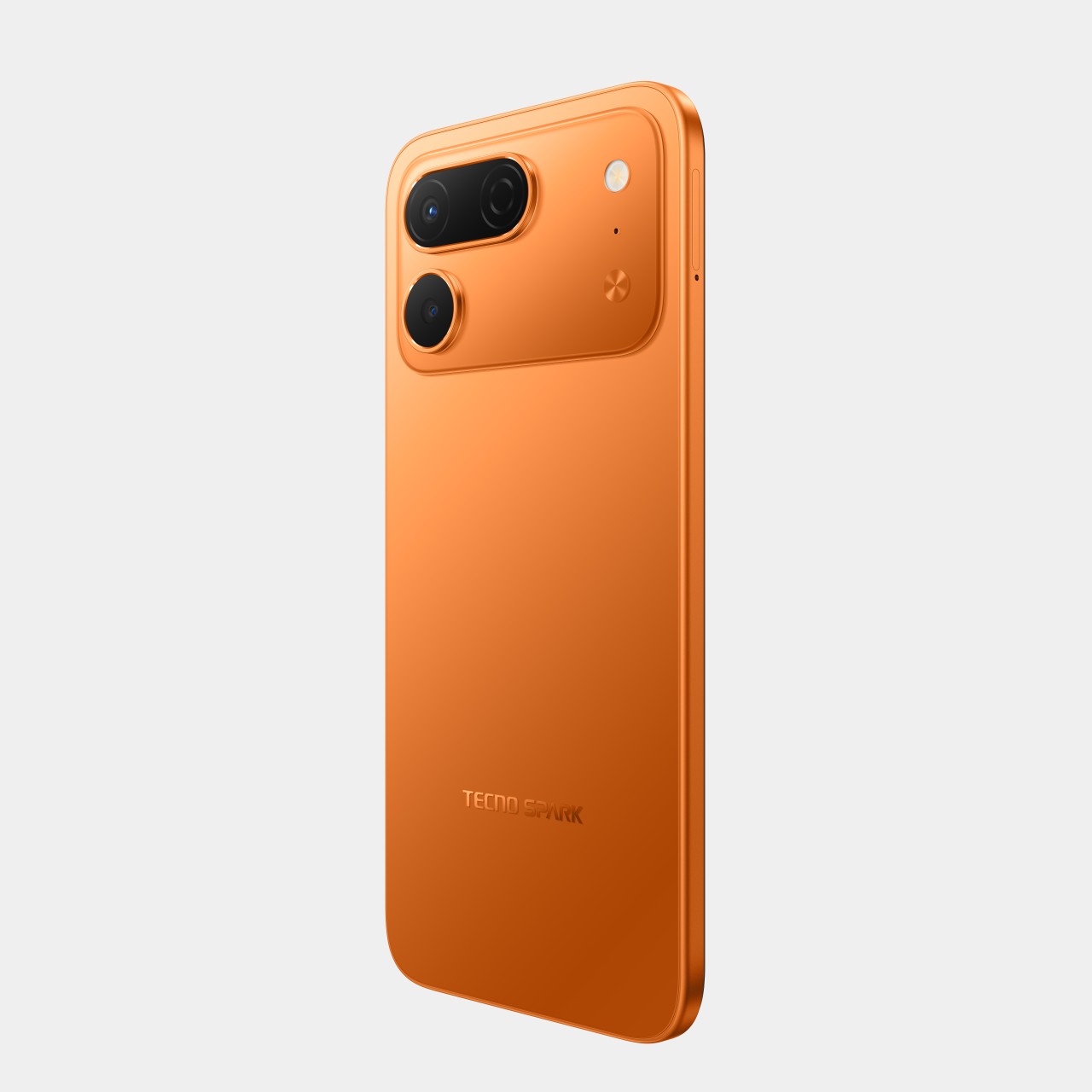
Physical protection is where the SPARK 50 Pro really sets itself apart from comparably priced options. IP68 and IP69 ratings cover it against dust, rain, spills, and high-pressure water jets, while SGS Five-Star Premium Drop Resistance certification means it’s been tested against multi-angle impacts and 41 independent drop scenarios. It comes in five finishes: Ink Black, Titanium Grey, Midnight Blue, Dynamic Orange, and Cloud White.

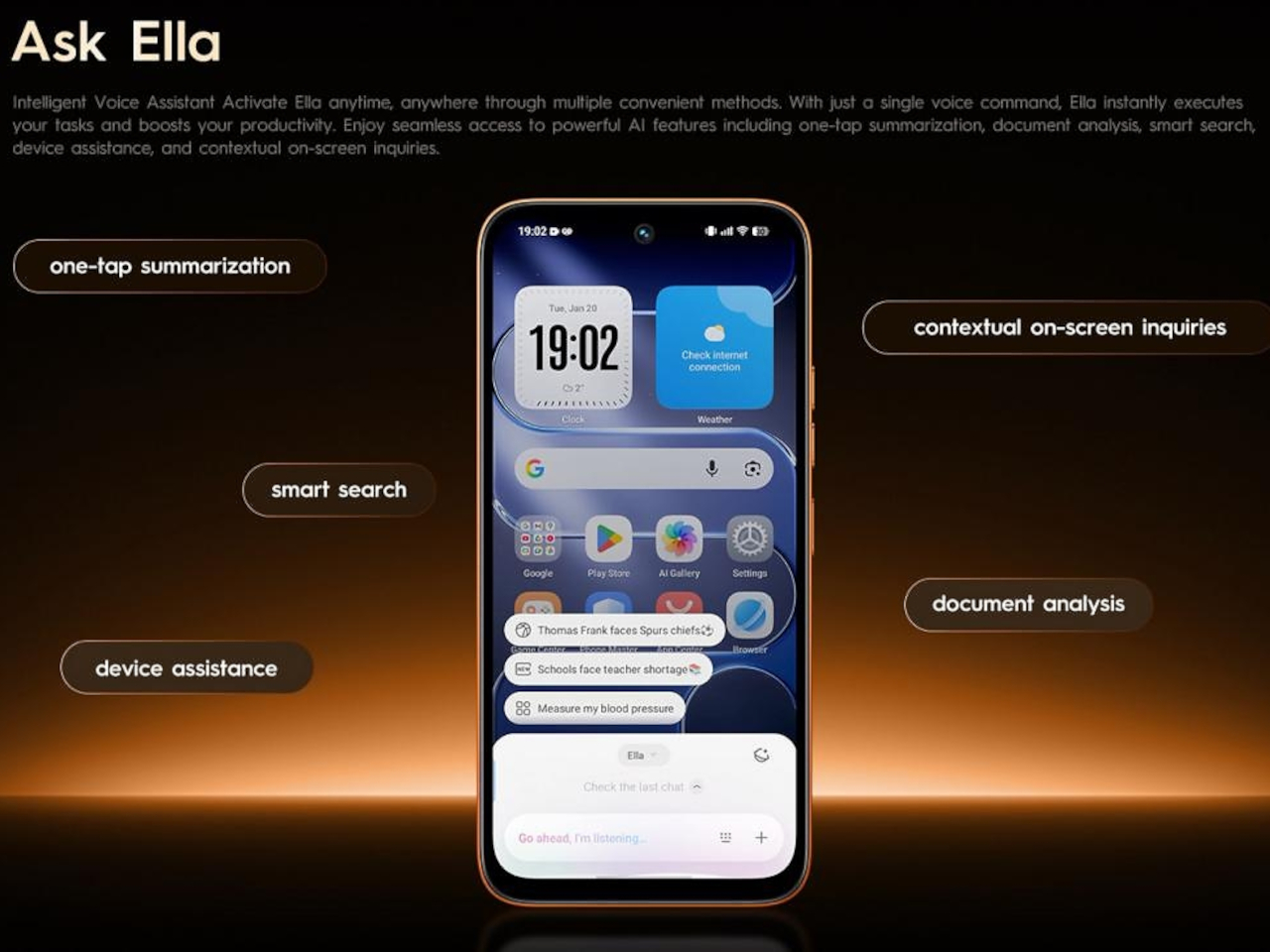
Running on HiOS 16 based on Android 16, the SPARK 50 Pro also brings the Ella AI Agent for daily assistance and an AI Health Assistant for health monitoring. FreeLink 2.0 enables off-grid messaging in supported situations, and AI Noise Cancellation cleans up calls in loud environments. It’s a package aimed at people who’d rather not think about buying a new phone anytime soon.

The post TECNO Just Built a Budget Phone With a Battery That Lasts 6 Years first appeared on Yanko Design.

Infinix GT 50 Pro Review: Gaming Greatness With a Catch

PROS:


  • Distinctive design with LED accents and visible liquid-cooling

  • Strong gaming performance

  • Useful GT triggers and bundled MagCharge cooler


CONS:


  • Stereo speakers can sound slightly muffled at times

  • Price has gone up noticeably from the GT 30 Pro

RATINGS:

AESTHETICS
ERGONOMICS
PERFORMANCE
SUSTAINABILITY / REPAIRABILITY
VALUE FOR MONEY

EDITOR'S QUOTE:

Distinctive, capable, and clearly built with gamers in mind, the Infinix GT 50 Pro delivers a focused experience, even if tougher competition makes the value story less straightforward.

The Infinix GT 50 Pro continues a formula the GT series has followed since its debut with the GT 10 Pro in 2023. This has always been a gaming-focused smartphone line, both in how it performs and how it looks. With the GT 50 Pro, Infinix stays true to that identity while adding stronger hardware, a few thoughtful extras, and a more refined overall package.

There is plenty here that stands out immediately, from the Dimensity 8400 Ultimate and 144Hz AMOLED display to the GT triggers and bundled MagCharge cooler. At the same time, the GT 50 Pro arrives in a more competitive market and at a higher price than its predecessor. That makes it a more interesting phone to evaluate, because the question is no longer just whether it performs well, but whether it still does enough to stand out.

Designer: Infinix

Aesthetics

Ever since the GT 10 Pro debuted in 2023, Infinix has kept the GT series firmly anchored to one identity. This has always been a gaming phone line, and importantly, it has always looked the part. The GT 50 Pro continues that tradition with complete confidence, and the consistency gives the series a stronger sense of character.
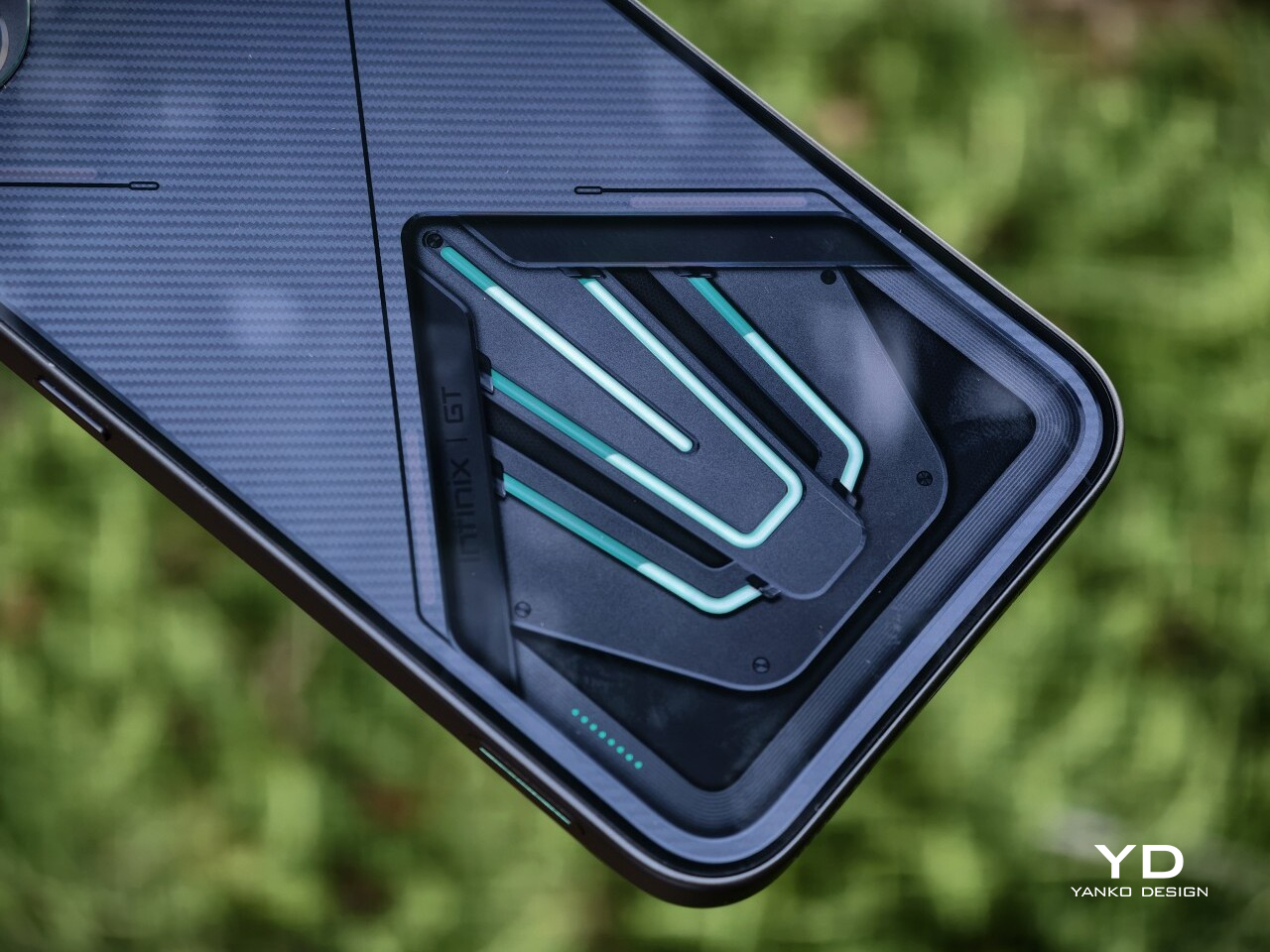
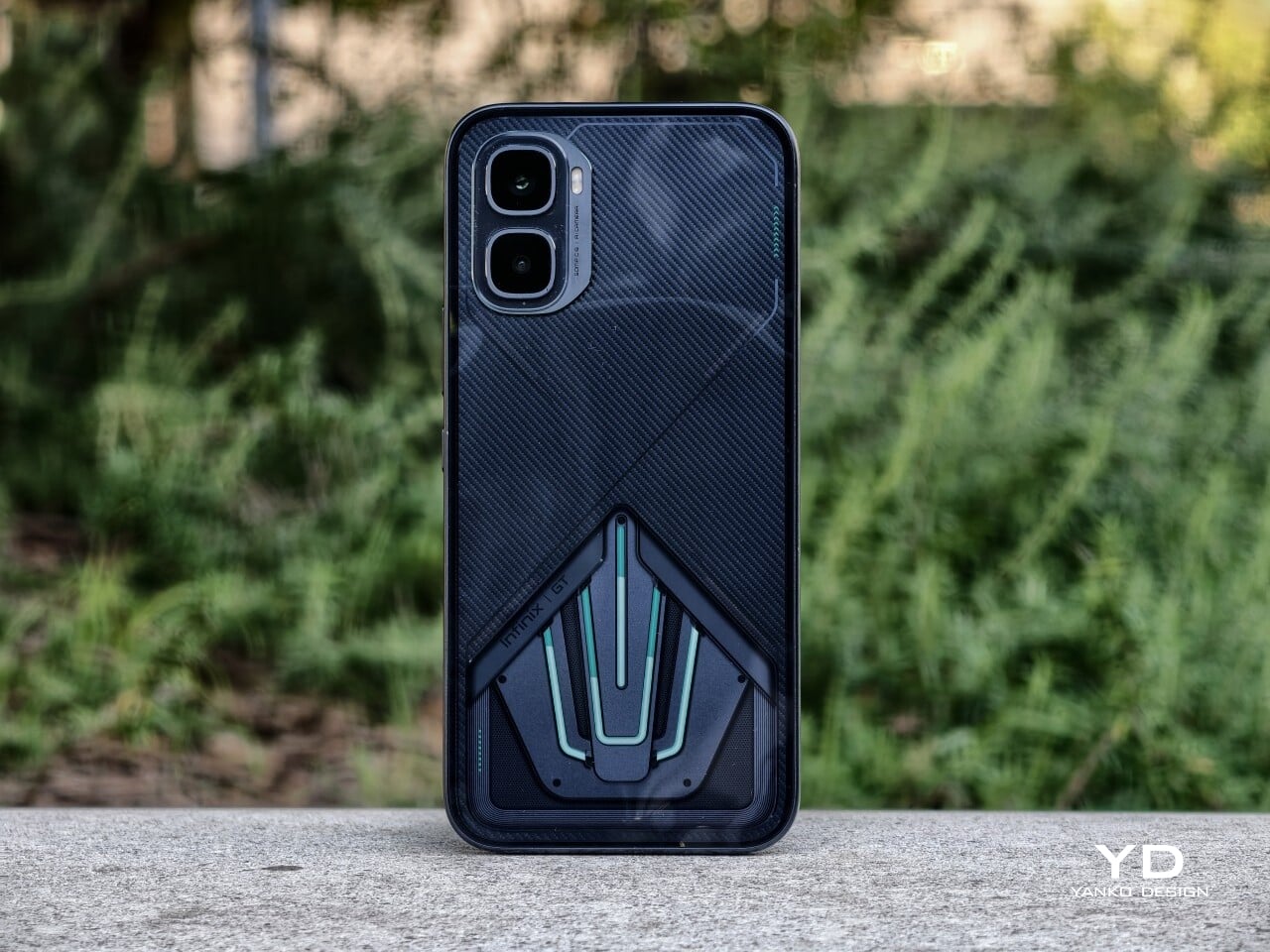
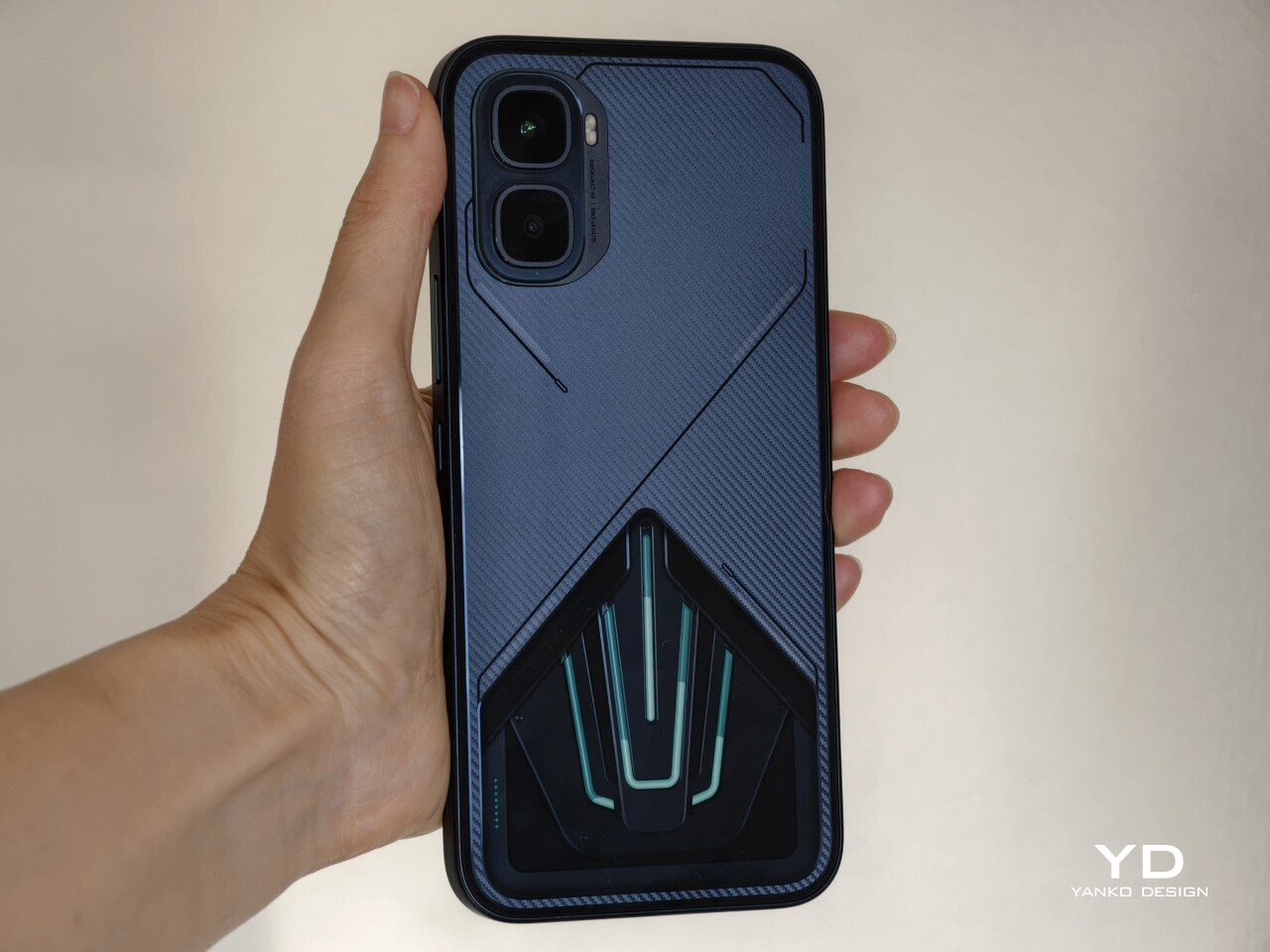
Flip the phone over, and there is no mistaking what it is. The rear panel embraces an aerodynamic, almost mechanical aesthetic, combining angular detailing, a carbon-fiber-like pattern, customizable LED accents, and a transparent section that showcases the liquid-cooling system underneath. There is a lot happening visually, but it feels controlled. Rather than coming across as excessive, the design feels cohesive and deliberately built around the phone’s gaming-first identity.

The camera module follows the same approach. Its two rear cameras are placed on a raised platform in the top-left corner, with each lens individually framed within a square border. It certainly adds to the industrial, structured look of the back, though I have never been particularly fond of this kind of layout since the separate frames tend to collect dust more easily and make the area slightly more annoying to wipe clean.
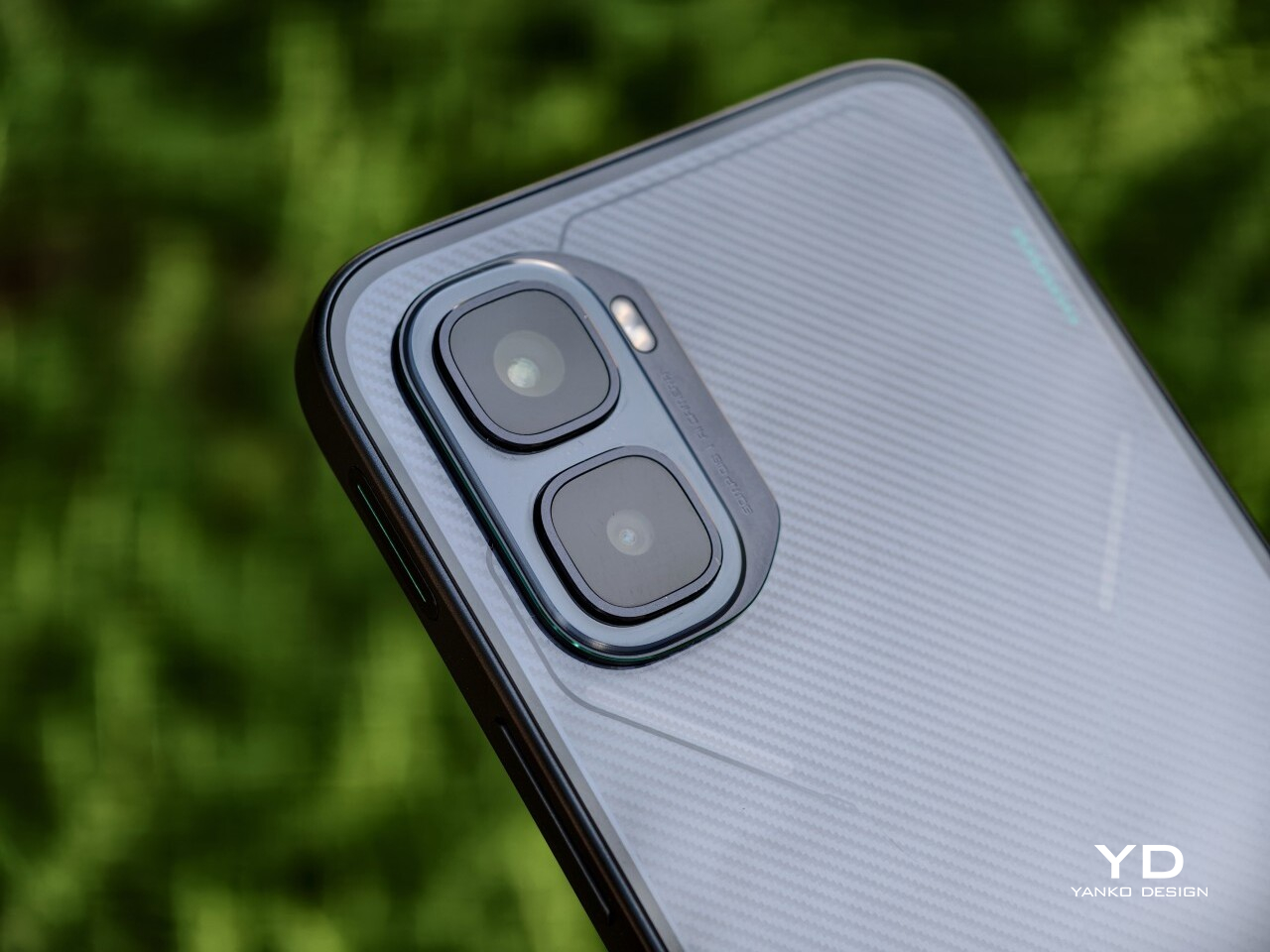
There are three color options, and each one changes the mood of the design. Black Abyss unit I received, paired with green liquid-cooling accents, looks the most understated while still retaining that gaming edge. Silver Glacier, with blue liquid cooling, comes across as the most futuristic of the lot. Red Blaze is easily the boldest finish here, and it is the variant for those who want the GT 50 Pro to attract attention instantly.

What ultimately stands out is the restraint behind the boldness. The GT 50 Pro is distinctive enough to feel special, but it never crosses into the kind of excess that would make it awkward to use in everyday life. More than anything, it feels like a more refined and self-assured evolution of the GT design language rather than a dramatic reset.

Ergonomics

For a phone that leans this heavily into gaming aesthetics, the Infinix GT 50 Pro is surprisingly manageable in the hand. It measures 162.44 x 72.33 x 8.15 mm and weighs 198g, which firmly places it in large-phone territory, but it never feels unnecessarily bulky or awkward. The proportions are well judged, and the phone carries its size with more balance than the numbers might suggest.
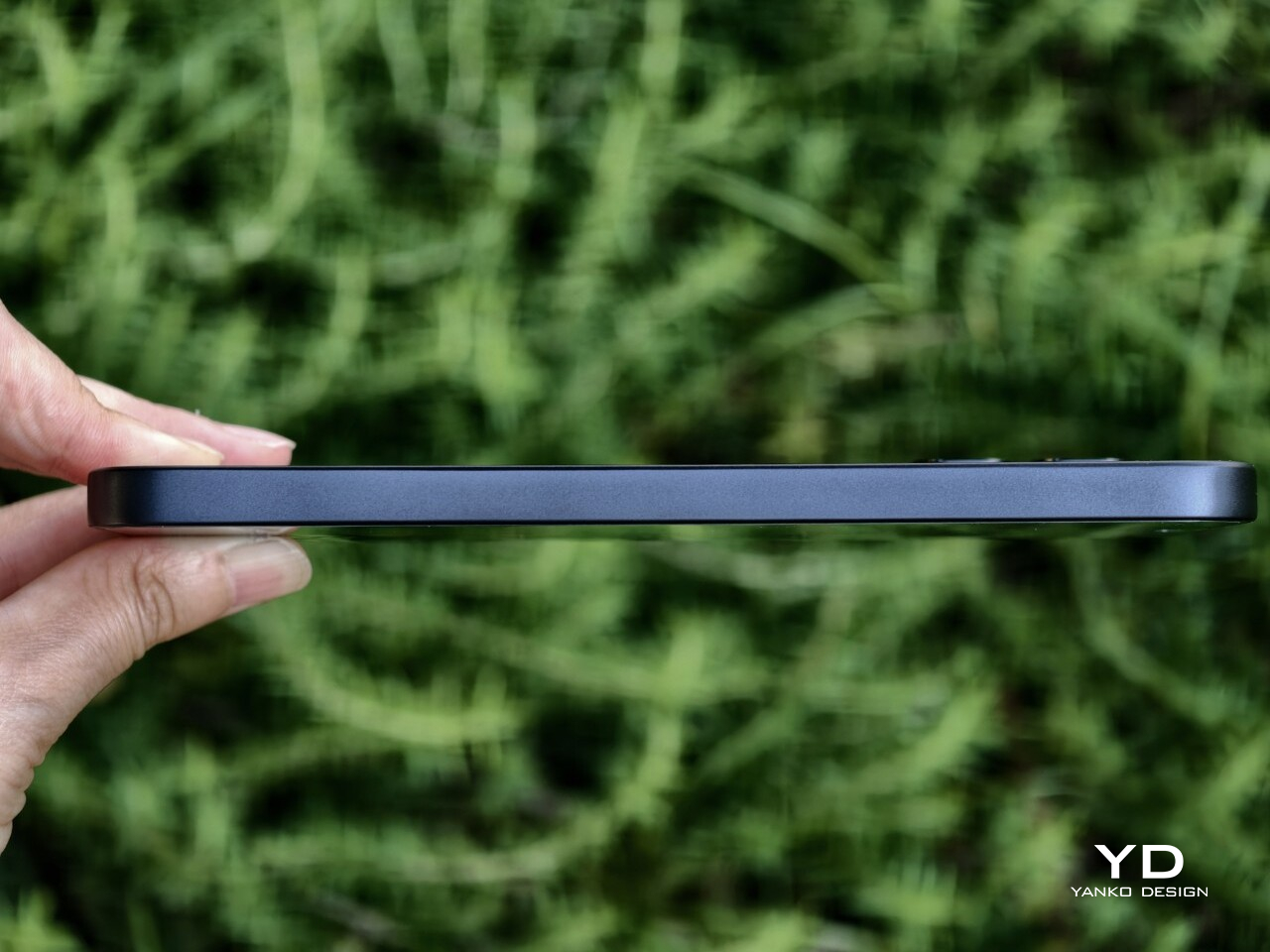
The flat sides do help with grip, especially during gaming or extended video sessions where a more secure hold matters. Paired with the glossy back, the GT 50 Pro still feels steady in the hand rather than overly slippery. The rear panel does pick up fingerprints quite easily, but thanks to the carbon-fiber-like pattern and the liquid-cooling visuals underneath, smudges are less obvious than they would be on a plain glossy surface. The included case, on the other hand, feels quite plasticky, though you will likely want to use it anyway if you plan on attaching the bundled MagCharge cooler, which I will get to later.
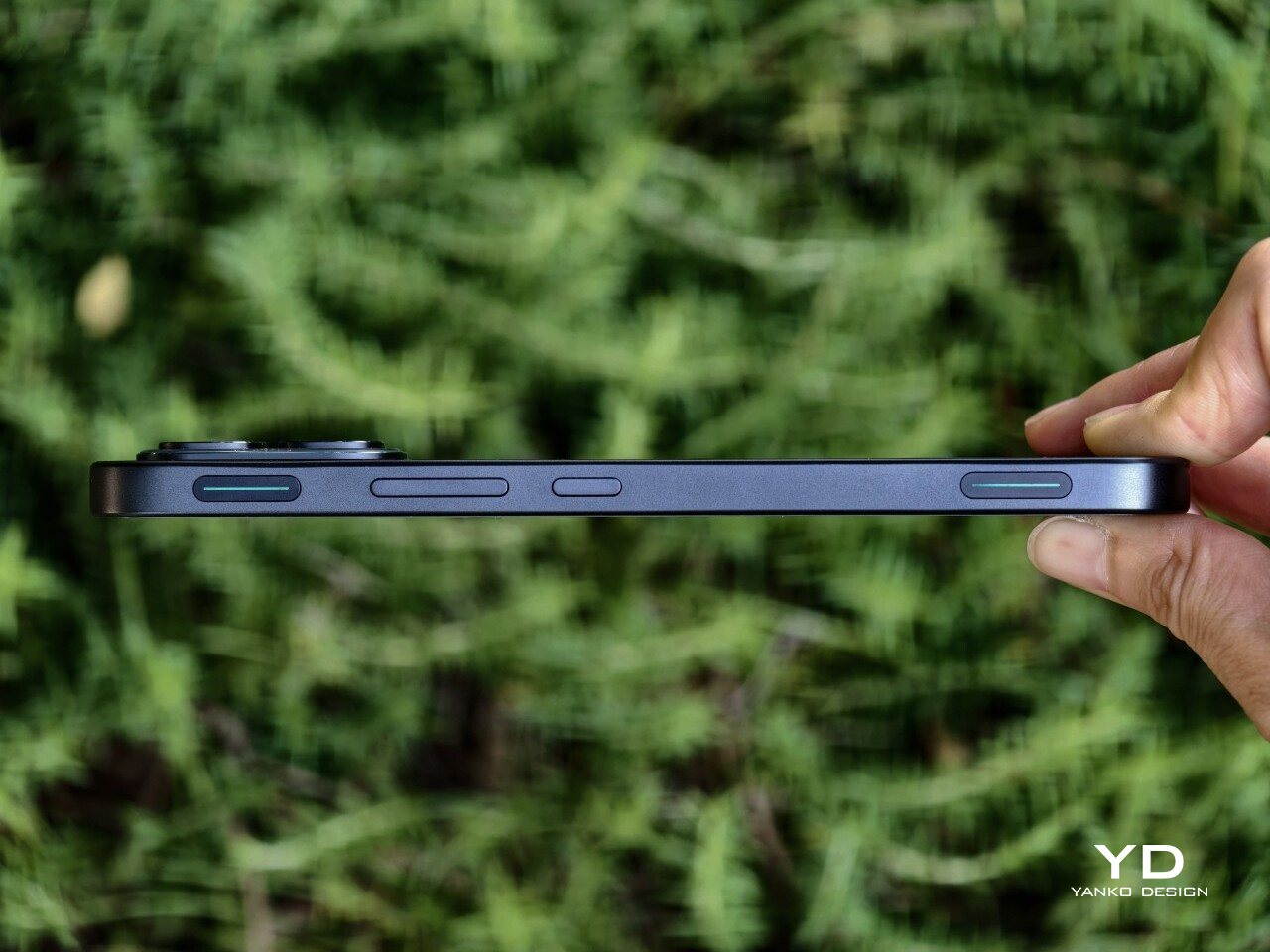
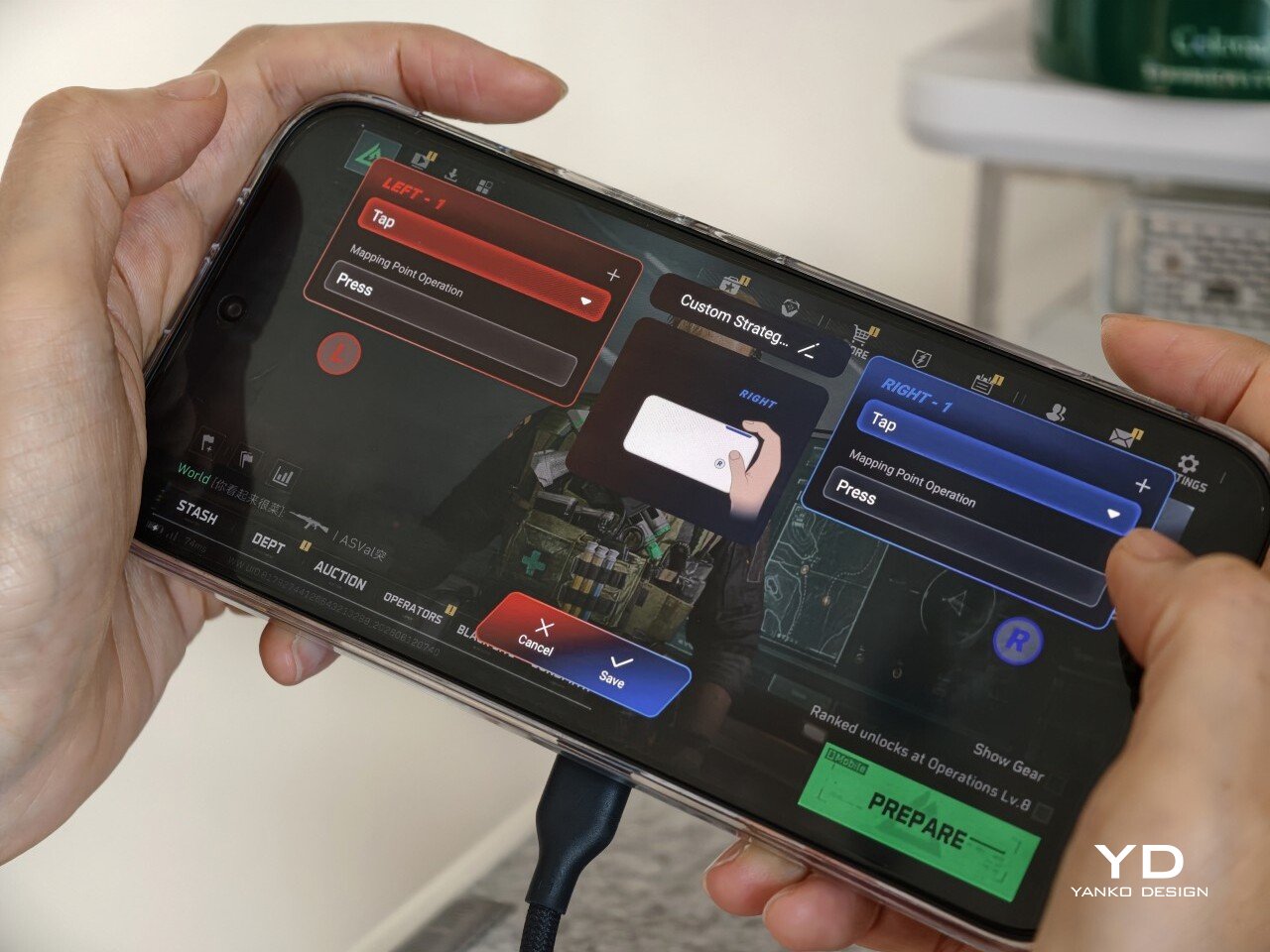
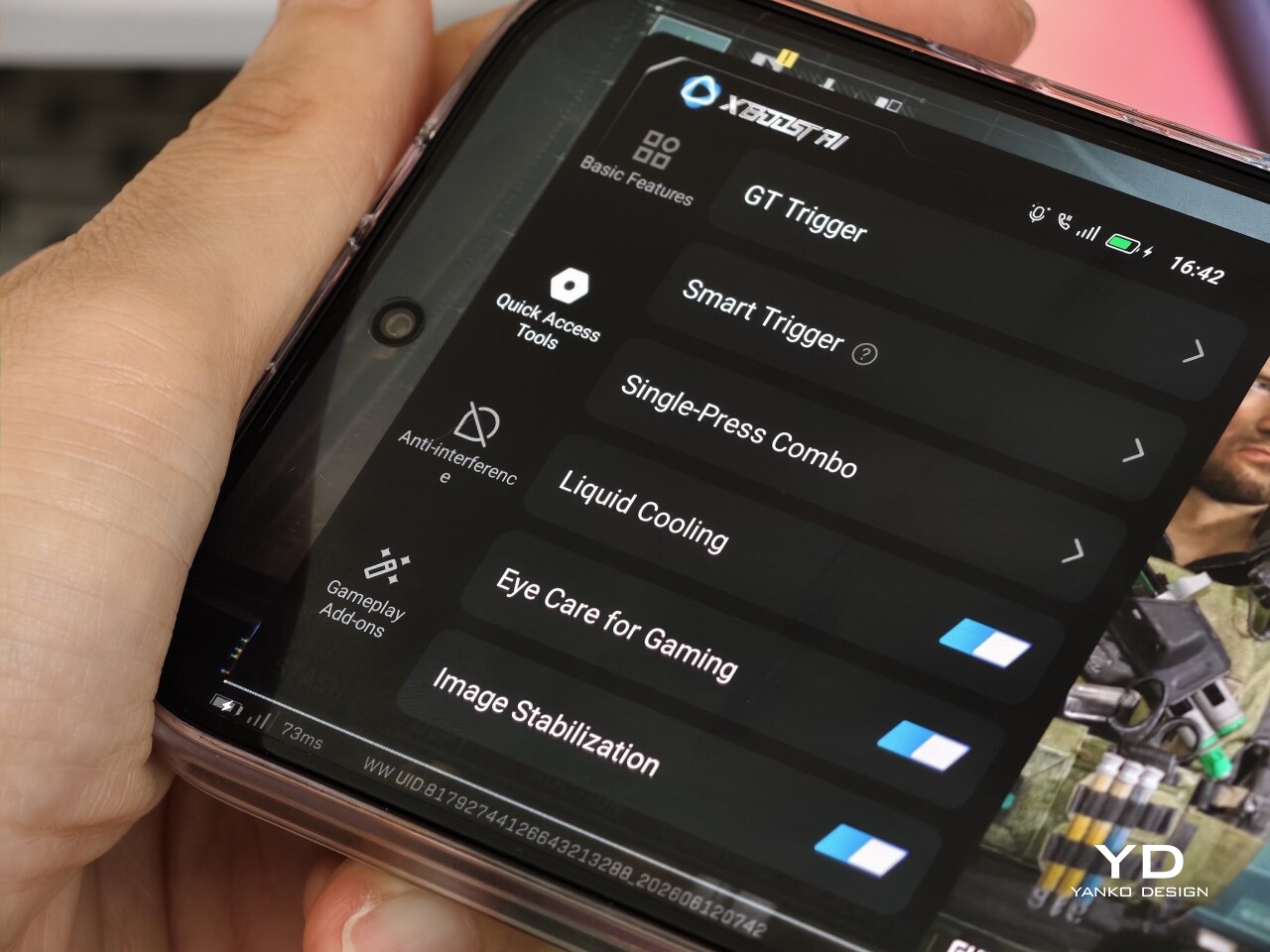
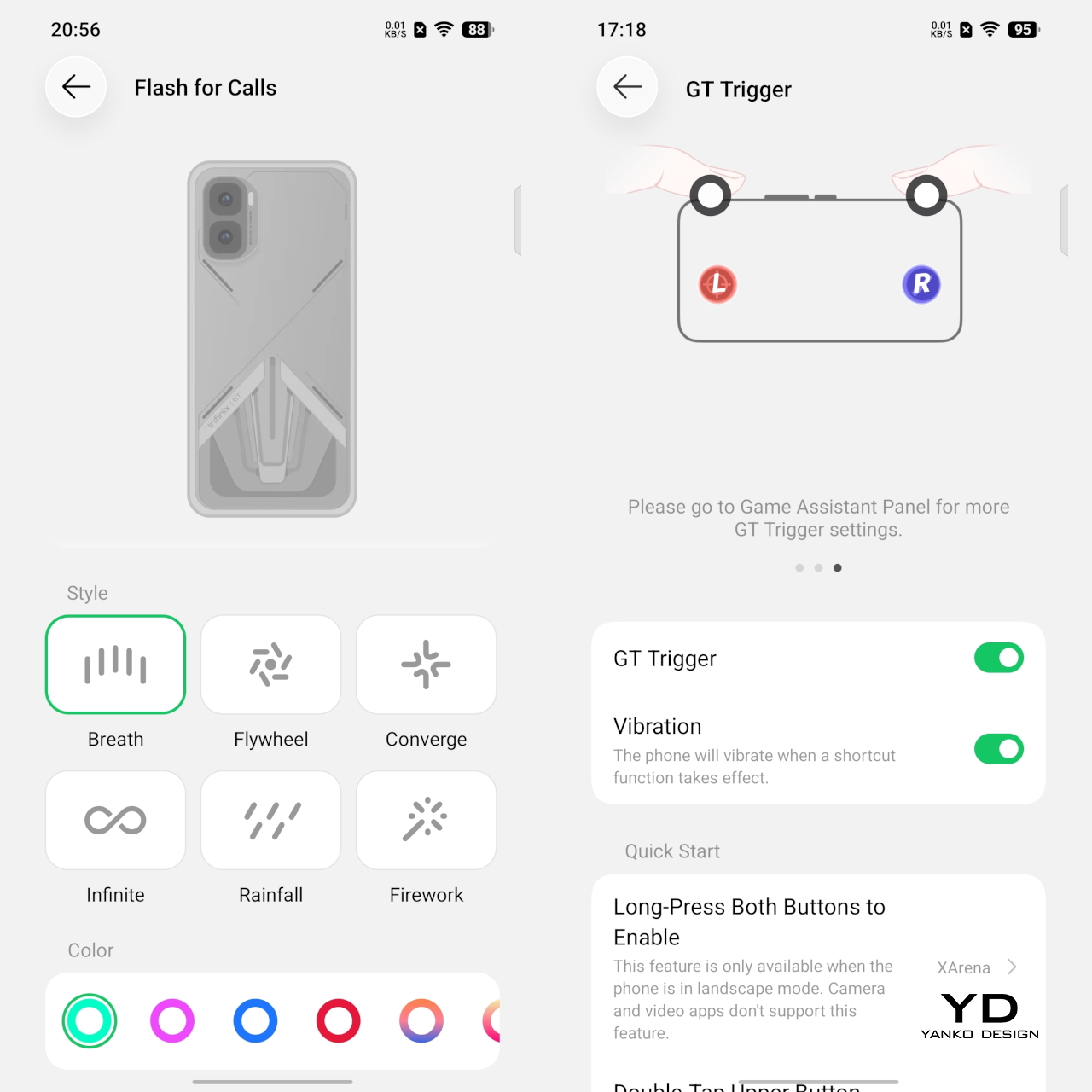
One of the more distinctive ergonomic features here is the pair of GT triggers. These customizable pressure-sensitive triggers add something genuinely useful to the physical experience of the phone, especially for gaming. In supported games, they can make actions like aiming, firing, or switching controls feel quicker and more tactile than relying entirely on the touchscreen. Even outside gaming, the fact that they are customizable gives them some practical value and keeps them from feeling like a one-note gimmick.
The rest of the layout is otherwise fairly standard. The power button and volume rocker are easy enough to reach, but the fingerprint sensor sits a bit too close to the bottom edge for comfort. It works quickly, but it is not the most natural placement. Overall, the GT 50 Pro feels built more around grip, control, and gaming comfort than one-handed ease, and that feels entirely appropriate for what it is.

Performance

The Infinix GT 50 Pro is powered by the MediaTek Dimensity 8400 Ultimate, paired with 12GB of RAM and either 256GB or 512GB of storage. On paper alone, that already puts it in a very comfortable position for a phone in this segment. In day-to-day use, the experience lives up to that promise. Animations are smooth, apps open quickly, and there is enough headroom here that the phone rarely feels like it is under any real strain, even when several things are happening at once.
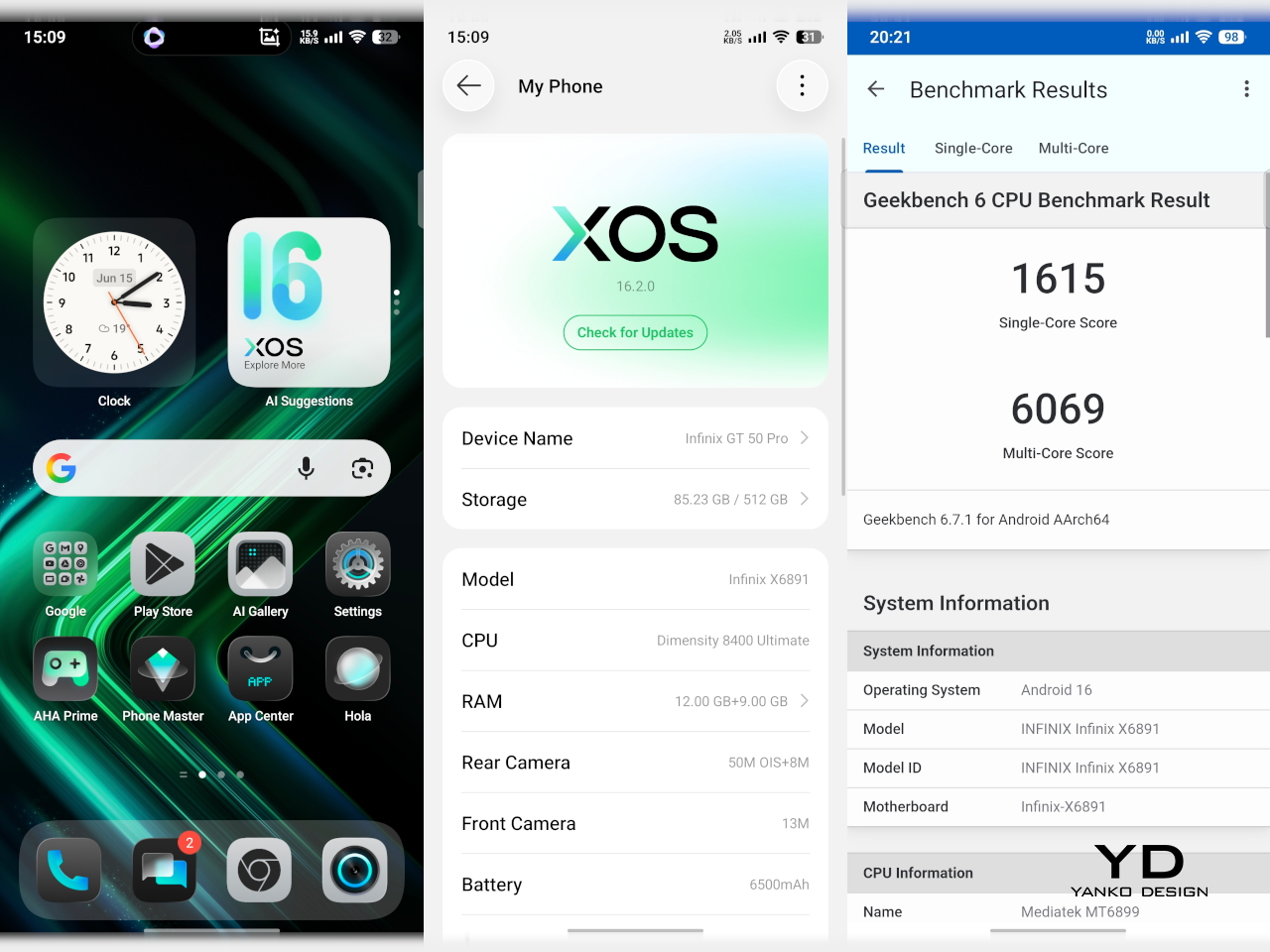
Gaming is where the hardware starts to make the most sense. The GT 50 Pro handles demanding titles with the kind of confidence you would expect from a device built around this purpose. Frame rates feel stable, touch response is quick, and the GT triggers add a layer of physical control that makes certain games feel more intuitive than they do on a standard touchscreen-only phone. It is not just about having enough power to run games well. It is also about making the whole experience feel more deliberate and more enjoyable.
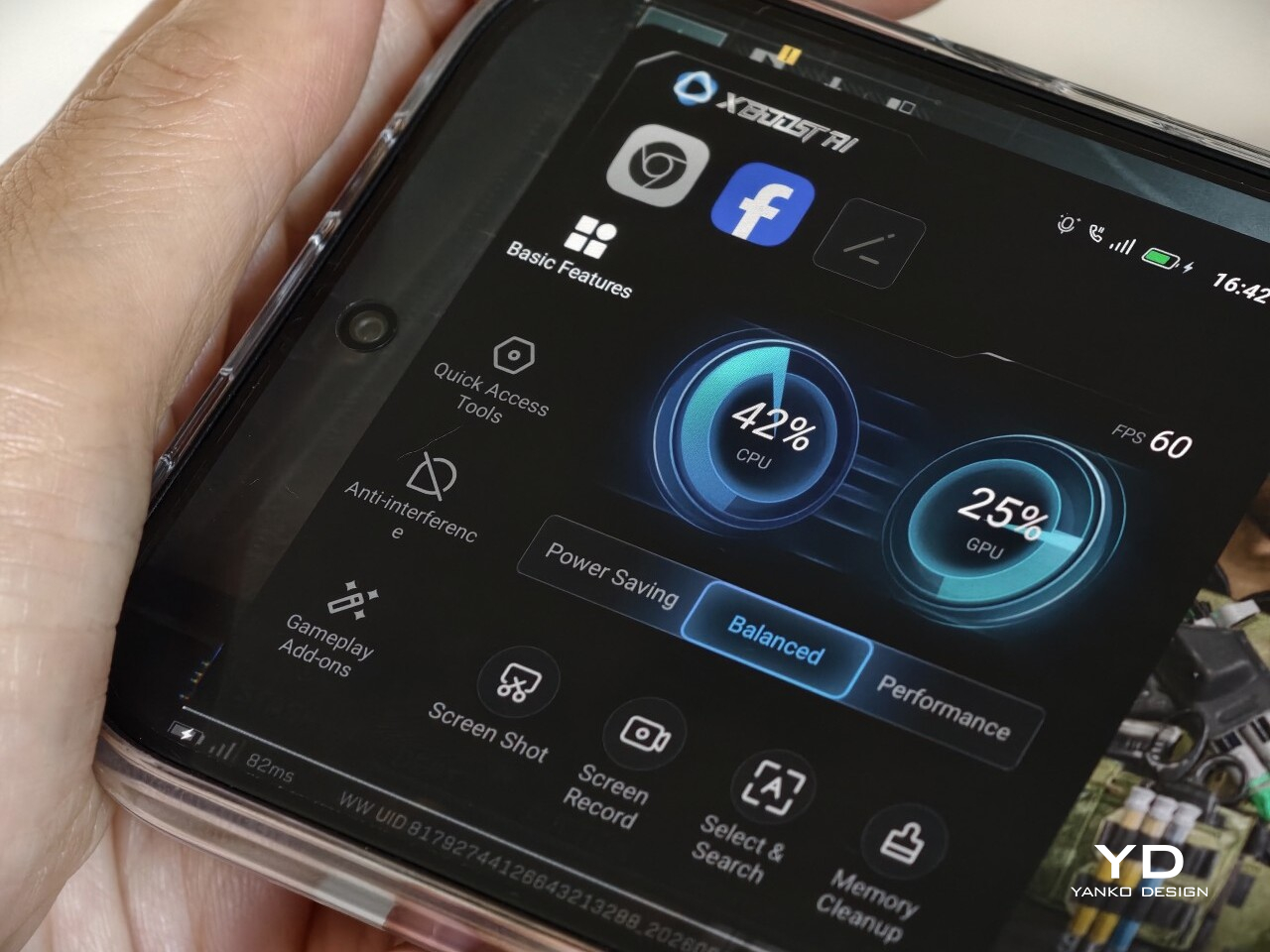
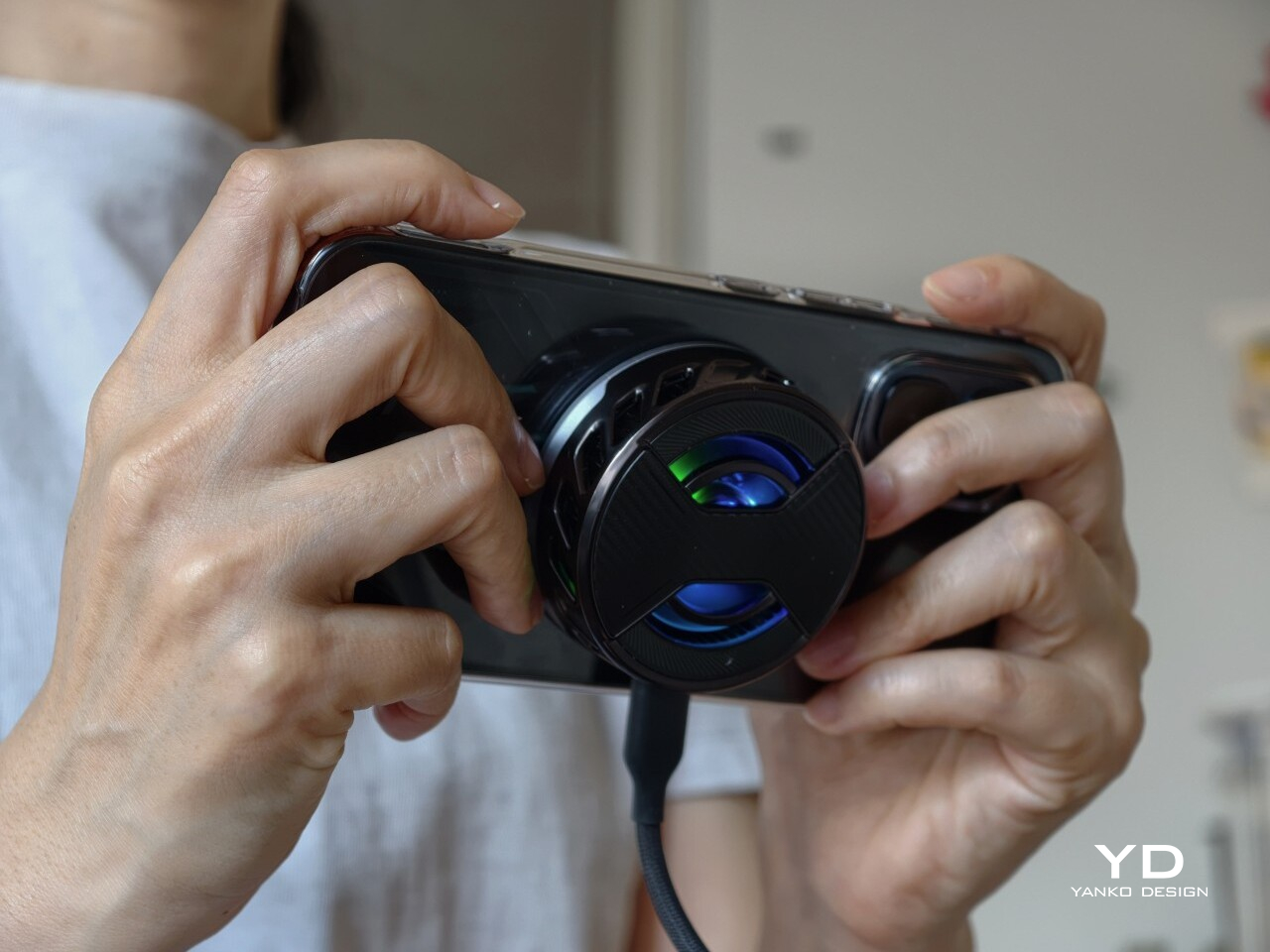
The bundled MagCharge cooler is part of the experience, too. Not everyone will need it all the time, but it does make the GT 50 Pro feel more complete as a gaming device. In my use, an hour of playing Delta Force at the highest settings kept the phone below 40 degrees Celsius, which is a reassuring result for extended sessions. It also works as a wireless charger while attached, so you can game for longer without having to put up with a cable jutting awkwardly out of the phone. The built-in lighting effects are a nice touch as well, and they fit neatly with the rest of the GT 50 Pro’s gaming-focused identity.
Software plays a major role in shaping that experience too. Running XOS 16 based on Android 16, the GT 50 Pro offers a wide range of gaming-focused features that fit the phone’s identity well. There is also a growing library of AI tools built into the system, though their usefulness will vary depending on how much you actually rely on those features in daily use.
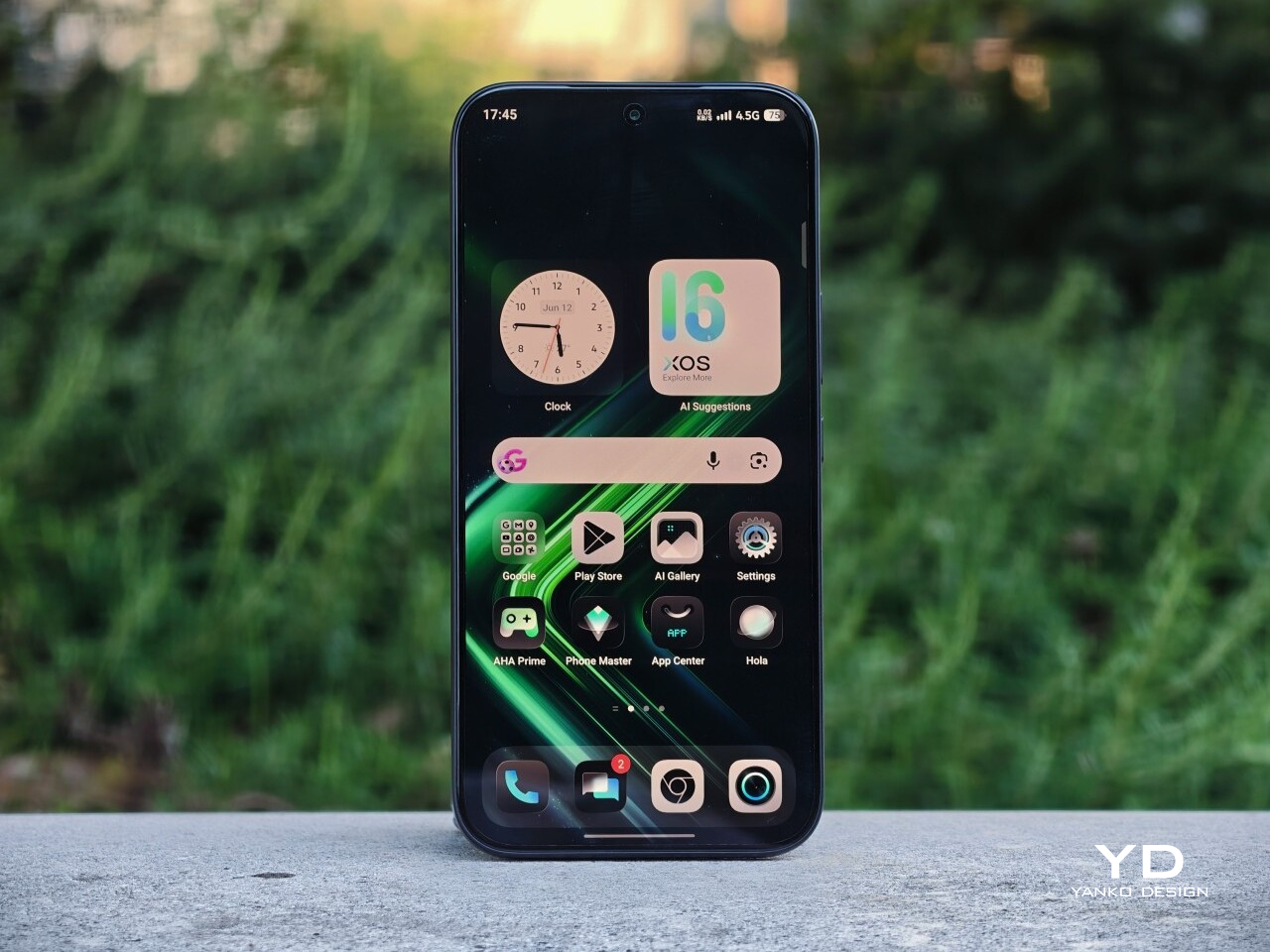
The GT 50 Pro features a 6.78-inch AMOLED panel with a 1.5K resolution and a 144Hz refresh rate, and it is one of the phone’s biggest strengths. Everything looks sharp, motion is fluid, and the high refresh rate makes a difference not just in games but also in everyday scrolling and navigation. With a claimed peak brightness of 4,500 nits and 1,600 nits in high brightness mode, the screen is generally easy to see even under harsh sunlight. That said, I did run into a few moments where automatic brightness felt a little too conservative, leaving the display dimmer than expected until I adjusted it manually.
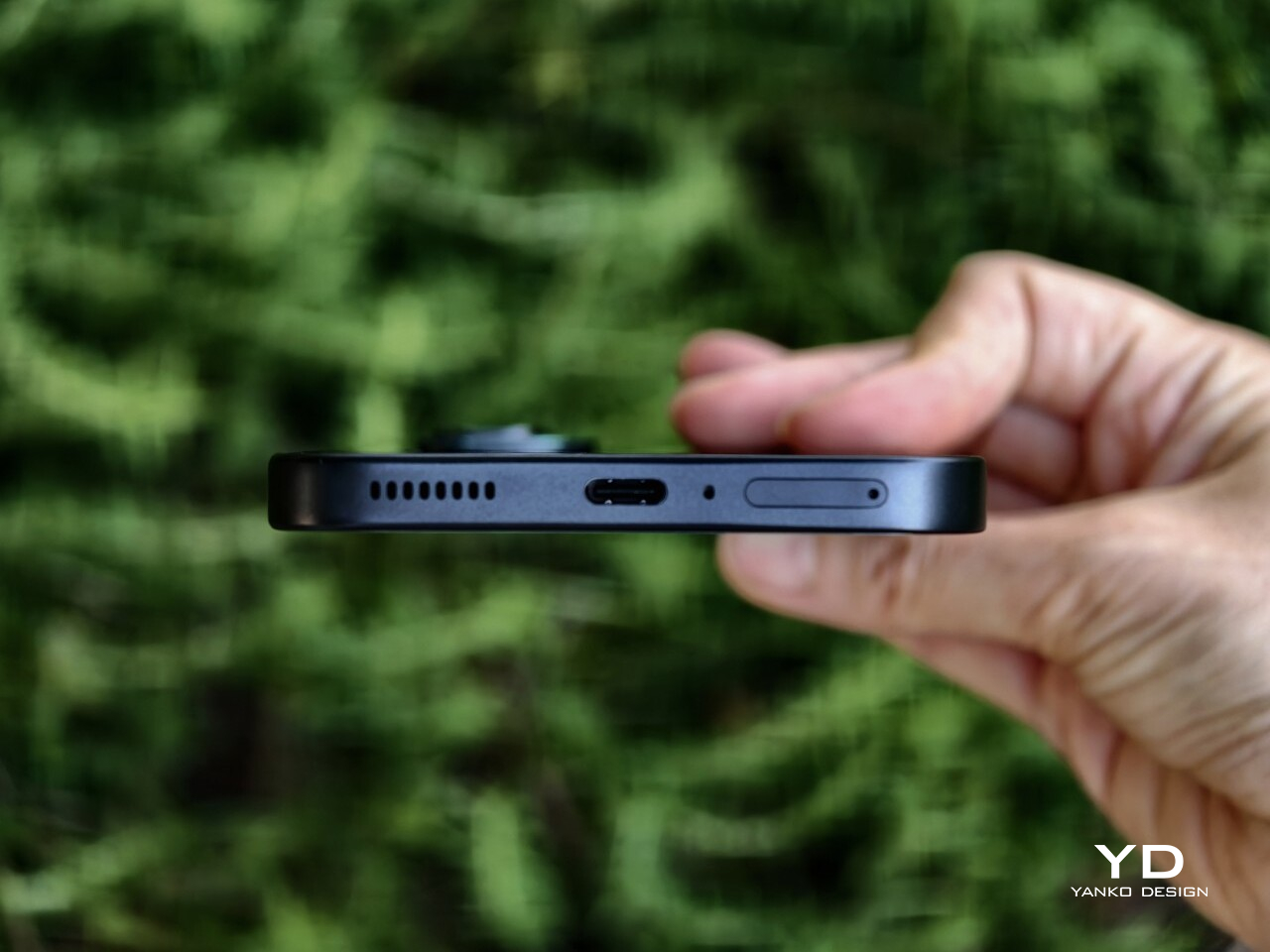
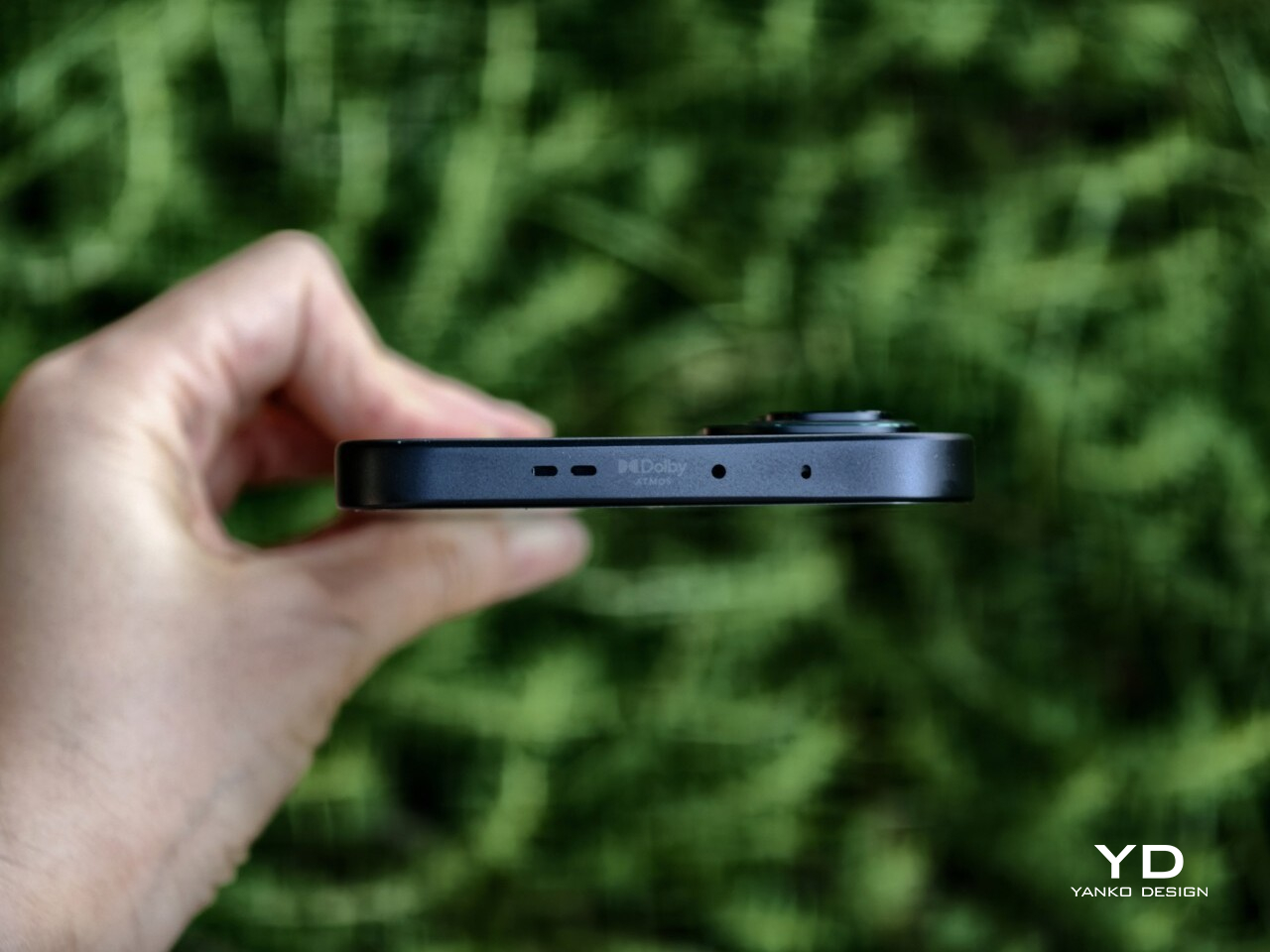
The audio experience is less convincing. The stereo speakers are decent enough for casual use, but they do not leave much of an impression. At times, some sounds come across as slightly muffled, which takes away a bit from the otherwise immersive gaming and media experience. It is not a deal-breaker, but it is one area where the phone feels less polished than its display.

Ultra-wide, 0.6x

Main, 1x

Main, 2x

The camera system on the Infinix GT 50 Pro is more practical than ambitious, which feels fitting for a phone like this. You get a 50MP main camera with OIS, an 8MP ultrawide, and a 13MP front camera. The main camera does most of the heavy lifting, and in good lighting, it is capable of producing sharp, pleasing shots for everyday use.

Main, 1x

Main, 2x

Up to 2x zoom, image quality remains decent, but beyond that, the limitations become more obvious. The phone can go as far as 15x, though that upper range feels more like a bonus than something genuinely useful. Color processing also tends to lean warm and vibrant, which gives photos a lively look even if they are not always the most natural.

Main, 1x

Main, 2x

Battery life is another area where the GT 50 Pro benefits from its gaming-first priorities. Depending on the market, the phone comes with either a 6,150mAh or 6,500mAh battery, and either way, that is a generous capacity by current standards. The unit I received came with the 6,500mAh battery, and its endurance is impressive, easily lasting a full day even with a couple of hours of gaming mixed in. Charging support is also solid, with 45W wired charging and 30W wireless charging adding a welcome layer of convenience.

Sustainability

Sustainability is not always the first thing people look for in a gaming-focused phone, but it still matters, especially for a device that is likely to be used heavily over time. With the Infinix GT 50 Pro, the discussion is less about environmental branding and more about durability and software longevity. Those may not be the most exciting parts of the package, but they are often the ones that shape the ownership experience in the long run.
On the hardware side, the GT 50 Pro uses Corning Gorilla Glass 7i for added screen protection and carries an IP64 rating for dust and splash resistance. That does not make it a rugged device, and it is still worth being cautious around water since the protection is limited to splashes rather than full immersion. Even so, these are useful safeguards for a phone that is likely to be handled often and used intensively.

Software support strengthens the picture further. Infinix promises three years of Android OS version updates and five years of security patches, which may not lead the class but still counts as a meaningful commitment at this level. It gives the GT 50 Pro a better shot at remaining secure, relevant, and worth holding onto for longer.

Value

Value is where the Infinix GT 50 Pro still holds up well, but it is also where the conversation gets a little more complicated. In the Philippines, the 12GB + 256GB variant is priced at PHP 25,999, or roughly USD 427, while the 12GB + 512GB version comes in at PHP 29,999, or about USD 493. That is a noticeable jump from the GT 30 Pro, whose 12GB + 256GB version launched at PHP 19,999, or roughly USD 328.
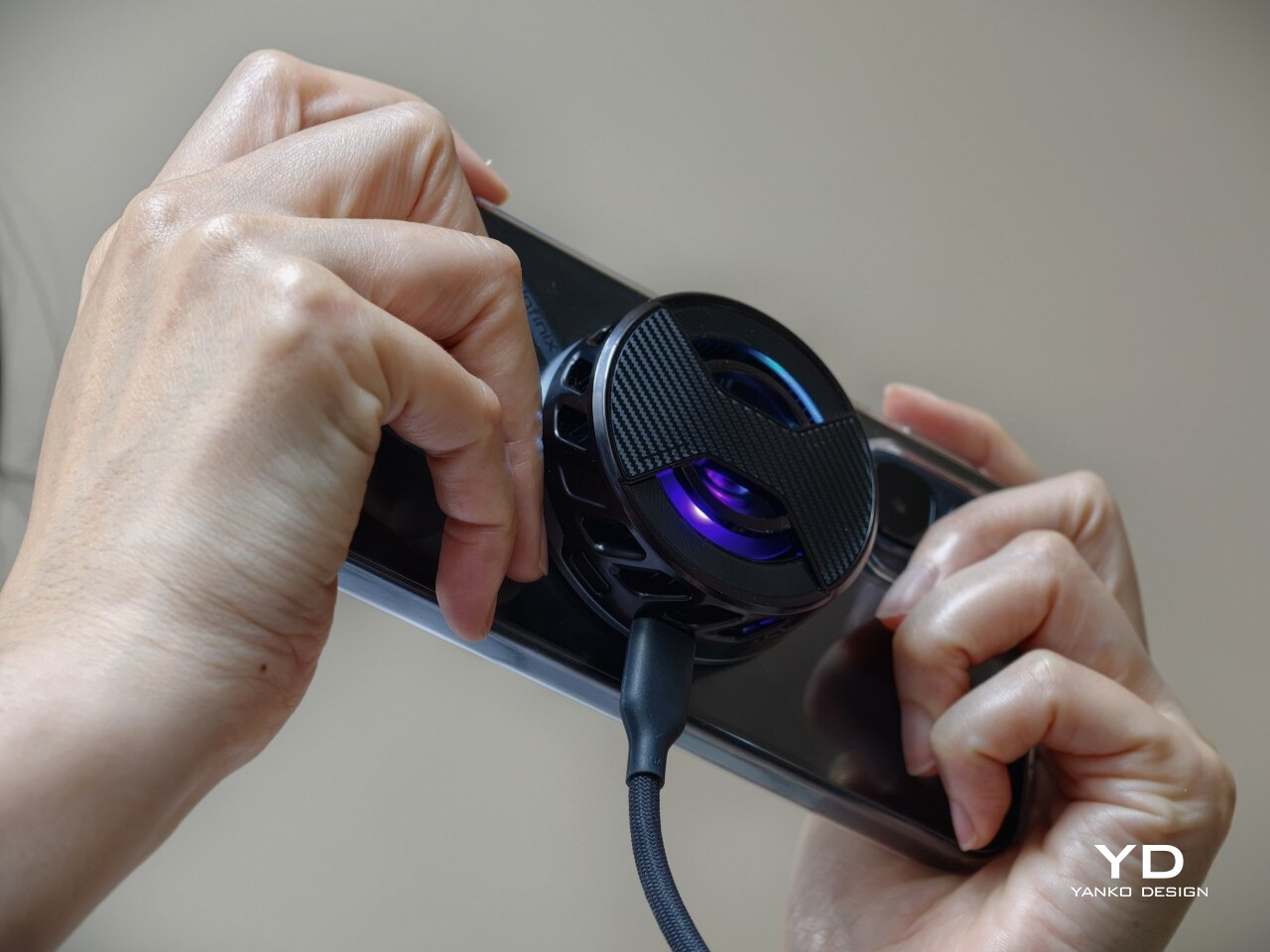
To be fair, the GT 50 Pro still offers a lot for the money. You are getting a Dimensity 8400 Ultimate chip, a 144Hz AMOLED display, GT triggers, a bundled MagCharge cooler, and a large battery, which makes it a well-equipped gaming phone at this price. The challenge is that the improvements over its predecessor feel more incremental than transformative, and it now enters a market with tougher competition. So while the pricing is still reasonable, the GT 50 Pro may not feel quite as disruptive as the GT line once did.

Verdict

The Infinix GT 50 Pro is a capable gaming phone with a clear identity. It offers strong performance, a sharp and fluid display, useful gaming features, and dependable battery life, all wrapped in a design that feels distinctive without becoming impractical.

Its compromises are fairly clear, too. The camera system is decent rather than exceptional, the speakers could be better, and the higher price means it no longer feels quite as disruptive as earlier GT models did. Even so, if your priorities are gaming, display quality, and overall performance, the GT 50 Pro remains a compelling option in its class.
The post Infinix GT 50 Pro Review: Gaming Greatness With a Catch first appeared on Yanko Design.
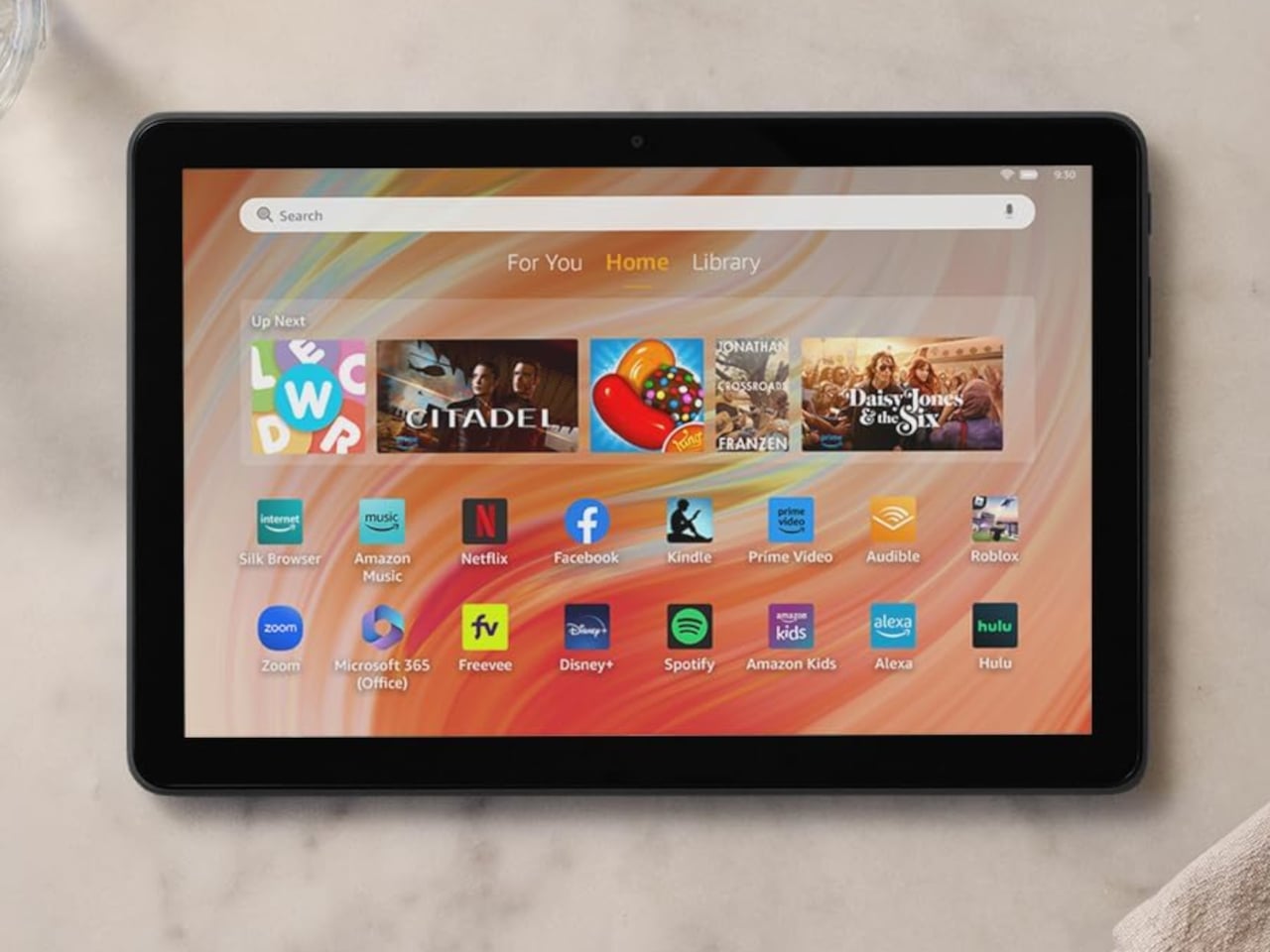

Lenovo Just Built a $499 Rugged Tablet You Can Run Without a Battery

Consumer tablets have gotten remarkably thin and capable, but the categories of people who actually use tablets on a job site, in a warehouse, or out in the field have largely been served by a different and considerably more expensive tier of hardware. Most rugged tablets come either from enterprise-only brands with steep price points, or from consumer devices pressed into duty they weren’t really designed for. The gap between those two extremes has rarely been addressed cleanly.

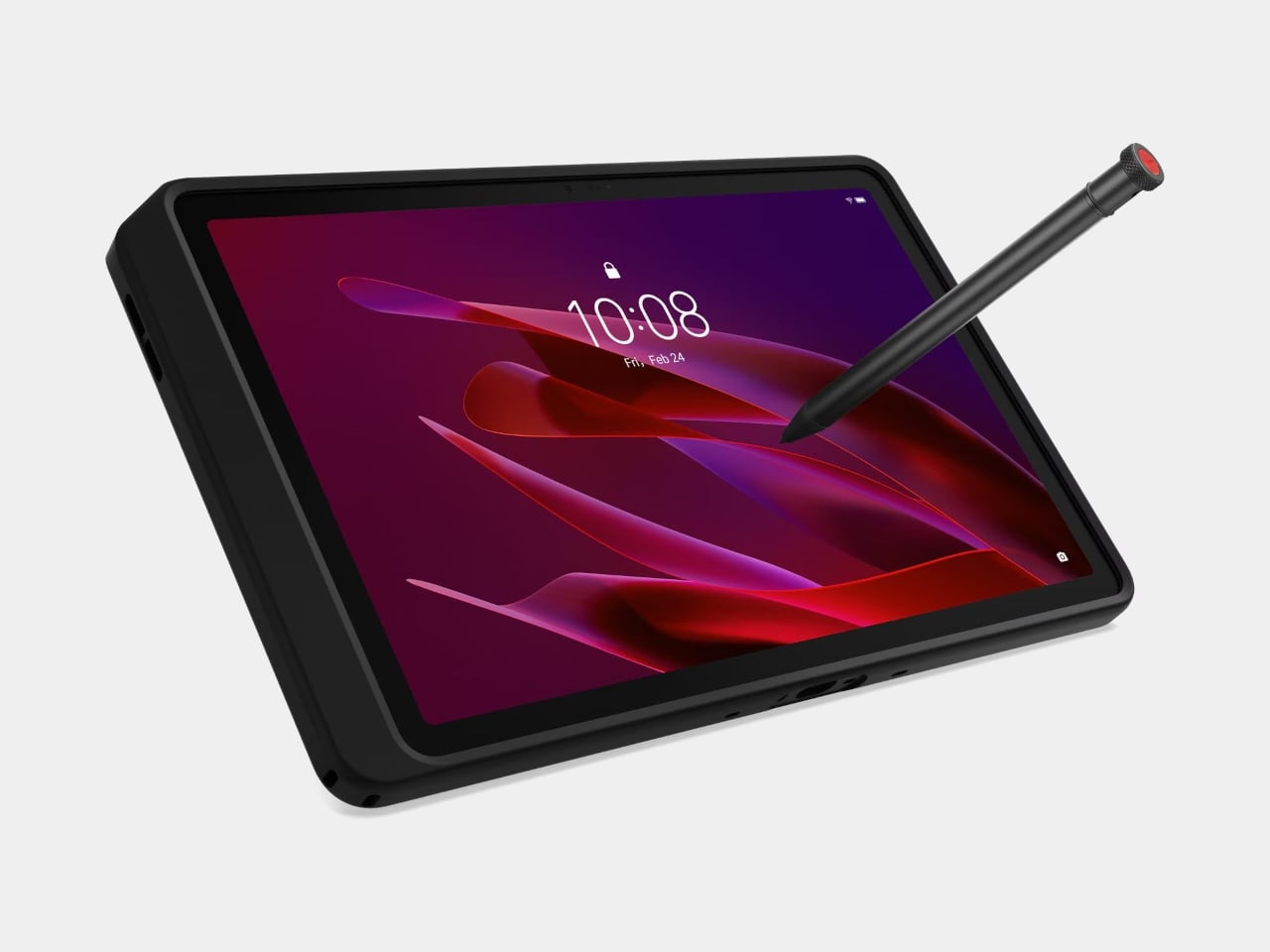
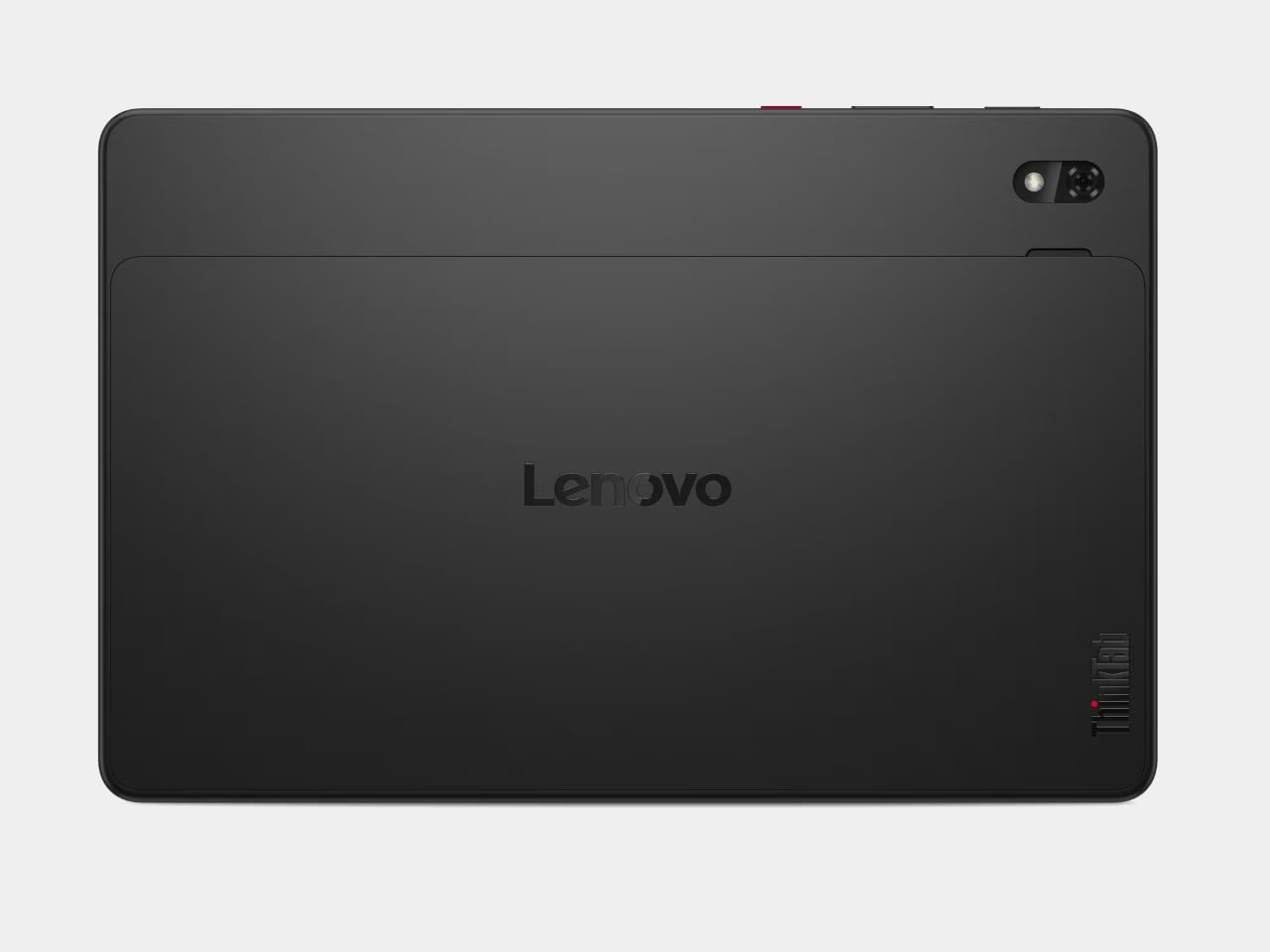
The Lenovo ThinkTab X11 is an attempt to close that gap. It’s the first device to carry the ThinkTab name, extending Lenovo’s Think portfolio into rugged Android territory for frontline workers in logistics, manufacturing, construction, transportation, and energy. Starting at $499, it lands well below what comparable enterprise-grade rugged tablets typically cost while bringing credentials that those environments actually require.

Designer: Lenovo

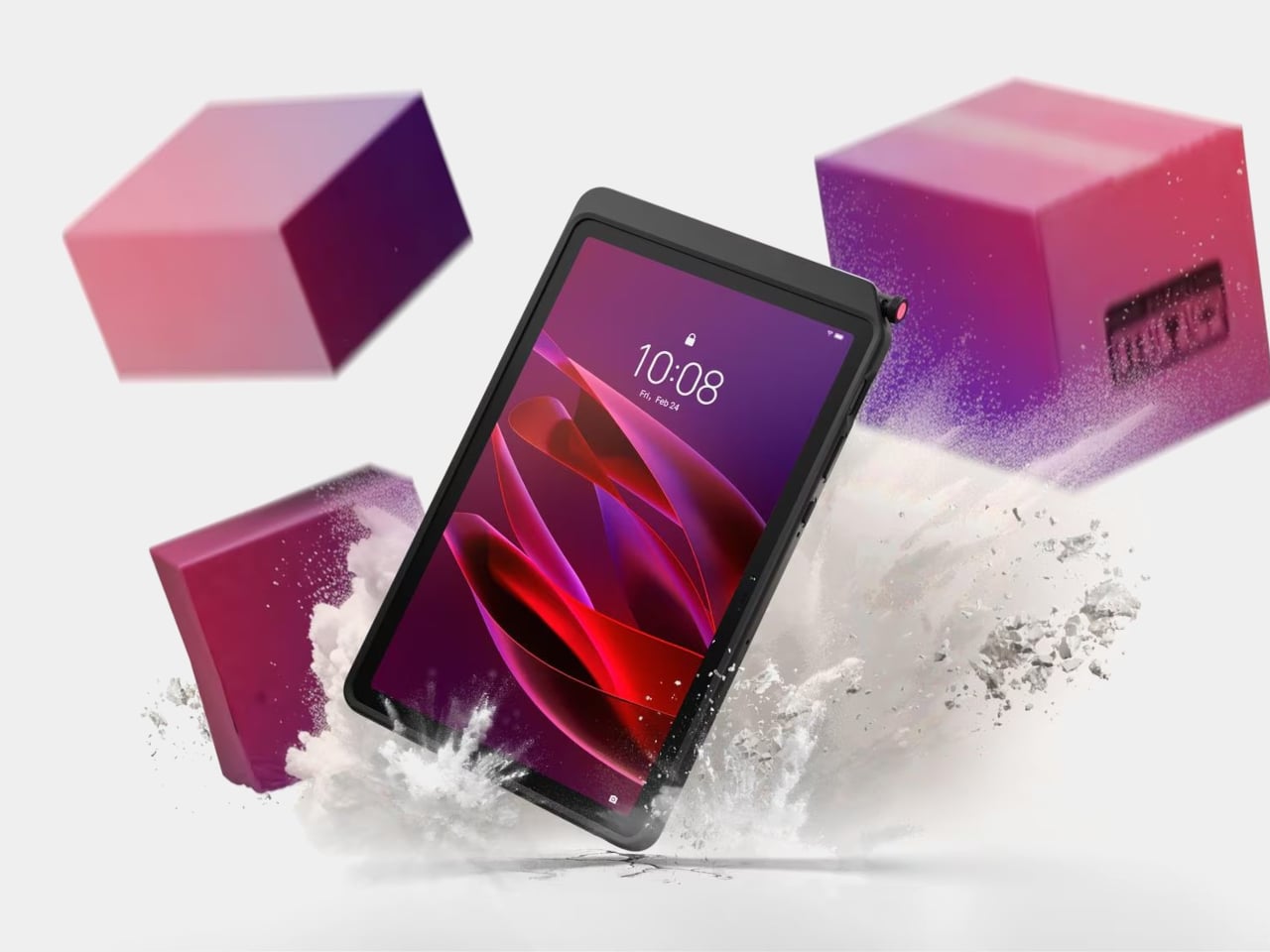
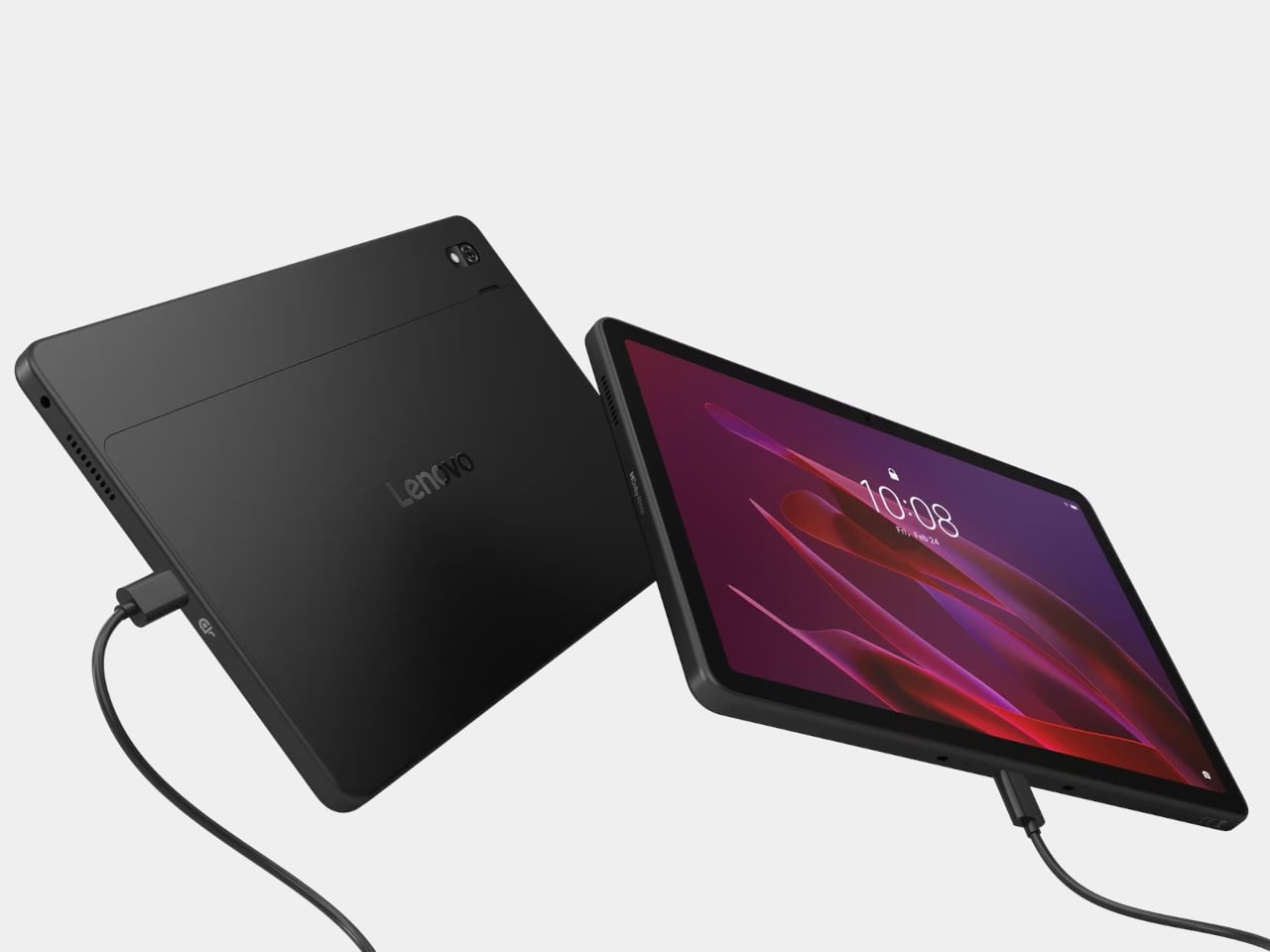
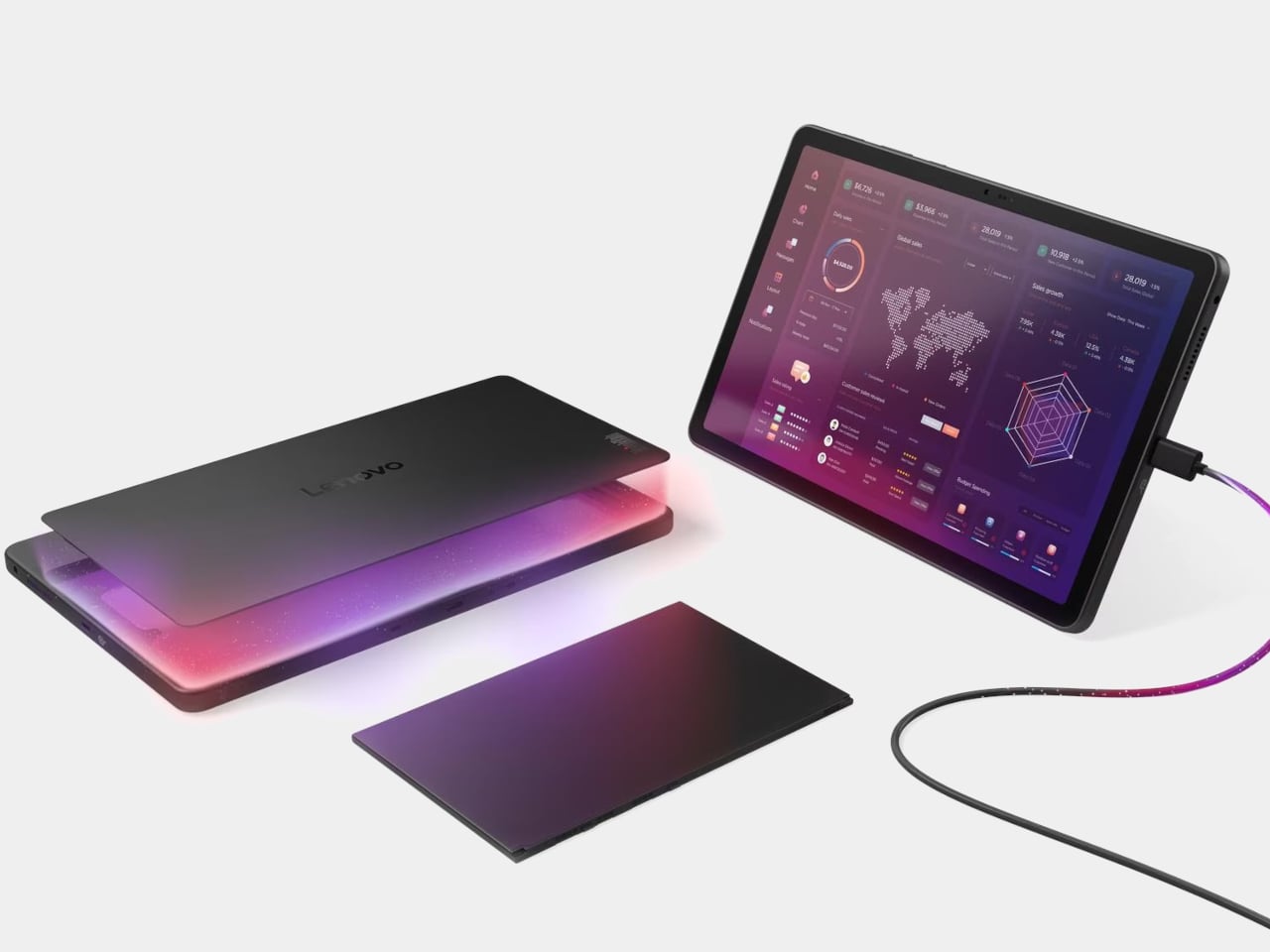
The most unusual thing about the ThinkTab X11 isn’t its durability ratings, which are genuine rather than decorative, but rather its battery design. The 10,200 mAh cell removes without tools, using a screwless mechanism that lets a worker swap a depleted pack for a fresh one mid-shift and keep going. That’s a design decision that most tablet makers abandoned years ago in pursuit of thinner profiles, and it matters enormously when a dead device means halting an entire workflow.
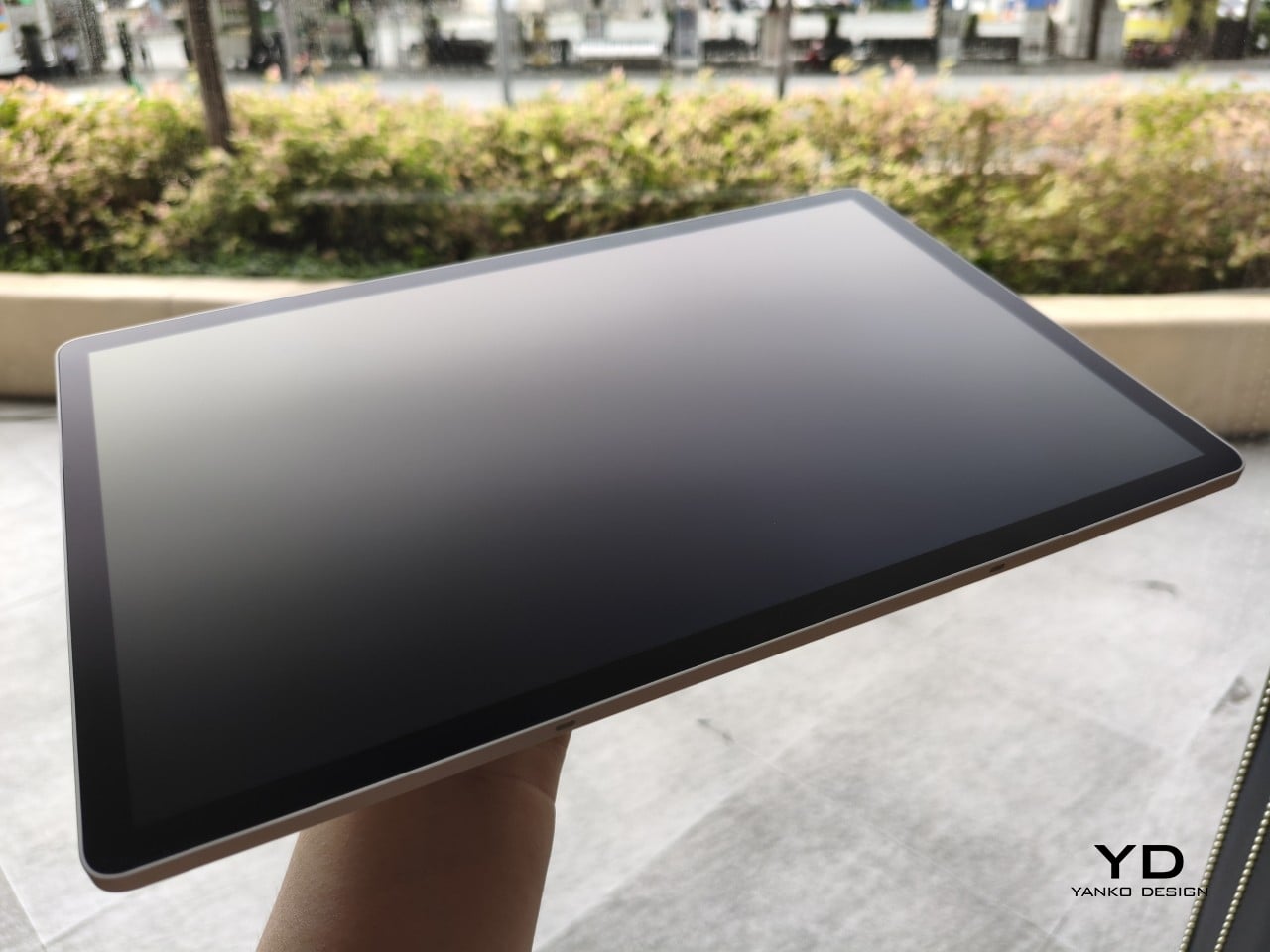
It goes further with a battery-less operating mode. When the tablet is mounted in a vehicle or bolted to a fixed workstation, it can run directly from DC power with no battery installed at all. This reduces heat buildup during continuous use, extends the long-term health of the device, and removes the battery’s natural degradation from the equation entirely for fixed deployments. Dual USB-C ports handle simultaneous charging and peripheral connectivity alongside all of that.

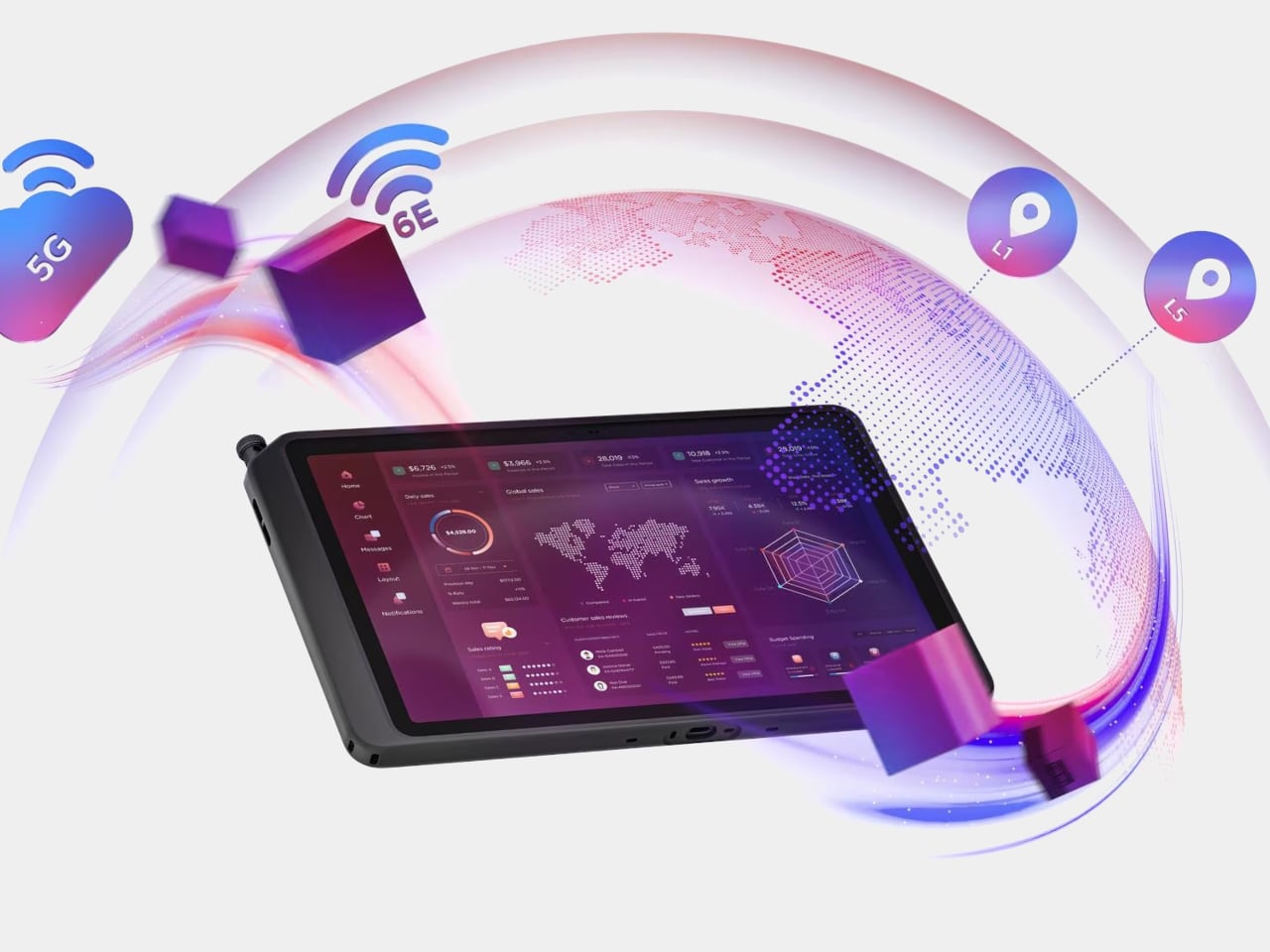
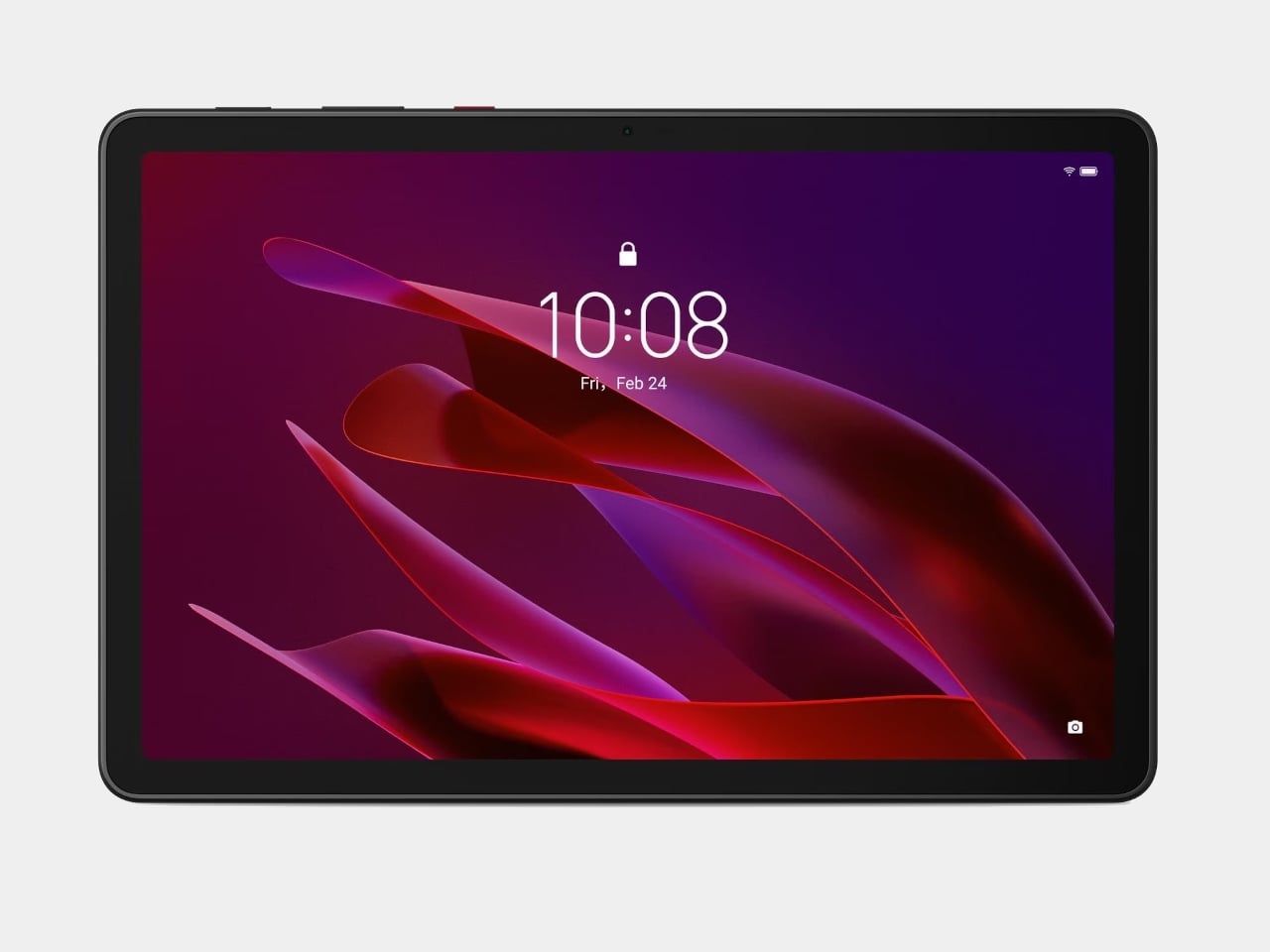
The rest of the hardware is built around the same operating logic. The 10.95-inch display runs at 90 Hz with up to 800 nits of peak brightness under high brightness mode, and it’s coated with Corning Gorilla Glass. The touch layer is calibrated to work with gloved hands and wet fingers, which matters on a construction site or loading dock more than any raw spec comparison might suggest. The Snapdragon 7s Gen 3 handles processing, with up to 12 GB of RAM and up to 512 GB of UFS 3.1 storage available.

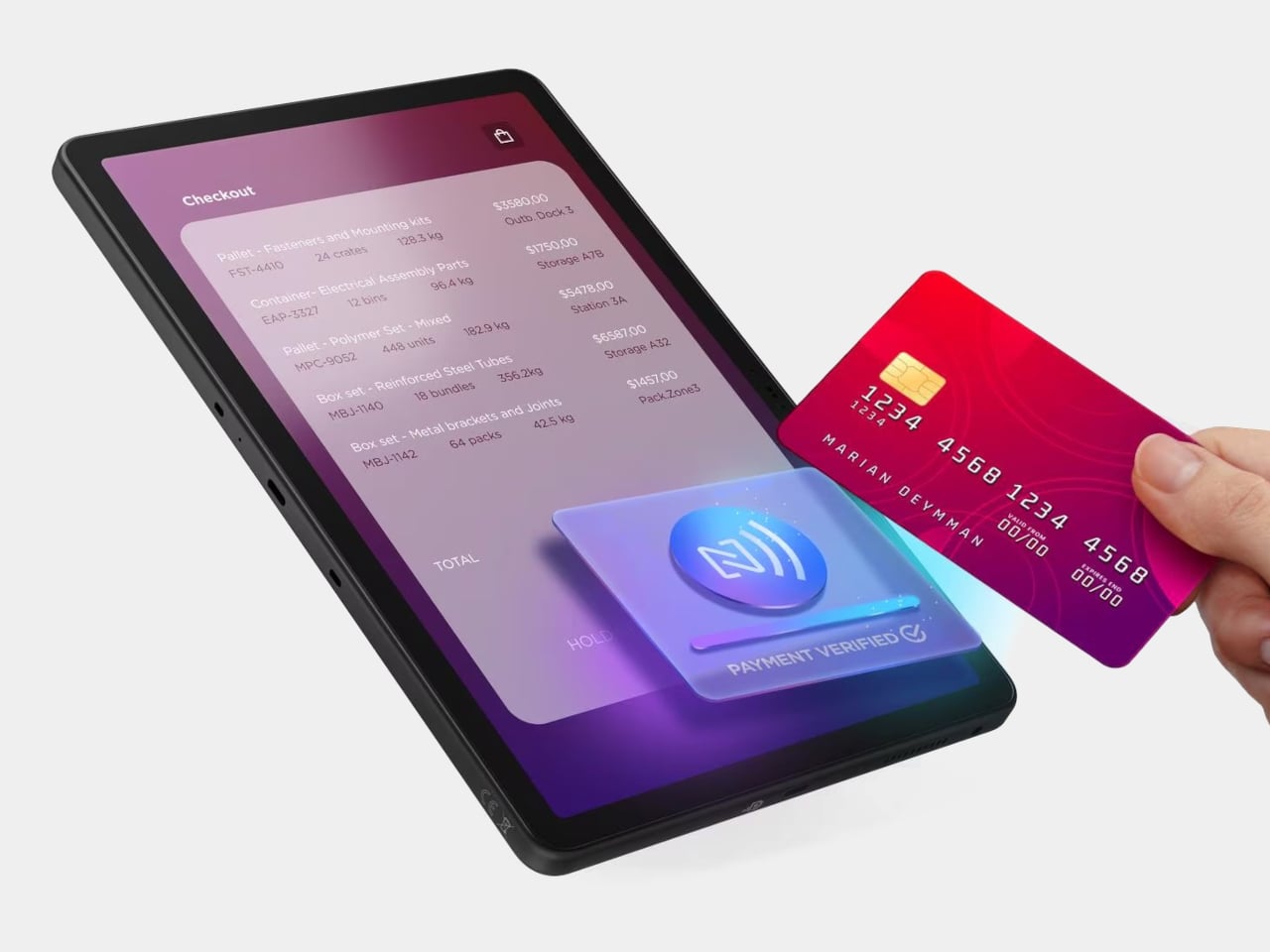
The included rugged case brings MIL-STD-810H certification for drops and vibration, while the device itself carries an IP68 rating for dust and water resistance. The case can be swapped out for a plain back panel when the environment is less demanding, which keeps the device from feeling like overkill in lighter contexts. Front-mounted NFC handles inventory scanning, access control, and field authentication without requiring the tablet to be flipped over.

The ThinkTab X11 ships with Android 16, guaranteed to receive two major OS upgrades reaching Android 18, along with four years of security patches. Lenovo’s ThinkShield security layer sits underneath the consumer-facing OS, giving IT departments the kind of centralized device management tools they already use for ThinkPads. An organization that runs the Think ecosystem at the desk can now extend the same infrastructure to the field, with the 256 GB model available at $579.

The post Lenovo Just Built a $499 Rugged Tablet You Can Run Without a Battery first appeared on Yanko Design.