GameSir Pocket Taco vs. 8BitDo FlipPad for Game Boy Gaming

Almost every mobile controller assumes you want to play in landscape, snapping your phone into a wide handheld that feels great for modern shooters and racing games. This works for most titles, but when you fire up Game Boy-era platformers or vertical arcade classics, the experience feels slightly off, like forcing old games into a shape they were never meant to inhabit, holding them sideways while your thumbs reach for controls that never land right.

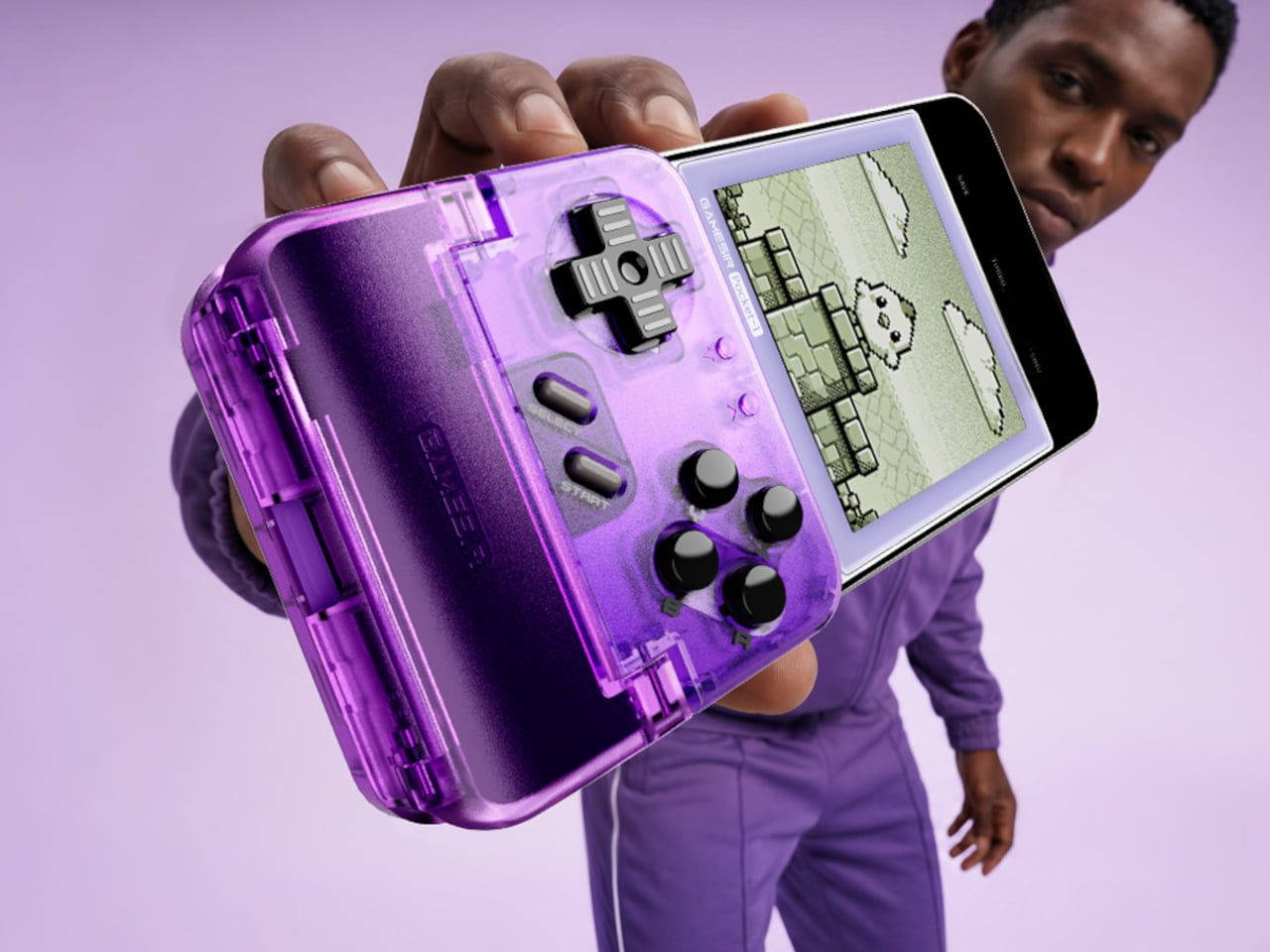
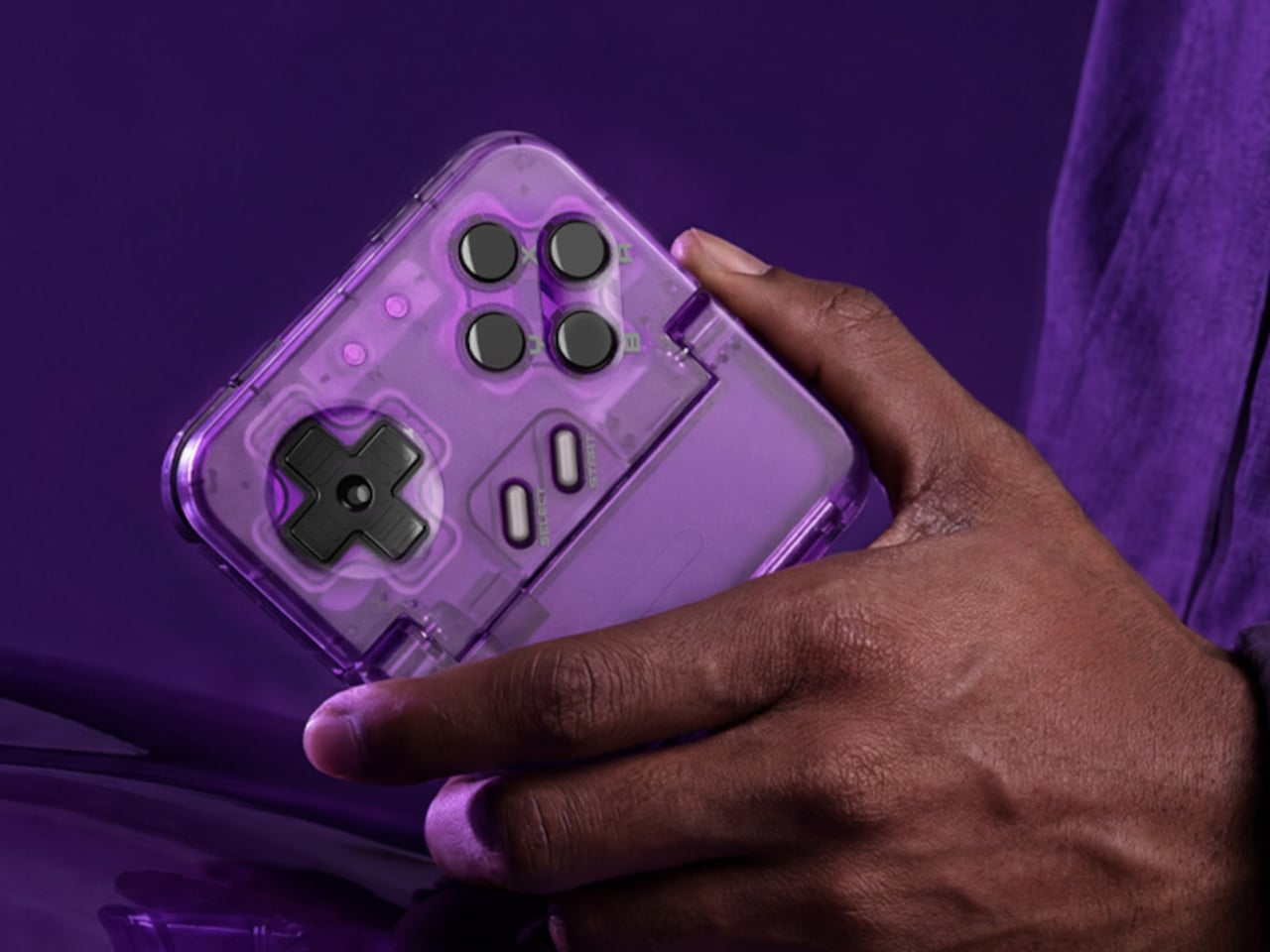
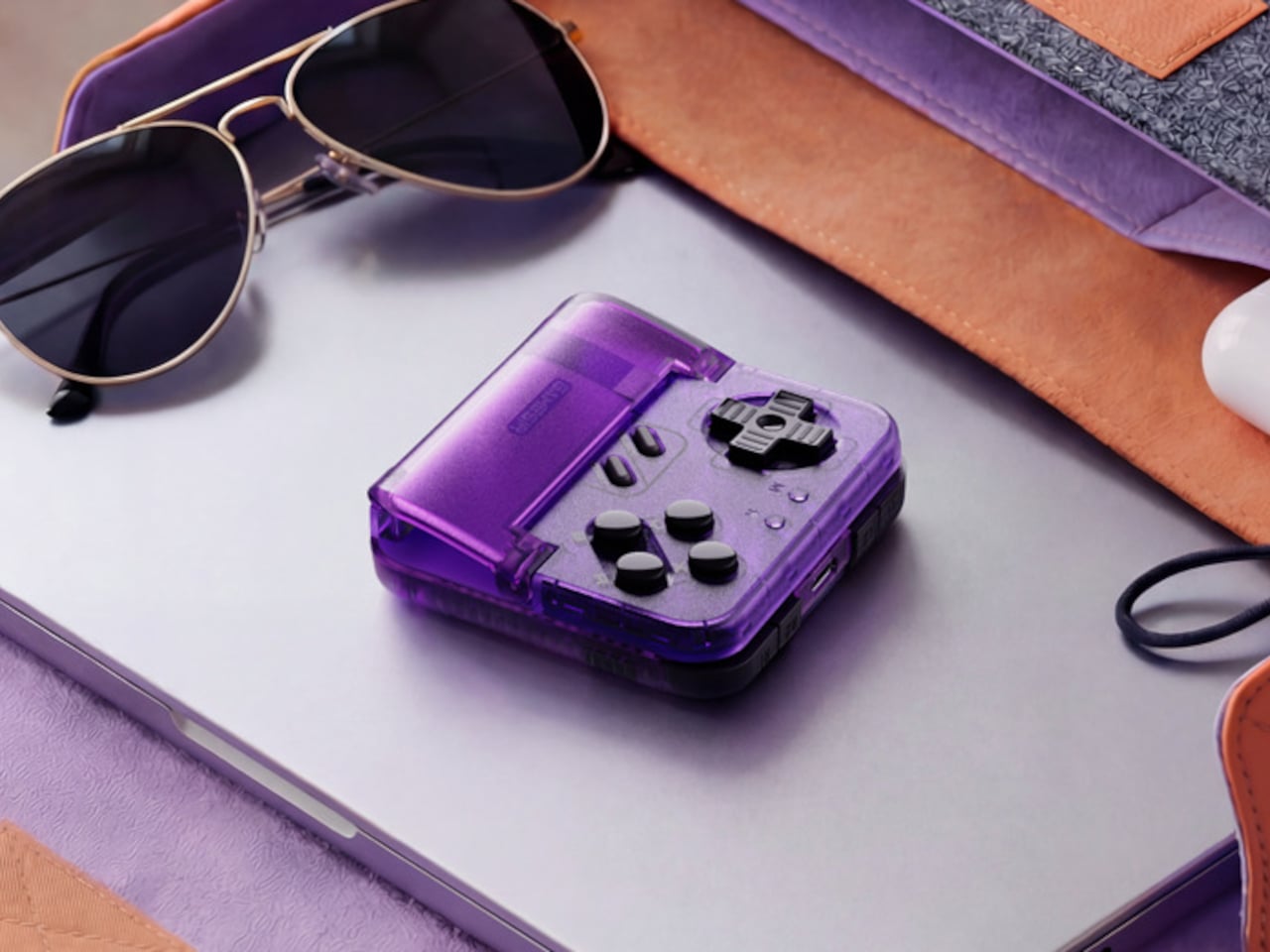
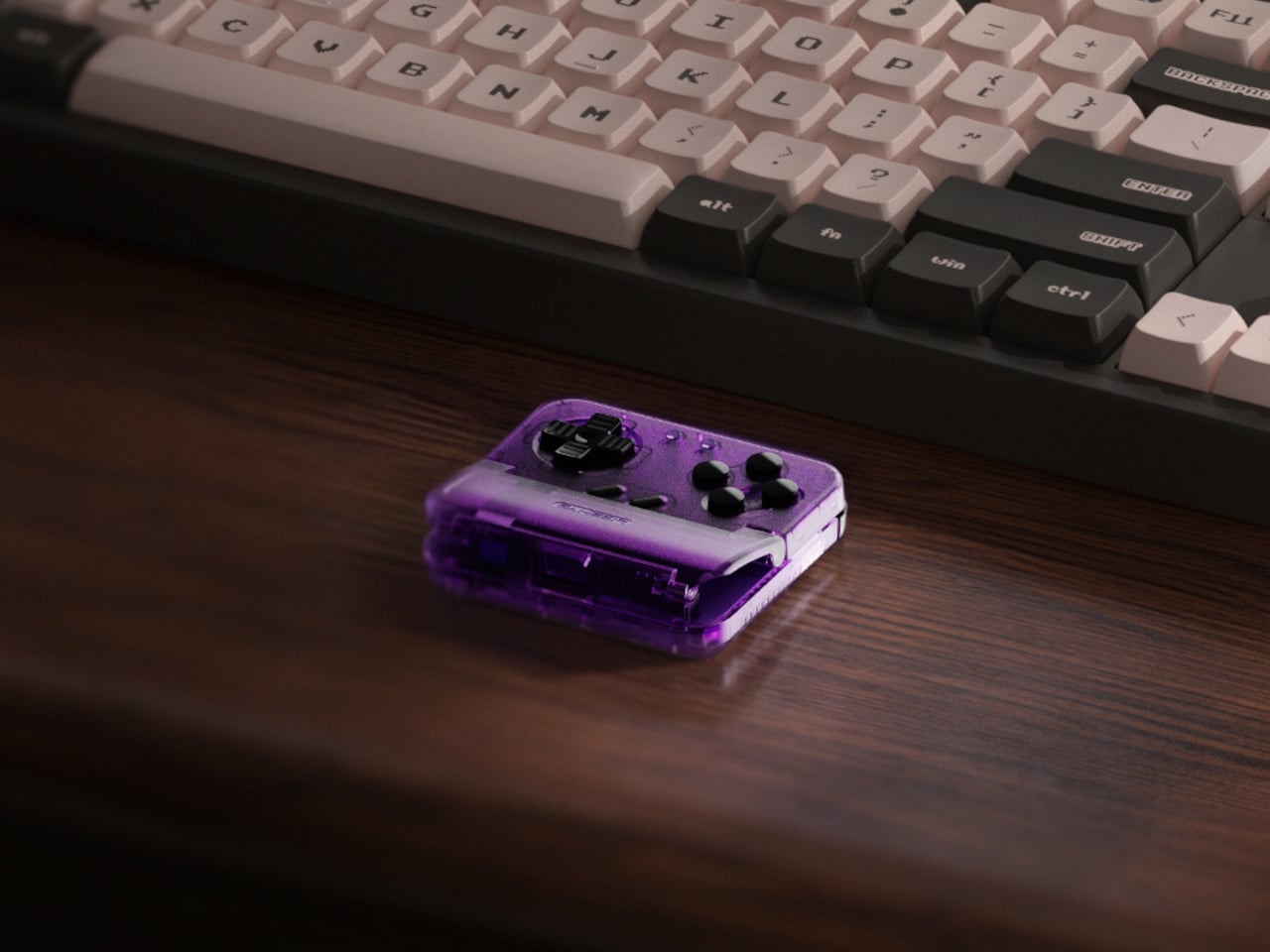
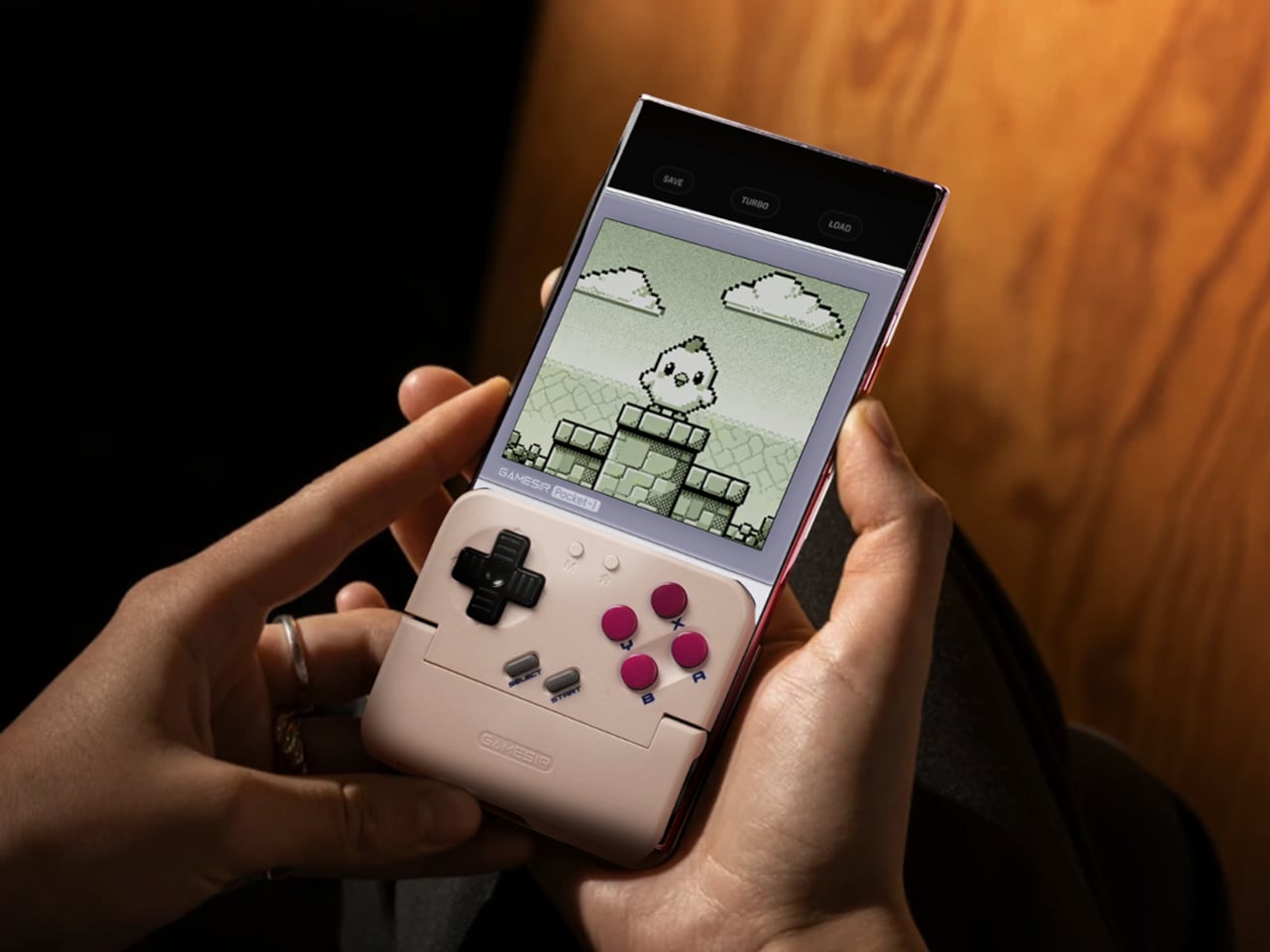
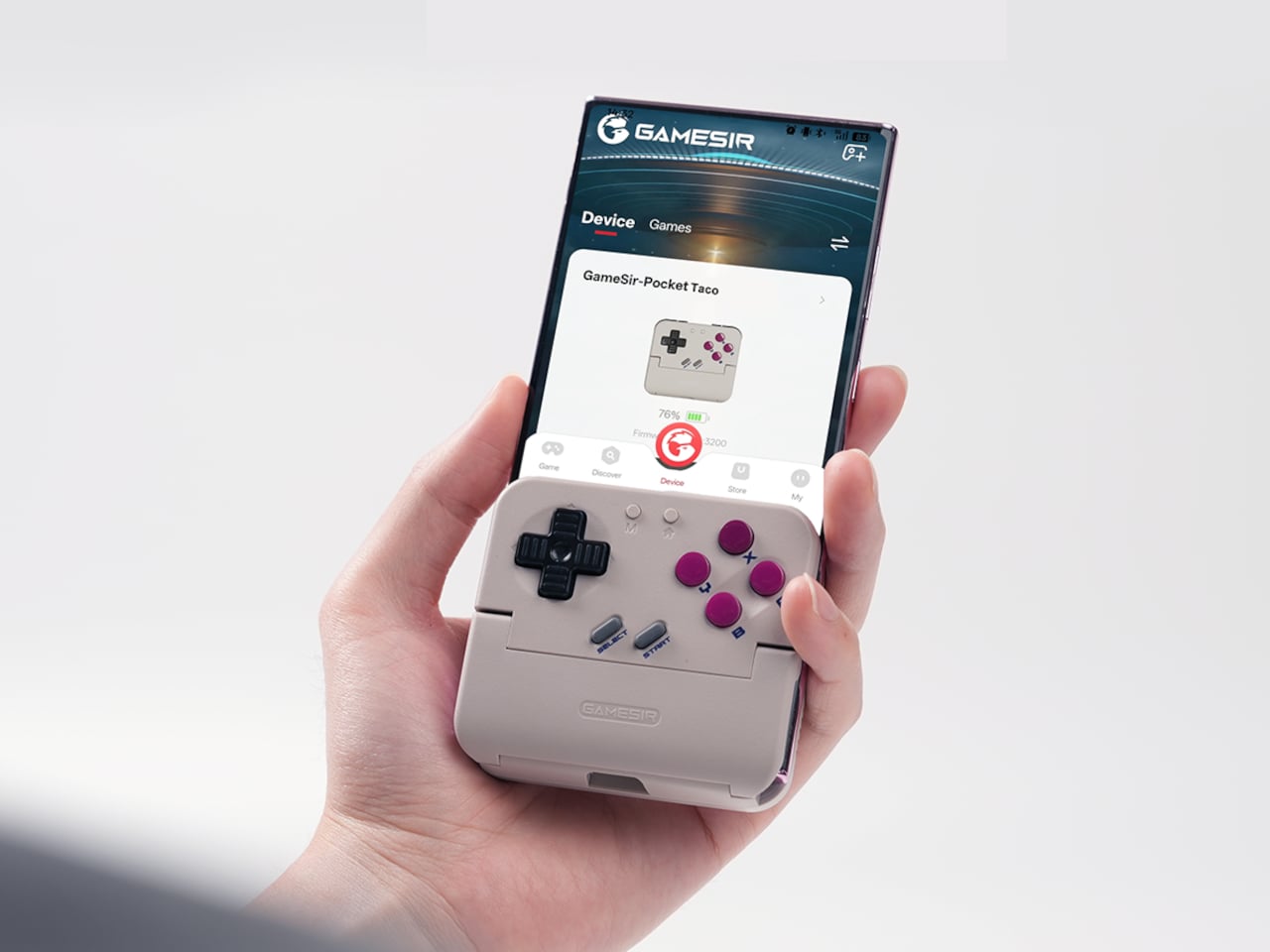
GameSir’s Pocket Taco leans into portrait play instead of fighting it, turning your phone into something closer to a classic handheld. It first appeared as the Pocket 1 at Tokyo Game Show, then resurfaced as Pocket Taco just as 8BitDo teased its own vertical FlipPad, setting up a clash of design philosophies aimed at people who want to hold their phones the way they held Game Boys.

Designer: GameSir

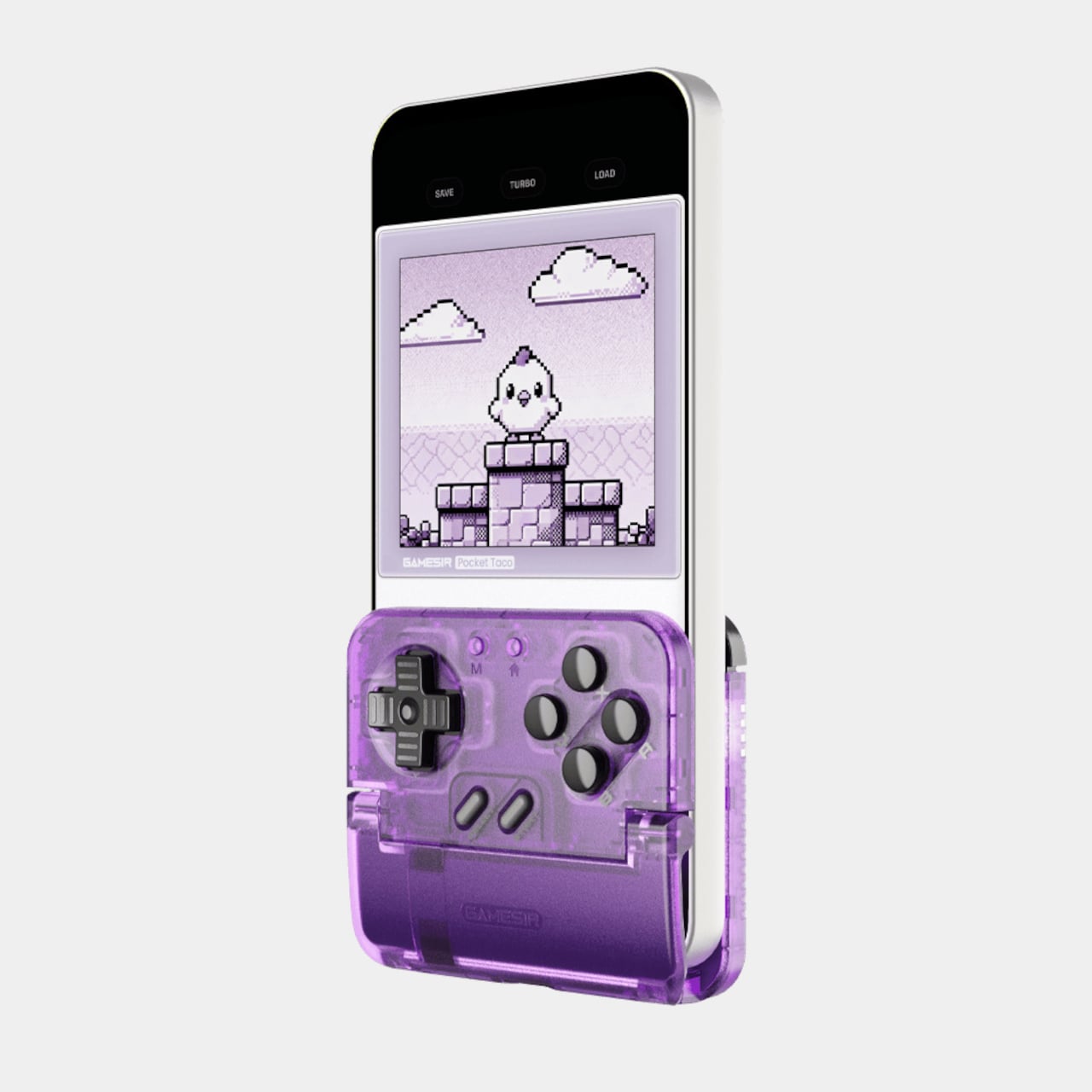
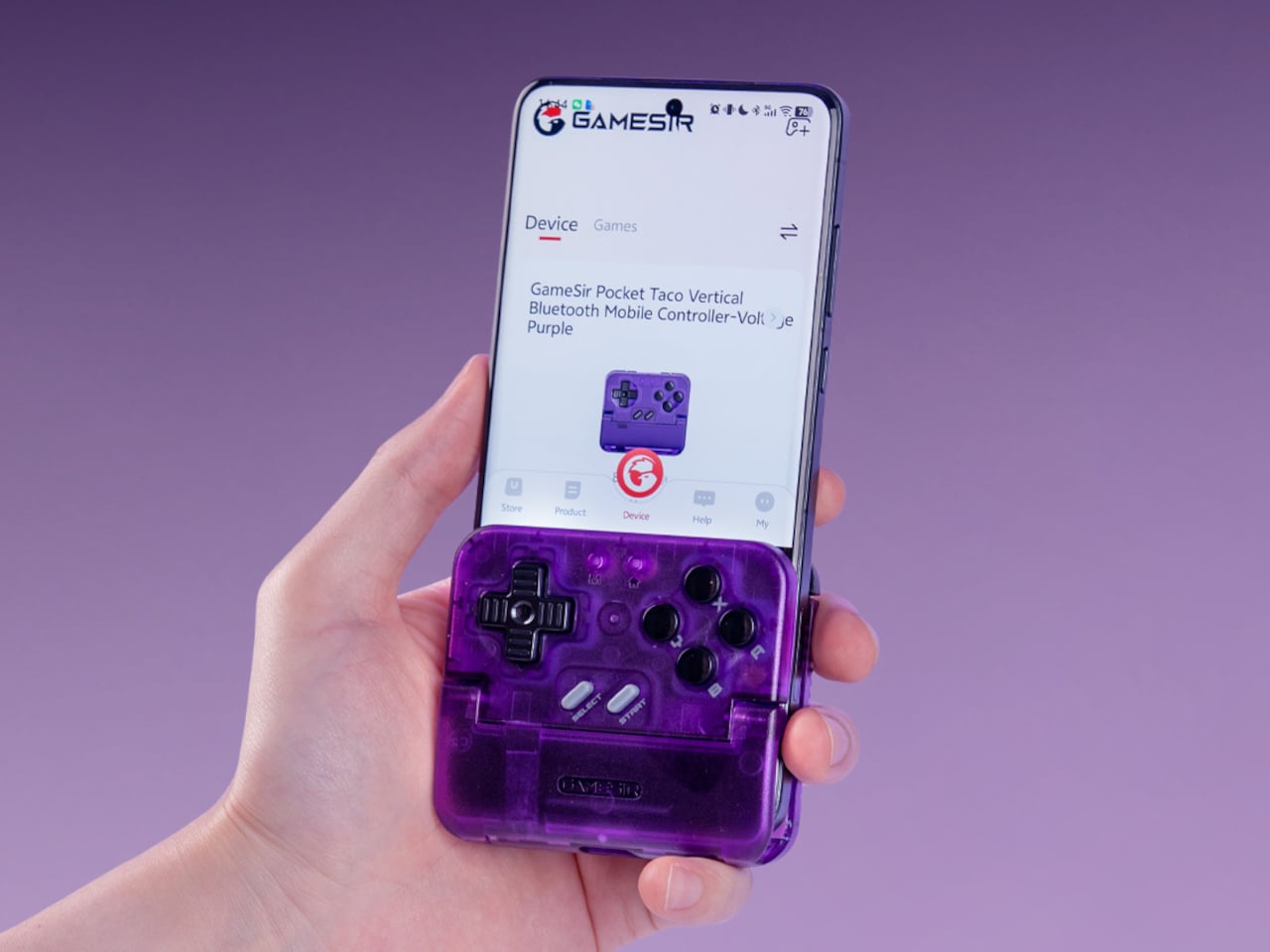
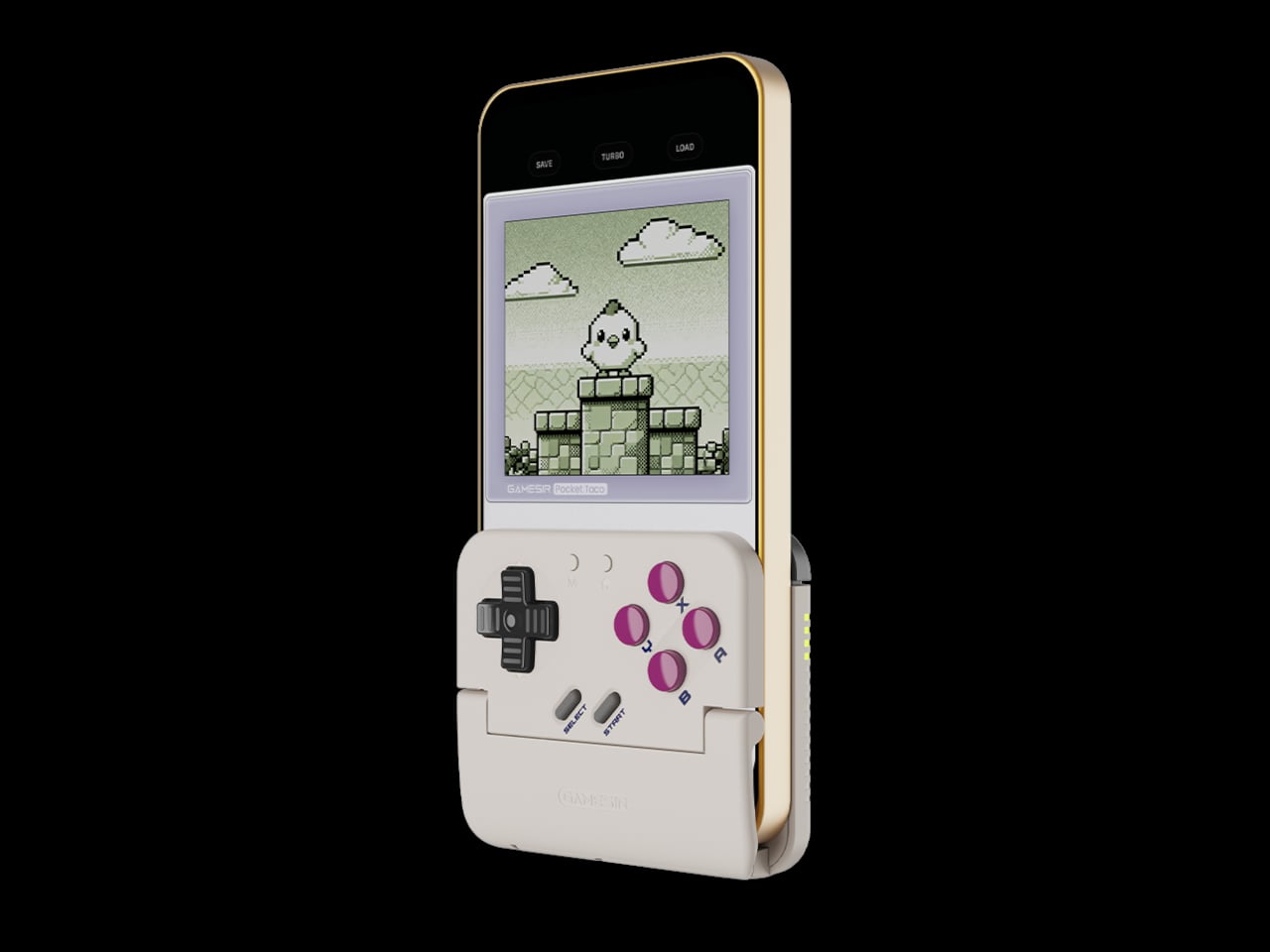
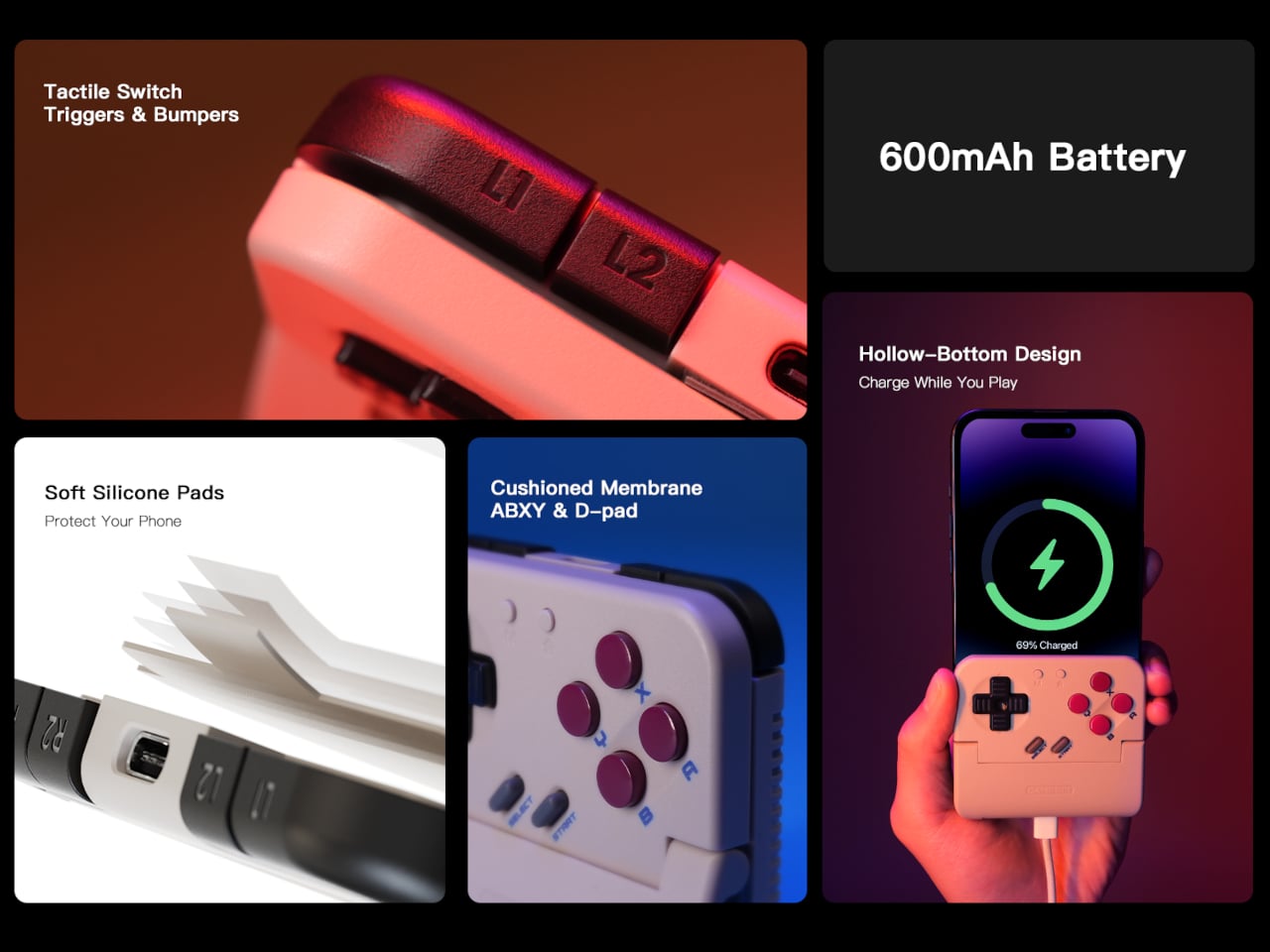
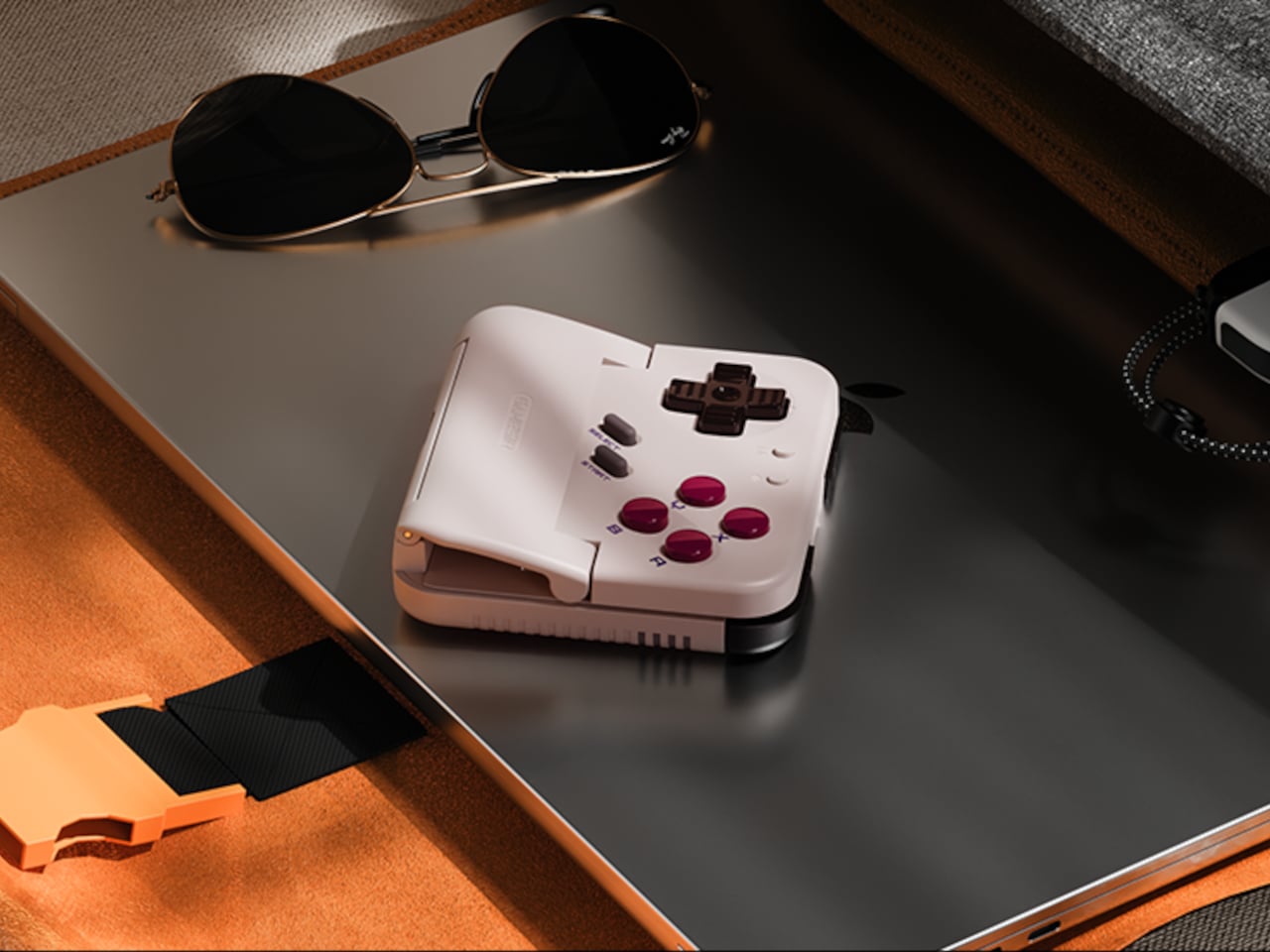
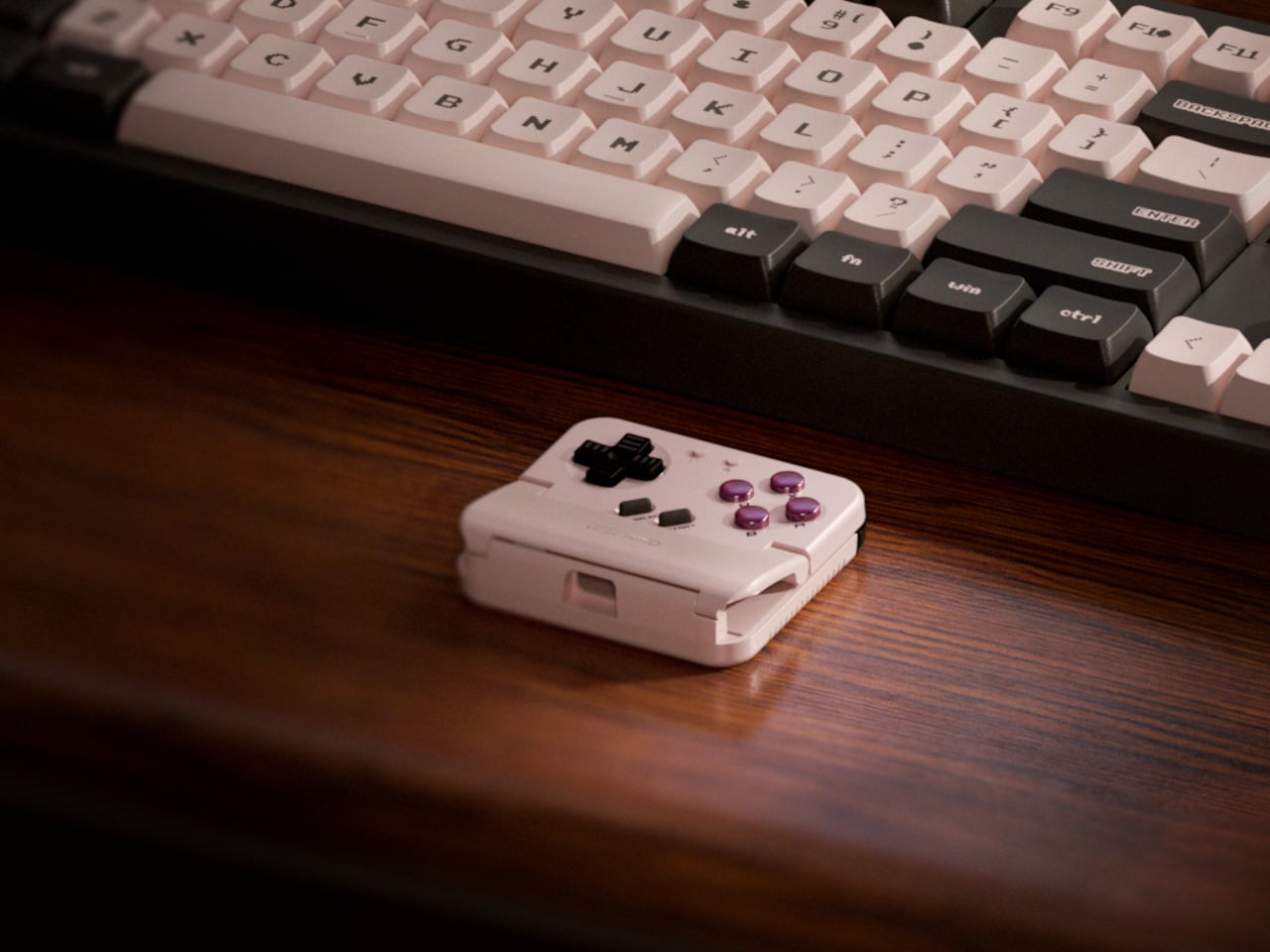
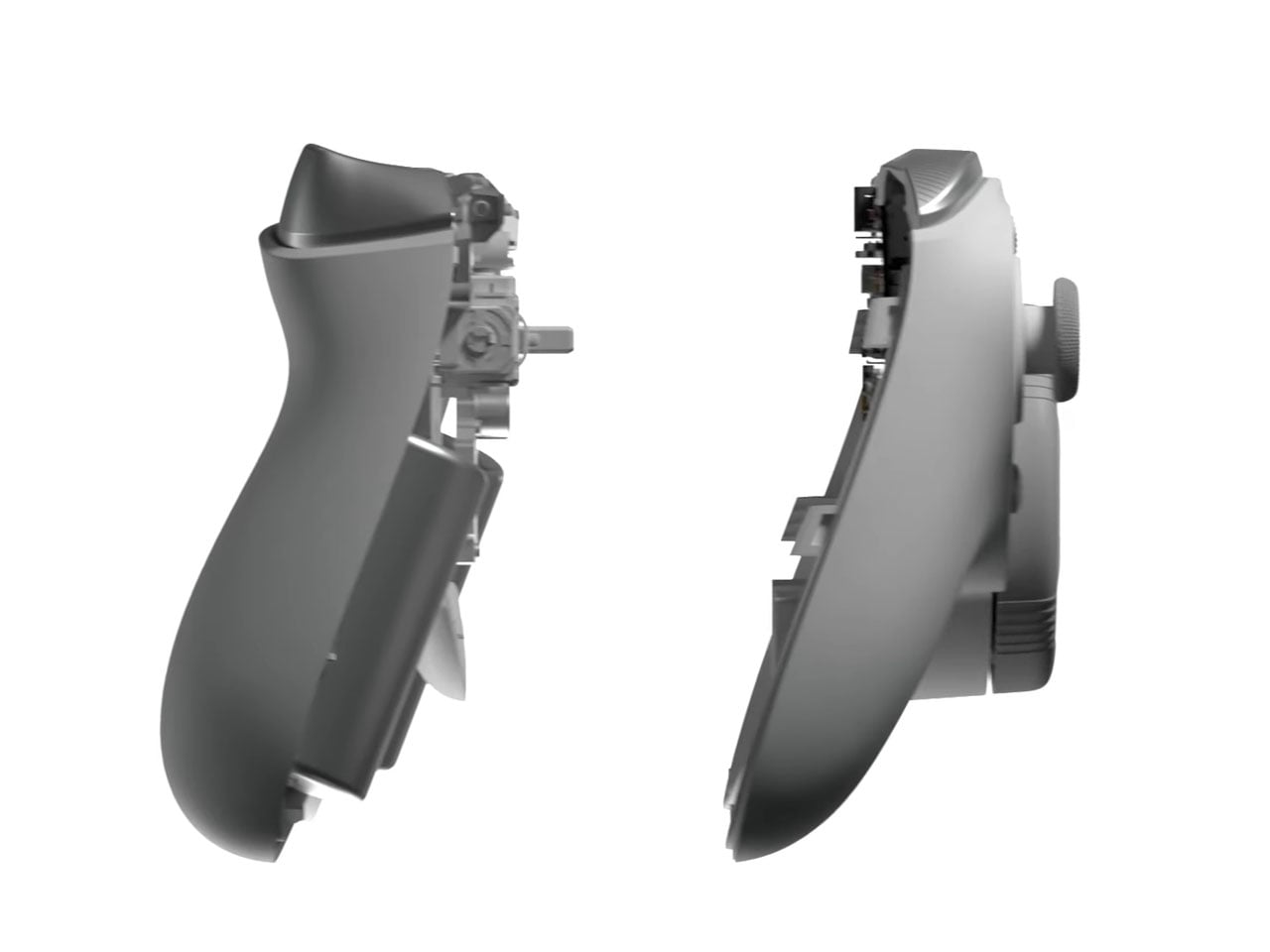
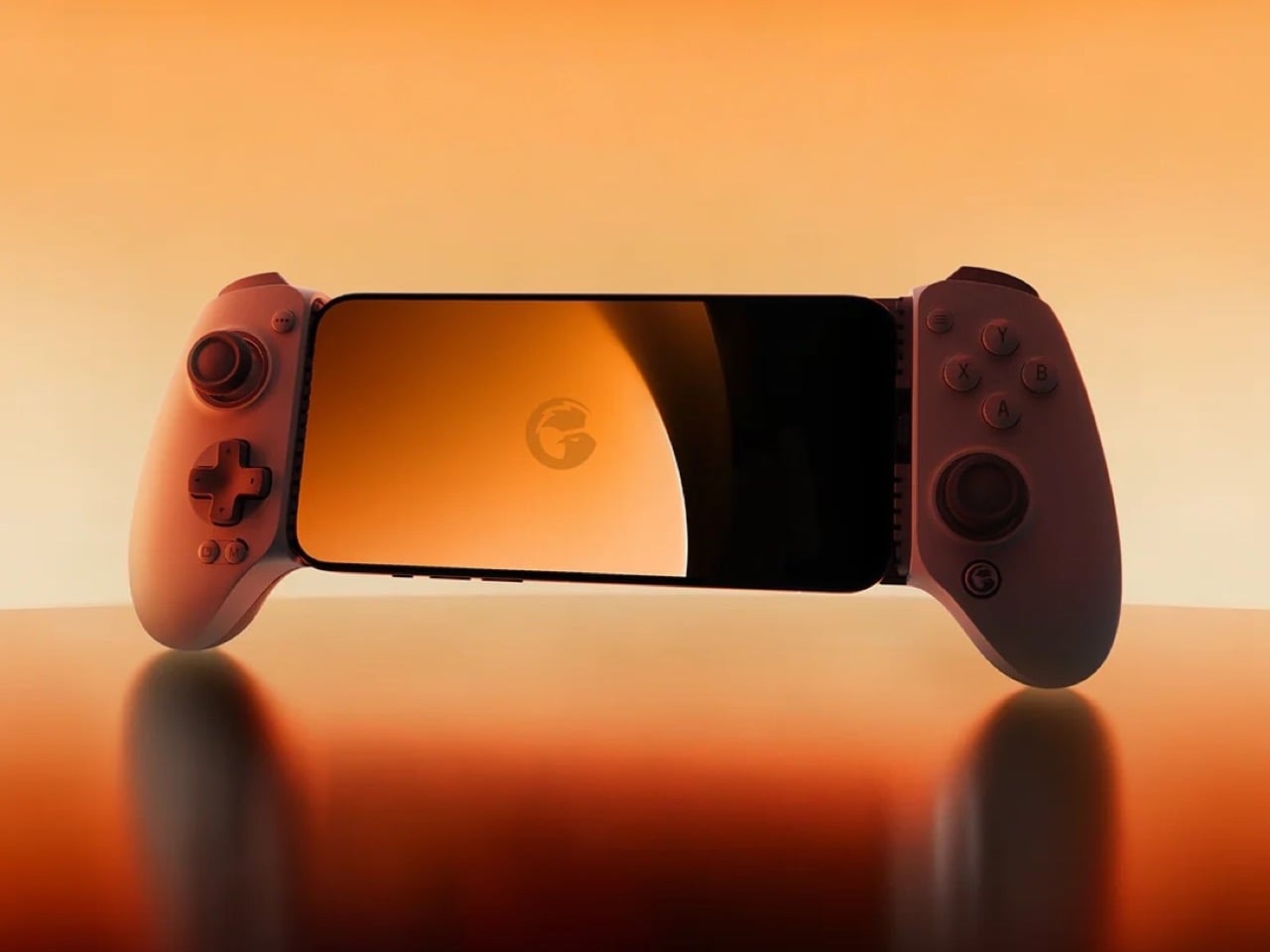
The rebrand to Pocket Taco fits the design; the controller clamps to the bottom of your phone like a taco shell. The foldable front accommodates different phone sizes, and soft silicone pads line the clamp area so you are not grinding plastic against glass every time you snap it on, which matters when you pull it out multiple times a day for quick sessions between meetings or commutes.

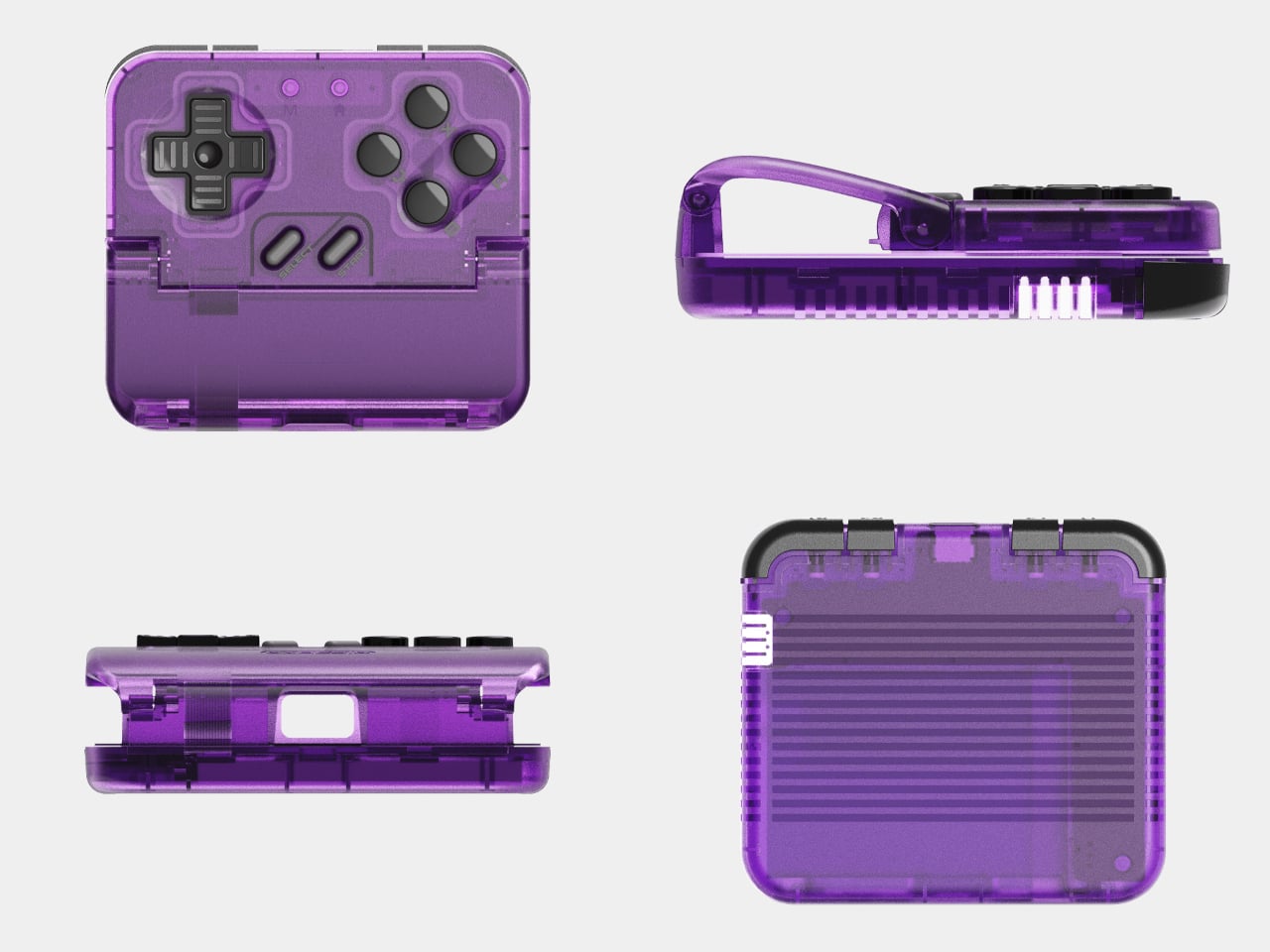
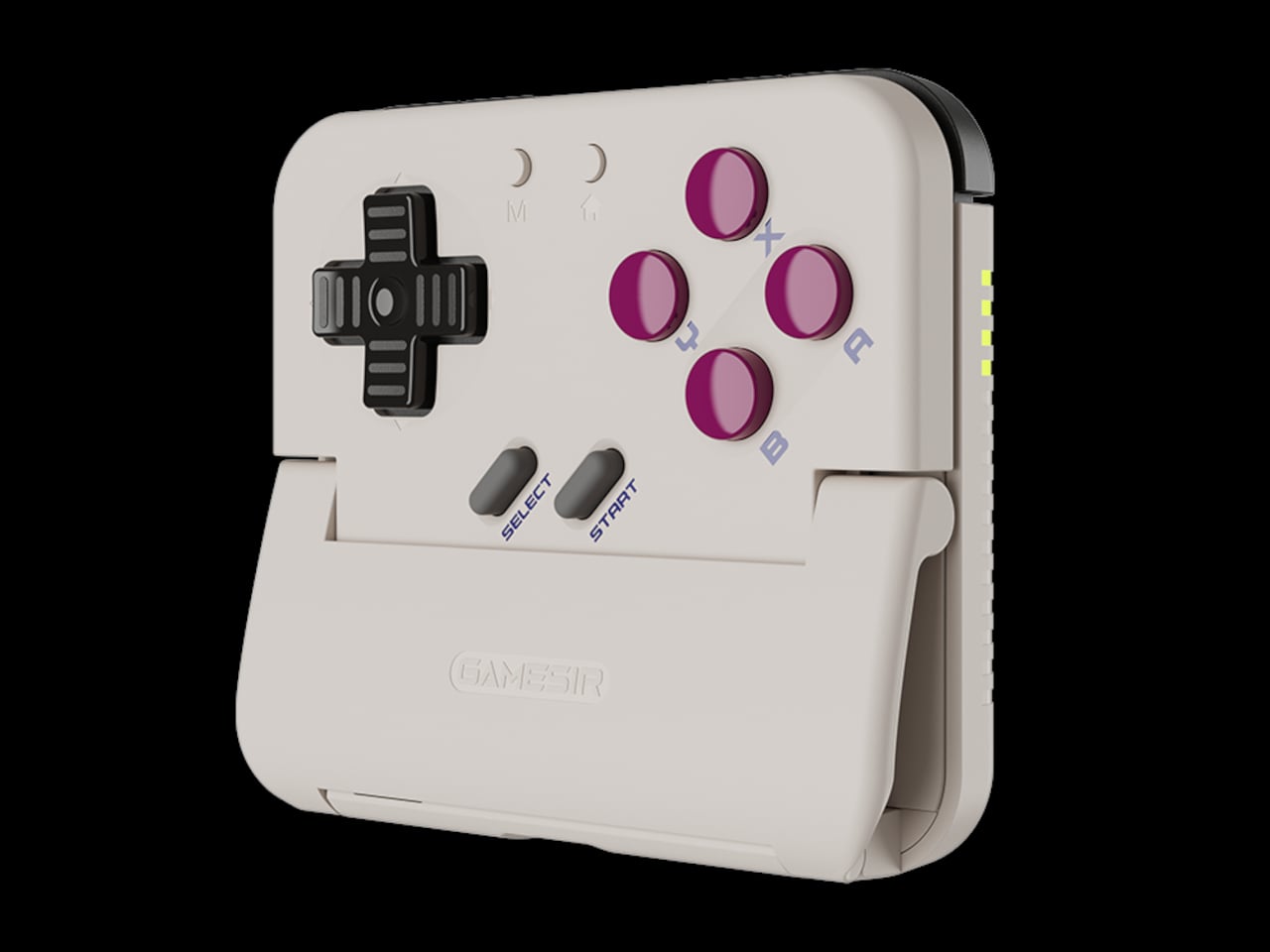
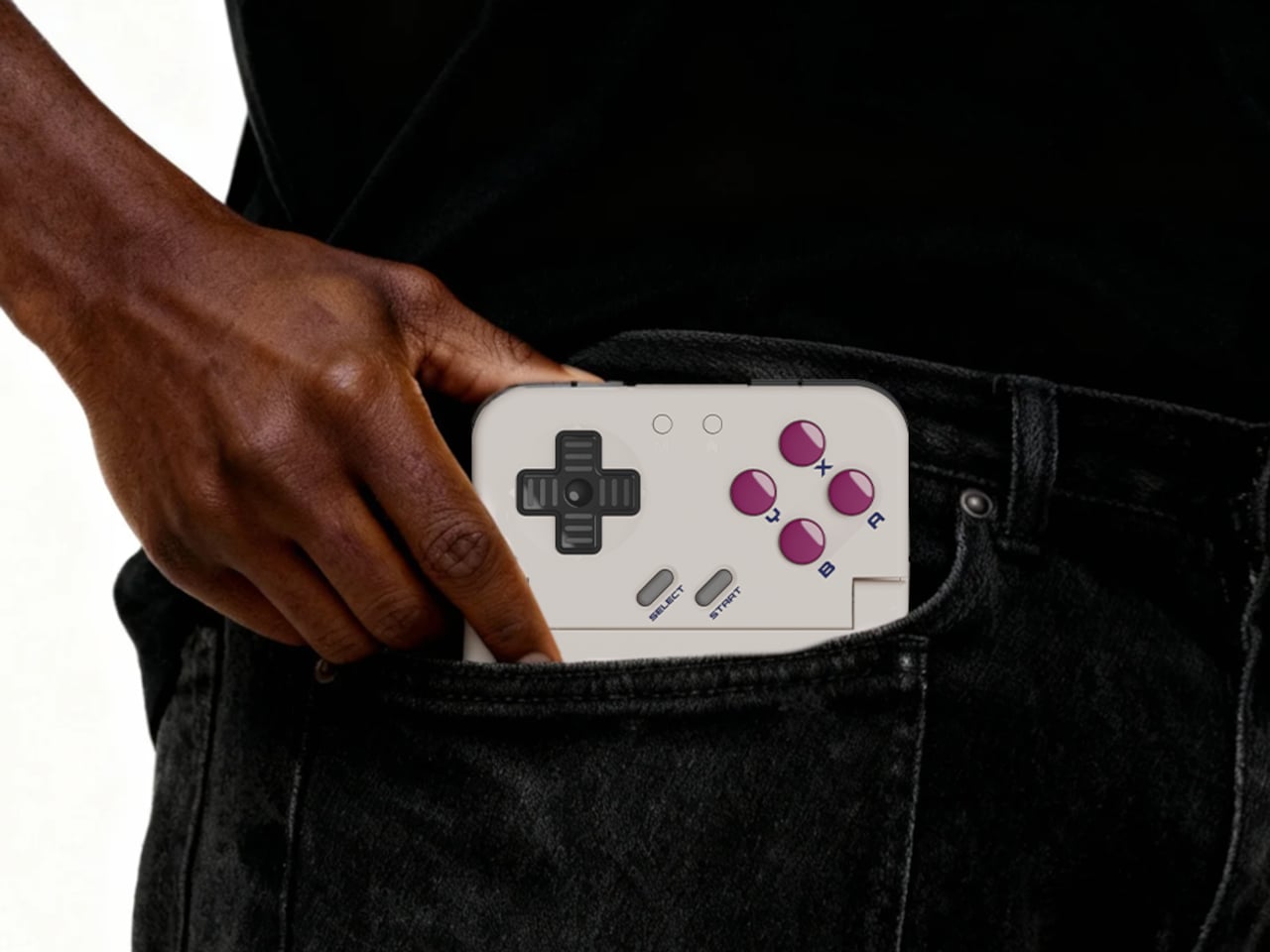
The control layout separates Pocket Taco from 8BitDo’s FlipPad. Pocket Taco gives you a traditional D-pad, ABXY face buttons, and actual triggers and bumpers on the back. FlipPad keeps everything on the front in a row of circular buttons, which is clever for compactness but less like the shoulder-button ergonomics many players expect from dedicated handhelds, especially during games with heavy simultaneous inputs.

Pocket Taco uses Bluetooth, so it can talk to Android and iOS phones, tablets, and other devices, and it still works when not clamped. FlipPad plugs in over USB-C, which keeps latency low and removes battery anxiety, but ties it to phones with that port and to a tethered style where the controller must stay attached to function at all.

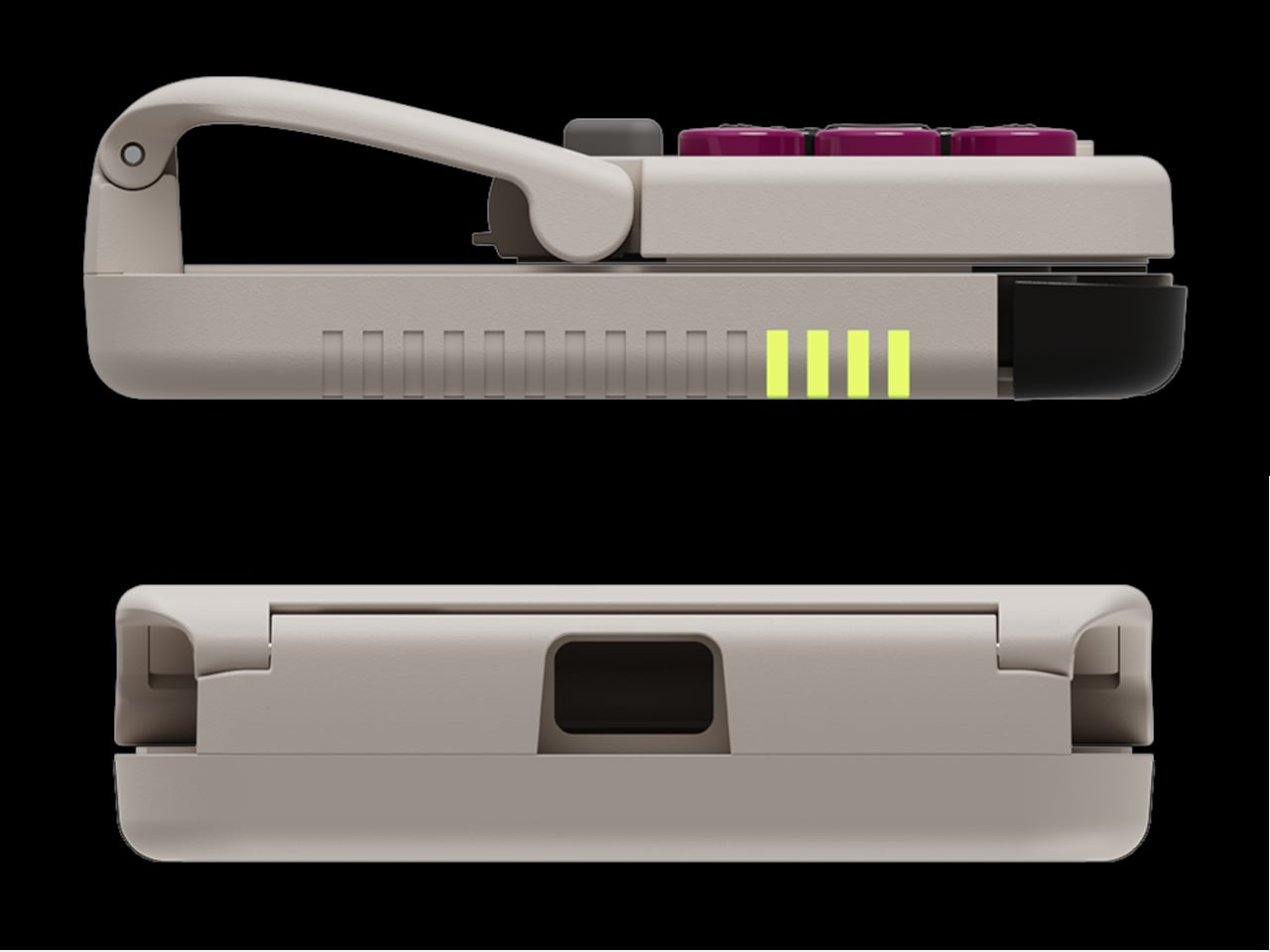
One practical touch is the large cutout at the bottom that leaves your phone’s charging port accessible while the controller is attached, so you can plug in and keep going during long sessions. FlipPad occupies the USB-C port and does not offer passthrough charging, which is fine for short bursts but less ideal for marathon runs that drain the phone before you finish the dungeon.

Pocket Taco runs on a 600 mAh battery with smart power behavior, open to play, close to rest. The trade-off is one more battery to watch and slightly more bulk. FlipPad stays slimmer and battery-free, but leans on your phone for power, shifting the burden and adding a small drain to your phone’s battery during long play sessions.

Pocket Taco and FlipPad are two paths toward the same fantasy, turning a slab of glass into a dedicated retro handheld. Pocket Taco leans into wireless freedom, proper triggers, and charging-while-playing practicality, while FlipPad bets on wired simplicity and a flatter front. For anyone who grew up holding a Game Boy vertically, it is nice to have options that respect that muscle memory instead of pretending mobile gaming should feel like a miniature Xbox stuck in landscape.

The post GameSir Pocket Taco vs. 8BitDo FlipPad for Game Boy Gaming first appeared on Yanko Design.
GameSir Pocket Taco vs. 8BitDo FlipPad for Game Boy Gaming

Almost every mobile controller assumes you want to play in landscape, snapping your phone into a wide handheld that feels great for modern shooters and racing games. This works for most titles, but when you fire up Game Boy-era platformers or vertical arcade classics, the experience feels slightly off, like forcing old games into a shape they were never meant to inhabit, holding them sideways while your thumbs reach for controls that never land right.

GameSir’s Pocket Taco leans into portrait play instead of fighting it, turning your phone into something closer to a classic handheld. It first appeared as the Pocket 1 at Tokyo Game Show, then resurfaced as Pocket Taco just as 8BitDo teased its own vertical FlipPad, setting up a clash of design philosophies aimed at people who want to hold their phones the way they held Game Boys.

Designer: GameSir

The rebrand to Pocket Taco fits the design; the controller clamps to the bottom of your phone like a taco shell. The foldable front accommodates different phone sizes, and soft silicone pads line the clamp area so you are not grinding plastic against glass every time you snap it on, which matters when you pull it out multiple times a day for quick sessions between meetings or commutes.

The control layout separates Pocket Taco from 8BitDo’s FlipPad. Pocket Taco gives you a traditional D-pad, ABXY face buttons, and actual triggers and bumpers on the back. FlipPad keeps everything on the front in a row of circular buttons, which is clever for compactness but less like the shoulder-button ergonomics many players expect from dedicated handhelds, especially during games with heavy simultaneous inputs.

Pocket Taco uses Bluetooth, so it can talk to Android and iOS phones, tablets, and other devices, and it still works when not clamped. FlipPad plugs in over USB-C, which keeps latency low and removes battery anxiety, but ties it to phones with that port and to a tethered style where the controller must stay attached to function at all.

One practical touch is the large cutout at the bottom that leaves your phone’s charging port accessible while the controller is attached, so you can plug in and keep going during long sessions. FlipPad occupies the USB-C port and does not offer passthrough charging, which is fine for short bursts but less ideal for marathon runs that drain the phone before you finish the dungeon.

Pocket Taco runs on a 600 mAh battery with smart power behavior, open to play, close to rest. The trade-off is one more battery to watch and slightly more bulk. FlipPad stays slimmer and battery-free, but leans on your phone for power, shifting the burden and adding a small drain to your phone’s battery during long play sessions.

Pocket Taco and FlipPad are two paths toward the same fantasy, turning a slab of glass into a dedicated retro handheld. Pocket Taco leans into wireless freedom, proper triggers, and charging-while-playing practicality, while FlipPad bets on wired simplicity and a flatter front. For anyone who grew up holding a Game Boy vertically, it is nice to have options that respect that muscle memory instead of pretending mobile gaming should feel like a miniature Xbox stuck in landscape.

The post GameSir Pocket Taco vs. 8BitDo FlipPad for Game Boy Gaming first appeared on Yanko Design.
Gamesir Swift Drive controller has force feedback steering wheel for ultimate racing fun

GameSir doesn’t shy away from experimenting with new designs and functionality for its controllers to enhance the experience for mobile gamers. Tarantula Pro with swappable face button labels is a good example. For gamers like me who fancy the odd gaming session on my G8 Plus, playing the AAA racing titles like Grid Legends is stress-busting. I prefer a compact setup for my mobile gaming needs, and investing in a full-blown gaming simulator or desk-mounted setup is not feasible.

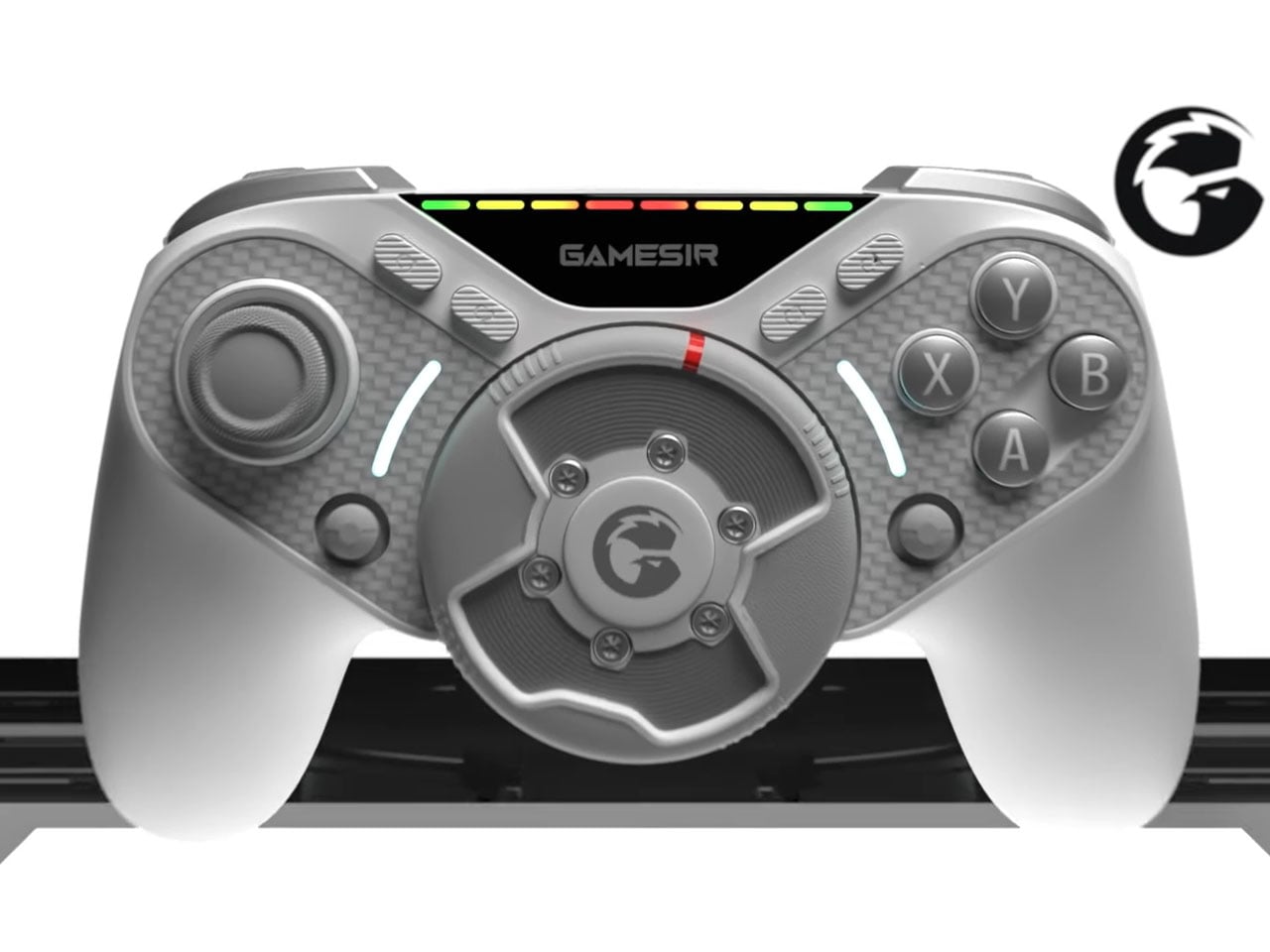
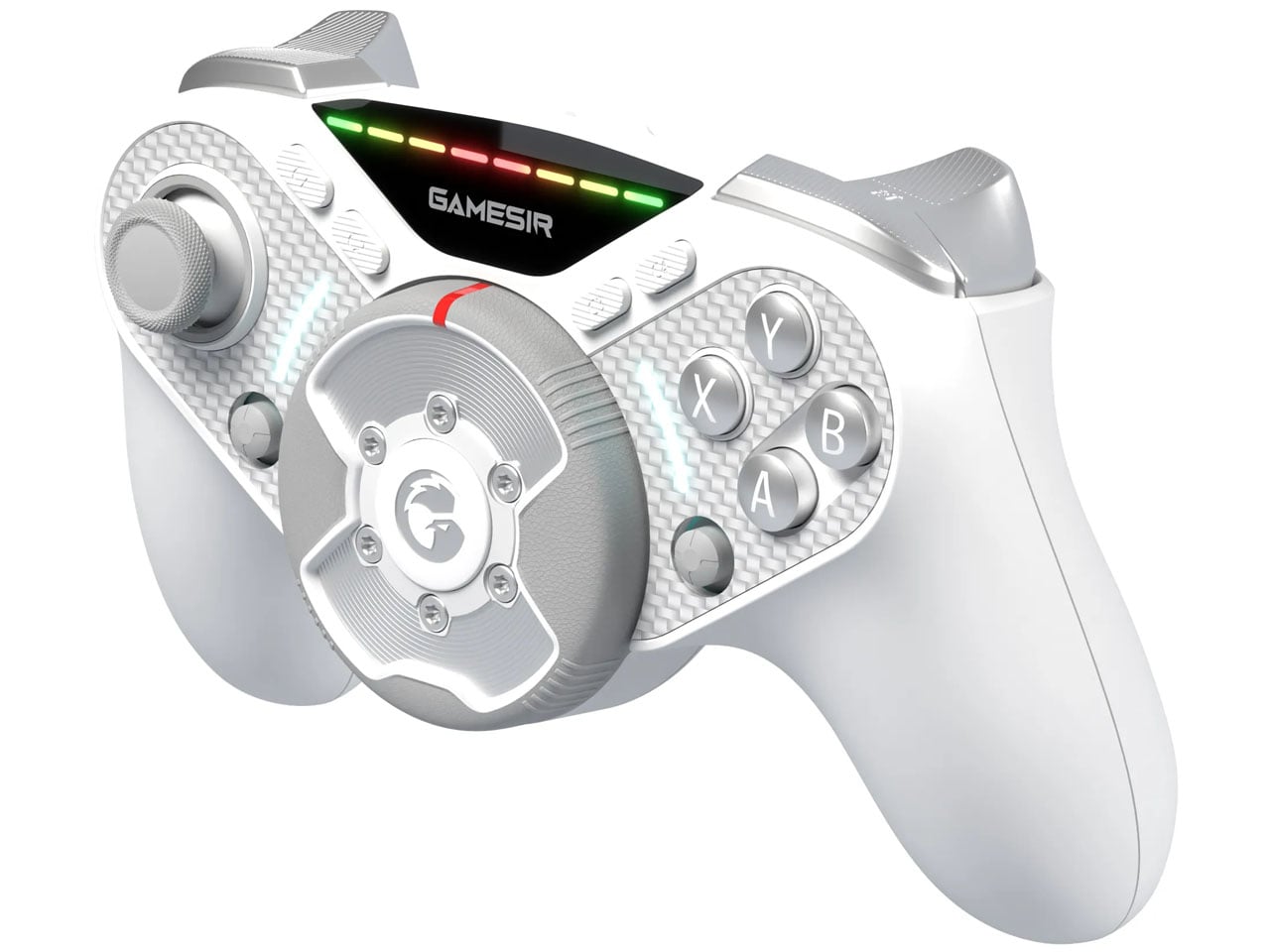
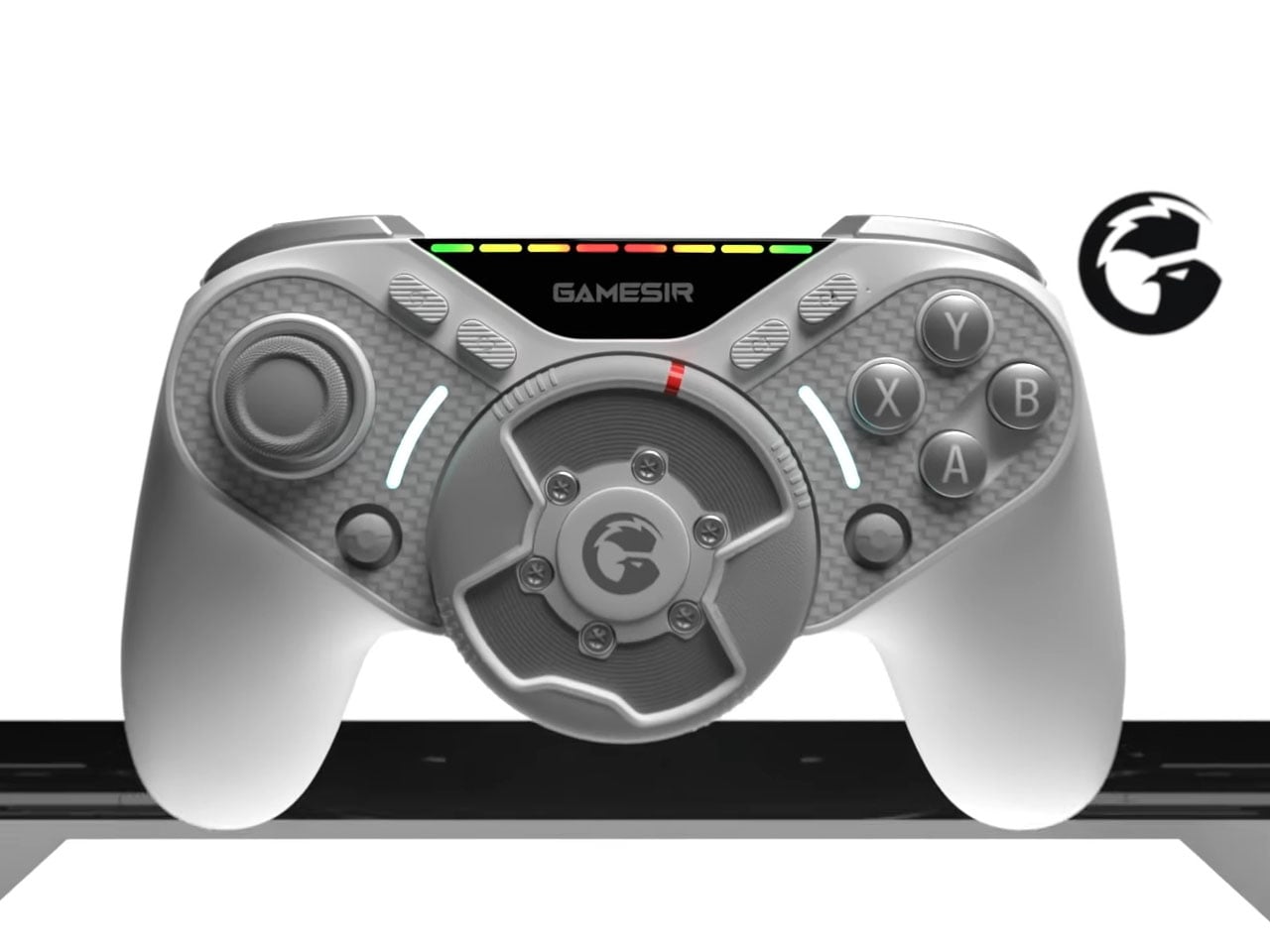
The next logical upgrade is a mobile controller that gives me more than just the joysticks and buttons. Set to reveal at CES 2026, the GameSir Swift Drive controller is exactly what racing fanatics like me wished for. The hybrid controller features a miniature direct-drive steering wheel positioned in the center, delivering force feedback and 1080-degree rotation for immersive racing game action.

Designer: Gamesir

For racing sim fans, the quandary has always been to either choose a portable setup, or go for more detailed but bulky setups. This gamepad hits the sweet spot for casual gamers like me who always wanted something that’s compact. GameSir has to be applauded for fitting the world’s smallest direct-drive motor on the gamepad for physical resistance and road texture when turning the wheel. A thumbstick that moves laterally simply cannot achieve this level of realism. The controller’s unique wheel can be adjusted for rotation ranging from 30 degrees to 1080 degrees, and has a high-precision Hall Effect encoder that has 65,000 levels of steering control resolution. Meaning, you can feel the fast-paced turning of a Formula-1 car, or experience the heavier input of driving a truck simulator.

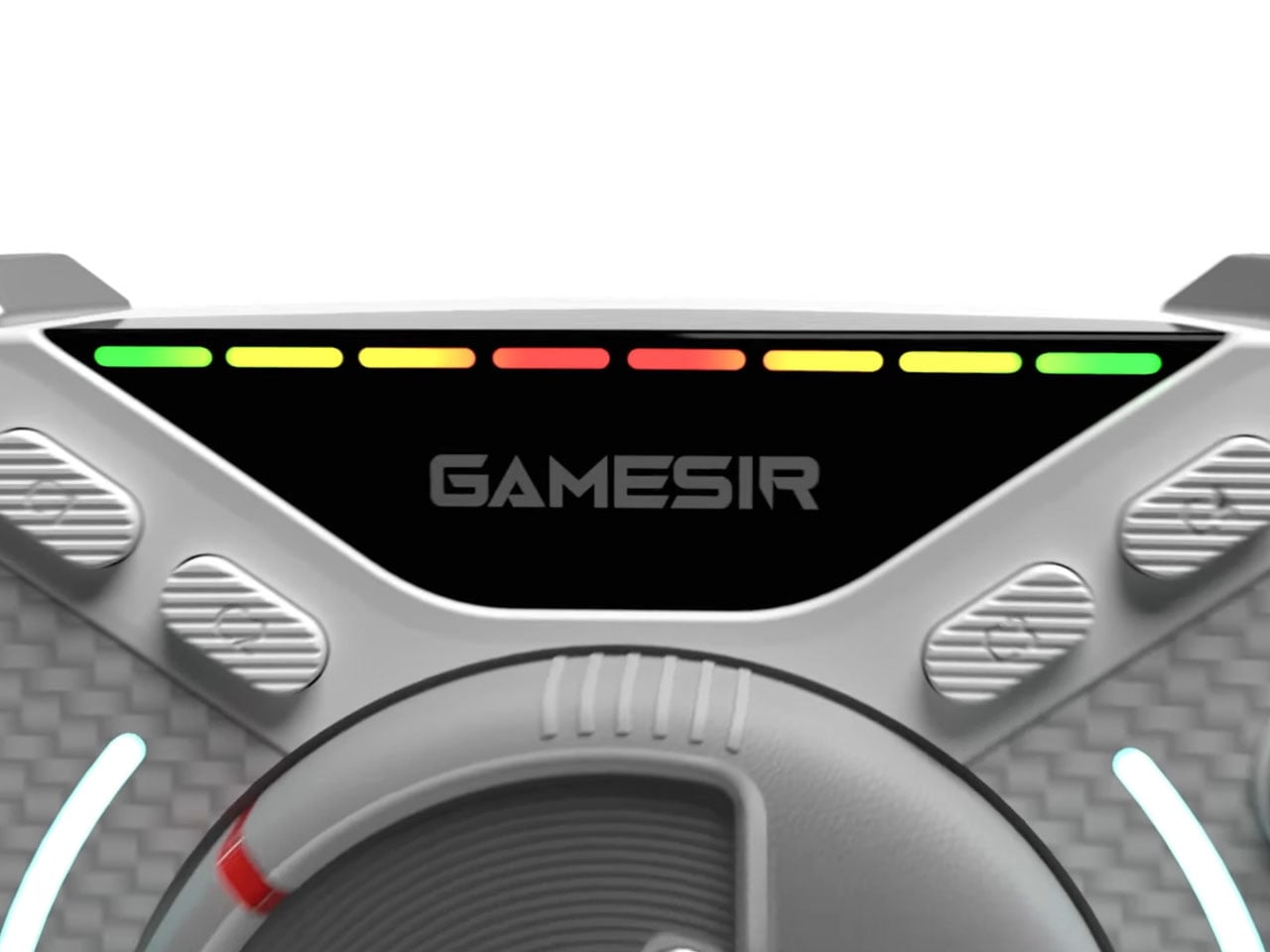
If that’s not enough, GameSir has included haptic motors in the triggers for gamers to feel the nuances of ABS braking or the vibration when tires lose grip on a tight chicane. You can toggle between XInput and DInput modes so that you can either play on the controller as a standard gamepad or a dedicated steering wheel. The RGB lights on top simulate the current in-game RPMs, which should help advanced gamers trigger gear shifts perfectly. The controller will connect via a 2.5GHz low-latency wireless option and have an estimated battery life of 20 to 30 hours, depending on the force feedback options in use. Without these advanced inputs, the controller lasts for 50 hours.

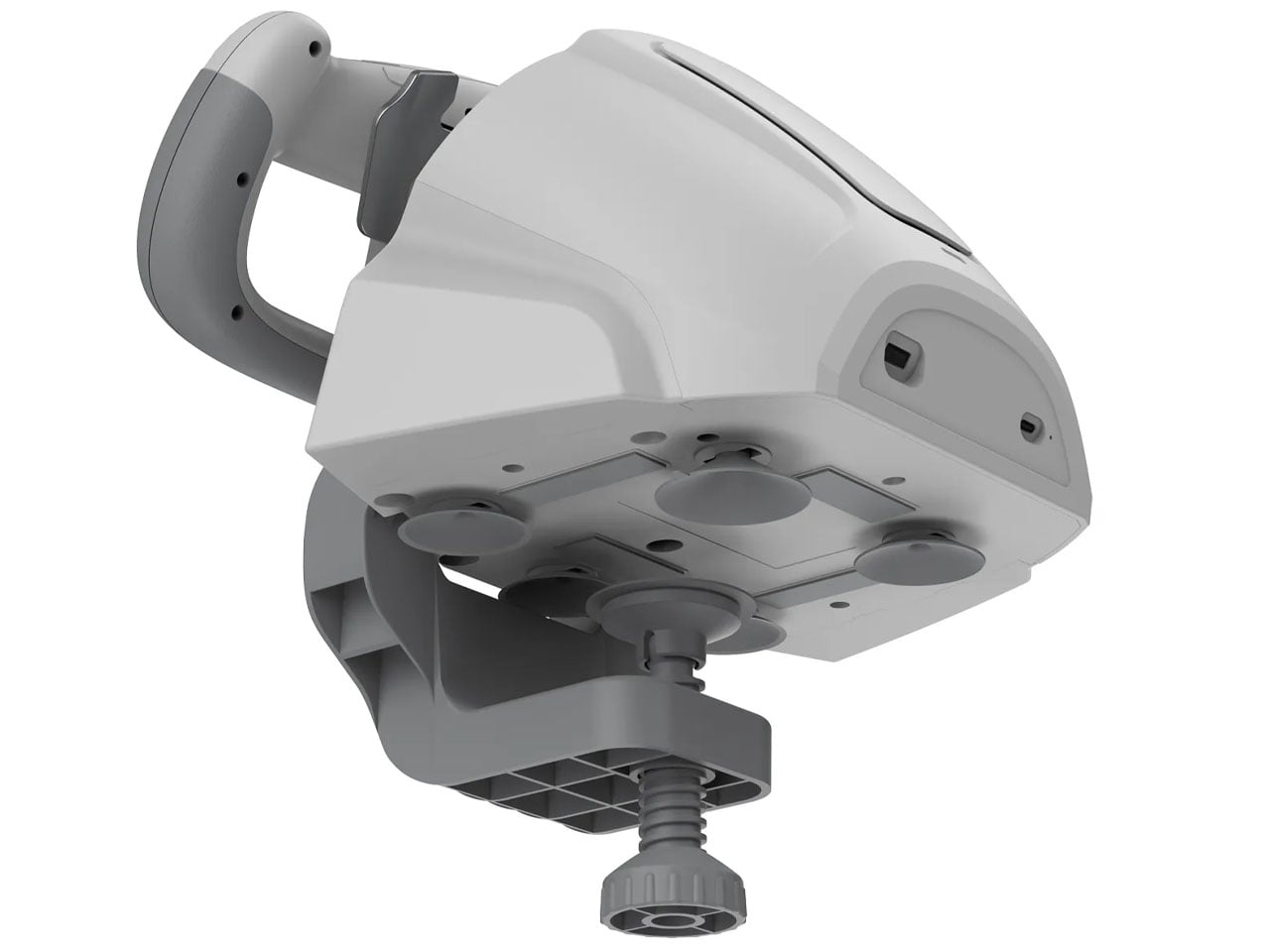
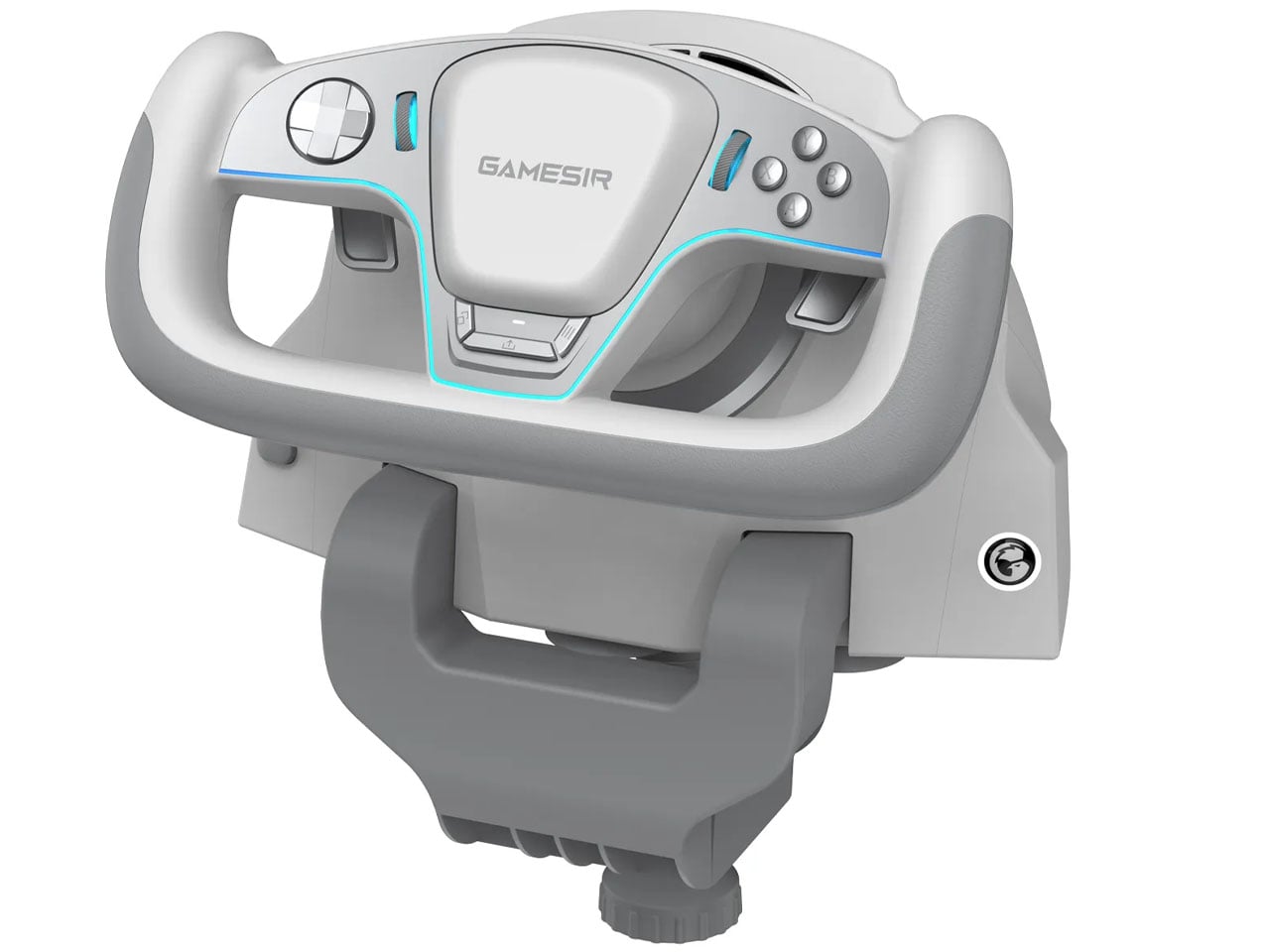
Swift Drive controller is going to be priced at around $150, and if it delivers what is being promised, that amount is worth every penny. Carrying an extensive gaming setup in your backpack is not something that every gaming accessory maker can brag about. Along with the Swift Drive gamepad, GameSir will also reveal the Turbo Drive yoke-style steering wheel and pedals. The rig will have a built-in turbine fan to simulate the airflow for the sensation of speed in-game.

The post Gamesir Swift Drive controller has force feedback steering wheel for ultimate racing fun first appeared on Yanko Design.
GameSir’s $79 MFi-compatible Controller Lets You Play PC & Xbox titles on an iPhone or iPad Mini

Backbone has enjoyed relatively comfortable dominance in the iPhone controller market, but GameSir just made things considerably less comfortable. The GameSir G8 Plus MFi arrives as the company’s first MFi-certified product, bringing proven gaming hardware expertise to Apple’s ecosystem at an aggressive $79.99 price point. This puts GameSir $20 below the established market leader while matching many of its core features. The competitive landscape matters here because Backbone now faces much stronger competition from companies like GameSir, Gamevice, and Razer, making its premium positioning harder to justify. GameSir counters Backbone’s sleek design and app integration with Hall Effect technology, customizable faceplates, and dual back buttons. The G8 Plus MFi also supports both iOS and compact Android devices, offering flexibility that pure iPhone-focused controllers cannot match.

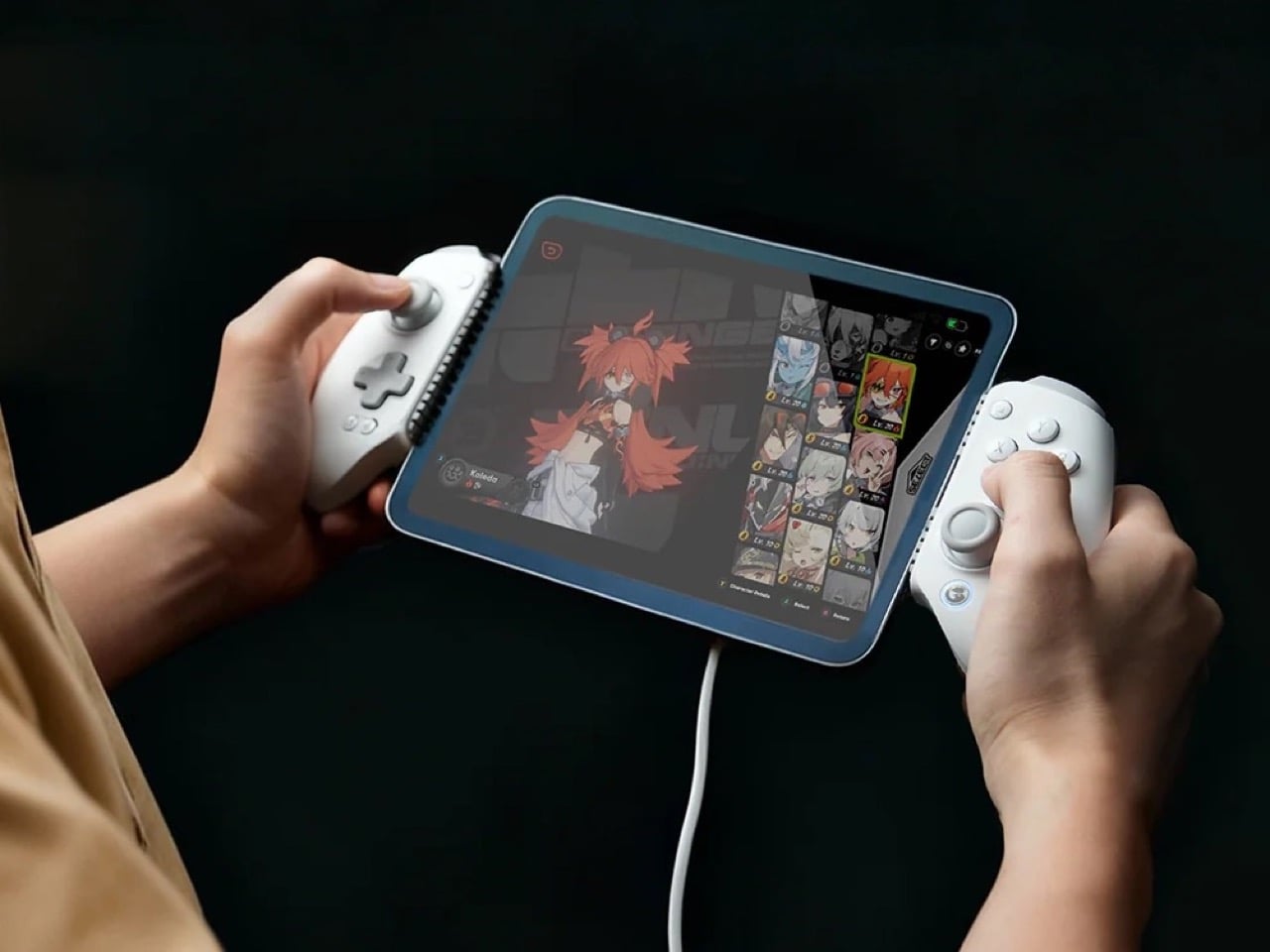
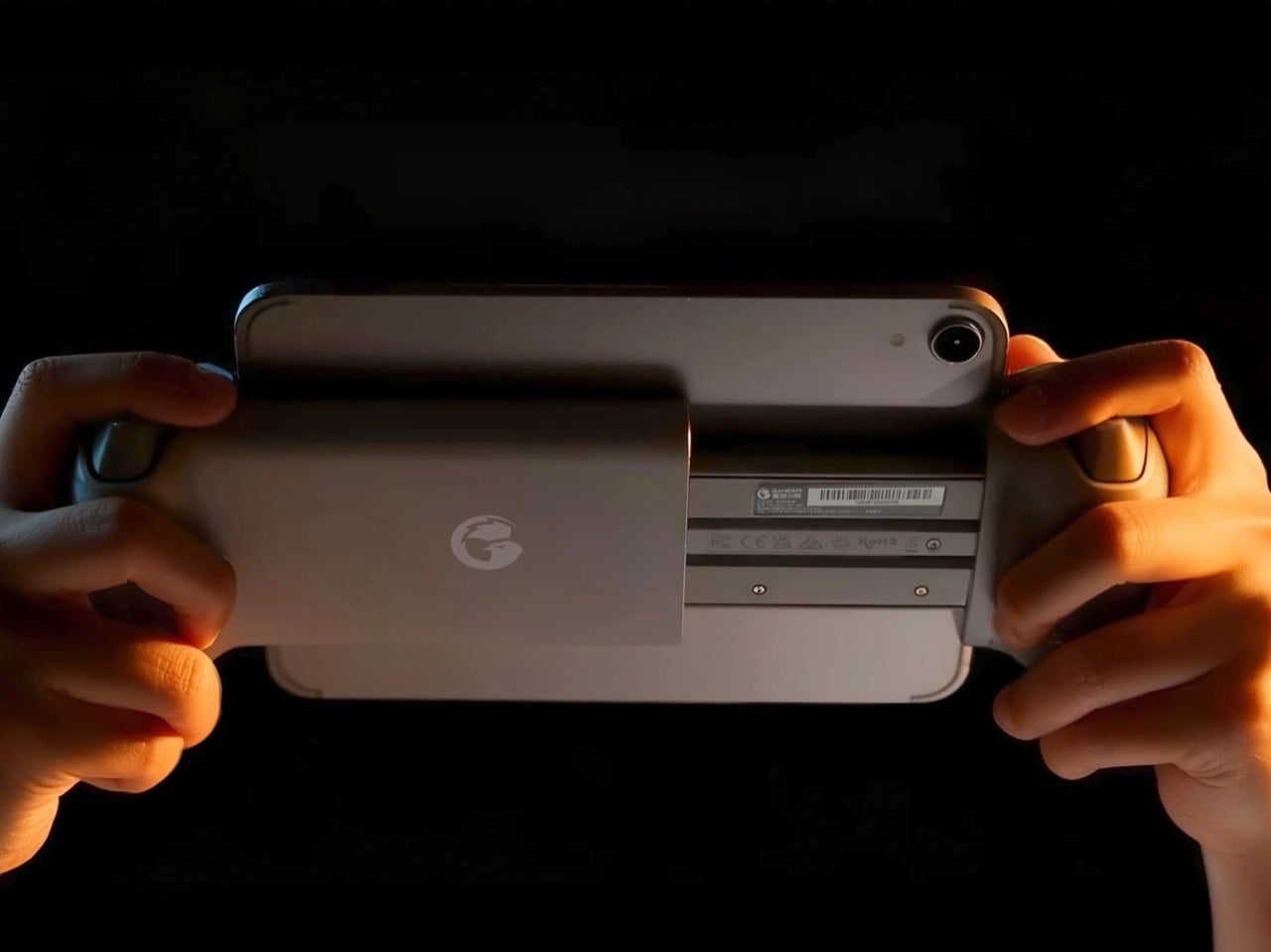
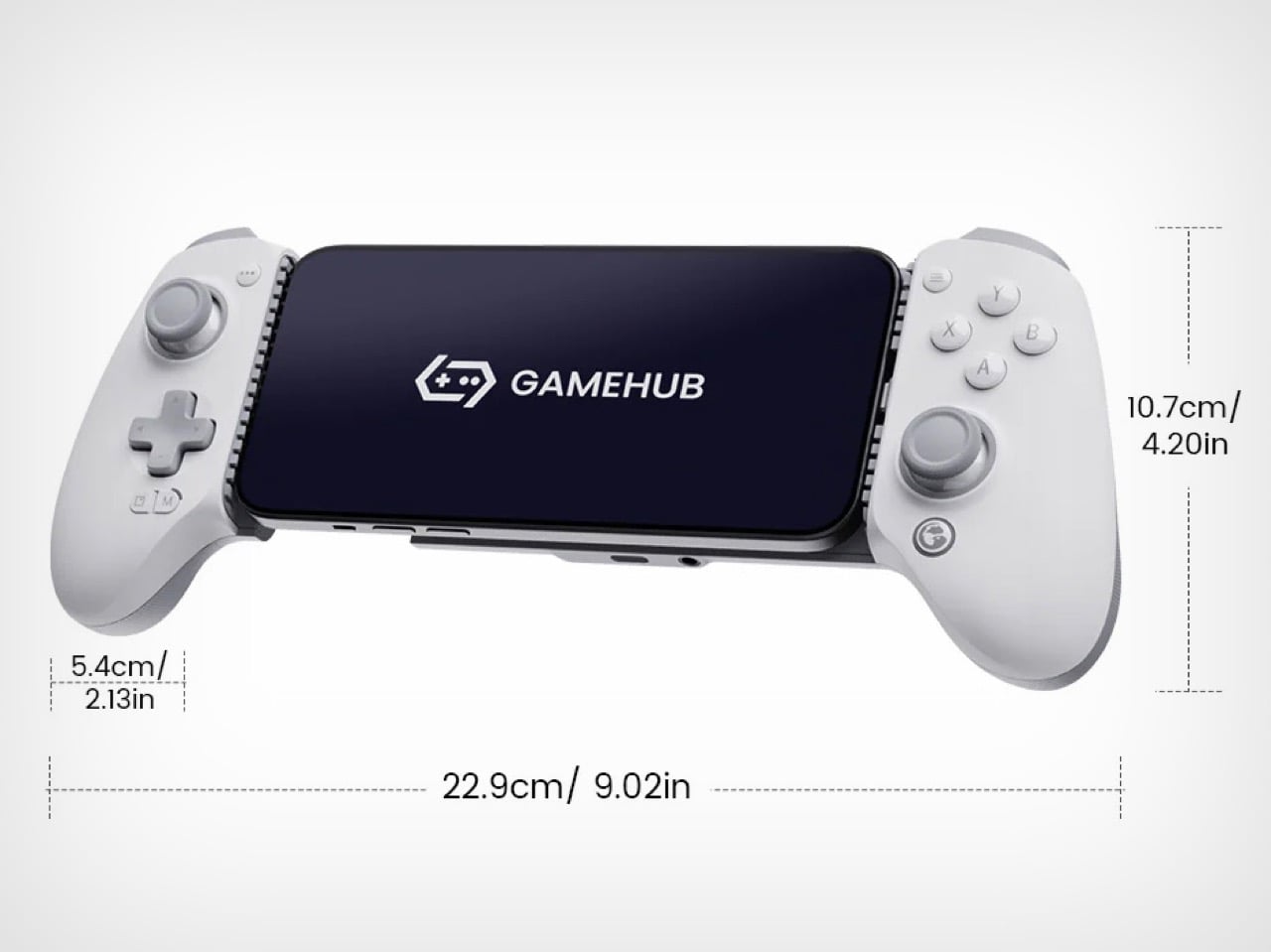
GameSir finally secured MFi certification, which means reliable performance and stable connectivity across iOS devices without the usual third-party controller jank. The company built its reputation on solid hardware, particularly with controllers like the standard G8 Plus that launched earlier this year with Bluetooth and battery support. This MFi version strips out both the battery and wireless connectivity to meet Apple’s specifications and hit that $79.99 price point. You’re getting a wired-only experience through a movable USB-C port, but the tradeoff includes pass-through charging so your phone doesn’t die mid-session. The telescopic design stretches to accommodate devices up to 215mm, which covers everything from standard iPhones to the iPad Mini, giving you way more versatility than you’d expect from a phone controller.

Designer: GameSir

Click Here to Buy Now

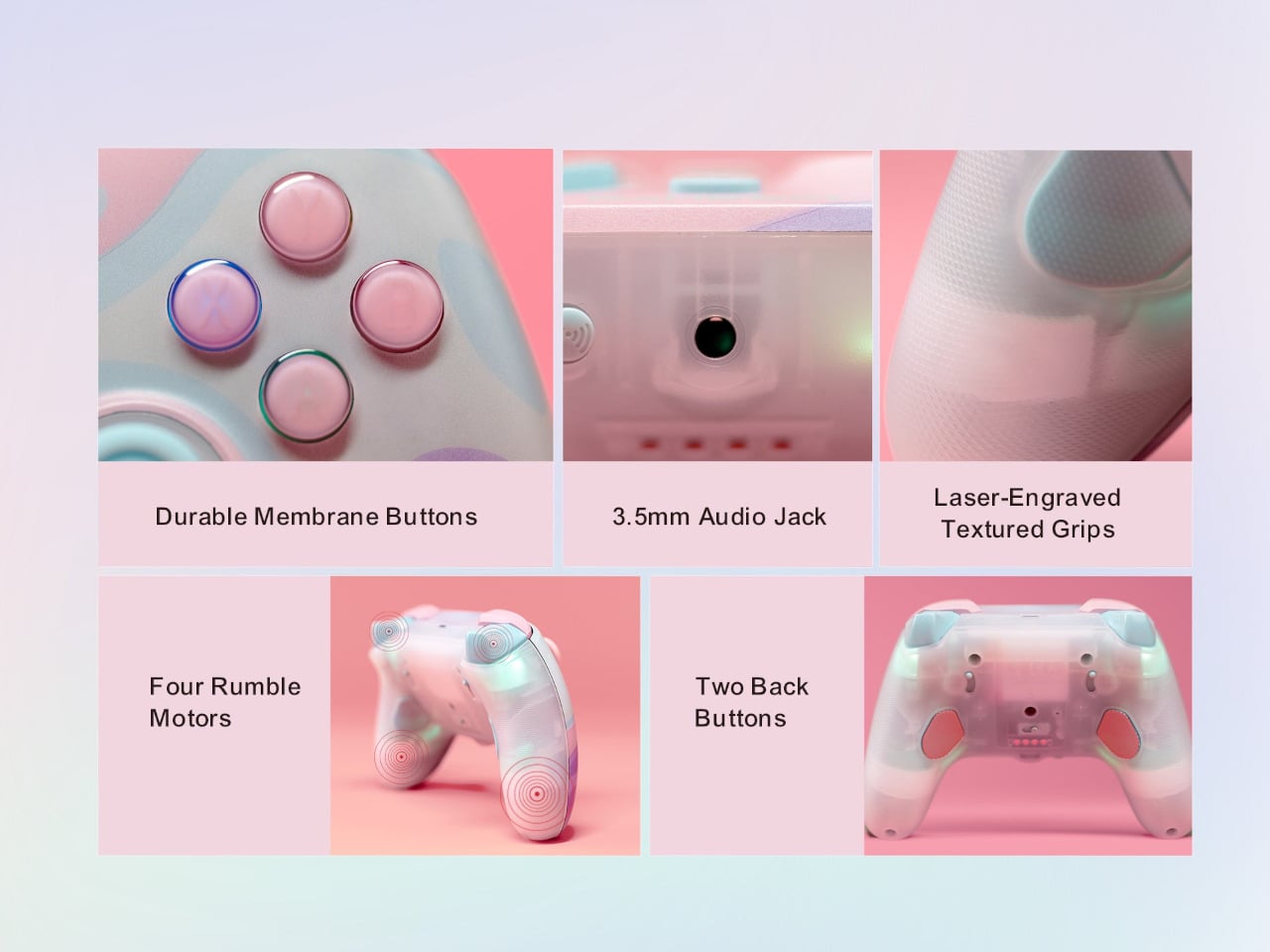
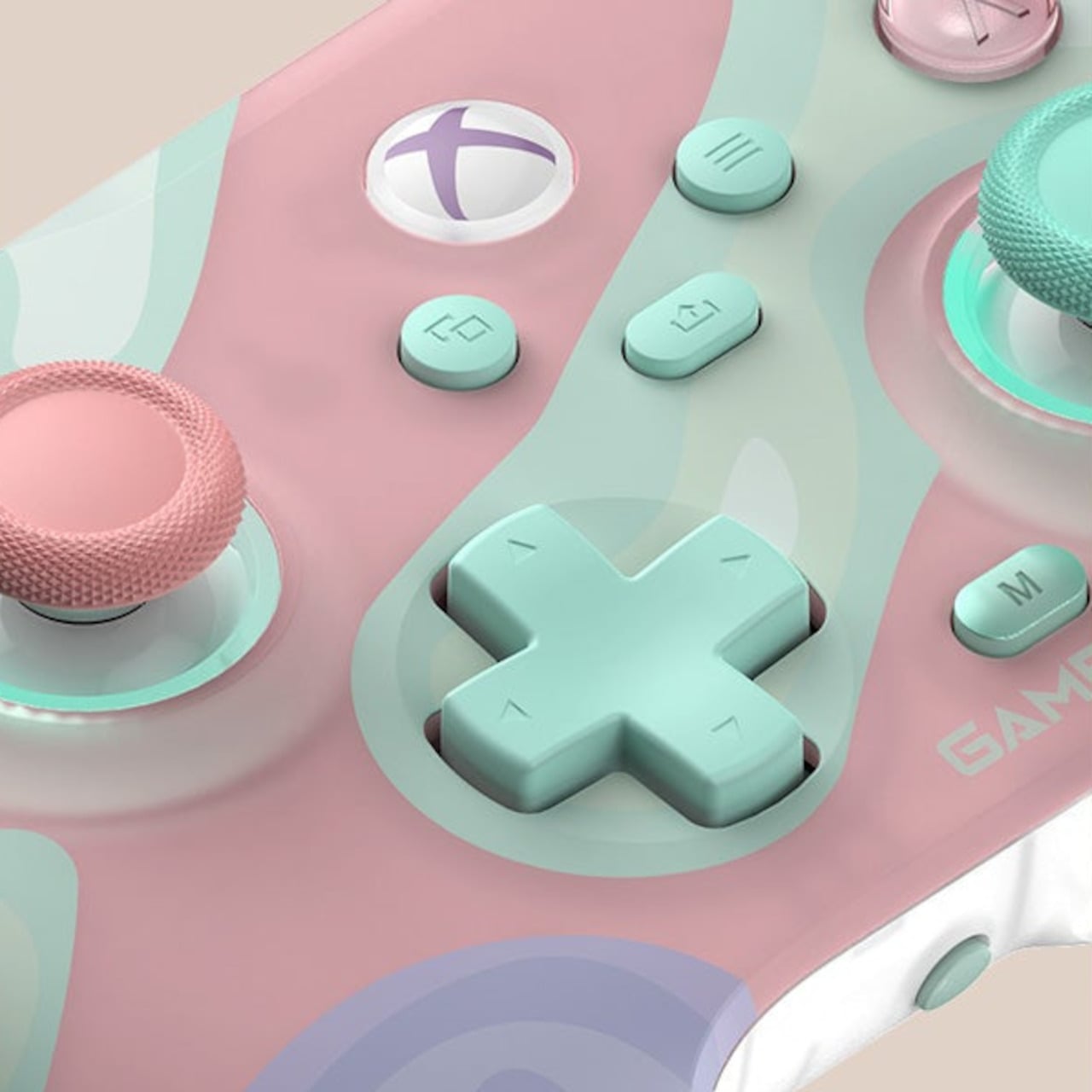
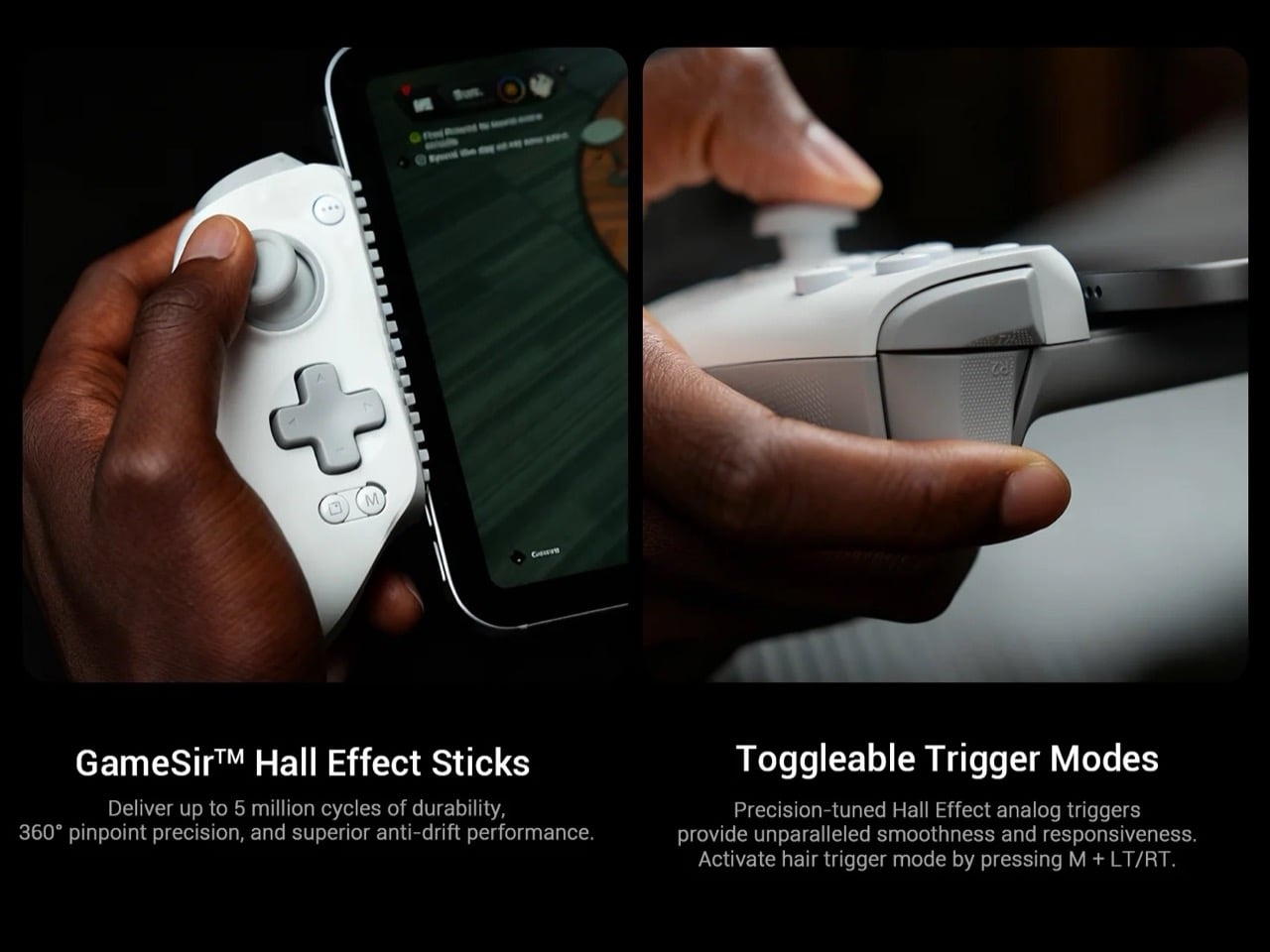
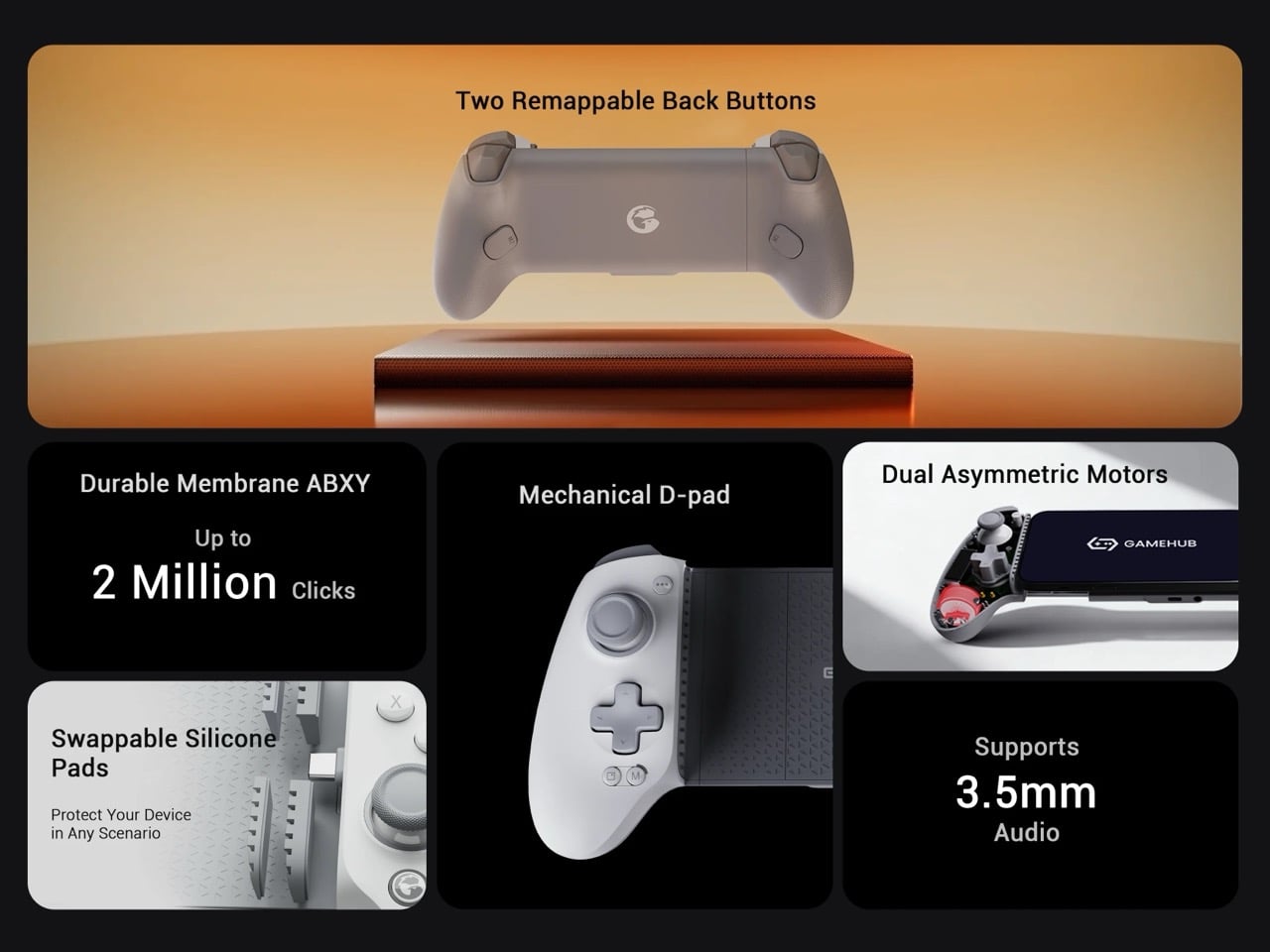
Hall Effect sensors in both the thumbsticks and analog triggers eliminate stick drift, which remains a persistent problem even in premium controllers. The mechanical D-pad provides tactile feedback that membrane alternatives can’t match, though the ABXY buttons use membrane technology to keep costs reasonable. Two programmable back buttons sit on laser-engraved grips, and the entire controller works with the GameSir app for customization. The detachable magnetic faceplate lets you swap thumbstick positions and rearrange the ABXY layout, something Backbone doesn’t offer at any price point. There’s also a 3.5mm audio jack for wired headphones, which matters more than you’d think when Bluetooth audio introduces latency in competitive games. GameSir clearly spent their engineering budget on components that affect gameplay rather than feature bloat.

No gyroscope means games that rely on motion controls won’t work properly, which eliminates a chunk of the iOS gaming library. The wired-only design lacks the flexibility of Backbone’s newer Pro model with its 40-hour battery and Bluetooth connectivity. GameSir’s app exists but doesn’t approach the polish or social features of Backbone’s ecosystem, which has become a genuine differentiator for the brand. Backbone built a game launcher, social platform, and recording hub that transforms the controller from a peripheral into a gaming experience. GameSir offers button remapping and firmware updates, which covers the basics but won’t replace your need for separate apps. You can tell where each company decided to compete and where they chose to concede ground.

The calculation for buyers comes down to whether Backbone’s ecosystem and brand cachet justify a 25% premium over GameSir’s hardware-focused approach. If you care about launching games from a unified interface, sharing clips with friends, or using your controller as a social hub, Backbone remains the obvious choice despite the higher cost. But if you want Hall Effect reliability, physical customization options, and the ability to use the same controller with both your iPhone and a compact Android tablet without switching devices, GameSir built exactly that product. The G8 Plus MFi proves you can compete with an established market leader by focusing on what actually matters to a specific segment of buyers. Backbone set the standard for mobile controllers on iOS, and now someone finally showed up with enough credibility to make the comparison worthwhile rather than embarrassing.

Click Here to Buy Now

The post GameSir’s $79 MFi-compatible Controller Lets You Play PC & Xbox titles on an iPhone or iPad Mini first appeared on Yanko Design.