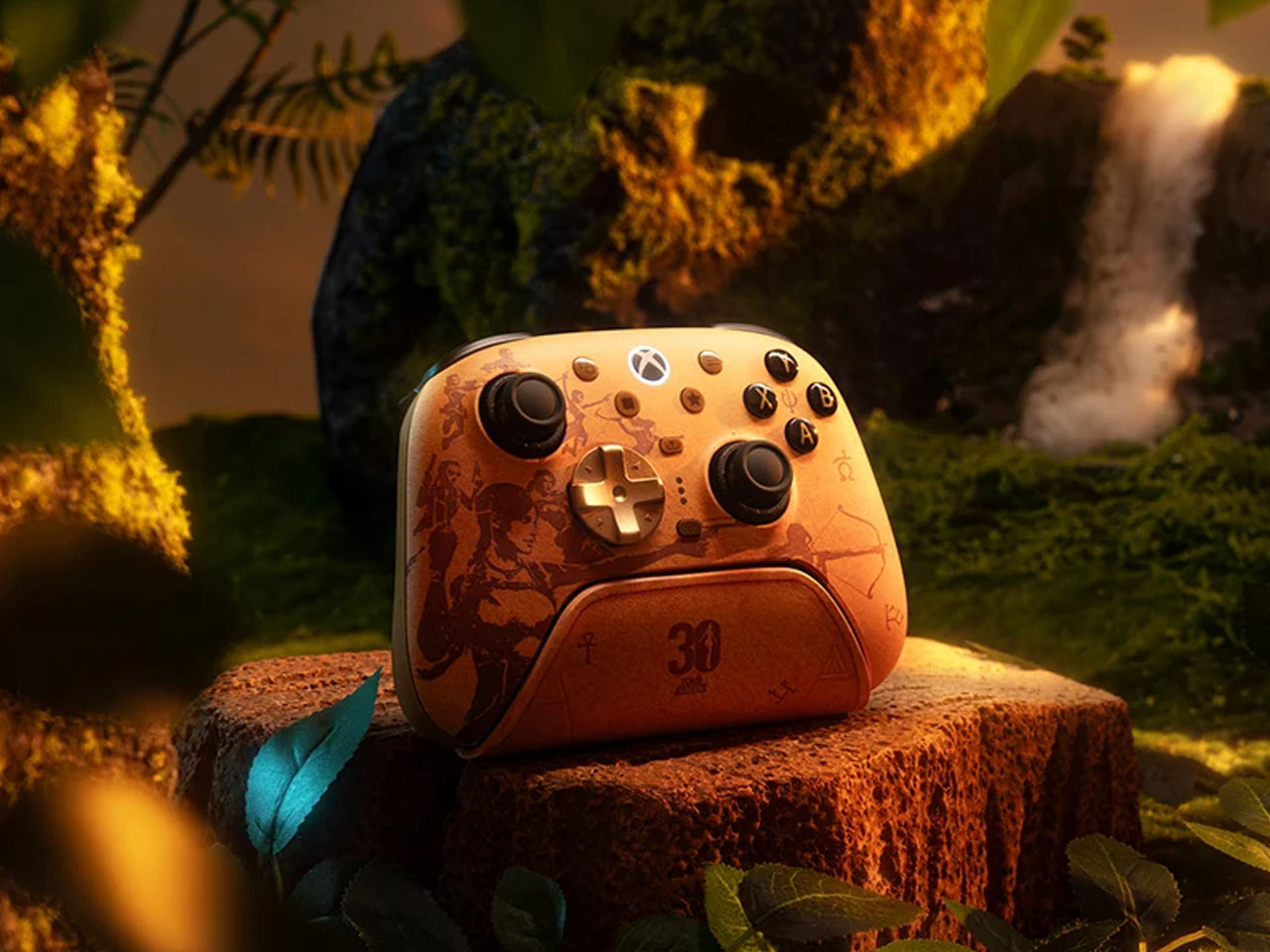
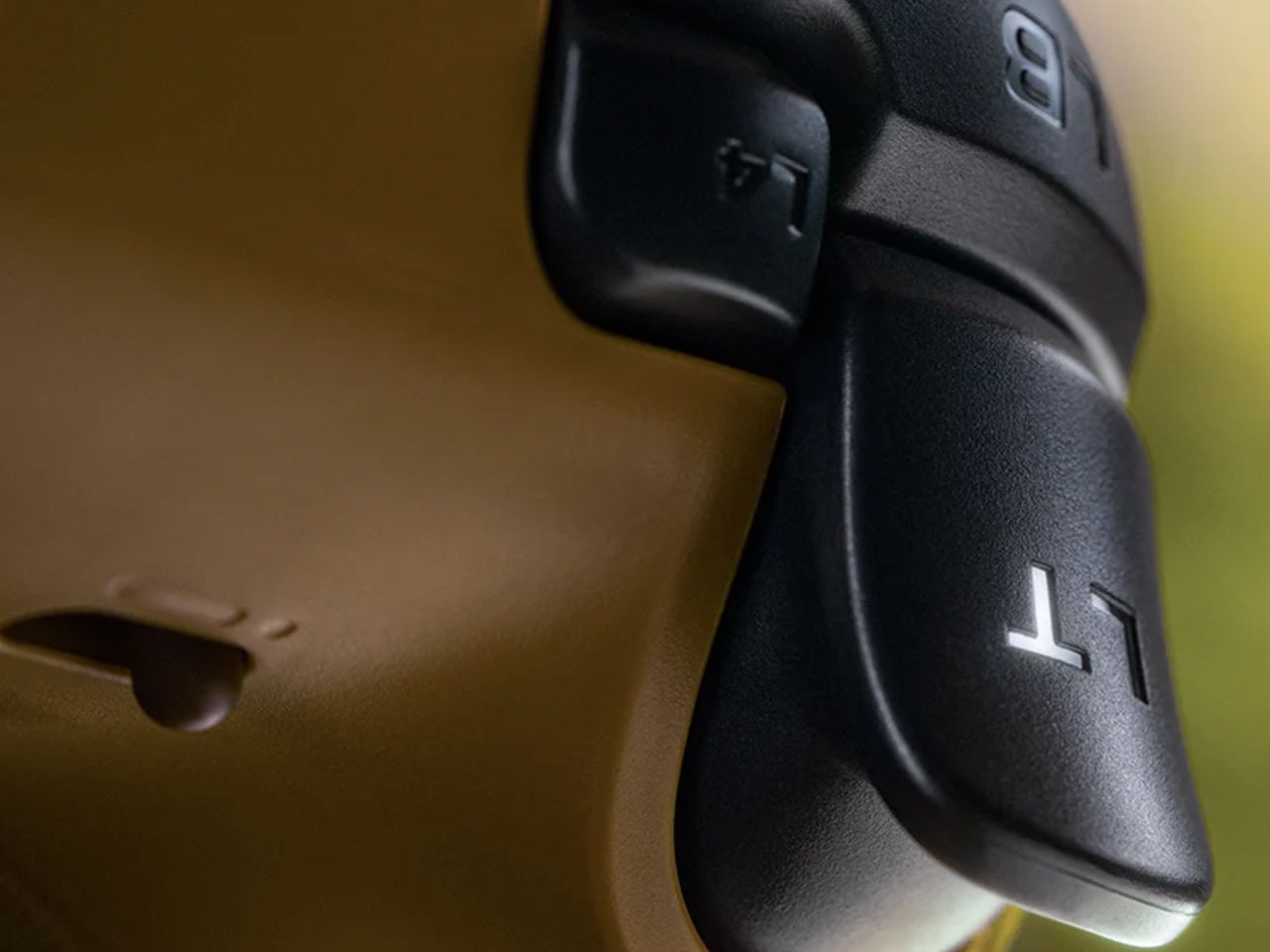
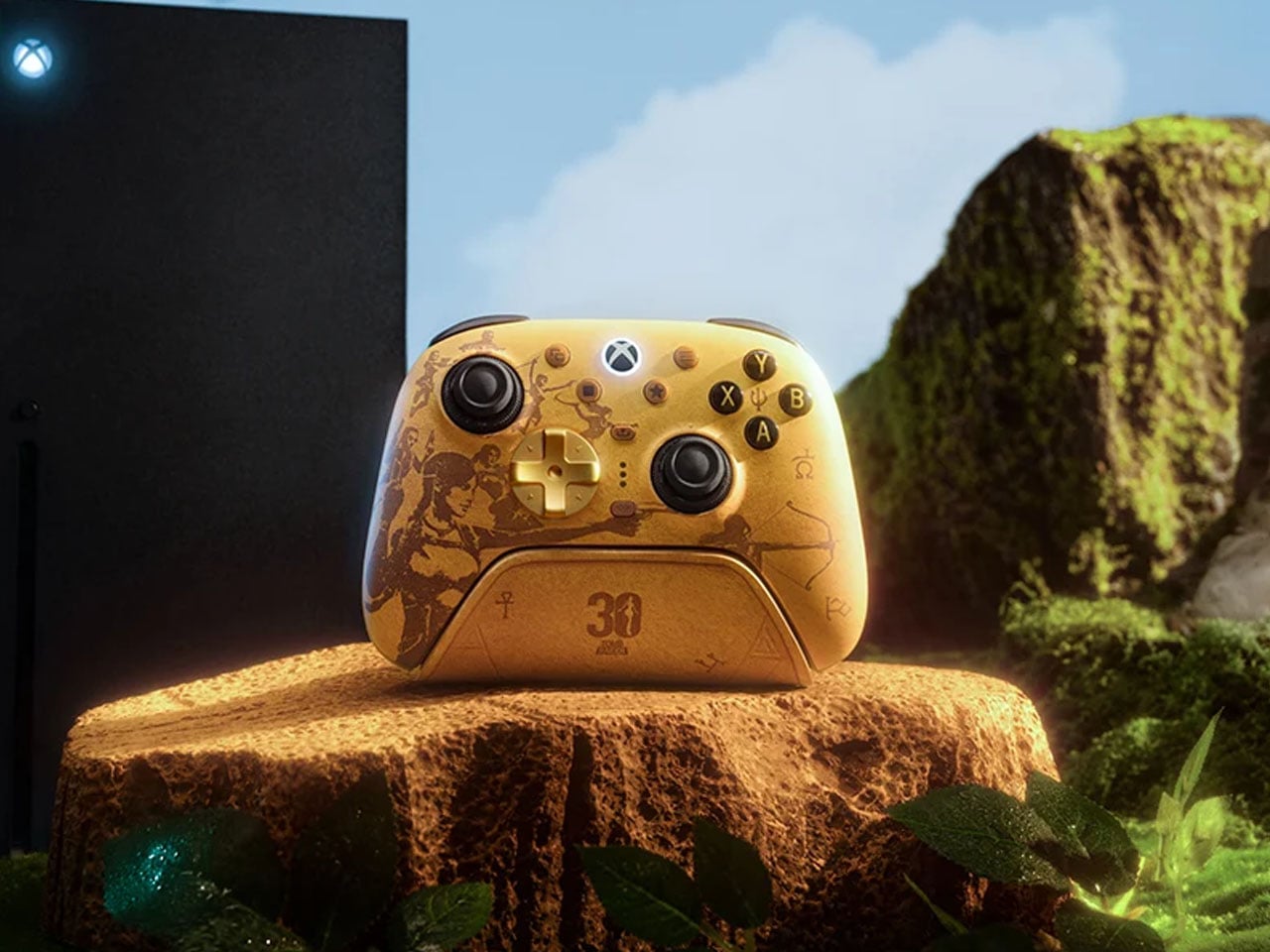
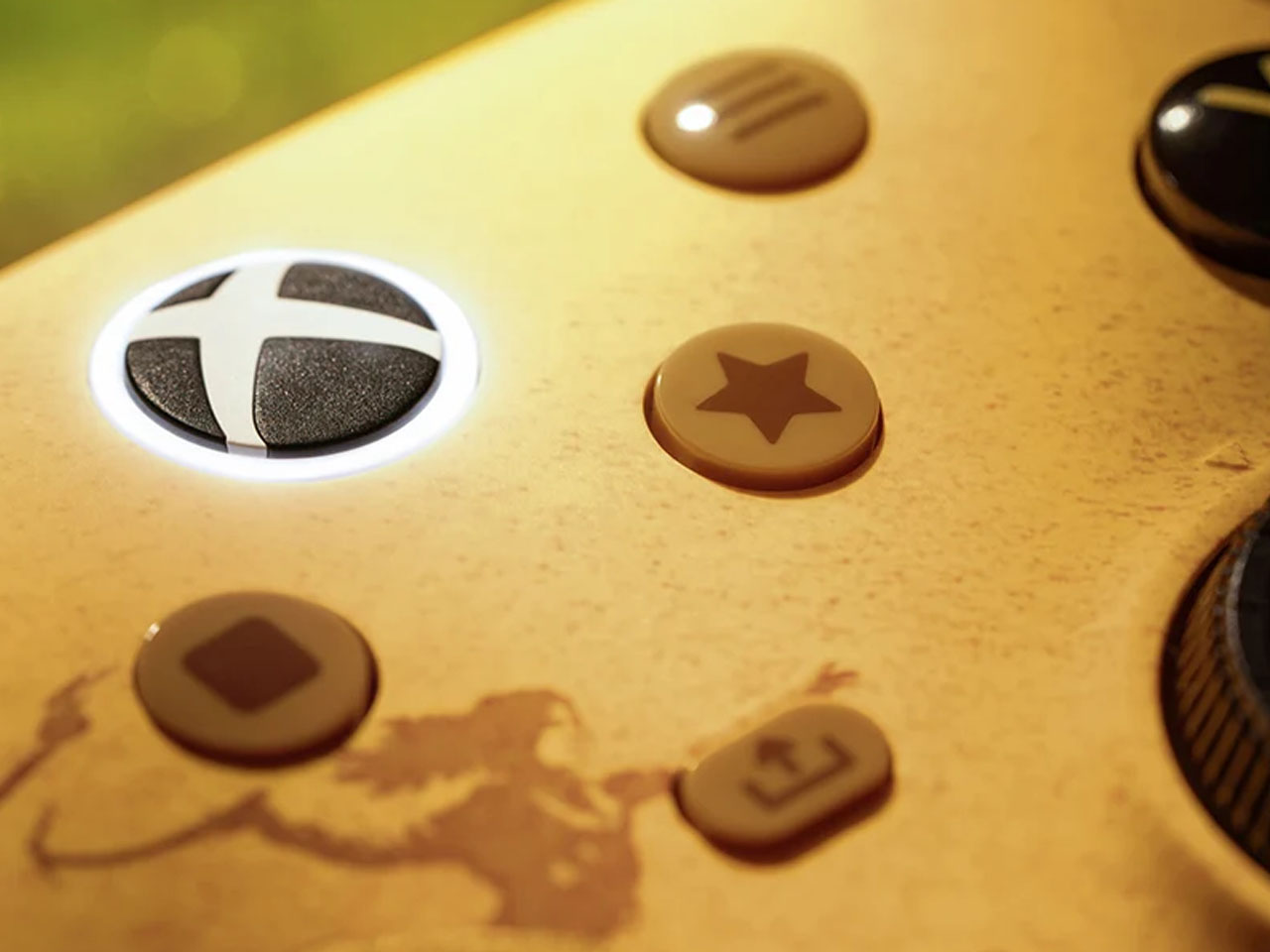
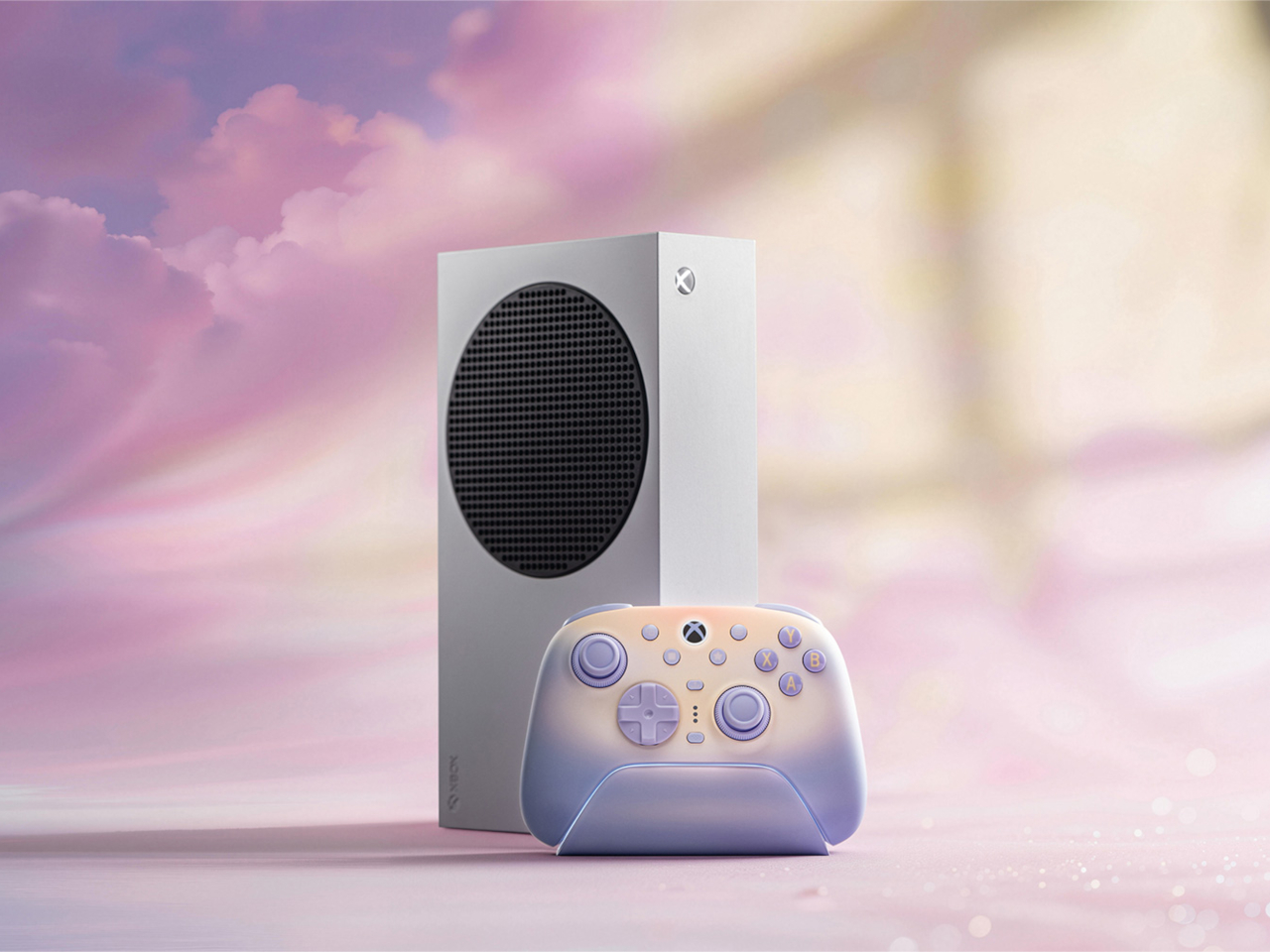
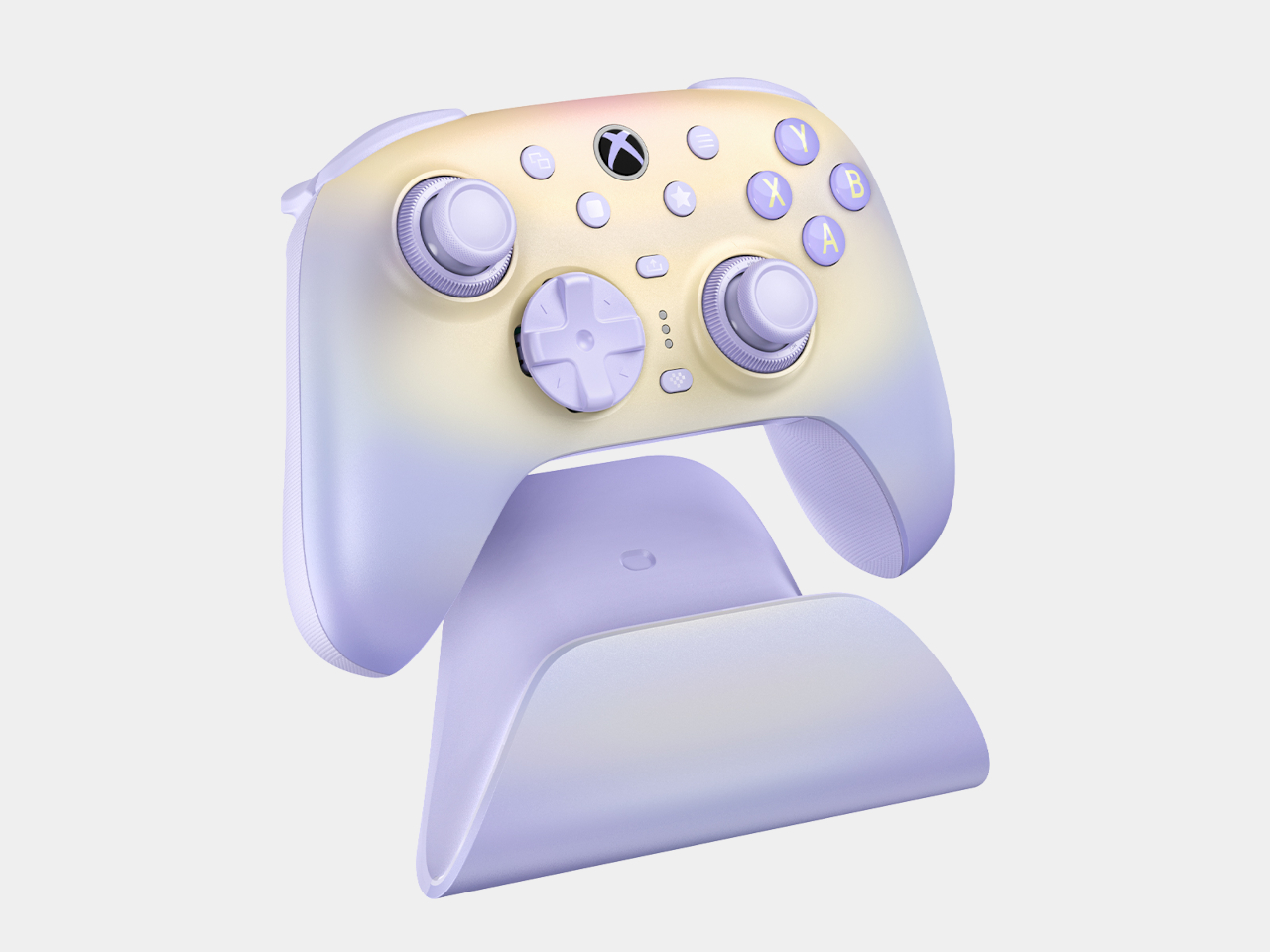
The 8BitDo Ultimate 3E Is the LEGO Set of Gaming Controllers

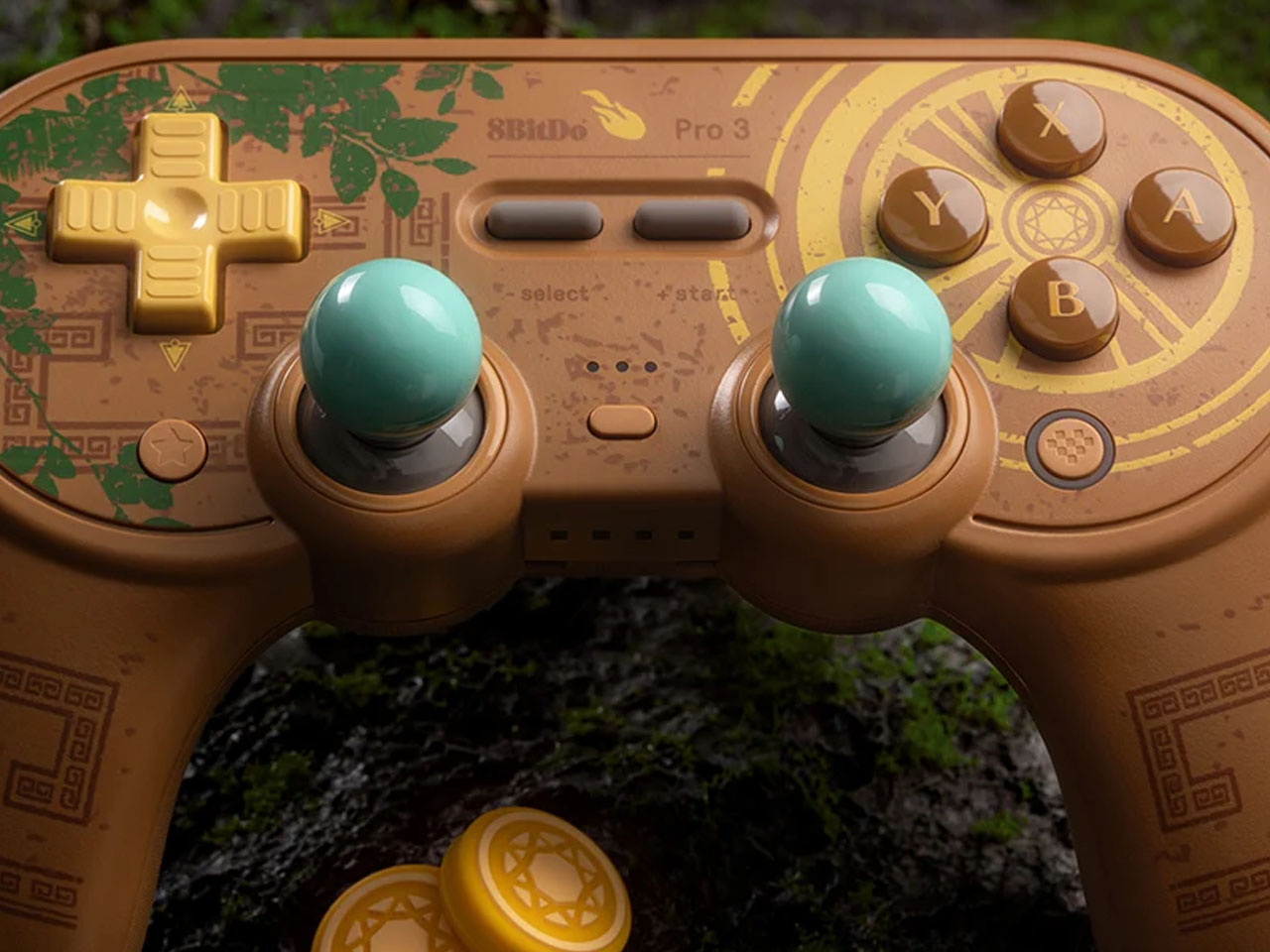
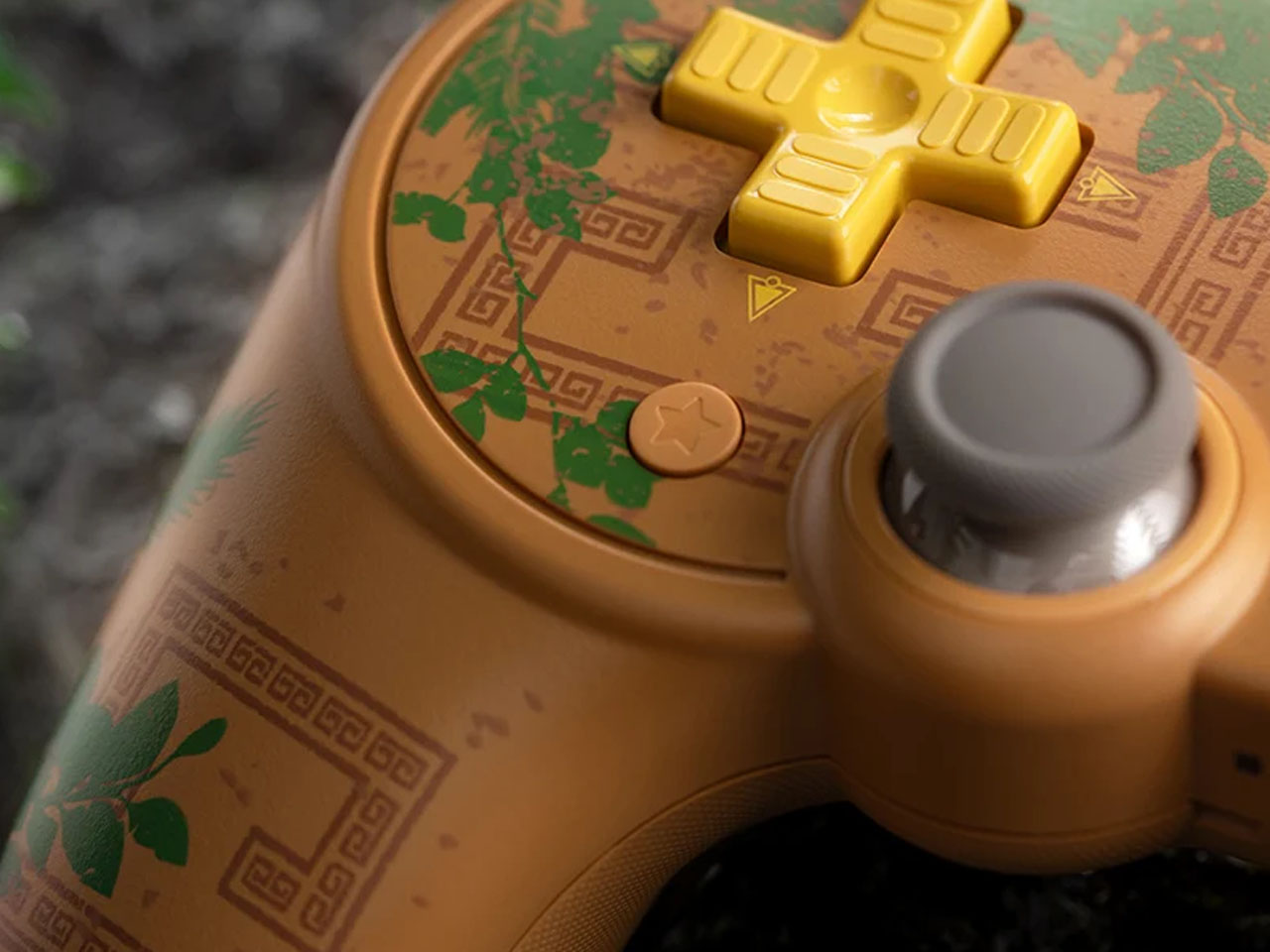
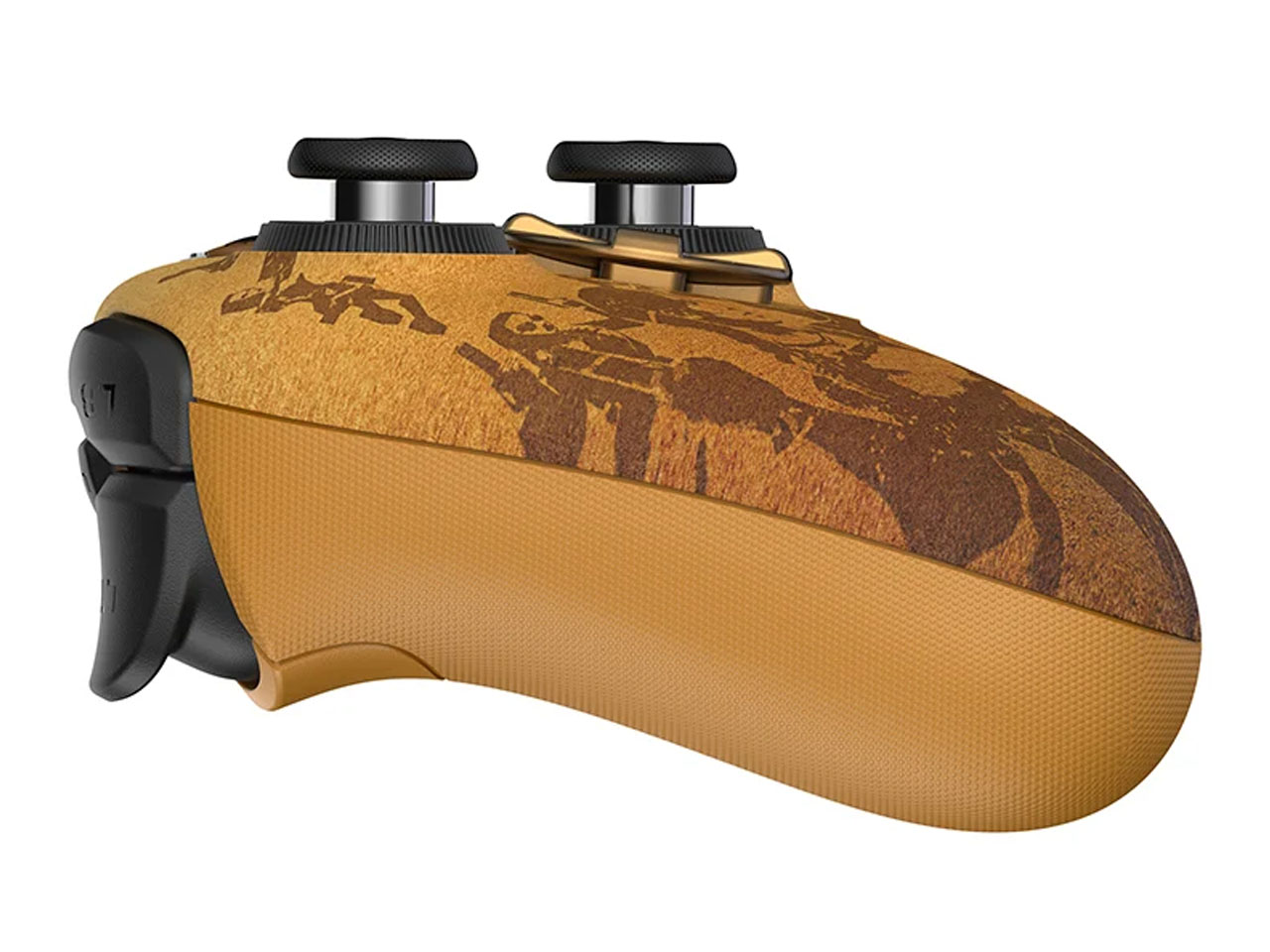
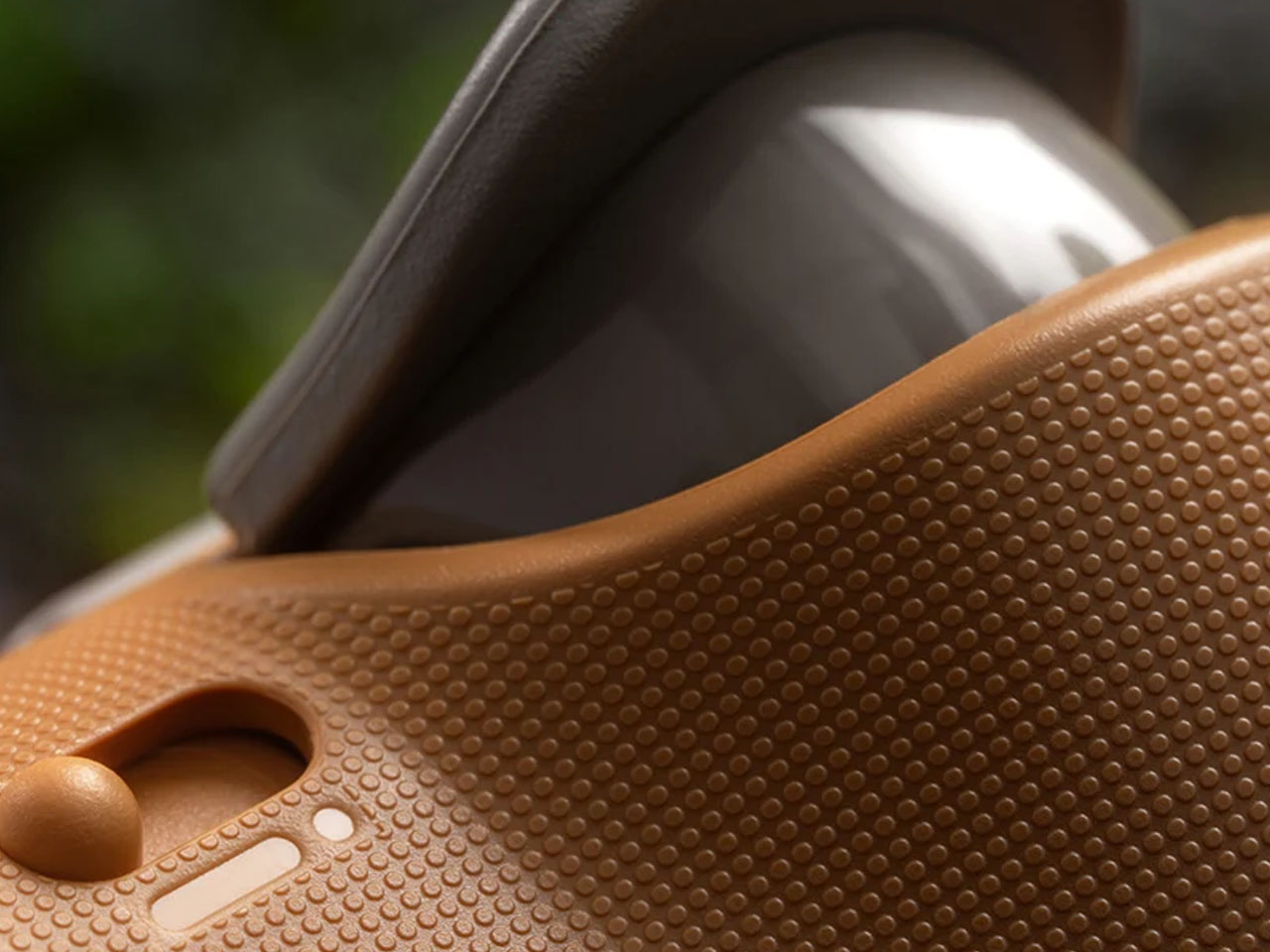
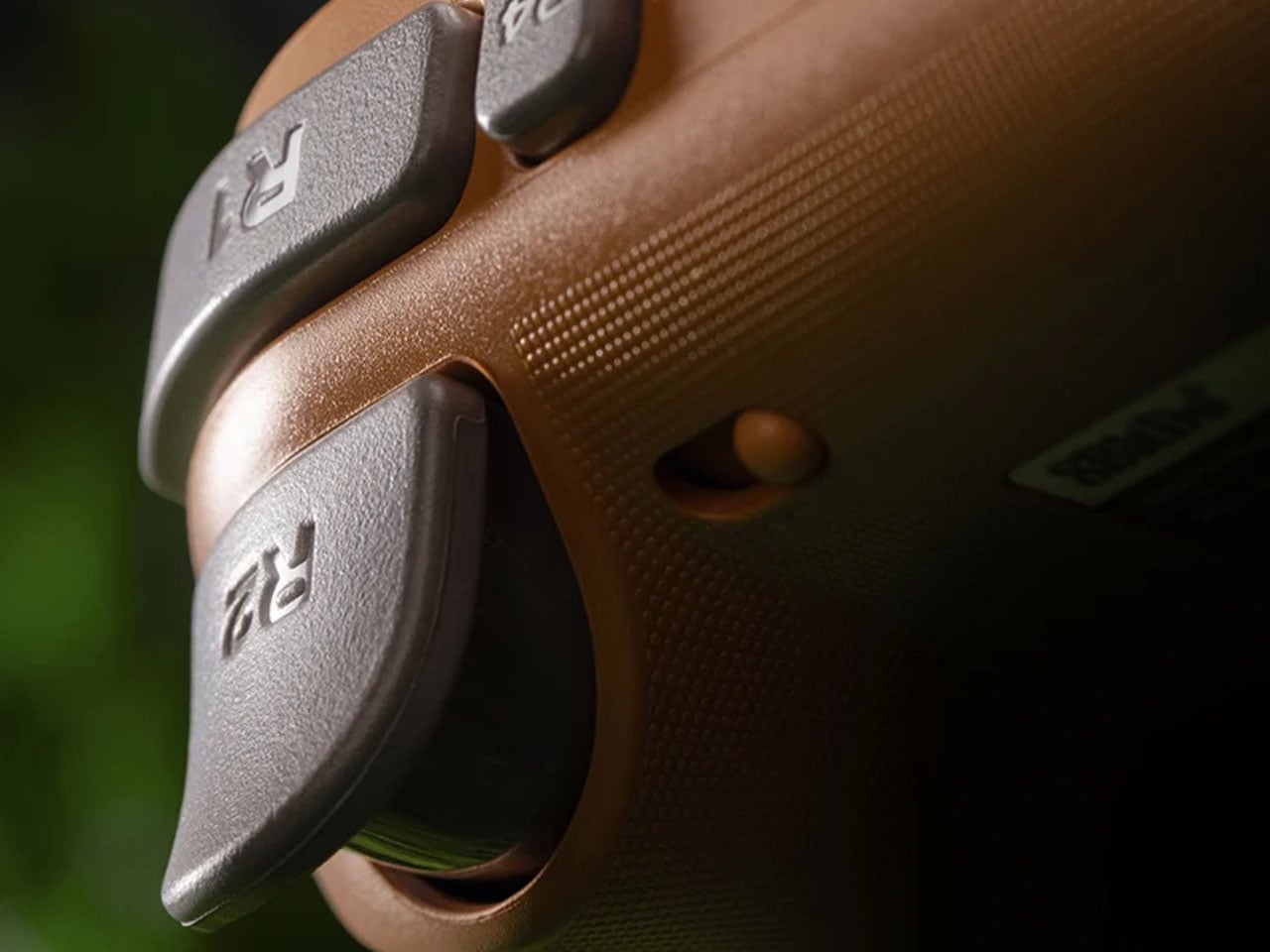
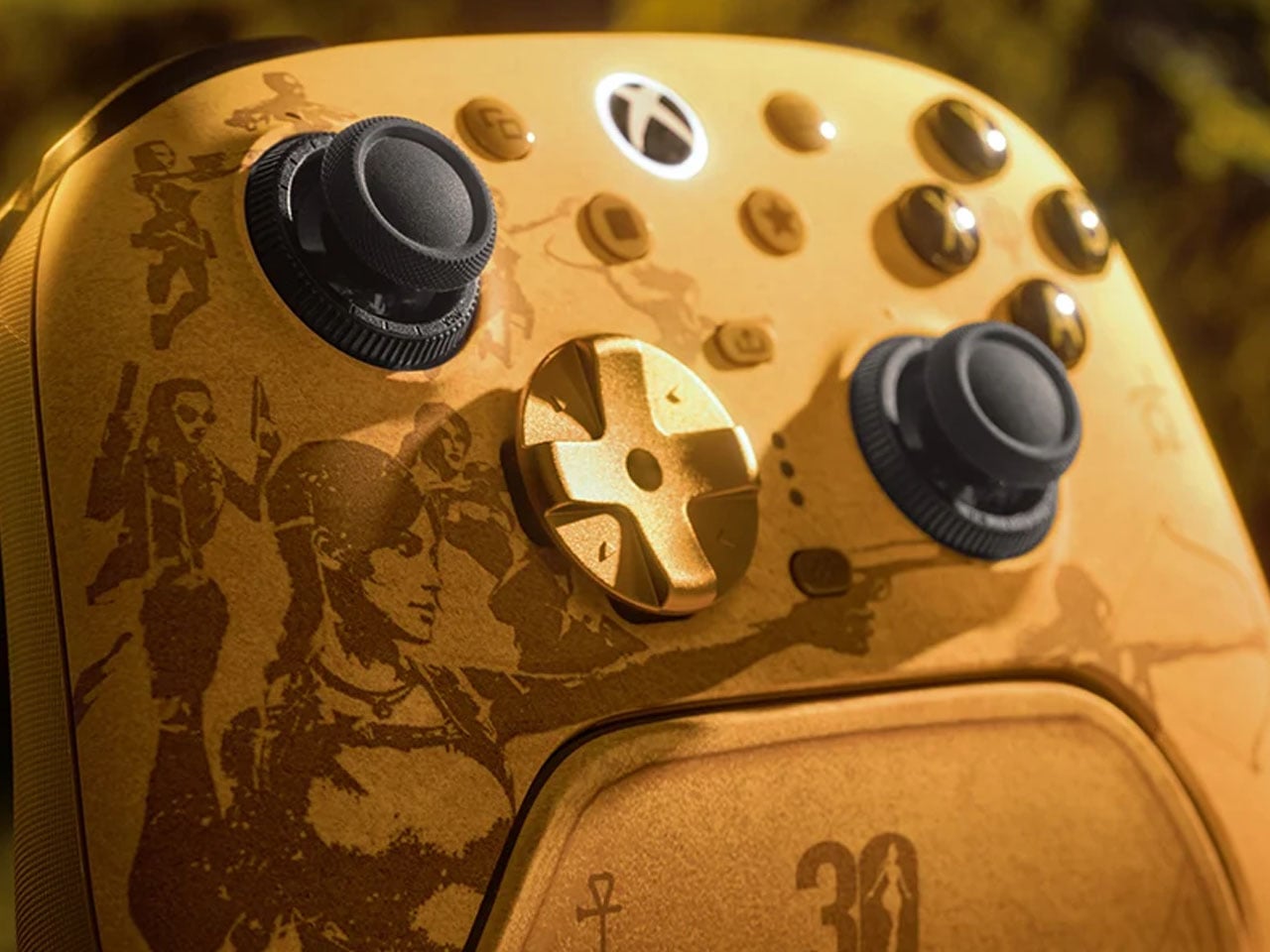
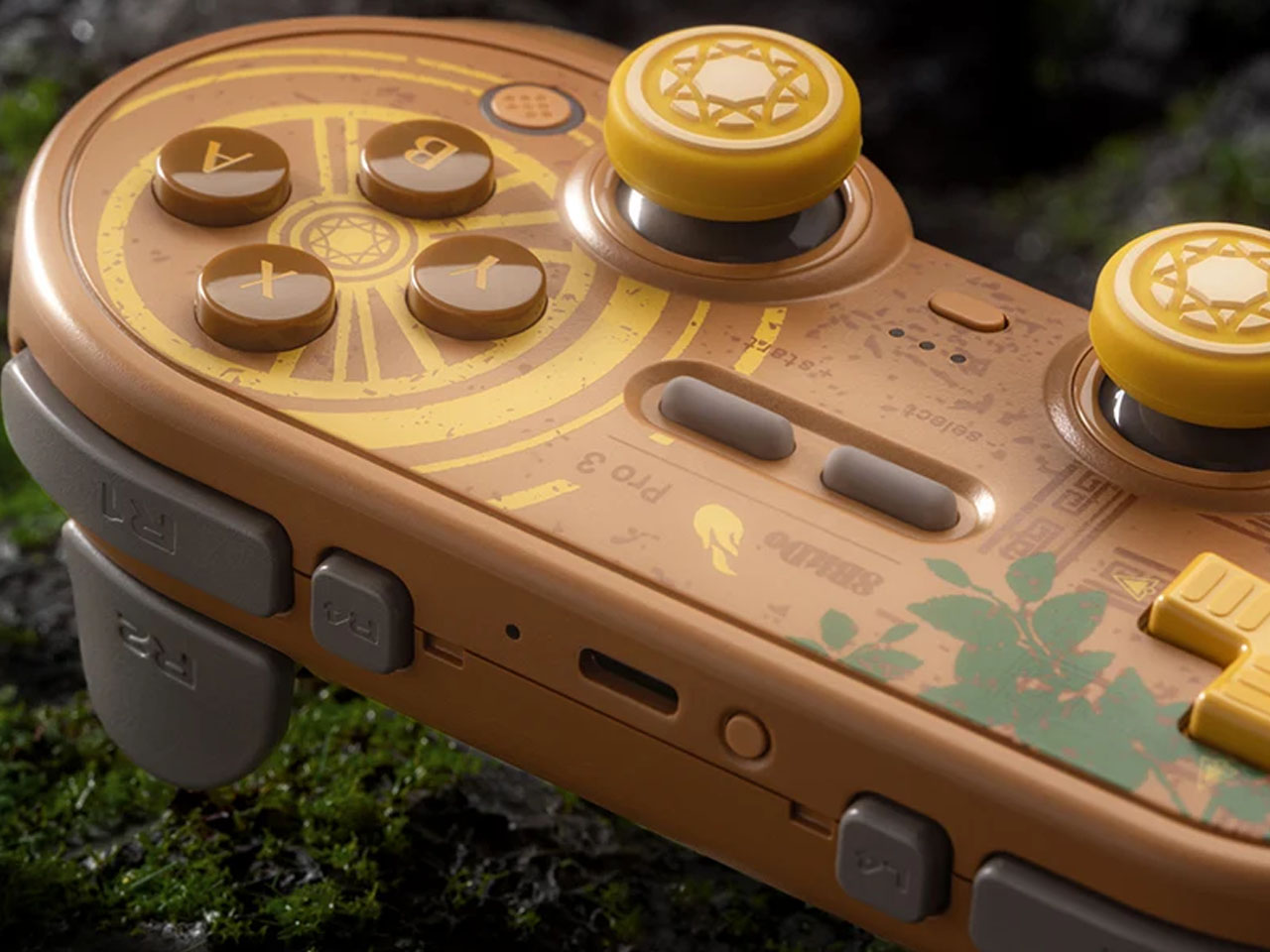
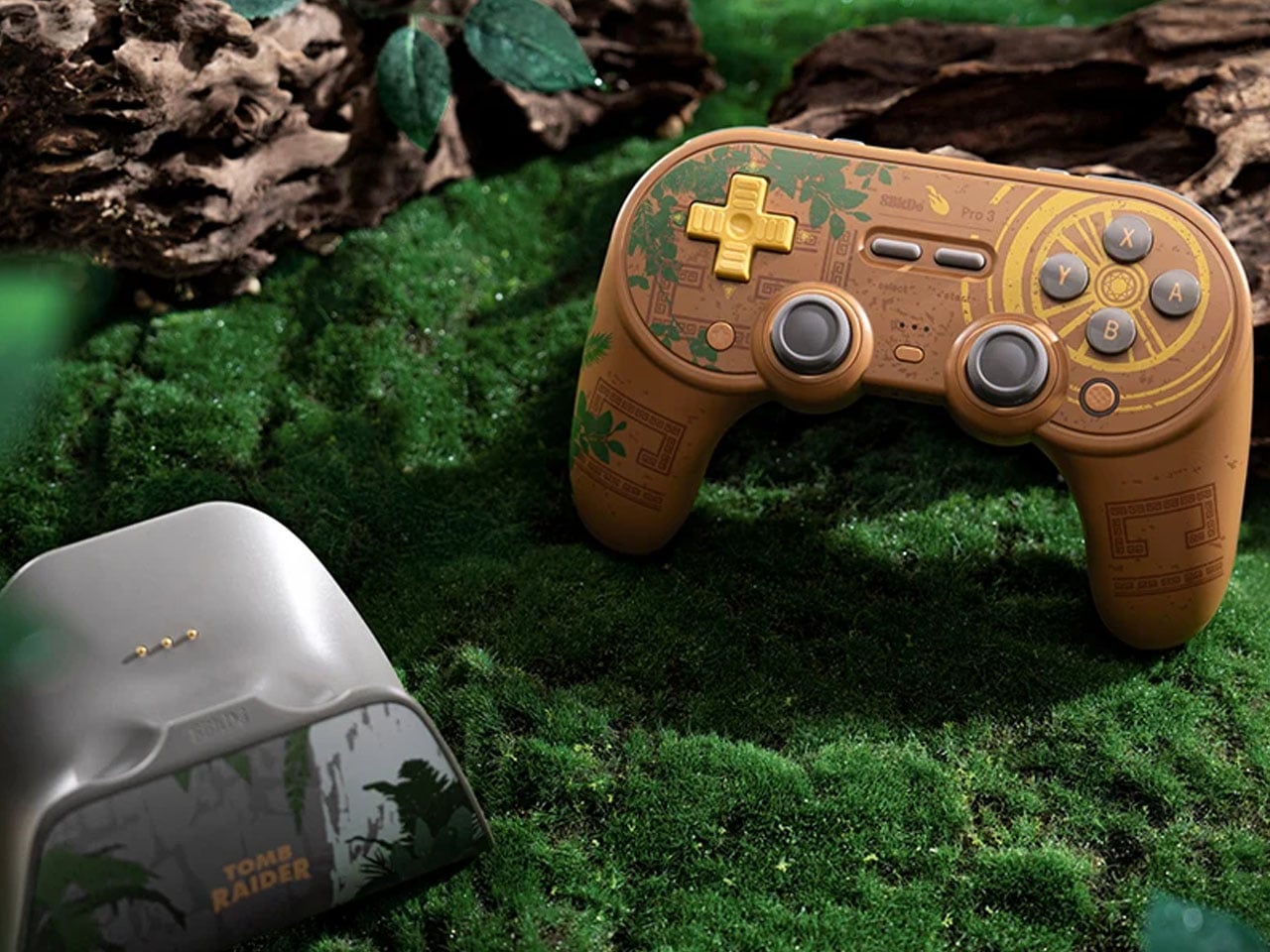
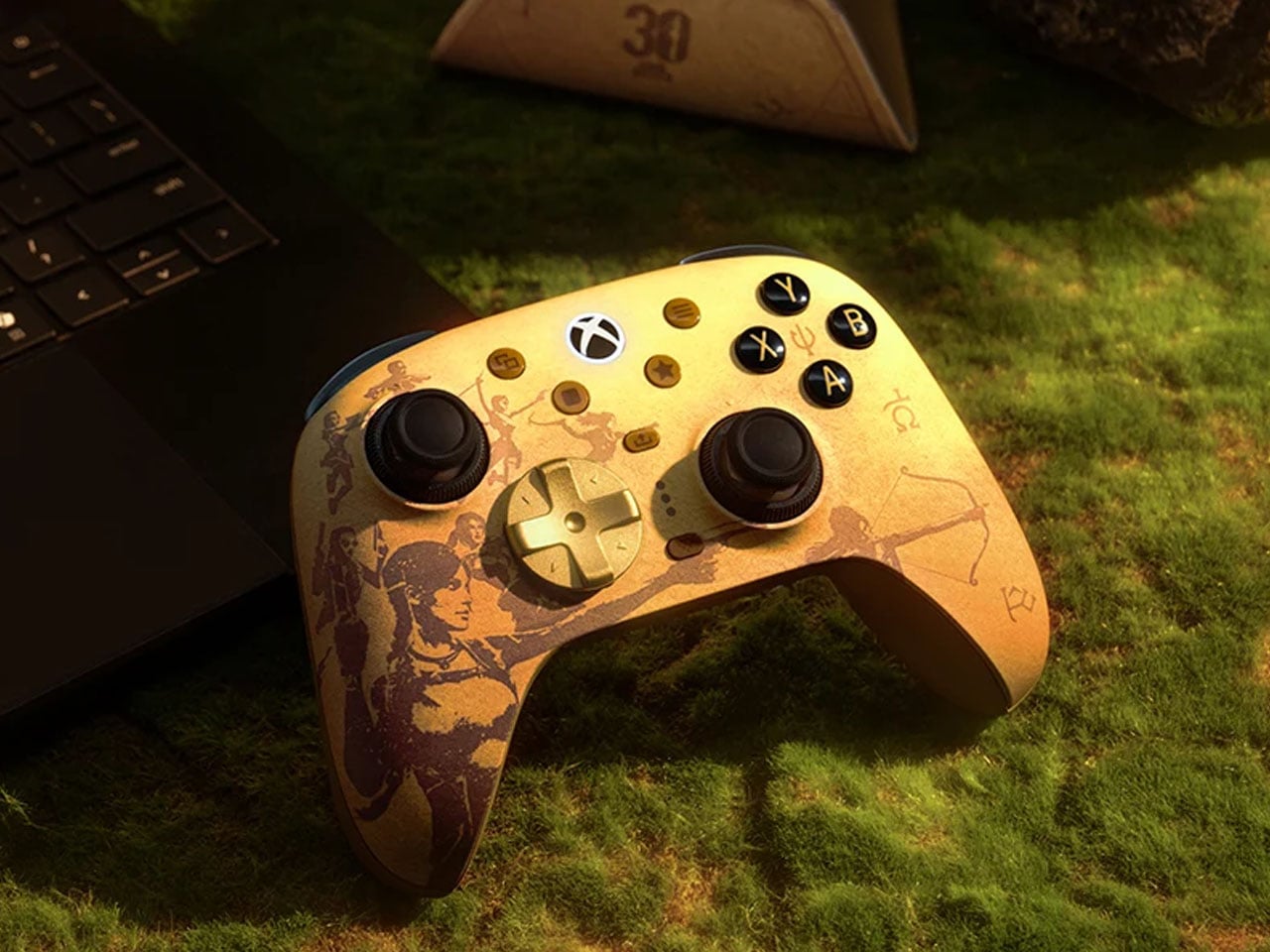
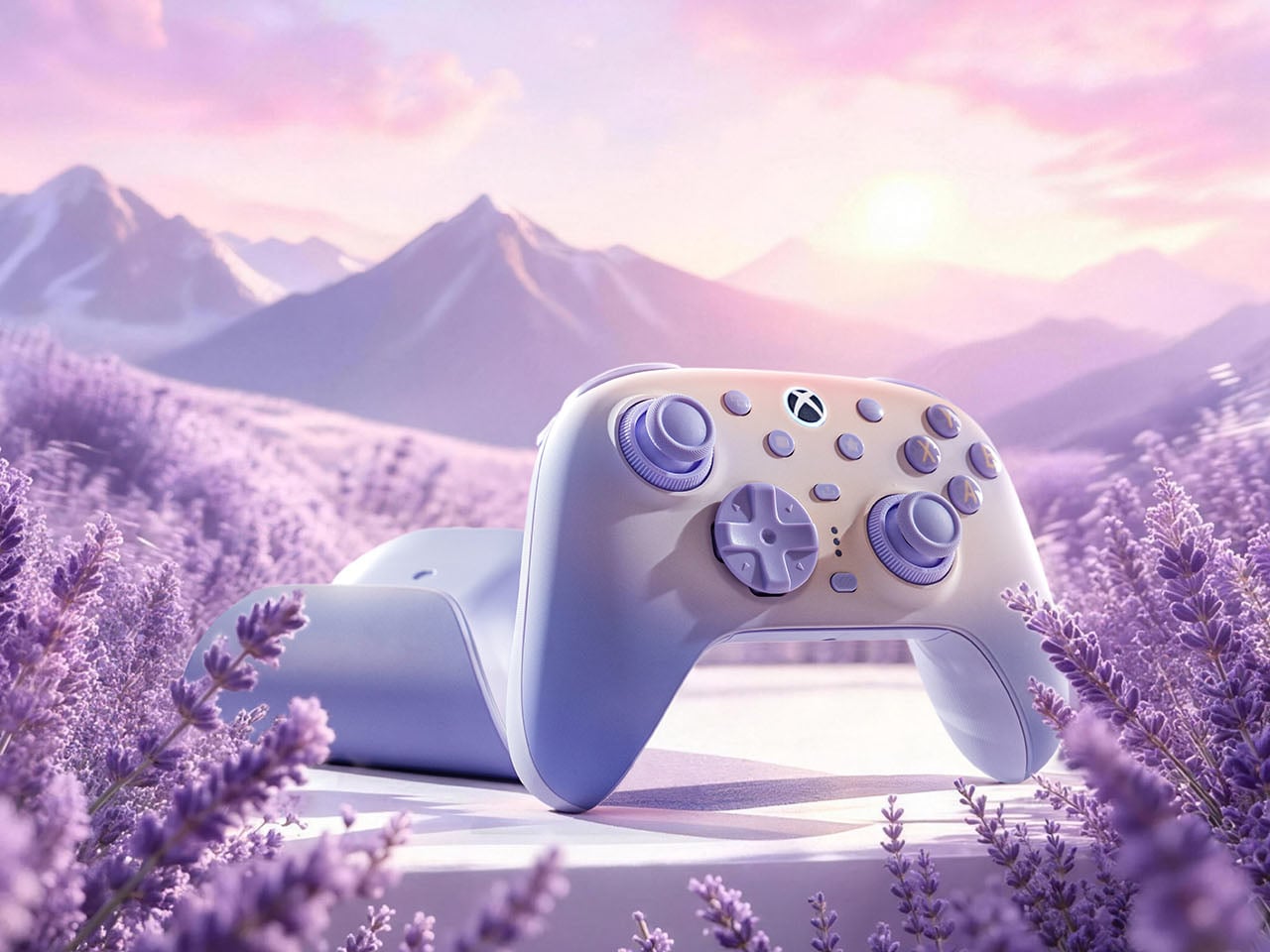
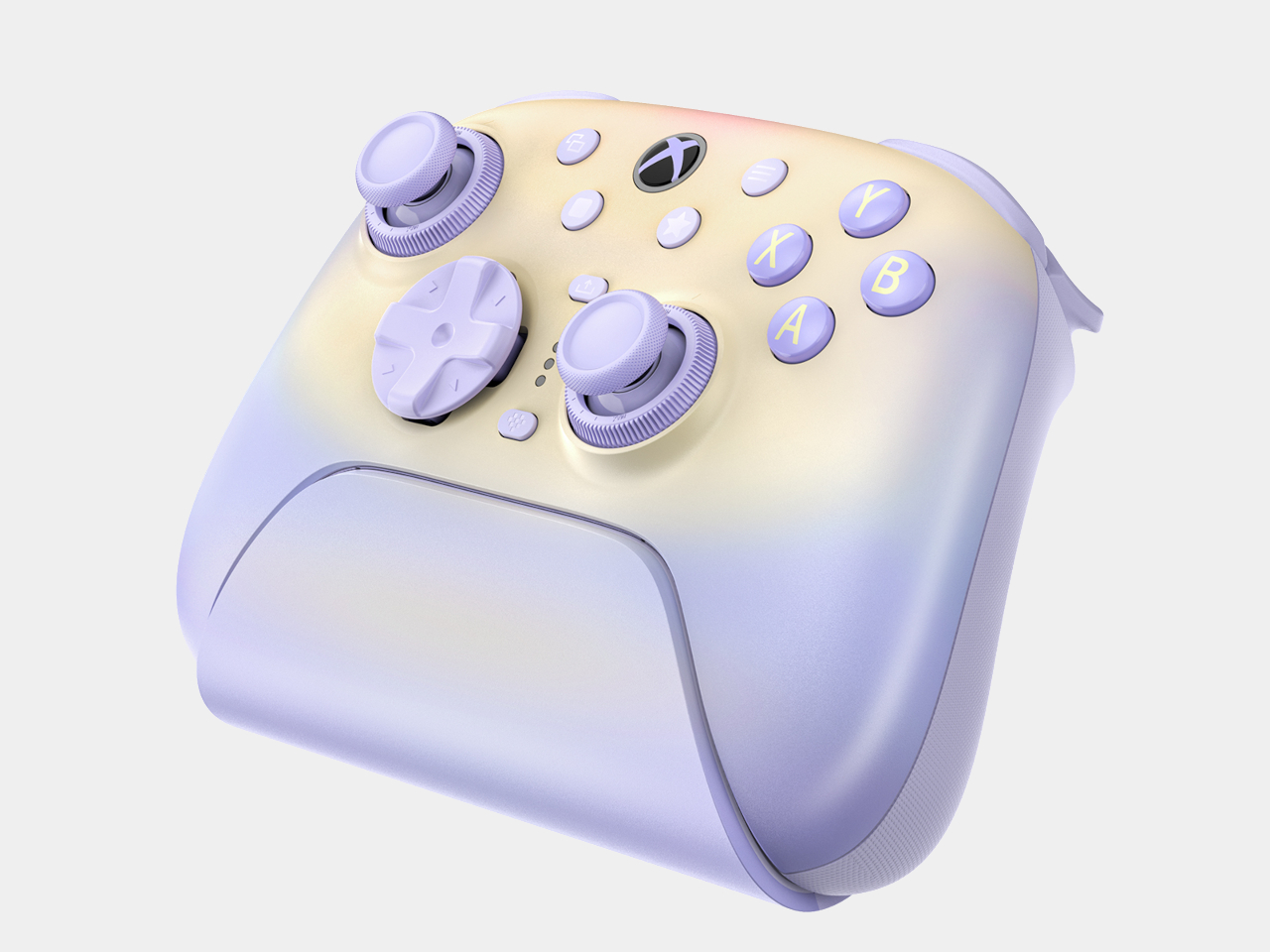
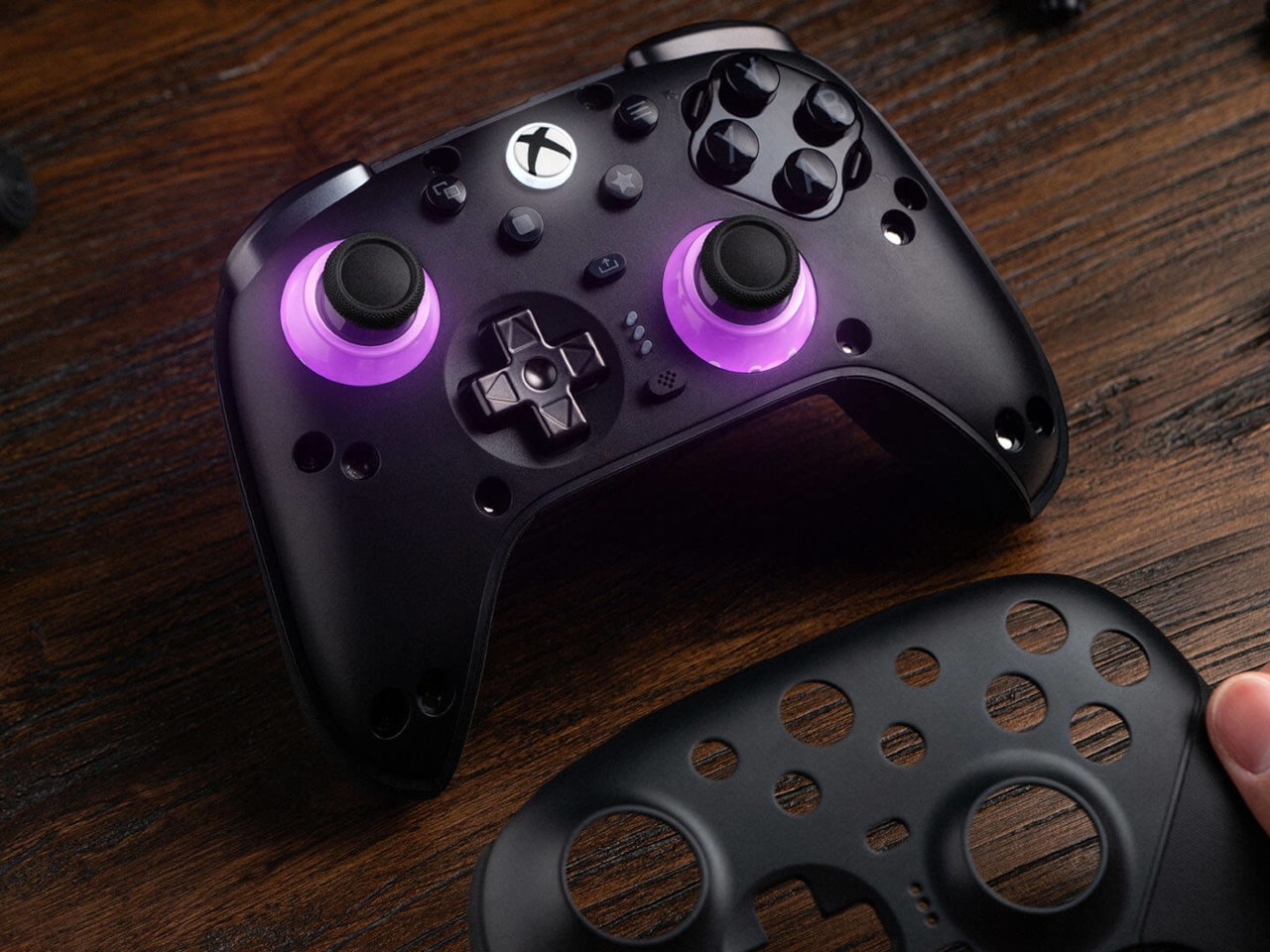
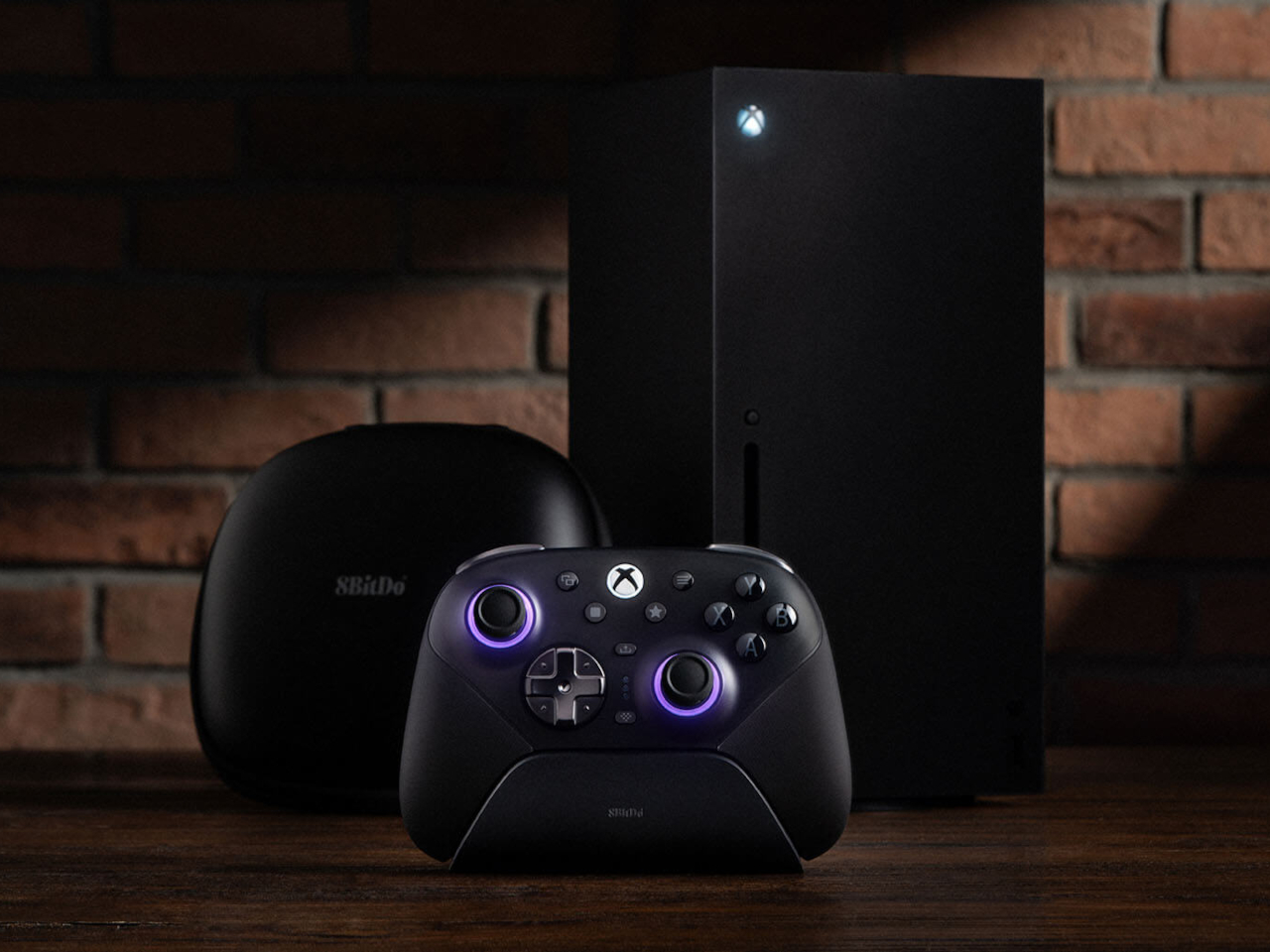
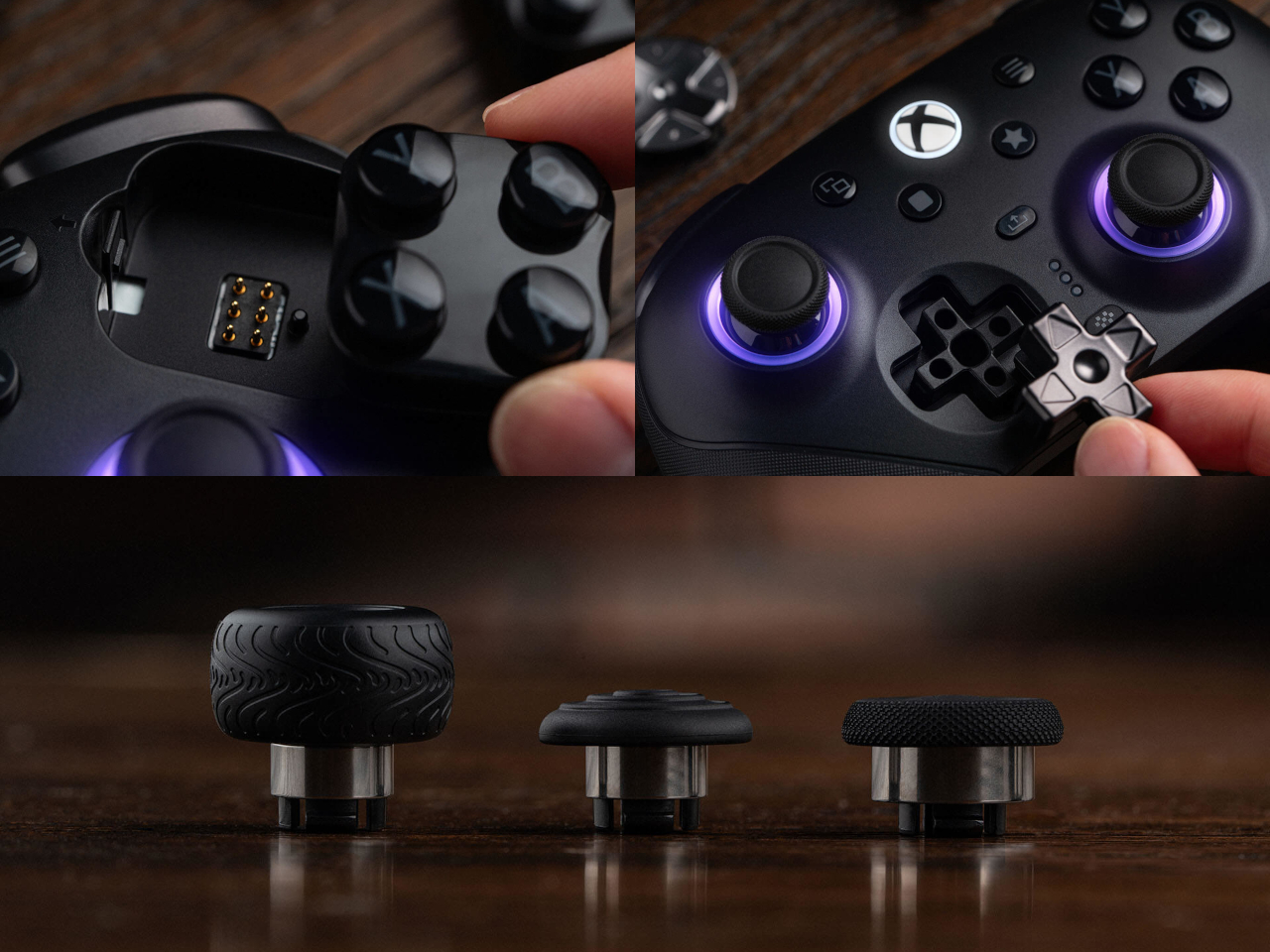
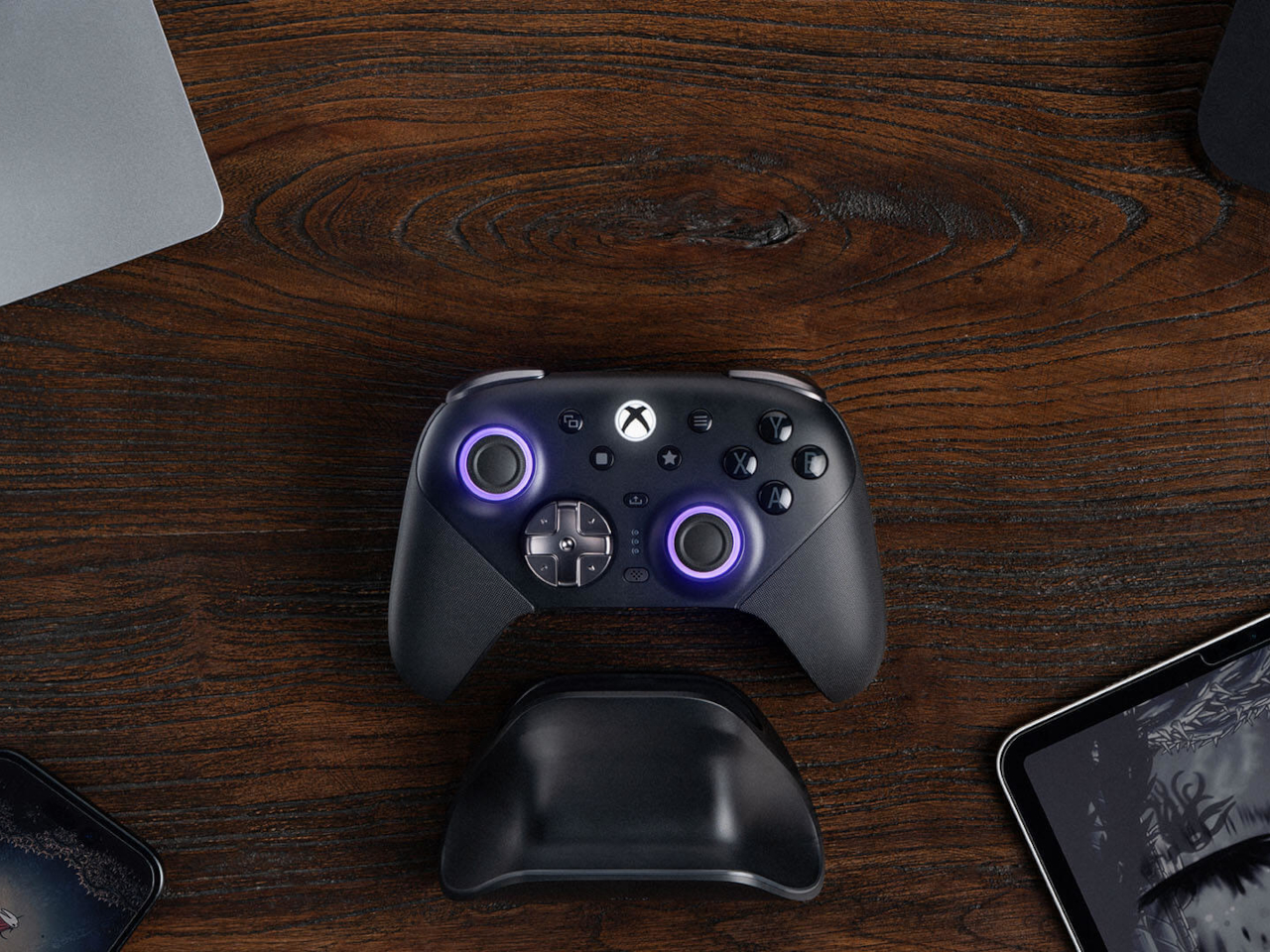
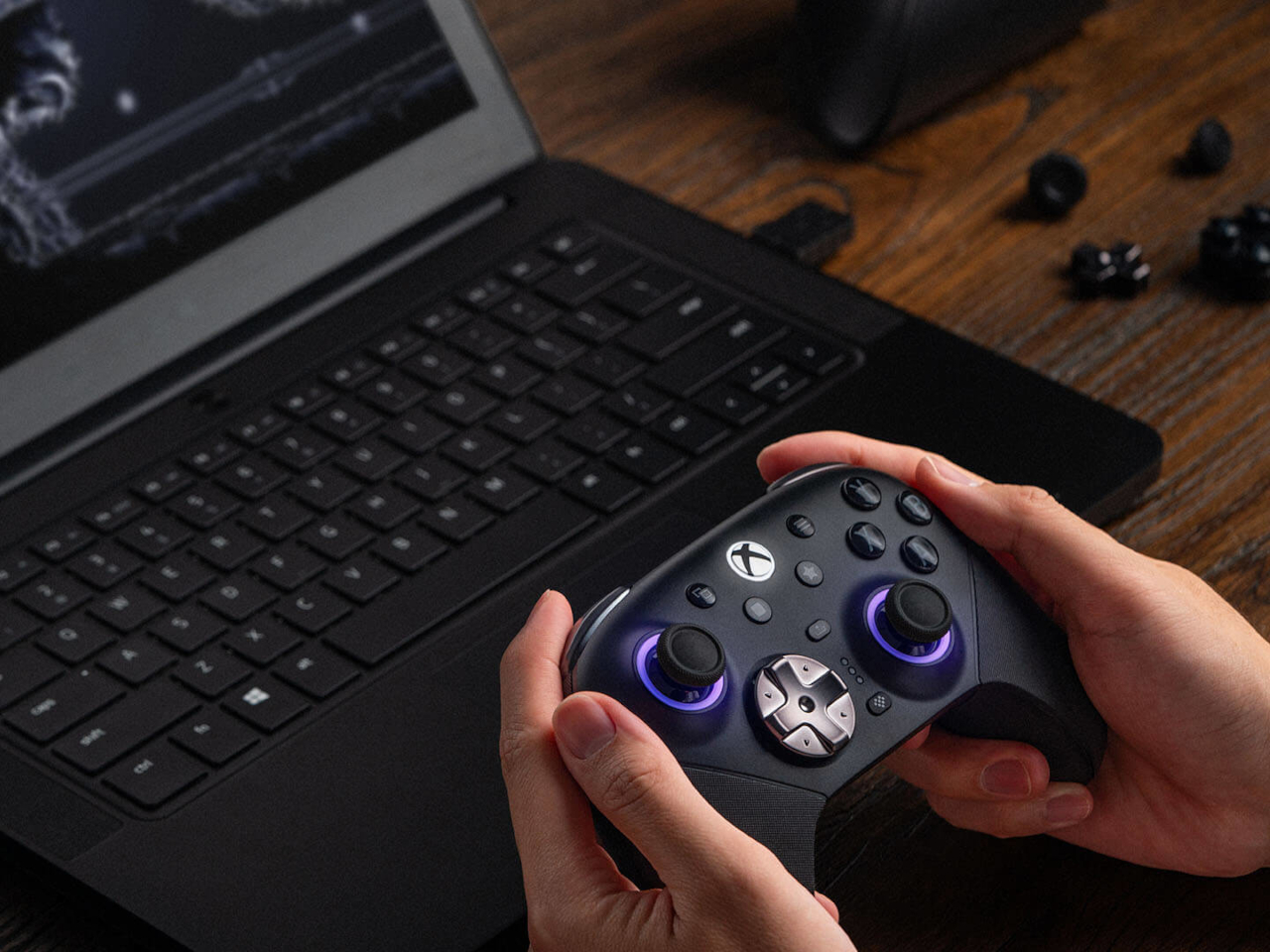
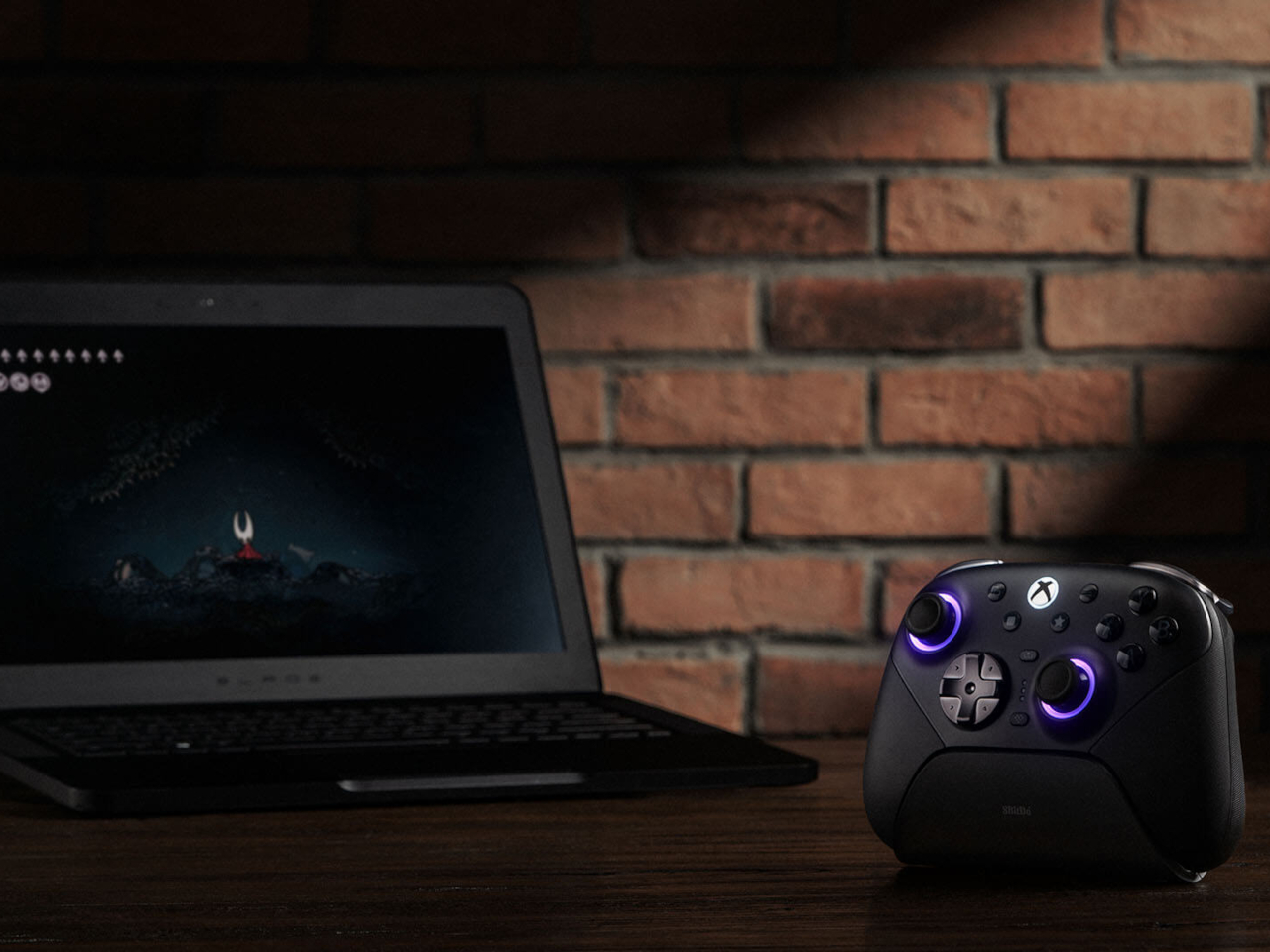
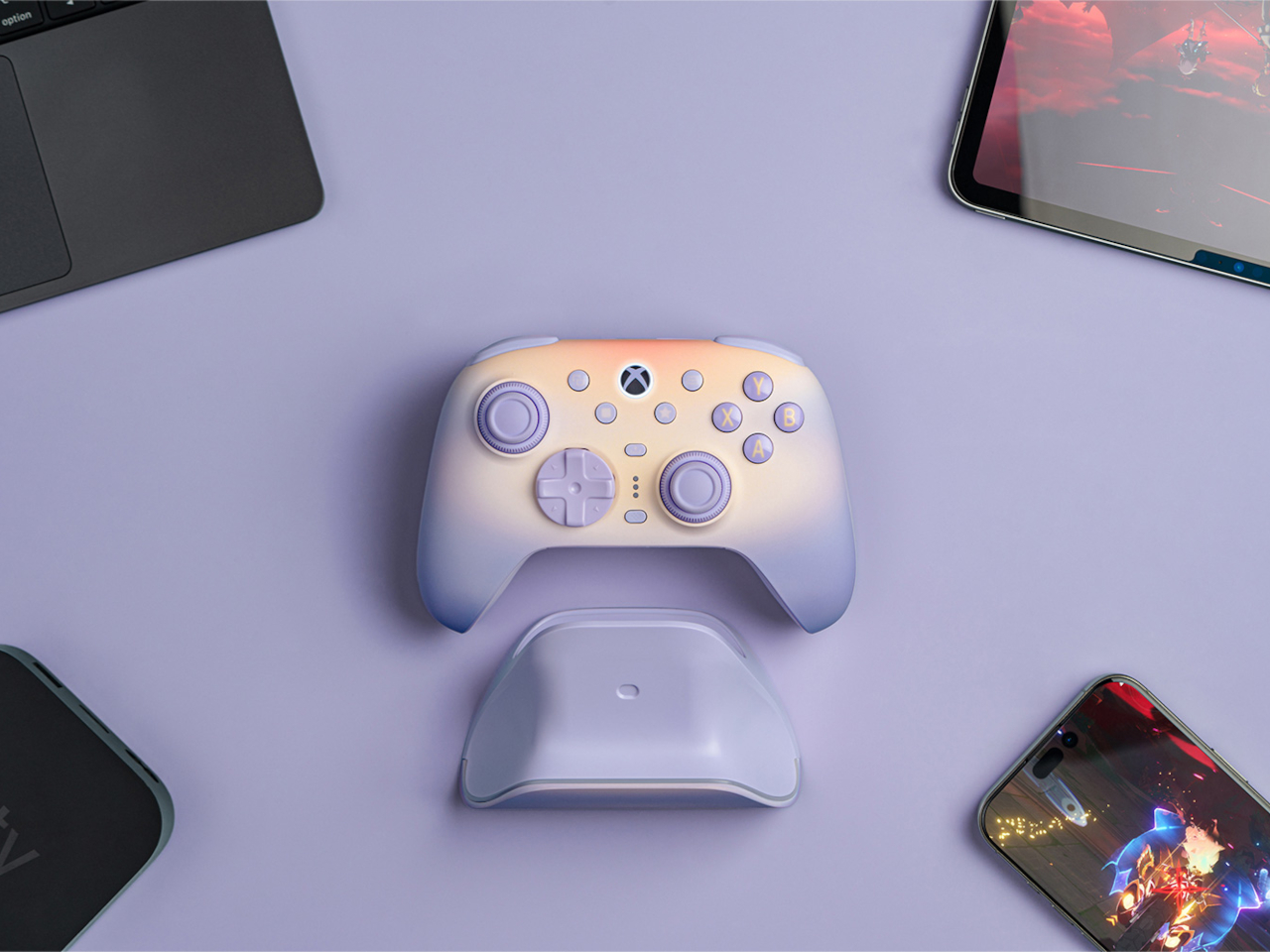
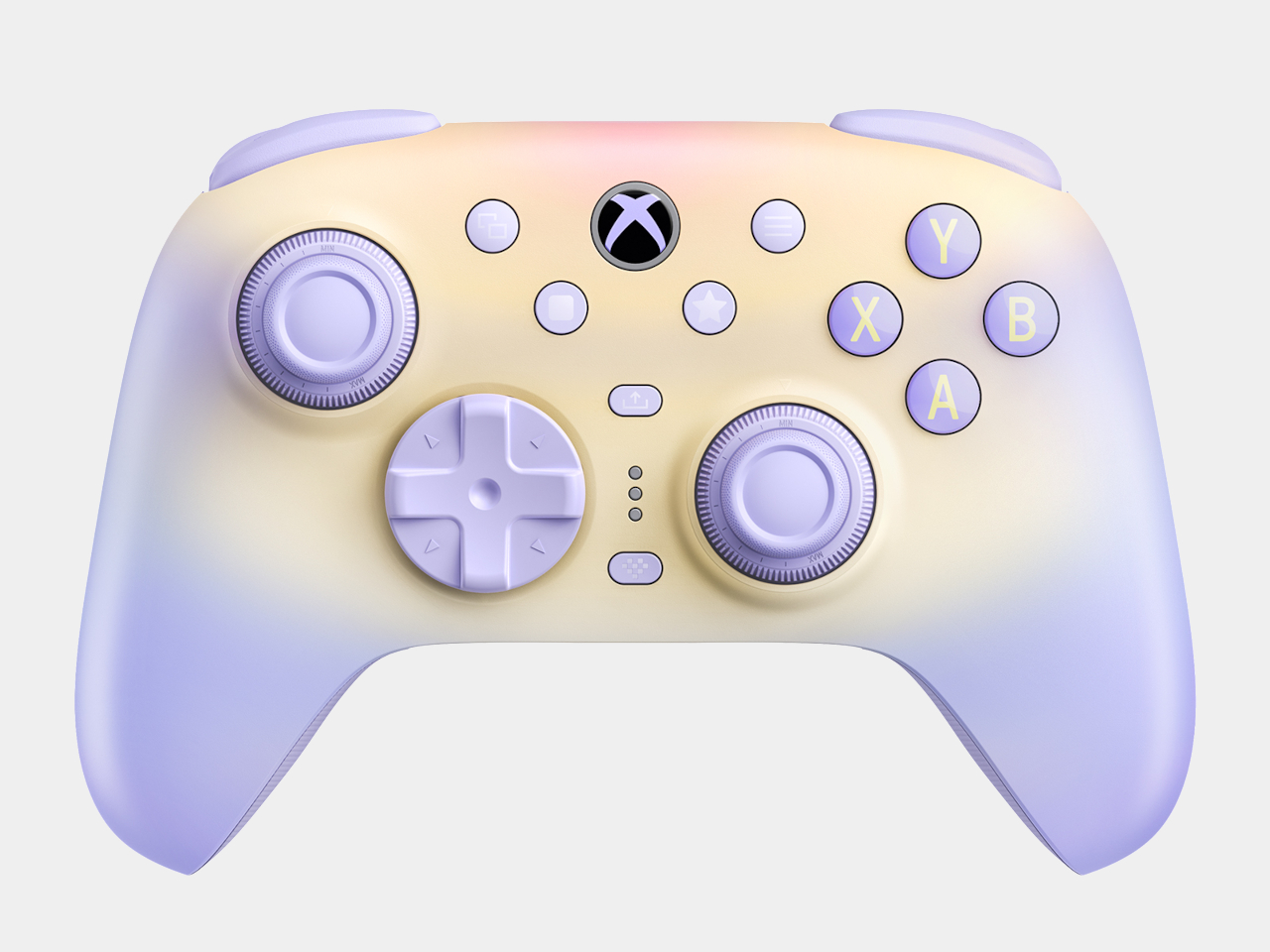
Most controllers ask you to adapt to them. The 8BitDo Ultimate 3E flips that arrangement entirely, building a controller around the idea that your hands, your genre, and your platform should decide its shape instead of the factory floor. The face buttons, the d-pad, and even the joystick tops snap in and out as swappable modules, turning what’s usually a sealed, one-size-fits-all object into something closer to a toolkit.

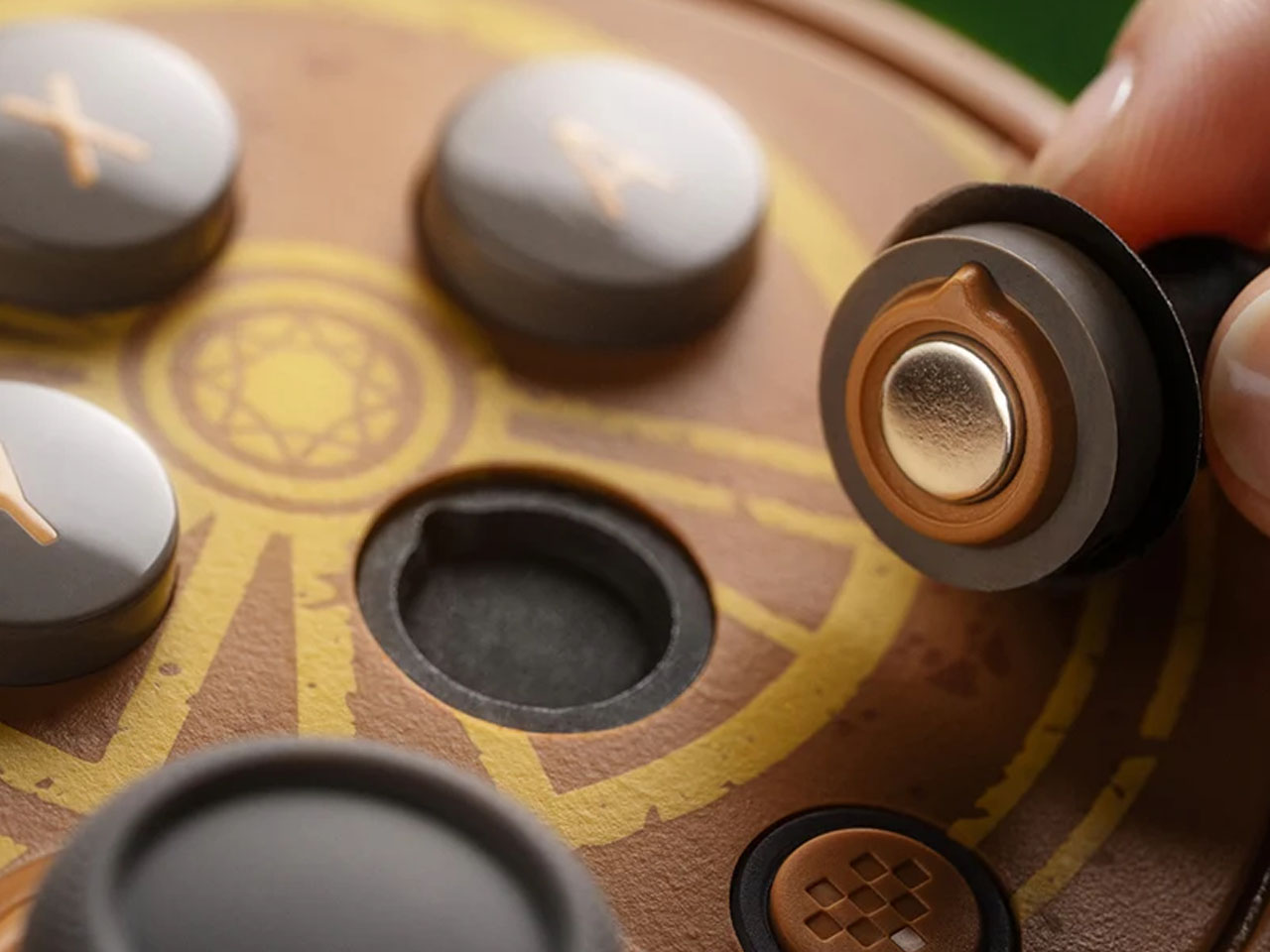
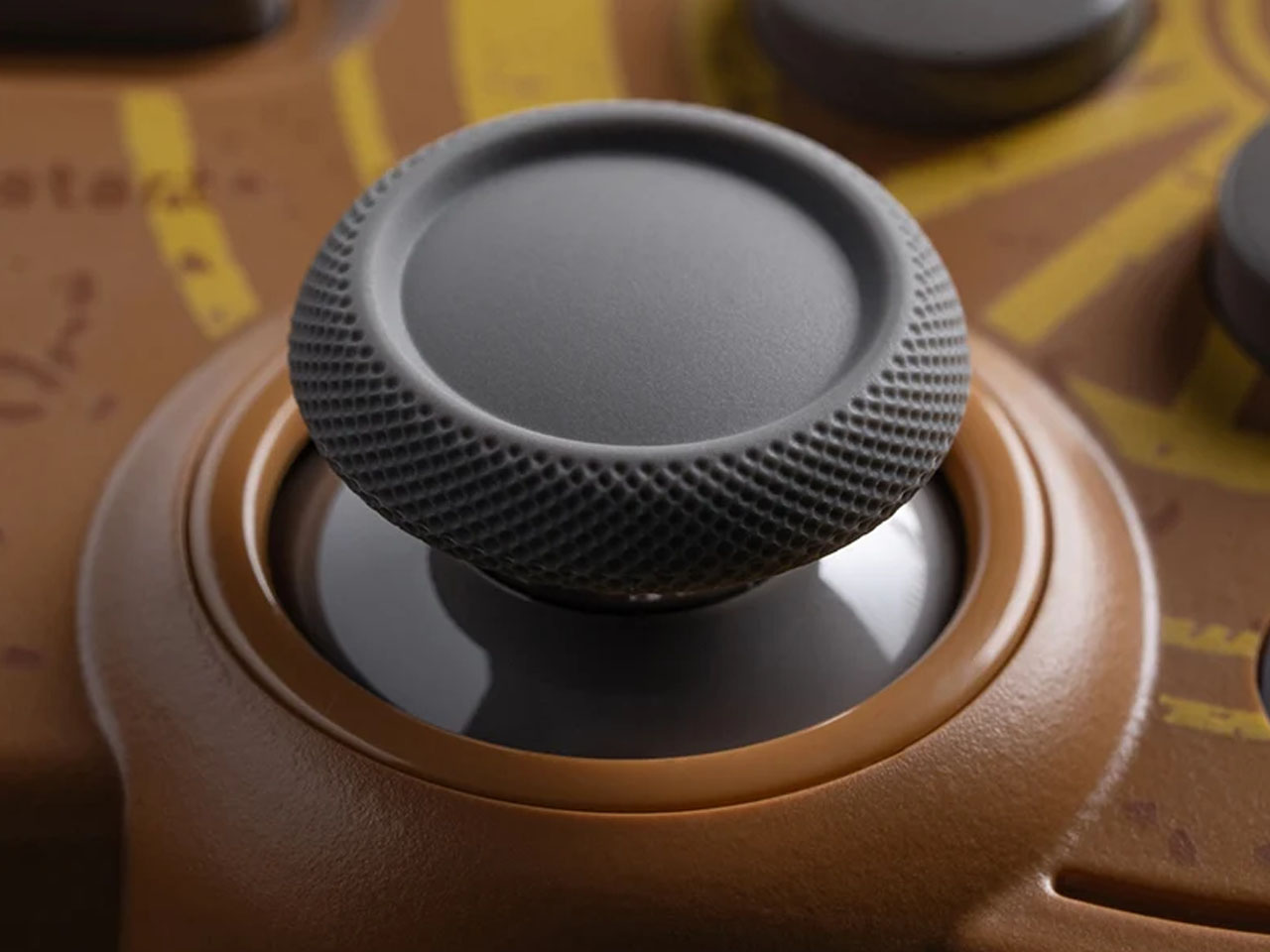
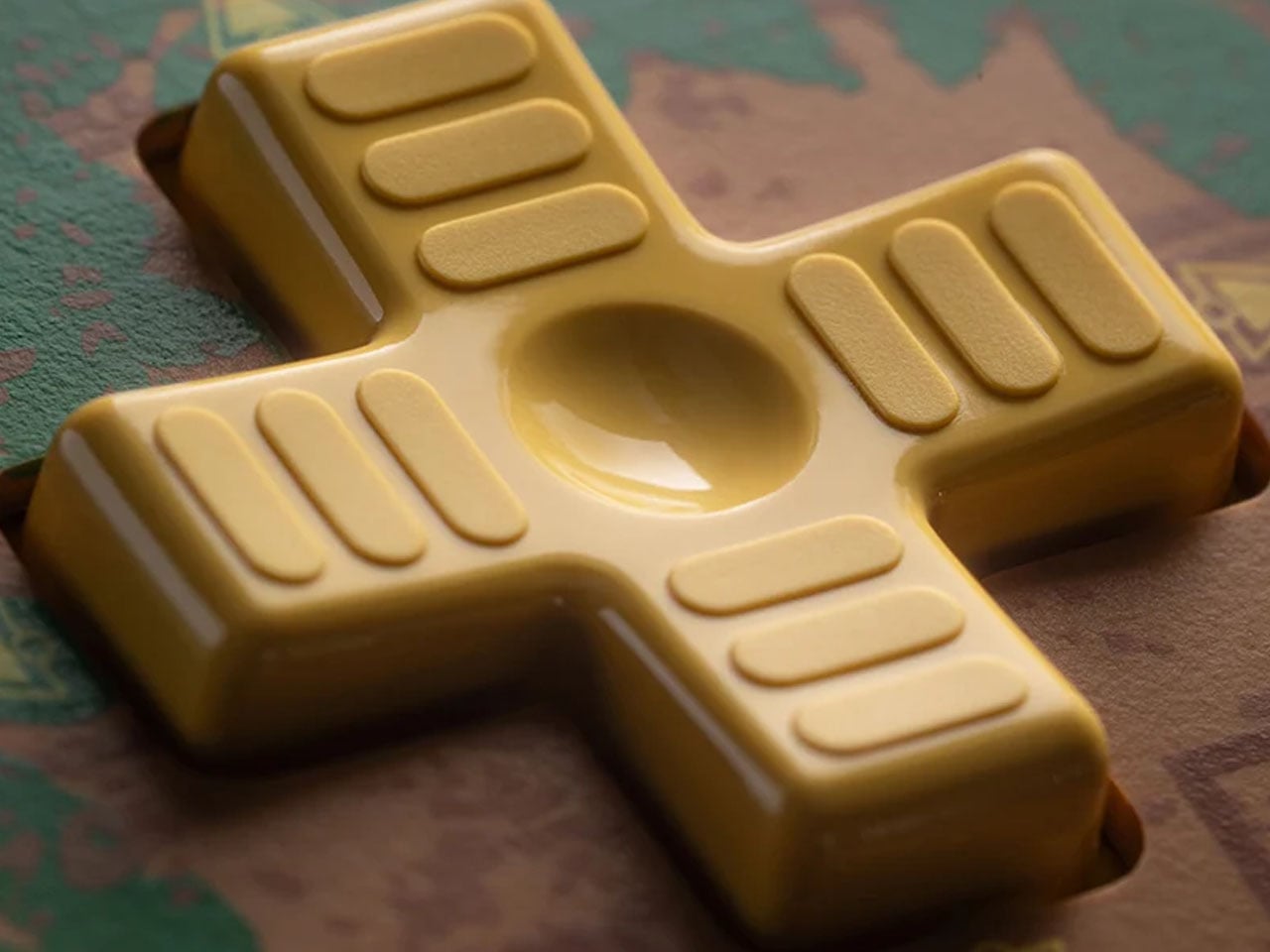
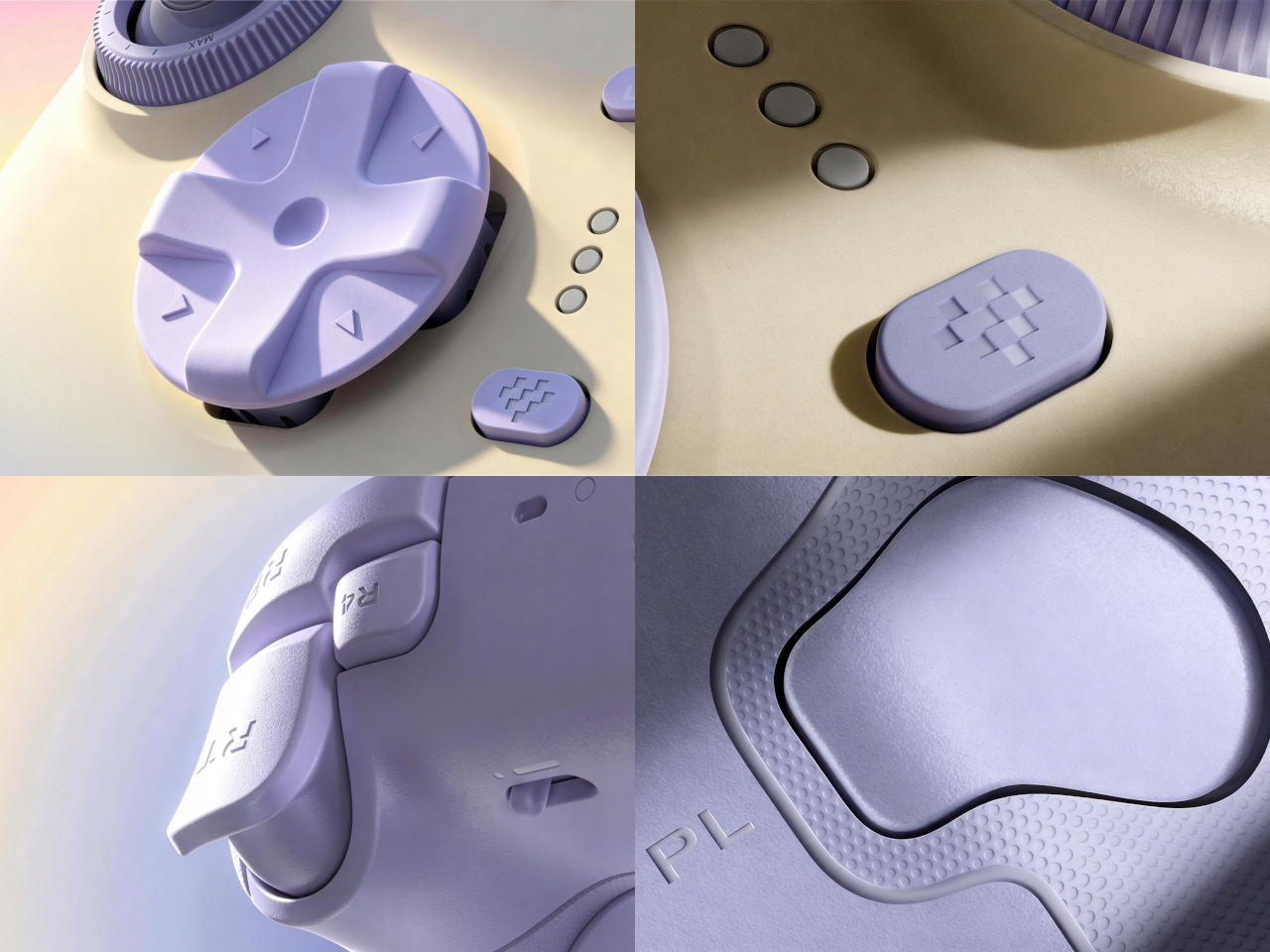
Pop off the magnetic faceplate and the accessory pack reveals its real purpose. A silicone membrane d-pad sits next to a tactile micro-switch version, and the joysticks come in tall, dome, and thick-neck shapes, each suited to a different grip or genre. Racing games favor a different thumb position than platformers, and for once, the hardware bends to match instead of forcing a single compromise across everything you play.

Designer: 8BitDo

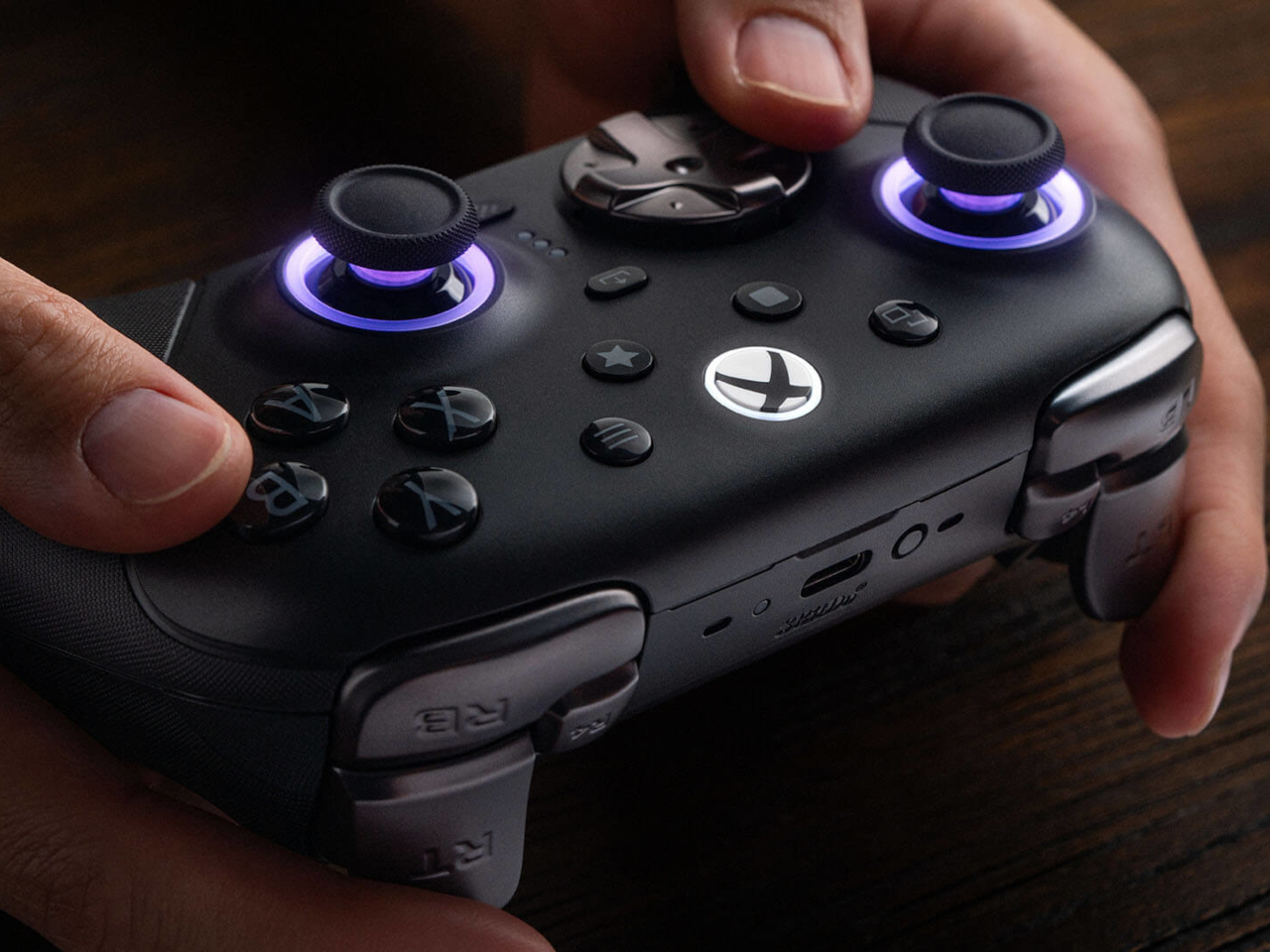
Underneath those swappable caps, the joysticks themselves run on Tunneling Magnetoresistance sensors, a technology built specifically to resist the drift that eventually creeps into analog sticks after enough hours of use. Interactive RGB fire rings pulse around the base of each stick, translating movement into visual feedback in real time, a small touch that turns an otherwise invisible input into something you can actually watch respond.

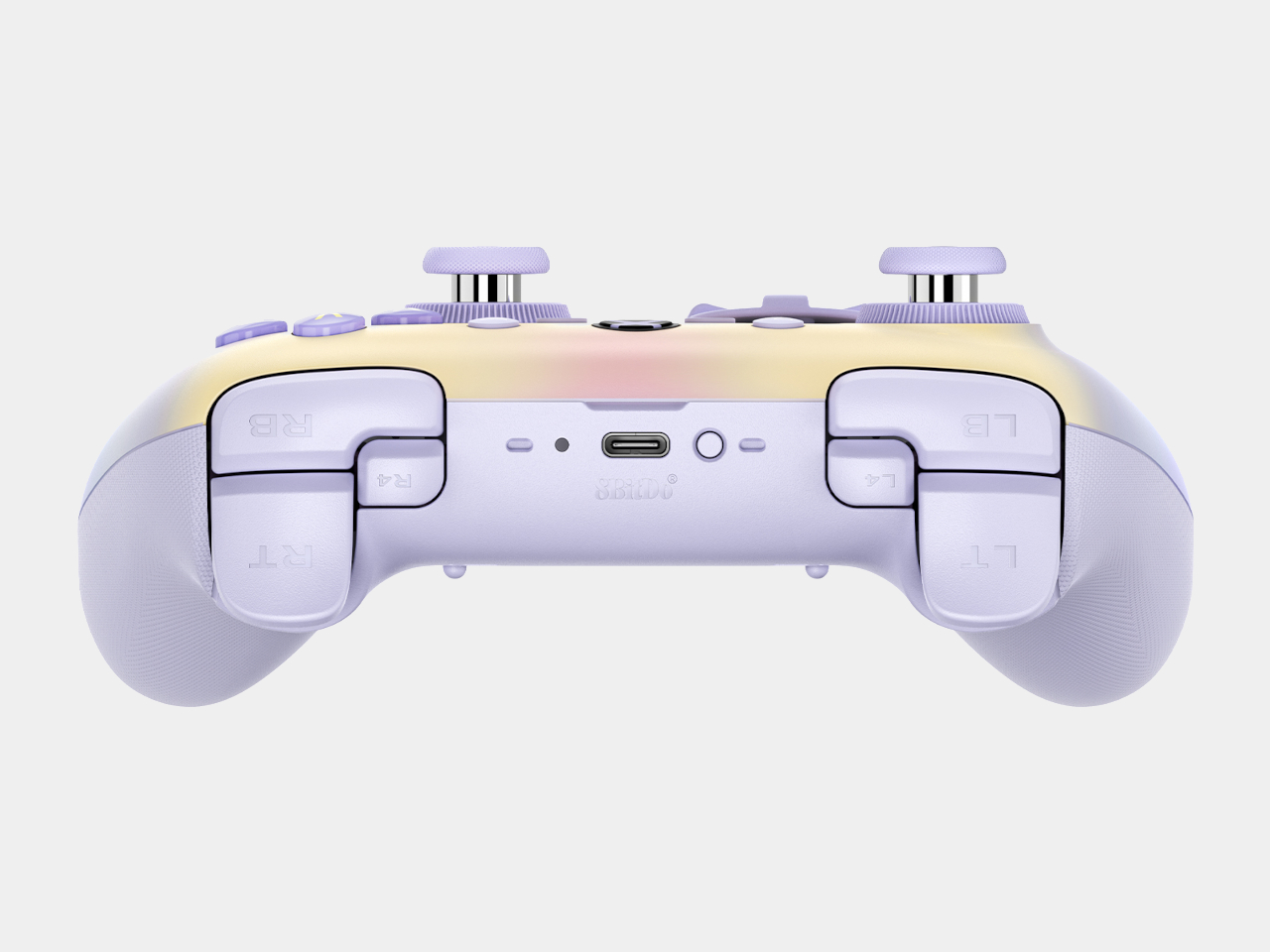
The triggers carry their own bit of adaptability. Hall-effect sensors power two selectable trigger-stop positions, letting a shooter’s hair-trigger tap coexist with a racing game’s need for a longer, more gradual pull. Switching between them takes a flick of a physical switch, not a trip through a menu, which matters when a genre change happens mid-session rather than between them.

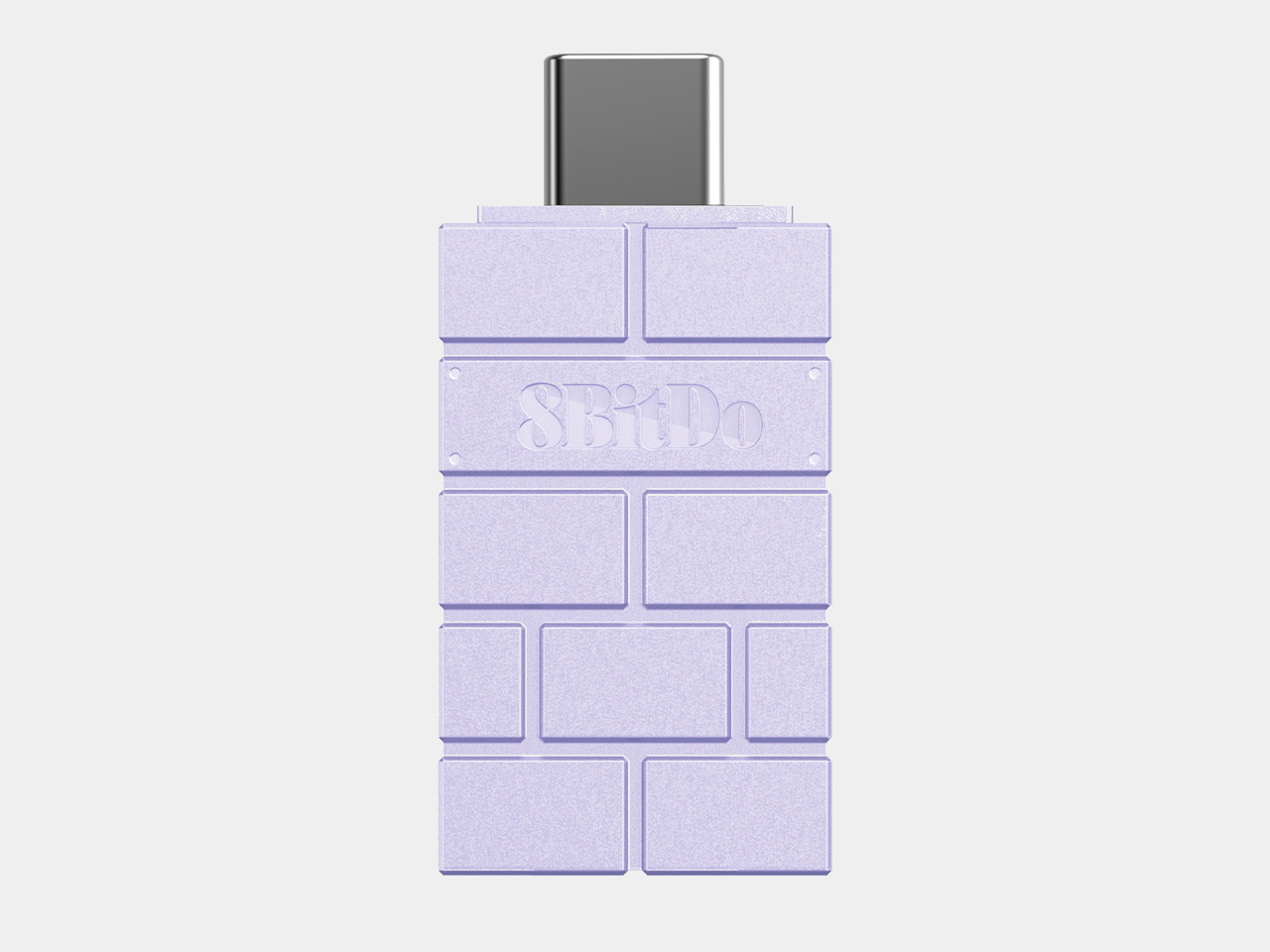
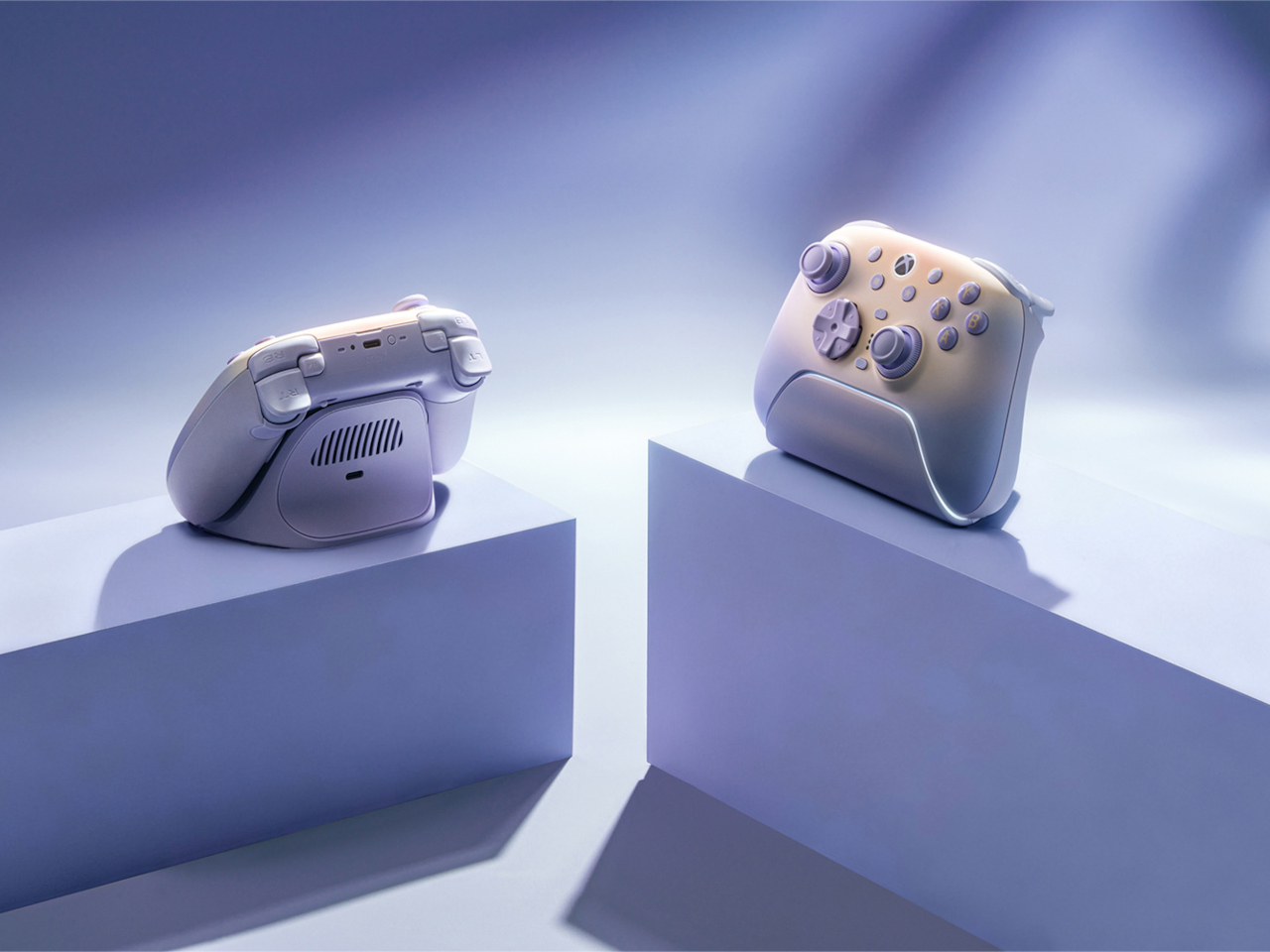
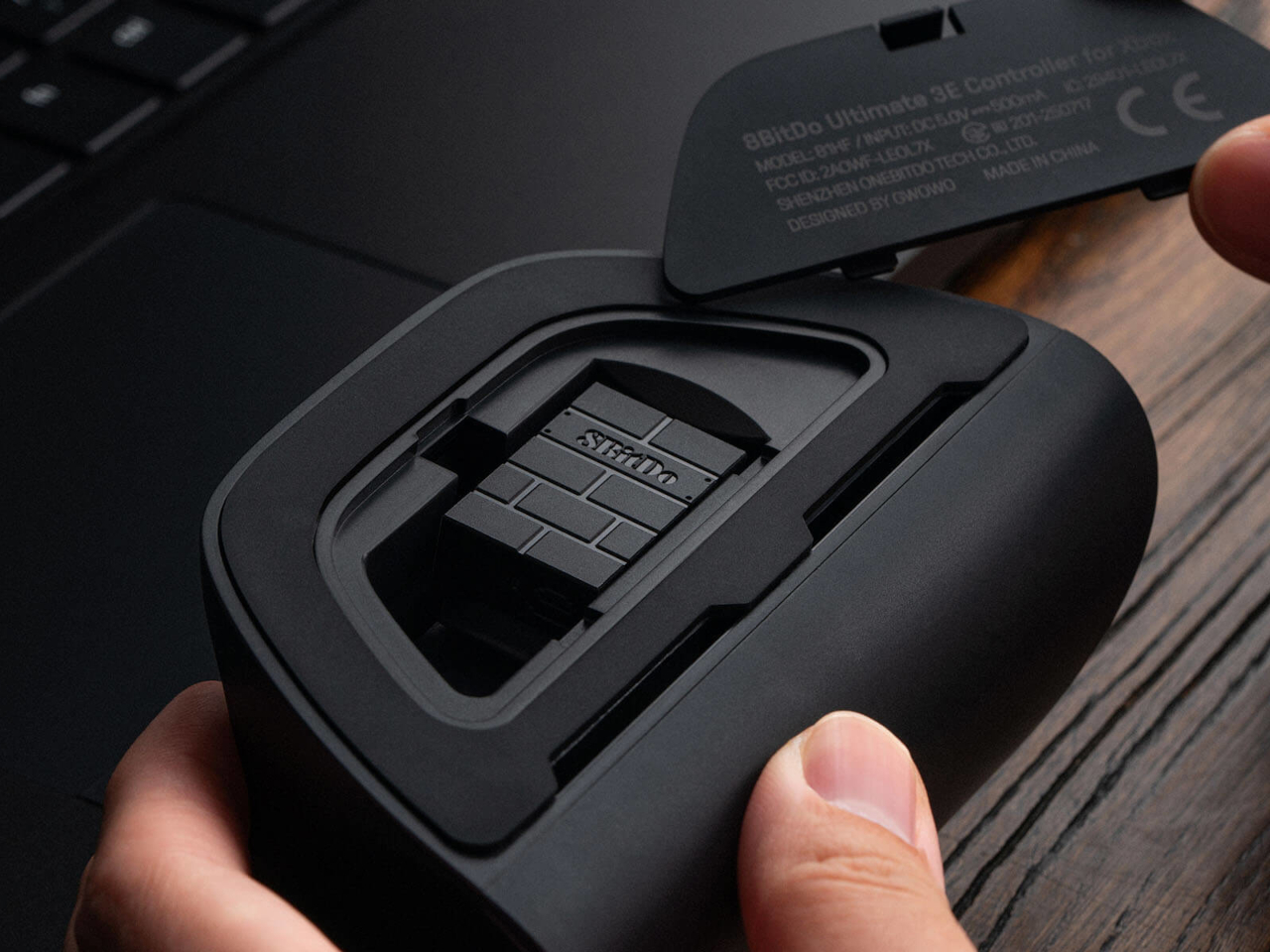
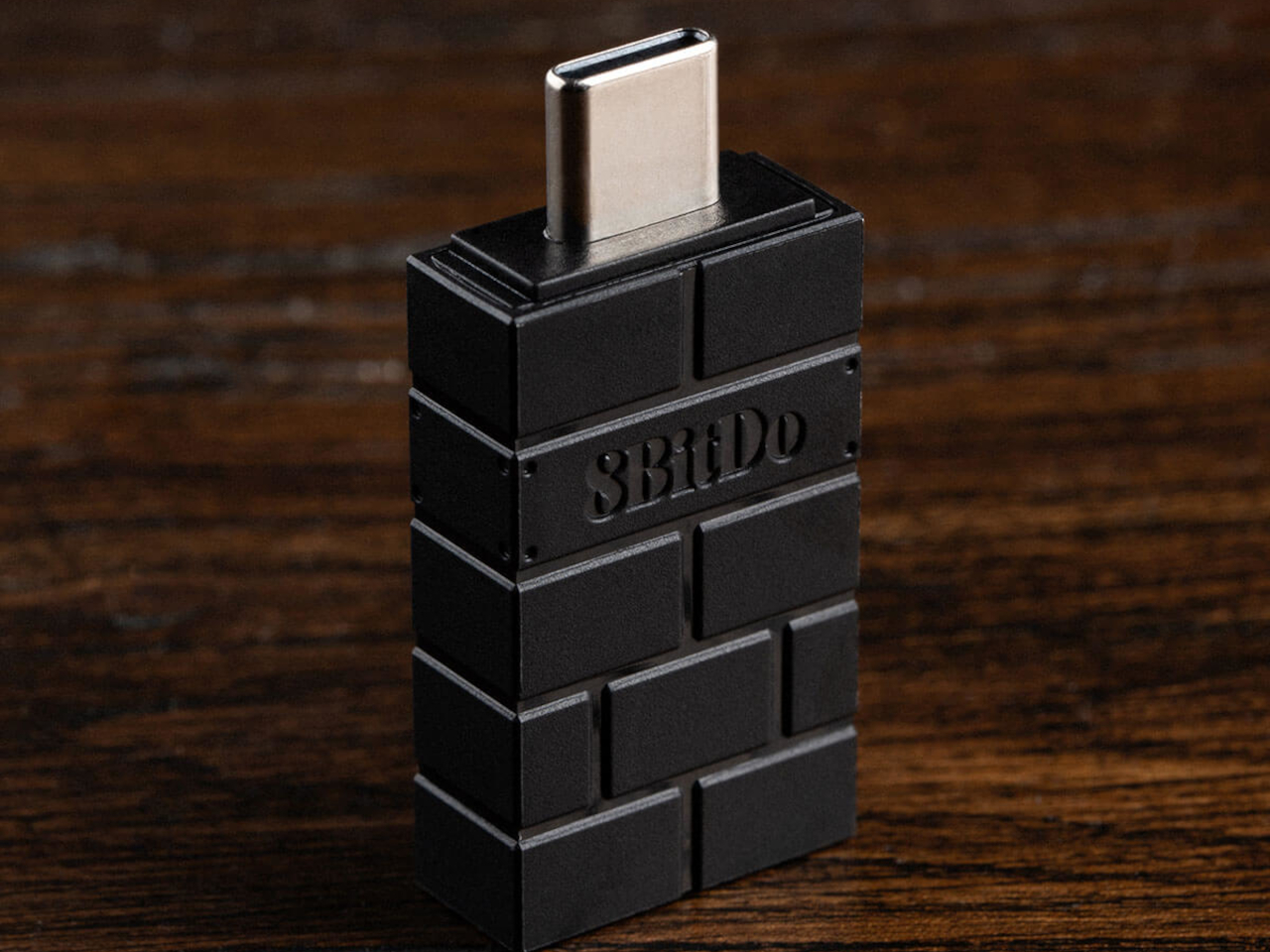
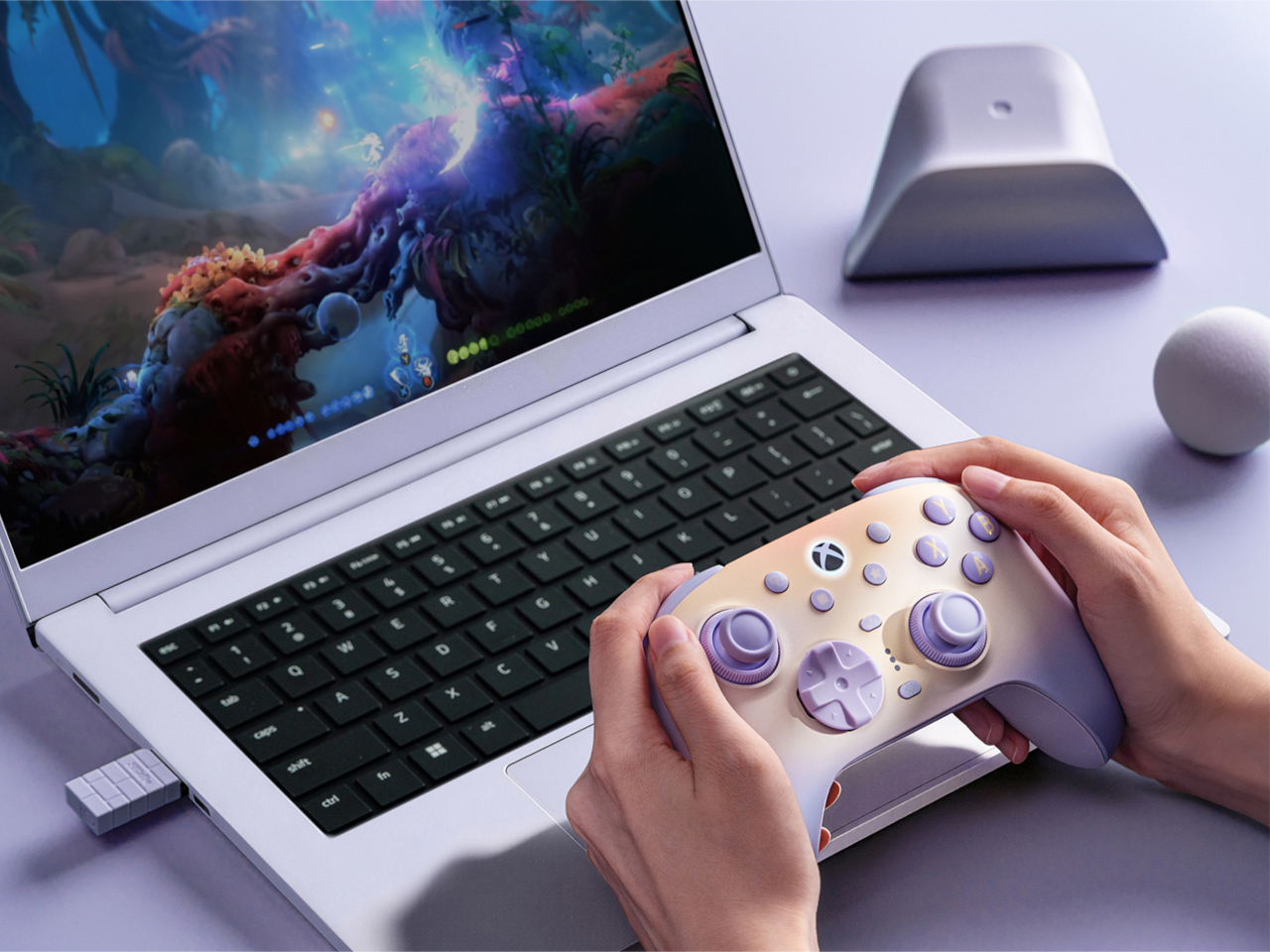
Connectivity spreads just as wide as the physical customization. The Ultimate 3E runs 2.4G wireless and wired modes for Xbox and PC, and switches to Bluetooth for mobile devices, now backed by a USB-C signal adapter for steadier range across more rooms and setups. Apple has officially signed off on compatibility too, covering iPhone, iPad, Mac, Apple TV, and even Apple Vision Pro, stretching the controller’s use well past the console it was designed around.

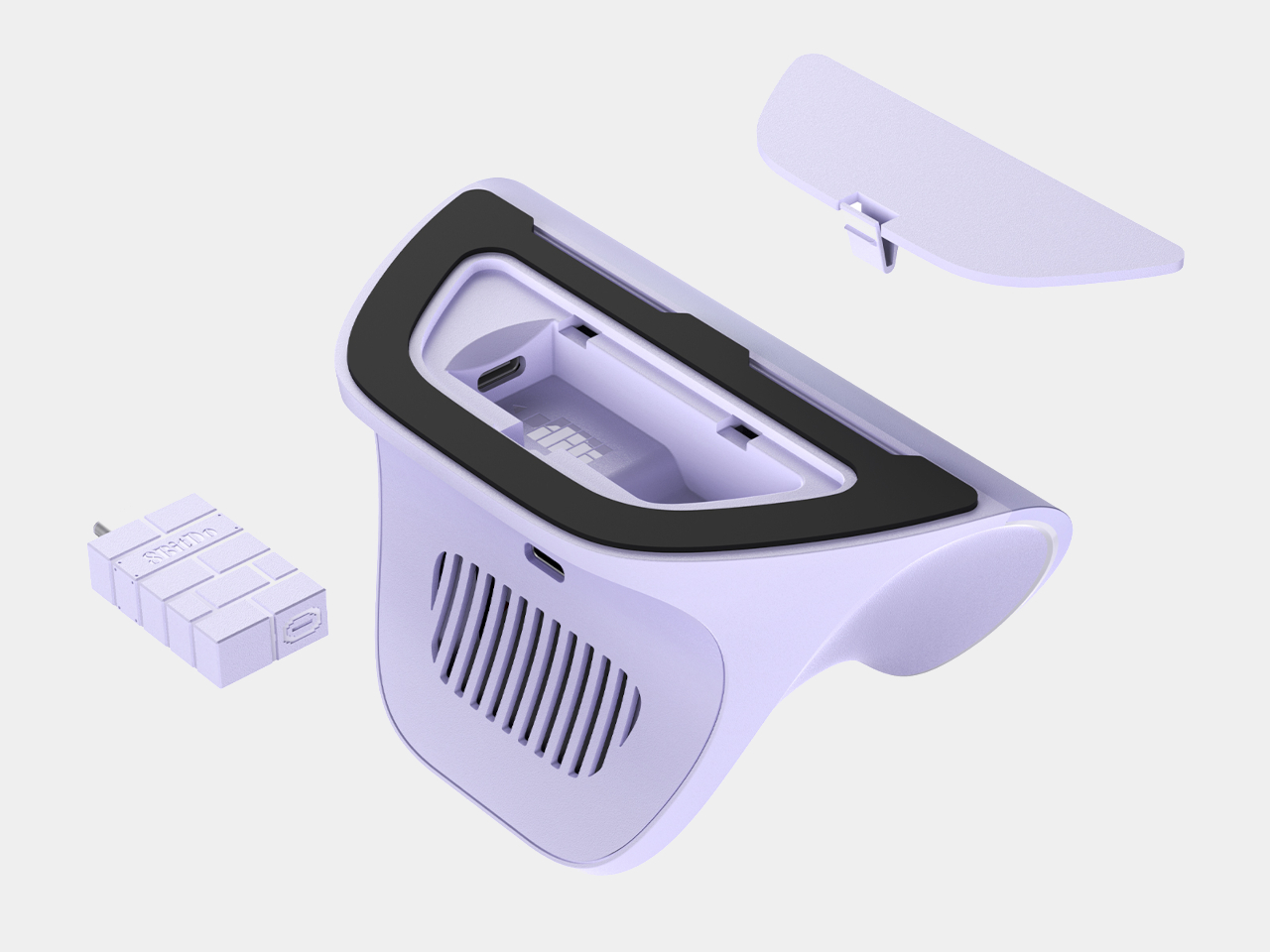
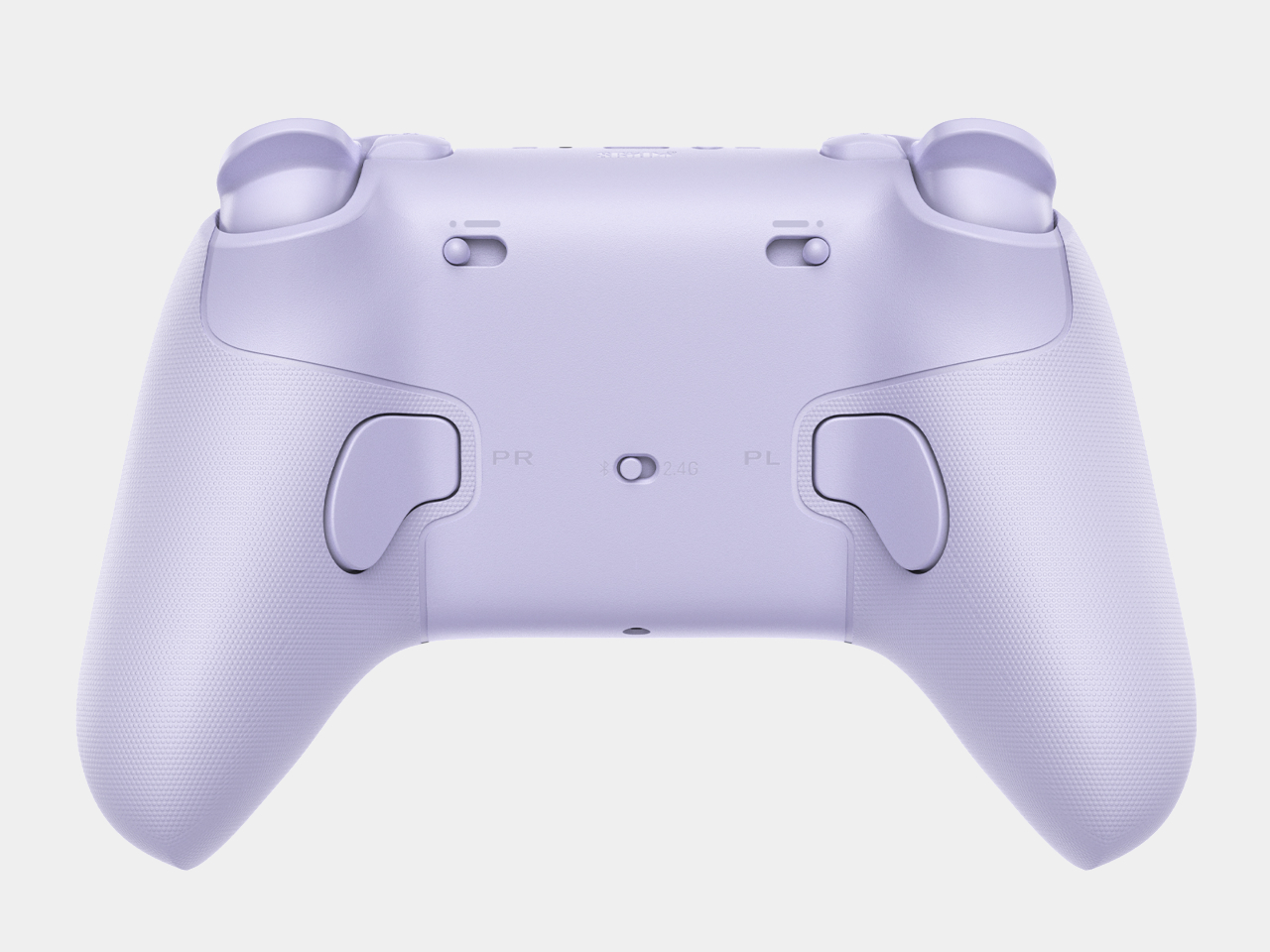
An integrated wireless charging dock handles power without cables cluttering a desk, while two pro-level back buttons and a pair of extra-fast bumpers add inputs for players who map more complex combinations. Three custom profiles let different games, or different people, keep their own configuration ready to load instantly, and a 3.5mm jack keeps wired headphones in the mix for anyone who still prefers a physical connection over Bluetooth audio.

None of this treats customization as an afterthought bolted onto a finished product. Every swappable piece, every sensor choice, feels like it was scoped out before the shell was ever molded, built around the idea that serious players tend to have very specific, very personal preferences about how a controller should feel in their hands.

The post The 8BitDo Ultimate 3E Is the LEGO Set of Gaming Controllers first appeared on Yanko Design.

XBOX Is 25 and 7 Accessories Just Brought Back Its Most Iconic Color

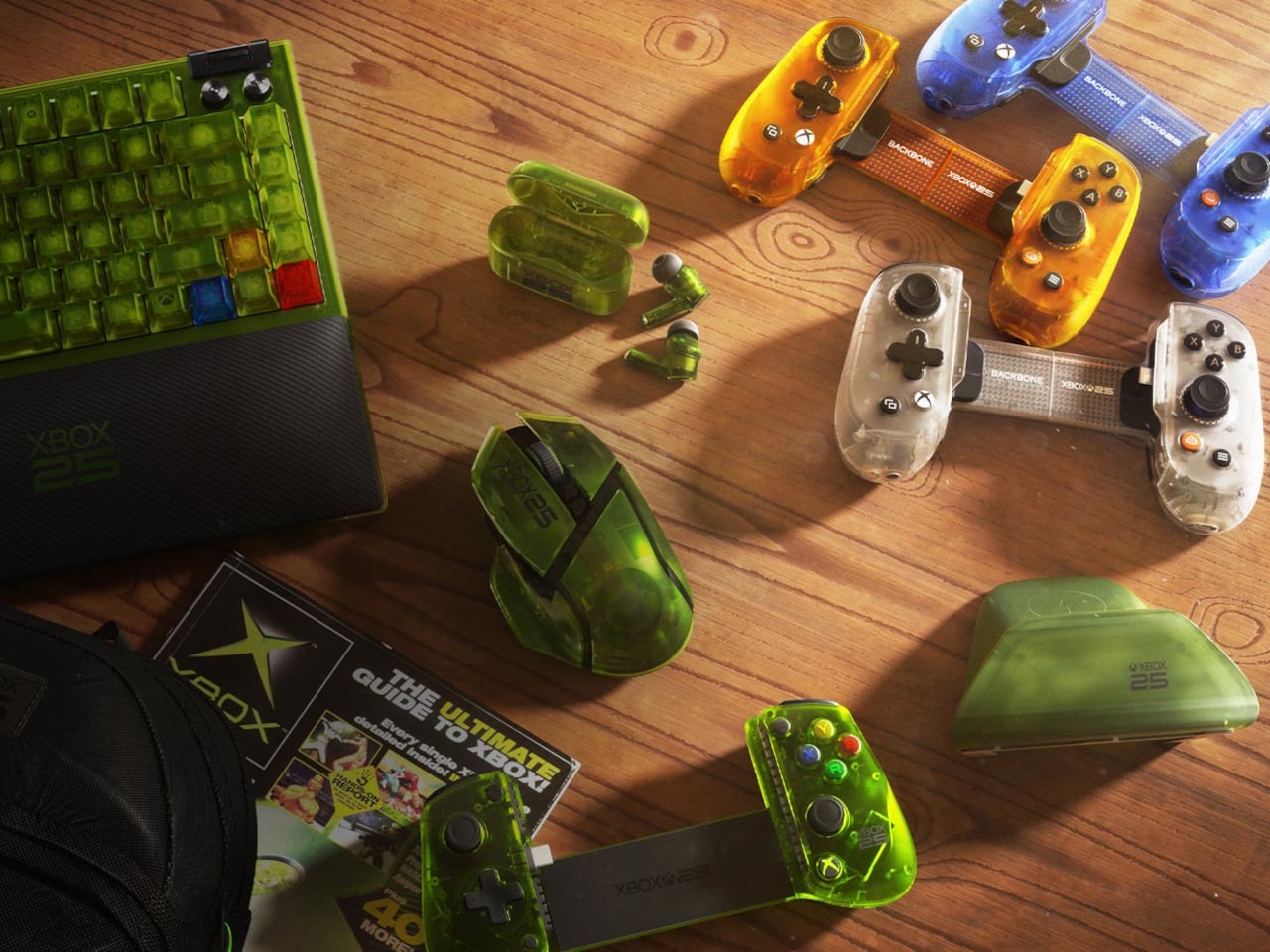
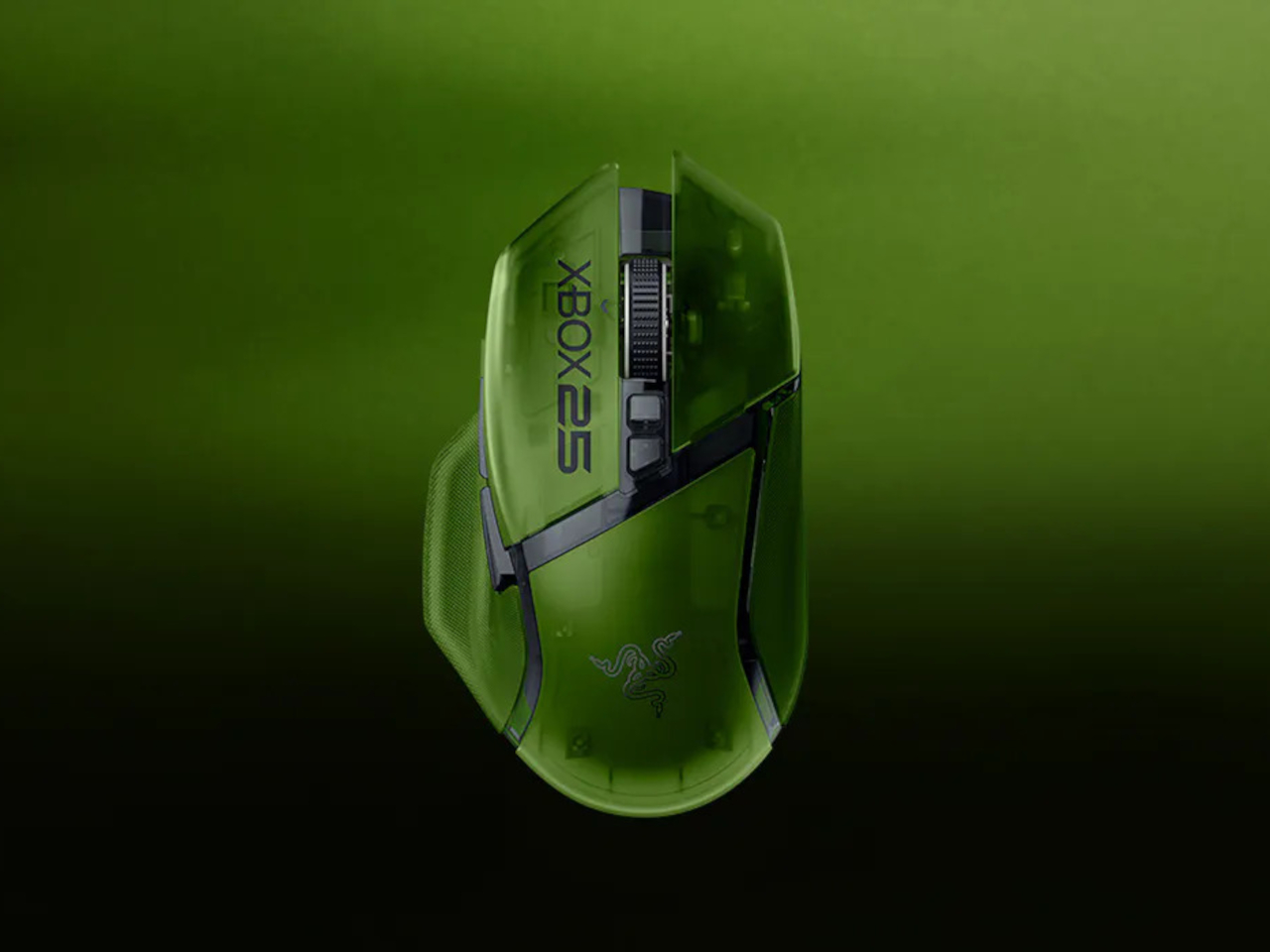
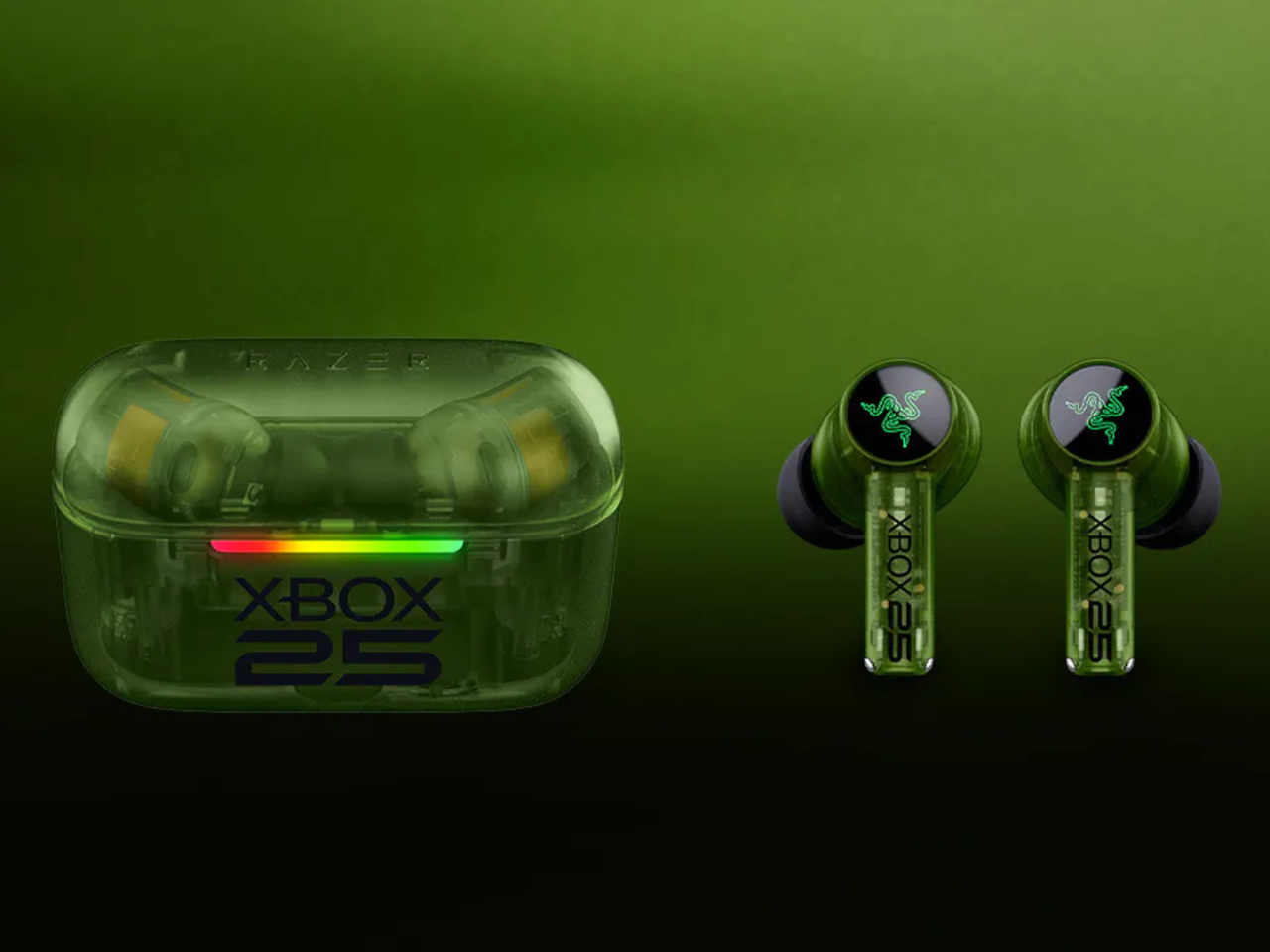
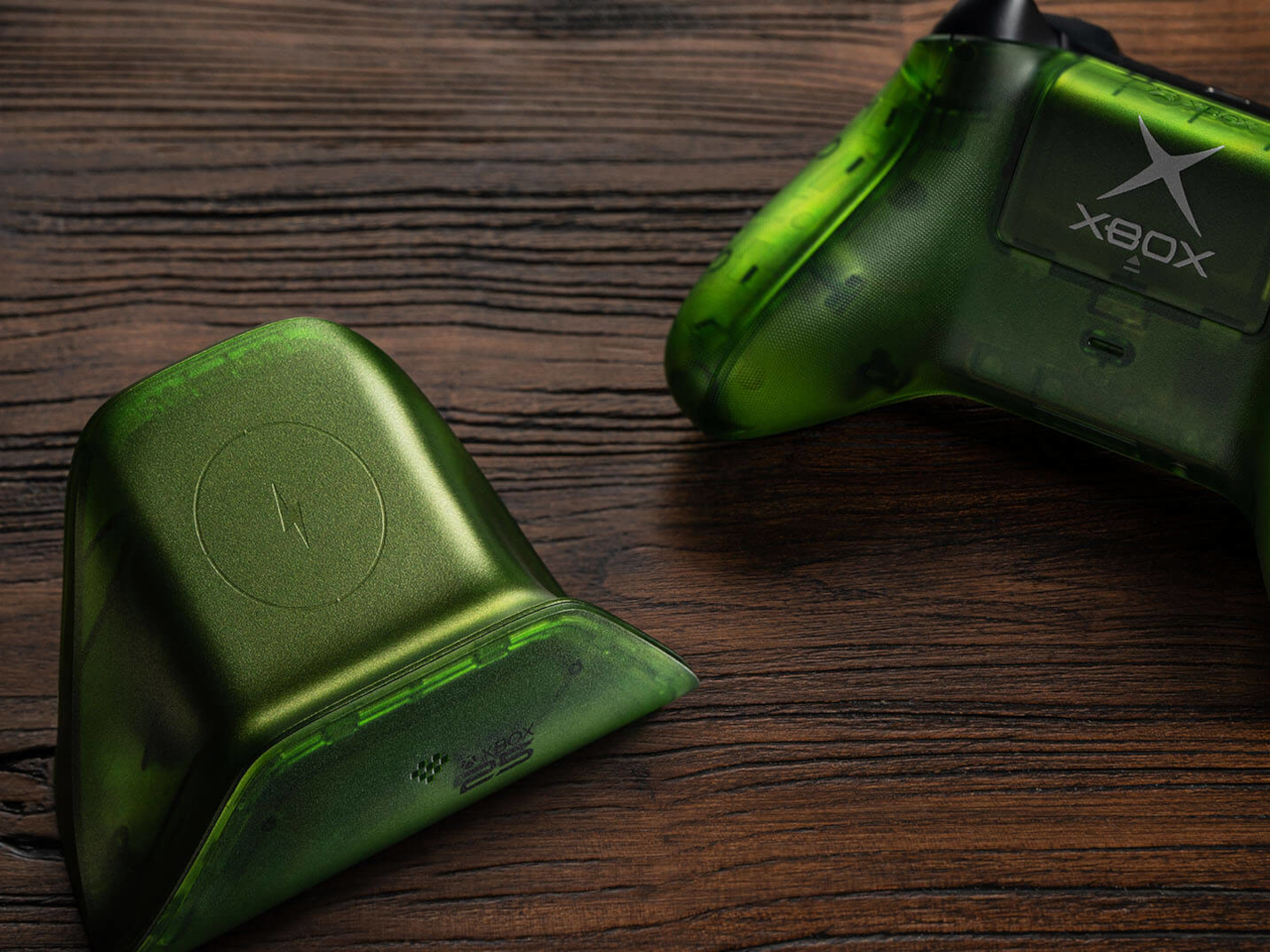
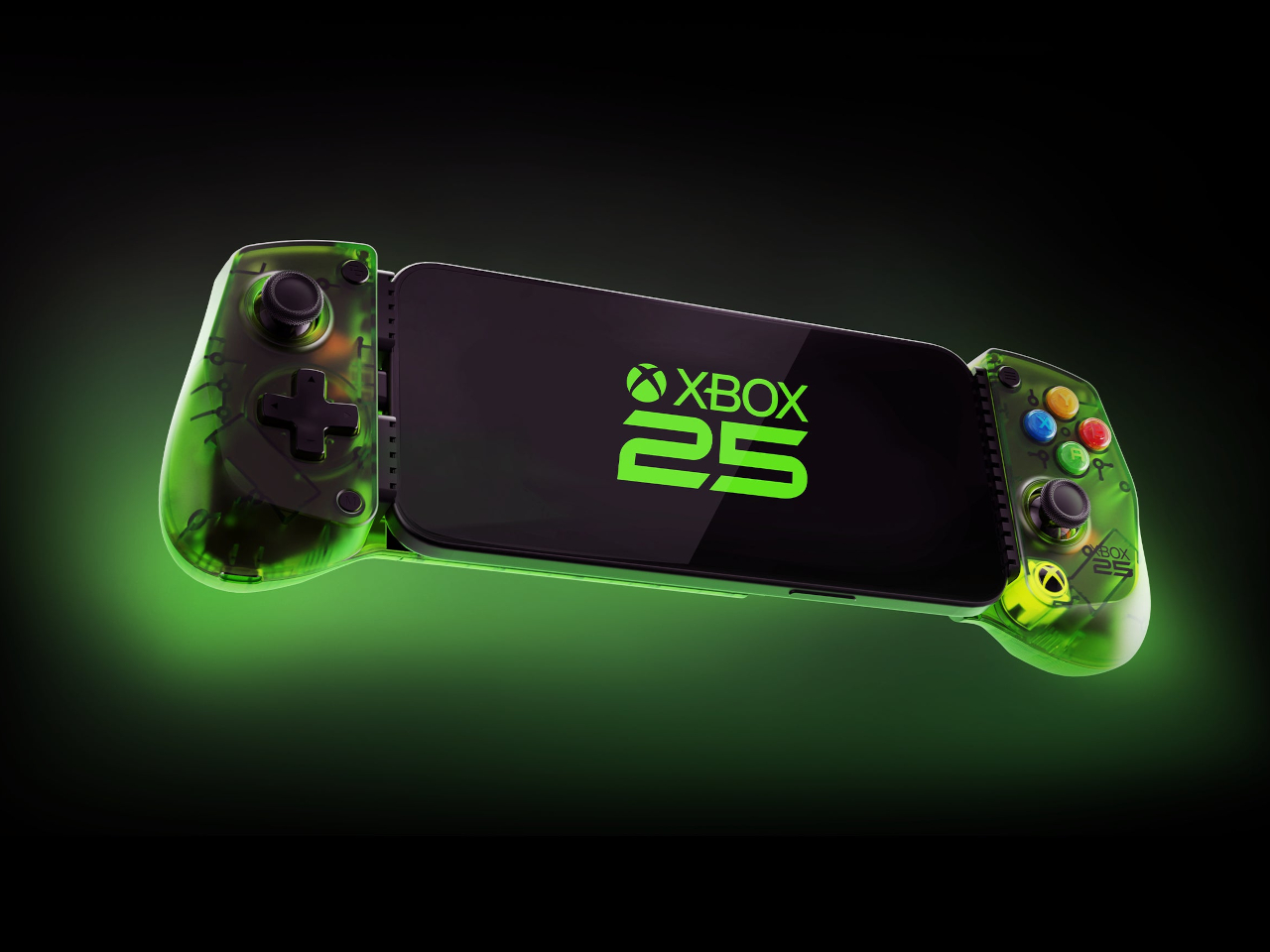
The original XBOX launched on November 15, 2001. A quarter-century later, it’s getting the tribute it probably deserves, not just a cake but a full coordinated collection of gaming accessories wrapped in the translucent green that made the first console so immediately recognizable. Seven products across five manufacturers, all designed to land before November arrives.

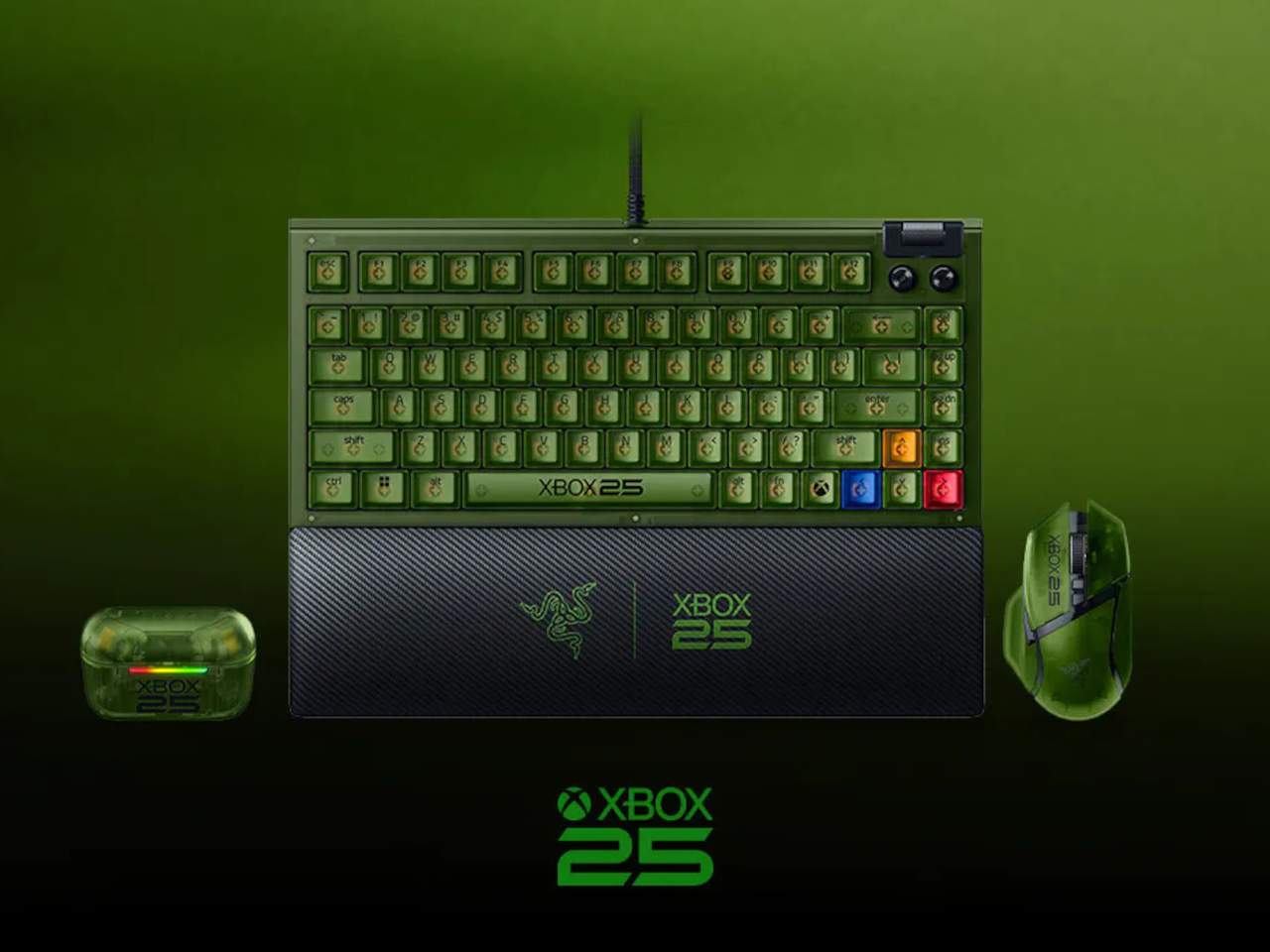
Razer leads the lineup with three anniversary editions spanning mouse, keyboard, and earbuds. The Basilisk V3 Pro 35K brings the translucent green shell to a wireless ergonomic mouse with a Focus Pro 35K Optical Sensor Gen-2, a four-way scroll wheel, and up to 140 hours of battery life between charges. It’s the same hardware underneath; the anniversary treatment is entirely in the aesthetic.

Designer: XBOX, Razer, 8BitDo, Backbone, GameSir

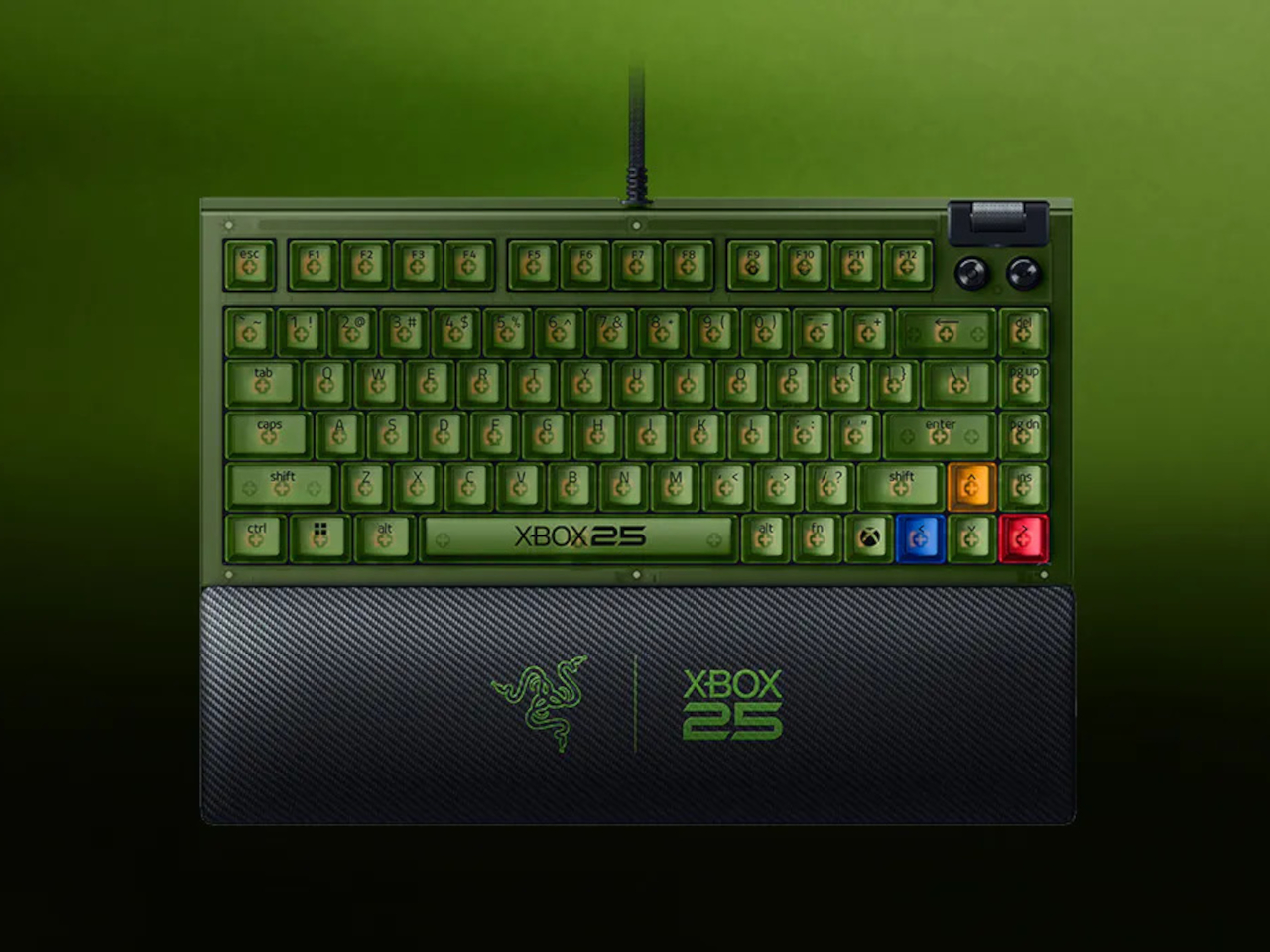
The BlackWidow V4 75% joins it as the compact keyboard option, a wired mechanical board with hot-swappable keys, Razer Chroma RGB, and a new XBOX key that launches Game Bar directly in Windows. It sits comfortably on a desk without dominating it, which is something a full-size board can’t always claim. The 75% layout keeps it portable without sacrificing the keys most gamers actually use.

Completing Razer’s contribution are the Hammerhead V3 X HyperSpeed earbuds, which match the translucent green look across both the earbuds and the charging case. They support low-latency 2.4 GHz wireless audio alongside Bluetooth 5.3, with up to 10 hours of standalone use and 35 hours total when the case is factored in. For anyone gaming across multiple devices, the dual-connection options make them genuinely flexible.

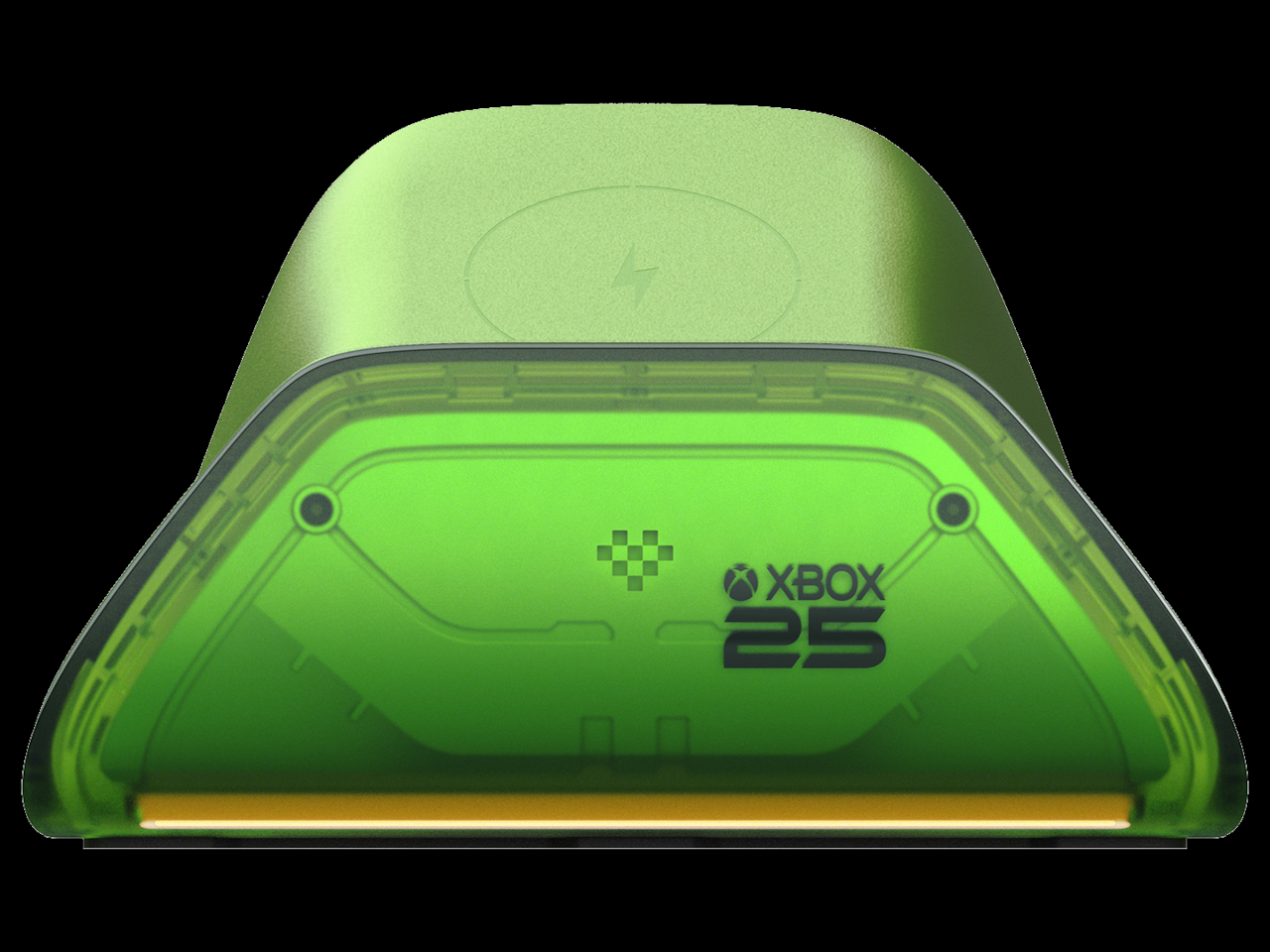
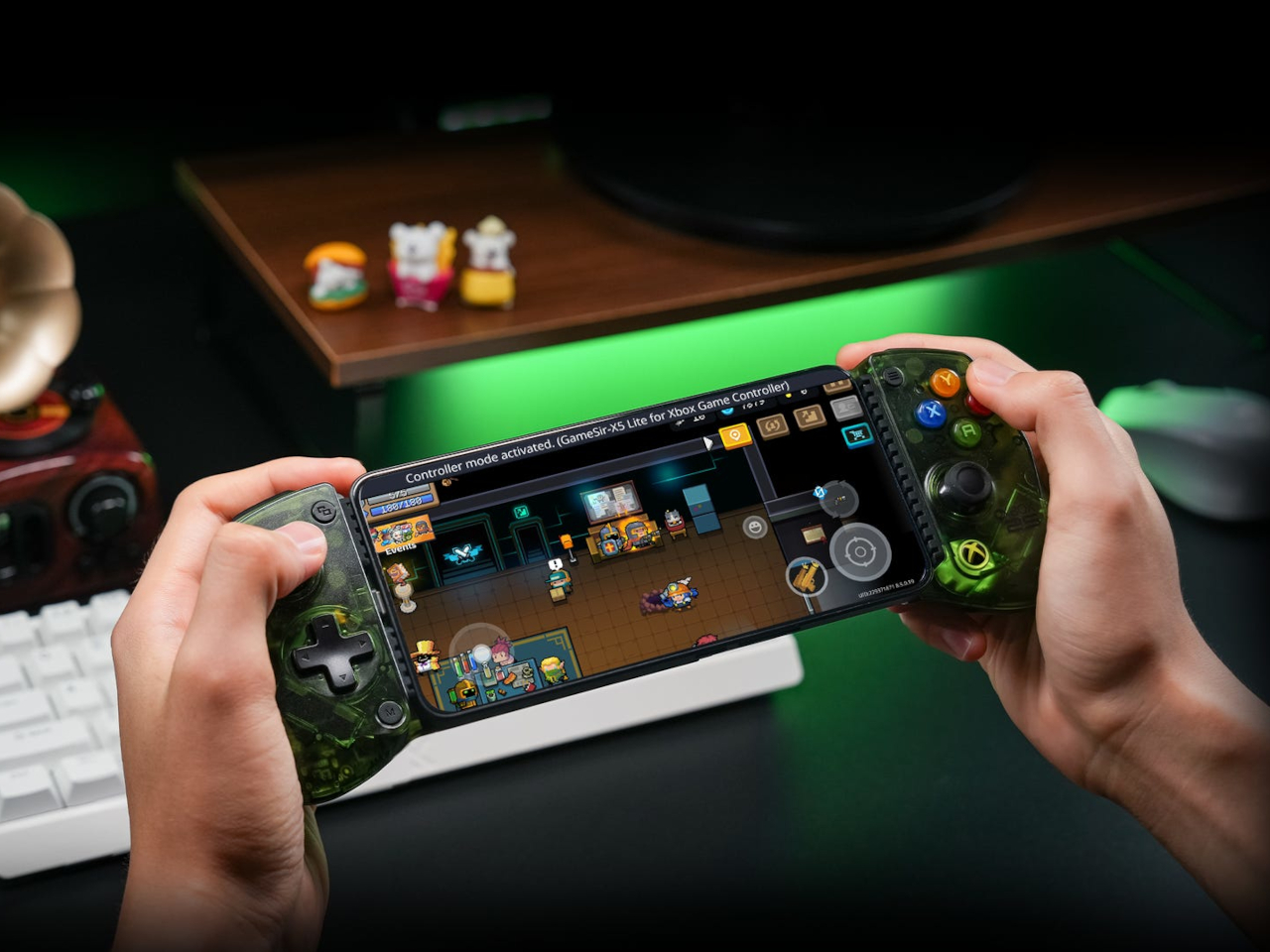
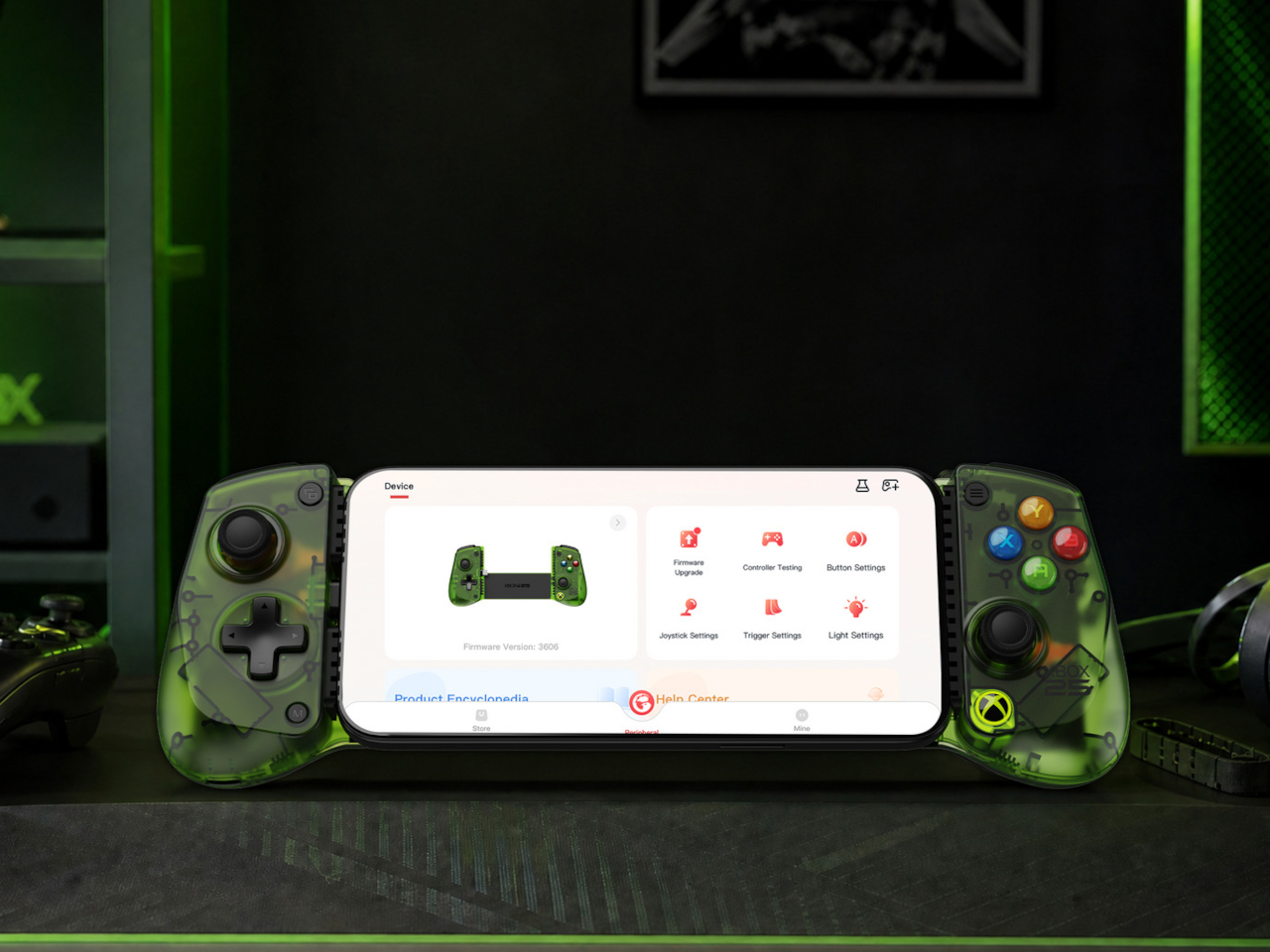
8BitDo brings back the transparent green with its X25 Special Edition of the Ultimate Charging Dock for XBOX controllers, compatible with XBOX Series X|S and XBOX One wireless controllers. GameSir’s X5 Lite for XBOX adds the anniversary colorway to a mobile controller that works with iOS and Android devices and carries Apple MFi certification for broad compatibility, including cloud gaming on either platform.

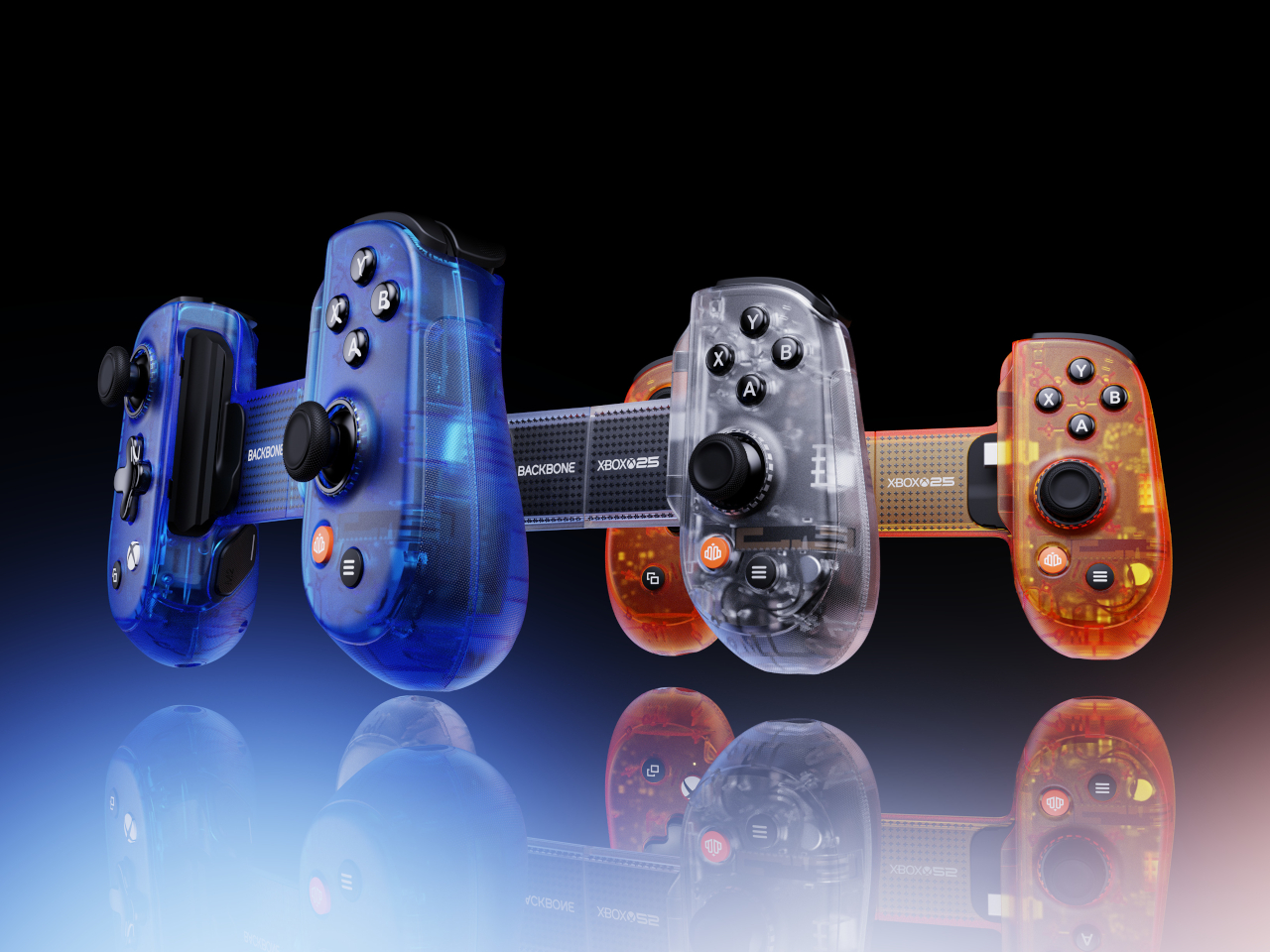
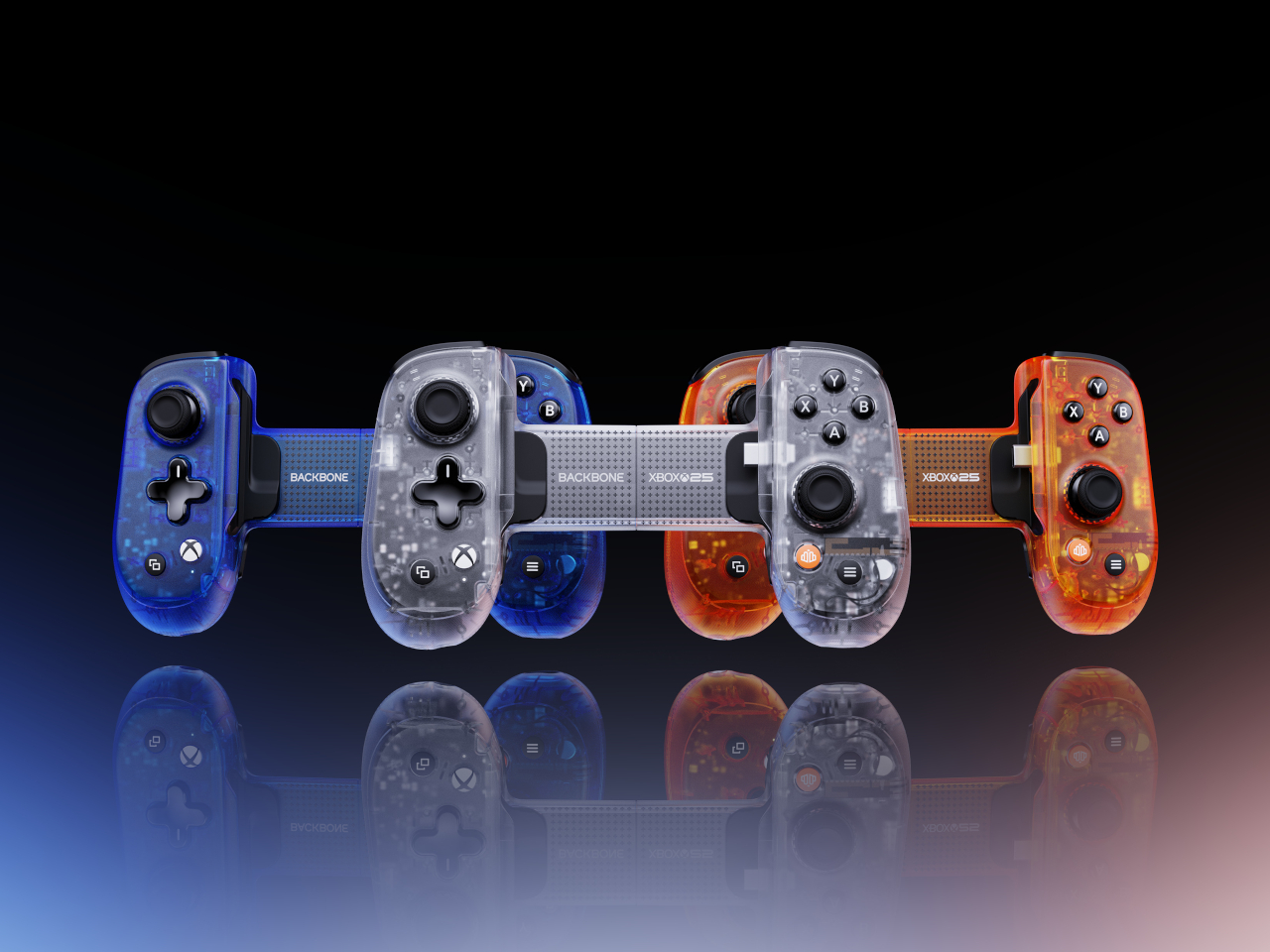
The Backbone Pro XBOX 25th Anniversary Edition takes a different angle on nostalgia. Instead of translucent green, it reaches into the original 2001 hardware’s full palette, offering Iconic Blue, Bold Orange, and Crystal Clear as the three available colorways. The catch is that it ships blind box style, so the color inside the package isn’t something you choose at checkout.

PowerA rounds out the collection with a sling bag built specifically for the ROG XBOX Ally and ROG XBOX Ally X handheld gaming PCs. The four-compartment bag has dedicated space for the device itself, a headset, a controller, and accessories, with a padded main compartment that includes thumbstick protectors. It carries the 25th anniversary logo on the front and matches the green zipper pulls across the bag.

The collection is available for preorder now, with most items shipping in November to coincide with the actual anniversary date. The XBOX Wireless Controller X25 Special Edition, sold separately, uses colored ABXY buttons and black-and-white bumpers as a callback to the original Duke controller’s layout. The PowerA sling bag retails for $39.99 and the GameSir X5 Lite for $44.99, with other pricing still unconfirmed.

The post XBOX Is 25 and 7 Accessories Just Brought Back Its Most Iconic Color first appeared on Yanko Design.

8BitDo Made the N64’s 30th Anniversary Keyboard Every Millennial Wants

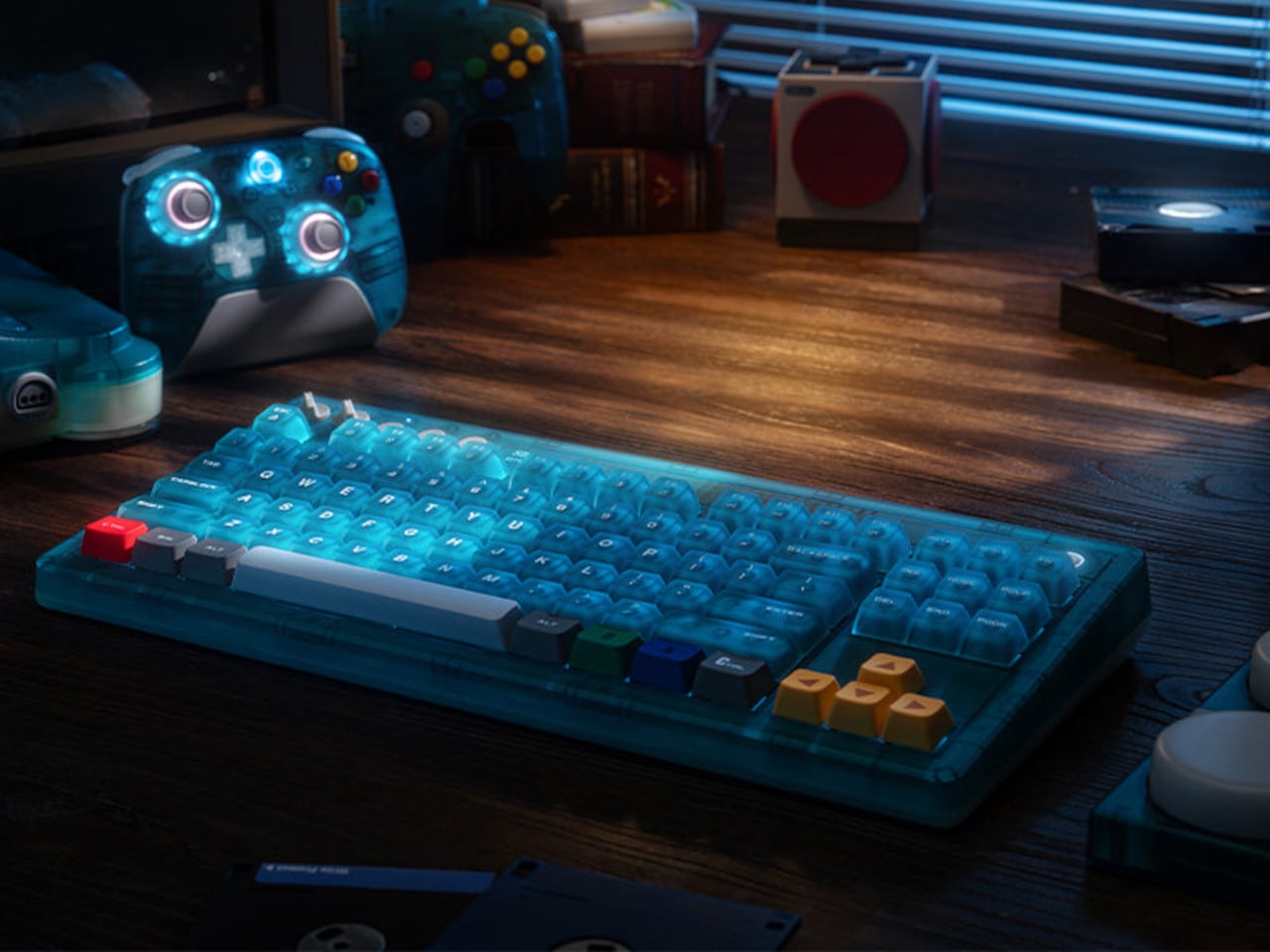
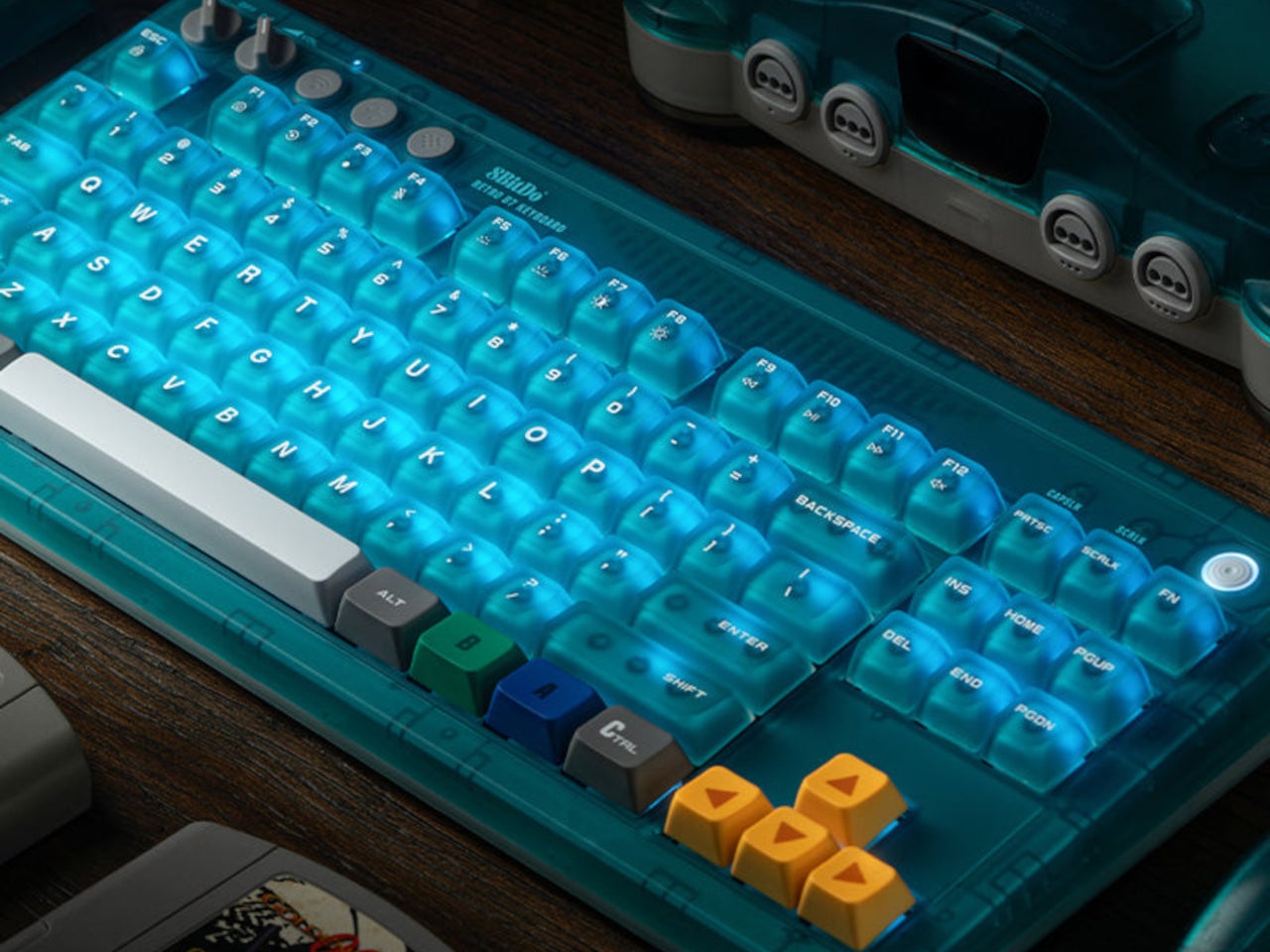
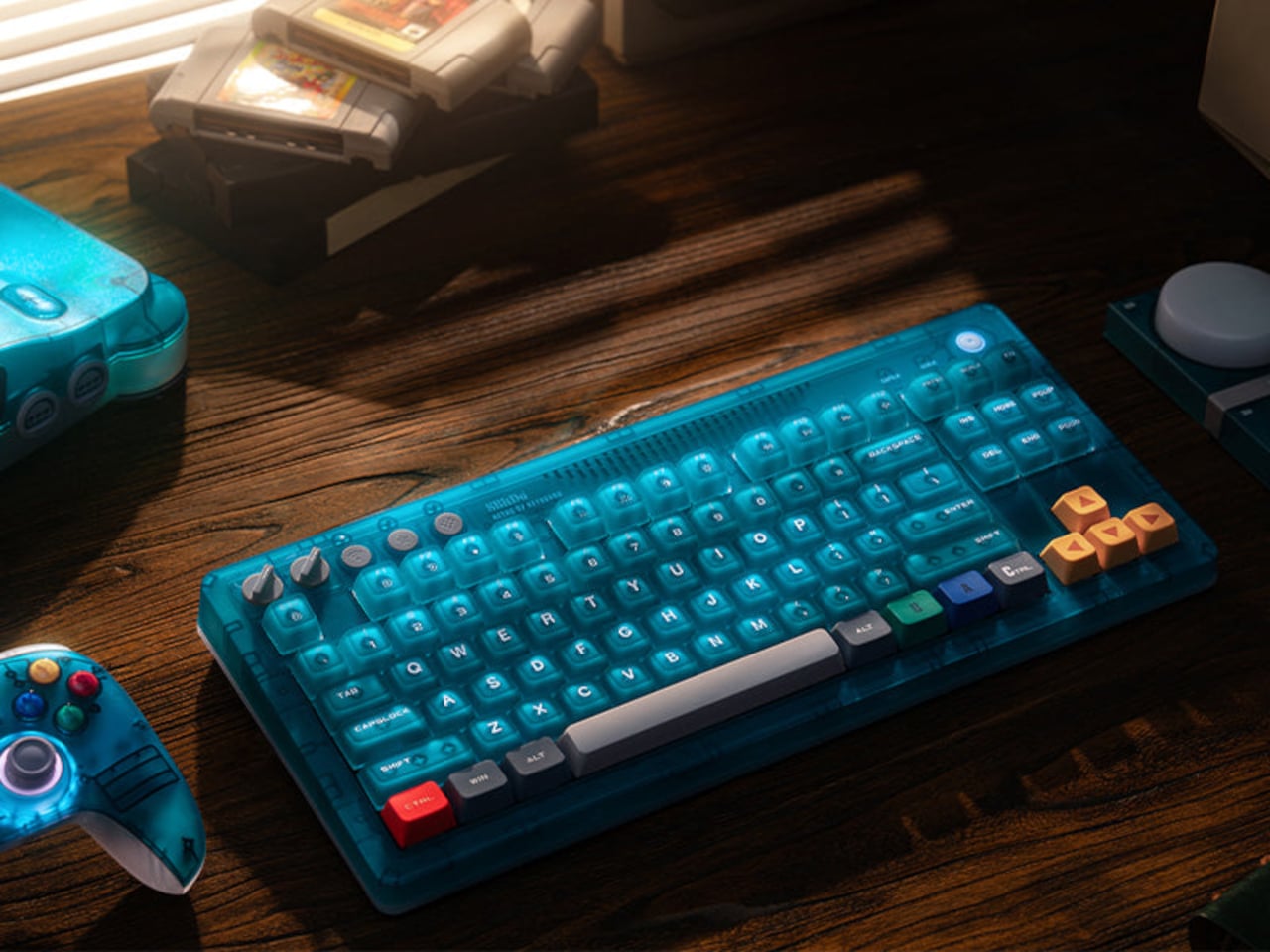
Nintendo’s “Funtastic” translucent plastic era tends to provoke a specific kind of nostalgia. The see-through consoles and controllers from the late 1990s made the hardware itself part of the aesthetic, and the ice blue variant of the N64 in particular developed a cult following that outlasted the console’s commercial run by several decades. The transparency wasn’t a gimmick then, and it still doesn’t feel like one now.

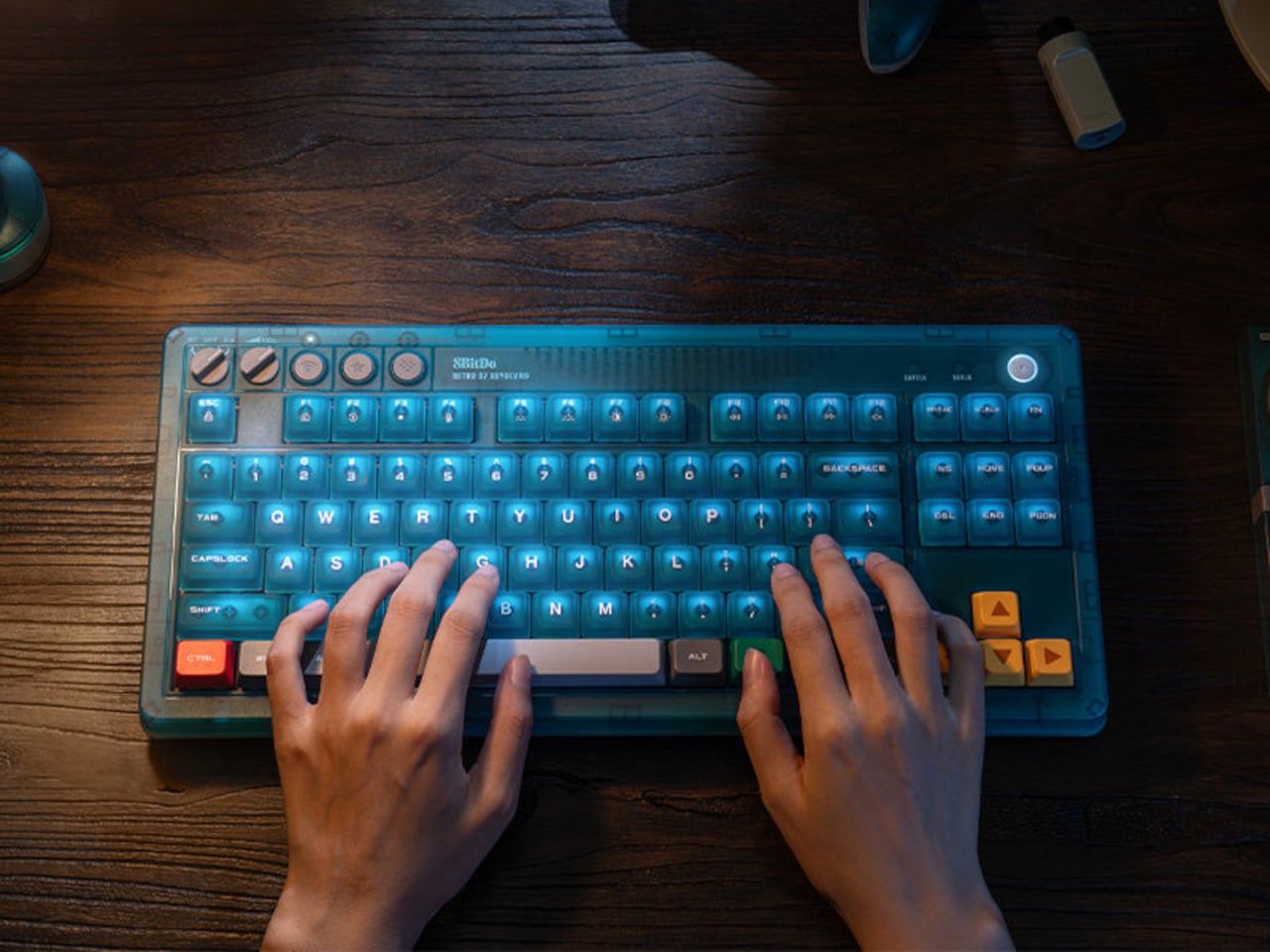
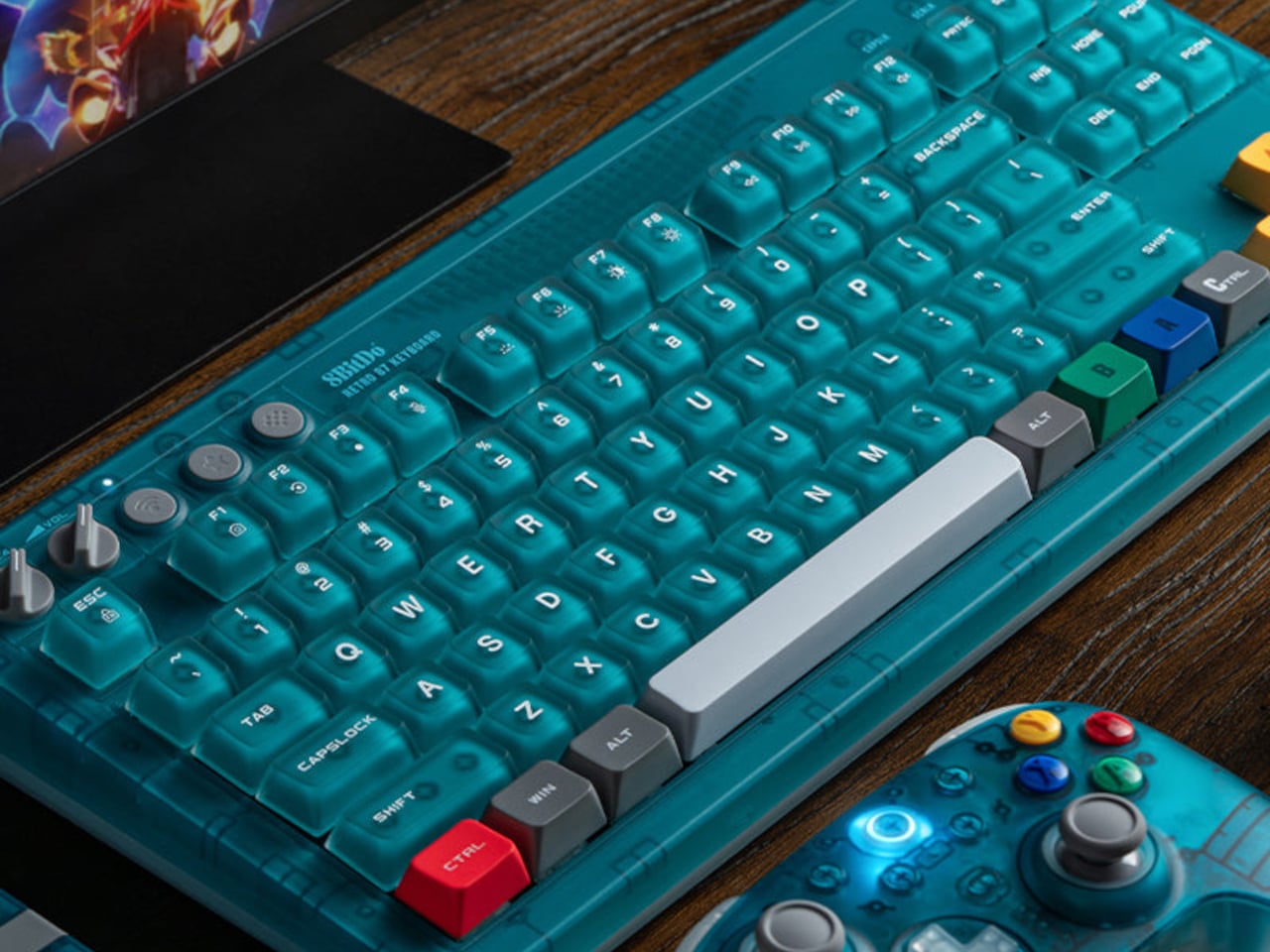
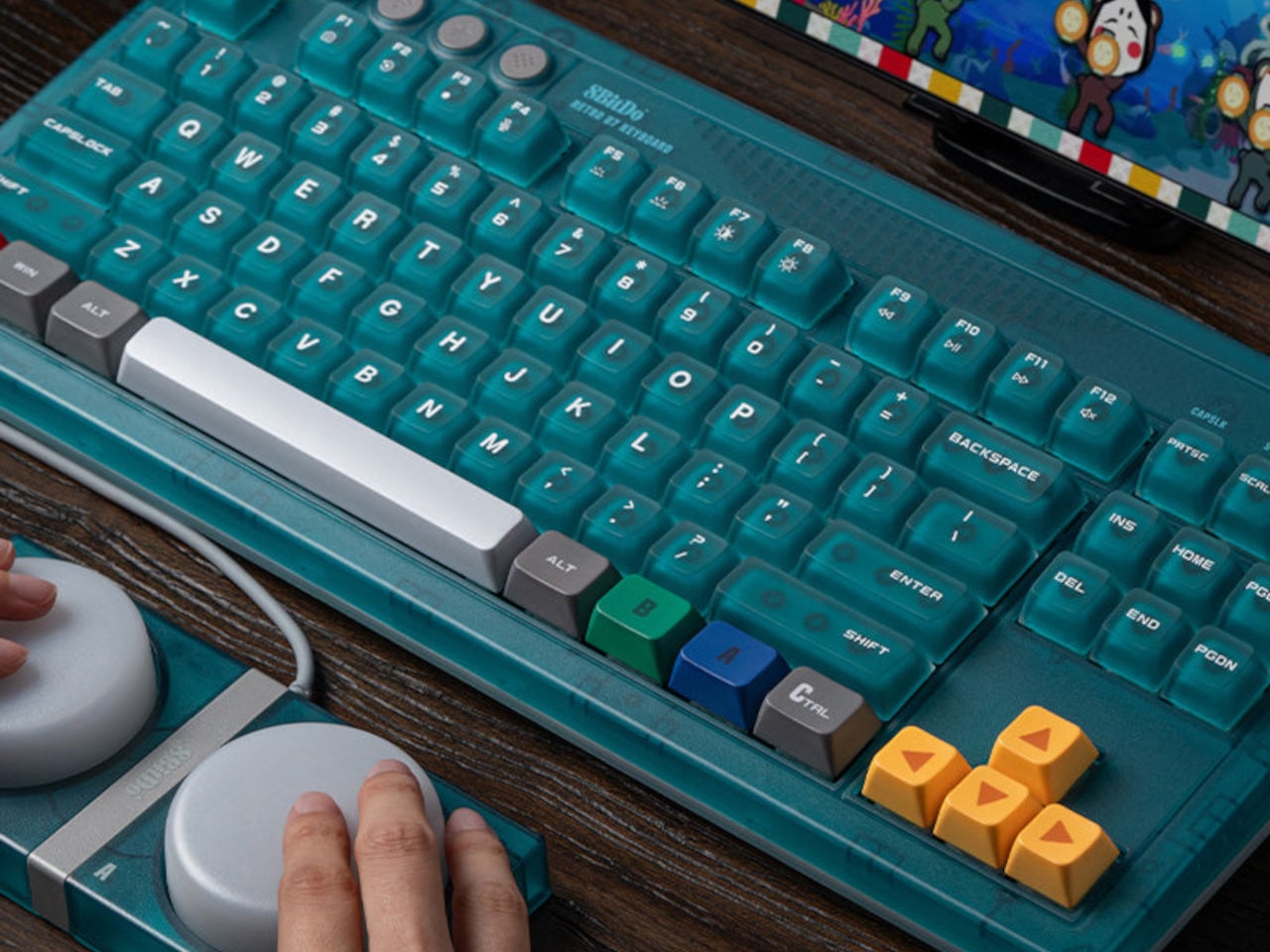
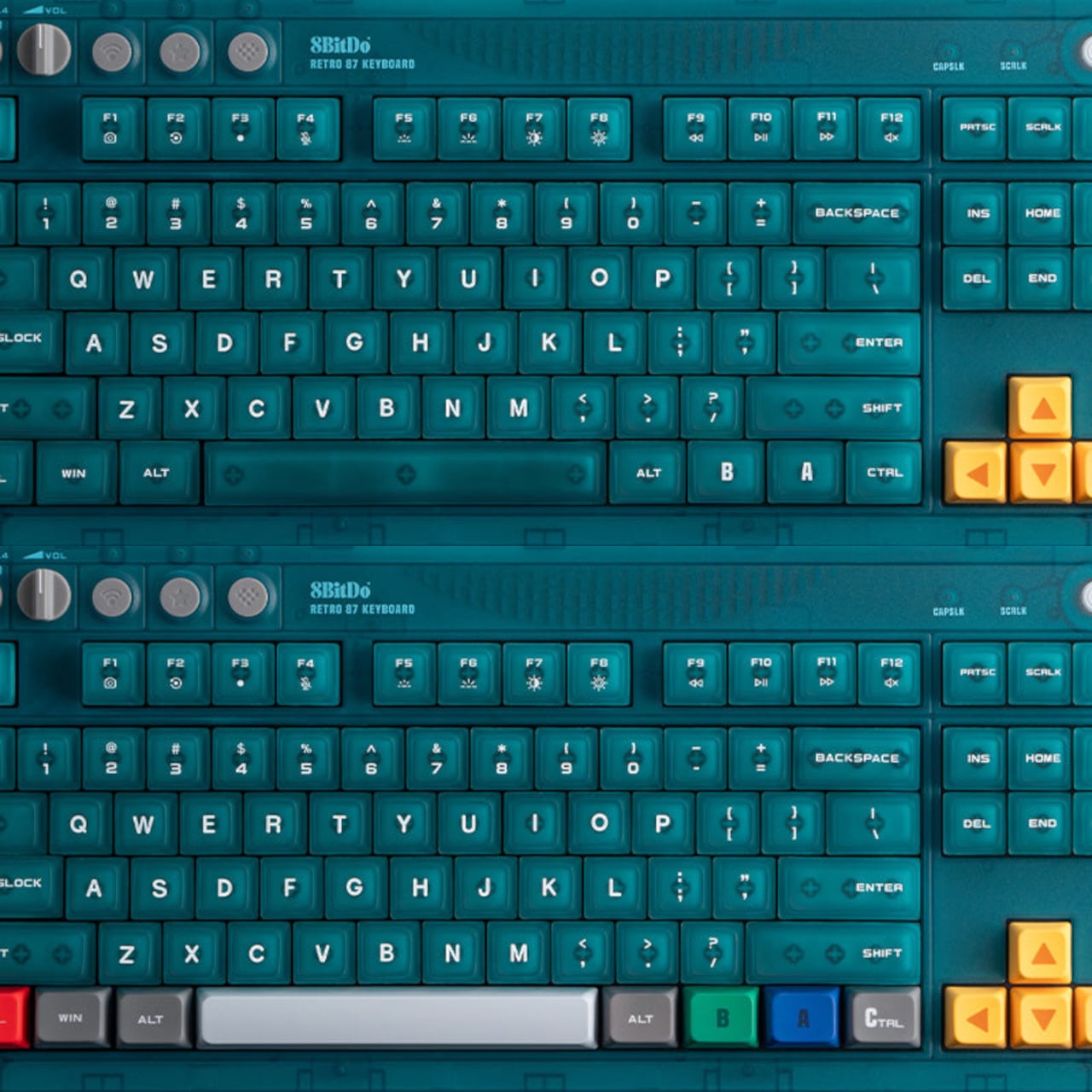
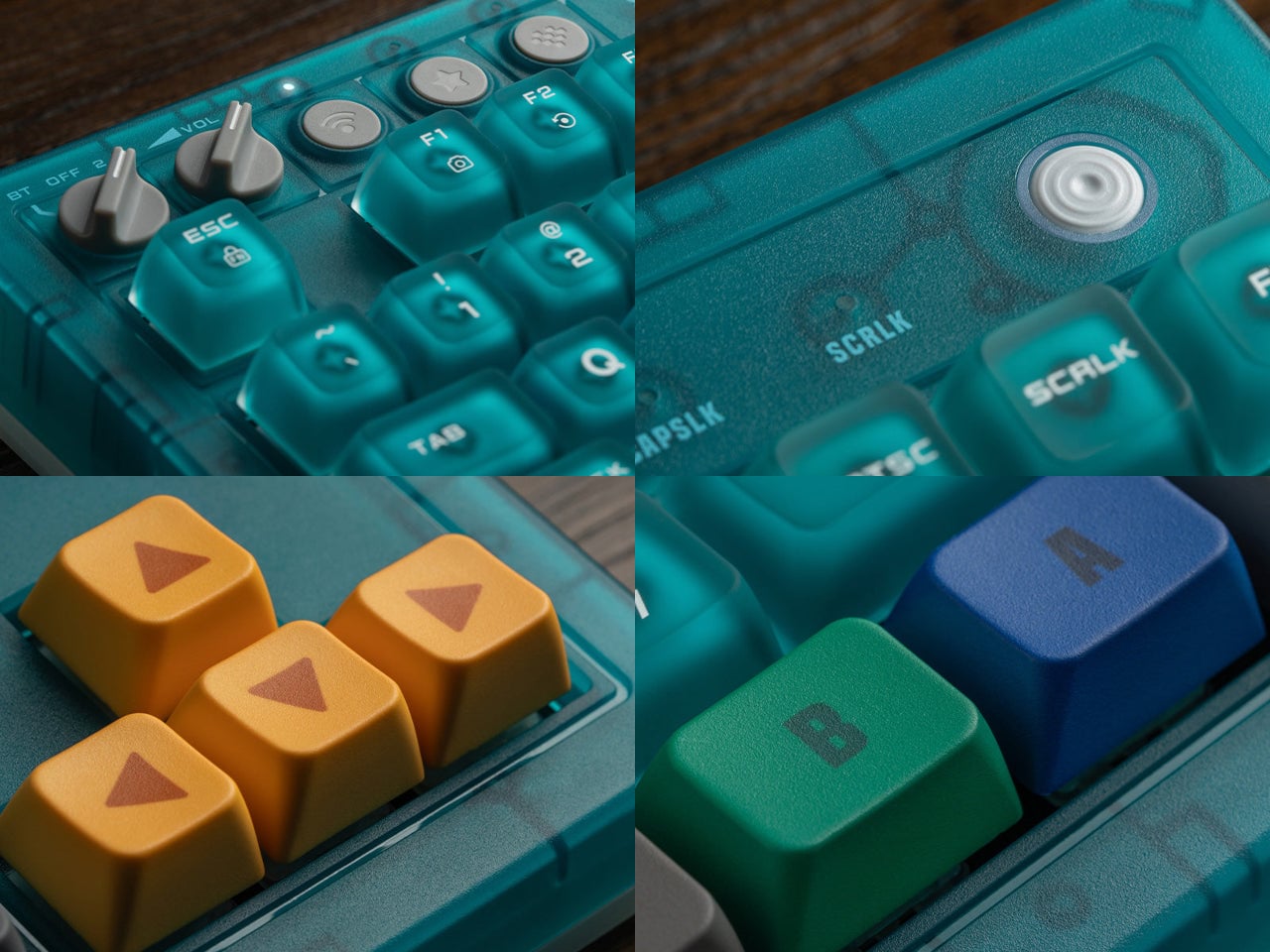
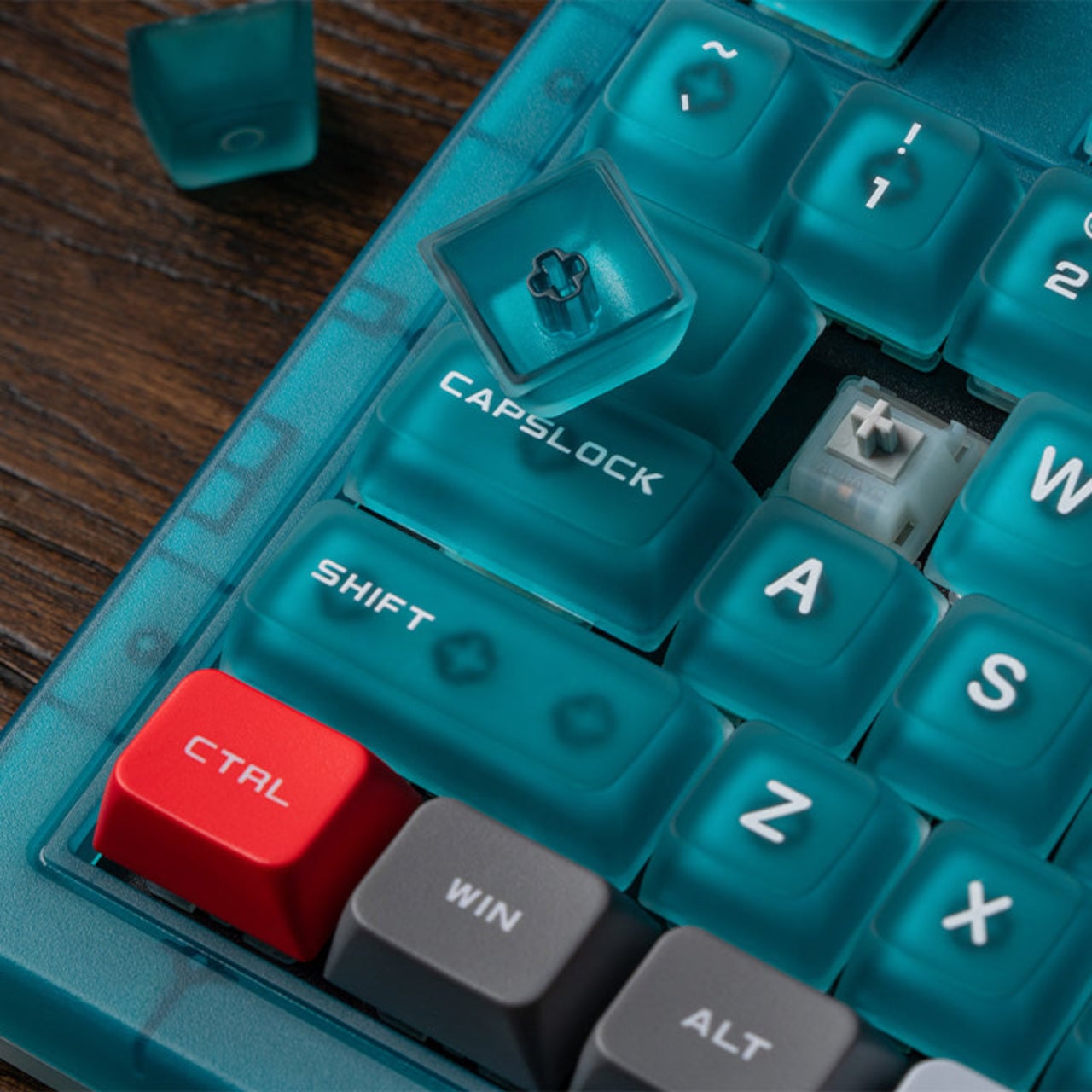
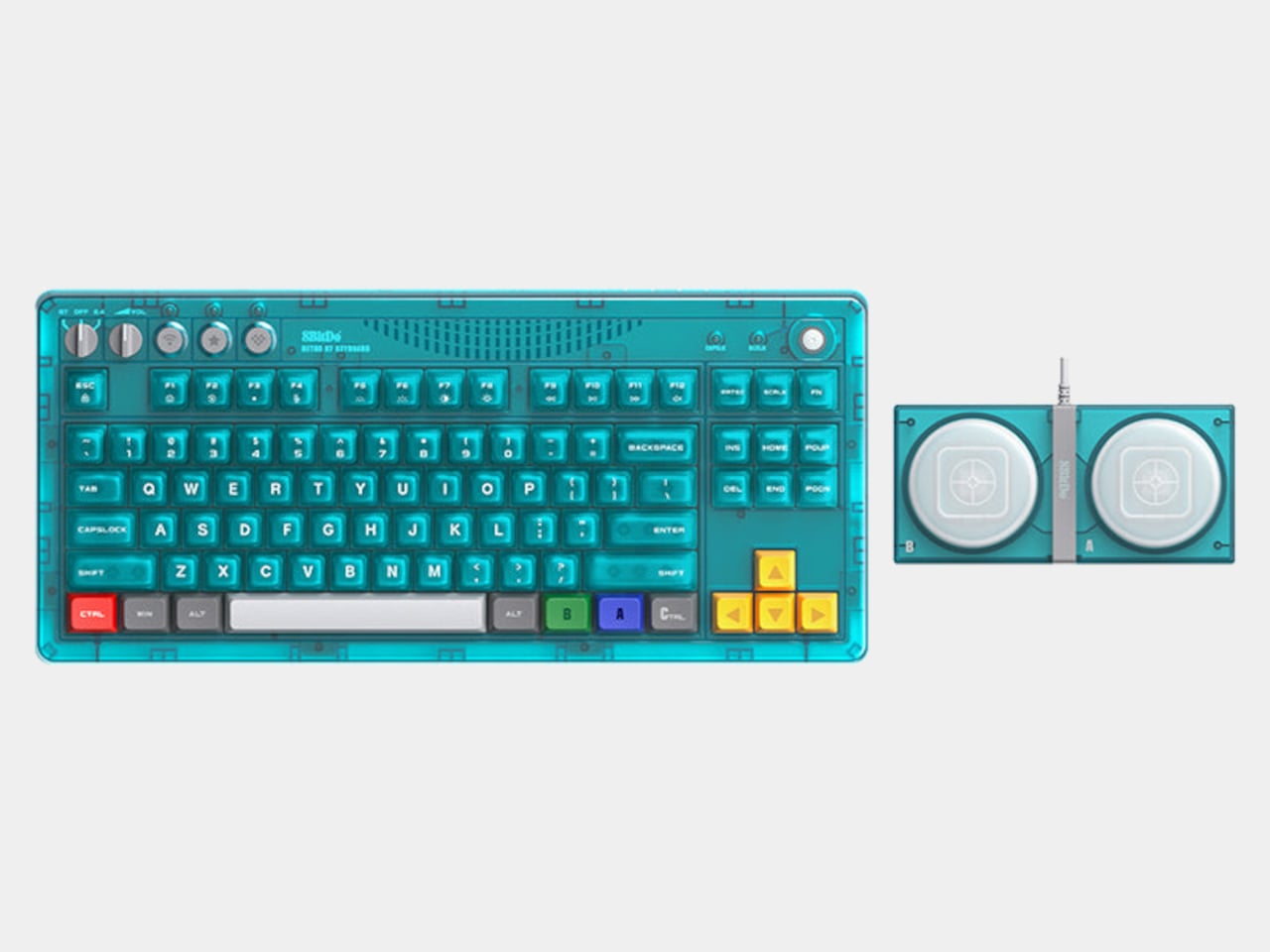
The 8BitDo Retro 87 Keyboard in Clear Blue arrives as part of the N64’s 30th anniversary and borrows that translucent blue finish directly. But the design doesn’t stop at the shell. Specific keys carry the actual color palette of the original N64 controller: yellow arrow keys for the C-buttons, blue and green A and B keys, and a red left Ctrl referencing the Start button. For anyone who logged enough hours with that particular controller, the color map reads immediately.

Designer: 8BitDo

The Clear Blue edition uses 8BitDo Cloud Gray Linear mechanical switches, co-developed with HUANO specifically for this version and distinct from the Kailh Box White switches in the Fami and N editions. The keycaps combine dye-sublimation PBT and ABS + PC double-shot construction with a matte UV coating, giving the legends both durability and a finish that suits the translucent shell better than a glossy alternative would.

Underneath, the hot-swappable PCB sits in a top mount configuration, which is a construction choice that tends to provide a softer, more cushioned typing feel compared to bottom mount builds. N-key rollover handles simultaneous inputs without dropping keystrokes. Per-key RGB backlighting runs through the whole board, visible through the translucent shell in a way that a standard opaque case would never allow. The 200-hour wireless battery life on a 2,000 mAh cell is rated for the 2.4 GHz wireless mode, with the adapter included in the box.

Connectivity covers three modes: Bluetooth, 2.4 GHz wireless, and wired USB, the standard trio for a modern keyboard that needs to move between devices and setups. A pair of programmable Super Buttons ships with the keyboard, matching the Clear Blue finish and assignable through 8BitDo Ultimate Software V2. They sit outside the main typing area and can take on whatever function is needed, from media controls to game inputs.

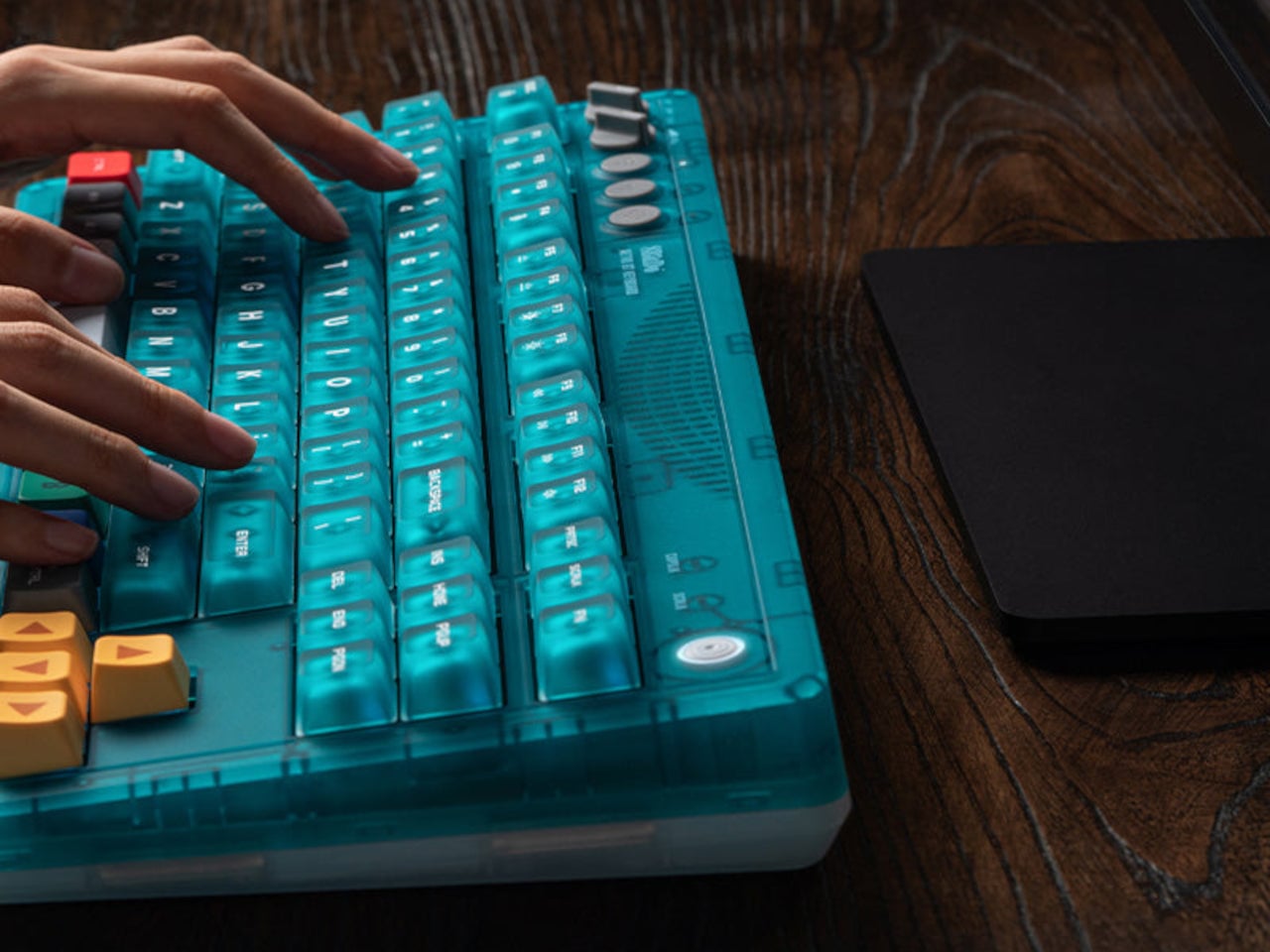
The 87-key tenkeyless layout drops the number pad but keeps the full navigation cluster, which is the practical choice for a keyboard meant to share desk space with other peripherals. The layout doesn’t commit to being purely a gaming board or purely a productivity tool, which suits a keyboard this visually distinctive rather well. Something that references a 30-year-old console doesn’t need to pretend it’s a neutral office accessory.

There’s a certain honesty to the approach here. The Clear Blue colorway isn’t a subtle nod or a distant reference; it’s an explicit callback to a specific era of hardware design that a generation of players grew up with. The translucent shell shows the PCB and internal components through the blue tint, carrying the same logic those original Funtastic consoles did: the inside of the hardware was worth looking at.

The post 8BitDo Made the N64’s 30th Anniversary Keyboard Every Millennial Wants first appeared on Yanko Design.

8BitDo’s Pro Fight Pad Has a Screen That Replaces the Companion App

Fighting game hardware has become its own obsession. Serious players spend as much time agonizing over their controller choice as they do drilling combos, and the debate between joystick traditionalists and leverless converts shows no sign of cooling down. The leverless controller strips the directional stick out entirely, replacing it with buttons for movement, a setup many top competitors swear produces faster and more precise inputs.

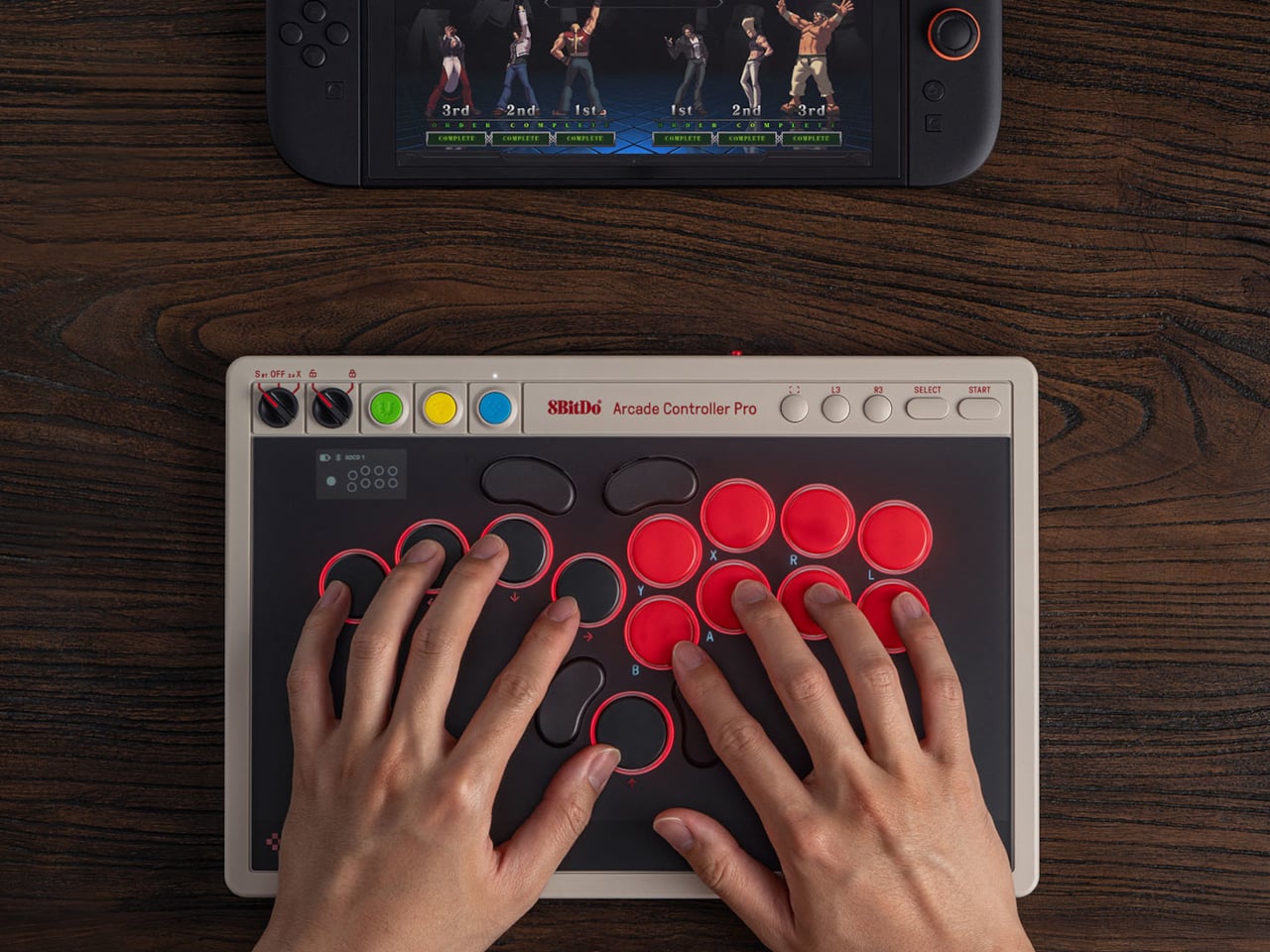
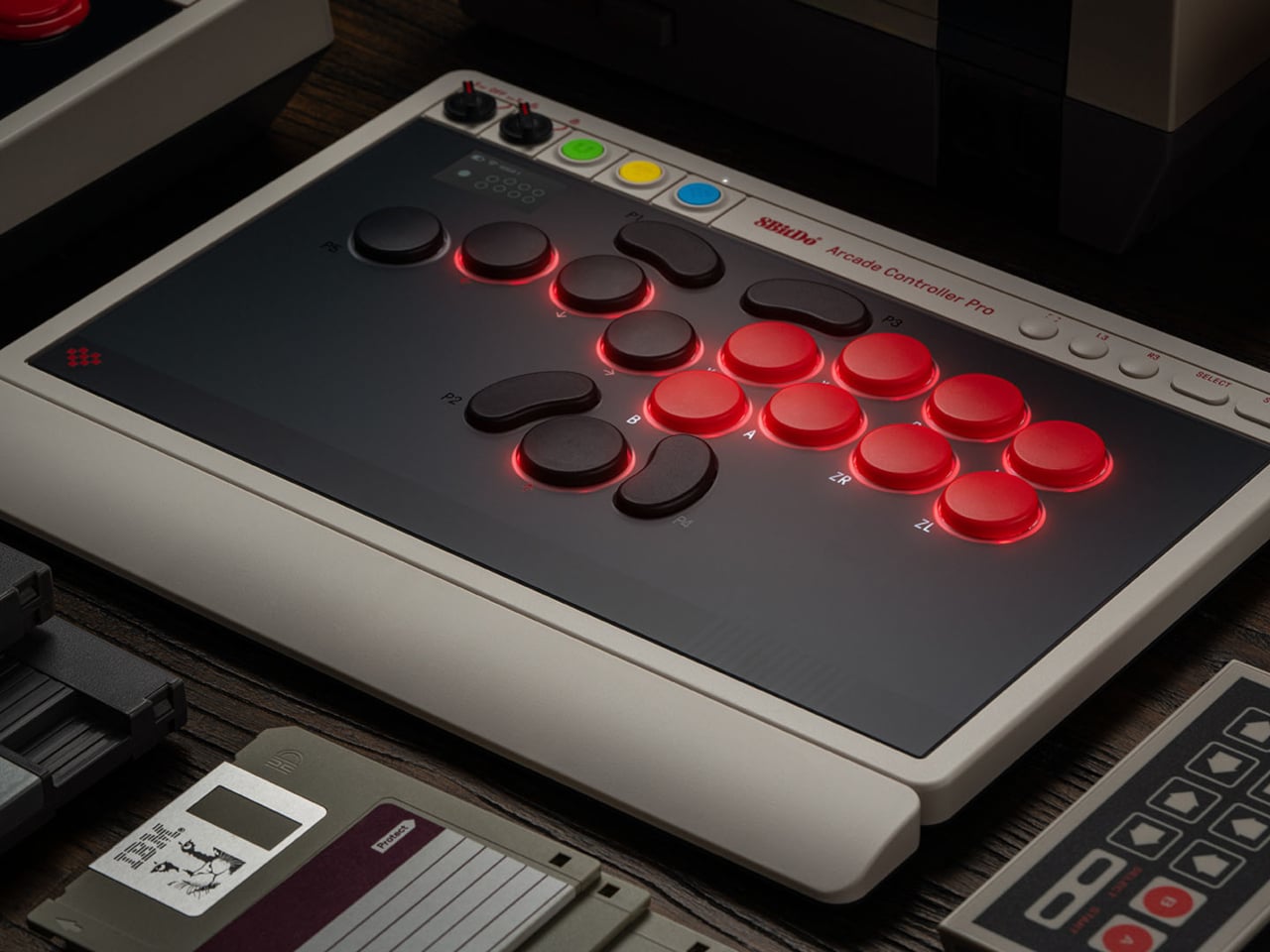
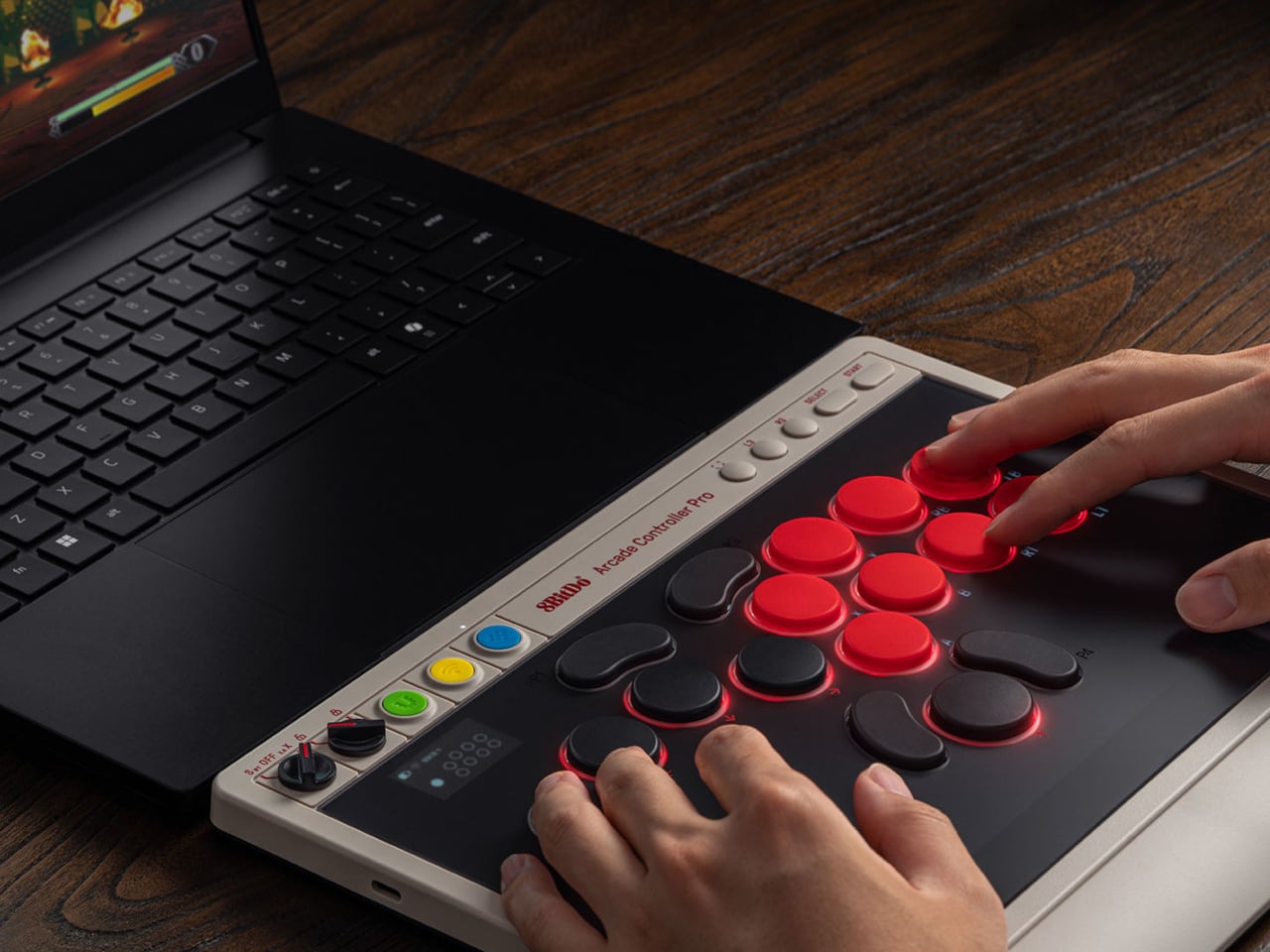
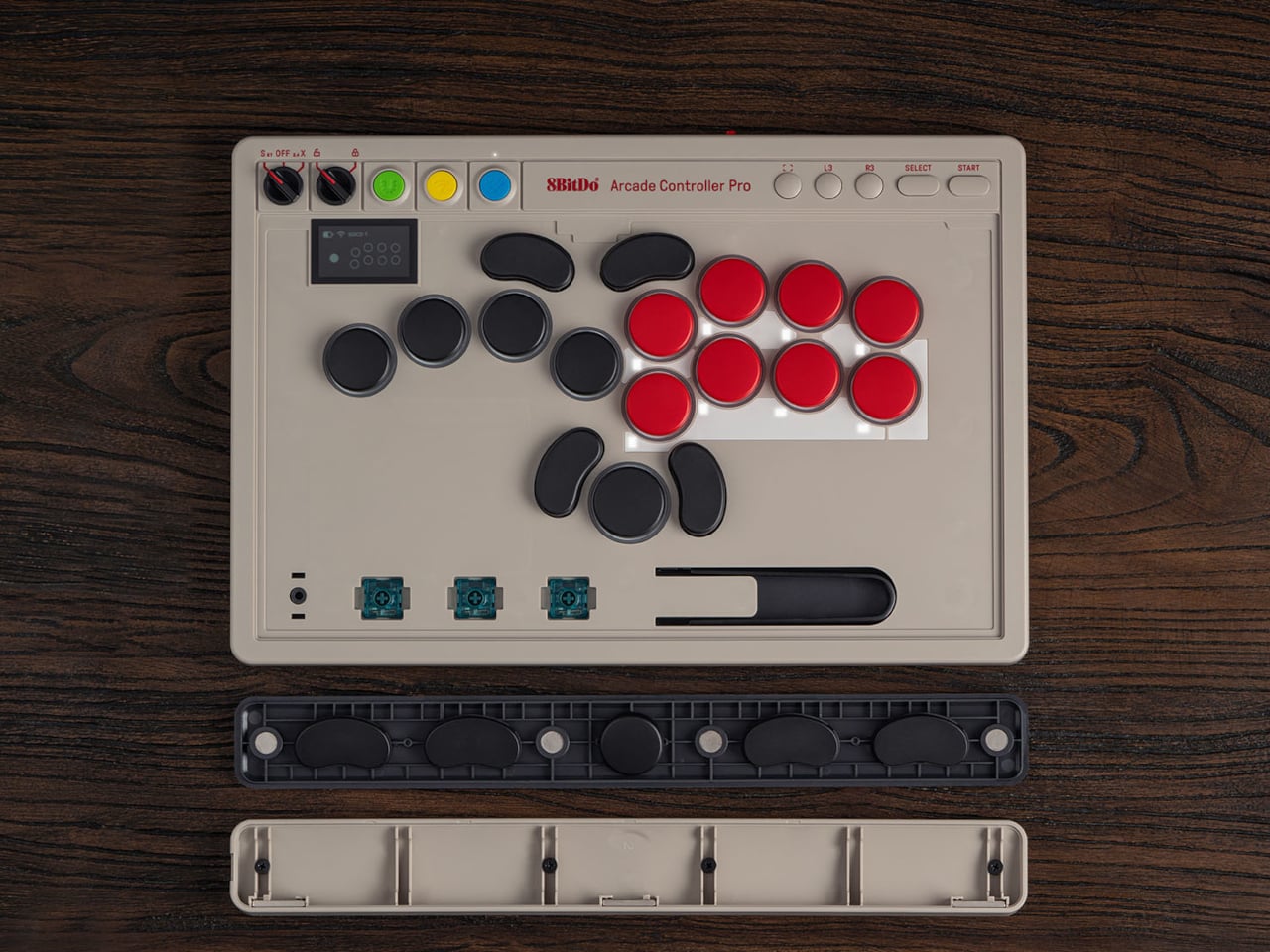
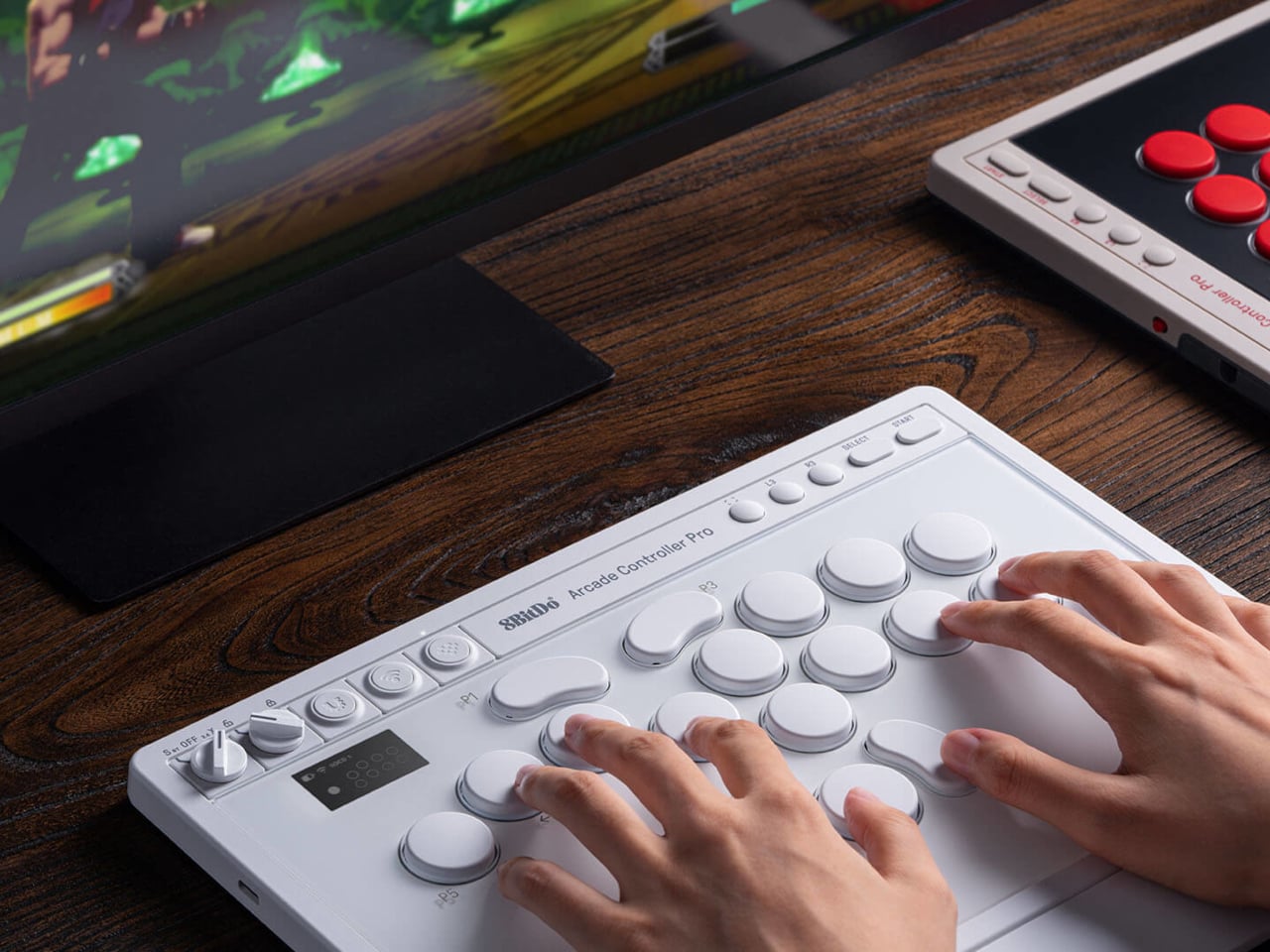
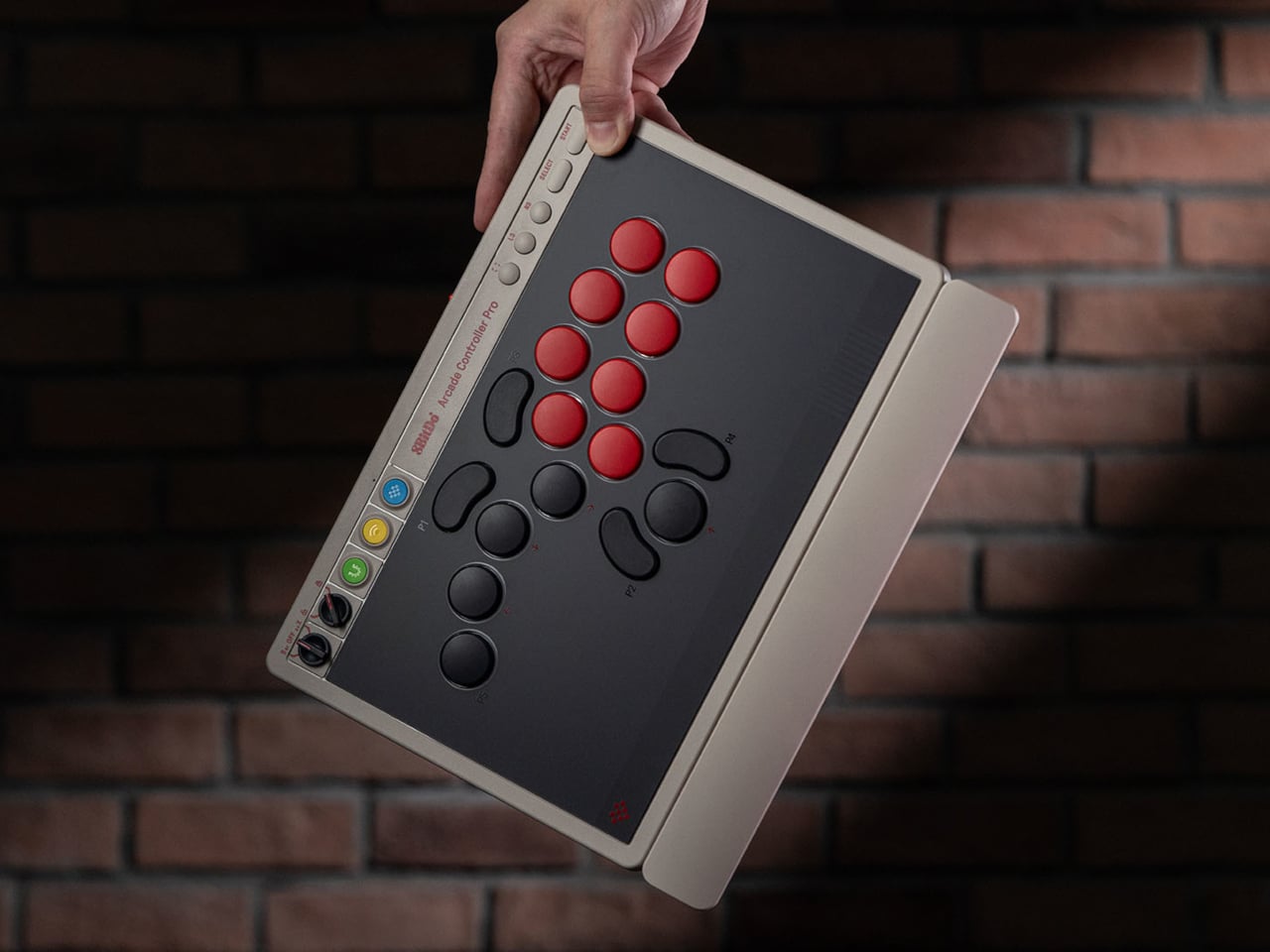
8BitDo released its first leverless arcade controller last year and now follows it up with the Arcade Controller Pro, a more performance-focused update aimed at the serious end of the market. The changes aren’t radical but they’re meaningful, touching everything from the button layout to how you manage settings mid-match. It’s a controller that doesn’t try to appeal to everyone, and that’s precisely the point.

Designer: 8BitDo

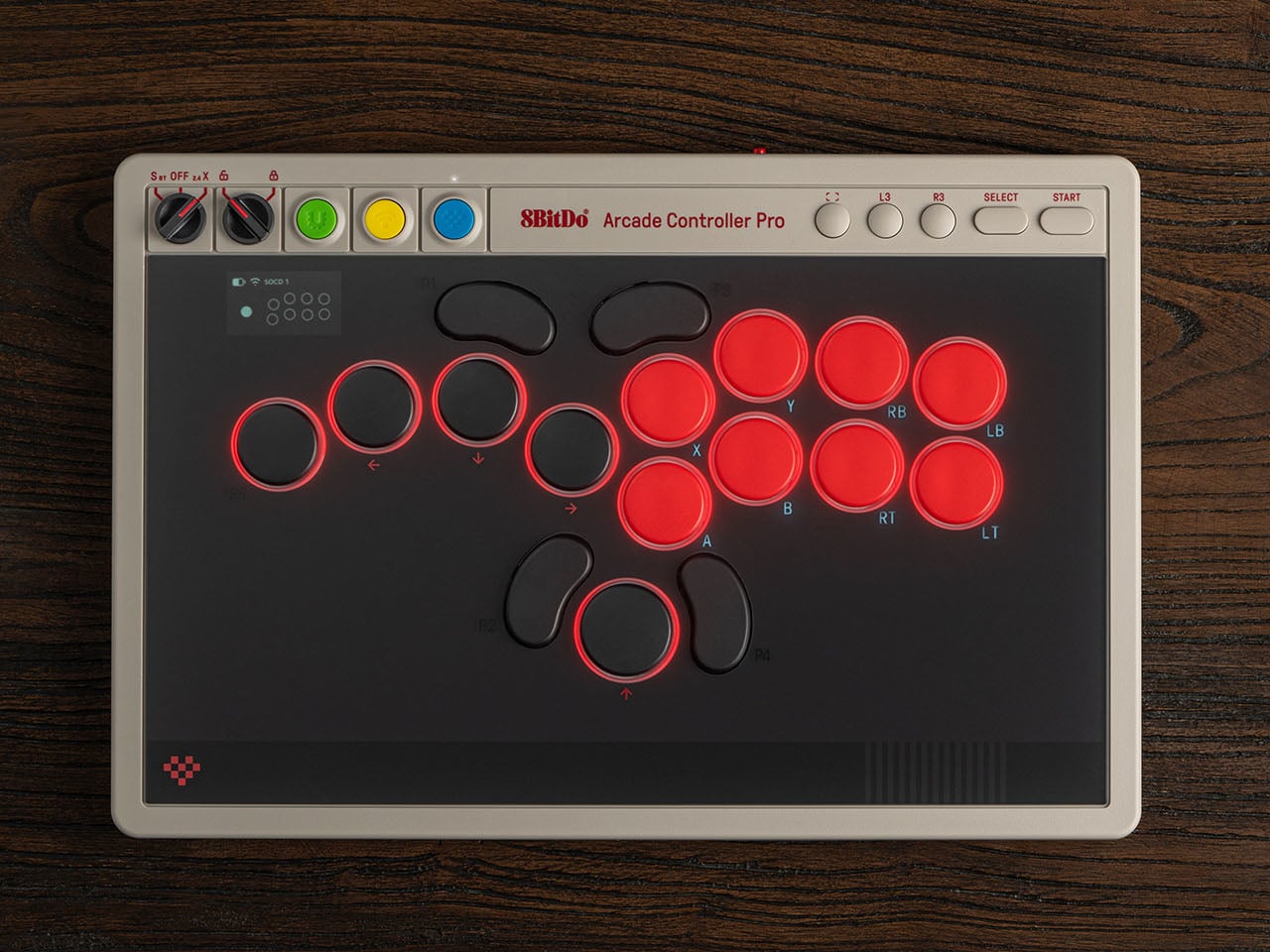
The button layout has been reworked with smaller, more tightly spaced caps that keep everything within natural reach. The programmable button count goes from four to five, with the fifth positioned on the far left to give the left hand more freedom during long sessions. Each round cap installs from any angle, and five flat lock caps come included to cover programmable buttons that shouldn’t be hit mid-match.

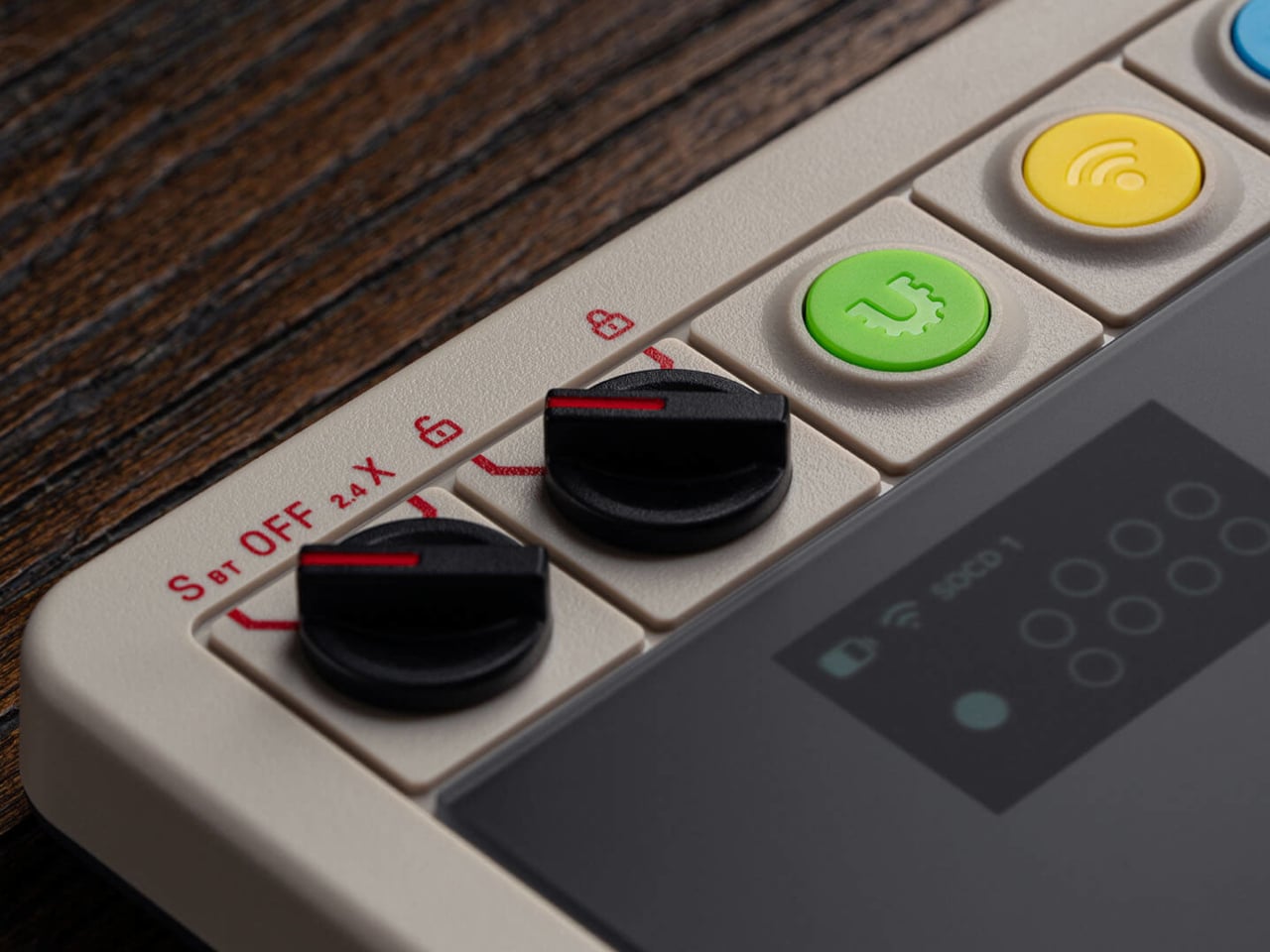
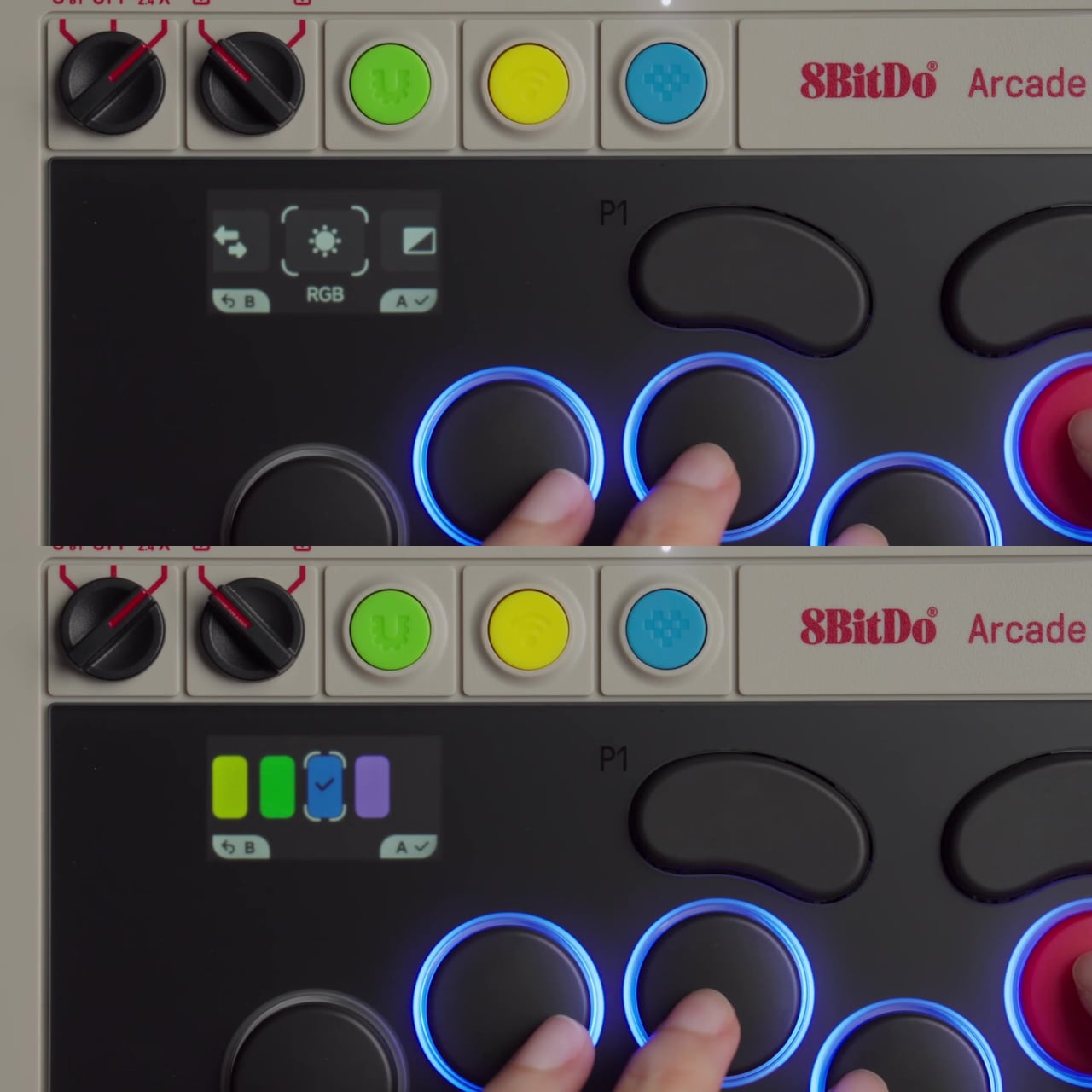
The most notable addition is the 1.47-inch display built into the controller body. It shows your inputs in real time and tracks battery status, but it also lets you adjust settings on-device without opening a companion app. SOCD modes, RGB lighting, and button remapping are all accessible through the screen, so you can make adjustments between rounds rather than leaving your setup to dig through software.

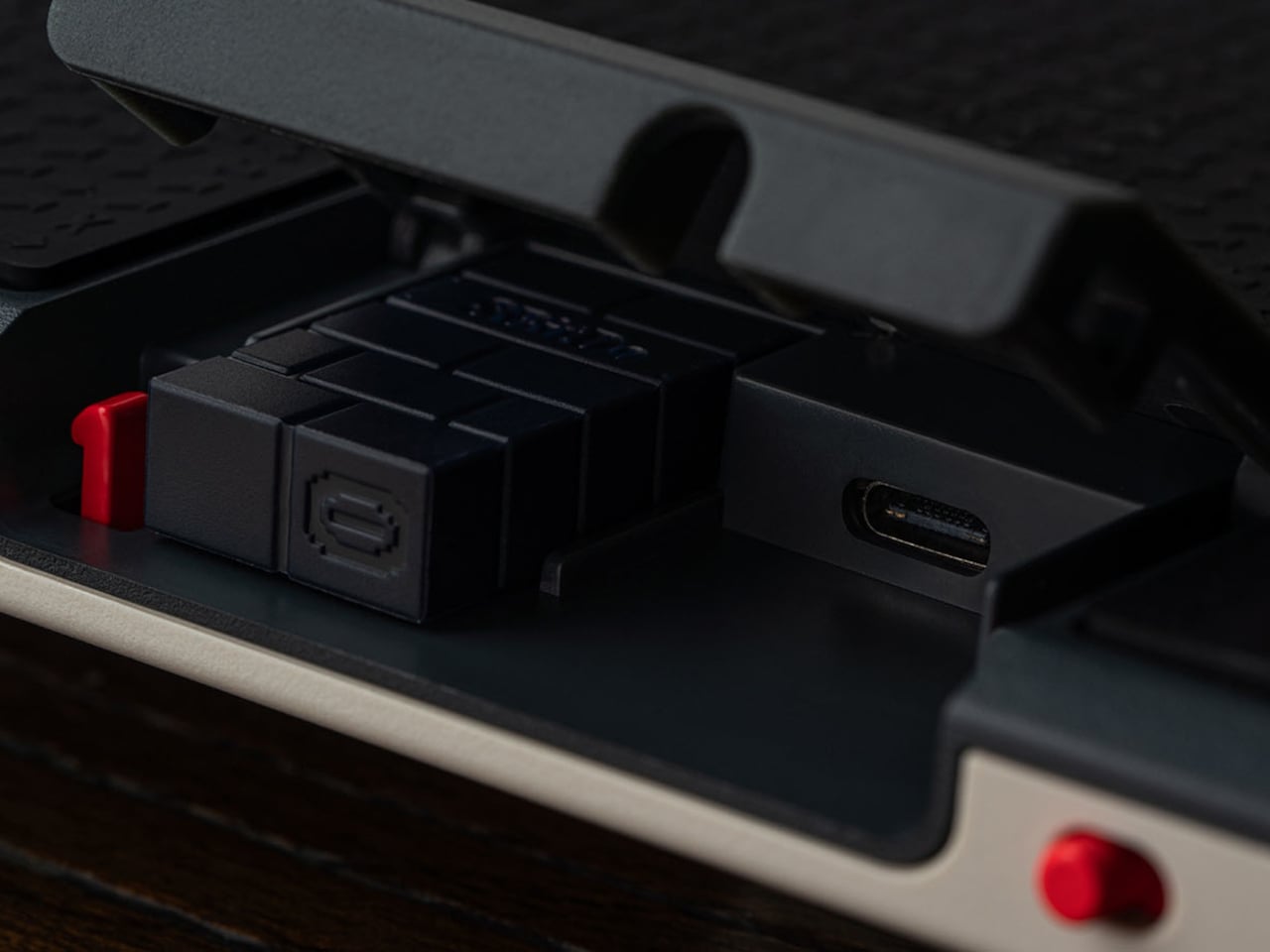
The switches are 8BitDo Core Green low-profile linear mechanicals, co-developed with Kailh specifically for this controller. They’re hot-swappable, and three spare switches, along with a switch puller, are stored inside the controller itself, accessible by lifting the front glass panel. That same interior also houses the accessories compartment that comes with the magnetic wrist rest, which attaches to the front of the unit.

For competitive play, the controller covers the details that matter most in high-pressure moments. A tournament lock on the control panel prevents accidental inputs during a match, and a metal USB-C cable locking mechanism keeps the connection secure so it can’t pull loose mid-fight. Dual USB-C ports, one on the top and one on the side, let you route the cable in whichever direction keeps it out of the way.

Connectivity covers Bluetooth for Nintendo Switch and Switch 2, 2.4GHz wireless for Windows, and a wired USB-C option for both. The 3,000 mAh battery lasts approximately 15 hours with RGB turned off. For players who want to go further than the on-device display allows, 8BitDo Ultimate Software V2 opens up full button mapping and macro creation for an even more personalized setup.

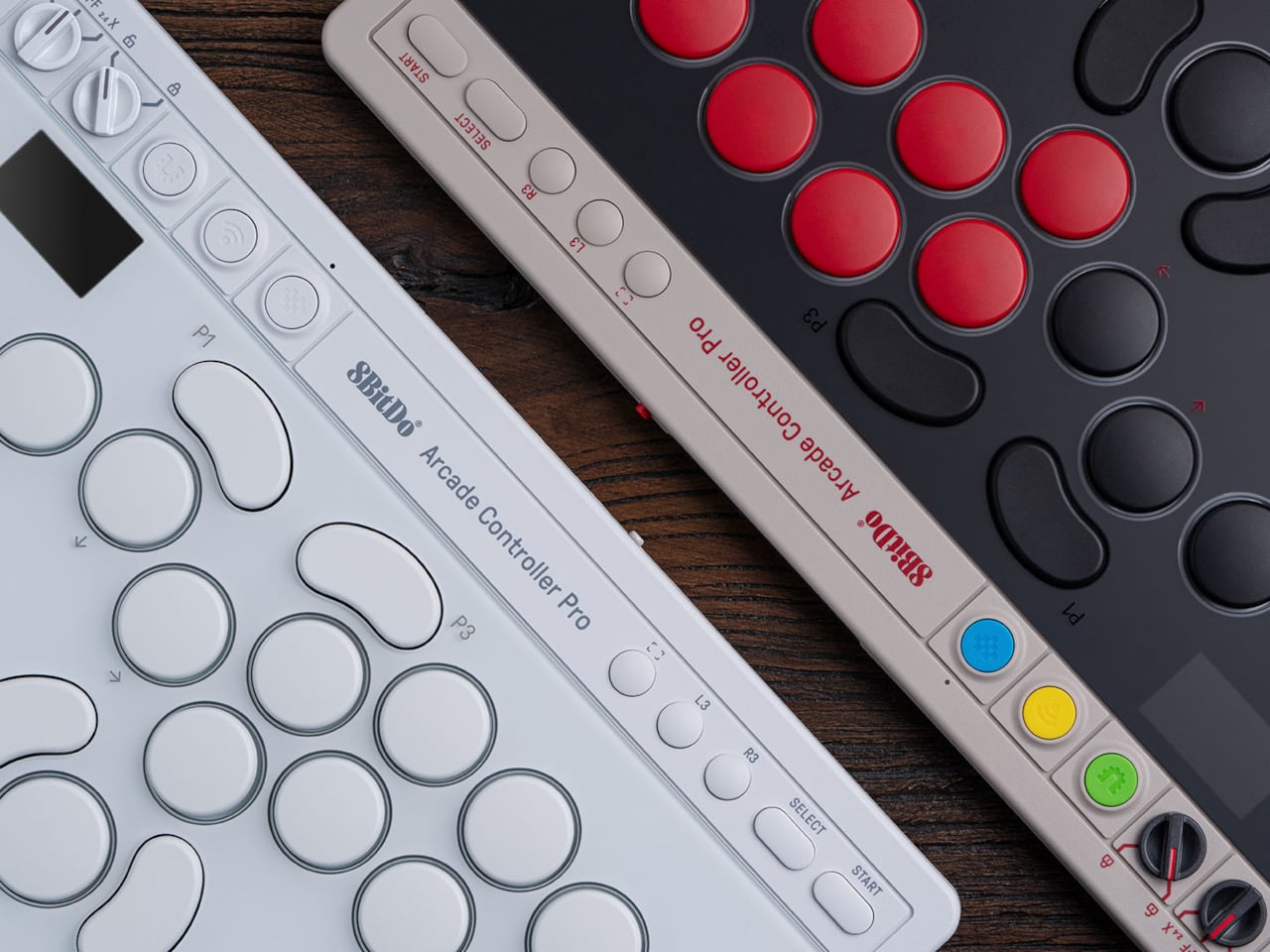
The Arcade Controller Pro is available in a NES-inspired colorway as well as a clean white edition, with a fingerprint-proof tempered glass faceplate and a non-slip silicone underside. A price and release date are yet to be announced. The original Arcade Controller was already a strong entry point into the leverless format, but this Pro model has clearly shifted its sights toward players who already know exactly what they want from a fight pad.

The post 8BitDo’s Pro Fight Pad Has a Screen That Replaces the Companion App first appeared on Yanko Design.

8BitDo Retro R8 C64 Edition mouse fuses Commodore 64 nostalgia with modern gaming performance

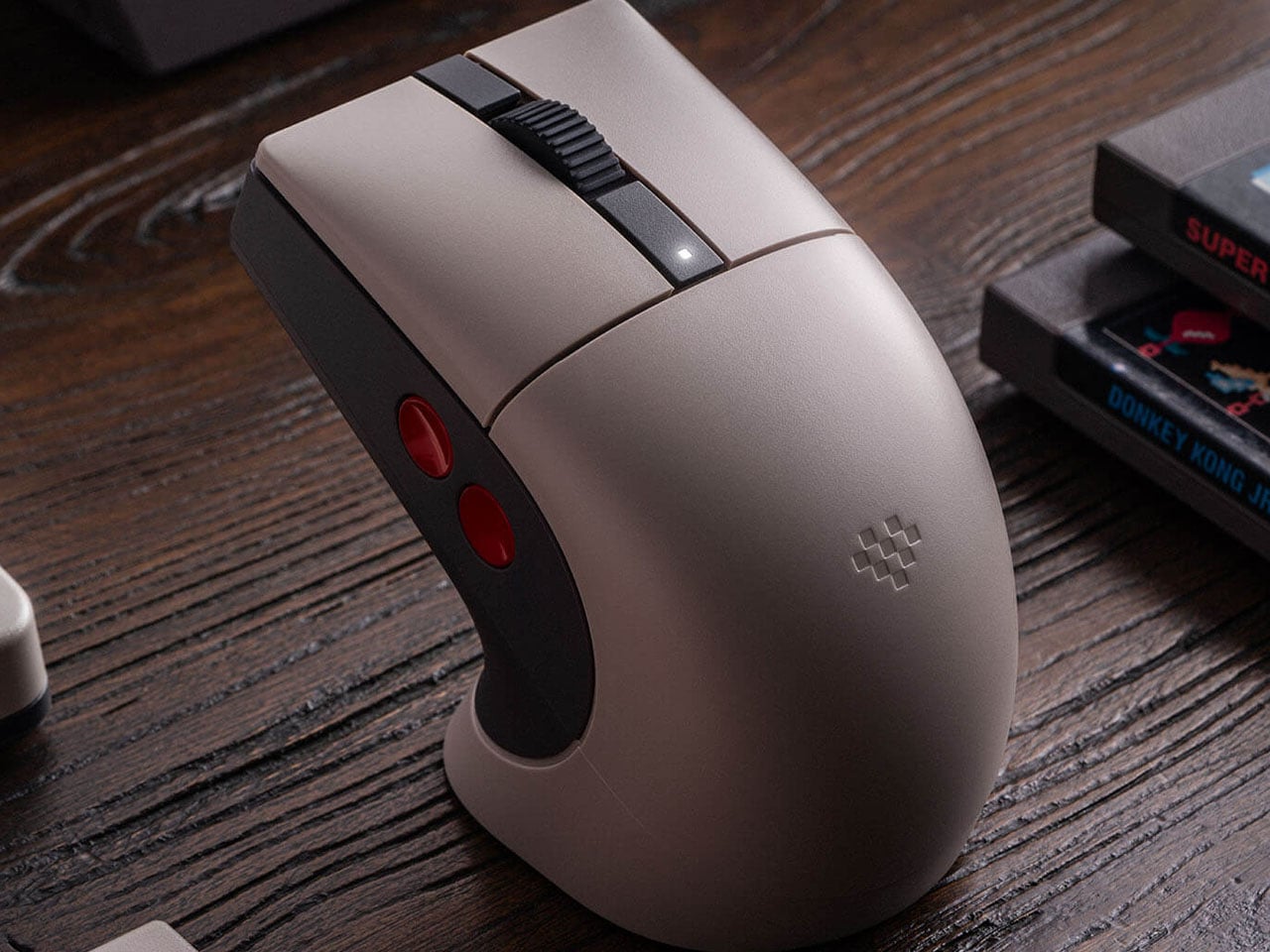
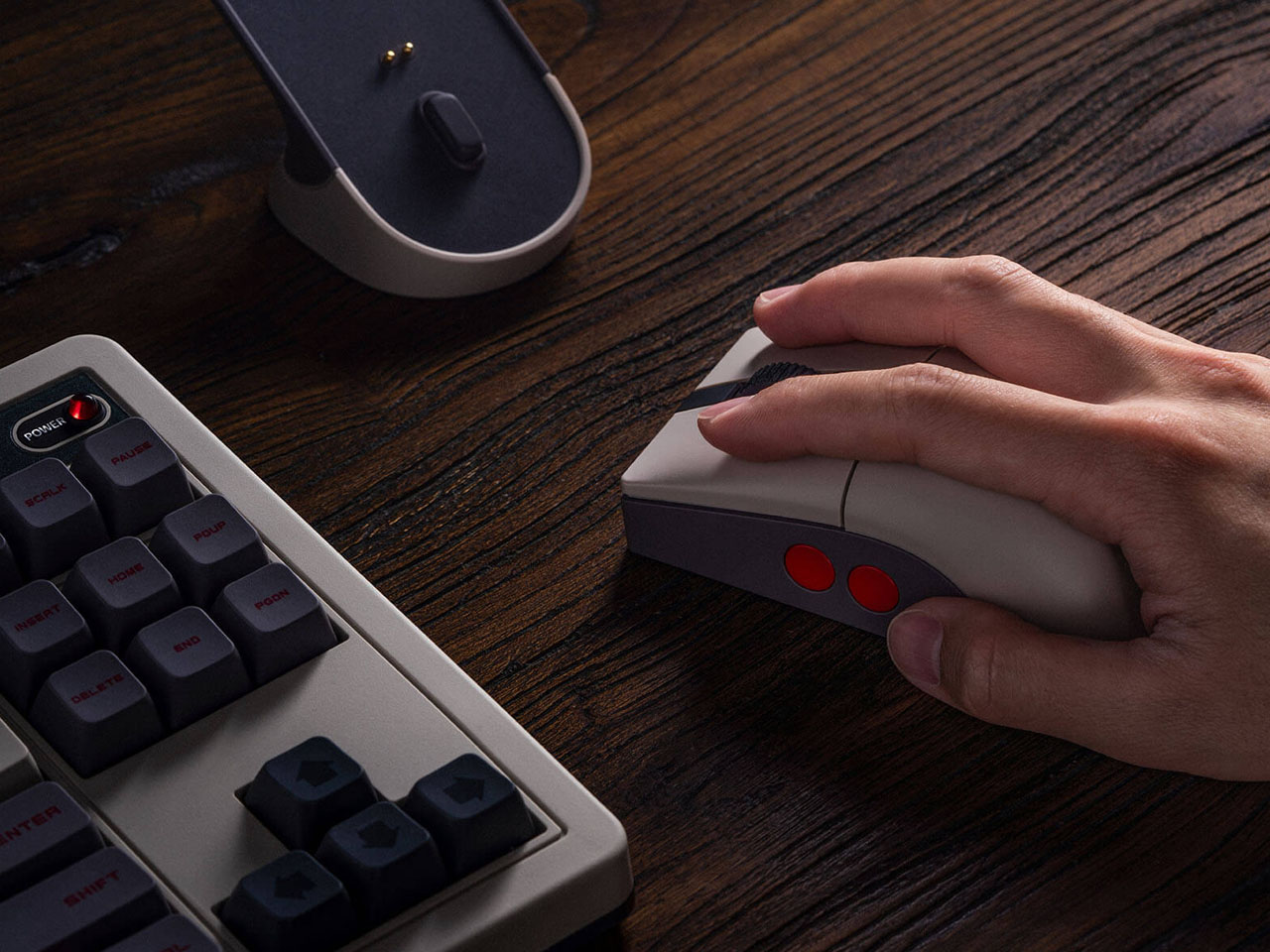
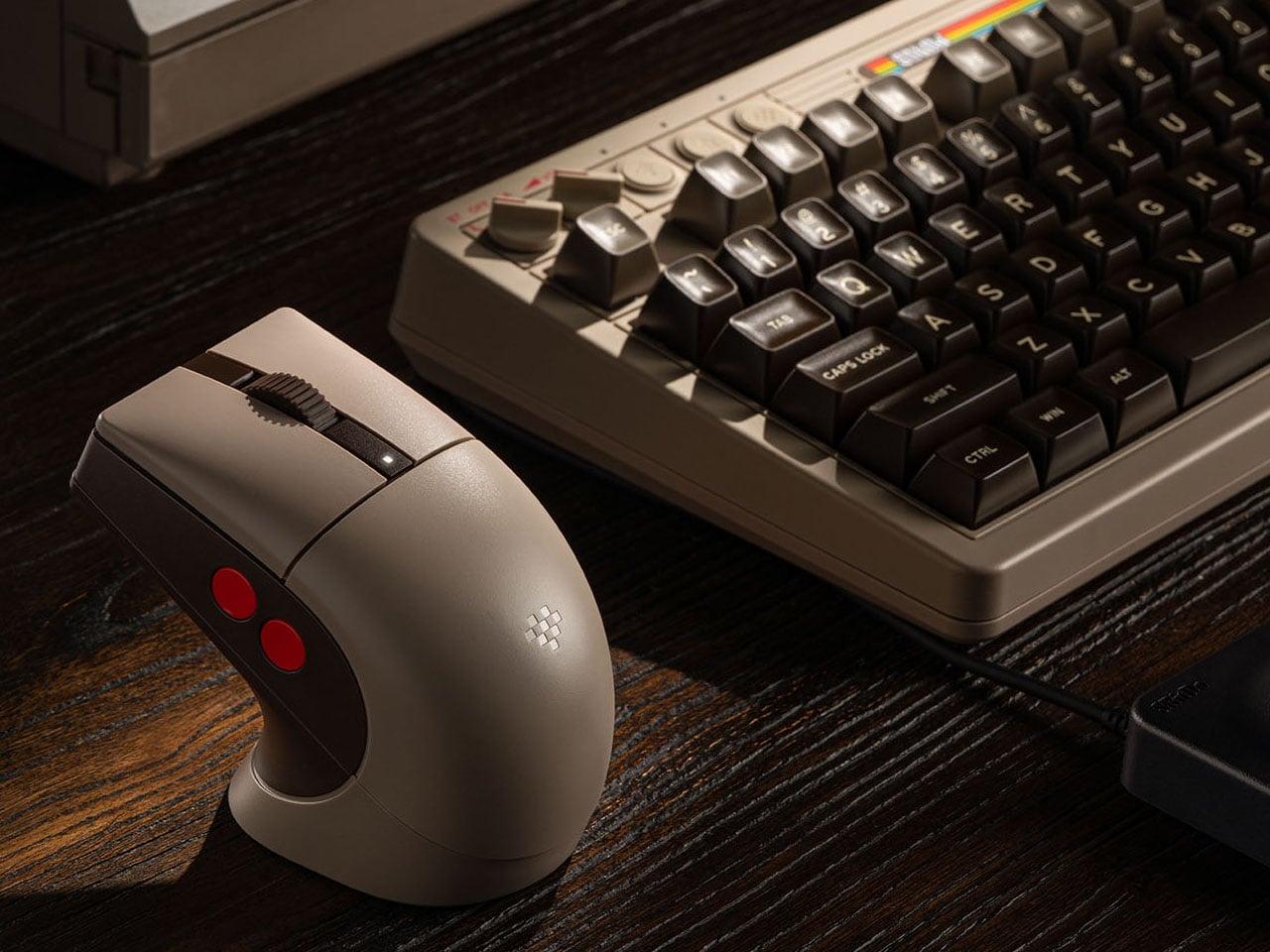
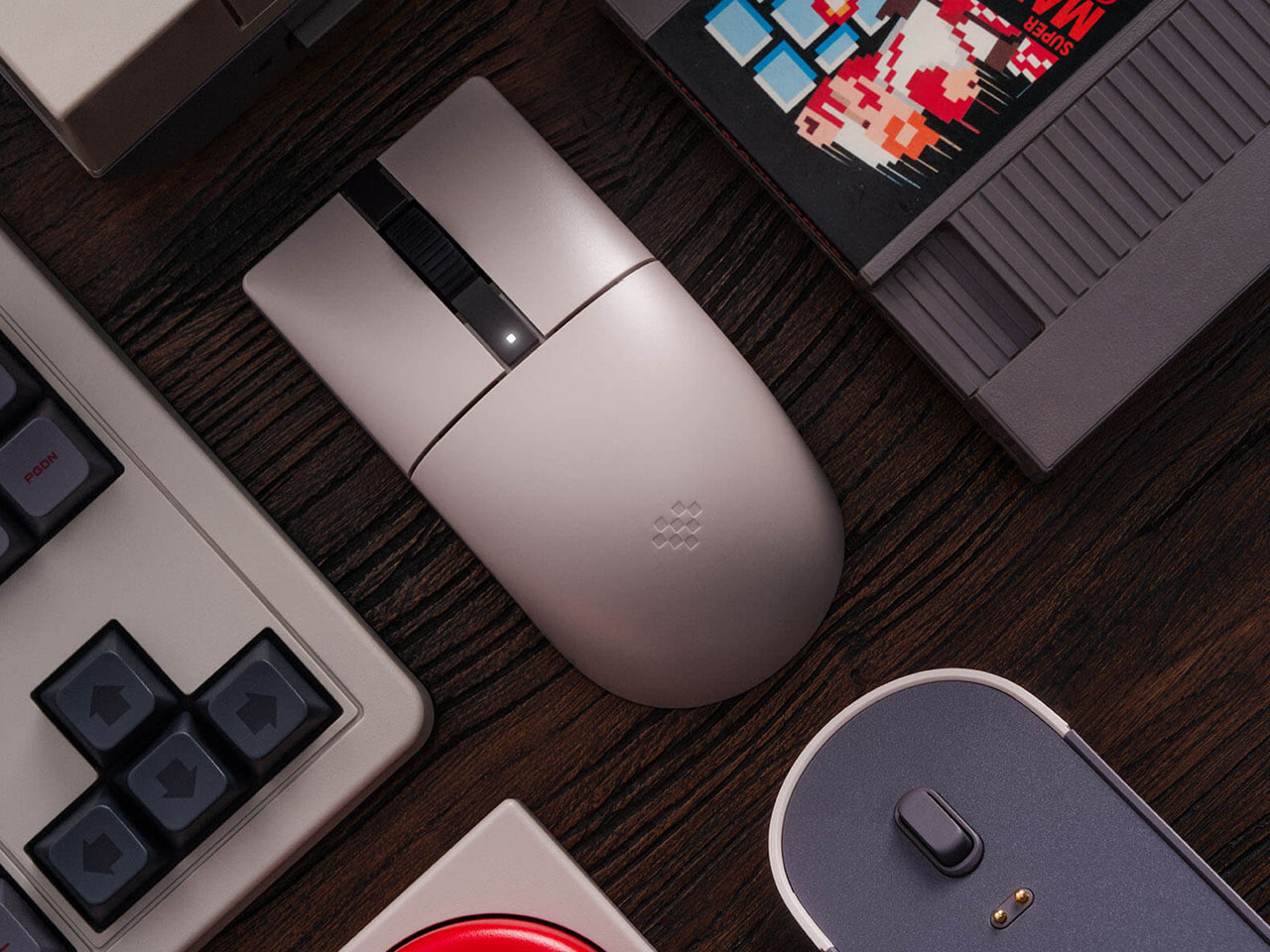
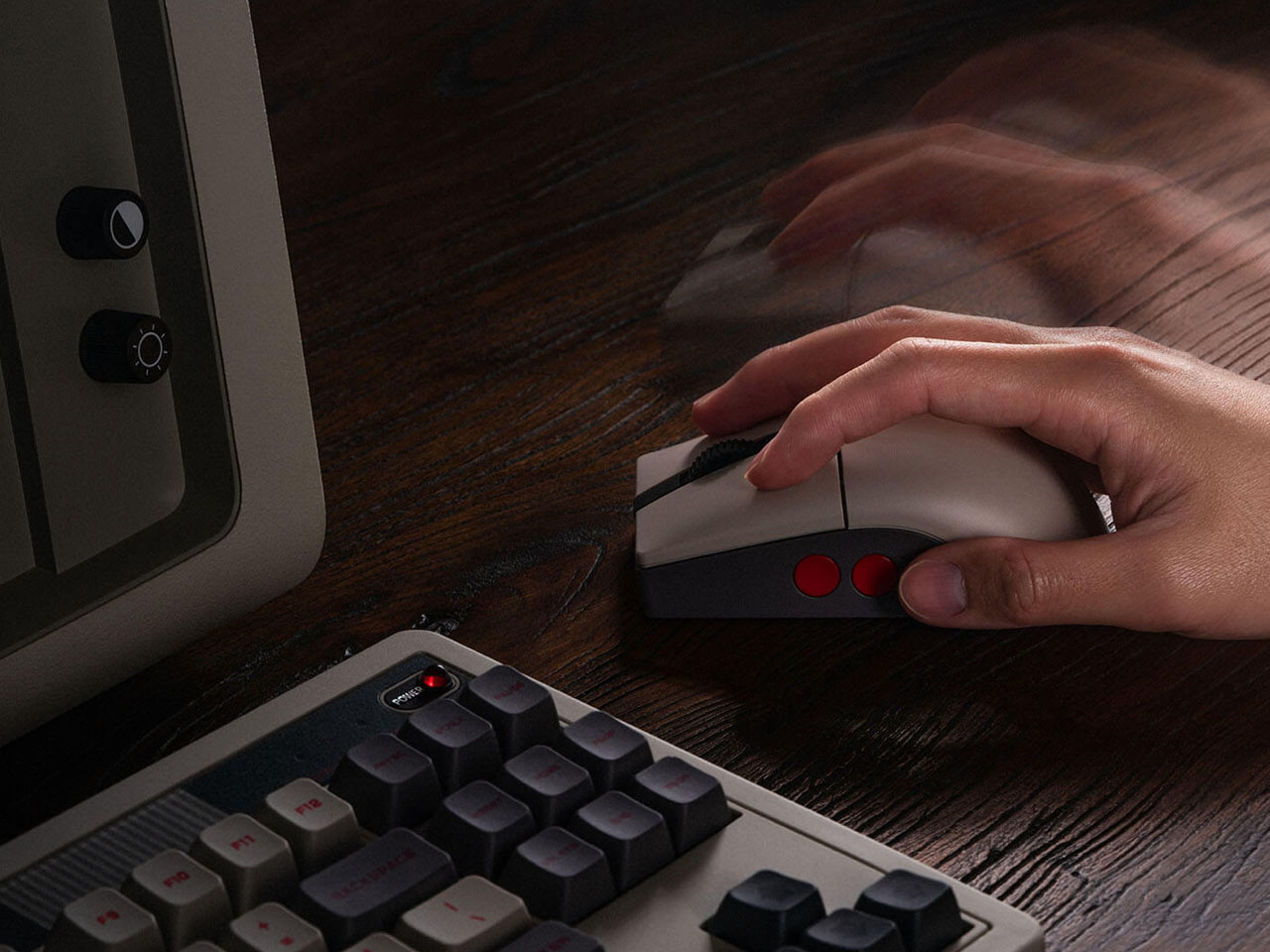
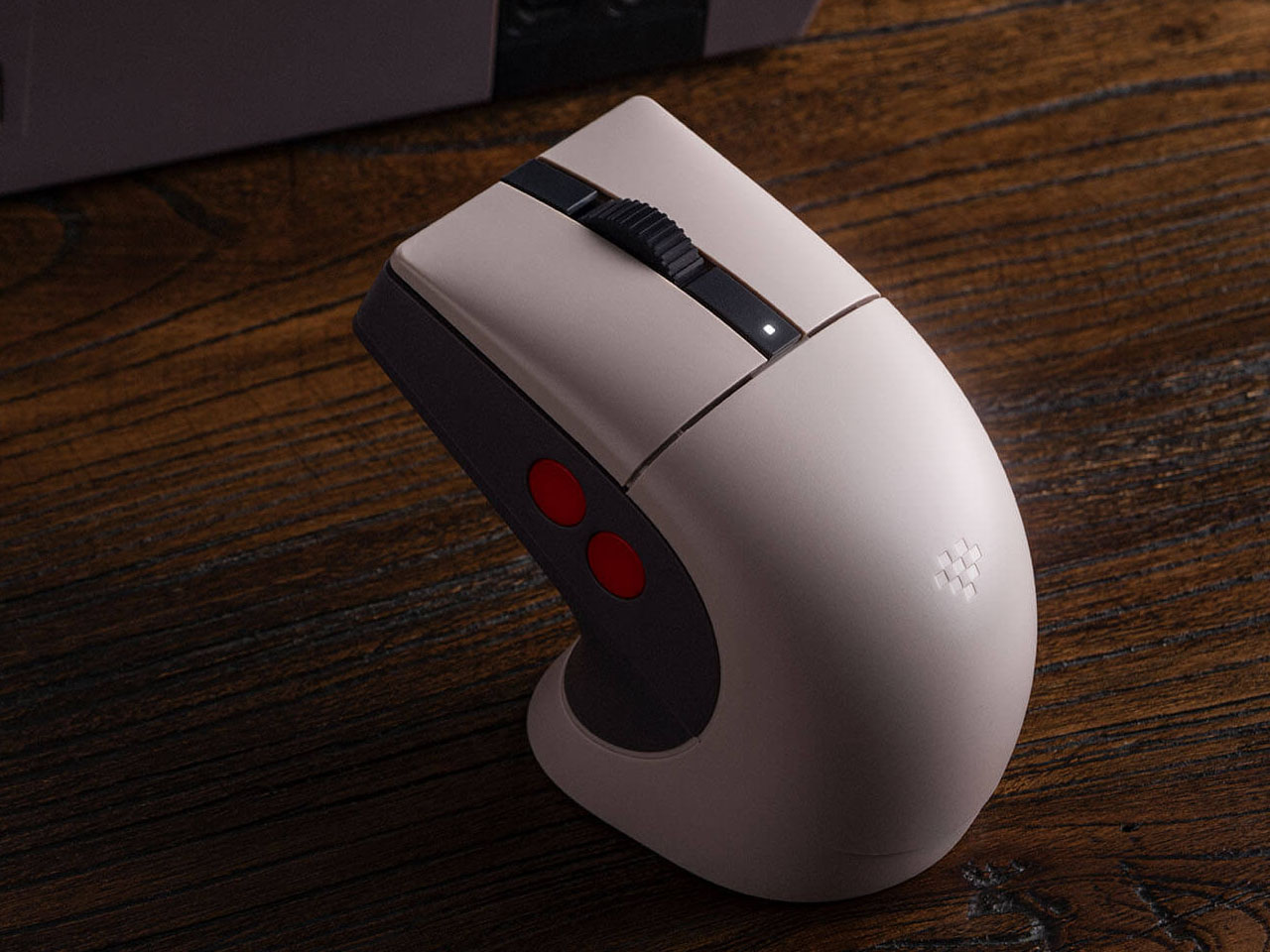
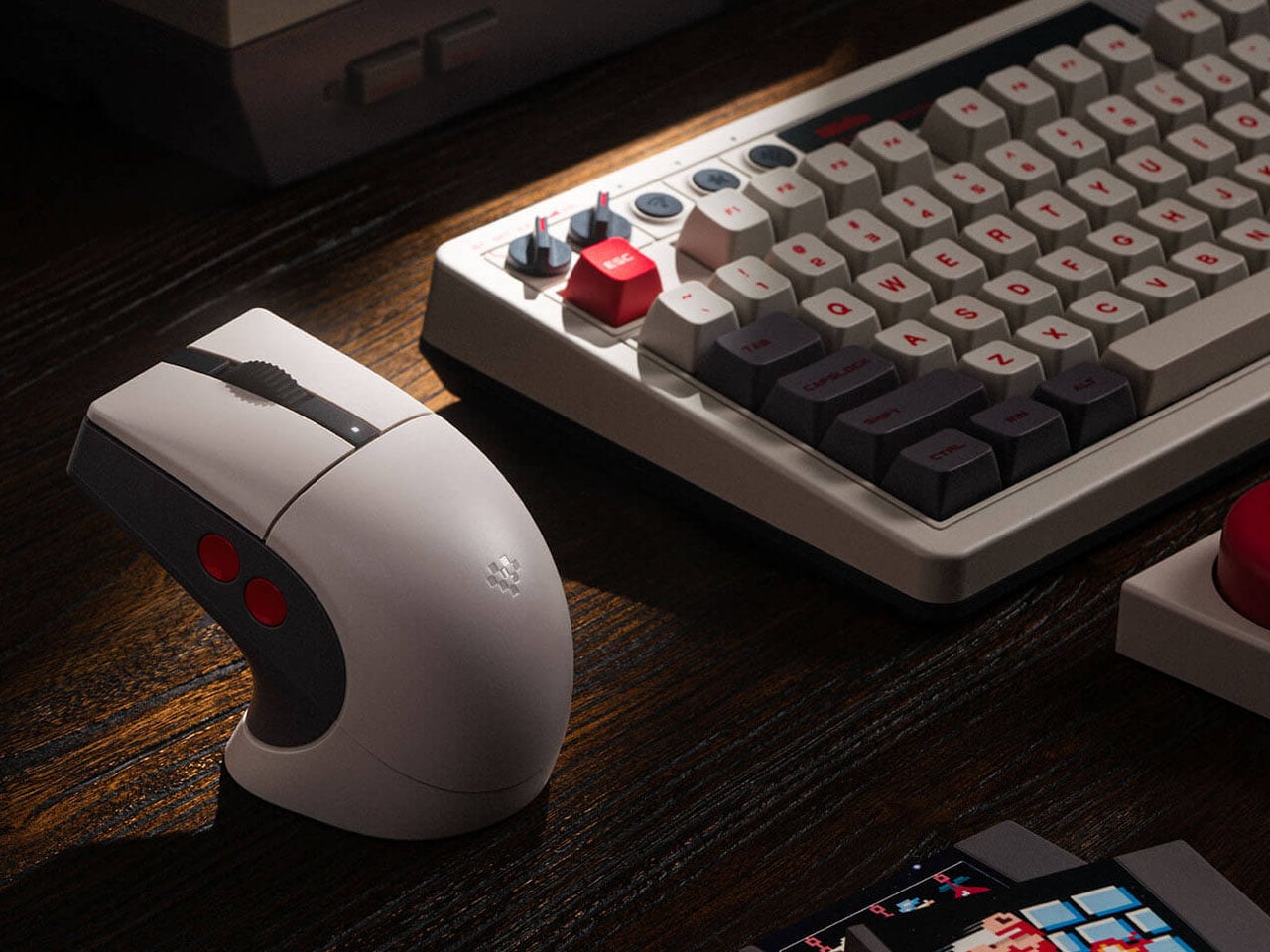
8BitDo, well-known for its quality gaming accessories, has a strong hold on retro-themed PC accessories, such as keyboards and numpads. Their Retro R8 mouse lineup, which already has the Xbox Edition and N Edition, now gets another variant of the peripheral. Like other mice in the R8 range, the C64-Edition is an eye candy mouse that pairs with your keyboard setup perfectly.

Themed on the Analouge 3D N64-themed controller, the C64 Edition evokes the nostalgic memories of the 8-bit era. Those who already own the Commodore 64 version will want to add this one to their collection. While it is unclear at this moment if this one has the Kailh Sword GM X micro switches used in the N Edition, it still gives keen gamers another one to choose from the 8BitDo lineup. The Commodore elements are slapped all over this retro mouse with the stripe logo on the charging dock and the familiar color theme.

Designer: 8BitDo

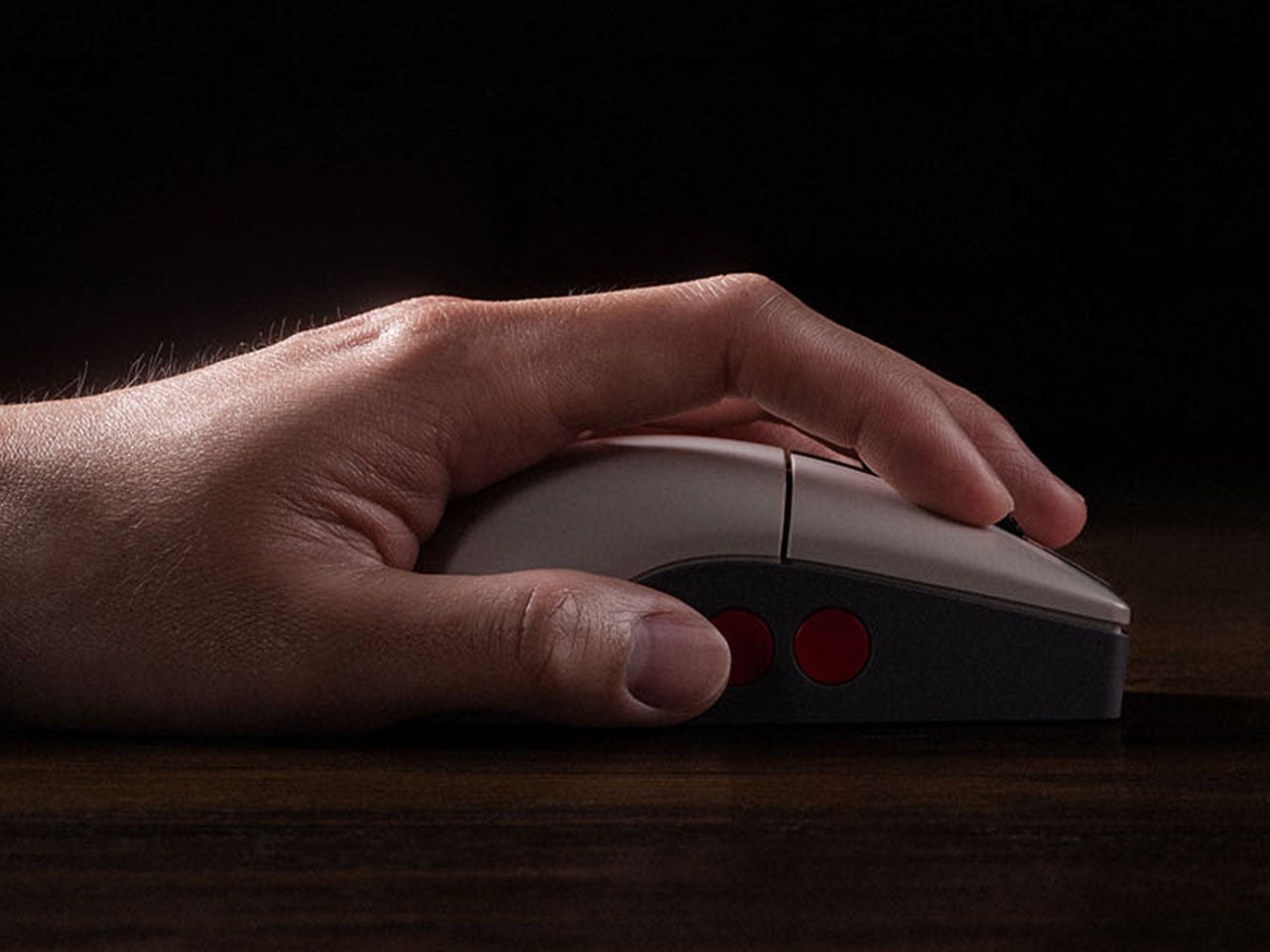
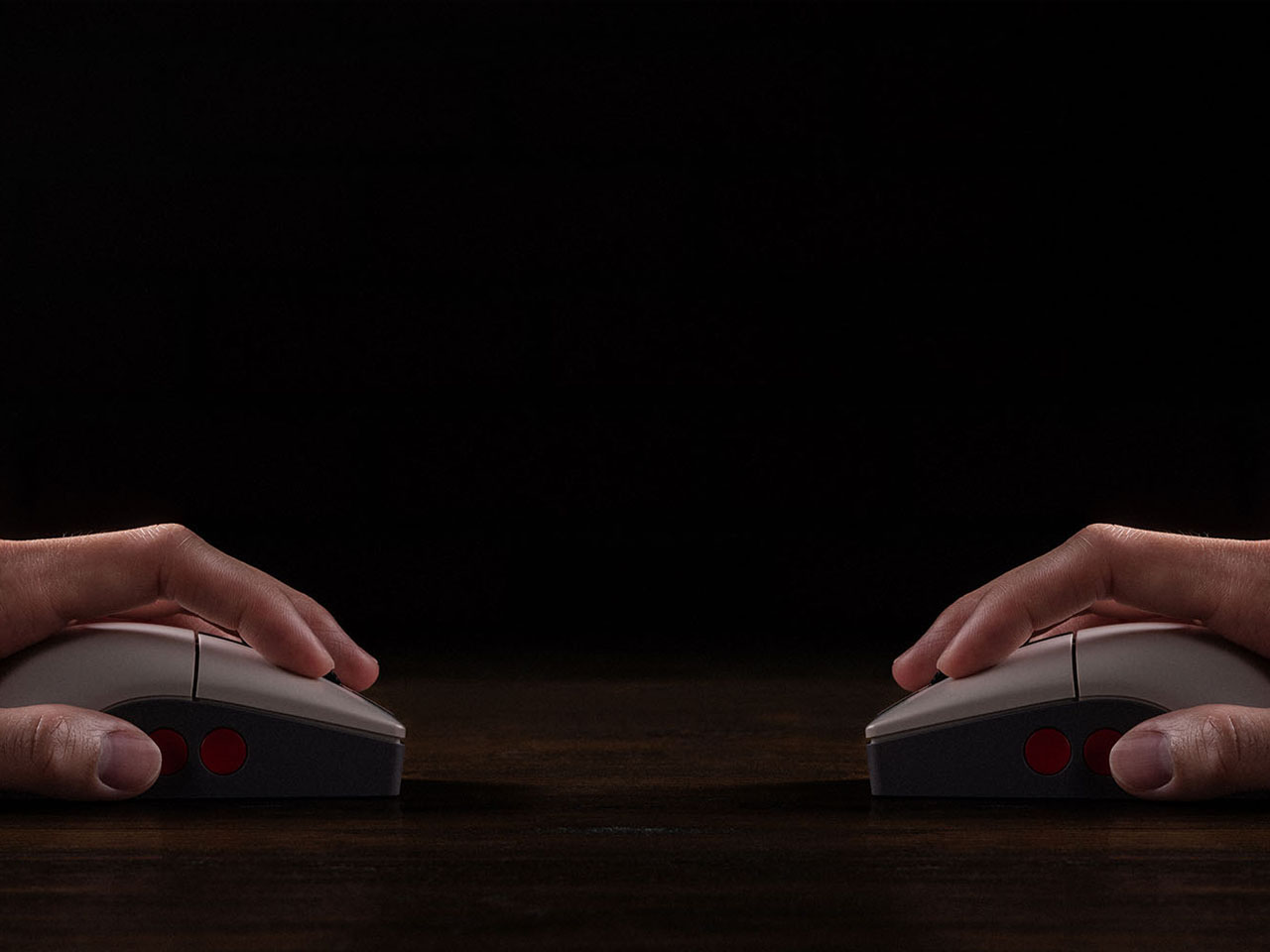
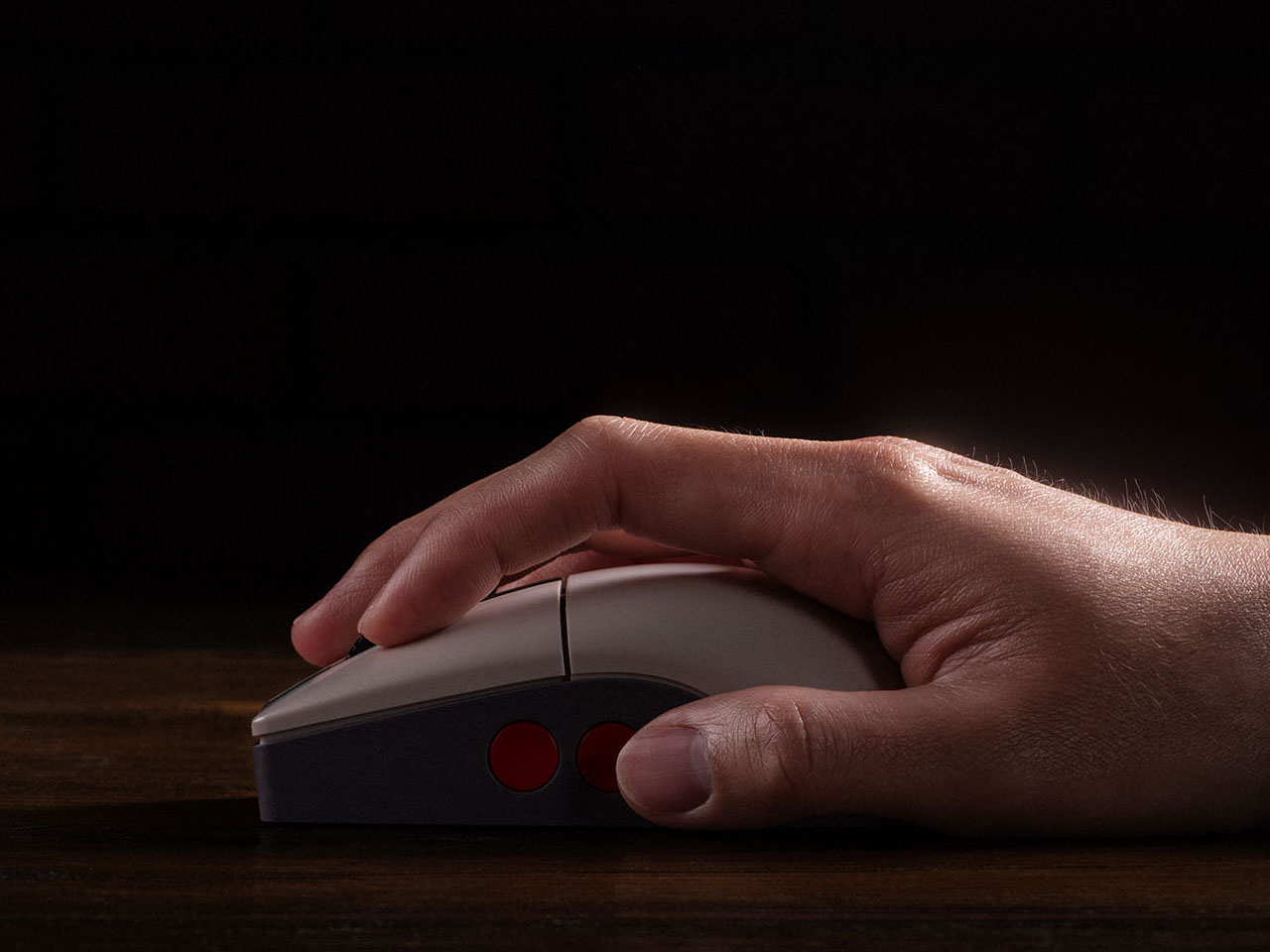
The mouse measures 115 mm x 58 mm x 39.4 mm, and the accompanying dock on which it rests is 115.17 mm x 58 mm x 45.88 mm. The dock also functions as a signal extension module for consistent wireless connectivity and negligible latency. The Retro R8’s symmetrical shape allows it to be used comfortably by both left- and right-handed users, with software support enabling quick switching between modes. Despite its vintage aesthetic, the mouse weighs just about 77 grams, making it relatively lightweight and well-balanced for long usage sessions. Customizable side buttons further enhance usability, allowing users to assign shortcuts, macros, or specific commands through the companion Ultimate Software on PC.

Retro R8 C64 N Edition can be paired to your other devices via Bluetooth LE 5.3, 2.4 GHz, and of course, wired. The signal extension mode of the dock is attributed to the 2.4 GHz connection. Like other mice in the Retro R8 family, it is designed to balance nostalgic styling with modern gaming performance. Internally, the mouse is powered by a high-performance PAW 3395 sensor that supports six adjustable sensitivity levels ranging from 50 DPI to as high as 26,000 DPI, allowing users to fine-tune cursor precision for both productivity tasks and gaming. The device also supports adjustable polling rates, reaching up to 8,000 Hz when connected through a wired setup for ultra-responsive input.

Powering the accessory is a 450 mAh rechargeable lithium-ion battery. Depending on the connection mode and polling rate settings, the mouse can deliver up to around 100 hours of battery life over Bluetooth, while the 2.4 GHz wireless mode typically offers between 26 and 105 hours of use. Charging takes approximately 2.5 hours, and the included dock doubles as a convenient stand that keeps the desk setup organized while ensuring the mouse remains ready for action. Priced at $50, the Retro R8 C64 Edition has all that it takes to bring nostalgia to your desk.

The post 8BitDo Retro R8 C64 Edition mouse fuses Commodore 64 nostalgia with modern gaming performance first appeared on Yanko Design.

GameSir Pocket Taco vs. 8BitDo FlipPad for Game Boy Gaming

Almost every mobile controller assumes you want to play in landscape, snapping your phone into a wide handheld that feels great for modern shooters and racing games. This works for most titles, but when you fire up Game Boy-era platformers or vertical arcade classics, the experience feels slightly off, like forcing old games into a shape they were never meant to inhabit, holding them sideways while your thumbs reach for controls that never land right.

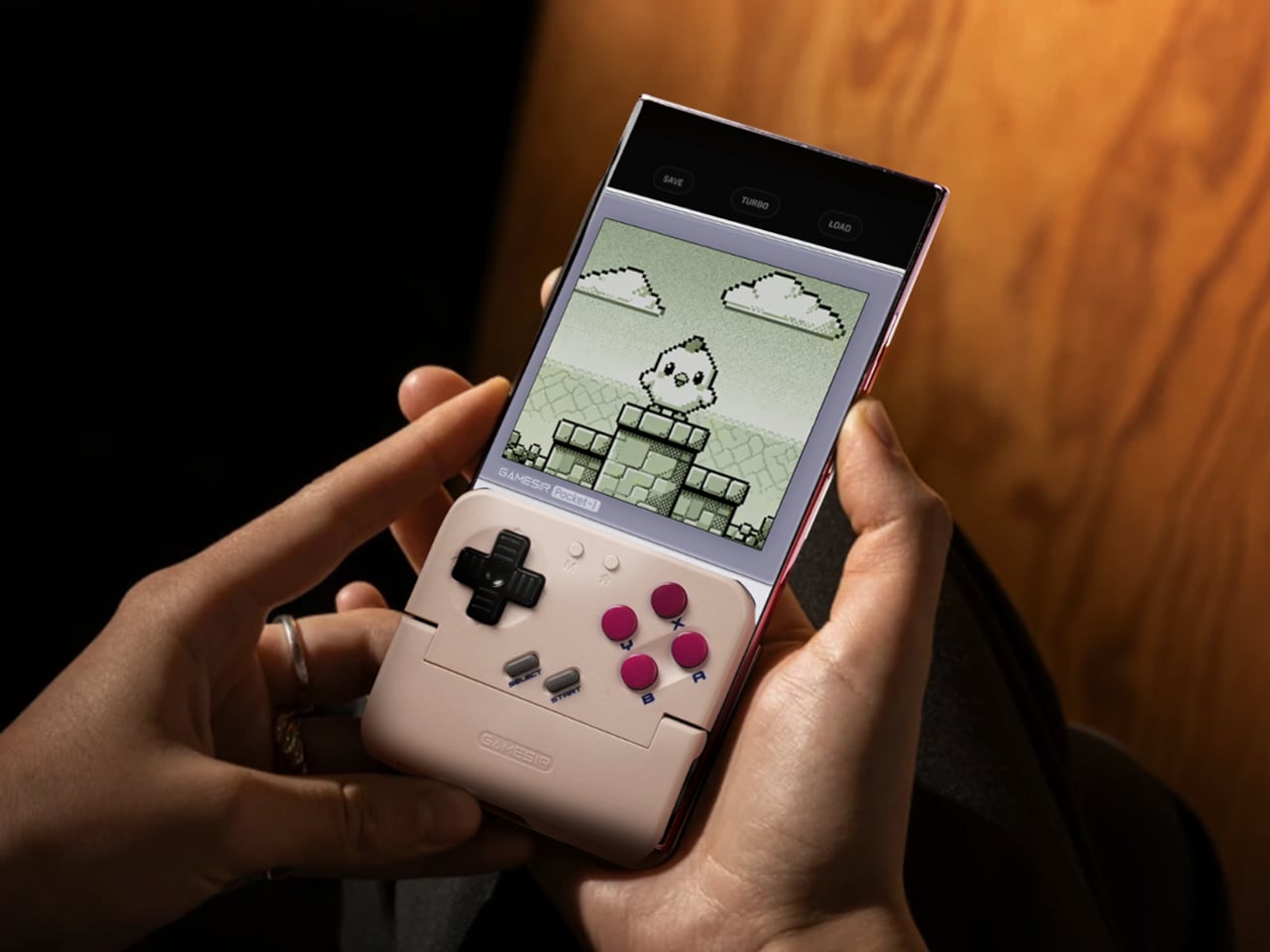
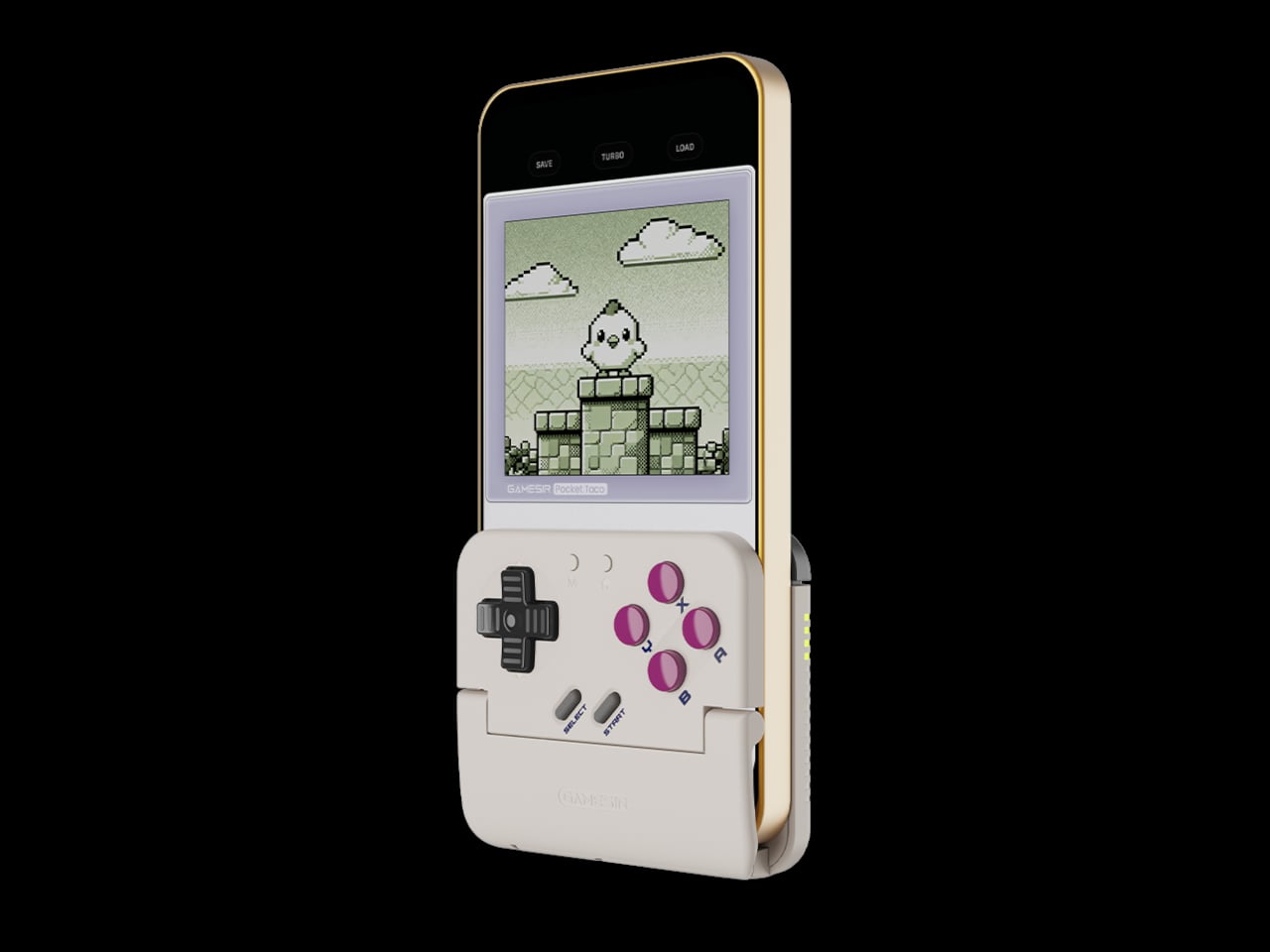
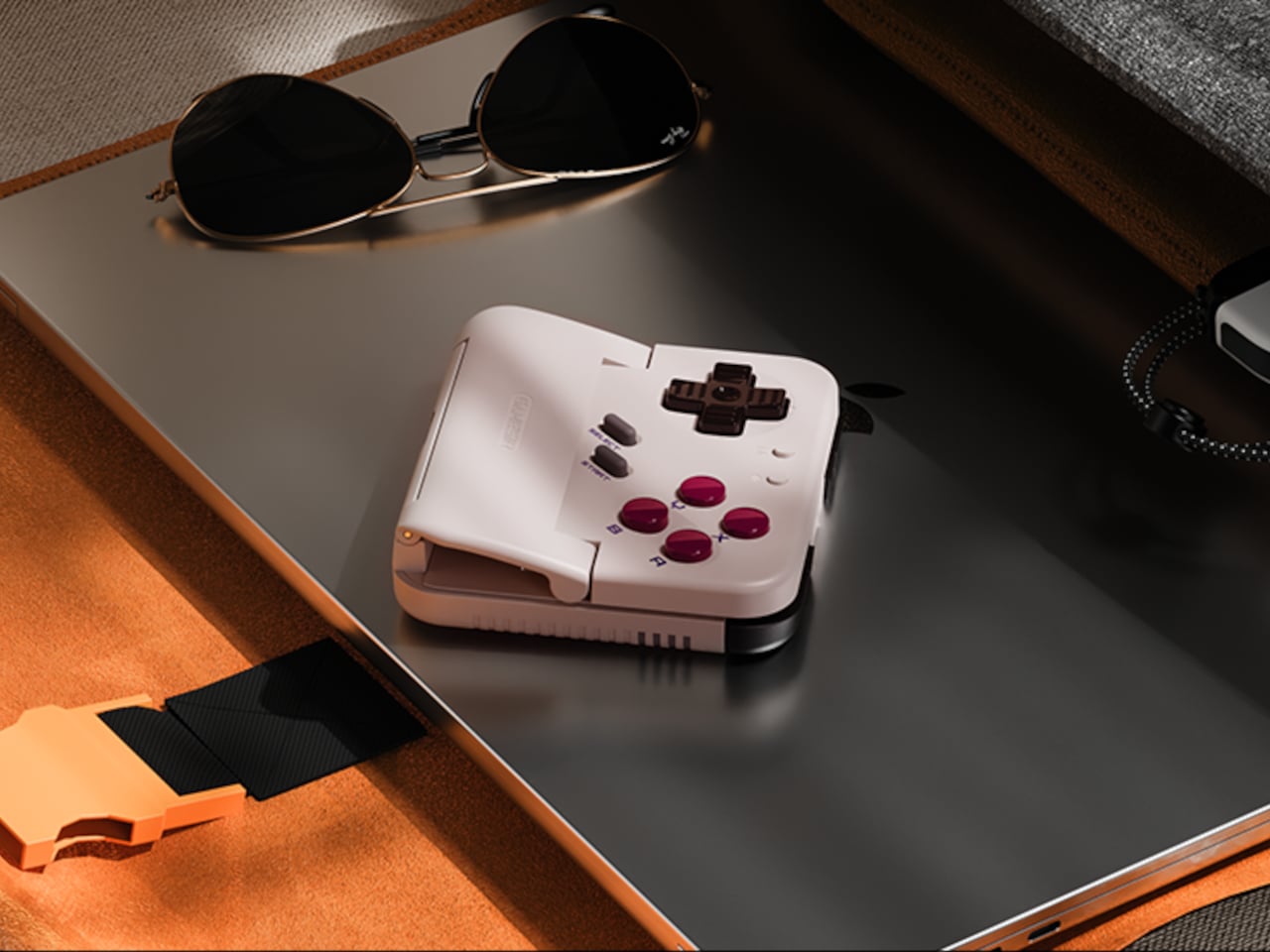
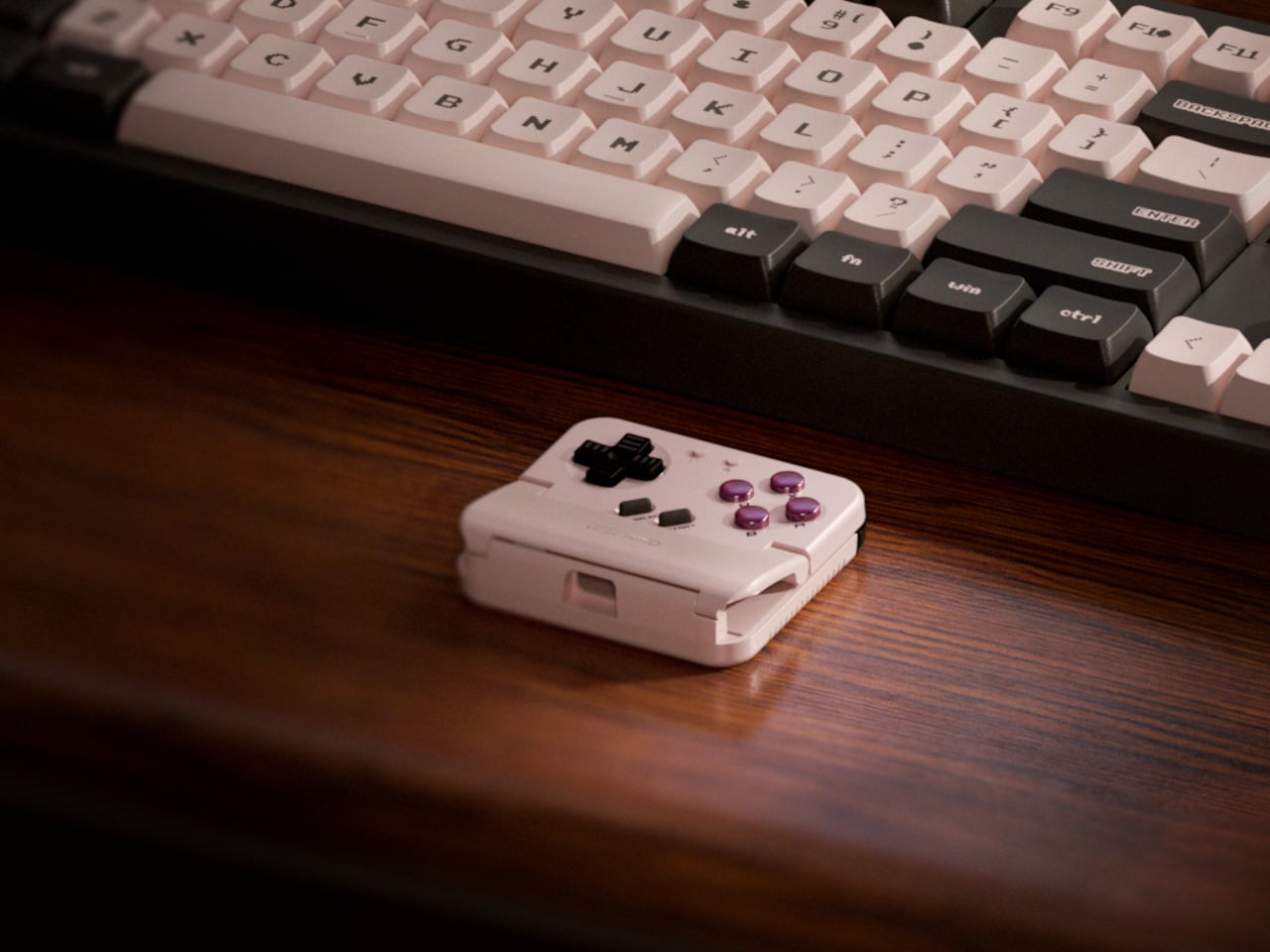
GameSir’s Pocket Taco leans into portrait play instead of fighting it, turning your phone into something closer to a classic handheld. It first appeared as the Pocket 1 at Tokyo Game Show, then resurfaced as Pocket Taco just as 8BitDo teased its own vertical FlipPad, setting up a clash of design philosophies aimed at people who want to hold their phones the way they held Game Boys.

Designer: GameSir

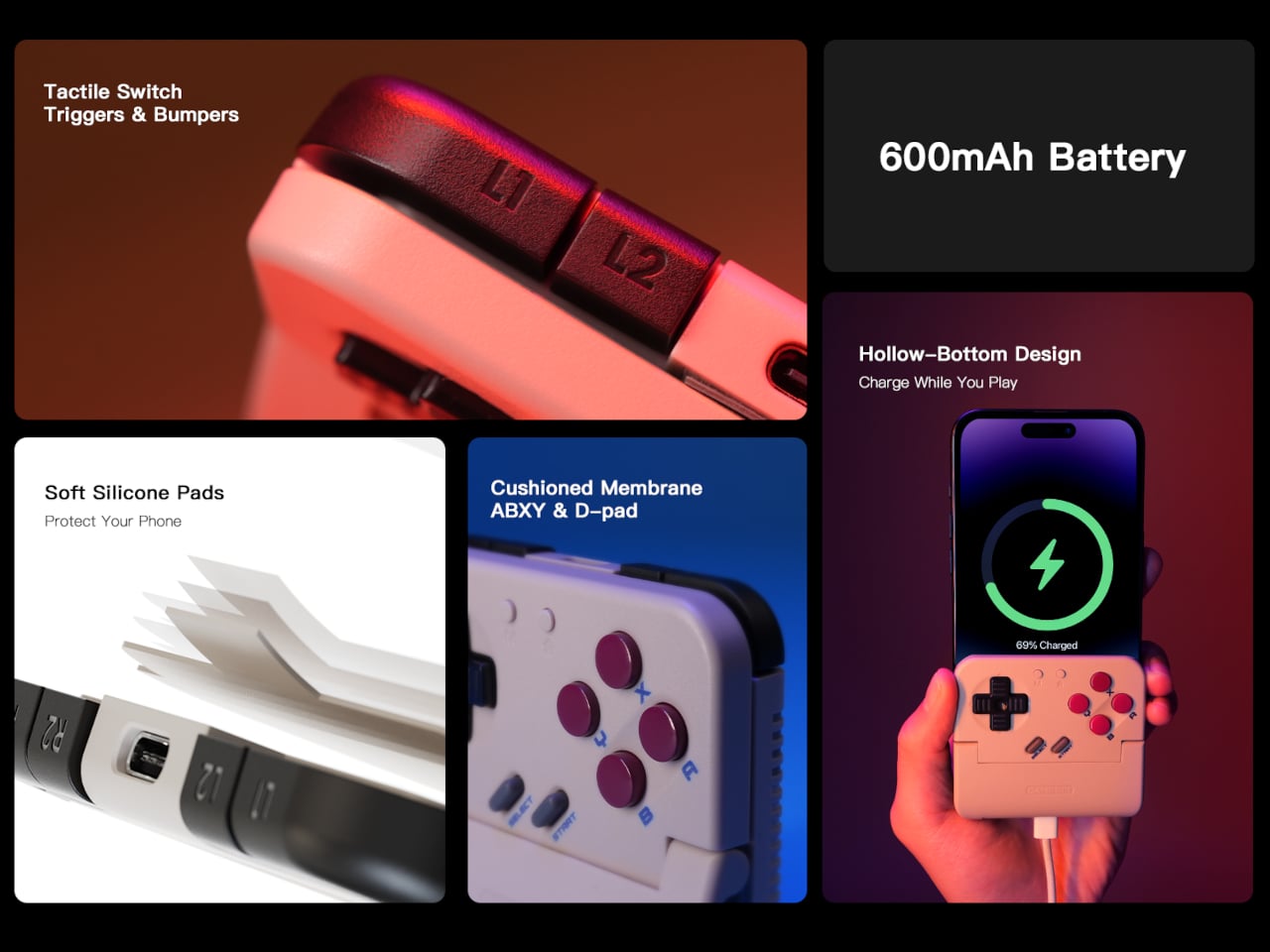
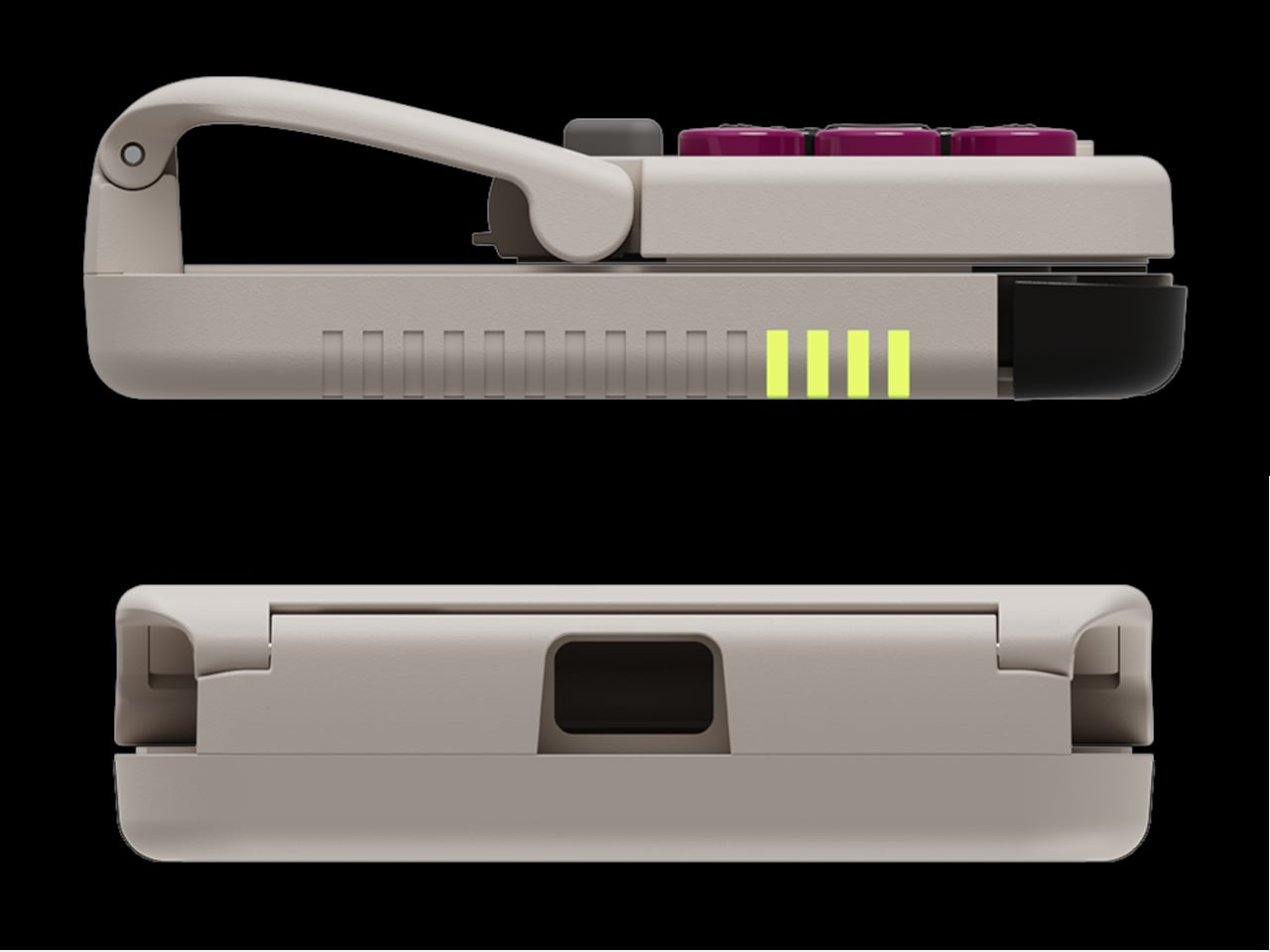
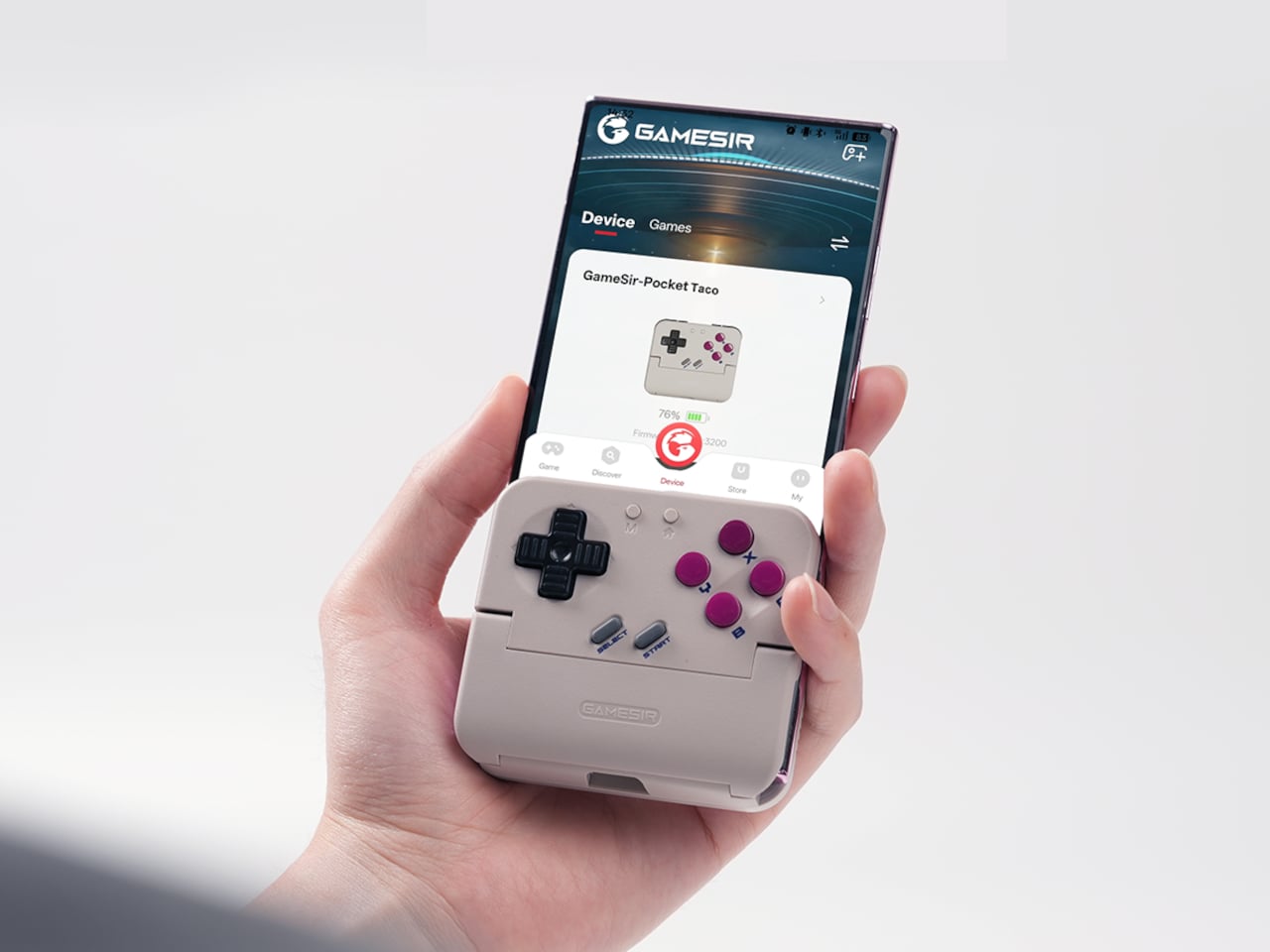
The rebrand to Pocket Taco fits the design; the controller clamps to the bottom of your phone like a taco shell. The foldable front accommodates different phone sizes, and soft silicone pads line the clamp area so you are not grinding plastic against glass every time you snap it on, which matters when you pull it out multiple times a day for quick sessions between meetings or commutes.

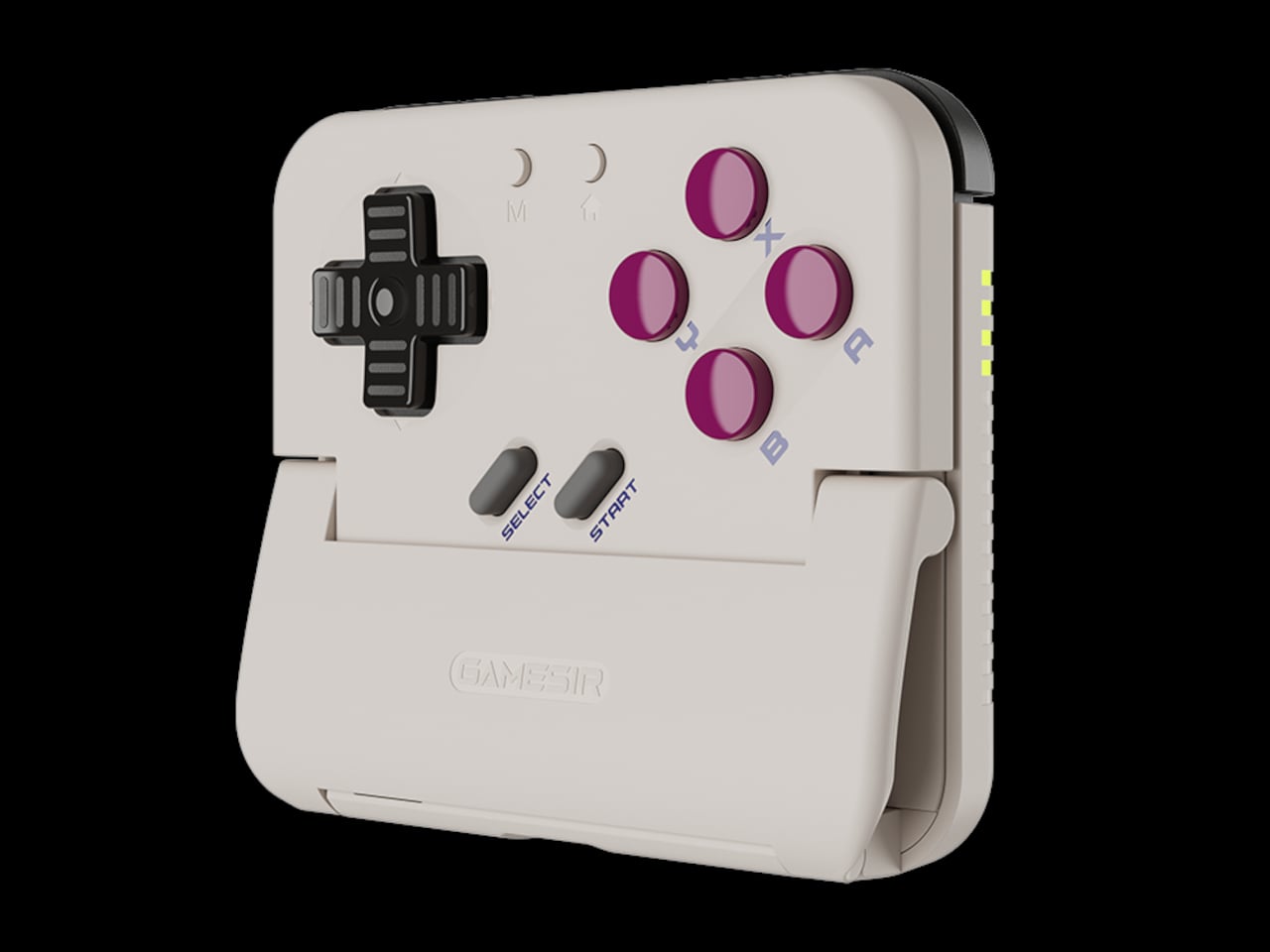
The control layout separates Pocket Taco from 8BitDo’s FlipPad. Pocket Taco gives you a traditional D-pad, ABXY face buttons, and actual triggers and bumpers on the back. FlipPad keeps everything on the front in a row of circular buttons, which is clever for compactness but less like the shoulder-button ergonomics many players expect from dedicated handhelds, especially during games with heavy simultaneous inputs.

Pocket Taco uses Bluetooth, so it can talk to Android and iOS phones, tablets, and other devices, and it still works when not clamped. FlipPad plugs in over USB-C, which keeps latency low and removes battery anxiety, but ties it to phones with that port and to a tethered style where the controller must stay attached to function at all.

One practical touch is the large cutout at the bottom that leaves your phone’s charging port accessible while the controller is attached, so you can plug in and keep going during long sessions. FlipPad occupies the USB-C port and does not offer passthrough charging, which is fine for short bursts but less ideal for marathon runs that drain the phone before you finish the dungeon.

Pocket Taco runs on a 600 mAh battery with smart power behavior, open to play, close to rest. The trade-off is one more battery to watch and slightly more bulk. FlipPad stays slimmer and battery-free, but leans on your phone for power, shifting the burden and adding a small drain to your phone’s battery during long play sessions.

Pocket Taco and FlipPad are two paths toward the same fantasy, turning a slab of glass into a dedicated retro handheld. Pocket Taco leans into wireless freedom, proper triggers, and charging-while-playing practicality, while FlipPad bets on wired simplicity and a flatter front. For anyone who grew up holding a Game Boy vertically, it is nice to have options that respect that muscle memory instead of pretending mobile gaming should feel like a miniature Xbox stuck in landscape.

The post GameSir Pocket Taco vs. 8BitDo FlipPad for Game Boy Gaming first appeared on Yanko Design.
GameSir Pocket Taco vs. 8BitDo FlipPad for Game Boy Gaming

Almost every mobile controller assumes you want to play in landscape, snapping your phone into a wide handheld that feels great for modern shooters and racing games. This works for most titles, but when you fire up Game Boy-era platformers or vertical arcade classics, the experience feels slightly off, like forcing old games into a shape they were never meant to inhabit, holding them sideways while your thumbs reach for controls that never land right.

GameSir’s Pocket Taco leans into portrait play instead of fighting it, turning your phone into something closer to a classic handheld. It first appeared as the Pocket 1 at Tokyo Game Show, then resurfaced as Pocket Taco just as 8BitDo teased its own vertical FlipPad, setting up a clash of design philosophies aimed at people who want to hold their phones the way they held Game Boys.

Designer: GameSir

The rebrand to Pocket Taco fits the design; the controller clamps to the bottom of your phone like a taco shell. The foldable front accommodates different phone sizes, and soft silicone pads line the clamp area so you are not grinding plastic against glass every time you snap it on, which matters when you pull it out multiple times a day for quick sessions between meetings or commutes.

The control layout separates Pocket Taco from 8BitDo’s FlipPad. Pocket Taco gives you a traditional D-pad, ABXY face buttons, and actual triggers and bumpers on the back. FlipPad keeps everything on the front in a row of circular buttons, which is clever for compactness but less like the shoulder-button ergonomics many players expect from dedicated handhelds, especially during games with heavy simultaneous inputs.

Pocket Taco uses Bluetooth, so it can talk to Android and iOS phones, tablets, and other devices, and it still works when not clamped. FlipPad plugs in over USB-C, which keeps latency low and removes battery anxiety, but ties it to phones with that port and to a tethered style where the controller must stay attached to function at all.

One practical touch is the large cutout at the bottom that leaves your phone’s charging port accessible while the controller is attached, so you can plug in and keep going during long sessions. FlipPad occupies the USB-C port and does not offer passthrough charging, which is fine for short bursts but less ideal for marathon runs that drain the phone before you finish the dungeon.

Pocket Taco runs on a 600 mAh battery with smart power behavior, open to play, close to rest. The trade-off is one more battery to watch and slightly more bulk. FlipPad stays slimmer and battery-free, but leans on your phone for power, shifting the burden and adding a small drain to your phone’s battery during long play sessions.

Pocket Taco and FlipPad are two paths toward the same fantasy, turning a slab of glass into a dedicated retro handheld. Pocket Taco leans into wireless freedom, proper triggers, and charging-while-playing practicality, while FlipPad bets on wired simplicity and a flatter front. For anyone who grew up holding a Game Boy vertically, it is nice to have options that respect that muscle memory instead of pretending mobile gaming should feel like a miniature Xbox stuck in landscape.

The post GameSir Pocket Taco vs. 8BitDo FlipPad for Game Boy Gaming first appeared on Yanko Design.
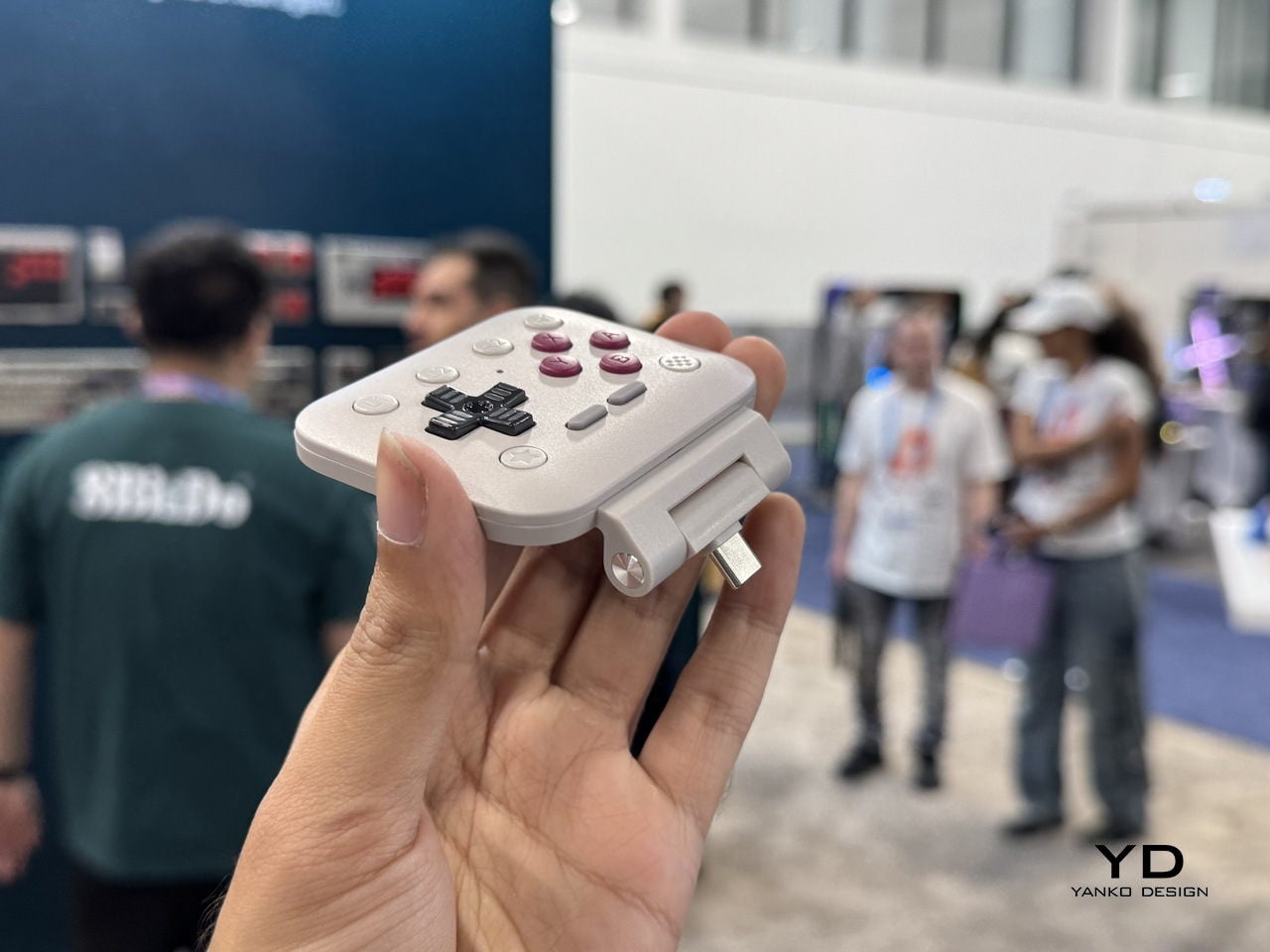
8BitDo FlipPad controller for enjoying portrait games on Android and iOS

Let’s be honest, most of us casual mobile gamers prefer portrait games that can be enjoyed quickly for a short dopamine boost. Playing platformer or arcade titles that require precise input on-screen are better played with a stylus, giving you the strategic advantage if you’ve got the reflexes to back your skills. 8BitDo is introducing a portrait mode clip-on controller accessory for gamers like me who prefer to keep things minimal.

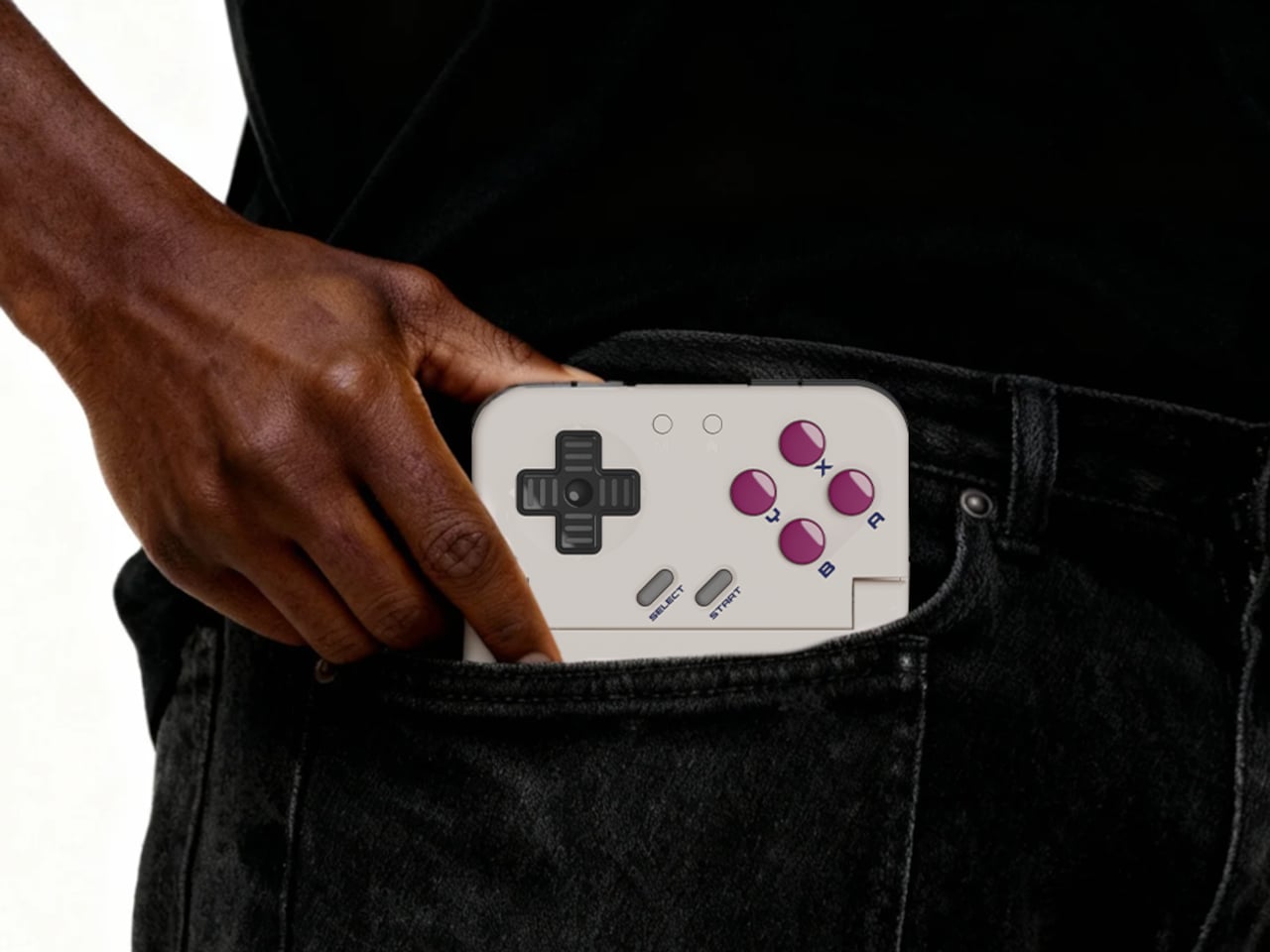
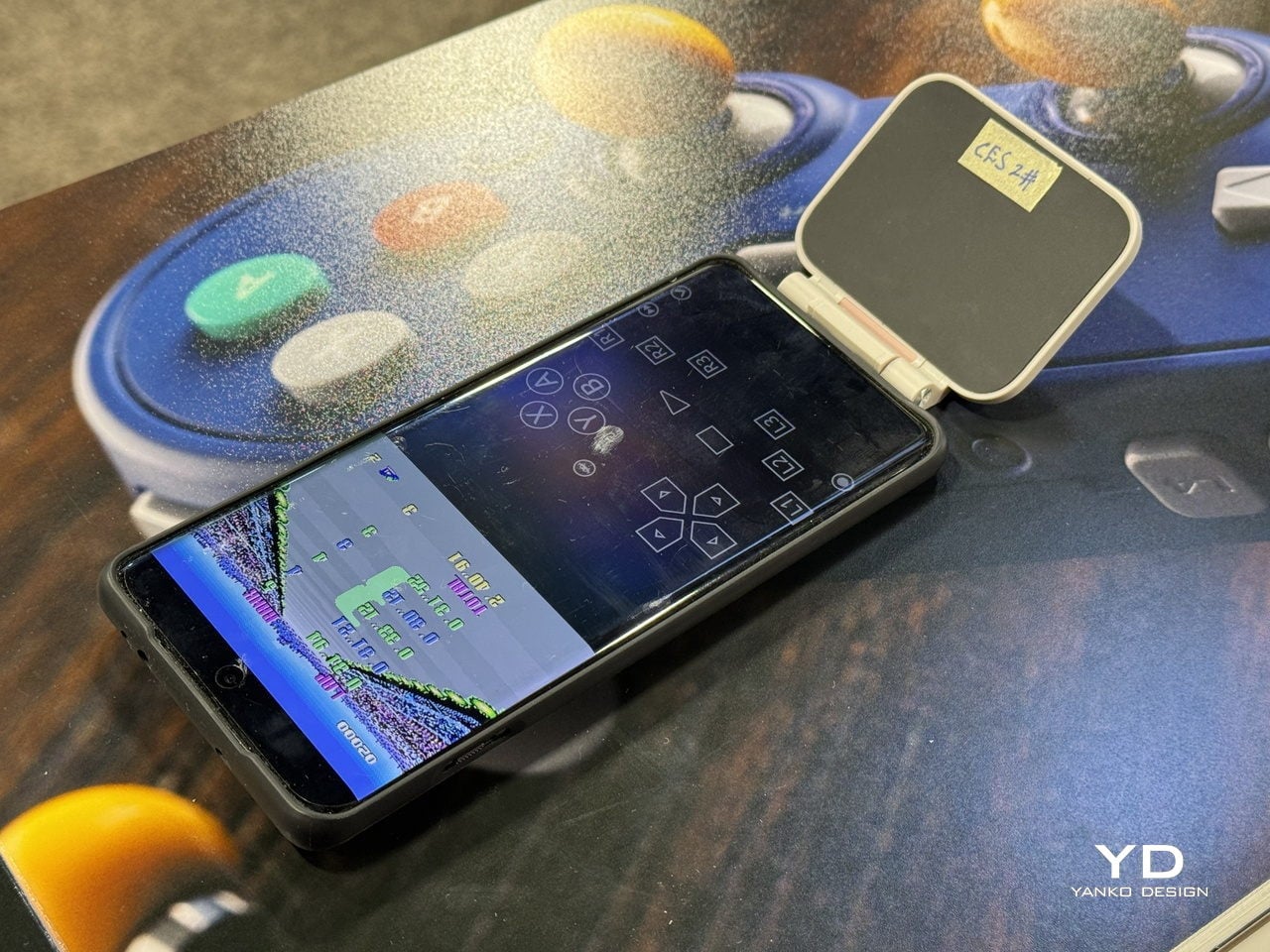
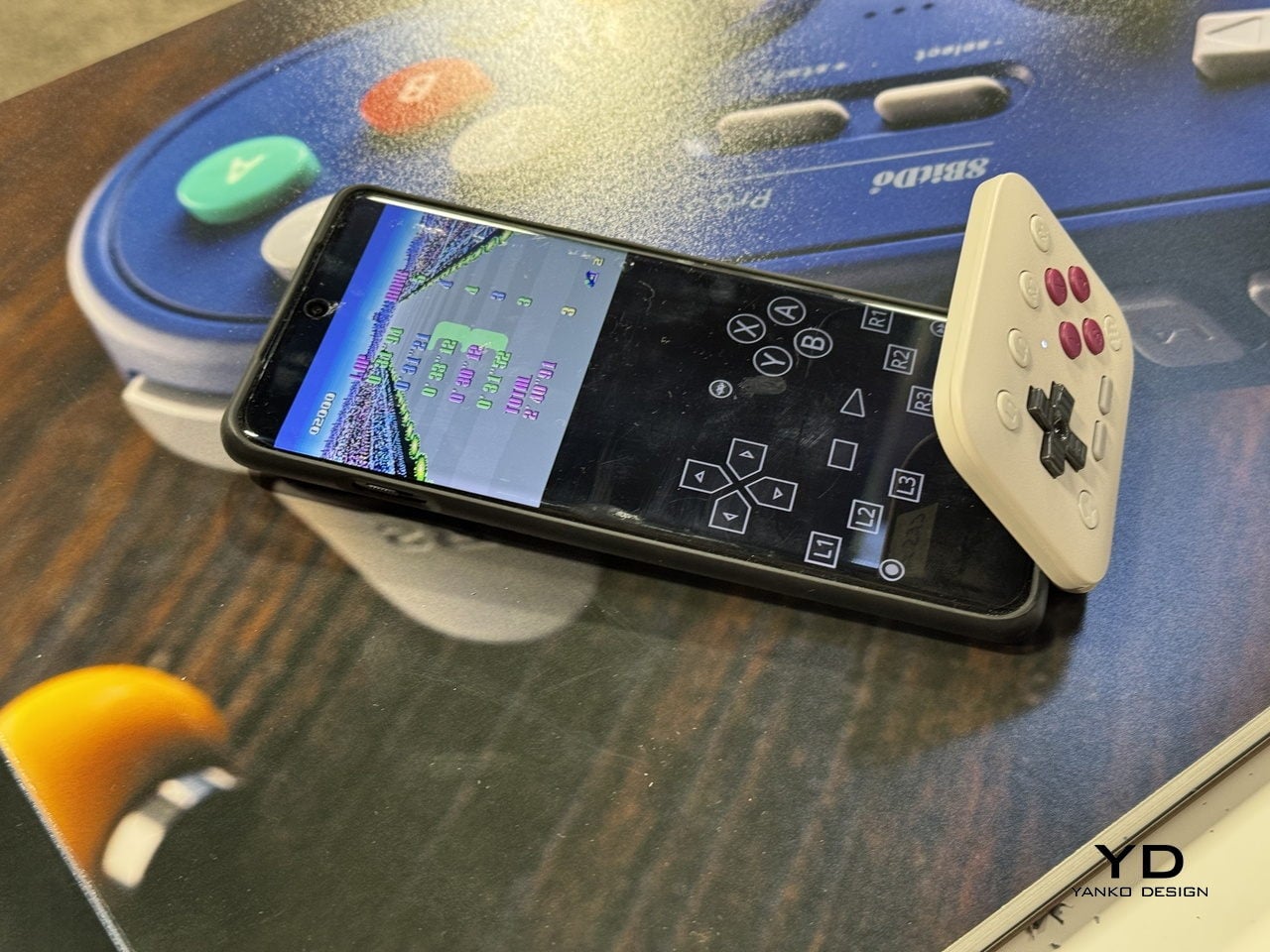
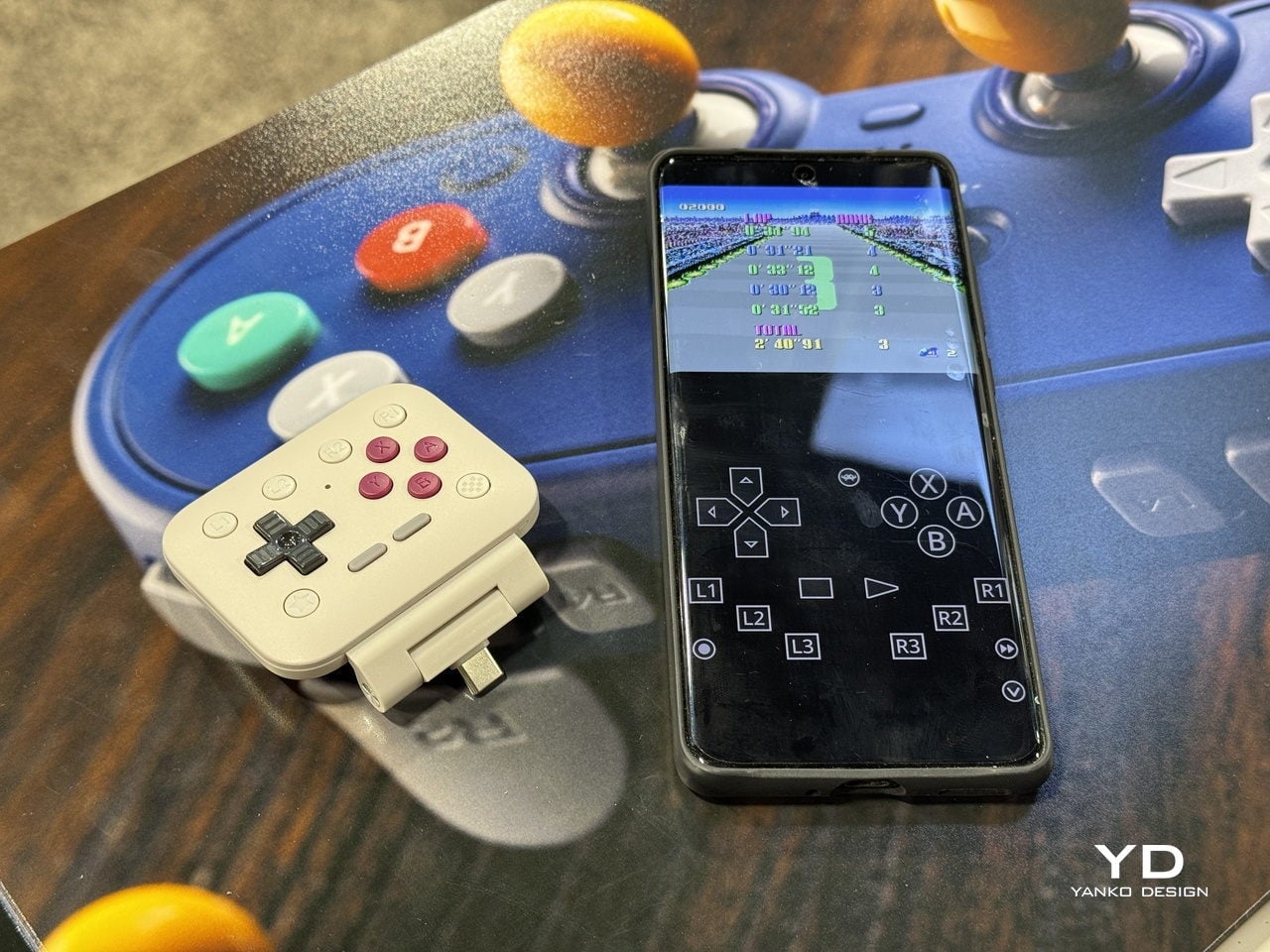
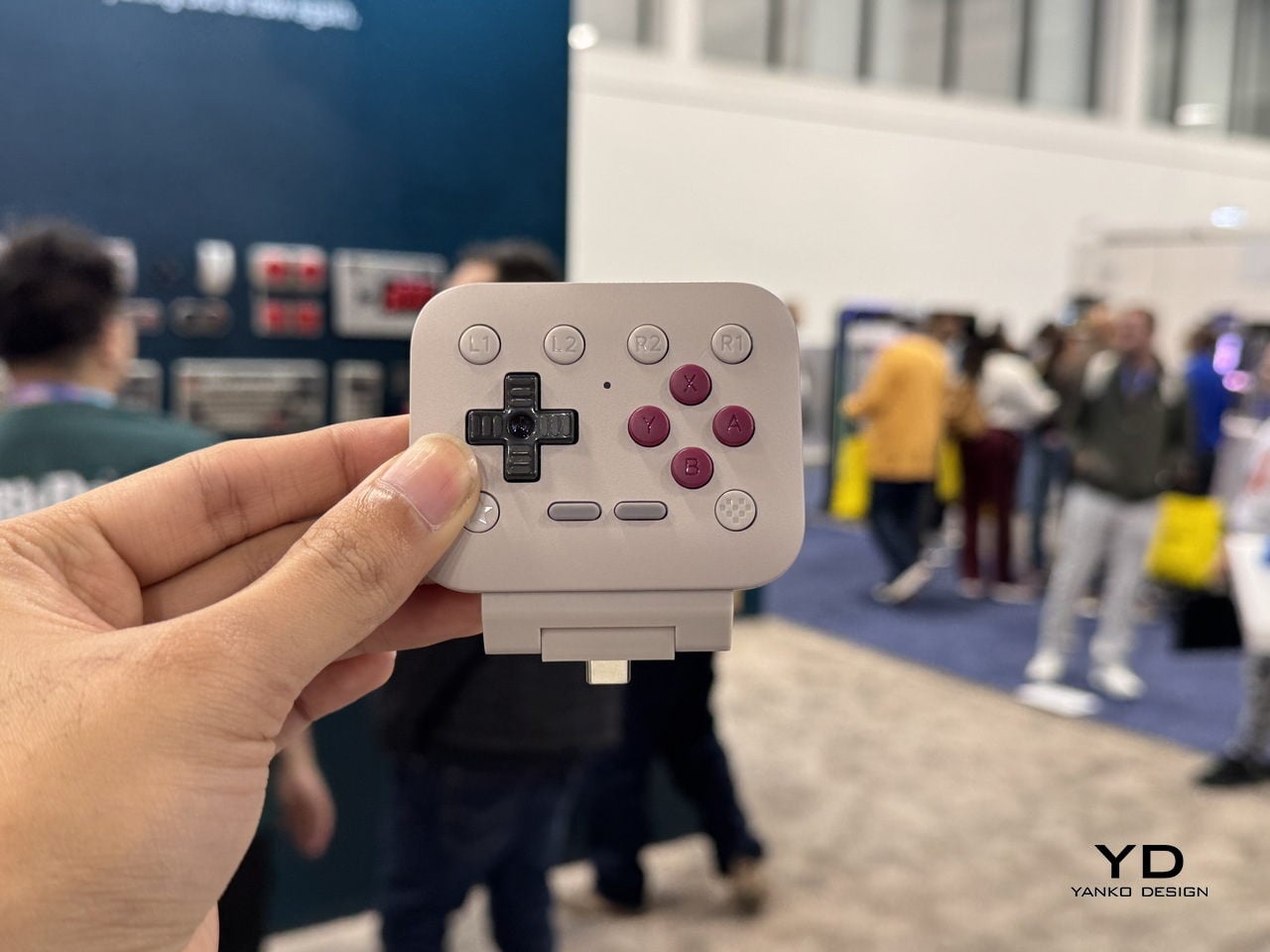
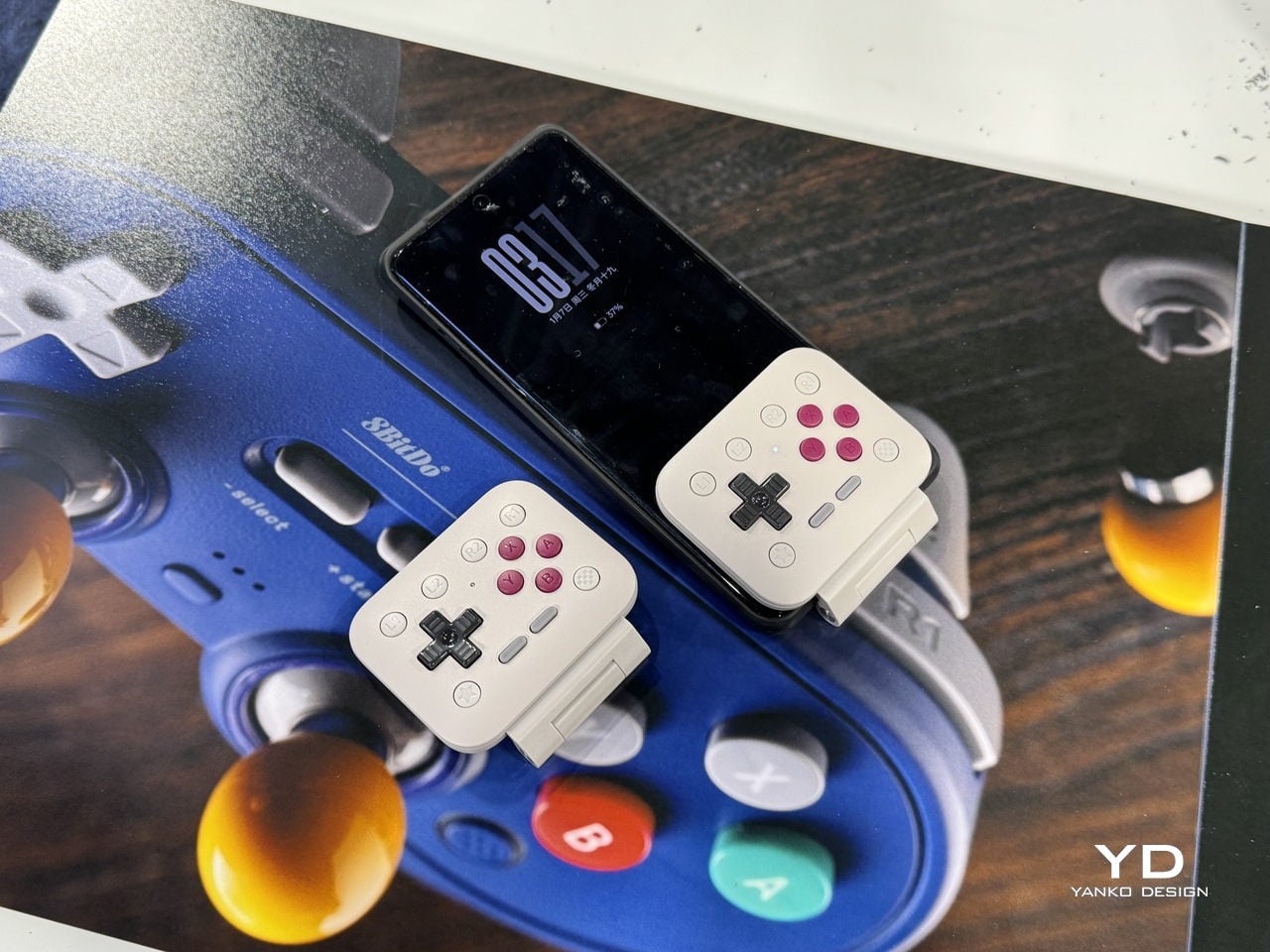
This flip-style gamepad, designed for Android and iOS (officially supported by Apple) mobile devices, is palm-sized for ultra-portability. Coming to CES 2026, the microcontroller will be officially available in the summer of 2026. There is no word on the release date, nor are there many details, but we’ll share what’s available of this retro-forward accessory that looks inspired by the Game Boy DMG color theme.

Designer: 8BitDo

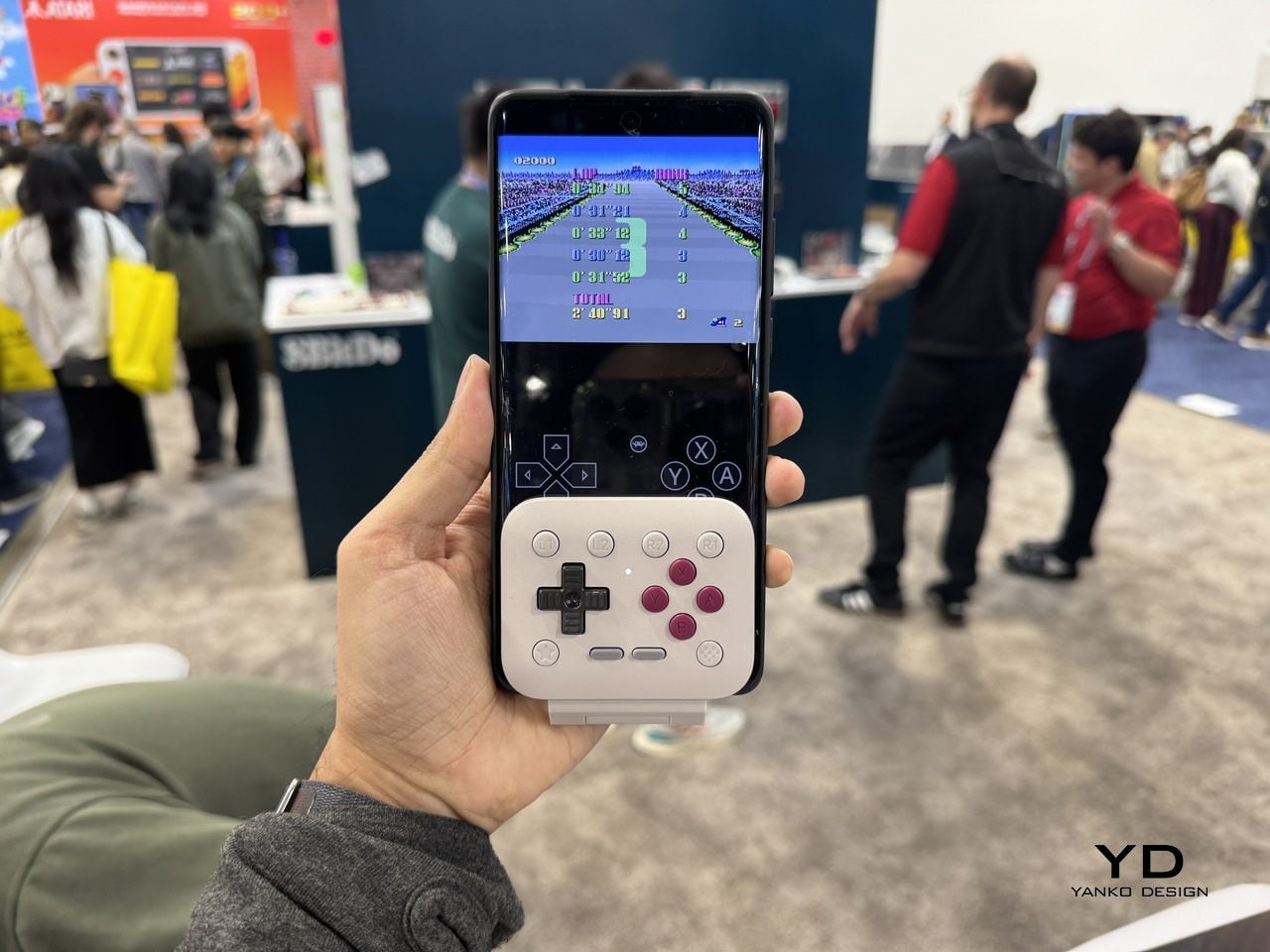
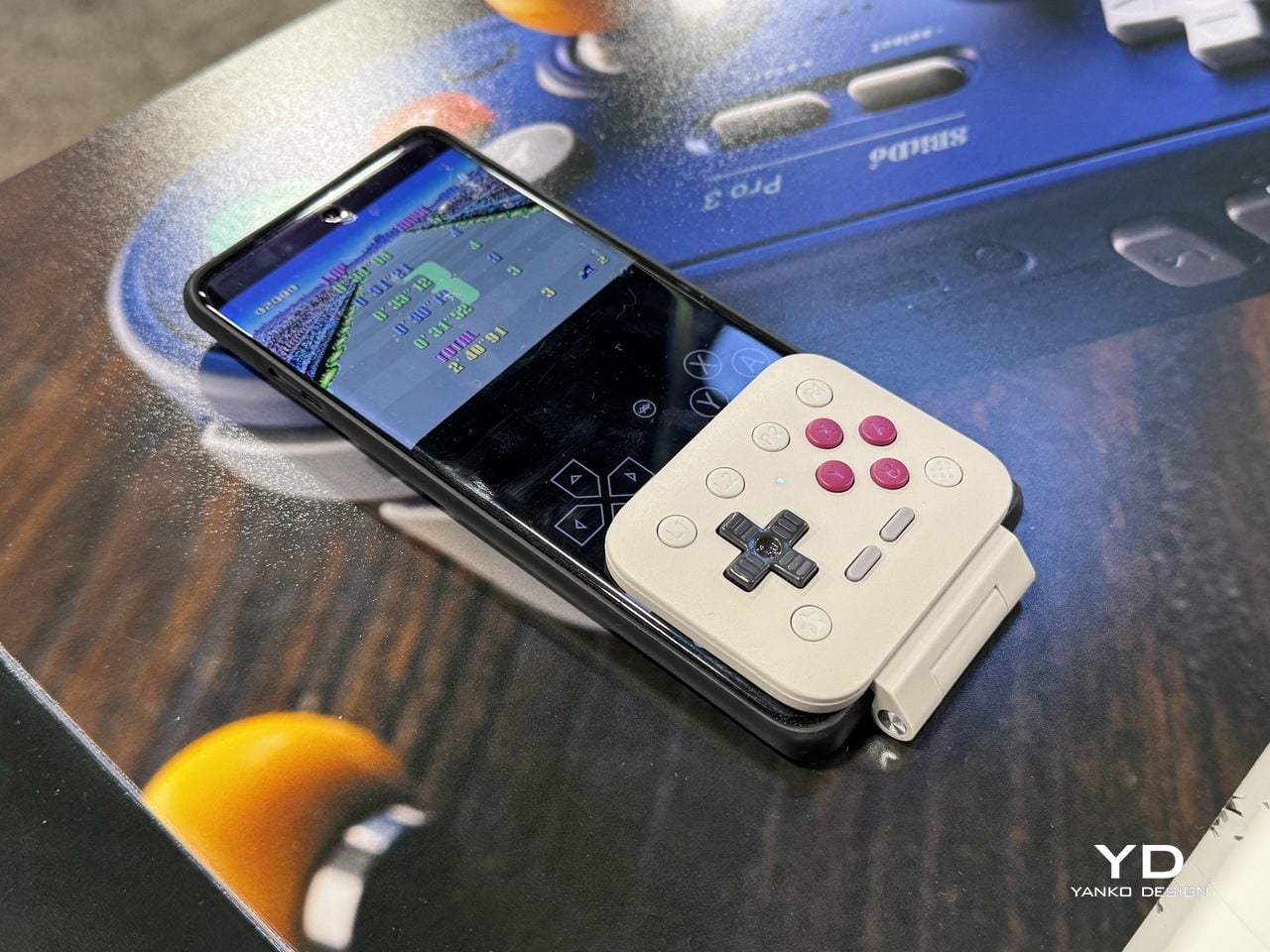
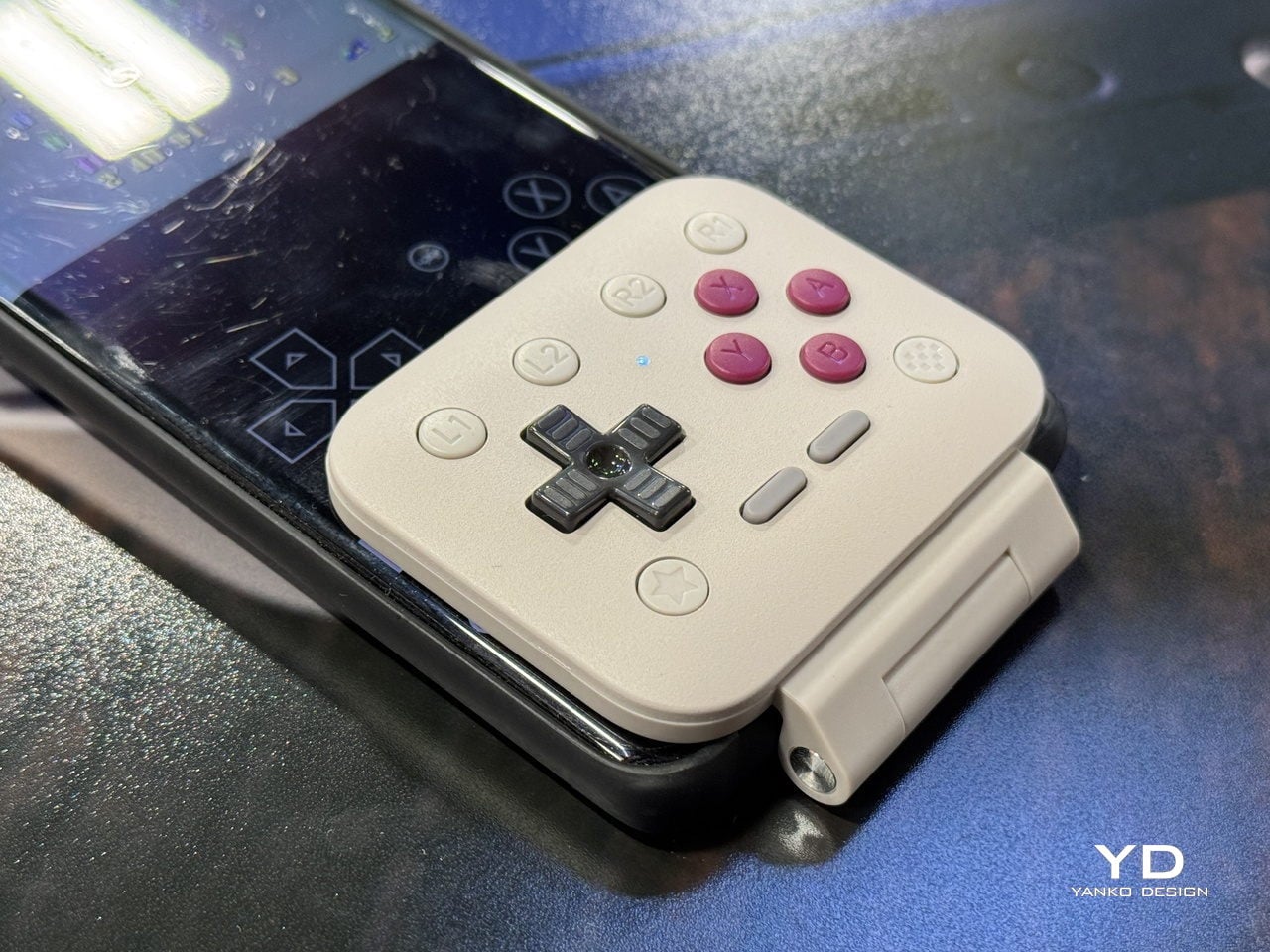
Called the FlipPad, this portrait orientation controller is a good option to have along with your standard mobile controllers that operate in landscape orientation. I can very well imagine playing White Out Survival, Vampire Survivors, Road to Valore: Empires, Subway Surfers, and other mobile games using the compact controller. The USB-C accessory has 12 face buttons and a D-Pad, which should be good enough for portrait games, as they generally don’t demand the shoulder trigger buttons as input.

I know most of your mobile gamers will be looking to use the controller for emulators, especially titles that have an on-screen gamepad similar to this. The flip-style controller is designed in a way that it can overlay over the on-screen keyboard for maximum ergonomic comfort. That’s the reason the controller is compatible with most third-party applications and emulators like the Delta Emulator. I presume the controller will come with an in-built rechargeable battery and lack Bluetooth connectivity since it plugs directly into your smartphone via the USB-C port.

For games that are natively portrait-oriented and take up the complete screen, the FlipPad will contract the screen size to accommodate the overlaying gamepad section. It’s more like a physical controller to have the tactile input of the buttons rather than fiddling around with the on-screen buttons.

The post 8BitDo FlipPad controller for enjoying portrait games on Android and iOS first appeared on Yanko Design.
8BitDo Partners with Pro Esports Players Vxbao and Zhen for $95 Transparent Purple Arcade Controller

The whole transparent tech thing is funny, isn’t it? It felt like a gimmick that died with the 90s, a design language reserved for our collective memory of Atomic Purple N64 controllers and translucent Game Boy Colors. Yet here we are, watching it cycle back into the enthusiast space with a vengeance. It’s a clever move, really. A transparent shell is a statement of confidence, a way for a company to say there is nothing to hide, that the engineering inside is as much a part of the aesthetic as the plastic containing it. It taps directly into a powerful vein of nostalgia while also appealing to a modern desire for authenticity, for seeing the components that make our gadgets tick. It is a look that feels both retro and surprisingly honest, and it is finding a perfect home in the high-performance peripheral market.

So when 8BitDo announced a new signature edition of its Arcade Controller, the transparent purple shell was the first thing that caught my eye. This is not just some random colorway; it is a direct collaboration with professional fighting game players Vxbao and Zhen, complete with their signatures. It’s called the Arcade Controller Transparent Purple Signature Edition, and it represents a very deliberate push by 8BitDo to add a layer of competitive legitimacy to its hardware. The company has always excelled at making well-built, retro-inspired controllers, but this partnership signals a deeper ambition. They are actively courting the serious fighting game community, tying a specific, desirable aesthetic to the endorsement of players who represent the scene’s highest level of competition.

Designers: Vxbao and Zhen for 8bitdo

Click Here to Buy Now

Underneath that eye-catching shell, the controller is built on the proven foundation of the standard 8BitDo Arcade Controller, which is a good place to start. The most significant hardware change here is the switch to Kailh Purple Glede linear switches for the all-button layout. This is a meaningful upgrade, not just a cosmetic tweak. Linear switches offer a smooth, consistent press from top to bottom without any tactile bump, which is exactly what you want for the rapid, precise inputs required in competitive fighting games. It ensures fast actuation and removes any physical noise that could interfere with muscle memory. The controller also retains its esports-focused features, including essential SOCD cleaning for handling simultaneous opposite directional inputs and a tournament lock function to prevent accidental pauses.

The design itself is more than just a translucent shell. 8BitDo paired the transparent purple body with matching translucent buttons, but smartly grounded the whole thing with a black tempered glass faceplate. This contrast keeps it from looking like a toy and gives it a more premium, serious feel. The signatures of Vxbao and Zhen are integrated into the design, serving as a stamp of approval that makes this a collectible piece right out of the box. Thankfully, it also keeps the excellent quality-of-life features from the original model, like the non-slip silicone mat that keeps it planted during intense matches and the slick magnetic compartment that hides the 2.4 GHz adapter when not in use. It’s a thoughtful package that respects both form and function.

This collaboration is a clear statement of intent. By officially sponsoring Vxbao and Zhen and launching a product bearing their names, 8BitDo is signaling that it wants to be taken seriously in the competitive fighting game arena. For years, the company has been the darling of the retro and indie gaming scenes, but breaking into the FGC requires a different kind of credibility. This partnership is a shortcut to that trust. It tells prospective buyers that this hardware has been vetted and is suitable for high-level play, moving the controller from a cool retro accessory to a viable piece of tournament gear. It’s a classic strategy, but one that only works if the underlying product is solid, and by all accounts, the 8BitDo Arcade Controller platform is exactly that.

Of course, there is always a catch. The good news is the price; at $94.99, it carries only a five-dollar premium over the standard model’s original MSRP, which is incredibly reasonable for a signature edition with upgraded switches. The bad news is availability. For now, this is a US-exclusive release available for order on Amazon, with an estimated shipping date of late January 2026. However, if you’re really determined, maybe you could just 3D print your own translucent shell and mount it to an existing 8BitDo Arcade Controller?

Click Here to Buy Now

The post 8BitDo Partners with Pro Esports Players Vxbao and Zhen for $95 Transparent Purple Arcade Controller first appeared on Yanko Design.
NES-inspired 8BitDo Retro Cube 2 Has a D-Pad for Volume and Playback

Most small Bluetooth speakers are generic cylinders or bricks that sit somewhere on a desk and do not really belong to the rest of the setup. At the other end, you have sculptural, art-piece speakers that look great in a gallery photo but feel out of place next to a gaming keyboard. The 8BitDo Retro Cube 2 Speaker – N Edition sits in between, a speaker that actually looks like it belongs on a gamer’s or retro-leaning desk.
8BitDo calls it compact, powerful, and timeless, inspired by the NES and upgraded from the original Cube Speaker. The N Edition is part of the NES40 Collection, designed to sit next to the N40 keyboard and Ultimate 2 controller as a matching sound cube. The grey body, red grilles, and black D-pad top are NES shorthand translated into a speaker, not just random retro dressing borrowed from another era.

Designer: 8BitDo

The top surface is a D-pad layout with a central button, plus and minus on the sides, a power icon at the top, and play/pause at the bottom. You control volume, playback, and pairing with a familiar gamepad language instead of tiny, unlabeled buttons. It is simple, tactile, and instantly recognizable if you have ever held a controller, which makes it feel more like part of a gaming setup than a generic Bluetooth puck that could live anywhere.

The connectivity offers Bluetooth 5.3, 2.4G wireless via the included USB-C adapter, and wired USB audio. Bluetooth is fine for casual listening, but 2.4G and USB give virtually lag-free audio for games and video. The adapter hides in a slot under the dock when not in use, which keeps it from wandering off and makes it easy to move the cube between a laptop, a Switch, or a desktop without digging through a drawer for dongles.

The integrated wireless charging dock is a small square base with a circular pad marked by a lightning-bolt icon and a perforated ring. The dock keeps the cube powered and also acts as a signal extender for 2.4G, so you get better reception when it is parked. It doubles as a visual plinth, lifting the cube slightly and making the whole thing read as one object instead of a speaker plus a random charging pad that does not quite match.

The tech specs are dual 5 W drivers, 120 Hz–15 kHz frequency response, and a 2,000 mAh battery with around 30 hours of use and 3–5 hours of charging. It is slightly larger than a Rubik’s Cube, which makes it ideal for near-field listening on a desk or nightstand. Music and Gaming modes let you tweak the tuning with a single press, so you can lean into clarity for calls or a bit more punch for games.

Retro Cube 2 behaves as a desk companion that actually earns its footprint. It sits next to a keyboard and mouse like a tiny console, charges itself when you drop it on the dock, and gives you a D-pad to poke at instead of a phone screen when you want to skip a track. Whether or not you already own the matching keyboard and controller, a small NES-flavored speaker with a wireless dock and three connection modes is the kind of object that quietly makes a desk feel more finished, especially if you still remember what a D-pad felt like the first time you pressed one.

The post NES-inspired 8BitDo Retro Cube 2 Has a D-Pad for Volume and Playback first appeared on Yanko Design.