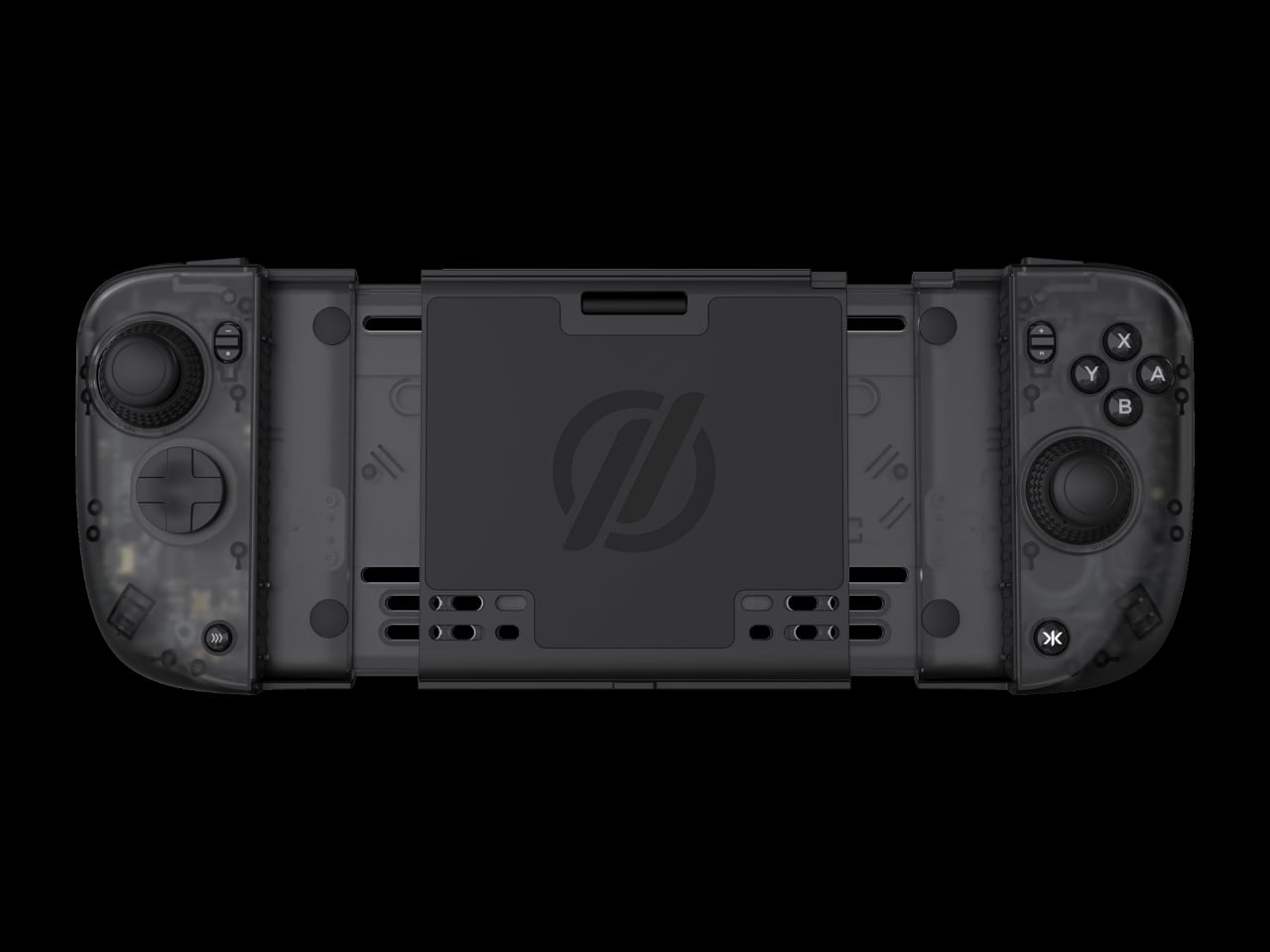
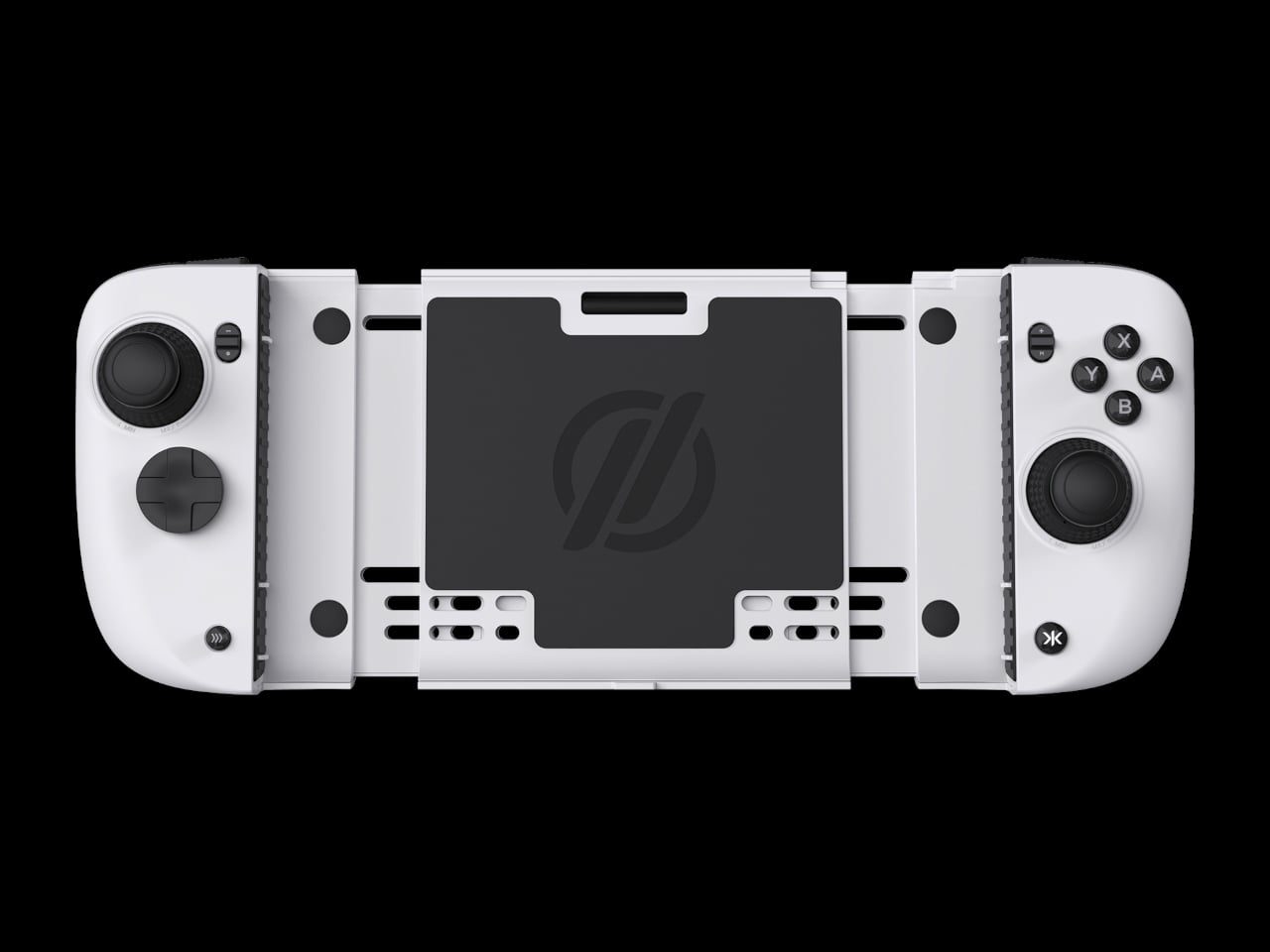
NYXI Hyperion 3 Finally Gives the Switch 2 a Grown-Up Controller

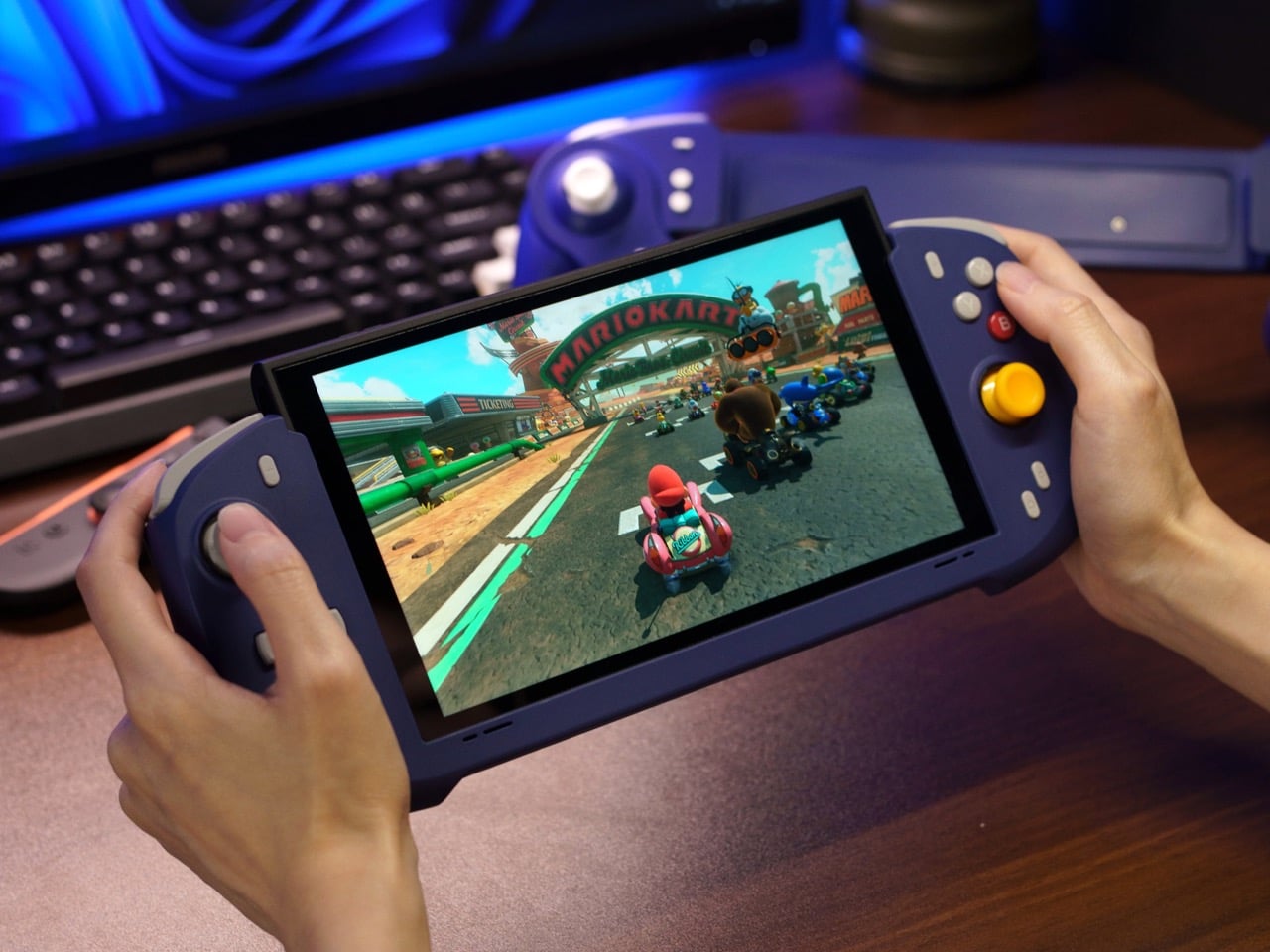
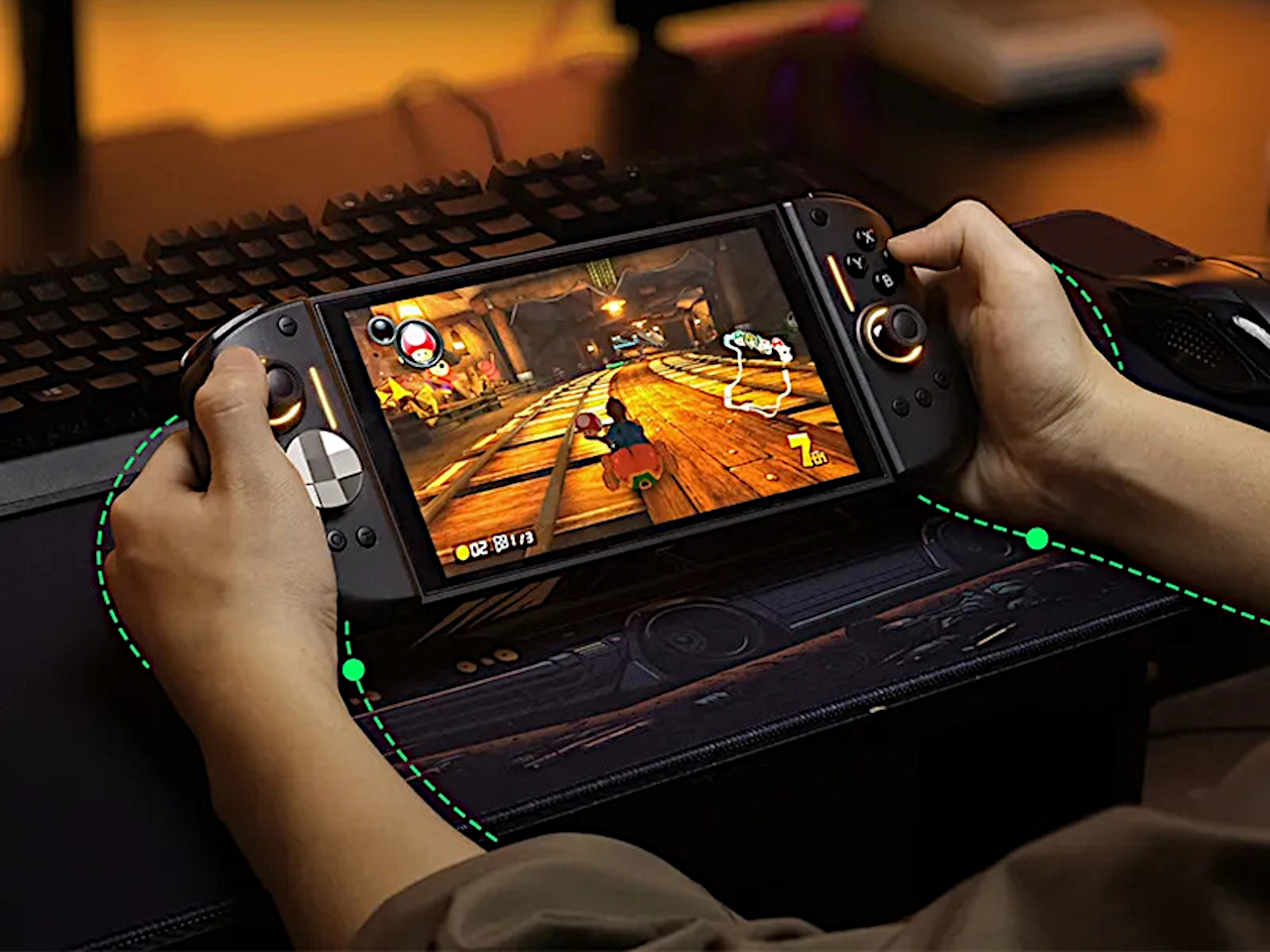
Playing the Switch 2 for more than an hour in handheld mode means the flat Joy-Cons and small buttons start to feel like a compromise. Your hands end up clawed around the rails, drift anxiety creeps in, and you start shifting your grip to avoid cramping. NYXI’s Hyperion 3 is built for people who treat the Switch 2 like a main console, not a travel toy used in short bursts.

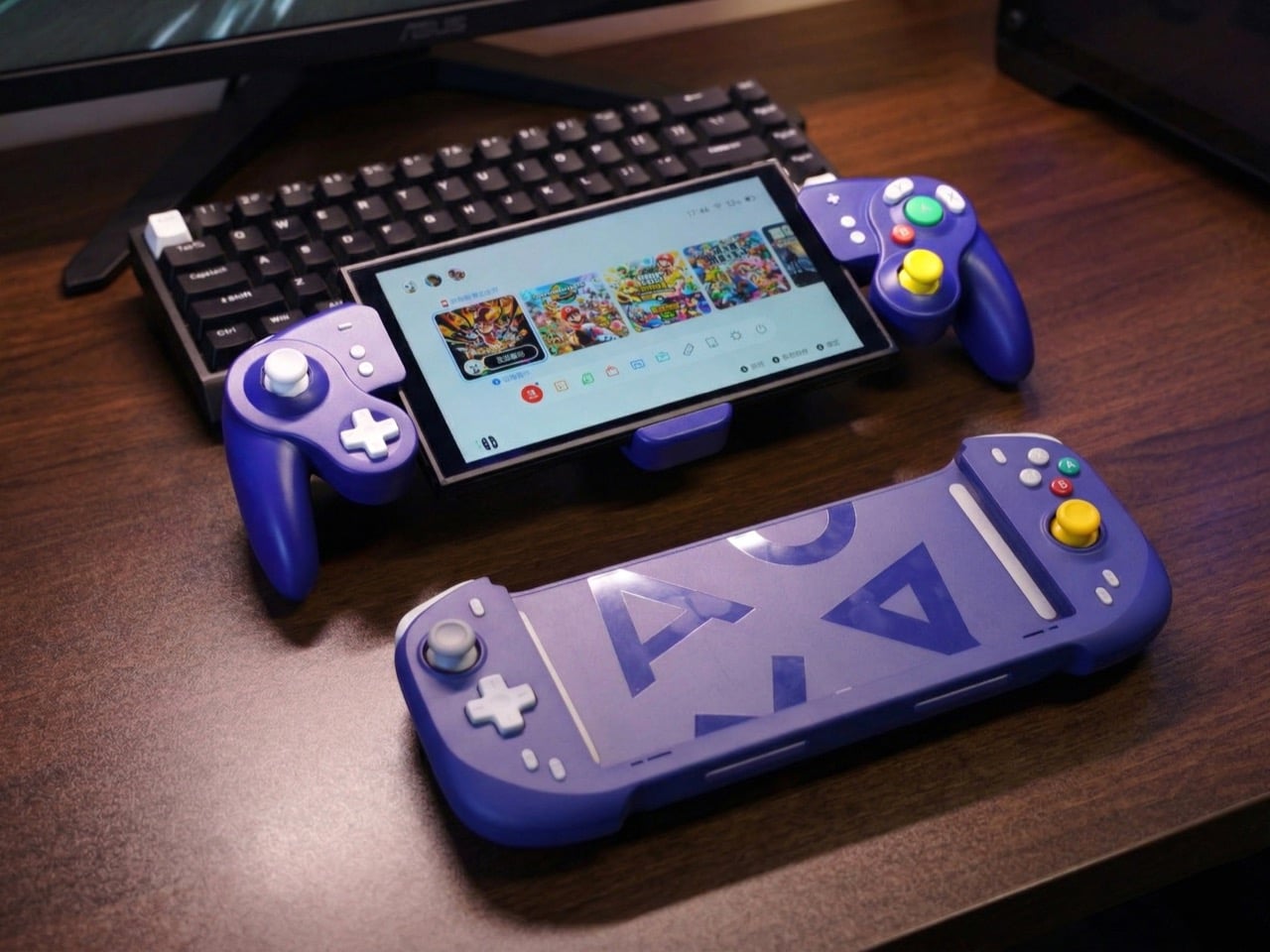
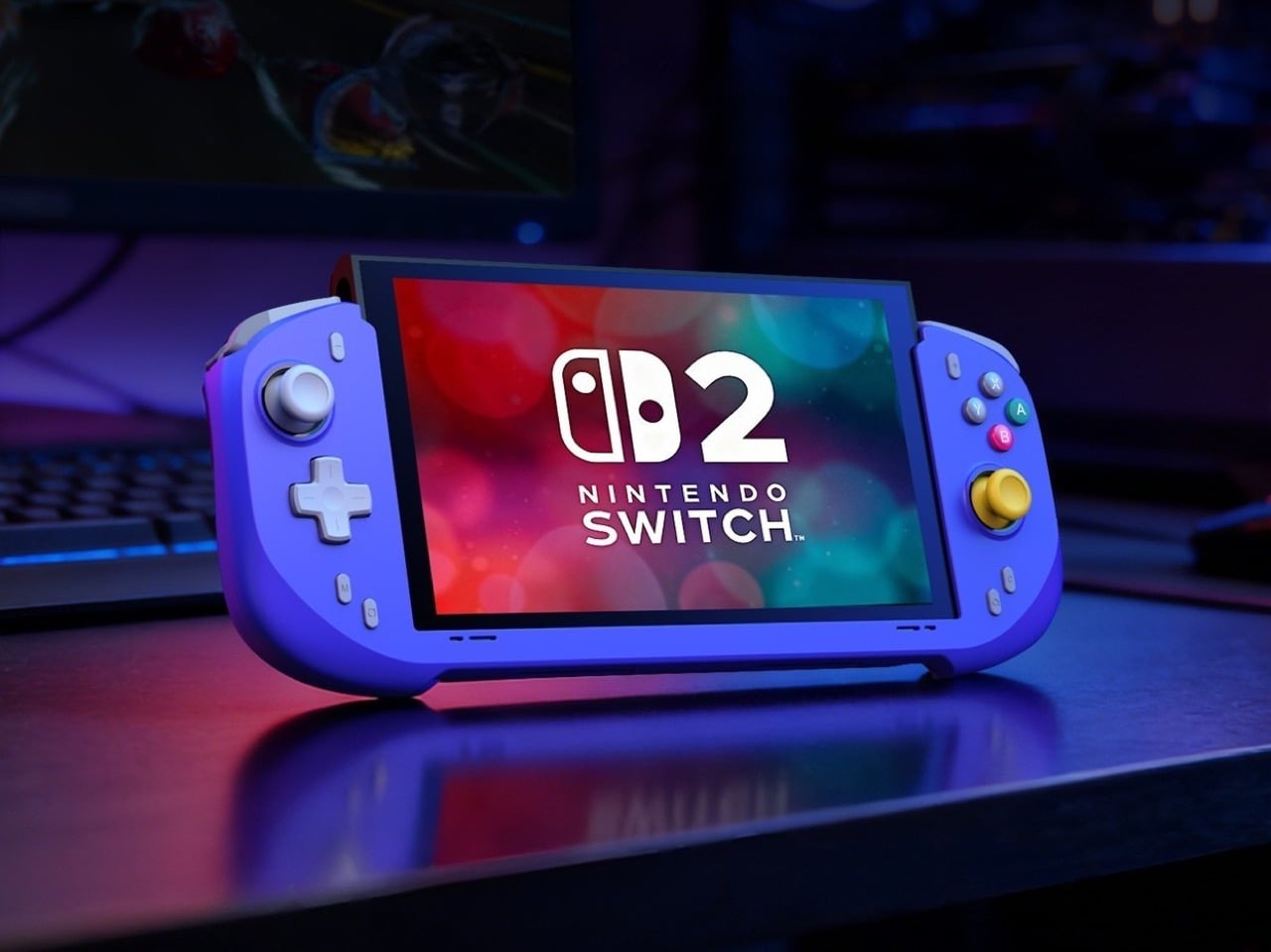
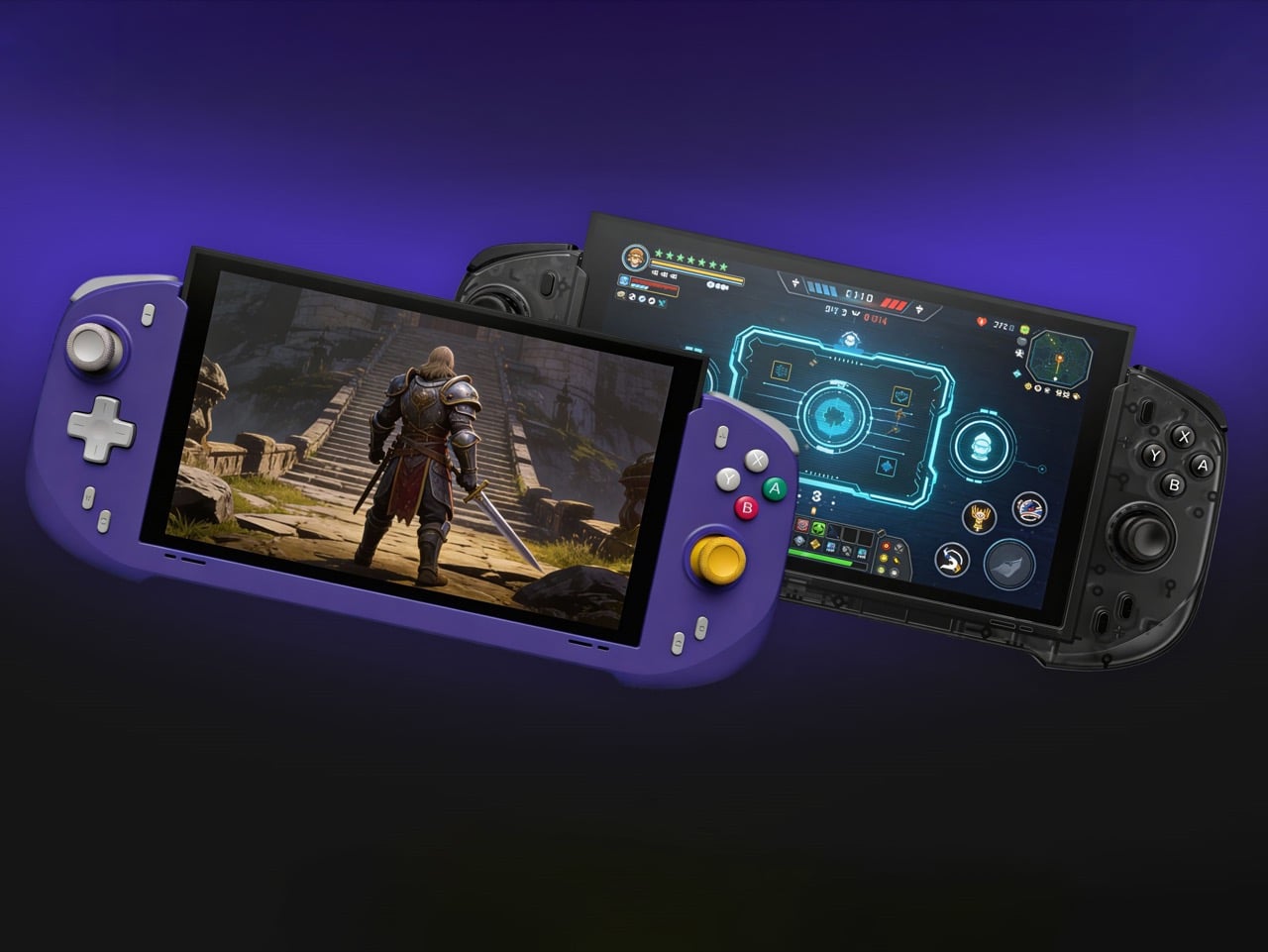
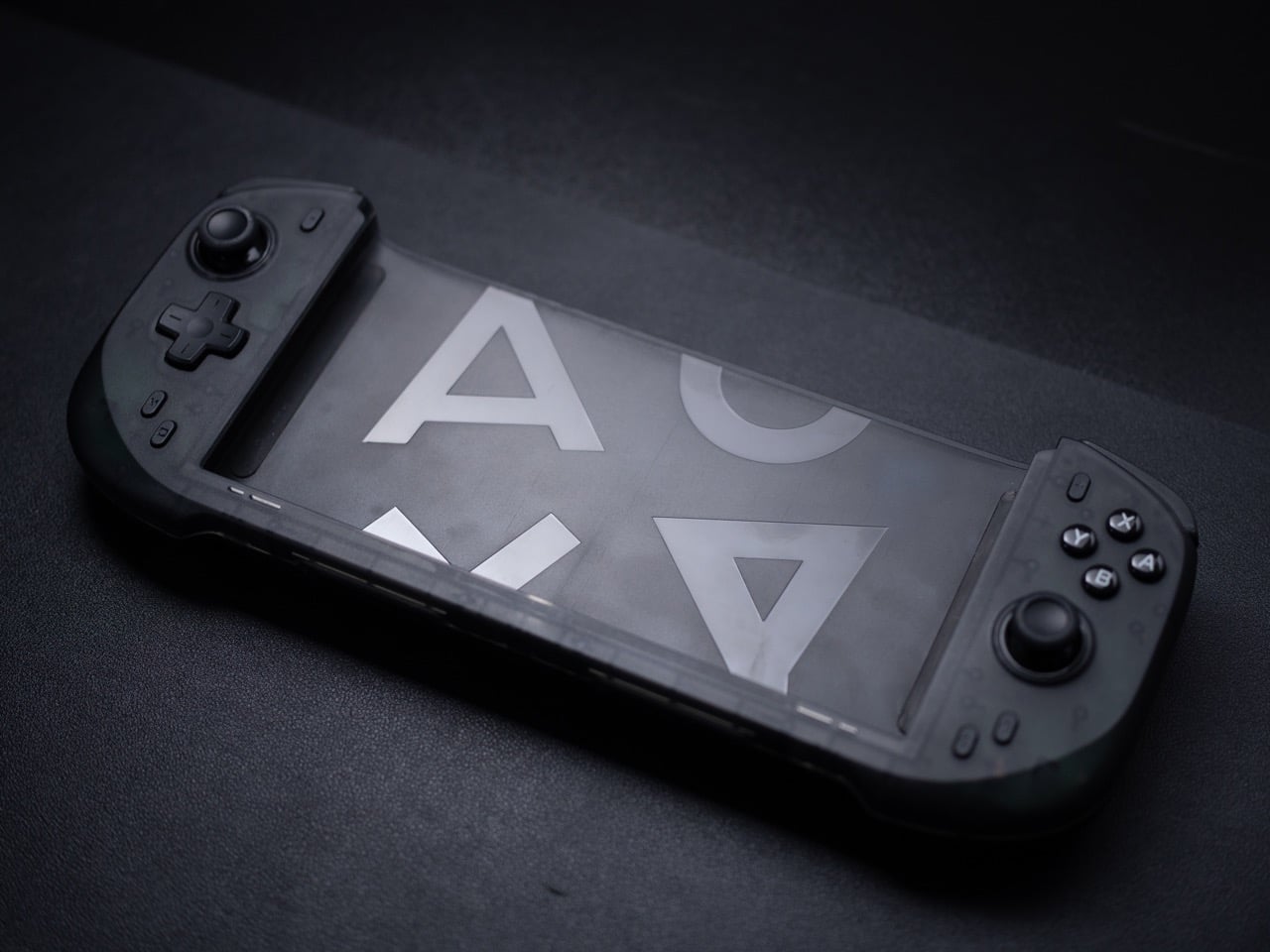
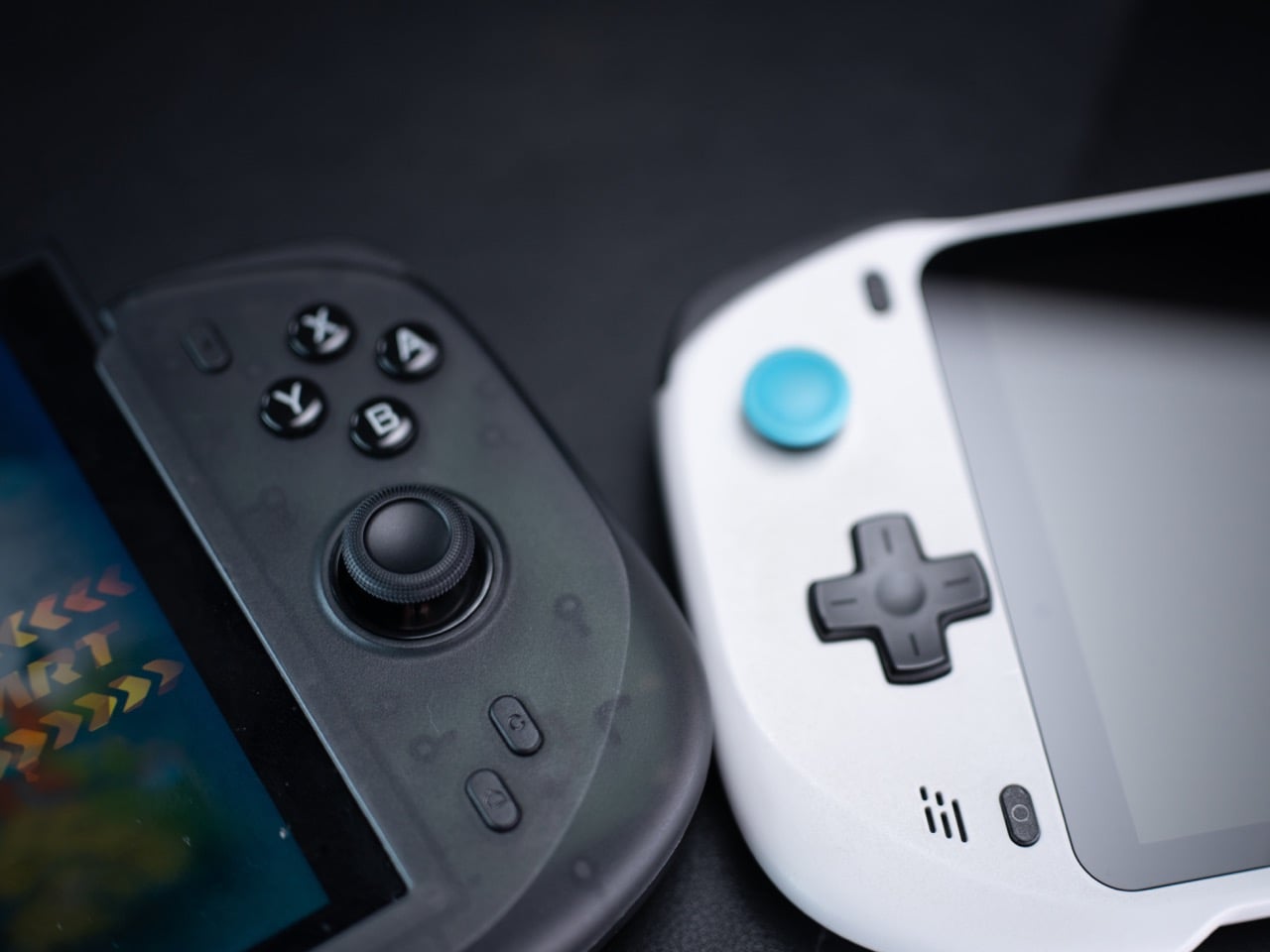
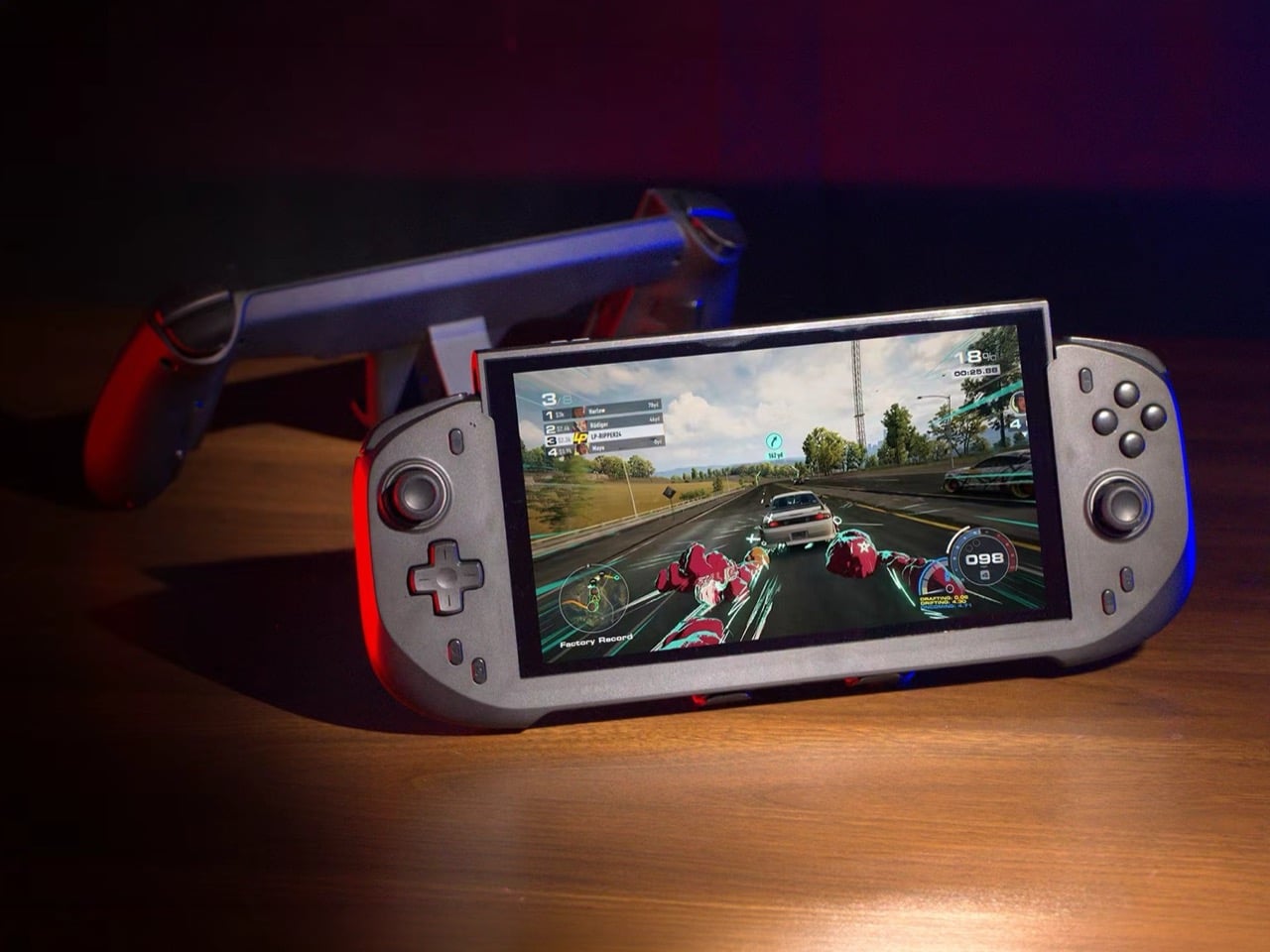
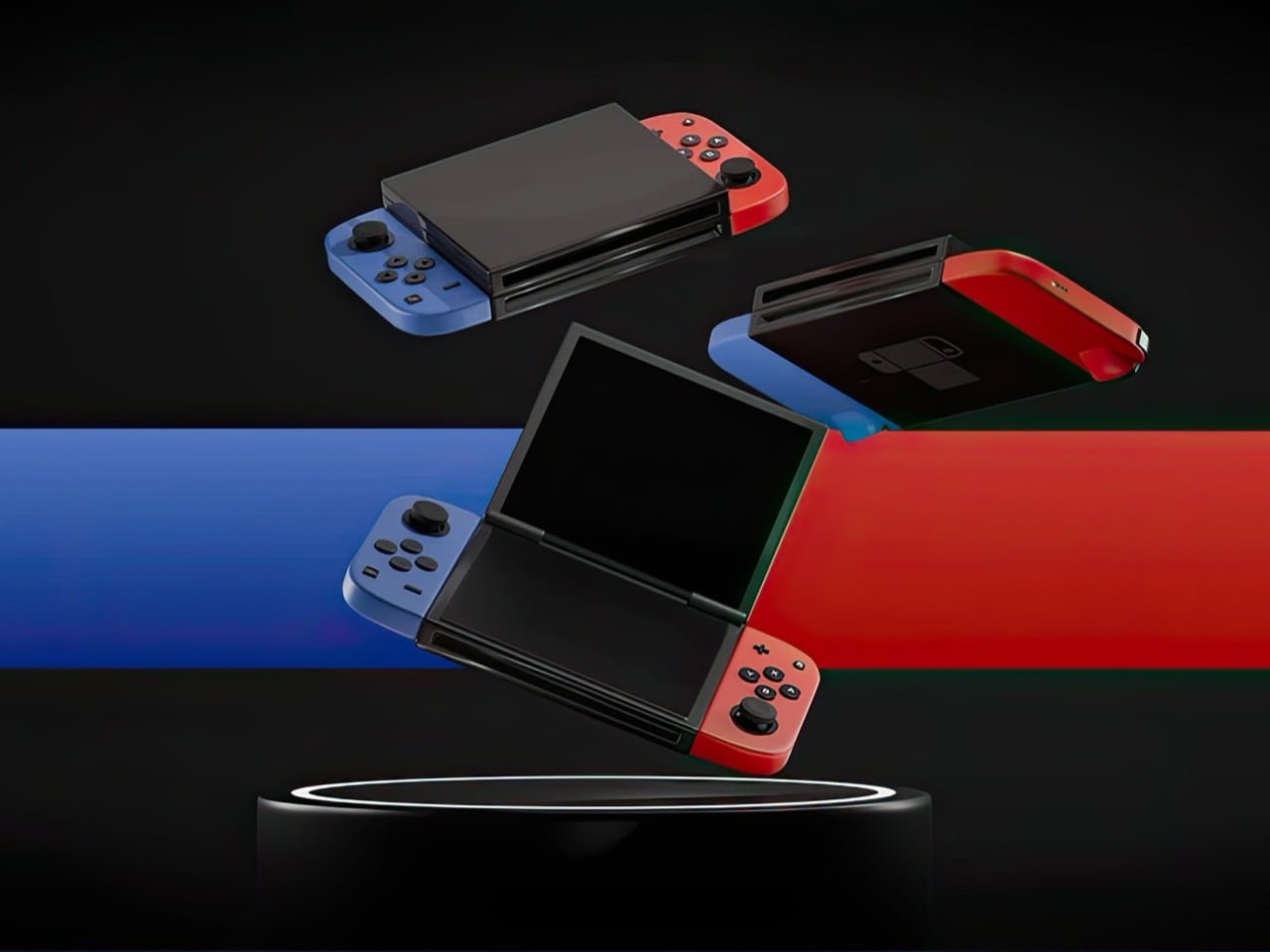
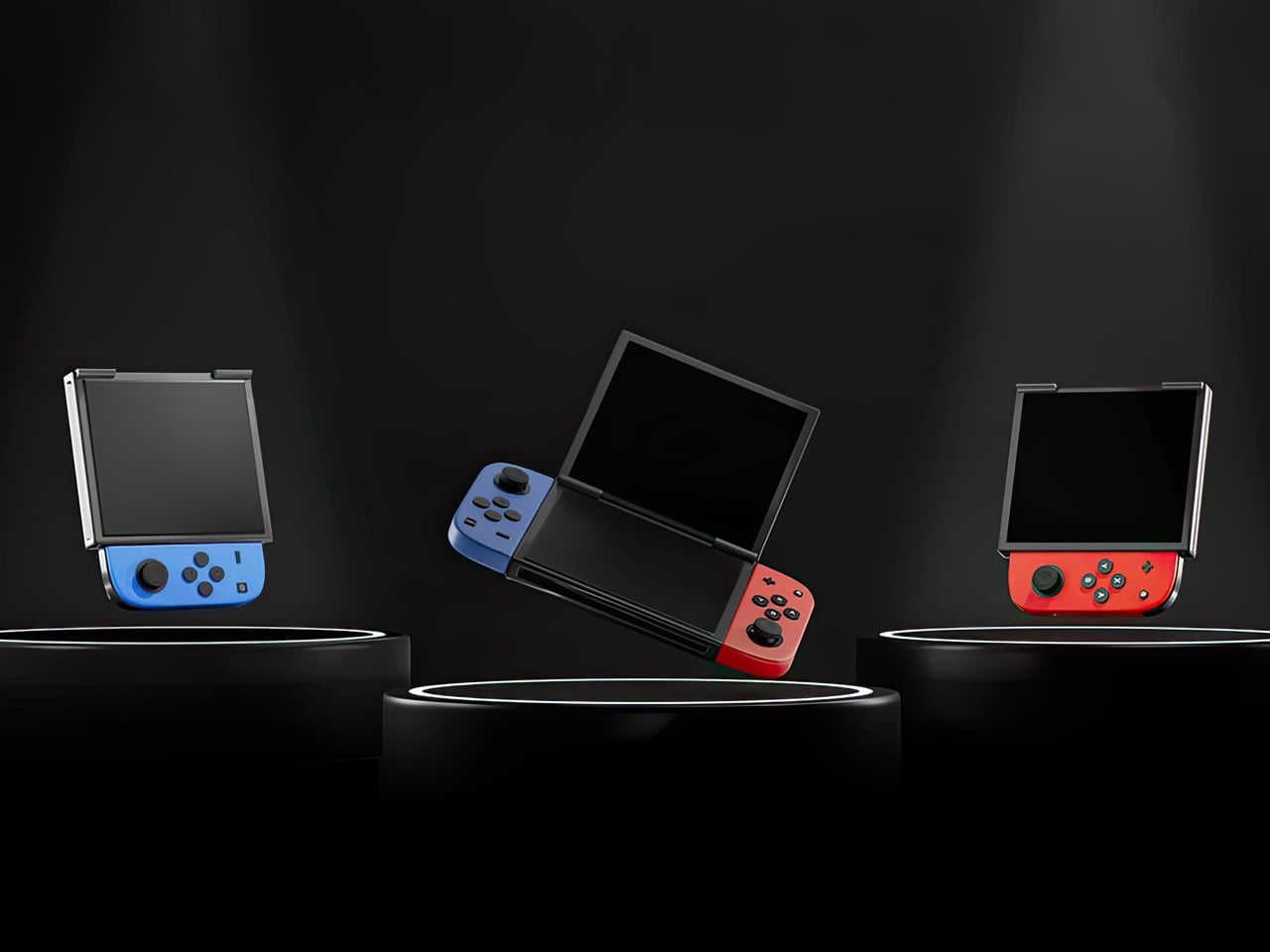
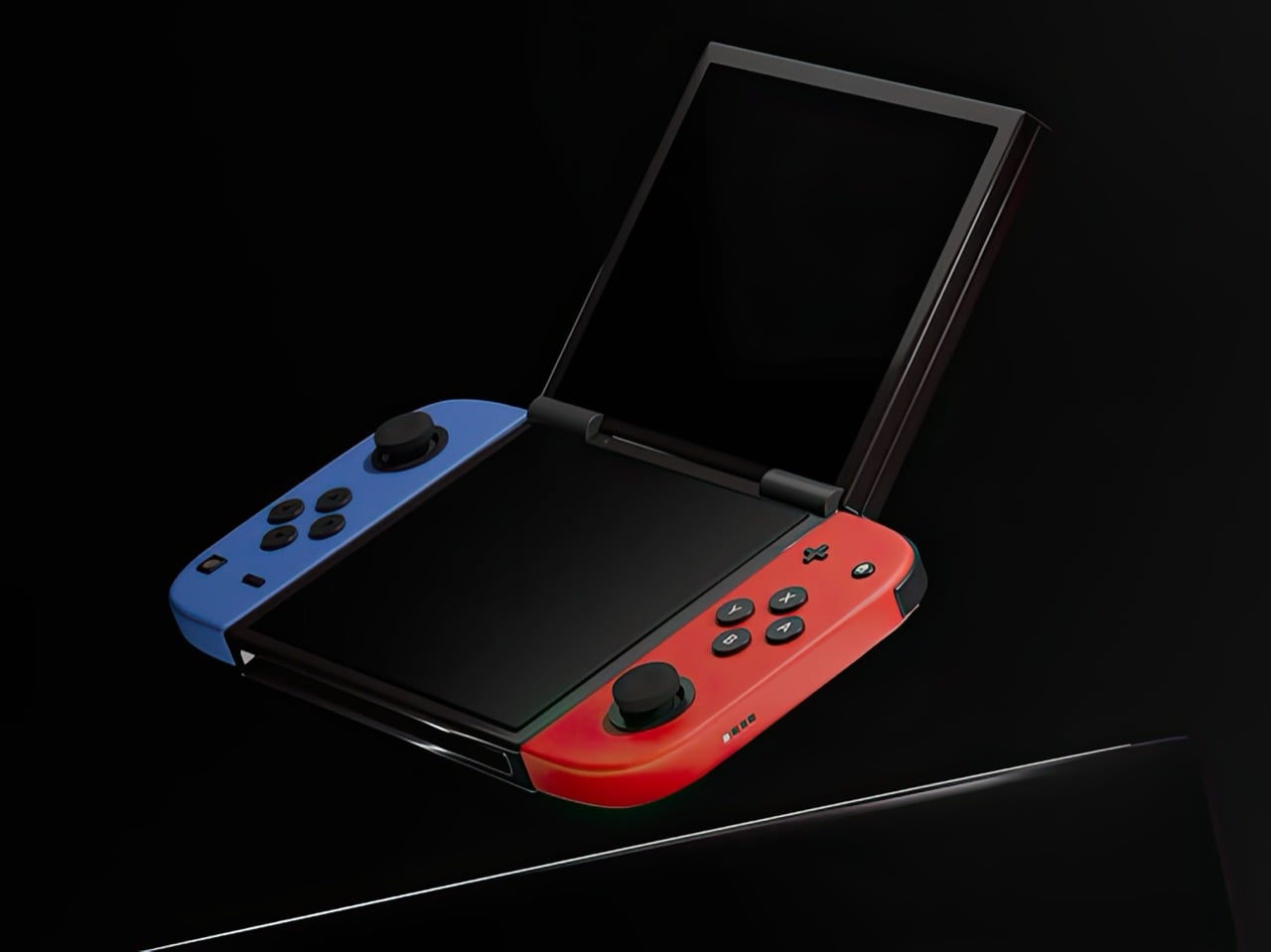
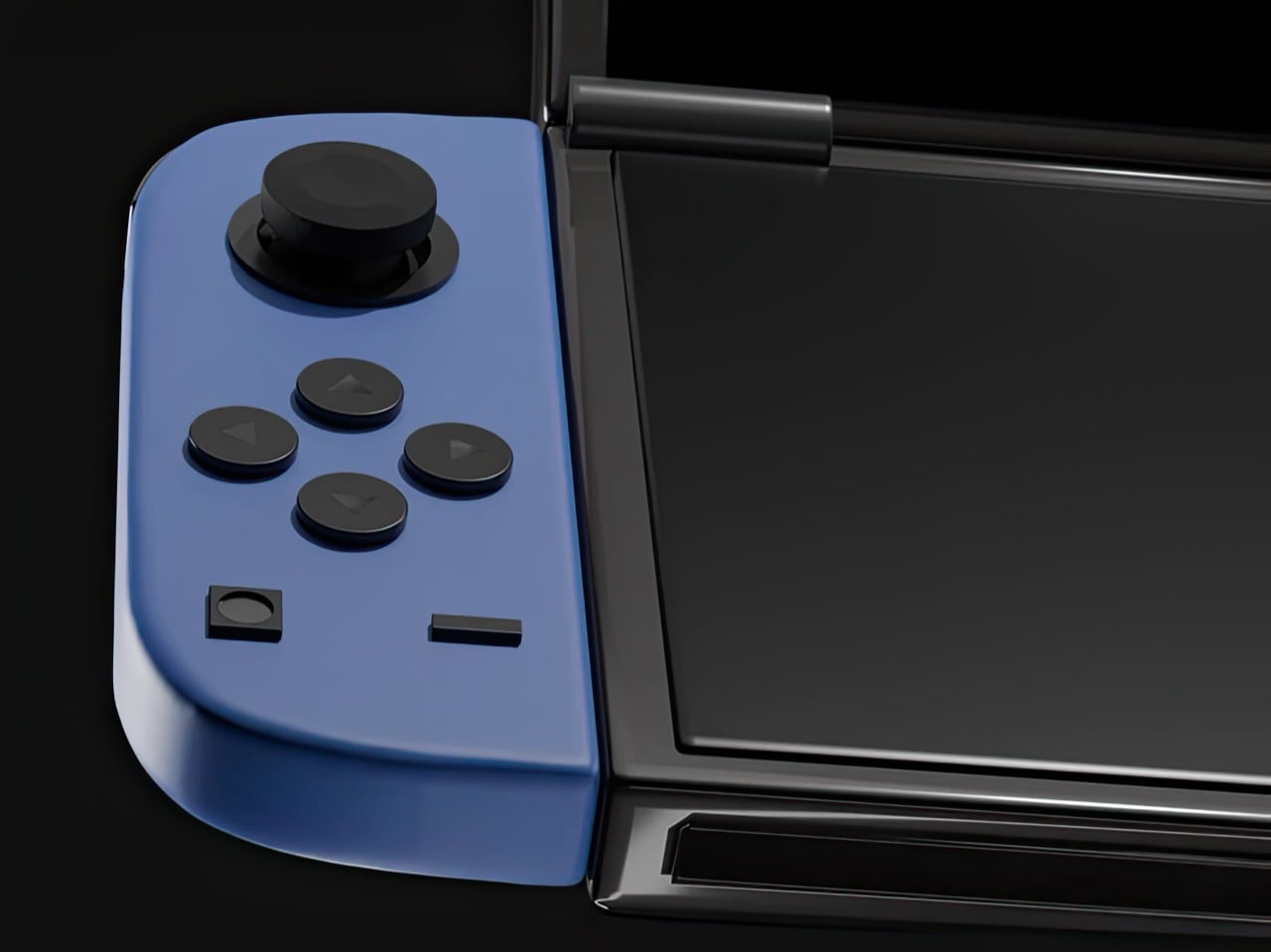
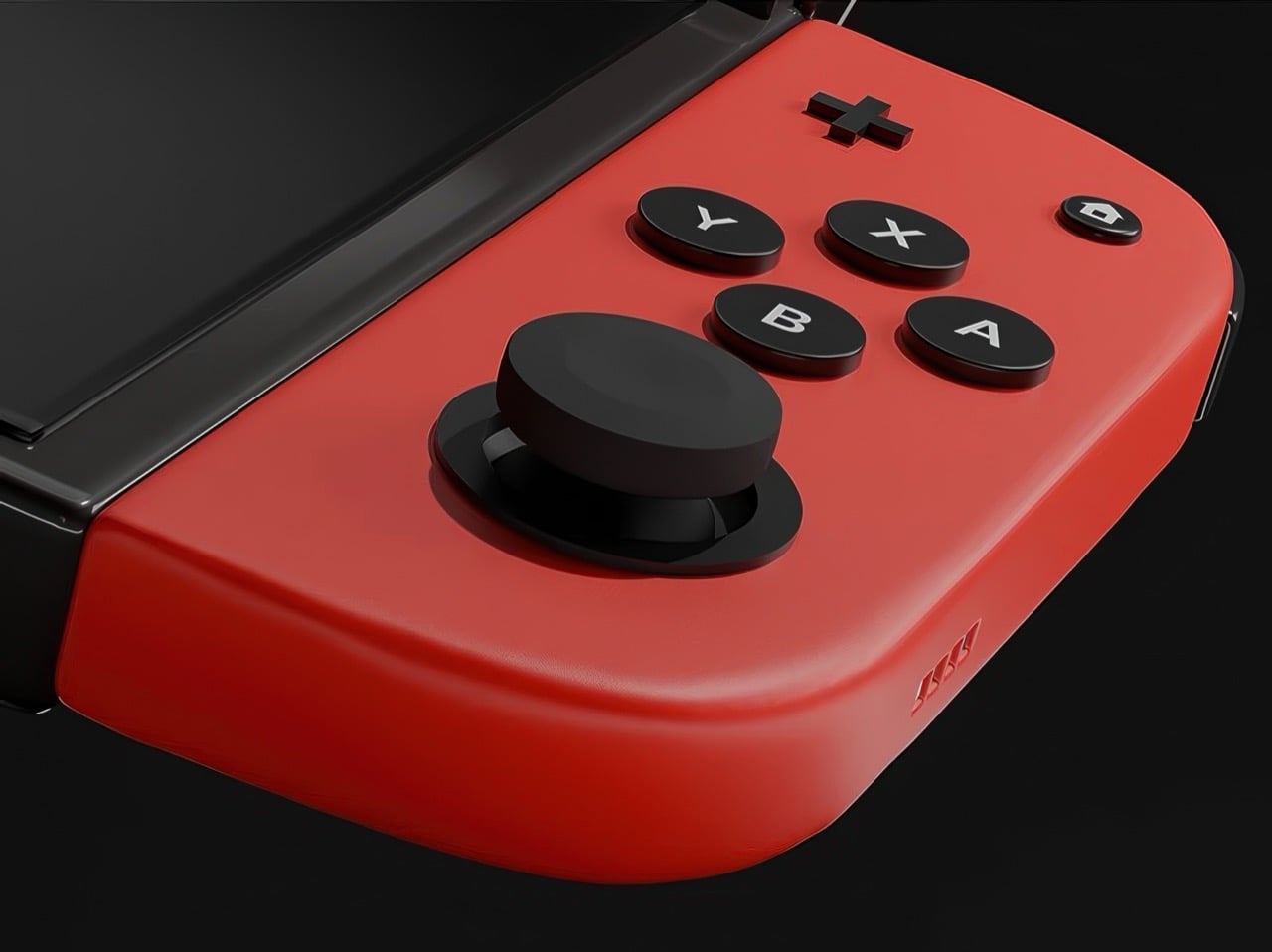
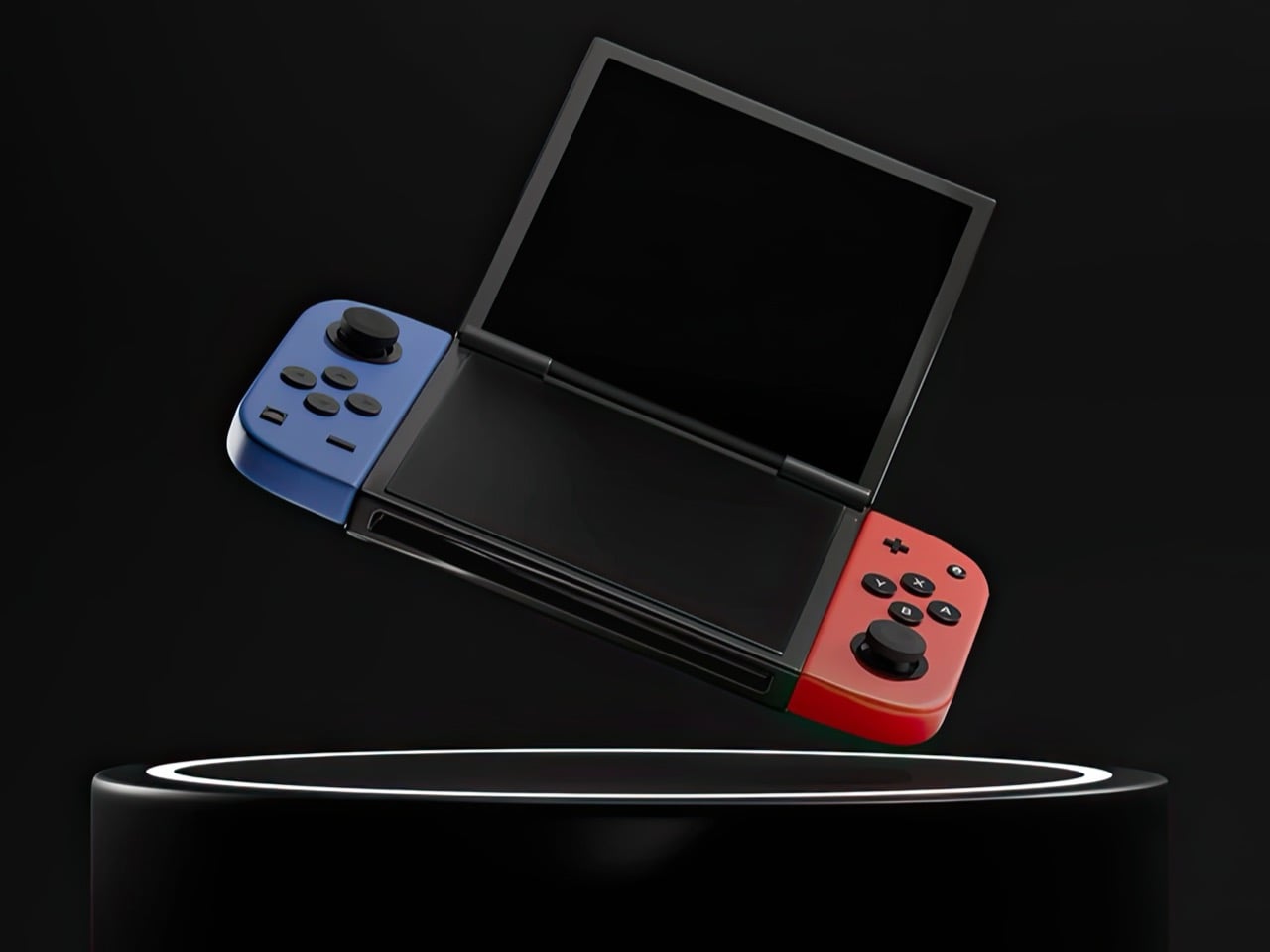
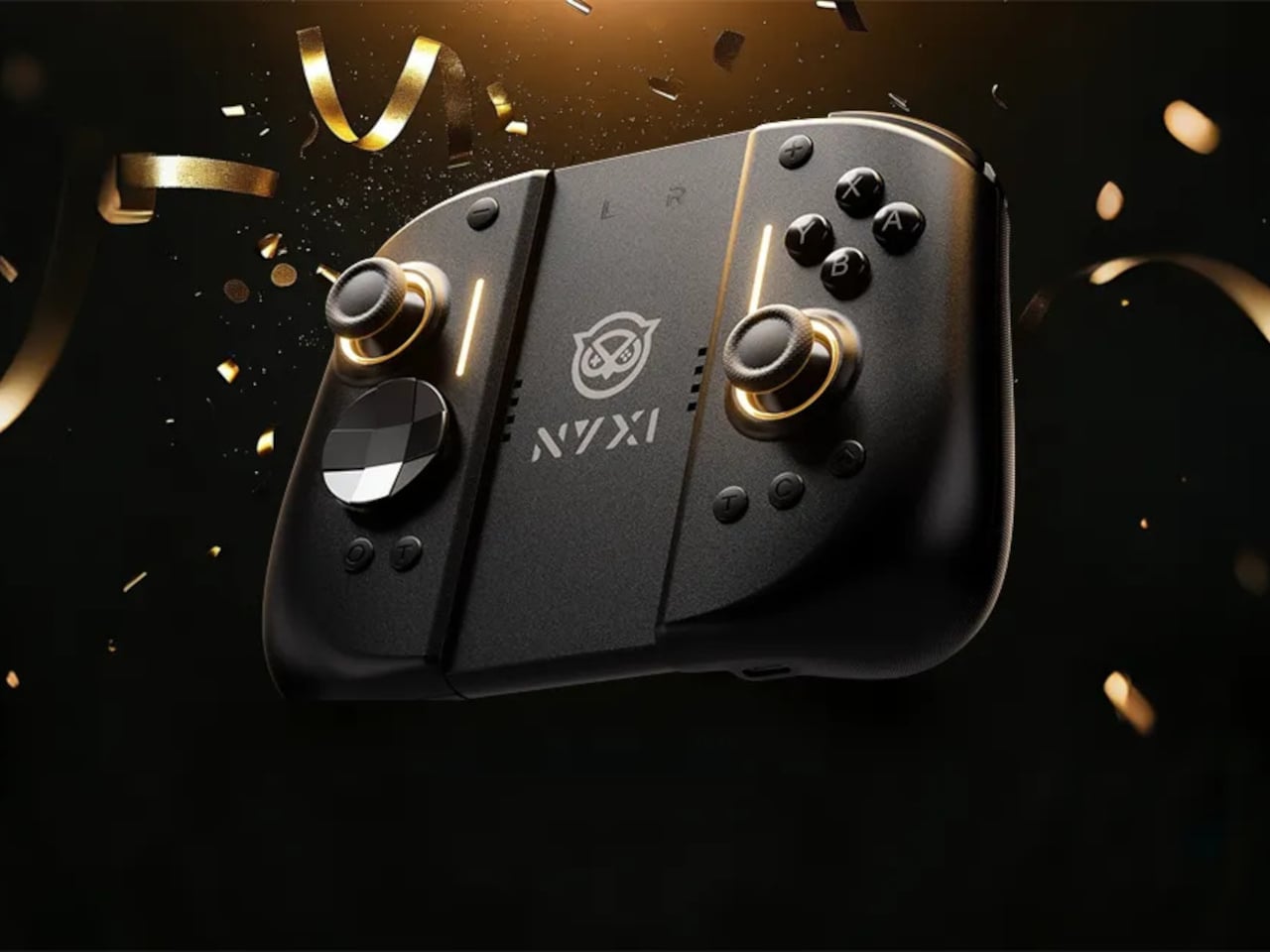
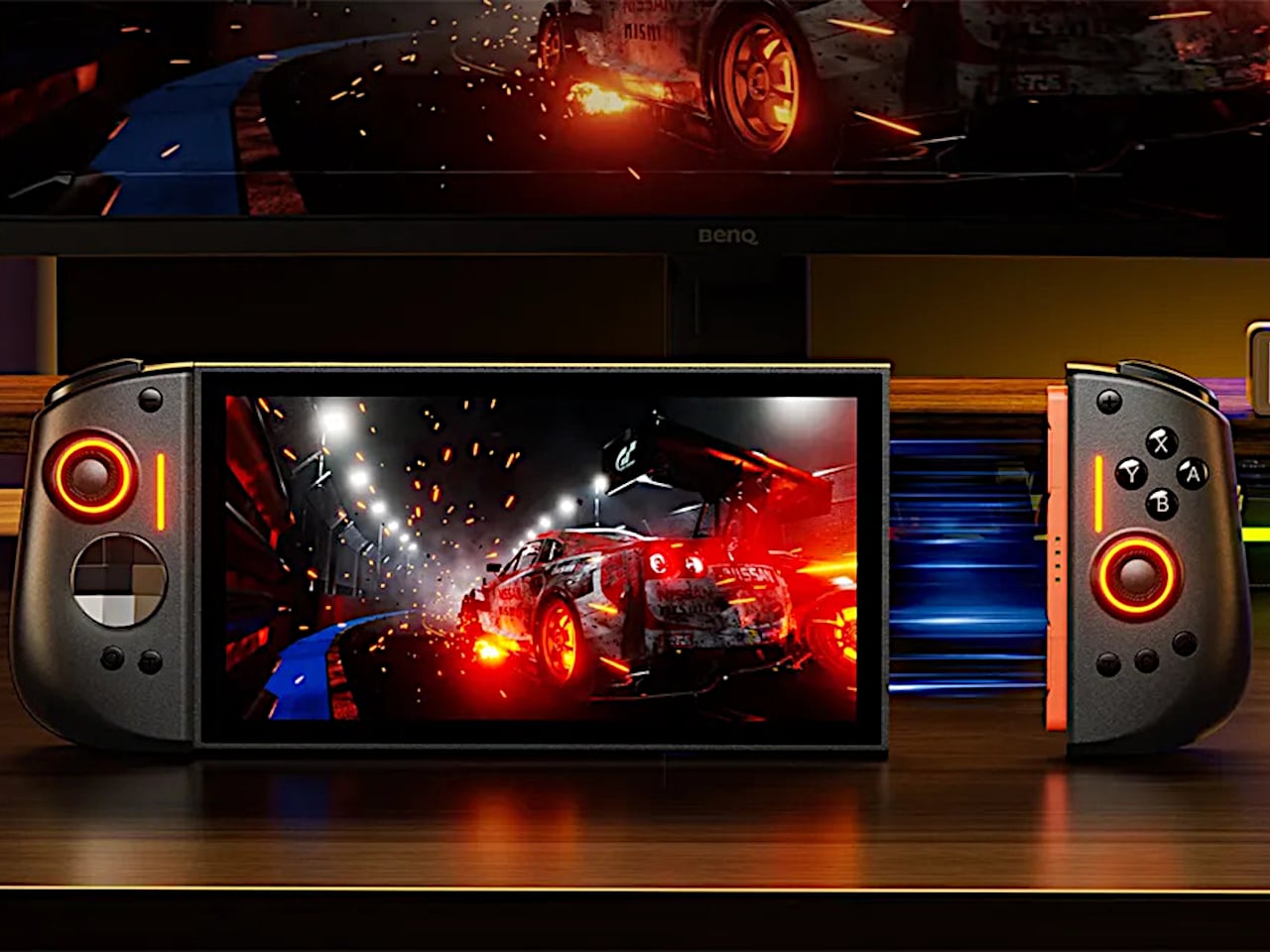
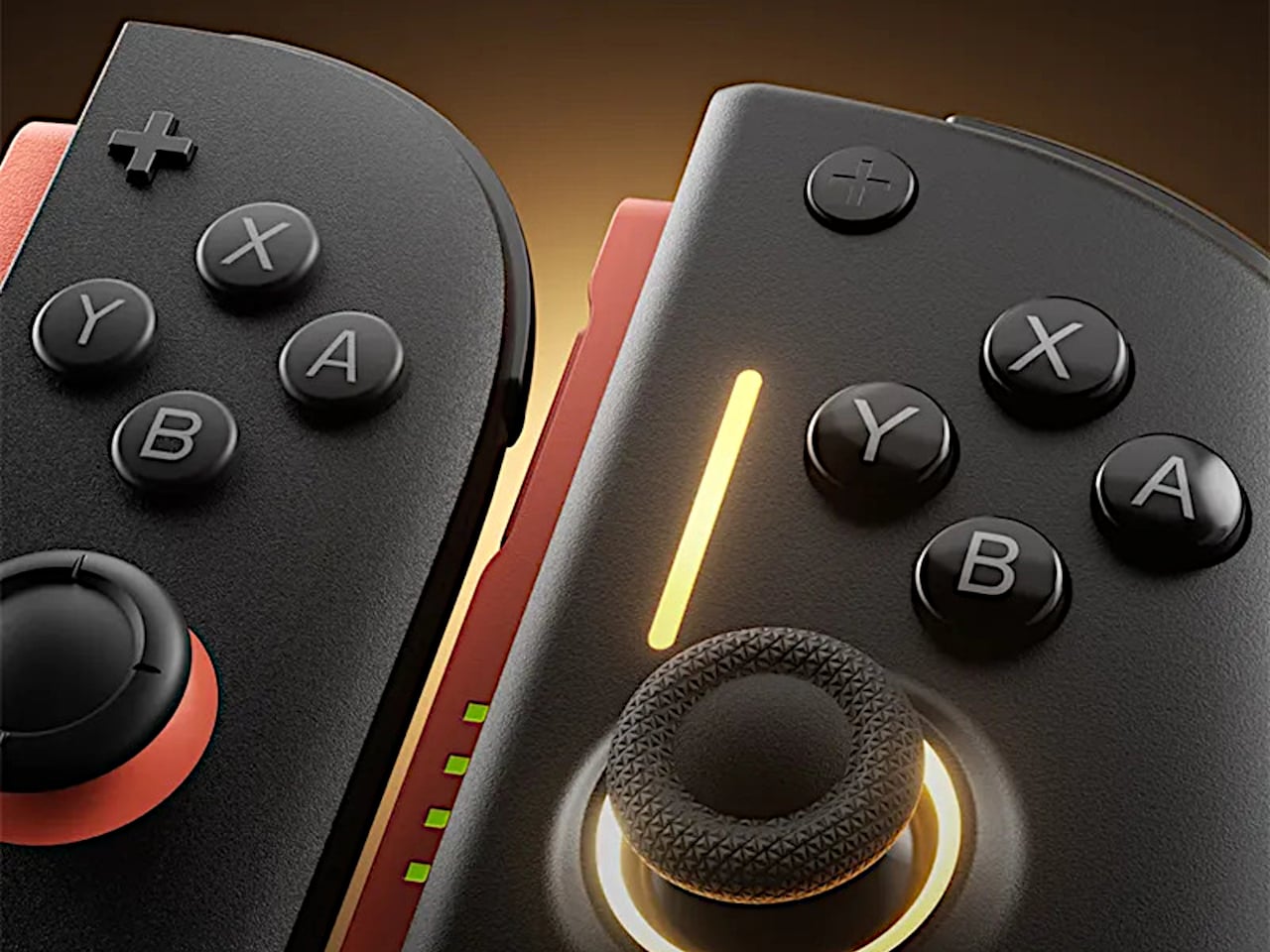
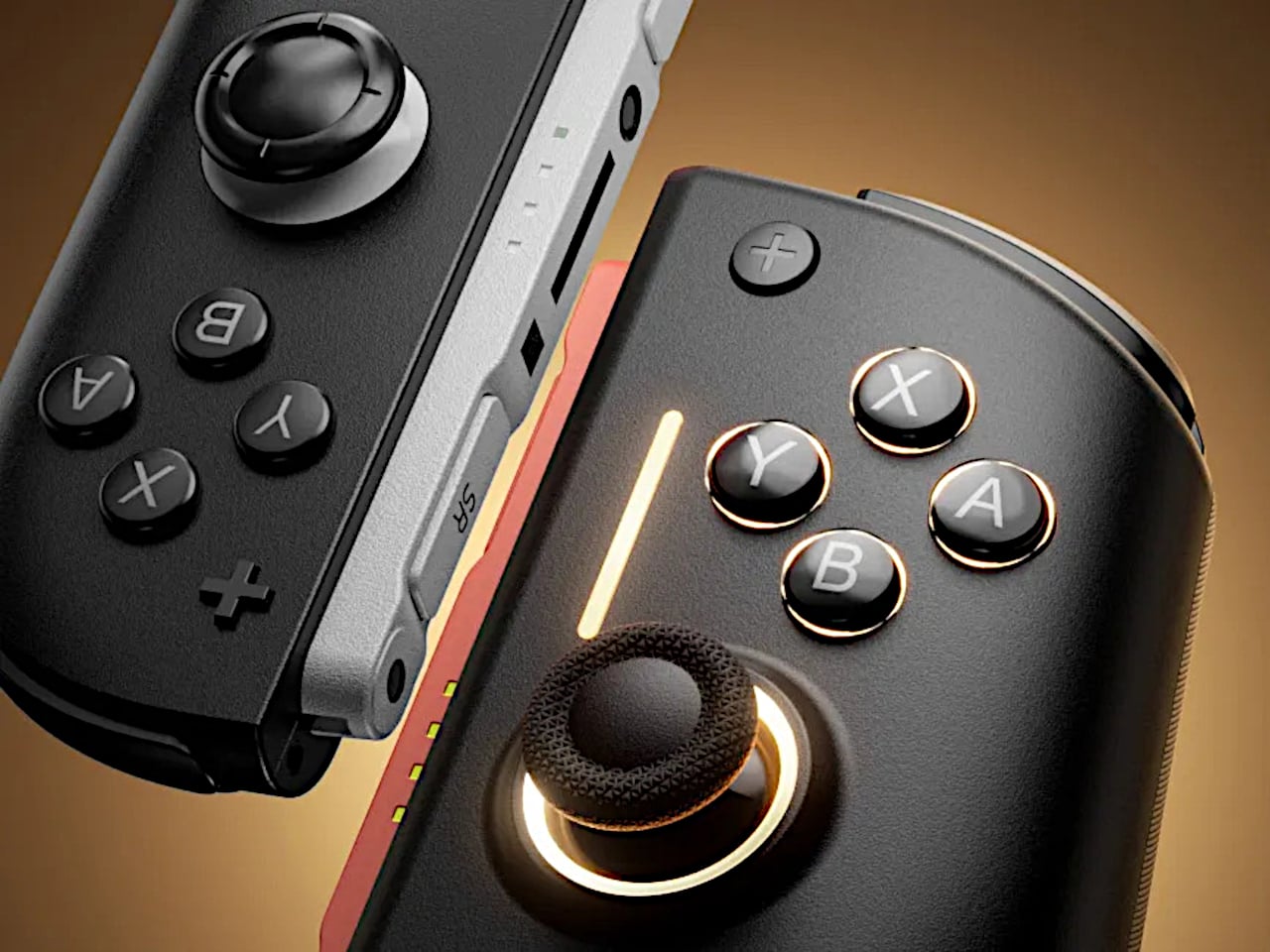
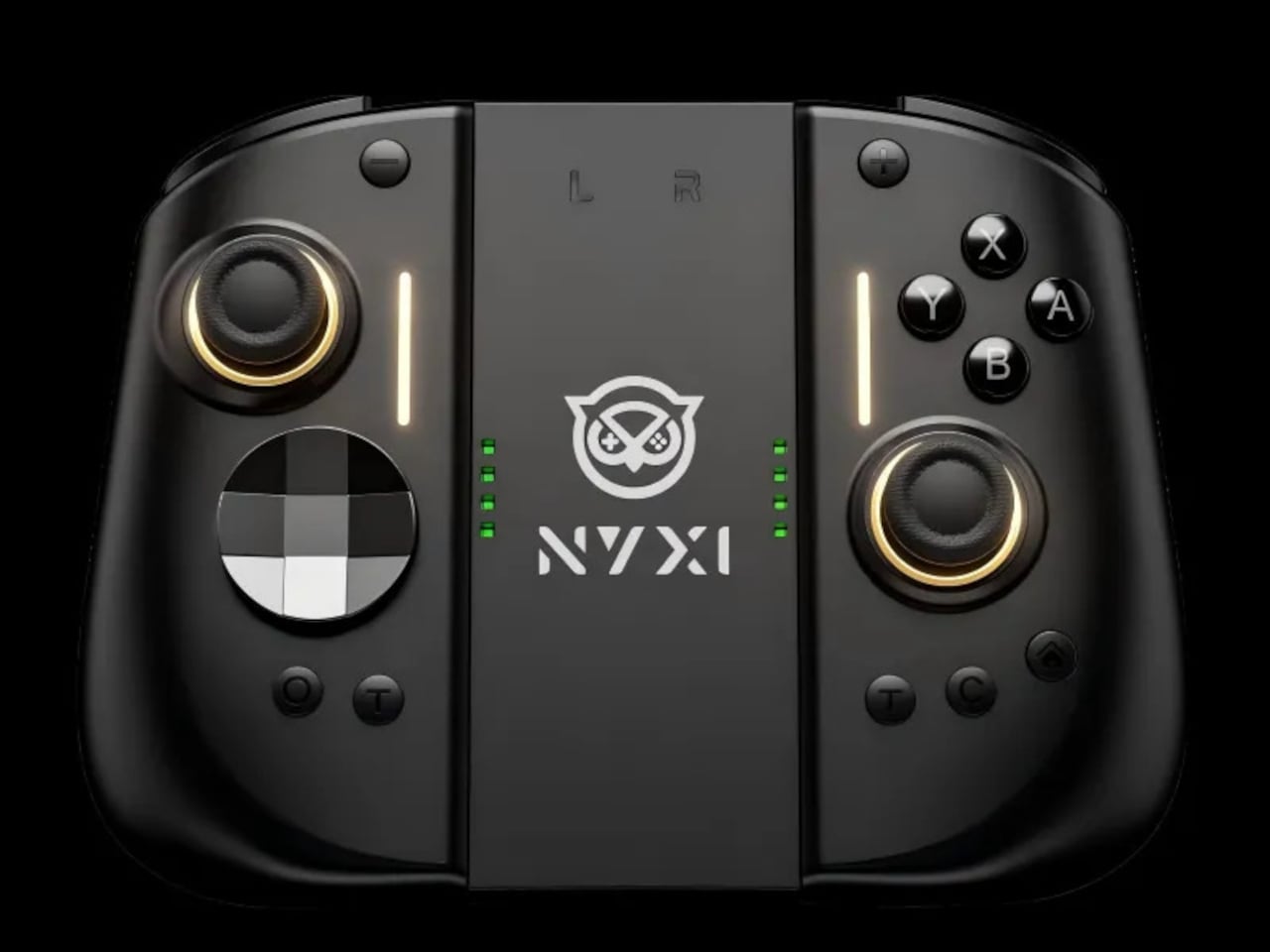
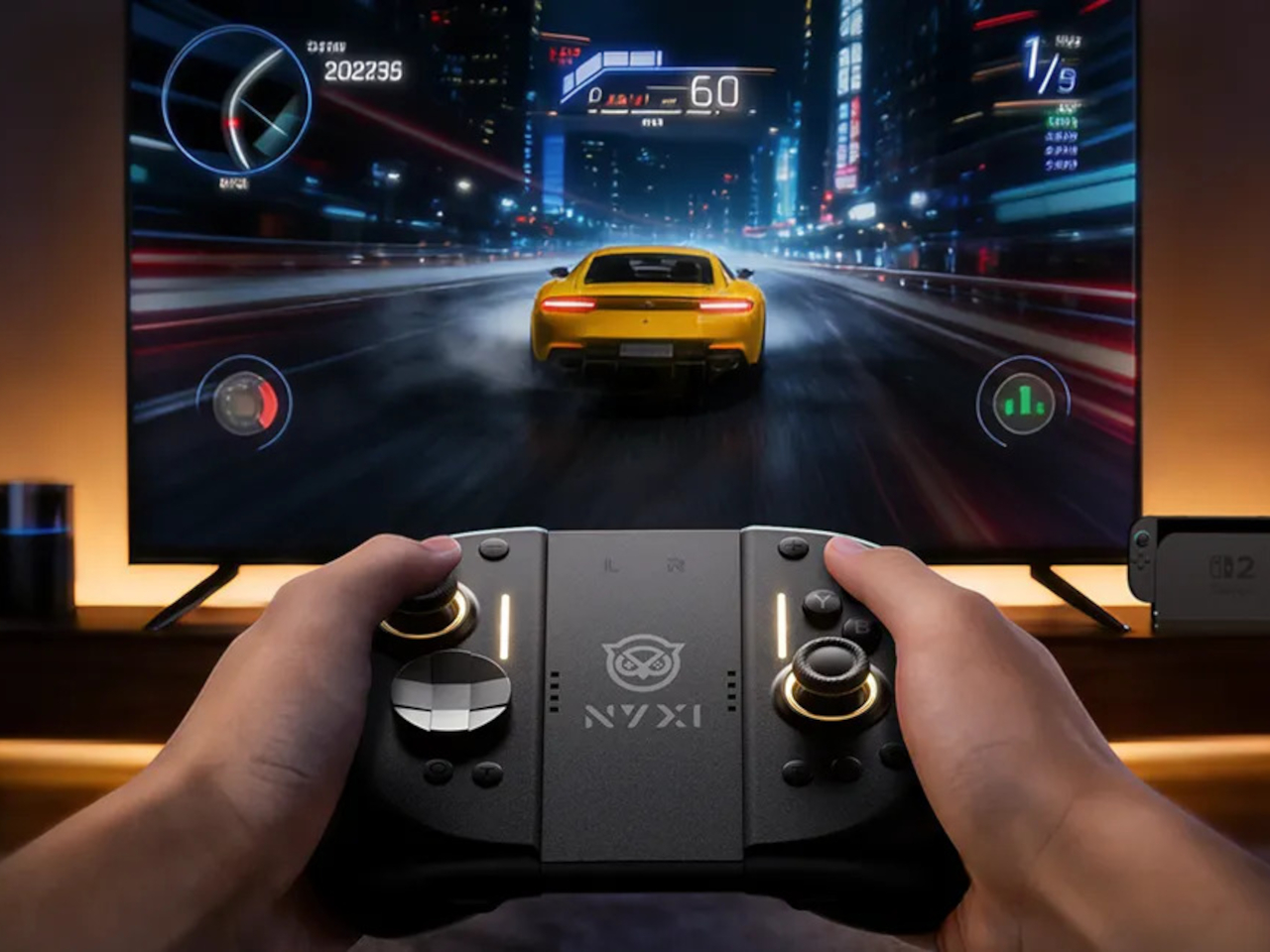
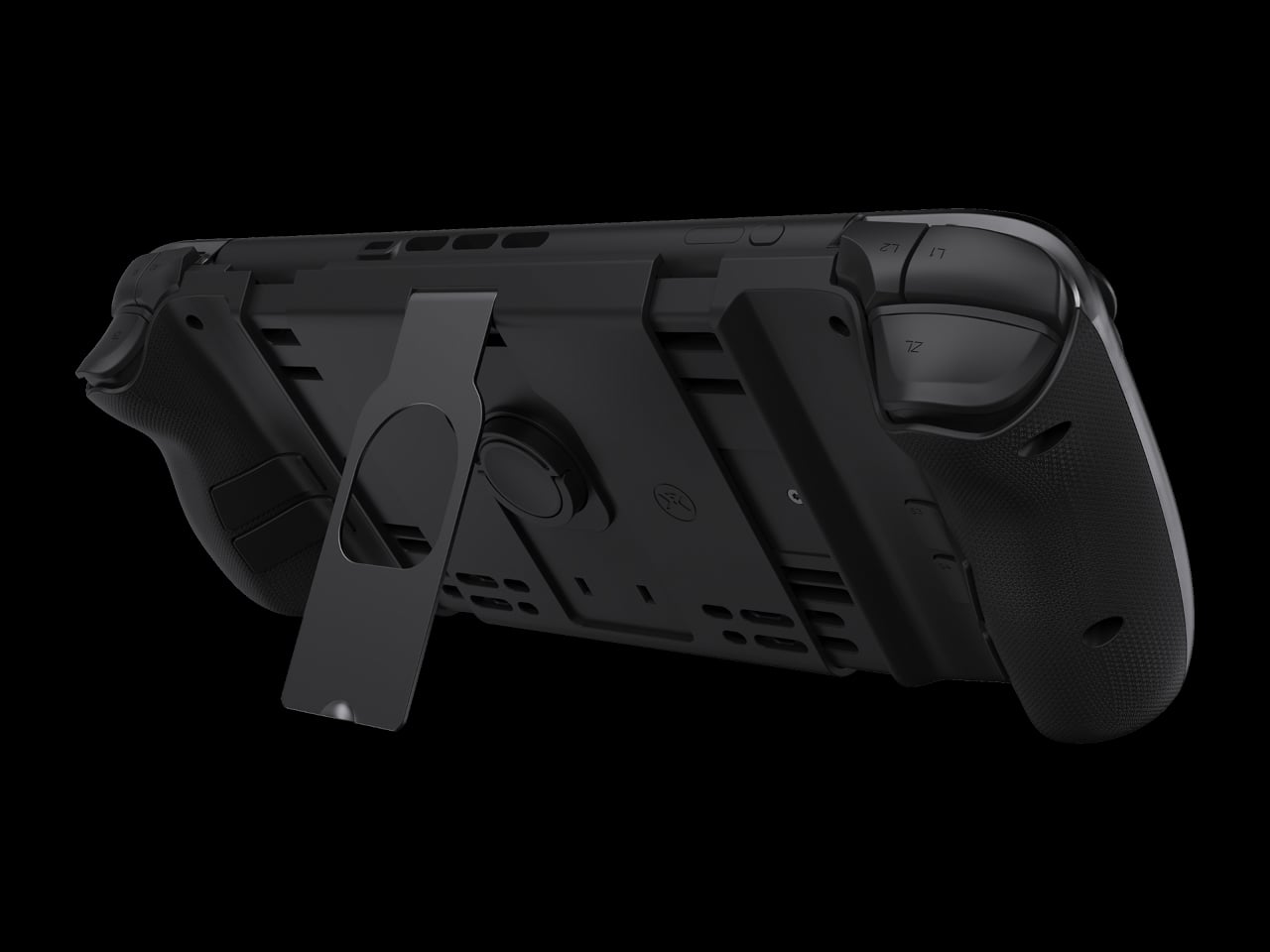
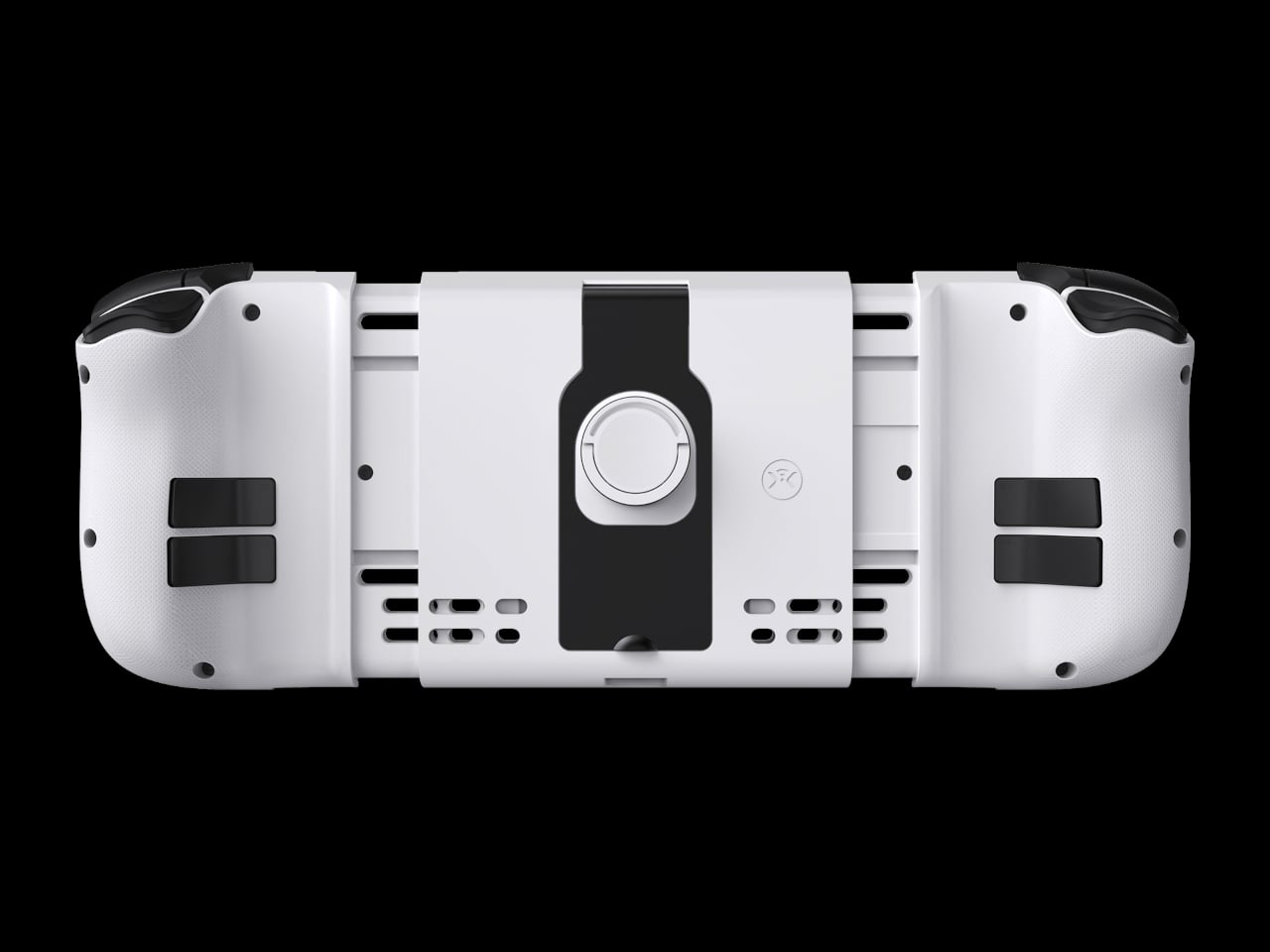
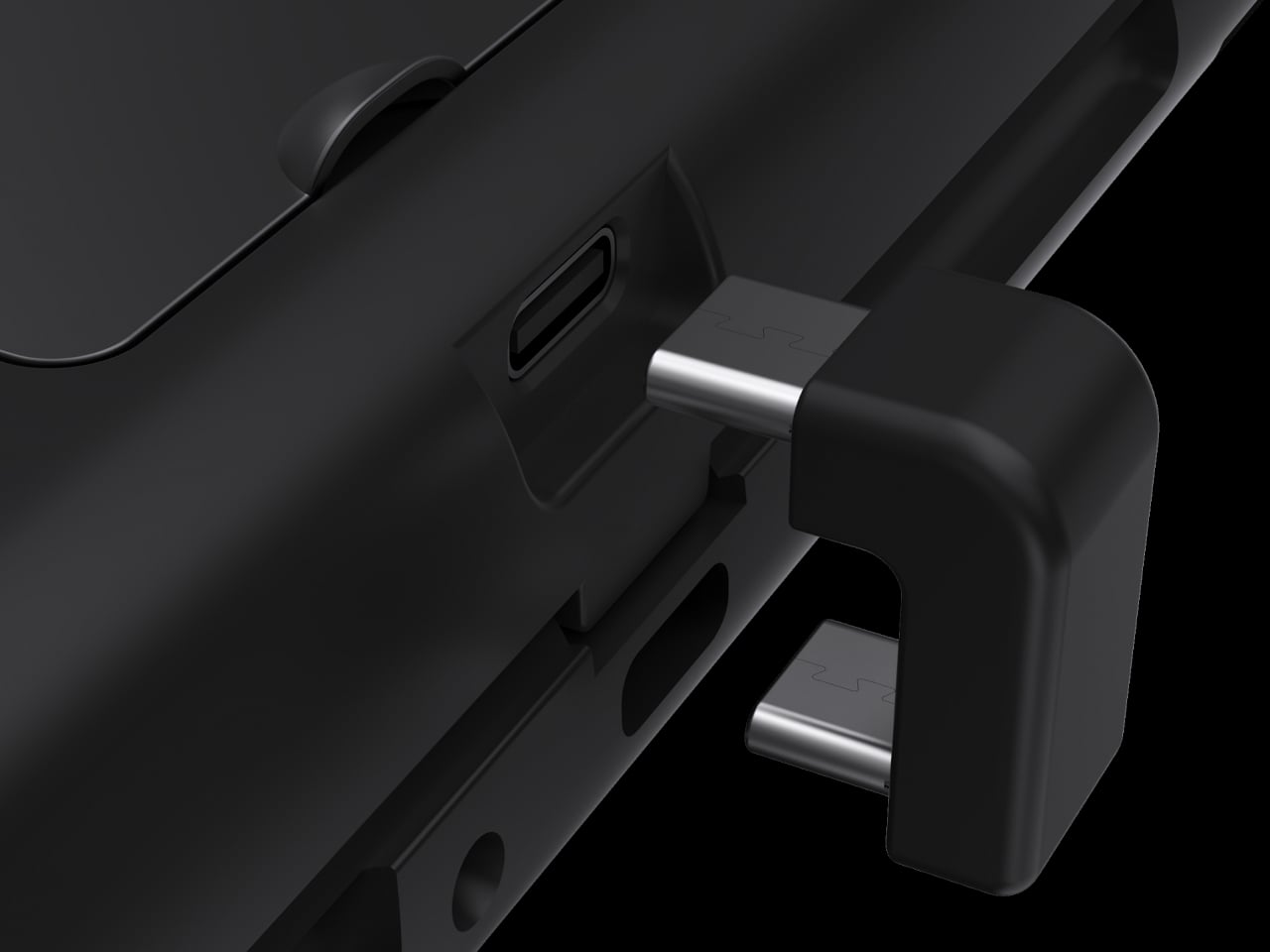
NYXI’s Hyperion 3 is a wireless JoyPad that snaps onto the Switch 2 for handheld play and works as a standalone pad when docked. It adds real grips, larger sticks, and more spaced-out buttons, swapping the usual potentiometer sticks for hall-effect joysticks designed to be drift-free over the long haul. It is pitched as the world’s first ergonomic JoyPad for Switch 2, treating comfort and reliability as primary goals.

Designer: NYXI

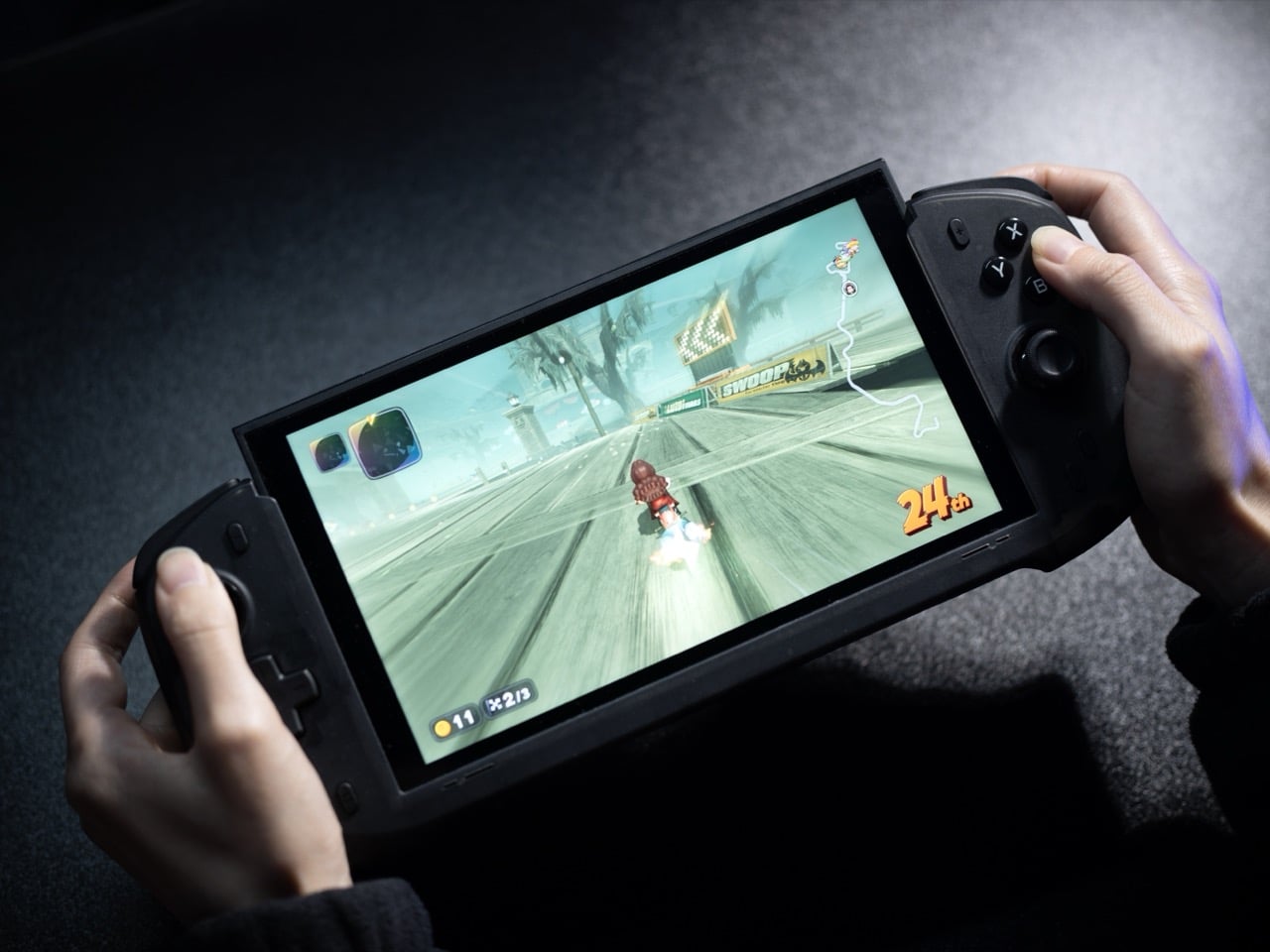
Settling into a long RPG or racing game in handheld mode, the full-size grips let your hands relax instead of pinching edges. The hall-effect sticks feel smooth and precise, and you are not waiting for the first sign of drift that ruined your last controller. The strong magnetic lock keeps everything solid, so the console feels like one piece rather than a screen with two wobbly handles threatening to flex apart.

The larger micro-switch face buttons and D-pad click with a clear, mechanical feel, making fast inputs and diagonals more reliable in fighters or platformers. The 9-axis gyro gives you fine motion aiming in shooters or steering in racers, so you can lean on tilt controls without fighting laggy sensors or imprecise calibration that drifts halfway through a match.

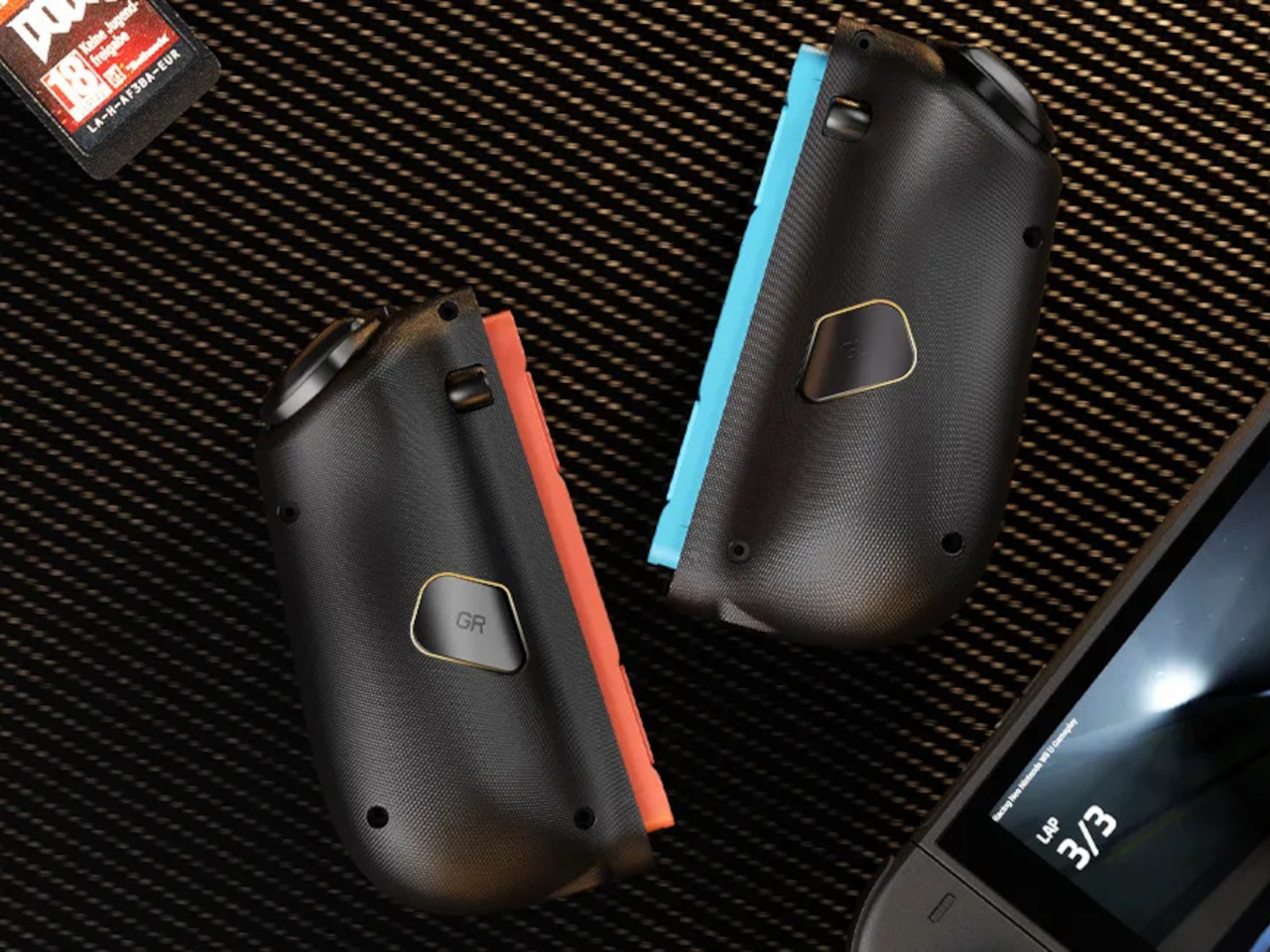
The programmable back buttons let you move key actions off the face buttons, so your thumbs can stay on the sticks more often. Mapping jump, reload, or item use to the back means fewer awkward stretches, especially in games designed around a traditional pad. Over time, that small shift in where your fingers land makes the controller feel tailored to your habits instead of forcing you into Nintendo’s layout.

Hyperion 3 is not as slim or neutral as Nintendo’s own Joy-Cons. The full-size grips and gaming-centric styling make the Switch 2 less pocketable and more like a small console with a screen. That is exactly the point, though, a handheld that finally feels built for adult hands, even if it means giving up a bit of throw-in-a-bag convenience.

Hyperion 3 shows what happens when a third-party accessory takes the Joy-Con format seriously as a starting point, not a template to clone. By fixing drift, upgrading buttons, adding back paddles, and leaning into ergonomics, it treats the Switch 2 like a platform deserving of pro-level hardware. Playing on Nintendo’s hybrid for hours makes that kind of overkill feel pretty reasonable.

The post NYXI Hyperion 3 Finally Gives the Switch 2 a Grown-Up Controller first appeared on Yanko Design.
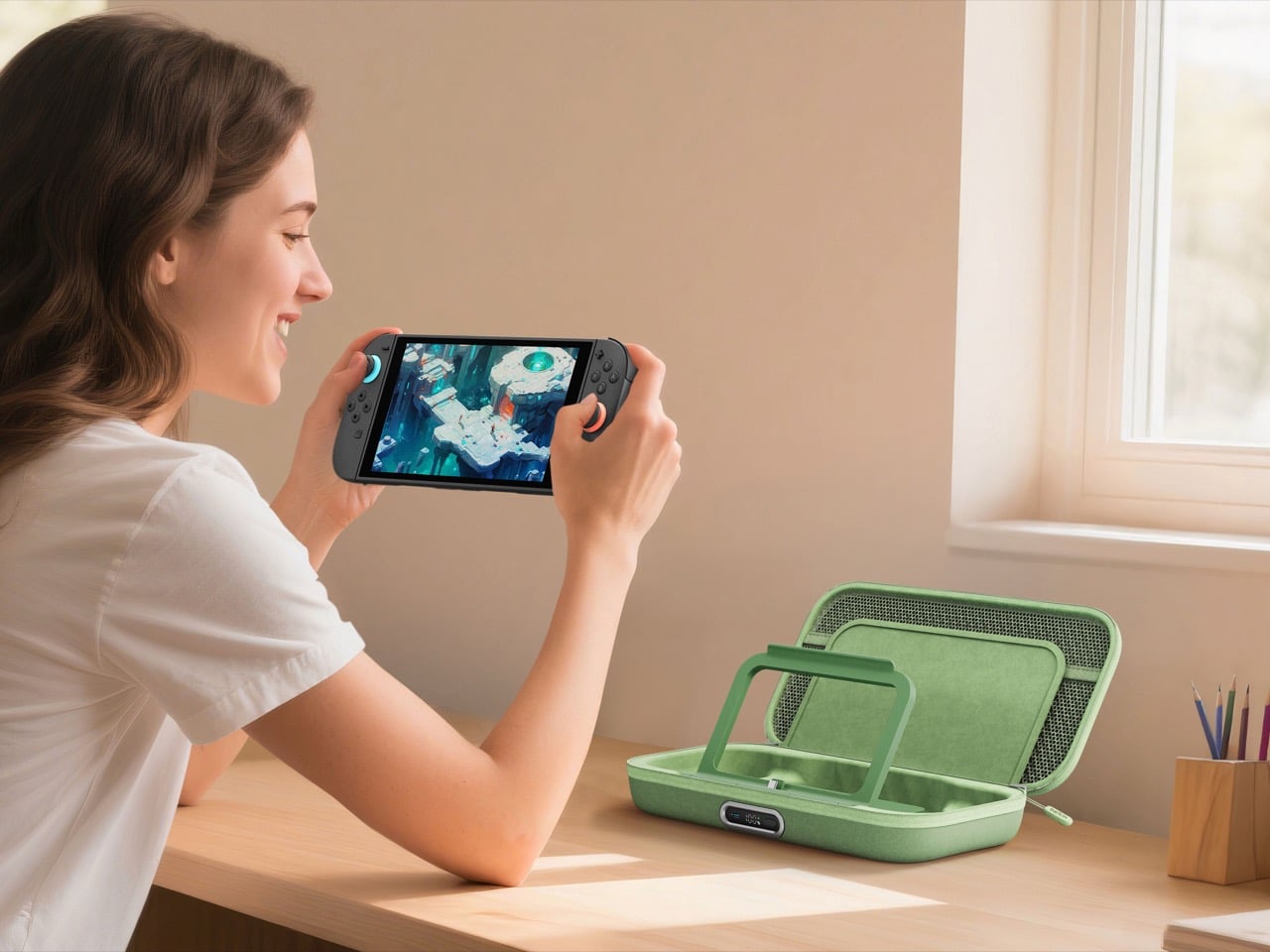
Belkin’s New Switch 2 Docking Case Has a 10,000mAh Battery That Lets You Charge While Shut

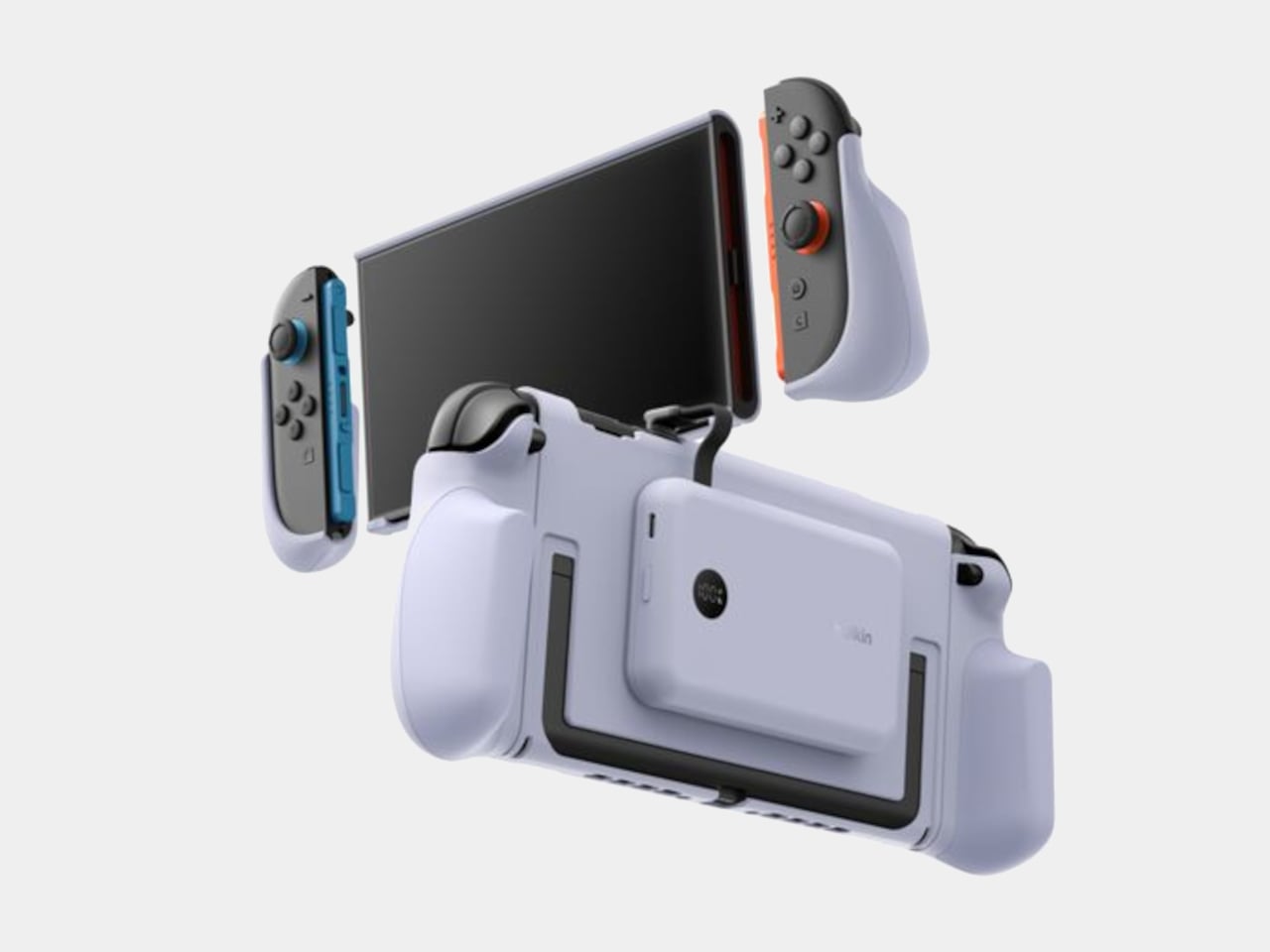
The best gaming accessories solve problems you didn’t know you had. Before you use them, the old way seems fine. After you use them, going back feels like torture. Belkin’s new Charging Case Pro for Nintendo Switch 2 falls squarely into this category.

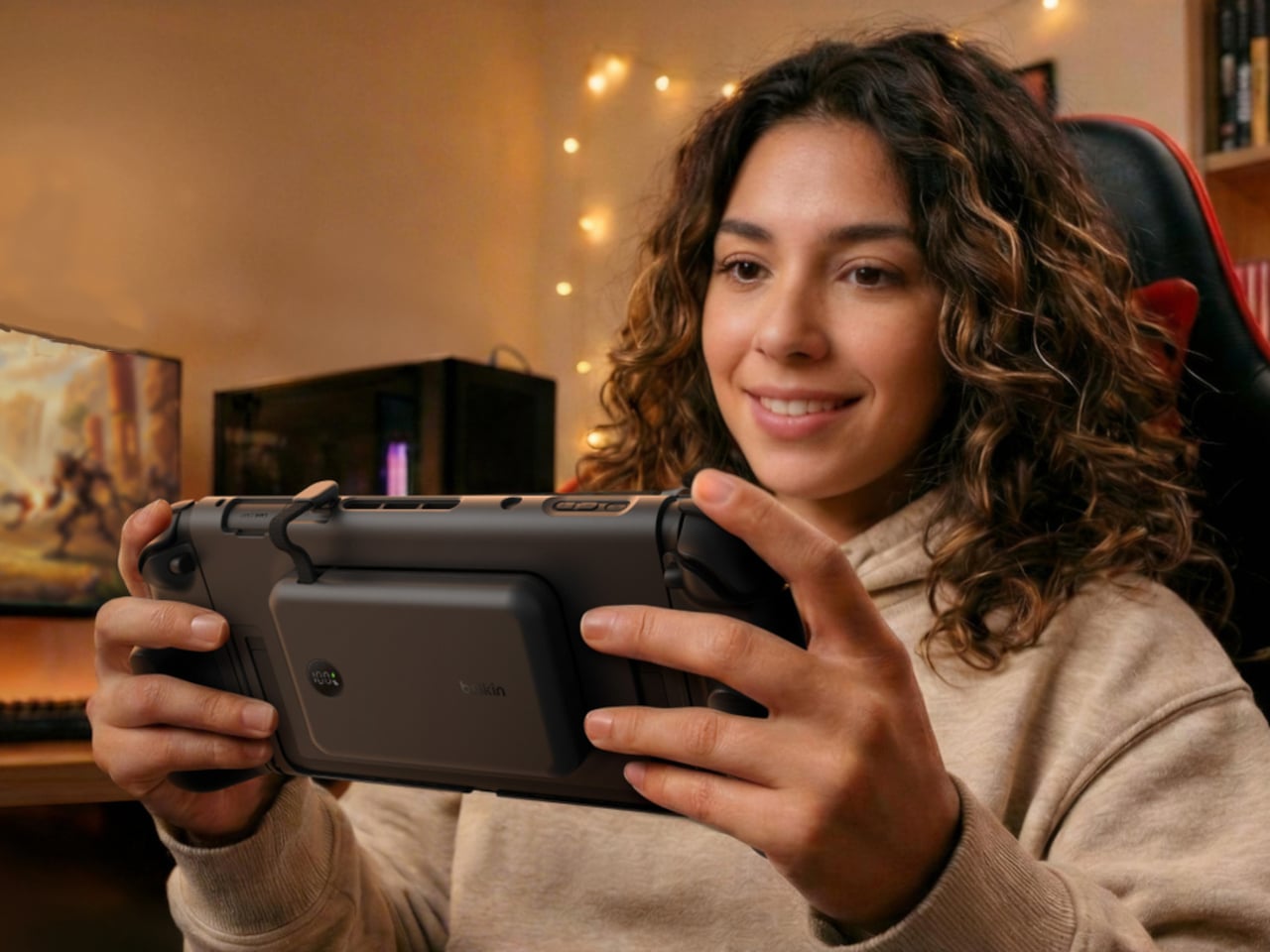
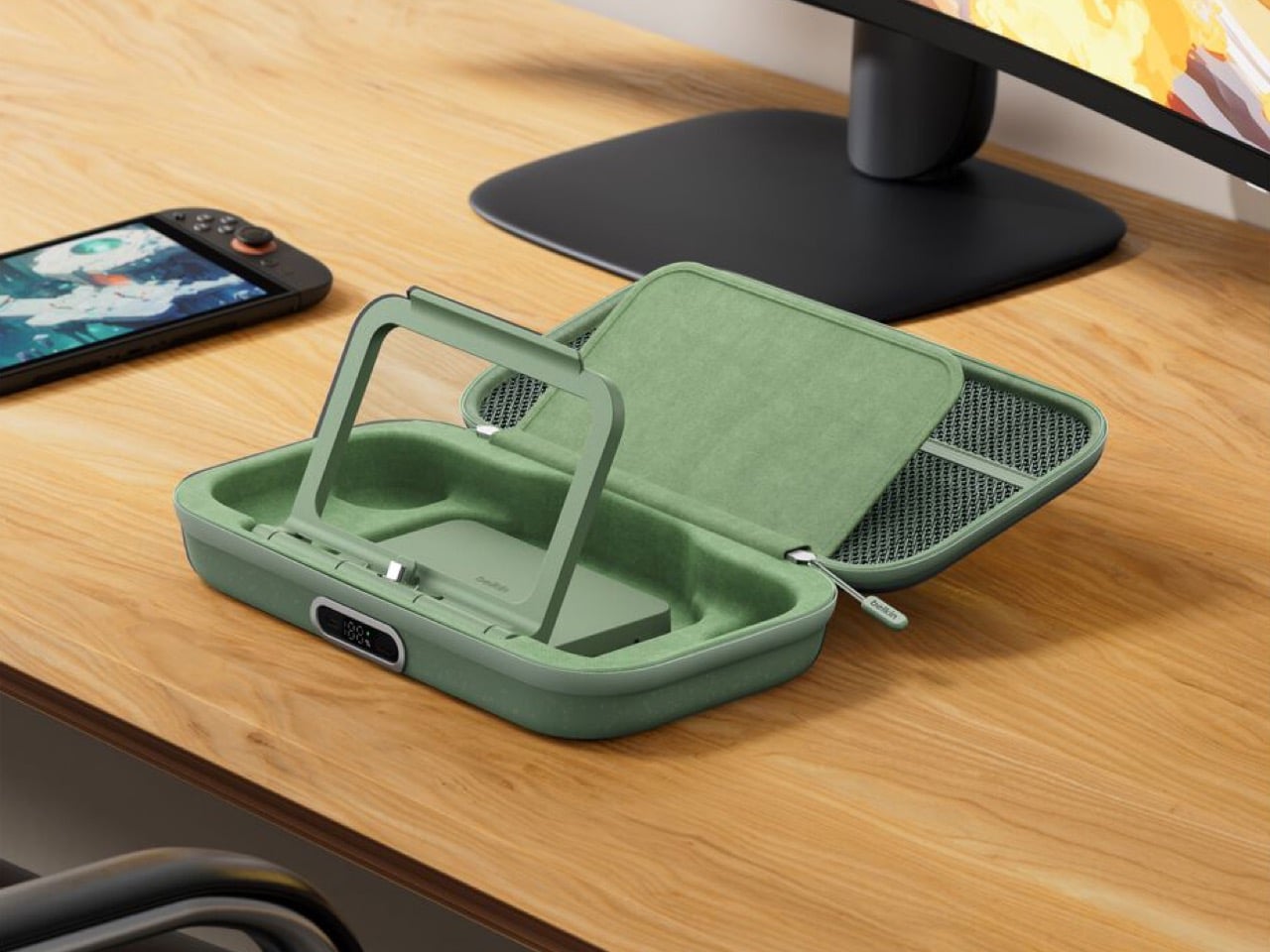
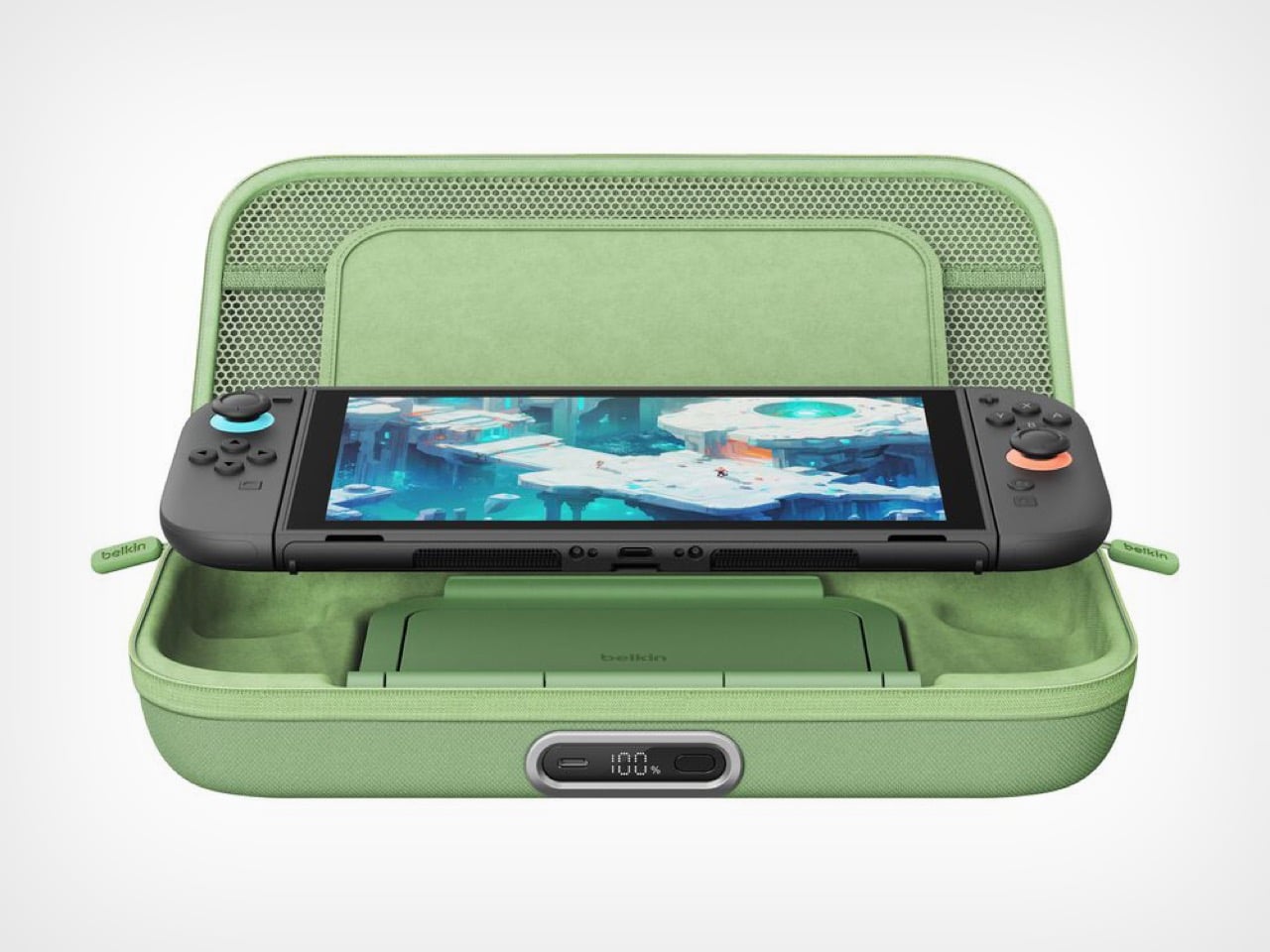
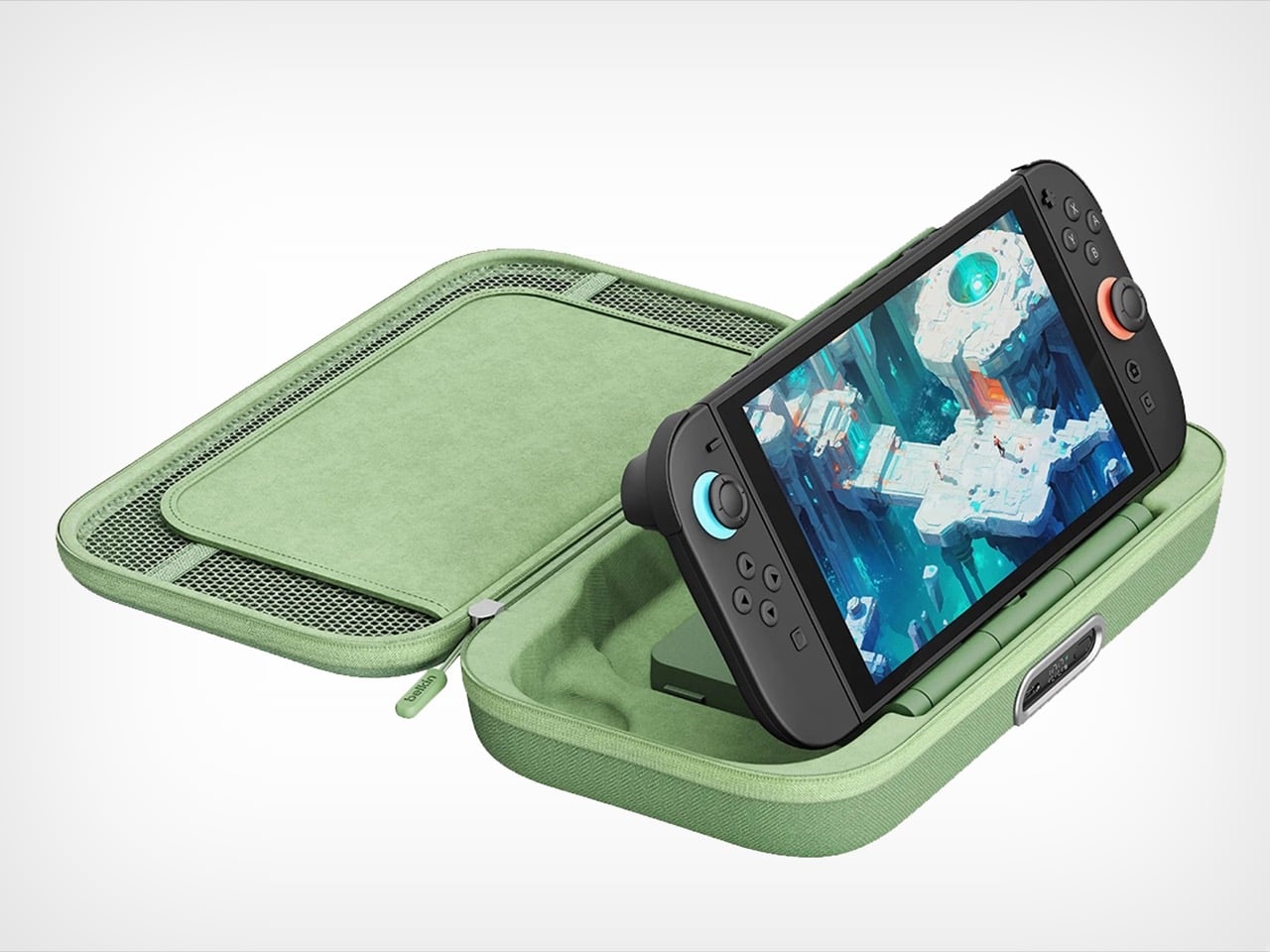
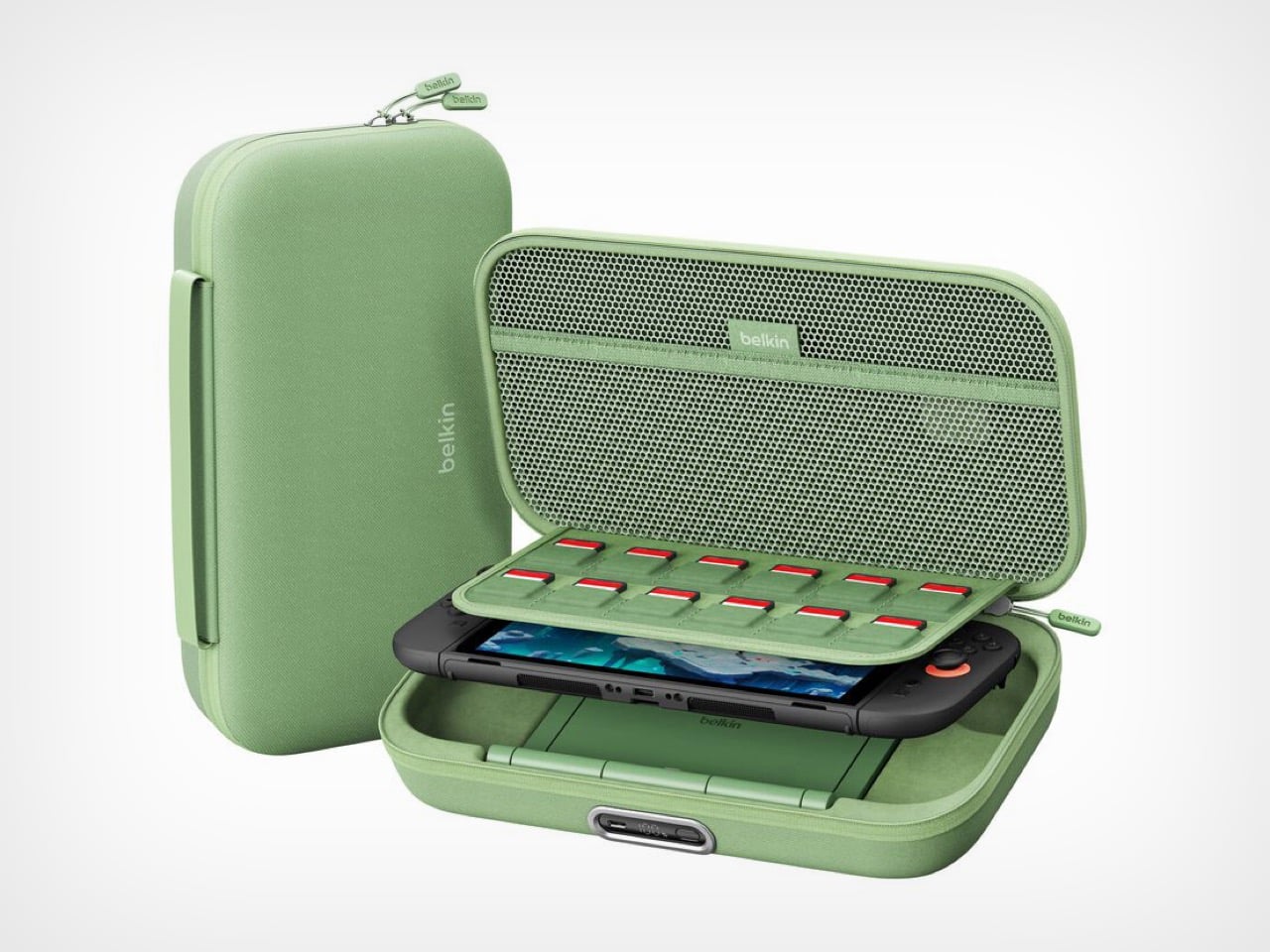
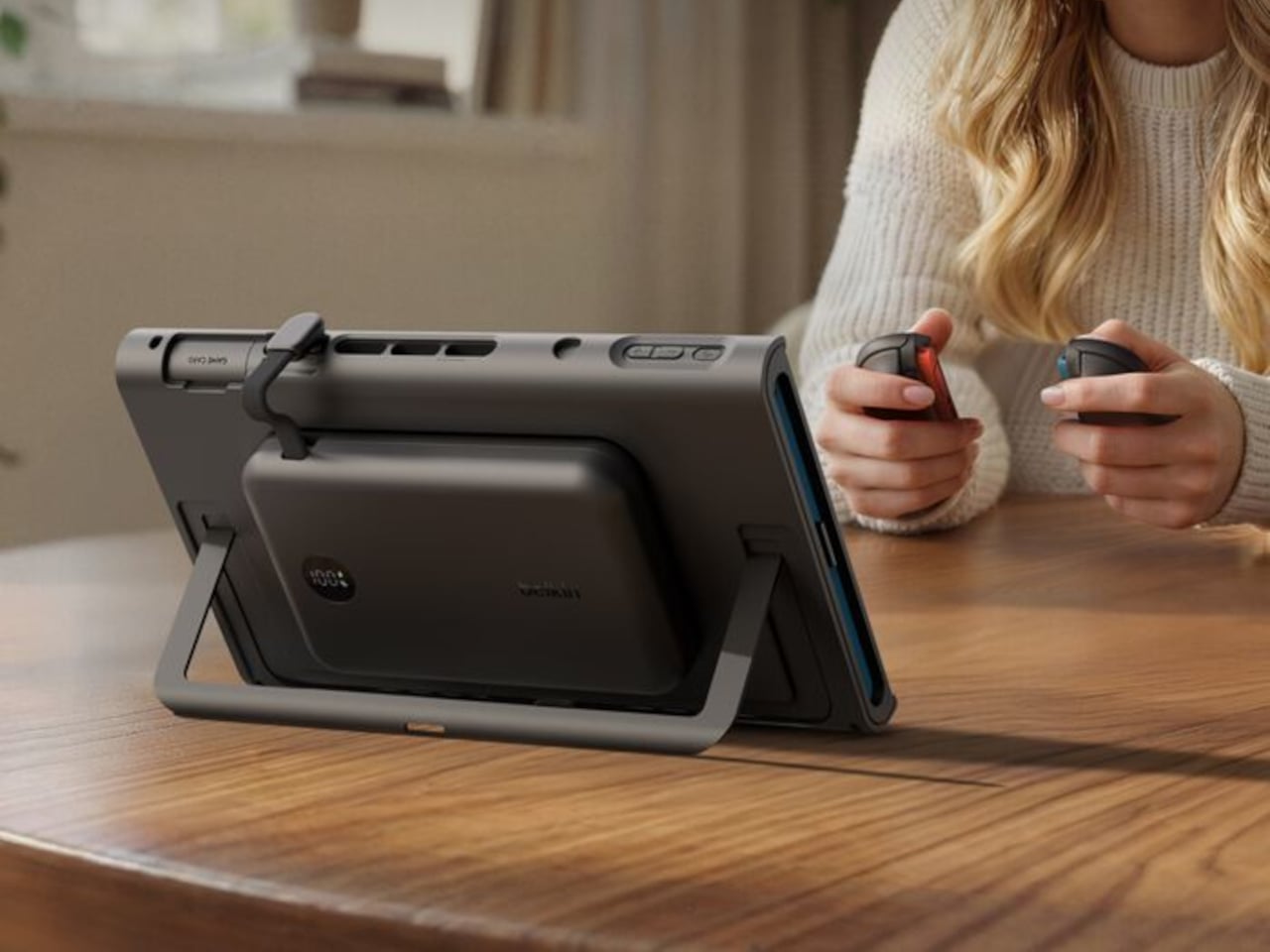
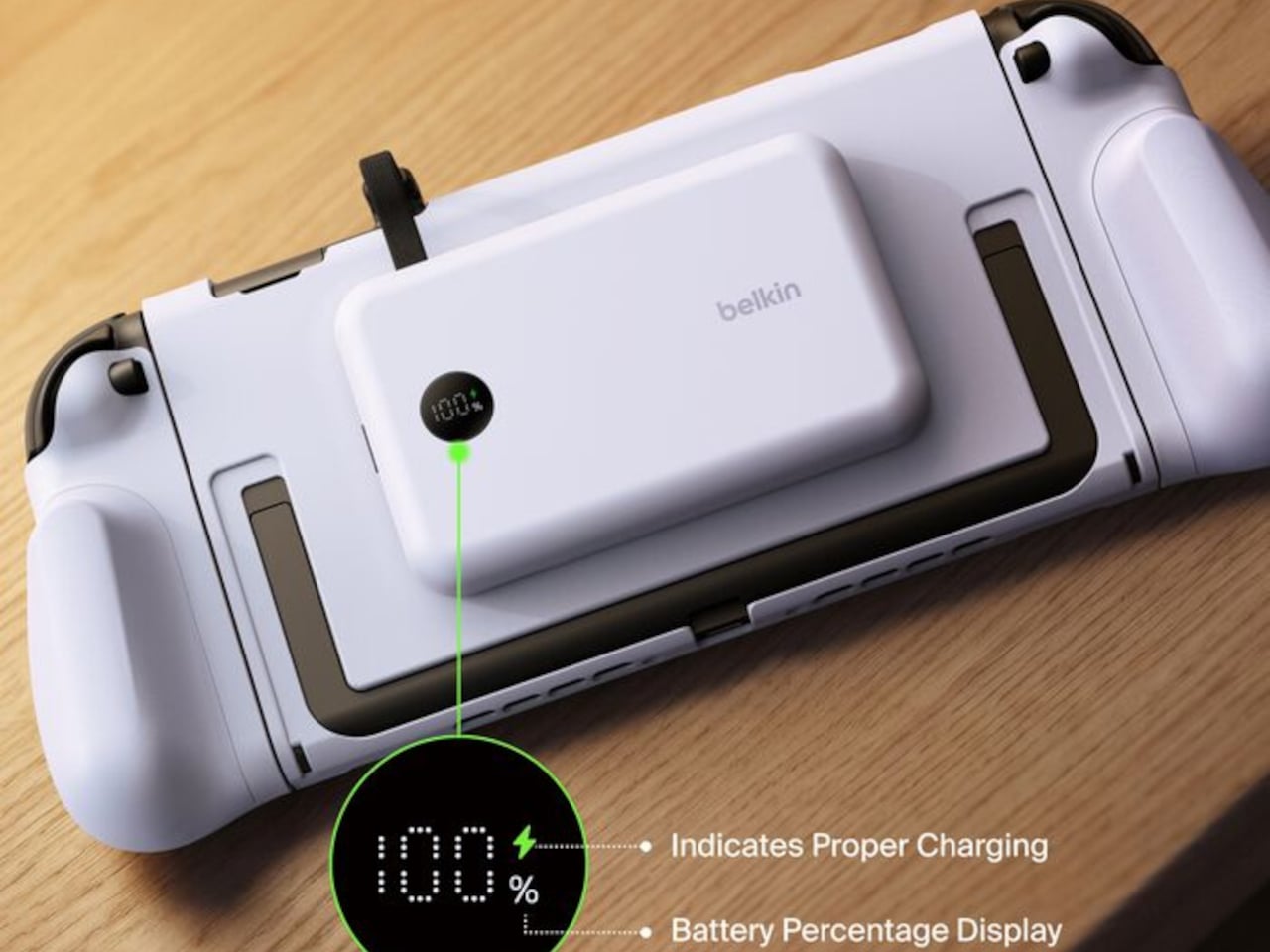
The original Charging Case launched last June with a solid concept: protect your Switch 2 and keep it powered during long trips. But Belkin’s designers clearly listened to user feedback and spotted the pain points. The Pro version addresses nearly every frustration from the first generation. You can charge the battery without unzipping the case. You get a proper integrated stand instead of relying on the console’s kickstand. There’s even a battery level display so you’re never guessing how much juice remains. These aren’t revolutionary features individually, but together they transform a good accessory into an essential one.

Designer: Belkin

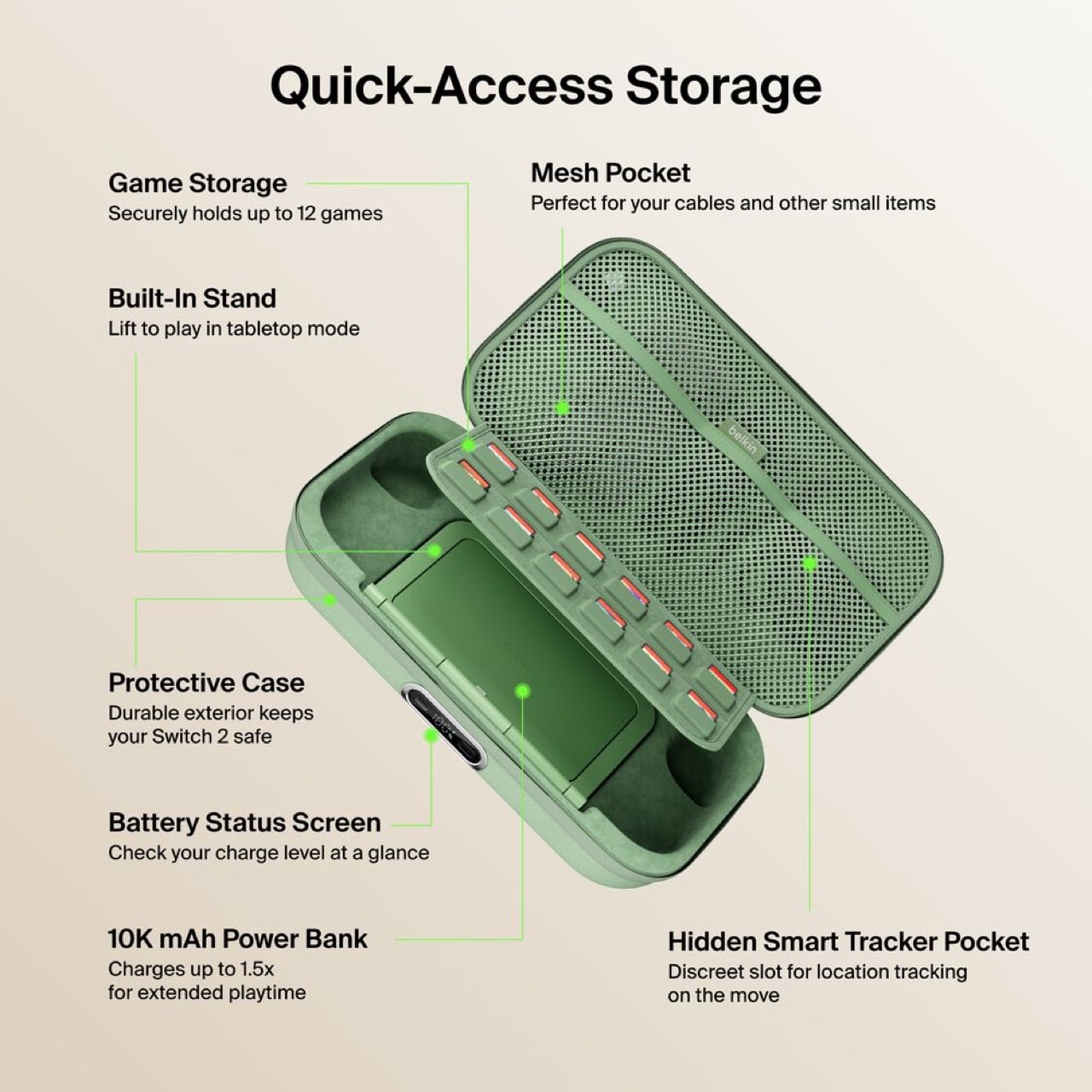
Having to unzip your case, fish out the battery pack, plug it in separately, then put everything back together just to charge overnight is the kind of stupid friction that kills products. The external USB-C port fixes this entirely. Leave your Switch 2 inside, plug one cable into the front, done. The little OLED display shows precise battery percentage, which actually matters when you’re deciding whether to top up before a three-hour flight or risk it.

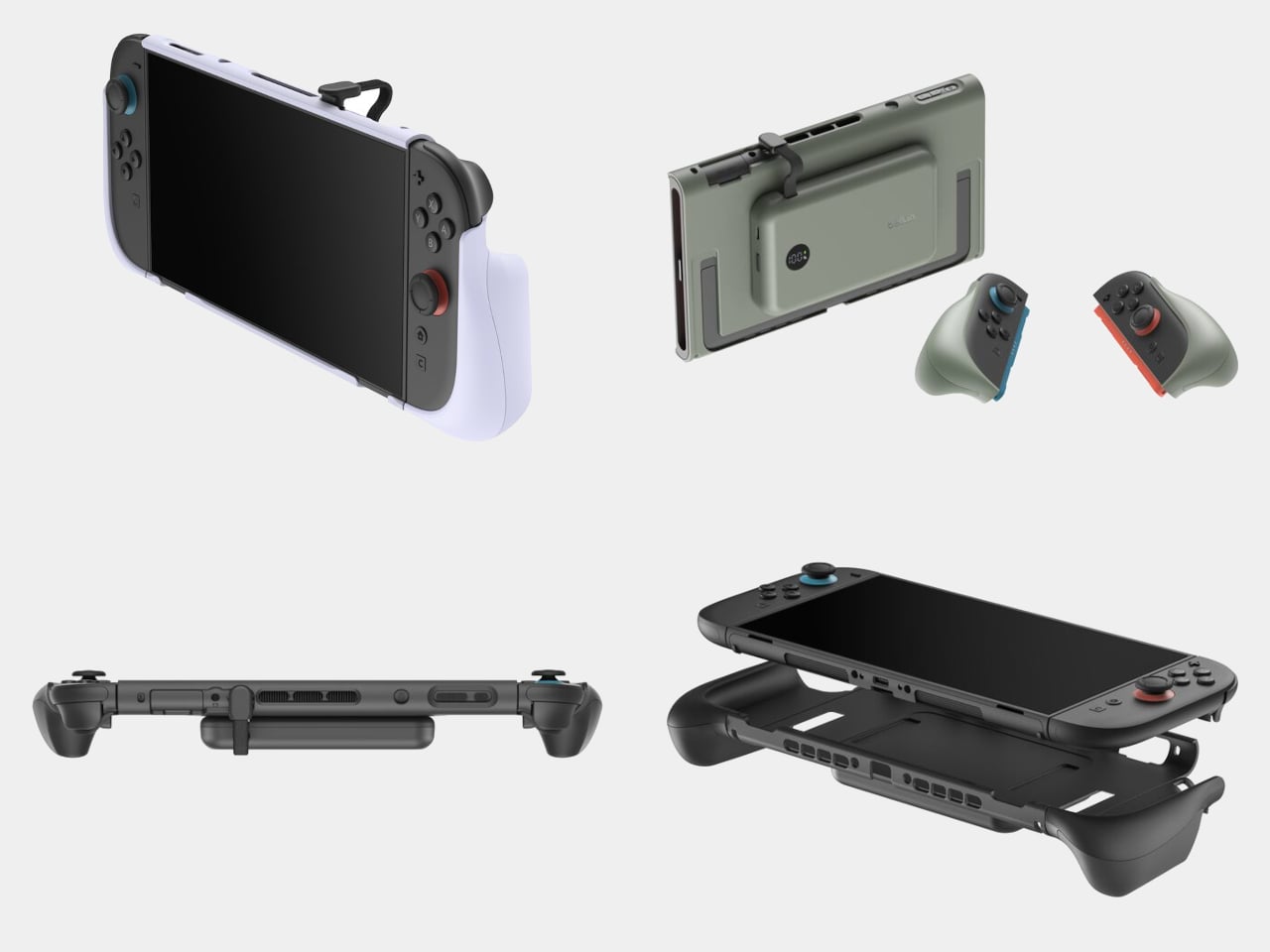
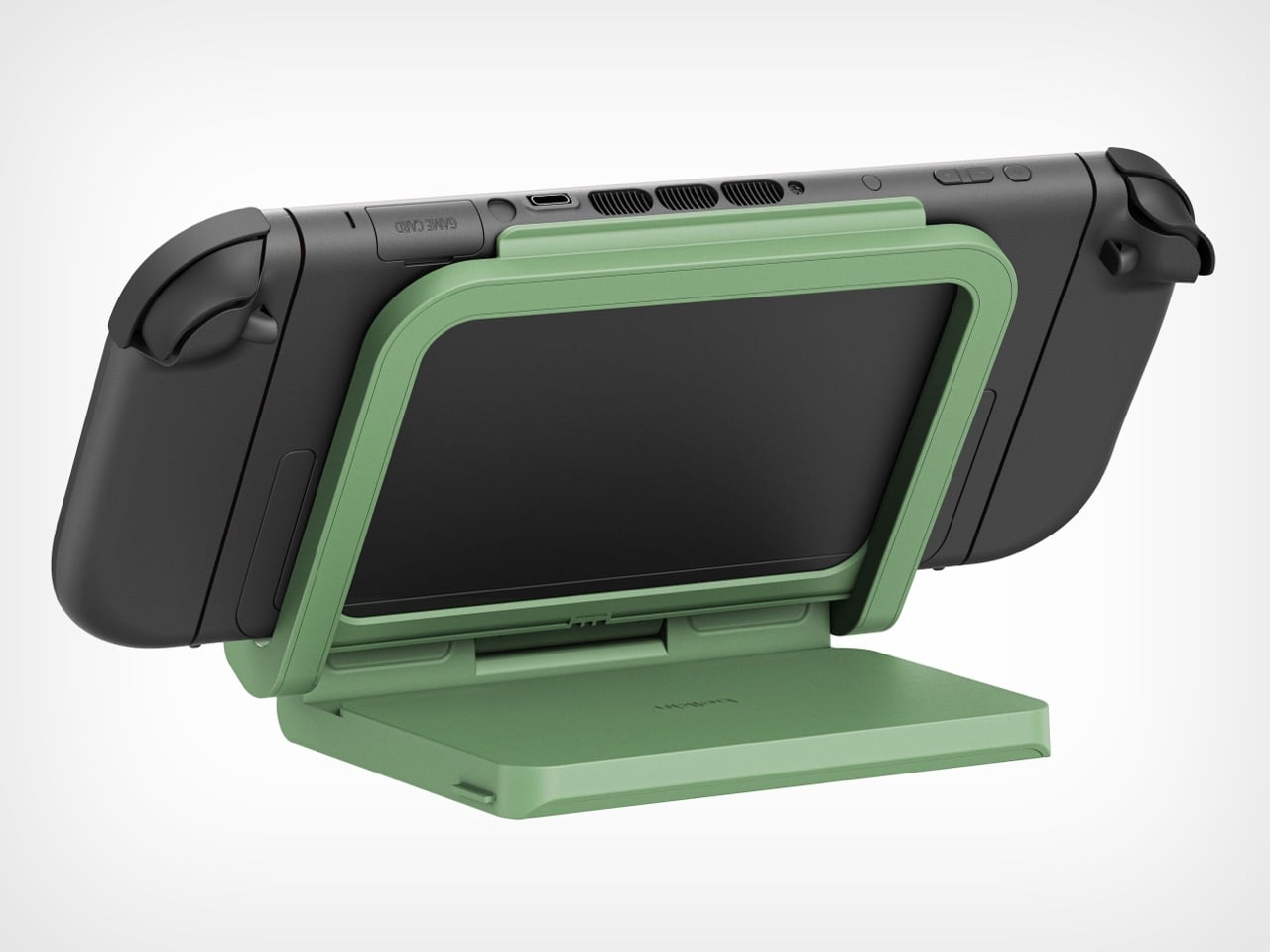
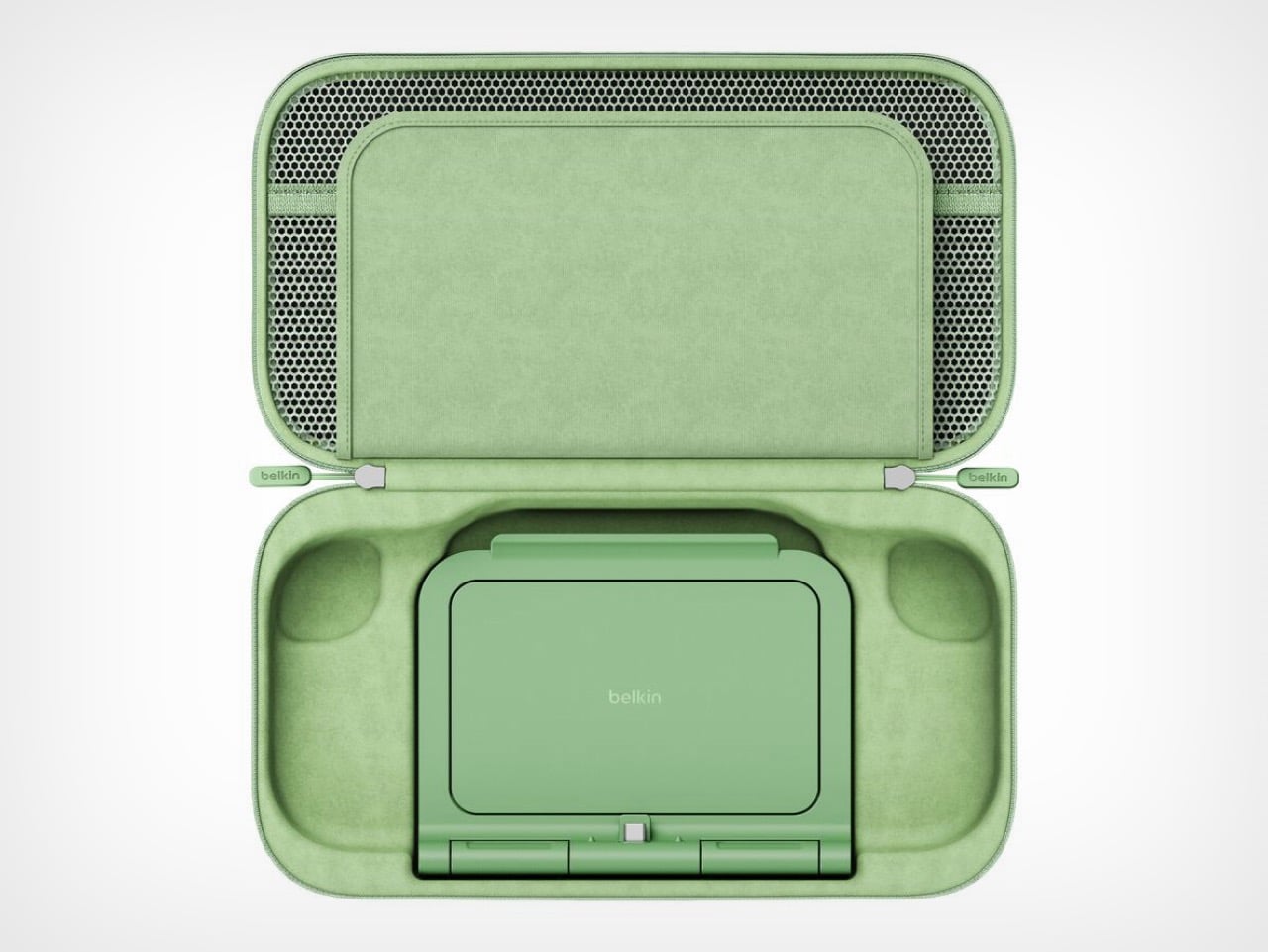
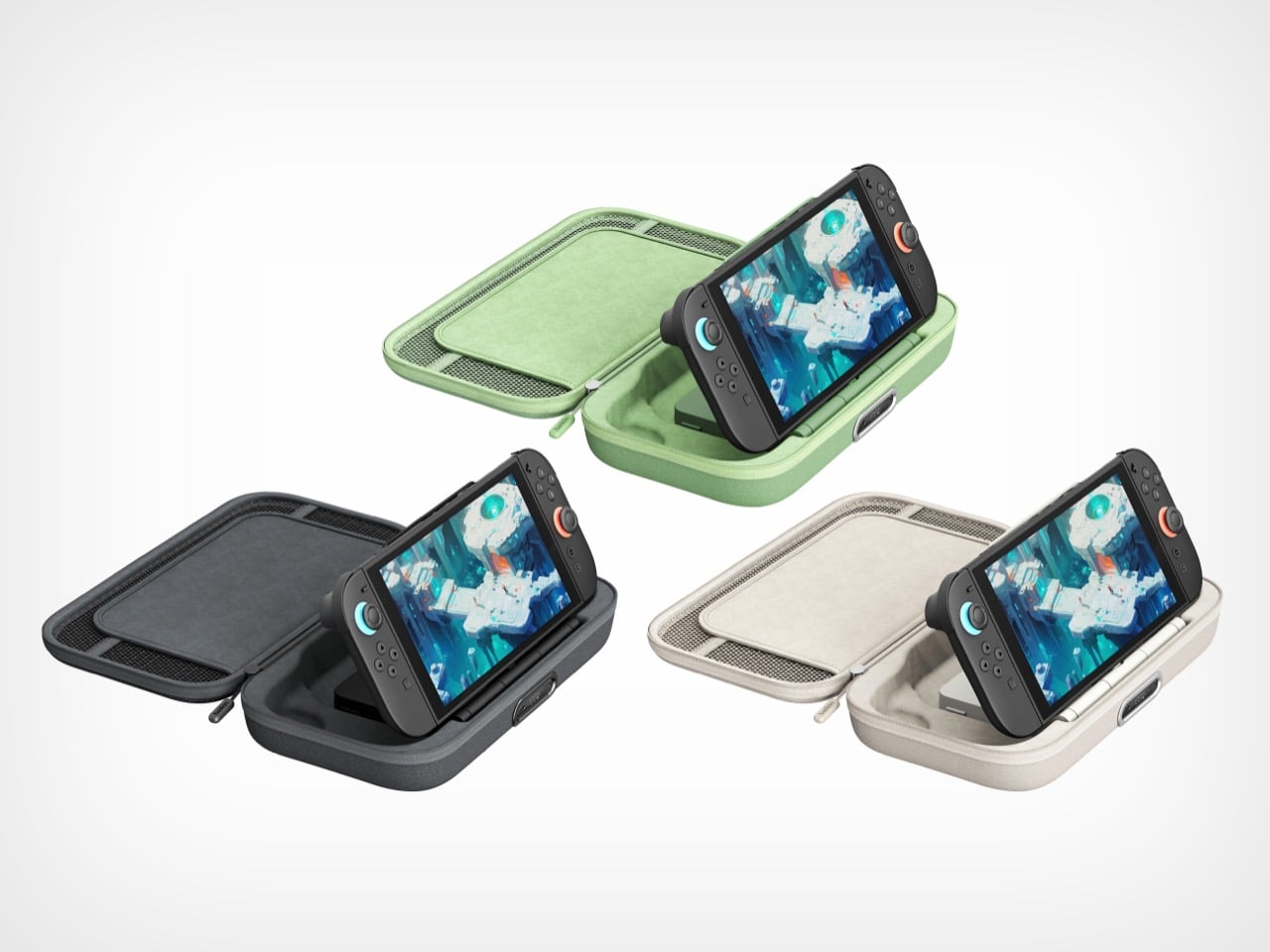
The 10,000mAh battery doubles as an adjustable stand with a built-in USB-C connector. The Switch 2 slots onto it like the official dock and starts charging immediately at whatever viewing angle works. The original version forced users to balance the console on its mediocre kickstand while a cable dangled between device and battery. One approach solves the problem. The other creates new ones.

Belkin claims 1.5 full charges from the 10,000mAh capacity, translating to 12 to 15 extra hours depending on what’s running. Graphically intensive games like Zelda sequels will drain faster than pixel art indie platformers, but either way that’s enough power to cross the Atlantic twice before needing an outlet. For a case this compact, the capacity-to-size ratio makes sense. A bigger battery would mean carrying a brick.

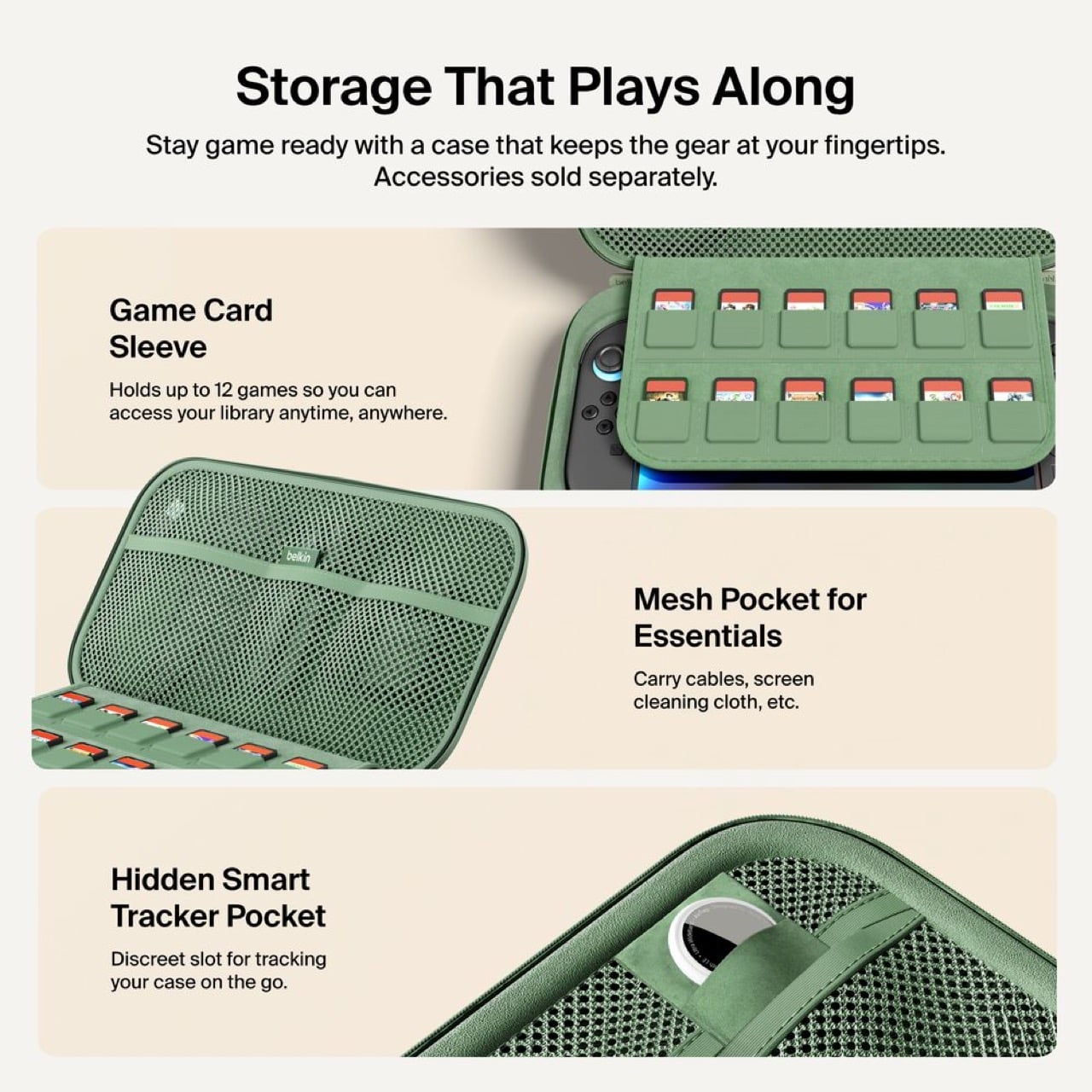
Twelve individual game cartridge slots sit under a flip-down cover, each one molded to prevent rattling. A mesh pocket handles cables and microfiber cloths. Belkin included a hidden compartment sized exactly for an AirTag or Tile tracker. Considering a fully loaded case with console represents about $500 of hardware, location tracking becomes a practical feature rather than a gimmick. People lose things. Expensive things get stolen. Planning for that shows sensible product design.

Three colorways: sage green, black, sandy beige. The green matches Nintendo’s brand aesthetic. Black hides wear better over time. The beige photographs well but might show dirt faster than the darker options.

Charging $99.99 means a $30 jump from the original’s $69.99 price. That’s a 43% increase, which sounds aggressive until you itemize the changes. External charging port. Battery display. Integrated stand with direct connection. Better storage. Refined build quality throughout. Spread $30 across those improvements and the math works. Belkin could have pushed $120 easily and still moved units. They left money on the table, frankly.

This reads like version 2.0 engineering instead of the lazy incremental updates most companies ship. Belkin rebuilt the internal layout, redesigned the battery for dual purpose use, and solved actual user complaints instead of adding RGB lighting or whatever. Most “Pro” accessories just mean “black version, higher price.” This one actually earns the name.

Own the original and it works fine? Skip this. Shopping for your first Switch 2 charging solution or fed up with your current setup? Start here. It’s up on Belkin’s site now, probably hitting Amazon within a week because that’s how 2026 works.

The post Belkin’s New Switch 2 Docking Case Has a 10,000mAh Battery That Lets You Charge While Shut first appeared on Yanko Design.
Console Wars Are Dead: This Chinese Modder Fused a PS5, Xbox Series X, and Switch 2 Into One Console

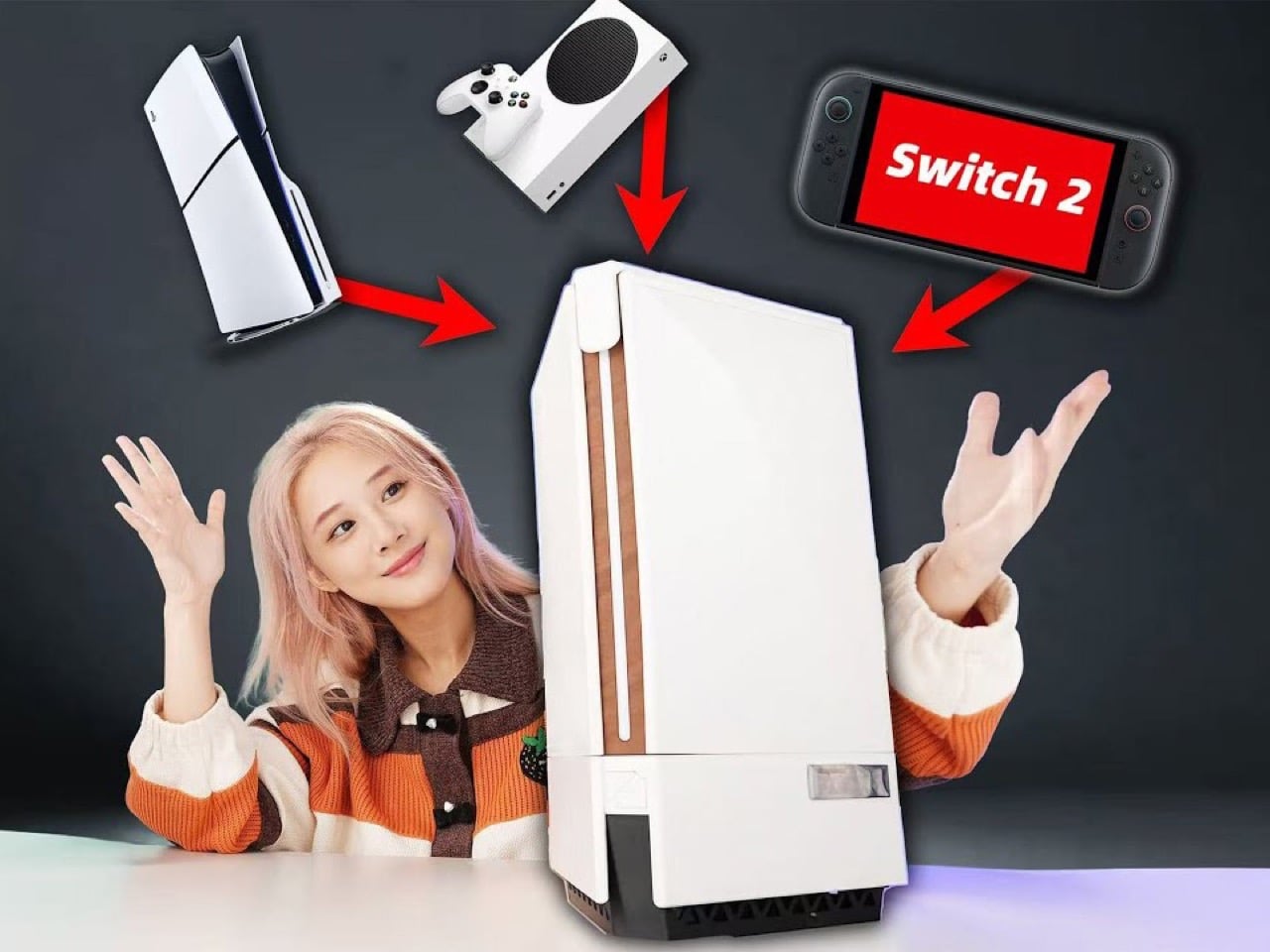
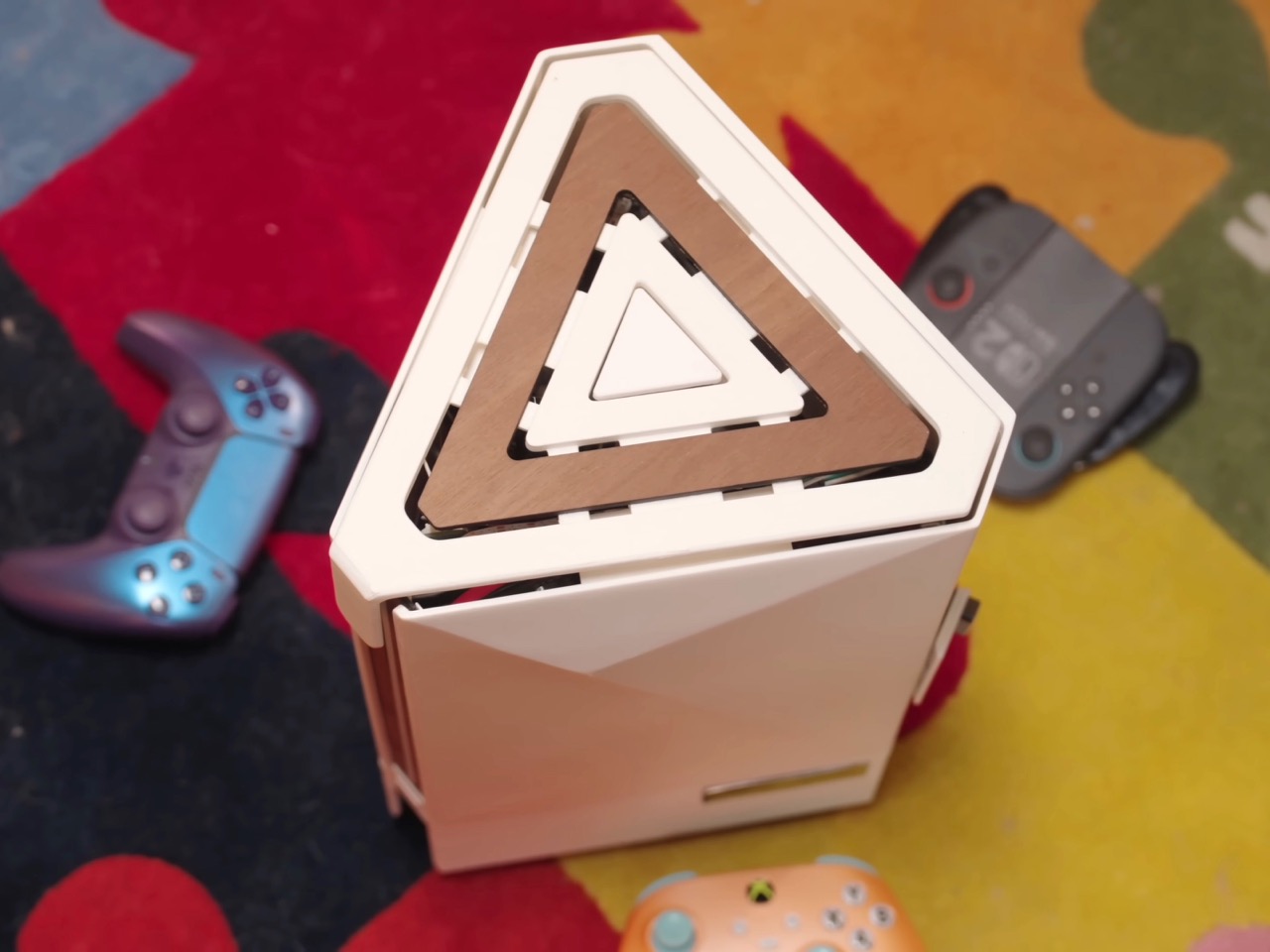
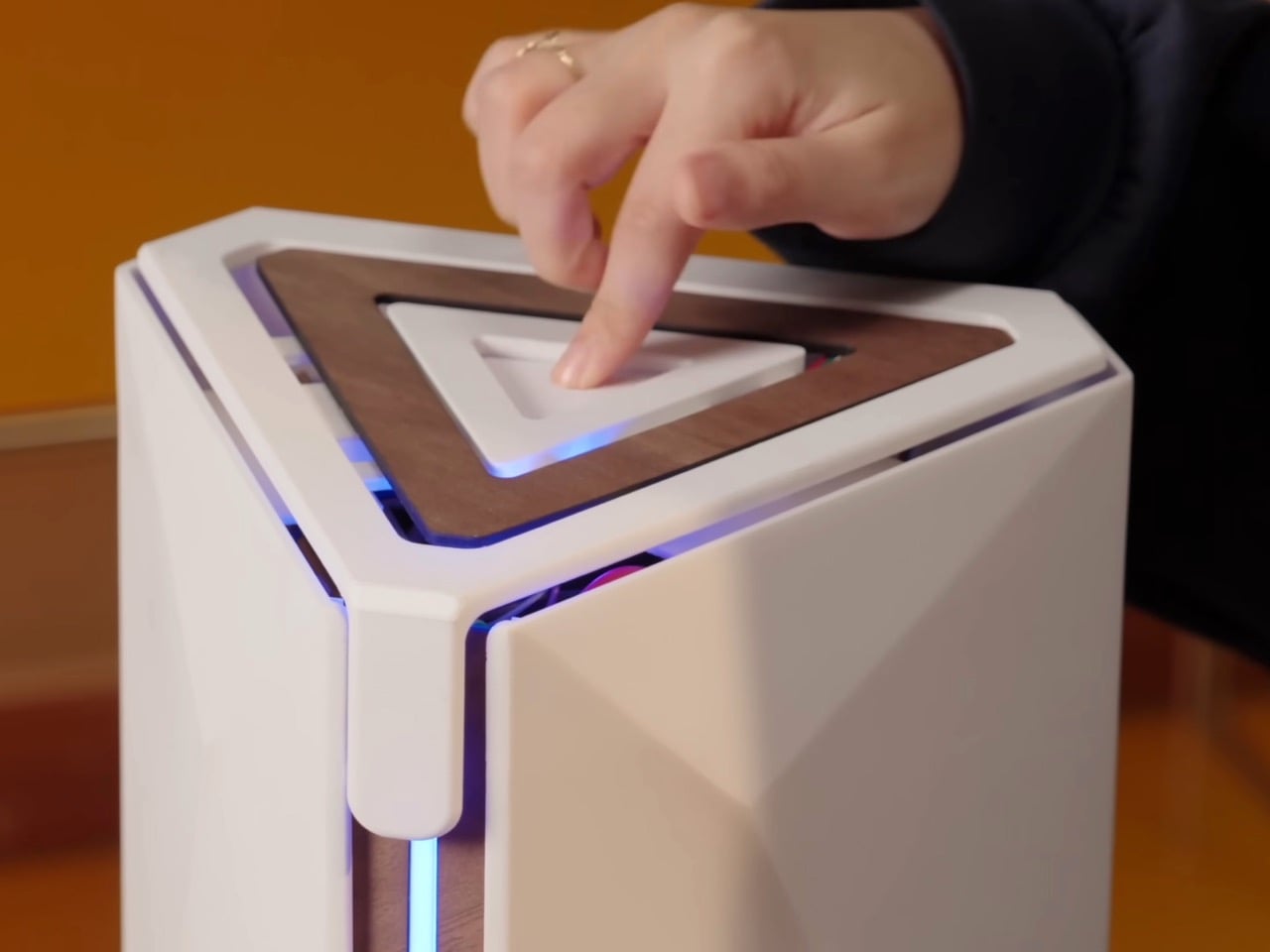
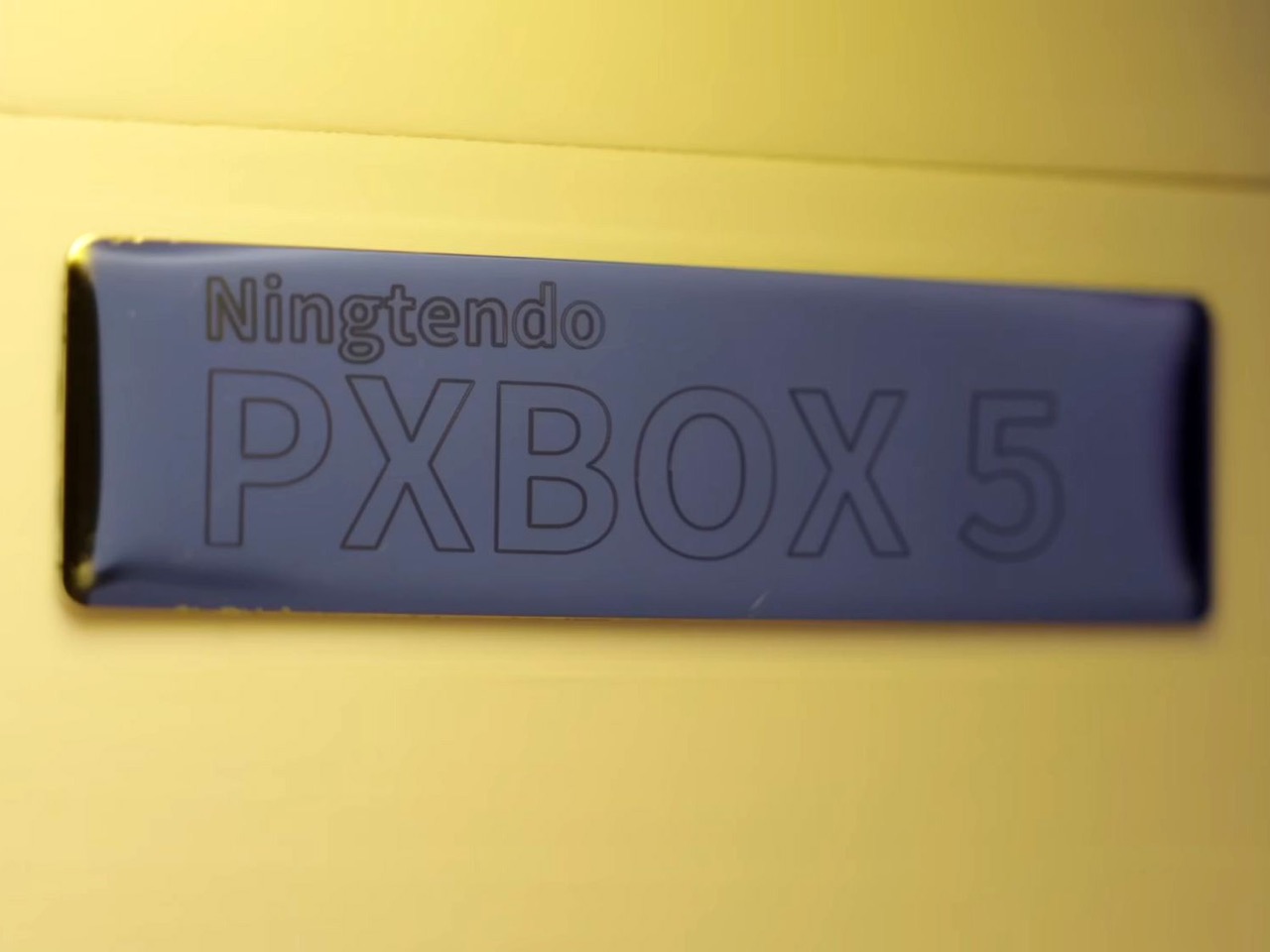
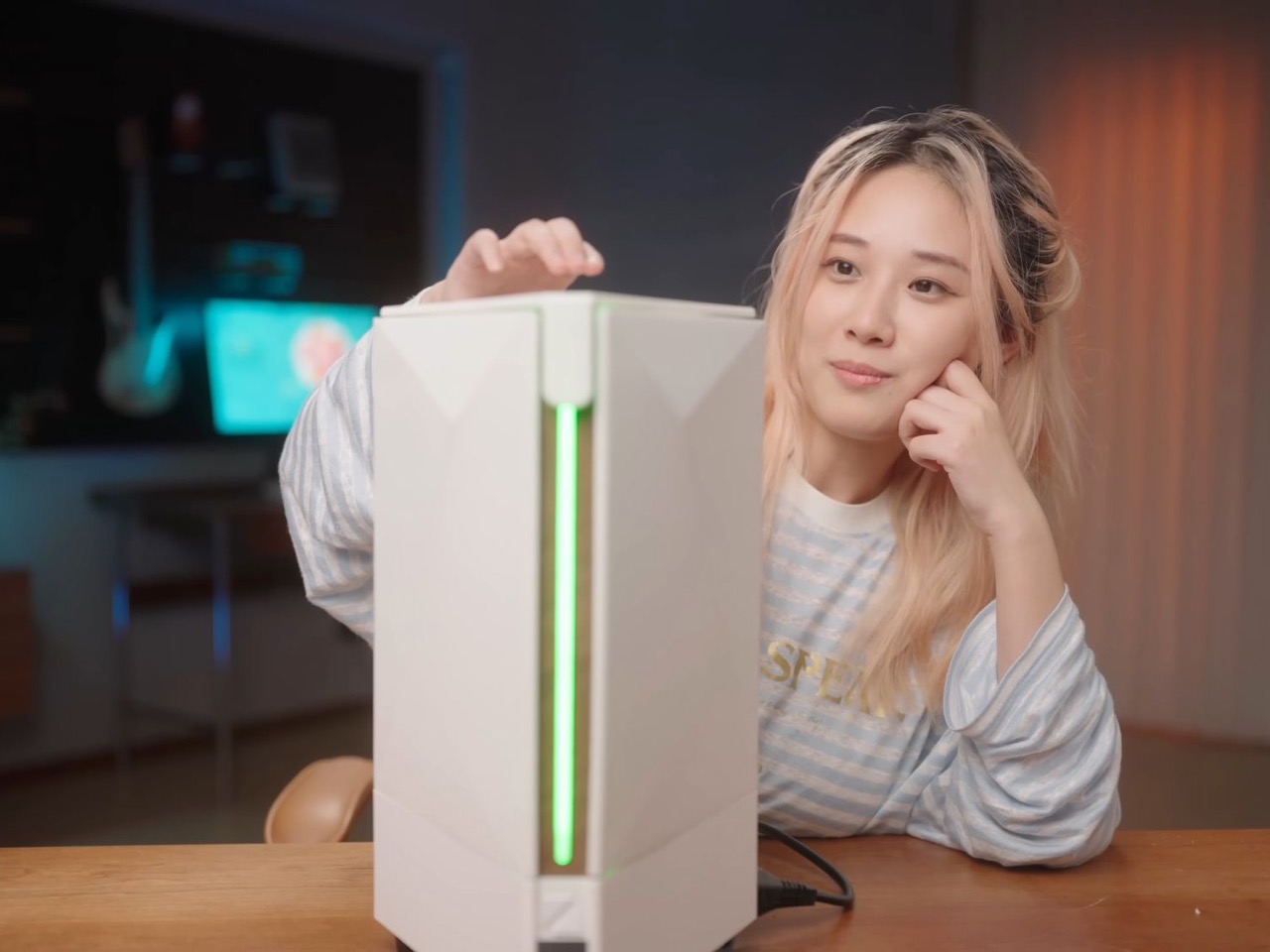
The console wars are dead. And what killed them wasn’t rising RAM prices, GPU scarcity, tariffs, or any sort of monopolistic practices. It was one modder who was tired of the multi-ecosystem approach. Chinese hardware enthusiast 小宁子 XNZ (or XNZ for short) looked at her collection of gaming consoles, realized she was constantly swapping cables and power supplies just to access different game libraries, and decided to do something about it. The result is the Ningtendo PXBOX 5, a custom-built system that combines PlayStation 5, Xbox Series X, and Nintendo Switch 2 hardware into a single triangular chassis that switches between all three platforms with a button press. One console to rule them all…

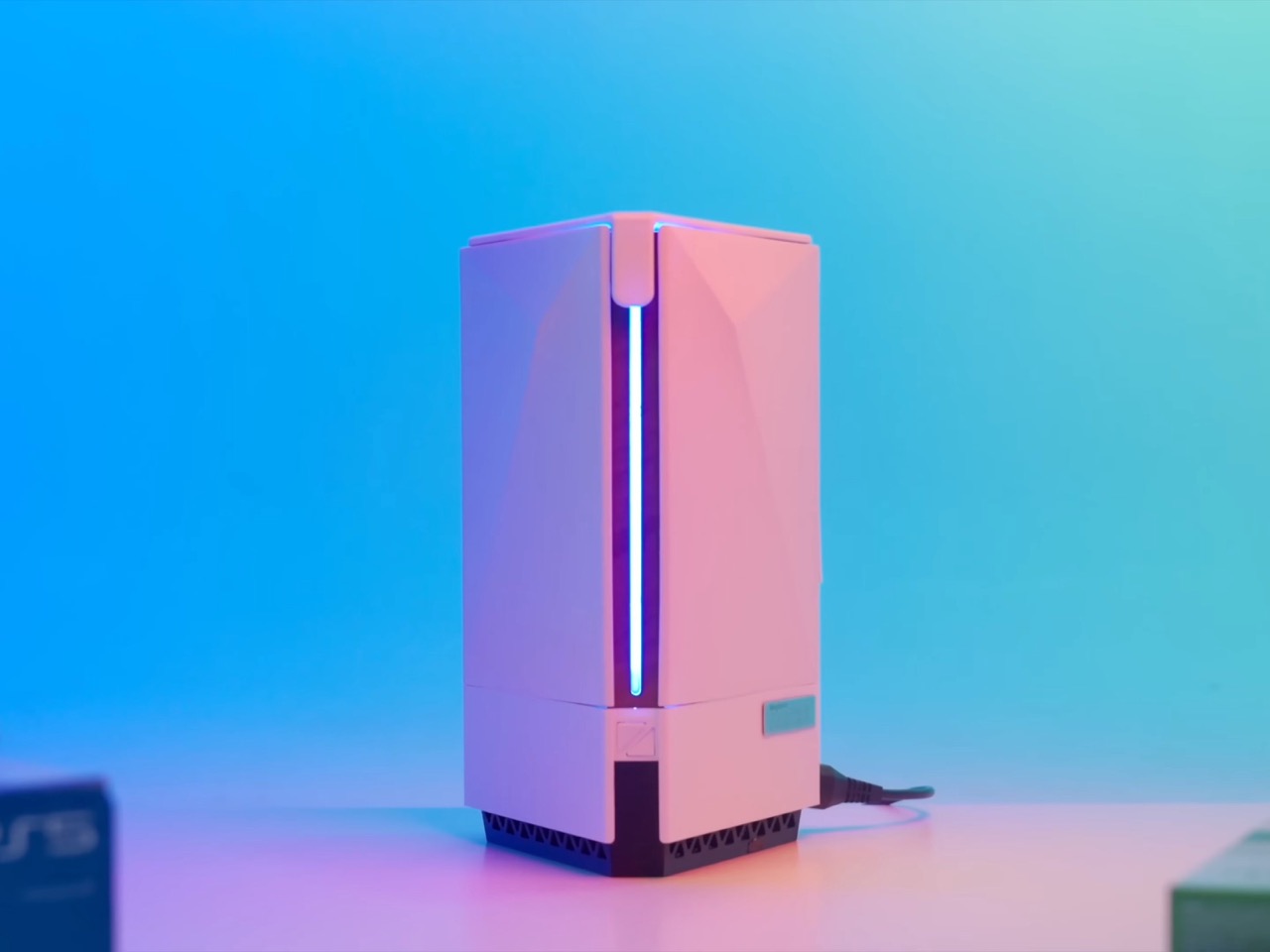
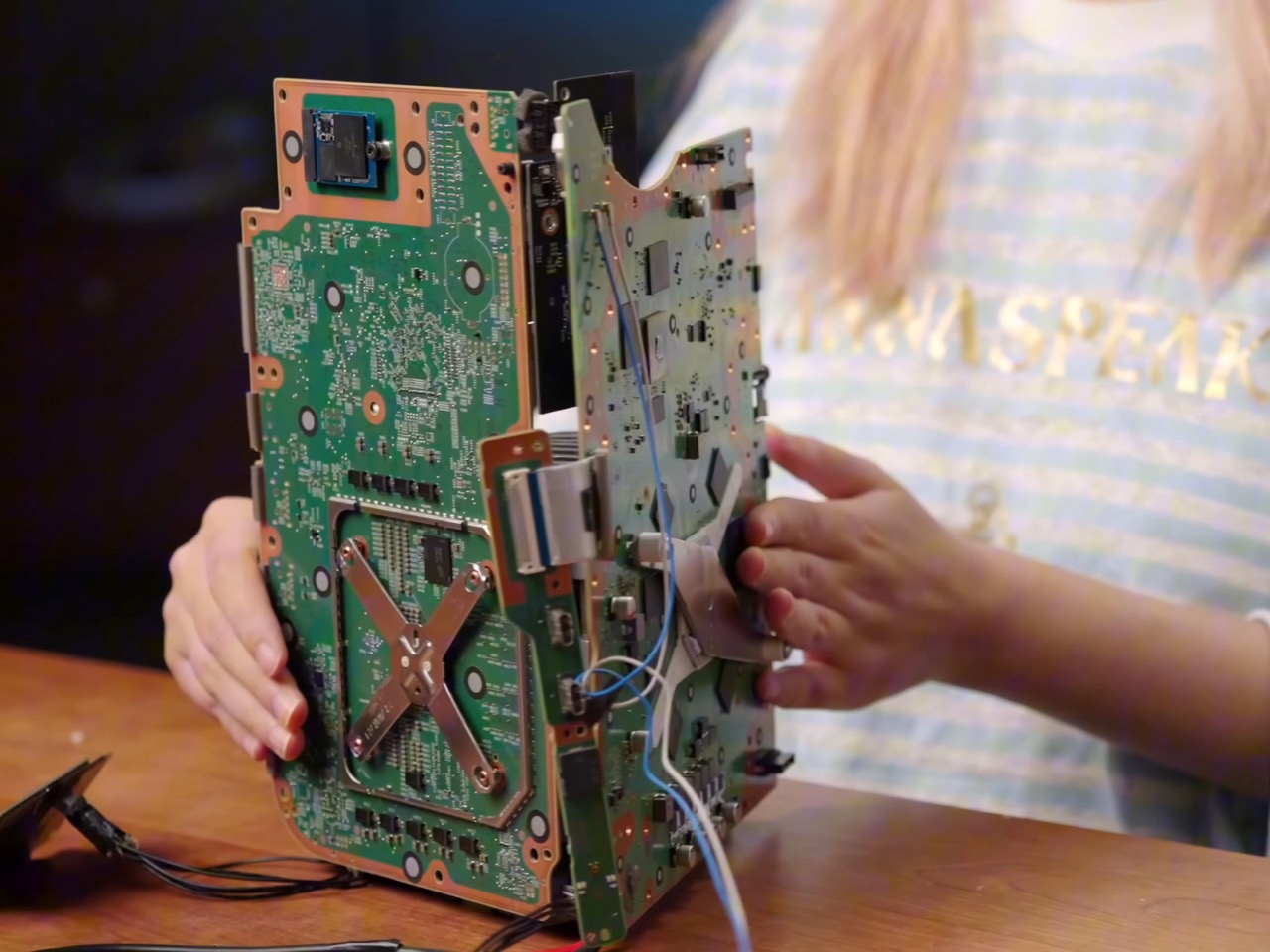
XNZ stripped each console down to its motherboard and mounted them on three sides of a custom aluminum cooling block, inspired by the old trash can Mac Pro design. A single 250-watt power supply feeds everything, while a Phanteks fan at the bottom pushes air through the shared heatsink. Press the button on top and an Arduino board handles the switching logic, cycling through the three systems in about three seconds. A front-mounted LED strip glows blue for PlayStation, green for Xbox, or red for Switch 2, so you always know what’s active. The catch is you need to close your game before switching to avoid overloading the power supply, but that’s a small price to pay for having Sony, Microsoft, and Nintendo living peacefully under one roof. Both the PS5 and Xbox are digital-only versions, so no disc drives made it into the final build.

Designer: 小宁子 XNZ

XNZ pulled inspiration from Apple’s 2013 trash can Mac Pro, which remains one of the most divisive desktop designs Apple ever shipped. That machine had a triangular prism cooling system sitting dead center, with each of its three sides pressed tight against a separate component board. A fan at the top pulled hot air straight up through the whole assembly in one clean thermal column. Apple bet wrong on dual-GPU workstation builds and killed the product line, but the core thermal design was actually brilliant. For this project, it turned out to be the perfect blueprint. Three consoles, three motherboards, three sides of a triangle. The geometry practically solved itself.

Building that triangular heatsink presented a different problem entirely. XNZ needed dense fins capable of dissipating heat from three different APUs, but CNC machining quotes came back at around $700. Metal 3D printing wasn’t much better, and both options involved waiting in manufacturing queues that would kill any chance of rapid iteration. So she went old school. Really old school. We’re talking 1,500 years old.

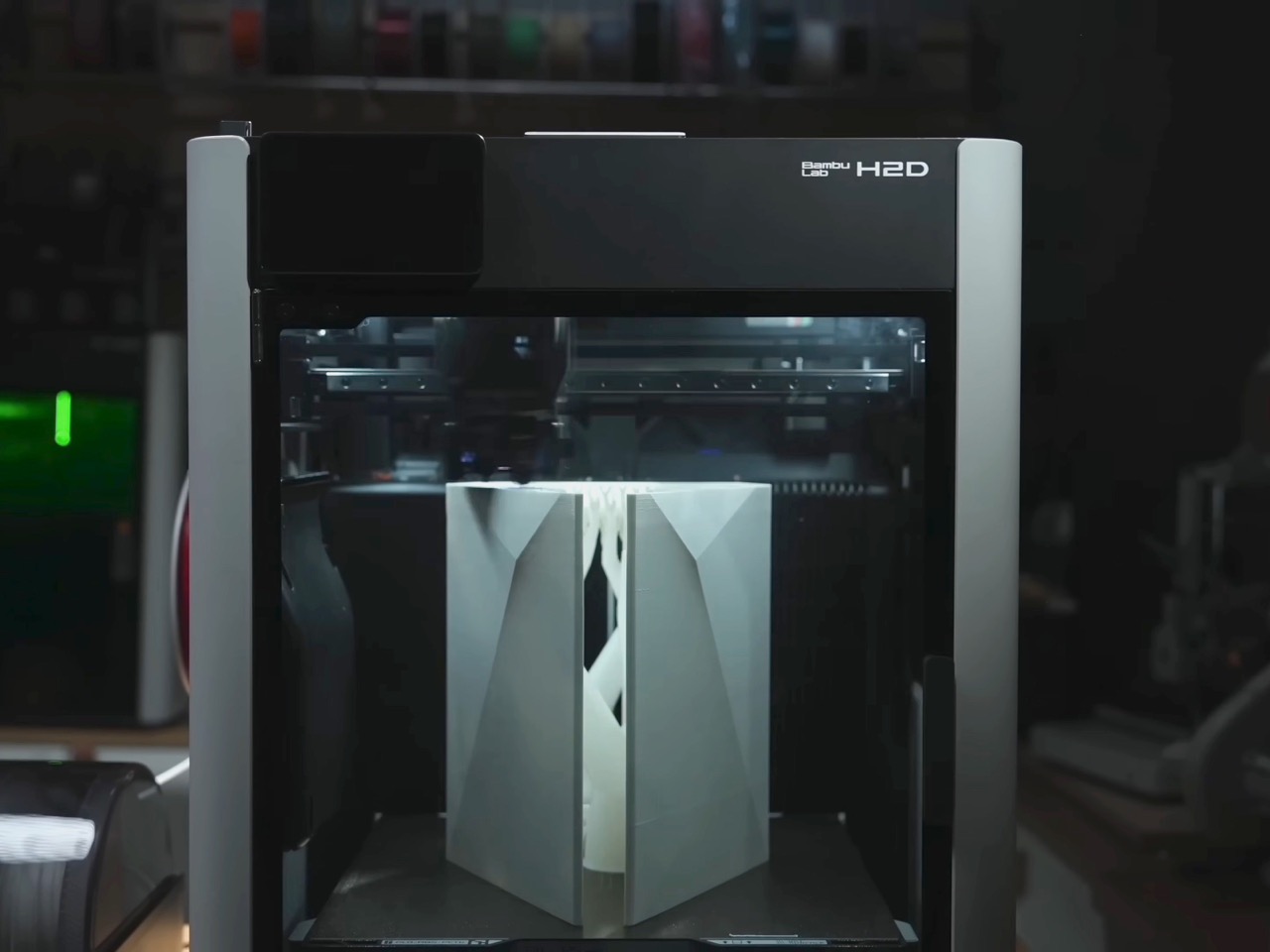
Lost-wax casting has been around since ancient China, traditionally used for intricate bronze artifacts like the Yunwen Bronze Vessel. The principle is simple: carve a detailed model in wax, coat it in clay, melt out the wax, and pour molten metal into the cavity left behind. XNZ modernized the process by replacing wax with PLA filament from her 3D printer. She designed the heatsink in CAD software, printed it with support structures and cooling channels built right in, then encased the whole thing in high-temperature gypsum. The gypsum can withstand 700 degrees Celsius while PLA starts melting at 100 degrees and burns completely by the time you hit 700. Stick it in an electric kiln, run it through four heating stages over 12 hours, and you’re left with a clean ceramic mold ready for aluminum.

The first casting attempt failed halfway through when the molten aluminum cooled too fast and solidified before filling the entire mold. The fins were also too dense, causing the thin gypsum walls between them to crack. XNZ adjusted the fin thickness, changed their orientation to shorten the flow path, and recalibrated both the mold temperature and the aluminum pour temperature. Second attempt came out perfect. The surface captured fine details from the 3D print, including the layer lines from the support structures on the bottom. After sawing off the pouring gate and polishing the contact surfaces, she had a functional aluminum heatsink that cost maybe 50 bucks in materials instead of several hundred in machining fees.

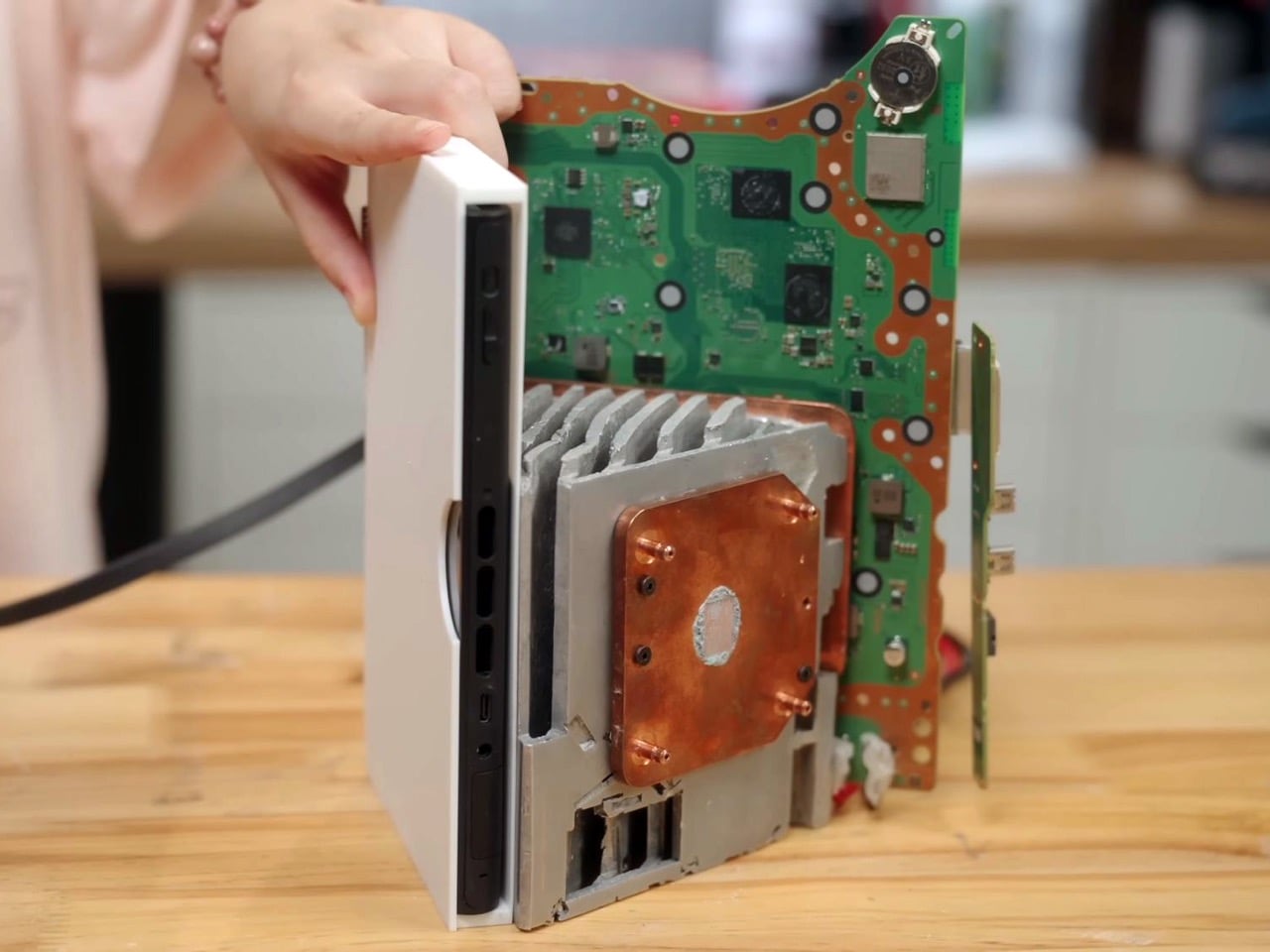
Copper plates bolt onto two sides of the aluminum block where the PS5 and Xbox motherboards make contact. The third side, reserved for the Switch 2, doesn’t get a copper plate because Nintendo’s handheld apparently doesn’t need active cooling when docked. Thermal paste replaces the PS5’s stock liquid metal since the copper and aluminum combo provides enough thermal mass. During testing, the whole system ran Elden Ring for 30 minutes without overheating warnings, topping out at 60 degrees Celsius measured across the heatsink surface. That’s impressive considering you’ve got three separate APUs sharing one cooling solution and one 12-centimeter fan doing all the work.

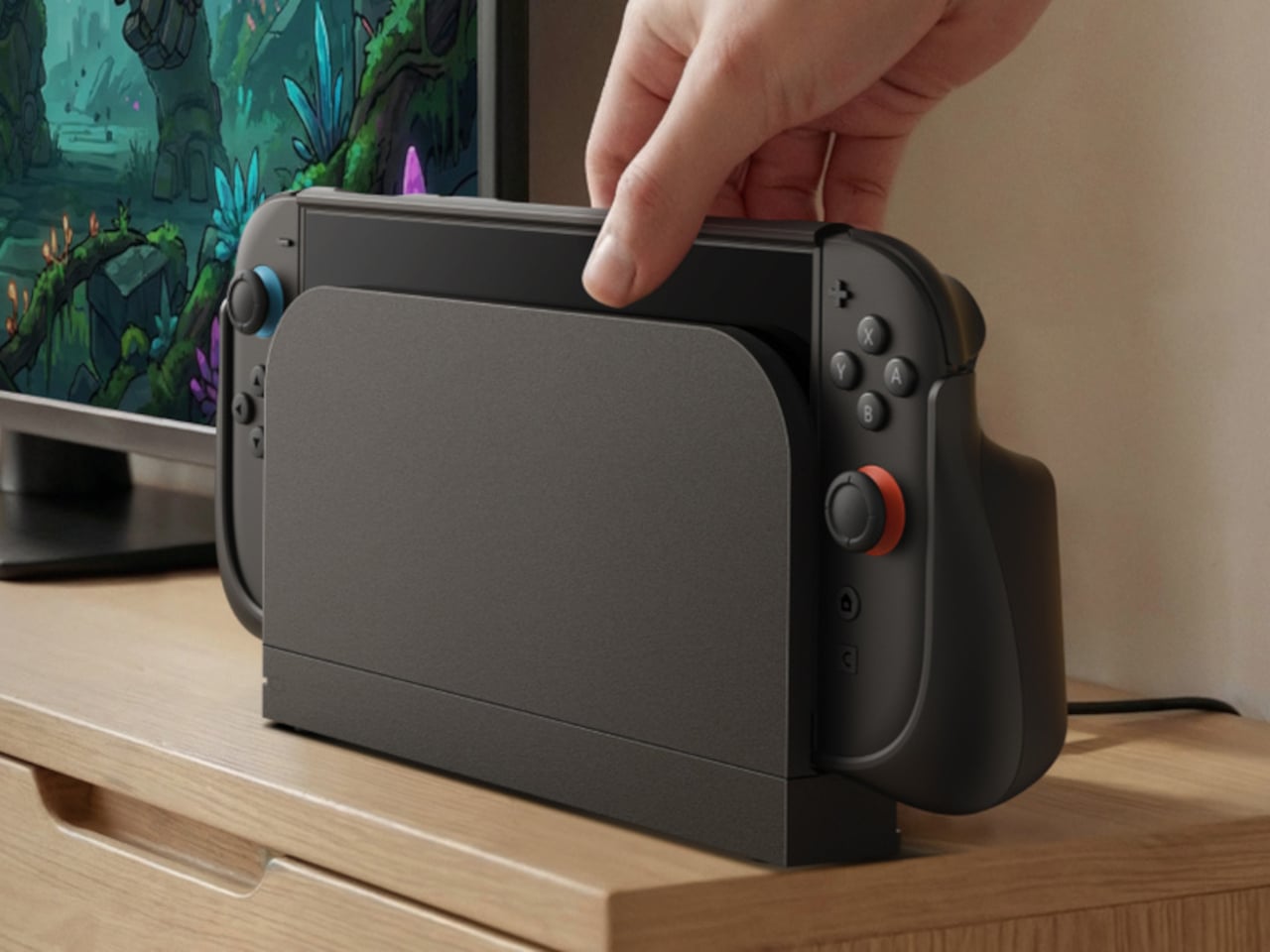
The Switch 2 integration required a custom dock since the handheld needed to remain removable. XNZ gutted Nintendo’s official dock, pulled out the USB-C daughterboard and relevant electronics, and stuffed everything into a 3D-printed housing that attaches to the cooler’s third face. She wanted a spring-loaded ejection mechanism like a toaster, but metal springs couldn’t provide enough force to overcome USB-C port friction. The solution came from Bambu Lab’s MakerWorld, where she found a parametric spring generator that lets you customize dimensions through simple value inputs. She printed the entire dock assembly using dual-extrude printing with PLA for the rigid case and PETG for the flexible spring components. The two materials bond during printing so the spring stays permanently embedded in the structure but remains fully functional right off the print bed.

Power management turned out simpler than expected. The PS5 pulls 225 watts under full gaming load but drops to 4 watts in standby. The Xbox Series X shows similar behavior. A gallium nitride 250-watt power supply handles both consoles running in parallel as long as you’re only actively gaming on one at a time. The Switch 2 gets its juice through a transformer and USB-C PD trigger that converts the main rail voltage. An Arduino board sits inside the case managing power distribution and HDMI switching, triggered by that single button on top. Press it once and the LED bar changes color while the Arduino routes both power and video output to the next console in the sequence. Takes three seconds to complete the switch, which is faster than most people can close their game and navigate back to the home screen anyway.

The whole thing weighs less than having three separate consoles on your shelf and uses one HDMI cable, one power cord, and zero mental energy deciding which box to turn on. Sure, you lose disc drive functionality since both the PlayStation and Xbox are digital editions. And yes, the 250-watt ceiling means no running multiple games simultaneously or the power supply trips. But XNZ built a working proof of concept that platform exclusivity is a solvable engineering problem, not some immutable law of physics. Sony, Microsoft, and Nintendo have spent decades convincing people their ecosystems need to stay separate. One person with a 3D printer, some molten aluminum, and a weekend said otherwise.

The post Console Wars Are Dead: This Chinese Modder Fused a PS5, Xbox Series X, and Switch 2 Into One Console first appeared on Yanko Design.
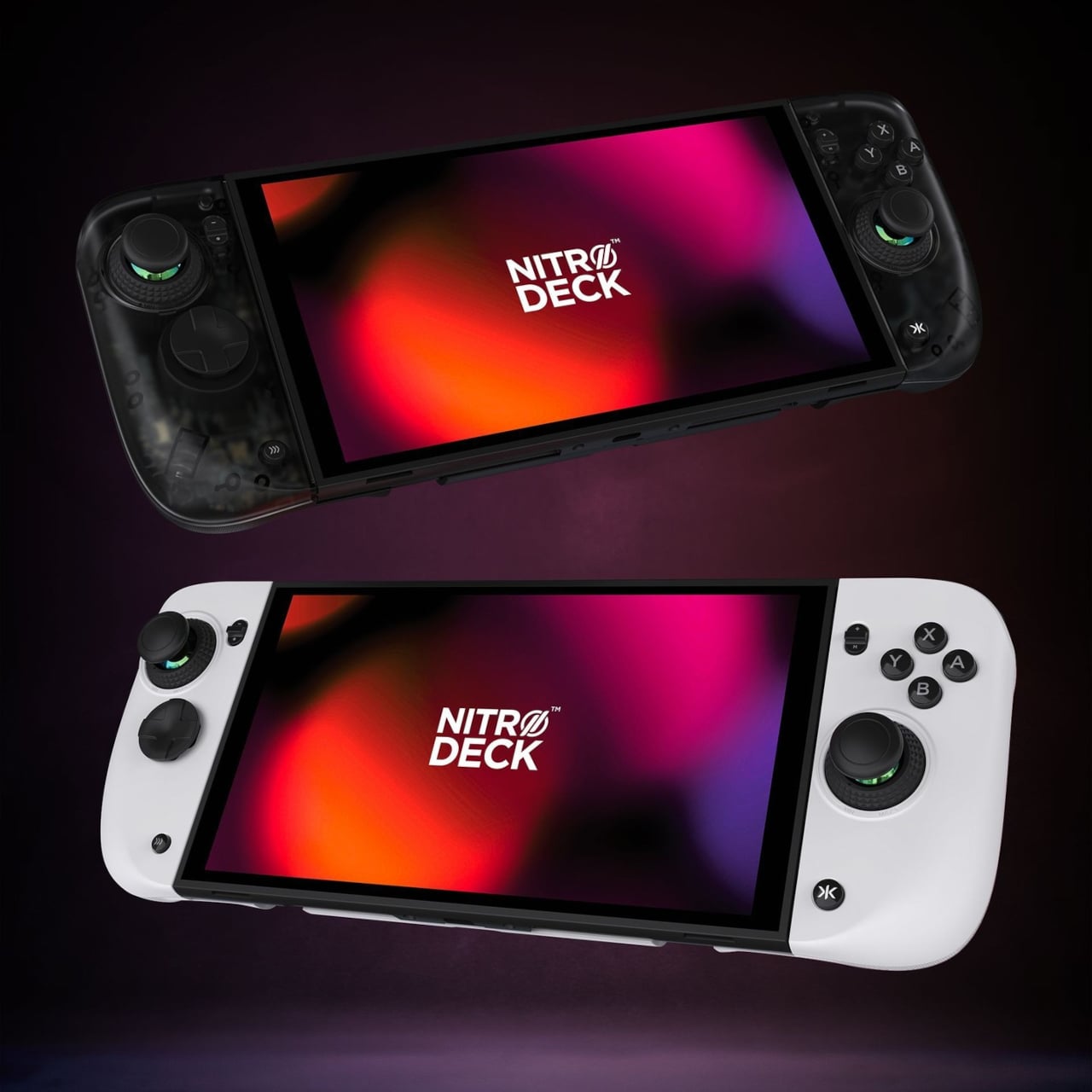
Nitro Deck 2 Controller Fits Switch 2, OG, and OLED in One Shell

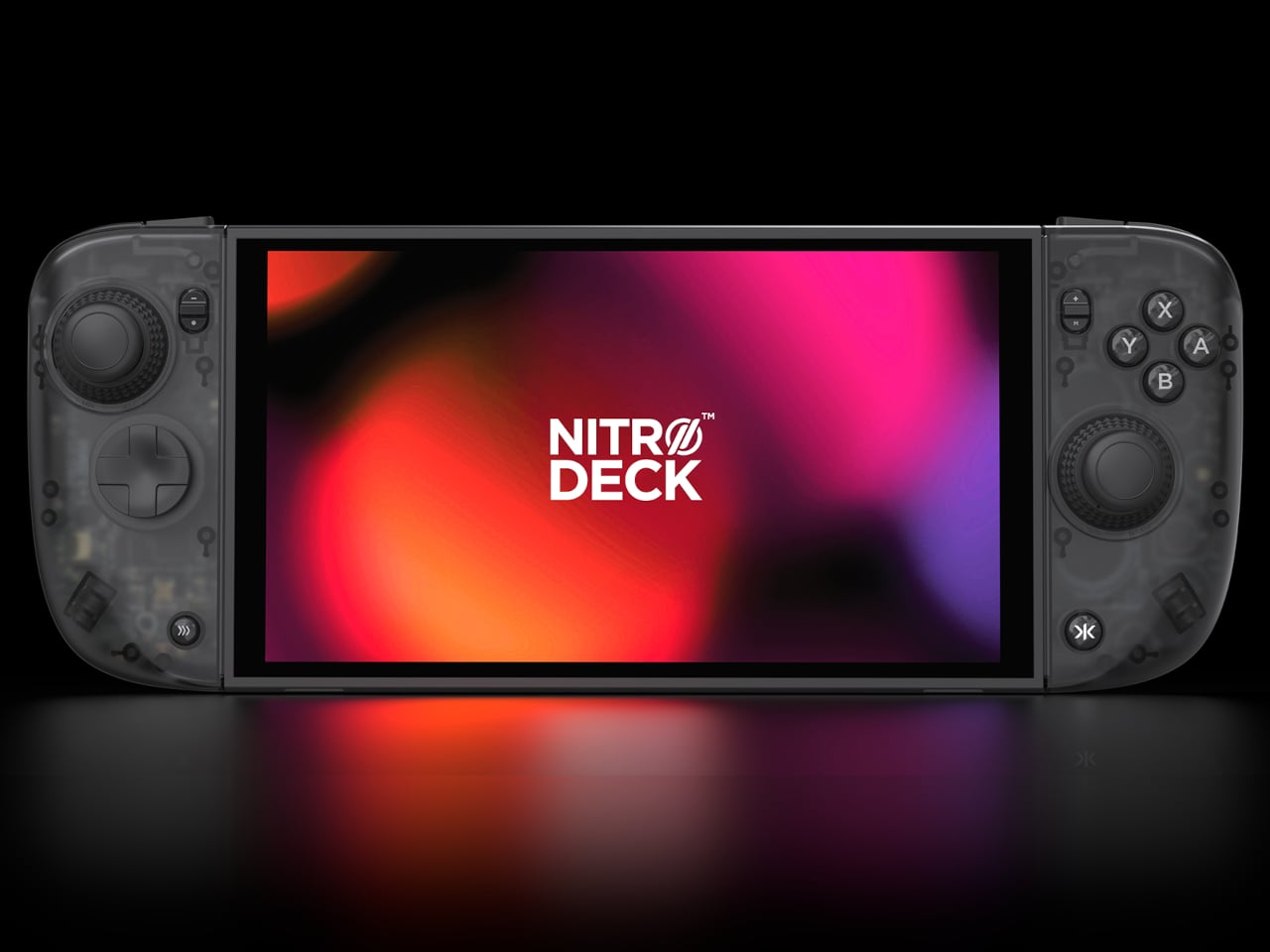
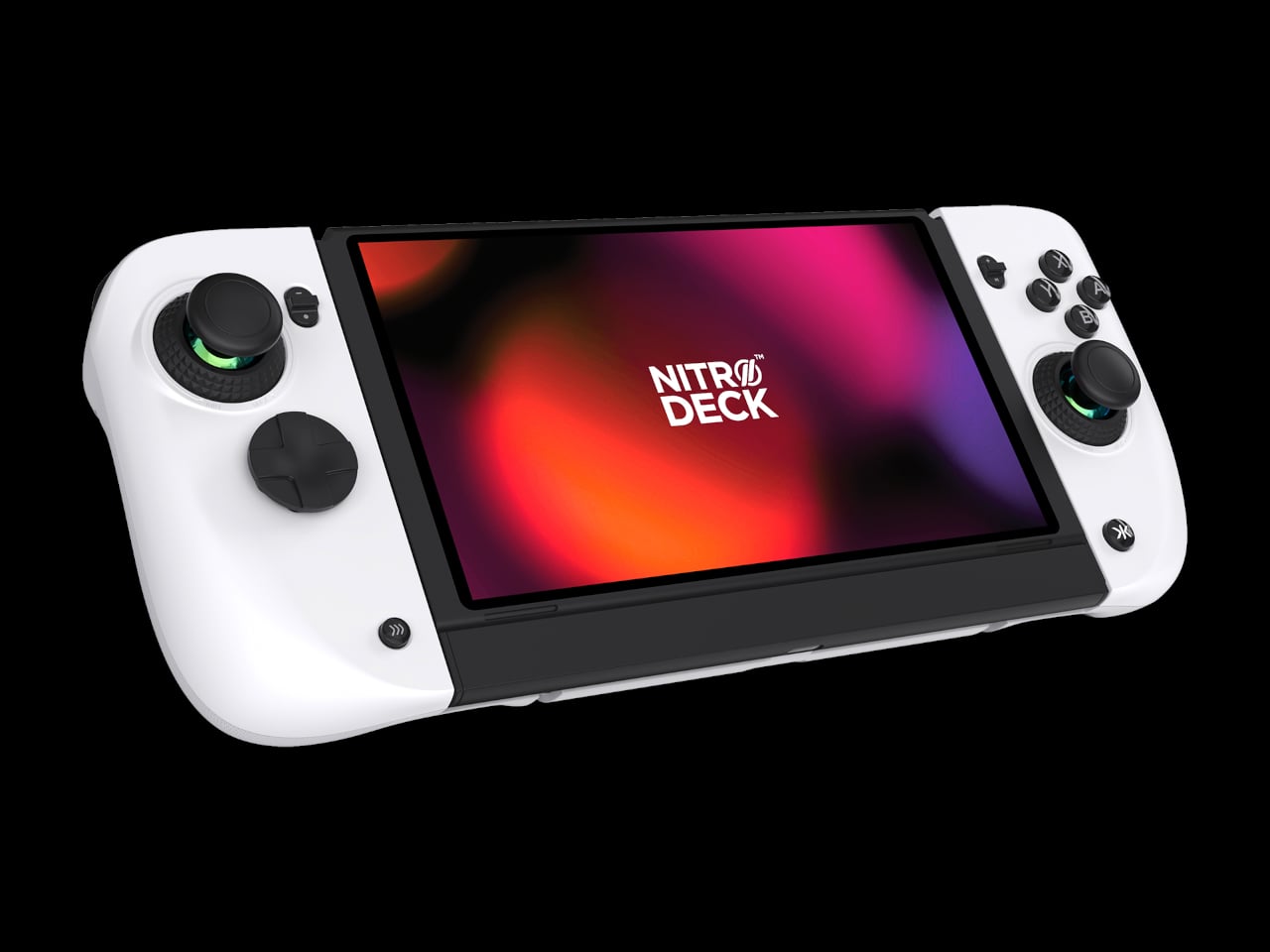
The first Nitro Deck and similar shells made the Nintendo Switch feel more like a proper controller, but they were still mostly one-trick grips that lived in handheld mode. With the Switch 2 looming, there is a chance to rethink what a deck shell should be, not just for Nintendo’s next handheld but for PC, mobile, and TV play. Nitro Deck 2 is CRKD’s answer, expanding the idea from grip to multi-platform controller.
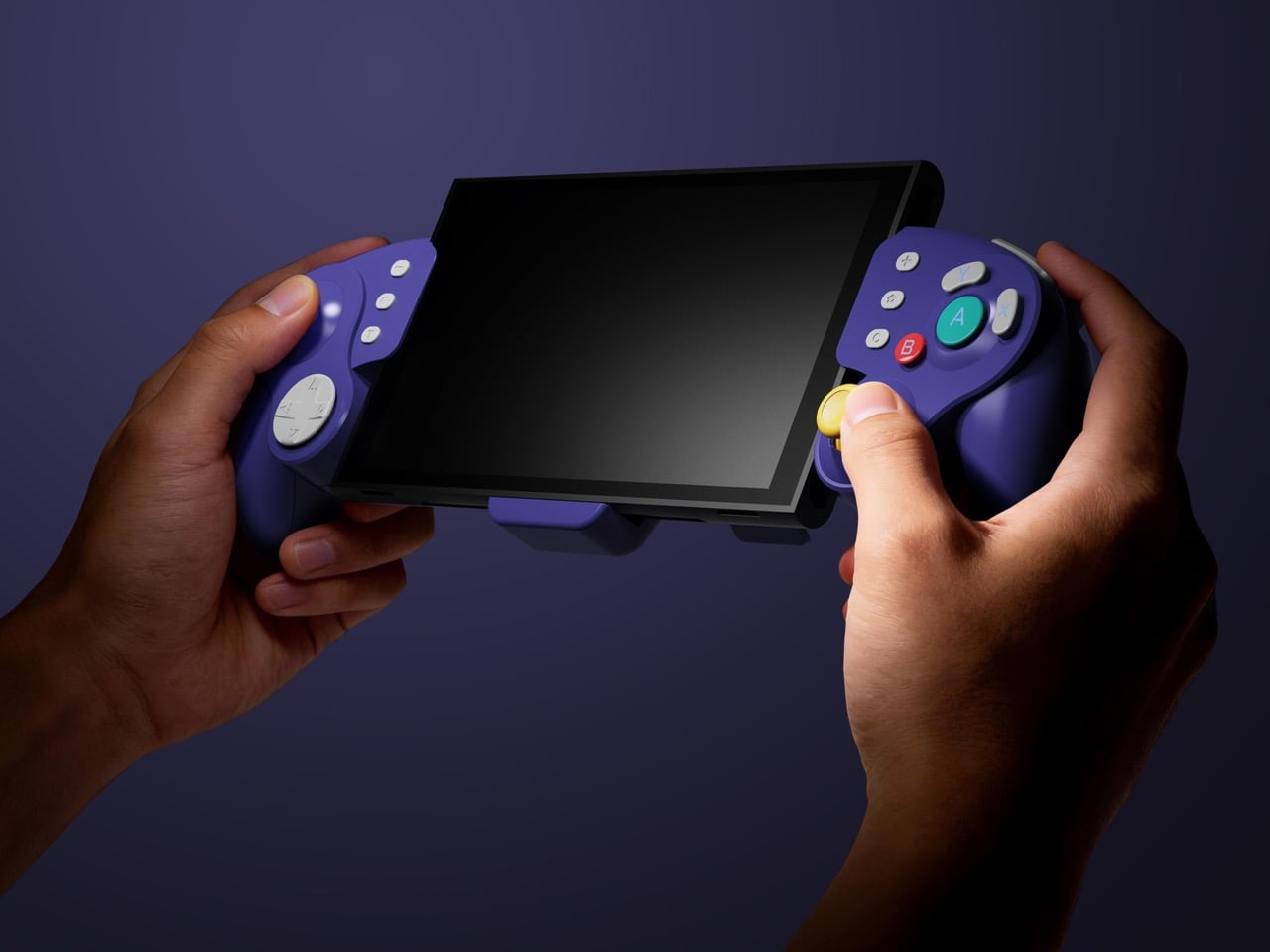
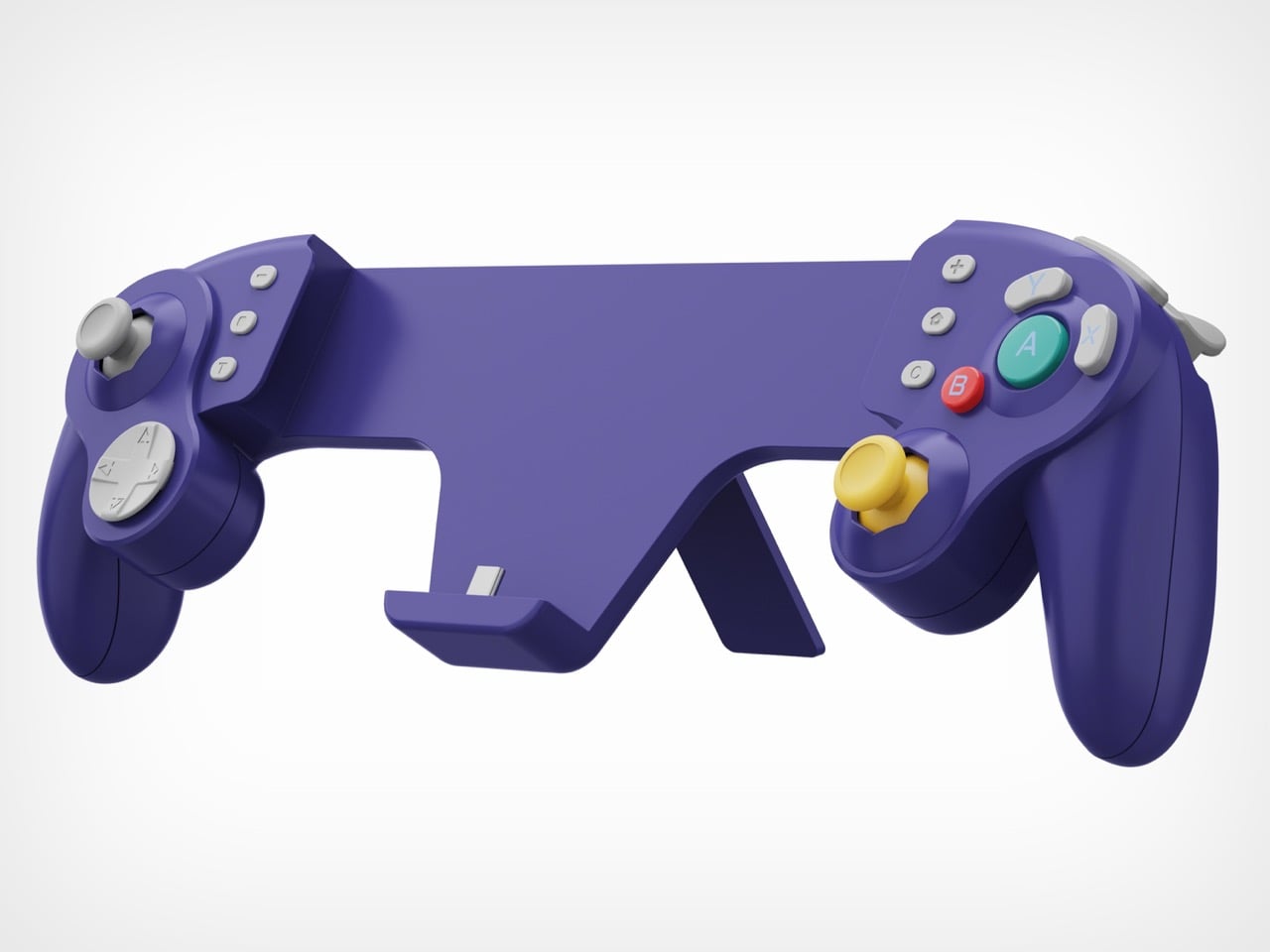
CRKD frames it as a completely new product engineered for the Nintendo Switch 2 and fully backward compatible with the Switch and the Switch OLED, with redesigned ergonomics and expanded versatility across PC, mobile, and smart TVs via Bluetooth and USB. It holds your console for handheld play, but the removable centerpiece lets it convert into a standalone pro-style controller when the console is docked, which is the big conceptual shift from shell to system.

Designer: CRKD

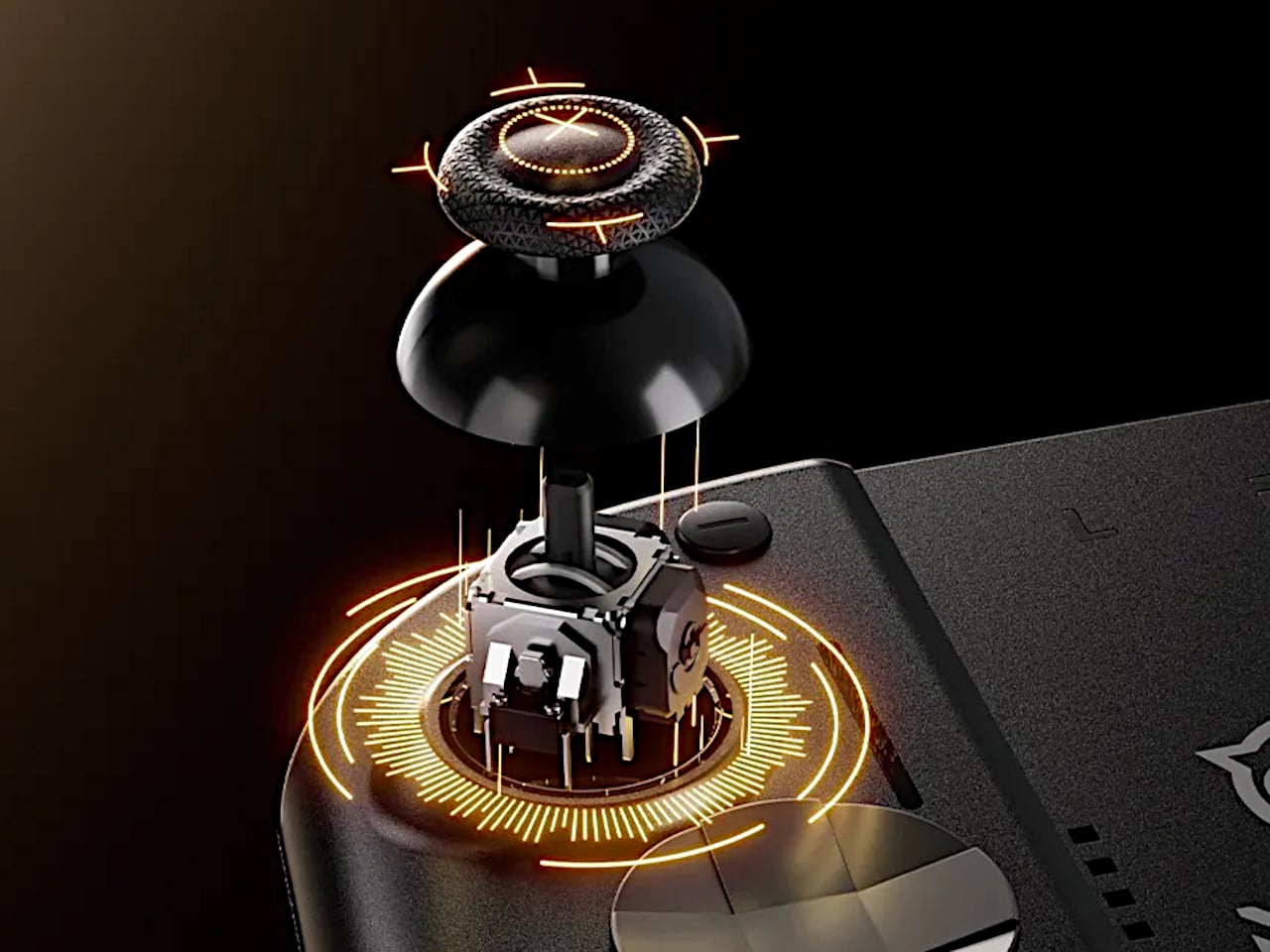
CaptiStick is a capacitor-based, zero-contact sensor design meant to eliminate stick drift and deliver long-lasting precision with no electromagnetic interference. That is CRKD’s alternative to traditional potentiometer sticks that wear out, and Hall Effect sticks that rely on magnets. Nitro Deck 2 also adds adjustable thumbstick resistance and deadzone, tunable through the CRKD Companion App, so you can dial in how loose or tight the sticks feel depending on the game.

The new retractable locking dial mechanism secures the console and keeps the shell compatible with the original Switch and OLED models, with a legacy adapter included. This is a direct response to fit issues from the first Nitro Deck, and it means Nitro Deck 2 survives console generations. The dial gives you a way to adjust clamping force and fit without swapping the whole shell when Nintendo changes dimensions.

The expanded control set includes extra bumper buttons (L2 and R2), remappable back buttons, smooth tactile digital triggers, and toggle buttons for plus, minus, record, and macro. Nitro Deck 2 supports motion controls and adjustable vibration feedback for supported games, plus Turbo Mode for rapid inputs. The idea is to give you more inputs and a better feel than Joy-Cons or a stock Pro Controller, especially for long sessions.

Nitro Deck 2 connects over Bluetooth or wired USB to PC, mobile, and select smart TVs when the console is not installed, acting as an extra pro-style controller. The CRKD app includes its True Collection System for tapping and registering your hardware and CTRL for customizing sticks, vibration, and firmware. It is part collectible, part tuning tool, making the hardware feel like it lives in a broader ecosystem.

Nitro Deck 2 moves the idea of a Switch shell from a simple grip to a long-term controller investment that survives console generations. It is still a pre-order product with questions around weight and battery life, but the combination of CaptiStick, a retractable locking dial, and a removable centerpiece suggests a different kind of accessory, one that grows with your setup instead of getting replaced every time Nintendo ships new hardware.

The post Nitro Deck 2 Controller Fits Switch 2, OG, and OLED in One Shell first appeared on Yanko Design.