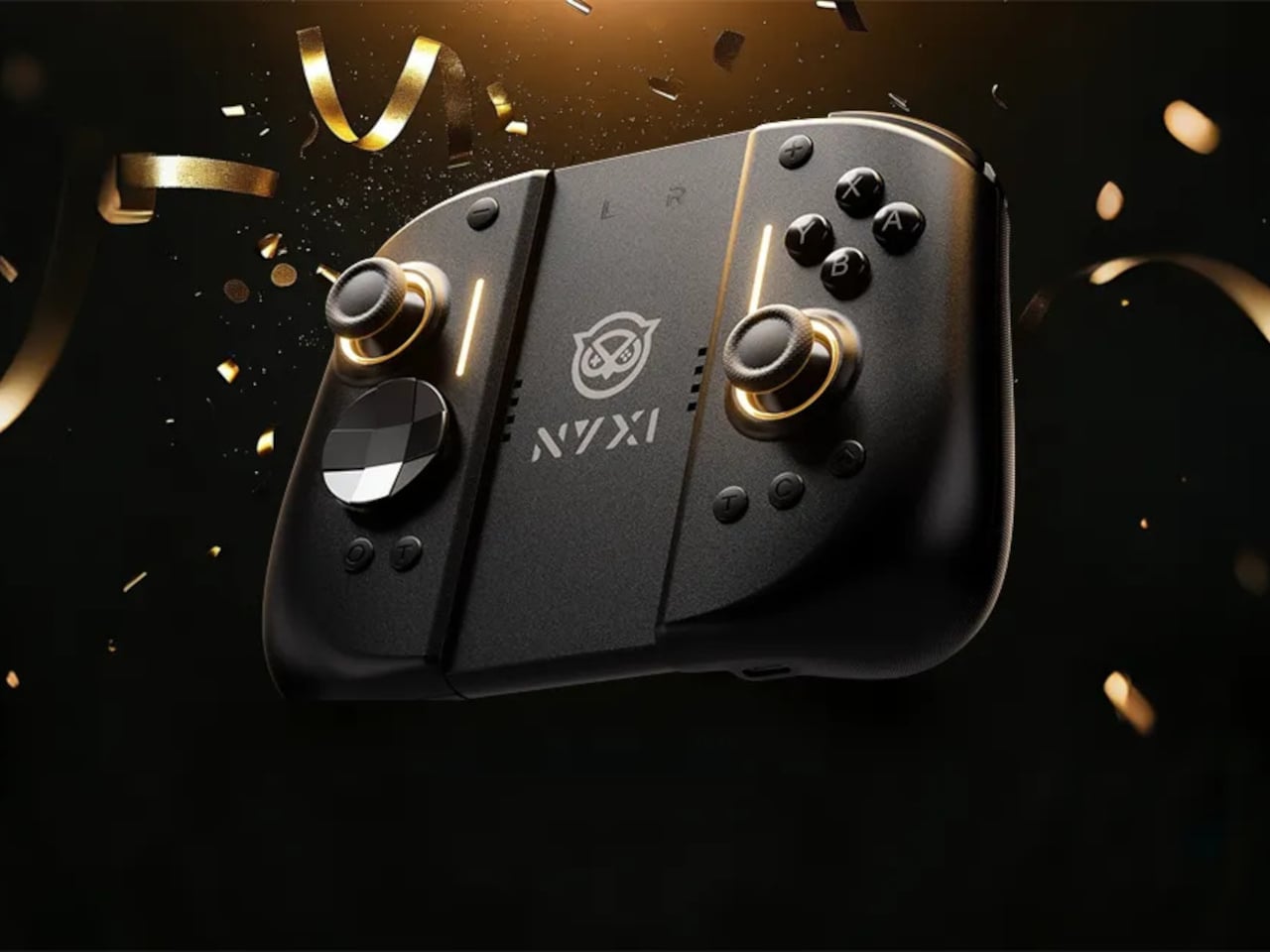
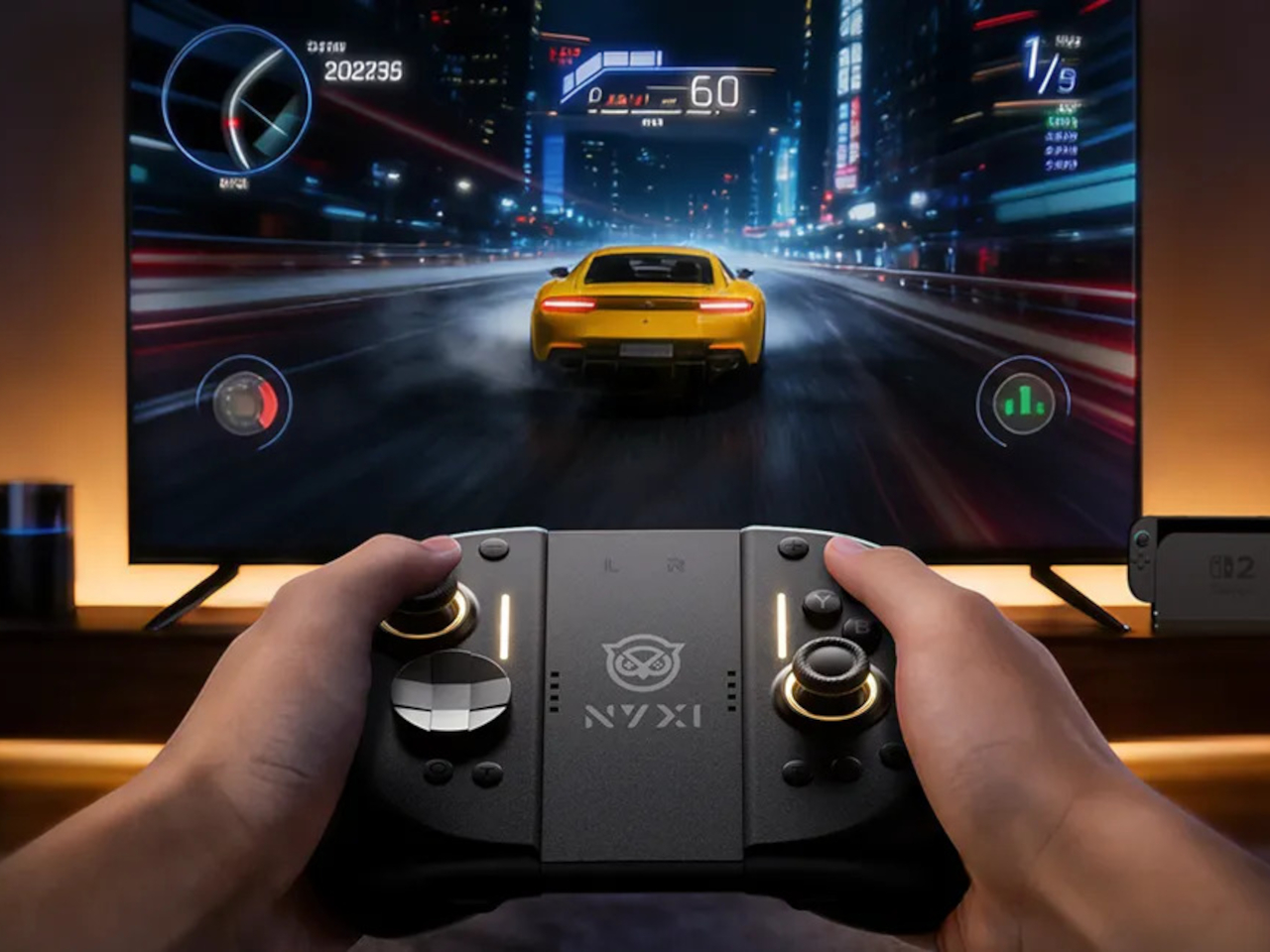
Playing the Switch 2 for more than an hour in handheld mode means the flat Joy-Cons and small buttons start to feel like a compromise. Your hands end up clawed around the rails, drift anxiety creeps in, and you start shifting your grip to avoid cramping. NYXI’s Hyperion 3 is built for people who treat the Switch 2 like a main console, not a travel toy used in short bursts.
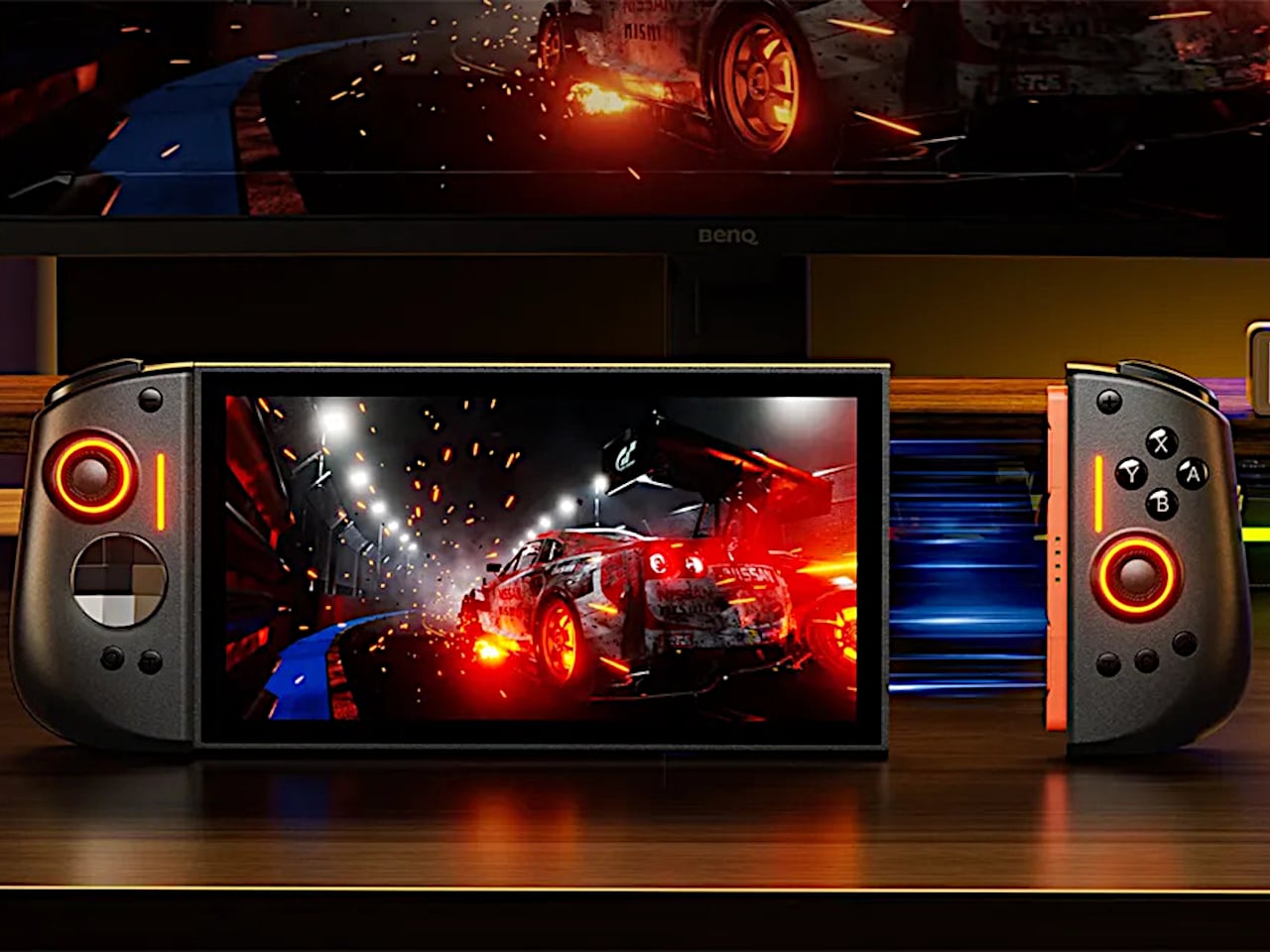
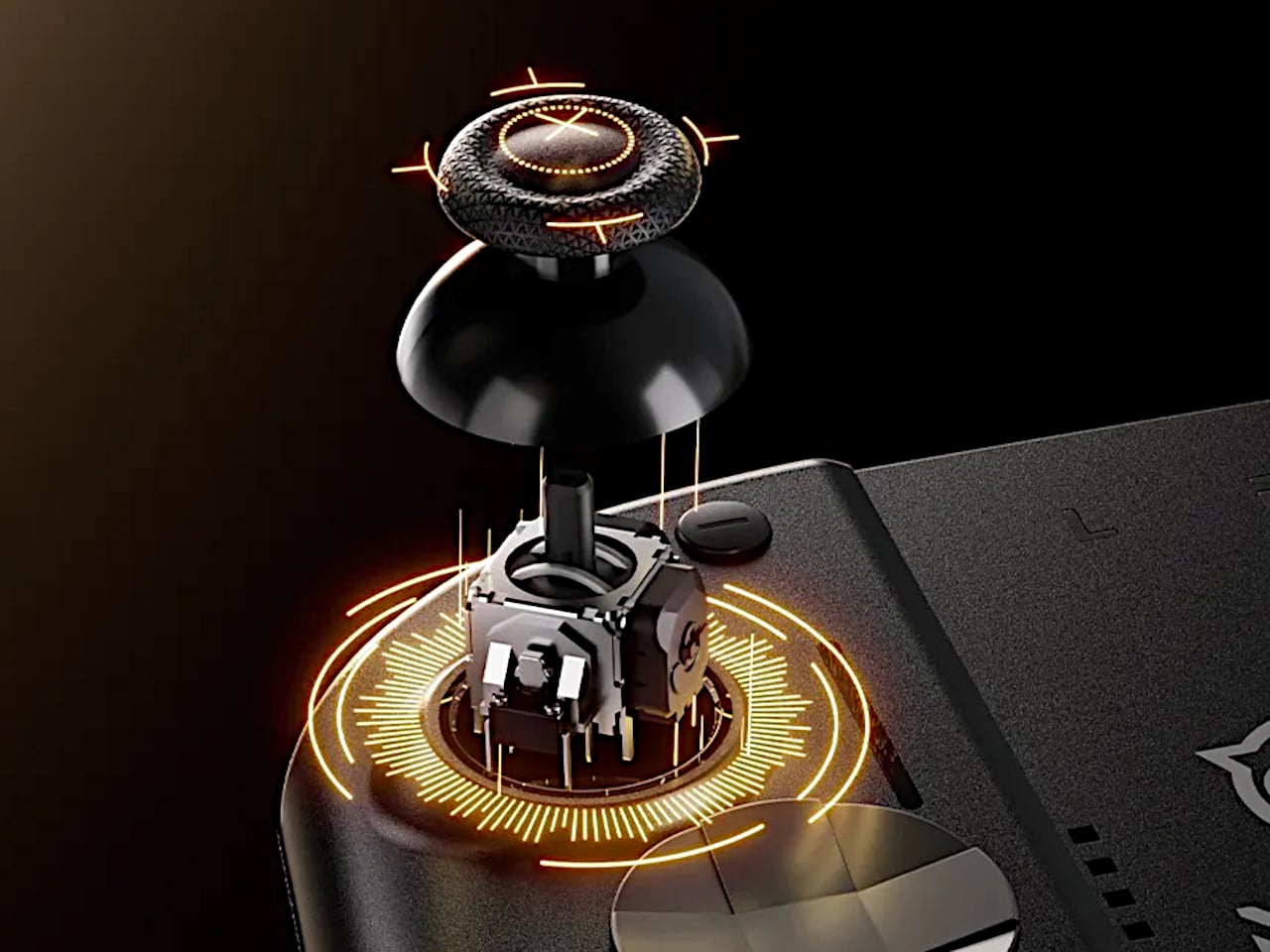
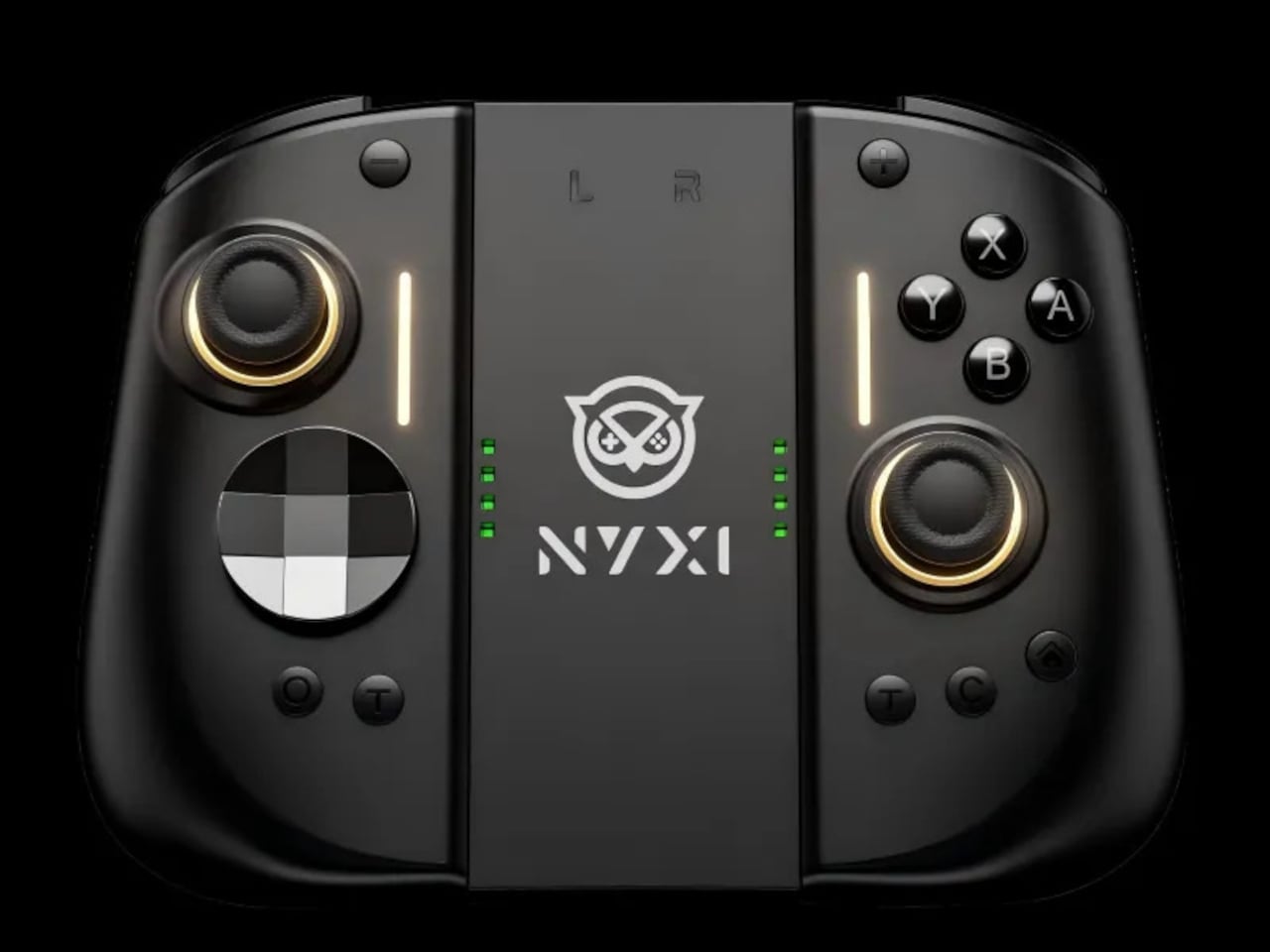
NYXI’s Hyperion 3 is a wireless JoyPad that snaps onto the Switch 2 for handheld play and works as a standalone pad when docked. It adds real grips, larger sticks, and more spaced-out buttons, swapping the usual potentiometer sticks for hall-effect joysticks designed to be drift-free over the long haul. It is pitched as the world’s first ergonomic JoyPad for Switch 2, treating comfort and reliability as primary goals.
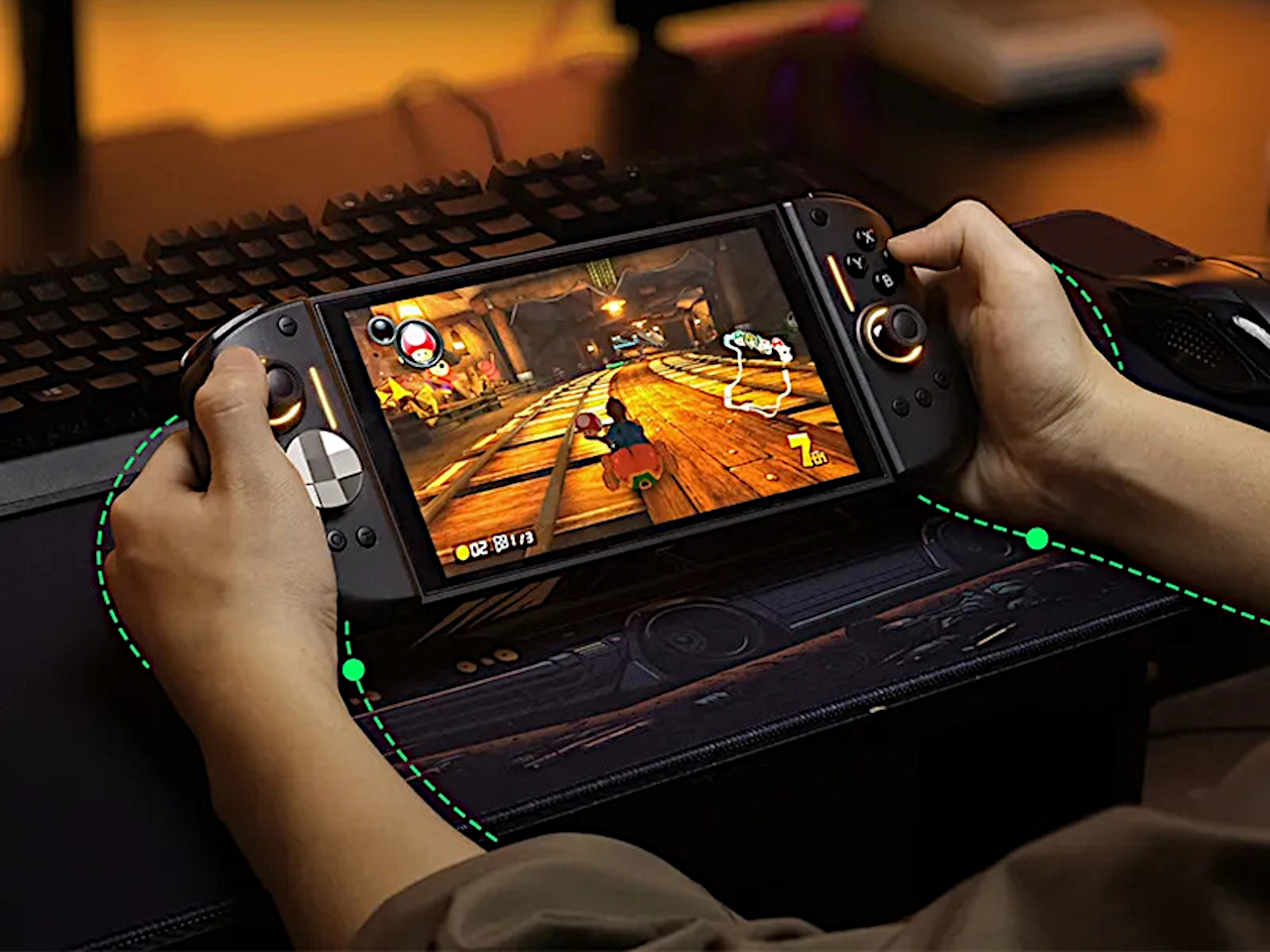
Settling into a long RPG or racing game in handheld mode, the full-size grips let your hands relax instead of pinching edges. The hall-effect sticks feel smooth and precise, and you are not waiting for the first sign of drift that ruined your last controller. The strong magnetic lock keeps everything solid, so the console feels like one piece rather than a screen with two wobbly handles threatening to flex apart.
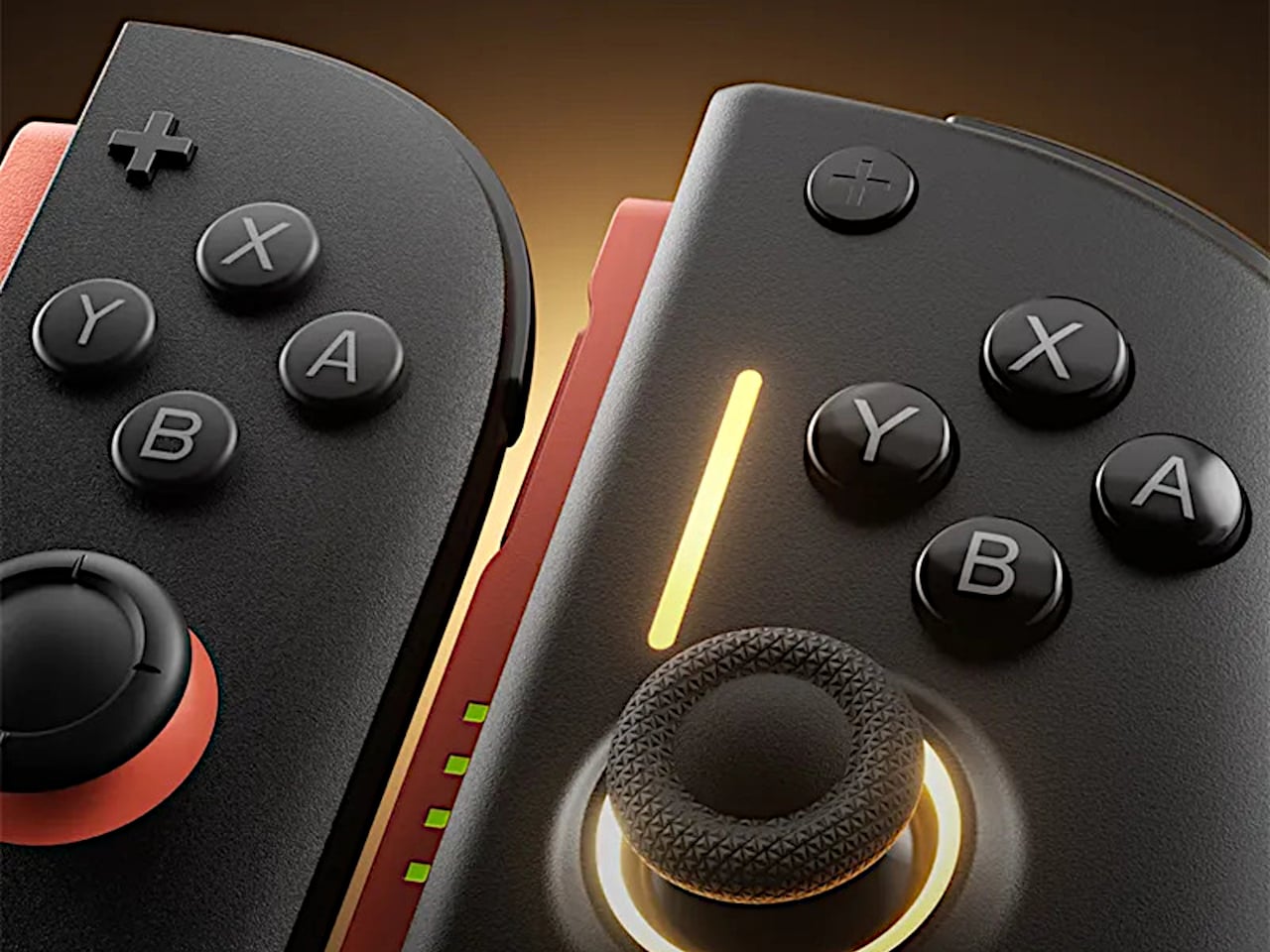
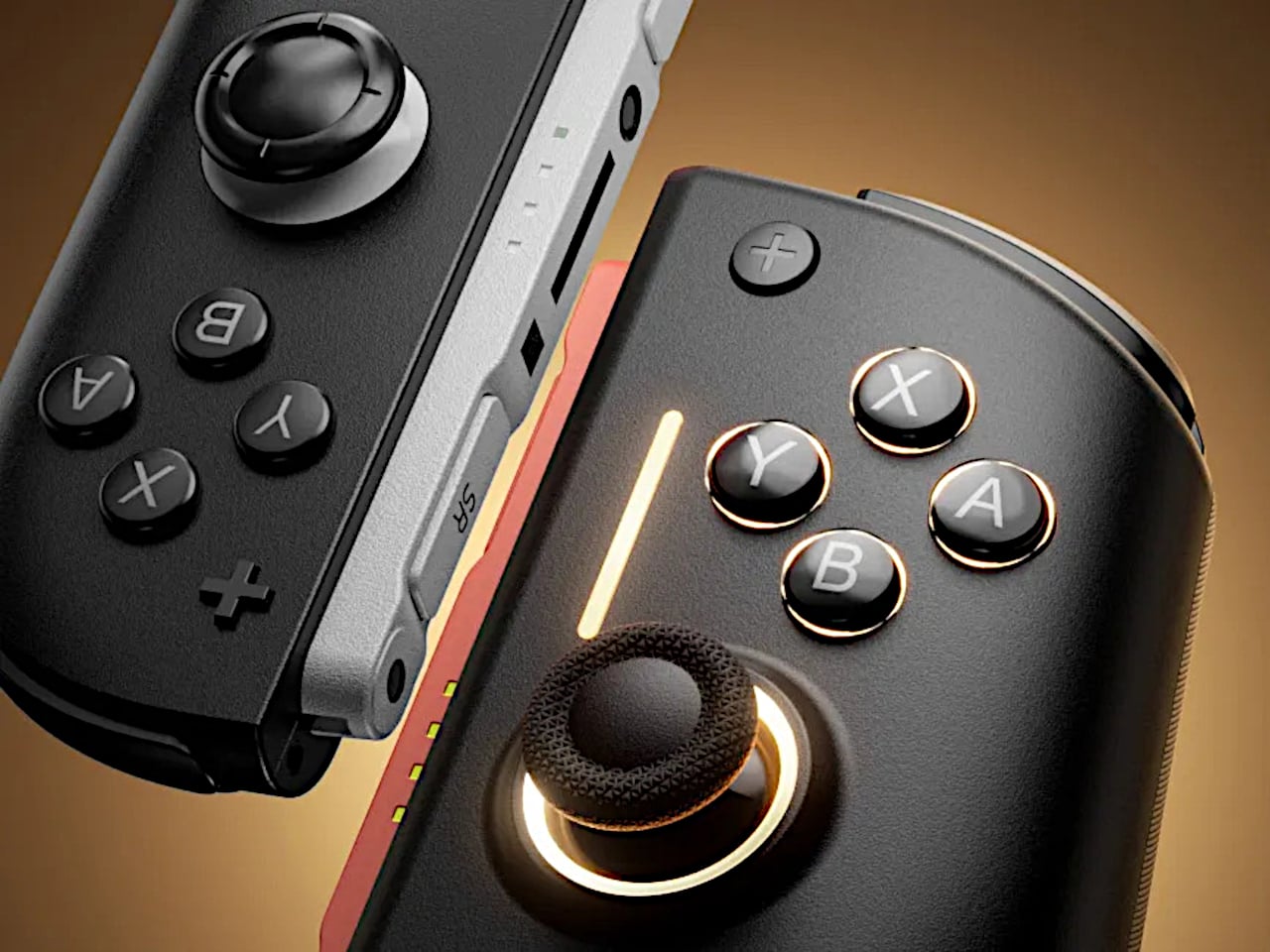
The larger micro-switch face buttons and D-pad click with a clear, mechanical feel, making fast inputs and diagonals more reliable in fighters or platformers. The 9-axis gyro gives you fine motion aiming in shooters or steering in racers, so you can lean on tilt controls without fighting laggy sensors or imprecise calibration that drifts halfway through a match.
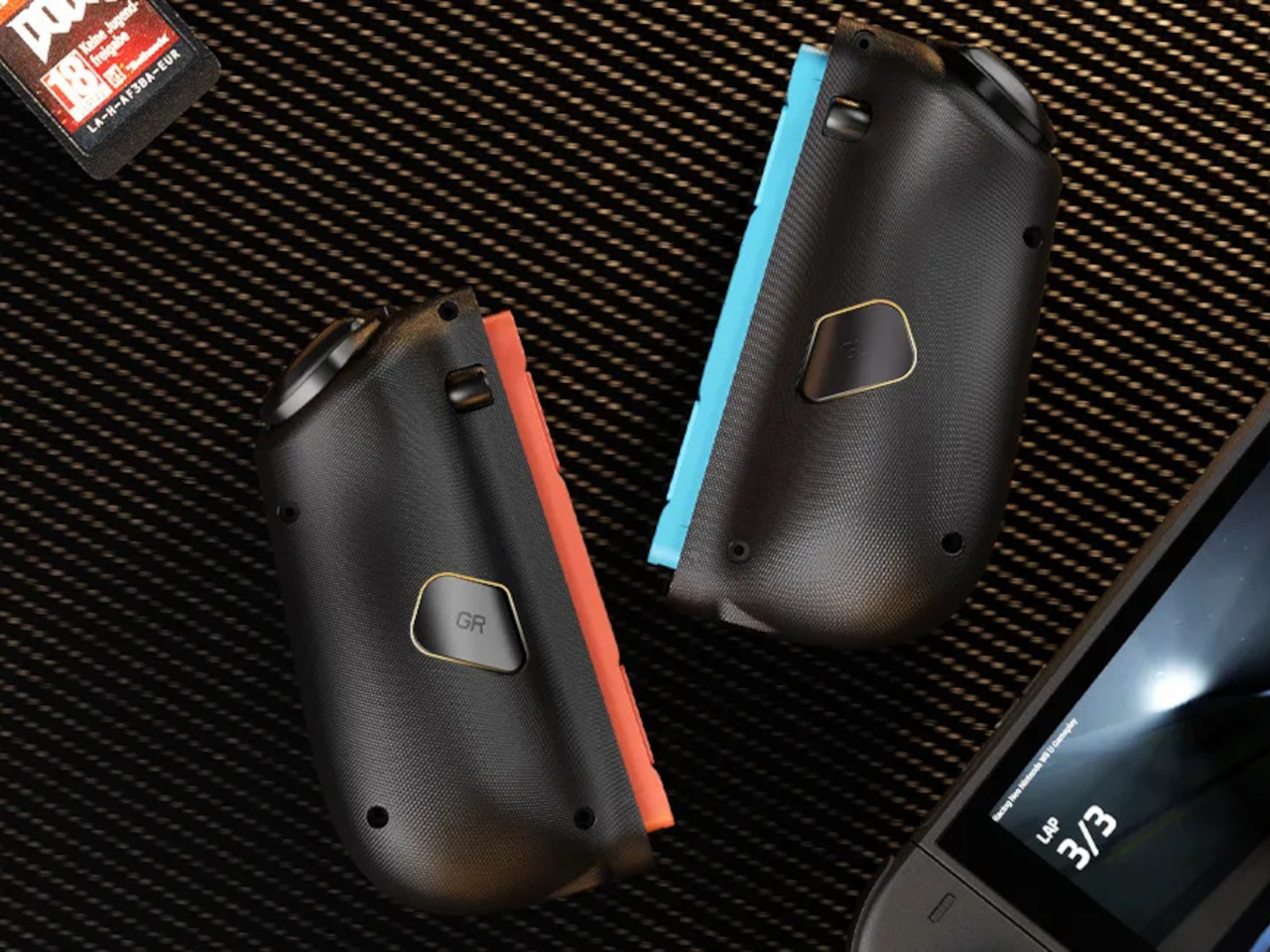
The programmable back buttons let you move key actions off the face buttons, so your thumbs can stay on the sticks more often. Mapping jump, reload, or item use to the back means fewer awkward stretches, especially in games designed around a traditional pad. Over time, that small shift in where your fingers land makes the controller feel tailored to your habits instead of forcing you into Nintendo’s layout.
Hyperion 3 is not as slim or neutral as Nintendo’s own Joy-Cons. The full-size grips and gaming-centric styling make the Switch 2 less pocketable and more like a small console with a screen. That is exactly the point, though, a handheld that finally feels built for adult hands, even if it means giving up a bit of throw-in-a-bag convenience.
Hyperion 3 shows what happens when a third-party accessory takes the Joy-Con format seriously as a starting point, not a template to clone. By fixing drift, upgrading buttons, adding back paddles, and leaning into ergonomics, it treats the Switch 2 like a platform deserving of pro-level hardware. Playing on Nintendo’s hybrid for hours makes that kind of overkill feel pretty reasonable.
Most everyday products, from scissors to mice, are designed around right-handed users, leaving left-handed people to adapt or struggle. That adaptation becomes invisible labor, especially with tools used all day like a mouse. Lor is a vertical mouse concept that takes that critique seriously and tries to design hand dominance out of the equation, treating hand dominance as something you configure through assembly rather than accept as a fixed product trait.
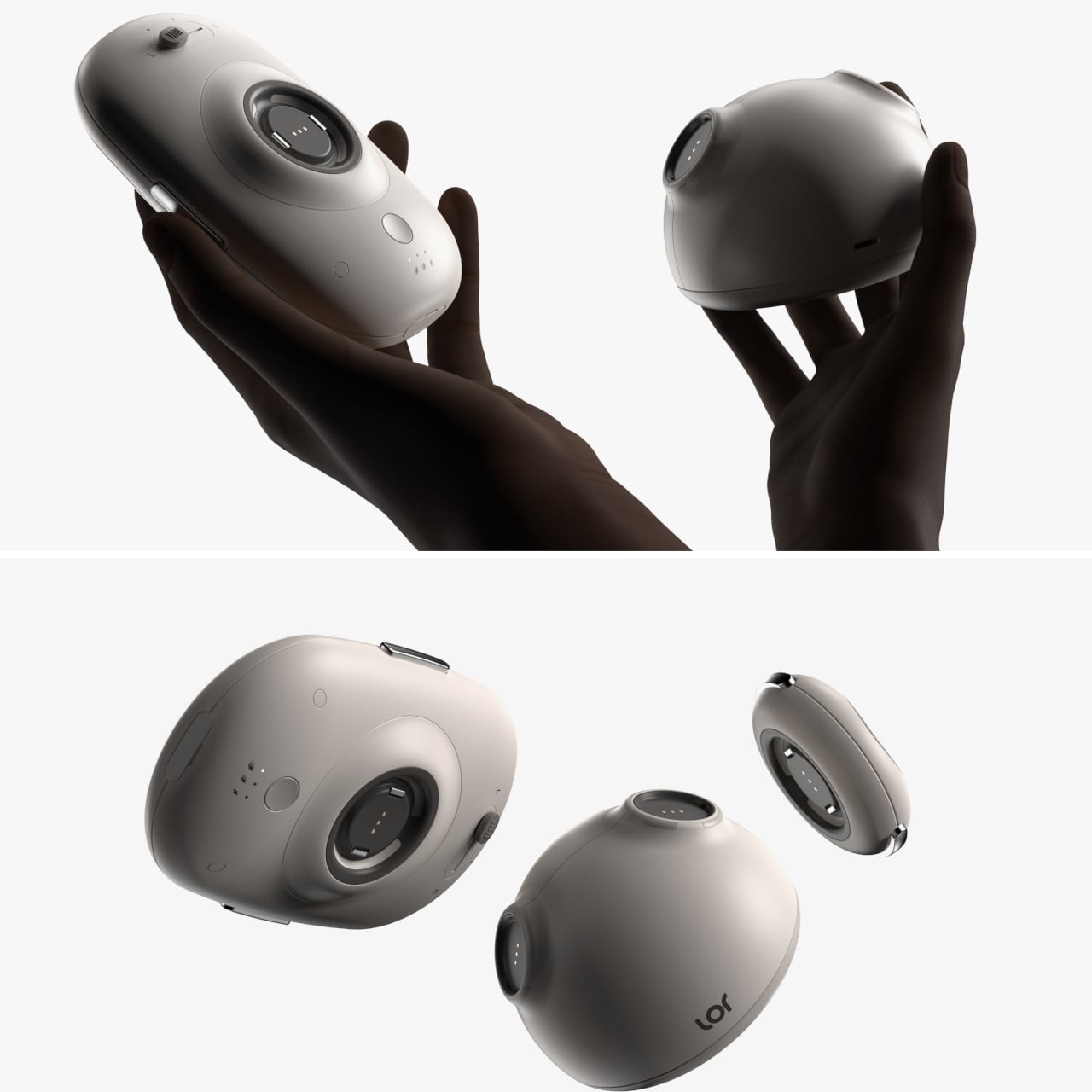
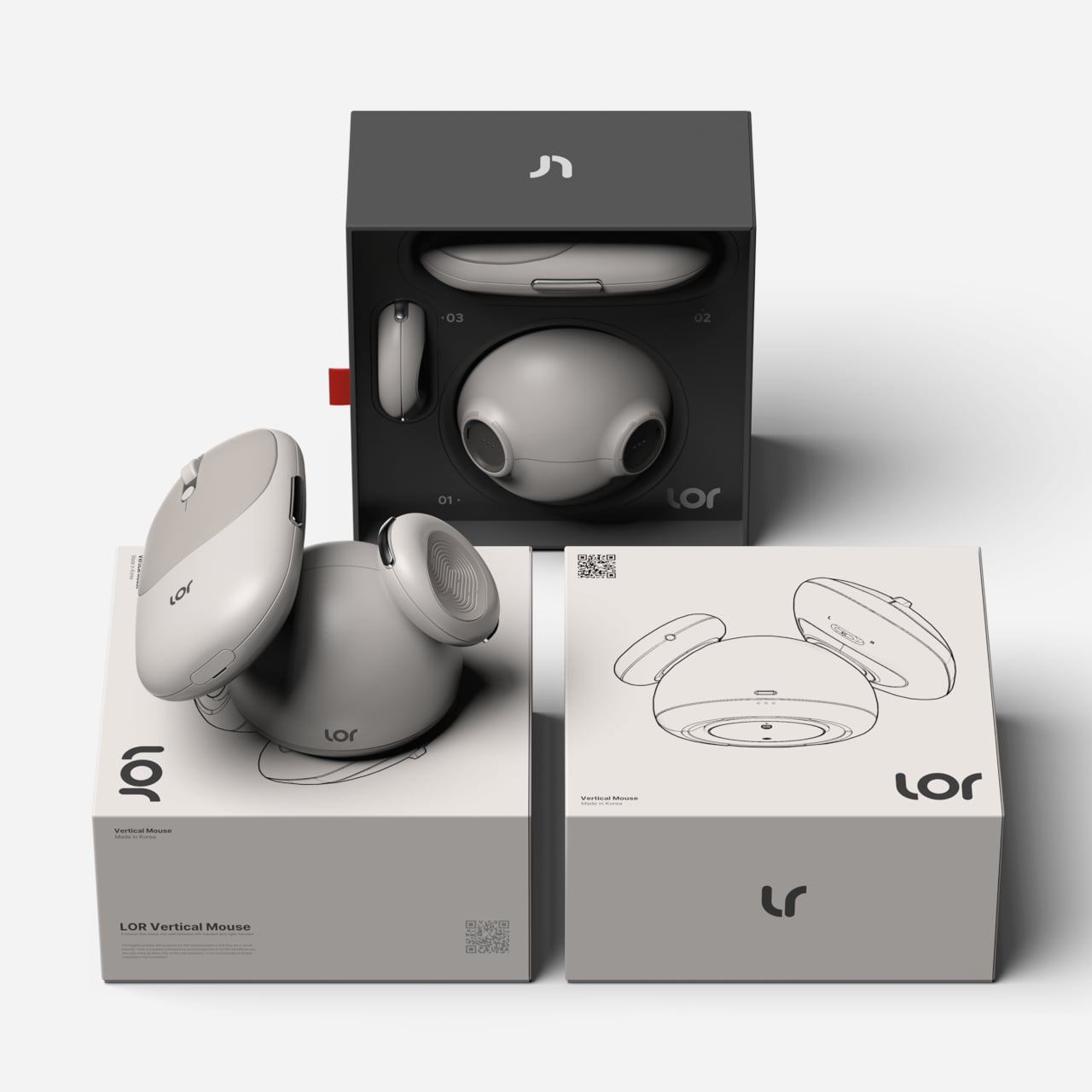
Lor is a vertical mouse that blurs the line between left-handed and right-handed, asking what would happen if flipping a product for the opposite hand was as simple as looking in a mirror. Instead of selling separate left and right models, Lor breaks the mouse into modular parts that can be rearranged, giving both user groups an equal product experience from the same hardware, without forcing anyone into a symmetrical compromise.
Designer: Youngbin Kwon
The main ergonomic idea is a grip that feels like holding smooth pebbles, designed to protect the wrist during long sessions. The mouse uses soft, rounded forms that encourage a more neutral hand posture than a flat mouse, leaning into the vertical-mouse logic without looking like a medical device. The pebble metaphor keeps the form approachable and hints at a more relaxed, natural grip that feels less technical.
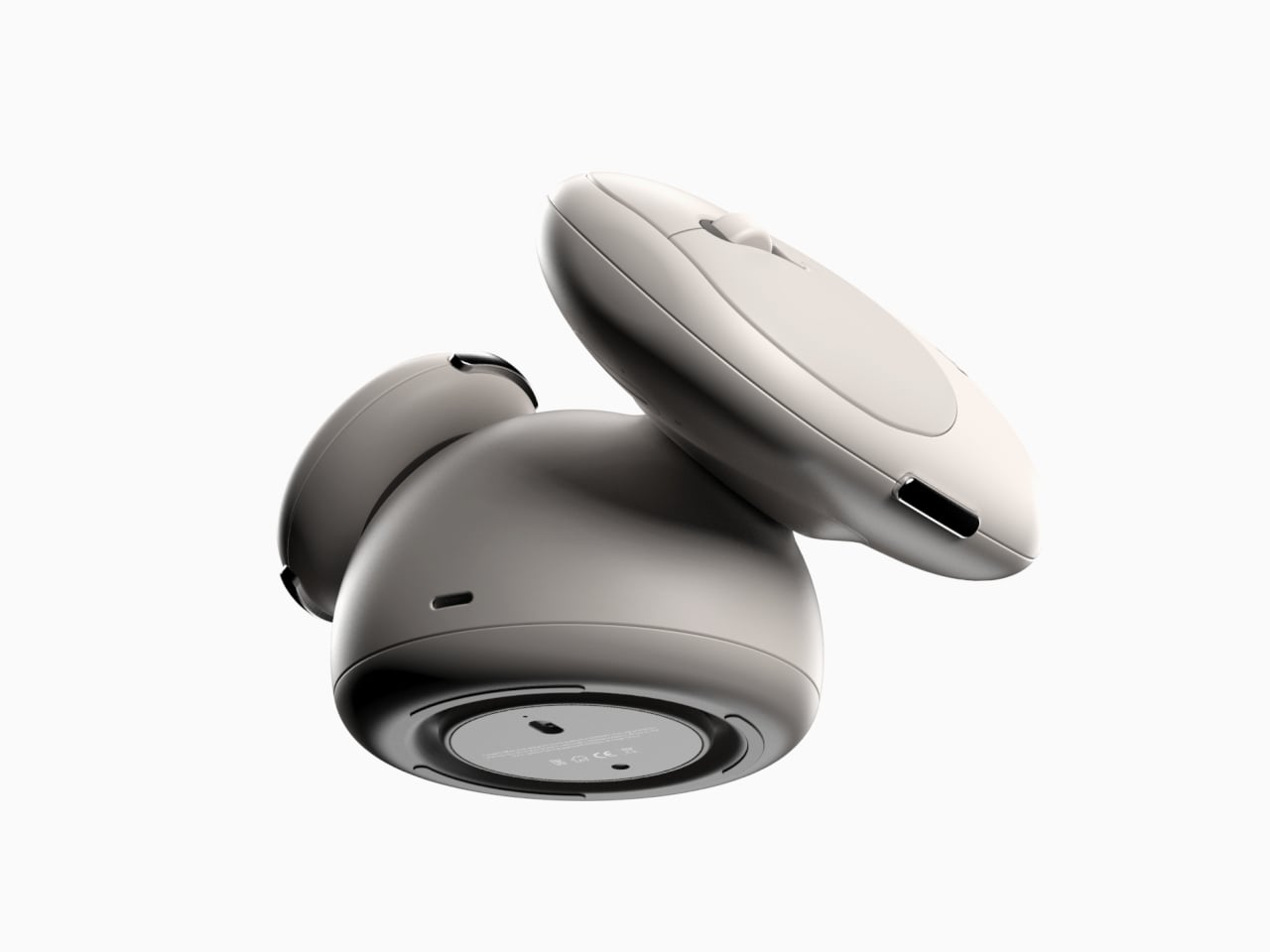
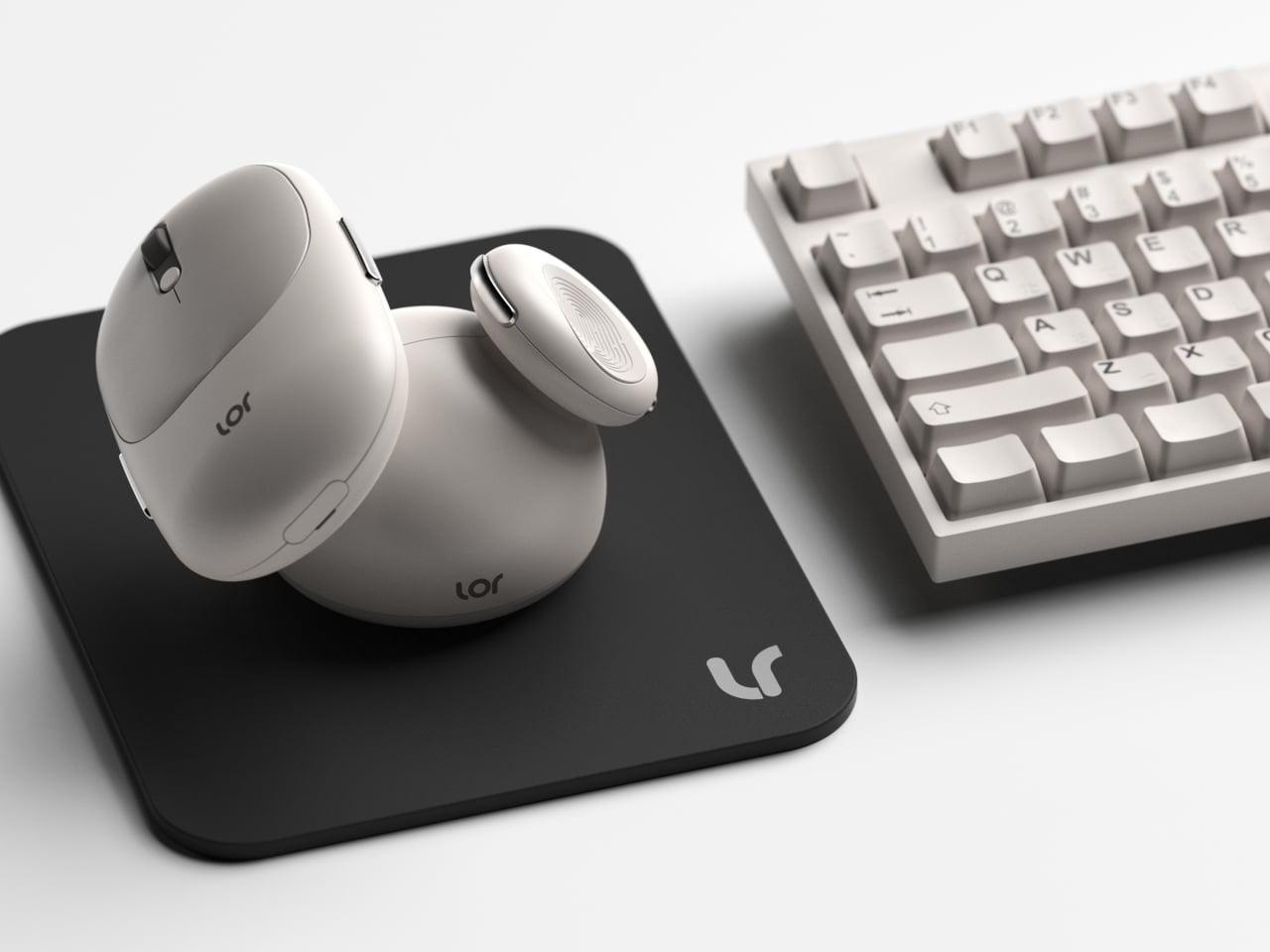
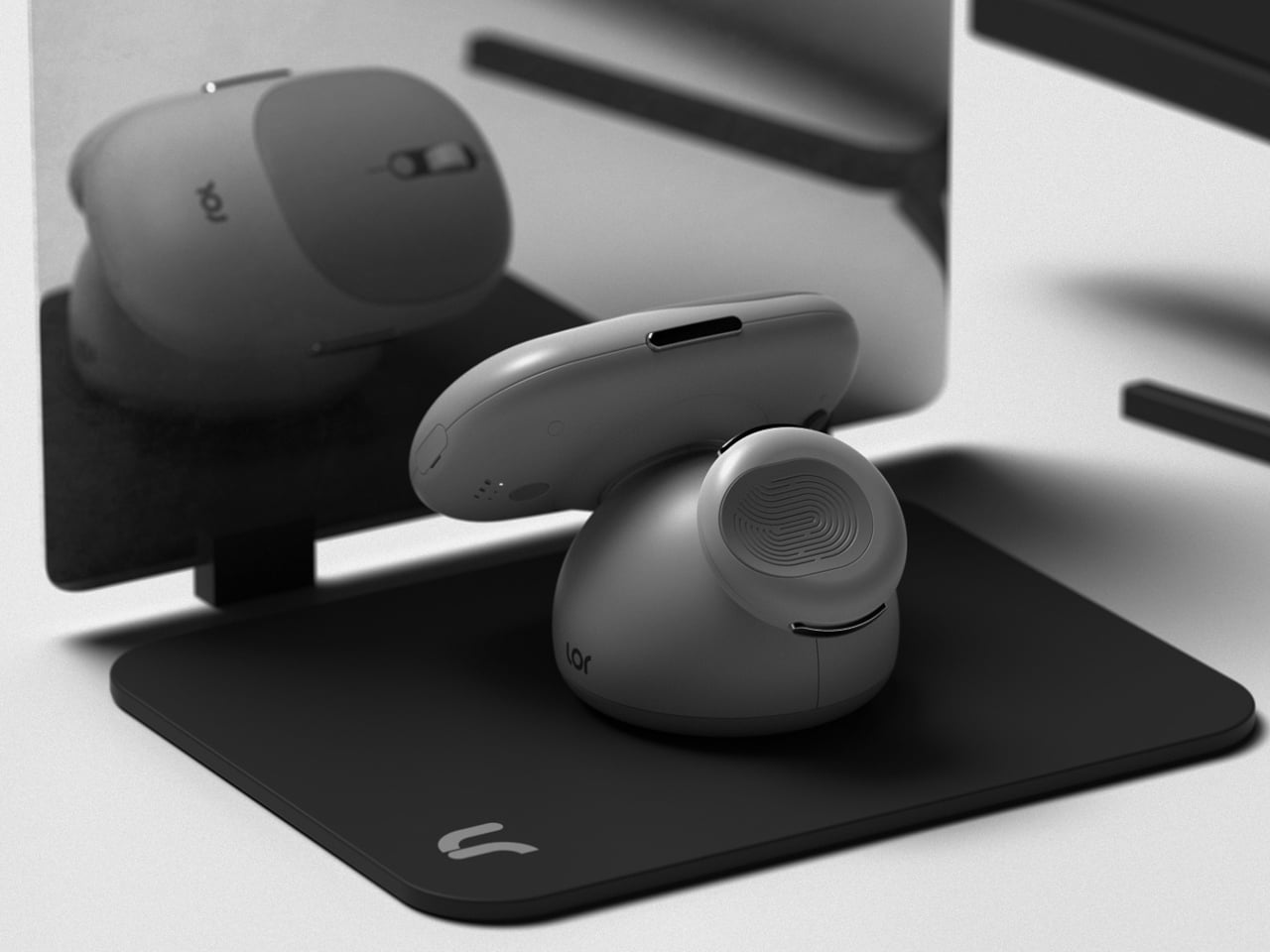
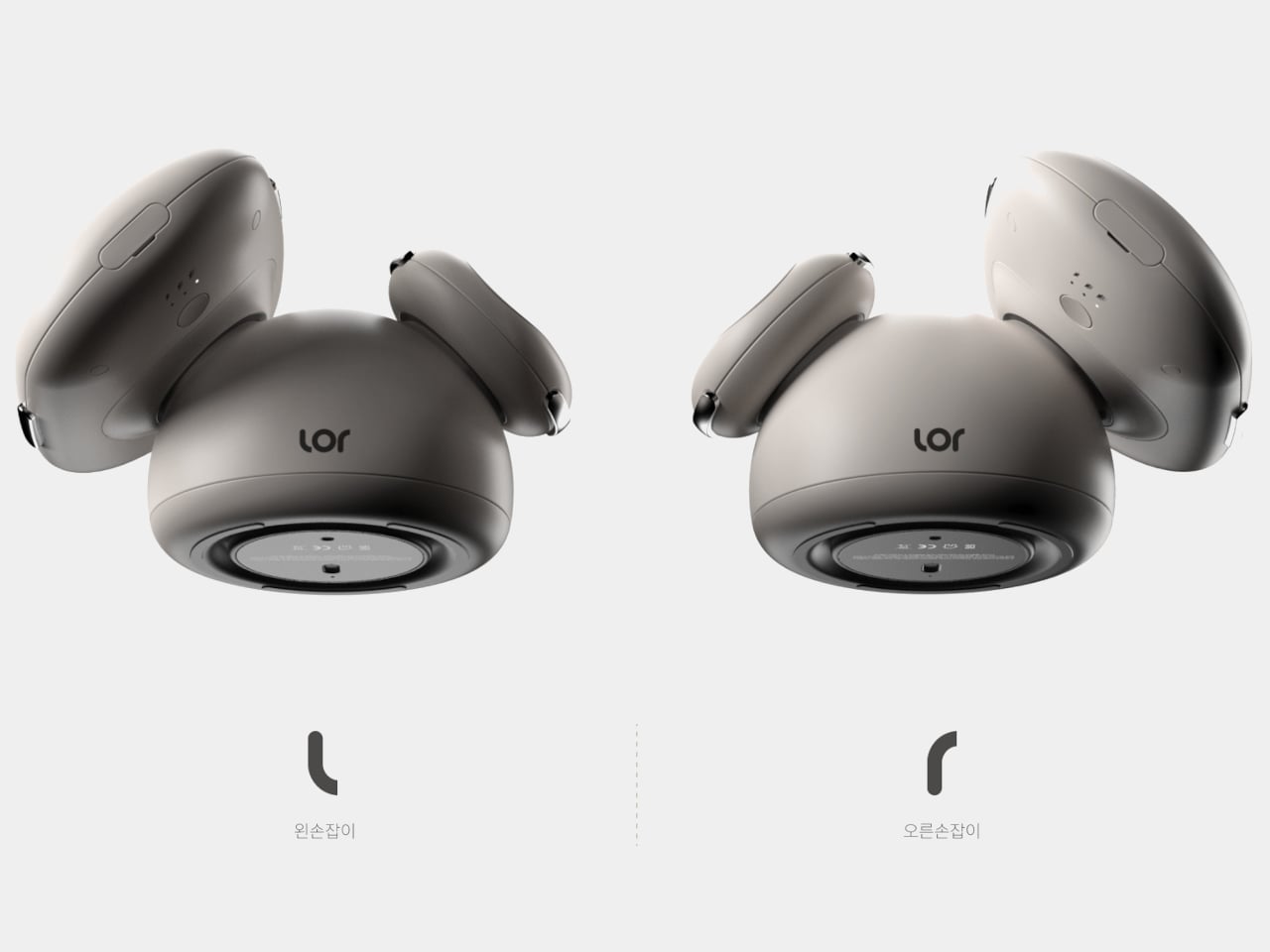
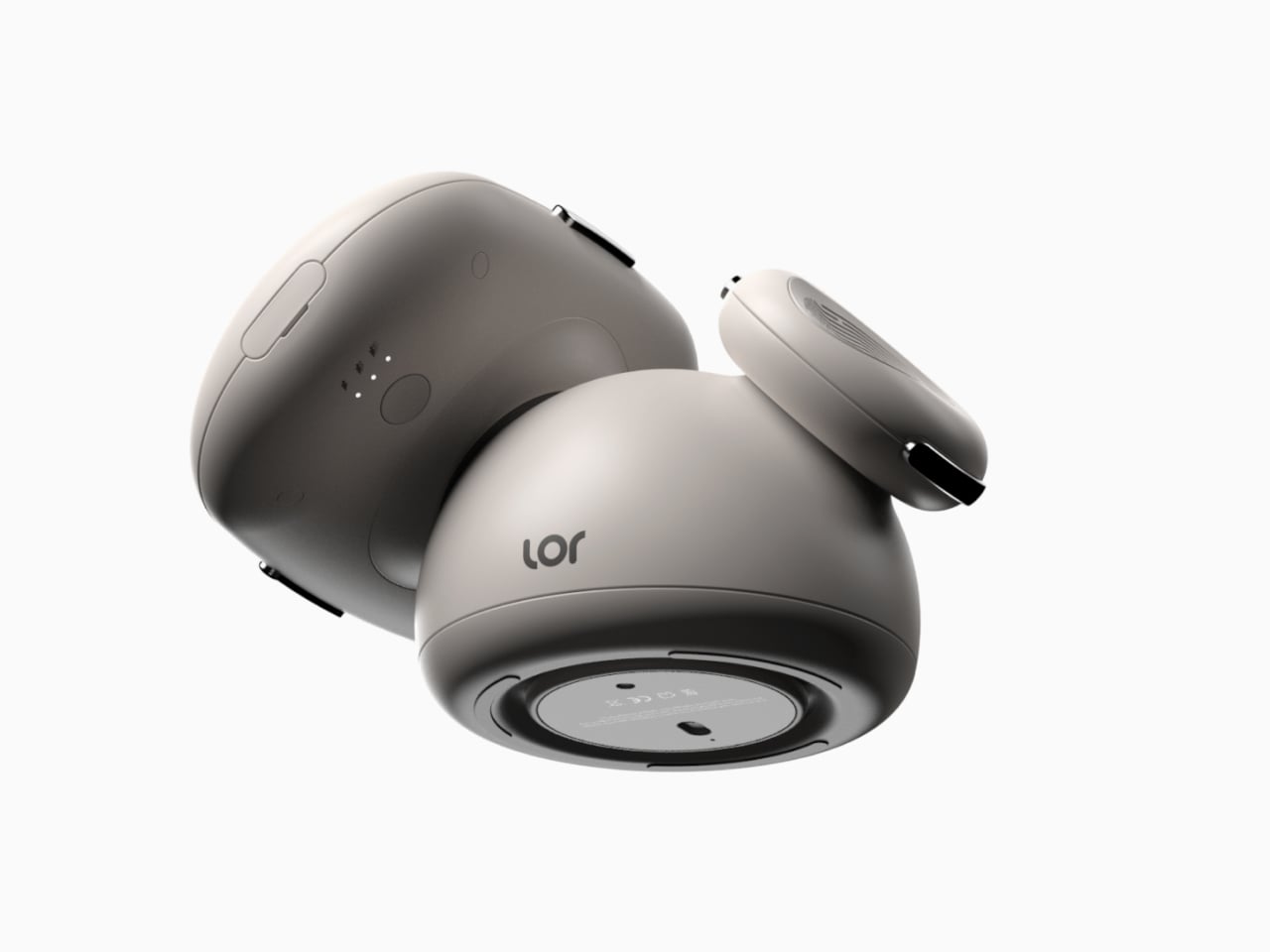
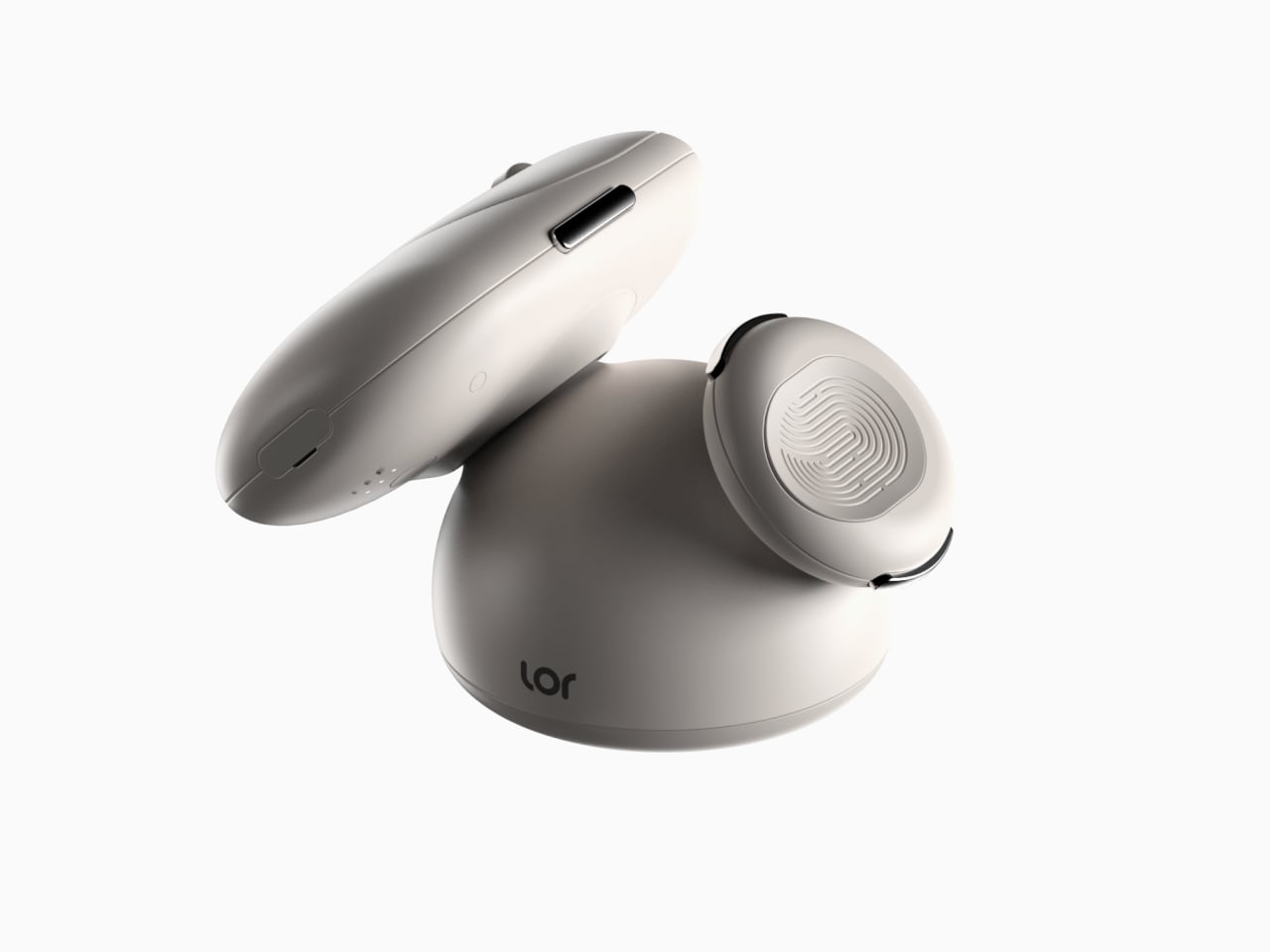
Lor is built around a central spherical base and two detachable pebble grips that can be attached on either side. Like assembling toy blocks, users decide the shape and orientation, snapping the grips into a left-handed or right-handed configuration. Mirroring happens at the form level, not just in software, so thumb rests, buttons, and support surfaces end up exactly where each hand expects them to be without remapping or awkward reaches.
This approach benefits more than just left-handed users. Shared desks, studios, or home setups can keep a single mouse that reconfigures in seconds, and people who switch hands to rest a wrist can physically flip the layout instead of fighting a symmetrical compromise. It is a formative way, as the designer puts it, to satisfy both user groups with one product without flattening ergonomics into a one-size-fits-none solution.
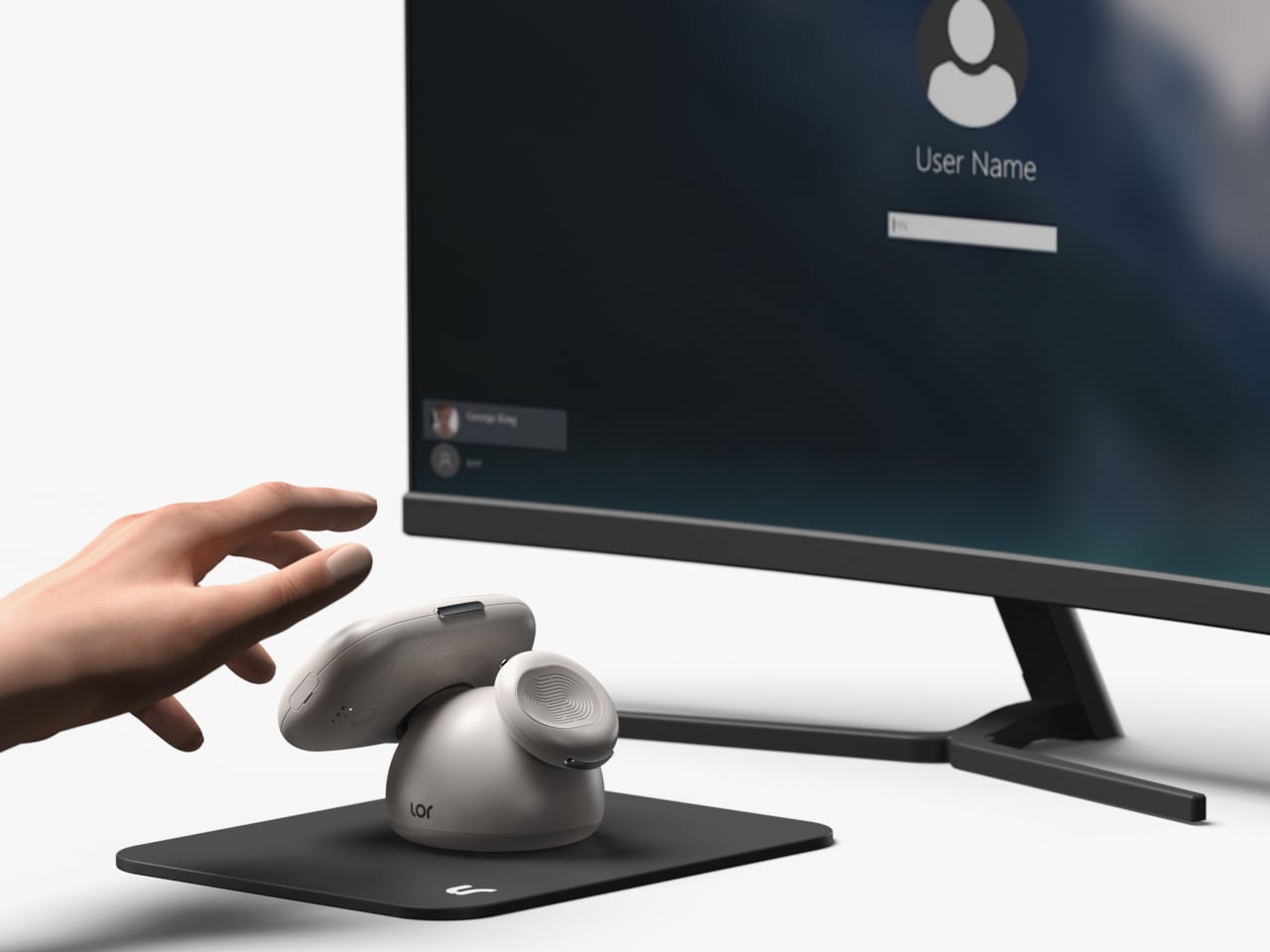
A fingerprint unlock sensor is built into one of the grips, letting you log into your computer with a touch. It is a small feature, but it reinforces the notion that the mouse is a personal object that can recognize you, not just a generic input device. It also hints at future possibilities, like per-user profiles that travel with the mouse in shared environments or family workstations.
Lor treats handedness as a design parameter rather than an afterthought. Instead of asking left-handed people to adapt to right-handed tools, it lets the product adapt to them through a simple, understandable act of assembly. In a category where vertical mice are often strongly handed and ambidextrous options are usually ergonomic compromises, the idea of a modular, mirrorable form turns inclusion into something tactile, giving left-handed users the same thoughtful experience that right-handed users have always quietly taken for granted.
Most posture gadgets target office workers hunched over laptops, buzzing when your shoulders curl forward, or your neck drifts too far from neutral. Meanwhile, people doing physically demanding jobs, like young farmers, quietly rack up back pain and joint strain from long hours of bending, squatting, and lifting in fields. That strain is often treated as just part of the job until it becomes a serious problem threatening long-term health and livelihood.
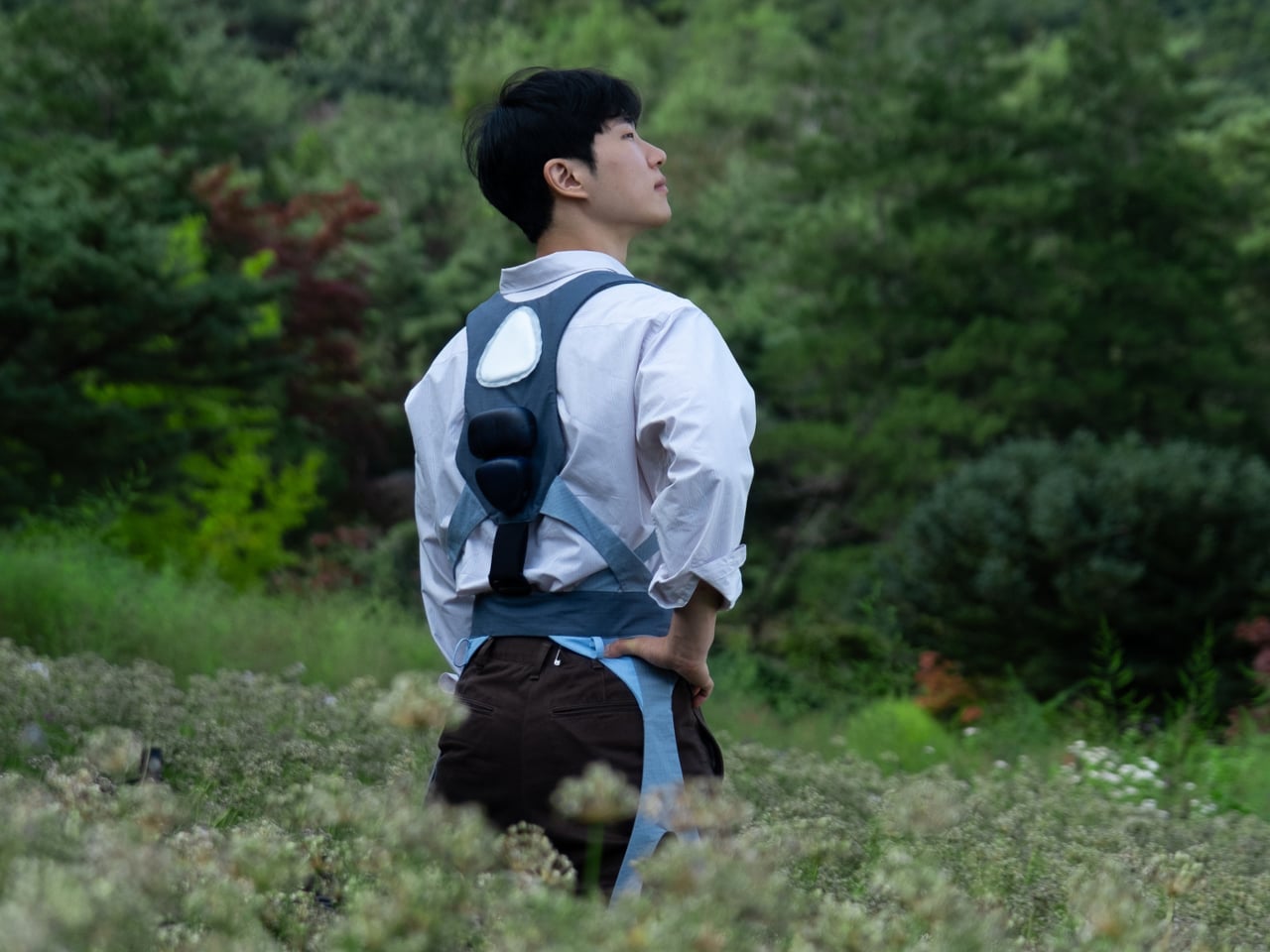
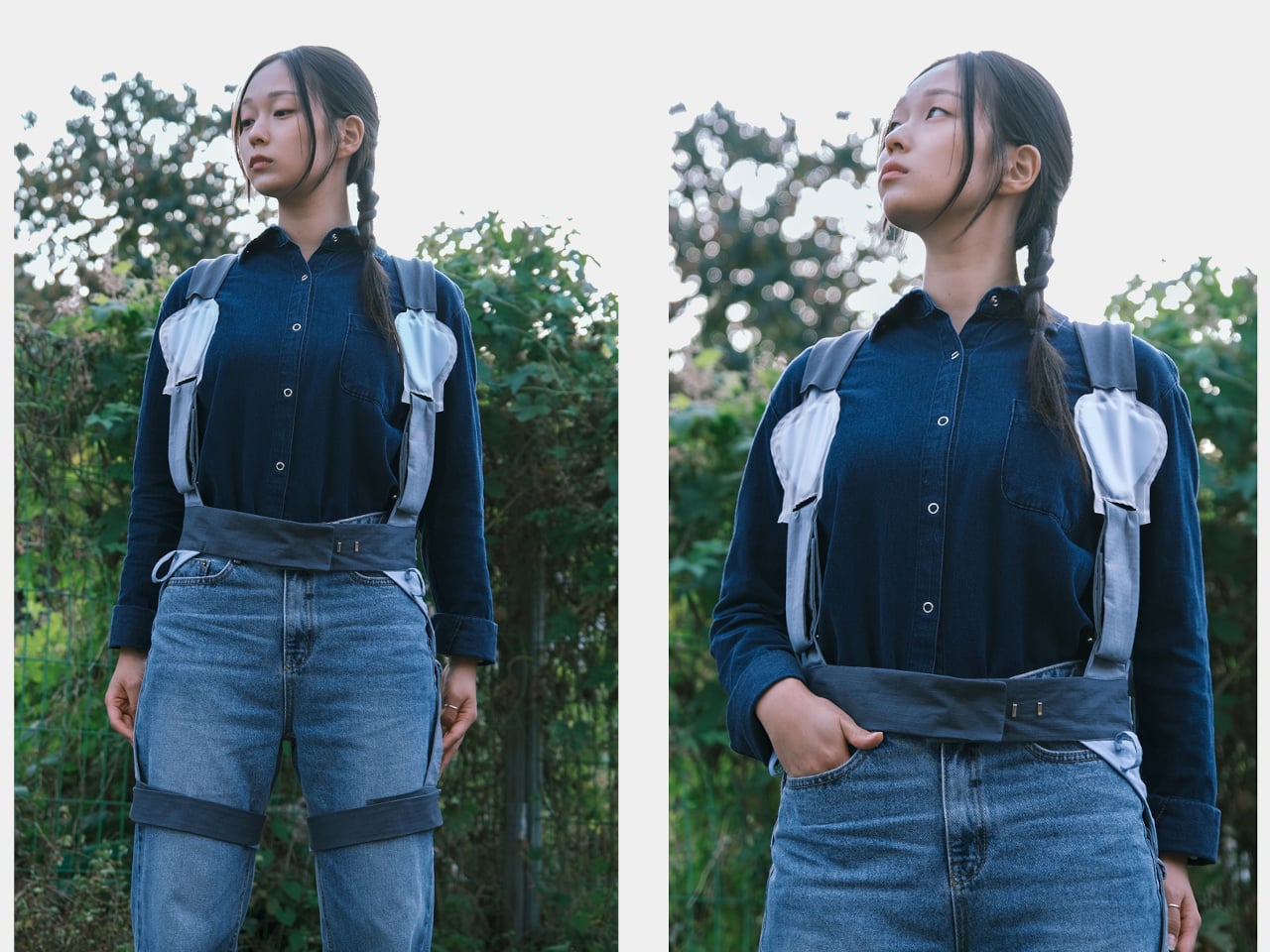
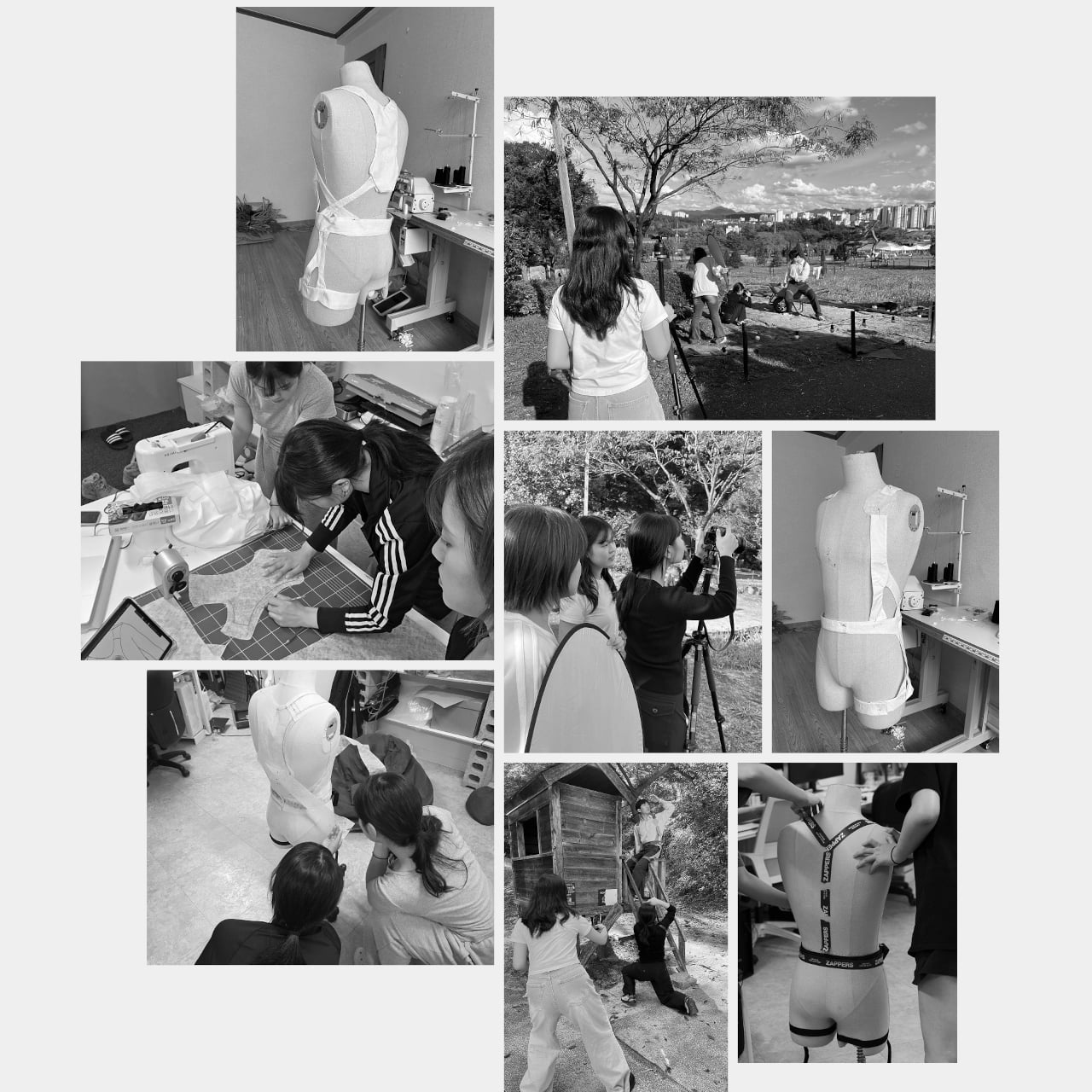
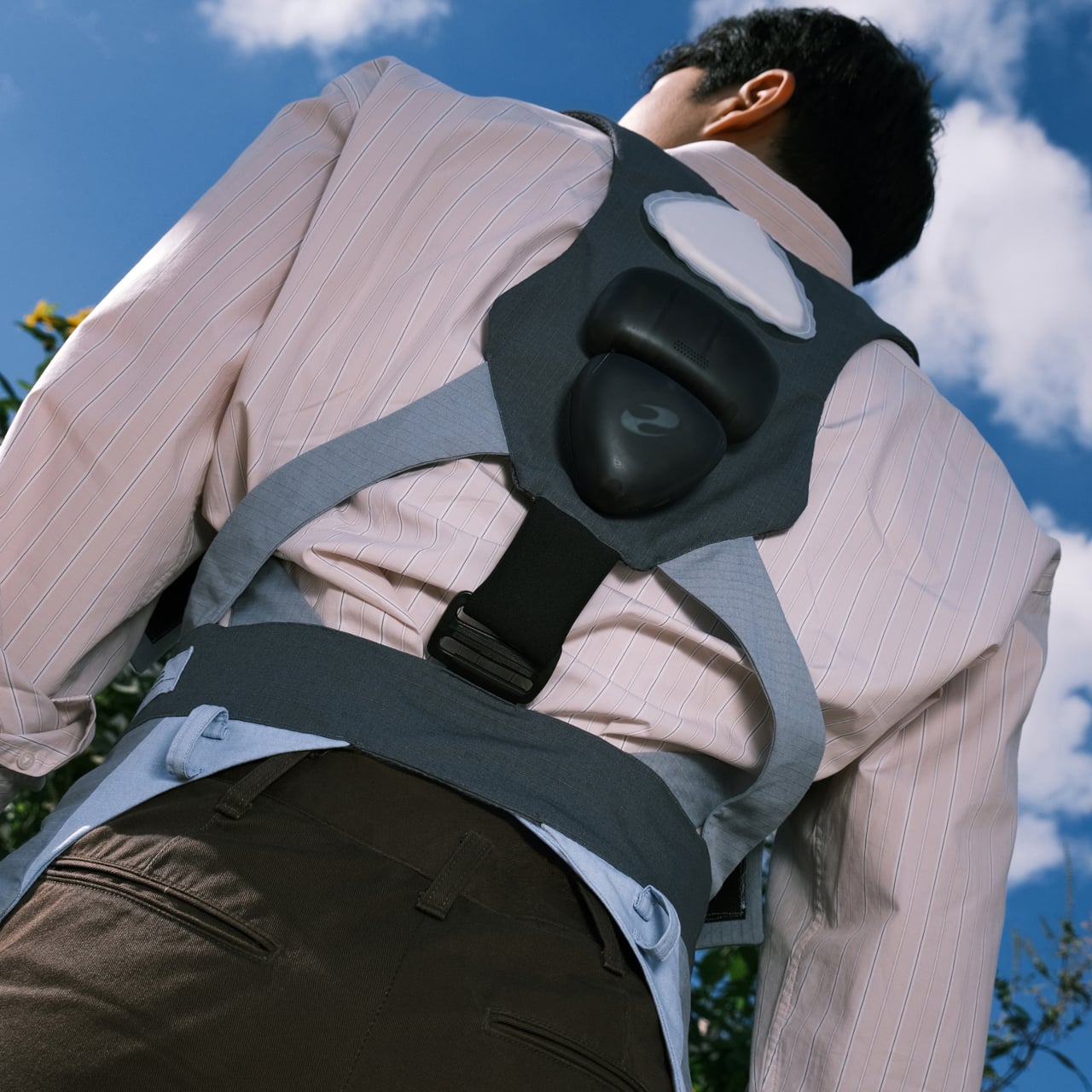
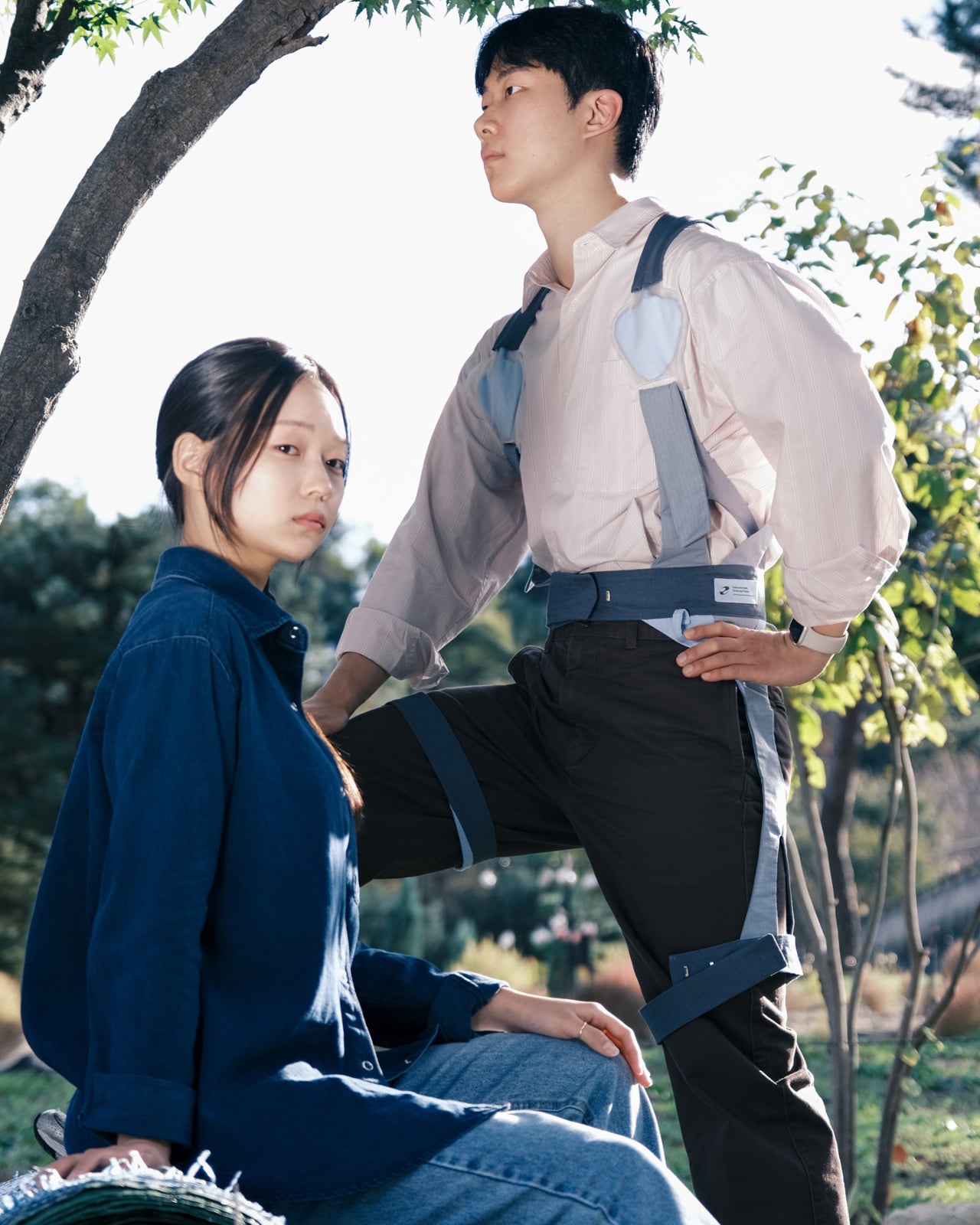
PUM is a graduation project imagining a posture correcting wearable built specifically for young farmers. It is a soft exoskeleton harness with inflatable shoulder airbags, a back module full of sensors and a pump, and an app that tracks posture and guides stretching. It is designed as gear you put on with work clothes, not a medical device you remember after damage is done or when your back hurts badly enough to stop working.
Designers: Seulgi Kim, Gaon Park, Seongmin Kim
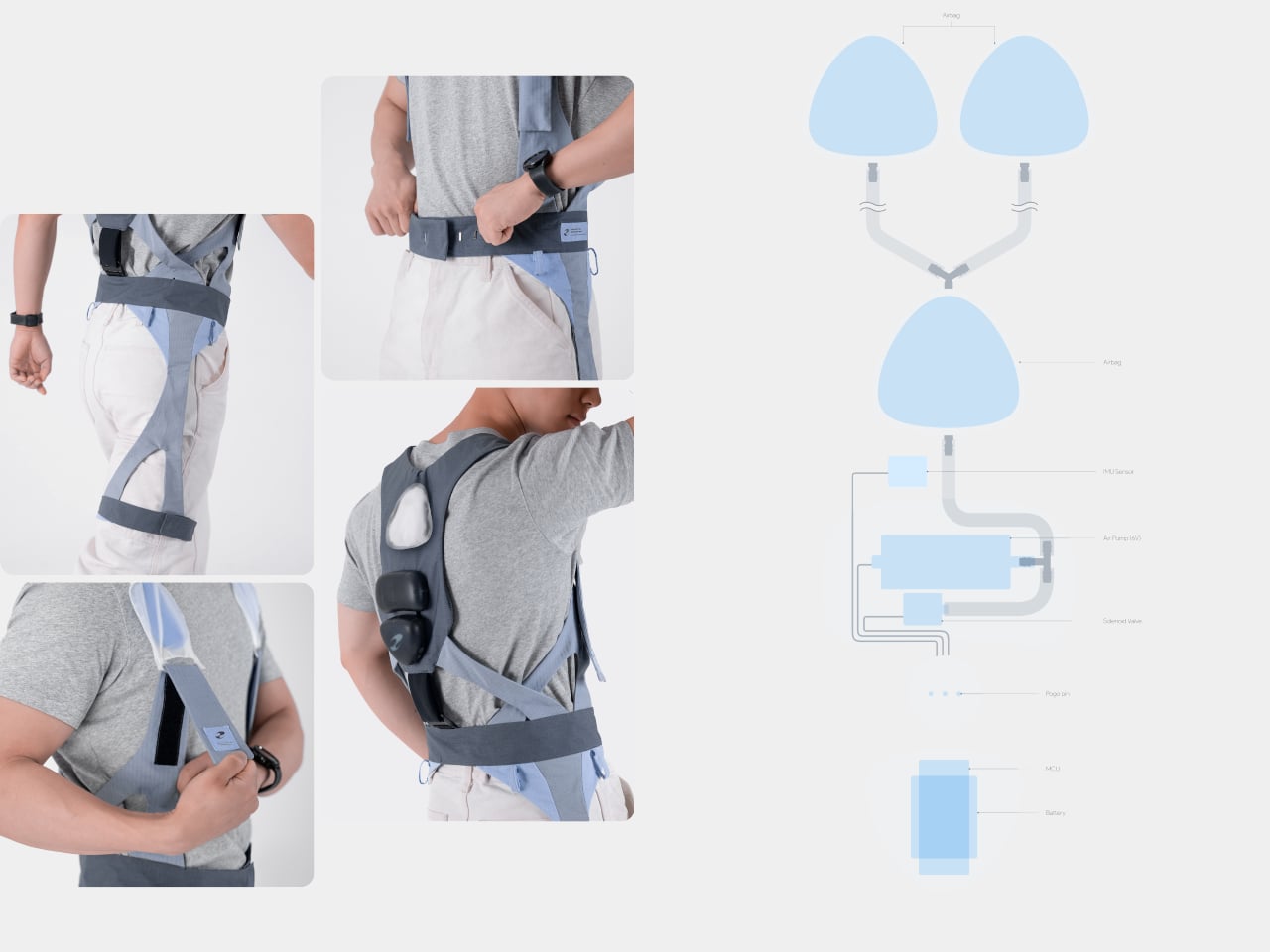
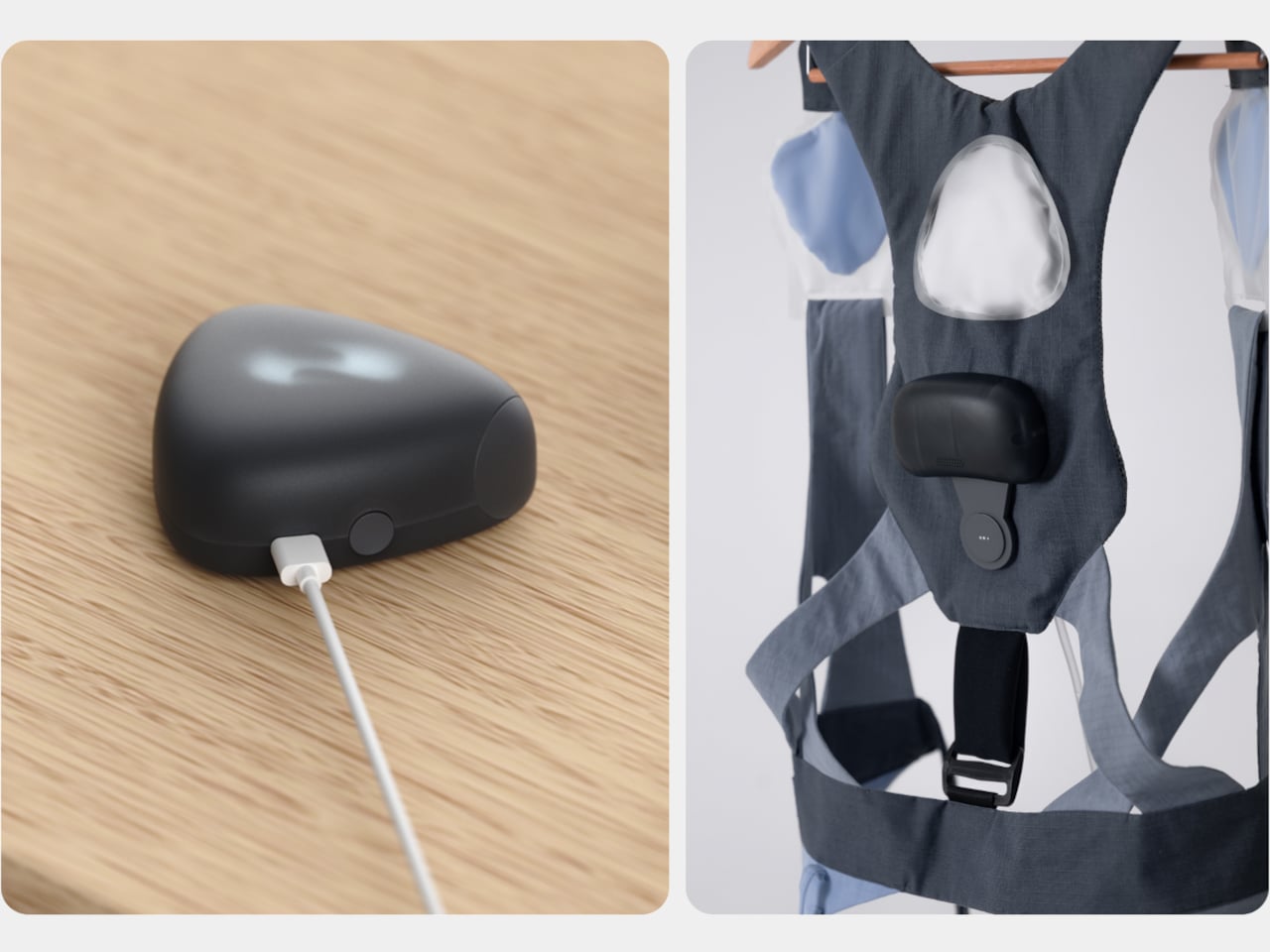
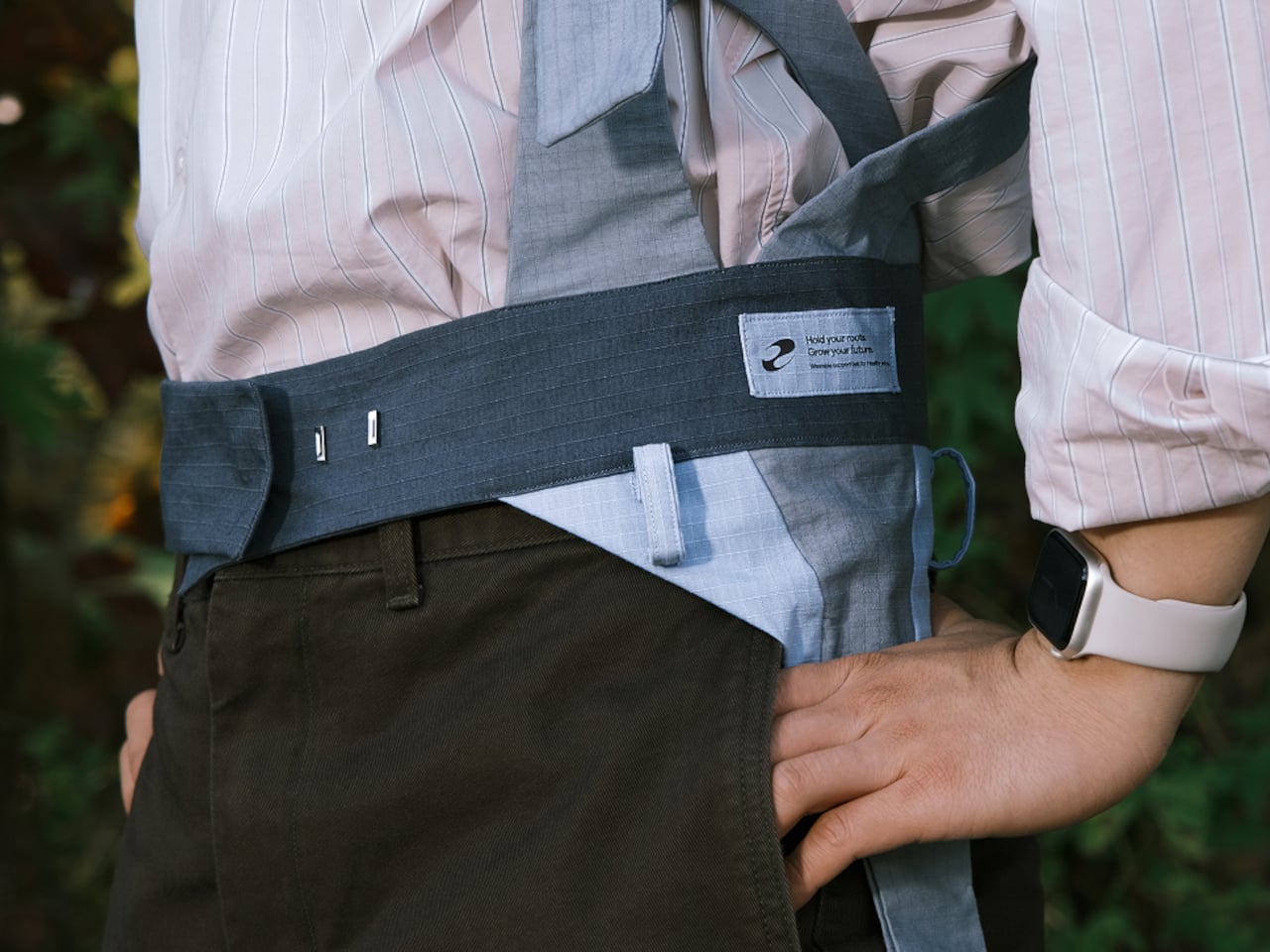
The harness wraps shoulders, torso, and thighs using wide, soft straps in muted blues and grays, with a waist belt anchoring a pebble-shaped module on the back. It aims to feel like a lightweight work vest rather than a rigid exoskeleton, avoiding bulky frames or hard edges. Leg straps and belt also double as attachment points for tools, folding ergonomic support into everyday workflow instead of adding another thing to carry.
The back module uses motion sensors to watch for deep or prolonged bending, sending data to a smartwatch and phone. When a farmer stays in a harmful posture too long, the system nudges them with an alert and, more interestingly, by slightly inflating the shoulder airbags. That gentle pressure on the upper back acts as a physical reminder to straighten up without constant buzzing or nagging notifications interrupting delicate planting or harvesting work.
The air system relies on small triangular airbags in shoulder straps connected to a pump and valves in the back module, controlled by a microcontroller and pressure sensor. When posture crosses a threshold, the pump adds air, and when the user corrects, it releases pressure. It is soft robotics used as a tap on the shoulder, a tactile cue instead of another screen telling you what to do or another alarm competing for attention.
The app layer lets farmers see how long they spent bent over, adjust how sensitive PUM is, and, at the end of the day, follow a stretching program tailored to that data. If the system saw lots of forward flexion, it suggests back extension and hamstring stretches. PUM does not clock out when fieldwork ends; it helps with recovery, so tomorrow starts from a better baseline instead of compounding yesterday’s strain into chronic issues.
PUM shifts the usual posture tech story away from offices and into fields, treating young farmers’ bodies as worth designing for. As a concept, it raises questions about durability in dusty, wet environments and whether farmers would wear a full harness every day. But it points toward a future where soft exoskeletons, air-driven feedback, and thoughtful service design quietly protect the people whose work keeps everyone else fed, instead of assuming physical labor is something bodies just endure until they break.
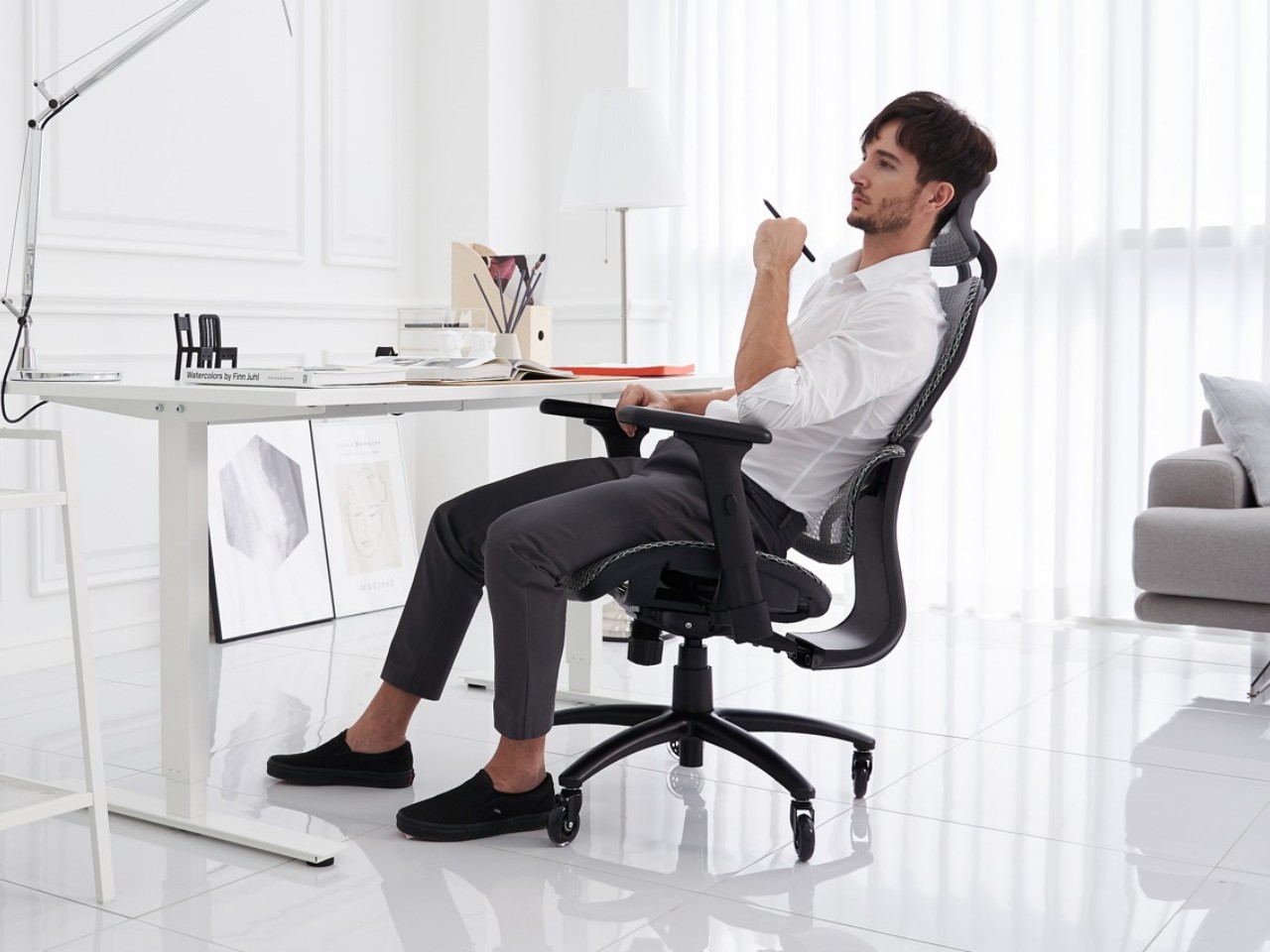
An “ergonomic chair” is designed to accommodate a wide range of individuals but must be tailored to the user’s body dimensions, workstation, and tasks for true ergonomics. Prolonged sitting, despite requiring less physical effort than demanding tasks, poses significant health risks such as back pain, stiff necks, and leg numbness, strain muscles, ligaments, and tendons, increasing the risk of discomfort and injury. Corrections are necessary for better ergonomics and to prevent discomfort or injury. Here are features to consider when selecting an ergonomic chair.
An adjustable seat height is essential for comfort, allowing your feet to rest flat on the floor ensuring that most individuals can keep their feet flat on the ground, maintain horizontal thighs, and align their arms evenly with the desk height. Note that a seat height range of 16 to 21 inches is usually comfortable for most people.
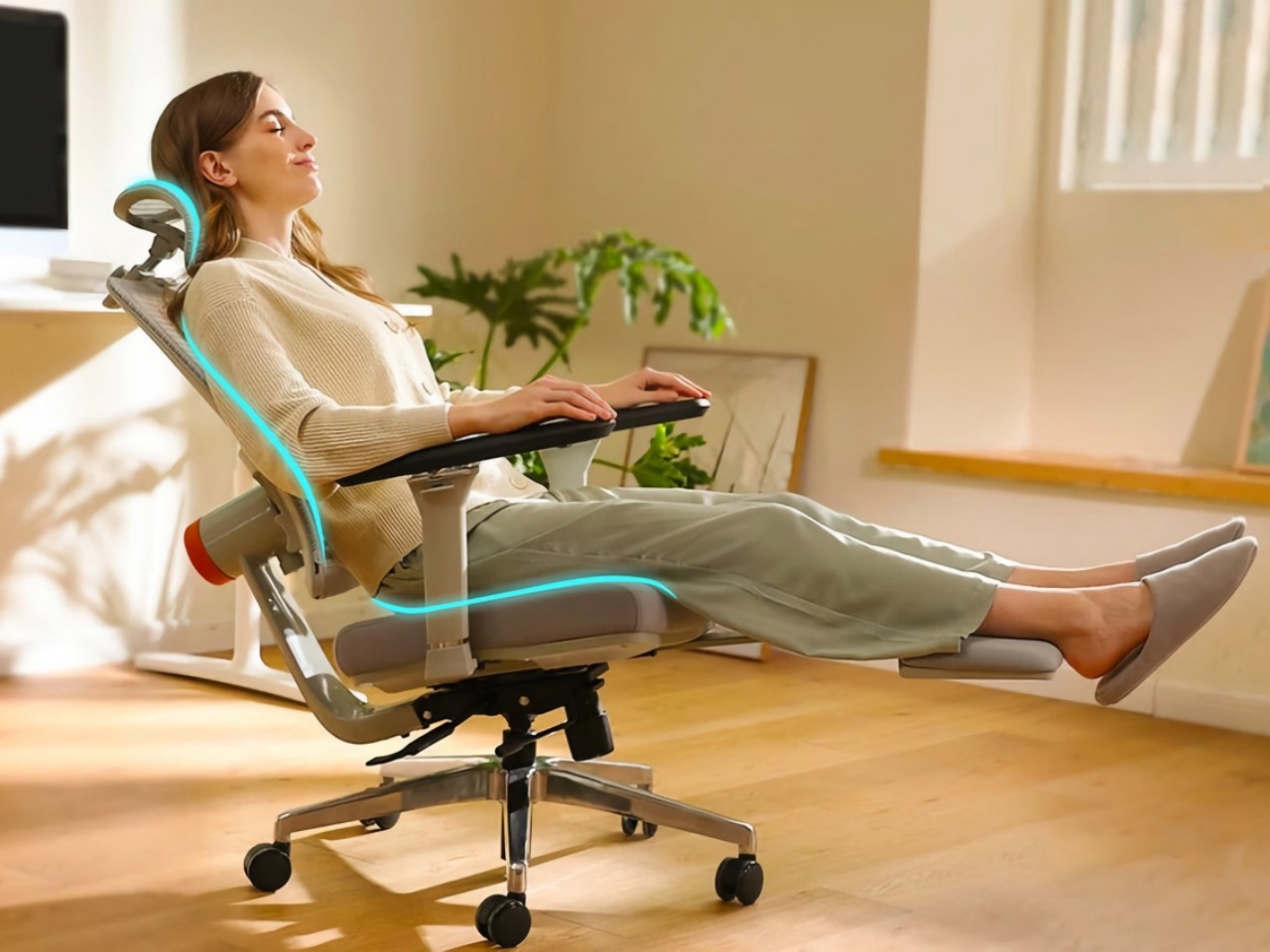
The NEWTRAL MagicH chair adapts to the user with an auto-following backrest and headrest, providing support whether sitting upright, leaning forward, or reclining. It accommodates various sitting styles, ensuring comfort and promoting healthy posture. The Pro model includes a foldable footrest and 4D Extended Armrest for comprehensive support, with adjustable features tailored to individual needs, enhancing overall comfort and preventing injuries.
2. Seat Width and Depth
The seat dimensions should ensure comfort by accommodating individual height and body shapes. It should maintain a depth that leaves 2 to 4 inches between its edge and the back of your knees to avoid excessive pressure.
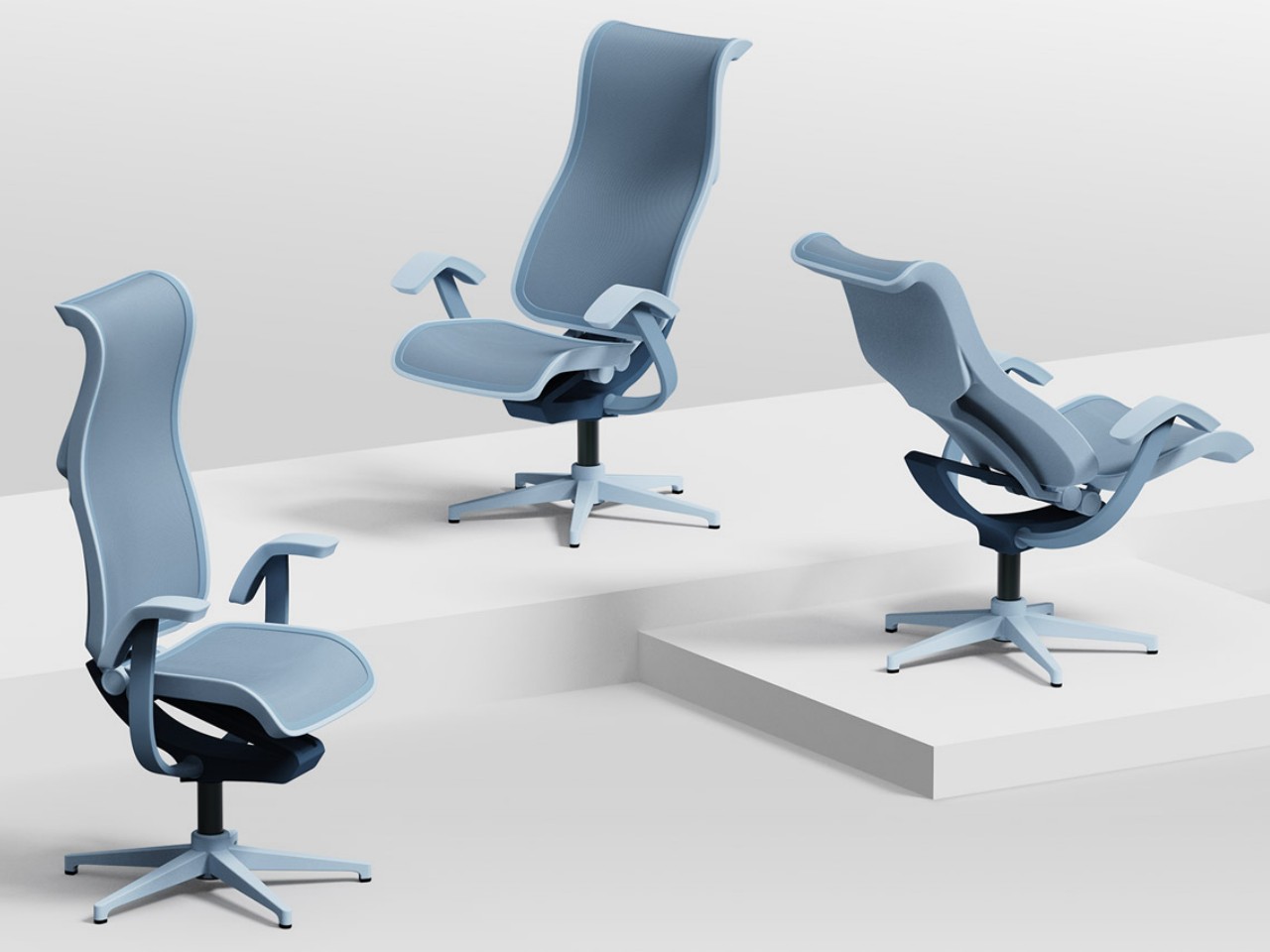
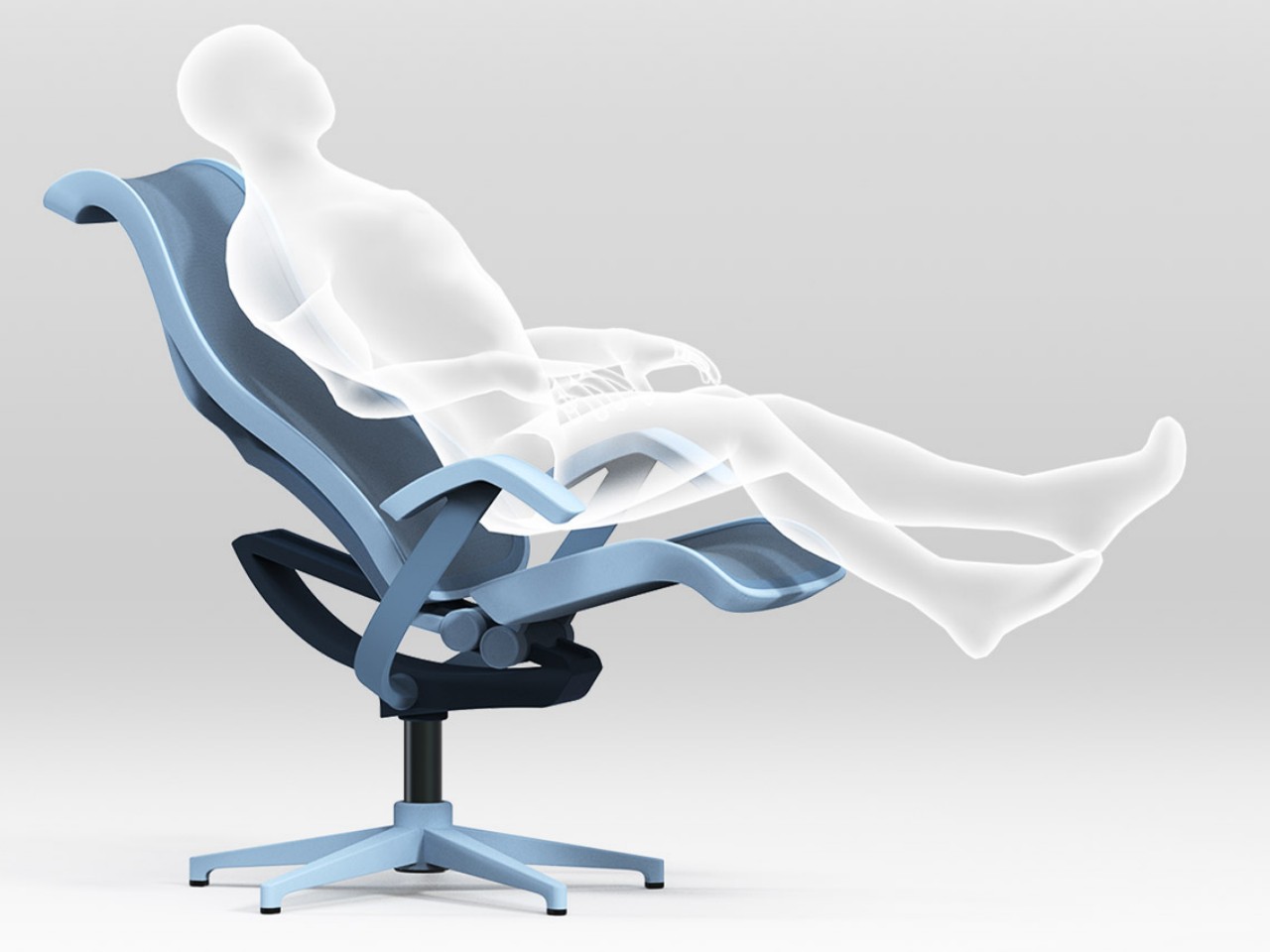
The Routine Chair by Yubin Lee and Minkyoung Song is a smart, ergonomic chair that adjusts the headrest, armrests, and reclining angle based on an app-controlled schedule. Designed for optimal comfort and productivity, it offers three modes—work, chill, and rest—automatically adapting to the user’s routine. Competing with top brands like Herman Miller, this innovative chair ensures seamless comfort and support, making it ideal for professionals in a digital work environment.
3. Seat Tilt
In office chairs, the tilt mechanism plays a crucial role in maintaining a healthy, properly aligned spine and back. The tension and strength within the tilt mechanism ensure adequate support for your back.
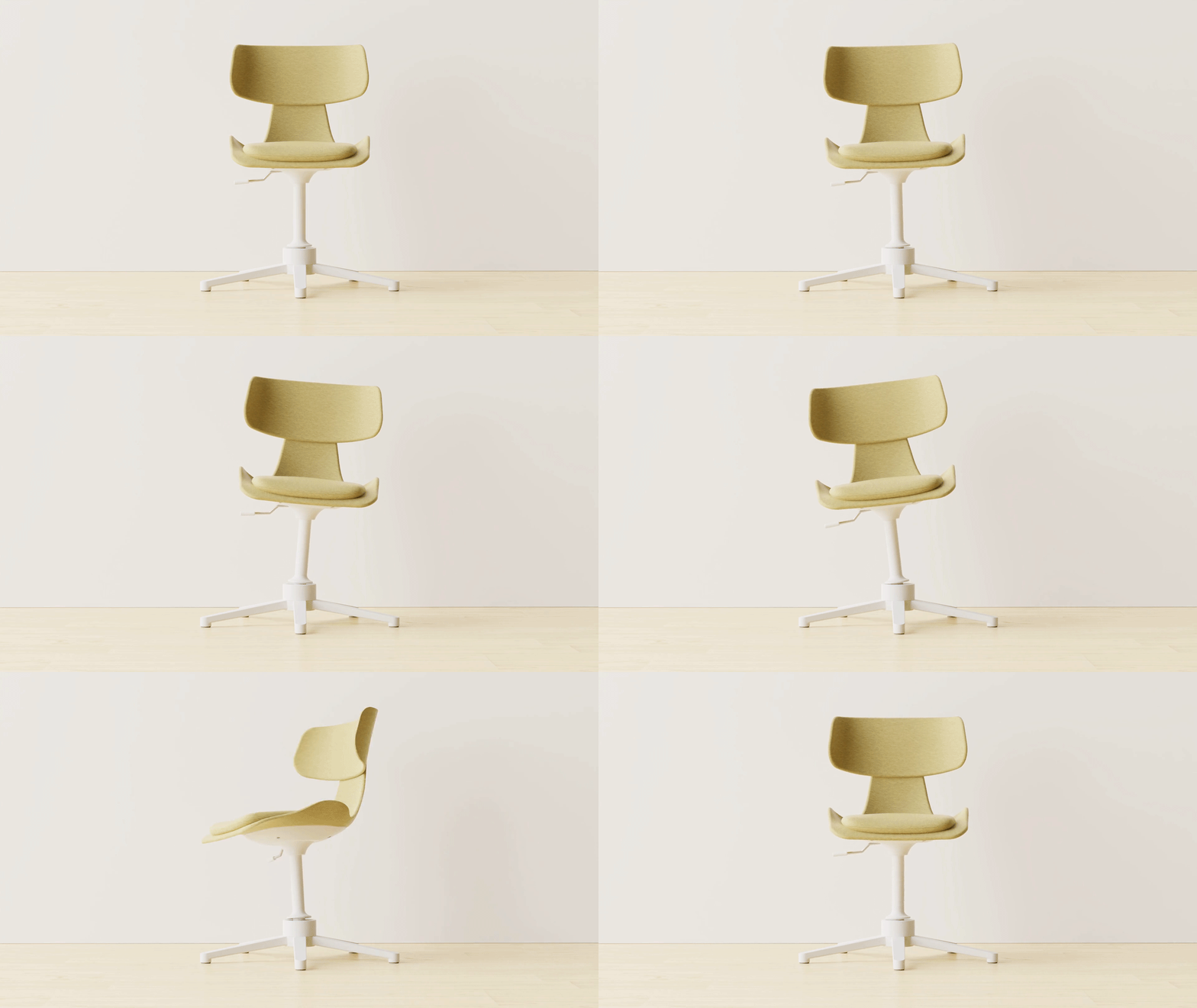
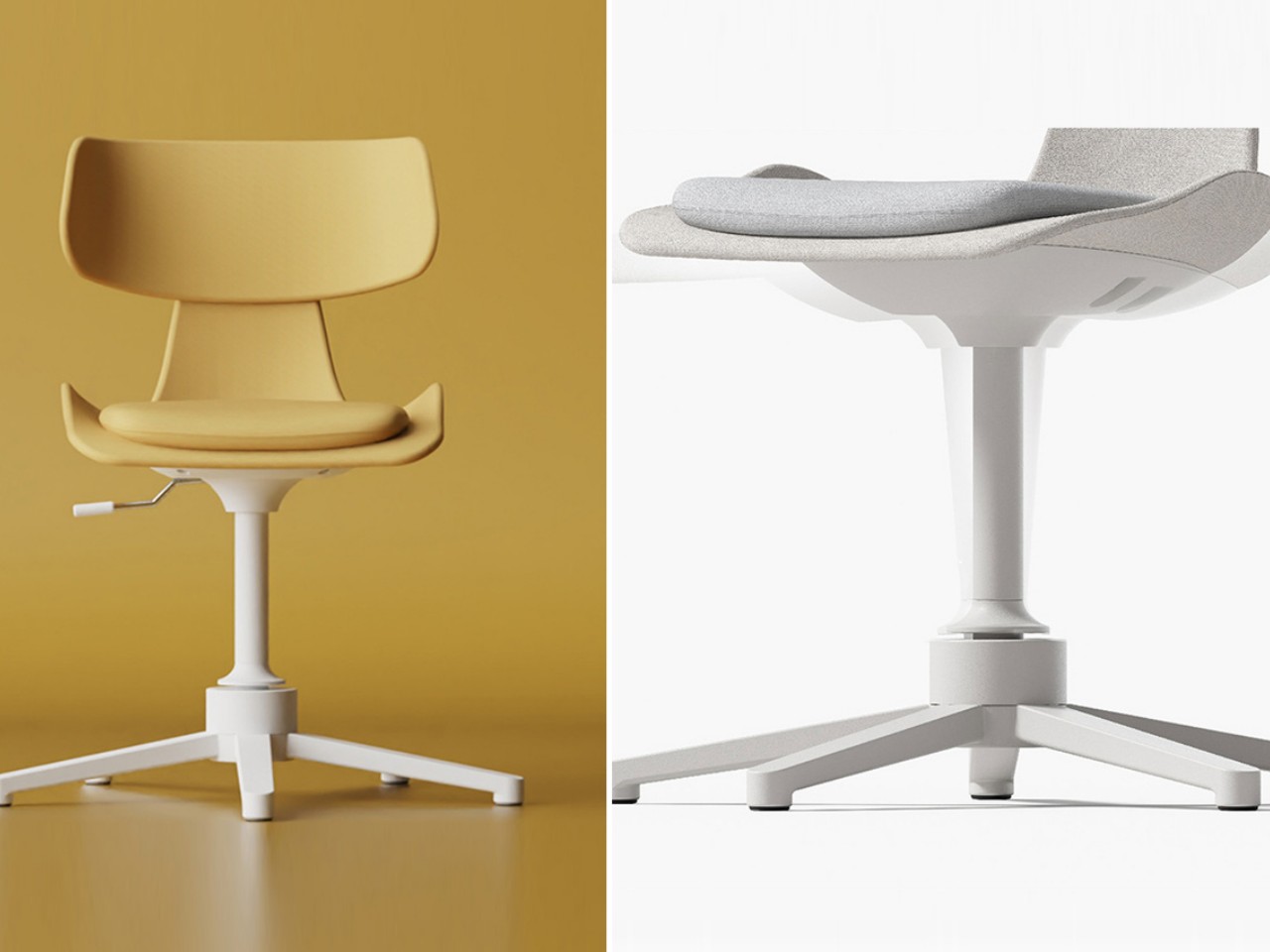
The 5° Chair by Seoul-based design firm 250 Design is tailored for those who naturally lean back in chairs. With 360° rotation, forward and backward tilting, and lateral movement up to 5 degrees, it offers dynamic seating for office or home use. Designed to support prolonged sitting, its cushioning molds to the body’s contours, while angled wave springs reinforce the legs for multidirectional tilting. This compact chair, ideal for small spaces, replaces traditional wheels with a swivel and spindle mechanism, ensuring stability and support without sacrificing mobility.
4. Backrest Lumbar Support
Lower back support is vital in an ergonomic chair to maintain the natural curve of the lumbar spine. An essential feature of ergonomic chairs, lumbar support maintains the spine’s natural curve, reducing stress and preventing slumping. Adjustable backrests ensure optimal alignment for user comfort.
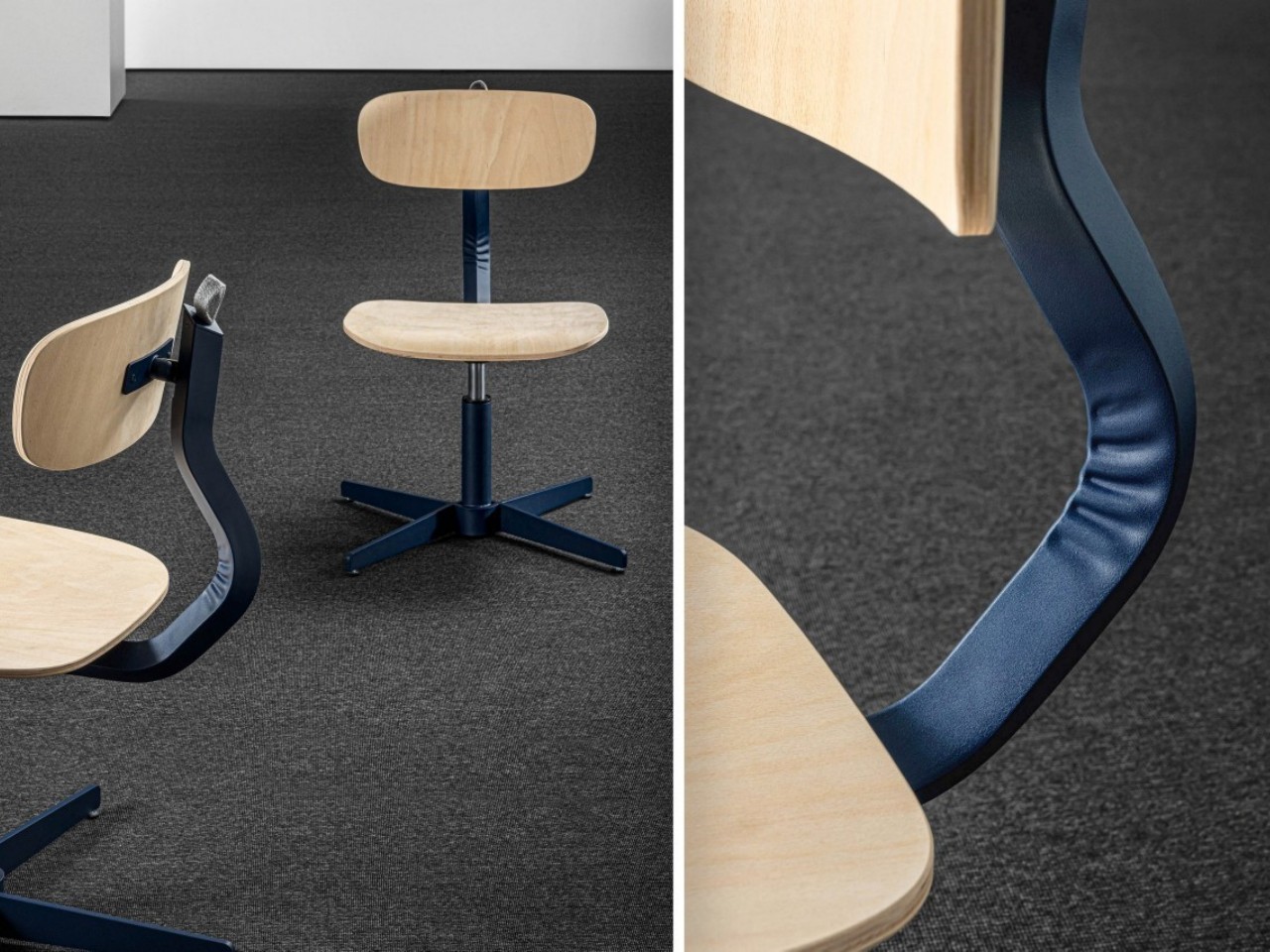
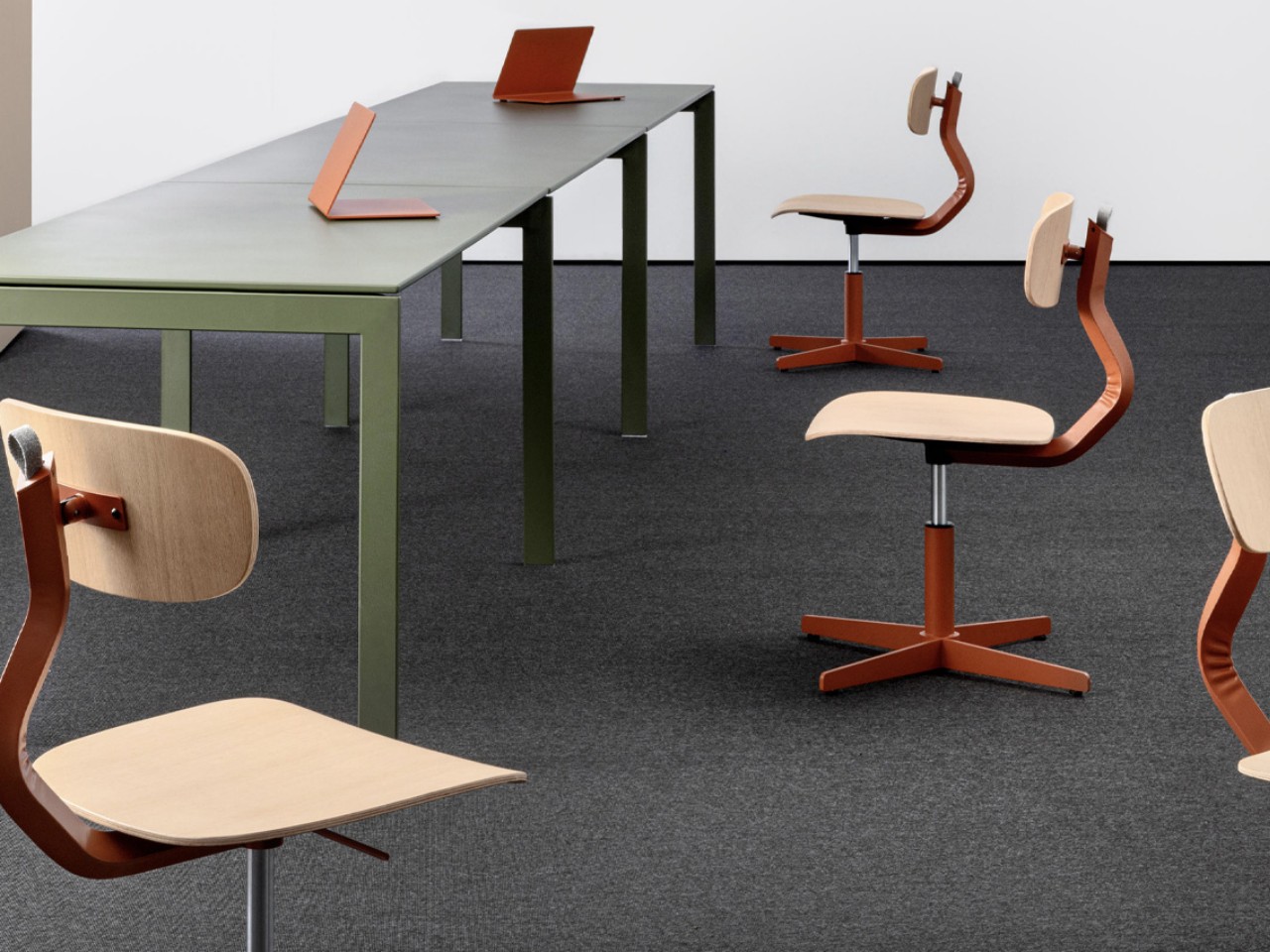
The Typo Office Chair by AMDL Circle, designed for Mara, excels in providing comfort, ergonomics, and aesthetics, all essential for productivity. Its playful yet ergonomic design boasts a curved timber base and backrest, complemented by a colorful metal structure. This intentional blend of materials not only enhances comfort but also adds personality to the chair, turning what might seem like a mistake into a defining feature.
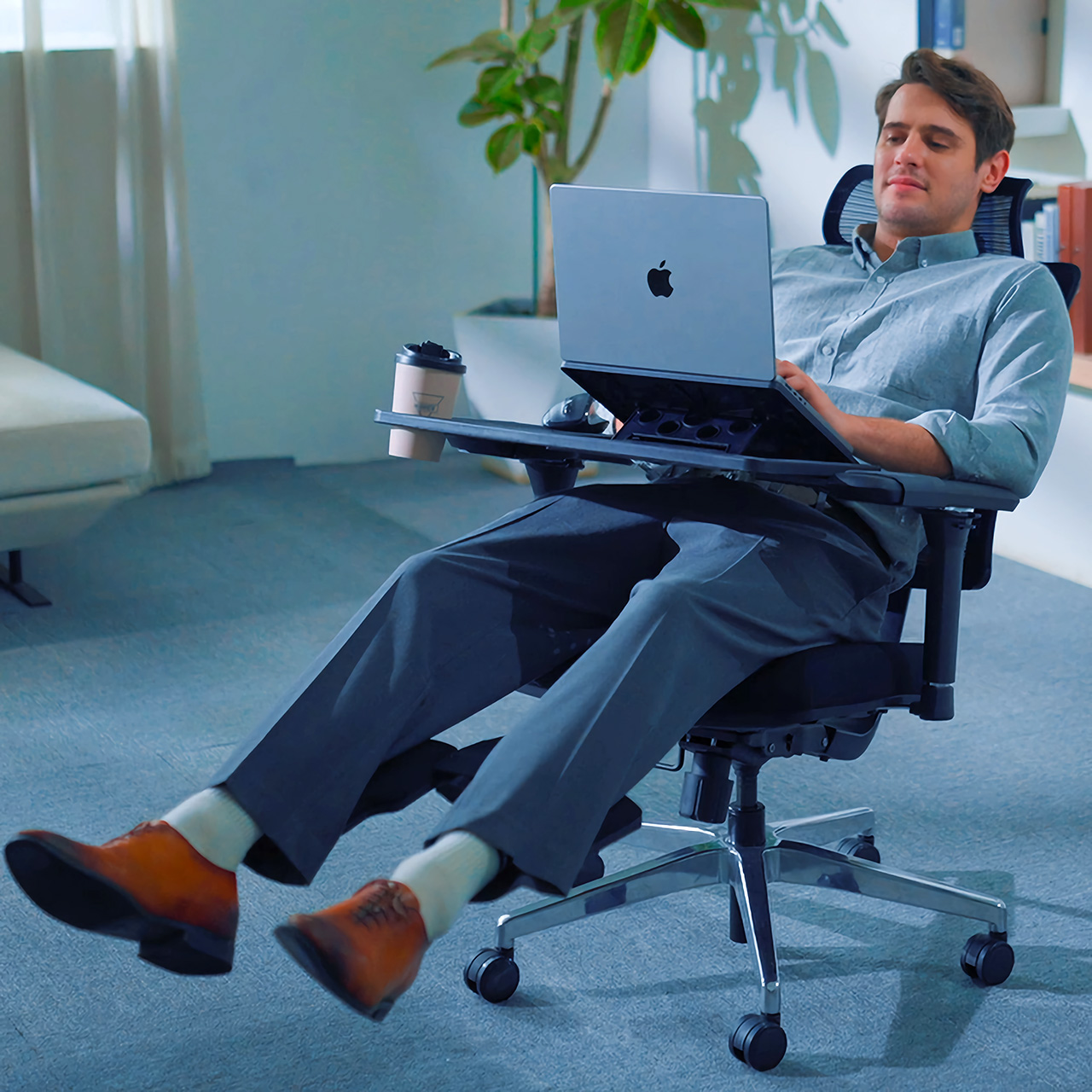
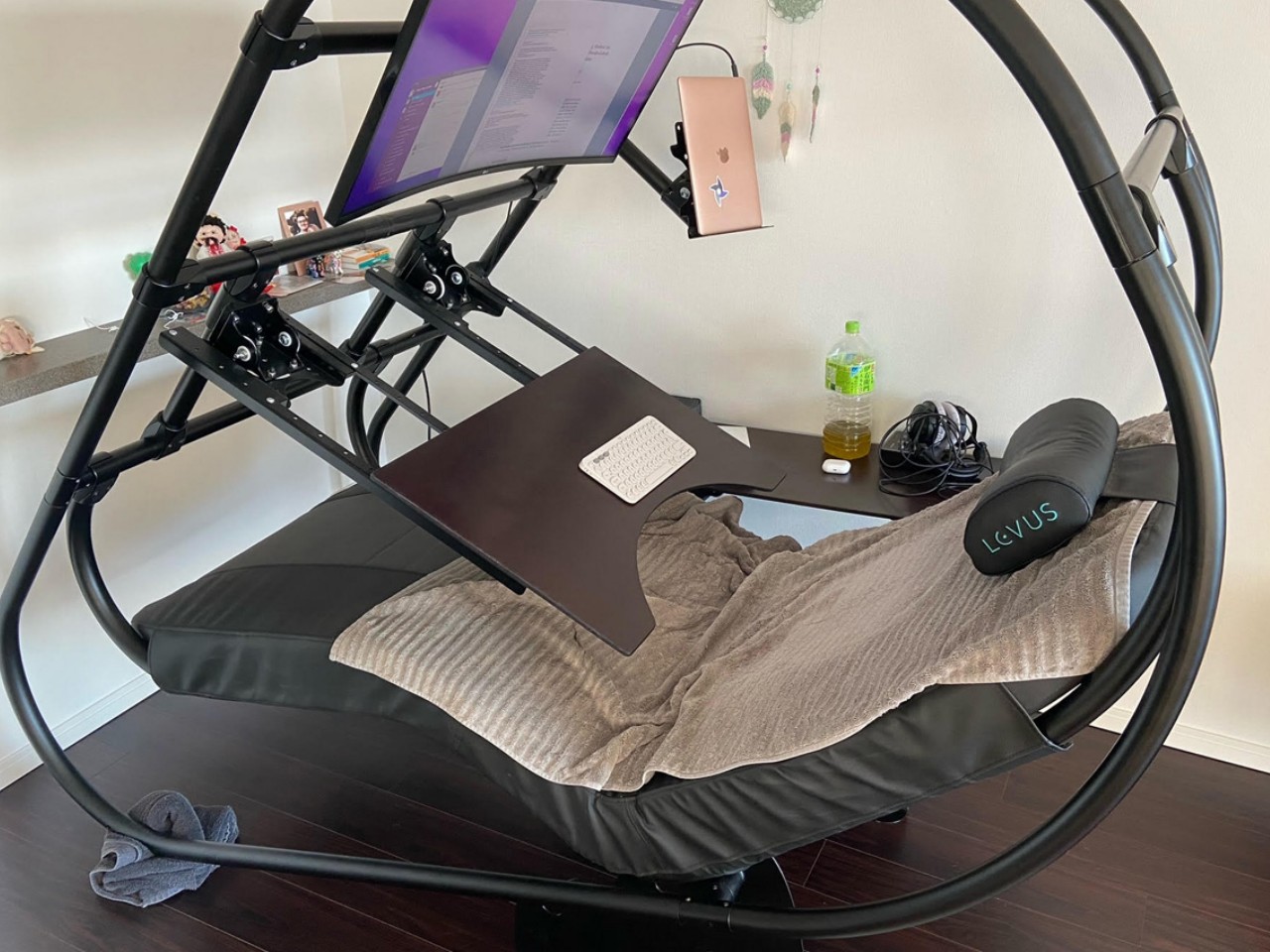
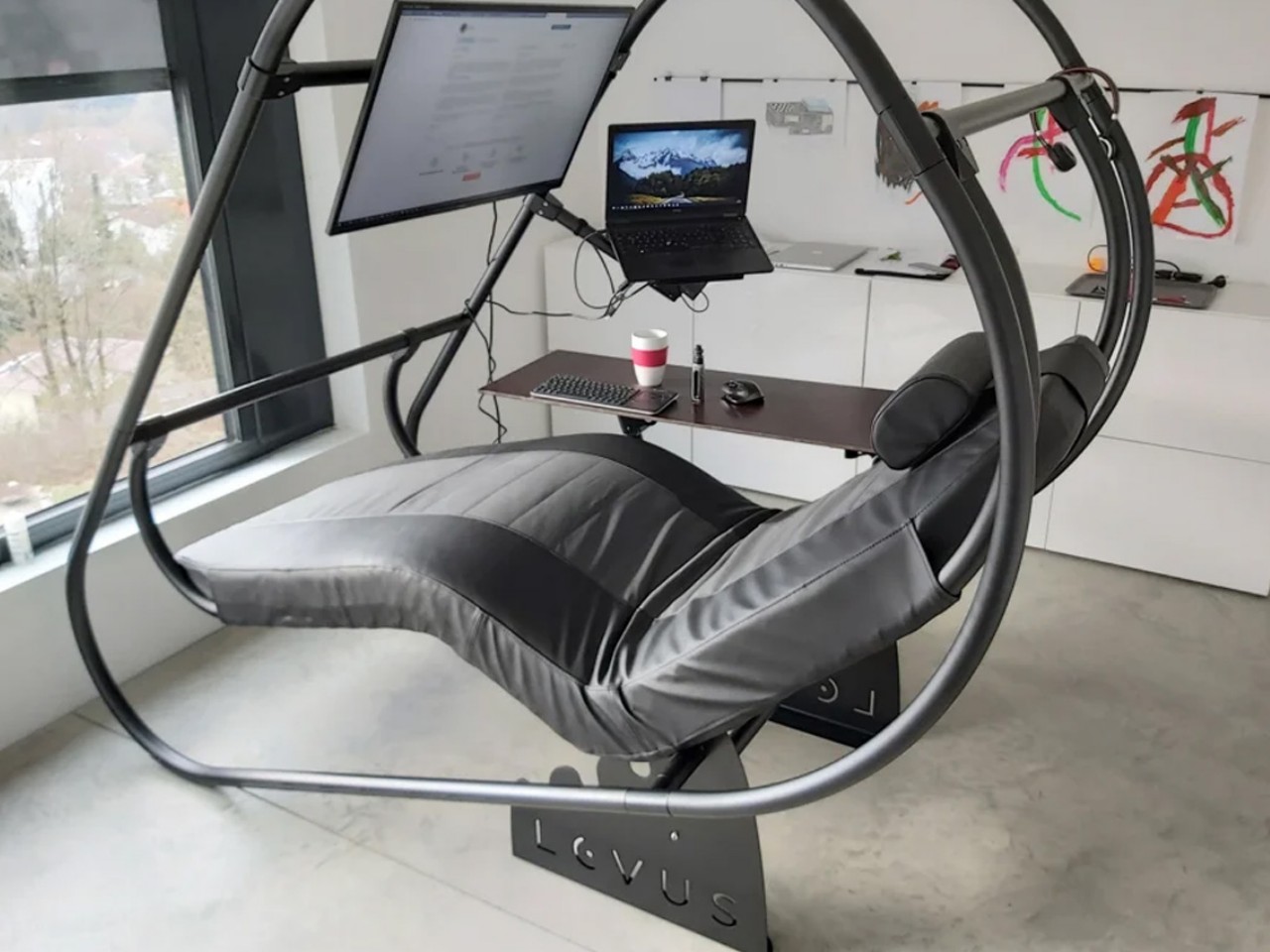
The LEVUS offers a reclined work setup, perfect for reducing back pain and discomfort for those who spend long hours at a computer. Ideal for both home and office use, it features an adjustable, lightweight aluminum structure that supports multiple monitors and includes an adjustable headrest, mouse station, and keyboard table. The ergonomic design reduces vertical spine pressure, making it a comfortable choice for gamers, creators, and office workers alike. Easy to assemble and designed for ultimate comfort, the LEVUS transforms traditional workstations into ergonomic havens.
5. Backrest Recline
The backrest of an ergonomic office chair, ideally 12 to 19 inches wide, should support the natural spine curve with proper lumbar support easing pressure on spinal disks and muscles by distributing upper body weight. If the chair has a combined seat and backrest, it should offer adjustable angles and a locking mechanism to prevent excessive backward movement.
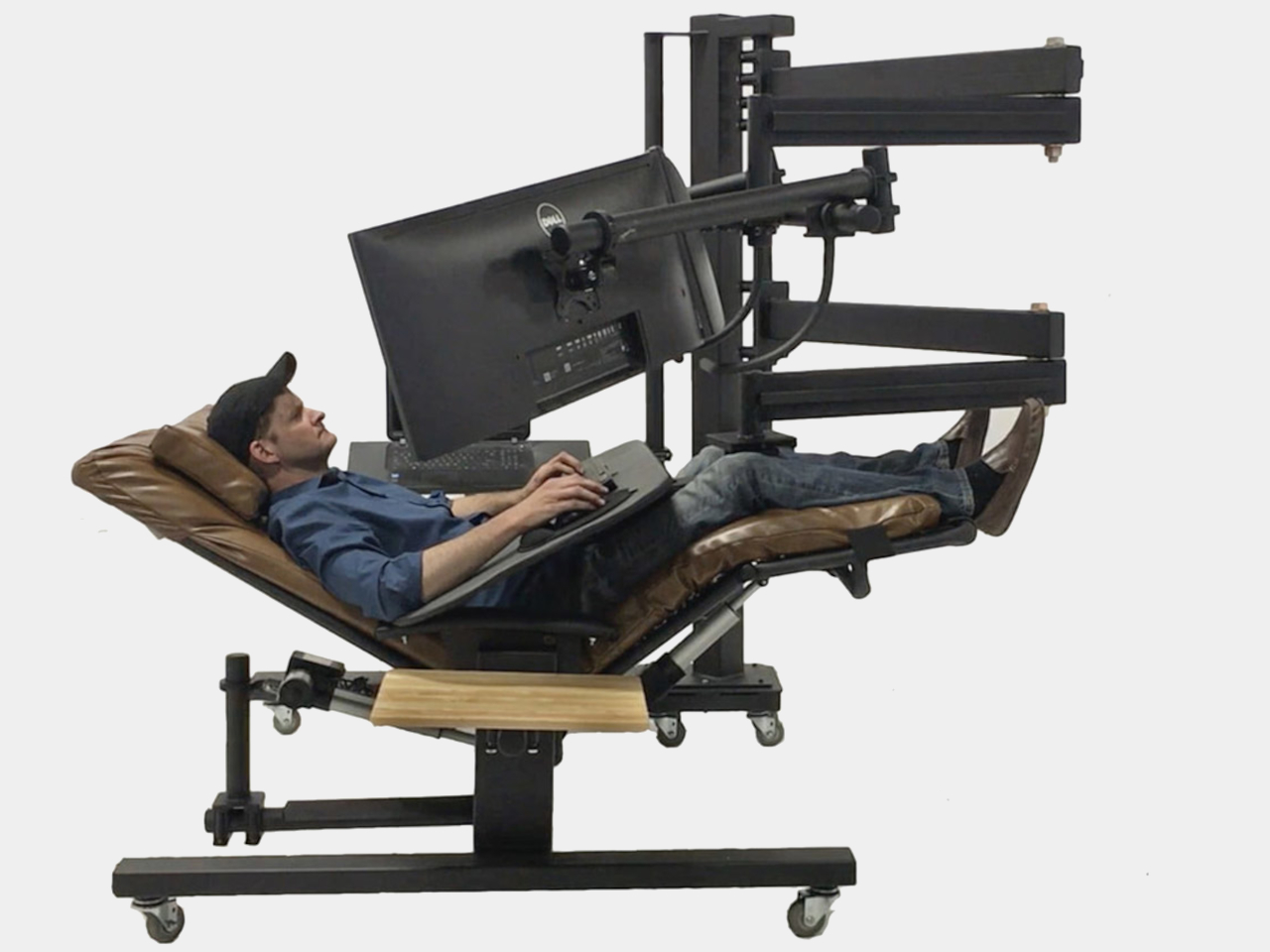
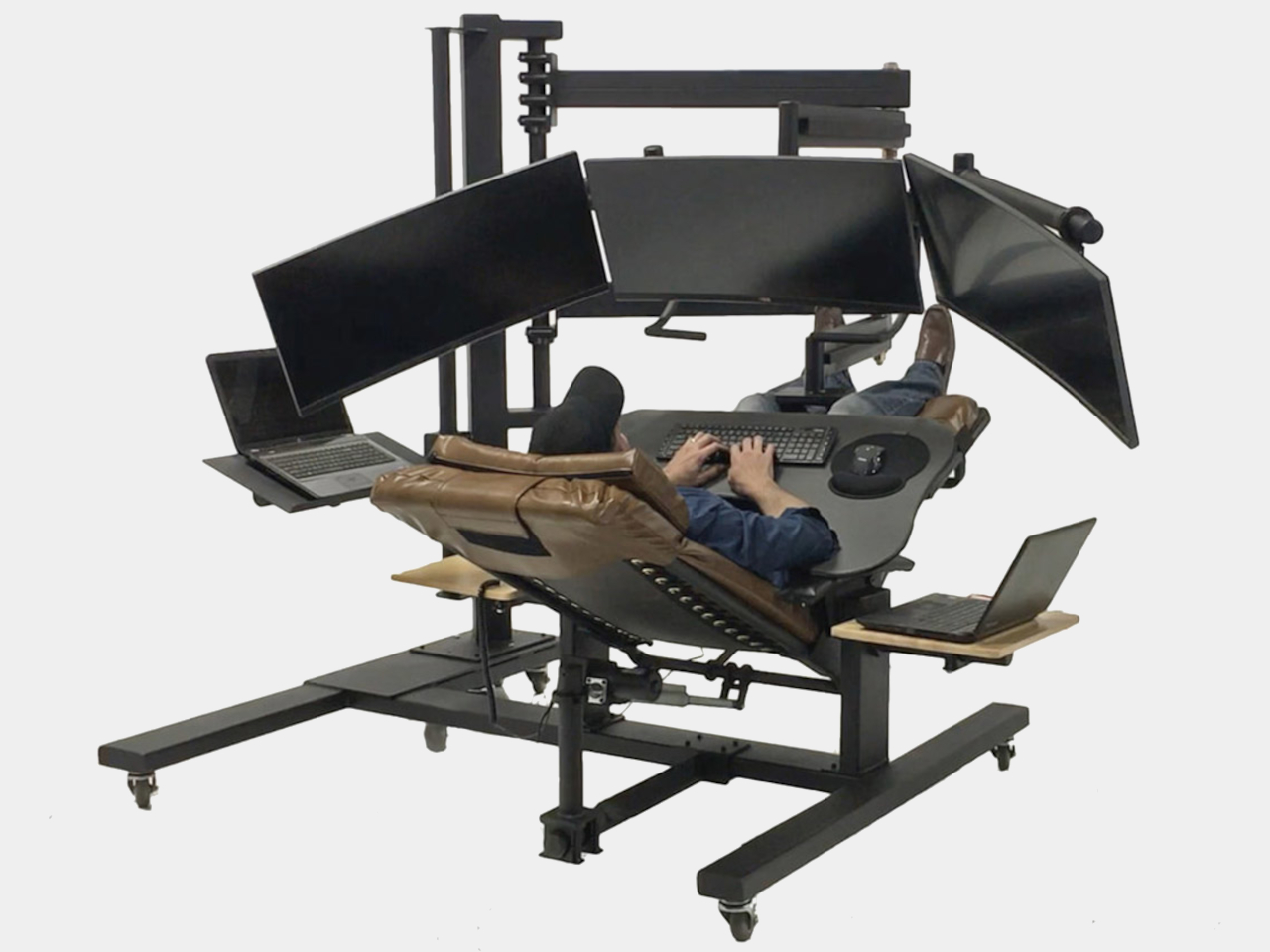
In the dynamic landscape of offices and remote work, traditional chairs and desks often strain the spine with vertical pressure, despite the advent of standing desks. The LEVUS chair offered a reclined design as a solution, but ErgoQuest’s ZGW-0b zero-gravity reclining workstation takes innovation further. Engineered to alleviate back and neck pain, it allows for customizable work angles from zero to ninety degrees, featuring the motorized ErgoQuest ZGC-1 chair and accommodating up to four monitors on a sturdy steel mast. Packed with conveniences like side tables and a padded keyboard tray, it prioritizes comfort and productivity. The ZGW-0b represents a new paradigm in work setups, blending laziness with postural wellness for enhanced efficiency.
6. Armrests
Armrests provide valuable support during typing or using the mouse by taking the weight off your arms, reducing strain on the shoulders and upper arms. Adjustable armrests allow vertical movement to position them correctly and promote shoulder relaxation.
The Nouhaus Ergo3D is no ordinary ergonomic chair; it’s a high-back marvel with dynamic lumbar support, 4D adjustable armrests, and a class-4 hydraulic gas-lift main pillar, all for a fraction of the price of similar models. Designed to exude luxury by Nouhaus, it offers personalized spine support and cranium comfort, thanks to its unique features like the ‘Just-For-Me’ Lumbar Support System and adjustable headrest. Clad in breathable HD ElastoMesh fabric, it ensures comfort during long hours of use.
7. Headrest
Supporting the back of the head and upper neck, it alleviates tension in the shoulders and upper torso.
8. Materials
The material covering the seat and back of the office chair should be adequately padded for extended sitting comfort, with breathable cloth fabric being preferable, while options like leather or velvet are commonly found in high-end models.
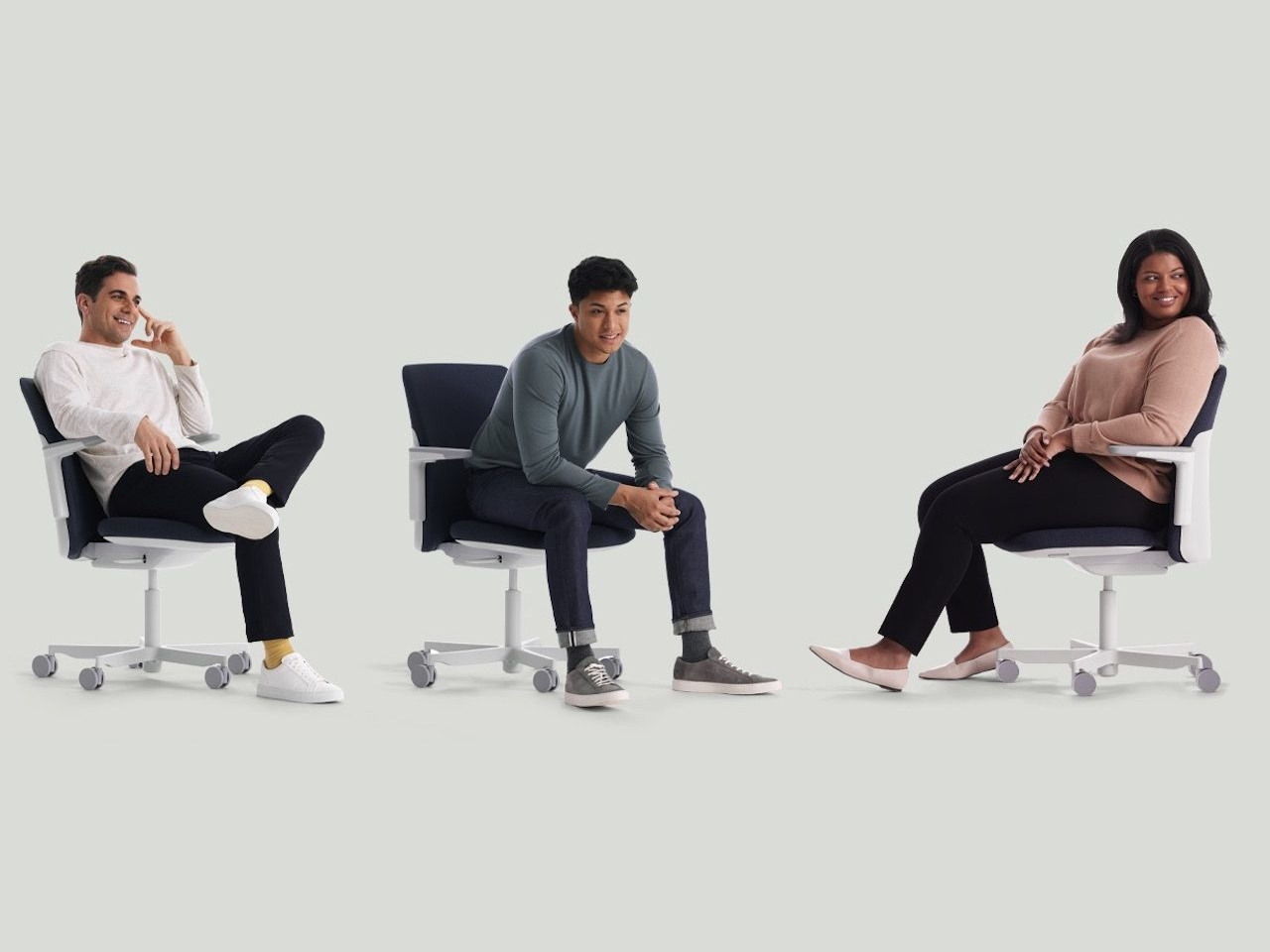
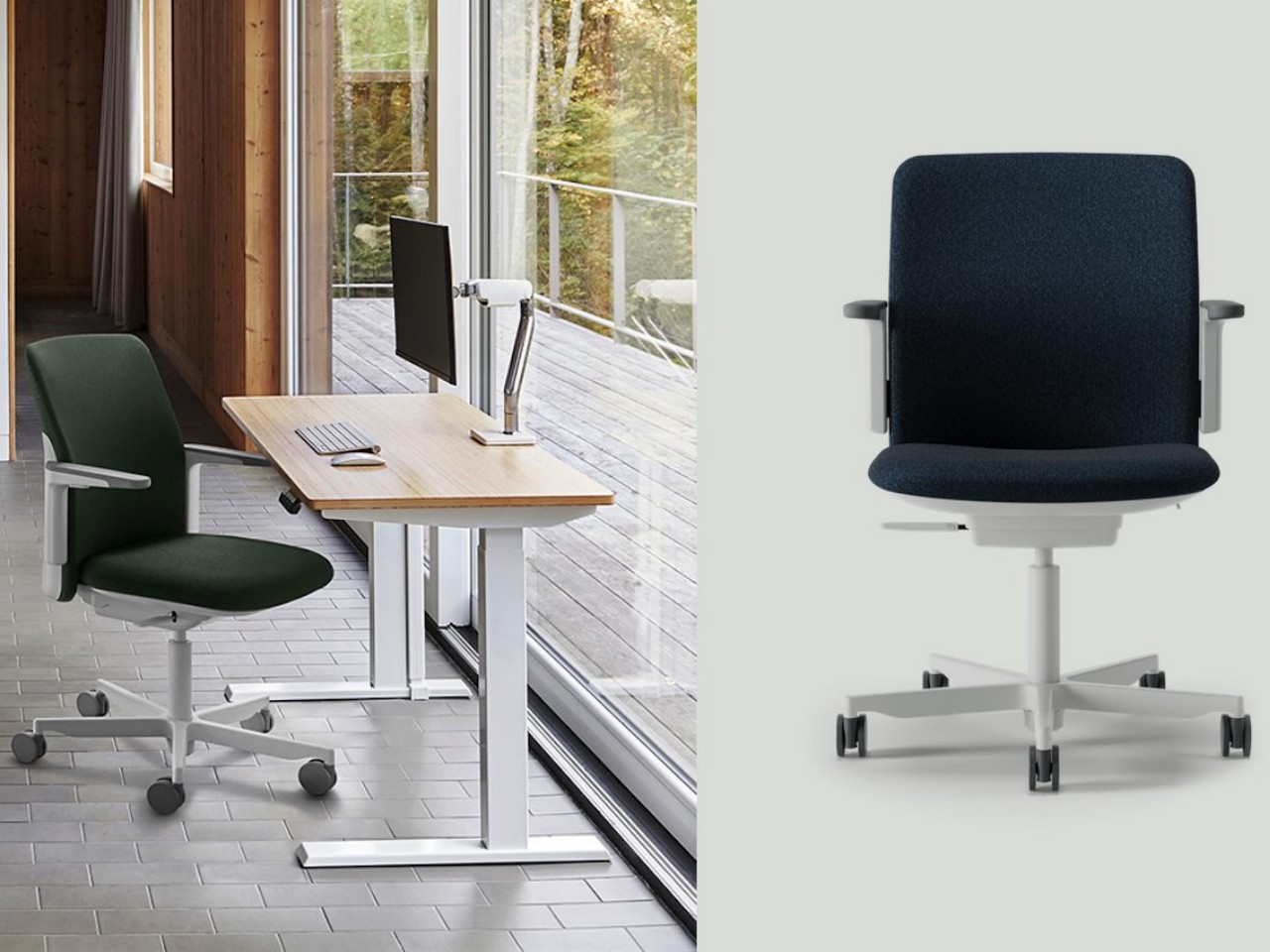
The Path Task Chair by Humanscale stands out for its sustainability, using 22 pounds of recycled materials, including ocean plastic and fishing nets. Made in the USA in a solar-powered plant, it minimizes carbon emissions and water use. The chair features FormSense Eco Knit for self-adjusting lumbar support and a Gravity Mechanism that adjusts recline support without knobs or levers. Designed by Todd Bracher, it combines innovative materials and mechanics with a sleek design, fitting seamlessly into any home or office. Available in various colors, the Path Task Chair exemplifies sustainable and ergonomic seating.
9. Wheels
Soft rubber wheels are ideal for hard surfaces, while hard wheels are better suited for carpeted floors.
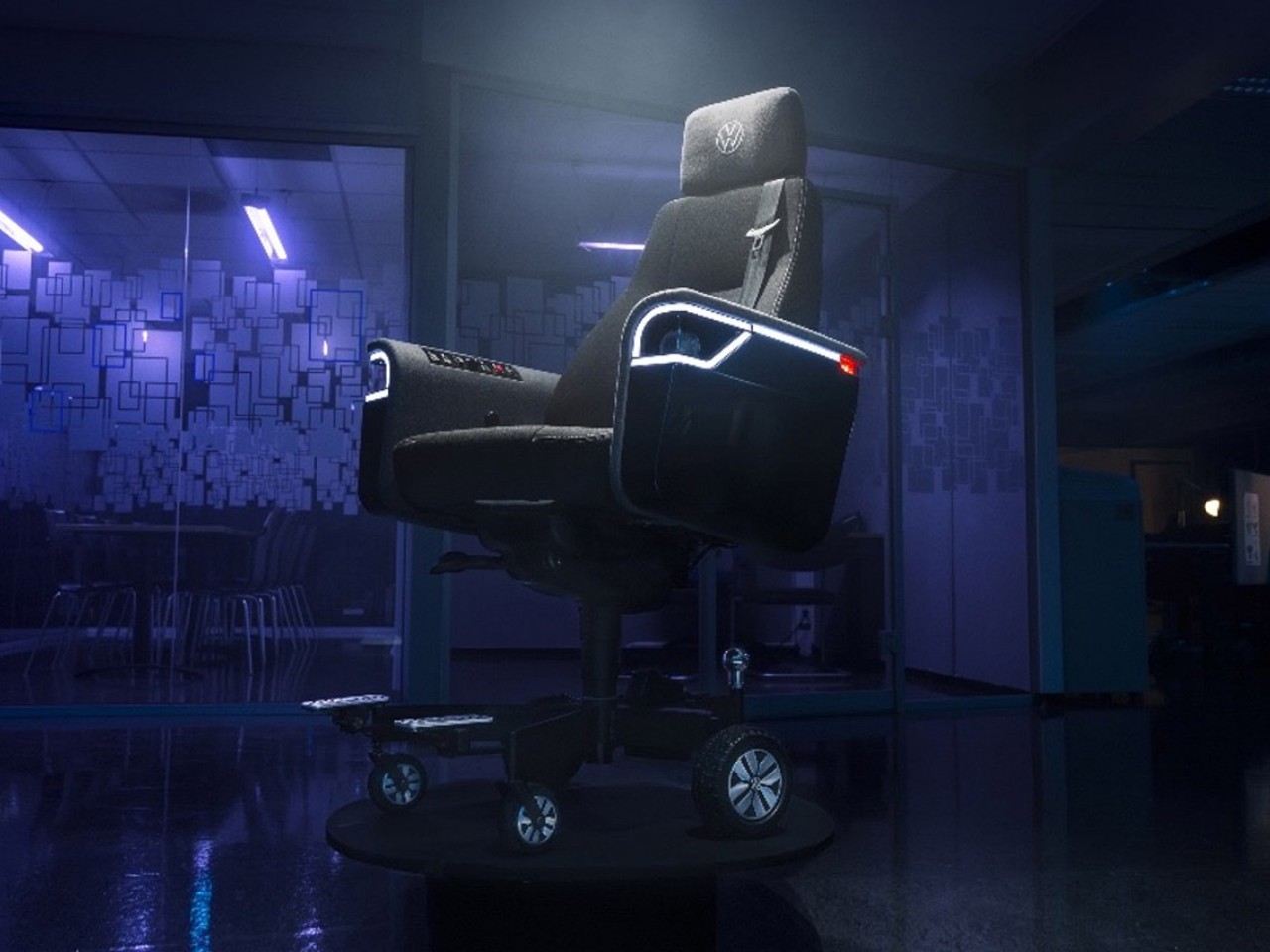
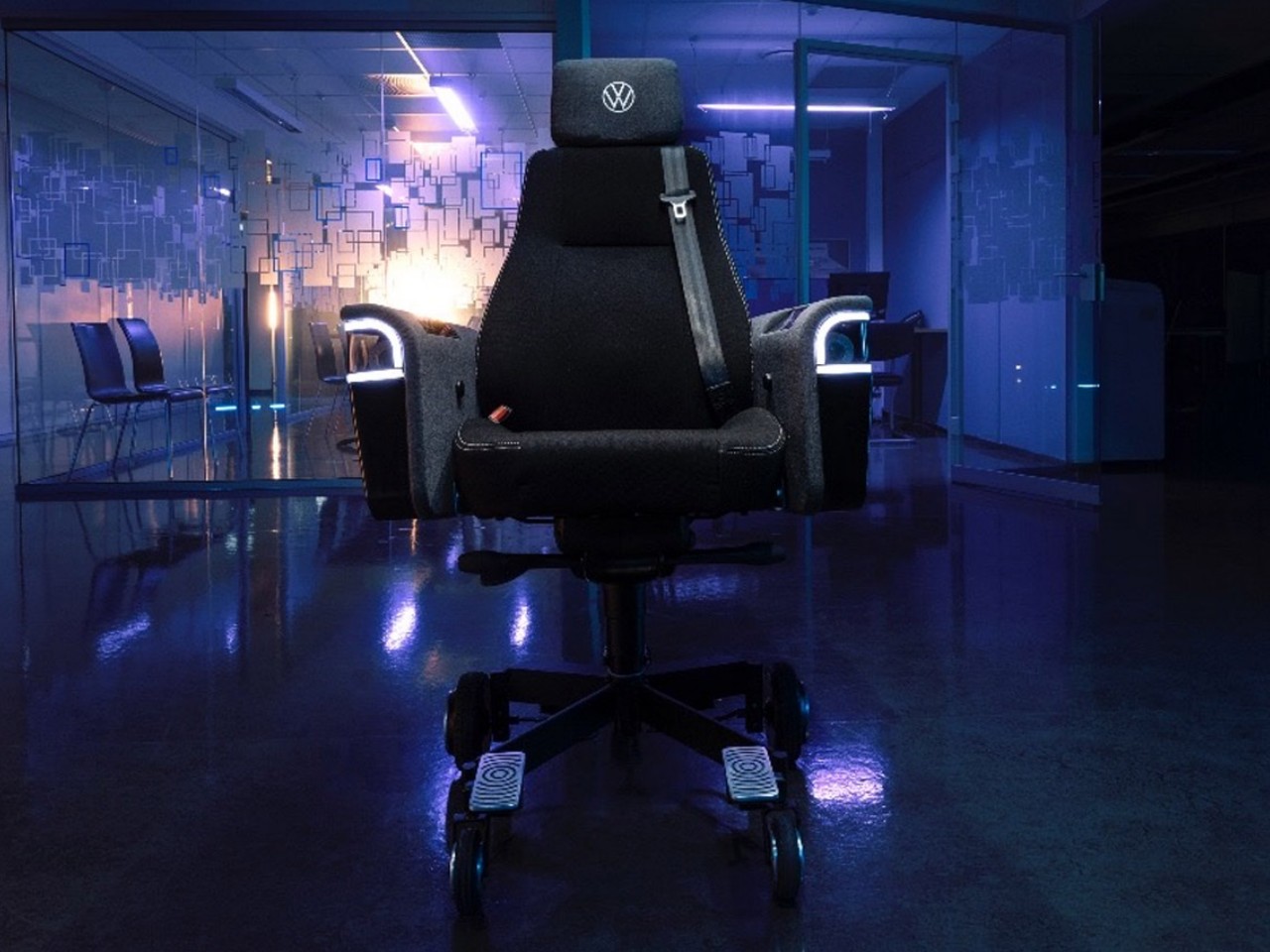
Volkswagen’s surprising venture into office furniture yields a unique mobile office chair, blending automotive innovation with functional design. Crafted by their Commercial Vehicles division in collaboration with Try, this electric chair boasts a top speed of 12.4 m/h and a range of 7.5 miles. Complete with a rear-view camera, 360-degree sensors, and an entertainment system loaded with feel-good songs, it caters to both practicality and comfort. With storage compartments for gadgets and a trailer hitch for paperwork, it’s a whimsical yet functional addition to any workspace.
10. Swivel
For proper posture, any traditional or ergonomic chair should rotate effortlessly, enabling the user to access various areas of their desk without strain.
These tips will certainly assist you in buying the best ergonomic chair for your office or home.
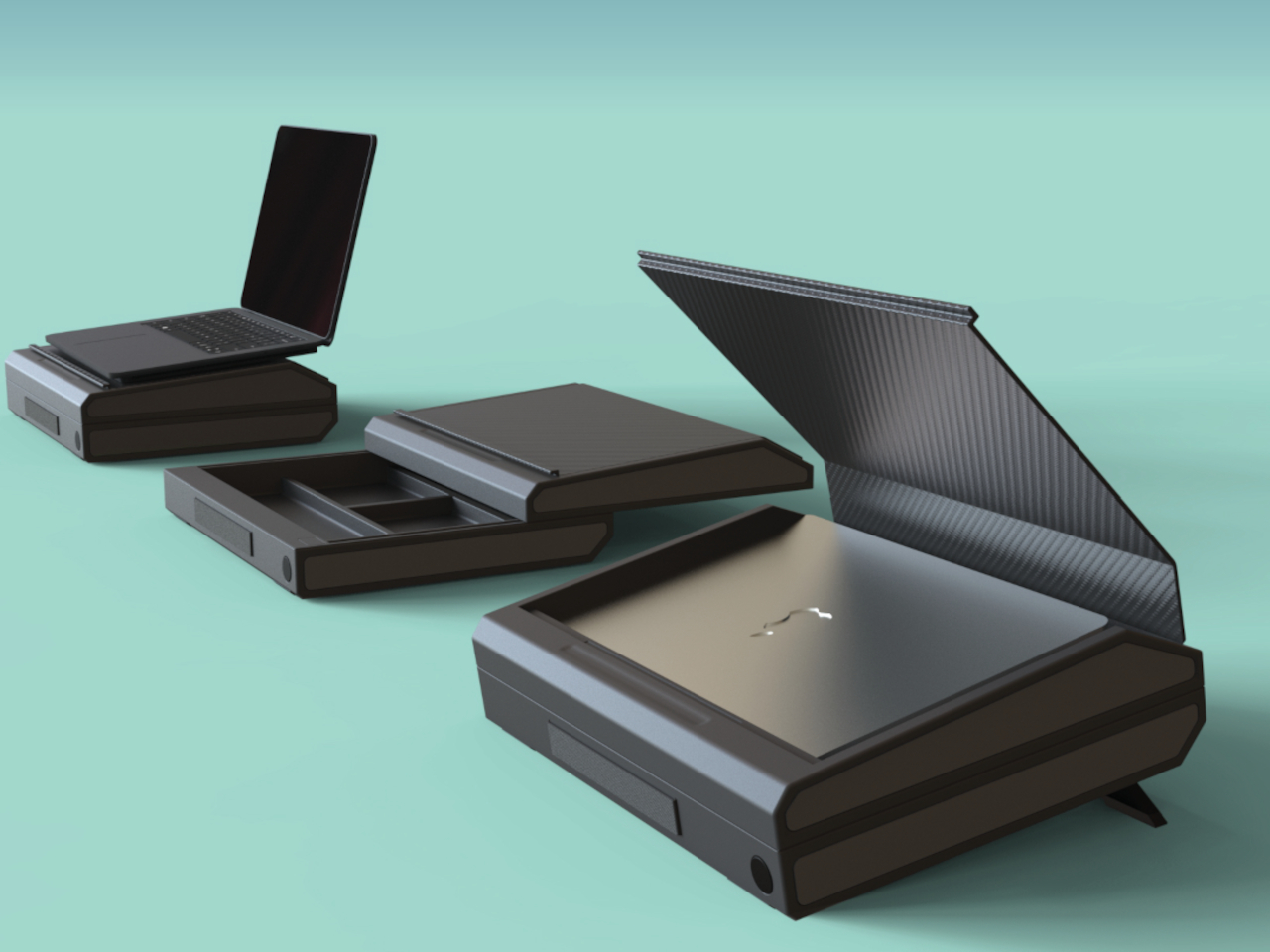
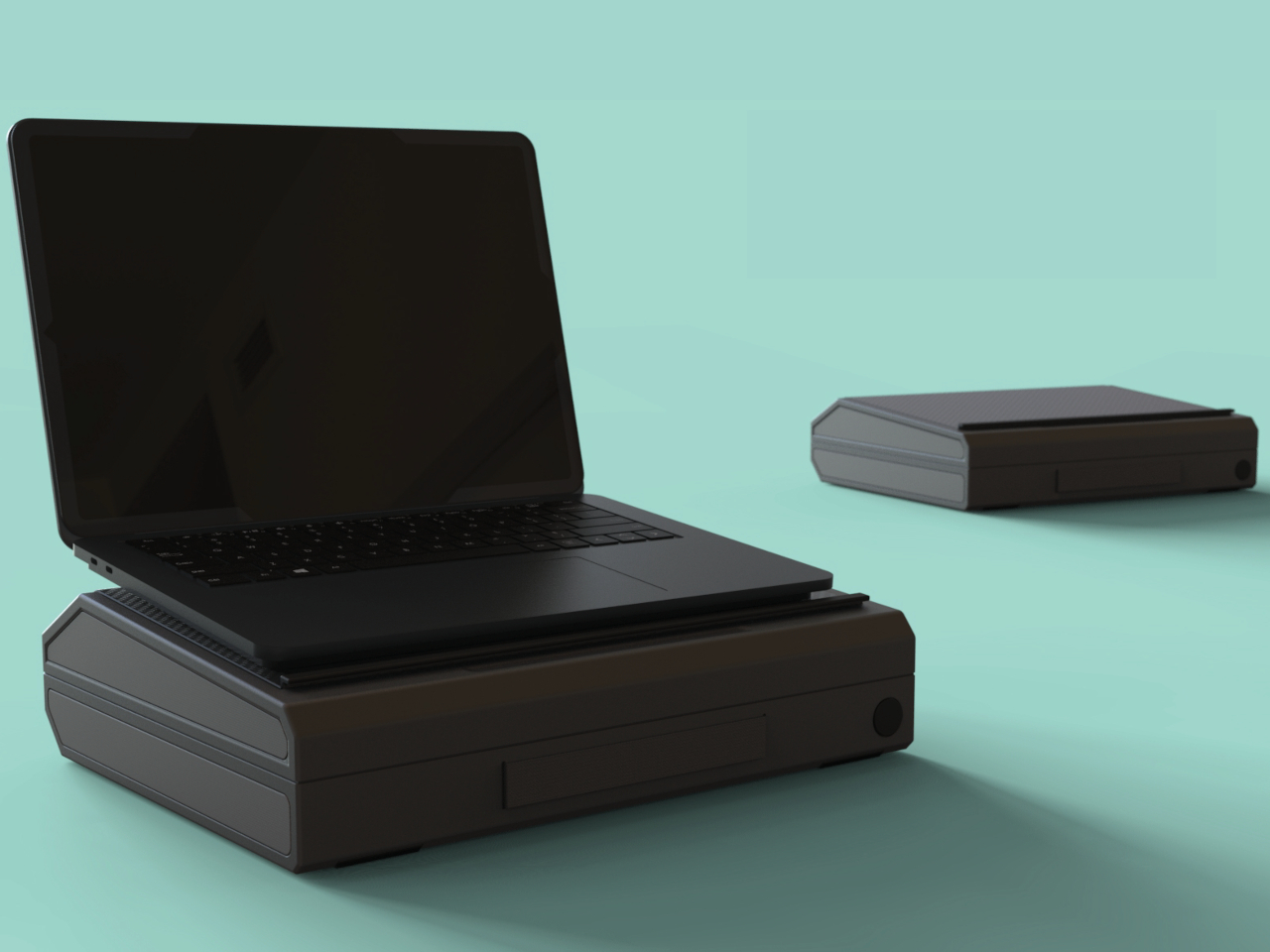
We might call them laptops, but these portable desktops are not really great for being used on your lap. Never mind the heat that will cook your thighs and other body parts, it leaves you in a painful posture that might leave your neck and wrists cursing you. That said, sometimes we can’t exactly choose the location where we need to open up a laptop to get something done quickly, and there may or may not be a table available to set it down. This briefcase-like concept tries to alleviate some of that discomfort by providing not just a home for the laptop but also a slightly more ergonomic height even when you use it on a table.
Designer: Shivaprasad Vijayan
Laptops are convenient and powerful when you need a computer on the go, but their very design wasn’t exactly made with ergonomics in mind. You crane your neck and hold your hands at an unnatural angle, and that’s when you have it on a desk without any other accessories. And while laptops are portable in a sense, the need for a large power brick, a mouse, and any other peripherals means you’ll need to carry more than just the laptop itself.
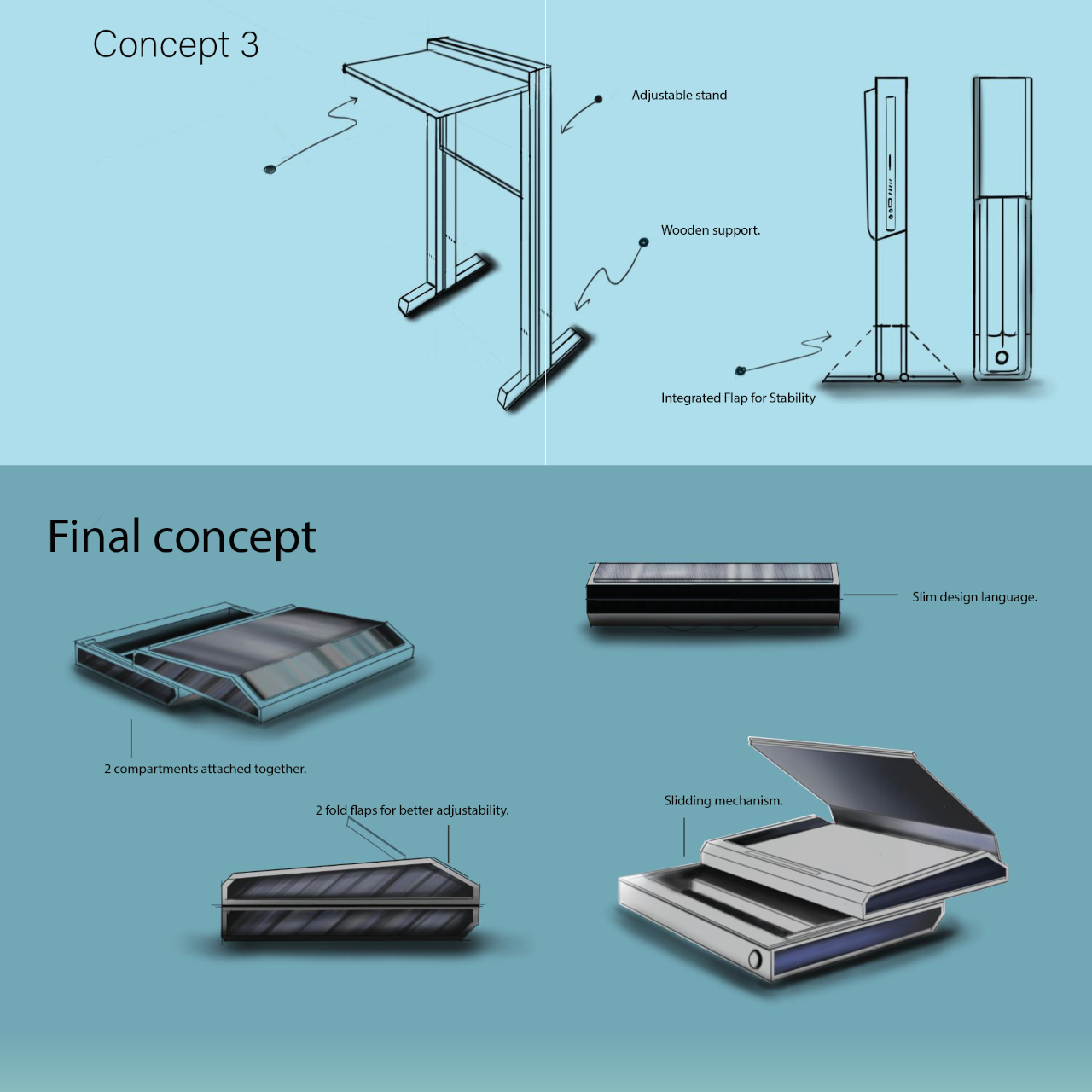
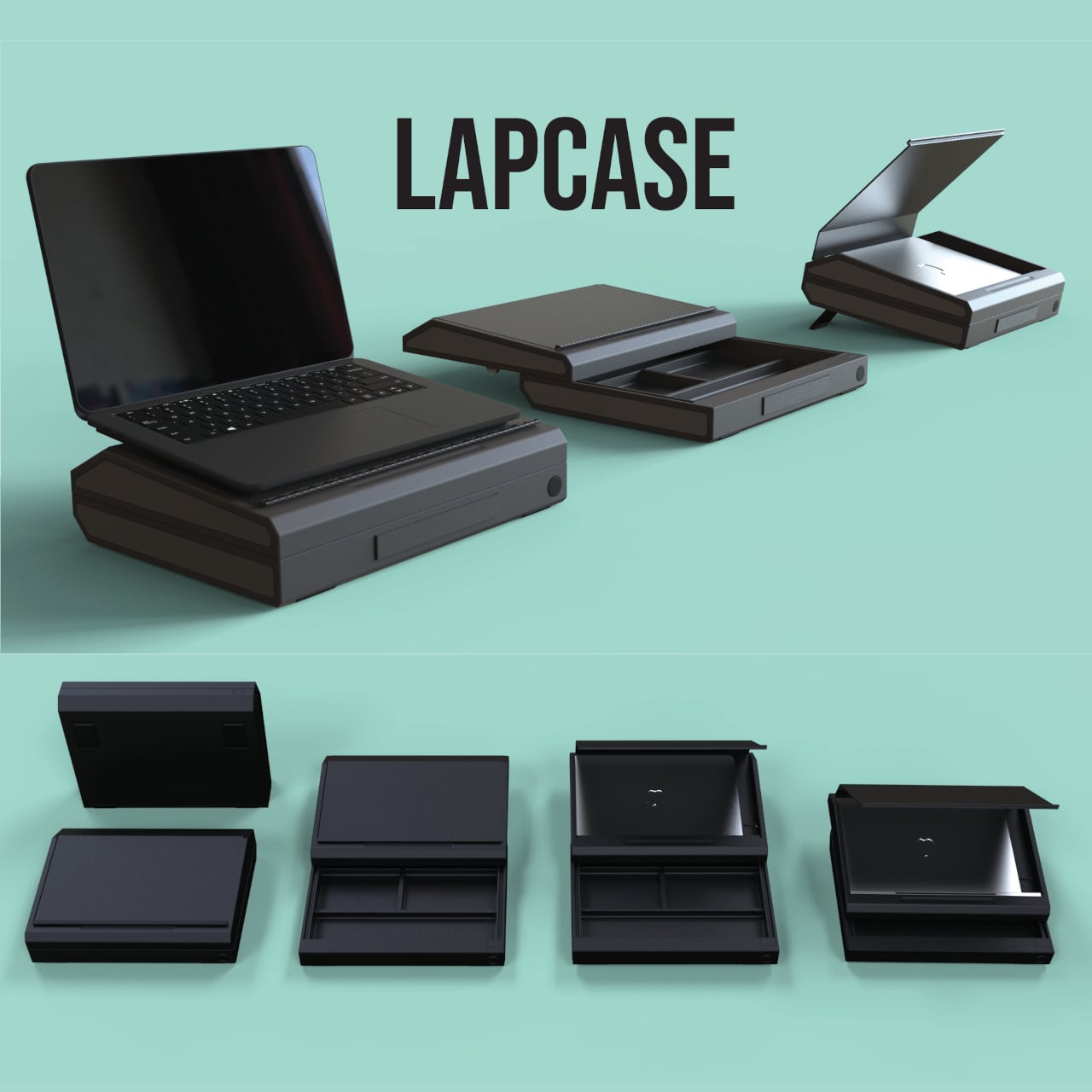
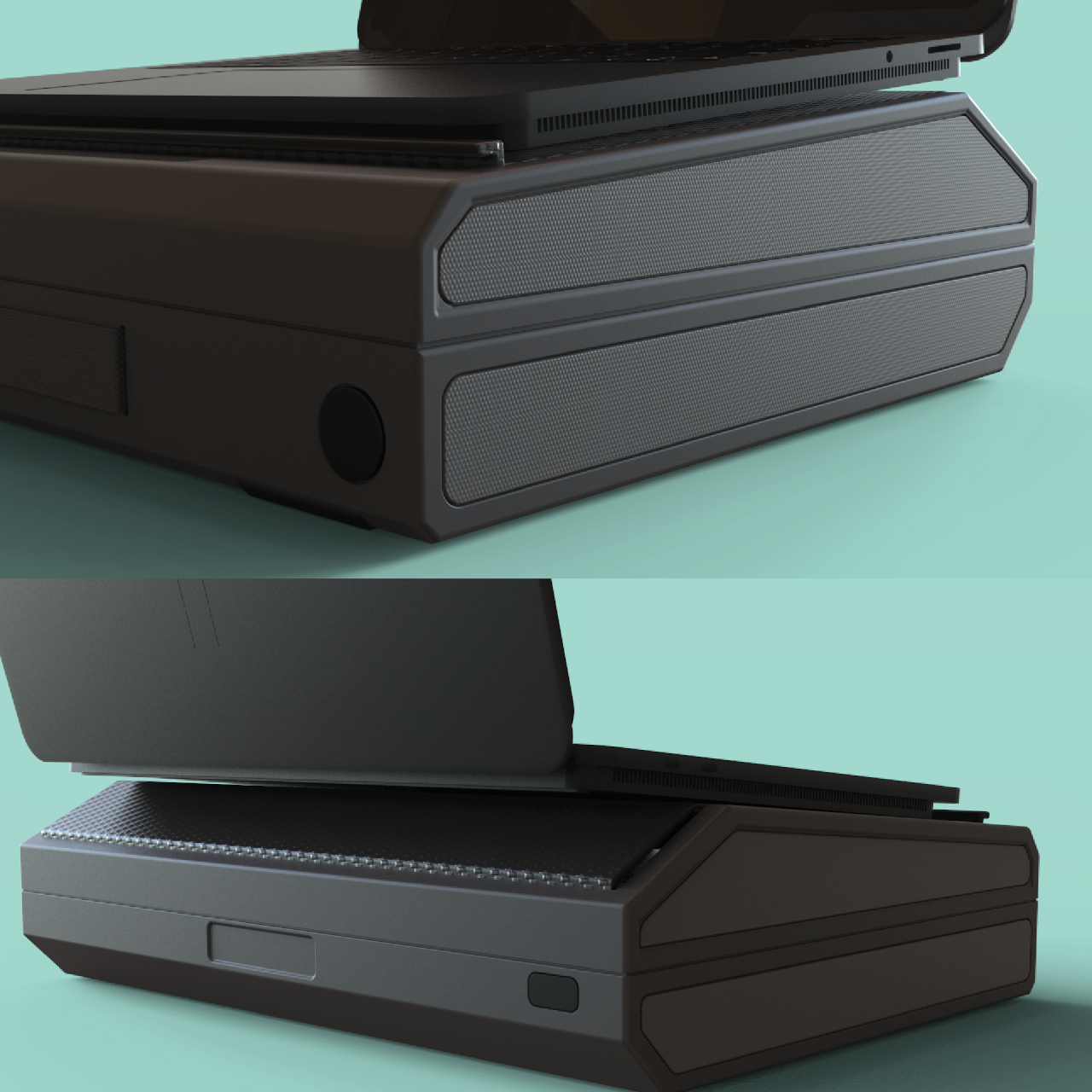
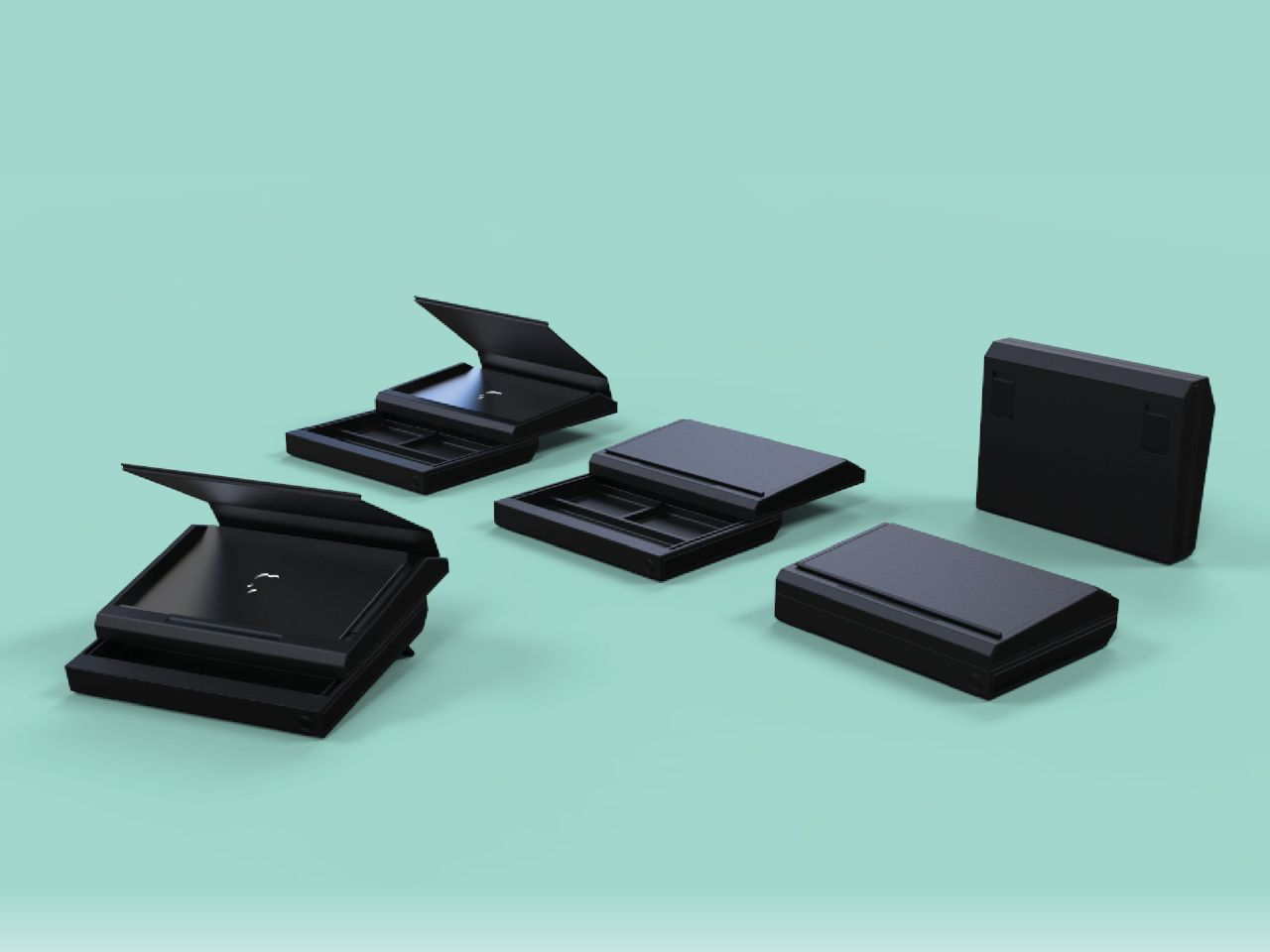
LAPCASE is a concept that tries to resolve all the issues attached to a laptop’s usability when on the go, at least to some extent. It’s a laptop bag, technically more like a briefcase, that has room not just for the laptop but for all accessories you might need to bring along with it. It doesn’t just have pockets but actual dividers that organize those peripherals while also keeping them from getting tangled and protecting them against bumps and shocks.
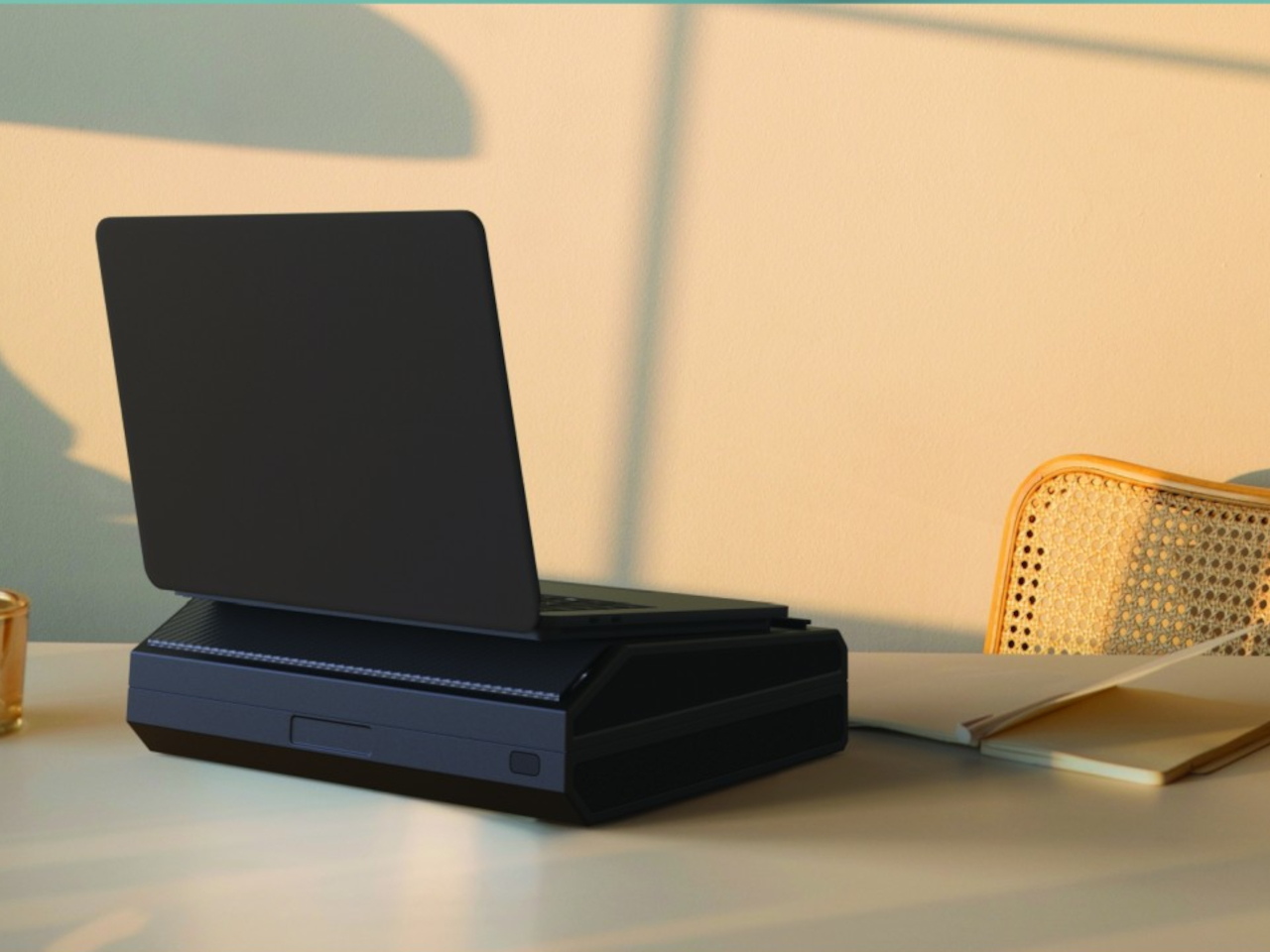
The most important part, of course, is the laptop compartment at the top which is covered by a two-fold magnetic flap. This cover is set to an angle so that the laptop’s back is raised slightly when placed on it. The idea is to rest the laptop on top of the bag when using it, which raises it higher when placed on your lap or raises the screen to a slightly ergonomic height when on a table.
The concept definitely has merit, but there are a few drawbacks to the execution. For one, you will require an external keyboard whenever you use it on a table, as the laptop’s own keyboard will be too high for comfortable typing. And then there’s the issue of the case itself being too bulky, especially at a time when people are trying to actually carry smaller laptop bags. Then again, you are practically carrying a mobile office, so it might be a trade-off worth paying for the convenience of bringing everything you need whenever you leave the office.
More ergonomic design despite heavier and thicker chassis
Higher performance with lower thermals
CONS:
Windows 11 is still awkward to use on touch screens
Comes in black colorway only
RATINGS:
AESTHETICS
ERGONOMICS
PERFORMANCE
SUSTAINABILITY / REPAIRABILITY
VALUE FOR MONEY
EDITOR'S QUOTE:
The ASUS ROG Ally X is a clear upgrade over the original, addressing complaints without losing what made the ROG Ally great.
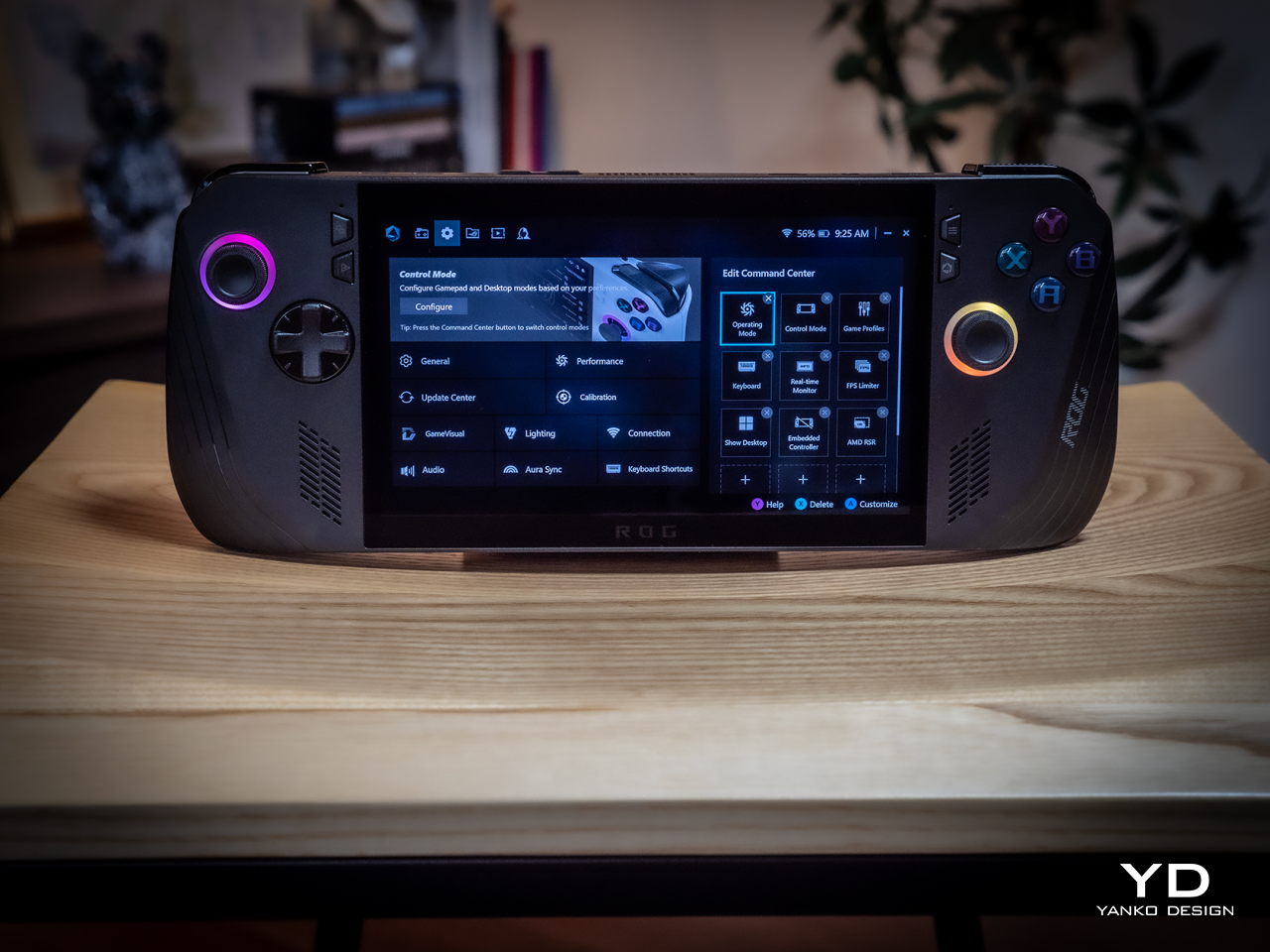
They say hindsight is 20/20, but not everyone gets the opportunity to make a redo of their past actions. That’s especially true when it comes to consumer electronics, where every product involves no small amount of investment and risk. And yet ASUS surprised us at Computex 2024 last month when it revealed not a generational upgrade to its first-ever gaming handheld PC but what is, instead, a redo of the original. The ROG Ally X definitely brings a few much-needed upgrades, but it also feels like this is what should have been launched in the first place last year. That’s why we took this handsome black handheld for a spin to see if it’s really worth its weight in gold or if waiting for the real next-gen design is a better choice.
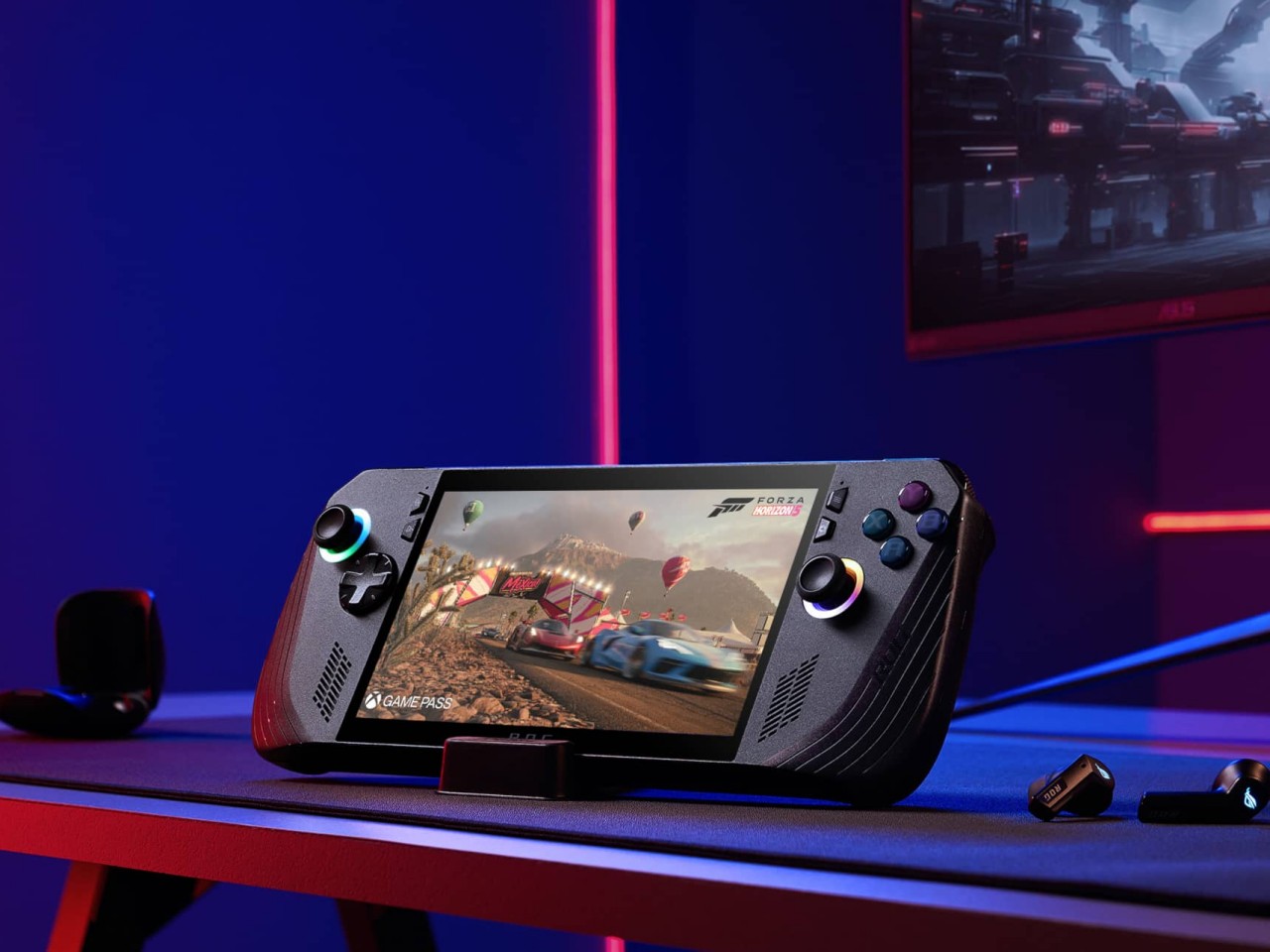
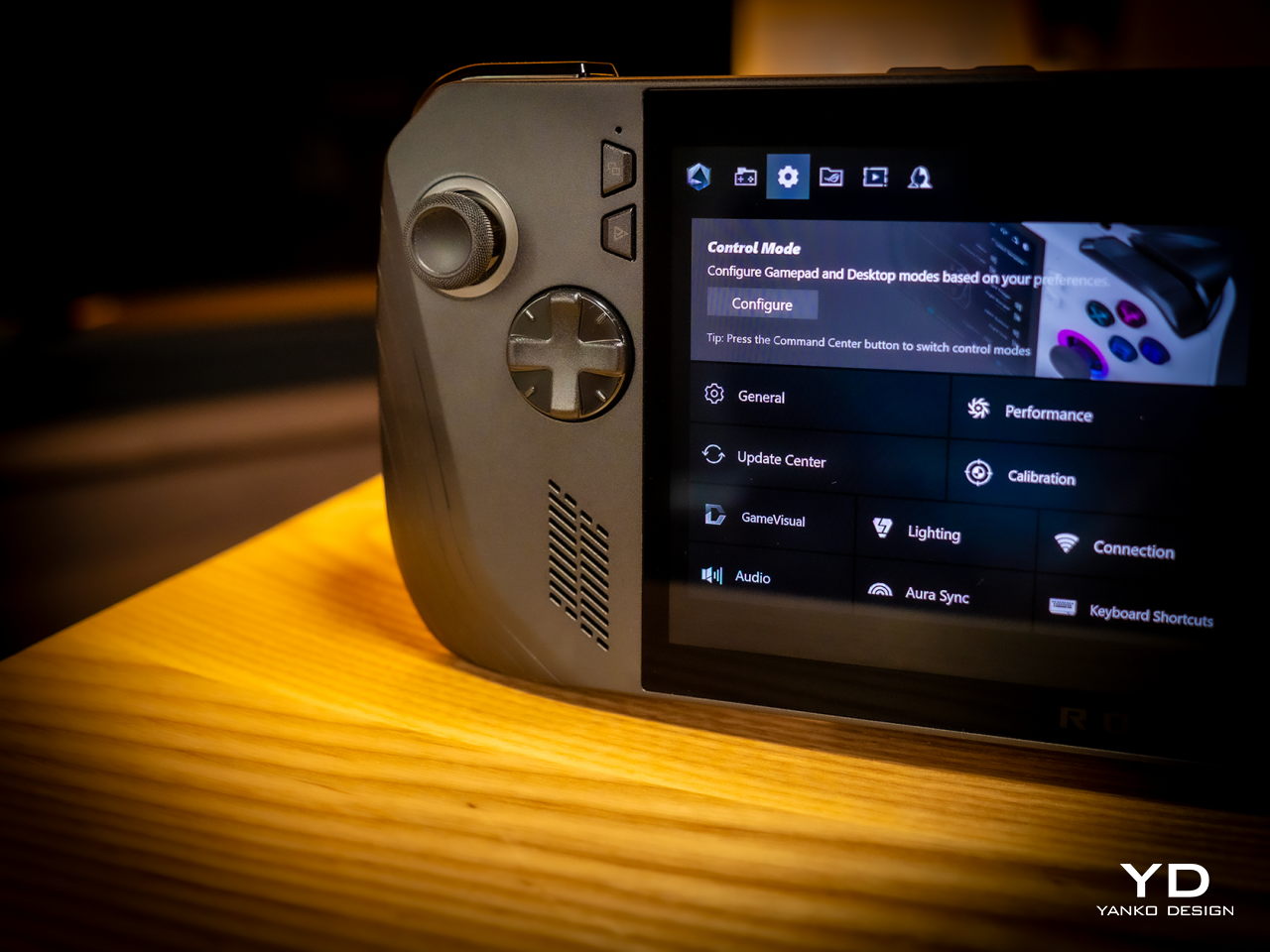
Simply looking at the ROG Ally X on its own, you might easily mistake it for a black version of the original ROG Ally. Of course, there are subtle yet significant changes here and there, but the fact that it’s able to keep its design identity is still a laudable achievement. On the flip side, there will be no mistaking it for a ROG Ally 2 that’s yet to come, as it shares that DNA so closely with the first model.
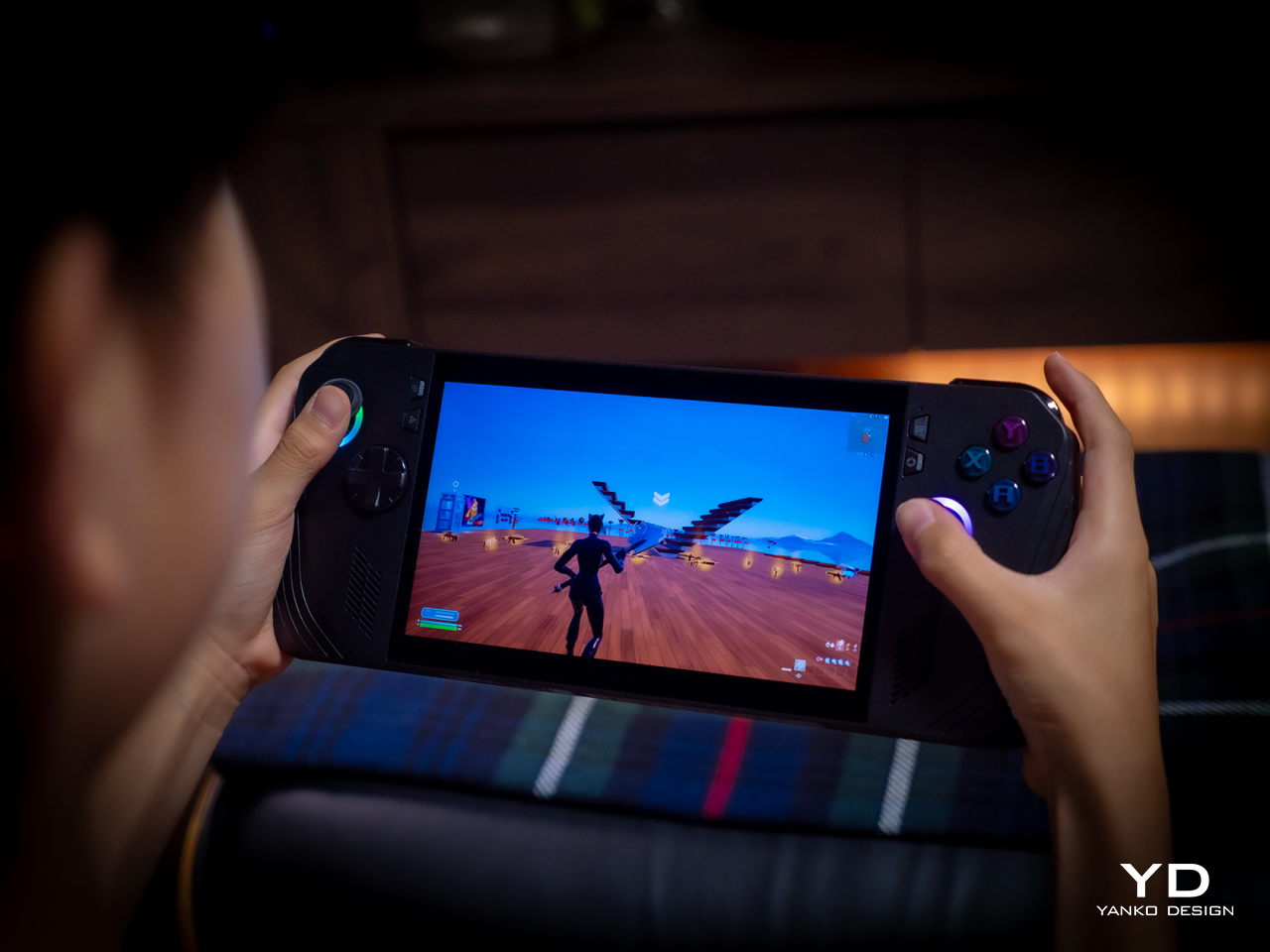
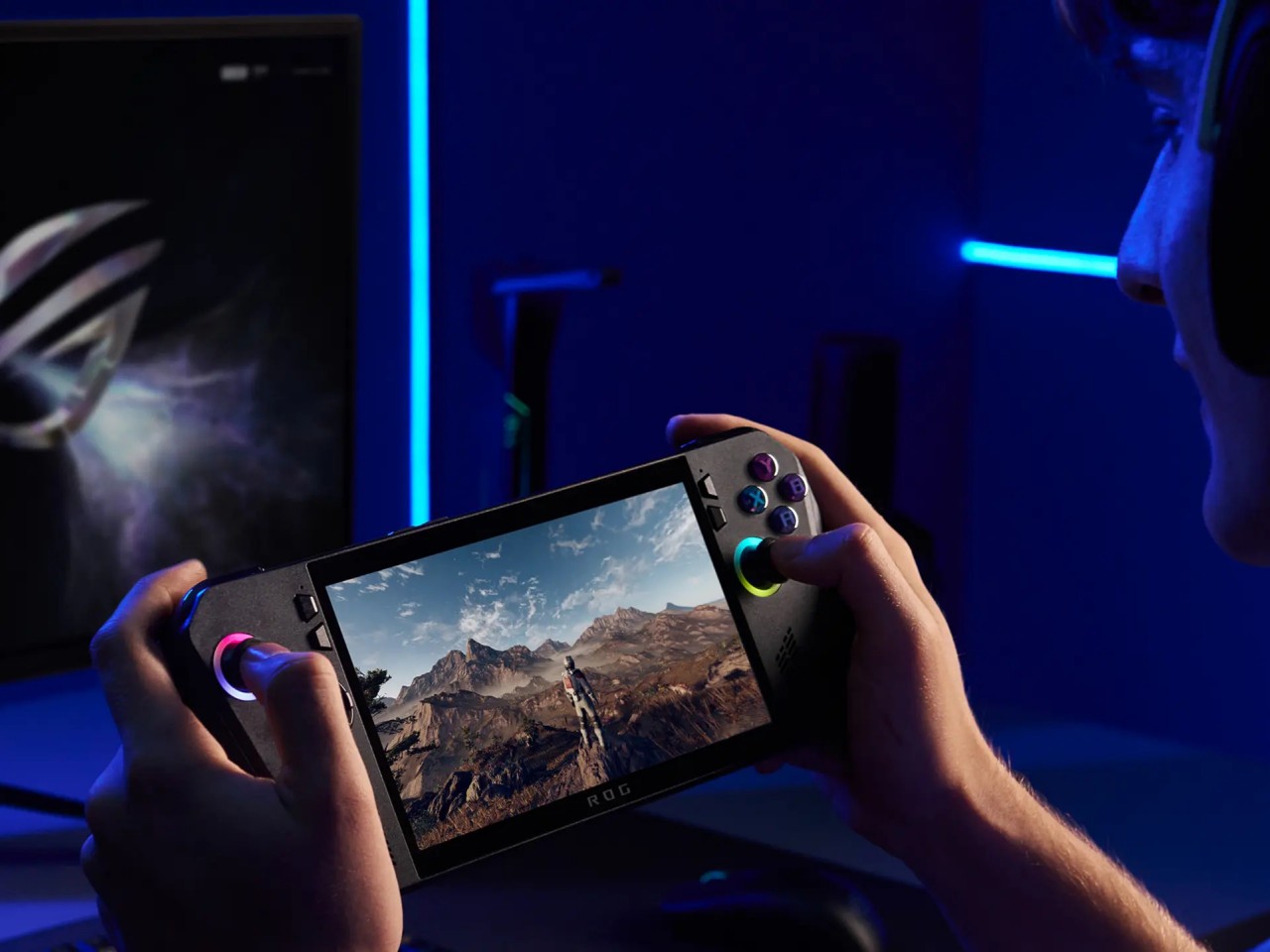
Whether the ROG Ally had a more angular and more aggressive appearance despite its white coating, the ROG Ally X is rounder, curvier, and a bit gentler. This has consequences for the device’s ergonomics, which we’ll get to later, but it also exudes a slightly different character compared to its progenitor. It manages to be a bit more welcoming, almost comfortable, without losing its cyberpunk aesthetic thanks to those RGB lighting accents.
The color choice might prove to be a bit controversial, though. Not because no one likes black but because there’s no other choice. Just like how the ROG Ally came only in white, the Ally X is a black-only design. In a way, it stands out less from the crowd, making it less distinctive. But it also invites less visible stains and dirt on a device that will most likely see a lot of action outdoors. Truth be told, gamers are more likely to slap some skins on these devices than stick with the original coating, but having some choice would definitely help improve its appeal.
Ergonomics
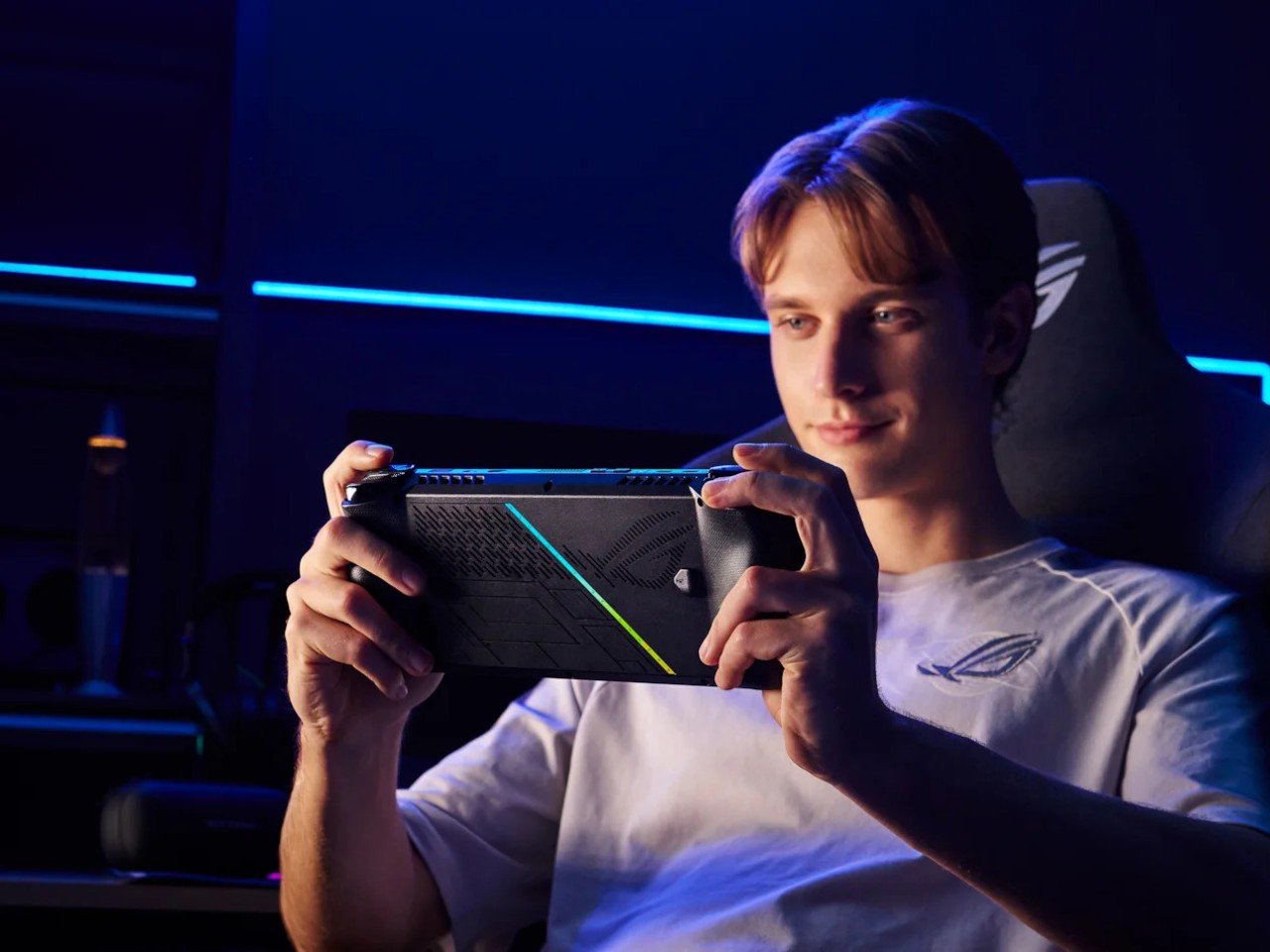
Ergonomics for computers often lags behind performance and aesthetics, but it is even more critical for one that you’ll hold in your hand rather than use on a table. More than just the aesthetics, it’s actually this aspect of the ROG Ally X that sees the most changes, at least externally. Suffice it to say, the handheld is finally designed to let you hold it in your hands for longer periods of time, which translates to more playtime overall.
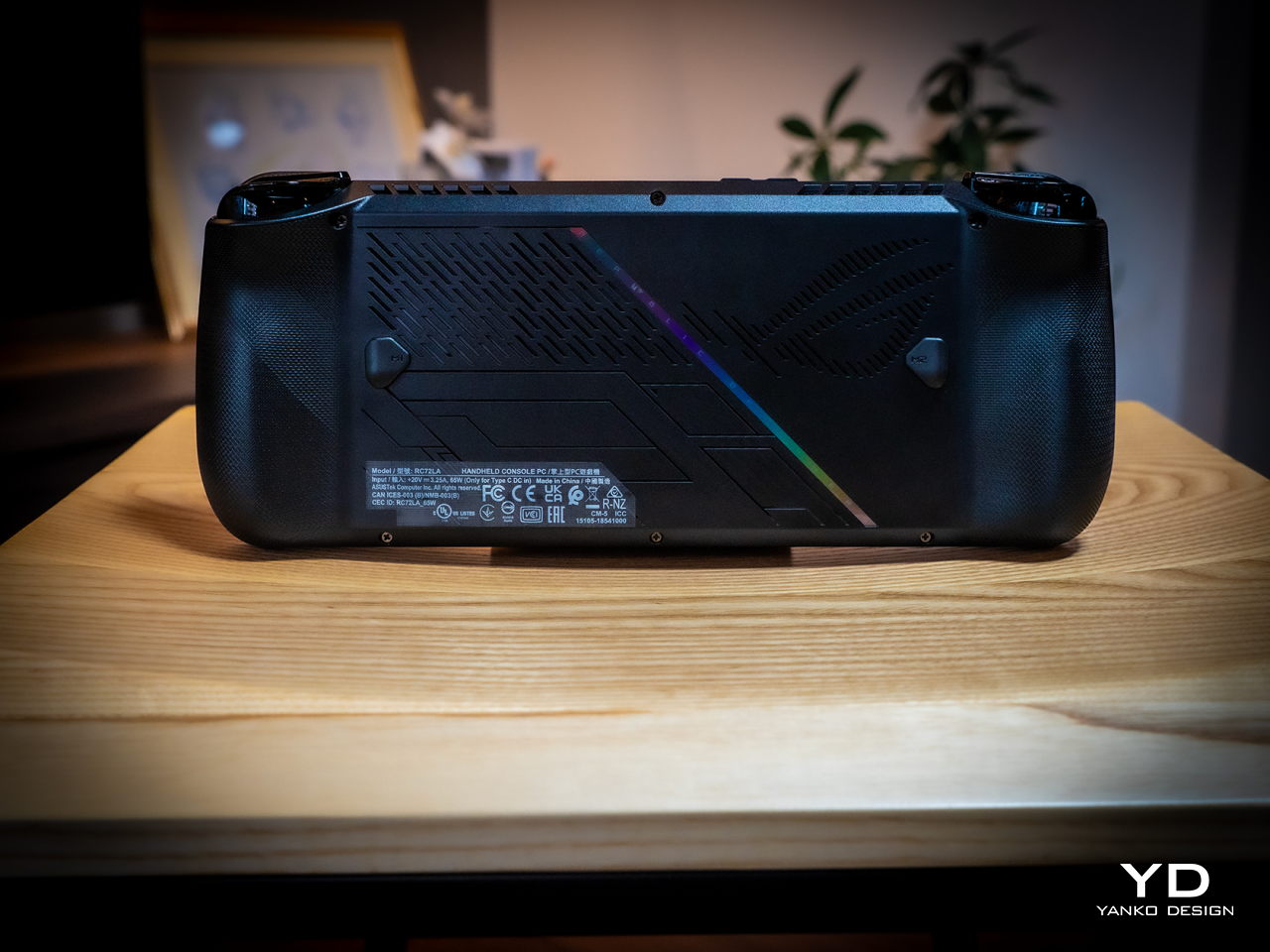
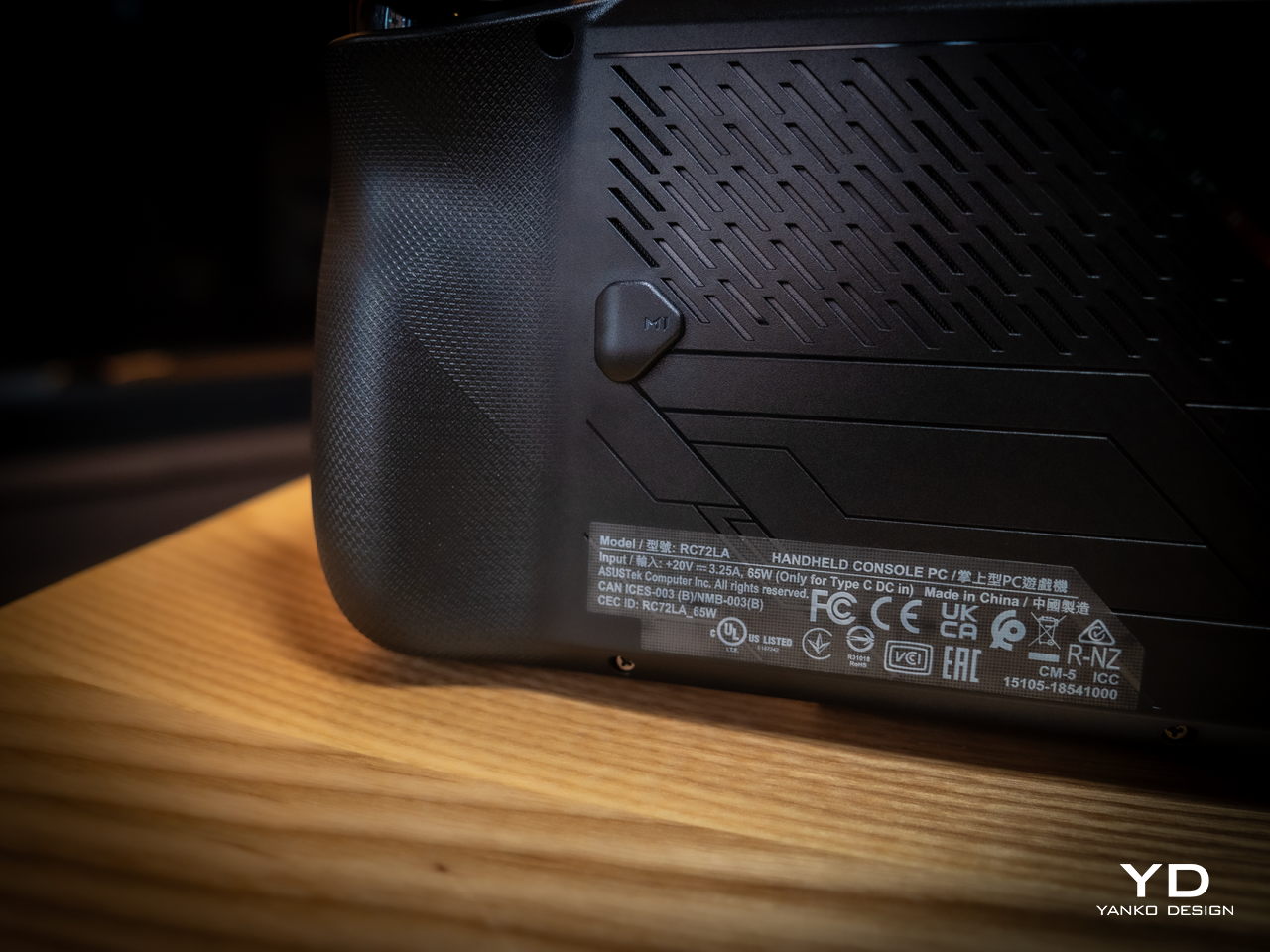
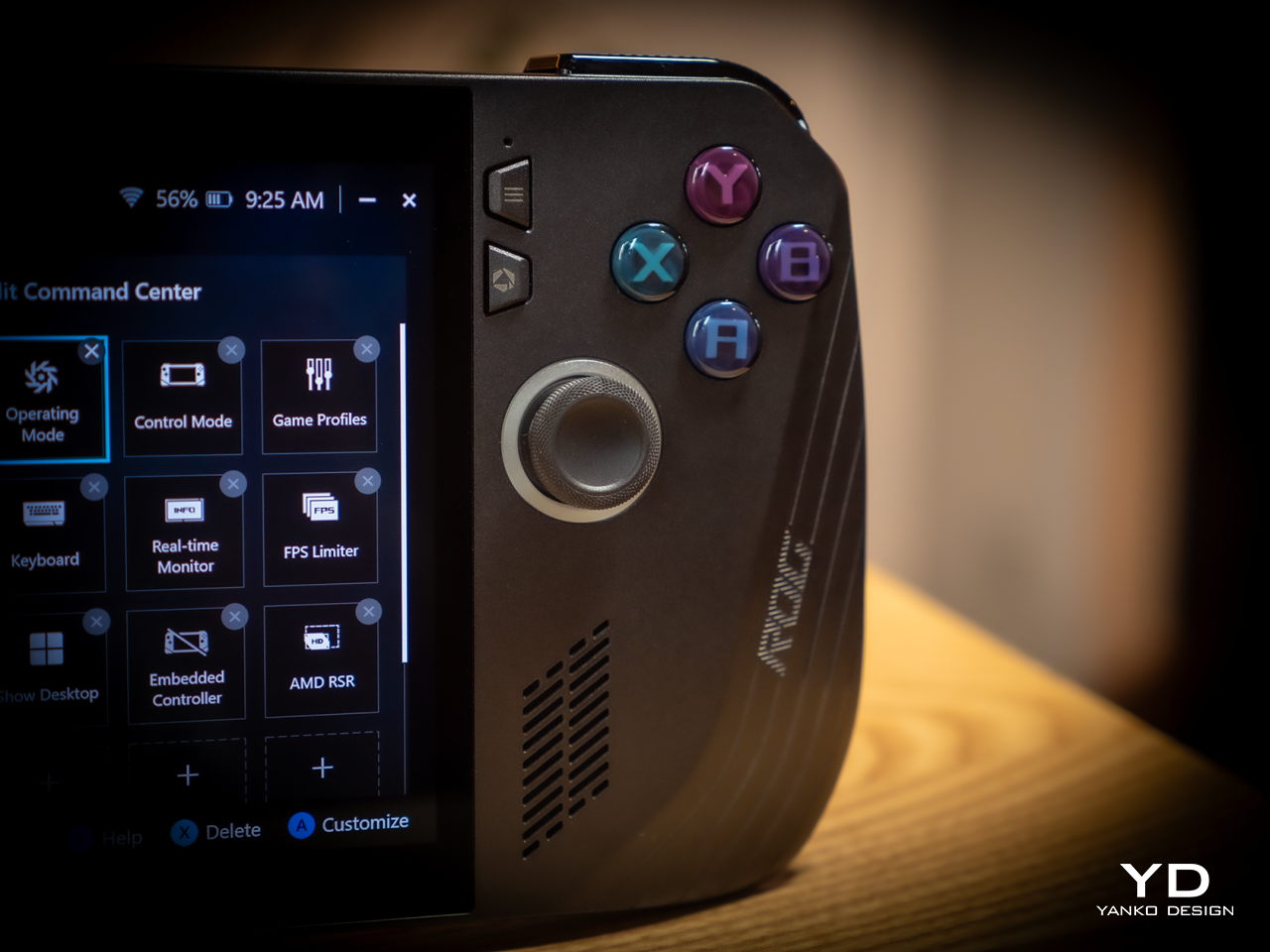
Because of internal changes, the ROG Ally X is chunkier and heavier at 1.45 inches thick and 1.49 lbs compared to the OG Ally’s 1.28 inches and 1.34 lbs. Ironically, the handheld is actually more ergonomic now despite the added bulk and heft thanks to key changes in the grip design and button. The sides, for example, are now more rounded than angular so they don’t cut into your palm. The grips themselves have a more natural contour that’s easier to hold, though they’re still shallower compared to the Steam Deck’s design. Depending on your hand size, you might not have enough room for a good grip just like on the ROG Ally.
The buttons and sticks feel more solid, too, and give better resistance and stability than the rather loose and flimsy controls of the previous half-generation. The back buttons are smaller and placed higher to address complaints of frequent accidental presses that come too naturally when holding the device. Ironically, players with smaller hands might find it harder to reach them now. Thankfully, their function is usually optional in most games, which is why owners of the ROG Ally were fine with disabling those.
Performance
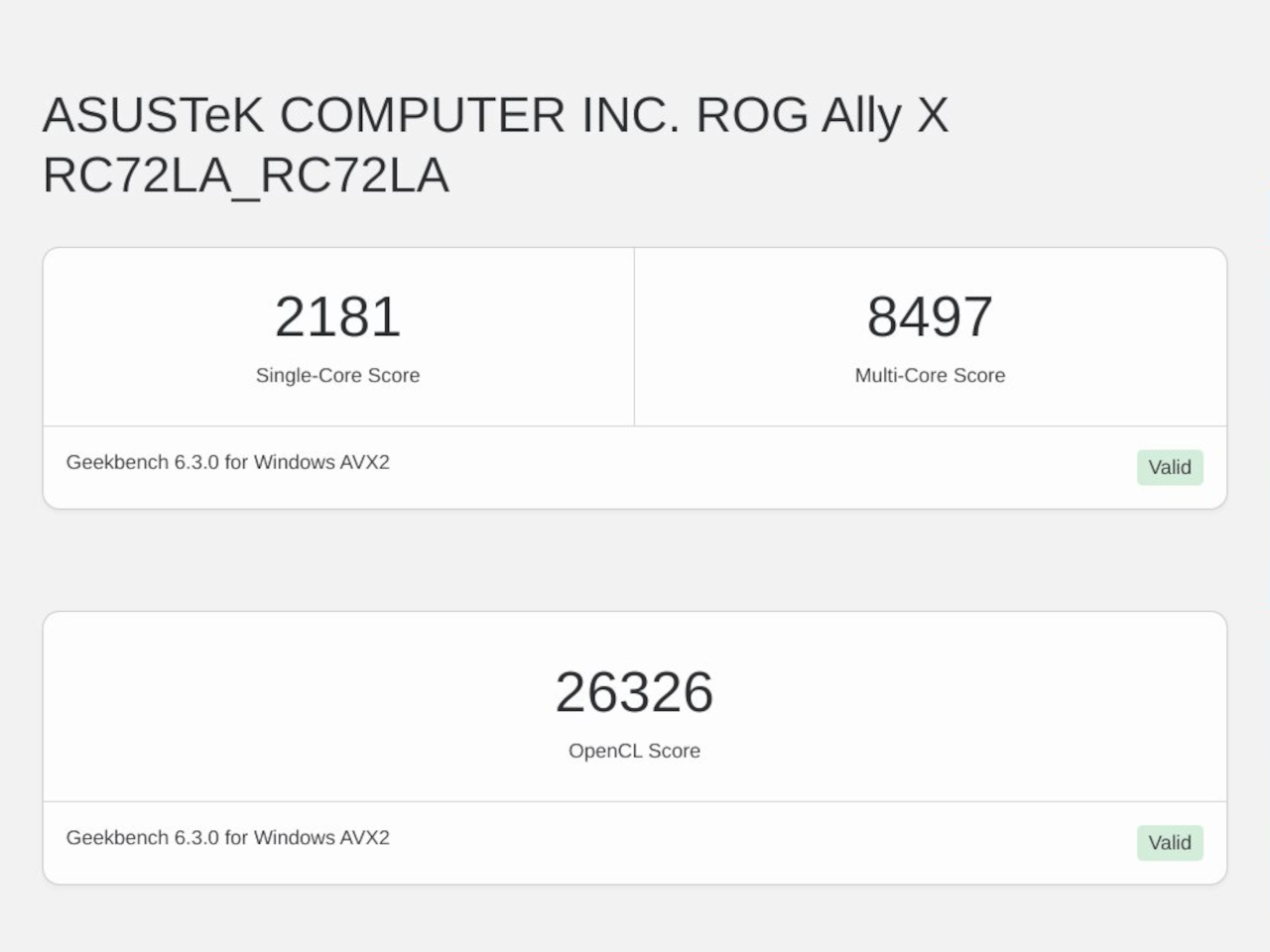
There are, of course, also upgrades internally, but not enough to call this the ROG Ally 2. It still uses the same AMD Ryzen Z1 Extreme processor, for example, which is capable but not exactly top-notch. What carries its performance forward is the new 24GB LPDDR5 RAM clocked at 7,500MHz, a rather big jump from the previous-gen 16GB 6,400MHz RAM. It’s almost unbelievable how much more RAM boosts overall performance, especially when neither the CPU nor the integrated GPU are starved for memory. More disappointing, however, is the fact that ASUS didn’t go all out to put a solid 32GB in there, but that would have probably raised the already higher price tag.
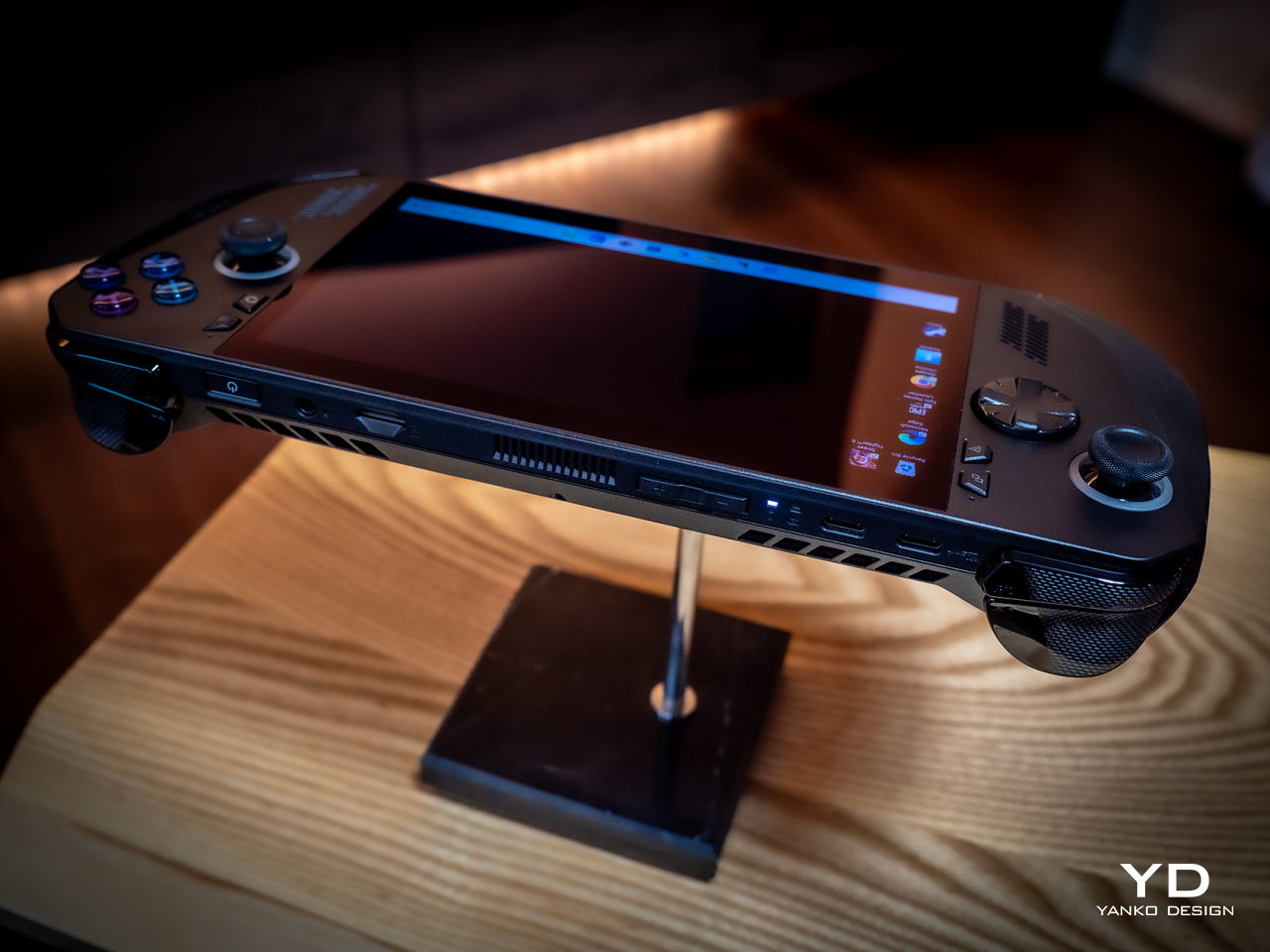
Another big upgrade is the 80Wh battery that’s double the capacity of the meager 40Wh of the OG Ally. This alone accounts for the increase in weight and thickness, and it’s a price many gamers are only too willing to pay. Of course, your mileage will vary, but this allows you to either tack on a few more hours to your game time or, alternatively, crank up the settings higher and still get the same uptime. You can also charge the battery at the maximum 100W that both USB-C ports support, but the included charger only goes as far as 65W.
And yes, you read that right, USB-C ports. Plural. ASUS has done away with the proprietary XG Mobile port for connecting an external GPU and replaced it with a USB-C port with support for USB4, Thunderbolt 4, and DisplayPort 1.4 with FreeSync. This means you can still connect an external graphics dock, but now you have more options if you don’t need to. Unfortunately, both ports are located at the top, so you have less wiggle room when connecting angled cables or thick adapters.
The ASUS ROG Ally X retains most of what its predecessor has, including the aforementioned processor. The 7-inch 120Hz IPS LCD is still the same, which means it’s still bright and vibrant, at least for an LCD panel. The speakers are supposedly upgraded a little, but you’ll hardly notice the difference. The microSD card slot is still located at the top, which might worry some who have experienced fried electronics on the first ROG Ally.
What all these changes and similarities boil down to is a more powerful computer that delivers a better gaming experience overall. Despite all that power, however, the ROG Ally X still runs cooler than its predecessor thanks to an improved cooling system that pulls heat away from the screen more effectively. This is actually important when you consider that this screen is the primary way you’ll be interacting with the Windows 11 operating system. Unfortunately, even with ASUS’ custom software, Windows is still largely a mouse and keyboard-driven platform, which means navigating through menus and windows is still a pain.
Sustainability
Unfortunately, this is one area left completely unchanged between generations. Like the majority of designs in this still nascent market, the ROG Ally X has that typical mixture of metal and plastic, both taken from new materials rather than recycled. It might take a few more generations before they start catching up to their larger gaming laptop cousins.
The same can be said for repairability and even upgradability. You can’t even upgrade the SSD storage, making that microSD card expansion slot even more critical, at least for non-game files. Again, the market is still in its infancy, so we’re holding out hope that the situation will improve over time. After all, some lesser-known brands are already providing easy access to SSD storage for upgrading, so there’s little reason why giants like ASUS can’t do likewise.
Value
It’s clear as day that the ASUS ROG Ally X is a big step forward, fixing the flaws of the ROG Ally in a half-step upgrade. But are those enough to warrant its $800 price tag that makes it one of the more expensive options in the market? As always, the answer isn’t as clear-cut, but the scales might not be tipping in the Republic of Gamers’ favor.
The original ROG Ally was by no means a terrible device even considering the ergonomics, and its current $650 price tag (or even $550 on discount) makes it a more viable starting handheld for those who aren’t sold on the Steam Deck. There’s definitely no reason for ROG Ally owners to upgrade this early, either, so only those who have been on the fence until now might find the ROG Ally X more convincing. But there are also other options in the market, like the Steam Deck that started it all or the Lenovo Legion Go with its Switch-like removable controllers. Then again, you can’t go wrong with the ROG Ally X either, especially if you have the cash to spare.
Verdict
It’s rare for manufacturers to push out a version 1.5 product, especially one that almost makes the original feel inadequate. At the same time, such a strategy weakens the appeal of the “half-step” upgrade, particularly because of the price difference between the two generations. That’s the limbo that the ASUS ROG Ally X practically finds itself in. Taken on its own, it’s a fine gaming kit that offers commendable performance in a more ergonomic design, but it’s no ROG Ally 2. If you’ve been undecided about getting your first ROG Ally, now might be a good time to grab one, especially if a good deal comes up to sweeten that price a bit.
Just like a table, the most basic requirements for a chair are quite simple. It needs to be strong and stable enough to actually sit on, but comfort and convenience seem to be more open to interpretation than any other design element. Some brutalist designs look a little painful to sit on, meeting only the bare minimum of a chair, while others let your body literally sink inside its plushy cushions and make it difficult to pull yourself out quickly. And then there are designs like this concept that espouse simplicity and minimalism to convey a sense of beauty, but the end result, while visually successful, also raises concerns about its actual usefulness and comfort.
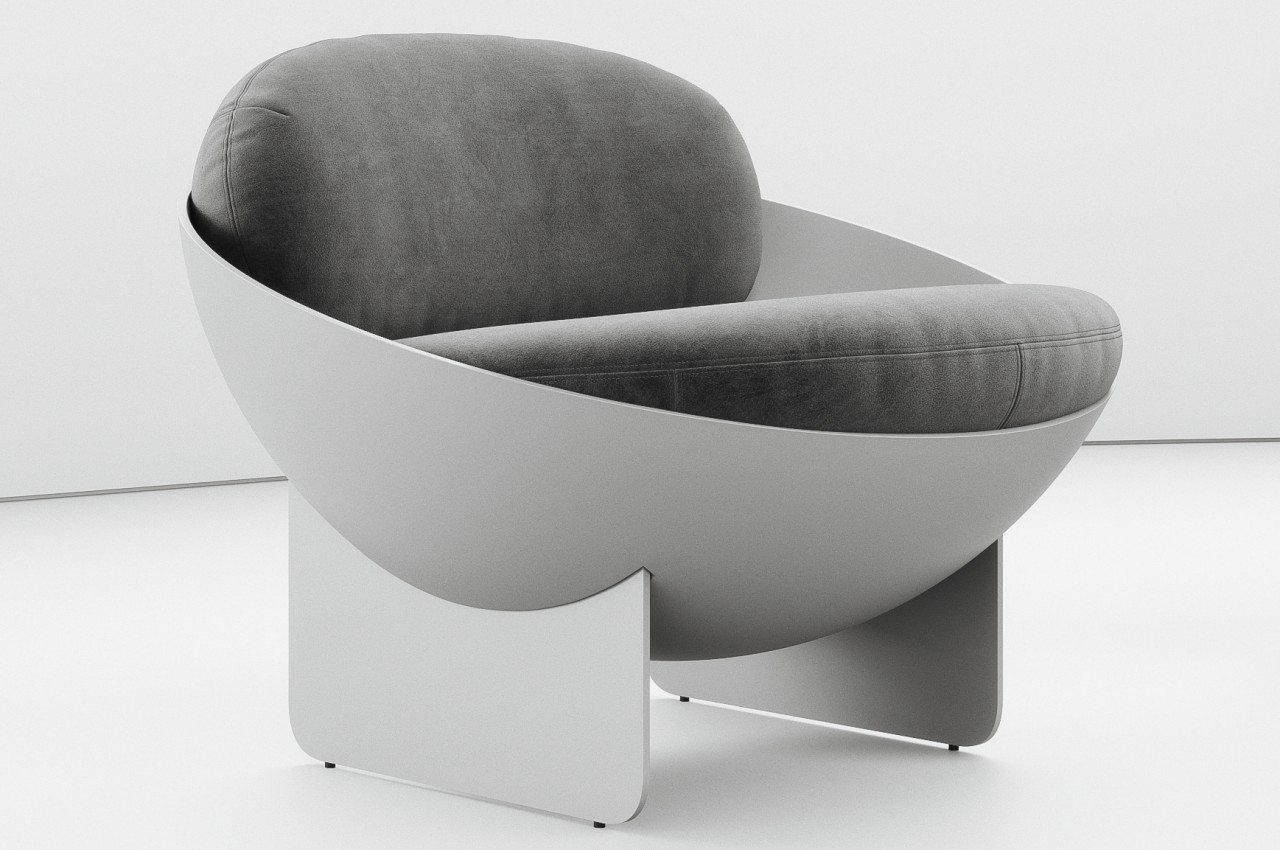
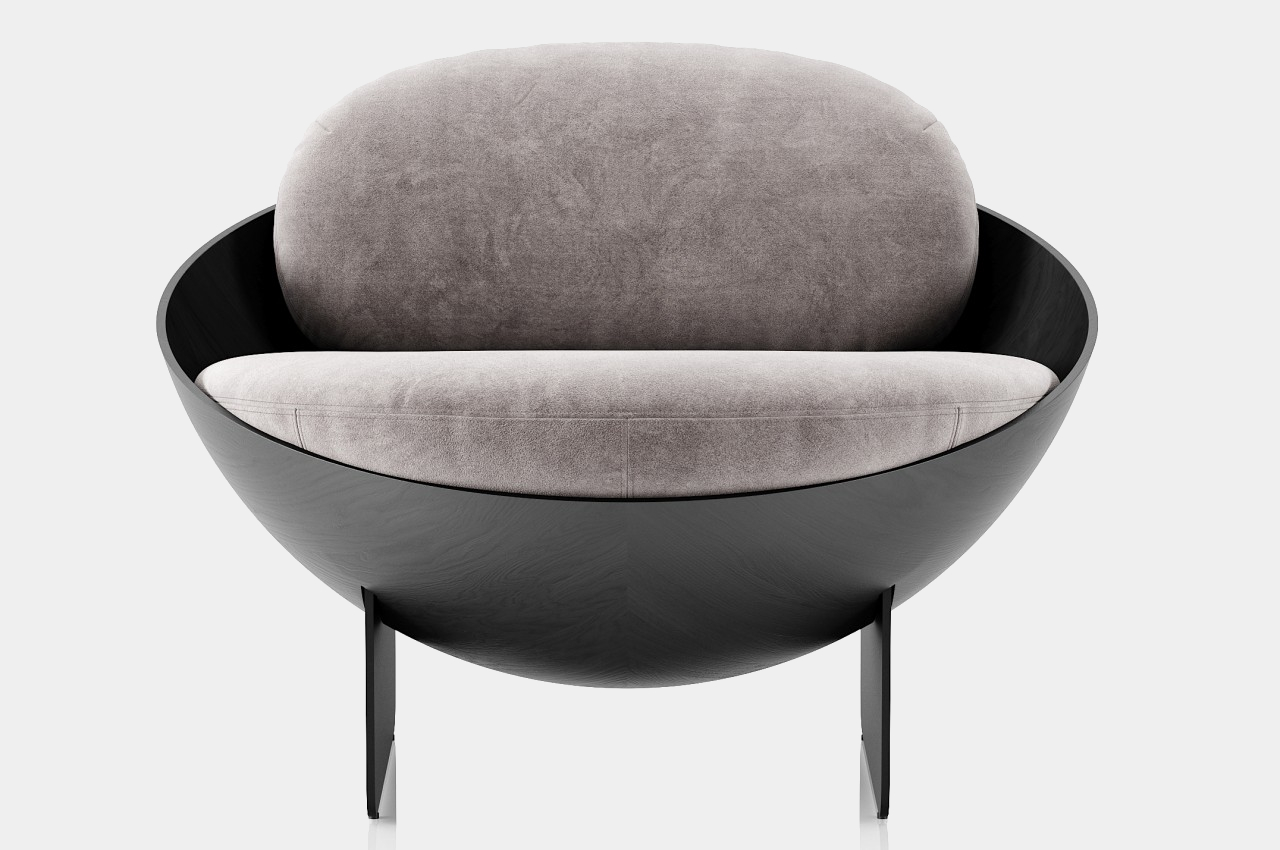
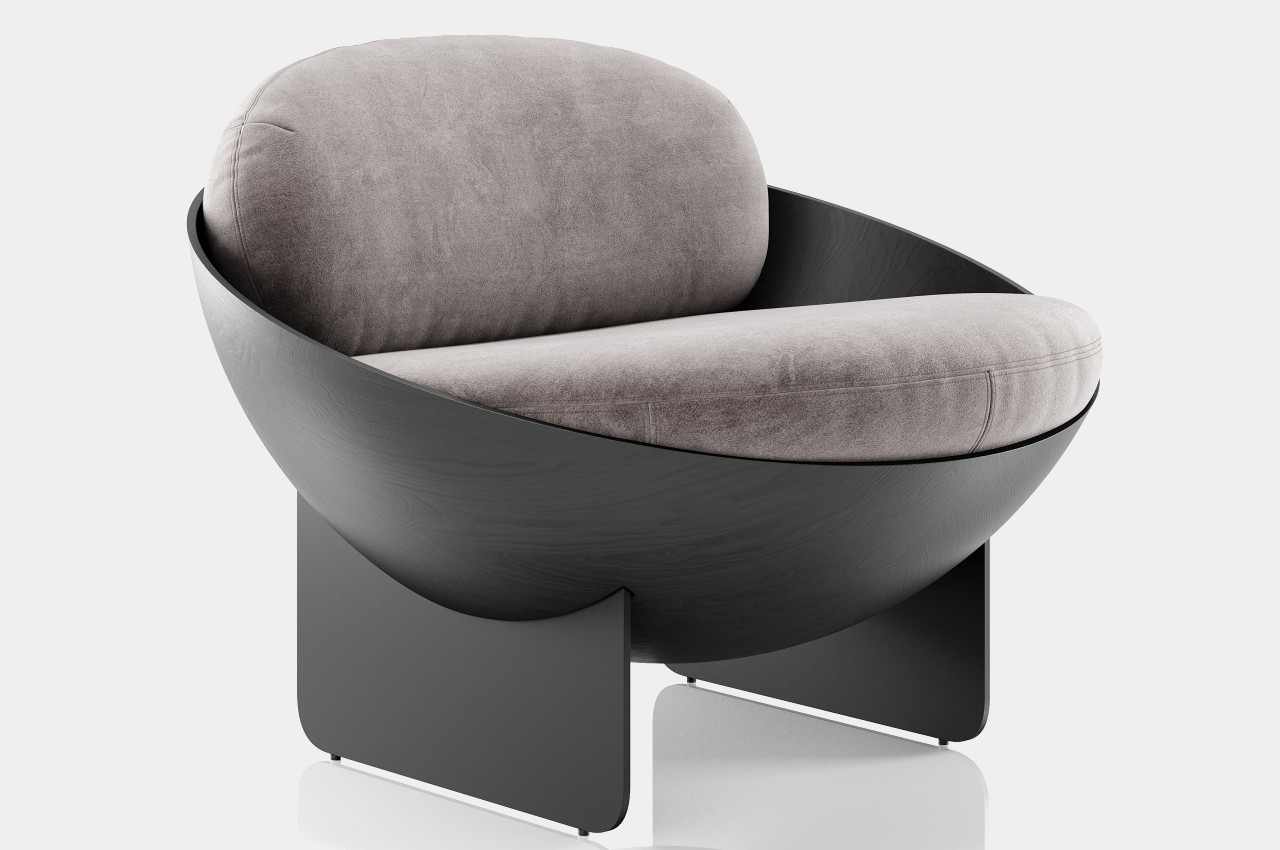
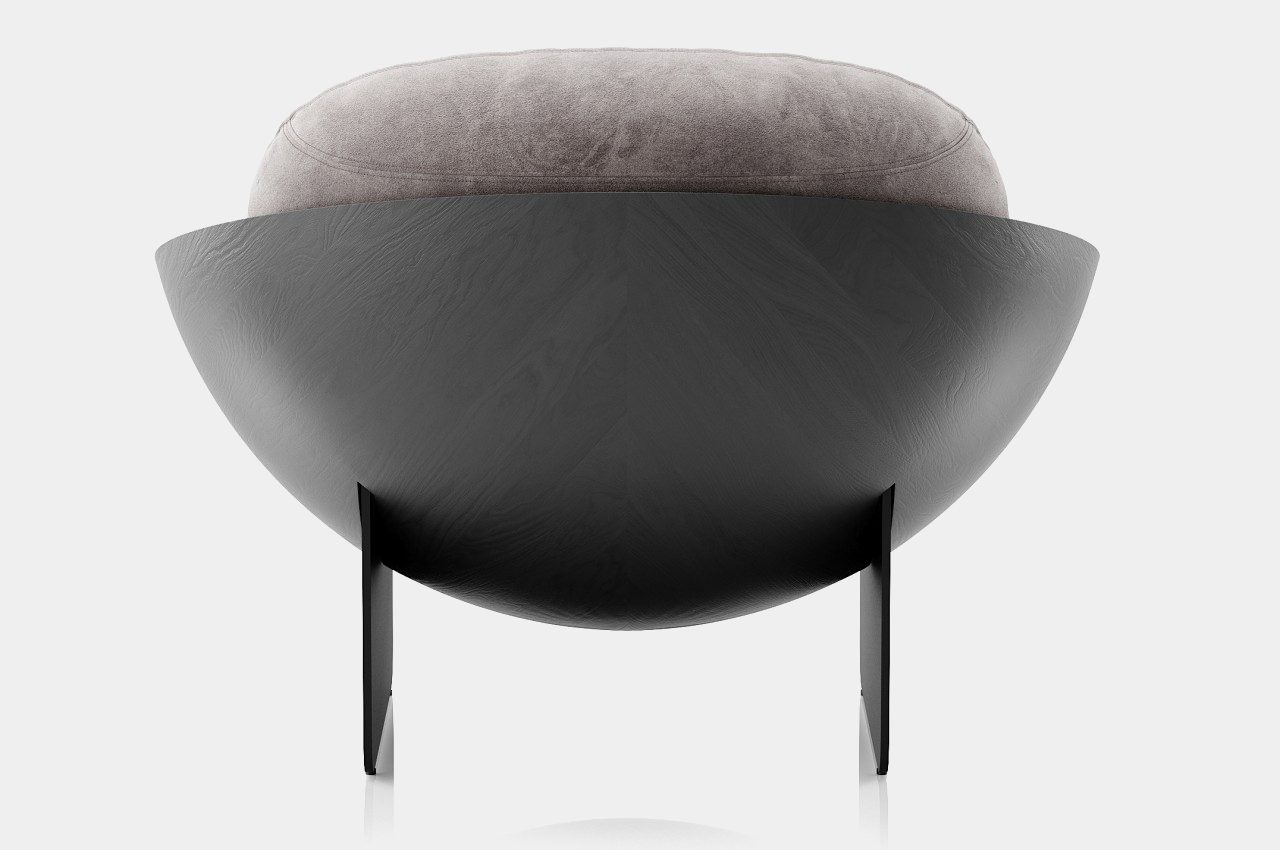
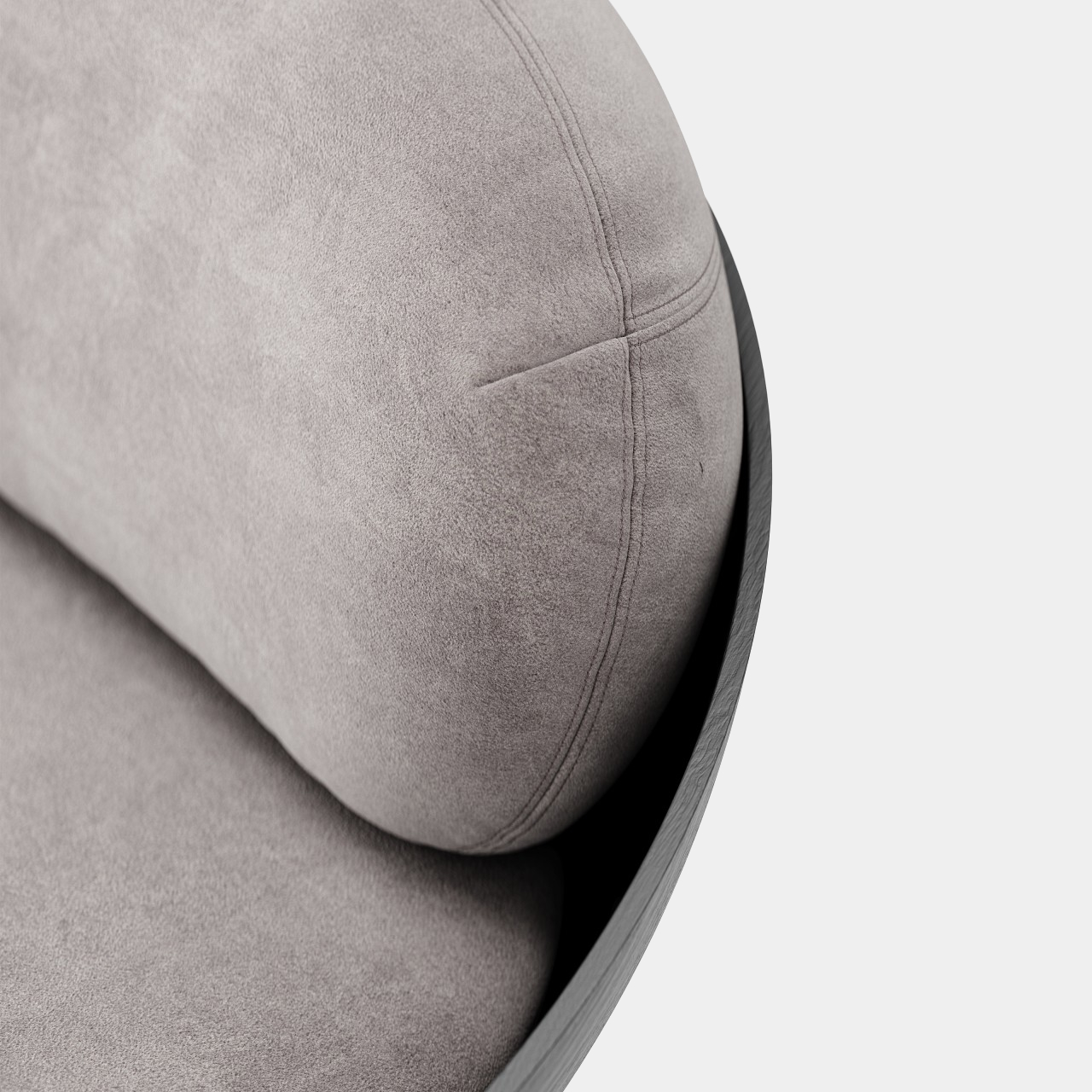
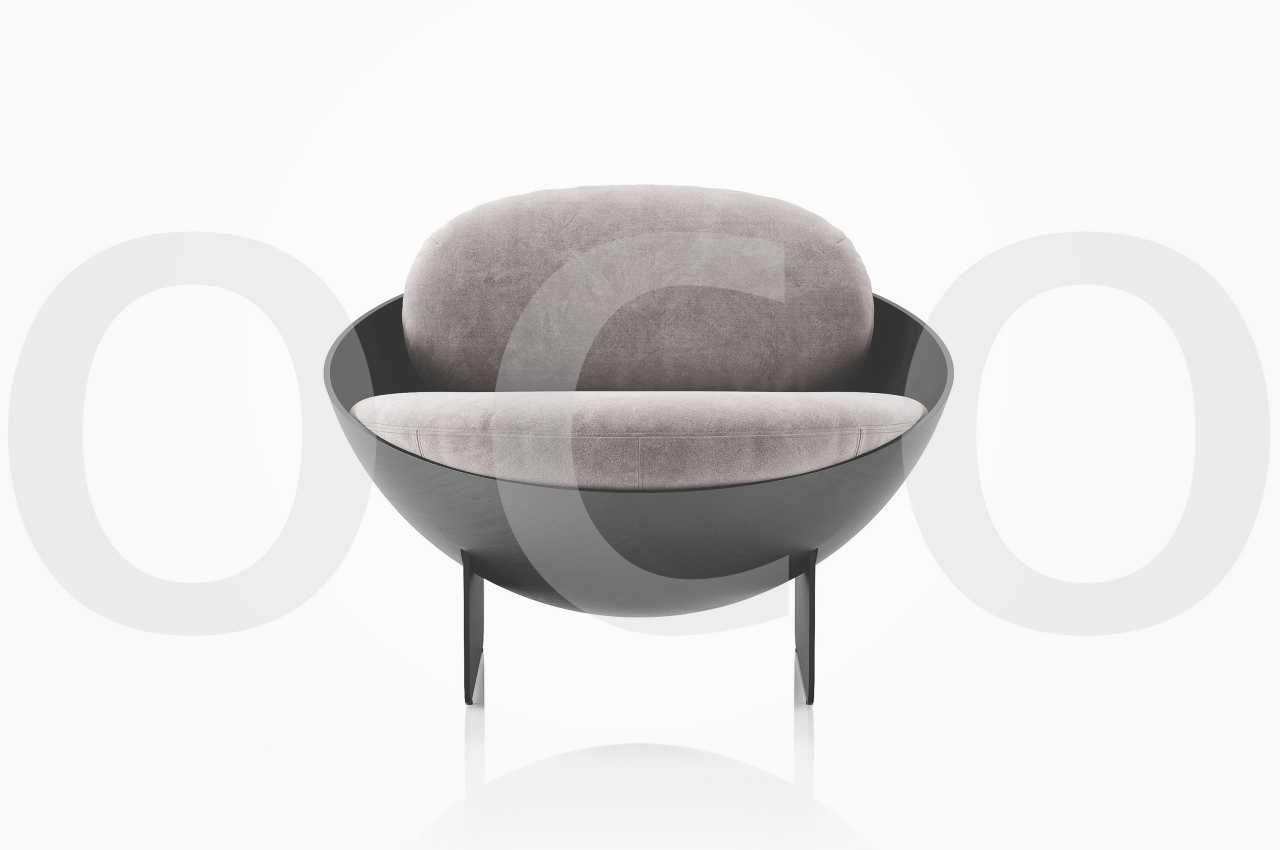
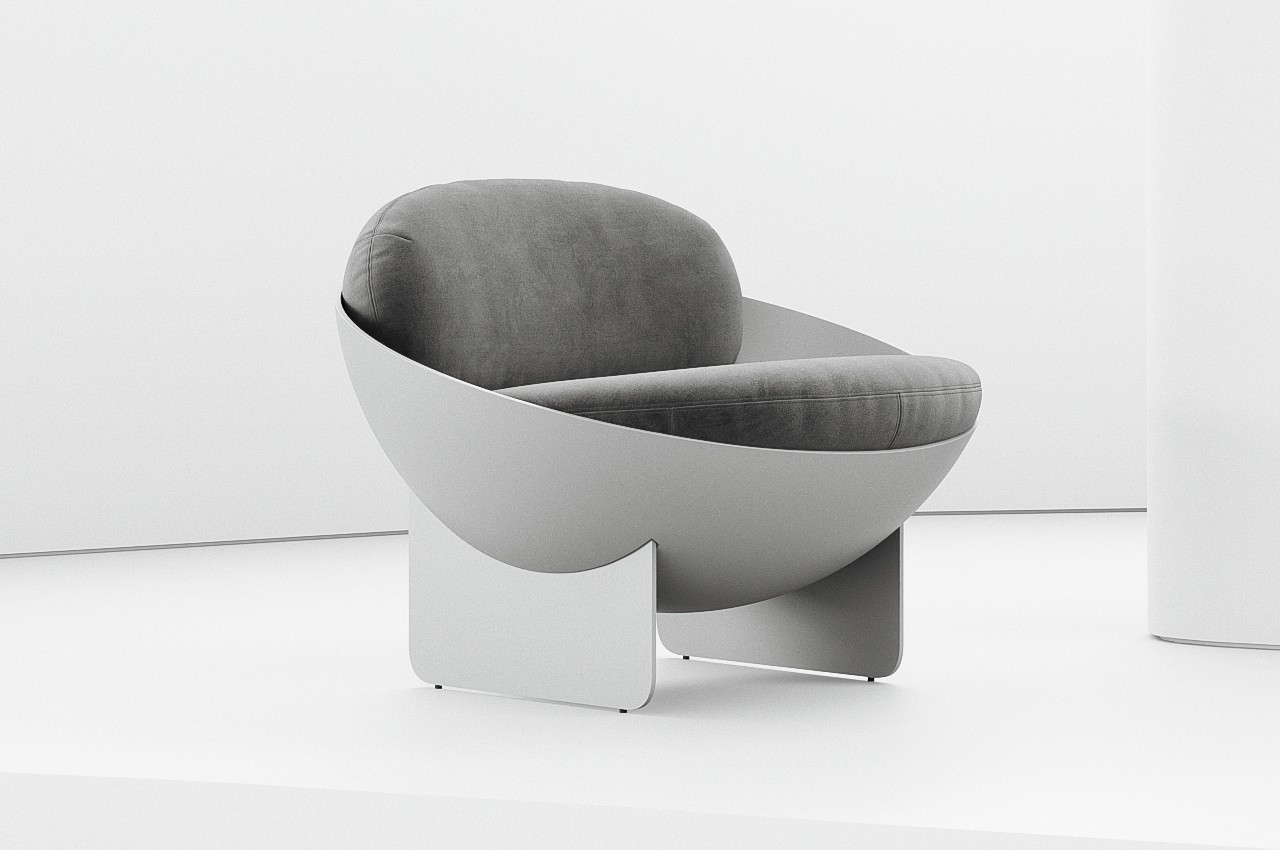
A chair isn’t a simple form that can be expressed in a single shape. After all, there are a few interconnecting planes needed to give it legs and an actual seat. A backrest is common but not obligatory, and armrests are even more optional. The Oco chair concept comes close to that simplicity of form while still providing a visually interesting piece, and it accomplishes that by employing a shape you wouldn’t always associate with a chair.
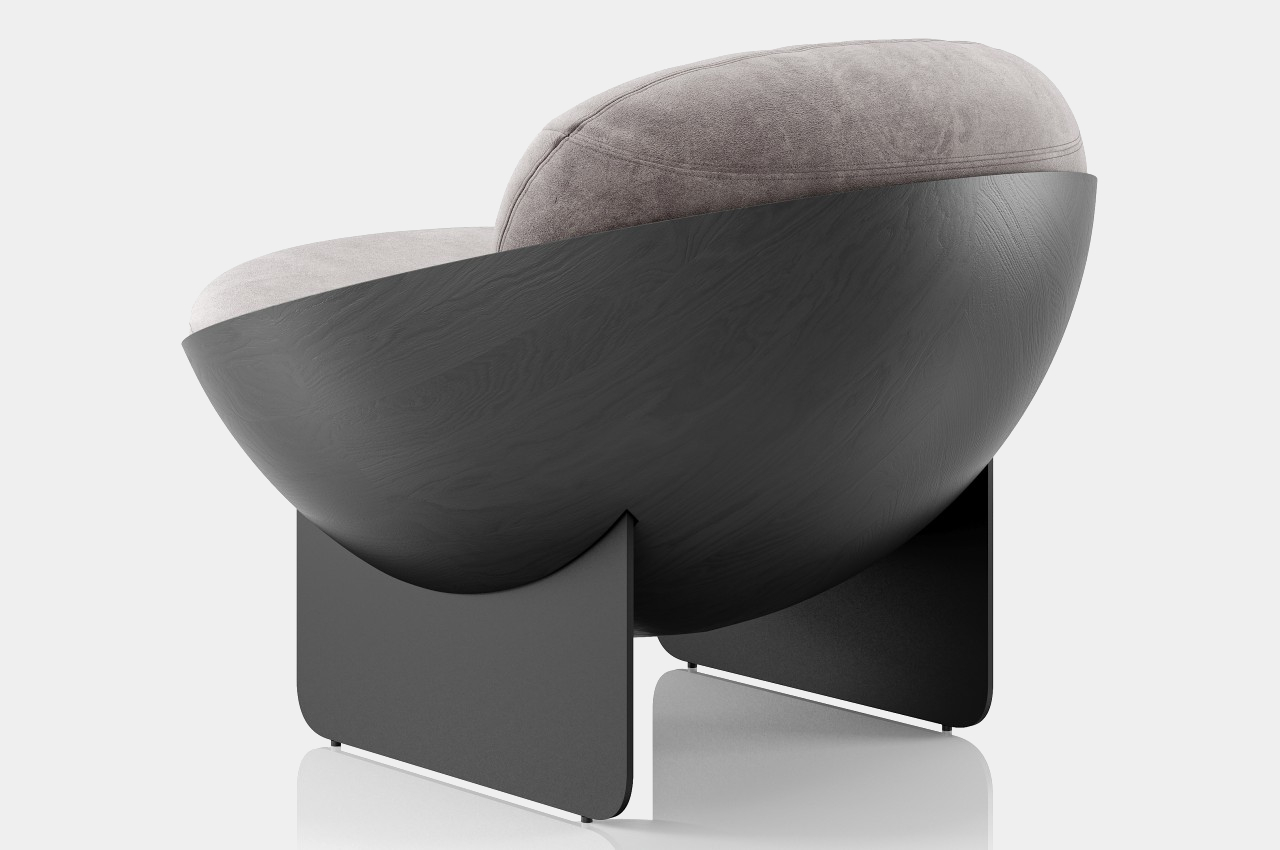
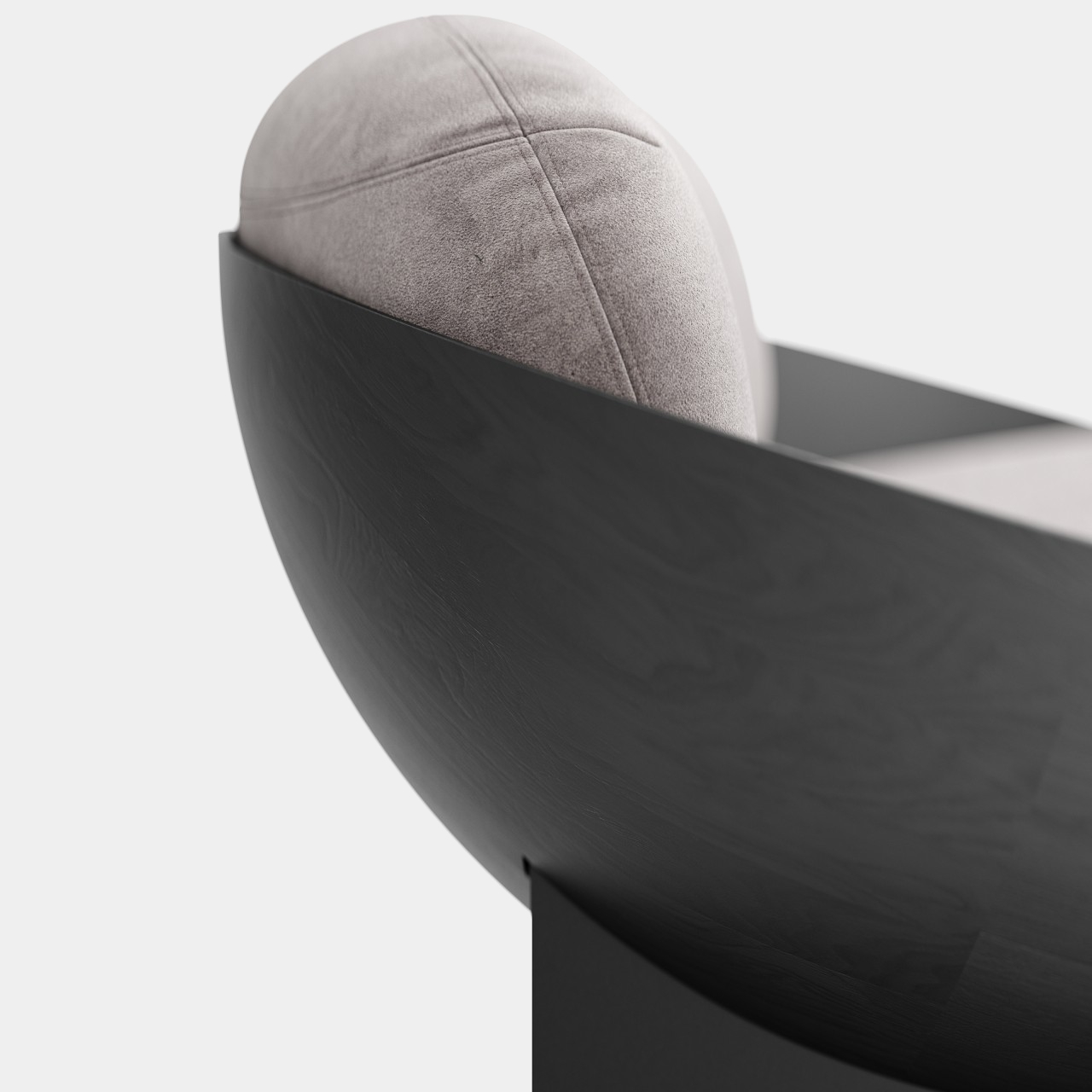
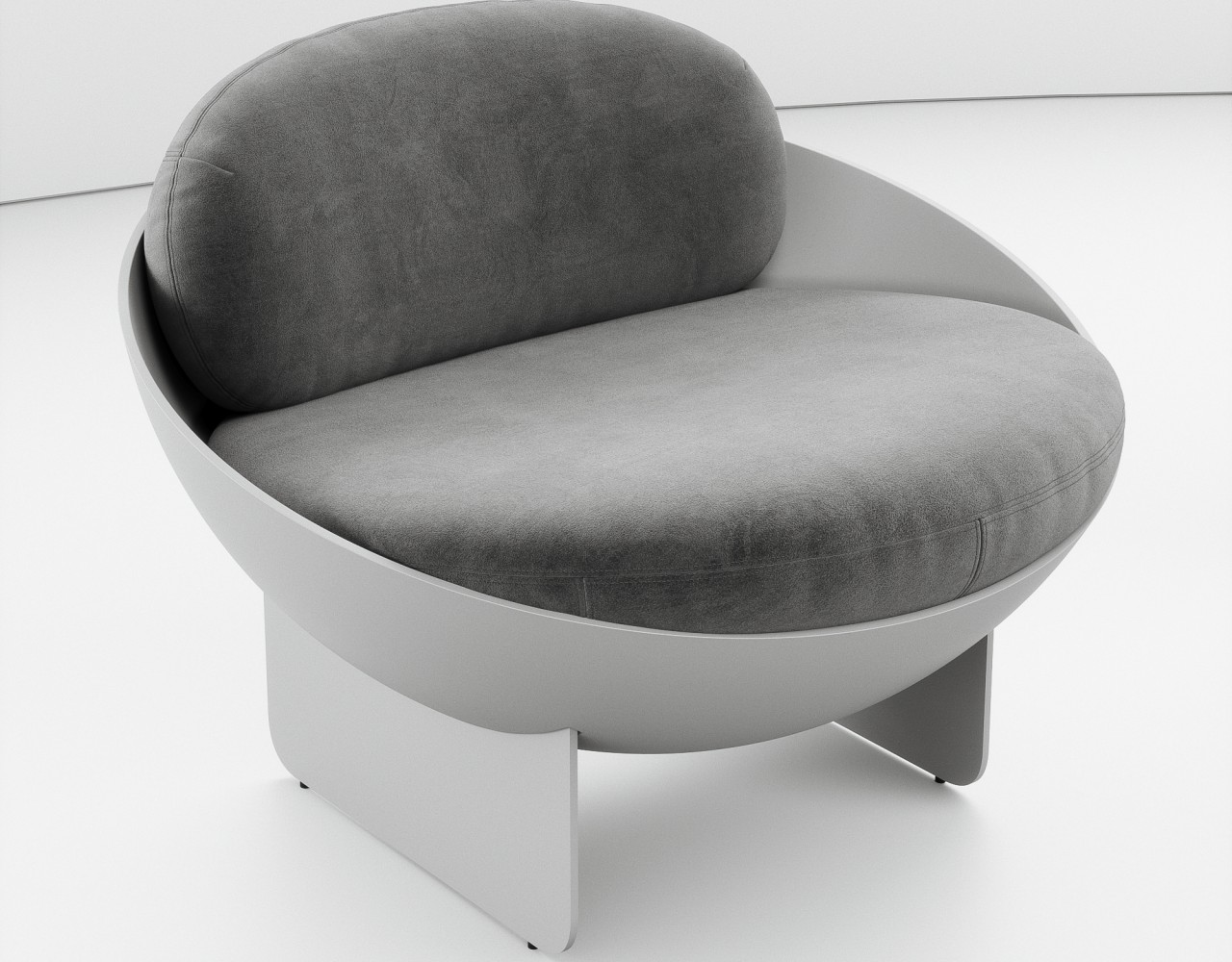
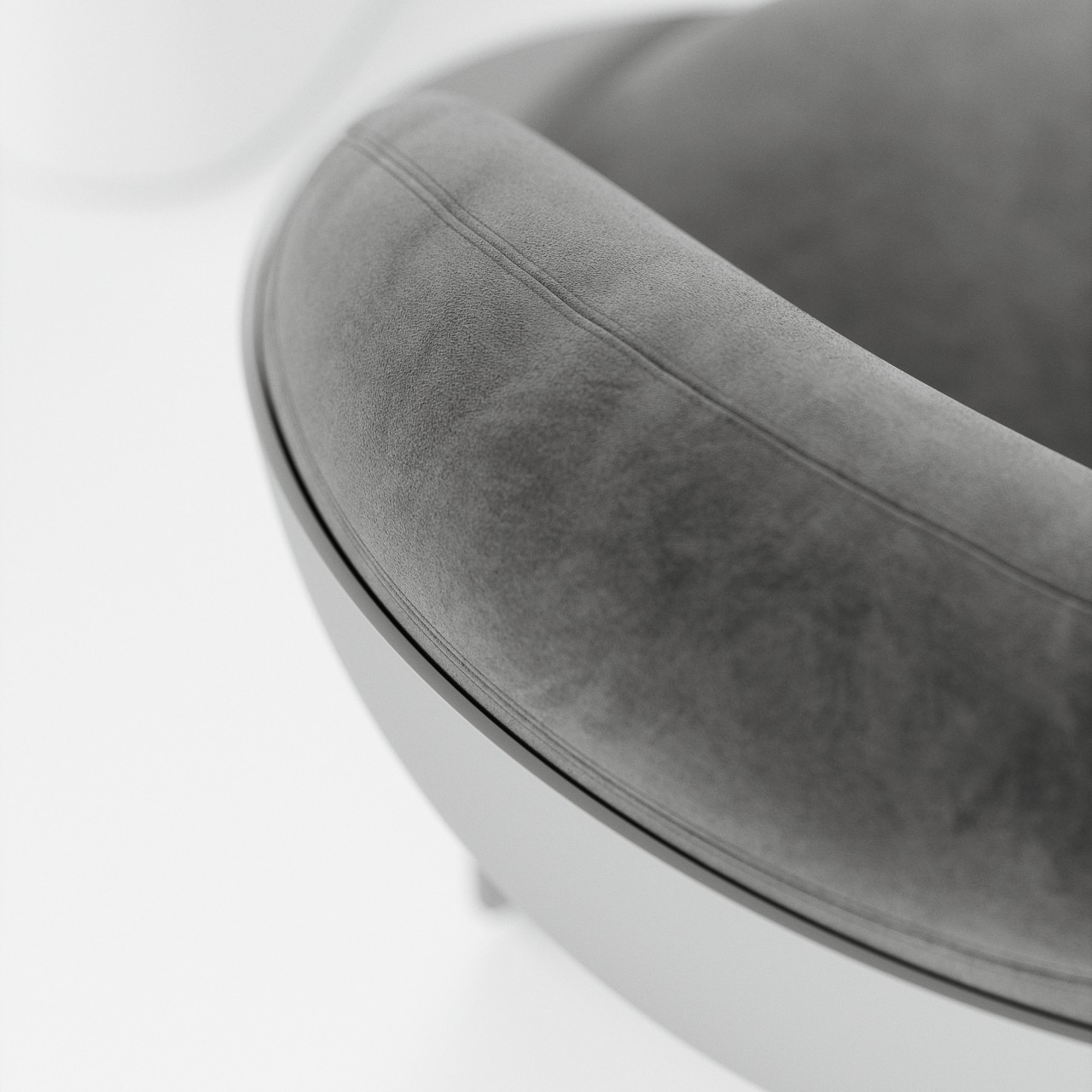
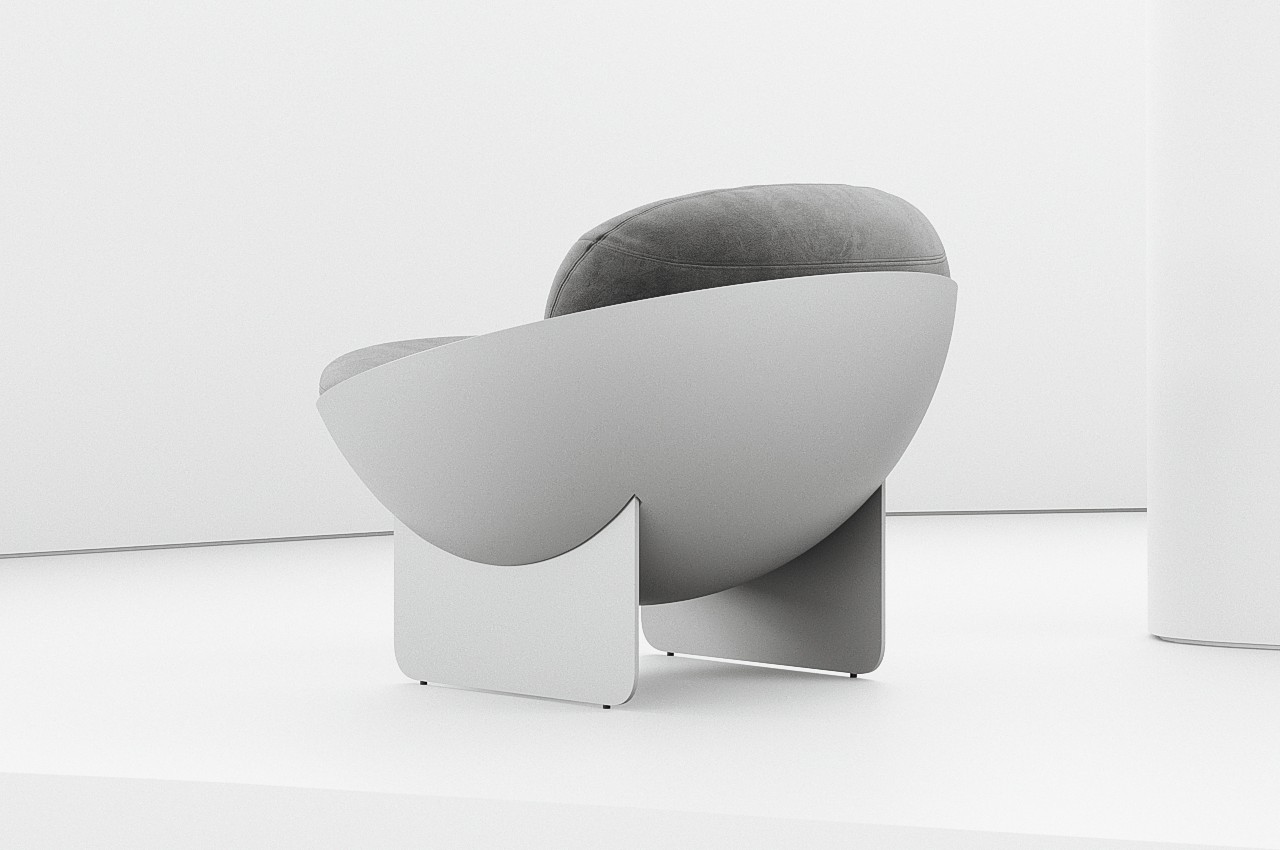
Bowl-shaped chairs are uncommon probably for a reason. A hollow half-sphere might not be the most comfortable thing to sit in unless you fill that space with cushions like what the Oco chair does. With extremely thin planes for legs, the bowl almost looks like it’s floating in mid-air. Made using carbon steel and fiberglass, the chair brings structural stability while also providing some subtle material details, like the wood-like grains of the spherical body.
But while it is indeed a sight to behold, closer inspection might make you rethink the comfort it promises. The thick cushions do look plus, but they might not provide enough support for the person’s back. Or at the very least the back cushion doesn’t have enough height to support someone leaning back, forcing them to sit upright without proper support, straining their body over time.
The bowl’s edges are also left exposed, which could scratch, cut, or press on a person’s skin, especially on the back of the legs and forearms. A few slight modifications, like lining the edges with soft fabric or changing the angle of the bowl could help improve the ergonomics of the design without ruining the simple geometric beauty that this concept wishes to convey.
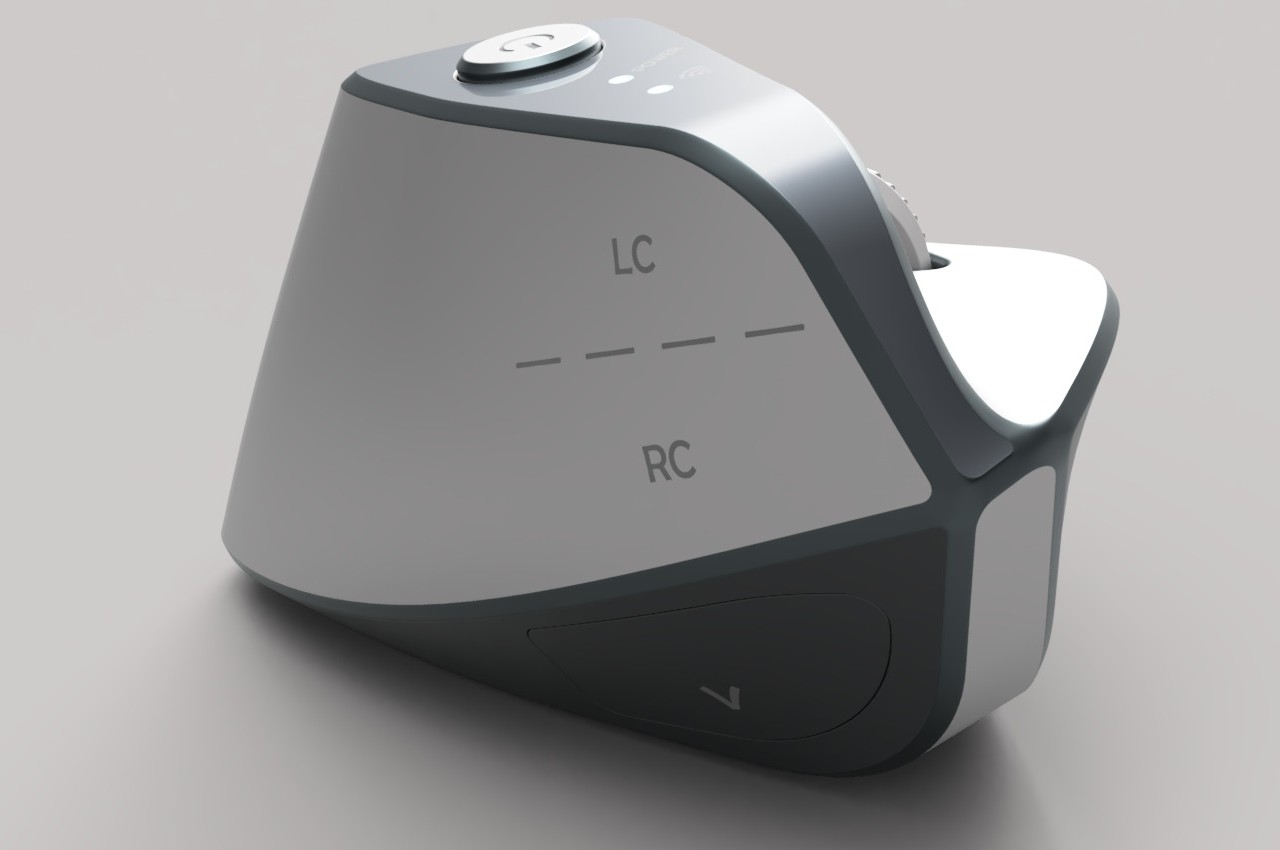
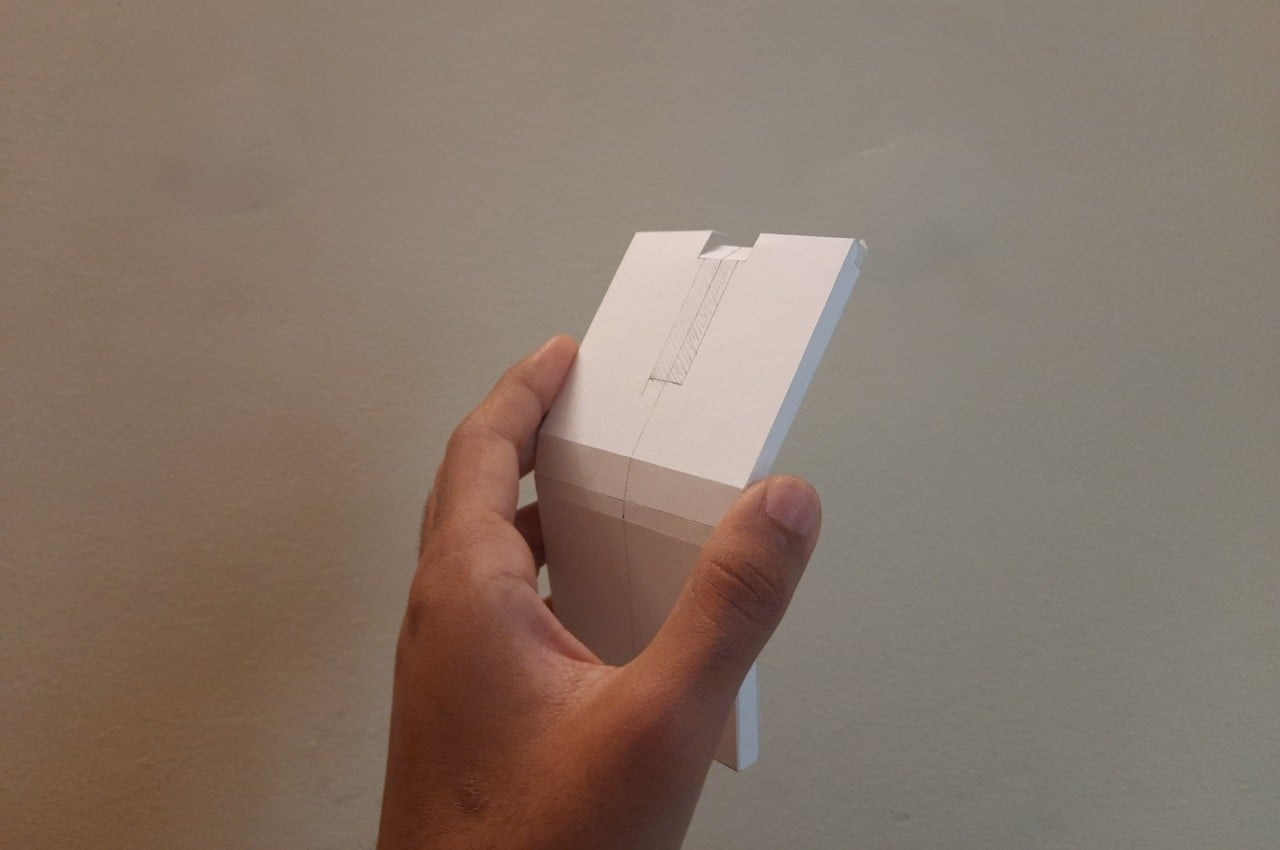
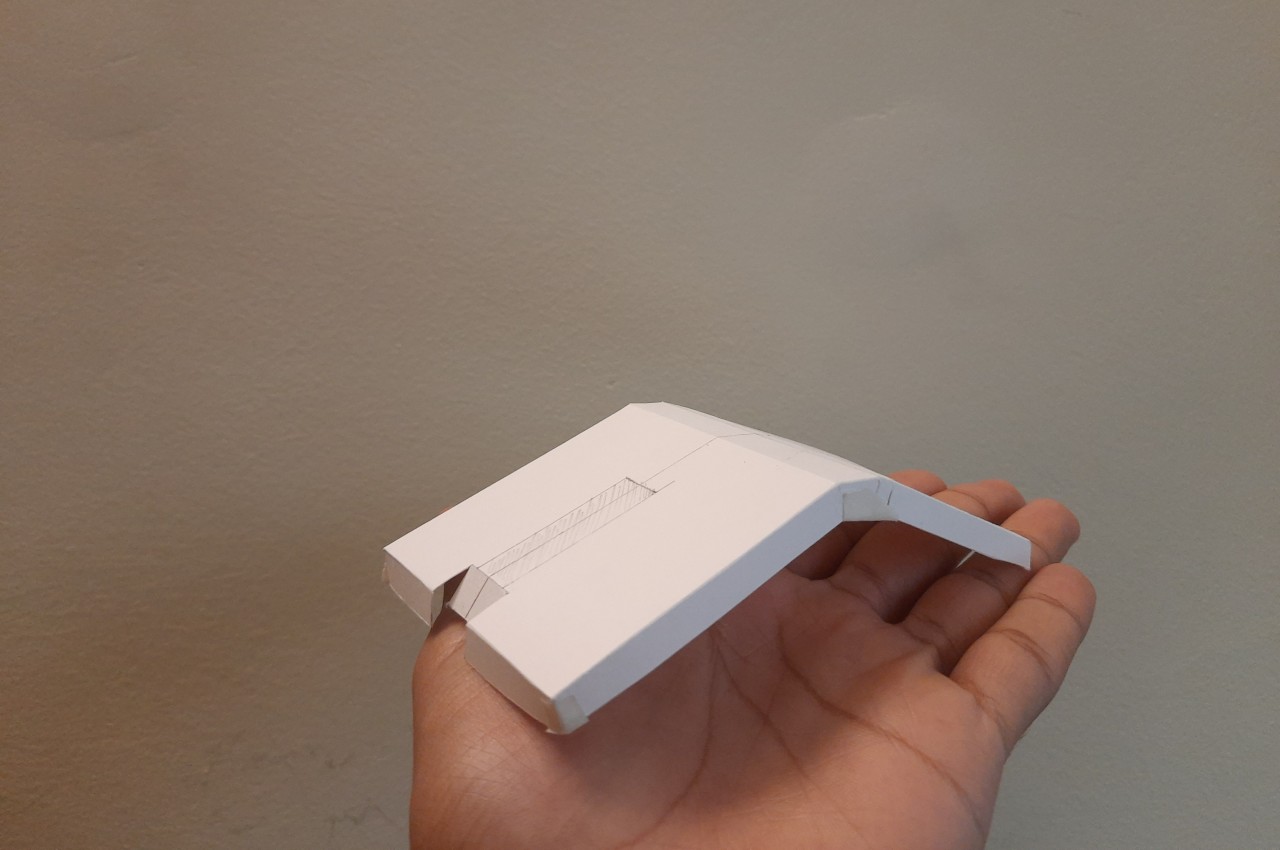
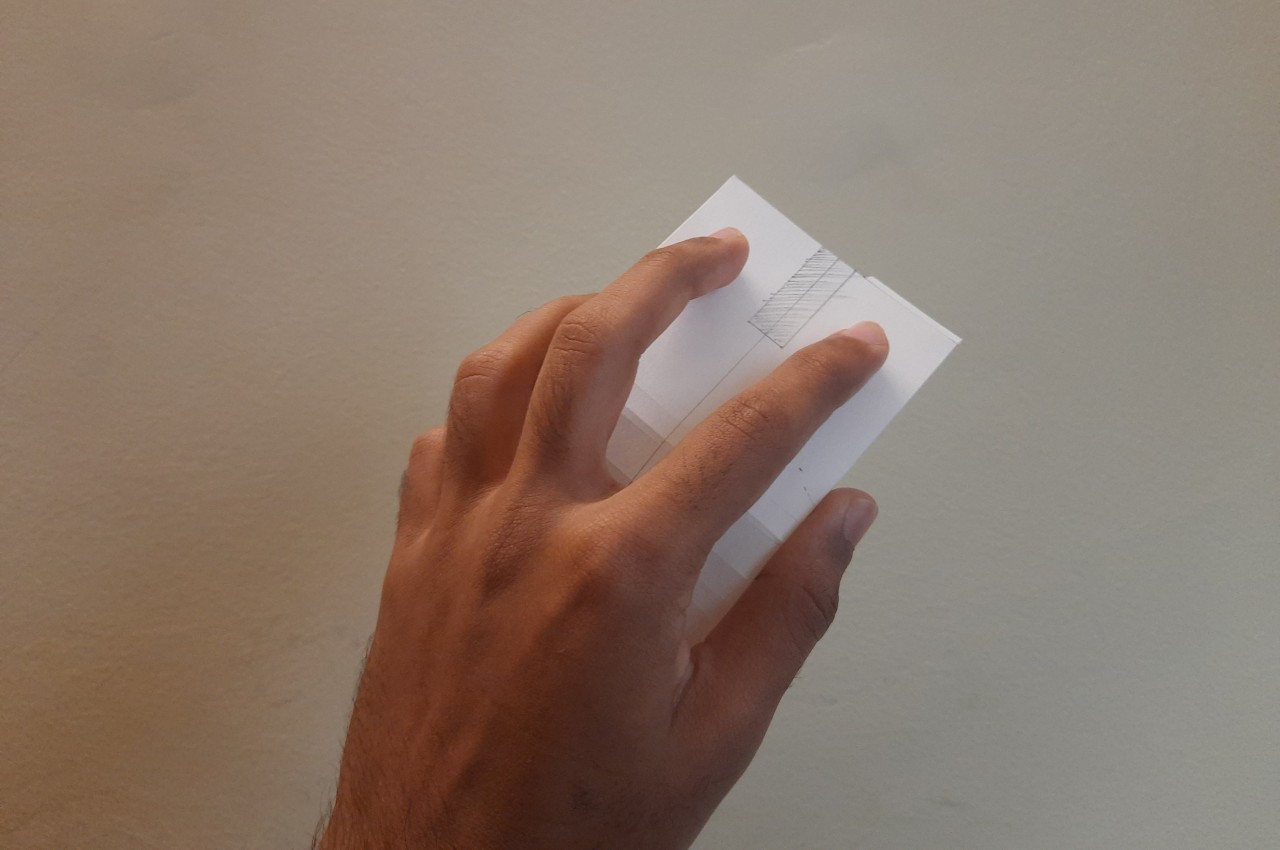
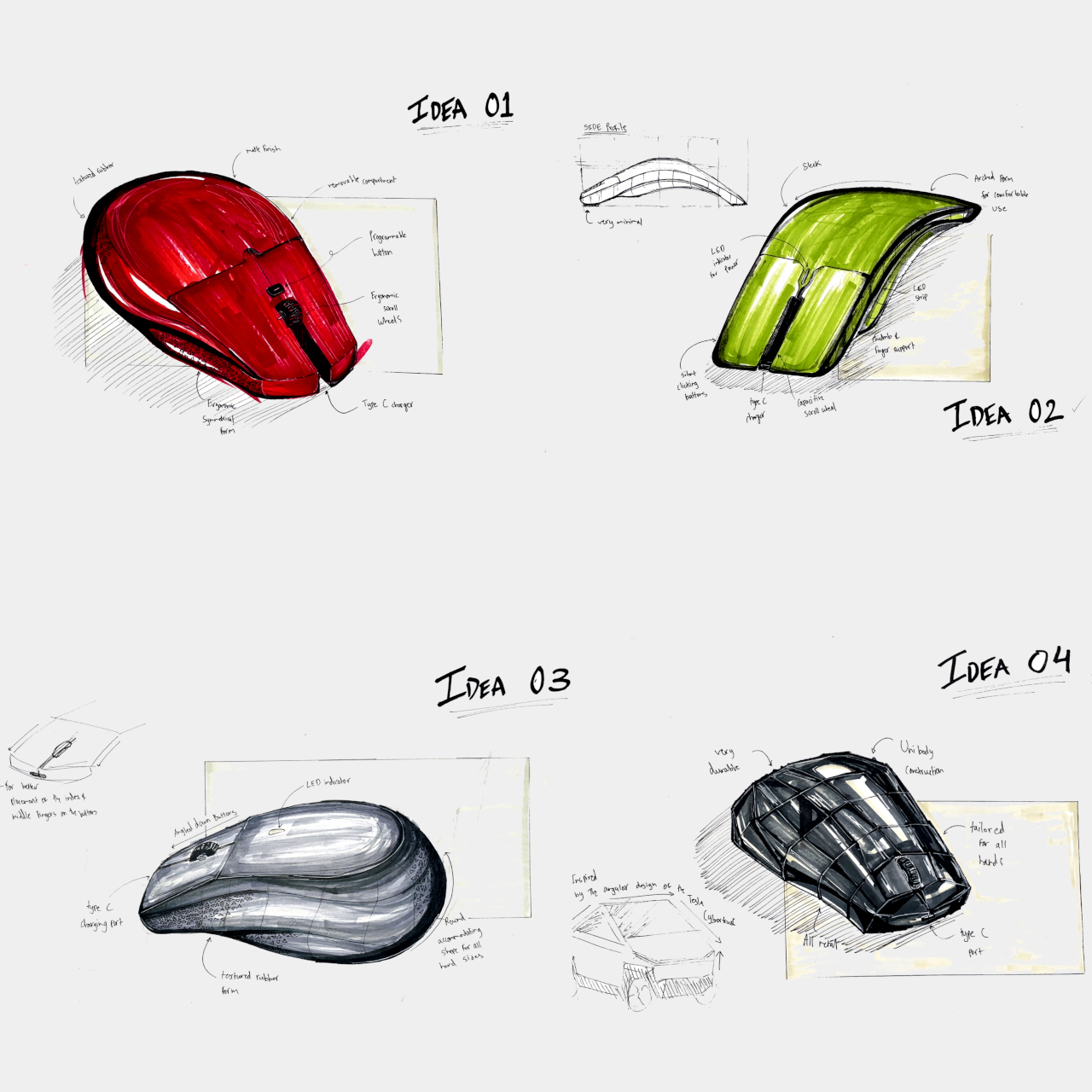
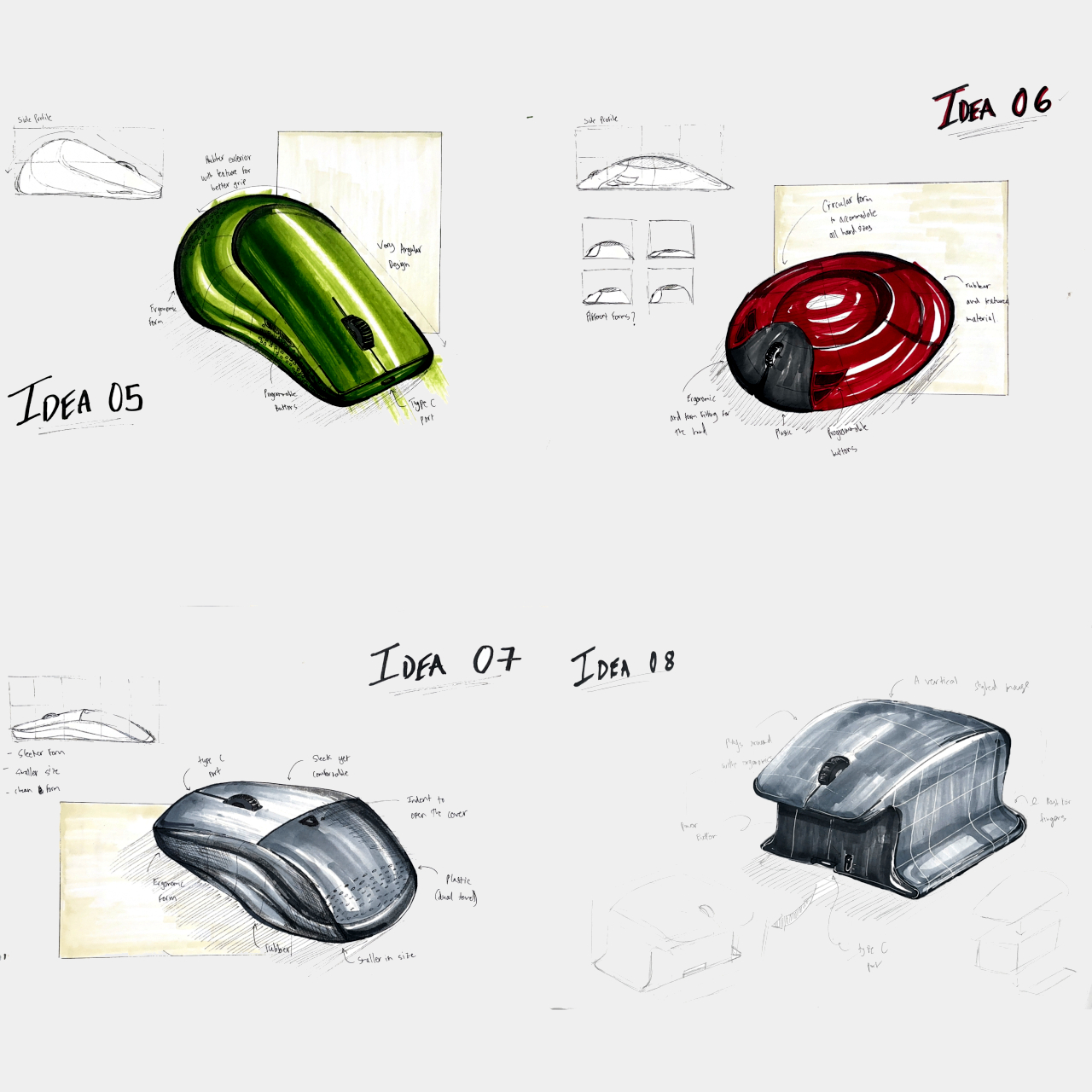
Computer mice have been around for decades, and despite their form making no objective sense, they remain the most basic and most common pointing device that we now use intuitively. The core design of the mouse hasn’t changed significantly since its inception, which unfortunately means they’re still one of the biggest causes of repetitive strain injury or RSI for many people. Ergonomic mice are starting to gain traction, particularly the vertically oriented designs that promise a more natural and comfortable grip for your hand. This device concept builds on that same premise, but the execution is a bit puzzling considering how it looks less like a mouse and more like a miniature clothes iron.
The rationale behind vertical mice is that the normal orientation of human hands has the palms facing inward rather than downward. With a regular mouse, users are forced to keep their hands at an unnatural angle, whether or not they’re moving the mouse at that moment. Of course, a vertical mouse would still need to provide the basic functions of a conventional mouse, which includes left and right buttons as well as a scroll wheel.
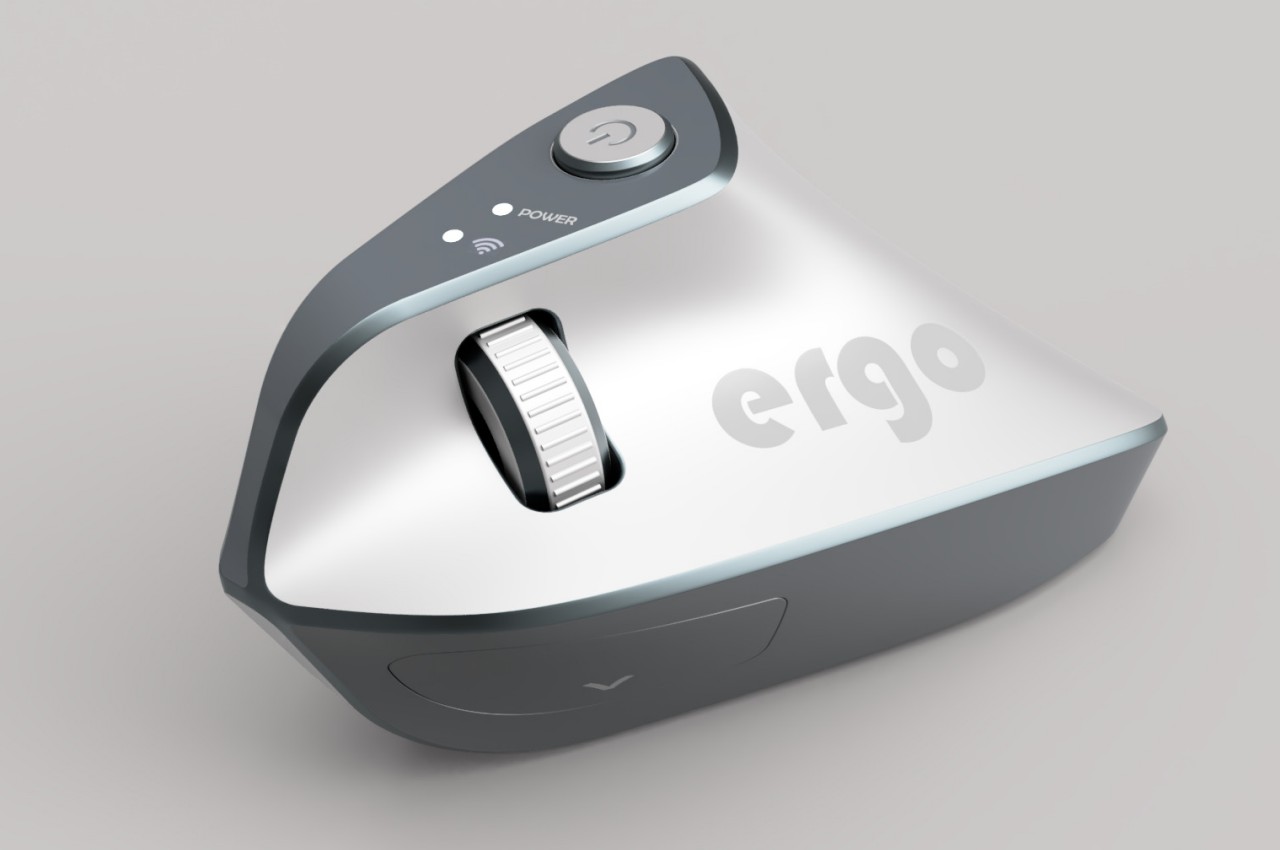
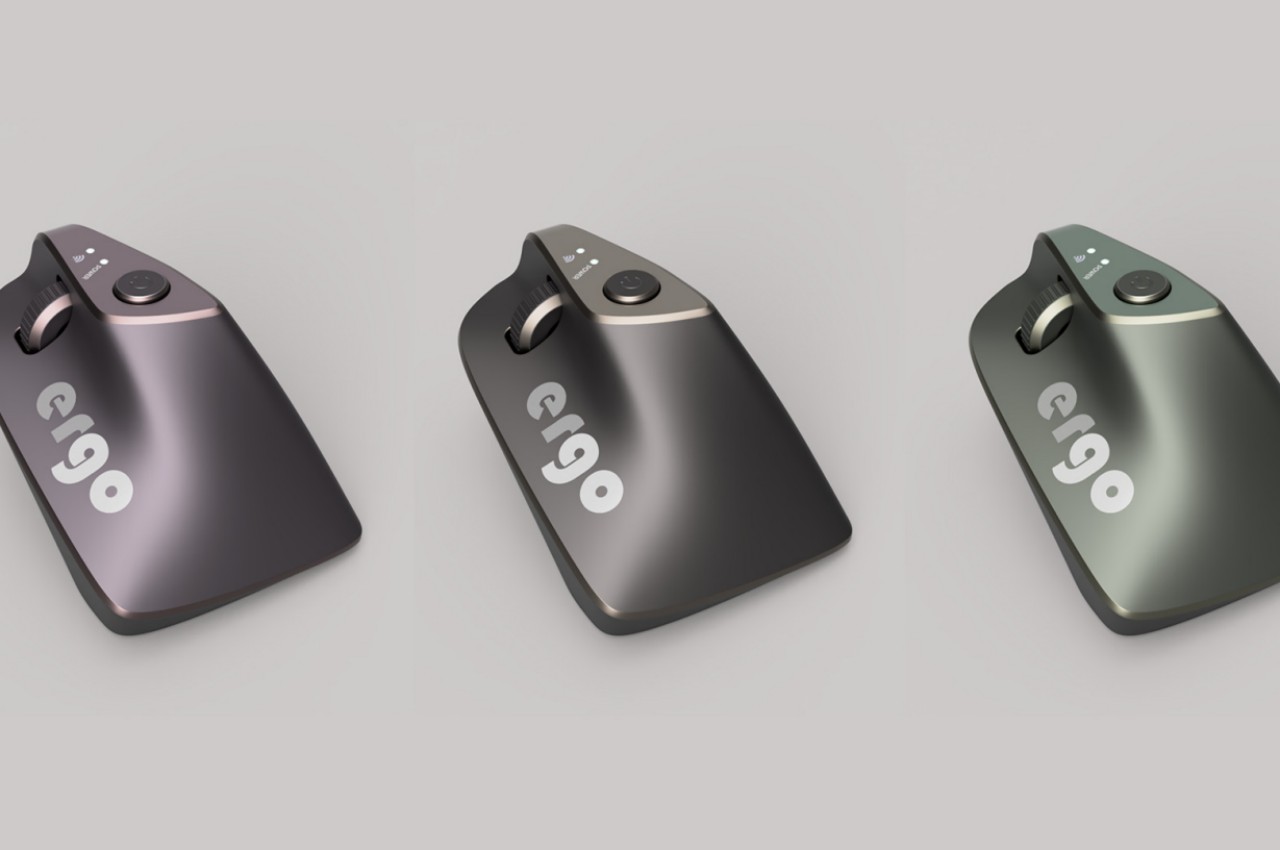
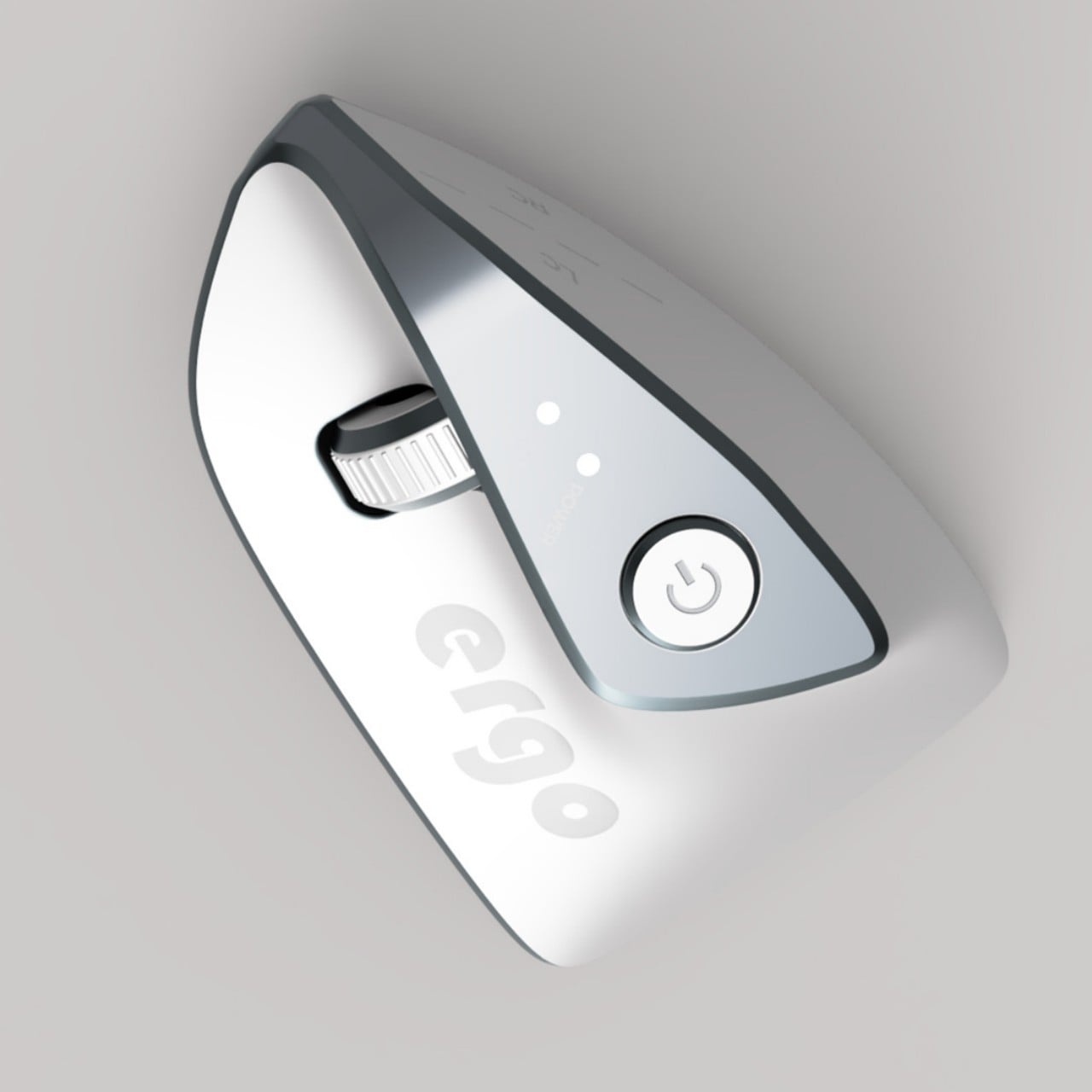
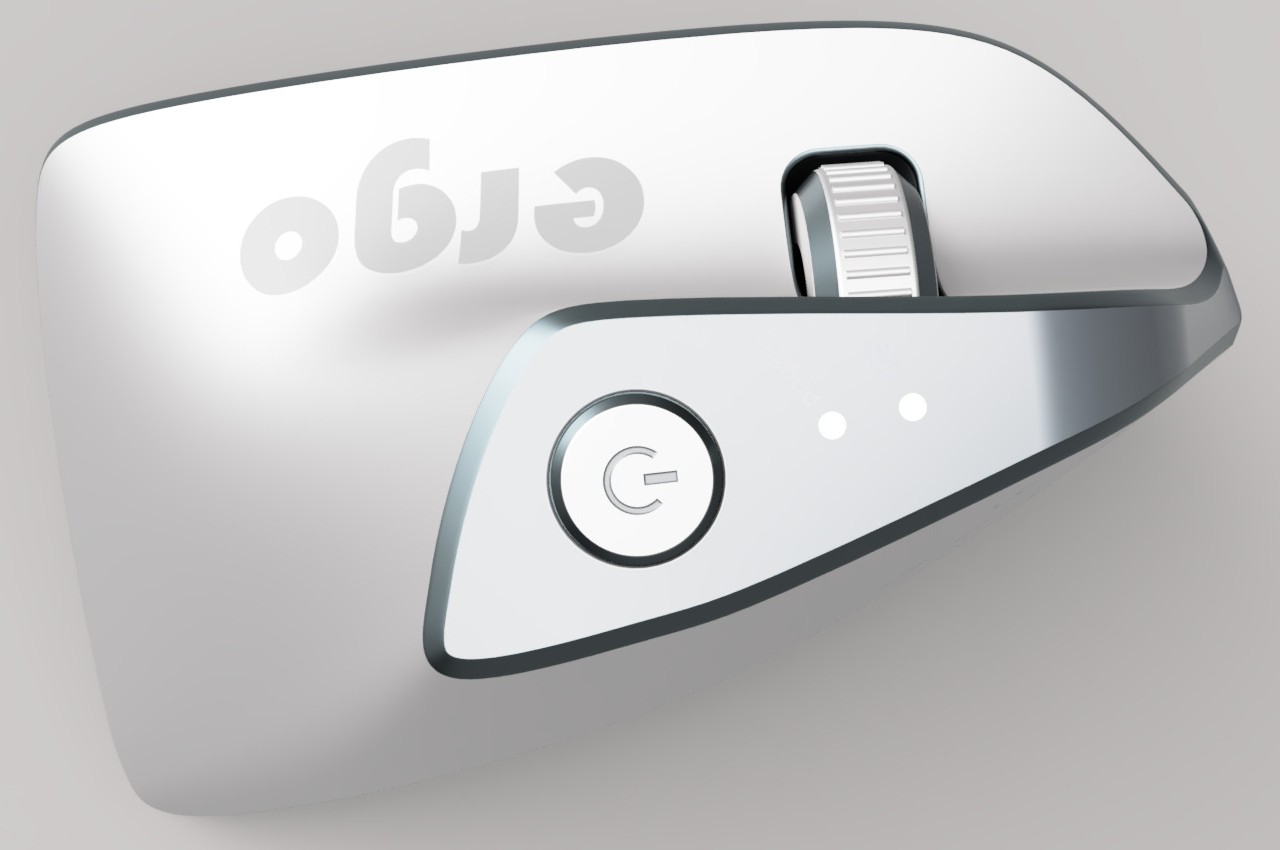
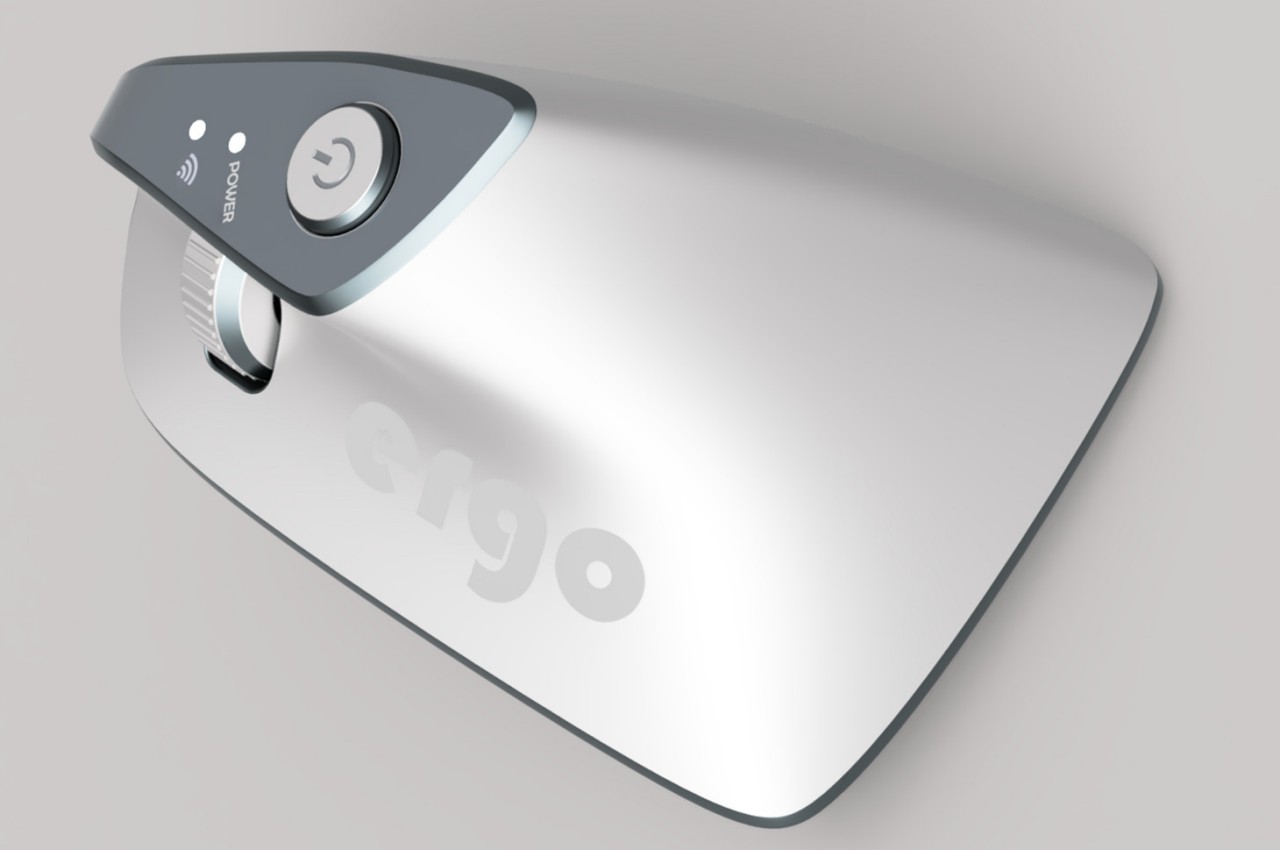
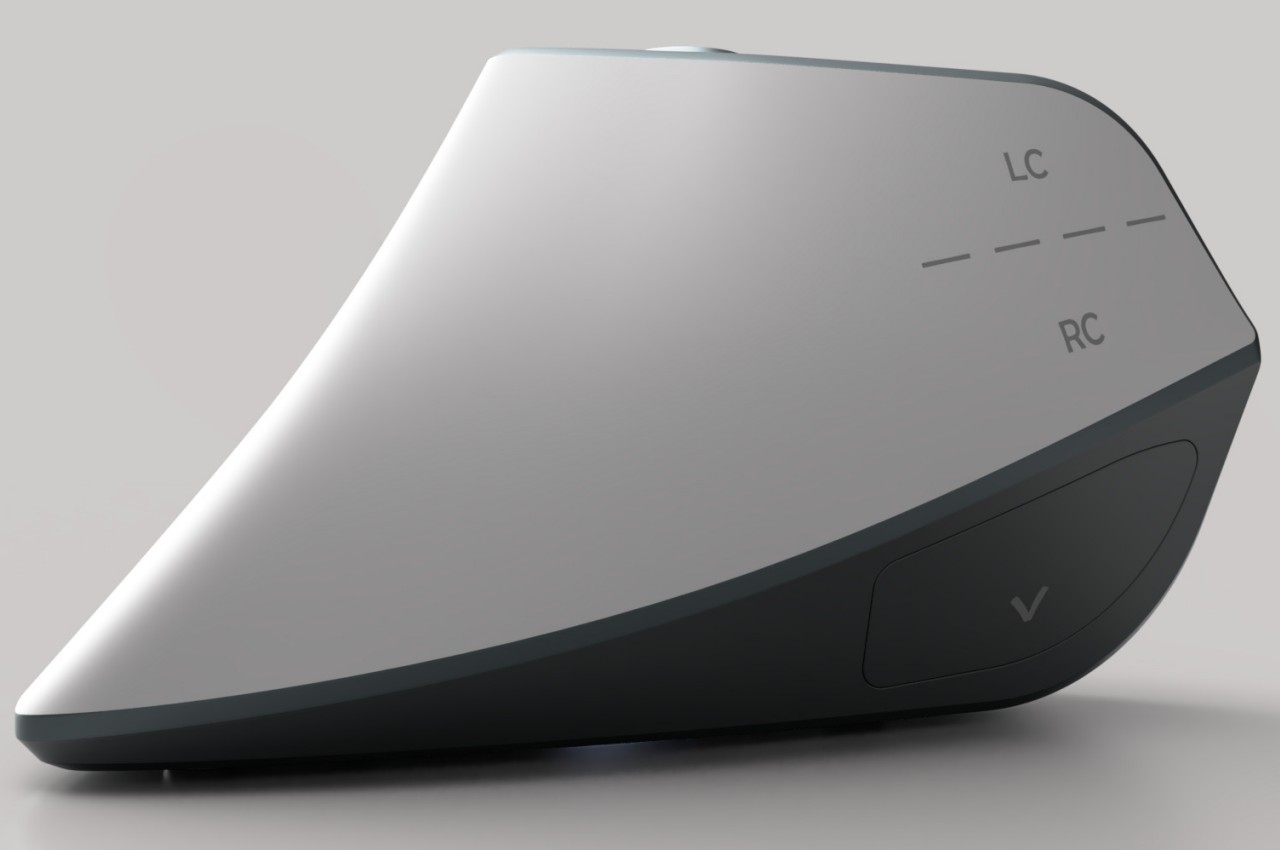
At first glance, the Ergo ergonomic mouse concept is just like any other vertical mouse now available for purchase, but examining its form and silhouette generates a slightly different image. The top plane’s wide surface tapers sharply toward the front, while the wide middle section looks rectangular when viewed from above. If not for the actual bottom of the mouse, which merges two vertical sides like the keel of a ship, the Ergo looks almost like a clothes iron, albeit one without a handle to grip.
Aside from the peculiar shape, the mouse design also raises a few other questions. The buttons on the outer or right side are clearly marked, but they don’t look like buttons you can physically click at first glance. The position of the mouse wheel on the opposite side is even more puzzling, as it will require a lot of swinging movement from the thumb that could actually put more strain on its joint. The rather wide rear might also make it harder to grasp the mouse, potentially resulting in more discomfort in the long run.
The vast majority of computer products are designed to favor the biggest groups of users, sometimes to the exclusion of the minority. We’re not speaking about accessibility for persons with physical disabilities, but that is especially true for them as well. Even just the common keyboard and mouse are designed with the presumption that they will be used by right-handed people. And while ambidextrous mice do exist, those tend to sacrifice comfort for the sake of a symmetrical design. That doesn’t have to be the case, as this concept design tries to prove, promising both comfort as well as proficiency, regardless of which hand you hold it with.
There has been an increasing awareness and demand for ergonomic mice, sadly due to the equally rising cases of computer-related injuries. But while there are plenty of ergonomic designs now available, most of them only cater to right-handed users. You’d be lucky if the manufacturer produced a left-handed design, but most don’t because of the costs involved in another product with only a few minor differences.
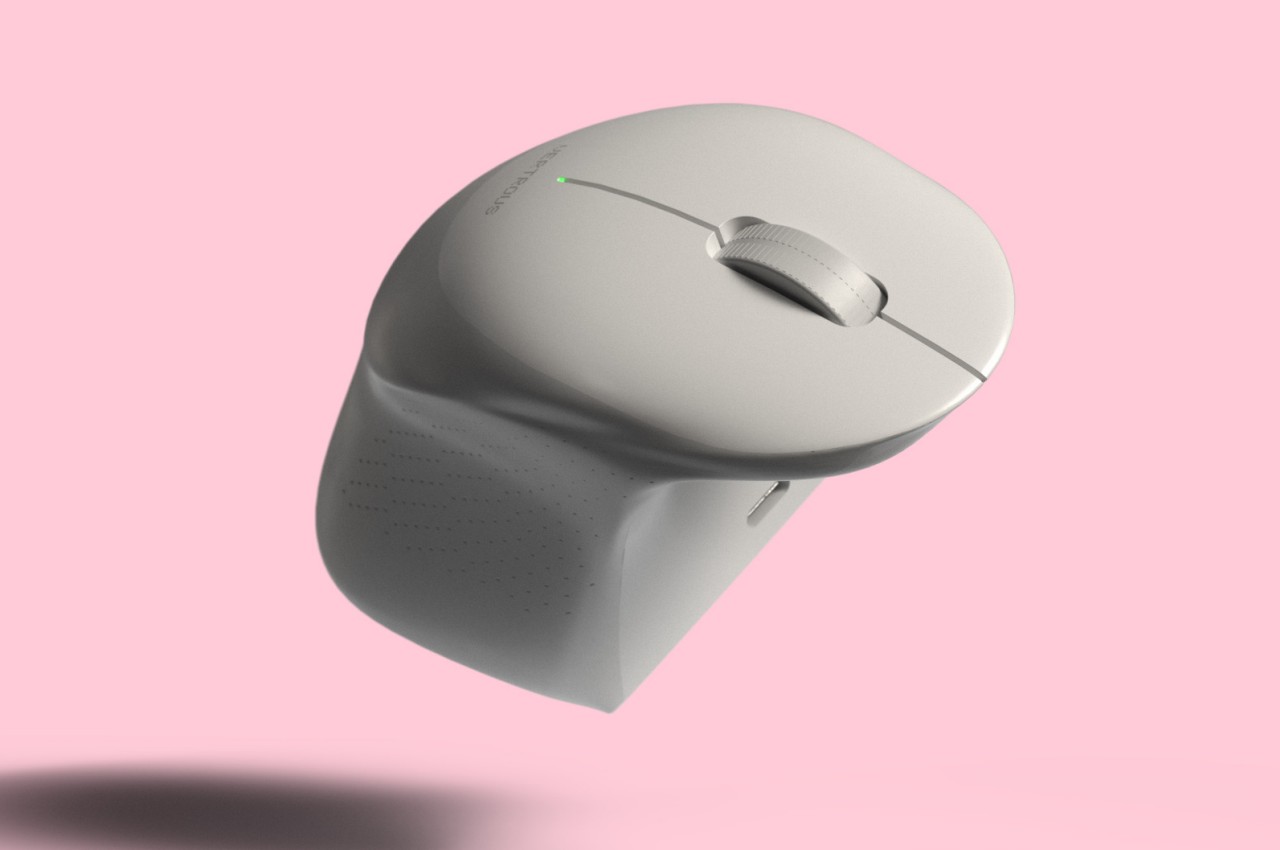
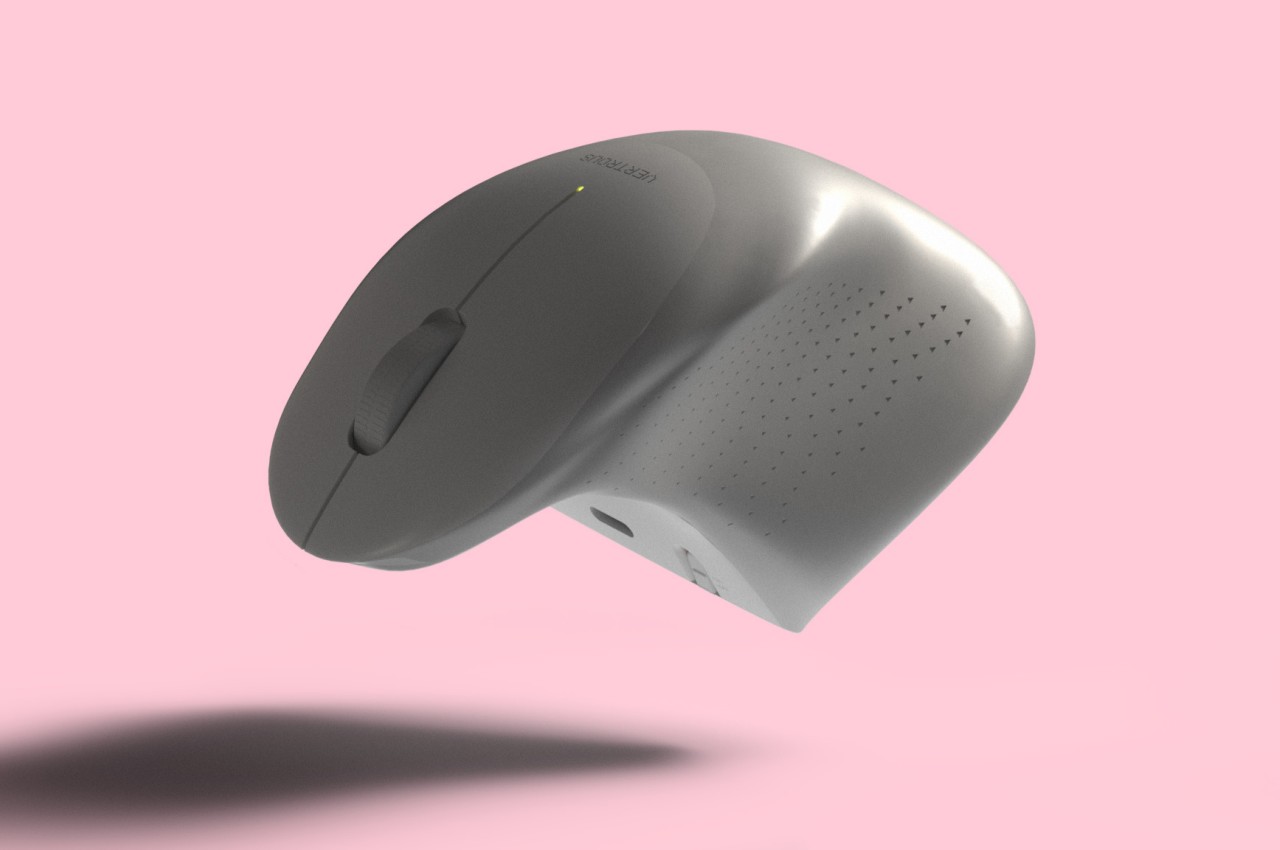
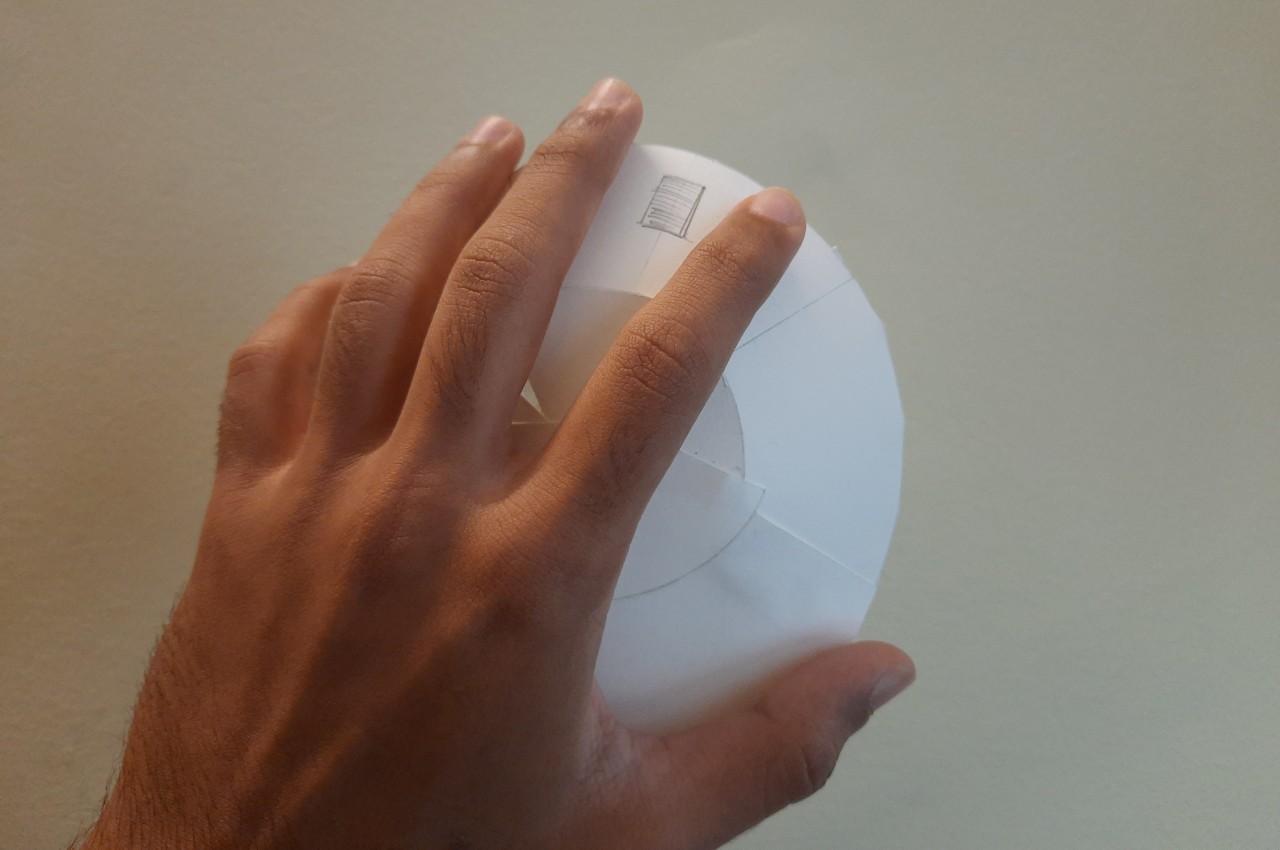
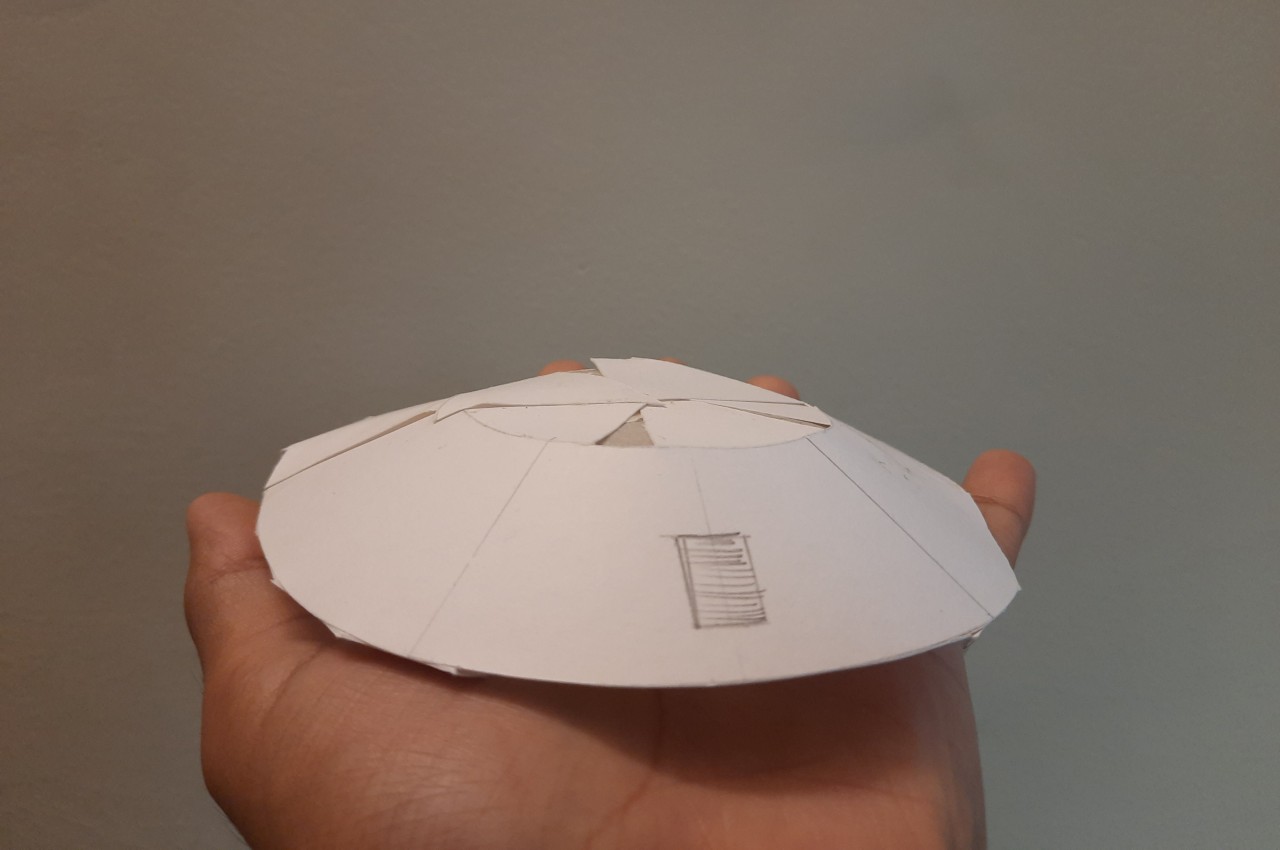
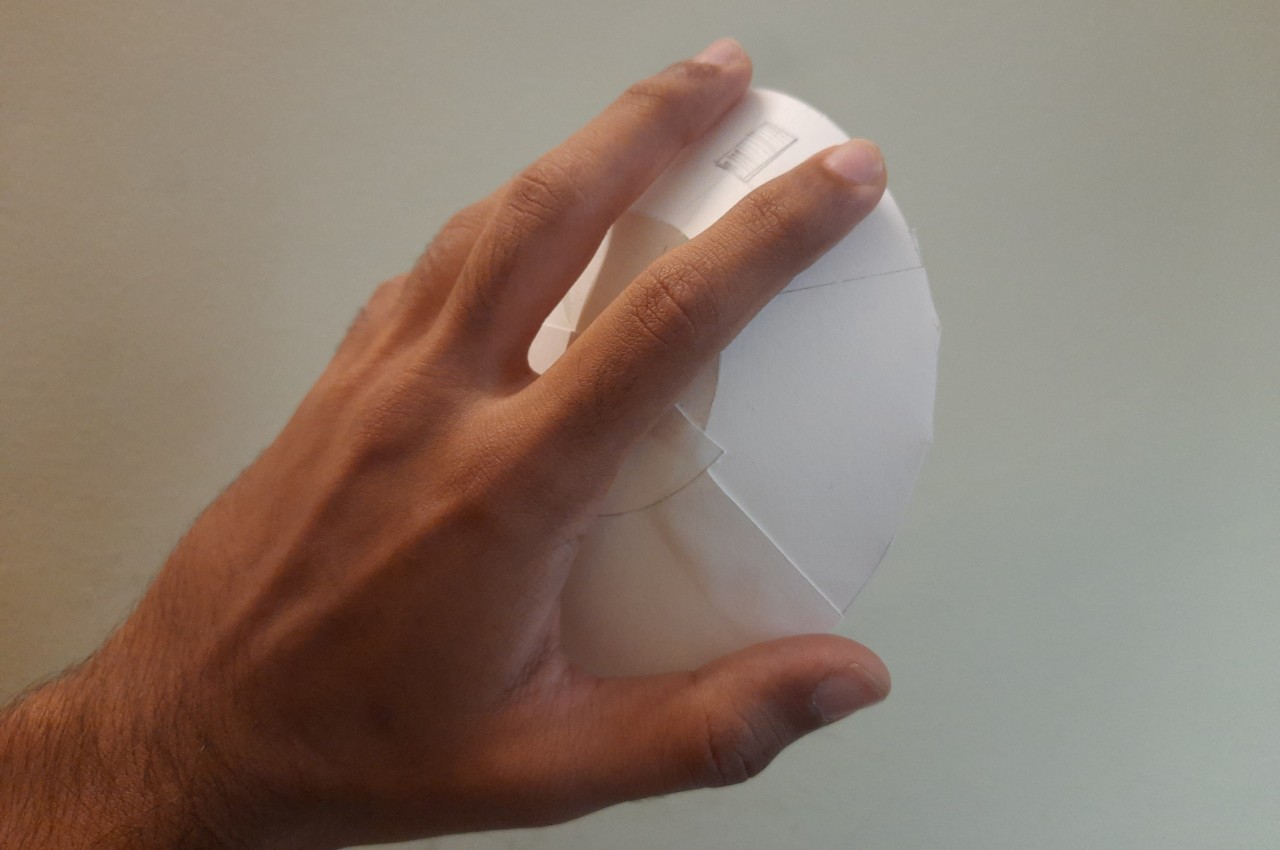
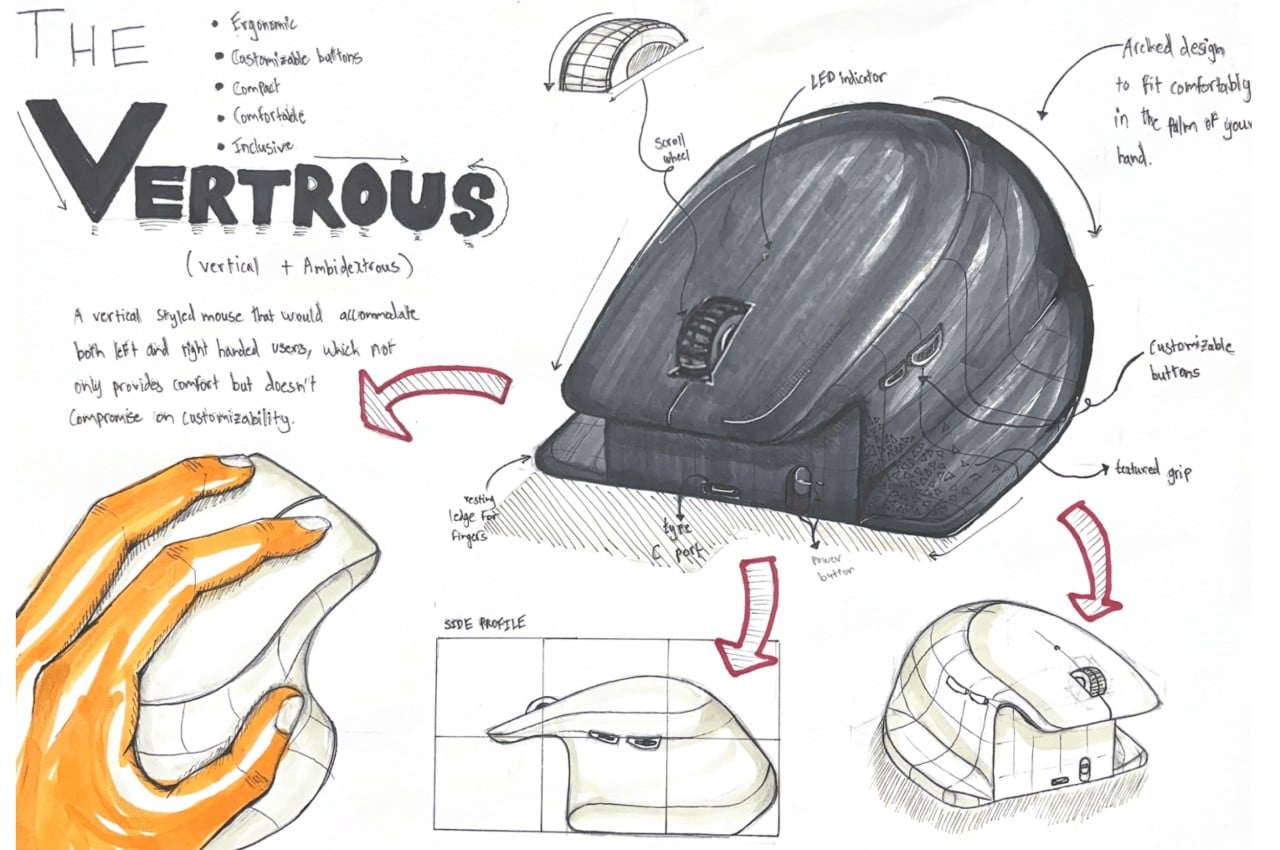
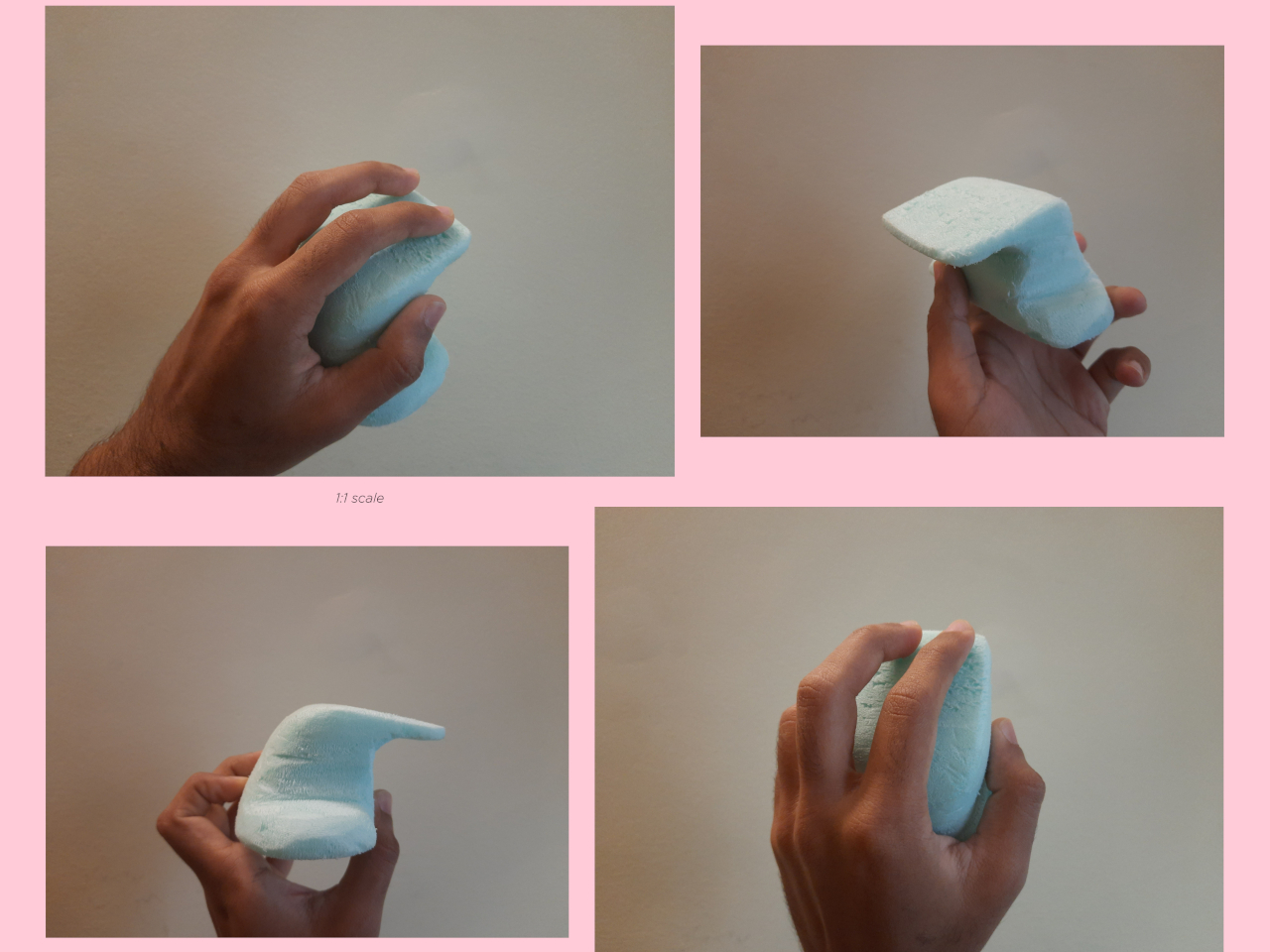
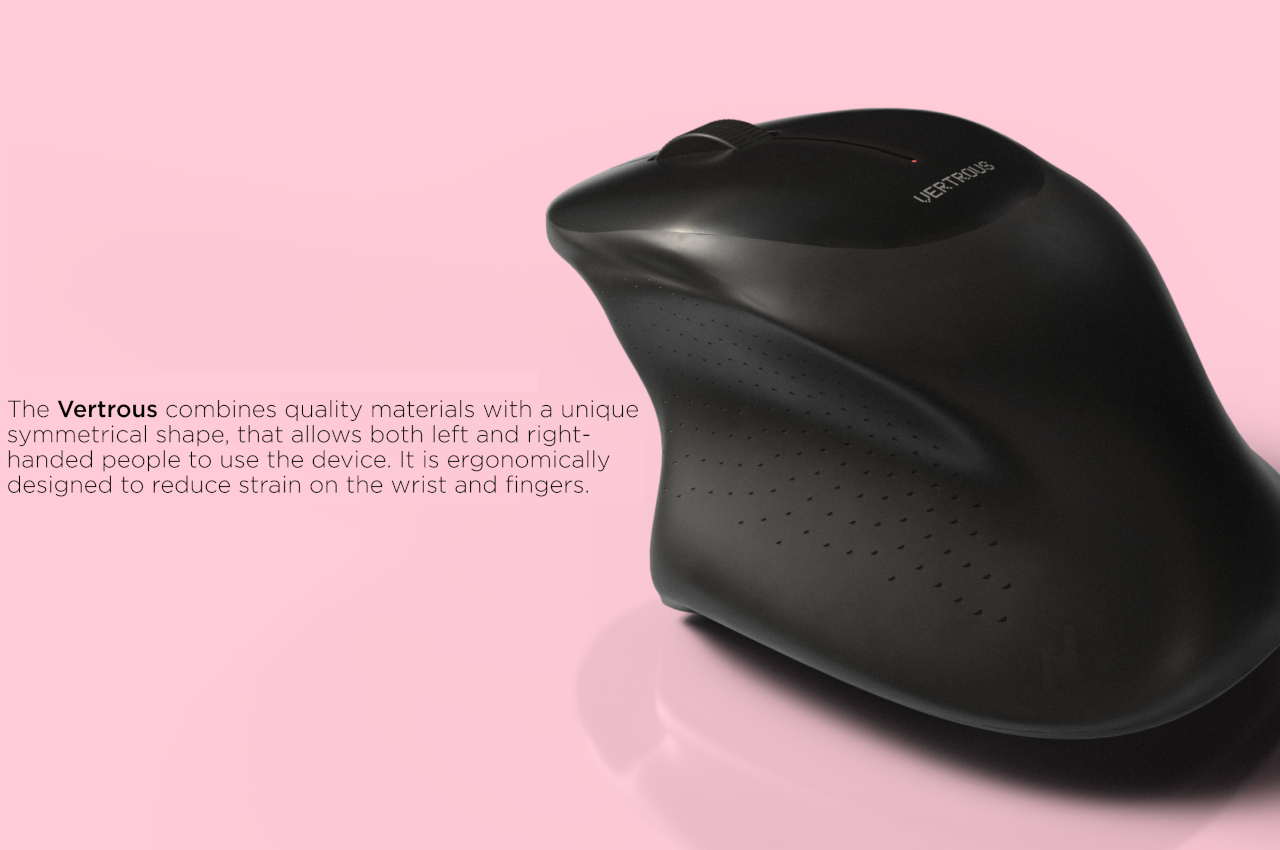
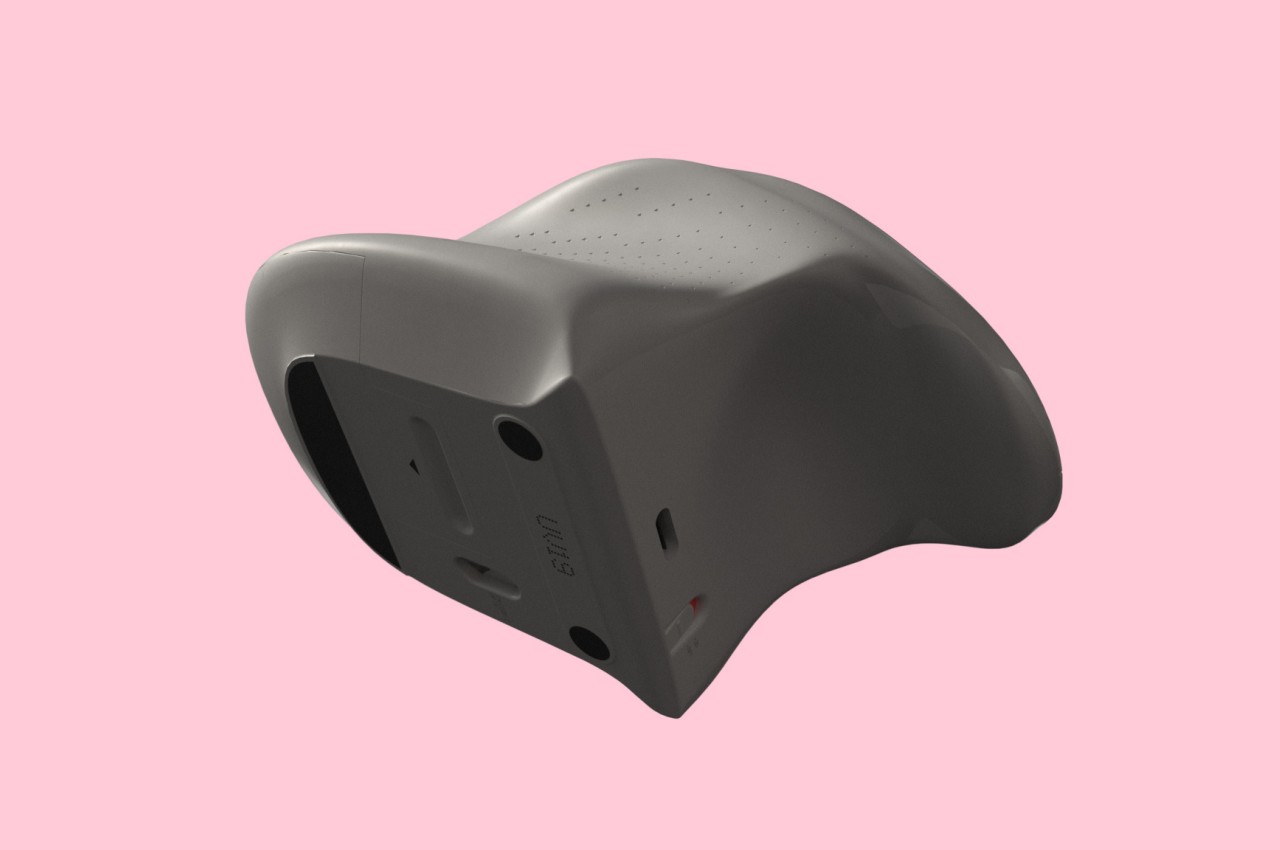
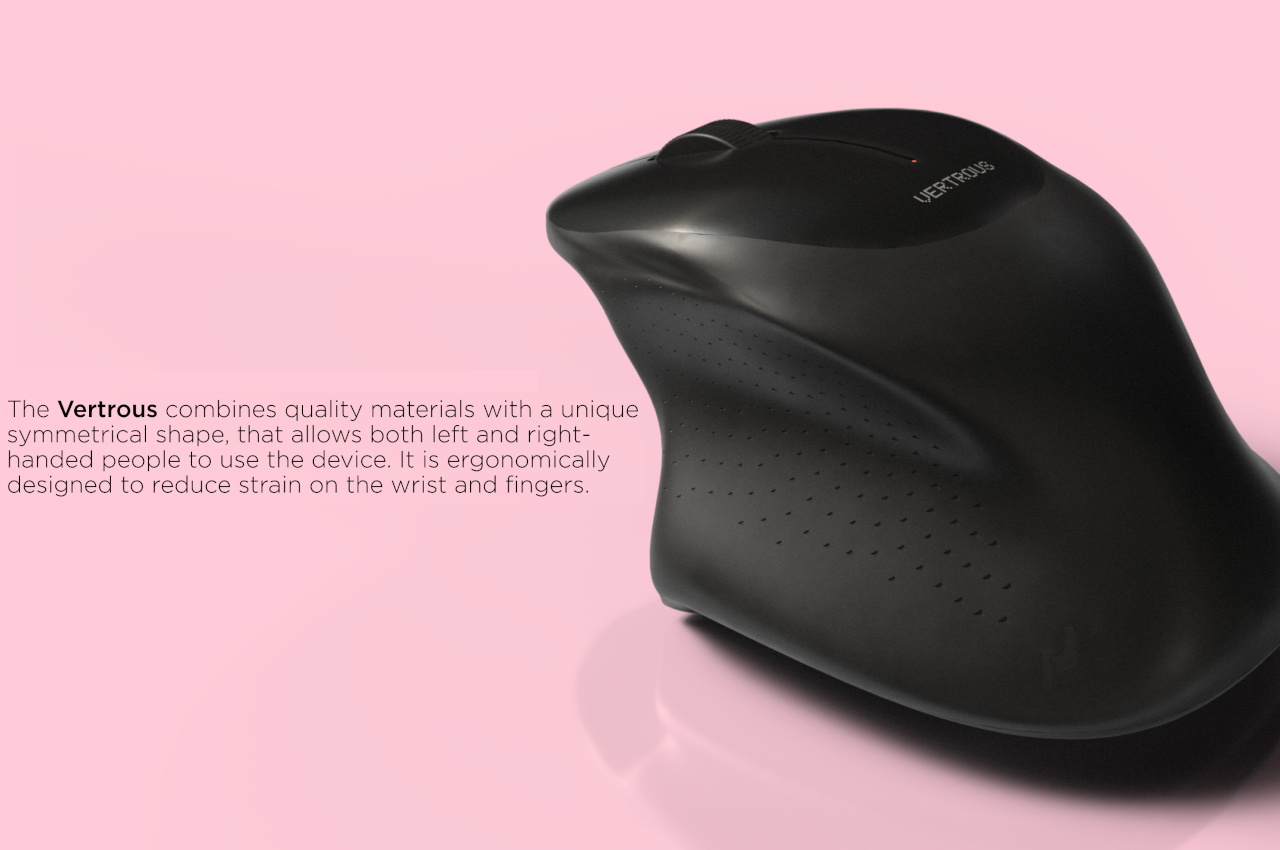
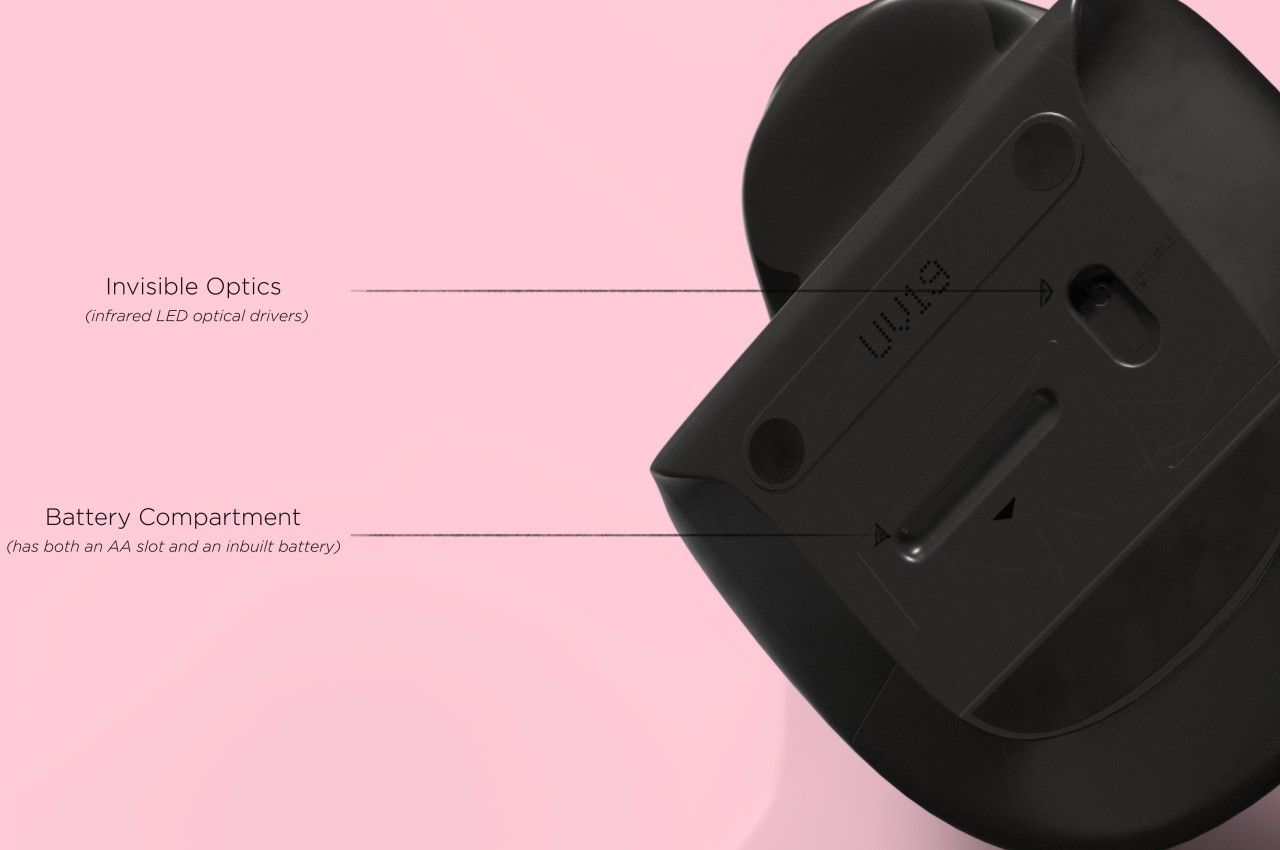
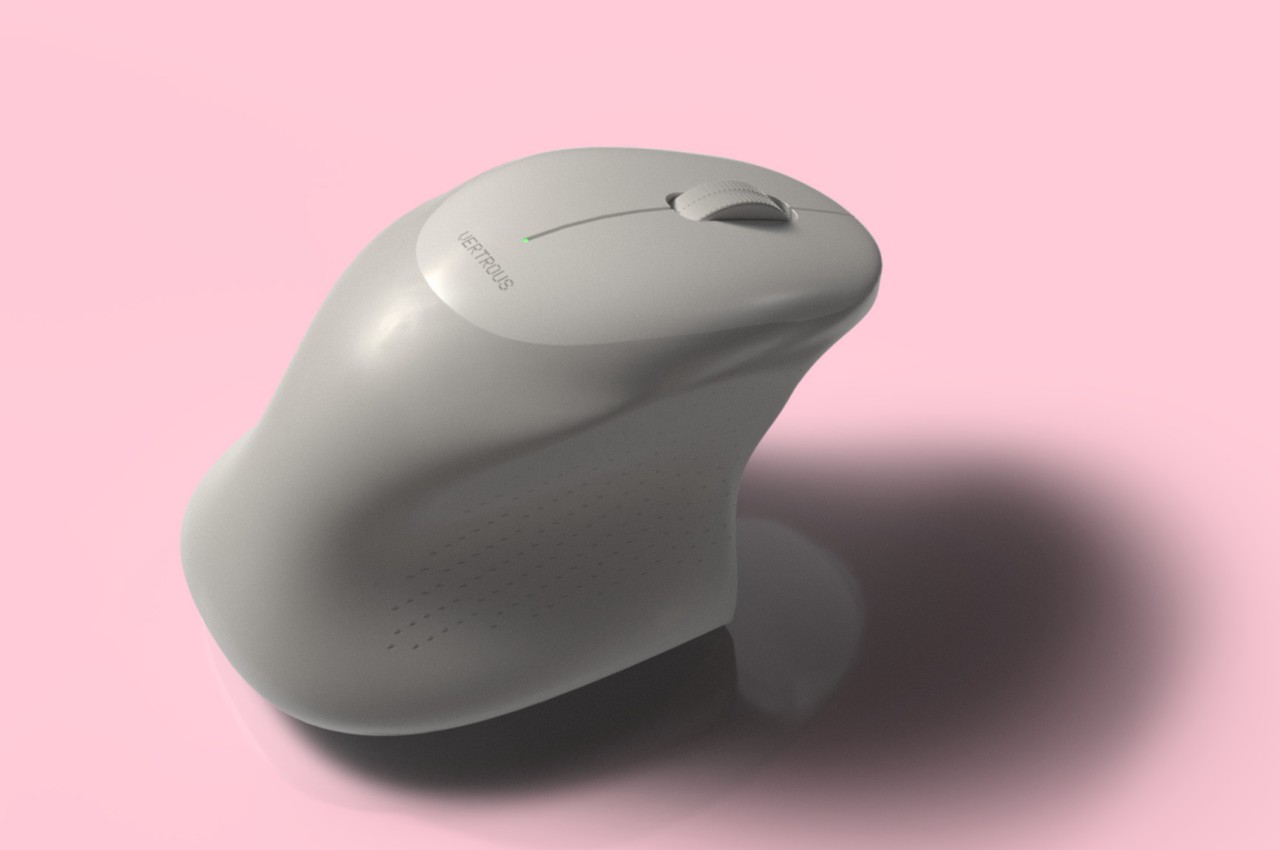
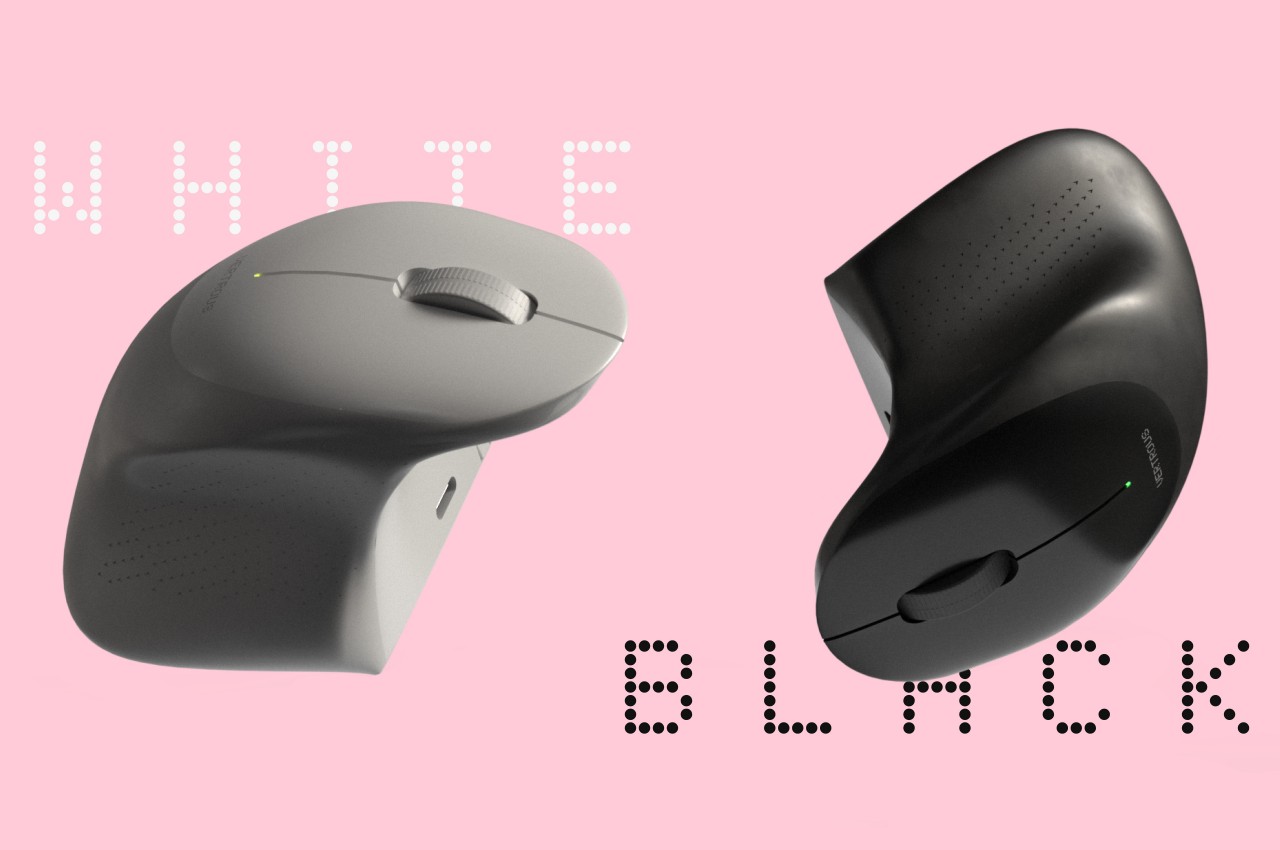
The proper solution would be to mix ergonomics and symmetry to create a mouse that is comfortable to hold for both kinds of people. Vertrous, a portmanteau of “vertical” and “ambidextrous,” takes its cue primarily from the plethora of ergonomic mice now in existence, most of which adopt a vertical design that attempts to reduce the strain placed on the wrist by offering a more natural grip. But rather than have your hand holding it sideways, you almost grip it like a claw, with your index and middle fingers still resting on top.
At the same time, the mouse’s shape is more or less equally balanced on both sides. Great care is taken to ensure that textured areas are found on both sides, so no one hand has the advantage over the other. That said, there are some features that can really be found in only one place, like the power button, but that’s really a minor detail that has no significant impact on the use of the mouse itself.
While Vertrous does present an interesting solution, there are still some considerations left unanswered by the design. For example, gripping the mouse like a claw could actually end up being more uncomfortable and strenuous than a regular mouse. The symmetrical design also leaves out features like extra buttons that would normally be found only on one side, an absence that many power users will feel acutely. These aren’t flaws per se but more like points for further improvement, paving the road for the day that we finally land on a standard ergonomic mouse design that will really leave no one out, whichever hand they prefer to use.
It’s truly mind-blowing to see virtual objects floating before our eyes, but the magic and illusion start to break down once we try to manipulate those objects. Input has always been a tricky subject in mixed reality, either because we can’t see our actual hands or we can’t feel what we’re supposed to be touching, which is physically nothing. Until the perfect haptic feedback gloves become a reality, we have to make do with tricks and workarounds to make input less awkward and more convenient. That’s especially true with typing on air, and Apple is apparently using some special techniques to offer a more usable experience on the Vision Pro mixed reality headset.
Designer: Apple (via Brian Tong)
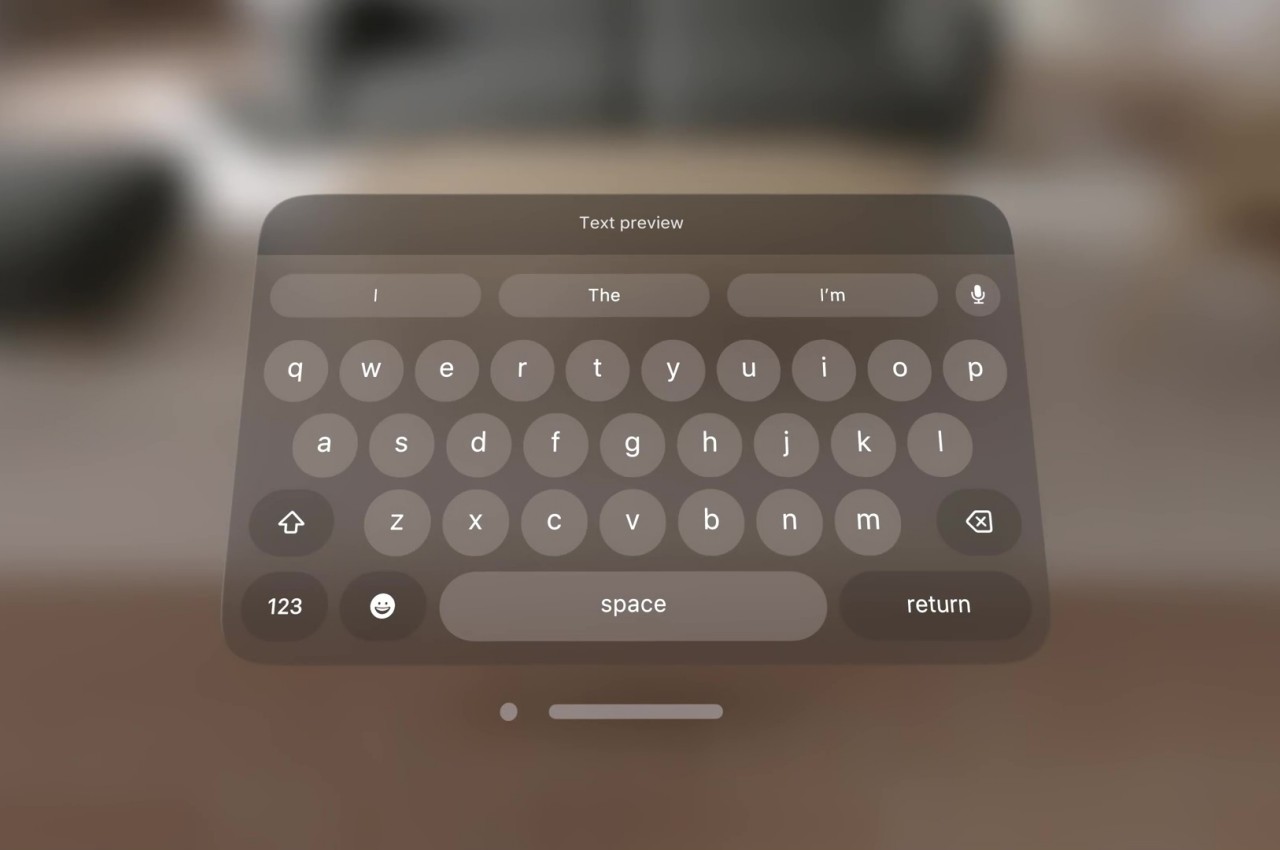
Apple’s first teaser for the Vision Pro headset and visionOS platform didn’t show typing of any sort. It focused, instead, on icons, windows, and menus, virtual 3D objects that are easier to interact with using hand gestures. Of course, sooner or later you will be faced with the need to input text, and the usual method of voice recognition won’t always cut it. visionOS, fortunately, does include a virtual floating keyboard like other VR systems, but the way you use it is quite special and, to some extent, ingenious.
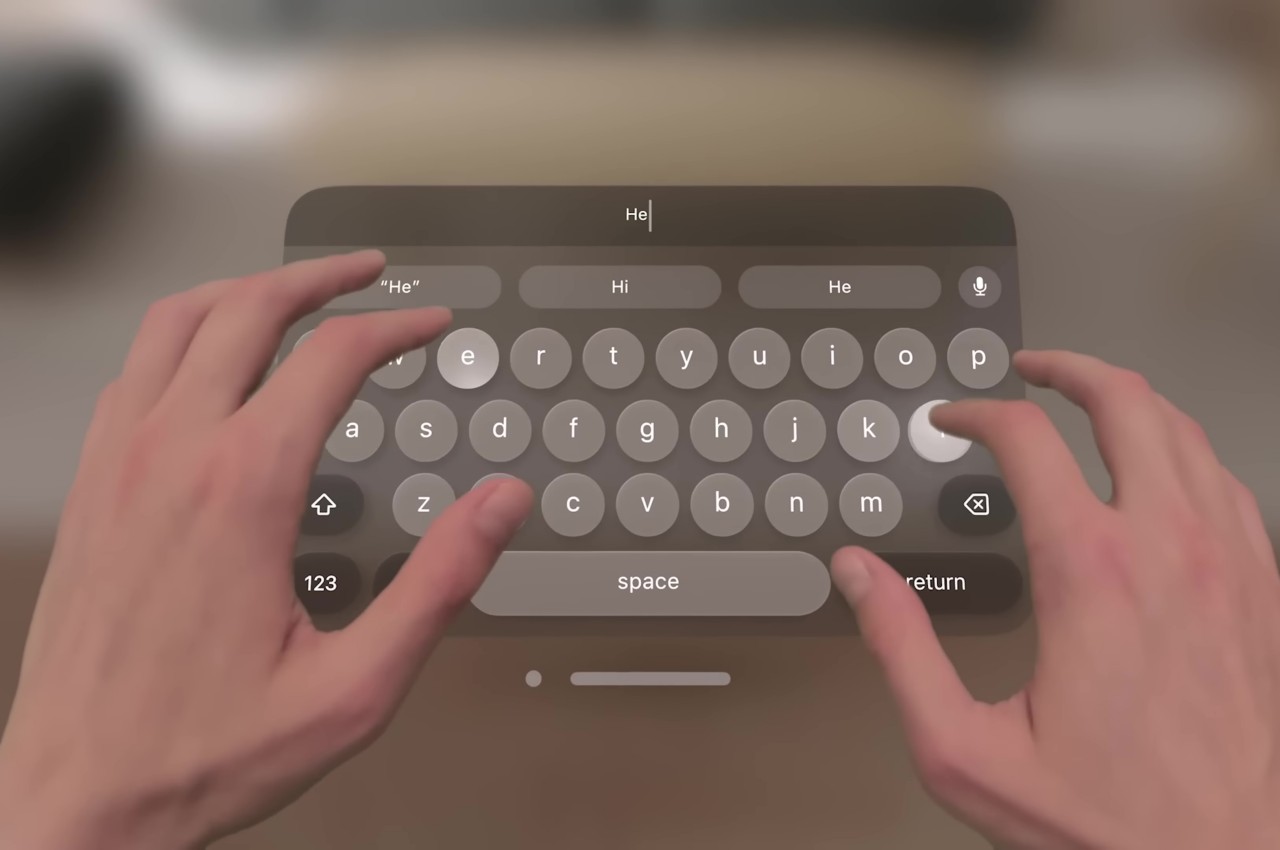
For one, you can interact with the keyboard like you would any part of the Vision Pro’s interface, which is to look at the UI element to focus on it and then use hand gestures. In this case, pinching a letter is the equivalent of selecting it, just like what you’d do for menu items or icons in visionOS. It makes the gesture grammar consistent, but it’s also an awkward way to type.
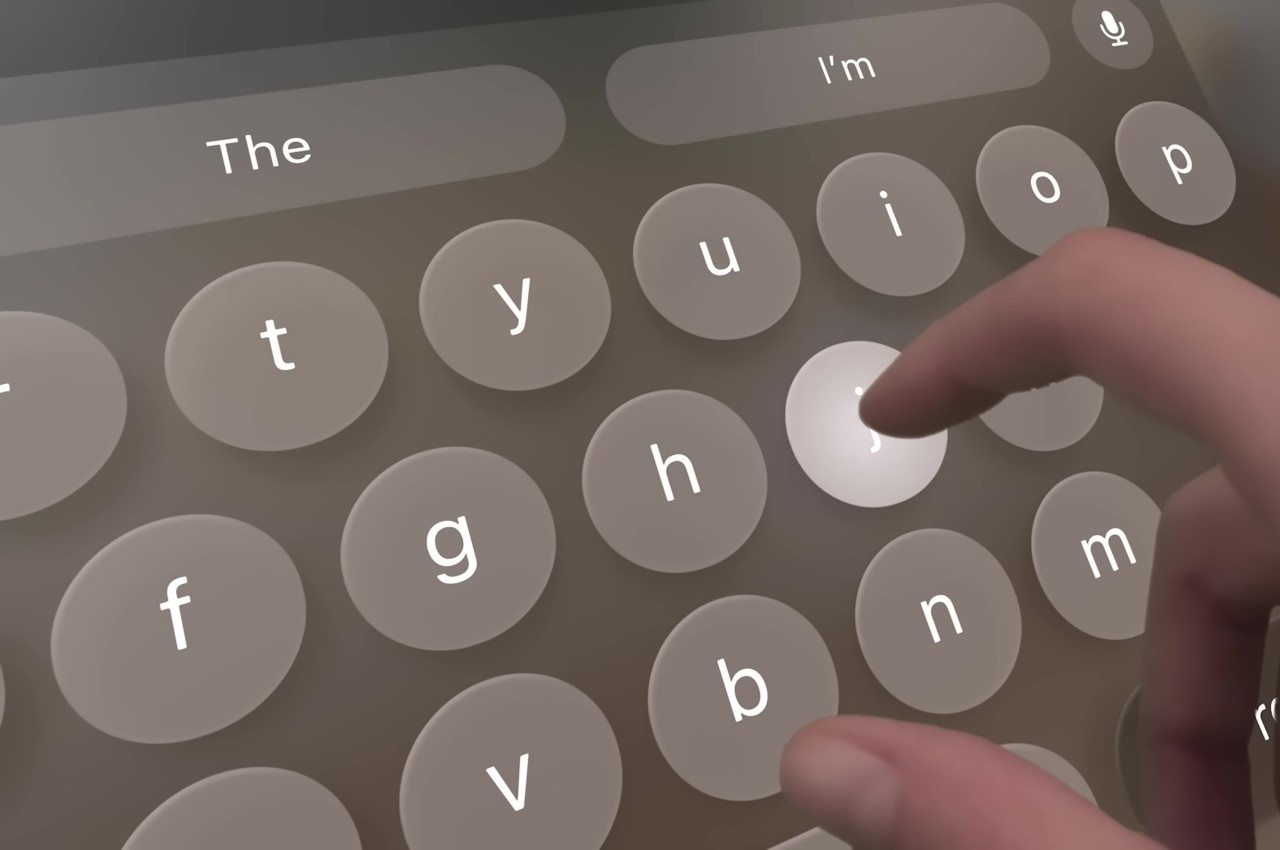
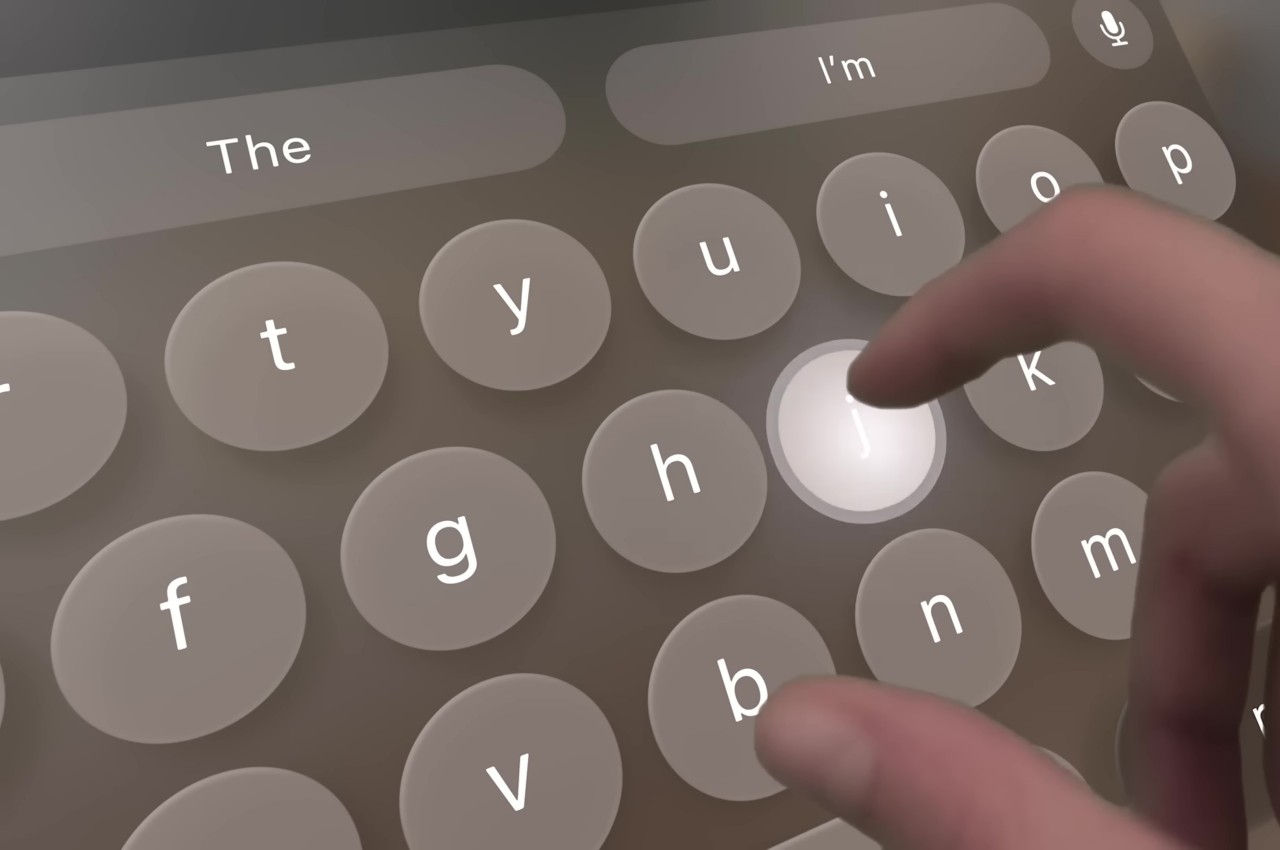
You can also “peck” at the keys with your fingers, making you feel like you’re typing on air. The difference that the Vision Pro makes, however, is that it tricks your eyes into believing you’re actually pressing down on those keys. Thanks to Apple’s flavor of spatial computing, hovering your real-world finger on a virtual key makes that key glow, and tapping on it results in an animation that looks like the key is actually moving down, just like on a real keyboard. There’s also a haptic sound, similar to the clicking sound effect you’d normally hear on an iOS virtual keyboard, to complete that audiovisual illusion.
Of course, your fingers aren’t actually hitting anything physical, so there’s still a disconnect that will probably confuse your brain. The visual effect, which is really only possible thanks to spatial computing, is still an important step forward in helping our minds believe that there’s a “real” three-dimensional object, in this case, a keyboard, right in front of us. It’s not going to be the most efficient way to input text, but fortunately, you can connect a wireless keyboard to the Vision Pro and you’ll be able to see your actual hands typing away on it.