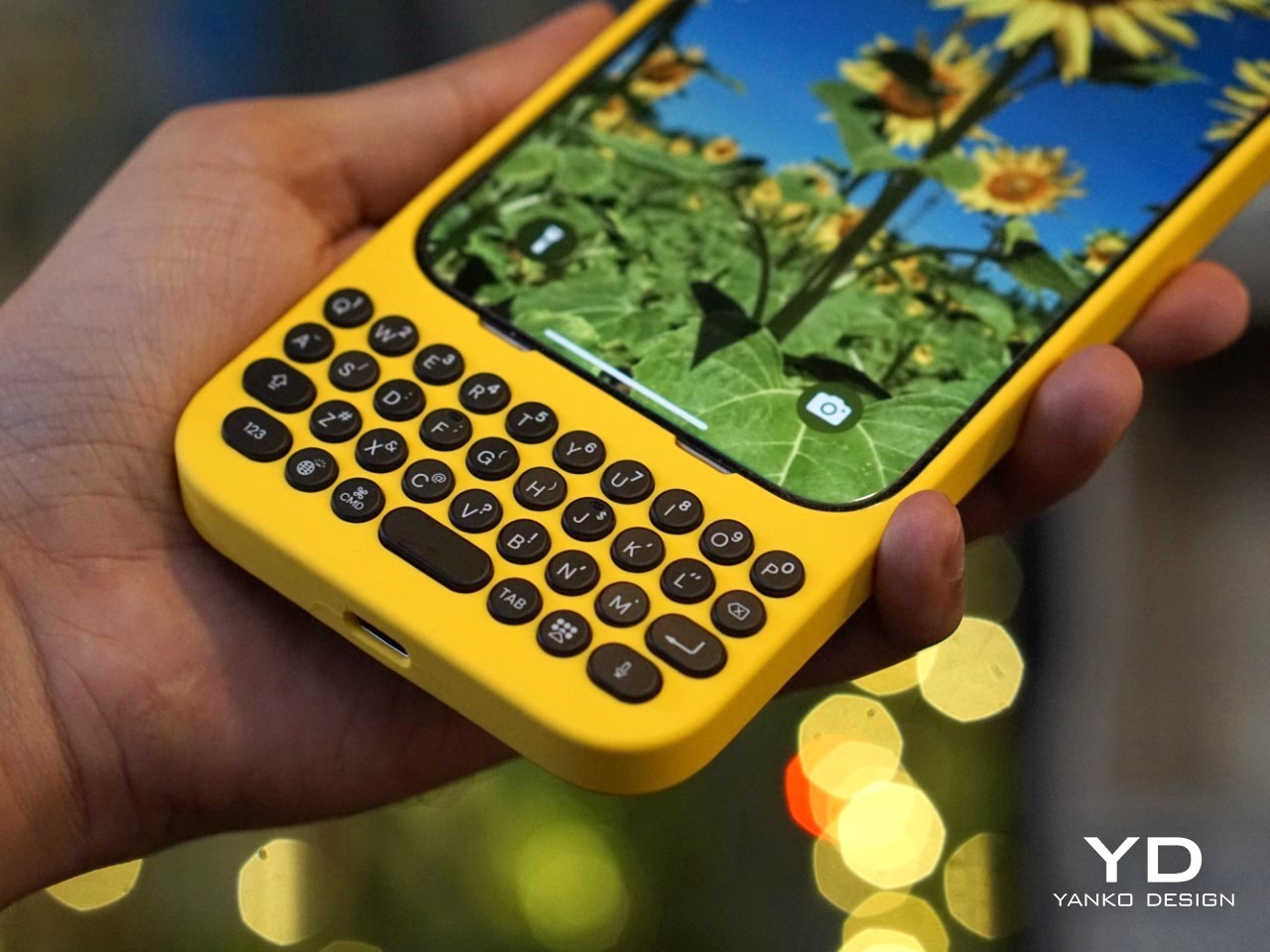
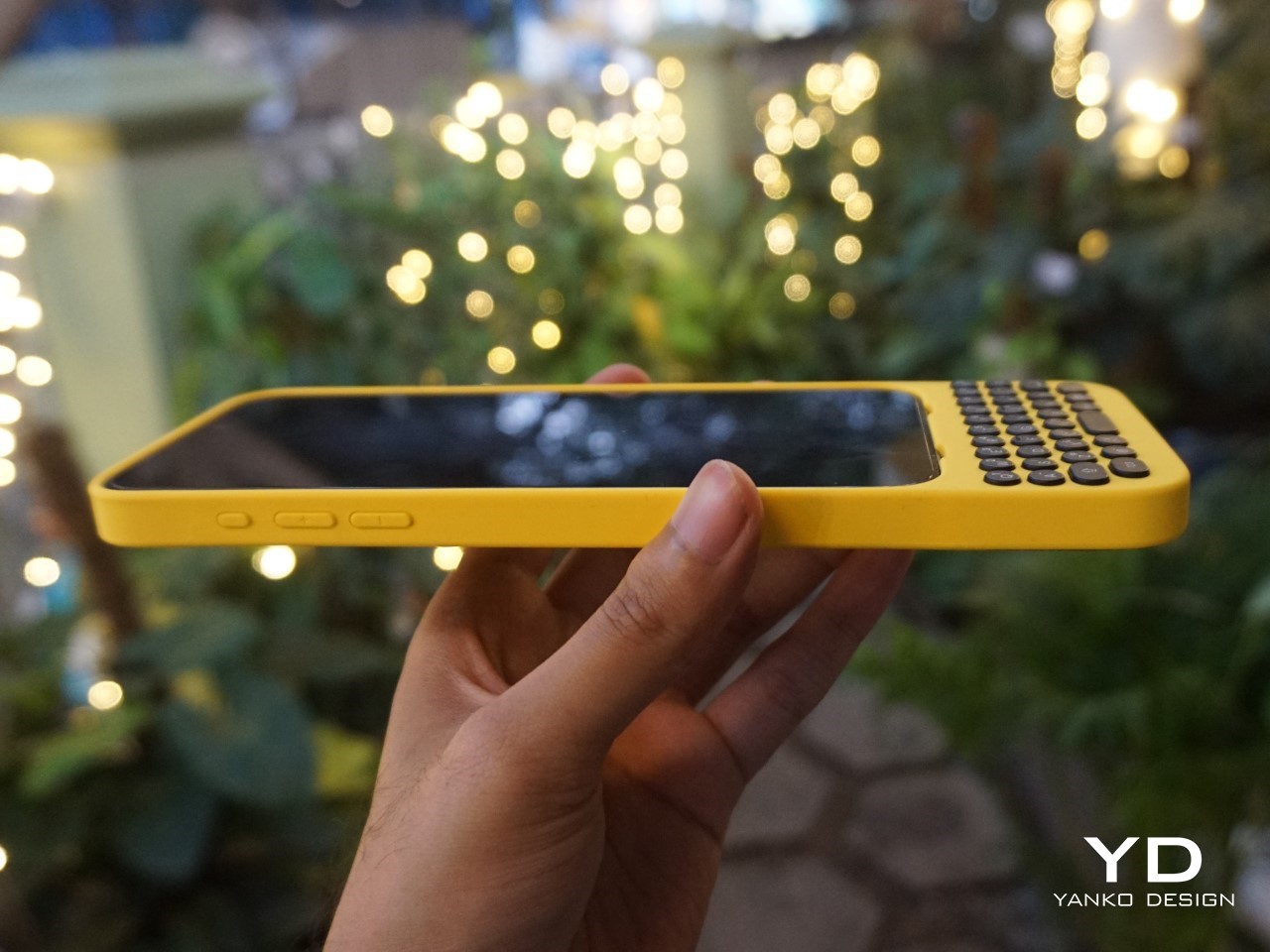
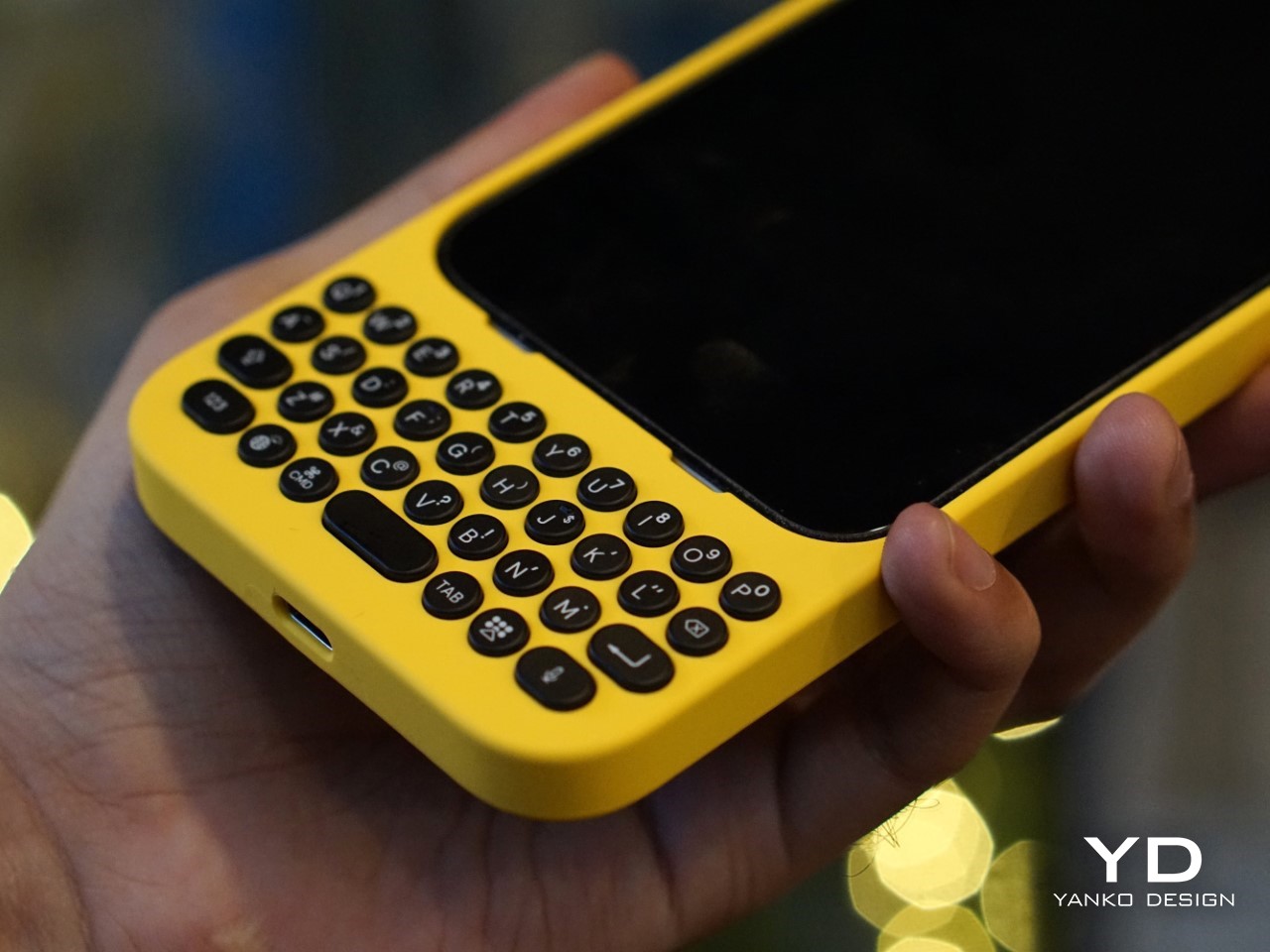
I’m going to say what we’ve all thought at some point: typing on touchscreen keyboards is a pain. Sure, it’s the norm now, but after years of mashing glass, I still long for the satisfying click of real buttons. The typos, the autocorrect mishaps, the constant toggling between letters, numbers, and emojis—it’s enough to make even the most seasoned smartphone user want to throw their phone across the room. And I’m not alone. Despite the dominance of touchscreens, there’s a growing group of people who just miss the feel of tactile keys beneath their thumbs. Enter Clicks, a physical keyboard for iPhones, and perhaps the best attempt yet at bringing back the tactile typing experience many of us crave.
But make no mistake, Clicks isn’t some relic from the past—it’s a modern accessory that embraces the best of what physical keyboards have to offer while blending seamlessly with today’s tech. And that makes it a fascinating piece of tech in a world that’s overwhelmingly gone touch-only.
The Market Demand for Tactile Keyboards
If you’ve ever lamented the loss of physical keys on phones, you’re far from alone. Many users, from former BlackBerry enthusiasts to those who simply struggle with touchscreens, have voiced their frustrations for years. Kevin Michaluk, affectionately known as CrackBerry Kevin from his early days as a BlackBerry champion, shared how he frequently heard from people who missed the days when they could type without staring at their screens. “I knew the demand was there because I’m the guy who gets emailed and tweeted constantly about, ‘Kevin, when is there going to be a new phone with buttons?’” he said. It’s a request that never stopped, even as BlackBerry transitioned to focusing on software.
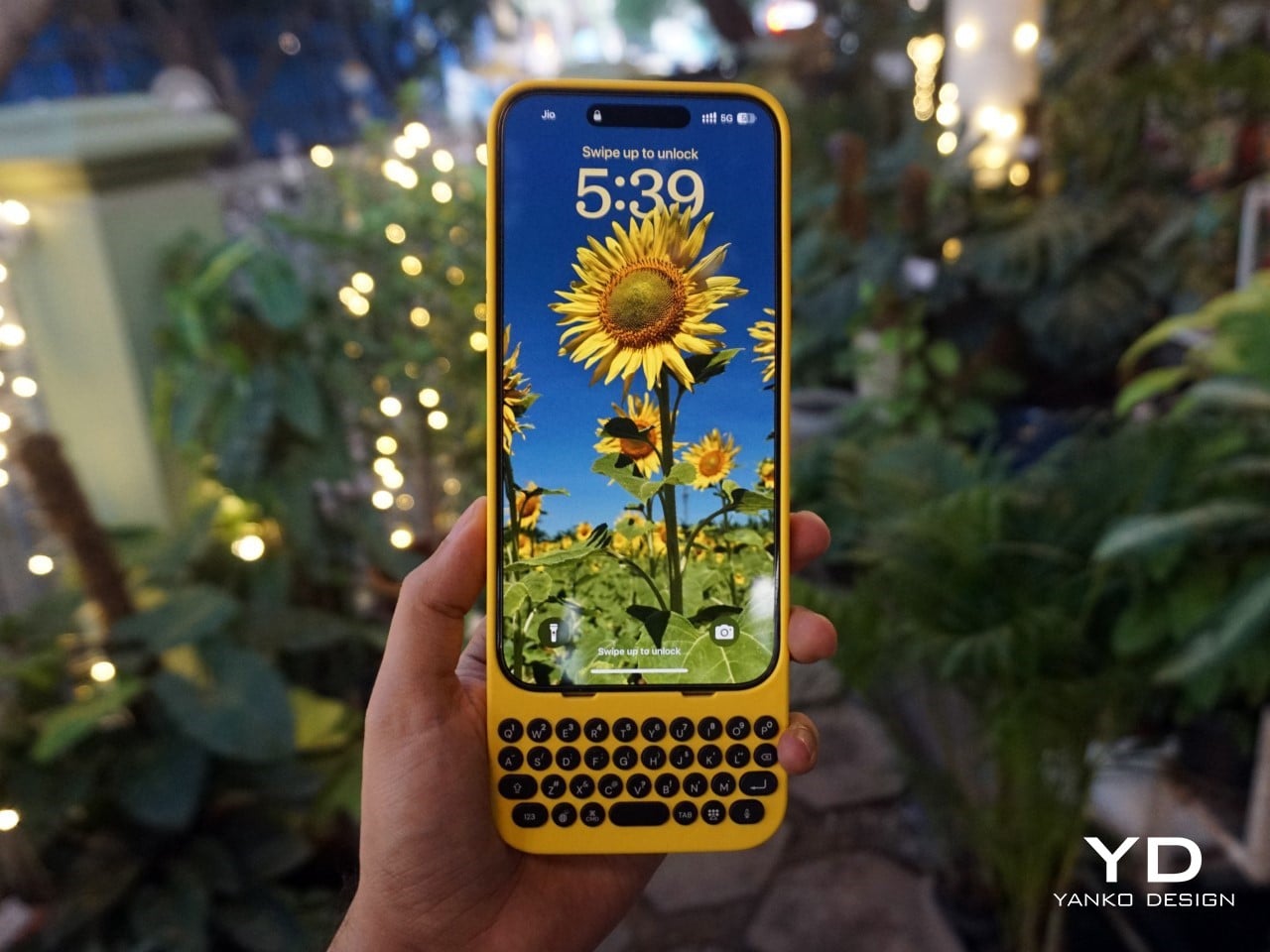
What’s surprising, though, is that Clicks’ appeal isn’t just about nostalgia. Sure, former BlackBerry fans are part of the mix, but there’s also a new audience—those who never experienced physical keyboards on phones before. For many, Clicks offers a different kind of productivity. “It’s not about trying to bring back the past, but rather finding a balance between modern tech and tactility,” Kevin noted. In other words, it’s not just about what we lost with the shift to touchscreens, but what we could gain by bringing physical keys back.
Designing for the Modern Smartphone User
The team behind Clicks understood that making a physical keyboard for the iPhone had to be about more than just hitting the nostalgia button. They needed to design a product that felt like a natural extension of today’s smartphones. That meant looking beyond just adding keys and instead focusing on how users actually interact with their devices.
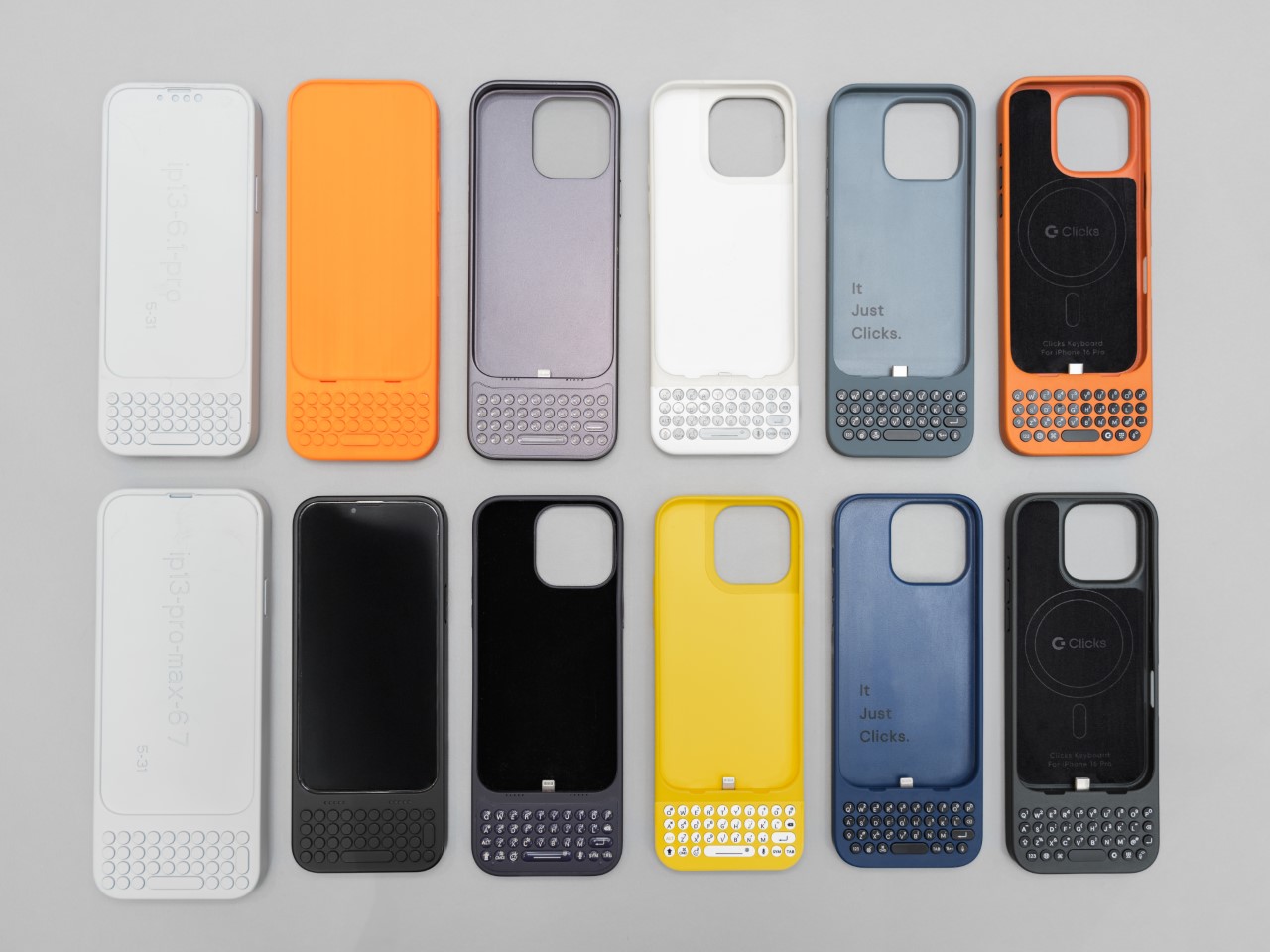
Image Credits: Clicks
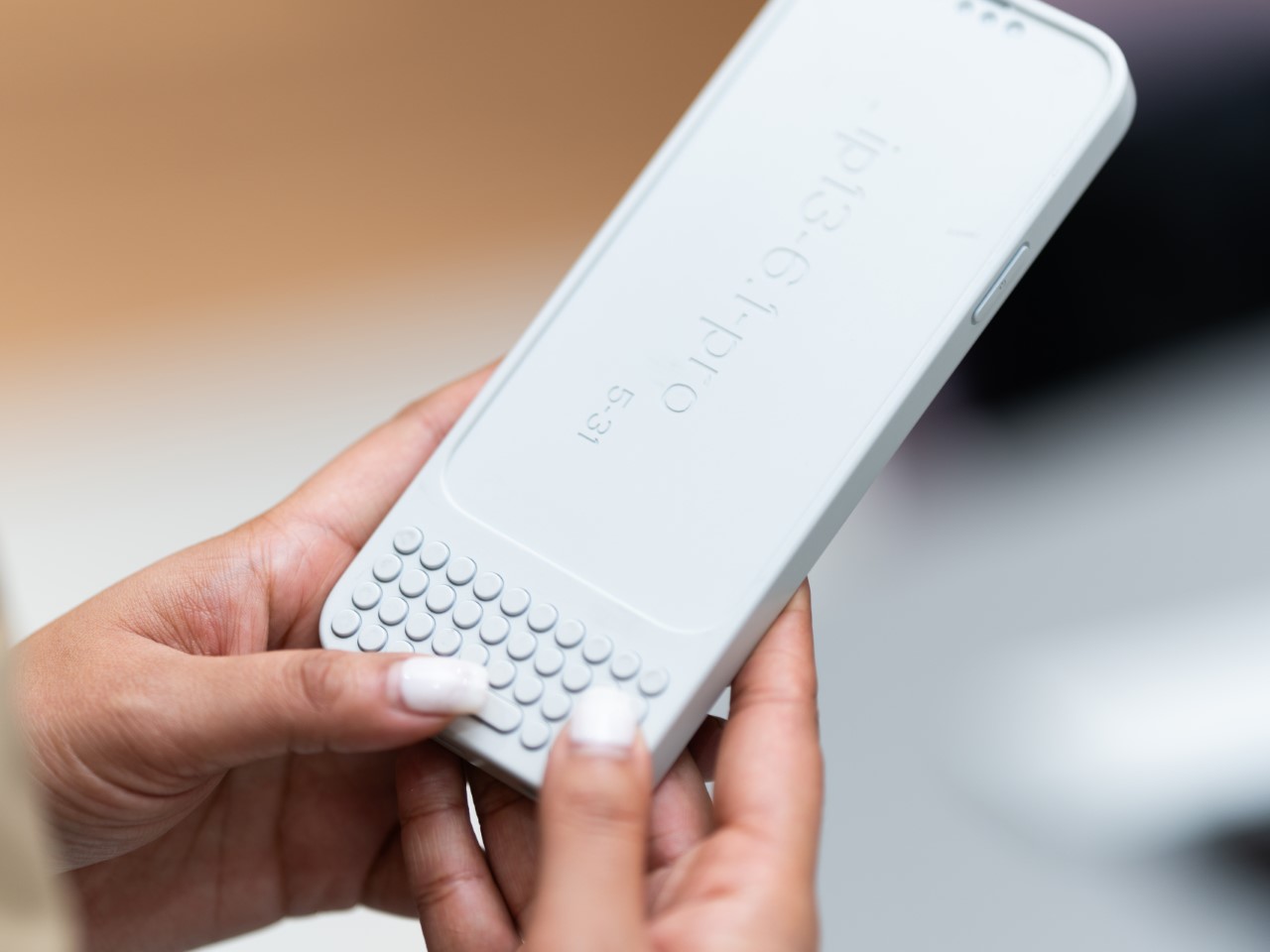
Image Credits: Clicks
For Clicks, this meant a painstaking design process that involved multiple iterations and constant refinements. From the start, the team knew they wanted to build something that was as much about form as it was about function. “We thought, what would Apple do if they built a keyboard for the iPhone?” Kevin recalled. That meant focusing on clean lines, premium materials, and a seamless integration with the iPhone’s software.
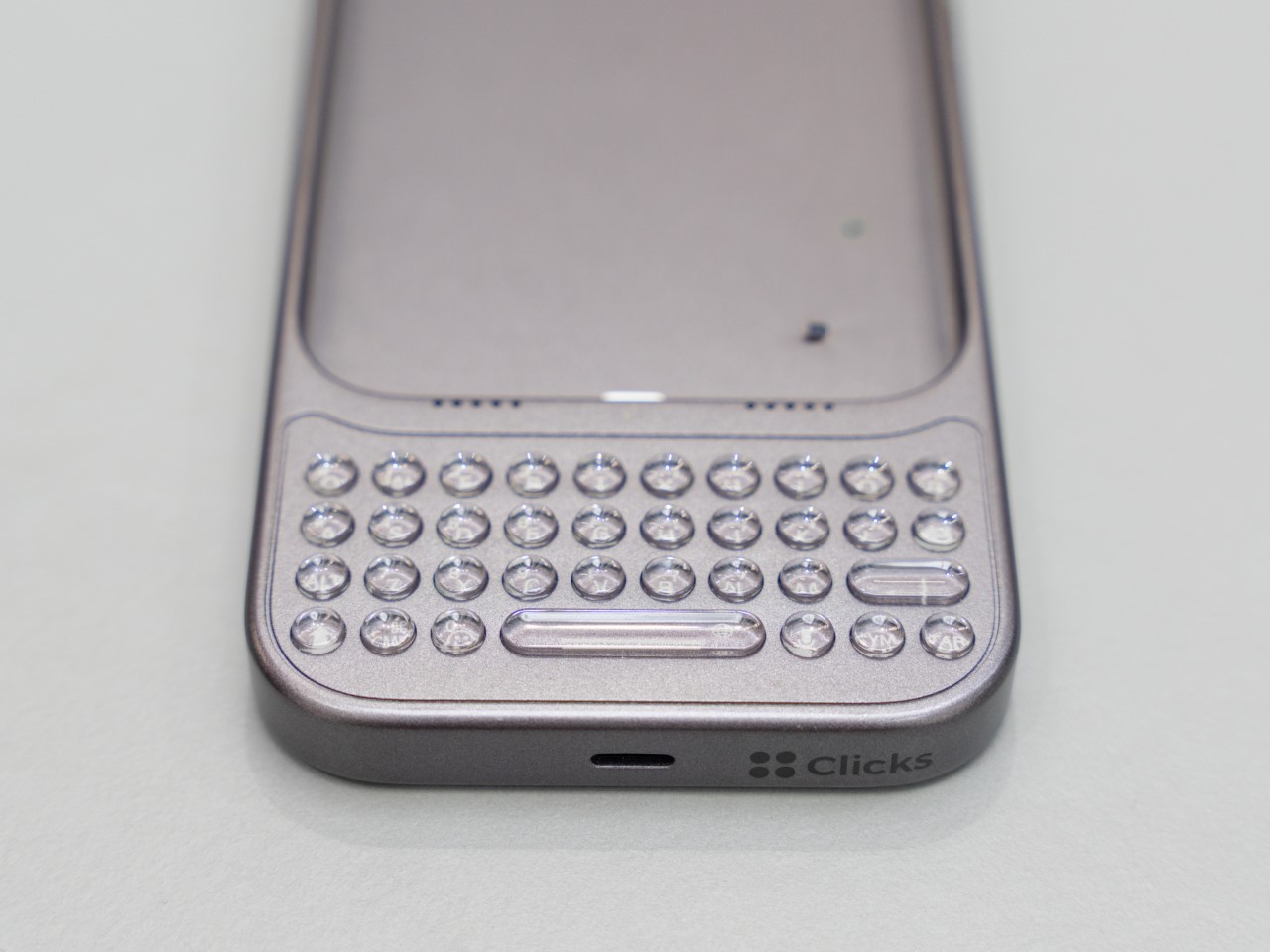
Image Credits: Clicks
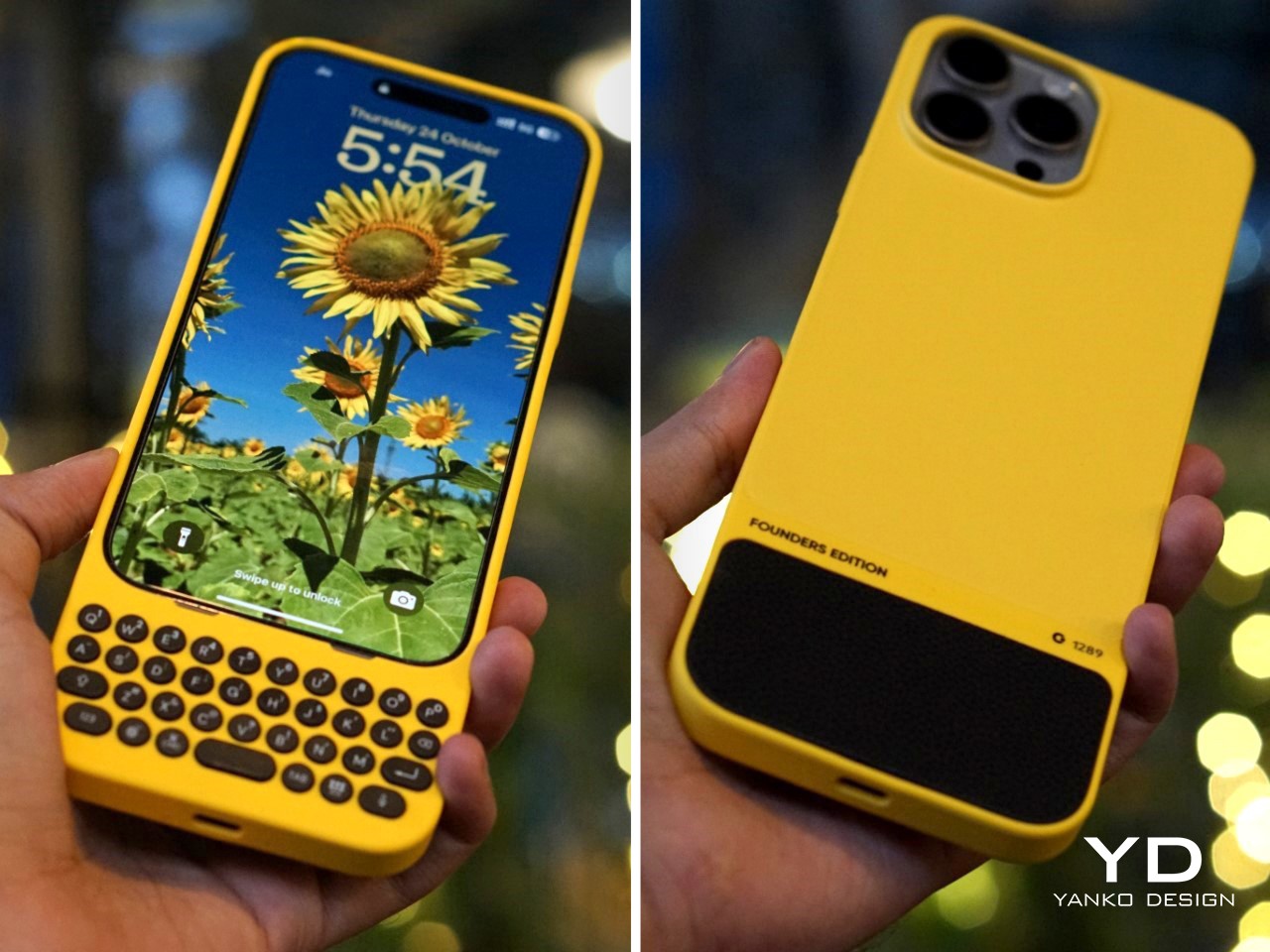
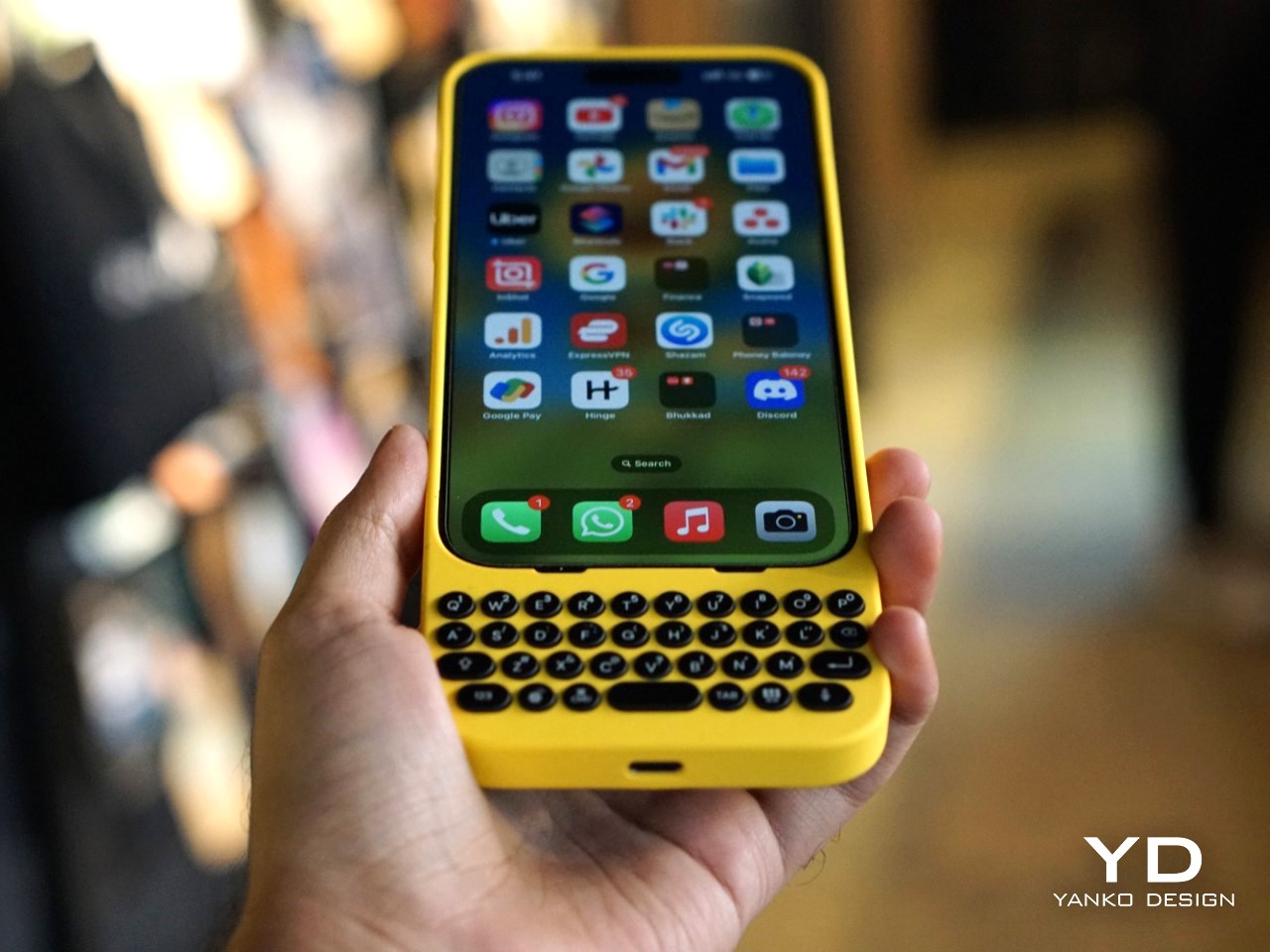
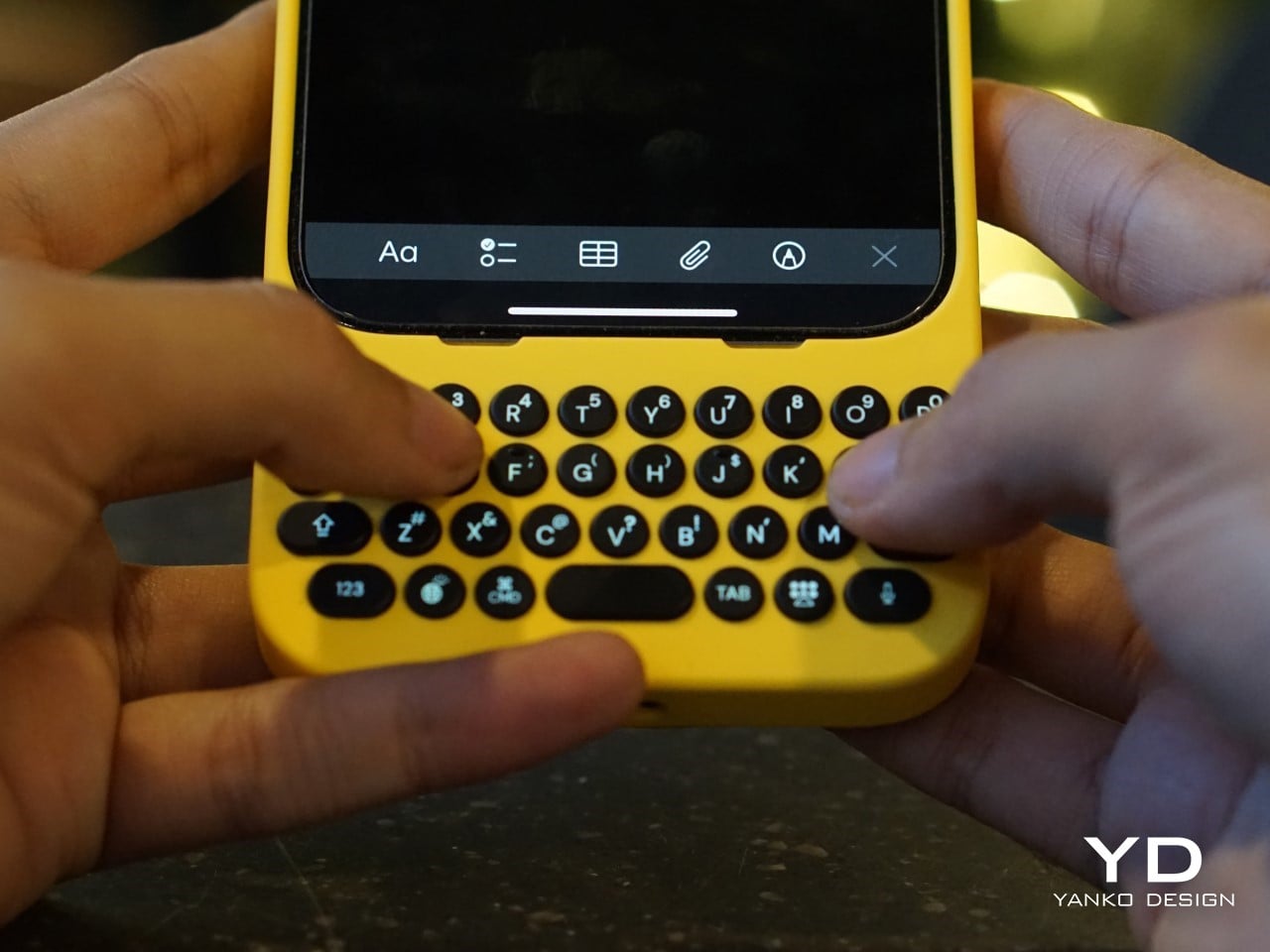
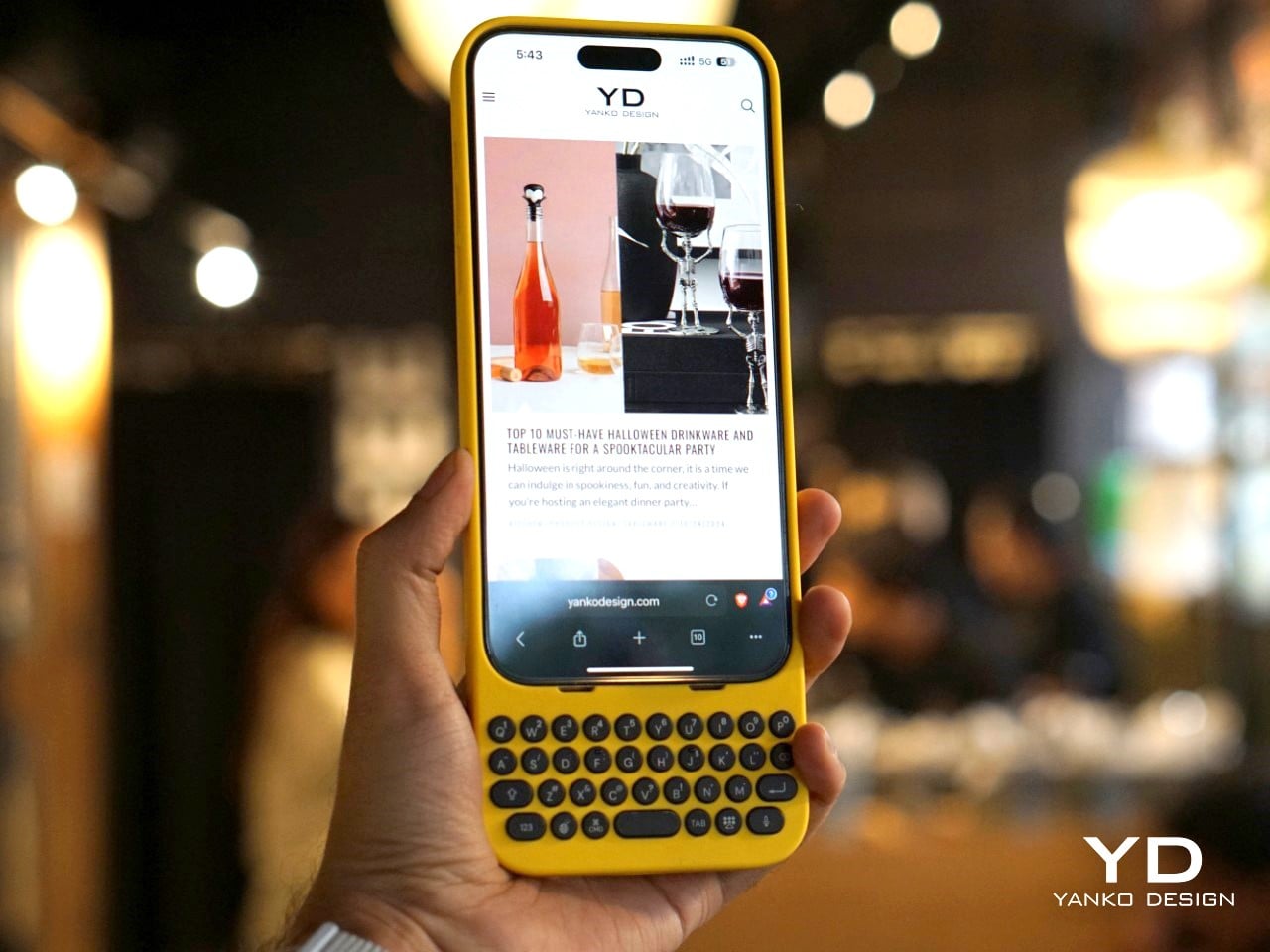
The result is a device that attaches to the bottom of an iPhone, offering a full QWERTY layout while leaving most of the screen visible—a big plus for those of us tired of losing half the display to a virtual keyboard. But achieving this wasn’t easy. One of the biggest challenges, according to Jeff, was balancing the tactile feel of the buttons with the need for backlighting. “Backlighting makes a product like this much more complicated than if you didn’t have it. We had to redesign the pushers and domes several times to get the perfect click while also avoiding light bleed,” he explained. It’s the kind of obsessive attention to detail that sets Clicks apart from gimmicky keyboard cases.
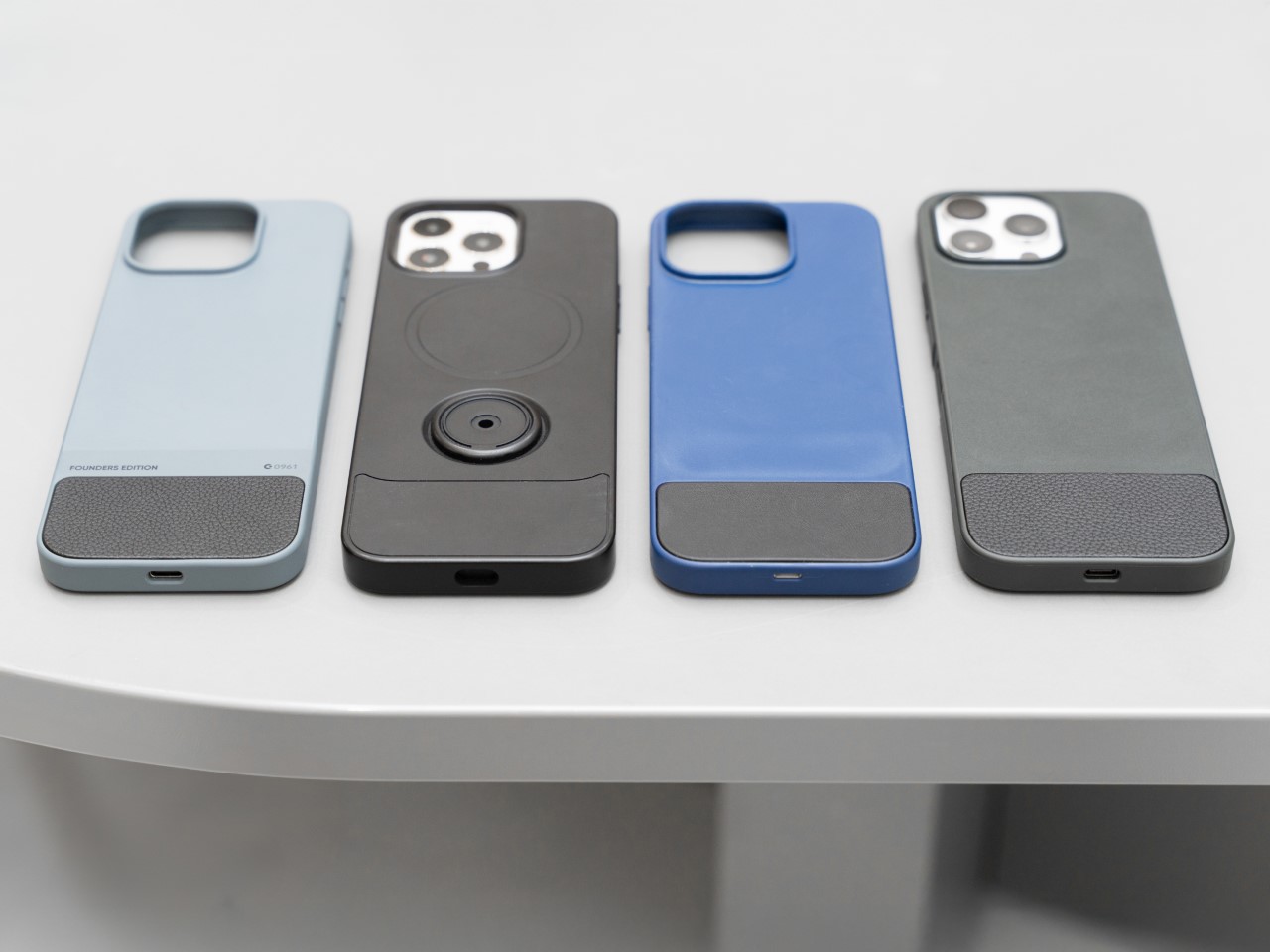
Image Credits: Clicks
A New Generation of Button Enthusiasts
While Clicks may look like a throwback at first glance, its user base tells a different story. Nearly half of Clicks users have never used a phone with physical keys before, according to Kevin, and that’s a surprising twist. For many of these new users, the attraction isn’t just about typing—it’s also about the added functionality that physical keys can bring to their smartphone experience.

Sure, there’s a bit of a learning curve. Typing on physical keys isn’t exactly the same as tapping on glass. It takes a bit of practice to build up the muscle memory needed to reach those higher typing speeds. But the payoff? A typing experience that feels far more intuitive and natural. Jeff pointed out that, “If you put in the time to develop the skill of typing on buttons again, you get to that moment where you can type without looking, and it’s amazing—it’s like magic again.” It’s an experience that resonates with people who use their phones as serious productivity tools, whether they’re composing long emails or just firing off quick texts without constantly peering down at the screen.
And then there’s the added bonus of reclaiming screen real estate. For users who are tired of virtual keyboards consuming half of their display, Clicks offers a breath of fresh air. It’s a little like trading in a cramped studio apartment for a place with a view—you suddenly have room to stretch out and breathe.
Accessibility Benefits and Inclusivity
One of the most unexpected success stories for Clicks has been its popularity among visually impaired users. For people who can’t rely on visual feedback, the tactile feel of physical keys makes all the difference. Kevin mentioned that the team has received heartfelt feedback from users who found that Clicks transformed their experience with smartphones. “What’s been most emotional for us is hearing from the accessibility market. People are saying, ‘You’ve changed my life,’” he shared.
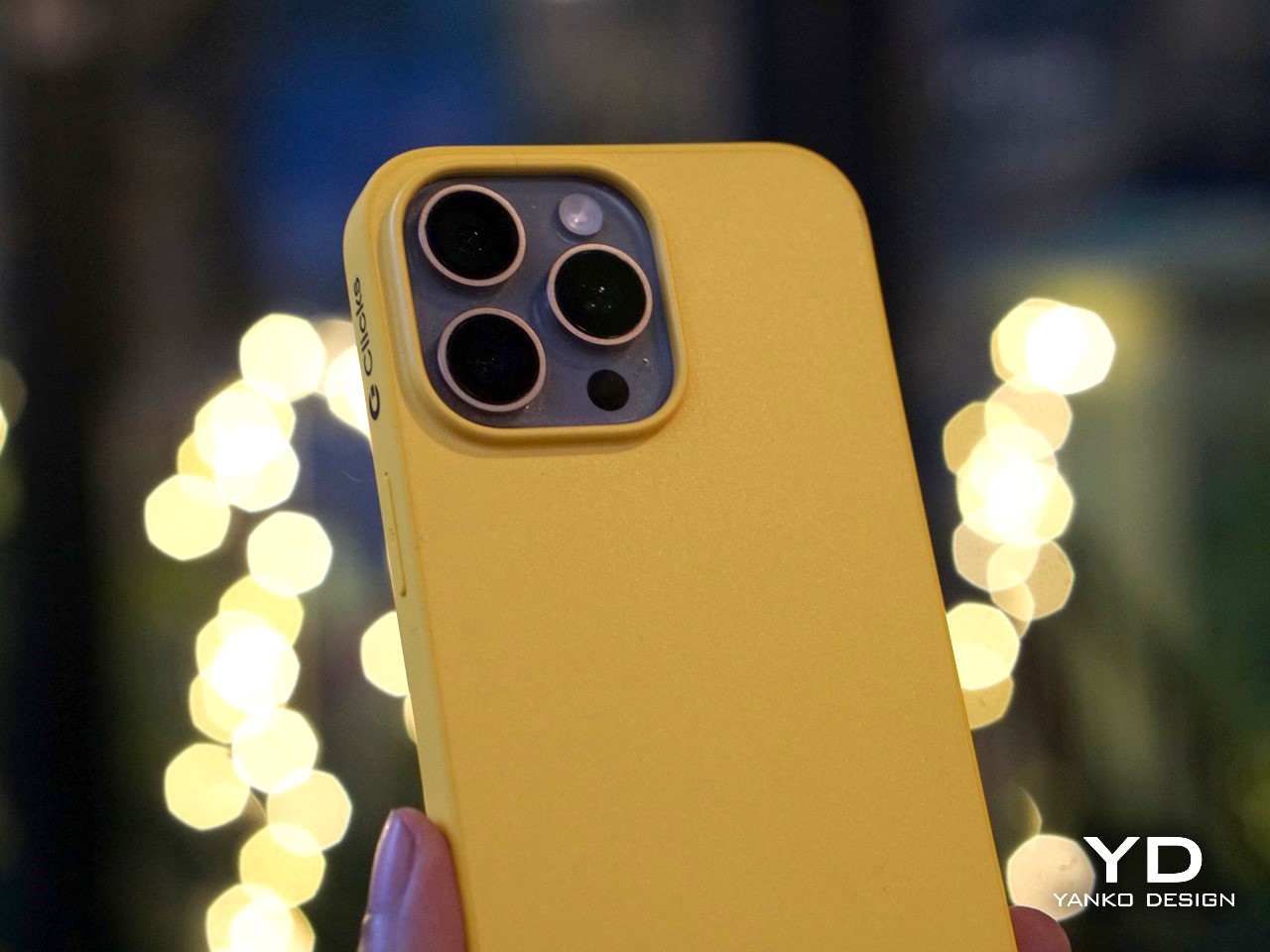
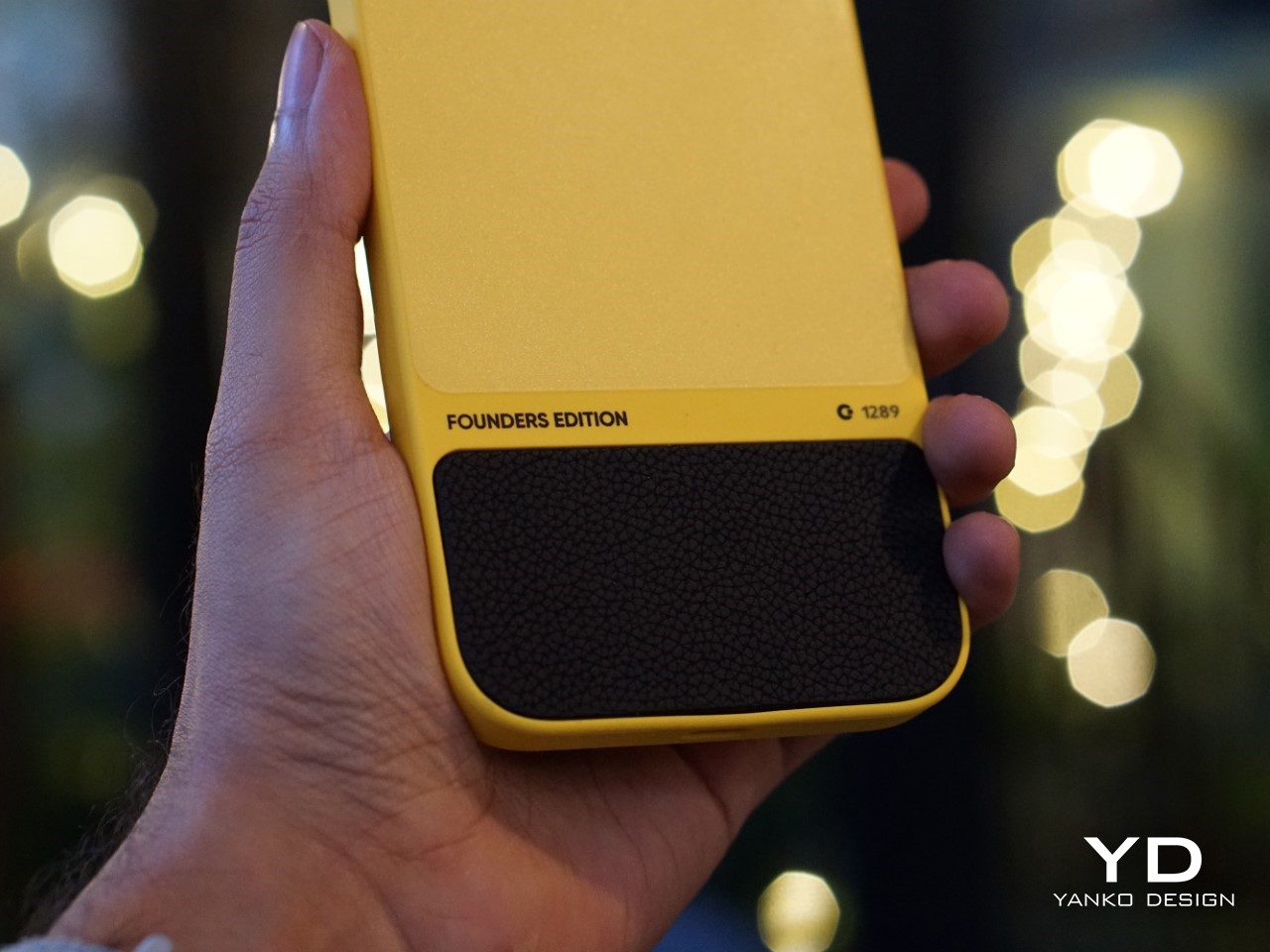
But what really stands out is that Clicks didn’t set out to be an accessibility device. Instead, it was designed as a premium, stylish product that anyone would want to use. This has resonated with users who don’t want their device to scream “medical aid.” As Kevin put it, “We wanted to make something that felt trendy, culturally relevant—something that anyone would be proud to use.”
It’s a reminder that good design isn’t just about how a product looks or feels, but also how it makes people feel. In this case, Clicks has managed to strike a balance, creating a device that offers practical benefits without sacrificing style.
Challenges of Designing for a Modern Smartphone Market
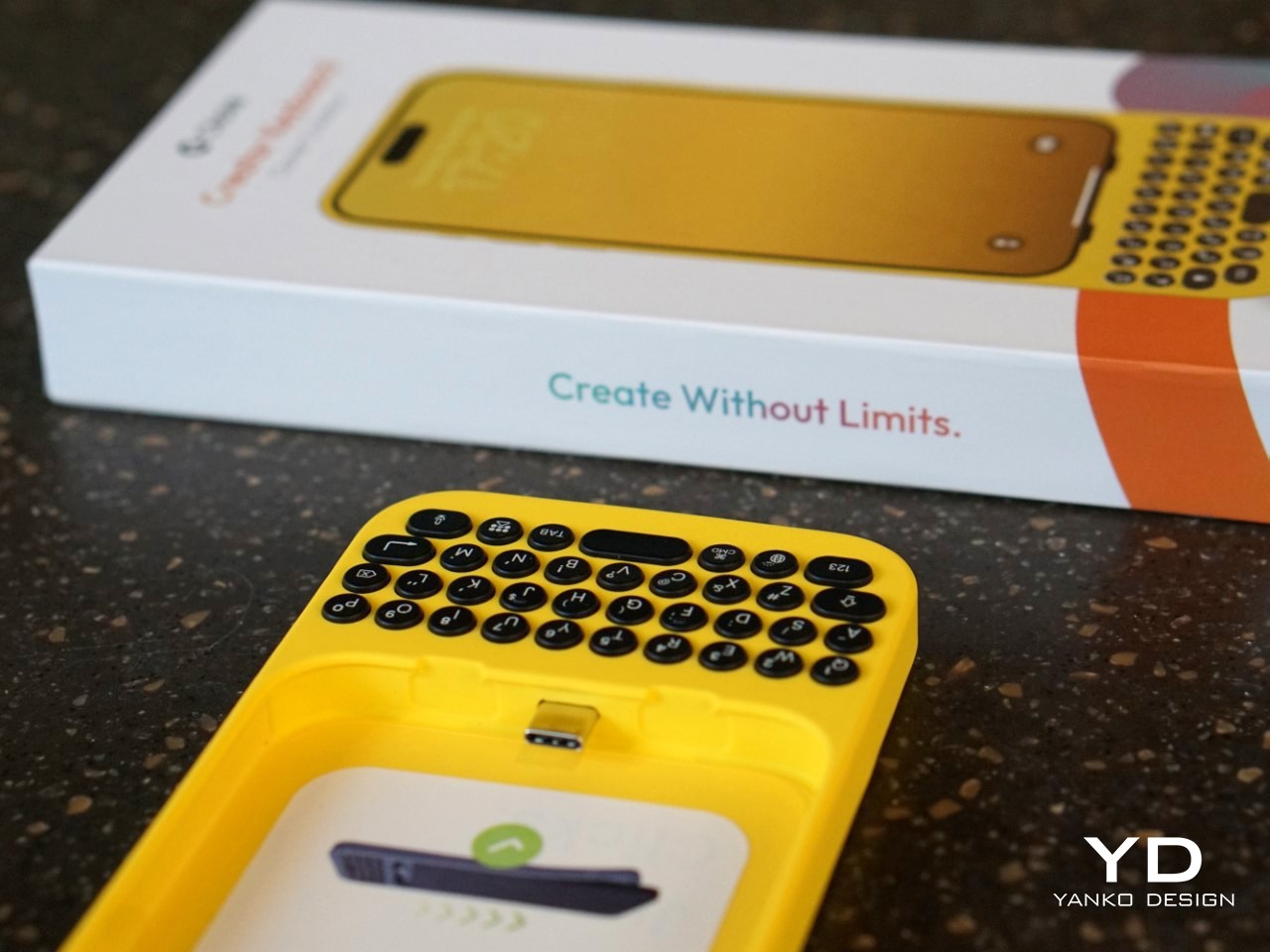
Creating a physical keyboard for today’s smartphones isn’t without its hurdles. The Clicks team faced challenges like achieving MFI compliance (Apple’s strict certification for accessories) and adapting to the iPhone’s transition from Lightning to USB-C. Kevin explained that this shift forced the team to make tough decisions about functionality. “With USB-C, we had to choose between charging and data transfer. We prioritized charging because that’s what most users needed day-to-day, but we’re always working on ways to improve,” he noted.
Another design dilemma was how to maintain a high-quality typing experience without making the device too bulky. Early prototypes experimented with different button layouts, from larger space bars to various key sizes. Jeff described how they refined the design through constant user feedback: “We tested several versions with different button materials and layouts, and made over 100 refinements before we got to the final version that shipped.”
The focus was always on making Clicks feel like a natural extension of the iPhone, rather than a clunky add-on. That’s why the final product opts for solid buttons with a satisfying tactile click, rather than cheaper, translucent keys that could have compromised the overall feel.
The Future of Physical Keyboards in a Touchscreen World
While Clicks is currently focused on iPhones, the team hasn’t ruled out expanding to other devices. “You can’t not think about it,” Kevin teased when asked about potential Android versions. The demand is there, and as long as there are users who prefer tactile input, there’s room for innovation. But for now, Clicks is focused on refining its product for iPhone users and building a community of dedicated users who love what the product offers.
What’s clear is that Clicks taps into a larger trend—a realization that perhaps the touchscreen revolution went too far in eliminating physical controls. We’re seeing it in other areas too, like the backlash against touch-only controls in cars. People want that tactile feedback, and Clicks is betting that the same is true for smartphone users.
What’s Next for Clicks?
So, where does Clicks go from here? The team is already working on future iterations, refining everything from button feel to software integration. Kevin emphasized that they’re committed to making each version better than the last: “We always aim to build the best product we can, and we’ll keep pushing the boundaries of what’s possible.”

But even as they look forward, Clicks has already made a mark. It’s proven that there’s a market for people who don’t want to compromise on their typing experience—those who believe that sometimes, the future needs a bit of the past. And as I type this out on my own touchscreen keyboard, struggling yet again with autocorrect, I can’t help but think they might just be on to something.

The post In an Era of Touchscreens, Why Clicks’ iPhone Keyboard Case is a Touch of Genius first appeared on Yanko Design.


