Ex-BlackBerry Designer Is Calling Out Everything That’s Wrong With Modern Phones

Design Mindset is Yanko Design’s weekly podcast, powered by KeyShot, the 3D rendering and visualization software that helps designers test how products feel, not just how they look. Hosted by Radhika Seth, the show goes deep into the philosophy and process behind world-class products, sitting down with the designers and founders who actually built them. Episode 19, premiering this week, is one of the most thought-provoking conversations the series has produced yet.

Joseph Hofer is the founder of Hofer Studio, where he consults with hardware entrepreneurs on building profitable, world-class product portfolios. Before that, he spent over a decade at BlackBerry as senior industrial designer, establishing the look and feel of the iconic Bold family and shaping devices like the Q10, Z10, and the BlackBerry Passport. His work spans over sixty design and utility patents, touching products that have sold over twenty-one million units and generated upward of $3.1 billion in revenue. More recently, he’s been the design force behind the Clicks Communicator, a physical-keyboard phone that launched at CES and challenges the smartphone status quo from the ground up.

Download your Free Trial of KeyShot Here

Designing Within Human Limits and Intentional Use

Joseph opens the conversation with something that sounds almost poetic but lands with the weight of a core design principle, saying that “most of the objects we use every day quietly train us. They teach us how to hold them, how long to focus, how patient we need to be. When design ignores human limits, it drains us. When design respects them, it almost feels like care.” He critiques what he calls “sticky” experiences, the kind that benefit companies at users’ expense, arguing that the real question designers should be asking is whether a product helps people become a better version of themselves, or whether the company simply wins after ten years of draining them.

His case against the modern smartphone is pointed. Everything phones have become reactionary devices, he says, describing the experience of opening one to send an email and somehow finding yourself fifteen minutes deep in a reel, asking yourself how you got there. Big tech, in his view, has deliberately shaped products to increase screen time and sell more through ads. His philosophy runs in the opposite direction: good design should prompt intention before action, not exploit the absence of it.

Integration as Core Design Principle

One of the more revealing details Joseph shares early on is that at BlackBerry, the design team’s official title wasn’t “Industrial Design.” It was Design Integration. That framing stayed with him. “Integration is probably the word, the action that I look to do well in every project I work on,” he says, adding that a product can be really strong in one area but fall flat in others if you’re only focused on a single dimension. Great design, strong UX, and poor profit economics don’t add up to a sustainable company. Economics, manufacturing, cost, and complexity all have to be part of the thinking from the start.

His advice to technical founders reflects the same logic. Many of them start with a breakthrough innovation and then go looking for a market to push it into, which he sees as working in the wrong direction. The better path is to step back, clearly analyze the problem bubbling up from the market, shape an experience that solves it, and then let the technology marry with that. Letting one run too far ahead of the other is how good innovations end up as products nobody uses.
The Clicks Communicator: Intentional Mobile Interaction

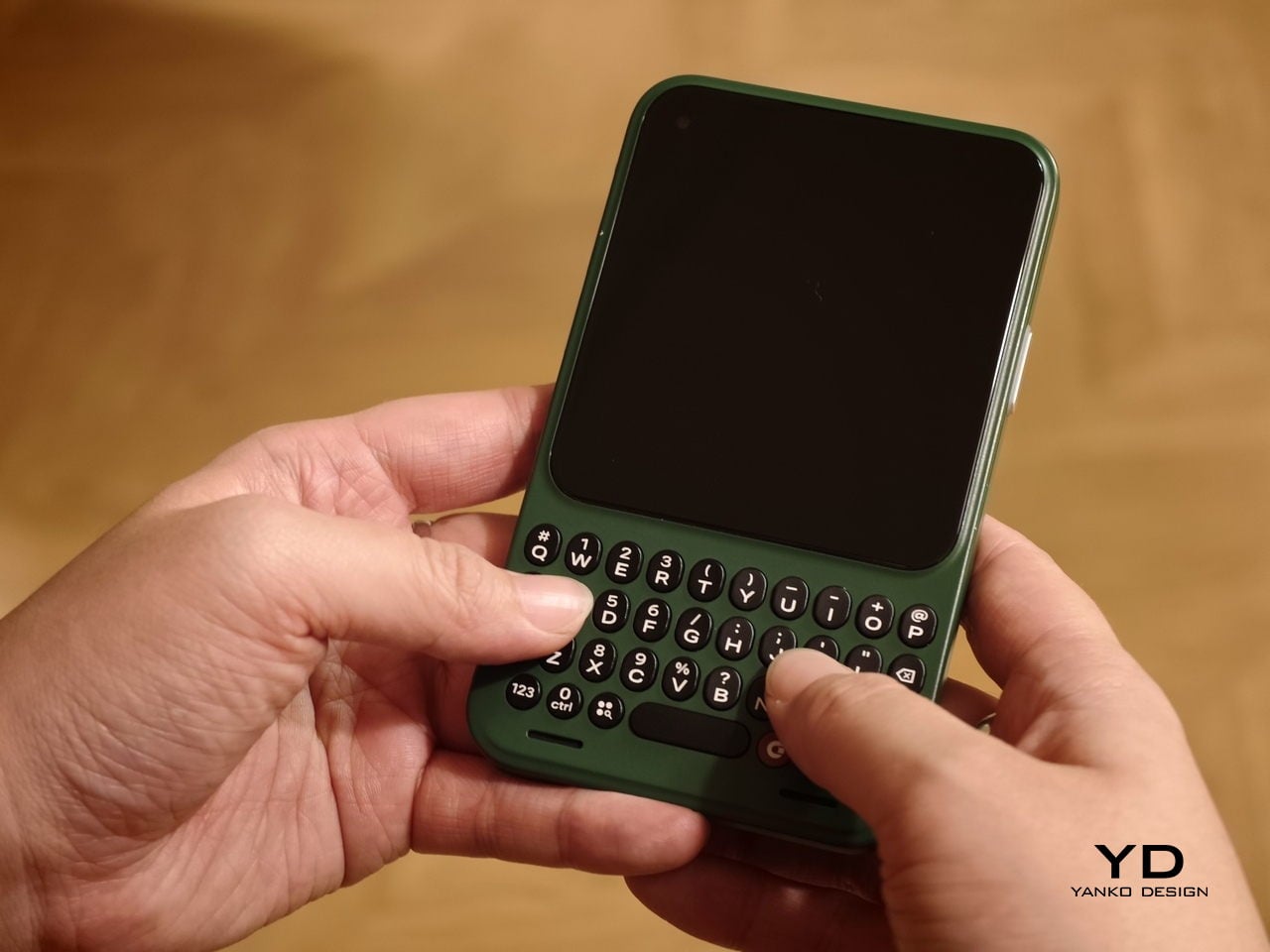
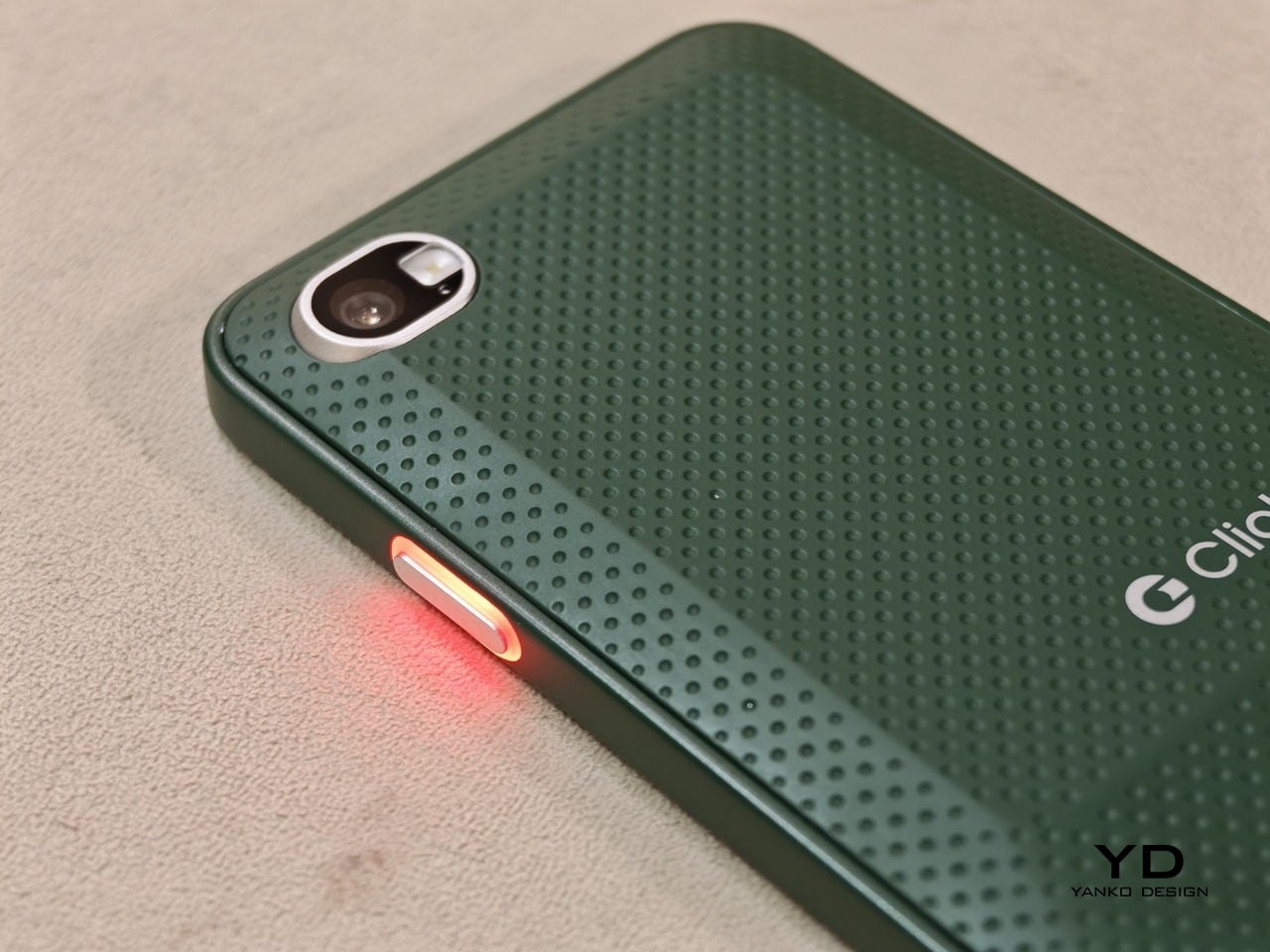
The Clicks Communicator is the most direct physical expression of Hofer’s philosophy. It was the first phone he designed in ten years after BlackBerry, and the central idea is a complete inversion of how smartphones currently work. Rather than an app grid that presents notifications and pulls users in reactively, the Communicator prompts users to decide what they want to do first, then acts on it. Physical keys map to intentional shortcuts: pressing K calls a specific contact, pressing I opens Instagram only when the user has consciously chosen to. “It flips it from being reactionary to intentional,” Joseph says simply.

He’s also clear that the product’s appeal isn’t nostalgia. A lot of the customers aren’t even BlackBerry users, he notes; they’re younger people who simply want a different relationship with their mobile device. The Communicator sits within what he sees as a broader 2025 trend of “intentional tech,” products designed to decouple from the everything-phone model and serve one specific purpose well. Adding a 3.5mm headphone jack and a removable SD card wasn’t feature-stacking for its own sake either; those choices are signals to a specific audience that the team is listening and cares about them.
Recognizing Quiet Ideas and Process Discipline

When Radhika points out that the BlackBerry keyboard now feels like it was always inevitable, Hofer pushes back immediately. “Sometimes these quiet ideas that feel obvious or become obvious actually took a lot of effort and iteration to get there,” he says, describing the motto his team lived by: think, build, test. The keyboard’s evolution wasn’t a single stroke of insight; it was a response to real constraints. As iPhones pushed screens larger, BlackBerry faced intense pressure to shrink keypads, which meant switching from oval keys to square ones, losing the tactile separation users relied on. The innovation was subtle: raising a curved edge on each square key to preserve the feeling of the oval, essentially hiding a reference to the old shape inside the new form. Speed tests, accuracy tests, user sentiment on different options, all of that grinding iteration is what produced something that feels natural.

He applies the same thinking to simplicity broadly. Designing for a ten-year-old, he argues, is one of the most useful principles any designer or founder can adopt. If you can’t explain the product to a ten-year-old, it’s too complicated. He tested this literally the night before the recording, sitting down with his eight-year-old daughter to ask about her CD player. Her answer was that it had way too many buttons. Her ideal? Three: power, volume up, volume down. Six identical-feeling buttons with in-mold graphics that disappear in the dark told a clear story about what the designers had gotten wrong.

Restraint as Confidence and Commercial Strategy

The tension between restraint and visibility is something Hofer takes seriously. He doesn’t frame minimalism as a virtue in itself. “Clarity is actually an even stronger word,” he says, arguing that a vanilla product solving a vanilla problem will simply go unnoticed. The goal isn’t to be quiet; it’s to solve a real, specific problem so well that the product becomes the only answer for a particular group of people. A phrase he came up with captures where he’s trying to take the companies he works with: from viral products to vital ones, products that customers genuinely need in their lives because of the difference they’ve made.

That philosophy maps directly onto commercial outcomes. A product that meets the emotional and functional needs of a user, reduces cognitive load, lasts longer, and has lower return rates naturally builds a brand that draws people in without needing to be aggressively sold. “When products are just better,” he notes, “they need to be marketed and sold maybe less. That’s an effect on your bottom line.” His work at Hofer Studio is less about crafting beautiful objects and more about asking founders what commercial success actually means to them and building backwards from that.

When the rapid-fire round asks him to describe restraint in design in a single word, his answer arrives without hesitation: confidence. “What does obviousness create? It creates confidence. I know how to enter this experience. I know how to start this product. I feel more confident with it in my life.” It’s a fitting close to a conversation that consistently returned to the same idea: that the design decisions nobody notices are usually the ones that took the most care to make.


Design Mindset drops every week on Yanko Design. Catch Episode 19 in full wherever you listen to podcasts. For a free trial of KeyShot, visit keyshot.com/mindset.

Download your Free Trial of KeyShot Here

The post Ex-BlackBerry Designer Is Calling Out Everything That’s Wrong With Modern Phones first appeared on Yanko Design.
Carriers Want This BlackBerry-Style Phone – I Tried It at MWC

When Clicks unveiled the Clicks Communicator at CES 2026, the device immediately stood out in a sea of look-alike smartphones. It pairs a physical QWERTY keyboard with a communication-first philosophy that feels intentionally different from the current slab phone crowd. Clicks also shared several specifications at the time, yet it did not confirm exactly when the phone would launch.

At a Mobile World Congress (MWC) off-site event in Barcelona, Clicks offered a clearer update on where the Communicator stands today. The company used the event to signal that the project is progressing beyond the early reveal phase. It positioned the Communicator as moving steadily toward launch.

Designer: Clicks

Clicks showcased the Communicator to media and potential partners, and I had the opportunity to briefly go hands-on with the device. The unit on display was still a mockup rather than a final production model. Even so, it offered a useful glimpse at how the hardware direction is taking shape.

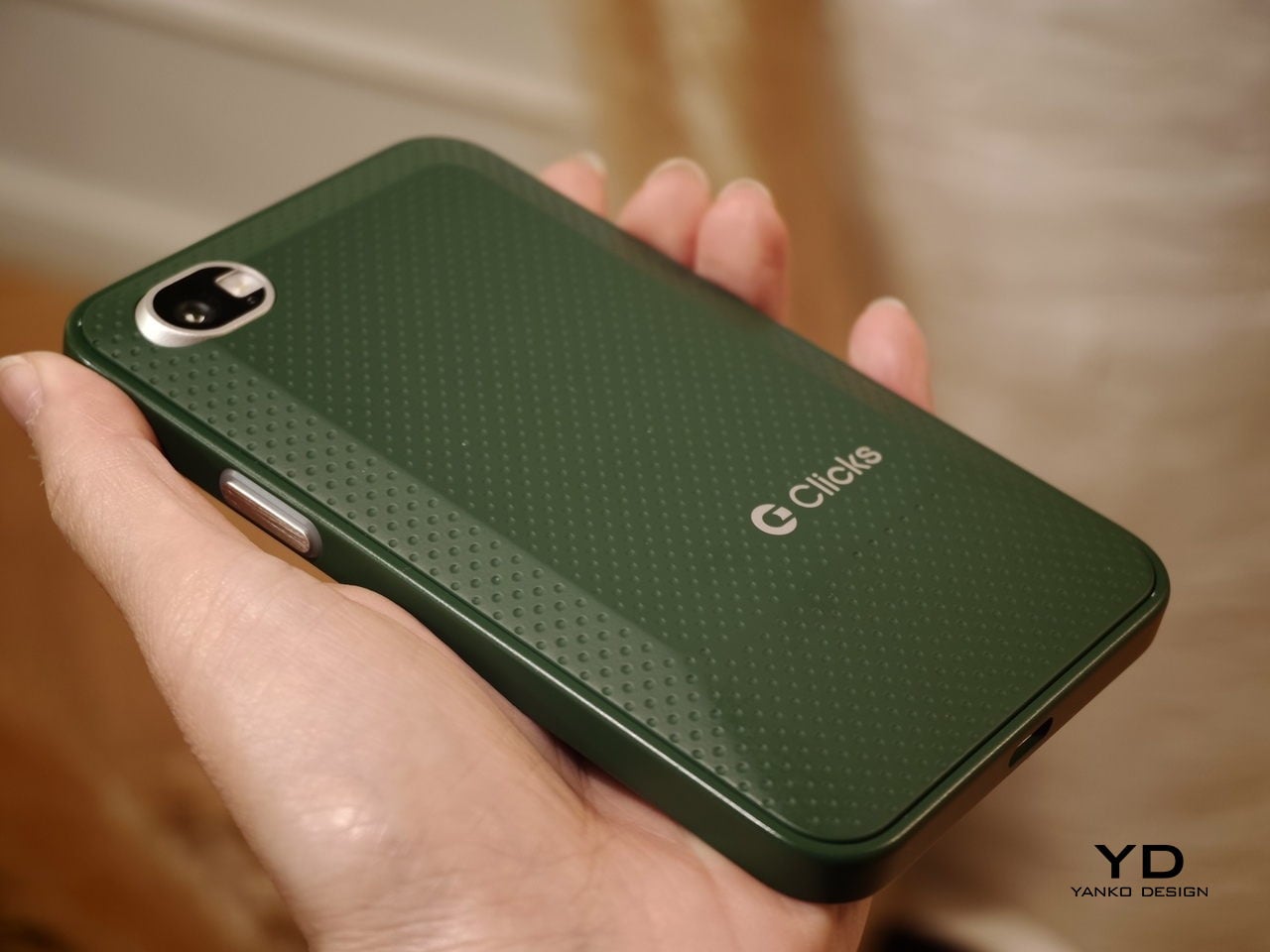
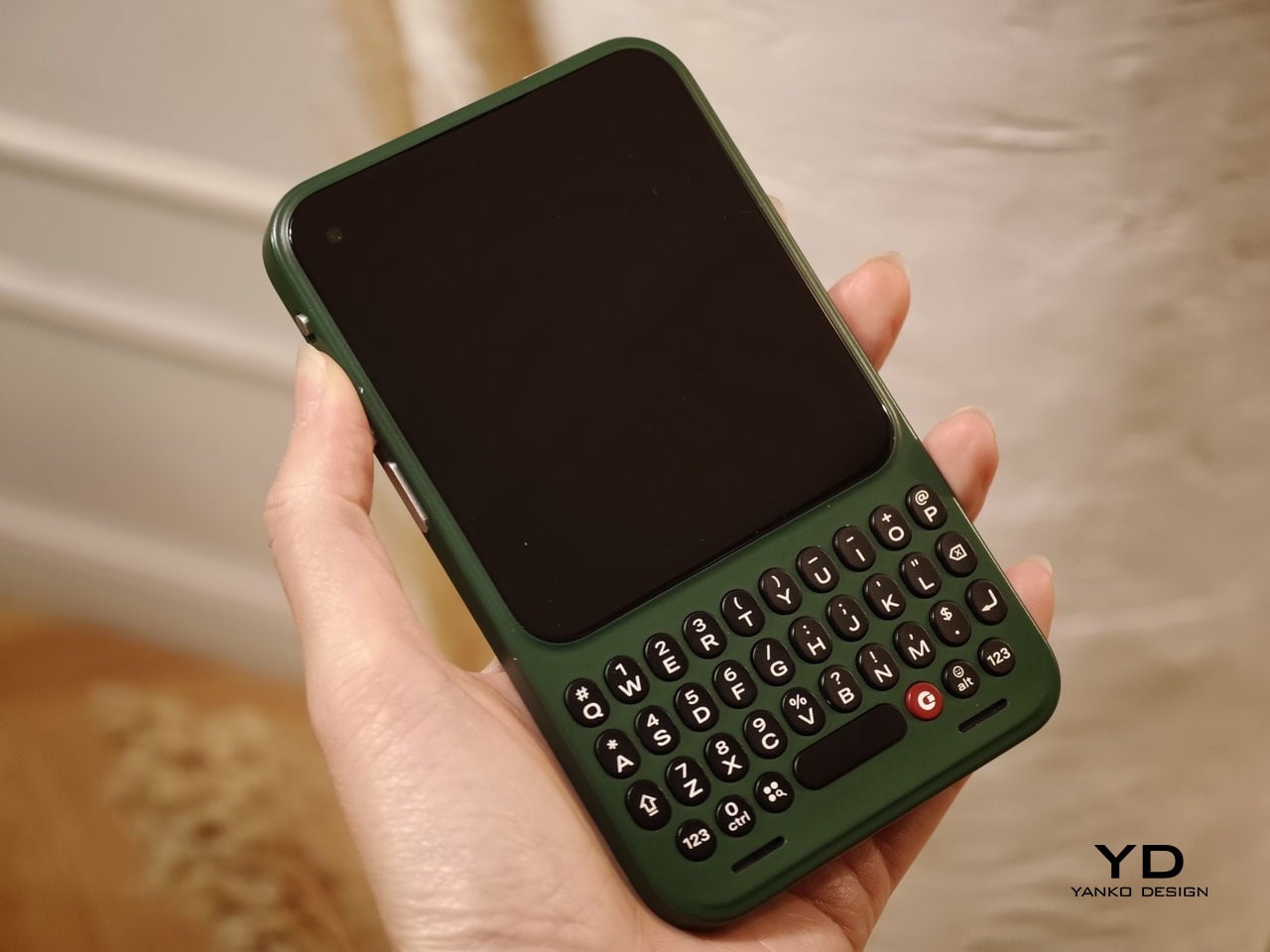
In hand, the Communicator feels nice and compact, and it sits comfortably in the palm. The balance feels considered, and the overall shape makes it easy to grip without feeling slippery or awkward. Typing also felt comfortable during my short time with it, which is the “make or break” moment for any keyboard phone.

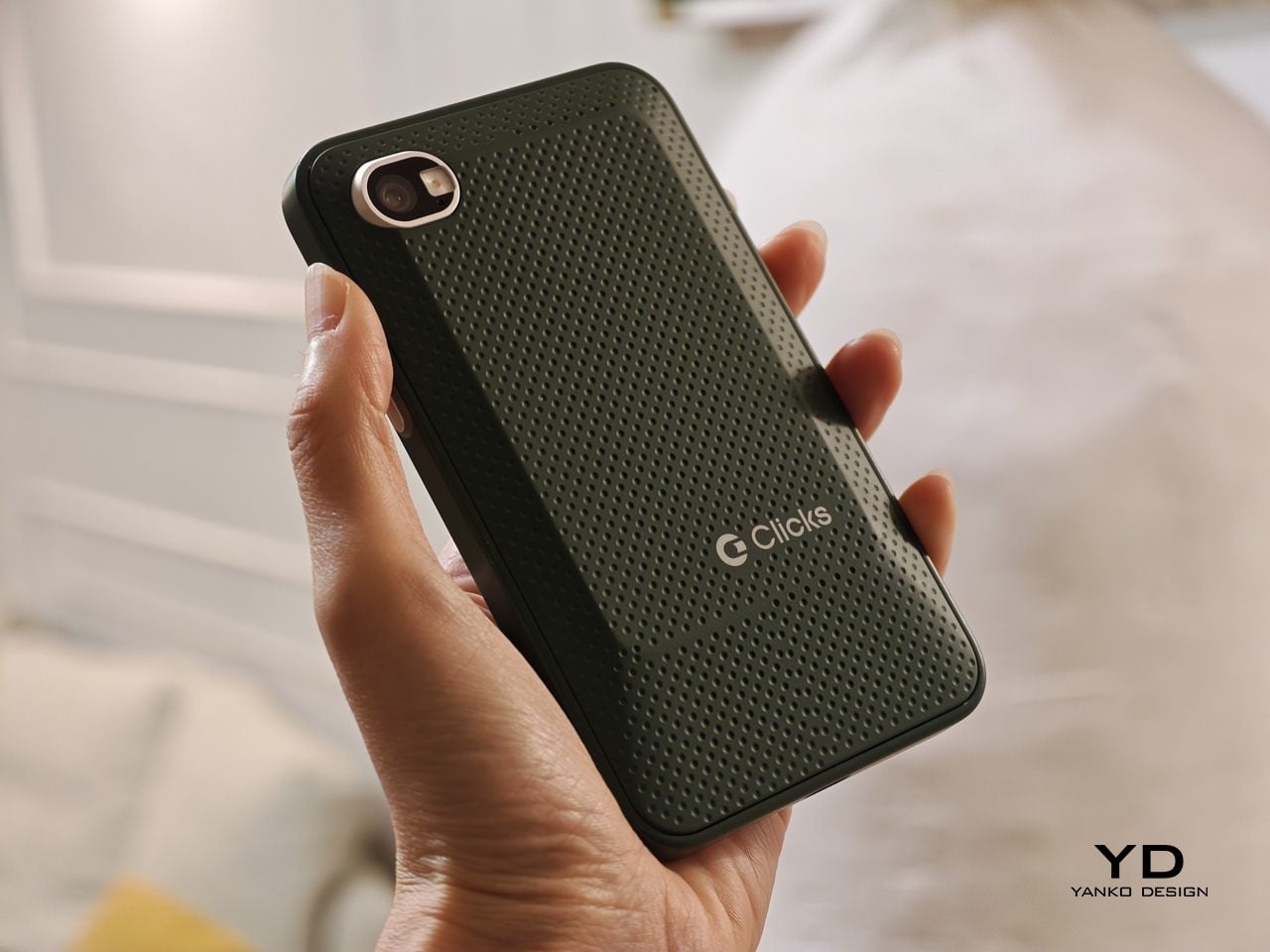
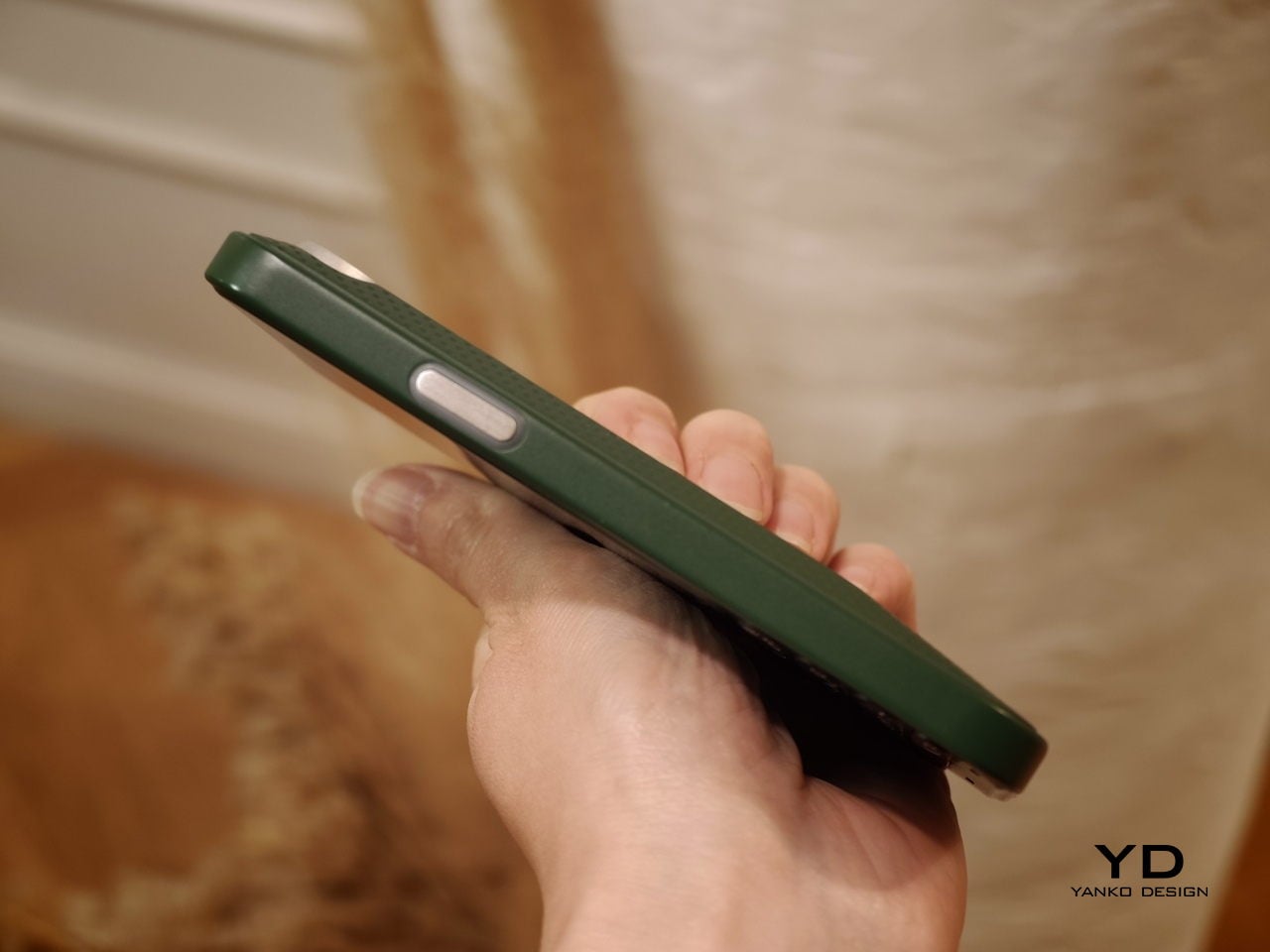
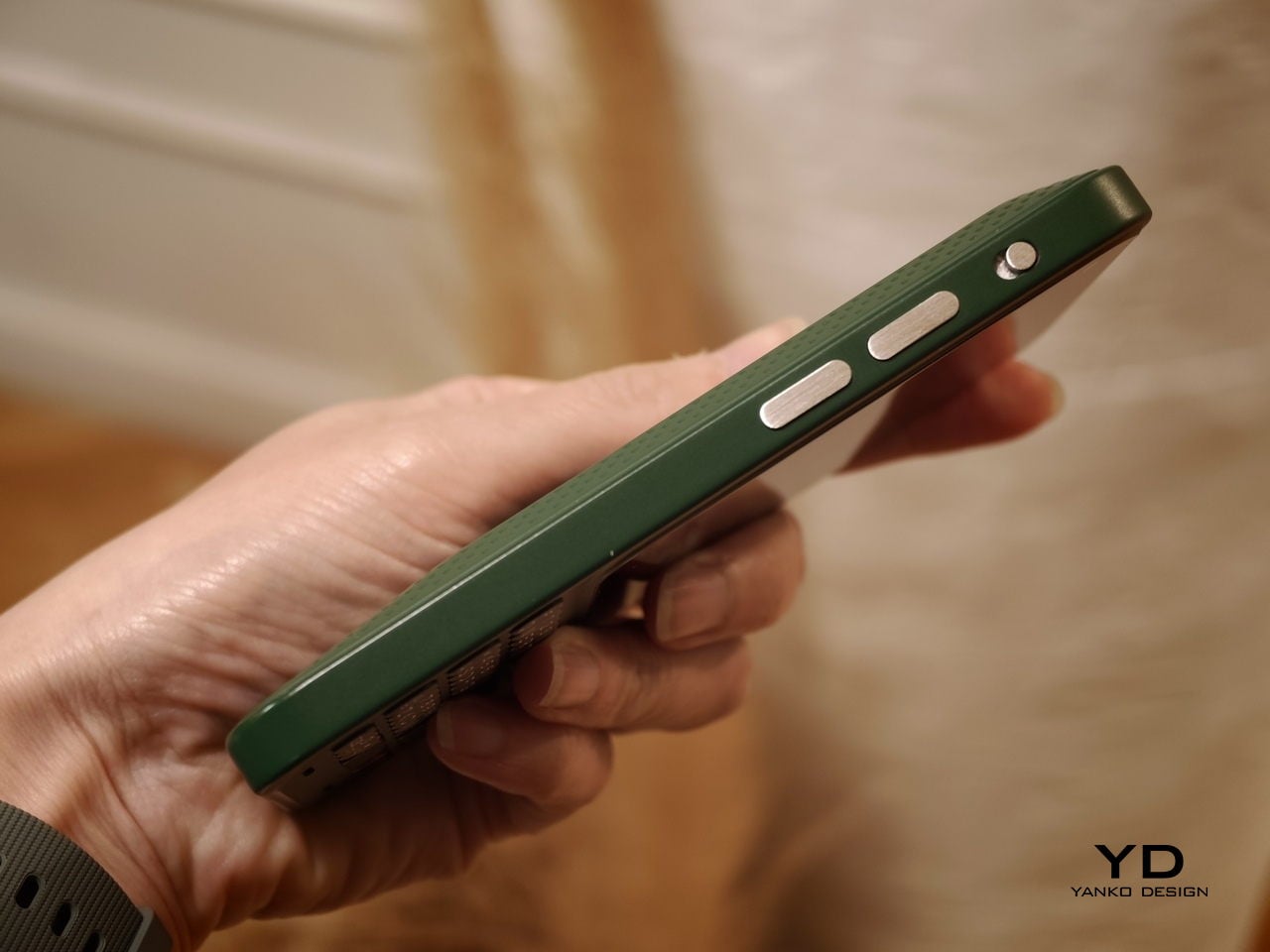
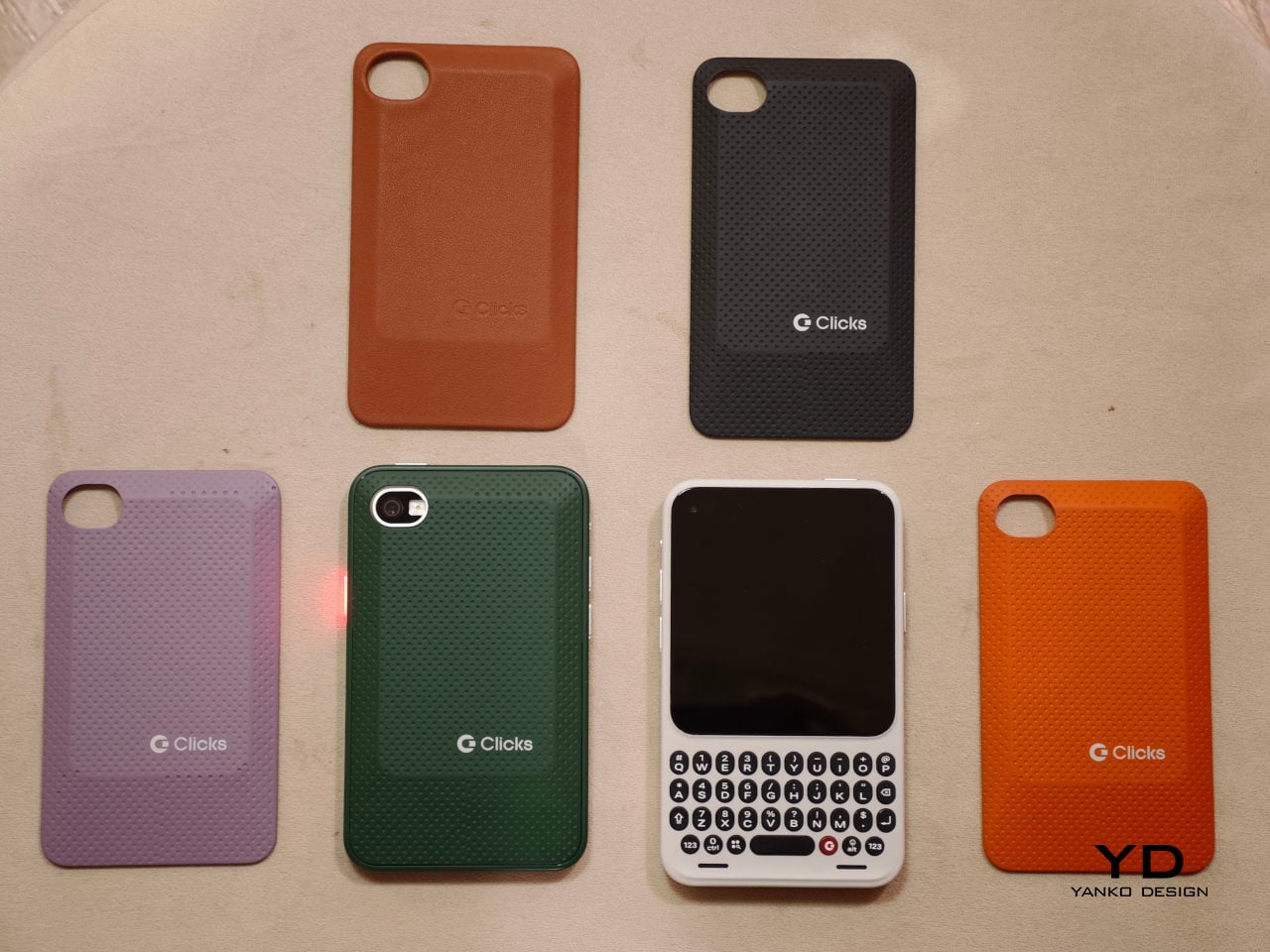
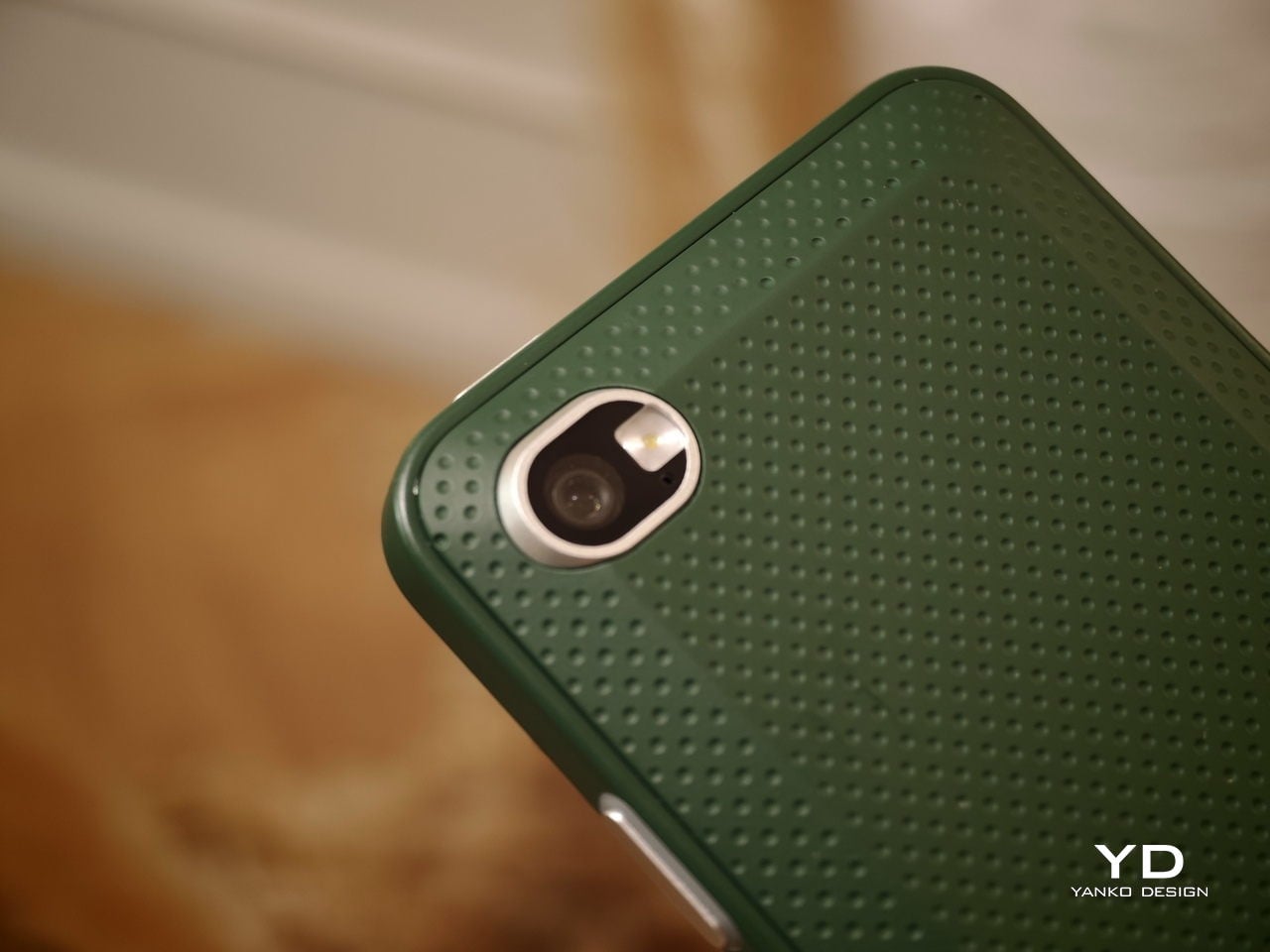
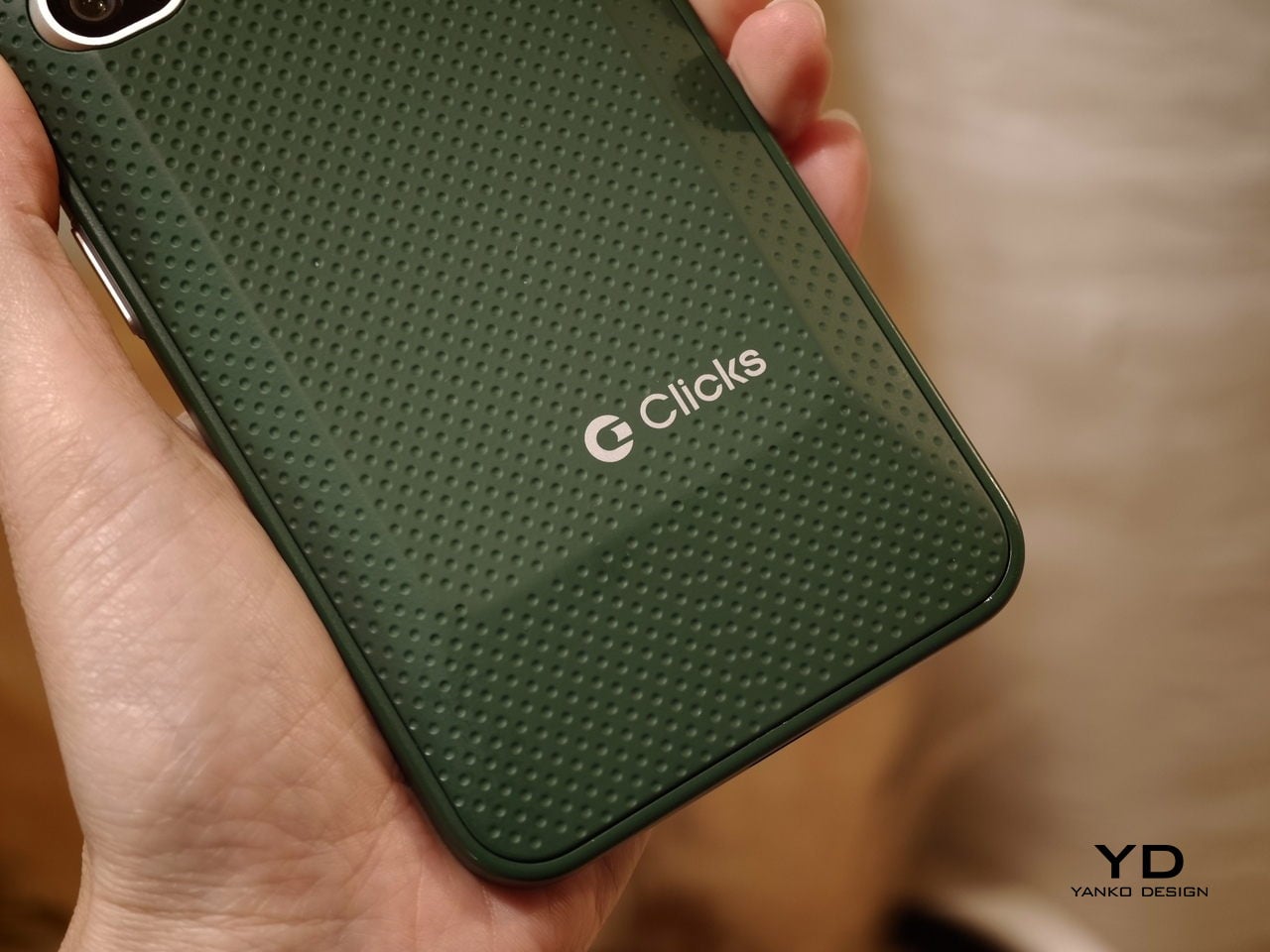
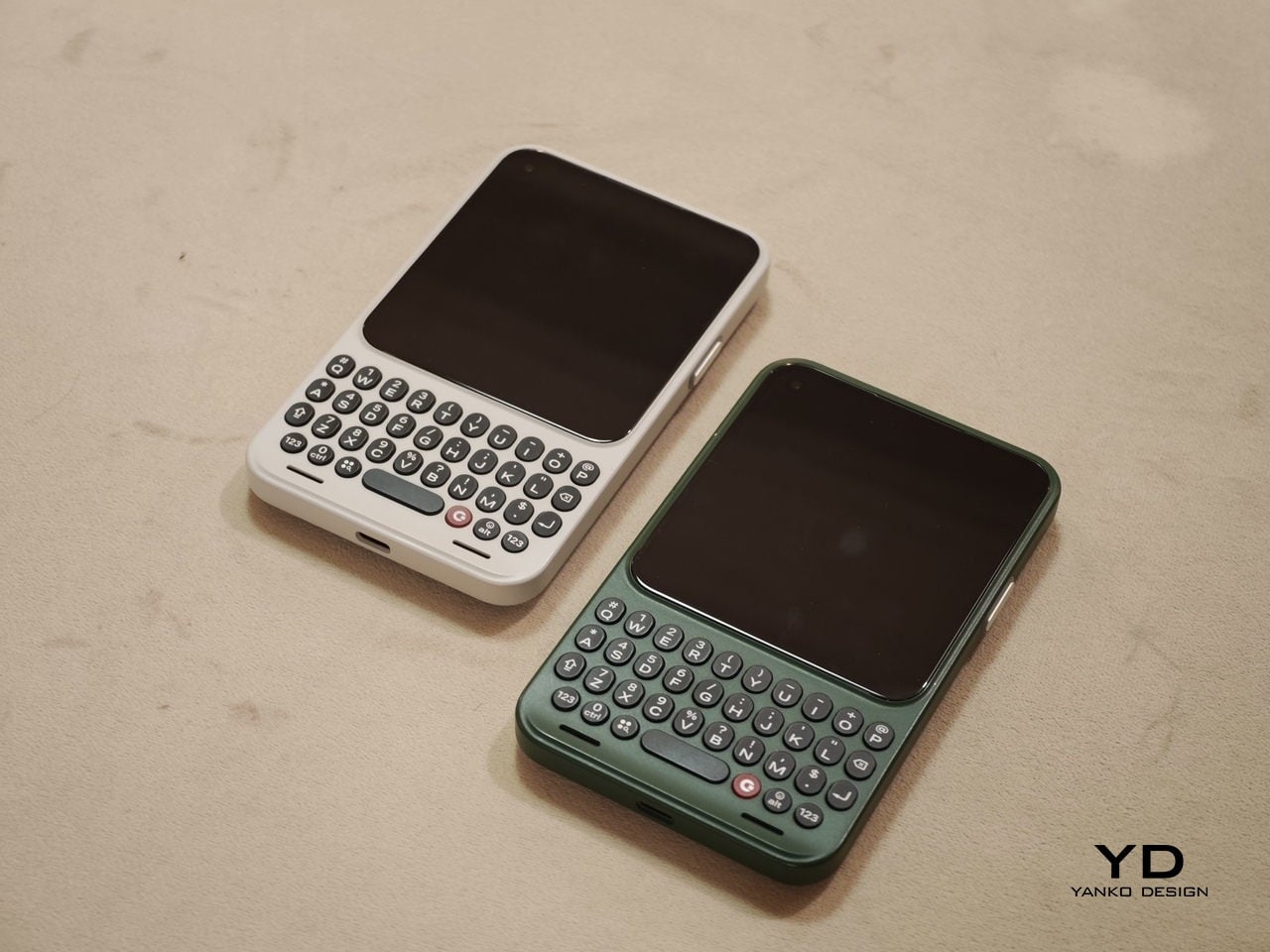
The build felt solid, even in mockup form. One of the most interesting design touches is a magnetic, swappable back panel that snaps on with a confident fit. That modular detail gives the phone a more personal, tool-like vibe, and it suggests Clicks is thinking about long-term ownership rather than quick upgrades.

According to Adrian Li, founder and CEO of Clicks, the Communicator has generated significant interest from the industry over the past few months. Li said the company has been approached by several mobile carriers as well as major retailers that are interested in bringing the device to market. For a young hardware company entering the competitive smartphone space, that attention could be critical.

Carrier partnerships in particular could play a decisive role in the Communicator’s success. While some niche smartphones rely primarily on direct online sales, carrier support can expand a device’s reach through retail stores and bundled service plans. Li noted that Clicks is currently in discussions with potential carrier partners as it explores different distribution strategies for the phone.

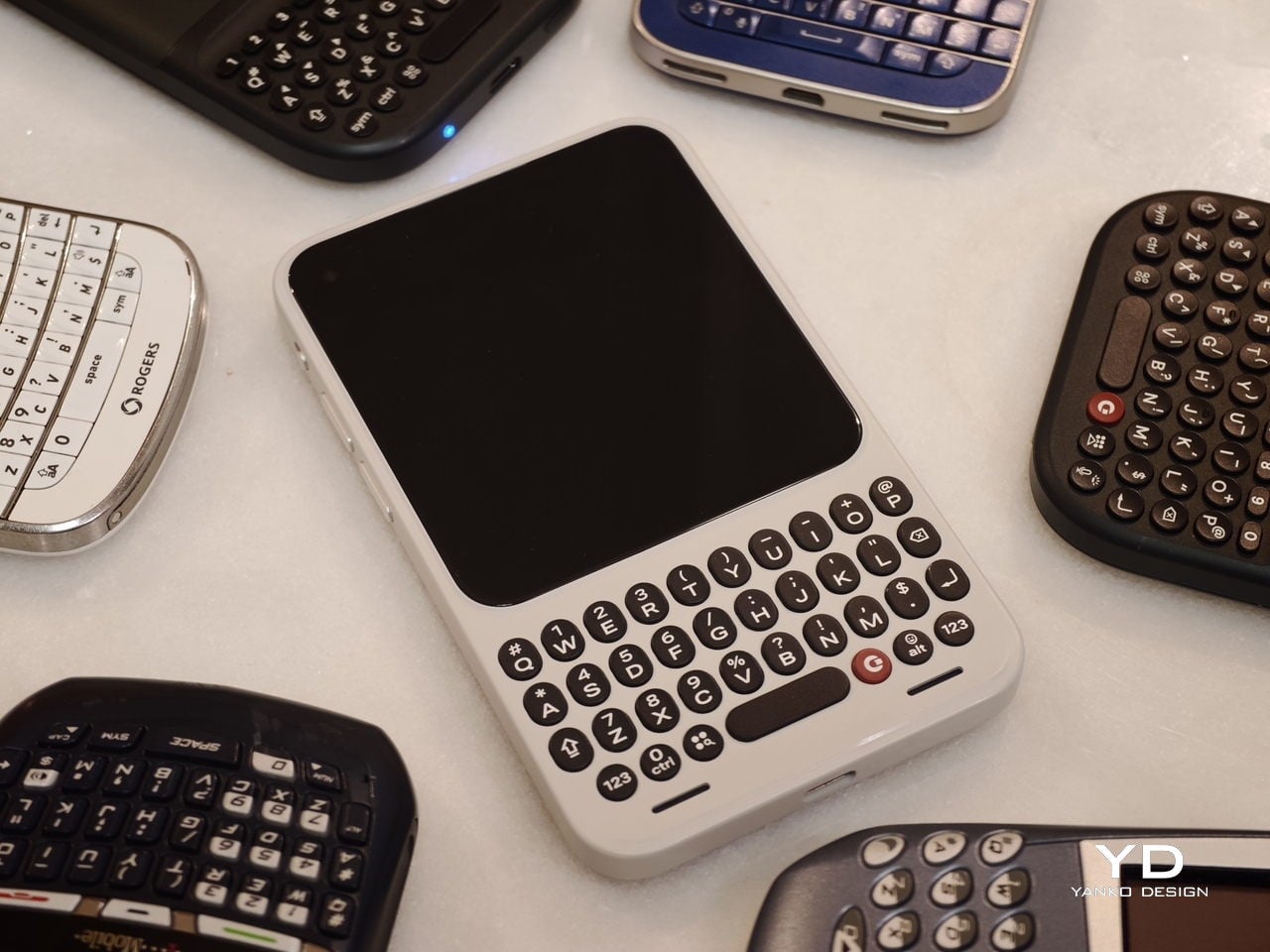
Although the prototype shown at MWC was not yet fully functional, the hardware design already reflects the Communicator’s core idea of efficient communication. The device features a compact 4-inch class AMOLED display positioned above a physical backlit QWERTY keyboard. The keyboard is designed to deliver tactile feedback for fast, accurate typing, and it also supports gesture controls for scrolling and navigation.

Under the hood, the Communicator is powered by MediaTek’s Dimensity 8300 processor and runs Android 16. That combination should provide access to the full Android app ecosystem while keeping the experience centered on messaging and productivity. The phone is expected to ship with 256GB of internal storage and support microSD expansion of up to 2TB, which is increasingly rare in modern smartphones.

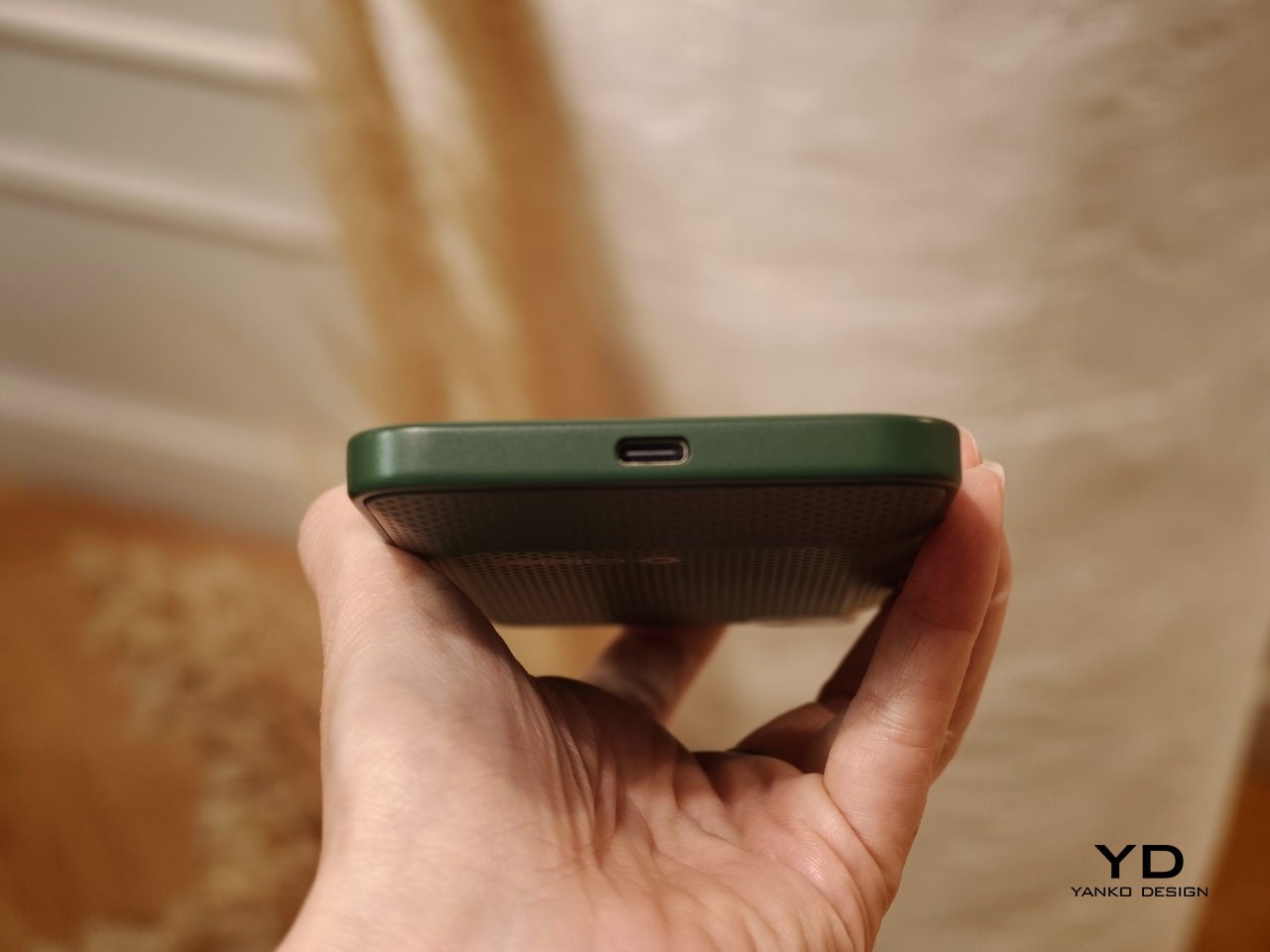
The rest of the hardware stays firmly in modern smartphone territory. The Communicator includes a 50 MP rear camera with optical image stabilization, plus a 24 MP front camera for video calls and selfies. A 4,000 mAh silicon carbon battery powers the device, with support for USB-C charging and Qi2 wireless charging.

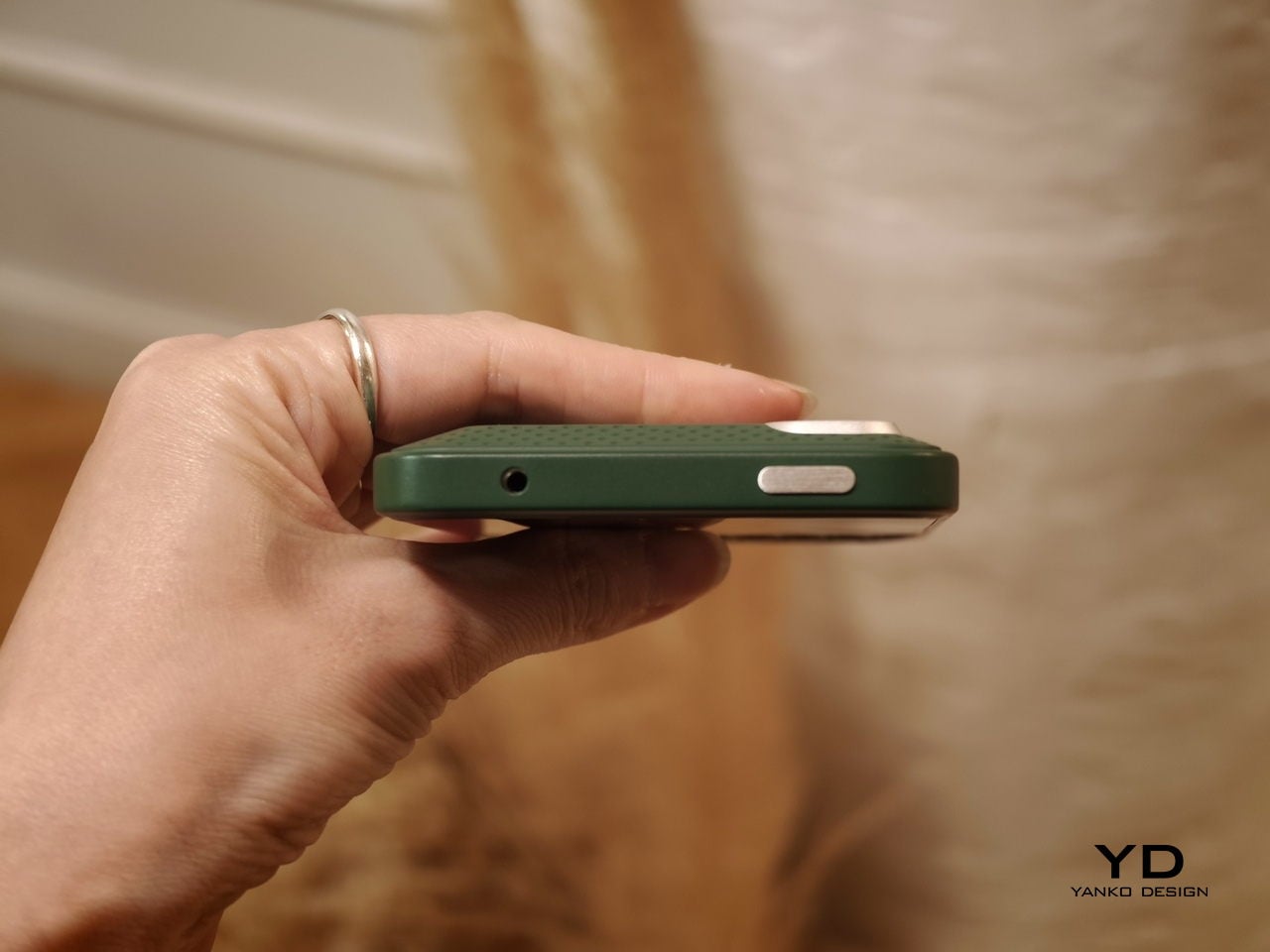
Connectivity options include 5G, Wi Fi 6, Bluetooth, and NFC. A combination of nano SIM and eSIM support gives users flexibility when choosing carriers. The Communicator also retains a 3.5mm headphone jack, which will matter to power users and anyone who still prefers wired audio.

Clicks is building several software features around the phone’s communication first pitch. The device includes a Message Hub that aggregates conversations from multiple messaging platforms into a single interface, which should reduce app hopping. A customizable notification light known as the Signal LED can display different colors depending on which contact or app is reaching out.

Despite its productivity focus, the Communicator is not meant to be a limited-function device. Clicks positions it as either a primary smartphone for users who prioritize messaging or a secondary device that complements a larger entertainment-focused phone. That flexibility could be a key part of its appeal, especially for people who want a more focused tool without giving up modern apps.

As for when the Communicator will reach consumers, Clicks says more information is coming soon. According to the company, the official launch date will be revealed in roughly two months. Until then, the Communicator remains in the promising middle ground between concept and product.

For now, the Communicator blends nostalgia with modern smartphone capabilities in a way that feels deliberate rather than gimmicky. The compact in-hand feel, comfortable typing, and sturdy build are encouraging signs, even if this was not yet a final unit. If carrier and retail interest continues to build, Clicks may be on track to ship a device that serves people who still value fast typing and focused communication in an increasingly distraction-heavy mobile world.

The post Carriers Want This BlackBerry-Style Phone – I Tried It at MWC first appeared on Yanko Design.
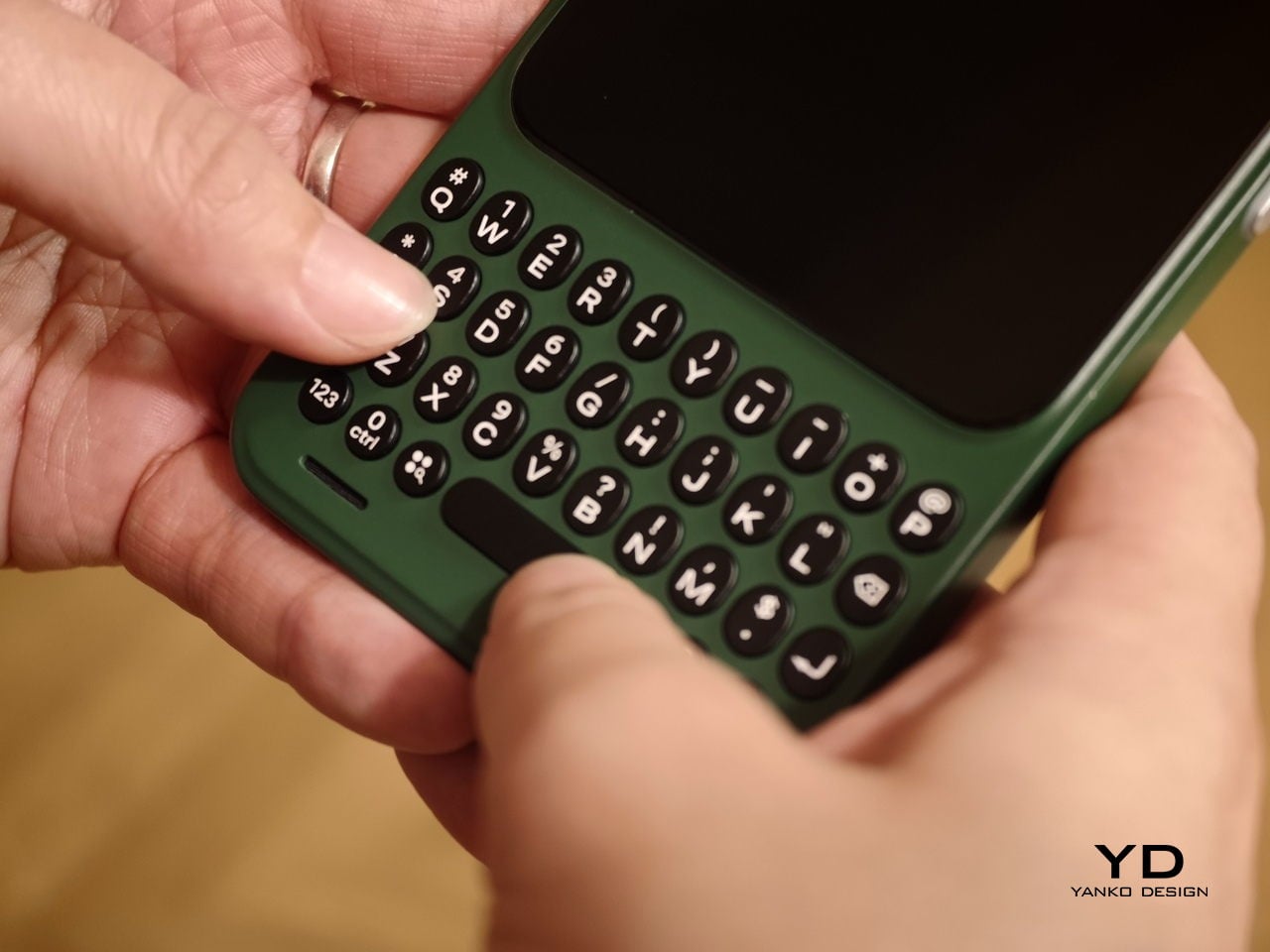
In an Era of Touchscreens, Why Clicks’ iPhone Keyboard Case is a Touch of Genius

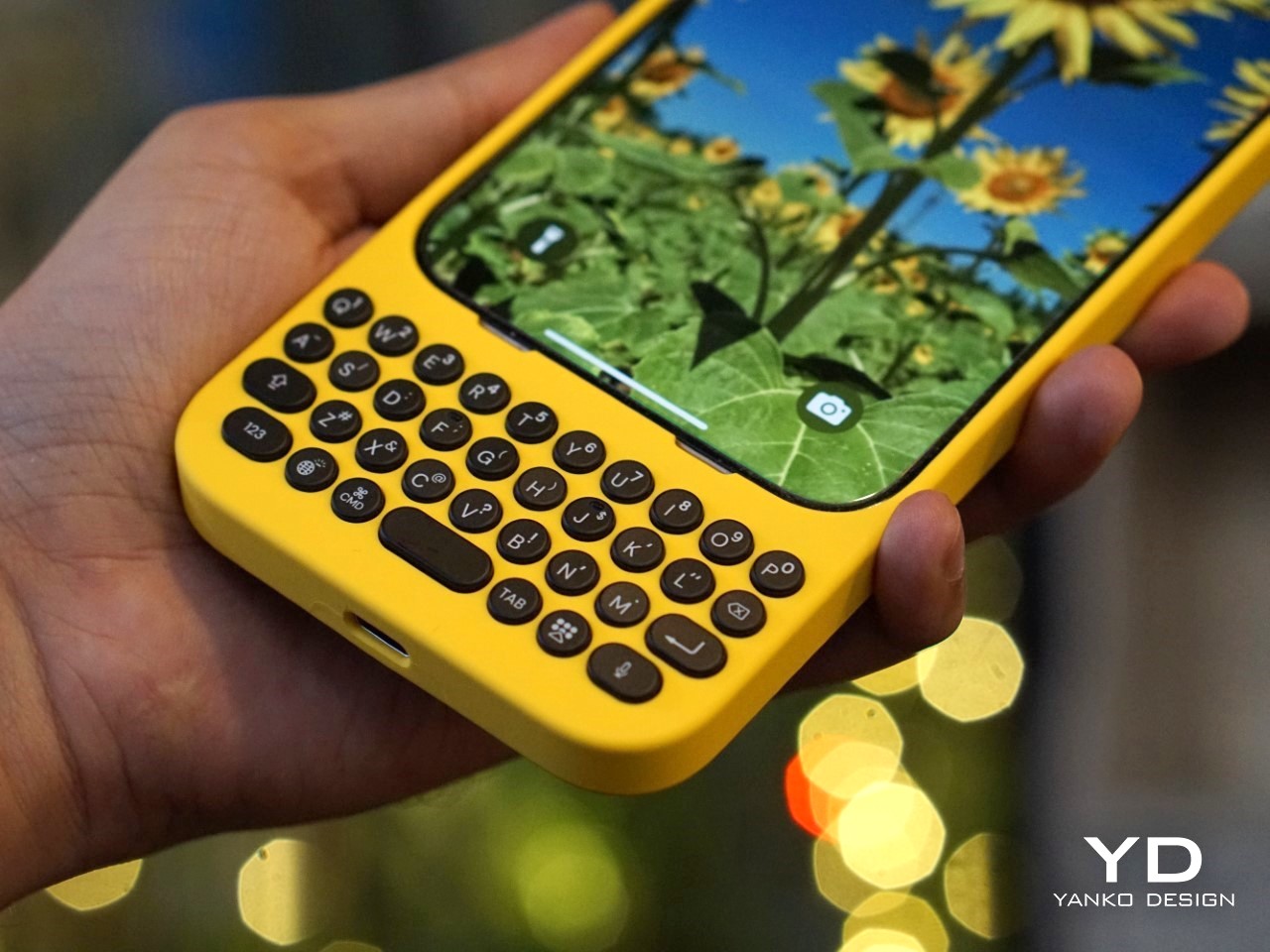
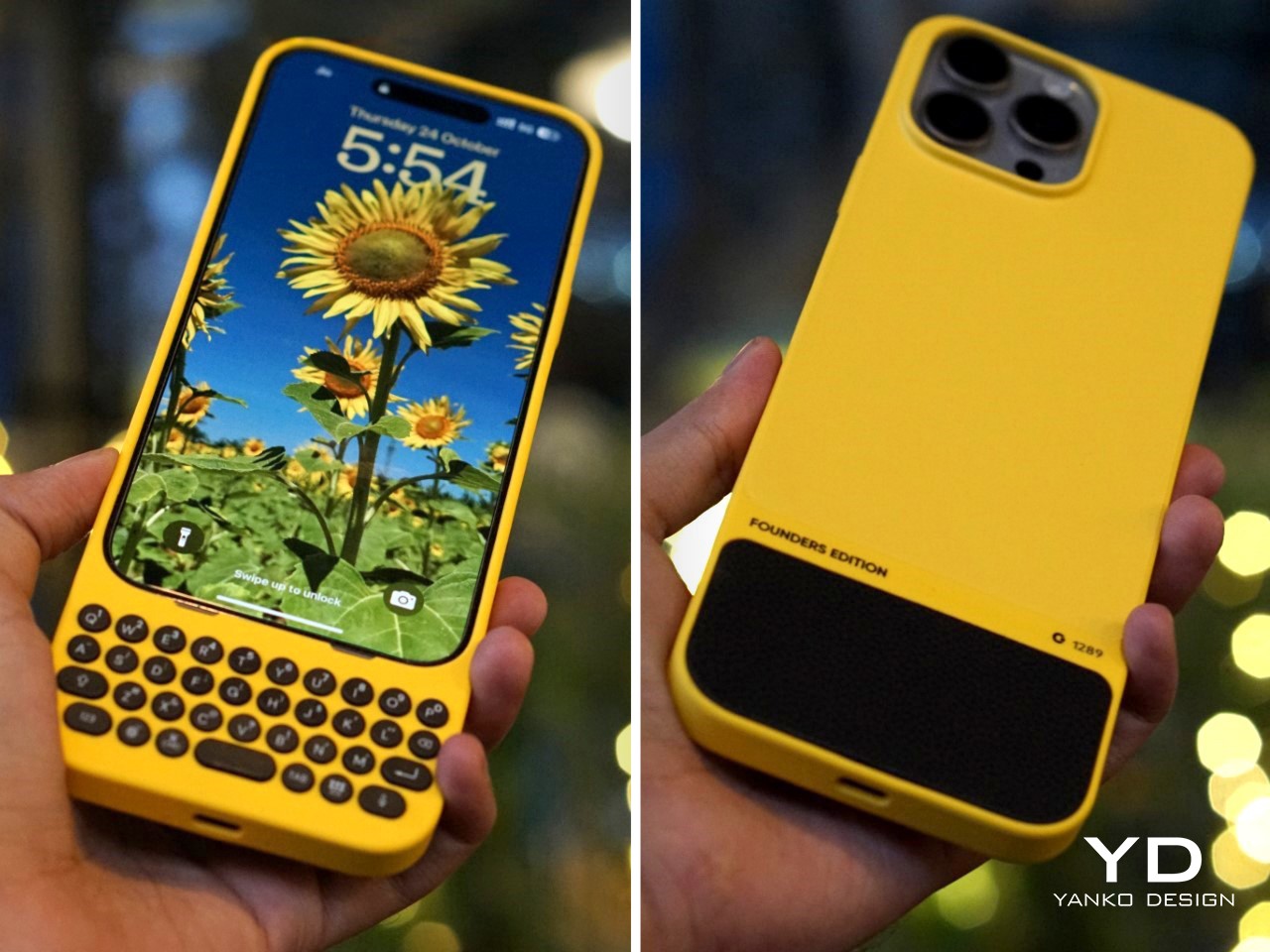
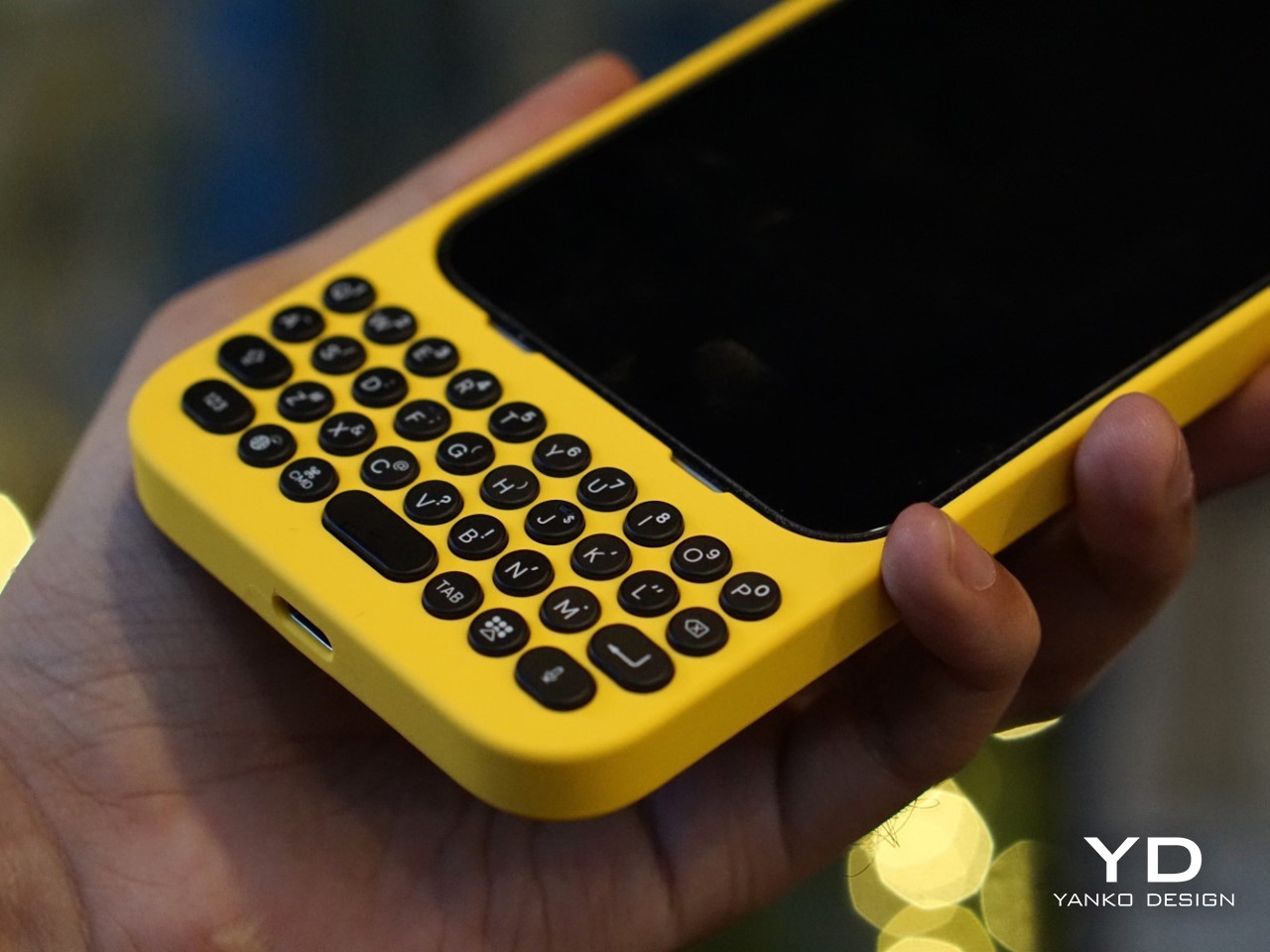
I’m going to say what we’ve all thought at some point: typing on touchscreen keyboards is a pain. Sure, it’s the norm now, but after years of mashing glass, I still long for the satisfying click of real buttons. The typos, the autocorrect mishaps, the constant toggling between letters, numbers, and emojis—it’s enough to make even the most seasoned smartphone user want to throw their phone across the room. And I’m not alone. Despite the dominance of touchscreens, there’s a growing group of people who just miss the feel of tactile keys beneath their thumbs. Enter Clicks, a physical keyboard for iPhones, and perhaps the best attempt yet at bringing back the tactile typing experience many of us crave.

But make no mistake, Clicks isn’t some relic from the past—it’s a modern accessory that embraces the best of what physical keyboards have to offer while blending seamlessly with today’s tech. And that makes it a fascinating piece of tech in a world that’s overwhelmingly gone touch-only.

The Market Demand for Tactile Keyboards

If you’ve ever lamented the loss of physical keys on phones, you’re far from alone. Many users, from former BlackBerry enthusiasts to those who simply struggle with touchscreens, have voiced their frustrations for years. Kevin Michaluk, affectionately known as CrackBerry Kevin from his early days as a BlackBerry champion, shared how he frequently heard from people who missed the days when they could type without staring at their screens. “I knew the demand was there because I’m the guy who gets emailed and tweeted constantly about, ‘Kevin, when is there going to be a new phone with buttons?’” he said. It’s a request that never stopped, even as BlackBerry transitioned to focusing on software.

What’s surprising, though, is that Clicks’ appeal isn’t just about nostalgia. Sure, former BlackBerry fans are part of the mix, but there’s also a new audience—those who never experienced physical keyboards on phones before. For many, Clicks offers a different kind of productivity. “It’s not about trying to bring back the past, but rather finding a balance between modern tech and tactility,” Kevin noted. In other words, it’s not just about what we lost with the shift to touchscreens, but what we could gain by bringing physical keys back.

Designing for the Modern Smartphone User

The team behind Clicks understood that making a physical keyboard for the iPhone had to be about more than just hitting the nostalgia button. They needed to design a product that felt like a natural extension of today’s smartphones. That meant looking beyond just adding keys and instead focusing on how users actually interact with their devices.


Image Credits: Clicks

Image Credits: Clicks

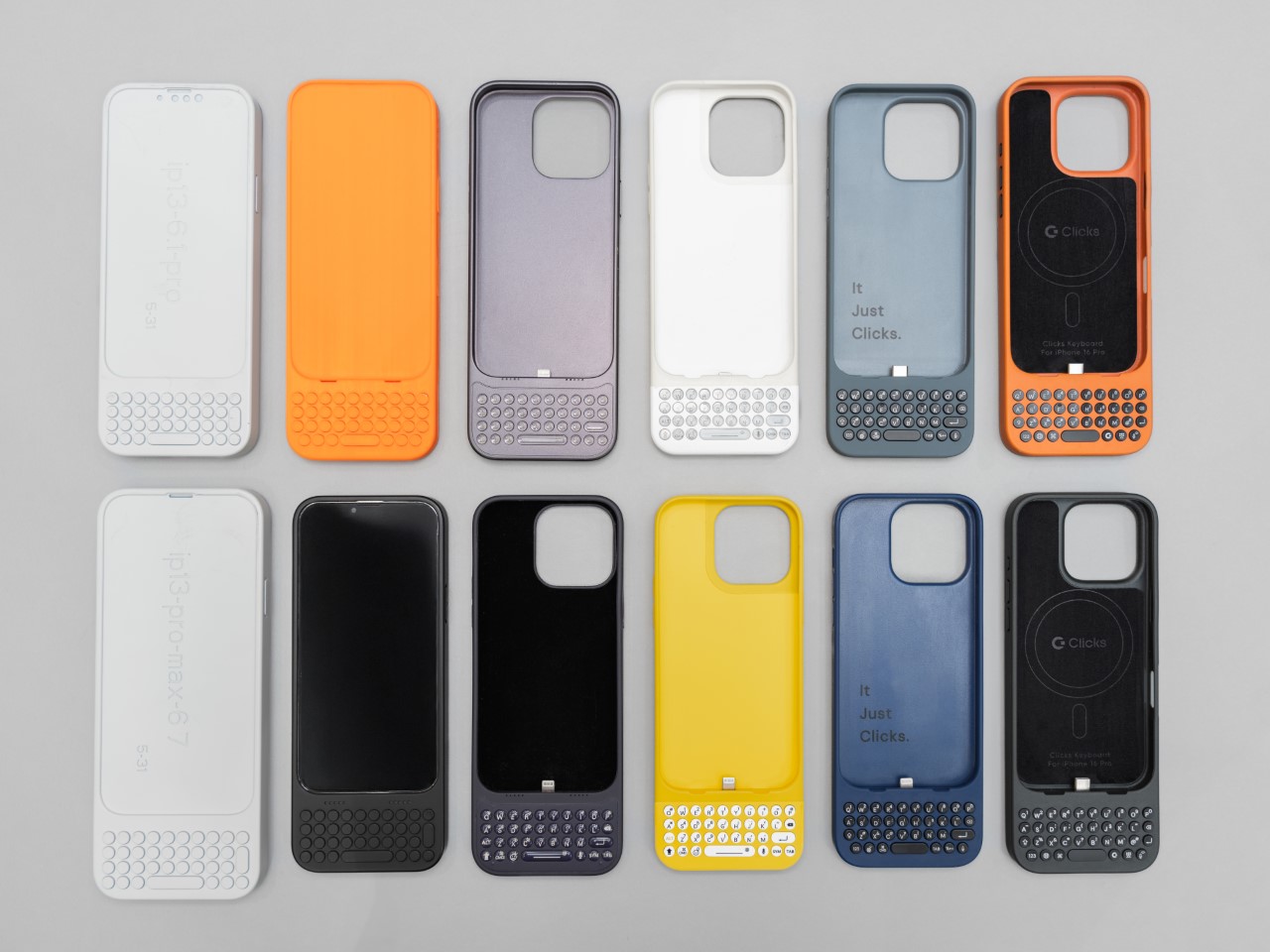
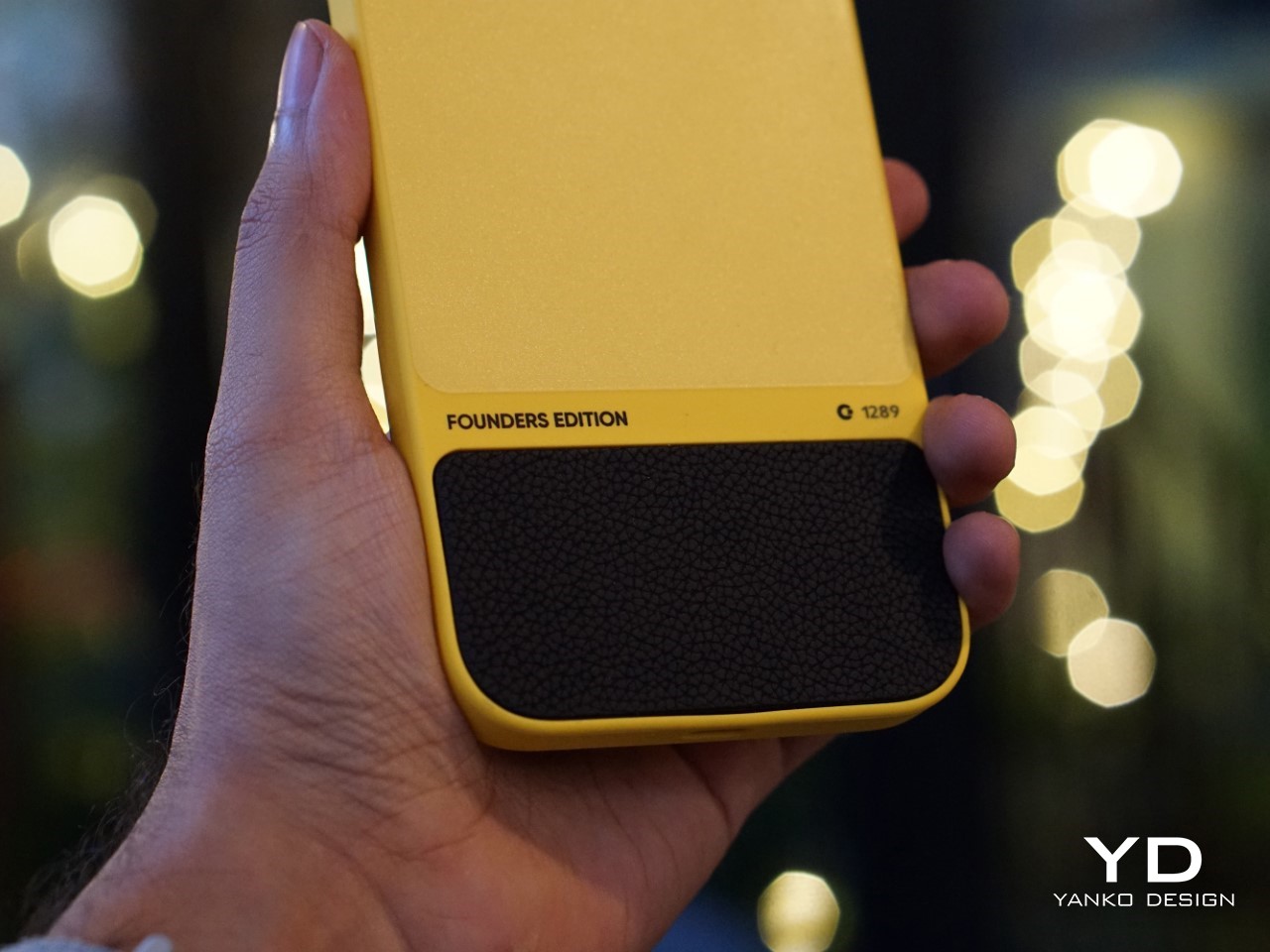
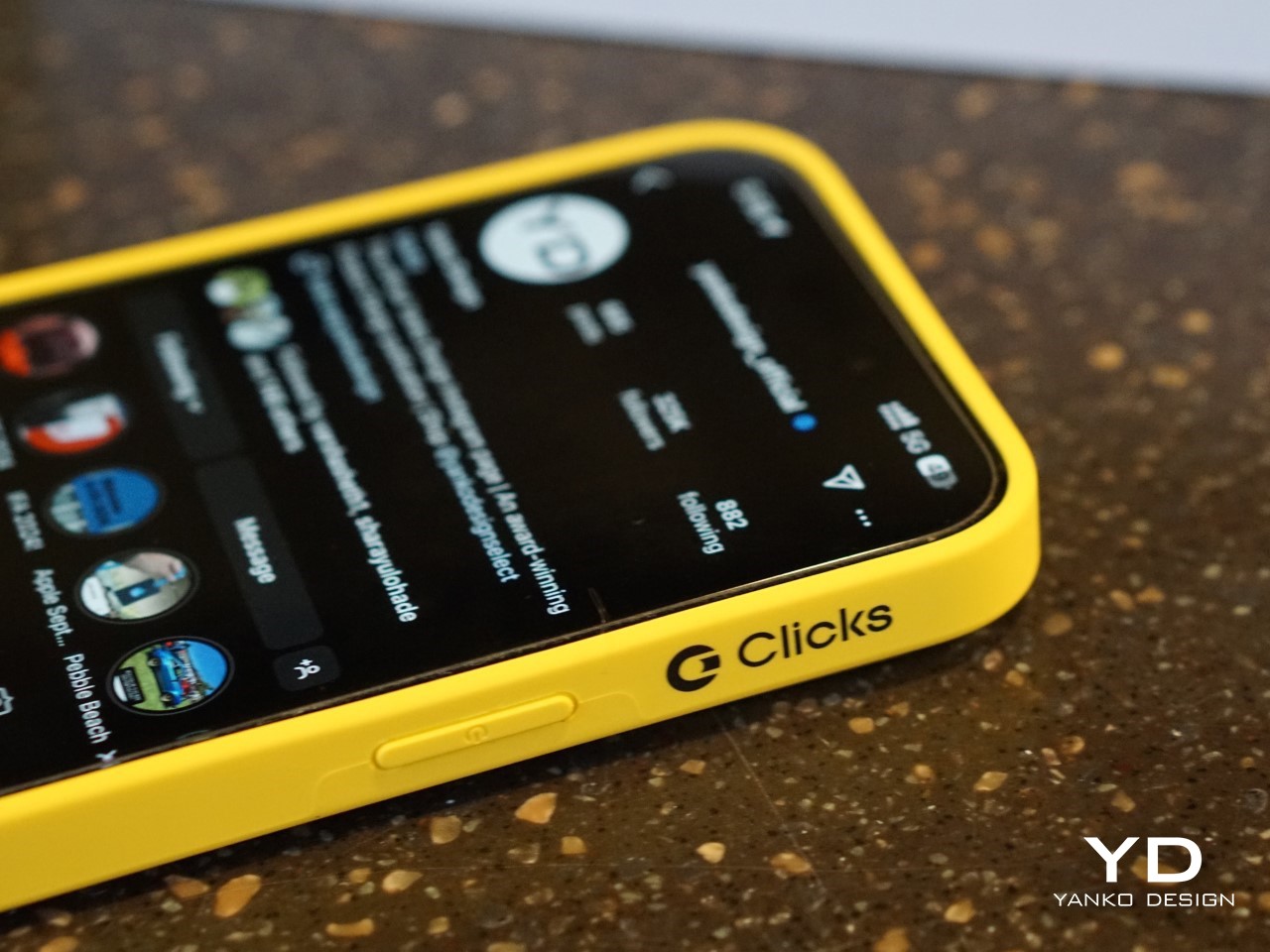
For Clicks, this meant a painstaking design process that involved multiple iterations and constant refinements. From the start, the team knew they wanted to build something that was as much about form as it was about function. “We thought, what would Apple do if they built a keyboard for the iPhone?” Kevin recalled. That meant focusing on clean lines, premium materials, and a seamless integration with the iPhone’s software.

Image Credits: Clicks

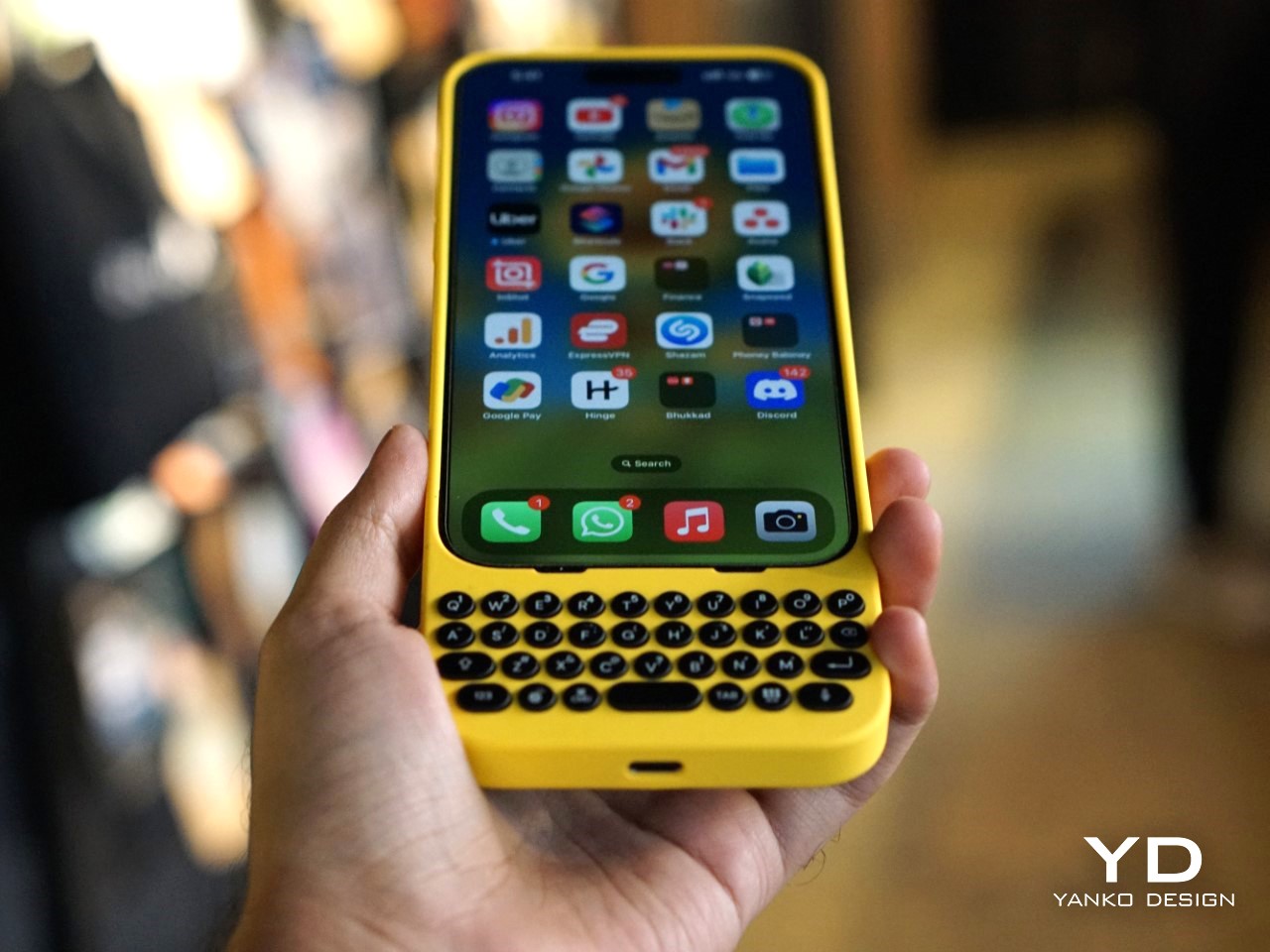
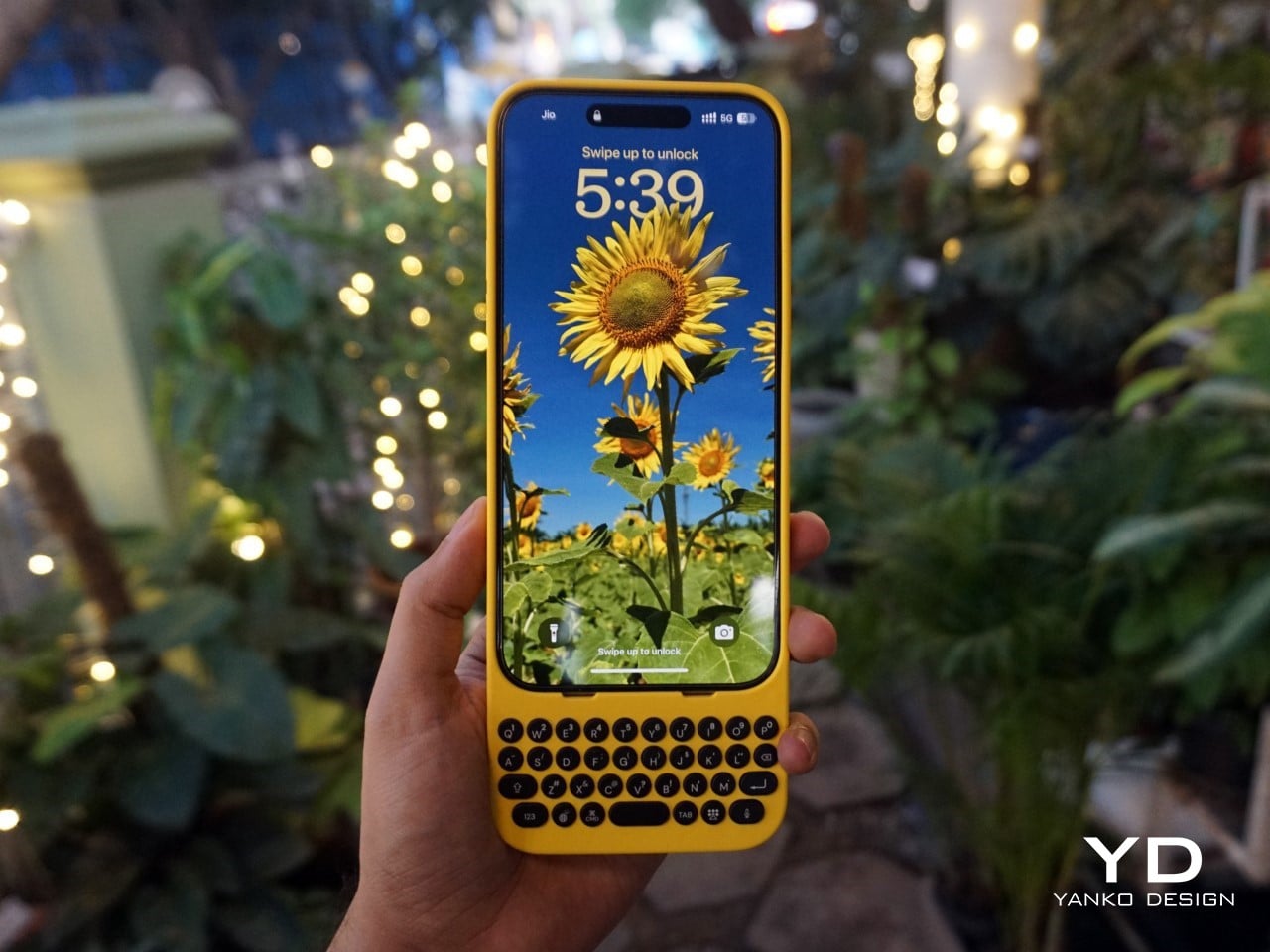
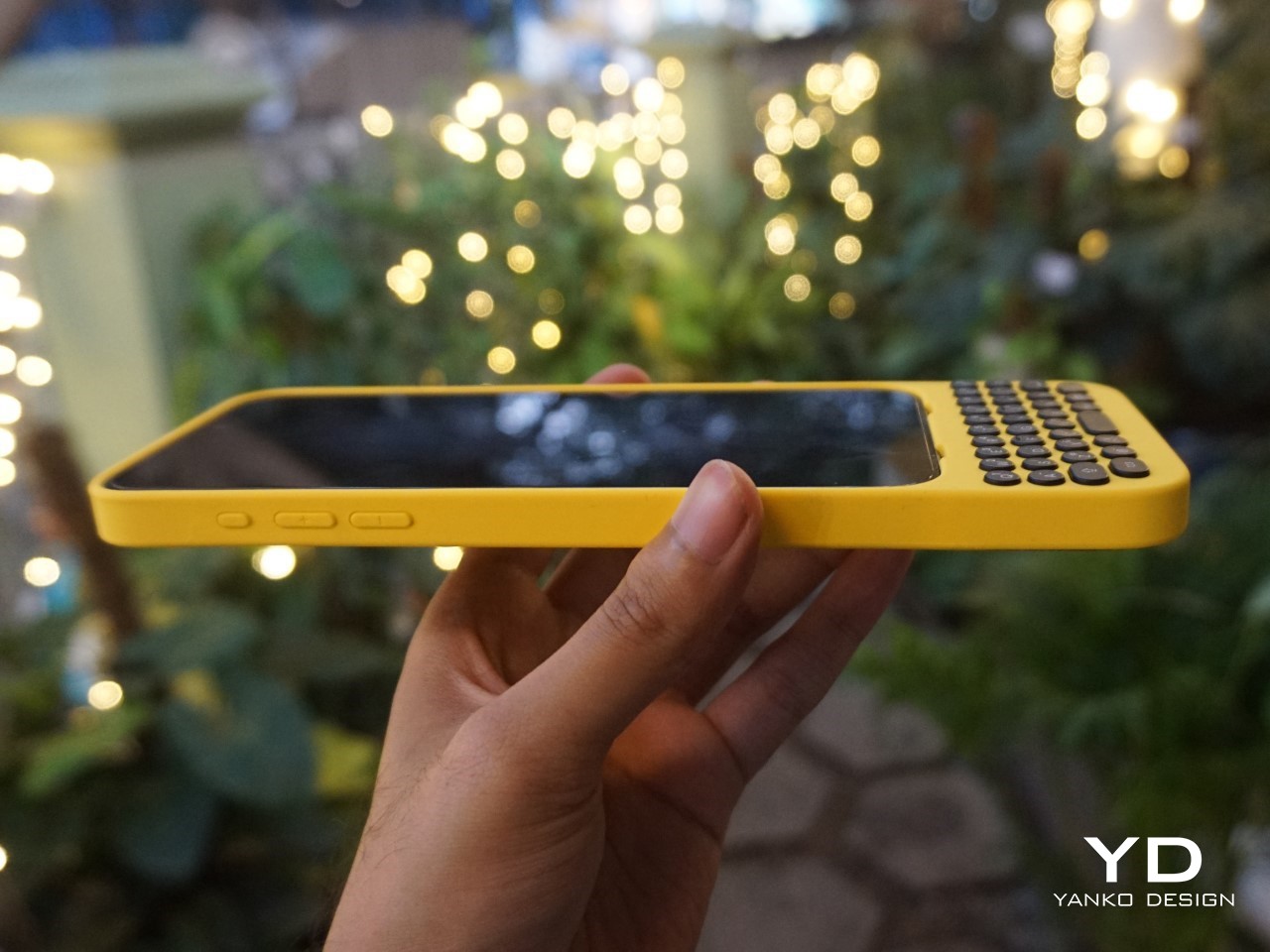
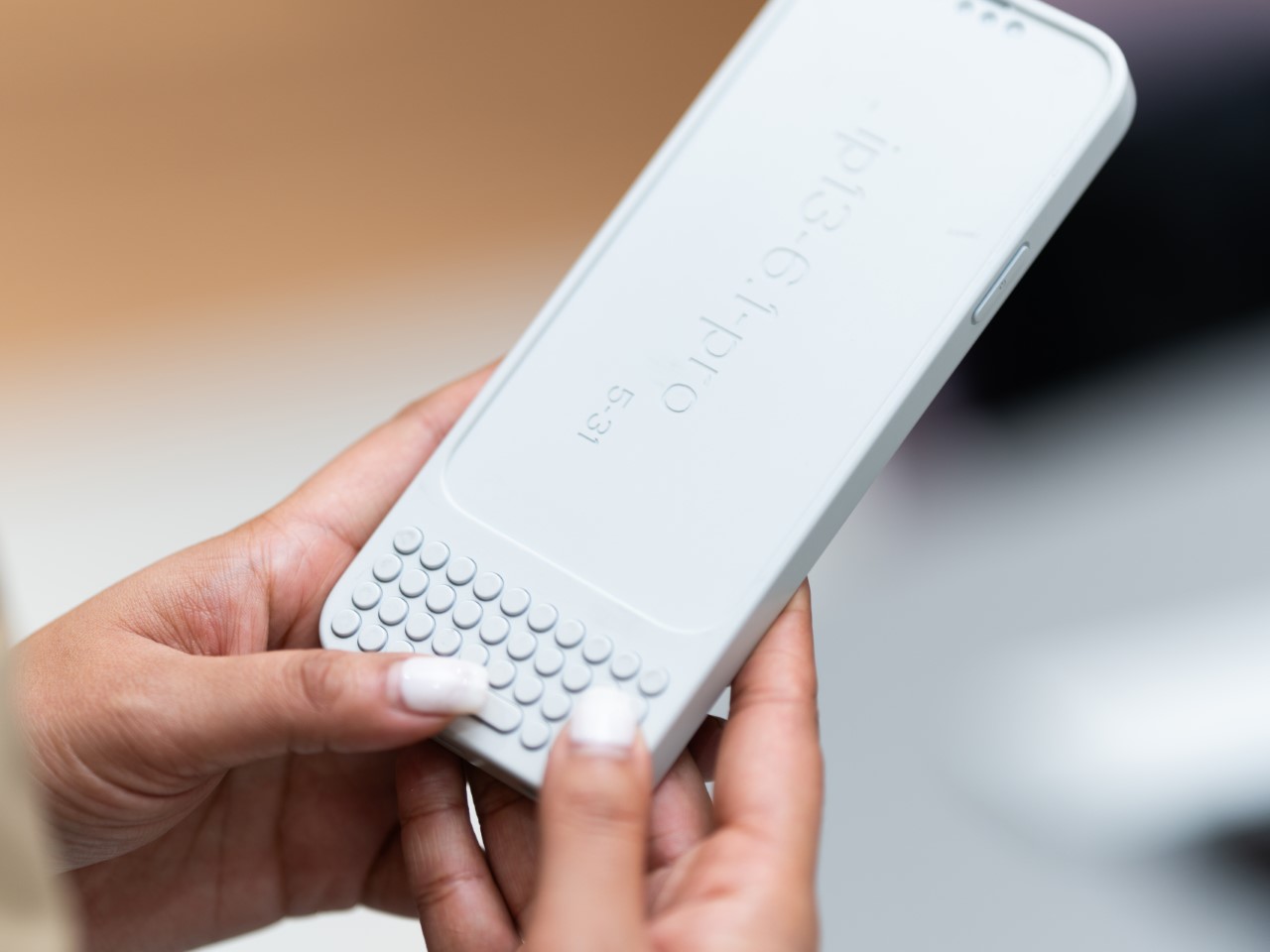
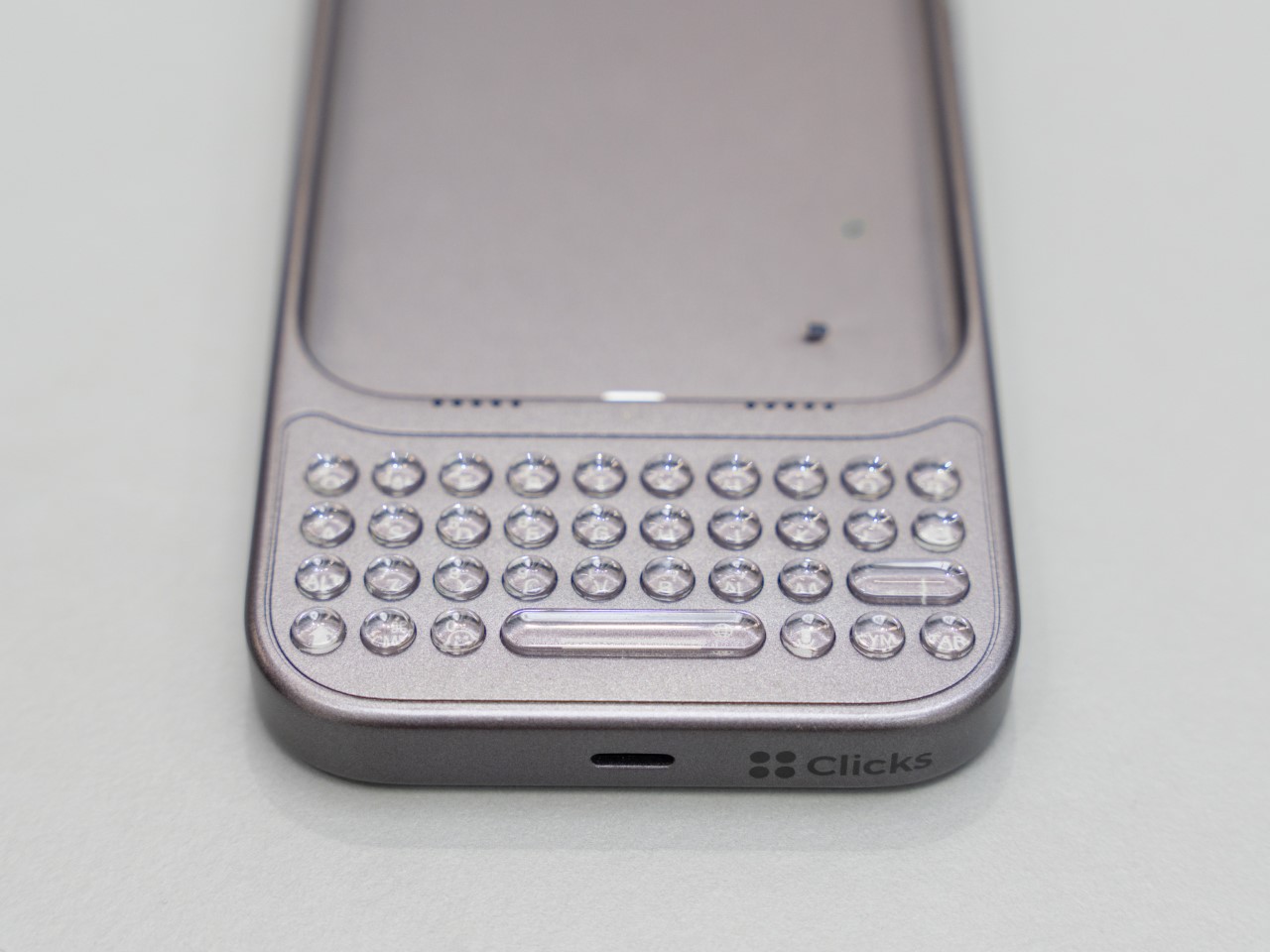
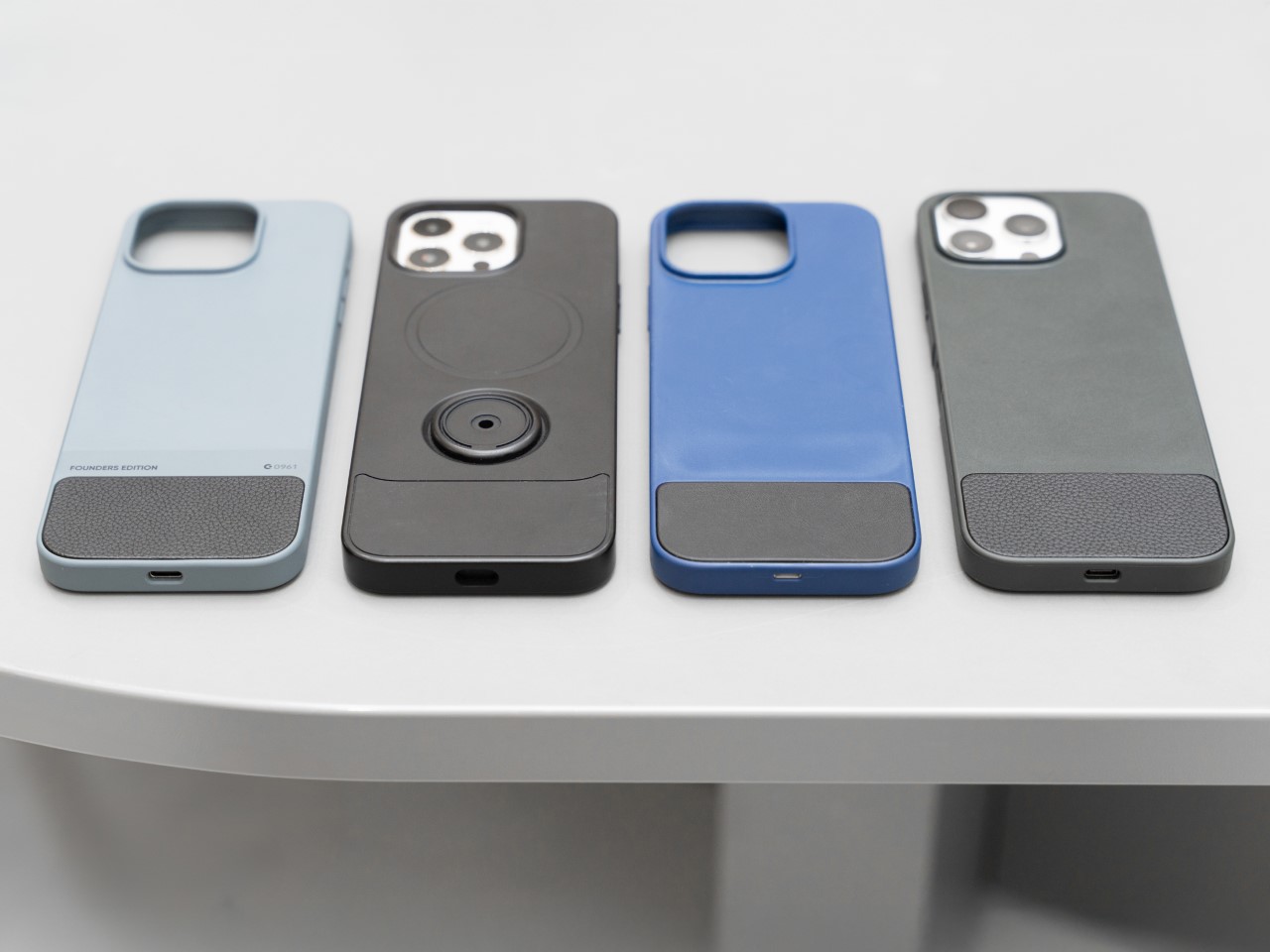
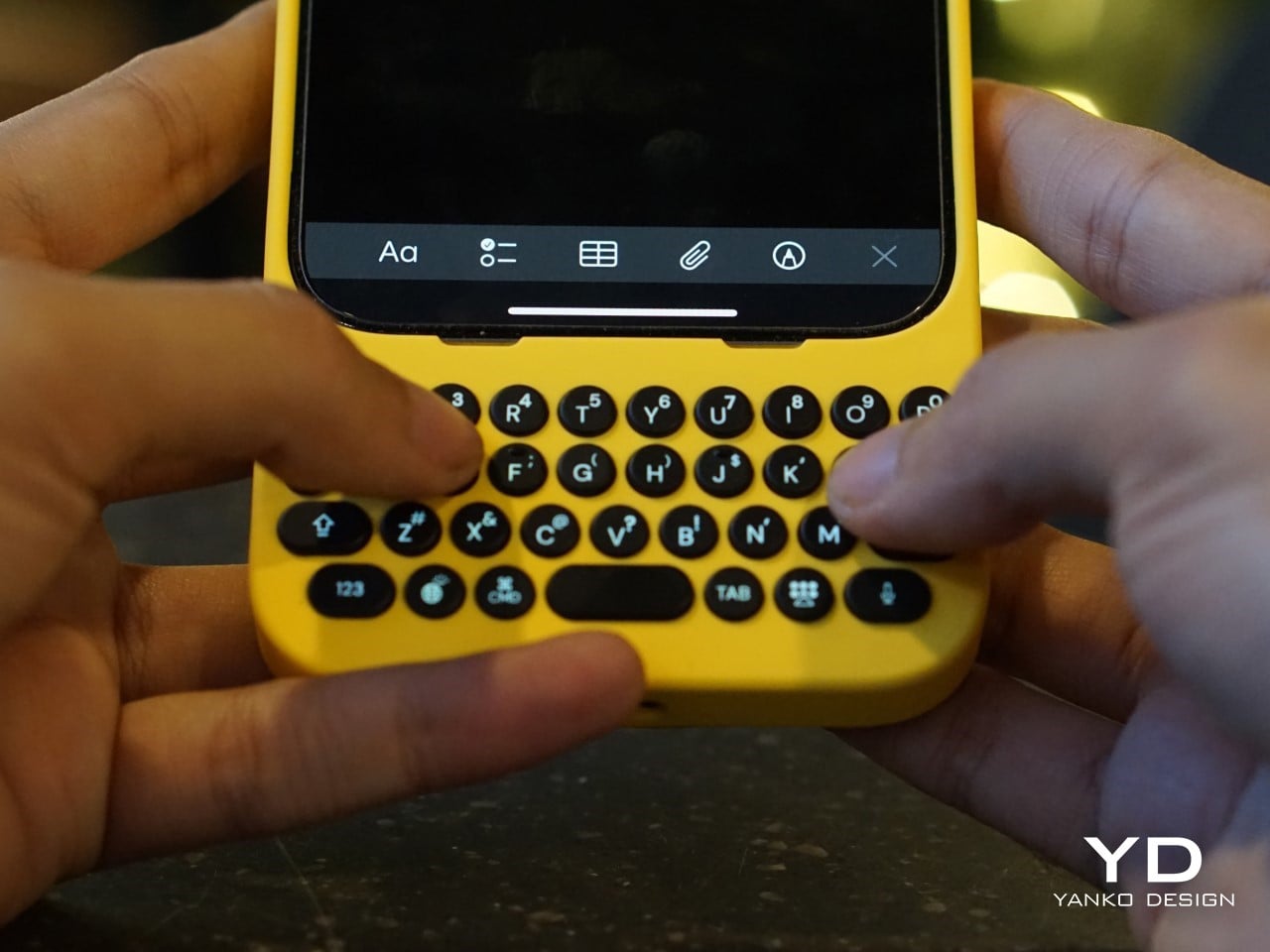
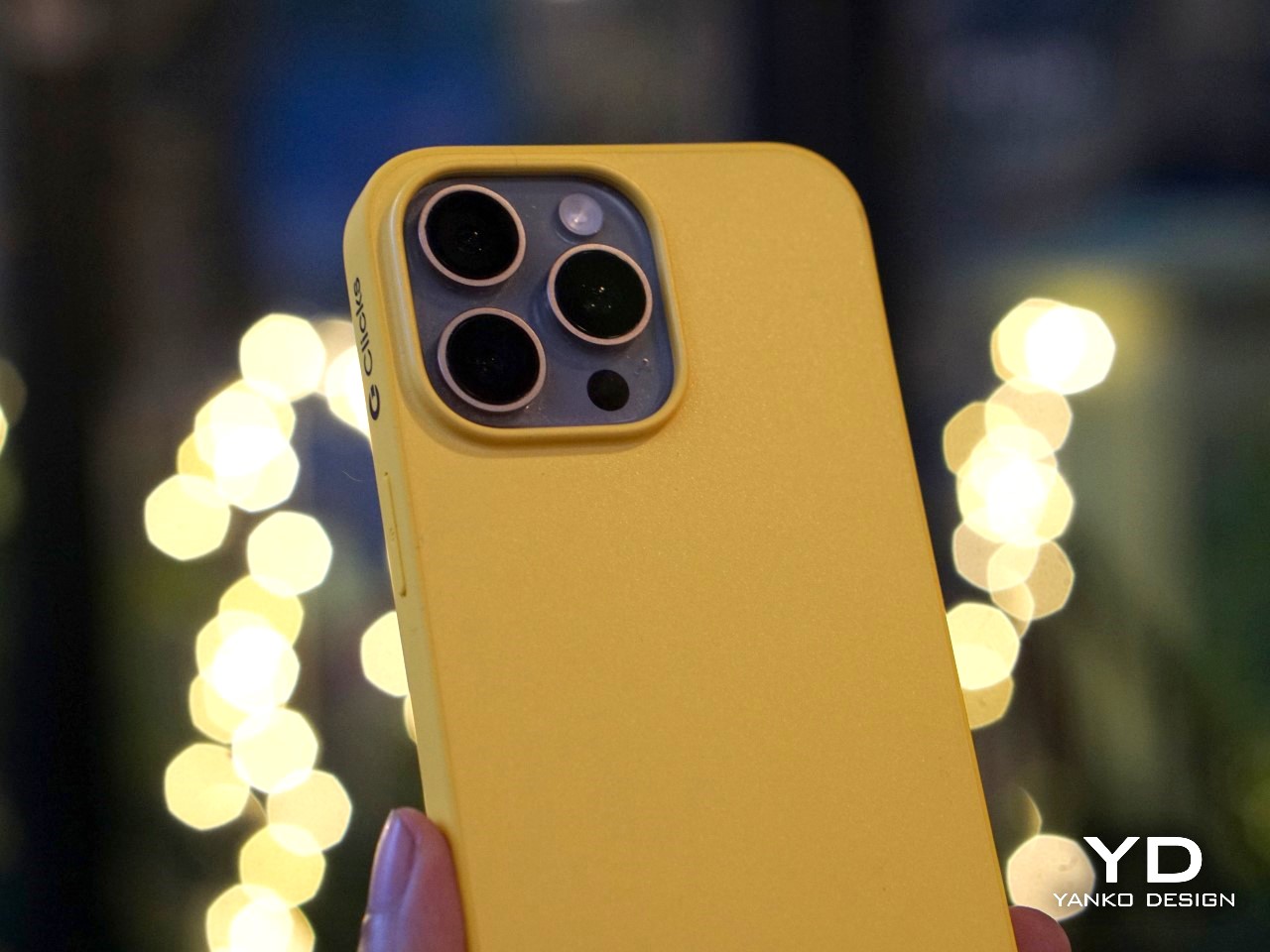
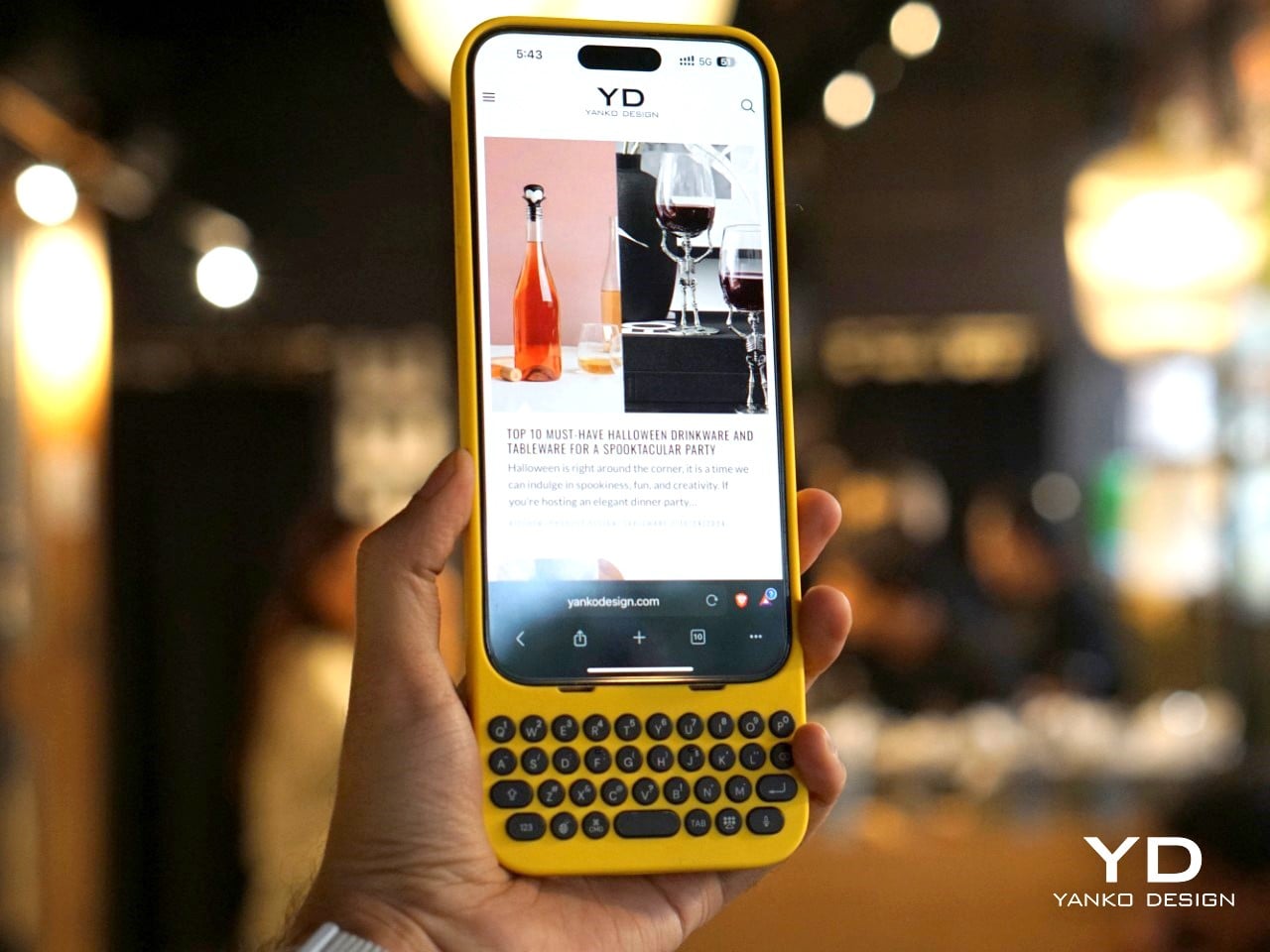
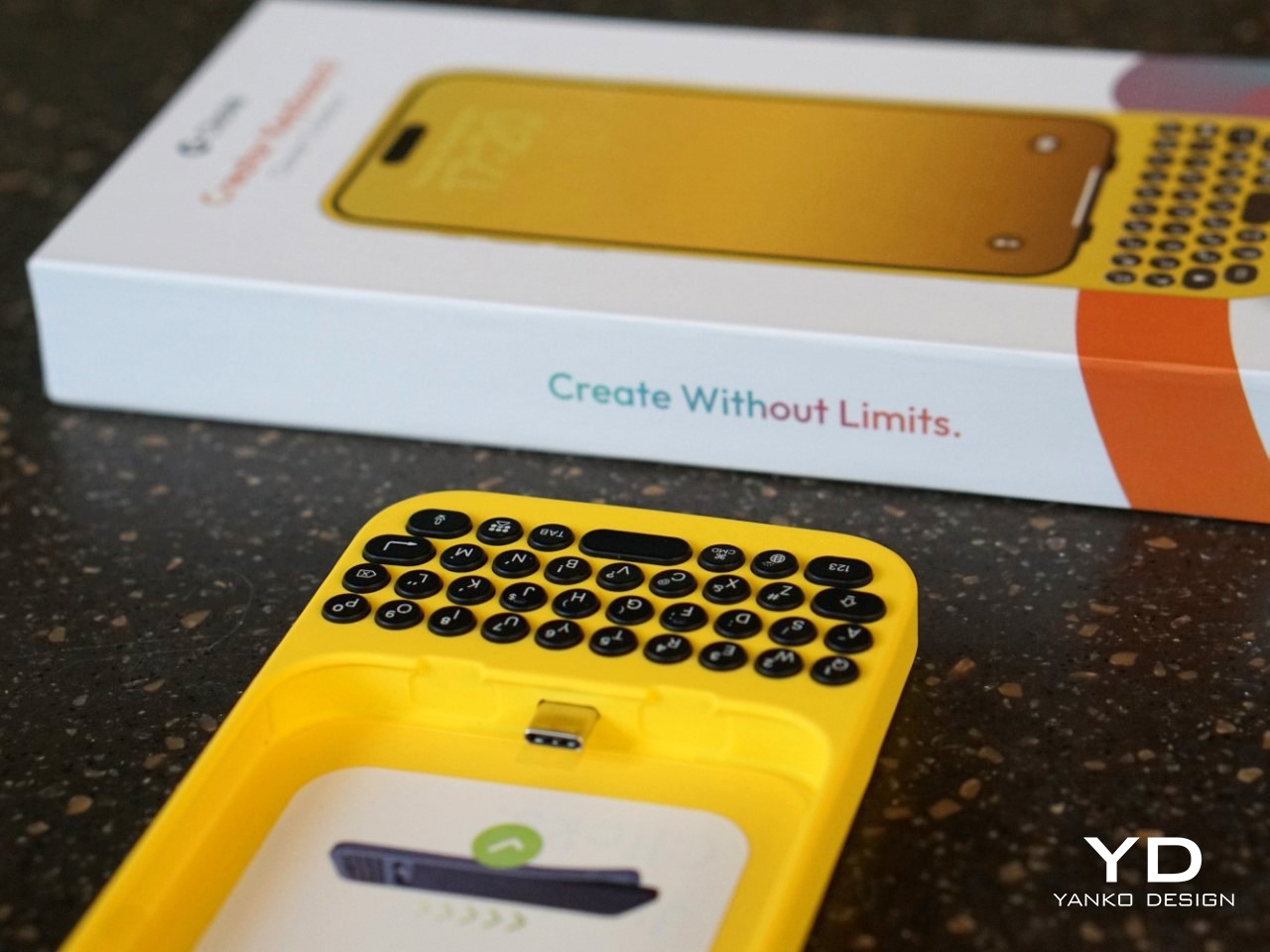
The result is a device that attaches to the bottom of an iPhone, offering a full QWERTY layout while leaving most of the screen visible—a big plus for those of us tired of losing half the display to a virtual keyboard. But achieving this wasn’t easy. One of the biggest challenges, according to Jeff, was balancing the tactile feel of the buttons with the need for backlighting. “Backlighting makes a product like this much more complicated than if you didn’t have it. We had to redesign the pushers and domes several times to get the perfect click while also avoiding light bleed,” he explained. It’s the kind of obsessive attention to detail that sets Clicks apart from gimmicky keyboard cases.

Image Credits: Clicks

A New Generation of Button Enthusiasts

While Clicks may look like a throwback at first glance, its user base tells a different story. Nearly half of Clicks users have never used a phone with physical keys before, according to Kevin, and that’s a surprising twist. For many of these new users, the attraction isn’t just about typing—it’s also about the added functionality that physical keys can bring to their smartphone experience.

Sure, there’s a bit of a learning curve. Typing on physical keys isn’t exactly the same as tapping on glass. It takes a bit of practice to build up the muscle memory needed to reach those higher typing speeds. But the payoff? A typing experience that feels far more intuitive and natural. Jeff pointed out that, “If you put in the time to develop the skill of typing on buttons again, you get to that moment where you can type without looking, and it’s amazing—it’s like magic again.” It’s an experience that resonates with people who use their phones as serious productivity tools, whether they’re composing long emails or just firing off quick texts without constantly peering down at the screen.

And then there’s the added bonus of reclaiming screen real estate. For users who are tired of virtual keyboards consuming half of their display, Clicks offers a breath of fresh air. It’s a little like trading in a cramped studio apartment for a place with a view—you suddenly have room to stretch out and breathe.

Accessibility Benefits and Inclusivity

One of the most unexpected success stories for Clicks has been its popularity among visually impaired users. For people who can’t rely on visual feedback, the tactile feel of physical keys makes all the difference. Kevin mentioned that the team has received heartfelt feedback from users who found that Clicks transformed their experience with smartphones. “What’s been most emotional for us is hearing from the accessibility market. People are saying, ‘You’ve changed my life,’” he shared.

But what really stands out is that Clicks didn’t set out to be an accessibility device. Instead, it was designed as a premium, stylish product that anyone would want to use. This has resonated with users who don’t want their device to scream “medical aid.” As Kevin put it, “We wanted to make something that felt trendy, culturally relevant—something that anyone would be proud to use.”

It’s a reminder that good design isn’t just about how a product looks or feels, but also how it makes people feel. In this case, Clicks has managed to strike a balance, creating a device that offers practical benefits without sacrificing style.

Challenges of Designing for a Modern Smartphone Market

Creating a physical keyboard for today’s smartphones isn’t without its hurdles. The Clicks team faced challenges like achieving MFI compliance (Apple’s strict certification for accessories) and adapting to the iPhone’s transition from Lightning to USB-C. Kevin explained that this shift forced the team to make tough decisions about functionality. “With USB-C, we had to choose between charging and data transfer. We prioritized charging because that’s what most users needed day-to-day, but we’re always working on ways to improve,” he noted.

Another design dilemma was how to maintain a high-quality typing experience without making the device too bulky. Early prototypes experimented with different button layouts, from larger space bars to various key sizes. Jeff described how they refined the design through constant user feedback: “We tested several versions with different button materials and layouts, and made over 100 refinements before we got to the final version that shipped.”

The focus was always on making Clicks feel like a natural extension of the iPhone, rather than a clunky add-on. That’s why the final product opts for solid buttons with a satisfying tactile click, rather than cheaper, translucent keys that could have compromised the overall feel.

The Future of Physical Keyboards in a Touchscreen World

While Clicks is currently focused on iPhones, the team hasn’t ruled out expanding to other devices. “You can’t not think about it,” Kevin teased when asked about potential Android versions. The demand is there, and as long as there are users who prefer tactile input, there’s room for innovation. But for now, Clicks is focused on refining its product for iPhone users and building a community of dedicated users who love what the product offers.

What’s clear is that Clicks taps into a larger trend—a realization that perhaps the touchscreen revolution went too far in eliminating physical controls. We’re seeing it in other areas too, like the backlash against touch-only controls in cars. People want that tactile feedback, and Clicks is betting that the same is true for smartphone users.

What’s Next for Clicks?

So, where does Clicks go from here? The team is already working on future iterations, refining everything from button feel to software integration. Kevin emphasized that they’re committed to making each version better than the last: “We always aim to build the best product we can, and we’ll keep pushing the boundaries of what’s possible.”

But even as they look forward, Clicks has already made a mark. It’s proven that there’s a market for people who don’t want to compromise on their typing experience—those who believe that sometimes, the future needs a bit of the past. And as I type this out on my own touchscreen keyboard, struggling yet again with autocorrect, I can’t help but think they might just be on to something.

The post In an Era of Touchscreens, Why Clicks’ iPhone Keyboard Case is a Touch of Genius first appeared on Yanko Design.