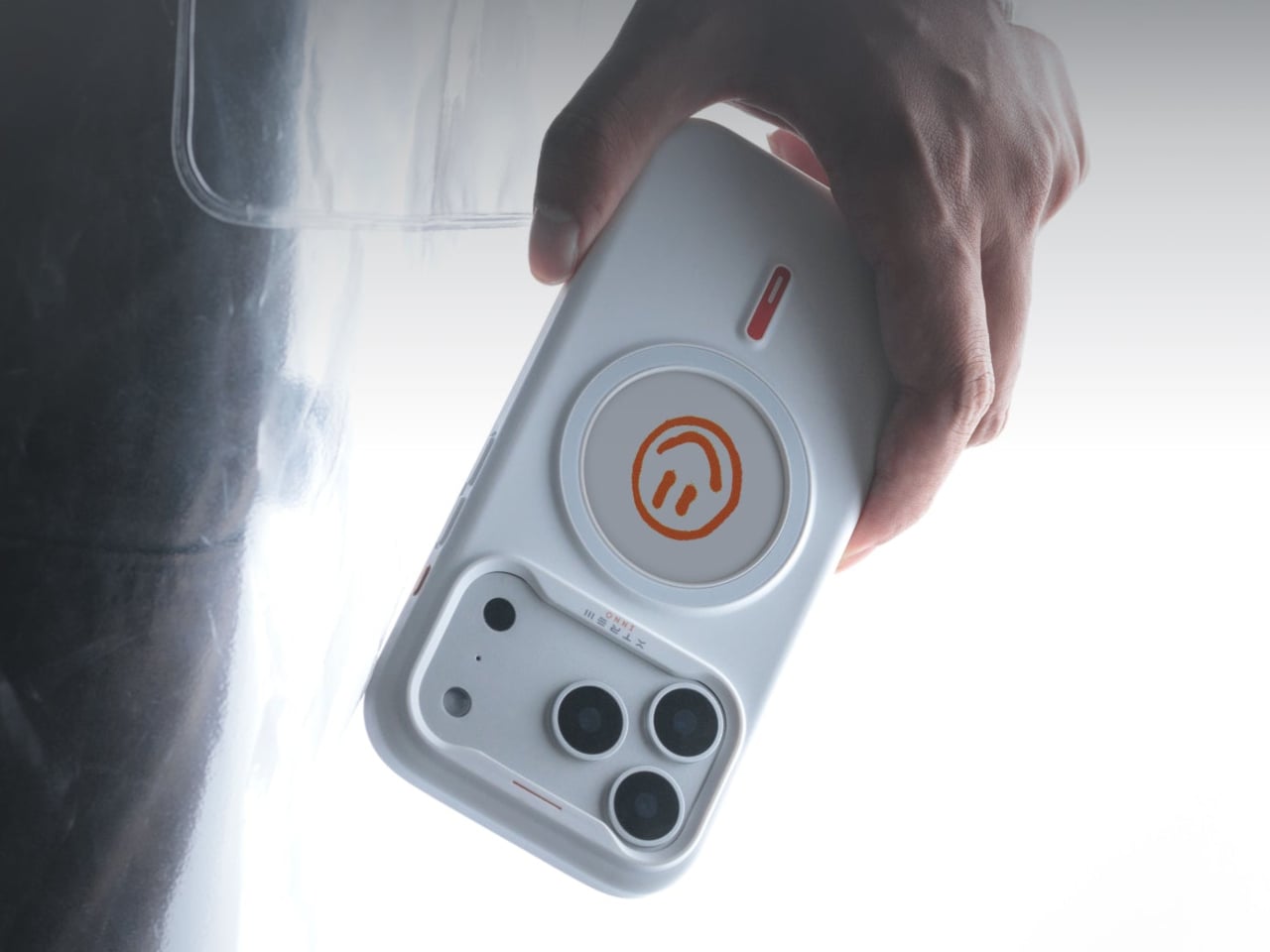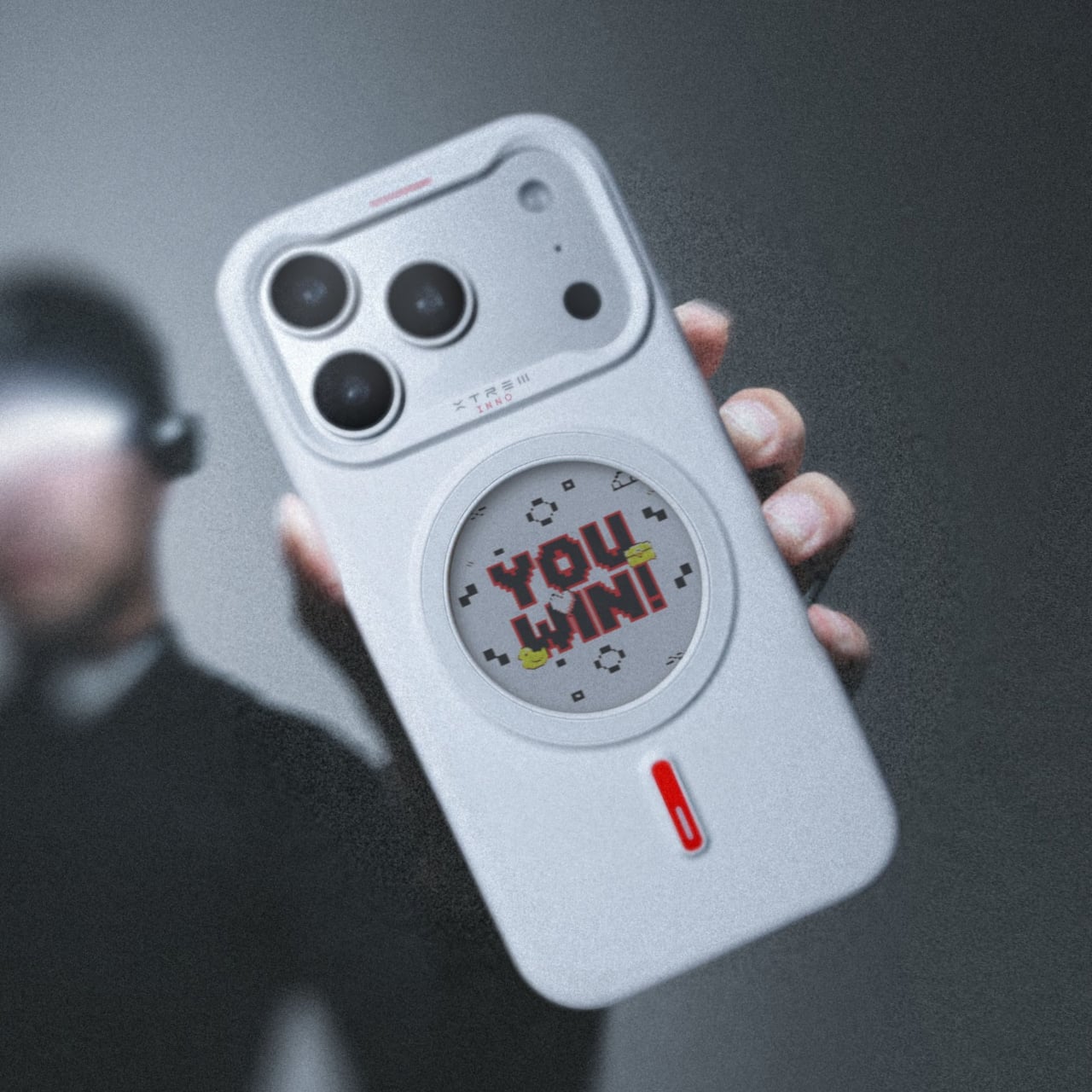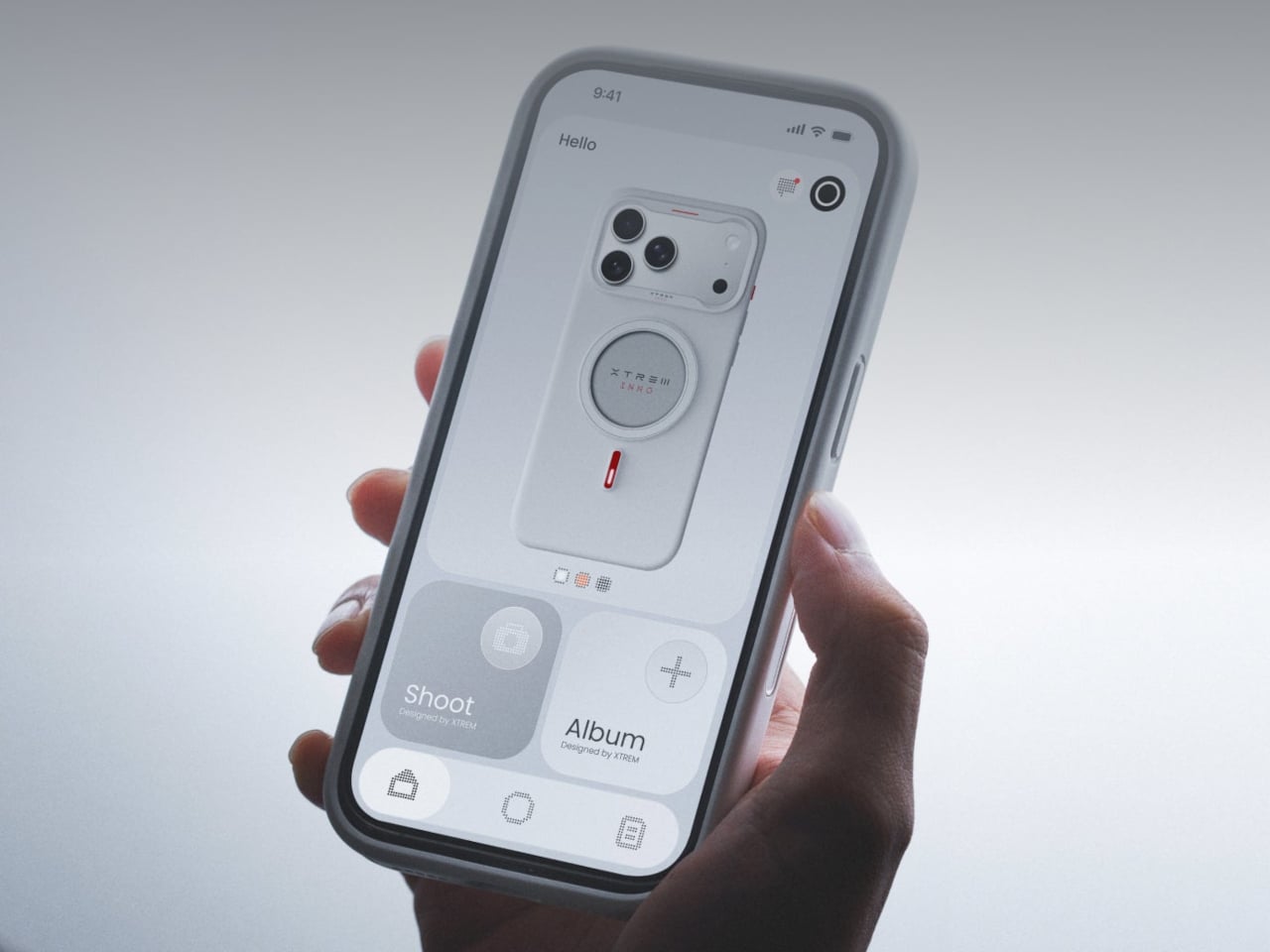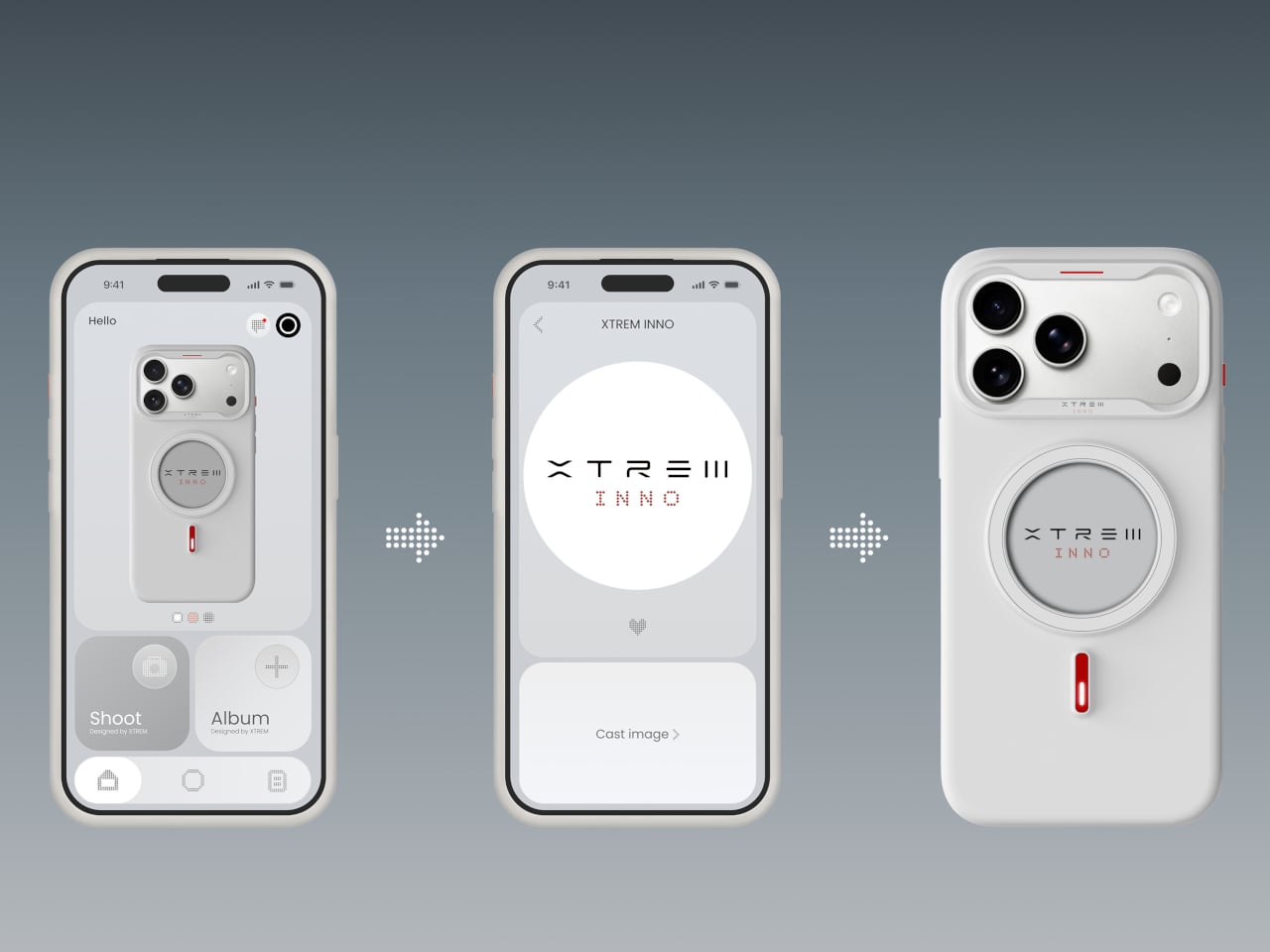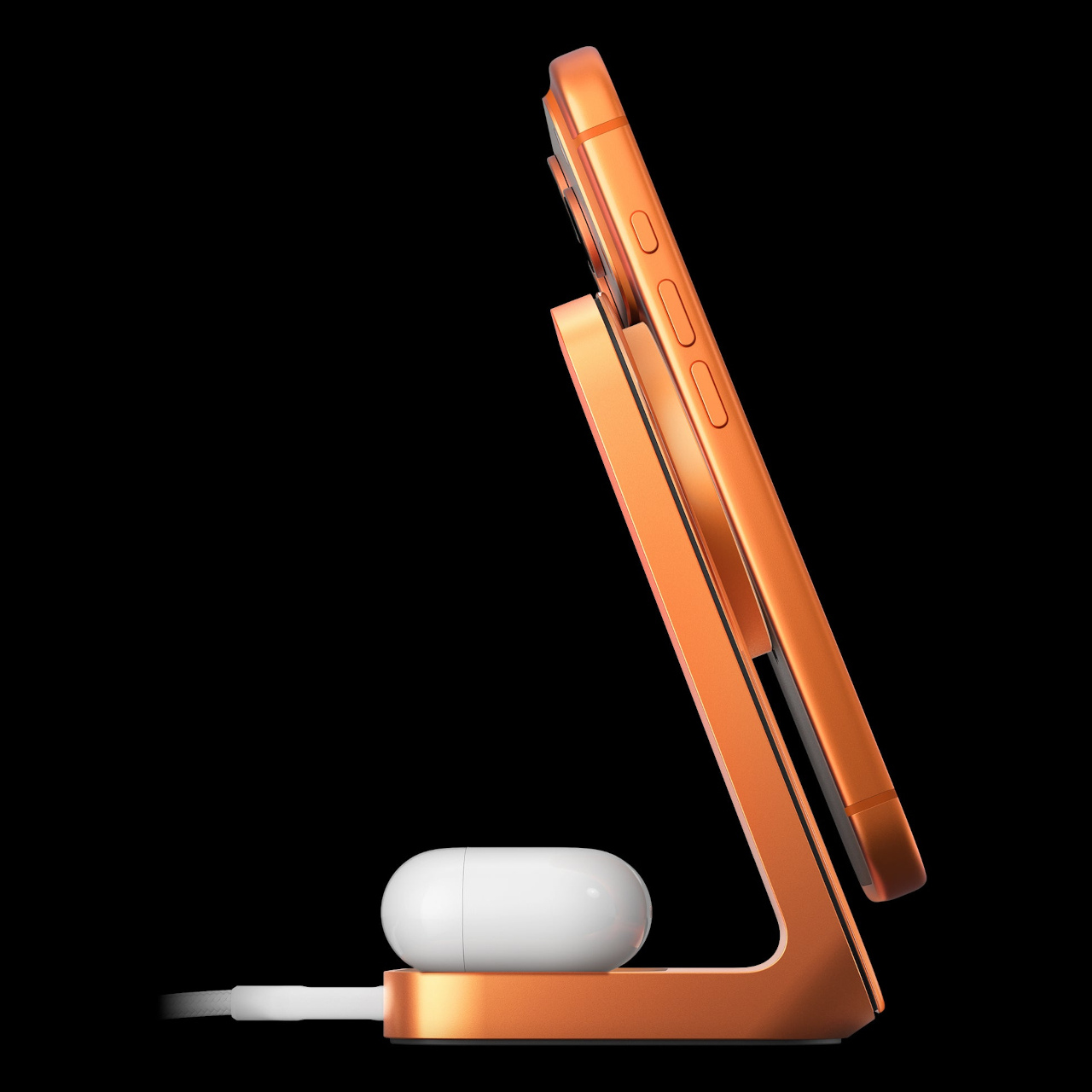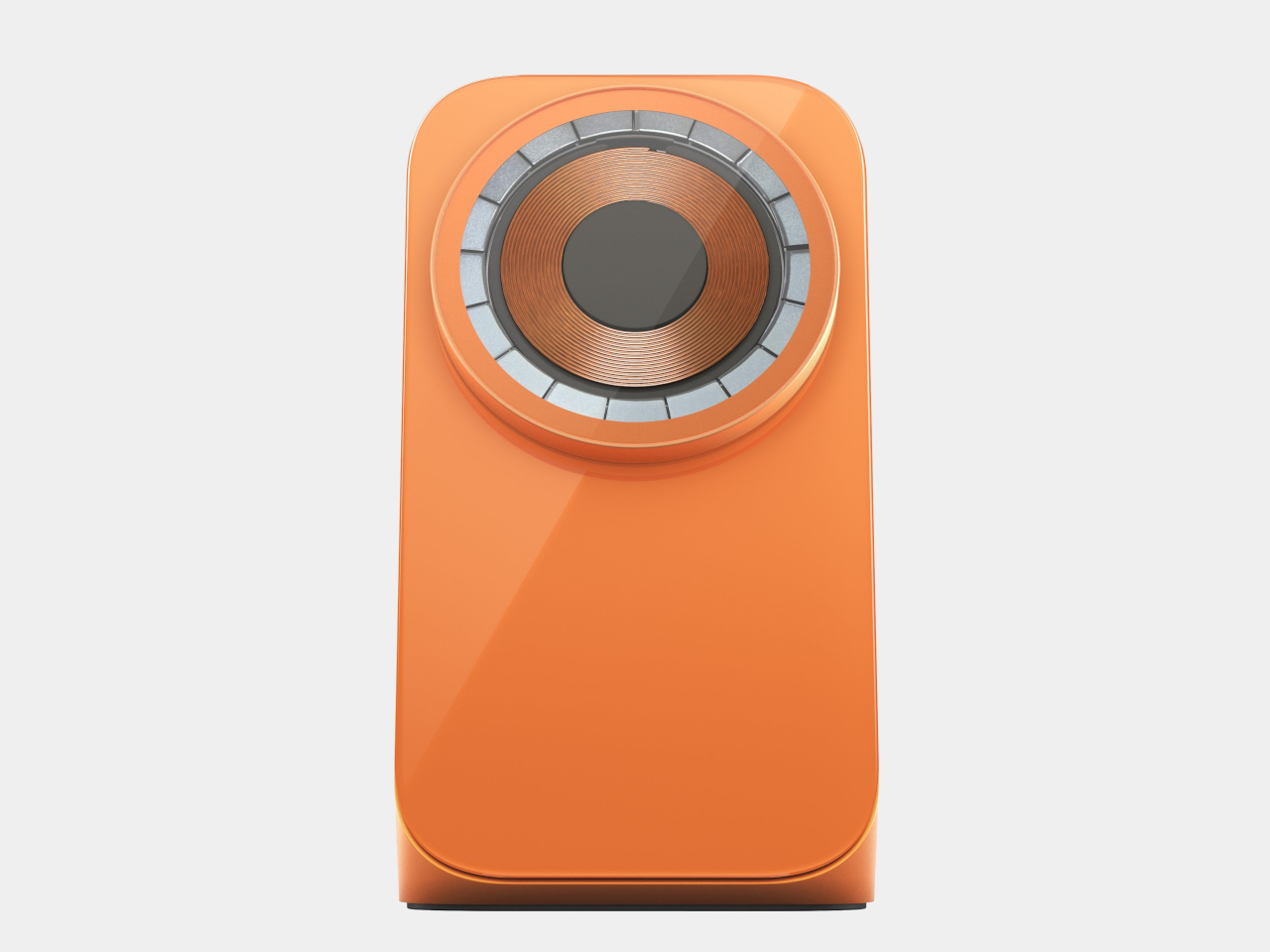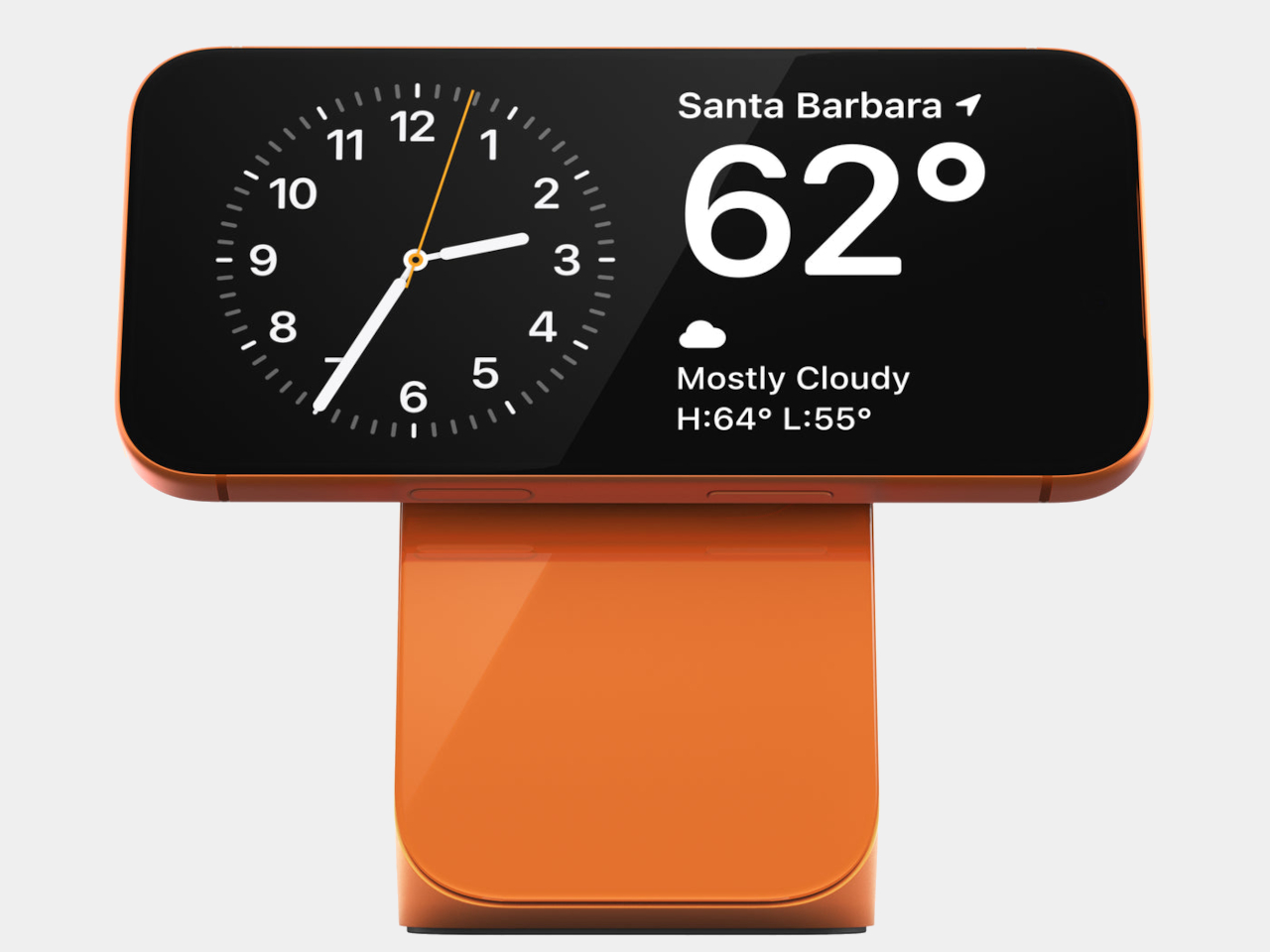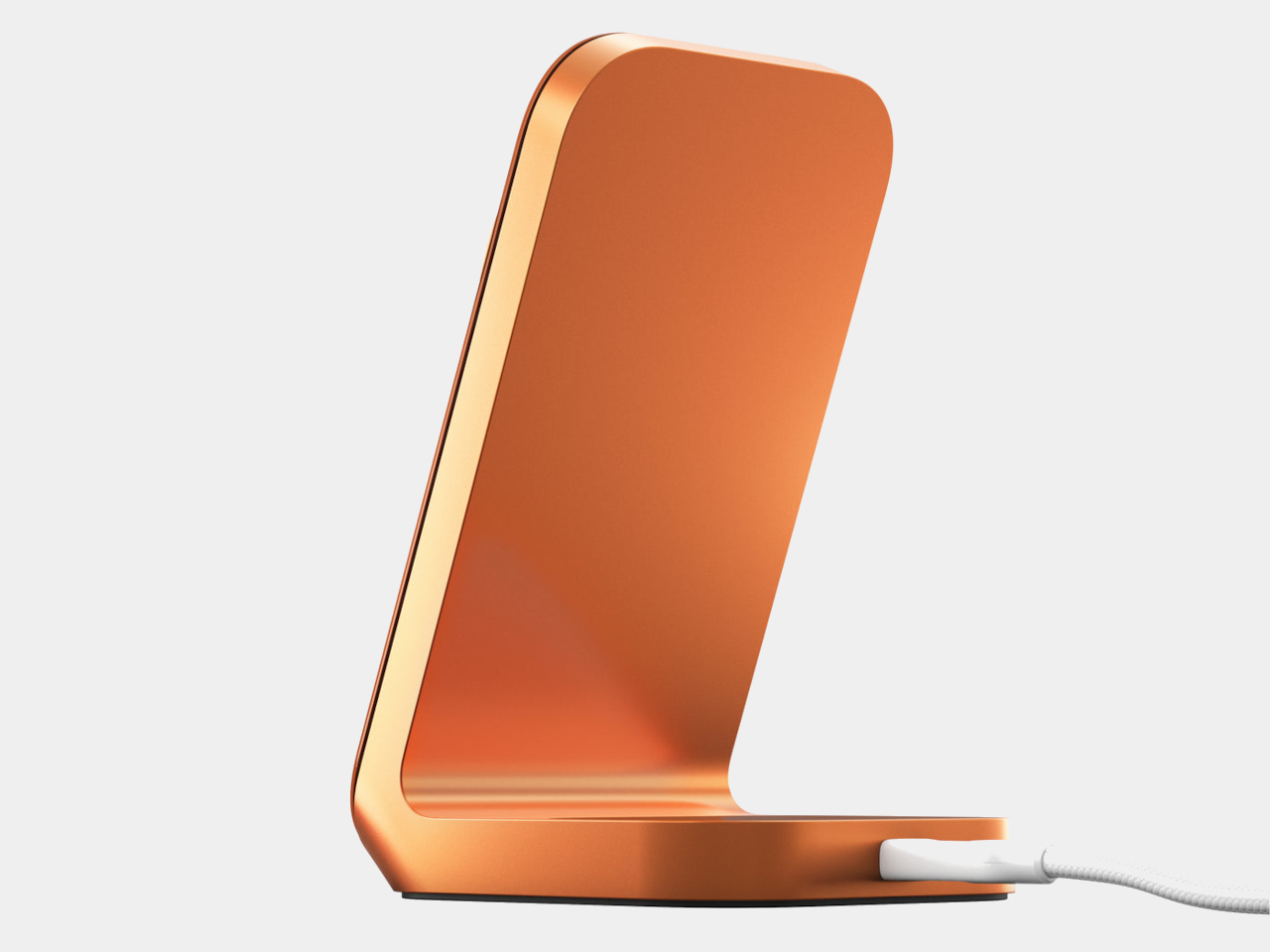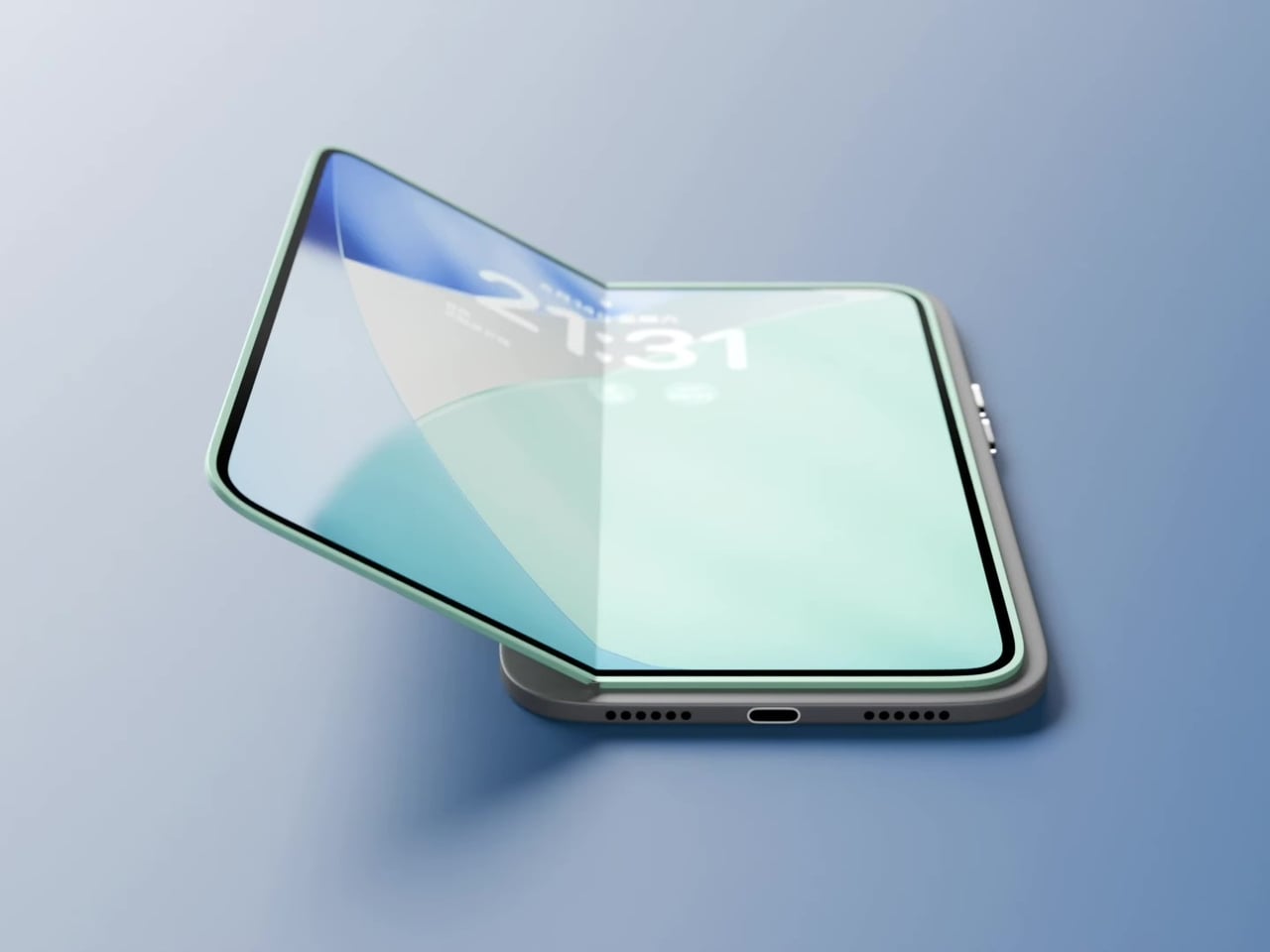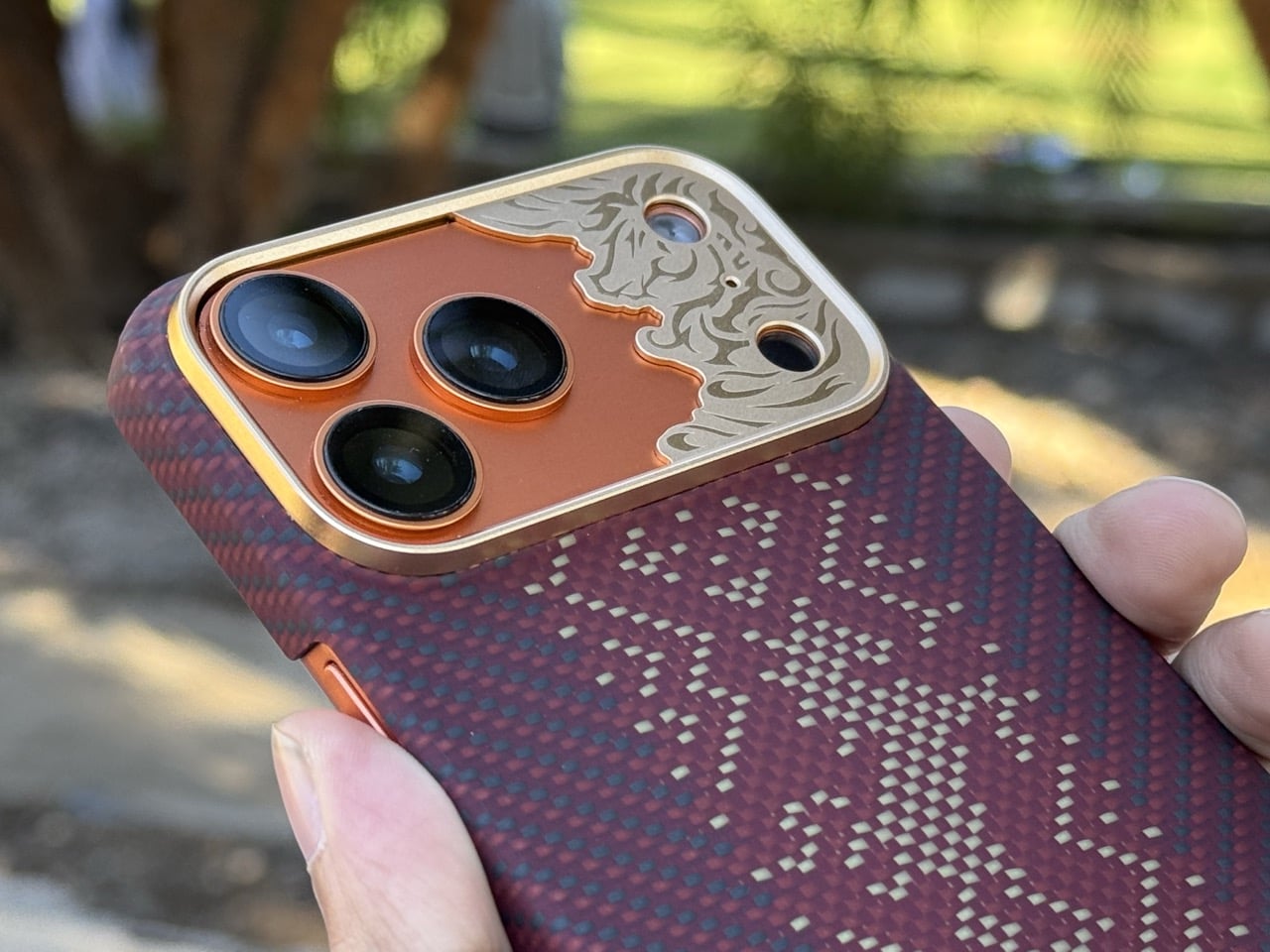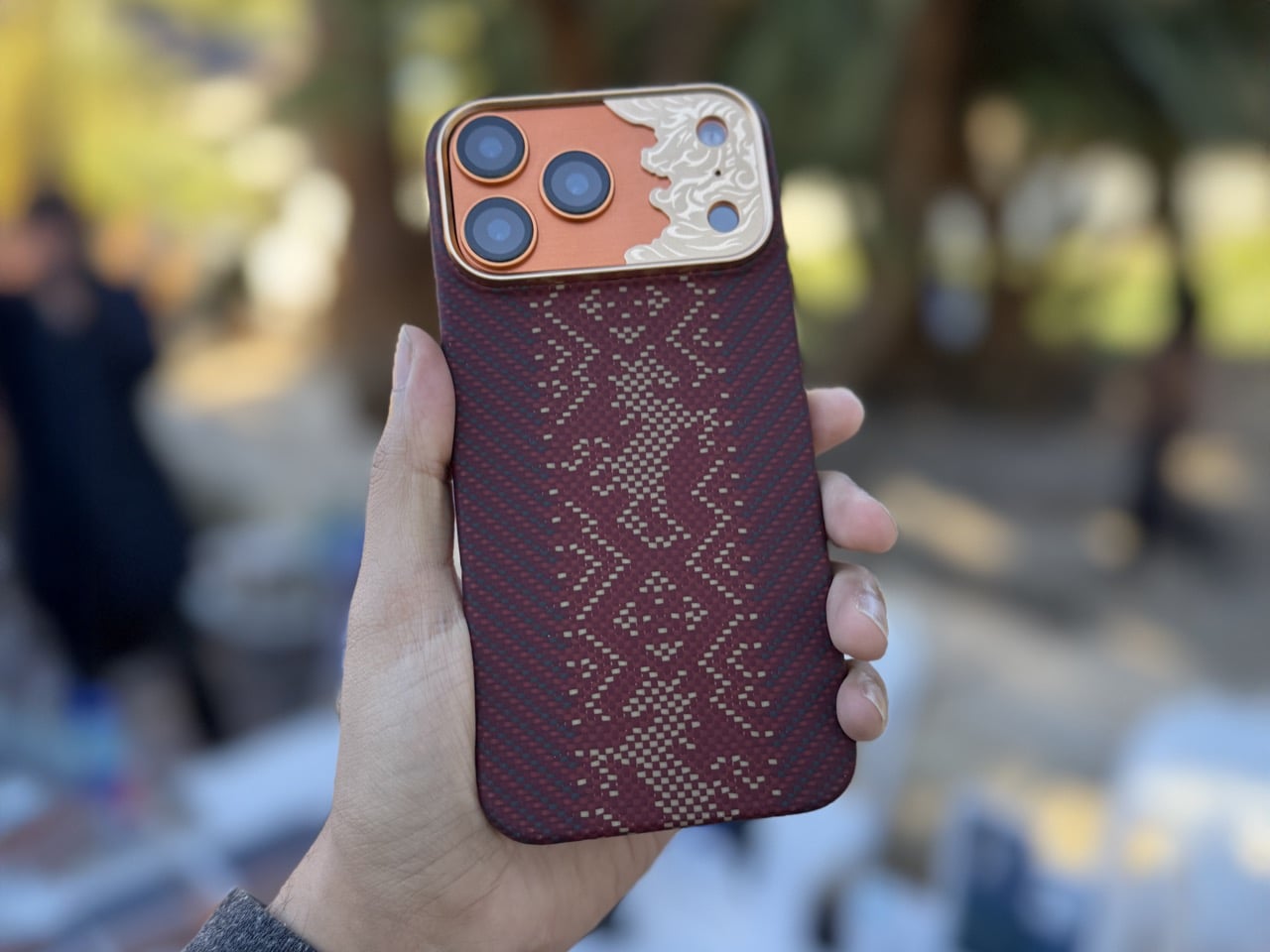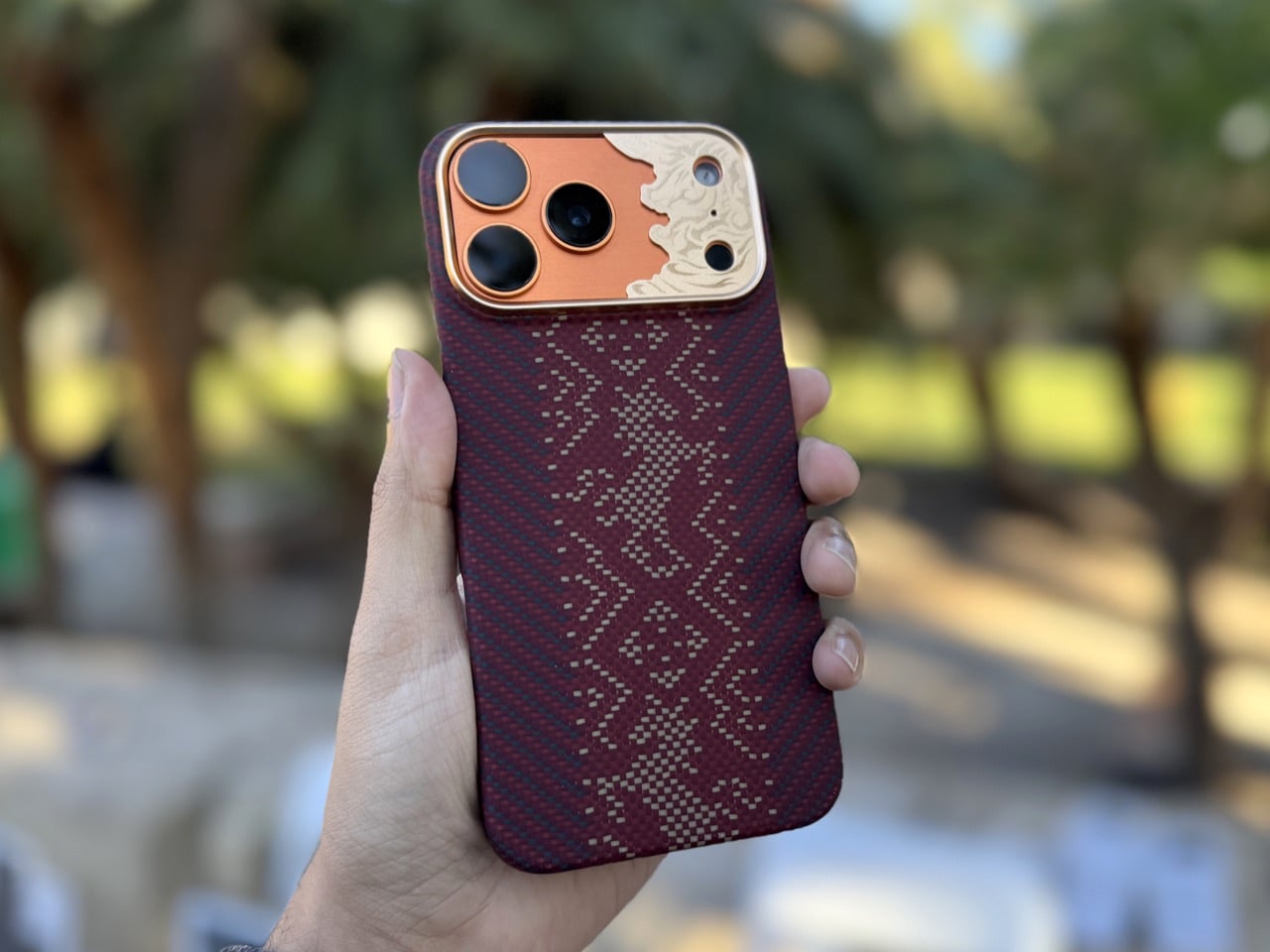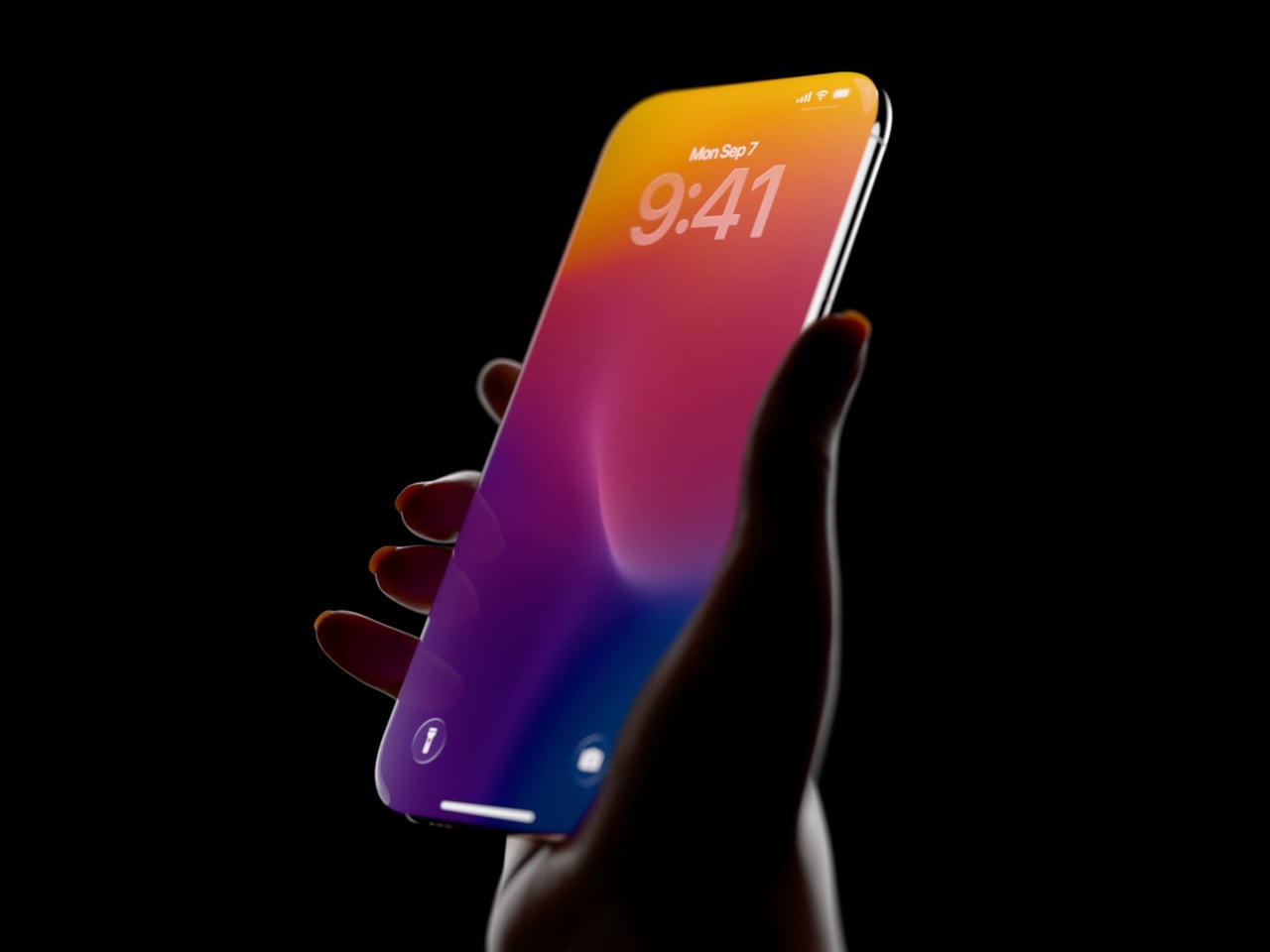
iPhone Brutal is vibrant, sharp-edged concept you can’t look beyond

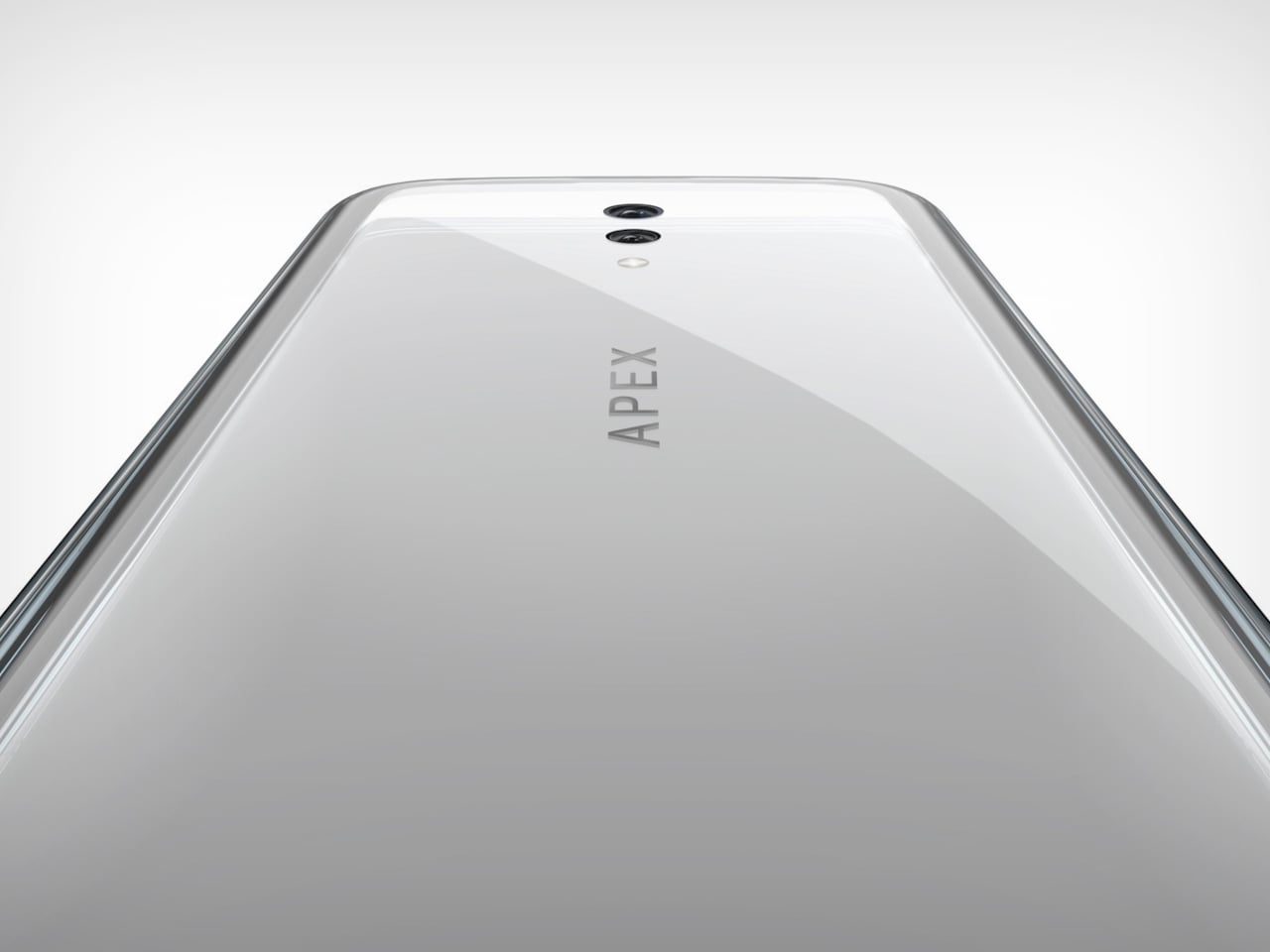
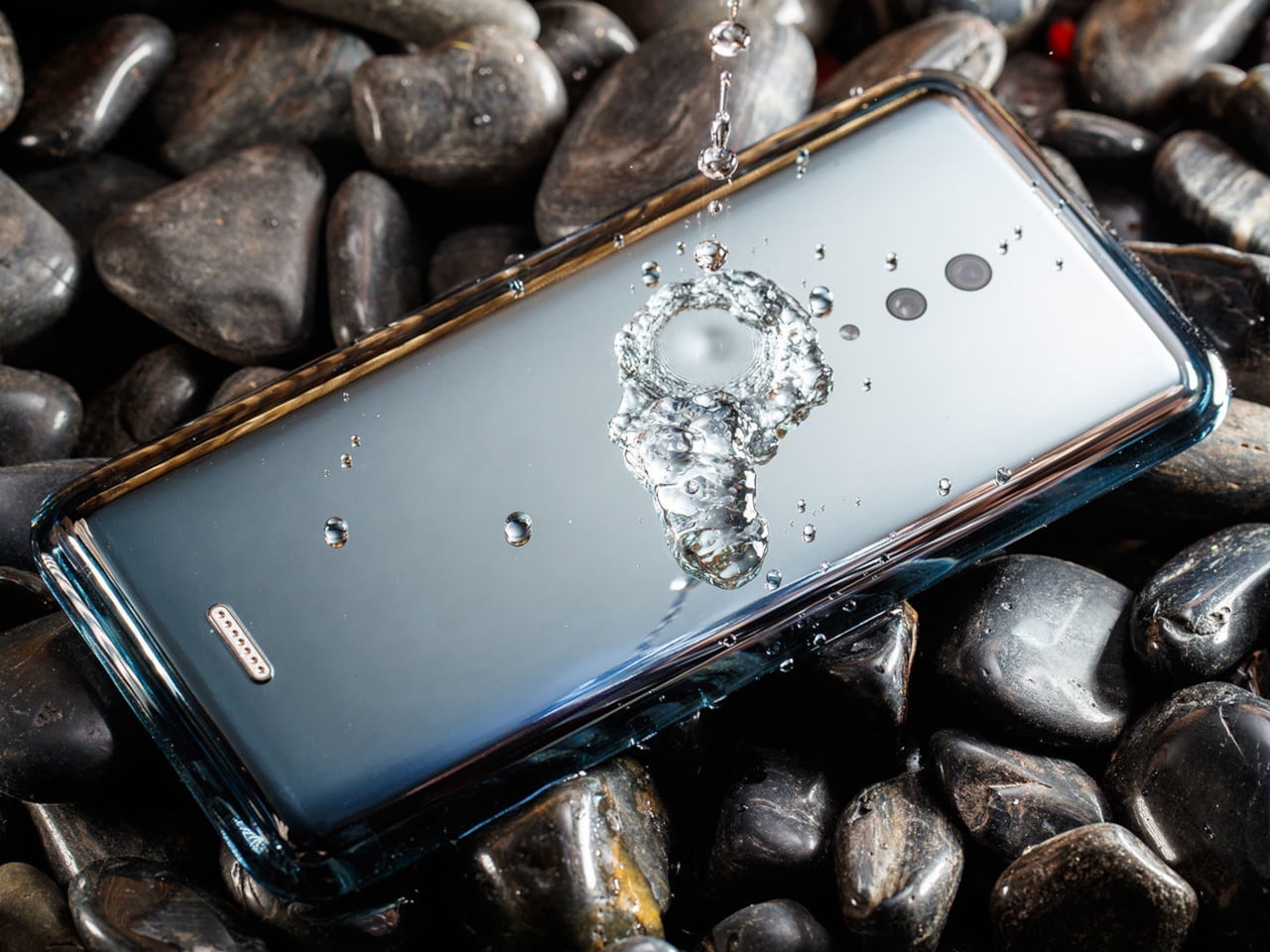
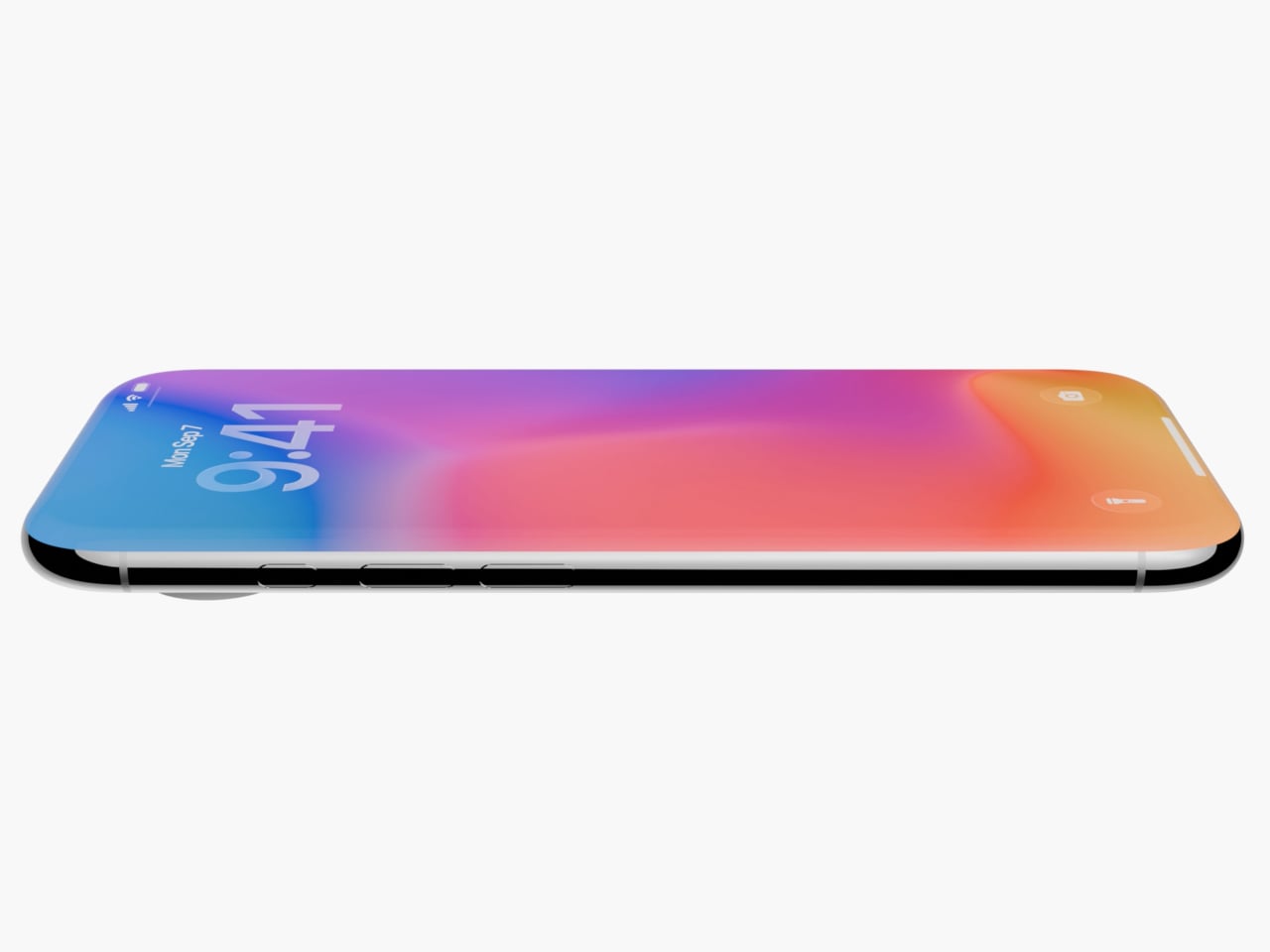
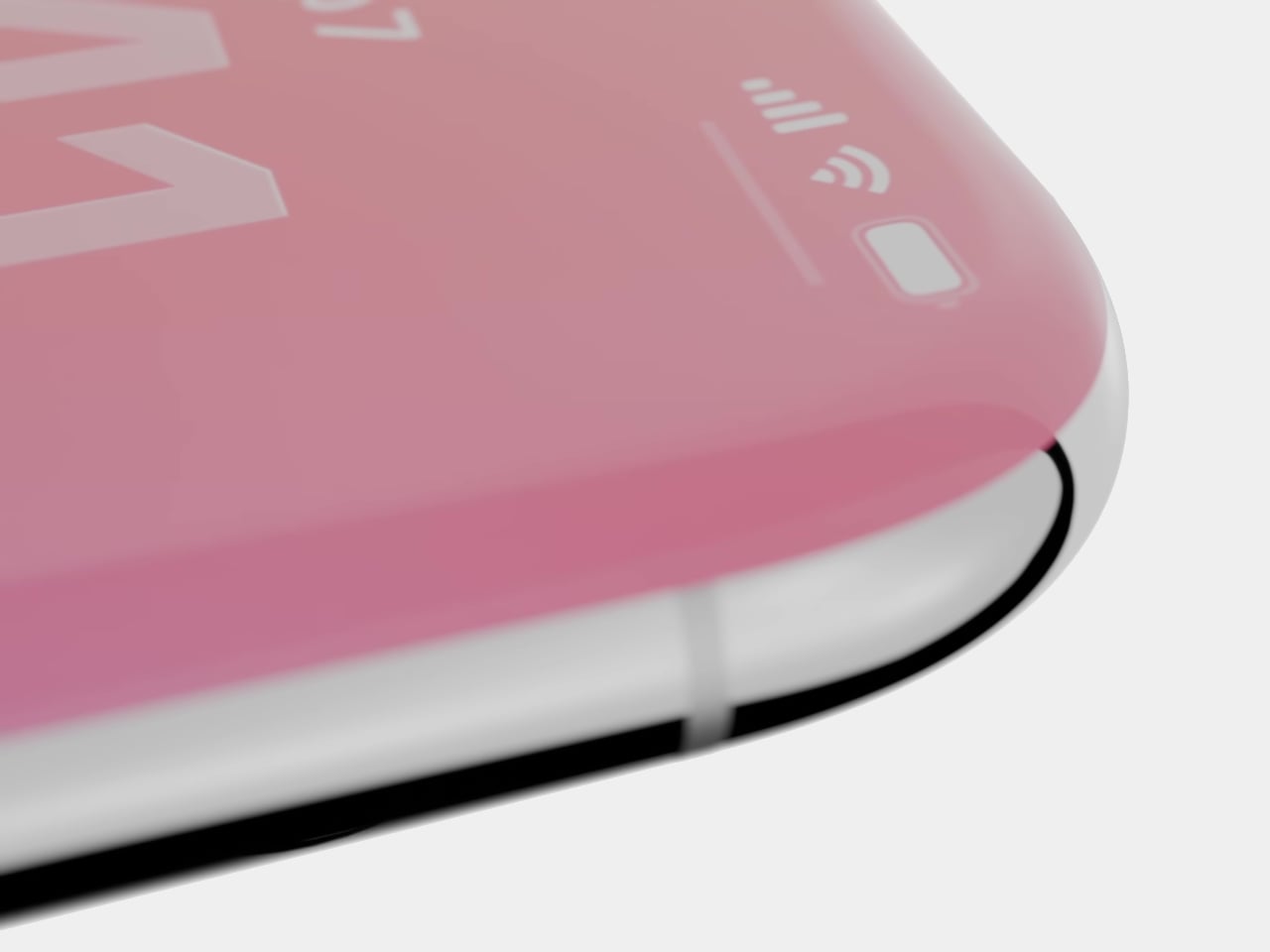
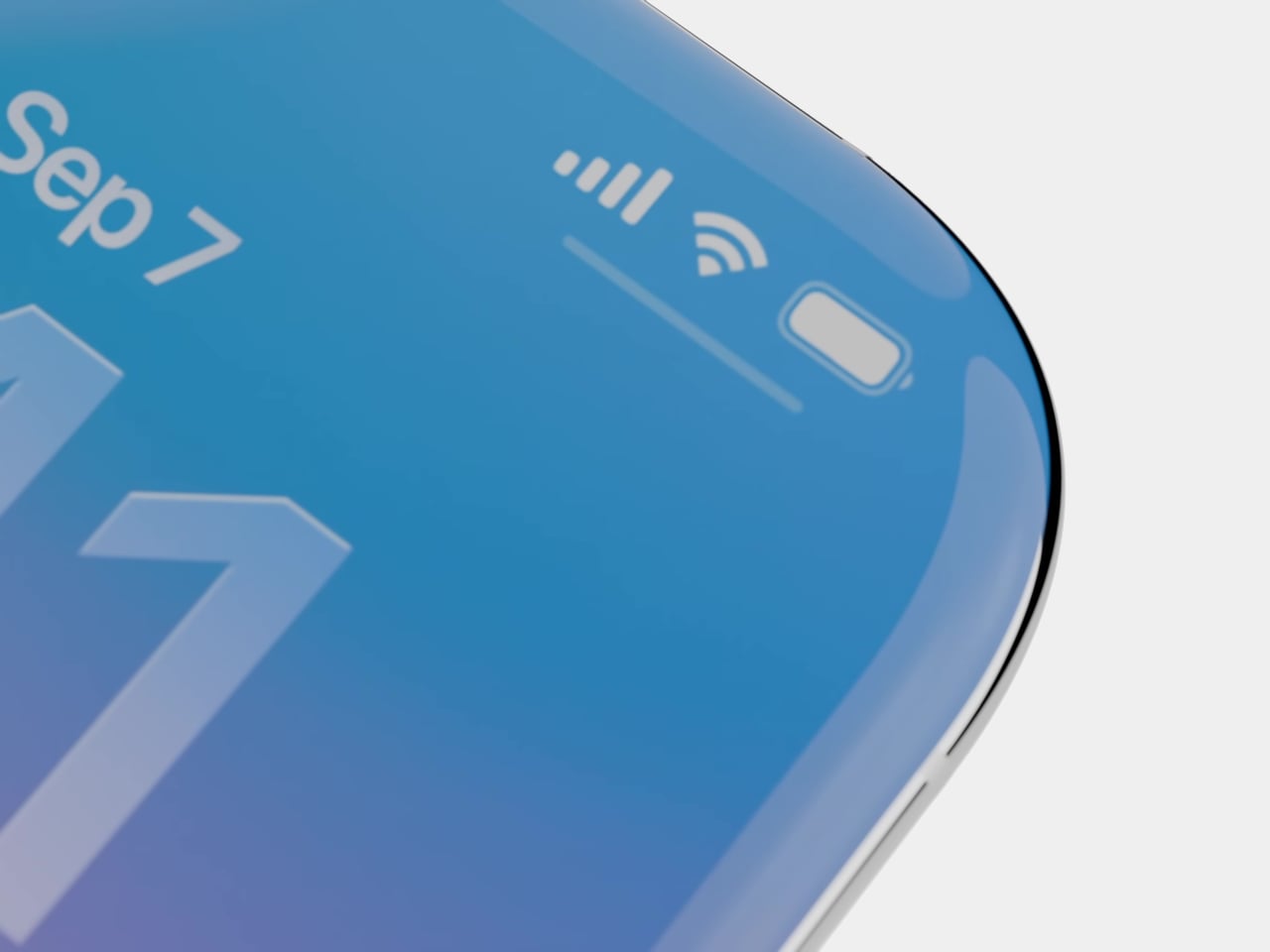
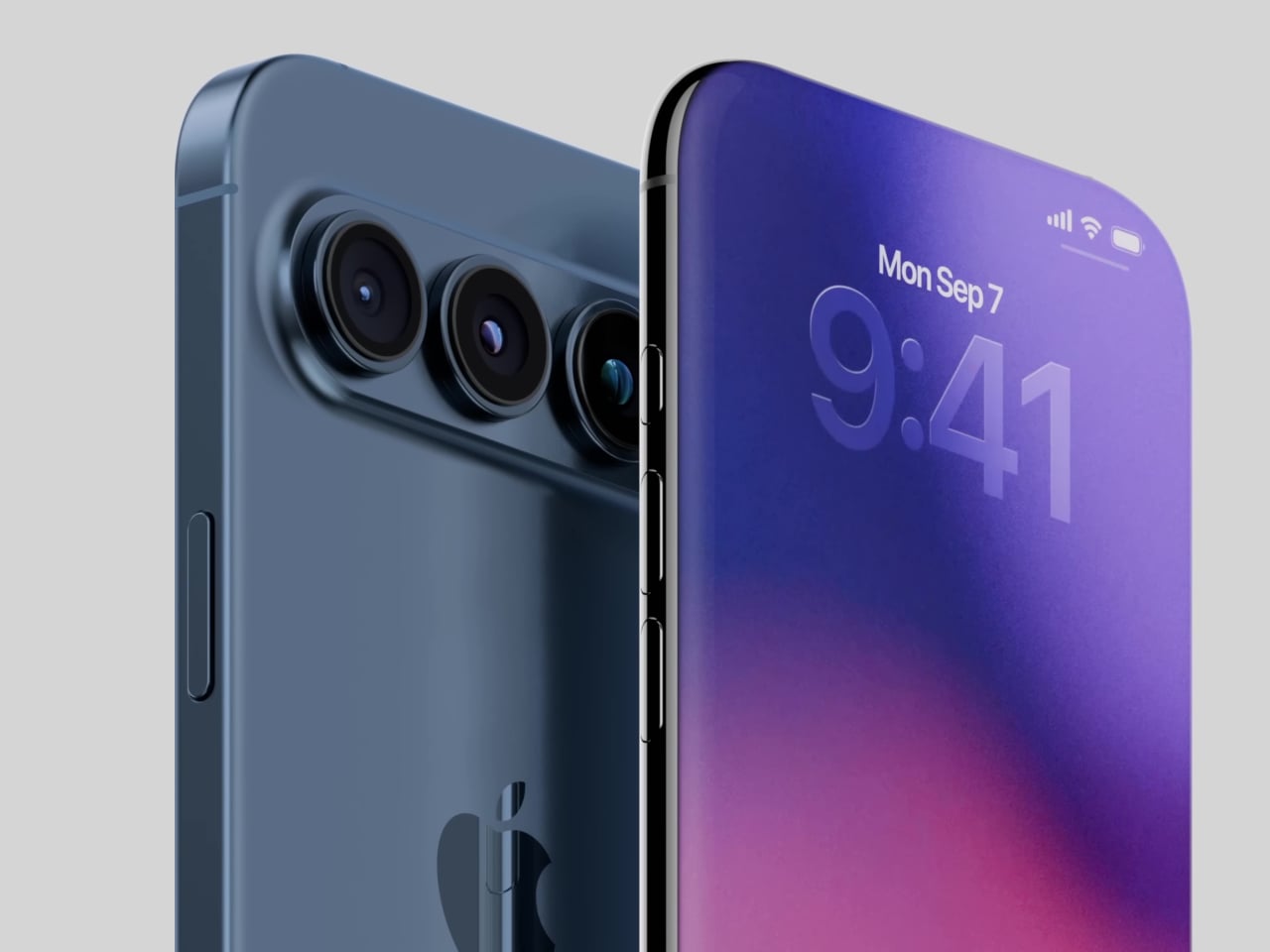
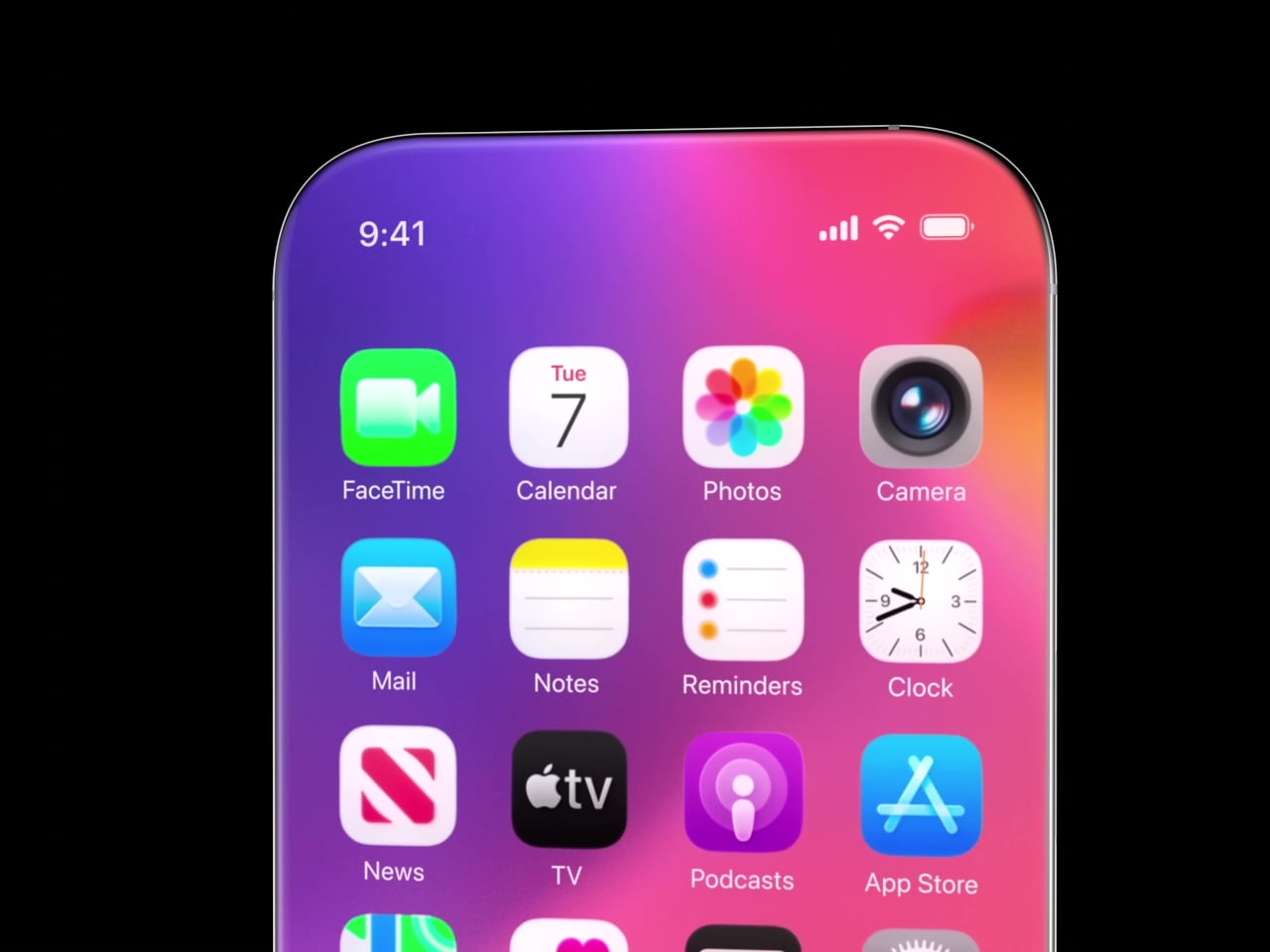
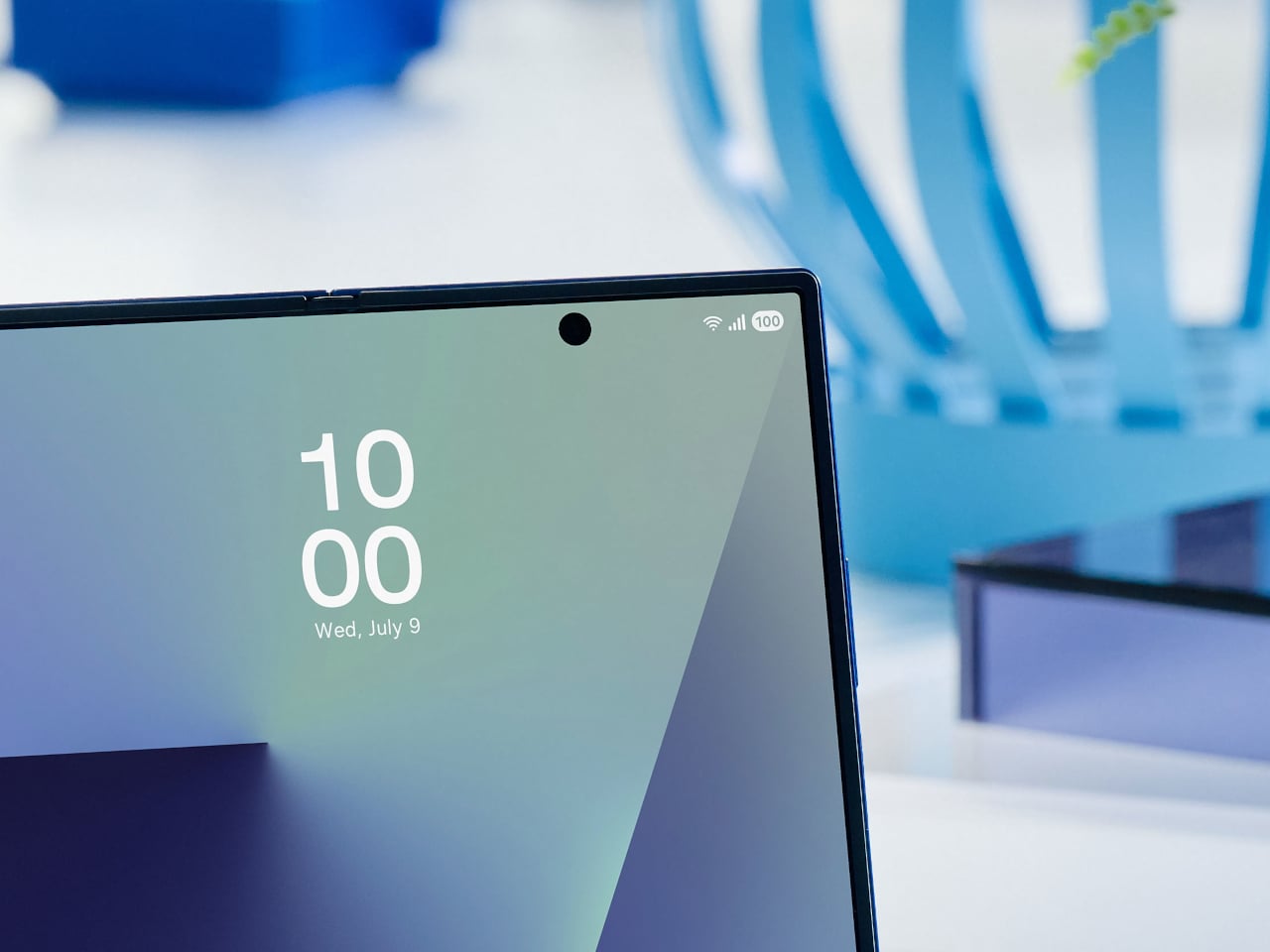
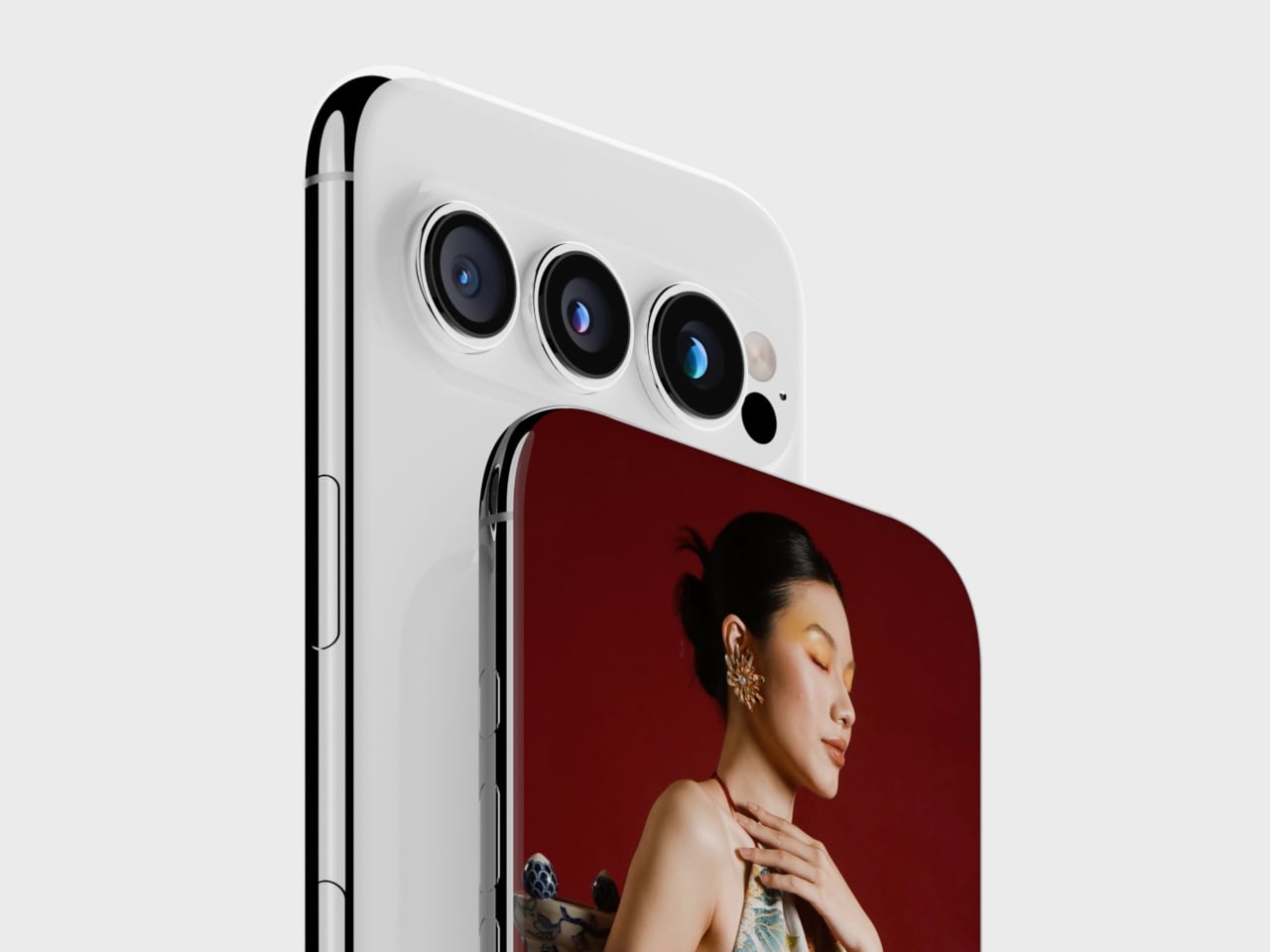
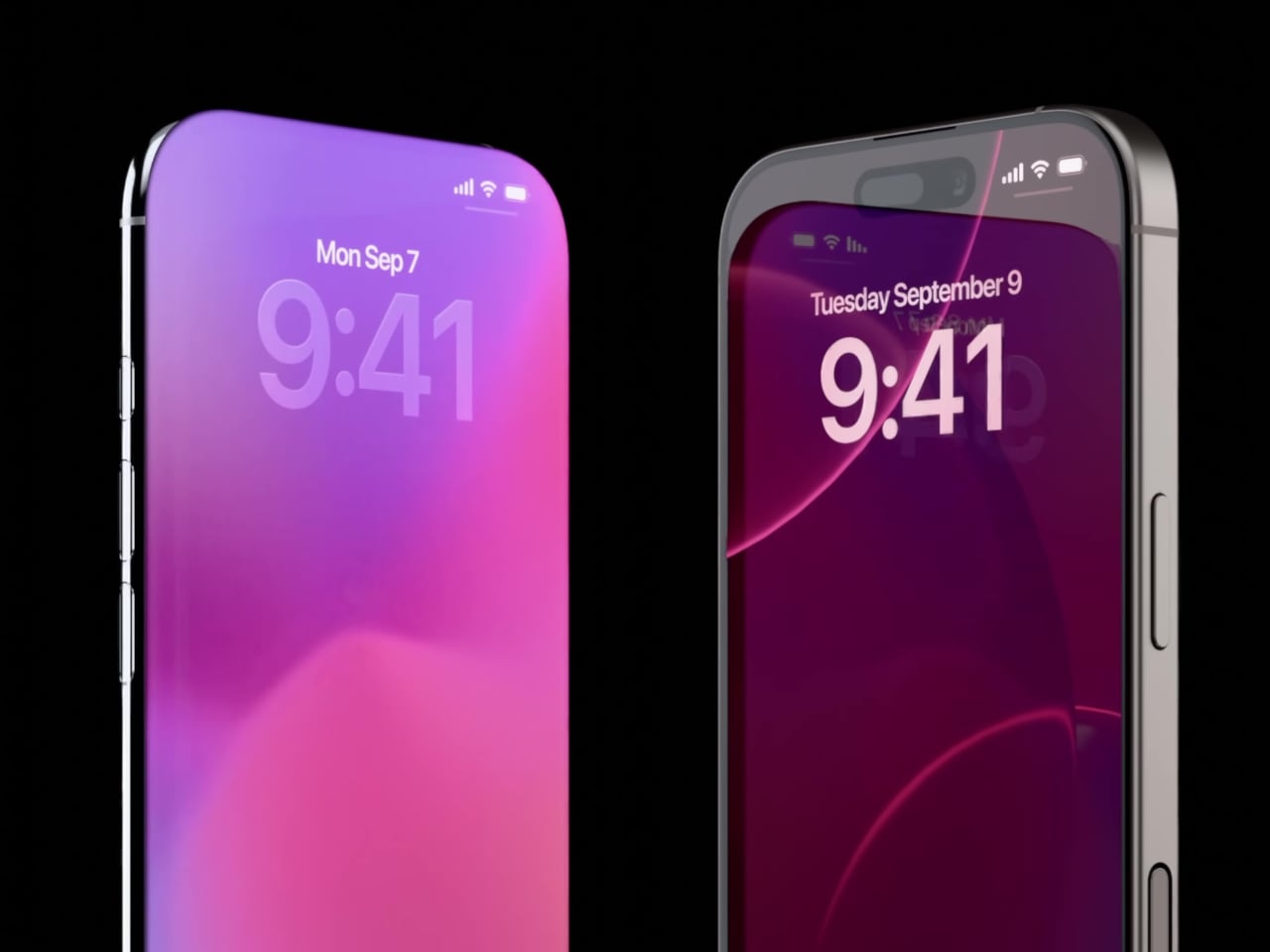
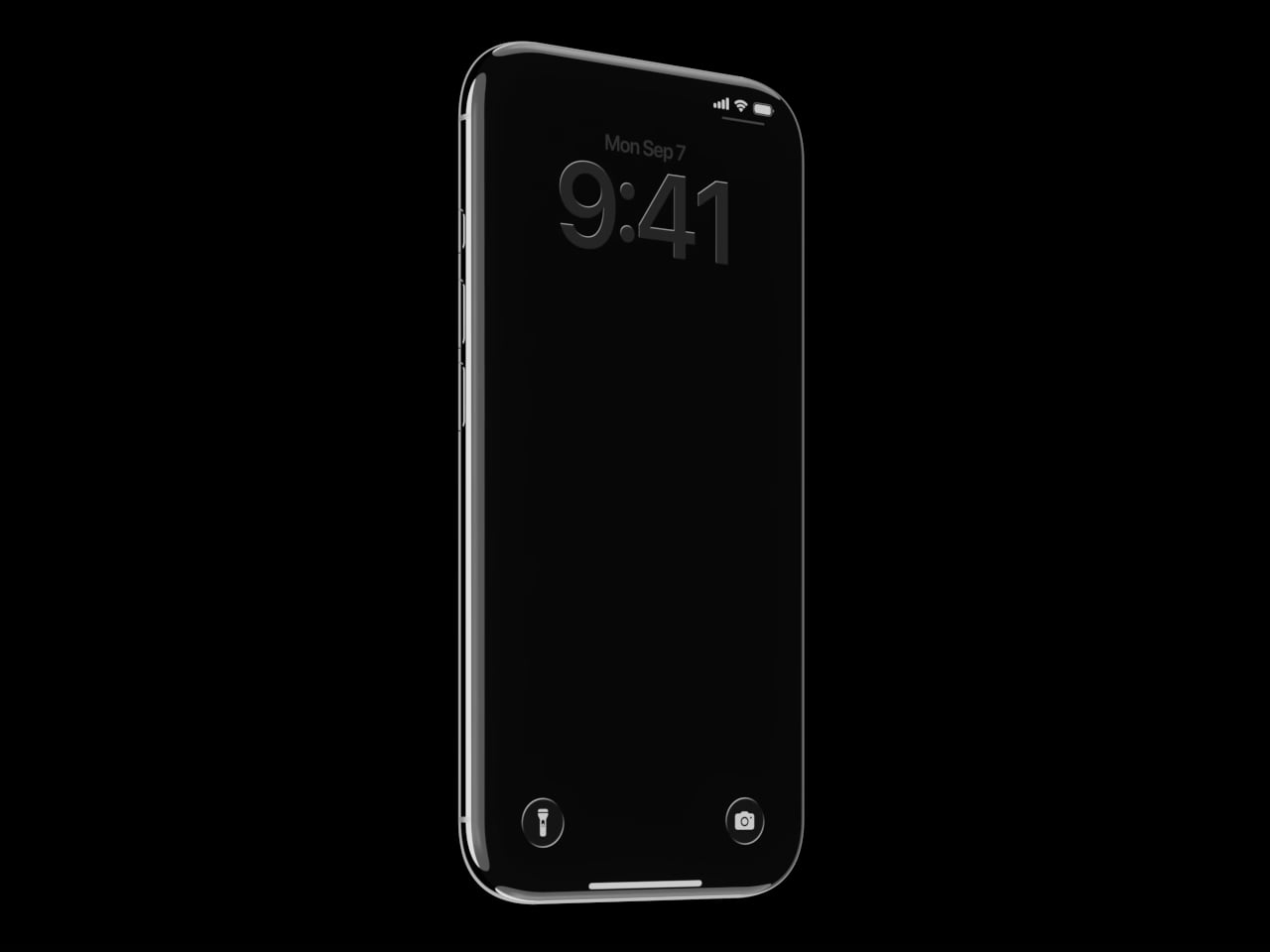
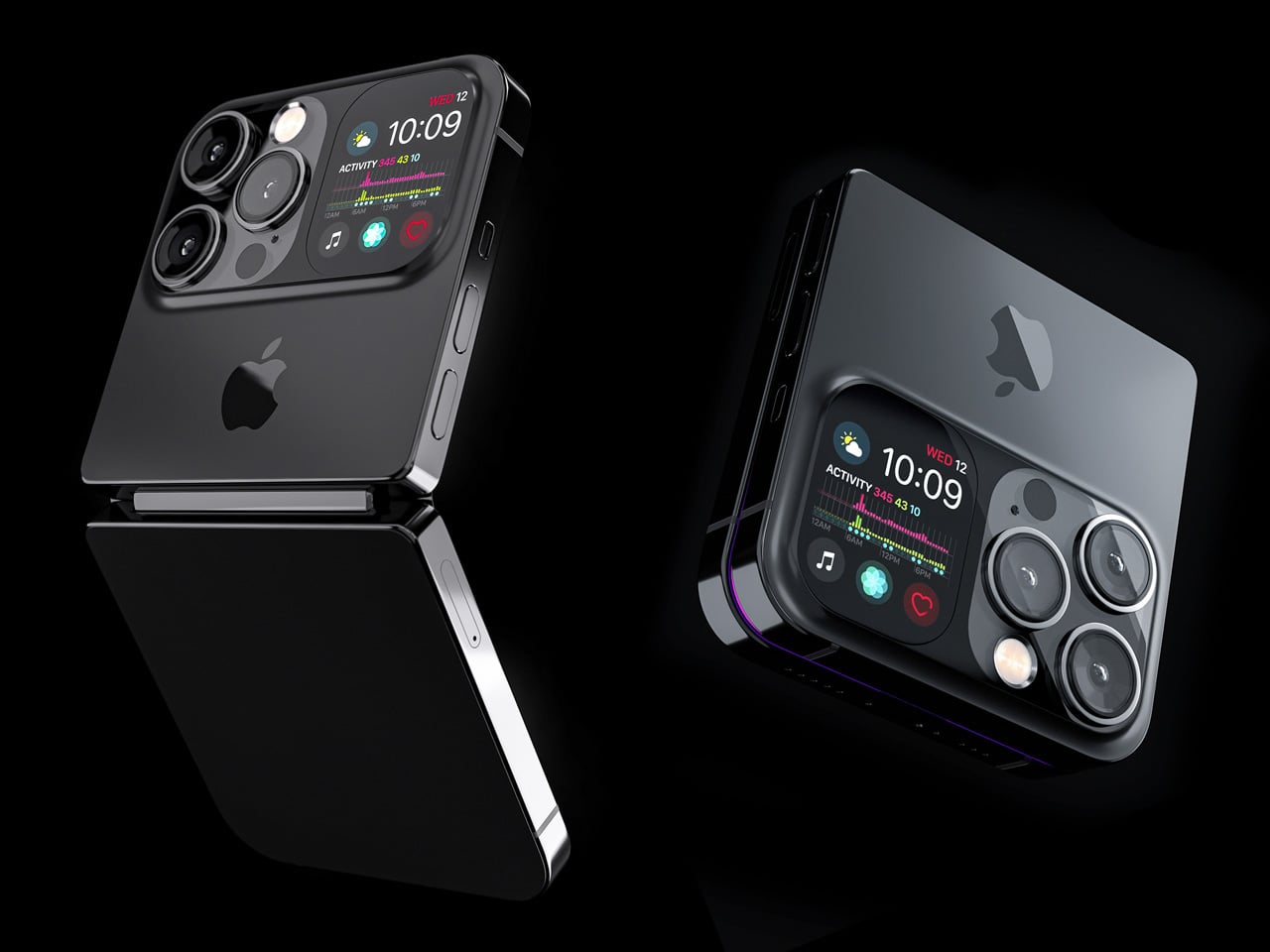
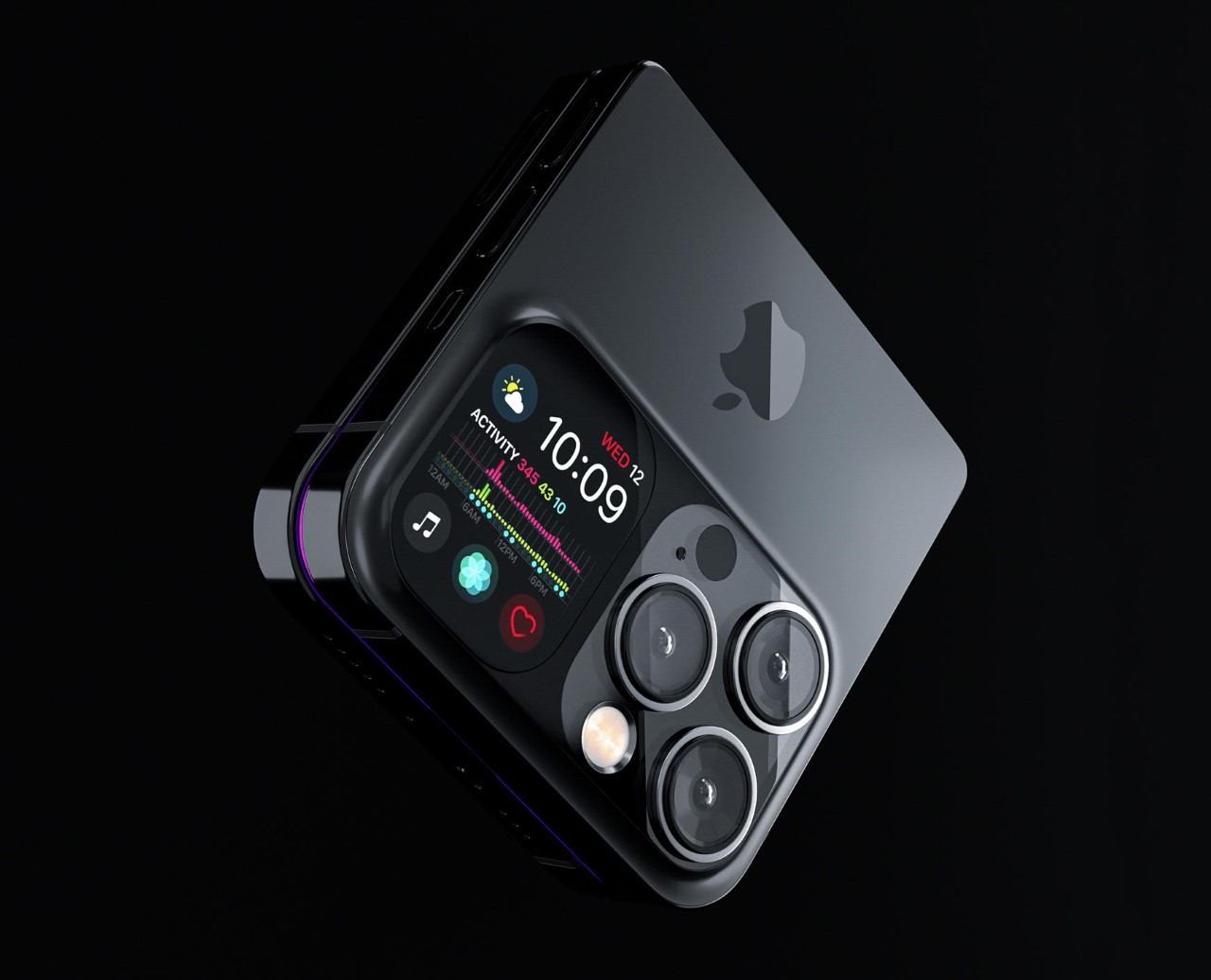
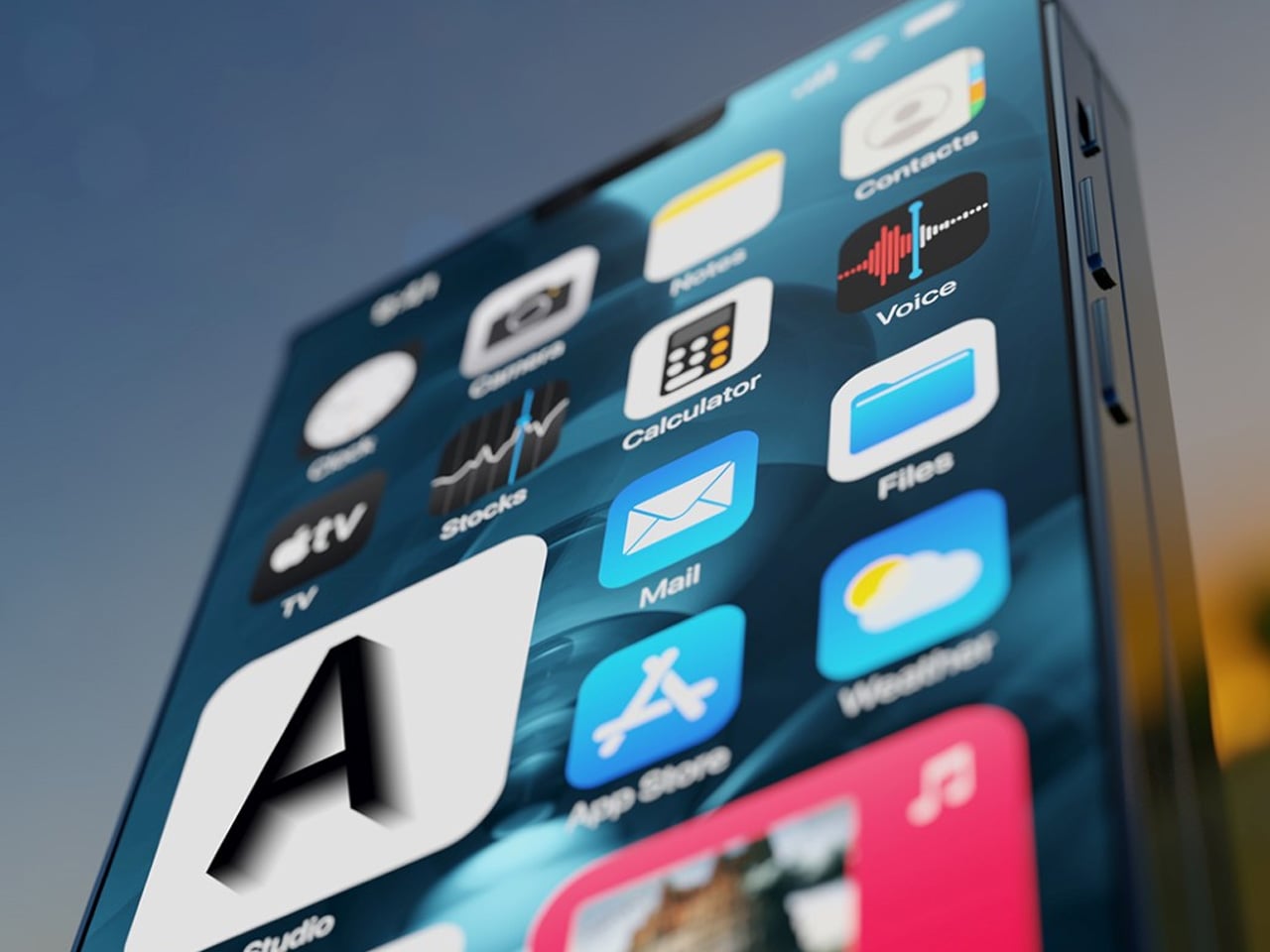
If the idea of a mirror on the iPhone lock screen was as brilliant as we thought it to be, this concept phone is idealized with a small display on the back, alongside its charismatic triple camera array, and we are bewildered: which one is a better feature. Of course, there is no contest, and designer Braz de Pina is far from contesting either. His new conceptual design of this iPhone Brutal is little about this small screen or the tri-lens camera array; it’s more about the form factor he has tried to achieve.

From when I first saw and all the way down to the last picture on the designer’s Behance portfolio, this brutal take basically came forward to me as a smartphone that someone created by cross-breeding a vibrant boxy floppy disk with a dual-screen flip phone. The designer doesn’t shy from affirming that his idea was never to make that concept sleek; it’s meant to be a study in “reduction, structure, and unapologetic geometry,” and it wears that mission loudly in its robust but bulky form factor.

Designer: Braz de Pina

The concept may be far from a full-fledged product, but it has certain clarity in its design. Japanese industrial cues are evident in its blocky yet functional approach. Besides the form, the color patterns give a clear definition to the modular layers of the phone, its airflow channels and even the camera housing at the back. Everything here is designed to be flaunted and thus this phone is anything close to the modern approach in phone making, thus substantiating its ‘Brutal’ identity.

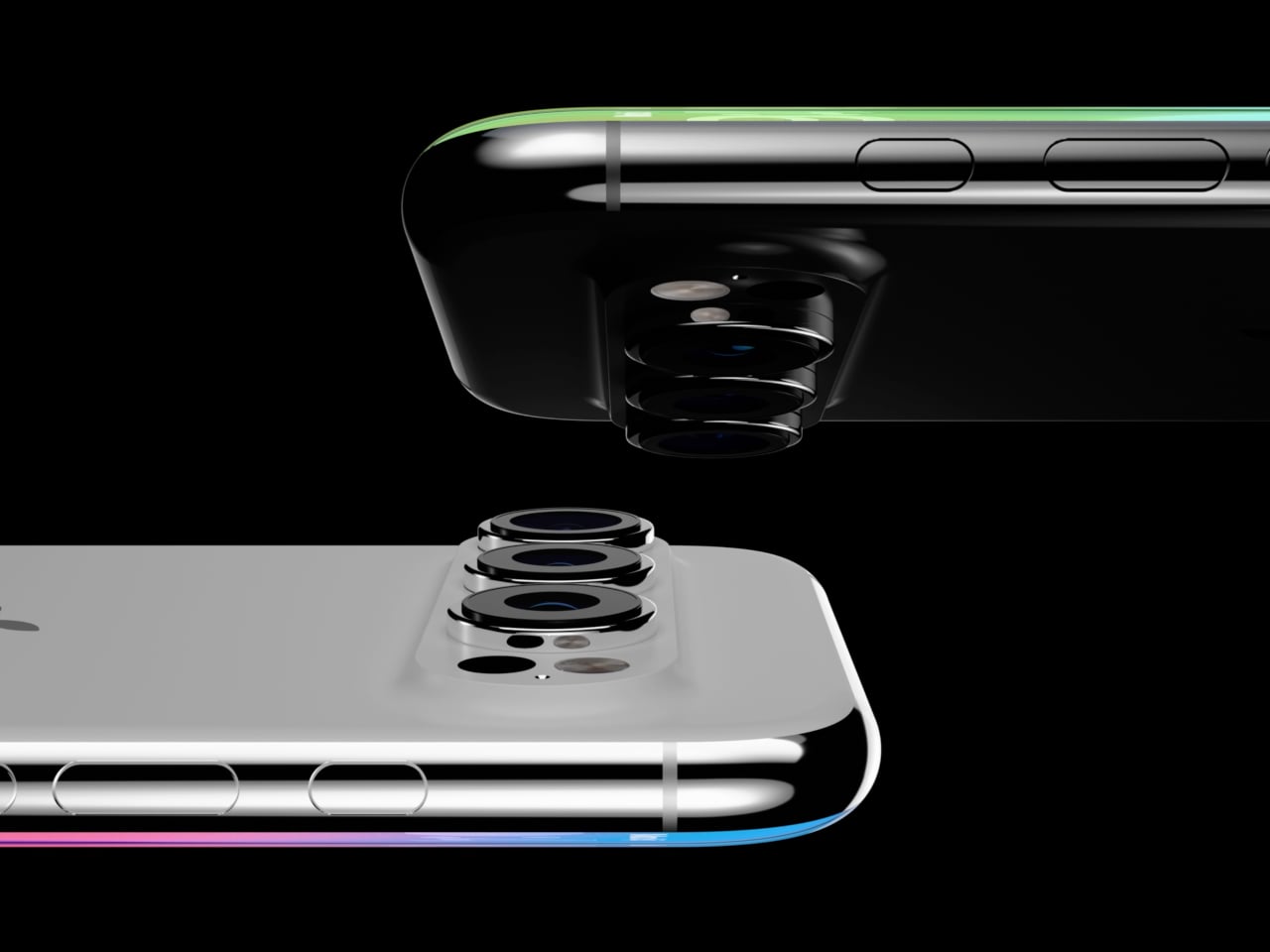
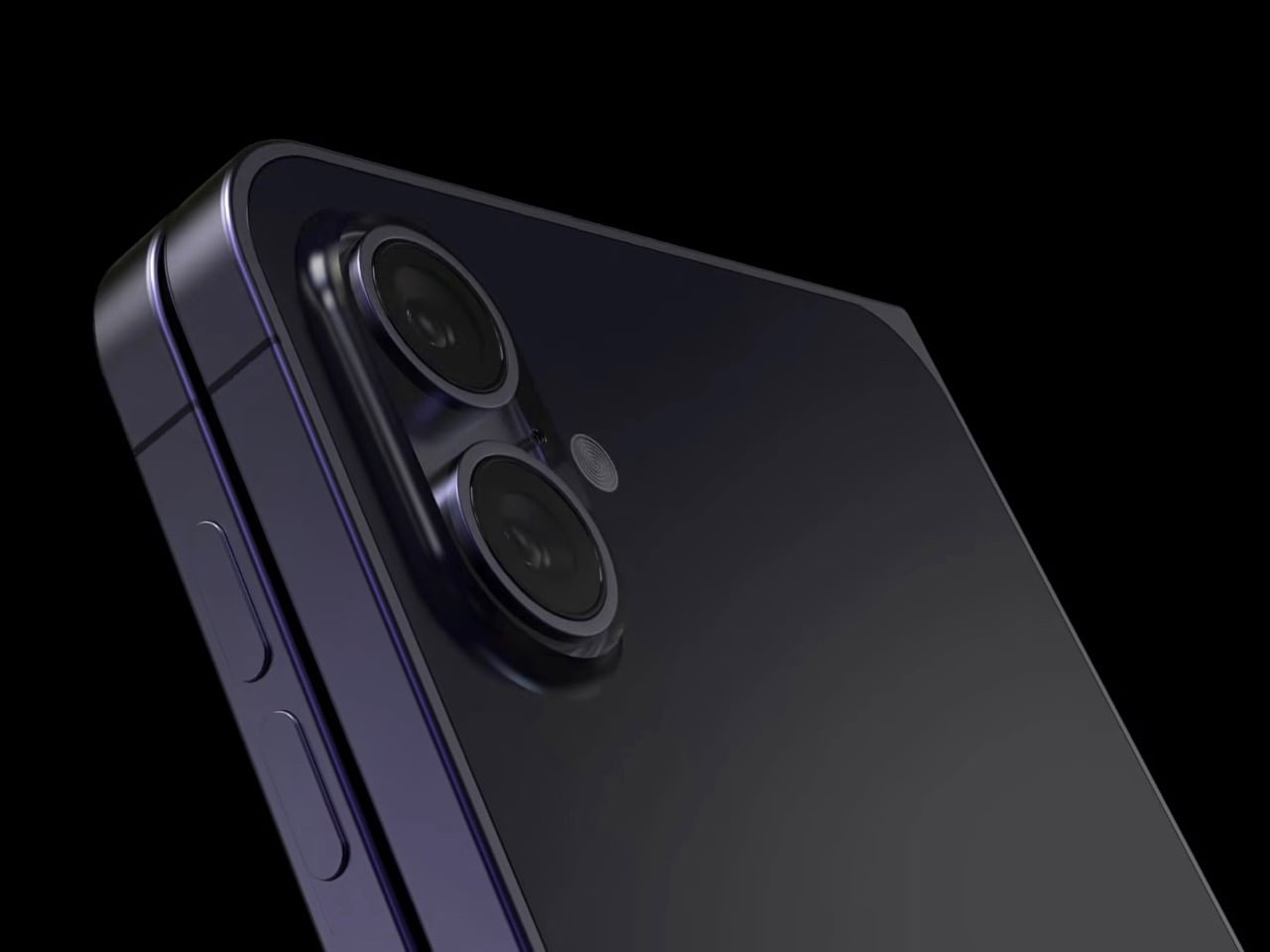
For its functionality, as evident through the pictures, the iPhone Brutal is created to open like a flip, dual-screen phone. On the back of the rigid and abstract exterior lies a triple lens array, which is packed in a housing alongside a small screen, typically displaying the weather update in pictures. The lenses are Carl Zeiss–inspired for precision and immaculate quality.

Besides the design, if there is anything that will catch the eye, especially that of a photographer, it is this optical panel, which speaks a different design language to Apple’s approach, but is in the acceptable realm. Brutal’s exposed camera modules may therefore not be a roadmap for Apple’s next iPhone, but they have details to check out.

De Pina notes, the iPhone Brutal is “far from a final product.” It shares DNA with different designs he is exploring for a potential MacBook concept and challenges the natural status quo, where phones are mostly designed to look slimmer and smaller. This one brings out an honest, brutal look one we would mind being visualized for the MacBook either. Who’s interested?

The post iPhone Brutal is vibrant, sharp-edged concept you can’t look beyond first appeared on Yanko Design.
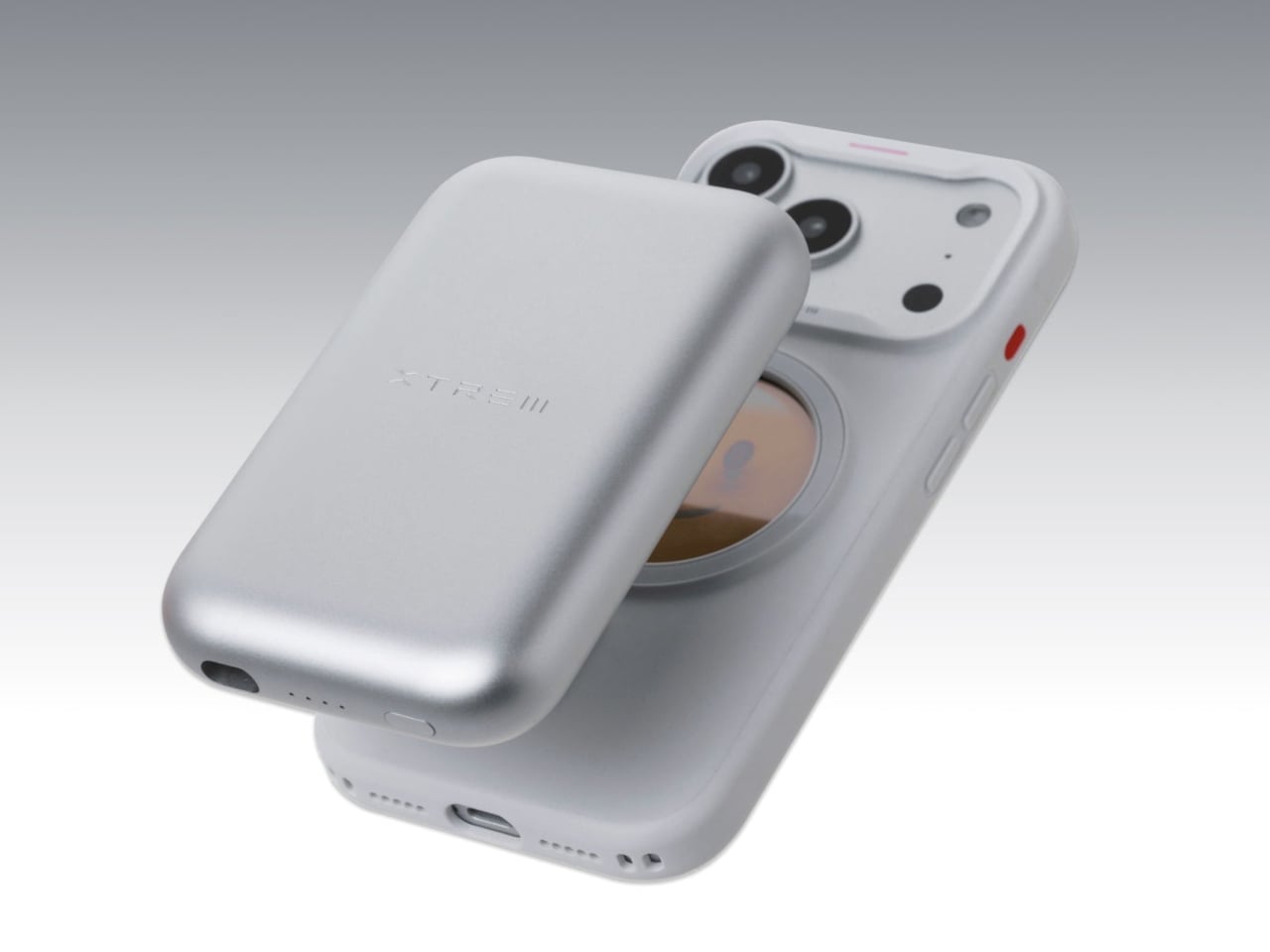
The Best Black Friday Tech Protection Deals for iPhone 17, AirPods Pro 3, and Switch 2 (2025)

The moment you unbox a new flagship phone, there’s always that brief, fleeting sense of dread. One wrong move, one slip from the pocket, and that beautiful slab of glass and metal is a shattered mess. This is the exact anxiety that SUPCASE has built its entire brand around solving. They approach device protection with a seriousness that borders on obsessive, using multi-layer TPU and polycarbonate constructions that consistently meet and exceed military drop-test standards. Their work is a constant reminder that true protection is about smart material science, not just adding bulk.

This year, securing that peace of mind is more accessible than ever, as SUPCASE is rolling out some of its most aggressive Black Friday deals to date. We are seeing discounts of up to 32 percent across a wide swath of their catalog, from their latest iPhone 17 case designs to ruggedized solutions for the next generation of AirPods Pro. For anyone who values their hardware, this isn’t just another sale. It’s a strategic opportunity to get premium, field-tested protection for a fraction of the typical cost.

MagFlip Magnetic Wallet with Stand – Leather Version (20% Off)

The MagSafe wallet space has been crowded for years, mostly with a sea of plastic and faux-leather options that get the job done but rarely feel like a premium upgrade. That’s what makes this leather version of the MagFlip interesting right out of the gate. SUPCASE went with genuine leather here, and it’s a choice you can feel. It has that substantial, tactile quality that’s missing from so many competitors, and it’s the kind of material that should develop a nice patina over time instead of just scuffing up. Functionally, it’s also more practical than most, with a design that comfortably accommodates up to five cards. That’s enough capacity to move it beyond a simple card sleeve and into the territory of a legitimate wallet replacement for a lot of people.

The real cleverness, though, is in the integrated stand. It’s not just a flimsy flap; the hinge mechanism is solid, allowing you to prop your phone up at multiple angles in both portrait and landscape orientations. This is the kind of feature that seems minor until you find yourself using it constantly, whether it’s for watching a video on a tray table or just keeping an eye on notifications at your desk. None of that would matter if the magnetic connection was weak, but the magnet array here is surprisingly aggressive. It’s rated for a 3000g pull force, which in practical terms means it’s not going to accidentally shear off when you slide your phone into a tight pocket, a common failure point for lesser MagSafe accessories.

Why We Recommend It

What makes the MagFlip a standout recommendation, especially with the discount, is how effectively it consolidates your everyday carry. It’s a well-made leather wallet, a versatile phone stand, and a secure MagSafe accessory all in one slim package. If you were to buy three separate quality items to fill those roles, you’d be spending significantly more and dealing with more bulk. This accessory elegantly solves for all three. It streamlines what you need to carry while simultaneously upgrading the feel of your device. It’s a smart piece of engineering that adds real utility, and the use of genuine leather makes it feel like a proper accessory rather than just another plastic gadget.

Click Here to Buy Now: $39.89 $49.99 (20% off). Hurry, deal ends in 48-hours!

UB Grip Case Design for iPhone 17 Pro Max – Leather Version (20% Off)

There’s always been a frustrating divide in the phone case world. You either get a slim, professional-looking case made from nice materials that offers next to no real drop protection, or you get a ruggedized plastic beast that can survive anything but looks completely out of place outside of a workshop. The leather version of the UB Grip is one of the few designs that genuinely tries to bridge that gap. It takes the proven protective architecture of the Unicorn Beetle line, with its dual-layer shock-absorbing frame, and fuses it with a backplate made of actual top-grain leather. The result is a case that feels substantial and secure in the hand, but has a warm, premium finish that doesn’t scream “industrial hardware.”

The thoughtful details are what really sell the design. Instead of just a raised plastic lip around the massive camera module, there’s a machined aluminum ring that adds a nice bit of metallic contrast and feels incredibly solid. The integrated kickstand is also made of aluminum, not some flimsy plastic tab that’s going to snap off after a few weeks. It’s sturdy enough to be genuinely useful for watching videos or taking calls, and it works in both portrait and landscape modes. Even with the leather and metal components, it still has a strong MagSafe magnet array, so you don’t lose out on core functionality. It’s clear this wasn’t just about slapping a leather sticker on an old design; the materials feel properly integrated.

Why We Recommend It

This case is for the person who has accepted they need serious drop protection but hates the aesthetic that usually comes with it. The UB Grip Leather lets you have it both ways. You’re getting a case that’s been certified for 15-foot drops, which is frankly overkill for most people in the best way possible, yet it looks and feels like a sophisticated accessory. With the 20% discount, you’re getting a multi-material, hybrid design for the price of a standard single-material case. It solves the problem of wanting your expensive phone to be safe without having to settle for a case that makes it look cheap.

Click Here to Buy Now: $47.99 $59.99 (20% off). Hurry, deal ends in 48-hours!

UB PRO Series Design for Apple AirPods Pro 3 (30% Off)

AirPods cases occupy a strange place in the accessory market. Most of them are just thin silicone skins that do little more than add a splash of color while offering minimal real protection. The UB Pro for the AirPods Pro 3 takes a completely different approach, treating your earbuds like a serious piece of hardware that deserves the same level of defense you’d give to a phone. The case is built from a dual-layer construction of shock-absorbing TPU and rigid polycarbonate, creating a hard shell that can handle actual impacts instead of just light scuffs. What makes this particularly interesting is the inclusion of IP68 waterproof protection. There’s a built-in silicone plug with a double-lock mechanism that seals both the charging port and the hinge, allowing the case to be submerged up to 10 feet without water getting inside. For anyone who carries their AirPods in gym bags, near pools, or on hikes, that level of sealing is a legitimate game changer.

The design includes large, precise cutouts that keep the LED indicator visible during charging and allow easy cable access without having to remove the case. A metal carabiner is included in the package, and it clips to the case securely enough that you can actually trust it hanging from a backpack strap or belt loop. It’s not some flimsy keychain attachment; it feels like it belongs there. The case adds noticeable bulk, there’s no getting around that, but if you’ve ever had to replace a lost or damaged pair of AirPods Pro, the added size starts to feel like a reasonable trade-off. Wireless charging works without issue through the case, which is important since having to pop the case off every time you want to charge would quickly get old.

Why We Recommend It

This is the case for people who treat their AirPods Pro like actual field gear instead of precious jewelry. The IP68 waterproofing is rare in this category and legitimately expands where and how you can use your earbuds without worrying about damage. Combined with the 12% discount using the code YANKOBF12, you’re getting military-spec protection for around $35, which is a fraction of what it would cost to replace the AirPods Pro 3 if they took a bad fall or got caught in the rain. The carabiner attachment turns the case into something you can actually carry confidently on the outside of your gear, which is the whole point of having wireless earbuds in the first place. It’s the right choice if you’ve already cracked or scuffed one charging case too many.

Click Here to Buy Now: $32.39 $45.99 (30% off). Hurry, deal ends in 48-hours!

SUPCASE MagFlip Magnetic Wallet with Stand (28% Off)

If you want the core functionality of the leather MagFlip but prefer synthetic materials or need a more affordable entry point, this standard version delivers the same engineering in a vegan leather finish. The material choice is practical rather than premium; it’s a textured synthetic that resists fingerprints and scratches better than genuine leather while keeping the overall profile slim. Functionally, nothing is compromised. The same 3000g magnetic force keeps the wallet locked securely to any MagSafe-compatible phone, and it still holds up to five cards without stretching or deforming over time. The internal structure is reinforced to prevent that common issue where cheaper wallets start to lose their shape after a few months of use, leaving cards loose and prone to sliding out.

The standout feature remains the integrated kickstand, which continues to be one of the most useful elements of the MagFlip design. The hinge is engineered with enough resistance to hold your phone steady at multiple angles, and it works equally well in both portrait and landscape orientations. It’s especially useful if you’re someone who watches a lot of content on your phone during lunch breaks or commutes. An RFID-blocking card is included in the package, providing a layer of security for contactless credit cards and ID badges. At 28% off, this becomes one of the more aggressive discounts in the sale, making it a compelling option for anyone looking to simplify their everyday carry without breaking the budget.

Why We Recommend It

This version of the MagFlip is notable because of the discount depth. At 28% off, you’re getting a wallet-stand hybrid that’s cheaper than many standalone MagSafe wallets that don’t even include a kickstand mechanism. The synthetic material isn’t trying to pretend it’s something it’s not, which is refreshing. It’s durable, easy to clean, and will likely look the same a year from now as it does on day one, which is actually an advantage for people who prefer consistency over patina. If your priority is maximizing utility per dollar spent, this is probably the smartest pick in the entire sale. You’re getting proven magnetic strength, five-card capacity, RFID protection, and a stable stand in one slim package, all at the steepest discount SUPCASE is offering on their wallet lineup.

Click Here to Buy Now: $35.99 $49.99 (28% off). Hurry, deal ends in 48-hours!

SUPCASE UB Grip Case Design for iPhone 17 Series (35% Off)

The standard UB Grip for the iPhone 17 lineup is basically the accessible entry point into SUPCASE’s rugged protection philosophy. It drops the premium materials and extra features to focus purely on what matters most: keeping your phone intact after a drop. The dual-layer construction uses TPU and polycarbonate with reinforced corners and internal airbag cushioning, which translates to a case that can survive 15-foot drops while meeting MIL-STD-810H-516.8 military standards. The back has a frosted semi-transparent finish that resists fingerprints and gives the case a cleaner, more modern look compared to the usual matte black slabs that dominate this category. It’s still clearly a protective case, but there’s an attempt here to make it visually appealing beyond just being functional.

The built-in aluminum kickstand is one of the defining features of the UB Grip line, and it’s just as solid here as it is on the more expensive models. The hinge has real resistance to it, meaning your phone will stay propped up at whatever angle you set it without slowly collapsing over time. The case includes full MagSafe compatibility with an N52 magnet array delivering around 1800 grams of magnetic force, strong enough to reliably hold wireless chargers and car mounts. There’s also integrated support for the iPhone 17’s Camera Control button, with a tactile pass-through that maintains the pressure-sensitive functionality. It adds noticeable bulk compared to a minimalist case, but if you’ve ever dealt with the cost and hassle of repairing a cracked screen or replacing a damaged phone, that trade-off starts to seem reasonable.

Why We Recommend It

The standard UB Grip is the best choice for anyone who needs legitimate protection but doesn’t want to pay for material upgrades like leather or extra layers like a built-in screen protector. At 20% off, it’s positioned as an affordable workhorse case that does exactly what it’s supposed to do without any pretense. The kickstand alone justifies the slight extra bulk for most people, especially if you spend any time watching content on your phone during commutes or breaks. This is a straightforward, no-nonsense case that prioritizes drop protection and practical utility over aesthetics, and at this discount, it’s hard to argue with the value proposition. If you’re someone who tends to be rough on phones or just wants peace of mind without overthinking it, this is the obvious pick.

Click Here to Buy Now: $23.25 $35.99 (35% off). Hurry, deal ends in 48-hours!

SUPCASE UB Pro Switch 2 Cases (16% Off)

Phones and earbuds are one thing, but gaming hardware presents an entirely different set of protection challenges. The Nintendo Switch 2 is designed to be a hybrid console, which means it’s constantly moving between docked play and handheld mode, getting tossed into bags, handled by multiple people, and exposed to more physical stress than most mobile devices. The UB Pro case for the Switch 2 addresses these concerns head-on with a dual-layer construction of shock-absorbing TPU and rigid polycarbonate. It’s built to military-grade MIL-STD-810G 516.6 standards, which means it can handle the kind of drops and impacts that come with portable gaming. A 2.5mm raised bezel around the screen provides an extra buffer against scratches and direct impacts when the console is laid flat or dropped face-down.

One of the smarter design decisions here is the dock compatibility. The case is engineered to fit in the official Switch 2 dock without needing to be removed, which eliminates the annoying ritual of stripping off protection every time you want to play on a TV. The Joy-Con sections feature a breakaway magnetic design that makes attaching and detaching controllers seamless, and the material is soft enough to avoid scratching the console or controllers during repeated use. The case adds around 139 grams of weight, which sounds like a lot on paper but is well-distributed across the larger form factor of the console. It uses Bayer eco-friendly polycarbonate from Germany, which resists yellowing and fingerprints better than cheaper plastics. The one trade-off is that the case covers the Switch 2’s built-in kickstand, so tabletop mode requires removing the case or using a separate stand.

Why We Recommend It

At 32% off, this is the deepest discount in the entire sale, and it’s applied to a product category where quality protection options are still relatively scarce. The Switch 2 is new enough that many third-party accessory makers haven’t fully caught up yet, which makes SUPCASE’s early entry into the market particularly valuable. The combination of military-grade drop protection and full dock compatibility solves the two biggest pain points for handheld console cases. Most protective cases force you to choose between safety and convenience, but the UB Pro manages to deliver both. For anyone planning to use their Switch 2 as an actual portable device rather than a stationary console, this level of protection at this price point is hard to pass up.

Click Here to Buy Now: $24.29 $28.99 (16% off). Hurry, deal ends in 48-hours!

SUPCASE Switch 2 Carrying Case (30% Off)

Once you’ve wrapped your Switch 2 in a protective case, the next logical question is how to transport the whole setup. Portable consoles generate their own ecosystem of accessories, from extra Joy-Cons to charging cables to a growing stack of game cartridges, and all of that needs to go somewhere when you’re on the move. SUPCASE’s carrying case is designed around the reality of how people actually use the Switch 2, with custom-molded compartments that hold the console securely (even with a case like the UB Pro still attached), separate sections for Joy-Cons and cables, and dedicated slots for up to 12 game cartridges. The interior uses elastic straps to keep everything locked in place during transport, preventing the kind of rattling and shifting that can damage ports or scratch screens over time.

The exterior shell is built from hard EVA material that offers military-grade impact resistance, a claim that’s backed up by the same kind of testing standards SUPCASE applies to their phone cases. The case features premium YKK zippers, which is a detail that matters more than it might seem. Cheap zippers are a common failure point on travel cases, and YKK’s reputation for smooth, durable operation means you’re not going to be fighting with stuck teeth or worrying about catastrophic zipper failure mid-trip. It includes a dual-purpose handle that can be used as a top carry or detached and converted into a shoulder strap, which adds flexibility depending on how you’re traveling. The overall footprint is compact enough to fit inside a backpack or carry-on without taking up excessive space, but spacious enough to accommodate the console plus all the essential accessories.

Why We Recommend It

The 12% discount with the coupon code is modest compared to some of the other deals in this sale, but the real value here is in solving a problem that most Switch 2 owners will eventually face. If you’re treating your console as a genuinely portable device, you need a reliable way to carry it that doesn’t involve just tossing it into a bag and hoping for the best. This case is designed to work with the UB Pro case still on the console, which means you’re not forced to strip off protection every time you want to pack it away. The 12-game cartridge capacity is also a thoughtful inclusion; physical game collectors know how quickly those tiny cards can scatter and disappear, and having dedicated slots keeps your library organized and accessible. At this price point, it’s a straightforward investment in keeping your entire gaming setup safe and organized during travel.

Click Here to Buy Now: $32.19 $45.99 (30% off). Hurry, deal ends in 48-hours!

The post The Best Black Friday Tech Protection Deals for iPhone 17, AirPods Pro 3, and Switch 2 (2025) first appeared on Yanko Design.
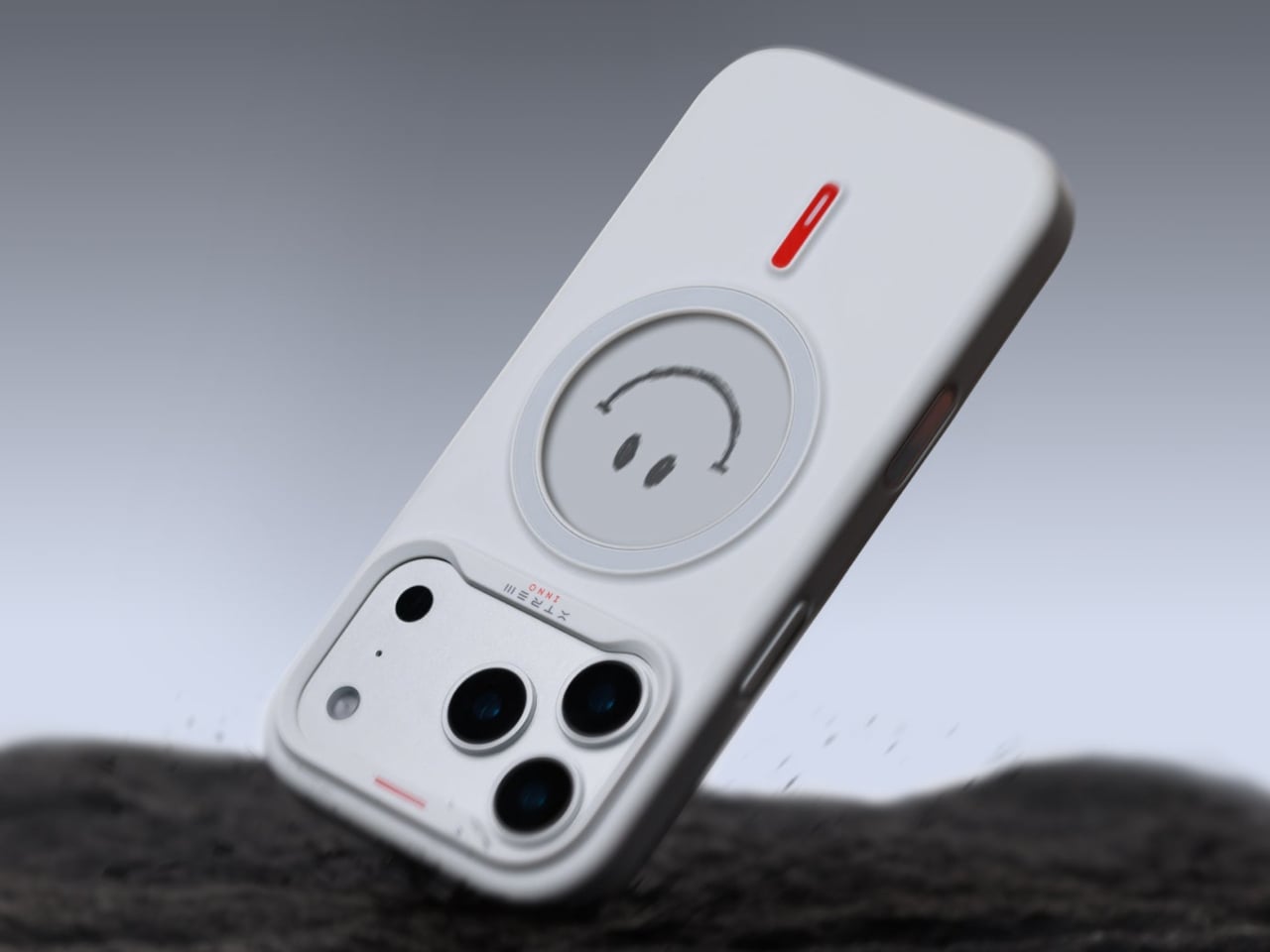
Apple’s $70 Hikawa Grip Proves Accessibility & Art Can Coexist

Apple just dropped something unexpected and pretty cool: the Hikawa Phone Grip & Stand, a $69.95 MagSafe accessory that looks more like a piece of modern art than your typical phone attachment. What makes this launch special isn’t just the design, though. It’s Apple’s way of marking 40 years of accessibility work, and honestly, it shows in every curve and ridge of this thing.

Los Angeles designer Bailey Hikawa didn’t just sketch this grip at a design table. She worked directly with people who deal with limited muscle strength, reduced dexterity, and various hand control challenges. That kind of collaboration makes a difference you can actually feel. The triangular silicone form accommodates different grip styles, letting users hold their phones with way less effort than usual. The magnetic MagSafe connection stays secure during use but snaps off easily when you’re done.

Designer: Apple

Here’s where it gets practical. The grip doubles as a stand that works in both portrait and landscape modes. Propping up your iPhone for a FaceTime call or binge-watching session suddenly doesn’t require awkward hand positions or makeshift setups. The premium silicone has that soft-touch feel that doesn’t irritate your hands during extended use, which matters more than you’d think.

Hikawa’s artistic background really shines through in the sculptural form. Each grip genuinely looks like something you’d see in a contemporary art gallery. Apple is offering two exclusive colors: Chartreuse, a bold greenish-yellow picked specifically for high visibility, and Crater, a recycled finish with gray, black, and white specks that feels surprisingly sophisticated. At 3.1 by 2.3 inches, it adds just enough bulk to be useful without turning your phone into a brick.

Compatibility spans everything from the iPhone 12 through the upcoming iPhone 17 lineup, including the new iPhone Air. Any MagSafe-enabled device works right out of the box. Sarah Herrlinger, Apple’s Head of Accessibility, made an interesting point about this product. She acknowledged that it’s designed to solve specific problems for certain users, and that’s perfectly fine. Not every accessibility tool needs to appeal to everyone.

This limited edition grip is exclusive to Apple’s U.S. online store, and given how fast their recent iPhone Pocket sold out, you might want to move quickly if it catches your eye. What strikes me most is how Apple’s bringing attention to accessible design without making it feel like charity or an afterthought. The Hikawa grip works because it’s genuinely useful and genuinely beautiful, proving those two things don’t have to be mutually exclusive.

The post Apple’s $70 Hikawa Grip Proves Accessibility & Art Can Coexist first appeared on Yanko Design.
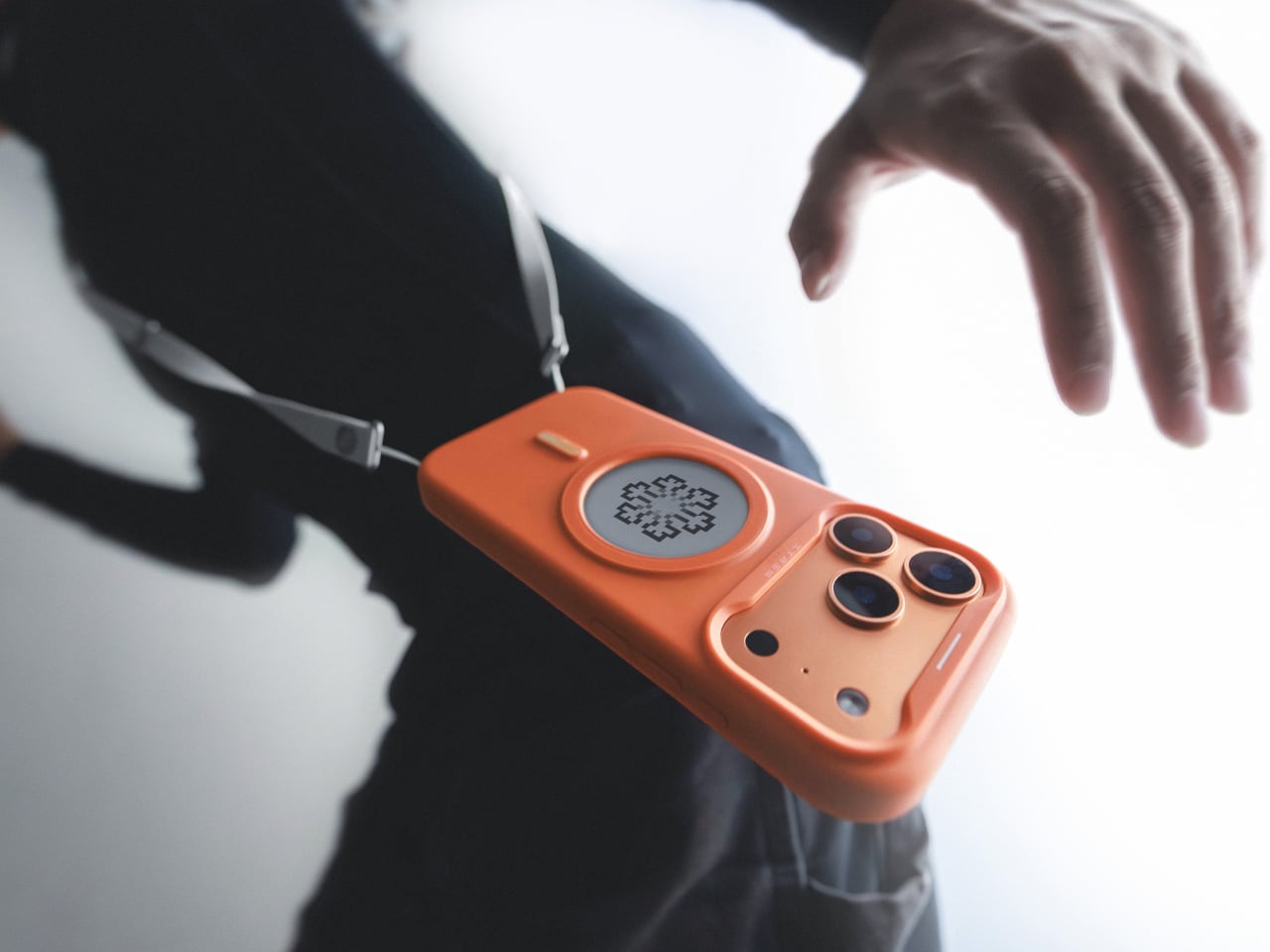
iPhone ‘Lock Screen Mirror’ feature lets you quickly check your hair/teeth without opening the camera

Never have I seen something so audaciously brilliant I actually summon a CEO to help make it a reality but Tim Cook… if you’re reading this, this lock-screen mirror definitely needs to ship on the next iOS build. Put together by Jakub Zegzulka, an ex-Apple, Meta, and OpenAI fellow, this tiny little feature is perhaps more important than FaceID itself!

How many times have you stepped out for a meeting with friends or for an interview, having no idea what you look like… or whether you’ve got food stuck in your teeth? You unlock your phone, open the camera app, and flip to the front-facing camera to do a quick vibe-check. It’s a 3-step process that absolutely doesn’t need to be a 3-step process. Instead, Zegzulka’s solution involves just long-pressing on the camera icon on the bottom right of your lock screen. That brings up a tiny window emerging off the dynamic island, giving you a quick preview of yourself. You can check your hair, fix your make-up, adjust your specs, run your tongue across your teeth, or just quickly check out that annoying zit that appeared at the wrong place and wrong time.

Designer: Jakub Zegzulka

Zegzulka didn’t outline much, except a quick video demo of this feature on Threads. Although that was enough to gather nearly 2K likes in just over a day. The Lock Screen Mirror isn’t an app. It’s just a quick interaction that lets you open the camera’s viewfinder right on your lock screen for checking your appearance. The tiny circular window is almost exactly the size of a make-up mirror, and the feature is legitimately handy, even for me as a guy who has fairly curly hair that needs to just be ruffled before I step out.

Heck, imagine going an entire hour on a date with spinach stuck in your teeth and them being polite enough to not point out. Instead, you just do a quick check, get that pesky piece of green stuck on your pearly whites, and you’re good to go. It’s such a tiny-yet-life-enhancing feature that Apple could totally ship with their next build. You’re NOT opening your camera app with this lock screen mirror function, just a preview. You could drag your finger up and have the app open like it traditionally does, but a feature like this would probably eliminate the need to, if all you need to do is see if you look good right before you meet your friends, your future boss, or the potential love of your life.

The post iPhone ‘Lock Screen Mirror’ feature lets you quickly check your hair/teeth without opening the camera first appeared on Yanko Design.
Apple iPhone Pocket is the most absurdly Apple-ish way to carry your smartphone with you.

Years after giving Steve Jobs his iconic turtleneck, Issey Miyake returns to give the iPhones their own turtleneck too. Dubbed the iPhone Pocket, these haute handbags are designed for one thing and one thing only, your iPhone. The bags are created using a special 3D-knitted construction that’s developed by the Japanese fashion house, and come in 8 colors. They’re single-sized, which means you can pretty much fit any iPhone in, from the ultra-thin iPhone Air to the large iPhone 17 Pro Max, or even the tiny iPhone 13 Mini. Could you also put an Android smartphone in? Yes, but Steve Jobs will tut-tut at you in your dreams for the rest of your life.

Don’t expect these luxurious phone-holsters to be cheap. They’re a limited-edition item that Apple will sell at just 10 select stores across the globe, with the short-strap versions selling for $149.95 and the larger strapped variant for $229.95.

Designer: Issey Miyake

Is the iPhone Pocket practical? No. Is it classy? Yes. If you’re the kind to splurge on a $19 Apple-branded polishing cloth, or a fancy Hermes strap for your watch, then the iPhone Pocket won’t feel like such a pricey buy. The single-piece 3D-knitted ‘gizmo-garment’ is surely a marvel. It doesn’t have any parts stitched together, it’s singular from start to end, and the weave itself is something that Issey Miyake’s done extensive R&D on.

The result is a yarn that protects the iPhone with its padded weave, while letting you easily ‘wear’ your smartphone around your neck, on the side, or across your body. You could loop it around a bag too, this thing is probably one of the rare Apple products that doesn’t need a user manual… Apart from probably washing instructions. I’d probably keep it away from the rain, food, beverages, or anything too damaging. Sunlight may fade the color, so air-drying indoors is the only sensible option, if this thing gets wet. Don’t even think of chucking this thing in the washing machine, by the way. Or Issey Miyake will cry from heaven.

The iPhone Pocket’s design is sort of open to user interpretation and expression. Put any phone in and it’ll fit. Slide the phone completely if you want to conceal it, or have just the tip jutting out if you want to sneakily film people around you, or if you want to stare at the top of your screen for notifications. The expandable design also lets you add other stuff… maybe a lip balm, your AirPods, or one of these ultra-slim MagSafe power banks.

The post Apple iPhone Pocket is the most absurdly Apple-ish way to carry your smartphone with you. first appeared on Yanko Design.
This Foldable iPhone Never Actually Folds, and That’s Genius

Foldable phones promise devices that shrink for portability and expand for productivity, but they consistently run into the same problems. Hinges wear out or develop resistance over time. Screens crease visibly where they bend. The devices end up thicker than standard phones, even when folded. Most foldables also force users to accept awkward seams running through their primary displays, creating visual interruptions that never quite disappear.

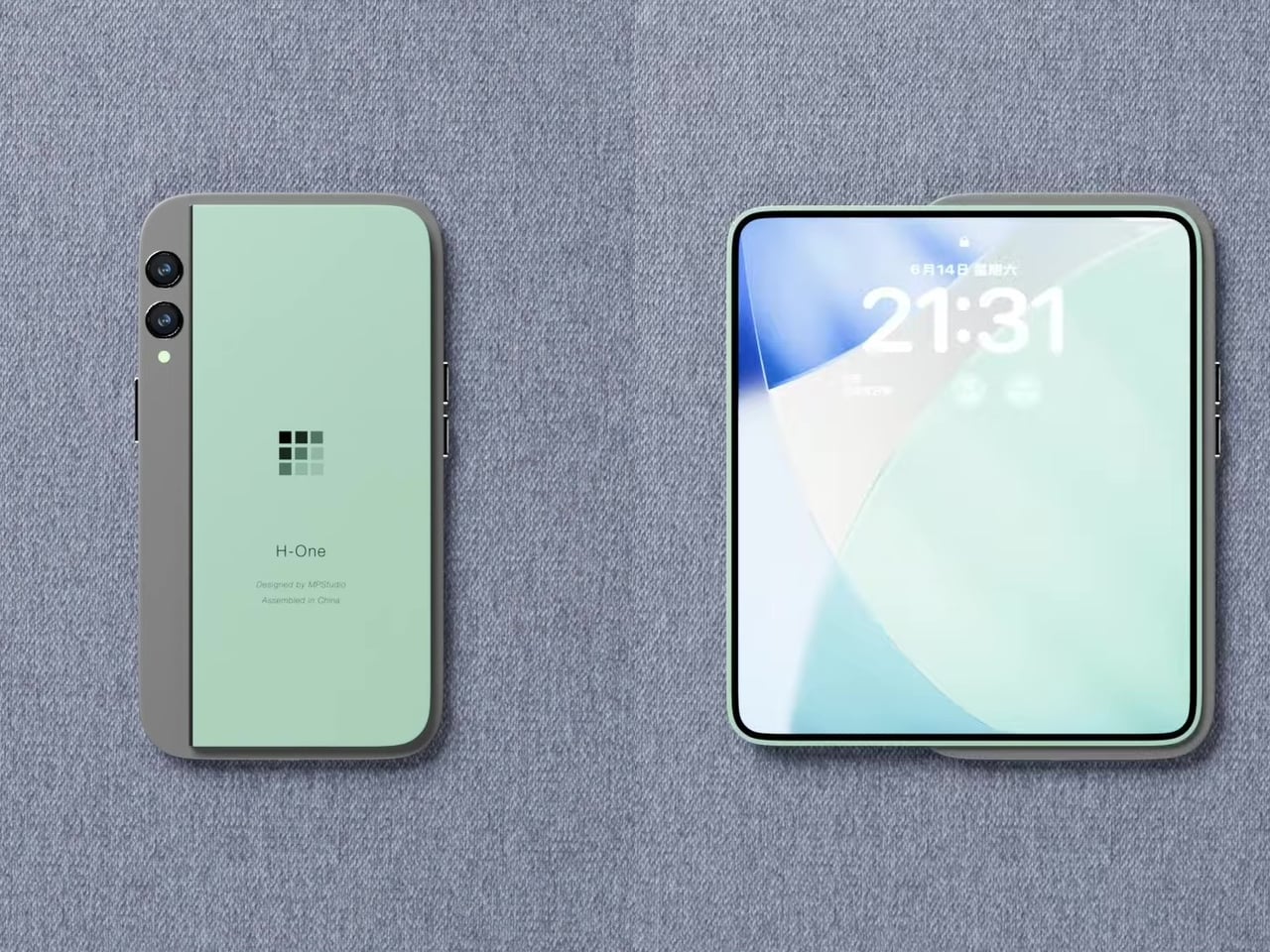
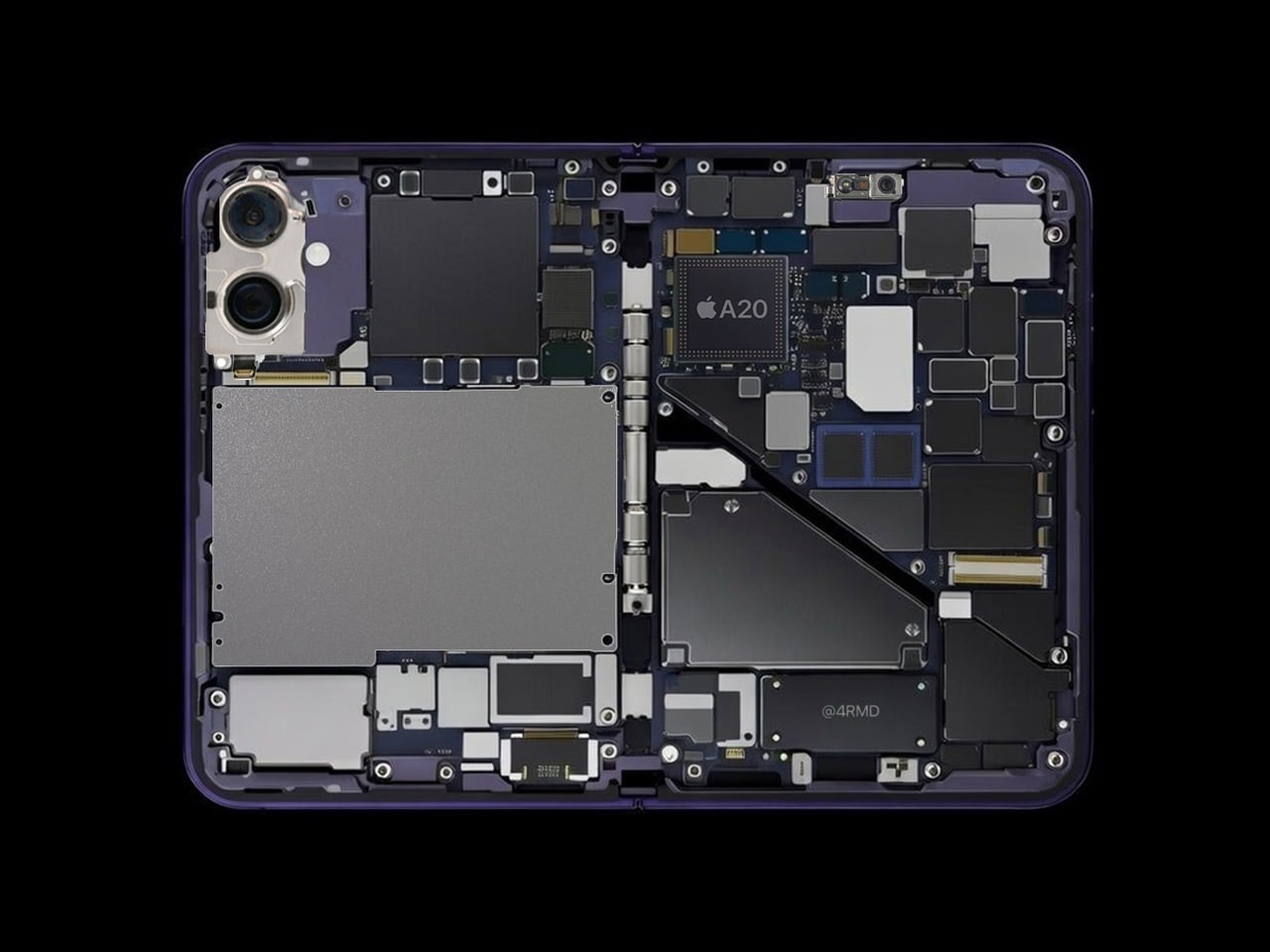
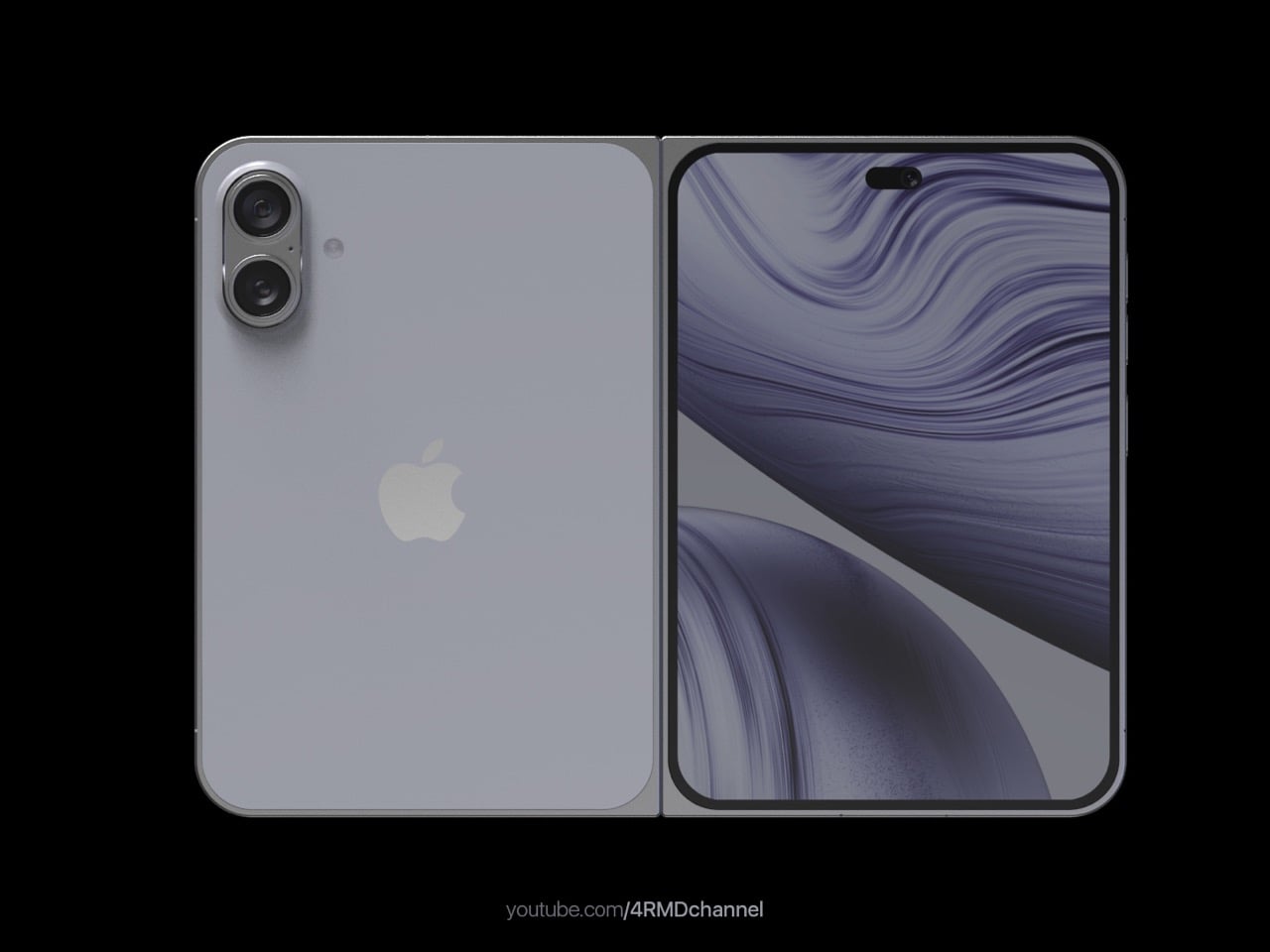
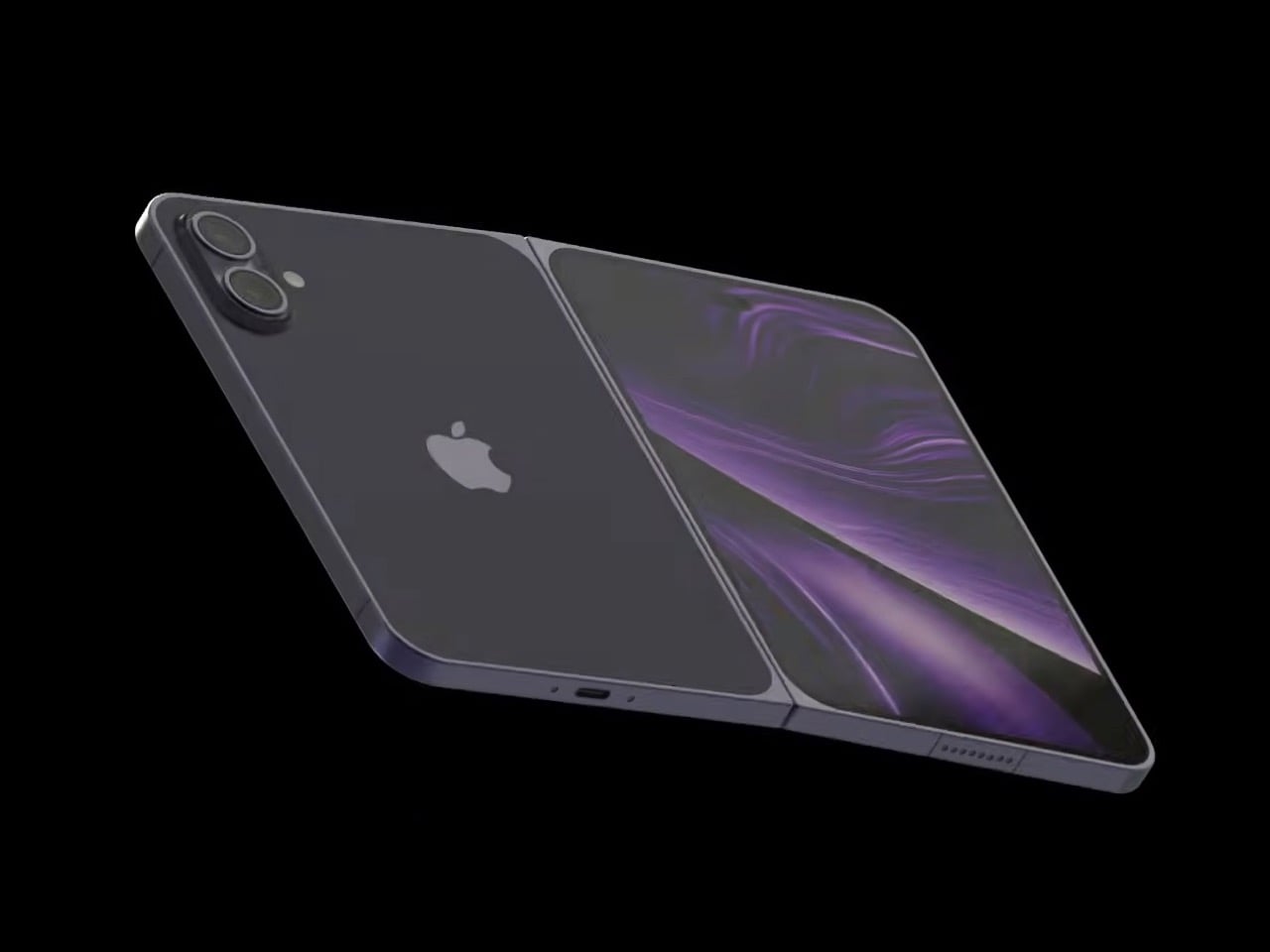
Mechanical Pixel’s iPhone Fold concept sidesteps these issues by keeping the phone itself rigid and adding a separate foldable screen to the back. The main iPhone body stays conventional, maintaining the familiar feel and dimensions people expect. A thin, flexible display sits raised on a platform above the rear panel, almost like it was stuck there as an afterthought. When needed, that screen unfolds outward to create a larger, squarish tablet surface.

Designer: Mechanical Pixel

The raised platform is visible when viewing the device from the side, creating a layered appearance that signals something unusual is happening on the back. This isn’t a flush integration where the foldable screen hides seamlessly. The screen clearly sits above the phone’s rear panel, which gives the concept an experimental, modular quality. The camera module remains in its typical position, unaffected by the additional display layer.

Unfolding the screen pulls it away from the phone’s back and opens like a book. The result resembles a small tablet with nearly square proportions rather than the typical elongated phone-to-tablet transformation most foldables offer. The phone’s primary display can continue functioning normally, while the flexible screen adds surface area when tasks require it. The main body never bends or flexes during this process.

This approach solves several foldable phone complaints. Hinge durability becomes less critical because the phone’s structural integrity doesn’t depend on a folding mechanism. Screen creasing affects only the secondary display, leaving the primary screen untouched and pristine. Daily phone use feels identical to a standard iPhone because that’s essentially what it remains when the extra screen stays folded.

New problems emerge with this design. The raised platform adds bulk to the back, making the phone thicker overall and potentially awkward to hold or pocket. Wireless charging might struggle with the raised section interfering with coil alignment. Camera usage in tablet mode is nearly impossible because the unfolded display covers the lenses.

The concept exists as speculation rather than serious product development. Naturally, Apple hasn’t officially endorsed this design, and manufacturing challenges make actual production unlikely. It addresses real durability concerns while introducing new ergonomic and practical challenges. The raised platform aesthetic makes the experimental nature visible rather than hidden, which feels honest about what this design represents as a thought experiment.

The post This Foldable iPhone Never Actually Folds, and That’s Genius first appeared on Yanko Design.
In an Era of Touchscreens, Why Clicks’ iPhone Keyboard Case is a Touch of Genius

I’m going to say what we’ve all thought at some point: typing on touchscreen keyboards is a pain. Sure, it’s the norm now, but after years of mashing glass, I still long for the satisfying click of real buttons. The typos, the autocorrect mishaps, the constant toggling between letters, numbers, and emojis—it’s enough to make even the most seasoned smartphone user want to throw their phone across the room. And I’m not alone. Despite the dominance of touchscreens, there’s a growing group of people who just miss the feel of tactile keys beneath their thumbs. Enter Clicks, a physical keyboard for iPhones, and perhaps the best attempt yet at bringing back the tactile typing experience many of us crave.

But make no mistake, Clicks isn’t some relic from the past—it’s a modern accessory that embraces the best of what physical keyboards have to offer while blending seamlessly with today’s tech. And that makes it a fascinating piece of tech in a world that’s overwhelmingly gone touch-only.

The Market Demand for Tactile Keyboards

If you’ve ever lamented the loss of physical keys on phones, you’re far from alone. Many users, from former BlackBerry enthusiasts to those who simply struggle with touchscreens, have voiced their frustrations for years. Kevin Michaluk, affectionately known as CrackBerry Kevin from his early days as a BlackBerry champion, shared how he frequently heard from people who missed the days when they could type without staring at their screens. “I knew the demand was there because I’m the guy who gets emailed and tweeted constantly about, ‘Kevin, when is there going to be a new phone with buttons?’” he said. It’s a request that never stopped, even as BlackBerry transitioned to focusing on software.

What’s surprising, though, is that Clicks’ appeal isn’t just about nostalgia. Sure, former BlackBerry fans are part of the mix, but there’s also a new audience—those who never experienced physical keyboards on phones before. For many, Clicks offers a different kind of productivity. “It’s not about trying to bring back the past, but rather finding a balance between modern tech and tactility,” Kevin noted. In other words, it’s not just about what we lost with the shift to touchscreens, but what we could gain by bringing physical keys back.

Designing for the Modern Smartphone User

The team behind Clicks understood that making a physical keyboard for the iPhone had to be about more than just hitting the nostalgia button. They needed to design a product that felt like a natural extension of today’s smartphones. That meant looking beyond just adding keys and instead focusing on how users actually interact with their devices.


Image Credits: Clicks

Image Credits: Clicks

For Clicks, this meant a painstaking design process that involved multiple iterations and constant refinements. From the start, the team knew they wanted to build something that was as much about form as it was about function. “We thought, what would Apple do if they built a keyboard for the iPhone?” Kevin recalled. That meant focusing on clean lines, premium materials, and a seamless integration with the iPhone’s software.

Image Credits: Clicks

The result is a device that attaches to the bottom of an iPhone, offering a full QWERTY layout while leaving most of the screen visible—a big plus for those of us tired of losing half the display to a virtual keyboard. But achieving this wasn’t easy. One of the biggest challenges, according to Jeff, was balancing the tactile feel of the buttons with the need for backlighting. “Backlighting makes a product like this much more complicated than if you didn’t have it. We had to redesign the pushers and domes several times to get the perfect click while also avoiding light bleed,” he explained. It’s the kind of obsessive attention to detail that sets Clicks apart from gimmicky keyboard cases.

Image Credits: Clicks

A New Generation of Button Enthusiasts

While Clicks may look like a throwback at first glance, its user base tells a different story. Nearly half of Clicks users have never used a phone with physical keys before, according to Kevin, and that’s a surprising twist. For many of these new users, the attraction isn’t just about typing—it’s also about the added functionality that physical keys can bring to their smartphone experience.

Sure, there’s a bit of a learning curve. Typing on physical keys isn’t exactly the same as tapping on glass. It takes a bit of practice to build up the muscle memory needed to reach those higher typing speeds. But the payoff? A typing experience that feels far more intuitive and natural. Jeff pointed out that, “If you put in the time to develop the skill of typing on buttons again, you get to that moment where you can type without looking, and it’s amazing—it’s like magic again.” It’s an experience that resonates with people who use their phones as serious productivity tools, whether they’re composing long emails or just firing off quick texts without constantly peering down at the screen.

And then there’s the added bonus of reclaiming screen real estate. For users who are tired of virtual keyboards consuming half of their display, Clicks offers a breath of fresh air. It’s a little like trading in a cramped studio apartment for a place with a view—you suddenly have room to stretch out and breathe.

Accessibility Benefits and Inclusivity

One of the most unexpected success stories for Clicks has been its popularity among visually impaired users. For people who can’t rely on visual feedback, the tactile feel of physical keys makes all the difference. Kevin mentioned that the team has received heartfelt feedback from users who found that Clicks transformed their experience with smartphones. “What’s been most emotional for us is hearing from the accessibility market. People are saying, ‘You’ve changed my life,’” he shared.

But what really stands out is that Clicks didn’t set out to be an accessibility device. Instead, it was designed as a premium, stylish product that anyone would want to use. This has resonated with users who don’t want their device to scream “medical aid.” As Kevin put it, “We wanted to make something that felt trendy, culturally relevant—something that anyone would be proud to use.”

It’s a reminder that good design isn’t just about how a product looks or feels, but also how it makes people feel. In this case, Clicks has managed to strike a balance, creating a device that offers practical benefits without sacrificing style.

Challenges of Designing for a Modern Smartphone Market

Creating a physical keyboard for today’s smartphones isn’t without its hurdles. The Clicks team faced challenges like achieving MFI compliance (Apple’s strict certification for accessories) and adapting to the iPhone’s transition from Lightning to USB-C. Kevin explained that this shift forced the team to make tough decisions about functionality. “With USB-C, we had to choose between charging and data transfer. We prioritized charging because that’s what most users needed day-to-day, but we’re always working on ways to improve,” he noted.

Another design dilemma was how to maintain a high-quality typing experience without making the device too bulky. Early prototypes experimented with different button layouts, from larger space bars to various key sizes. Jeff described how they refined the design through constant user feedback: “We tested several versions with different button materials and layouts, and made over 100 refinements before we got to the final version that shipped.”

The focus was always on making Clicks feel like a natural extension of the iPhone, rather than a clunky add-on. That’s why the final product opts for solid buttons with a satisfying tactile click, rather than cheaper, translucent keys that could have compromised the overall feel.

The Future of Physical Keyboards in a Touchscreen World

While Clicks is currently focused on iPhones, the team hasn’t ruled out expanding to other devices. “You can’t not think about it,” Kevin teased when asked about potential Android versions. The demand is there, and as long as there are users who prefer tactile input, there’s room for innovation. But for now, Clicks is focused on refining its product for iPhone users and building a community of dedicated users who love what the product offers.

What’s clear is that Clicks taps into a larger trend—a realization that perhaps the touchscreen revolution went too far in eliminating physical controls. We’re seeing it in other areas too, like the backlash against touch-only controls in cars. People want that tactile feedback, and Clicks is betting that the same is true for smartphone users.

What’s Next for Clicks?

So, where does Clicks go from here? The team is already working on future iterations, refining everything from button feel to software integration. Kevin emphasized that they’re committed to making each version better than the last: “We always aim to build the best product we can, and we’ll keep pushing the boundaries of what’s possible.”

But even as they look forward, Clicks has already made a mark. It’s proven that there’s a market for people who don’t want to compromise on their typing experience—those who believe that sometimes, the future needs a bit of the past. And as I type this out on my own touchscreen keyboard, struggling yet again with autocorrect, I can’t help but think they might just be on to something.

The post In an Era of Touchscreens, Why Clicks’ iPhone Keyboard Case is a Touch of Genius first appeared on Yanko Design.
Chic and Conscious: The Vegan Leather Lyden DS iPhone 16 Case Redefines Style

The Lyden Duo Series (Lyden DS) iPhone 16 case takes smartphone protection to a new level, focusing on essential functionality and a refined design. Built with practicality and user experience at its core, this case aligns perfectly with those seeking a personalized touch that enhances their iPhone’s usability. This case provides reliable protection and an essential accessory for daily use.

Designer: Uniq

Click Here to Buy Now: $29.90.

Unlike generic cases, the Lyden DS iPhone 16 case focuses on every detail. The latest version includes a well-placed cutout for the new capture button, ensuring no feature gets sacrificed for style. This small but significant change directly improves how users interact with their devices, allowing seamless access while maintaining the elegant look that defines the Lyden DS series. With usability at the forefront, the case makes convenience a breeze while offering complete protection.

The case delivers function and tactile pleasure. Its form-fitting design holds the iPhone securely without adding extra bulk. Thanks to the premium vegan leatherette, its sleek finish ensures durability while offering a soft texture that enhances the overall experience of carrying and using your device. This design approach acknowledges the way we balance utility with personal expression.

Luxurious Vegan Leatherette Material

A key feature of the Lyden DS iPhone 16 case is the luxurious vegan leatherette material, merging elegance with durability. This material withstands the challenges of daily use while maintaining a refined appearance, offering more than basic utility. It’s designed for those who appreciate sophisticated aesthetics and value reliable protection.

Choosing vegan leatherette is an ethical decision, prioritizing sustainability over mere aesthetics. As consumer preferences evolve, there is a growing shift towards sustainable alternatives. The cruelty-free nature of this material makes it a responsible choice, catering to users who prioritize sustainability without compromising on quality or aesthetics. It aligns with a broader movement towards ethical consumerism, where luxury coexists with conscious choices.

The soft texture of the material enhances both the tactile experience and the visual appeal, making it a pleasure to use every day. Carrying your iPhone in a Lyden DS case means choosing a product that’s practical and aligned with a lifestyle that values refined, responsible materials.

MagClick™ Magnetic Charging Compatibility

The Lyden DS case features MagClick™ magnetic charging compatibility, seamlessly enhancing convenience. Modern life demands efficiency, and the Lyden DS case delivers by integrating magnetic technology. It allows users to charge their devices easily without tangled cables or cluttered spaces.

Magnetic charging simplifies device interaction. The secure magnetic connection holds the phone in place, reducing wear from constant plugging and unplugging while keeping the setup tidy and efficient.

MagClick™ compatibility makes wireless charging easy without compromising the device’s aesthetics. The Lyden DS iPhone 16 case merges advanced technology with an elegant design, enhancing the user’s daily routine.

Protection and Design Features

When it comes to protection, the Lyden DS iPhone 16 case excels. Its raised edges protect the screen and camera, ensuring they remain free from scratches and damage during daily use. Unlike bulky cases that detract from the iPhone’s sleek design, the Lyden DS case manages to protect without compromising on elegance.

Every feature of the case is crafted to fit the iPhone 16 perfectly. From precise cutouts for all buttons and ports to the specific design adjustment for the new capture button, the Lyden DS enhances usability. Users access all of the phone’s functions effortlessly, enjoying the best iPhone technology without any limitations imposed by the case.

The Lyden DS case further ensures design and function are never at odds. The lightweight yet robust materials provide reliable protection that feels natural and comfortable in hand. It creates a case users don’t have to think about, one that integrates seamlessly with the phone and becomes an extension of the device itself.

Accessories That Complement

The Lyden DS series extends beyond the iPhone case, offering a cohesive collection of accessories designed to create a unified experience. Featuring an AirPods case and a magnetic card holder, each piece in the collection is crafted from the same luxurious vegan leatherette. This ensures all your tech accessories maintain a consistent, stylish aesthetic that speaks to refined taste.

The AirPods case combines function and elegance. It protects the charging case while ensuring easy access, with precise cutouts for easy access and compatibility. Compatible with wired and wireless charging, it adds versatility to any tech setup.

The magnetic card holder adds thoughtful practicality to the Lyden DS accessory lineup. With its secure magnetic attachment, it provides a practical way to carry essential cards without needing a bulky wallet. RFID-blocking technology adds security, while the foldable stand allows for hands-free viewing, enhancing everyday convenience. These accessories complement each other, making them aesthetically pleasing and highly practical.

Explore the New Era of Smartphone Style and Function

The Lyden Duo Series enhances how you interact with your tech. The premium vegan leatherette brings understated luxury to a practical, everyday accessory, while features like MagClick™ magnetic charging and the dedicated capture button cutout address the needs of modern smartphone users. It’s a case that embodies style and substance, offering more than mere protection.

This cohesive approach extends to the full lineup of accessories that harmoniously enhance the iPhone experience. Whether it’s the sleek AirPods case or the magnetic card holder, each piece adds value, convenience, and a touch of luxury to your daily tech routine. Embrace the Lyden Duo Series and transform your smartphone experience—where function meets style, and each accessory is meant to be part of your lifestyle.

Click Here to Buy Now: $29.90.

The post Chic and Conscious: The Vegan Leather Lyden DS iPhone 16 Case Redefines Style first appeared on Yanko Design.
Astropad Bookcase turns iPhones into slightly more ergonomic e-Readers

E-book Readers, a.k.a. e-Readers, are becoming popular again thanks to the introduction of new technologies like Color E Ink, as well as the proliferation of new brands like Onyx BOOX, Bigme, and reMarkable. That said, some people prefer to stick to the slightly large screens of their smartphones rather than carry a separate device, but that kind of digital reading experience brings its fair share of discomfort. Even disregarding eye strain, reading for long periods on a smartphone means potentially blocking part of the screen or giving your hand cramps in the long run. This iPhone accessory offers a solution that tries to make reading on a phone slightly more comfortable, even if it only addresses one very specific problem.

Designer: Astropad

While smartphones and tablets are banishing bezels, e-Readers are insistent on keeping them around. It isn’t because they can’t make screen borders incredibly thin but because they want to offer an ergonomic design where one or two hands can comfortably hold the device without worrying about accidentally touching the screen or blocking part of the content. Without that kind of “margin,” holding a smartphone can become awkward and uncomfortable for an extended period of time.

Astropad Bookcase is an accessory that adds handles to the sides of a phone without forcing owners to put on a protective case. A MagSafe-compatible phone attaches to the middle of the tray-like accessory when you want to read, giving your hands something stable to grasp. And when you’re done, you simply detach the phone, put away the Bookcase, and be on your merry way. The accessory is made with lightweight polycarbonate that makes it feel like you’re adding nothing to the smartphone, and it uses vegan leather to add a bit of style and elegance to the design.

The Astropad Bookcase has a few gimmicks that make the e-Reading experience a bit smoother. A companion app, for example, can automatically launch your favorite e-Reader app the moment you attach the iPhone to the Bookcase thanks to an NFC chip inside the MagSafe mount. Although it’s primarily compatible with iPhone 12 and later models, the package includes a MagSafe conversion kit to support older iPhones as well as Android phones.

While the Bookcase does solve one part of the smartphone ergonomic problem, it doesn’t fully address the reasons why it’s not ideal to read on a smartphone for too long. For one, there are no convenient physical buttons that would let you turn the page without having to swipe or tap on the screen, similar to how some apps allow you to use the volume buttons for the same purpose. And there’s no escaping the fact that LCD and OLED screens, regardless of advertised advanced technologies, cause eye strain over prolonged use compared to eye-friendly E Ink displays.

The post Astropad Bookcase turns iPhones into slightly more ergonomic e-Readers first appeared on Yanko Design.
Astropad Bookcase turns iPhones into slightly more ergonomic e-Readers

E-book Readers, a.k.a. e-Readers, are becoming popular again thanks to the introduction of new technologies like Color E Ink, as well as the proliferation of new brands like Onyx BOOX, Bigme, and reMarkable. That said, some people prefer to stick to the slightly large screens of their smartphones rather than carry a separate device, but that kind of digital reading experience brings its fair share of discomfort. Even disregarding eye strain, reading for long periods on a smartphone means potentially blocking part of the screen or giving your hand cramps in the long run. This iPhone accessory offers a solution that tries to make reading on a phone slightly more comfortable, even if it only addresses one very specific problem.
Designer: Astropad

While smartphones and tablets are banishing bezels, e-Readers are insistent on keeping them around. It isn’t because they can’t make screen borders incredibly thin but because they want to offer an ergonomic design where one or two hands can comfortably hold the device without worrying about accidentally touching the screen or blocking part of the content. Without that kind of “margin,” holding a smartphone can become awkward and uncomfortable for an extended period of time.

Astropad Bookcase is an accessory that adds handles to the sides of a phone without forcing owners to put on a protective case. A MagSafe-compatible phone attaches to the middle of the tray-like accessory when you want to read, giving your hands something stable to grasp. And when you’re done, you simply detach the phone, put away the Bookcase, and be on your merry way. The accessory is made with lightweight polycarbonate that makes it feel like you’re adding nothing to the smartphone, and it uses vegan leather to add a bit of style and elegance to the design.

The Astropad Bookcase has a few gimmicks that make the e-Reading experience a bit smoother. A companion app, for example, can automatically launch your favorite e-Reader app the moment you attach the iPhone to the Bookcase thanks to an NFC chip inside the MagSafe mount. Although it’s primarily compatible with iPhone 12 and later models, the package includes a MagSafe conversion kit to support older iPhones as well as Android phones.

While the Bookcase does solve one part of the smartphone ergonomic problem, it doesn’t fully address the reasons why it’s not ideal to read on a smartphone for too long. For one, there are no convenient physical buttons that would let you turn the page without having to swipe or tap on the screen, similar to how some apps allow you to use the volume buttons for the same purpose. And there’s no escaping the fact that LCD and OLED screens, regardless of advertised advanced technologies, cause eye strain over prolonged use compared to eye-friendly E Ink displays.

The post Astropad Bookcase turns iPhones into slightly more ergonomic e-Readers first appeared on Yanko Design.