Cooler Master MasterHUB modular control system adjusts to creators’ workflows

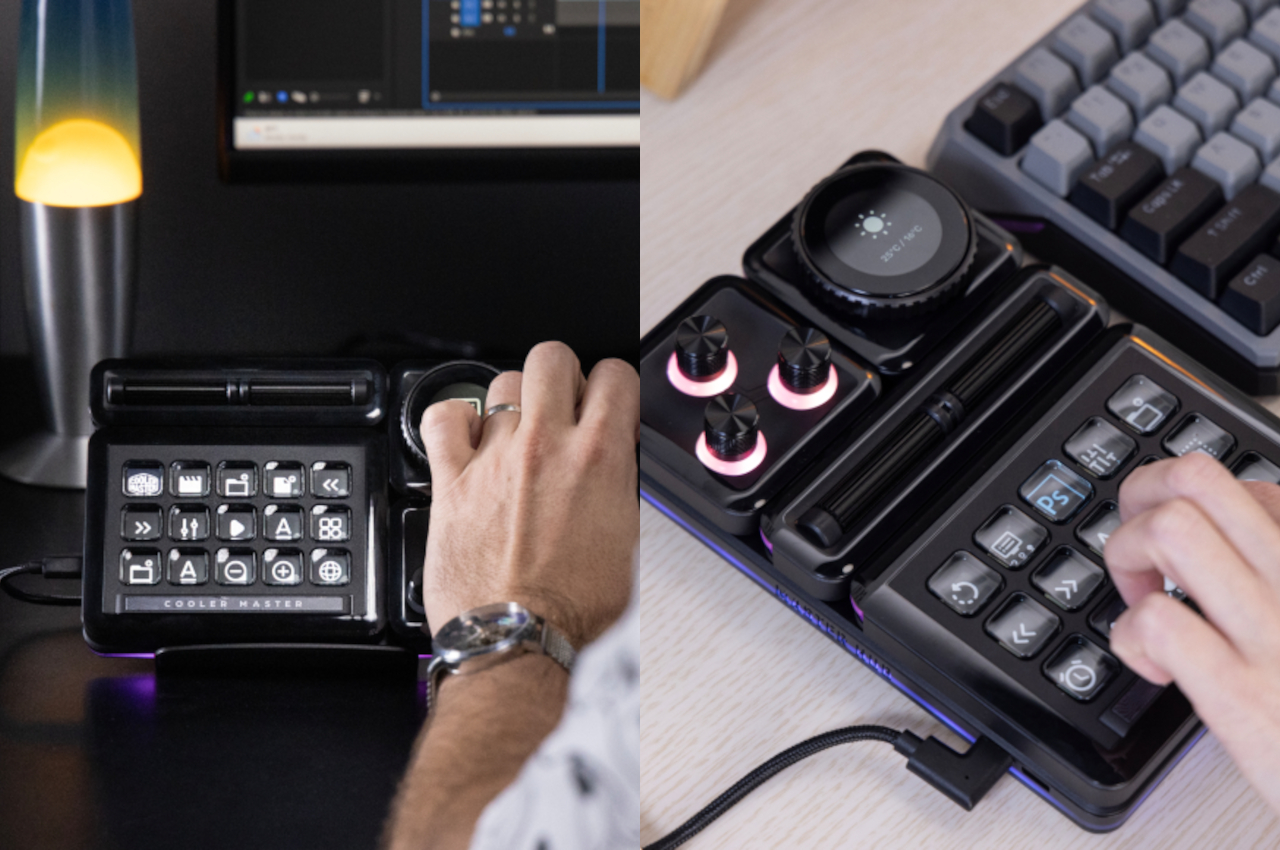
Content creation these days looks so simple the way influencers like to show off in behind-the-scenes videos, but the reality is that they can be overwhelmingly complex as the content they create, especially as they level up their craft. While it’s definitely possible to stick to the tried and true keyboard, mouse, or drawing tablet, the demands of today’s creators and their audiences call for better tools that help make their lives easier. That said, no two artists or designers are alike, and they work in different ways with different techniques, tools, and processes. Most gadgets and devices try to force users to a specific way of working, but this modular stream kit lets you decide not only the specific controls that you need but even the layout that you want.

Designer: Cooler Master
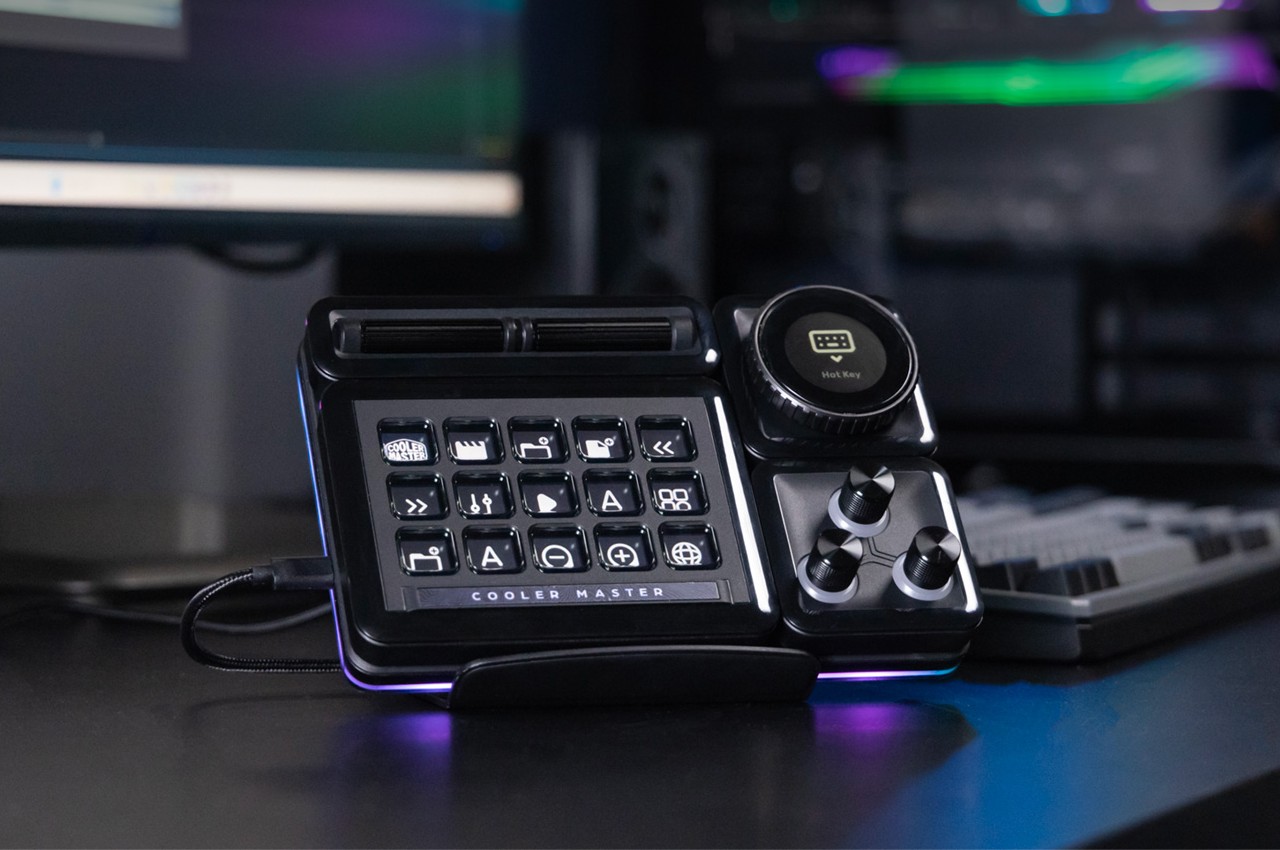
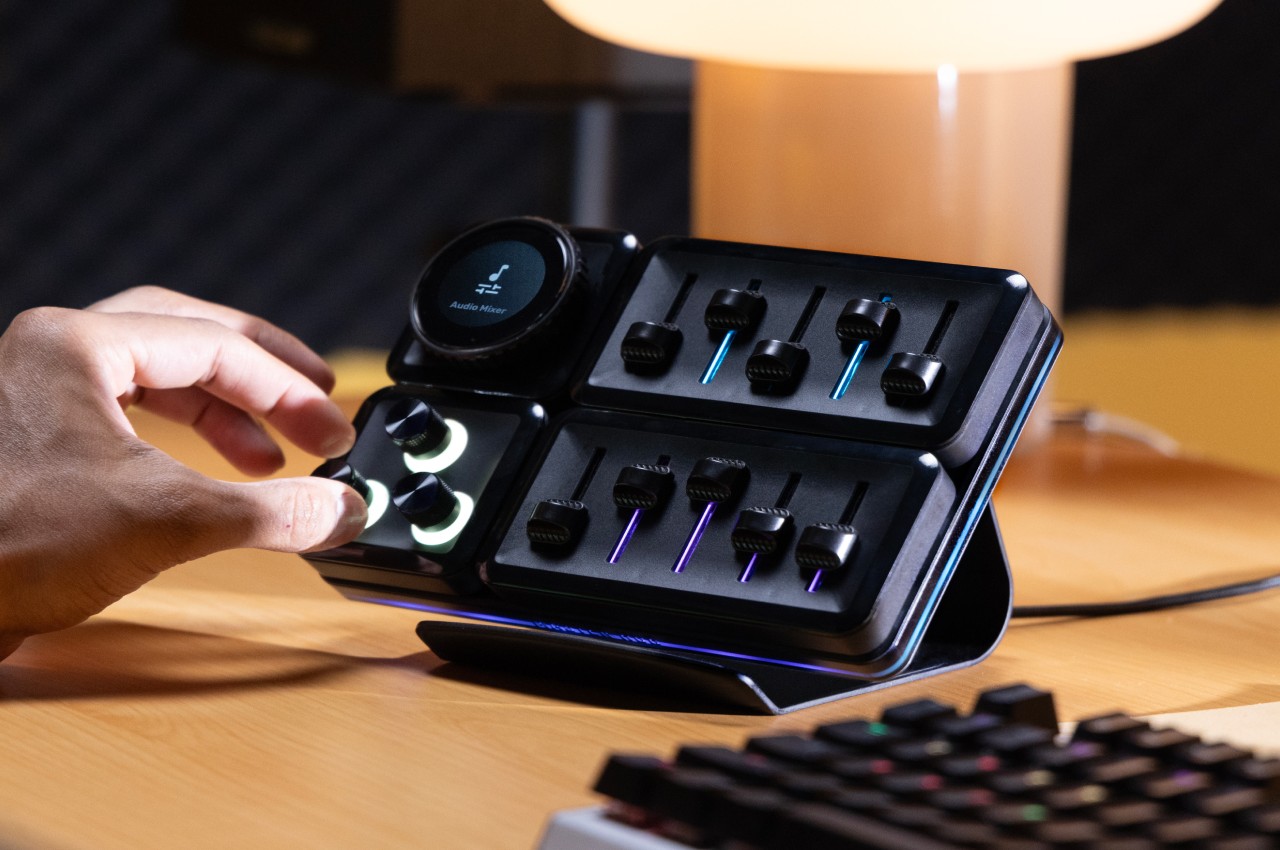
As the name implies, stream kits were originally designed for live streamers as they usually need to access some functions quickly without having to perform finger calisthenics over their keyboard. Over time, however, the flexibility of these programmable buttons with tiny LCD displays has become a favored tool by many content creators, from designers to artists to video editors to general enthusiasts. The MasterHUB comes from this lineage but has one special power that very few have: it can change its shape to adapt to your needs, workflow, or even your whim!

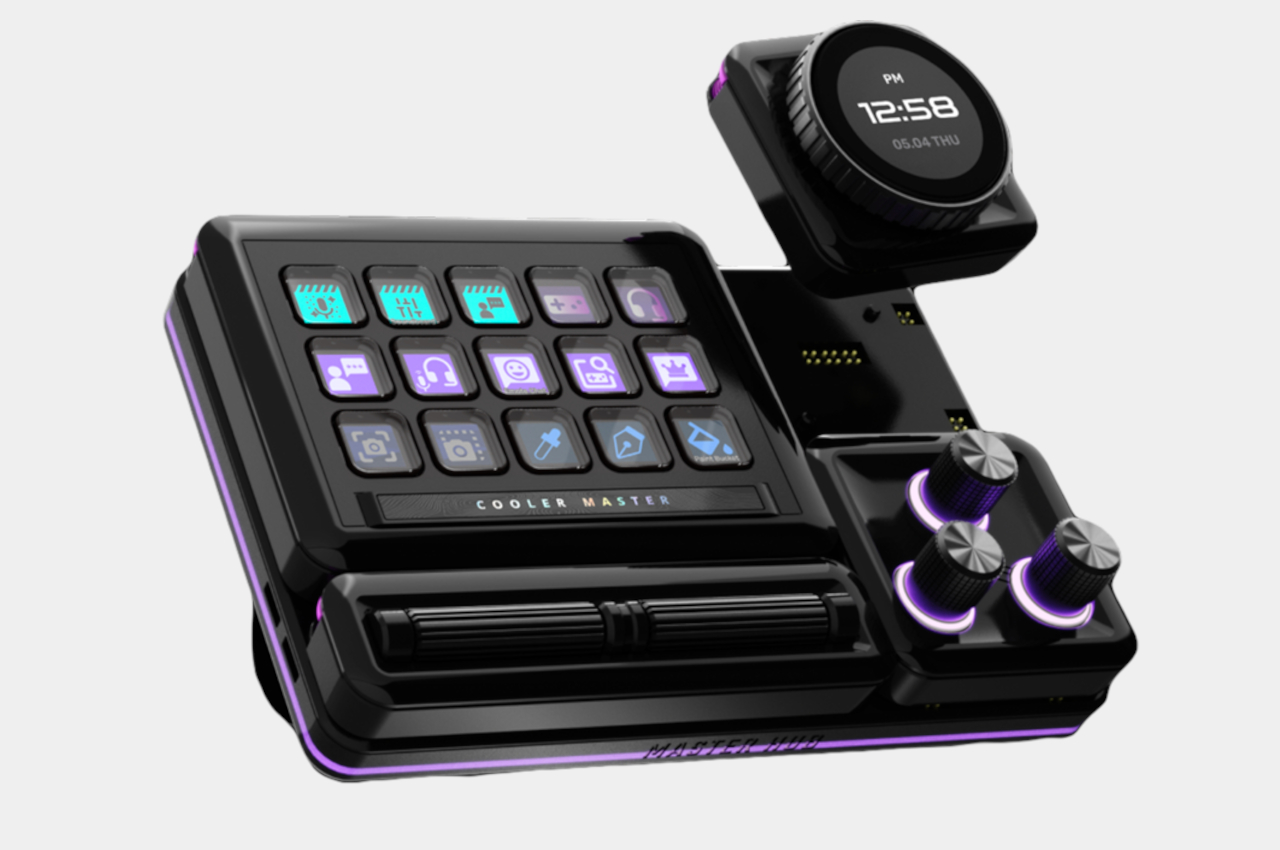
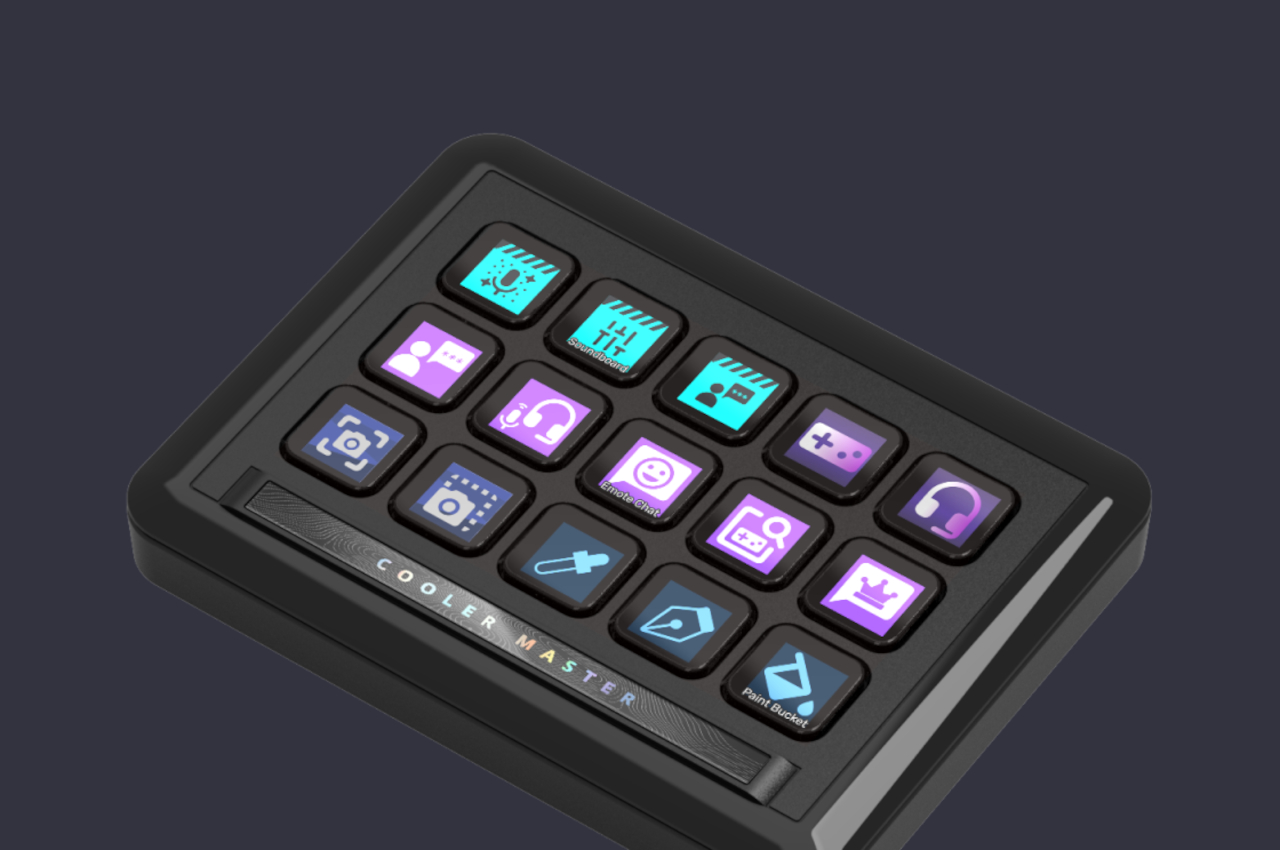
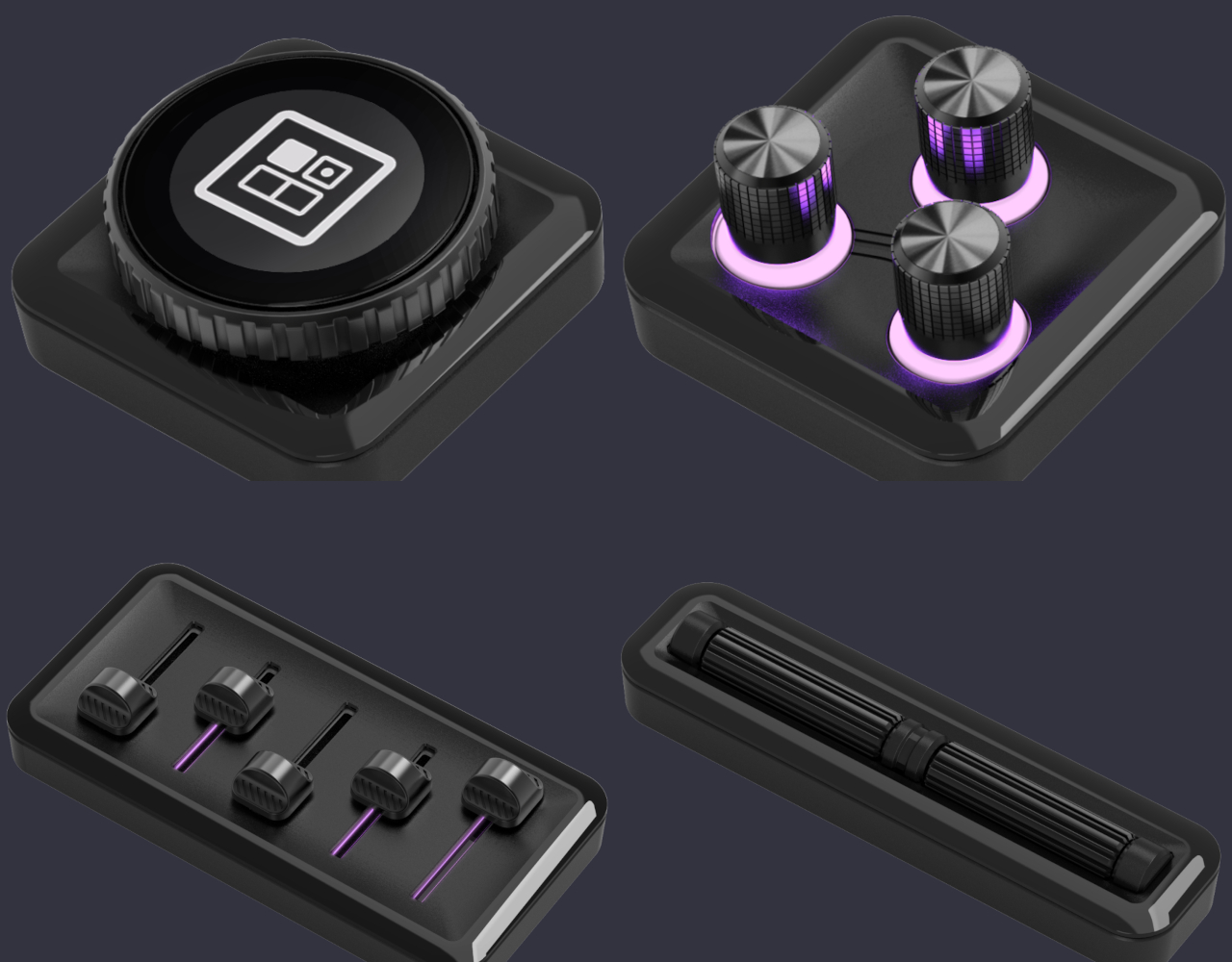
The MasterHUB’s foundation is a base where you can mix and match modules that each deliver a different kind of control. The most common of these is the App Control with 15 programmable keys, each with a customizable display, that can be used to trigger an action or launch an app. Another module is the Encoder which is a large dial with an integrated circular LCD display that can be used for something like scrubbing through audio and video timelines. A Knob Module has three knobs that can be mapped to changing brush sizes, undoing and redoing steps, and similar actions. Completing the set is a Fader Precision module with five sliders and a Roller Scroll Module with two rolling bars.
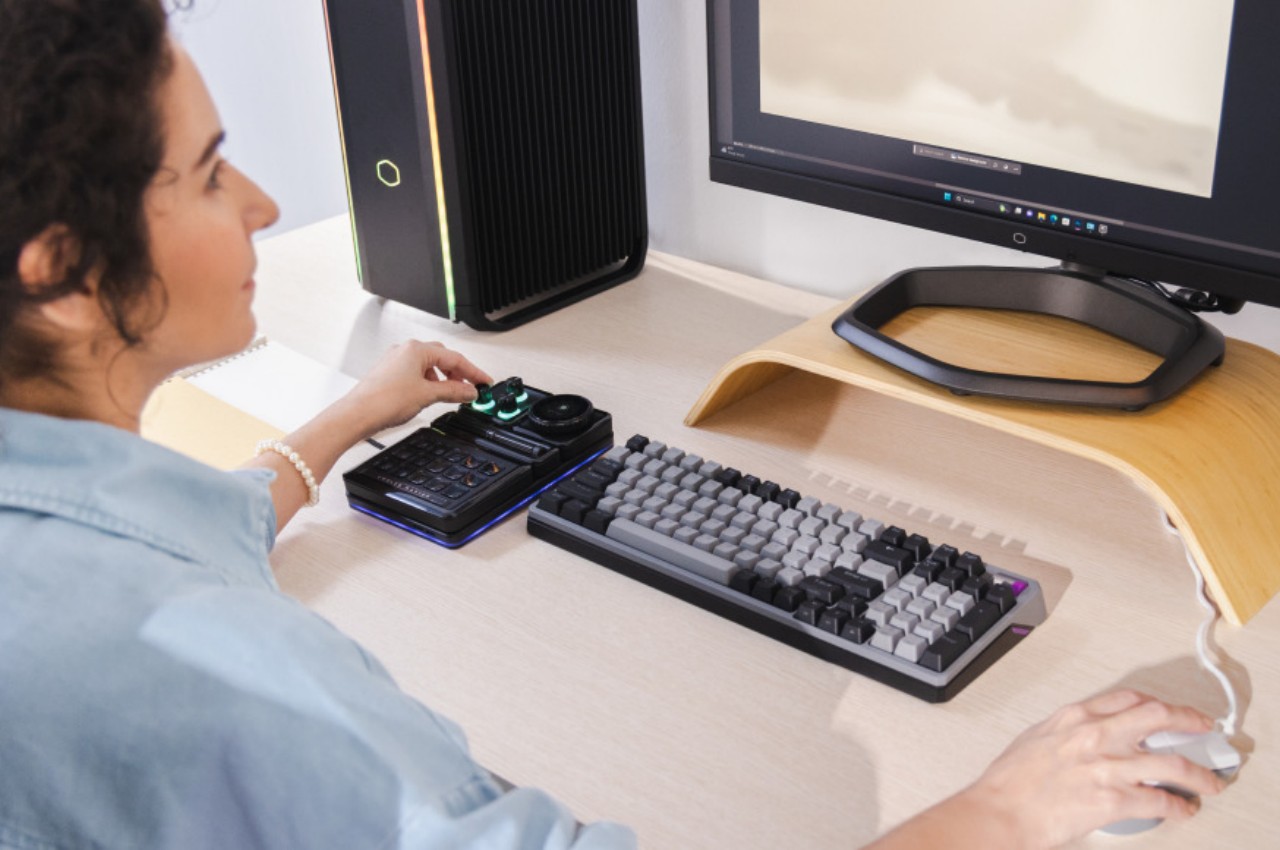
This modular system allows creators to define the layout out of their control center. They can even set it up vertically instead of the conventional horizontal layout, and you can pretty much change the combination on a whim, presuming you’re prepared to do the work of setting up the configuration again. Such a flexible control hub will also benefit even computer users who don’t create content, like gamers and power users that need more knobs and buttons than their keyboard can provide. Availability details for this powerful creativity tool, unfortunately, are still unavailable at the moment.
The post Cooler Master MasterHUB modular control system adjusts to creators’ workflows first appeared on Yanko Design.

ASUS ProArt PZ13 detachable laptop brings Windows on ARM to creators on the go

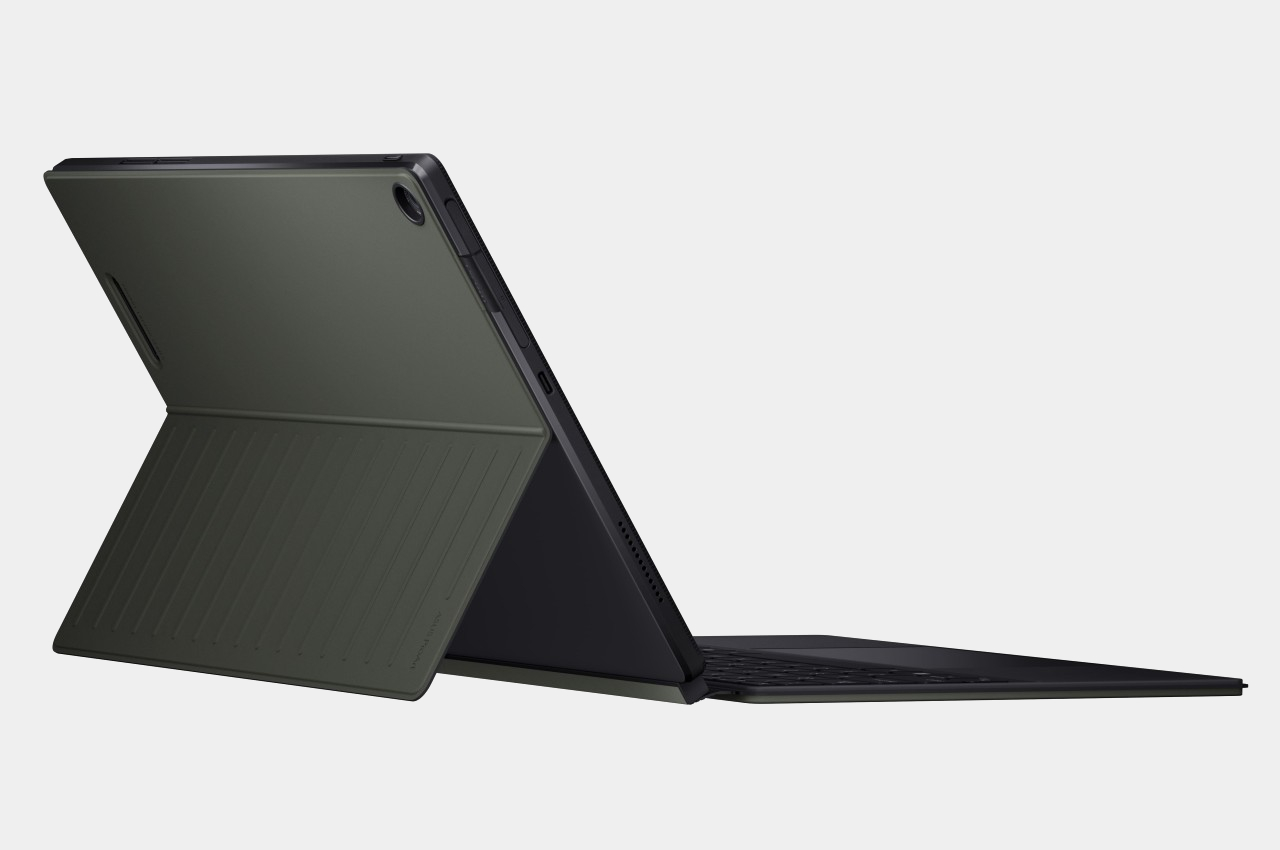
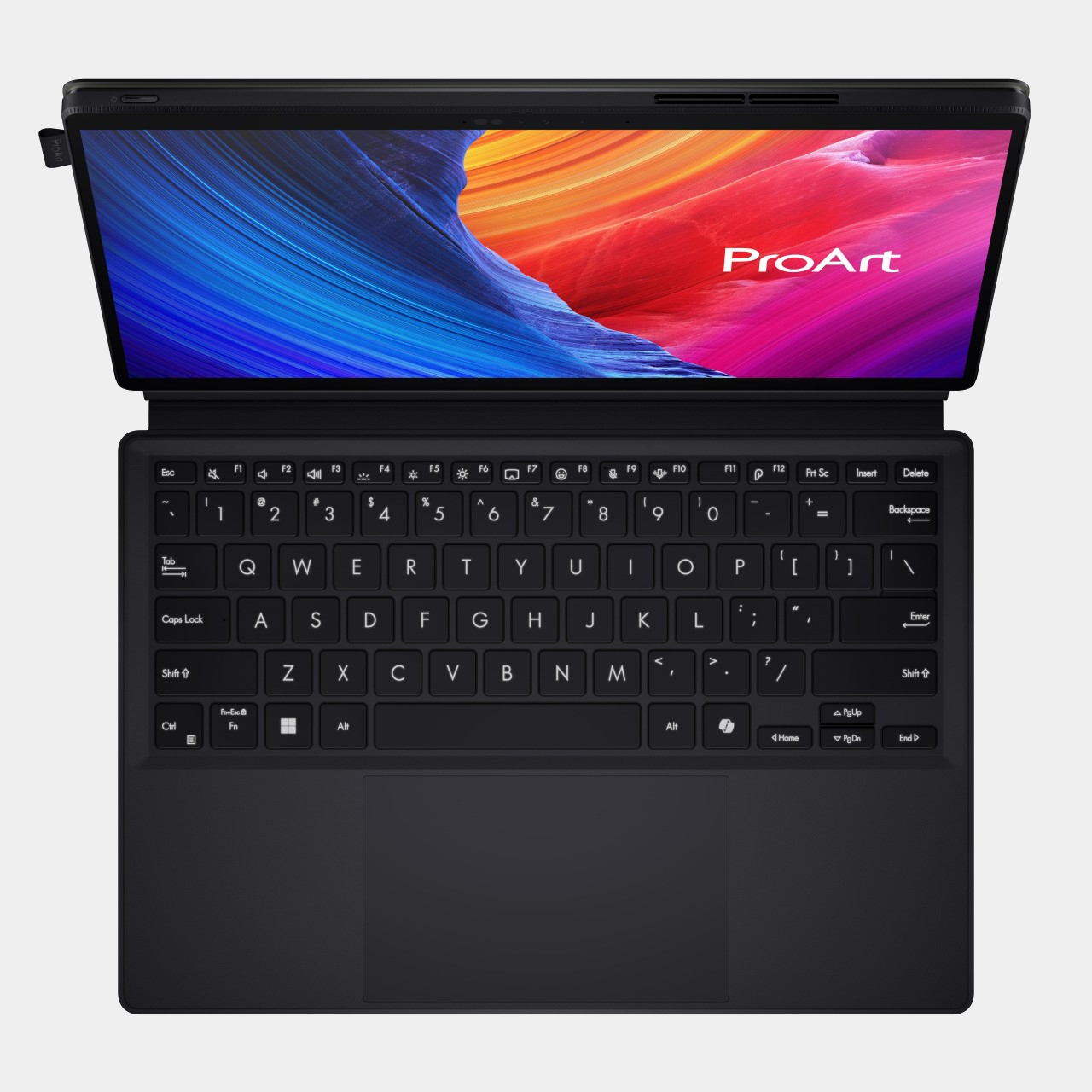
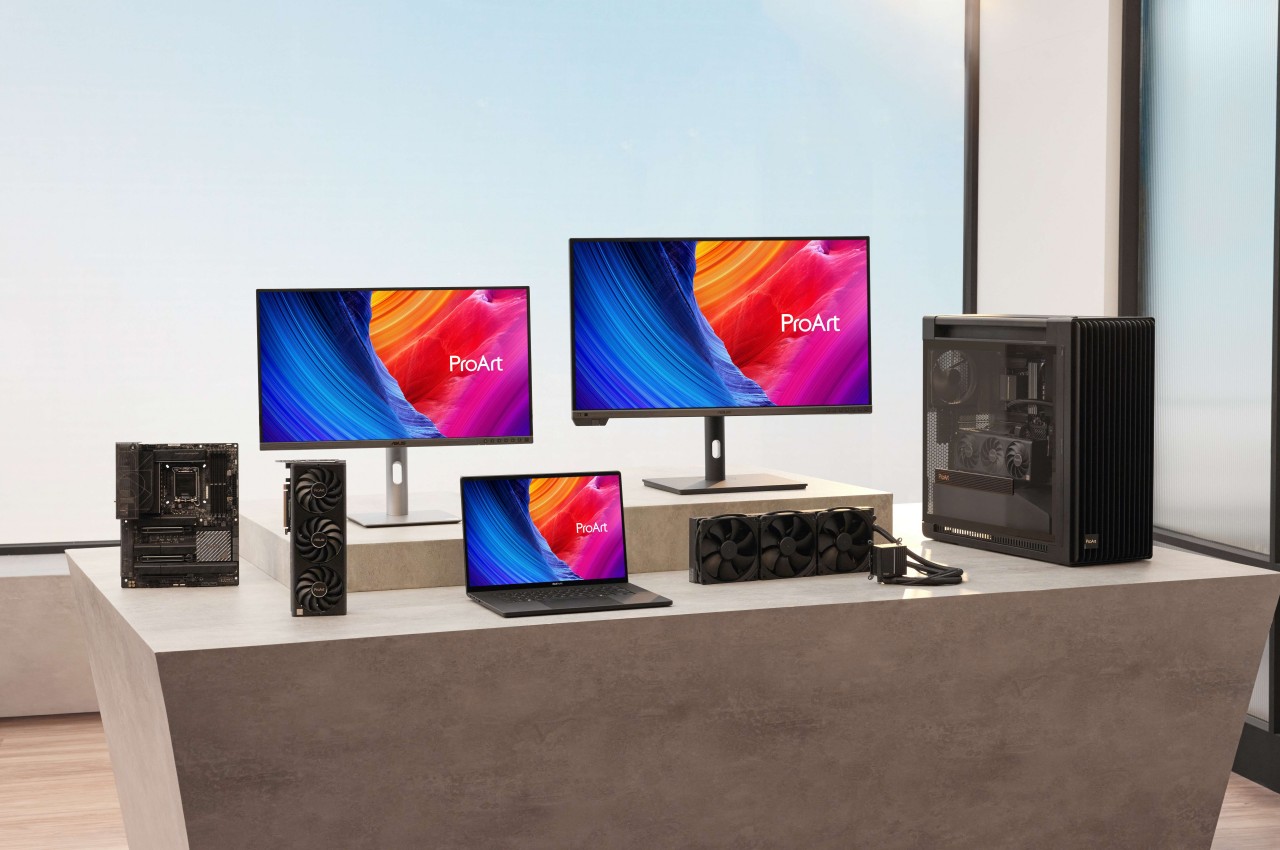
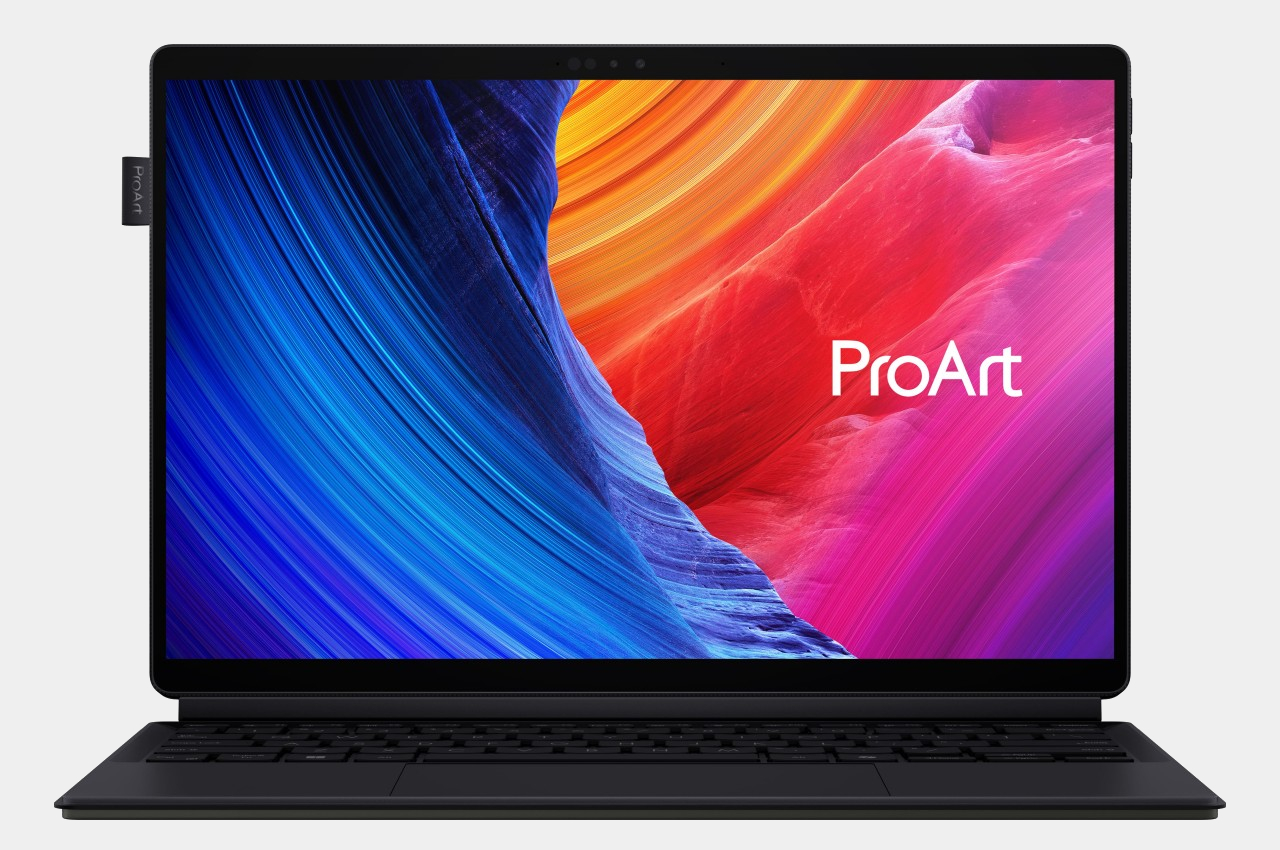
Although Windows on ARM has existed before, the latest iteration of Qualcomm’s Snapdragon X processors is coming out in full force to redeem the platform’s previous image. Part of that means having more PC makers on board who are willing to dive head-on into the arena, branding not just more capable silicon but, more importantly, AI-powered features that are all the buzz these days. ASUS, unsurprisingly, isn’t going to be left behind, and it’s bringing all that goodness into the new ProArt PZ13 detachable laptop that offers an ultra-portable form factor aimed to give creators an edge to let their creative juices flow whenever and wherever inspiration strikes them, even if it’s just on their living room couch.

Designer: ASUS

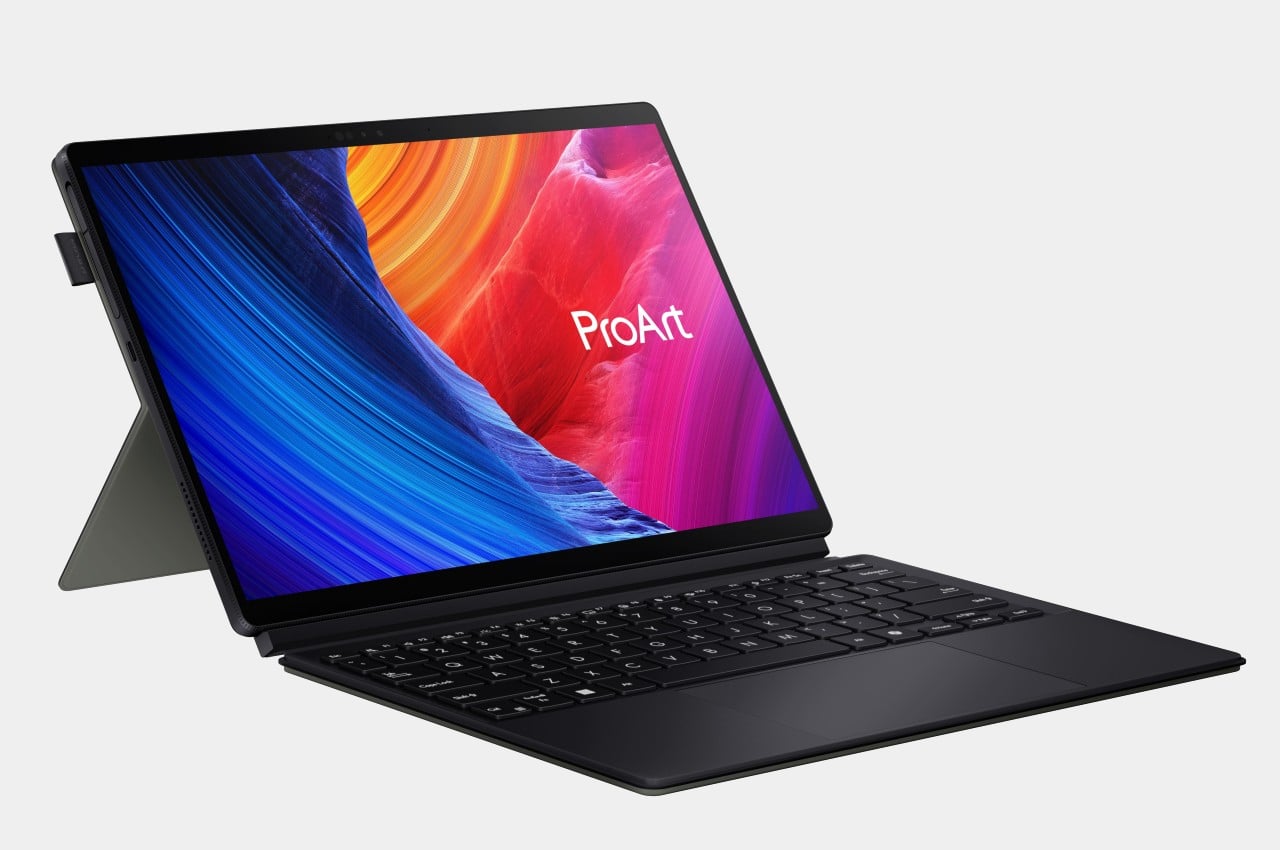
Given the uninspiring legacy of previous Windows on ARM attempts, it’s quite a bold move for ASUS to pitch the platform to one of the most discerning audiences in the market. Artists, designers, and content creators need more than just light, portable devices or long-lasting batteries, they need the performance that will be able to meet the demands of the software they use. At only 9mm thin, weighing only 1.87 lbs, and carrying a large 70Wh battery, the ASUS ProArt PZ13 definitely gets the first two aspects right. The new AI-enabled Qualcomm Snapdragon X processor promises to deliver that last and most critical part.

If it wasn’t painfully obvious yet, this processor harnesses the power of AI to boost its performance, particularly with paired with the Windows 11 operating system. It isn’t just your run-of-the-mill AI voice assistant that answers your search queries but a deeper, more encompassing tool that optimizes the system’s operation to save time, power, effort, and other resources. ASUS is also throwing its own AI-powered creation tools, like a StoryCube media hub for organizing digital assets, and a subscription-based CapCut for dynamic video editing. And, yes, Microsoft’s CoPilot is also onboard to make the other menial tasks more efficient as well.

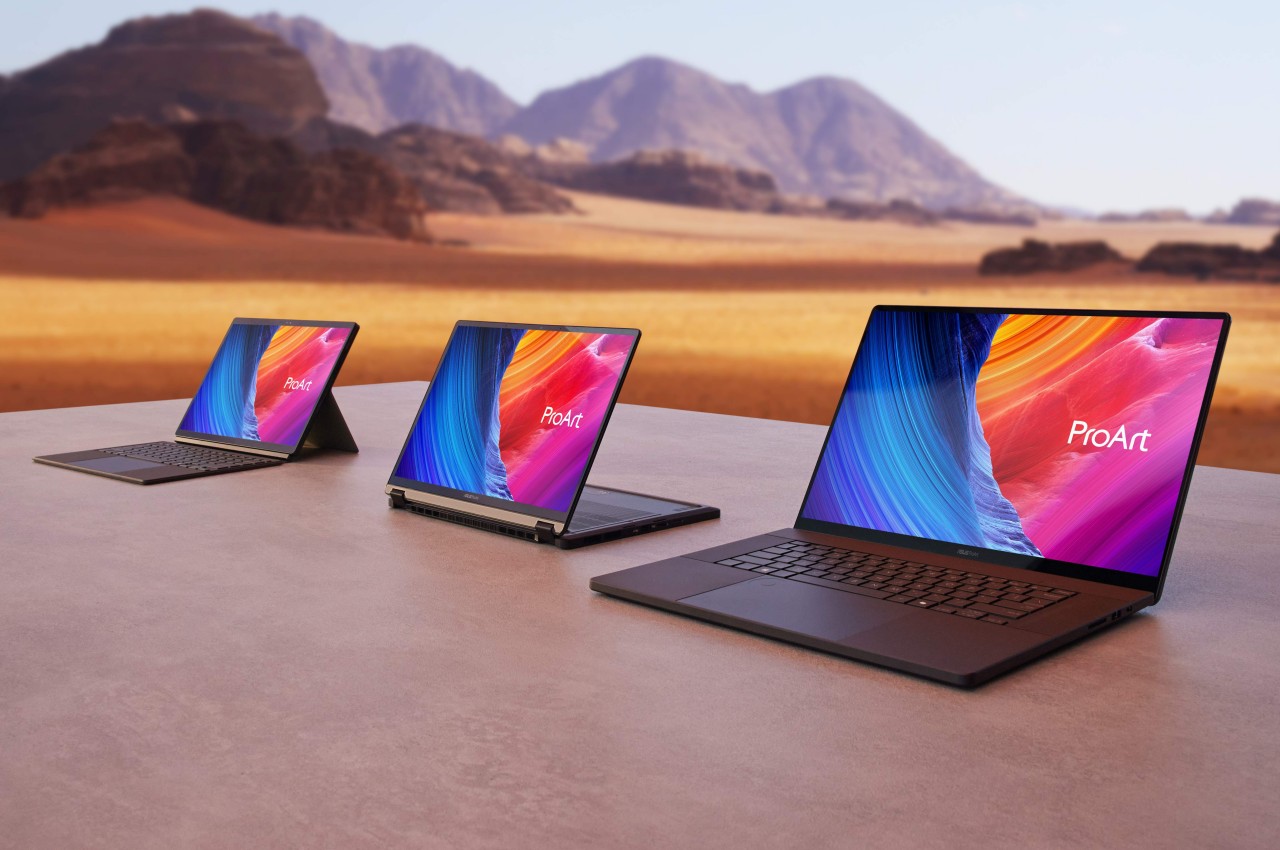
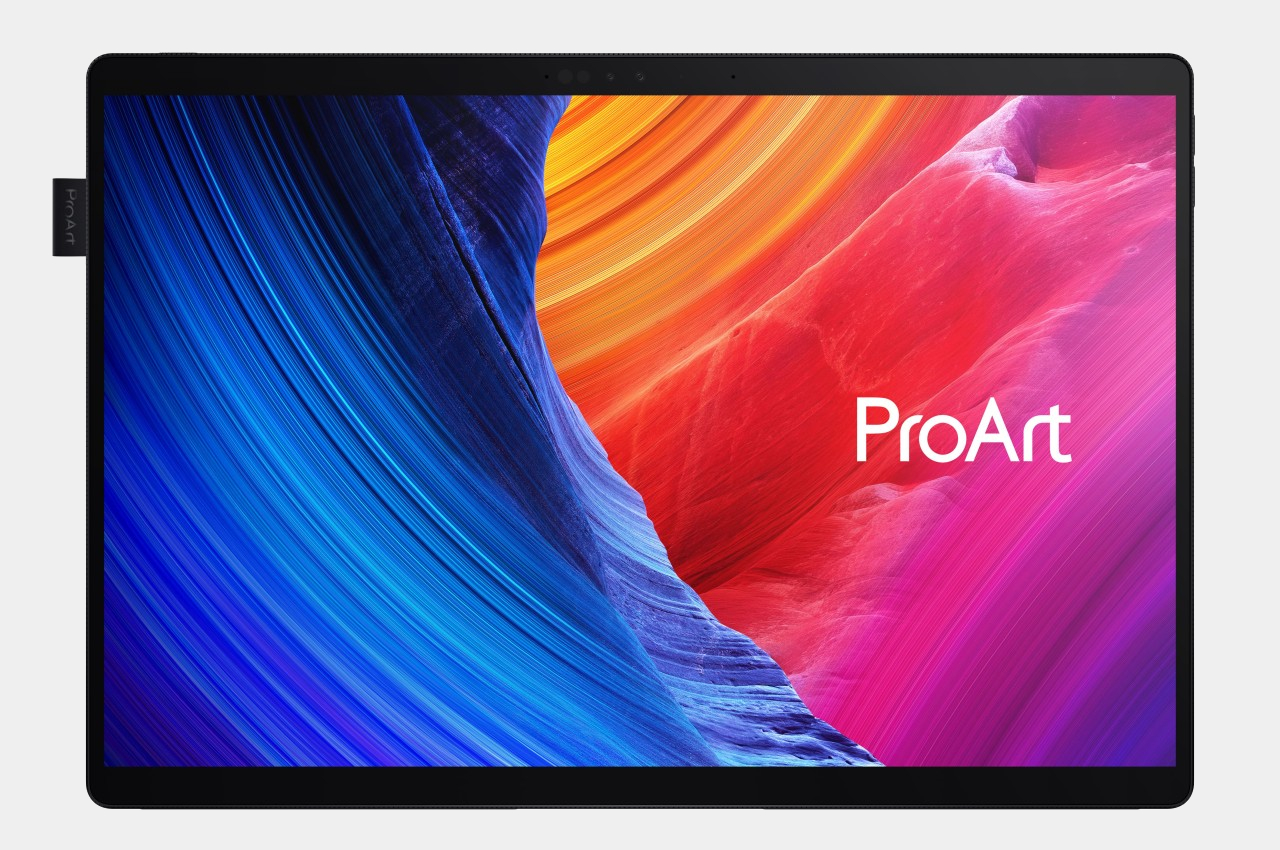
The ASUS ProArt PZ13 comes in a 2-in-1 detachable design that is reminiscent of the Microsoft Surface, complete with a full-width kickstand and a keyboard cover. The 13.3-inch 3K ASUS Lumina OLED touch screen promises to meet the demanding requirements of creators when it comes to brightness, color accuracy, and precision, supporting an optional ASUS Pen 2.0 stylus for creating digital masterpieces. Unlike the existing line of ASUS ProArt laptops, this tablet and laptop in one is clearly designed for mobility, and the IP52 dust and water resistance rating, along with MIL-STD-810H certification, offer some peace of mind when you need to take the device places.

Of course, the real question will be whether Windows 11 on this new Snapdragon platform will perform just as well as on Intel and AMD processors. Early reviews seem to be promising, but the final judgment will really depend on the compatibility of creators’ tools on this still rare combination. The ASUS ProArt PZ13 AI-powered detachable laptop will go on sale sometime in the third quarter of the year, with pricing details to be released closer to the product’s launch.

The post ASUS ProArt PZ13 detachable laptop brings Windows on ARM to creators on the go first appeared on Yanko Design.

ASUS ROG Ally X gaming handheld PC brings small changes that have a big impact

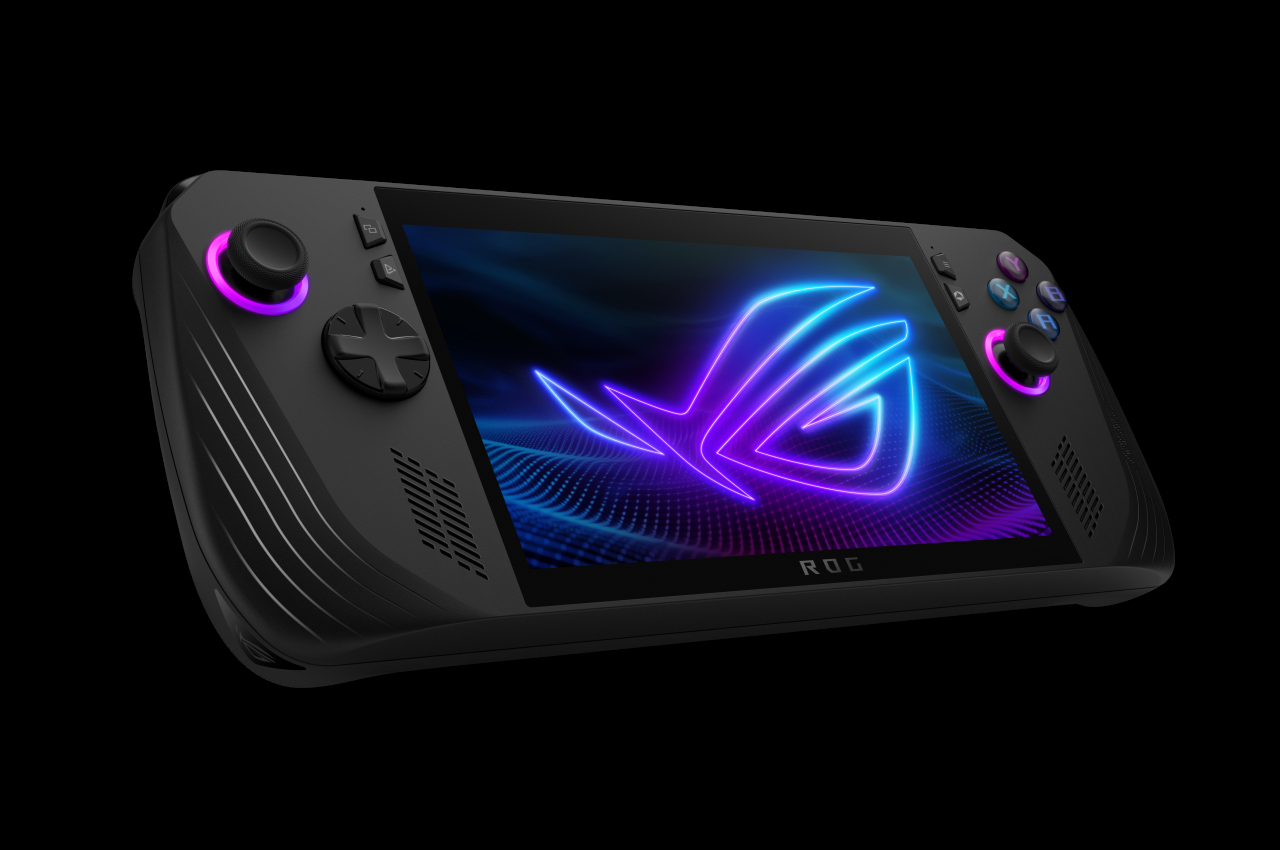
After numerous leaks and rumors, the cat is finally out of the bag. The next ASUS Republic of Gamers handheld PC isn’t the Ally 2 but the ROG Ally X as expected. While some might see it as simply splitting hairs, the naming does make a difference. It still has the beating heart of the first ROG Ally, but with a few extras that respond to the criticisms and requests of the gaming community who embraced this more portable form factor right off the bat. From some perspectives, those extras are really small and subtle, especially if looking at it from the outside. But with enough of those changes working together, the ROG Ally X is positioning itself to be a more powerful companion that will let you play more games longer.

Designer: ASUS ROG

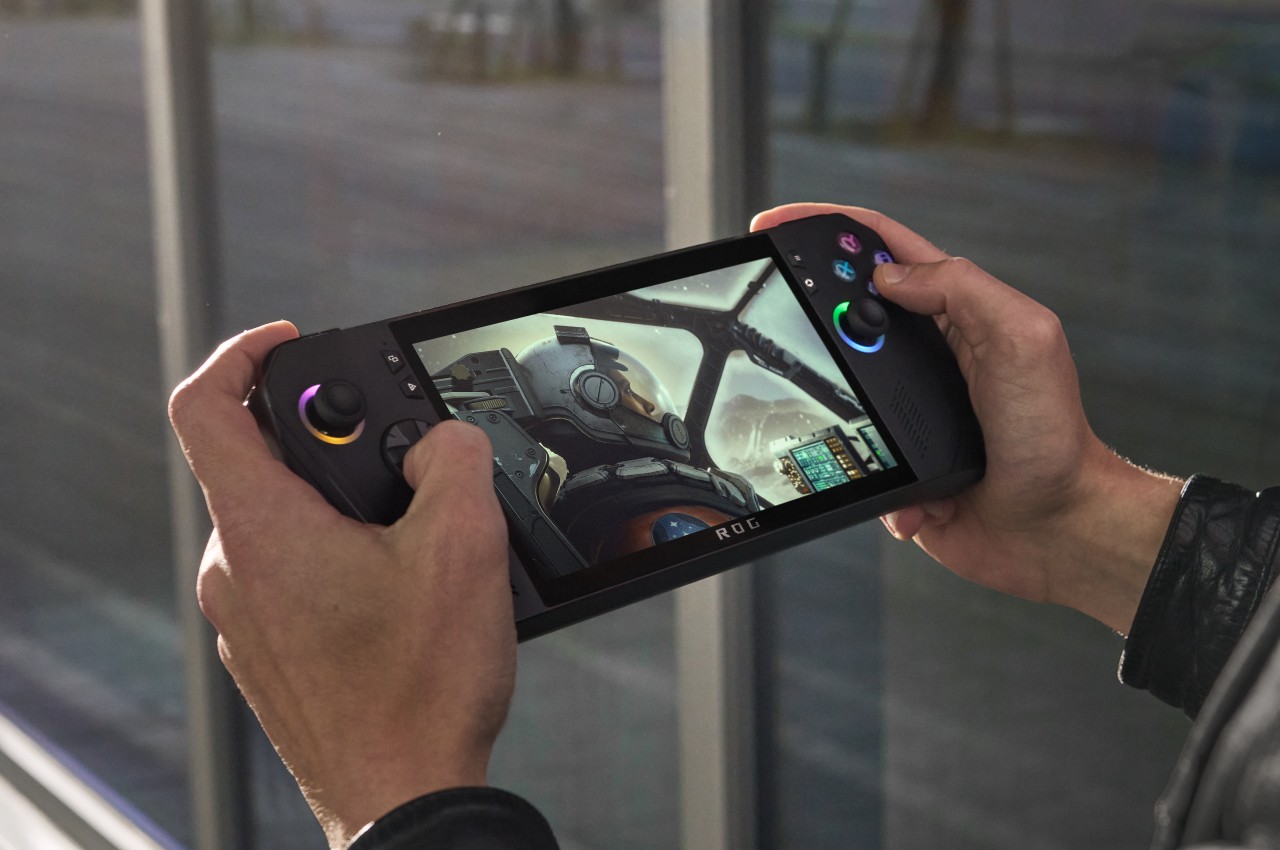
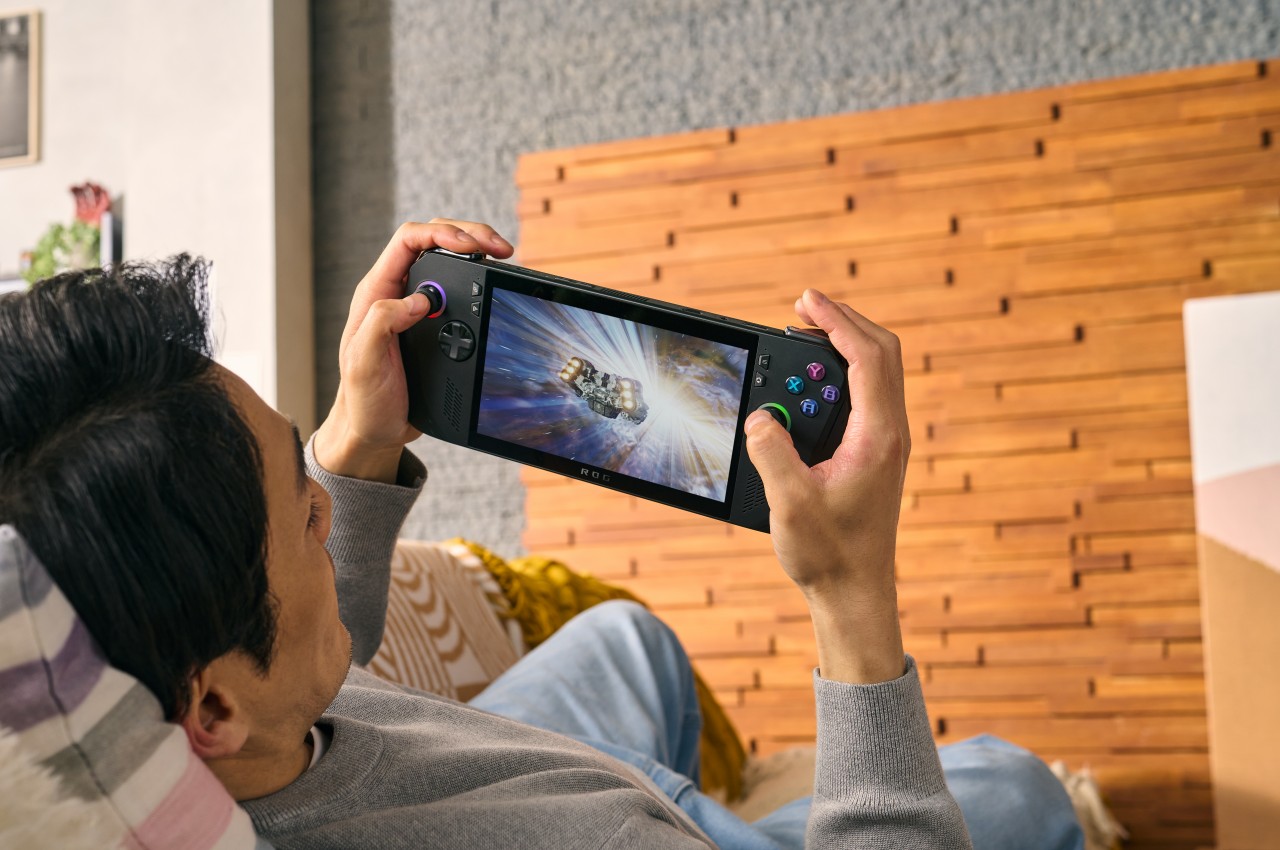
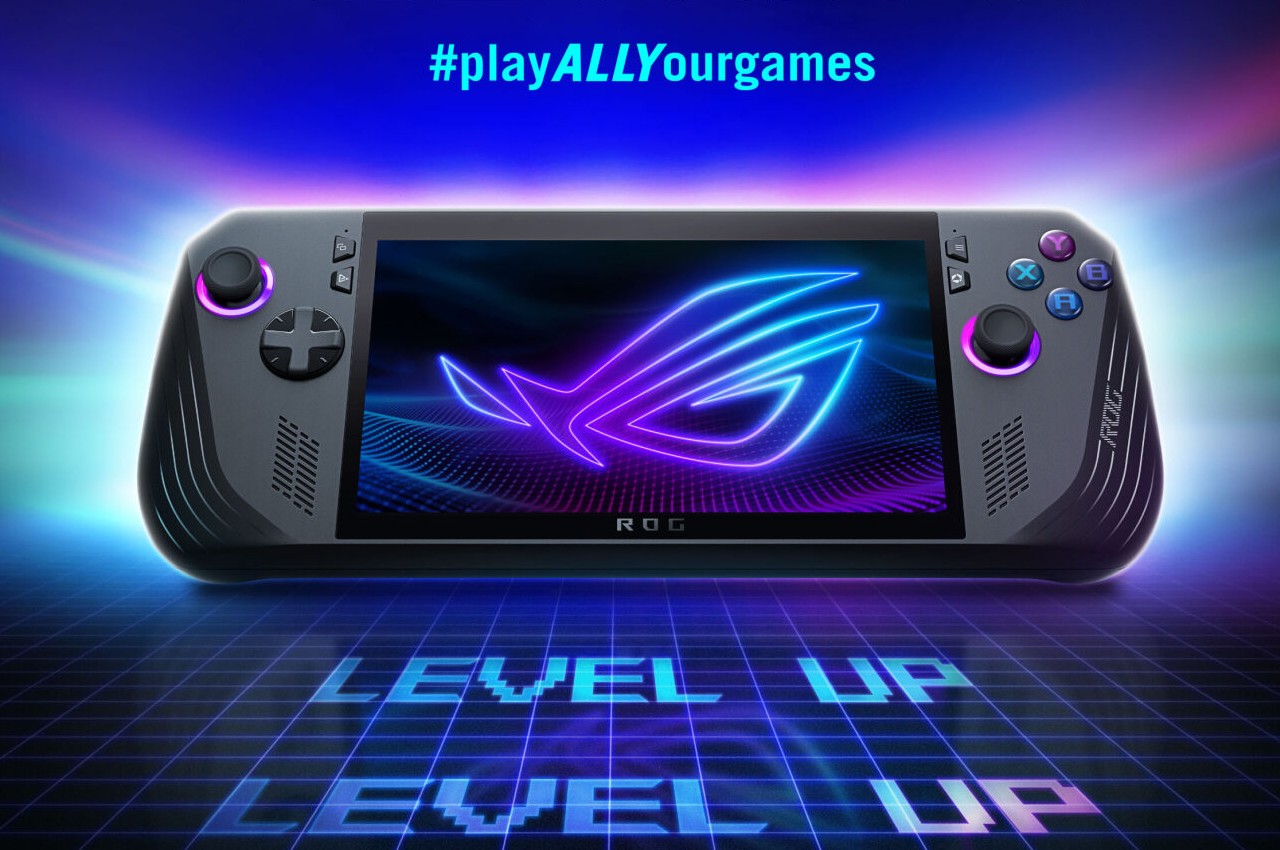
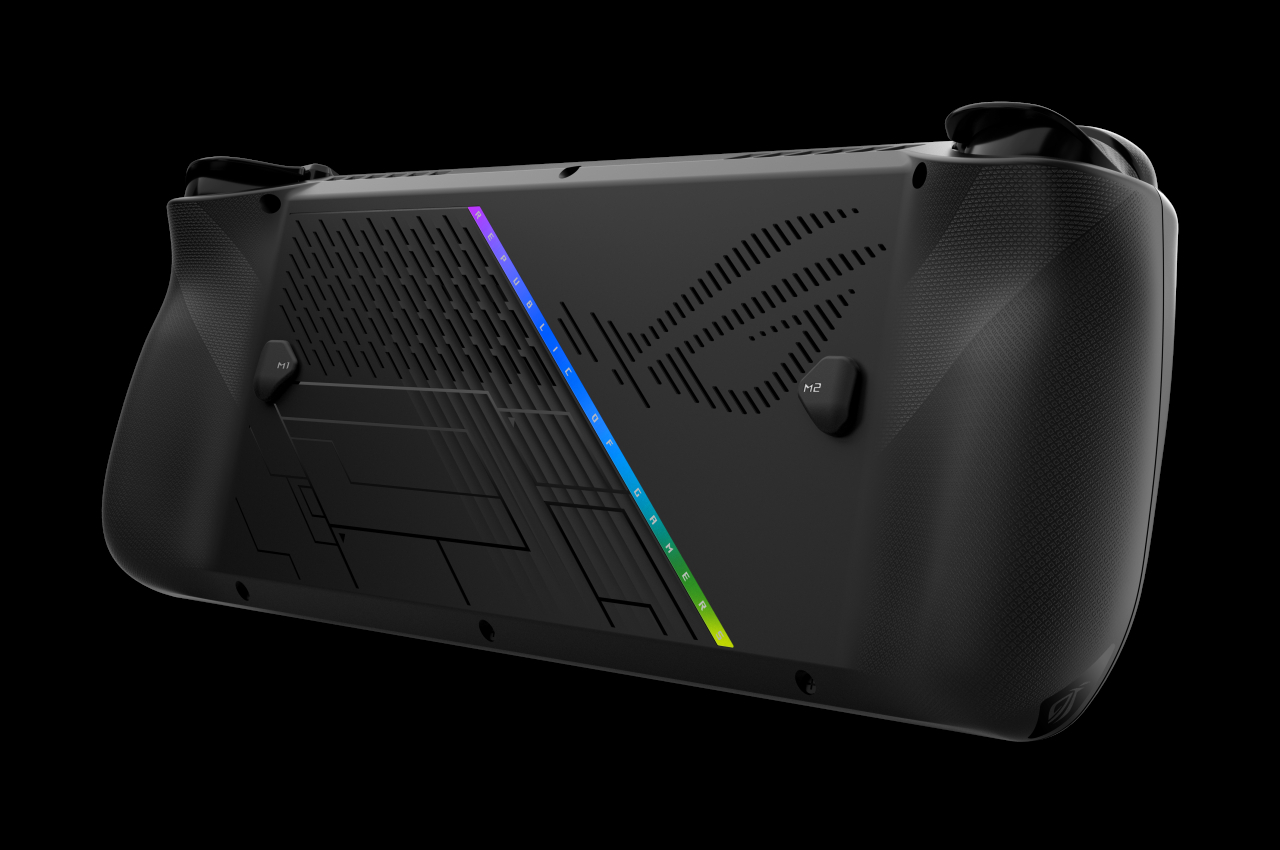
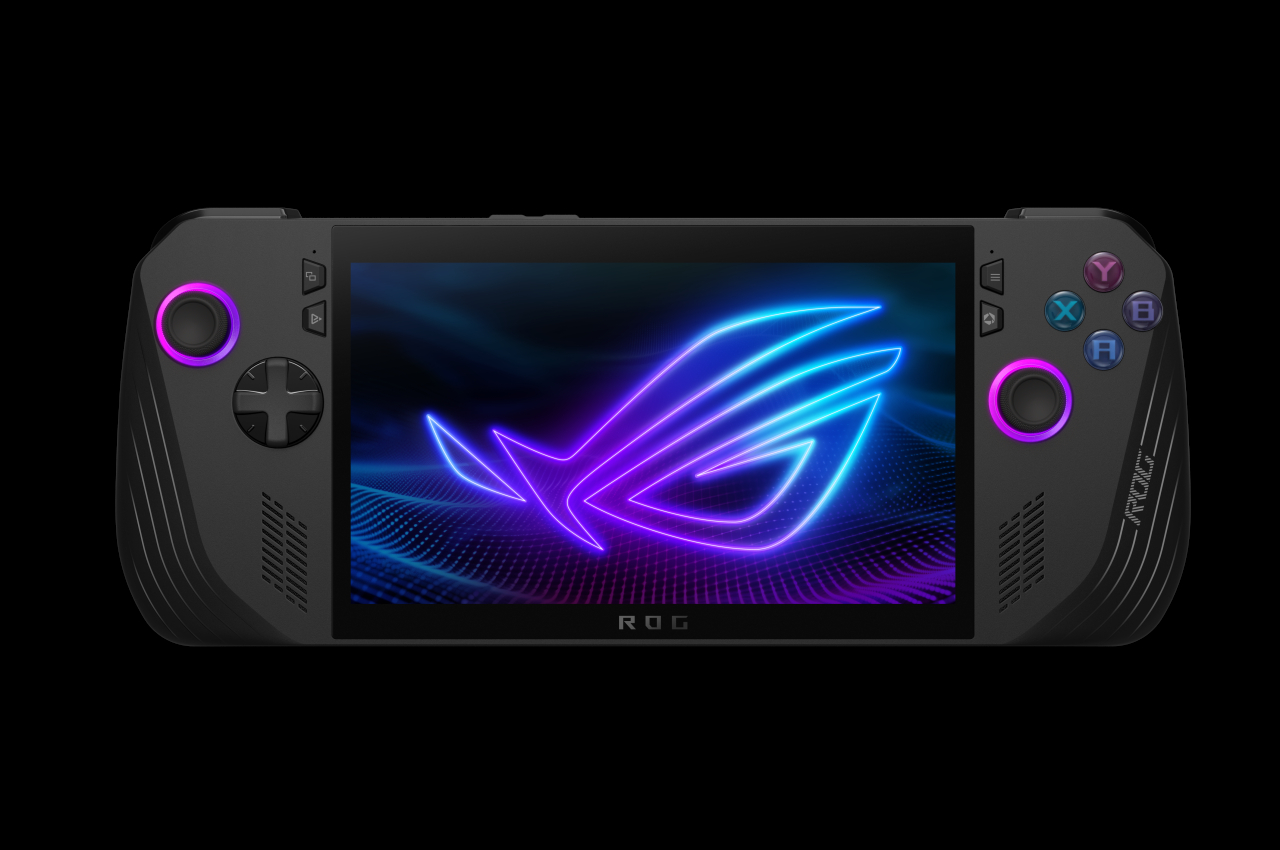
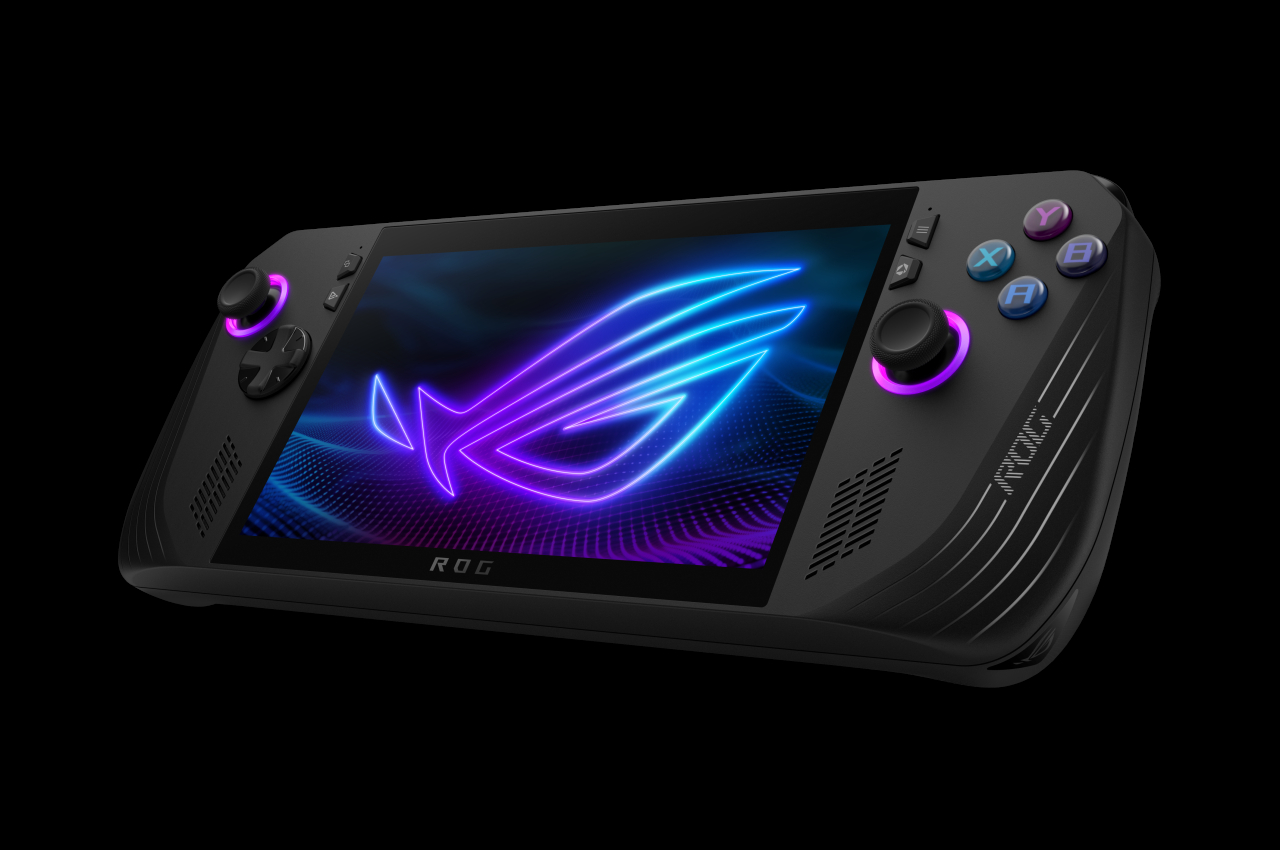
Just from a glance, you might not be able to tell that this is in any way different from the OG ROG Ally, at least except for its new all-black motif. It still boggles the mind why ASUS chose white for its first iteration, a color that’s almost alien to gamers’ palettes, though it did help the ROG Ally stand out from its rivals. If you look more closely, however, and hold the device in your hands, you might notice how things are somewhat different, hopefully for the better.

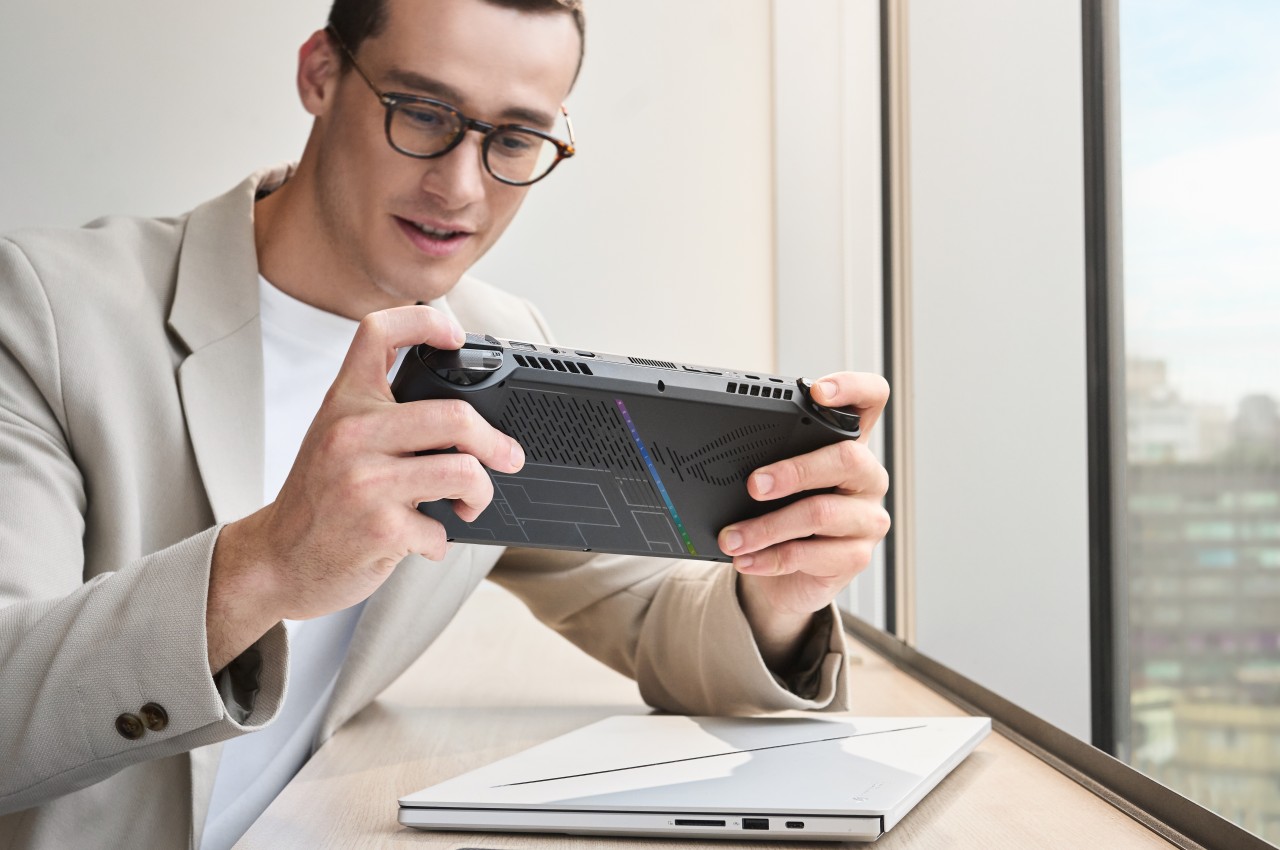
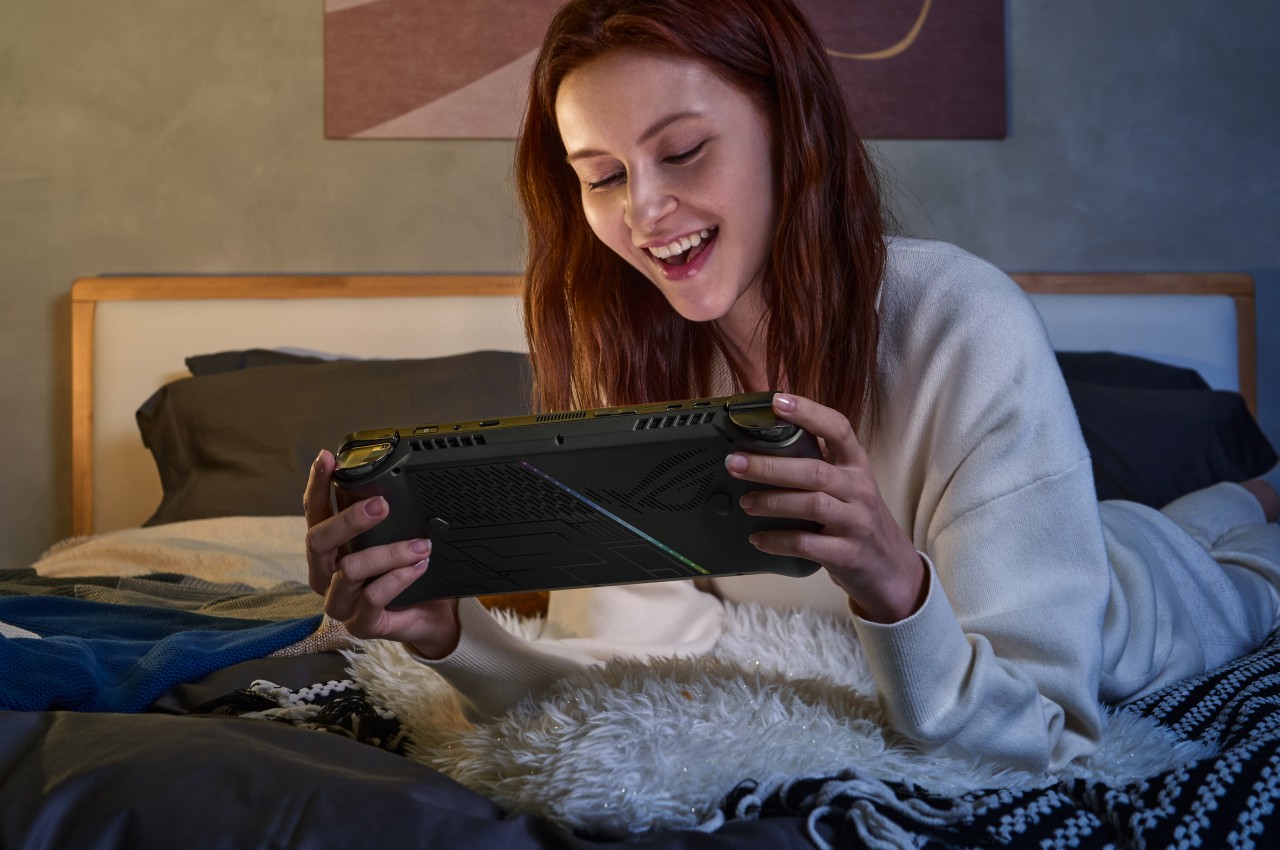
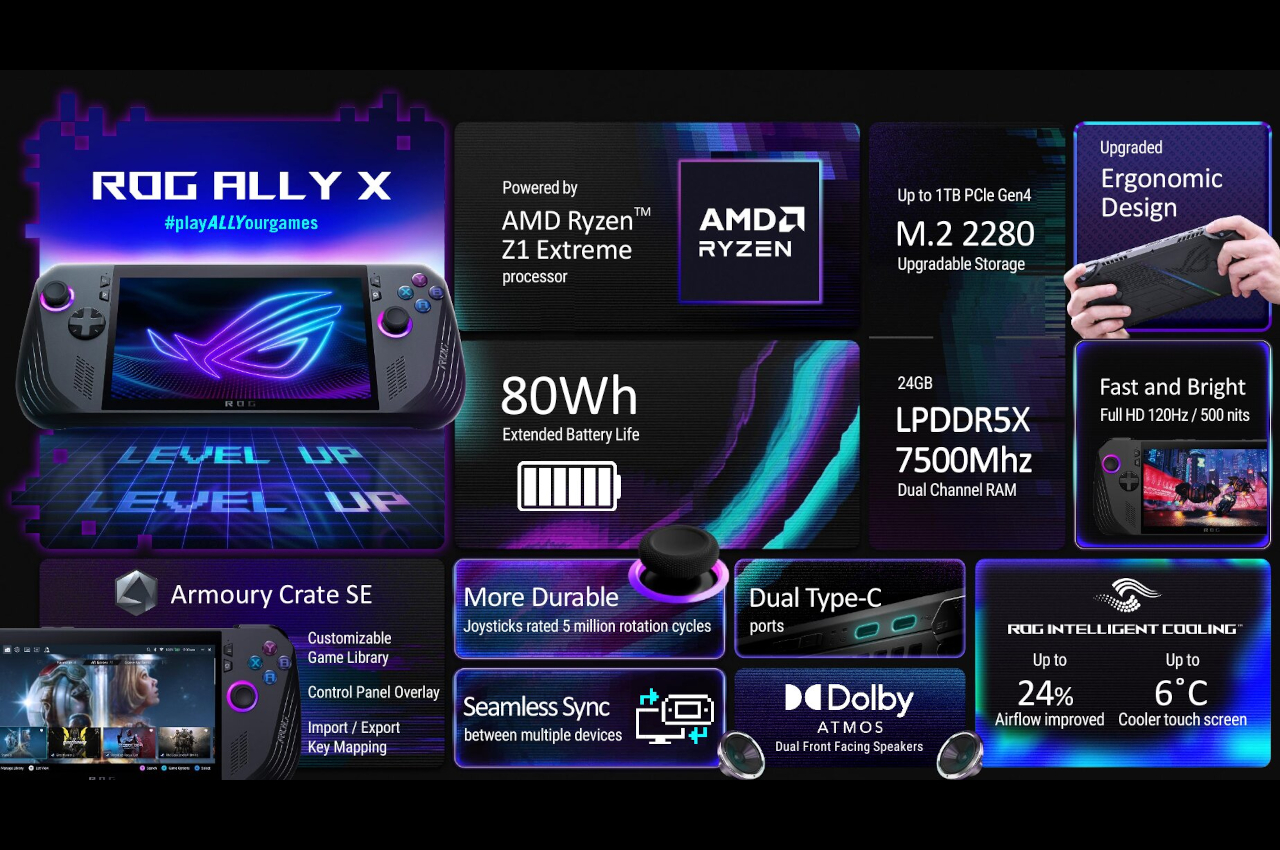
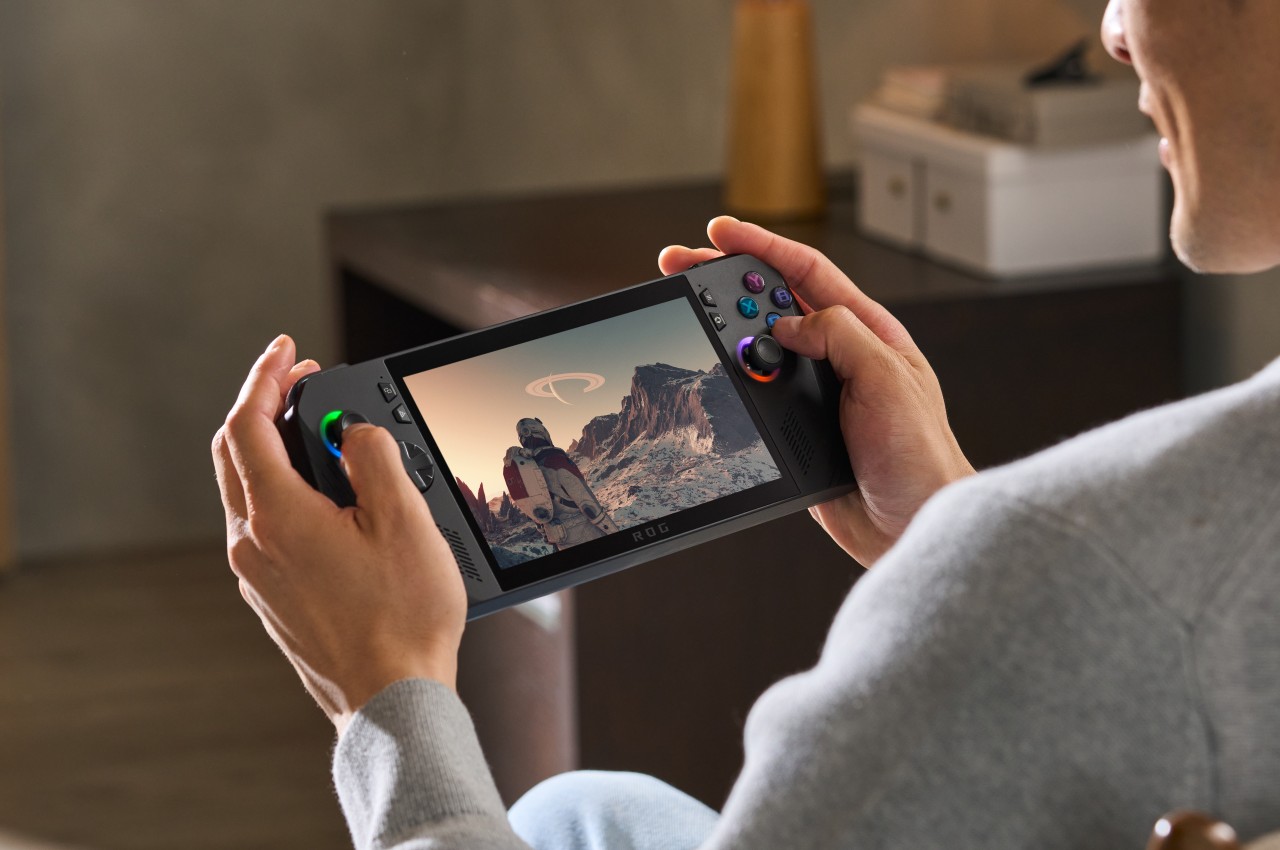
The handles, for example, are rounder now, which helps improve the grip that’s critical to a handheld device. The back triggers now come at an angle for better ergonomics, while the joystick and D-pad have been improved to be more durable and more precise. The biggest changes, however, are on the inside, where every little thing counts if it’s meant to improve the gaming experience.

It’s still the same AMD Ryzen Z1 Extreme as the original ROG Ally, but that mobile gaming processor is now paired with 24GB of DDR-7500 RAM, up from 16GB in the first iteration. The storage capacity has been doubled to up to 1TB, but the bigger surprise is that ASUS is making it easier to upgrade it. The battery has also been doubled to 80Wh, which means you’ll have more time playing before you need to plug the little monster in. To compensate for this newfound power, ASUS ROG promises an improved thermal cooling solution so you won’t burn your hand while you play.

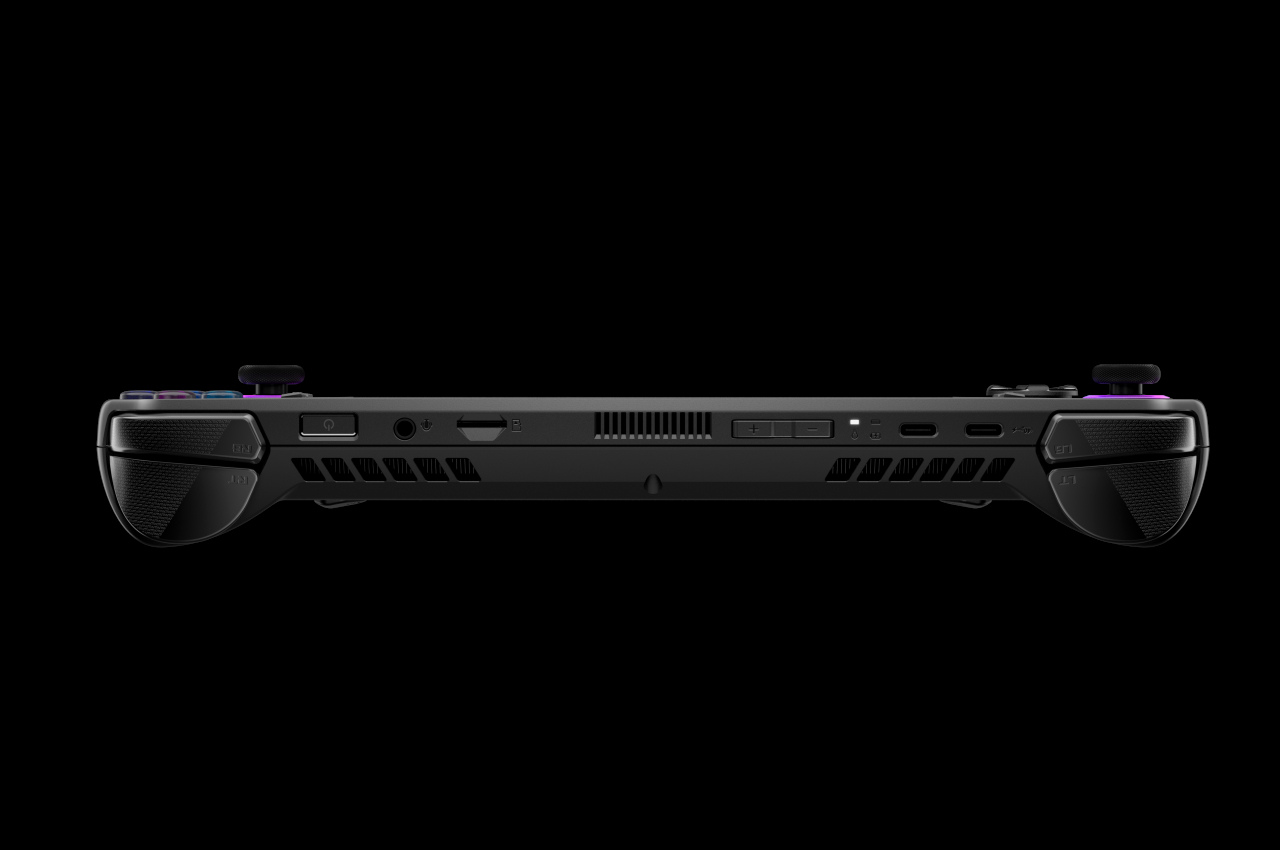
There is at least one change that some might consider a downgrade, depending on how attached they’ve become to ASUS’ proprietary XG external graphics port. In its place, the ROG Ally X uses a more standard Thunderbolt-compatible USB-C port that could still work with external GPUs but also with a lot more devices as well. Given all these changes, it’s no surprise that the ASUS ROG Ally X will cost more than its predecessor at $799.99. Then again, this version is squarely aimed at power gamers, and those who can live with the bare minimum can still get the older model, at least for now.

The post ASUS ROG Ally X gaming handheld PC brings small changes that have a big impact first appeared on Yanko Design.