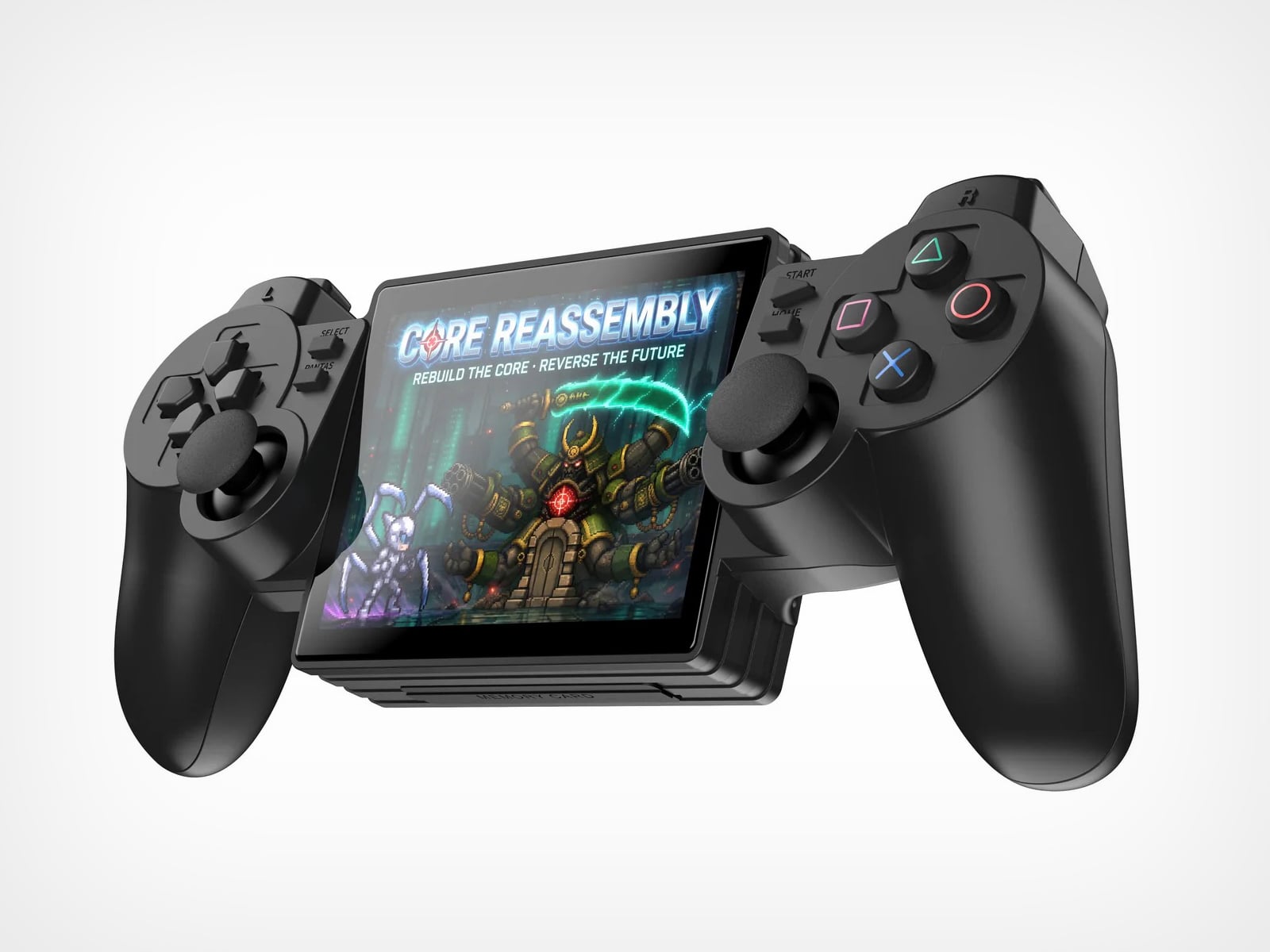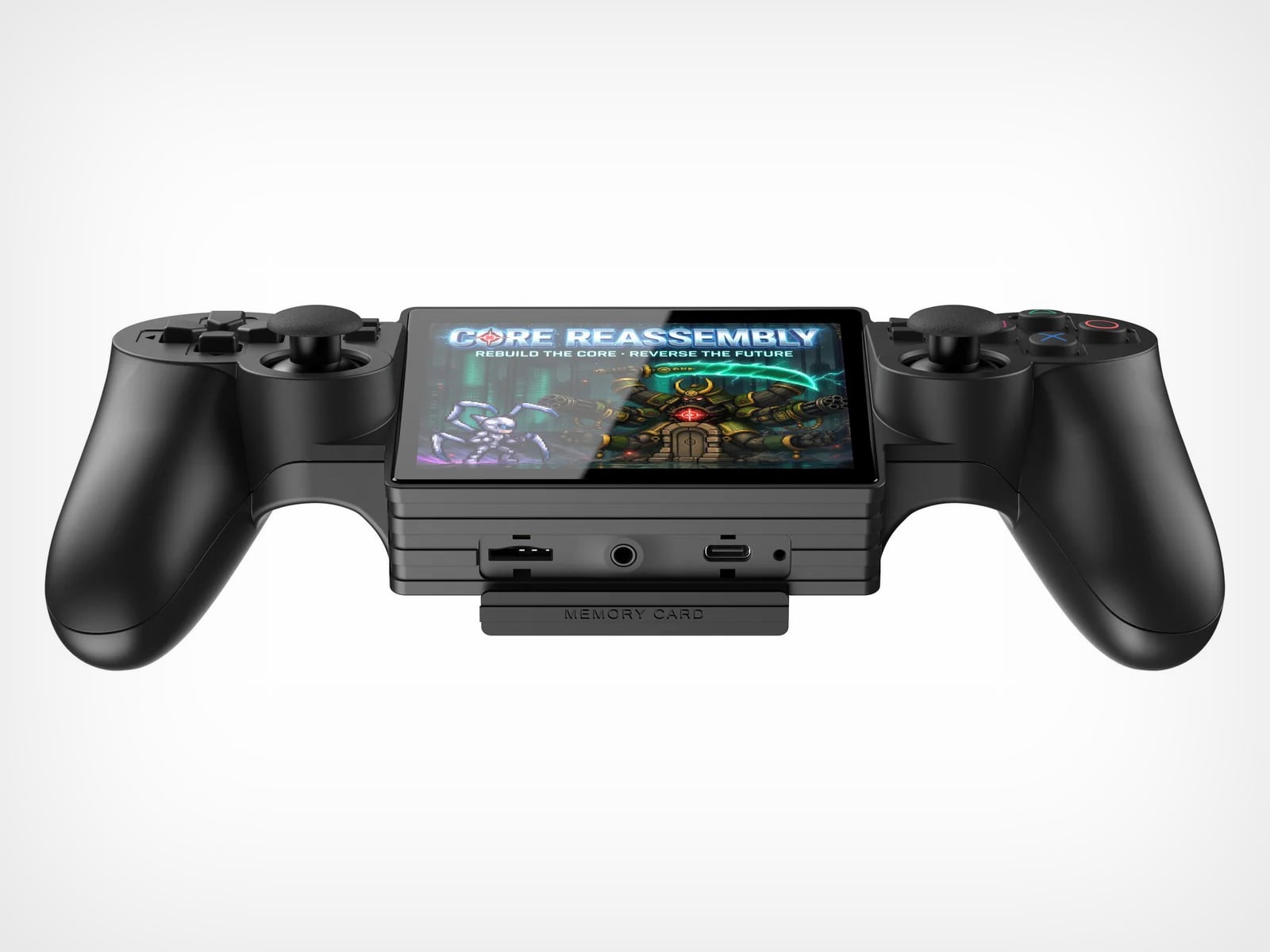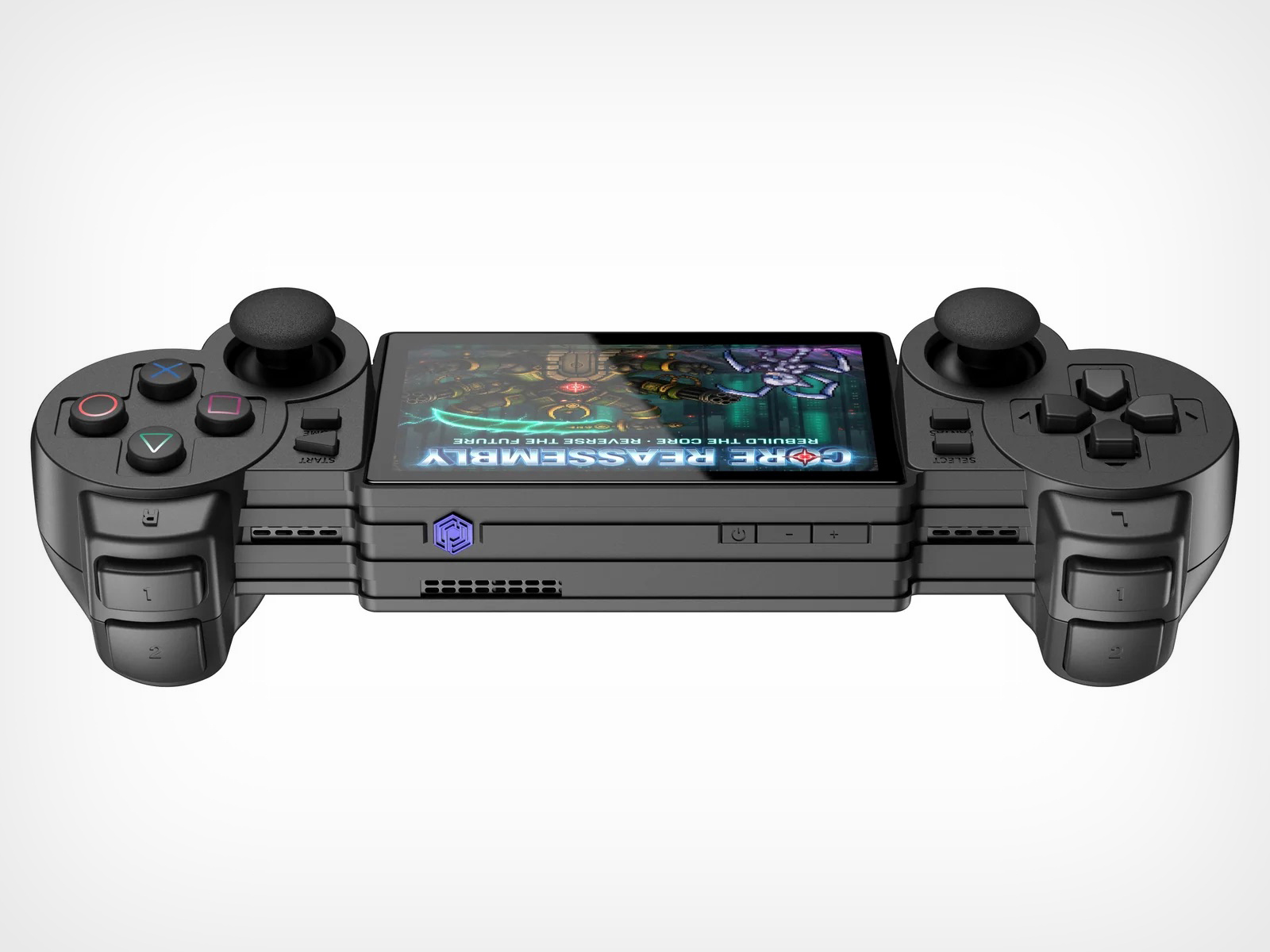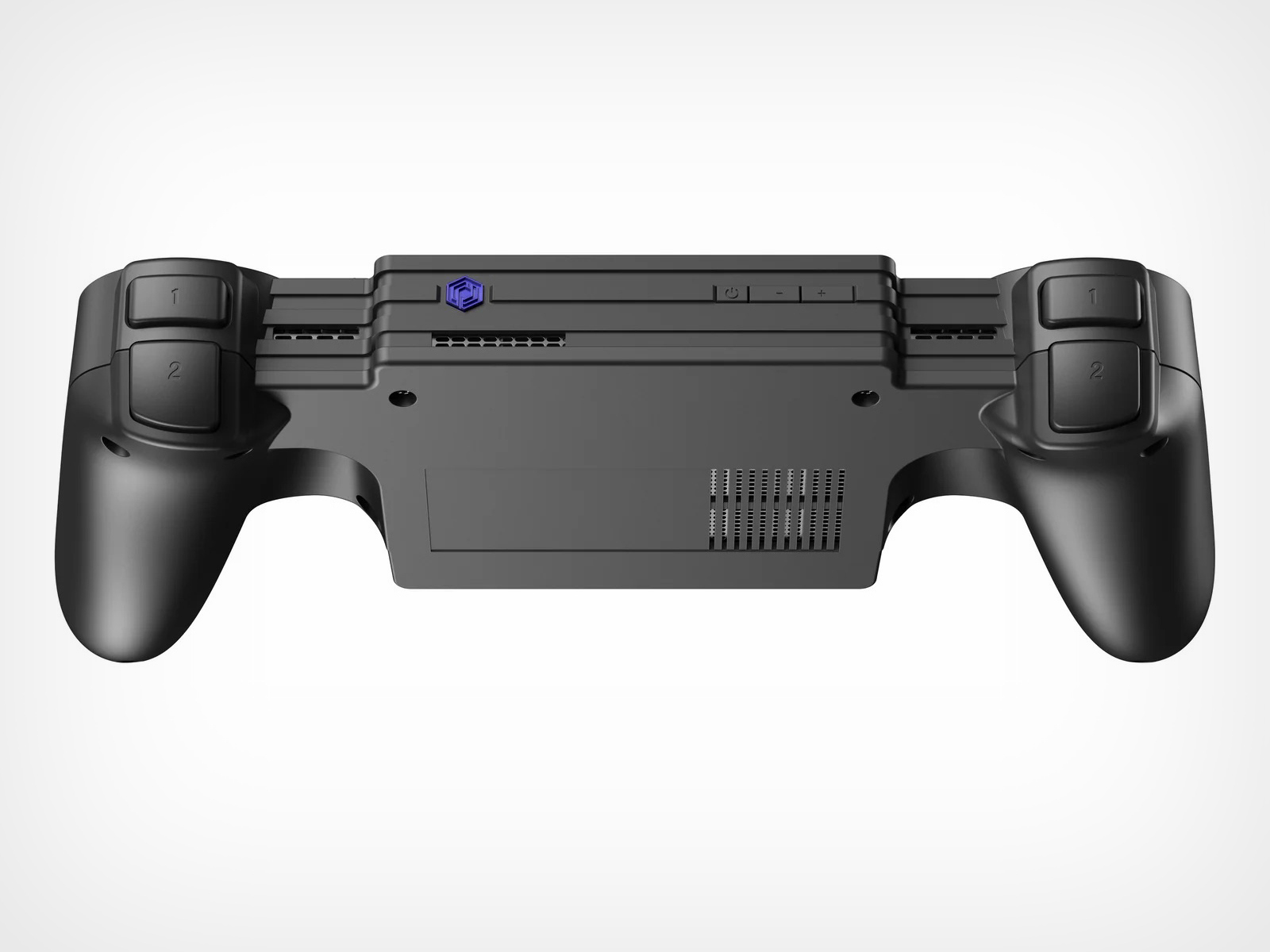
If the iPod Nano and Game Boy had a baby, you’d get this $85 Hi-Fi Audio Player

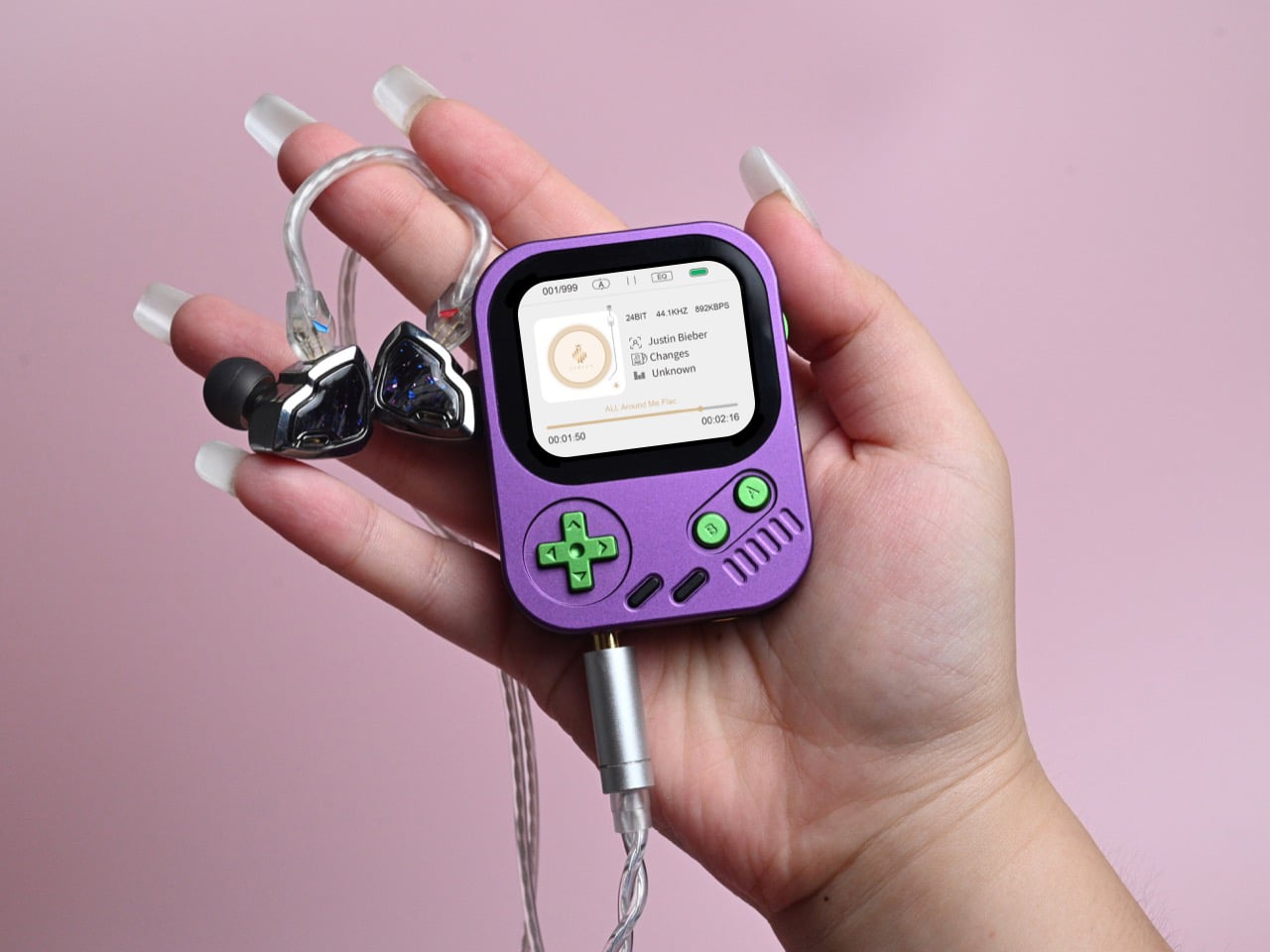
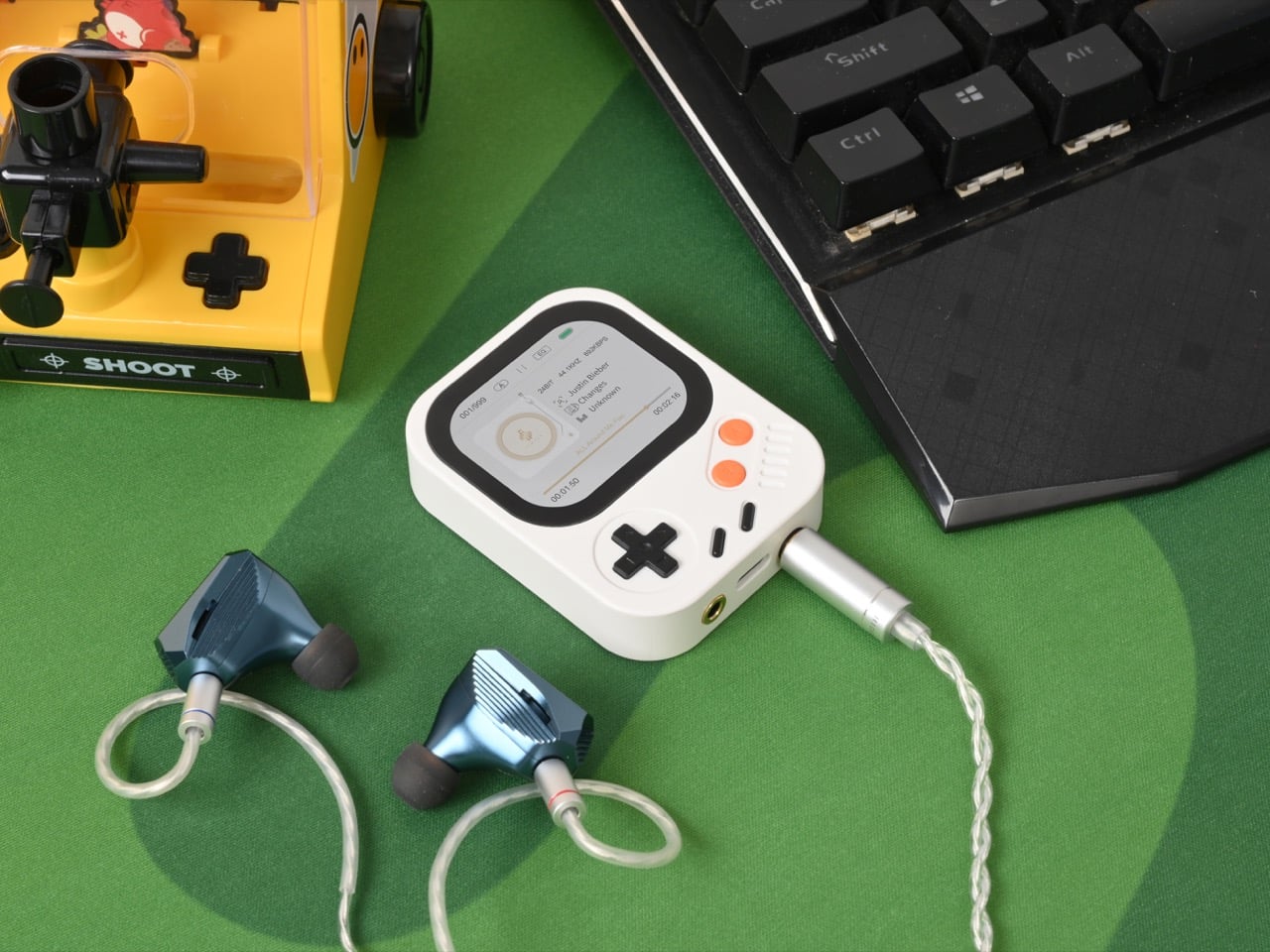
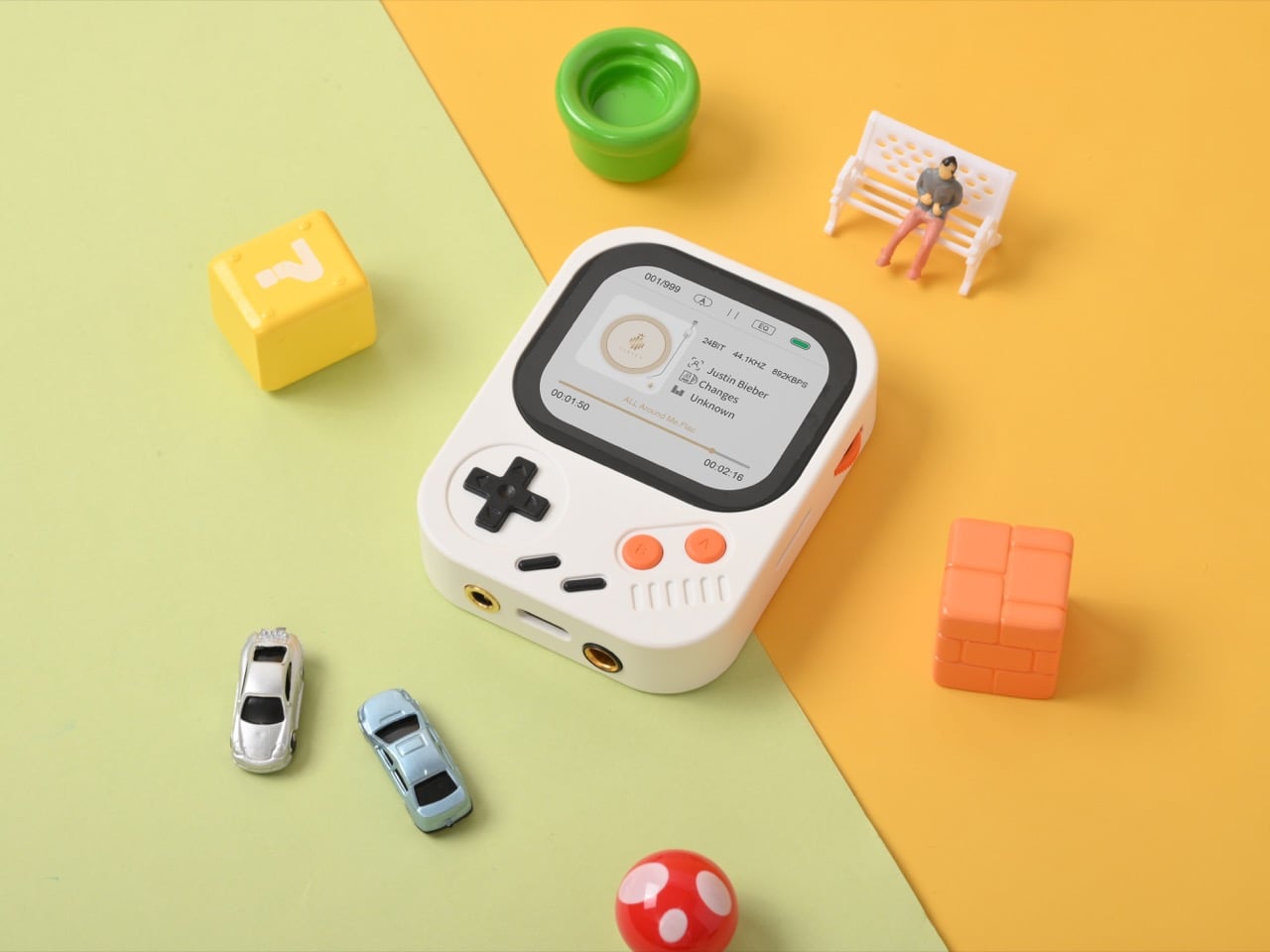
The dedicated music player had a solid twenty-year run: Walkmans, MiniDiscs, the Rio PMP300 (look it up), the iPod in all its generations, and the Zune if you were feeling brave. Streaming services and the smartphone ate all of it, and what survived was a niche audiophile DAP market that mostly traded in expensive, sensible-looking black rectangles with impressive chip specs and absolutely zero personality. That category is fine if you want to spend $300 on a slab, but it left a gap for a well-engineered, genuinely fun music player you’d want to show off rather than bury. Hidizs, a Hong Kong audio brand, decided to fill that gap with the AP30 Music Boy. They designed it to look like a Game Boy, snap to your phone, hang from your neck, and decode DSD256, all at once.

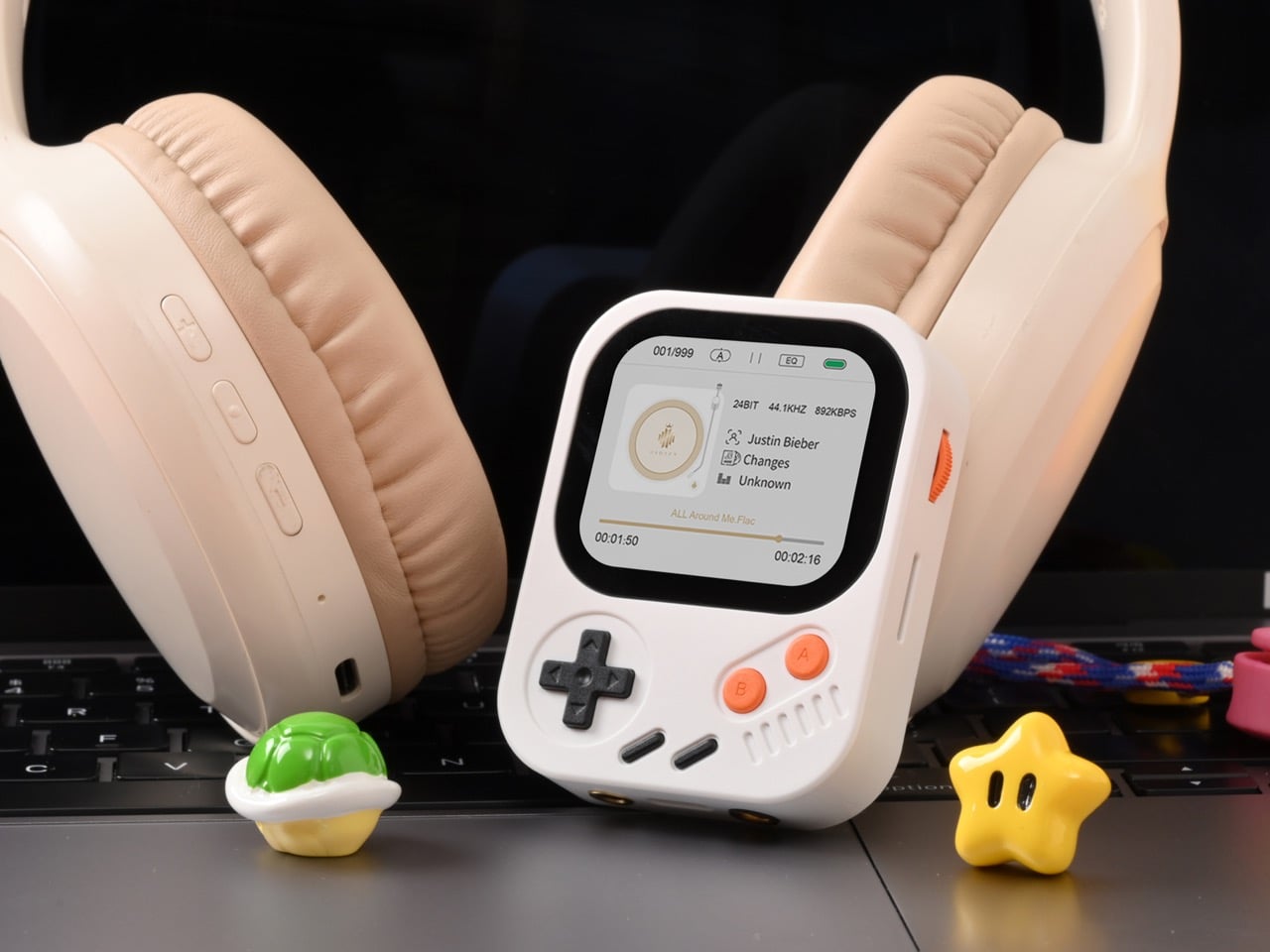
The AP30 is built around a Cirrus Logic CS43198 DAC chip, the kind that typically shows up in players costing $200 or more, paired with an RT6863 amplifier and RKNANOD master chip for a signal chain that produces 137mW per channel balanced and an SNR of 127dB. The 68x53x17mm body comes in a lightweight plastic edition at 56 grams and a CNC aluminum edition at 80 grams, running Hidizs’s own purpose-built HidizsOS rather than a general Android build. It supports DSD256 native decoding, PCM 192kHz/24bit, and lossless formats including FLAC, APE, WMA, WAV, ALAC, Apple Lossless, and DSDIFF, plus Bluetooth 5.3, USB DAC mode via Type-C, dual wired outputs, and a microSD slot accepting cards up to 256GB. There is also a built-in Retro Block Puzzle Game, which tells you exactly what kind of product this is. Hidizs designed the whole thing to be worn rather than pocketed, and that premise shapes every decision in the hardware.

Designer: Hidizs

Click Here to Buy Now: $85 $119 (23$ off) Hurry! Only 16 of 480 units left.

Every device you own right now is either trying to get your attention or listening for a chance to sell you something. Your phone buzzes, your watch taps your wrist, your earbuds announce that someone liked your post, and AI glasses are arriving to overlay all of it directly onto your vision. The AP30 runs on HidizsOS, a system crafted for high-fidelity audio, and that is genuinely the full scope of its ambitions. It plays music, adjusts volume through a physical wheel, and the agenda ends there. A piece of technology in 2026 that takes one job seriously and refuses to negotiate with the attention economy is a genuinely radical object, and the AP30 earns that description through hardware and software decisions that are all, unanimously, in service of sound.

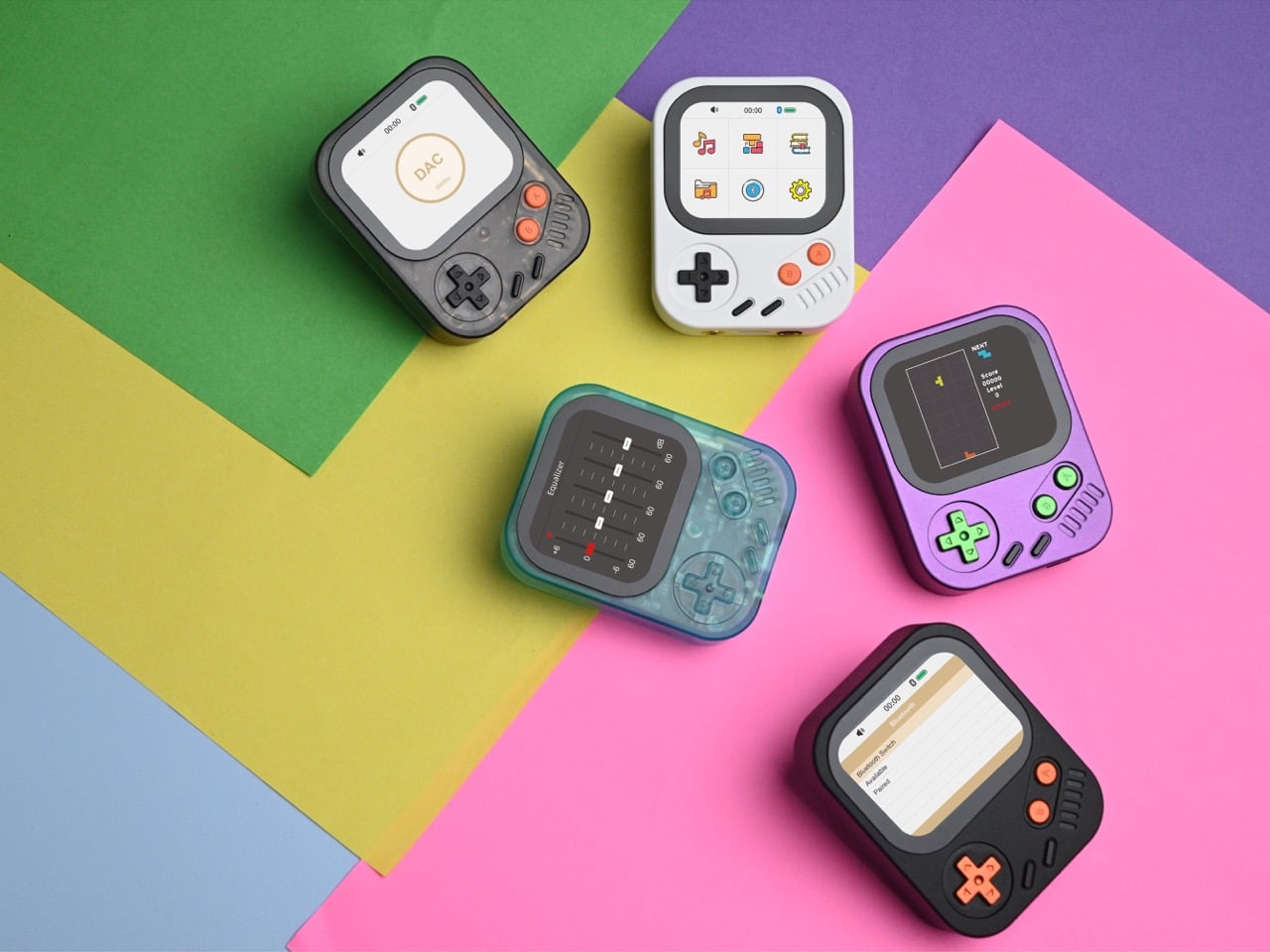
The 2.0-inch (296×240) HD IPS screen ensures that browsing your music library, navigating menus, and playing games is a seamless and clear experience, and it is a non-touchscreen display, which means physical controls handle everything. The volume control is a Japanese ALPS wheel, chosen for tactile precision over digital convenience, delivering the kind of satisfying resistance that sliders on glass can never replicate. The backplate carries an engraved whale motif that symbolizes the ocean’s freedom and majesty, tied to Hidizs’s ongoing collaboration with WDC (Whale and Dolphin Conservation), bringing awareness to the beauty and importance of marine life. The aluminum edition is CNC-machined in Pixel Purple and Arcade Black, while the plastic version spans Crystal Ocean Blue, Shadow Black, and Classic White. Both editions share identical internals and the same sharp retro energy.

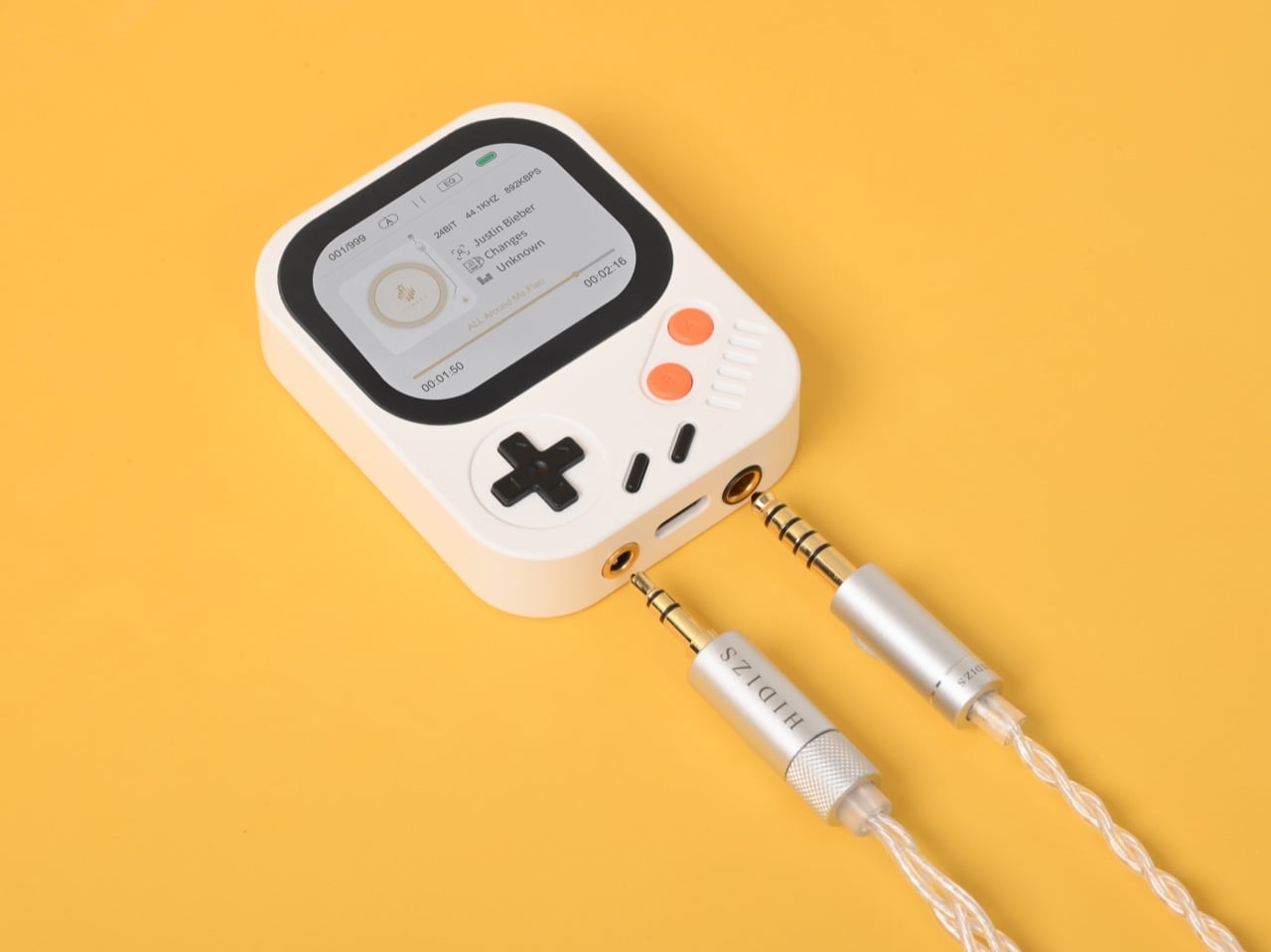
The 3.5mm single-ended output supports everyday headphones, while the 4.4mm balanced output satisfies audiophiles using high-impedance in-ear or over-ear monitors. Specifically, single-ended delivers 61mW+61mW at 32Ω with THD+N of 0.0008% and SNR of 120dB, while balanced pushes 137mW+137mW at 32Ω with SNR of 127dB and frequency response spanning 20Hz to 90kHz at ±0.03dB. HidizsOS gives you six EQ presets or a custom build, high/low gain adjustment to match headphone impedance, four playback modes, and digital anti-aliasing filters alongside DoP (DSD over PCM) for professional listeners. Even headphones with built-in microphones are fully compatible, making the AP30 a versatile companion for any audio setup. Certified by Hi-Res Audio, the AP30 Music Boy meets the highest standards in sound reproduction, which means the numbers back the claim rather than decorate the packaging.

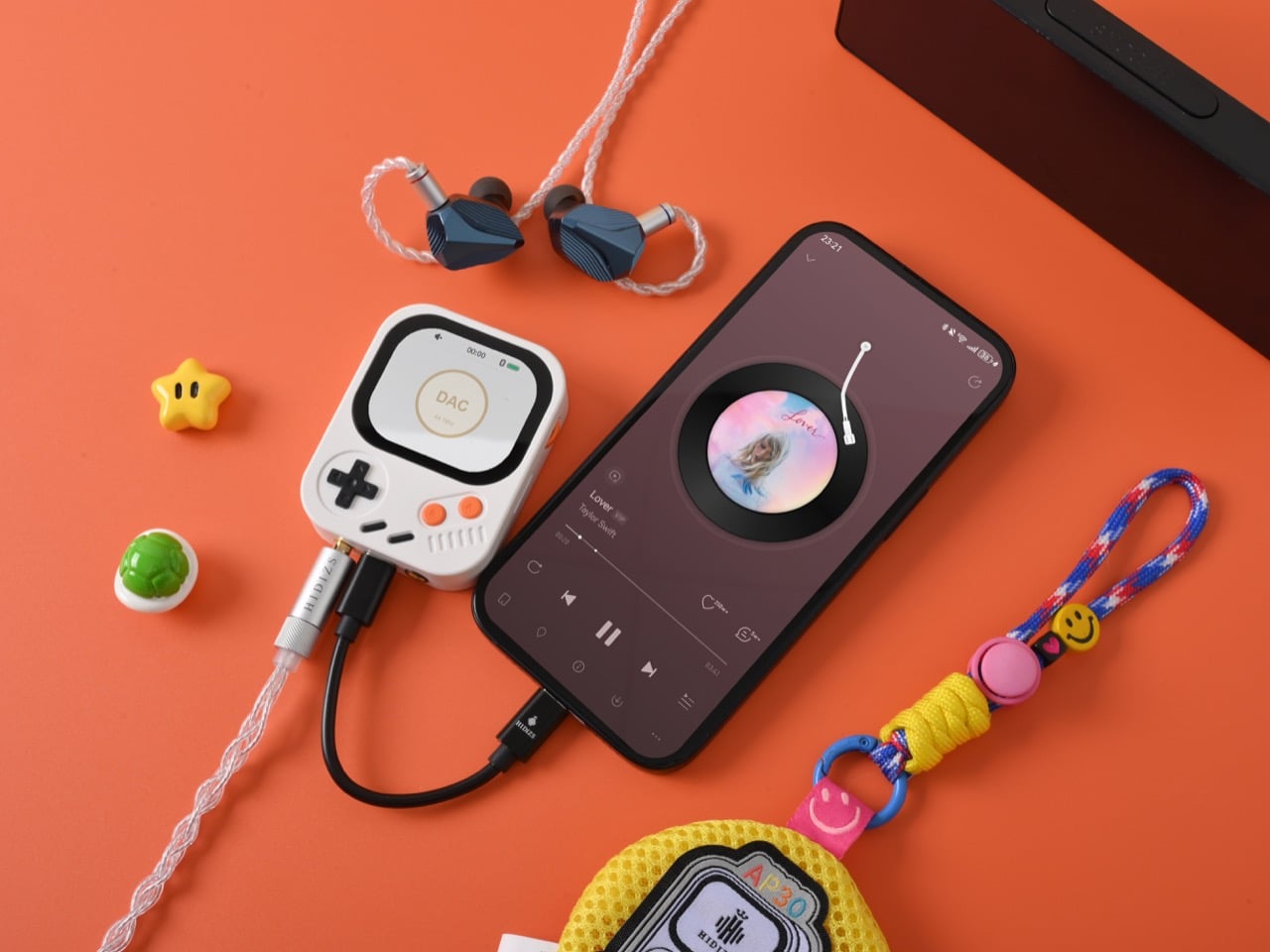
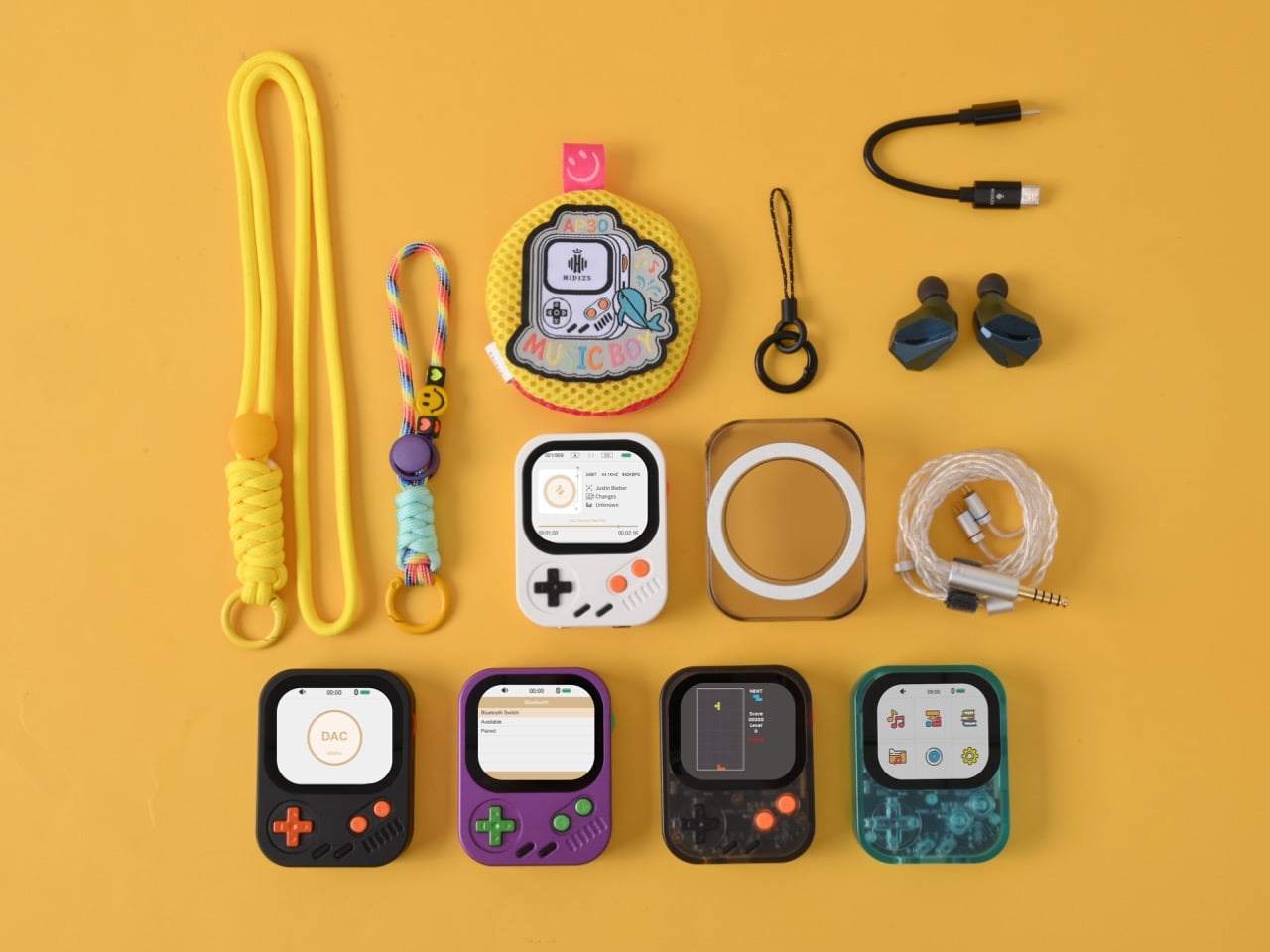
Hidizs built three distinct ways to carry the AP30: neck strap, bag clip, or magnetic phone attachment. The neck strap turns it into a pendant, small enough to forget you are wearing it, distinctive enough that people ask. A bag clip hooks onto any strap and streams audio wirelessly to earbuds. Slide the AP30 into its magnetic case and it snaps to the back of your phone with a satisfying clack, no extra adapters, no Bluetooth pairing dance, just a clean magnetic connection that turns your phone into a Hi-Res rig. USB DAC mode works over Type-C to any Windows, MacOS, or OTG-supported device, with the AP30 running on its own battery during operation to reduce noise interference from the host device and preserve its battery life.

With support for a 256GB microSD card, the AP30 can store over 8,500 Hi-Res lossless tracks for offline listening, no buffering, no streaming interruptions, whether commuting, traveling, or relaxing at home. Bluetooth 5.3 ensures fast, low-latency, stable connections, and the AP30 permanently remembers paired devices, covering headphones, speakers, and car audio without fuss. The 1200mAh battery charges in about one hour and keeps the AP30 ready when you need it, delivering 10 to 12 hours of single-ended wired playback, 8 to 10 hours balanced, or 6 to 8 hours wirelessly, with a 60-day standby. The AP30 also supports loading eBooks on a microSD card for reading on its HD screen, transforming commutes and waiting periods into enjoyable, productive moments without sacrificing portability. And then there is the Retro Block Puzzle Game, which is exactly what it sounds like, costs nothing extra, and is honestly the reason at least some people will choose this over a more austere-looking DAP.

The AP30 Music Boy comes in two editions: the Lightweight Plastic at a discounted $85 in Crystal Ocean Blue, Shadow Black, or Classic White, and the CNC Aluminum at $99 in Pixel Purple or Arcade Black. Every unit ships with the player, the magnetic protective case, a Type-C charging cable, a Type-C to Type-C OTG data cable, two screen protectors, a user manual, and a warranty and QC card, with a one-year warranty against factory defects covering the device. Shipping begins in early October 2026 (free globally), with retail distribution following in November 2026.

Click Here to Buy Now: $85 $119 (23$ off) Hurry! Only 16 of 480 units left.

The post If the iPod Nano and Game Boy had a baby, you’d get this $85 Hi-Fi Audio Player first appeared on Yanko Design.

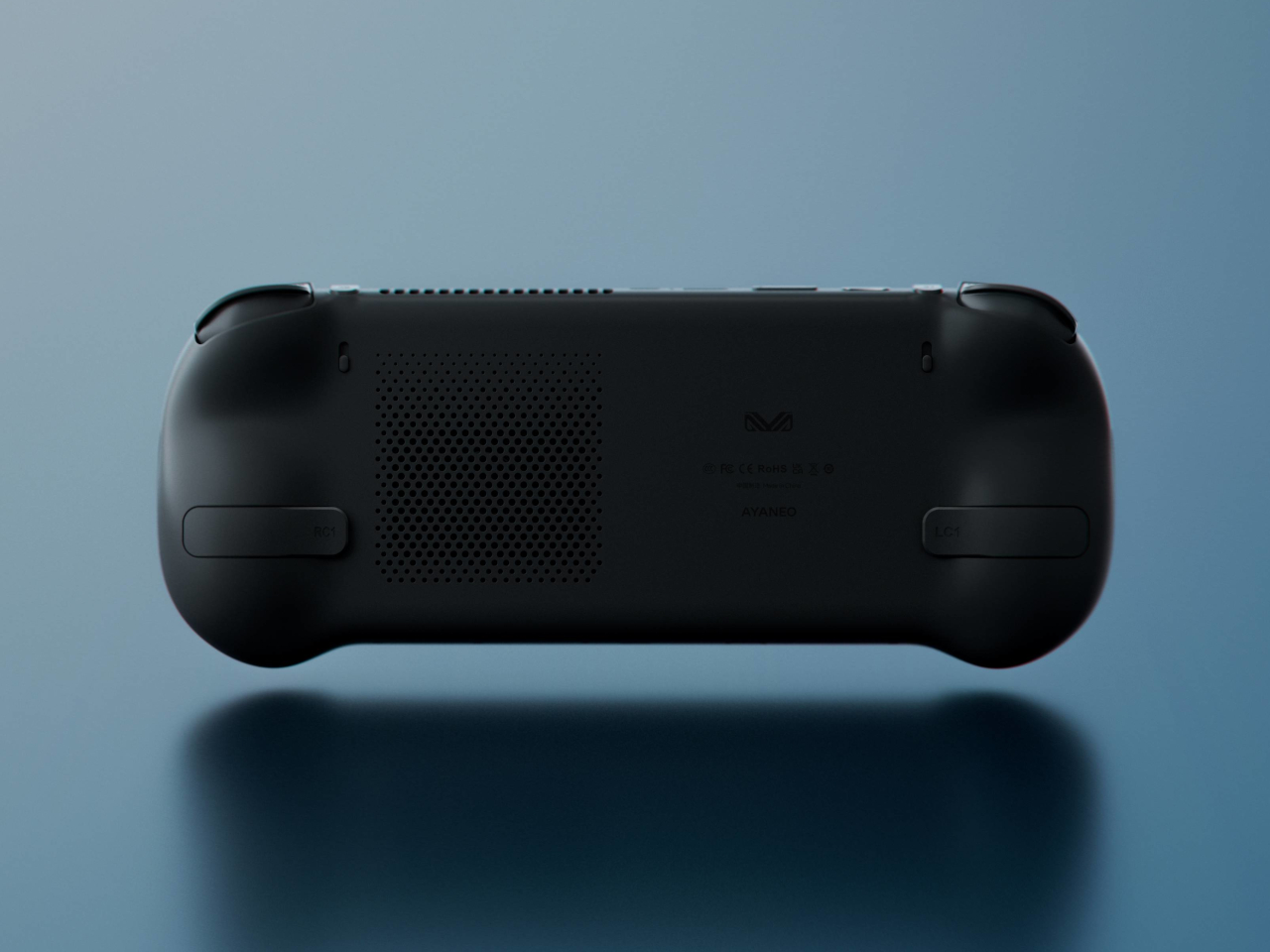
AYANEO 3 handheld gaming PC brings a smootherr, gentler design to the market

Given how they’re targeted at gamers, it’s not surprising that handheld gaming PCs adhere to the conventions and stereotypes of gaming aesthetics. Most have angular and blocky shapes that exude a sense of roughness, and while not as numerous as on PCs or laptops, they do have their fair share of RGB lighting. It’s not a bad design language, but it appeals to only a small subset of PC gamers.

Gamers are, of course, more diverse, and their taste in devices and accessories can’t be easily generalized. It’s not just a matter of choosing between dark or light motifs, a choice that is rarely offered for these handheld computers anyway, but also about the general form and flow of the design. AYANEO’s next entry into this still niche market tries to change the formula a little bit by paying closer attention to its design than its predecessors.

Designer: AYANEO

Given the sheer number of powerful hardware and components that need to be crammed inside a small body, it’s only logical that these devices would stretch the definition of the word “handheld” quite a bit. In addition to their bulk and heft, the large majority of them seem to also embrace sharp edges and angular corners. That’s fine for a laptop or desktop, but not so much for an object you will always hold in your hand while using.

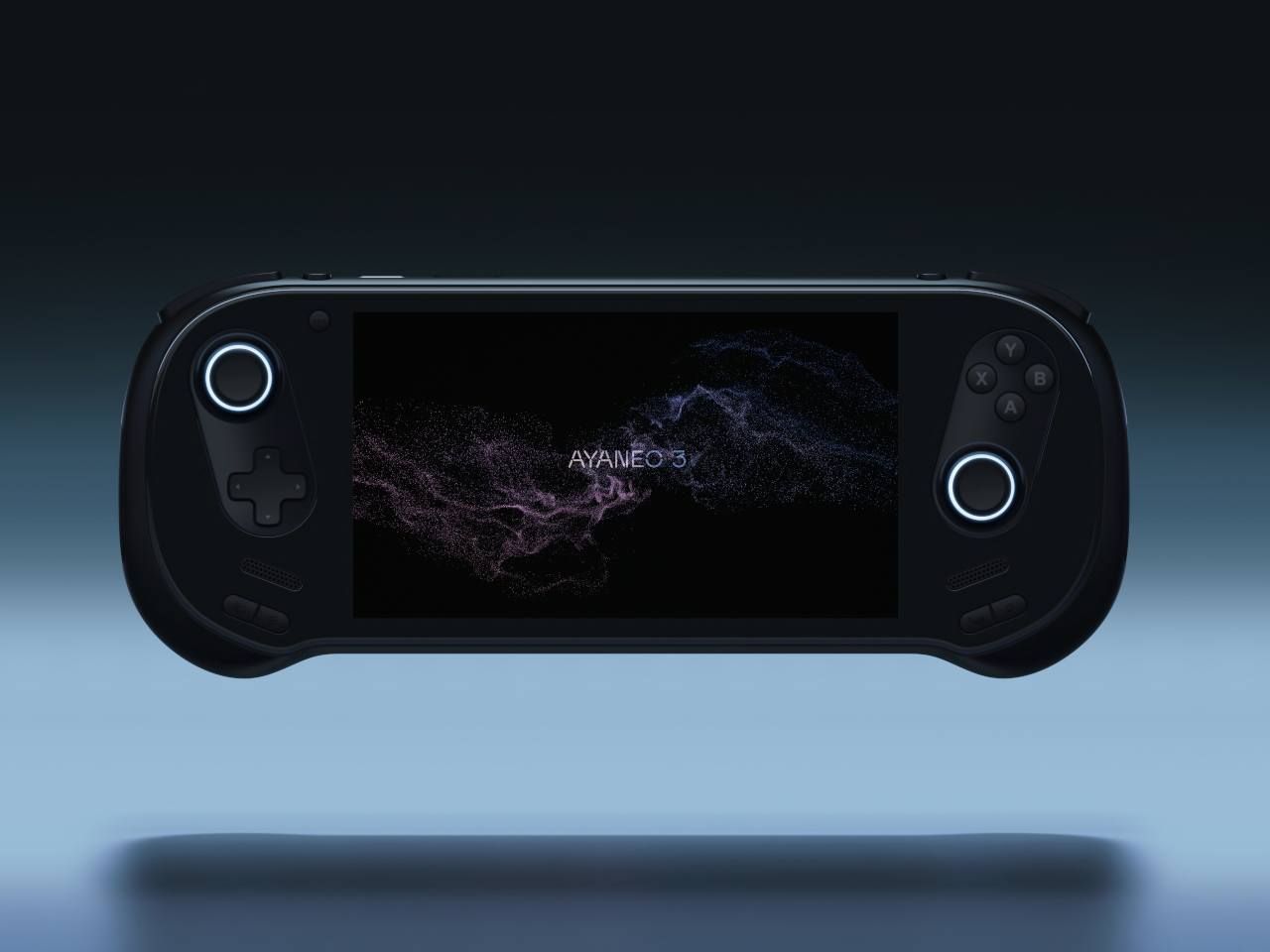
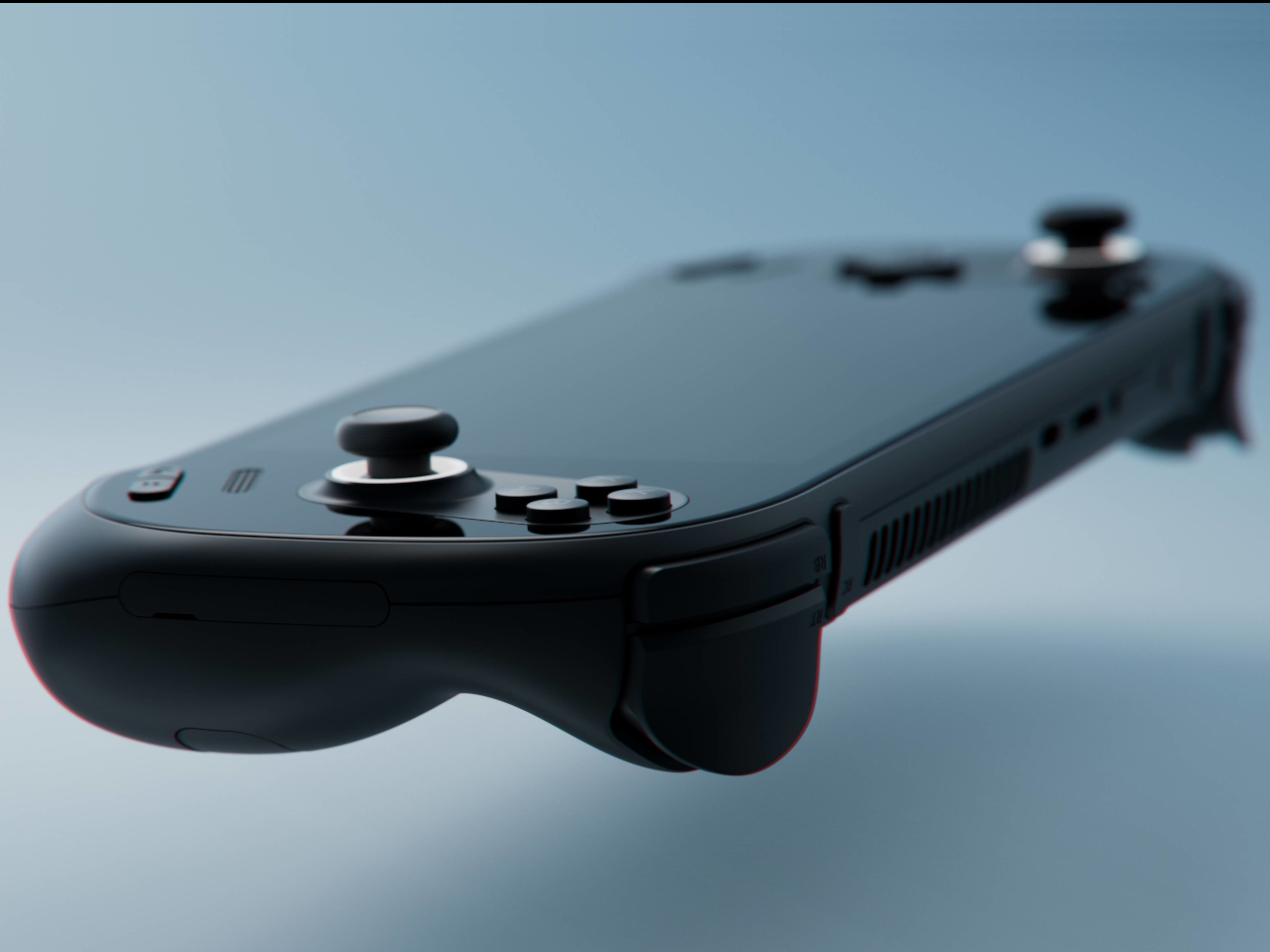
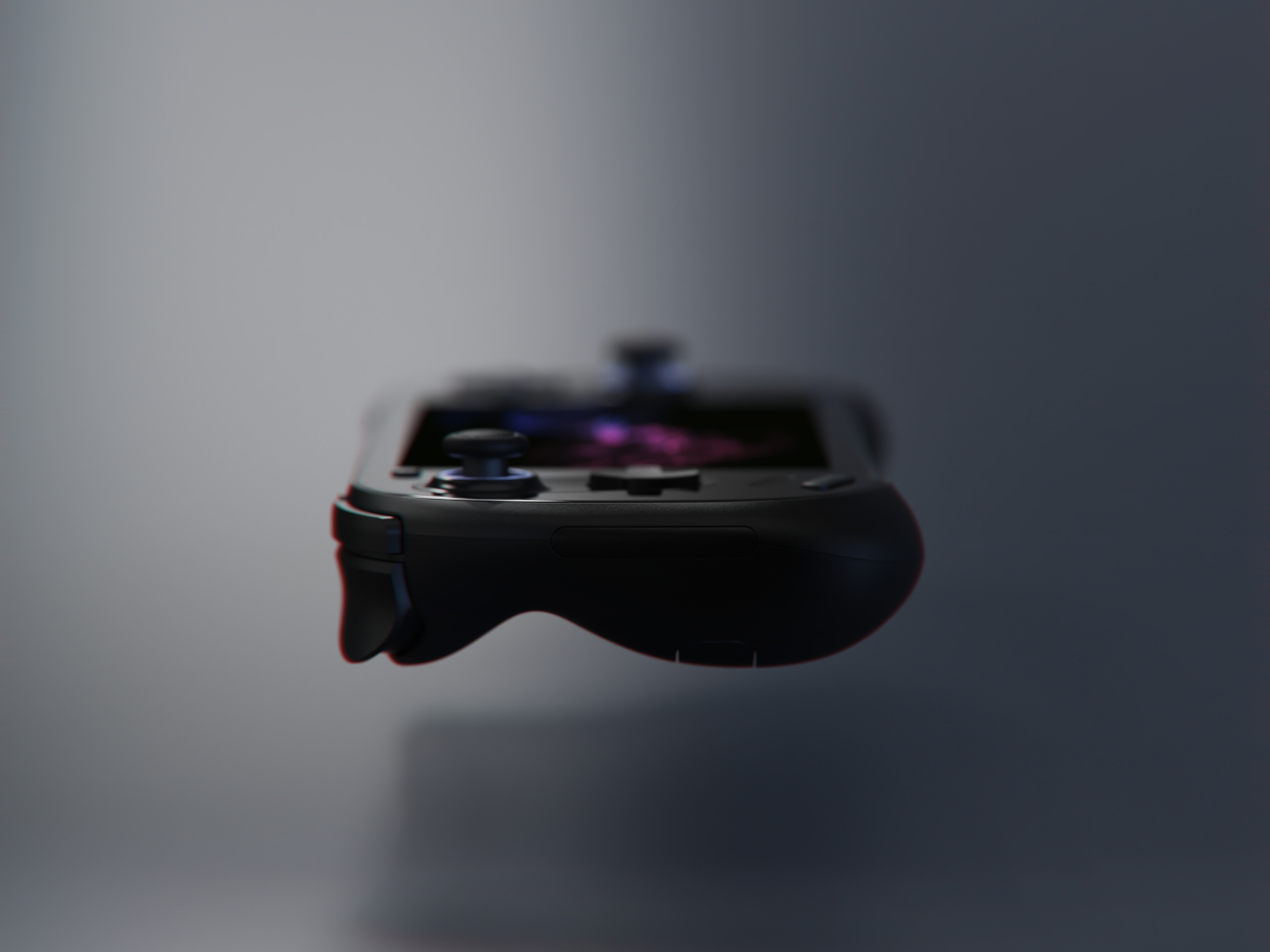
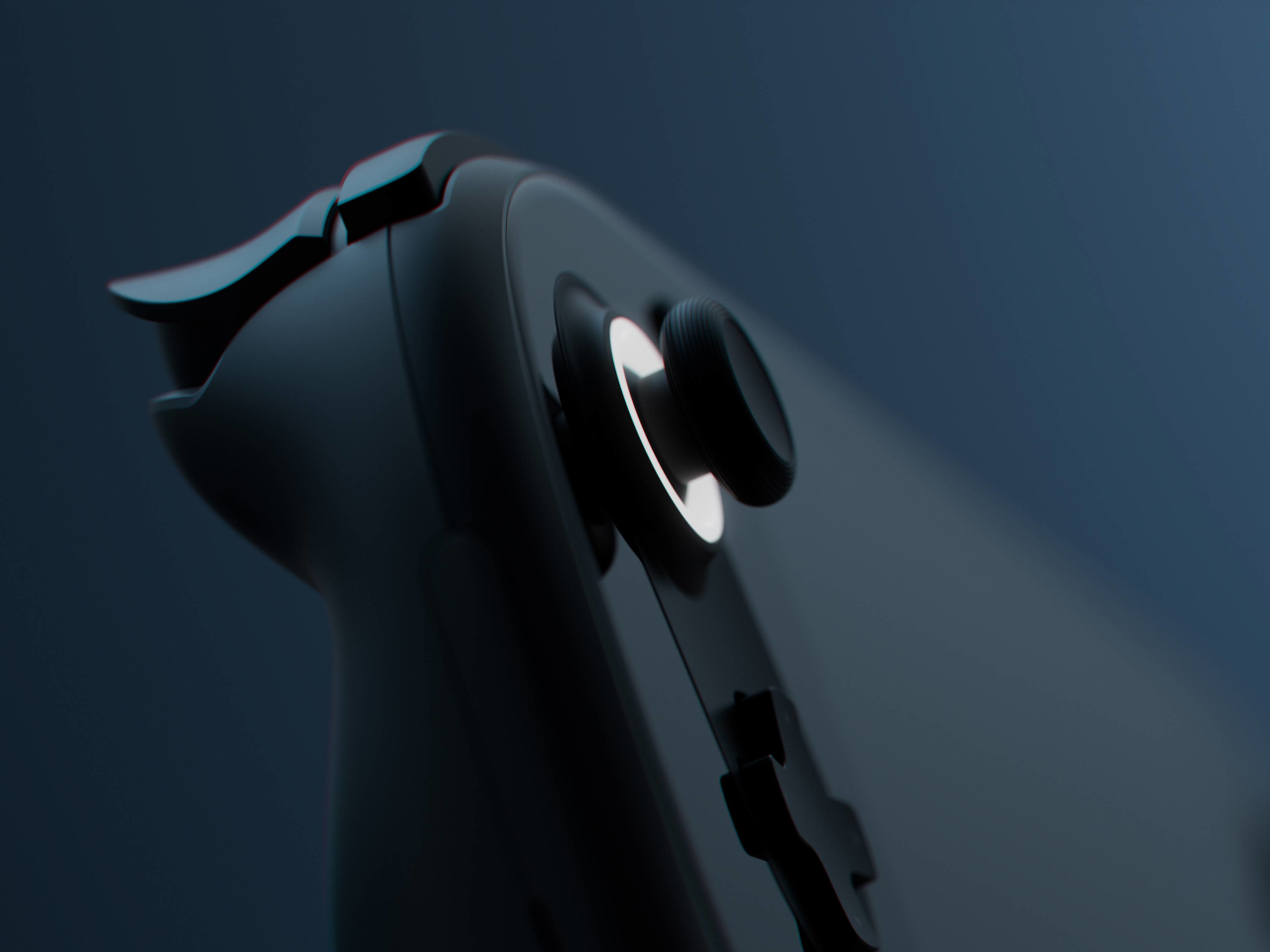
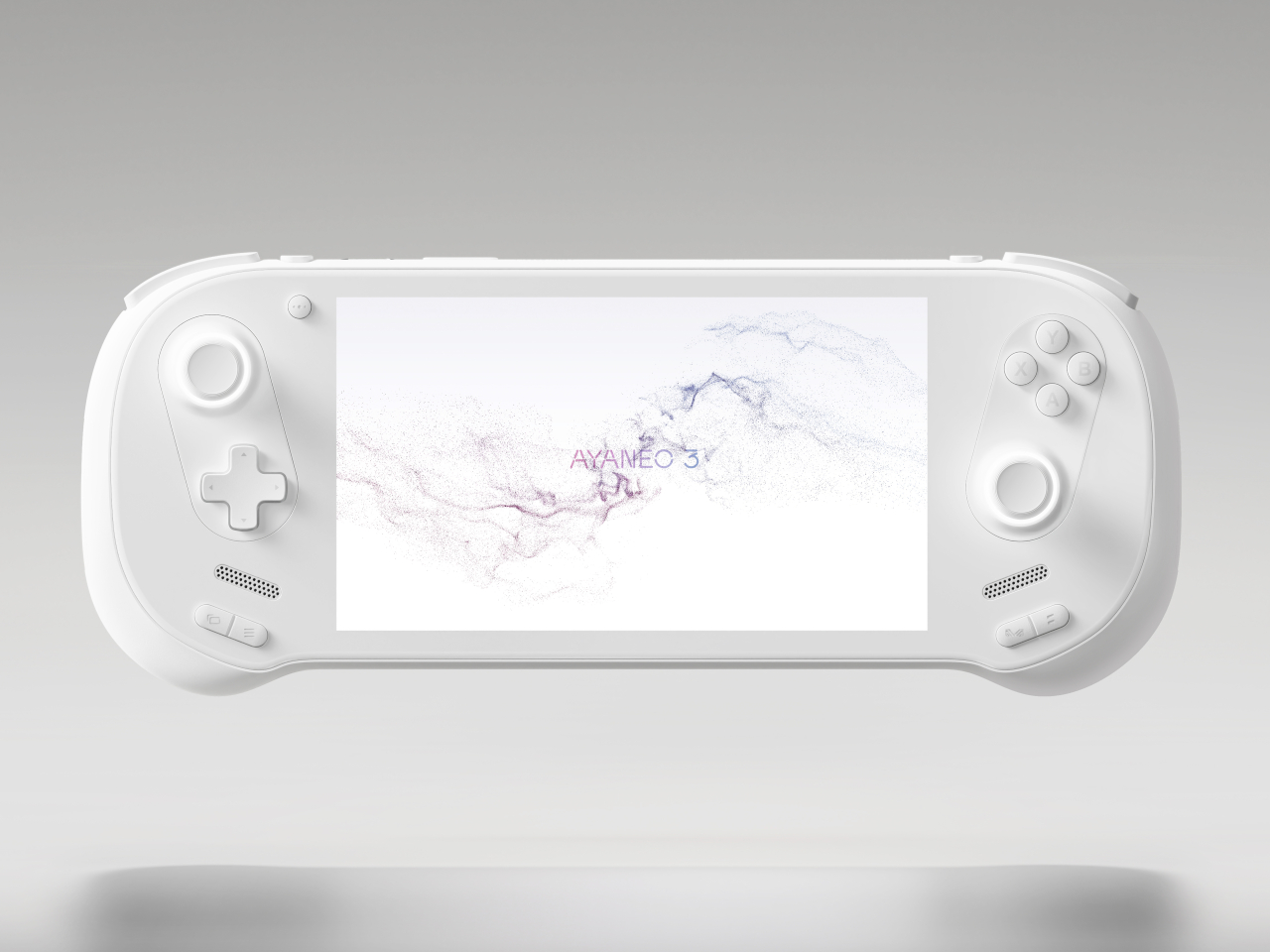
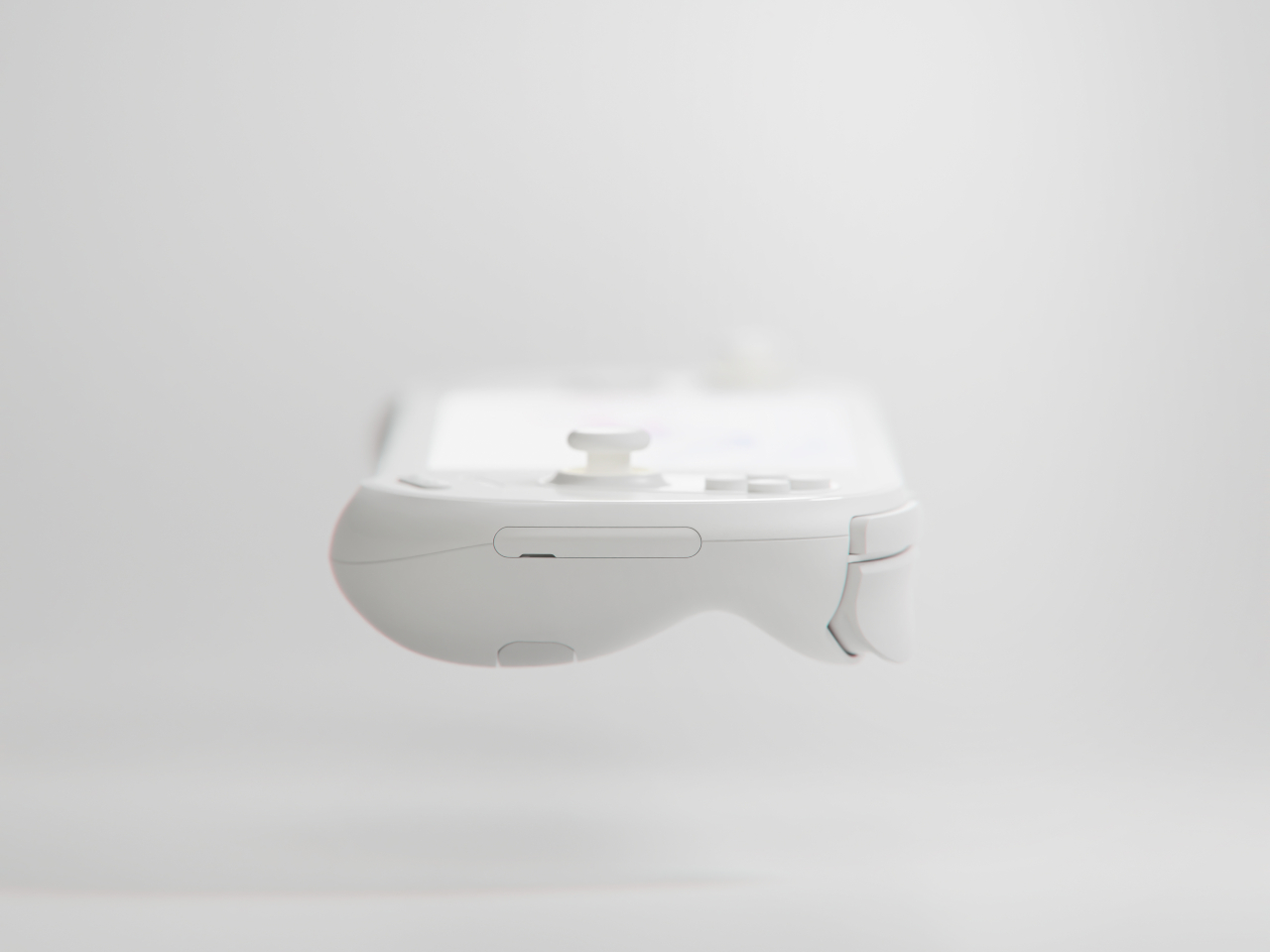
The AYANEO 3 iterates over the conventional design by introducing a lot of smooth and pleasing curves that make the product look less intimidating. It’s not just on the back of the devices where the fingers rest but also on the corners of the devices. There’s no denying that it’s a device designed for gaming, but now it looks more like a welcoming toy than a cold gadget.

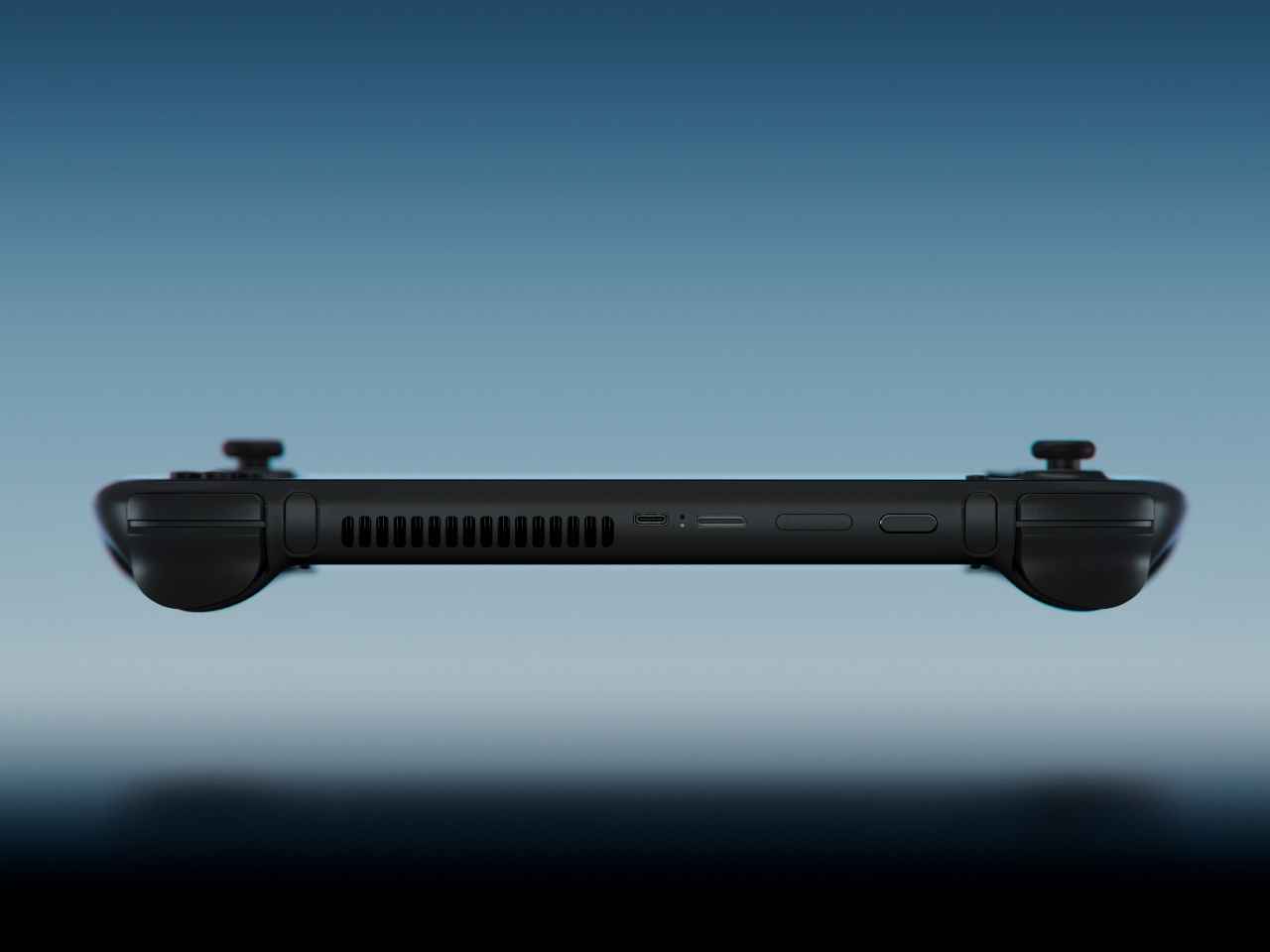
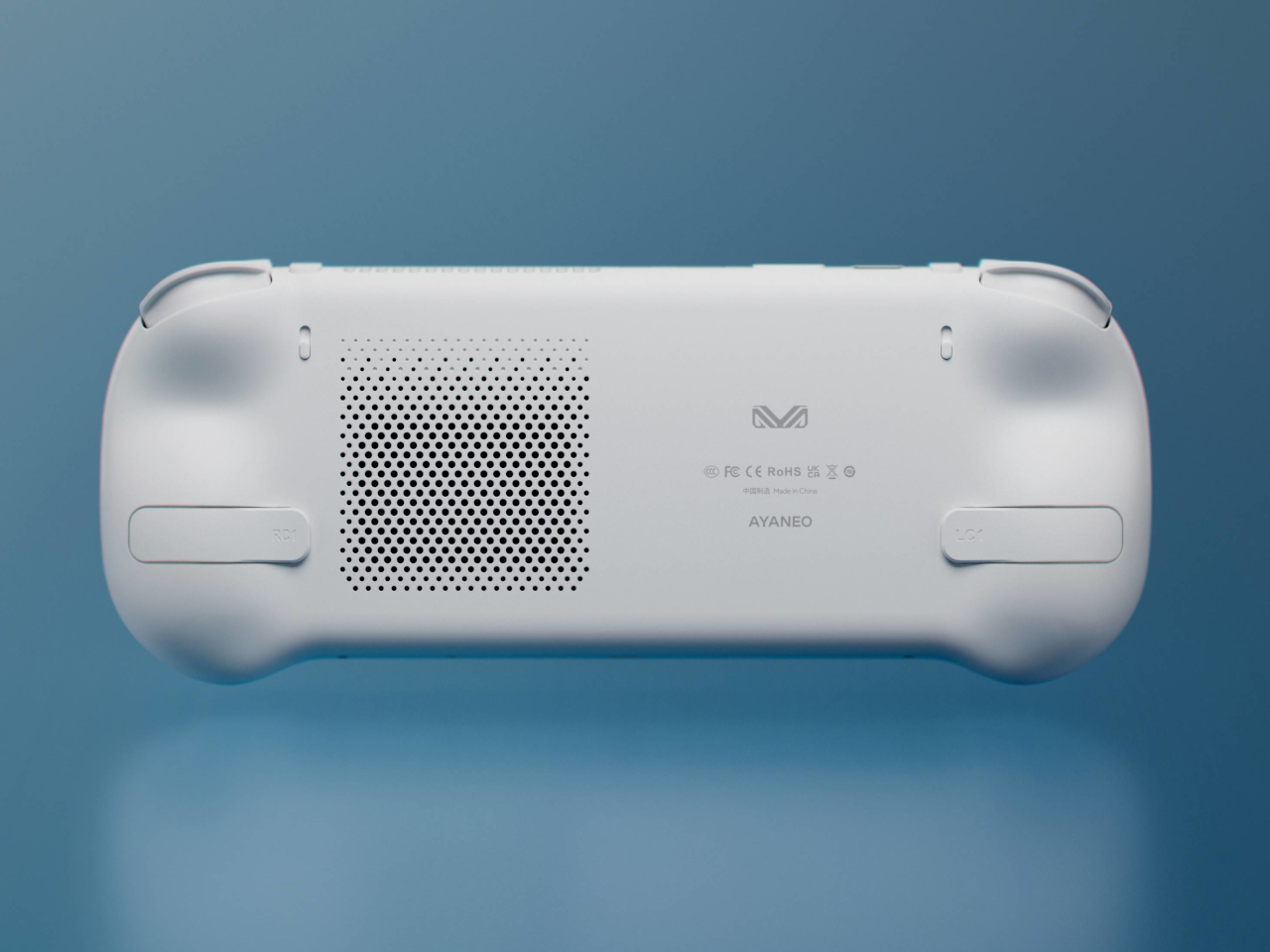
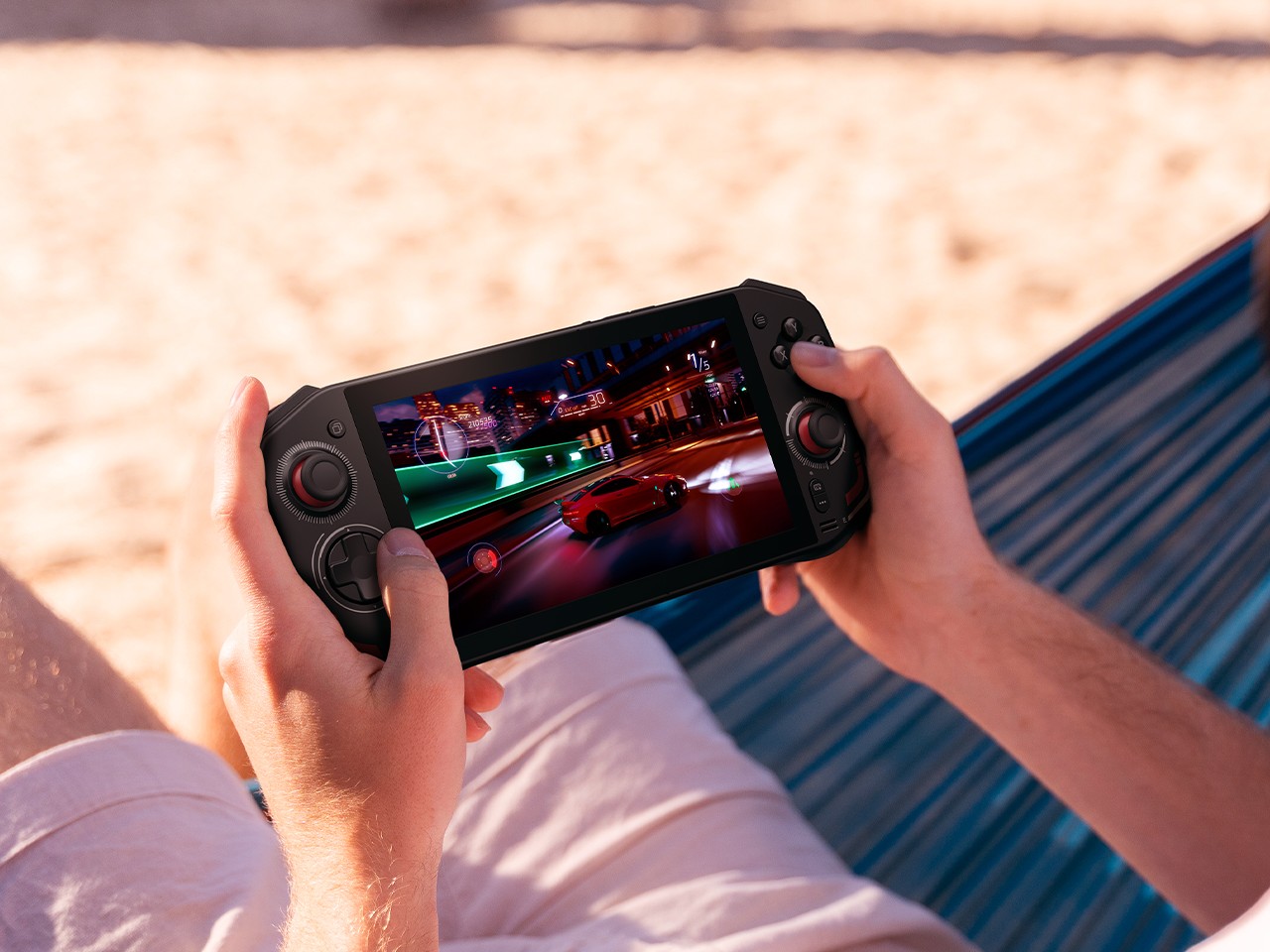
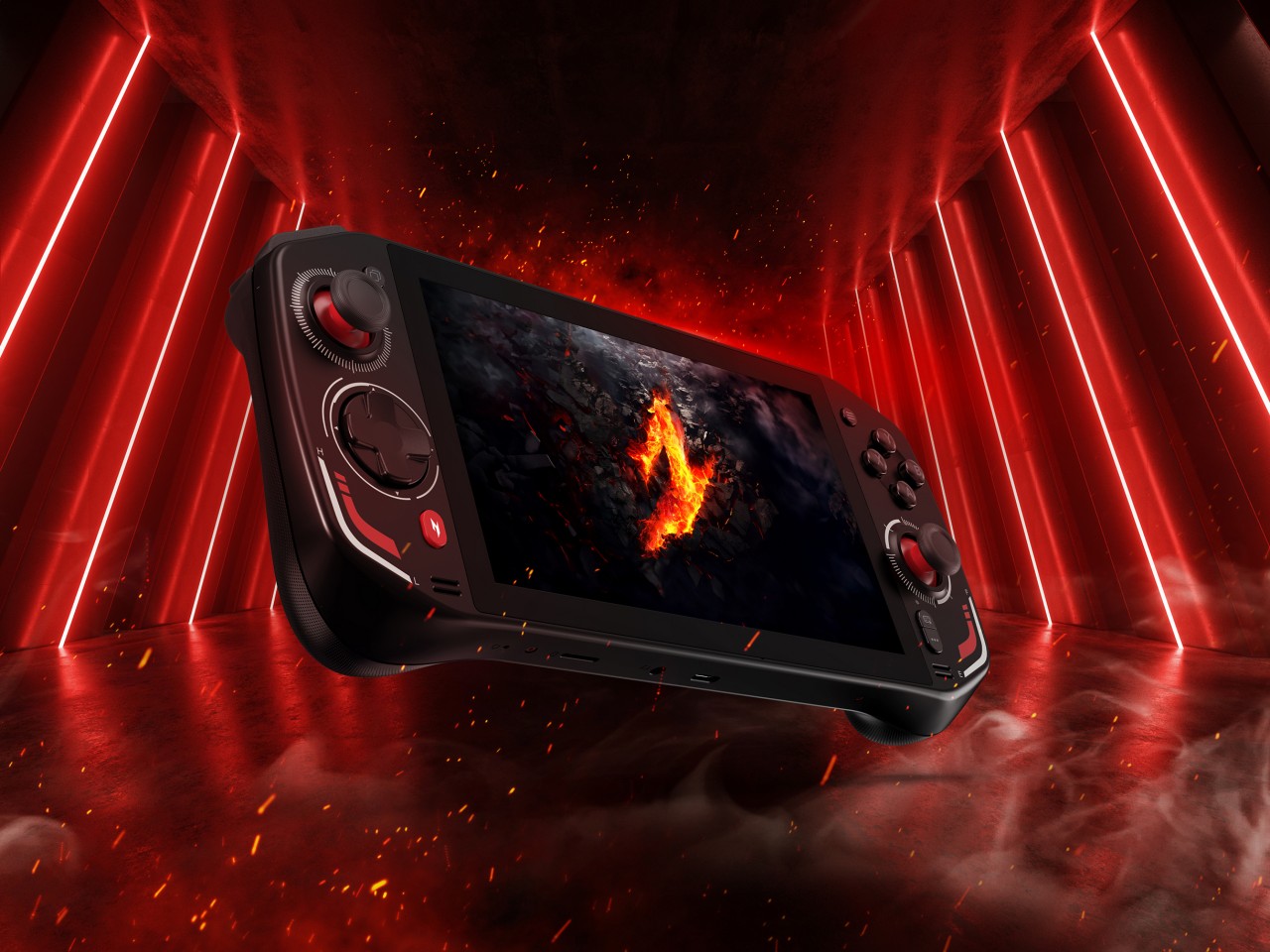
There are also important ergonomic changes in the next version of AYAENO’s flagship device. The orientation of the analog joysticks and D-Pad/Face buttons are now diagonal, mirroring the arrangement of controls on an Xbox controller. There are also larger back buttons, though their odd placement could prove to be cumbersome, resulting in accidental presses.

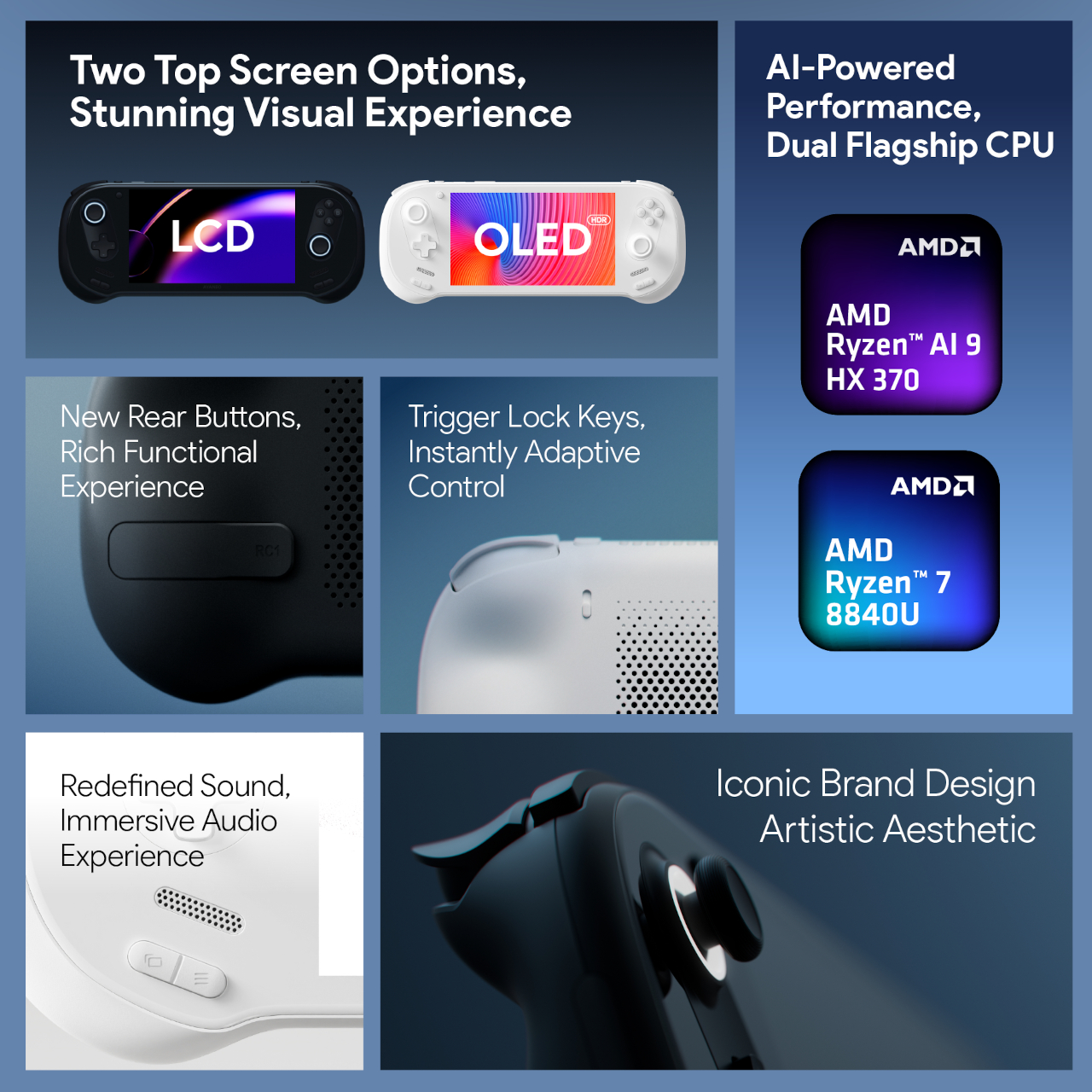
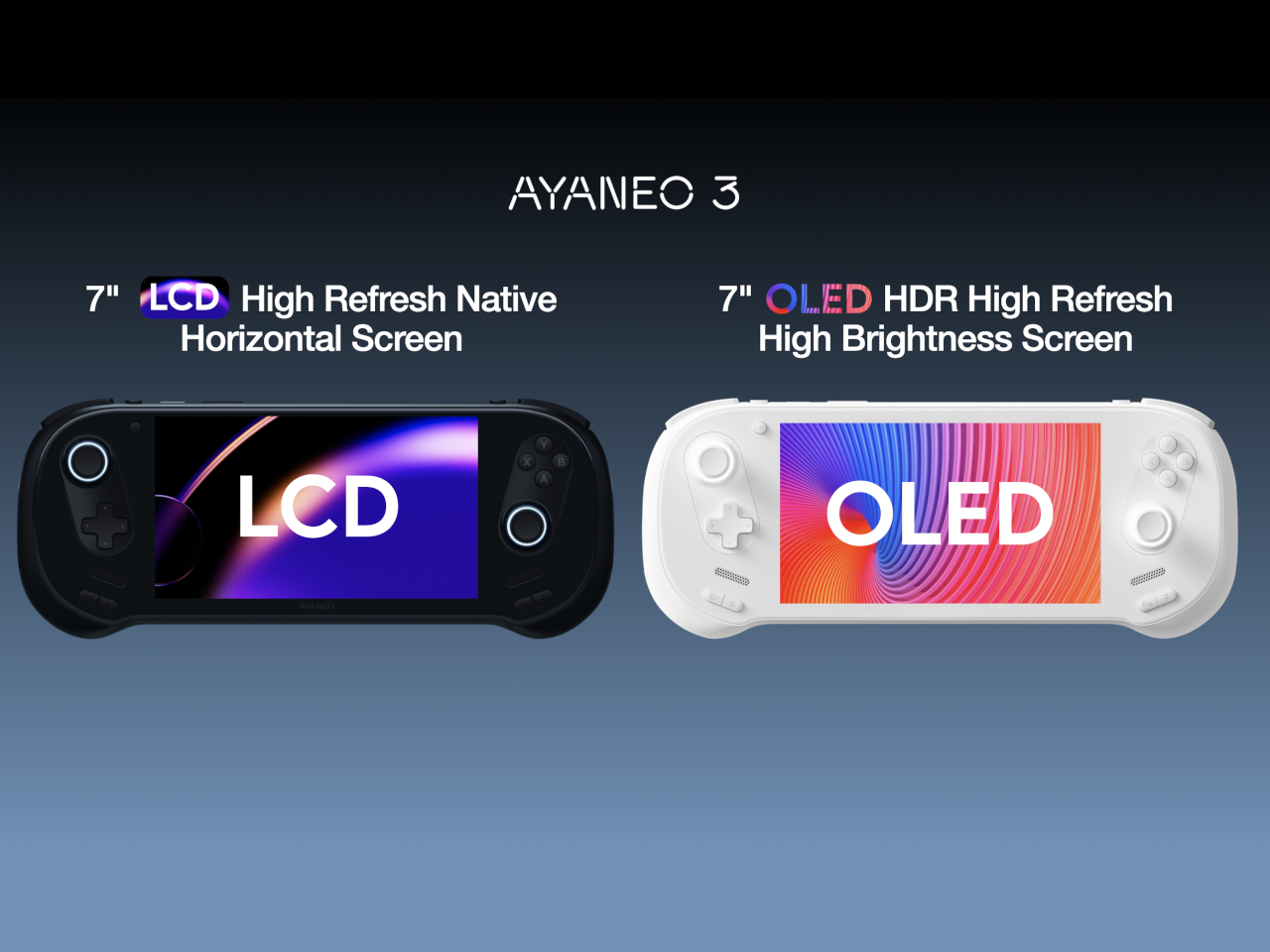
The AYANEO 3 will really be taking a big leap of faith by offering options that go beyond just black or white colors. You’ll be able to select the kind of AMD Ryzen processor you want, depending on your budget, and even choose between LCD or OLED screens. All in all, it looks like a more refined version both in terms of aesthetics as well as options, inching closer to parity with gaming laptops.

The post AYANEO 3 handheld gaming PC brings a smootherr, gentler design to the market first appeared on Yanko Design.

Acer Nitro Blaze 7 jumps into handheld gaming PC arena with Ryzen AI chops

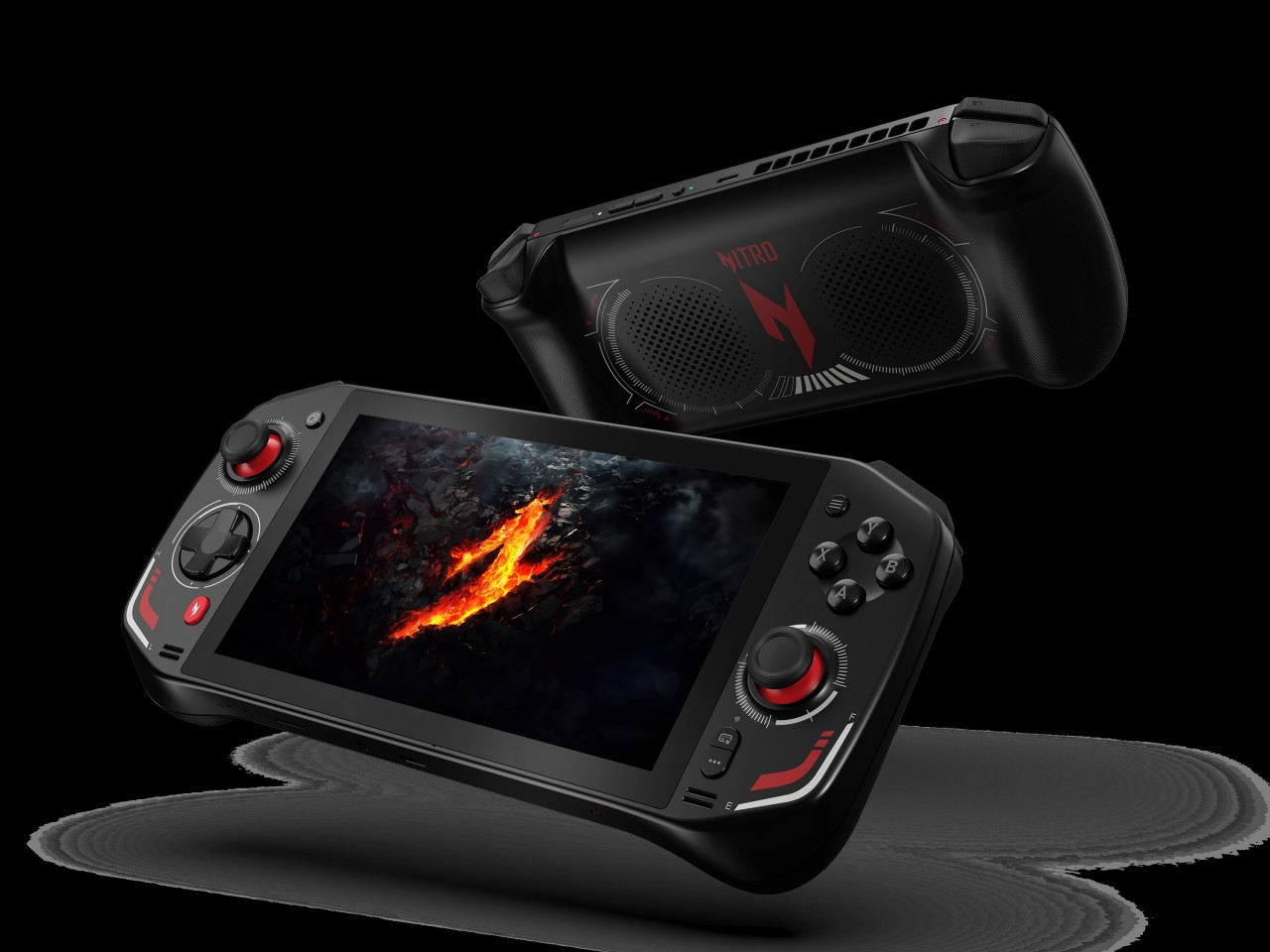
You know that handheld gaming PCs have made it big when major PC manufacturers join the fray. At this point, almost every major brand has put out its own take on mobile gaming, not to mention the smaller names that really pushed this niche market long before it became mainstream. Acer was noticeably the only one that was falling behind, but that all changes today at IFA 2024. With the Nitro Blaze 7, not only is it coming out with its first-ever handheld gaming PC, it’s arriving guns blazing (pun intended) with the latest AMD Ryzen chip boasting powerful AI capabilities to take your experience beyond just gaming.

Designer: Acer

If there’s one area that Intel has pretty much been left behind, it would be the nascent handheld gaming PC race where AMD’s Ryzen has become the chip of choice since the Valve Steam Deck. Conversely, Intel has been ramping up its new AI-powered processors, and AMD is now pushing its Ryzen AI generation to new PCs in every form. Being a bit late does have its share of benefits, and Acer’s first stab at a handheld gaming PC is able to immediately gain the lead in this area, with the new AMD Ryzen 8040 series and Ryzen AI giving the portable computer a needed boost.

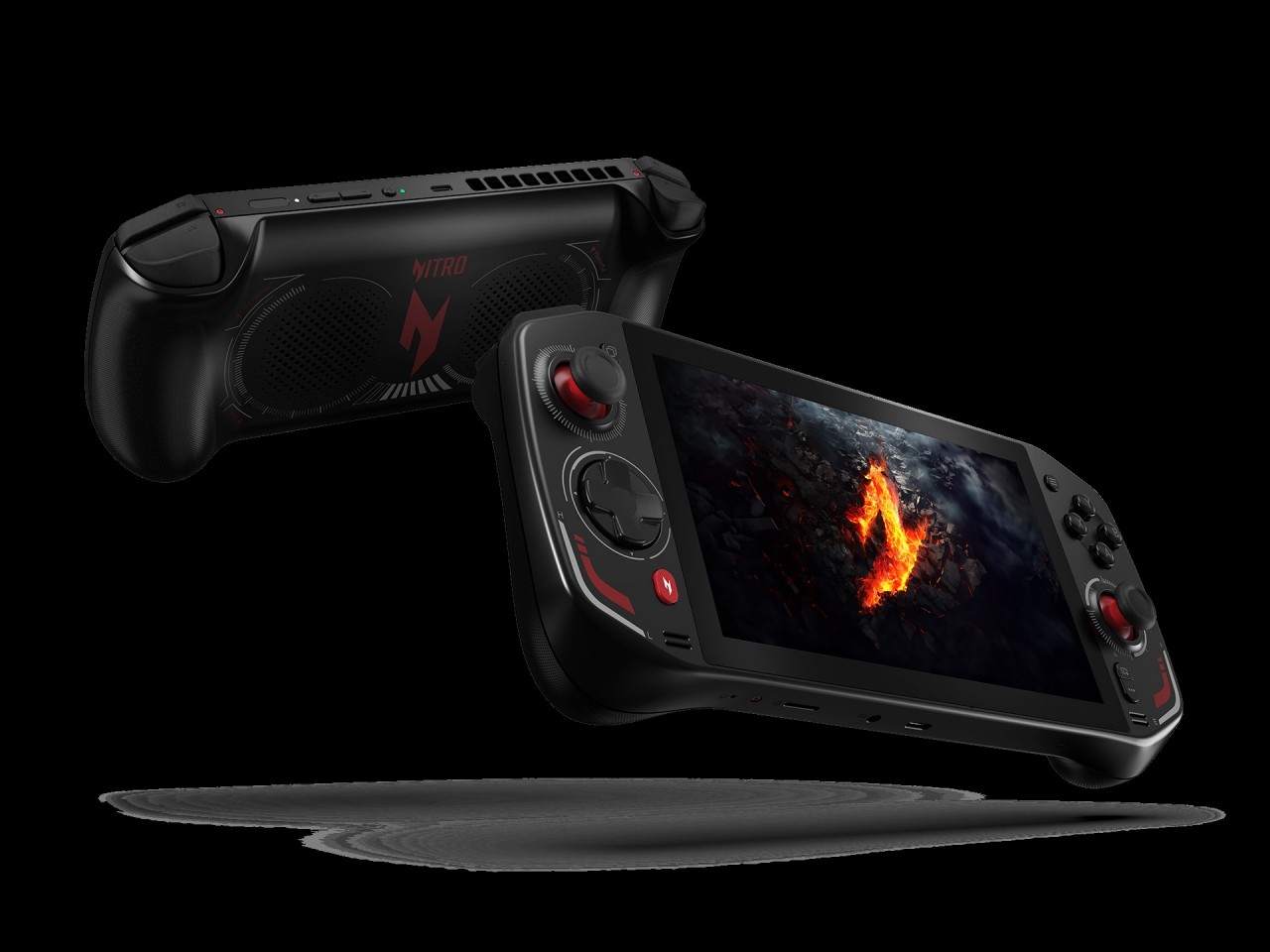
The AMD Ryzen 7 8840HS inside the Acer Nitro Blaze 7 boasts 39 AI TOPS (tera or trillion operations per second), putting it in the same league as many AI-powered laptops. Teamed up with the AMD Radeon 780M and 16GB of RAM, you’ve got the makings of a powerful gaming beast that can fit into a small bag. Then there’s the 7-inch 1920×1080 144Hz IPS touch display with 100% sRGB color gamut support, delivering vibrant and bright visuals, even for the darkest of horror games.

What really sets a gaming handheld apart, however, are its controls, which often translate to joysticks and buttons that you’d also see on gamepads. The Acer Nitro Blaze 7 also features touchscreen support for more direct interaction with UI elements on the screen, while the traditional joysticks and d-pad offer more precise control. There’s also a dedicated hotkey that brings players to their game libraries without having to fumble with half a dozen menus and screens. This customized Acer Game Space feature fixes one of the biggest pain points of Windows gaming: managing titles from different platforms and sources.

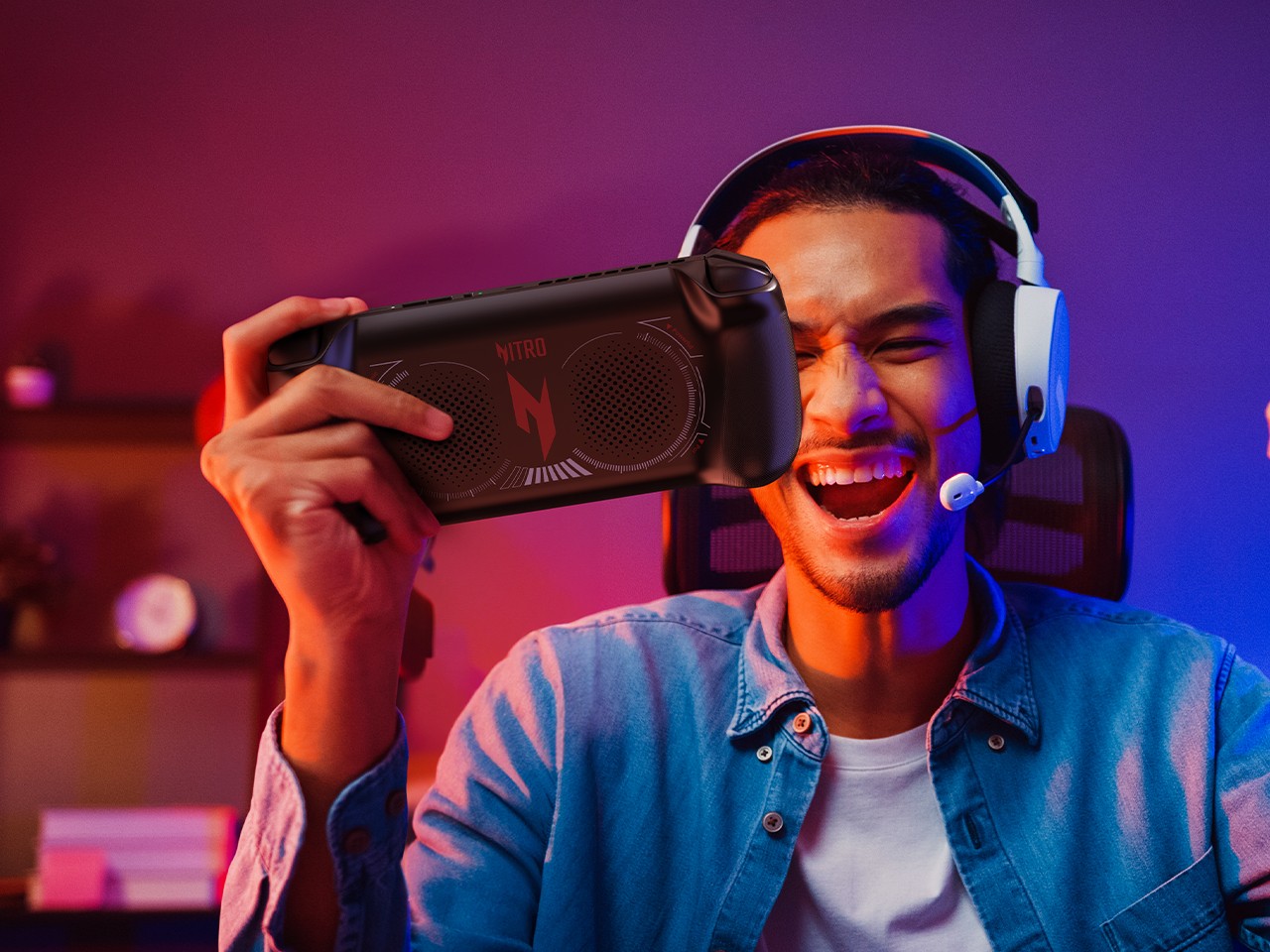
The Acer Nitro Blaze 7’s straightforward and simple design eschews complicated and extraneous details that only get in the way of you and your favorite games. With its arrival, the roster of major handheld gaming PC brands is more or less now complete, heating up the competition for the market’s most powerful gaming machine in the smallest form factor. Availability details for the Acer Nitro Blaze 7 handheld gaming PC will vary by market and have yet to be confirmed.

The post Acer Nitro Blaze 7 jumps into handheld gaming PC arena with Ryzen AI chops first appeared on Yanko Design.

Quirky ‘Wordle’ Handheld Game Device feels heavily inspired by Game Boy and Teenage Engineering

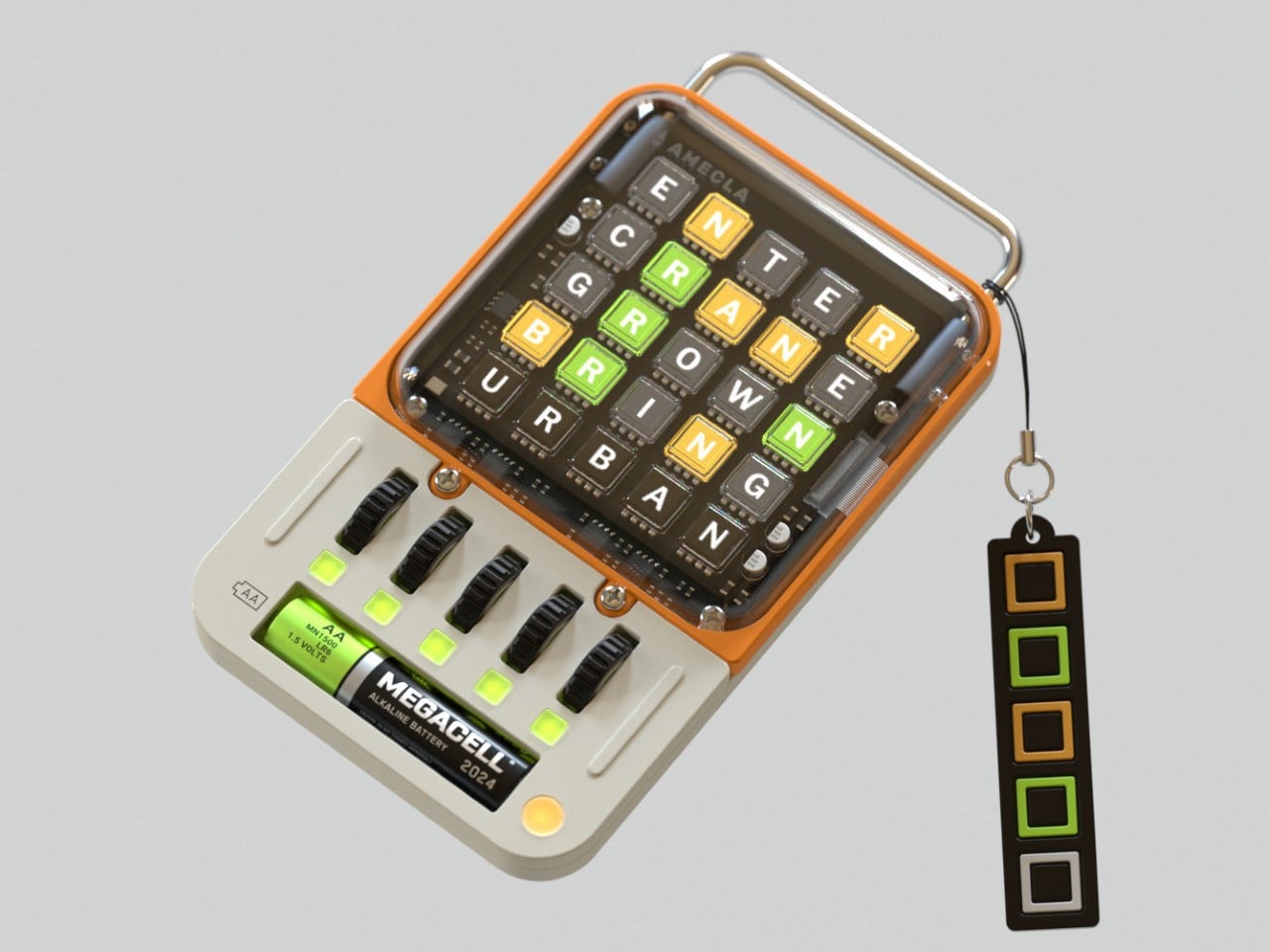
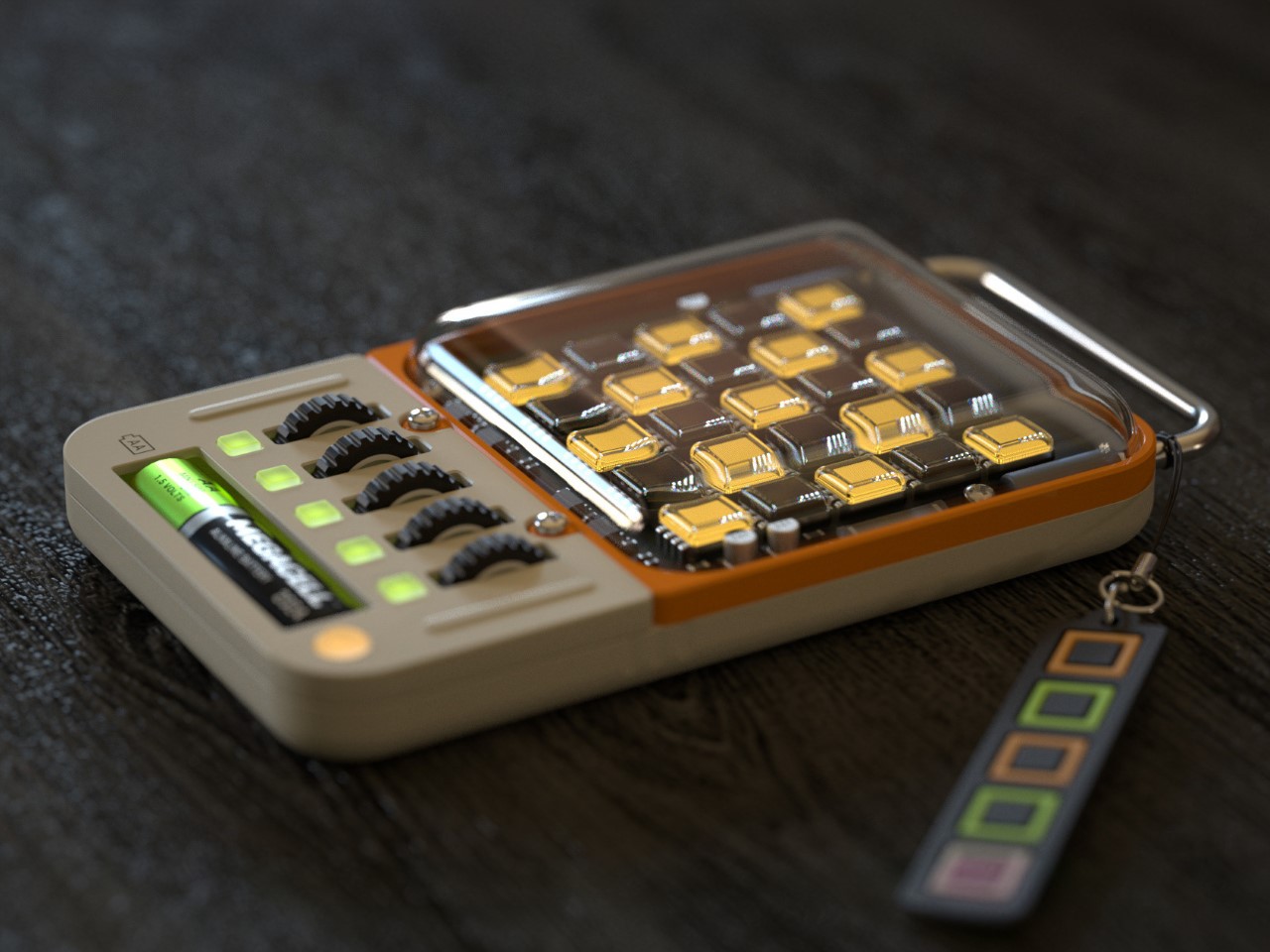
Designed as a part of Richard Falcema’s ‘Fictronics’ (Fictional Electronics) series, the WORDLE TERM is a handheld console that lets you play NYT’s hit game Wordle anywhere you go. Although Wordle is mainly played on phones (and is even available as a board game for true-blue nerds), Falcema’s quirky gadget gives the game its own standalone handheld device with an aesthetic and interface that’s just about as adorable and fun as the game itself.

Designer: Richard Falcema

The gaming device is simple to a point of being almost a meme. You can literally ONLY play Wordle on it and nothing else, which I guess makes it even more appealing if you think about it. The device sports a 25-display grid on the top,very reminiscent of the kind seen on Elgato’s hardware, except those displays can’t be pressed. They’re controlled using a set of 5 wheels at the bottom, which let you cycle through letters in each row. Once you select all 5 letters, the device accepts your input and judges your guess. For non-Wordlers, the game involves guessing the word of the day. You have 6 chances (this game gives you just 5), and each chance gives you clues as to what the word could be. When you guess the letters, tiles either stay grey if the letter is wrong, or turn orange if the letter is right but in the wrong position, and finally green if the letter is right and at the right position. Using this color-coded system, you’re required to work your way through the 5 or 6 guesses, trying to get the word in the fewest attempts.

Falcema’s device captures the Wordle game perfectly through its quirky design. The exposed circuitry, vibrant colors, metal bar on top, and that lone AA battery at the bottom are highly reminiscent of Teenage Engineering’s design cues. The device comes with a Wordle-themed lanyard too, adding to the fun appeal of the entire device. I’m assuming that this device also lets you play as many instances of Wordle as possible, rather than having to wait 24 hours for each new challenge!

The post Quirky ‘Wordle’ Handheld Game Device feels heavily inspired by Game Boy and Teenage Engineering first appeared on Yanko Design.

Lenovo Legion Go accessories make it a true Nintendo Switch rival

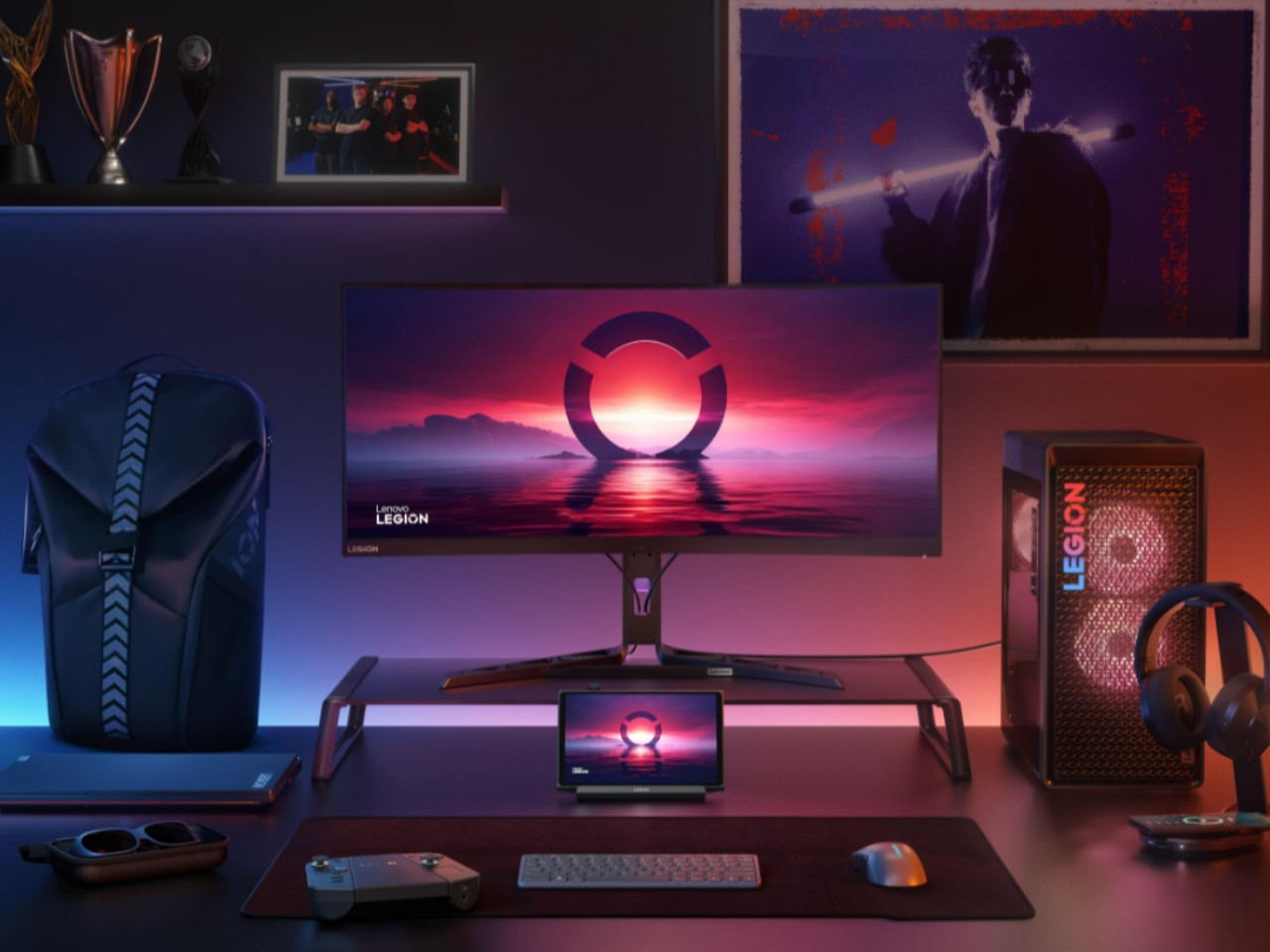
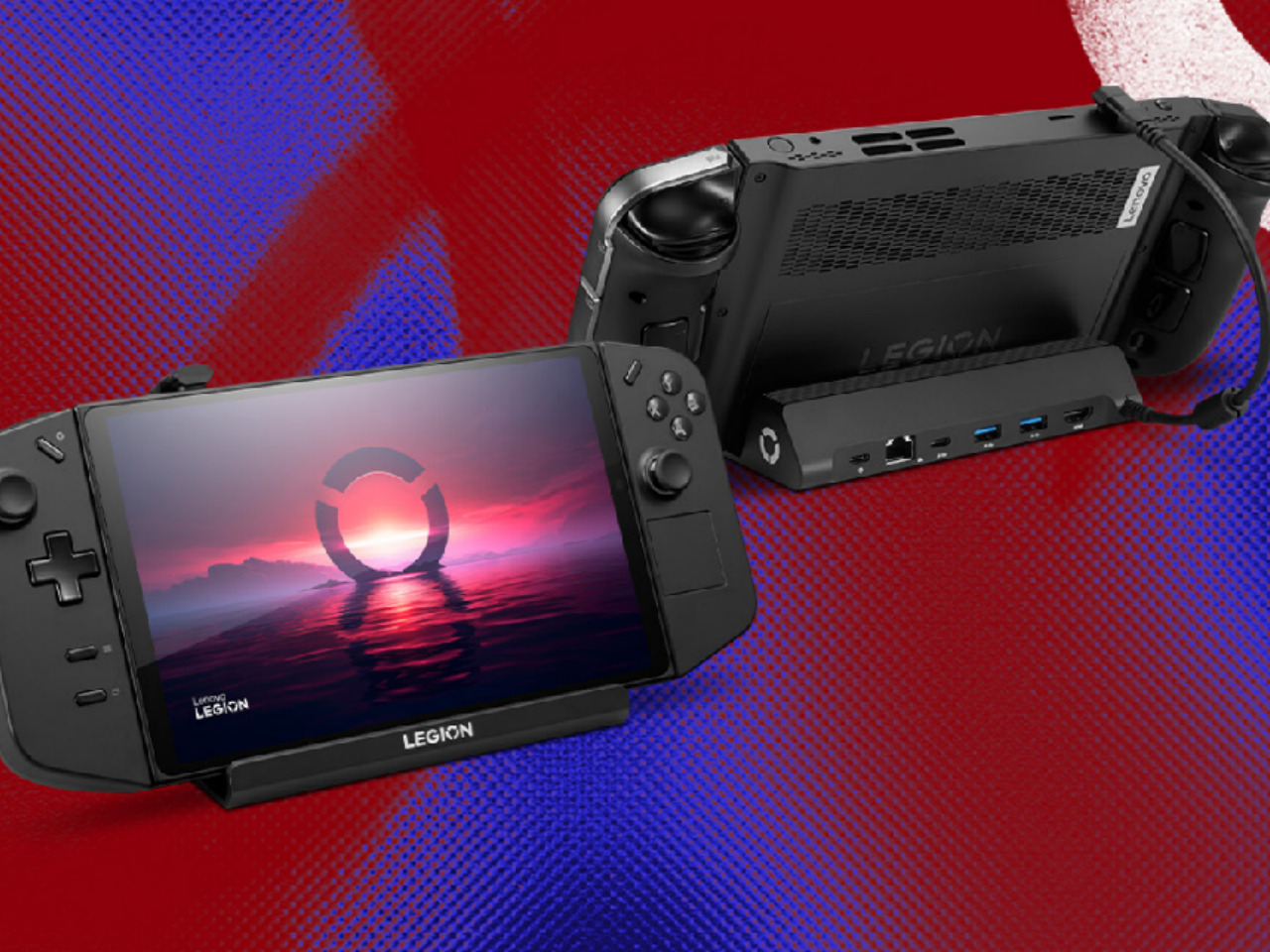
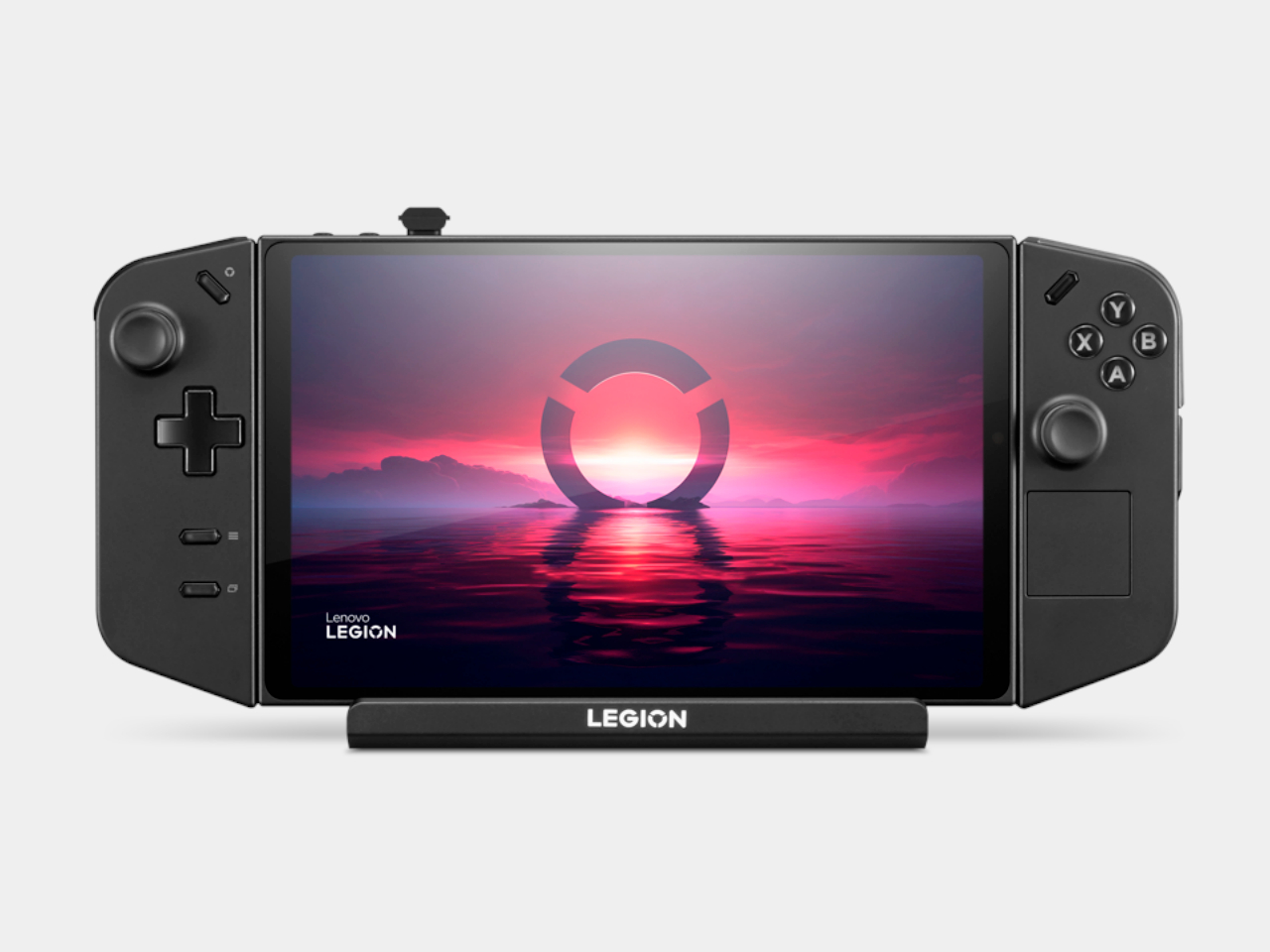
The new breed of handheld PCs designed for gaming can’t deny their inspiration. The success of the Nintendo Switch definitely made the dream of AAA gaming on the go a reality. Of course, that only works if you’re all in on Nintendo’s ecosystem, though PC gamers have been relying on laptops for their portable experience. The likes of the Lenovo Legion Go, however, have taken us closer not just to truly portable PC gaming but to an experience almost similar to the Nintendo Switch with its removable controllers. Now the PC giant has come out not with a successor but with much-needed accessories that give the handheld gaming PC a more holistic image and a more complete mobile experience.

Designer: Lenovo

Handheld gaming PCs have definitely kicked the doors wide open for PC gaming on the go, but almost all of them lacked one important Nintendo Switch feature from day one: first-party accessories. Sure, you can connect a keyboard, mouse, and maybe even an external monitor, but in most cases you also have to hunt for hubs and docks that you can only hope will actually work as promised. In contrast, the Switch had the TV dock, holders and chargers for Joycons, and more, emphasizing a complete ecosystem that removed much of the concerns that PC gamers face even on laptops and desktops.

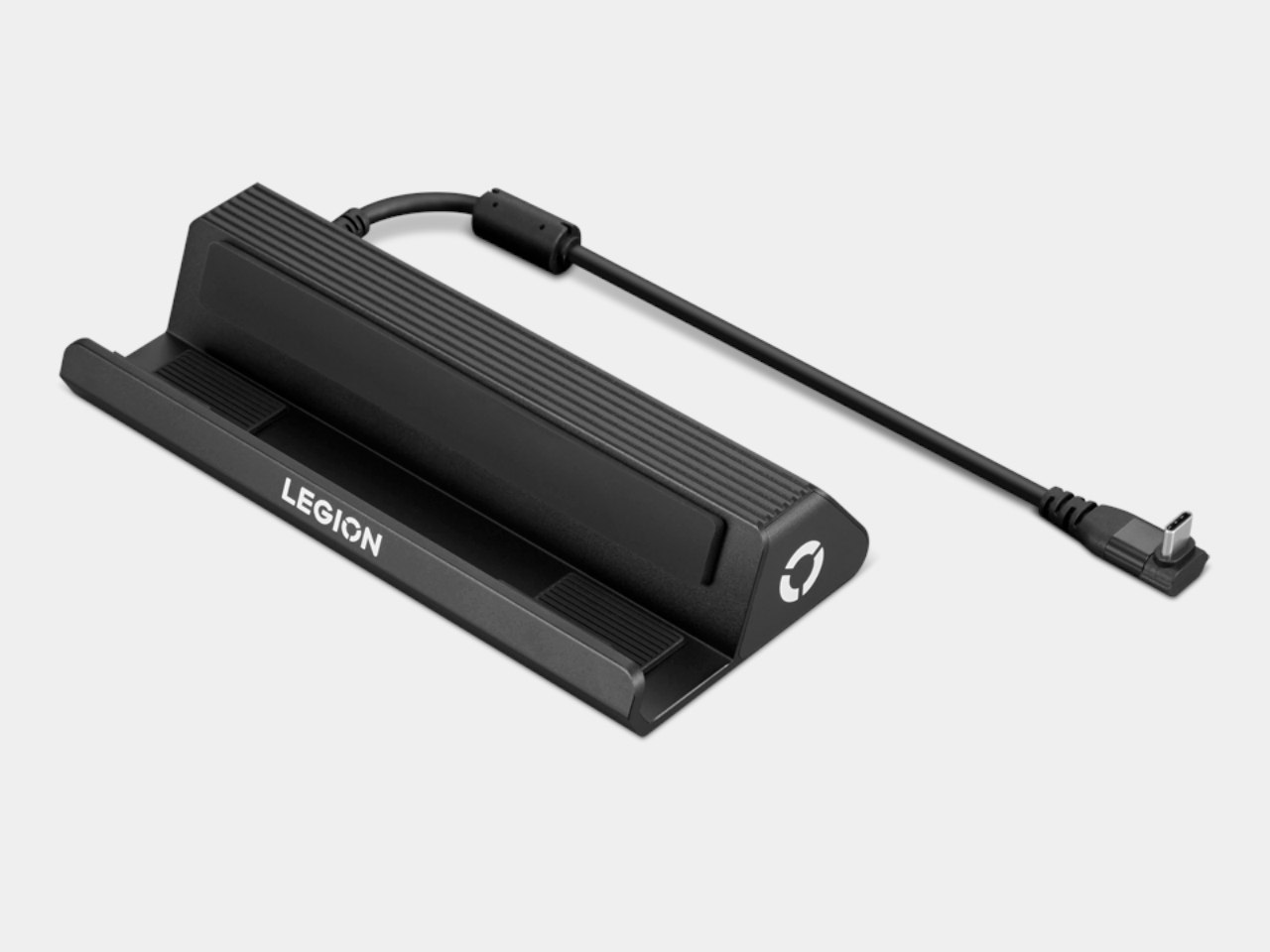
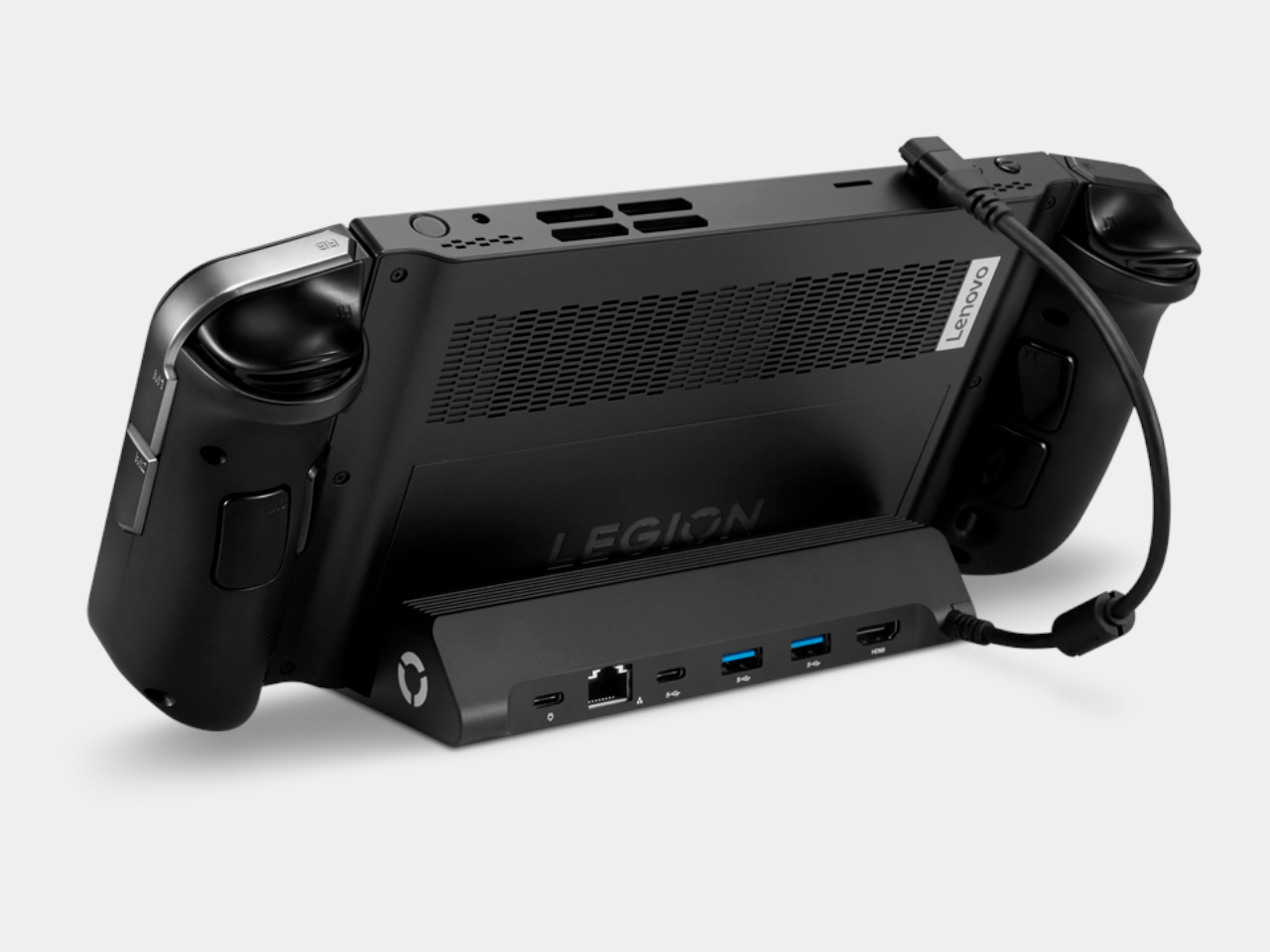
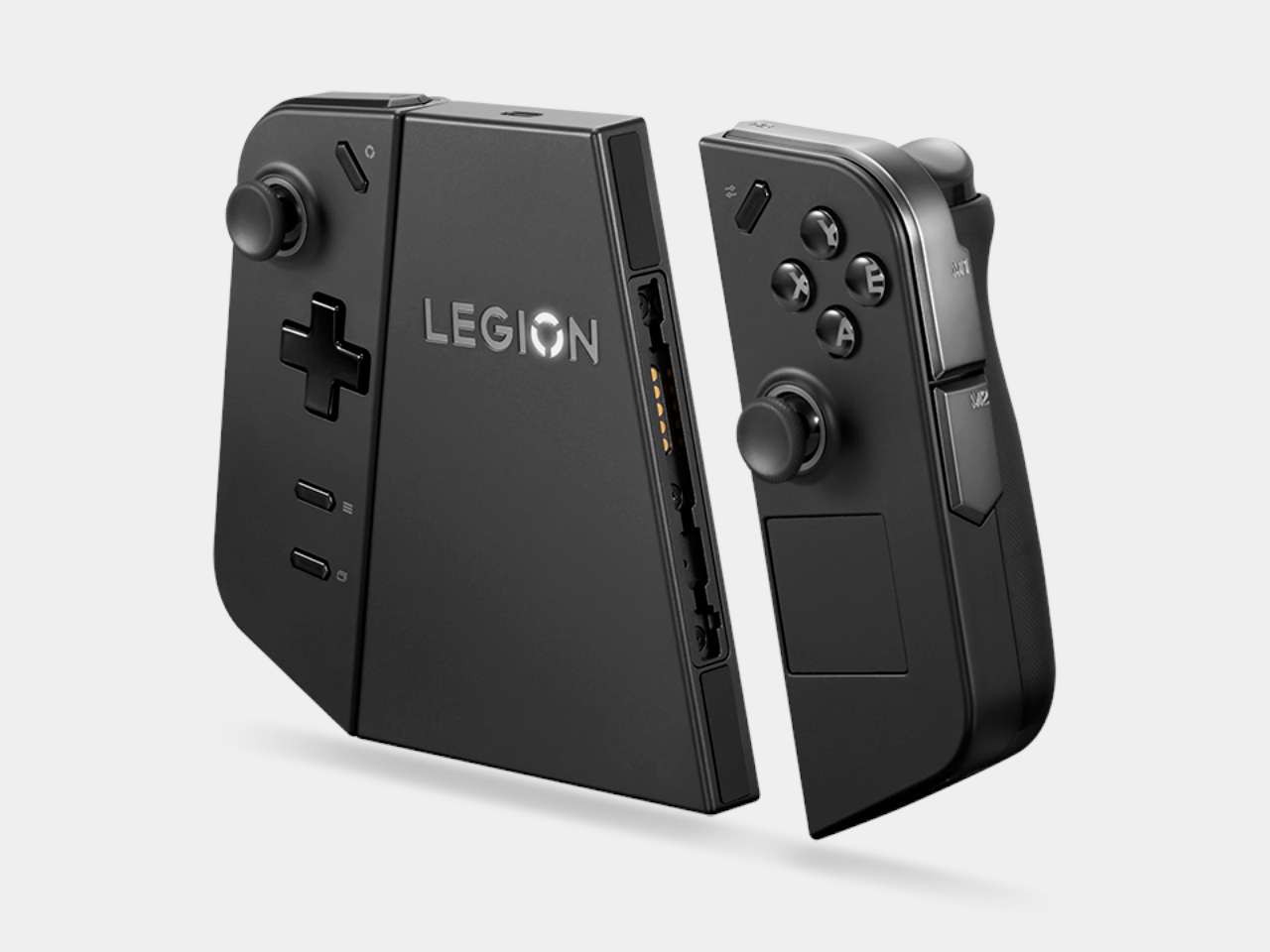
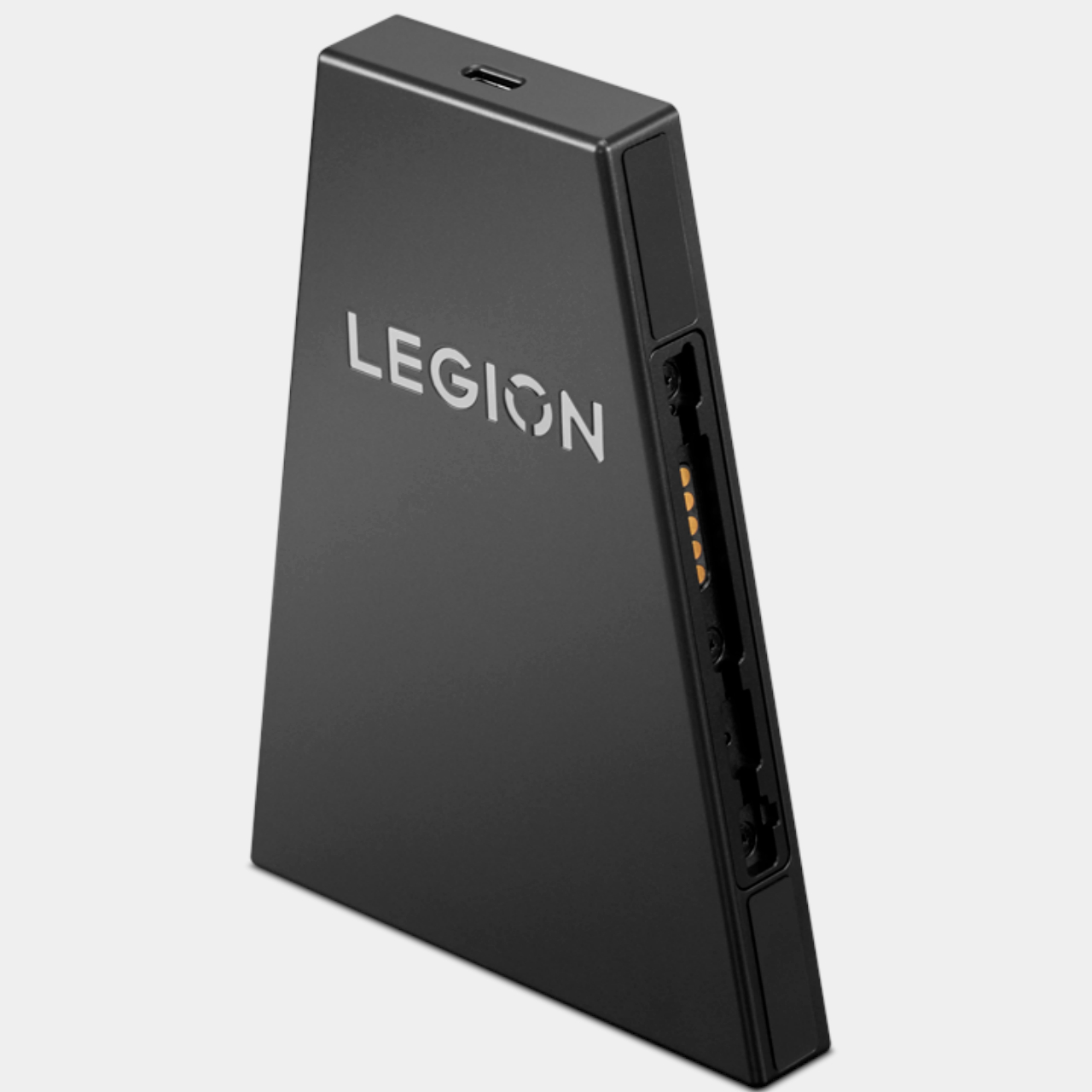
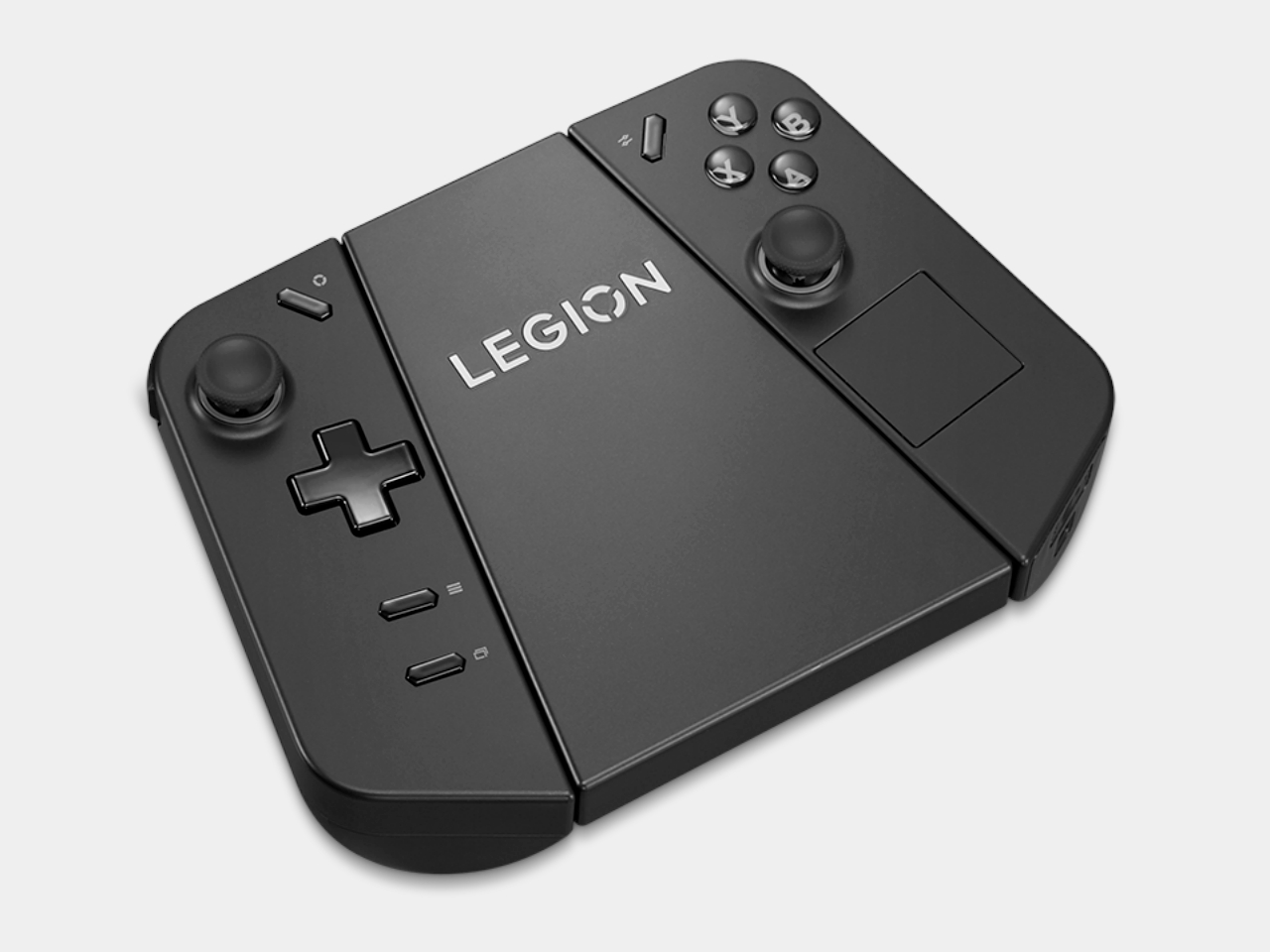
The new set of Legion Go accessories does that for Lenovo’s first-ever handheld, making it an even more flexible system for gaming and, ironically, work. At the top of the list is probably the official Legion Go USB-C Dock, providing a home for the handheld at home, making it easy to turn the Legion Go into a desktop or living room console when you’re not out and about. The Legion Go Charging Connector keeps the handheld’s removable TrueStrike controllers always ready when you need them. You can even use the controllers while attached, turning them into a distinct and standalone gamepad.

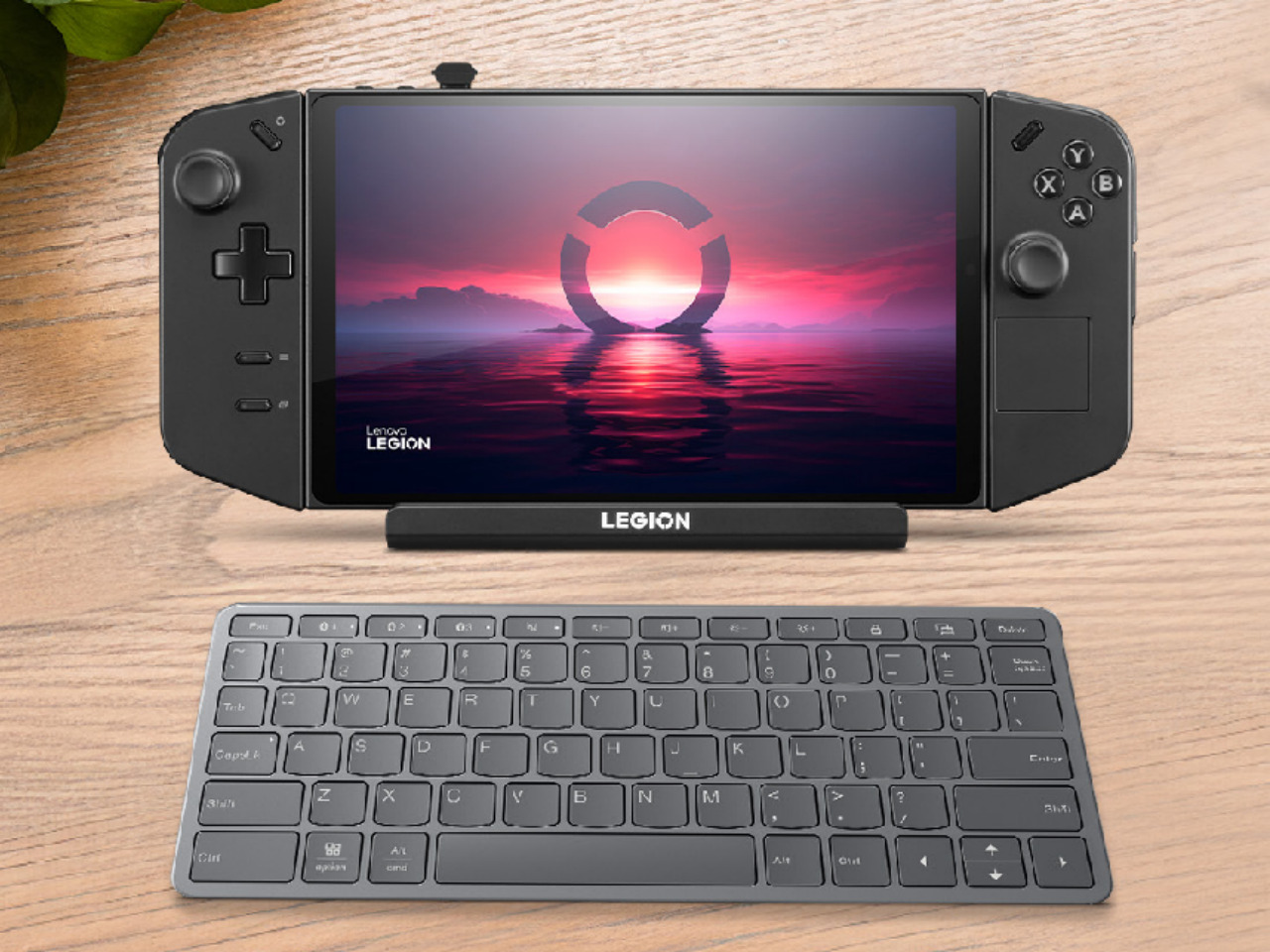
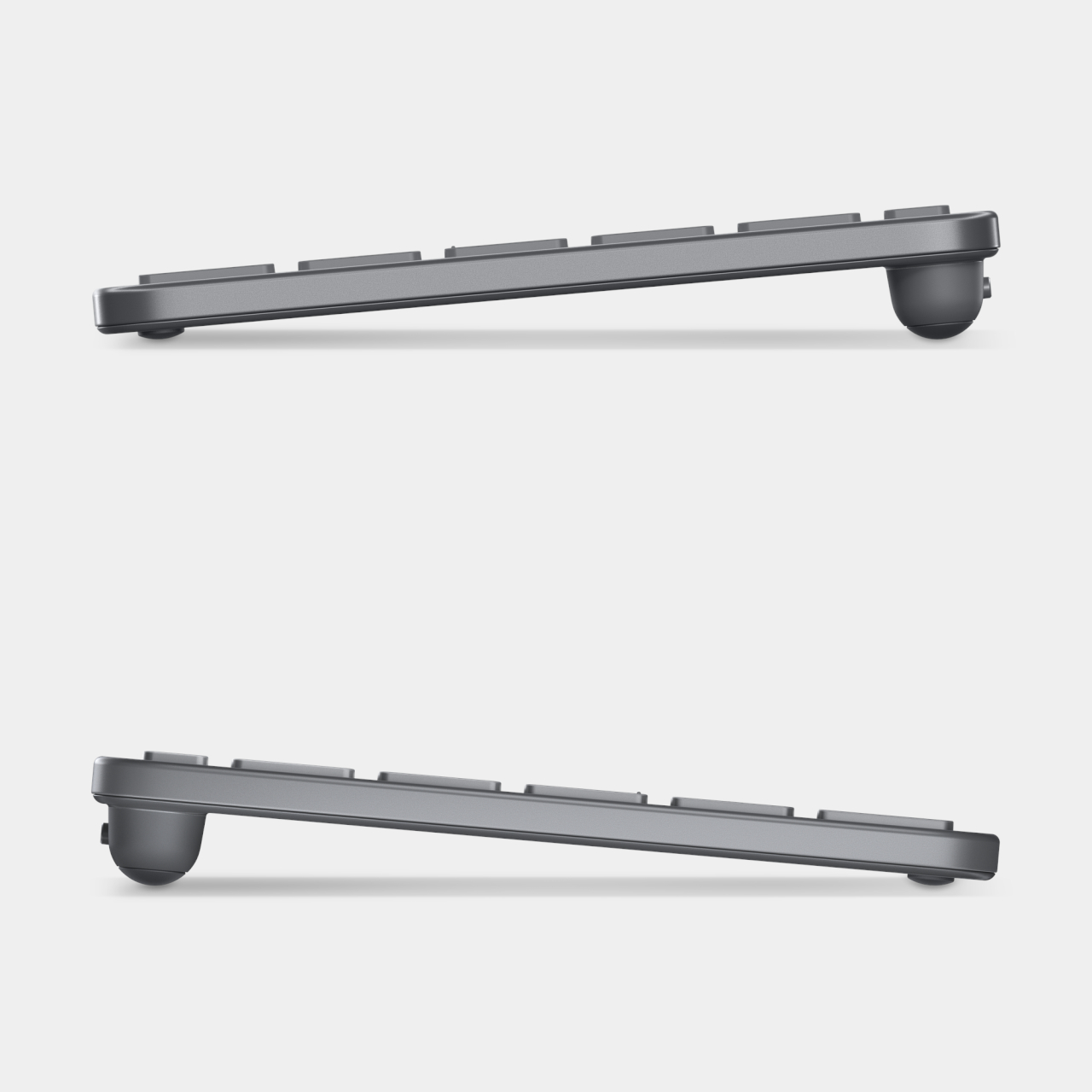
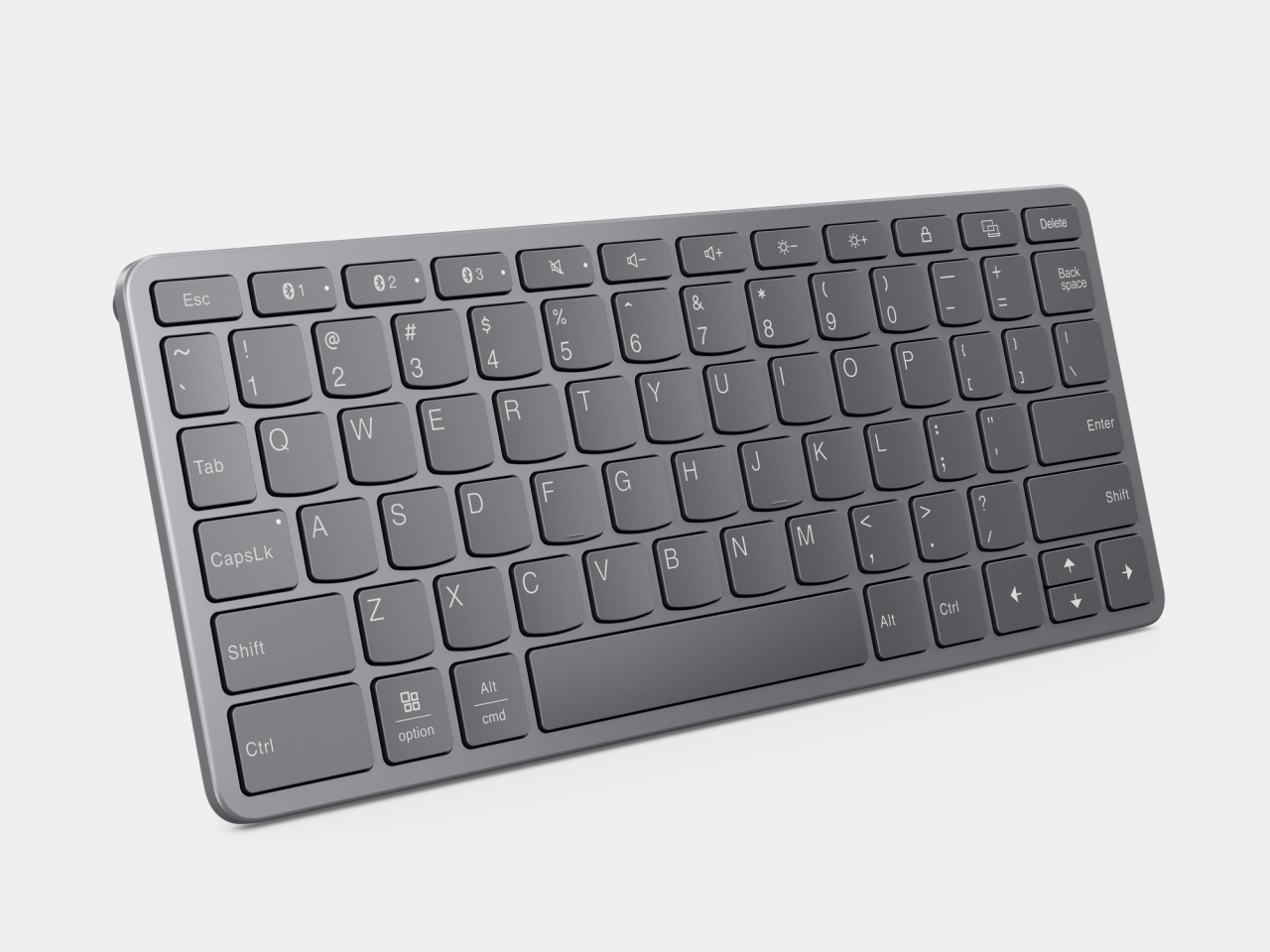
Although not directly related to the Legion Go, Lenovo also announced a mini Bluetooth keyboard that’s a perfect complement to the portable computer. The Legion Go has one of the largest screens among handheld PCs, so you can type out an email response or some other document with this keyboard. Plus, it also lets you easily play PC games that can only use a keyboard and mouse for input, especially since one of the TrueStrike controllers functions as a joystick-like mouse when detached.

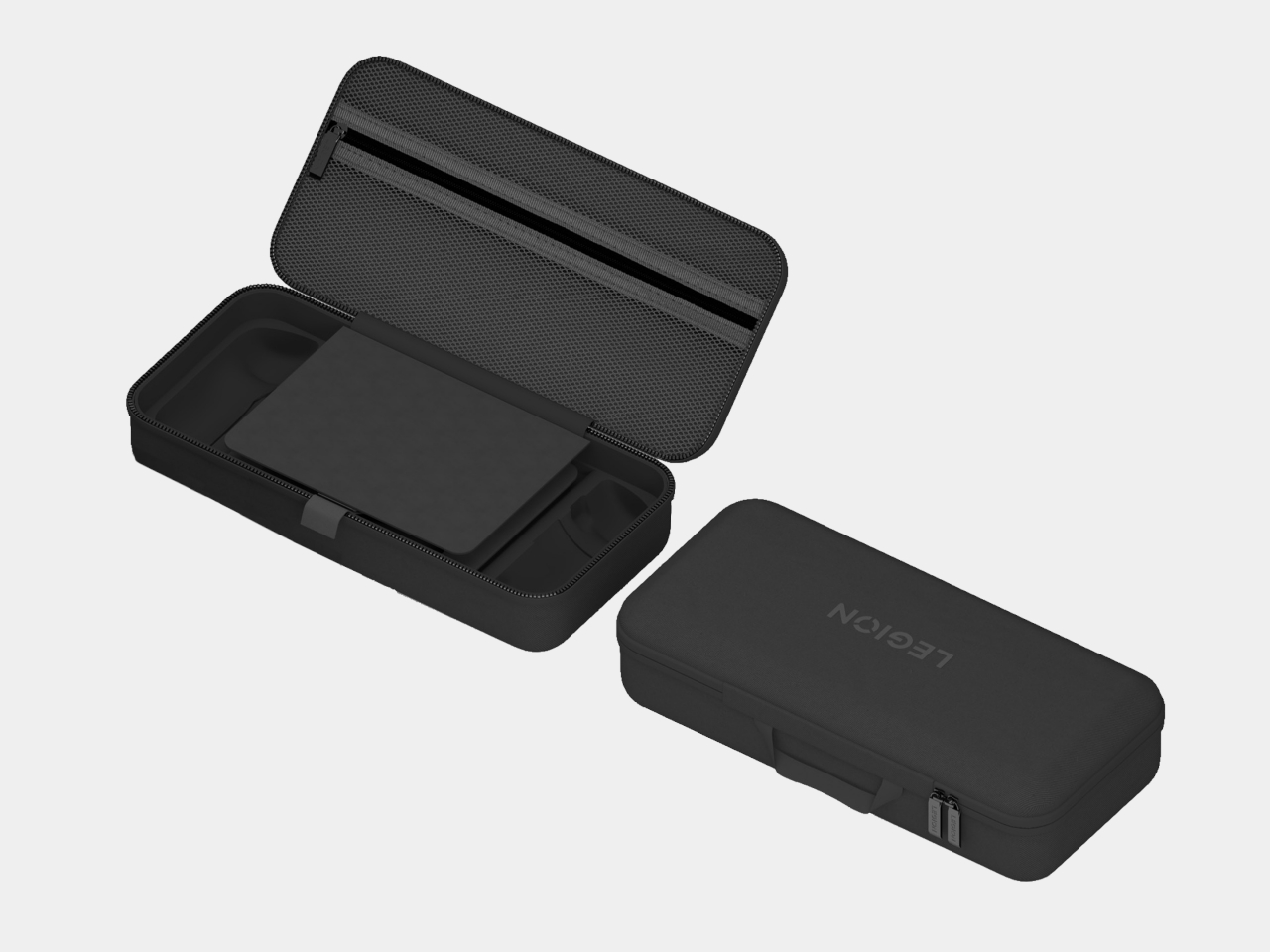
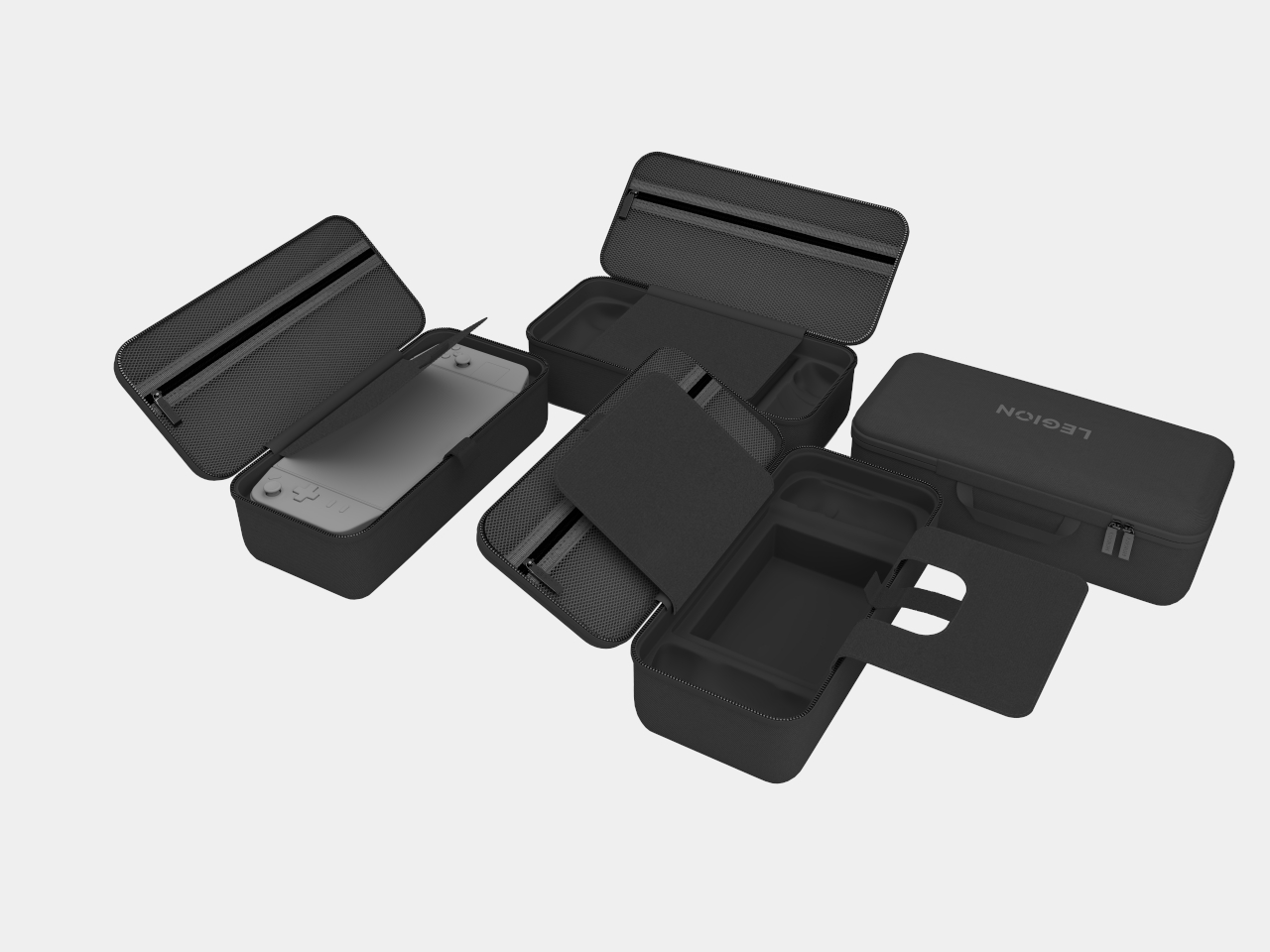
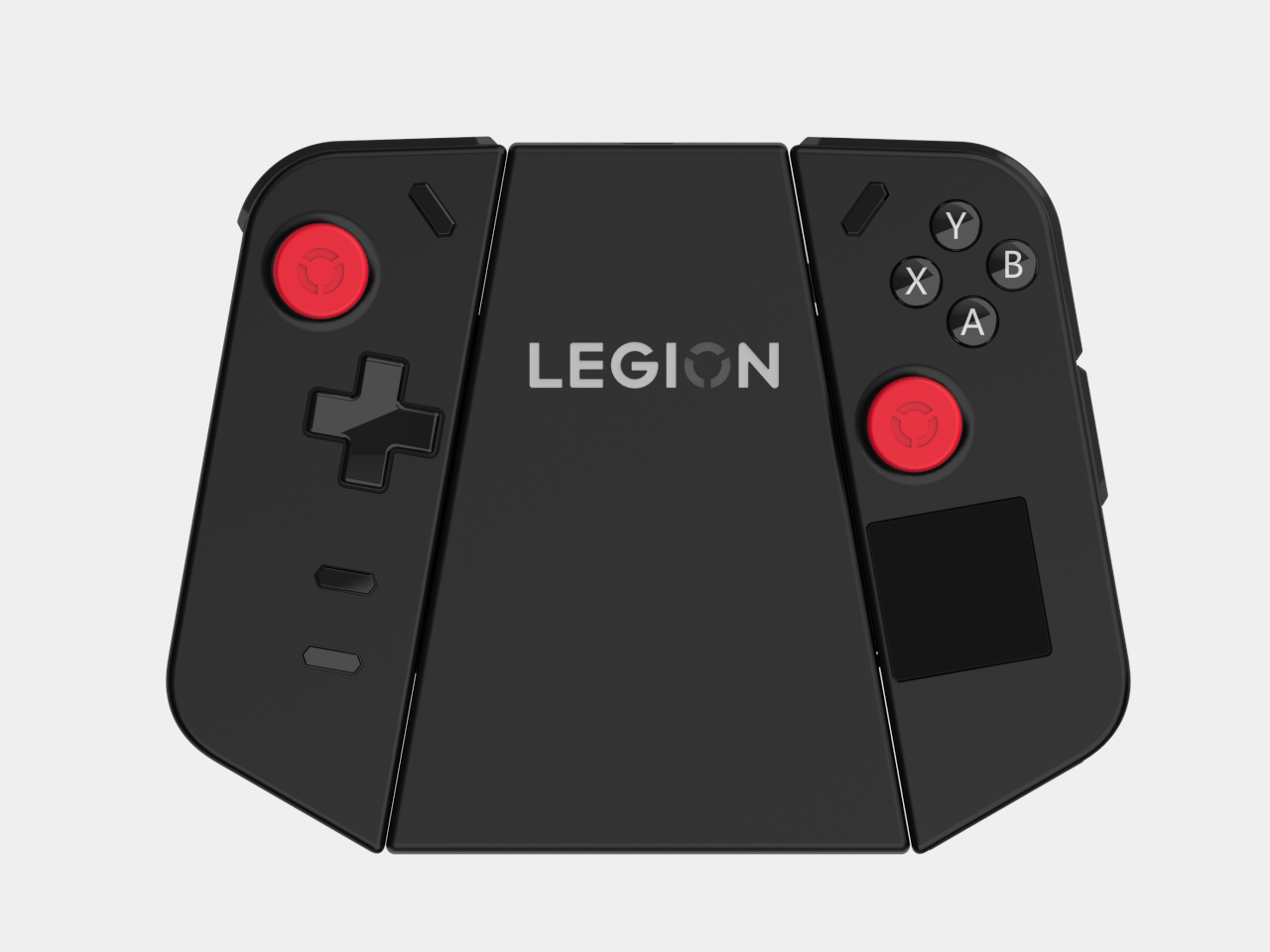
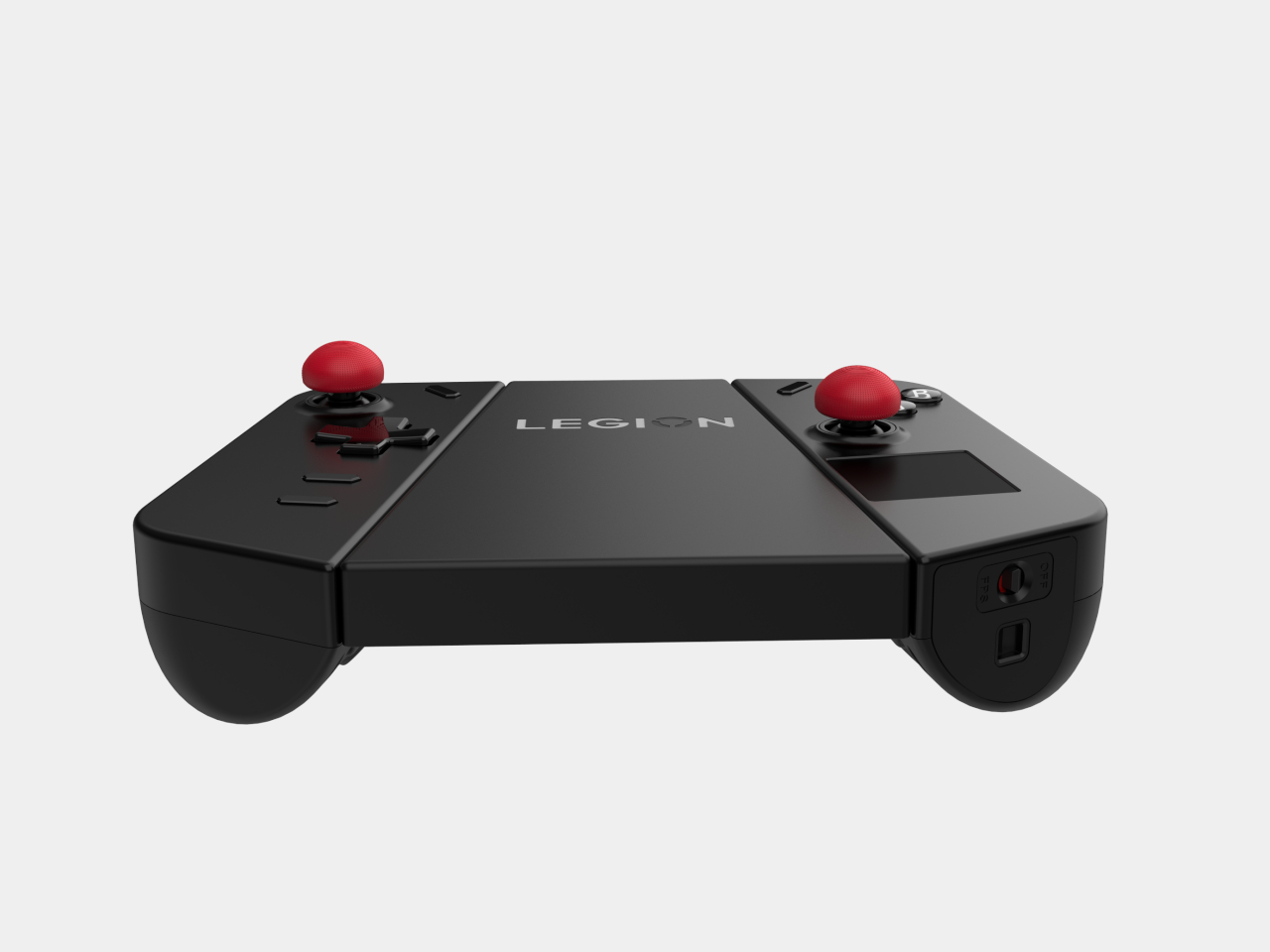
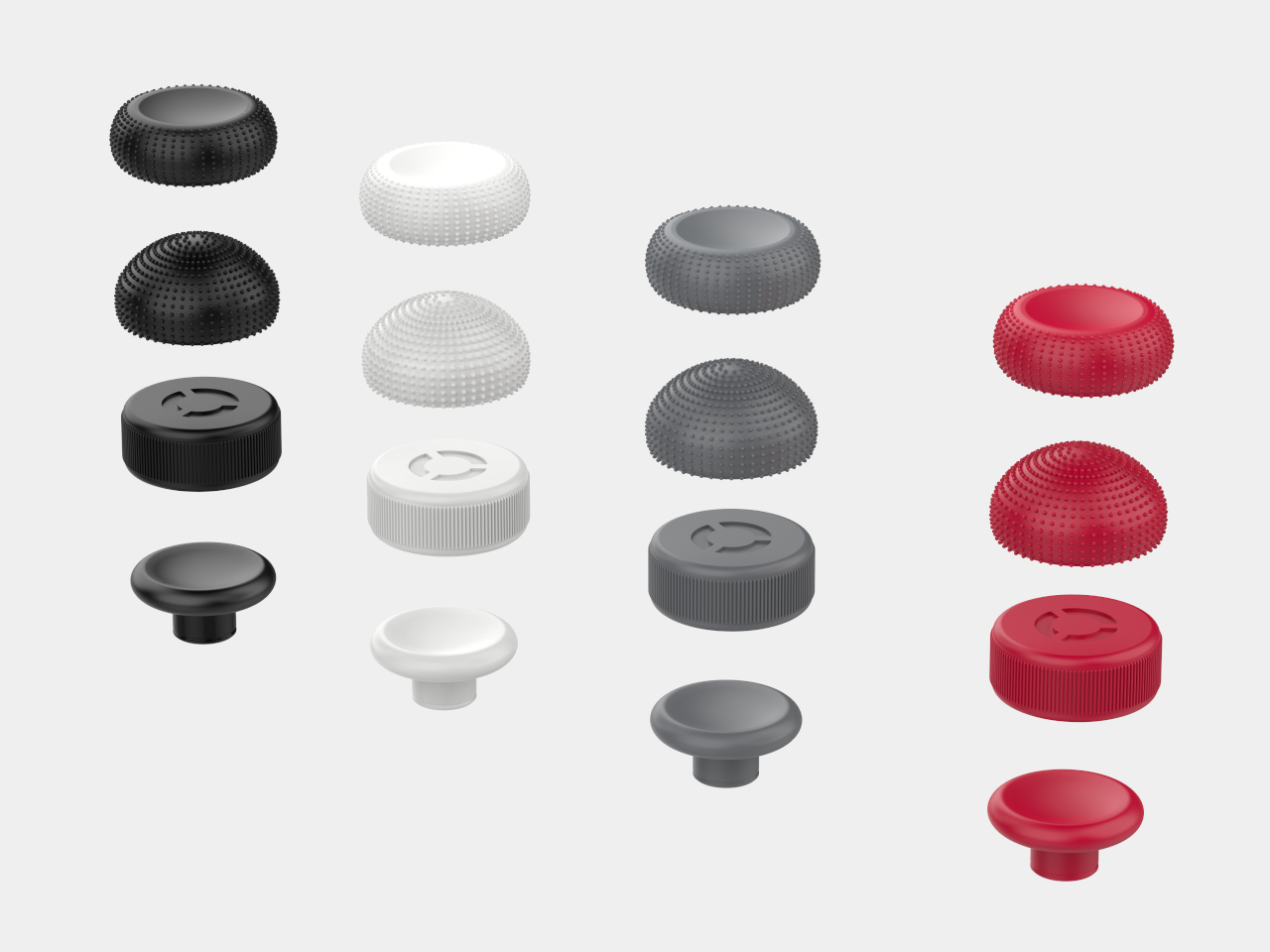
Other members of the Legion Go accessory family include an official carrying bag, as well as joystick and button caps. Unfortunately, they may have come a little too late to make a world of difference. While some owners have probably made do with third-party products that offer the same functionality, these official Lenovo accessories bring the guarantee of actually working well with the Legion Go.

The post Lenovo Legion Go accessories make it a true Nintendo Switch rival first appeared on Yanko Design.

Game Boy-inspired Nintendo Switch Console Features Unique Tiny Swappable Joy-Cons

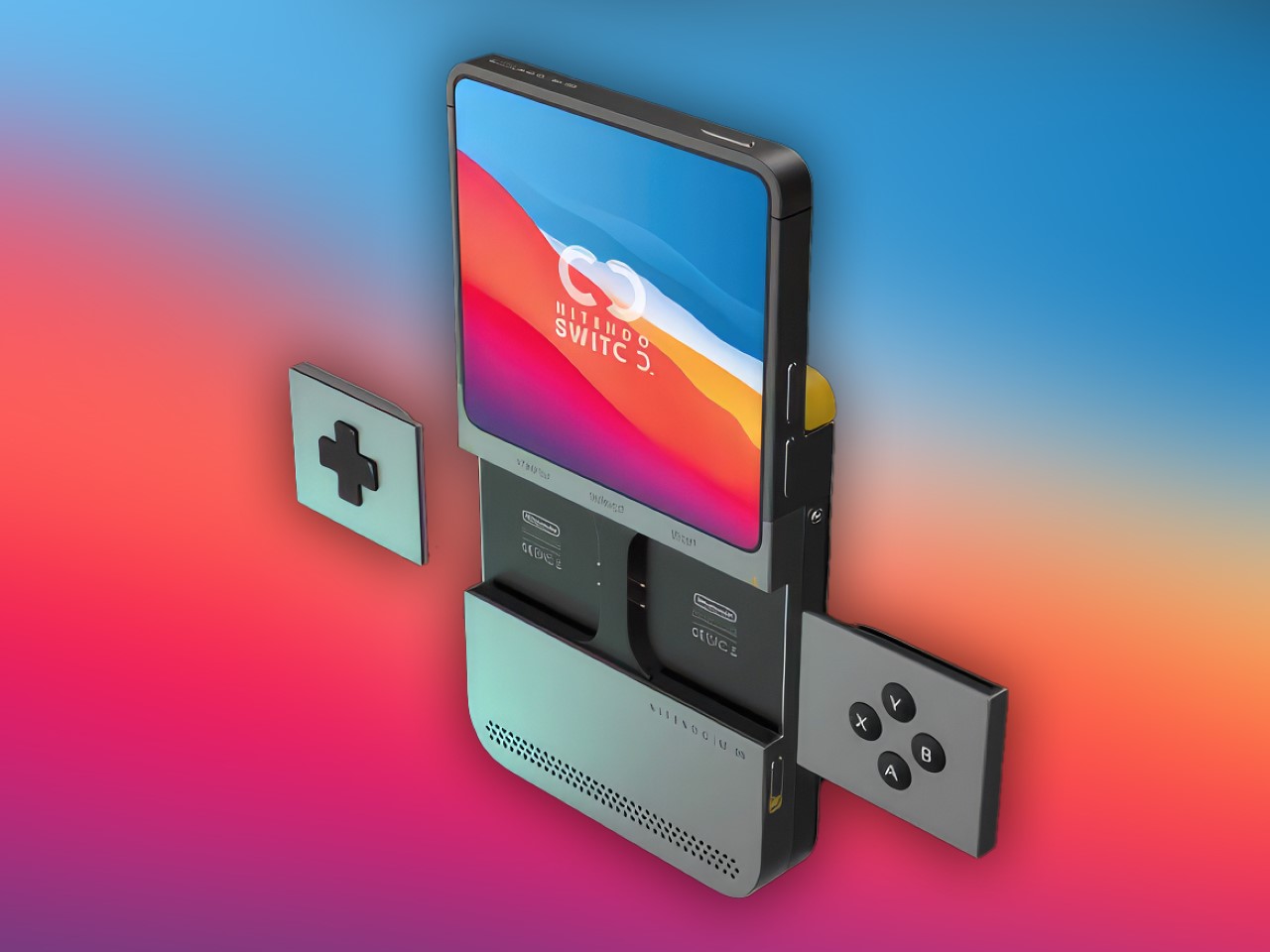
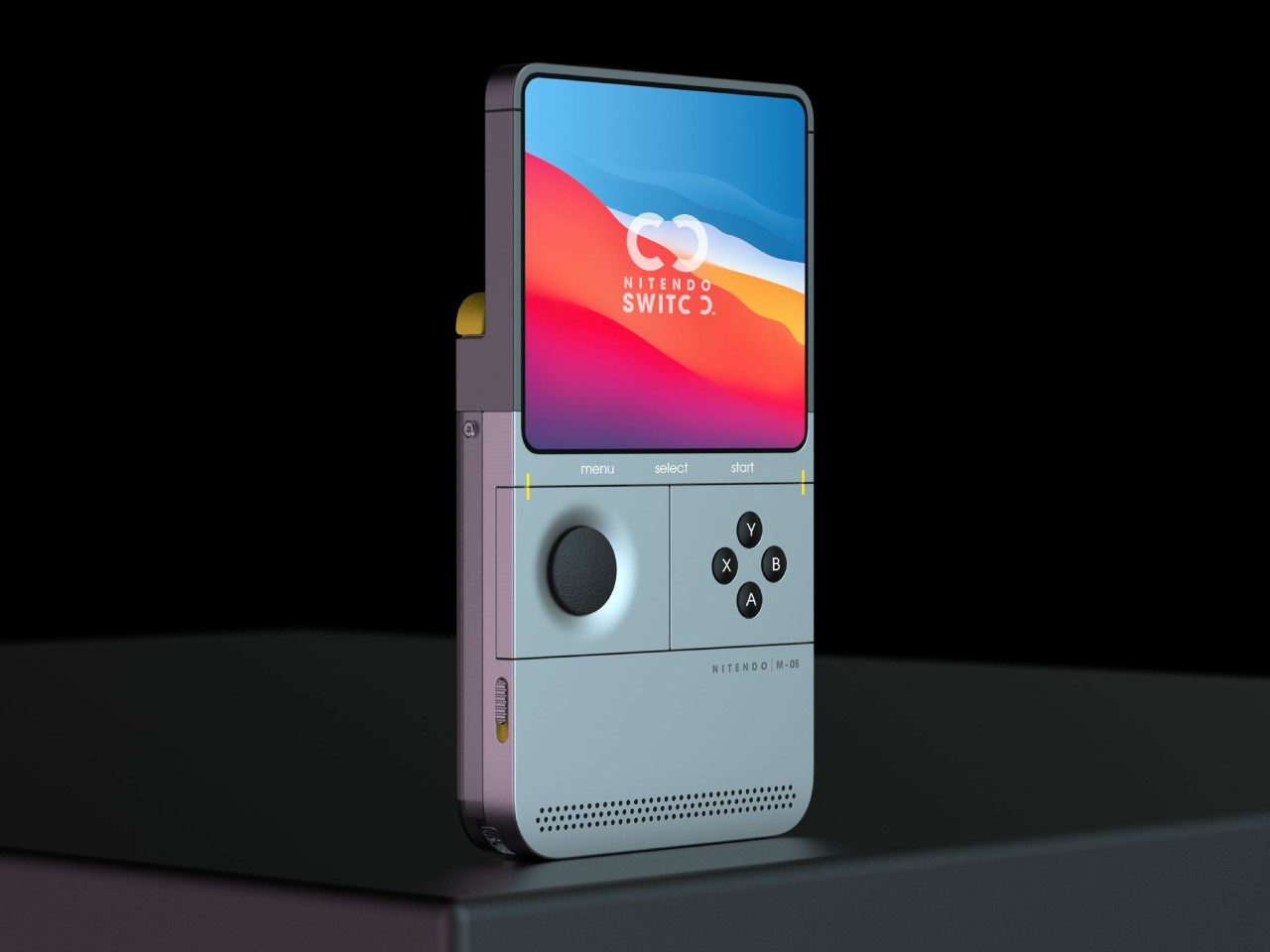
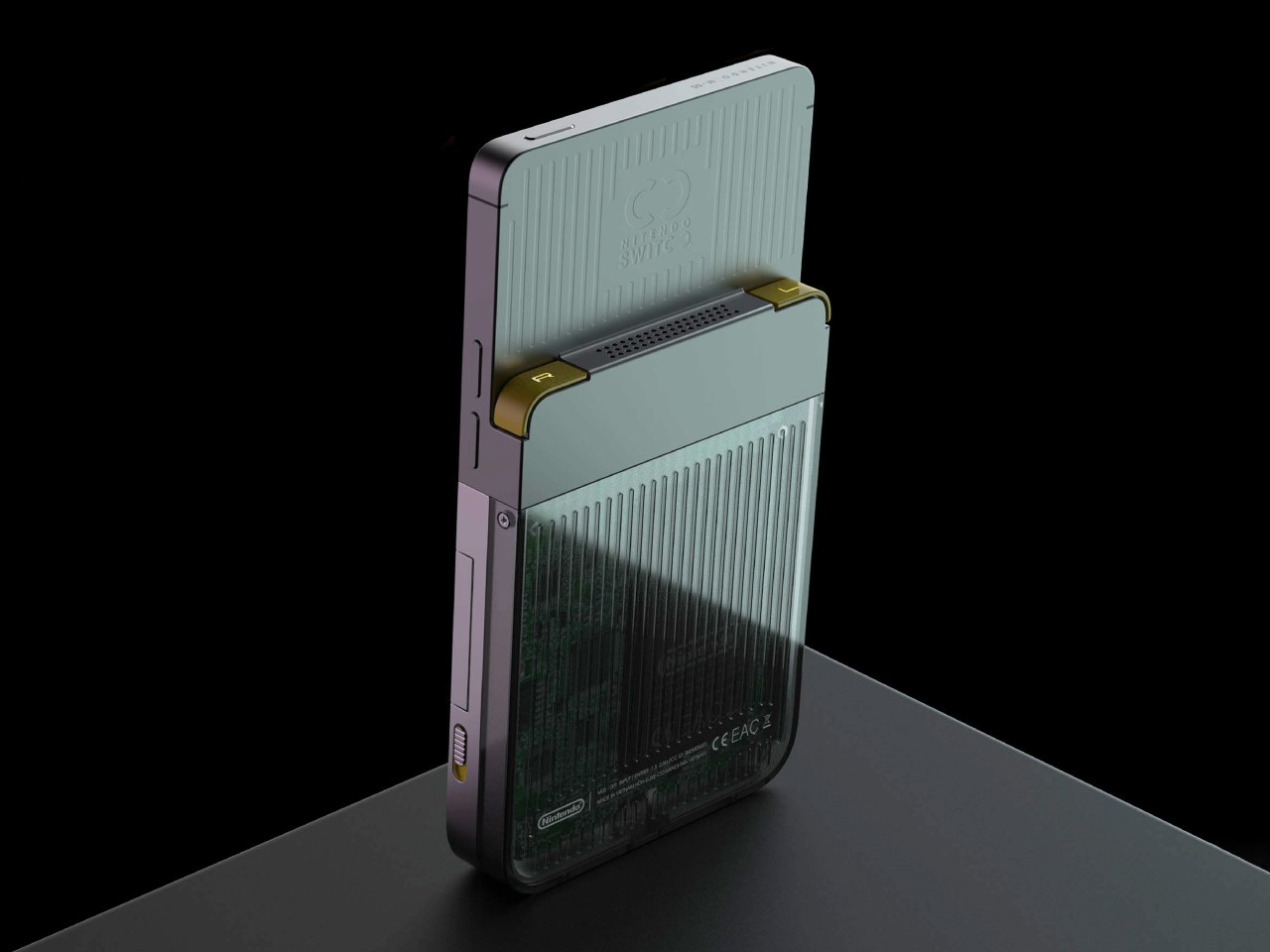
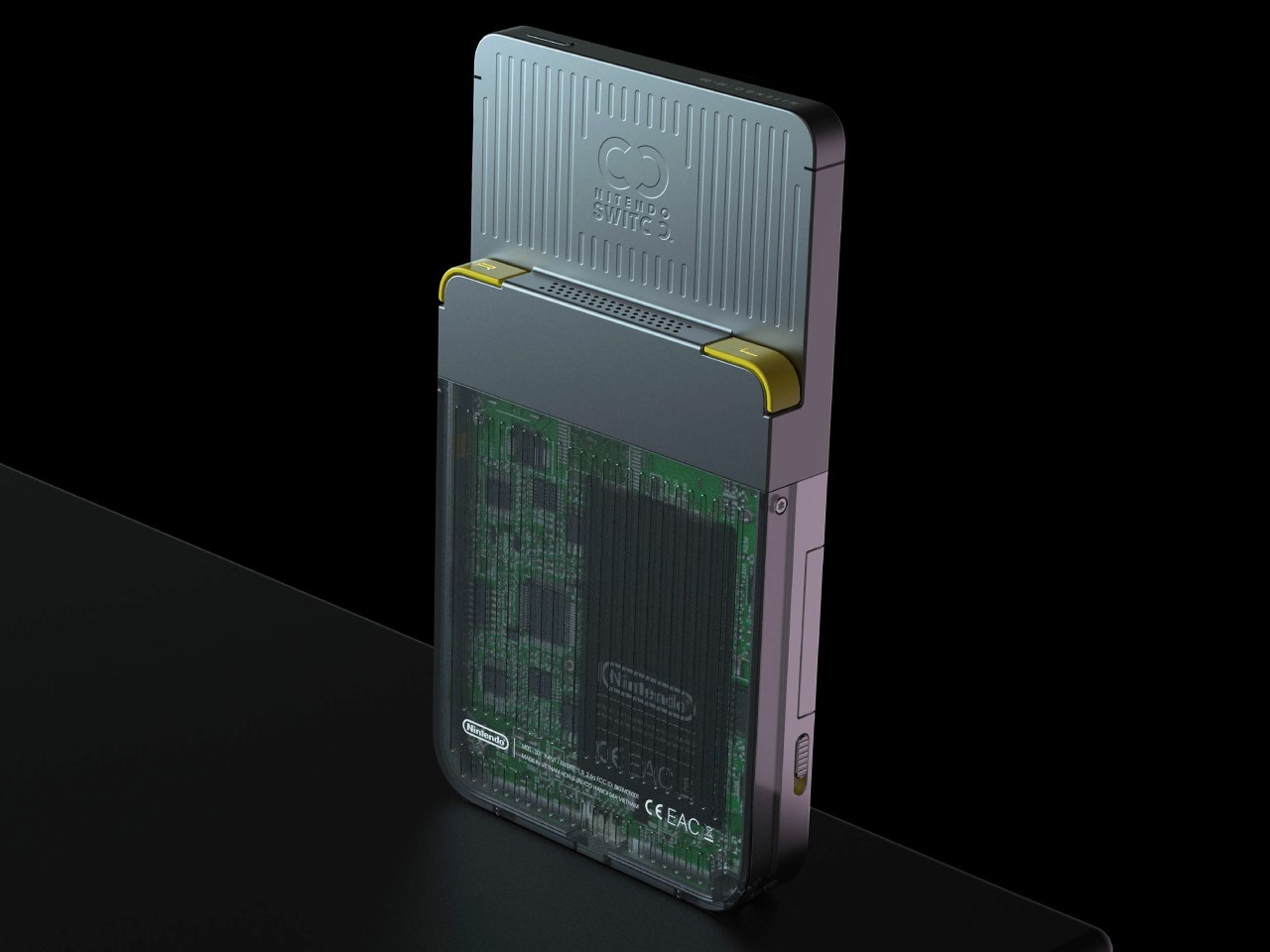
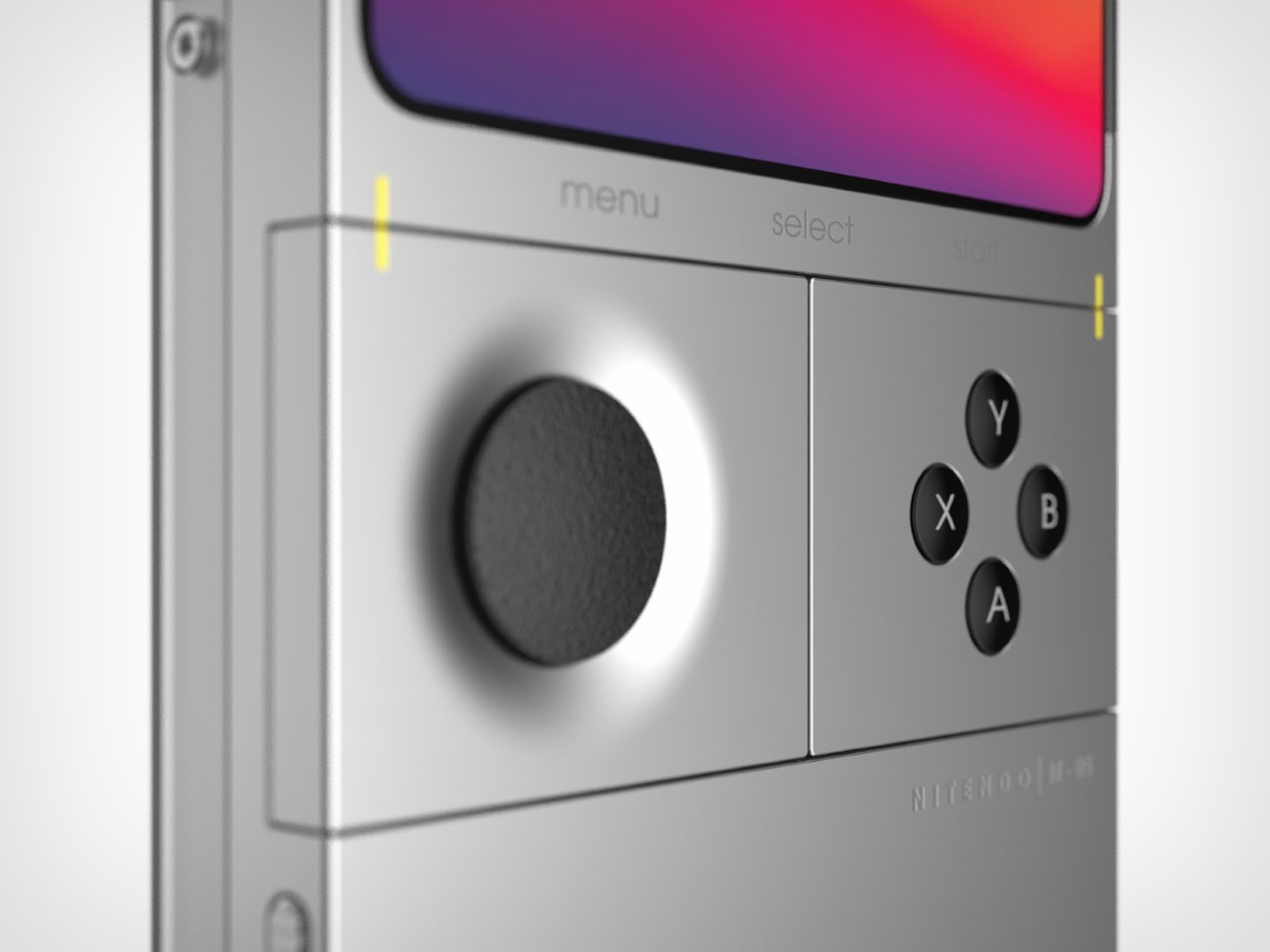
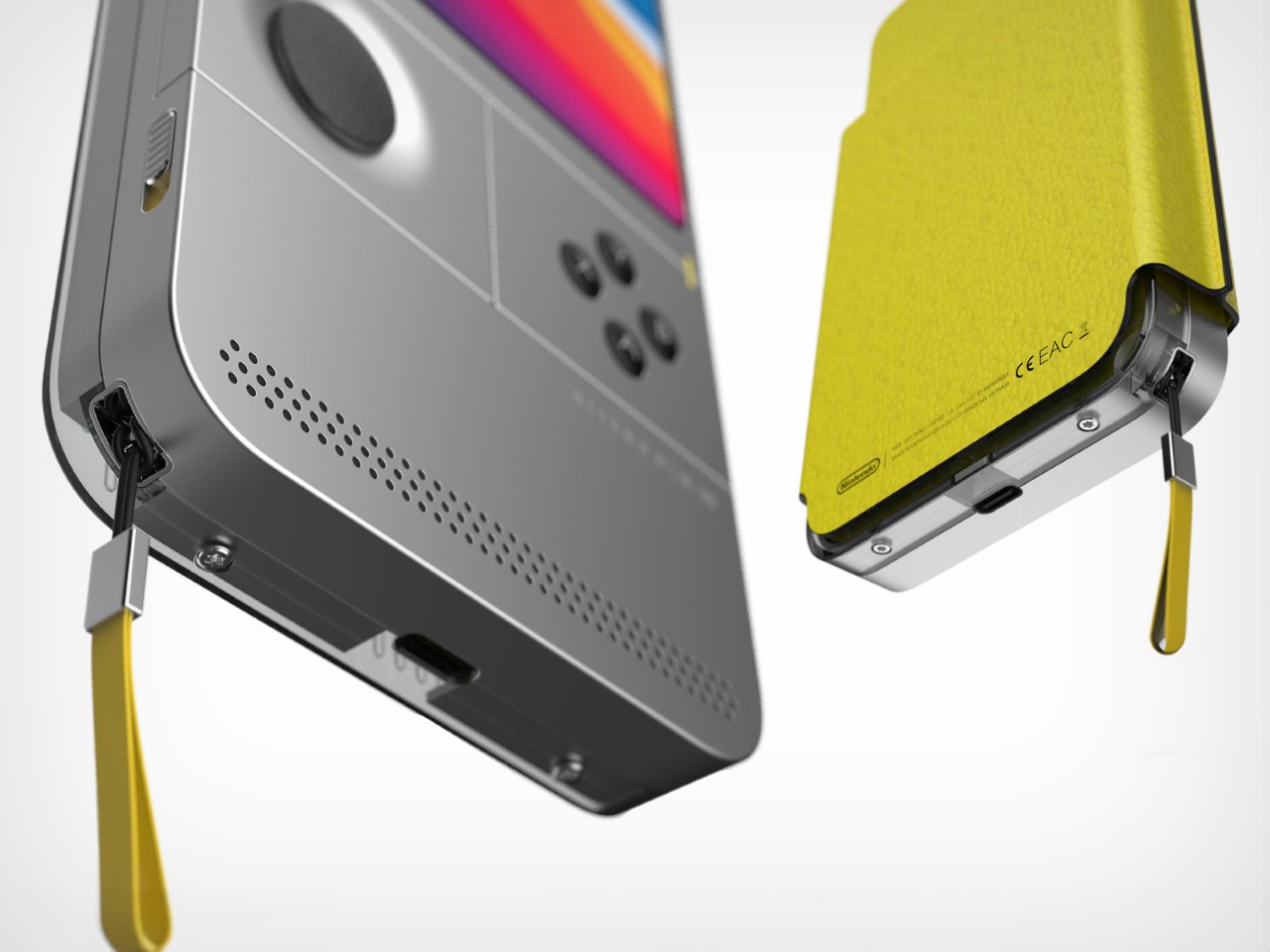
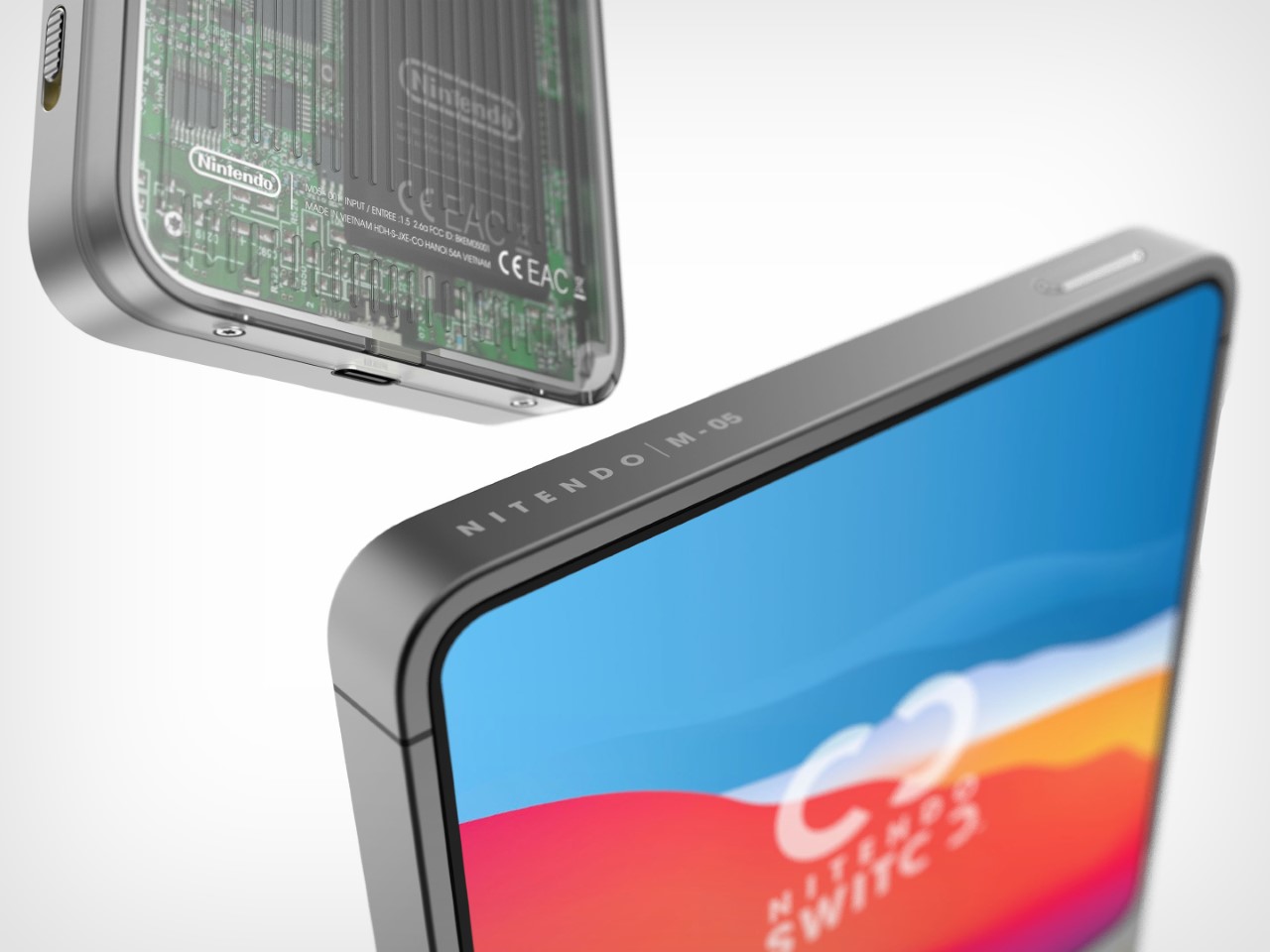
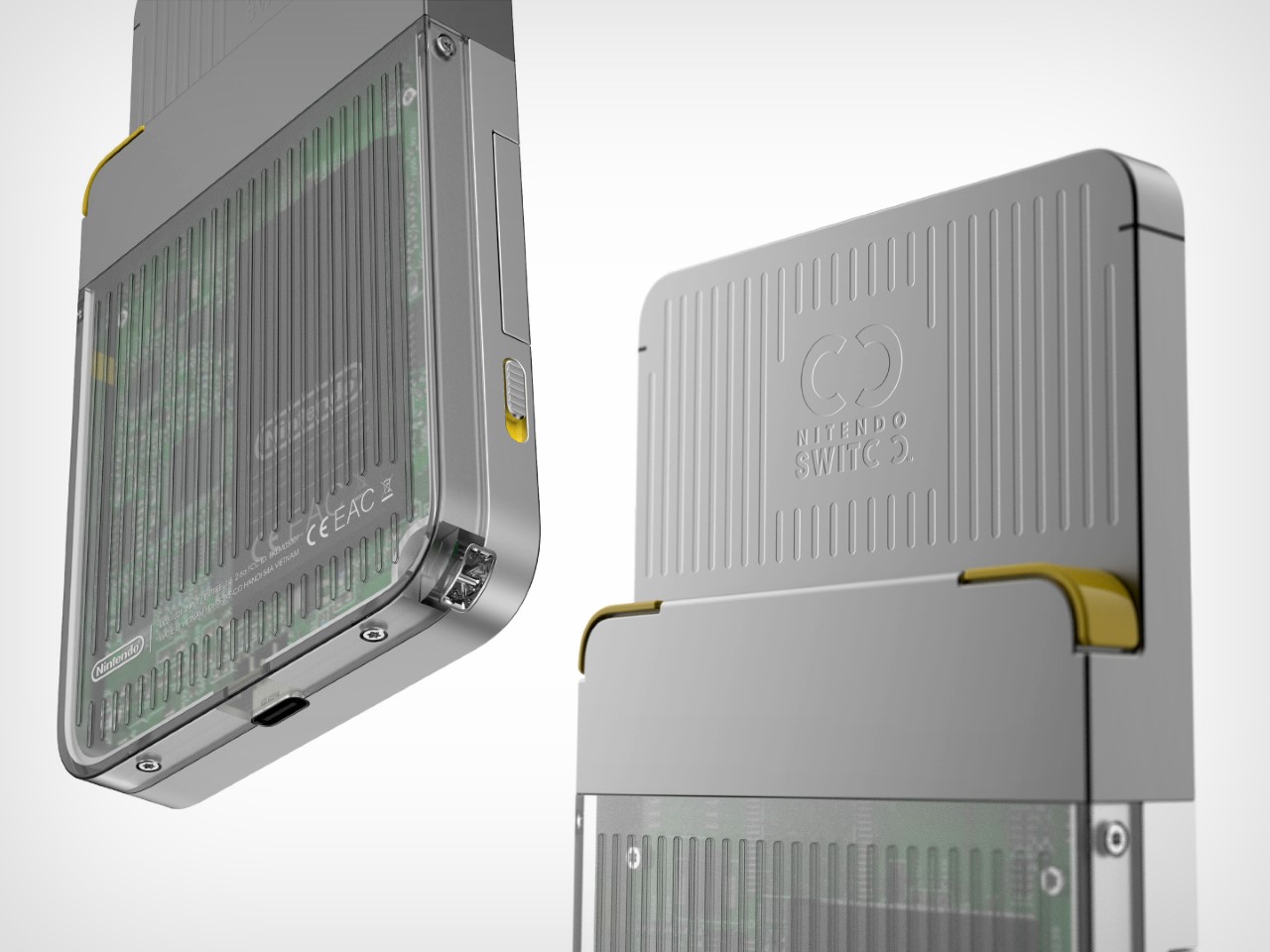
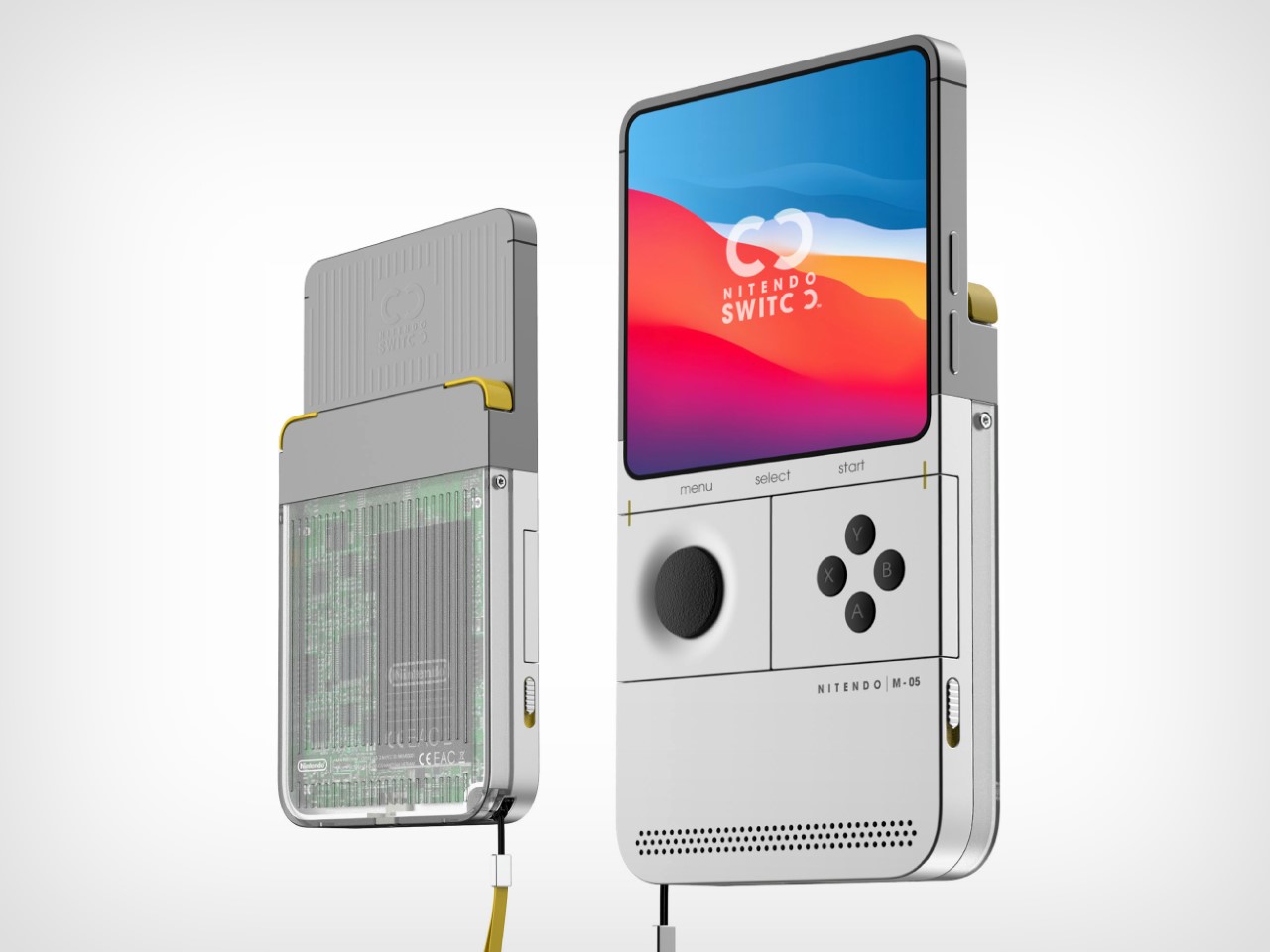
This Nintendo Switch redesign gives the epic console a major blast from the past. From the mind of Carota Design, the concept comes with a Game Boy vertical form factor, but still retains the essence of what gave the Nintendo Switch cult status – swappable Joy-Cons. The Nintendo ‘Switoo’, as Carota Design calls it, comes with two swappable controller modules (very similar to PhoneBloks or Google’s Project Ara) that can be replaced/interchanged, allowing you to build a control layout of your choice. The D-Pad and Action buttons can be ditched for a steering wheel and pedals while playing racing games, or create your own combination of control modules depending on the sort of interface you crave. The console itself comes with what I can only describe as a very contemporary tech device, with the use of slick machined metal parts along with a transparent housing on the back that hat-tips the current transparent design trend seen on a lot of popular tech devices.

Designer: Carota Design

The Switoo gets its name from an abstract visual representation of the two modular controls on the sides of the console. The logo also shows how the modules slide in and out, locking into place when you want to play a game, and docking out when you want to swap controls depending on the next game you’re looking to play. Aside from these interchangeable modules, the Switoo has two triggers on the back, accessible with your index fingers while gaming.

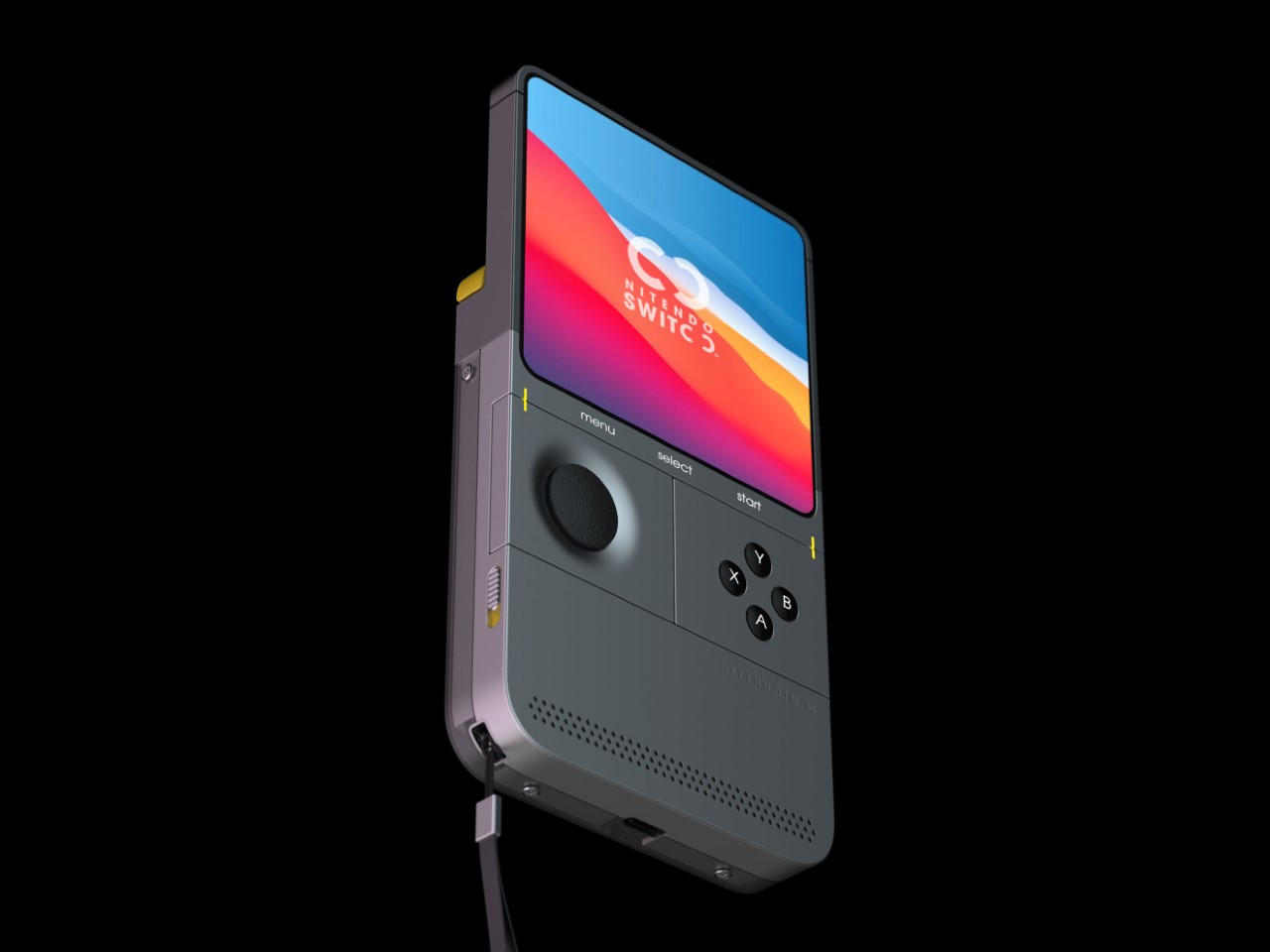
The Switoo features a fairly ergonomic design, thanks to the fact that it has a thicker base. The side profile shows a stepped design, resulting in a screen area that’s fairly slimmer than the overall device, giving you a perfect stepped ledge to place those two trigger buttons. The front features a pretty clean almost edge-to-edge square display (presumably touch-sensitive), under which lie the swappable control mods. A front-facing speaker at the bottom fires audio towards the user as they game, quite similar to the front-facing speaker grills on the original Switch.

The controllers are the highlight of the Switoo’s unique design. Available in a variety of styles, they slide right into the sides of the console, snapping in to connect, just like Joy-Cons. A yellow guide helps you make sure you’re sliding the controllers in the right way, and switches on the side help lock the controllers in place so they don’t fall out accidentally during a rather enthusiastic gaming session. It’s safe to speculate that these controllers work only by being plugged in, and not wirelessly, like the Joy-Cons. Since they’re this tiny (and are individual controls like the D-Pad being its own module, and the action buttons having their own separate module), one can assume there’s no wireless chip or even a battery inside the controllers. Instead, pogo-pins help connect the controllers to the main console.

The square screen, Game Boy-inspired format, and modern design make the Switoo a unique successor to the Switch. One wouldn’t really call it a Switch 2 or a 2nd-gen version of the Switch console, but it definitely feels like a nice spin-off, marrying existing classic design formats with the unique appeal of Nintendo’s Switch console. There’s an understated simplicity to the Switoo’s design that you immediately appreciate. The sleek metal body, USB-C charging, minimal detailing, and transparent caseback, all make the Switoo look pretty modern. The only problem is the fact that this is a fan-made concept and not something I can throw my money at!

The post Game Boy-inspired Nintendo Switch Console Features Unique Tiny Swappable Joy-Cons first appeared on Yanko Design.

JSAUX 6-in-1 USB Hub also doubles as a Charging Dock for your Handheld Game Console

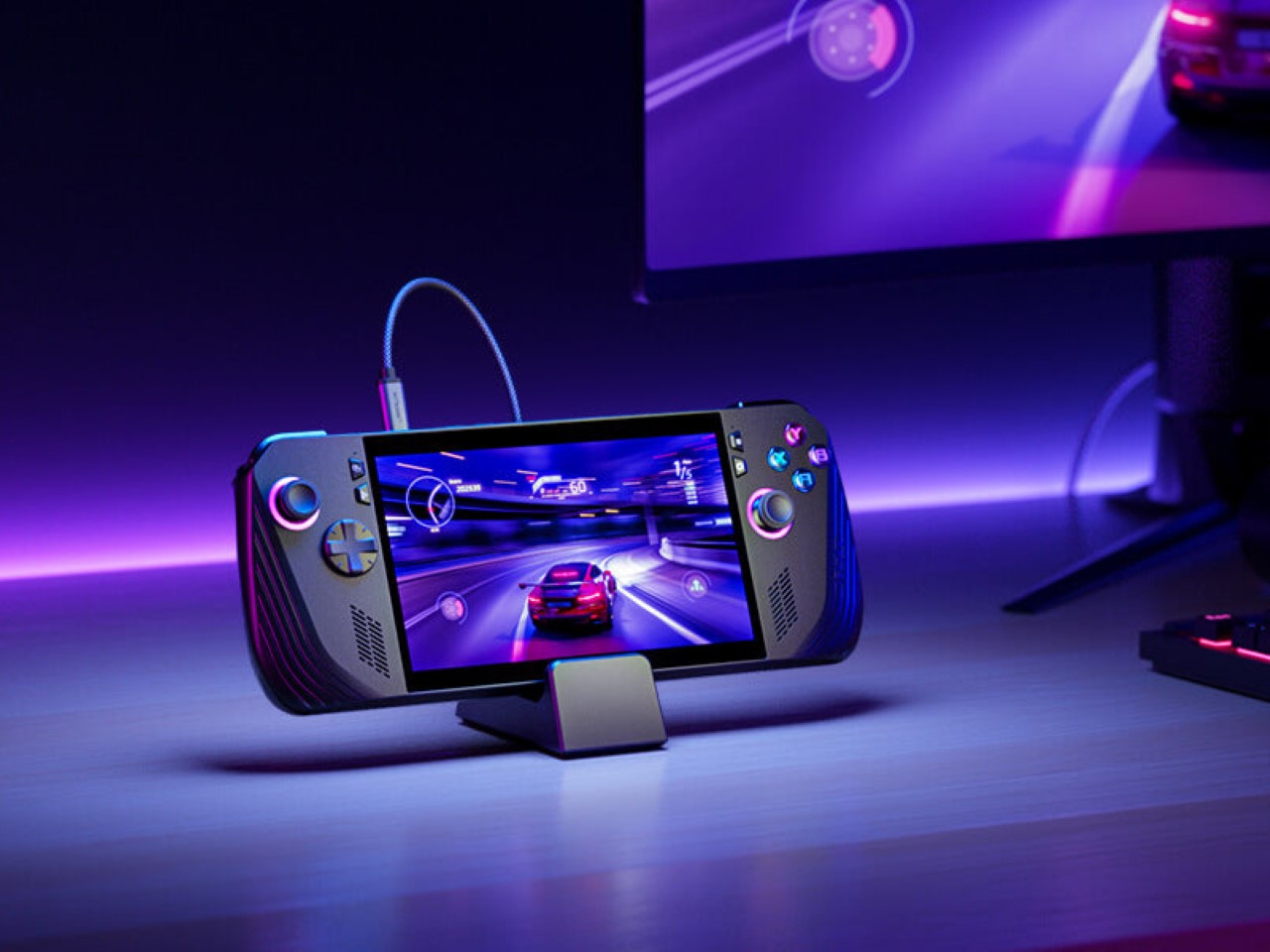
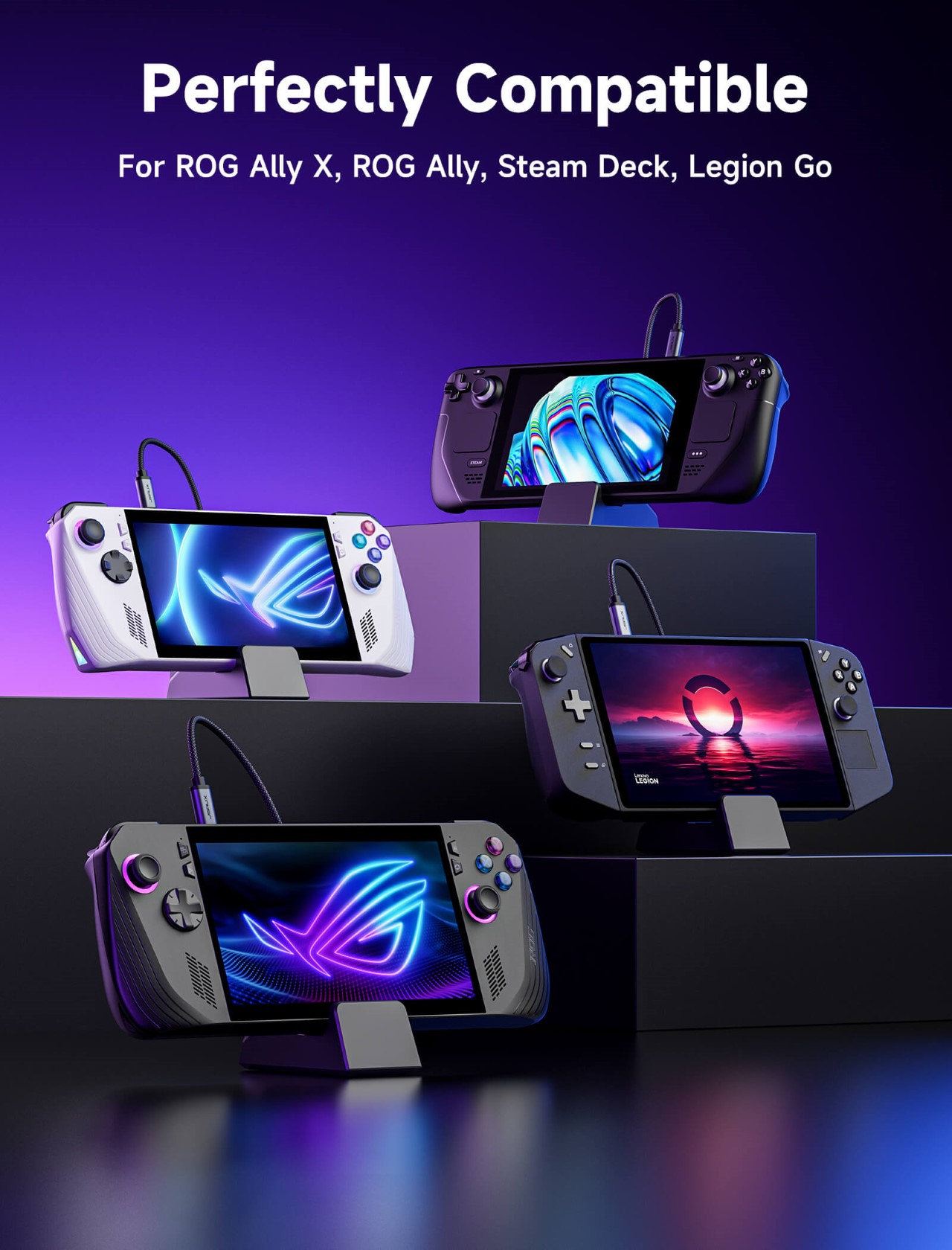
While most USB-C hubs go as far as providing a place to wirelessly charge your phone or TWS earbuds, the new Docking Station from JSAUX is more gamer-focused. Designed specifically for handheld gaming consoles like the Steam Deck, ROG Ally, and Lenovo Legion Go, this docking station gives you the advantage of connectivity as well as a nifty place to rest your gaming gadget while it charges.

Designer: JSAUX

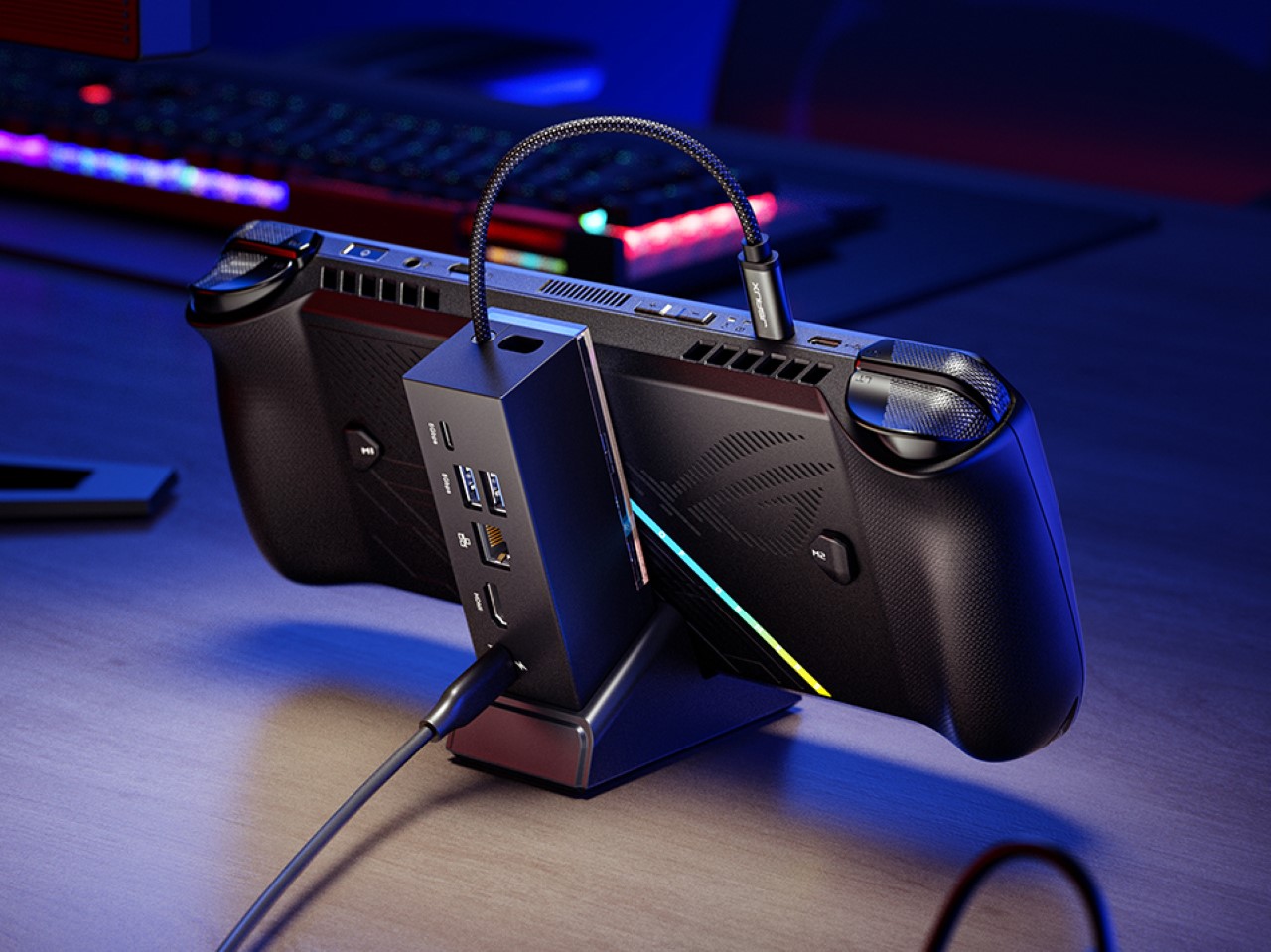
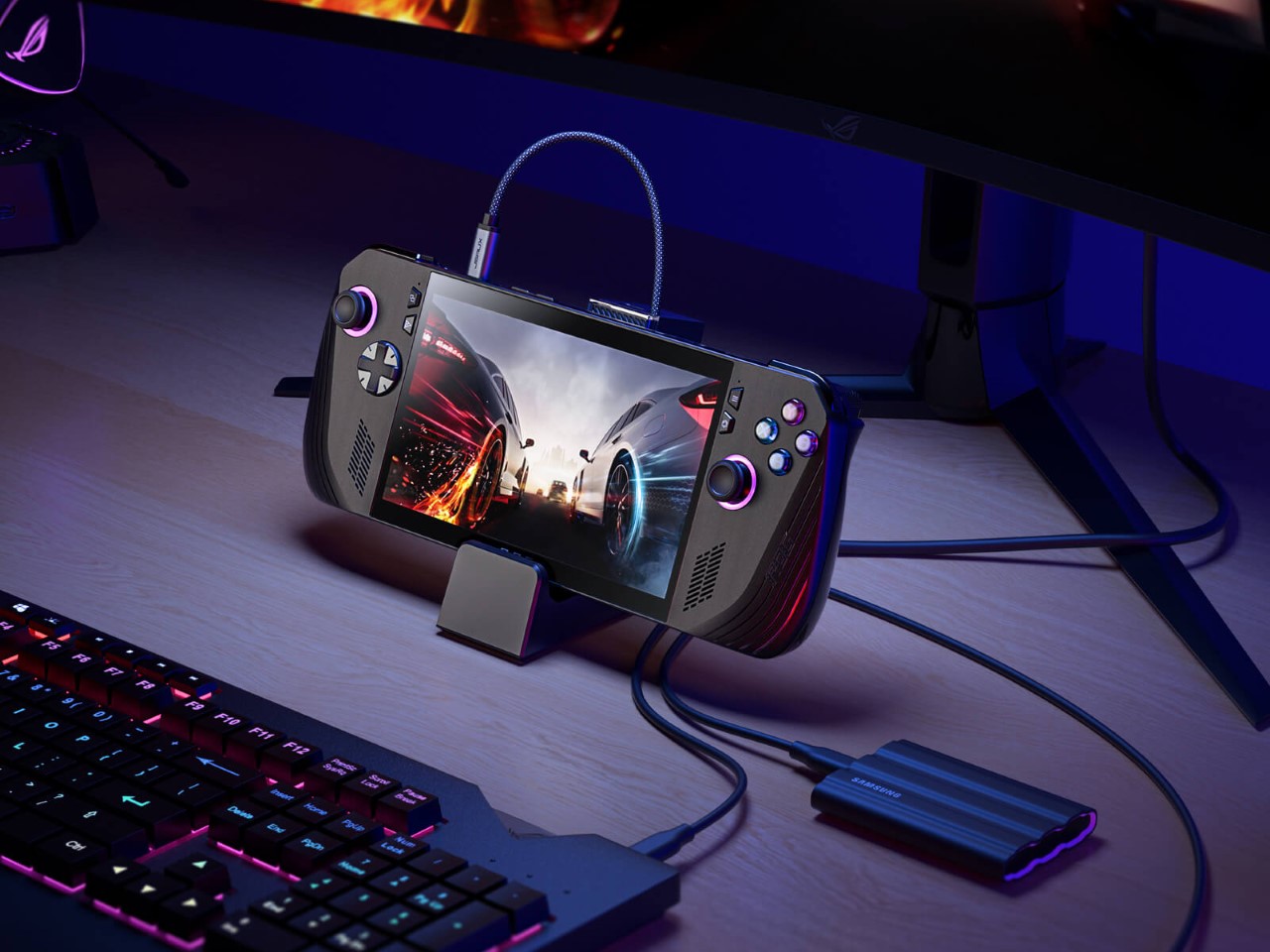
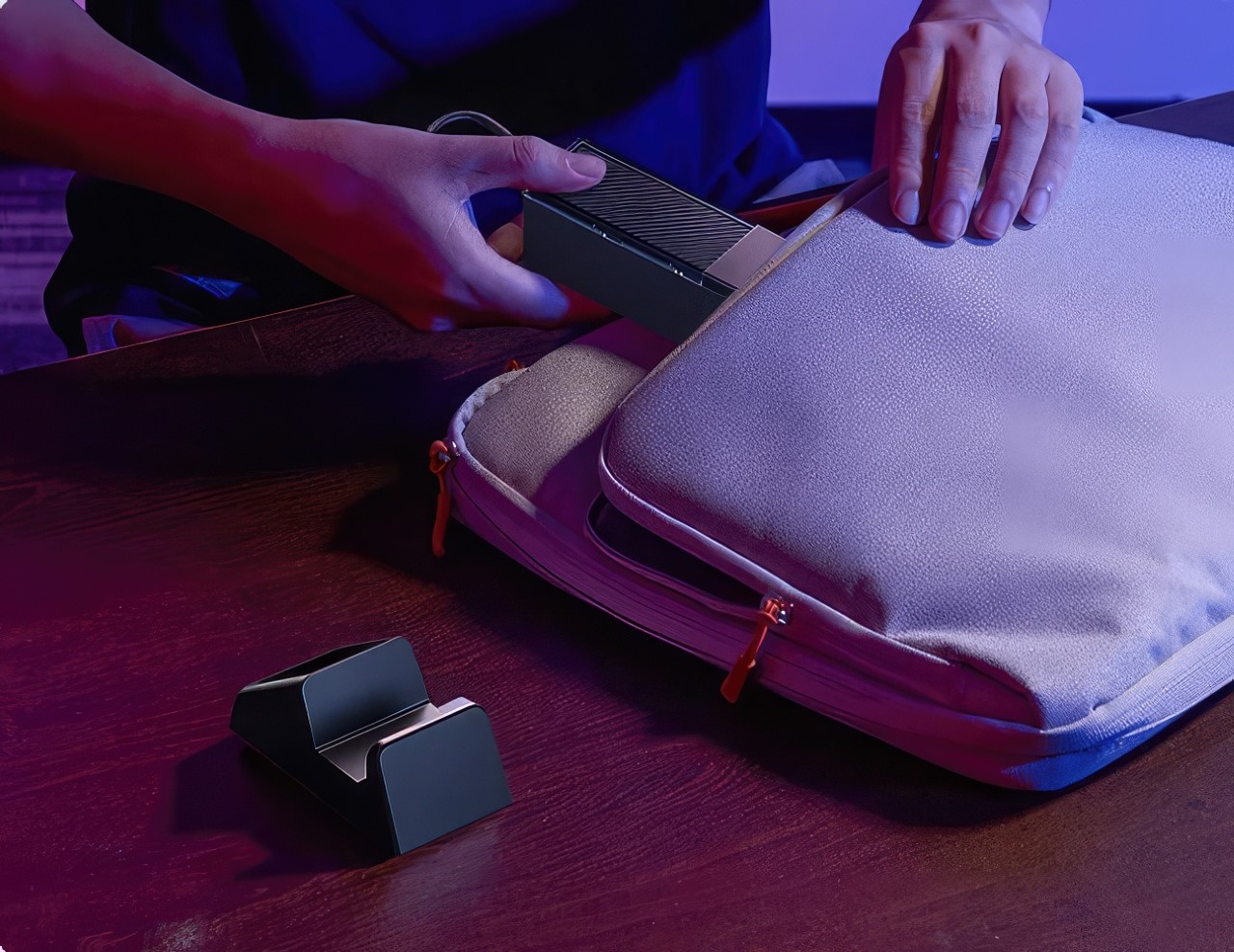
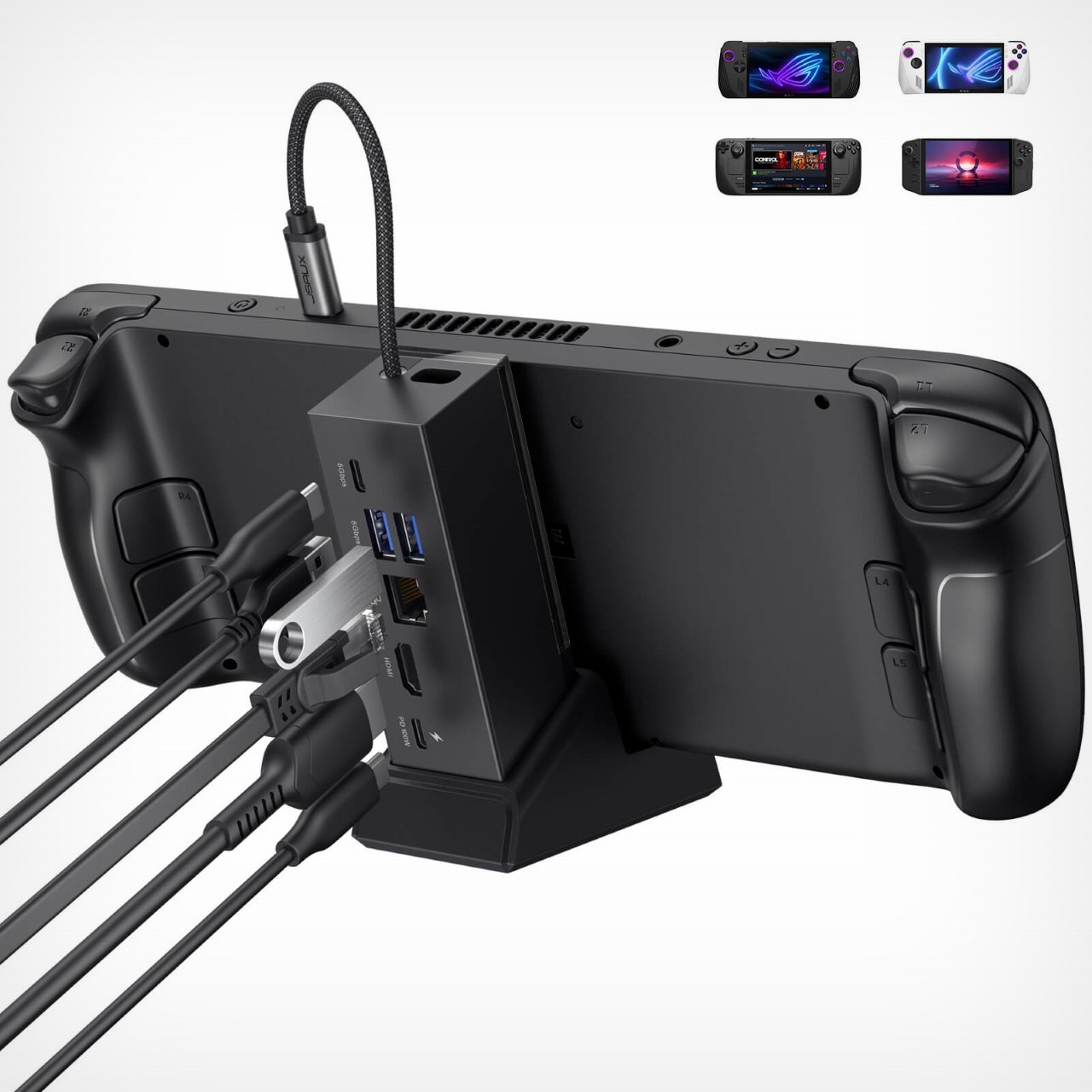
Unlike previous JSAUX Docking Stations, the new 6-in-1 variant features a detachable console stand. This allows users to switch between two configurations: a docked mode for connecting the handheld to a monitor and wired peripherals, and a standalone mode for using the stand on its own. This flexibility caters to gamers who want a dedicated desk setup but also appreciate portability for on-the-go sessions.

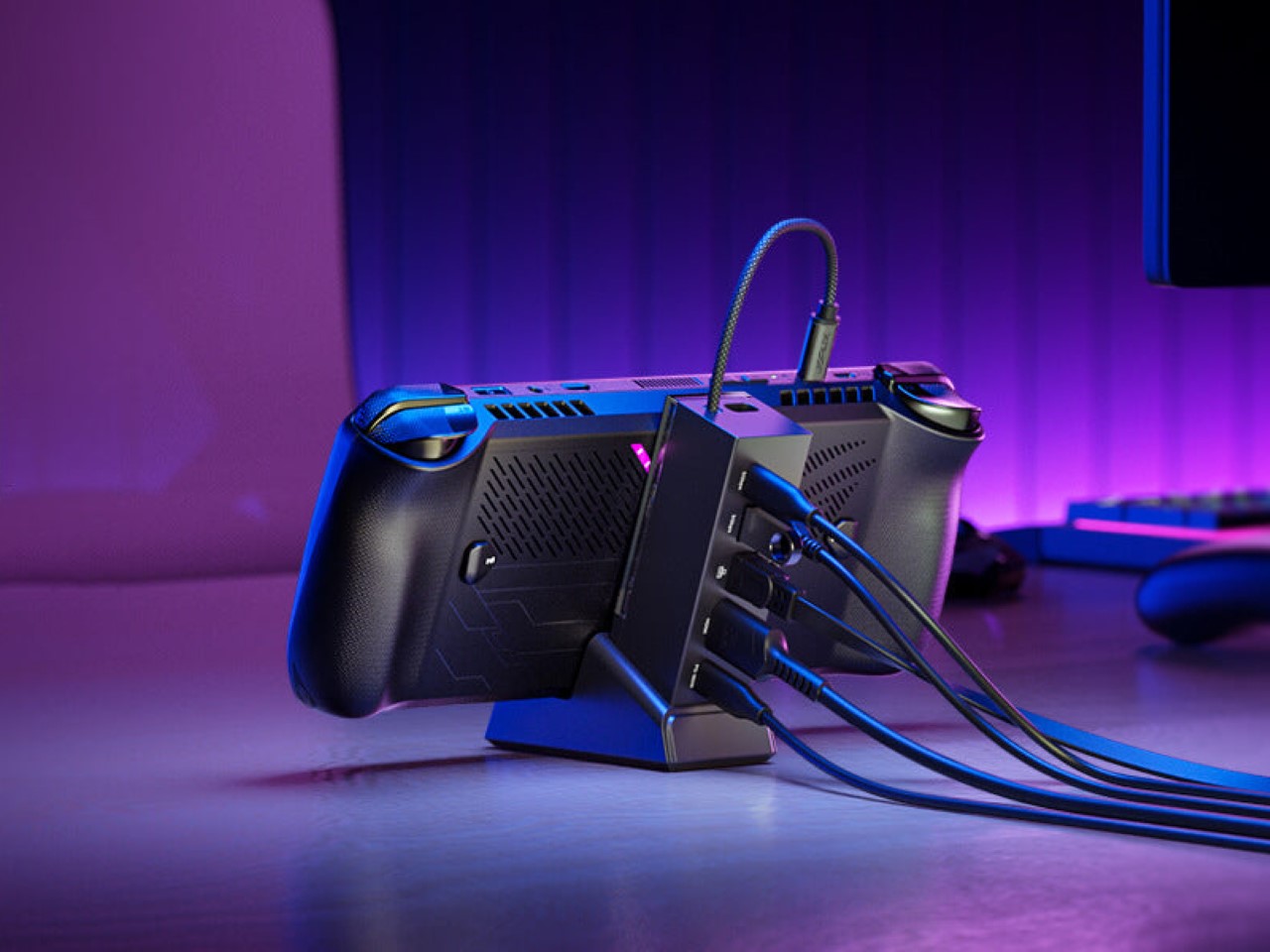
USB hubs are a dime a dozen, but this one’s design is one of its highlights. It comes with a two-part form factor – the hub itself, with all the ports, and a base that holds the console. The hub plugs into the base, effectively becoming a backrest for your console (which is great because the console invariably ends up hiding your cables and clutter), but when you need to travel, detach them and slip them into your backpack and they aren’t as space-consuming as when assembled together.

A USB-C port with 100W Power Delivery ensures your handheld console is always charged and ready for action. For those who rely on a wired internet connection for online gaming, a Gigabit Ethernet port provides a stable and high-speed link. Additionally, two USB-A 3.2 Gen 1 ports offer ample connectivity for peripherals like keyboards, mice, or external storage drives.

But perhaps the most impressive feature is the HDMI port. Capable of outputting stunning 4K visuals at a smooth 120Hz refresh rate, this port elevates the handheld gaming experience to a whole new level. Connect your console to a compatible monitor or TV, and enjoy your games in breathtaking detail.

As of now, the 6-in-1 Multifunctional Docking Station is available for purchase directly from the JSAUX website. While specific pricing details are currently unavailable, considering the previous model’s competitive price point of $31.99 on Amazon, it’s reasonable to anticipate a similarly attractive price tag for this new and improved version.

The post JSAUX 6-in-1 USB Hub also doubles as a Charging Dock for your Handheld Game Console first appeared on Yanko Design.

ASUS ROG Ally X Gaming Handheld Review: What the OG Ally should have been

PROS:


  • More RAM, Double Battery Capacity

  • Two USB-C Ports

  • More ergonomic design despite heavier and thicker chassis

  • Higher performance with lower thermals

CONS:


  • Windows 11 is still awkward to use on touch screens

  • Comes in black colorway only

RATINGS:

AESTHETICS
ERGONOMICS
PERFORMANCE
SUSTAINABILITY / REPAIRABILITY
VALUE FOR MONEY

EDITOR'S QUOTE:

The ASUS ROG Ally X is a clear upgrade over the original, addressing complaints without losing what made the ROG Ally great.

They say hindsight is 20/20, but not everyone gets the opportunity to make a redo of their past actions. That’s especially true when it comes to consumer electronics, where every product involves no small amount of investment and risk. And yet ASUS surprised us at Computex 2024 last month when it revealed not a generational upgrade to its first-ever gaming handheld PC but what is, instead, a redo of the original. The ROG Ally X definitely brings a few much-needed upgrades, but it also feels like this is what should have been launched in the first place last year. That’s why we took this handsome black handheld for a spin to see if it’s really worth its weight in gold or if waiting for the real next-gen design is a better choice.

Designer: ASUS Republic of Gamers
Aesthetics

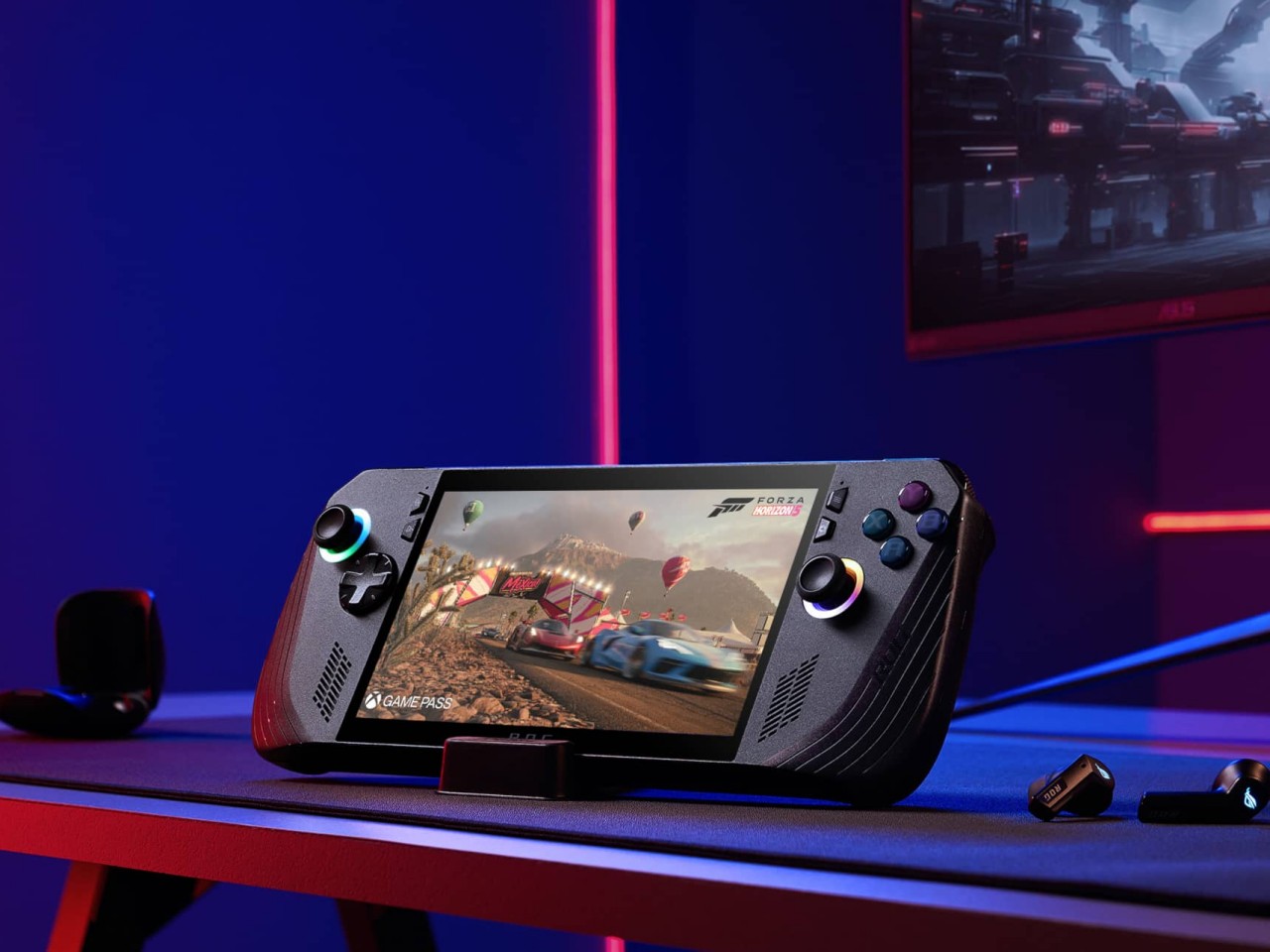
Simply looking at the ROG Ally X on its own, you might easily mistake it for a black version of the original ROG Ally. Of course, there are subtle yet significant changes here and there, but the fact that it’s able to keep its design identity is still a laudable achievement. On the flip side, there will be no mistaking it for a ROG Ally 2 that’s yet to come, as it shares that DNA so closely with the first model.

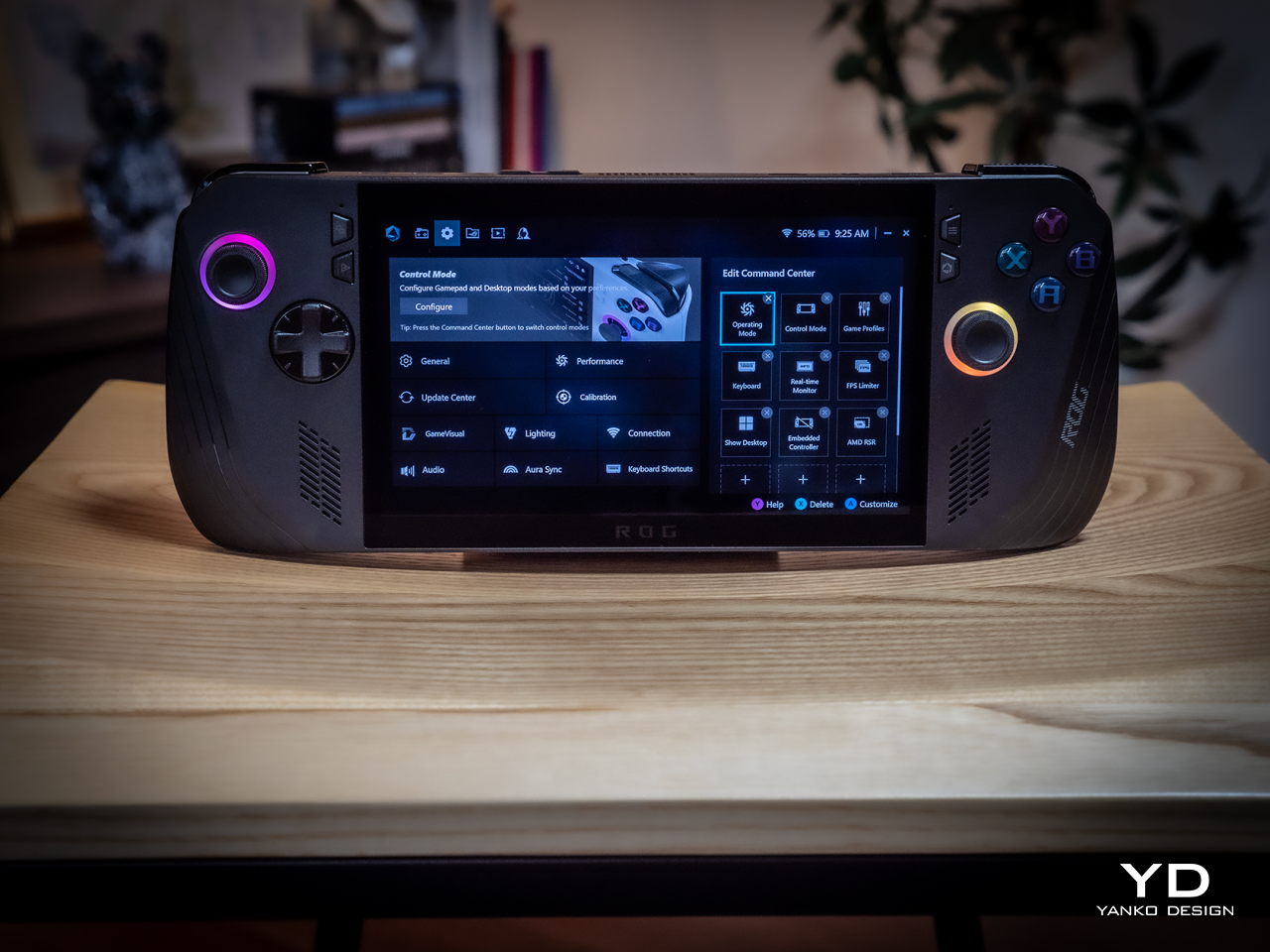
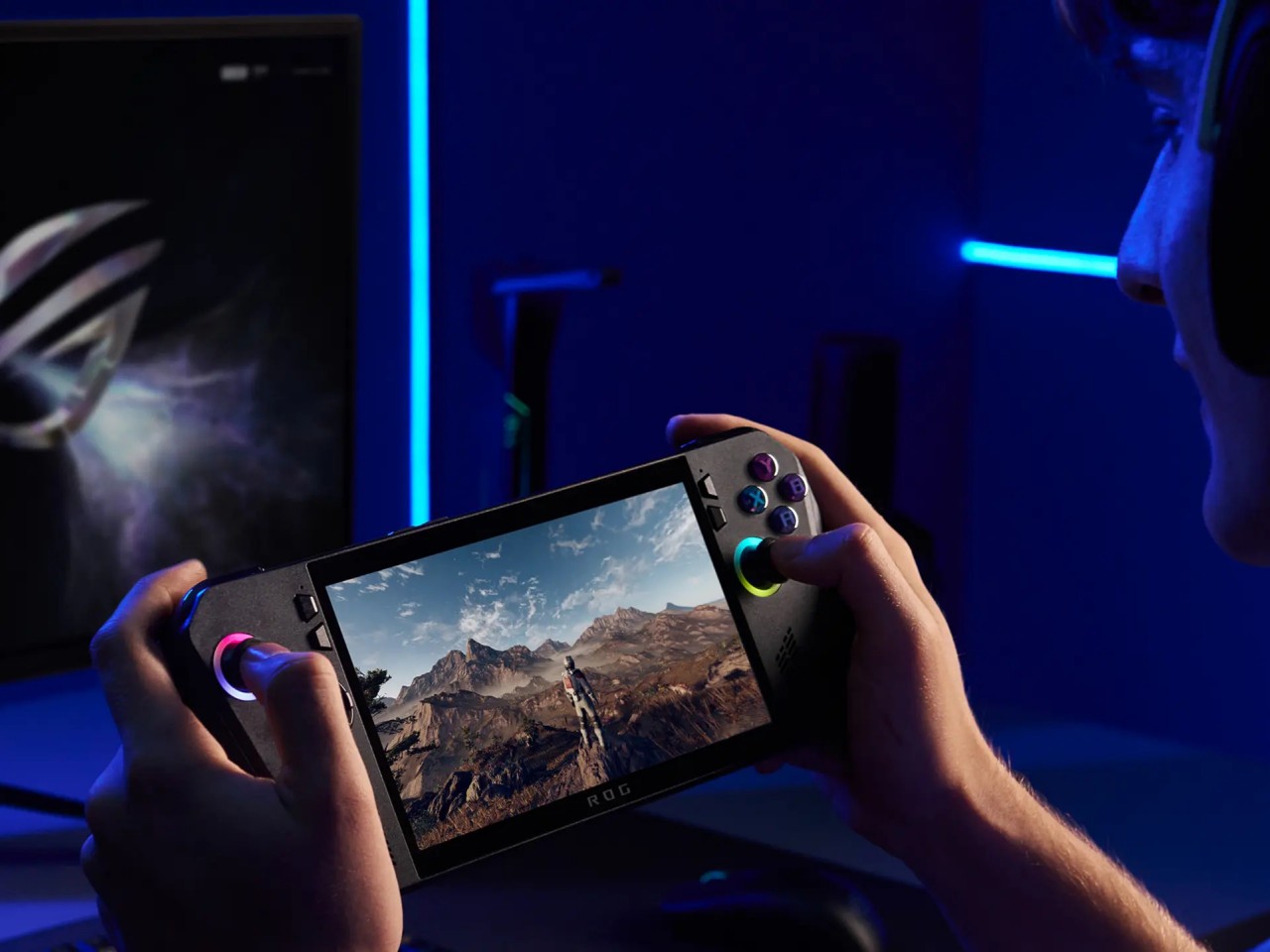
Whether the ROG Ally had a more angular and more aggressive appearance despite its white coating, the ROG Ally X is rounder, curvier, and a bit gentler. This has consequences for the device’s ergonomics, which we’ll get to later, but it also exudes a slightly different character compared to its progenitor. It manages to be a bit more welcoming, almost comfortable, without losing its cyberpunk aesthetic thanks to those RGB lighting accents.
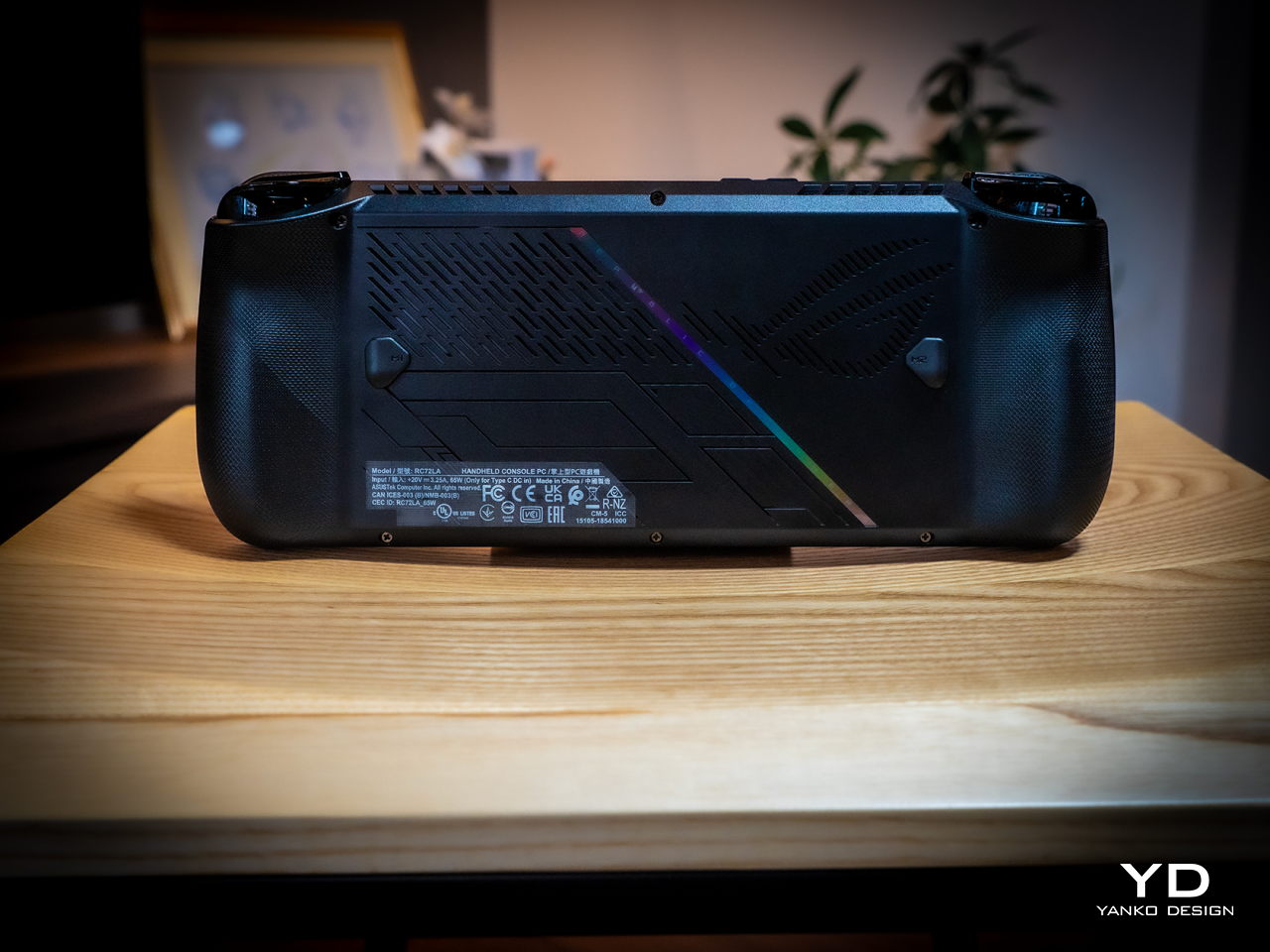
The color choice might prove to be a bit controversial, though. Not because no one likes black but because there’s no other choice. Just like how the ROG Ally came only in white, the Ally X is a black-only design. In a way, it stands out less from the crowd, making it less distinctive. But it also invites less visible stains and dirt on a device that will most likely see a lot of action outdoors. Truth be told, gamers are more likely to slap some skins on these devices than stick with the original coating, but having some choice would definitely help improve its appeal.

Ergonomics

Ergonomics for computers often lags behind performance and aesthetics, but it is even more critical for one that you’ll hold in your hand rather than use on a table. More than just the aesthetics, it’s actually this aspect of the ROG Ally X that sees the most changes, at least externally. Suffice it to say, the handheld is finally designed to let you hold it in your hands for longer periods of time, which translates to more playtime overall.
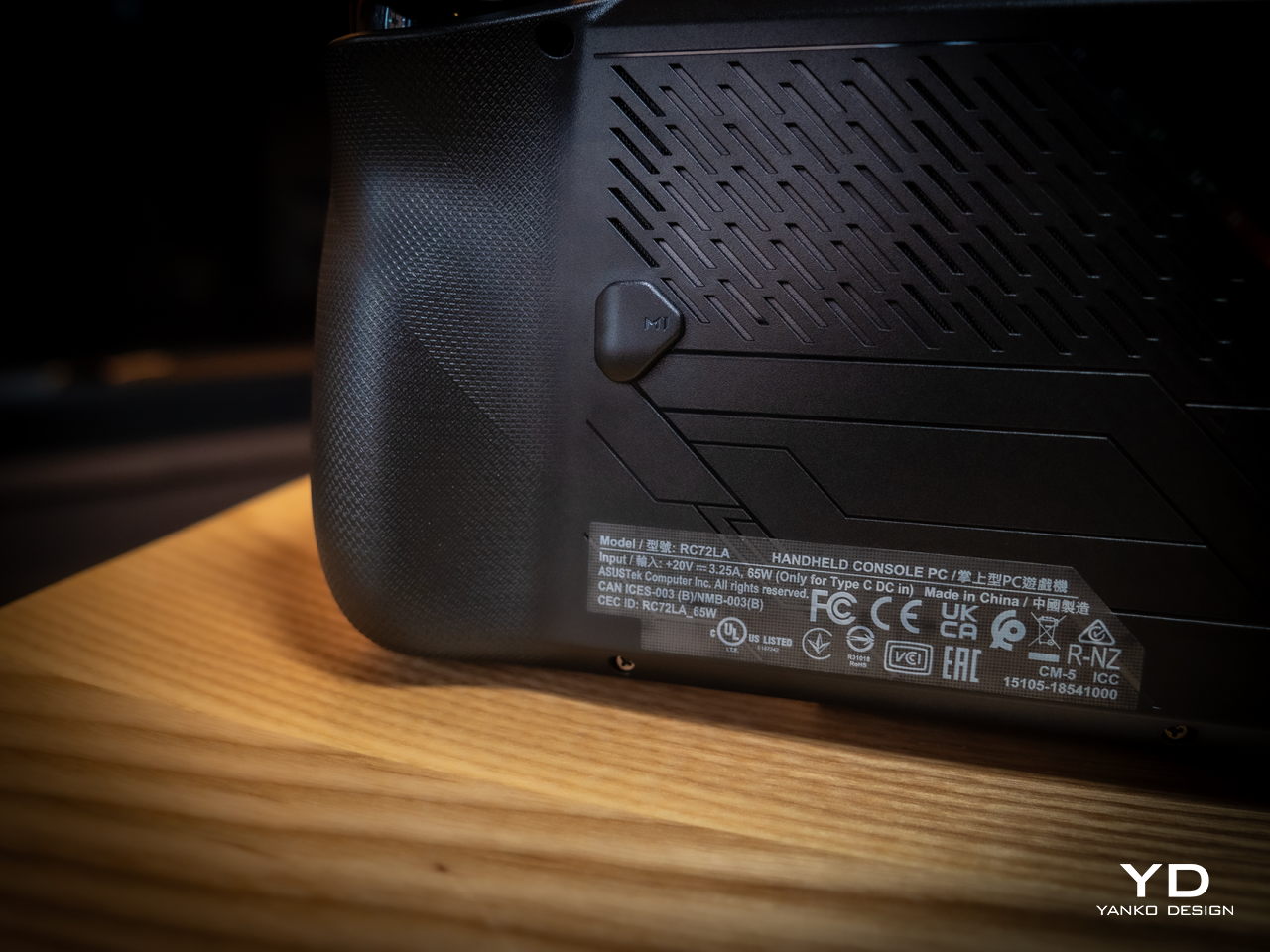
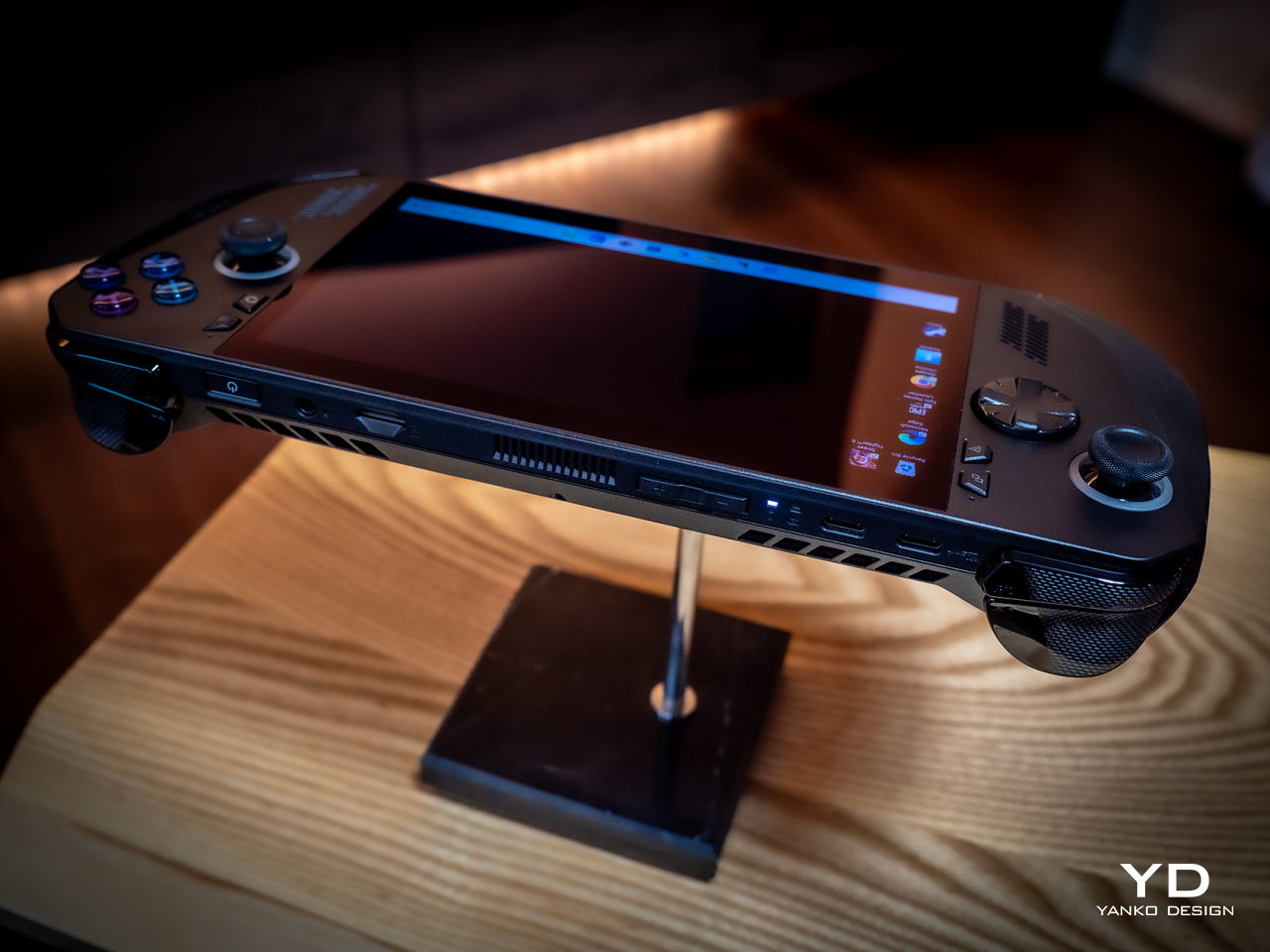
Because of internal changes, the ROG Ally X is chunkier and heavier at 1.45 inches thick and 1.49 lbs compared to the OG Ally’s 1.28 inches and 1.34 lbs. Ironically, the handheld is actually more ergonomic now despite the added bulk and heft thanks to key changes in the grip design and button. The sides, for example, are now more rounded than angular so they don’t cut into your palm. The grips themselves have a more natural contour that’s easier to hold, though they’re still shallower compared to the Steam Deck’s design. Depending on your hand size, you might not have enough room for a good grip just like on the ROG Ally.
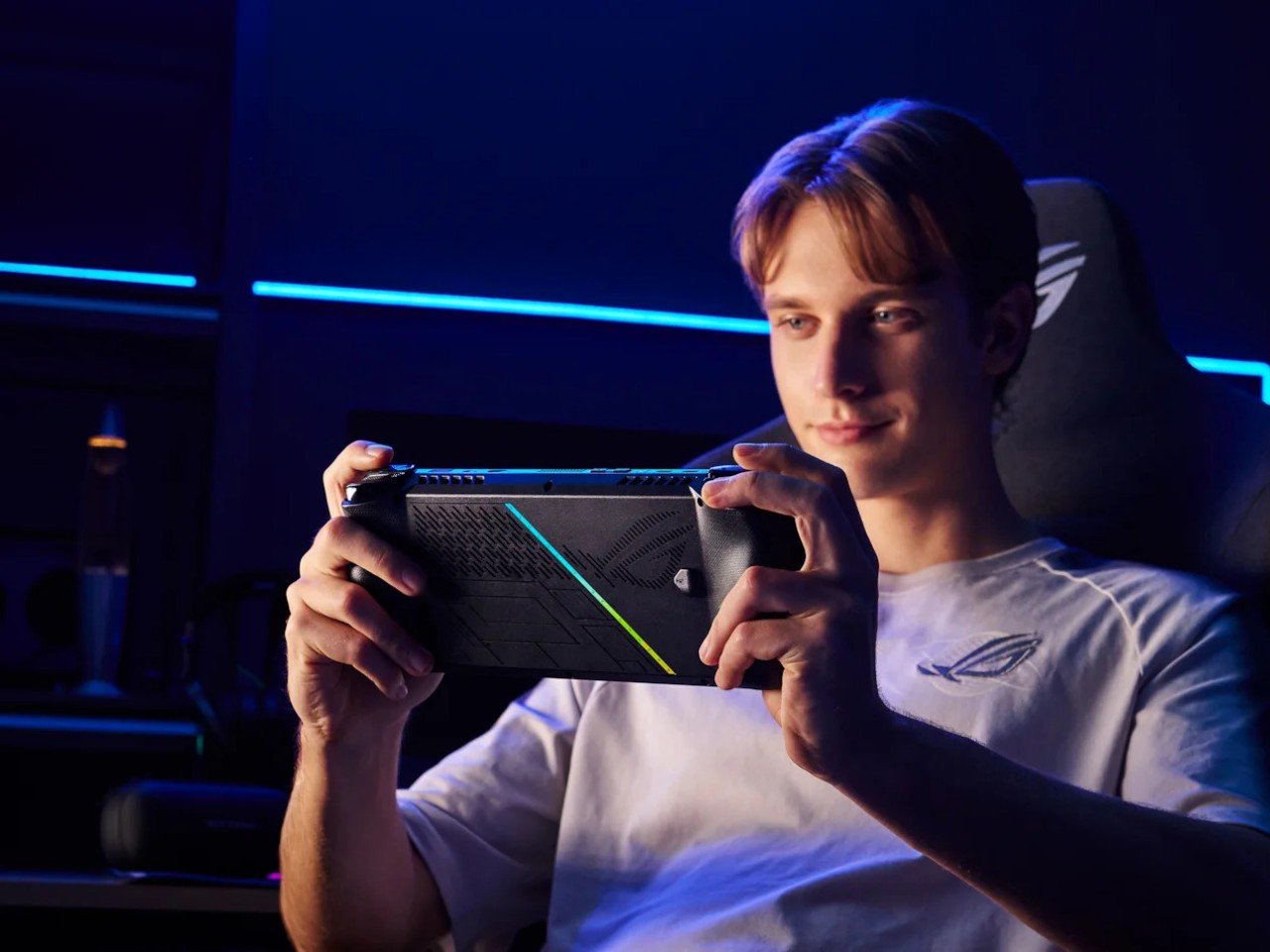
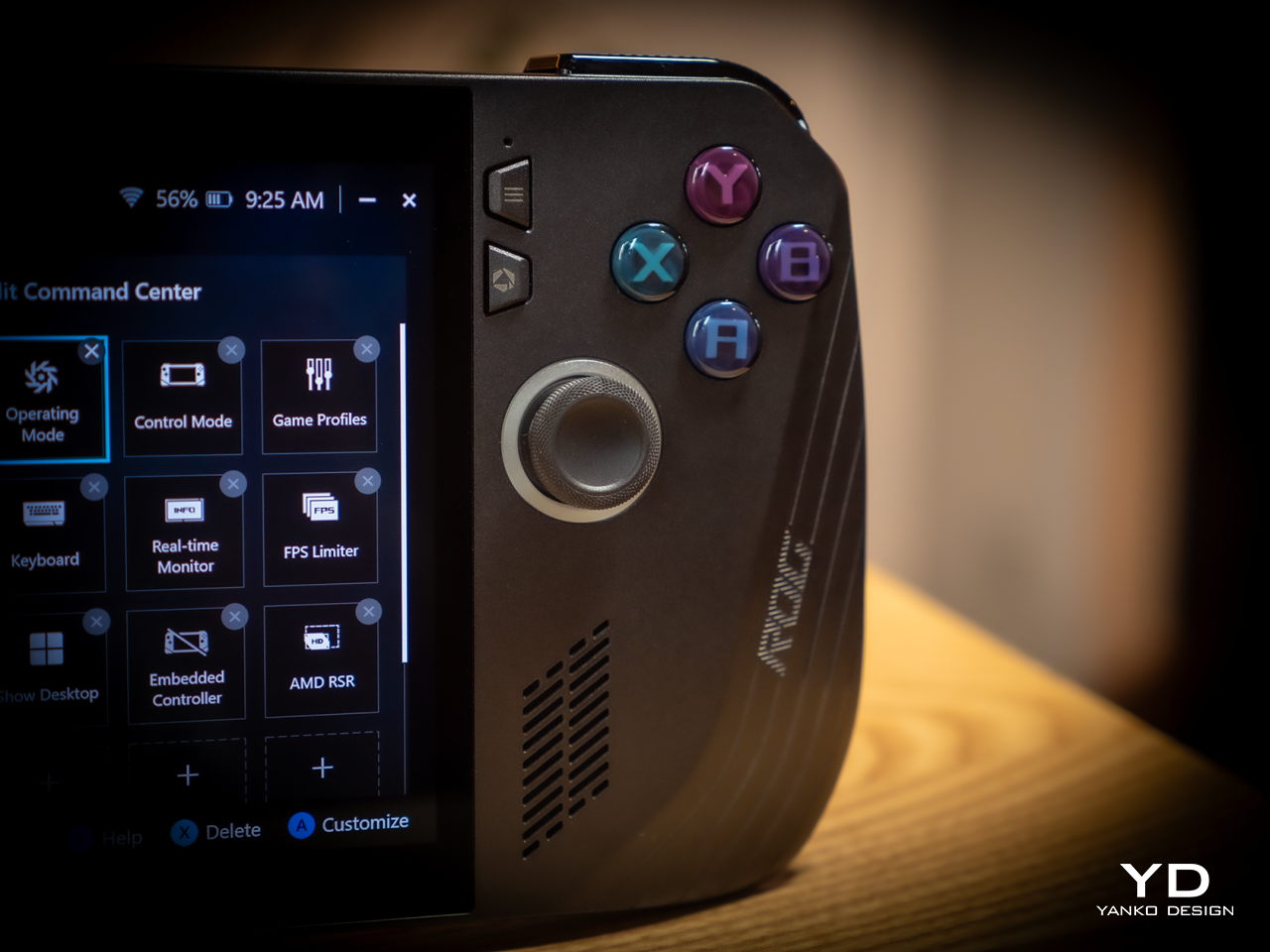
The buttons and sticks feel more solid, too, and give better resistance and stability than the rather loose and flimsy controls of the previous half-generation. The back buttons are smaller and placed higher to address complaints of frequent accidental presses that come too naturally when holding the device. Ironically, players with smaller hands might find it harder to reach them now. Thankfully, their function is usually optional in most games, which is why owners of the ROG Ally were fine with disabling those.

Performance

There are, of course, also upgrades internally, but not enough to call this the ROG Ally 2. It still uses the same AMD Ryzen Z1 Extreme processor, for example, which is capable but not exactly top-notch. What carries its performance forward is the new 24GB LPDDR5 RAM clocked at 7,500MHz, a rather big jump from the previous-gen 16GB 6,400MHz RAM. It’s almost unbelievable how much more RAM boosts overall performance, especially when neither the CPU nor the integrated GPU are starved for memory. More disappointing, however, is the fact that ASUS didn’t go all out to put a solid 32GB in there, but that would have probably raised the already higher price tag.
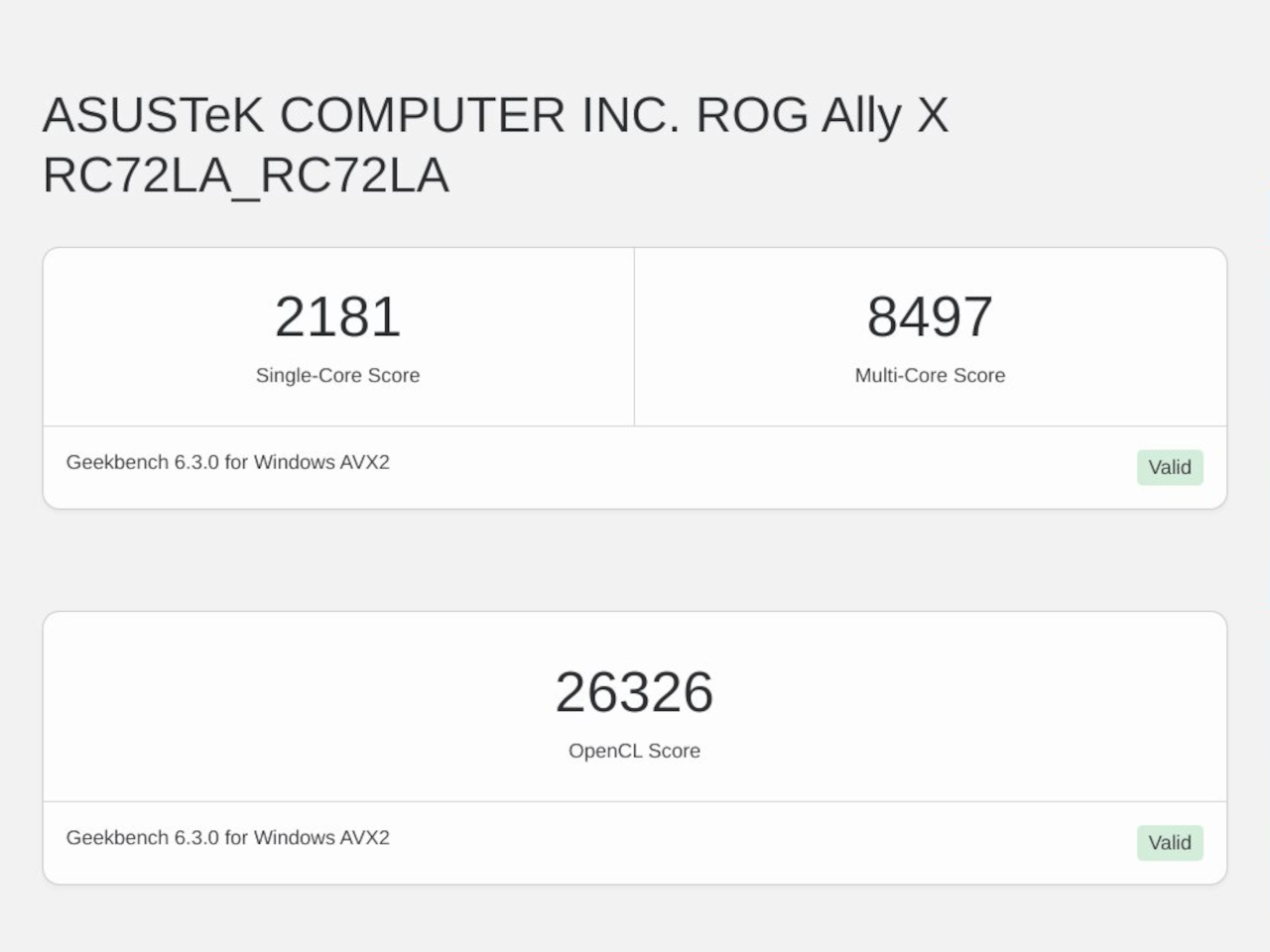
Another big upgrade is the 80Wh battery that’s double the capacity of the meager 40Wh of the OG Ally. This alone accounts for the increase in weight and thickness, and it’s a price many gamers are only too willing to pay. Of course, your mileage will vary, but this allows you to either tack on a few more hours to your game time or, alternatively, crank up the settings higher and still get the same uptime. You can also charge the battery at the maximum 100W that both USB-C ports support, but the included charger only goes as far as 65W.

And yes, you read that right, USB-C ports. Plural. ASUS has done away with the proprietary XG Mobile port for connecting an external GPU and replaced it with a USB-C port with support for USB4, Thunderbolt 4, and DisplayPort 1.4 with FreeSync. This means you can still connect an external graphics dock, but now you have more options if you don’t need to. Unfortunately, both ports are located at the top, so you have less wiggle room when connecting angled cables or thick adapters.
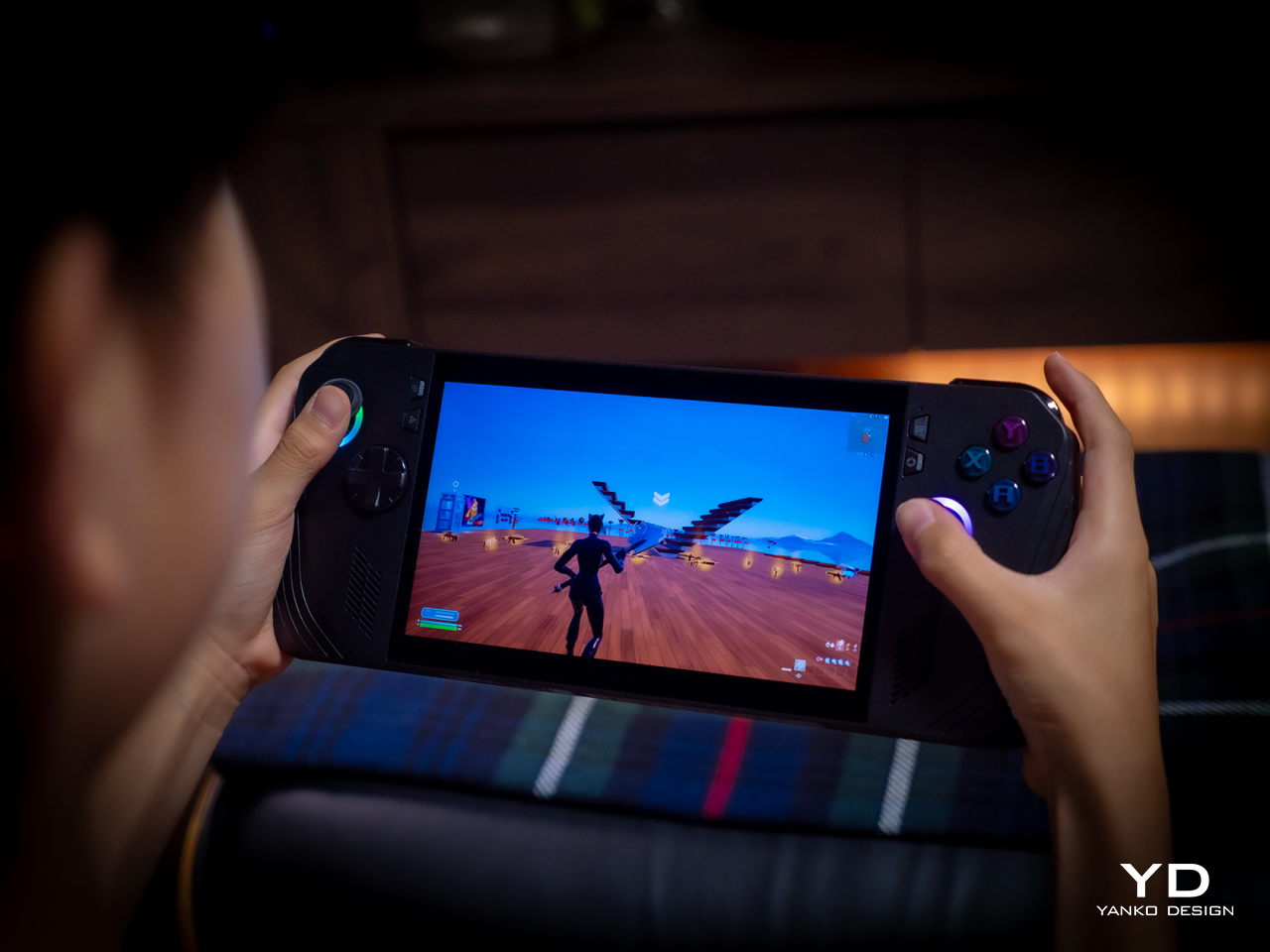
The ASUS ROG Ally X retains most of what its predecessor has, including the aforementioned processor. The 7-inch 120Hz IPS LCD is still the same, which means it’s still bright and vibrant, at least for an LCD panel. The speakers are supposedly upgraded a little, but you’ll hardly notice the difference. The microSD card slot is still located at the top, which might worry some who have experienced fried electronics on the first ROG Ally.

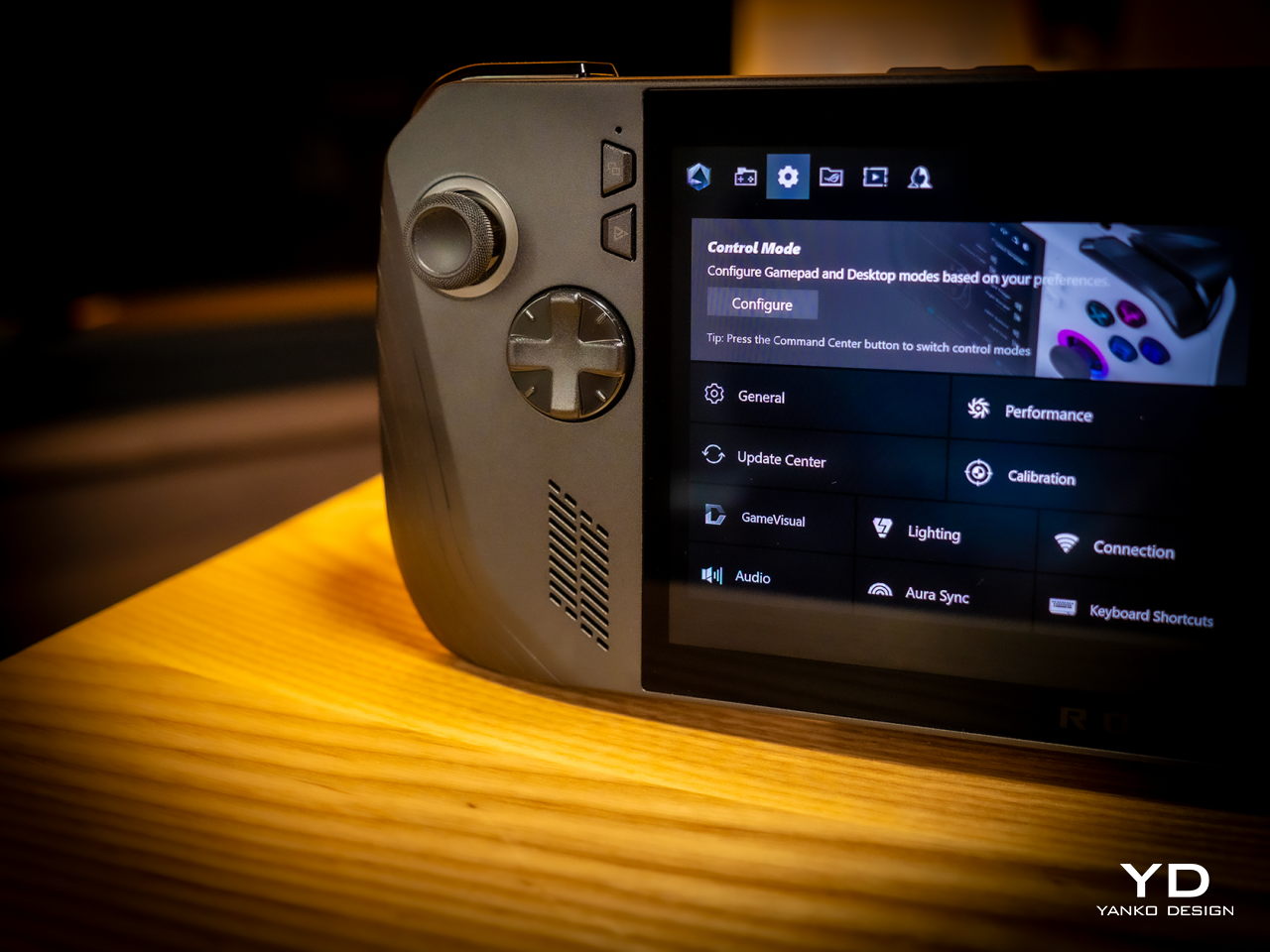
What all these changes and similarities boil down to is a more powerful computer that delivers a better gaming experience overall. Despite all that power, however, the ROG Ally X still runs cooler than its predecessor thanks to an improved cooling system that pulls heat away from the screen more effectively. This is actually important when you consider that this screen is the primary way you’ll be interacting with the Windows 11 operating system. Unfortunately, even with ASUS’ custom software, Windows is still largely a mouse and keyboard-driven platform, which means navigating through menus and windows is still a pain.
Sustainability

Unfortunately, this is one area left completely unchanged between generations. Like the majority of designs in this still nascent market, the ROG Ally X has that typical mixture of metal and plastic, both taken from new materials rather than recycled. It might take a few more generations before they start catching up to their larger gaming laptop cousins.

The same can be said for repairability and even upgradability. You can’t even upgrade the SSD storage, making that microSD card expansion slot even more critical, at least for non-game files. Again, the market is still in its infancy, so we’re holding out hope that the situation will improve over time. After all, some lesser-known brands are already providing easy access to SSD storage for upgrading, so there’s little reason why giants like ASUS can’t do likewise.
Value

It’s clear as day that the ASUS ROG Ally X is a big step forward, fixing the flaws of the ROG Ally in a half-step upgrade. But are those enough to warrant its $800 price tag that makes it one of the more expensive options in the market? As always, the answer isn’t as clear-cut, but the scales might not be tipping in the Republic of Gamers’ favor.

The original ROG Ally was by no means a terrible device even considering the ergonomics, and its current $650 price tag (or even $550 on discount) makes it a more viable starting handheld for those who aren’t sold on the Steam Deck. There’s definitely no reason for ROG Ally owners to upgrade this early, either, so only those who have been on the fence until now might find the ROG Ally X more convincing. But there are also other options in the market, like the Steam Deck that started it all or the Lenovo Legion Go with its Switch-like removable controllers. Then again, you can’t go wrong with the ROG Ally X either, especially if you have the cash to spare.
Verdict

It’s rare for manufacturers to push out a version 1.5 product, especially one that almost makes the original feel inadequate. At the same time, such a strategy weakens the appeal of the “half-step” upgrade, particularly because of the price difference between the two generations. That’s the limbo that the ASUS ROG Ally X practically finds itself in. Taken on its own, it’s a fine gaming kit that offers commendable performance in a more ergonomic design, but it’s no ROG Ally 2. If you’ve been undecided about getting your first ROG Ally, now might be a good time to grab one, especially if a good deal comes up to sweeten that price a bit.
The post ASUS ROG Ally X Gaming Handheld Review: What the OG Ally should have been first appeared on Yanko Design.
Analogue Pocket is getting classy with a limited-edition Aluminum chassis

Gaming handhelds are making quite the trend in the video game industry these days, from small DIY gadgets the size of key fobs to hulking computers crammed in a questionably portable form factor. But with the exception of the more expensive handheld PCs, the vast majority of these handheld consoles are made of plastic, at least for their bodies. Plastic, after all, is durable, lightweight, resilient, and, more importantly, cheap, and the products made with it sometimes come out feeling that way too. Once in a while, however, someone gets the idea to turn a geeky device into a glamorous product, like this aluminum-clad version of the Pocket Analogue that makes it one of the most stylish, let alone distinctive, gaming handhelds to grace the market today.

Designer: Analogue

It has been years since Analogue pulled off what can probably be considered a miracle in this industry. It launched what looks like a homage to the Game Boy, one that can actually play original Game Boy cartridges, that hasn’t hit any legal roadblocks considering how popular it is. Over the years, it has launched various limited editions of the Analogue Pocket, but this Aluminum Edition is its most ambitious one yet.

Precision CNC’d from solid billet 6061 aluminum, the limited edition Analogue Pocket Aluminum looks and feels more like a designer product than a functional gaming device, one that’s just meant to honor the original and be put on display but not used. That wouldn’t be much fun, of course, and thankfully this is not the kind of product that Analogue is putting out. It’s the same gaming experience offered by any Analogue Pocket, except now in a chassis that’s designed to really outlast those games.

If Analogue had left the Aluminum edition unfinished, it would have resulted in a striking and unique industrial aesthetic. But for those who still prefer a pinch of style and class, the limited-run gaming handheld is being offered in four anodized colors. Natural is as closest as you’ll get to that raw aluminum look, while Noir (Dark Gray) and Black both offer subdued hues. Bluish Indigo, on the other hand, stands out the most and is probably reminiscent of the transparent Atomic Purple case of the Game Boy Color.

Given its name, it probably shouldn’t come as a surprise that the Analogue Pocket Aluminum Limited Edition will be, well, limited. There’s no word on how many units will be made, but the $499.99 price tag and difficulty of machining a block of aluminum suggest there won’t be much. Judging by how fast previous limited editions disappeared, this will probably be gone before you know it.

The post Analogue Pocket is getting classy with a limited-edition Aluminum chassis first appeared on Yanko Design.
Custom-built inside out, ModRetro Chromatic is the ultimate tribute to the Gameboy

Gameboy was a cultural icon in the 1990s when I was growing up. Almost every video game enthusiast in my close circle had his handheld from Nintendo, which meant that before being discontinued from production in 2003, it was arguably the best-selling console ever made. Since, then there have been many iterations of the popular handheld console trying to revive the lost era of portable gaming, but none has been as identical as what Palmer Luckey’s ModRetro may have achieved with the Chromatic.
Combining nostalgic charm with modern tech, the ModRetro Chromatic inherits the Gameboy DNA to give enthusiasts the most realistic experience of the classic handheld console in the blood and body of the new-age device. It’s a result of seventeen years of endeavor to make the ultimate device to play Gameboy games as they were played on the original console.

Designer: ModRetro

According to Luckey, the Chromatic is his best tribute to the Gameboy. Designed and constructed to be the most “authentic, highest quality” device to mimic Gameboy, Chromatic is an heirloom quality piece of retro-futuristic art “that would last for generations.” To that accord, this cartridge-playing Nintendo Gameboy will retail for $199 and can be pre-ordered now at ModRetro.

Compatible with Gameboy and Gameboy library, the Chromatic is 100 percent custom-made. It has a one-to-one LCD with an identical pixel structure to the original Gameboy. To maintain authenticity and closeness to the real, the device alongside its Gameboy-like 160×144 pixel backlit display features a similar layout, resolution, and size. Its sapphire screen is scratch-resistant and it is housed within a magnesium-aluminum alloy molded shell topped with durable PBT buttons and D-pad.

ModRetro Chromatic measures 5.2x3x1.2 inches, and weighs feather light at 6.2 oz. For connectivity, the device has been provided with a USB port and 3.5mm headphone output, and to celebrate its launch, it will come preinstalled with good old Tetris, free of charge. The custom-designed lithium-ion battery, rechargeable through console, provides the Chromatic 24-hour battery life, which can be enhanced on the move with 3x AA batteries.

The post Custom-built inside out, ModRetro Chromatic is the ultimate tribute to the Gameboy first appeared on Yanko Design.