
Want to speed up your MacBook? Do these things first
Any Mac will become slower over time, but slowdowns don't have to mean a new machine. Try these tricks to get your computer running faster again.

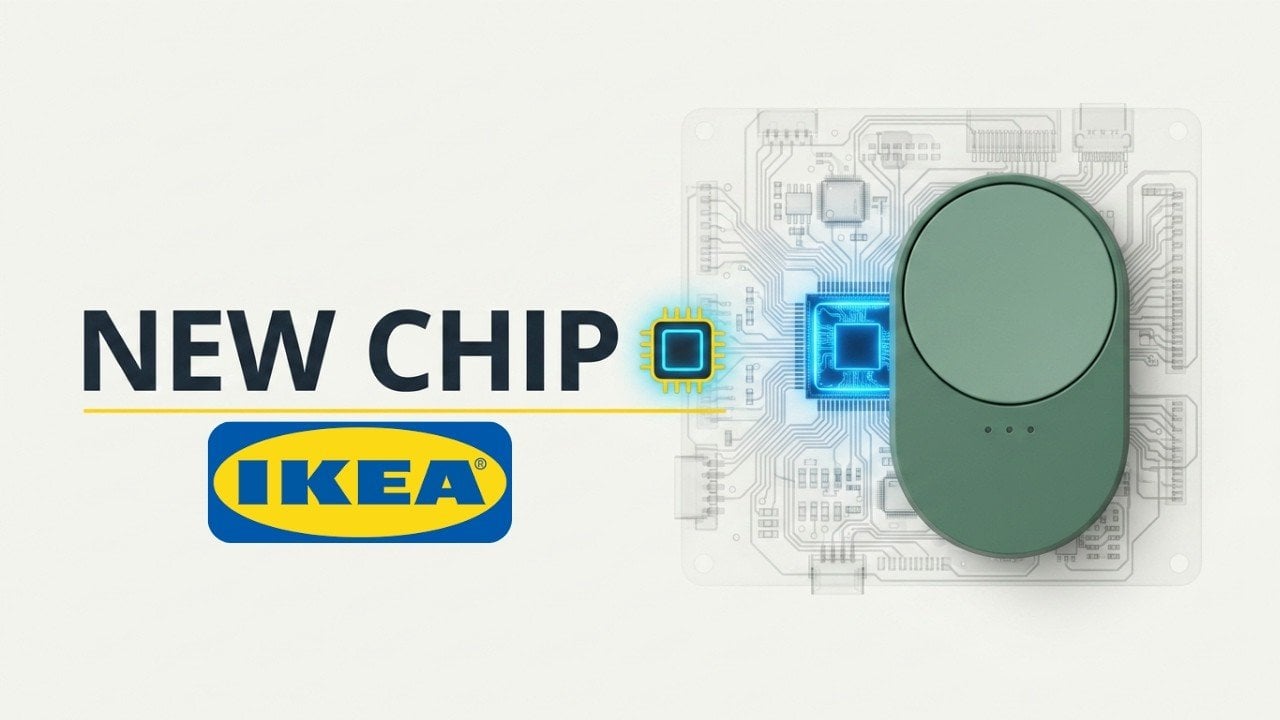
IKEA has quietly introduced hardware updates to several smart home devices, including the Myggspray motion sensor, Myggbett door/window sensor, and both versions of the BILRESA remote. According to A Smarter House, these revisions address issues like unreliable pairing and poor battery life by replacing the Qorvo QPG6200L radio chip, which had been a source of […]
The post IKEA Fixes BILRESA Battery Life with Quiet Hardware Revisions appeared first on Geeky Gadgets.
You have booked the hotel on the last night of every camping trip you have ever taken. Not because you are soft. Because your sleeping pad deflated at 2 a.m., your camp pillow was a balled-up fleece jacket, and the only working flashlight in the group was someone’s phone at eleven percent battery. That’s a gear problem. Not a character flaw. And the gear, finally, has caught up to every excuse you’ve been making.
These seven picks exist to solve the specific failures that send otherwise willing people to the front desk. A Damascus knife that looks nothing like a survival tool. A radio that doubles as your emergency kit without feeling like one. A fire pit that assembles without tools. A solar purifier that serves a real shower. A flashlight that throws light 1.2 miles. A grill plate that packs flat as a paperback. A pillow engineered from plant biology. All seven. This Labor Day.
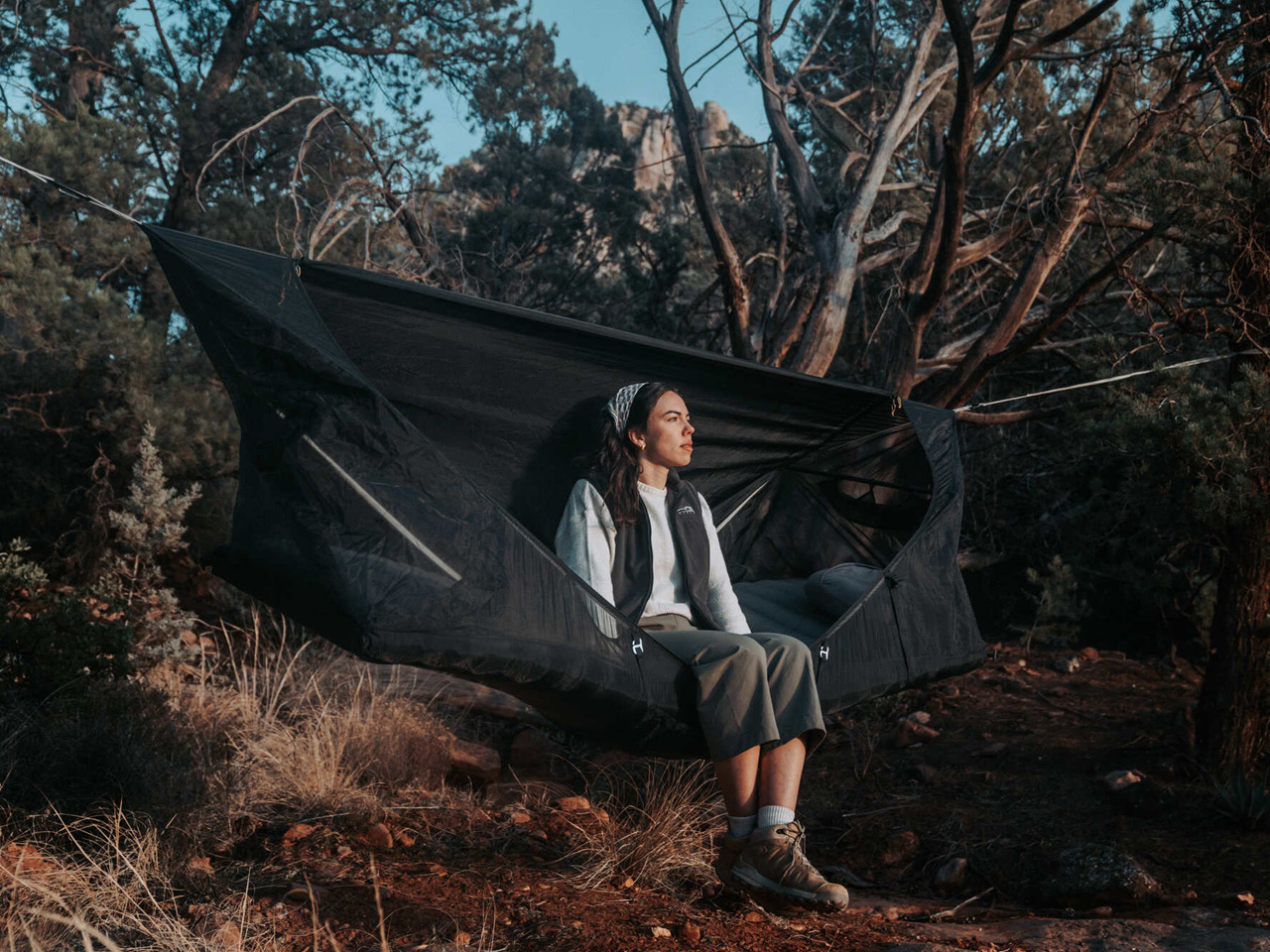
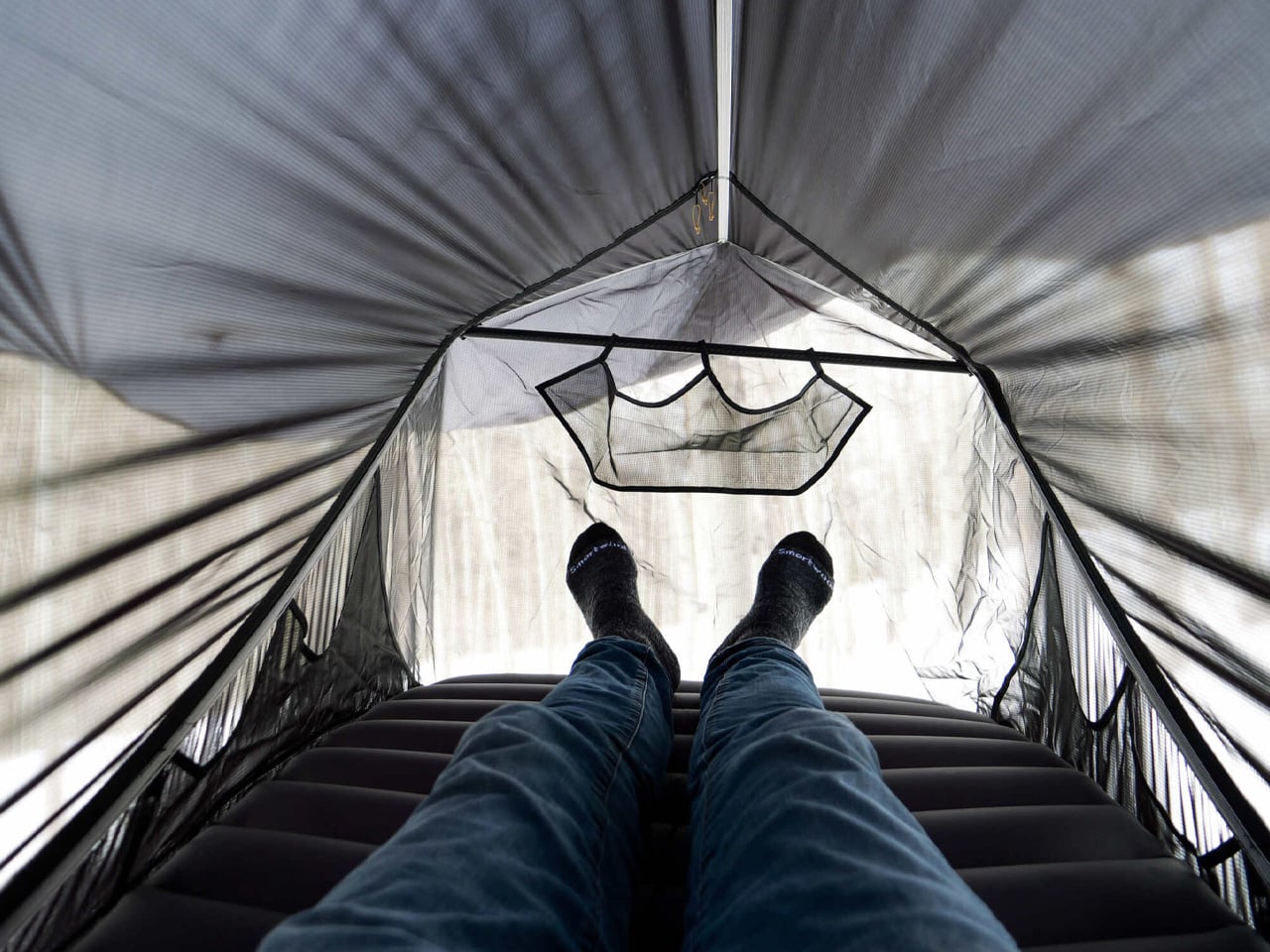
You avoid hammocks not because you’re lazy. It is the banana. Every conventional hammock folds your body into a curve that feels fine for twenty minutes and becomes a spinal argument by hour three. You wake up stiff, which is the one thing a night outside should not do to you. Haven Tents, based in Sandy, Utah, has spent five years specifically fixing this. The Spectre is their most refined answer: a hammock tent built around a patented lay-flat system that creates a genuinely horizontal sleeping surface. You can sleep on your back, your side, or your stomach. That sentence should not be remarkable for a hammock. It is anyway.
The materials are Dyneema fabric and MONOLITE mesh, both chosen for strength-to-weight ratios that most outdoor gear only talks about in marketing copy. The whole system comes in under 4.5 lbs and packs to 15x6x6 inches, small enough to strap to the outside of your pack without rethinking your load. Hang it from two trees in a few minutes. No trees available? A Bivy Mode lets you set it up using trekking poles instead. Internal mesh pockets, a gear sling, and a ridgeline for your backpack handle storage without making you climb out in the dark. A translucent mesh shell gives you a 360-degree view of where you are. The detachable rainfly closes it down when the weather decides otherwise.
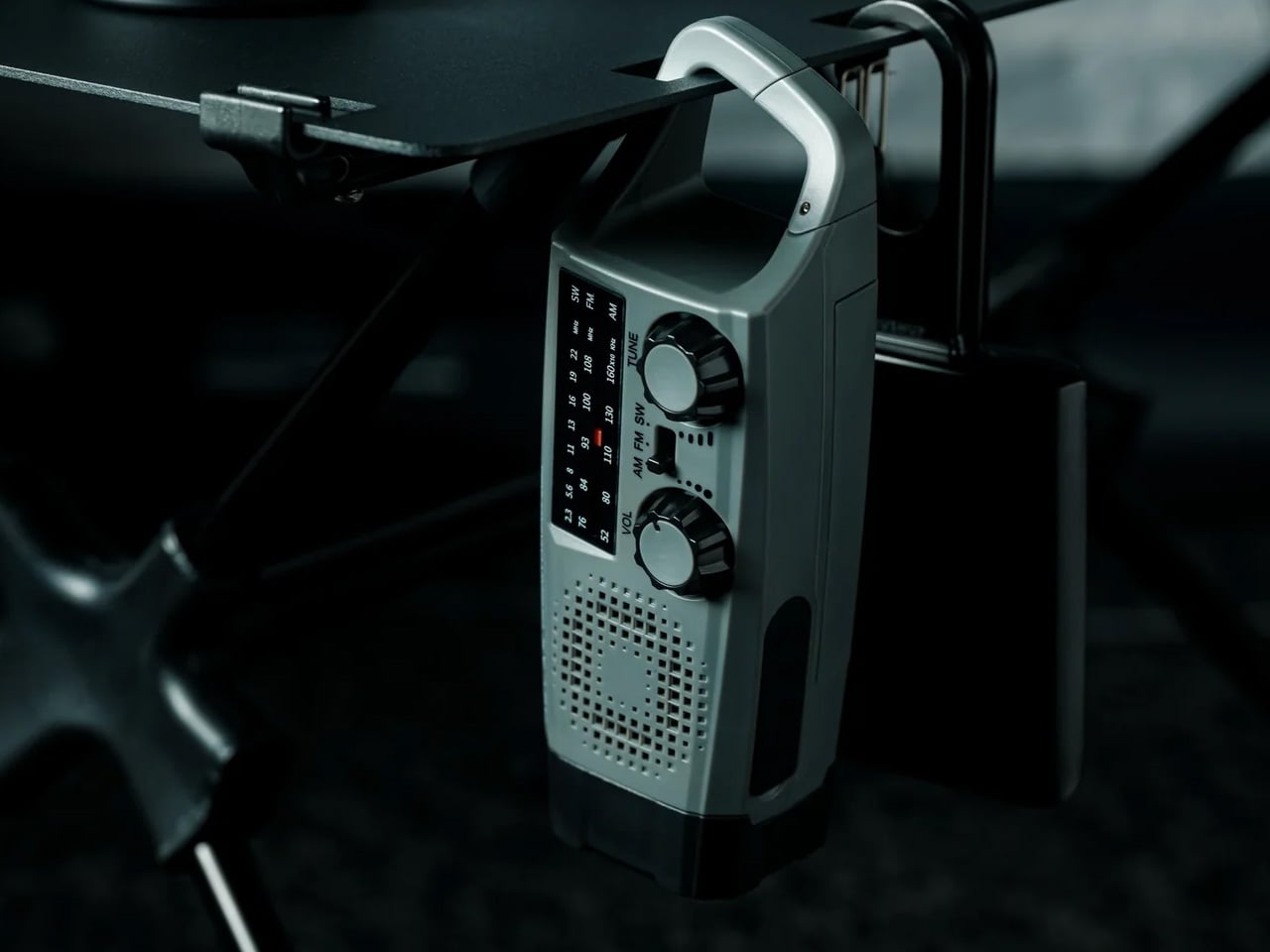
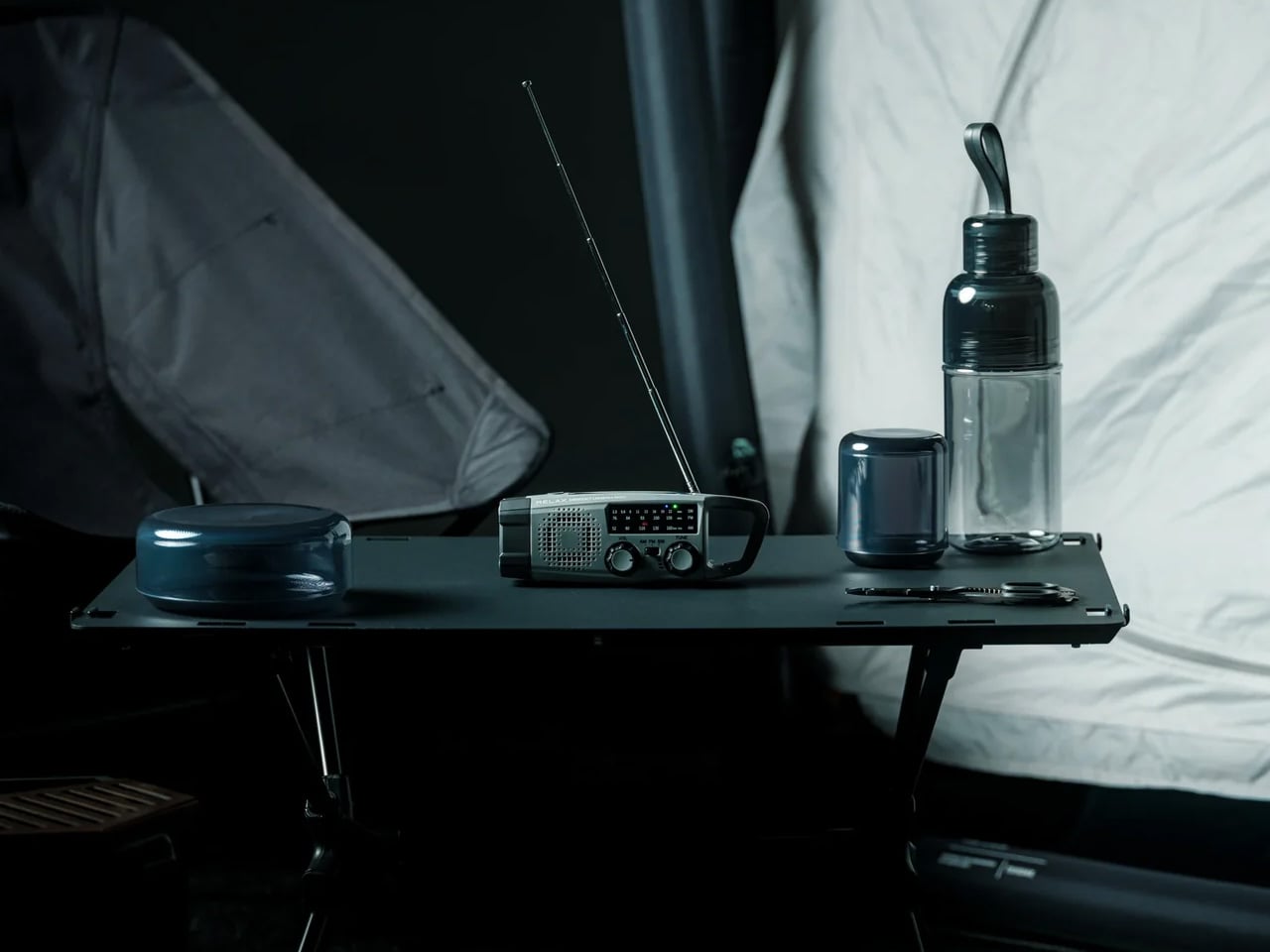
The version of you who would buy a dedicated emergency radio is the same version who bought a first-aid kit and left it under the bathroom sink. The Clip&Go works because it refuses to be emergency equipment. It is a radio first. AM, FM, and shortwave in a 7.8 oz body with a built-in carabiner that clips to your backpack strap and stays there. You bring it because you want music around the fire. The SOS button, the hand-crank, and the backup phone charging are already in the same clip you grabbed for the playlist.
The flashlight runs approximately 7 hours on a full charge. The radio runs for 13 hours. The 2,000mAh battery is a replaceable 18650 lithium-ion cell, which is the most thoughtful spec on this product. When the battery eventually degrades after years of use, you swap the cell. You do not replace the radio. USB-C charges it in about 2 hours. The hand-crank is there when USB is not. Press and hold the SOS control, and you get an audible alarm and a flashing light simultaneously. It is 6.2 x 1.9 x 2.1 inches and costs $60. Only 4 units remain in stock at the time of writing.
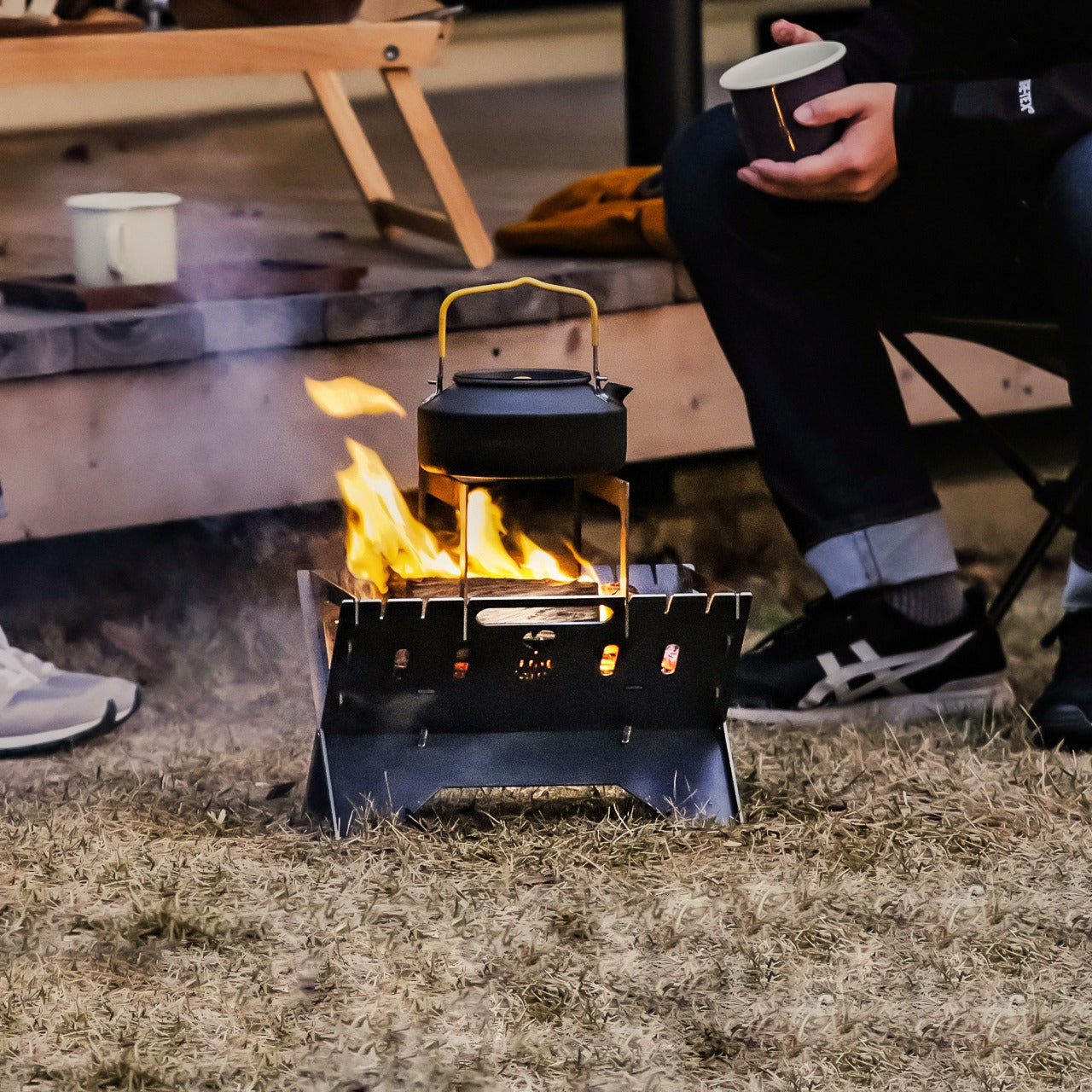

More campgrounds restrict ground fires than they did five years ago. Dry meadows, wooden deck platforms, national park sites with leave-no-trace rules. You will find out about the restriction after you’ve already gathered the wood. The Portable Fire Pit Stand is five black steel pieces that slot into each other like puzzle pieces, lift your fire off the surface below it, and meet the ground-fire restrictions at most sites that prohibit direct contact. Setup requires zero tools. Nothing to thread, nothing to tighten, nothing to forget at home.
The airflow holes cut into the panels are not decorative. They pull oxygen under the fire and produce a cleaner, more consistent burn than anything sitting on compressed dirt. Slot in the optional trivets and you have a legitimate surface for cookware. The steel is manufactured with a sheet metal process that resists warping under sustained heat. It will discolor over time. That discoloration becomes a patina that is unique to your unit. Every Portable Fire Pit Stand ends up looking different from every other one.
Click Here to Buy Now: $119.00
There is a specific moment at the end of day two of most camping trips. Someone asks where they’re supposed to shower tomorrow. That is the moment your group starts looking up hotels. The GoSun Flow is the answer to that question before it gets asked. It’s a solar-powered water purifier and portable shower system that compresses into a backpack. It eliminates 99.99% of waterborne pathogens and delivers one liter of clean drinking water per minute from any freshwater source you can access. A flexible faucet clamps to a branch, a table, or your truck tailgate. You’ve built a working outdoor sink from what’s already there.
The solar heater delivers a warm five-minute shower after 30 minutes of sun exposure. That’s a real shower, not a wet-wipe situation. USB power backs it up when clouds intervene. The filter handles 1,000 liters before it needs replacing, which covers multiple seasons for most groups. For a three-day Labor Day weekend, this system removes the only hygiene argument that sends your group to the checkout desk on day three. It does not make camping feel like a hotel. It makes camping feel like something you can actually finish.
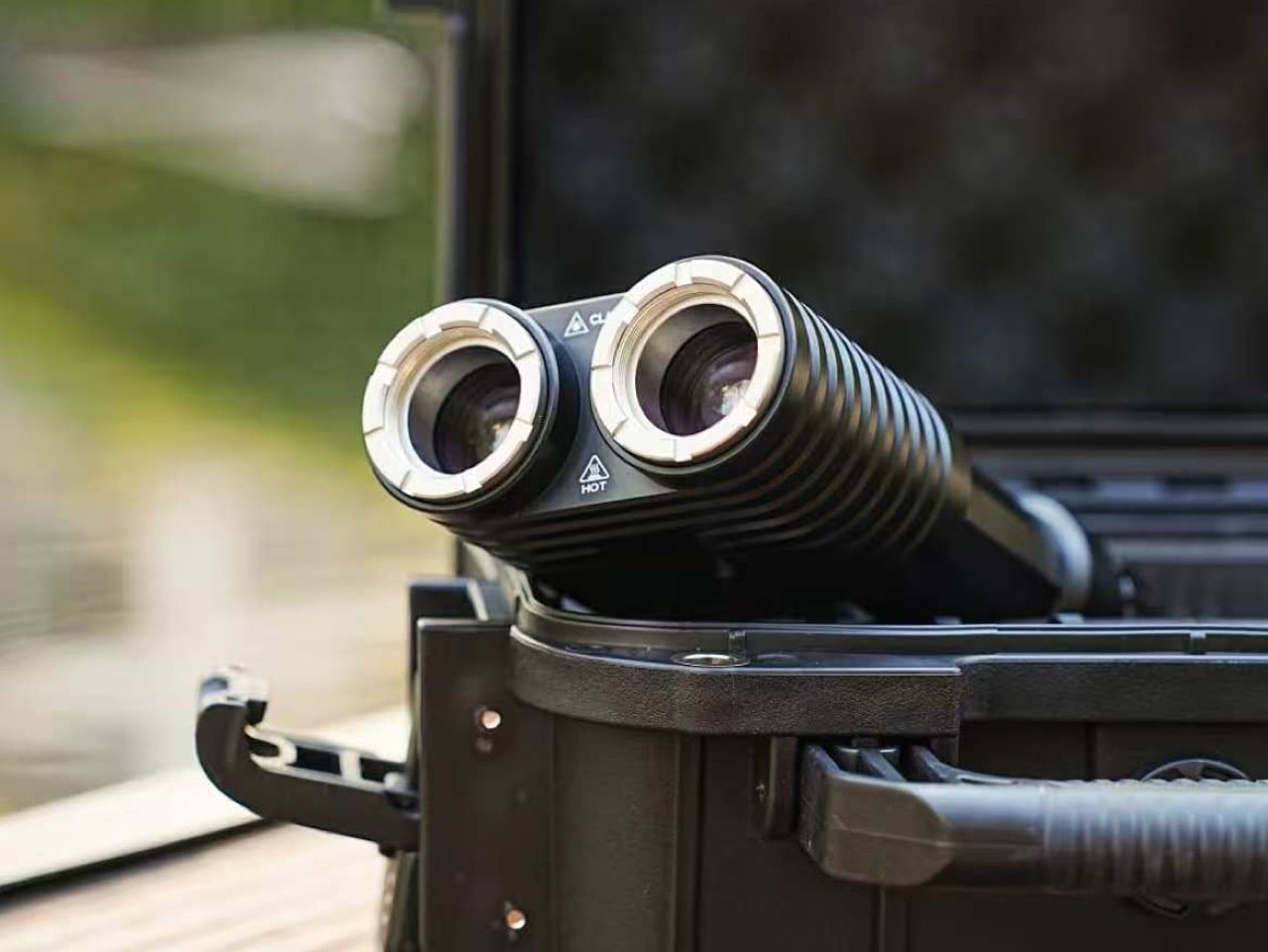
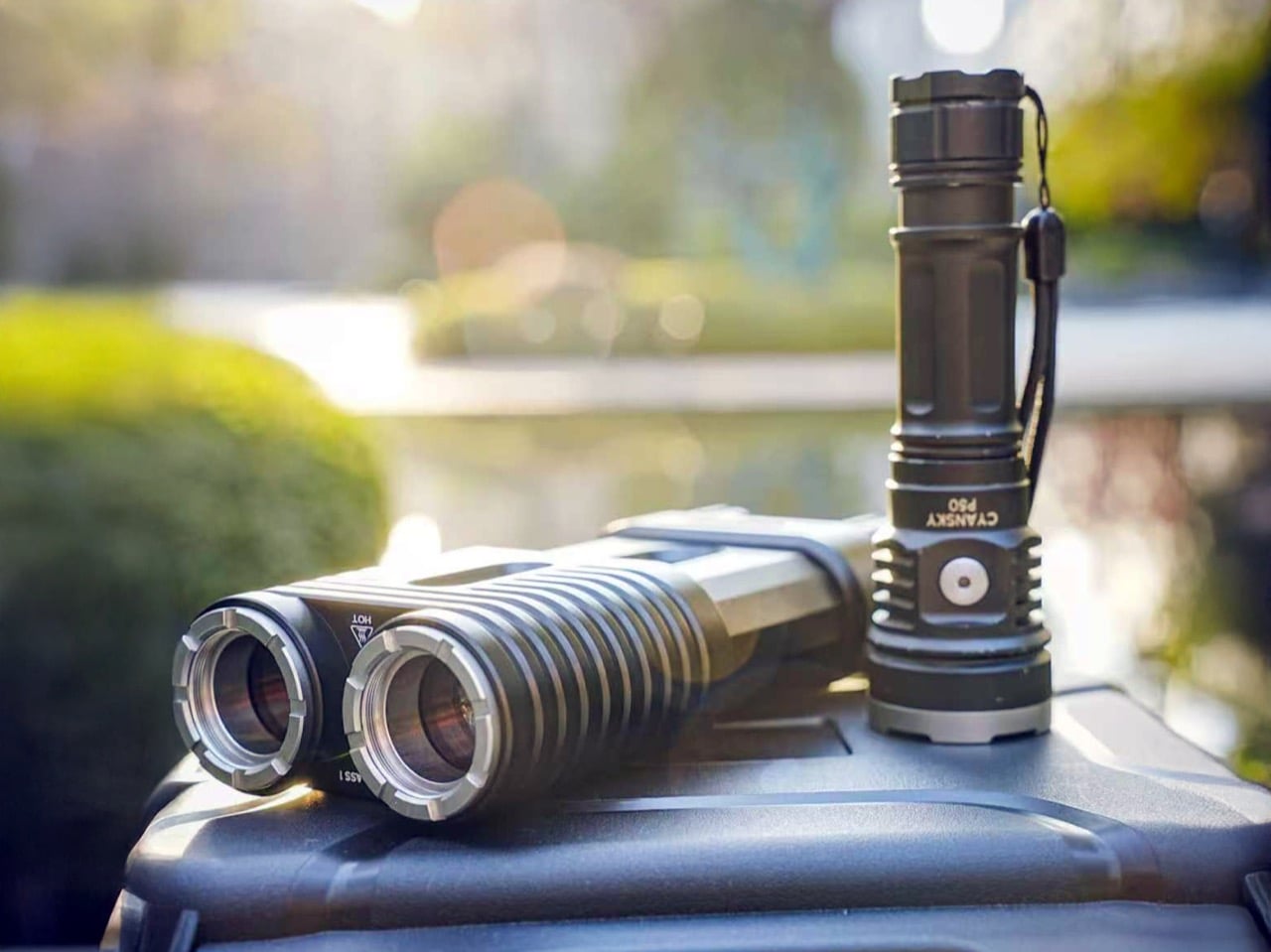
You have been in this situation. It is 9 p.m., you are trying to read a trail marker 200 yards out, and every flashlight your group has is essentially a pointed candle. The Lumitwin DL700 throws light 1.2 miles. Both barrels firing together produce 1,100 lumens and 958,000 candela using laser-excited phosphor technology, the same light source found in high-end automotive laser headlights. This is not an LED with a better reflector. The beam stays coherent across distance instead of scattering into a useless cone. At 2 kilometers of throw, you are seeing things your campsite neighbors cannot.
Each barrel runs independently with its own switch and brightness control. Swap in the included red filter for night-vision preservation. Green for cutting through fog and dense vegetation. The flood filter widens the beam for close-range camp work. Run different filters on each barrel simultaneously. The whole unit is machined from a single block of 6061 aerospace aluminum, IP68 rated for submersion to 1.5 meters, and survives a 10-foot drop. Total weight is 1,032 grams. You feel that weight. That is the trade for what the DL700 does.
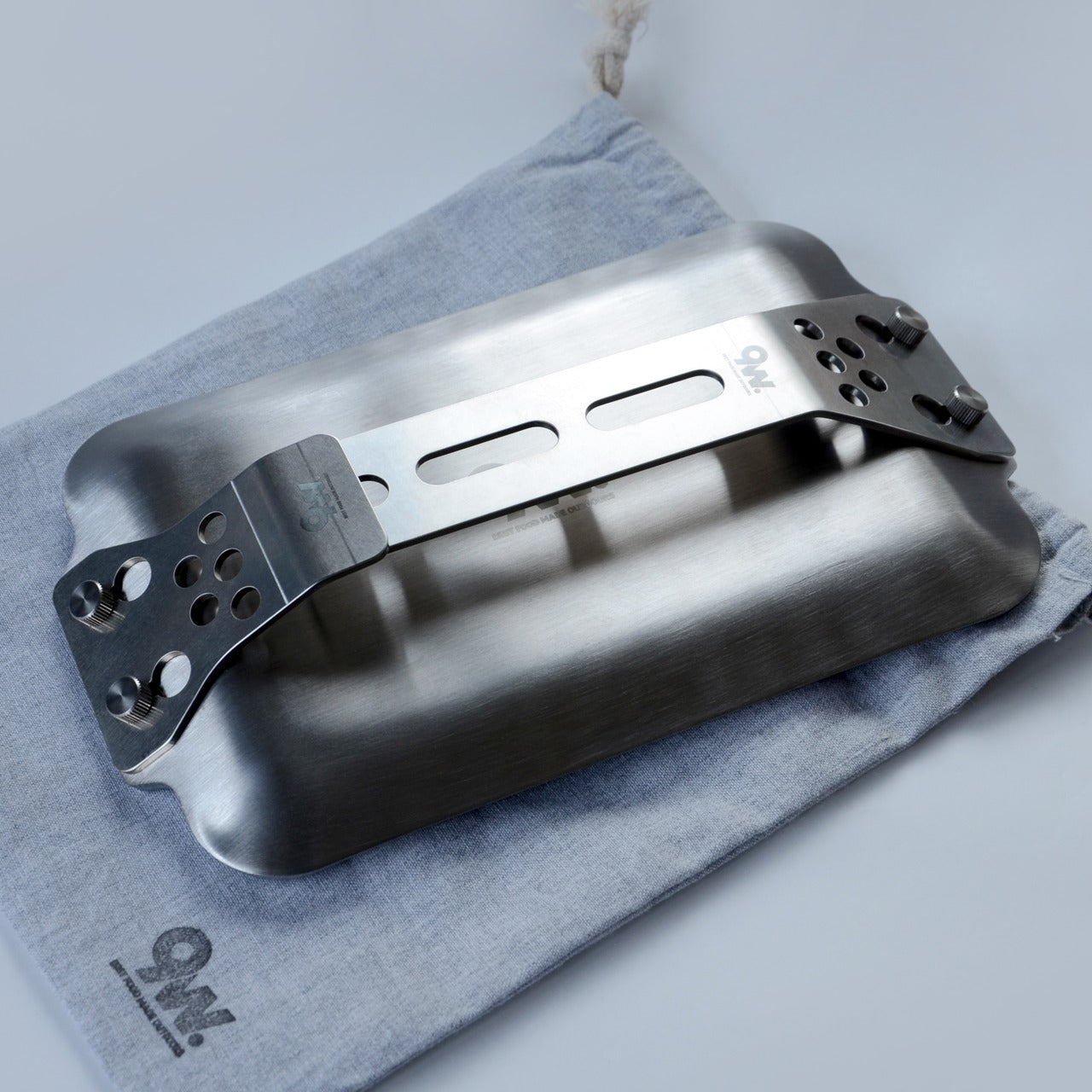
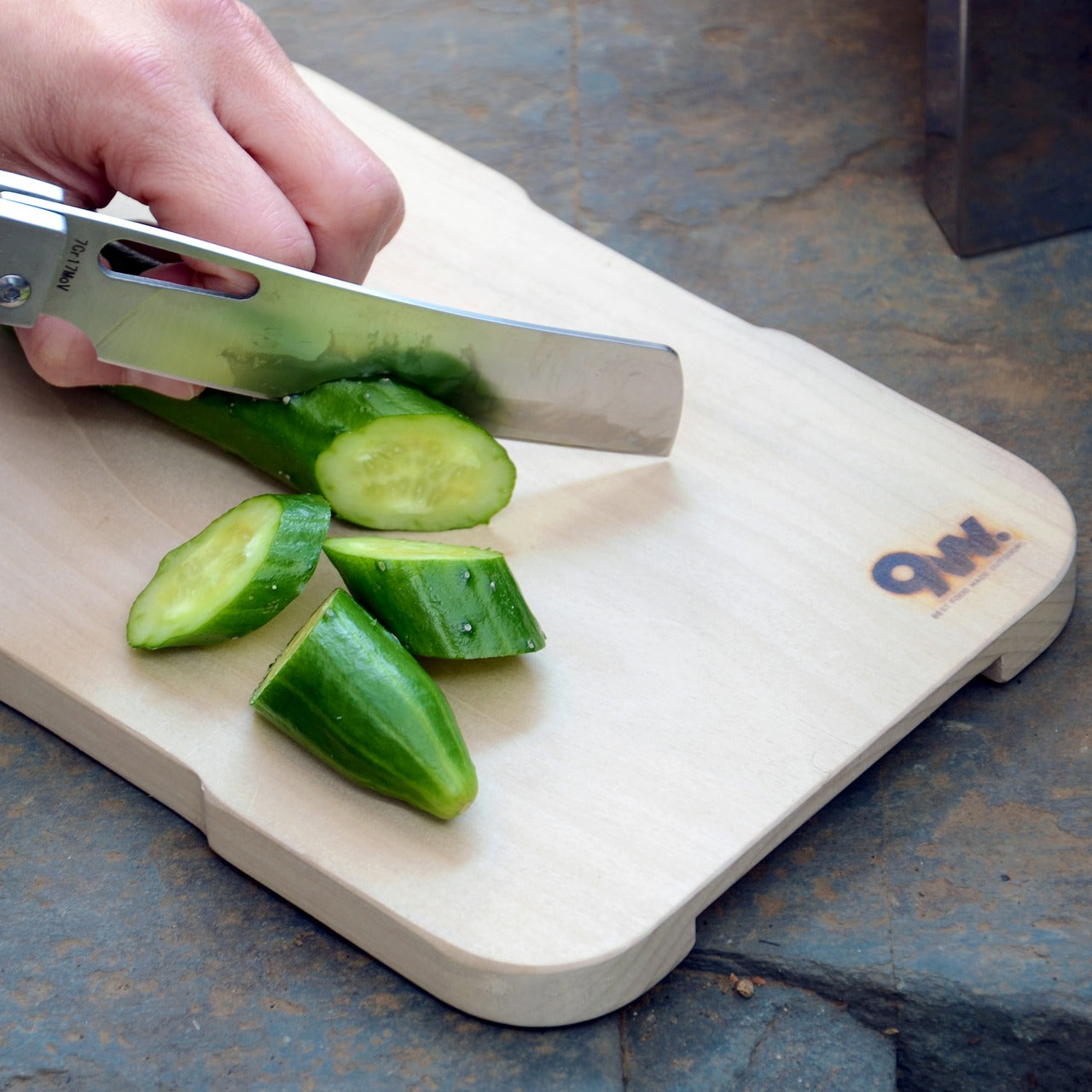
Your campsite cooking situation right now is one of two things. Either you’re eating food that doesn’t require heat, or you’re attempting to balance a pan on a grate that came welded to the fire ring and hasn’t been cleaned since a previous administration. The Compact Modular Grill Plate is a flat, modular steel cooking surface that packs to roughly the thickness of a paperback and configures around what you’re actually cooking. You stop adapting your meal to your gear. The gear adapts to the meal.
It works over an open fire or a camp stove without a conversion kit or a second piece of equipment. The flat surface cleans significantly faster than any bar grate. One wipe, or a quick rinse, and it’s done. That difference matters most on the third morning when no one wants to deal with last night’s situation. The compact form is the decision that earns this plate a permanent spot in your kit. When cooking gear is bulky, it gets left at home. When it packs this flat, it gets packed every time.
Click Here to Buy Now: $100.00
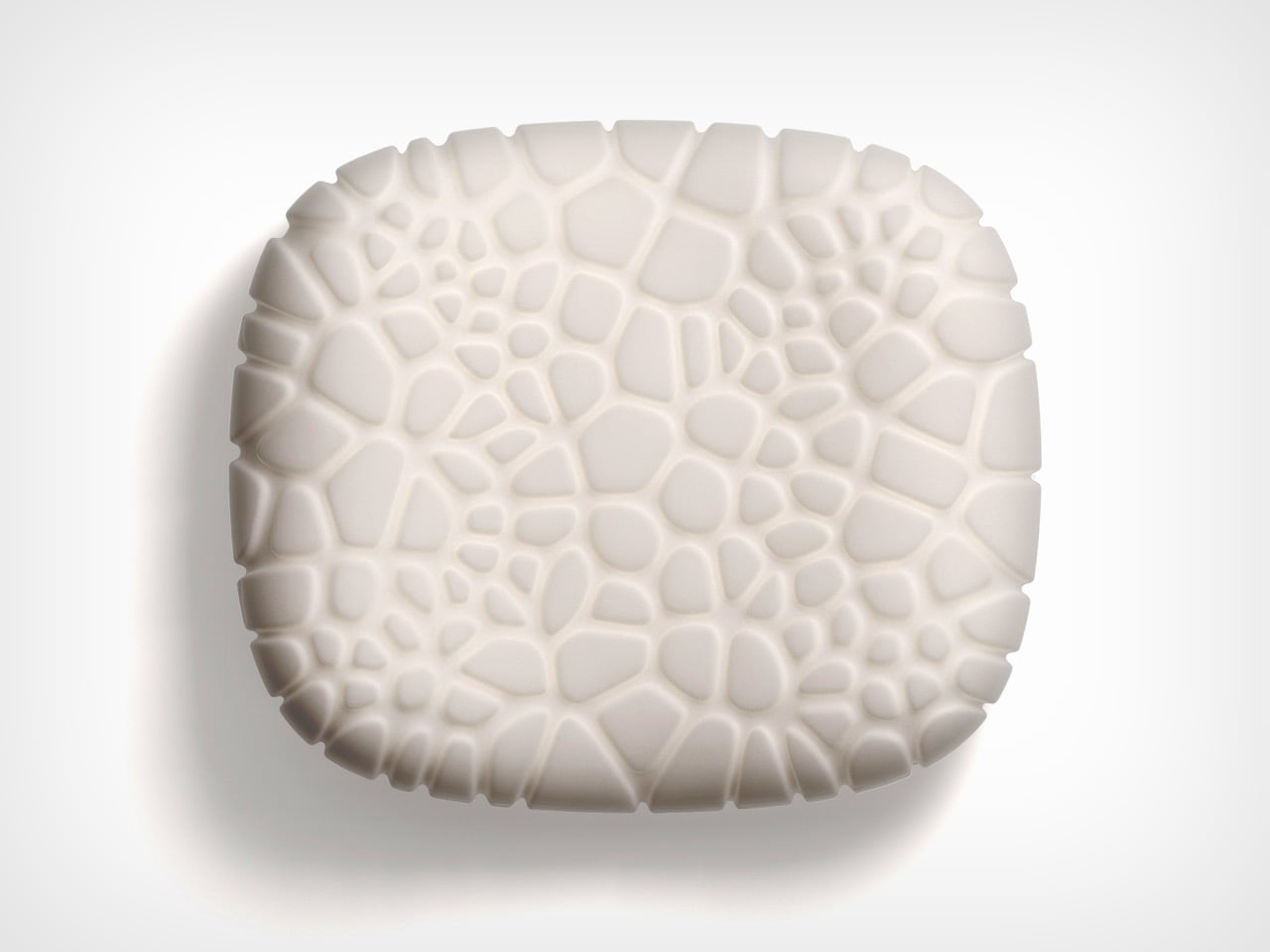
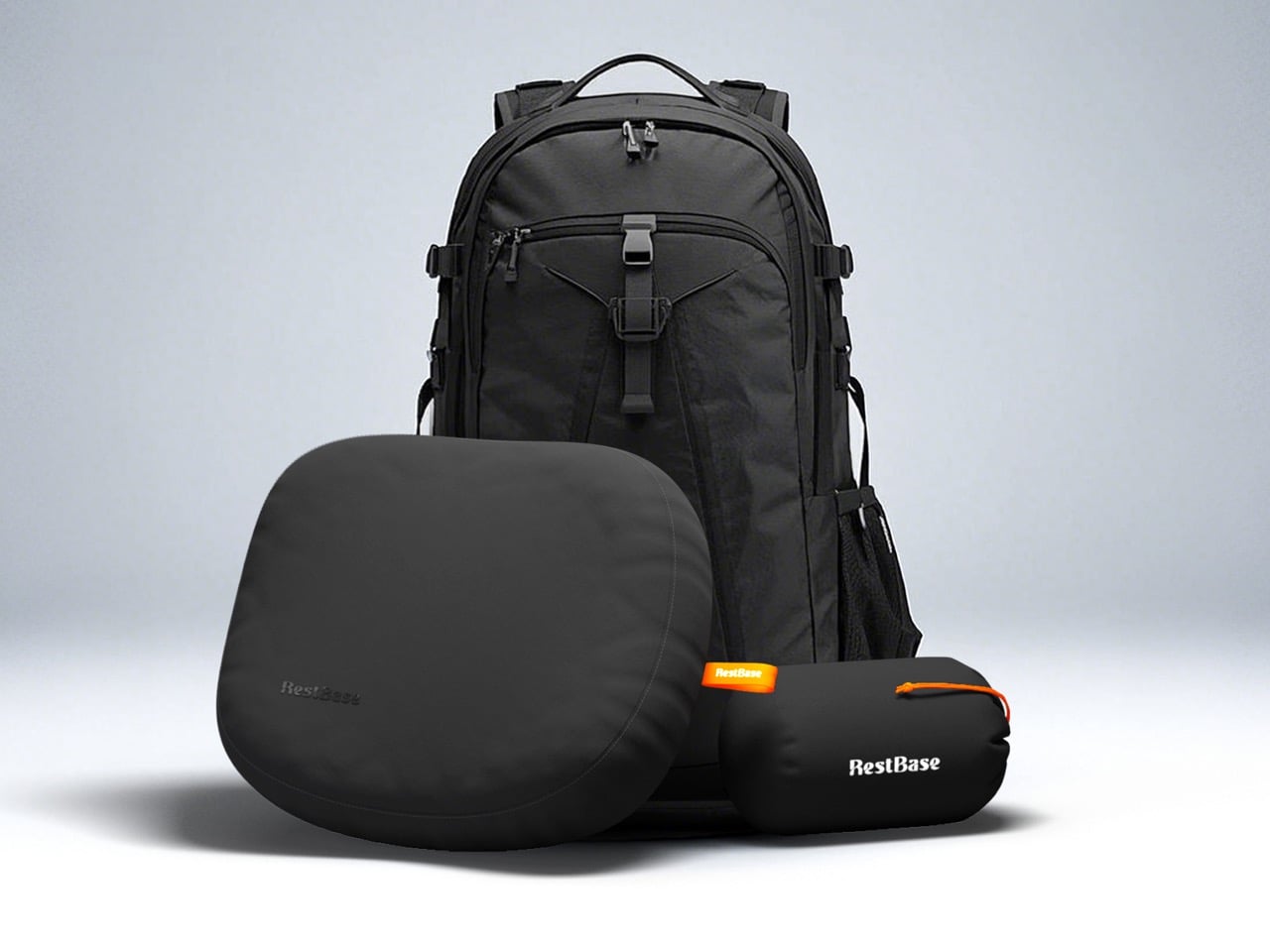
Your inflatable camping pillow has betrayed you at least once. It sounds like a pool float every time you shift your head, loses pressure by 3 a.m., and packs into a shape that somehow takes up more bag space than it deserves. The Camp Napper is what happens when a designer named Chen Xu stops treating the camping pillow as an afterthought and starts treating it as an engineering problem. The surface geometry is derived from the texture of fungal spores. The internal structure mirrors the hollow vascular channels found in plant stems. This is Voronoi polygon modeling applied to where your face actually rests.
The raised cellular structures on the front face increase contact area and channel airflow simultaneously, so your skin stays cool instead of clammy through the night. Flip it, and the back face offers four distinct tactile zones depending on your orientation. Memory foam holds the bionic geometry under repeated compression without losing its shape by morning. The whole pillow weighs around 14 oz and compresses to roughly the size of a water cup, no inflation valve required. Anti-slip rubber on the base keeps it planted on your sleeping pad. This is a hotel pillow argument made entirely in materials and geometry.
Every hotel booking after a camping trip is a gear verdict. The sleeping surface failed. The light died. The fire went out. The shower question didn’t have an answer. These seven picks close each of those gaps before the trip starts, so the hotel down the road stays a choice rather than a rescue. Comfortable outside is a design problem. It has design solutions.
My personal pick is the Clip&Go Radio. Not because of the SOS button. Because it is the only product on this list I would grab for an ordinary Tuesday hike without thinking about it twice. It clips to the bag, plays music, and carries every emergency feature in the same body I reached for anyway. That is the version of preparedness that actually travels with you: useful before anything goes wrong.
The post 7 Best Camping Gadgets & Gear for Labor Day 2026 for the Guy Who Always Books the Hotel first appeared on Yanko Design.

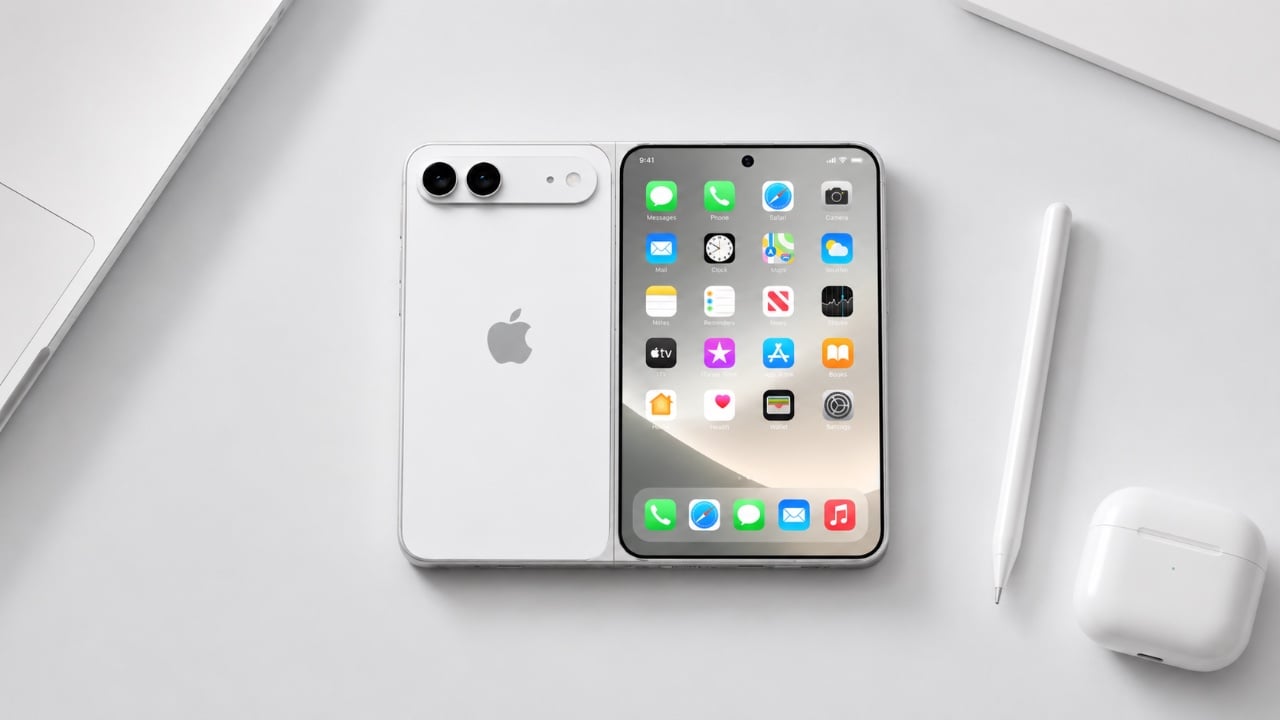
Apple is reportedly working on the highly anticipated iPhone Ultra, a foldable smartphone that combines state-of-the-art technology with a forward-thinking design. Leaks from Apple employees have shed light on its potential features, performance capabilities, and the trade-offs that come with such innovation. As excitement builds, the iPhone Ultra is poised to make a significant impact […]
The post The iPhone Ultra Fold Could Ditch Face ID for an Old-School Feature appeared first on Geeky Gadgets.
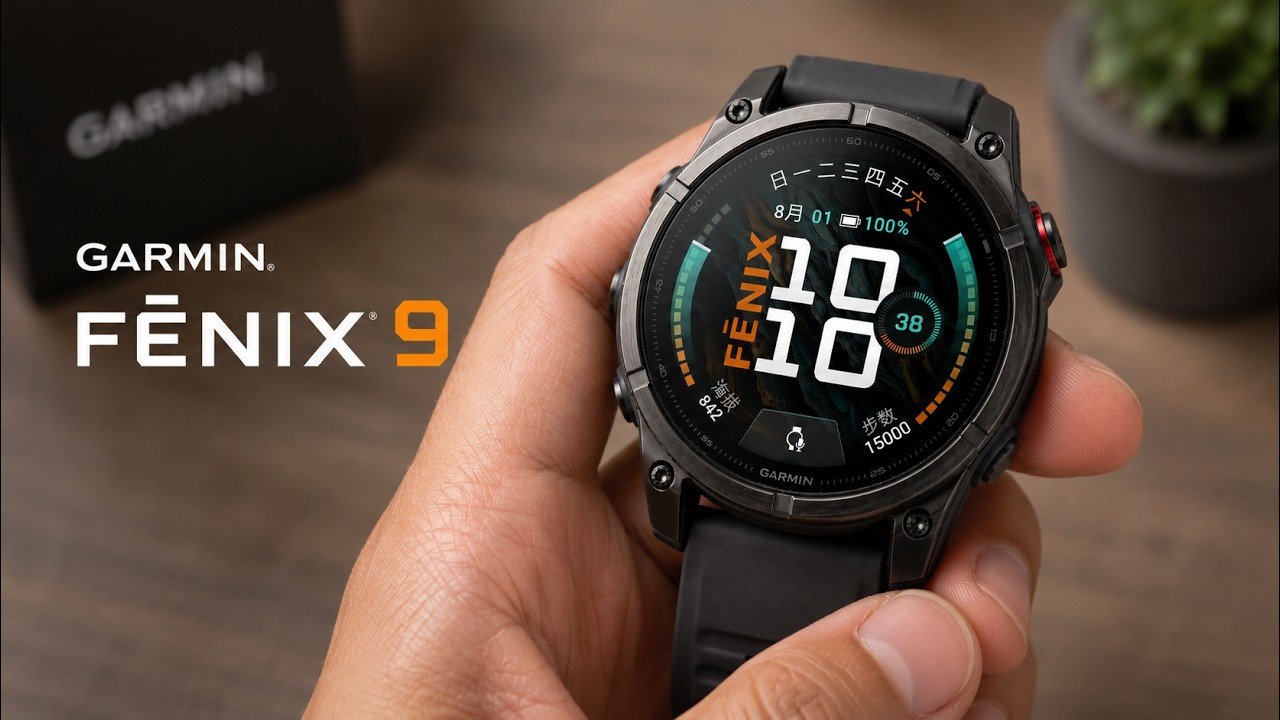
Garmin’s Fenix 9 series introduces a blend of durability and refinement, catering to outdoor enthusiasts and everyday users alike. In this hands-on review by TechAvid, the spotlight falls on the series’ expanded size options, 43 mm, 47 mm and 51 mm, designed to offer a tailored fit for different wrist sizes. Notable updates include the […]
The post Garmin Fenix 9 Features 43Mm, 47Mm and 51Mm Watch Sizes appeared first on Geeky Gadgets.
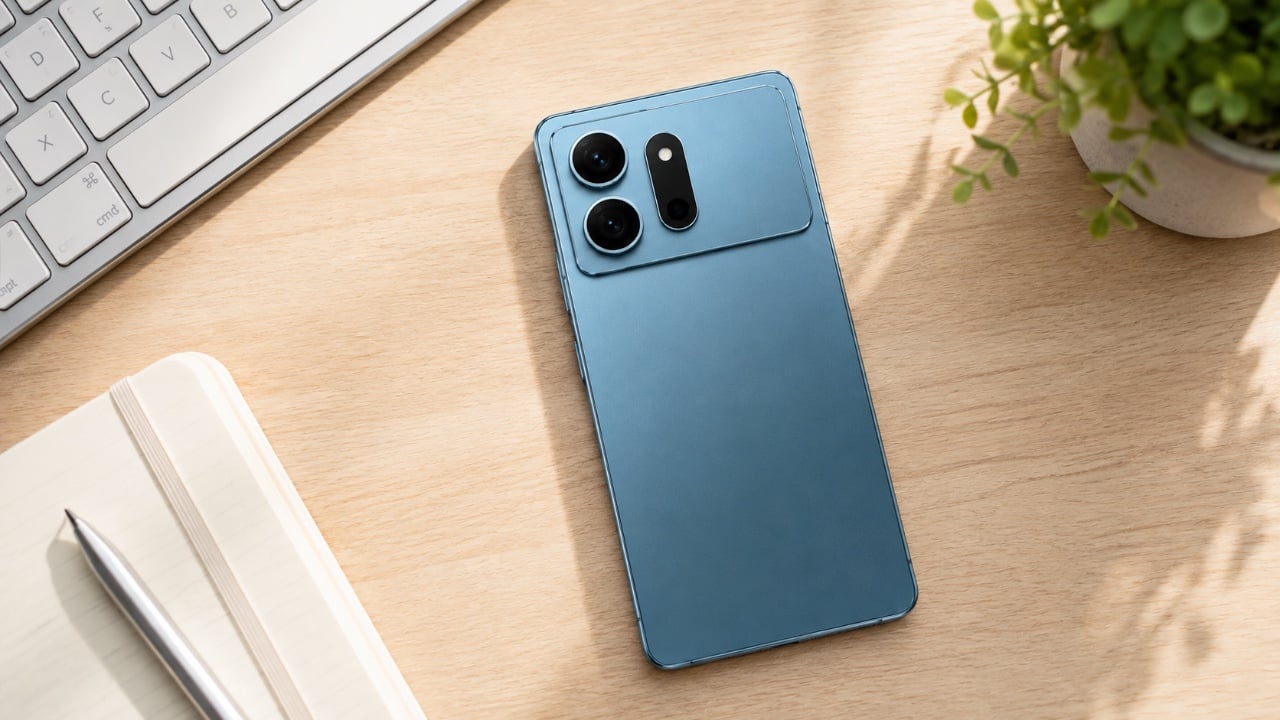
Samsung is gearing up to launch the Galaxy S27 Ultra in early 2027, and early leaks point to its most significant redesign in over half a decade. Moving away from its familiar aesthetic, the upcoming flagship is expected to feature a prominent camera island, upgraded internals, and a lighter yet higher-capacity build. Below, tech channel […]
The post Samsung’s Galaxy S27 Ultra Might Look Nothing Like You Expected appeared first on Geeky Gadgets.