If you’ve been testing the iOS 18 beta on your iPhone, you may be eager to transition to the official stable release once it becomes available. A new video from Daniel About Tech will walk us through the process of removing the beta and installing the final version of iOS 18, ensuring a smooth and […]
If you remember the reMarkable 2 when it was announced in March 2020, you'll be excited to hear about its successor: the reMarkable Paper Pro. This new distraction-free writing slate comes with a nicer chassis, faster internals, a bigger display and most importantly, a color screen.
If you’re unfamiliar, reMarkable is the standard bearer for those devices standing in the delta between high and low tech. It’s an e-paper slate with a stylus (or keyboard) for reading, writing or editing your own documents, or annotating PDFs. The focus is giving you a calmer space to get some Serious Work(™) done, free from the distractions a “proper” computer or tablet would harbor. The company has always maintained that its devices offer you a way to feel like you’re working on paper, without actually having to work on paper. Despite its age, the reMarkable 2 has been a mainstay in our E Ink tablets guide as the pick that's the best option for most people. The only other products currently in the conversation are the Kobo Libra Colour and Onyx Book Tablet Note Air 3 C. Those models also boast color screens and stylus compatibility, but both have smaller displays — 7 inches diagonally on the former and 10.3 inches on the latter.
The Paper Pro is a little more than an inch taller and a quarter inch wider than its predecessor but has been able to cram in a lot more stuff. The rM2 had a 10.3-inch monochrome display while the Paper Pro’s stretched to 11.8-inches. reMarkable’s Chief Design Officer Mats Solberg explained his team worked to reduce the size of the bezels and chin to accommodate the bigger display.
Image by Daniel Cooper / Engadget
Whereas the older model stuck to a rigid notion of post-iPad design language, the new Paper Pro gets a more austere look and feel. The edge band is sharper, if still comfortable to hold, and Solberg emphasized the grooves etched into the sides. He explained they both evoke the idea you’re holding a sheaf of paper, and to add some much-needed grip to a device this thin.
There’s dramatic changes on the inside, with a new 1.8Ghz quad-core Cortex A53 paired with 2GB RAM and 64GB storage. For comparison, the rM2 had a 1.2GHz dual-core chip, 1GB RAM and just 8GB storage. As soon as you turn the Paper Pro on, you’ll see the benefits of the new silicon, with far faster response times. You even get proper animations during the setup process.
But the real showstopper here is the display, which uses a modified version of E Ink’s Gallery 3 technology dubbed “Canvas Color.” It means the display holds a series of ink particles inside each pixel — a White, Cyan, Magenta and Yellow — as in most regular printers. reMarkable says the display is similar to newsprint and it’s an apt analogy with clear, if muted, colors on show.
Image by Daniel Cooper / Engadget
The technology can also dither colors, mixing each ink particle to produce up to 20,000 other colors, and the colors can also be layered. It means you can highlight sections of text in the same way you’d use a highlighter on paper, the more layers you draw, the darker the color. Of course, the benefit of using a digital device is that you can highlight it as many times as you want without anything becoming soggy.
As usual, reMarkable has leveraged a limit and turned it into a benefit, offering you colors with a heavy dose of restraint. And you don’t really need your retinas to be burned inside out if you’re trying to organize your thoughts ahead of a big meeting. Although, having been spoiled by so many well-made displays of late, I do wish the colors popped a little bit more than they do.
The Paper Pro is the first reMarkable with a frontlight, finally letting you get some work done in dark environments. Solberg explained the frontlight was one of the hardest challenges to build without harming the distance between the stylus tip and the display itself. He said the team was determined to keep the gap between the pen and the display to under one millimeter, and succeeded.
The last two slates had active displays but passive styluses, but the Paper Pro gets an Apple Pencil-esque active stylus as well. It’ll charge while magnetically connected to the side of the bezel and the new components help improve accuracy and latency. Solberg said the reMarkable 2 had an input latency of 22ms, and he had targeted 15ms for this model. He was proud to say that the team smashed that target, with the Paper Pro’s latency down to just 12ms.
And yet, for all the headline changes, it’s the added responsiveness that’s the really compelling feature. The rM2 was no laggard, but the faster input really does help sell the idea you’re sketching out ideas on paper. You can always credit the company for sweating the details, too, like the fact you can add a highlight or handwritten annotation to typed text that will follow the text around as you edit it.
I’m also impressed with reMarkable’s commitment to making the Paper Pro easier to repair and refurbish than older models. Solberg explained that the Paper Pro is far more modular under the hood, with easily-swappable components. He ruled out end-user repairs, but said that the only adhesive used in the chassis are two replaceable glue strips to keep the battery in place. Repairs would likely need to take place at reMarkable HQ or a partner distributor, but the fact it’s been designed with an eye on long-term repair at all is laudable.
reMarkable Paper Pro is available to order today from reMarkable’s website and Best Buy, priced at $579 with the standard Marker and $629 for the Marker Plus. If you want to add a case, and I heartily recommend you do, it’ll cost you between $89 and $179, depending on your material choice. And if you want to add the Type Folio, you’ll need to cough up an additional $229. The reMarkable 2 is remaining around as a lower-cost option (unsurprisingly, as it’s a really good piece of kit) and will now be available with the standard Marker for $379.
Of course, you and your wallet will have to decide if that’s the sort of sum you can bear to part with, especially in these tightened times. With a product like this, the intentional choices and limits made means it’ll always stack badly in a head-to-head with a similarly-priced iPad. The trick is to work out if you’ll be more productive with less mental and physical clutter in your computing environment, and go forward from there. I’ve found, when I’ve got a lot of work to do and need to focus, it’s a better way to hammer out first drafts than other devices I could name.
Update, September 6, 4:43PM ET: This story was updated after its original publication to include a comparison to competing writing tablets with color screens.
This article originally appeared on Engadget at https://www.engadget.com/mobile/tablets/the-new-remarkable-paper-pro-adds-a-color-display-120059067.html?src=rss
In today’s fast-paced digital landscape, using AI tools can significantly enhance your productivity, streamline workflows, and generate creative content. This guide by Matt Wolfe explores a selection of fantastic AI tools that can transform your daily tasks, from text generation to image enhancement, transcription, and content organization. By harnessing the power of artificial intelligence, you […]
Notion, a powerful productivity tool, offers a wide range of features to help you organize your work and personal life. By leveraging advanced techniques, you can take your Notion skills to the next level and significantly enhance your productivity. In this article, we will explore five key methods that will transform you into a Notion […]
One of the most common criticisms against Snapchat is that it's not very intuitive and is quite hard navigate as a new user. Personally, I never quite got the hang of it and find TikTok much, much easier to use. Apparently, Snap is aware of the issue, because it's currently testing a "simplified version of Snapchat." Snap CEO Evan Spiegel has revealed the existence of an experimental Snapchat app in a lengthy blog post discussing the company's highs and lows over the past 13 years, as well as its most recent earnings and future plans.
The simplified app "aims to improve accessibility and usability," he wrote, adding that it's been positively received in early tests. In addition, the app could lead to better app performance and faster load times overall. Even so, Spiegel said that the company "will be thoughtful and deliberate about making a change of this magnitude" despite the app's reception. That most likely means that Snap is still testing the app more thoroughly and that we won't be seeing it anytime soon.
In addition to revealing the existence of a simpler Snapchat, Spiegel has also revealed that the company is testing new advertisement formats. One of those formats called Sponsored Snaps will show up as new Snaps in your chat inbox, alongside your friends' messages. The good news is that you won't get a notification for those Snap ads, and opening the messages is optional. As The Verge notes, though, the ads could sit above your actual friends' messages if you never open them.
The company most likely cooked up the new and potentially more intrusive ad placement as a response to its lagging share performance in the ad market. Spiegel said that the company has managed to reverse two years of declining year-over-year revenue growth, but its advertising business is growing slower than its competitors'. He also said that expanding the company's digital advertising business is key to its long-term revenue potential and that Snap's investors are getting concerned that it's not growing faster.
This article originally appeared on Engadget at https://www.engadget.com/apps/snap-is-testing-a-less-confusing-version-of-its-app-113007479.html?src=rss
After creating a range of camera and travel bags over the last decade the development team at Peak Design have unveiled their latest creation in a range of outdoor backpacks aptly called the Outdoor Line. What if your outdoor gear could be both incredibly functional and environmentally friendly? With Peak Design’s Outdoor Line, that’s no […]
The X TV app — teased earlier this year — is out in beta on Amazon Fire TVs, Google TVs and some LG sets. The short teaser video included in the beta app announcement shows a typical-looking streaming video interface sewn into what looks like Google’s version of the X app. There are rows of links to videos for the very small number of original videos on the platform, like content from SpaceX, Tesla and… Tucker Carlson. Naturally, there might (should?) be a bigger range of video once it gets out of beta, but if you’re not a Musk fan, you’re probably long divorced from X anyhow.
The source code is in the Android Open Source Project.
Strangely missing from last month's Google Pixel launch event, Android 15’s source code is finally out. Android 15 will be available on select Pixel models soon, with support for phones from Samsung, Motorola, Nothing, OnePlus and Oppo coming in the next few months. Some of the more interesting features include smart volume adjustment and improved split-screen app access.
Google’s second foldable has arrived. The Pixel 9 Pro fold has refined hardware, superior cameras and a long-lasting battery. The Pixel 9 Pro Fold’s internal display has an almost square 1:1 aspect ratio, 8 inches wide diagonally, larger than its predecessor’s 7.6-inch panel. Google just needs to iron out a few software quirks — something we’re saying about most foldable.
Sony will refund everyone who bought the team shooter.
Developer Firewalk Studios says it’s taking Concord offline on September 6, just two weeks after its release, to “explore options, including those that will better reach our players.” You can no longer buy Concord digitally, and Sony will refund everyone who bought the $40 game. Game director Ryan Ellis wrote on the PlayStation Blog that the team recognized “aspects of the game and our initial launch didn’t land the way we’d intended.” There are lots of reasons Concord didn’t take off, from its so-so gameplay and lack of captivating characters to heavyweight competition from other free-to-play team shooters, think Overwatch 2, Apex Legends, Call of Duty: Warzone and Sony’s own Destiny 2.
This article originally appeared on Engadget at https://www.engadget.com/general/the-morning-after-the-x-tv-app-wobbles-onto-your-big-screen-111502220.html?src=rss
Debugging and deploying applications can often feel like navigating a maze with no clear exit. It’s a problem that plagues many developers, leading to wasted time and frustration. But what if there was a solution that could simplify this process? The team at Langchain have introduced LangGraph Studio and Cloud for LangGraph.js, two tools that […]
AI is fast becoming a thing on desktop and laptop computers, even on those devices that aren’t used for heavy computation or heavy content creation. Whether it’s generating images for inspiration, making sense of documents, or optimizing performance, AI is starting to become a prevalent presence in computing, but those features seem to benefit only those with enough resources to spend on a powerful but pricey rig. Good technology shouldn’t just be for a select few, and ASUS is working with Qualcomm to make not just AI but multi-day battery life more accessible to everyone with new mobile computers powered by the new Snapdragon X Plus.
Designer: ASUS
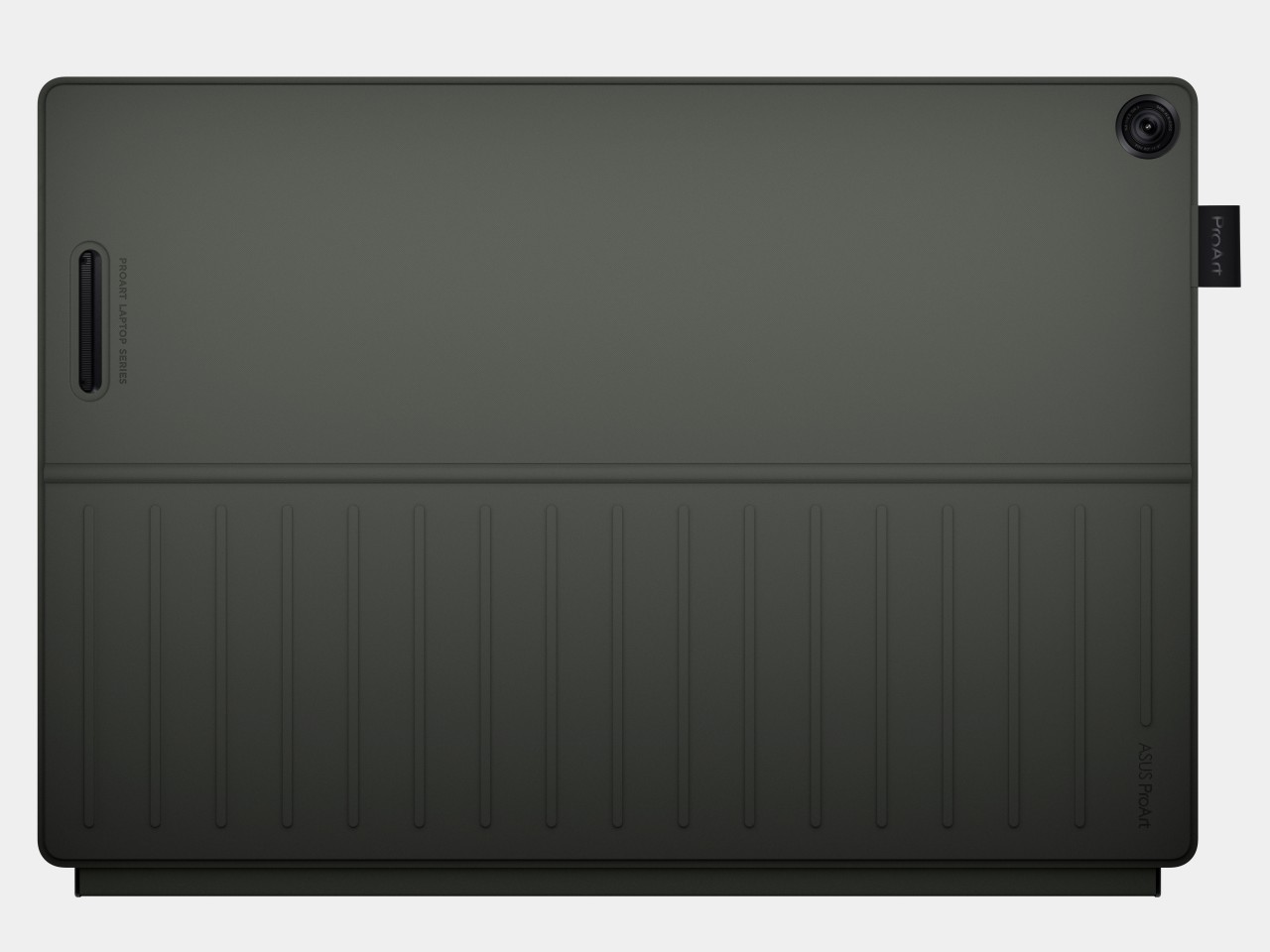
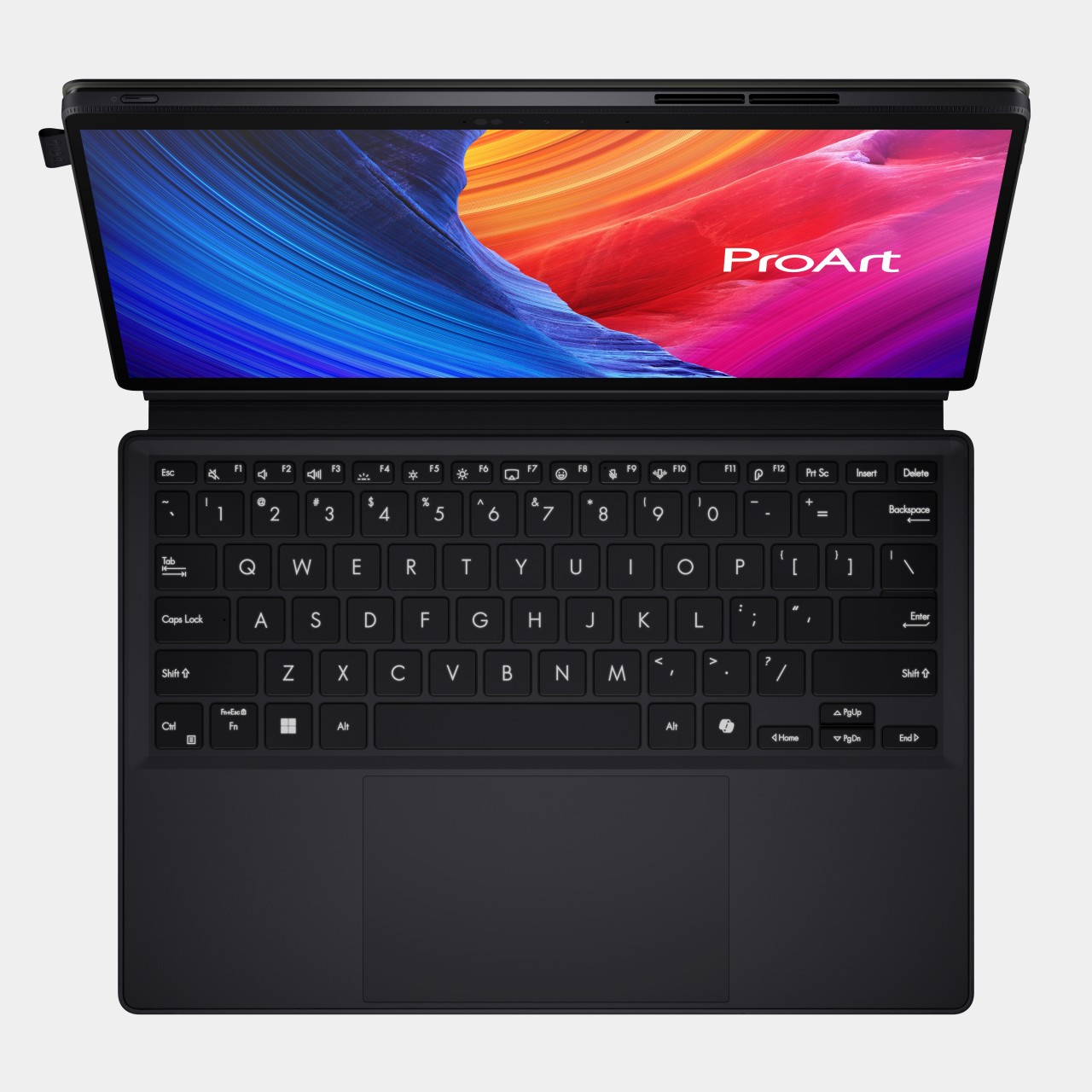
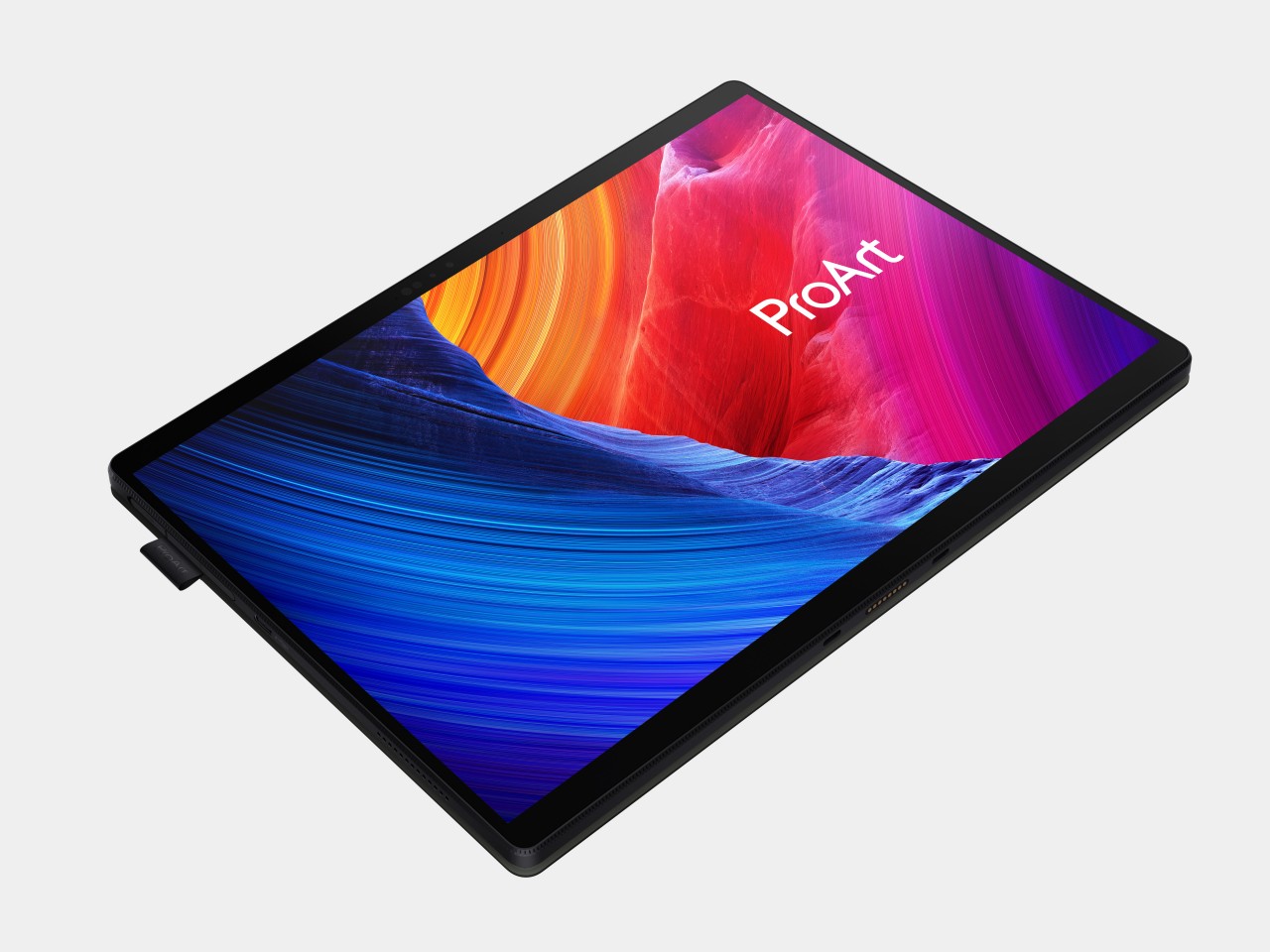
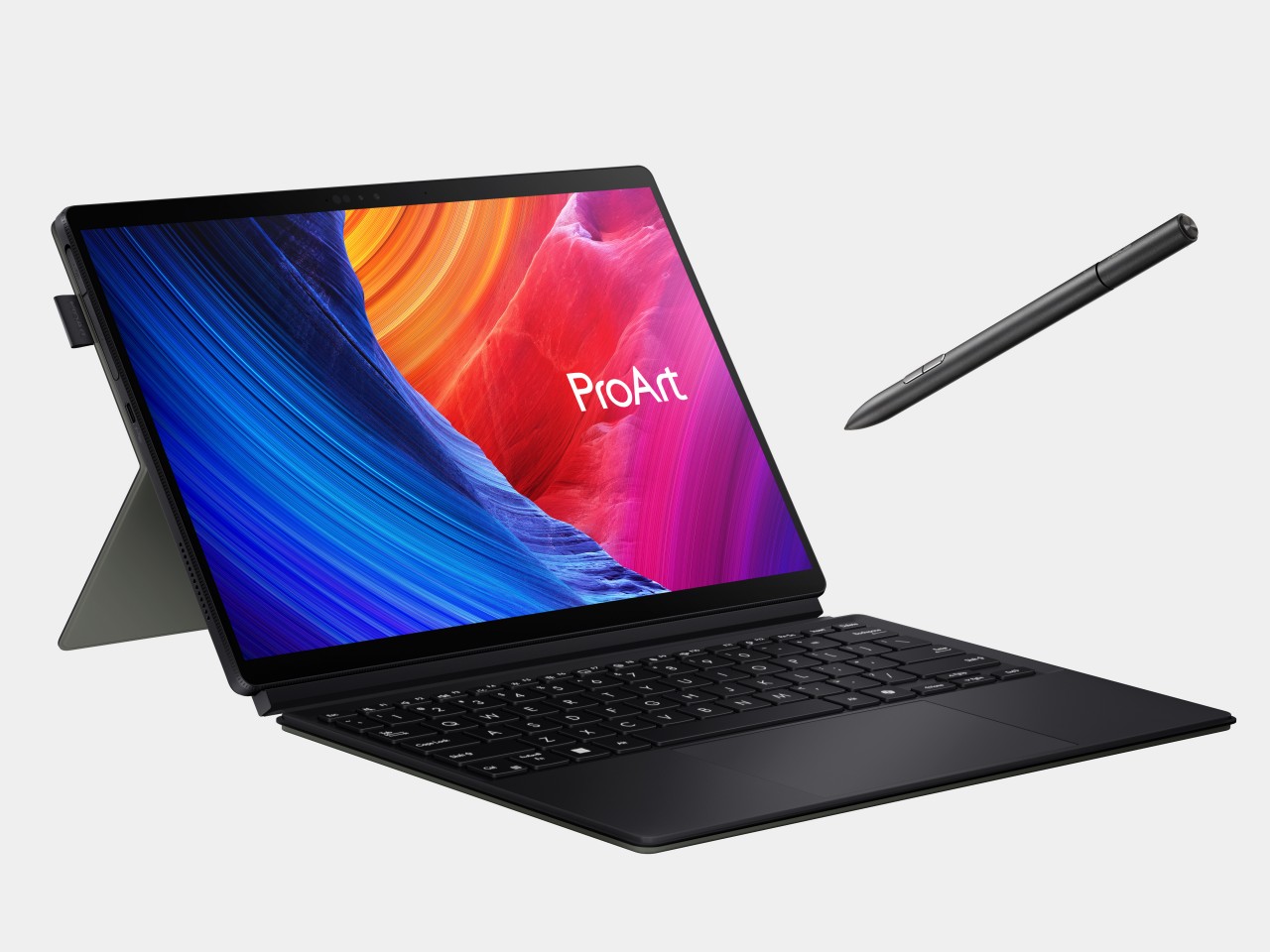
ASUS ProArt PZ13
Right at the top of that list is the new ASUS ProArt PZ13, first shown off at Computex back in June. It’s a 2-in-1 tablet with a detachable keyboard cover and kickstand, not unlike some of the popular designs for these portable PCs. What makes it extra special is the silicon inside, the Qualcomm Snapdragon X Plus, an octa-core variant of the chipmaker’s latest line that targets not smartphones that run Android but Windows computers. What it lacks in raw power compared to the Snapdragon X1 Elite it makes up for in a balanced performance per watt, delivering long battery life while still supporting AI features thanks to its Neural Processing Unit (NPU) and integrated graphics processor.
As part of ASUS’ ProArt family, the ProArt PZ13 caters to digital content creators like designers, artists, streamers, and writers. These users benefit from the computer’s highly portable design, only 9mm thick and weighing only 1.87 lbs. The 70Wh battery makes the lack of nearby power outlets less of a worry, especially if you can charge it via USB-C. The IP52 dust and water resistance, along with MIL-STD-810H certification, also takes away some of the fear when using this AI-powered creativity machine outside of your office or home. And with the same sleek Nano Black coating we saw on the ASUS ProArt PX13, you will definitely want to show it off outdoors.
Of course, as a creative tool, the screen is a critical factor, and the ProArt PZ13 doesn’t disappoint with its bright and vibrant 13.3-inch 3K (2880×1800) Lumina OLED display. ASUS lets you control every aspect of that display, from the color gamut it uses down to color calibration. The ProArt PZ13 also includes a suite of software that really showcases its AI chops, including StoryCube for managing photos and videos. Creativity no longer has to be tethered to desks and power outlets thanks to the ASUS ProArt PZ13 and Snapdragon X Plus.
ASUS Vivobook S 15 (S5507)
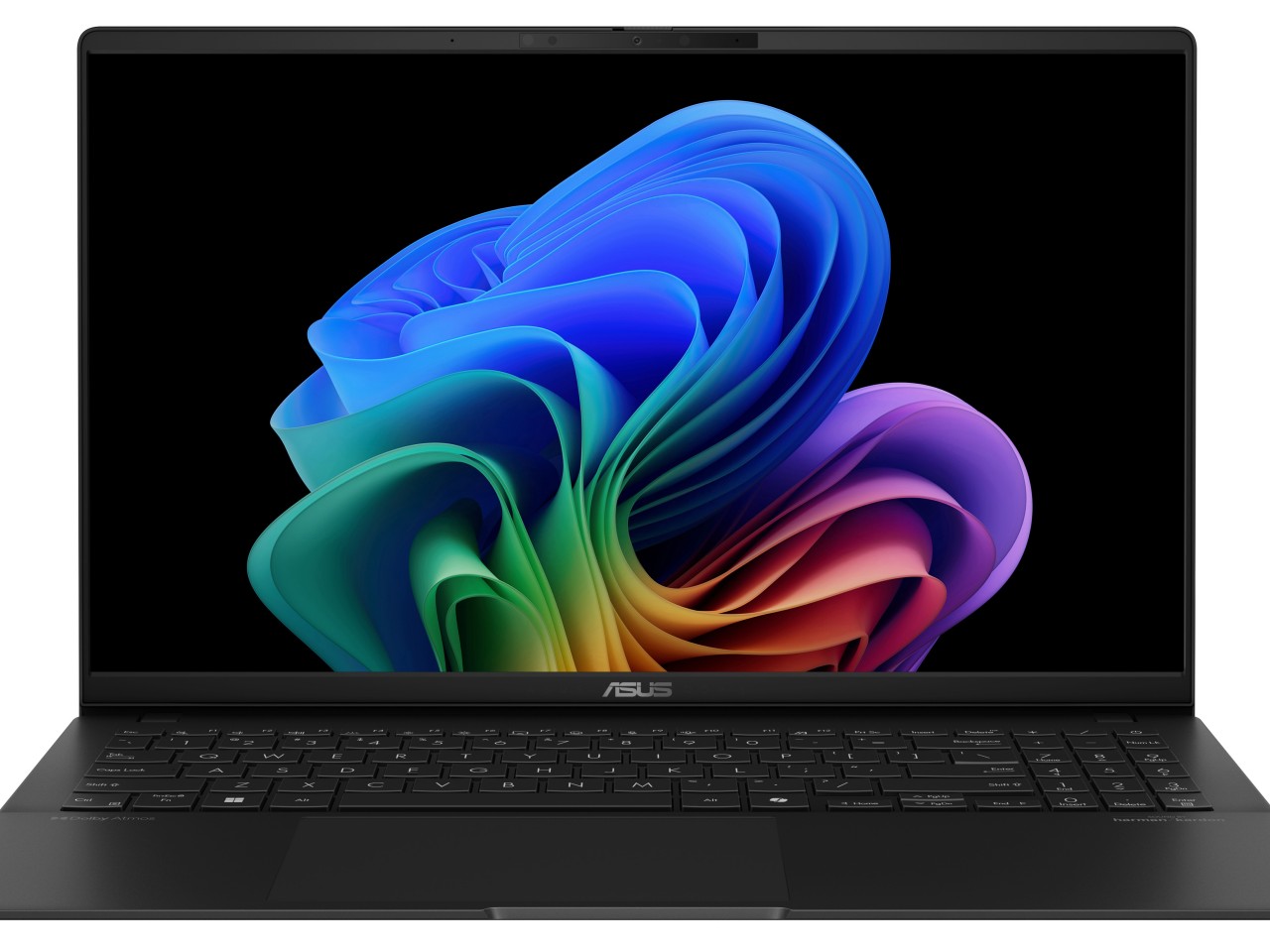
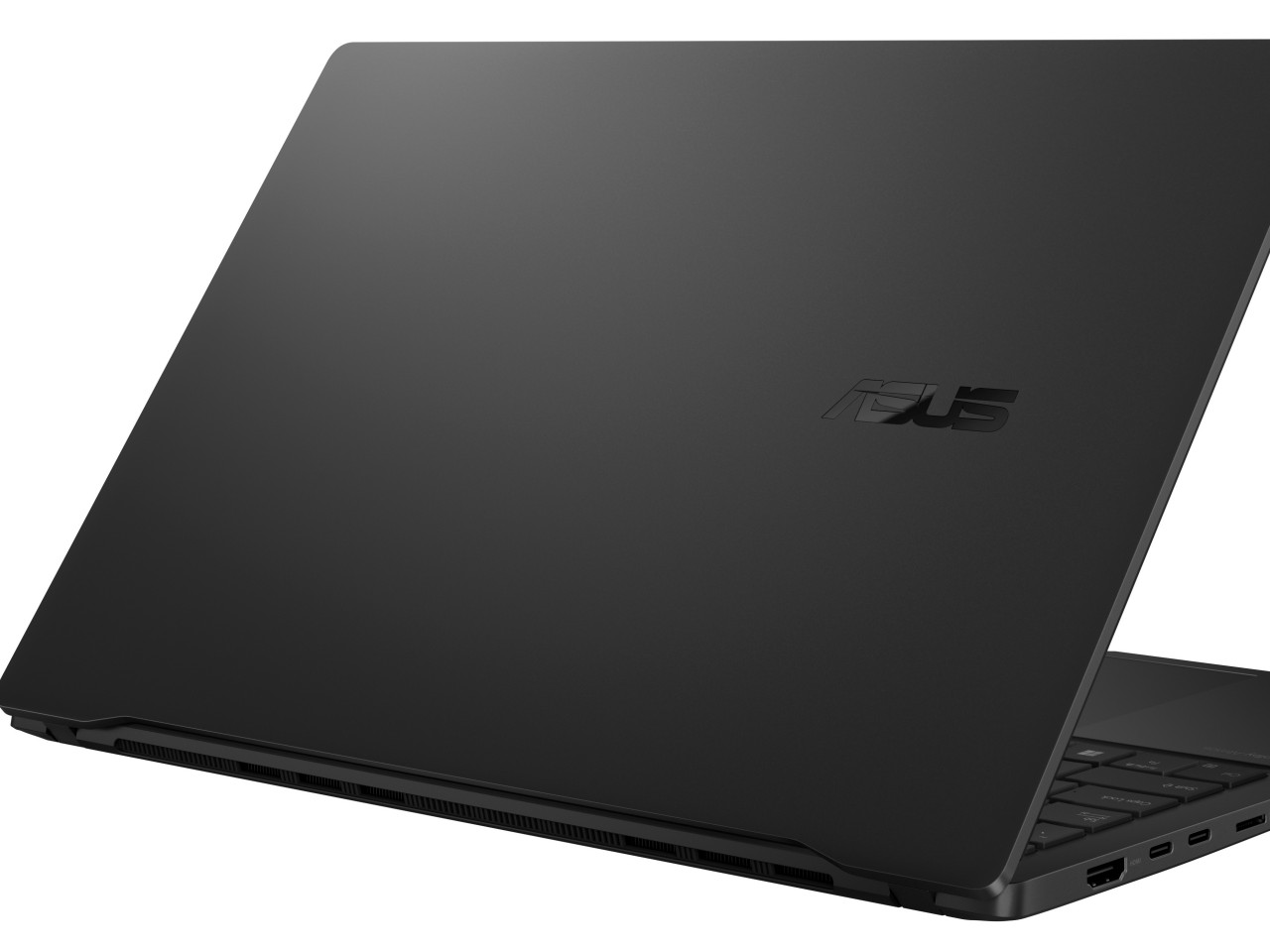
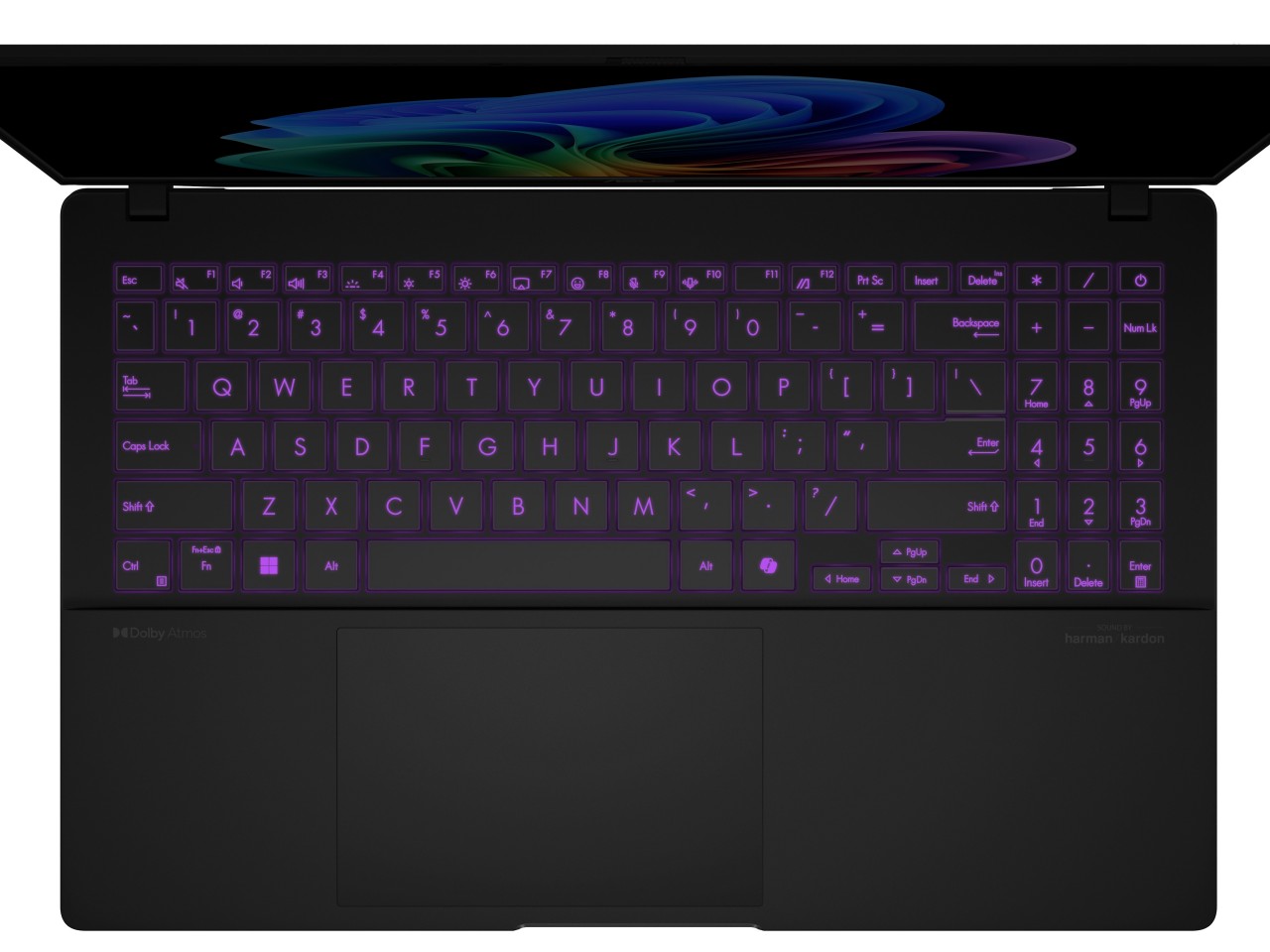
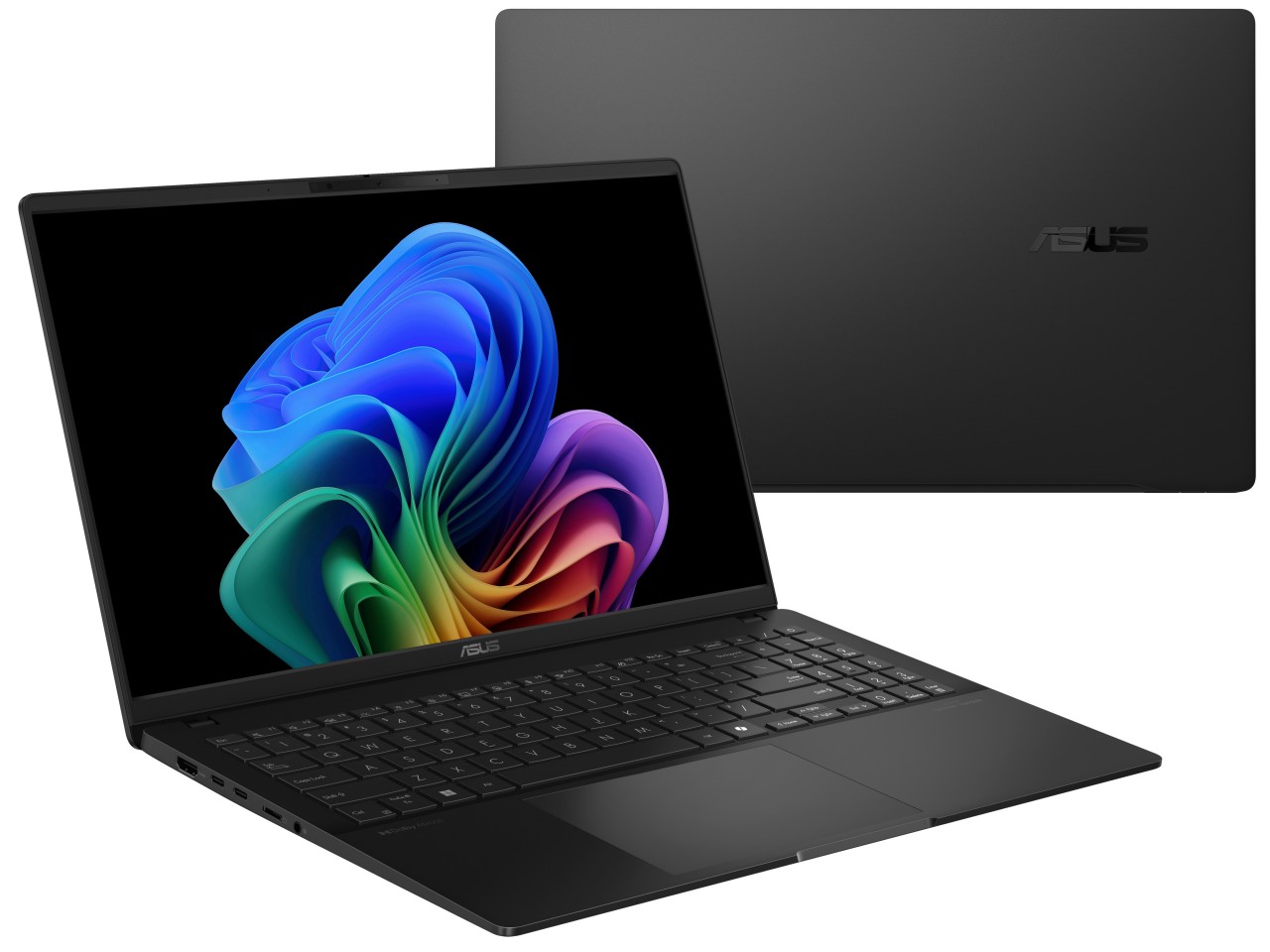
Those who want a more traditional laptop form factor will be happy with the ASUS Vivobook S 15, also powered by that Snapdragon X Plus AI process and boasting more than 18 hours of uptime with its 70Wh battery. The 15-inch 3K 120Hz Lumina OLED screen will also delight content creators who need precise and accurate color reproduction, especially with support for 100% of the industry standard DCI-P3 gamut. A plethora of connectivity options, both wired and wireless, make working anywhere a breeze, and its slim and stylish design makes it a joy to bring out in public.
Best of all, these two Snapdragon Windows computer carry accessible price tags that make them tempting options for your next mobile computer. The ASUS Vivobook S 15 (S5507) will start at $899.99, while the ProArt PZ13 starts at $1,099.99.
If you want a new Surface Pro with 5G, you'll have to order it through Microsoft's commercial store for business customers. Today, the company announced that 5G versions of the Surface Pro 10 and Surface Pro (Copilot+) for Business will be available on September 26. Last month, Microsoft also kicked off pre-orders for the Wi-Fi Surface Pro and Surface Laptop for Business, which will both start shipping on September 10th. And before you ask, yes these are pretty much the same devices Microsoft launched for consumers in June. The difference now is that IT workers will be able to buy them in bulk via the company's enterprise resellers.
Still, the 5G news could be compelling for anyone who wants instant internet access while travelling around the US. And, at the very least, both the 5G-equipped Surface Pros for Business will be far more capable than the ill-fated Surface Pro 9. That machine was powered by a slow Qualcomm chip and also didn't have the advantage of Microsoft's recent Windows on Arm upgrades, which includes a faster emulator for older apps. It's just a shame that, once again, Microsoft is stuck with an older Intel chip — the Surface Pro 10 for Business still runs the first Core Ultra chips, not the newly-announced Core Ultra 200V.
In other Surface news, Microsoft is also launching a new full-sized Surface Keyboard with a Copilot key on October 11. Surely this will make some corporate drone happy.
The Copilot+ Surface Pro for Business system will cost $1,400 with a 10-core Snapdragon X Plus, 256GB of storage and 16GB of RAM, while the Surface Pro 10 for Business will run you $1,800 with a Core Ultra 135 and the same specs. It's a good thing those machines have 5G, because you won't be storing much video on those paltry SSDs.
This article originally appeared on Engadget at https://www.engadget.com/computing/laptops/microsoft-brings-5g-to-its-latest-surface-pros-for-business-110033856.html?src=rss