Gaming Laptops Die Mid-Game, GPD WIN Max 3 Swaps Its Battery Live

Handheld gaming PCs have come a long way, but most still force an uncomfortable compromise. The ones built around controllers and portable gaming rarely double as decent work machines, while those that lean toward productivity often handle demanding games with apology. Anyone wanting both usually ends up carrying two devices, a proper laptop for meetings and a gaming handheld for the commute home.

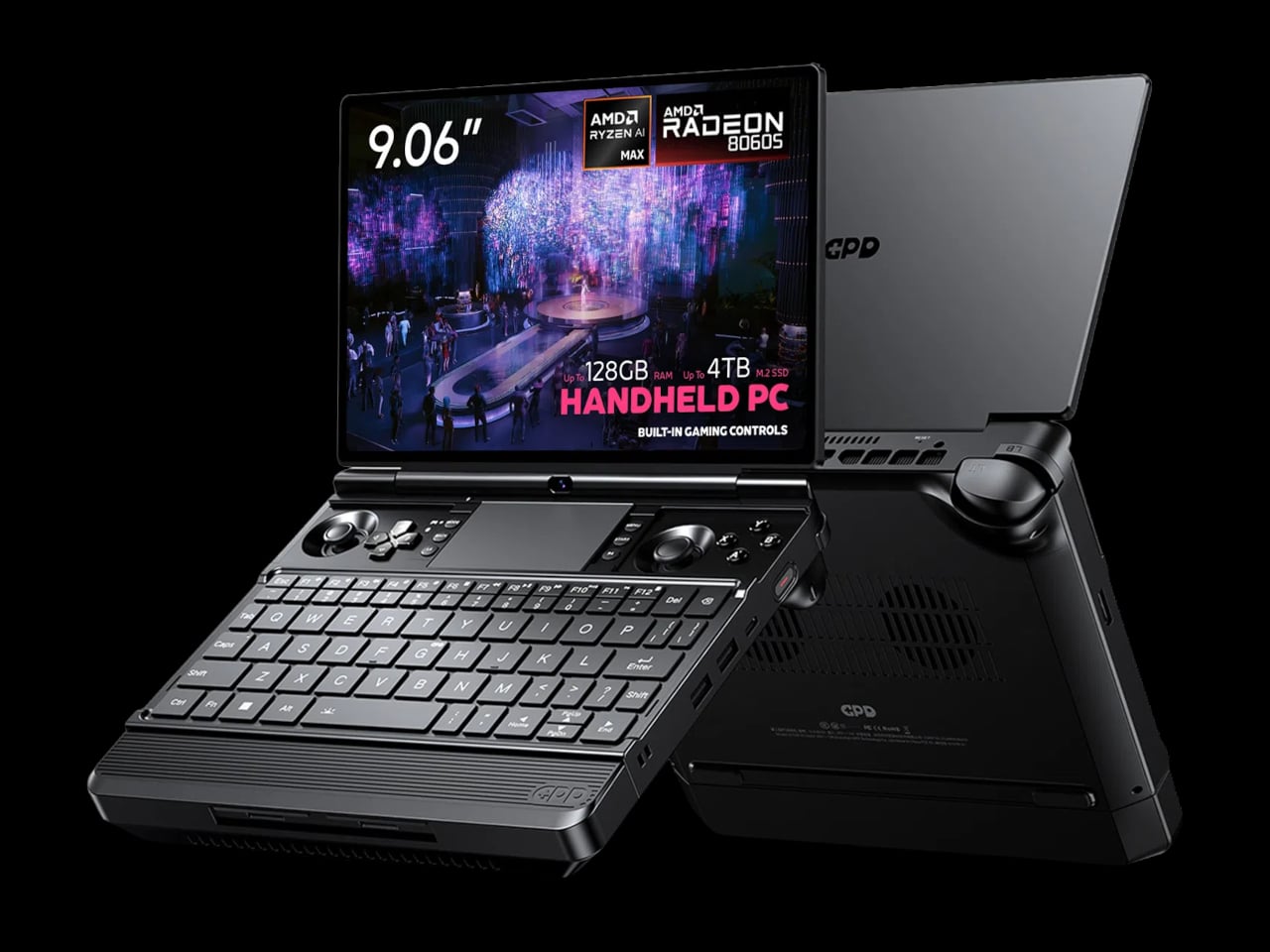
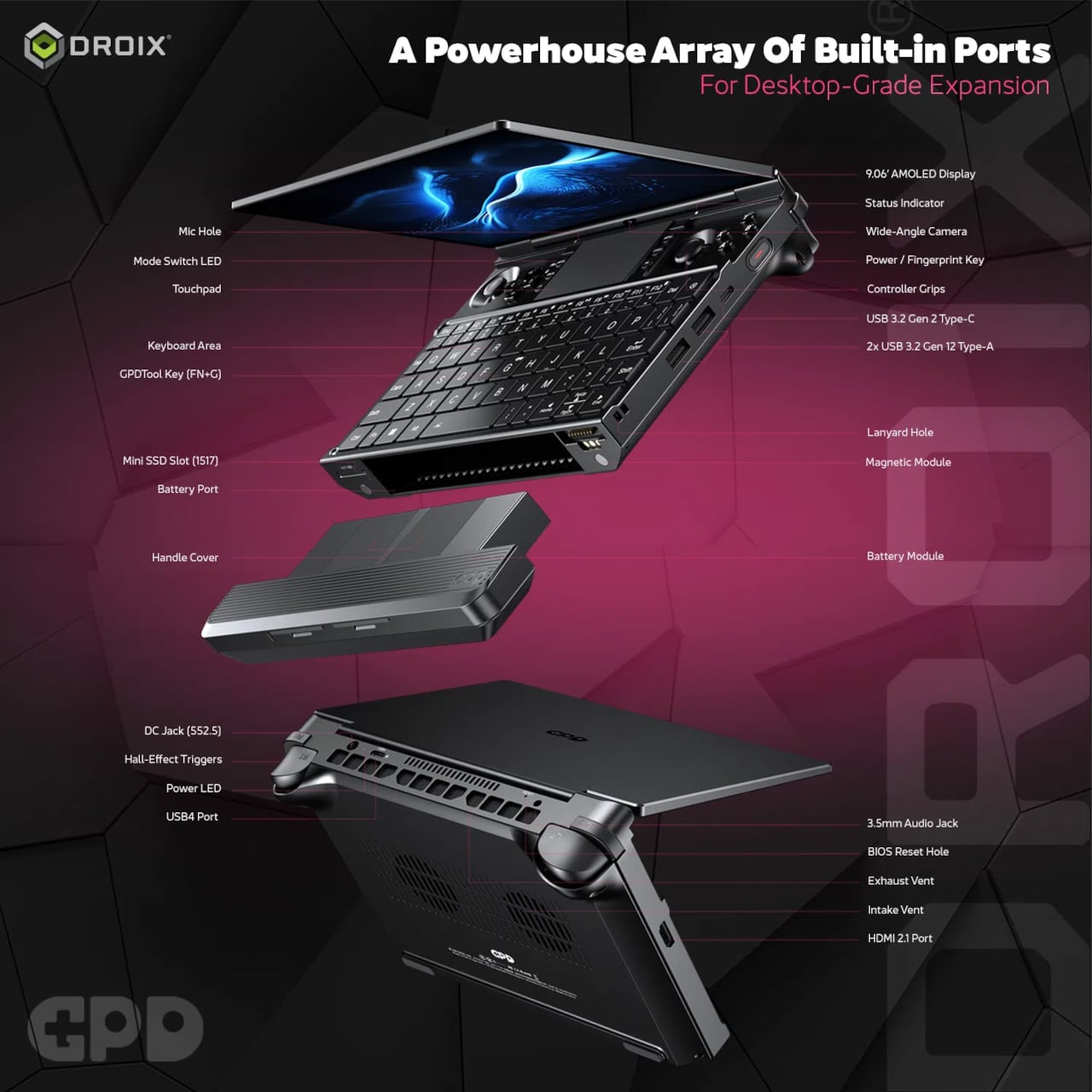
The GPD WIN Max 3 tries to sidestep that problem entirely. It looks like a compact clamshell laptop at first, complete with a keyboard, a Precision touchpad, and a 9.06-inch display on a hinged lid. Lift those magnetic panels above the keyboard, though, and a set of capacitive joysticks appears alongside linear Hall-effect triggers, two programmable rear buttons, and a full Xbox-style controller layout.

Designer: GPD
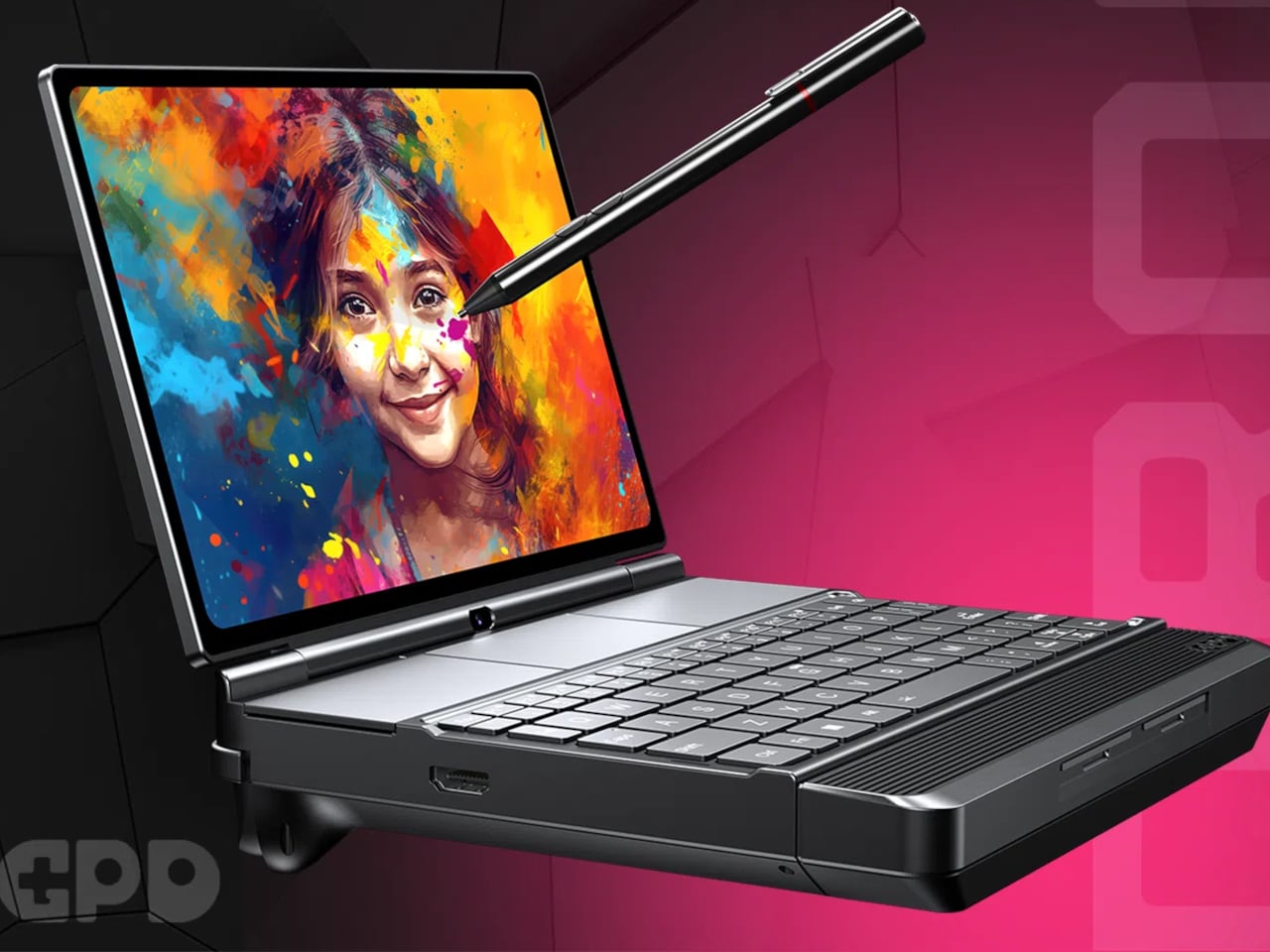
That 9.06-inch screen doesn’t cut corners on quality. GPD is listing an AMOLED panel with a 2400×1504 resolution, a 165Hz refresh rate, and HDR10 support, protected by Gorilla Glass 6. Peak brightness reaches 1,050 nits, making it readable in brighter environments, while the 313 PPI pixel density keeps text and graphics crisp whether you’re reviewing a document or mid-fight in a demanding AAA title.

Underneath the hood, the WIN Max 3 is listed with either the AMD Ryzen AI Max+ 395 or 388, both Zen 5 Strix Halo chips with Radeon 8060S integrated graphics that go well beyond what typical handhelds can offer. Configurations scale up to 128GB of LPDDR5x-8000 memory in a quad-channel setup, with storage stretching to 4TB, figures that feel more at home in a workstation than a portable gaming device.
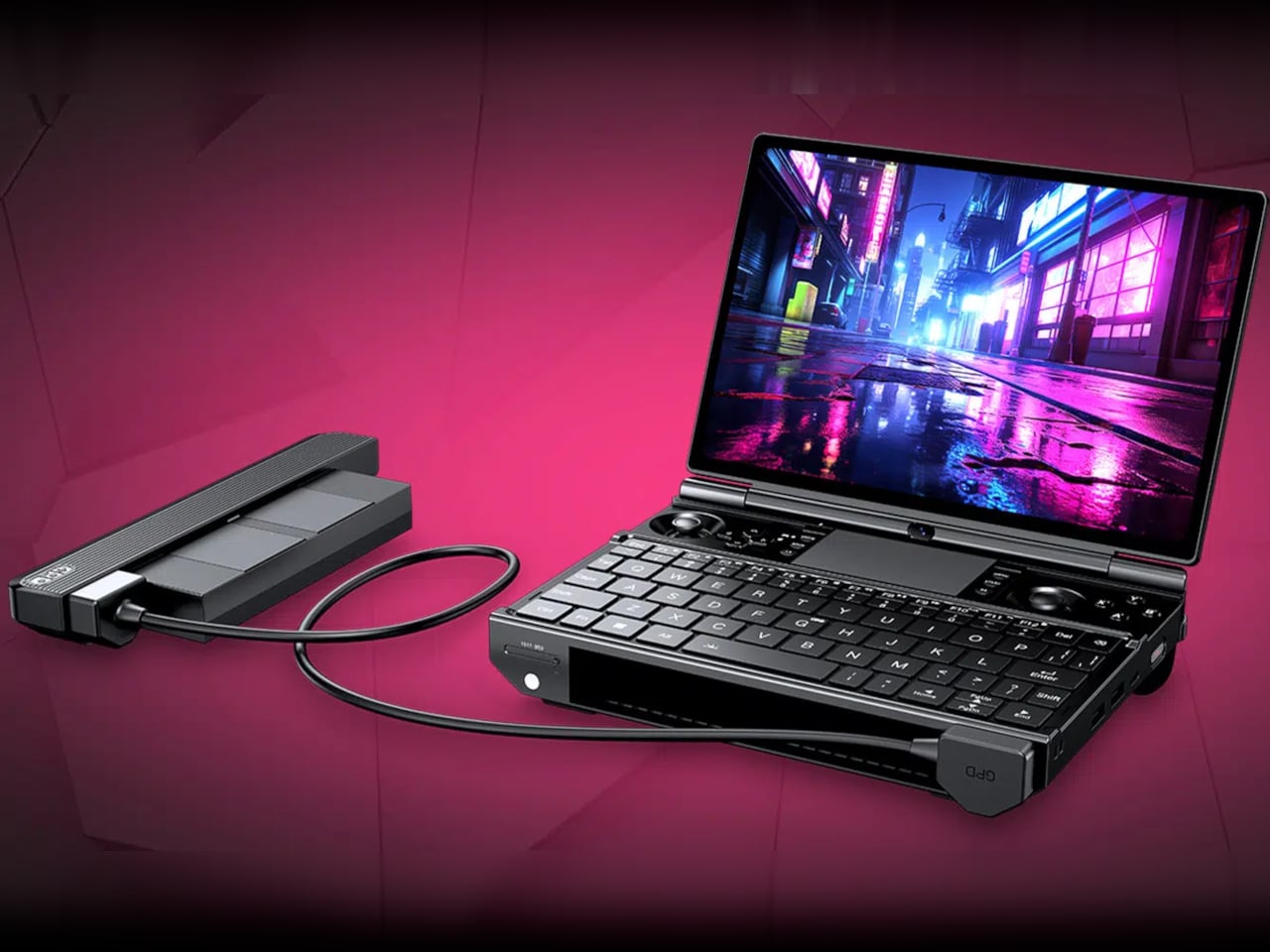
What sets the WIN Max 3 apart is its power architecture. Rather than a sealed internal battery, it uses a 97Wh hot-swappable module that attaches externally, letting you swap it mid-session without shutting down. You can also run the machine straight from a 180W DC adapter without any battery installed. An external 110W fan module clips on separately to push sustained performance to its TDP ceiling.
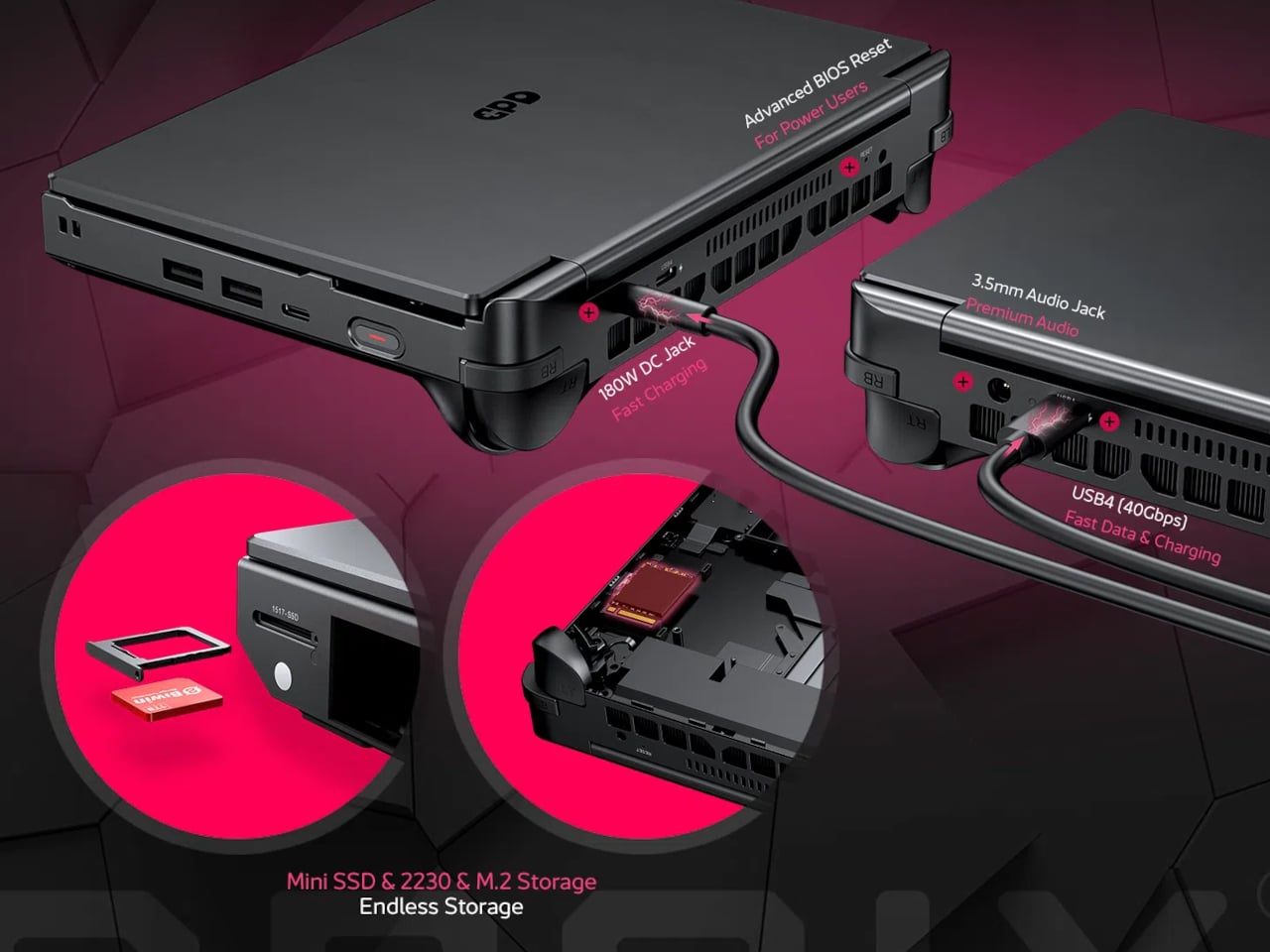
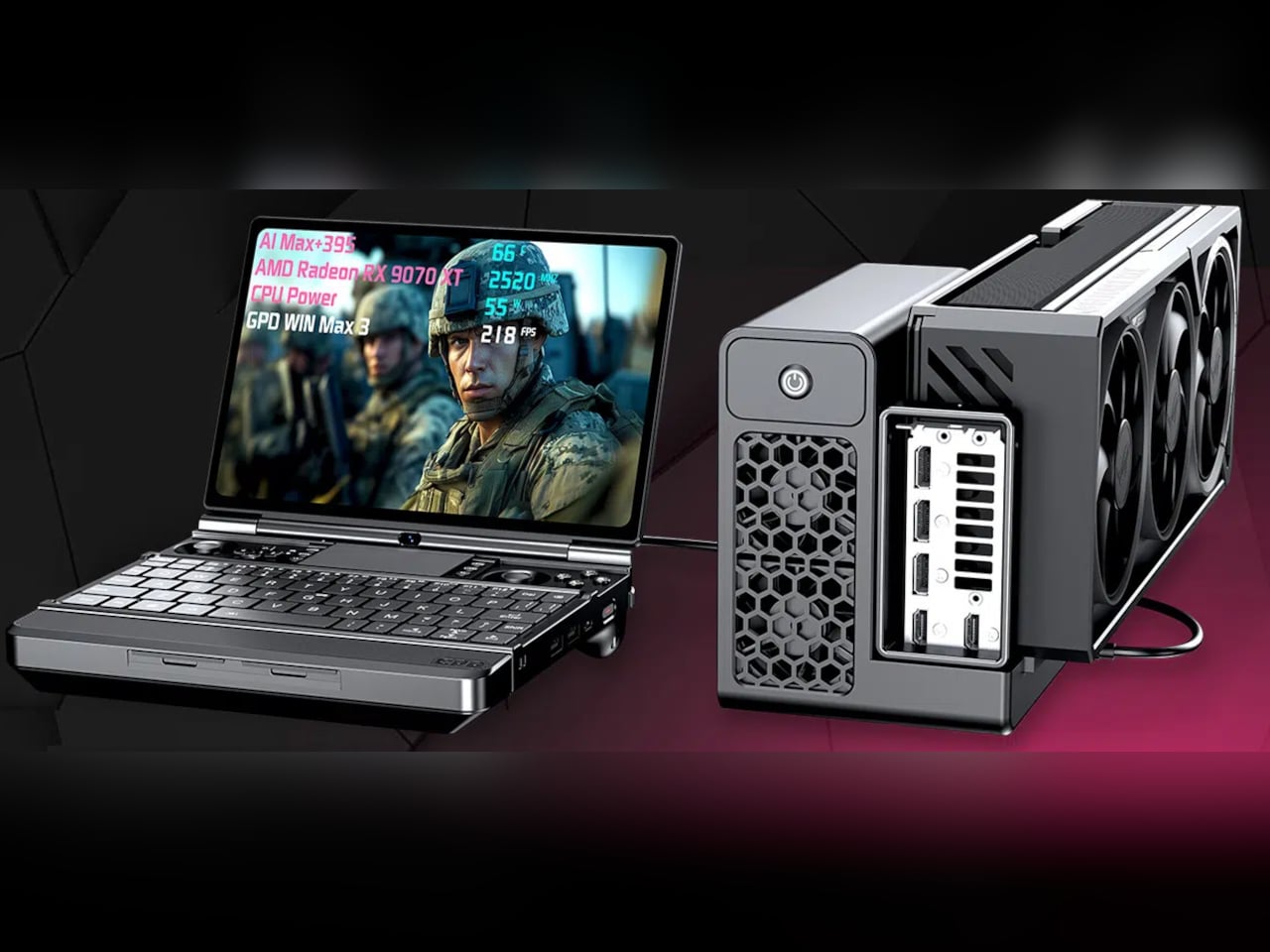
The connectivity options for a device this compact are genuinely broad. A USB4 port with 40Gbps bandwidth and DisplayPort 2.1, a USB 3.2 Gen 2 Type-C, two USB 3.2 Gen 2 Type-A ports, and HDMI 2.1 FRL mean you can connect to external displays, docking stations, or even GPD’s G2 graphics dock for extra GPU performance the moment you sit down at a desk.

Finish a report during a flight, swap out the battery at the gate, and boot up a graphically demanding title in the hotel room, all without a second device in your bag. That’s the scenario the WIN Max 3 is built around, and for the perpetual traveler who also games, it makes an honest case for consolidating two things you’d otherwise pack separately.
There are legitimate trade-offs, naturally. The base unit weighs 815g, climbing to 1,220g with the battery module in place, which rules out jacket pocket carry. Pricing is expected to start around $2,000. For a device that can handle a board meeting and a late-night gaming session in the same bag, that price feels both like a luxury and an honest calculation.
The post Gaming Laptops Die Mid-Game, GPD WIN Max 3 Swaps Its Battery Live first appeared on Yanko Design.

Portable L-Shaped Triple Screen Monitor turns your laptop setup into a 2×2 command center

Triple screen setups are widely considered the socially acceptable limit to a multi-screen setup. Take your laptop, add a screen to the left, one to the right, and you have a panoramic multi-display array for effortless multitasking. The reason 3 displays is widely considered the agreeable upper limit, is because a fourth display does two things. It makes your setup more linear, requiring you to strain your neck looking from left to right. It also means having a table that long to accommodate the many displays.

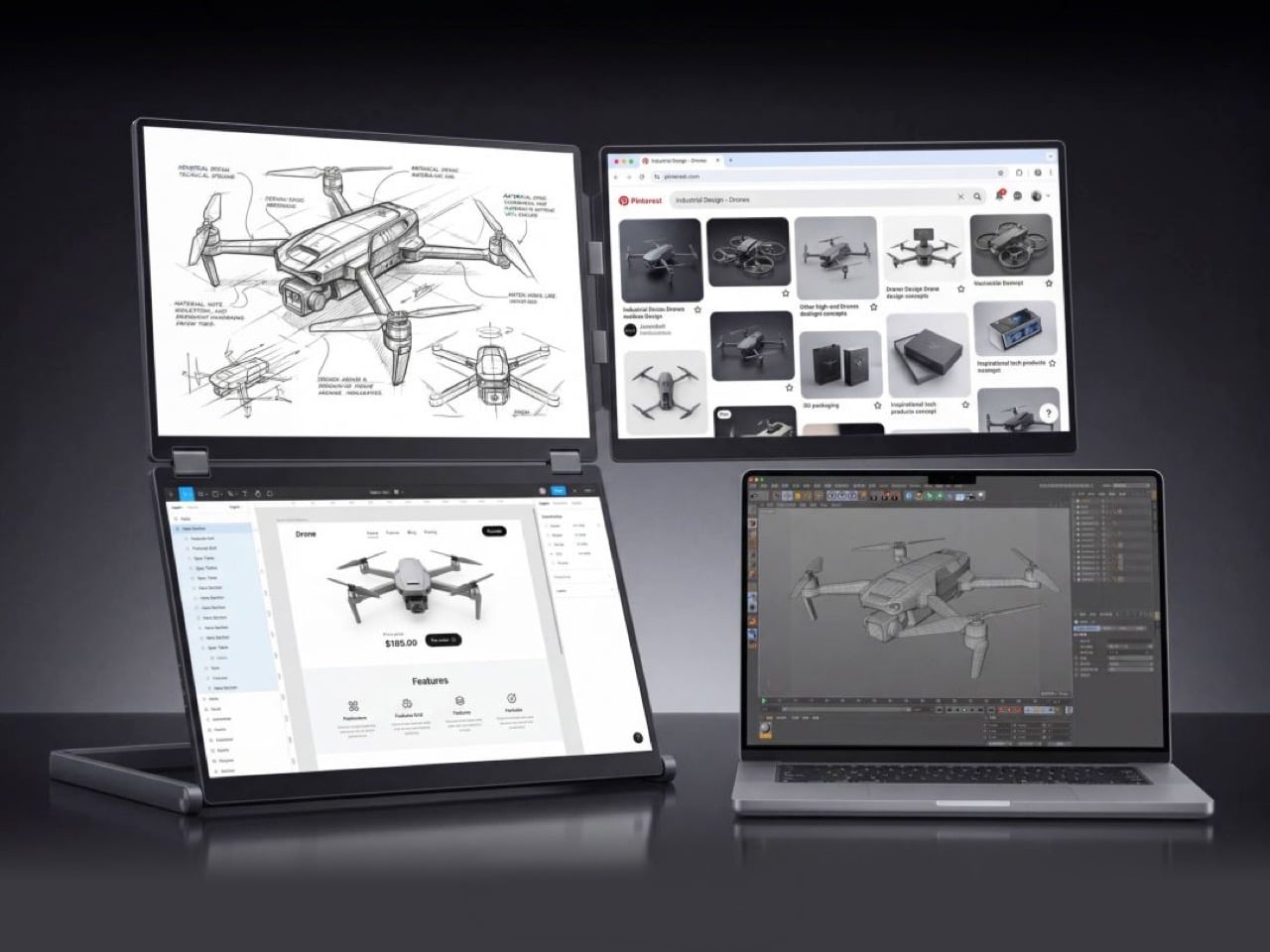
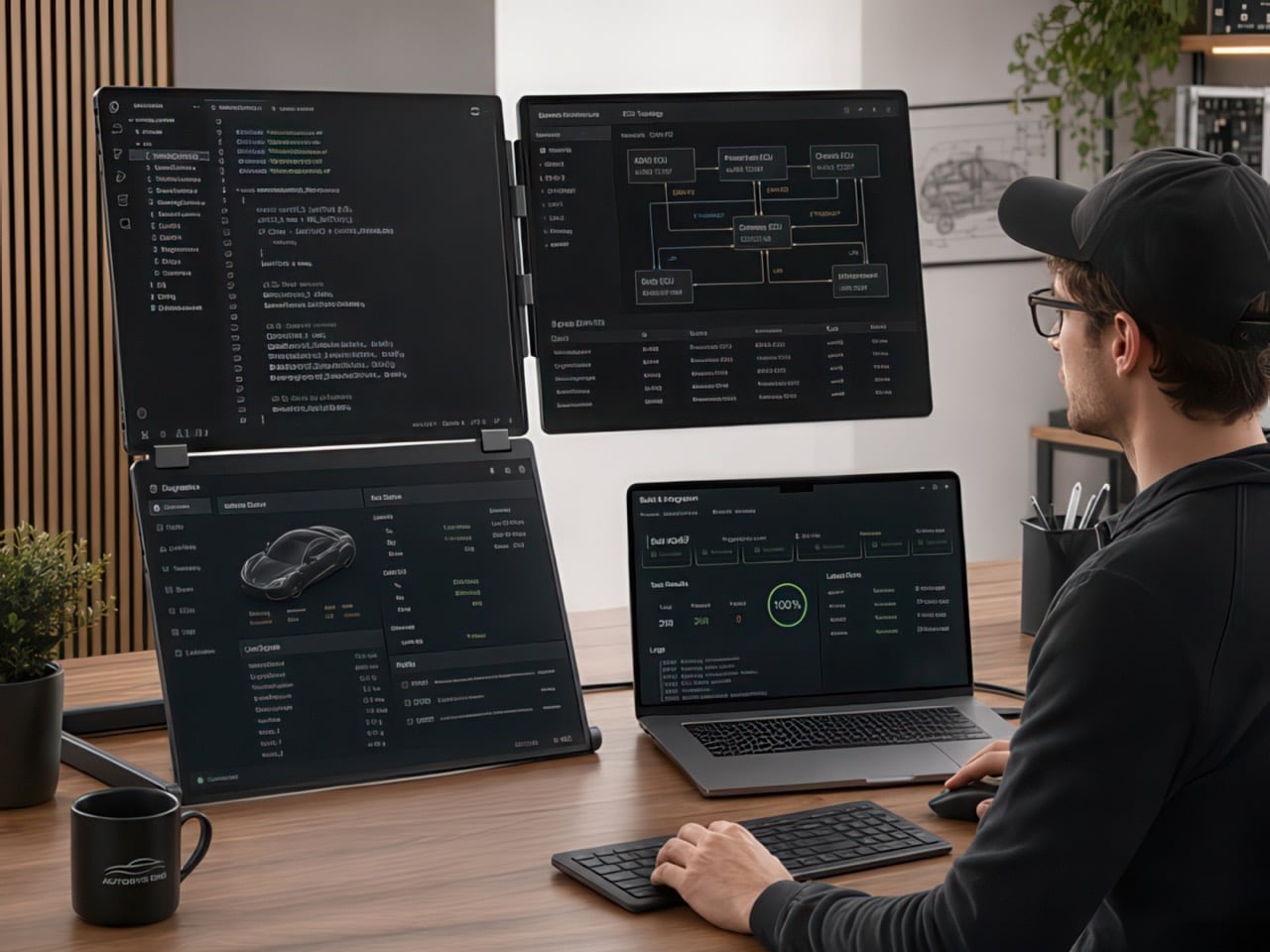
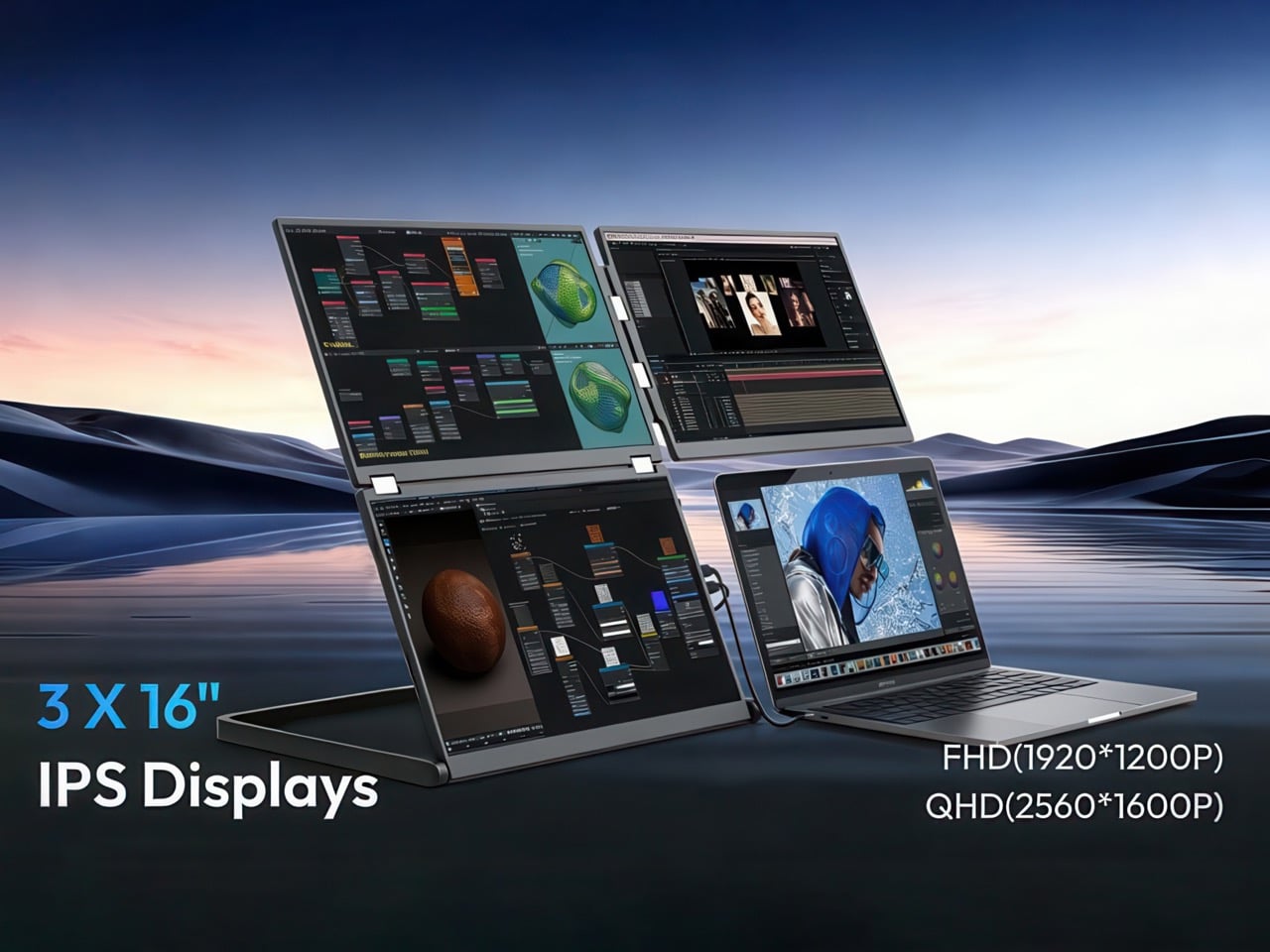
The obvious answer to people looking to push things to a quad-display setup is to go for a 2×2 layout. Yes, that works with a bit of planning. Mount some monitors on the wall, keep enough space to place your laptop somewhere, and you’re good to go. This system is maximalist, but until now it wasn’t portable. NexFold decided that needed to change, with the first ever inverted L-shaped triple-display external monitor, the Fold 7. As the previous sentence explains, this monitor array forms an inverted L, leaving a bottom quadrant empty for your laptop, giving you the 2×2 quad-display setup you crave. The best part, the Fold 7 collapses down to the shape and size of a 16″ laptop, and can be carried around with you.

Designer: NexFold

Click Here to Buy Now: $649 $1099 (41% off) Hurry! Only 80 of 200 left.

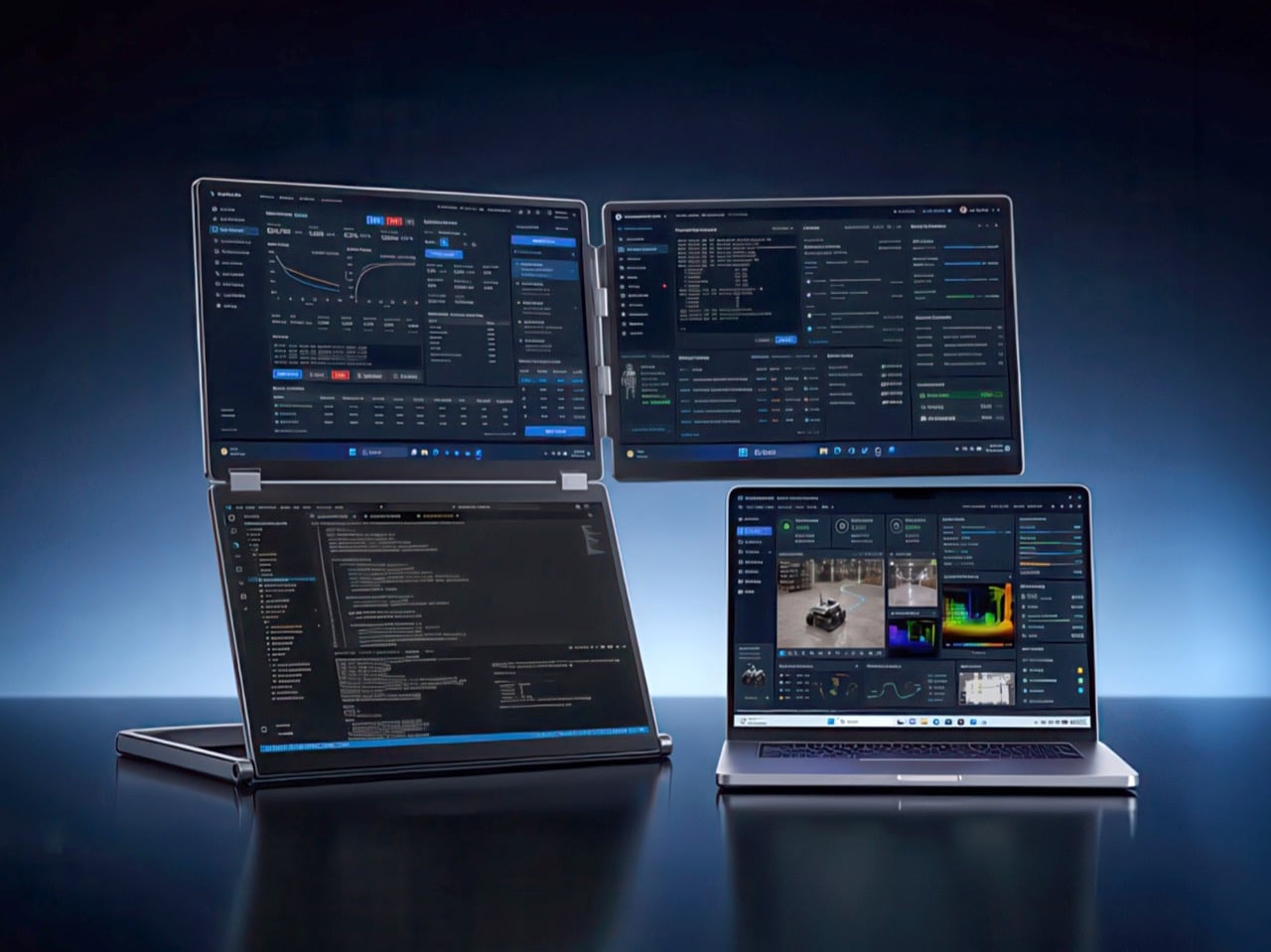
The three panels that make up the Fold 7 each measure 16″ and use a 16:10 aspect ratio rather than the standard 16:9. That extra vertical height translates directly into more visible lines of code, longer documents without scrolling, and taller browser windows. All three screens use IPS panels with 100% sRGB coverage and viewing angles rated at 85° both vertically and horizontally. The layout arranges two screens vertically on the left side, stacked one above the other, while a single screen extends horizontally along the top right. Your laptop fills the fourth quadrant at the bottom right, staying within your natural line of sight while the auxiliary panels wrap around it.

NexFold offers two resolution options depending on how you work. The FHD version runs at 1920 x 1200 per panel and hits 300 nits of brightness, aimed at general productivity users, remote workers, and anyone who values sharpness and clarity for writing, browsing, video calls, and everyday multitasking. The QHD version steps up to 2560 x 1600 per panel with 500 nits of peak brightness, targeting developers, designers, and power users who work with dense information, need pixel-accurate detail, or spend long hours staring at code, design tools, spreadsheets, and data dashboards. Both versions refresh at 60 Hz and weigh in at 3.1 kg. or 6.83lb.

Connection flexibility is paramount when you’re trying to run three external displays off a laptop, with the Fold 7 supporting two primary modes – Mode 1 uses a single USB-C cable with DisplayPort Alt Mode and 65W power delivery, lighting up all three screens if your laptop has a full-function USB-C port and you install drivers. Mode 2 combines USB-A with mini HDMI, designed for older laptops that lack modern USB-C video output. NexFold recently added a driver-free FHD variant that works plug-and-play, though that version currently supports Windows only. Each screen can also connect individually via mini HDMI if you need to mix and match devices or run the Fold 7 with a MacBook and an iPad simultaneously.

The hinge system uses adjustable clips to grip laptops ranging from 13 inches to 18.5 inches, with a built-in kickstand that props the entire structure upright. Setup involves snapping the clips onto your laptop’s lid, unfolding the panels, and plugging in the cables. The whole thing folds flat when you’re done, collapsing into a form factor roughly the size and shape of a 16-inch laptop, slim enough to slide into a backpack or laptop bag. At 3.1 kg it sits well above the weight of a typical single portable monitor, but that mass distributes across three full-size displays and the aluminum frame that holds the entire setup rock-solid.

NexFold touts 60% less neck movement and 40% faster task switching compared with a conventional horizontal triple-monitor arrangement, figures rooted in the inverted-L geometry keeping more content within a tighter visual cone. Developers can run a code editor and terminal in the vertical stack on the left while keeping browser tabs and Slack in the horizontal panel on the right. Designers working in Figma or Photoshop can dedicate the vertical screens to canvas and layers while keeping reference images, email, and project management tools in the top-right quadrant. Financial analysts monitoring live data streams can stack charts vertically and keep news feeds or communication tools horizontal. The laptop remains the anchor point for input and primary interaction.

Compatibility spans Windows, macOS, Linux, and ChromeOS, with the caveat that driver requirements vary by connection method and operating system. The Fold 7 works with nearly any laptop that has USB-C or HDMI output, though full three-screen functionality depends on your machine supporting DisplayPort Alt Mode or multiple display outputs. The company includes a USB-C to USB-C cable, a USB-A to USB-C cable, an HDMI to mini HDMI cable, and a power adapter in the box. Physical controls sit along the side of the unit, including a menu button, power key, and directional inputs for adjusting brightness, contrast, and per-screen settings.

The Fold 7 FHD starts at $649 for the first 200 backers (41% off the eventual $1,099 retail price). The QHD model follows a similar structure at $799, discounted 43% from retail pricing of $1,399. Both models come in silver or black finishes. Add-ons include a $29 protection sleeve and a $20 wool felt sleeve. NexFold backs the hardware with a 2-year manufacturer warranty covering defects, though accidental damage falls outside that coverage. Shipping begins in September 2026 and covers North America, Europe, Asia, and Oceania.

Click Here to Buy Now: $649 $1099 (41% off) Hurry! Only 80 of 200 left.

The post Portable L-Shaped Triple Screen Monitor turns your laptop setup into a 2×2 command center first appeared on Yanko Design.
Why the $1,099 MacBook Air M5 beats the MacBook Neo for macOS 27

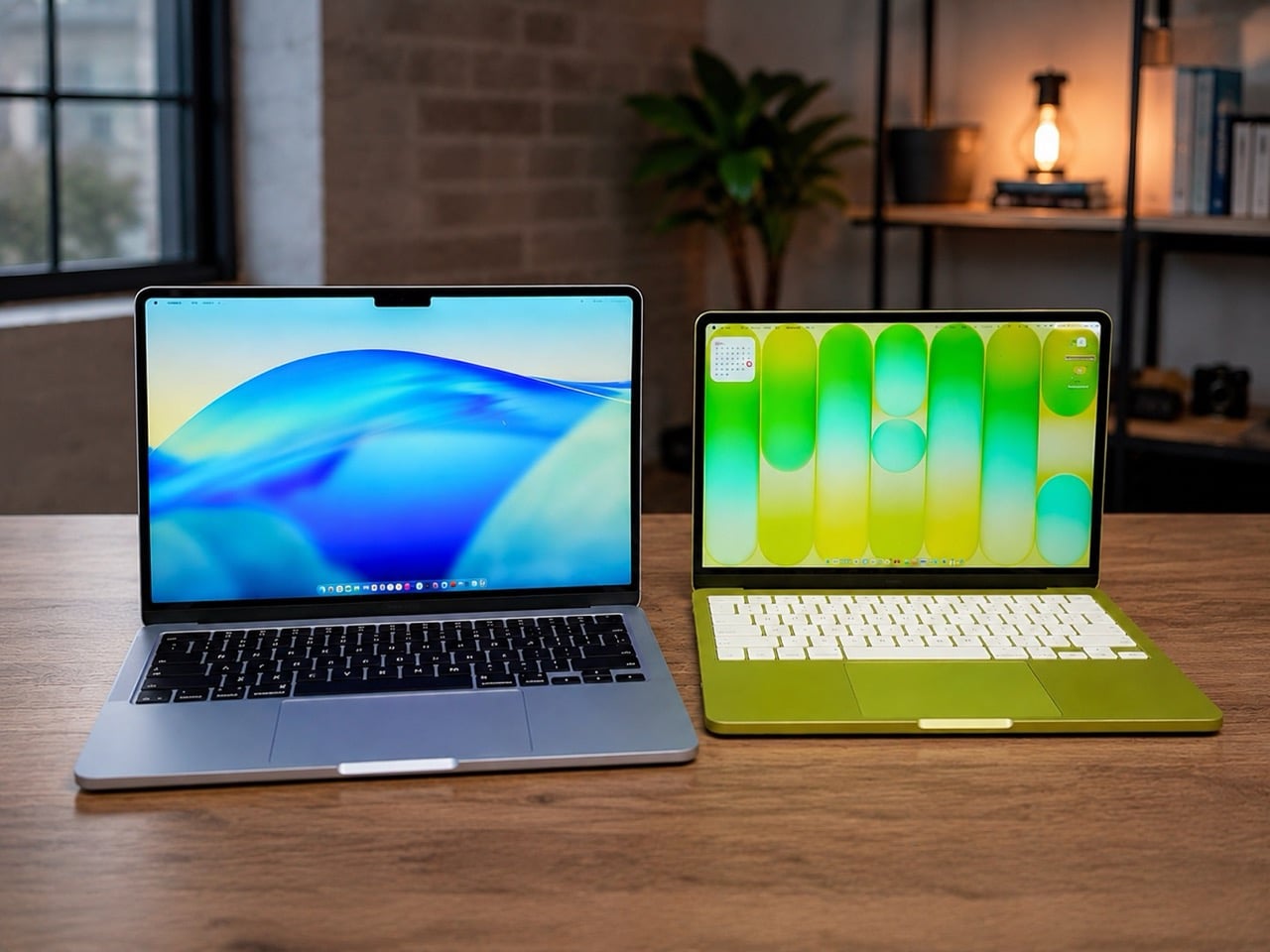
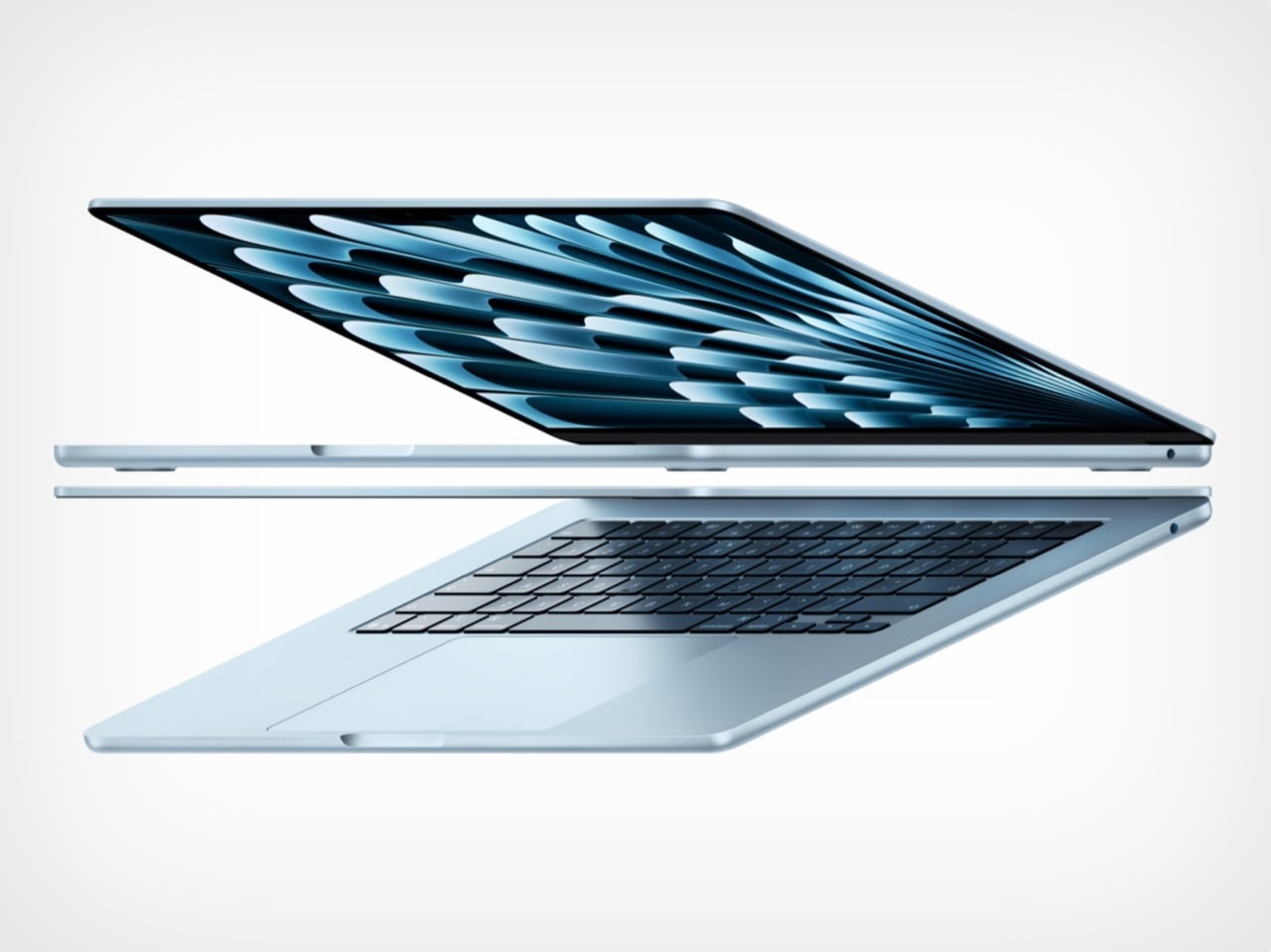
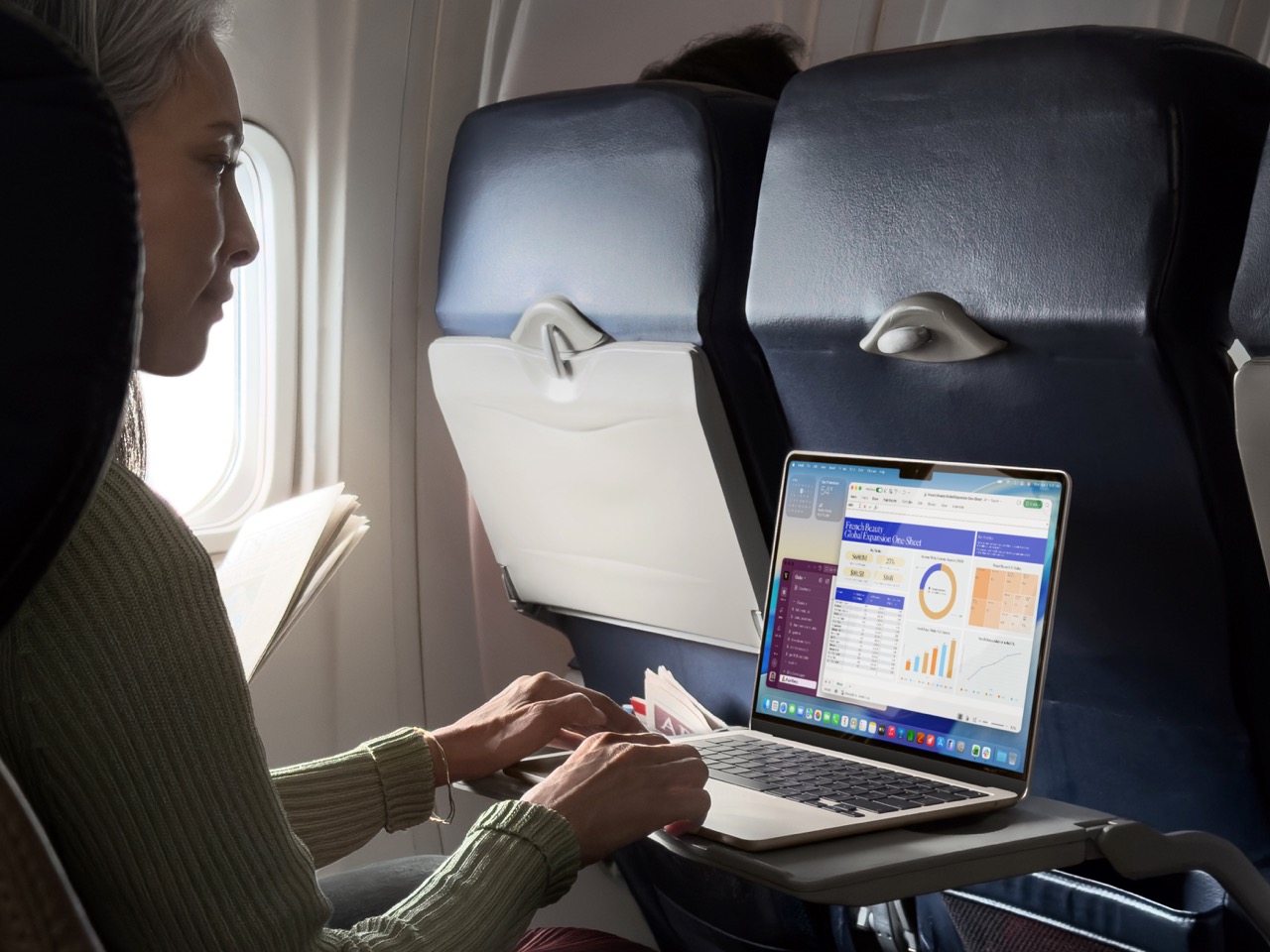
Apple’s 2026 laptop lineup presents a clean, almost philosophical choice. On one side sits the MacBook Neo, a machine built around the powerful idea of access. It lowers the barrier to entry, putting a capable Apple notebook within reach of more people than ever. It is a compelling argument rooted in the present, designed to solve an immediate need for a good, affordable computer. For a few hundred dollars more, the M5 MacBook Air makes a different promise, one that is less about immediate savings and more about long-term value and capability.

For months, that choice felt ambiguous, a simple trade-off between price and power. The arrival of macOS 27, however, brought a new clarity to the decision. Apple’s vision for the next generation of its operating system, with its heavy reliance on sophisticated on-device AI, reframed the entire lineup. The question is no longer just about what you need today, but about which machine is properly equipped for the software you will be using tomorrow. The Neo gets you in the door; the M5 Air gets you a seat at the table.

Designer: Apple

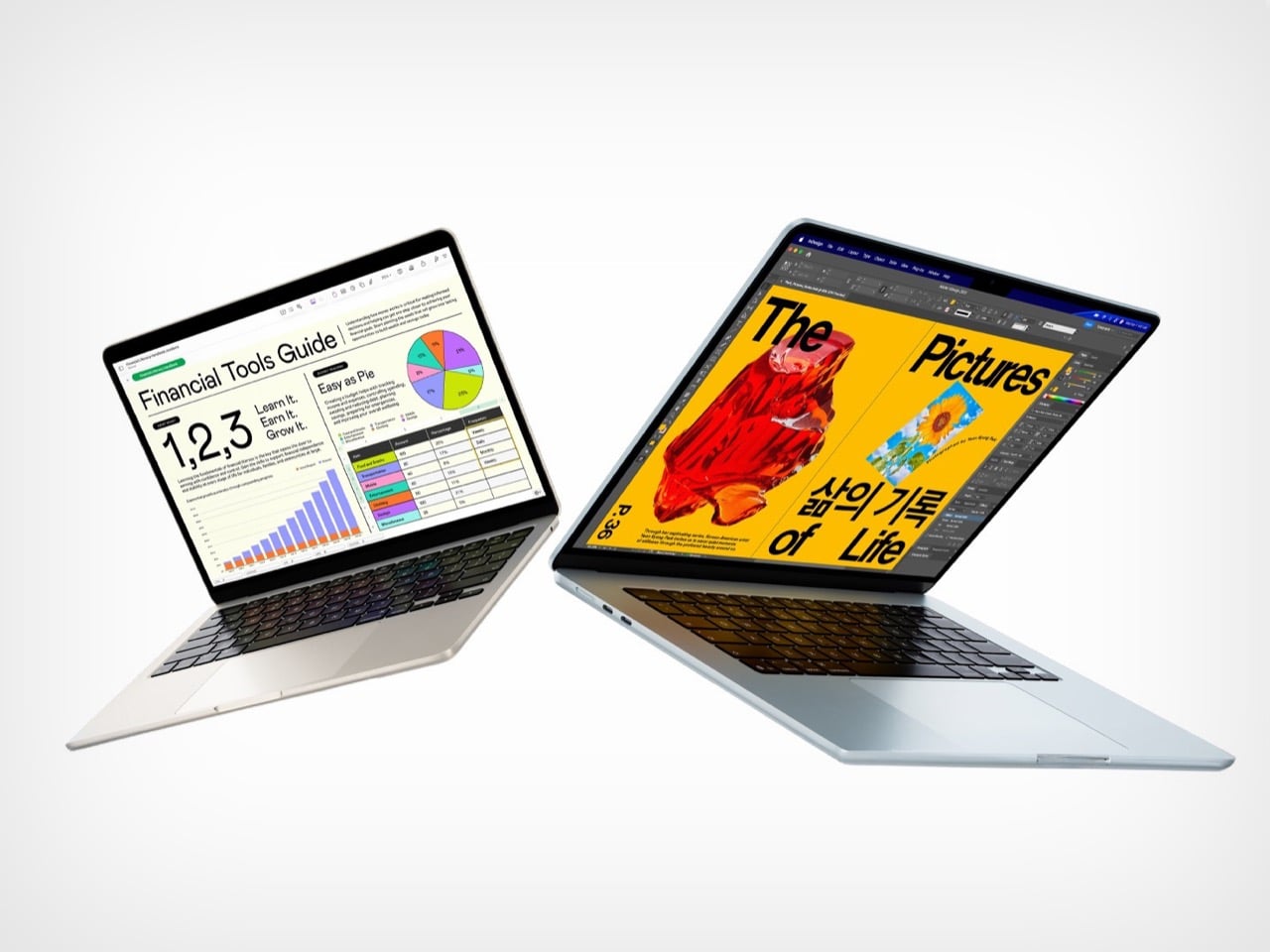
The M5 chip is what separates these two machines, and that difference stands out far more now than it did at launch. Apple announced the M5 MacBook Air in March with doubled base storage and modest performance gains, framing it as a solid evolutionary update. The M5 features a 10-core CPU and up to a 10-core GPU, but the real story lives inside those GPU cores. Each one includes a Neural Accelerator, a dedicated AI processing unit that dramatically increases the machine’s ability to handle on-device machine learning tasks. Apple explicitly positioned the M5 Air as capable of delivering up to 4x faster performance for AI tasks than the M4 Air, and up to 9.5x faster than the M1 generation. Those numbers were abstract in March. After WWDC, they became a requirement.

macOS 27 Golden Gate leans heavily on Apple Intelligence, the company’s suite of AI-powered features that process data locally rather than relying on cloud servers. Visual Intelligence, enhanced Spotlight with conversational AI capabilities, and system-wide machine learning workflows all depend on silicon that can handle the computational load without slowing down everyday tasks. The M5’s architecture was designed specifically to support this kind of workload at scale, making it the baseline for an uncompromised experience. Apple described the M5 Air as capable for Apple Intelligence across apps and system experiences, as well as for running large language models on device in enterprise environments. The Neo, with older silicon, may technically run macOS 27, but the gap between eligibility and capability is the entire value argument for spending more.

The storage equation also tilts decisively toward the M5 Air. Apple doubled the base configuration to 512GB, up from the 256GB that previous generations started with. That increase addresses one of the most persistent criticisms of Apple’s entry-level pricing strategy, particularly as on-device AI models require significant local storage to function properly. Larger machine learning models, extensive photo libraries processed with AI features, and the general expectation that a 2026 laptop should have breathing room all make 512GB feel like the real starting point. The $100 price increase over the previous M4 Air generation is easier to justify when half of it is effectively the cost of storage you would have upgraded to anyway. The Neo’s storage configuration was not surfaced in available reporting, but if it follows typical budget laptop patterns, it likely sits closer to the older 256GB baseline, which immediately creates friction for users planning to lean into Apple’s AI-forward software vision.

The M5 Air launched in March to a relatively muted reception, with early reviews treating it as a competent, predictable update rather than a transformational product. That framing was accurate at the time, because the machine’s value was not yet fully apparent. WWDC changed the story by revealing what the M5 was actually designed to do. The real product was never just the laptop; it was the laptop as a vessel for a more intelligent operating system. The Neo, by contrast, remains a strong value for users whose needs are defined by today’s software, but it starts to look underpowered the moment you project forward even a year.

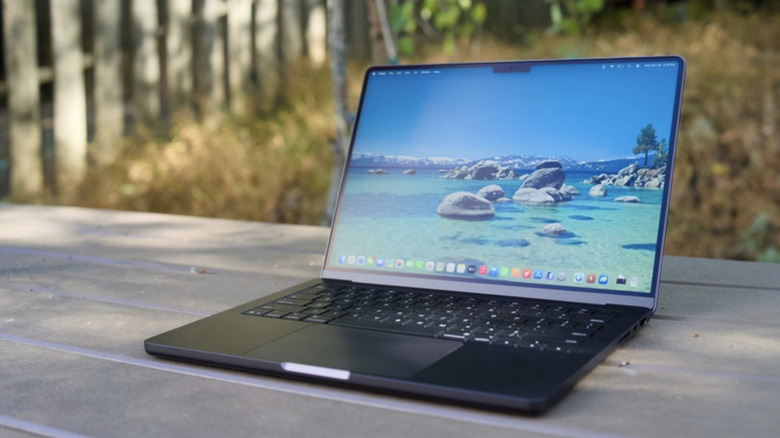
The MacBook Air M5 is where Apple’s 2026 Mac story begins to feel aligned with its software ambitions. It is not the cheapest way into the ecosystem, but it may be the cheapest way to avoid compromise as macOS 27 arrives this fall. The Neo has its place, but for anyone planning to live on this machine for the next three to five years, the M5 Air is the safer, smarter, and ultimately more cost-effective choice. You can preorder both machines now through Apple’s website, but only one of them feels like it was built for the operating system Apple just announced.

The post Why the $1,099 MacBook Air M5 beats the MacBook Neo for macOS 27 first appeared on Yanko Design.
Microsoft Just Raised Surface Prices $500: Here’s What Changed

The premium laptop market has spent the last few years in a quiet but intense competition. Apple keeps raising the performance ceiling with each new M-series chip, and Windows-on-Arm devices have been working to close that gap one generation at a time. The question for most buyers has stopped being which platform is faster on paper and started being which one actually earns the asking price when you sit down to use it.

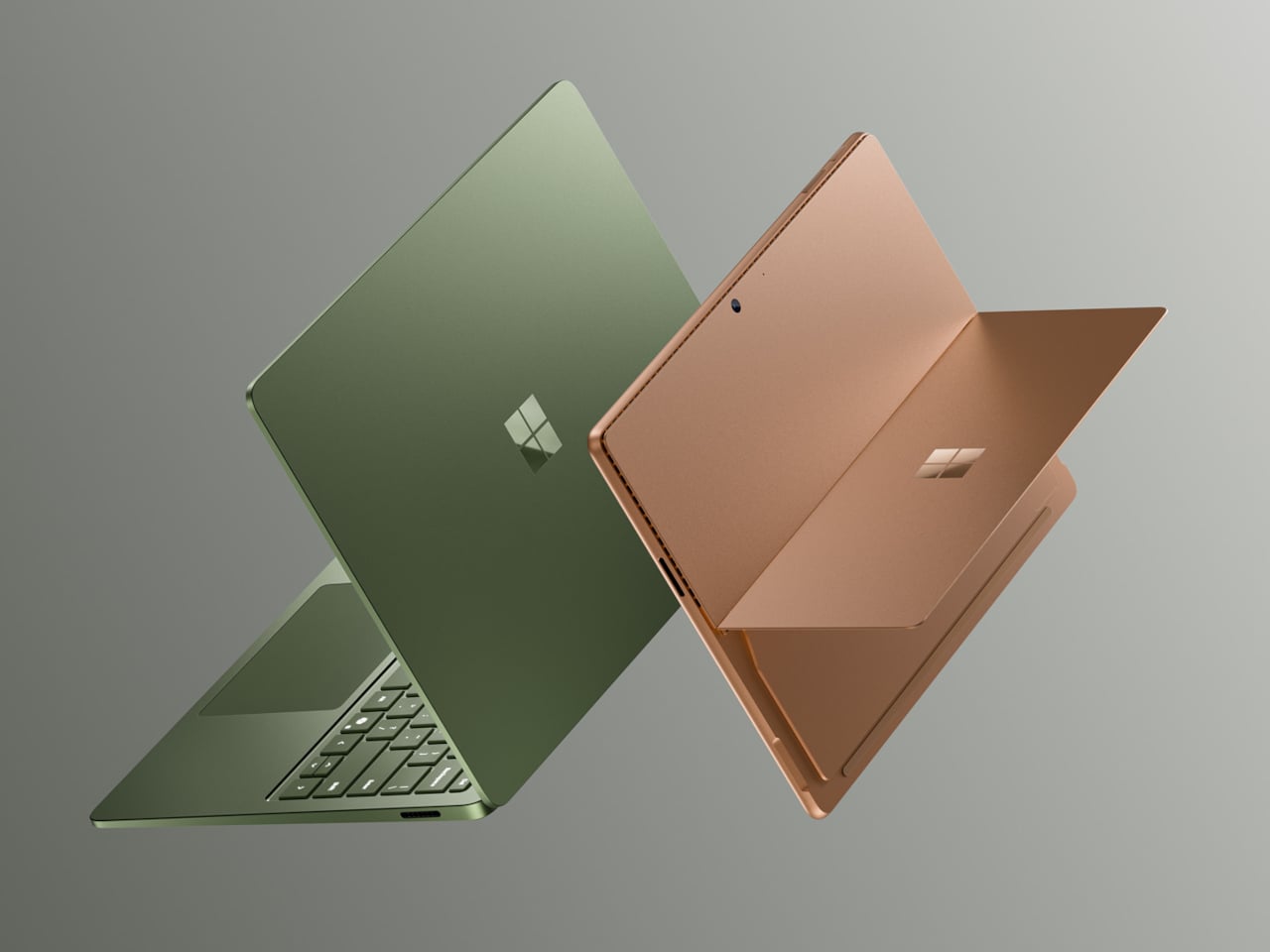
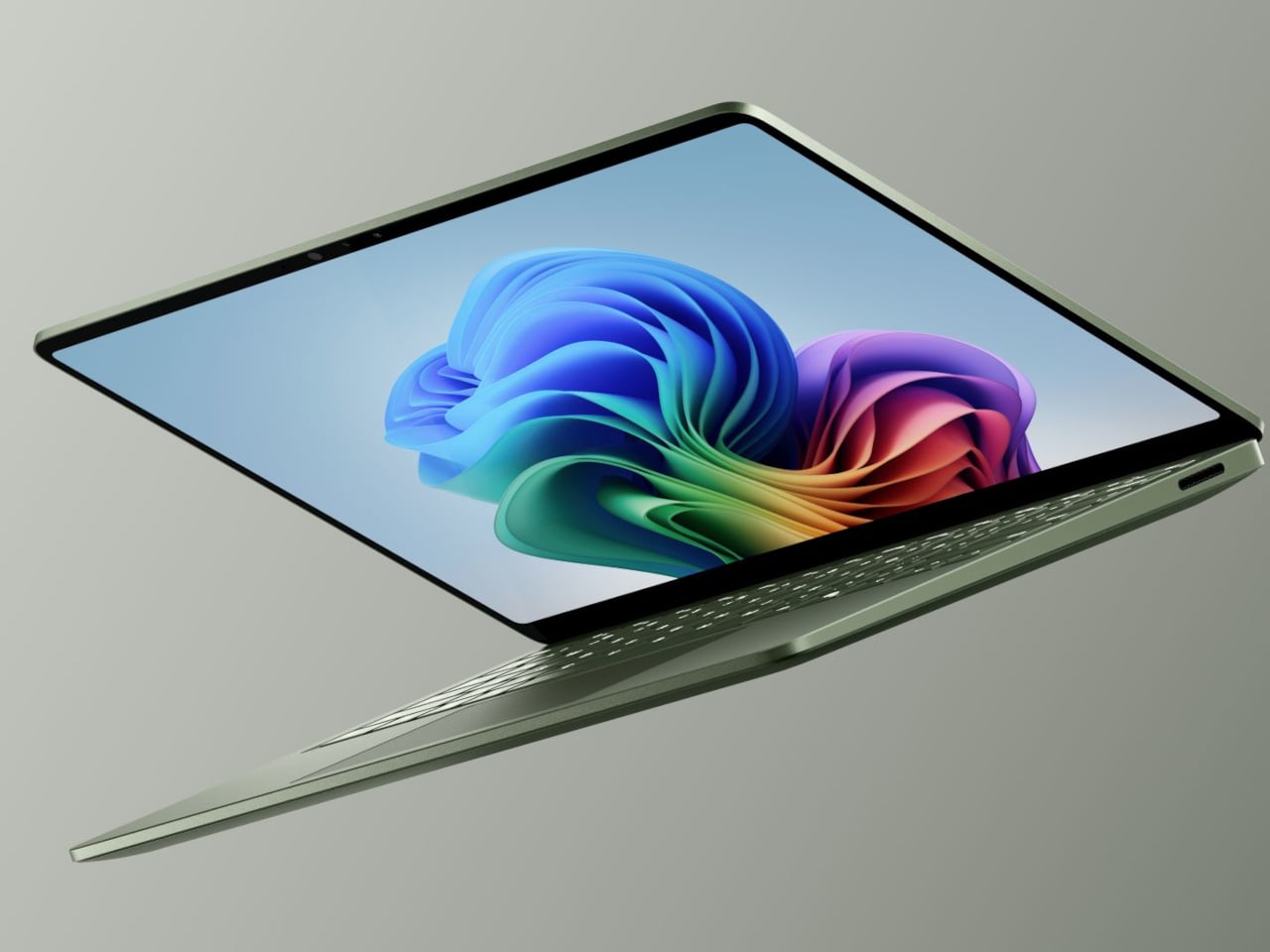
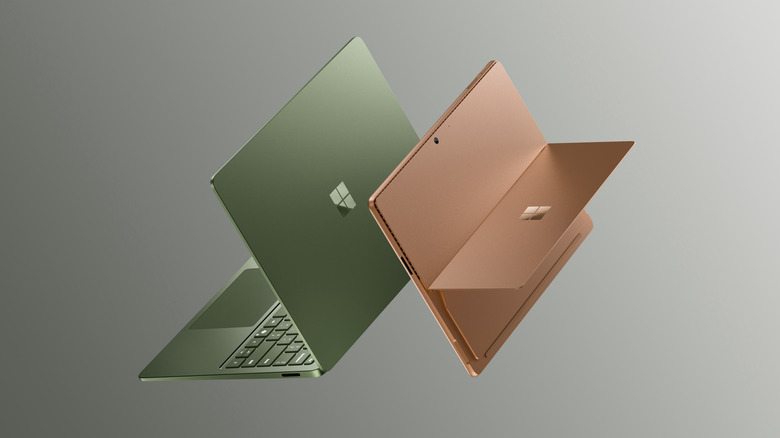
The Surface Pro 12 and Surface Laptop 8 are Microsoft’s answer, both powered by Snapdragon X2 processors and coming with more performance, longer endurance, and more refined hardware than the generation before. They’ve also gone up significantly in price, starting well above where their 2024 predecessors landed, making these among the most expensive consumer Surface devices Microsoft has put out in the lineup’s 13-year history.

Designer: Microsoft

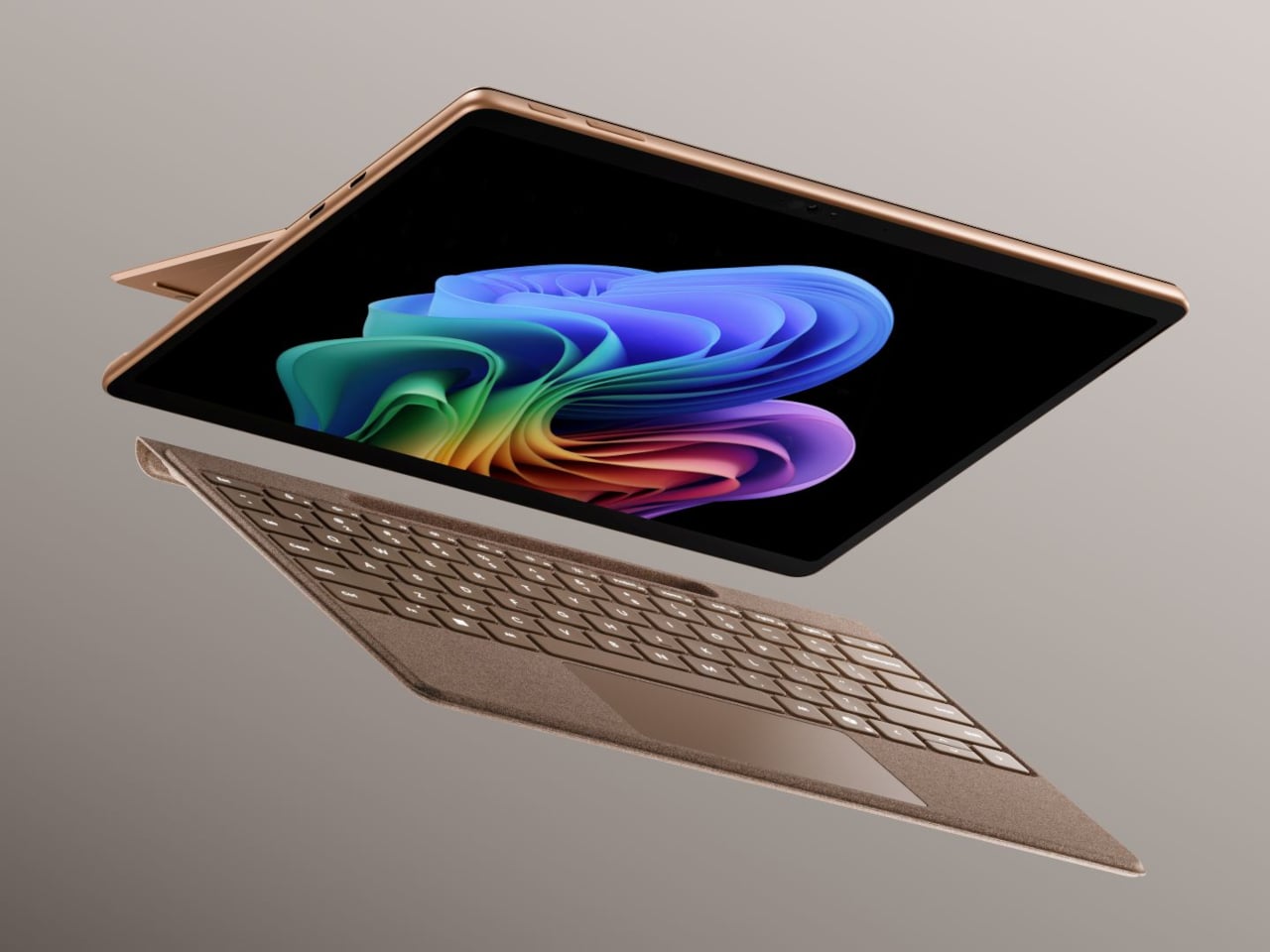
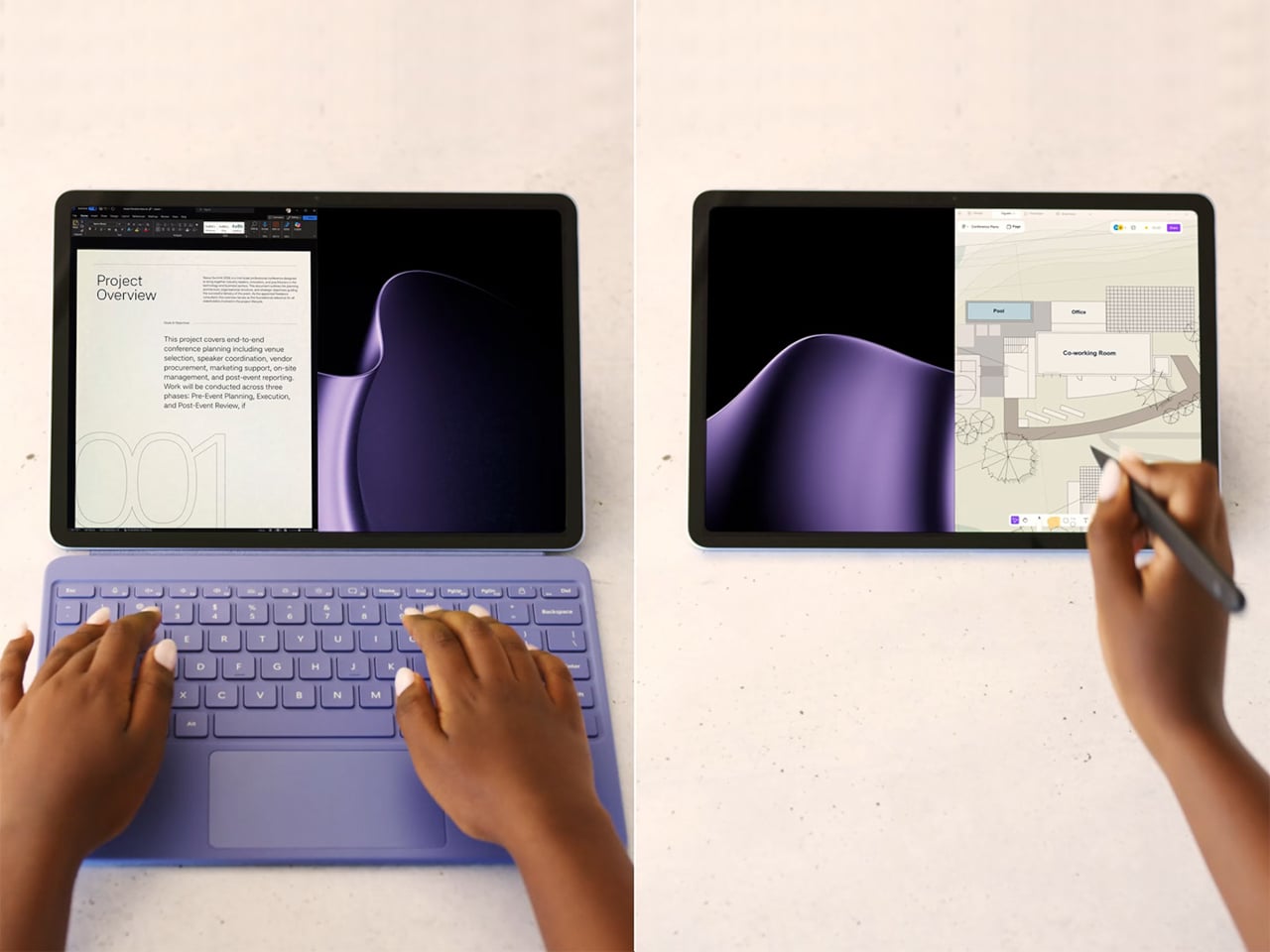
The Surface Pro 12 packs a 13-inch OLED PixelSense Flow display at 2880×1920 resolution, with a 120Hz dynamic refresh rate, 600 nits in SDR, and 900 nits at peak HDR brightness. Dolby Vision IQ is supported, and the panel is individually color-calibrated. It’s configured with either the Snapdragon X2 Plus or the X2 Elite, with up to 64GB of LPDDR5x RAM and a 1TB removable Gen 4 SSD.

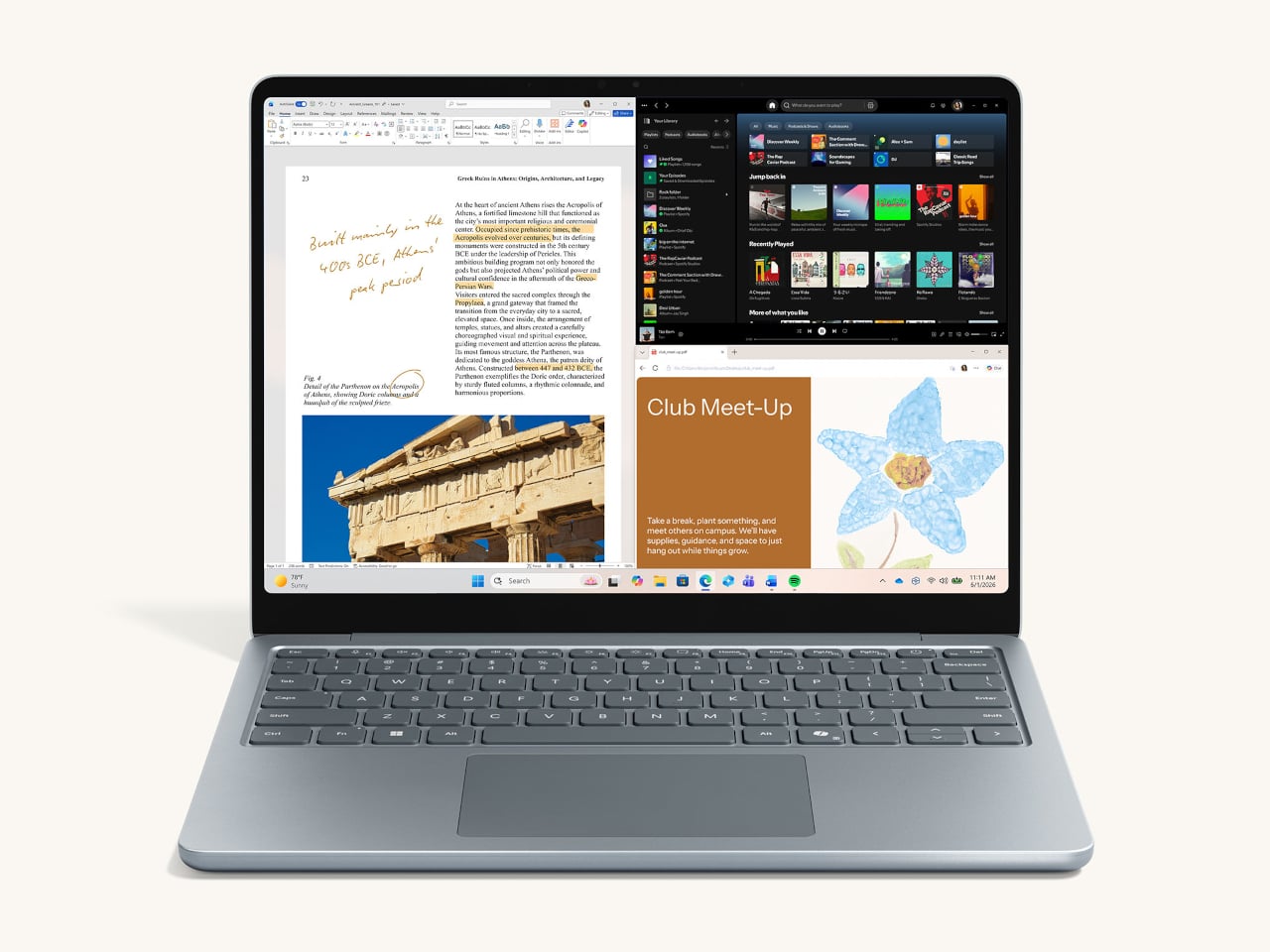
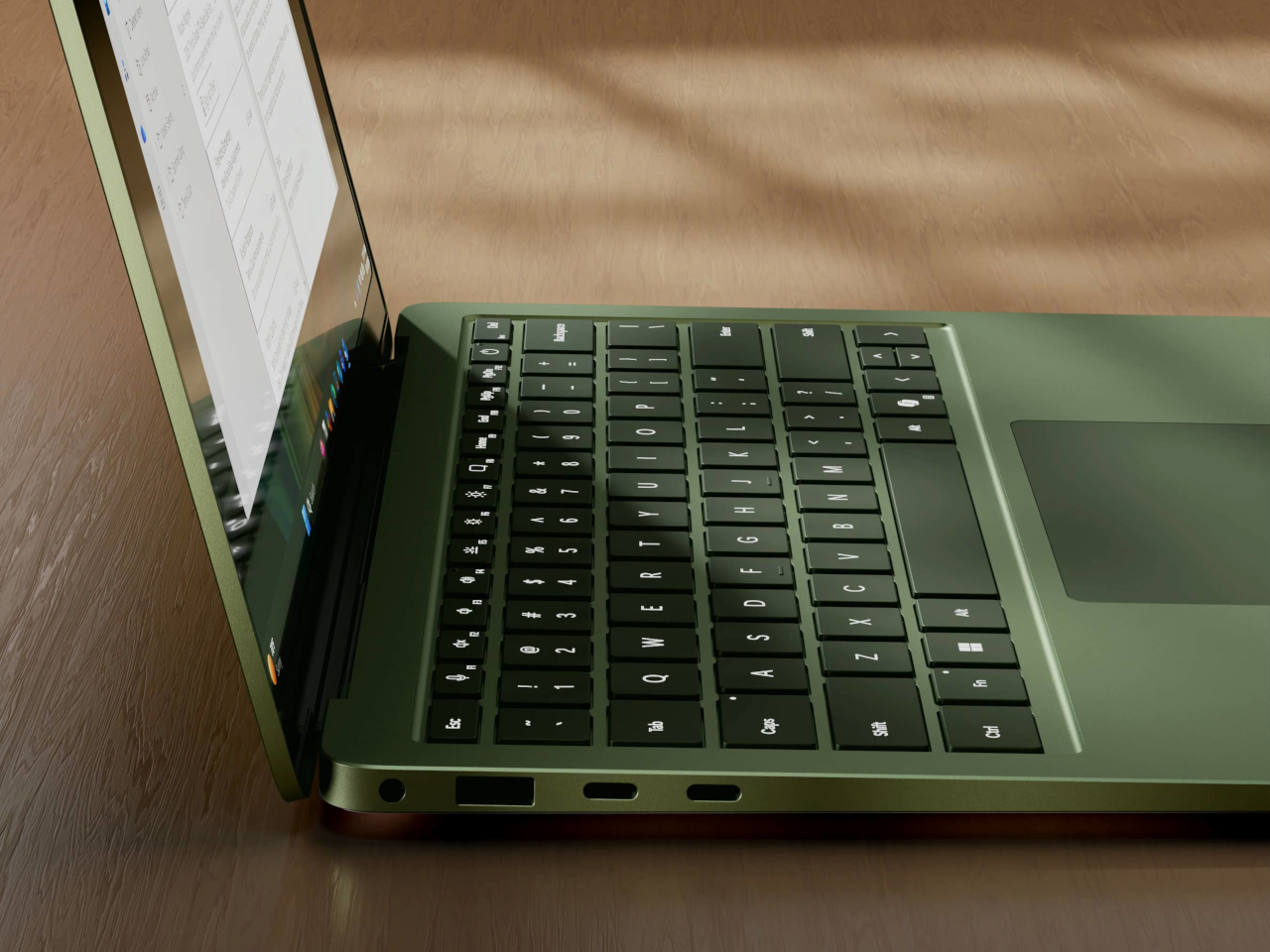
The Surface Laptop 8 comes in 13.8-inch and 15-inch sizes, with the 15-inch getting the more notable display upgrade. That model gains a 262 PPI screen at 3,270×2,180 with Dolby Vision IQ and 600 nits in both SDR and HDR modes. The 13.8-inch arrives in a new Jade colorway and earned the top spot in DXOMARK’s integrated laptop webcam rankings. Both Laptop sizes gain a new haptic trackpad.

Both devices run on Qualcomm’s Snapdragon X2 chip family, delivering 80 TOPS of AI processing through the Hexagon NPU. On the Laptop, graphics performance is up by as much as 58% over the previous generation based on Microsoft’s 3DMark testing. Battery life reaches up to 20 hours on the 13.8-inch Laptop and 19 hours on the 15-inch, while the Surface Pro 12 is rated at 15.5 hours.

The price increases are hard to miss. The Surface Pro 12 starts at $1,499 and the Surface Laptop 8 at $1,599, which are $500 and $600 more, respectively, than what those lineups cost when they launched in 2024. The higher cost is largely tied to rising component prices driven by AI hardware demand, which has pushed up what it takes to build premium Arm-based PCs at this tier.

Both devices now offer a 24GB RAM option that didn’t exist on the previous generation, filling the gap between 16GB and 32GB for users who find the former too limiting but don’t want to jump all the way up. Storage on the Laptop scales up to 2TB, and all drives across both devices are removable PCIe Gen 4 SSDs, which is a meaningful detail at this price point.

To soften the sticker shock a bit, Microsoft is bundling a free Surface Pro Keyboard with Pro purchases made before June 30, while Laptop buyers get a free Arc Mouse and 50% off Microsoft Complete. Trade-in credits of up to $900 are also available for those looking to swap out an older device. Both are on sale now for consumers, with Surface for Business variants shipping on July 14.

The post Microsoft Just Raised Surface Prices $500: Here’s What Changed first appeared on Yanko Design.