
Apple Watch battery replacement: How much does it cost and is it worth it?
Replacing the battery on your Apple Watch can extend its life, but you'll have to determine whether it's worthwhile for your model.
Samsung’s Ultra lineup has been on a gradual softening trajectory. The hard, squared-off corners that made early Galaxy S Ultra and Note phones feel deliberately architectural gave way to progressively rounder edges with each generation, culminating in the S26 Ultra’s fully rounded ergonomic corners. For users who preferred the original boxy confidence of those older devices, that direction has been a slow farewell to something they actually liked.
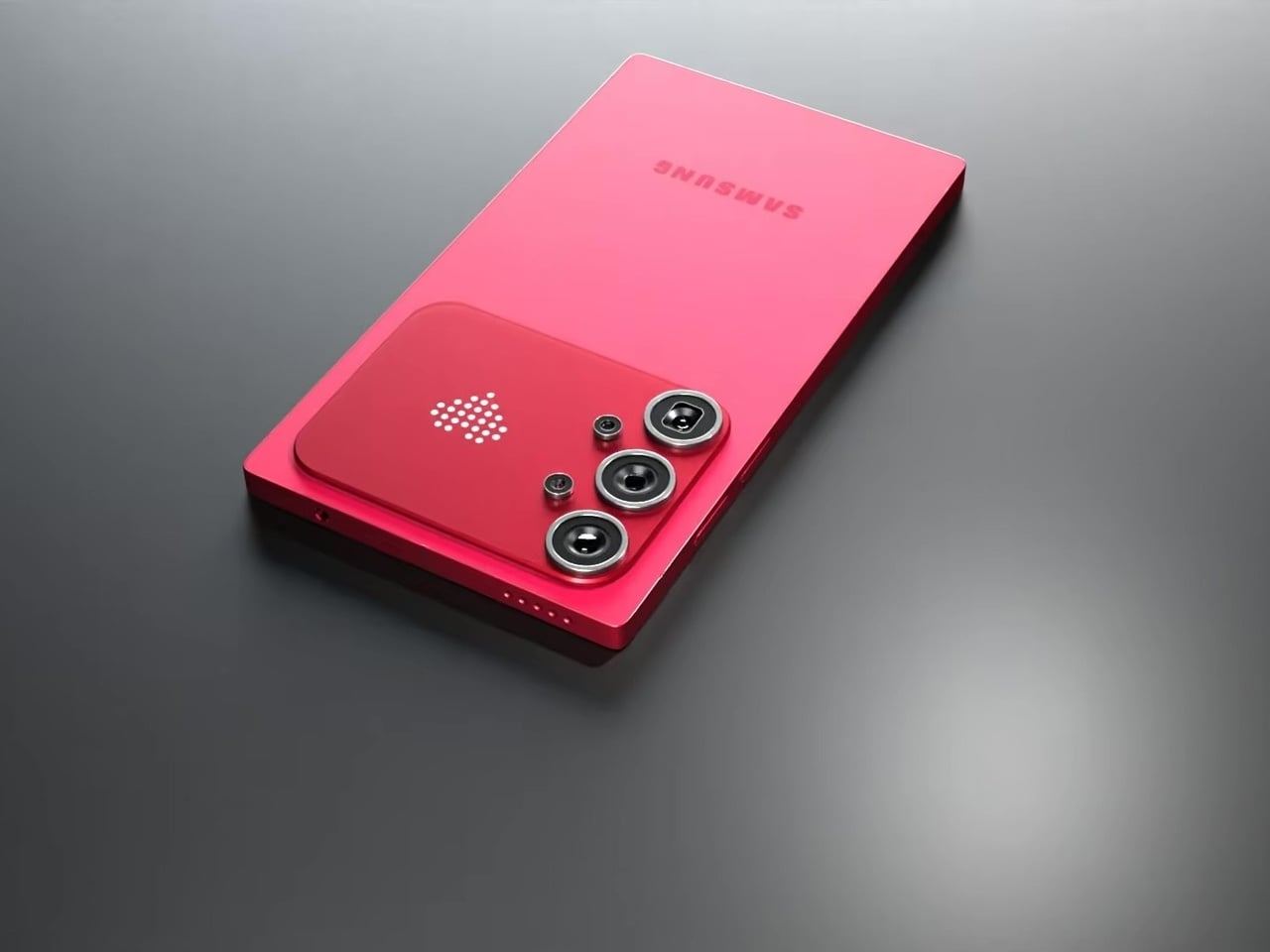
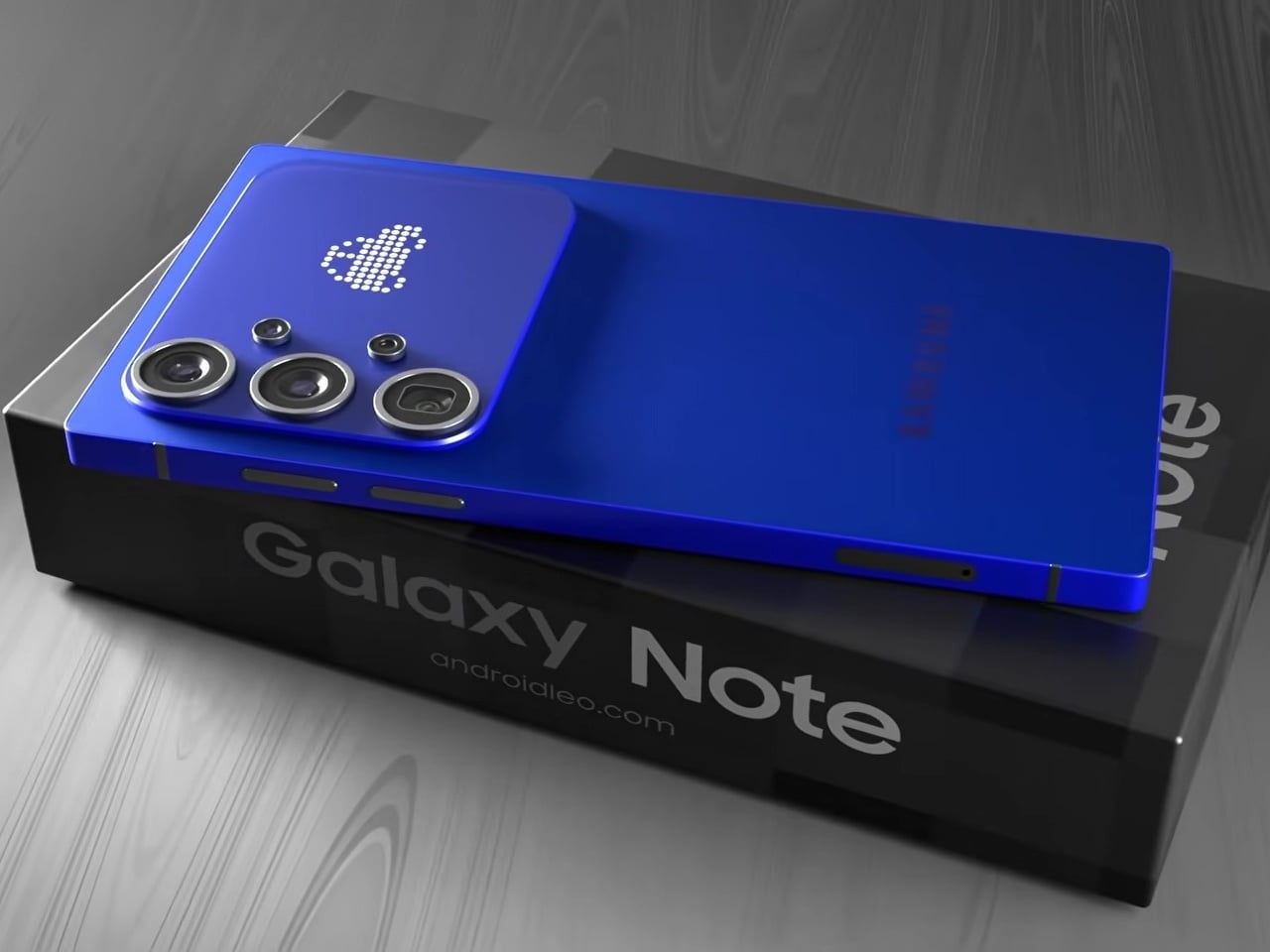
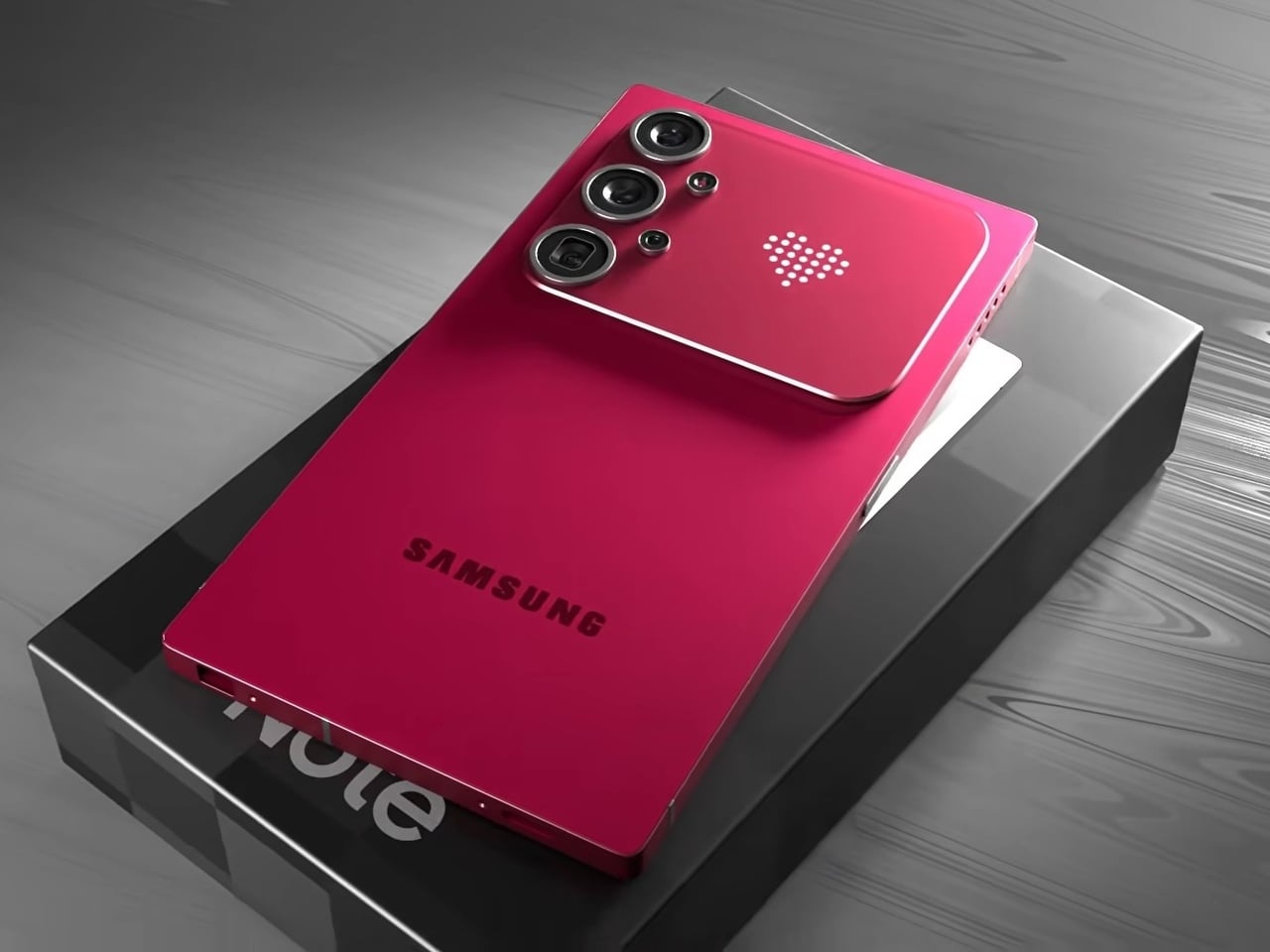
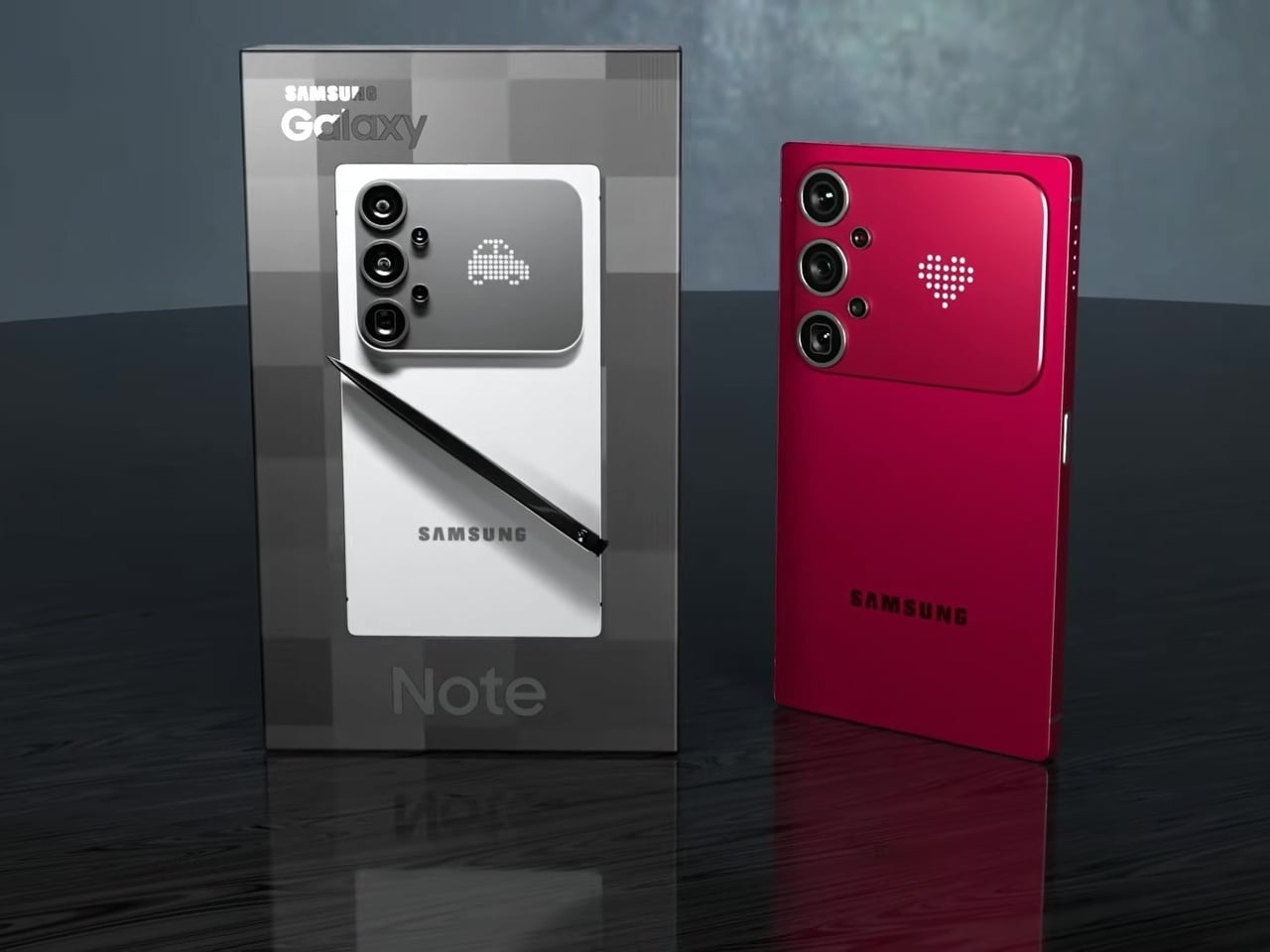
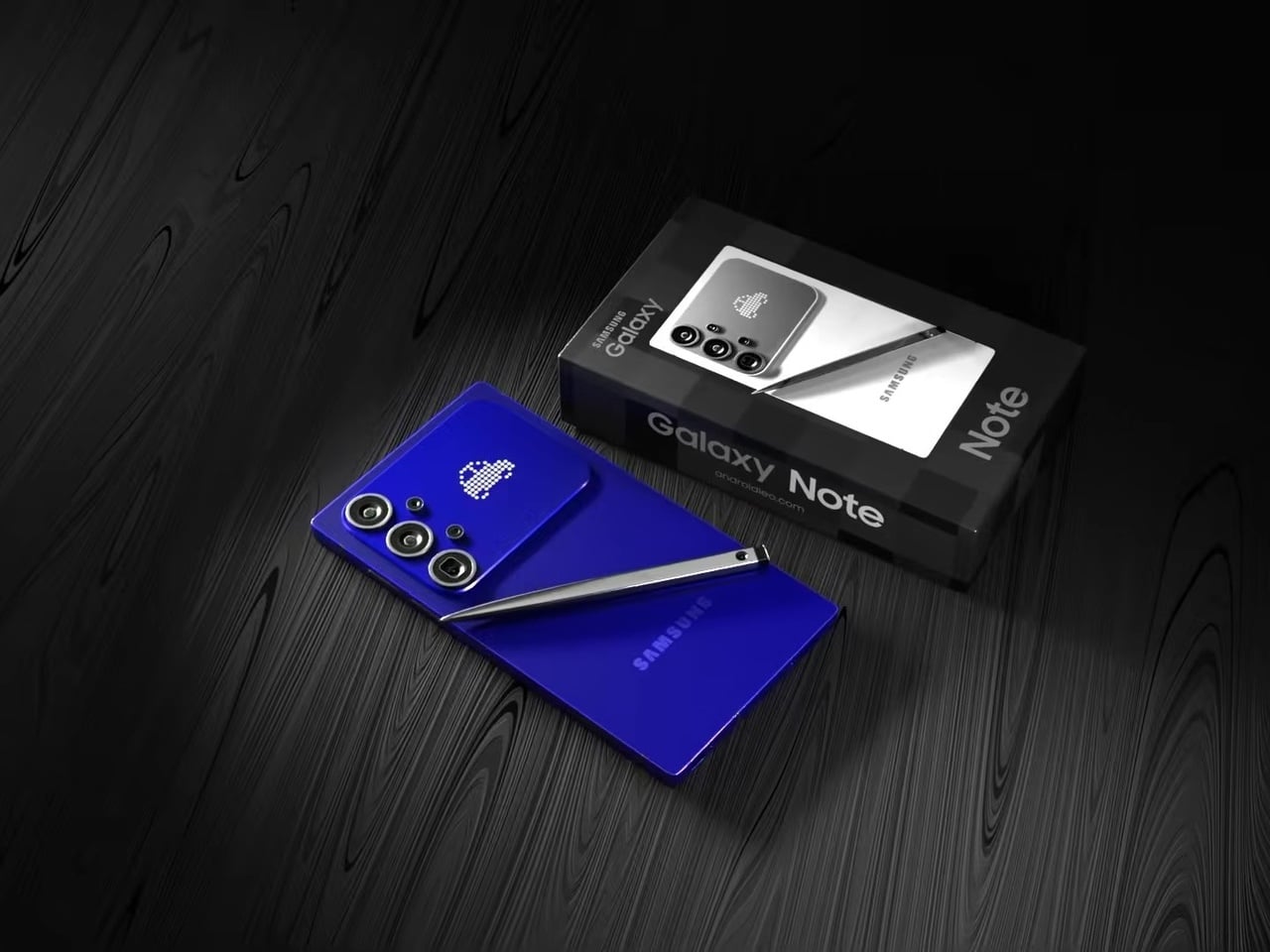
This concept for a Galaxy S27 Ultra reverses that. The sharp 90° corners are back, along with flat top and bottom edges that give the phone a distinctly geometric presence. The “Galaxy Note” name appears on the packaging, framing this as a full revival of Samsung’s discontinued productivity flagship identity rather than just another Ultra iteration. It’s a design argument about what the phone should have stayed.
Designer: AndroidLeo
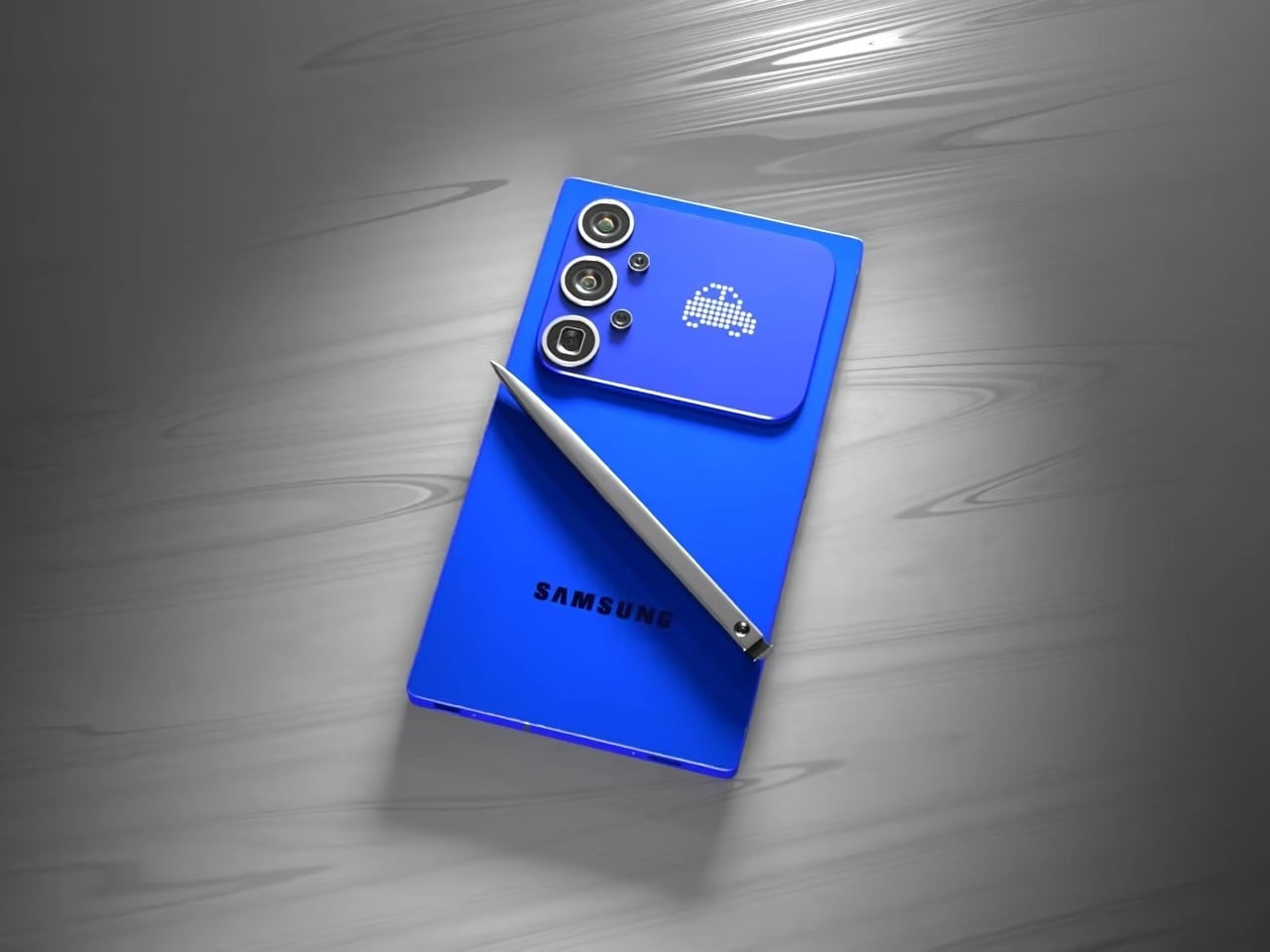
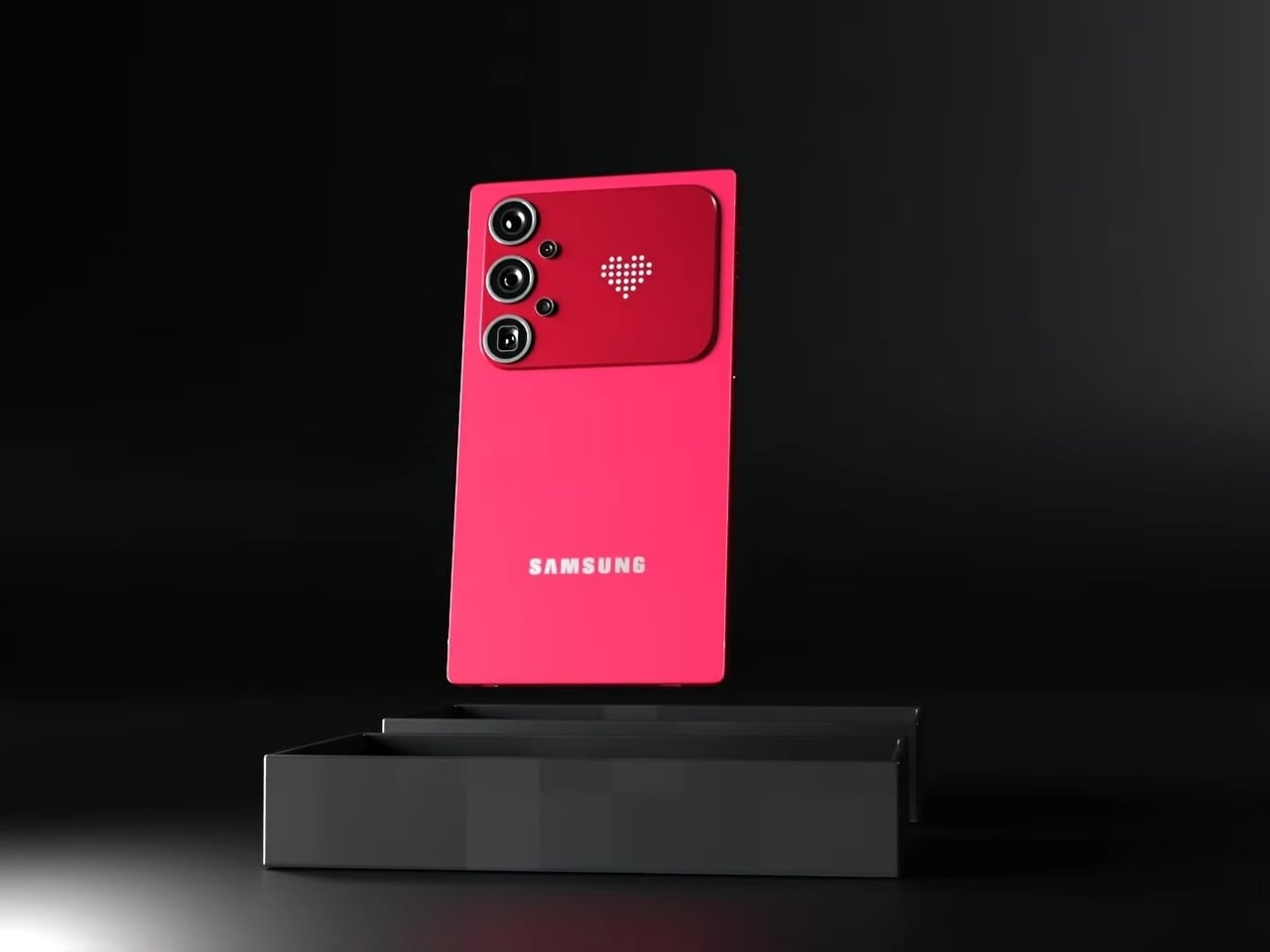
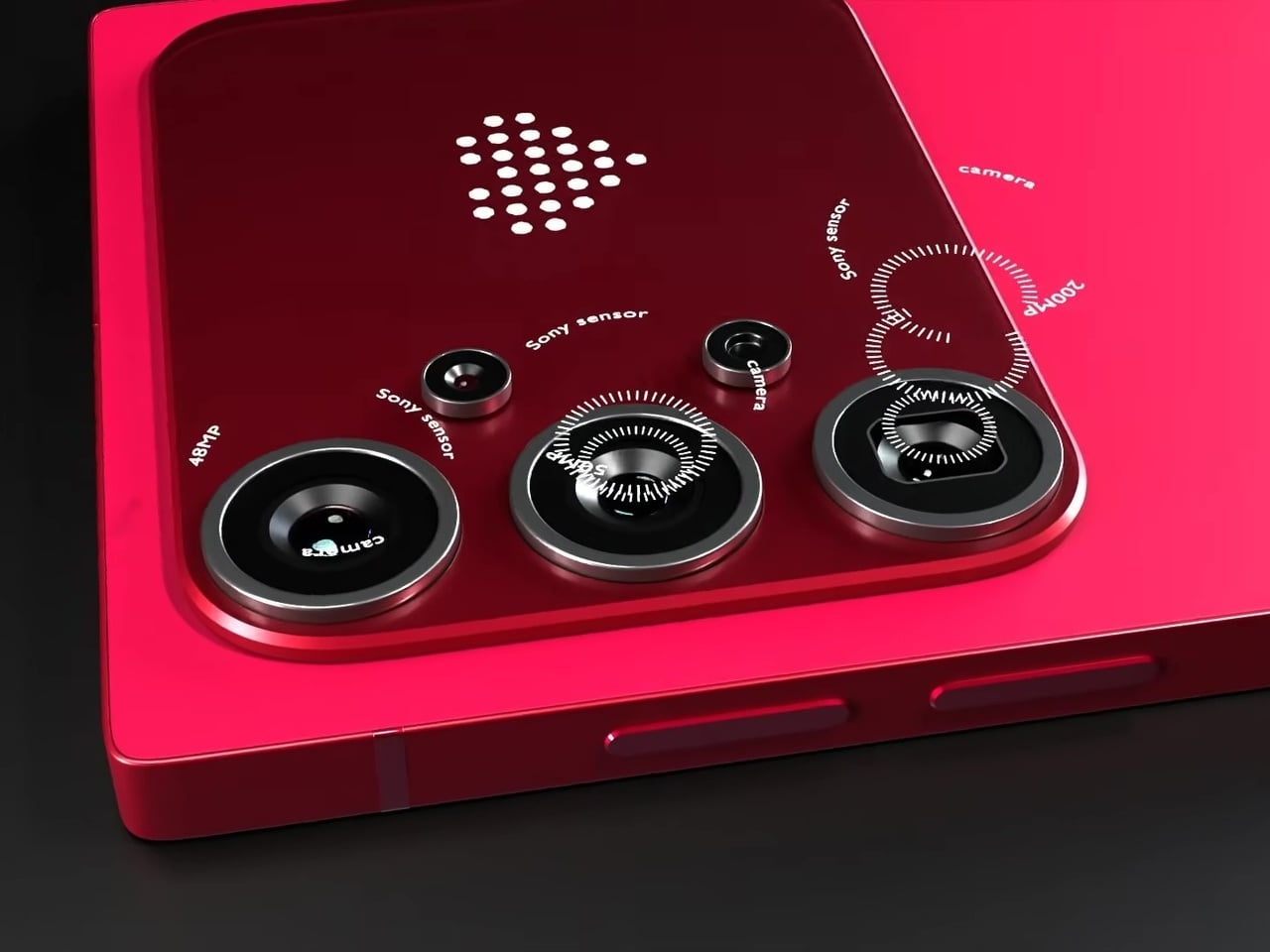
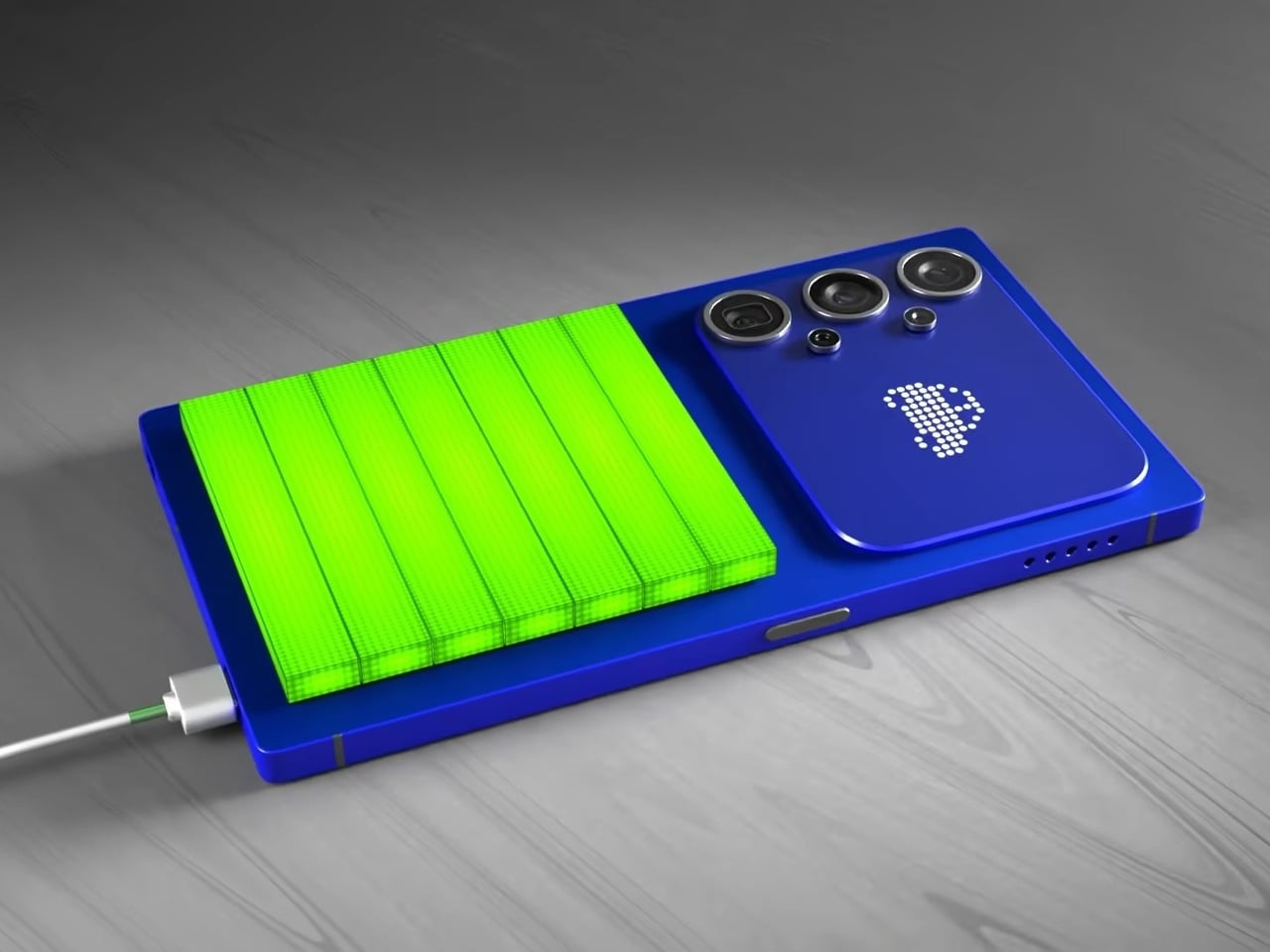
The most unexpected element on the back isn’t the camera. Nestled beside the vertical triple-lens array is a dot-matrix LED display that shows customizable pixel art animations, swapping between icons as conditions change. It’s the same logic that Nothing applied with its Glyph Matrix and that ASUS uses on ROG devices: the back of a phone has real estate that can do something, and simply leaving it matte glass feels increasingly like an opportunity missed.
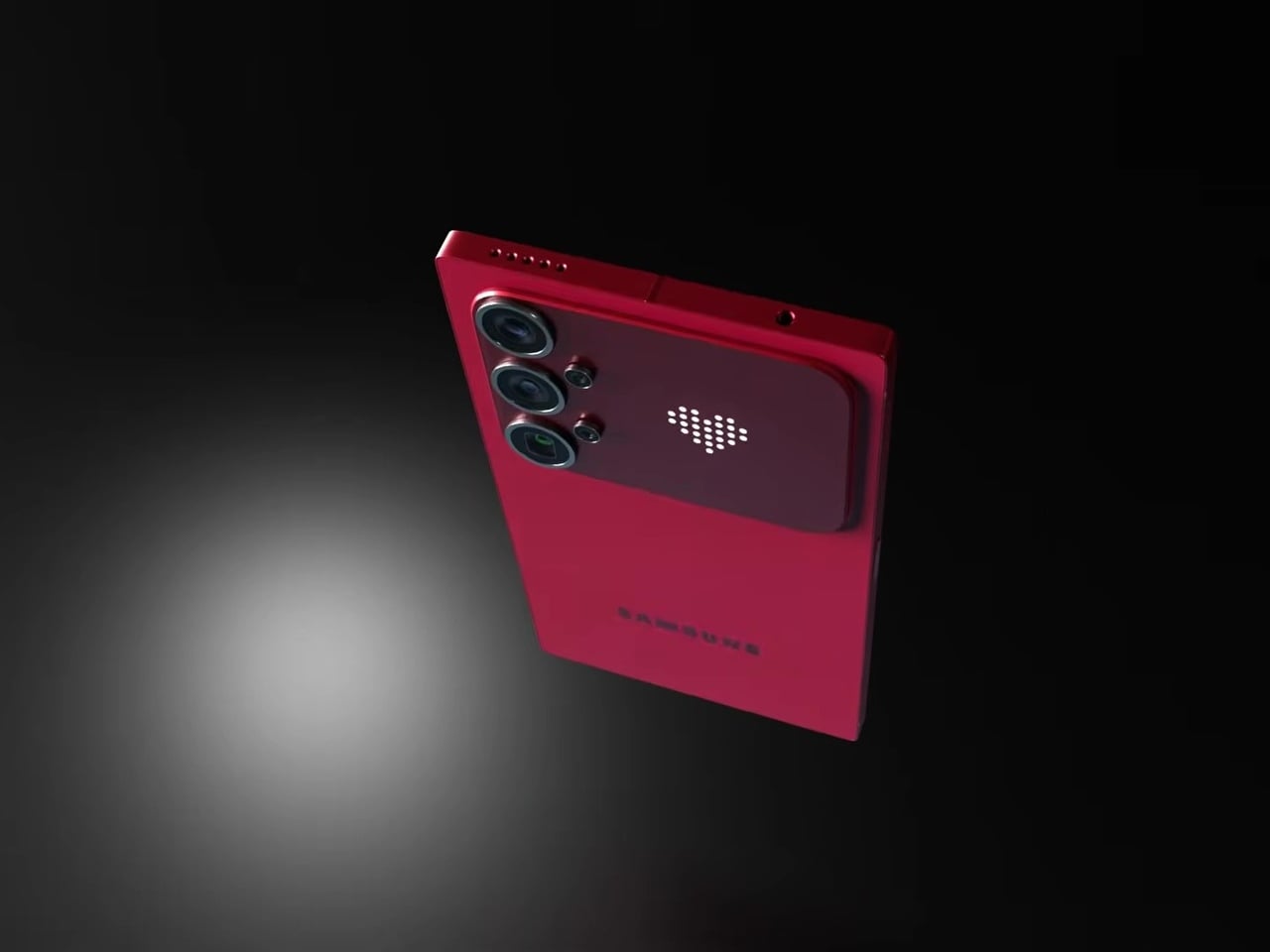
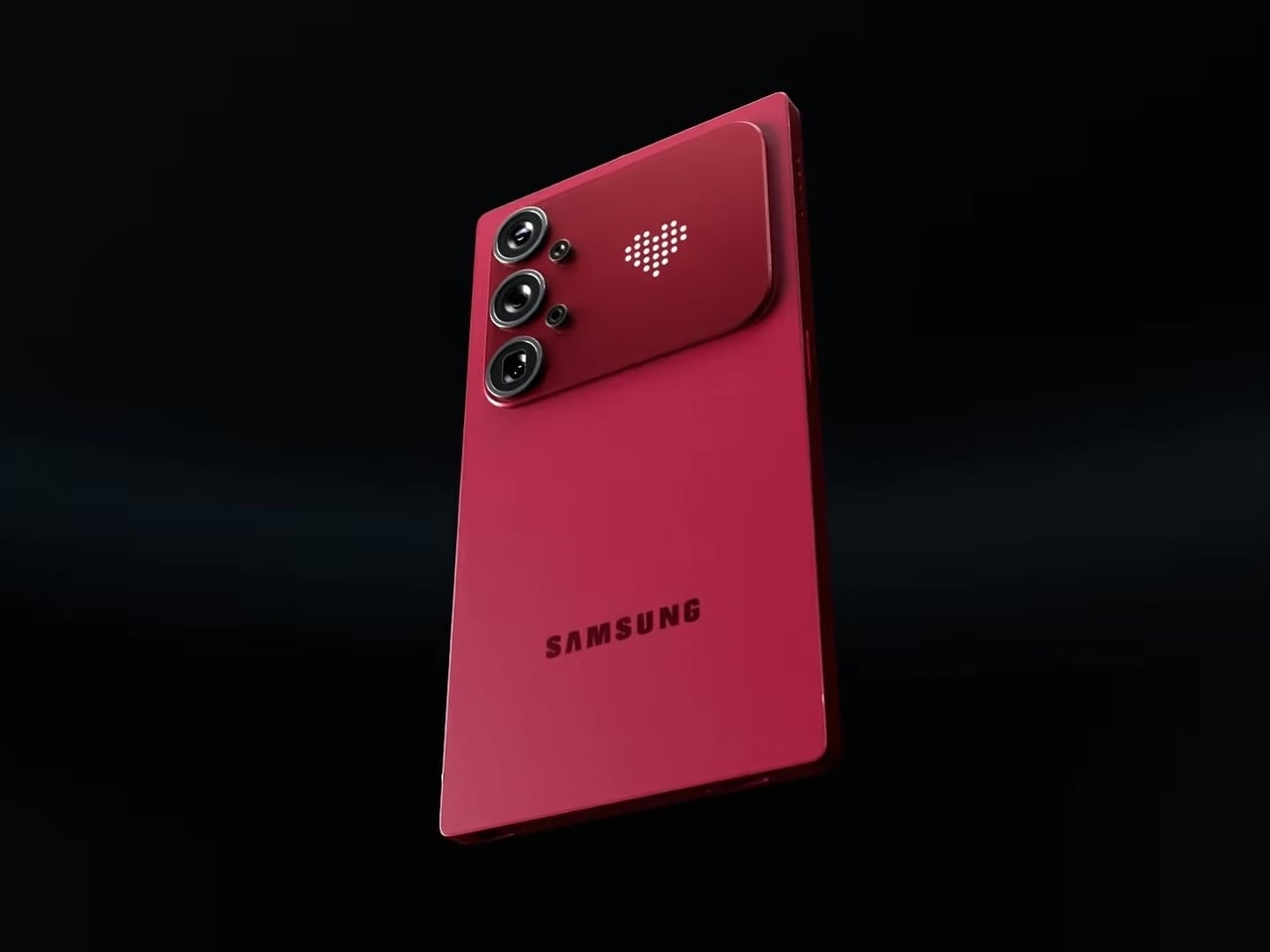
In practice, that small display becomes a second layer of expression without pulling attention away from the main screen. Notification icons, charge indicators, and personalizable graphics all live on a surface that’s visible when the phone rests face down or sits on a desk, the exact moment when the front display is least useful. The concept proposes this as an attention filter as much as a personalization feature.
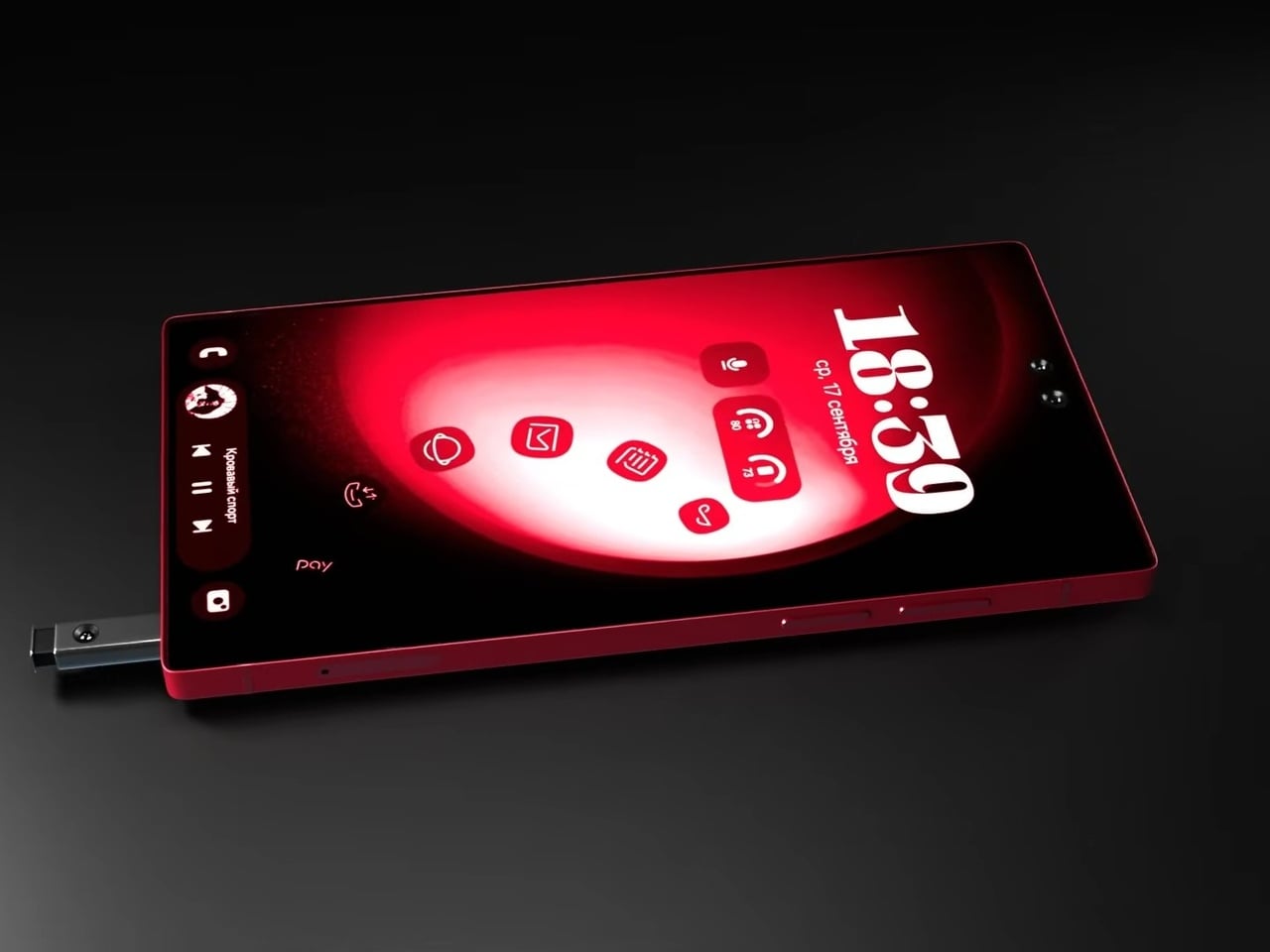
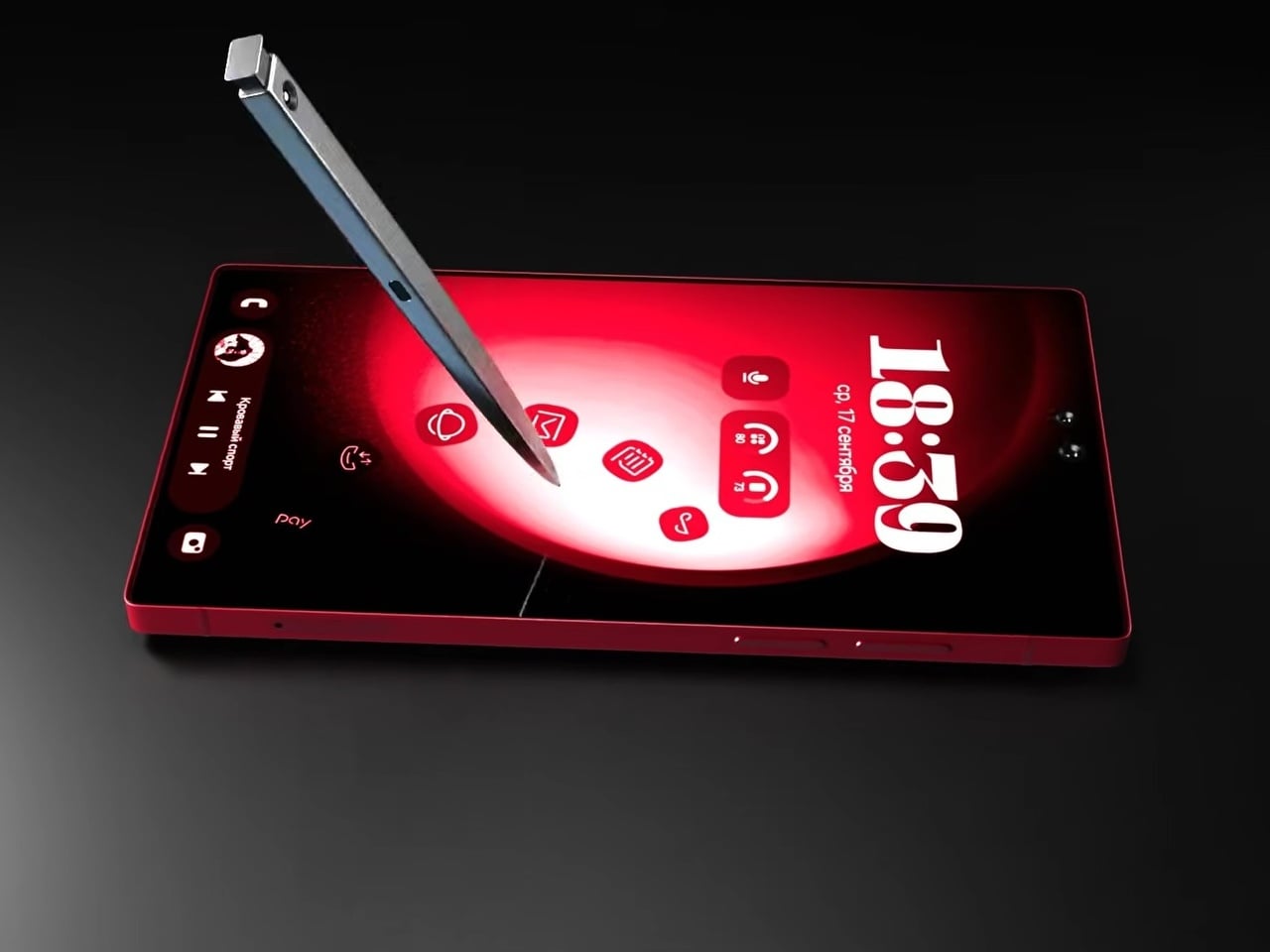
The S Pen slots into the bottom rail via a spring-ejected silo, appearing chunkier than the slim stylus Galaxy Note and Ultra users are familiar with, which may be more a rendering artifact than an intended design change. The front is a flat, edge-to-edge panel with a dual punch-hole selfie camera configuration at the top center, serving the kind of stylus-optimized interface that the Note series built its identity around. The high-contrast red UI reads as purpose-designed for wide-open canvas navigation.
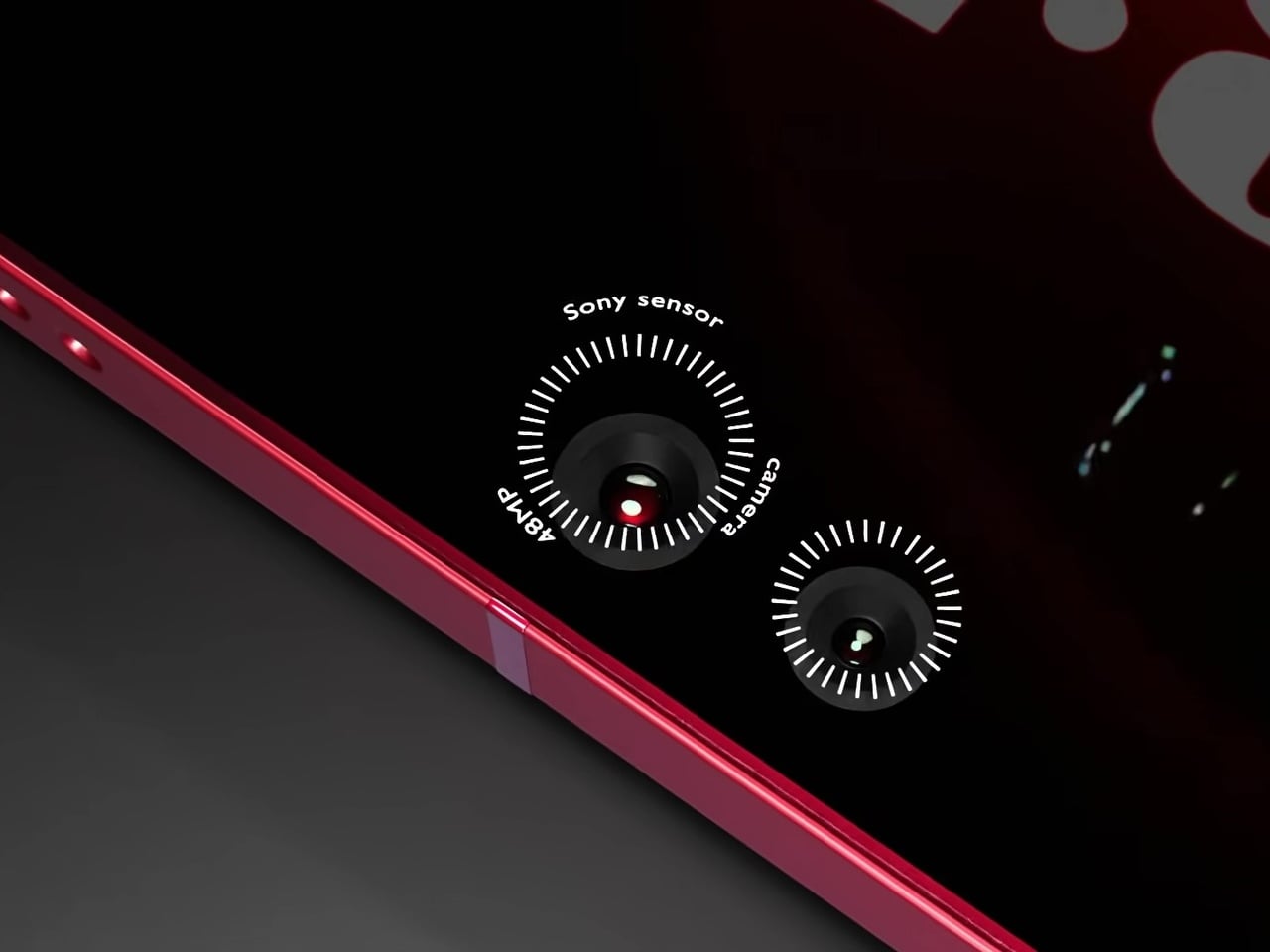
Camera specifications go ambitious: a 200MP main sensor paired with 48MP Sony sensors and periscope telephoto optics round out the vertical lens configuration. The USB-C port, notably, isn’t centered on the bottom edge, a small but visible deviation from convention. And this is where the whimsical and fantastical nature of the design shows through.
None of this is real, of course. Samsung hasn’t announced any plans to revive the Note name, and the dot-matrix display exists in the realm of render enthusiasm rather than confirmed engineering. What the concept captures is a reasonable frustration: the Ultra line has drifted from the qualities that made it distinct, and features appearing elsewhere, like Nothing’s Glyph Matrix, suggest the broader market hasn’t fully moved past wanting the back of a phone to say something.
The post Samsung Killed the Galaxy Note, but This S27 Concept Brings It Back first appeared on Yanko Design.


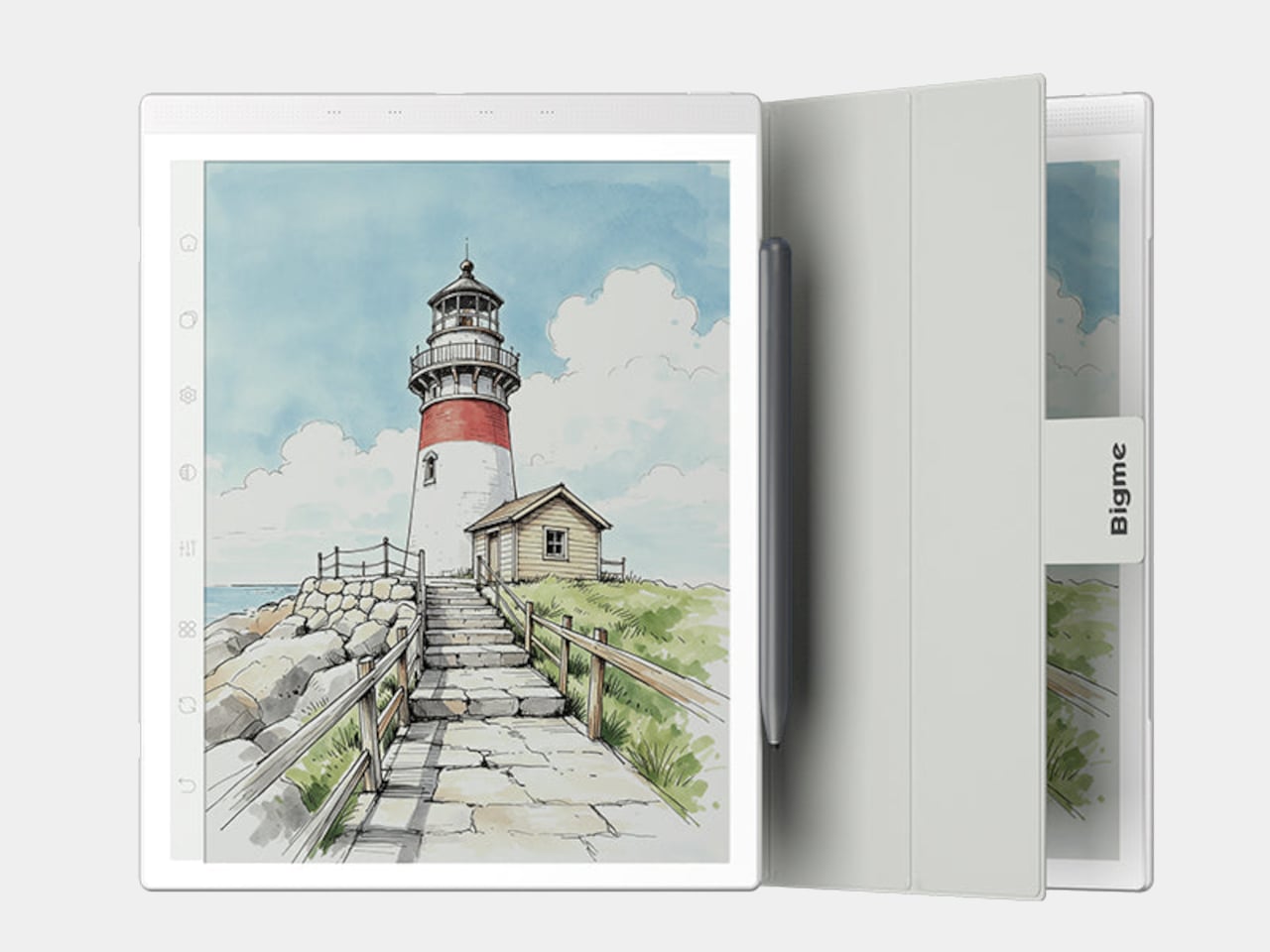
Screens have been the unresolved tension at the center of productivity for years. LCD and OLED displays do everything well except the one thing that matters most during a long reading or writing session: they don’t stop being screens. The brightness, the blue light, and the glare accumulate into eye fatigue that most people simply accept as part of working on a device all day. E Ink tablets have addressed that problem, but historically at the cost of color and app freedom.
The Bigme B1051 Ultra is built on the premise that none of those trade-offs need to be permanent. Its 10.3-inch Kaleido 3 E Ink display is color-capable and glare-free, with an adjustable front light covering 36 levels of brightness in both warm and cool tones. The result is a surface that handles illustrated documents, annotated PDFs, and color-coded spreadsheets without sending the wearer reaching for eye drops an hour in.
Designer: Bigme

Color E Ink of any generation has historically been limited in brightness and saturation compared to traditional displays, and the Kaleido 3 panel doesn’t fully close that gap. What it does deliver is a dramatically more comfortable reading experience for long sessions, particularly in well-lit environments where conventional displays produce the most glare. For documents, annotations, and notes, the color rendering is more than sufficient to make the information readable without eye strain.
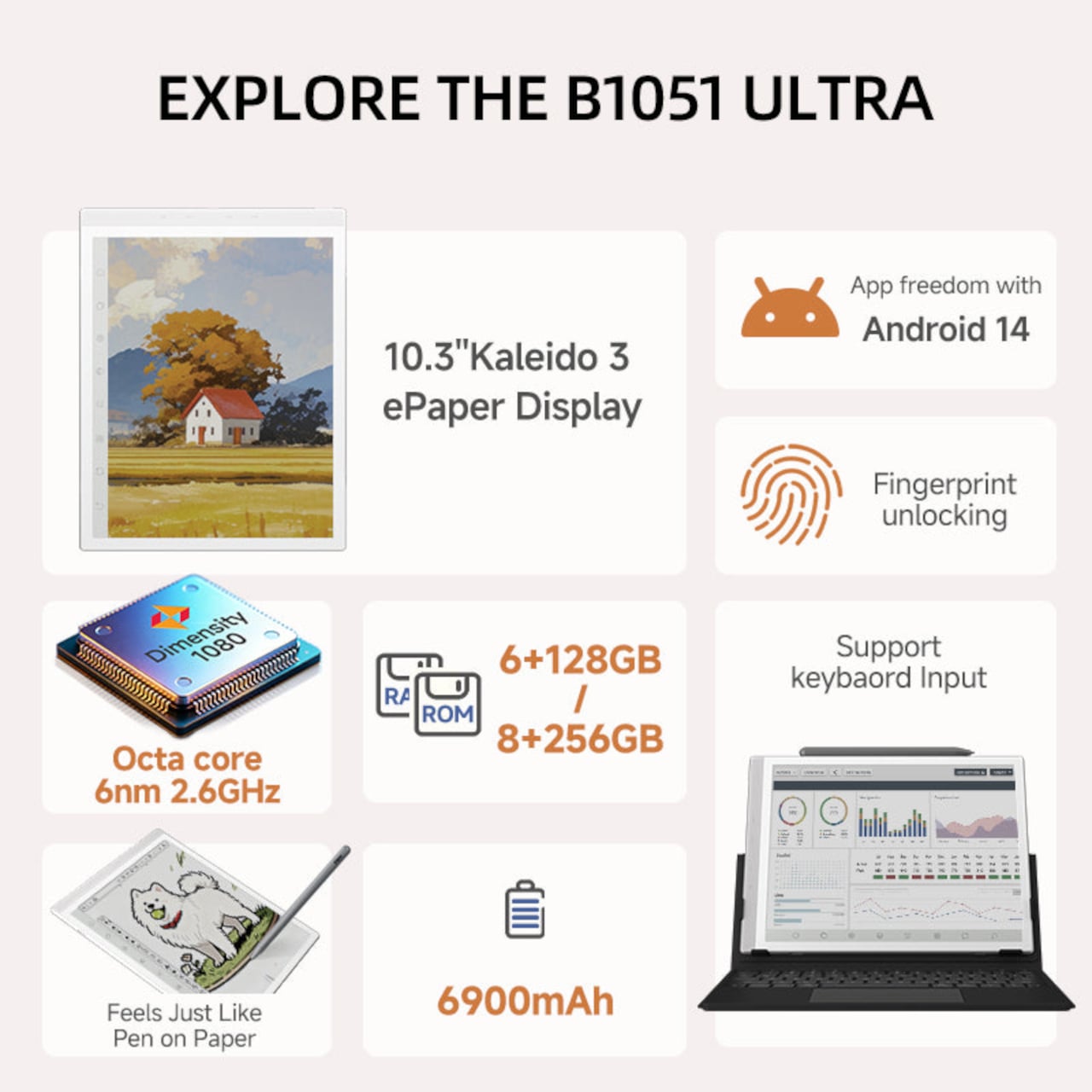
The hardware underneath is capable enough to run Android 14 without compromise. A MediaTek Dimensity 1080 octa-core chip running at 2.6GHz with up to 8GB of RAM handles third-party apps from Google Play without the sluggishness that plagued earlier E Ink Android devices. Spotify works. WhatsApp runs. The Google Play Store is fully accessible. A 6,900mAh battery supports the kind of all-day use the form factor implies.

Writing and sketching feel natural on the included stylus, which offers 4,096 levels of pressure sensitivity and a surface friction designed to replicate paper. An annotated legal document, a fashion sketch with labeled callouts, or a watercolor illustration all sit on the display with the same kind of grainless, paper-like quality. Bigme’s auto ghosting elimination technology handles the visual artifacts that have historically made fast stylus input on E Ink screens feel laggy or muddy.

The optional keyboard folio cover turns the B1051 Ultra into something that reads more like an e-paper laptop. A trackpad is built into the keyboard, and the folio supports dual-angle positioning for desk and lap use. Connecting to an external keyboard and looking at a dashboard of charts and figures across the full 10.3-inch surface is a different experience from doing the same work on an LCD that competes with every other light source in the room.
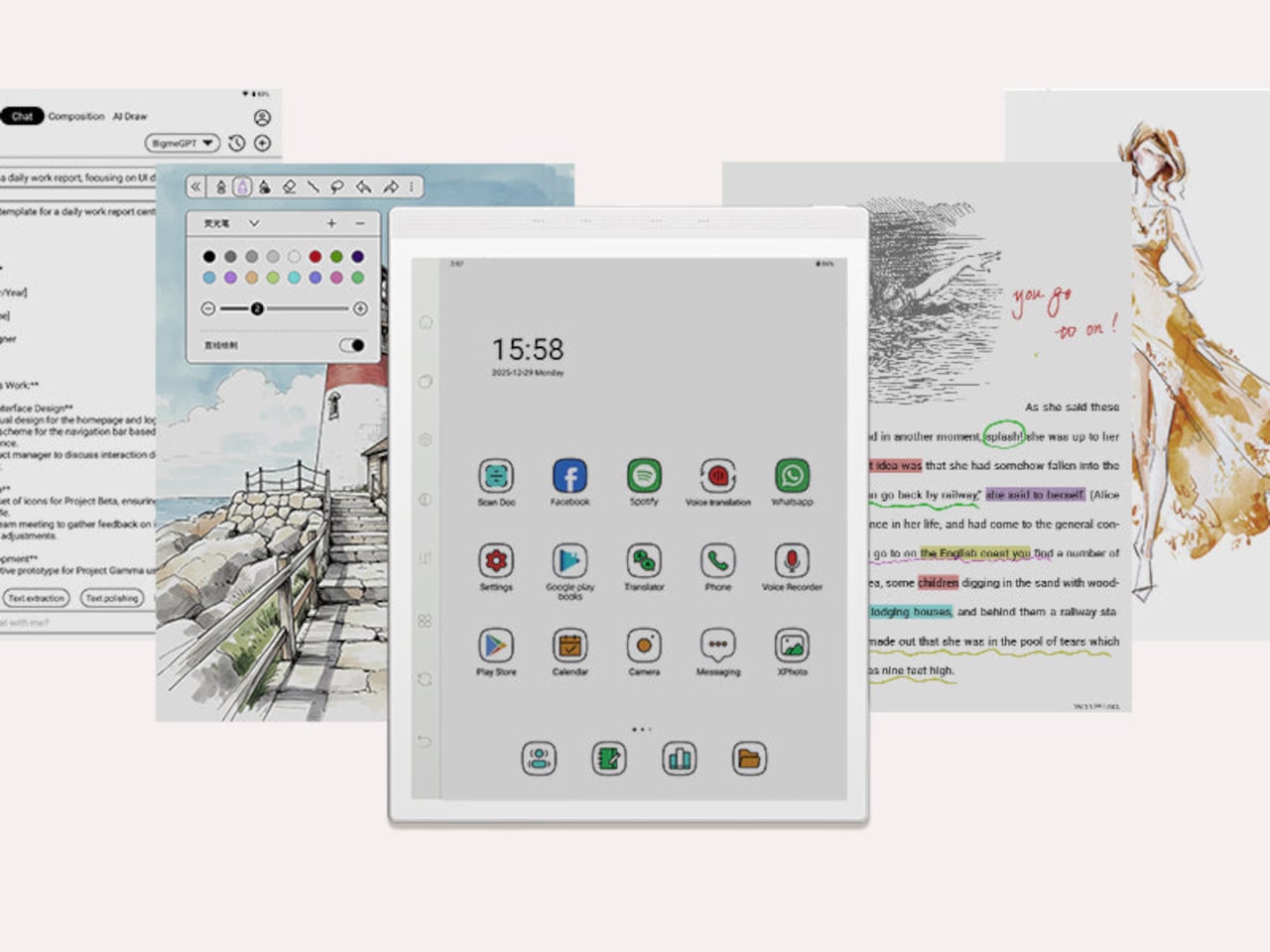
Integrated AI tools extend beyond the display and stylus. Text extraction, text polishing, AI-assisted drawing, and composition features are baked into the software layer. Fingerprint unlocking handles access. The B1051 Ultra is available starting at $499 for the device-and-case bundle, with the keyboard configuration adding to that. E Ink has always been the right technology for certain kinds of work, and the Bigme B1051 Ultra is one of the more complete arguments that it doesn’t need black-and-white e-readers to make that case convincingly.
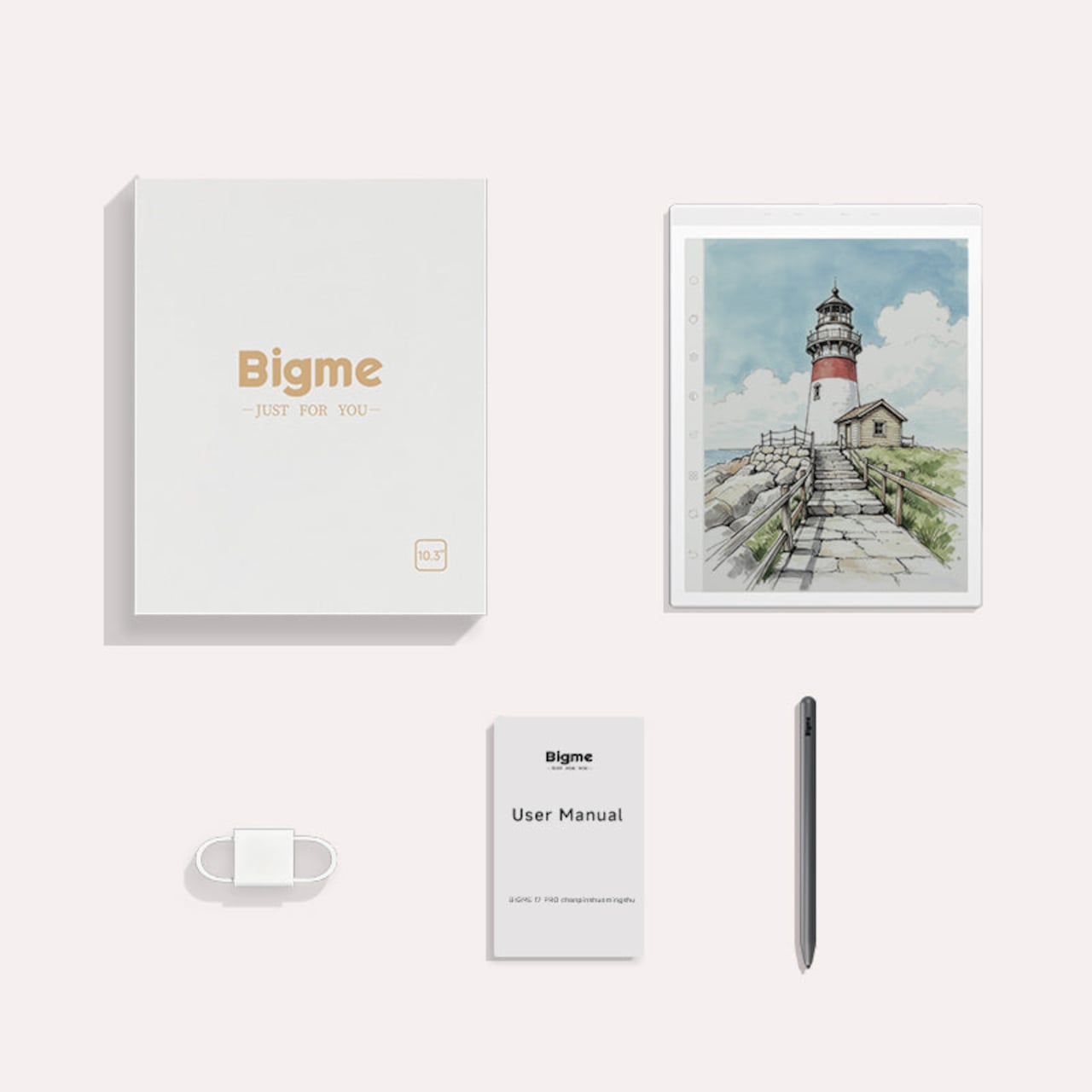
The post The $499 E Ink Tablet That Runs Spotify, WhatsApp and Doesn’t Hurt first appeared on Yanko Design.

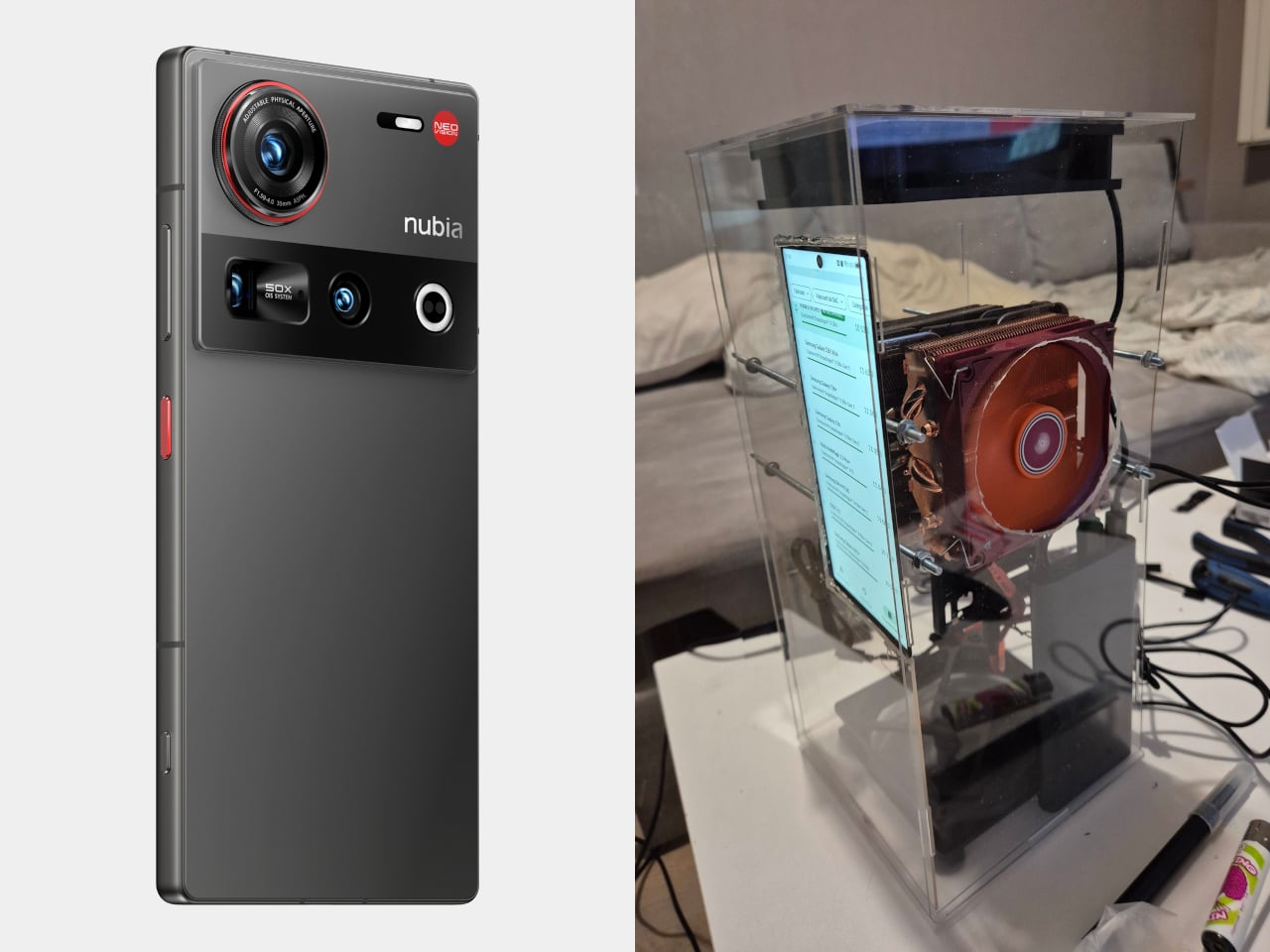
The boundary between a smartphone and a desktop computer has been narrowing for years. Modern flagship phones carry processor configurations, RAM capacities, and GPU performance that would have qualified as desktop territory not long ago. Most of the time, that hardware sits underutilized inside a slim glass slab, throttled by thermals the moment any sustained workload asks it to perform at its actual ceiling.
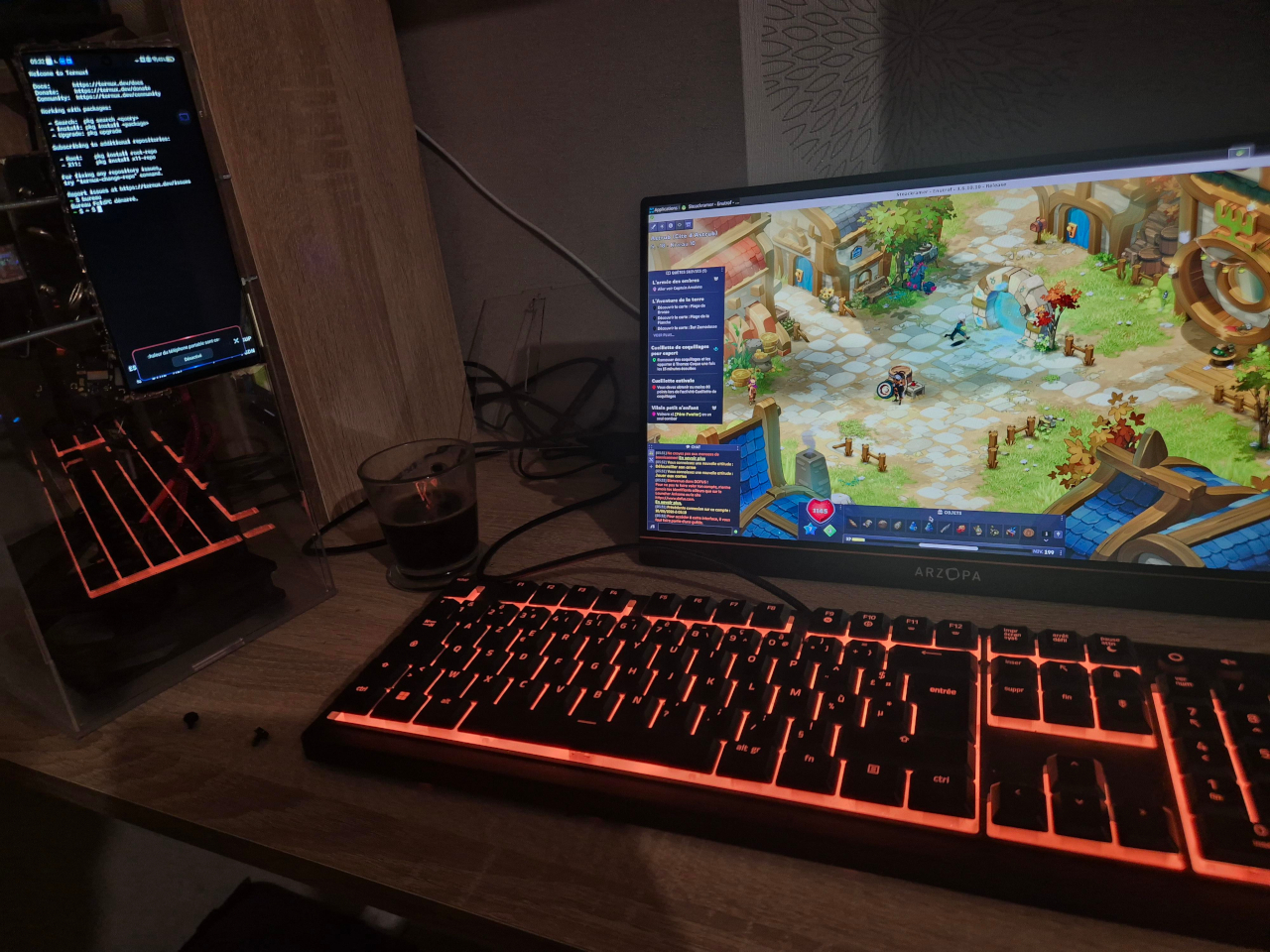
One modder decided to find out what a flagship Android phone such as the nubia Z70 Ultra could actually do if thermal throttling was removed from the equation. The answer involved relocating the screen to the front of a custom acrylic case and sandwiching the phone itself between two desktop-grade CPU coolers with direct contact against the Snapdragon chip’s shielding. The result doesn’t fit neatly into any existing product category.
Designer: ntsow
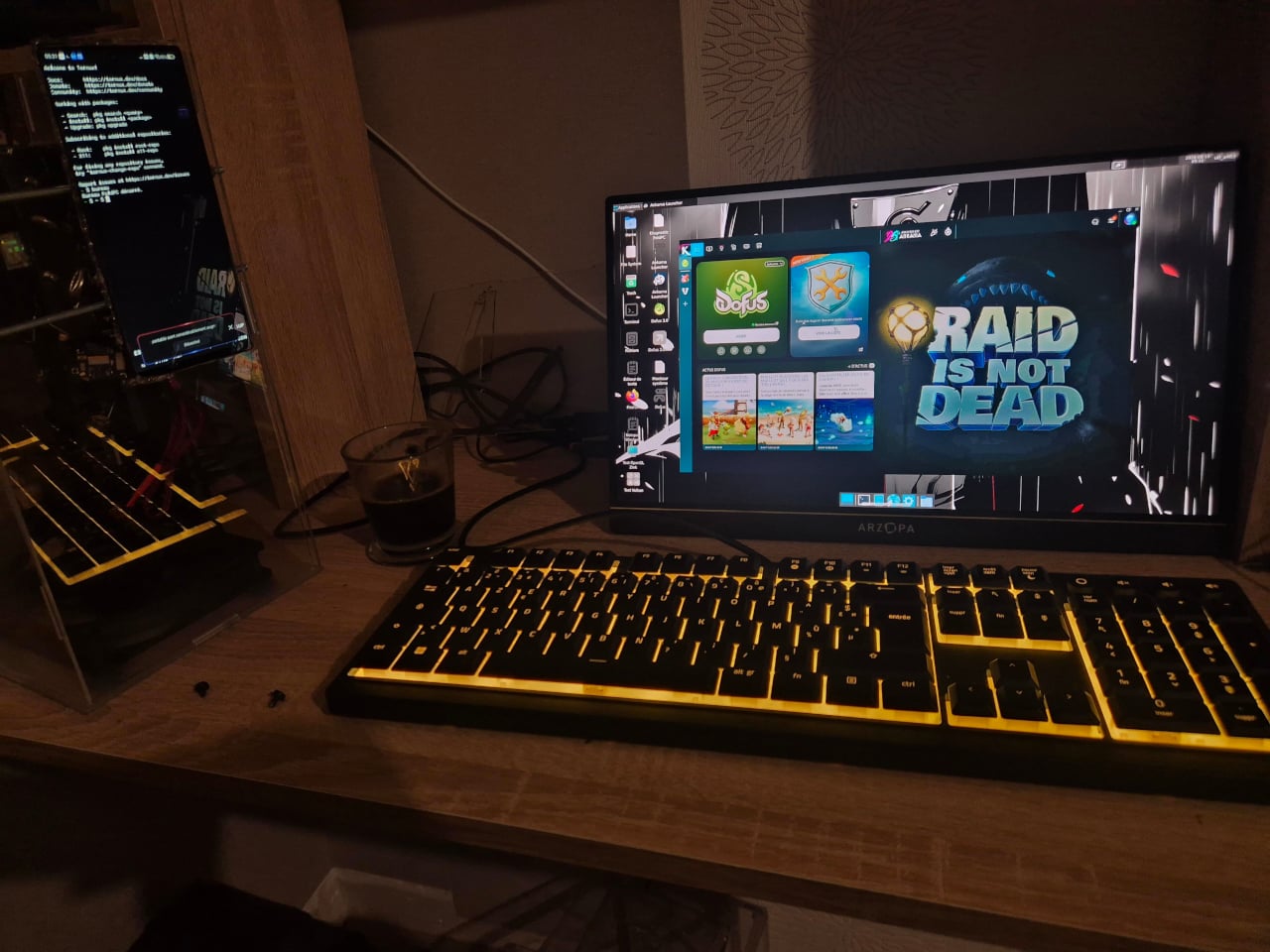
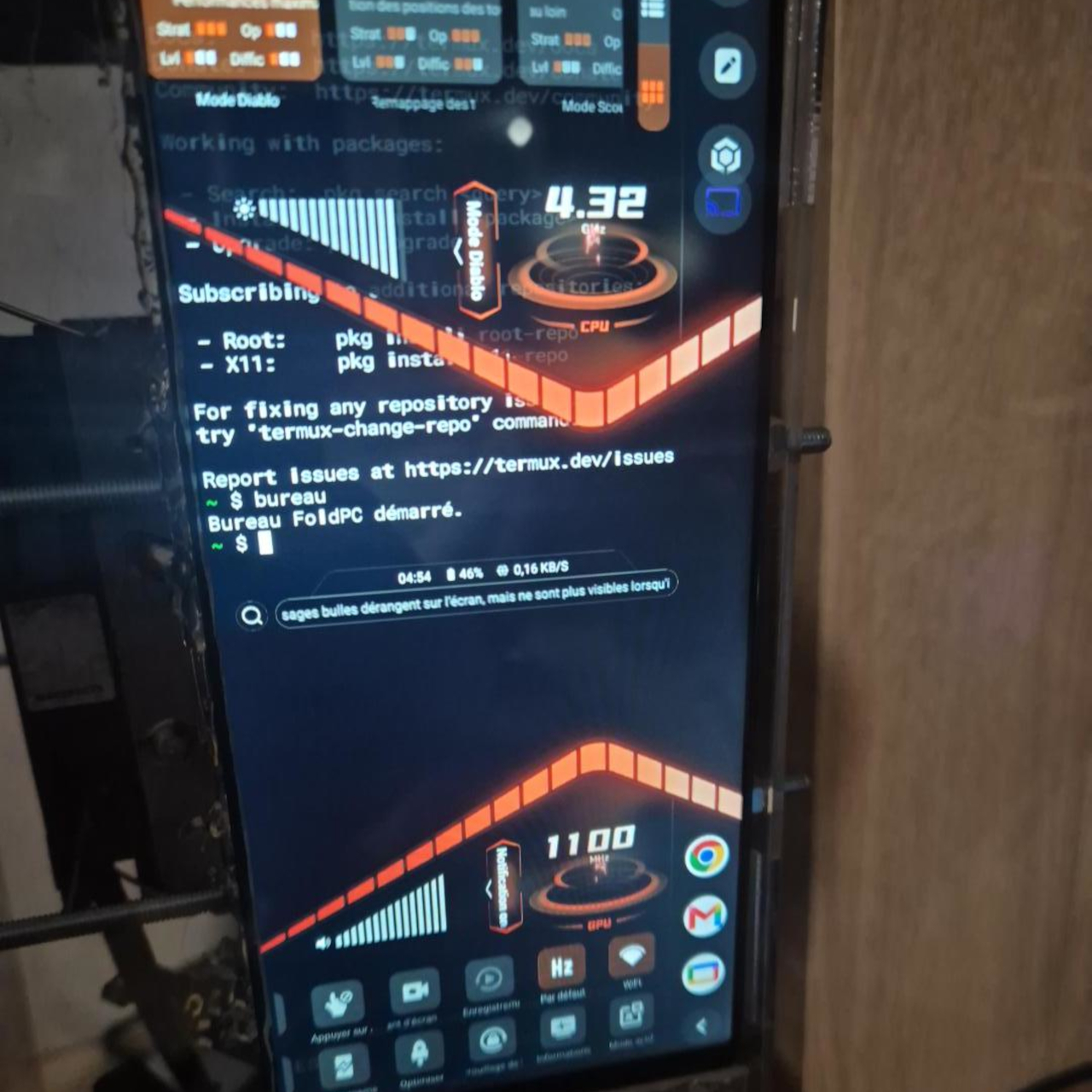
The Nubia Z70 Ultra carries a Snapdragon 8 Elite processor with a maximum clock speed of 4.32 GHz and 24 GB of RAM. Removing the screen was the key step: the CPU coolers need direct access to the chip’s shielding for full thermal contact, so the display had to migrate to the outside of the case. A power bank handles the energy supply, completing the self-contained build.
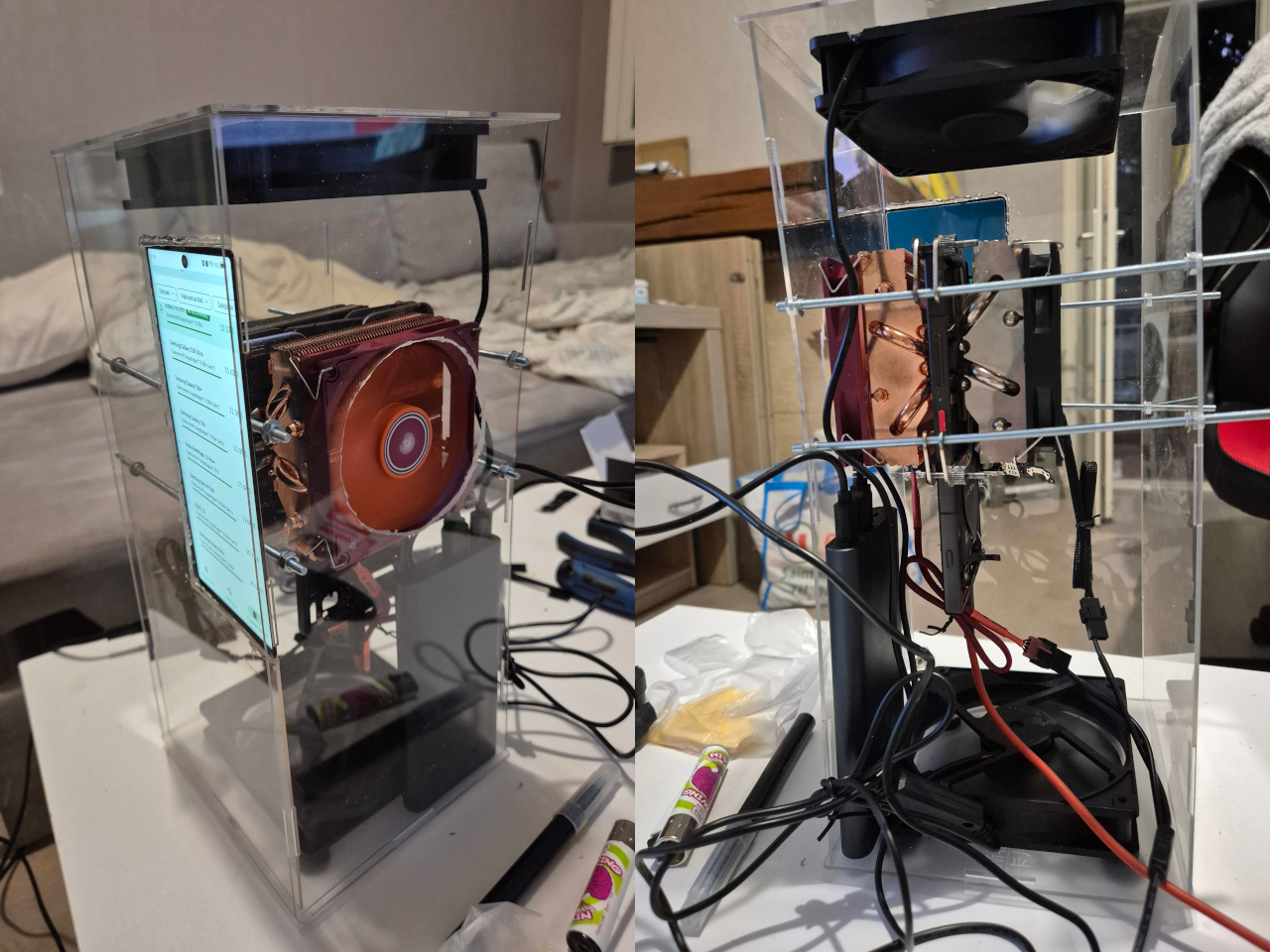
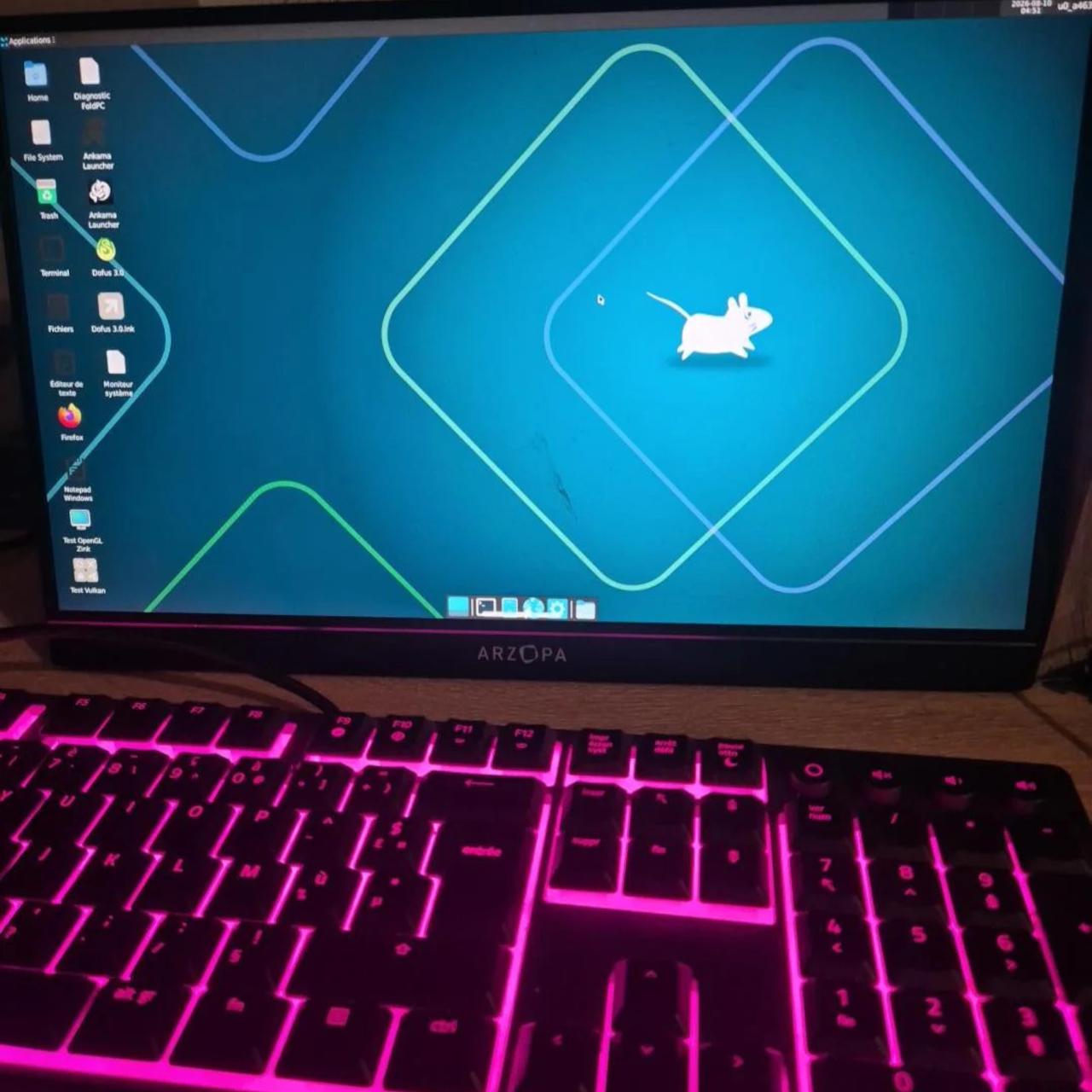
On the software side, the build runs a full XFCE Linux desktop through Termux with GPU acceleration, layering Windows application support on top via Wine and Box64. The Android system remains fully intact underneath, making the device simultaneously a phone, a Linux workstation, and a Windows gaming machine. The stated end goal is one device that handles everything, including native Linux work and full Windows game support.
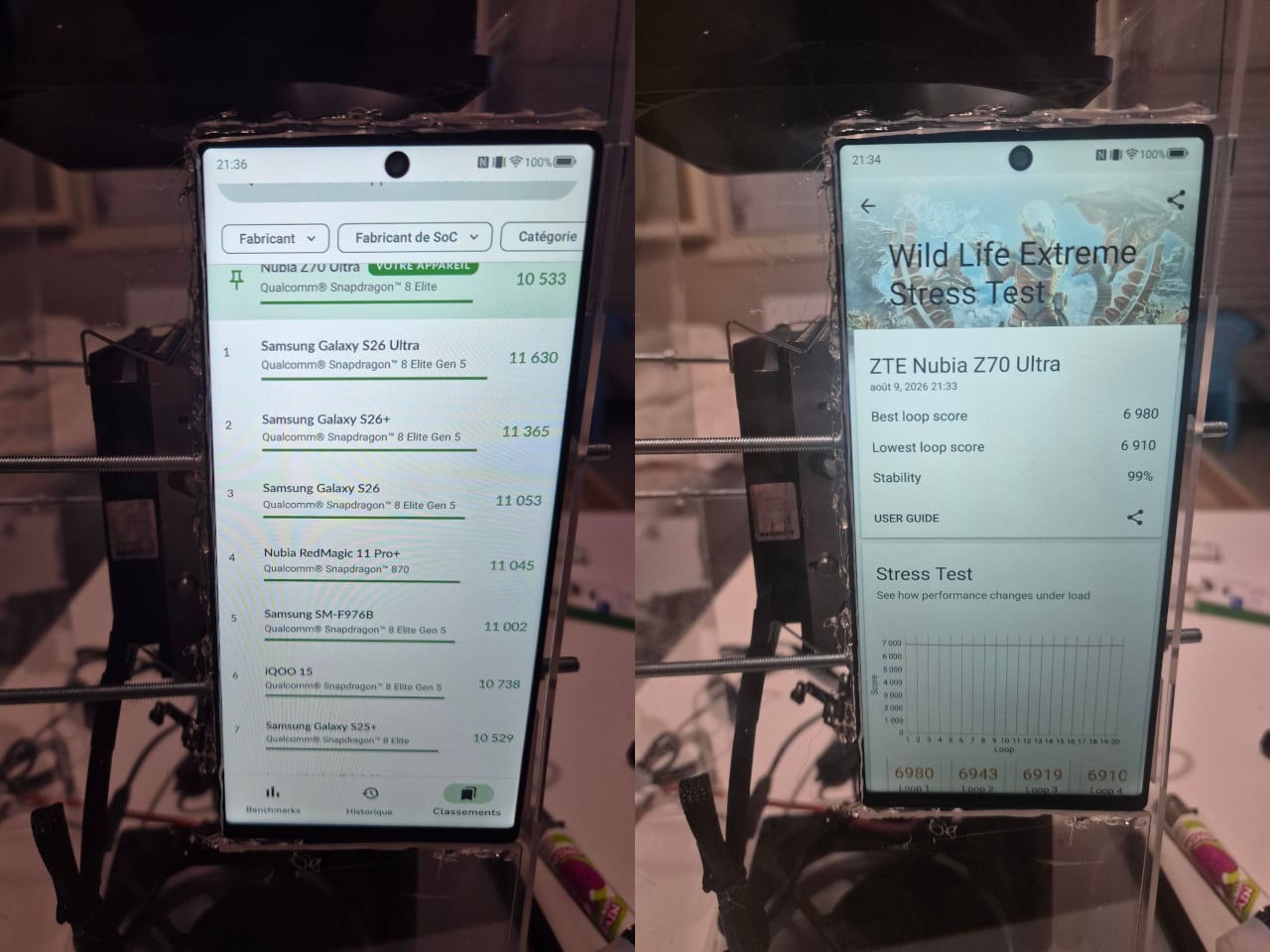
The cooling changes what the hardware is capable of sustaining. In 3DMark’s Wild Life Extreme Stress Test, the modified phone achieved 99% stability across 20 loops, outperforming the newer Snapdragon 8 Elite Gen 5, Apple A19 Pro, and Dimensity 9500 on the consistency metric. That sustained performance is the point: most mobile chips can briefly hit impressive scores, but they thermal-throttle within minutes under continuous load.
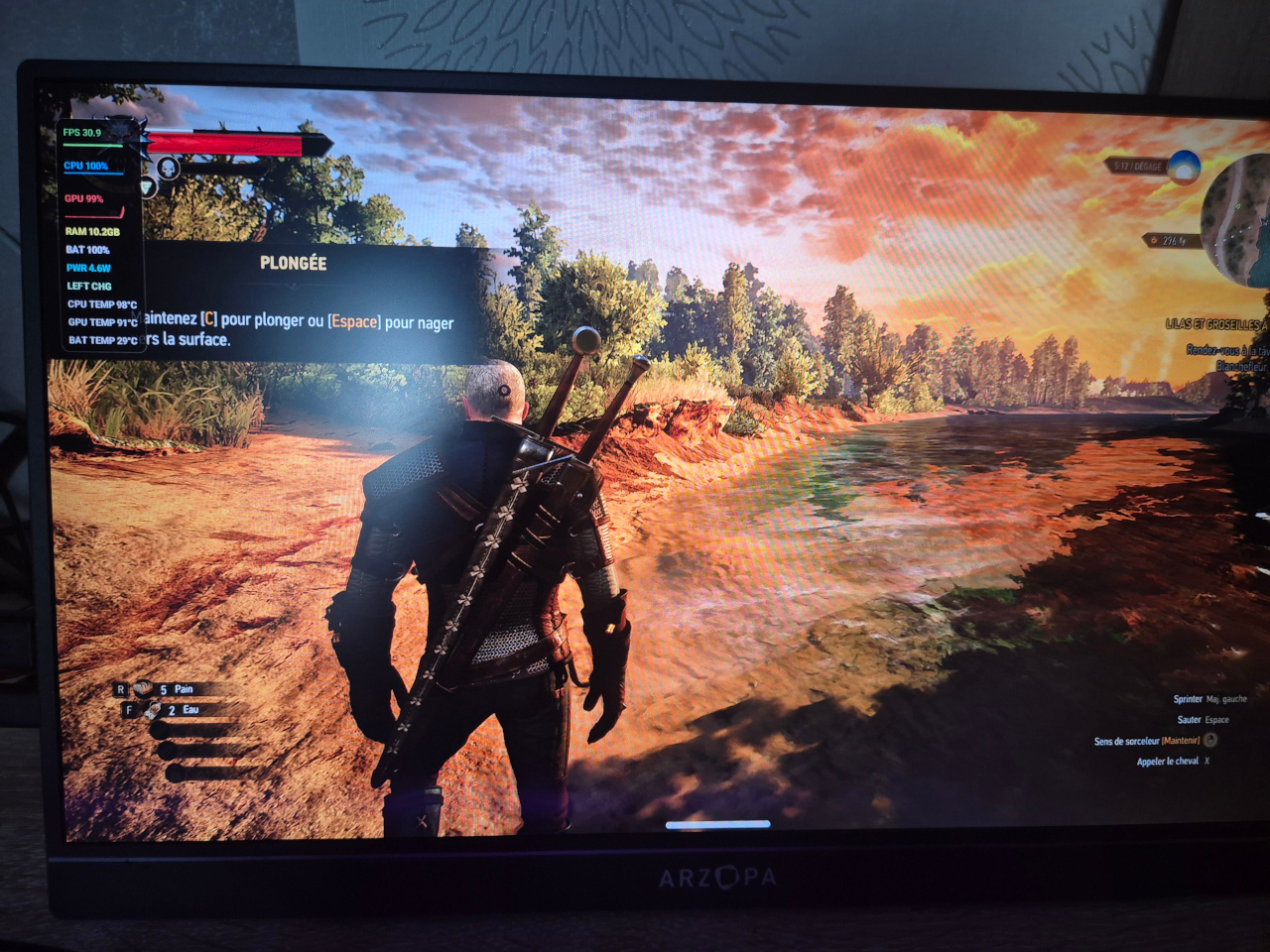
The Witcher 3 runs at 1080p with Ultra graphics settings, hitting 20 to 30 fps and occasionally exceeding 30 fps when the phone operates in its maximum-performance overclocking mode. The Adreno GPU runs at 99% utilization during those sessions, and the build connects to an external monitor with keyboard and mouse support for a genuine desktop gaming setup. For an Android phone, the performance is difficult to dismiss.
What the build demonstrates is less about running The Witcher 3 at any particular resolution and more about how far the gap between a phone and a desktop has actually closed. Adequate cooling was the only thing separating the Snapdragon 8 Elite from sustained desktop-class workloads. The question the project raises isn’t whether phones can replace PCs but how much work remains before the hardware inside them can already handle it.
The post This Modded Android Phone Runs The Witcher 3 at 1080p Ultra Settings first appeared on Yanko Design.