3D modeling device concept imagines what it’s like to create 3D with 2D tools

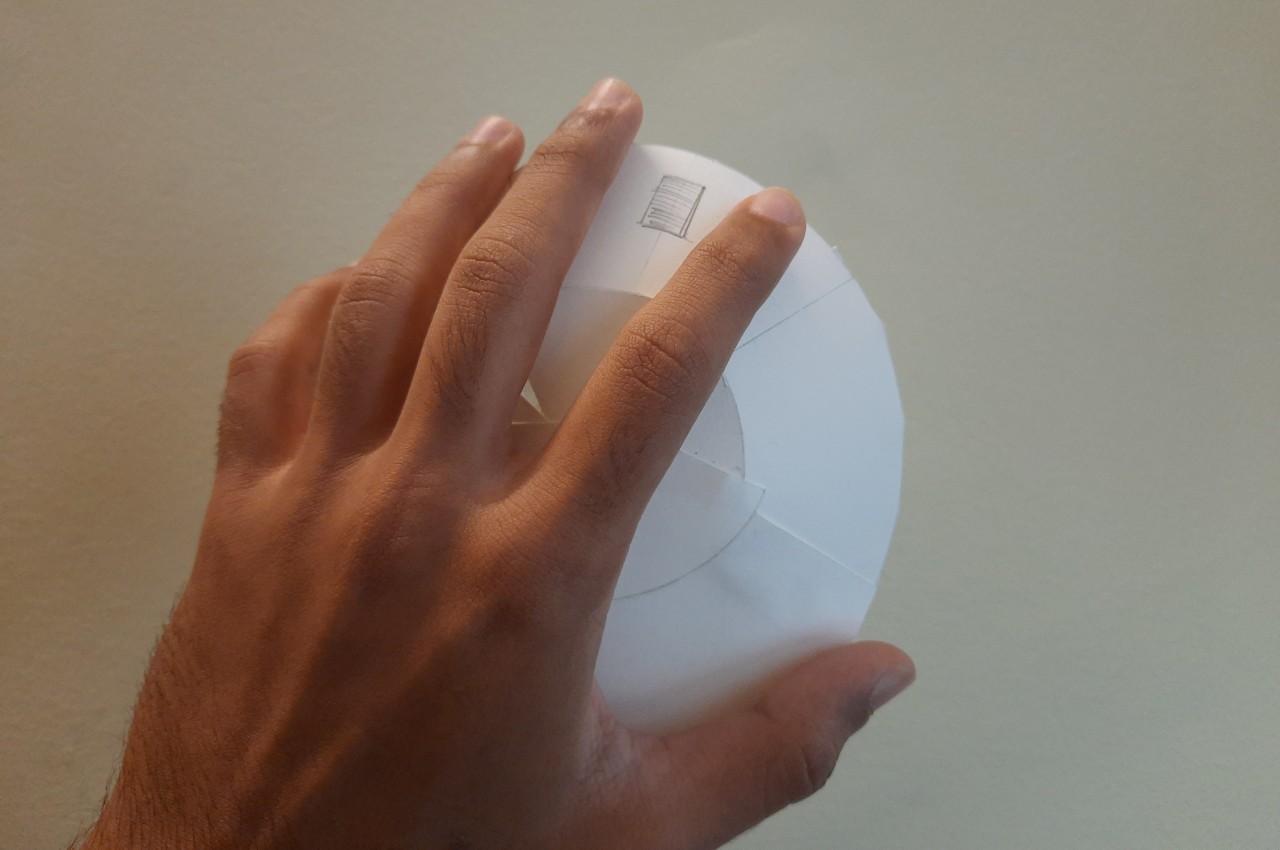
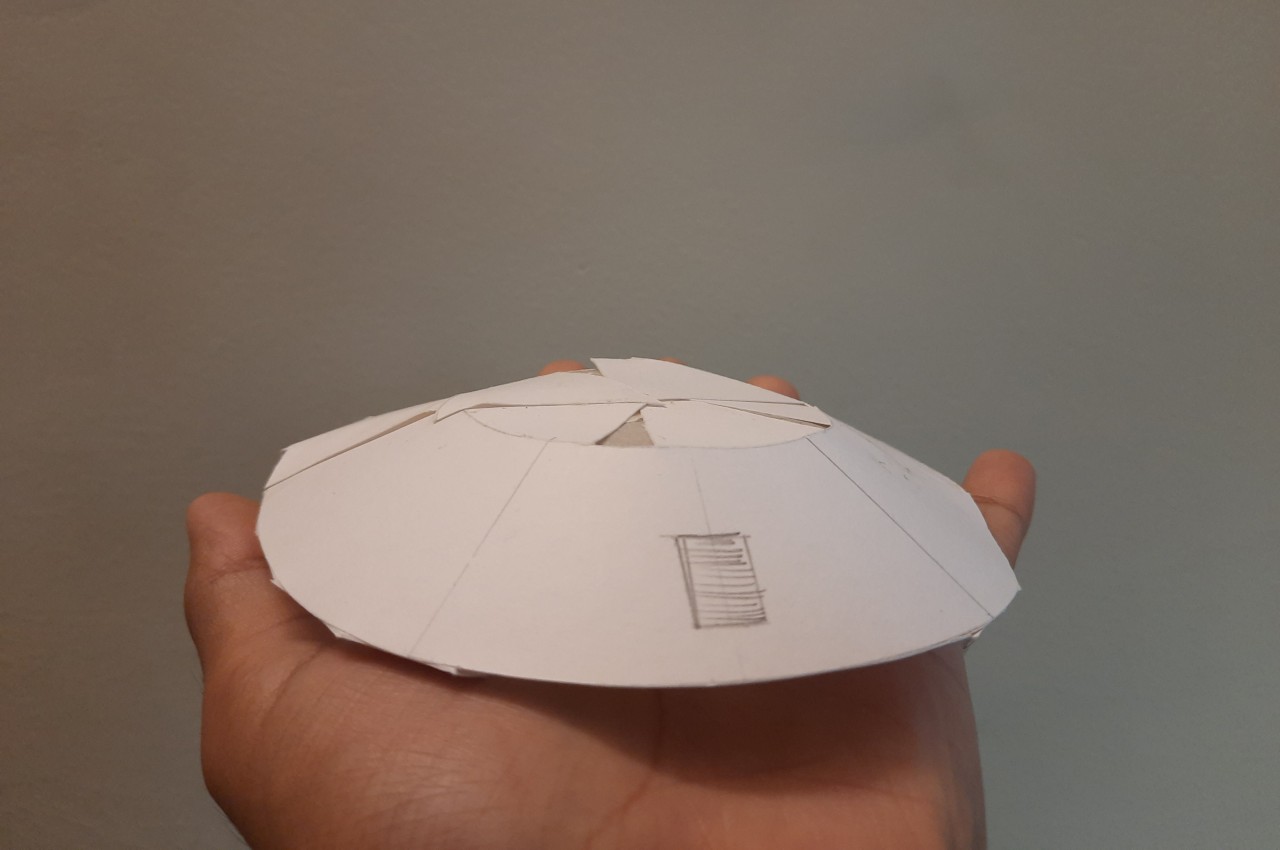
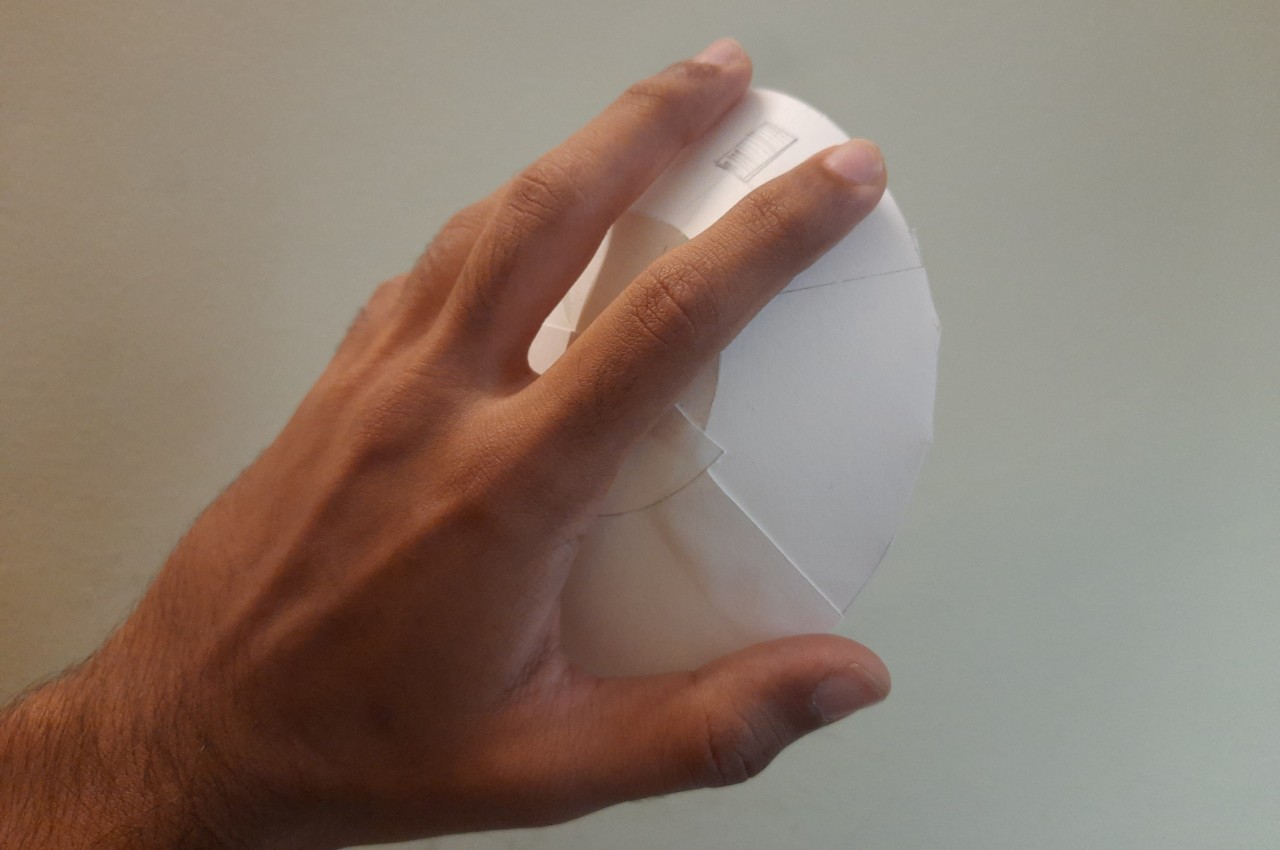
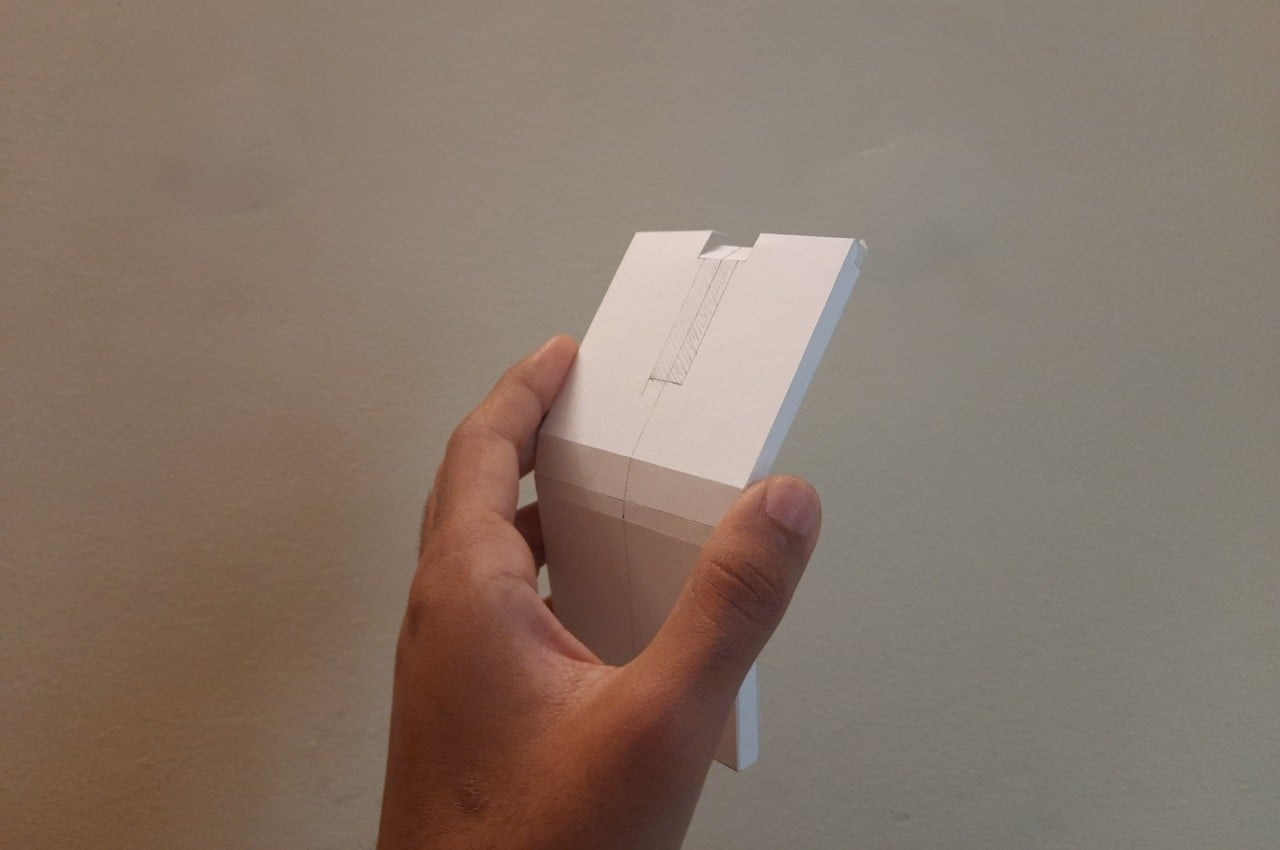
We live in a three-dimensional world, but we see the digital world through flat computer screens. That’s why 2D input devices like mice, trackballs, and pens are fine for most creative work that is made to be seen in 2D anyway. With the increase in 3D objects in mixed reality spaces, however, these tools are no longer sufficient and can even become painful to use. Our hands are used to manipulating real-world three-dimensional objects, but our computer tools are confined to the 2D space, making them inefficient and counterintuitive. For the new age of 3D, we need newer and better tools designed specifically for those needs, and this concept imagines a new device designed from the ground up to offer a better way to create those 3D models that will populate the virtual worlds of the future.

Designer: Jayesh Gaikwad

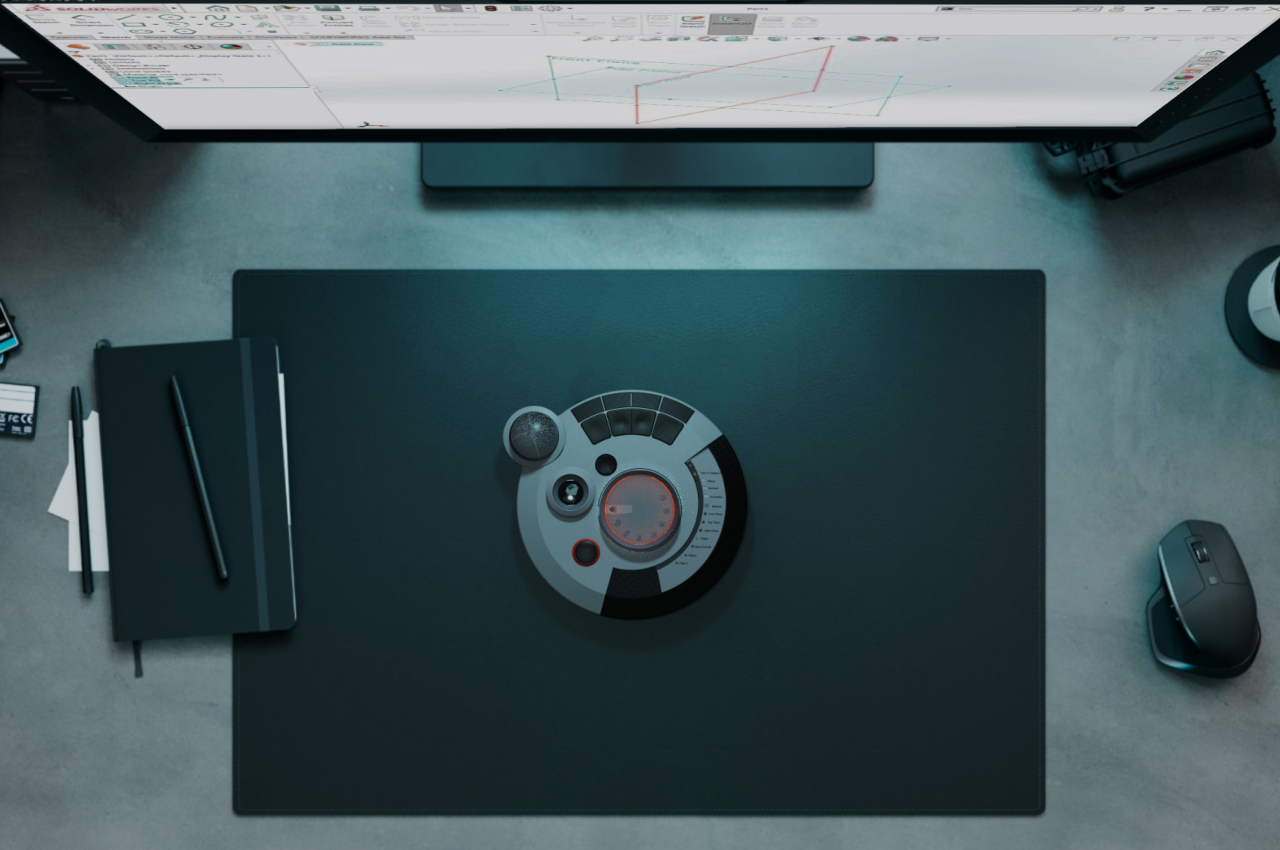
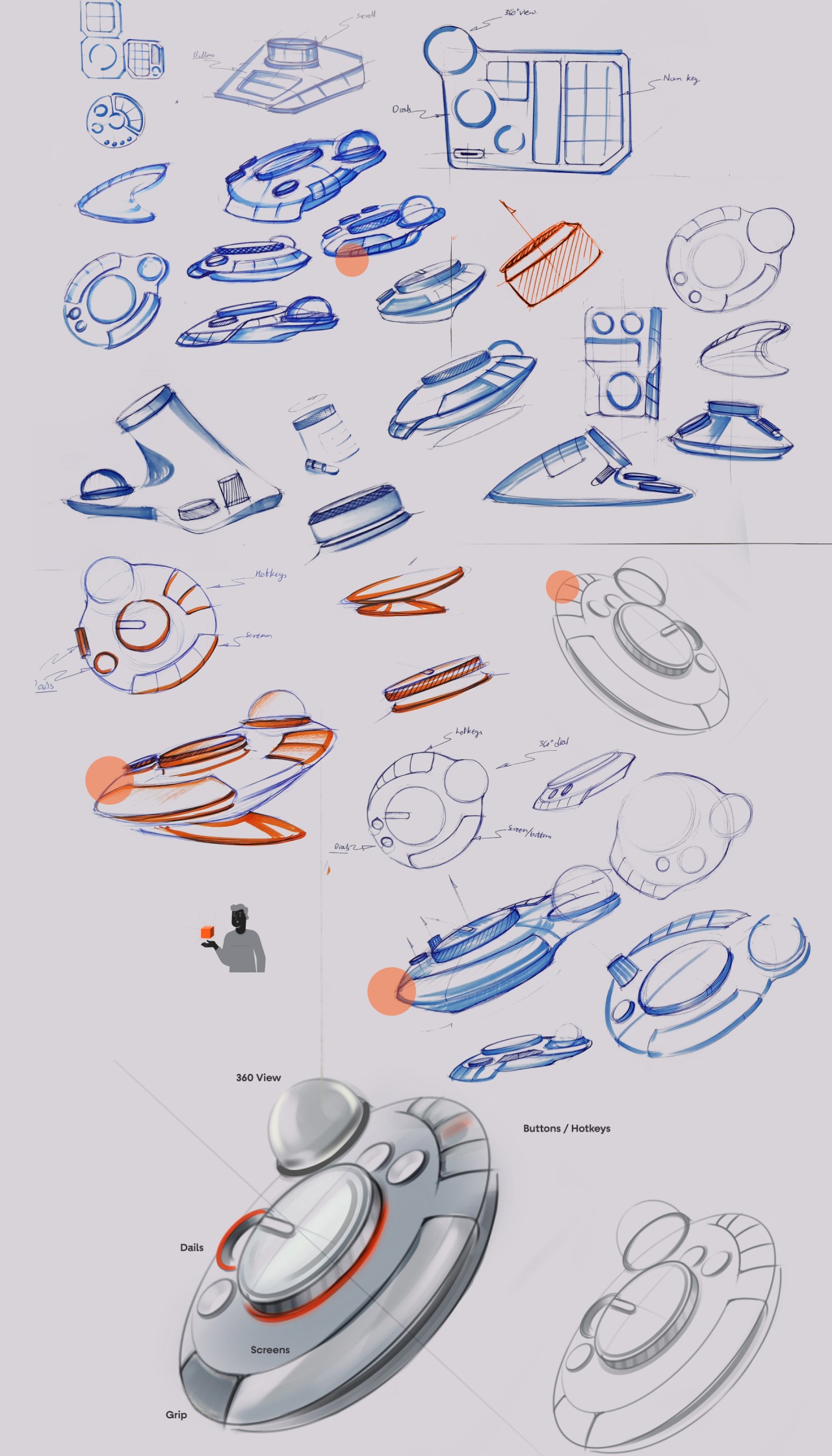
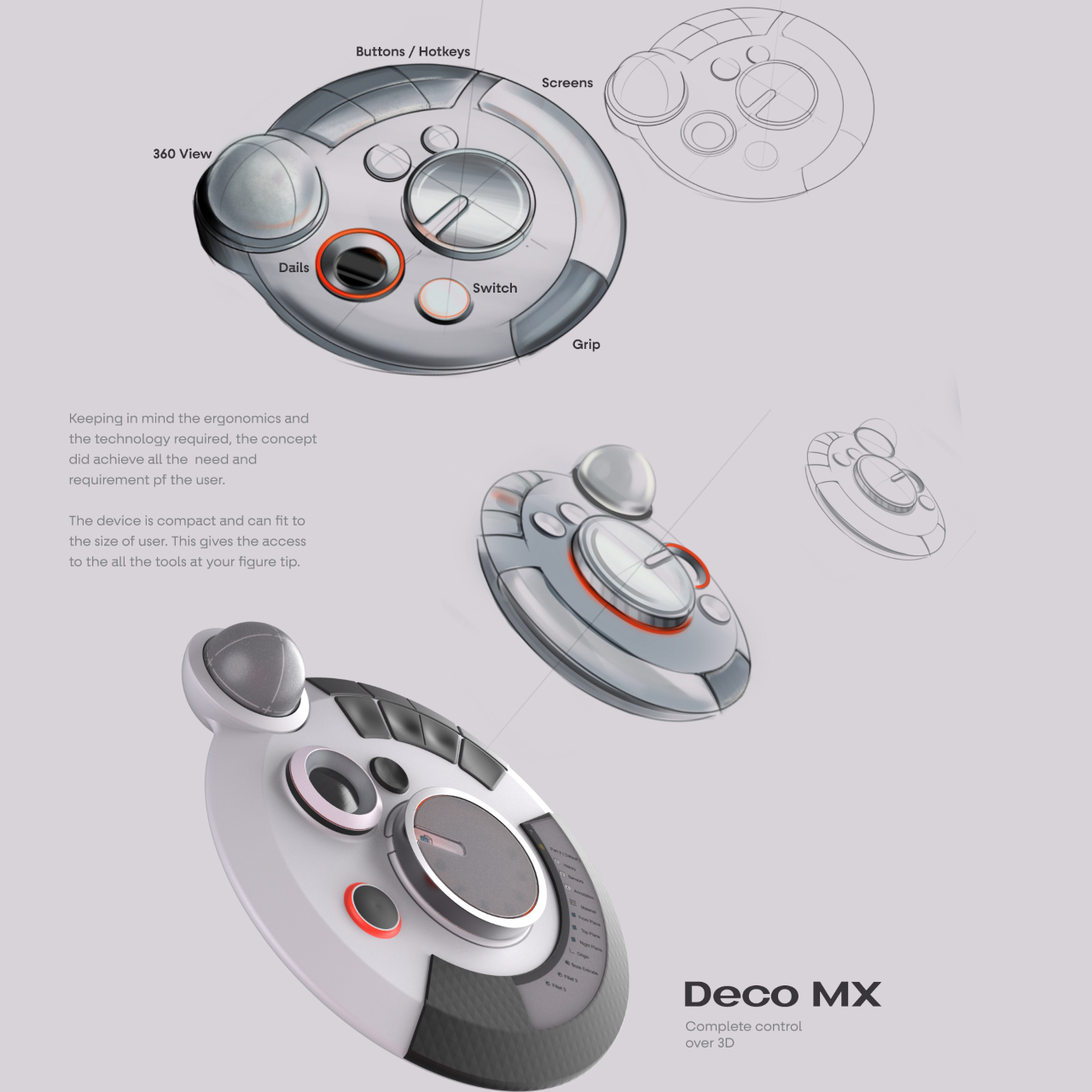
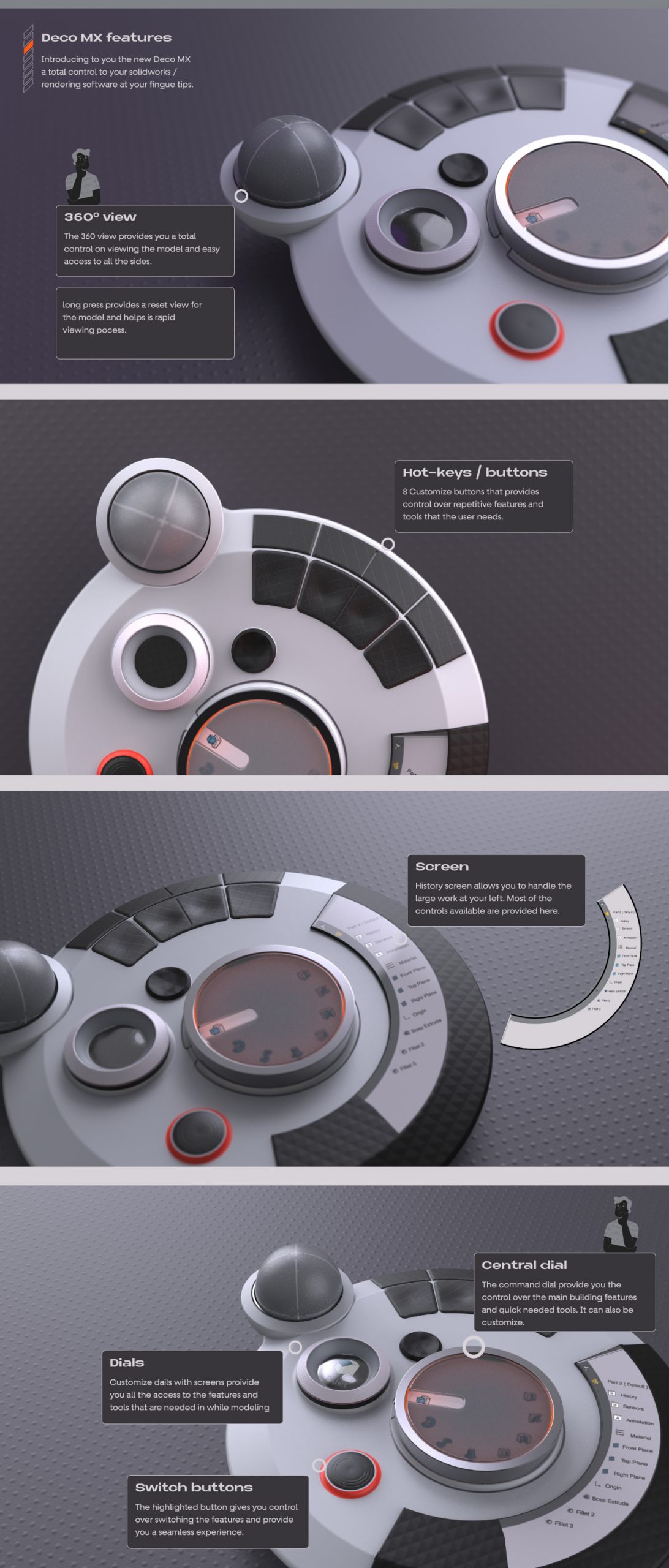
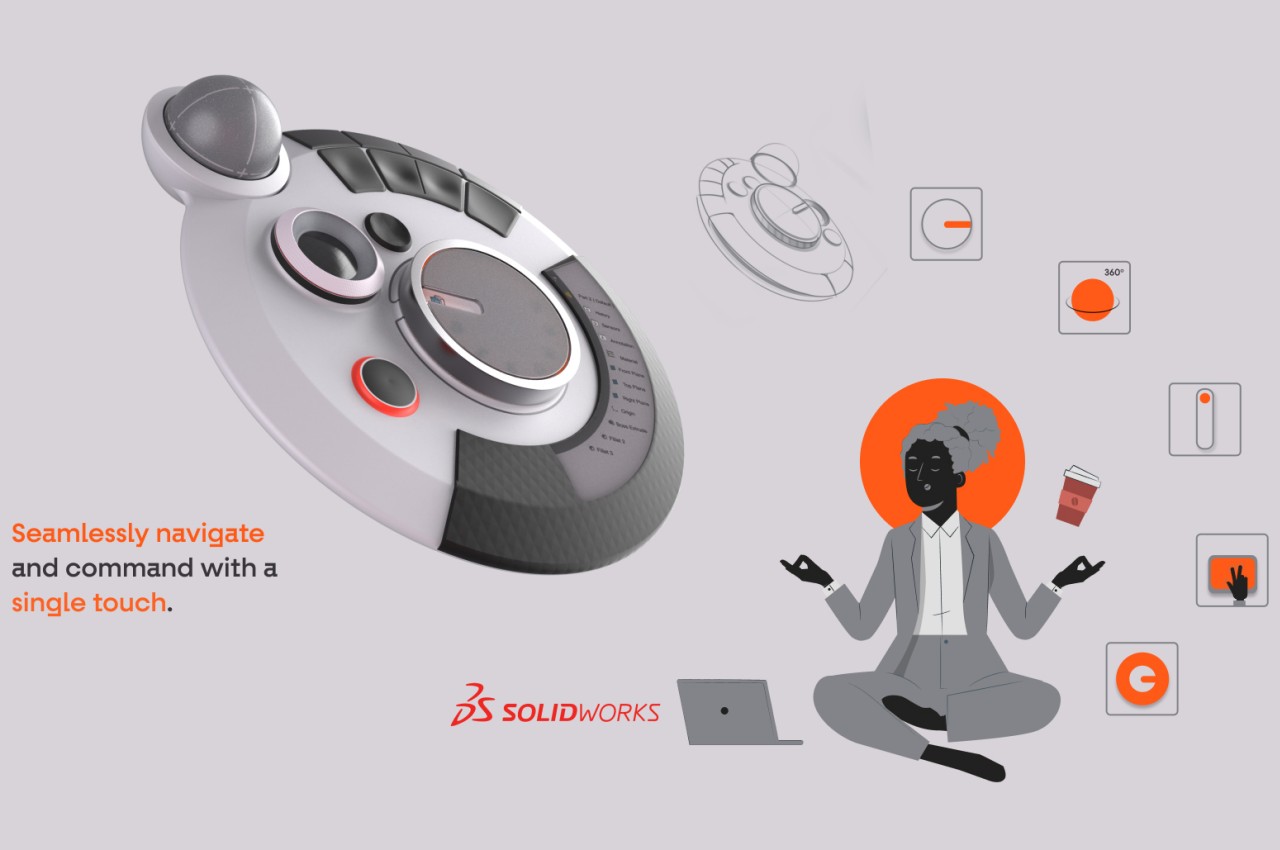
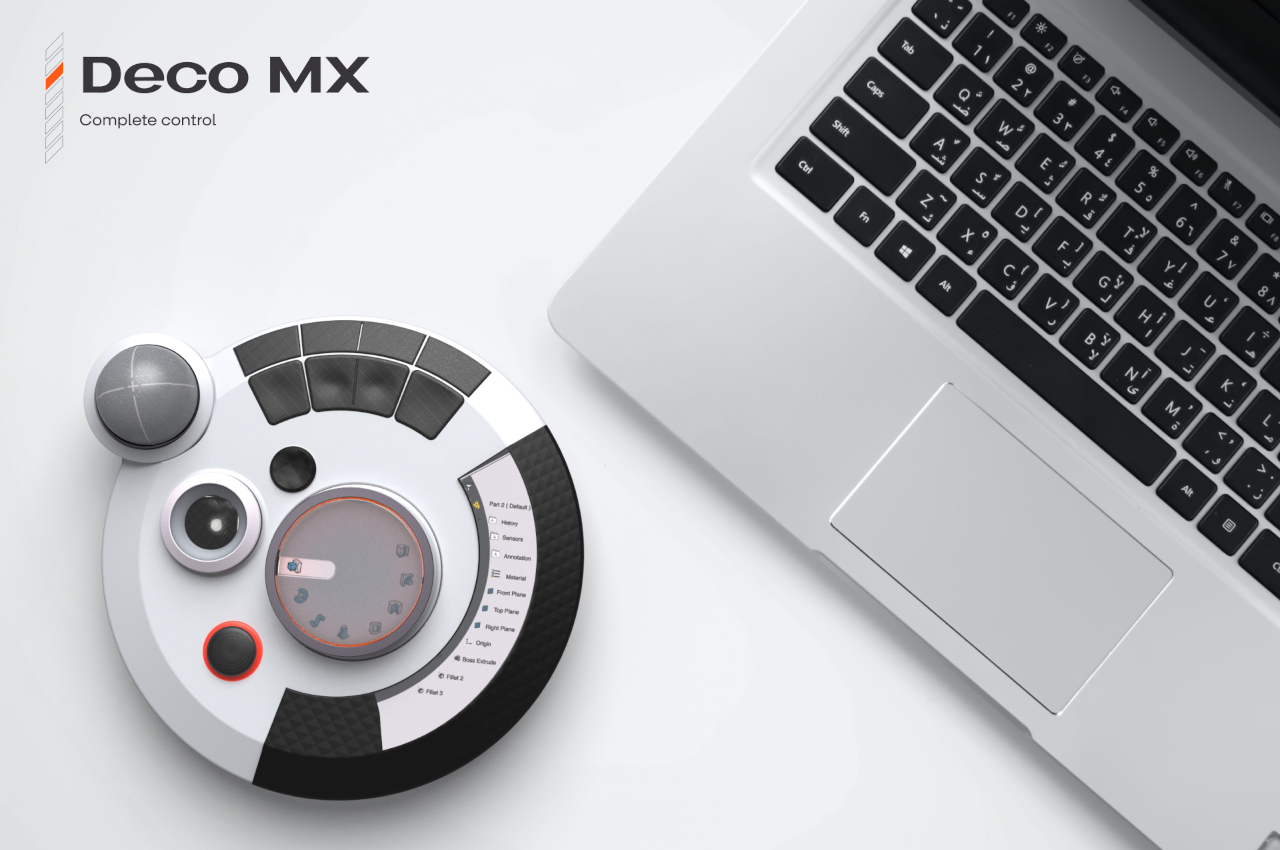
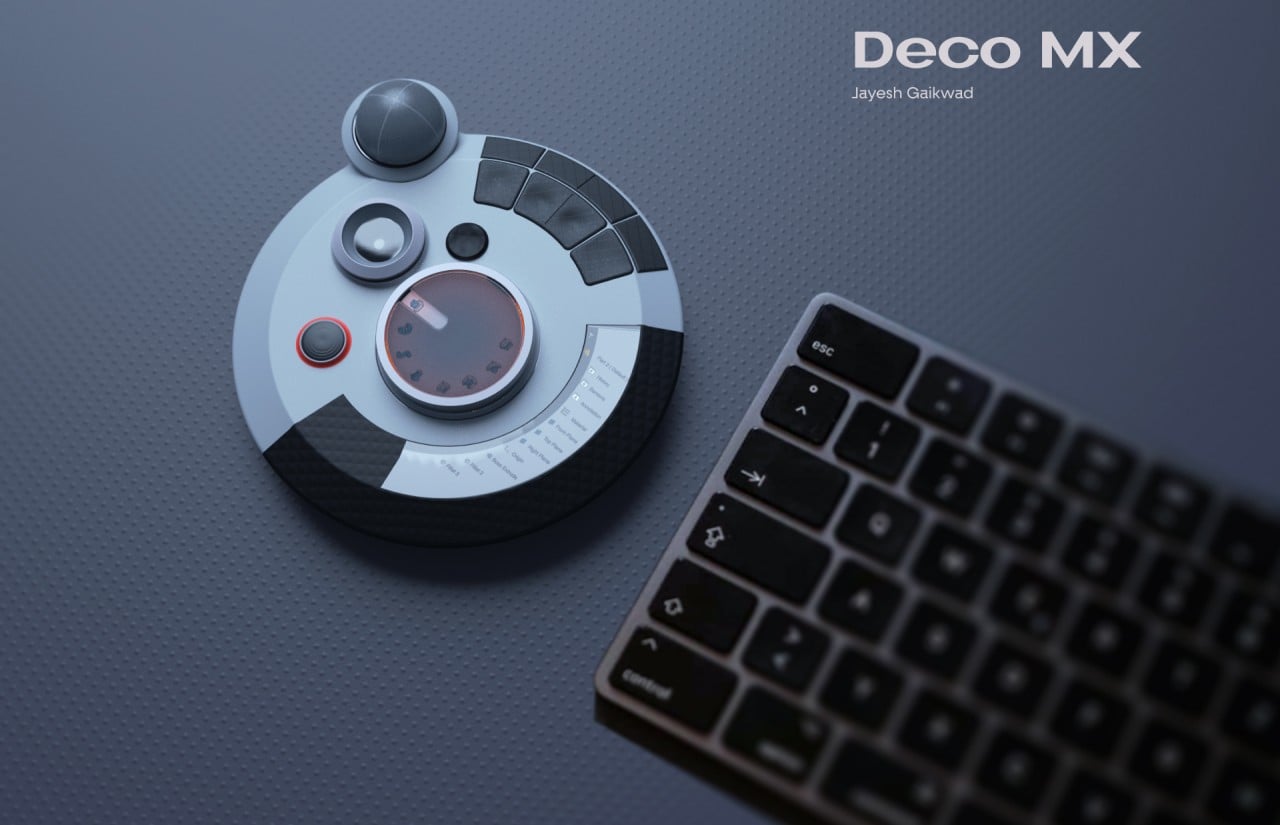
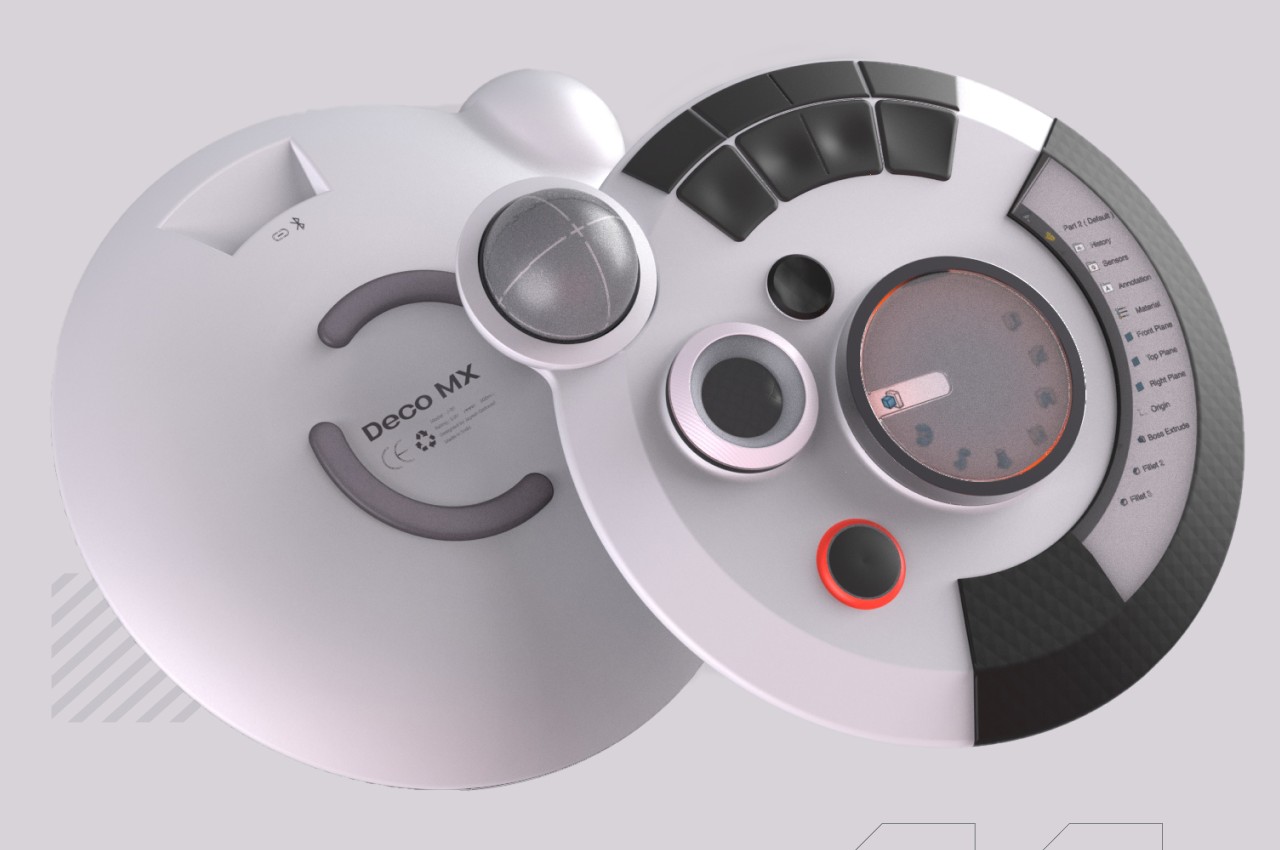
You might brush the Deco MX off as a glorified trackball, but that couldn’t be farther from the truth. After all, a trackball is still just like a mouse that moves a cursor on a 2D screen. You can use that cursor to move and rotate a 3D object, but it’s a clumsy and awkward gesture that doesn’t map what we have in our mind when we want to turn those 3D objects living inside our flat displays. That’s what that ball in the corner of the Deco MX is for, letting you rotate an object more naturally in all three axes, making it easier to see the 3D model from all angles.

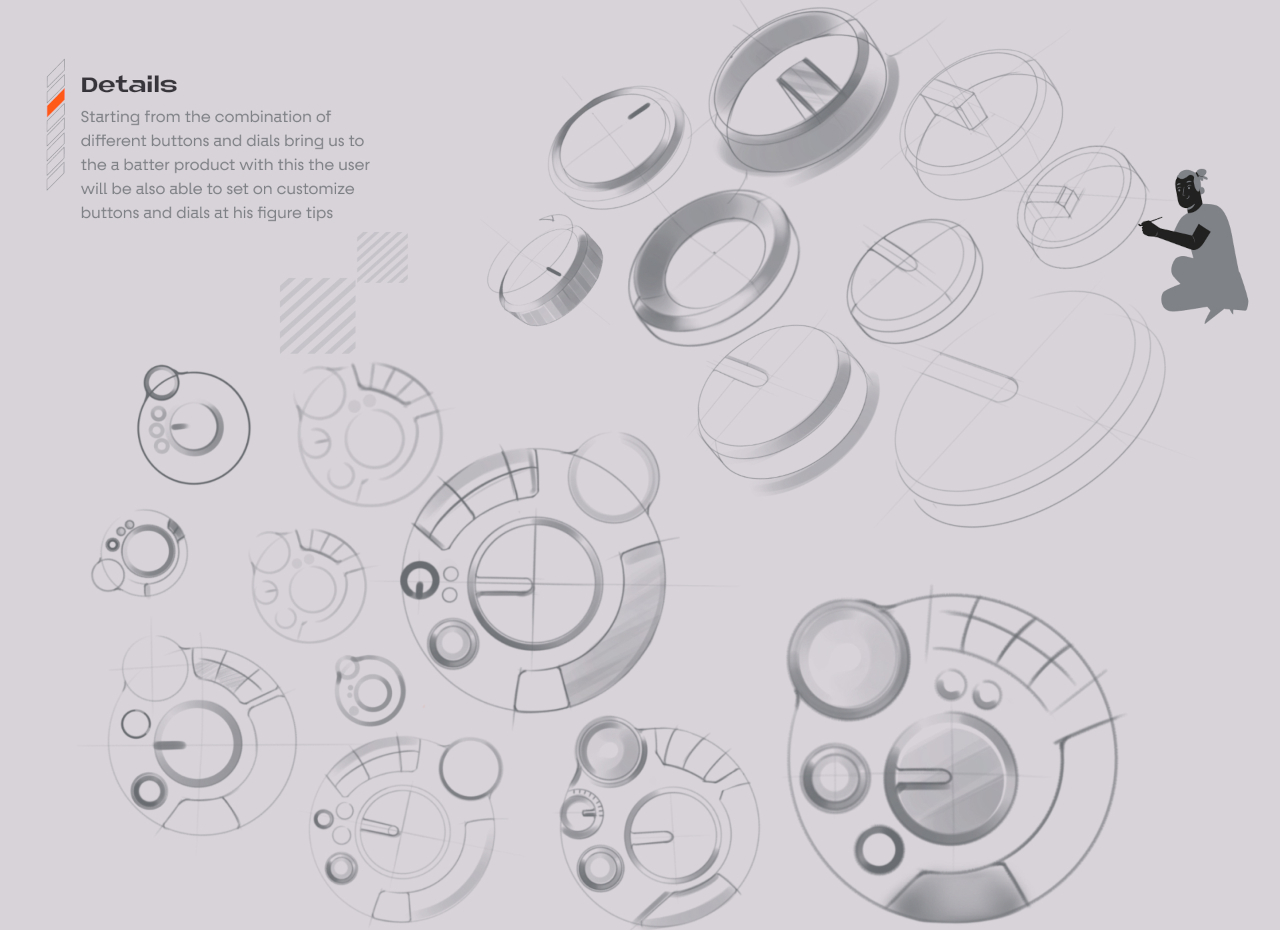
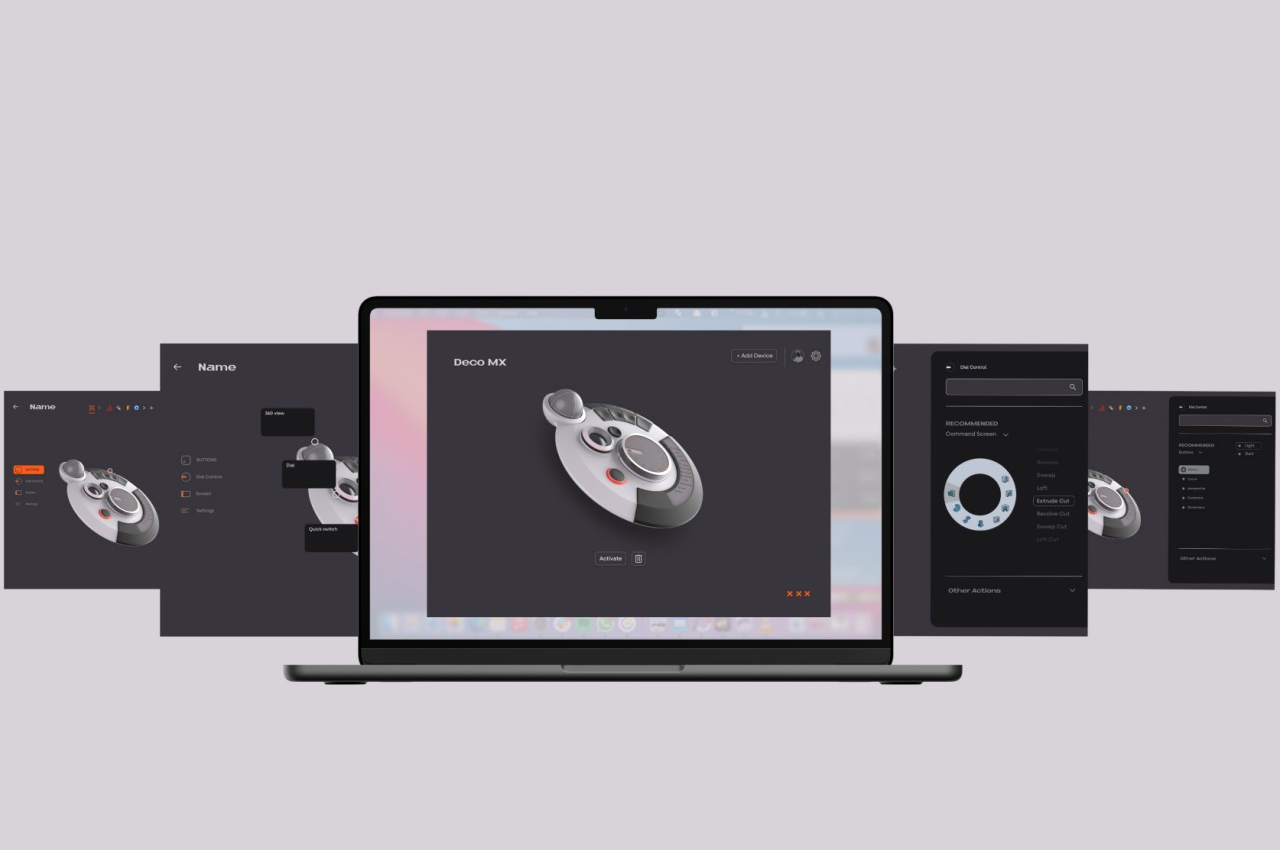
The rest of the device is made to give easier access to the tools that a designer needs when building those 3D models. There are programmable buttons to set your own shortcuts within the app, as well as dials to switch tools quickly. The central dial is, in fact, the biggest control on the Deco MX, and it gives access to the most common building and editing tools in a program. You can change which tools those are to suit your workflow, of course.

What makes the Deco MX extra interesting is the amount of screen on it. There’s one that arcs to the side, showing a history of actions you’ve taken so far. The central dial also has a screen underneath that changes depending on the tools you’ve set to be your favorite ones. There’s also a small circular screen to the side that shows you the currently selected tool without having to squint your eyes too hard.

While this 3D modeling device offers an innovative interface, the software we use today still presumes a 2D input device like a mouse or a stylus. Deco MX still can’t replace that and is instead designed to supplement it, perhaps taking the place of a large and cumbersome keyboard. Admittedly, the existence of screens on the device might actually make it harder to actually produce, but the concept has enough strong points that manufacturers should consider, especially as we journey deeper into mixed reality worlds.

The post 3D modeling device concept imagines what it’s like to create 3D with 2D tools first appeared on Yanko Design.
With an articulated spine this robot mouse can beat ‘Spot’ at pace and maneuvers in small turning radius

Over the years, quadruped – four-legged – robots led by the likes of Spot, by Boston Dynamics, have captured our imagination far and wide. These robots have been through various upgrades, including the robotic dog that can now walk, jump, and maneuver like the real thing. Even though the construction of these robots is already very sophisticated, it remains to be perfected for widespread applications.

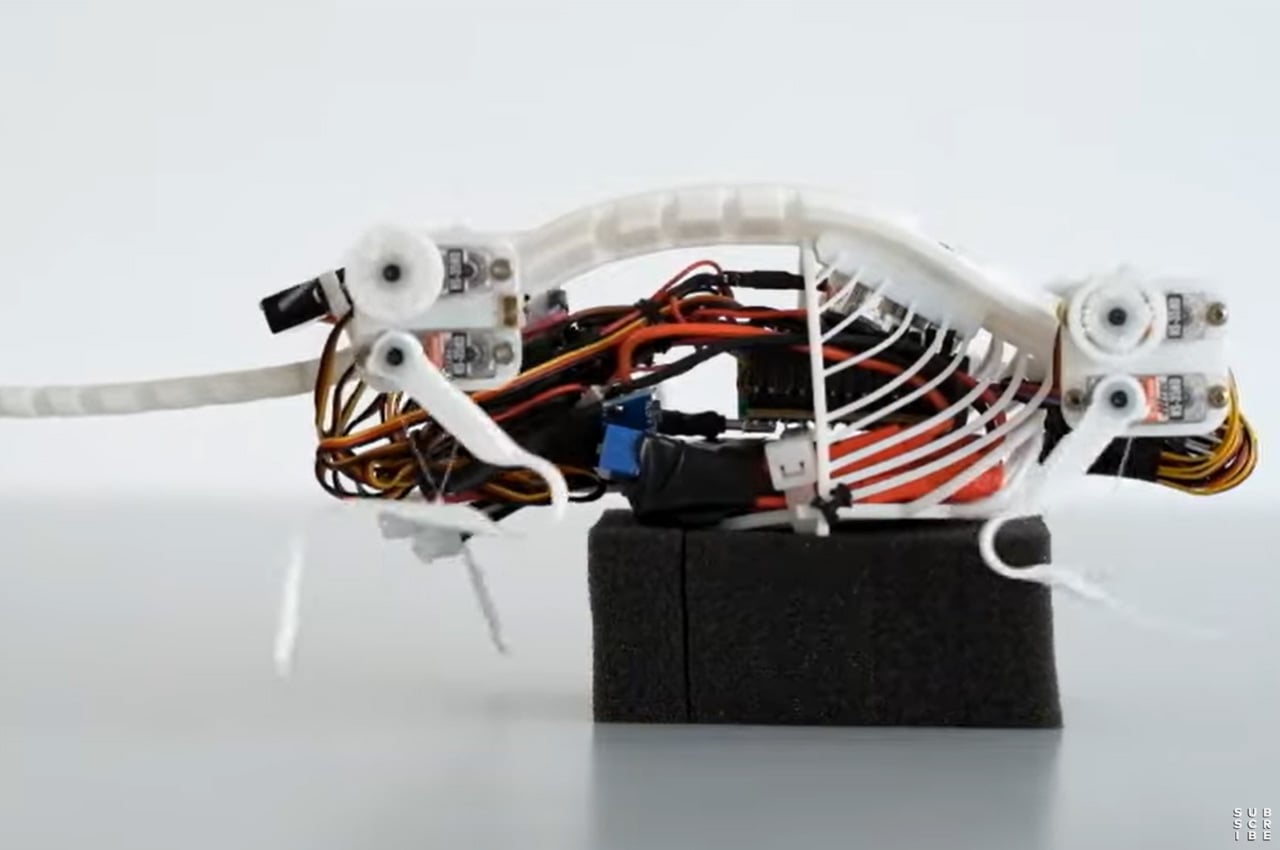
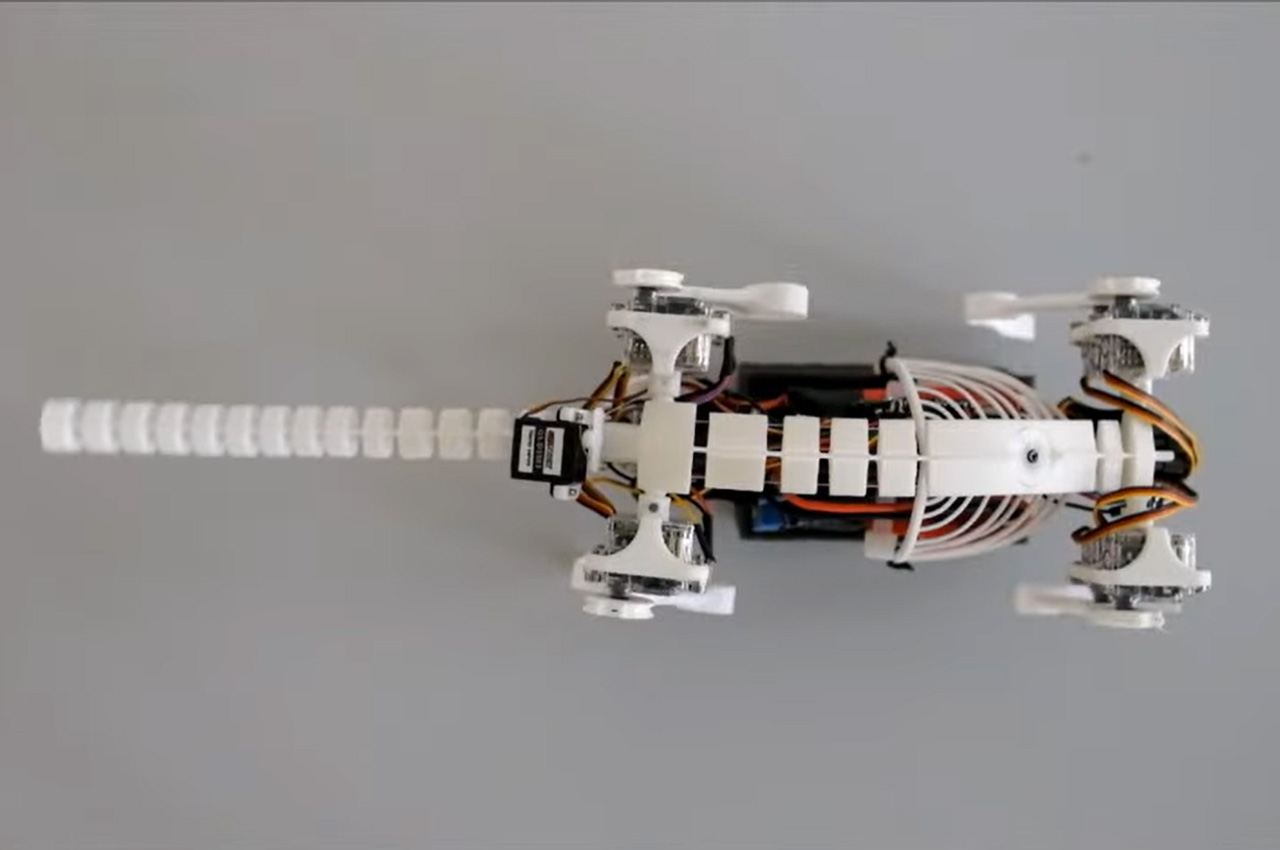
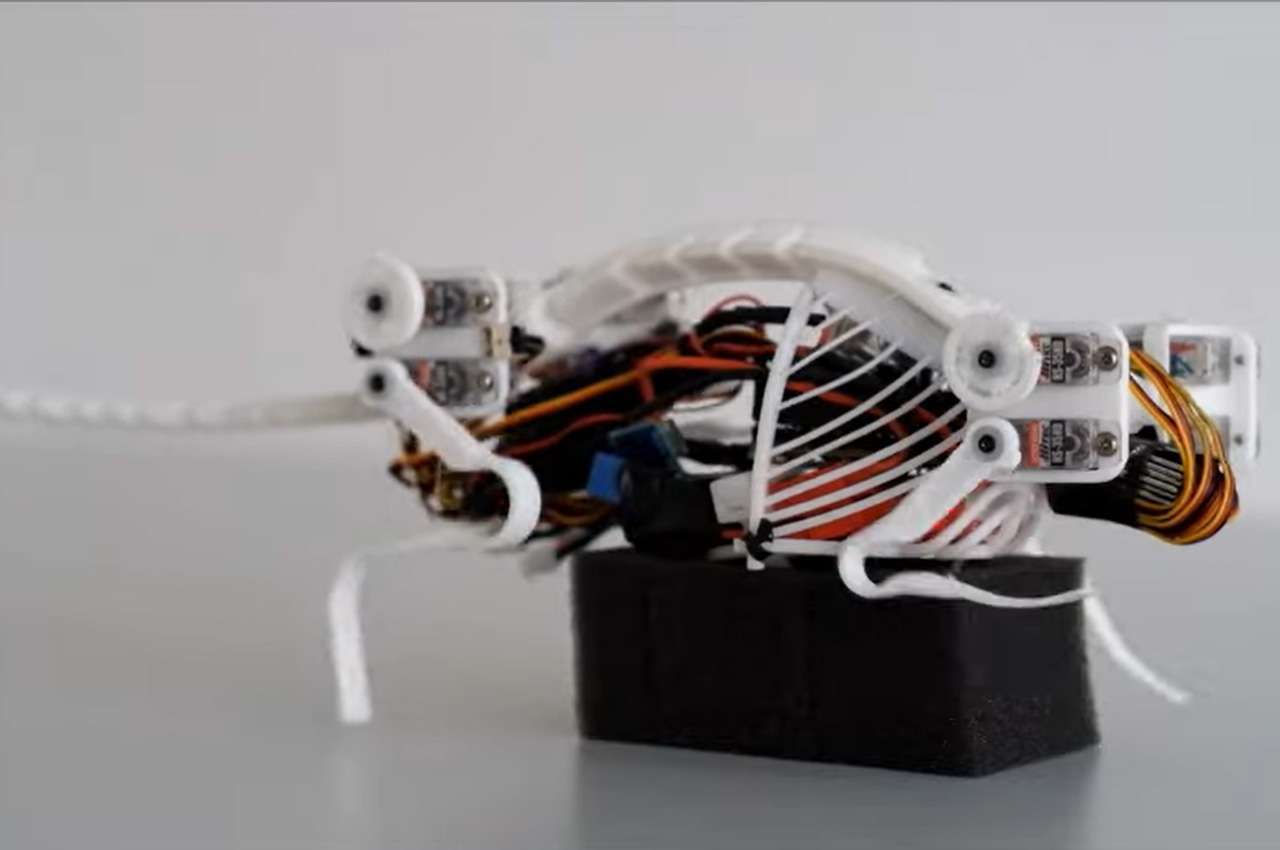
A step forward in this direction can be a mouse robot with an articulated spine developed by collaborative research teams from the Technical University of Munich, University of Technology, Nuremberg, and Sun Yat-Sen University, China. The articulation of the spine allows the mouse named NeRmo full body control and stabilization, which provides it with a more balanced frame along with agility and gait much like a real rodent with a biological spine.

Designer: Zhenshan Bing

This mouse created with a flexible spine and tendons is the first interpretation of spine-centric quadruped, unlike the four-legged robots whose anatomical mimicking just finishes at the leg-based motor skills. Yes, they can walk, jump or even pull off a few dance moves, but the NeRmo can do that and more. While the others are robotic in their movement and approach, the researchers led by Zhenshan Bing, believe their mouse – with a spine and tendons running through it – can move almost alike and turn equally efficiently as its biological counterpart.

NeRmo is an agile-legged robot that leaves behind challenges of movement and regulating spine flexion that other quadrupeds using similar spine enhancement – like in the case of Boston Dynamics’ Cheetah robot – have proved. The robot with 3D printed parts and Raspberry Pi for its brain has a sensory system that can make decisions and navigate autonomously.

The NeRmo is an experimental robot that helps understand the spine-based quadruped locomotion skills. The findings are pretty optimistic, which means, that its development can be a promising inspiration for more such small agile-legged robots. The construction of the NeRmo modular robot, according to the research team is low cost, owing to its building process. With the articulated spine, the research shows, the robotic mouse can adjust its posture, extend its stride to walk faster, and make agile maneuvers in a small turning radius and while walking.

The post With an articulated spine this robot mouse can beat ‘Spot’ at pace and maneuvers in small turning radius first appeared on Yanko Design.
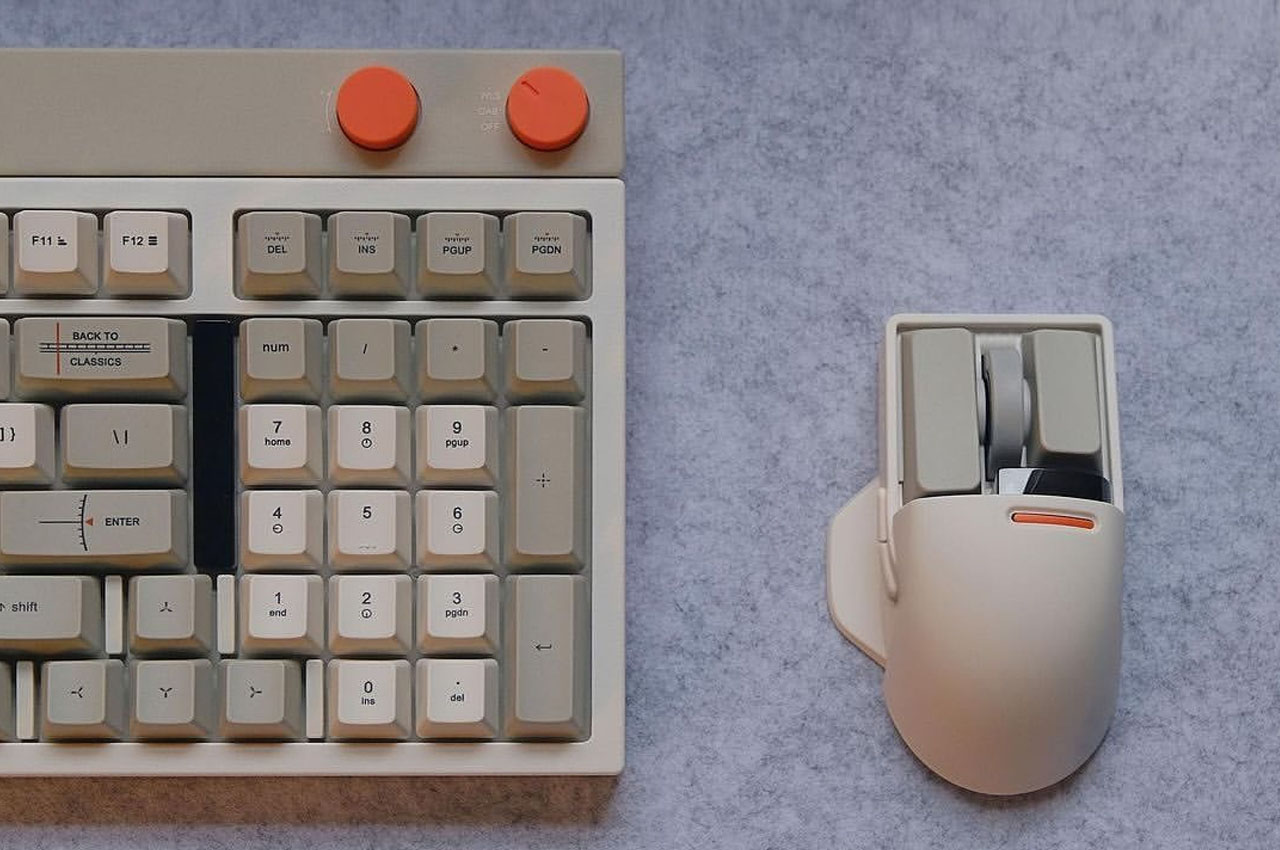
Retro-inspired LOFREE TOUCH PBT wireless mouse comes with swappable keycaps for matching workspace theme

The good old mouse has evolved into an accessory that can improve your productivity exponentially, that’s if you get the hang of using all the buttons and set the customization options in line with hand ergonomics and muscle memory. Take for example Logitech MX Master 3S, Corsair SCIMITAR RGB ELITE or Logitech G305. In an editor’s hand, any one of these mouse can be a potent tool.

The shape of these high-end mouse has also evolved into a much more modern aesthetic, considering the position of the hand and the multiple buttons. But there’s always a time when you want to experience the retro charm of the good old PC accessory without giving up on the modern functions.

Designer: LOFREE

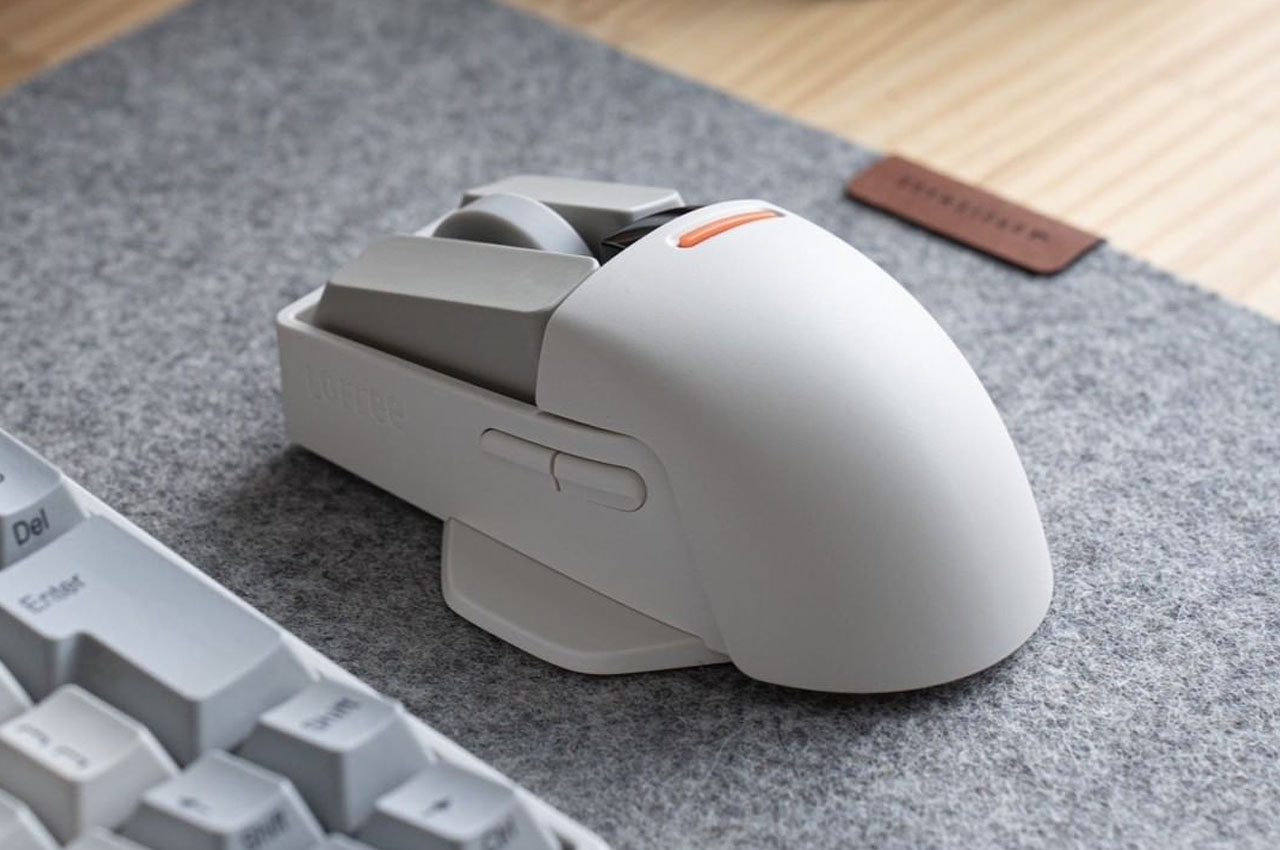
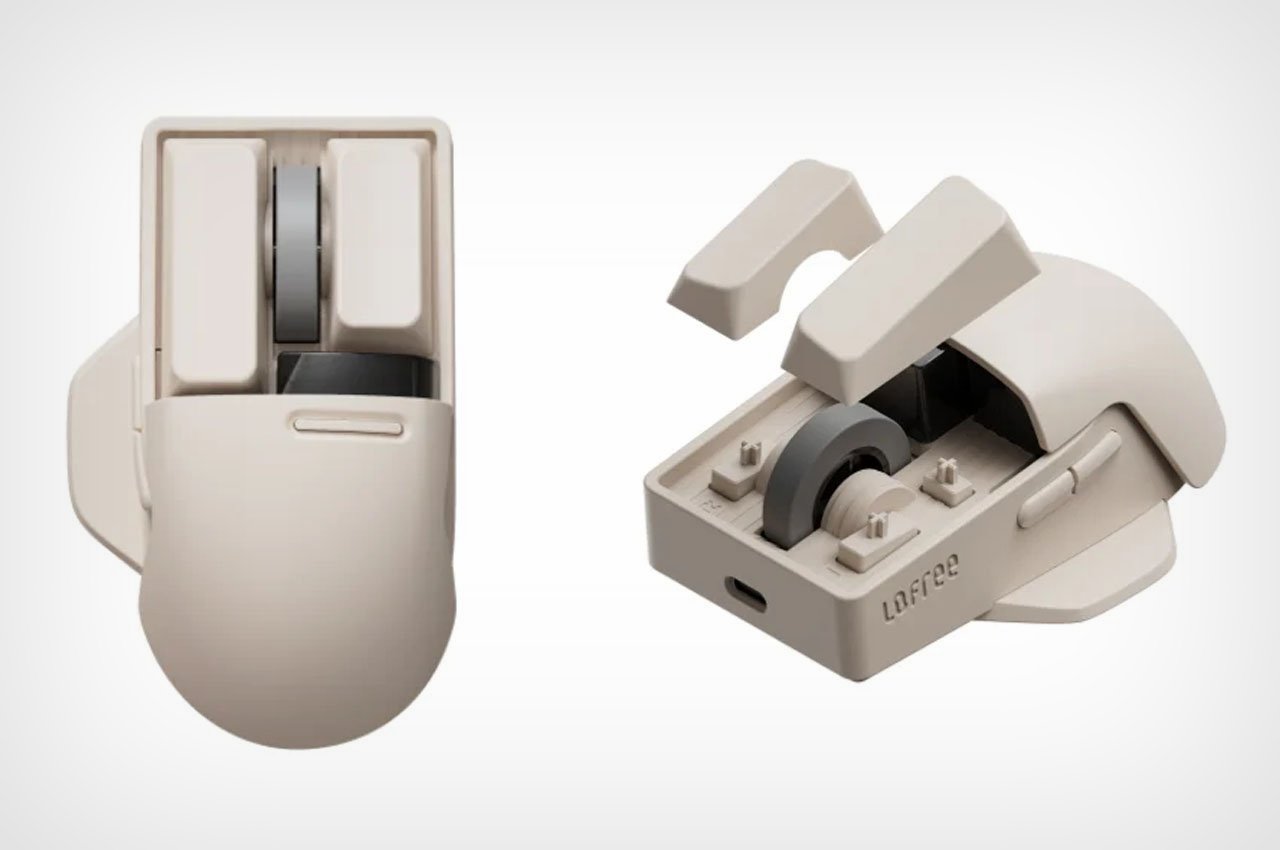
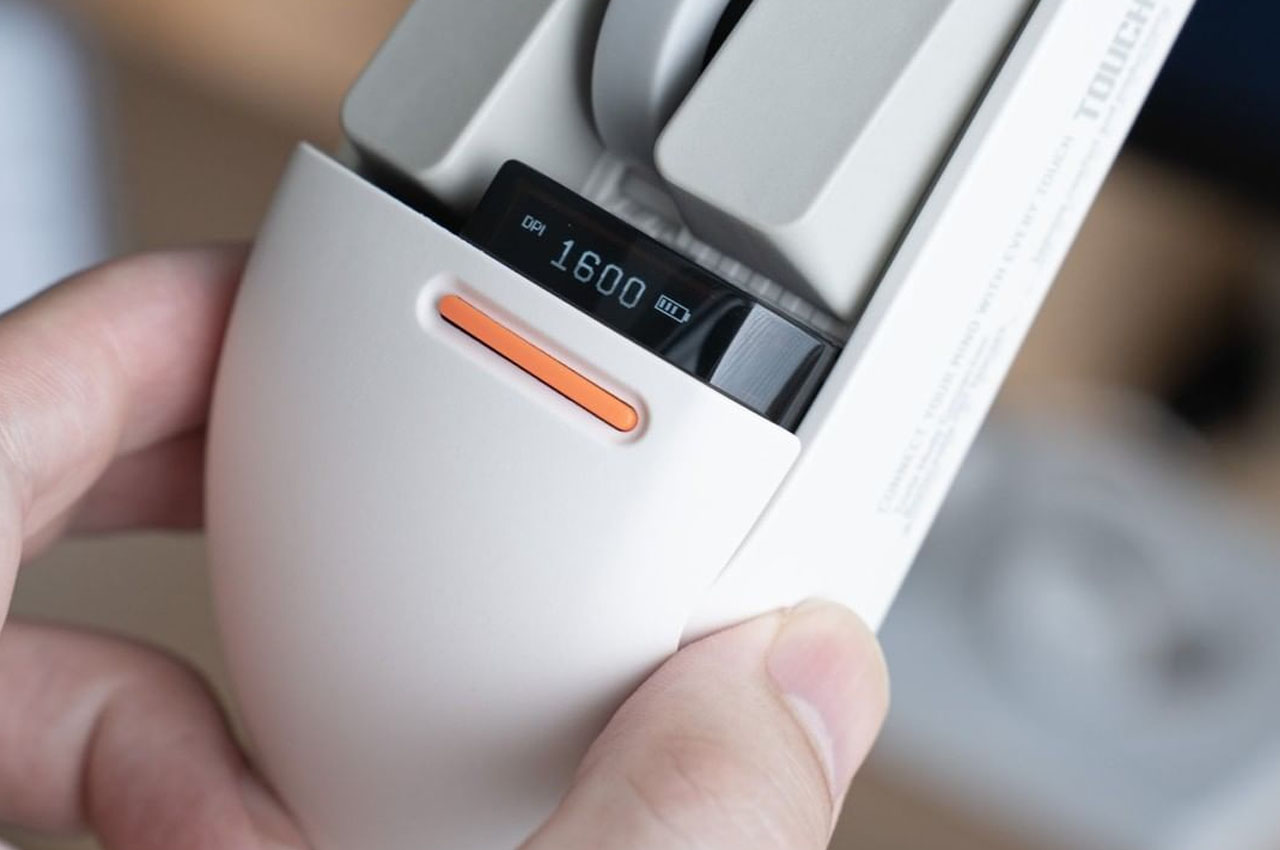
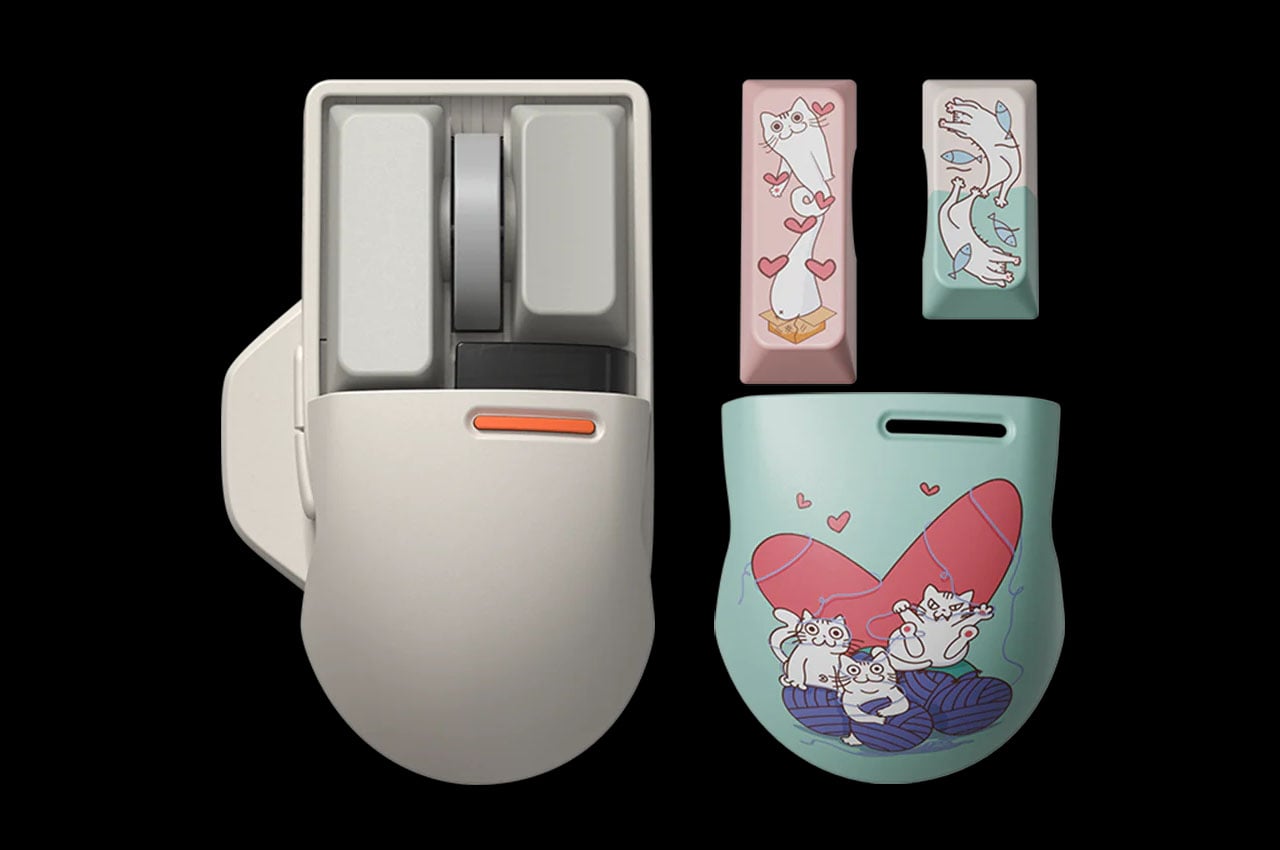
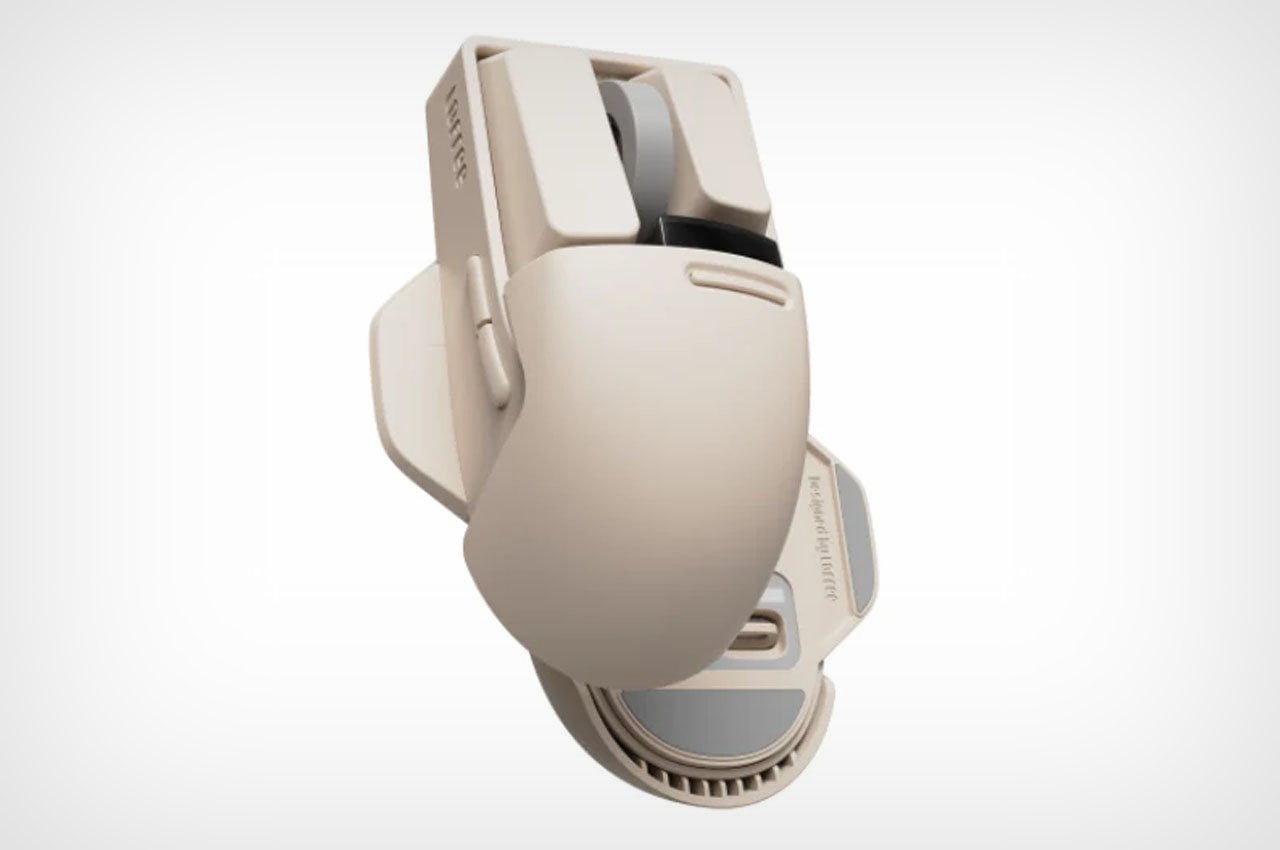
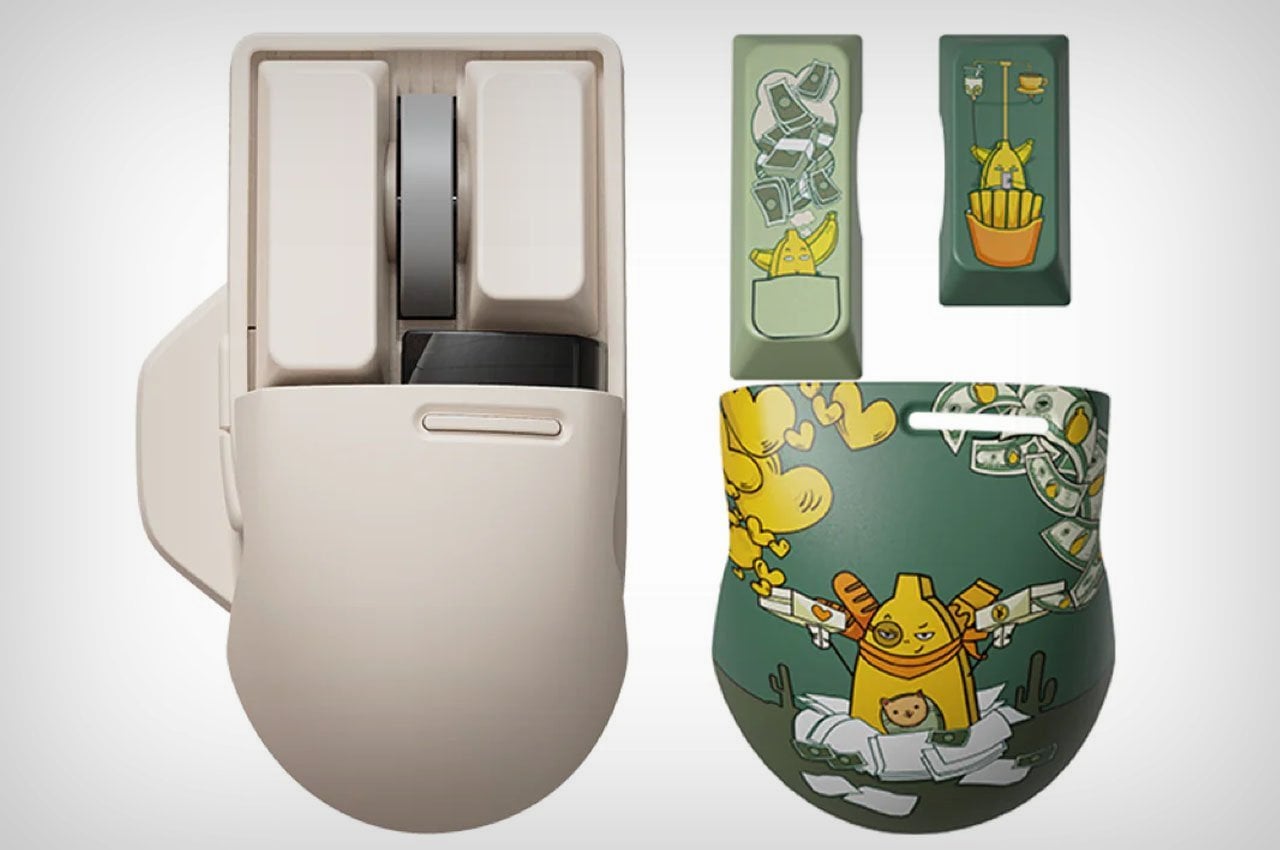
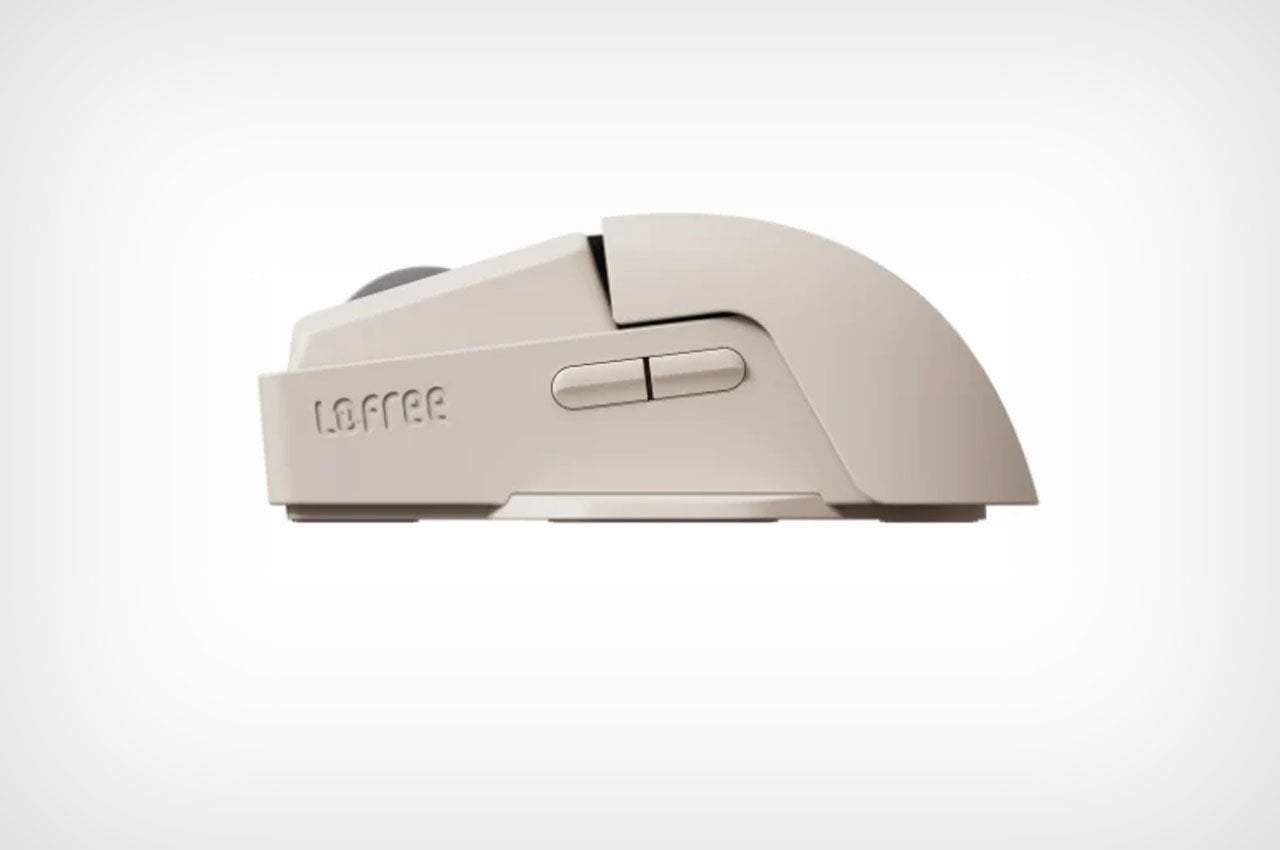
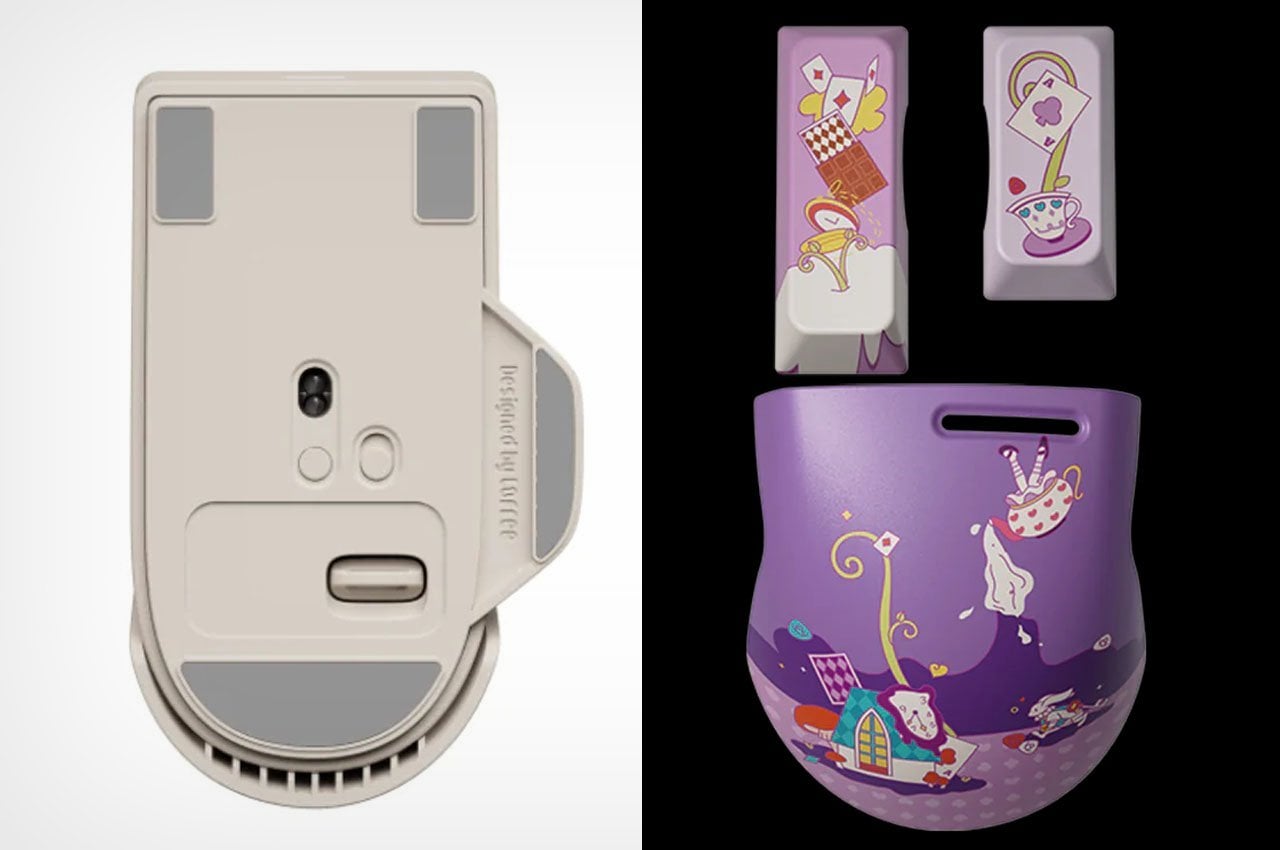
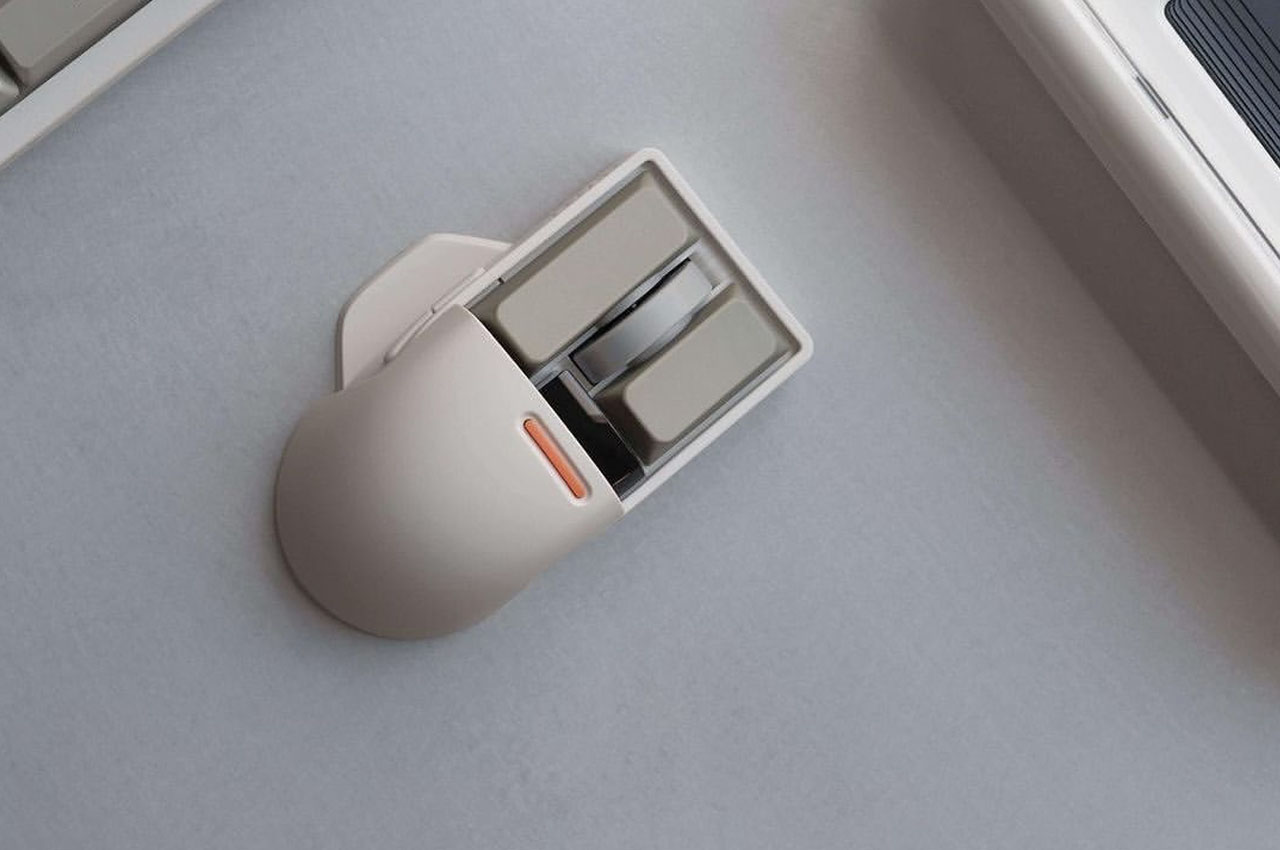
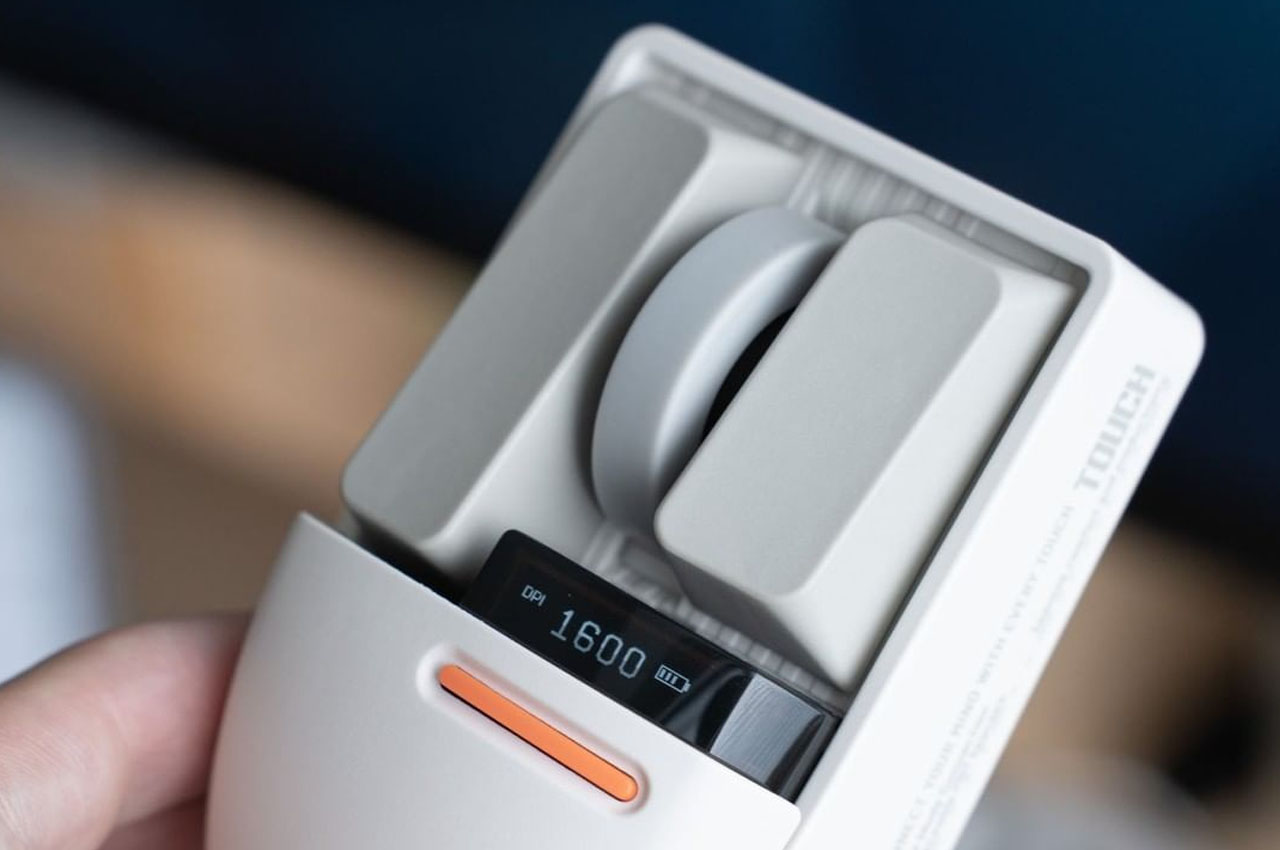
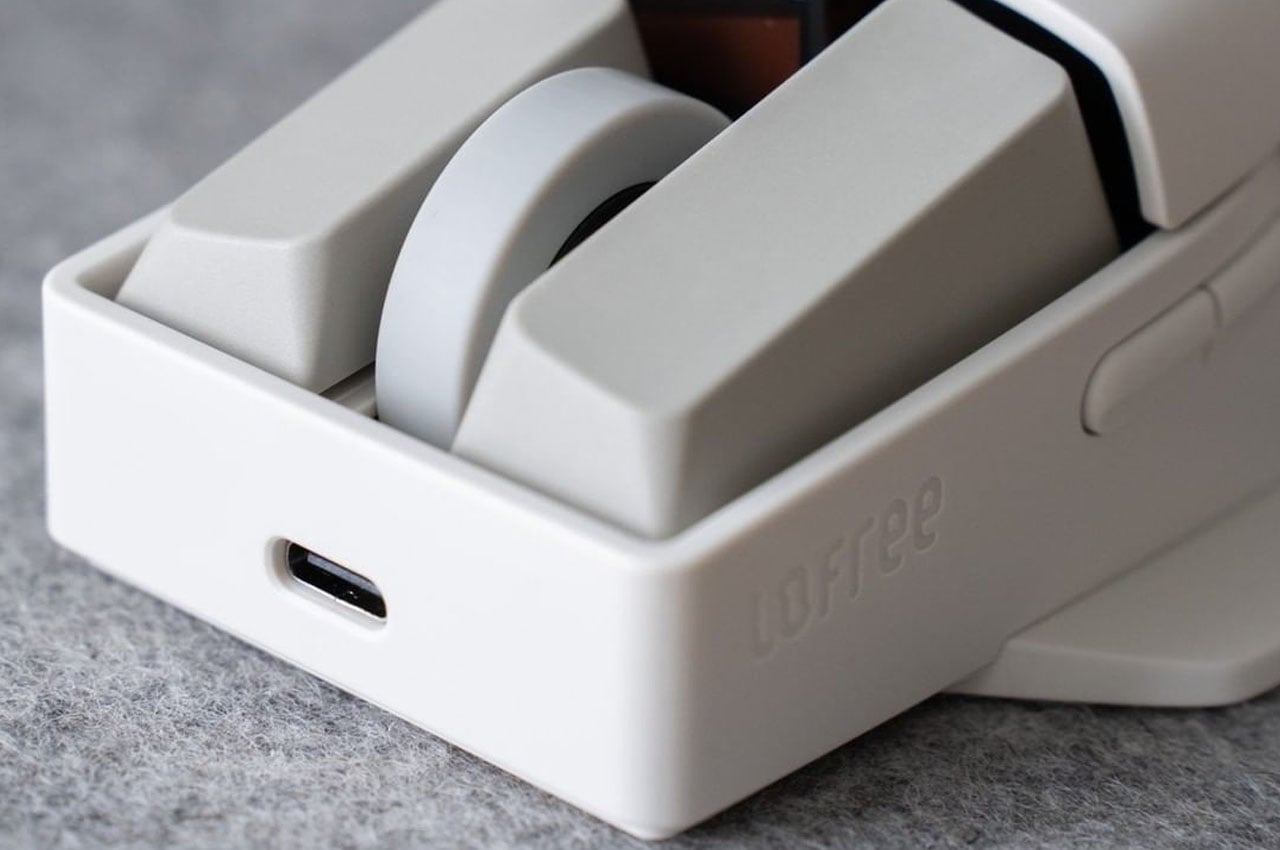
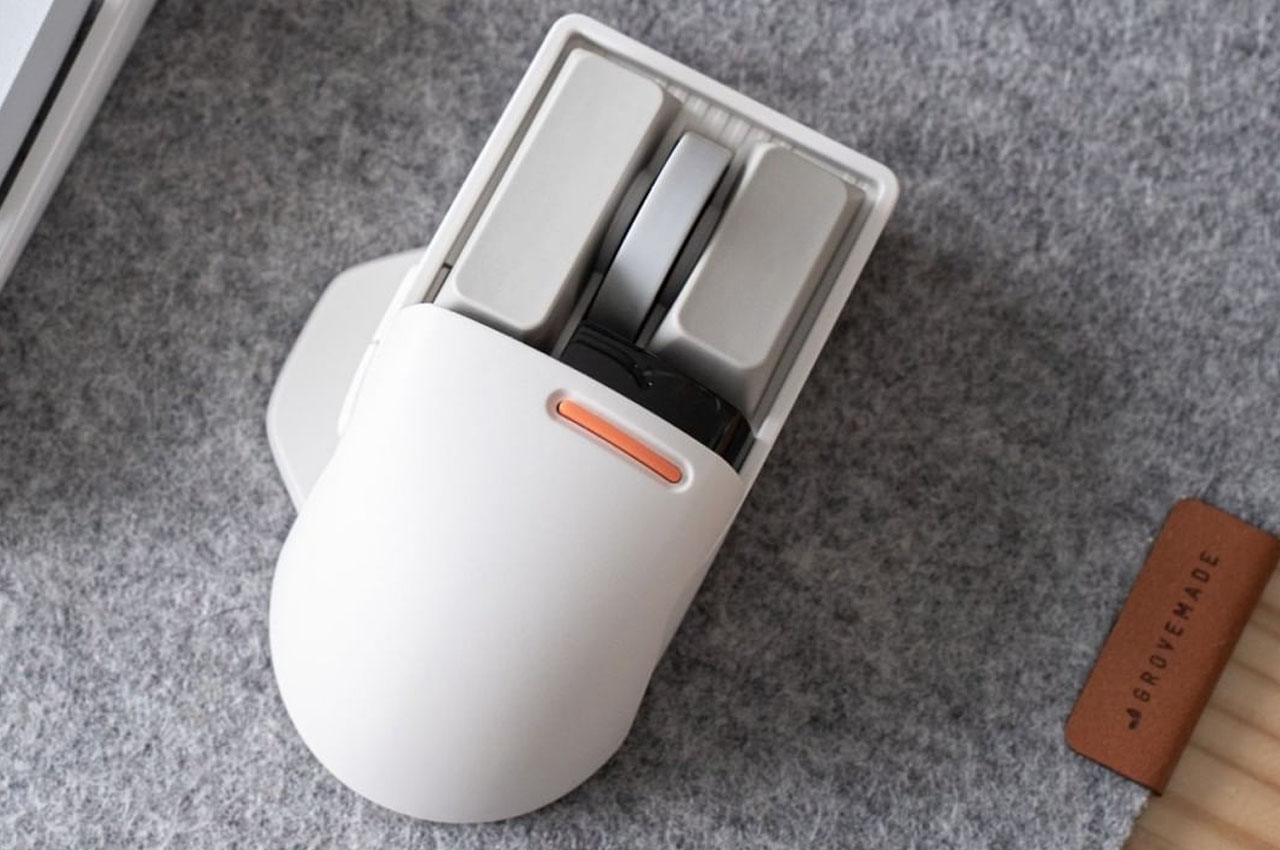
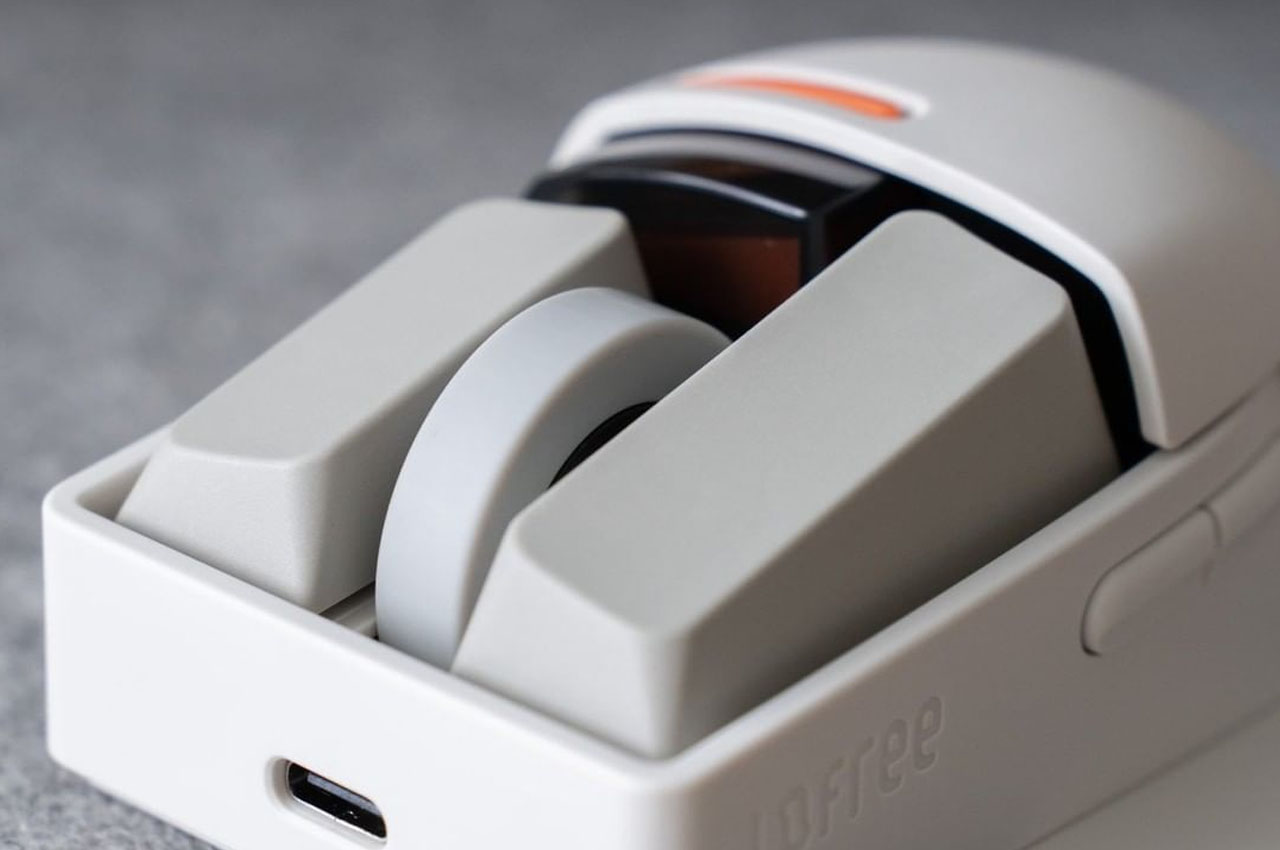
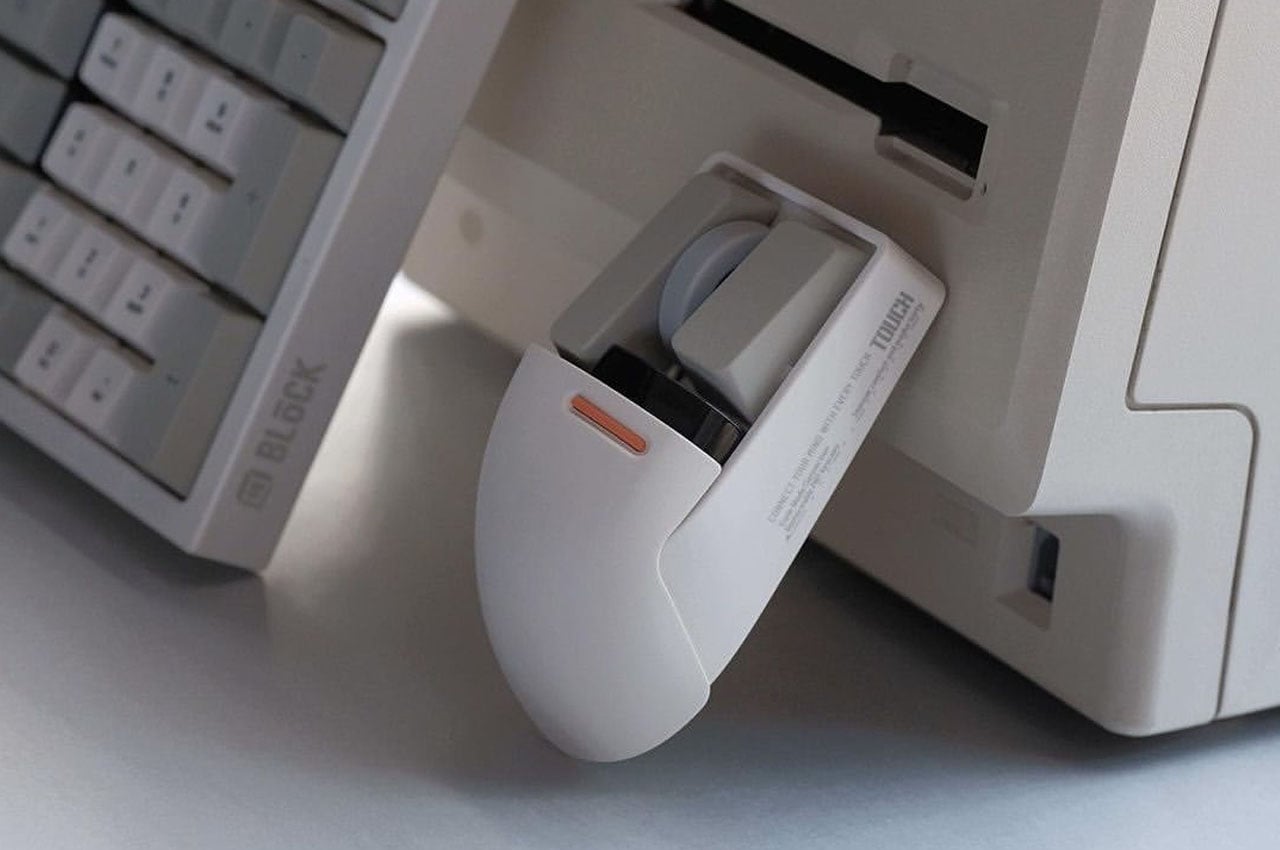
The old-school LOFREE TOUCH PBT wireless mouse comes with swappable buttons to change the look if you get bored with the existing one. Non-glossy, non-sticky and skin-friendly texture of the mouse keys – MB1, MB2 and the upper case – is soft to the touch of hand and fingers. This ensures you can match it to the setup of your desk or room. The mouse is loaded with the 3805 sensor and PAW3805 outputting 4000 DPI for use on glass or any other surface where an ordinary mouse simply doesn’t work. This also holds merit for high-end gaming for times you are not working.

The rechargeable mouse works for 75 hours before requiring another recharge. Everything set aside, the 80s-inspired look of this mouse is what grabs the attention more than anything else. Add to that the ability to replace the PBT keycaps on top of the Cherry MX-style stems, and you’ve got an accessory that’ll draw you to the desk without fail. The beige-colored mouse weighing 106 grams is a tag on the heavier side, and can be a deal breaker for finicky users. Priced at $69, the retro-inspired mouse is a unique one to add to the collection.
The post Retro-inspired LOFREE TOUCH PBT wireless mouse comes with swappable keycaps for matching workspace theme first appeared on Yanko Design.