OrcaSAQ-2 Shrinks 27B Quen 3.8 AI Into a 12.3GB Local Model

OrcaSAQ-2 Shrinks 27B Quen 3.8 AI Into a 12.3GB Local Model The Orca SAQ2 27B AI model running on a local desktop interface.

The Stack explores the practicality of using the OrcaSAQ-2 model, a 12.3GB compressed version of the 27-billion-parameter Quen 3.8 AI, as an alternative to larger Frontier models. By using quantization, OrcaSAQ-2 reduces the original model’s size while retaining 93.2% token agreement, as verified by WikiText-2 benchmarks. This makes it a viable option for users prioritizing […]

The post OrcaSAQ-2 Shrinks 27B Quen 3.8 AI Into a 12.3GB Local Model appeared first on Geeky Gadgets.

Posted in Uncategorized

Google’s Fix for One-Handed Typing Is a Rolling Belt of Letters

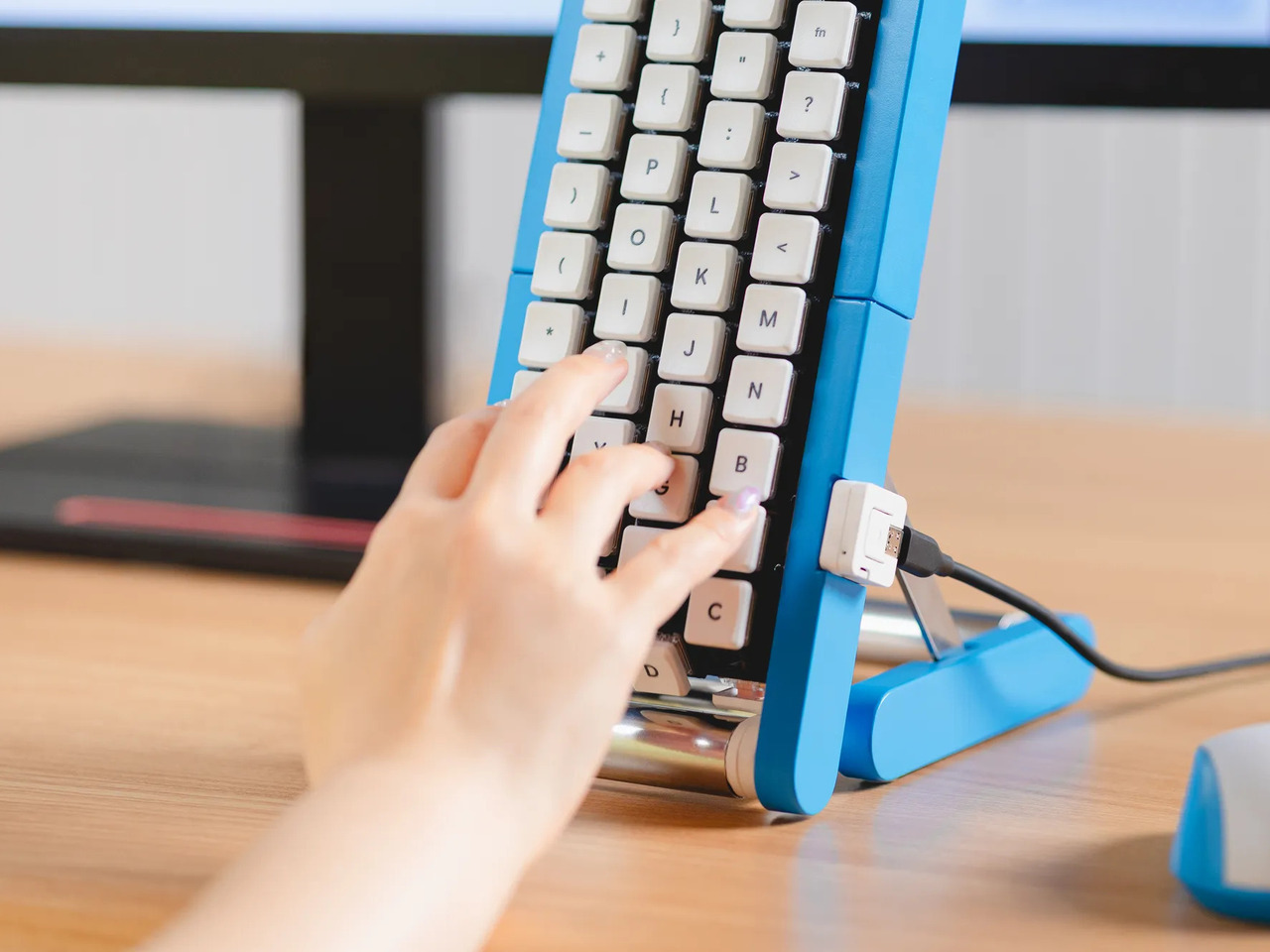
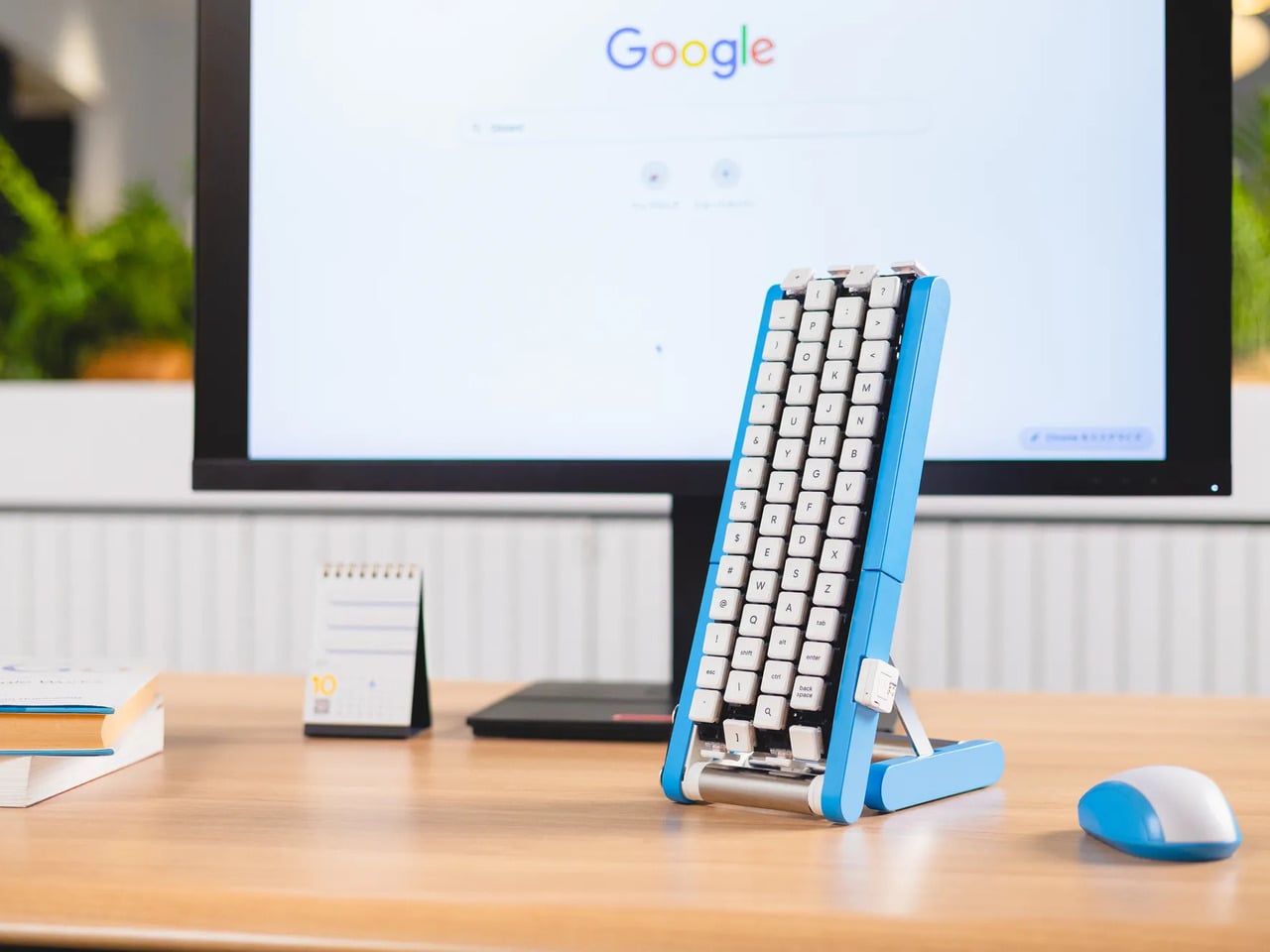
Typing with one hand usually means stretching a finger across a keyboard while the other hand holds a drink or works a mouse. Google’s Gboard team has a wonderfully impractical fix: put the keys on a conveyor belt and let them come to you. Its Rotating Keyboard stands upright on a desk, asking your finger to stay put while the letters keep moving.

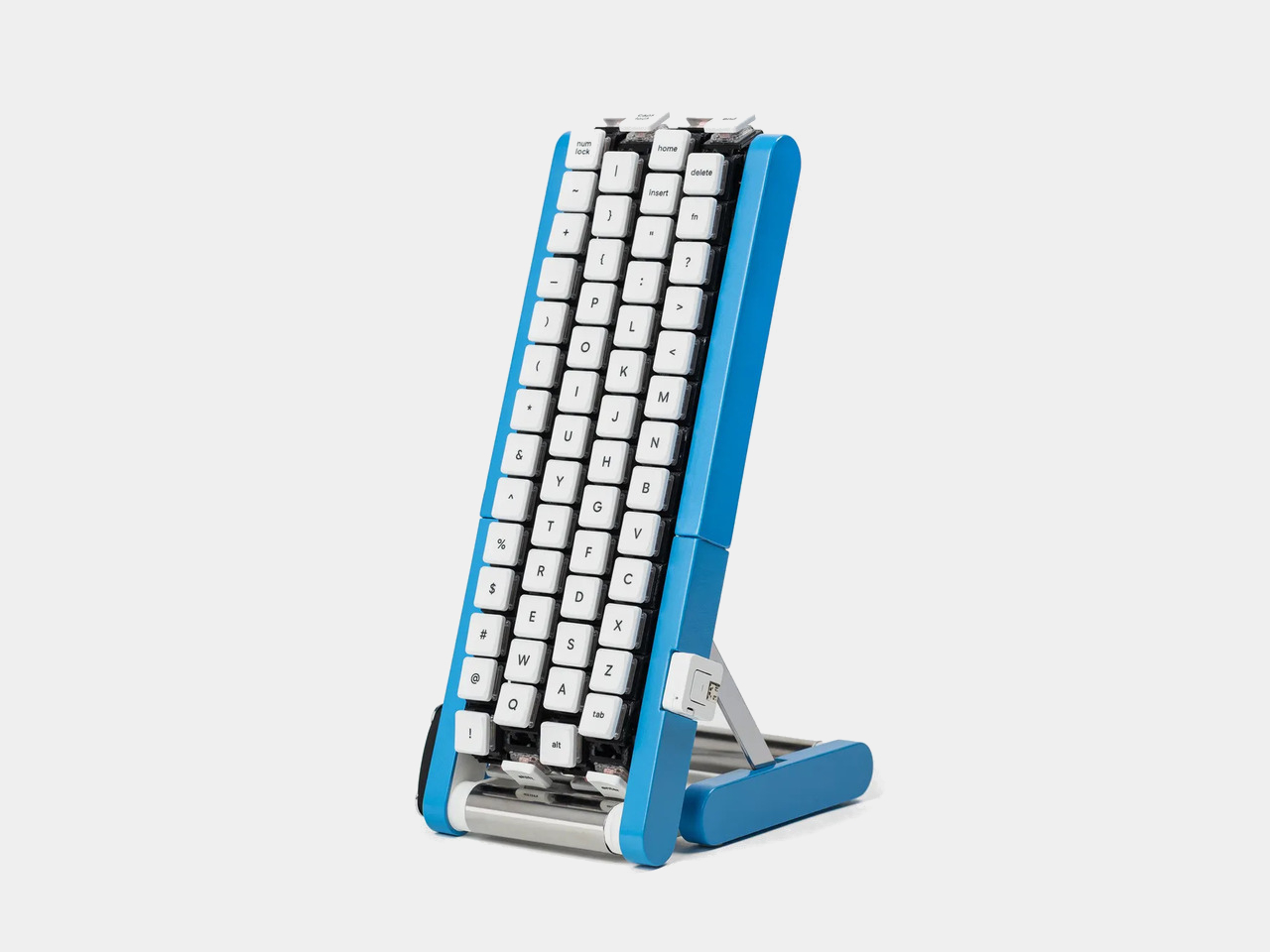
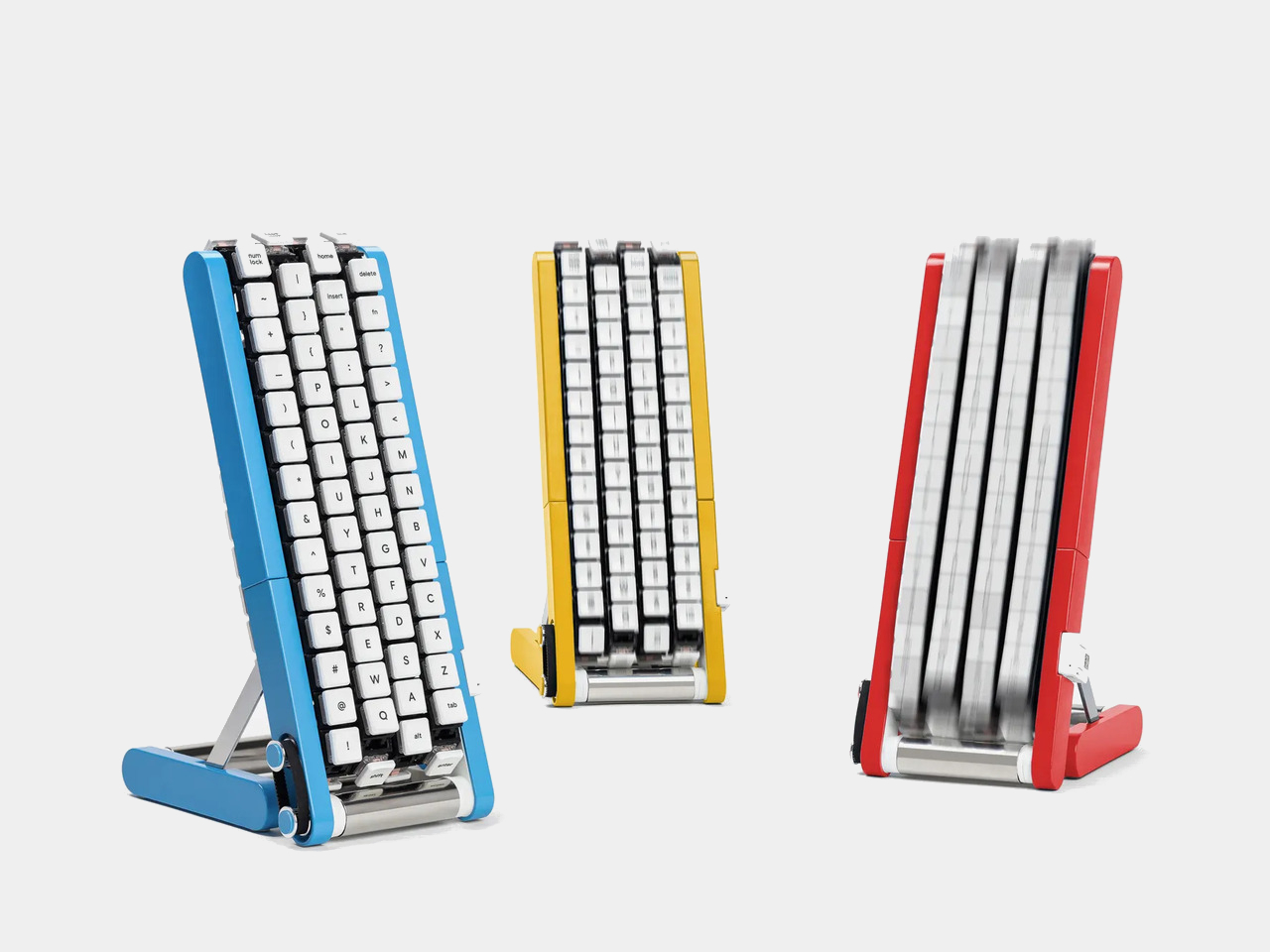
Regular keyboards assume your hands will travel between stationary keys, a reasonable arrangement that has survived decades of typing. Google reverses that relationship by mounting rows of keycaps on loops that travel around rollers. The tall blue frame and angled stand make the moving assembly feel closer to a miniature factory machine than a computer peripheral, which is probably part of the joke.

Designer: Google Japan

Instead of looking down for a letter, you watch for the right key to arrive and press it as it passes. Google says each belt carries 29 keys and can input both uppercase and lowercase letters. That might let one hand stay near the same spot, though it also turns typing into a timing exercise, especially when the next letter takes its time coming around.

Imagine answering an email with a cup of tea in your free hand. On a conventional keyboard, you’d either put the cup down or hunt for letters one finger at a time. Here, the moving keys do the traveling while you wait at the front of the machine. Google also suggests using your free hand on a mouse, which sounds suspiciously like extra work.

There’s an oddly earnest design lesson underneath the silliness. Questions about ergonomics often begin with who a familiar object was made for, and Google has taken that thought to a ridiculous extreme. The upright arrangement might use less horizontal desk space than a full keyboard, but it trades that footprint for height, moving parts, and the need to watch every passing key.

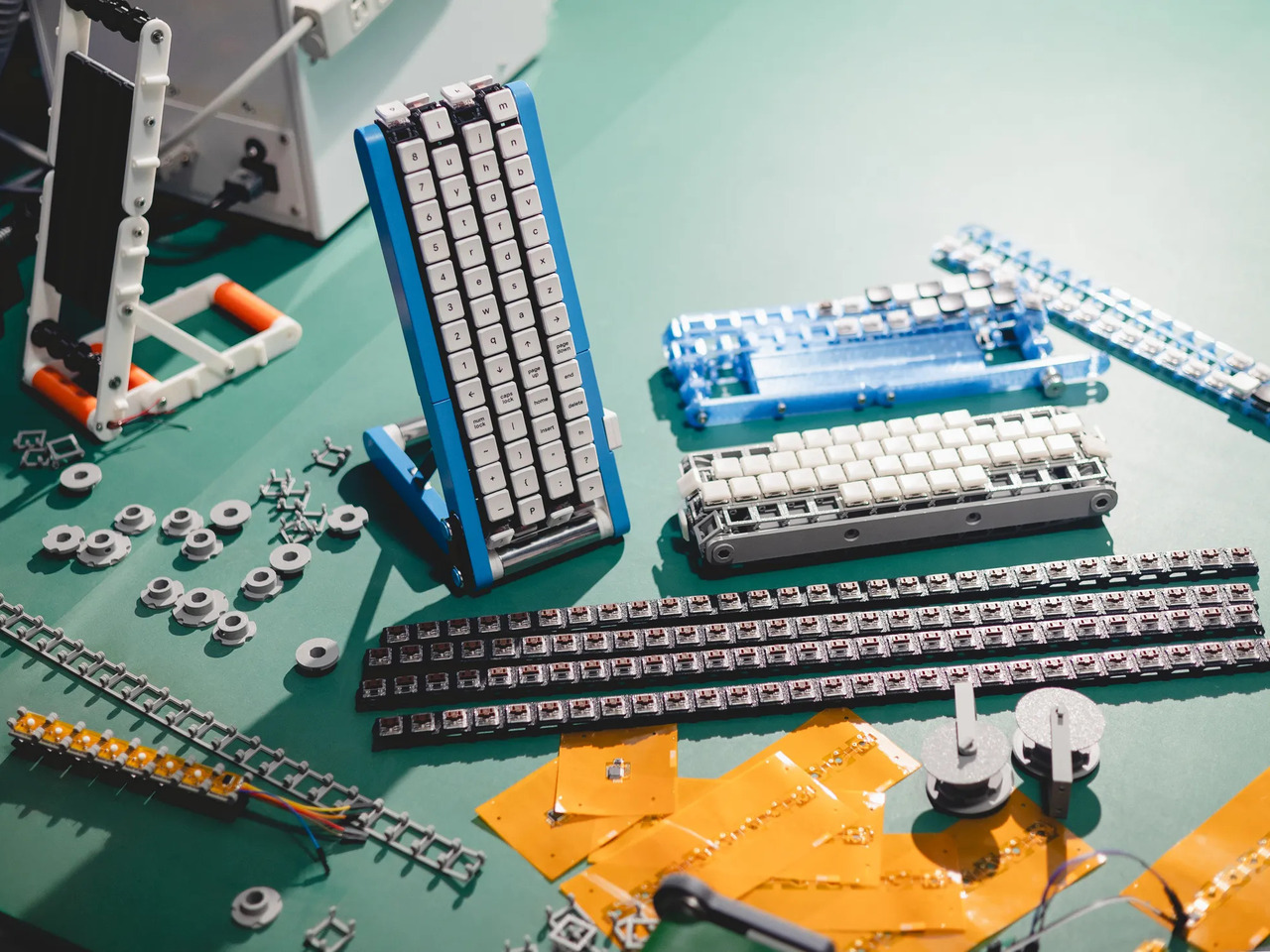
Google plays along with its own premise, floating ideas for faster movement, longer belts with more characters, shorter versions for phones, and different colors. None of those variations is a promised product. Even the keyboard itself isn’t headed for stores; the team has released open-source plans for a similar device instead. That keeps the joke open to anyone curious enough to build one.

The date is part of the gag, too. Google chose October 1 as a nod to the familiar 101-key keyboard, rather than waiting for April Fools’ Day. It’s the team’s 15th keyboard proposal, continuing a habit of treating ordinary typing as a problem that needs an absurdly elaborate solution. A conveyor belt is hardly the first thing most people would try.

You’re unlikely to write a novel by chasing letters around this contraption, and that isn’t really the point. Google has built a physical answer to a question no keyboard maker was asking: what if the keys did all the moving? It’s a ridiculous way to type an email, but an effective way to notice how much we expect our fingers to do.

The post Google’s Fix for One-Handed Typing Is a Rolling Belt of Letters first appeared on Yanko Design.

Galaxy Tab S12 Ultra: Is Samsung’s 14.6-Inch Monster Table Worth It?

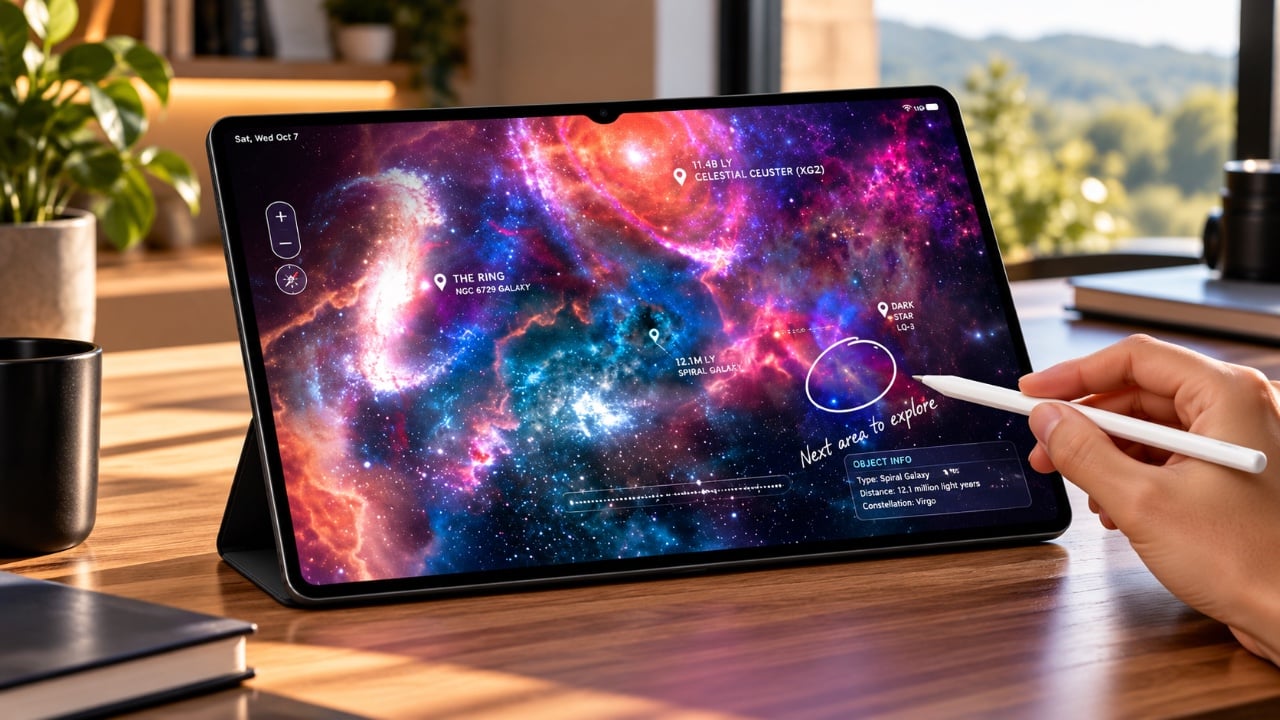
Galaxy Tab S12 Ultra: Is Samsung’s 14.6-Inch Monster Table Worth It? Galaxy Tab S12 Ultra

The Samsung Galaxy Tab S12 Ultra builds upon the strong foundation of its predecessor, the Tab S11 Ultra, by introducing refined design elements and meaningful upgrades. As a flagship Android tablet, it is designed to cater to users who demand high performance, seamless multitasking, and an immersive media experience. This premium device is positioned as […]

The post Galaxy Tab S12 Ultra: Is Samsung’s 14.6-Inch Monster Table Worth It? appeared first on Geeky Gadgets.

Posted in Uncategorized

M6 Mac Mini Hits 60 FPS in Cyberpunk 2077 at 1080P

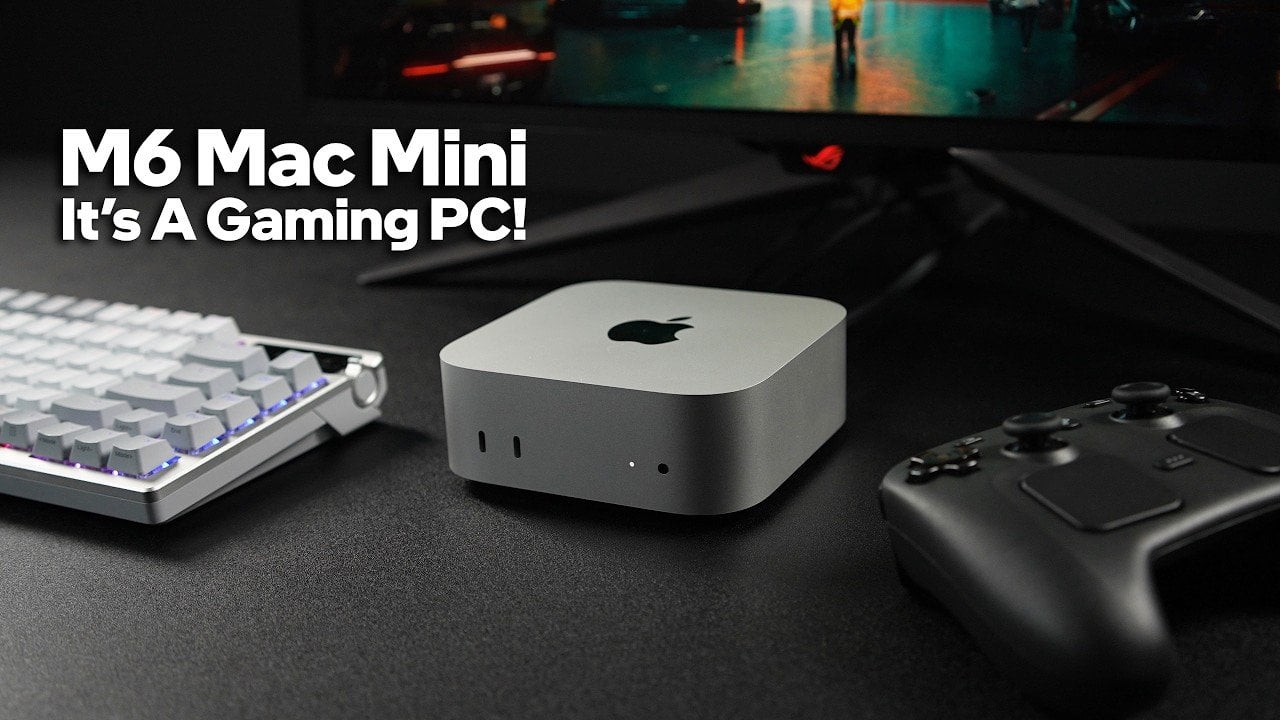
M6 Mac Mini Hits 60 FPS in Cyberpunk 2077 at 1080P A person playing a video game using a controller connected to a Mac Mini.

Apple’s latest M6 Mac Mini has taken an unexpected turn by positioning itself as a legitimate option for gaming enthusiasts. Traditionally seen as a productivity-focused device, this compact system now features the ability to handle both native Mac games and non-native Windows titles. Equipped with the M6 chip, which features a 12-core CPU and 12-core […]

The post M6 Mac Mini Hits 60 FPS in Cyberpunk 2077 at 1080P appeared first on Geeky Gadgets.

Posted in Uncategorized

Apple Glasses Just Leaked: Here’s When Apple’s Most Anticipated Gadget Arrives

Apple Glasses Just Leaked: Here’s When Apple’s Most Anticipated Gadget Arrives apple glasses

  Apple is reportedly working on an innovative wearable device: smart glasses that could reshape how you interact with technology. Expected to launch no earlier than 2027, these glasses aim to provide a lightweight and user-friendly alternative to traditional augmented reality (AR) headsets. While the first-generation model may focus on essential smart features, this product […]

The post Apple Glasses Just Leaked: Here’s When Apple’s Most Anticipated Gadget Arrives appeared first on Geeky Gadgets.

Posted in Uncategorized

Maker ESP32 Replaces Soldering with Plug-and-Play I²C Ports

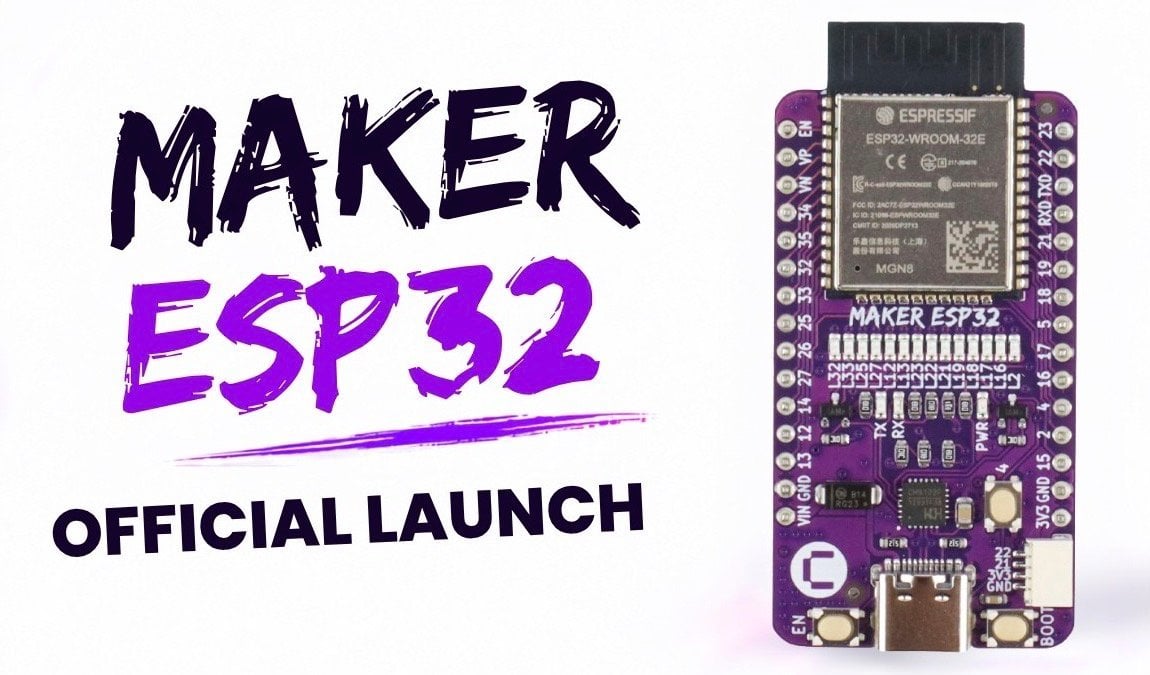
Maker ESP32 Replaces Soldering with Plug-and-Play I²C Ports Top down view of the Maker ESP32 development board.

The Maker ESP32 is a development board designed to streamline the process of building smart electronics and IoT prototypes. A key feature is its plug-and-play sensor integration, which uses I²C connectivity to bypass soldering and complex wiring. This approach simplifies setup for beginners and educators while also saving time for experienced developers. Additional features like […]

The post Maker ESP32 Replaces Soldering with Plug-and-Play I²C Ports appeared first on Geeky Gadgets.

Posted in Uncategorized

Amazon Gave Kindles Their Missing Buttons Back, as Accessories

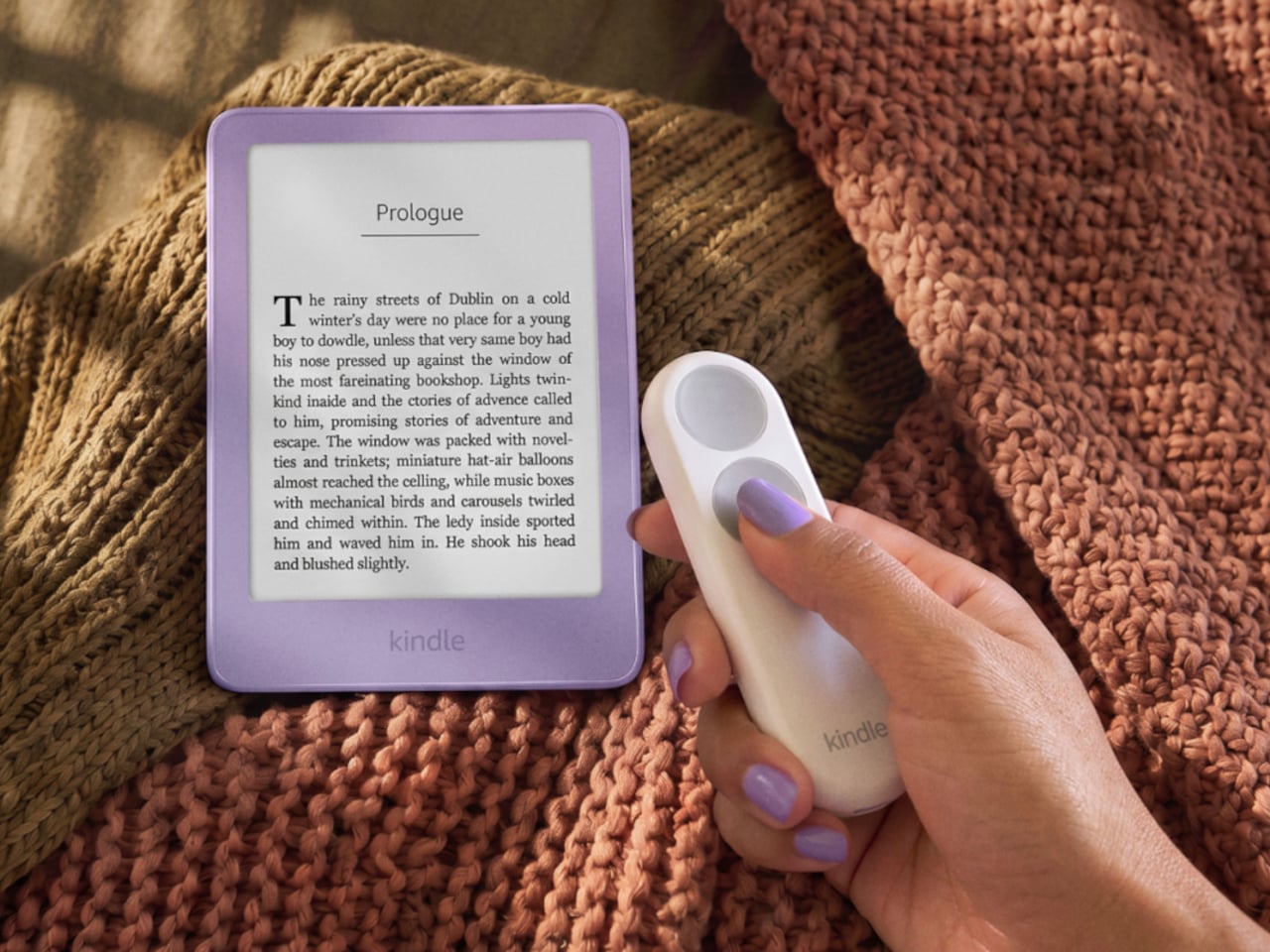
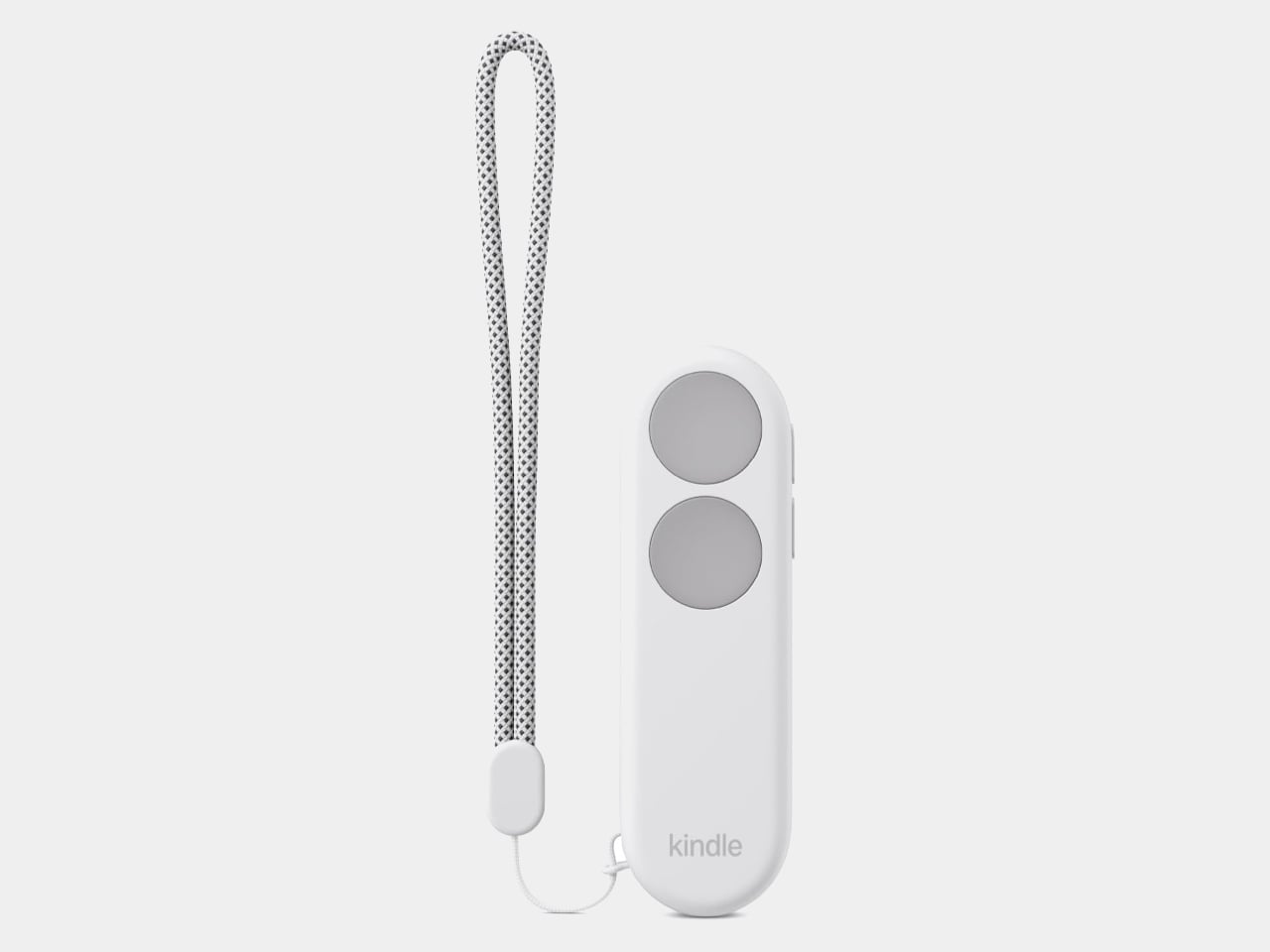
Kindles once let your thumb turn pages, but physical buttons disappeared from most of Amazon’s newer readers. That might not seem like a big loss until you’re holding a Kindle and trying not to disturb your comfortable grip. Amazon’s Kindle Click remote and Page Turn Cover offer two ways to bring that familiar press back, without adding buttons to the Kindle itself.

Of the two, Kindle Click makes the most sense when the device isn’t in your hands at all. Prop your Kindle on a pillow or a stand, pull a blanket over your shoulders, and the next page is a button press away. Other e-reader brands, including Boox, have already explored remotes, but Amazon’s Bluetooth version works without clipping a mechanical gadget onto the screen.

Designer: Amazon

The $34.99 Kindle Click has two large, tactile buttons for moving forward or back, with smaller controls on the side for changing the screen brightness. Press both side buttons to put the Kindle to sleep, or change which main button turns forward in the settings. Its rounded body fits either hand, and a woven wrist lanyard keeps it nearby when you get up.

There’s still a little maintenance involved. Amazon says the rechargeable battery lasts for weeks, but the USB-C cable and adapter aren’t included. More importantly, Kindle Click only pairs with models released in 2024 or later. That leaves out plenty of readers who might want it most, including owners of the 2022 Kindle and 11th-generation Paperwhite. At least it doesn’t demand a particular cover.
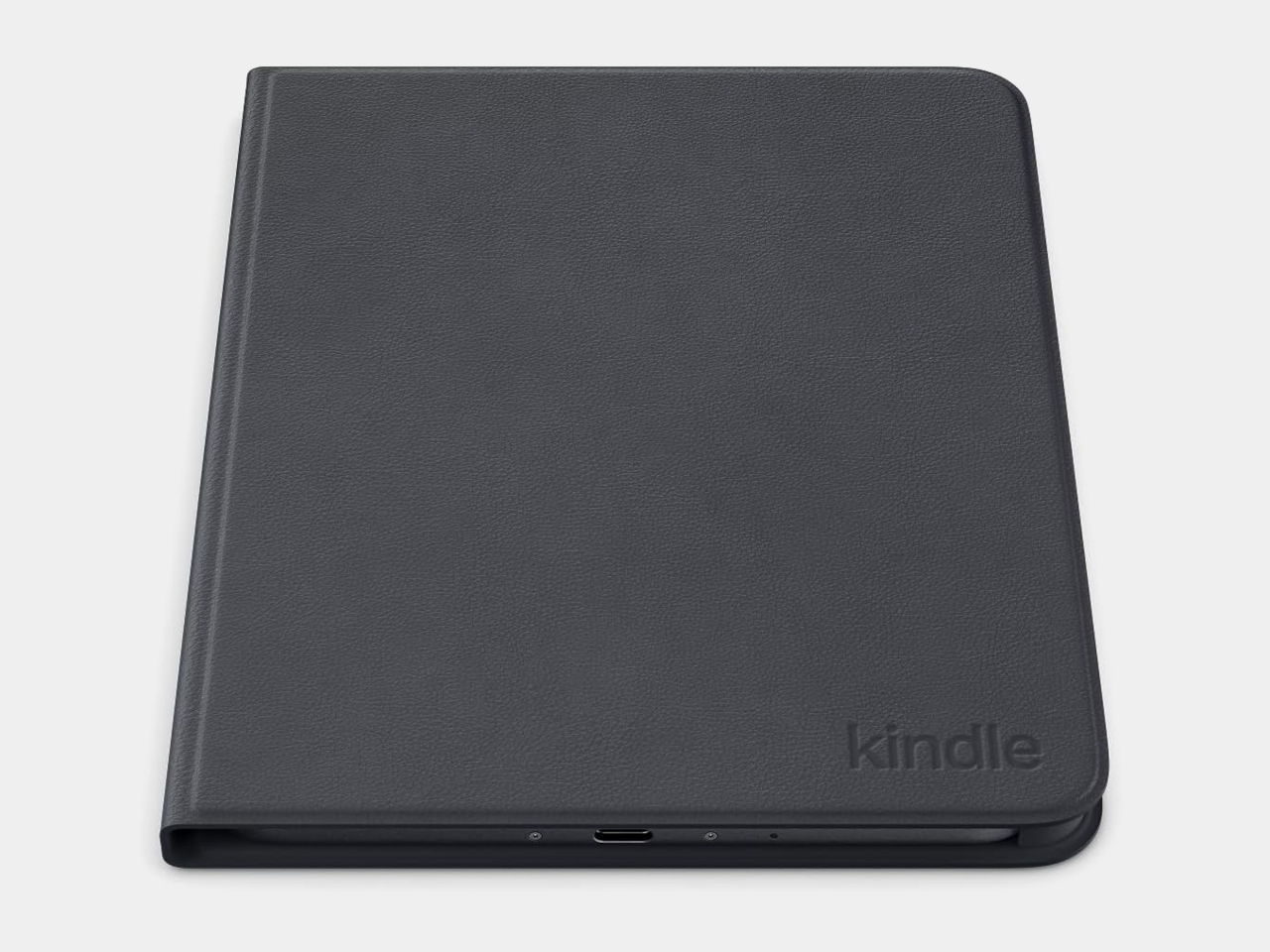
The Page Turn Cover takes the opposite approach. Instead of leaving the Kindle propped up, you hold it like any other folio-covered reader, with page-turn buttons built into the case. Fold the front back flat, and those controls remain part of your grip. The cover attaches magnetically and uses pogo pins to connect, so there’s no separate battery, Bluetooth pairing, or charging routine.

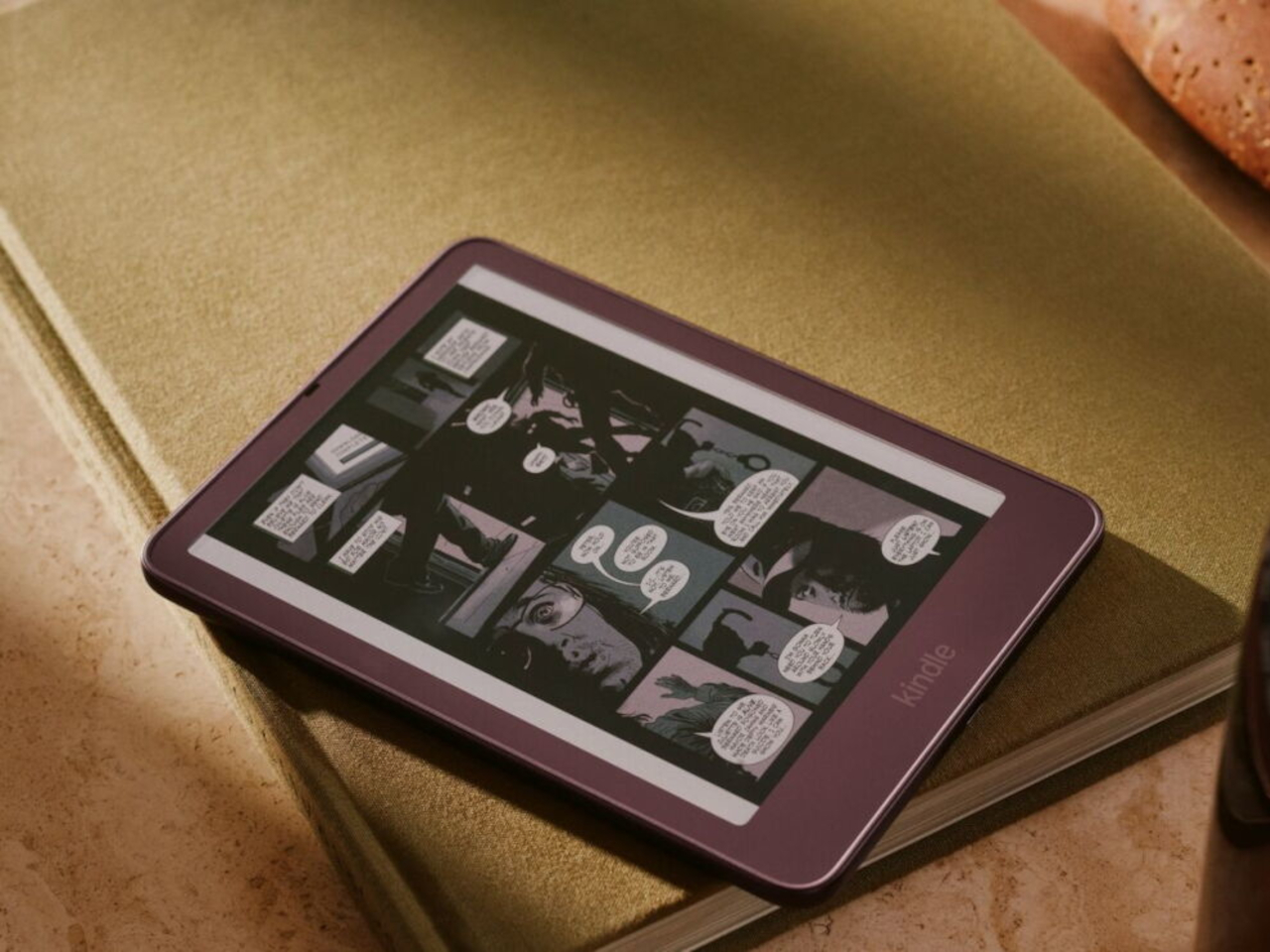
That simplicity carries through to the materials. The cover opens and closes to wake or sleep the Kindle, while a microfiber lining sits against the screen. Amazon says its plant-based leather contains more than 70% renewable biomaterials, with polyurethane making up the remainder. Graphite, Seaglass Green, and Fig offer three different looks, and both the cover and compatible Kindles carry an IPX8 water-resistance rating.


But the buttons come with a rather narrow invitation. The $79.99 cover fits only the 2026 Paperwhite Signature Edition and Colorsoft Signature Edition, so older Kindles and the standard models are out. That’s a considerable price for something that won’t fit most Kindles already in use. If you prefer reading without a case, the extra layer might also feel like an awkward trade.

Amazon hasn’t put physical page-turn buttons back on the readers themselves, and that distinction matters. The remote keeps your hand warm under the blanket while the Kindle stays put; the cover gives your thumb somewhere familiar to land when you’re holding it. Neither approach will suit every Kindle owner, but it’s nice to choose where the buttons belong instead of reaching for the screen again.
The post Amazon Gave Kindles Their Missing Buttons Back, as Accessories first appeared on Yanko Design.

Inside Apple’s October 13 Event: The Long-Awaited Smart Home Hub and More

Inside Apple’s October 13 Event: The Long-Awaited Smart Home Hub and More Apple Event

Apple’s October 13th event showcased a series of updates that reaffirm the company’s focus on advancing technology and enhancing user experiences. From smarter home devices to powerful iPads and Macs, Apple continues to refine its ecosystem with improved hardware, thoughtful design updates and expanded AI capabilities. These announcements emphasize a future where technology becomes more […]

The post Inside Apple’s October 13 Event: The Long-Awaited Smart Home Hub and More appeared first on Geeky Gadgets.

Posted in Uncategorized