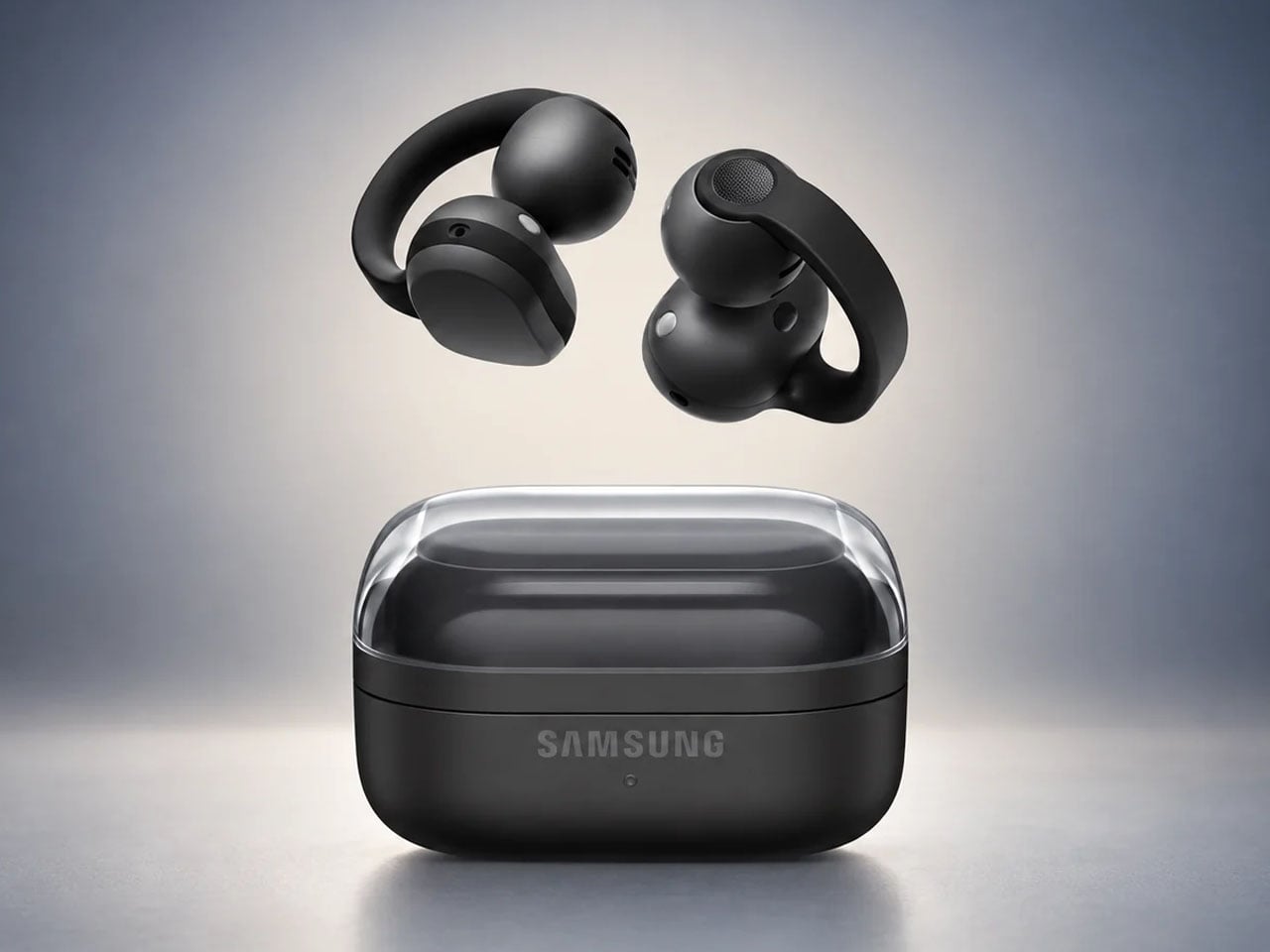
Samsung Galaxy Buds On let you listen to music without blocking your ears

Clip-on earbuds have arrived in a big way, giving another versatile way to enjoy music whether you’re in the gym or making your way to the busy metro station. Rather than shoving the eartips deep down the ear canal, these buds are more comfortable and keep you aware of the environment at all times.

Huawei FreeClip 2 arrived late last year to turn up music lovers’ interest in this form factor, followed by the swanky CMF Clip Pro’s. Sennheiser jumped on the bandwagon with the Accentum Clip, and recently Bose came up with their second generation clio-ons. Predictably, Samsung has pulled the trigger with its first-ever clip-on wireless earbuds dubbed Galaxy Buds On, and they look impressive.

Designer: Samsung

So how are the Galaxy Buds On different from the other flagship clip-on buds in the tightly contested market? Do they have what it takes to bring to the active audio community what they desire out of such open-ear earbuds?

Clip-on design that takes comfort seriously
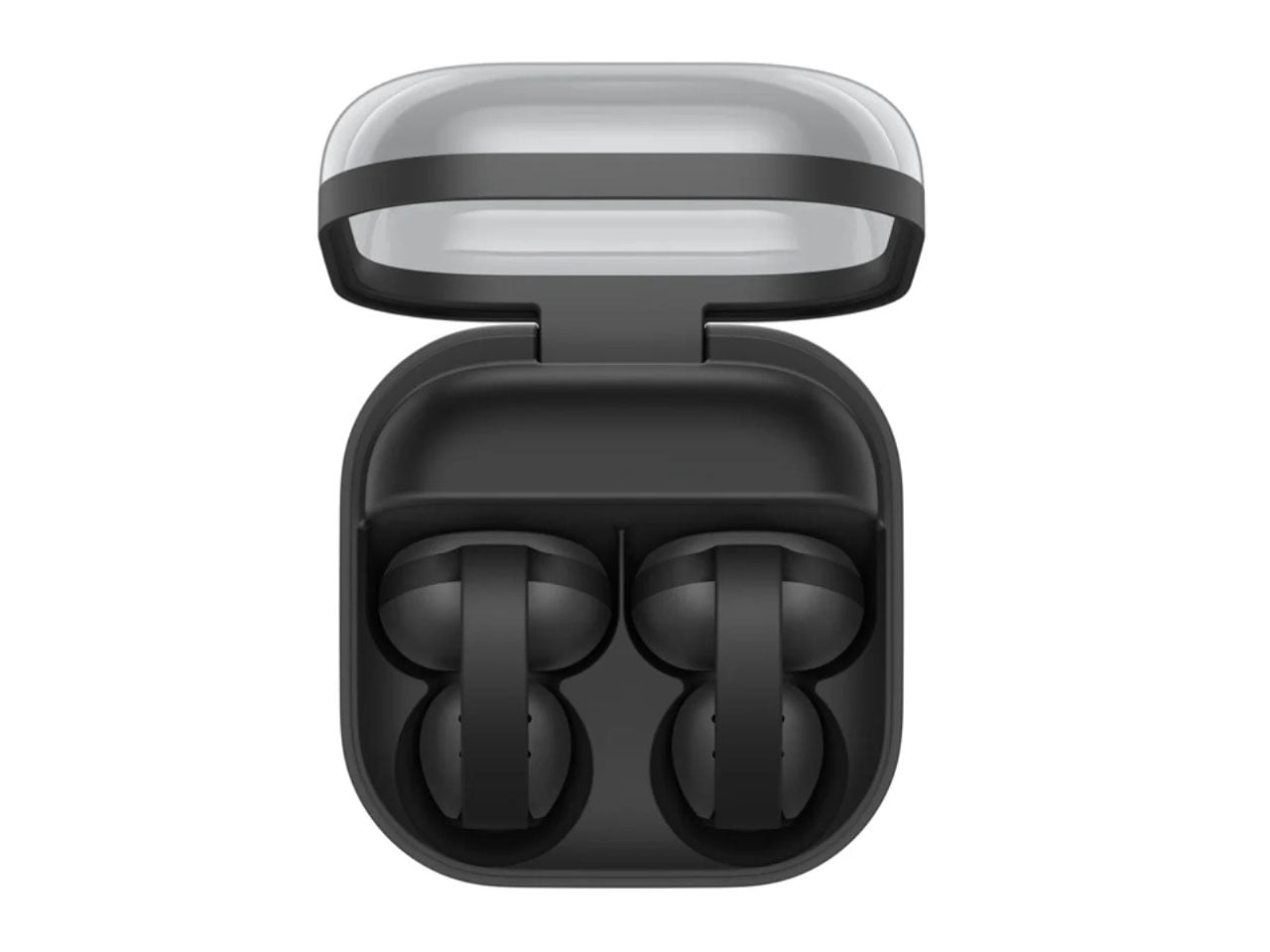
Samsung’s approach for this form factor is focused on rethinking how the bud sits on the ear. The Galaxy Buds On use an open-ear clip design that leaves the ear canal unobstructed, allowing wearers to listen to music while staying connected to conversations, traffic, or other sounds around them.

Samsung says it studied different ear shapes and ran simulations to determine the positioning of the speakers and battery. A larger contact area helps distribute pressure, while the elasticity of the connecting band is tuned to keep the buds stable during movement. That makes the design particularly relevant for walking, commuting and workouts where awareness matters as much as audio.

Bass that packs a punch
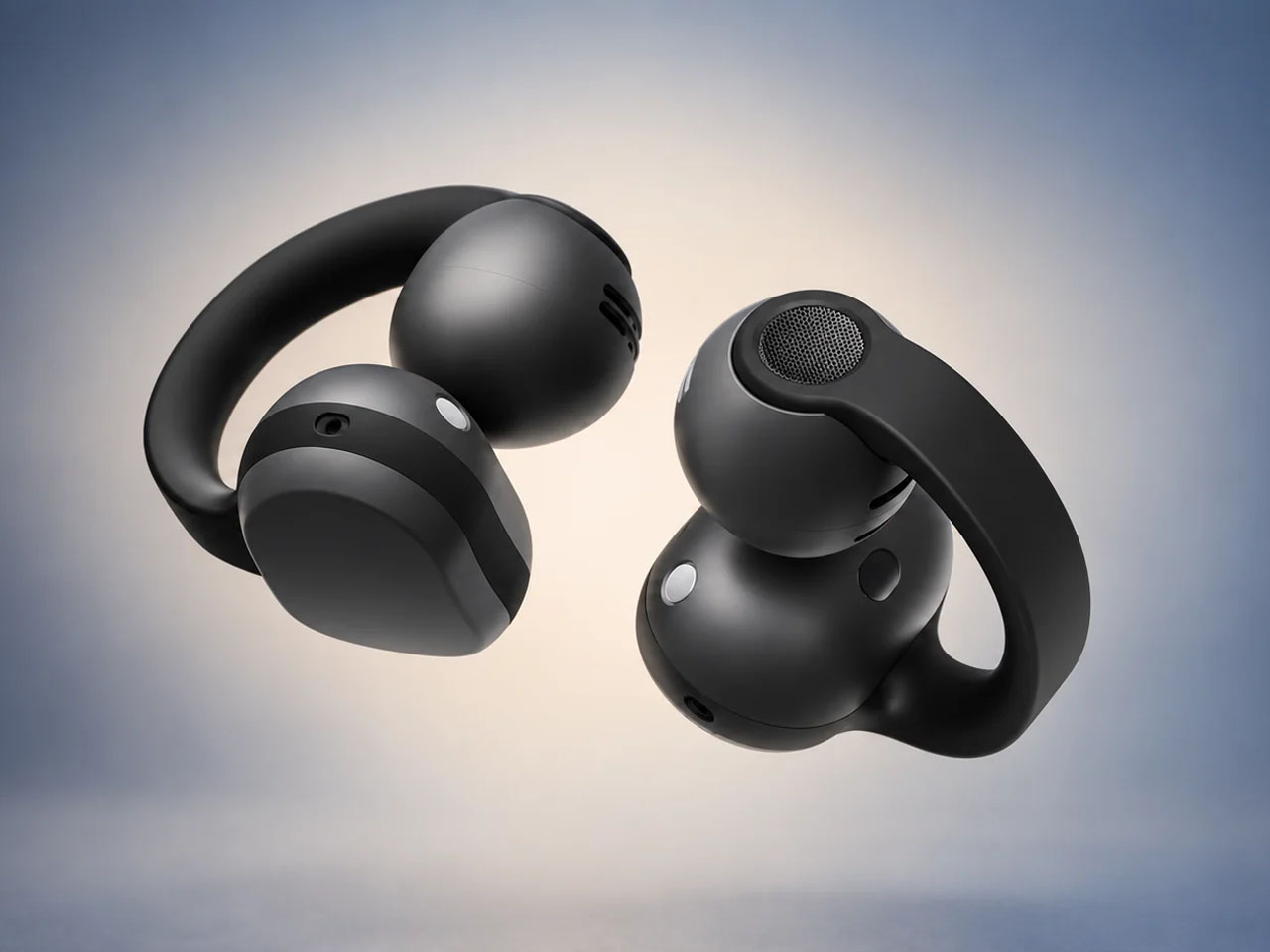
The audio hardware is also more considered than the unusual silhouette might suggest. Samsung has fitted the Buds On with TwinBoost speakers designed to emphasize lower frequencies, addressing one of the perennial challenges of open-ear audio – producing convincing bass without sealing the ear canal. An Audio Leakage Reduction system is intended to keep music from spilling excessively into the surroundings.

In conjunction, the automatic volume control adjusts playback according to the environment. Samsung claims up to 9.5 hours of continuous music playback from the earbuds, which puts the focus firmly on everyday usability rather than making the clip form factor a novelty.

Galaxy AI adapted for the open-ear formula
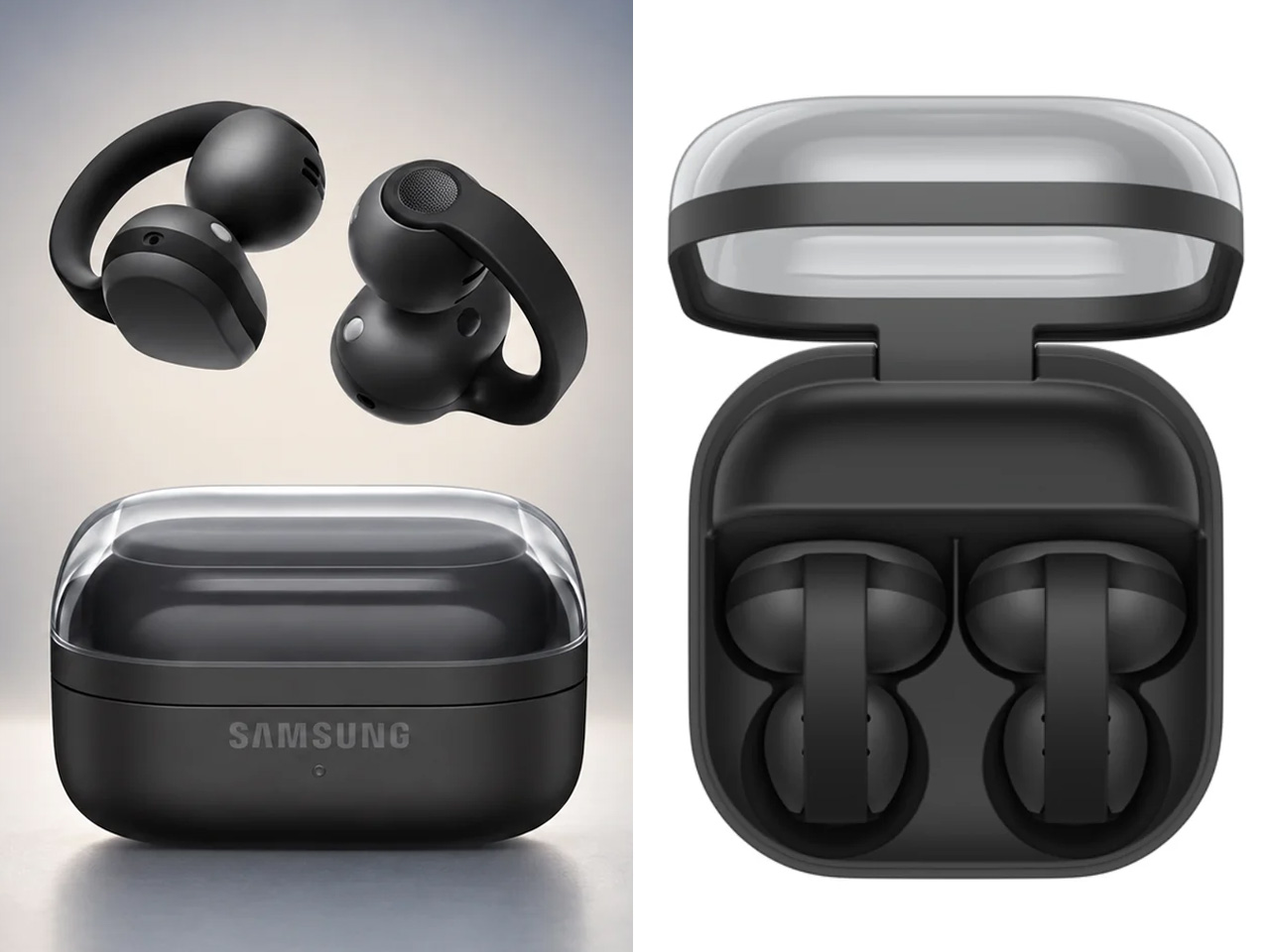
The more interesting bit happens when the Buds On are paired with a compatible Galaxy device. Samsung has integrated several Galaxy AI features, turning the earbuds into something closer to a hands-free interface. Users can launch Gemini Live through a voice command, while Quick Voice Memo allows a long press on the earbud to start recording without reaching for the phone. Those recordings can subsequently be searched through Bixby, provided the required Galaxy AI-supported device, Voice Recorder, and Bixby setup is in place.

Head Gestures take the hands-free idea further. Nodding or shaking the head can be used for actions such as answering or ending calls, dismissing alarms, or interacting with message notifications. For calls, the Buds On use three microphones alongside a bone-conduction-based Voice Pickup Unit and machine learning to isolate the wearer’s voice from surrounding noise. They are powered by Qualcomm’s Snapdragon S7 Gen 1 Sound Platform and a Class-D amplifier.

Samsung will launch the Galaxy Buds On in South Korea on October 27 in black for 299,000 won (roughly $220). A wider international rollout is planned, although regional pricing and availability have not yet been announced.


The post Samsung Galaxy Buds On let you listen to music without blocking your ears first appeared on Yanko Design.

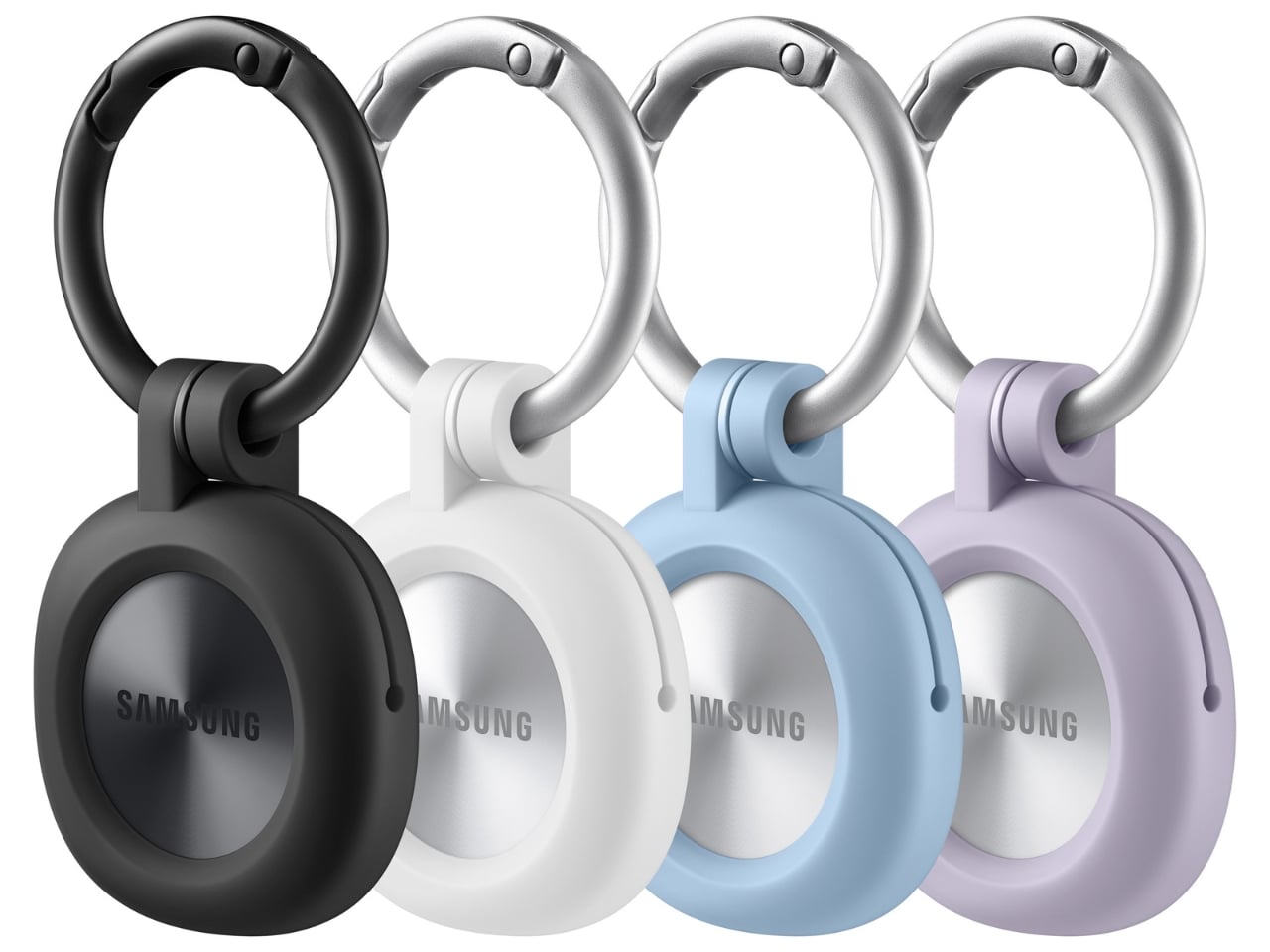
Samsung’s SmartTag3 Refuses to Die at 790 Days Battery Life

I’m the kind of person who can set down my keys, turn around, and immediately forget where they went. Wallets, earbuds, and bags have a way of disappearing at the least convenient moment, too. A smart tracker can spare you a frantic search, but only if its battery is working and its location can still be found. That makes battery life and the ability to locate an item beyond your phone’s immediate range just as important as a good-looking design.

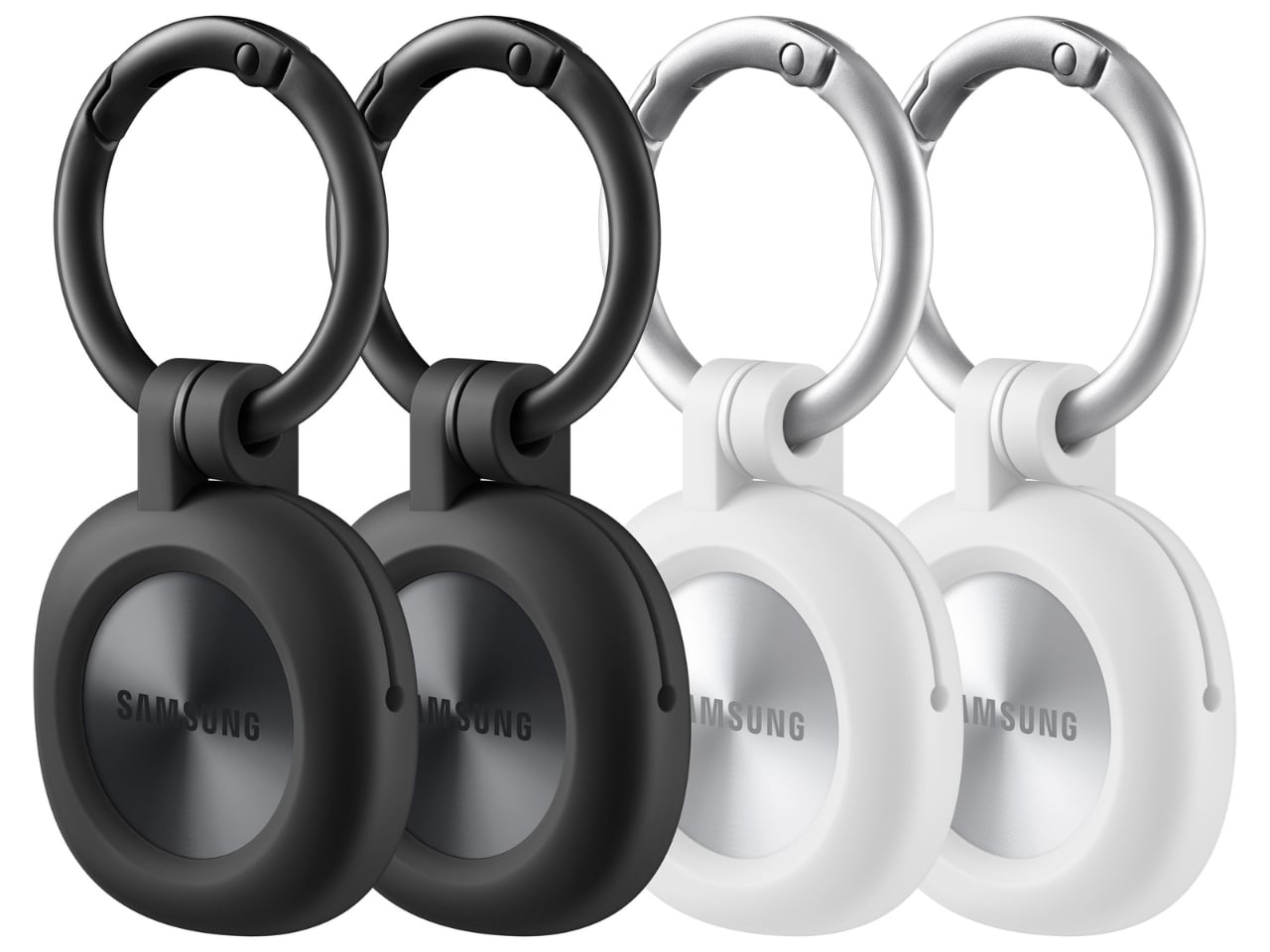
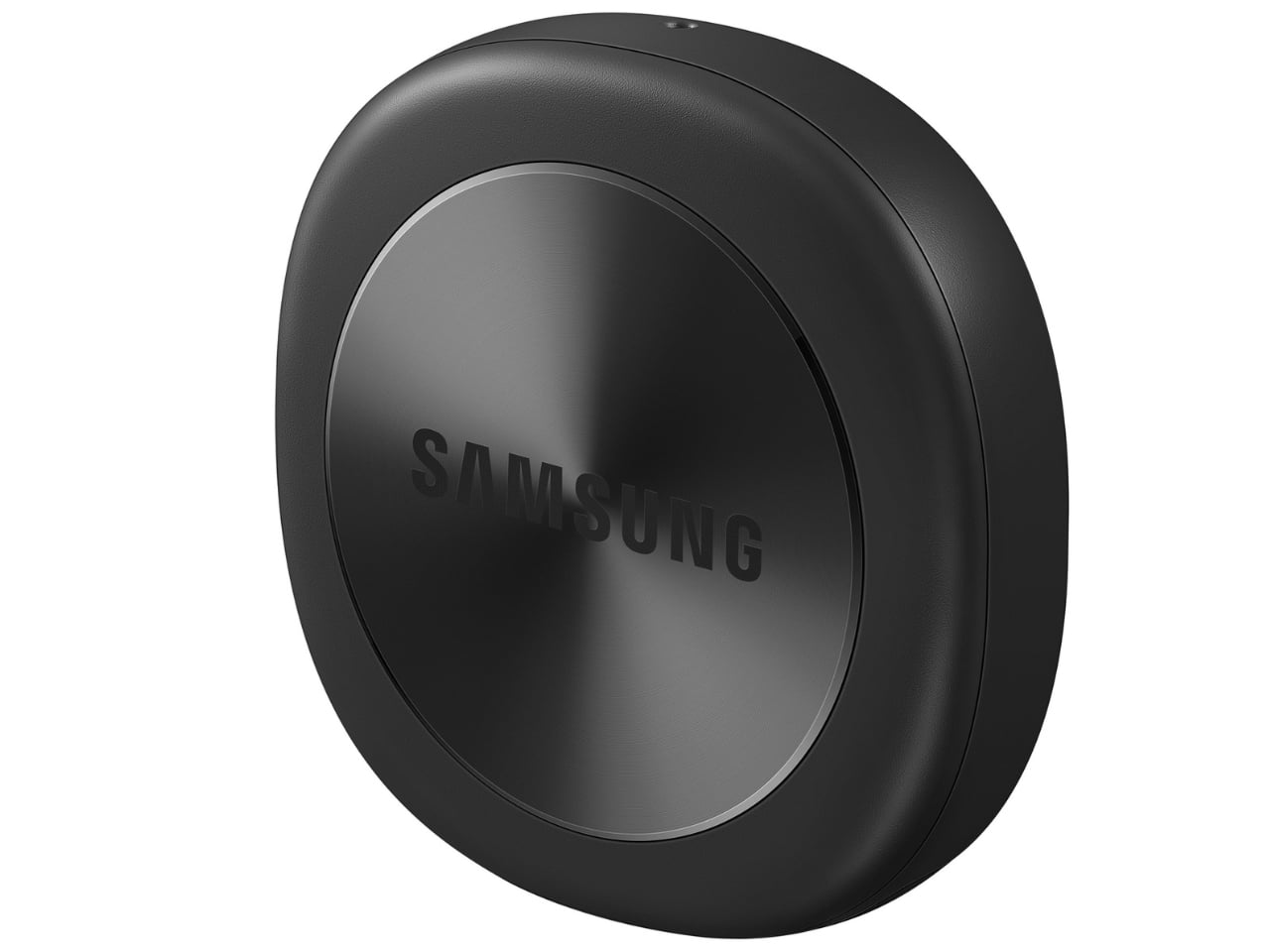
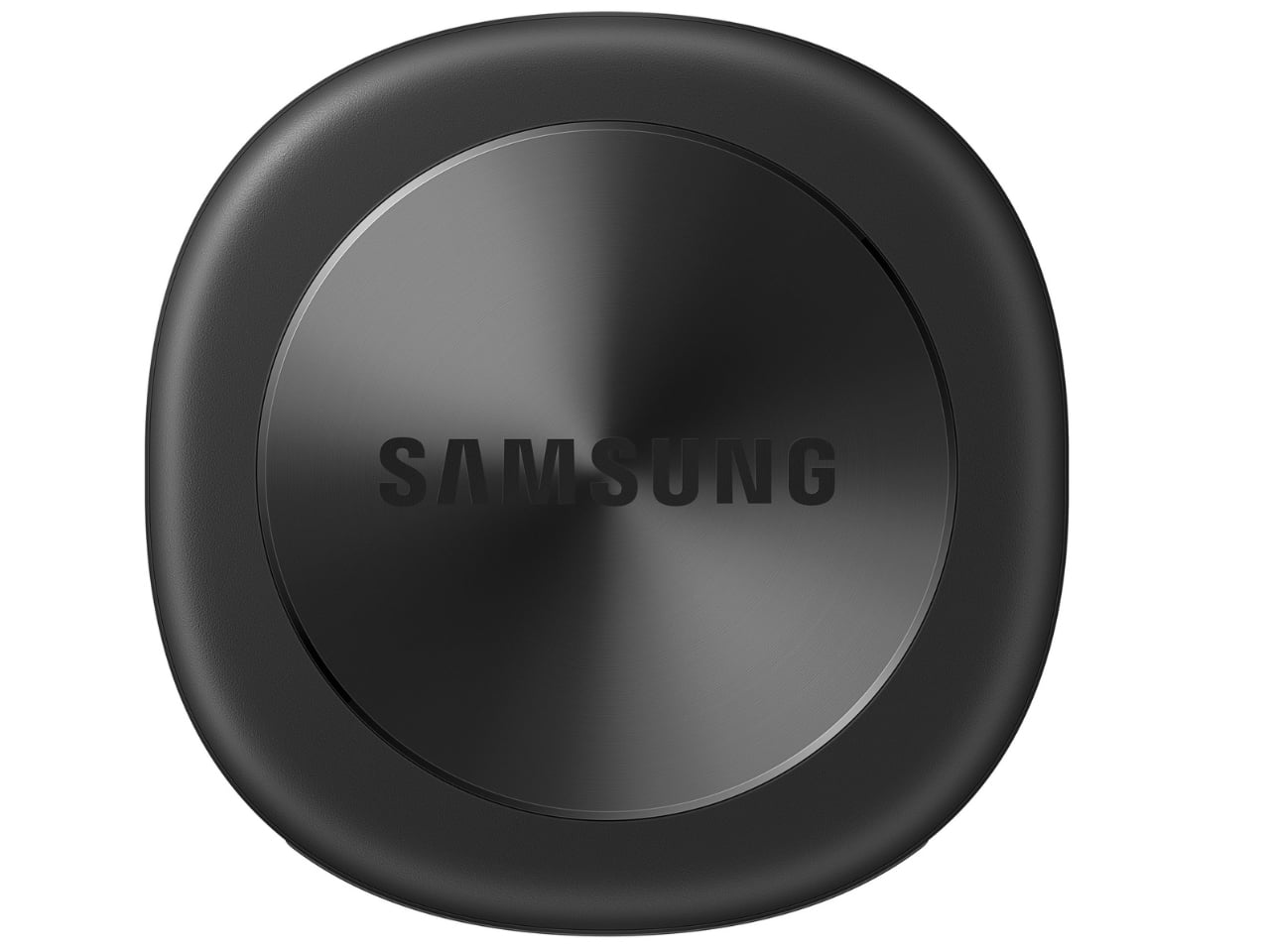
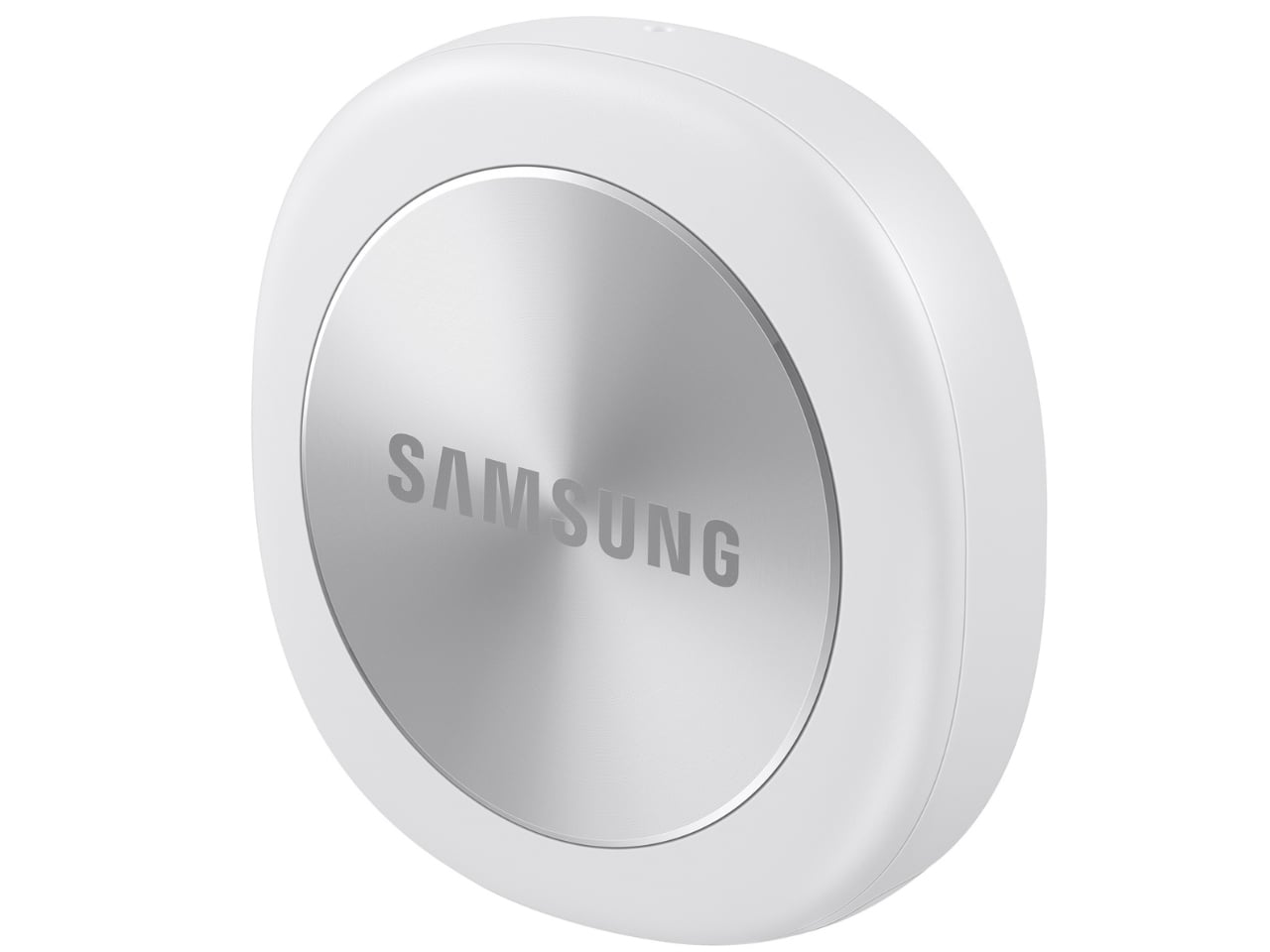
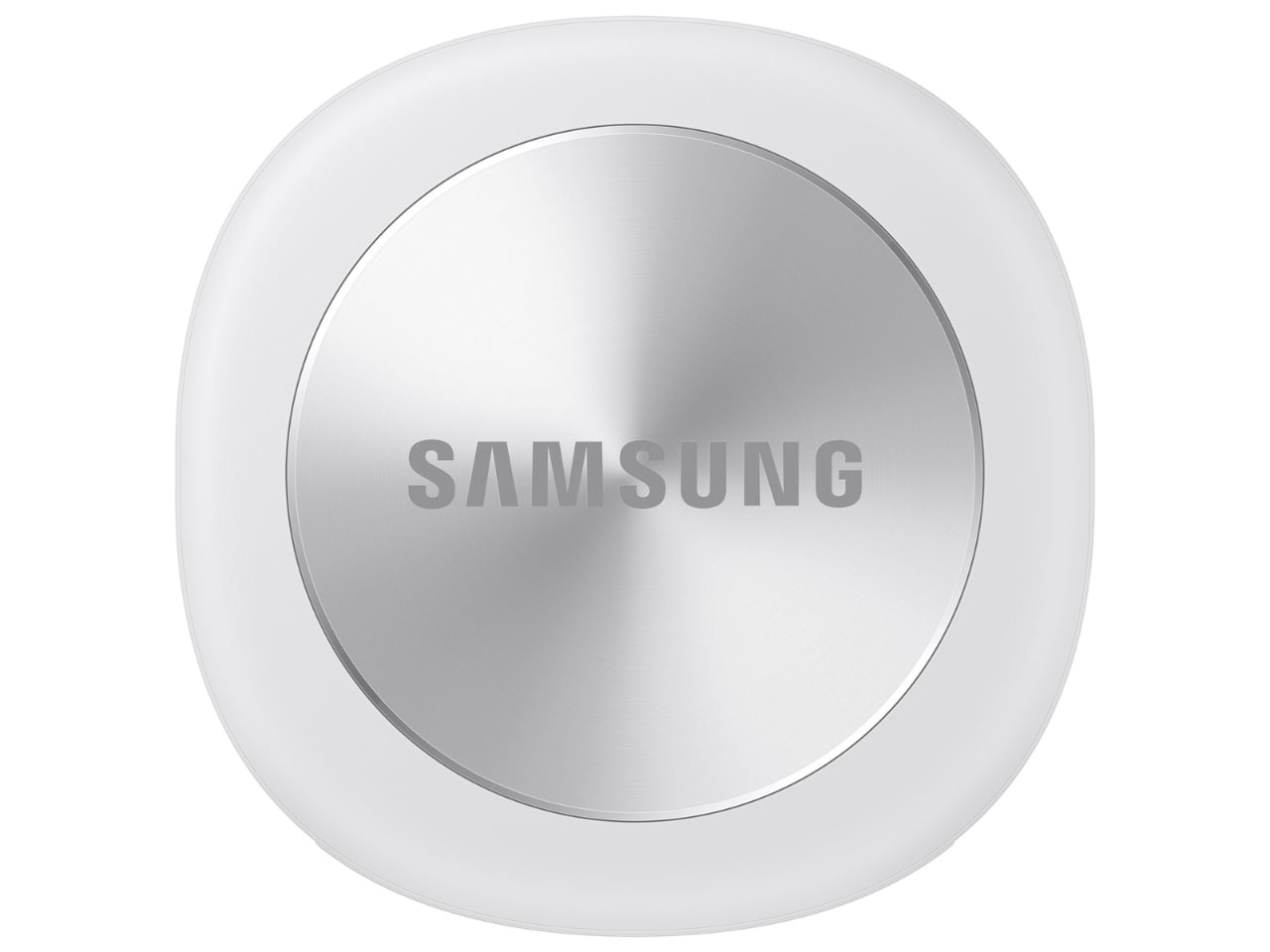
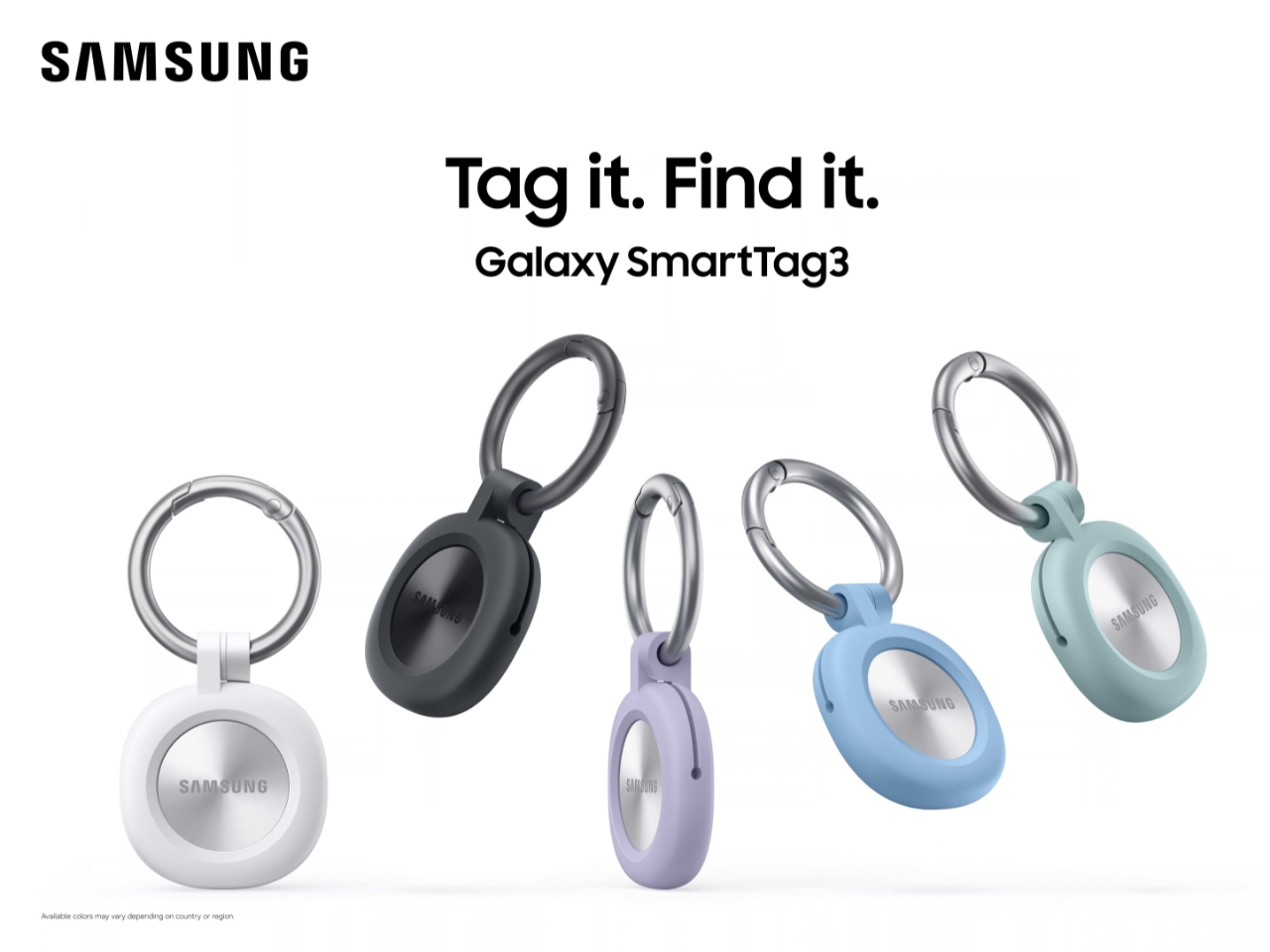
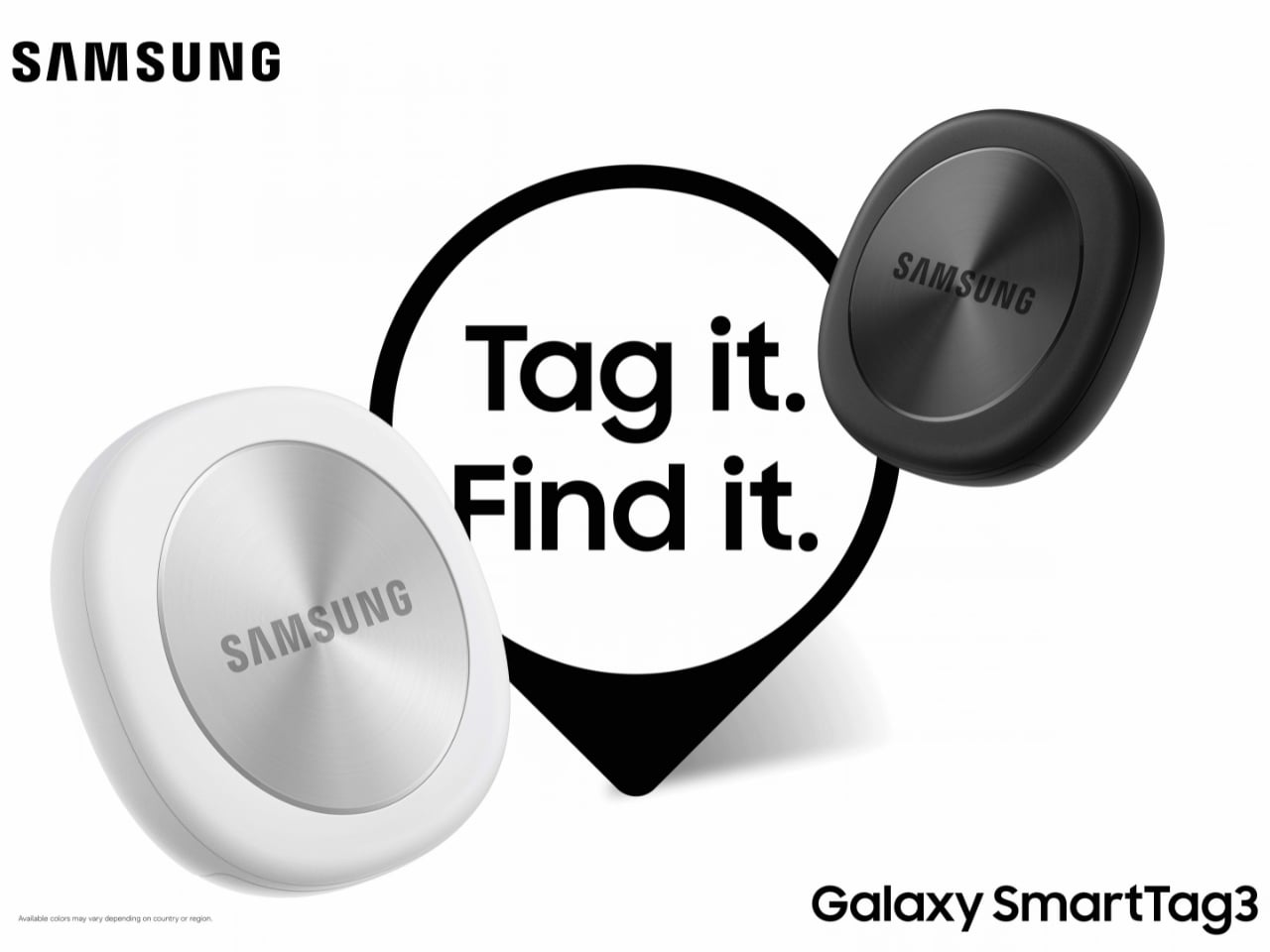
Designed by Samsung, the Galaxy SmartTag3 aims to address those everyday frustrations in a smaller package. Its rounded, nearly square shape gives it a clean look, while its reduced size should make it less noticeable on the things you carry. That matters more than it might seem. A tracker attached to a set of keys needs to be easy to live with every day, not just useful on the rare occasion those keys go missing.

Design: Samsung

The change in shape also raises a practical question: how will you attach it to your belongings? Samsung offers a silicone case with an integrated keyring and a loop case, giving users different ways to secure the tracker to keys or a bag. The smoother outline may look better on its own, but anyone buying one for their keys should consider which attachment will work best.

Samsung says the SmartTag3 is 35% smaller by volume and 33% lighter than its predecessor. It also retains an IP67 rating, indicating resistance to dust and water under specified test conditions. That offers reassurance if the tag gets caught in the rain, though it does not mean the device is waterproof in every situation.

Battery life may be the more meaningful upgrade for anyone who has discovered a dead tracker while looking for a lost item. Samsung says the SmartTag3 can run for up to 550 days under standard usage or up to 790 days in Power Saving Mode. Those figures are based on Samsung’s testing, not a promise that every user will get the same result. Still, a tracker that needs attention less often is less likely to let you down because you forgot to check its battery.

Finding something nearby should be easier, too. Compass View uses Bluetooth 6.0 Channel Sounding to provide distance and directional guidance from up to 60 meters away, about three times farther than on the previous model, according to Samsung. It could help you narrow down where to look before you’re close enough to spot the missing item. Compass View is not available on iOS.

The other finding features are intended to help in different situations. If you leave a tagged bag behind, a Left Behind Alert could prompt you to go back for it, although that feature is also unavailable on iOS. Place Notification is designed to alert you when a tagged item enters or leaves an area you define. Location History and Movement Detection Alert may provide additional clues about where an item has been or whether it has moved. Together, these tools could help you notice a problem sooner and narrow down where to look.

Lost Mode addresses a different problem: helping someone return an item they find. With a compatible phone, a finder can scan the tag using NFC to see the contact information or short message you have registered. That could be useful for a bag left at a café or luggage separated from you during a trip. When an item is beyond your phone’s range, however, location updates depend on nearby participating Galaxy devices. The SmartTag3 should not be treated as a continuous, real-time GPS tracker.

The SmartTag3’s appeal is the combination of a compact design, long claimed battery life, and features that help at several stages of a search. It cannot prevent you from leaving your keys behind, and its alerts will not replace paying attention to your belongings. But if it helps you catch a forgotten bag before you get home, or gives you a useful clue when something disappears, it has done what a well-designed tracker should: made a small, stressful problem easier to manage.

The post Samsung’s SmartTag3 Refuses to Die at 790 Days Battery Life first appeared on Yanko Design.
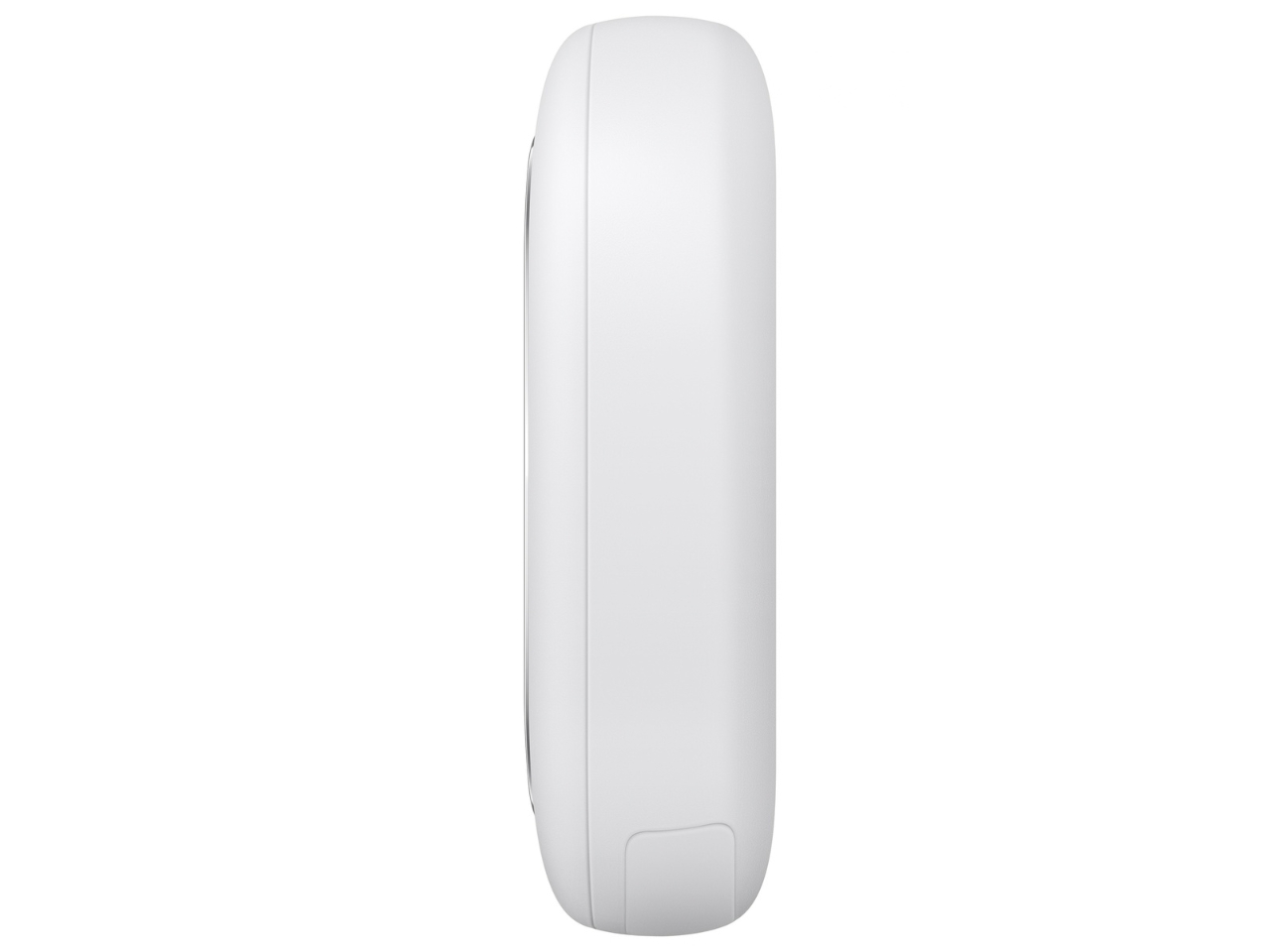
A Walnut Organizer That Claims Your Desk Corner Before the Clutter Does

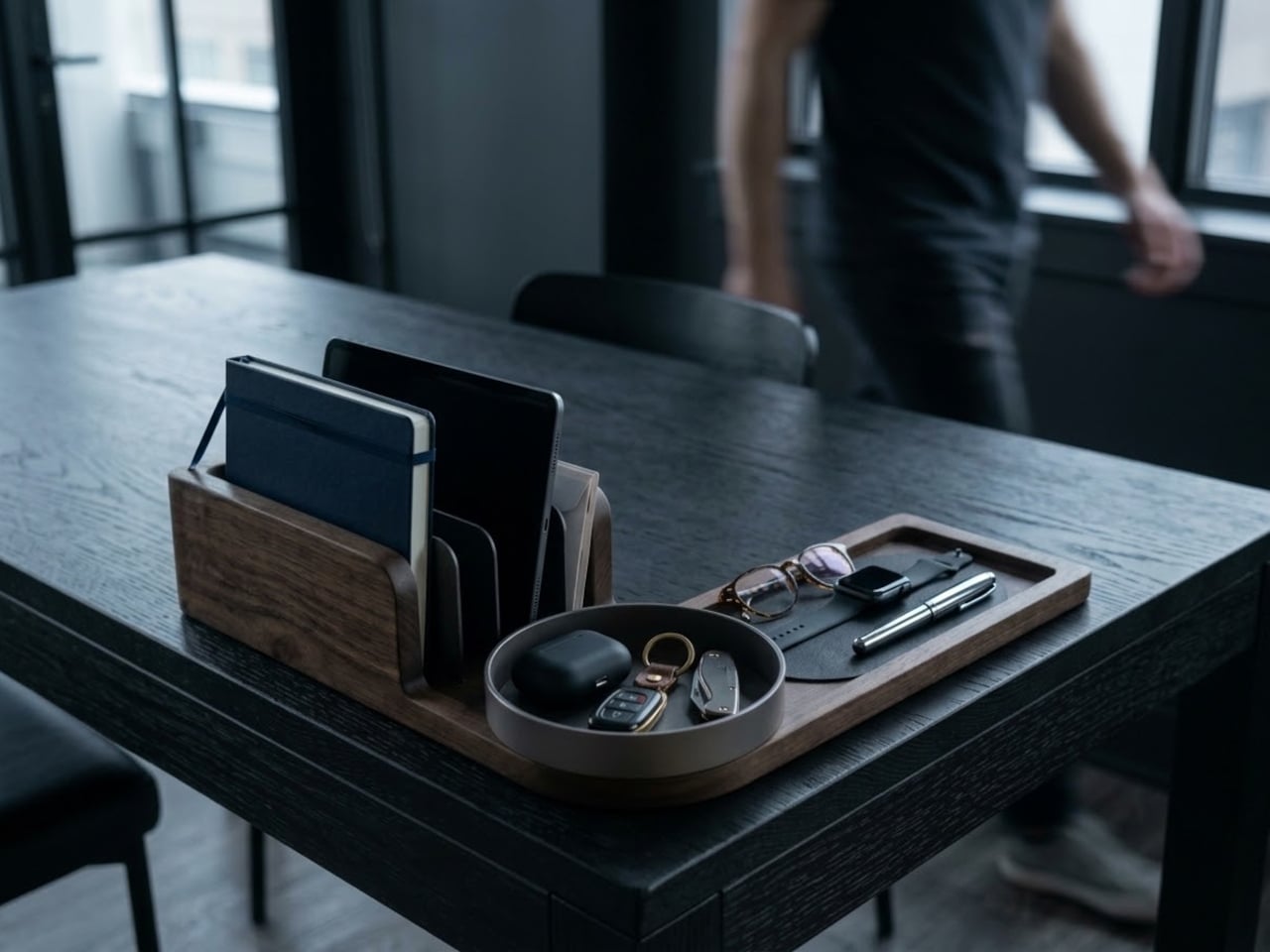
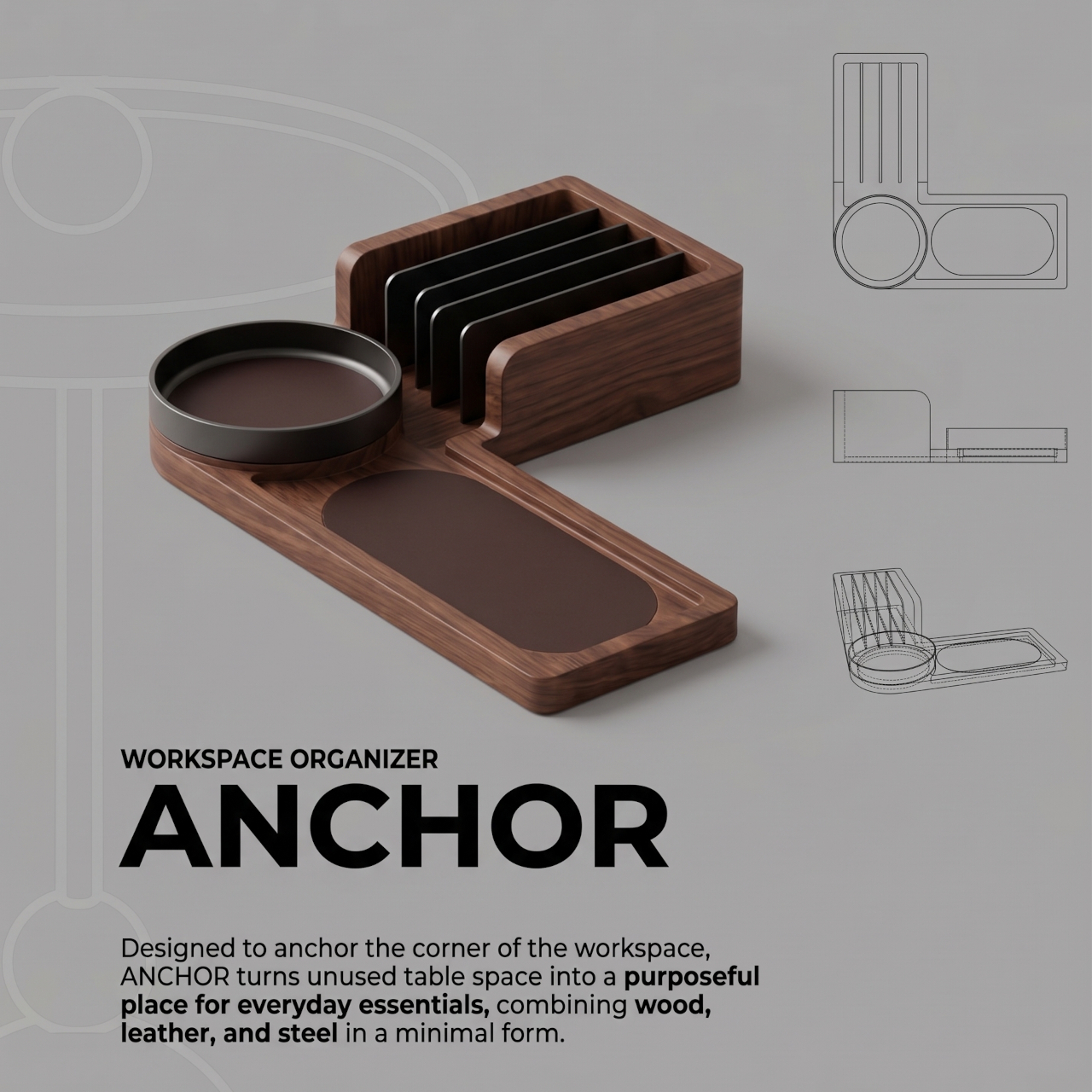
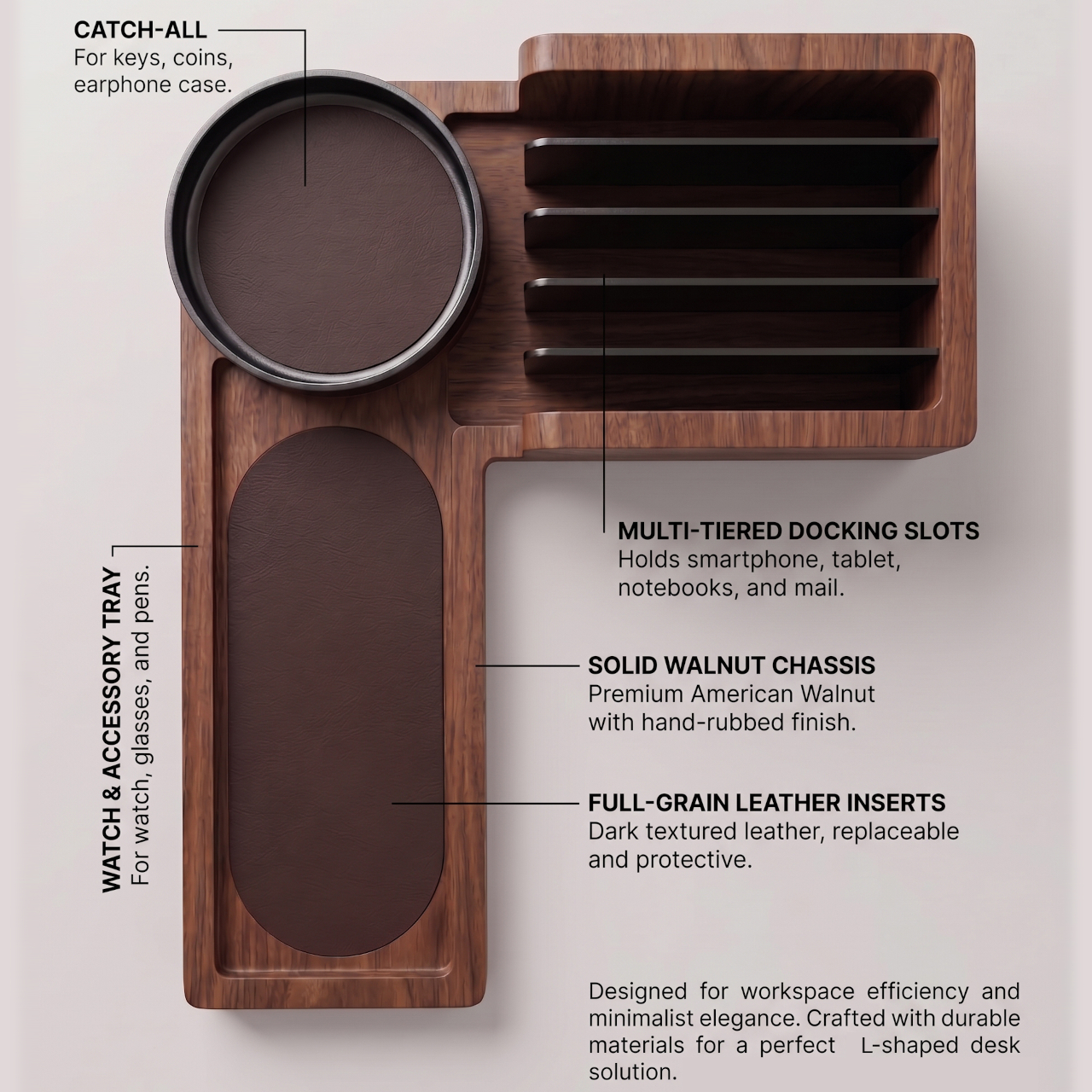
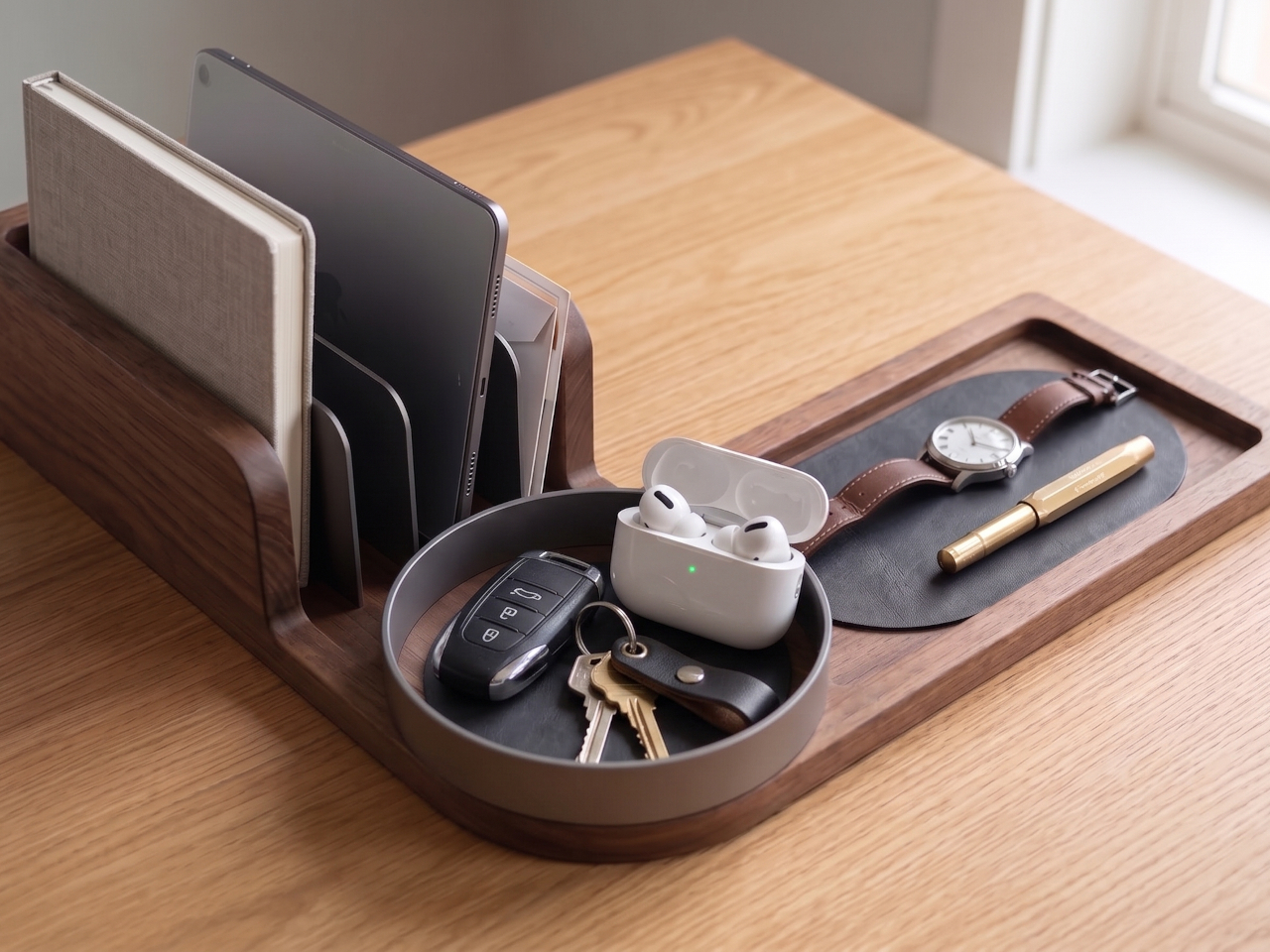
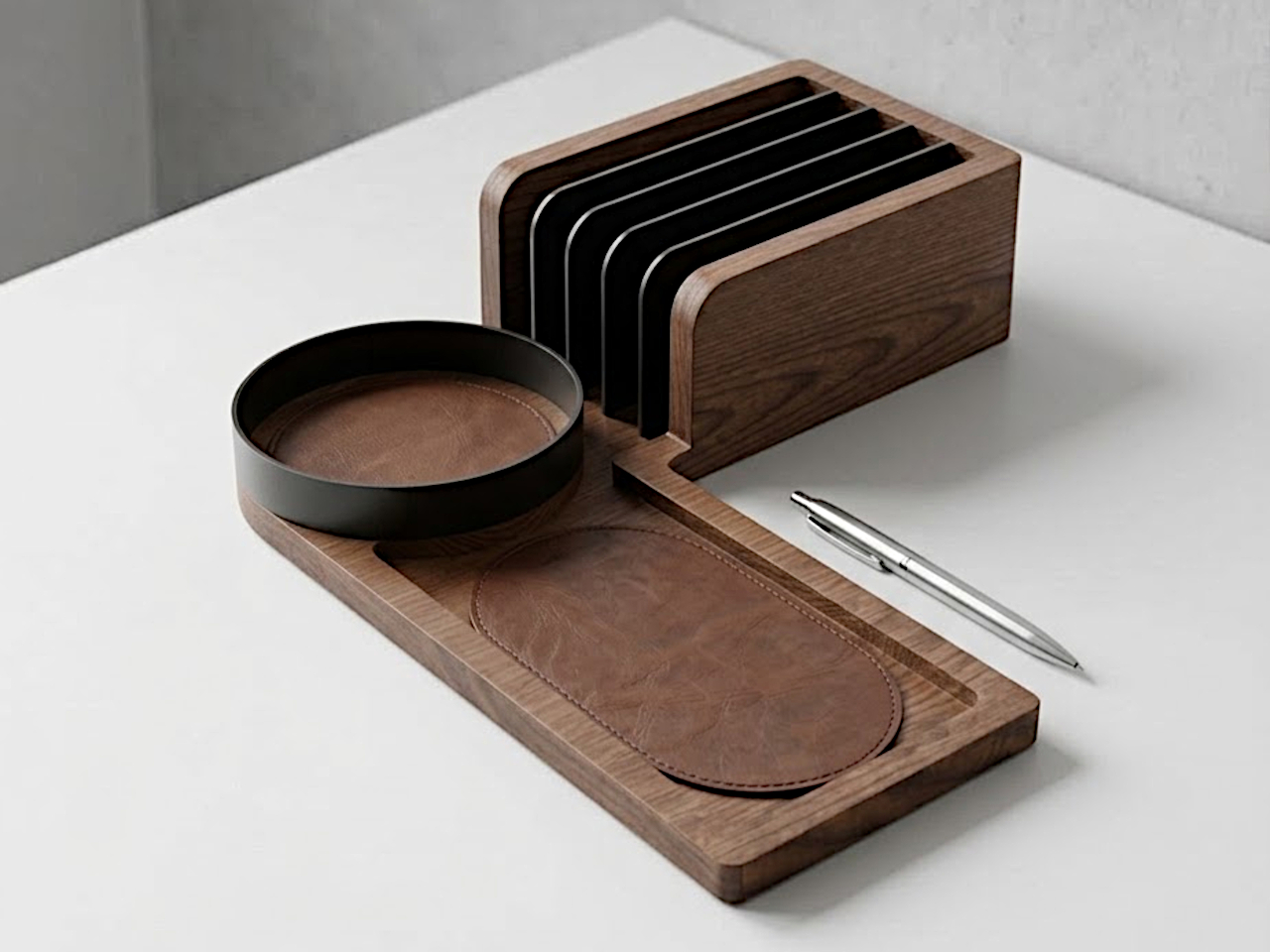
Desk corners tend to become parking spots for things you haven’t found a proper home for. Keys land beside the keyboard, earbuds disappear beneath a notebook, and your phone takes up whatever room remains. The Anchor desk organizer gives that overlooked space a job, using an L-shaped walnut body to keep your daily essentials together without laying another storage box across your workspace.

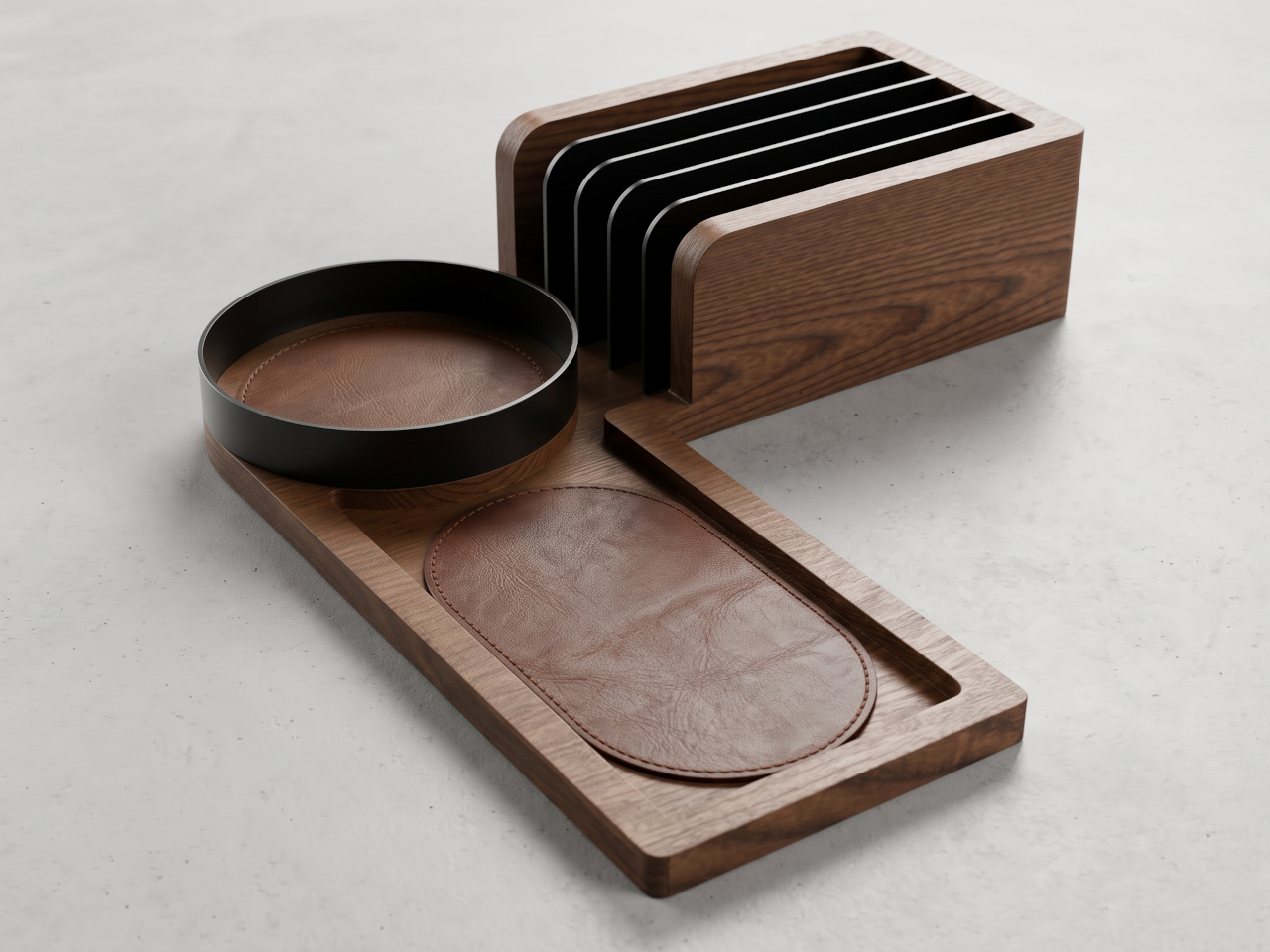
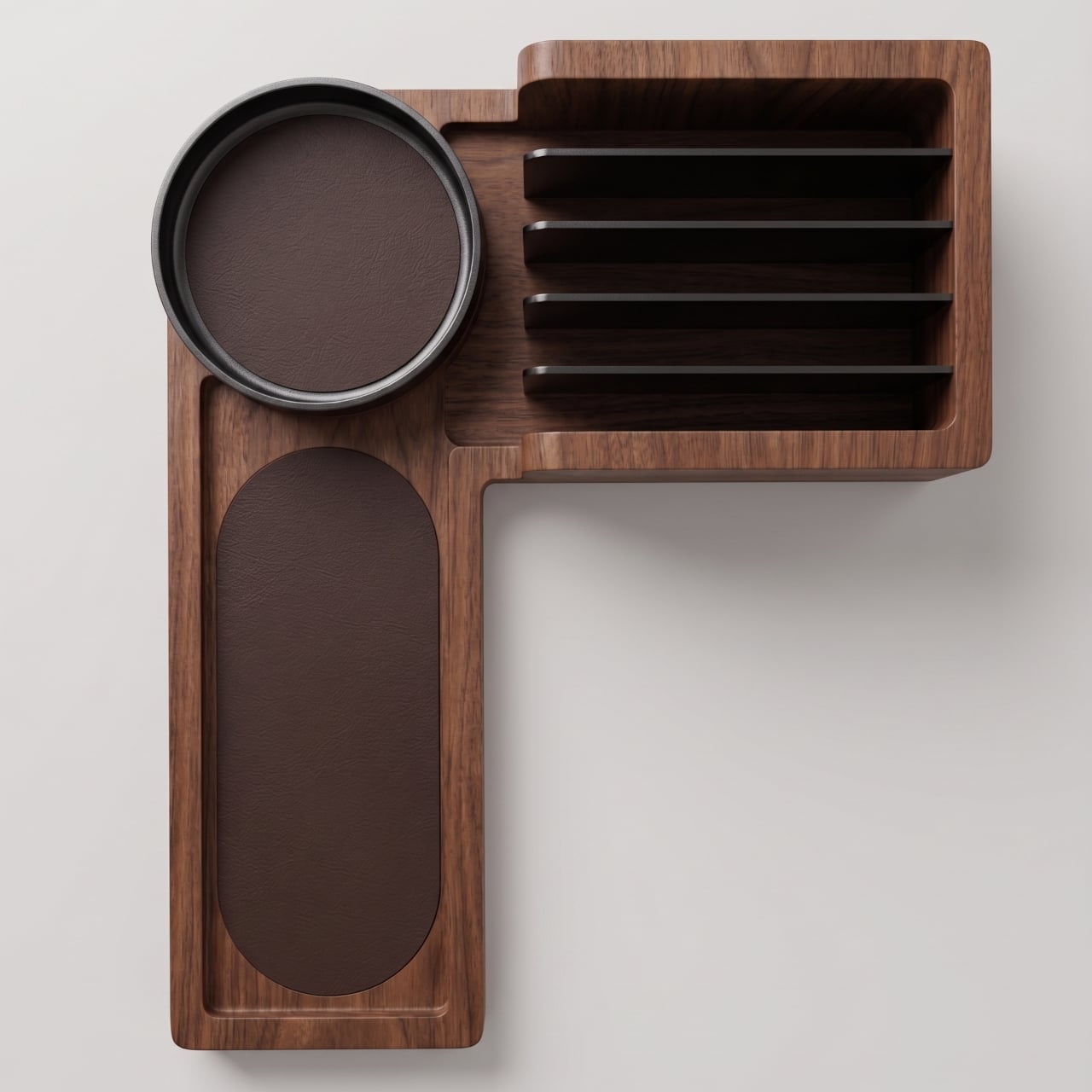
Most desktop organizers are rectangular, which can make them awkward neighbors for a laptop or drawing pad. The Anchor wraps its storage around a right angle instead. One arm holds upright items; the other gives smaller belongings a place to lie flat. It doesn’t make the corner any bigger, of course, but it could keep the middle of the desk clear for actual work.

Designer: BAYT (baytbyseen)

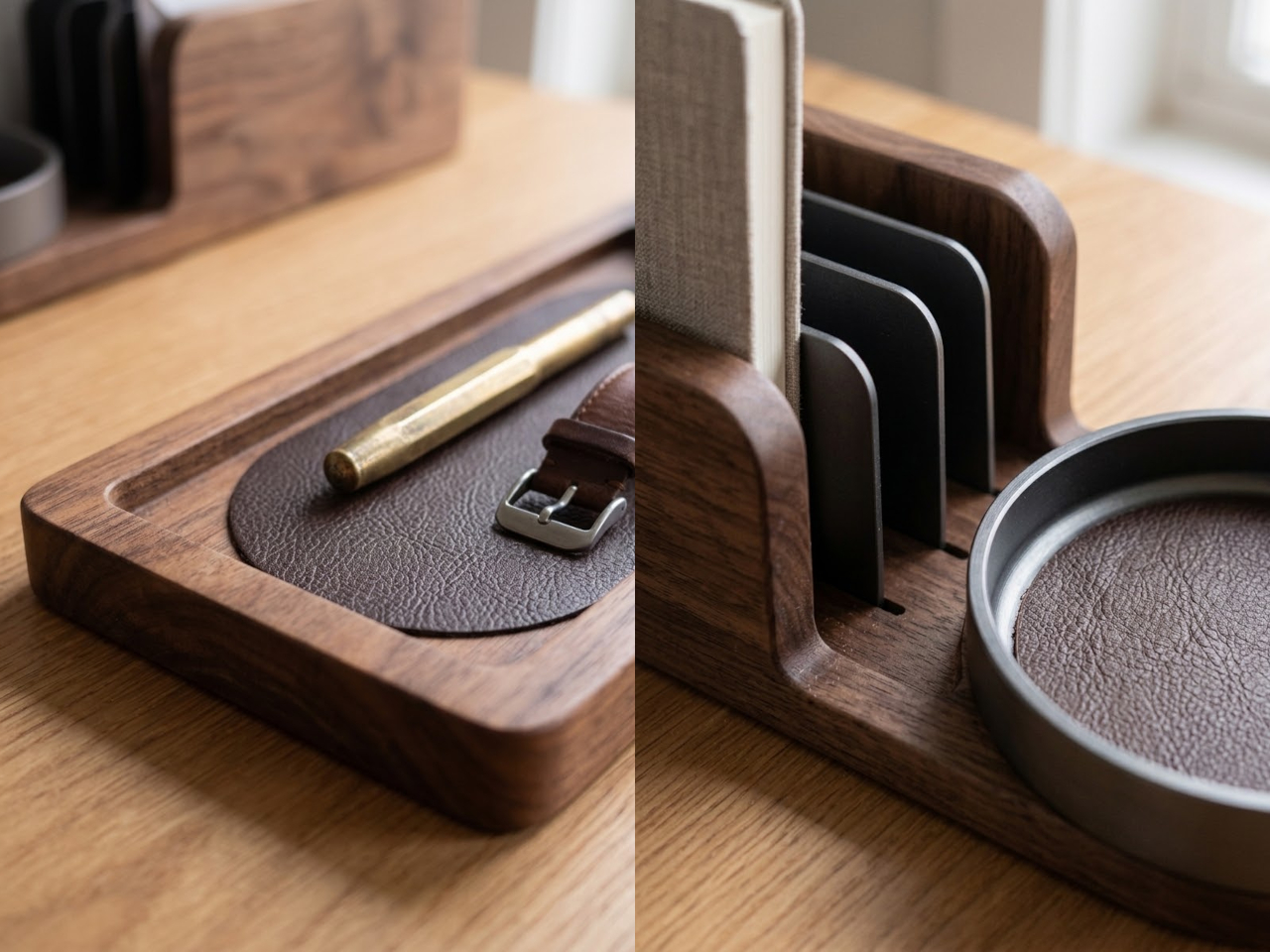
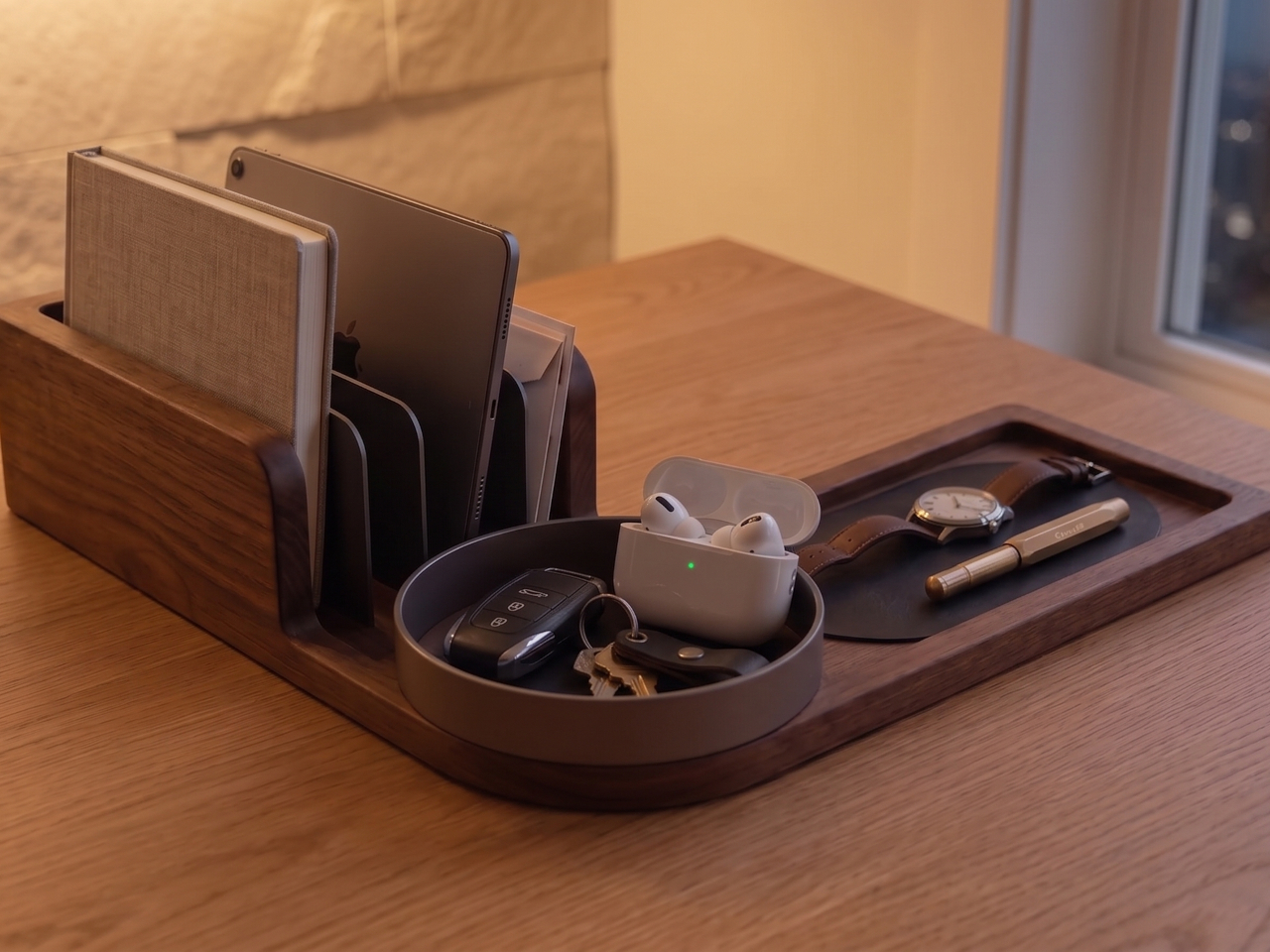
The raised section uses several dark dividers to separate a phone, tablet, notebook, or incoming mail. That’s useful when you’re moving between a screen and a paper sketch, because neither has to vanish under a pile. The slots also keep those items standing, so you can reach for the one you need without digging through a drawer or disturbing everything else.

At the bend sits a round catchall for keys, coins, and an earbud case, the little things that are easiest to misplace. Beside it, a longer recessed tray gives a watch, glasses, or pens somewhere to rest. Keeping the two areas distinct might seem fussy, but it saves you from fishing a pen out of the same bowl as your keys.

The proposed materials make the organizer feel less like office equipment and more like something you’d willingly leave out after work. Walnut gives the body its warmth, while dark steel detailing keeps the upright section looking crisp. Full-grain leather lines the trays, cushioning items that might otherwise rattle against wood. The concept labels those inserts as replaceable, though it doesn’t show how they’re removed.

That combination also draws a useful line between showing off your belongings and actually putting them away. A phone and notebook remain visible, while the low trays collect objects that usually wander across the desktop. Nothing here locks, folds shut, or hides yesterday’s mess. If you drop everything onto it without thinking, you’ll still have to sort things out eventually.

There are a few questions that the tidy arrangement doesn’t answer. The concept calls the upright sections docking slots, but it doesn’t describe built-in charging or cable routing. You’d also need enough room for the organizer and the devices sticking out of it, especially on a small desk. A corner can be unused without being empty, as anyone with a lamp knows.

Still, The Anchor has an appealing understanding of how workspaces actually fill up. Your keys don’t need the same sort of home as a tablet, and your glasses shouldn’t have to share a slot with the mail. Giving each one a modest place at the edge leaves the main surface for whatever you’re working on, while making it easier to find your things afterward.

The post A Walnut Organizer That Claims Your Desk Corner Before the Clutter Does first appeared on Yanko Design.