Soundcore Space 2 vs Space 2 Pro: Longer Trips or More Calls?
Anker soundcore Space 2 offers longer battery life, while Space 2 Pro adds Thus call processing. Compare ANC, charging, drivers, and everyday trade-offs.
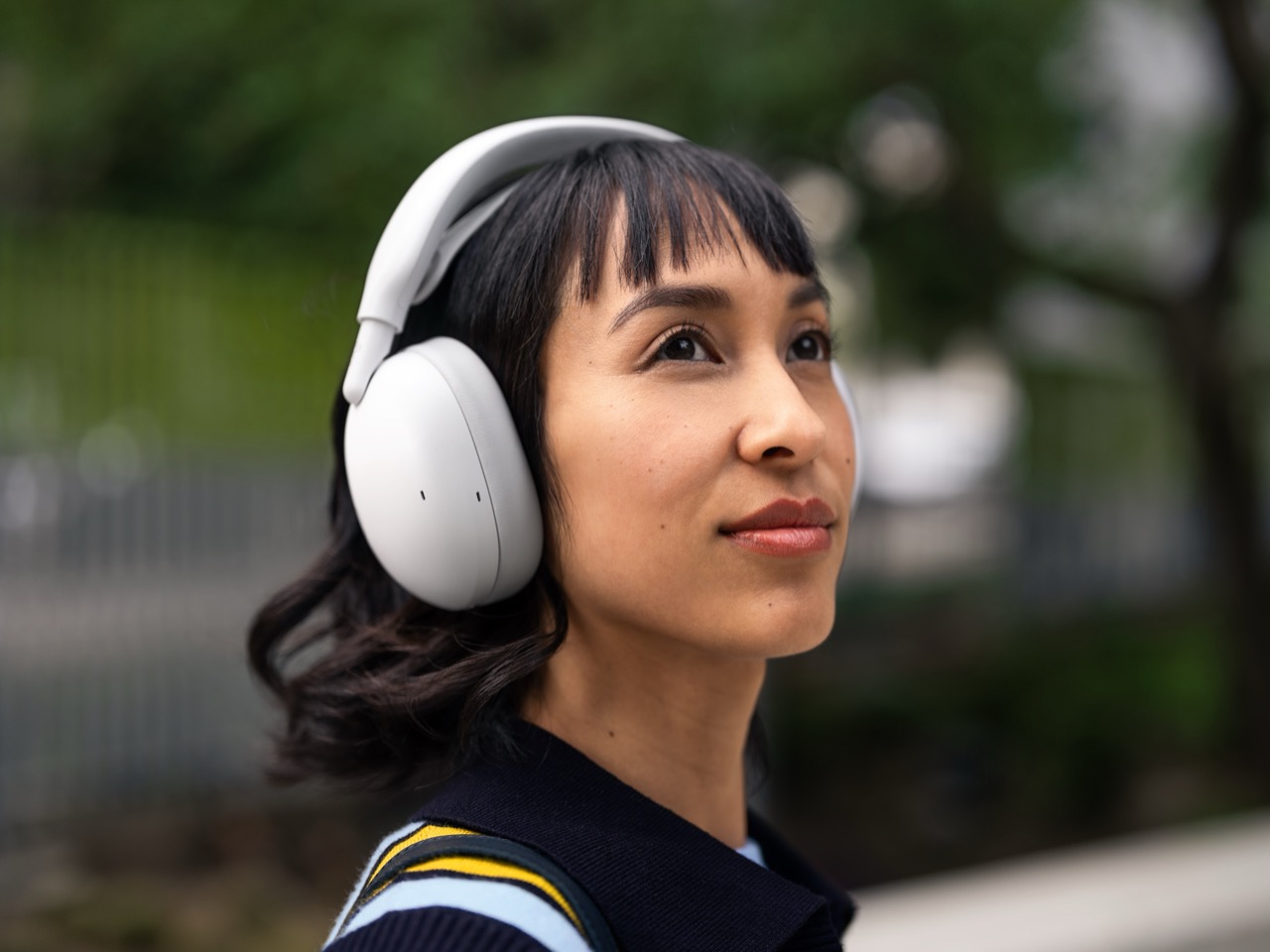
I don’t want to be the one to call you out on a fine Wednesday morning, but your tech bag is a mess. You’ve got the Work Headphones, the serious pair with that dorky boom mic that makes you sound like a podcast host on Zoom calls but looks absolutely ridiculous in the wild. Then you have the Life Headphones, the cool ones that are great for music on the train but make you sound like you’re calling from inside a wind tunnel the second you try to take a call outdoors. We all perform this dumb little headphone swap all day, every day, because for some reason the industry decided we needed two different tools for one job. It is a silly problem that is, nonetheless, deeply annoying.
Logitech apparently got tired of watching us all do this. Their new Zone Vibe Pro, which ships September 30 for $259.99, is a direct shot at solving this two-headphone nonsense. It’s a boomless, over-ear headset with AI-powered mics that nuke up to 93% of background noise, so you can take a meeting from a chaotic coffee shop and still sound like you’re in a library. It has sidetone to stop you from shouting on calls, a battery that runs for 30 hours with ANC on, and a design that won’t get you weird looks in public. It’s a genuine attempt to build the one pair you actually need, with a Business version arriving November 2 for $279.99 for the IT folks who need the paperwork.
Designer: Logitech
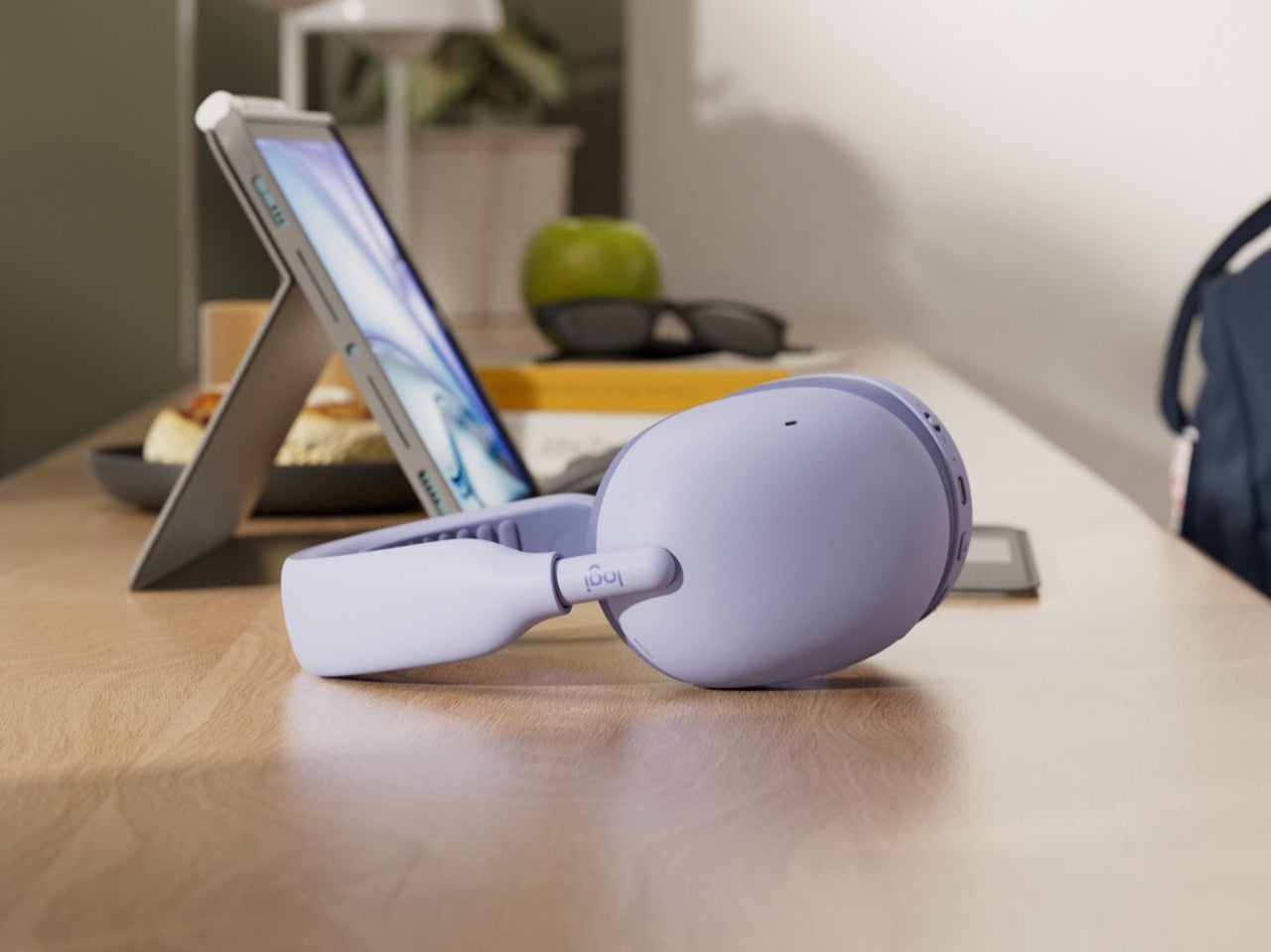
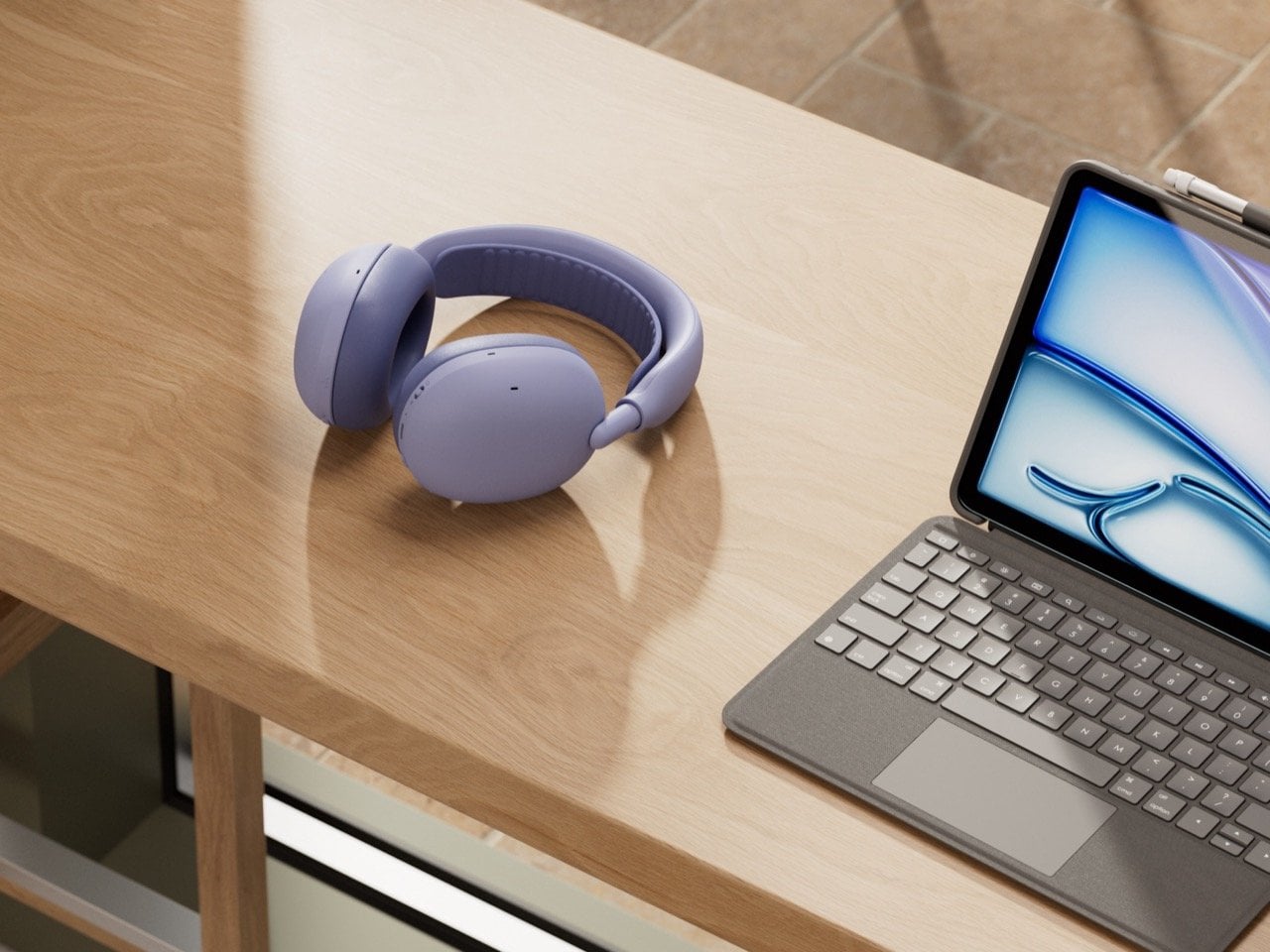
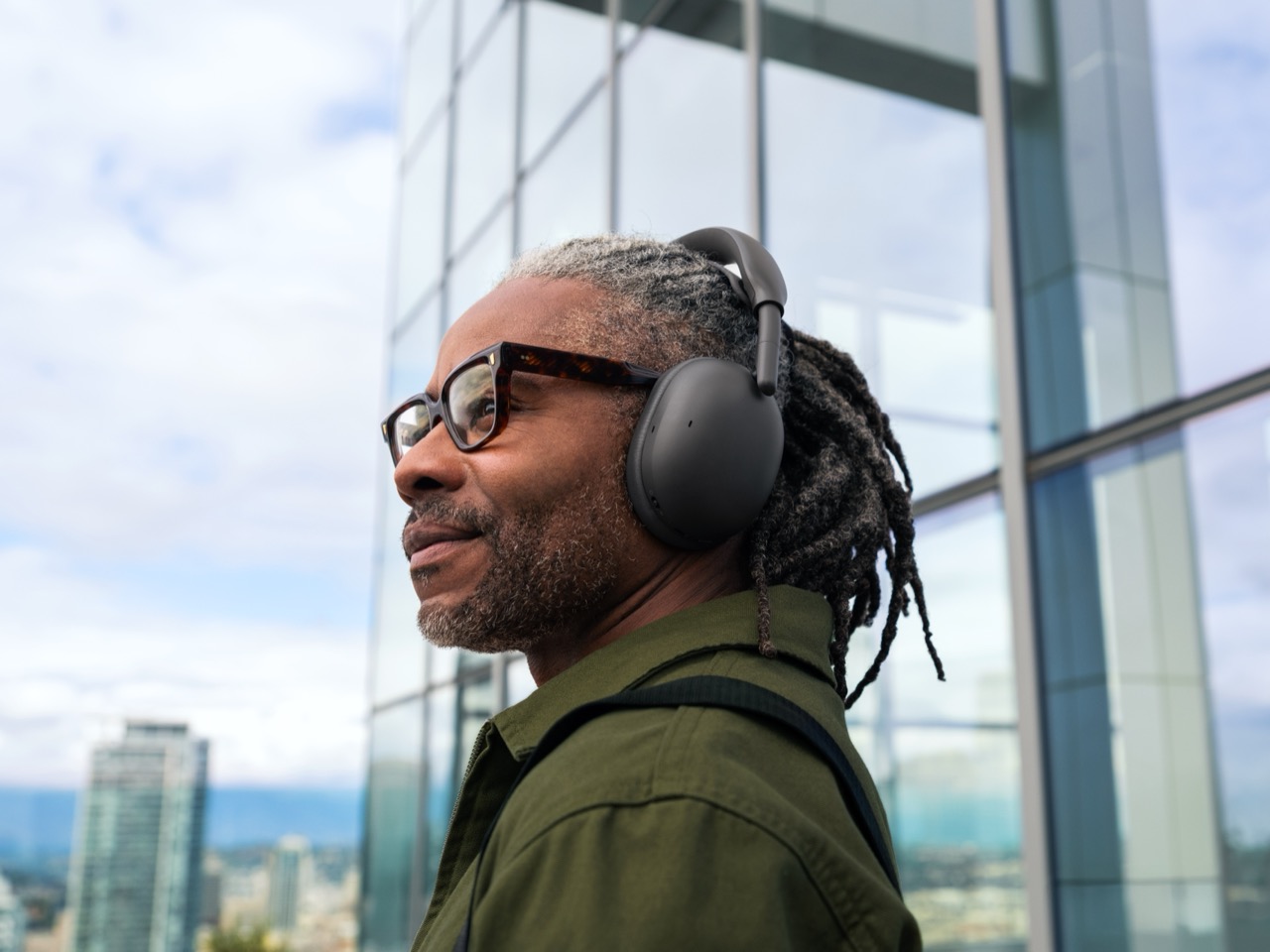
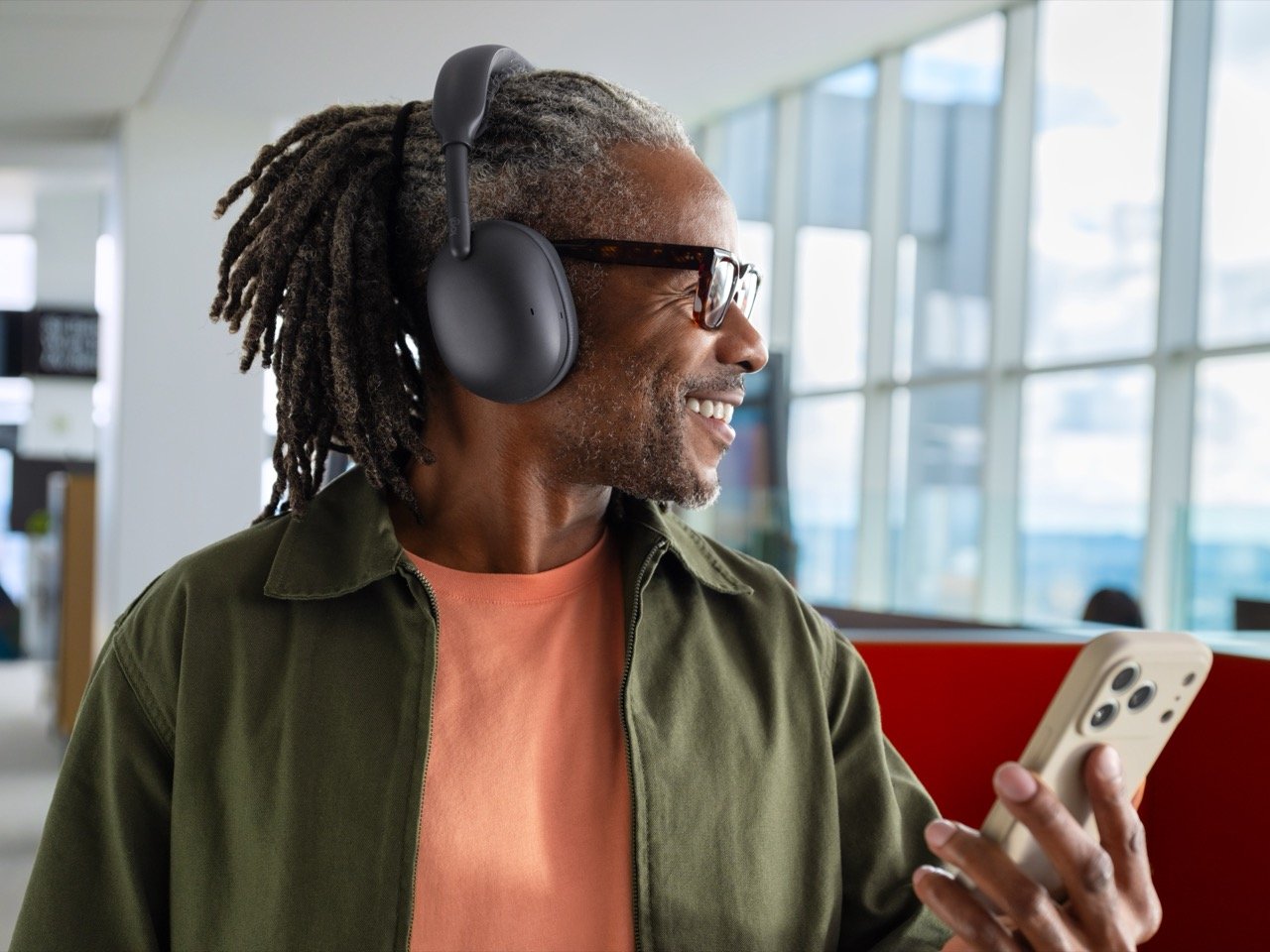
The first thing Logitech did right was get rid of the boom mic, which changes everything about how the headset looks and feels. Without that arm sticking out, the Zone Vibe Pro doesn’t have an ugly “work side.” Both earcups are identical, clean, and minimalist, with a shape that feels more sculptural than engineered. The earcups rotate flat for travel instead of folding, which is a clever way to dodge the cheap plastic hinges that always snap on other headsets. Offered in four colors, including a lilac that practically screams “I am not corporate hardware,” the design is a confident statement that your work gear doesn’t have to be embarrassing.
To make sure you can actually wear it all day, Logitech stole the best ideas from its own gaming division. The soft, padded head strap and dual-layer foam earcups are straight out of the gaming playbook, where comfort isn’t a feature, it’s a requirement for ten-hour sessions. The foam is soft where it touches your ear but firmer underneath, a small detail that creates a better seal for the noise canceling. It’s the kind of smart, practical engineering that you don’t notice until you realize your head doesn’t hurt after a three-hour meeting.
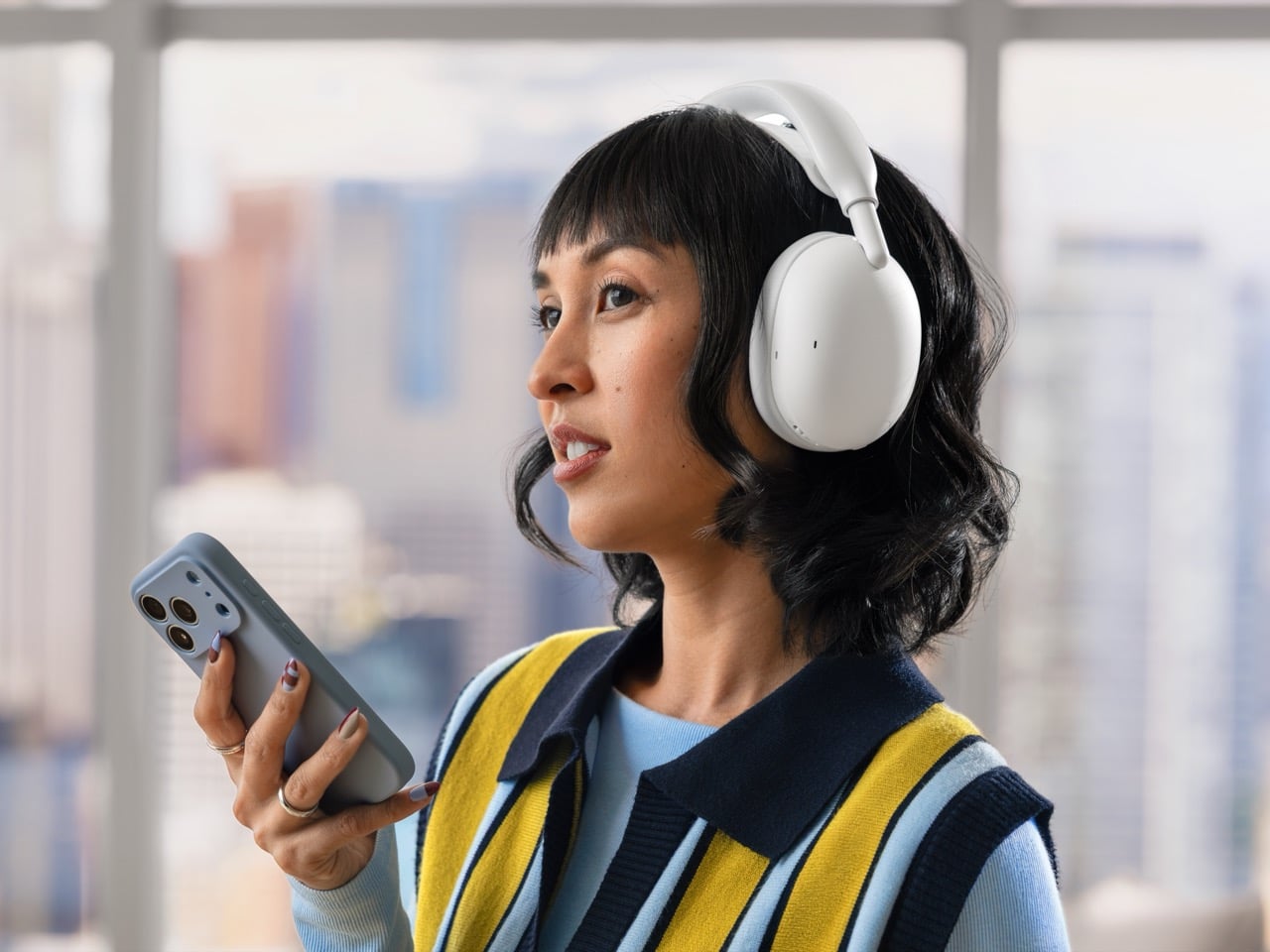

The magic trick that makes this whole boomless thing work is the AI-powered microphone system. This is usually where headsets like this fall apart, sounding great in a quiet room but turning into a muffled mess the second a barista starts the blender. To prove their point, Logitech had a presenter take a call while someone held a power drill next to her head; the call sounded perfectly clear. The system is smart enough to isolate your voice and kill up to 93% of the noise around you, which is a bold claim backed by a pretty convincing demo.
They also included sidetone, a feature that lets you hear your own voice in the headset so you don’t end up shouting on your calls. It’s a simple fix that stops you from becoming “that person” in the coffee shop, and it’s amazing how many headsets get it wrong. The listening experience is handled by custom 40mm drivers and an adaptive noise canceling system that adjusts to your environment in real time. Combined with the solid acoustic seal from the earcups, the audio performance is designed to be just as good for music on the subway as it is for a meeting with your boss.
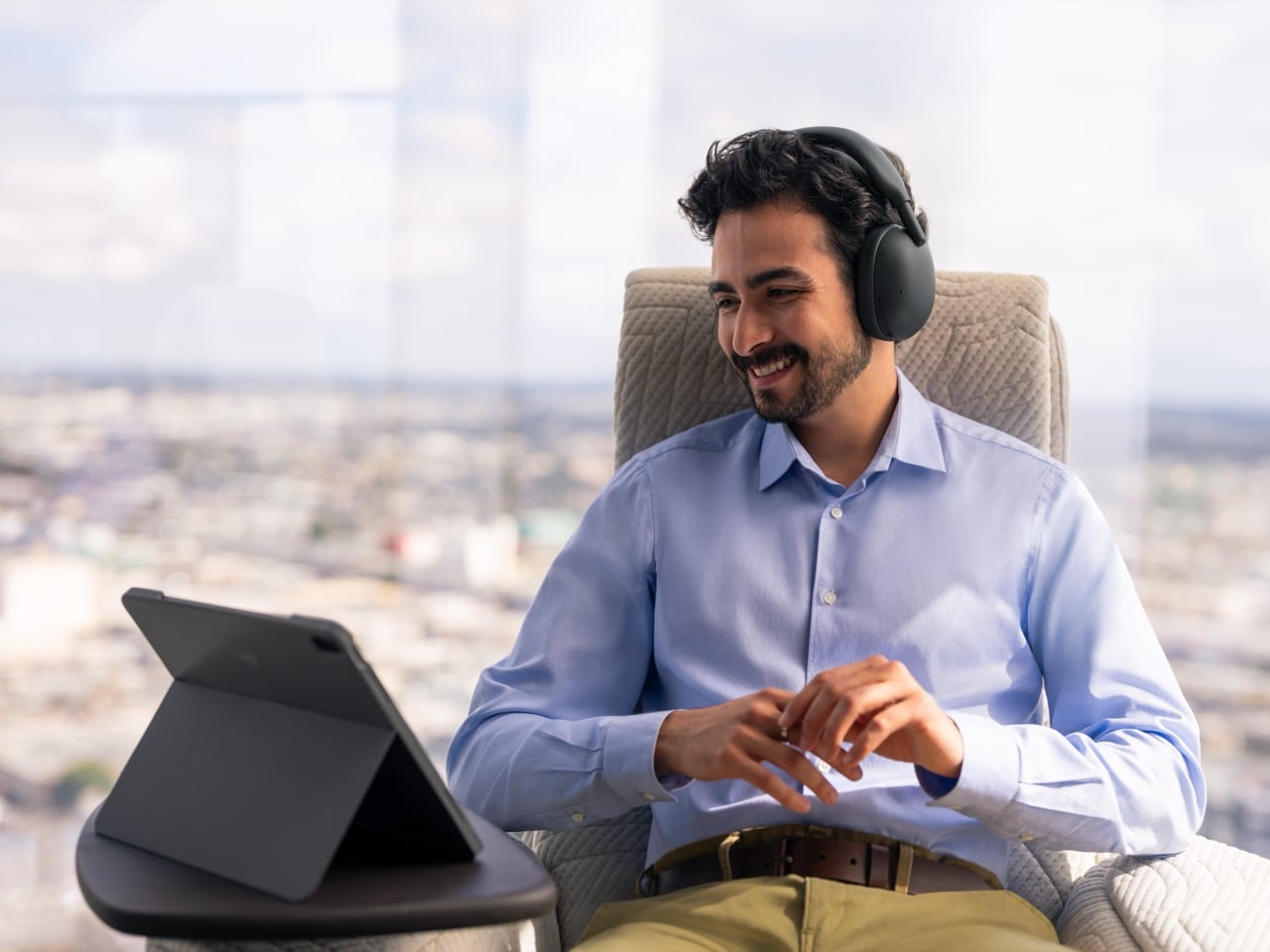
You get a solid 30 hours of listening with ANC on, and a frankly ridiculous 66 hours with it off, which is long enough to make you forget where you put the charging cable. If you do run low, a five-minute charge gets you an hour of call time, which is the kind of practical spec that saves the day when you’re running late. In a rare move for a headset at this price, Logitech also made the earpads, headband, and even the battery replaceable. It’s a welcome nod to making products that are meant to last rather than be thrown away after two years.
The Zone Vibe Pro is available today on logitech.com for $259.99, hitting the US and Canada first. The Business version, which adds certifications for Microsoft Teams, Zoom, and Google Meet plus remote management tools for IT departments, lands on November 2 for $279.99 with a USB-C receiver. If you’re tired of juggling two pairs of headphones just to get through the day, Logitech has built a very compelling argument that you only need one.
The post Logitech built the all-day work + play headset that doesn’t scream “IT department” first appeared on Yanko Design.
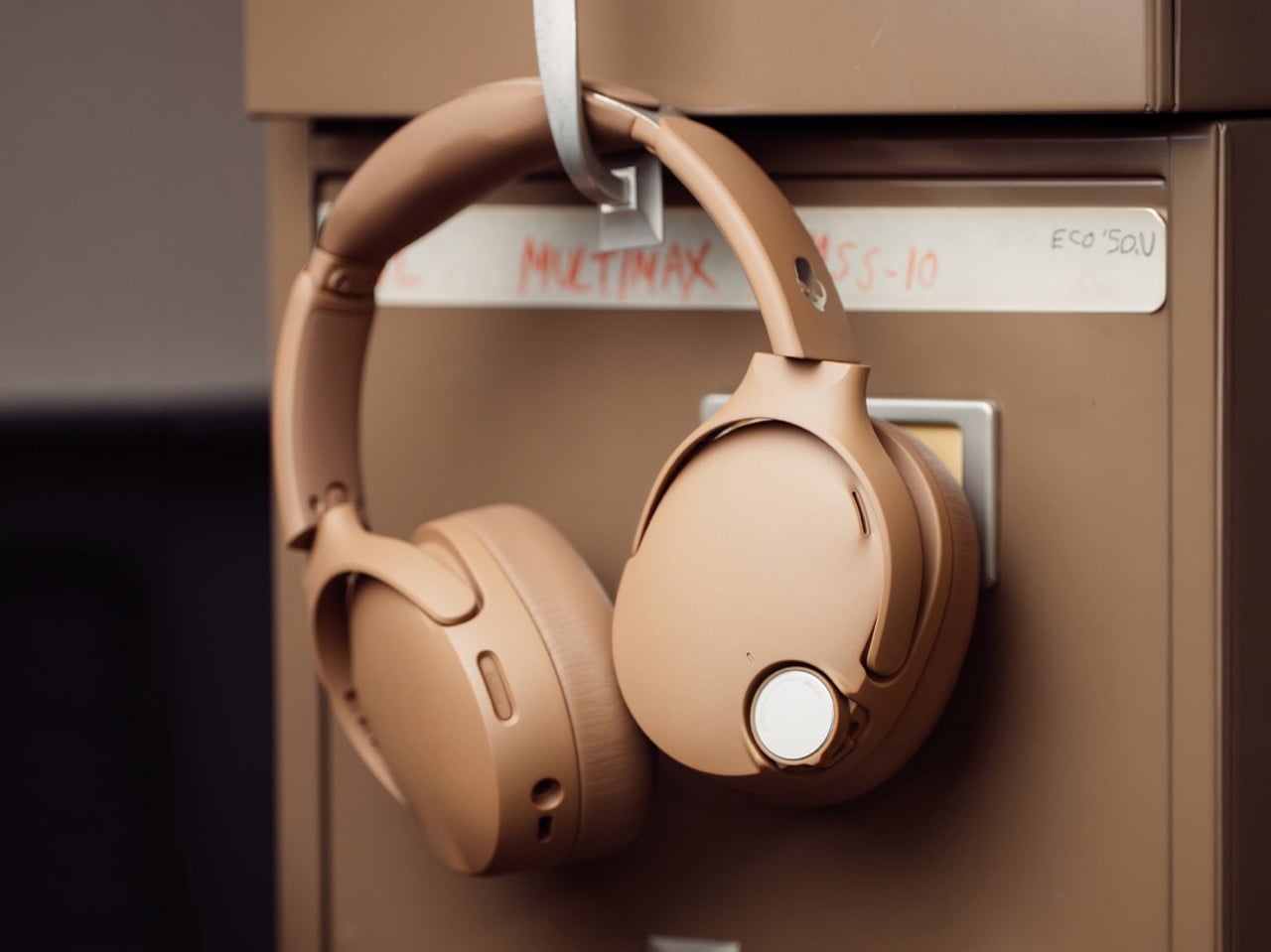
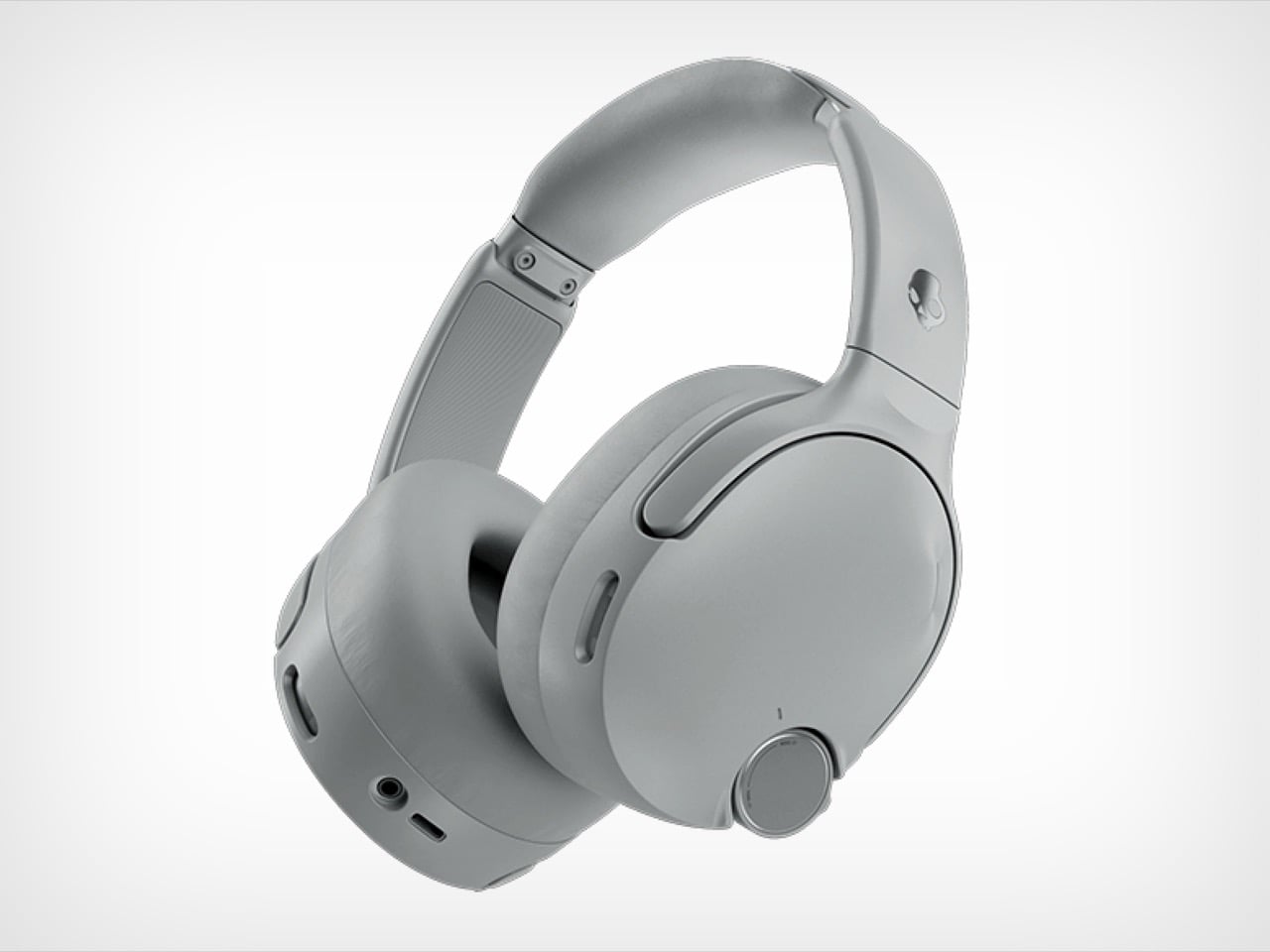
Everyone is obsessed with making gadgets sleeker, flatter, and more touch sensitive these days. So naturally, Skullcandy looked at that trend and said, nah, let us put a knob on it. The new Crusher 1080 ANC headphones (with sound by Bose) have an honest to goodness rotary dial sitting right on the ear cup, and it might be the single best design decision on the whole product.
Turning that dial controls the Crusher Bass feature, which is Skullcandy’s way of saying we built a subwoofer into your headphones. Twist it one way for a light rumble, twist it the other way and your skull becomes part of the sound system. It is a small, satisfying, slightly ridiculous piece of hardware, and after years of swiping at touch panels that never quite register your finger, it feels like coming up for air.
Designer: Skullcandy
Bose headphones are great. They are also expensive enough to make you wince a little at checkout. So when Skullcandy rolled up with a pair of headphones that borrow actual Bose tech, including its noise canceling and audio engine, and slapped a $280 price on them, it got my attention fast. That is $170 cheaper than Bose’s own flagship, for tech with the Bose name stamped right on it. Whether the sound quality actually holds up against the real deal is a separate question, but on paper, this is a genuinely aggressive move.
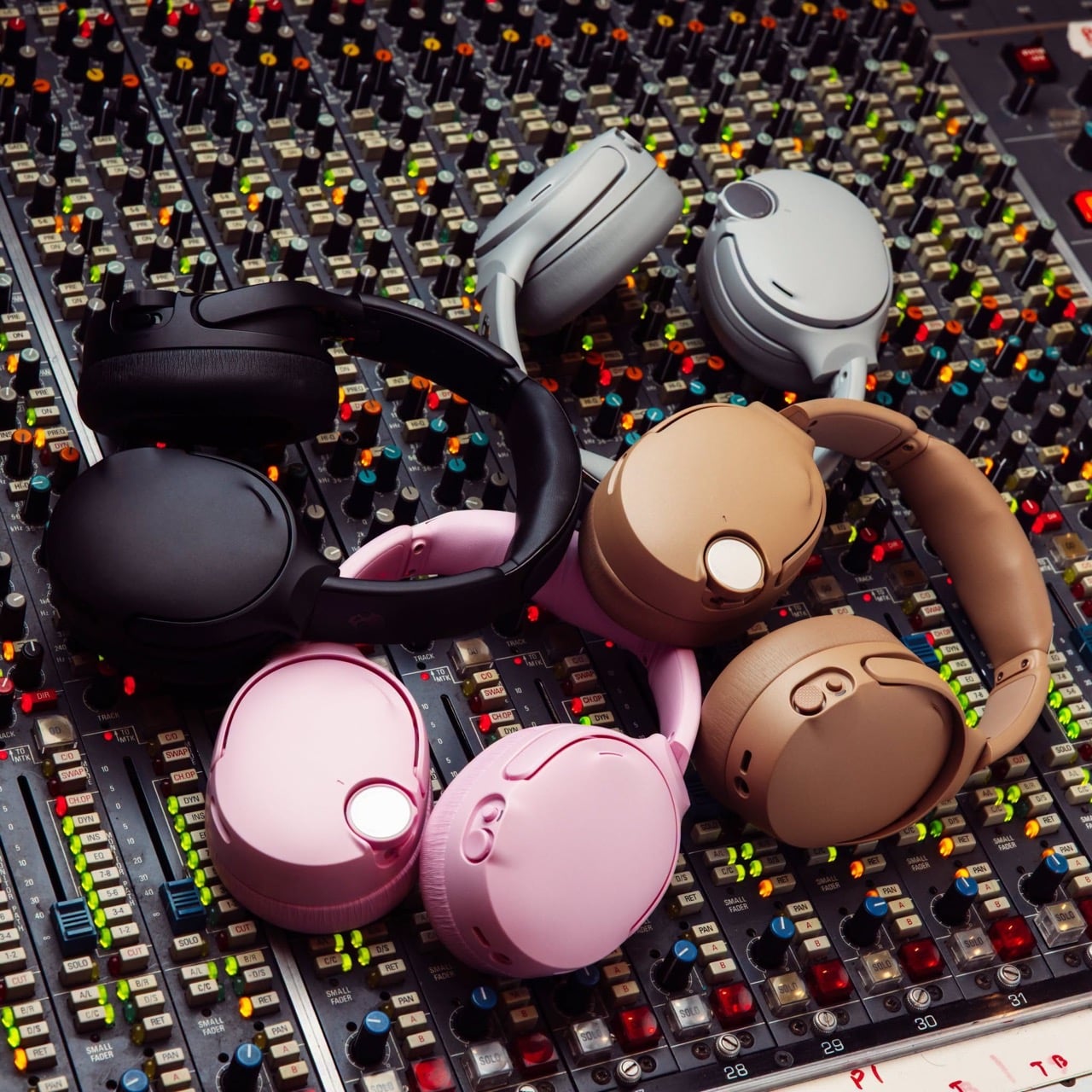
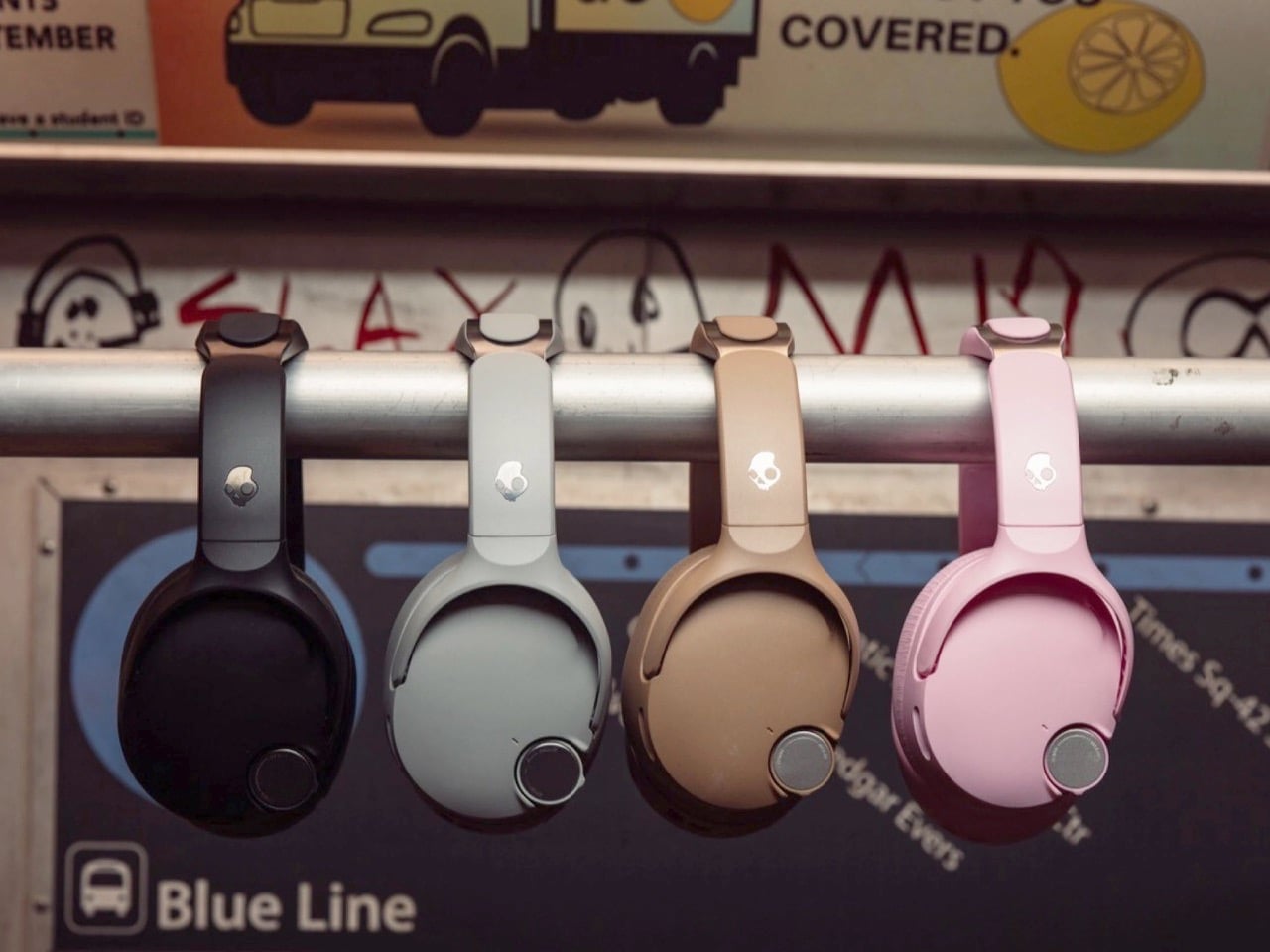
Bose’s fingerprints have their way of showing up everywhere else as well. QuietControl active noise canceling uses six microphones to quiet the outside world, TrueSpatial creates a wider, more speaker like soundstage with head tracking, and the WaveForm audio engine keeps things clear even at high volume. There is also Personal Sound tech from Mimi, which builds a hearing profile tailored to you rather than relying on a generic preset. Toss in Bose-assisted call clarity and custom EQ modes, and Skullcandy is clearly betting that borrowed expertise beats going it alone.
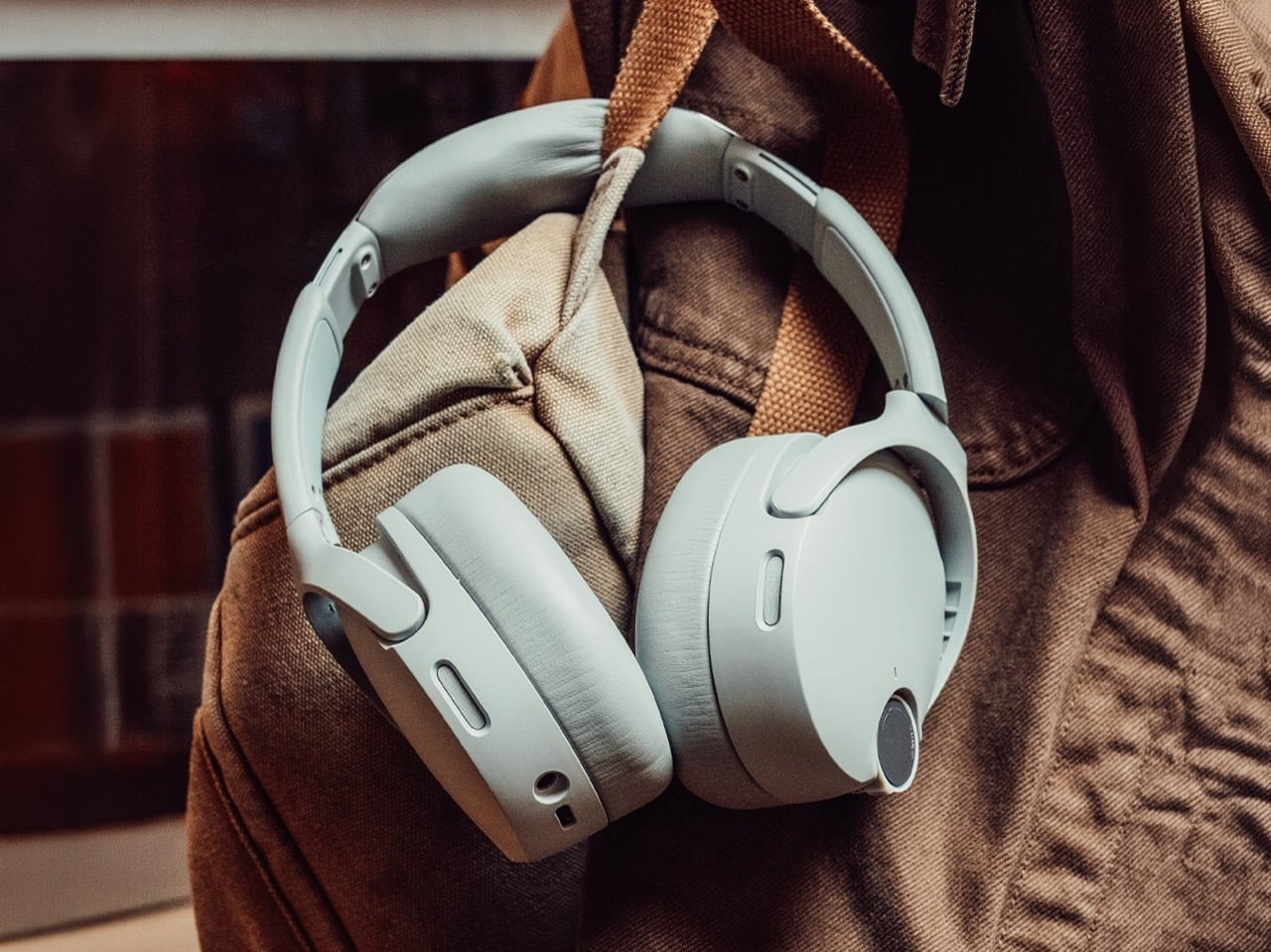
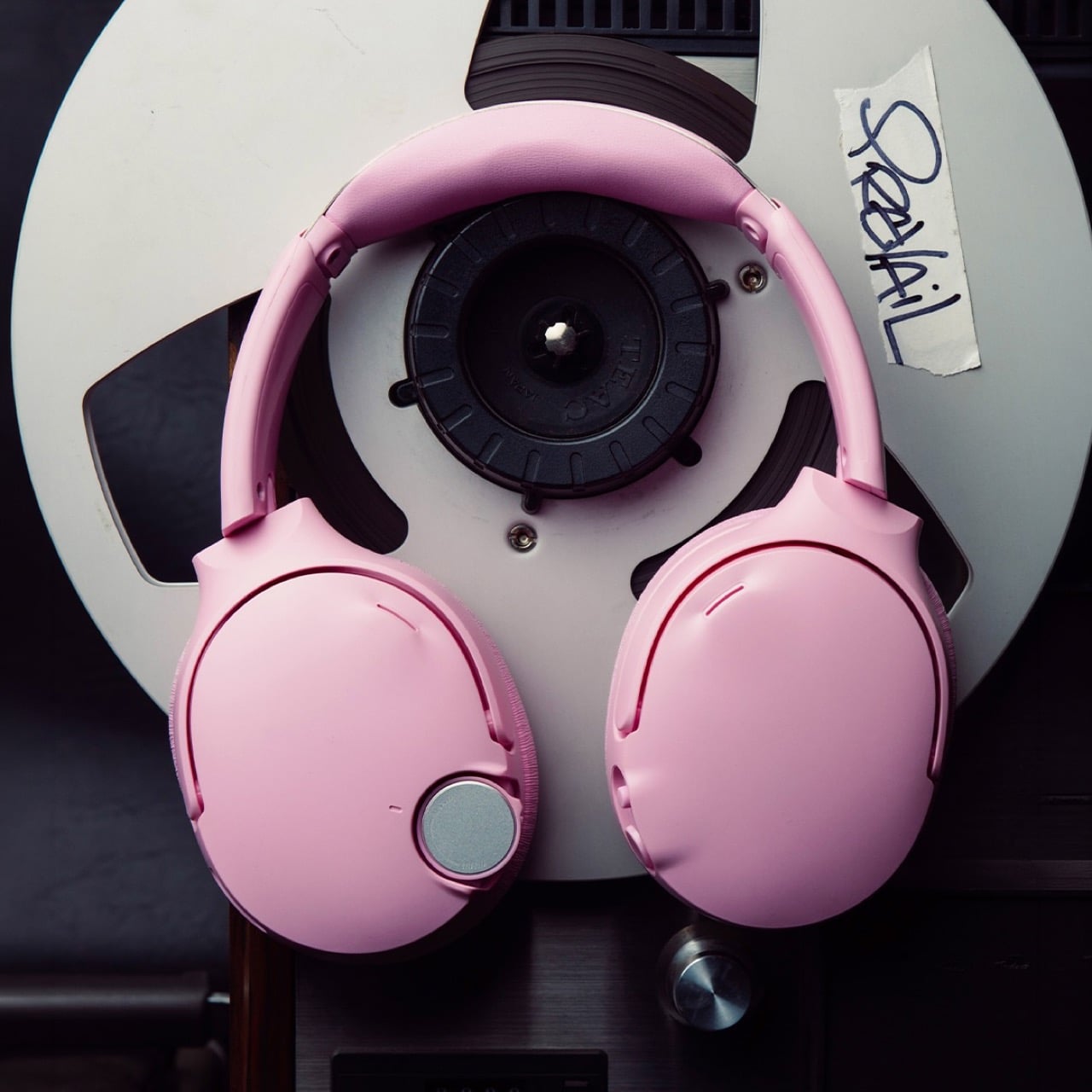
The everyday stuff is handled well too. Automatic wear detection pauses your audio the second you take the headphones off, a low latency mode keeps games in sync, and the onboard buttons can be remapped to whatever functions you actually use. Battery life comes in at 60 hours with ANC off and 50 with it on, and a 10 minute charge buys you another 4 hours of playtime. The one number that raises an eyebrow is weight. At just over 13 ounces, these are noticeably heavier than rivals like the Sony XM6 or Bose’s own QuietComfort Ultra, the price you may pay for packing in all that bass hardware.
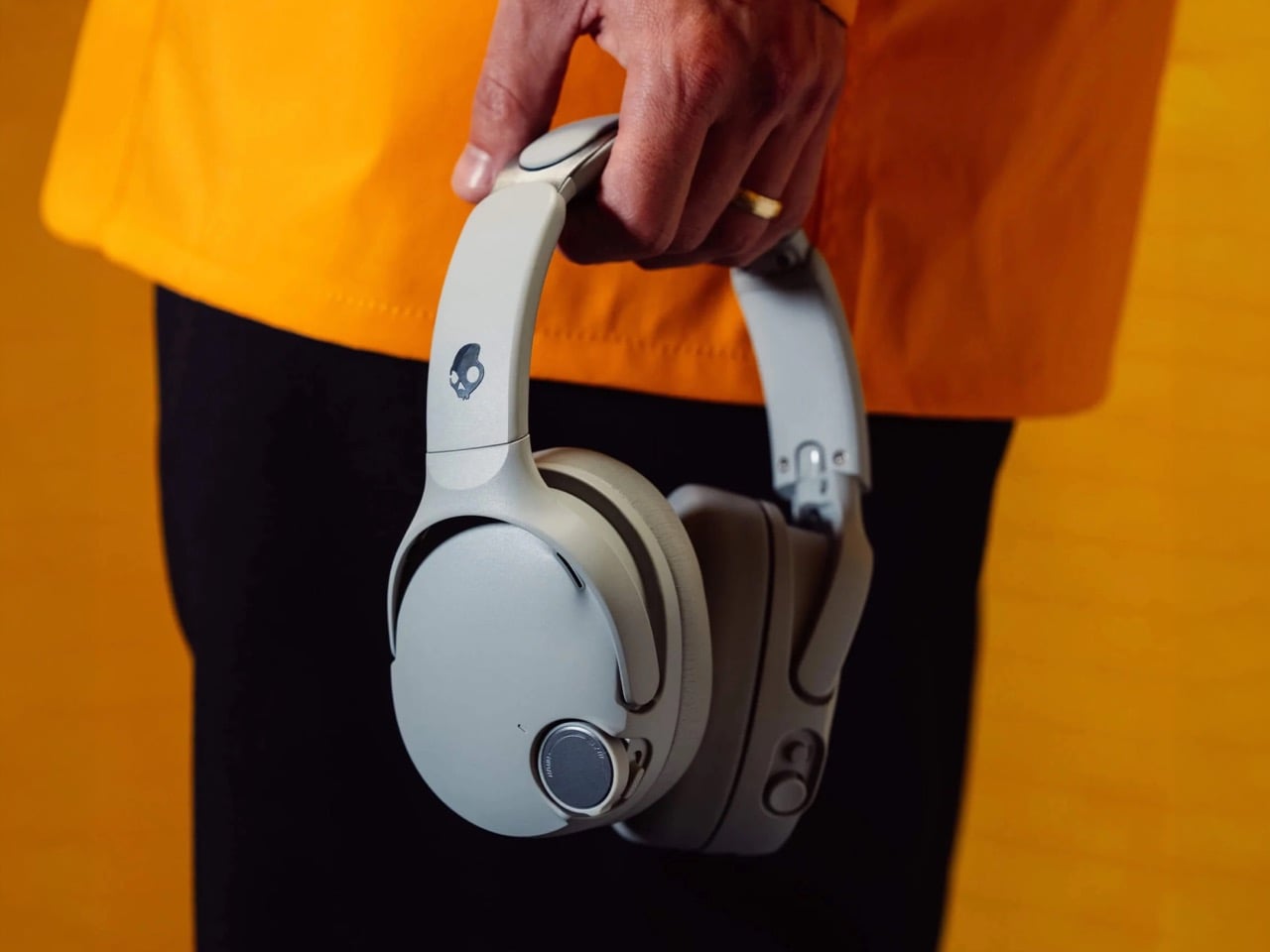
None of this guarantees the 1080 ANC will beat Bose or Sony at their own game, and we will not know for sure until these are actually strapped to some ears. But Skullcandy is not really trying to win a spec sheet fight here. It is selling a headphone with a genuine identity, one built around a feeling rather than a feature list, with a knob you can grab and twist like it is 1985. In a market full of interchangeable slabs of black plastic, that alone makes the Crusher 1080 ANC worth a second look.
The post Skullcandy’s $280 Headphones Pack A Subwoofer For Your Skull, And A Knob To Control How Hard It Hits first appeared on Yanko Design.
Wireless gaming headsets have carried a quiet contradiction since they first appeared. Cutting the cable was supposed to mean more freedom, but the moment the battery dropped, you were plugging back in anyway, tethered to a wall or a charging dock and waiting. The industry’s answer has been to push battery life further with each generation, but even a 60- or 70-hour headset runs flat eventually, usually in the middle of something.
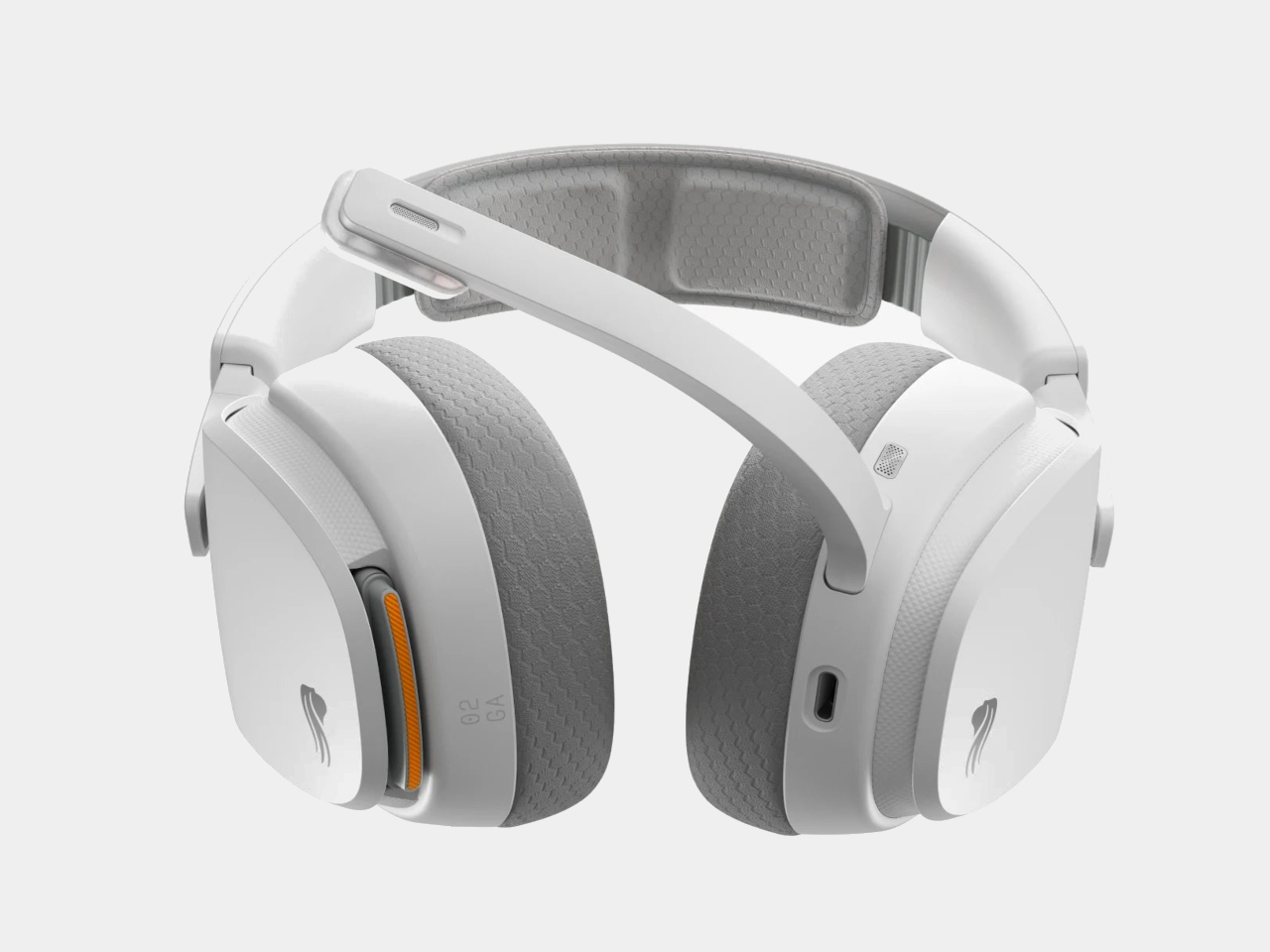
Glorious took a different angle with the GHS Wireless InfinitePlay. Rather than chasing a single larger battery, the headset ships with two hot-swappable 85-hour battery packs and an internal Guardian Battery reserve that bridges the gap during the moment of the swap. The result is a headset that, in practical terms, never actually stops playing, because by the time one pack drains, the other is already charged and ready.
Designer: Glorious
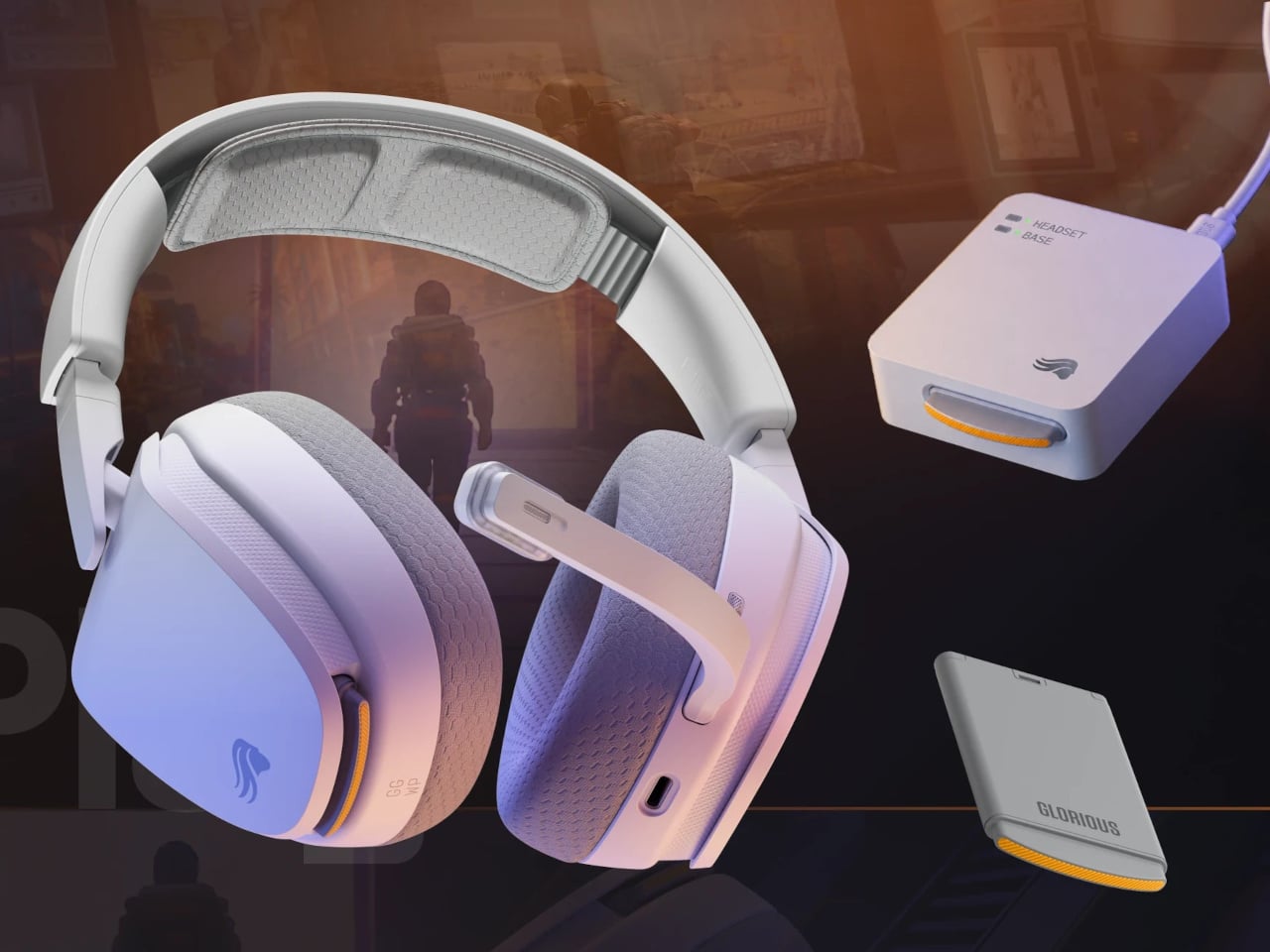
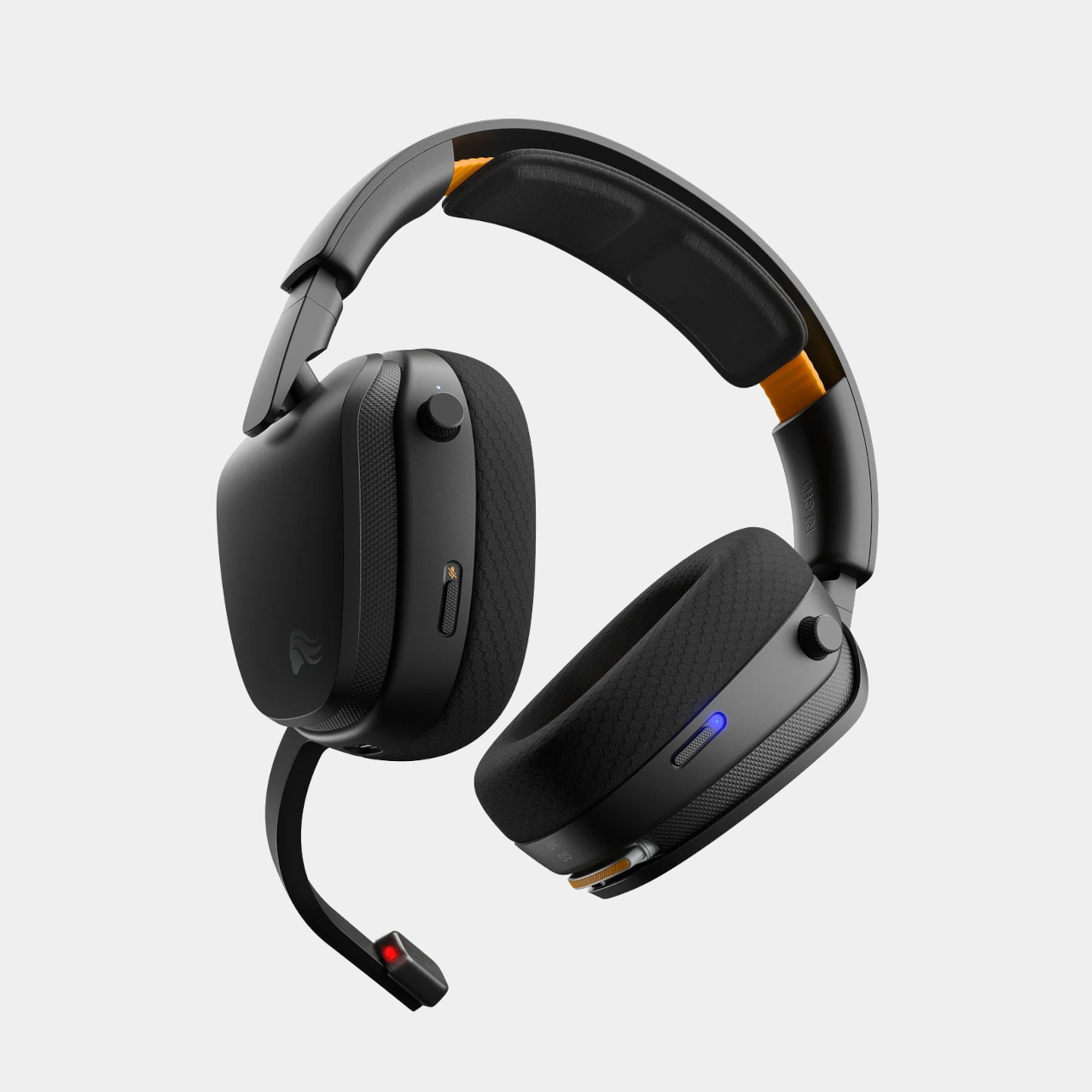
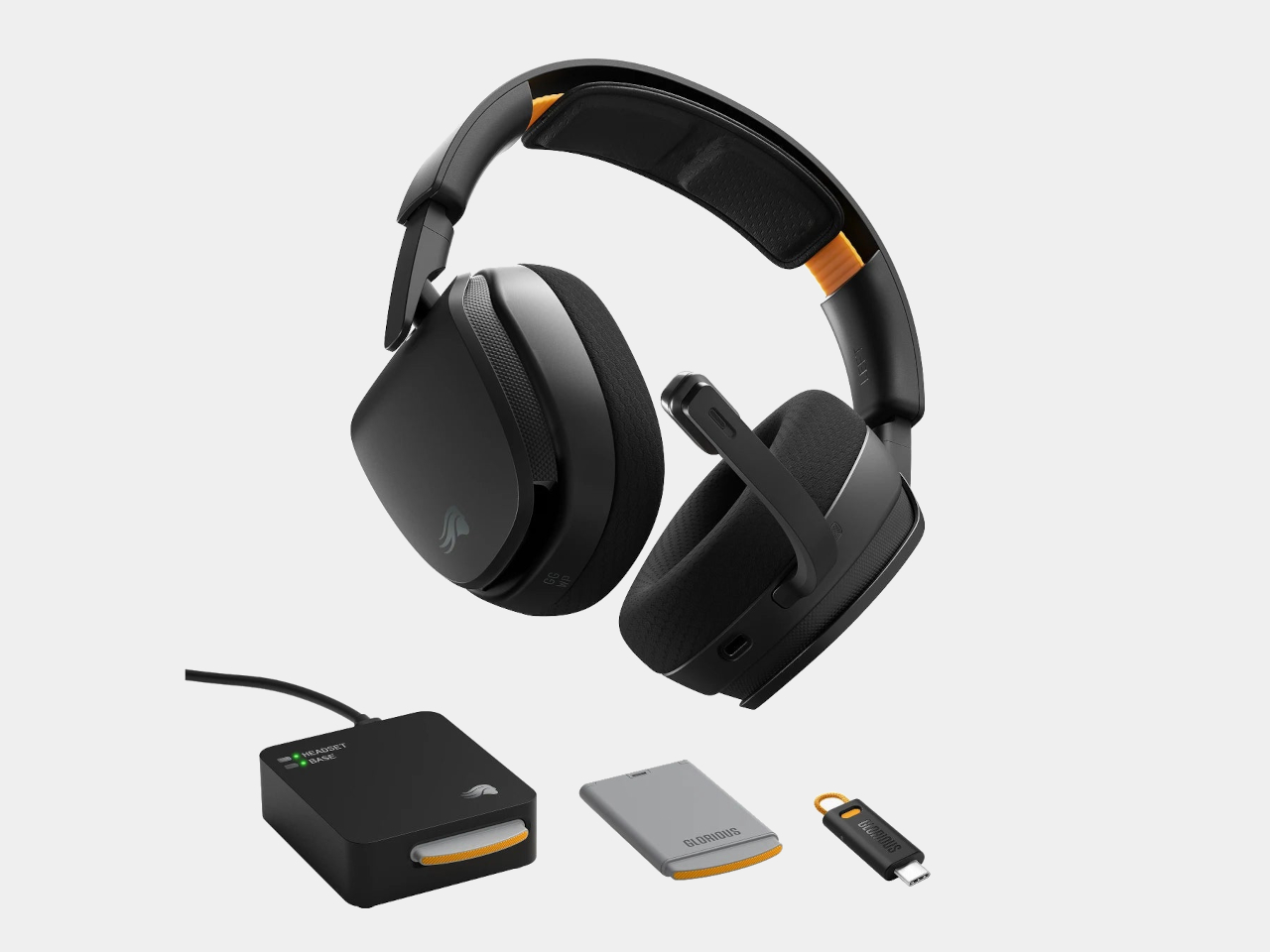
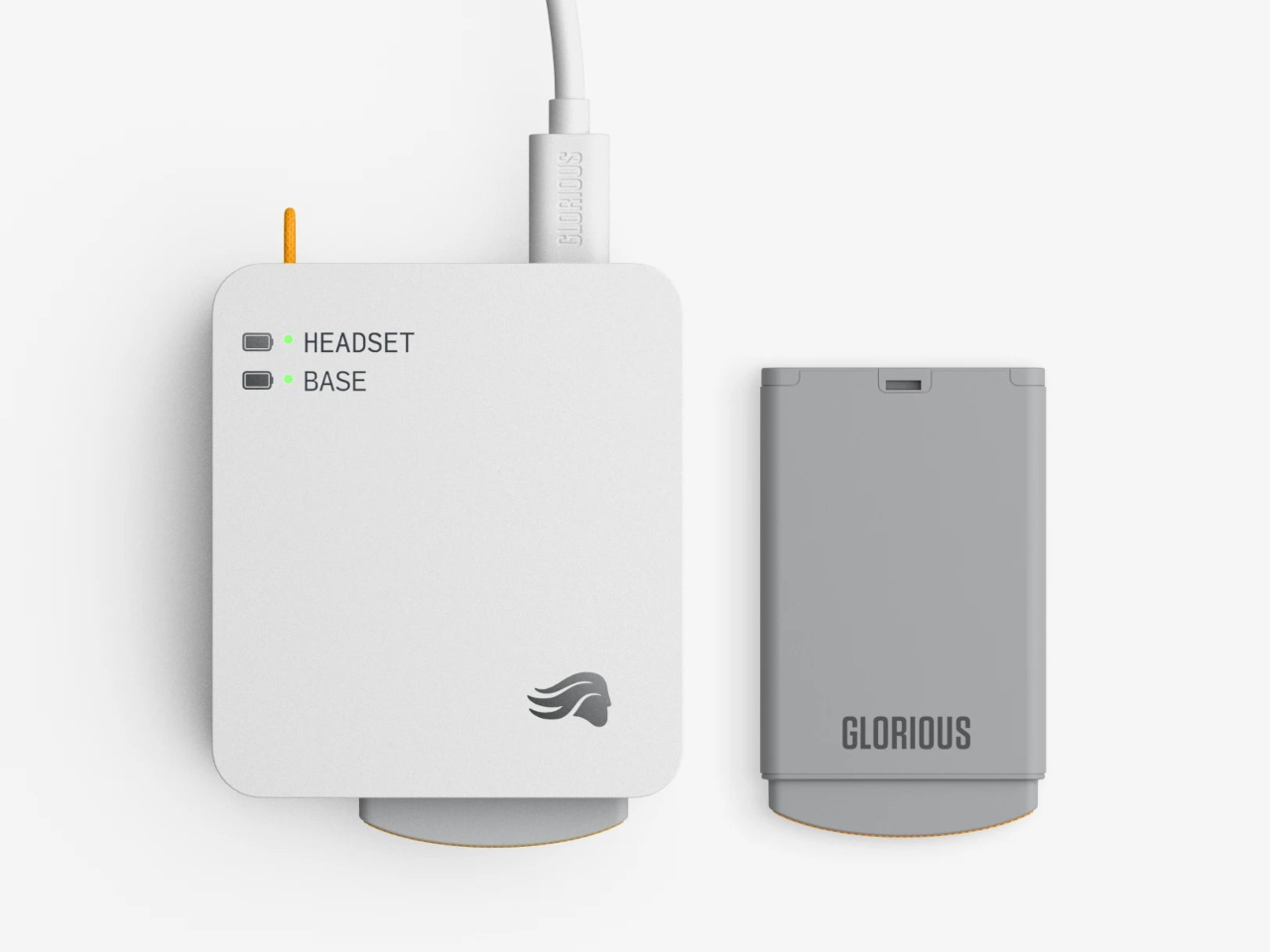
The system works through a dual-purpose charging base that also serves as the 2.4 GHz wireless dongle. One battery sits in the headset while the other charges on the base. When the depleted pack comes out and the charged one slots in, the Guardian Battery, which can run the headset independently for about 3 hours, has already kept audio uninterrupted through the swap. There’s no pause in sound and no drop in connection.
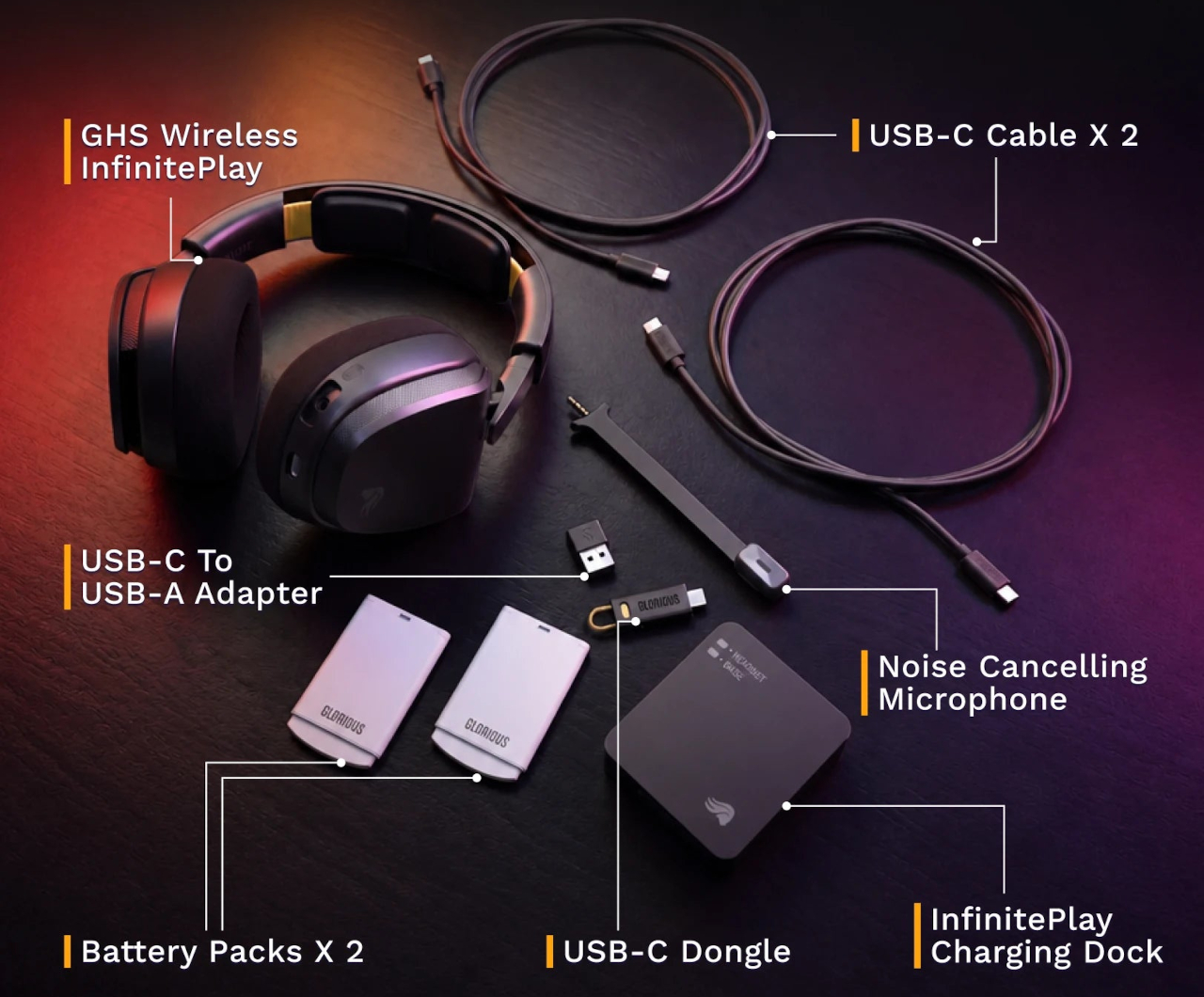
Combined, the two packs add up to more than 170 hours of capacity. For any kind of extended session, a long run at a tournament, a weekend of back-to-back play, or everyday use where charging gets forgotten, the swap-based approach removes the anxiety from the equation entirely. Swap the battery, put the depleted one on the dock, and carry on without another thought about it.
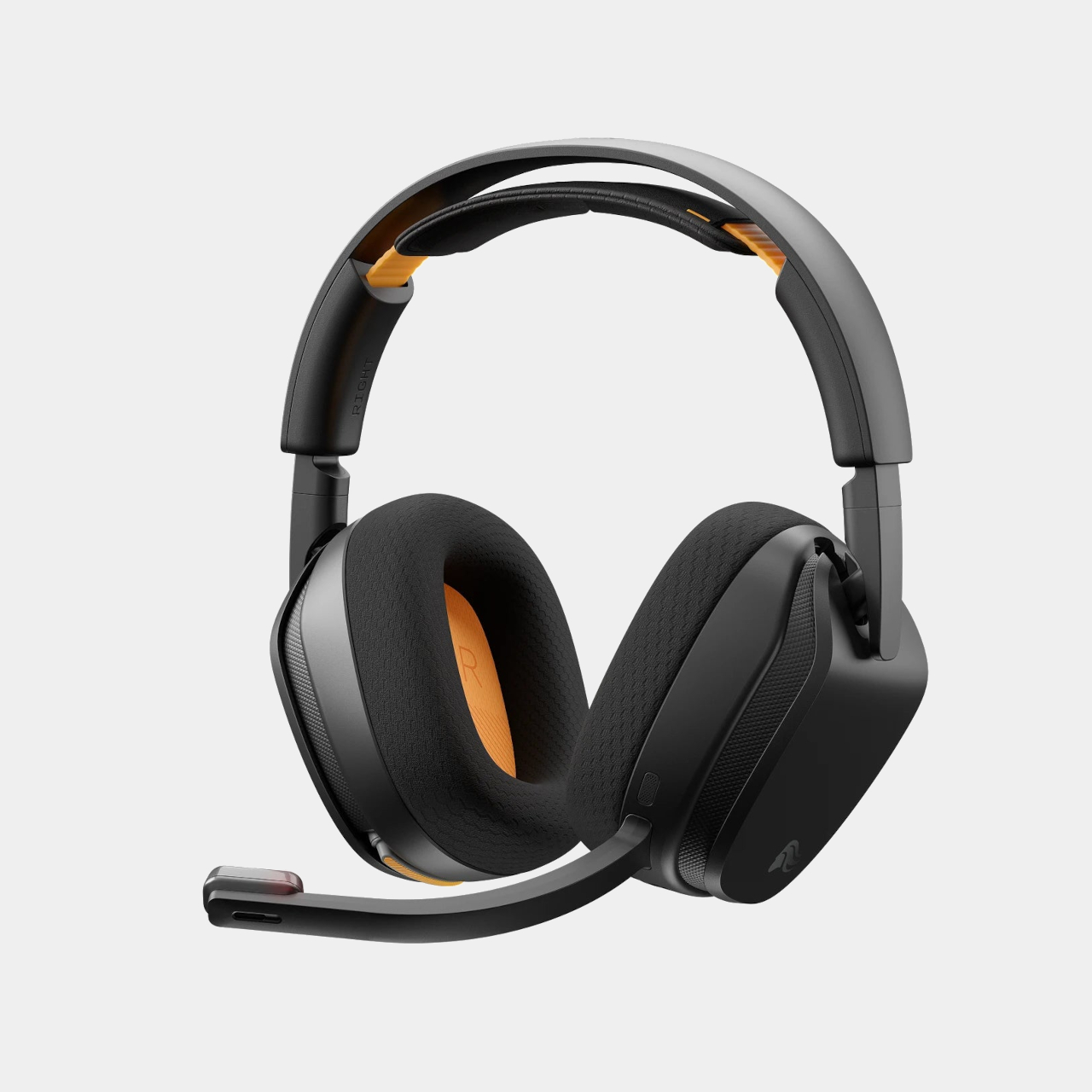
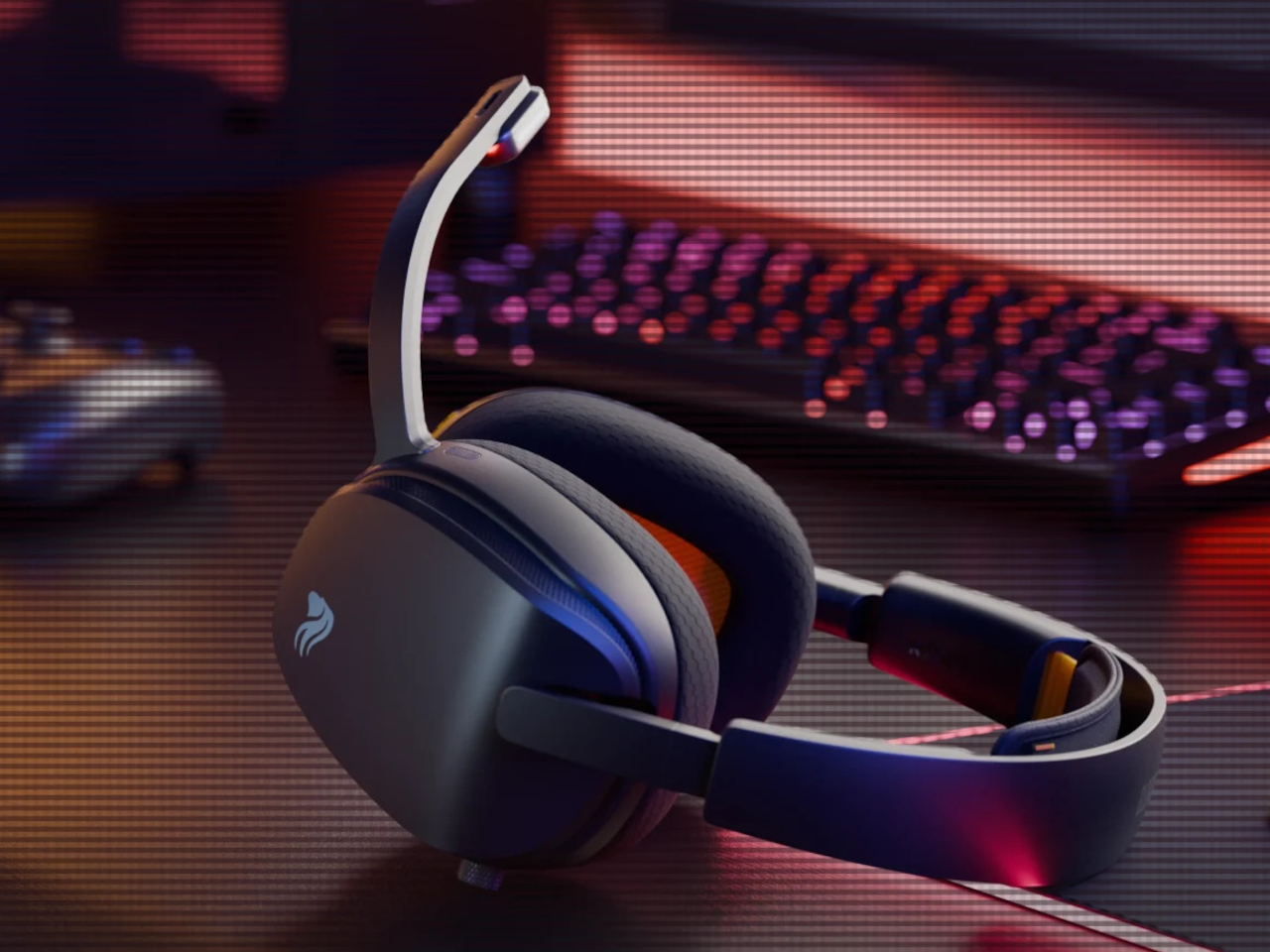
The headset is built around 40mm custom-tuned drivers angled to improve clarity and stereo imaging, covering a frequency response of 20Hz to 20kHz. The detachable boom microphone is noise-cancelling, and the ear cups use memory foam padding over a suspension headband that distributes the 360g weight across the top of the head. Connectivity covers both 2.4 GHz wireless for low-latency gaming and Bluetooth 5.4 for everything else, switchable with one button press.
That Bluetooth mode makes the headset practical outside the gaming setup too. Moving from a PC session to a phone call or a commute doesn’t require switching to a different pair of headphones. The same swap-and-go logic applies to any situation where the headset is living on your head for extended stretches, and the battery system works just as well whether you’re at a desk or out the door.
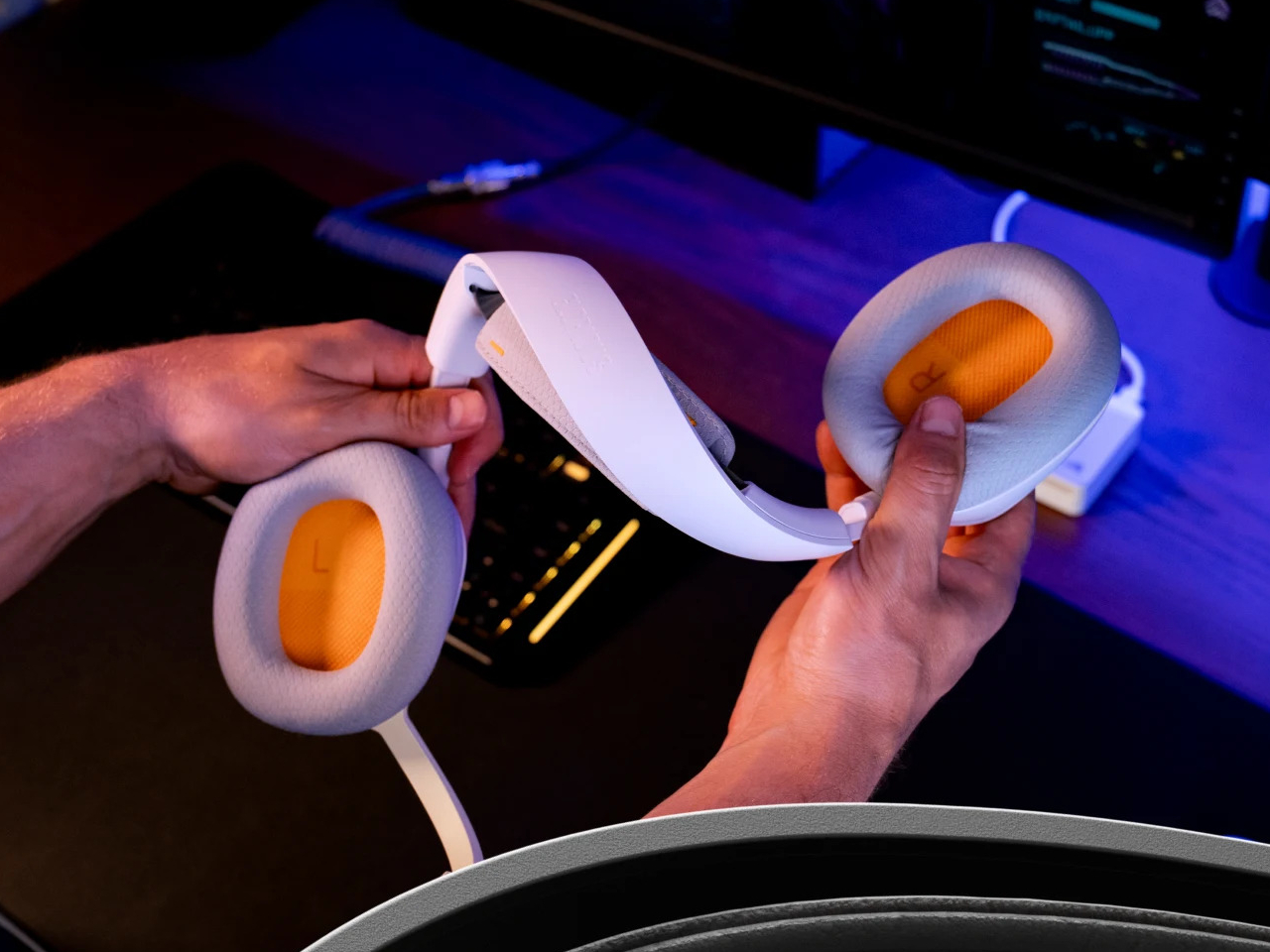
Most hot-swappable headsets at higher price points make the process awkward or require specific docking sequences. Glorious kept it simple enough to execute mid-session without missing a beat, which is ultimately the only version of this feature that actually matters. The GHS Wireless InfinitePlay is priced at $229.99 and comes in black and white. Both battery packs and the charging base are included in the box, so the whole swappable system is ready to go from day one, not sold separately as an add-on down the line.
The post At $230, This Gaming Headset Keeps Playing While You Swap Its Battery first appeared on Yanko Design.
Designing for children is a unique challenge. Kids are clumsy, impatient, and have a remarkable talent for forgetting to charge their devices. This reality often seems lost on product designers, who shrink adult technology and call it a day. The result is usually a frustrating experience for both parent and child, filled with confusing touch controls and the inevitable silence of a dead battery. It’s a cycle of minor tech annoyances that feels all too familiar in the modern family home.
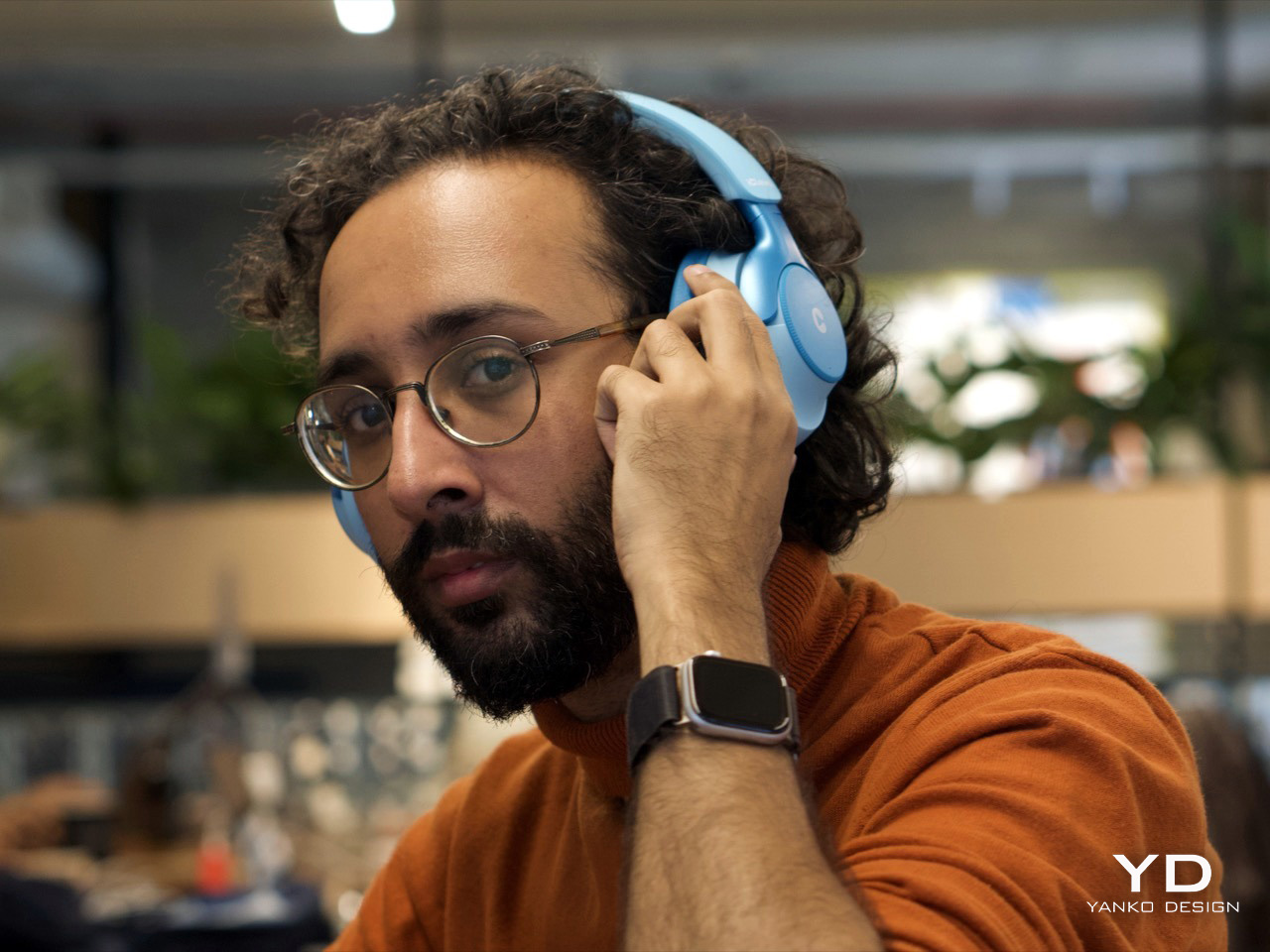
The iClever QuietShield Q950 feels like it was designed by someone who has actually spent time with kids. The controls are large, satisfying physical buttons, a smart choice for small hands that lack fine motor precision. Bluetooth pairing notifications are delivered in a friendly child’s voice, a small detail that makes the headphones feel truly personal. Best of all, the auxiliary input works even when the power is off, providing a practical backup for those very conceivable moments when charging is forgotten. These are the kinds of thoughtful, practical choices that make a product genuinely useful.
Designer: iClever
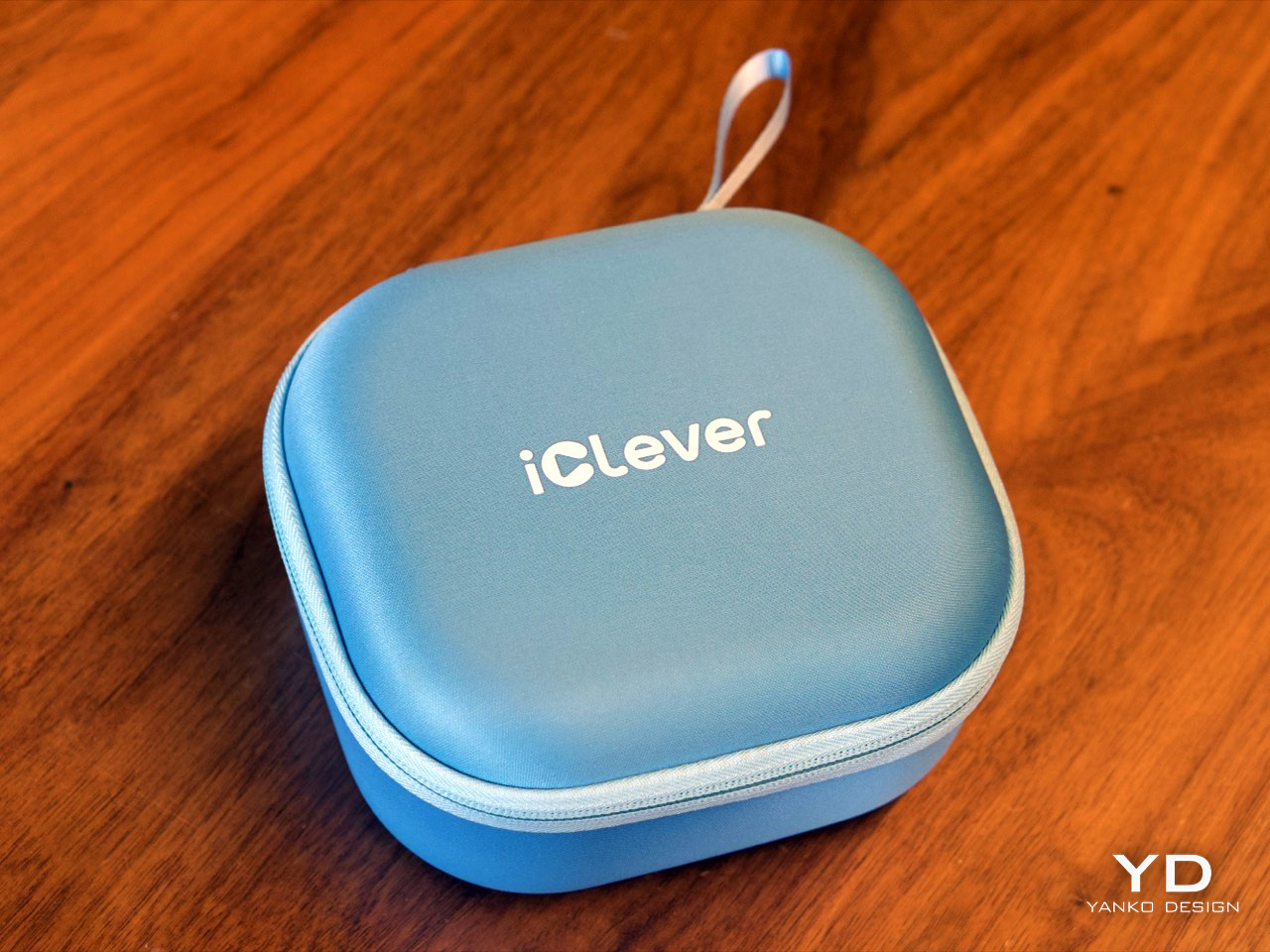
At $69.99, the Q950 makes a strong first impression. You get the headphones, a matching soft-shell carrying case, a USB-C charging cable, and an AUX cable, which already makes the package feel more complete than many headphones in this range. The case is especially nice, with a clean zippered form factor and enough room for the cables and paperwork in a mesh pocket. It is the sort of inclusion that makes the Q950 feel less like a basic kids’ accessory and more like a proper travel-friendly headphone package.
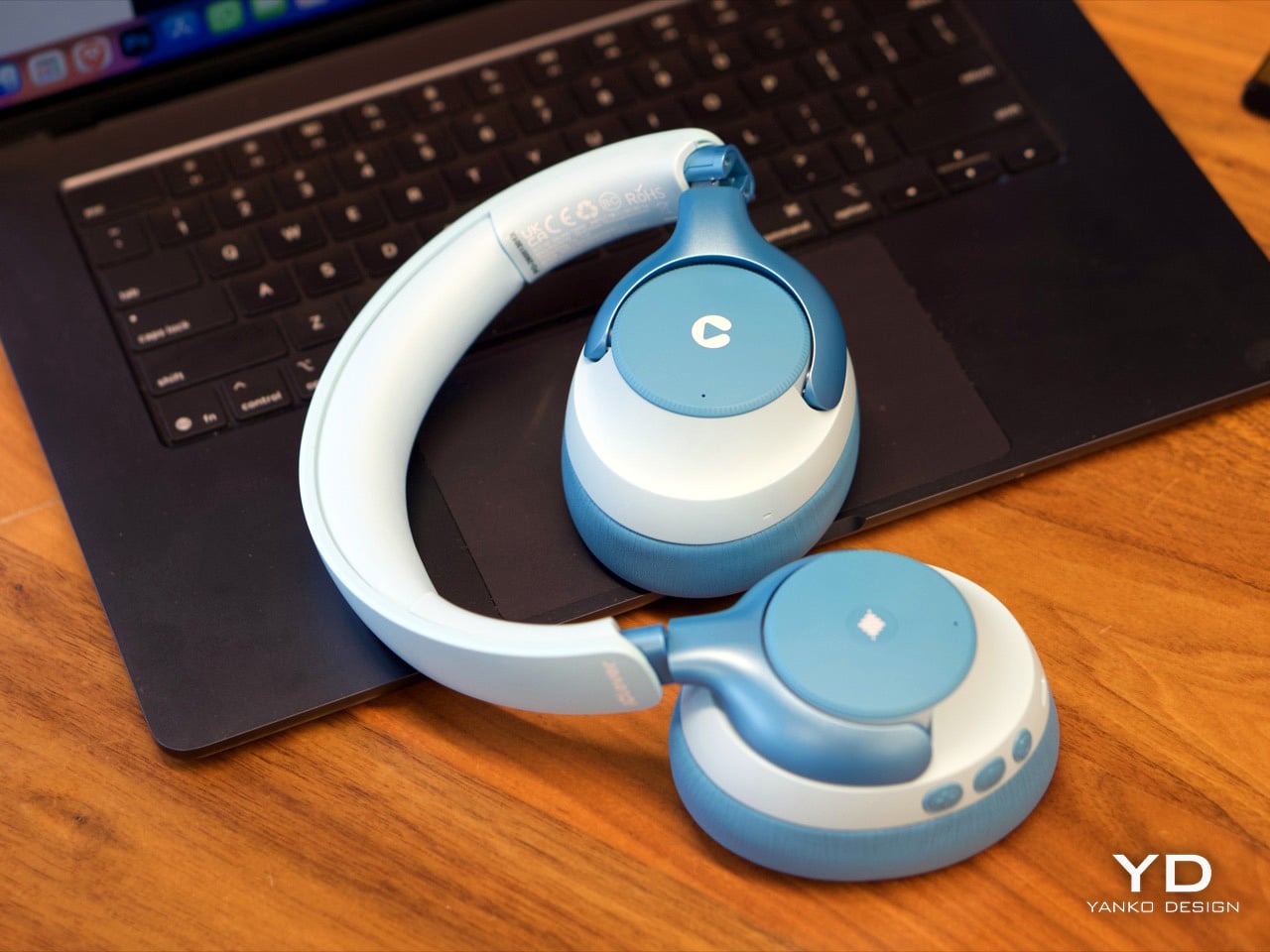
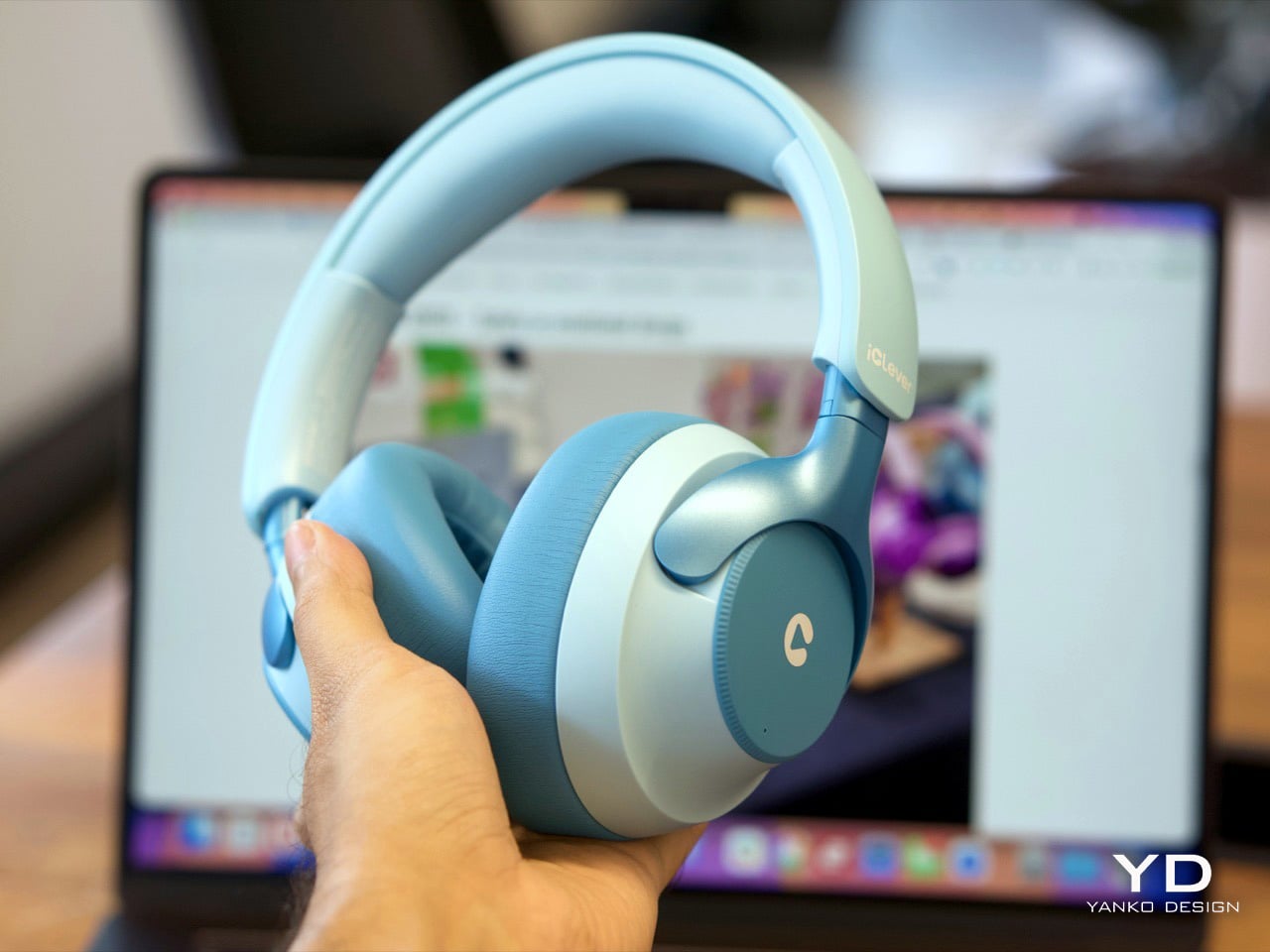
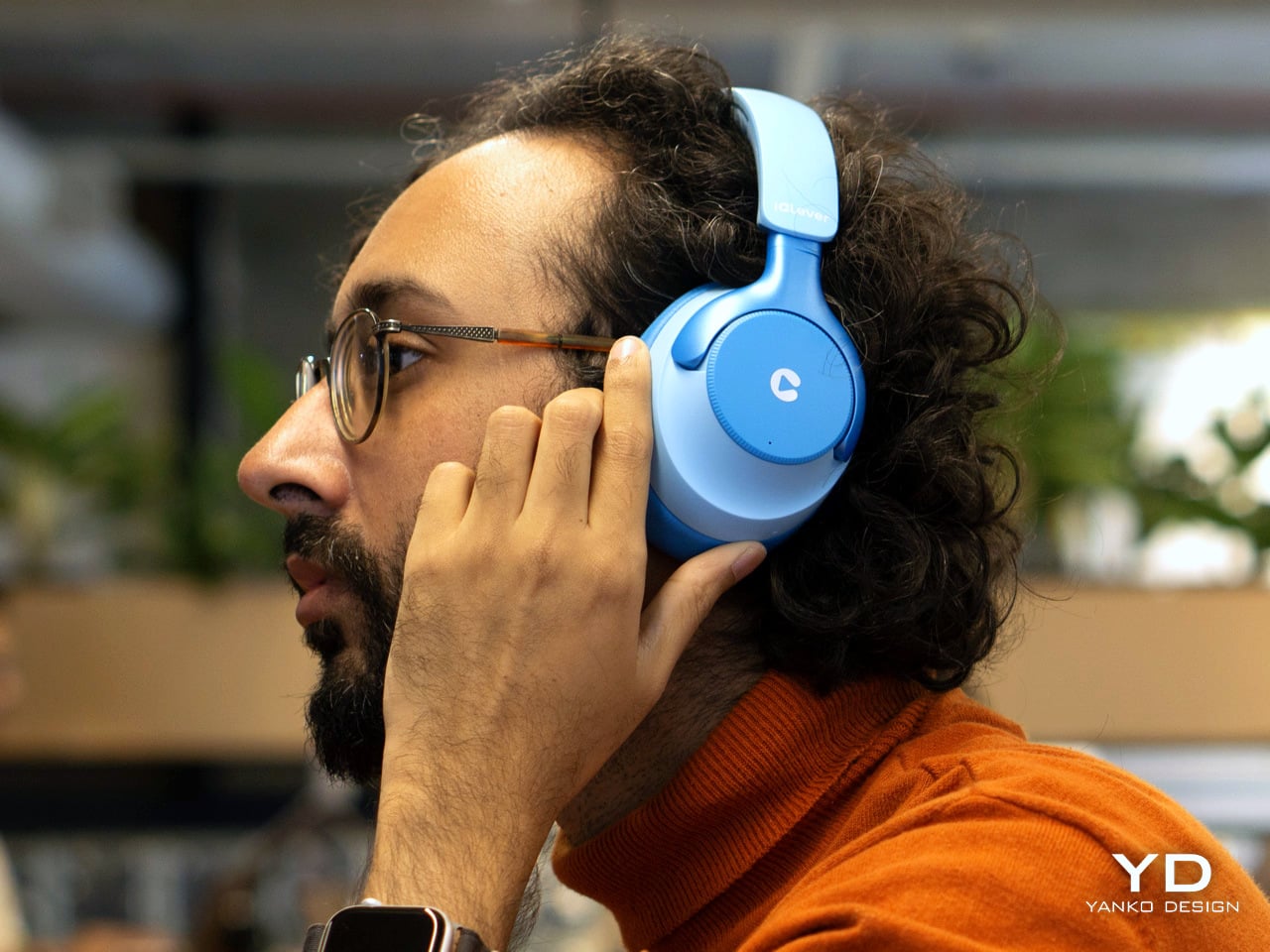
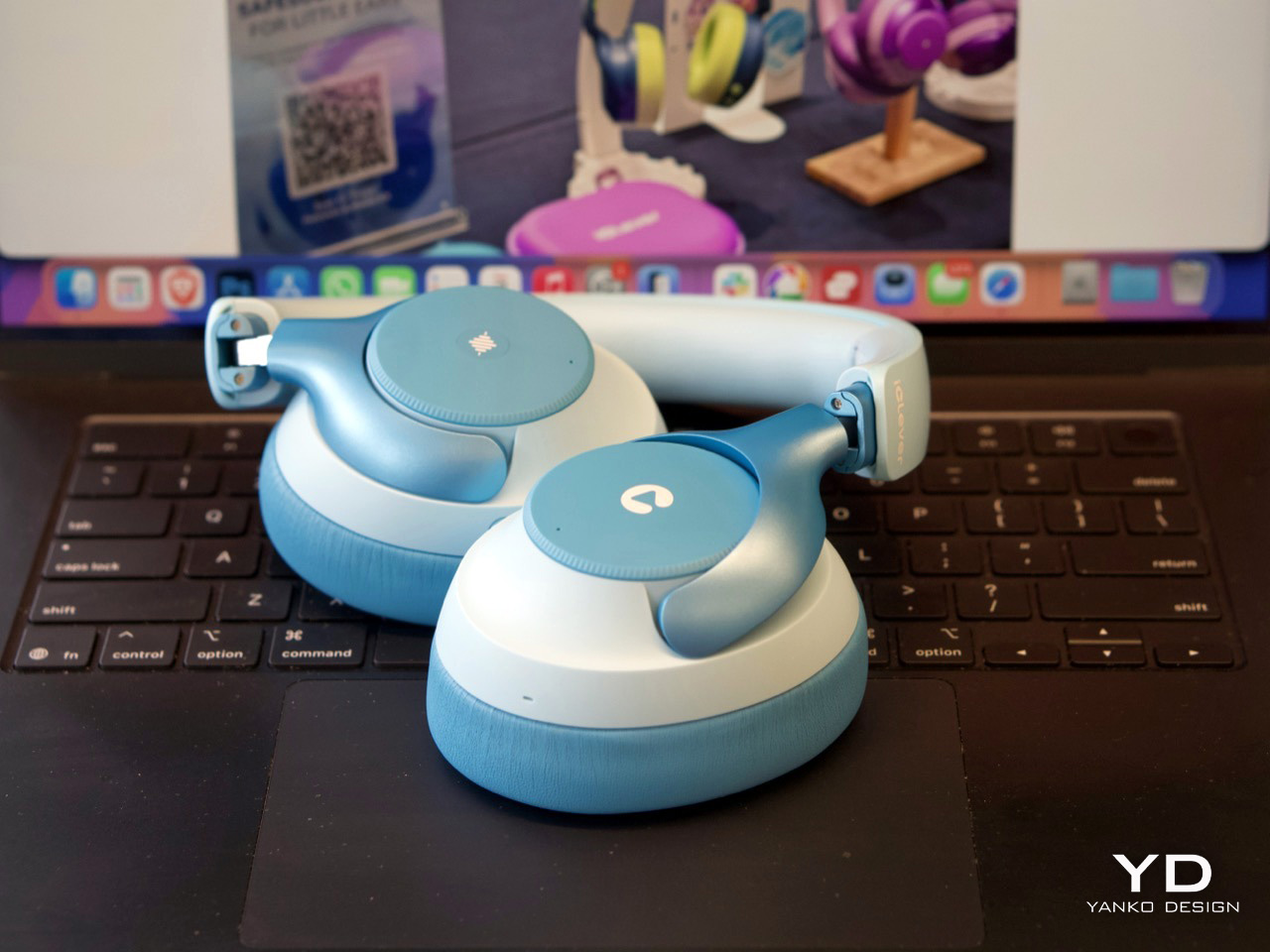
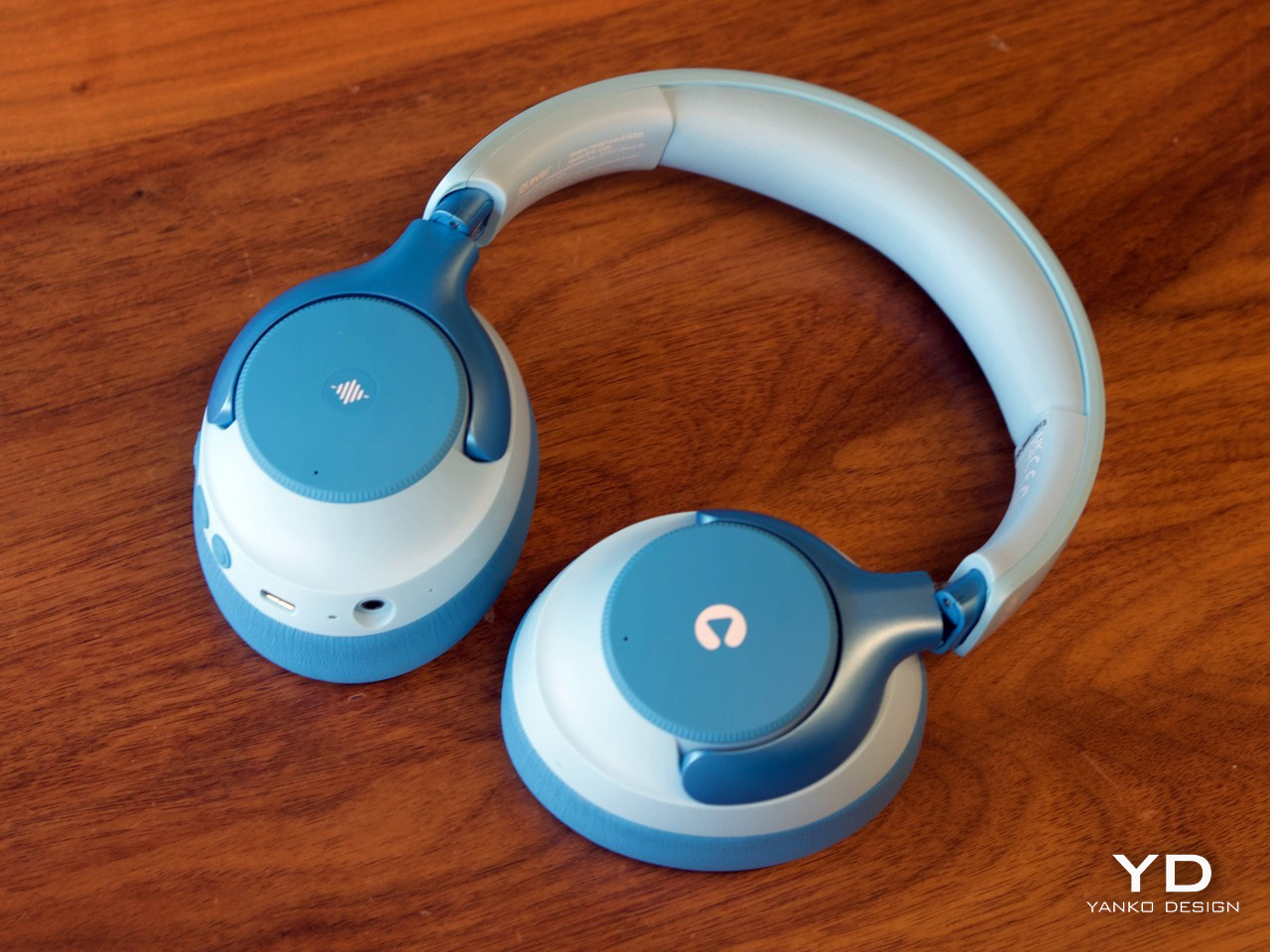
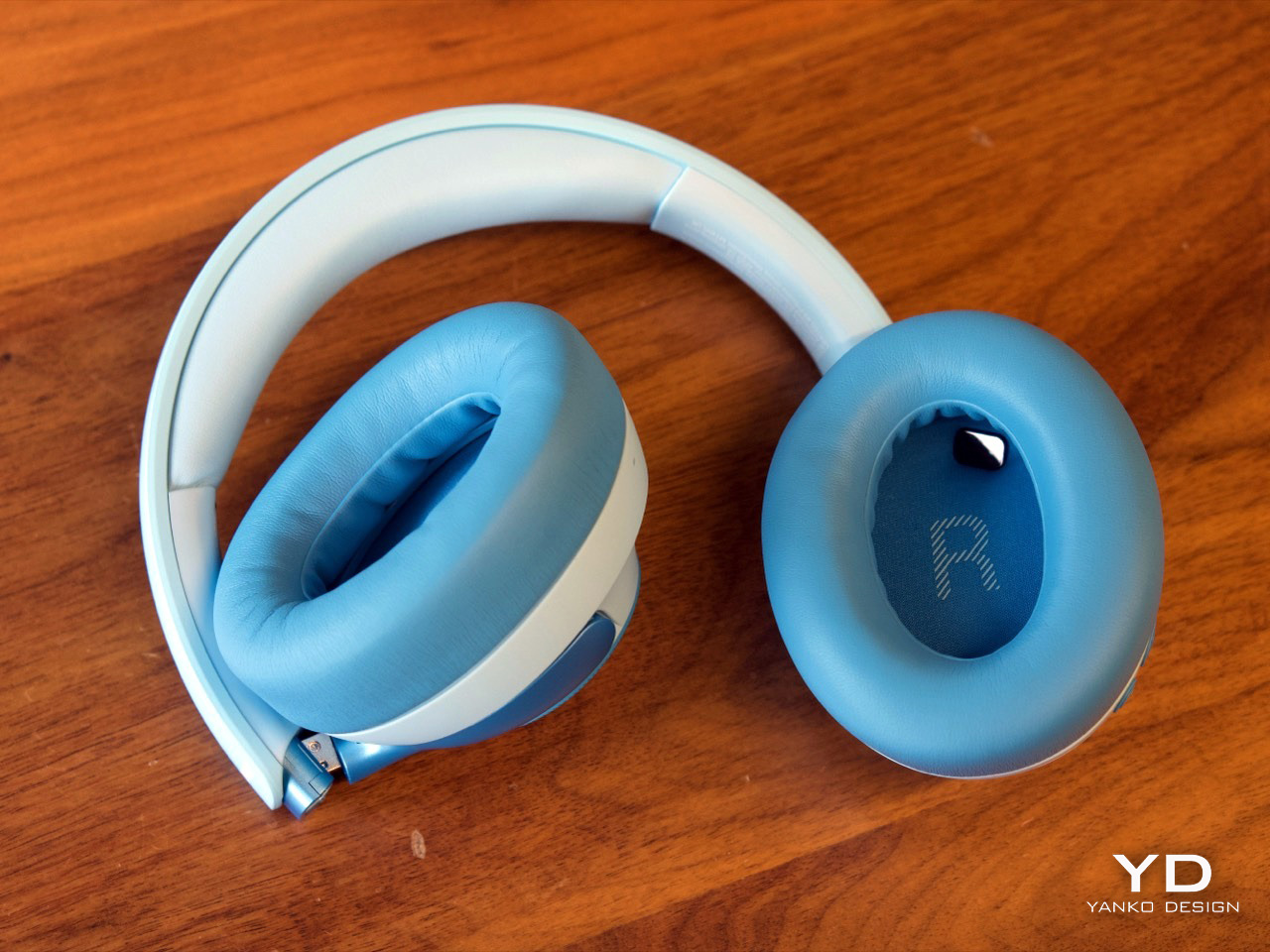
The design itself strikes a nice balance between playful and polished. In the blue finish, the two-tone color treatment gives the Q950 a softer, more approachable look, while the metallic-looking frame pieces that connect the earcups to the headband add a slightly more premium touch. Even though the construction is plastic, nothing about it feels cheap. The headband and earcups are cushioned well, the structure feels solid in hand, and nothing creaks or feels flimsy. I still hope replacement earcups are available, because that would make the product easier to recommend for long-term use, but the initial build quality is genuinely impressive.
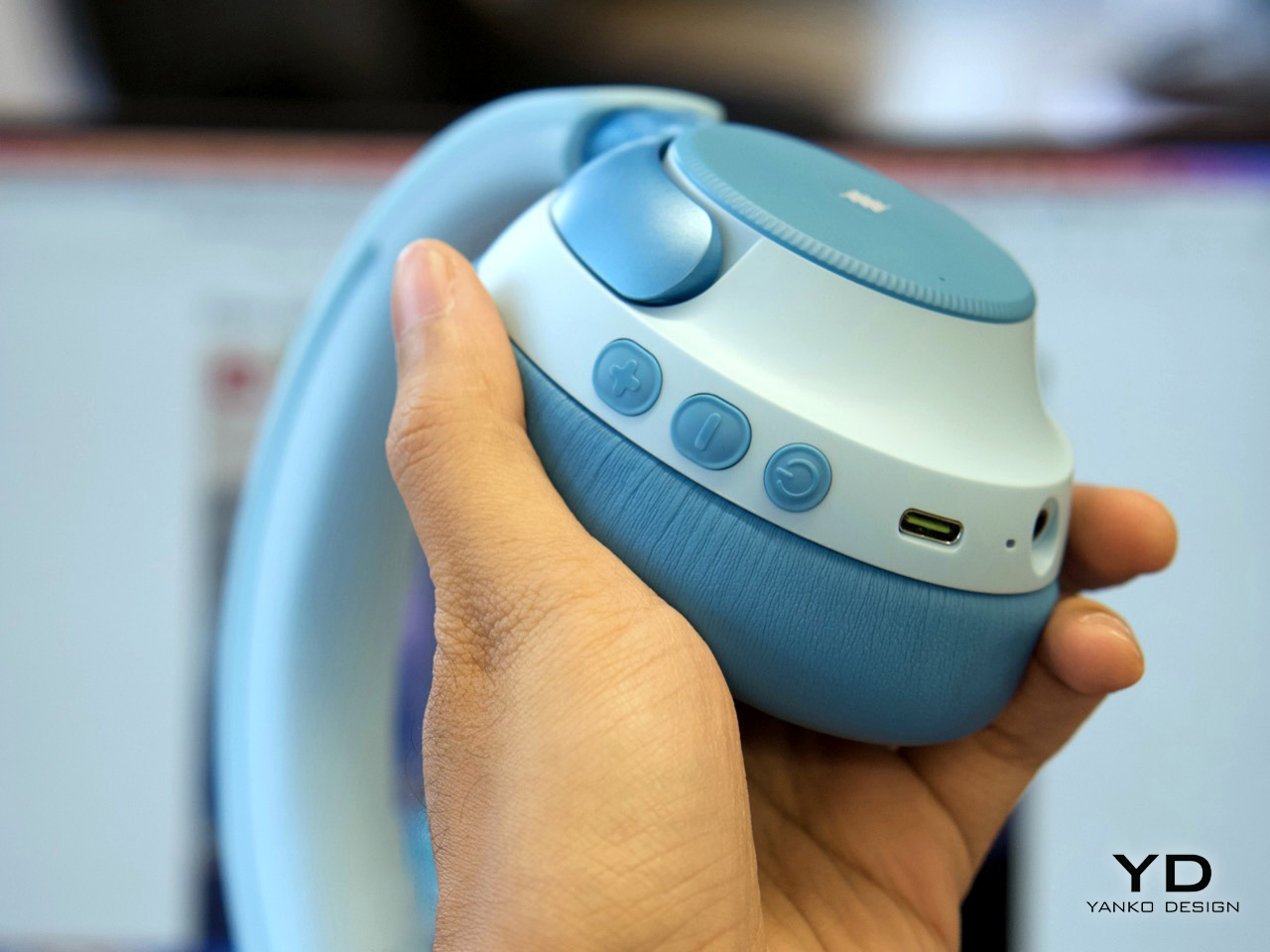
That premium feel carries over into the controls. iClever made the right call by skipping touch panels entirely and using dedicated buttons for power, volume, and listening modes. Touch controls can be annoying even on adult headphones, so physical buttons make far more sense for kids. They are easier to find by feel, harder to trigger accidentally, and generally more forgiving. Just as importantly, there is no smart assistant toggle here, no Hey Siri shortcut, and no dedicated button that could accidentally send a child wandering into a voice assistant rabbit hole. They also look cute in a way that suits the Q950’s overall design language.
Bluetooth connectivity worked flawlessly in my time with the headphones. Pairing was quick, the connection stayed stable, and I did not run into any hiccups. Sound quality was also better than expected. To be honest, it held up surprisingly well against my Soundcore Space One in casual listening. I am not going to nitpick too much here because these are headphones for kids, not audiophiles, but there were no complaints on audio quality. They sounded clean, balanced, and perfectly good for movies, educational content, and everyday listening.
The volume does max out a little lower than the average pair of headphones, but that is clearly by design. iClever is positioning the Q950 around an 80dBA safe listening limit, and in practice that lower ceiling feels intentional rather than frustrating. The active noise cancellation helps here, because kids do not need to crank the volume as much in noisy environments just to hear what they are watching. That is the real advantage of pairing hearing protection with ANC instead of relying on a volume cap alone.
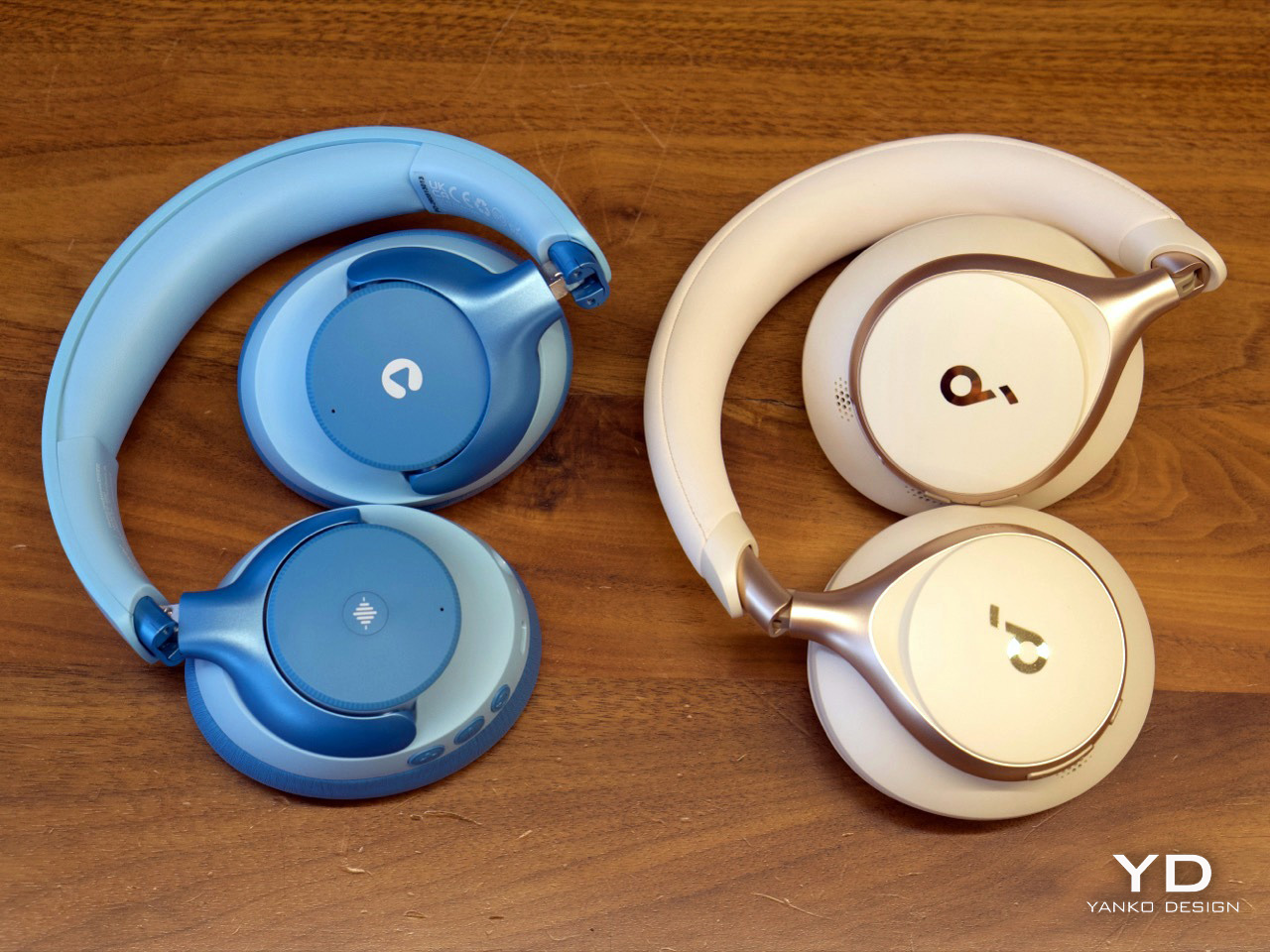
ANC is easy to access through the center button on the earcup, and transparency mode is available too, which is useful for keeping kids aware of their surroundings when needed. That setup feels much more practical than burying everything inside an app. The Q950 also supports wear detection, which worked well overall. There is one small quirk, though. If you place the headphones on a table with the earcups facing downward, the sensor can mistake the surface for your head and assume the headphones are still being worn. It is a minor issue and did not feel like a dealbreaker, but it is the kind of behavior you notice quickly in real use.
One of my favorite details is the AUX support. The headphones work passively over a wired connection even when they are powered off, which is genuinely useful if the battery dies because a kid forgot to charge them. That means the Q950 still works in a pinch instead of becoming dead weight during a flight or car ride. Of course, features like ANC and wear detection do not work when the headphones are off, because they still need power, but wired playback alone is a great fallback to have. If the headphones still have charge and are powered on, iClever says ANC can also work in wired mode.
The company claims up to 60 hours of playback with ANC off and 35 hours with ANC on, which is within the ballpark of what I got with my week’s worth of testing. The presence of AUX backup already removes a lot of battery anxiety.
For $70, the iClever QuietShield Q950 feels like a steal. You get a thoughtful set of features, reliable Bluetooth, effective ANC, a kid-safe volume cap, and a design that feels more premium than expected at this price. More importantly, it feels like a product built around how kids actually use headphones, and how parents actually worry about them.
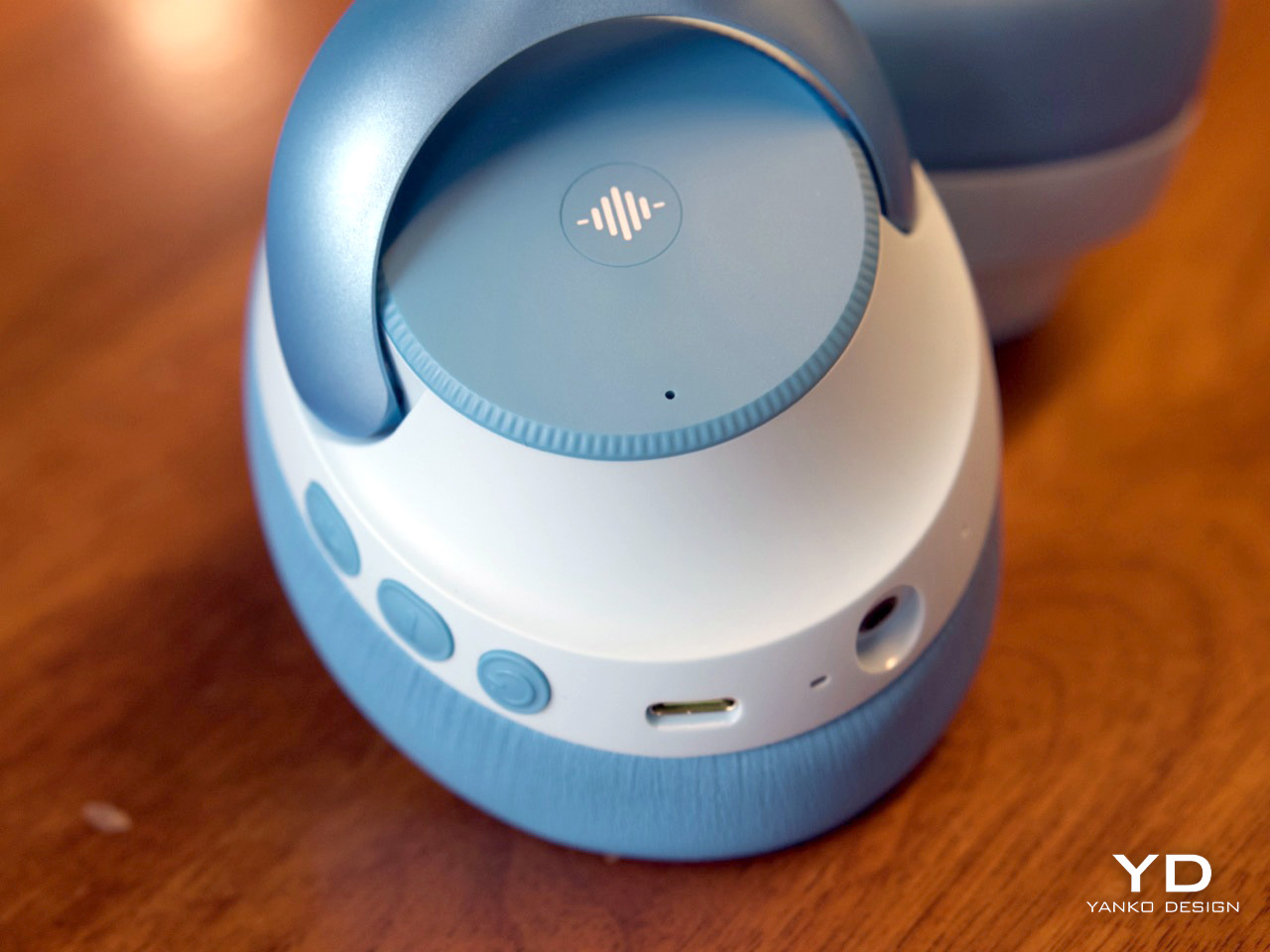
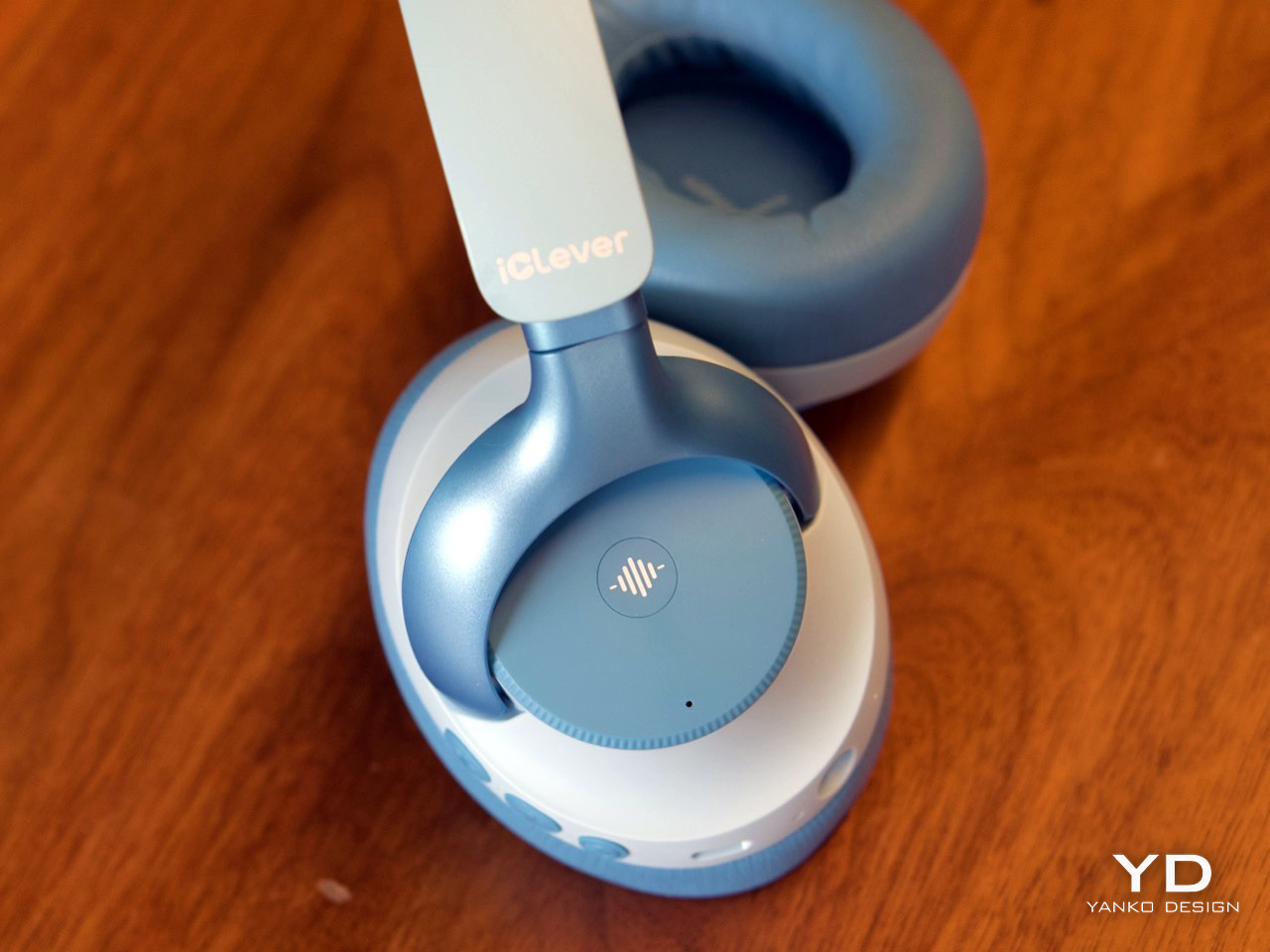
The physical ANC button lets you toggle transparency
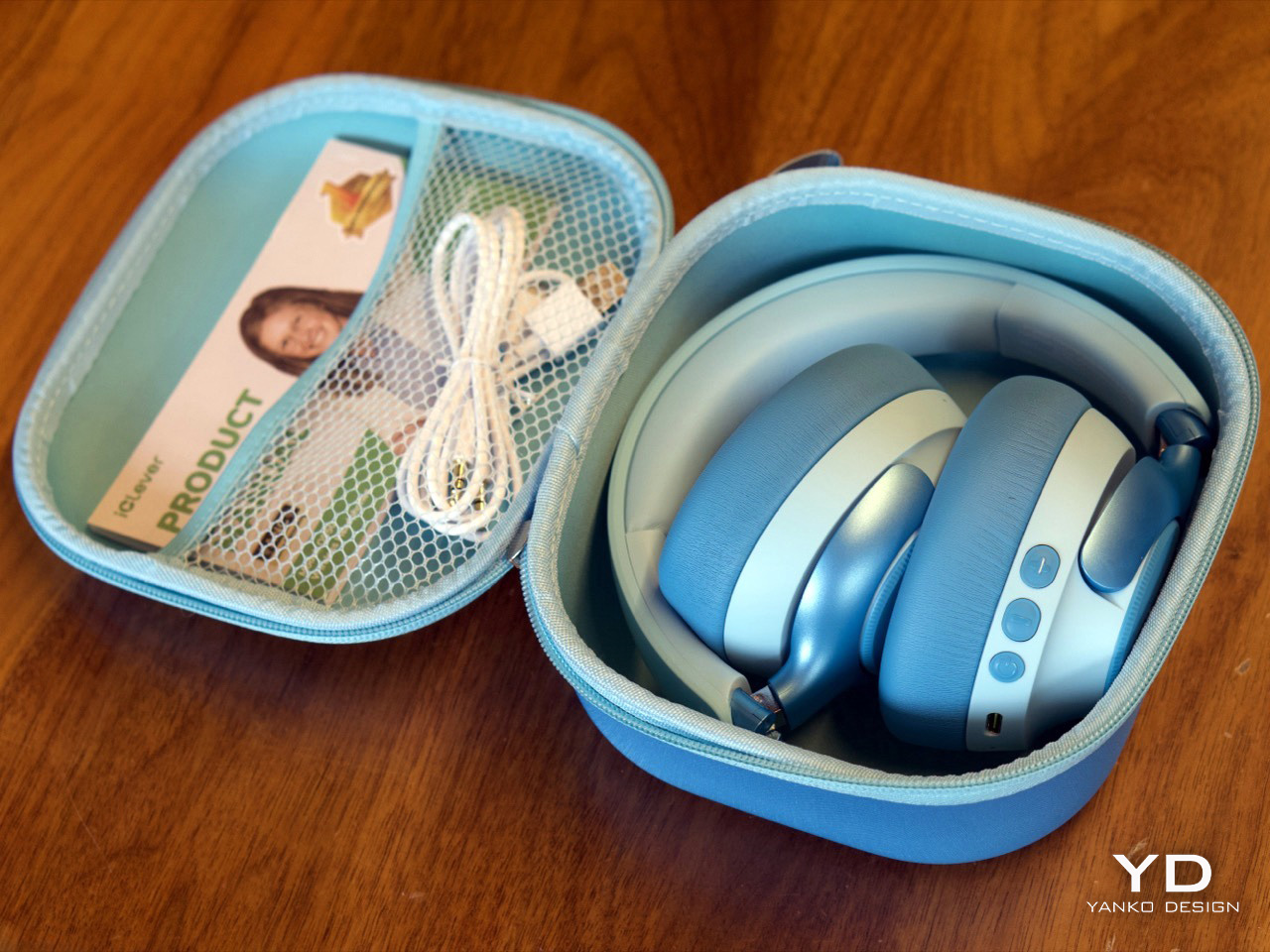
iClever delivers the Q950 in a gorgeous soft-shell case that kids can carry around with them.
The post These $69 ANC Headphones for kids are so good, I might use them myself: iClever Q950 Hands-on first appeared on Yanko Design.