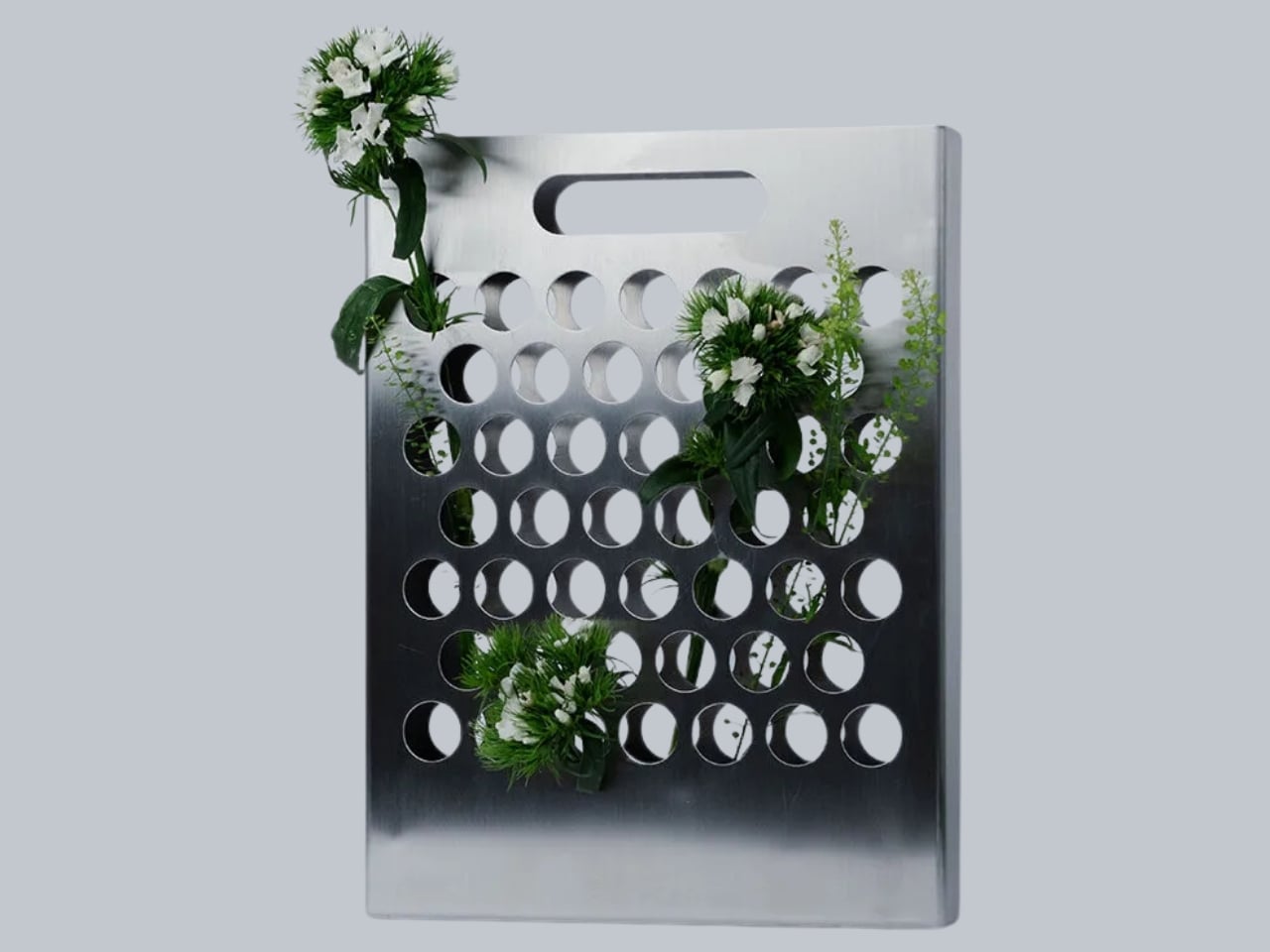
The vase has been a solved problem for centuries. You put water in it, you put flowers in it, you set it on a table and call it a day. It’s functional. It works. But Dresden-based designer Ole Müller looked at that formula and decided the whole thing was missing something far more interesting: the flowers themselves.
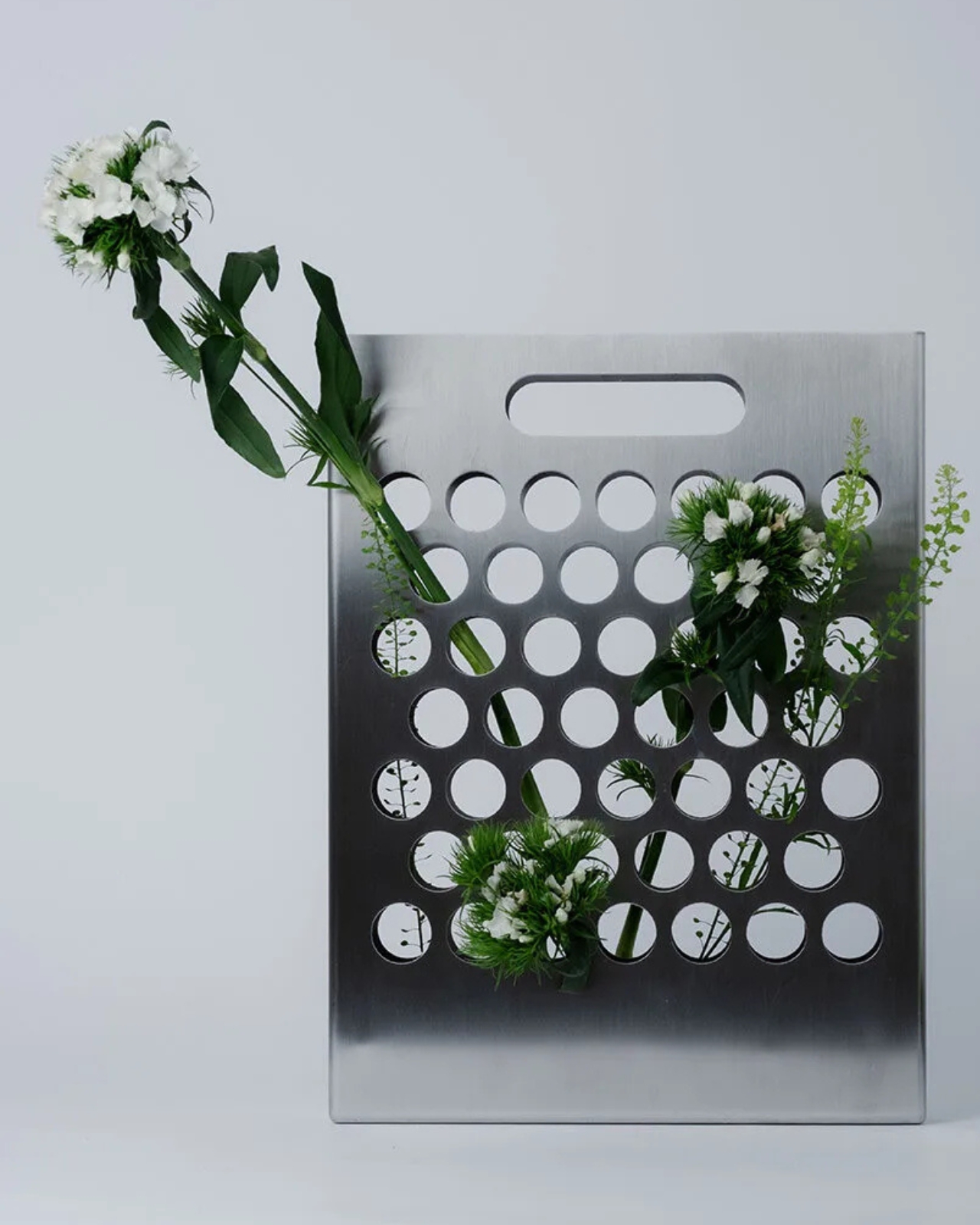
His piece, the Blumentasche, is German for “flower bag,” and the name does most of the explaining. Made from a thin sheet of brushed stainless steel with a flat rectangular profile, a rounded handle, and a precise grid of circular perforations across its surface, it looks, at first glance, exactly like a minimalist metal tote you might spot in an architecture firm’s waiting room. The vase part only reveals itself when stems begin threading through those perforations, one by one. It was designed in Dresden and handcrafted in Bavaria, details that feel consistent with the object’s particular kind of discipline.
Designer: Ole Müller
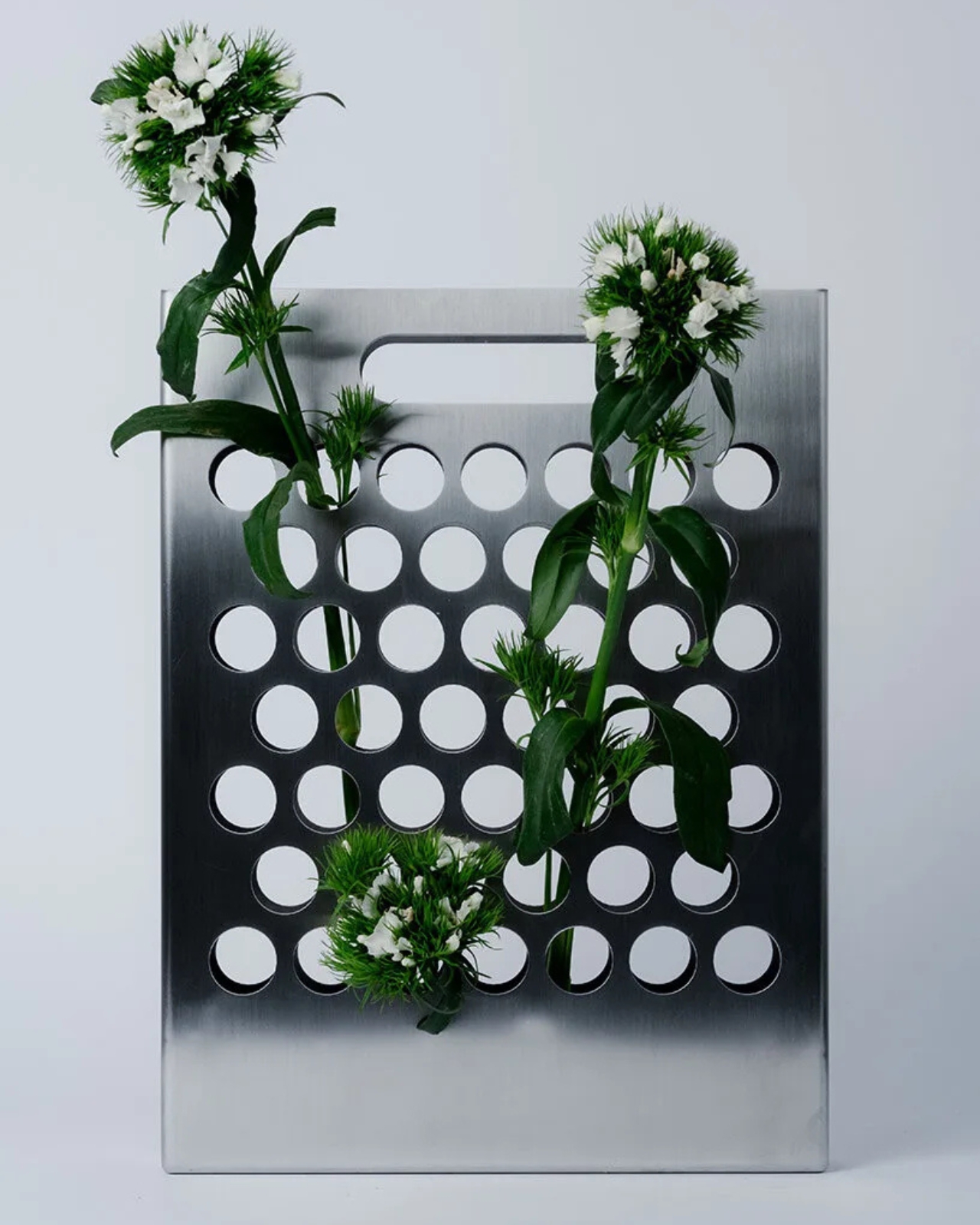
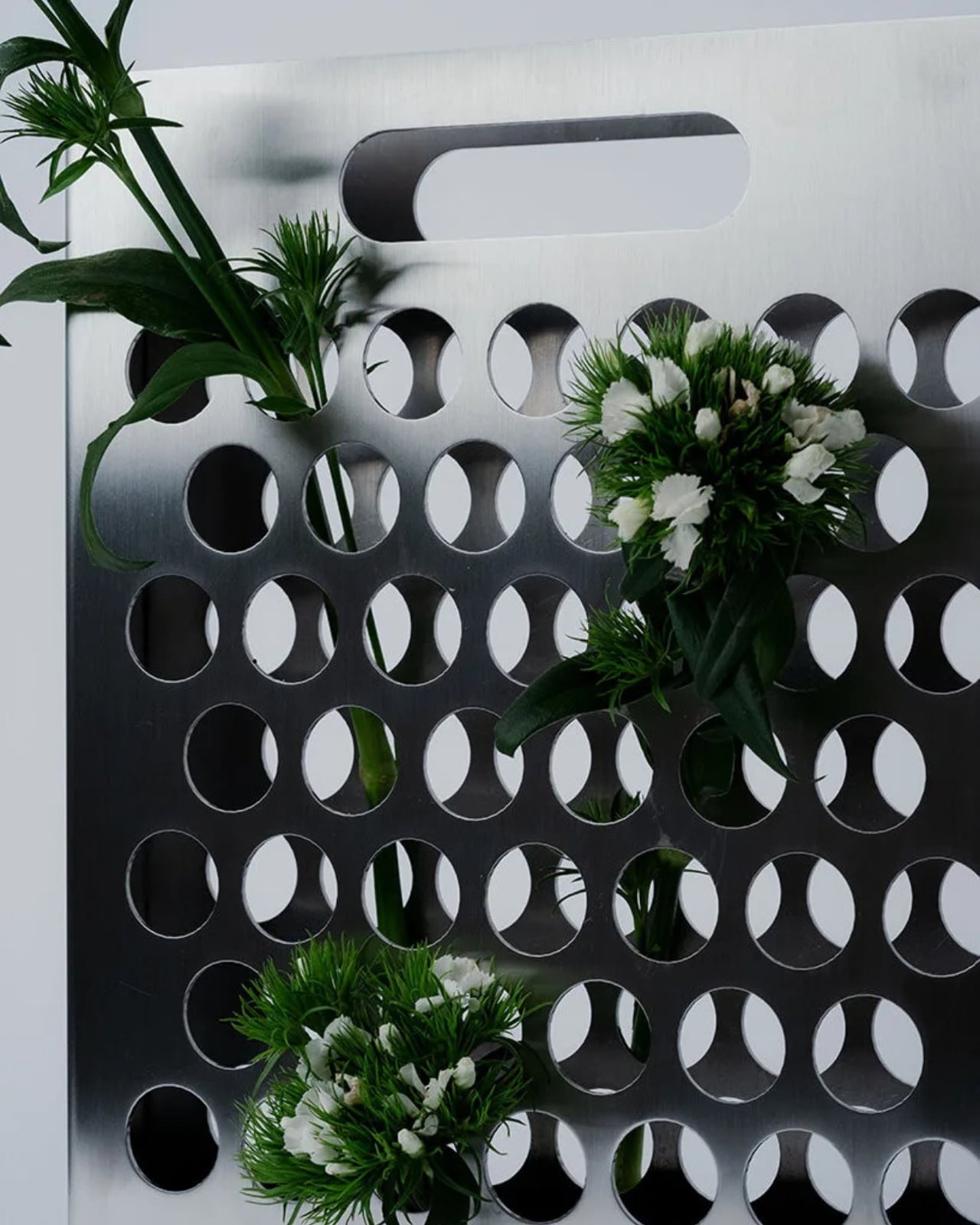
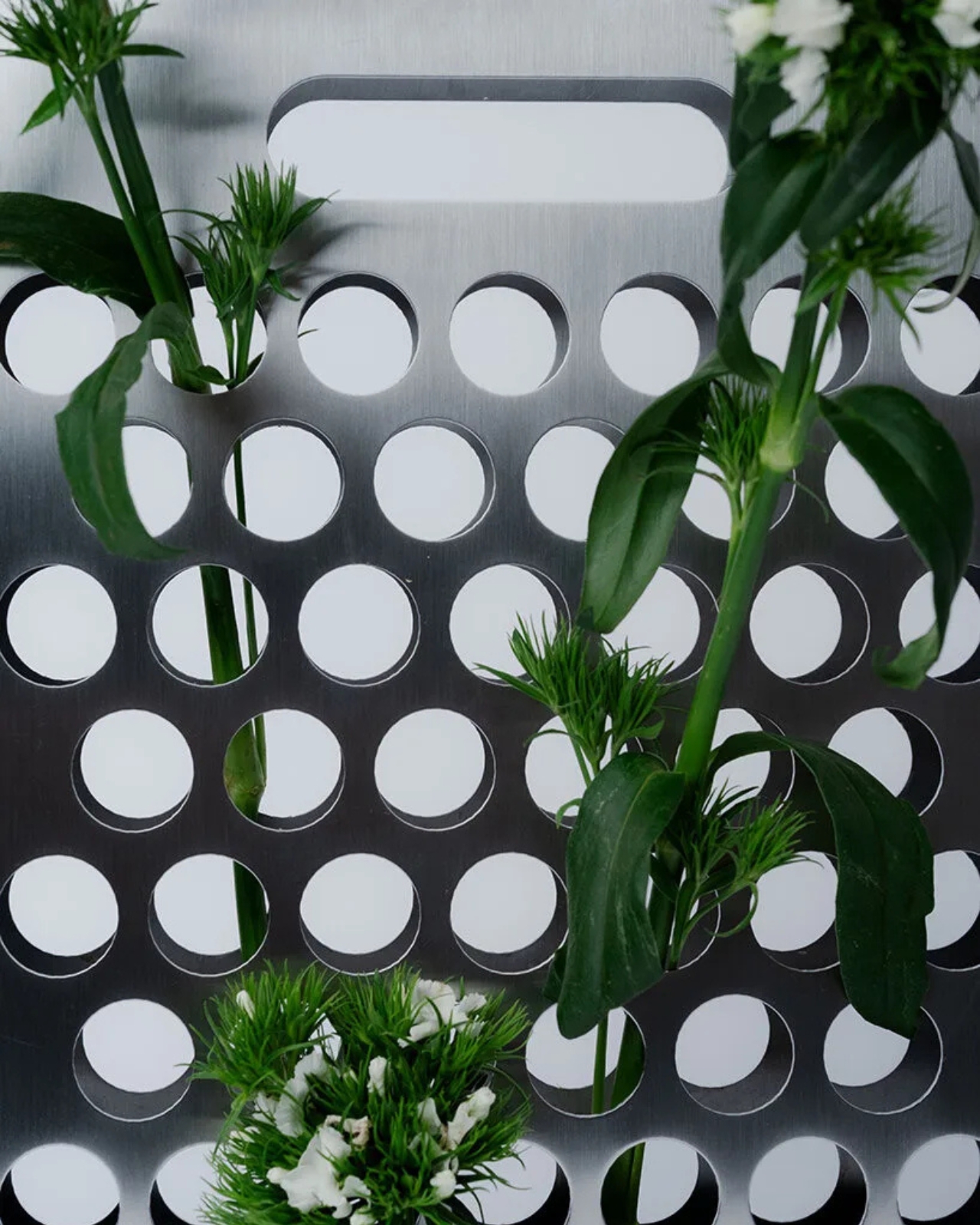
That single design decision changes everything about how you interact with a floral arrangement. Instead of flowers disappearing into a container where only the blooms peek out at the top, every stem, every leaf, every branch becomes part of the composition. The arrangement isn’t just something sitting passively in a vessel. It’s a structure you actively build, where height, spacing, and direction are choices you make deliberately. You stop just buying flowers and start actually arranging them.
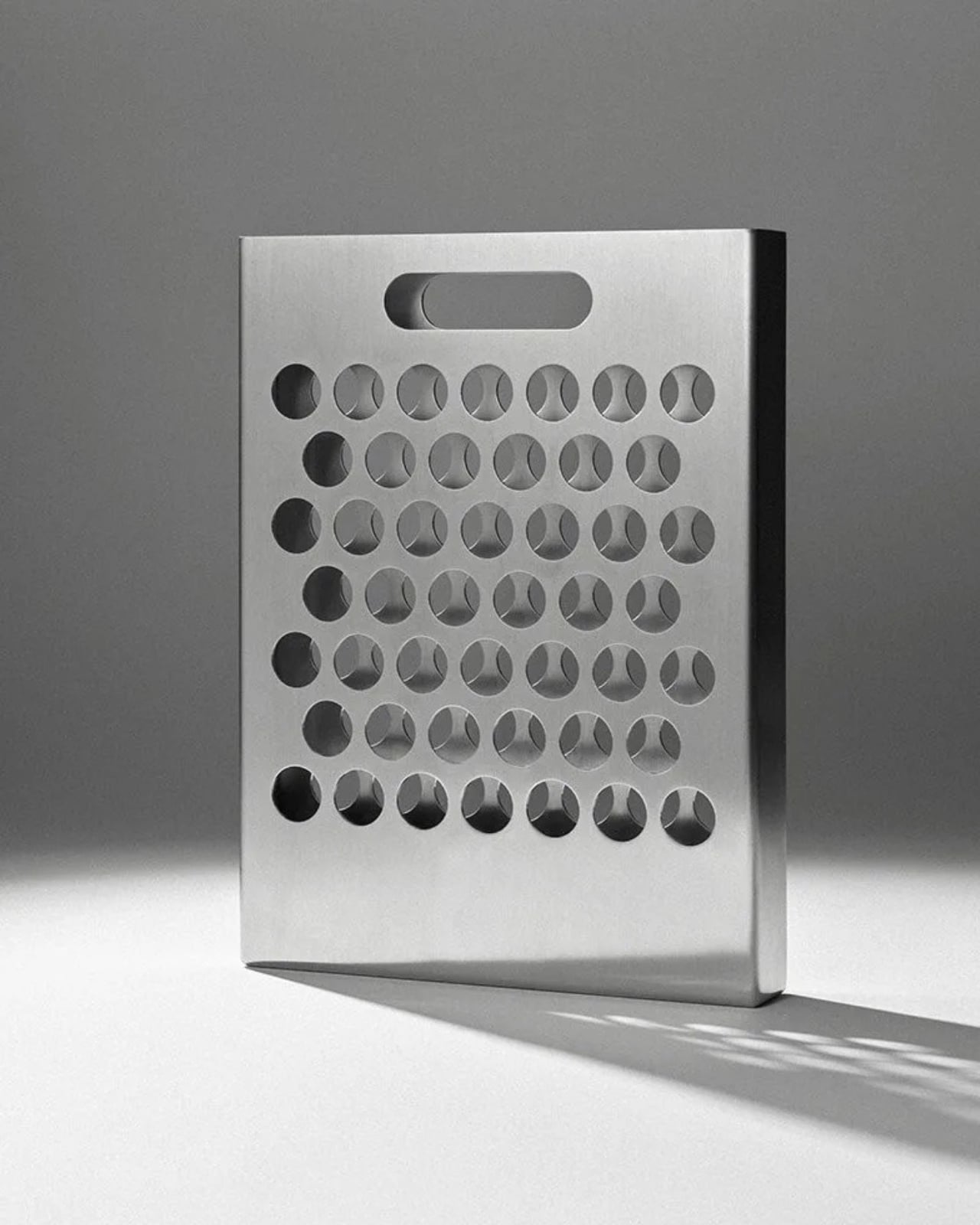
My first reaction when I saw the Blumentasche was genuine confusion about whether it was a vase, a wall-hanging, or a sculptural object that happened to hold flowers. The answer is probably all three, and I think that’s the point. Good design tends to resist easy categorization. It makes you look at familiar things slightly sideways until you can’t quite unsee the new version.
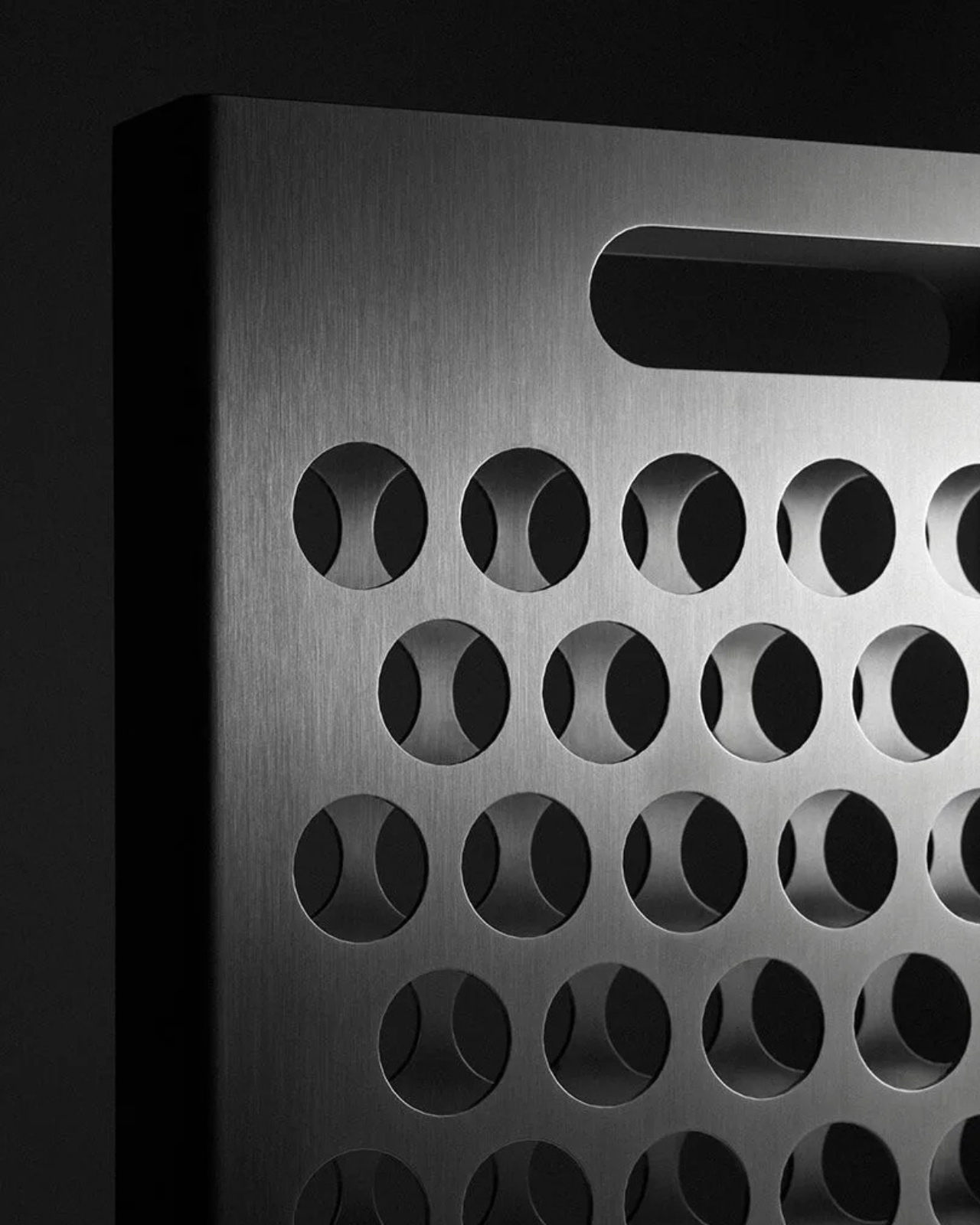
What it does particularly well is use tension. The steel grid is perfectly geometric, rigid, and controlled. Flowers, by definition, are none of those things. Leaves go rogue. Stems curve. Blossoms turn wherever they please. When you thread them through that orderly grid, the contrast doesn’t compete; it creates. The geometry gradually softens as stems fill the openings, and the whole object shifts from a steel sheet into something closer to a living relief sculpture. It changes every time someone arranges it, and changes again as the flowers age.
Handcrafted in Bavaria, the piece reflects a kind of material honesty that feels increasingly rare. Brushed stainless steel isn’t trying to look like anything other than what it is. There’s no warm wood accent or soft matte coating designed to make it feel more approachable. It earns its place in a room through form alone, and that takes a certain confidence in the design.
I also appreciate that it trusts the person using it. Traditional vases make flower arranging somewhat passive. You fill them, place them, and the container does the structural work. The Blumentasche hands the composition entirely back to you. Each stem has to be considered individually. Where does it go? How far through? Next to what? For anyone who has ever stood in a kitchen rearranging a bunch of tulips for ten minutes without quite knowing why, this is an object that actually makes room for that instinct.
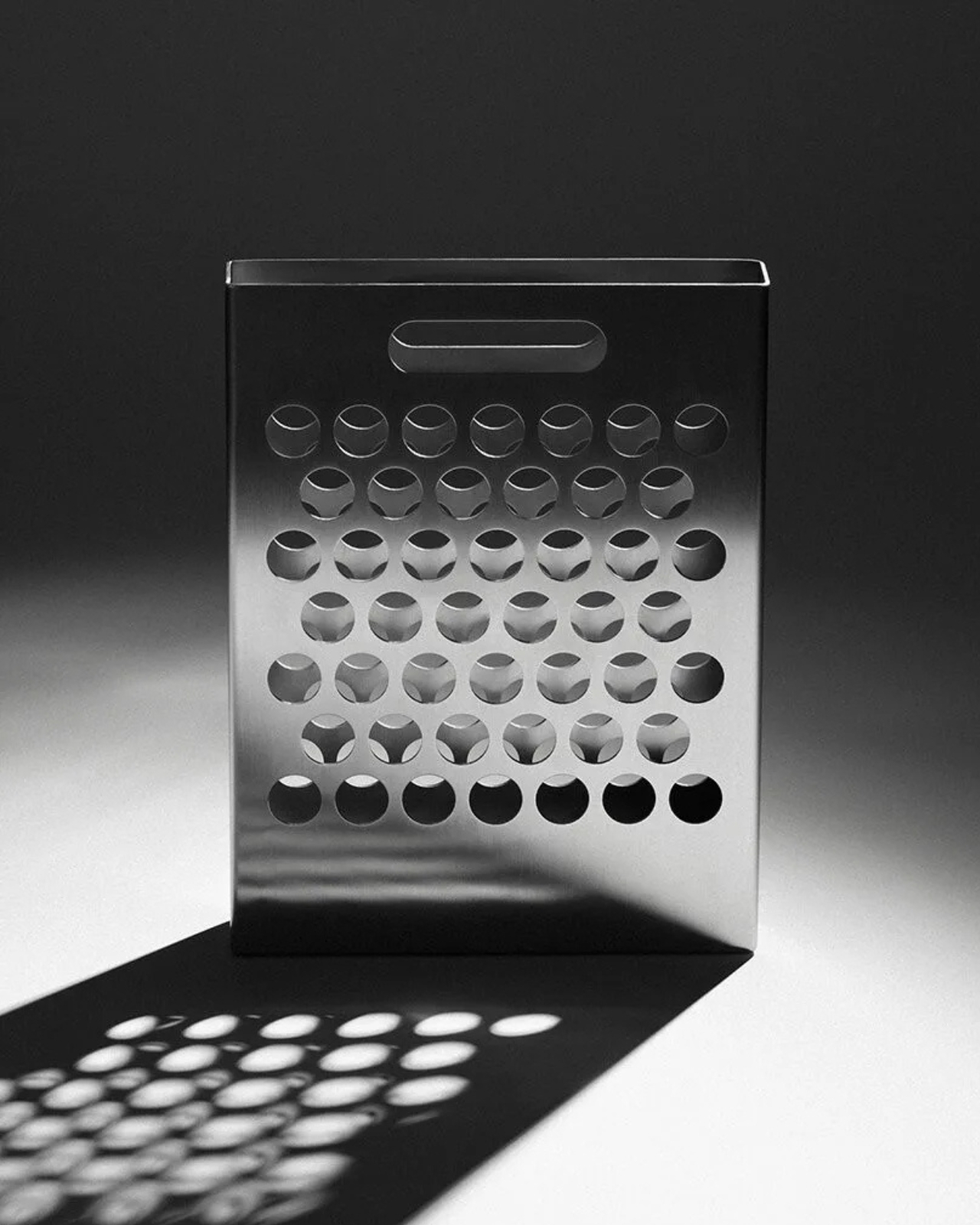
Whether it works as well with a casual grocery store bouquet as it does with thoughtfully selected individual stems is a fair question. I suspect it rewards intention. A single branch of cherry blossoms threading through those perforations probably looks extraordinary. A mixed supermarket bunch might tell a less coherent story. But I’m not sure that’s a criticism. It’s more of an invitation to be a little more deliberate about what you bring home.
The Blumentasche sits at that specific intersection of product design and art object where the most interesting work tends to live. It doesn’t shout. It doesn’t explain itself. It just asks you to look at flowers differently, and once you do, the conventional vase starts to feel like a missed opportunity.
The post The Steel Vase That Finally Lets You See the Whole Flower first appeared on Yanko Design.