M4 iPad Pro is super thin but also super durable as proven by bend test

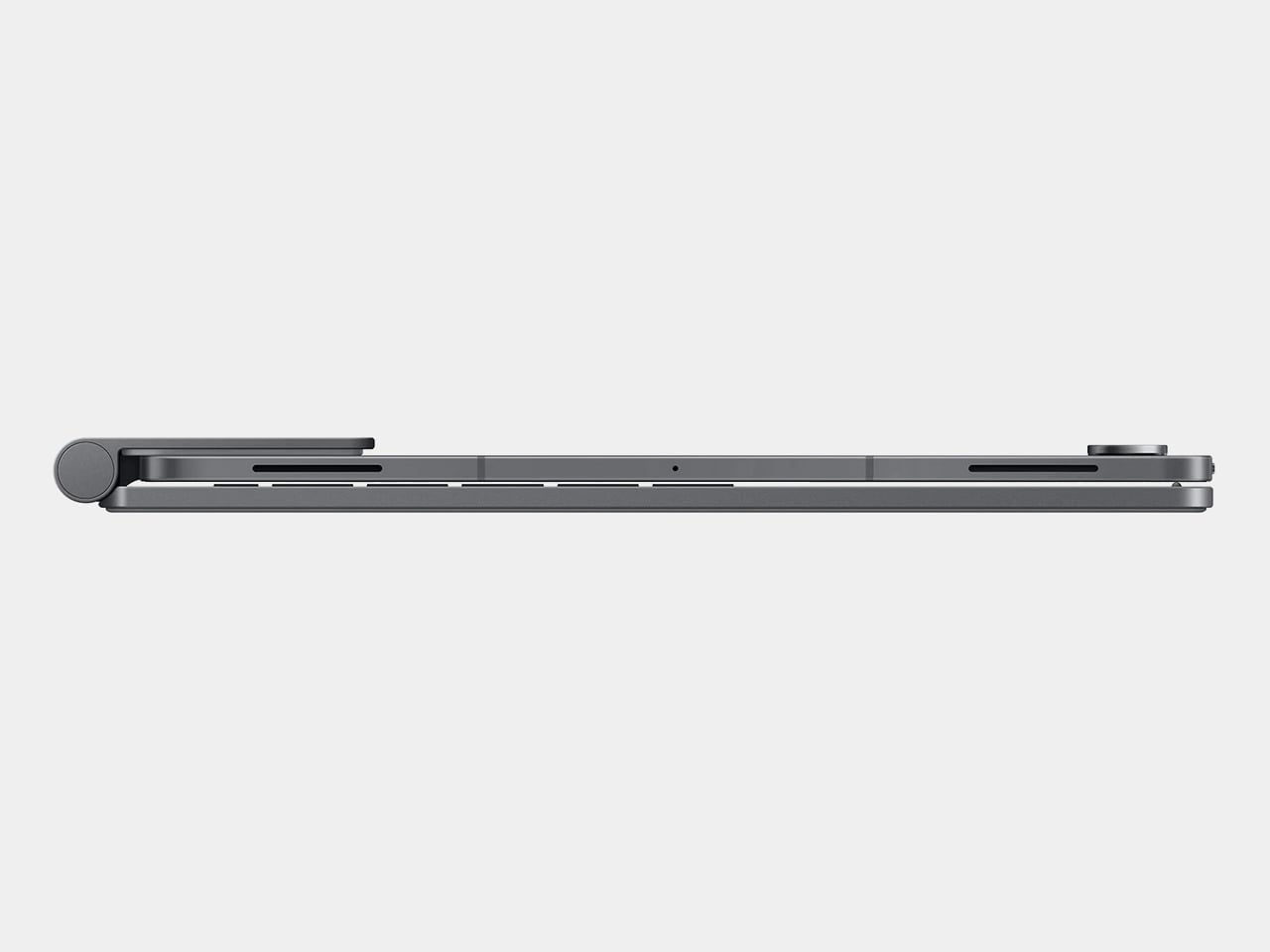
There is an almost irrational desire to have the lightest and the thinnest mobile devices. After all, we don’t want to carry the literal weight of just products if we can help it, and thin devices also look sleeker, take up less space in your bag, and, at least in theory, use less material during production. That thinness, however, doesn’t come without a price, at least in terms of durability. Thin sheets of wood break more easily (karate, anyone?) and it’s also easier to bend thin metal than thicker ones. That may be the concern some people will have about the new M4 iPad Pro, especially the larger 13-inch model, but a rather excruciating stress test fortunately proves that isn’t the case, with one important caveat.

Designer: Apple (via JerryRigEverything)

You might no longer hear about it, but there were times when Apple’s quest for thin designs backfired catastrophically. Its first large iPhones, the iPhone 6 and iPhone 6 Plus, were notoriously susceptible to bending when placed in back pockets that the term “bendgate” was coined in 2014. The first iPad Pro, though less dramatic, was also proven to be less than reliable if put under extreme pressure. Fortunately, those seem to be well in the past and Apple has figured out a new design to help prevent that sort of structural failure in its thinnest iPad yet.

JerryRigEverything, the YouTuber whose claim to fame has been the unrelenting bend, scratch, and burn tests on phones and tablets proved that new solution to some extent. Apple apparently added a “cowling” or a spine inside the thin tablet that runs across its height, covering the new M4 chip in the center and splitting the two large battery packs. Thanks to this new structural support, bending the tablet across its long edge no longer breaks it in half. It does deform in a way that won’t return to its flat state but it at least remains usable.

The catch, however, is that bending it in the opposite direction does actually destroy the iPad Pro. The flaw unsurprisingly lies in the thinnest part of the frame, the area around the USB-C port. With enough pressure, this bends sharply and pushes into the screen, cracking it and rendering it completely unusable. To be fair, the chances of that happening inside your backpack are extremely rare, but its existence should give owners caution. That said, most M4 iPad Pro owners will probably keep their ultra-thin tablets inside the new keyboard case when in transit anyway.

The stress test of the 2024 13-inch iPad Pro also shows some of the gems of this new design, like that aforementioned spine that was revealed after the shattered screen was peeled off. The YouTuber also provided a close-up of the Tandem OLED screen but, unfortunately, can’t show the second layer of OLED pixels underneath. All in all, the design of the M4 iPad Pro, both in terms of technology as well as product design, is quite impressive, but that isn’t an excuse not to take proper care of the device. Be sure to check out our hands-on of the new iPad Pro and keep a look out for our in-depth review coming soon!

The post M4 iPad Pro is super thin but also super durable as proven by bend test first appeared on Yanko Design.
iPad Pro M4 hands-on first impressions: Lightweight, Thin, and Sexy

If I could review a tablet with one word, I’d pick the iPad Pro, and the word I’d use is perfect. You’d probably demand an explanation, right? Apple has achieved design perfection with the iPad Pro, both inside and out, as well as with the redesigned Magic Keyboard. Now, before you start asking, “What about iPadOS? It’s nowhere near perfect,” let me clarify: I’m specifically talking about the hardware here. We’ll have to wait until WWDC 2024 in June to see what Apple has in store for the operating system.

Over thirty-odd years ago, I enjoyed reading philosophy in my spare time, and one of my favorite philosophers is Plato. Okay, you caught me—rarely does anyone read Plato just for fun. But it’s true that Plato’s “perfect object theory” inspired me in my quest as a tech and automotive journalist to find the perfect [fill in the blank]. My search didn’t initially start with the iPad; I was hoping for a “MacBook touch.” I even bought the domain name MacBooktouch.com back in 2007 as proof that I foresaw Apple making a touch-screen MacBook.

macbooktouch.com domain name

Fast-forward to 2015, when we got the iPad Pro with a 12.9-inch display and the first Apple Pencil and Smart Keyboard. That hardware wasn’t close to a MacBook Touch. Nine years later, or 17 years since I registered macbooktouch.com, we finally have the closest thing to a MacBook touch.

The MacBook touch—er, 2024 iPad Pro—is powered by the M4 chip. In case you don’t know, it’s the only device with this new processor. The only things keeping this device from being a MacBook touch are 1) the iPad branding and 2) it’s not running macOS. Is it capable of running macOS? Absolutely. So, why isn’t it? I’ll leave that for you to ponder.

Before I move on, I won’t be revisiting whether you should upgrade to this year’s iPad Pro. If you’re asking if you should, read my analysis here. Okay, let’s dig in, and if anything I say in this article sounds familiar, you’re right—you’ve probably heard it from tech YouTubers or read it in reviews over the past week. Just think of what I’m sharing as confirmation.

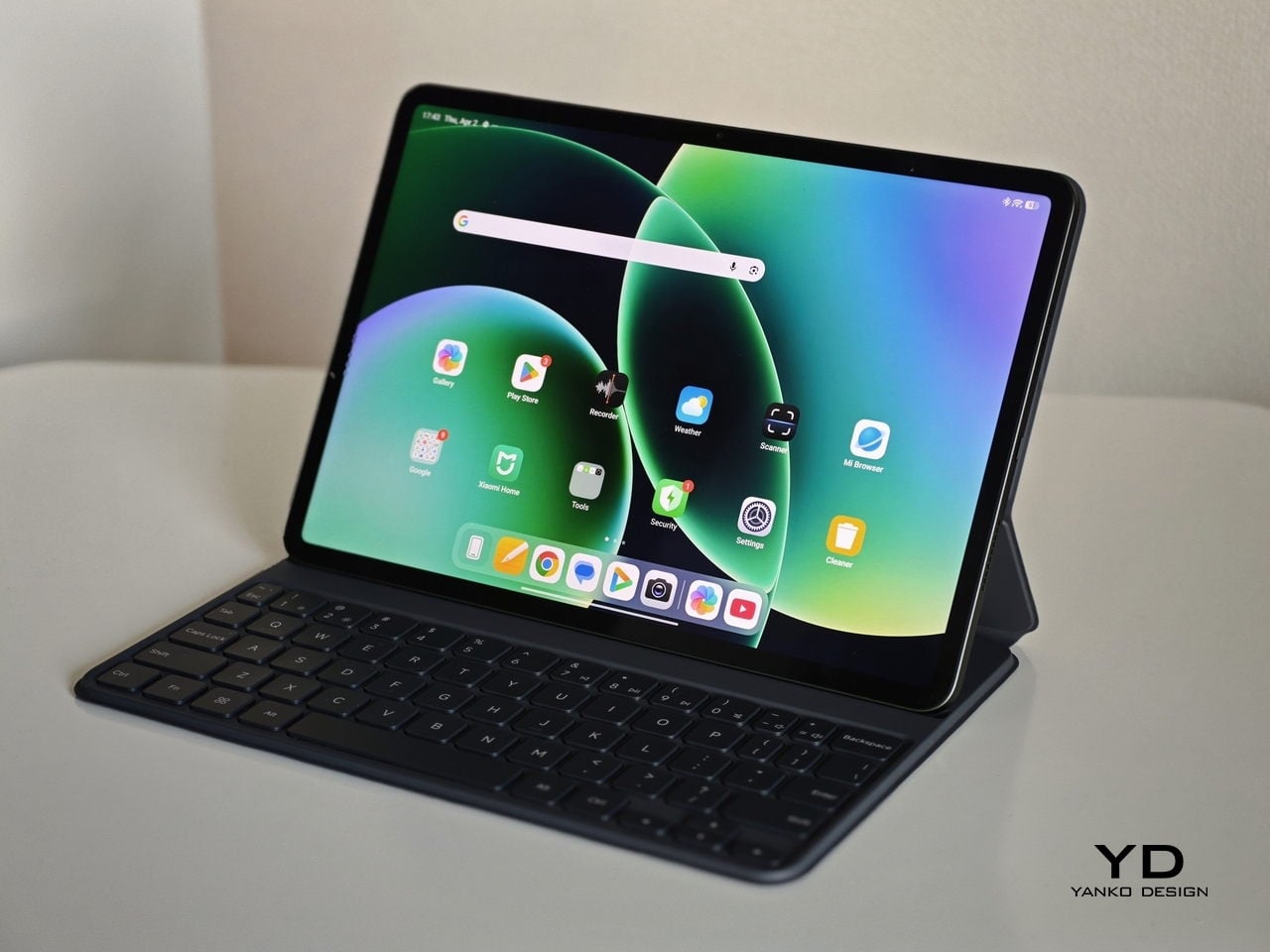
The iPad Pro is lightweight, thin, and sexy as hell. It exudes minimalist charm, practically begging, “Pick me up and use me right now!” The Magic Keyboard is what makes this iPad Pro a true MacBook replacement. It’s the key to unlocking the full potential of the iPad Pro, providing a MacBook Pro-like experience with a responsive trackpad, comfortable keys with the right amount of travel, and premium build quality.

Comically, early reviewers seemed genuinely surprised that Apple managed to thin out the iPad Pro even more. One famous YouTuber even asked, “Who was asking for it?” Well, my friends, that “who” was yours truly. Apple delivered on almost everything I asked for, except for titanium—and yes, that was wishful thinking. I’m happily settling for aluminum for both the iPad and Magic Keyboard. I’m also thrilled that both devices have shed some weight, making the iPad, especially the 13-inch model, much more manageable to hold and use over longer periods. The 11-inch model is now just 5.3mm thick and weighs 444 grams, while the 13-inch model is 5.1mm thick and weighs 580 grams.

Briefly touching on the Magic Keyboard, I’ll save the full details for the review, but Apple addressed my issue where the lower portion of the iPad Pro would constantly get in the way of my typing. Thanks to a whole new redesigned hinge system, it’s possible to have a full-size keyboard with an entire row of function keys. For those developers out there yearning for an ESC key, you have it now. The way Apple designed the placement of the iPad, which is now pushed further back yet still articulates at the same or greater angles than the outgoing model, reminds me of how car designers suddenly got so much more room to play with when designing electric vehicles sans the motor. The wheels are pushed further to the edges, creating more internal room for leg space and whatever else they can dream up. I’m sure the new hinges were no small task, but wow—a full keyboard with a function row and a larger trackpad, a proper MacBook Pro-style trackpad with a haptic engine built in.

At the end of the day, I really don’t care what the iPad’s called; what matters most to me is what I’m able to do with it in real life. Whether consuming content or playing games (which I rarely do, but hey, I might start) without a bulky keyboard, or getting down to business and writing, like I am doing right now with this article and many others to come, I know this is the ultimate, ultra-portable device that ticks all my needs now and possibly over the next decade.

I’ve left out a lot in this initial impressions article, such as display quality, performance, battery life, the Apple Pencil Pro, and other features. I also haven’t compared it to my existing 12.9-inch iPad Pro with the M1 chip. But rest assured, I’ll cover all these aspects in my full review. I just need more time to test everything thoroughly.

The post iPad Pro M4 hands-on first impressions: Lightweight, Thin, and Sexy first appeared on Yanko Design.
Windows on ARM success can drive PC design innovation

Despite the power that smartphones and tablets have these days, PCs and their Mac equivalents remain the workhorses of the modern world. Not only do they have more power, they also offer more flexibility thanks to decades of research, development, and innovation. Market analysts, however, have long been pointing to the demise of the PC market, especially desktops, and there has indeed been a great deal of stagnation not only in hardware but even in product designs. It’s not that there haven’t been any improvements, just that designs have become predictable and even sometimes forgettable. You can’t, after all, change the design formula too much unless you also drastically change the internals as well. That’s the kind of burst in innovation that awaits the PC market, both laptops and even desktops, if running Windows on the same hardware as smartphones and tablets finally becomes reliable and productive.

Designer: Qualcomm

Rough Start: Microsoft Surface

It’s not like the combination of Windows and ARM-based processors, the same silicon that powers mobile devices, hasn’t been done before, but almost all past attempts have come up short of expectations. Disregarding the antiquated Windows CE and Windows Phone variants, Microsoft has time and again tried to bring the benefits of phones and tablets to PCs without much success. One of the first ones in recent memory is the smaller Microsoft Surface. Although the Surface Pro has become something of an icon today, its base model didn’t enjoy the same level of fame, attention, and sales.

Microsoft Surface RT

Designer: Microsoft

The Surface RT and Surface 2 both ran on ARM-based NVIDIA Tegra processors that were normally quite capable on Android tablets. Even those, however, couldn’t bear the weight of Windows, even the watered-down Windows RT version. To add insult to injury, the apps available for that platform were a dismal number which didn’t include the software that people needed to use on Windows. Thus, these first attempts at Windows on ARM were considered to be abject failures, but surprisingly, Microsoft didn’t give up completely.

Microsoft Surface Pro 9

Fast-forward to today, there have been numerous attempts to improve the situation, both from the hardware and the software side. The Microsoft Surface Pro 9 now has a version that runs an even more powerful ARM Qualcomm processor, and the Microsoft Store has quite a selection of popular apps. There are also some emulation solutions for running “normal” Windows software on ARM laptops and tablets, but that’s not exactly a panacea. All these sound like too much effort for what seems like a niche design, but it’s an effort that could yield a bountiful harvest if it succeeds.

Faster, Slimmer, Cooler

Qualcomm announced last month its new Snapdragon X Plus and Elite processors, and while the “Snapdragon” name is popular for smartphones and tablets, the “X” chips are earmarked for use in Windows computers instead, particularly laptops. Qualcomm boasts numbers that would make the likes of Intel and AMD worry, though it’s also aiming squarely for Apple’s M series processors. That’s definitely a tall order, especially with the launch of the new Apple M4 chip, but if theory proves to be even remotely near the mark, it will be a huge win for the Windows market and PCs in general.

Designer: Qualcomm

The new Snapdragon X Plus and Elite unsurprisingly boast about being able to do heavy-duty generative AI work, something that would require a lot of processing power that is traditionally only available on “regular” laptops and desktops. What would set it apart, however, is how it delivers that performance with lower battery consumption, heat, and space compared to equivalent Intel and AMD processors. It’s too early to say if Qualcomm will be able to deliver those promises, but it’s definitely a big leap compared to previous generations.

ARM-based processors like those from Qualcomm and MediaTek have been used in mobile devices precisely because of these traits. They can keep the product compact without impacting performance, something that laptop makers aim for every year. More importantly, however, these small form factors open the doors to less conventional designs, paving the way for dual-screen, foldable, or rollable PCs that don’t sacrifice their power for the sake of their novel appearance and features.

Thinking Outside the Box

The very first benefit of Windows successfully and smoothly running on ARM devices would be thinner laptops with longer battery lives. It can’t be understated how significant that will be for creatives, especially those who will rely a lot on that generative AI that everyone’s talking about these days. But even if you do much of your designs manually, the idea that you can bring your work anywhere without breaking your back and stay unplugged for more than half a day is going to appeal to a lot of people

Lenovo Yoga Book 9i

Designer: Lenovo

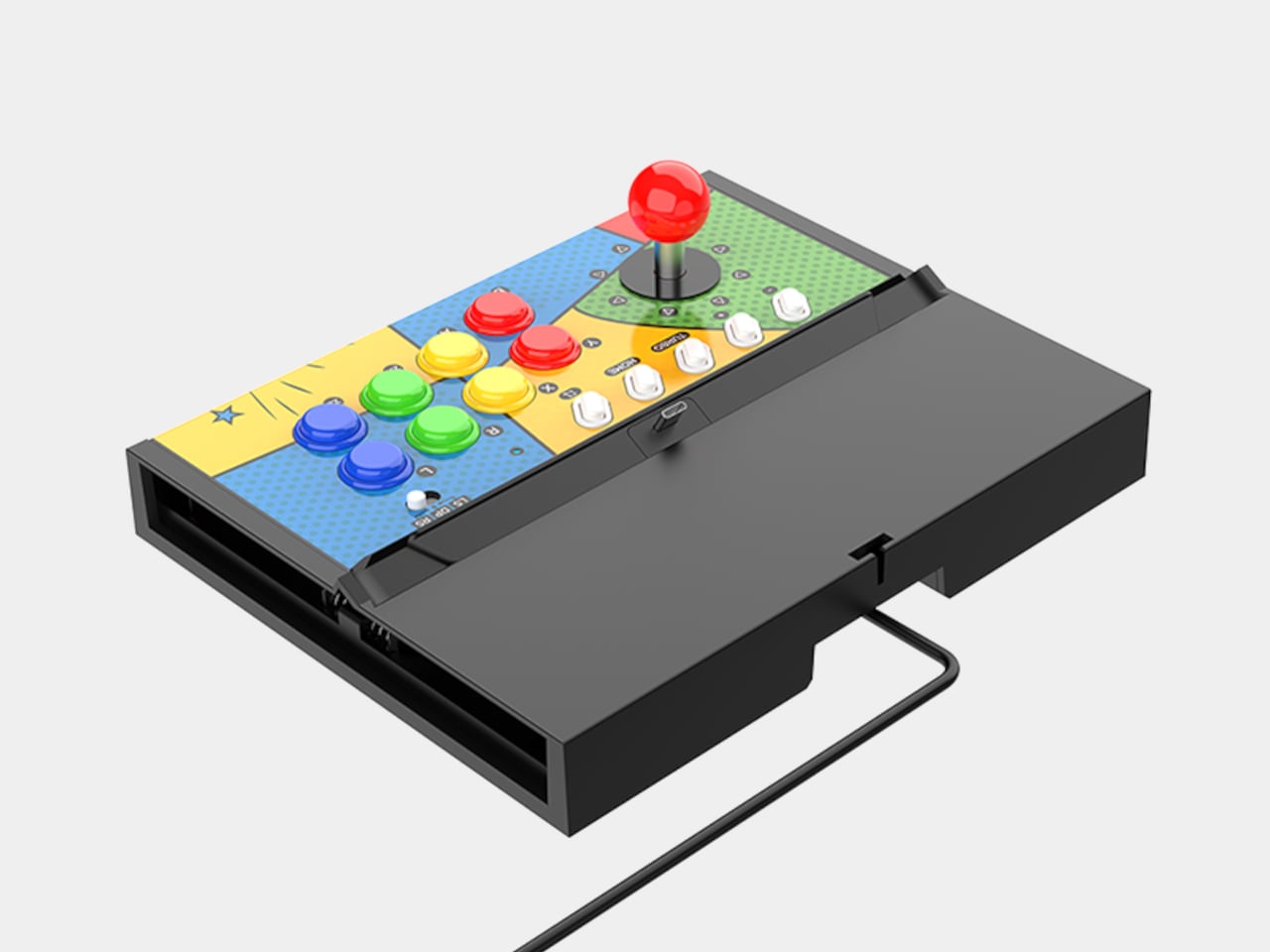
Once that has become the norm, however, it will be time to explore the possibilities that thinner, more compact, or smaller devices can bring. Imagine those handheld gaming PCs becoming thinner and smaller, almost down to tablet or even phone sizes. Admittedly, being able to play just about any PC game is going to be tricky today, but that’s not going to be the case in the future.

And then there are the current novelties like laptops with two screens or foldable displays, designs that have to sacrifice performance for the sake of super thin bodies. It hasn’t arrived yet, but a rollable screen might even become a thing for computers. In other words, Windows on ARM would enable all these forms beyond desktop towers and laptops to become possible without sacrificing too much performance. We seem to be heading in that direction already, but hardware is only half the battle.

Uphill Battle

No matter how powerful ARM chips are, enough to smoothly run Windows, all of that will fall on deaf ears if Windows on ARM isn’t able to support as much as 80% of regular Windows software, including games and especially content creation tools. That was what killed the Surface RT and Surface 2, after all, and things have improved considerably but not yet to most PC users’ satisfaction. One of the available solutions right now is emulation, like making the software or game think it’s running on an Intel/AMD computer, but that incurs penalties in performance.

AYANEO Flip DS

AYANEO Slide

Designer: AYANEO

There are also obstacles to be overcome on the hardware side. As strange as it might sound, PCs are a somewhat open ecosystem when it comes to the variety of things you can plug into a computer and have them working automatically. You lose some of that with Windows on ARM because of compatibility issues, and that might prevent less popular but heavily used peripherals from working, at least not at first. Unfortunately, that might be a huge deal breaker, especially for those who have already invested in devices for their workflow.

Designer: Qualcomm

Final Thoughts

Qualcomm’s announcement of the Snapdragon X Plus and Elite tried to preempt Apple’s new M4 chip and iPad Pros. Apple’s venture into the ARM world is both a boon and a bane for the likes of Qualcomm as it demonstrates what’s possible. But even Apple has remained within the boundaries of traditional devices like a tablet and a laptop. Not surprising for a company that is very meticulous and careful about the design of its products.

Designer: Apple

The Windows world, however, is a bit more daring thanks to the diversity of people involved. Unconventional and sometimes impractical designs pop up once in a while, but they’re all hampered by the limitations of hardware that’s commonly available for PCs. Windows on ARM isn’t new and it still has a long way to go to confidently match what Intel, AMD, and now Apple are selling, but stakeholders in the PC industry should probably consider rallying behind this if they want to breathe new life into the stagnating PC market.

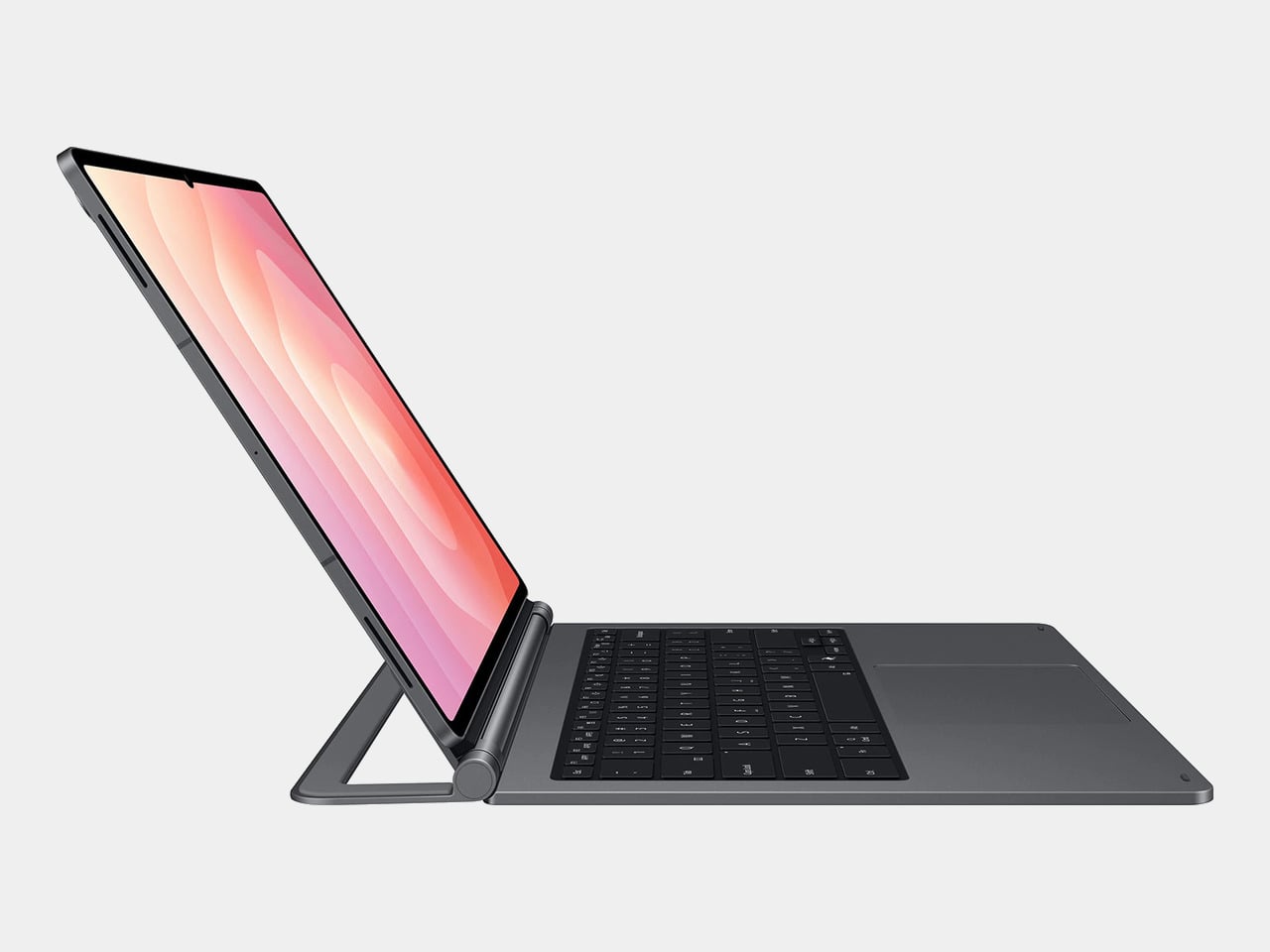
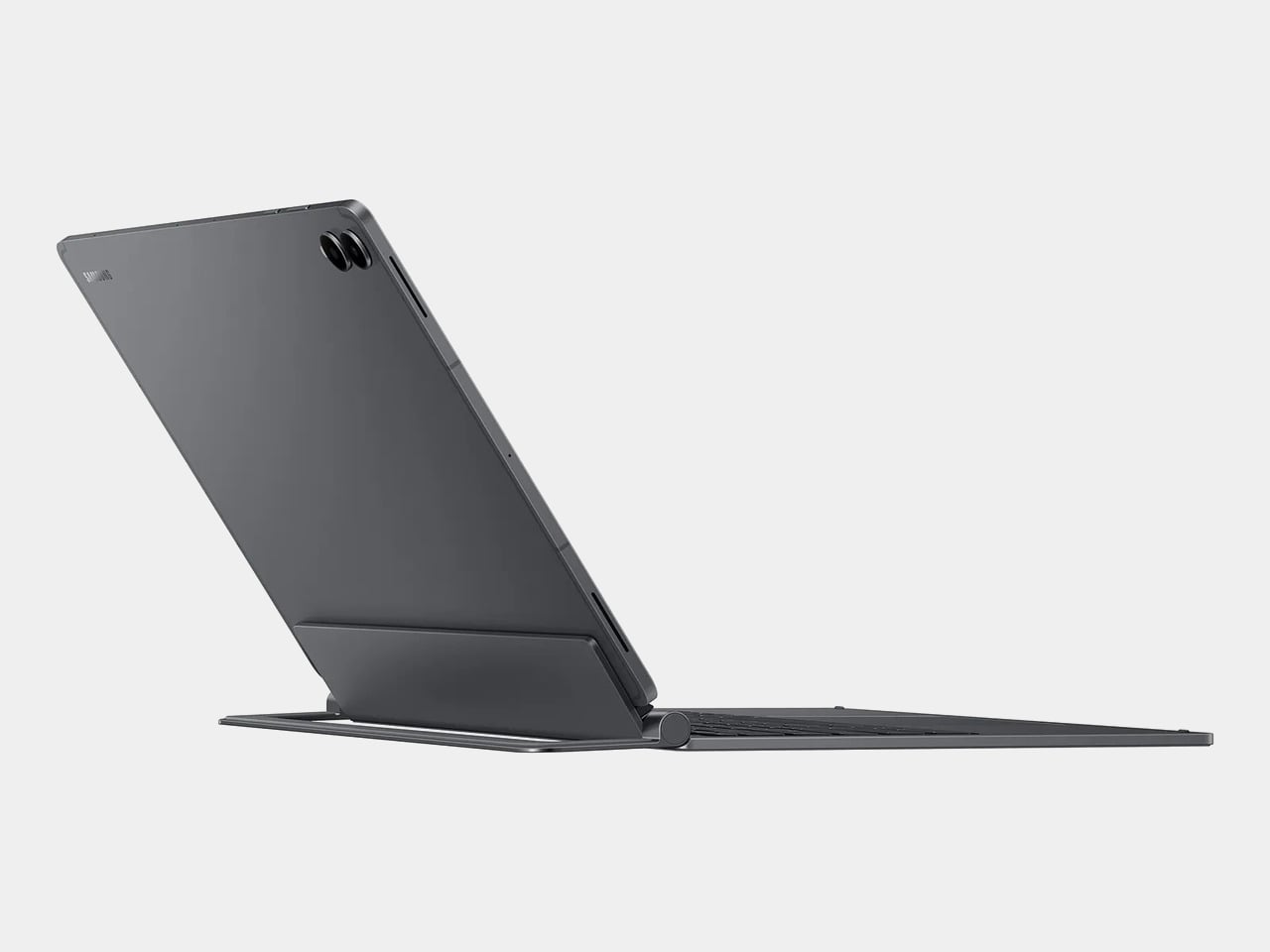
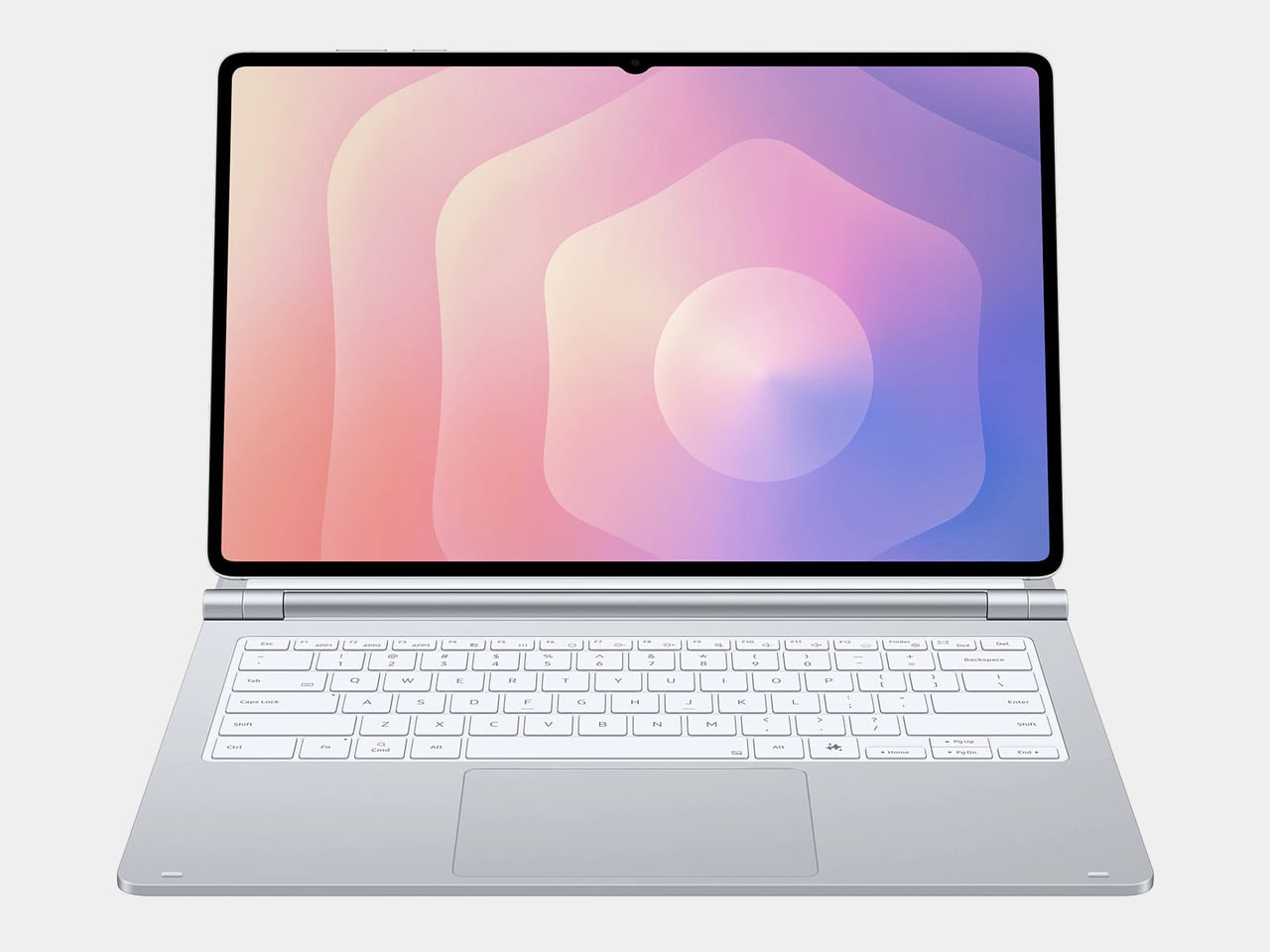
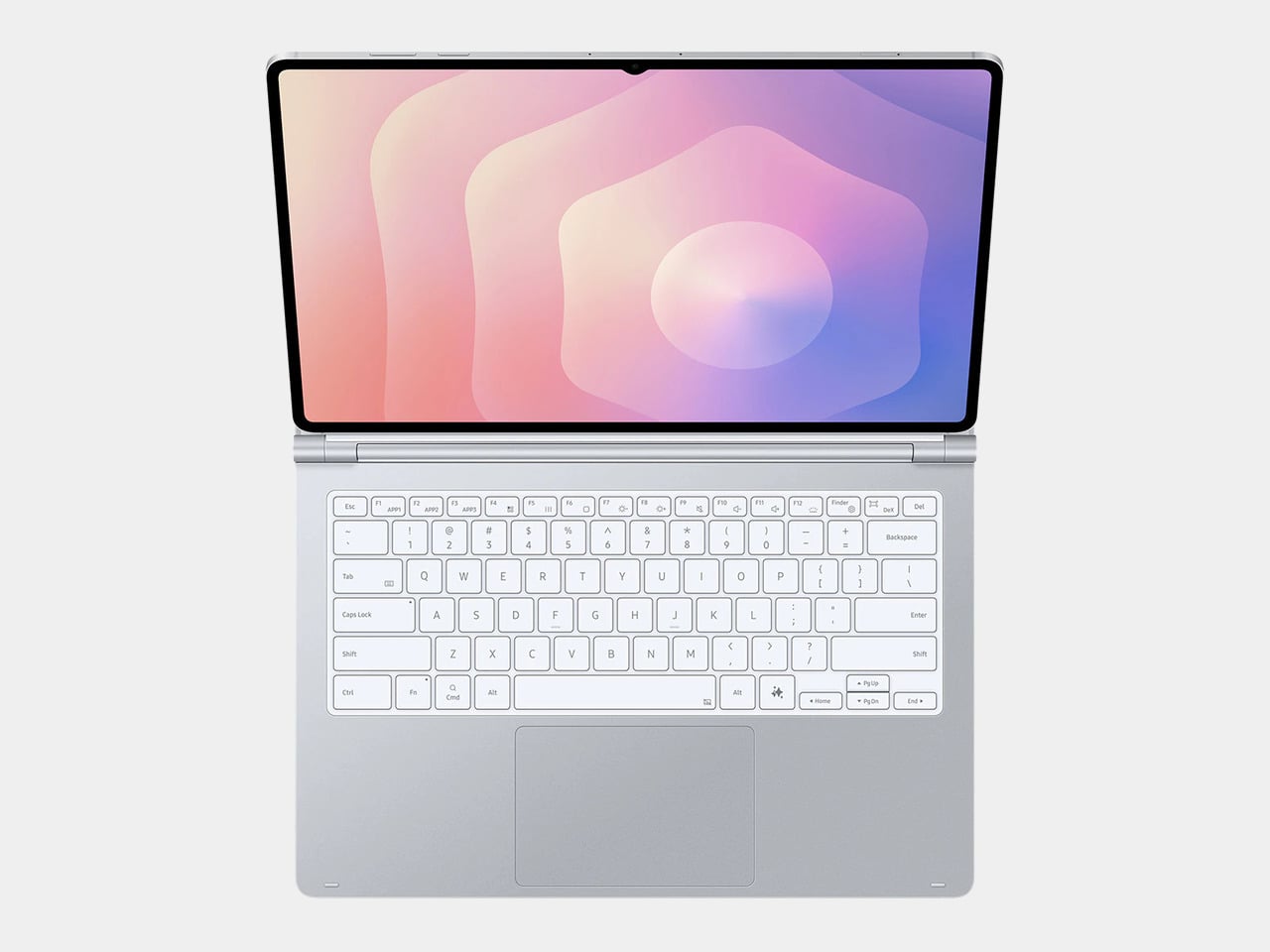
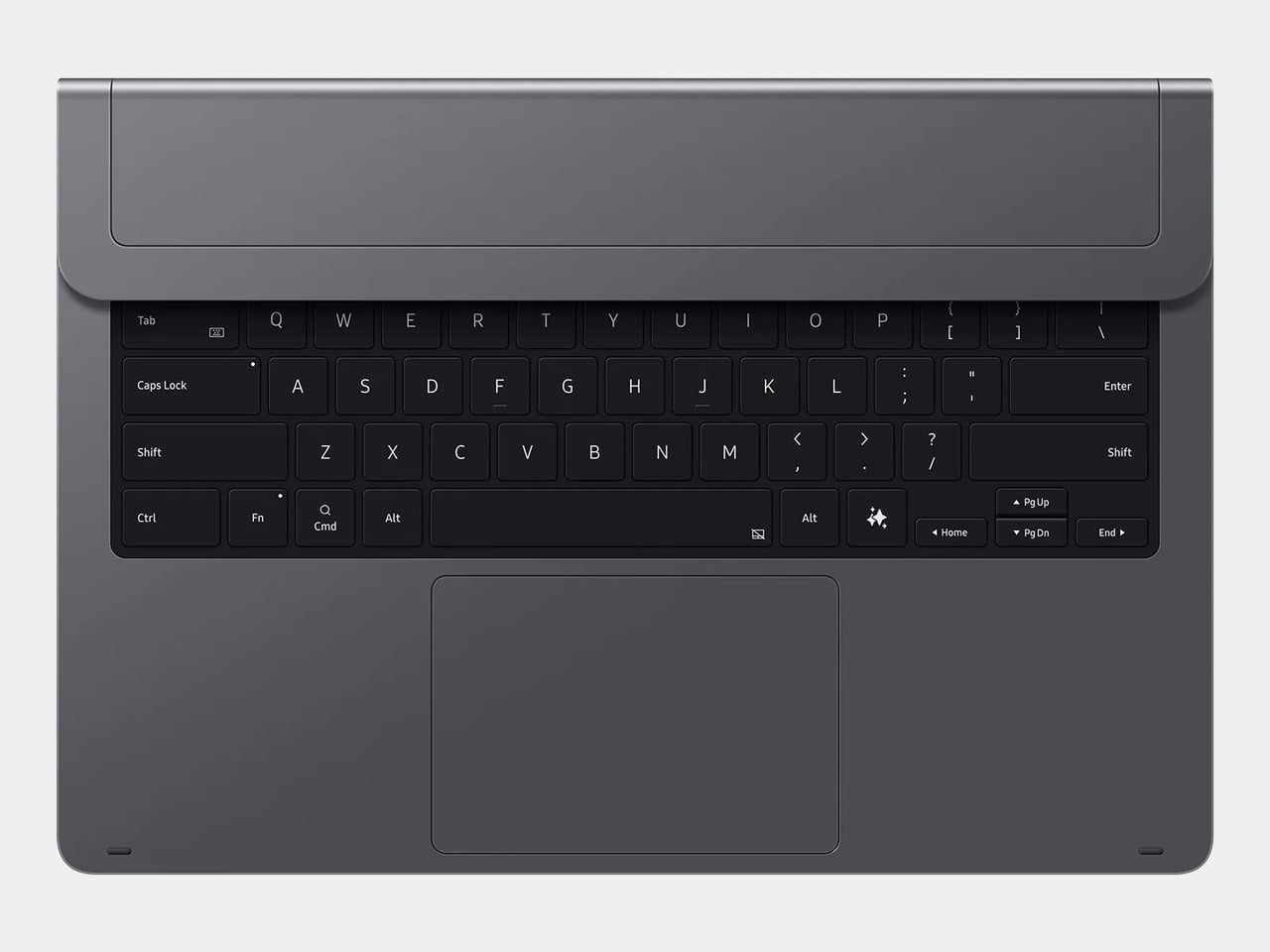
Designer: Samsung

The post Windows on ARM success can drive PC design innovation first appeared on Yanko Design.
Get up to $450 off a Google Pixel Tablet when you trade in your old iPad or Android slab

Google has an offer for iPad owners who are curious about the Pixel Tablet. The company has a trade-in promotion that covers at least the cost of the Pixel Tablet for iPad owners — if not more, depending on which model you have. It works with Samsung tablets as well, but those trade-in values are lower. The Pixel Tablet costs $399 (without deals) for 128GB storage and no charging speaker dock.

The promo works with iPads as old as the sixth-generation model from six years ago. For that, Google will give you a surprising $399 — matching the Pixel Tablet’s base cost. That iPad model only cost $329 in 2018, so Google is overpaying by a lot for that one.

However, Google balances that with much worse offers for modern, high-end iPads. For example, the 12.9-inch iPad Pro with M2 chip (2022) only nets $450. Until this week (when the company launched a new iPad Pro and iPad Air), Apple sold that model for $1,099, so we don’t recommend that trade-in price. If you’re done with a high-end iPad from the last few years, you can likely sell it on places like eBay, Craigslist or Swappa for significantly more.

View of the Pixel Tablet on a shelf next to books and oddities.
Sam Rutherford for Engadget

The Pixel Tablet stands out from its Android-running competitors by working with a charging speaker base that lets the device double as a smart display, making it much more versatile. Engadget’s Cherlynn Low thought that part overshadowed its core functionality as a tablet. “As a smart display, the Pixel Tablet mostly shines. It has a useful dashboard, an easy-to-read interface and impressive audio quality,” she wrote in our full review.

The tablet has a 10.95-inch display with a 2,560 x 1,600 resolution (276 PPI) and runs on a Google Tensor G2 chip. It weighs slightly over a pound and is lighter than Android rivals like the Galaxy Tab S8 and OnePlus Pad. Its back has a nano-ceramic coating that gives it a premium, glass-like feeling that you may not expect from a $399 device.

Accessories are where the Pixel Tablet stands out the most. Google’s Pixel Tablet Case, sold separately for $79, has a built-in kickstand that makes the slate more versatile. “What I love about the kickstand-hanger-combo is that it allows you to place the Tablet pretty much anywhere,” Low wrote in Engadget’s review. “So when I want to hang it off a kitchen cabinet to follow along with a recipe video or keep watching Love Is Blind for example, I can. And though the 2,560 x 1,600 LCD panel isn’t as vibrant as the OLED on Samsung’s Galaxy Tabs, it still produced crisp details and colorful images.”

The star accessory is Google’s $129 charging speaker dock, which you can use without removing the kickstand case. This product transforms the tablet into a smart display, potentially voiding the need for other smart home control hubs. The speaker has impressive sound for its size, making it easier to hear its responses if you aren’t right next to it.

Google’s fine print notes that the trade-in value will be finalized after receiving the tablet, and it could be lower if it determines the condition doesn’t match what you selected during the trade-in process. The refund will be processed on the credit card you used to buy the Pixel Tablet (or through Google Store credit if you return your purchase during that time).

Follow @EngadgetDeals on Twitter and subscribe to the Engadget Deals newsletter for the latest tech deals and buying advice.

This article originally appeared on Engadget at https://www.engadget.com/get-up-to-450-off-a-google-pixel-tablet-when-you-trade-in-your-old-ipad-or-android-slab-192718892.html?src=rss

The new Apple Pencil Pro is a death-sentence for Wacom

Wacom was once an industry leader in the sketching tablet PC market. However, it’s no match for the deadly combo of the new iPad Pro M4 and the Apple Pencil Pro. Announced at the iPad keynote yesterday, the new Pencil Pro packs features so unique, it makes regular capacitive styluses look like tools from the Stone Age. The new Pencil Pro has a new squeeze gesture to activate quick menus, can track rotation to have objects and brushes rotate in real-time (known as barrel roll), and even has a haptic motor for feedback – while still packing features from previous models like the hover feature, pressure and tilt sensitivity, and low-latency. If all that wasn’t enough, the Pencil Pro even has Find My support, allowing you to locate your stylus if it ever gets lost. The Wacom Pro Pen 3 on the other hand, has buttons.

Styluses have existed for decades at this point, and if you asked anyone ten years back which was the most well-designed stylus and tablet combo for creatives, the answer would invariably be something from Wacom’s lineup. The company had three options back in the day, the budget Wacom Bamboo, the mid-range Wacom Intuos, and the flagship Wacom Cintiq. Apart from the Cintiq, none of the other tablets had screens – they were just massive trackpads that you could only draw on with styluses. The Cintiq was the closest thing to an iPad – it had a screen, allowed multi-touch gestures, and came with controls galore… the only problem was that it didn’t work independently, it needed to be tethered to a desktop or laptop to work. The Cintiq, along with the Intuos and Bamboo, came with a stylus that featured a pressure and tilt-sensitive tip, along with programable buttons that let you undo or redo tasks, and a stylus tip on the back of the pen also that activated the eraser, mimicking how most pencils come with erasers on their reverse tip. The styluses also operated without batteries, allowing for hours of sketching without needing to charge the pen periodically.

The Wacom Cintiq Pro is anywhere between 5-8 times thicker than the 2024 iPad Pro

Cut to yesterday when Apple dropped the iPad Pro M4 and the comparison is incredibly stark. For starters, whenever anyone asks me whether they should buy an iPad or a Wacom, the answer is almost always the former… because when you’re not sketching on the Wacom, it’s useless, but when you’re not sketching on the iPad, it’s still an iPad. The difference seems even greater with the new iPad Pro being Apple’s thinnest device yet at just 5.1mm thick, while the 16-inch Wacom Cintiq is a whopping 25mm thick – 5 times thicker than its competitor. Cut to the larger 22-inch Cintiq and it’s a staggering 40mm thick, or the equivalent of 8 iPad Pros stacked one on top of the other.

However, a hardware comparison between a trillion-dollar electronics giant and Wacom, that’s valued at just half a billion dollars doesn’t seem fair. What does seem fair, however, is to just look at one singular product to see how far Apple’s outpaced its competition – the humble stylus. Wacom played a critical role in perfecting its EMR stylus technology, which was game-changing a decade or so ago. The pens ran without batteries, could sense pressure and tilt with stunning accuracy, and an eraser on the rear, becoming the creative industry’s go-to for digital sketching. When Apple debuted the Pencil, it had the same features except without any buttons. The Pencil 2, on the other hand, got a tap feature that let you swap between brush and eraser, and a unique charging mechanism that allowed you to charge your stylus simply by snapping it to the side of an iPad (it subsequently also got a hover function with newer iPad models). Apple’s newly announced Pencil Pro, which dropped yesterday, however, is an entirely different beast.

The new Pencil Pro has the hover function, lets you squeeze to activate a quick menu, and even supports barrel rolls that allow you to rotate brushes or objects simply by rotating your stylus. In true Apple fashion, it doesn’t have any buttons on it, but you can still tap to alternate between brush and eraser, and you even get a brush preview when your stylus is near the screen, letting you know how your brush is oriented. If all that wasn’t enough, the new Pencil Pro even packs Apple’s Find My feature, letting you locate a lost pencil through your iPad or iPhone.

The Pencil Pro can be squeezed to activate a quick menu

A great stylus on the iPad Pro, which already comes with an industry-leading chip, laptop-grade performance, a brilliant camera setup and LiDAR sensor, and an app store, basically makes the iPad or Wacom question moot. The only true advantage Wacom’s tablets have at this point is that they’re bigger than iPads, starting at 16 inches and maxing out at 27 inches diagonally. They also cost MUCH more than the iPad Pros, with the Cintiq Pro 16″ starting at $1599, and the Cintiq Pro 27″ having an eye-watering $3499 price tag. That’s Vision Pro territory for a sketching tablet.

The haptic motor gives you feedback when you squeeze the Pencil Pro

There still is a market for Wacom products. They’re massive, preferred by the hardcore animation and visual industries, and are platform-agnostic, which means you can easily run Windows or Linux programs on them, which most power users will appreciate over being limited to the iPadOS. But for the most part, the iPad Pro and Pencil Pro are so far ahead of their competition at this point, that they’ve made Wacom’s tablets (an already niche creative-focused gadget) even more niche… almost to the point of obscure.

The post The new Apple Pencil Pro is a death-sentence for Wacom first appeared on Yanko Design.

Why the M2 iPad Air Is Ideal for Students, Designers, and Everyone In Between

iPad Air M2

The iPad Air, now available in both 11-inch and 13-inch models, caters to a variety of needs and preferences. Whether you’re a student always on the move or a designer needing ample screen space for intricate visuals, there’s an option perfectly sized for you. The 11-inch version excels in portability, easily slipping into a small bag or backpack, making it the go-to device for students who juggle between classes and study sessions across campus. Meanwhile, the 13-inch model, with its expanded display, provides 30 percent more screen real estate, offering designers and students the luxury of a bigger canvas to work on complex projects or manage multiple applications side by side with iPadOS’s multitasking features.

Designer: Apple

The 11-inch iPad Air is super-portable, while the 13-inch model provides an even larger display, giving users more room to work, learn, and play.

Beyond size, the iPad Air boasts a Liquid Retina display with advanced technologies such as True Tone, high brightness, and anti-reflective coating, ensuring everything you see is detailed and vibrant. This is crucial when precision in color and detail plays a significant part in your coursework or professional projects. The support for P3 wide color gamut also means that the visuals are not just bright but incredibly accurate, which is especially important for design students and professionals who rely on true-to-life colors for their digital artistry.

The repositioned front-facing camera is another subtle yet impactful enhancement. Set along the landscape edge, the camera automatically keeps you in frame during video calls, thanks to the Center Stage technology. This feature is particularly beneficial now that remote collaboration has become more prevalent in both educational and professional settings. Whether you’re presenting a thesis to your class or brainstorming with colleagues over a video call, the camera adapts dynamically to ensure you are always seen, complemented by dual microphones that focus on your voice while minimizing background noise.

Moved to landscape edge, 12MP Ultra Wide front-facing camera with Center Stage improves call experience.

Performance-wise, the M2 chip in the iPad Air is a big leap forward, bringing not only speed but also efficiency to every task. This chip is tailored for advanced tasks such as photo and video editing, 3D modeling, and large-scale graphic designs, all while maintaining energy efficiency for all-day battery life. This means less time tied to a power outlet and more flexibility to work in settings that inspire you, be it a quiet corner of a library or lounging at your favorite cafe.

Moreover, the iPad Air now supports not only the Apple Pencil (2nd generation) but also the newly introduced Apple Pencil Pro, enhancing its utility for both students and designers. The Apple Pencil Pro includes a new sensor in its barrel that can detect squeezes, enabling users to quickly switch between tools, line weights, and colors effortlessly—ideal for designers working in applications such as Affinity Designer 2. Additionally, its custom haptic feedback provides tactile responses to actions like squeezing or double-tapping, enhancing the user’s interaction by confirming their inputs in a way that feels intuitive and direct. The inclusion of a gyroscope allows for fine control over tool orientation, mimicking the real-world experience of rotating a pen to achieve the desired stroke or effect.

Apple Pencil Pro enhances creativity with squeeze, barrel roll, and haptic feedback for intuitive marking, note-taking, and design in apps like Affinity Designer 2.

For those who are prone to misplacing their tools, the Apple Pencil Pro introduces support for Apple’s Find My network, a first for Apple’s stylus line. Both the Apple Pencil Pro and the Apple Pencil (2nd generation) attach magnetically to the side of the iPad Air, where they also charge, ensuring they are always ready for use and conveniently stored. This versatility makes the iPad Air an even more attractive option for anyone looking to maximize their productivity and creative output, whether they are annotating documents, taking detailed notes, sketching out a design, or navigating through complex creative software.

Connectivity is also an important feature of the iPad Air’s appeal. With the introduction of Wi-Fi 6E and the option for 5G connectivity, the device ensures that you can work from anywhere without lag or interruption. This is particularly valuable for students who need to download large resources quickly or for designers who must upload high-resolution files to cloud-based platforms.

Magic Keyboard: Floating cantilever design, magnetic attachment, multiple viewing angles, integrated trackpad, USB-C pass-through charging, and full iPad protection.

Traveling with tech can sometimes feel like a balancing act between staying productive and managing your gear effectively, especially for someone like myself who’s always on the move. One of the standout features of the iPad Air, from my perspective, is its versatility—particularly the ability to detach it from the Magic Keyboard. This becomes incredibly handy during air travel. Picture this: you’re on a flight, deeply absorbed in your latest design project or perhaps the climax of your favorite Netflix series. Just as the airplane prepares for takeoff, the usual announcement comes over the PA: “Please stow your laptops.” However, thanks to the iPad Air’s detachable setup, you can continue your work or entertainment seamlessly by simply detaching the iPad from its keyboard. It’s moments like these where the iPad Air proves its worth, allowing you to maintain your creative or entertainment zone without a hitch.

In terms of the operating system, I appreciate the straightforward and efficient design of iPadOS 17. It simplifies daily tasks and enhances user interaction, making everything from navigation to app management feel more fluid. The customization options in iPadOS 17 are particularly notable; they allow you to tailor the Lock Screen on both the 11-inch and new 13-inch displays. This personalization capability lets you set unique wallpapers and choose expressive fonts that truly reflect your personal style.

As WWDC 2024 approaches, while iPadOS 17 certainly gets the job done, I’m eager to see what iPadOS 18 will bring to the iPad. Anticipating new features and enhancements that could further refine and expand the functionality of this already versatile device adds an exciting layer of potential for iPad users looking forward to the next evolution in their device’s capabilities.

Interactive widgets on iPadOS 17 are also great for productivity. Imagine being able to glance at your screen and tap a widget to immediately capture a brilliant idea in the Notes app or adjust your schedule in Calendar. This kind of immediate interaction is perfect for someone who needs to stay flexible and react quickly to changes, which is often the case in both travel and creative professions.

iPad Air with M2 uses AI for features like Subject Lift, Visual Look Up, and Live Text.

The enhancements to Messages and FaceTime add a layer of fun and convenience. With new sticker features and the ability to leave video messages, staying connected feels more personal and engaging. For professionals, the Continuity Camera feature is particularly impressive. You can start a video call on your iPad Air and seamlessly hand it off to Apple TV, making it perfect for professional presentations or casual catch-ups.

Freeform’s new tools for drawing and collaboration are a boon for creatives. Whether you’re sketching out a quick concept or organizing a project with teammates, these tools make it easy to bring your ideas to life. And for someone who frequently deals with contracts or creative briefs, the enhanced PDF capabilities in the Notes app can be incredibly efficient, allowing you to annotate, fill out forms, and collaborate without ever needing to print or scan anything.

Lastly, the inclusion of features like Stage Manager, which lets you handle multiple overlapping windows, is ideal for multitasking. This feature, combined with AI-driven capabilities like Live Captions and intelligent accessibility features, ensures that the iPad Air isn’t just keeping up with the demands of mobile professionals and creatives—it’s anticipating them.

Every Apple product I’ve used, from my M1 MacBook Pro to an iPhone 12 Pro Max or a three-year-old iPad Pro with an M1 chip, continues to hold immense value. Remarkably, there has been very little performance degradation, and none feels obsolete. This changelessness is largely thanks to Apple’s timeless design concepts, which are consistently implemented across the product line.

Moreover, the new iPad Air reflects Apple’s ongoing commitment to environmental responsibility. It is crafted with 100% recycled aluminum for its enclosure, utilizes 100% recycled rare earth elements in all magnets, and features 100% recycled gold plating and tin soldering in multiple printed circuit boards. These efforts are complemented by packaging that is entirely fiber-based, aligning with Apple’s goal to eliminate plastic from all packaging by 2025. As part of a broader commitment, Apple aims to be carbon neutral across its entire manufacturing supply chain and the life cycle of every product by 2030. These steps not only reflect Apple’s dedication to reducing its environmental footprint but also enhance the appeal of the iPad Air to environmentally conscious consumers.

Whether you’re considering an upgrade or this might be your first Apple product, you can trust that in the next year, or even the year after, you won’t feel the need to upgrade unless you choose to. Apple’s commitment to quality, forward-thinking design, and environmental sustainability ensures that its products not only meet current demands but continue to remain relevant and perform excellently well into the future.

The post Why the M2 iPad Air Is Ideal for Students, Designers, and Everyone In Between first appeared on Yanko Design.
Oh no, I think I want an iPad Pro now

The iPad Pro has always struck me as a baffling device. It's significantly more expensive than the (very capable!) iPad and iPad Air. iPadOS still isn’t a great environment for multitasking. And Apple hasn't yet justified why, exactly, you'd want a super-powerful tablet in the first place (simplified versions of Final Cut Pro and Audition aren't enough!). If you're trying to get serious work done, you're better off buying a slightly used last-gen MacBook Pro, instead of shelling out $1,000 or more on a souped-up tablet.

And yet, something about this year's iPad Pros compels me.

Apple Magic Keyboard
Apple

Taken individually, most of the tablet's new features seem inessential. It's the first device with Apple's M4 chip, which has vastly better AI performance than its earlier M-series hardware. It has a "tandem" OLED display, which stacks two OLED panels together for better performance. And both the 11-inch and 13-inch iPad Pros are incredibly thin and light (the latter model is the slimmest device Apple has ever made, measuring 5.1mm).

But when you wrap all of those advancements together and pair them up with a redesigned, MacBook-like Magic Keyboard, the iPad Pro M4 is starting to look more and more like the ultra-light computer of my dreams. A super-powerful machine that's easy to take anywhere, with a gorgeous screen for binging TV shows and a capable keyboard for writing on the go. Maybe I'm just charmed by the side profile of the iPad Pro with the Magic Keyboard, which looks like it could have been designed by Syd Mead in the '90s, imagining how laptops could be transformed in a few decades.

iPad Pro M4 with Magic Keyboard

I'll admit, the new iPad Pro looks very similar to the 2022 model. But, as the kids say, it just hits differently now. This year’s iPad Pro is thinner than I ever thought possible, and the revamped Magic Keyboard solves most of the problems I've had with earlier versions, thanks to its aluminum top cover, function keys and larger touchpad.

Part of the appeal, for me at least, is that Apple has also taken the idea of a tablet PC a step further than Microsoft's Surface tablets. While those devices can function as genuine PCs and run full Windows apps, Microsoft hasn't improved its keyboard covers or overall design in years. If you want to hold a Surface on your lap, you'll still have a kickstand digging into your legs and a pretty flimsy typing experience. The iPad Pro M4, on the other hand, now more closely resembles an actual laptop.

Now I realize part of this gadget lust comes from covering Apple's recent launch event. I've been thinking far too much about iPads over the past few days, and it's taken a toll. You could potentially get a laptop-like PC experience from either the entry-level iPad or iPad Air when paired together with a keyboard case. But, then again, I’ve already bought a 10th-gen iPad with Logitech’s Slim Folio keyboard and I don’t actually use it much for typing. It’s fine for jotting down something short like emails, but the unsatisfying keys makes it tough to get into a writing flow.

I'd also feel better about jumping on the iPad Pro bandwagon once iPadOS becomes an even better platform for multi-tasking. Stage Manager is a start, but it's a bit clunky and hard to navigate. Sure, Apple is constrained by what's possible on smaller displays, but I could imagine iPads (along with iPhones and Macs) becoming far more functional once the company starts rolling out its rumored local AI models.

What if Siri could accurately note down your shopping list, pull in prices from local stores and share it with your friends. What if it could automatically edit your vacation videos to post on Instagram? Now imagine you could do those things without losing focus from the email on your screen, or your company’s Slack channel. Multitasking doesn't necessarily need to involve jumping between several apps. With AI enhancements down the line, we could potentially complete complex tasks with natural language, and our devices could better anticipate what we actually need.

iPad Pro 2024
Apple

Price is another obvious problem facing the iPad Pro. It has always been expensive, but Apple is really pushing the boundaries of acceptability with these new models. Both the 11-inch and 13-inch tablets are $200 more than before, starting at $999 and $1,299 respectively. While it's nice to see them come with 256GB of storage by default (up from 128GB), creative professionals will probably want to spend another $200 to get 512GB.

If you want the full 10-core CPU power of the M4 chip, though, you'd have to shell out for at least 1TB of storage, which makes the 11-inch iPad Pro $1,599. Want nano-textured glass for additional glare reduction? That's another $100. Oh, and don't forget the Magic Keyboard! That's $299 or $349 more, depending on the size. If you actually wanted to spec out the iPad Pro like a laptop, it's easy to hit a price near $2,000.

Alternatively, you could just get a $1,299 MacBook Air, or $1,599 14-inch MacBook Pro. Maybe add another $200 to get 16GB of RAM. At least with those machines, you've got larger screens, excellent keyboards, the full desktop power of macOS and more than a single port for connectivity. If you really want an iPad Pro experience, you could always keep an eye out for used or refurbished 2022 models, which come with the very capable M2 chip.

Given just how expensive it is, I likely won't be buying a new iPad Pro anytime soon. But the desire is certainly there, sitting somewhere deep within me, ready to take over my cognitive functions the minute these tablets get cheaper.

This article originally appeared on Engadget at https://www.engadget.com/oh-no-i-think-i-want-an-ipad-pro-now-170041331.html?src=rss

Should You Upgrade to the Latest iPad Pro with M4? A Critical Upgrade Analysis

iPad Pro with Magic Keyboard

I’ve been using my existing iPad Pro powered by Apple’s very first M1, along with the Magic Keyboard and Apple Pencil. Never once does it even stutter, nor have I felt like the performance was sluggish. However, there are a few physical design aspects that I would love to change on the iPad Pro device itself, including the Magic Keyboard and additional features on the Apple Pencil. I’ve never had the urge to upgrade to a new iPad Pro, but I’ve had the urge and need for a second MacBook. Whether it’s the Air or Pro is yet to be determined. Now that the all-new iPad Pro, Magic Keyboard, and Pencil Pro have arrived, I’m starring at a new companion that could last me an entire decade before I would need to upgrade.

Designer: Apple

My colleague Sarang and I have covered the iPad Pro news here, as well as the breakdown of the new Apple Pencil Pro vs. the second-generation Apple Pencil. Here’s a brief summary to catch you up in case you don’t get over there:

All-new iPad Pro

  • Design & Colors: The new thin, light design is available in silver and space black in 13-inch and 11-inch models.
  • Display: Features the advanced Ultra Retina XDR with tandem OLED technology for exceptional visuals.
  • Performance: It is powered by the new M4 chip, which offers significant performance improvements and all-day battery life; it includes enhancements in CPU, GPU, and a new display engine.
  • AI Capabilities: It is equipped with a powerful CPU, GPU, higher bandwidth memory, and the most advanced Neural Engine for superior AI performance.
  • Accessories: Includes new Apple Pencil Pro for enhanced interactions and a redesigned lighter Magic Keyboard.
  • Pricing: The 11-inch Wi-Fi model starts at $999, and the 13-inch Wi-Fi model at $1,299. Additional options include Wi-Fi + Cellular models and special education pricing.
  • Availability: Orders will start today, with in-store availability starting Wednesday, May 15.

The remaining decision is determining which size of the iPad Pro is best for you, especially if you’re considering upgrading or switching from another brand. However, before we discuss the size, let’s first examine the new Magic Keyboard. This accessory is crucial in determining if the new iPad Pro can effectively replace a 13-inch MacBook Air.

Magic Keyboard: Transforming the iPad Pro into a Laptop Contender

I’ve been using the current-generation Magic Keyboard with my iPad Pro. Although it significantly enhances my productivity, it has its shortcomings. When fully extended, the first row of keys is partially obscured by the lower part of the device, which can be frustrating. Additionally, the keyboard’s design and materials don’t quite match the sleekness of the iPad Pro, making it seem somewhat of an afterthought.

However, the introduction of the new Magic Keyboard for the iPad Pro appears to address my main concerns. The inclusion of a full function row above the number keys is transformative. This new 14-key function row provides easy access to controls such as screen brightness and volume, significantly boosting usability. The keyboard now complements the iPad Pro not only in its sleek profile and machined aluminum but it also feels like an integral part of the setup.

The redesigned keyboard also features backlit keys, which are ideal for any lighting condition, and its adjustable angles make it easy to find the optimal viewing position. A significant upgrade is the larger, redesigned glass trackpad with haptic feedback, enhancing responsiveness and intuitiveness—ideal for navigating large spreadsheets or highlighting text. Apple mentioned during the product announcement that the precise feedback from the trackpad will make every gesture—from scrolling and swiping to using Multi-Touch gestures—feel as natural as if you were using a MacBook.

Although I haven’t had the chance to test this out yet, Apple’s announcement suggests this should dramatically improve the user experience. It’s important to underscore the significance of a well-designed and constructed keyboard for the iPad, especially when in productivity mode, like during extensive writing sessions. The layout and key travel are crucial for comfort and efficiency. I’m eager to put this keyboard to the test and will share my findings in a detailed review later. Additionally, there are times when I prefer something slimmer and more streamlined, and that’s where the Smart Folio for iPad Pro comes in.

The new Smart Folio for the iPad Pro is the perfect companion. It attaches magnetically and now supports multiple viewing angles for reading, watching shows, typing, or making FaceTime calls. This versatility makes it ideal for various use cases, from viewing media to typing on the go. The Smart Folio is available in black and white, and it is a stylish new denim color. It is priced at $79 (U.S.) for the 11-inch model and $99 (U.S.) for the 13-inch model.

Overall, the updates to the new Magic Keyboard ($349) seem to rectify previous shortcomings and introduce improvements that integrate seamlessly with the iPad Pro experience. It’s slim, lightweight, and portable, featuring a floating cantilever design for smooth adjustability and stylish protection.

The toughest decision: 11-inch or 13-inch iPad Pro?

Practically speaking, the 13-inch model is a no-brainer due to its larger-screen real estate. Yet, there are times when I find myself wishing for the more portable 11-inch iPad Pro, especially when I’m working out of our Tokyo office where my business partner, Ewdison Then, uses the smaller pre-M1 iPad Pro. It’s also important to note the $300 price difference between the two models, with an additional $100 if you opt for the nano-textured glass. Keep in mind that choosing the nano-textured glass requires an upgrade to a 1TB or 2TB configuration.

2024 Apple iPad Pro: 11-inch and 13-inch model with Apple Pencil Pro

I understand that nothing lasts forever, but if you’re considering an iPad Pro over a fully equipped MacBook Air—which is about $800 cheaper—why not go all out? Choosing the fully upgraded 13-inch iPad Pro, which includes 2TB of storage, nano-texture glass, Magic Keyboard, WiFi+Cellular, and the new Apple Pencil Pro, might seem expensive at $3000, but it delivers a comprehensive package with top-tier functionality and performance. If you don’t need all the extras, you can opt for a more modest 512GB configuration with WiFi-only, Magic Keyboard, and Apple Pencil Pro for under $2000, aligning closely with the cost of a full-spec MacBook Air. Personally, my preference leans towards the former, though this heavily depends on the enhancements that iPadOS might offer in terms of multitasking features and app layout compared to MacOS. As it stands, we’ll have to wait for WWDC 2024 on June 10 to see what’s really possible.

Ultimately, the decision comes down to want versus need. Do I need the new iPad Pro? Not exactly, as my three-year-old model still works – perfectly I might add. I emphasize its age and mint condition because the impressive performance of the M1 chip and the build quality make me believe that an iPad Pro powered by the new M4 chip could potentially last me a decade before needing an upgrade.

The post Should You Upgrade to the Latest iPad Pro with M4? A Critical Upgrade Analysis first appeared on Yanko Design.
Steve Jobs would be absolutely proud of how far the new iPad Pro M4 has come

Here’s a snapshot of the new iPad Pro – an industry-leading M4 Chipset, Tandem OLED screen technology, a design thinner than any other Apple device ever made, nano-textured glass, studio-quality mics, graphite-sheet-infused hardware and copper-infused logo for better thermals, and an absolutely game-changing Apple Pencil Pro. It’s almost as if Apple is operating with alien technology.

I’ve mentioned this in the past that the iPad Pro really has no true competitor. It’s left Android tablets so far behind that almost every Galaxy, Pixel, or OnePlus tablet is just a budget competitor with Apple’s regular iPad. The iPad Pro has always been in a league of its own, and truth be told, I entered the Apple event thinking we’d get an incremental iPad Pro M3 update… because why does Apple really have to blow minds any more than it already has? Turns out I was absolutely wrong, because the more-than-one-year wait for a new iPad Pro was absolutely worth it.

The tablet PC itself was a category that Jobs pioneered, ushering in a new era of handheld devices that would go on to become the intermediary between a phone and a laptop. Jobs introduced the iPad as a multimedia device back in the day, but today the iPad Pro is much more. In fact, it’s so ridiculously powerful that it could dethrone even Apple’s own MacBook. The landscape camera and Magic Keyboard with the function row are just two small updates that put the iPad Pro more and more in MacBook territory… except with an XDR touchscreen, a brilliant stylus, a flawless front-facing camera with LiDAR, and with FaceID – all features that the MacBook currently lacks.

Yes, I sincerely believe that if Jobs were around today, the iPad Pro M4 would have blown his mind because I’m pretty sure the CEOs of Samsung, Google, OnePlus, Huawei, and Microsoft are all mighty pissed at how much Apple has leapfrogged their own tablet efforts. There’s really no comparison between tablets the way there is between phones and even to some extent between smartwatches. No Qualcomm chipset matches the M4’s capabilities, neural engines (NPUs) on tablet chipsets aren’t that common or powerful (to our knowledge, only Microsoft’s Surface Pro has them), and the fact that the iPad is so good it could potentially eat into Chromebook sales is probably really irking some companies right now.

So what makes this iPad so ground-breaking? Well, for starters, pretty much all of us entered into this keynote expecting the usual – a chip upgrade, the shifting of the camera module, and maybe some Pencil tweaks. However, what Apple served up instead was miles ahead of what anyone could think. The first iPad Pro was touted as a magical piece of glass, given how thin and compact it was – this new iPad Pro, even with its new almighty M4 chip, is thinner than any iPad ever made. At 5.3 and 5.1 millimeters respectively (the 11 and 13-inch models), the new iPads are thinner than the thinnest iPod. Heck, they’re a full 40% thinner than an AirTag. AN AIRTAG.

That isn’t all, Apple’s new design is a combination of incredible engineering and borderline futuristic material sciences. The new screen gets bumped up from Retina to Tandem OLED, a technology that Apple developed in-house, merging two OLED panels together to bring screen brightness up to a peak of a whopping 1600 nits. Meanwhile, a nano-textured glass helps cut glare while refracting ambient light perfectly without causing any clarity issues. A better screen, an M4 chipset, and a radically thinner design obviously means the iPad Pro is prone to immense heating (it doesn’t have a fan the way laptops do either), but that’s where Apple’s ingenuity shines again. Instead of simply relying on machined aluminum, the new iPad Pro’s housing has graphite sheets incorporated into it… and that Apple logo on the back, that also has copper infused into it too, helping turn the iPad’s body into a much more efficient heat sink to dissipate heat.
The iPad Pro’s nano-textured glass

The new iPad Pros also have better speakers, a set of studio-grade microphones, and a repositioned landscape camera that manages FaceID as well as functions as the perfect video-conferencing camera with CenterStage capabilities. The camera sits right where the wireless charging coil for the Apple Pencil would otherwise sit, so the fact that Apple’s managed to squeeze both of those in, while still making the iPad Pro thinner than before seems like a borderline miracle.

The new iPad Pro is also complemented by a redesigned Magic Keyboard that’s slimmer, and has an all-new function key row and a pressure-sensitive trackpad… and a Pencil Pro that’s so ground-breaking it puts other styluses to shame (fun fact, the Pencil Pro got 5 full minutes of coverage in a 44 minute keynote, including an in-depth breakdown by Procreate CEO, James Cuda), but more on that in a separate article. Despite its radical redesign, the iPad Pro doesn’t get a price-bump. Instead, it still starts at $999 for the 256Gb model (the 128Gb model is now discontinued), and $129 for the Pencil Pro. Even by Apple’s own standards, that’s a massive technological leap for the same price each year. Like I said, Jobs would be absolutely chuffed.

The post Steve Jobs would be absolutely proud of how far the new iPad Pro M4 has come first appeared on Yanko Design.