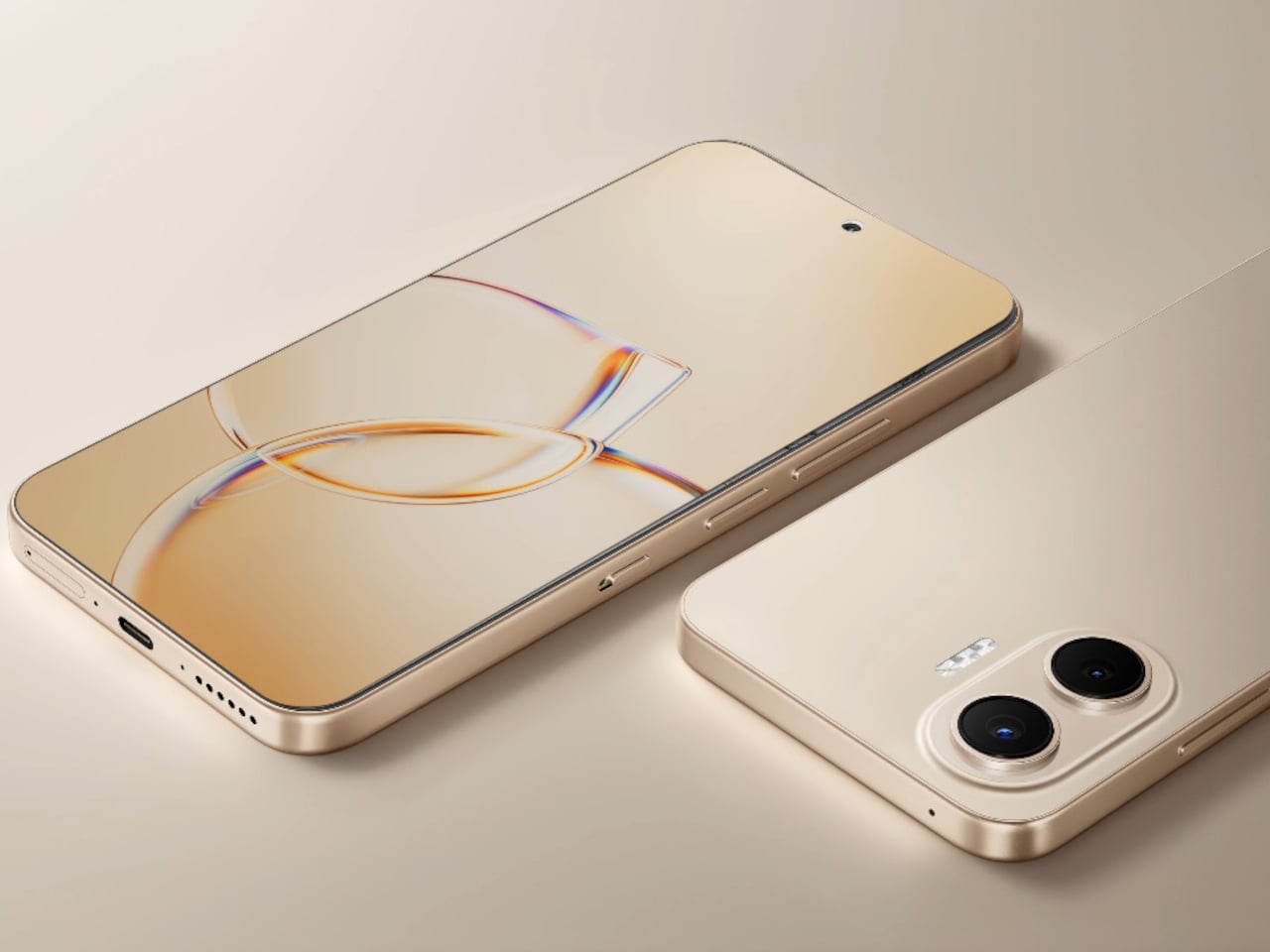
Honor Pad 20 Pro Has a Version That Feels Like Paper, Not Glass

Android tablets have spent years trying to establish themselves as serious productivity tools rather than large phones with expanded app drawers. The gap has closed considerably, especially as the software that matters most, document editors, video conferencing, creative apps, caught up with the hardware. The remaining friction, for many users, tends to be more physical: the glass surface of most tablet displays is smooth and reflective in ways that neither paper nor a dedicated monitor usually is.

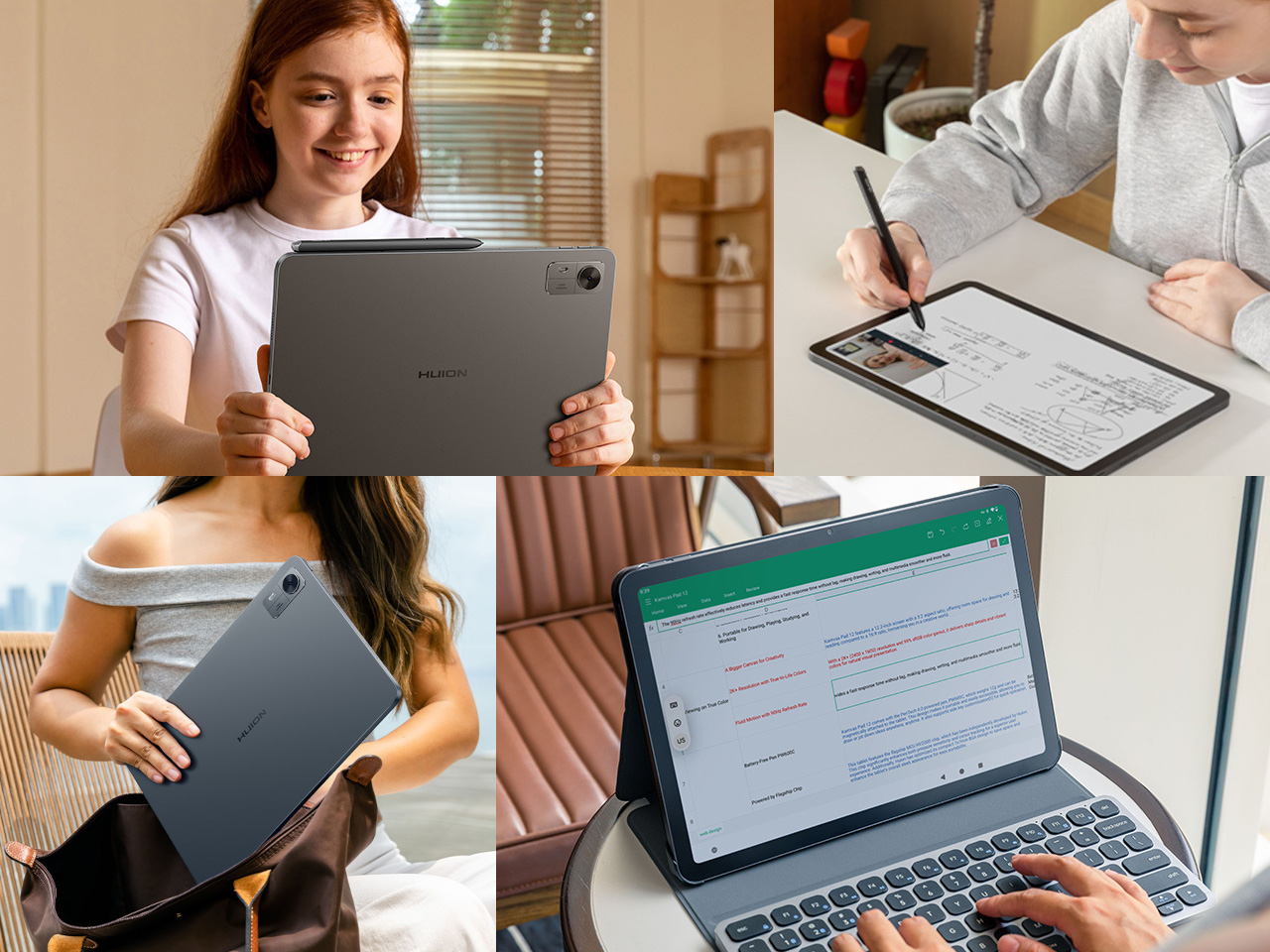
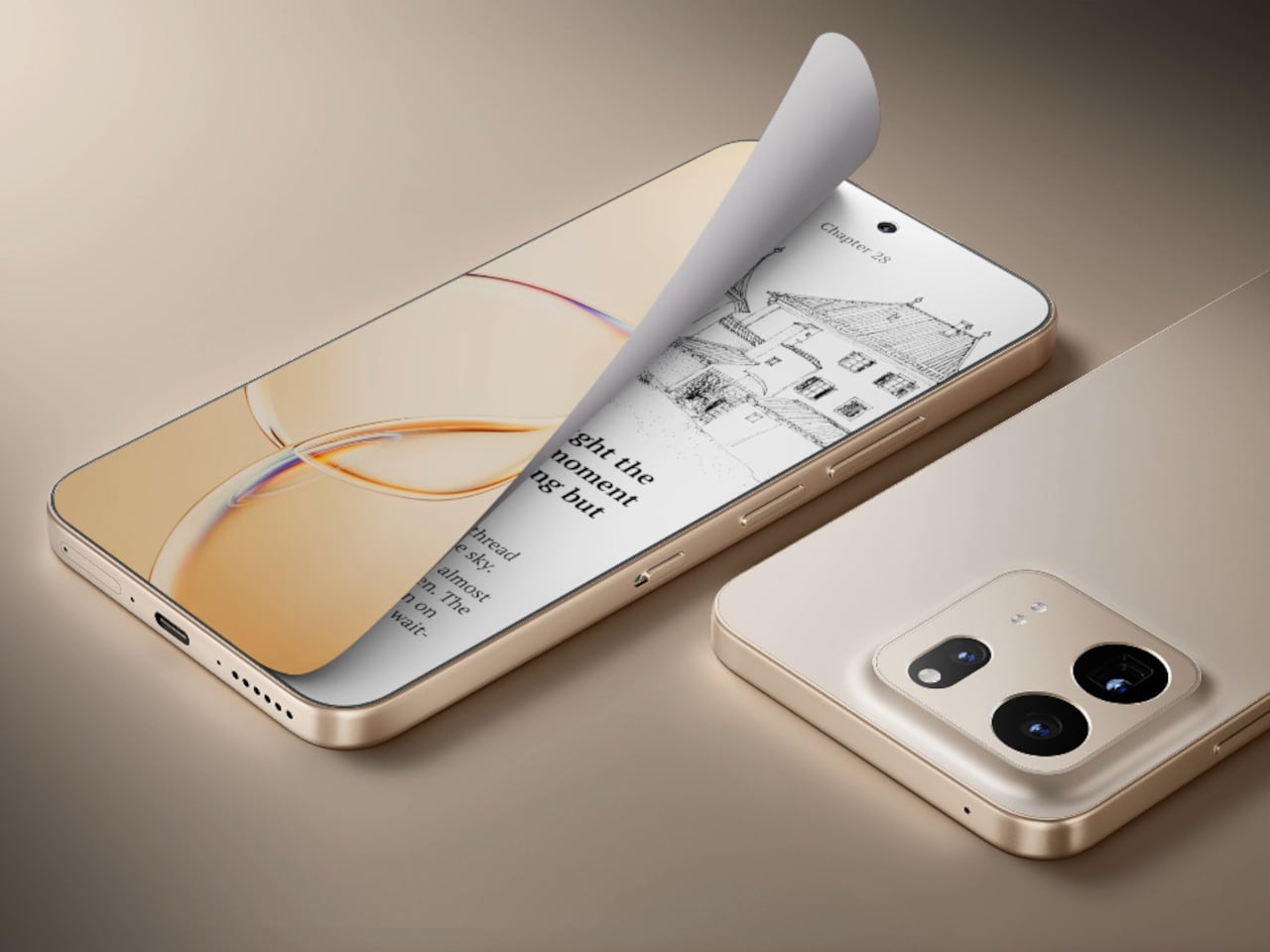
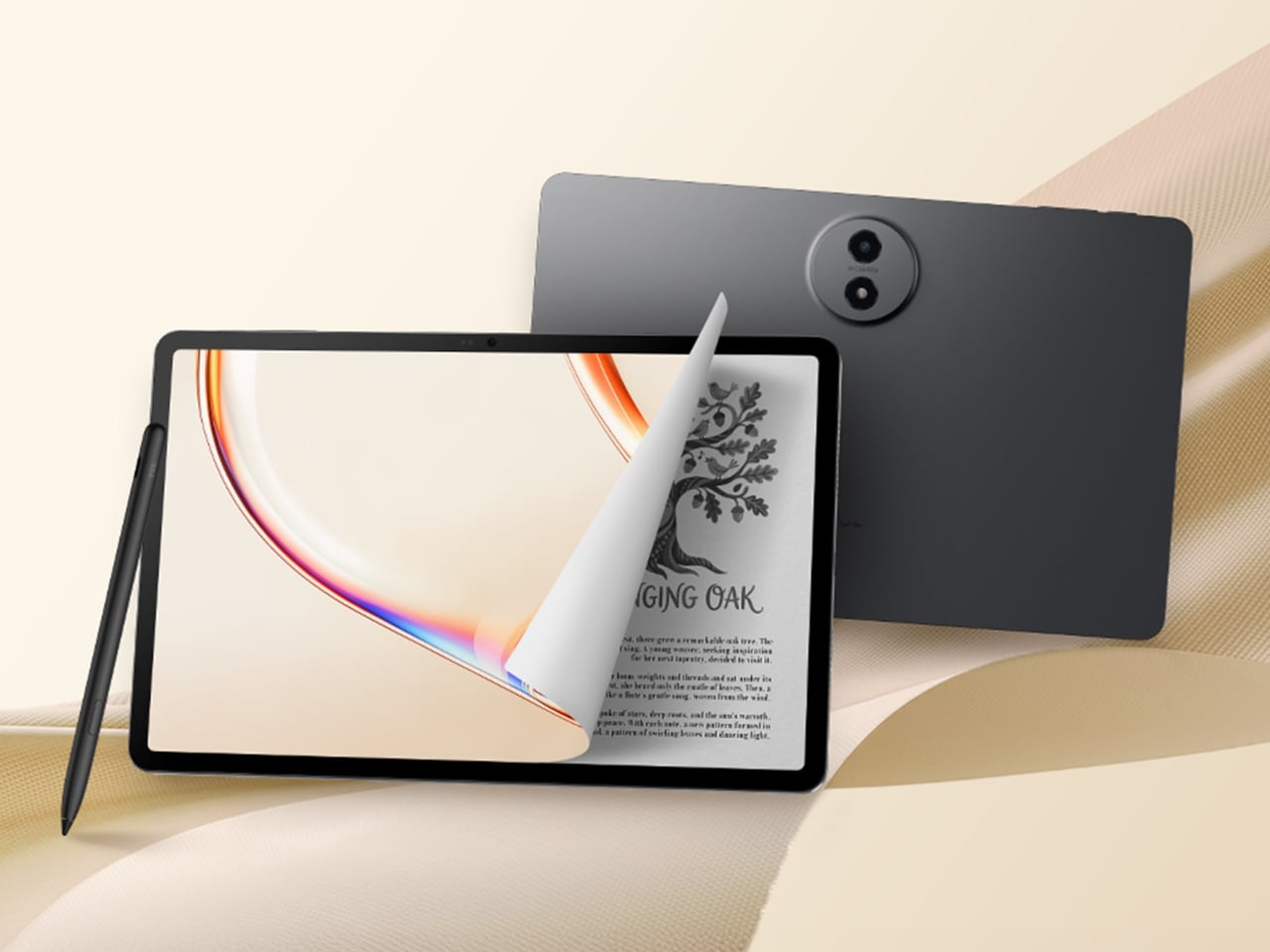
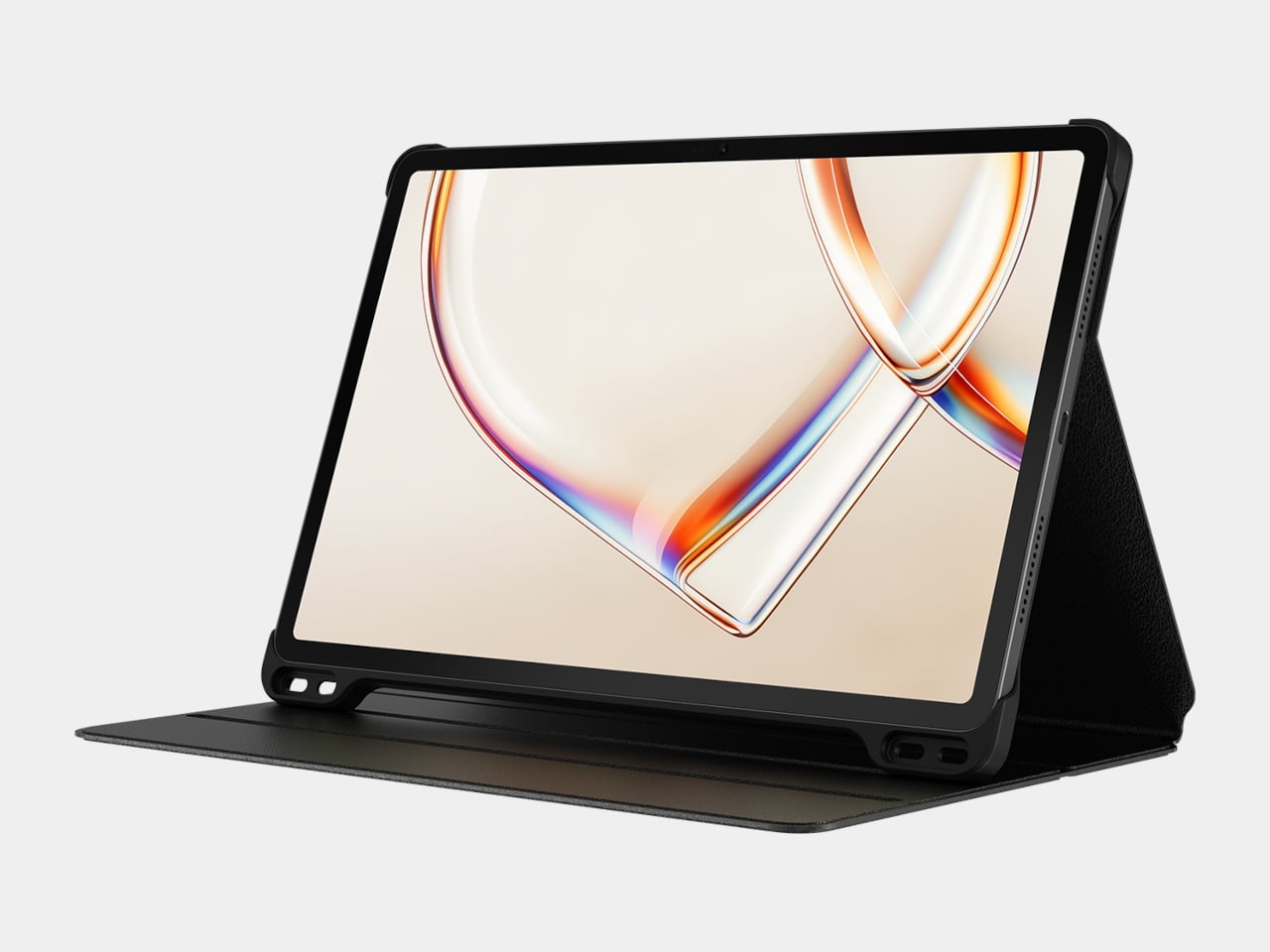
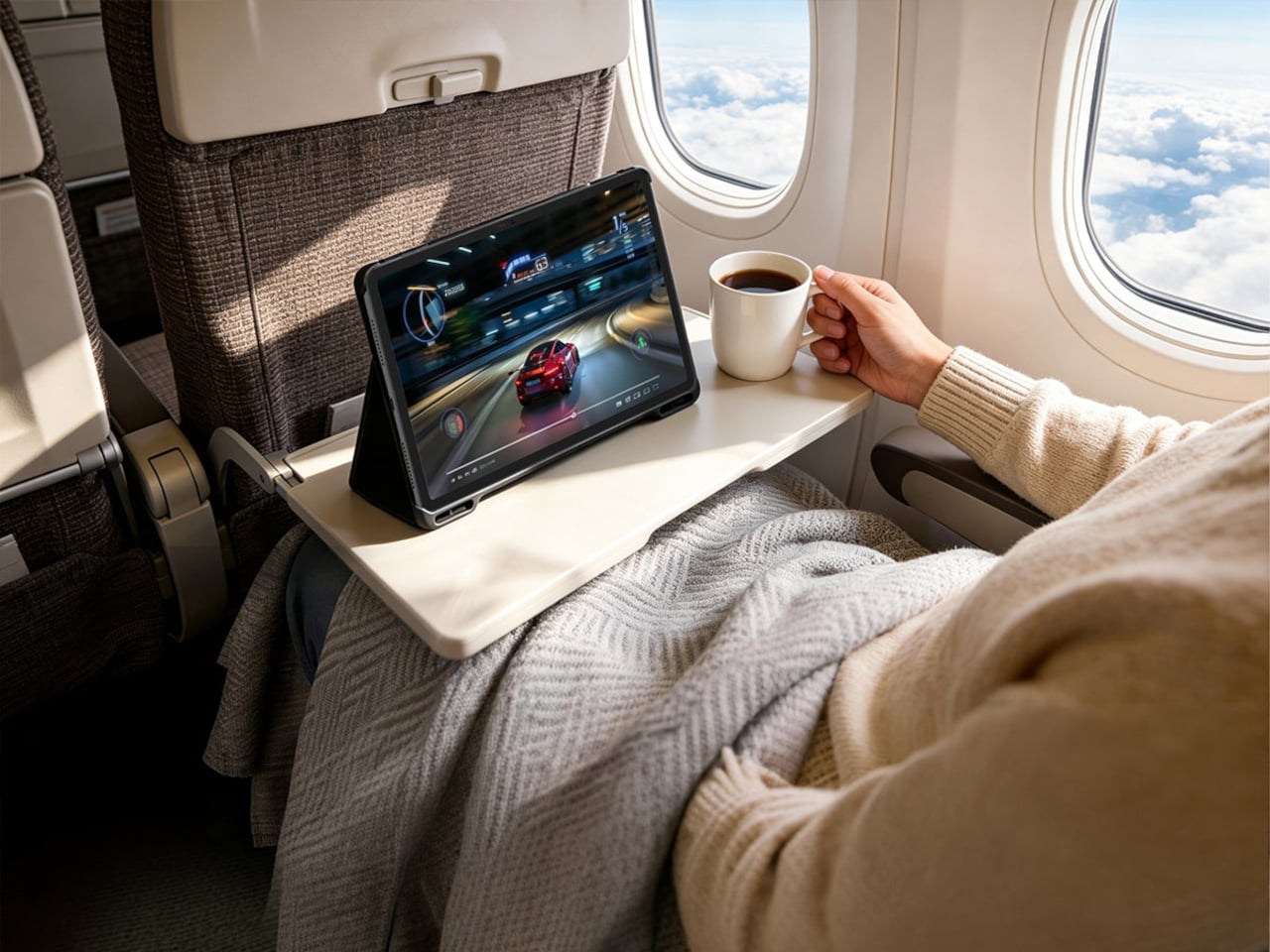
The Honor Pad 20 Pro arrives with that tension already baked into its lineup. The standard version is a straightforward performance upgrade over its predecessor, while the Paperlike Edition adds a micro-textured anti-glare coating to the same display that changes the surface experience entirely. Both tablets run identical hardware, so the choice between them is essentially a question of what you’re actually going to do with the device most of the time.

Designer: Honor

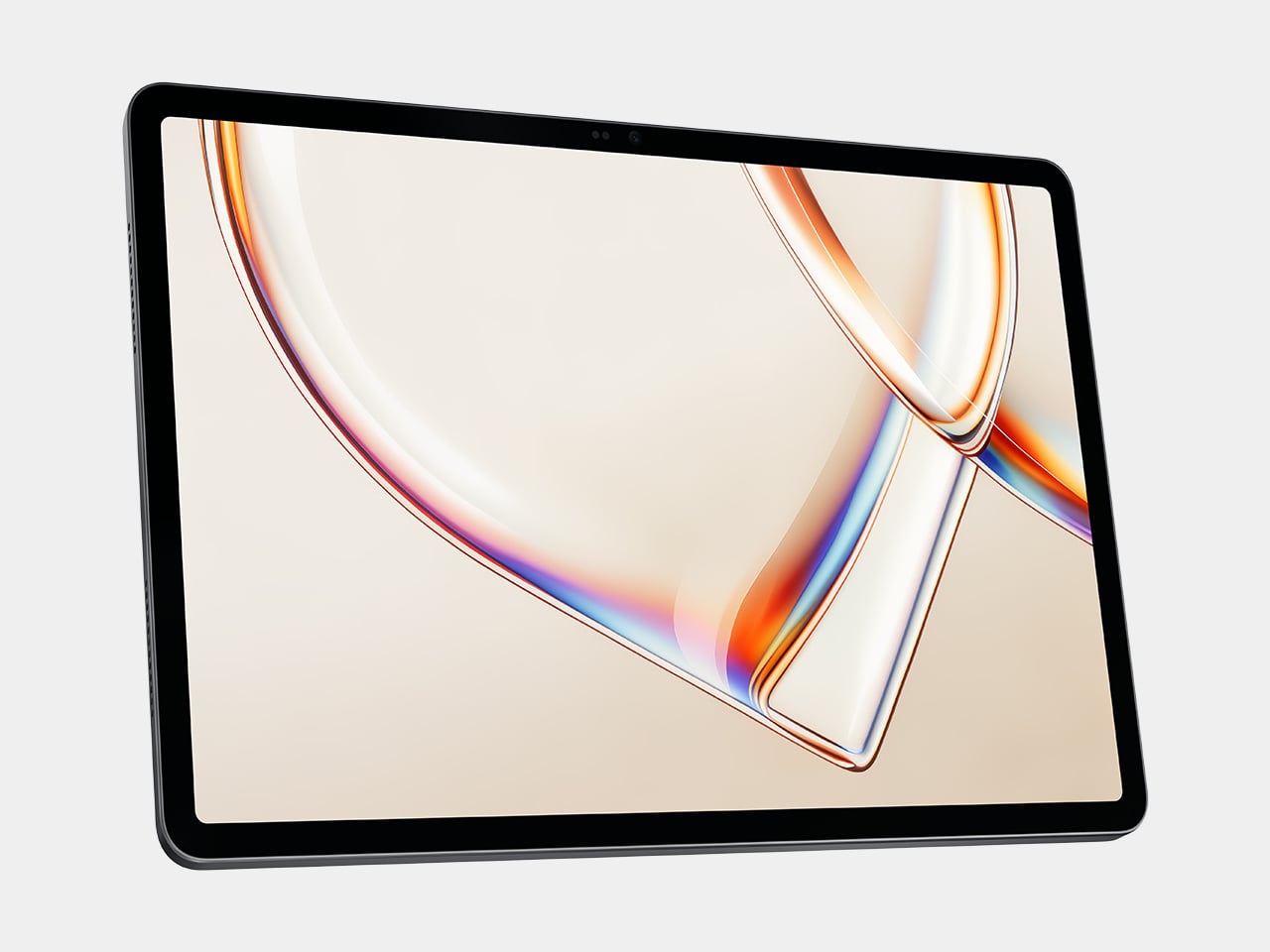
The screen that both variants share is a 12.1-inch IPS LCD panel running at 3,000×1,872 resolution with a 165 Hz refresh rate. IMAX Enhanced certification and DCI-P3 wide color coverage give it enough visual credibility for media consumption, while hardware-level eye-care features, including anti-flicker and low blue light reduction, make longer reading or working sessions more manageable. Peak brightness tops out at 700 nits, adequate for indoor use under most ordinary conditions.

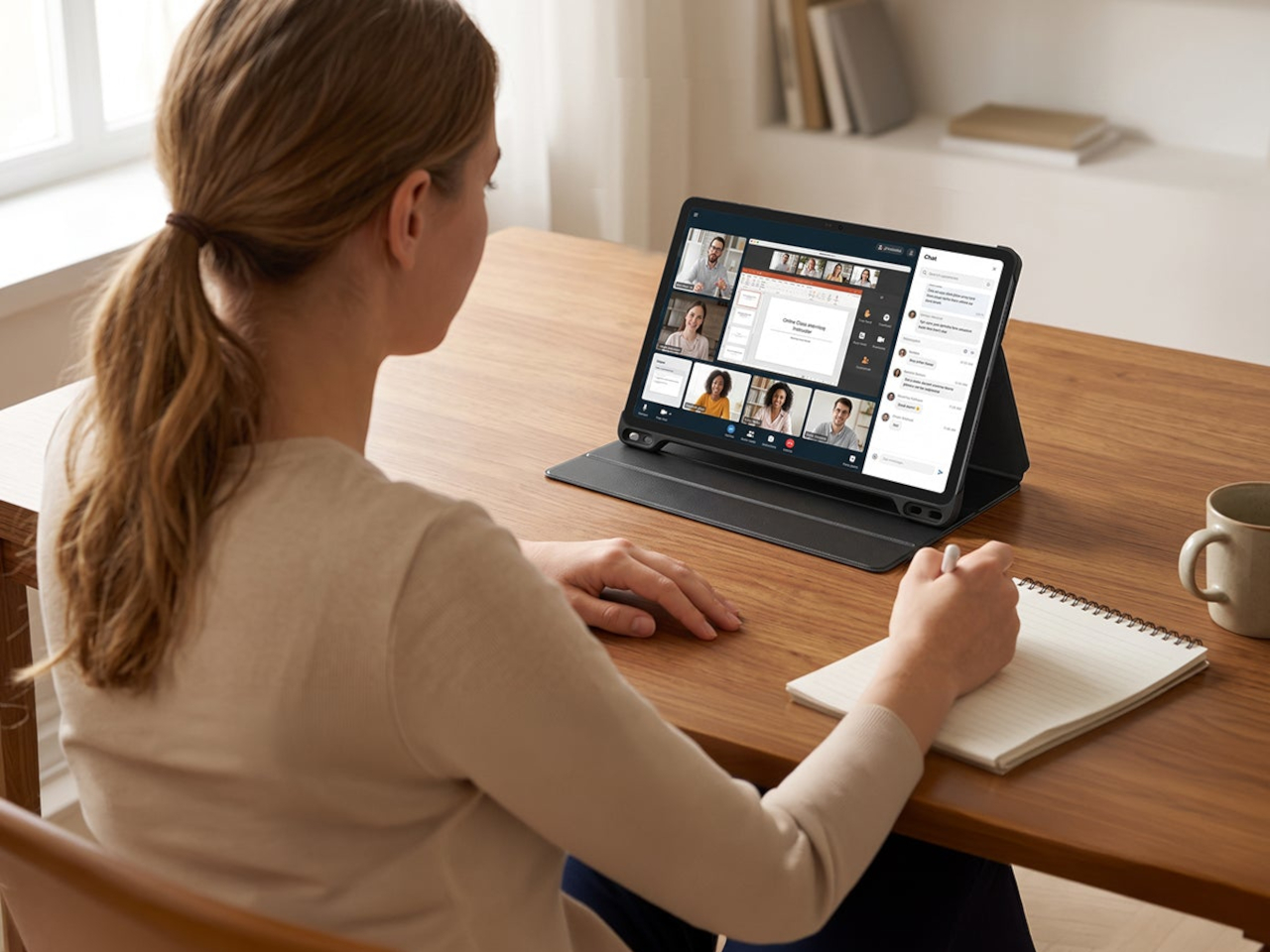
Power comes from the Snapdragon 8s Gen 4, paired with 8GB of RAM and 256GB of storage, which covers the multitasking loads most tablet users will throw at it: running several browser tabs alongside a document editor, switching between a video call and a note-taking app, or handling light creative work. The six-speaker audio system with DTS:X Ultra makes the same device worth watching a film on at the end of the day.

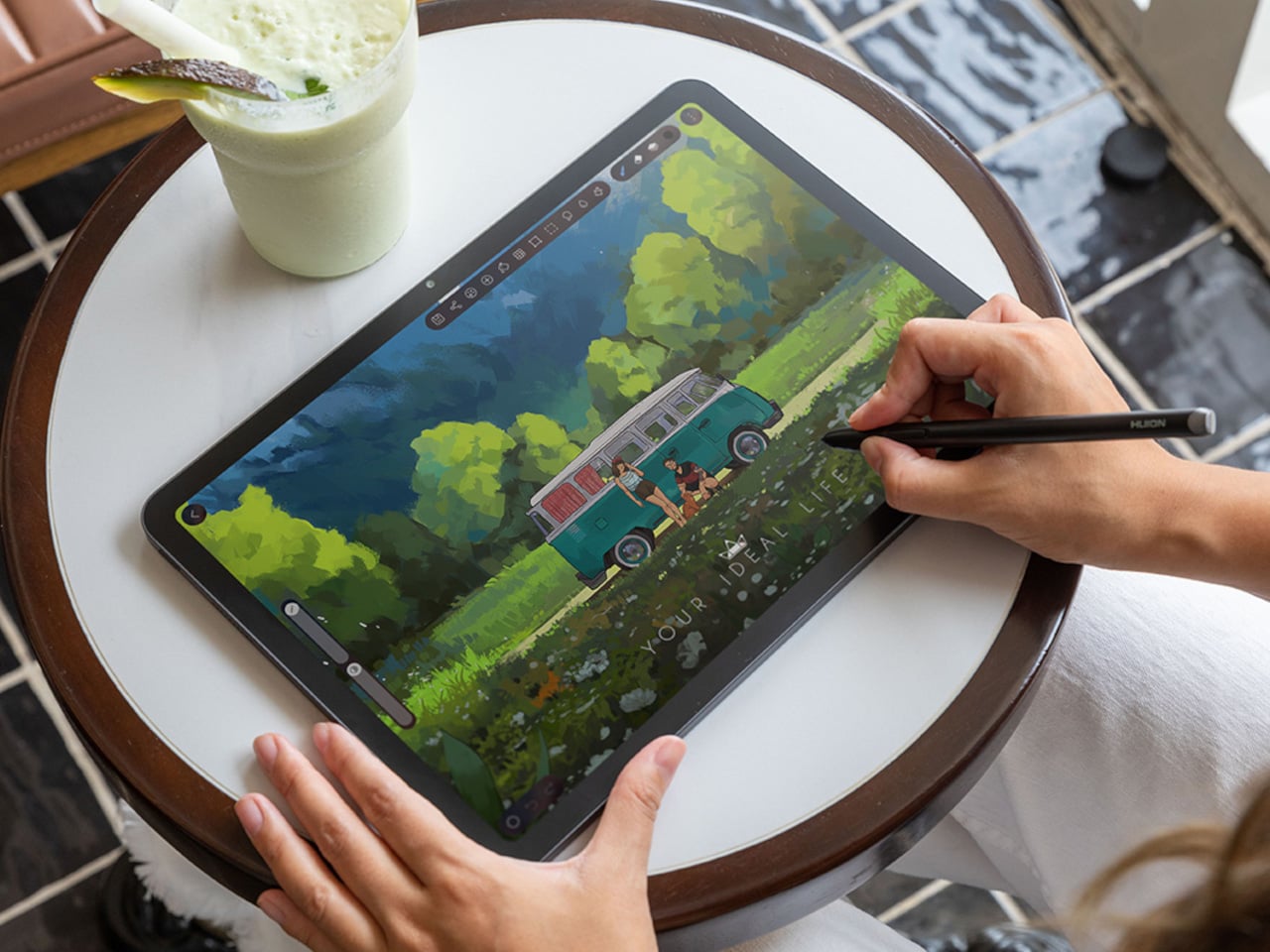
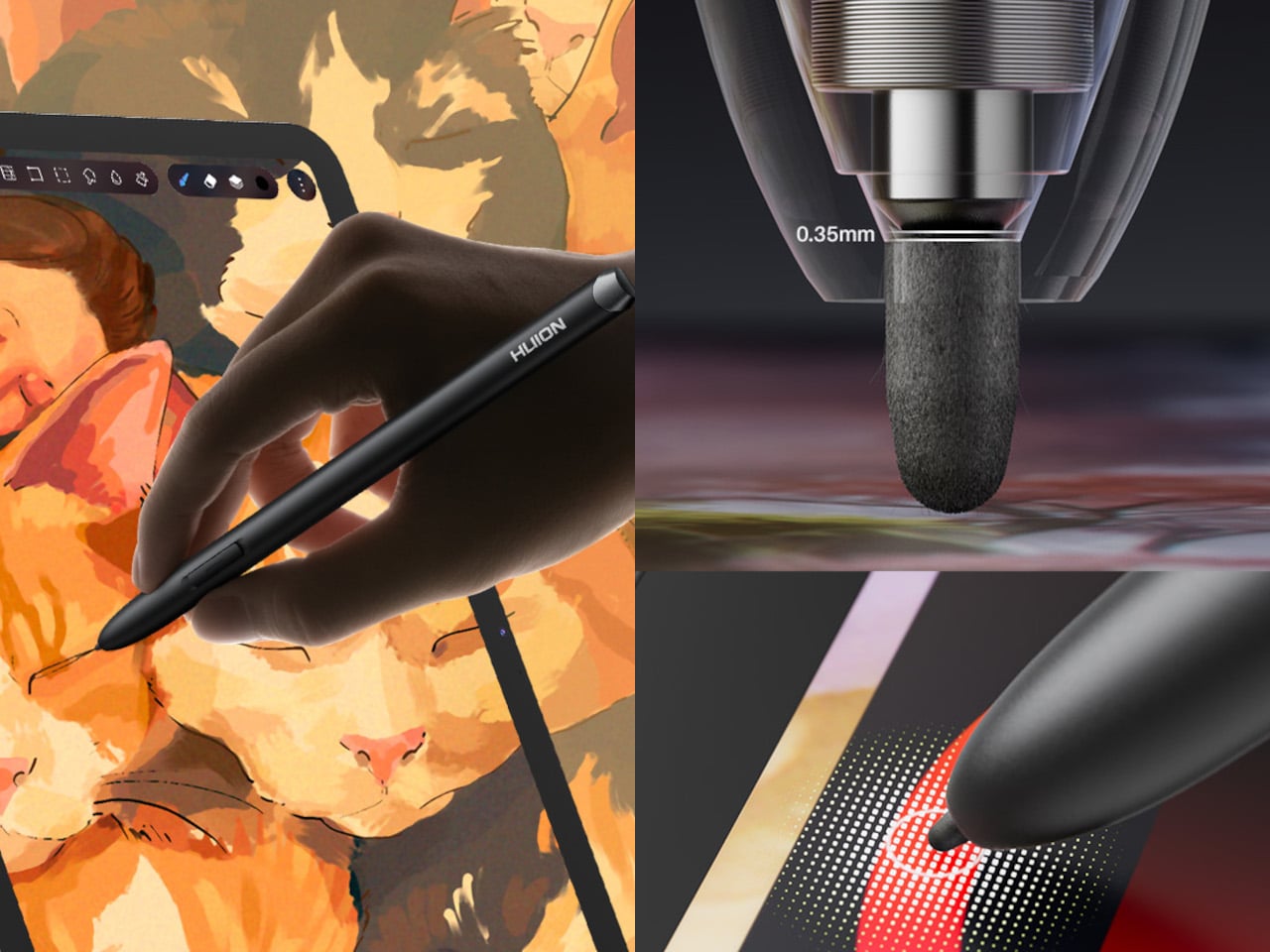
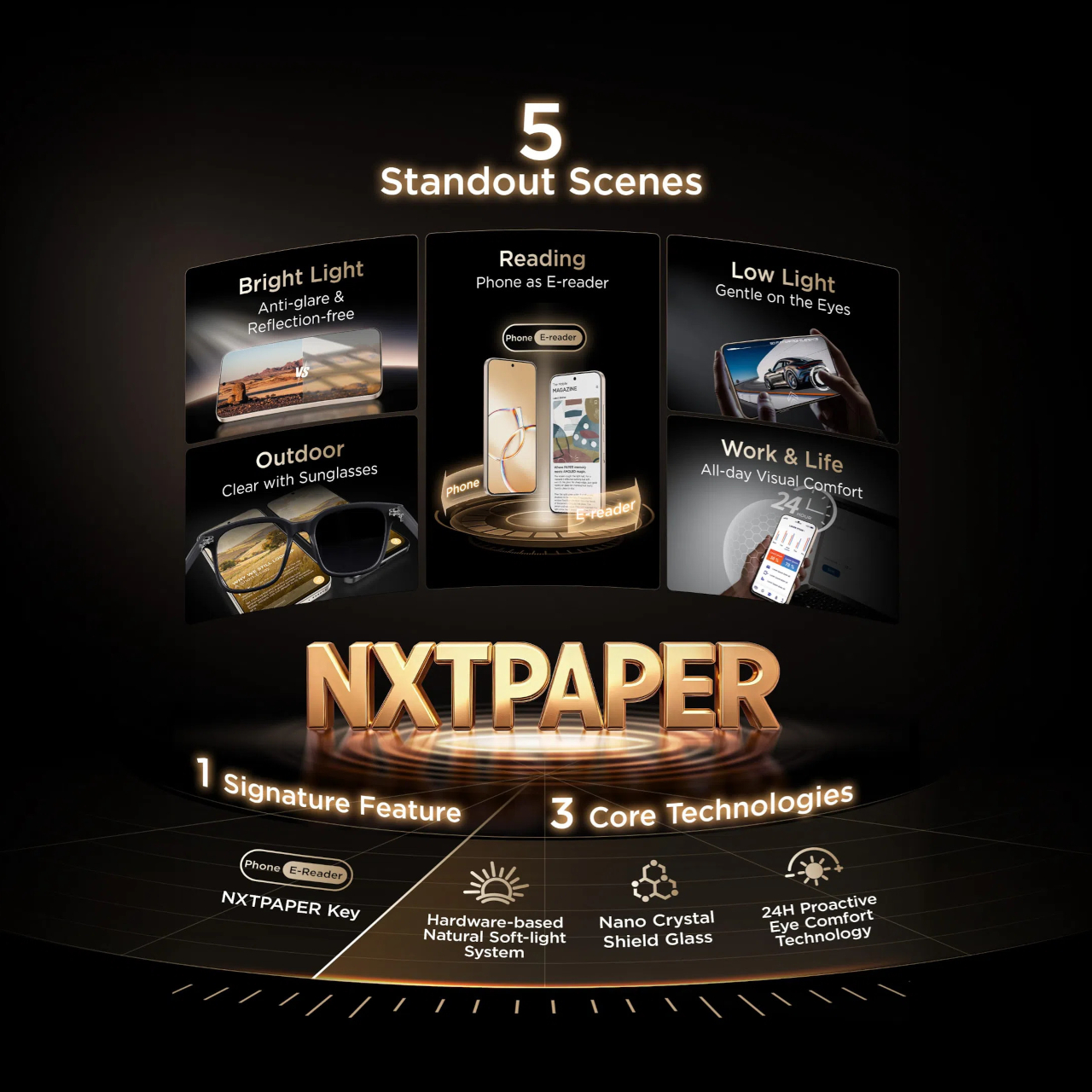
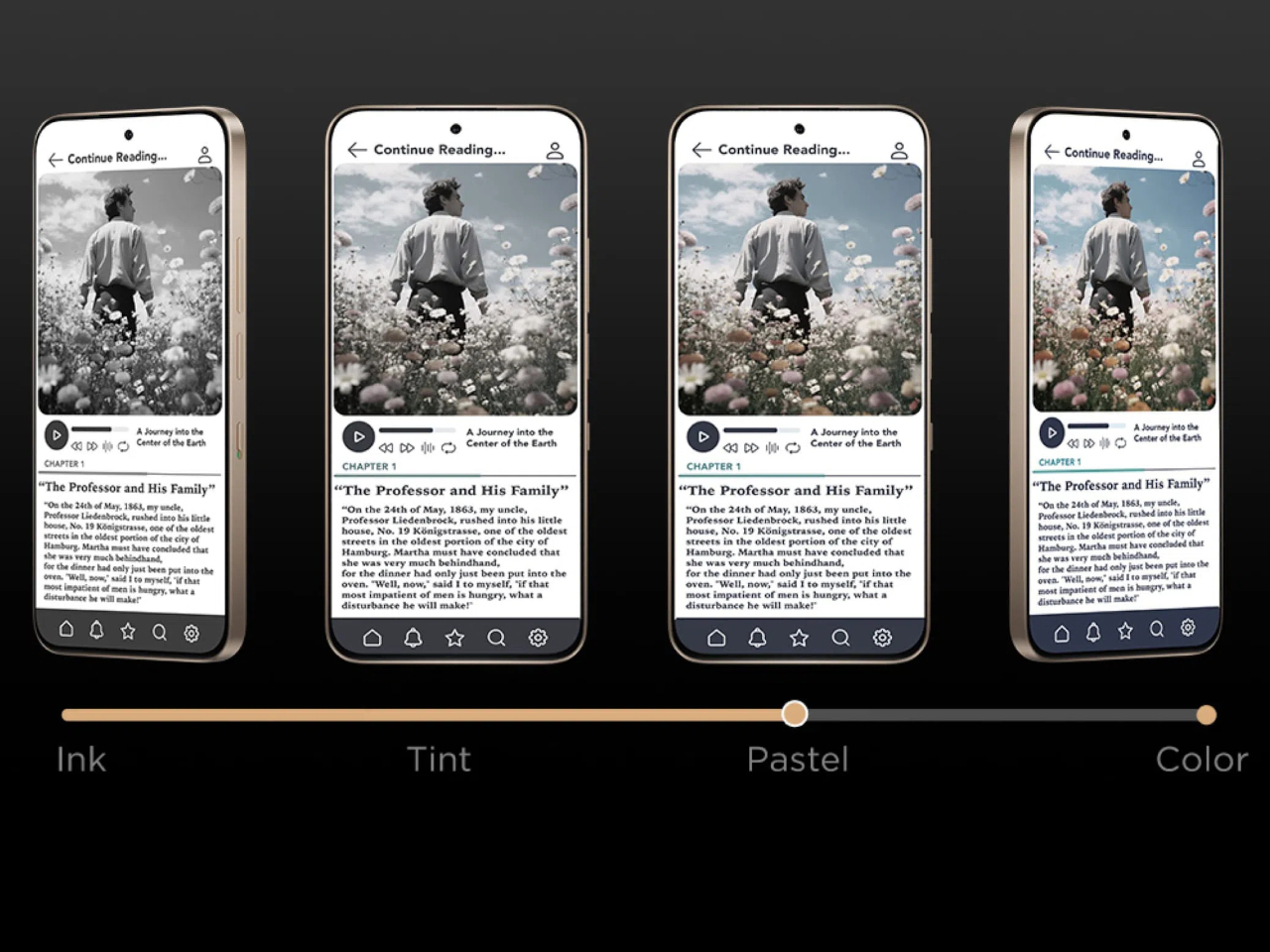
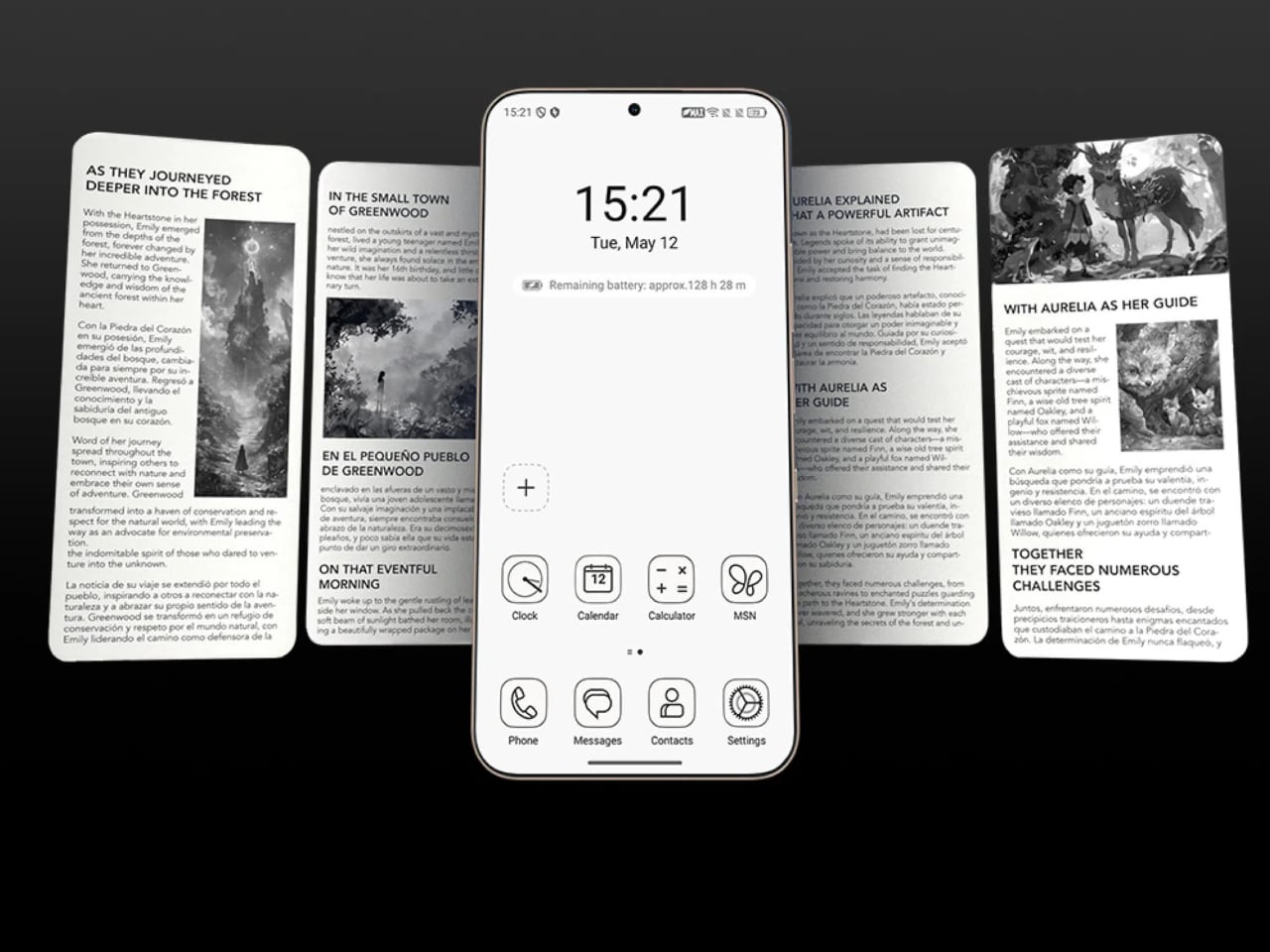
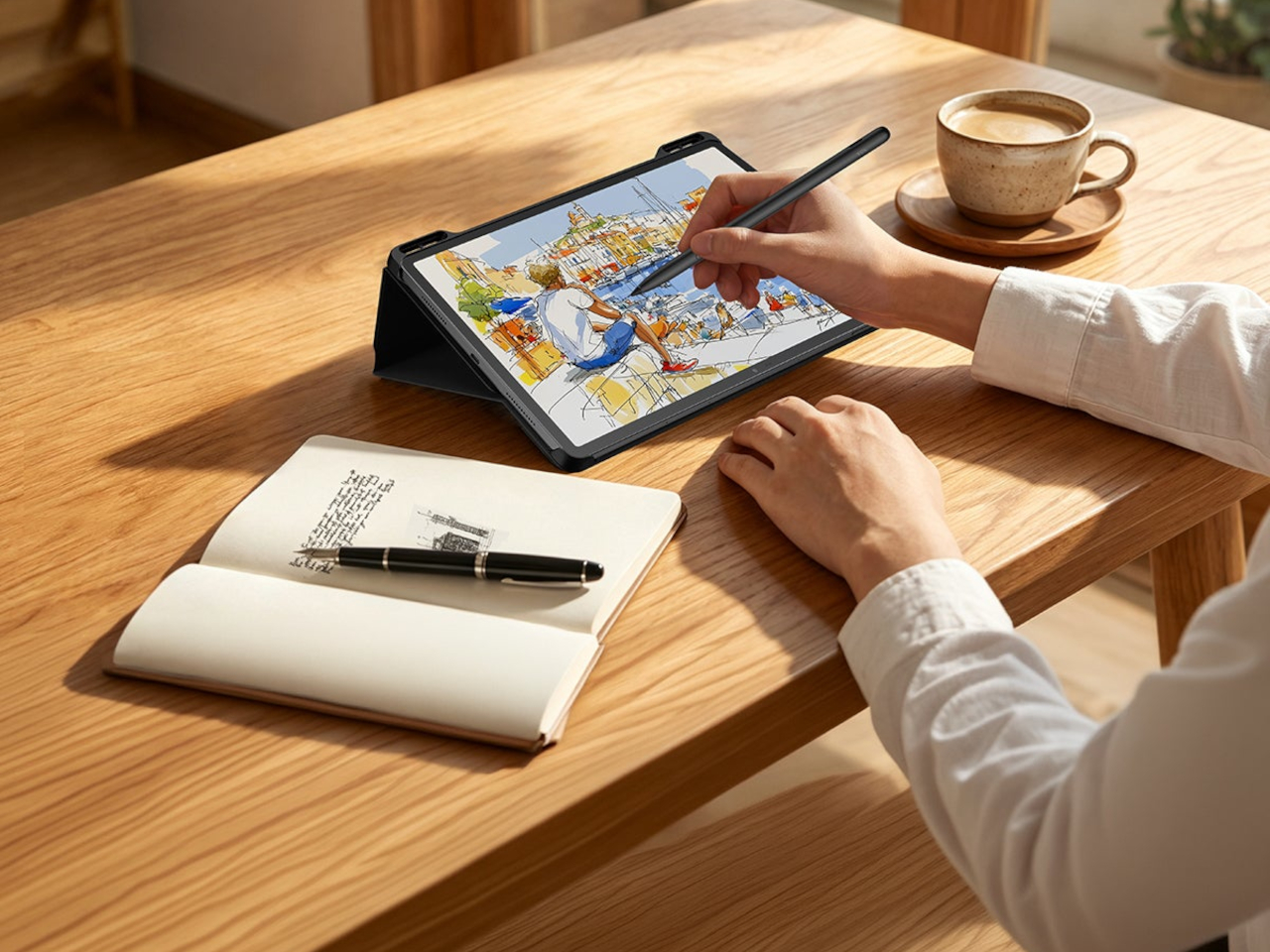
The Paperlike Edition’s micro-textured coating isn’t just an aesthetic choice. Anyone who has tried to sketch or annotate seriously on a glossy glass display has felt the issue: the stylus slides too freely, and the surface reflects ambient light at exactly the wrong moment. The textured finish introduces enough friction to make strokes feel more deliberate and controlled, and reduces reflections in a way that makes extended reading or annotating sessions considerably more comfortable without sacrificing color accuracy.

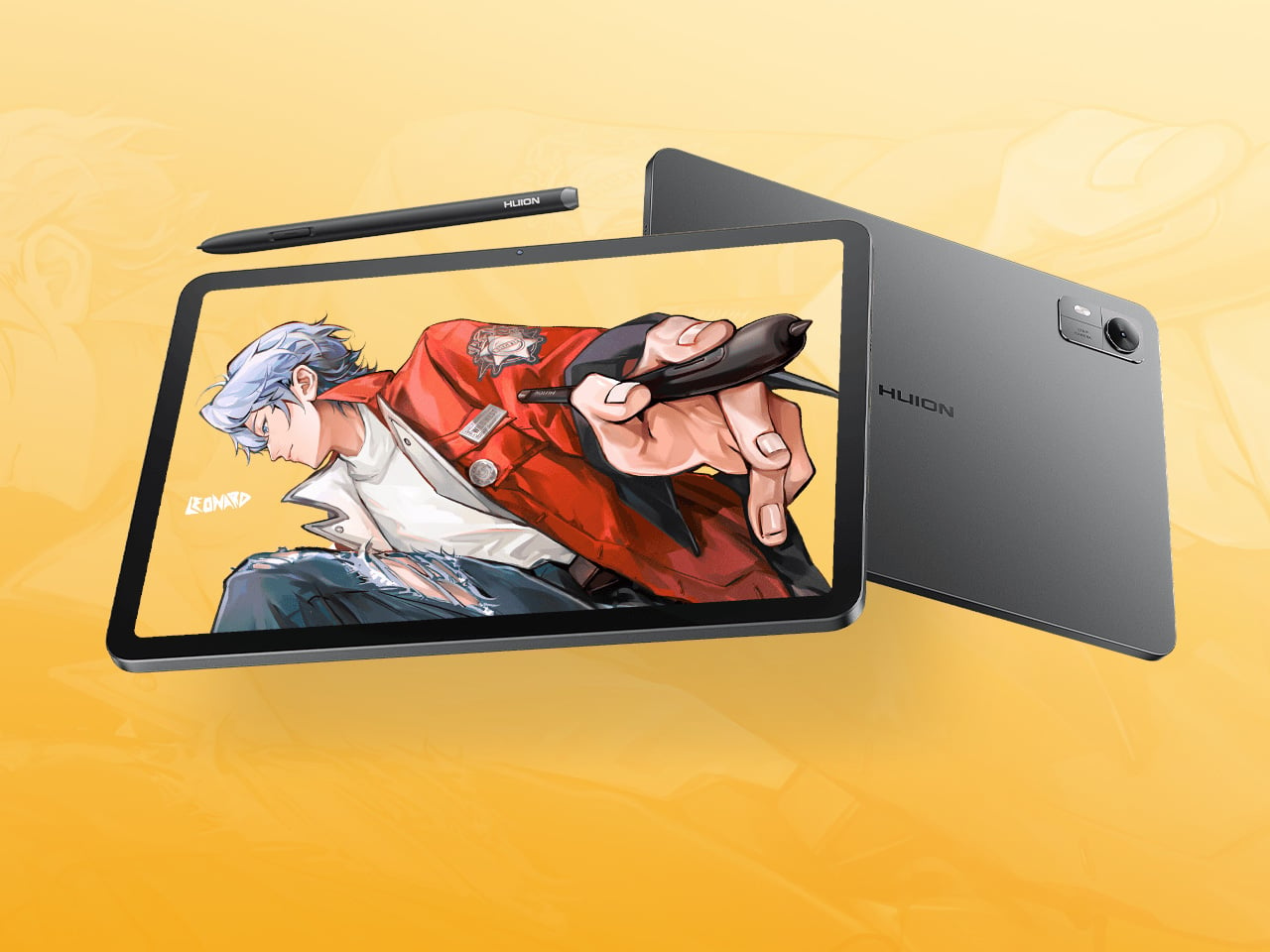
Both variants support the Honor Magic-Pencil 4s stylus and run MagicOS 10.0 on Android 16. The software includes a PC Mode that offers desktop-style window management, letting the device behave more like a laptop when connected to a keyboard. For users who split their time between a tablet and a proper workstation, the cross-device features let the Honor Pad 20 Pro connect to a PC ecosystem without leaving the Android environment.

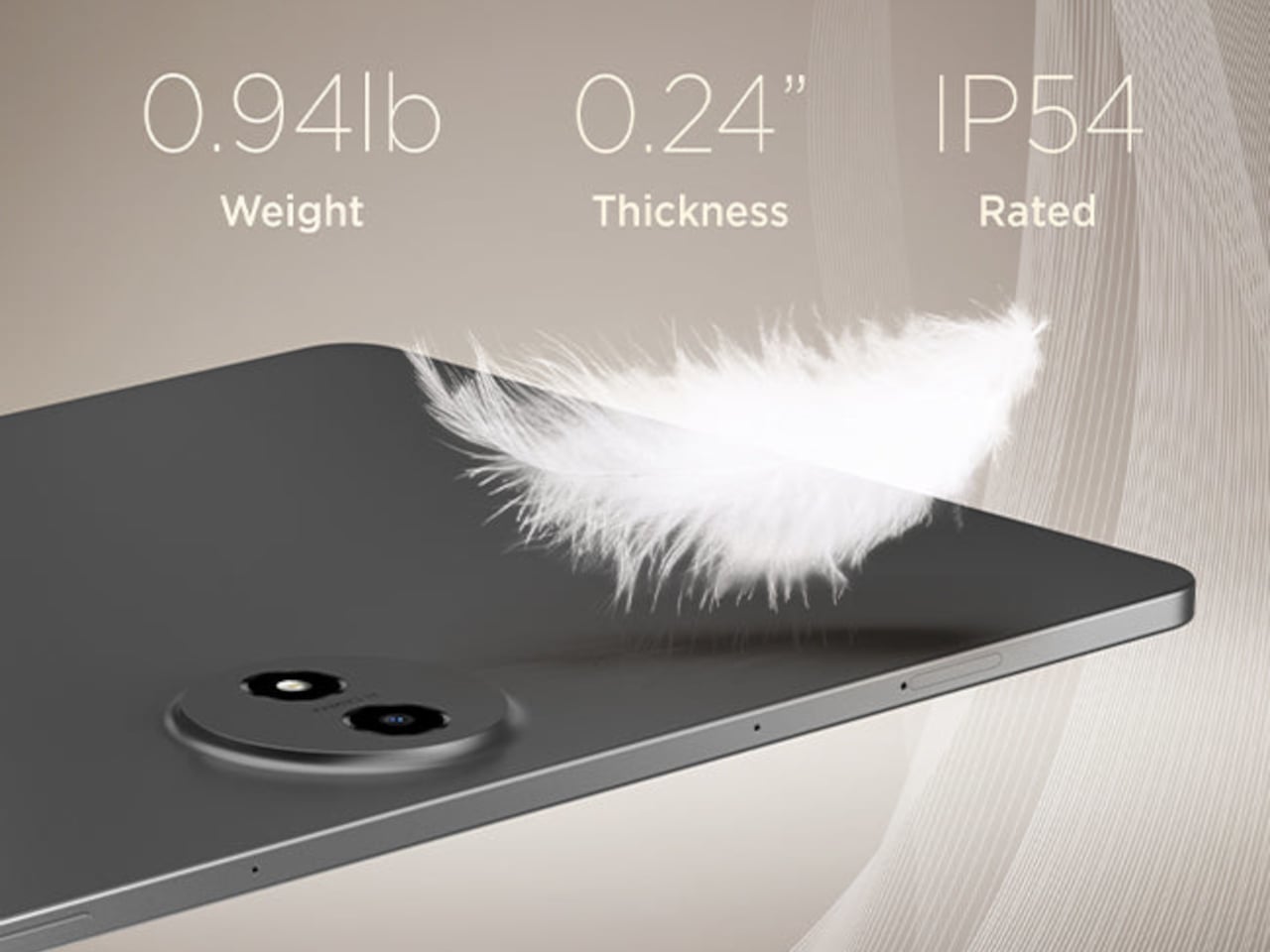
The 10,100mAh battery with 66W fast charging is the kind of spec that stops most conversation about battery anxiety in tablet form. A full day of heavy use doesn’t reach the kind of drain that makes you start watching the percentage. The metal chassis, at 6.29mm thin and 537g, puts it in a weight class that works for holding in hand, not just setting on a desk.

The post Honor Pad 20 Pro Has a Version That Feels Like Paper, Not Glass first appeared on Yanko Design.

Most Phones Last 3 Years, This $650 Fairphone 6+ Is Built for 8

The smartphone upgrade cycle has been one of the more quietly destructive consumer habits of the past two decades. Most people replace their phone every two or three years, and most of the time the reason has less to do with the device failing than with the manufacturer stopping support for it, making it feel obsolete ahead of its actual lifespan. The waste this generates at the component and material level is substantial, and the industry has largely responded with recycling pledges rather than any structural rethinking.

Fairphone has spent the better part of sixteen years making a structural argument instead. The Fairphone (Gen. 6+) is the latest iteration of that argument, and it arrives with a notable addition to its story: it’s the first Fairphone sold directly in the United States. For a phone built around the idea that longevity and repairability should be standard expectations rather than premium options, reaching the world’s largest smartphone market is a meaningful step.

Designer: Fairphone

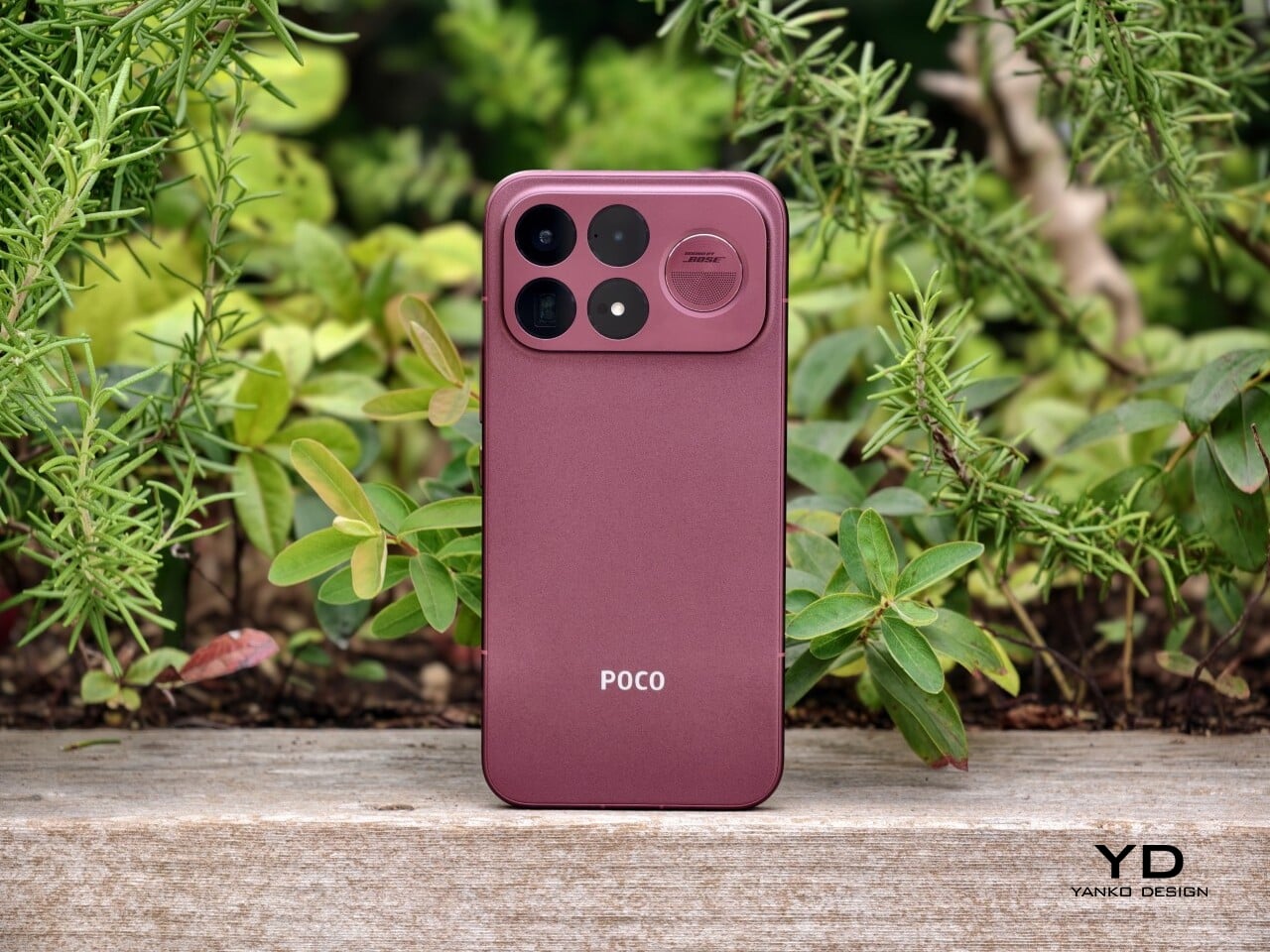
The Gen. 6+ carries twelve user-replaceable parts, from the battery and display to the USB-C port and back cover, most swappable with a single screwdriver in under five minutes. The phone has earned iFixit’s 10/10 repairability score, making it the fifth consecutive Fairphone to do so. Spare parts are guaranteed to be available until 2033, and the five-year warranty covers the device for as long as most people own a phone at all.

That repairability doesn’t come at the cost of ignoring performance. The Gen. 6+ runs on the Snapdragon 7s Gen 4 paired with 12GB of RAM, which is a meaningful step up from the Gen. 6’s Snapdragon 7s Gen 3 and 8GB. The 6.31-inch LTPO AMOLED display runs at an adaptive 10–120 Hz with up to 1,400 nits of peak brightness, and the 4,415mAh removable battery delivers up to two days between charges, with fast charging reaching 50% in 30 minutes.

The camera system centers on a 50MP Sony LYTIA sensor with optical image stabilization, supported by a 13MP ultrawide and a 32 MP front-facing camera. It’s a capable setup for the mid-range segment it occupies, handling 4K video at 30 fps and slow-motion recording up to 1080p at 120 fps. What’s worth noting is that the camera module, like everything else in the phone, is replaceable. A damaged lens or degraded sensor doesn’t mean the device is finished.

The phone’s physical design includes a dedicated switch, called Fairphone Moments, that toggles between full functionality and a stripped-back mode that limits access to only what you’ve decided matters. It’s a small thing, but it addresses a real pattern: most of us don’t need every app and notification available every hour of the day, and having a physical switch to enforce that boundary is more reliable than navigating a settings menu under pressure.

The materials list is as deliberate as everything else. The phone uses 51% fair or recycled materials by weight, including Fairmined gold and tungsten, recycled aluminum, copper, steel, and plastics, along with Fair Cobalt Credits applied to cobalt sourcing. It ships in plastic-free packaging. The Gen. 6+ is available in Cobalt Blue, Forest Green, and Horizon Black, priced at €649 in Europe and $649.99 in the US.

For a device this thoughtfully constrained, the case for it doesn’t rest on outpacing the competition on any single spec. It rests on the idea that a phone lasting seven or eight years has more value, environmental and financial, than one that lasts three, and that keeping it alive should never require shipping it off to a service center.

The post Most Phones Last 3 Years, This $650 Fairphone 6+ Is Built for 8 first appeared on Yanko Design.
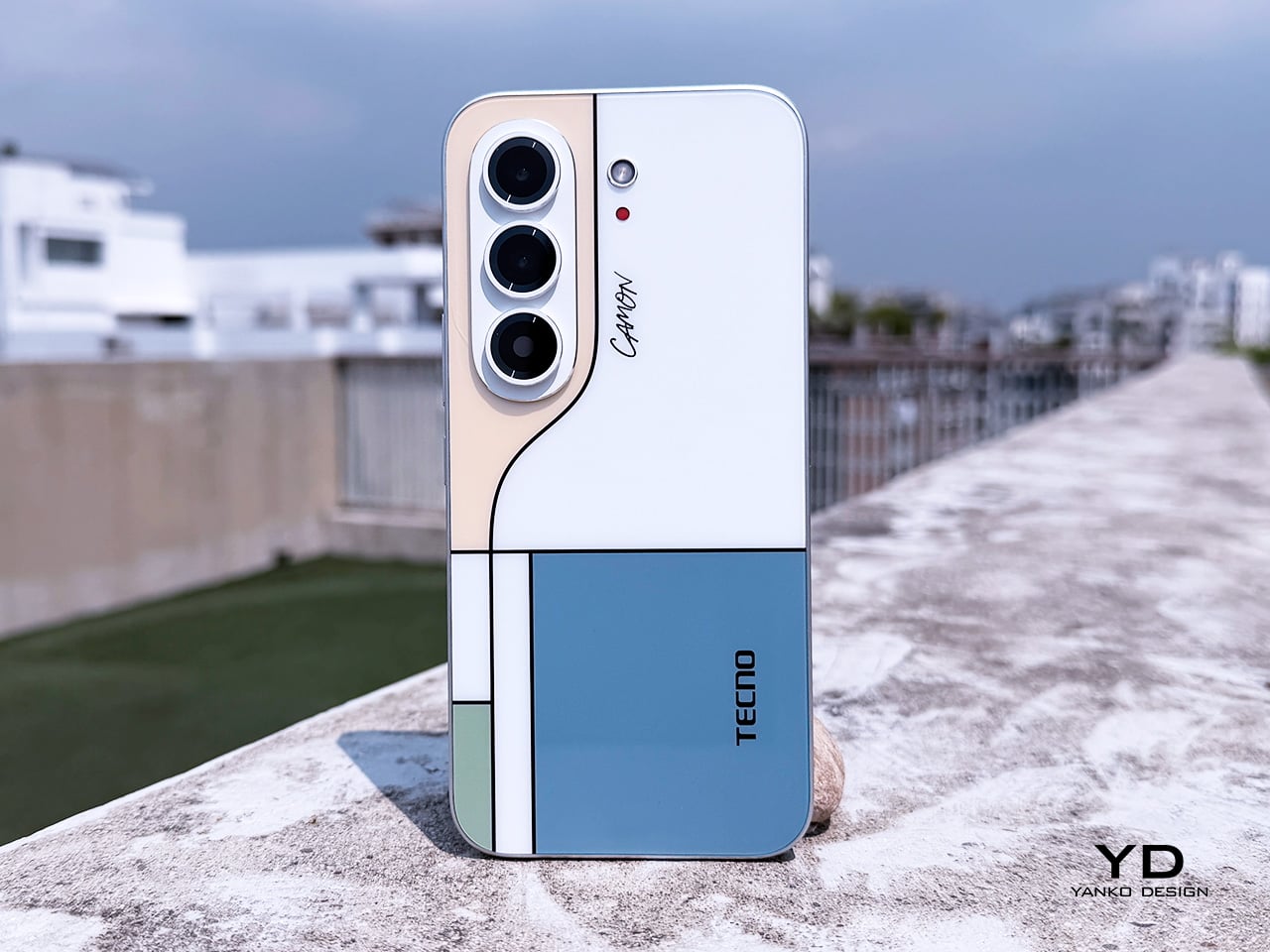
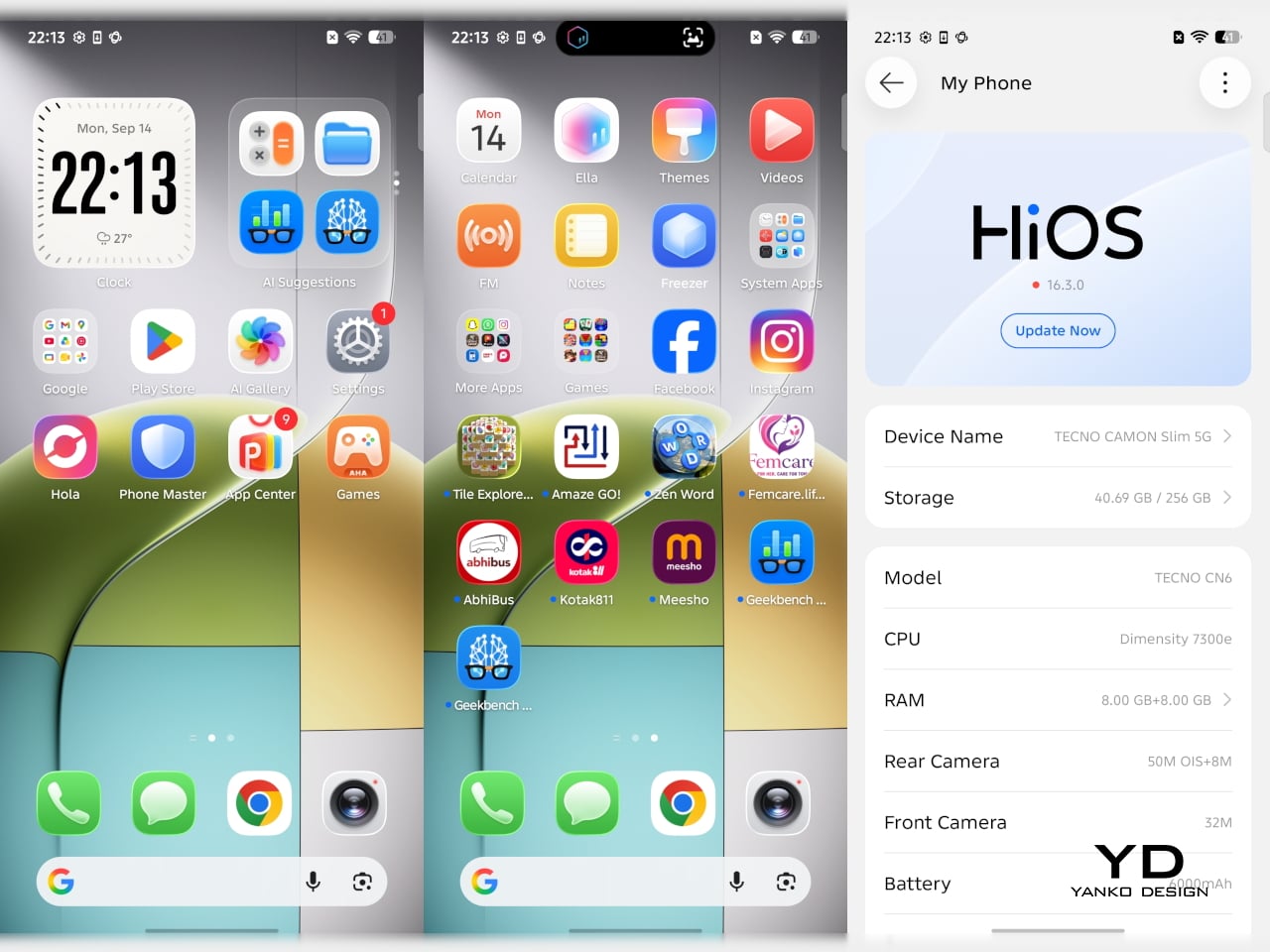
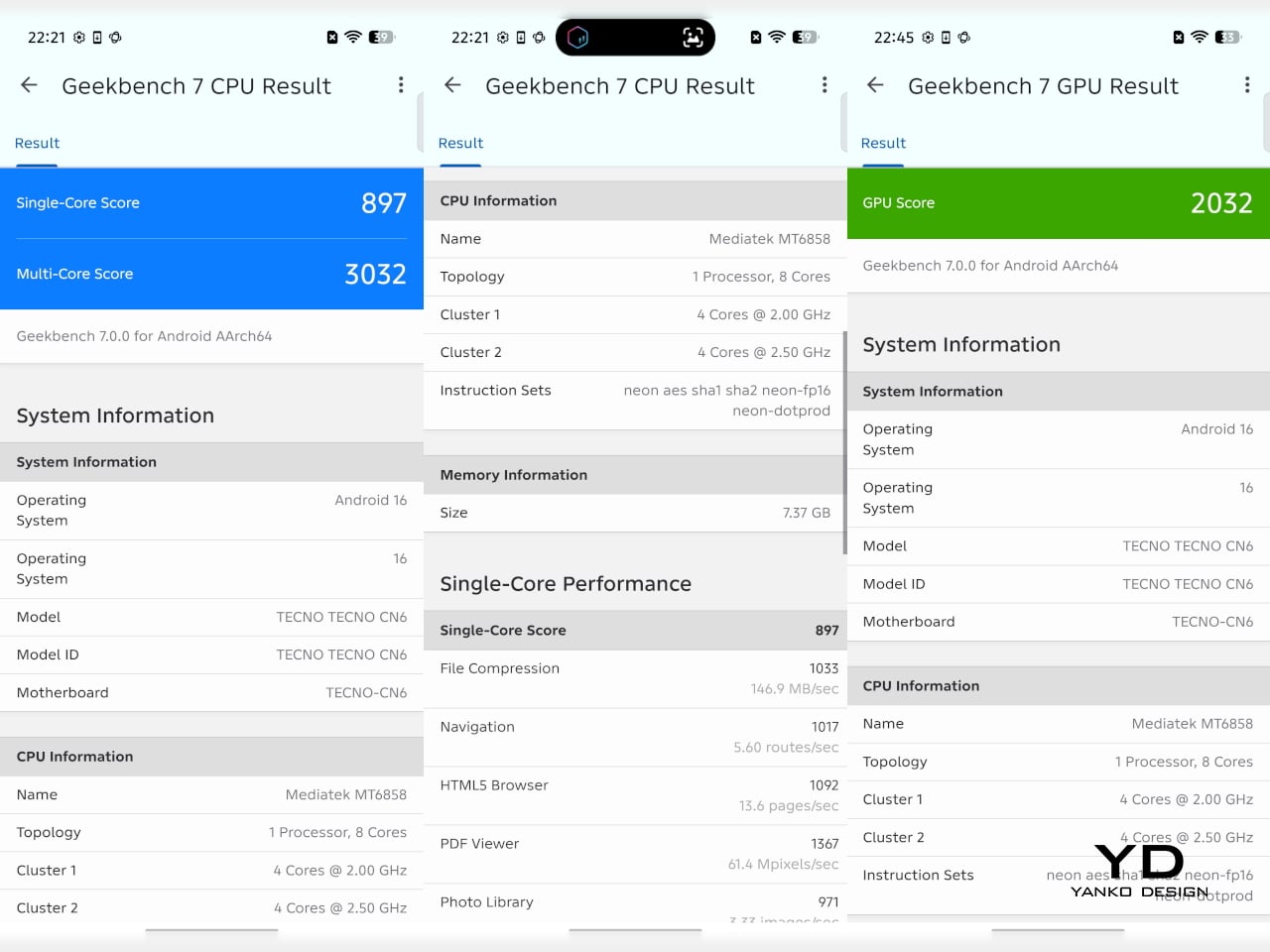
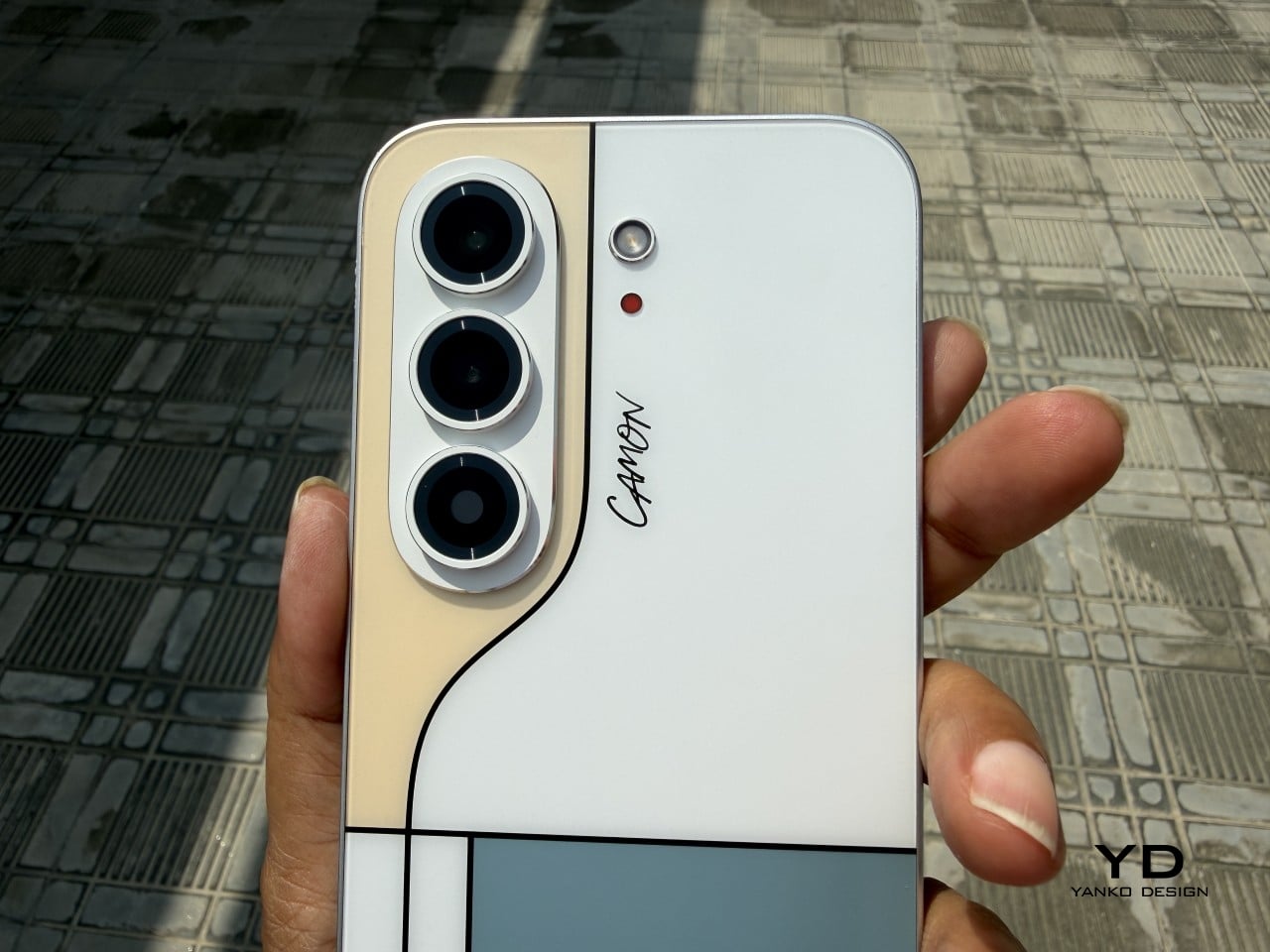
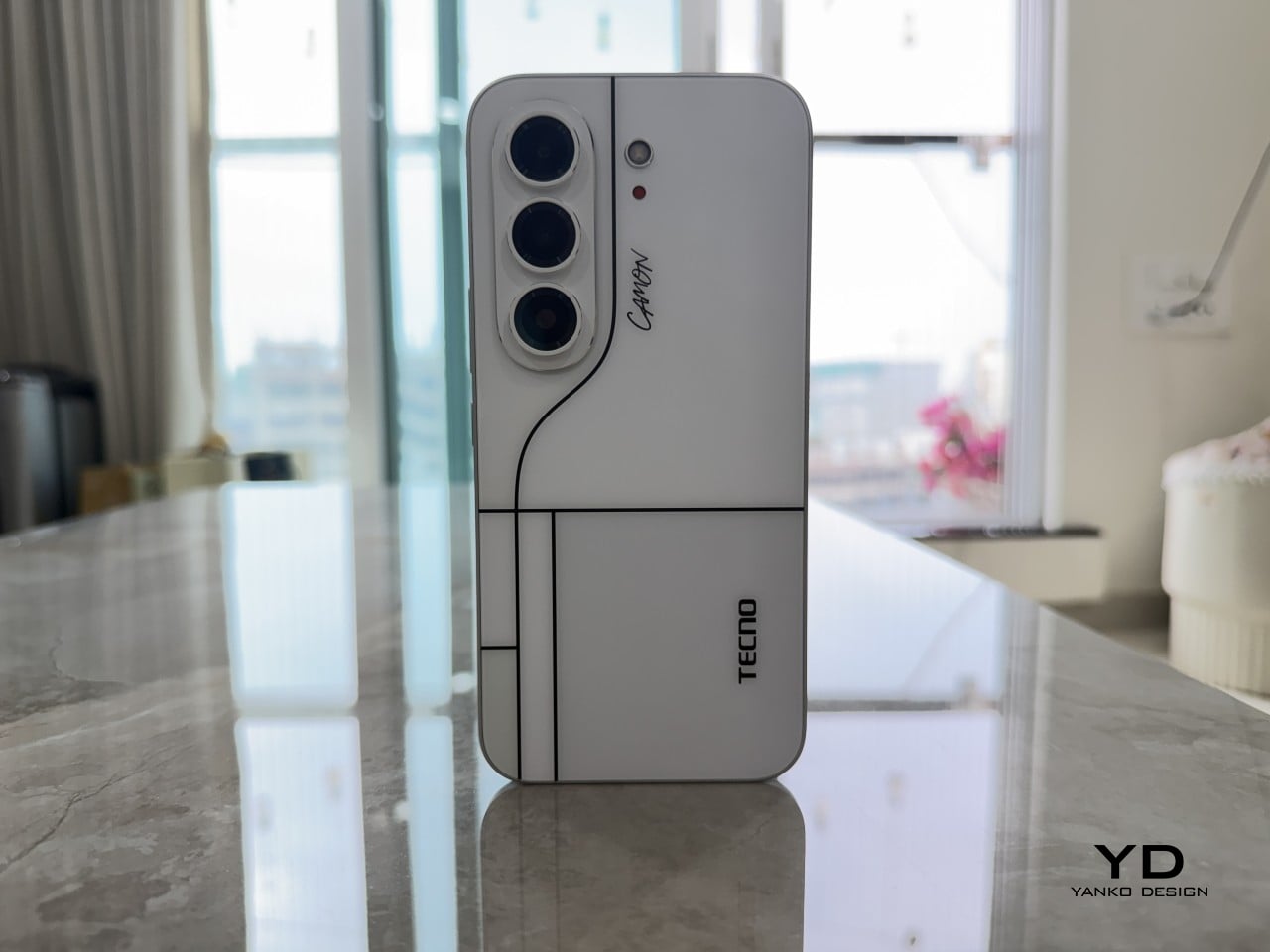
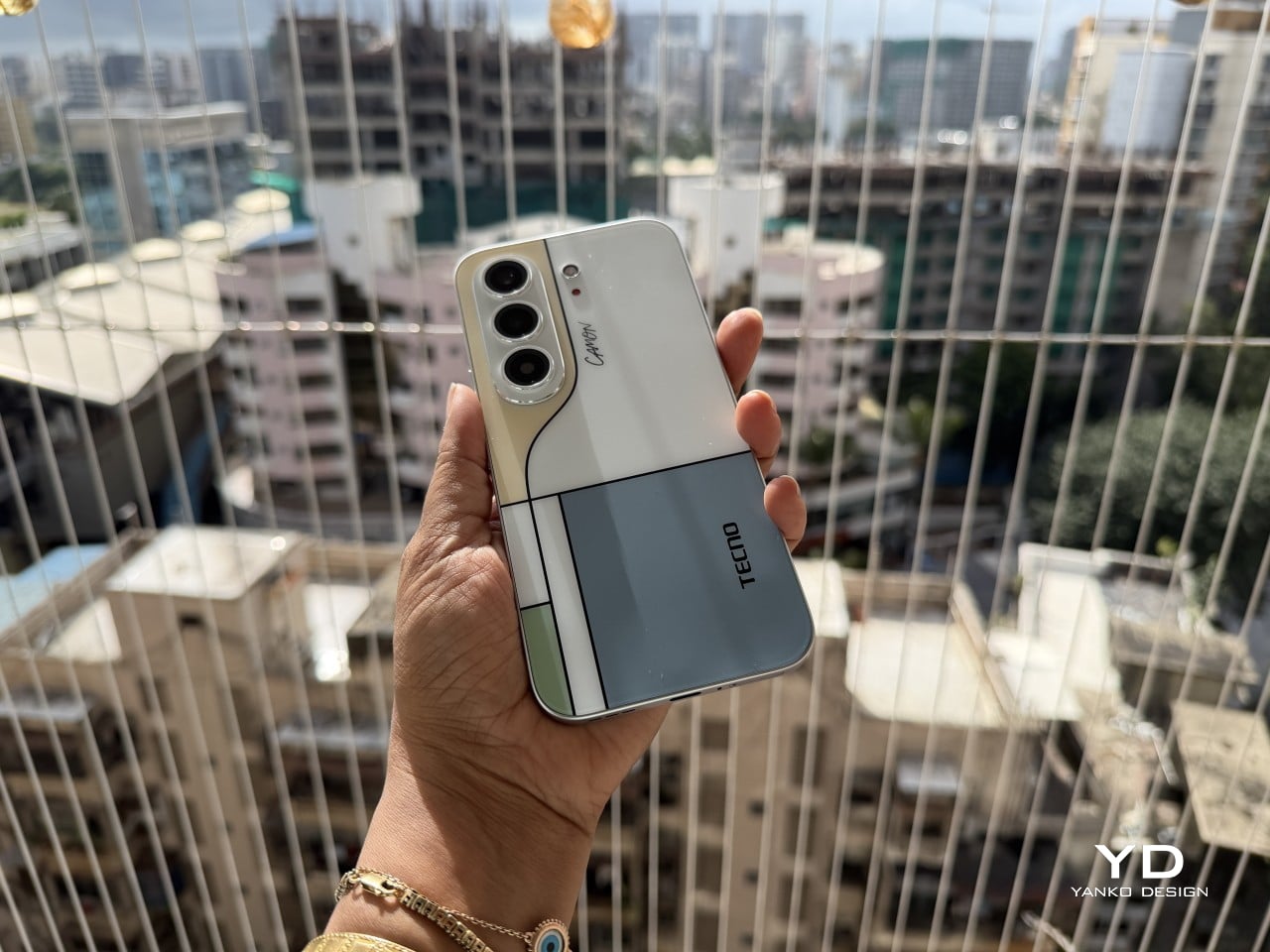
Tecno Camon 50 Ultra 5G Review: A $420 AI Phone With Built-in Gemini, ChatGPT, DeepSeek, and Grok

PROS:


  • EllaClaw is one of the most impressive phone AI experiences available right now

  • Multi-model AI support, including Gemini, ChatGPT, Grok, DeepSeek, Meta AI, and Ella

  • Strong 2-day battery life from the 6500mAh cell

  • Competitive value in the mid-range segment

CONS:


  • Single speaker setup sounds tinny and lacks bass

  • Curved waterfall display is prone to accidental palm touches

  • No wireless charging or Qi2 (MagSafe)

RATINGS:

AESTHETICS
ERGONOMICS
PERFORMANCE
SUSTAINABILITY / REPAIRABILITY
VALUE FOR MONEY

EDITOR'S QUOTE:

The Camon 50 Ultra 5G feels like Tecno looked at the current AI phone race, skipped the walled garden nonsense, and built the first assistant experience that actually shows you why you’d want to use it in the first place.

Apple has Apple Intelligence. Google Pixel has Gemini. Samsung has Galaxy AI. Tecno has everything else. Packed into its EllaClaw agent is the ability to use Gemini, ChatGPT, Grok, and DeepSeek, because a walled garden never benefited anyone. Tecno’s Camon 50 Ultra 5G is a great phone, but what makes it worth doing a double take for is EllaClaw, an agentic AI built into the phone that offers a phone AI experience I have yet to see on any smartphone so far. EllaClaw is currently an invite-only closed Beta feature limited to just this phone, but seeing it in action gave me everything I needed to understand where other phones are going wrong with their on-board AI, and where they can learn from Tecno.

The wild part is how approachable it all feels. EllaClaw does not sit around waiting for you to guess the perfect command like some moody genie. It actively shows you what it can do, which makes the whole experience feel far less intimidating than Gemini or Apple Intelligence currently do. Within minutes, I was jumping between message summaries, creative tools, settings help, and different AI models without feeling like I needed a tutorial or a prayer.

Aesthetics

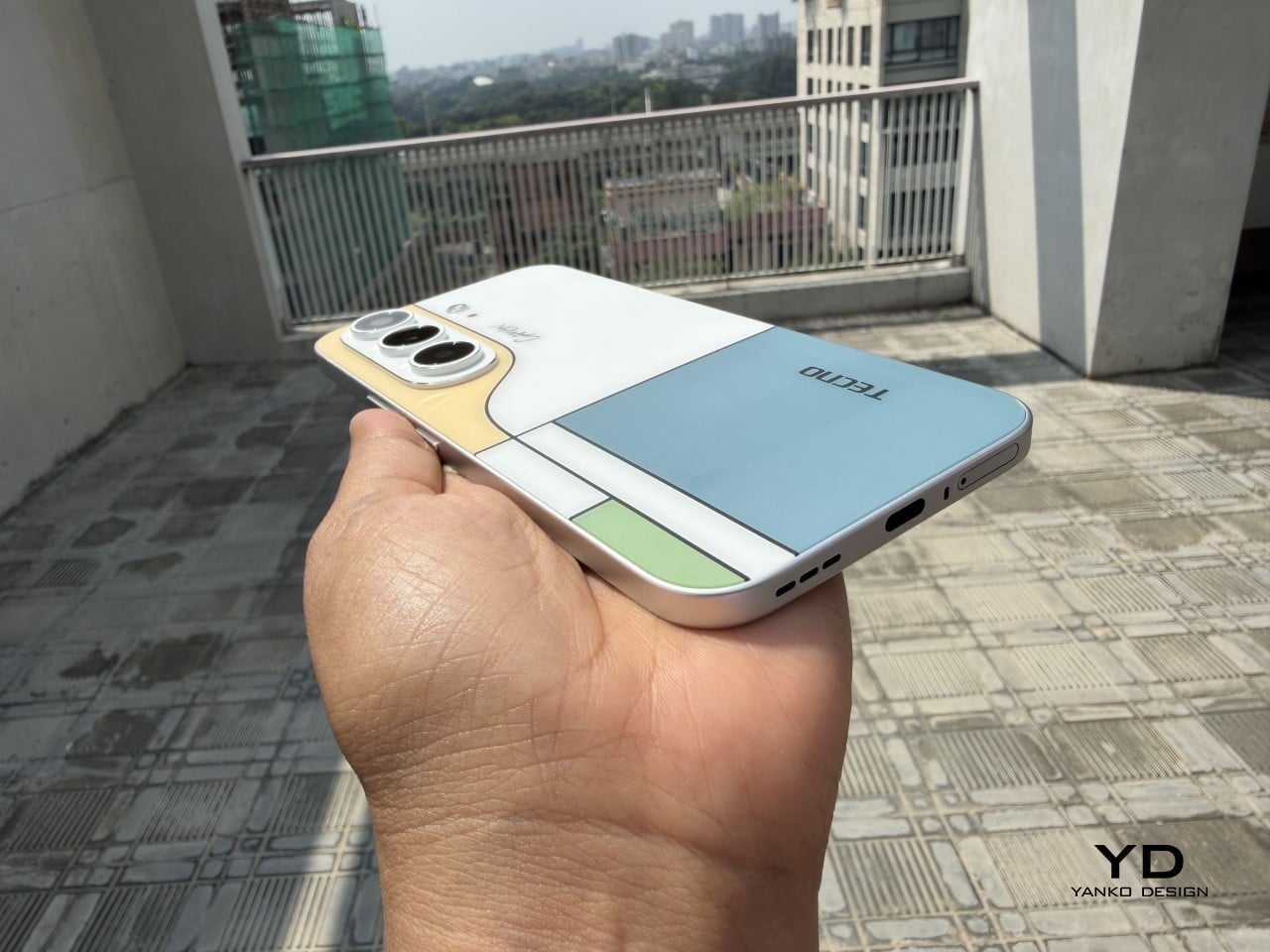
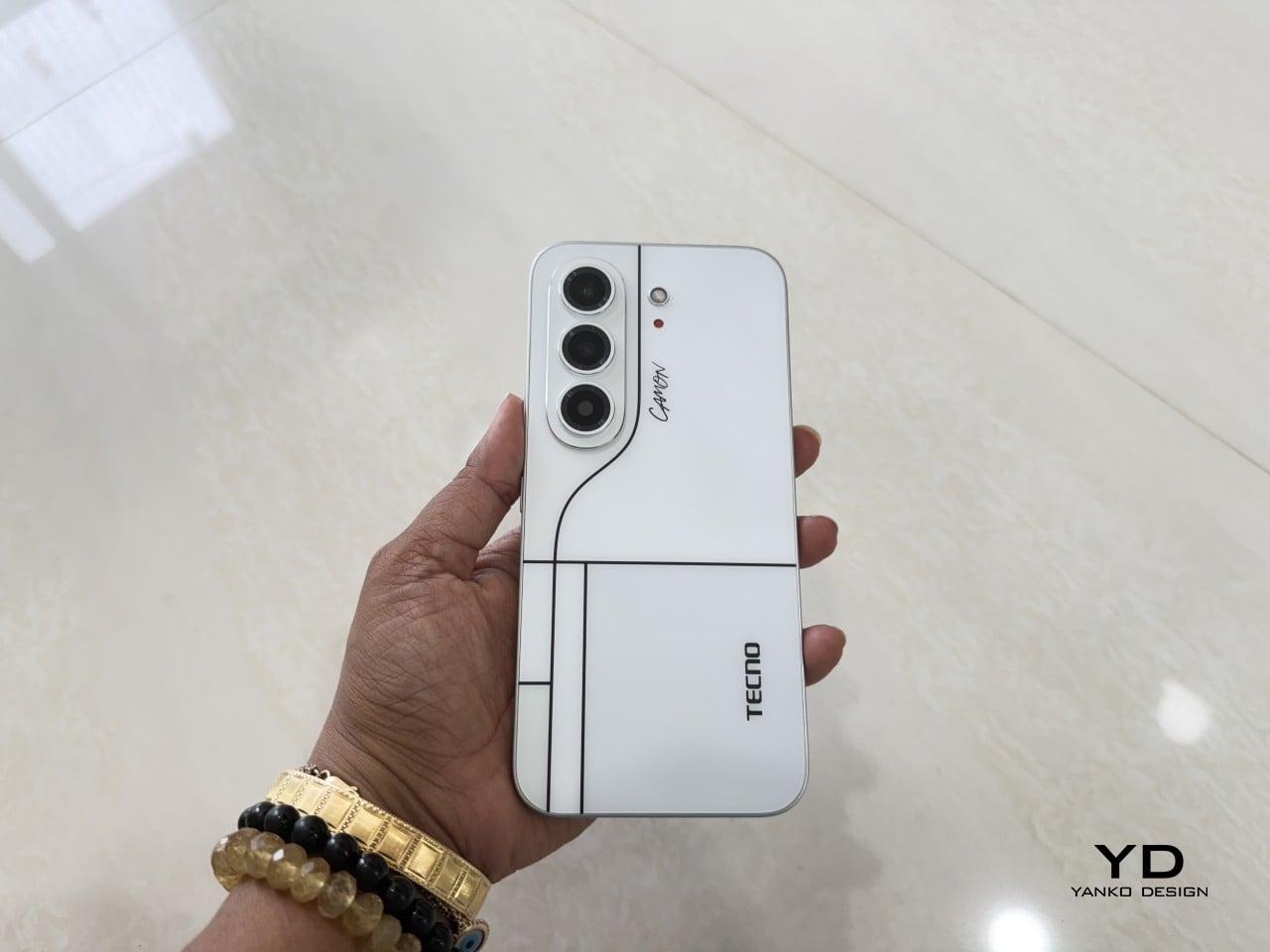
The moment I unboxed the Camon 50 Ultra 5G, I was hit with a serious case of déjà vu. The green variant has a gorgeous satin finish that gives it a silky, metallic glow under the light, and it immediately sent me down a memory lane trip to my old OnePlus 8 Pro which I faithfully used from 2020 to 2024. The color, the texture, even the way the camera module is arranged, it all felt so familiar and, frankly, so premium. Tecno absolutely nailed the flagship-esque feel here. The back is smooth to the touch, resists fingerprints reasonably well, and has a subtle elegance that a lot of phones in this bracket just do not bother with.

The front is where the design language gets a little more complicated, at least for me. Tecno went with a waterfall display, which means the screen curves dramatically around the sides. It looks stunning when the phone is off or when you are watching a video, creating an immersive, almost bezel-free experience. But I have always had a love-hate relationship with these displays. They are beautiful, no doubt, but they can be a magnet for accidental palm touches. While the software does its best to ignore them, I still found myself occasionally tapping something I did not mean to. It is a classic case of striking aesthetics meeting the messy reality of how we hold our phones. I do have to say that Tecno’s Liquid Glass homage does look much better on a waterfall display than on a bezel-ridden iPhone.

Ergonomics

That waterfall display has a big effect on how the phone feels in your hand. The curved edges melt away into the frame, making the Camon 50 Ultra 5G incredibly comfortable to hold. There are no sharp, flat corners digging into your palm, which is great for long sessions of scrolling or gaming. The trade-off, of course, is that the phone can feel a little slippery if you are not paying attention. It has that smooth, polished-stone feel that is lovely to touch but always feels one careless gesture away from a gravity experiment. It is a phone that practically begs to be put in a case, even if it feels like a shame to cover up the design.

The button layout is personally feels a little little bit tricky. On the left, you have a dedicated AI key that summons EllaClaw, a shortcut I ended up using constantly. You can remap it, but having a one-press gateway to the AI is a smart touch. The right side, however, is where my muscle memory started to complain. There is a power button and a fairly short, single-piece volume rocker. Because the rocker is slightly compact, I often found myself fumbling, unsure if my thumb was on volume up, down, or about to lock the screen. It is a small pain, but a tiny indent in the middle of the volume button would have made all the difference. The buttons themselves are slightly sharp and textured, a necessary choice for a phone with curved edges, but it does not quite solve the problem of telling them apart by feel alone.

Performance

EllaClaw is where the Camon 50 Ultra 5G earns its stripes. The dashboard (which you access by swiping towards the left – where you’d see Google Discover on most Android phones) keeps surfacing prompts, shortcuts, and suggestions, making the AI feel alive and accessible rather than buried under three layers of settings. Most phone AI treats users like they should already know what they want. EllaClaw meets you halfway, and that changes everything about how you interact with the phone.

The deeper layer, EllaClaw Pro, is genuinely impressive. It reaches into the phone’s apps and system functions in a way that feels ahead of where the conversation currently is. I asked it to summarize my text messages without opening the messages app, and it did exactly that, handling the whole thing on its own. That kind of agentic behavior is the next logical step for phone assistants, and right now, Tecno seems to be ahead of the pack. Nothing reassured me that the AI wasn’t reading my messages to enhance its database though, so the privacy conscious might have a thing or two to worry about.

Tecno’s decision to build EllaClaw as a multi-model hub is one of the smartest software calls I have seen this year. My unit offered access to DeepSeek, Gemini, ChatGPT, Grok, and Meta AI alongside Ella’s own model, all in one dashboard. Claude is conspicuously missing, but everything else is here and free to use (at least during the Beta period). Daily limits are applied on AI use which reset every 24 hours, and you can buy extra credits in case you overshoot. In all my hours of testing, I never needed to purchase extra credits, which means image generation, video generation, and sketch-to-photo tools were all available at no additional cost.

EllaClaw is still being refined, though. The dashboard lagged occasionally, and the AI sometimes took longer to load than felt comfortable. Restarting the app always sorted it out, but it is a reminder that this experience has not fully grown into its ambition yet. Users in certain regions may also need a VPN to get the full experience running, which is worth knowing upfront.

The camera system is built around a 50MP Sony LYT-700C main sensor with OIS, paired with a 50MP telephoto lens offering 3x optical zoom (70mm equivalent) and an 8MP ultrawide. That telephoto is a proper standout for a phone at this price point, and the software leans into it with confidence. You get 60x hybrid zoom, which is mostly digital exaggeration past the 3x mark, but the results between 3x and 10x are still usable in decent light. The main camera performs well across a range of scenarios, especially in good light, and night mode is aggressive without getting too soupy. The front camera is a 50MP sensor with autofocus, which makes a noticeable difference in selfie sharpness compared to the fixed-focus cameras on cheaper phones.

Tecno stuffs the camera app with modes including dual-cam, underwater mode, document scanning, super night mode, and super macro. FlashSnap is the standout, though. It watches your scene and captures the most dramatic moment automatically, so if someone is mid-jump or mid-throw, the phone clicks at exactly the right time without you having to think about it. It made me look like a considerably better photographer than I actually am. Video recording tops out at 4K at 30fps, which is fine but not particularly exciting.

Battery life is one of the phone’s most quietly satisfying qualities. The 6500mAh cell pushed comfortably through two full days of use without needing a charge, which is more than my current flagship iPhone manages. At some point I just stopped thinking about charging altogether, which is the best thing a battery can do. The phone supports 45W wired charging, which is fast enough to feel civilized without being record-breaking.

The display is a 6.78-inch AMOLED panel with a 1.5K resolution (1208 x 2644 pixels, 429 ppi) and a 144Hz refresh rate with LTPO support for adaptive refresh. It is vibrant, sharp, and performs well in low light. The 144Hz refresh makes scrolling and gaming feel smooth, and the high PWM dimming (2160Hz) helps reduce flicker for those sensitive to it. The curved waterfall edges are a design choice I have already aired my reservations about, and this section will not relitigate that argument. It looks great. It catches accidental touches. Moving on.

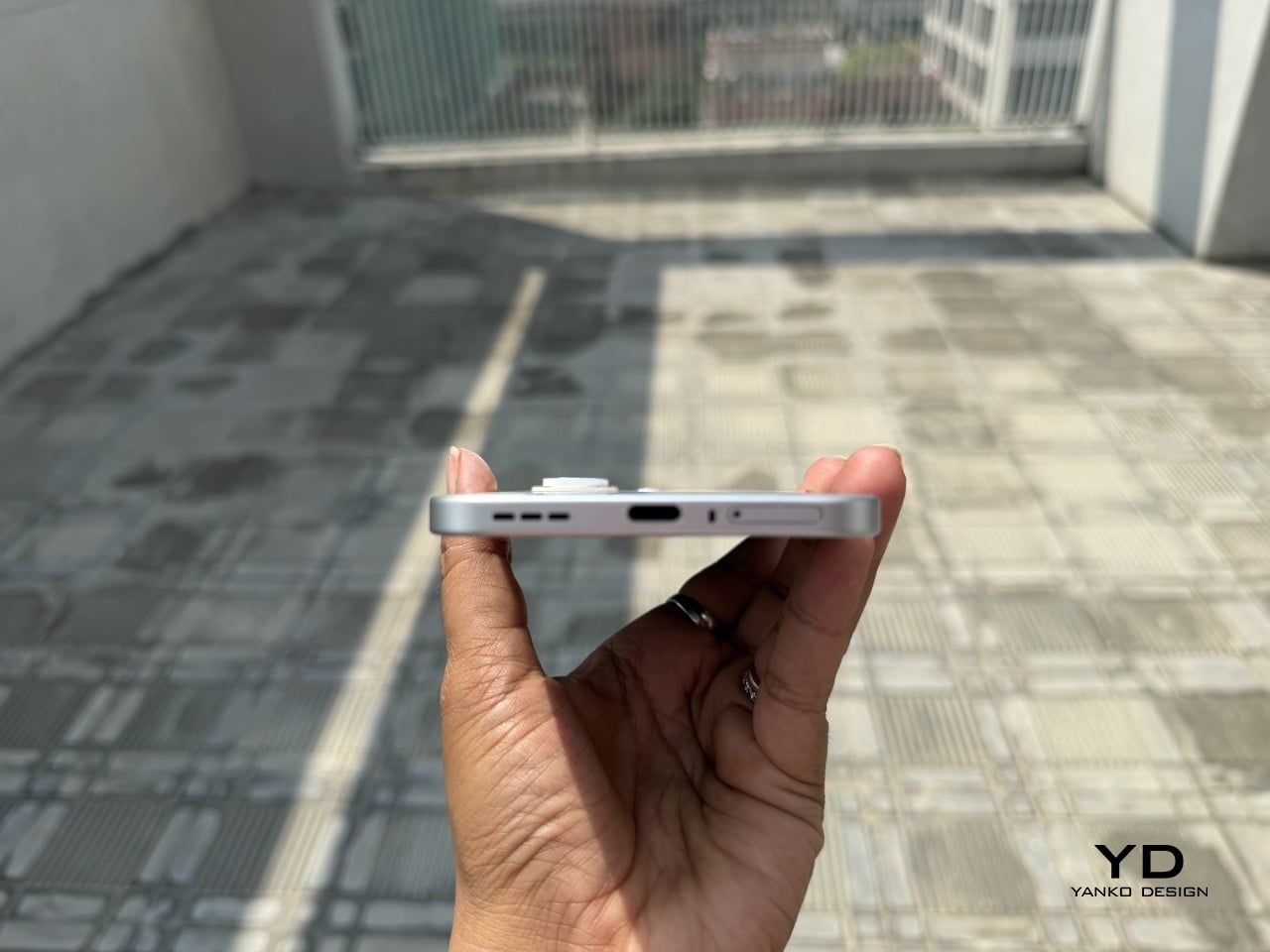
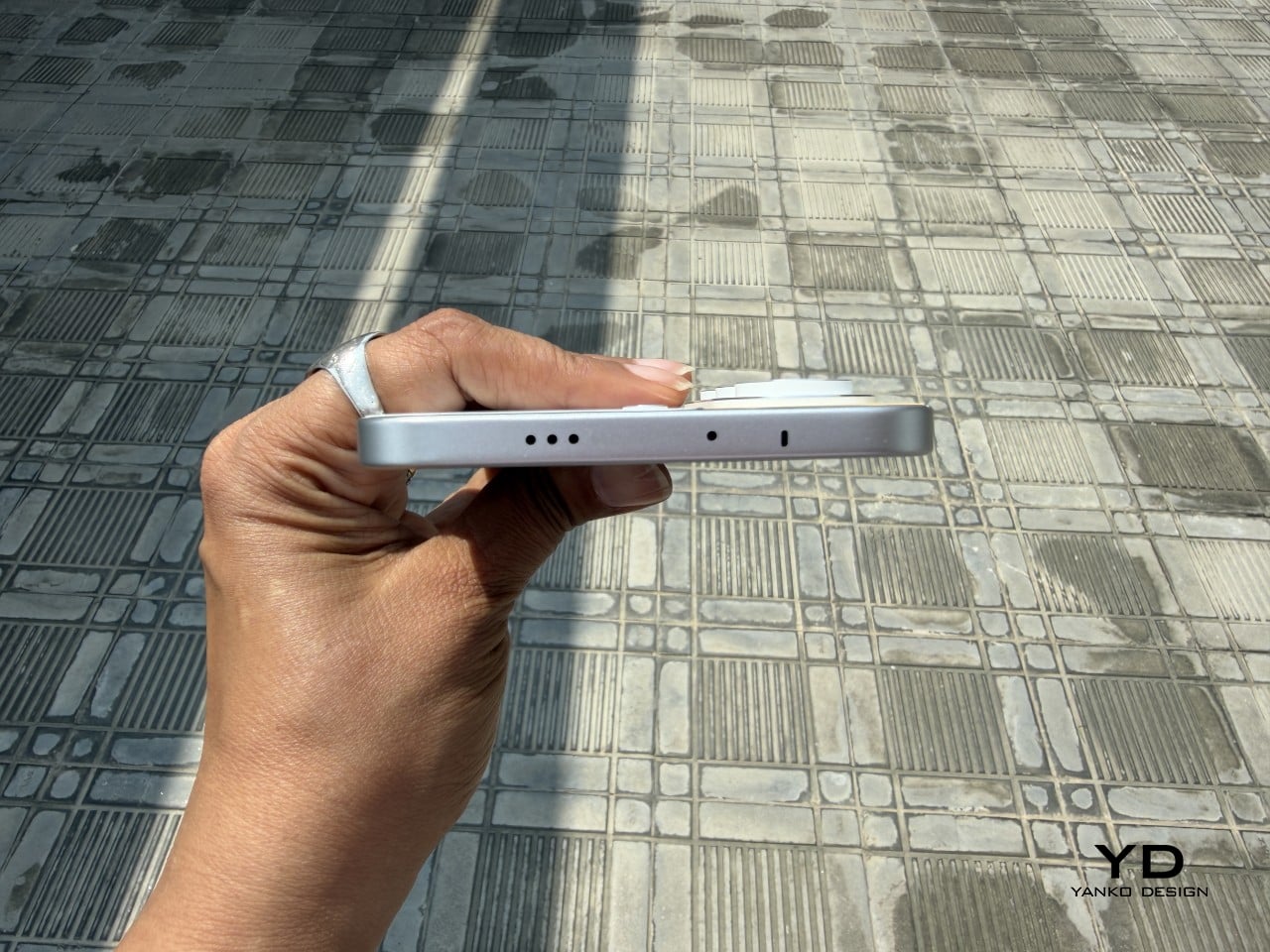
Speakers are a weak spot, and a noticeable one. There is a single grille at the bottom right, so stereo is off the table, and the audio leans tinny with very little bass to speak of. For a phone this polished everywhere else, it feels like a department that got the budget cut.

Gaming held up well for everything I tried. Tecno’s dedicated gaming software manages frame rates and battery draw sensibly, and the Dimensity 7400 handled casual to moderate sessions without complaint. The 144Hz display helps make fast-paced games feel responsive, and the phone stayed well within comfortable temperature ranges throughout. Nothing I played caused any real issues, thermal throttling never became a concern, and the large battery meant I could game for extended sessions without nervously watching the percentage drop.

Sustainability

Tecno is promising 3 years of Android OS upgrades and 5 years of security patches for the Camon 50 Ultra 5G, which puts it roughly in line with brands like Motorola and slightly ahead of OnePlus, though still behind Nothing’s 6-year security support.That is a meaningful commitment for a phone at this price, especially if you are someone who plans to use the device well beyond the usual two-year upgrade cycle.

Tecno also claims the battery is built for durability, marketing it as a “5-Year Durability Battery” with TÜV certification and a 72-month lag-free guarantee. Whether that holds true in practice is something only time will tell, but the fact that the company is willing to stake that claim suggests they are at least thinking about longevity beyond the usual marketing fluff. The 6500mAh capacity itself helps, because the less frequently you need to charge, the slower the battery degrades. If you are getting two full days of use out of a charge right now, that headroom means the phone should still feel usable years down the line when the cell inevitably loses some of its capacity.

Value

The Tecno Camon 50 Ultra 5G is priced at $420 for the 8GB + 256GB variant (that’s based on its ₹40,000 Indian price, since the phone hasn’t officially launched in the US). For a phone with a 50MP telephoto, a 144Hz AMOLED display, and a 6500mAh battery, that positioning feels competitive in the under-40K segment, especially when you factor in the AI ambitions.

What feels less competitive is the setup experience. When I powered on the phone and began the initial configuration, India was not listed in the countries menu. Hilariously enough, Palestine was available as an option. The world’s most populated country, nowhere on the list. I eventually had to select a different region just to proceed, which immediately felt awkward for a phone launching in India. Later, I also needed a VPN to access EllaClaw, which could have been a software issue tied to my initial region selection, or it could point to broader availability constraints. Obviously this won’t be the case for everyone since mine was a review unit with the EllaClaw beta program probably tied to a certain region. Either way, it is a frustrating first impression for a feature that is supposed to be the phone’s main selling point.

As for EllaClaw Pro and its credits system, Tecno does offer a credit-based structure for premium AI features like image generation and video creation. In my testing, I never hit a paywall or needed to purchase add-on credits, which suggests the included allocation is generous enough for typical use, at least initially. How sustainable that remains over time, or whether Tecno tightens the limits later, is harder to predict. For now, though, the experience feels surprisingly open, which is a rare thing in the AI phone space.

Verdict

The Tecno Camon 50 Ultra 5G delivers a lot of value for $420. The camera is genuinely impressive, with super night mode shots and 60x zoom that feel bonkers for this price range, and the battery life makes it easy to forget about charging anxiety for days at a time. But I am not recommending this phone for its camera, or its battery, or even its design, as much as I enjoyed all of those things. I am recommending it for EllaClaw, because it is the closest I have come to using a phone AI that feels like it was built for actual humans.

EllaClaw is everything Gemini and Apple Intelligence hope to achieve, and a bit more. I did not think I would see a phone that lets me choose the LLM for its AI assistant, swapping between models depending on what I need. I definitely did not expect an AI assistant dashboard to genuinely give me so much insight and value into how I can use the AI, rather than just sitting through a keynote, nodding along to feature lists, and then forgetting half of them the moment I leave the room. Tecno has cracked something here that bigger brands are still struggling with, which is making AI feel approachable, integrated, and genuinely useful instead of intimidating or buried.

The phone has a few tiny flaws that feel manageable if you’re more driven by the AI chops. The speakers are tinny, the curved display catches palm touches, EllaClaw occasionally lags, and the setup process was a bit of a hassle given I needed a VPN to get EllaClaw to work (but that’s just my China-bound review unit). But if you are looking for a phone that shows you what AI on mobile should feel like when it grows up, the Camon 50 Ultra 5G is worth your attention. It is not perfect, but it is ambitious in all the right ways. Google, Apple, and Samsung could surely take notes.

The post Tecno Camon 50 Ultra 5G Review: A $420 AI Phone With Built-in Gemini, ChatGPT, DeepSeek, and Grok first appeared on Yanko Design.
The $499 E Ink Tablet That Runs Spotify, WhatsApp and Doesn’t Hurt

Screens have been the unresolved tension at the center of productivity for years. LCD and OLED displays do everything well except the one thing that matters most during a long reading or writing session: they don’t stop being screens. The brightness, the blue light, and the glare accumulate into eye fatigue that most people simply accept as part of working on a device all day. E Ink tablets have addressed that problem, but historically at the cost of color and app freedom.

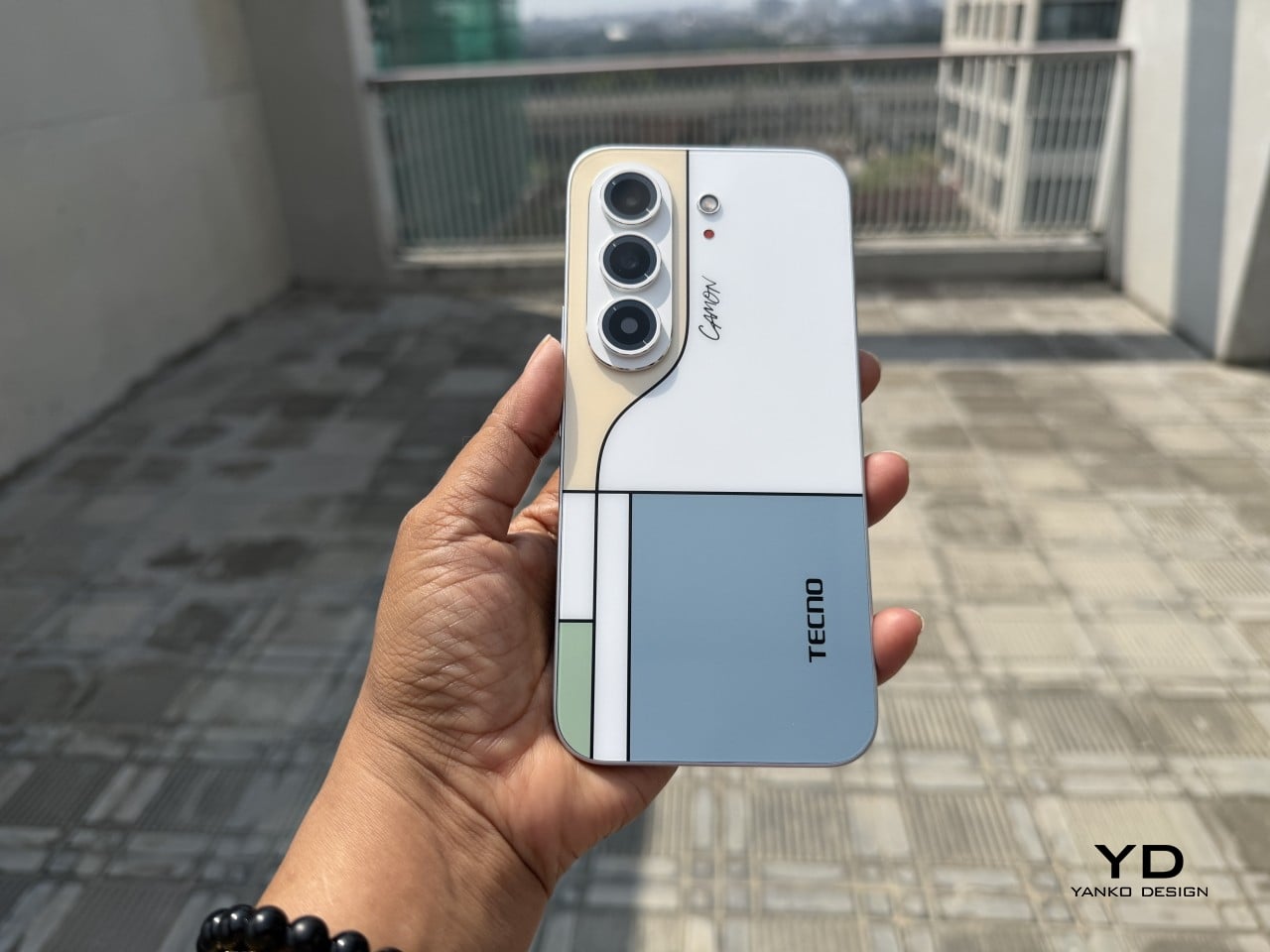
The Bigme B1051 Ultra is built on the premise that none of those trade-offs need to be permanent. Its 10.3-inch Kaleido 3 E Ink display is color-capable and glare-free, with an adjustable front light covering 36 levels of brightness in both warm and cool tones. The result is a surface that handles illustrated documents, annotated PDFs, and color-coded spreadsheets without sending the wearer reaching for eye drops an hour in.

Designer: Bigme

Color E Ink of any generation has historically been limited in brightness and saturation compared to traditional displays, and the Kaleido 3 panel doesn’t fully close that gap. What it does deliver is a dramatically more comfortable reading experience for long sessions, particularly in well-lit environments where conventional displays produce the most glare. For documents, annotations, and notes, the color rendering is more than sufficient to make the information readable without eye strain.

The hardware underneath is capable enough to run Android 14 without compromise. A MediaTek Dimensity 1080 octa-core chip running at 2.6GHz with up to 8GB of RAM handles third-party apps from Google Play without the sluggishness that plagued earlier E Ink Android devices. Spotify works. WhatsApp runs. The Google Play Store is fully accessible. A 6,900mAh battery supports the kind of all-day use the form factor implies.

Writing and sketching feel natural on the included stylus, which offers 4,096 levels of pressure sensitivity and a surface friction designed to replicate paper. An annotated legal document, a fashion sketch with labeled callouts, or a watercolor illustration all sit on the display with the same kind of grainless, paper-like quality. Bigme’s auto ghosting elimination technology handles the visual artifacts that have historically made fast stylus input on E Ink screens feel laggy or muddy.

The optional keyboard folio cover turns the B1051 Ultra into something that reads more like an e-paper laptop. A trackpad is built into the keyboard, and the folio supports dual-angle positioning for desk and lap use. Connecting to an external keyboard and looking at a dashboard of charts and figures across the full 10.3-inch surface is a different experience from doing the same work on an LCD that competes with every other light source in the room.

Integrated AI tools extend beyond the display and stylus. Text extraction, text polishing, AI-assisted drawing, and composition features are baked into the software layer. Fingerprint unlocking handles access. The B1051 Ultra is available starting at $499 for the device-and-case bundle, with the keyboard configuration adding to that. E Ink has always been the right technology for certain kinds of work, and the Bigme B1051 Ultra is one of the more complete arguments that it doesn’t need black-and-white e-readers to make that case convincingly.

The post The $499 E Ink Tablet That Runs Spotify, WhatsApp and Doesn’t Hurt first appeared on Yanko Design.
This $549 QWERTY Android Phone Was Built to Give You Your Day Back

Smartphones have never been smarter, but they’ve also never been more demanding. Bigger screens, algorithmic feeds, and relentless notifications aren’t design oversights. They’re deliberate, built to keep you engaged for as long as possible. The prevailing logic is that longer screen time is better, and most phones are optimized around that, pulling you back in every time you try to put them down.

The Minimal Phone 2 is a different kind of proposition. It’s a modern 5G Android phone built around the opposite idea: that a phone should serve you and then get out of the way. It pairs a compact AMOLED display with a full physical QWERTY keyboard and a custom OS called Minimal OS, designed to make daily interactions faster, more deliberate, and less compulsive.

Designer: Armen Youssefian

Click here to Buy Now: $599 $699 ($100 off). Hurry, only 657/1000 left! Raised over $1,009,000.

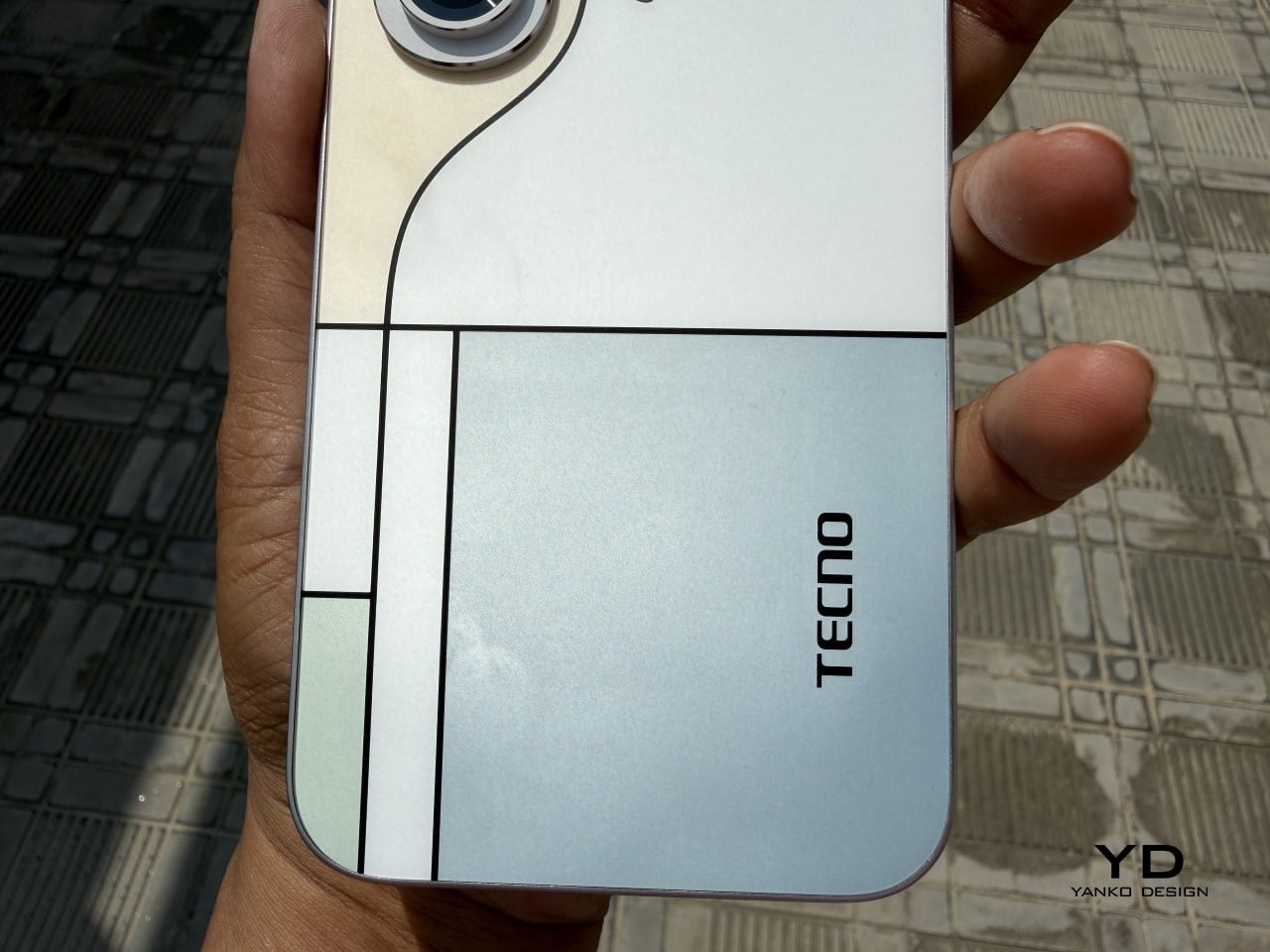
The keyboard is the phone’s most striking feature, and also its most considered. It’s a full QWERTY board integrated directly into the phone, about 69mm wide, with backlit keys whose legends are laser-etched into the keycap surface rather than printed on top, so they won’t fade with use. Each row fans outward slightly, and the keycaps are sculpted to guide your thumbs naturally.

What a physical keyboard really changes is the relationship between picking up your phone and doing something on it. When the keyboard is always there, typing becomes the default instinct instead of scrolling. You reach for the phone with something in mind, do it, and put it down. That shift sounds subtle, but over the course of a day, it changes how the device feels.

Minimal OS reinforces that instinct with its command bar, which lets you do most things without opening an app at all. Start with a symbol, type what you want, and the OS handles the rest. Typing “@jason on my way” sends a text. Typing “#lauren” places a call. A hyphen adds a to-do, an asterisk creates a calendar event, and an exclamation mark saves a note.

Communication is pulled together in something called the Minimal Hub. Swipe right from the home screen, and you get a single, unified list of everything that’s come in: emails from every account, texts, missed calls, voicemails, and calendar invitations. You can read and reply without opening a separate app, which makes a full inbox feel like clearing a short list rather than bouncing between five different places.

Two quieter features round out the software side. The Activity Bar puts 24 dots on the home screen, one per hour. Each turns white when your time stays focused, and red when the hour slips into social apps or media. The notification LED lets you assign colors and patterns to specific contacts and apps, so a glance at your desk tells you what’s actually waiting.

The hardware underneath makes it a credible daily driver. A 3.92-inch AMOLED at 1080×1240 pixels and 90Hz, a MediaTek Dimensity 8300 processor, 8GB of RAM, and 256GB or 512GB of storage make up the core. Connectivity covers 5G, Wi-Fi 6E, and NFC. The rear camera is 50MP, the front has a 20MP shooter, and there’s both 27W wired and 15W wireless charging, as well as a 3.5mm headphone jack.

The phone sits in an aluminum frame measuring 122.6mm x 72mm x 9.48mm, in three finishes. Pearl is a brushed light alloy in a warm off-white. Onyx is an anodized alloy in a deep near-black. Ember is an anodized minimal orange, offered as a launch exclusive. The design language is restrained throughout, with nothing calling for attention except the keyboard, which announces itself plainly.

What’s interesting about the Minimal Phone 2 is that its restraint doesn’t feel punishing. It still runs full Android, so banking apps, navigation, music, and messaging are all there. What changes is how you arrive at them. Rather than a phone that sprawls into your day uninvited, this one waits to be needed, which in a landscape of devices competing for attention, feels unusual.

Click here to Buy Now: $599 $699 ($100 off). Hurry, only 657/1000 left! Raised over $1,009,000.

The post This $549 QWERTY Android Phone Was Built to Give You Your Day Back first appeared on Yanko Design.
This $400 Tablet Comes With a Stylus, a Case, and Eyes That Don’t Hurt

Screen time on tablets has never been higher, but comfort hasn’t kept pace. Most tablet displays are still optimized for brightness and color gamut, with eye protection largely an afterthought or a toggle buried in settings. Reading long documents, annotating notes, or watching videos for hours on a typical panel can leave your eyes feeling the aftermath in ways that aren’t exactly encouraging.

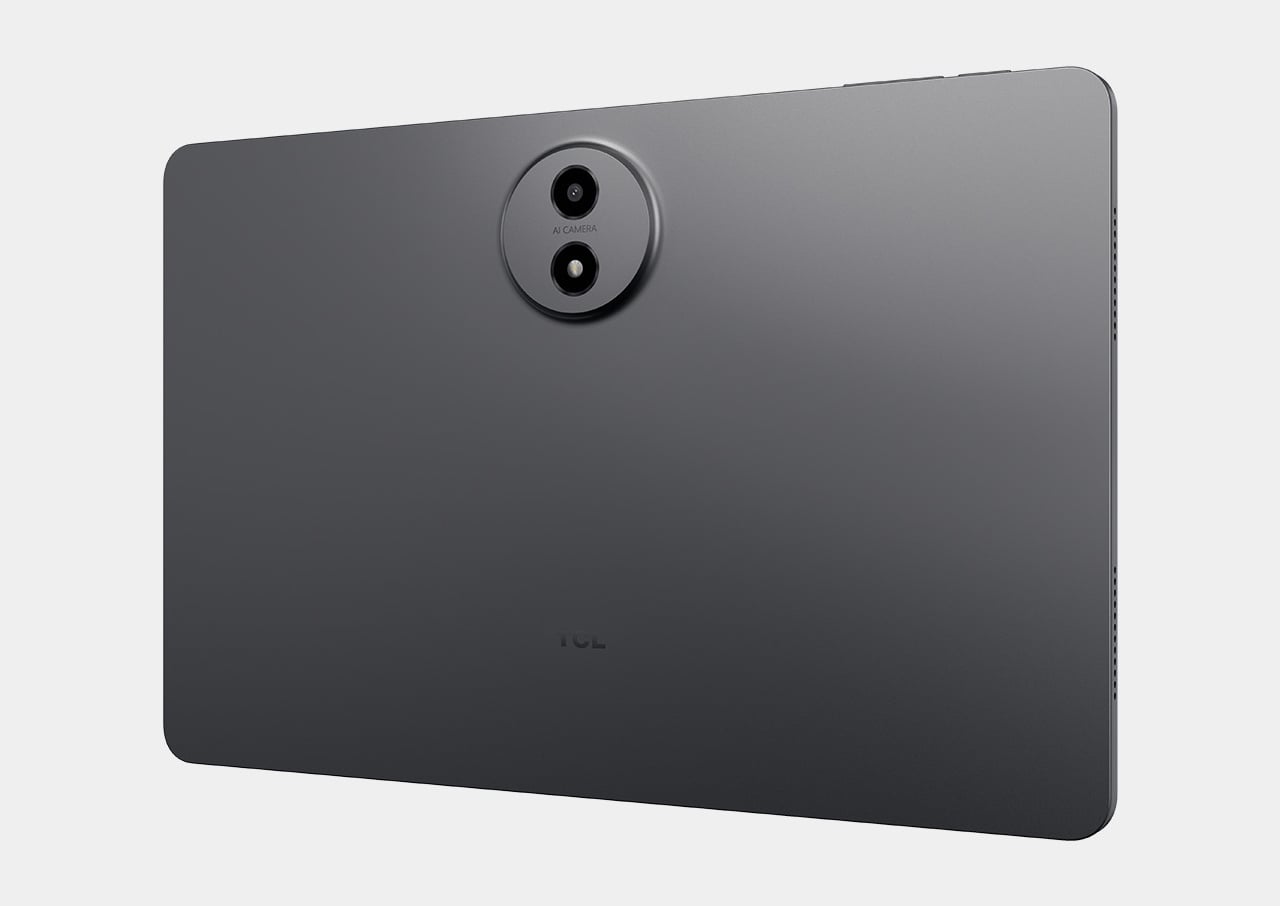
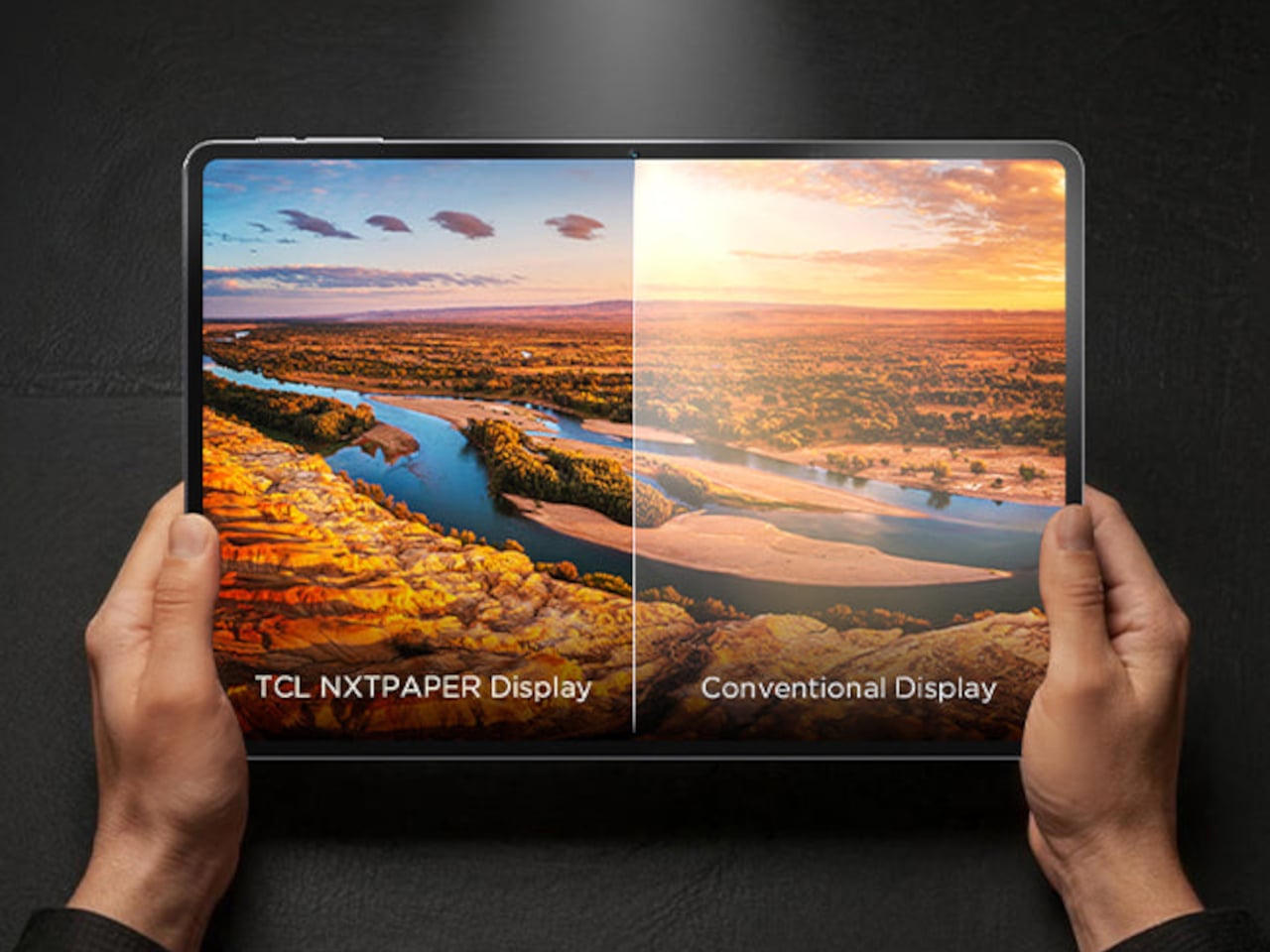
TCL’s TAB A1 Plus NXTPAPER approaches that problem with something more deliberate than a simple blue-light filter. Built around the brand’s fourth-generation NXTPAPER display technology, it brings a large 12.2-inch 2.4K panel that combines seven integrated eye-comfort technologies, including Nano Crystal Shield Glass and an OmniSoft Light System, to more closely replicate the gentler, less fatiguing qualities of reading on paper.

Designer: TCL

The aspect ratio is worth noting too. At 3:2, the screen is taller than typical tablets, which means more of a document or webpage fits on screen without endless scrolling. That might sound like a minor detail until you’re cross-referencing notes during a study session or keeping track of multiple open documents across a long work afternoon. The adaptive 120Hz refresh rate keeps every interaction smooth throughout.

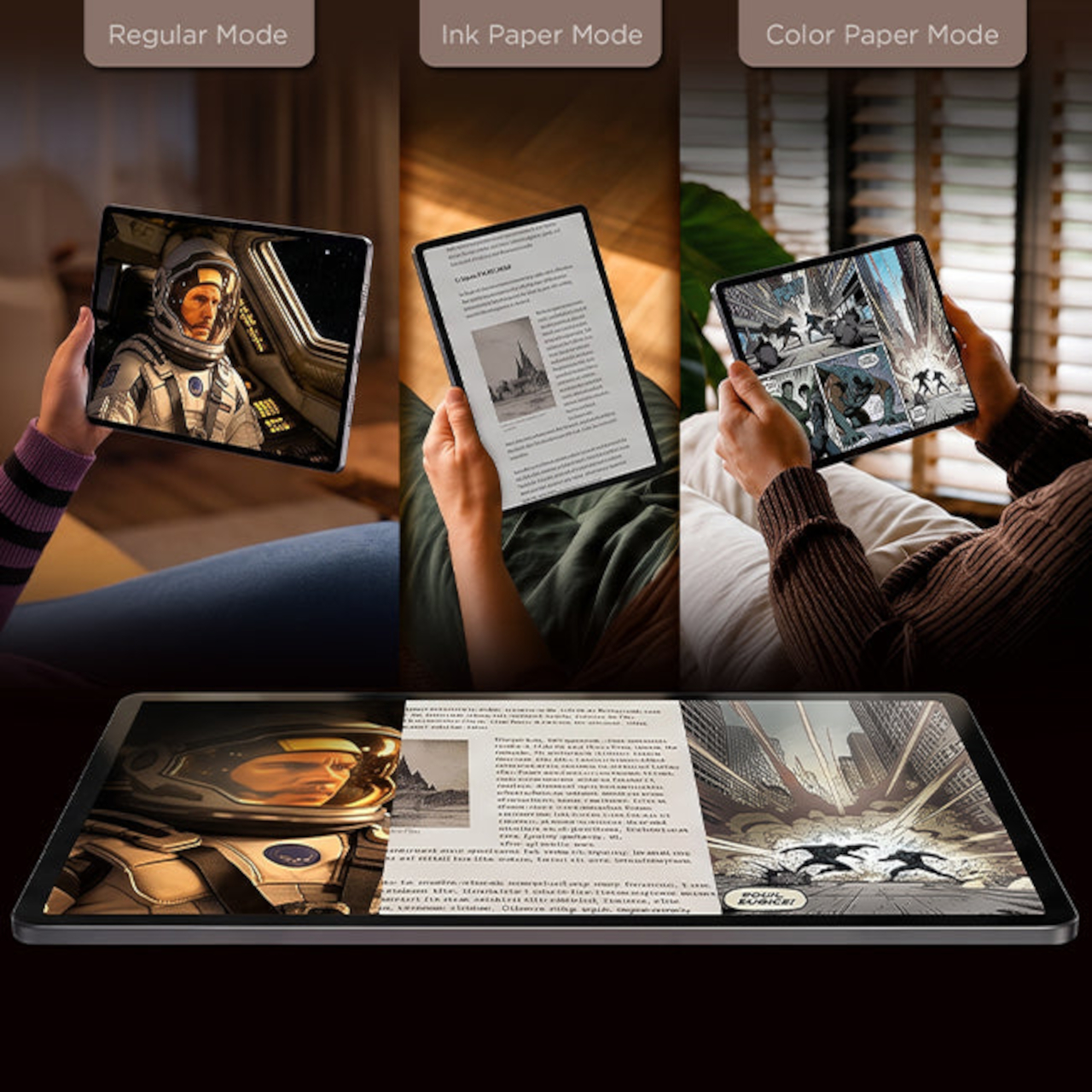
Switching between display modes is handled by the dedicated NXTPAPER Key, which cycles through paper-like and standard color modes without digging into settings menus. The 3-in-1 VersaView feature goes a step further, letting you pin specific apps to stay in full color while the rest of the interface remains in the easier-on-the-eyes paper mode. It’s a level of personalization that’s genuinely thoughtful.

NXTPAPER isn’t attempting to replicate E Ink or compete with dedicated e-readers on texture alone. It preserves the advantages of a conventional color display, including smooth video playback and vivid visuals, while adding the glare reduction and light softening that make extended reading sessions less punishing. The result is a screen that can move from a video stream to a study session without demanding any trade-off.

A suite of built-in AI tools handles the more tedious parts of daily work. Google Gemini and Circle to Search are onboard, alongside Writing Assist, Text Assist, a Smart Translator, and Smart Voice Memo. The tablet also runs Android 16 with Split Screen, Floating Windows, and Sidebar features built in, which means going from writing a draft to pulling research doesn’t require closing anything.

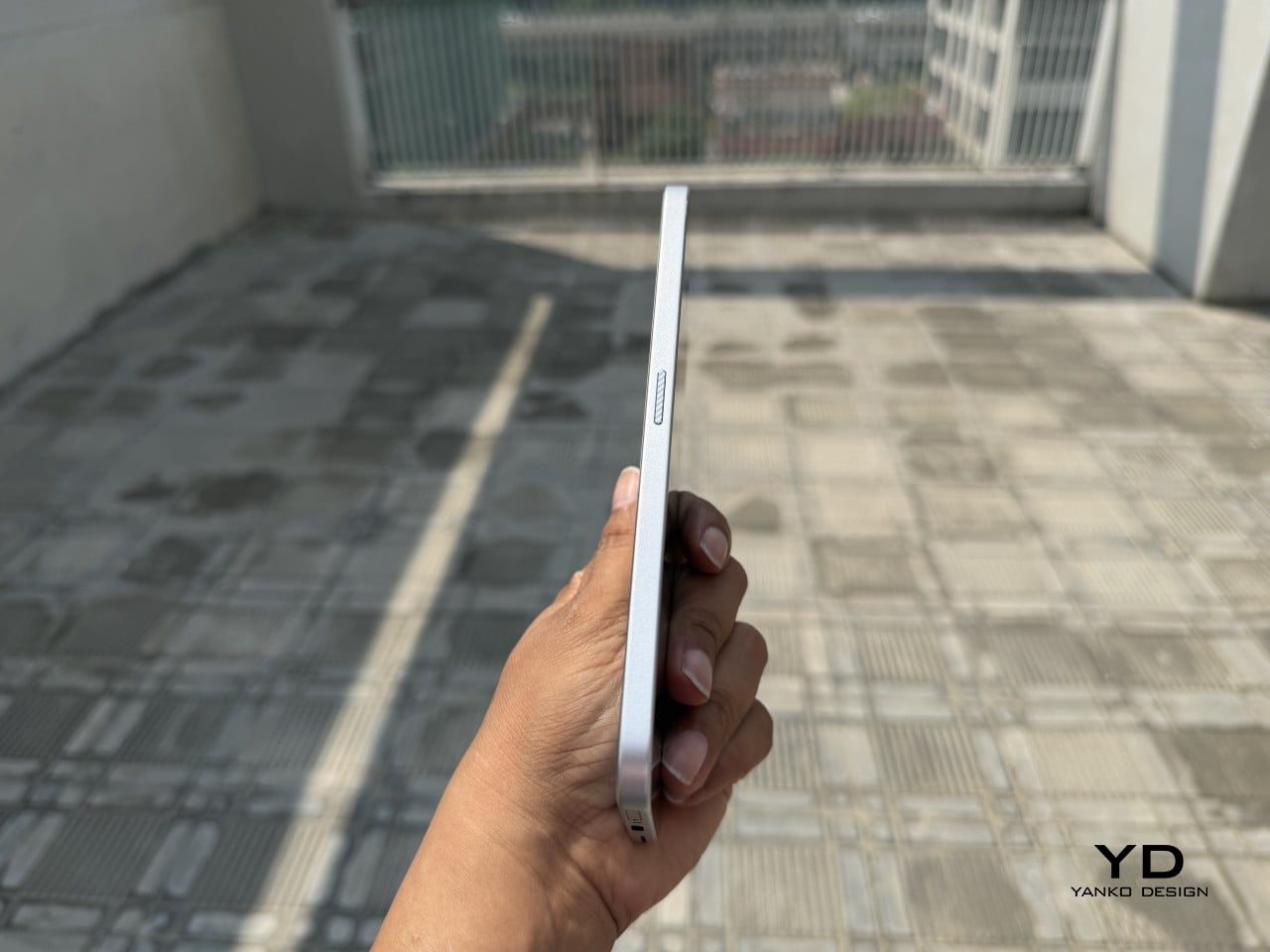
Under the hood, the Snapdragon 4 Gen 2 chip pairs with up to 16GB of RAM and 256GB of storage, expandable to 2TB via microSD. The 10,000mAh battery is large enough to carry through extended sessions without anxiety, and the 33W fast charging means a dead tablet doesn’t stay that way for long. The metal unibody keeps the whole package under 6.70mm thick.

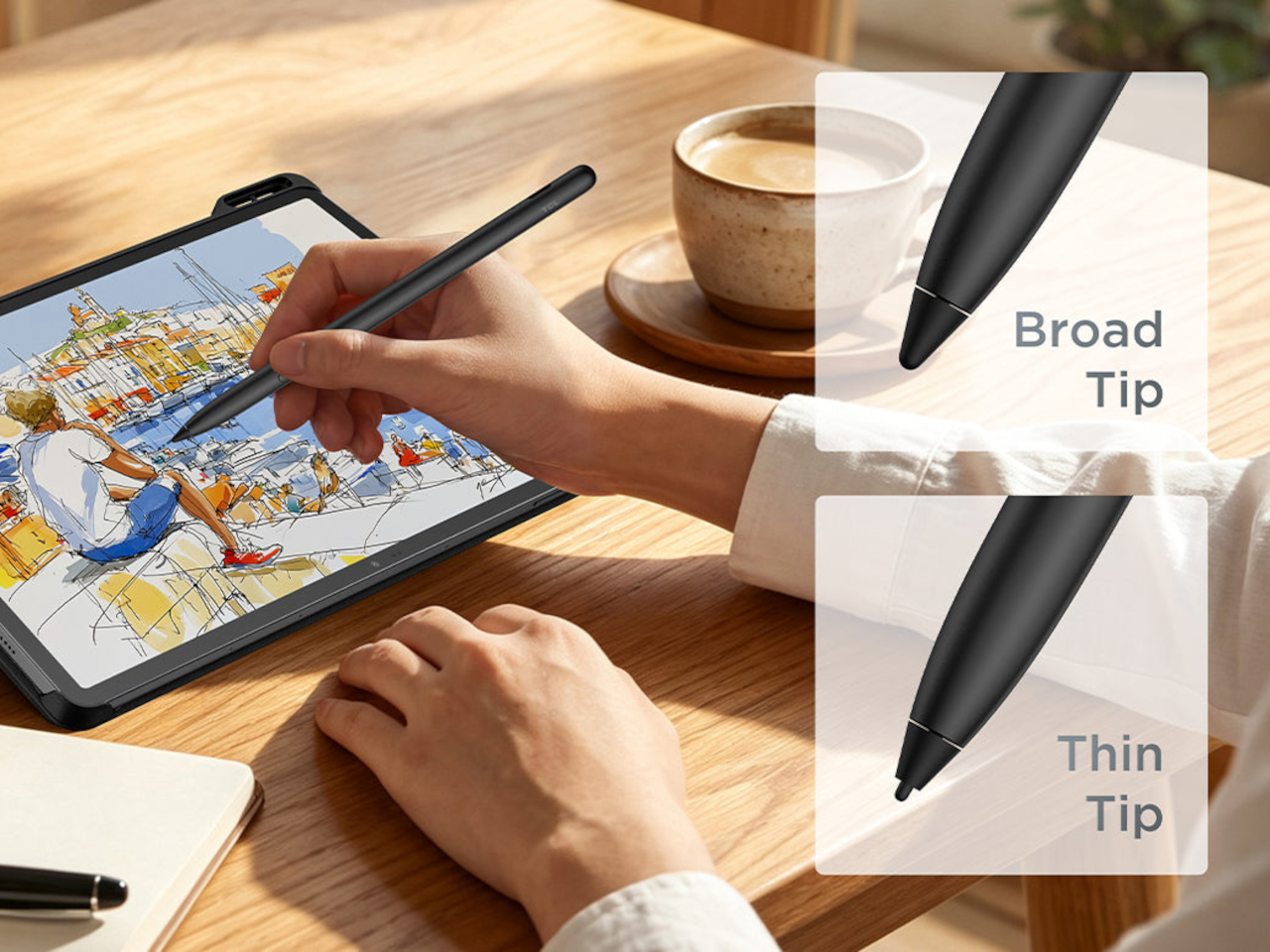
The IP54-rated splash and dust resistance is a practical safeguard for a device that moves with you, and the build weighs in at 556 g. It comes in Aerolite Grey, and the box includes the tablet, a stylus, and a flip case, making the $399.99 asking price a fairly well-rounded deal for a package that doesn’t require additional accessories just to get started.

The post This $400 Tablet Comes With a Stylus, a Case, and Eyes That Don’t Hurt first appeared on Yanko Design.
A $420 Phone Just Proved BlackBerry Fans Have Been Right All Along

Physical keyboard phones have been largely absent from the mainstream market for the better part of a decade. The touchscreen revolution swept them away so completely that finding a new phone with actual keys now means wading through a very short list of niche products. That’s fine for touchscreen loyalists, but for those who still swear by tactile typing, the options have been frustratingly limited.

The Zinwa Q27 addresses that shortage head-on, arriving as a 5G Android smartphone built entirely from scratch with a physical QWERTY keyboard at its center. It isn’t a renovation of old hardware and doesn’t recycle any components from existing devices. The Q27 is an original design, and it channels the spirit of the BlackBerry Classic openly, as if daring you to forget how satisfying real keys felt.

Designer: Zinwa

The layout places a 4-inch, 1080×1240 pixel AMOLED display above the thumb keyboard, keeping everything reachable in a single hand. At 140mm x 74mm x 11mm and 192 grams, the footprint is compact by today’s phablet-dominated standards. Anyone who once fired off emails on a BlackBerry will recognize this form factor instantly, and probably won’t need long to feel at home with it.

A MediaTek Dimensity 7300 chip and 12GB of RAM give the Q27 enough processing headroom for a full day of heavy multitasking. Storage options cover 256GB and 512GB, with microSD expansion available on both. It’s a configuration that suits the kind of user who lives in productivity apps, keeps a dozen conversations going at once, and can’t afford to babysit a slow phone between tasks.

Photography comes via a 50MP rear camera and a 16MP front-facing camera, while the 4,000mAh battery handles daily endurance with both 33W wired fast charging and 15W Qi wireless charging available. NFC, dual-SIM support alongside eSIM compatibility, and 5G connectivity round out the hardware, making the Q27 a surprisingly complete package for a phone designed to scratch such a specific itch.

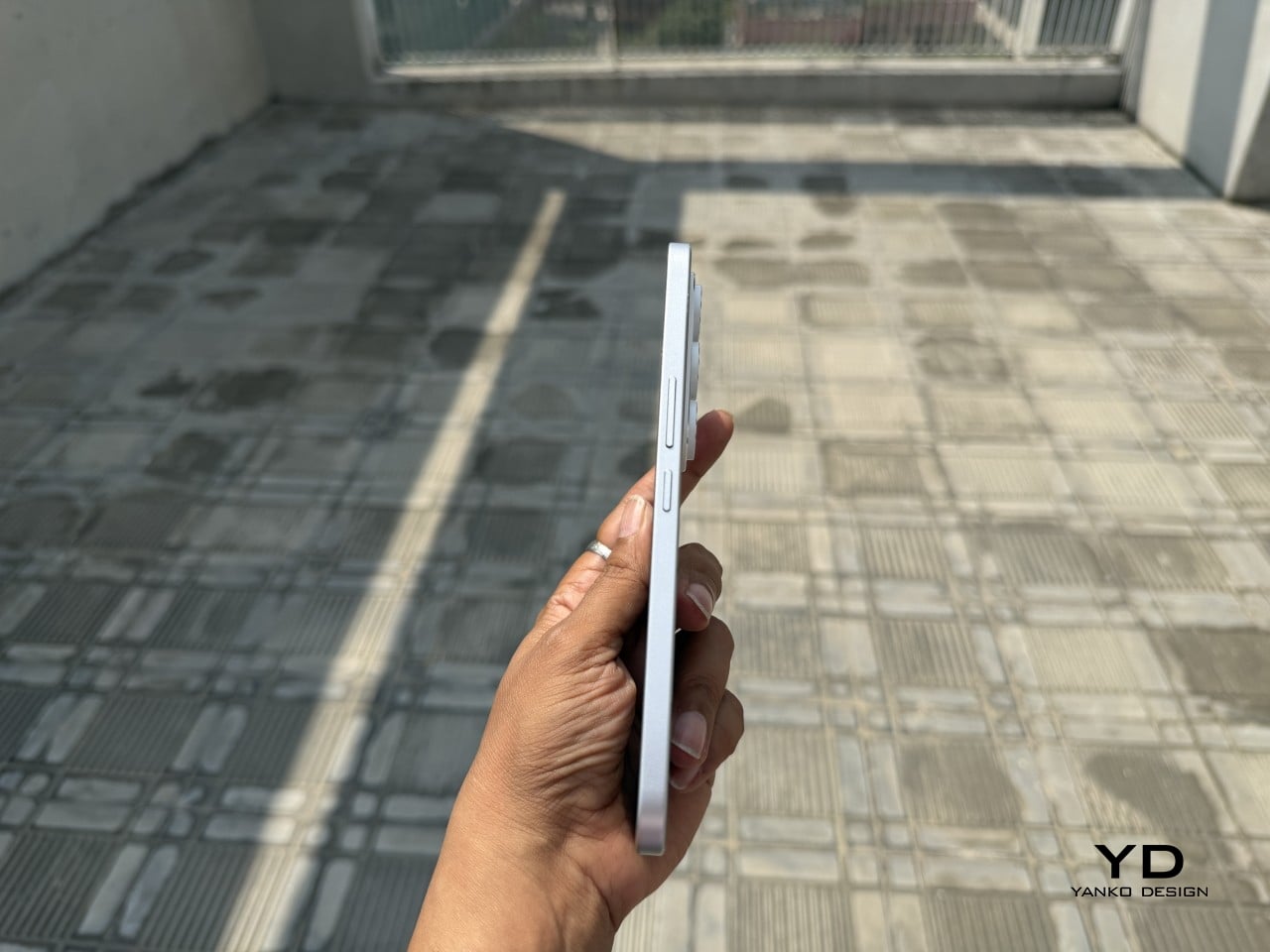
Smaller details add to the overall impression. An X-axis linear motor delivers a crisper, more lateral haptic feel than the basic rumble of typical budget devices, while a dedicated notification LED and a Hi-Fi speaker bring back features that most modern phones quietly retired. There’s no headphone jack, which some will take issue with, but the USB Type-C port covers both charging and wired audio without trouble.

It ships with Android 16 and full Google Mobile Services, and comes in black or white, each unit with a pre-applied screen protector and protective case included. A charger isn’t in the box. Pricing starts at $420 for the 256 GB model and $480 for the 512 GB version, and because production will match pre-order quantity, there’s no confirmed ship date yet.

The Q27 also marks a shift in Zinwa’s approach. Previous models from the company involved transplanting modern internals into refurbished BlackBerry shells, but the Q27 is a wholly new design with no borrowed chassis. For a small outfit trying to keep the physical keyboard phone alive, that’s a significant step, and it shows the kind of commitment this particular corner of the market genuinely needs right now.

The post A $420 Phone Just Proved BlackBerry Fans Have Been Right All Along first appeared on Yanko Design.
Tablets Sound Bad, So Motorola Just Put 9 JBL Speakers in One

Entertainment tablets have come a long way in terms of screen quality, but audio often tells a different story. Most of them ship with a pair of speakers that merely get the job done, leaving users reaching for headphones or a separate Bluetooth speaker the moment things need to get louder. The gap between how tablets look and how they actually sound has never been more apparent.

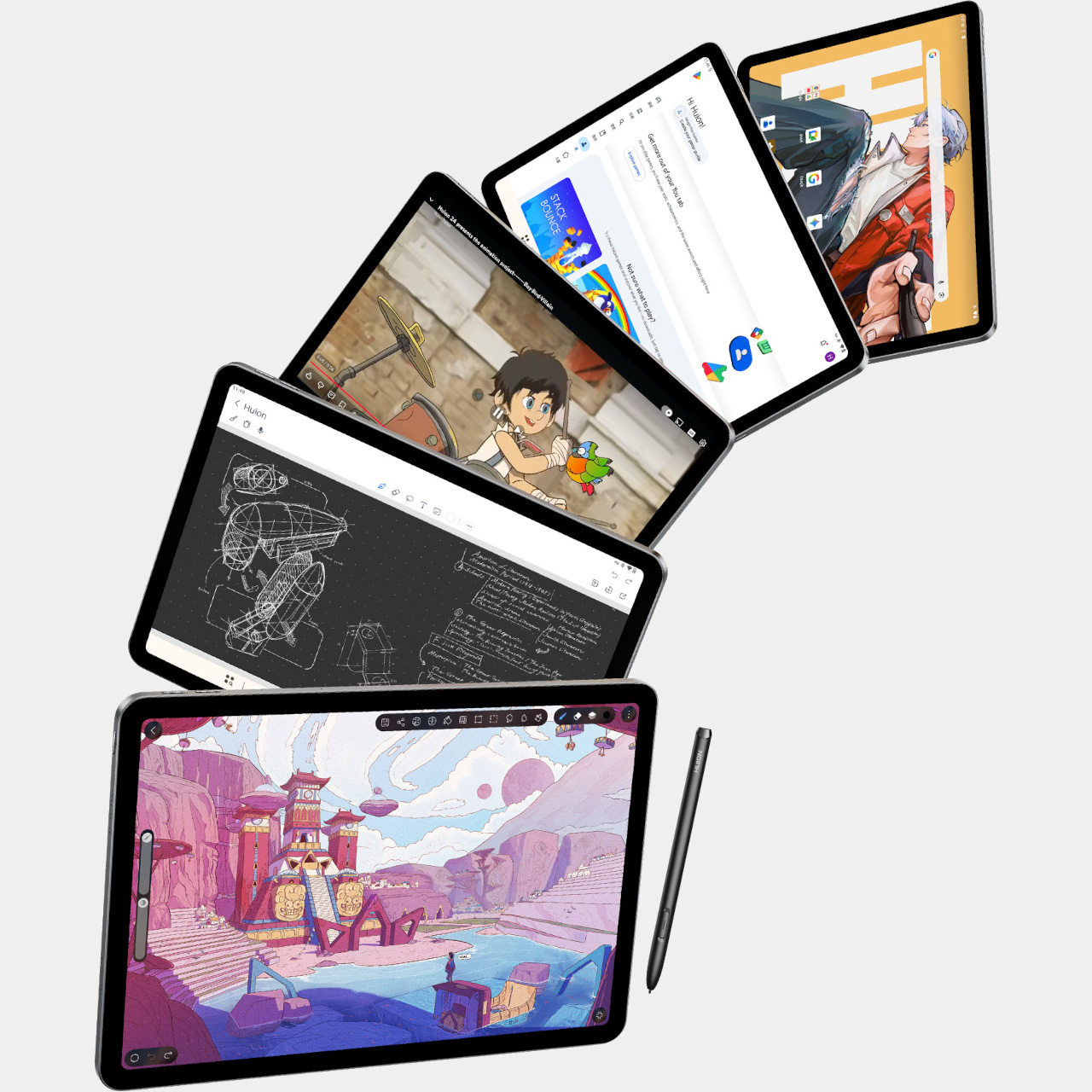
The Motorola Moto Pad 70 Groove is built around a premise that most tablets don’t dare fully commit to: making audio the centerpiece, not an afterthought. It arrives loaded with a nine-unit JBL Pro speaker system, a 12.1-inch 2.5K display, and a 360-degree built-in kickstand, addressing the kind of everyday entertainment scenarios where a standard tablet simply wouldn’t be enough.

Designer: Motorola

The display is well suited for this audio-first identity. The 12.1-inch IPS LCD panel runs at 120 Hz with a 2560×1600 resolution, HDR10 and Dolby Vision certification, and a peak brightness of 800 nits. It’s a smooth, vivid canvas for streaming content, though the real draw is what’s happening on the edges of that screen, where all those speakers live.

Nine speakers sound like a gimmick until you see what they’re actually made of: four tweeters, three woofers, and two passive radiators, all tuned by JBL and backed by Dolby Atmos. Together, they’re rated to push up to 48W of audio output, which is a lot to ask from a tablet-sized device. It’s the kind of setup that makes you rethink whether you actually need a separate soundbar.

What makes the audio system more interesting is the built-in Bluetooth speaker mode, which turns the Groove into a standalone speaker your phone can control wirelessly. It’s a clever trick for situations where you want music filling a kitchen or a living room during a gathering, without having to keep the tablet actively streaming the content. Dolby Audio further adds Dynamic, Movie, and Music modes for more tailored listening.

The 360° Kickstand 2.0 adds another layer of flexibility. It supports four positions named Lean, Stand, Theatre, and Hanging, each suited for a different viewing situation. Prop it up on a desk for a video call, tilt it back for a movie in bed, or hang it from a hook when counter space runs out. It’s a practical piece of engineering that doesn’t feel like an afterthought.

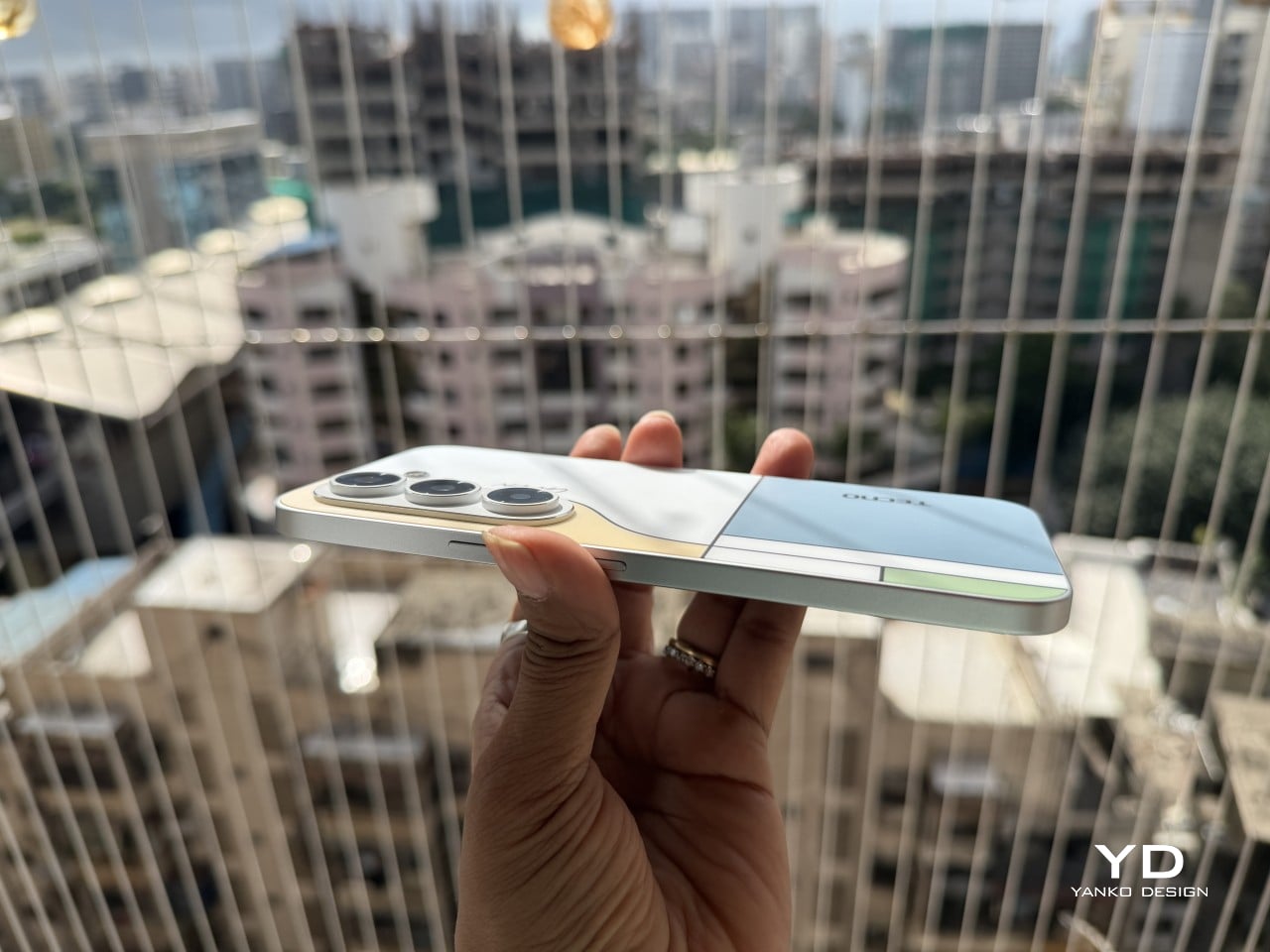
Under the hood, a MediaTek Dimensity 7400 chip handles daily tasks alongside 8GB of RAM and 256GB of storage. The 10,200mAh battery keeps extended streaming sessions going, and the 45W TurboPower charging keeps downtime short. The all-metal body in Pantone Blue Surf measures 6.8 mm at its thinnest, though the speaker array at the back raises that to 22.7 mm, creating a distinctive ridge. The Groove ships with Android 16 and Google Gemini out of the box, with Motorola committing to updates through Android 18 and security patches through 2030.

The post Tablets Sound Bad, So Motorola Just Put 9 JBL Speakers in One first appeared on Yanko Design.
Huion Note E Review: The Notebook That Never Runs Out of Pages

PROS:


  • Streamlined and focused note-taking experience

  • Looks and feels like using a digital A5 notebook

  • Battery-free stylus with 8,192 levels of pressure and tilt support

  • Sharp display with anti-glare nano-etching, DC dimming, and soft light

CONS:


  • No microSD storage expansion

  • Cover attachment feels prone to breaking

  • Custom software has room for improvement

RATINGS:

AESTHETICS
ERGONOMICS
PERFORMANCE
SUSTAINABILITY / REPAIRABILITY
VALUE FOR MONEY

EDITOR'S QUOTE:

The Huion Note E delivers an enjoyable writing experience on a notebook that never runs out of pages.
award-icon

Huion has made a name for itself with digital drawing tools that empower creatives, both professional and hobbyist alike, regardless of their budgets. It has lately dabbled in the realm of standalone Android tablets, bringing its technologies that would allow designers and artists to let their creativity roam free, figuratively and literally. It even put out some “Smart Notebooks,” catering to the note-taking crowd more than artists.

Against this backdrop, the Huion Note E arrives with an ambitious goal: to be the electronic notebook to replace your handful of paper notebooks. It’s designed to even look the part! But this has been attempted before by many companies, including more expensive fruit-labeled slates, so how does the Note E fare in this regard? Is it able to deliver that paper-like writing experience, or is that just another bullet point in a smorgasbord of disjointed features? We take out our thinking caps, jot down our musings, and take it for a spin to find out.

Designer: Huion

Aesthetics

Huion dubs the Note E as an Electronic notebook, and the first impression you get definitely supports that characterization. Out of the box, it already sets itself apart from typical Android tablets and even from e-readers that have thick bezels and a wider left edge. That left edge uses a rough textured material that mimics the appearance and experience of spines on some paper notebooks.

In fact, the Huion Note E tries quite hard to push that notebook metaphor, almost to the extreme. Instead of your typical smooth edges, the tablet’s sides have an unusual ridged structure that looks like pages of a notebook. That is, if your notebook used black paper. All in all, the Huion Note E presents itself well as an electronic A5 notebook, which helps endear itself to those planning to make the switch from paper to digital.

The included cover adds a pinch of luxury to that presentation, with a PU leather material on the outside and a soft, felt-like texture on the inside. It’s reminiscent of premium journals and their leather-like covers, reinforcing the image of the Huion Note E as an electronic notebook. It’s nothing grand or spectacular, but small touches like these help give the product a distinct personality as a carefully designed object rather than just another tablet in the market.

The Huion Note E embraces a very minimalist design, at least aside from those aforementioned details. Without any physical volume controls, only the power button, USB-C port, and holes for the mics, speaker, and cover break the flow of the ridges around the device. The LCD screen with anti-glare nano-etching is laminated and lies completely flat, just like a page of a notebook. The back is also pretty bare, save for the Huion branding in the middle and the camera bump in a rather unconventional corner. The back has a somewhat matte texture that is, unfortunately, quite a smudge and fingerprint magnet.

The included stylus, a Huion PW510 with PenTech 3.0, follows that same minimalist aesthetic. It has no side buttons, for better or for worse, and aside from the pen nib, the only interaction point is the springy eraser on the other end. The 9mm-diameter barrel has two flat sides that keep it from rolling off a table. Amusingly, the pen seems to roll on its “back” more often than not, ensuring that the Huion name on the barrel is always visible.

Ergonomics

The comparison with a paper notebook doesn’t stop at the appearance. The Huion Note E is almost exactly the size and thickness of an 80-page A5 notebook. At around 348g, it almost weighs as much as one, though the cover adds around 100g more to that ensemble. It’s still light and slim enough to carry everywhere you’d normally take notebooks with you, with the advantage that you only need one Note E versus a stack of A5 notebooks.

That also means it’s convenient to hold the Huion Note E up in one hand, though your exact comfort will depend on your hand size and grip. Those with larger hands or longer fingers might be able to more comfortably grip both edges to hold the tablet like a notepad, while some might prefer gripping the textured left edge instead. That said, the device has enough heft that it can start to feel a bit tiring after a long period of time.

The Huion PW510 pen’s 9mm diameter also makes it a joy to hold and use. It has enough girth to feel comfortable without being too chunky. The body is also well-balanced, so nothing weighs down your hand to get in the way of writing. The lack of a side button aligns with the goal to mimic a pen and paper experience, though at the expense of some useful functionality. The pen magnetically attaches to the side of the Note E, making it easy and convenient to stow away the pen when not in use. There’s also a pen loop on the included cover, though designed in a rather unusual way.

That magnetic cover itself is a bit of an odd duck, sadly. While it’s understandable that Huion avoided using extra-strong magnets that would have affected the EMR pen’s performance, the mechanism they chose feels both unintuitive and flimsy. There are two small prongs inside the spine of the cover, and you have to slide the tablet up or down, depending on whether you’re removing or attaching it, respectively. Given the size of the prongs, it feels like an accident waiting to happen.

One rather curious note is the placement of the power button, which also functions as a fingerprint scanner, on the upper right edge. I usually open books or notebooks from that corner, so when I flip the cover open, my finger naturally brushes against the power button and automatically unlocks the tablet so I don’t have to do that step consciously. Whether that design was intended or not, it was still a nice touch, no pun intended.

Performance

Huion already has quite a number of Android-powered tablets in the market, including a 10-inch one with an E Ink screen. The Note E, however, has a distinct purpose that calls for a rather different combination of hardware and software features. It’s meant to be a highly portable digital notebook first and foremost, so everything else falls under this lens, both the good and the bad.

Specs and Battery

The Huion Note E is unambiguously what would be considered a mid-range tablet, especially with its MediaTek Helio G99 processor. While that may have been billed as a gaming chip for budget smartphones back in 2022, it doesn’t hold a candle to today’s mid-tier silicon, at least in theory. In practice, however, it actually performs quite well, especially with 6GB of RAM that gives apps sufficient space to operate. It’s no racehorse, for sure, but that isn’t even the point of this device in the first place.

The tablet comes with 128GB of RAM, which is modest by 2026 standards, especially without any option to expand it with a microSD card. It will be enough to hold notes, pieces of art, and ebooks aplenty, but you’ll definitely feel cramped for anything else. You will definitely feel the intentional limitations Huion put in place, preferring to focus on the core use cases for the device: note-taking with a bit of drawing and reading on the side.

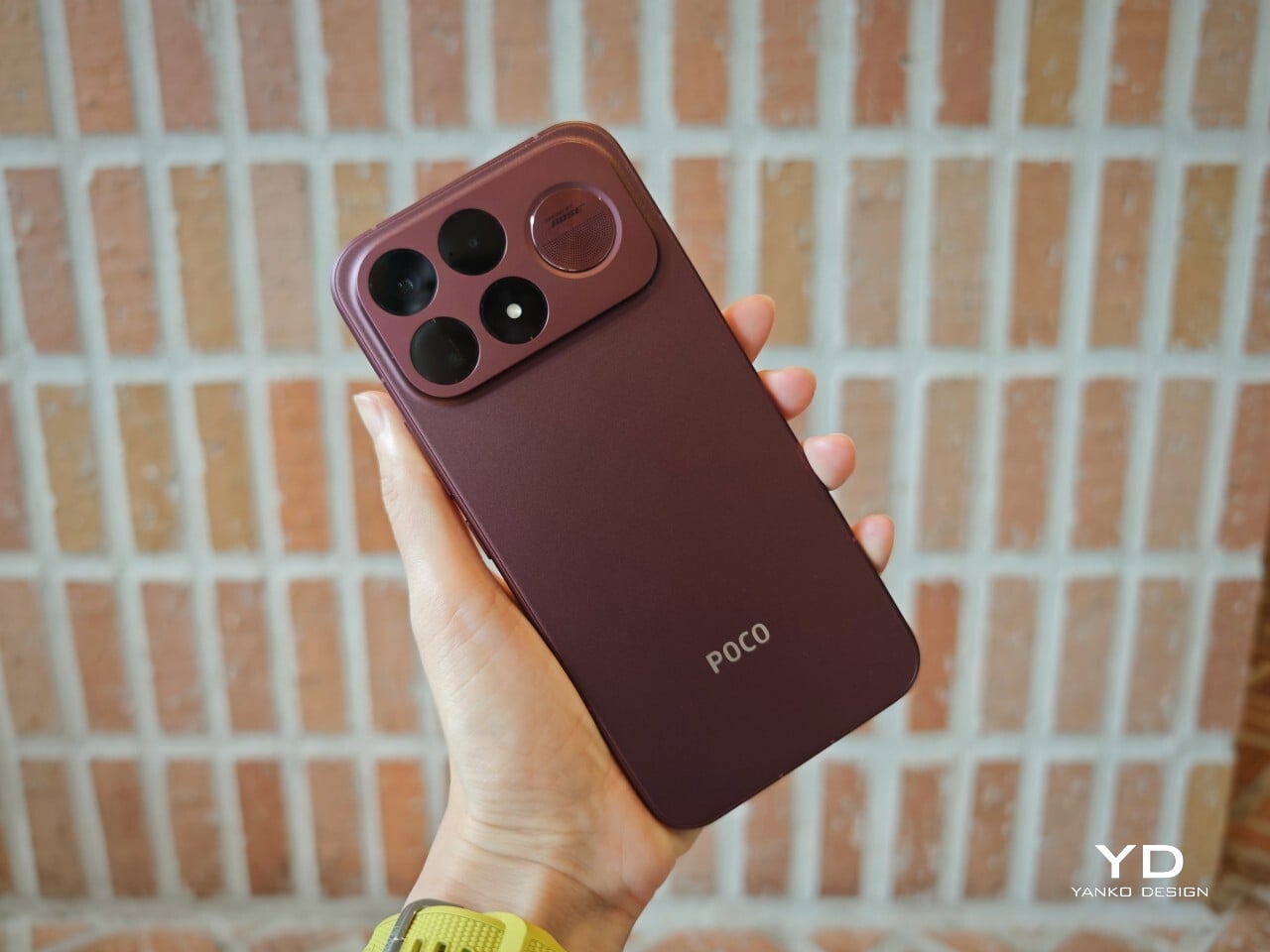
Huion Note E (Left) | POCO X8 Pro (Right)

That’s also why the Huion Note E’s camera story is almost non-existent. There’s an 8MP shooter on the back that’s primarily for scanning documents, notes, and books. You can take passable photos, definitely, but the quality is so basic you’d be better off reaching for your smartphone. Yes, you can probably snap up a reference for your drawing, but don’t expect accurate colors, let alone fine details. Unsurprisingly, there is no front-facing camera, even for video calls.

A 4,500mAh battery sounds a little too modest for a tablet, but it does surprisingly well. On standby, with 2 or 3 benchmarks run, it lasted almost three days from full to 5%. On a full day of regular use, you won’t even need to reach for a power bank until the next day. The 18W “fast” charging speed is definitely a bummer, requiring 2.5 hours to top up.

Display and Pen

Where the Huion Note E excels is, of course, the screen and stylus experience, which isn’t surprising given the brand’s core technologies and target market. The 8.4-inch laminated LCD screen comes with an anti-glare nano-etched surface that is advertised to provide a traditional pen-on-paper experience. In practice, it feels more like writing on a sheet of smooth, high-quality paper, like the ones you’d find in Japanese-made notebooks and planners. It doesn’t exactly have that “scratchiness” of regular paper, but there’s enough resistance that it doesn’t feel like plastic sliding on glass.

With a 1920×1200 resolution, the 60Hz screen boasts a pixel density of 270 PPI, close to what ereaders offer. Huion doesn’t advertise it as something similar to E Ink, nor does it even talk about a paper-like reading experience. It’s still an LCD screen, though with some features aimed at helping reduce eye strain. For example, it opts for DC dimming over the more popular PWM to reduce flickering that hurts the eyes over long periods of use.

All of these come together to deliver a screen that is sharp, clear, and colorful, allowing for a variety of uses that go beyond just scribbling or reading. Under bright light, even under the sun, the screen is still readable, especially at max brightness. The anti-glare finish does affect viewing angles, but very few people would read or write at an extreme angle anyway.

The Huion PW510 stylus that comes in the box utilizes the brand’s PenTech 3.0 technology, promising 8,192 levels of pressure as well as tilt sensitivity. It definitely works as advertised with no latency in any app, reproducing that joyful feeling of seeing “ink” flow smoothly from the tip of the pen as it glides across paper. Sadly, the design of the 1.6mm felt nib makes it harder to take full advantage of tilt, but it’s definitely there.

Software

That the Huion Note E is specifically designed for note-taking is perhaps best seen in the mixed bag that is the software experience. It runs on a customized Android experience that more closely resembles an e-reader than a typical Android tablet. Most of the features and settings are still there, just hidden and sometimes even locked down.

There is thankfully not much bloatware installed, save for some “basic” Google apps. Ironically, while the device does support Google Play, you have to take some extra, but thankfully easy, steps to register the device. It’s an unfortunate situation, but not a complete deal-breaker. Once you get past that, almost any app on the Play Store is available to install.

Huion’s built-in software, however, leaves some things to be desired. The launcher, which has “tabs” on the left, is designed to be minimal and distraction-free. It’s also the only way you can get to the Huion Notes and To-do apps, as they are baked into the launcher, following the practice of some Android ereaders. Unfortunately, it’s so minimalist that there’s no option to rearrange apps in the Favorites tab (but you can do that in the All Apps tab), nor is there a dark mode that will avoid blinding your eyes in a dark room.

The Huion Notes app is also capable but basic, designed more for quick notes rather than elaborate journals and planners. You have four “pens,” only one of which takes advantage of pressure sensitivity. There’s no way to directly type in text, forcing you to write by hand and then convert to text, but once text is already there, you can edit normally with a keyboard. One key feature is the ability to record audio while writing, for example while taking notes in a lecture, and you can later play the recording back and watch your handwriting appear in sync.

The built-in To-Dos app is even more basic, simply letting you scribble a task, which it converts to text, enter sub-tasks, and assign due dates and times. You can type in text at all, so you’ll really have to do everything with the stylus, which is the entire point in the first place. You don’t type in your paper notebook, after all.

HiPaint, which some consider to be the Android Procreate, is also pre-installed, but you can install any drawing app of your choice. With Huion’s display and pen tech, turning the Note E into a portable digital sketchbook is like second nature. Of course, you can also read books, comics, and, if you really want, scroll through social media, though the reading experience might be subpar compared to a color E Ink device.

Sustainability

The Huion Note E doesn’t exactly score well in this criterion. The device is mostly plastic, with no mention of recycled parts. The packaging is compact and minimal, but there’s still quite a bit of plastic there as well. The device itself is only rated for IP40, which practically means no protection even against accidental splashes. It does run Android 15, which was last year’s release, but there is no clear upgrade path moving forward.

The Note E’s sustainability advantage is in what it saves in the long run, even if indirectly. It is trying to create a culture of swapping out paper notebooks for electronic ones, at least for the more disposable use cases. The battery-free stylus is not only, well, battery-free but also saves up on energy you would have used to charge the pen. Small wins, definitely, and hopefully Huion would move toward stronger sustainable practices and materials soon.

Value

At $369, the Huion Note E is hardly what you’d consider a budget tablet. It does include an excellent stylus and a somewhat ambiguous cover, but if you’re looking for hardware chops, you’d best look elsewhere. A mono speaker and a single 8MP camera are not what you’d consider modern features. It is definitely not the only Android tablet with a stylus, either.

What Huion brings to the table isn’t just another Android device, but one that is clearly designed, both in hardware and software, for a specific, focused purpose. That it looks like an A5 notebook isn’t an accident, and, incomplete as it may be, the streamlined software experience is quite intentional. The Note E aims to be your one electronic notebook to replace your other paper notebooks, and it definitely gets the job done, with plenty of room for growth.

Verdict

There is no shortage of Android tablets that support pen input, from the large and expensive “Pro” slates to E Ink readers. At first glance, the Huion Note E looks like yet another entry in that market, but just turn it to the side, and you will immediately see that it’s a different beast entirely. It’s an electronic notebook first and foremost. Everything else is just side effects.

What really sets the Huion Note E apart is the carefully selected mix of features and limitations that make it look less like a mass-market device and more like a considered object. It looks like the object it’s meant to replace, and the limitations it has in place streamline rather than restrict the experience. Sure, there are a few quirks, most of which can be fixed with software updates, but, in the end, the Huion Note E still manages to deliver its promise: an enjoyable writing experience on a notebook that never runs out of pages.

The post Huion Note E Review: The Notebook That Never Runs Out of Pages first appeared on Yanko Design.
Nothing Phone (4b): Not Exciting, But Hard to Fault

PROS:


  • Distinctive design that still feels recognizably Nothing

  • Large 120Hz AMOLED display is good for the price

  • Solid all–day battery life

CONS:


  • No telephoto camera

  • Noticeable bezel

RATINGS:

AESTHETICS
ERGONOMICS
PERFORMANCE
SUSTAINABILITY / REPAIRABILITY
VALUE FOR MONEY

EDITOR'S QUOTE:

Not especially thrilling, but thoughtfully balanced, the Nothing Phone (4b) is an affordable phone that knows its priorities.

It’s no secret that rising memory prices have become a major challenge for tech companies of every size. Some brands have responded by simply raising prices. Others have had to rethink their product strategy entirely. You know the situation is serious when a company decides not to release a successor to one of its most popular series because it cannot build a phone that feels good enough for its target audience at the right price.

With no CMF phone upgrade arriving this year, the Nothing Phone (4b) becomes the company’s new affordable entry point. Rather than pushing ahead with a compromised CMF successor in a difficult market, Nothing has brought that mission back under its main label. It is an entry-level phone by positioning, but one that still tries to carry the visual character and brand personality that make a Nothing device feel distinct. Of course, affordability in a market like this never comes without tradeoffs. The question is whether Nothing has chosen the right ones. Has it cut back in ways most users can accept, while still delivering a phone that feels stylish, capable, and true to the brand?

Designer: Nothing

Aesthetics

Nothing has built its reputation on a strong and instantly recognizable design identity. That identity first emerged with the Nothing Ear (1), the company’s debut wireless earbuds, whose transparent look immediately gave the brand a distinct visual signature. When Nothing later expanded into smartphones, it introduced the Glyph design as a new defining element of its phone lineup. Since then, the company’s design language has continued to evolve, sometimes through refinement, sometimes through experimentation, but never by standing still.

At a glance, the Phone (4b) still feels part of that family. It carries over familiar cues such as exposed screw details, geometric panel treatment, and a transparent-inspired camera bump that gives the rear a sense of structure rather than mere decoration. The phone is offered in White, Black, and Blue, and its unibody design helps the overall form feel more cohesive. All three colorways use black buttons, which create a subtle contrast, especially on the lighter finishes. The rear itself has a dual-tone look, with a more solid lower section and a transparent-inspired camera bump above it. On that bump, two vertically stacked cameras sit alongside the flash and a Glyph Bar that echoes the Phone (4a).
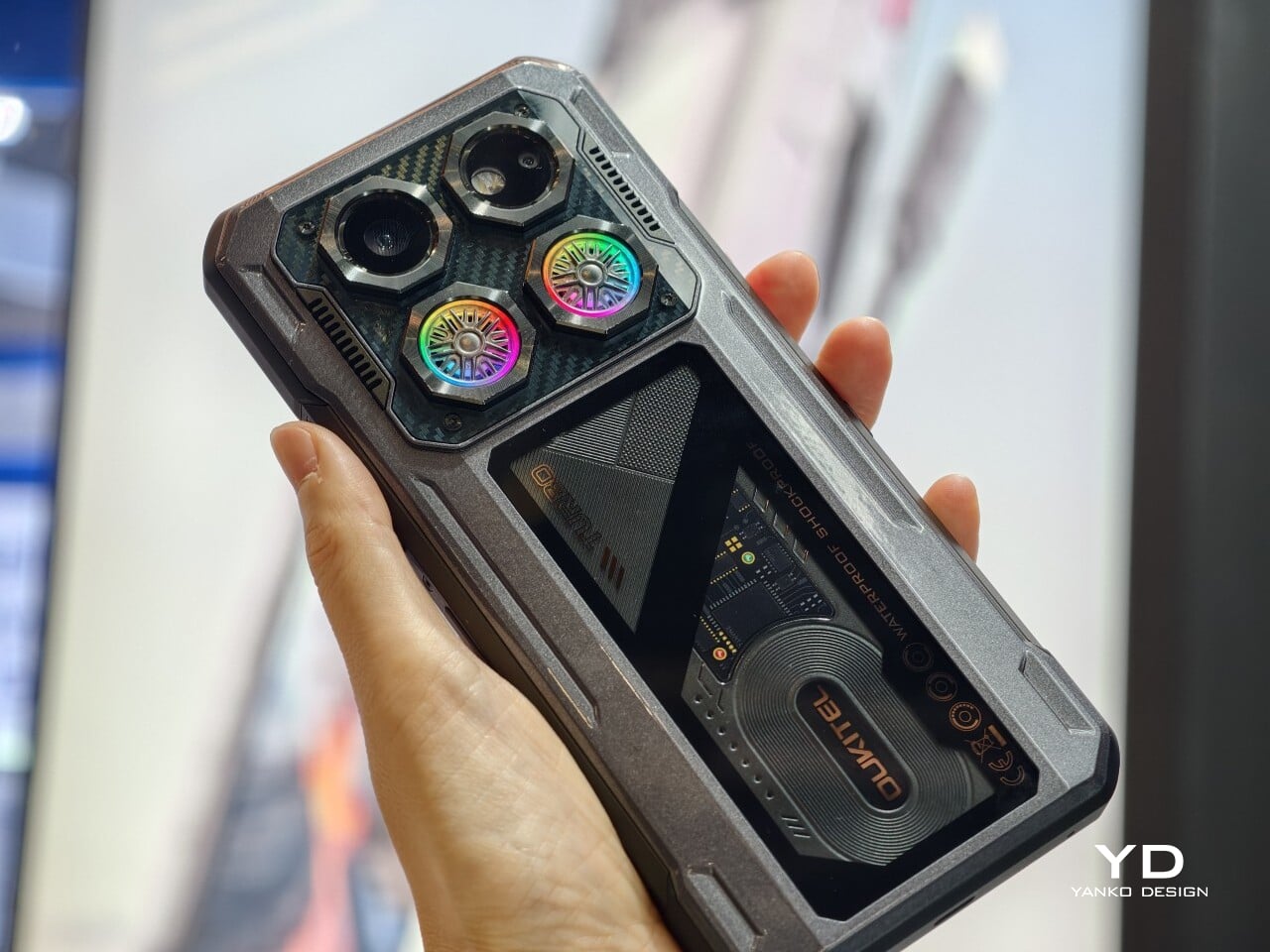
It is not as fun or as visually exciting as some other Nothing phones, especially the earlier ones. The design feels more restrained, with less of the playful boldness that once made the brand’s devices feel genuinely surprising. Even so, for a budget phone, Nothing has balanced design ambition and cost control well, preserving enough character to keep the Phone (4b) from fading into the background.

Ergonomics

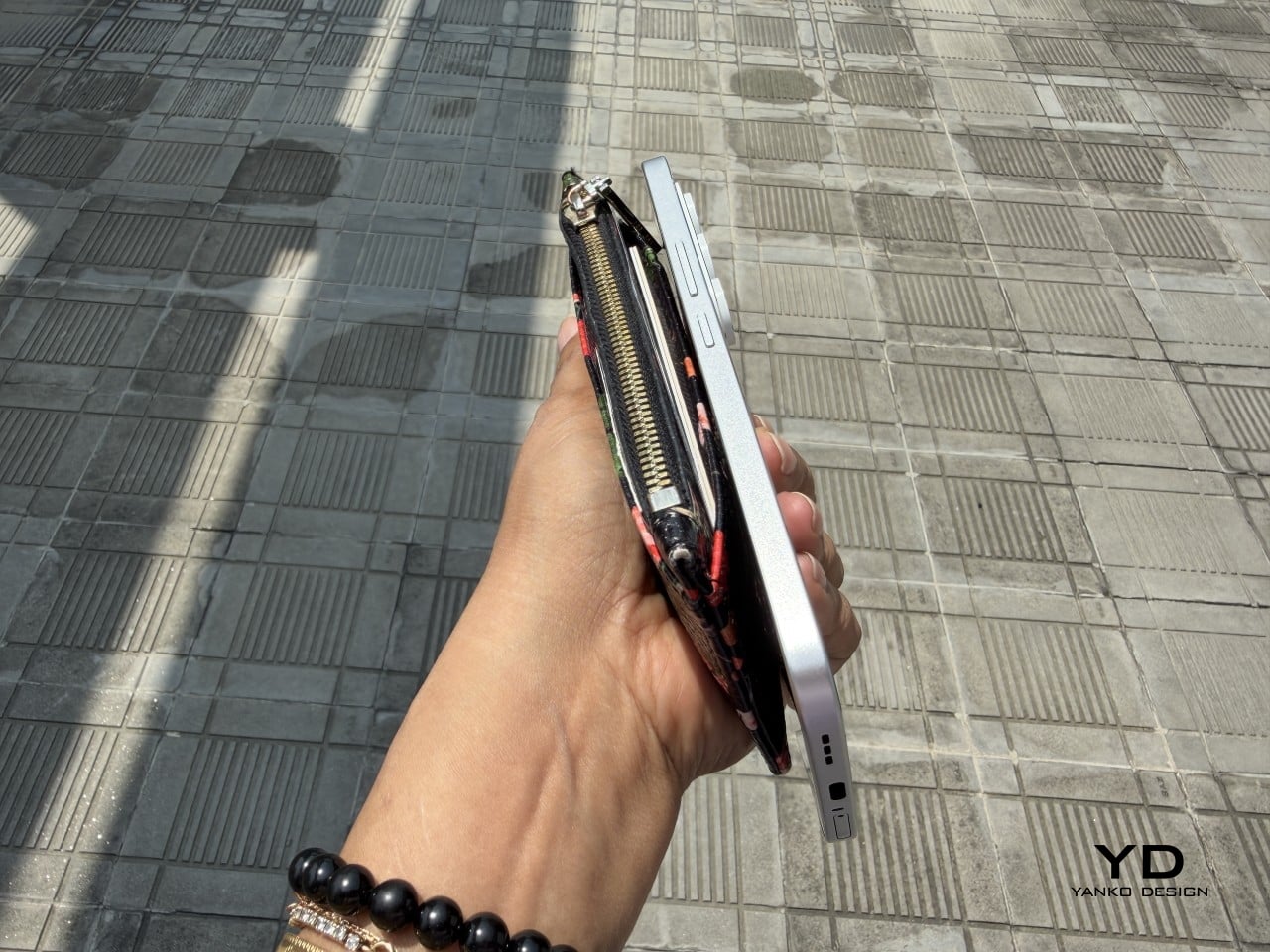
Measuring 164.4 x 78.2 x 8.6 mm and weighing 210 g, the Nothing Phone (4b) is very much a modern big-screen budget phone. Its unibody construction helps it feel solid and cohesive in the hand, and the weight distribution is even enough that it does not come across as awkward or top-heavy. The matte texture is a nice touch visually and helps the phone avoid looking overly glossy, though it does not completely translate into a secure grip.

For me, the biggest issue is the width. At 78.2 mm, it is just a bit too wide to handle comfortably with one hand, especially when trying to reach across the display for interface elements or app icons. The handling can also feel a little slippery at times, so simple actions such as pulling down menus or tapping controls near the opposite edge can require a grip adjustment. As a result, the Phone (4b) feels more natural in two-handed use than in quick one-handed moments.

The fingerprint scanner placement does not help much either. It sits near the bottom of the display, which makes the unlock motion feel less seamless than it should. Once the phone is unlocked, your thumb is already positioned too low, so moving directly into navigation feels less natural than it would with a scanner placed slightly higher. It is a small ergonomic detail, but one that becomes easier to notice in everyday use.

Performance

The Nothing Phone (4b) is powered by the Snapdragon 6 Gen 4, paired with 8GB of RAM and either 128GB or 256GB of storage. That places it firmly in the lower mid-range rather than the true bargain-bin tier, and in daily use, that positioning feels about right. This is not a phone that tries to impress with raw speed or benchmark theatrics. Instead, it aims for a level of performance that feels dependable enough for the people most likely to buy it.

In everyday tasks, the Phone (4b) holds up well. Navigating the interface, switching between common apps, browsing the web, replying to messages, and scrolling through social media all feel smooth enough that the phone rarely calls attention to its limitations. Gaming is where its limits become clearer. Casual titles should run without much trouble, and lighter 3D games are likely to be perfectly playable, but this is not a device built for demanding graphics or long sessions at high settings. Heavier games will almost certainly require reduced visual quality to maintain consistency, and even then, this is not the sort of phone that feels eager to push beyond its class.

The software experience plays a big role in making the Phone (4b) feel more polished than its hardware might otherwise suggest. Nothing’s interface has generally been one of the company’s strengths, and that remains true here. Notably, Nothing has not held back too much on software features, with AI tools and Essential Space both making their way to the Phone (4b). The software is also relatively clean, with only a small amount of pre-installed bloatware, something that remains surprisingly rare at this end of the market.

The Glyph interface is still here, though in reduced form as the rear Glyph Bar rather than the fuller system found on more expensive Nothing phones. It supports practical functions such as timers, charging progress, notifications, recording indicators, and one of my personal favorites, the camera countdown, so it is more than just a visual gimmick. Still, this pared-down implementation feels more like a modest nod to Nothing’s identity than a feature that adds much excitement to the experience.

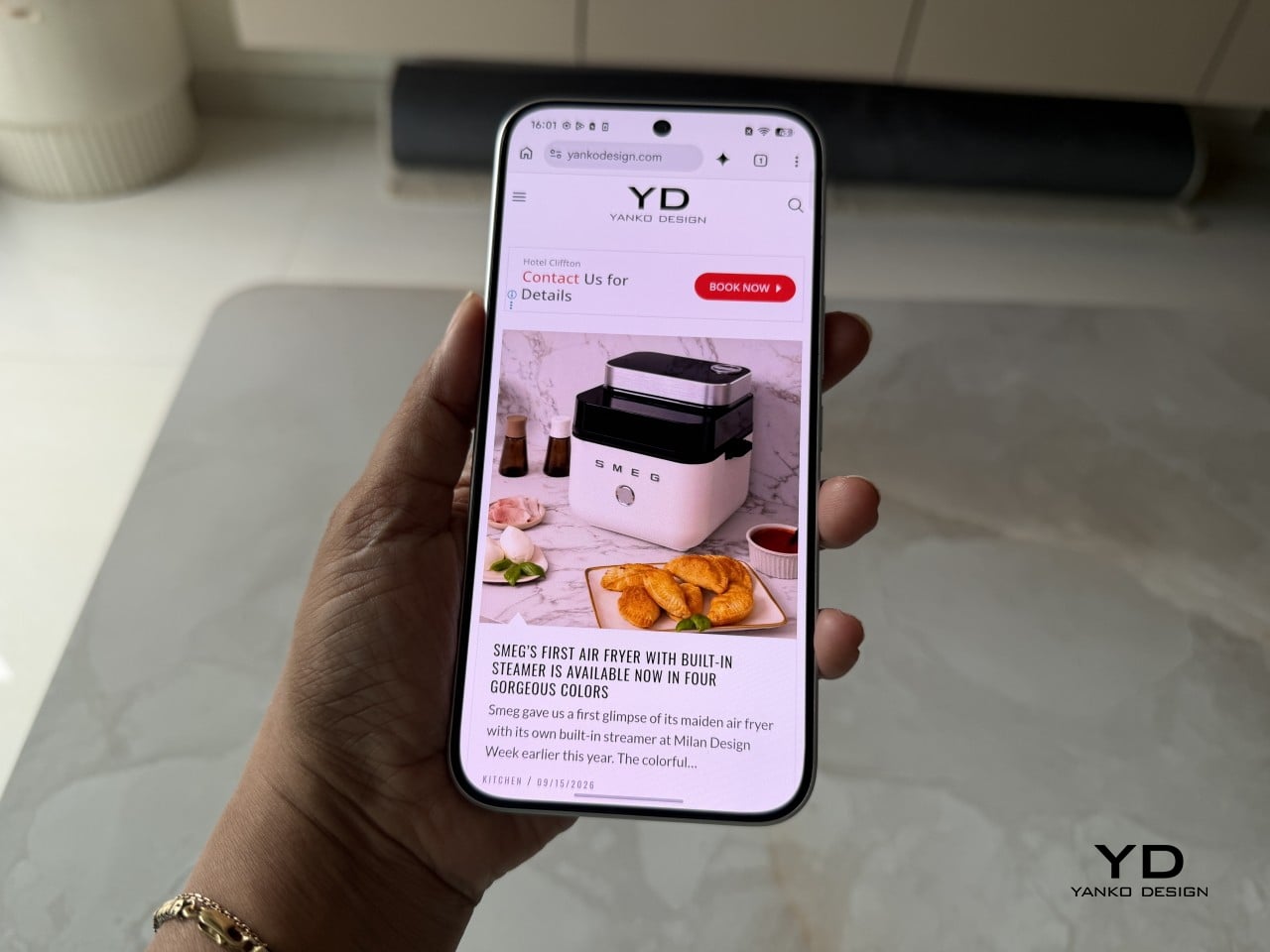
The Phone (4b) features a large 6.77-inch AMOLED display with a 1080 x 2344 resolution, a pixel density of 381ppi, and a 120Hz refresh rate. Nothing also claims a peak brightness of 2,000 nits and 1,300 nits in outdoor brightness mode. It is a solid display package for the segment, offering the kind of size and fluidity that most users will immediately appreciate in daily use.

Visually, the panel does not do much to surprise. The bezels are relatively thick all around, with a more noticeable chin at the bottom, so it lacks the sleek edge-to-edge impression of more expensive phones. Even so, this is still a good screen for the price. The AMOLED panel gives the Phone (4b) the contrast and richness you would hope for, while the 120Hz refresh rate helps the interface feel smoother and more modern.

Main Camera, 2x

Main Camera, 1x

The speaker quality follows a similar pattern. It is still not especially impressive, but it is better than merely acceptable. The stereo speaker setup gives the Phone (4b) a more balanced audio presentation, and the sound avoids becoming muddy. It is not a standout for richness or power, but for everyday listening, the result is solid for the class.

Main Camera 2x (B&W Film Filter), Main Camera 2x (Normal)

Main Camera 2x (Portrait Mode)

The camera system is another area where expectations need to stay grounded. On the back, the Phone (4b) pairs a 50MP main camera, using a 1/2.76-inch sensor with an f/1.8 aperture and OIS, with an 8MP ultra-wide camera that uses a 1/4-inch sensor and an f/2.2 aperture. Up front, there is a 16MP selfie camera. This is a fairly typical camera setup for the segment, with the main sensor doing most of the meaningful work.

Ultra-wide 0.6x

Main Camera 1x

In good daylight, the results are generally solid. The main camera captures decent detail, pleasing contrast, and images that are more than good enough for social sharing. The phone can zoom up to 10x, but image quality starts to fall off noticeably beyond 2x, so that upper range is more there for flexibility than for genuinely reliable output. Low-light performance is also fairly good overall, though white balance can become a little wonky in certain scenes. For video, the main camera can record at up to 4K 30fps, while the ultra-wide and front-facing cameras are limited to 1080p, with the former capped at 30fps and the latter able to reach 60fps.

Main Camera 2x

Main Camera 5x

Main Camera 10x

Battery life should be one of the Phone (4b)’s more dependable strengths. The global version packs a 5,200mAh battery, and when paired with a relatively modest chipset and efficient software, the phone is clearly tuned for endurance rather than excess. In my use, it lasted a full day easily, which is exactly what most buyers in this category will want. Charging is less exciting. Wired charging tops out at 33W, which is not especially fast by current standards, but the inclusion of 5.5W reverse wired charging is still a welcome extra.

Sustainability

Sustainability is rarely a major talking point in the smartphone market, which is why Nothing deserves credit here. The company puts details such as the Phone (4b)’s carbon footprint and packaging composition directly on the product page instead of burying them elsewhere. That kind of transparency is still uncommon, and it makes the sustainability effort feel more concrete.

There is also a practical side to the story. The Phone (4b) has an IP64 rating for dust and splash resistance, while its unibody construction should help with structural strength. Software support is solid, with three years of Android updates and six years of security patches.

Nothing lists the Phone (4b)’s carbon footprint at 54.7 kg CO₂e, and says more than 99 percent of the packaging is plastic-free, excluding the PET-paper composite label. These are not the kind of details most buyers will focus on first, but they are useful to have. More importantly, this level of disclosure is worth praising and reflects a company that is at least willing to treat environmental responsibility as part of the product conversation.

Value

At £299, or about $400, the Nothing Phone (4b) is not trying to be the absolute cheapest option. Instead, it aims to offer a more polished and distinctive experience than many budget phones at this price. That gives it a slightly different kind of value proposition.

That mostly works in its favor. You get a recognizably Nothing design, a large 120Hz AMOLED display, clean software, stereo speakers, solid battery life, and dependable everyday performance. The phone is not without compromises, especially in its chipset choice and the lack of a telephoto camera.

The Phone (4b) may not be the obvious bargain pick, but it still offers solid value. It feels less like a phone built to win on one headline feature and more like one shaped by careful compromise. For buyers who want an affordable phone with personality and few major weaknesses, it makes a convincing case for itself.

Verdict

The Nothing Phone (4b) is a sensible response to a difficult market. Rather than forcing out a compromised CMF successor, Nothing has created a new affordable entry point under its main brand. The result is a phone that feels carefully judged rather than boldly ambitious.

It is not an especially exciting device, and some compromises are easy to notice. The chin bezel, modest chipset, and limited camera versatility all remind you where costs have been kept in check. Even the Glyph Bar feels more like a restrained nod to Nothing’s identity than a standout feature.

Still, the Phone (4b) gets the fundamentals right. It offers a good display, clean software, solid battery life, stereo speakers, dependable everyday performance, and a design that still feels recognizably Nothing. For buyers who want an affordable phone with personality and few major weaknesses, it makes a convincing case for itself.

The post Nothing Phone (4b): Not Exciting, But Hard to Fault first appeared on Yanko Design.