Smartphone touchpad concept tries to solve one of the biggest problems with big phones

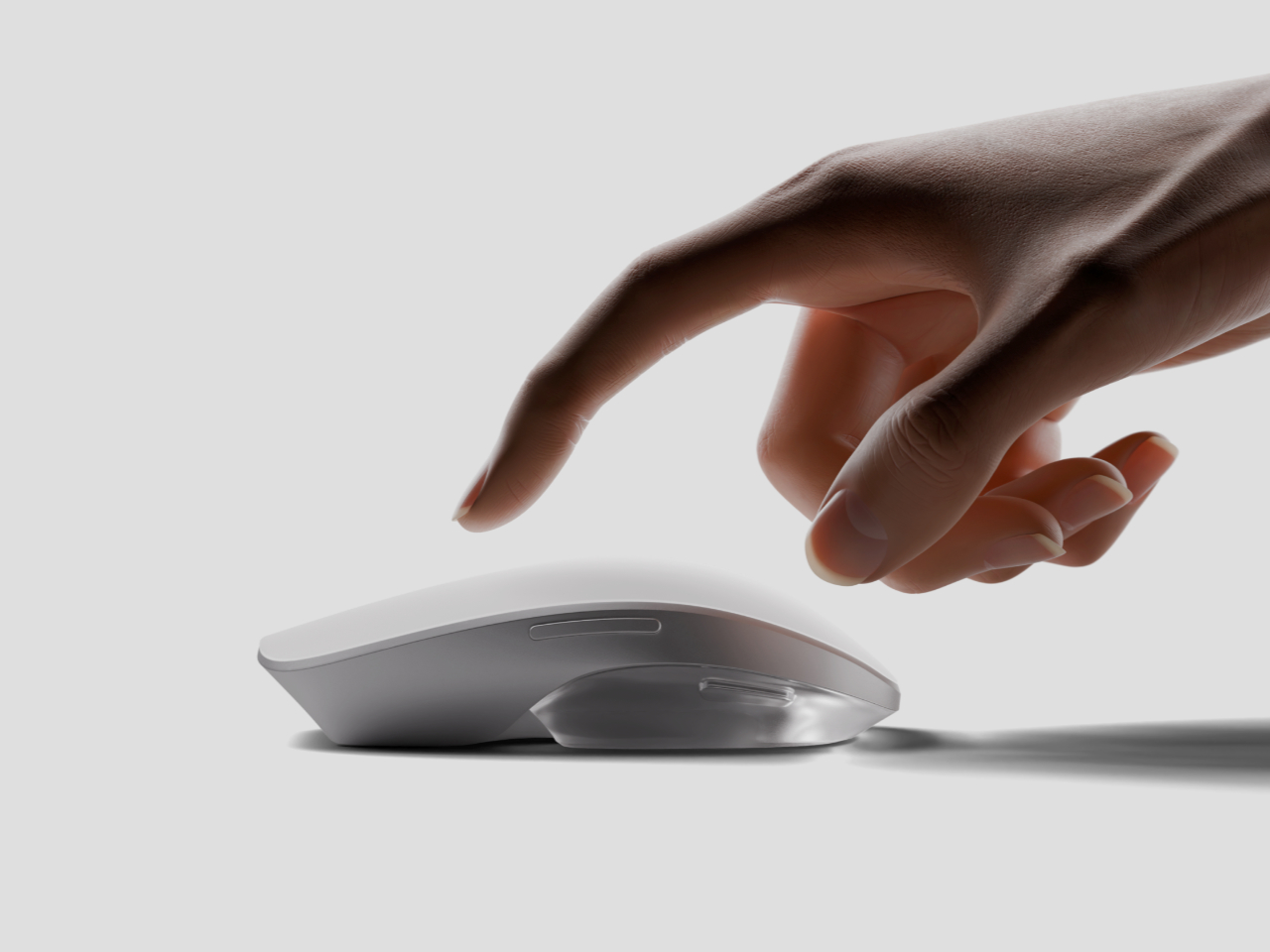
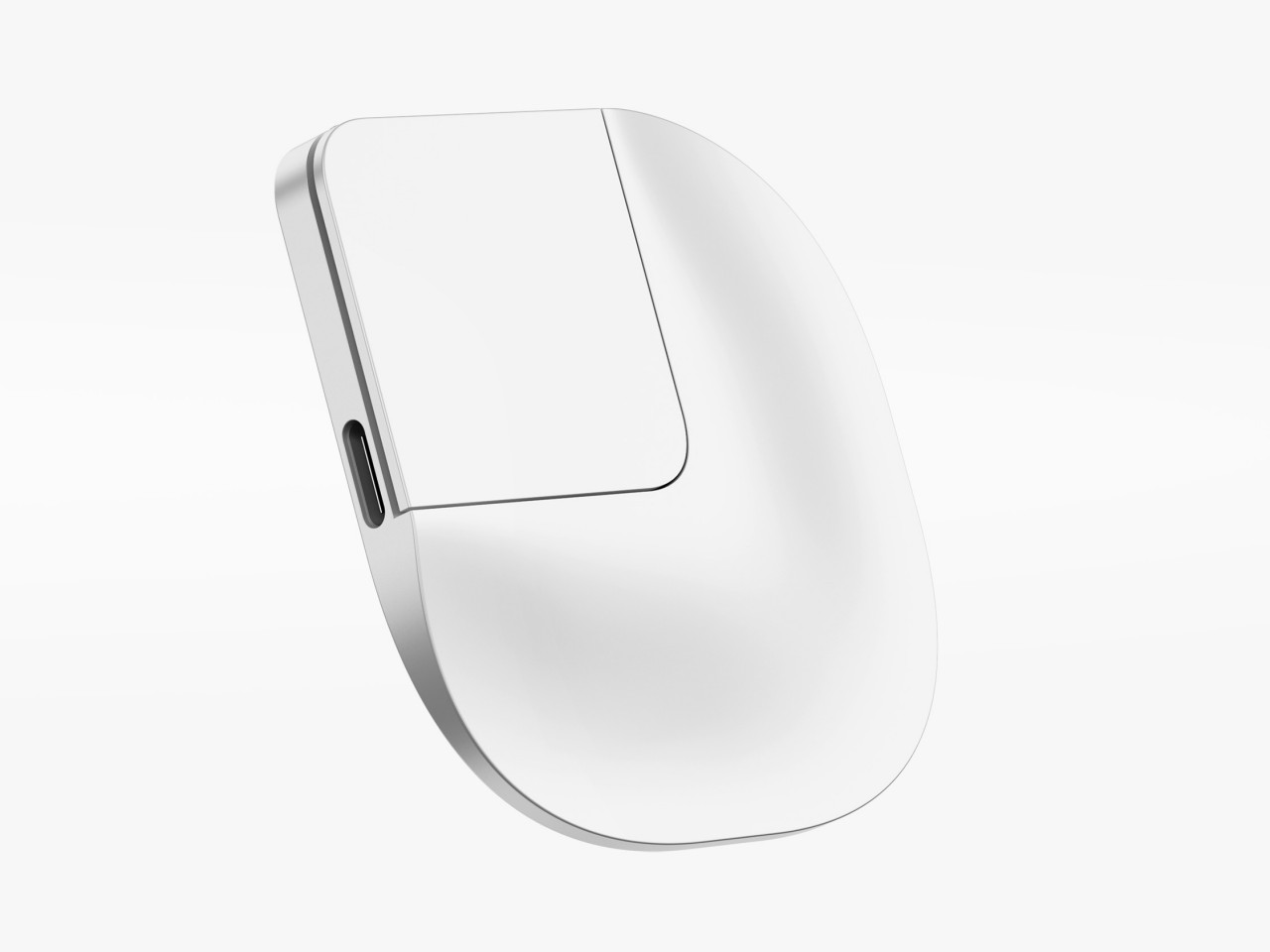
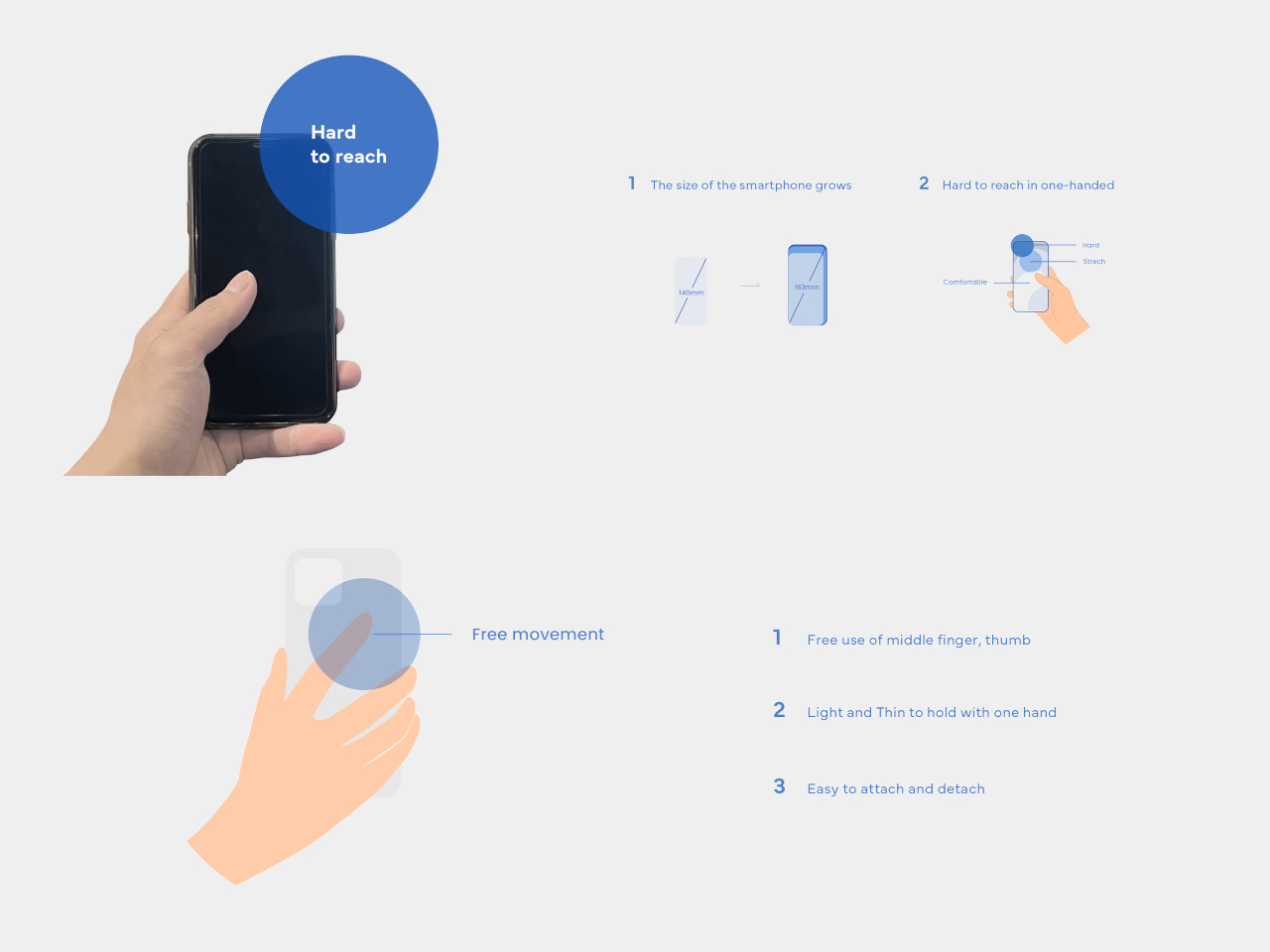
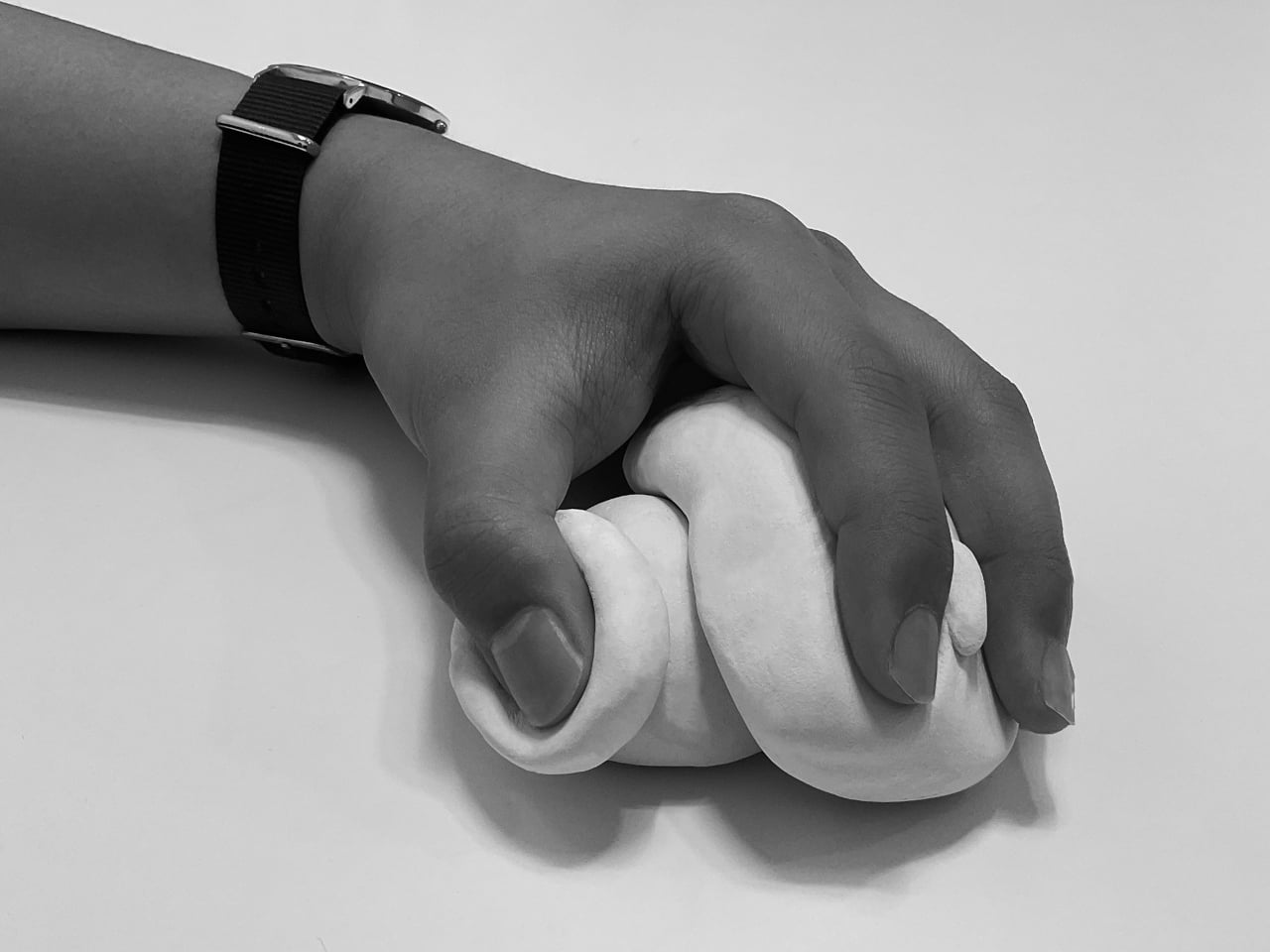
Almost everyone wants smartphones with big screens because of how much content they can see, but those same people probably don’t like using big phones because they require both hands to use comfortably and securely. Some manufacturers have introduced “one-handed mode” features that shrink the screen to a smaller size temporarily, but not only is that actually more cumbersome, it is also less accurate because of the small area you have to hit with your large finger. We don’t have problems using computers with gigantic monitors because we have computer mice that offer precise and accurate control, even if we’re not touching the screen itself. That’s the kind of control that this concept design is trying to bring to smartphones, practically putting a miniature Apple Magic Mouse on the back of large phones.

Designer: Geontak Oh

The computer mouse is actually a very weird and unintuitive tool that has become second nature to most people by now. You are indirectly controlling the screen, moving a detached piece of hardware whose only connection to the computer is an arbitrary one. Before touch screens were a thing, it was really the only way to interact with a graphical user interface, so it’s a bit ironic that we might need something similar to do the same on touch-enabled devices like smartphones.

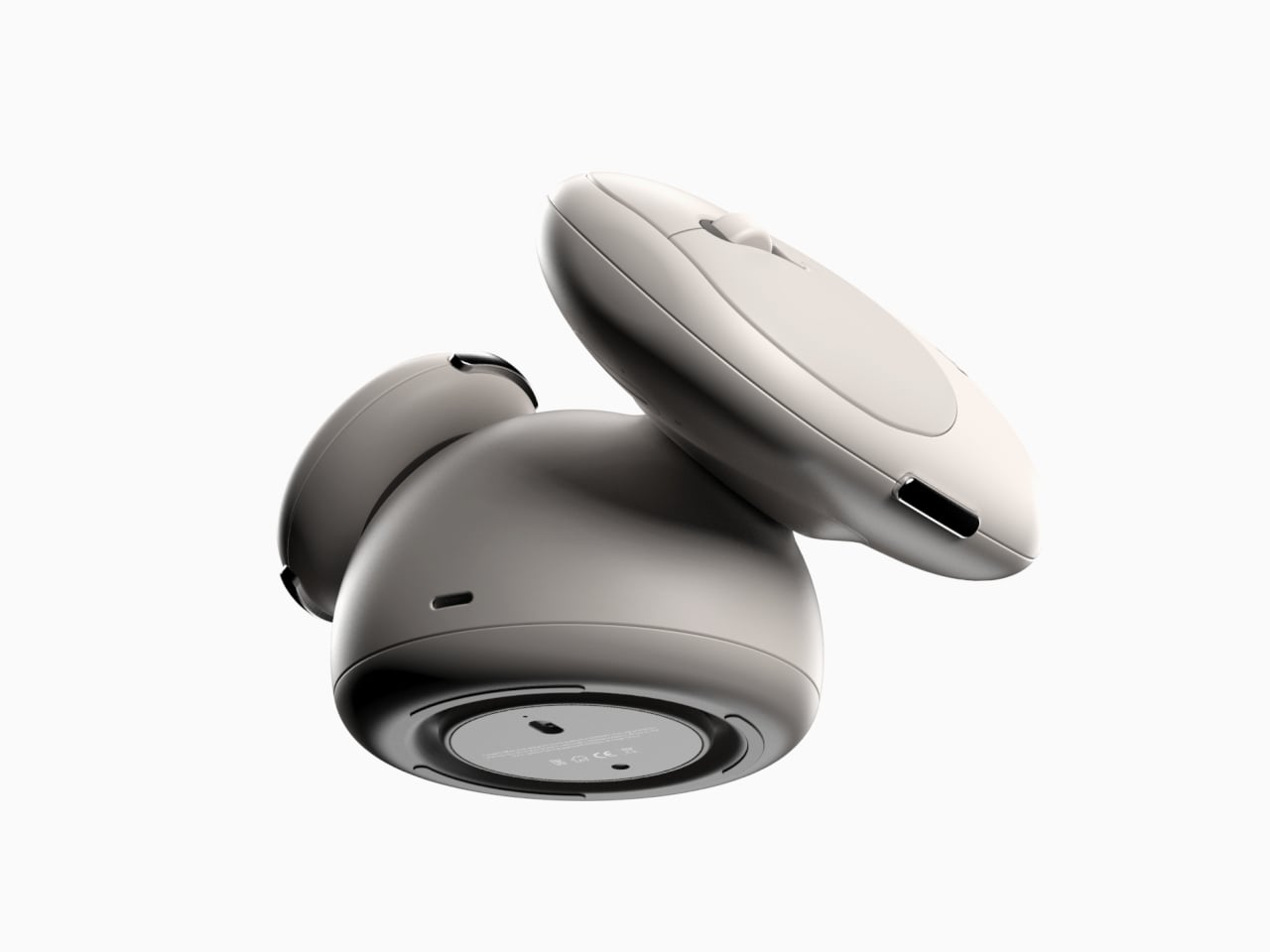
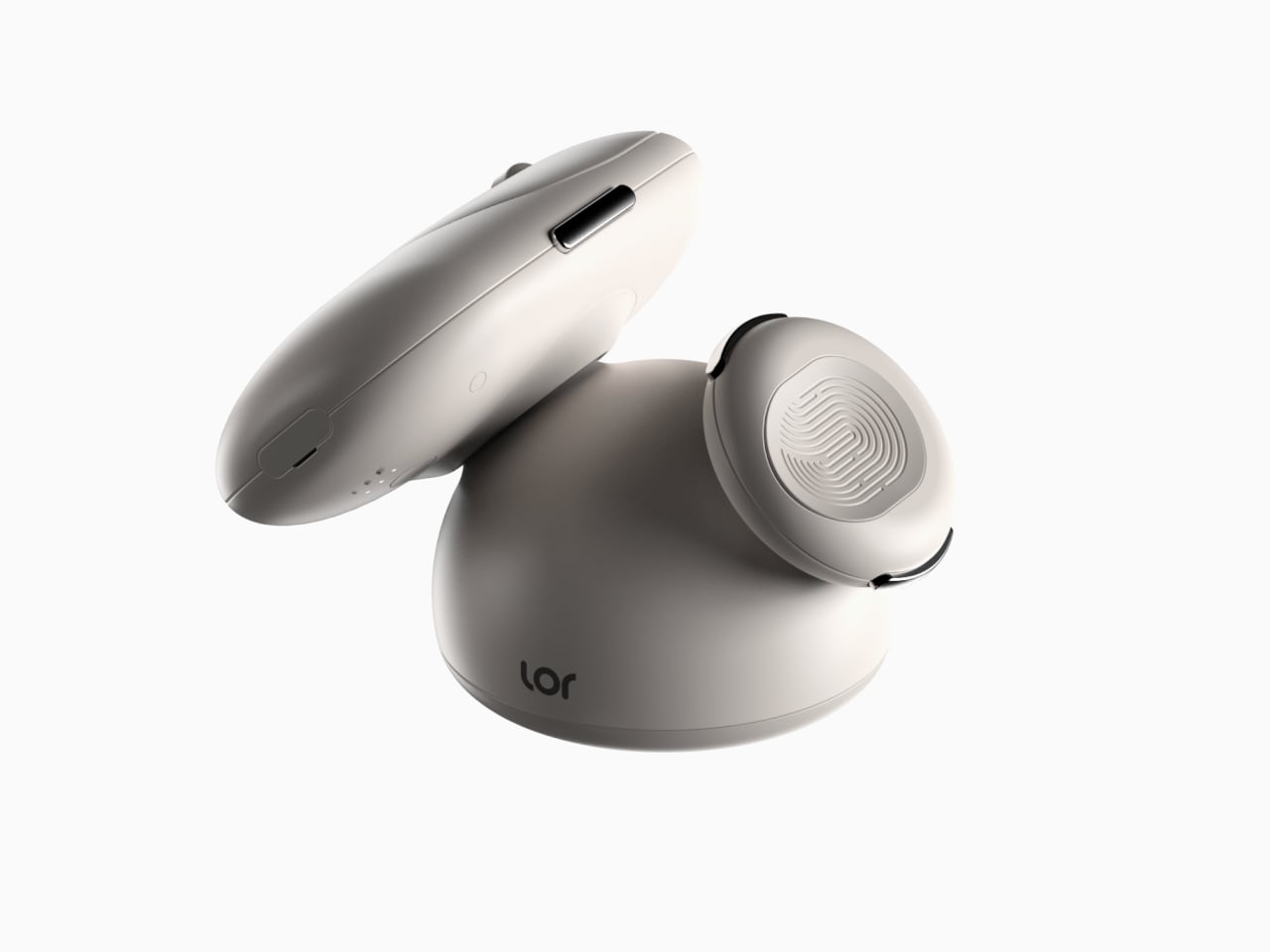
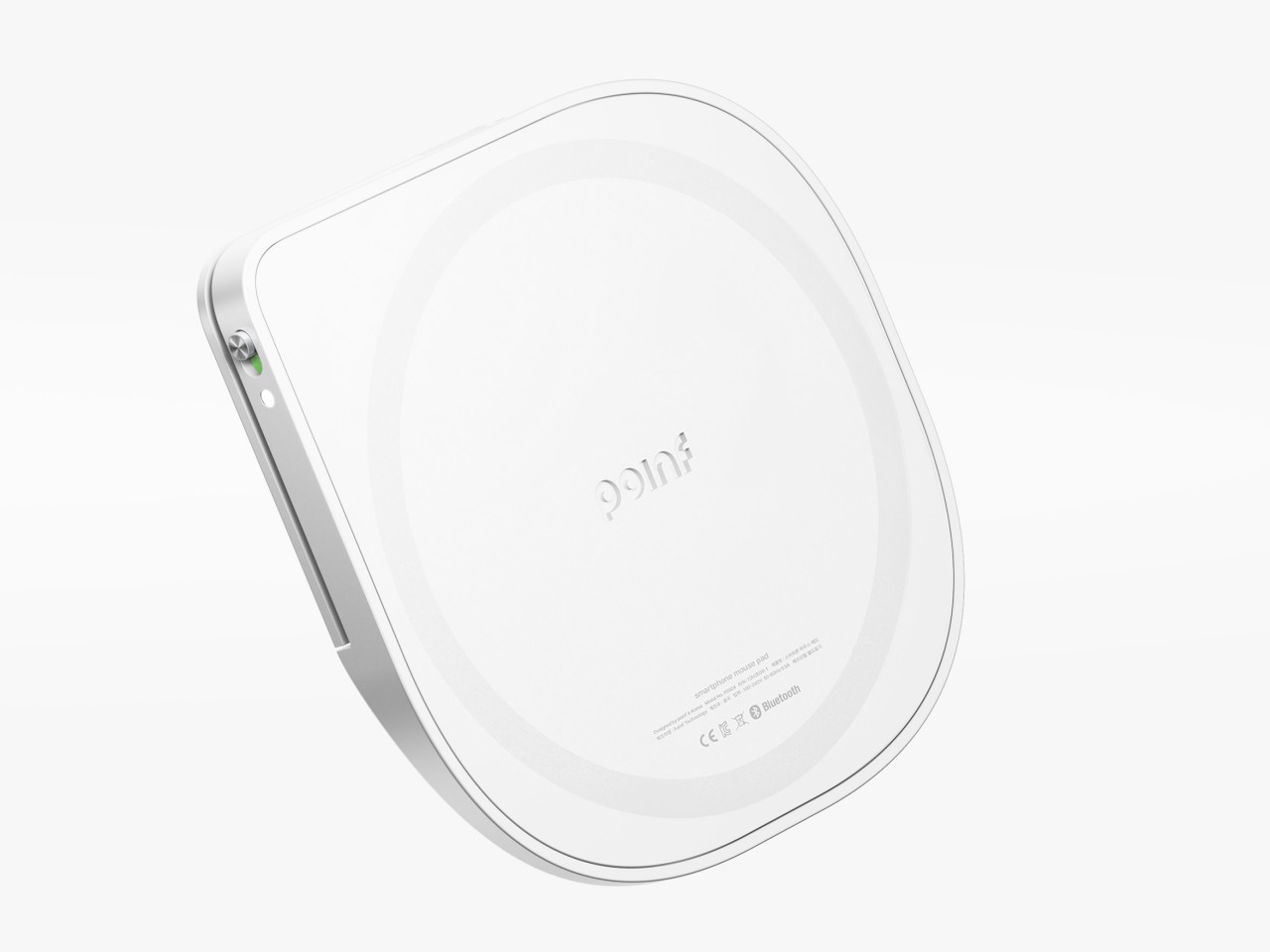
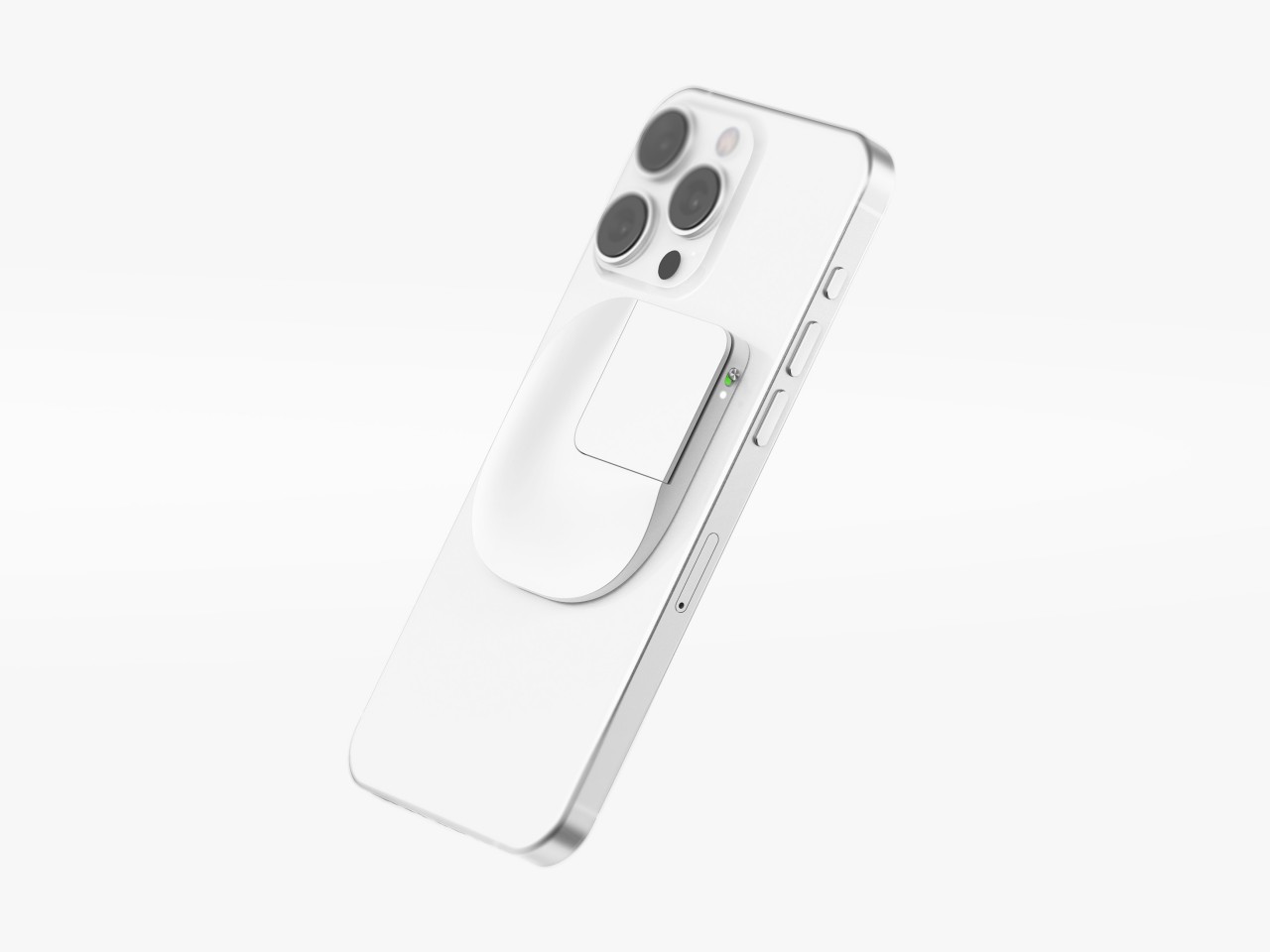
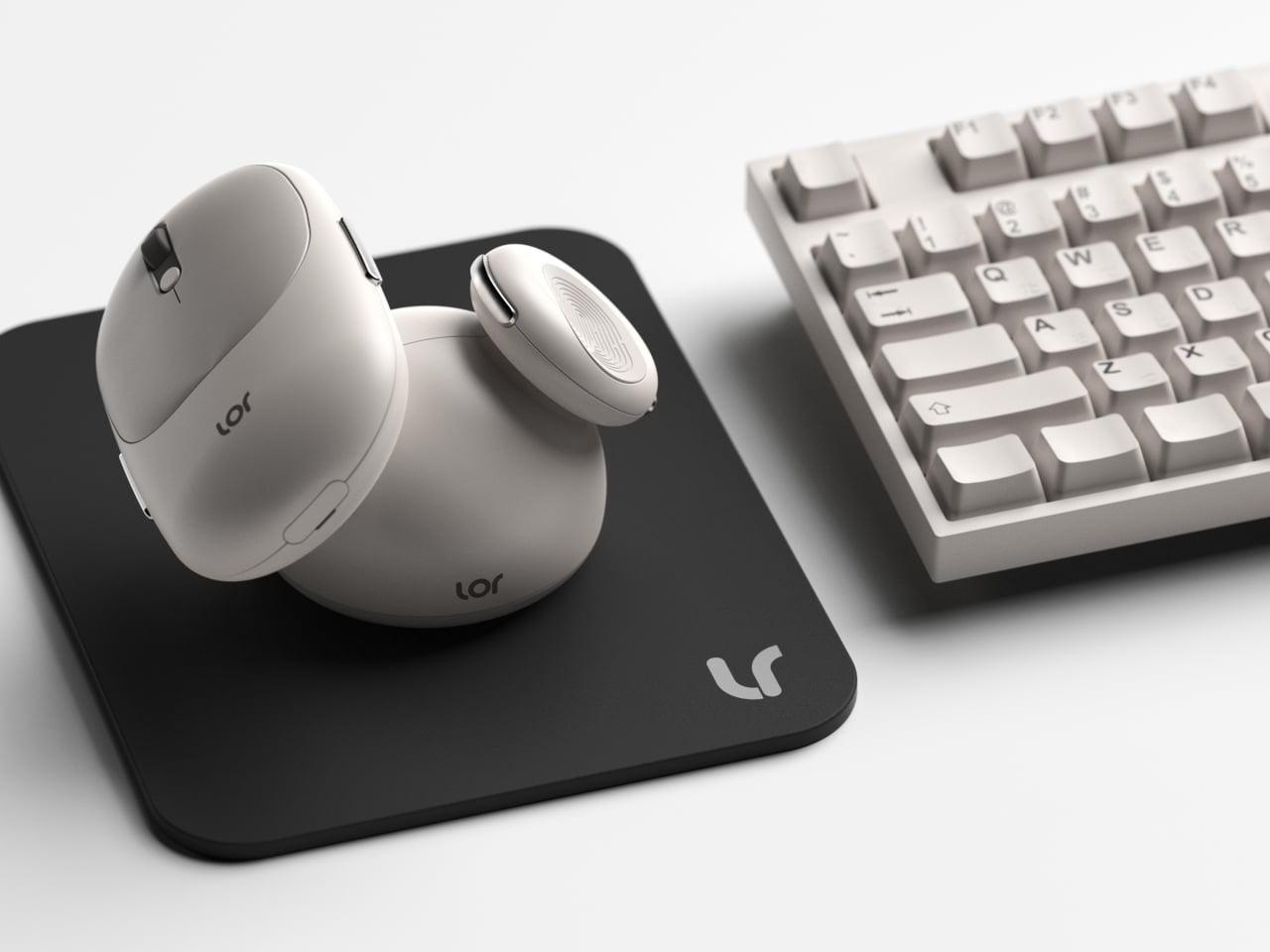
Poinf is a design concept that tries to solve the problem of using a large smartphone with one hand. With the way we hold our phones, the thumb is the only finger we can use to tap on the screen, which is next to impossible if the screen is too big for our stumpiest finger to reach. But what if you could use a different finger to do that? And what if that finger is always on the back of your phone anyway?

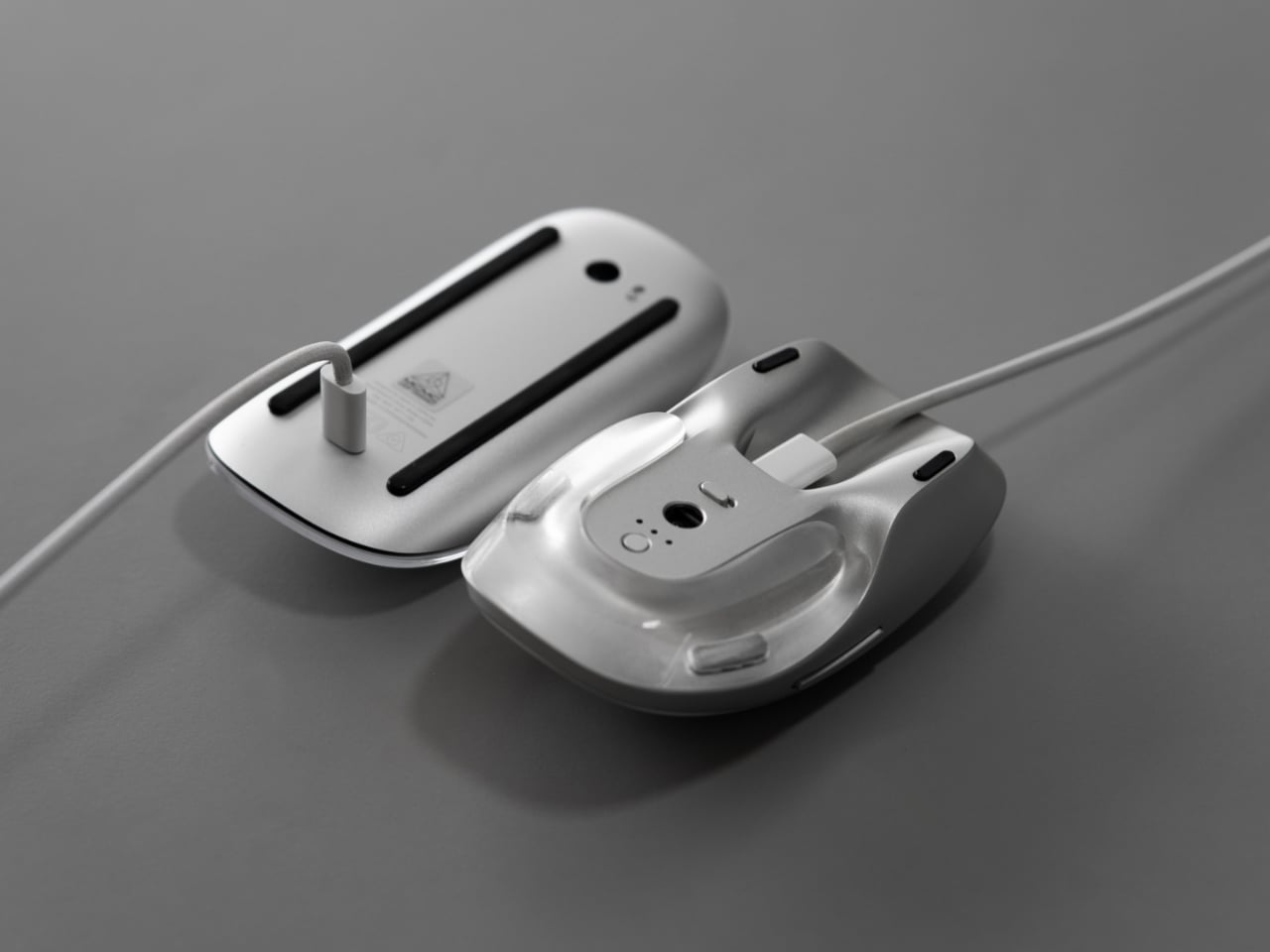
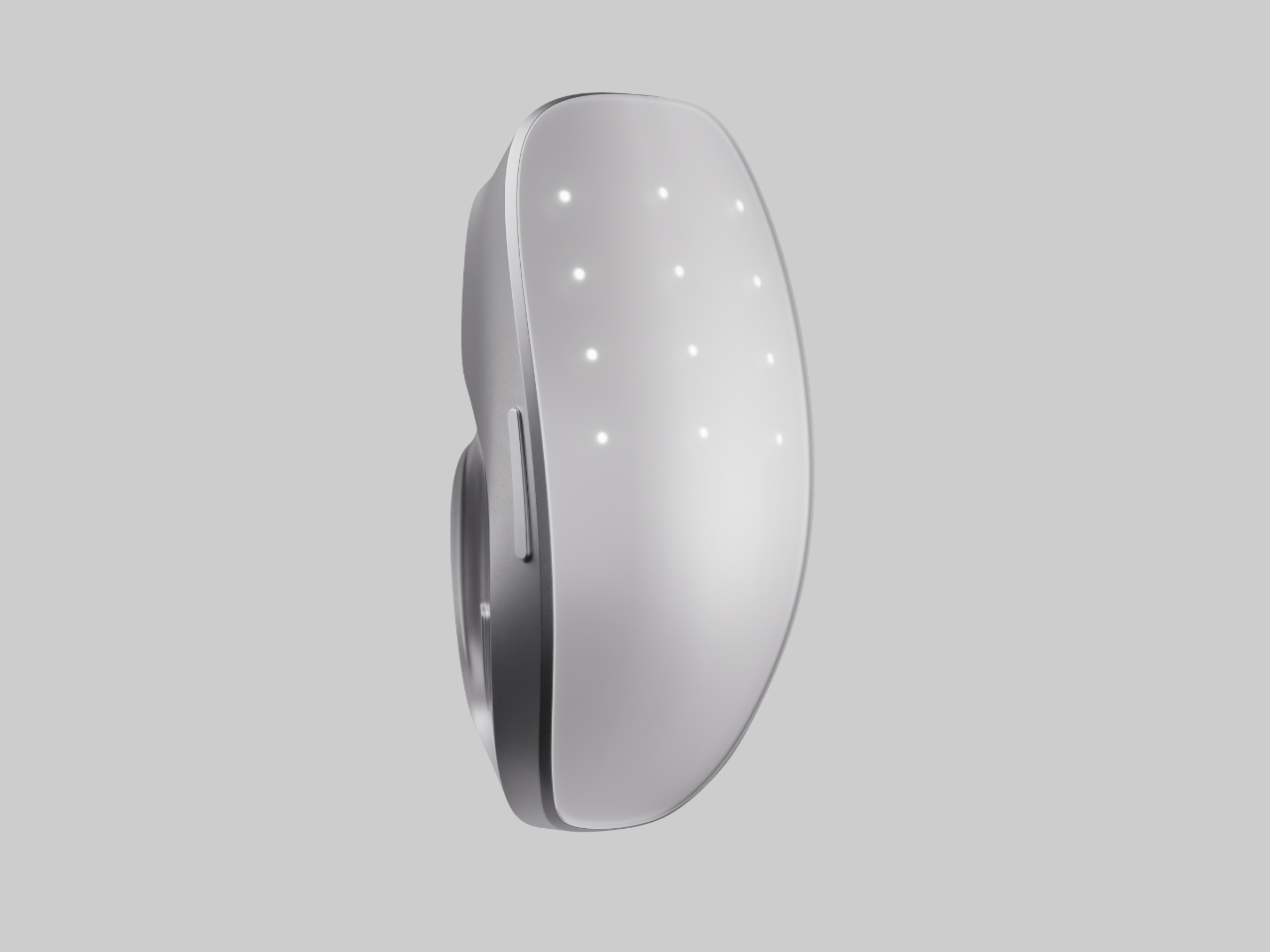
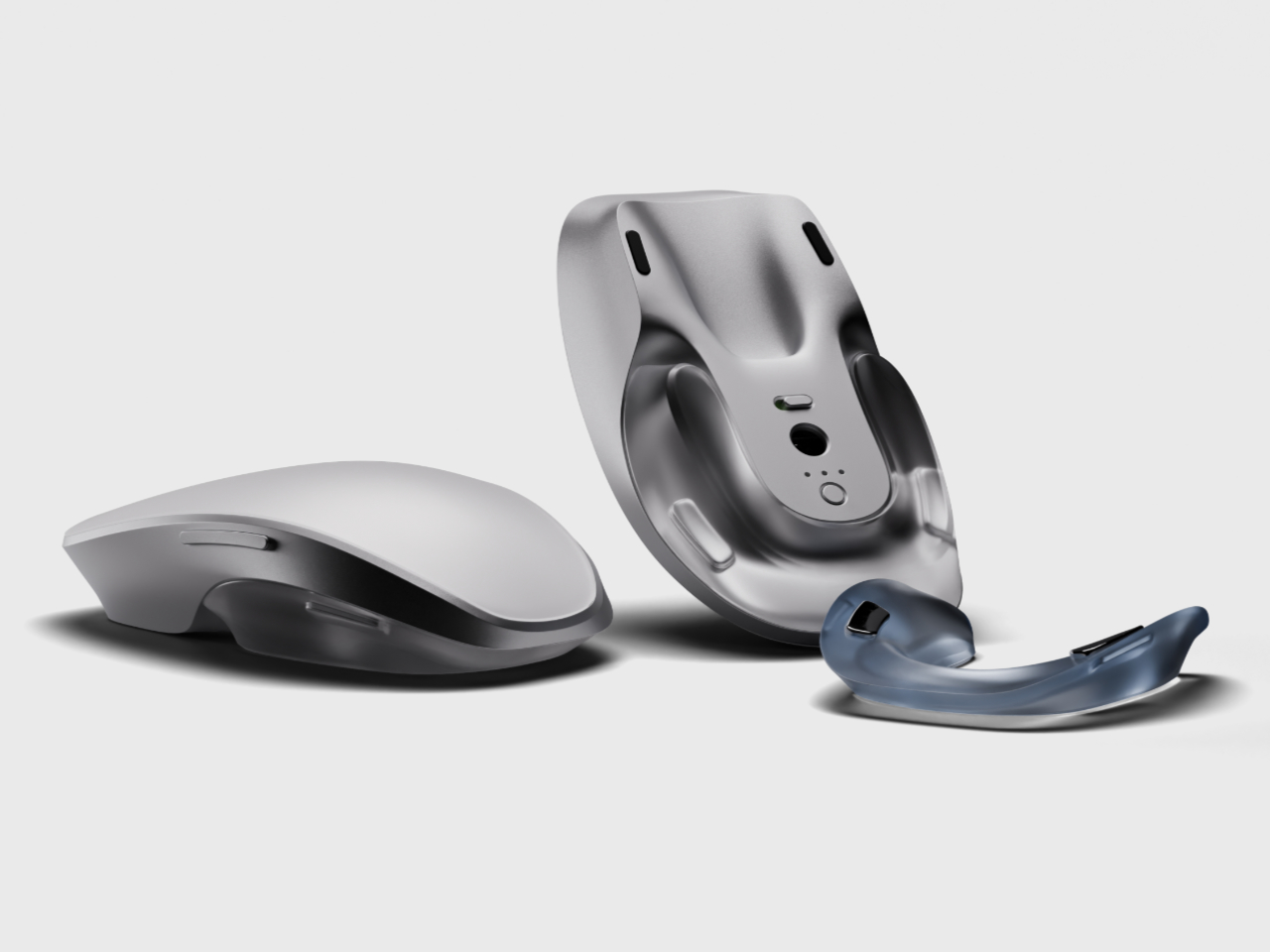
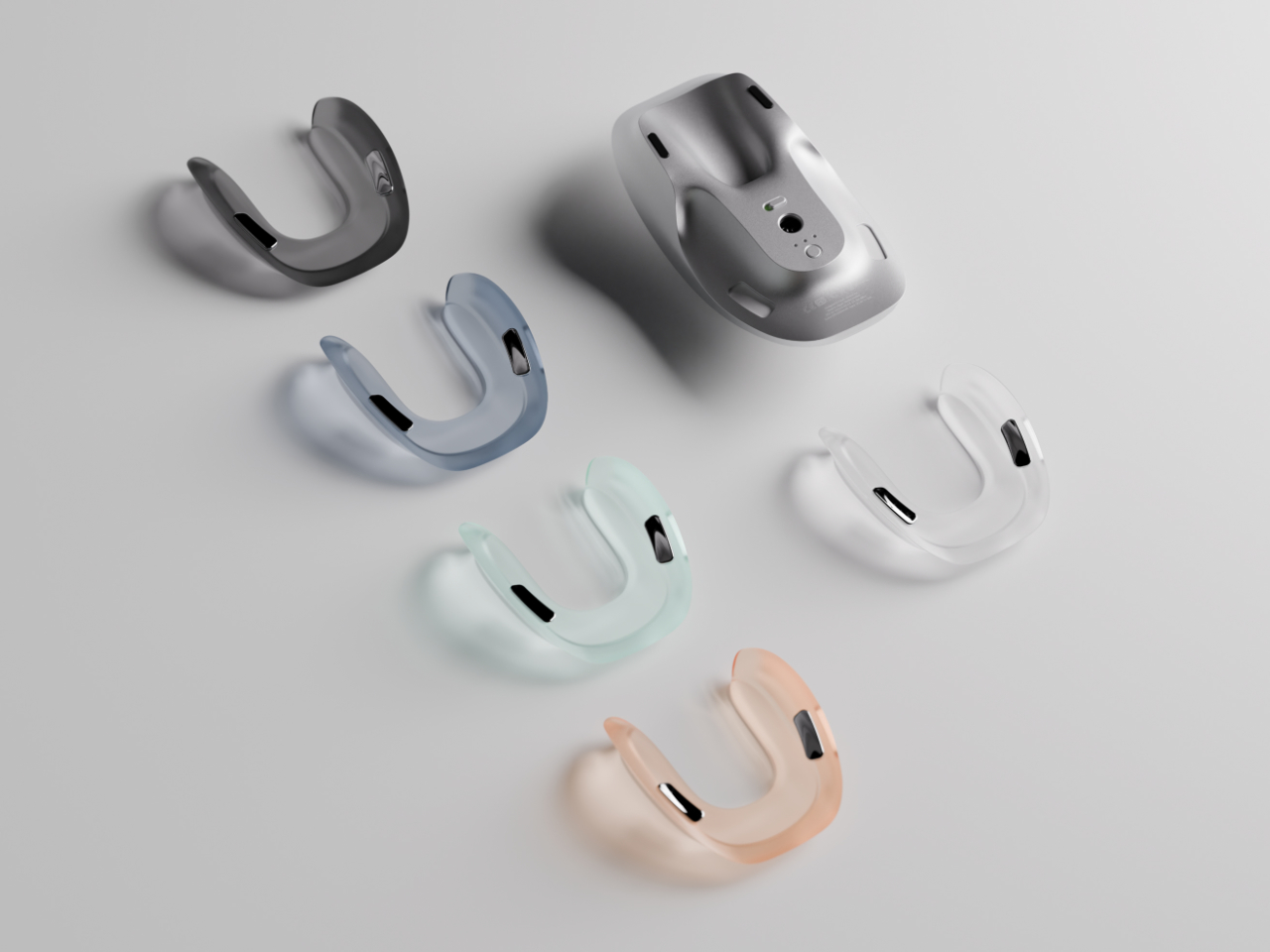
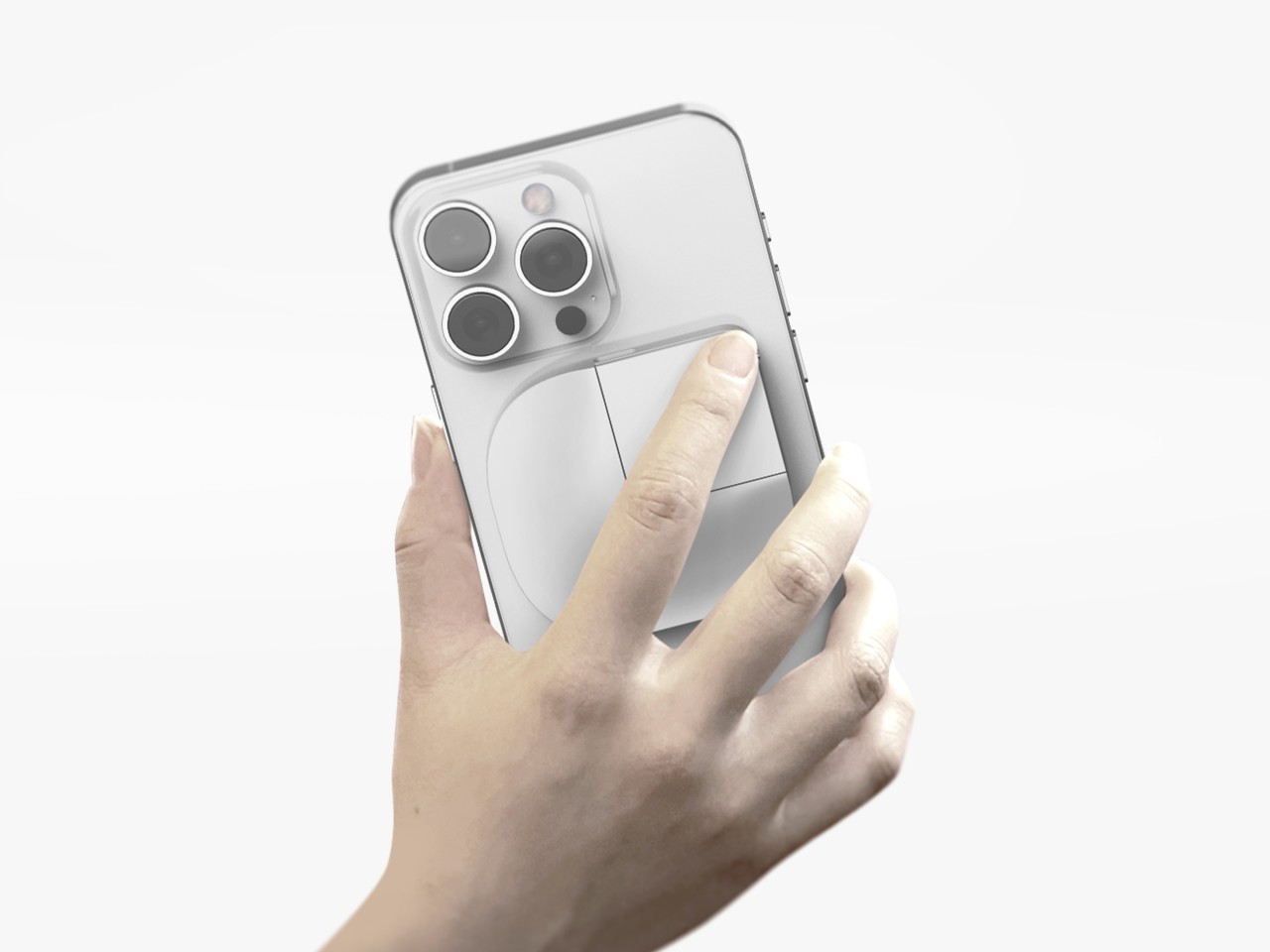
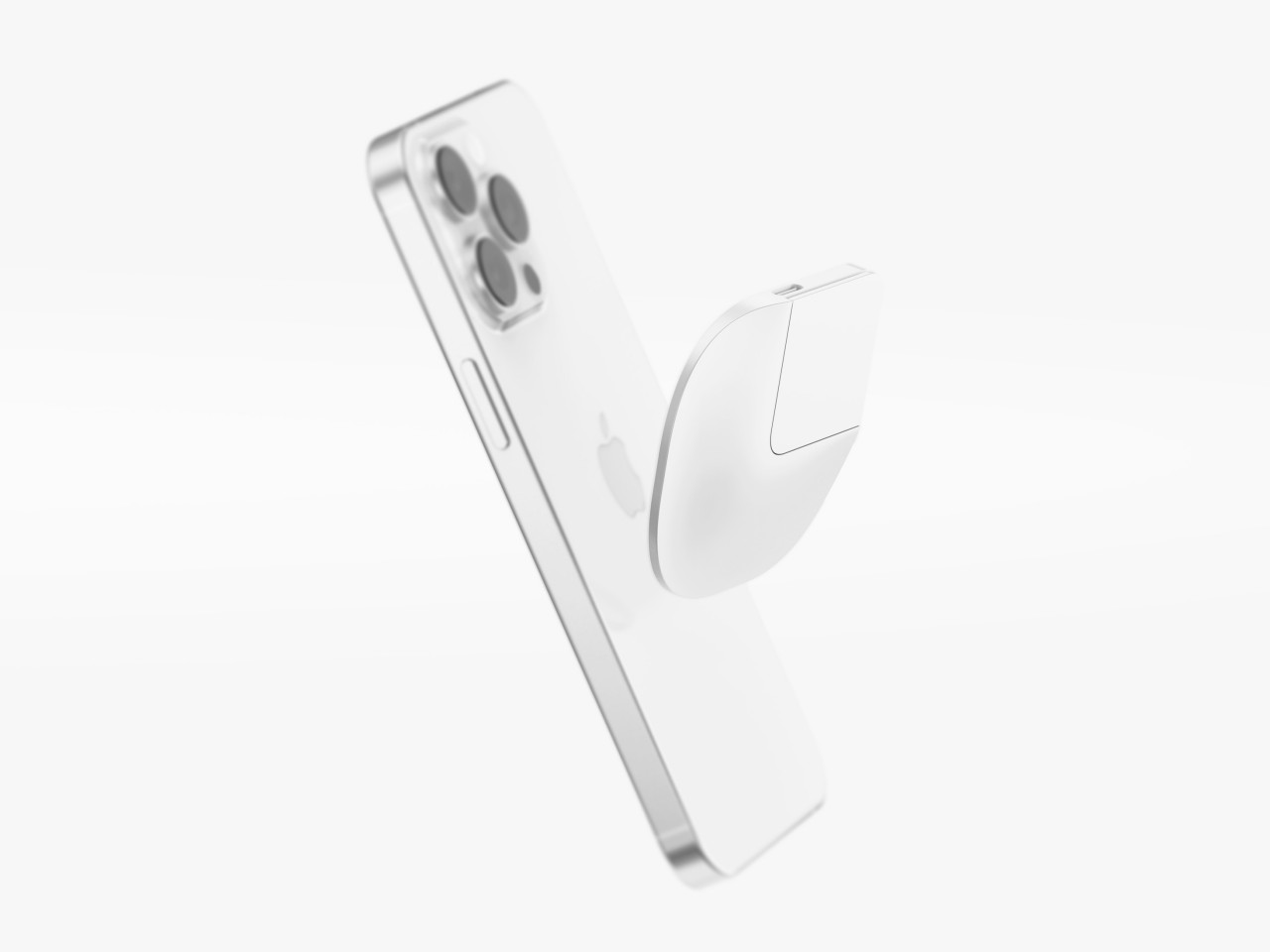
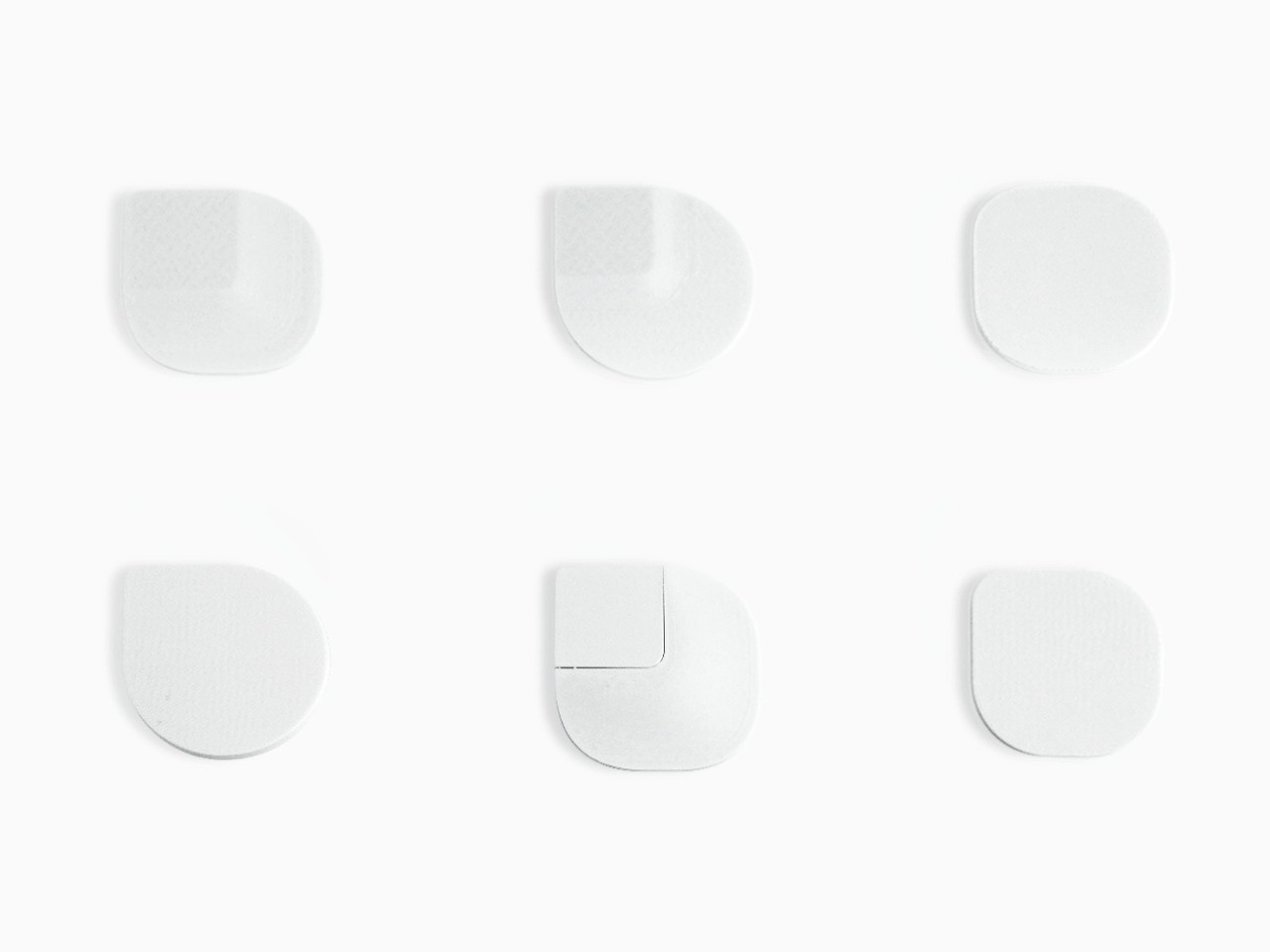
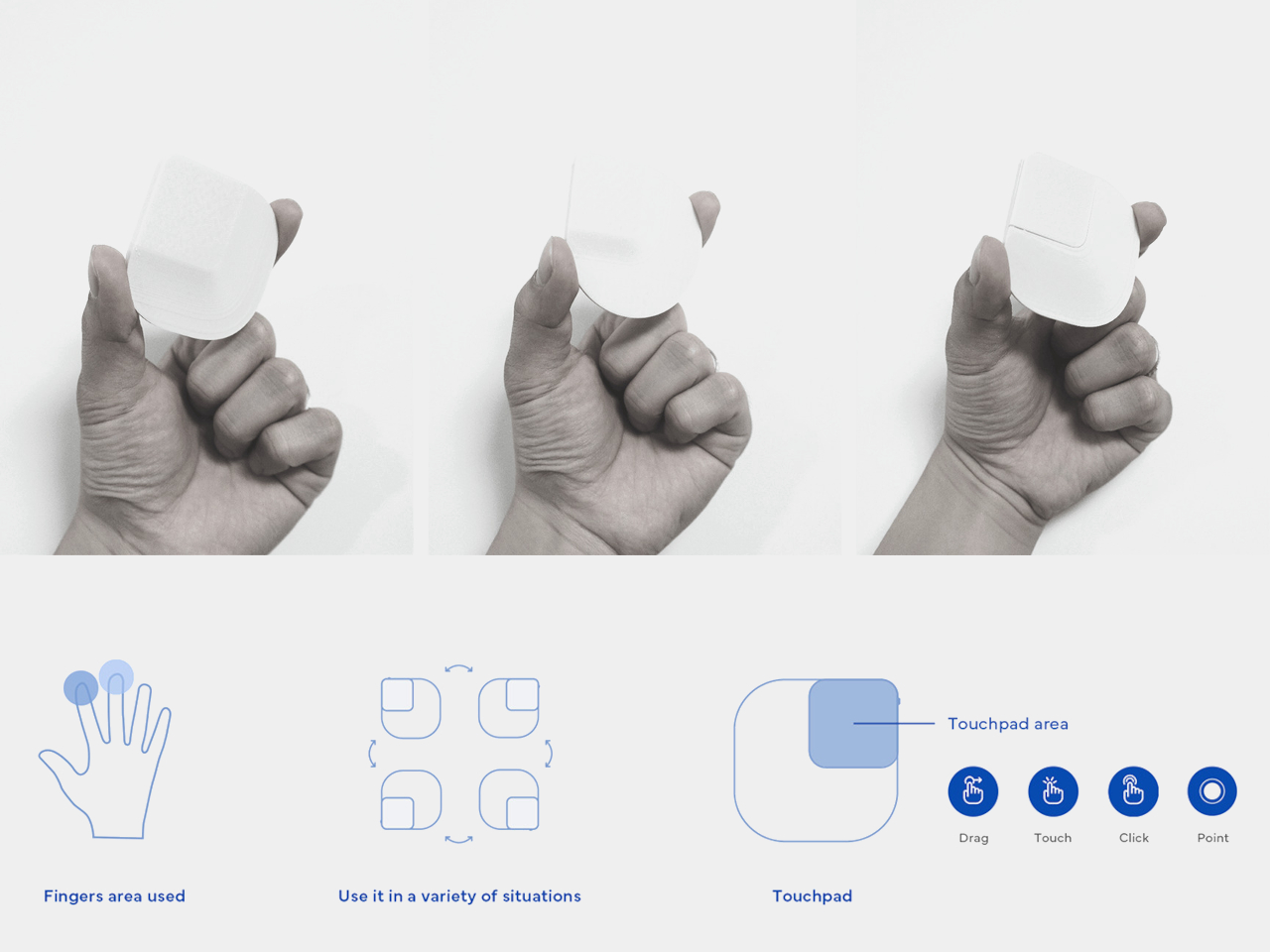
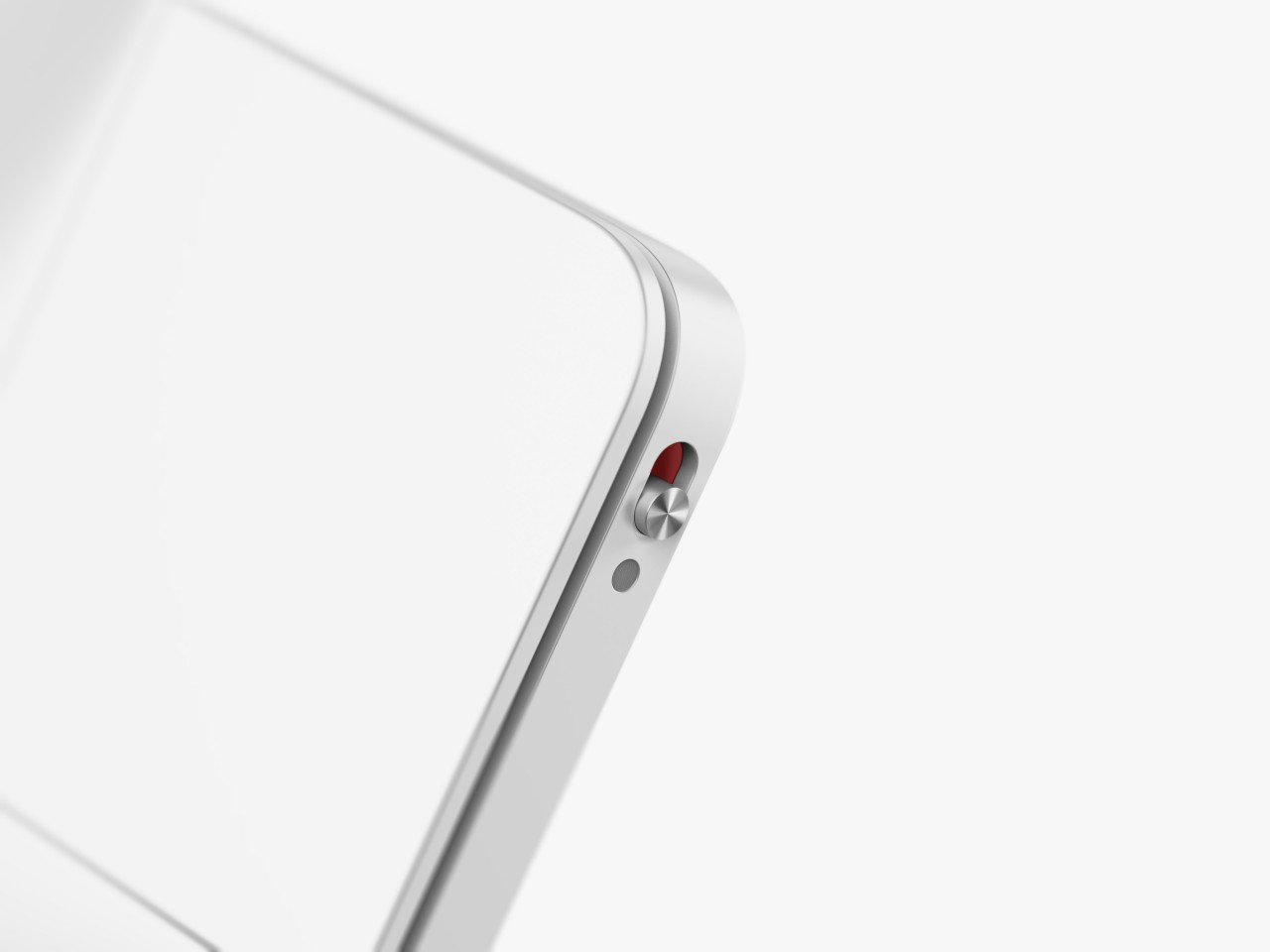
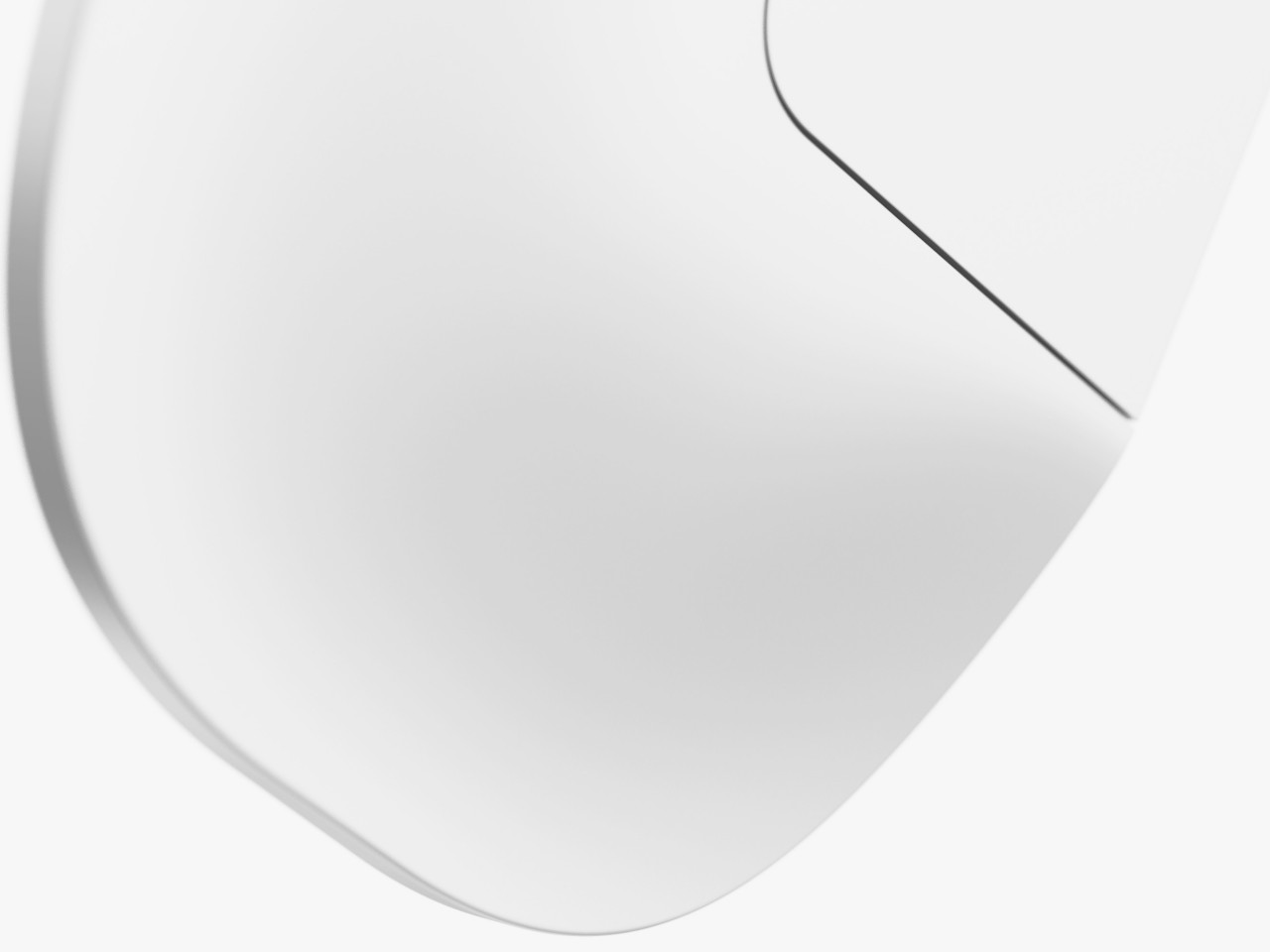
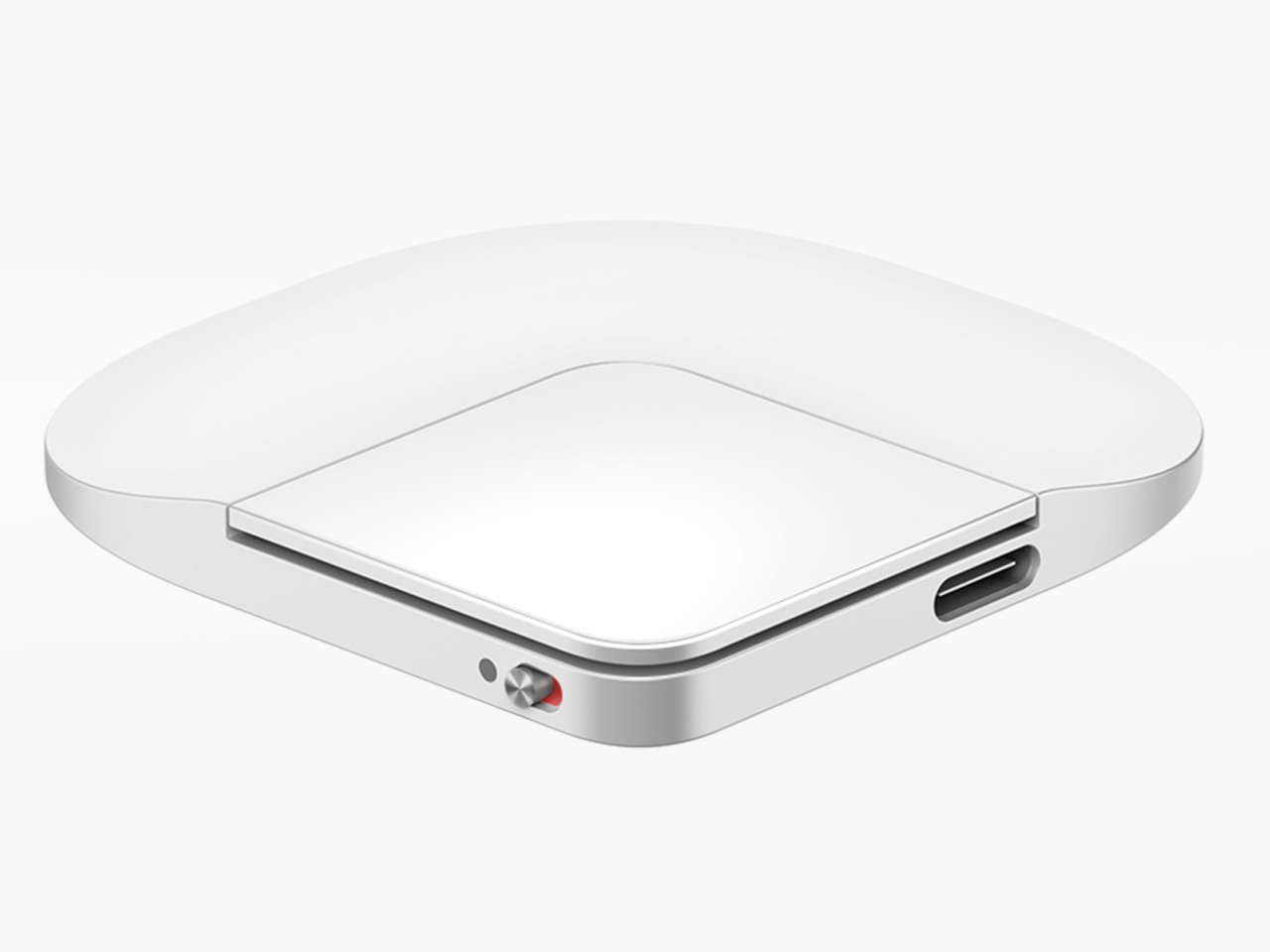
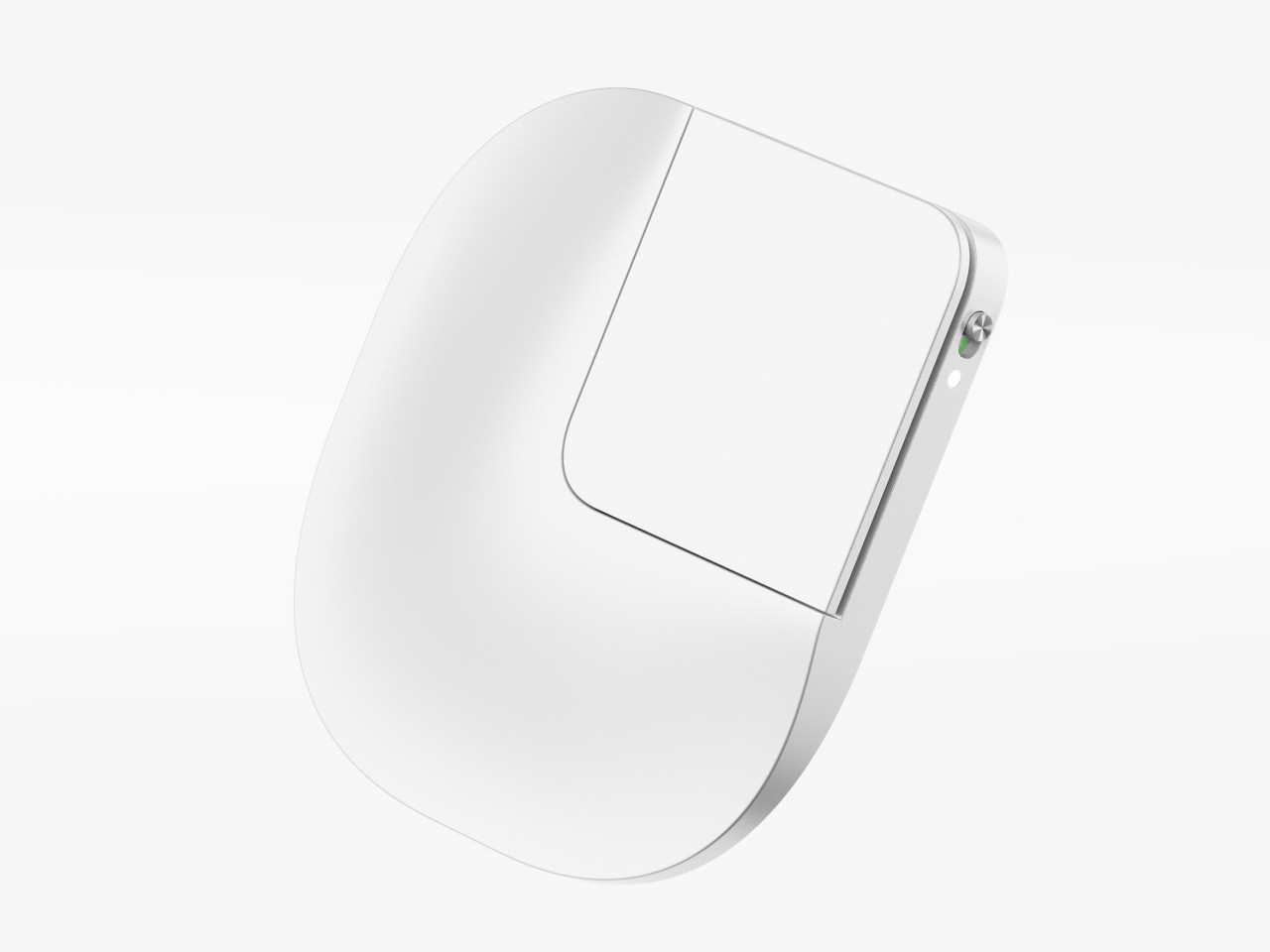
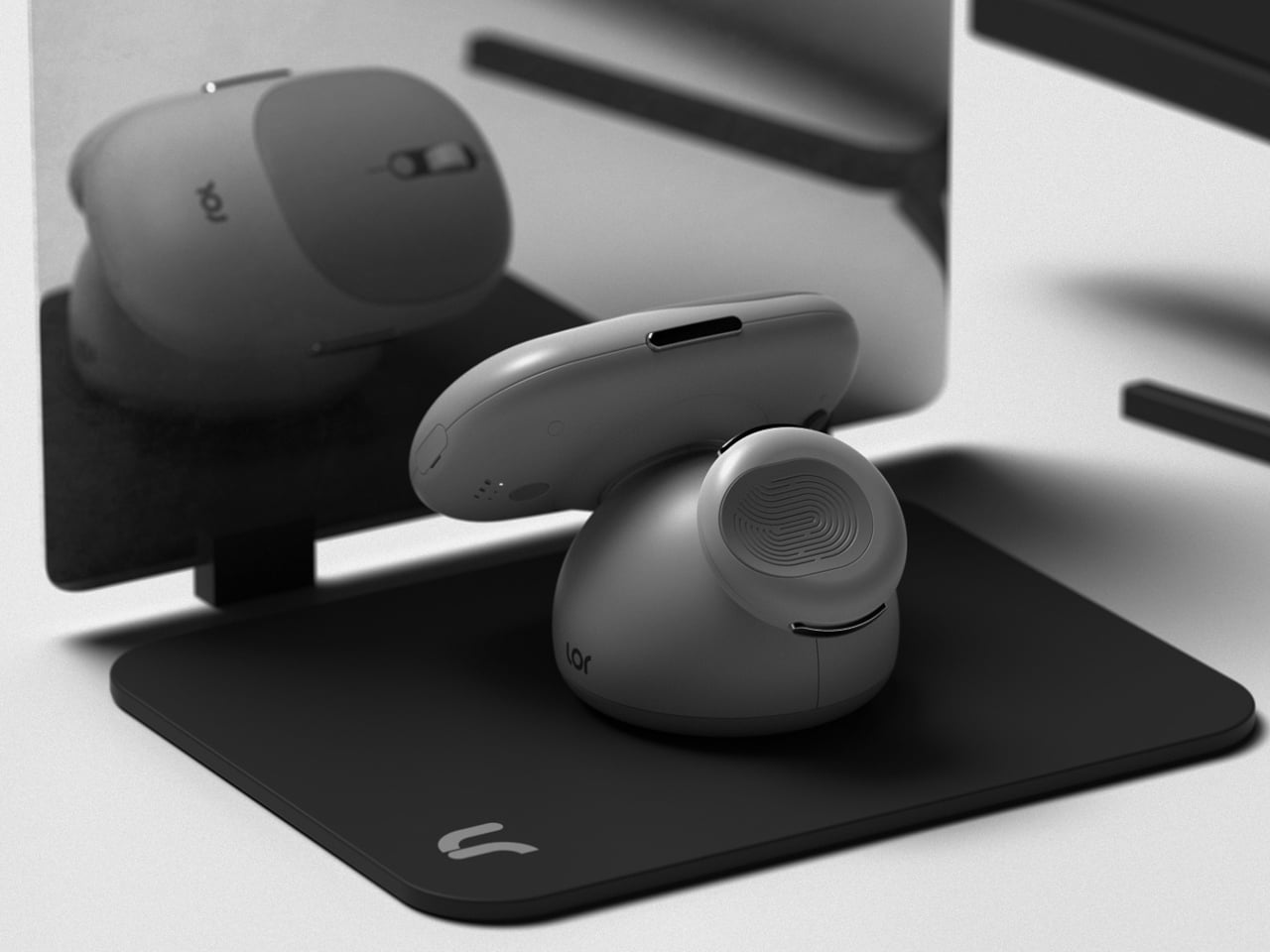
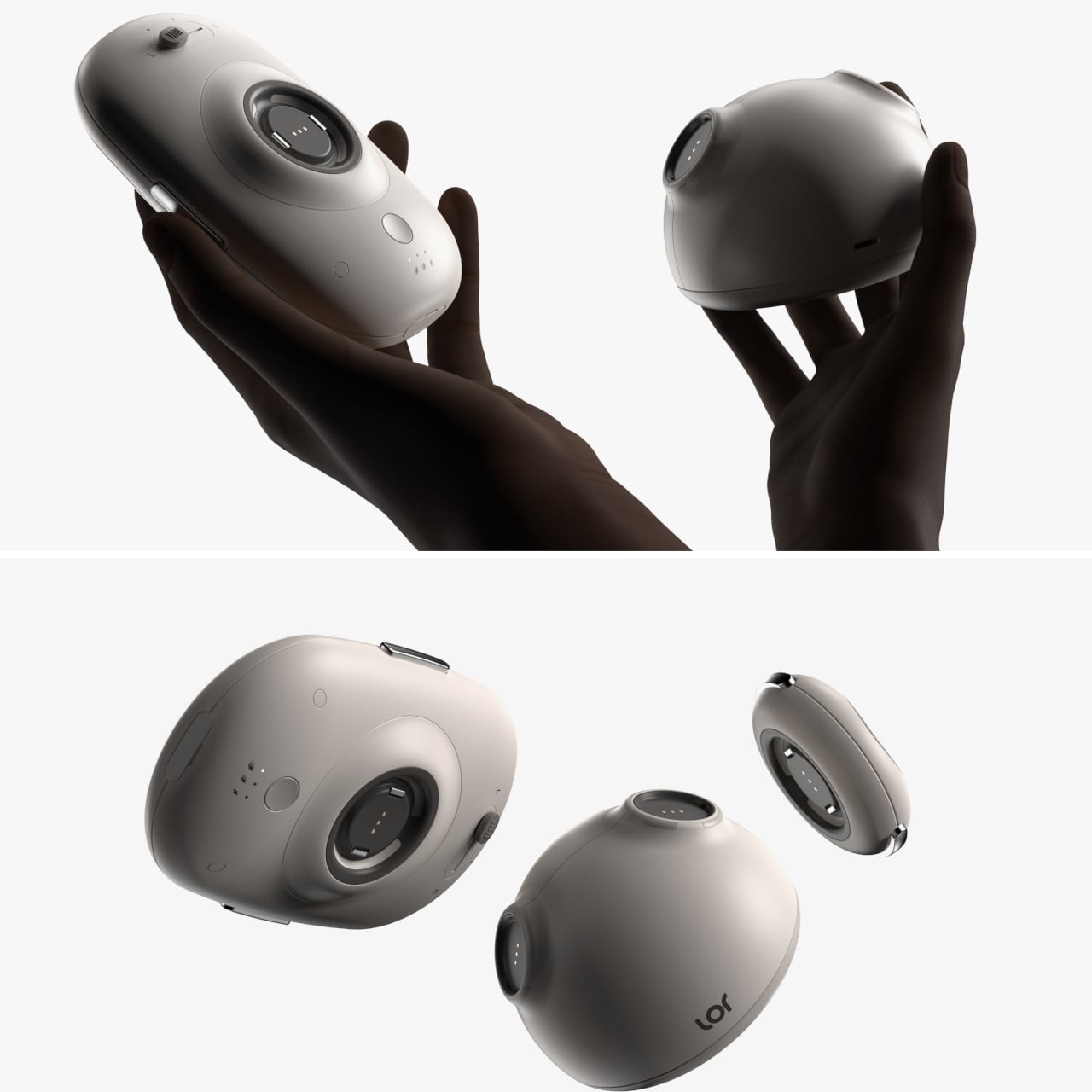
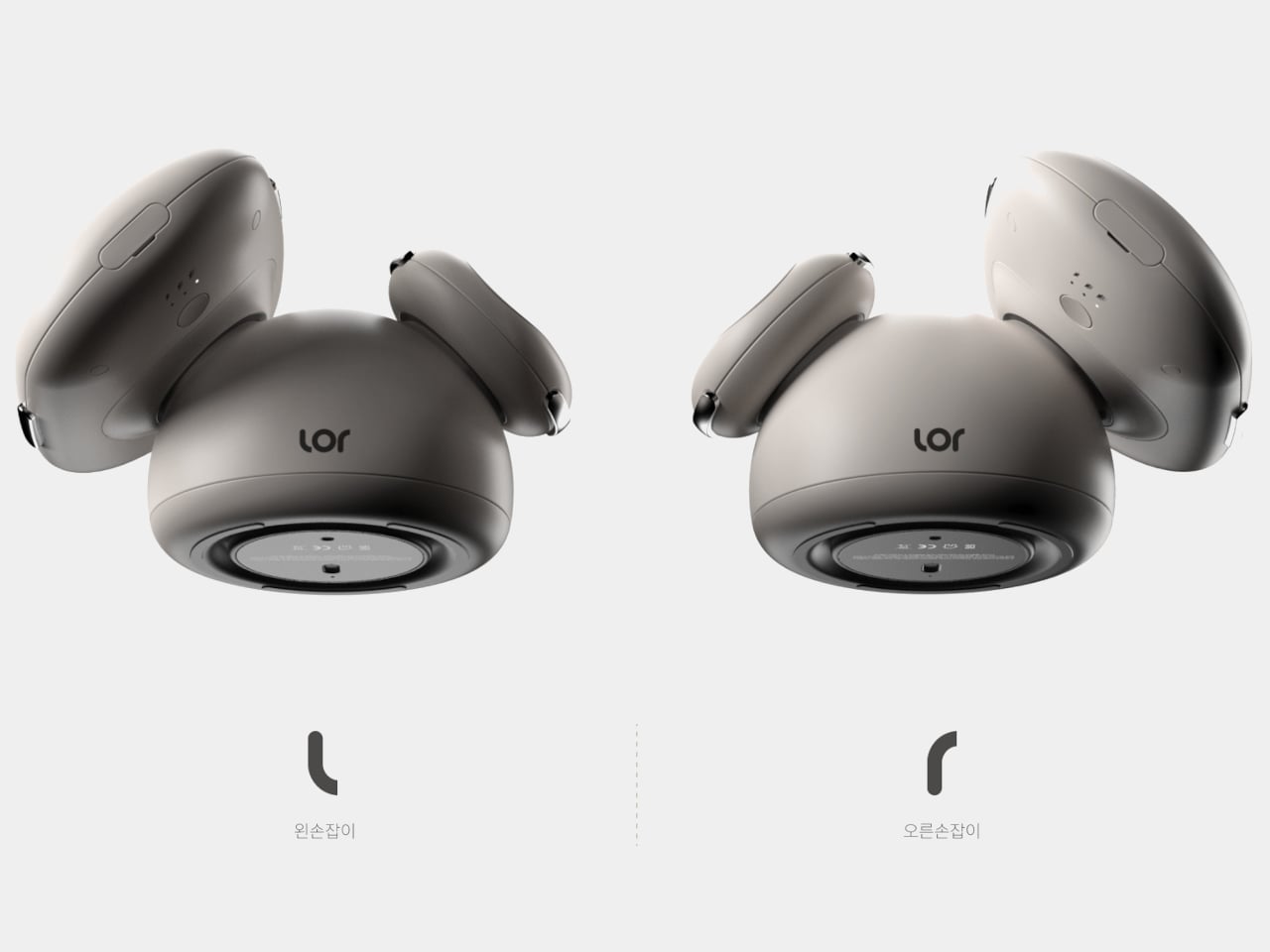
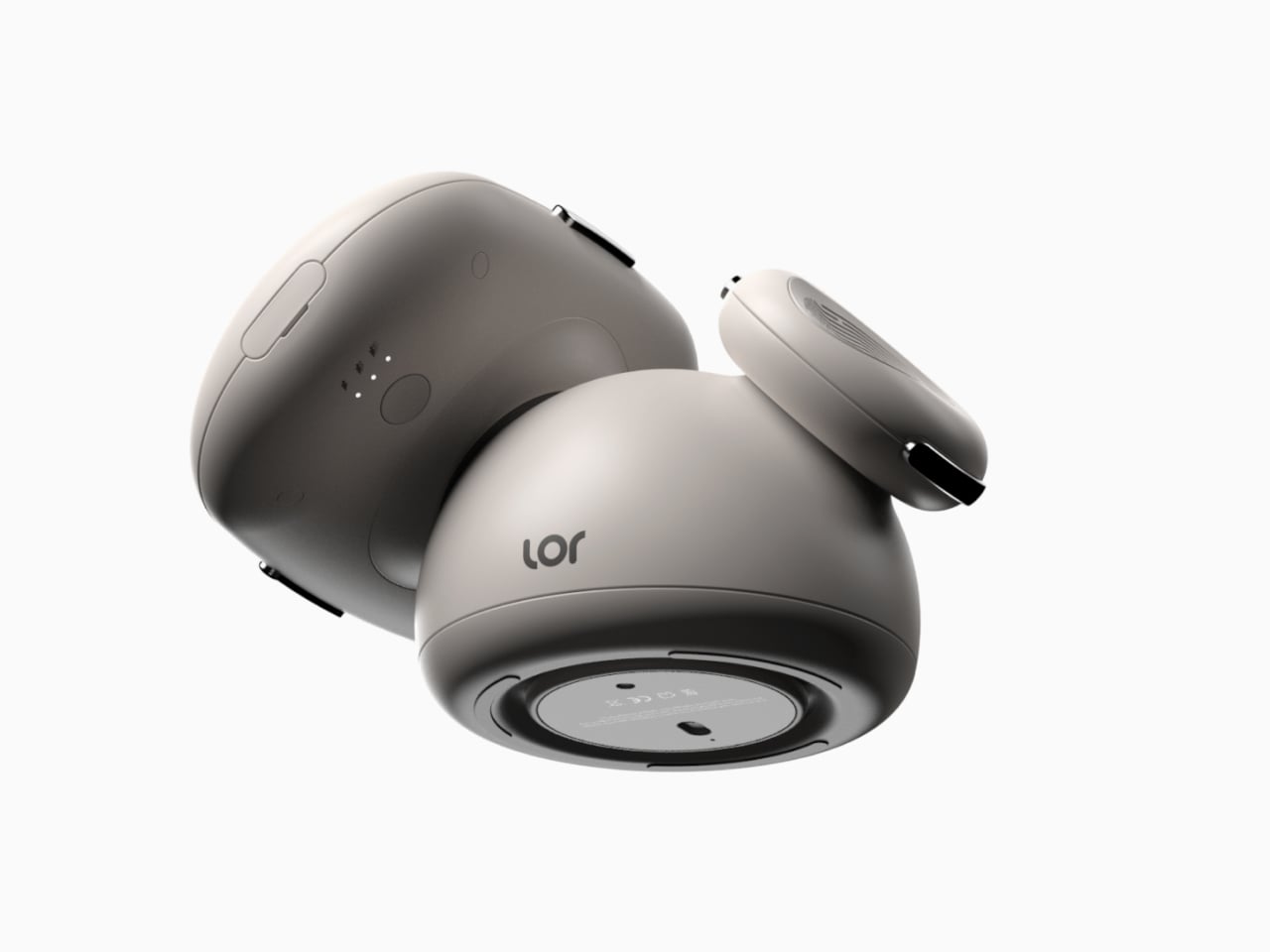
The idea is to put what is practically a small, squarish touchpad on the back of the phone, held there using MagSafe or other magnetic technology. The actual interactive part is a small quadrant of the slim device, an area that can be easily reached by your index or even middle finger. You slide your finger across the surface, pushing around the equivalent of a cursor, and use tapping gestures to “click” on user interface elements. You can easily detach Poinf when you don’t need it, so it doesn’t get in the way of “normal” smartphone use.

Poinf is definitely an intriguing solution to a very old problem, but it also brings a few issues of its own, particularly with usability. Moving a cursor by moving a finger on the back of the screen could require some mental gymnastics, severely affecting your speed and efficiency in the process. Of course, your brain can eventually adjust, like how it has come to accept the computer mouse, but it will take time and effort before that becomes second nature. Additionally, however, you also lose access to important touch gestures like pinching to zoom or quick scrolling, so you’ll have to do double work to teach yourself a new action vocabulary for this rather niche control mechanism. In the end, you might give up and just use the phone with both hands anyway.

The post Smartphone touchpad concept tries to solve one of the biggest problems with big phones first appeared on Yanko Design.
This featherweight 3D-printed gaming mouse weighs just 16 grams

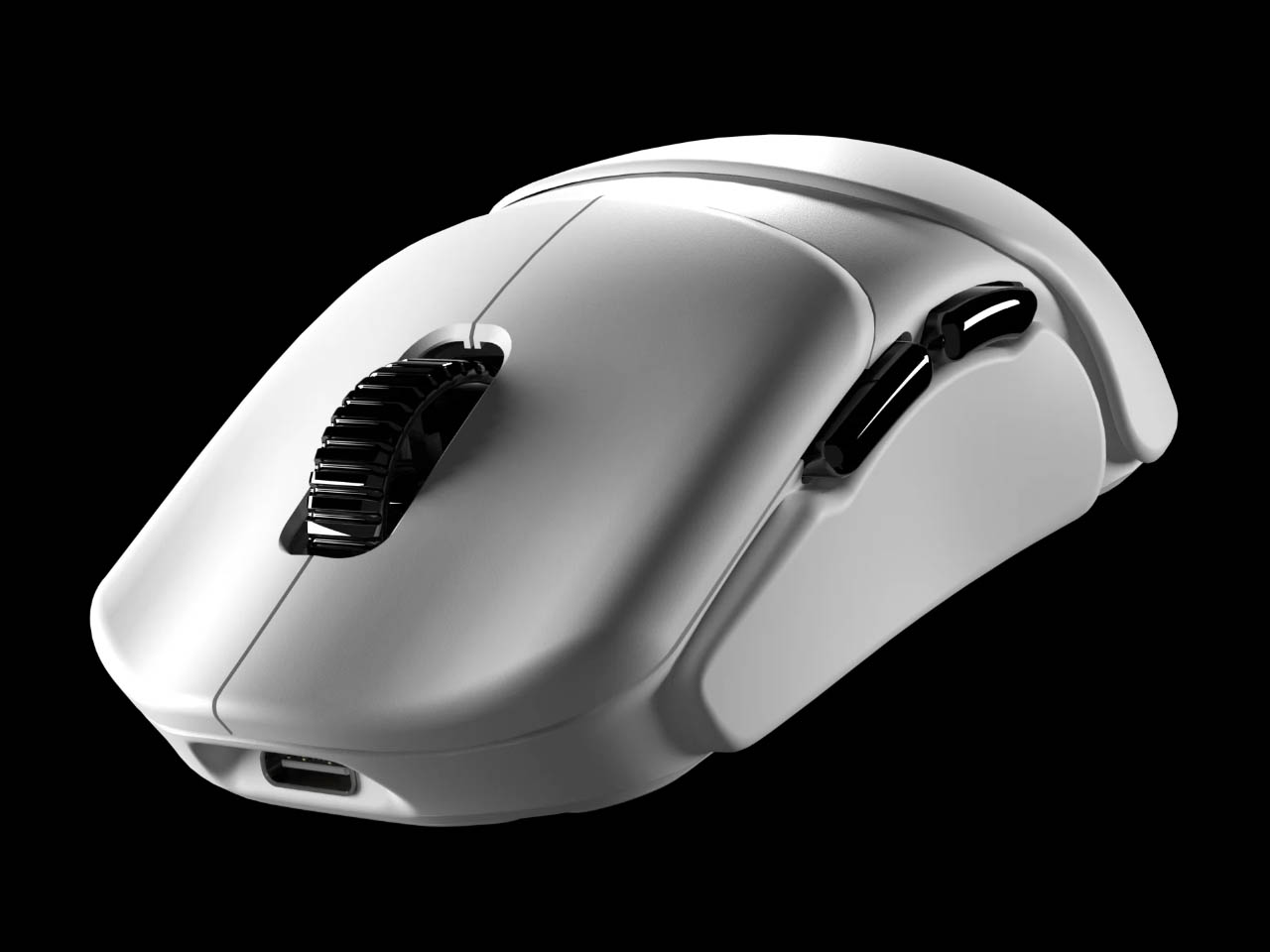
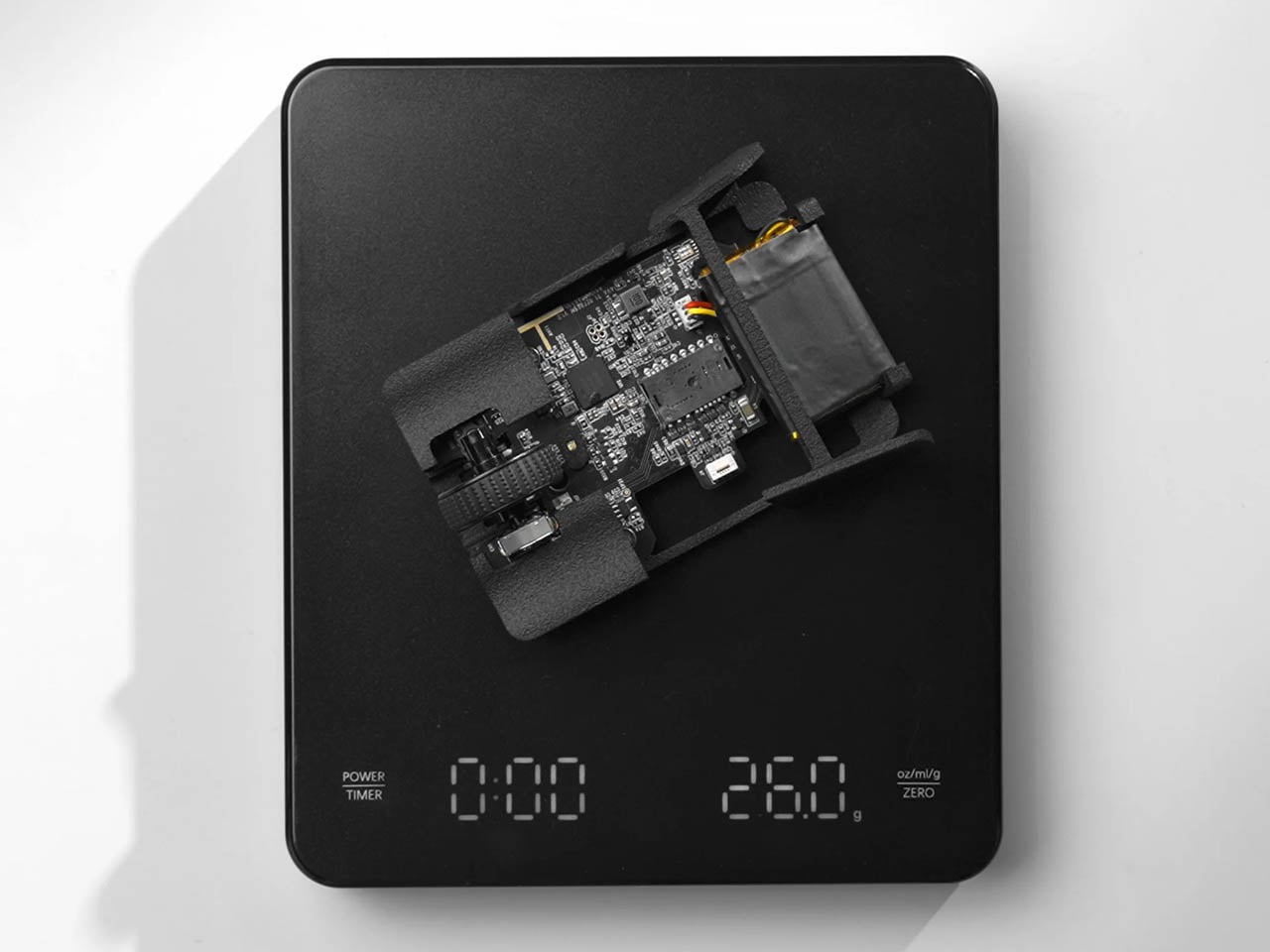
Imagine a mouse so lightweight it feels like featherweight – literally an extension of your hand for endless gaming on your PC. The Optimum Zeromouse V35 mouse could take the crown of being the lightest gaming mouse out there at just 16 grams. Optimum, who is a well-known PC maker and shooter, intends the user to use this as a shell for the Razer Viper V2 Pro, but can be used individually as well.

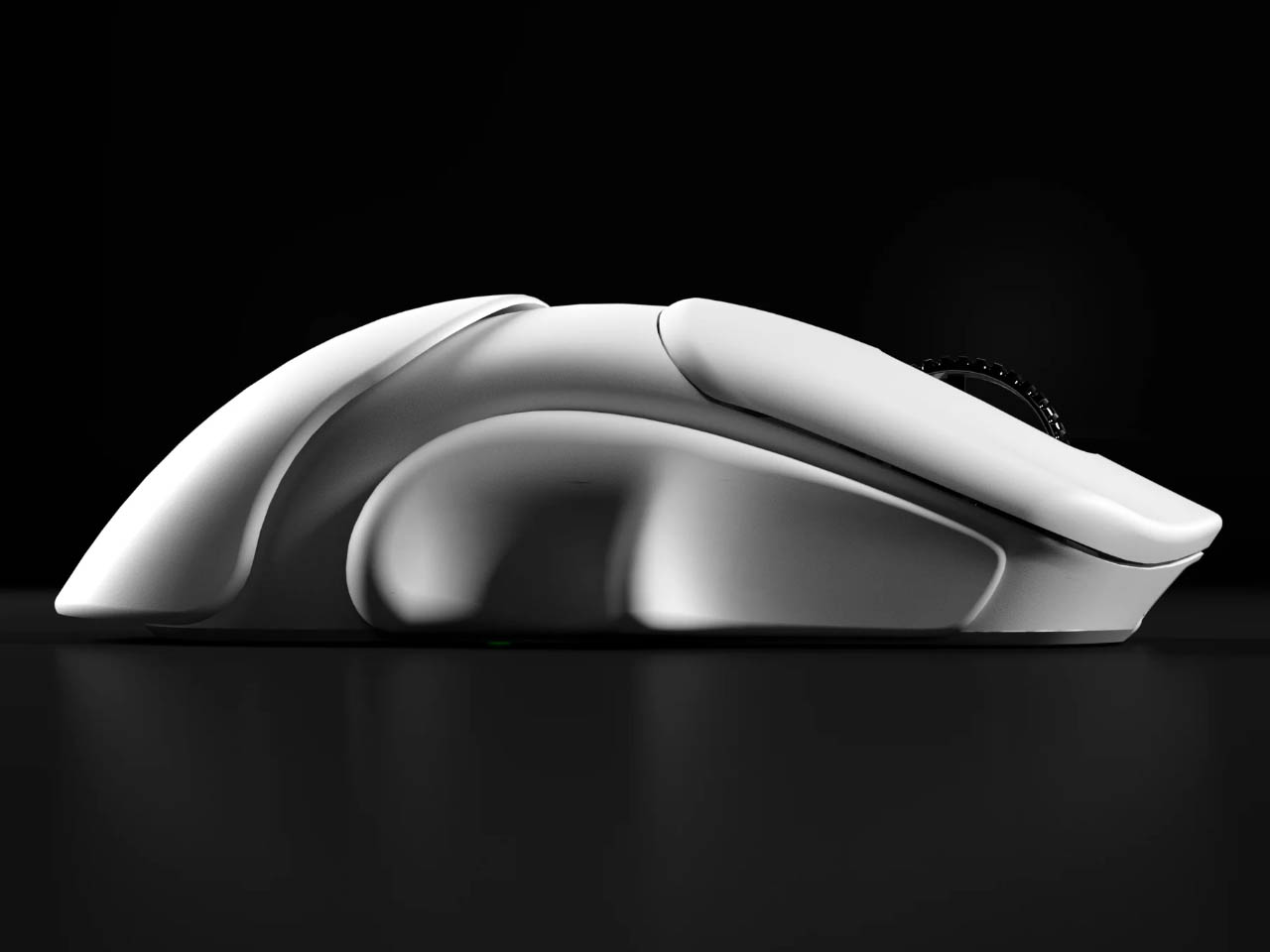
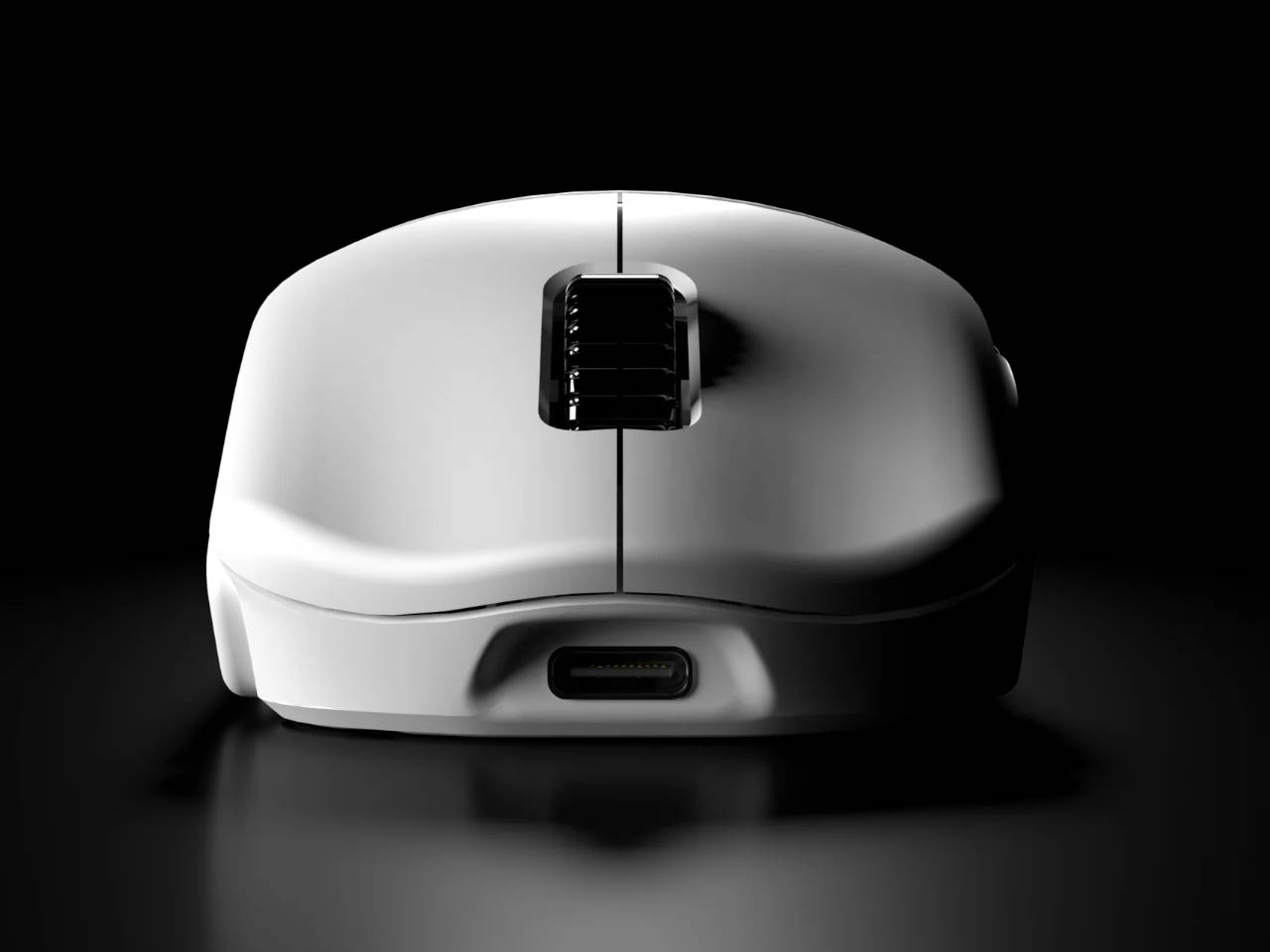
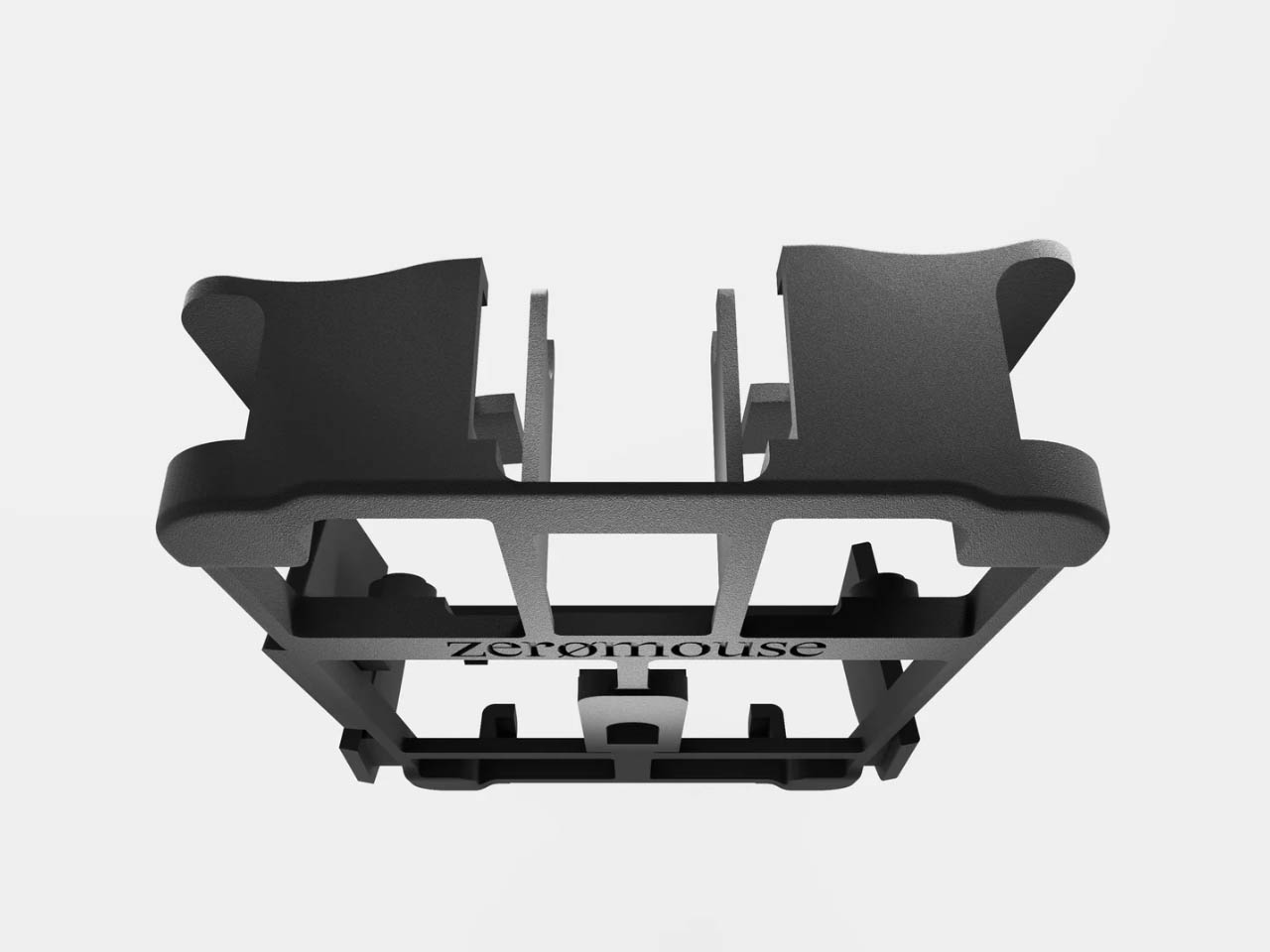
The 3D-printed shell of the mouse has supergrips for ergonomic comfort and lesser hand strain when gaming for long periods. There are no side scroll buttons or DPI selectors to reduce overall weight. Ultra-light credentials of the accessory and the supergrips make it well suited for action shooting games because of the low-tension aiming experience.

Designer: Optimum

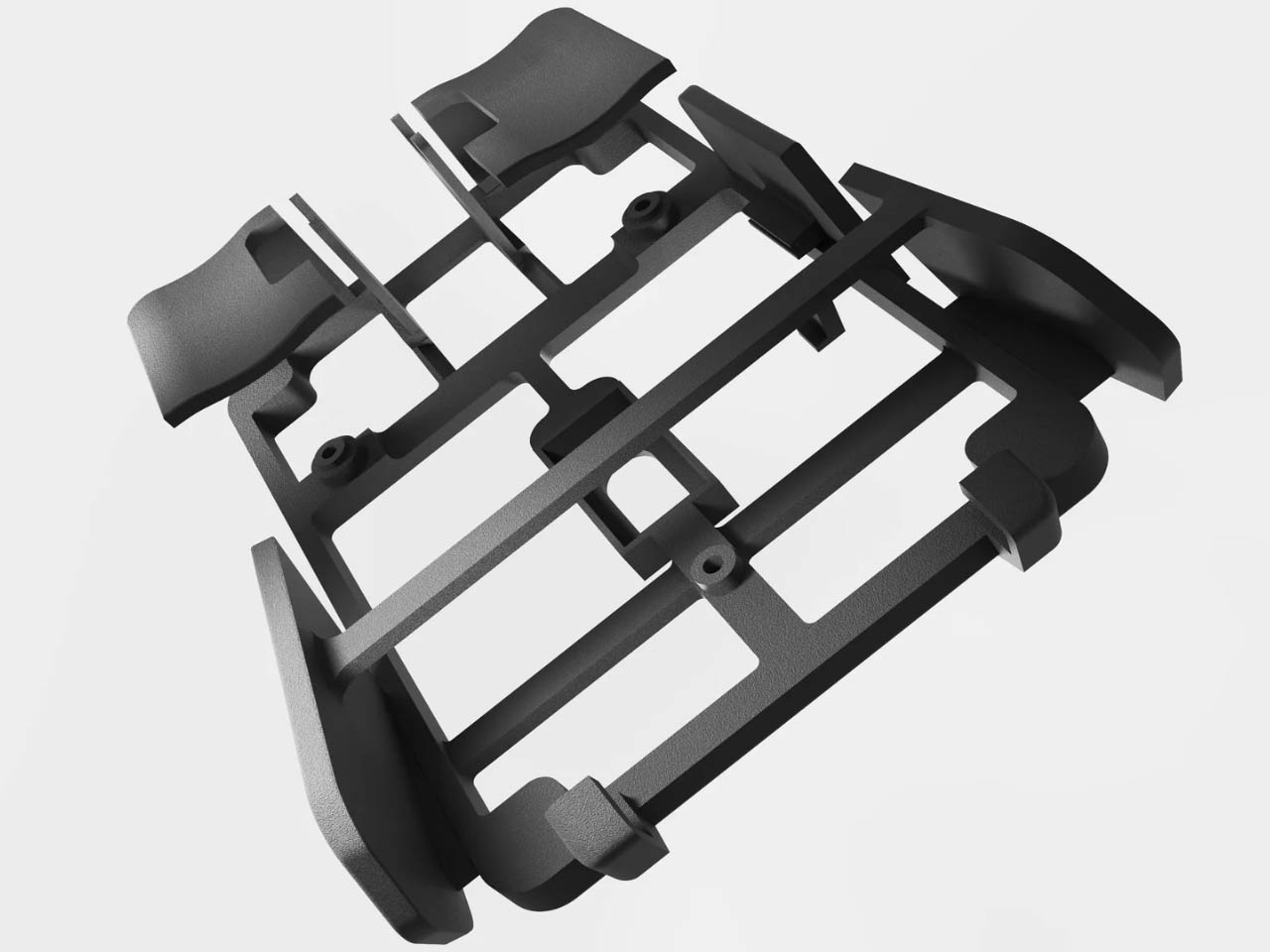
The lightweight unibody frame is made using Selective Laser Sintering (SLS) using nylon PA12 material which has a very high tensile strength. Thus, the compact peripheral doesn’t compromise on structural integrity since the crossbar support and the deeper grooves at contact points make it highly durable and stable. While the mouse won’t turn you instantly into a Top 500 Overwatch player or a Radiant Valorant, just like the best running shoes won’t turn you into the best runner on the planet!

According to Optimum Tech, who designed this featherweight mouse for gaming, when switching back to any other gaming mouse after using the Zeromouse V35, the difference is very clear. The fact that it weighs almost half as any other mouse, gives the player a tactical advantage in movement, even if it is by milliseconds in close matches that can be the difference between winning and losing.

The peripheral priced at $70 takes a detour from the set conventions with a very raw form. Somewhat comparable to a speed record car that has everything fluffed out and only the essentials for performance retained. A mouse doesn’t have to be heavy or ergonomically challenged which is exactly what V35 offers in a compact form. How the next proposed versions of this mouse will evolve will be interesting to see. For now this peripheral is what the gaming community will be zooming in on.


The post This featherweight 3D-printed gaming mouse weighs just 16 grams first appeared on Yanko Design.
Framework-Inspired Mouse Comes With A Modular, Easy-To-Repair Design

Whether the mouse stops scrolling, the sensor begins to glitch, or the switch records twice when you just want a single click; it’s time for you to replace your mouse. You know why, because most mice we have connected to our PCs or laptops are unrepairable, and there’s a high chance, yours is a plasticky one you cannot mend.

Over prolonged usage or when a mouse accidentally drops, most of the time, it fails in ways you wish you could open it up and replace the faulty part, since it looks like new on the outside still. Unfortunately, only a handful (if I’m not wrong) of mice have the option to replace a part or two. In such a scenario, the waruru: easy-to-fix mouse is a class apart. It is the Framework of a mouse!

Designer: Jiu Lee

Today, if you want a laptop that you can upgrade and repair effortlessly, it’s the Framework laptop. These repair-friendly laptops have become an exciting option on the market with more people preferring them for their repairability and eco-consciousness. Replaceable parts can save a lot of hardware from reaching landfills and leading to toxic electronic and plastic waste.

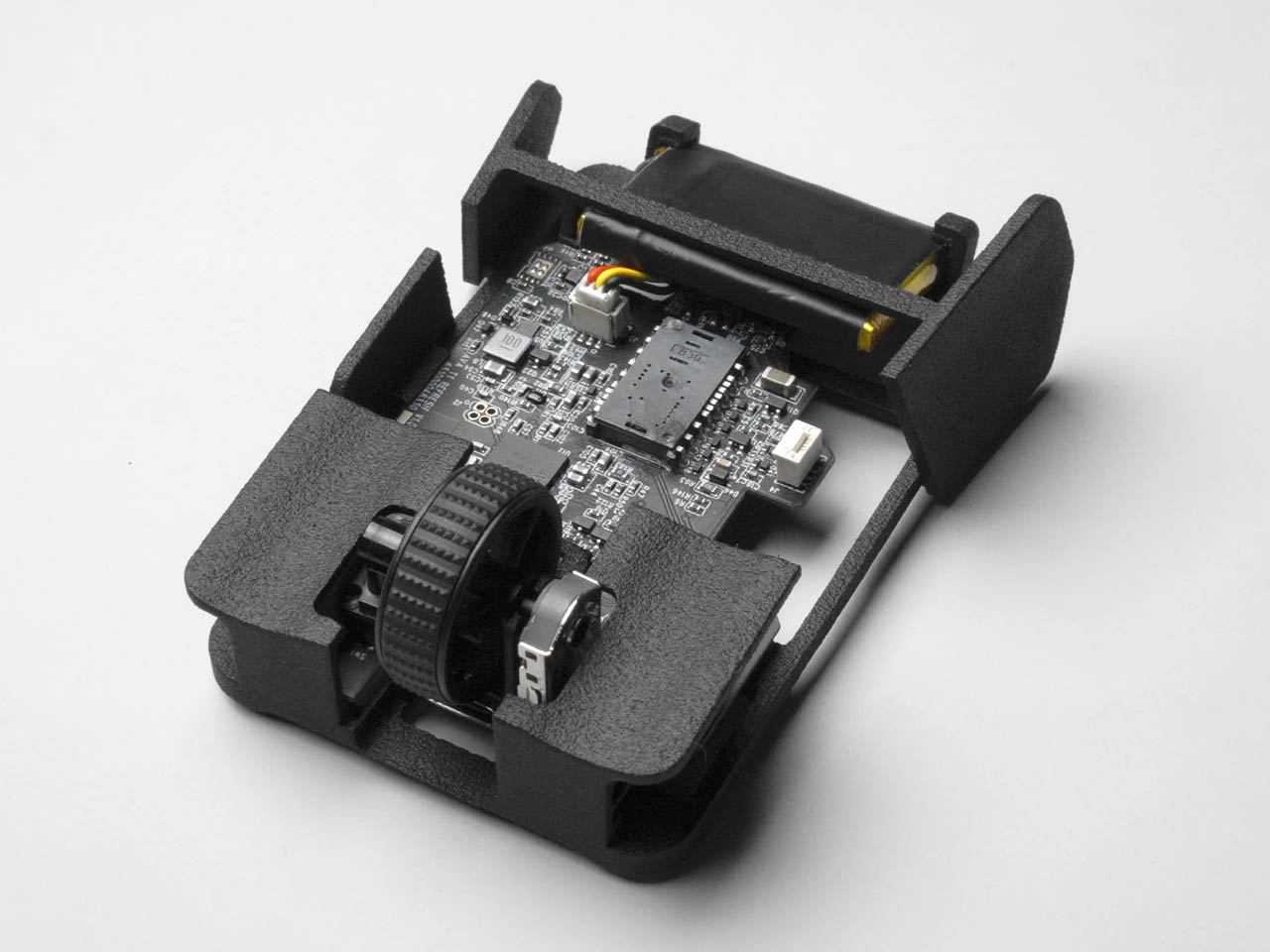
Built for high performance, the easy-to-upgrade and customize, waruru comes with replaceable key components. The scroll wheel, the wheel encoder, the click switch are all replaceable and repairable. This is facilitated with a single screw on the top. Unscrew it and you and access the faulty part and instantly repair, upgrade, or replace.

Now with the waruru, Framework laptops have a partner that is repairable and eco-friendly like them. These mice are easy to open, have replaceable parts, and disassemble – at the end of life – so that recyclable parts can be separated from the electronics, making the recycling process easier.

The post Framework-Inspired Mouse Comes With A Modular, Easy-To-Repair Design first appeared on Yanko Design.

Foldable mouse concept takes inspiration from foldable phones

Laptops are designed to be used as complete, standalone portable computers that don’t need to connect to any external device to use. At least until you run out of battery and have to plug into a wall socket. That said, the design of laptops isn’t exactly great at ergonomics, whether it’s the cramped and flat keyboard or the centrally-positioned touchpad. That’s why some people still opt for at least a regular mouse, but those aren’t exactly portable especially the more common, bulky designs. This mouse design concept, however, prioritizes portability and compactness over anything else, and it takes a page out of the design of today’s foldable clamshell phones to pull off a rather intriguing yet also questionable design.

Designer: Antoine Brieux (NAK Studio)

Foldable computer mice do exist, but they’re really stretching the definition of the word. Perhaps the biggest example is Microsoft’s Arc Wireless mouse, which is basically just a flat box that you “fold” into a curve to use. It’s more than bending than actual folding, but that’s for a very good reason that we’ll see later.

In stark contrast, this “Emergency Foldable Mouse” really does fold in half, not unlike the phones like the Samsung Galaxy Z Flip 6. In its “deactivated” form, it’s more like a square compact or pocket mirror, though its flat edges and sharp corners clearly mark it as some sort of gadget or tool. When closed like this, the mouse automatically turns off and then turns on again the moment you open it.

Unlike a foldable phone, however, this mouse doesn’t unfold completely flat and instead stays at a fixed obtuse angle. After all, this is a mouse and it would be difficult to use it if it laid completely flat on a desk. That said, even that configuration isn’t comfortable, as users of Microsoft’s own foldable mice will attest to. Yes, your hand arcs over the mouse for a more ergonomic hold, but unlike the gentle curve of the Foldable Arc Wireless, you have two edges potentially biting into your skin. Even the designer admits that the design is clearly not for ergonomics but for the object itself.

Admittedly, it carries an aesthetic that will probably appeal to many computer users, especially collectors. The clear plastic version will definitely catch people’s attention, but even an opaque aluminum object with such an angular bend will pique anyone’s curiosity. If anything, the Emergency Foldable Mouse challenges the standard mouse design with an eye toward portability, an area that isn’t as widely explored as ergonomic mouse designs.

The post Foldable mouse concept takes inspiration from foldable phones first appeared on Yanko Design.

AI-powered modular mouse has some nifty tricks to level up your presentations

The nature and location of work today have changed considerably, especially after the introduction of work-from-home arrangements, but there is one thing that still remains the same. People still hold in-person meetings, which often involve making presentations, be it in front of colleagues or before clients. Despite how common this activity is, the tools used especially by presenters haven’t evolved that much except for teleconferencing equipment. Many of the devices needed for an effective presentation often come as separate products, so this concept tries to integrate not just two but four tools into a single design that, at first glance, looks like a normal mouse.

Designers: TianRun Chen, ZiLong Peng, Yanran Zhao, YueHao Liu

Many computer users use a mouse, even if they actually prefer using laptops. It’s almost an indispensable tool for on-the-go knowledge workers, including those who often find themselves speaking in front of other people in a room. Unfortunately, these people would also find themselves grabbing a presenter and a laser pointer during those presentations, making their work lives needlessly complex. There are some thin, portable mice that try to integrate a laser pointer, but these are still rare, not to mention not ergonomic in their designs.

The OctoAssist concept design has a rather intriguing solution that deconstructs the design of the computer mouse in order to provide more functionality. At its core, it sports a modular design where the main “module” is actually the front third of a conventional mouse, where the buttons would normally be located. This module is actually a touch-sensitive device that you can use on its own as a mini touchpad that supports gestures like pinching and three-finger taps. It can magnetically connect to a “base” that provides the ergonomic shape of a mouse, while potentially also offering additional battery power in its rather large body.

The core module also has a built-in laser pointer and, thanks to its touch-sensitive surface, can be used to easily control presentations with the same hand. It also has a voice recorder so you can have the entire presentation or meeting preserved for documentation purposes. But why stop there when you have today’s ubiquitous AI available to almost everyone? That AI, built into the device, can also summarize the meeting and generate notes in a flash, impressing everyone in the room with your technological wizardry and efficiency.

From a regular office mouse to a miniature touchpad to a presenter to an AI secretary, the OctoAssist offers plenty of features, though perhaps a bit too much as well. The AI-powered summary and notes are definitely convenient, but they could weigh the core module down not just with complexity but also with hardware and battery consumption. It does offload the AI processing to a connected smartphone, but that can sometimes cause lags and even data loss. Regardless, it’s definitely an interesting concept that might even be plausible, presuming a manufacturer sees profitable value in an all-in-one design instead of selling multiple devices that do those tasks separately.

The post AI-powered modular mouse has some nifty tricks to level up your presentations first appeared on Yanko Design.
Computer mouse design has to be scratched and deteriorated to show its true self

We see plenty of designs that try to address one of the computer mouse’s biggest problems, that of ergonomics. Truth be told, however, it’s unlikely that it will change en masse and for good, considering how the horizontal shape of this device has been so ingrained in our consciousness for decades. Of course, that doesn’t mean that there’s no room for experimentation, especially when it comes to adding some value to a traditional mouse design. That can be through its shape, its texture, or even its materials. The latter is something that this curious concept tries to play with, suggesting a computer mouse that you intentionally want to get scratched or quickly deteriorate just so that you can see the secret color or design hidden underneath its skin.

Designer: Liang Yao (苦 口)

Physical products age and deteriorate over time, but those that provide some utility tend to grow old and wear down faster. Not all materials, however, age as gracefully as leather or brass, materials develop unique patinas from their use. Wood can chip, metal gets scratched, and plastic fades or gets discolored. Normally, you wouldn’t want your stuff to even get dinged, let alone scratched, because it then loses its value, but this computer mouse concept is the complete opposite.

“Scratch-off” is a design that adds an extra layer on top of the mouse’s actual design that’s not meant to last forever. Just like those lottery scratchcards, the temporary material on top reveals a prize or a dud when you scratch it off. Of course, you won’t intentionally scratch this mouse’s surface, but it adds a bit of thrill and excitement as you slowly see the hidden design underneath.

This actually brings a lot of opportunities for branding and advertising, with logos or markings hidden underneath the outer layer of the mouse’s surface. Of course, it could be a long burn depending on the kind of material used. After all, it might take weeks or even months before the mouse’s outer cover gets scratched off or peeled completely. In some cases, however, there might even be a marketing gimmick where you intentionally damage the mouse’s surface to reveal some visual gem underneath, hopefully in a safe manner.

The concept, however, does raise the question of the material that should be used to implement this outer layer. It has to be easy to scratch or fade, but not too quickly like some plastic sheet that will defeat the entire purpose of anticipating the product’s deterioration. At the same time, however, it has to be a hygienic material that won’t leave flakes behind, considering how your hand will always be making contact with the mouse.

The post Computer mouse design has to be scratched and deteriorated to show its true self first appeared on Yanko Design.
Origami-inspired Bluetooth mouse turns a mundane device into a fashion statement

As odd and unnatural as the computer mouse might be, it has become the standard input device second only to the keyboard. For decades, however, the design of the mouse has changed very little except when modified in the name of ergonomics. There has been a recent spate of concepts that try to breathe new life into mouse design, but many of those remain in the conceptual realm only. This peculiar design almost looks like one of those, but it’s surprisingly a product you can really get your hands on, figuratively and literally. It’s definitely unlike any Bluetooth mouse you’ve ever laid eyes on because when it’s not in use, it can fold so perfectly flat that you can even slip it into your pocket and make it look like a part of your fashionable attire.

Designer: Horace Lam

We’ve actually seen quite a few mice that can fold or lay completely flat, but few have ever made it into production because of the surprising complexity of mouse design. Origami, the ancient Japanese art of paper folding, might be great for paper, but not for something that needs to withstand the wear and tear of daily use, not to mention being carried around in bags or even pockets. That’s the rather impressive feat that the myAir.0 OriMouse claims to have achieved, offering a wireless mouse that is flat, functional, and fashionable.

In its flat and deactivated state, the OriMouse has a “V” shape with a faceted surface. Covered in vegan leather or textile, it doesn’t even look anything like a mouse. Weighing only 40g and less than 5mm thin, it looks and feels more like an art object that you carry in your pocket or in your bag. But with a simple pinching gesture that joins the two divergent ends together, the OriMouse rises to the occasion, literally, to become an essential tool for productivity.

Using the same principles that give origami designs innate stability, this foldable mouse can withstand a lot of pressure from your hand without buckling from the weight. At the same time, however, a simple push at a specific and strategic spot disengages the two neodymium magnets and collapses the structure back to its flat state. In addition to this shape-shifting trick, the OriMouse promises a more ergonomic design thanks to the polygonal structure inspired by the folds and facets of an origami object.

Although the various options available make use of textured materials to give the mouse an even more tactile experience, the OriMouse’s foldable design also lends itself perfectly to more artistic expressions. In fact, one model even has a graffiti graphic printed on its surface, and it’s not hard to imagine branding opportunities for such a design. Granted, the actual ergonomics of such a mouse will probably be a matter of debate, but if you are looking for a highly portable Bluetooth mouse, it won’t hurt to take a hard look at something that’s also so unique and beautiful that you will easily become the envy of the crowd around you.

The post Origami-inspired Bluetooth mouse turns a mundane device into a fashion statement first appeared on Yanko Design.
Ergonomic mouse concept oddly looks like a familiar home appliance

Computer mice have been around for decades, and despite their form making no objective sense, they remain the most basic and most common pointing device that we now use intuitively. The core design of the mouse hasn’t changed significantly since its inception, which unfortunately means they’re still one of the biggest causes of repetitive strain injury or RSI for many people. Ergonomic mice are starting to gain traction, particularly the vertically oriented designs that promise a more natural and comfortable grip for your hand. This device concept builds on that same premise, but the execution is a bit puzzling considering how it looks less like a mouse and more like a miniature clothes iron.

Designer: Pranav Kuber

The rationale behind vertical mice is that the normal orientation of human hands has the palms facing inward rather than downward. With a regular mouse, users are forced to keep their hands at an unnatural angle, whether or not they’re moving the mouse at that moment. Of course, a vertical mouse would still need to provide the basic functions of a conventional mouse, which includes left and right buttons as well as a scroll wheel.

At first glance, the Ergo ergonomic mouse concept is just like any other vertical mouse now available for purchase, but examining its form and silhouette generates a slightly different image. The top plane’s wide surface tapers sharply toward the front, while the wide middle section looks rectangular when viewed from above. If not for the actual bottom of the mouse, which merges two vertical sides like the keel of a ship, the Ergo looks almost like a clothes iron, albeit one without a handle to grip.

Aside from the peculiar shape, the mouse design also raises a few other questions. The buttons on the outer or right side are clearly marked, but they don’t look like buttons you can physically click at first glance. The position of the mouse wheel on the opposite side is even more puzzling, as it will require a lot of swinging movement from the thumb that could actually put more strain on its joint. The rather wide rear might also make it harder to grasp the mouse, potentially resulting in more discomfort in the long run.

The post Ergonomic mouse concept oddly looks like a familiar home appliance first appeared on Yanko Design.
Ergonomic mouse concept gives left-handed users the comfort they deserve

The vast majority of computer products are designed to favor the biggest groups of users, sometimes to the exclusion of the minority. We’re not speaking about accessibility for persons with physical disabilities, but that is especially true for them as well. Even just the common keyboard and mouse are designed with the presumption that they will be used by right-handed people. And while ambidextrous mice do exist, those tend to sacrifice comfort for the sake of a symmetrical design. That doesn’t have to be the case, as this concept design tries to prove, promising both comfort as well as proficiency, regardless of which hand you hold it with.
Designer: Sameeraj Dronamraju

There has been an increasing awareness and demand for ergonomic mice, sadly due to the equally rising cases of computer-related injuries. But while there are plenty of ergonomic designs now available, most of them only cater to right-handed users. You’d be lucky if the manufacturer produced a left-handed design, but most don’t because of the costs involved in another product with only a few minor differences.

The proper solution would be to mix ergonomics and symmetry to create a mouse that is comfortable to hold for both kinds of people. Vertrous, a portmanteau of “vertical” and “ambidextrous,” takes its cue primarily from the plethora of ergonomic mice now in existence, most of which adopt a vertical design that attempts to reduce the strain placed on the wrist by offering a more natural grip. But rather than have your hand holding it sideways, you almost grip it like a claw, with your index and middle fingers still resting on top.

At the same time, the mouse’s shape is more or less equally balanced on both sides. Great care is taken to ensure that textured areas are found on both sides, so no one hand has the advantage over the other. That said, there are some features that can really be found in only one place, like the power button, but that’s really a minor detail that has no significant impact on the use of the mouse itself.

While Vertrous does present an interesting solution, there are still some considerations left unanswered by the design. For example, gripping the mouse like a claw could actually end up being more uncomfortable and strenuous than a regular mouse. The symmetrical design also leaves out features like extra buttons that would normally be found only on one side, an absence that many power users will feel acutely. These aren’t flaws per se but more like points for further improvement, paving the road for the day that we finally land on a standard ergonomic mouse design that will really leave no one out, whichever hand they prefer to use.
The post Ergonomic mouse concept gives left-handed users the comfort they deserve first appeared on Yanko Design.