Razer Barracuda V2 Pro vs Barracuda Pro: What Changed
Razer's $199.99 Barracuda V2 Pro adds a detachable mic and 70-hour battery over the $249.99 Barracuda Pro. Here is what changed and what was dropped.
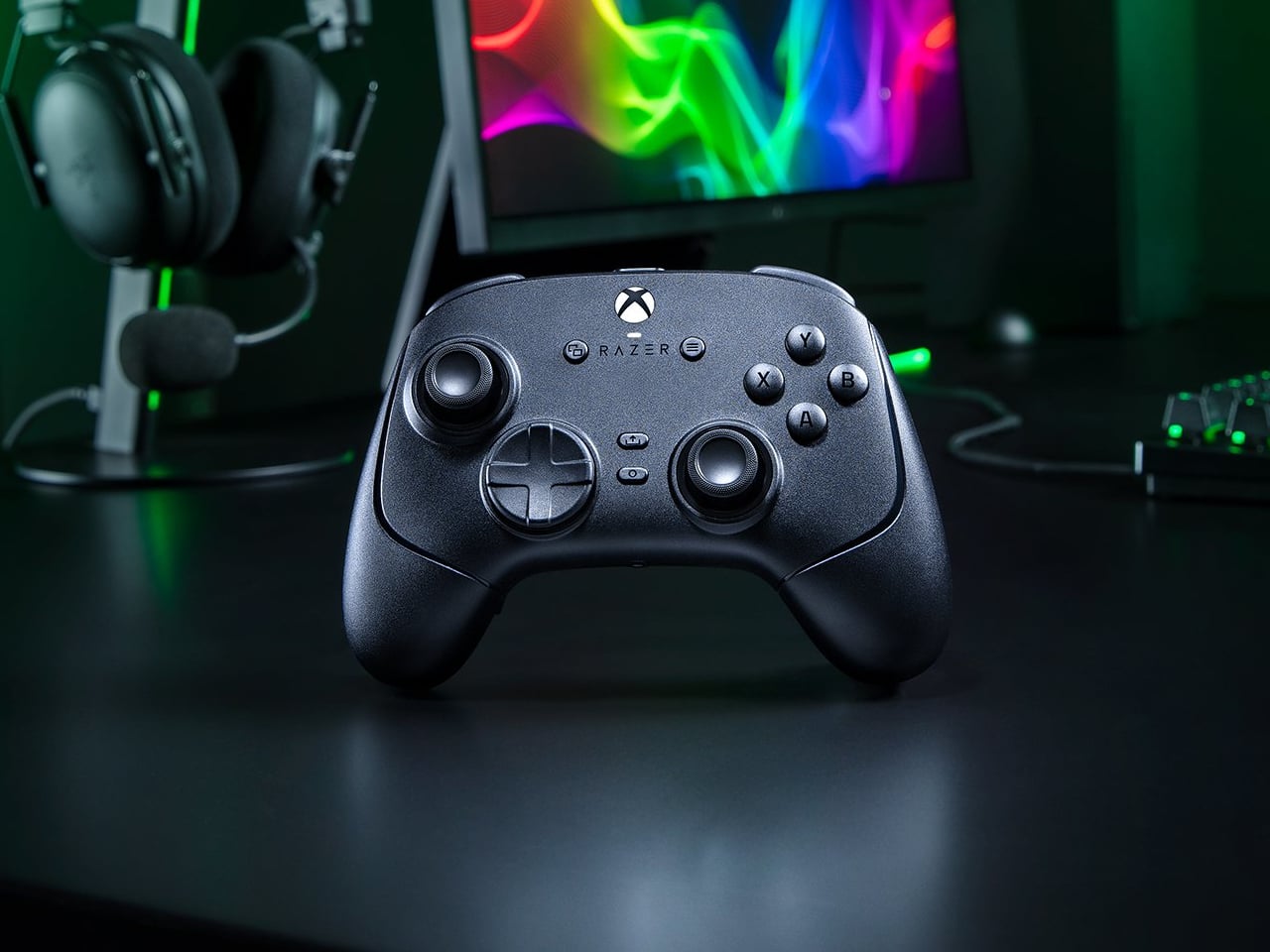
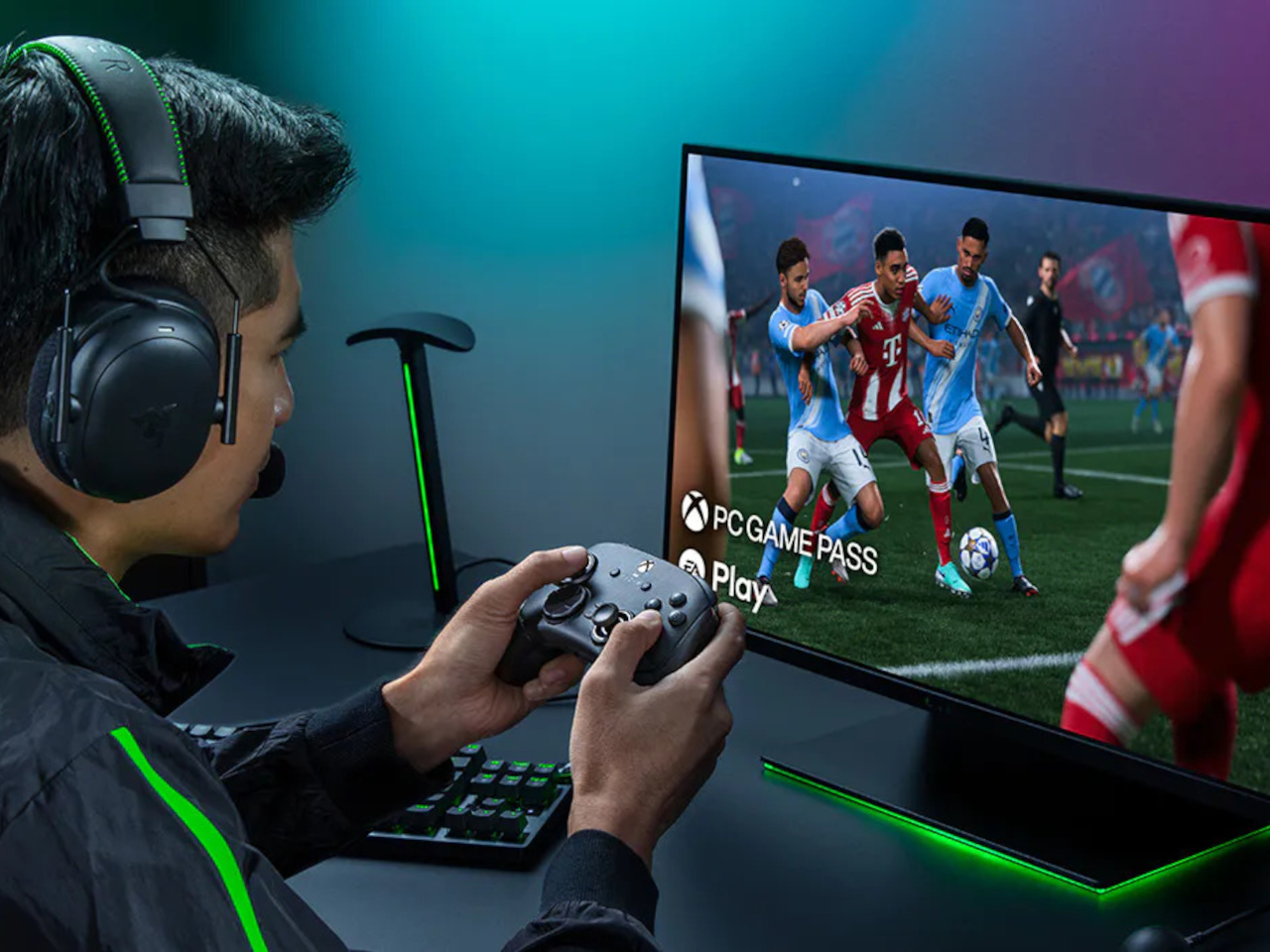
Extra buttons on a game controller can be handy, at least until they get in the way of holding it. Razer’s Wolverine V4 Pro gives players a little more say in that arrangement, with magnetic back buttons you can remove instead of simply ignoring them. Available for Xbox and PC, the wireless controller also lets you change its thumbstick caps and even take off its faceplate.
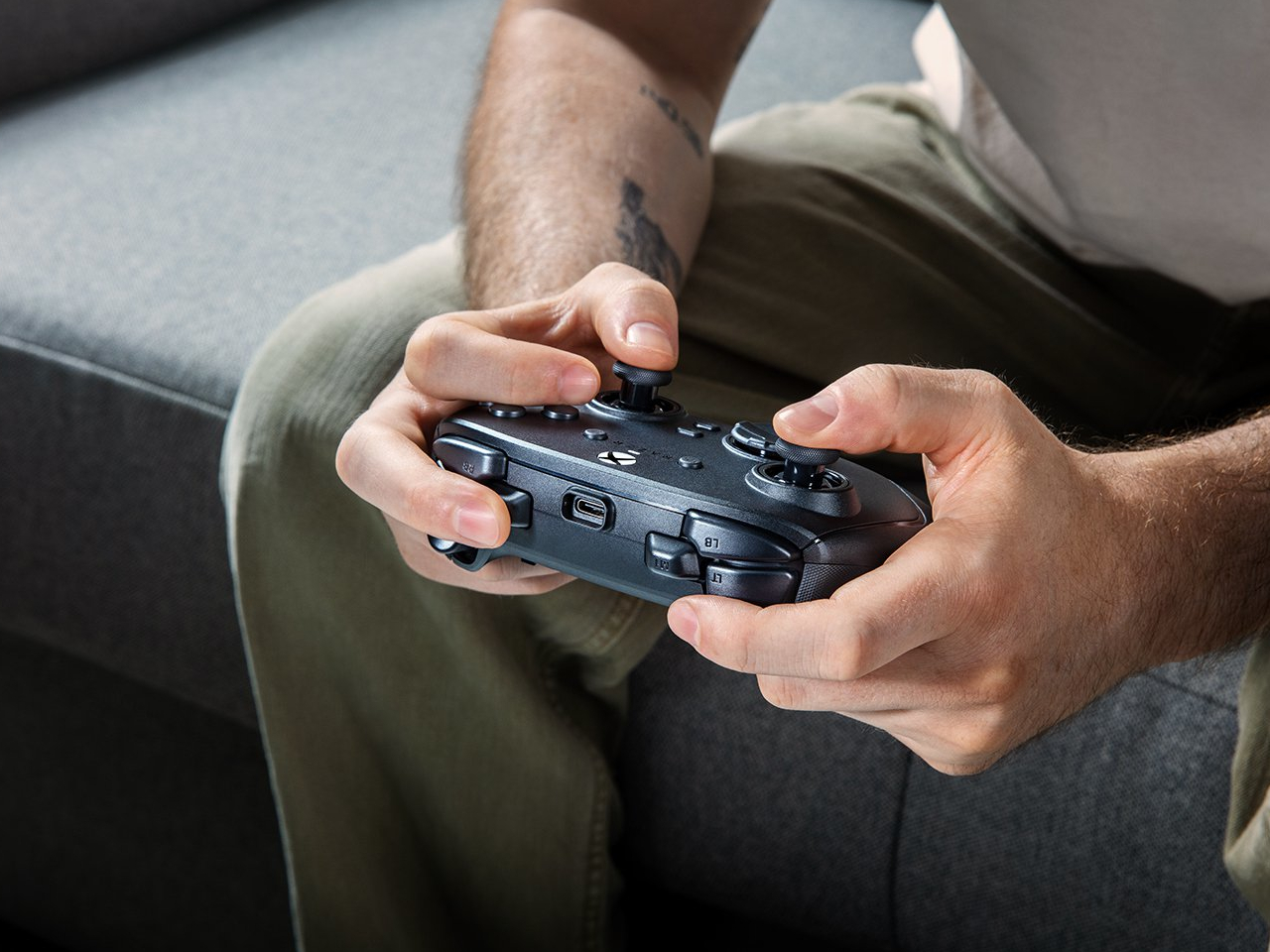
The four rear buttons come off without tools, making it possible to keep all of them, use only a pair, or clear the back entirely. Blank inserts replace the unwanted controls, following the controller’s contours rather than leaving little gaps behind. It’s a small detail, but an important one when that surface is where your fingers spend most of their time during a game.
Designer: Razer
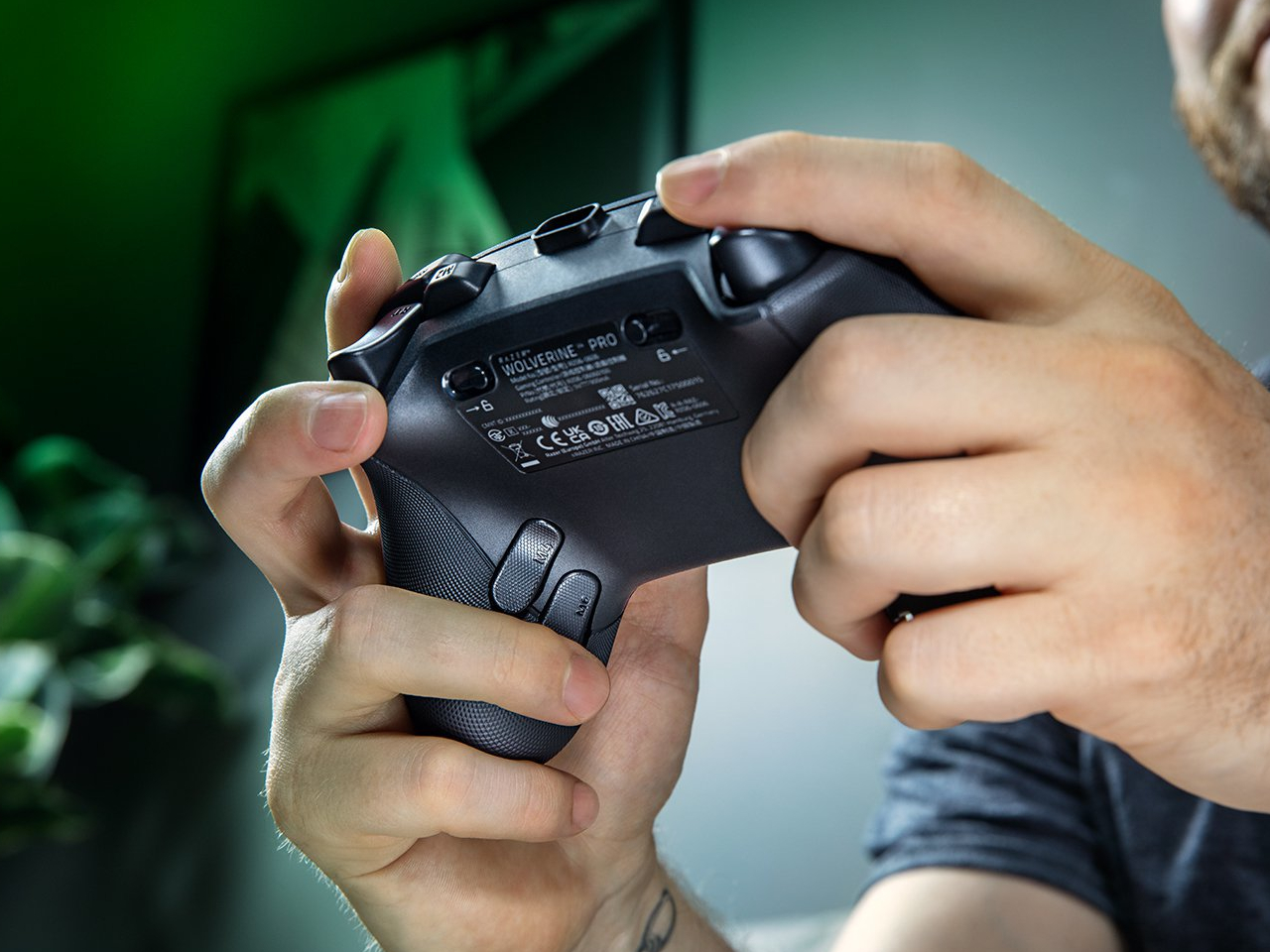
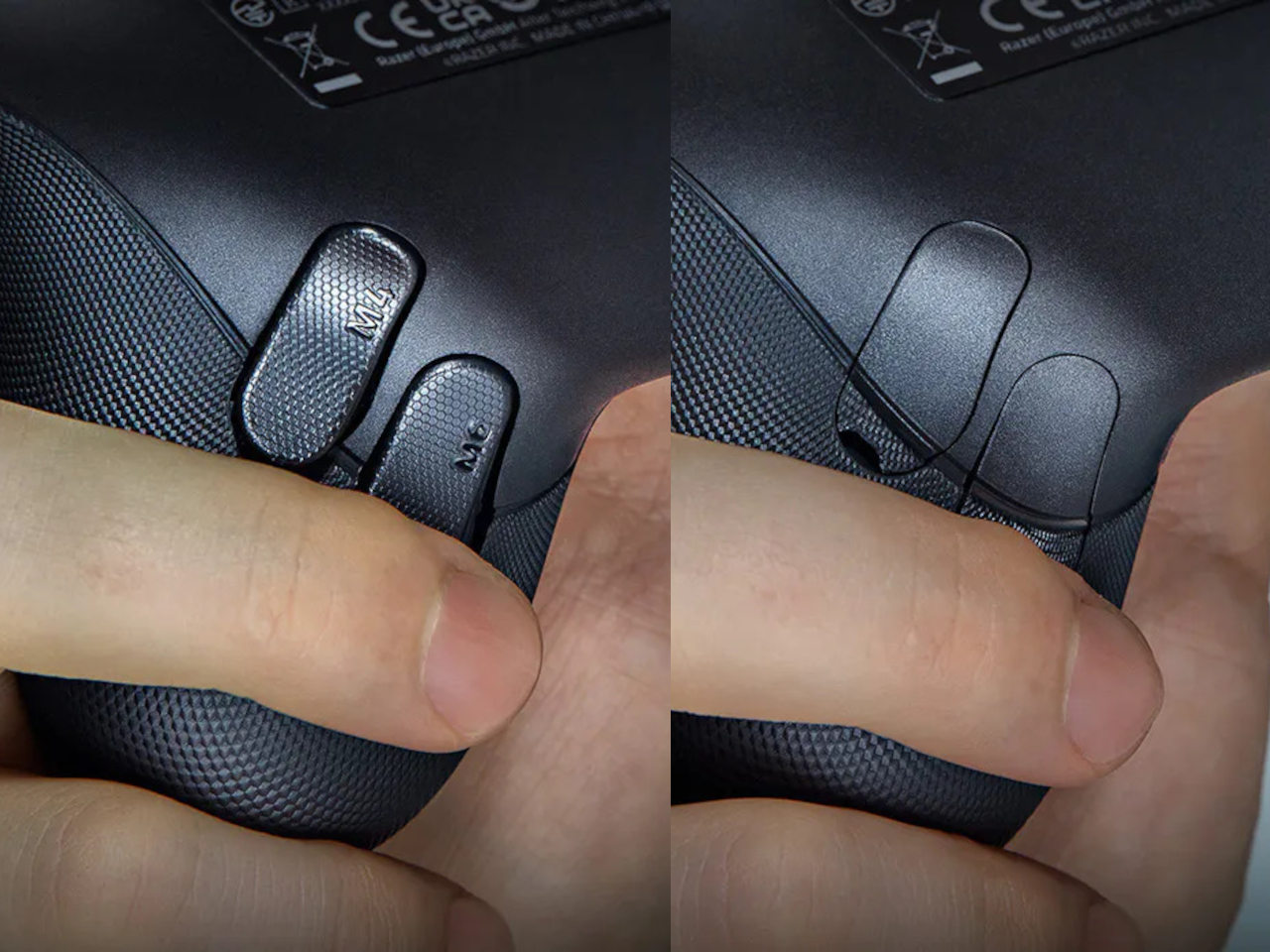
Of course, keeping those buttons attached makes sense when you’re juggling several actions at once. Their mouse-click switches can handle commands such as jumping or reloading, letting your thumbs stay on the sticks while your other fingers do the work. Two additional shoulder buttons bring the total to six remappable inputs, giving frequently used actions somewhere to go besides the familiar face buttons.
The thumbsticks get their own set of options, changing both their height and the surface beneath your thumbs. Short convex caps provide a rounded surface, while tall concave versions give your thumb a recessed resting spot and more height to work with. Razer recommends the taller caps for precise aiming. You can mix the supplied options, but swapping caps doesn’t mean you’re replacing the sensors underneath.
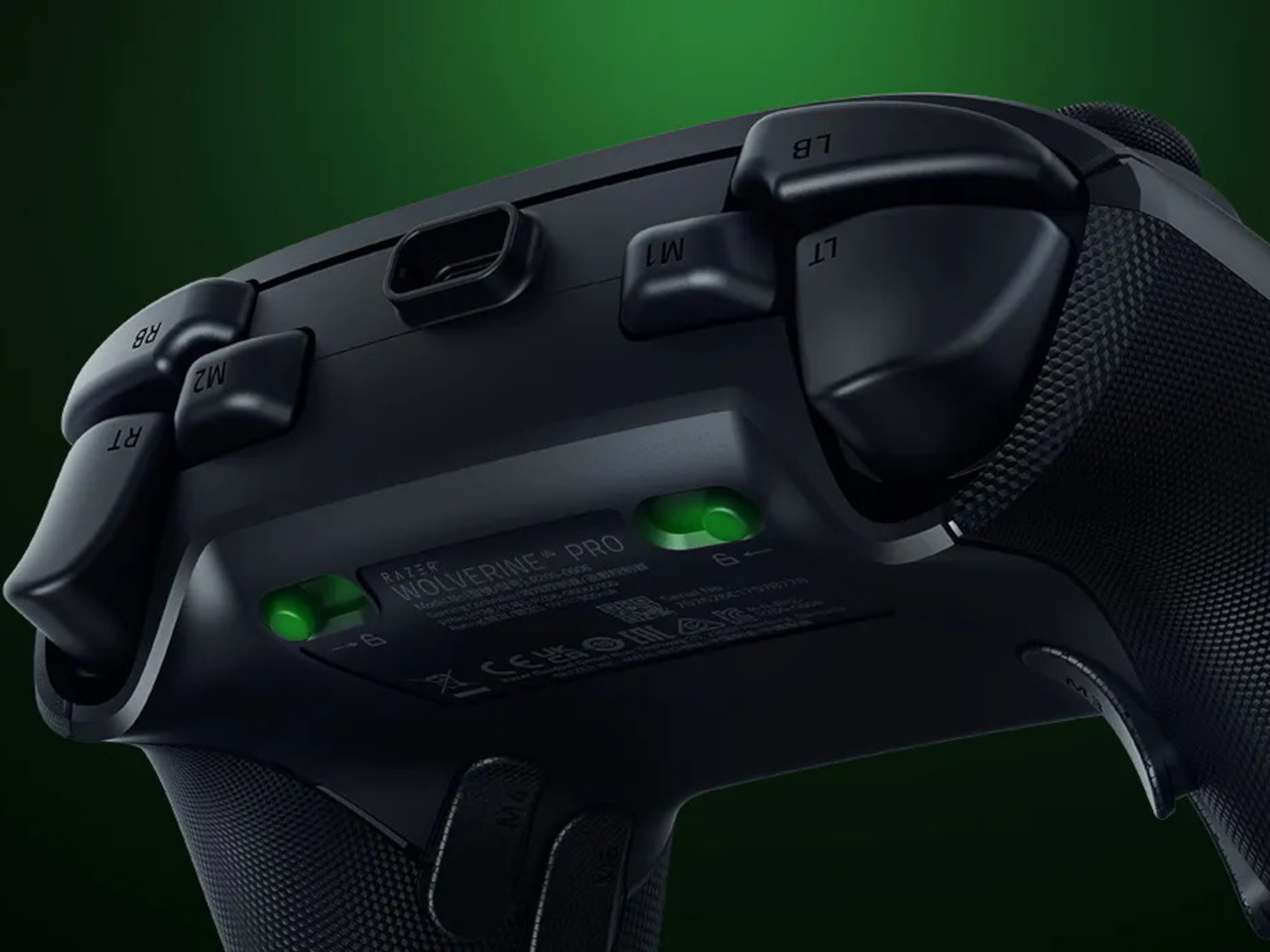
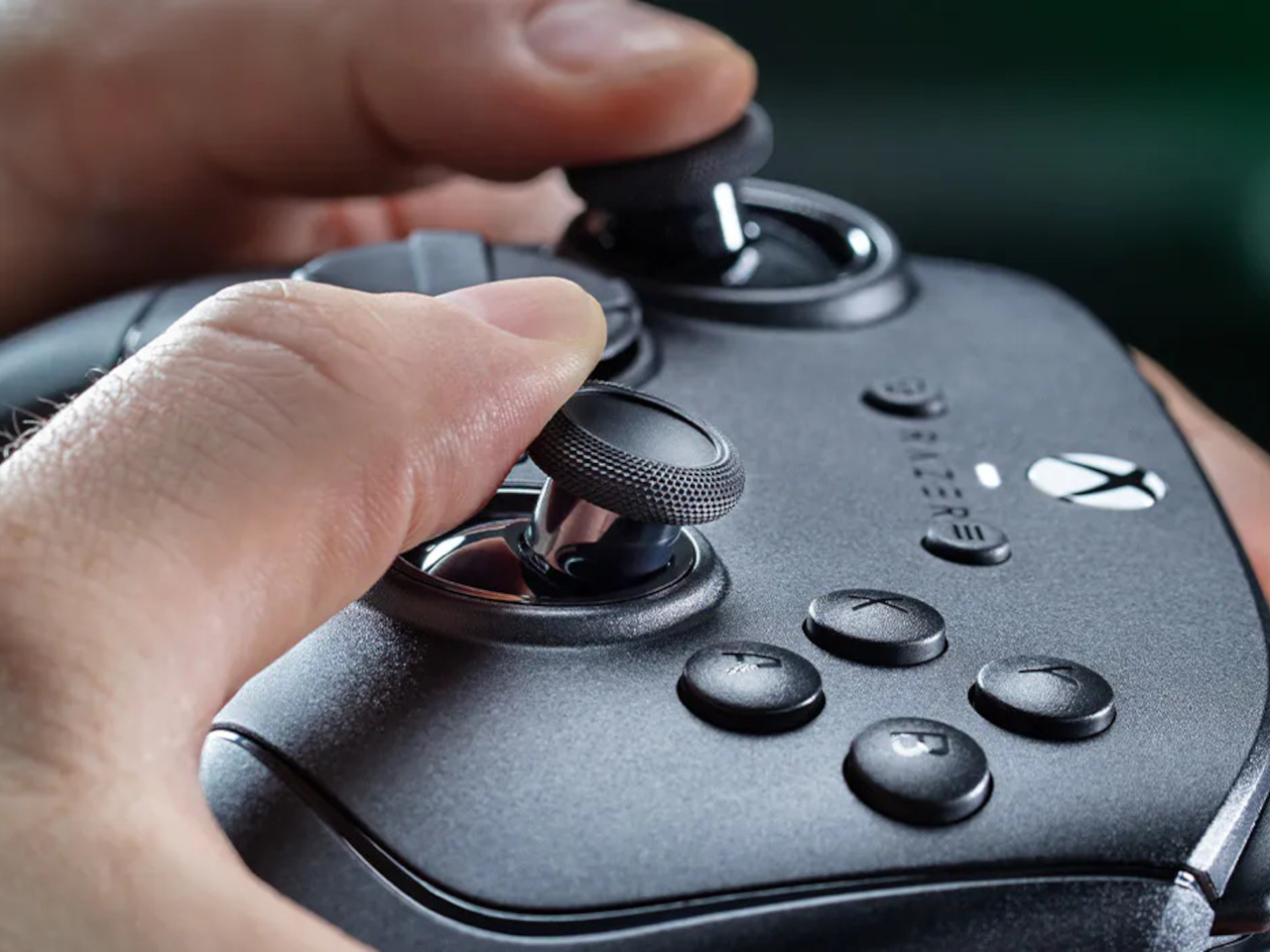
That flexibility continues with the triggers, which can switch between a short mouse-click action and a full analog pull using rear-mounted locks. The shorter setting suits firing in a shooter, while the longer travel lets you ease onto the throttle in a racing game. Through Razer Synapse, you can also adjust each trigger’s activation point to suit how you play.
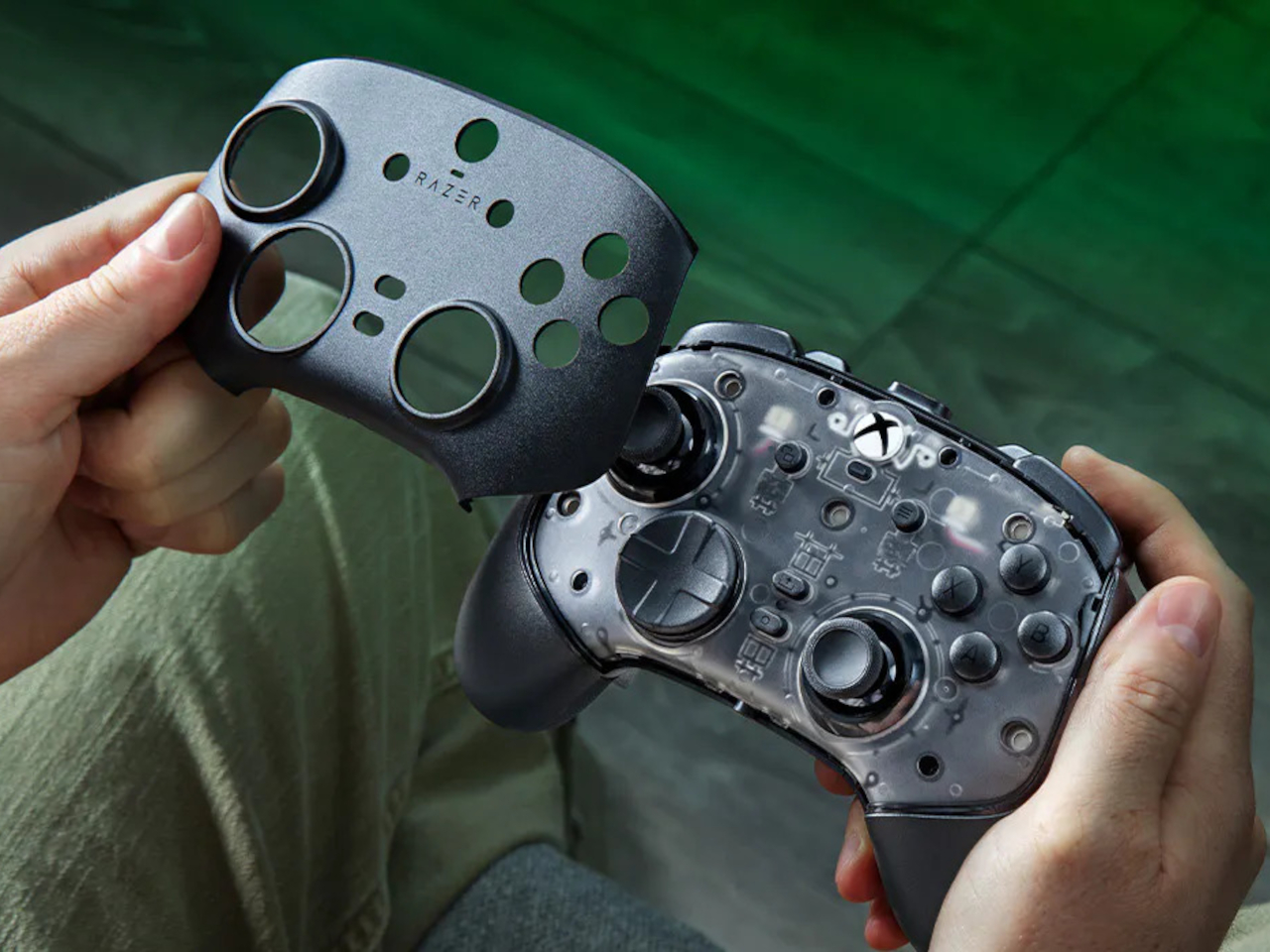
Even the exterior is open to a little tinkering, thanks to a magnetic faceplate that lifts off without tools. Personalize that panel, or leave it off entirely to reveal the translucent housing underneath. The working components remain enclosed, so you’re changing the controller’s outer appearance rather than exposing its electronics. It’s an option for people who prefer seeing a bit of machinery.
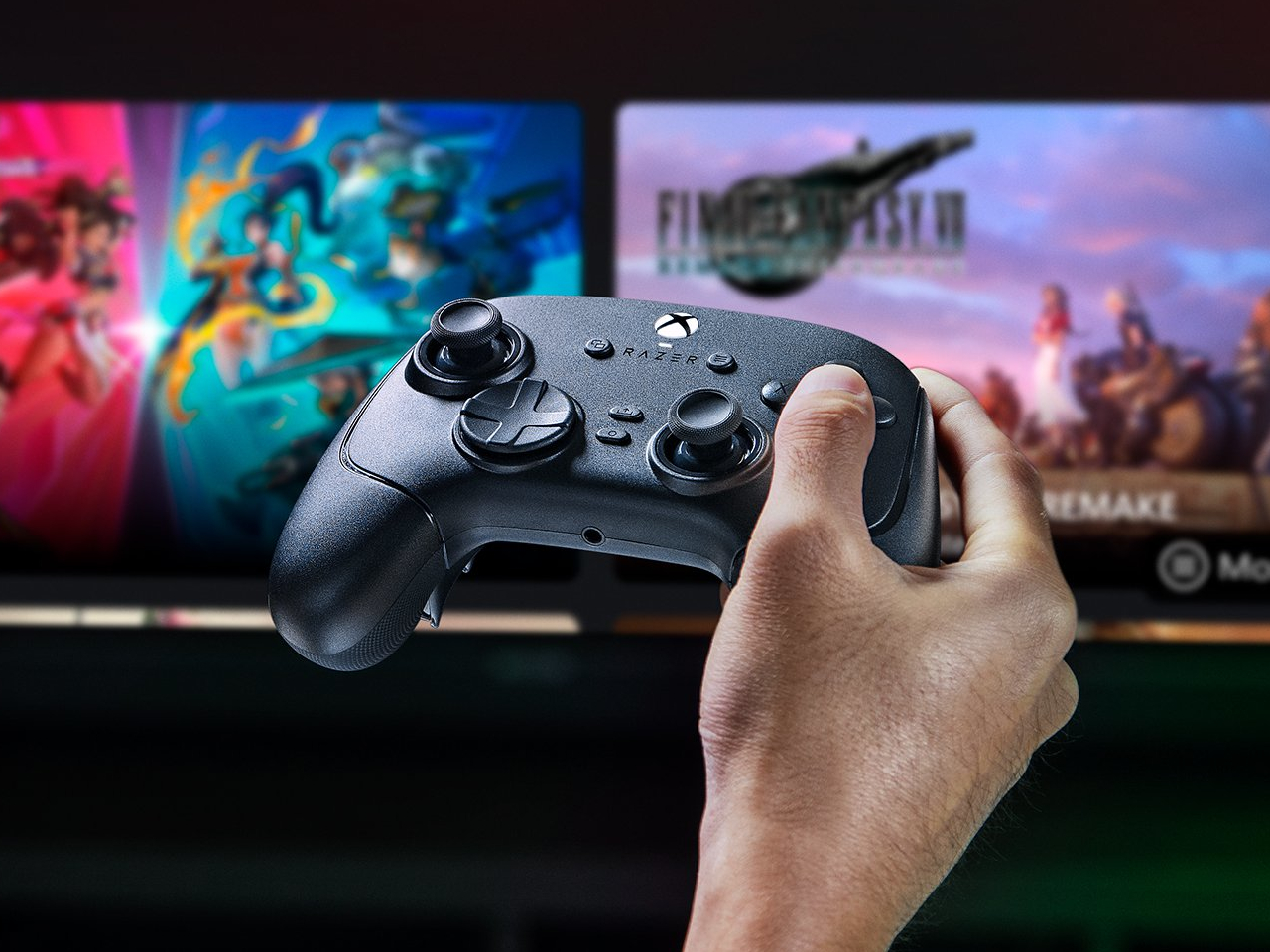
The software takes care of the changes you can’t make with magnets. Four onboard profiles hold different button assignments and sensitivity settings, so a racing setup doesn’t have to overwrite your shooter preferences. You can also adjust thumbstick dead zones, deciding how much movement registers as input. That said, greater sensitivity can pick up tiny thumb movements you didn’t intend.
At $199.99 in the US, this level of customization doesn’t come cheap, and there’s no included carrying case to keep the removable pieces together. You’ll have to find your own place for spare caps and unused buttons. After spending that much on a controller you can rearrange, a dedicated home for the bits you’ve removed would have been rather welcome.
The post Razer Wolverine V4 Pro has four back buttons, but none have to stay first appeared on Yanko Design.
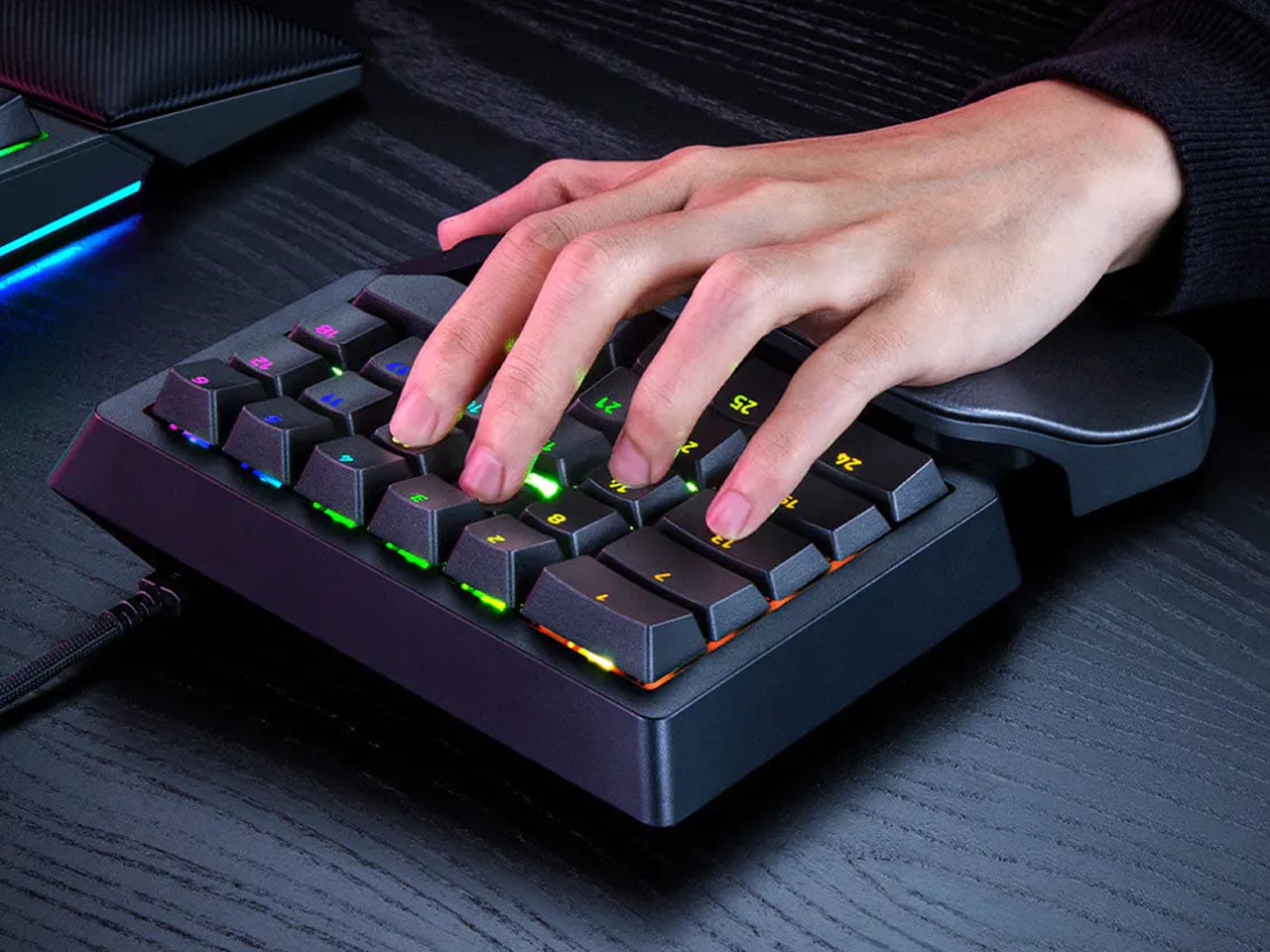
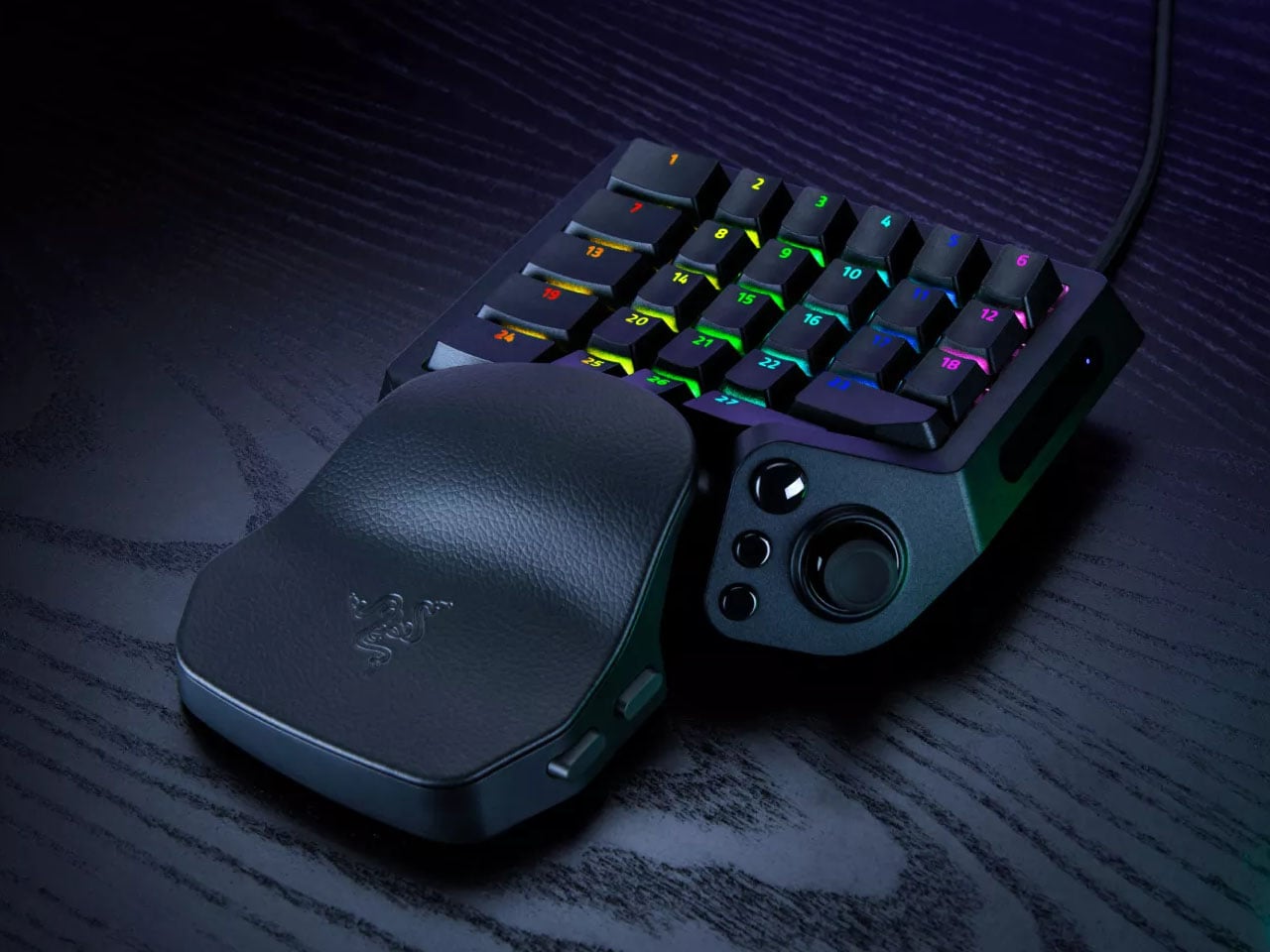
A keyboard can give you plenty of keys, but when you’re gaming, you rarely use all of them. What matters is having the right controls exactly where your hand needs them. That is the idea behind Razer’s new Tartarus V2 Pro, a one-handed gaming keypad that packs 31 programmable controls into a much smaller footprint while adding a proper analog thumbstick, something most keypads don’t have.
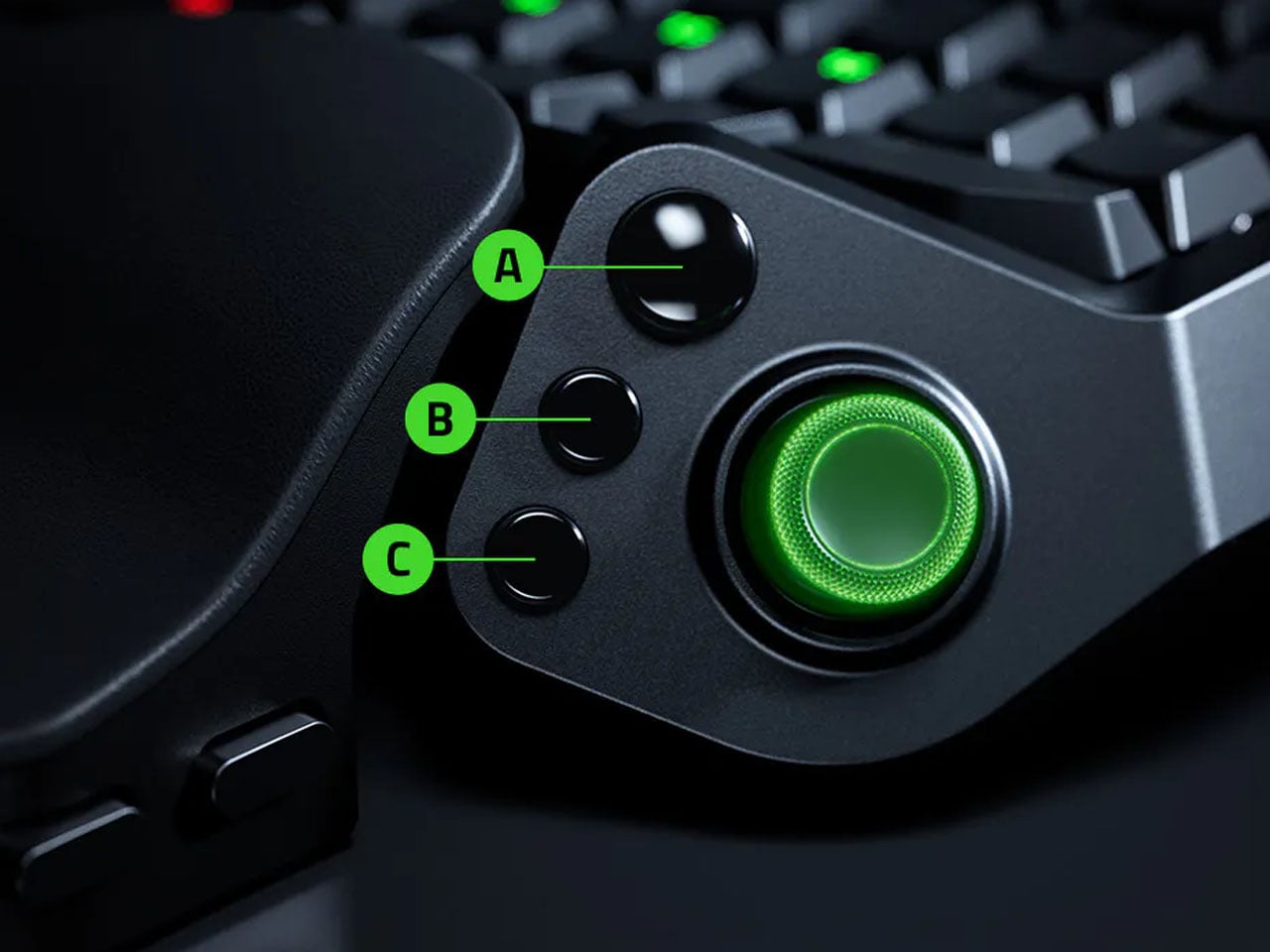
The thumbstick is one of the more interesting bits of the accessory. It uses TMR technology with anti-drift positioning and sits alongside three dedicated thumb buttons, giving the left hand a combination of keyboard and controller-style controls. The stick can handle movement, but it can also be assigned to other commands, making it useful for games that rely heavily on shortcuts, radial menus, or multiple simultaneous inputs.
Designer: Razer
Razer has also moved beyond the usual mechanical-switch approach, as Tartarus V2 Pro uses second-generation Analog Optical Switches that can recognize how far a key is pressed. Their actuation point can be adjusted anywhere between 0.1 and 4.0 mm, allowing the keys to be tuned for either quick, light presses or a more deliberate response. Rapid Trigger goes further by detecting upward movement as small as 0.1 mm, which can make repeated inputs feel considerably more immediate. Razer rates the switches for up to 100 million keystrokes.
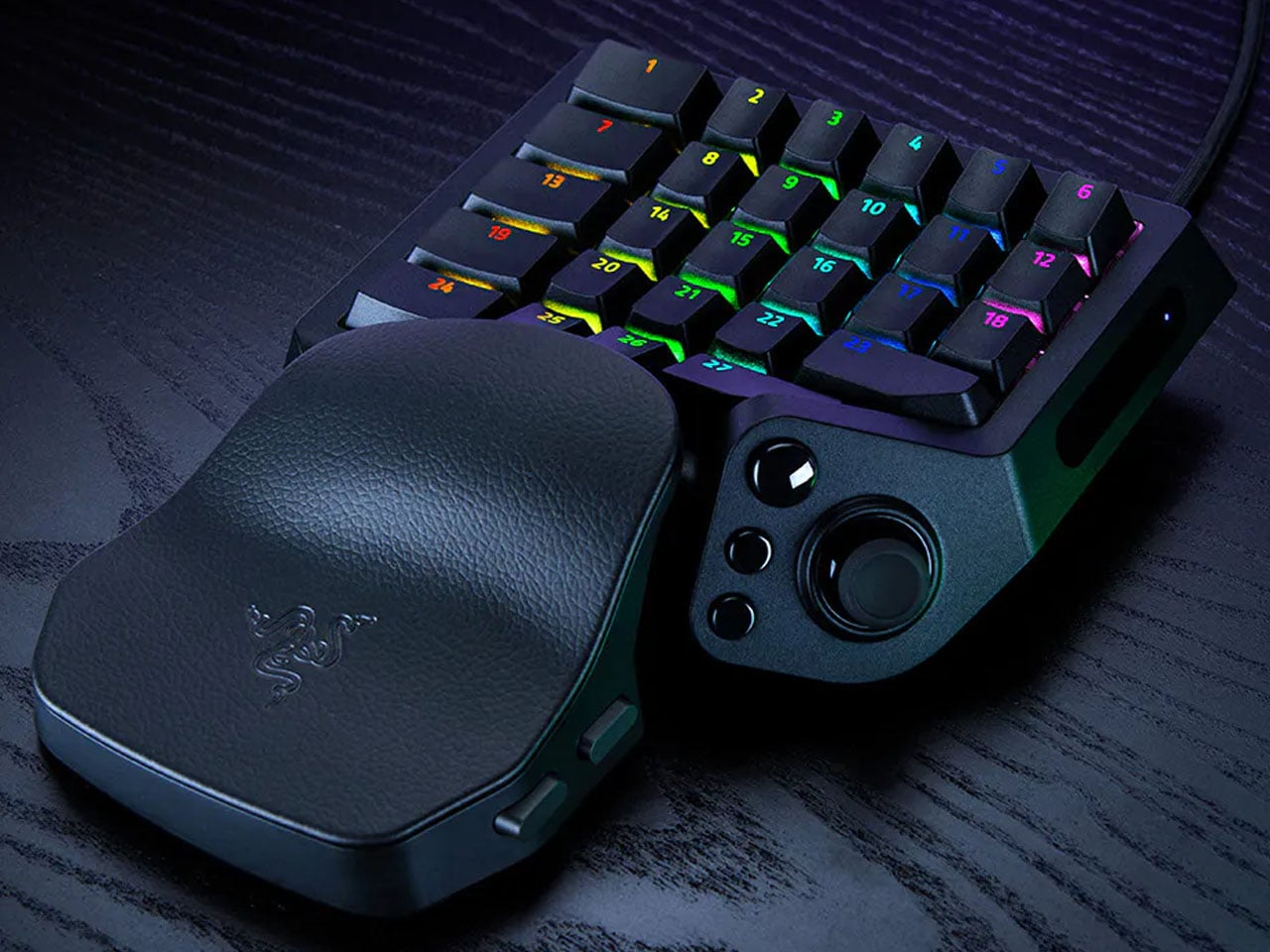
There is plenty of control over how those inputs behave as well. Razer’s Advanced Input Control features include Snap Tap, Snap Flex, Dual-Keypress Priority, and Dynamic Keystroke. These allow players to change the way directional inputs work, prioritize simultaneous key presses, or assign different actions depending on how far a key is pressed. The wrist rest can slide outward and rotate from side to side, so the position of the hand can be adjusted instead of forcing it into one fixed angle. The keypad uses textured doubleshot PBT keycaps and a 5052 aluminum alloy top plate, with Chroma RGB lighting adding the familiar Razer touch.
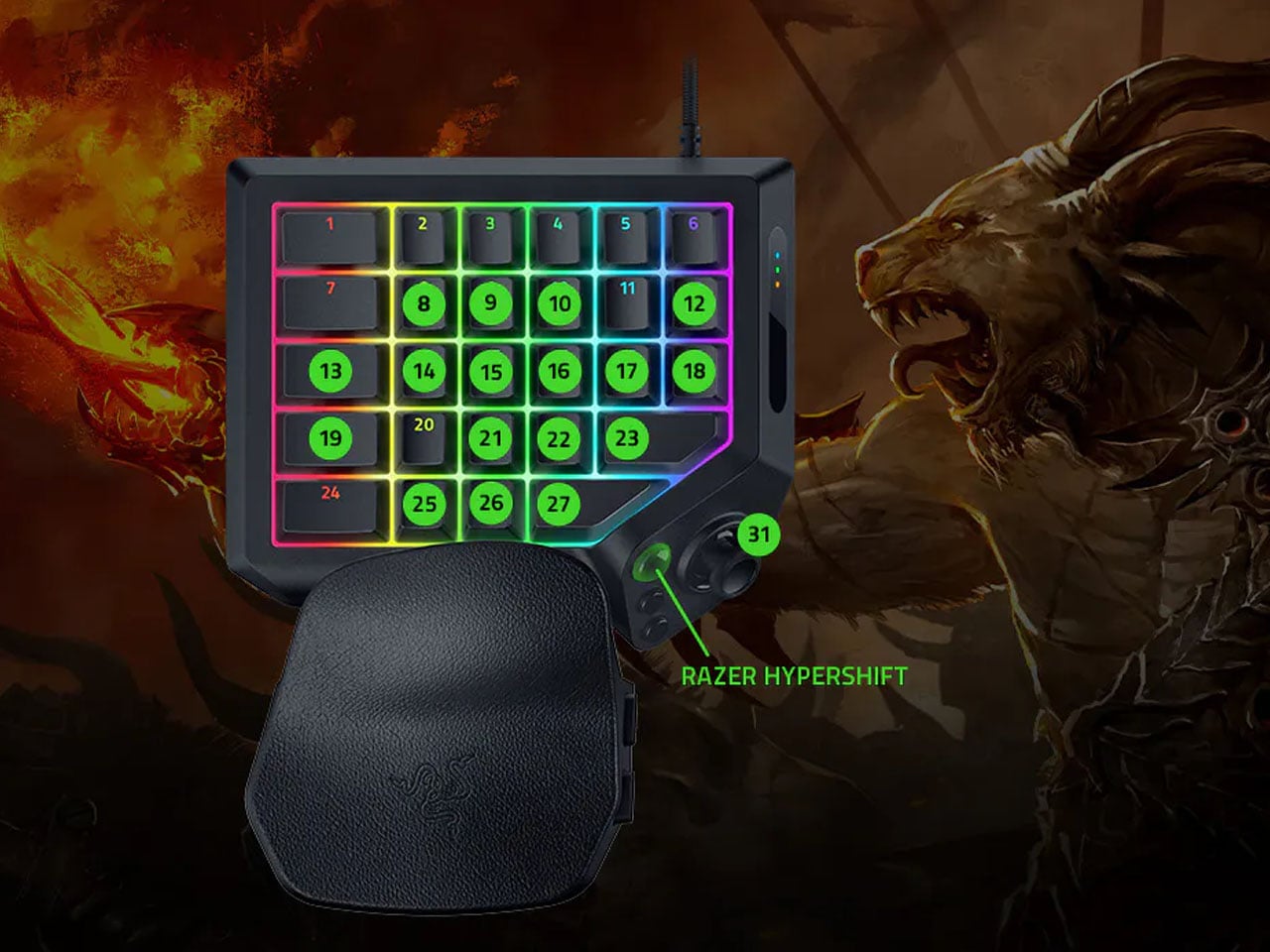
True 8000 Hz HyperPolling is built in, while Razer Synapse handles deeper customization. Players can create up to 24 keymaps across three onboard profiles, with actuation and Rapid Trigger settings adjustable to suit different games. An onboard LED array also provides visual feedback without needing the software open.
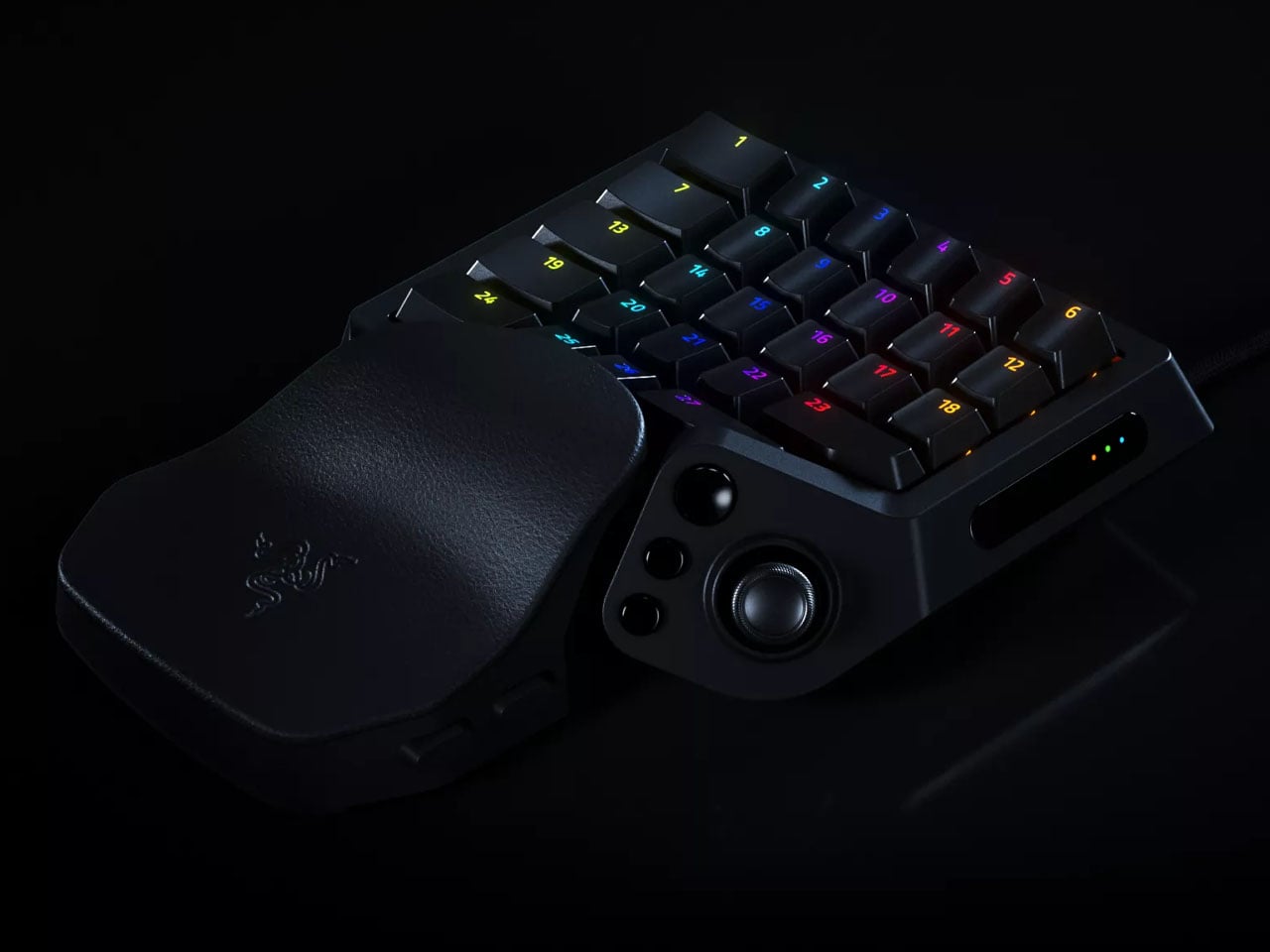
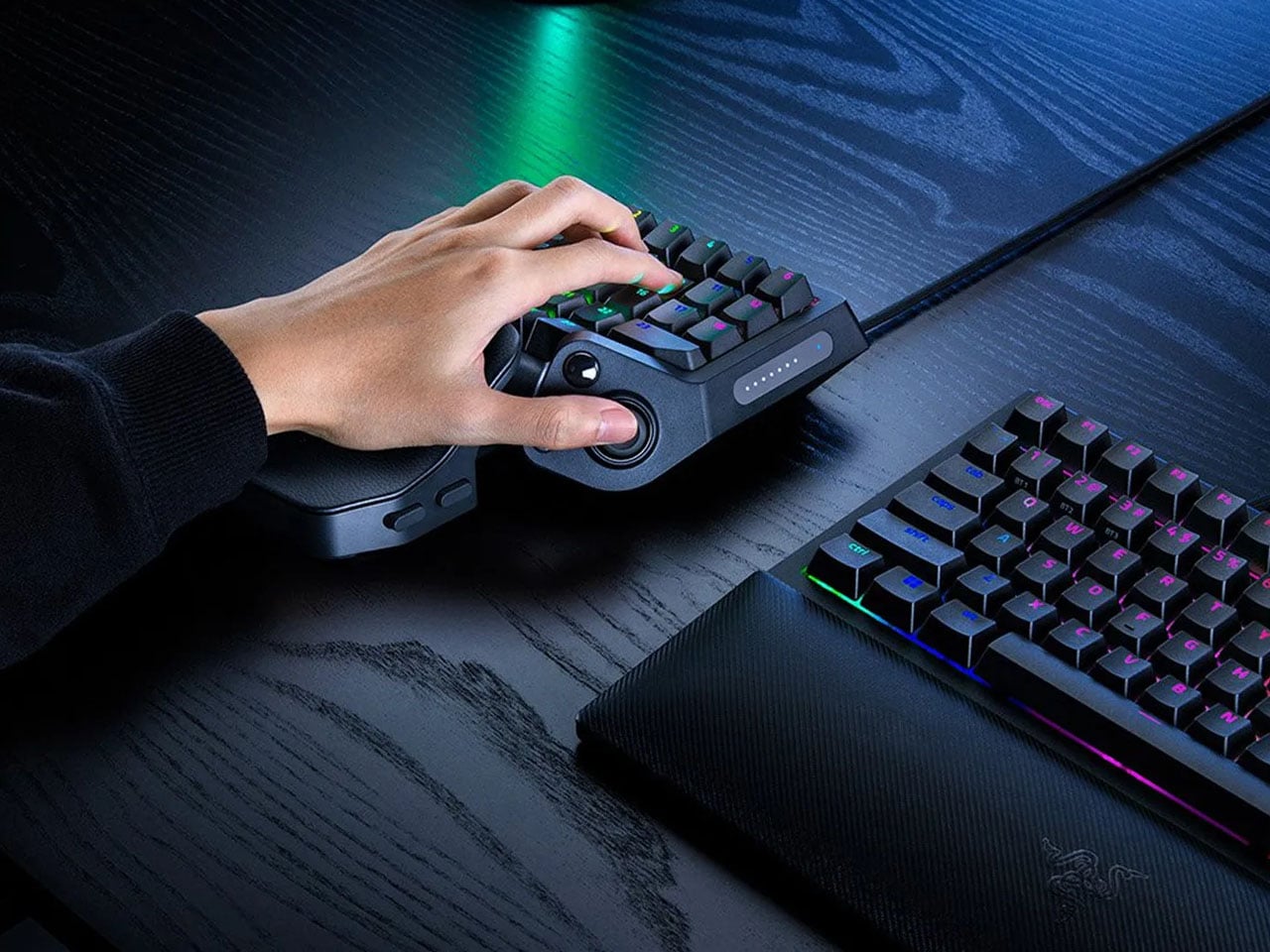
At 211 × 159 × 49 mm and 486 grams, Tartarus V2 Pro takes up far less desk space than a conventional keyboard. Priced at $199.99, the gaming accessory changes how the player’s hand interacts with a game. Instead of reaching across a keyboard for commands, movement, and shortcuts, the controls are gathered into one compact surface designed specifically around that hand.
The post Razer’s New Gaming Keypad Puts 31 Customizable Controls Right Under Your Hand first appeared on Yanko Design.
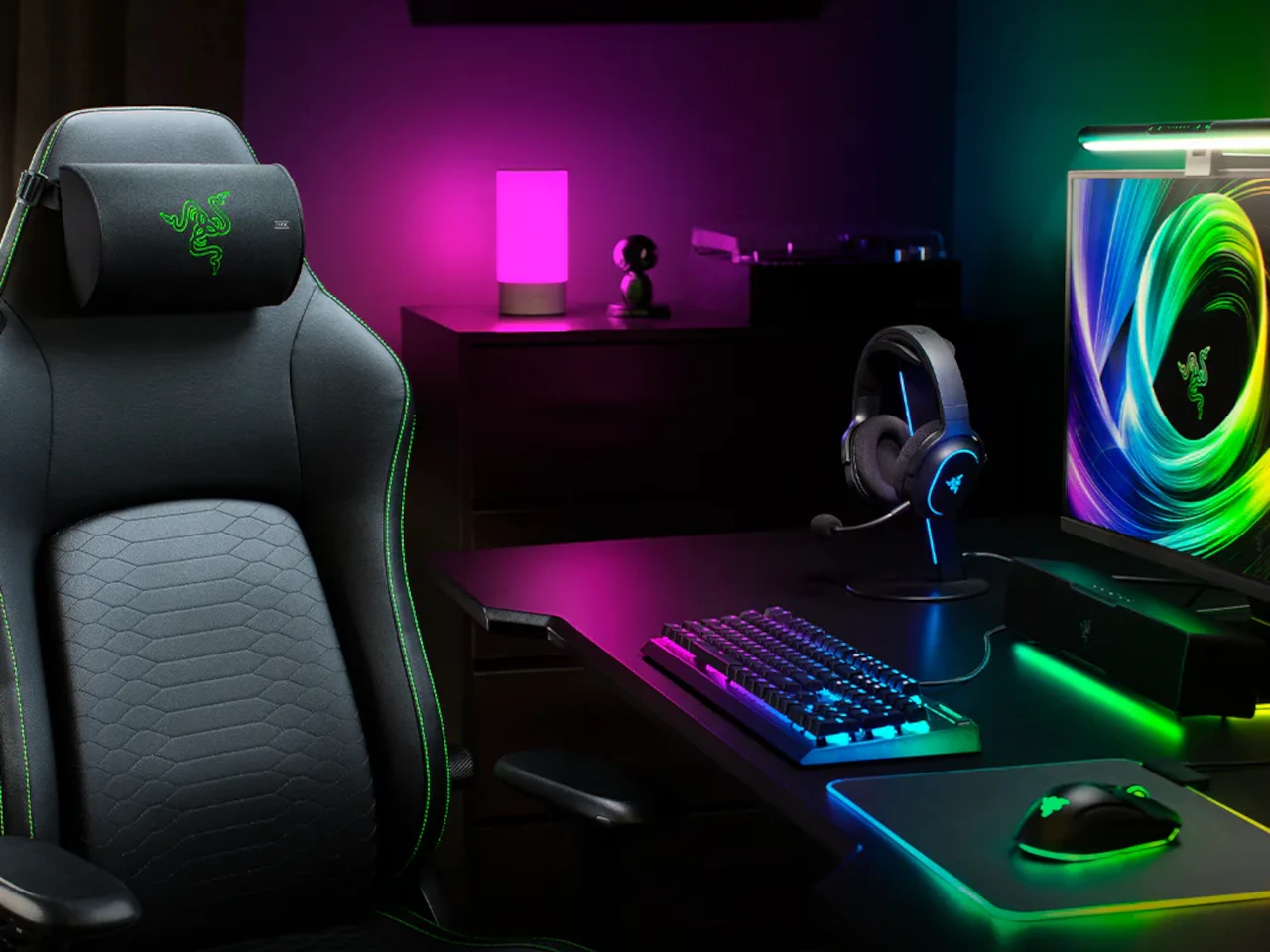
Immersive gaming audio has always come with a catch: wear a headset and get isolated from everyone else in the room, or build out a full speaker setup and lose the intimacy of hearing something meant just for you. The Razer Clio X sits between those two extremes. It’s a speaker built directly into a gaming chair’s head cushion, delivering focused spatial sound aimed at exactly where your ears already are.
Inside that cushion sit two 1.5 in loudspeakers paired with two 2.2 in passive radiators, a more compact arrangement than the 1.7 in aluminum cone drivers found in Razer’s flagship Clio. That tradeoff isn’t a downgrade so much as a different design goal, delivering the same THX Spatial Audio experience and near-field clarity in a smaller, less bulky cushion that sits more naturally against a headrest without announcing itself as hardware.
Designer: Razer
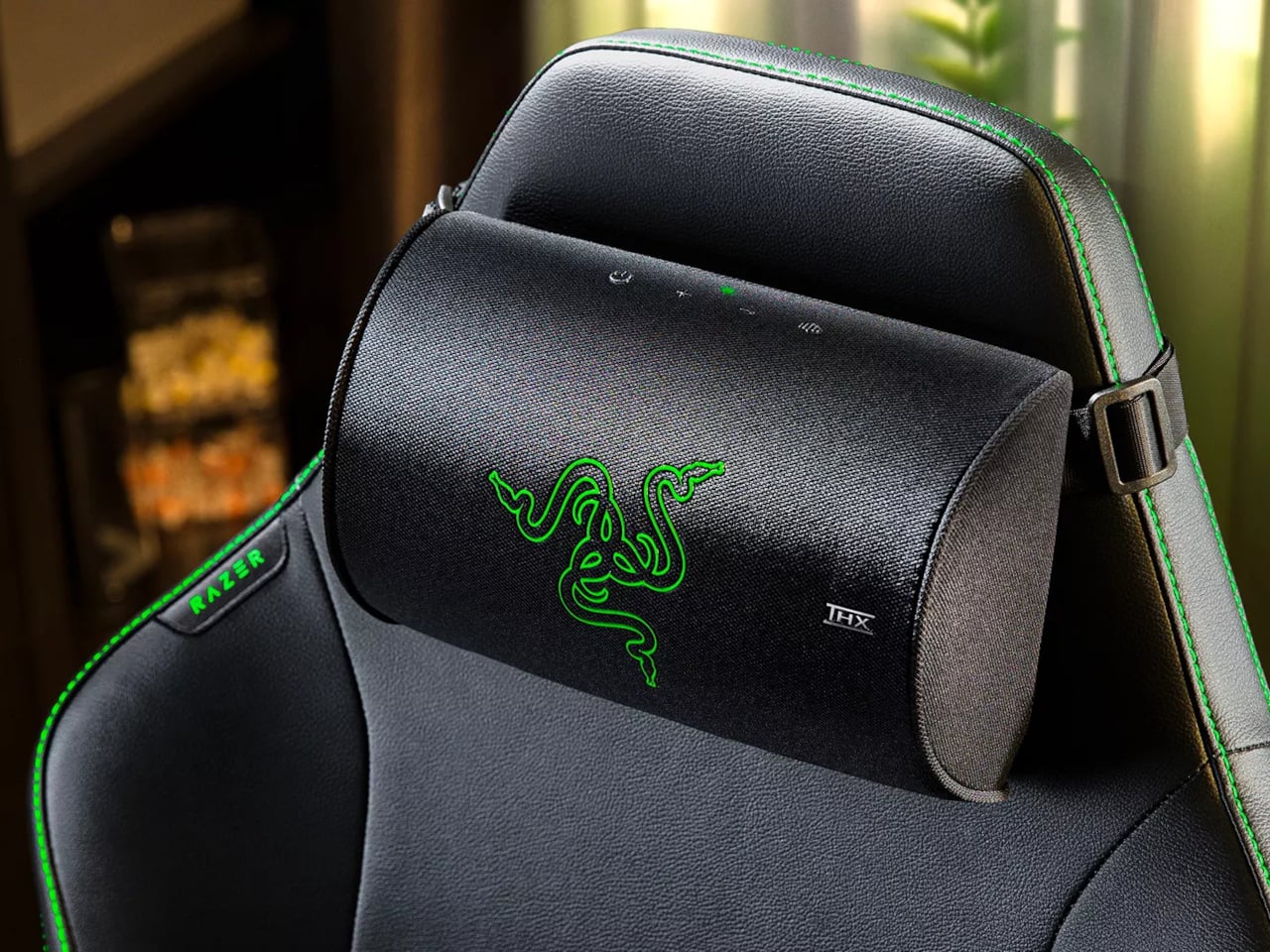
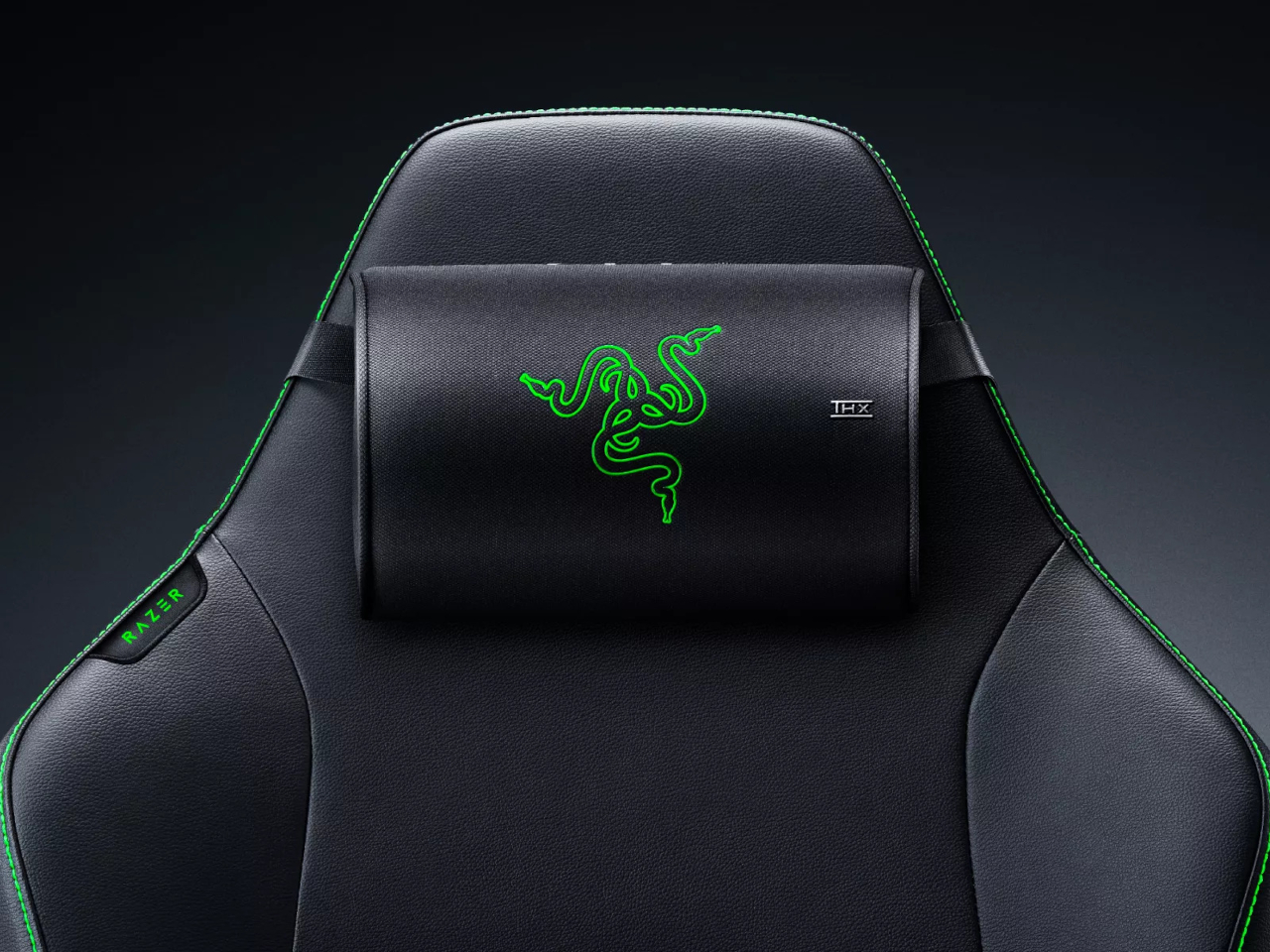
Getting sound to that cushion happens over Razer’s HyperSpeed wireless connection, a 2.4 GHz link built specifically to avoid the lag that standard Bluetooth introduces during fast-moving game audio. There’s no headset clamping down on your head, no cable running from your ears to your desk, just a strap securing the cushion to a high-back chair and a wireless signal doing the rest of the work invisibly.
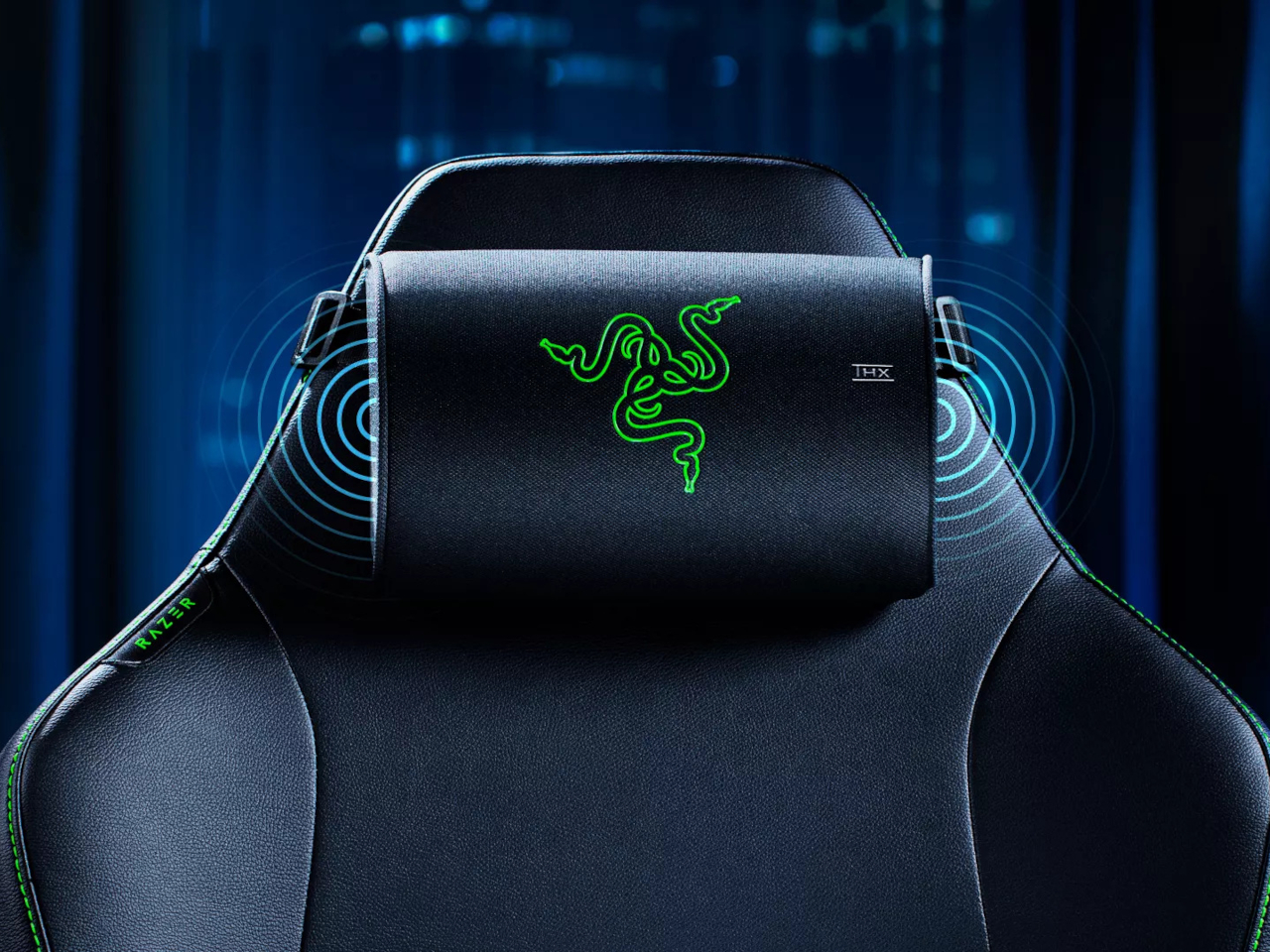
Power comes through USB-C rather than a built-in battery pegged to a runtime number, drawing from a 15-watt or higher PD2.0 source to hit full volume. That decision keeps the cushion running indefinitely during long sessions instead of racing against a depleting charge mid-match, though it does mean planning a power source alongside the chair itself, whether that’s a nearby outlet or a power bank for a portable setup.
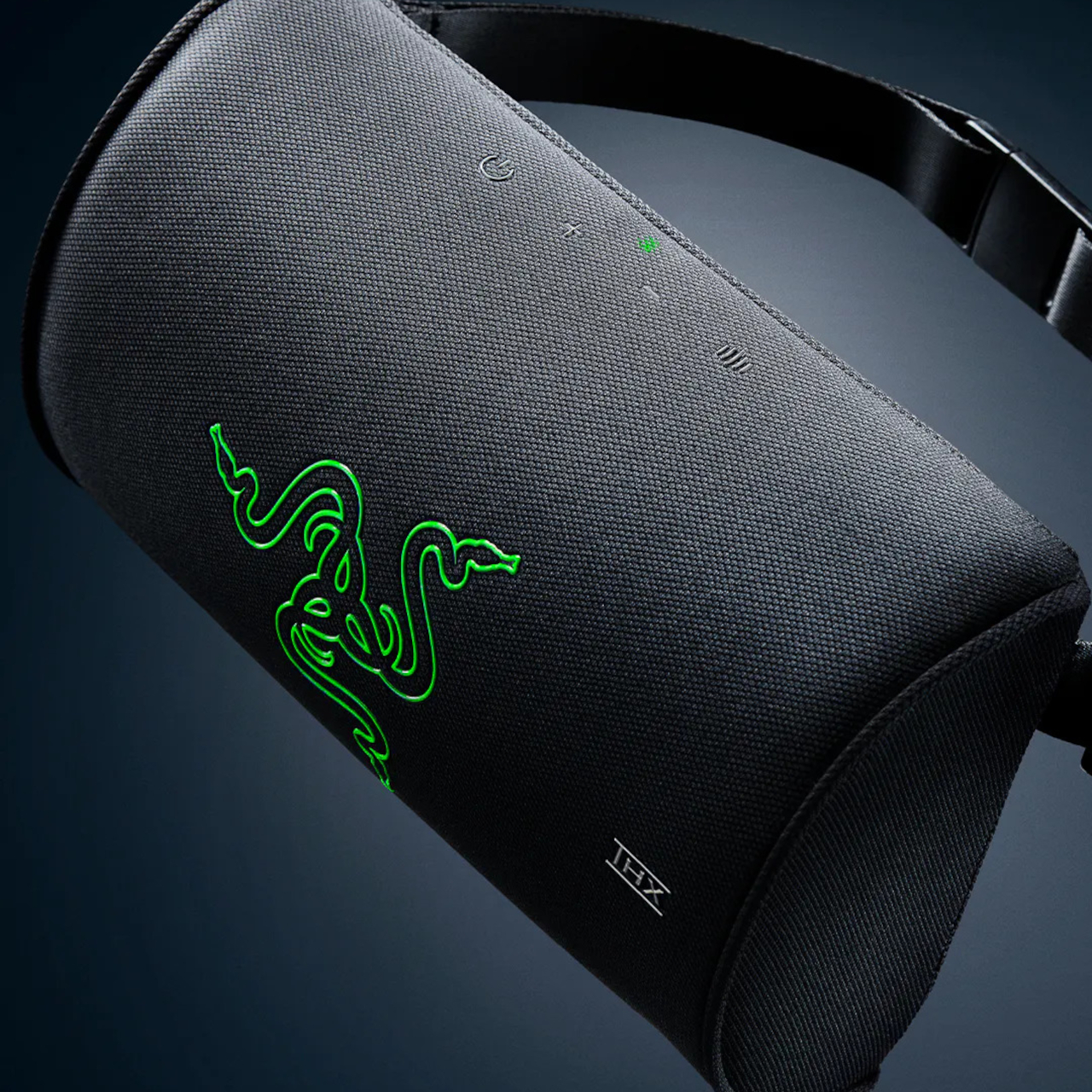
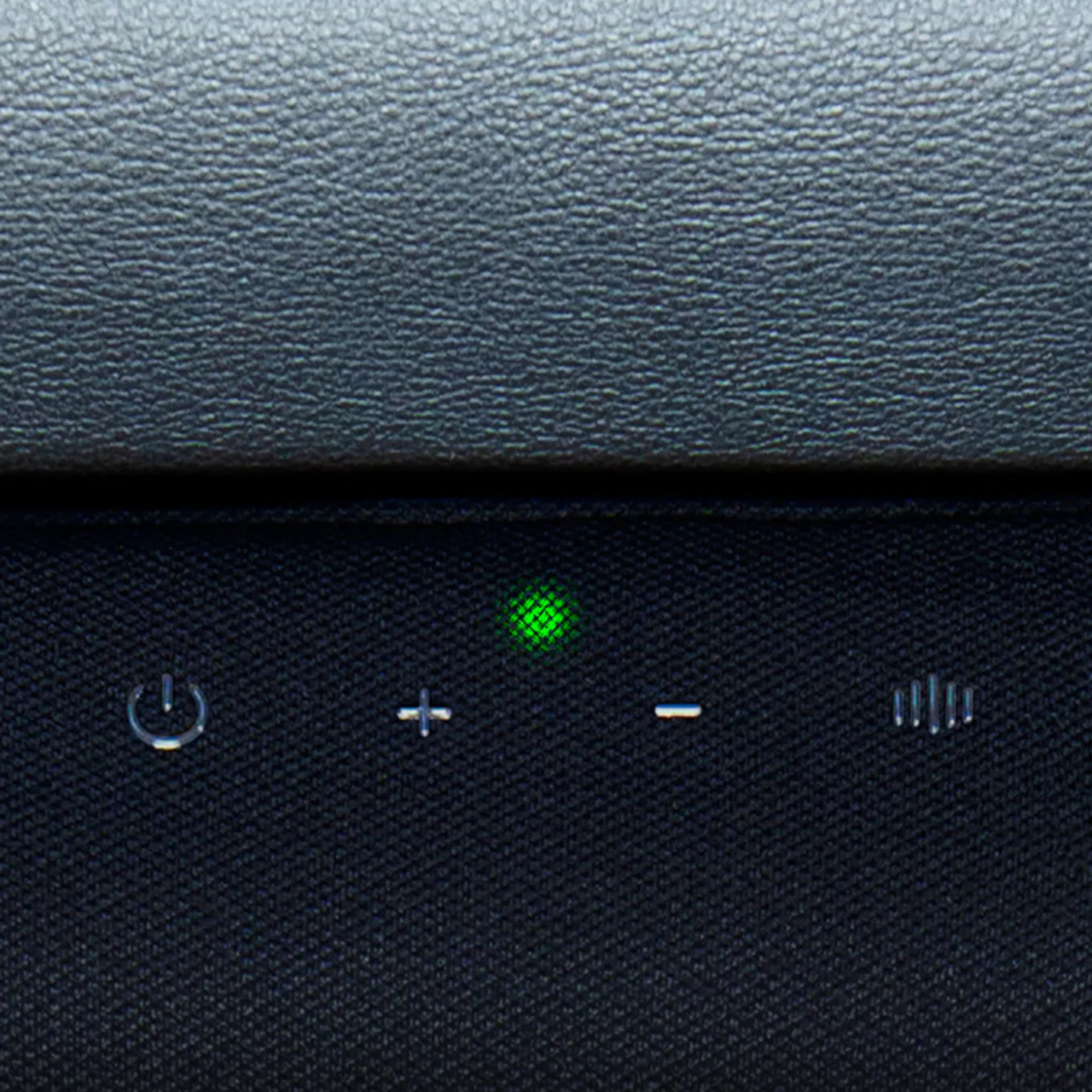
Where the Clio X earns its place in an existing setup is flexibility. Someone already running a 2.0 or 2.1 speaker system at their desk can fold the Clio X in as a wireless rear channel instead, turning a stereo setup into something closer to real surround sound without running an extra cable behind the chair. Used alone, it just becomes the entire audio system on its own terms.
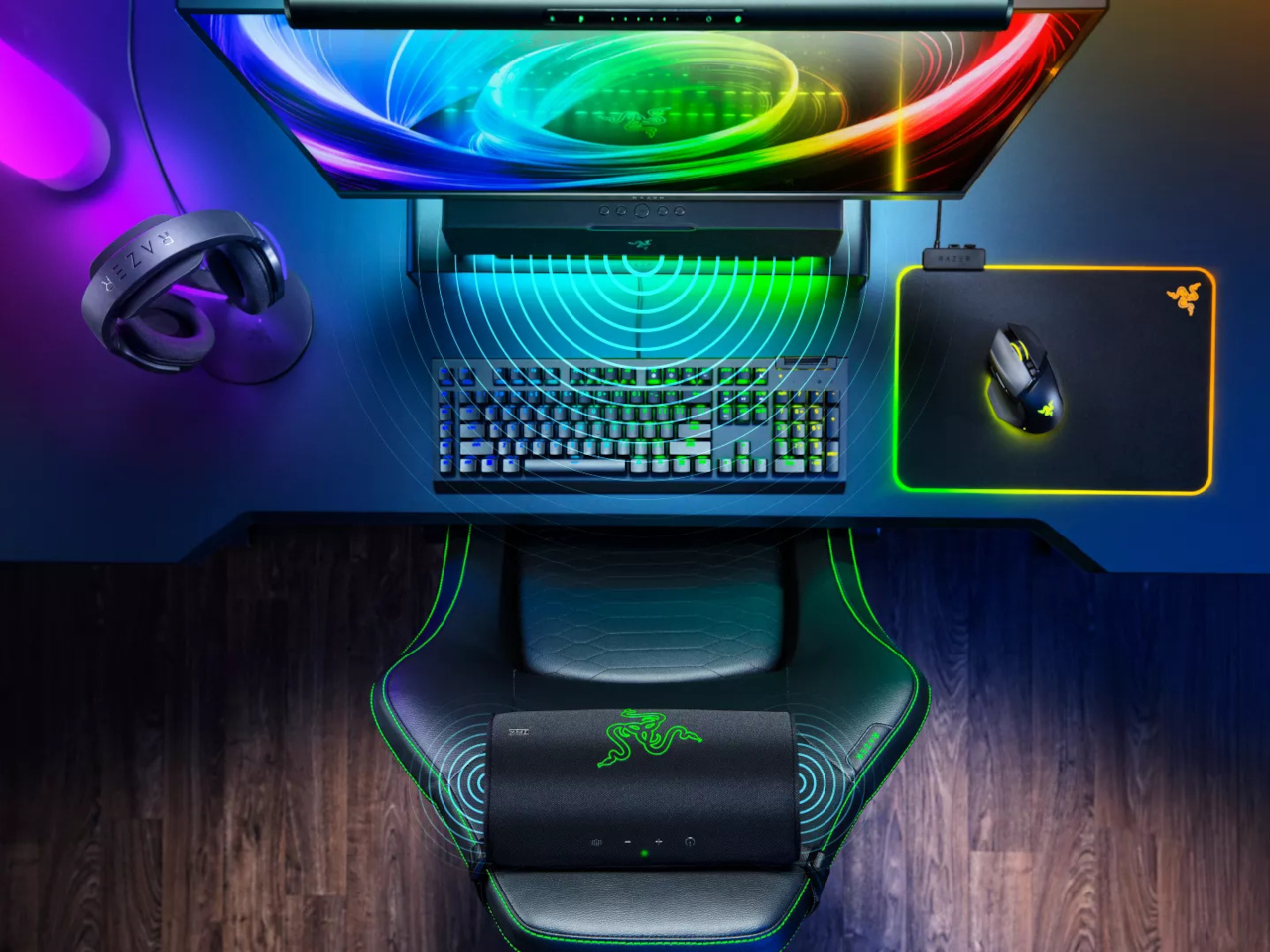
Picture a late-night session where headphones start pressing uncomfortably against your ears, or a shared room where blasting a soundbar isn’t an option out of consideration for someone asleep down the hall. The Clio X splits the difference, audio present enough to feel surrounding, contained enough to stay mostly private, all without adding a single extra object to hold or wear.
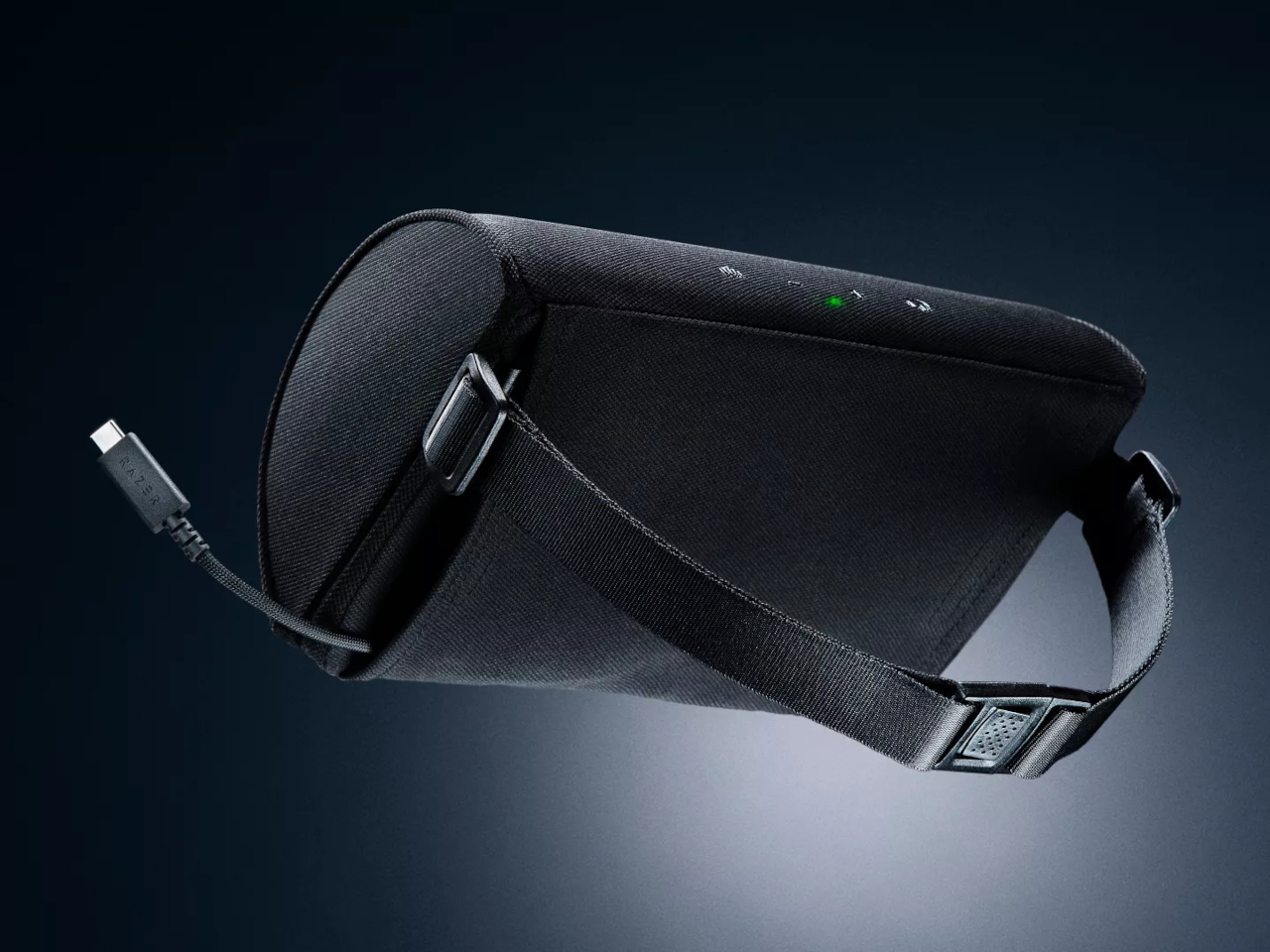
None of this replaces a dedicated home theater setup chasing maximum output, and nobody buying this expects it to. What the Clio X actually delivers is a specific, narrower promise: immersive audio that lives in the furniture you already sit in every day, asking for nothing more than a strap and a power cable to make itself useful.
The post Razer’s Clio X Is Gaming Audio for When Headphones Have to Come Off first appeared on Yanko Design.
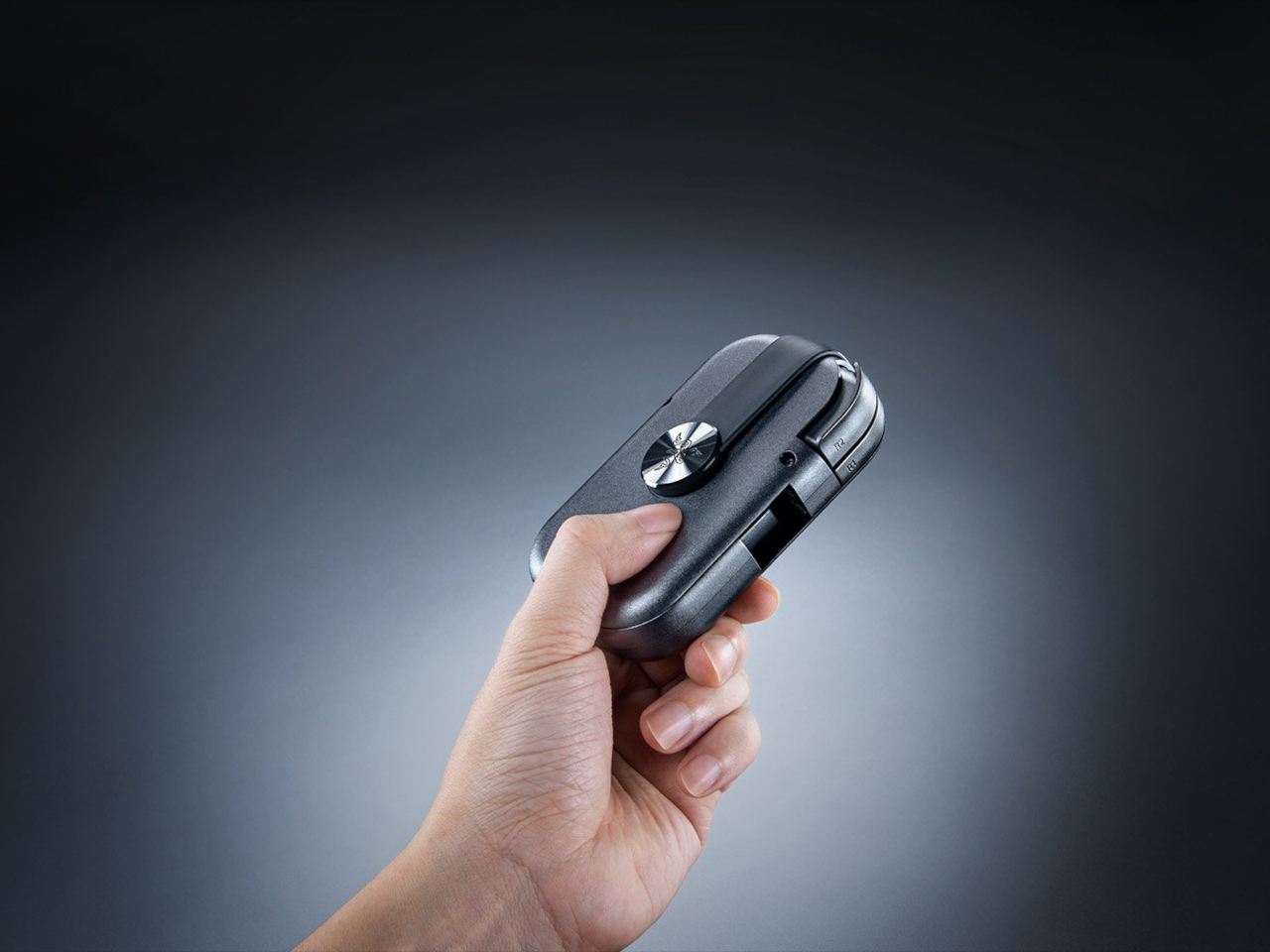
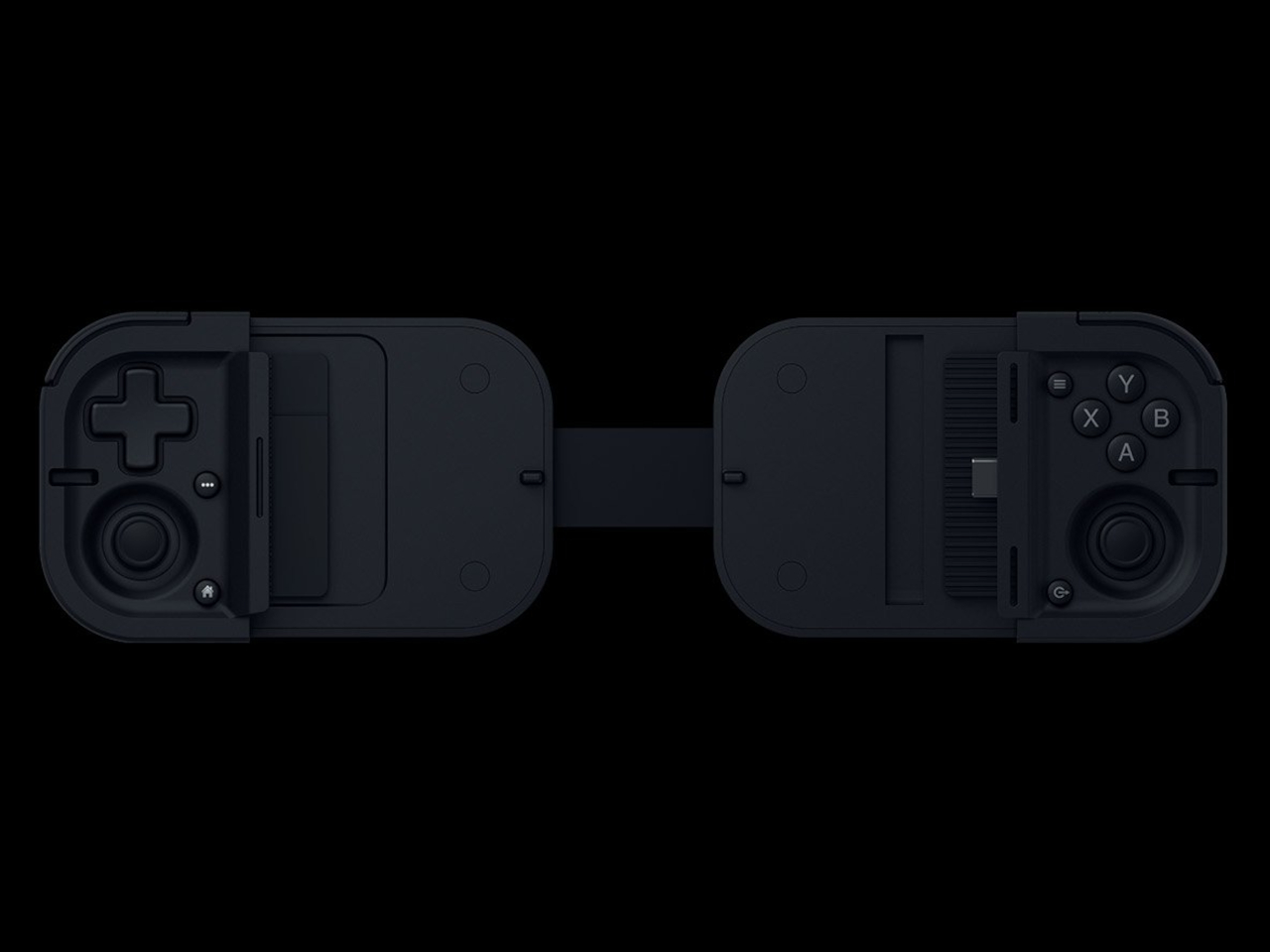
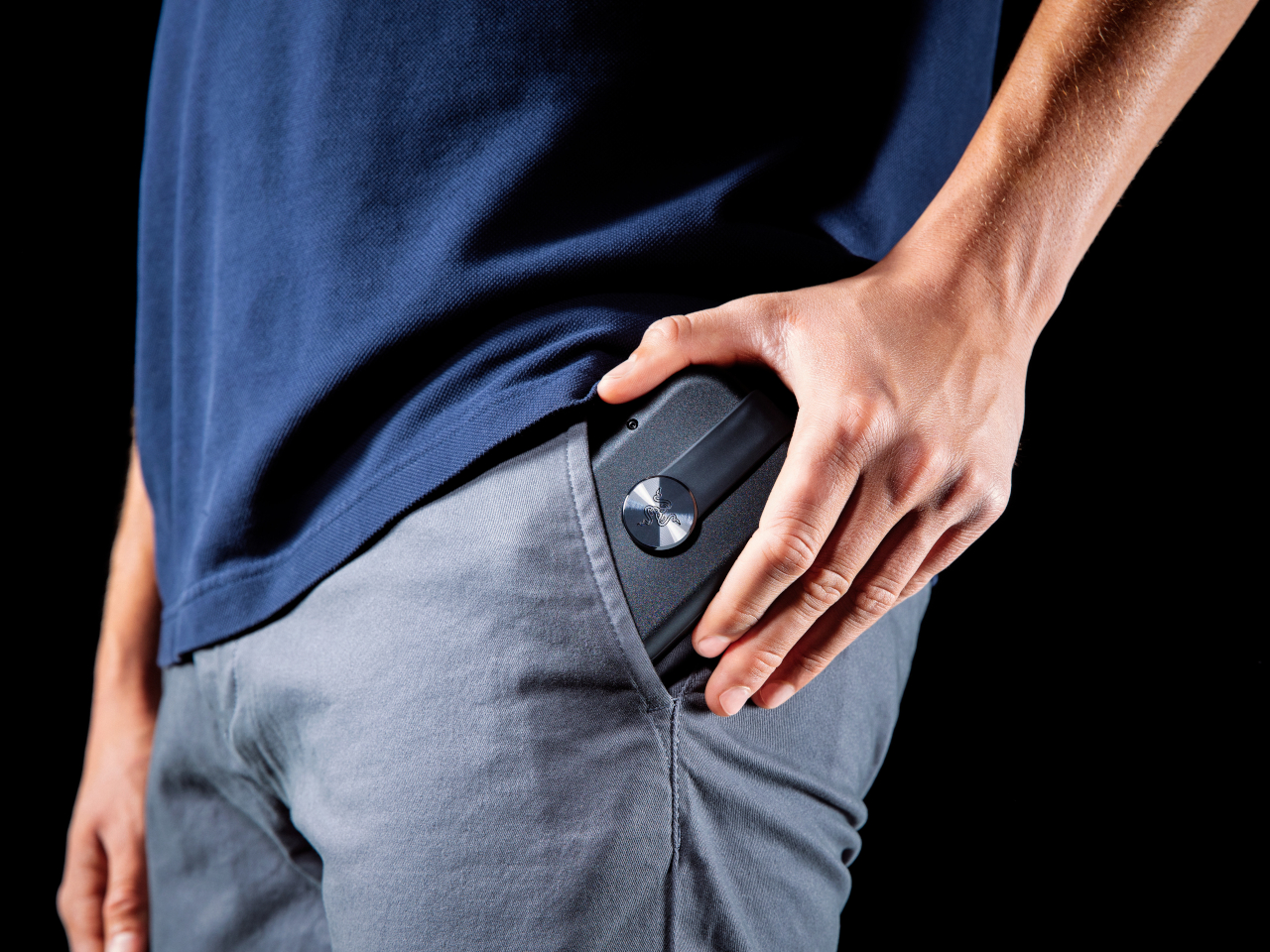
Mobile controllers have always faced the same awkward tradeoff: carry something bulky enough to feel like a real gamepad, or leave it at home and settle for touchscreen buttons. The Razer Prio picks neither option. It folds down to roughly the size of a credit card at 107mm x 67mm x 23mm, then twists open in one motion into a controller with a complete, full-sized button layout.
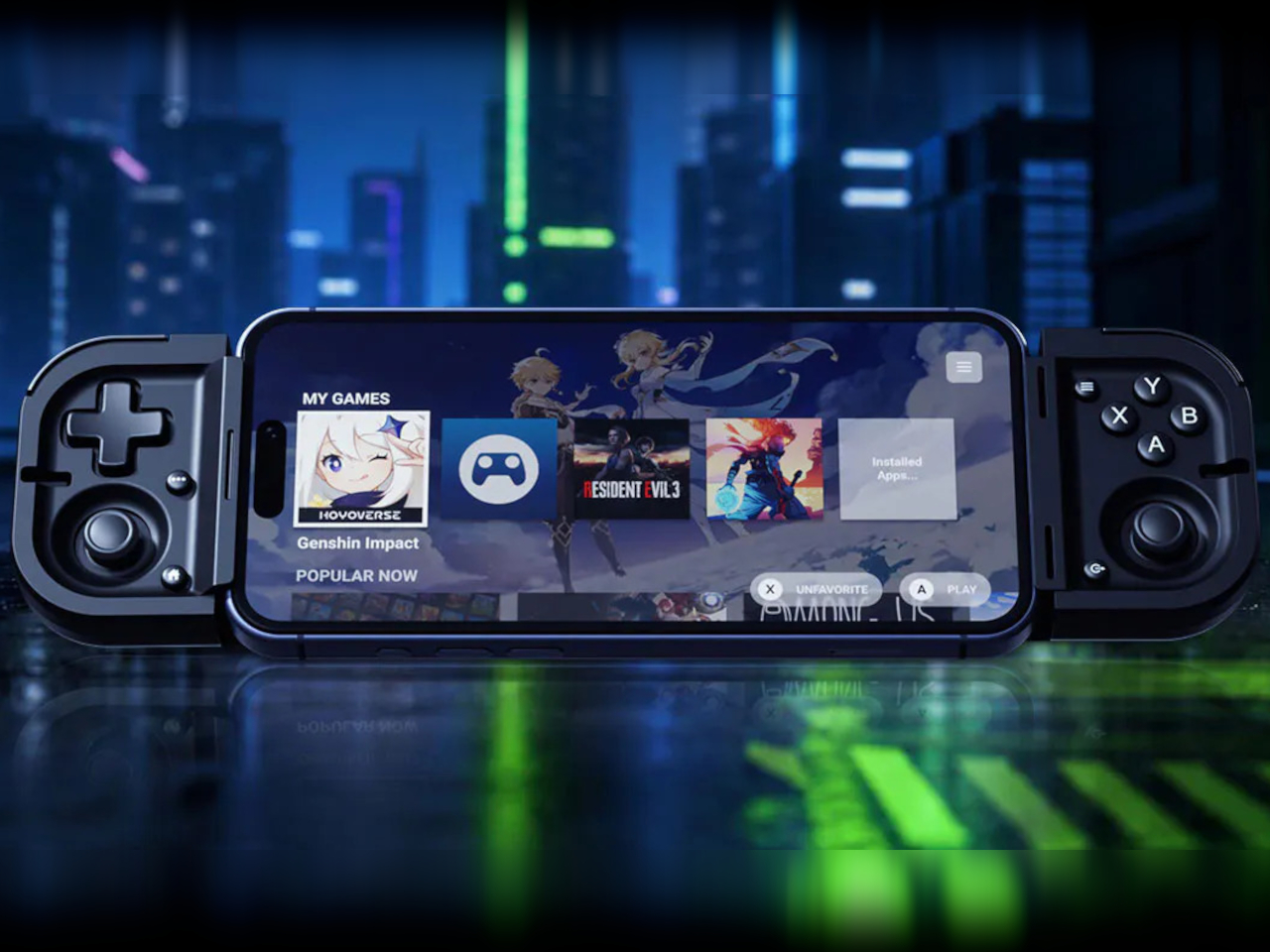
That twist-to-unlock mechanism is doing more work than it looks like on paper. Rather than hinging flat like a wallet or telescoping outward like most phone-bridge controllers, the Prio rotates its two halves apart, expanding from a dense 101-gram puck into something that spans phones up to 7 inches, including devices as large as the iPhone 17 Pro Max. The motion itself becomes the reveal.
Designer: Razer
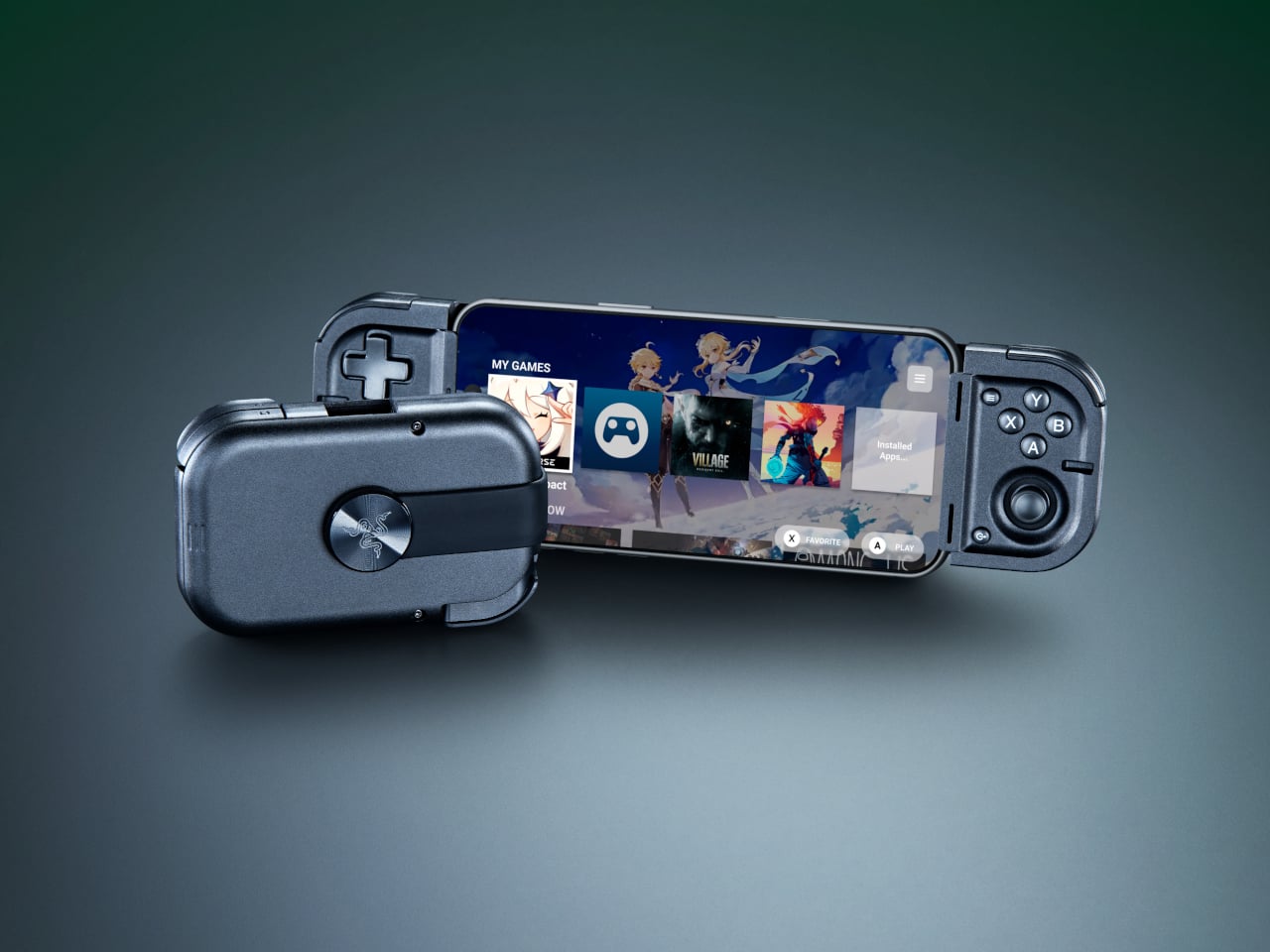
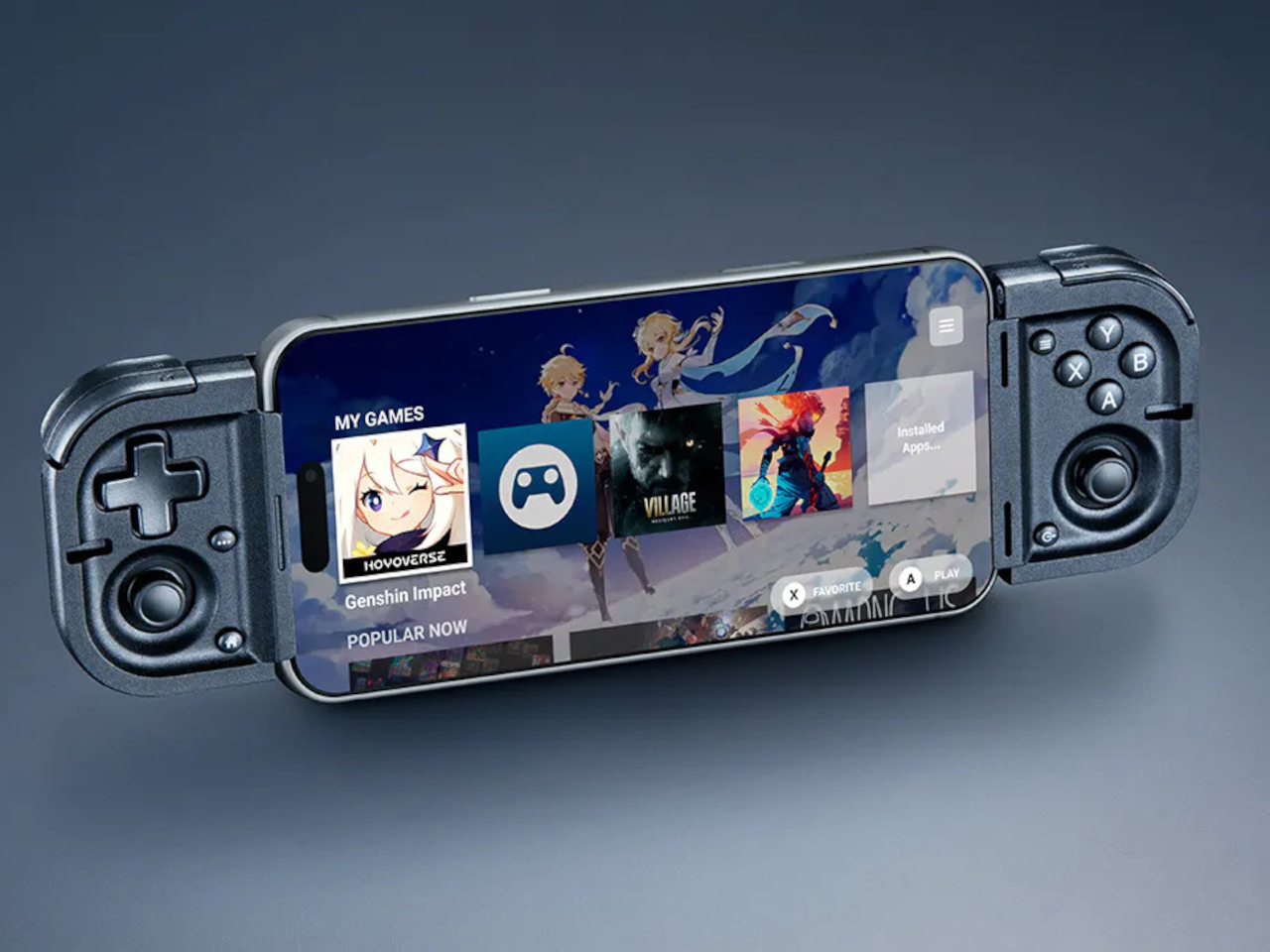
Once open, the control surface doesn’t feel like it compromised anything to get small. A tactile 4-way D-pad, full face buttons, bumpers, and triggers all made it into the layout, alongside thumbsticks built on capacitive sensing rather than the usual mechanical potentiometers. Removing physical contact points means there’s nothing inside to wear down over time, which addresses stick drift at the source instead of patching around it later.
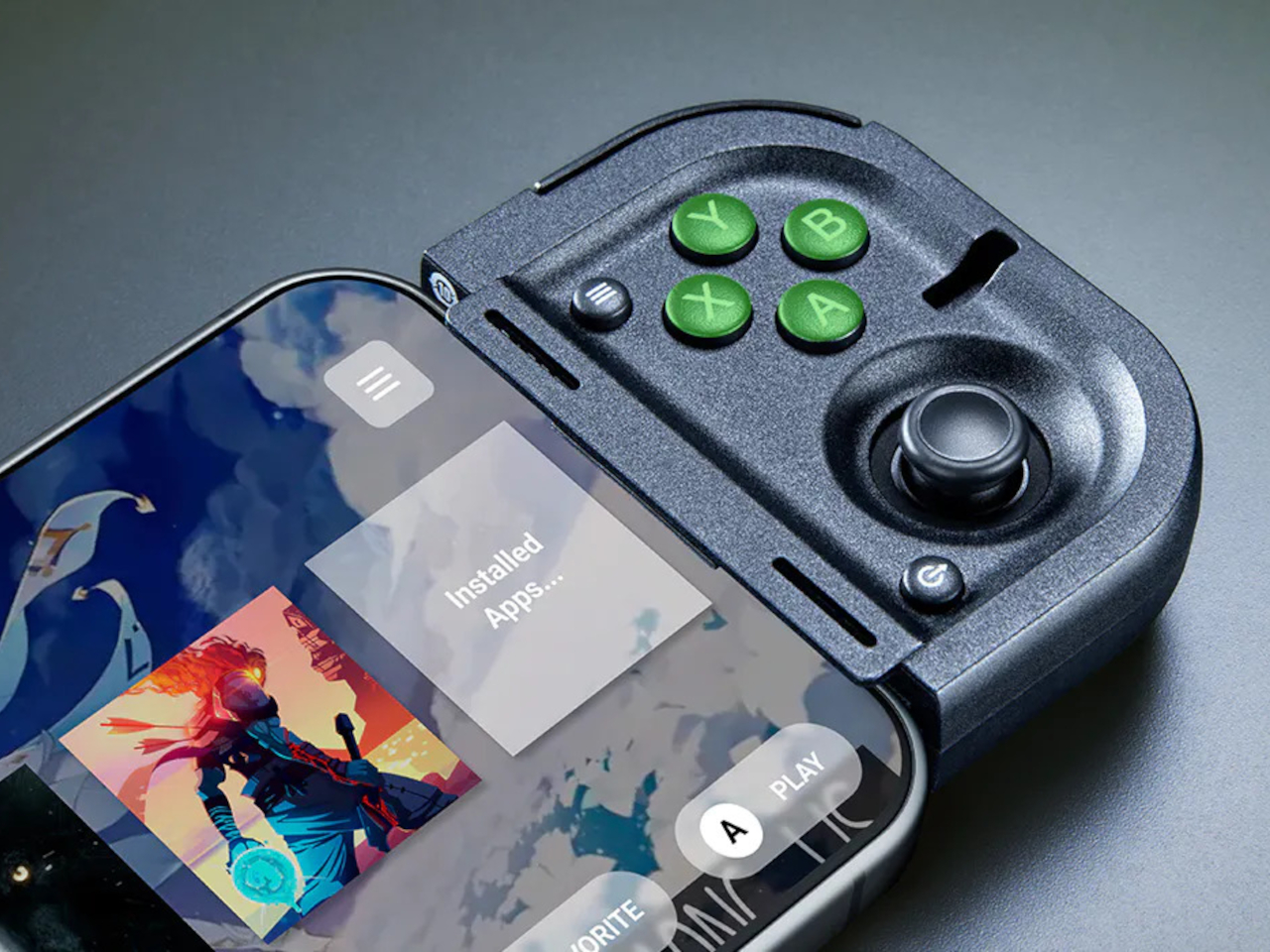

Picture a delayed train platform or the ten minutes between classes that usually gets wasted scrolling through a phone. The Prio exists specifically for that kind of narrow window, slipping out of a pocket, twisting open, and plugging directly into a phone’s USB-C port without any pairing screen or Bluetooth handshake standing between the moment and actually playing something worth playing.
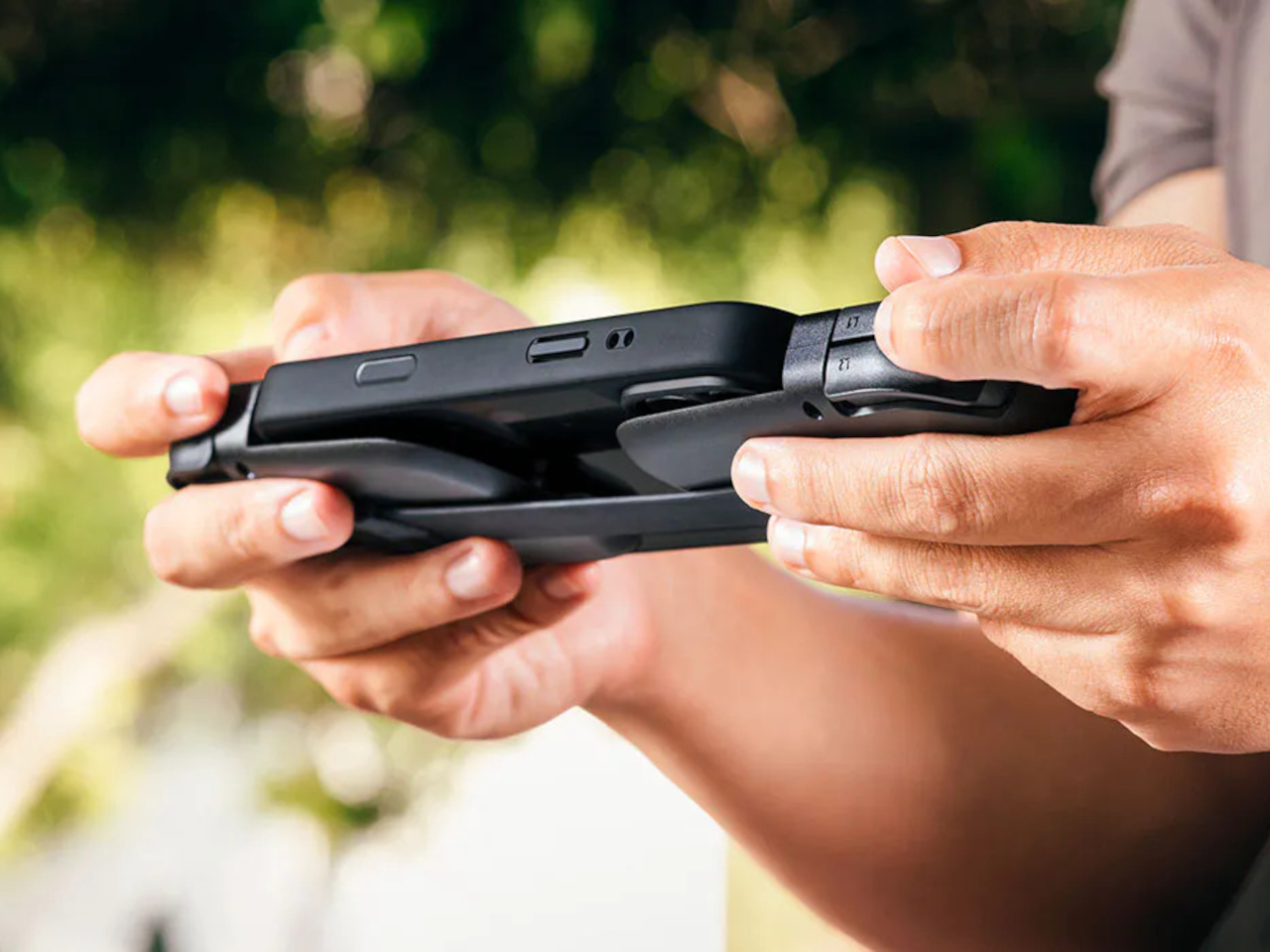
That direct USB-C connection matters beyond convenience. Skipping wireless pairing removes the input lag that makes touchscreen controls and some Bluetooth gamepads feel disconnected from what’s happening onscreen, which becomes especially noticeable in anything reaction-based. It also means never worrying about a dead controller battery separate from the phone it’s attached to, since the phone itself is supplying the power.
The Prio’s reach extends past native mobile games as well. It works across Xbox Cloud Gaming, PlayStation Remote Play, Steam Link, and Razer’s own PC remote play service, turning a phone into a display for console and PC libraries rather than limiting the controller to whatever’s built specifically for touchscreens. A pocket-sized accessory suddenly covers a genuinely wide range of what someone might want to play.
At $99.99, the Prio positions itself as the opening entry in what Razer describes as a broader line of ultra-portable controllers still to come. What it gets right immediately is treating portability as a mechanical problem worth solving properly, not just a matter of making something smaller and hoping the compromises go unnoticed once it’s actually in someone’s hands.
The post Razer Finally Solved the Bulky Controller Problem at Credit Card Size first appeared on Yanko Design.