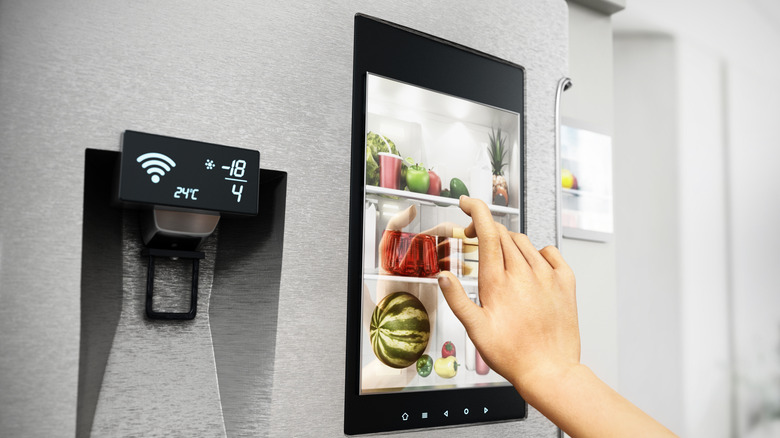
Most smart appliances collect data: Here’s how to find out what yours tracks
There's truth to the idea that our devices are spying on us. Smart fridges, washing machines and dishwashers are no exception.
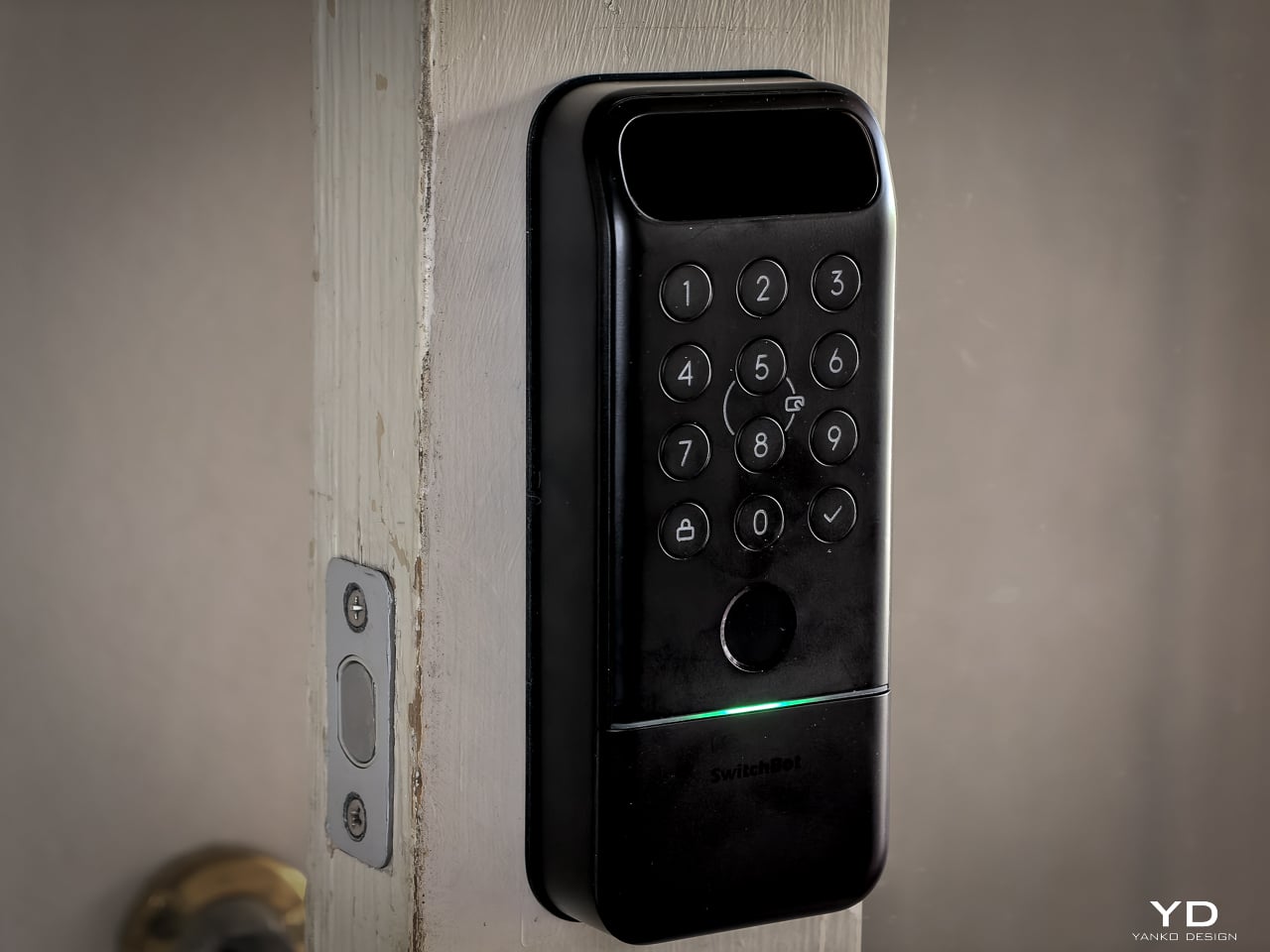
You walk up to your front door with both hands full of groceries. You don’t stop. You don’t shift bags to free a thumb for a fingerprint sensor. You don’t dig for keys. The door unlocks before you reach it. That’s the promise of the SwitchBot Lock Vision Series, and it’s the first deadbolt I’ve seen that actually delivers.
The Lock Vision Series has two models. The Lock Vision at $169.99 (model W9022003) gives you 3D structured-light facial recognition, passwords, NFC, auto-unlock via geo-fence, app control, and voice control. The Lock Vision Pro at $229.99 (model W9022000) adds contactless palm vein recognition and a semiconductor fingerprint sensor. Everything else is identical between them.
Click Here to Buy Now: SwitchBot Lock Vision Pro | SwitchBot Lock Vision
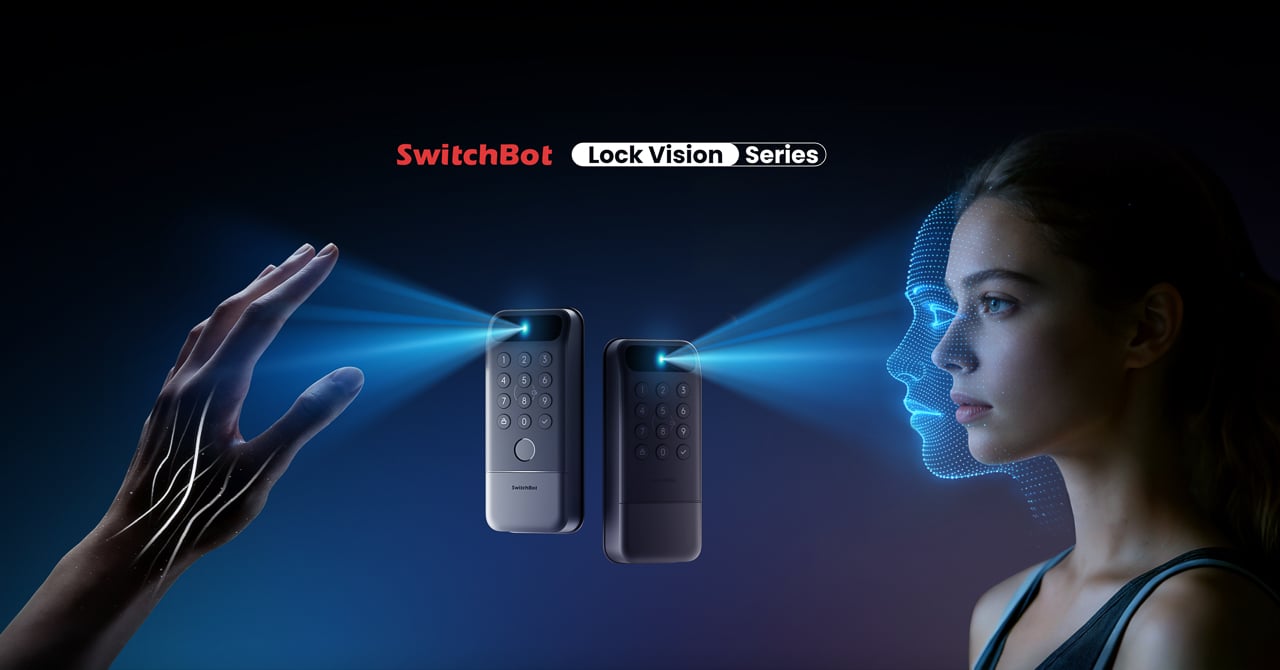
This is the world’s first deadbolt to use 3D structured-light facial recognition. Same core technology as iPhone Face ID. Twenty thousand infrared dots projected across your face, a camera captures the deformed pattern, a 3D map reconstructs and matches in under a second. The false recognition rate is less than 0.0001 percent. It works in total darkness because the IR projector is its own light source. It resists photo and video spoofing. It works with glasses, wigs, and makeup.
The first time it happened, I didn’t believe it. I walked up to the door, heard the bolt snap back, and walked through. Fast. Effortless. I dare say magical. That’s not a word I throw around in reviews, but there it is.
Other smart locks I’ve tested share the same bad habit: the deadbolt motor is too slow, so if you push or pull the door before it finishes retracting, the bolt catches, the lock panics, and you have to unlock it all over again. The Lock Vision doesn’t do that. The motor is quick enough that the bolt clears before you register it moving, and the sound it makes isn’t a whir. It’s a thunk. That’s the difference between a lock you wait for and a lock you forget is there.
The Lock Vision Series is a rectangular slab in black zinc alloy with a circular keypad integrated into the lower half and a sensor module at the top. The exterior unit measures 6.42 by 2.76 by 1.10 inches and weighs 551 grams (19.4 ounces), with an interior unit at 7.09 by 3.03 by 1.26 inches. It isn’t tiny, but it doesn’t dominate the door the way some camera-heavy smart locks do. The proportions are clean. The branding is restrained. On a dark door, it disappears visually.
SwitchBot built the exterior for weather. IP65 water and dust protection means rain and grime don’t get inside. The operating range spans minus 20 to 55 degrees Celsius, and humidity tolerance runs 10 to 90 percent. Certifications hit BHMA Grade 3, FCC, IC, and ISDS.
The interior unit is where things get interesting. At 218 grams (7.7 ounces), it’s strikingly light. SwitchBot uses a combination of zinc alloy and PC+ABS. On paper you might wonder if it feels cheap. Doesn’t matter. You mount it to the door. You only touch it to lock or unlock from inside, and the knob has a click to it. Clean look, feels fine where it counts. I stopped thinking about the weight after day one.
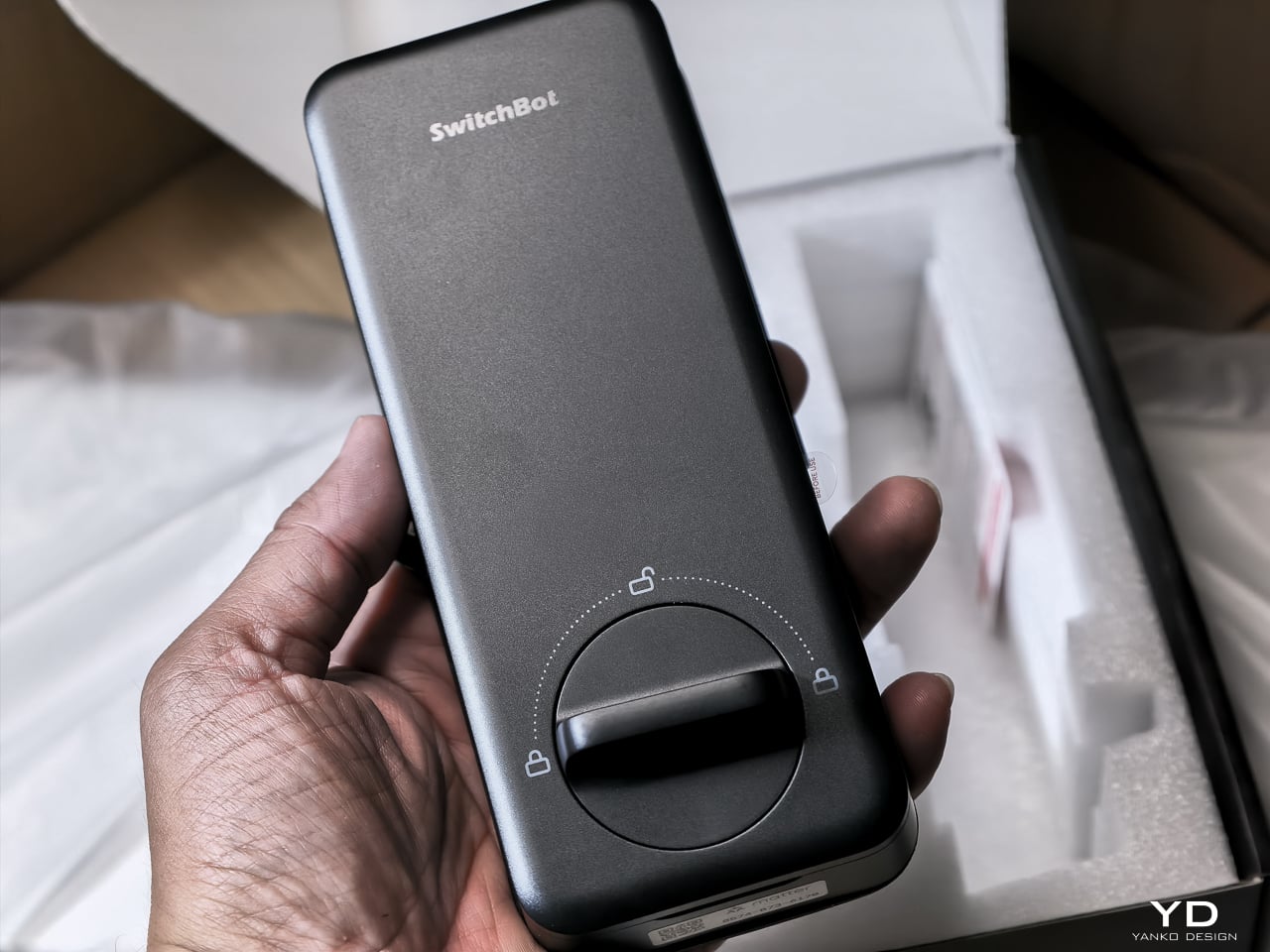
The keypad features tactile mechanical buttons with red, white, and green LED indicators. Press and hold for 2 seconds to pair. Press and hold for 15 seconds for Matter pairing. There’s a knob for manual unlocking from the inside.
The included visual assets tell the story well. The key visual shows both models with a hand reaching for a palm scan and a face profile with a 3D wireframe overlay. Scene images show a woman with groceries (hands-free), a child using palm vein (family-friendly), and a dramatic ice-encased shot (weather resistance). All available in the Drive media kit.
I’ve been living with the Lock Vision Pro long enough to say this: everything works. The facial recognition, the palm vein sensor, the fingerprint reader, and the geo-fence auto-unlock all behave the way the spec sheet says they should. When you test as many smart home devices as I do, that kind of delivery is rare.
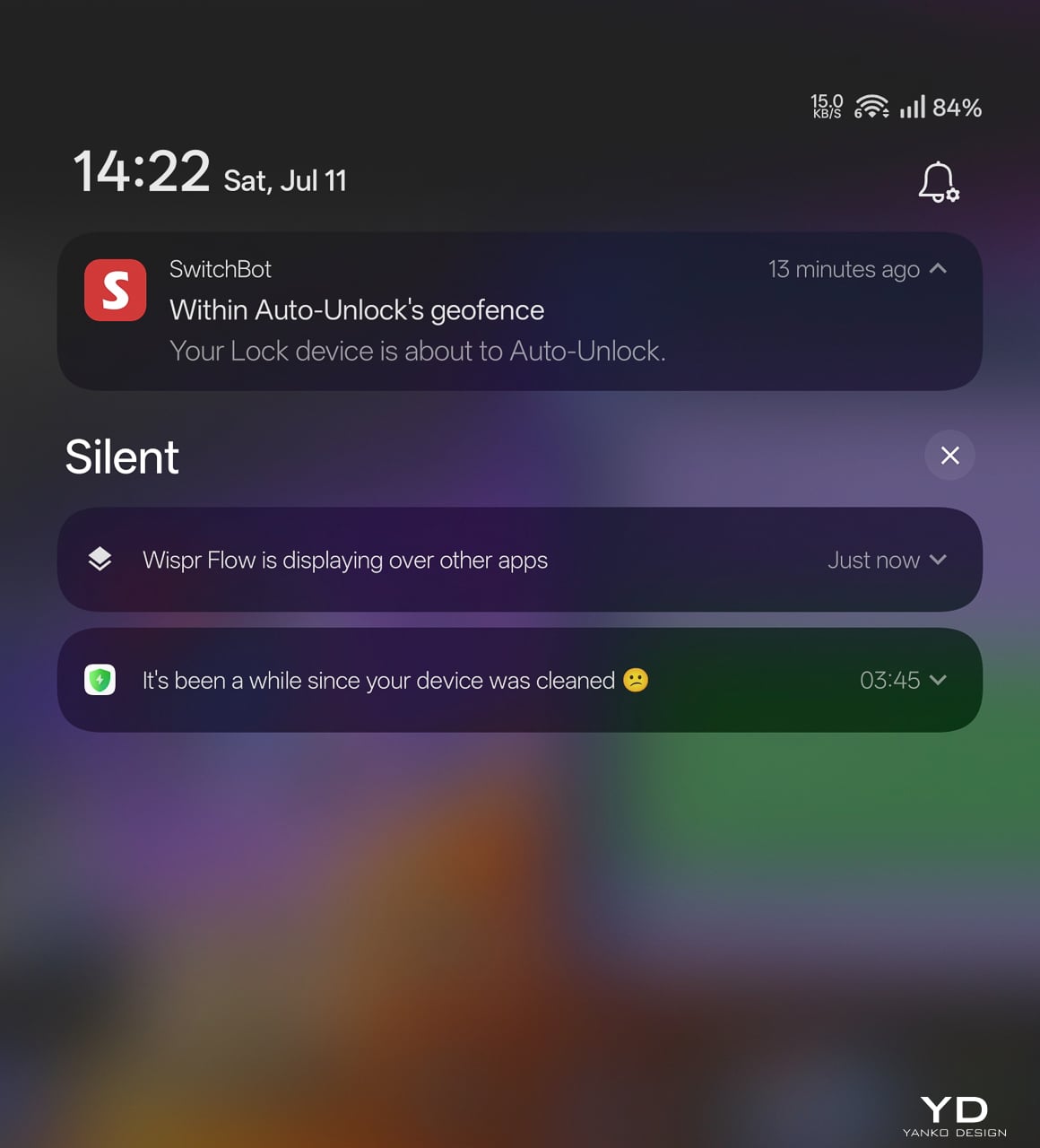
The auto-unlock geo-fence is the killer feature here. SwitchBot labels it beta in the app, which makes its reliability surprising. Here’s how the chain works.
You set a geofence radius around your home. When your phone crosses into that zone from outside, the lock doesn’t open. It arms. The SwitchBot app starts scanning for the lock over Bluetooth. A validity timer starts, default ten minutes. When you close to within Bluetooth range, your phone and the lock establish a connection. The bolt retracts.
No biometric step. No app interaction. You walk through.
That arming step is the design intelligence in a system that could have been a disaster. A dumb geofence that unlocked the door whenever your phone wandered into range would trigger every time you walked past your own house. SwitchBot’s version requires the inbound crossing, starts the timer, and disables itself if you don’t reach the door within that window. Leave and re-enter, a new cycle begins.
No hub required. GPS, Bluetooth, the app running in background, and Wi-Fi enabled on the phone are the only prerequisites.
The limitation worth knowing: auto-unlock only works from the home owner’s phone or an admin account. Family members and shared users with member permissions don’t get the walk-up entrance on their own devices. They authenticate at the door with face, palm vein, or a code instead. For a lock built around passive entry, that’s a real asymmetry, and it’s the first thing I’d ask SwitchBot to fix as the feature graduates from beta.
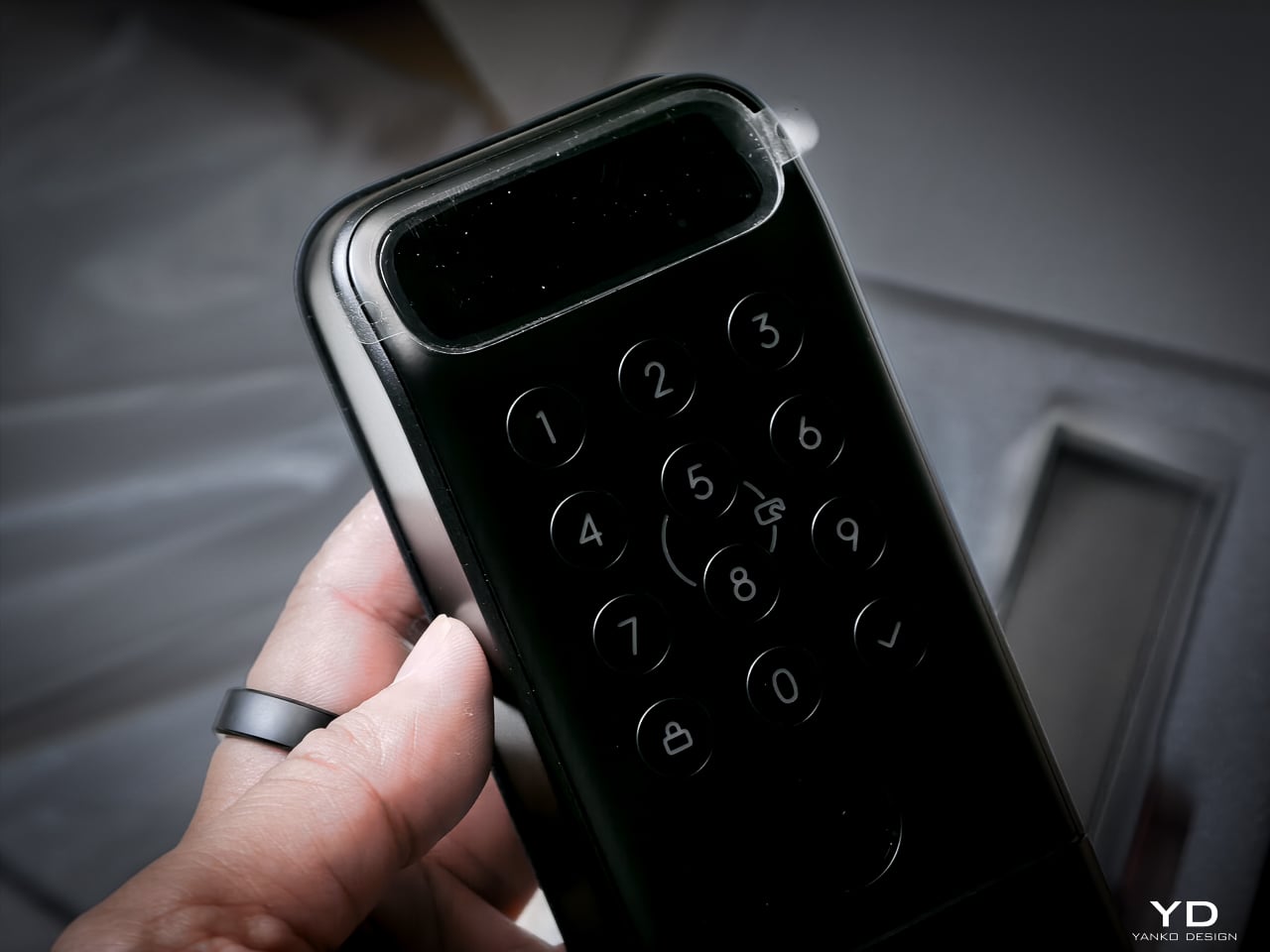
Your face becomes the key. Most smart locks with facial recognition at this price use 2D infrared cameras that a printed photo can defeat. The Lock Vision Pro does not.
A laser and IR dot projector embedded around the lens cluster fires more than 20,000 infrared dots across your face in a grid pattern invisible to the naked eye. An IR flood illuminator provides fill light for total darkness operation. An IR camera captures how that dot pattern deforms against the three-dimensional contours of your face and reconstructs a millimeter-accurate depth map. The system matches that map against your enrolled template, the same foundational principle behind iPhone Face ID, and throws the bolt if the geometry matches.
The sub-second unlock speed means you don’t pause at the door. The IR projector works through condensation and surface buildup on the housing exterior, so IP65 weatherproofing doesn’t degrade sensor accuracy over time. It works in total darkness because the IR projector is its own light source. It resists photo spoofing because a flat image can’t reproduce the spatial deformation pattern. It resists video spoofing for the same reason.
Glasses, wigs, and makeup don’t throw it off because the underlying facial geometry the dot grid maps doesn’t change. SwitchBot claims a false recognition rate under 0.0001 percent. Across my testing period I haven’t had a single false positive or false negative in any lighting condition.
Palm vein recognition is what separates the Pro from the standard Lock Vision. The technology reads subcutaneous vein patterns using near-infrared light: the unique geometry of veins inside your palm, entirely internal to your body.
You hover your palm near the sensor without touching anything. The IR emitter penetrates the skin surface and maps the vein network underneath. The lock matches that vascular geometry against your enrolled template.
This matters more than fingerprint in practice. A surface impression doesn’t work because veins aren’t on the surface. A photograph fails. The contactless method sidesteps the hygiene friction of a shared fingerprint pad, and it keeps working when your hands are slightly wet or dirty because the sensor reads through the skin rather than off it. Palm vein readers have been in high-security facilities for years. Finding one in a sub-250-dollar deadbolt is what makes the Pro worth the extra money.
The fingerprint sensor is the third biometric layer. It’s positioned for kids and guests not in the face or palm databases, plus it works as a deliberate emergency fallback.
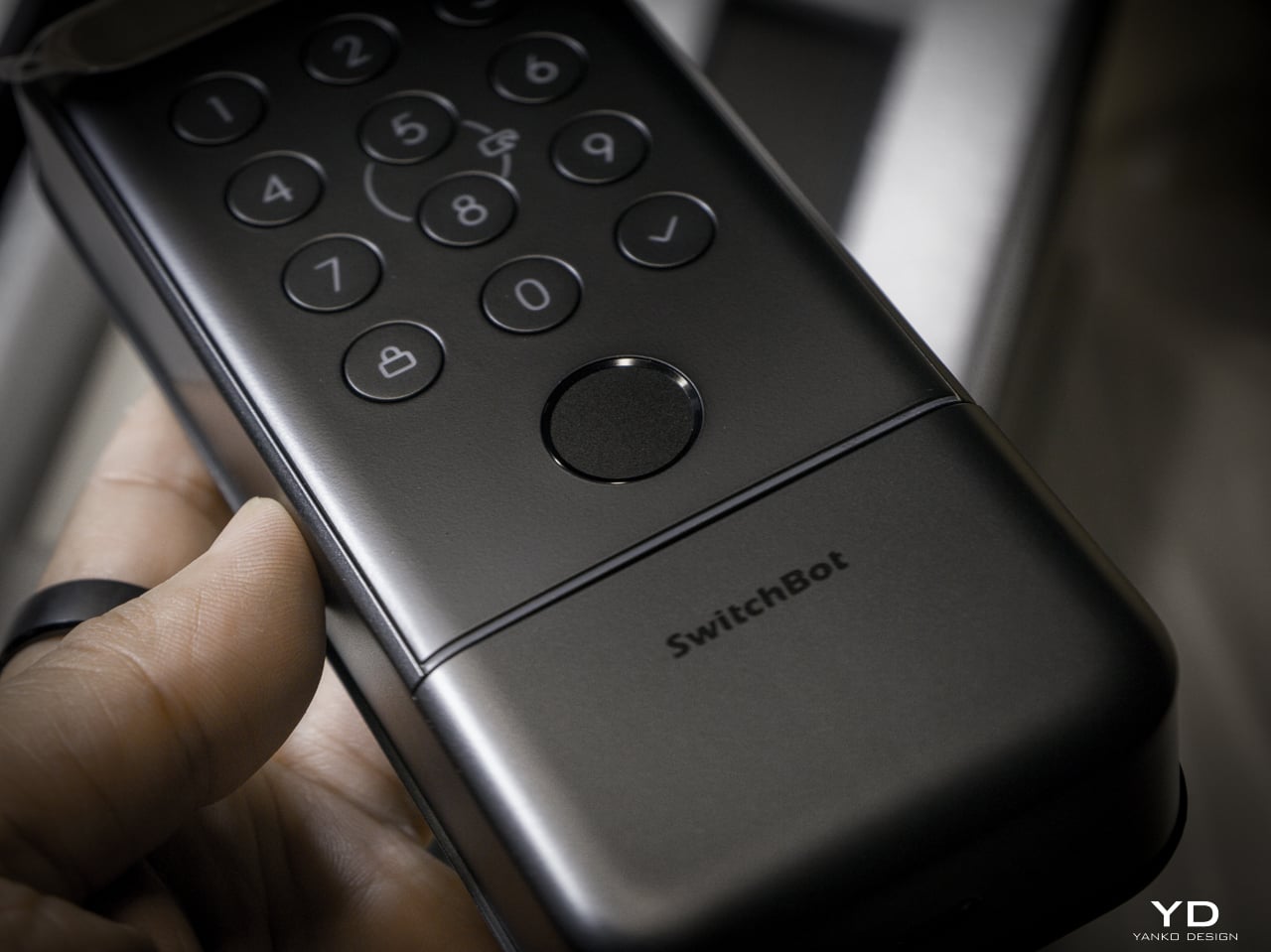
The semiconductor reader captures ridge patterns at the hardware level without storing images. All biometric data stays on the device, never routed to the cloud. It holds up to 90 user fingerprints and reserves 10 more slots for emergency prints.
The sensor reads quickly and reliably in dry and normal conditions. Wet fingers introduce the same challenge every semiconductor reader faces, but the palm vein sensor above it makes that edge case less relevant than it’d be on a lock without another contactless option.
None of these biometric sensors stay active, and the mmWave radar unit handles that. It detects approach and wakes the recognition stack only when someone shows up. Without it, the 10,000mAh battery drains keeping a face camera awake. With it, the lock sleeps until you approach, wakes the sensors, and opens by the time you reach the handle. Across my testing it runs with no phantom triggers from passing cars or pedestrians.
The radar is separate from the auto-unlock GPS and Bluetooth chain. Auto-unlock handles the actual door opening via your phone. The radar handles sensor power management so the biometric readers aren’t burning battery scanning an empty porch all day.
I’m not gonna sugarcoat this: the Lock Vision is noticeably louder than most smart deadbolts I’ve tested. The trade-off is speed. It’s the same trade-off you make with a fast garage door opener, more noise, faster movement. I’d rather have a motor that gets out of the way quickly than one that whispers and leaves me standing at the door.
That said, there’s a guest bedroom about five feet from our front door. It doesn’t get a lot of use, so most nights it’s a non-issue. When we do have guests staying over, the lock cycling is a little louder than I’d like. It’s one of the very few genuine downsides to this product, and the only people it will affect are those with a bedroom directly off the entryway.
The full unlock method count sits at 19, but the design intelligence isn’t in the number. It’s in how SwitchBot organized them by use case rather than technology type.
Passive biometrics, face and palm vein, for residents who should never have to think about unlocking. Fingerprint and NFC cards for recurring guests. Temporary and one-time passwords for deliveries and service visits. Geo-fence auto-unlock for the owner’s daily return. Physical key as the permanent legal fallback that requires no battery, no firmware, and no app update.
That’s a considered access hierarchy, not a feature list.
SwitchBot also built six tiers of security into the lock, and they all run behind the scenes. The alarm system records and notifies door status, ajar alerts, and tamper detection. Geo-fence auto-lock secures the door when you leave. On the unlock side, you get SOS fingerprint recognition, remote unlock confirmation, forced unlock for emergencies, and auto-lockout after repeated failed attempts. Data moves over AES-128 encryption, and every biometric stays local. Three-tier power management keeps the whole thing running with intelligent failover.
Battery anxiety keeps people from buying smart locks. SwitchBot built a three-tier system.
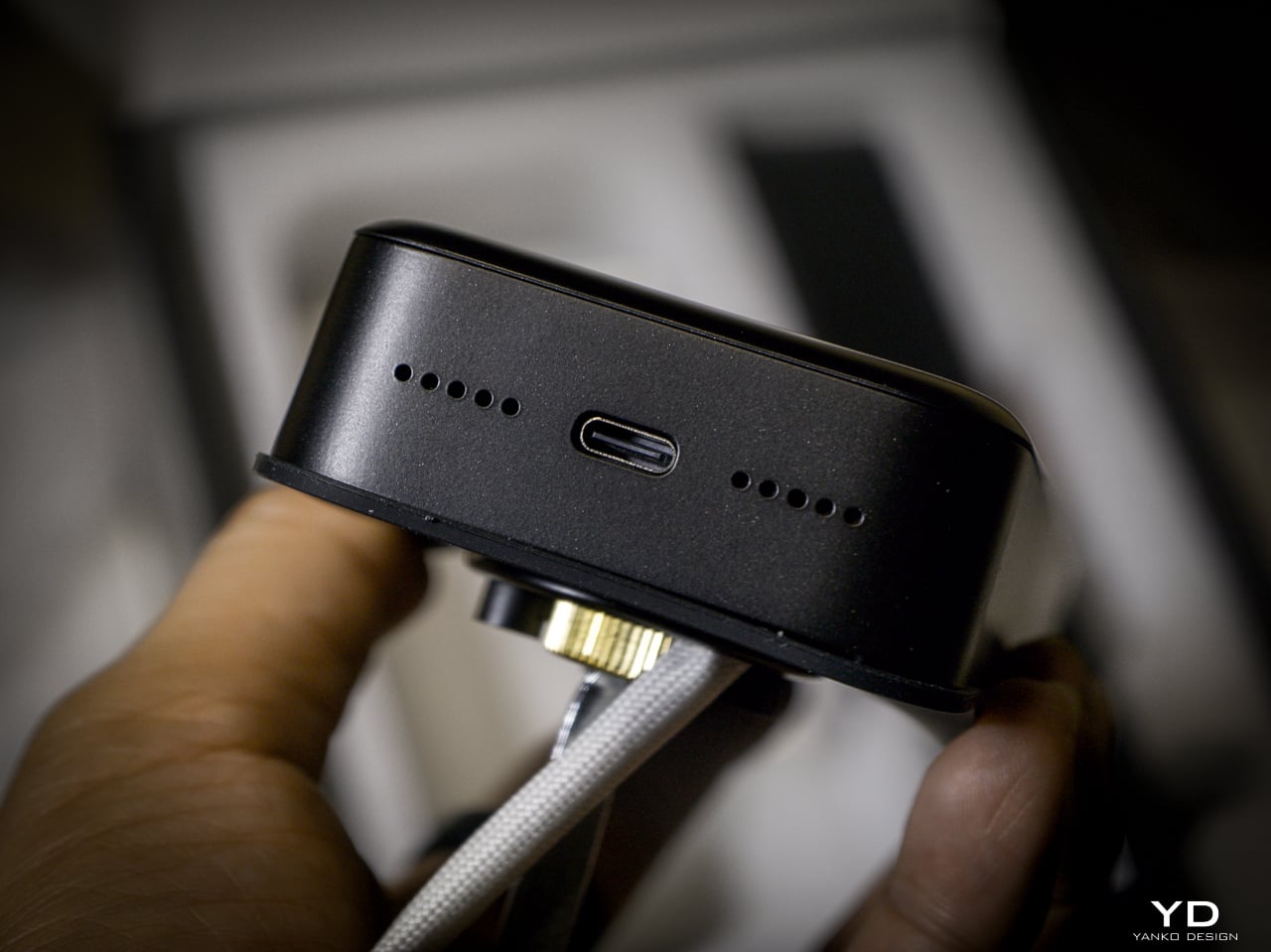
Tier one: 10,000mAh rechargeable Li-Po. SwitchBot rates it for up to 12 months at 10 lock/unlock cycles per day, and the motor handles 50,000 cycles. Tier two: CR123A backup providing up to 500 emergency unlocks with 5-year standby. Auto-activates if main battery dies. Tier three: USB-C port on the keypad surface for emergency power. Connect a power bank, unlock, go find batteries.
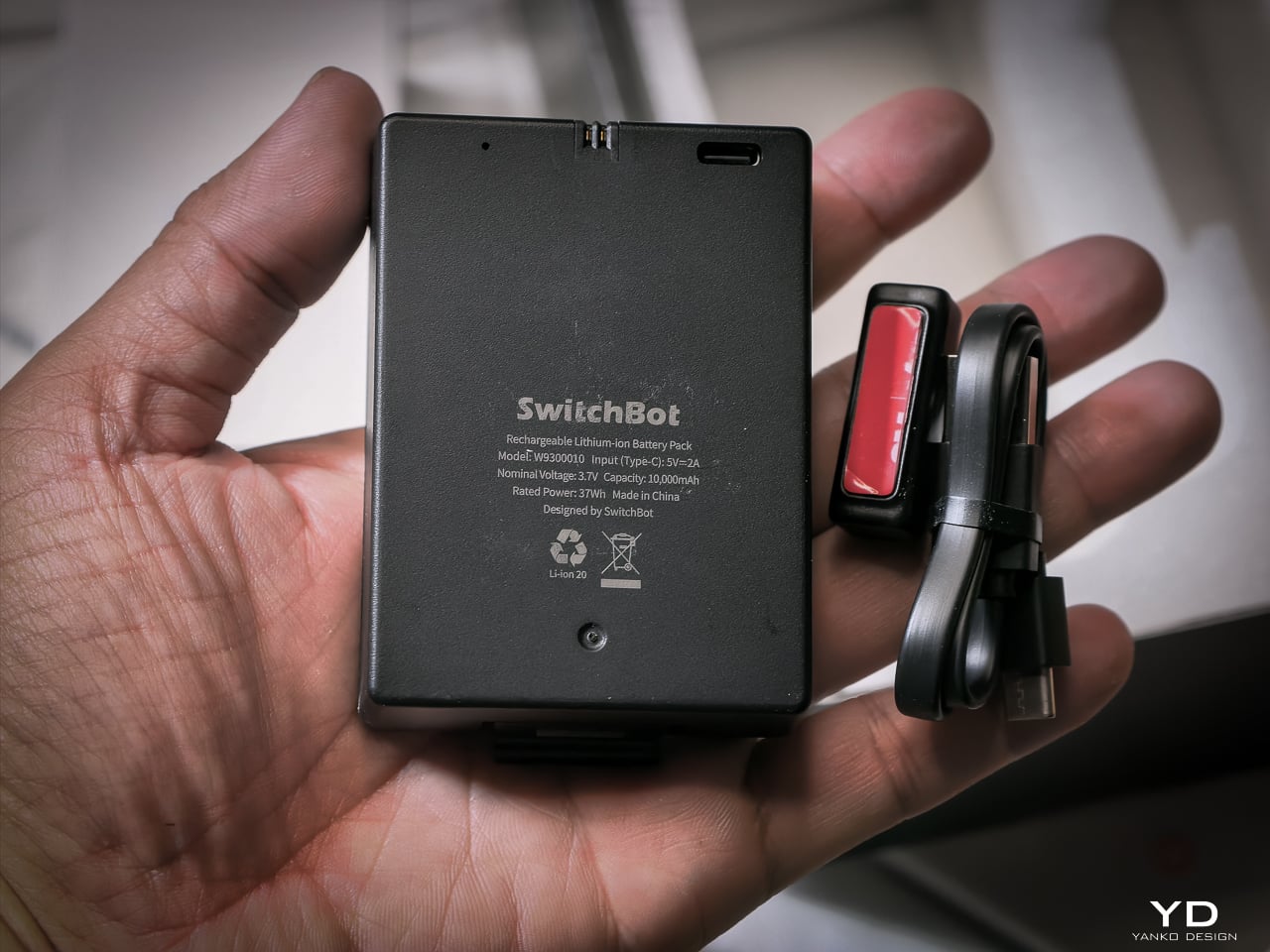
I haven’t had it long enough to need a recharge yet, and that’s the whole idea. SwitchBot says the 10,000mAh battery lasts up to 12 months, and so far it hasn’t dipped enough for me to notice.
When it does run dry, the CR123A backup beats what most locks offer. Some competitors make you tap a battery pack to two contacts outside the lock for one open. This one has a dedicated cell already inside, good for 500 emergency unlocks and five years on standby. Haven’t needed it yet. Glad it’s there.
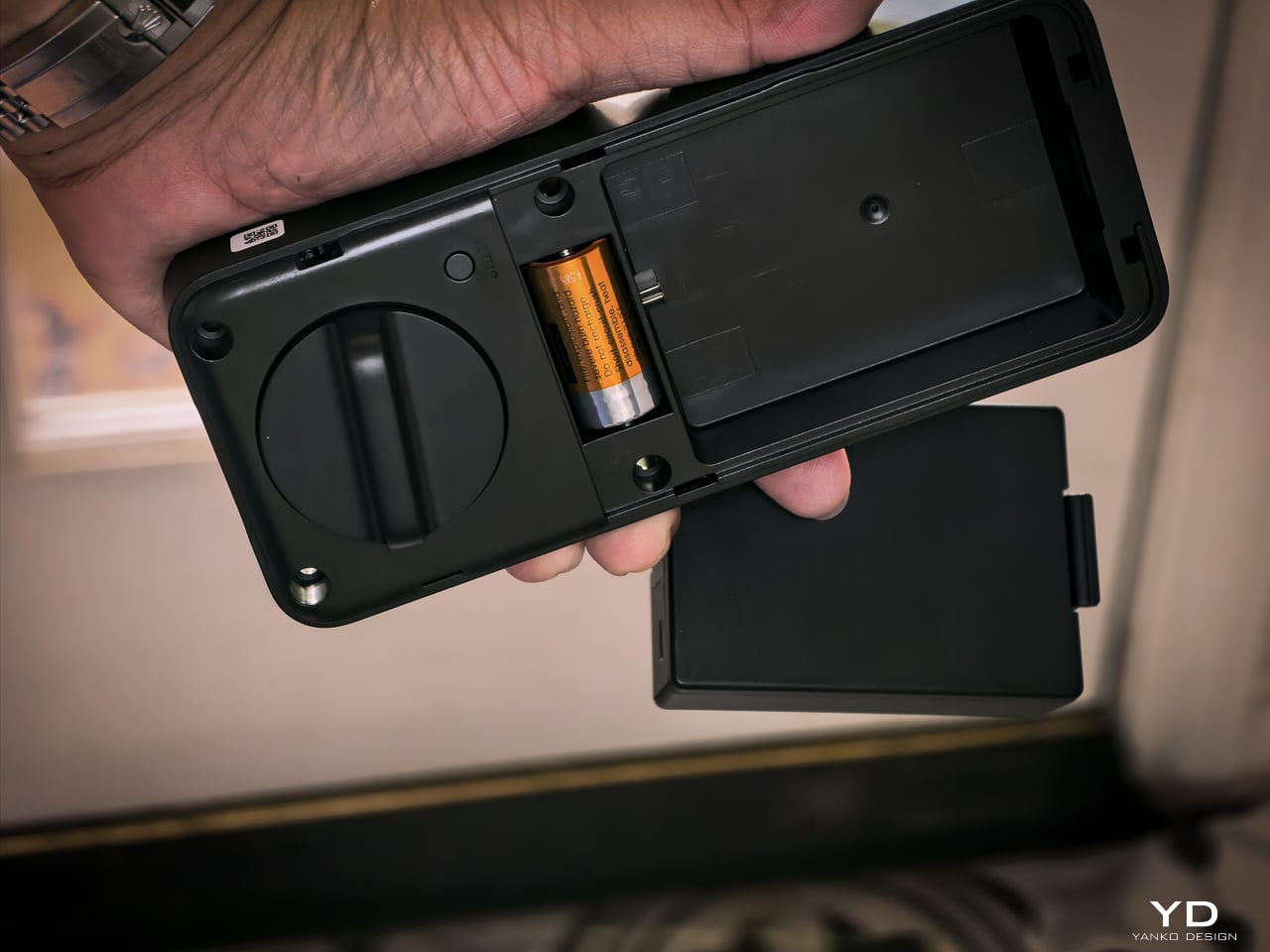
The mmWave radar handles power management. The lock only activates biometric sensors when someone approaches. The app provides real-time battery monitoring, push notifications at low power, and audio alerts at critical level.
Connects via Matter-over-WiFi. You don’t need a separate hub. Bluetooth holds a stable connection within 16.4 feet outside the door, and WiFi manages the same range through walls. SwitchBot listed Apple Home certification as in progress at launch. I don’t use Apple Home, so I didn’t test it, and that’s not a feature I personally value on a lock. The SwitchBot app handles everything: lock status, battery level, access management, unlock logs going back six months. Voice control works through Alexa, Google Assistant, and Siri if you want it. If Apple Home integration is a dealbreaker for you, verify it’s live before buying. For me, the app does everything I need.
With the Smart Video Doorbell: monitor activity outside, lock/unlock from doorbell, automate entry. With the Wallet Finder Card: tracking card doubles as NFC key. With the Hub 3: doorbell chime plus lock status display. All biometric data stays local on the device.
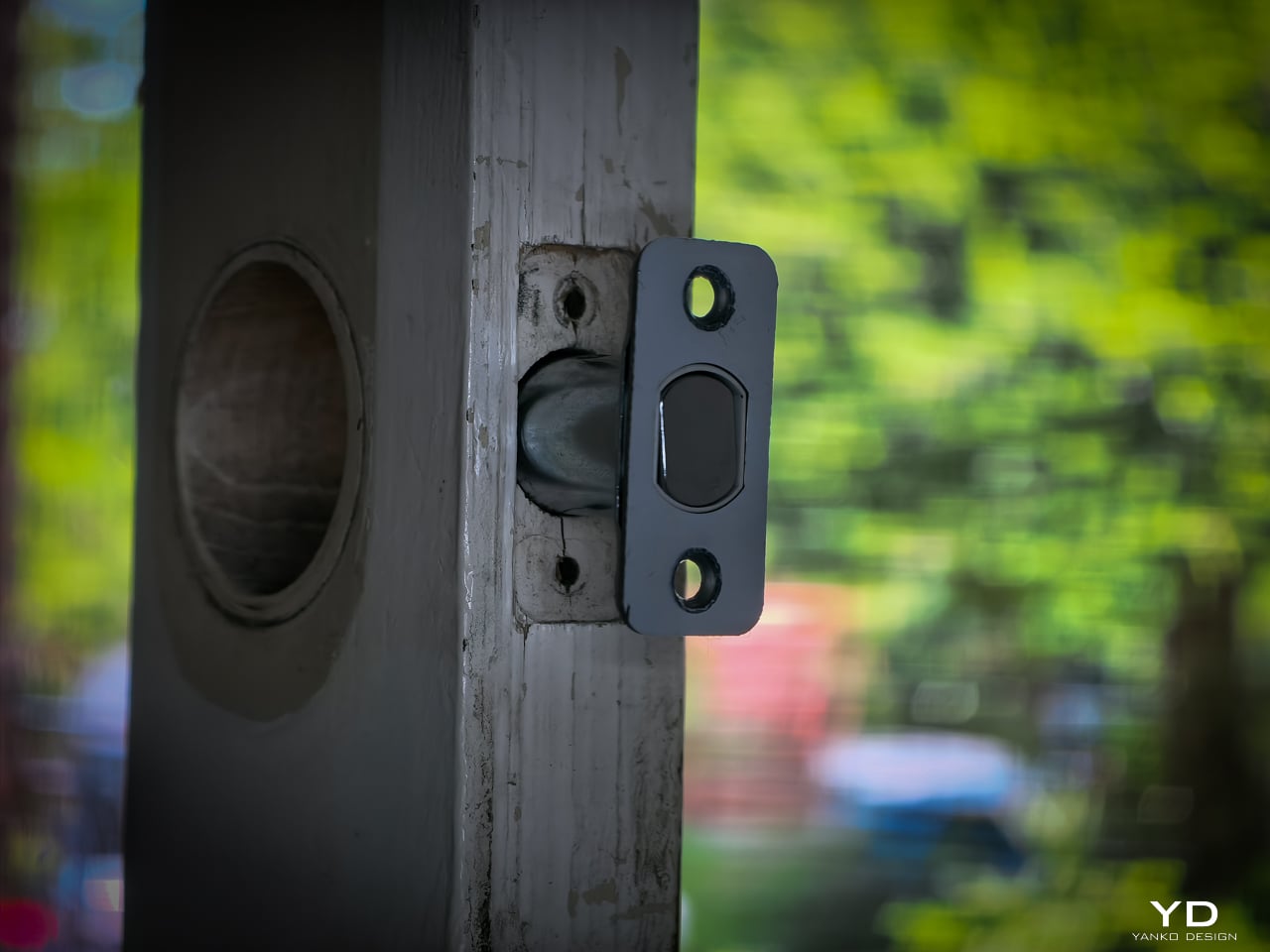
Installation didn’t take long. My previous deadbolt had four screws. The Lock Vision’s bolt has a specific notch that mates with the SwitchBot housing, so I did have to swap out the deadbolt that was already in the door. That added maybe an extra minute to pull the old one and slide the new one in. Everything else lines up cleanly since the dimensions are standard.
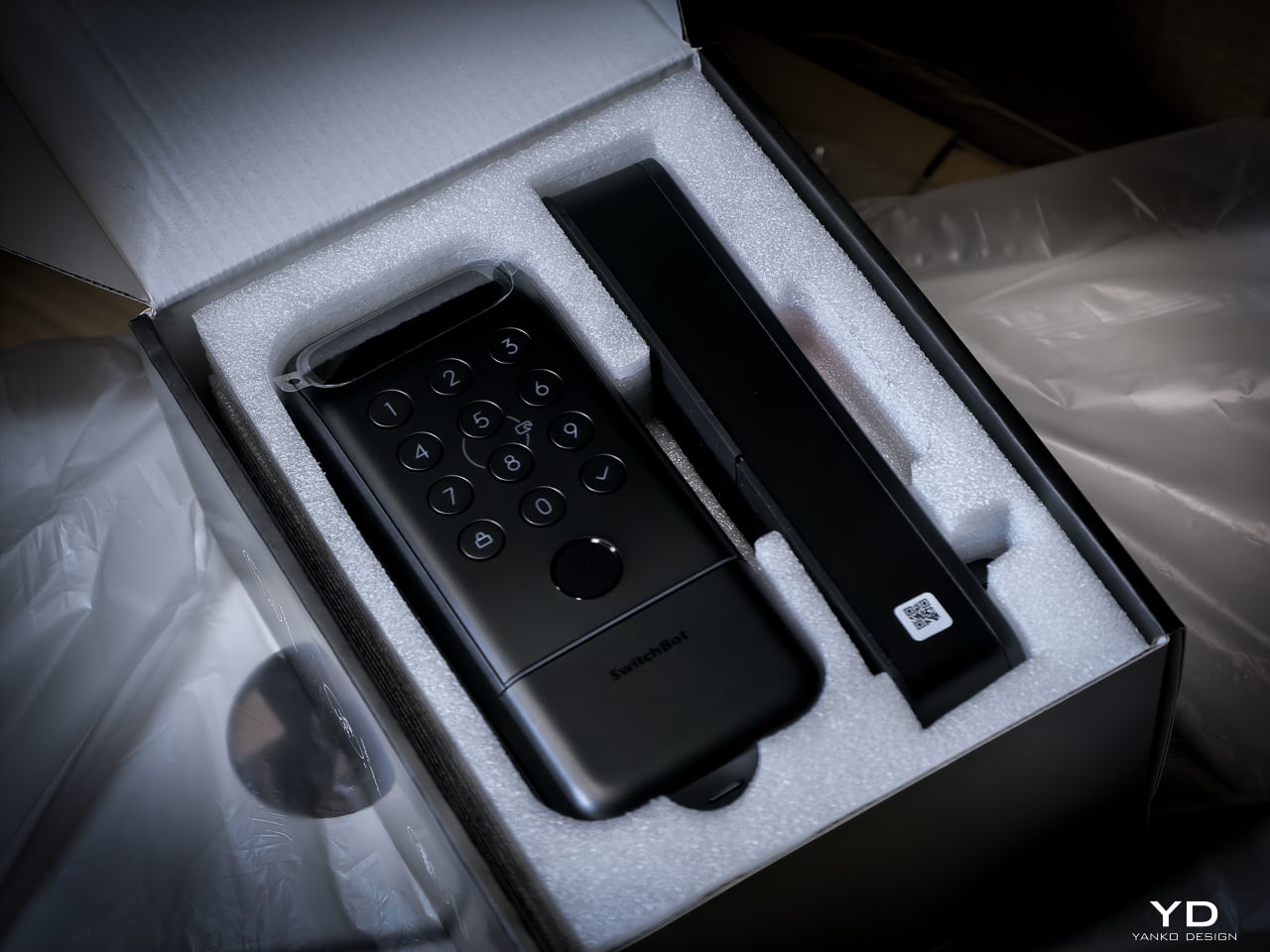
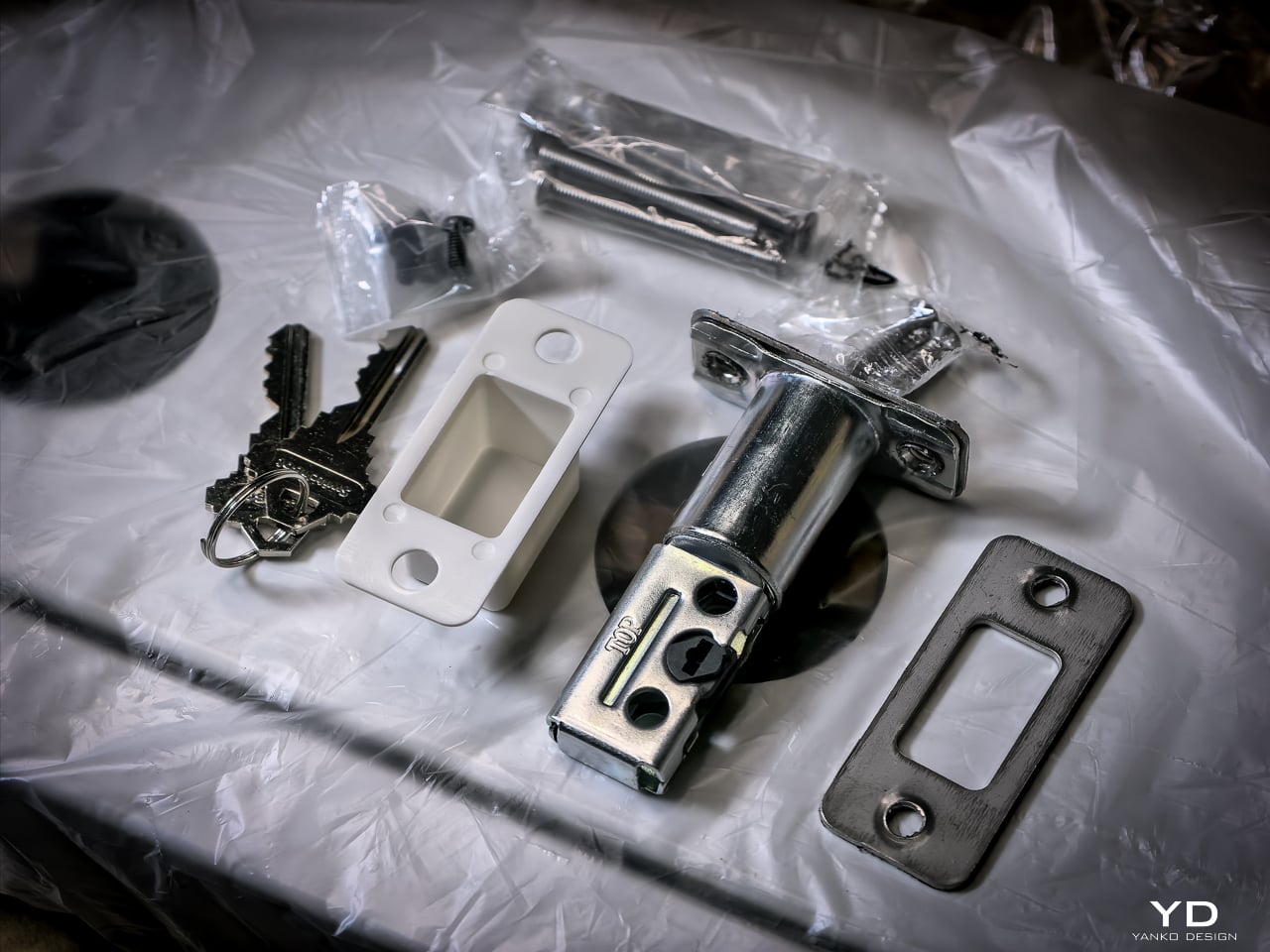
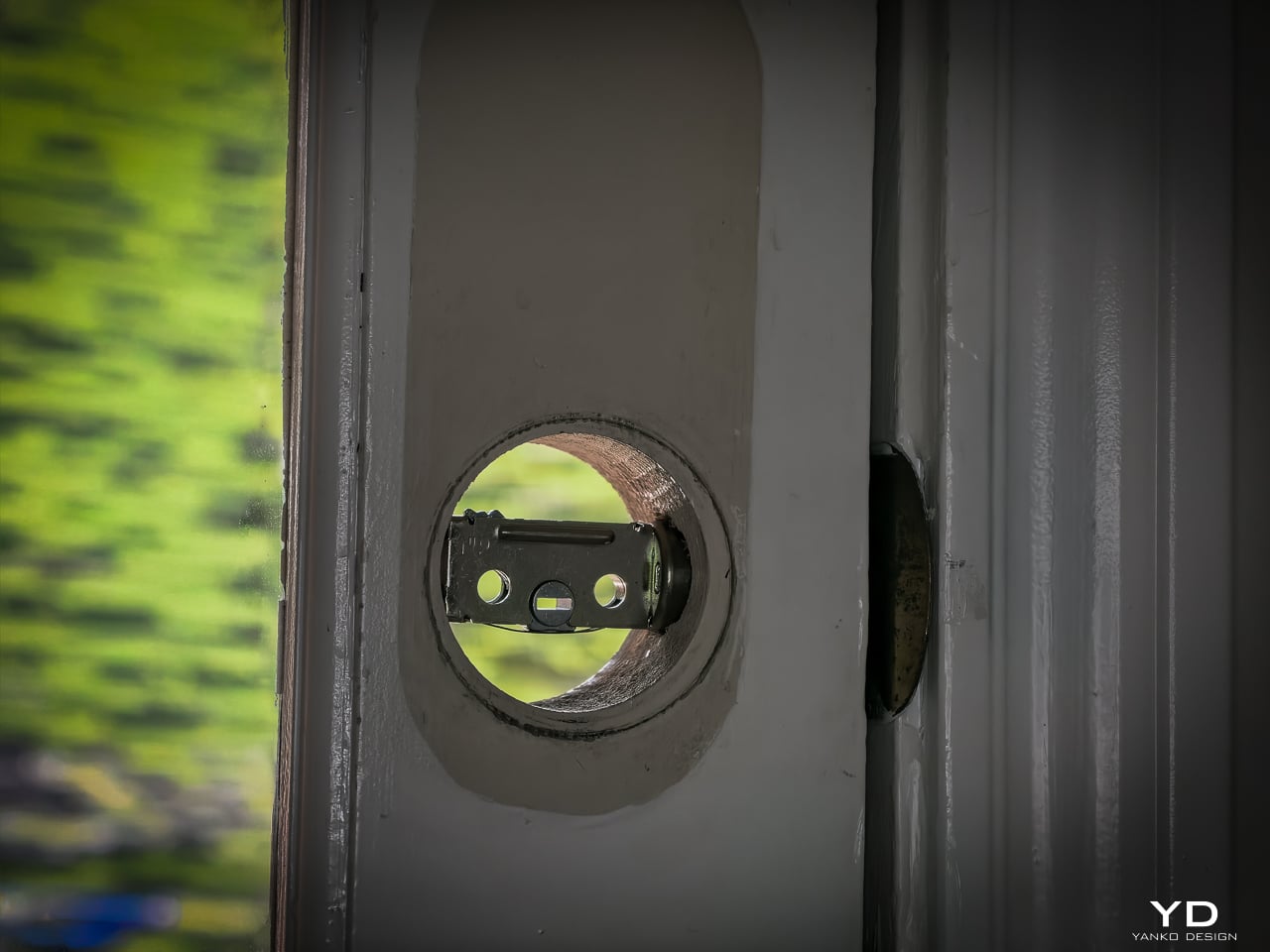
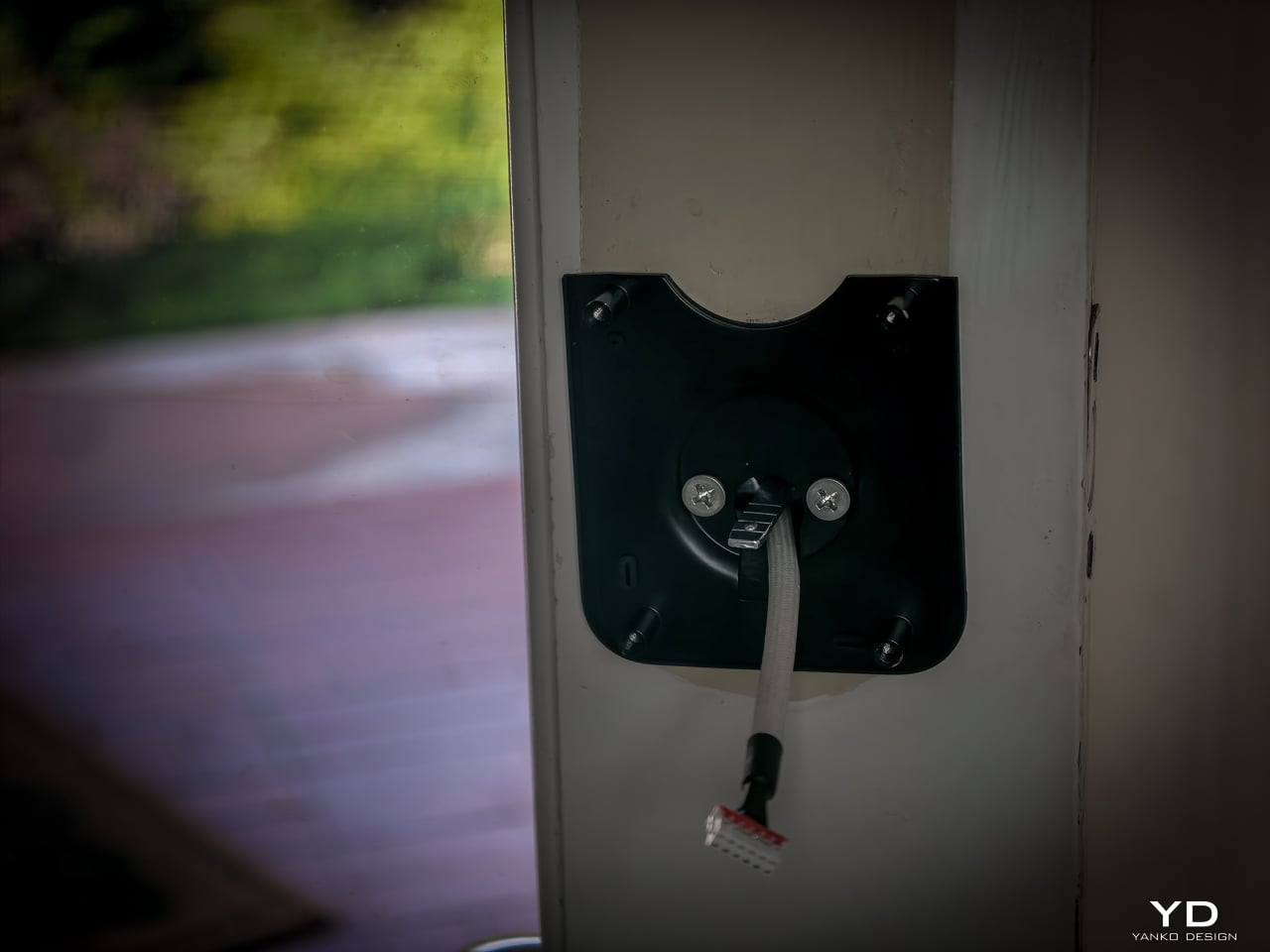
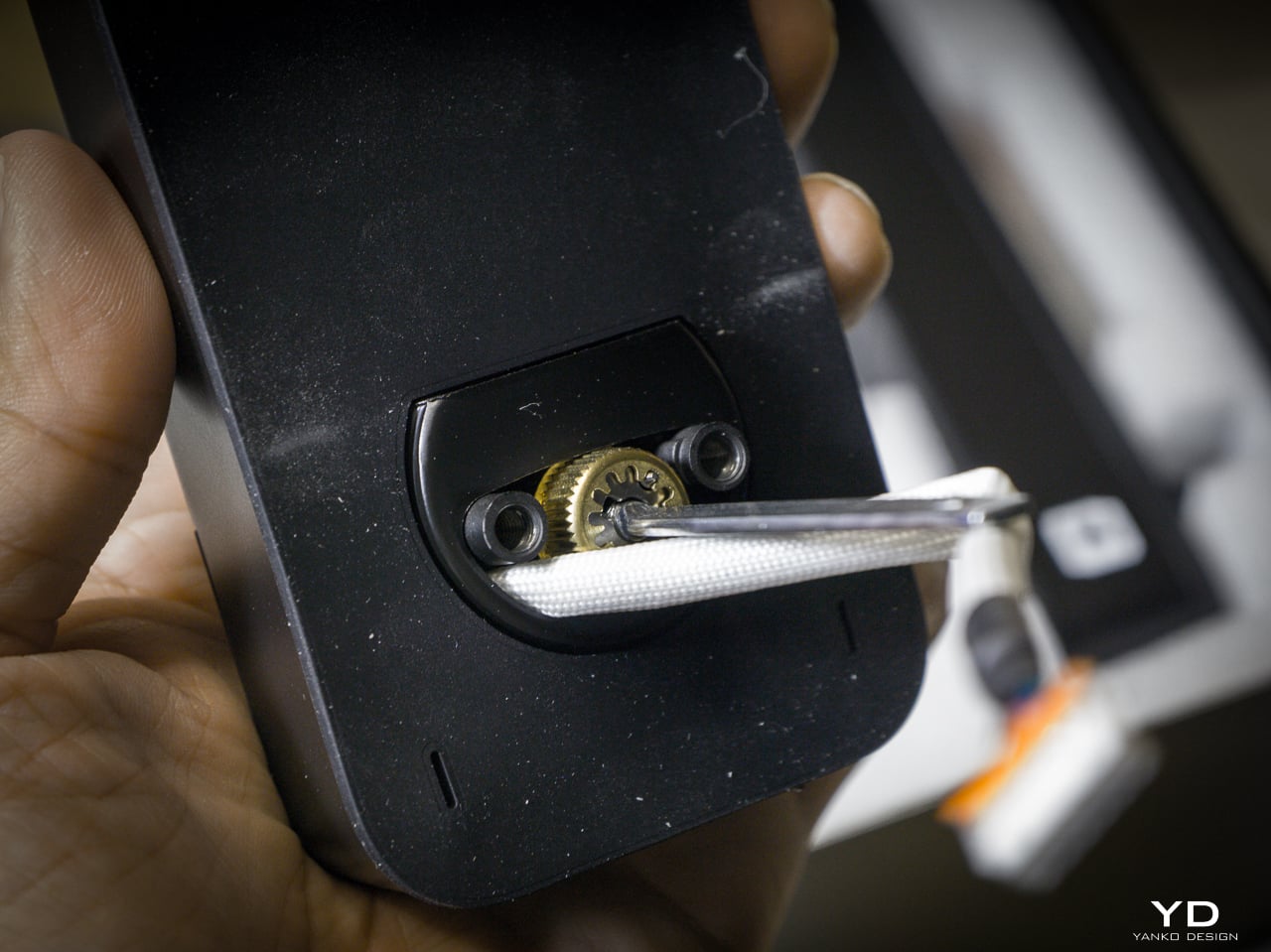
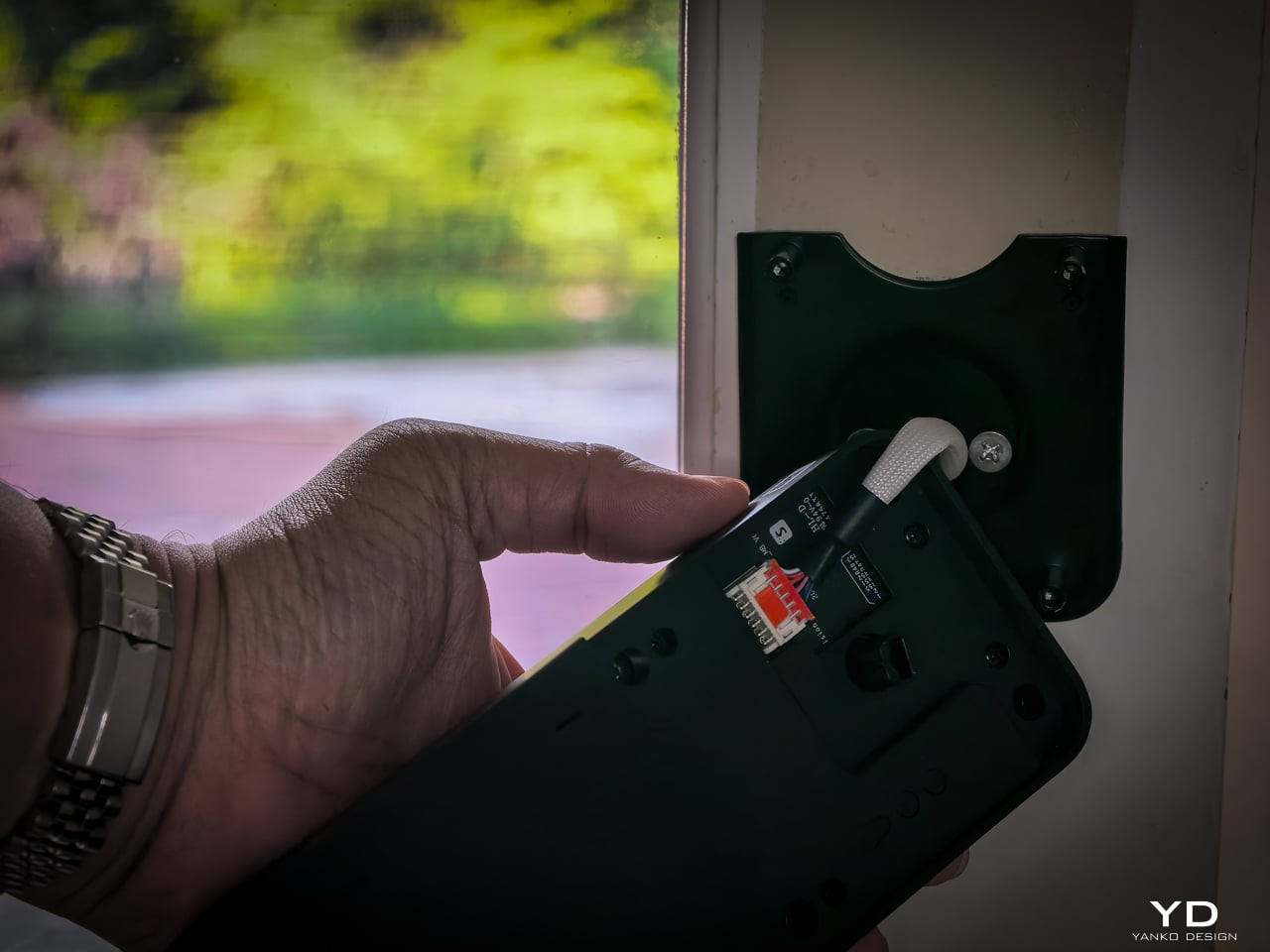
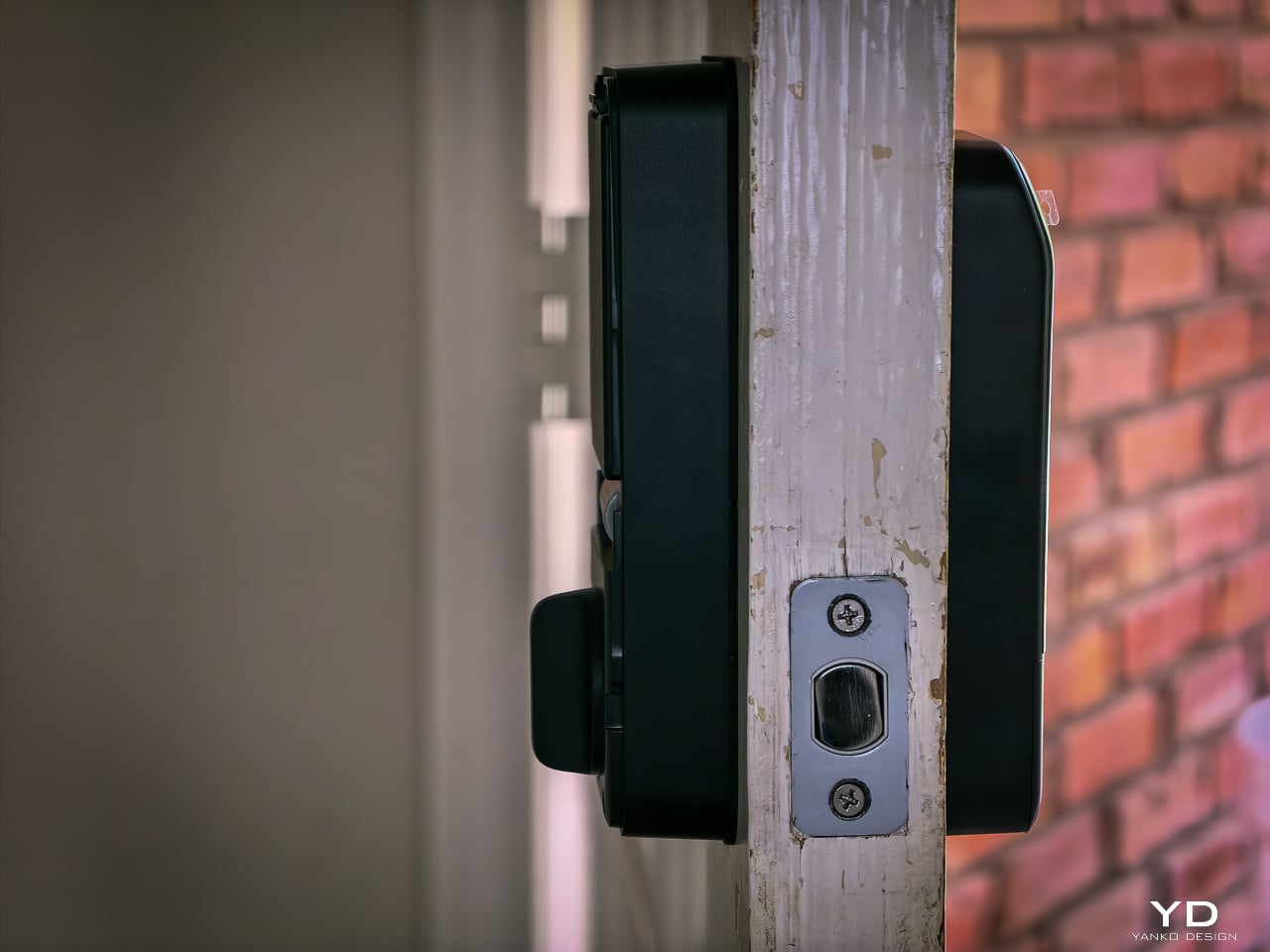
Hardware swap took about 10 to 12 minutes. Setup: pairing the lock, enrolling my face, enrolling a palm, enrolling fingerprints, all of it happened fast. Under 20 minutes total and the new lock was live. If you’ve swapped a deadbolt before, this is the same job. If you haven’t, a single screwdriver and the included instructions will get you there.
The 10,000mAh battery is rechargeable and rated for 12 months per charge. CR123A backup lasts 5 years in standby. USB-C emergency port eliminates lockout. All biometrics stay local with no cloud dependency. SwitchBot rates the motor for 50,000 cycles.
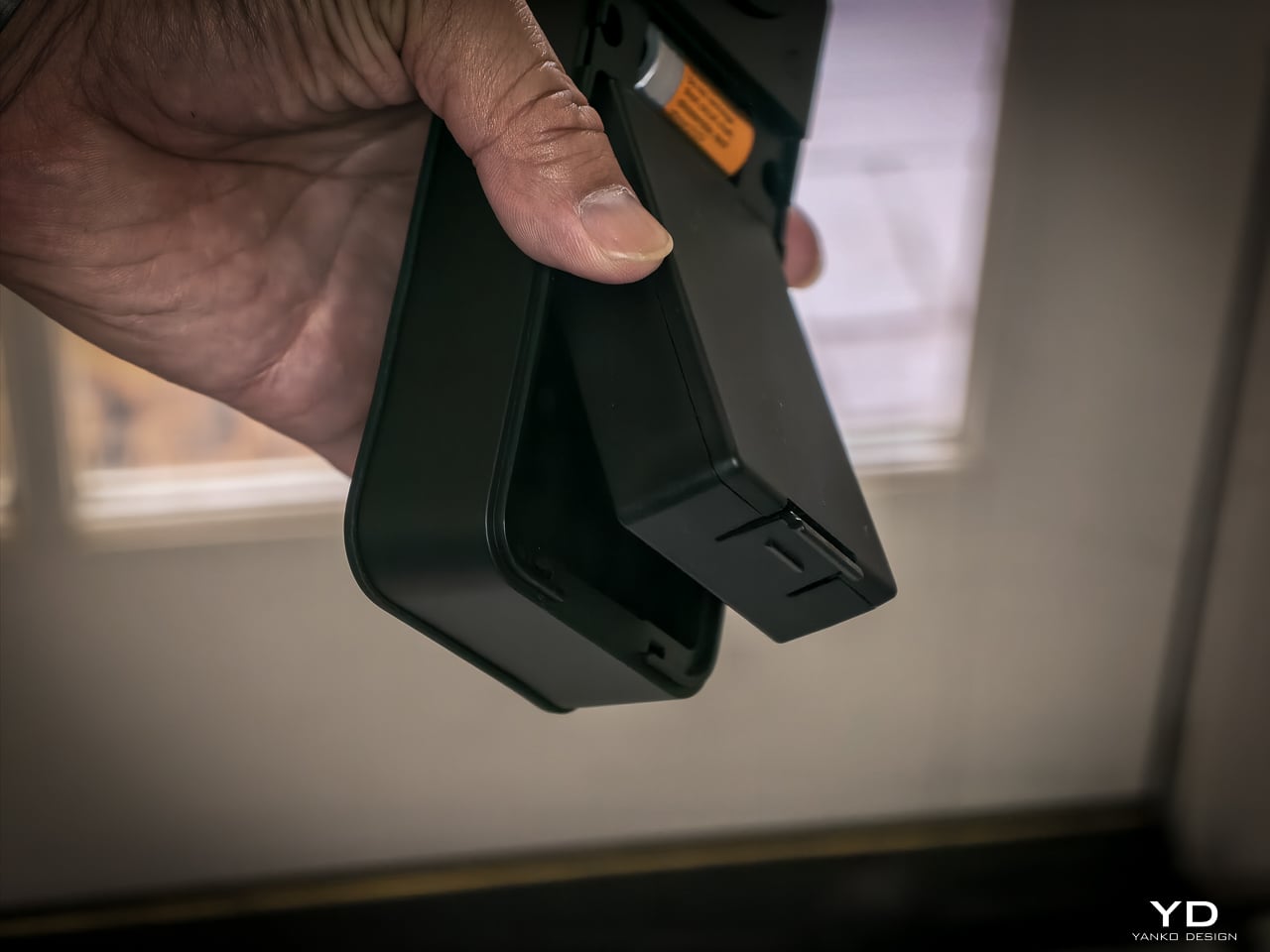
One detail I really like: the battery compartment comes off the top with no screws, no tools. Just lift and the battery slides out. SwitchBot clearly thought about what actually happens when someone needs to swap or charge a battery, and they made it easy. That’s the kind of ergonomic detail you appreciate six months in when you finally need to pull it.
At $169.99 (Lock Vision) and $229.99 (Lock Vision Pro), SwitchBot prices against the August Wi-Fi Smart Lock, Yale Assure Lock 2, and Level Lock Plus. None of those competitors offer 3D structured-light face unlock. The facial recognition alone puts the Lock Vision Series in a different category.
The $60 Pro premium gets you palm vein and fingerprint. I’d pay it. We’ve got a front door, a back door to the garage, and a garage door into the house. If I had to redo all three, I’d spend the extra for the Pro on every single door.
Bundle pricing: Lock Vision + Video Doorbell $259.99, Pro + Video Doorbell $329.99. Canadian buyers pay CAD 229.99 and CAD 299.99 for the locks, CAD 329.99 and CAD 399.99 for the bundles. Both models sell direct from SwitchBot and on Amazon in the US and Canada.
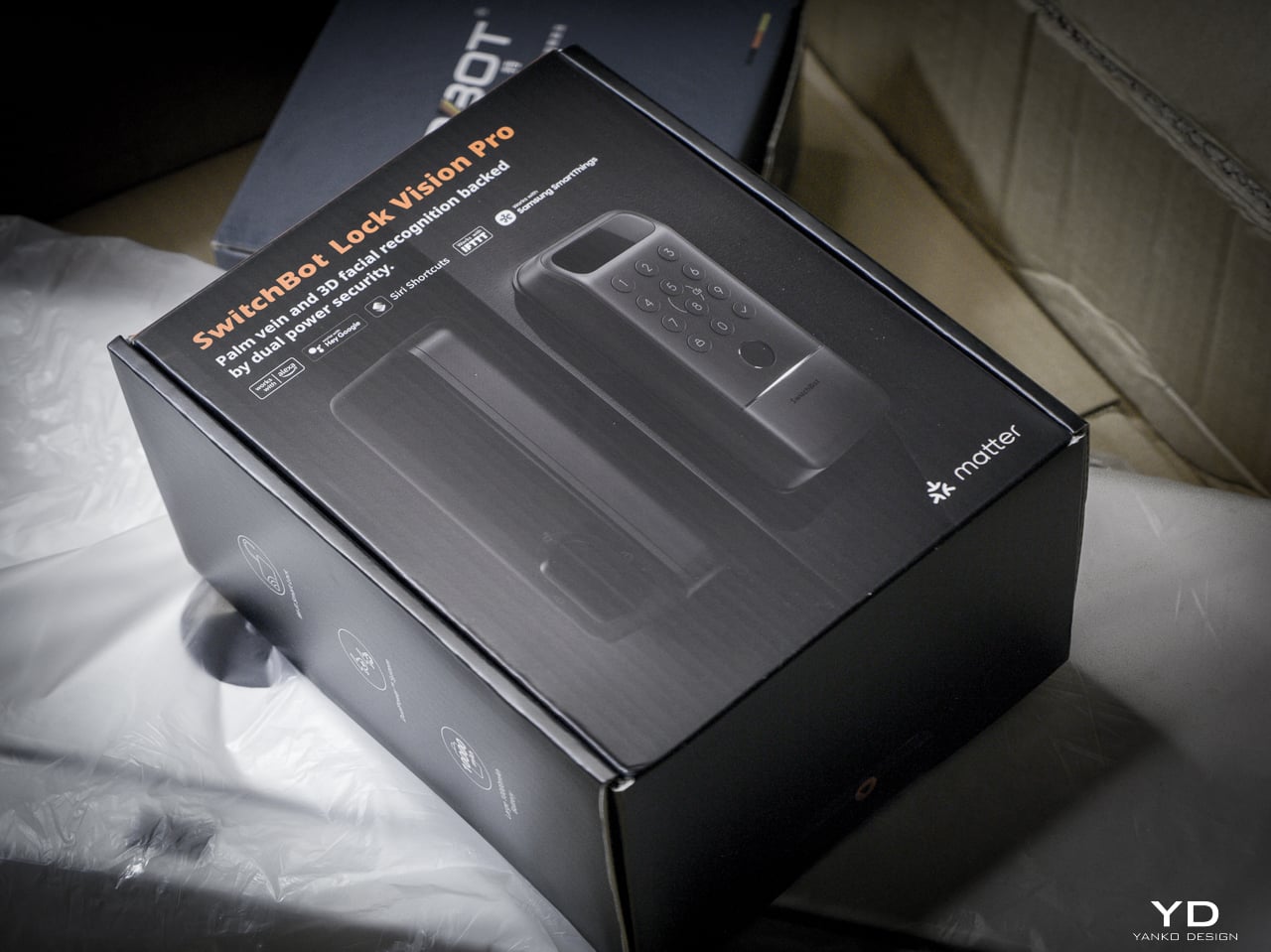
The Lock Vision Series is the first smart deadbolt I’d put on my own door. The 3D facial recognition works in the dark. The battery system covers every failure mode. Matter-over-WiFi means no hub on your nightstand. And when the battery dies, there’s a key in your hand. Two of them in the box.
But it isn’t for everyone. Apple Home certification hadn’t gone live as of my testing. Not every home qualifies without power tools on the door compatibility front. And I want to live with the 218g interior unit for a month before I trust the long-term build.
It’s a lock that just works, no matter how you get it open. Face, palm vein, fingerprint, code, phone, NFC, geo-fence, and yes, a physical key. Comes with two. When the tech is optional and the brass key still turns, that’s a lock I trust.
Click Here to Buy Now: SwitchBot Lock Vision Pro | SwitchBot Lock Vision
The post SwitchBot Lock Vision Series Review: Face ID for Your Front Door first appeared on Yanko Design.
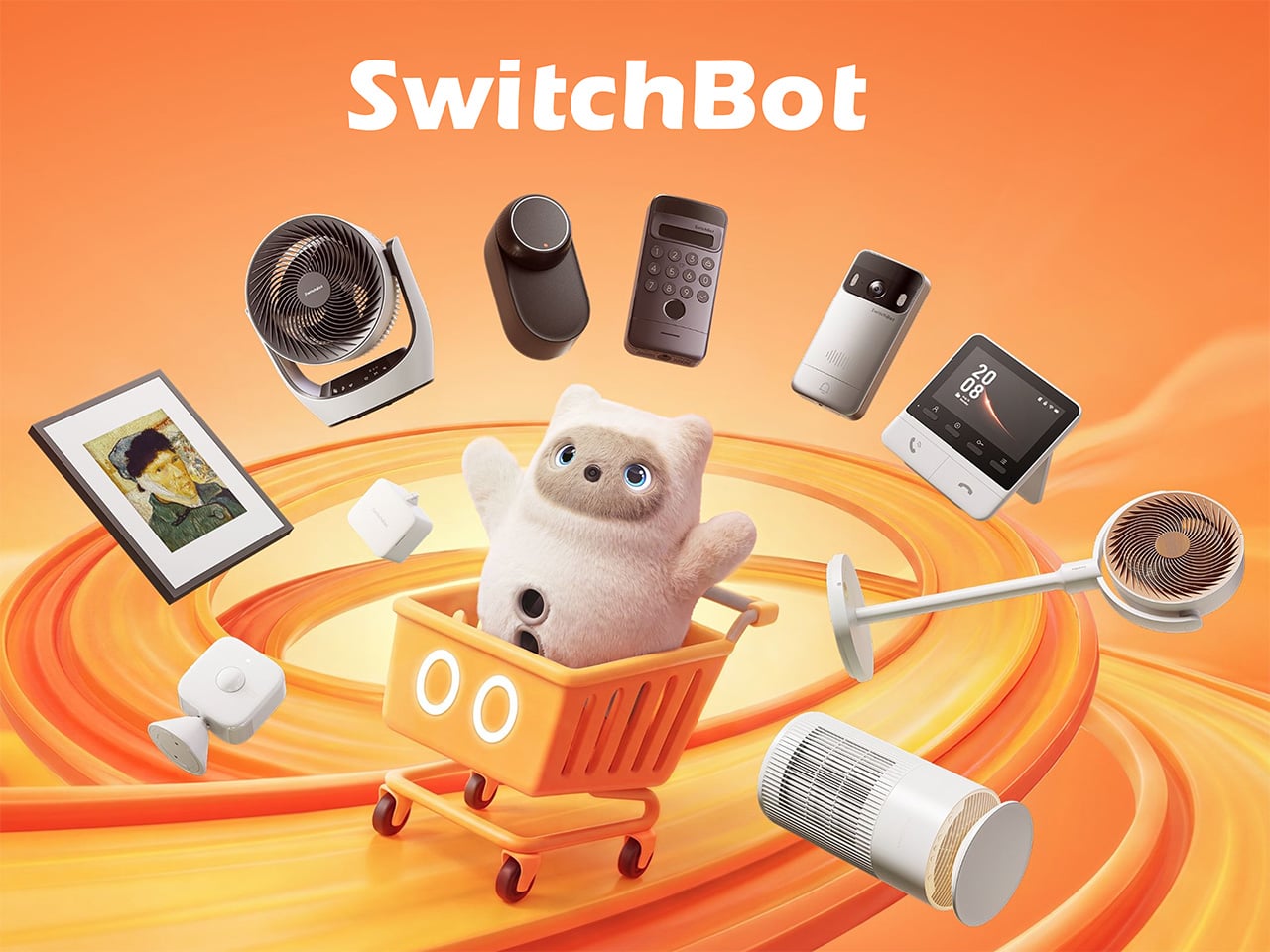
Smart home products have come a long way from the days when “home automation” meant complicated setups only tech enthusiasts could manage. The best ones now work with what people already have rather than asking them to start over from scratch. That shift has made the category far more approachable, and Prime Day sales like this one are worth paying closer attention to.
SwitchBot’s Prime Day 2026 sale runs from June 23 to June 26, offering discounts as high as 50% on a range of devices that handle security, window control, home decor, and daily comfort. None of them requires tearing down walls or rewiring anything, which is part of the appeal. The lineup this year has something for practically every room in the house.
Designer: SwitchBot
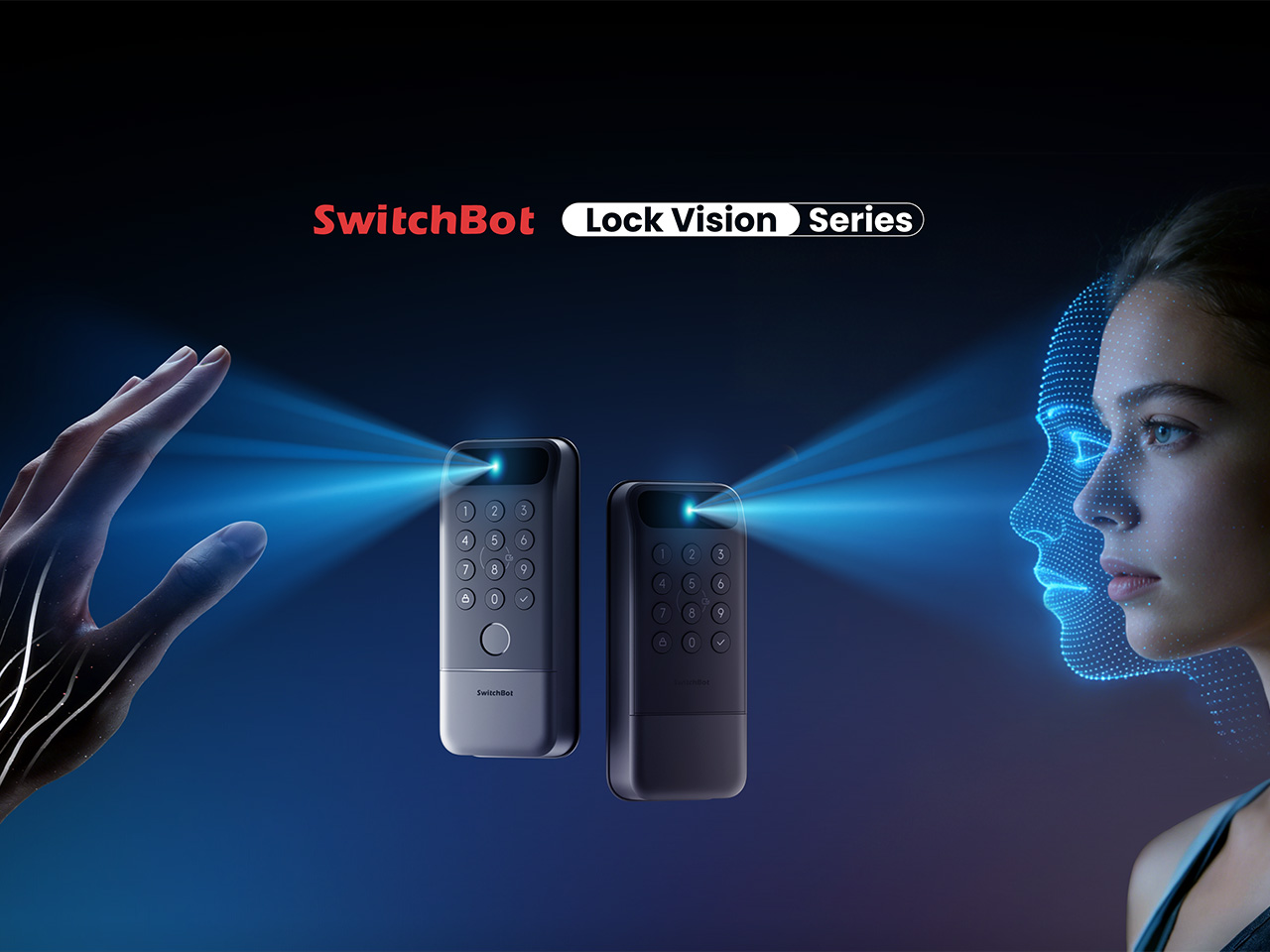
Getting home with your hands full and somehow managing to unlock the door without dropping anything is one of those small daily struggles nobody really talks about. The SwitchBot Lock Vision takes care of that with 3D structured-light facial recognition, letting you walk right in without touching anything. It’s also built to tell the difference between a real face and a photo or video.
If your household has multiple people who need different ways to get in, the Lock Vision Pro adds fingerprint and palm vein recognition on top of the facial option, which makes it a bit more flexible for families. During Prime Day, the Lock Vision is down to $109.99, which is 35% off, while the Pro model drops to $169.99 at 26% off.
Click Here to Buy Now: $109.99 $169.99 (35% off). Hurry, Prime Day Deal ends soon! Website Link Here.
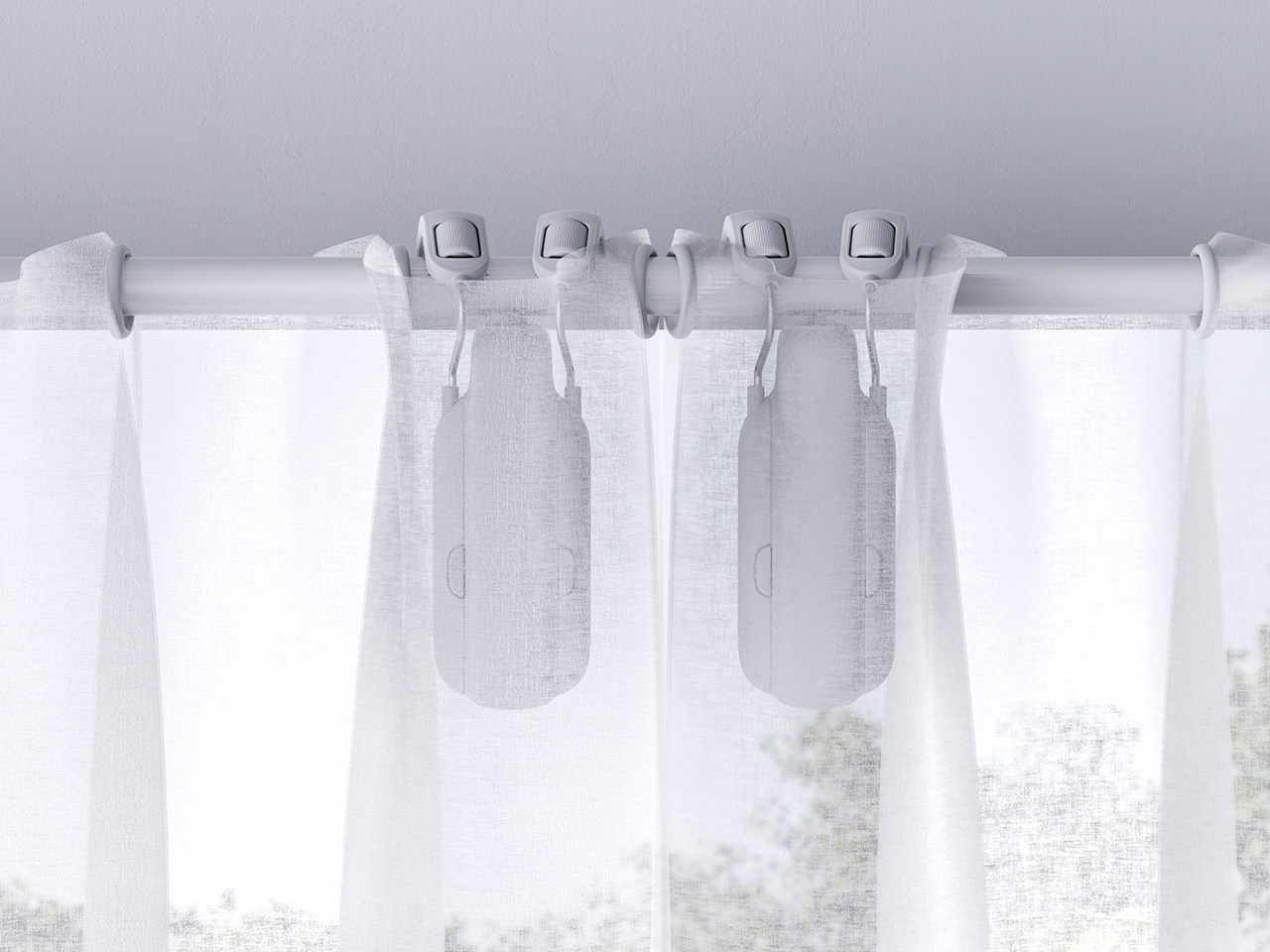
There’s something genuinely nice about curtains that open on their own in the morning, letting light in without you having to get out of bed. The SwitchBot Curtain 3 makes that possible by attaching directly to compatible curtain rods, so nothing needs to be replaced. You can control it through the SwitchBot app, a voice assistant, a set schedule, or the remote it comes with.
This bundle comes with two units, enough to cover a full window or even two separate ones, depending on your setup. The motor also runs as low as 25dB in QuietDrift mode, so it won’t wake anyone up if you’ve set it to open at sunrise. At 28% off during Prime Day, it’s priced at $129.99, which makes the automation a lot easier to justify.
Click Here to Buy Now: $129.99 $179.99 (28% off). Hurry, Prime Day Deal ends soon! Website Link Here.
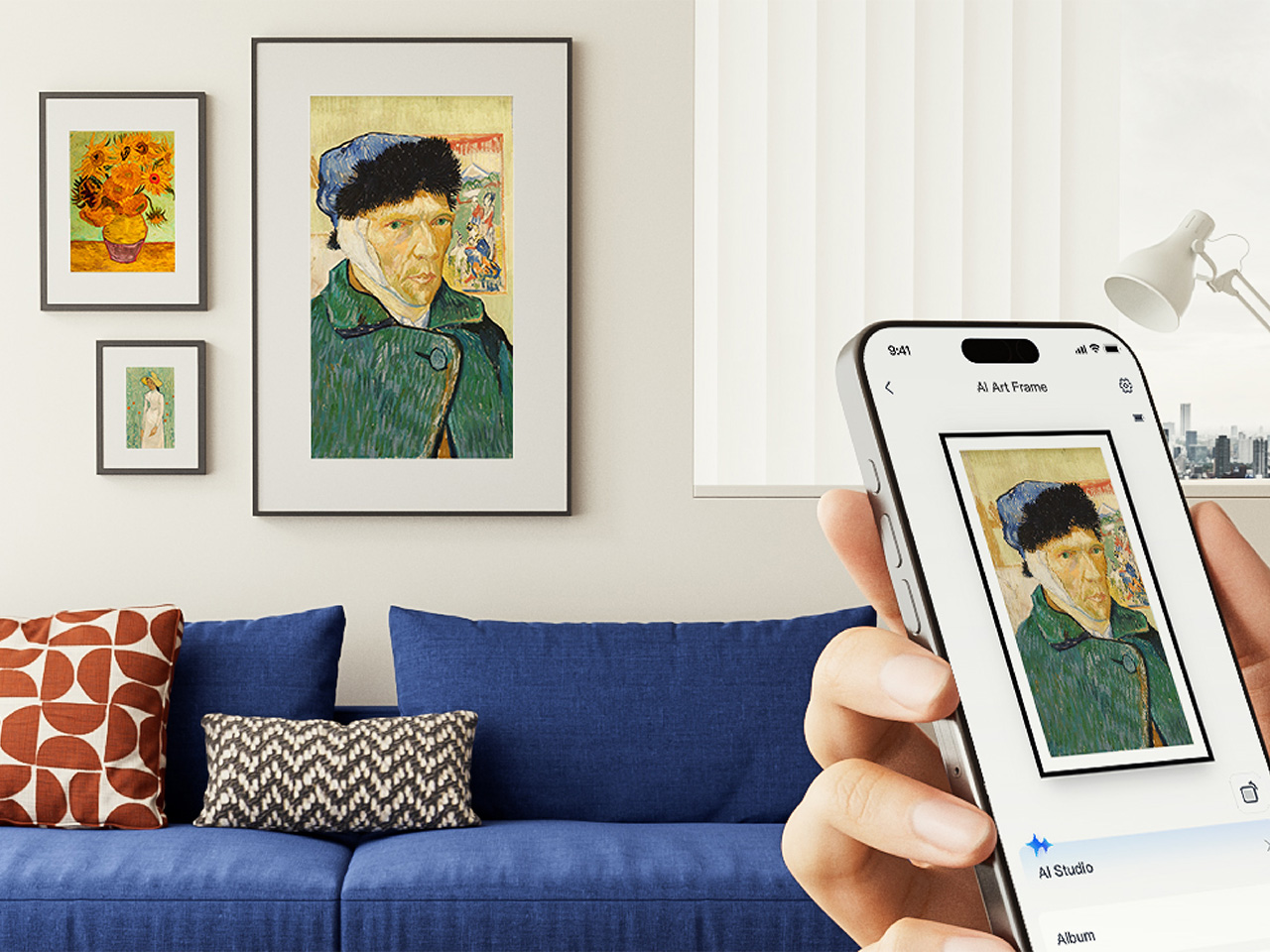
Digital frames have been around for a while, but most of them glow a bit too brightly for a living room. The SwitchBot AI Art Frame takes a different approach with an E Ink display that gives artwork a paper-like quality rather than a screen-like one. It comes in 7.3-inch and 13.3-inch sizes, and can show photos, personal artwork, or AI-generated visuals.
What makes it genuinely usable is that it isn’t tethered to a wall outlet, thanks to a built-in battery. It can sit on a desk, lean against a shelf, or hang on a wall, wherever it fits into your space best. The 7.3-inch model is $109.99 at 27% off during Prime Day, and the 13.3-inch goes for $265.99 at 24% off.
Click Here to Buy Now: $109.99 $149.99 (27% off). Hurry, Prime Day Deal ends soon! Website Link Here.
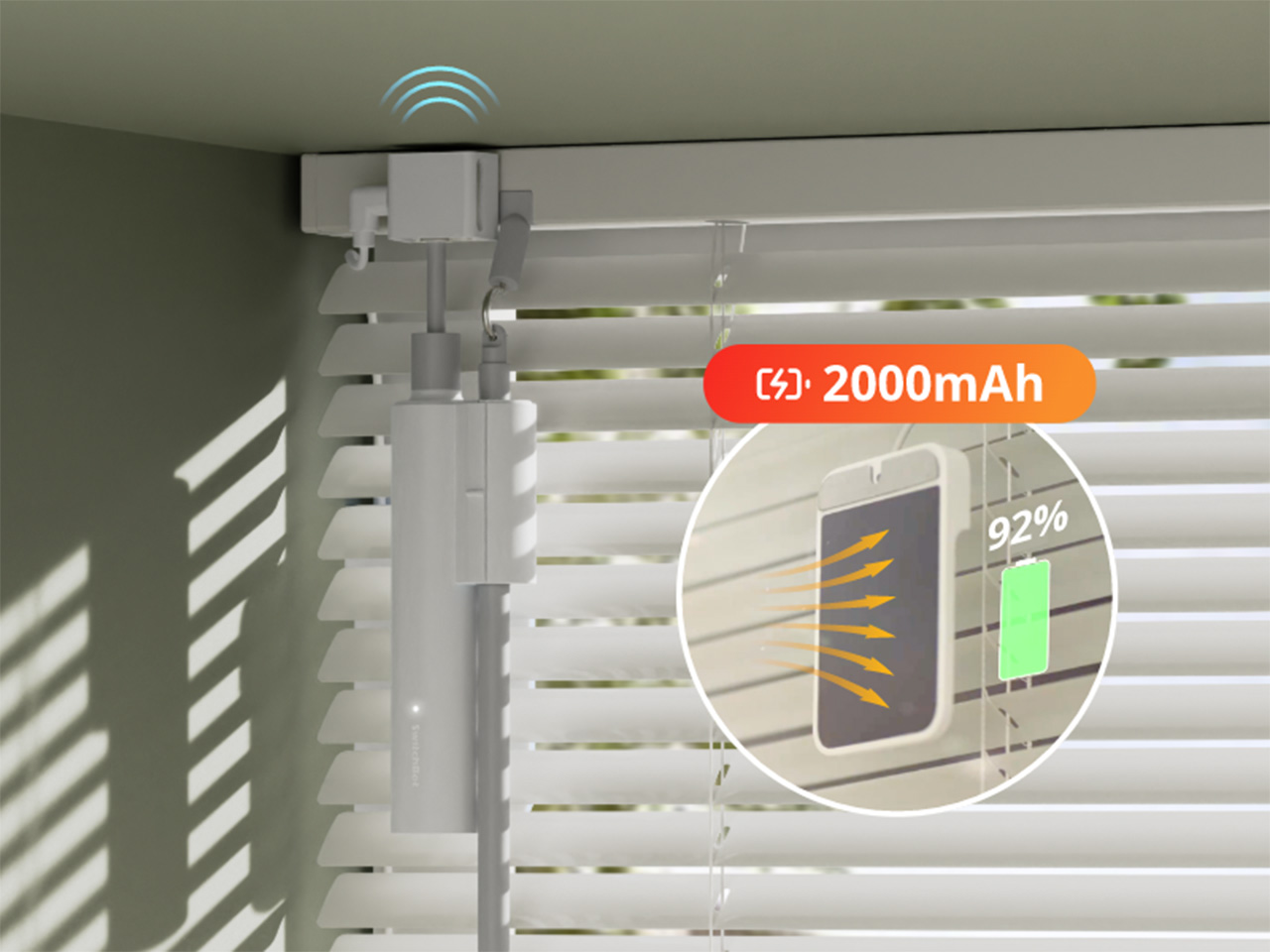
If you work from home, you’ve probably gotten up too many times just to adjust your blinds whenever the sun shifts. The SwitchBot Blind Tilt attaches to your existing blinds and lets you adjust the slat angle precisely without replacing anything. Three units are included in this bundle, so you can cover an entire room instead of just one window.
The included Hub Mini connects everything to the wider SwitchBot ecosystem, so you can control the blinds from anywhere, set them up with voice commands, or let a schedule take over. Instead of manually adjusting slats every morning or evening, you can just let it happen on its own. The bundle is $139.99 during Prime Day, which is 26% off its regular price.
Click Here to Buy Now: $139.99 $189.99 (26% off). Hurry, Prime Day Deal ends soon! Website Link Here.
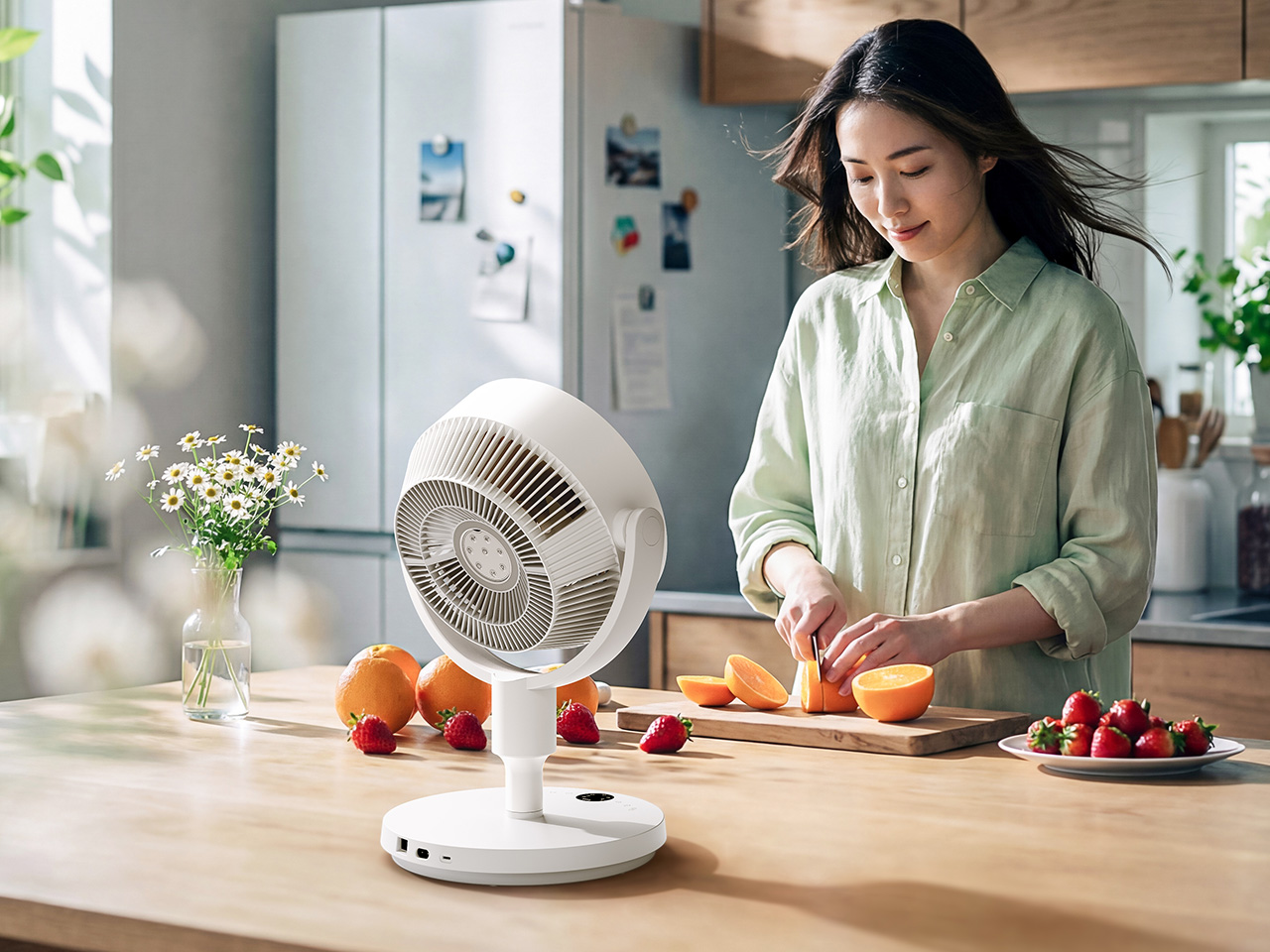
A fan that just runs until someone turns it off isn’t exactly the pinnacle of smart living. The SwitchBot Standing Circulator Fan can be scheduled, adjusted remotely, and paired with other SwitchBot devices so it responds to what’s actually happening in your home. Given that Prime Day falls right in the middle of summer, it’s also one of the more timely picks.
Its adjustable height makes it easy to move between rooms without any hassle, and the quiet operation means it won’t be a distraction during calls or when you’re trying to sleep. At $89.99, it’s the most affordable item in this Prime Day lineup, and at 31% off, it’s a reasonable deal for a fan that fits neatly into a connected home setup.
Click Here to Buy Now: $89.99 $129.99 (31% off). Hurry, Prime Day Deal ends soon! Website Link Here.
The post SwitchBot Prime Day 2026: Smart Upgrades, No Installation, Up to 50% Off first appeared on Yanko Design.
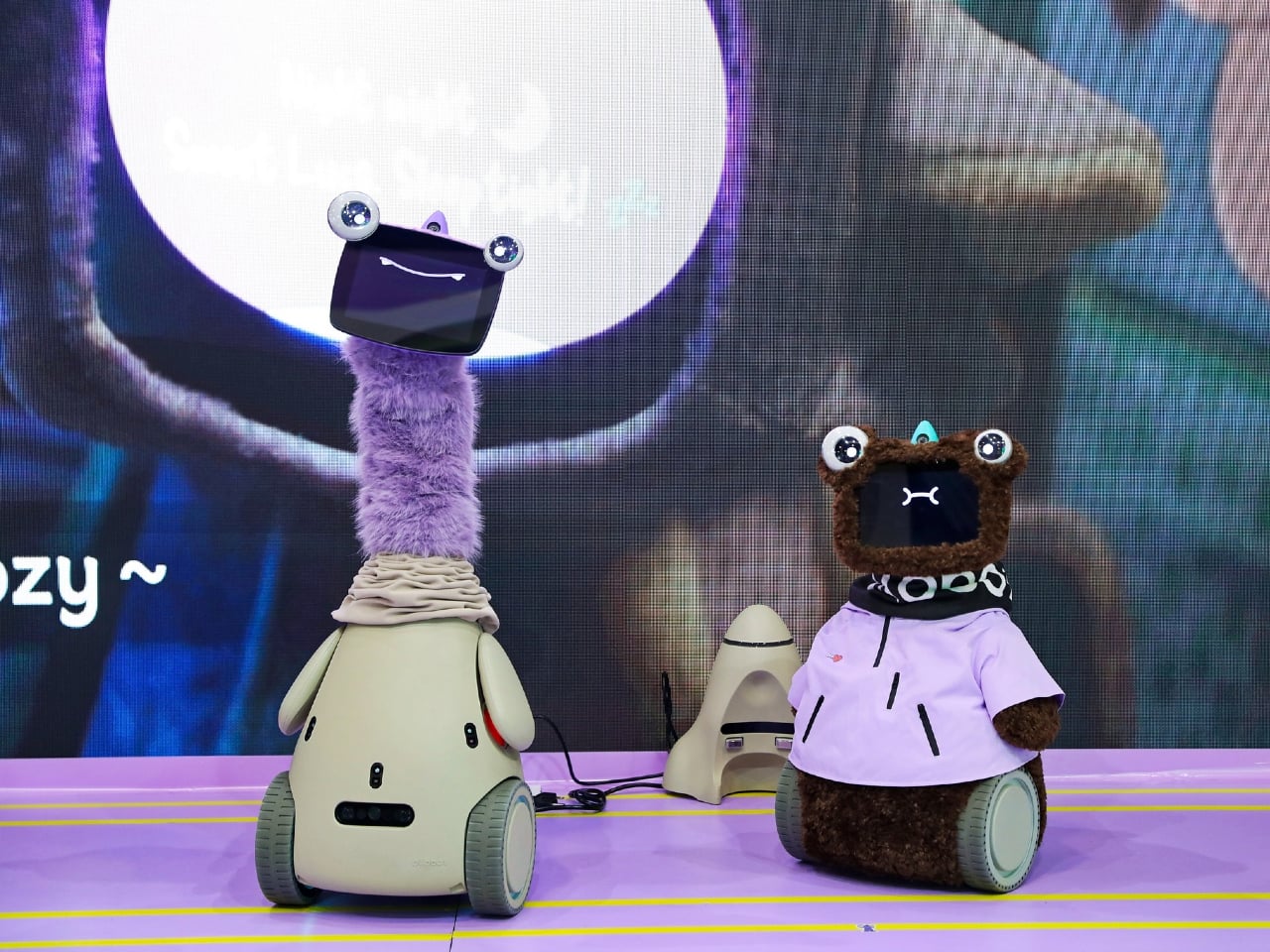
Trade shows usually reward the loudest promise in the room. Faster. Smarter. Smaller. Cheaper. Shenzhen’s Global Connect Show had plenty of that, but one image lingered longer than any spec sheet. A cyber pet named Ollobot stood beside its founder as if it belonged there, blinking at the crowd while a presentation about emotional intelligence unfolded behind it. In a sea of home tech, this was the product that behaved less like an appliance and more like a companion.
That image became a useful key for reading the rest of the event. Yanko Design attended GCS Shenzhen 2026 expecting to see the usual future-home playbook, AI family hubs, robotic lawn care, spatial scanning, smart personal care. Those products were all there. What changed was the framing. Again and again, founders described their devices in emotional terms, selling comfort, reassurance, confidence, and family harmony with the same urgency that hardware brands once reserved for raw utility. GCS itself was built for that kind of storytelling, a curated Shenzhen showcase designed to connect globally ambitious brands with international media, editors, and partners in a more focused setting than a giant expo floor.

If you wanted a clean example of utility evolving into lifestyle design, Lymow made the case better than anyone. Co-founder Charles Lee opened with a blunt question about why robotic mowers still struggle once they leave the brochure and meet actual grass, uneven terrain, slopes, and the chaotic reality of a lived-in yard. That framing mattered. Lymow was not selling lawn care as novelty. It was selling competence.
The appeal of the Lymow One Plus sits in what it gives back. A mower that can handle difficult grass types, navigate complex terrain, and work through multiple zones promises something quietly luxurious, a weekend that stays yours. Smart home brands used to pitch automation as technical progress. Lymow pitches it as a better relationship with your own home. The dream here is simple and deeply relatable: coffee in the yard instead of labor in the yard.
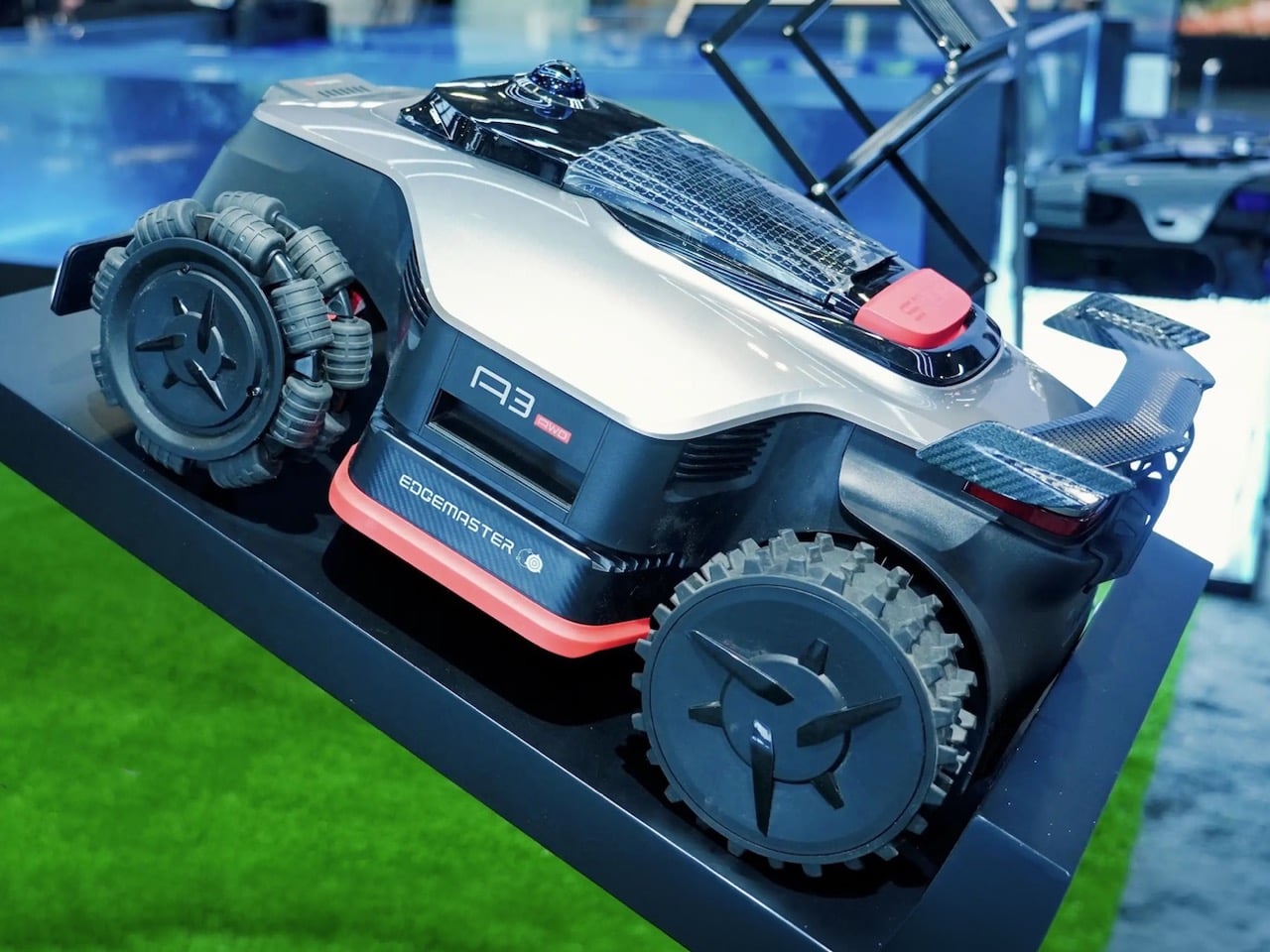
Dreame’s presence pushed that same idea further into full ecosystem territory. The company is already well known for indoor smart cleaning, but its outdoor ambitions are where things start to get interesting. The Roboticmower A3 AWD Pro was framed as part of a broader whole-home system, one that extends the logic of autonomy from your floors to your garden.
That shift changes the emotional reading of the category. A mower with LiDAR, AI vision, anti-theft features, and always-on awareness sounds impressive on paper, but the deeper promise is environmental calm. The yard becomes one less unmanaged edge of domestic life. Dreame’s concept work, especially the idea of a mower that could eventually interact with obstacles and assist with yard upkeep in more embodied ways, hints at where this goes next. The smart yard is starting to look less like a single appliance category and more like a robotic layer around the home itself.
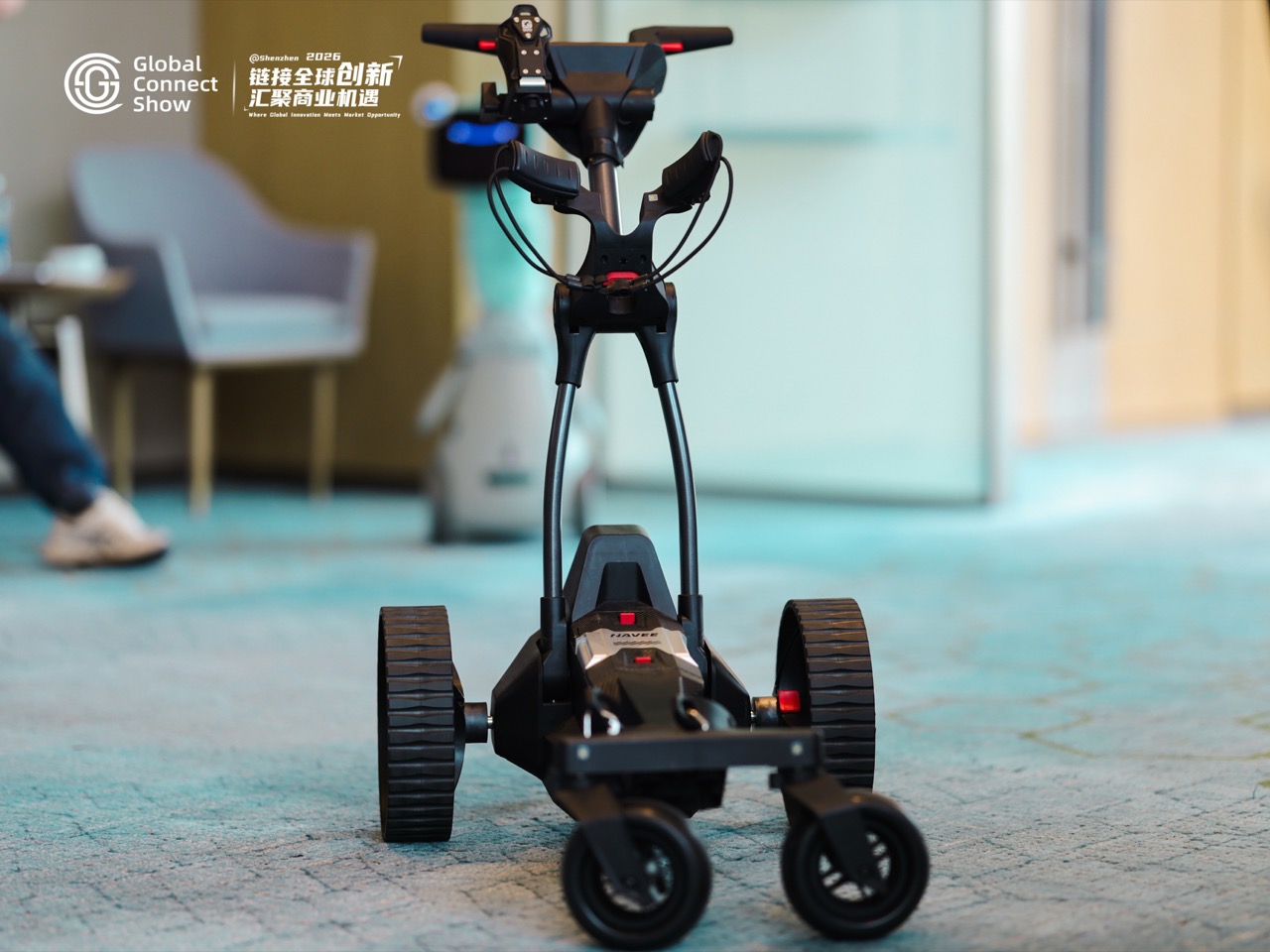
NAVEE’s electric golf push carts may seem slightly outside the article’s home-tech orbit, but they belong here for one reason: they show how emotional design is spreading into every corner of lifestyle hardware. The Birdie 3 and Birdie 3X were presented as compact, capable companions for the golf course, with features built around reducing friction during play.
That sounds minor until you think about what luxury often looks like in 2026. It is not always excess. Sometimes it is the absence of interruption. A cart that follows you, assists on inclines, and removes physical hassle from the round allows the player to stay mentally inside the experience. This is the same emotional logic driving the best home products right now. Great hardware increasingly succeeds when it fades into the background and leaves a cleaner emotional foreground behind.

Cozyla was one of the clearest examples of a familiar smart home category being repositioned through feeling. The founder’s setup was instantly recognizable: rushed mornings, forgotten lunches, fragmented communication, children moving in different directions, adults trying to keep the day from collapsing before noon. Plenty of family dashboards have tried to solve that problem. Cozyla’s pitch stood out because it did not stop at efficiency.
The line that landed hardest in the room was about mood. A testimonial framed the product as something that changed the emotional atmosphere of the house, not merely the schedule pinned to the wall. That is a subtle but meaningful escalation in smart home language. Once a device claims it can improve the tone of family life, it enters a more intimate contract with its users. The screen becomes part planner, part mediator, part ambient stabilizer for the household. That is a far more ambitious role than calendar sync.
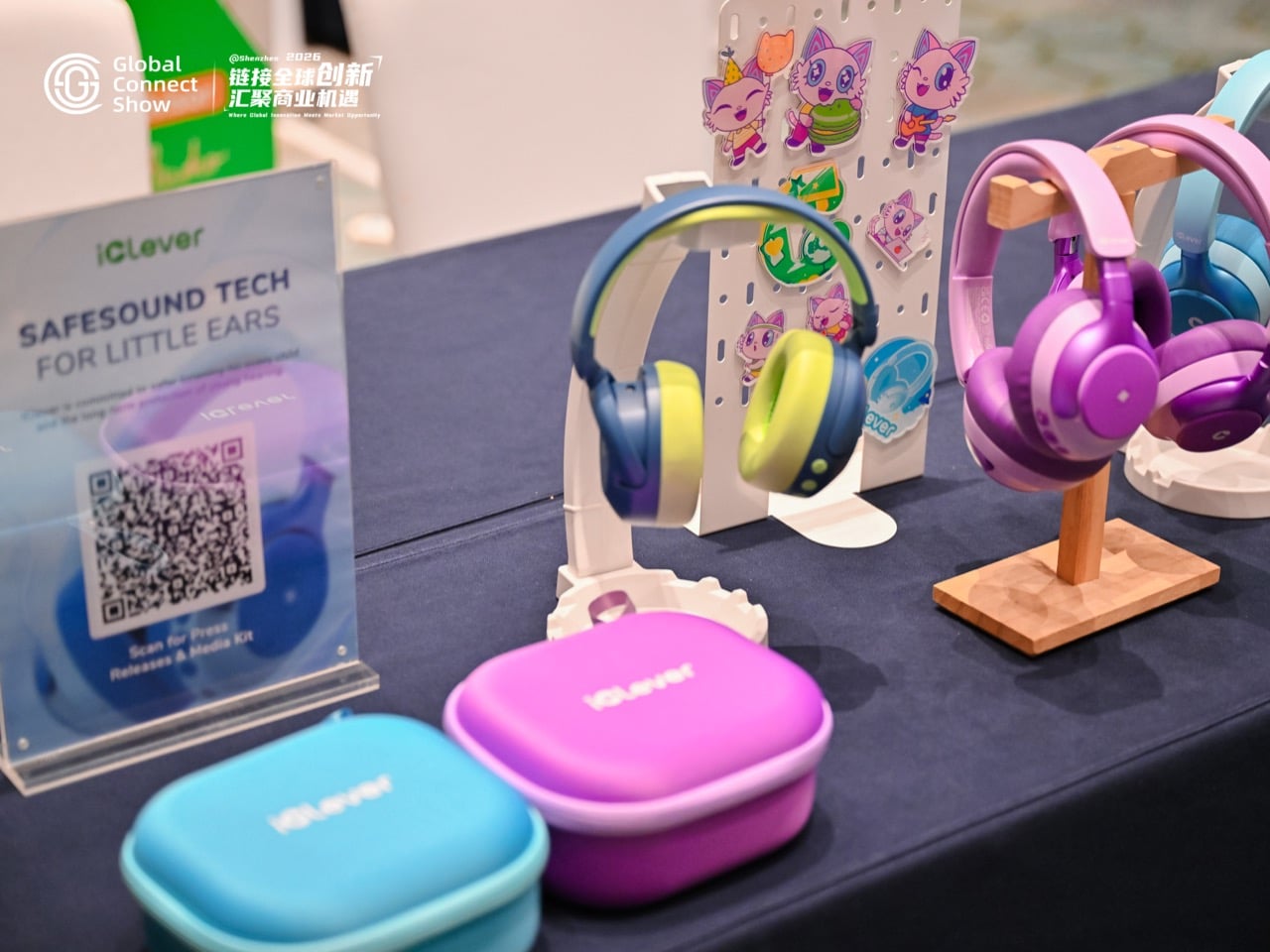
Children’s headphones are easy to dismiss as a practical category, but iClever showed why that would be a mistake. The Q950 was presented through the lens of hearing care, safe listening, and child-focused product development. On the surface, that is a straightforward wellness pitch. Underneath it sits something more emotionally resonant: parental reassurance.
That may be one of the least glamorous but most powerful forms of empathy in consumer tech. A product designed around safety communicates care before it communicates performance. Battery life, noise cancellation, and certifications matter, of course, but the emotional payload is trust. Parents buy peace of mind as much as they buy hardware. In that sense, iClever fits neatly into the broader pattern from GCS. The smartest products in the room were often the ones translating technical features into emotional relief.

Realsee brought a very different kind of intelligence to the event, one rooted in space itself. Its digital twin platform can scan real environments and turn them into immersive 3D experiences that people can walk through remotely. The demo on site made the technology feel less like documentation and more like spatial publishing. A place becomes something you can revisit, present, share, and preserve.
That has obvious commercial applications in real estate, retail, architecture, and tourism, but it also expands the definition of what a home can be in digital form. A house stops being just shelter and starts becoming an experience layer, a navigable archive of how a place looked, felt, and was arranged at a particular moment in time. There is something emotionally charged about that. Once domestic space can be captured with this level of permanence and fidelity, the home becomes part memory object, part media asset, part data structure. Realsee may be selling scans, but the subtext is preservation.
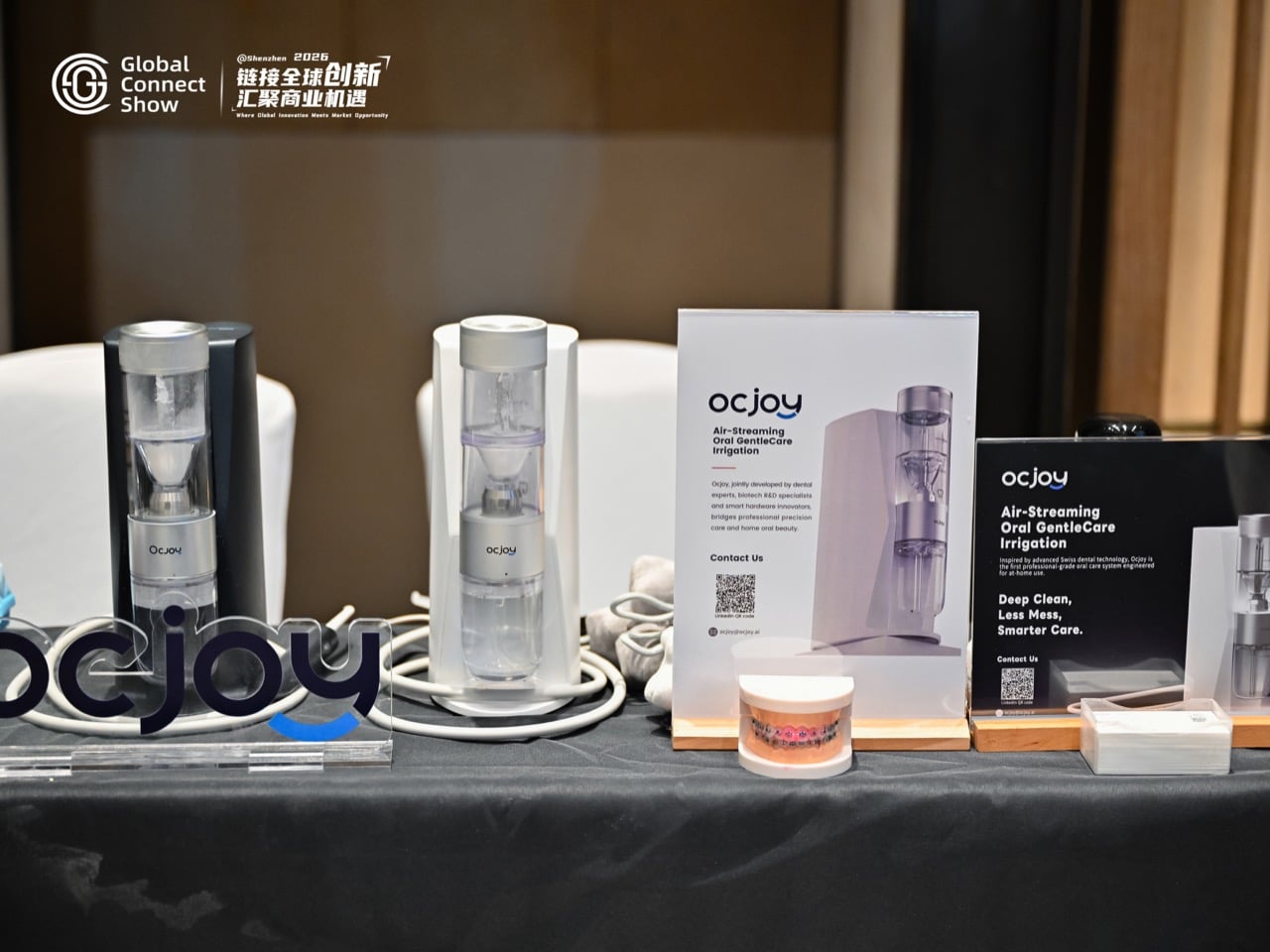
Few categories feel more clinically trapped than oral care. Most brands still speak in the language of plaque, whitening, sensitivity, and dentist-approved outcomes. Ocjoy took a different route. Its presentation focused on comfort, gentleness, and the emotional state attached to daily self-care. The most memorable line of the evening was not about performance metrics. It was about those two minutes before leaving the house and how that ritual should feel.
That reframing matters because it moves oral care out of the correction mindset and into the confidence mindset. The category has spent years talking like a clinic. Ocjoy talks like a lifestyle brand with an unusually intimate understanding of vulnerability. The promise is not simply a cleaner mouth. It is a better emotional launch into the day. When a founder positions a hygiene routine as a source of confidence, the product stops acting like equipment and starts behaving like emotional infrastructure.
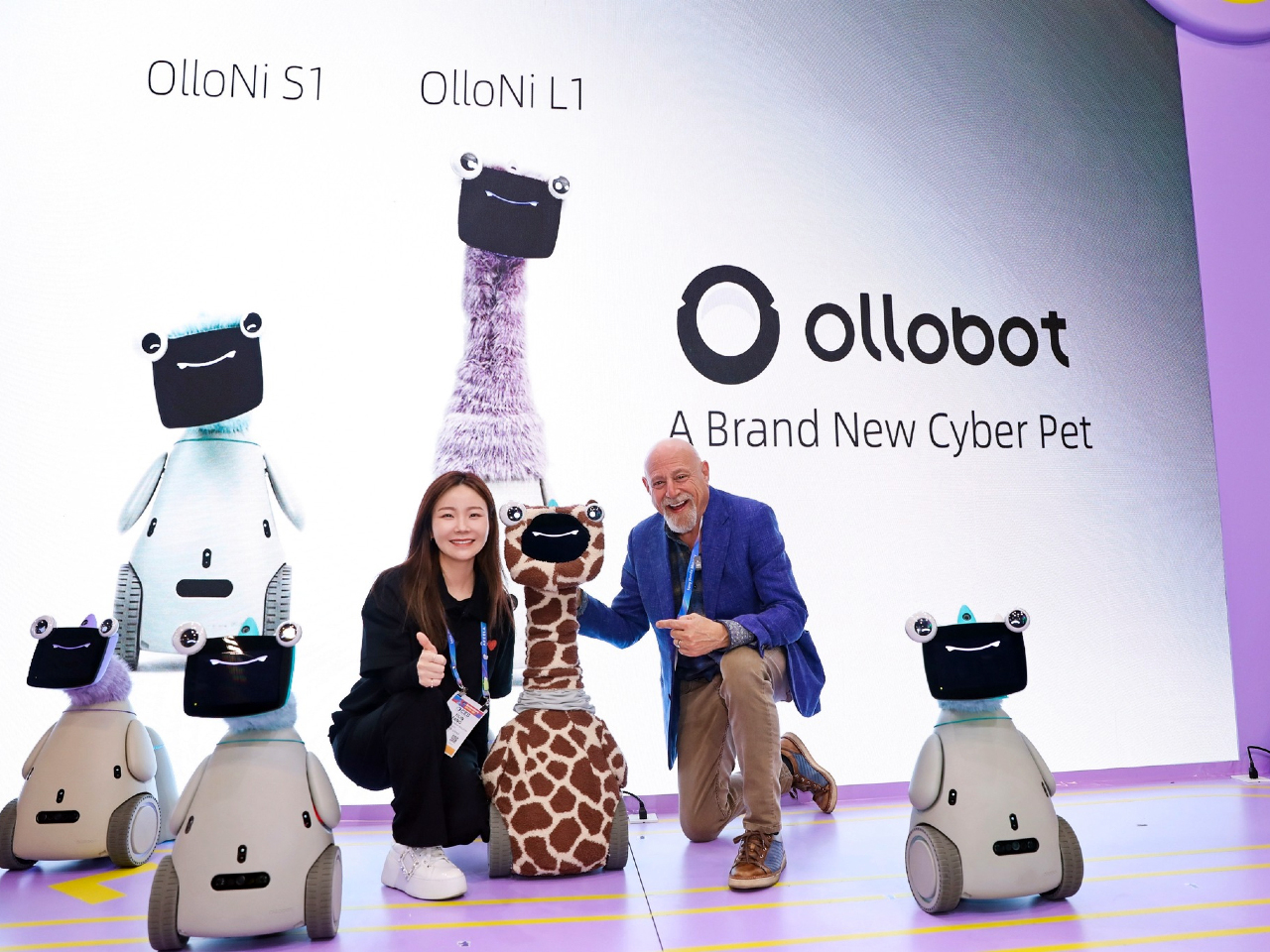
Then there was Ollobot, which felt like the entire article condensed into one physical object. The company’s cyber pet companion robot did very little to hide its intentions. This was a machine built for attachment. It was expressive, soft, almost creature-like, and explicitly framed as something that grows with a family over time. In a product landscape obsessed with doing, Ollobot was interested in being there.
That distinction is what made it so compelling. The company described emotional sensing, long-term memory, and a model of companionship shaped by repeated interaction. Even the idea that the robot’s memories could survive hardware failure, preserving continuity across bodies, suggests a design philosophy centered on relationship rather than replacement. That is a startling proposition for home tech. We are used to devices becoming obsolete. Ollobot imagines a household object whose value compounds through emotional history.
It also raises the biggest question hovering over this entire trend. What happens when the devices in our homes become fluent in feeling? A robot that remembers your face, senses your mood, and develops a unique personality over time can sound comforting, even beautiful. It can also sound like the most persuasive surveillance object ever designed. Empathy, after all, is a form of access.

Seen individually, these products occupy very different categories. Lawn care, golf accessories, family dashboards, children’s audio, digital twins, oral care, companion robotics. Seen together, they reveal a new competitive terrain. Features still matter. Performance still matters. Design still matters. But the strongest brands at GCS were reaching for something harder to quantify and easier to feel.
They were selling a home life with less friction and a better emotional texture. Calm instead of chaos. Confidence instead of routine dread. Presence instead of passive automation. Relief instead of one more task. That does not mean the smart home has become soft. If anything, it has become more sophisticated in the way it frames value. The next generation of domestic technology wants to be welcomed, trusted, and emotionally legible.
That is why Ollobot felt so important. It made visible what other brands were still expressing in subtler ways. The home is no longer simply getting smarter. It is getting more attuned to the people inside it, their moods, their rituals, their anxieties, their desire for time back, and their hunger for a domestic life that feels smoother on the inside.
Whether that future sounds comforting or invasive depends on your tolerance for intimacy from machines. Either way, Shenzhen made one thing clear. The smartest home products of 2026 are no longer competing only on what they do. They are competing on how they make you feel.
The post The Smart Home Trend of 2026 Is Surprisingly “Emotional Intelligence” first appeared on Yanko Design.
Smart home devices have gotten remarkably good at answering questions and playing music, but they’ve always had one big limitation: they stay put. A speaker on the kitchen counter can’t check on an elderly parent who hasn’t moved in hours, or trail a curious toddler around the house. For families trying to stay connected and keep everyone safe, that gap has always been difficult to bridge.
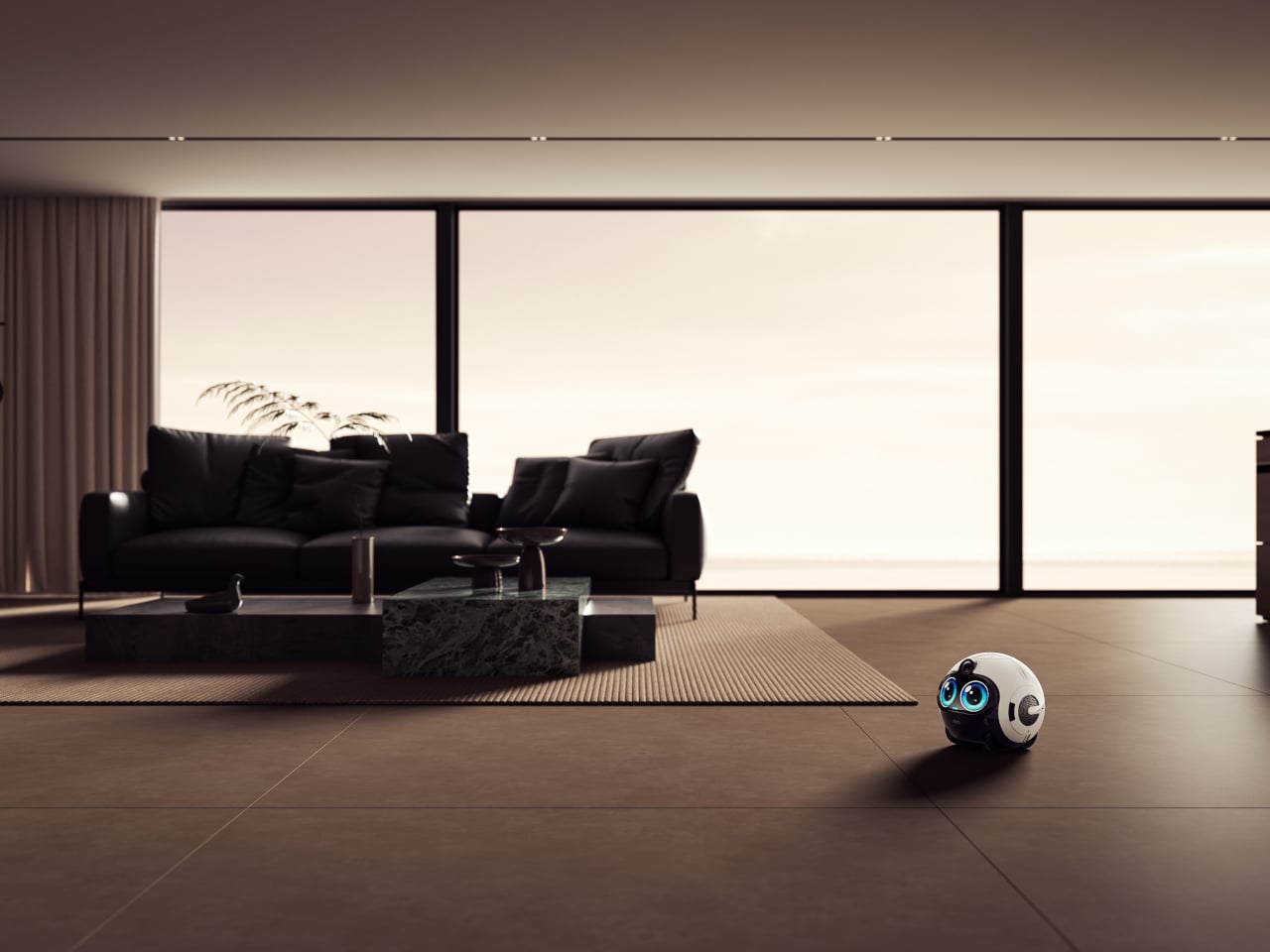
Enabot’s EBO Max FamilyBot takes a completely different approach. It’s a compact, round-bodied robot roughly the size of a football, with expressive oversized eyes and the ability to roll independently through every room of your home. Rather than sitting on a shelf waiting to be spoken to, the EBO Max goes looking for the people it’s come to know, without needing to be told.
Designer: Enabot
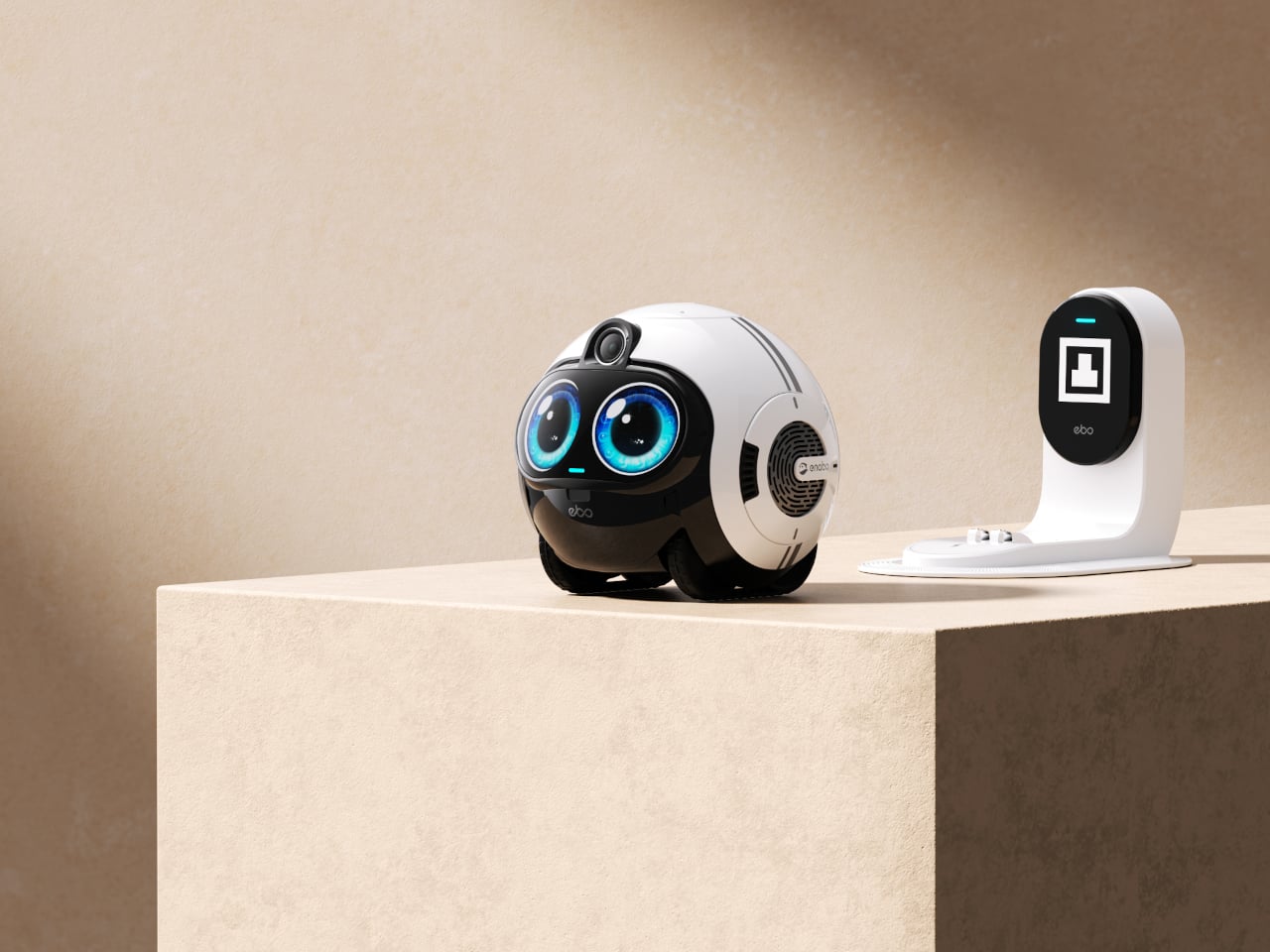
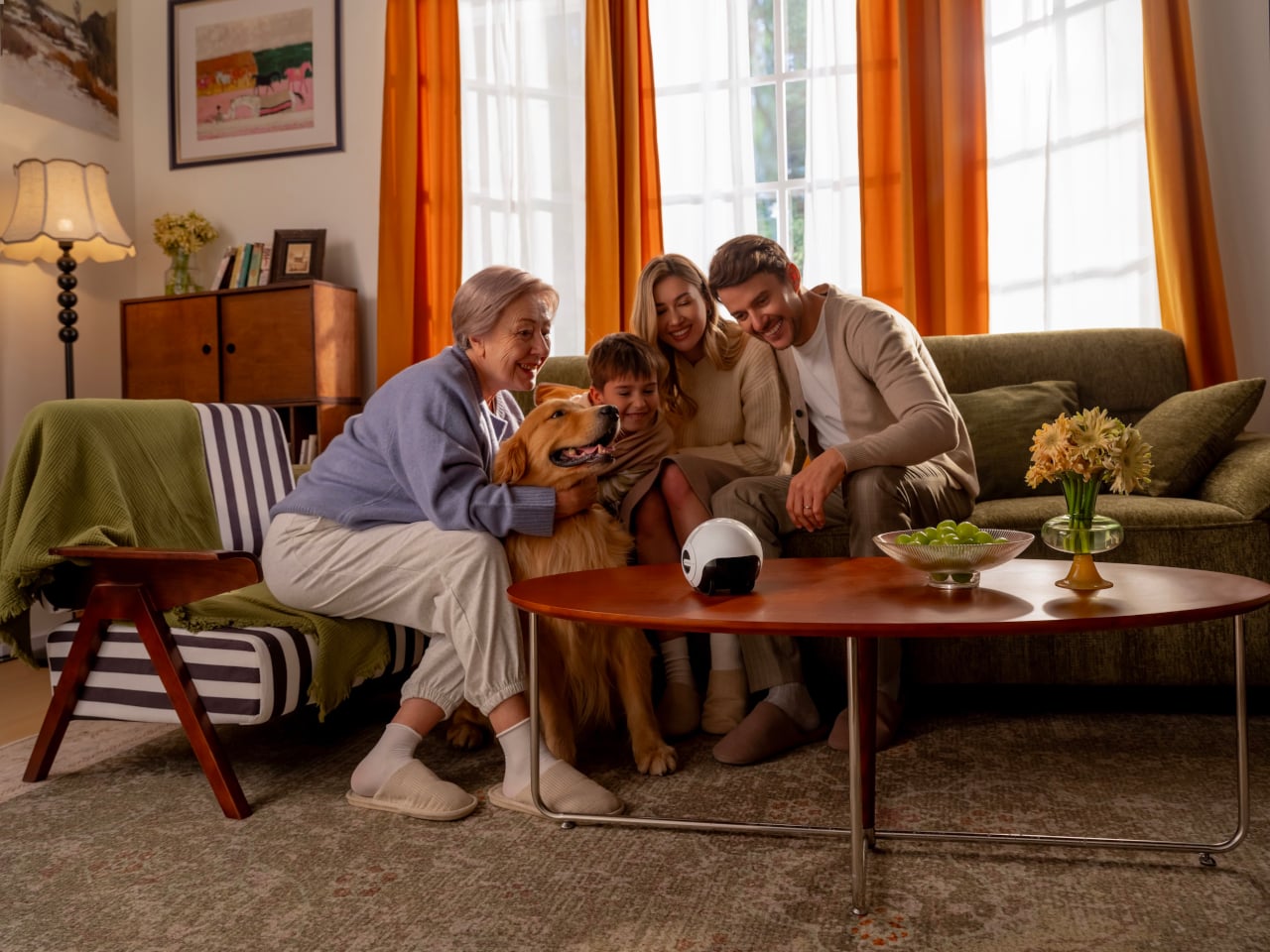
What makes the EBO Max different is its multimodal AI. Unlike the reactive AI in earlier models that only responds to direct commands and retains no memory, it processes what it sees and hears with genuine context. It recognizes family members by their faces, voices, and how they carry themselves, remembering routines and preferences, and it’s built to grow more useful the longer it stays in your home.
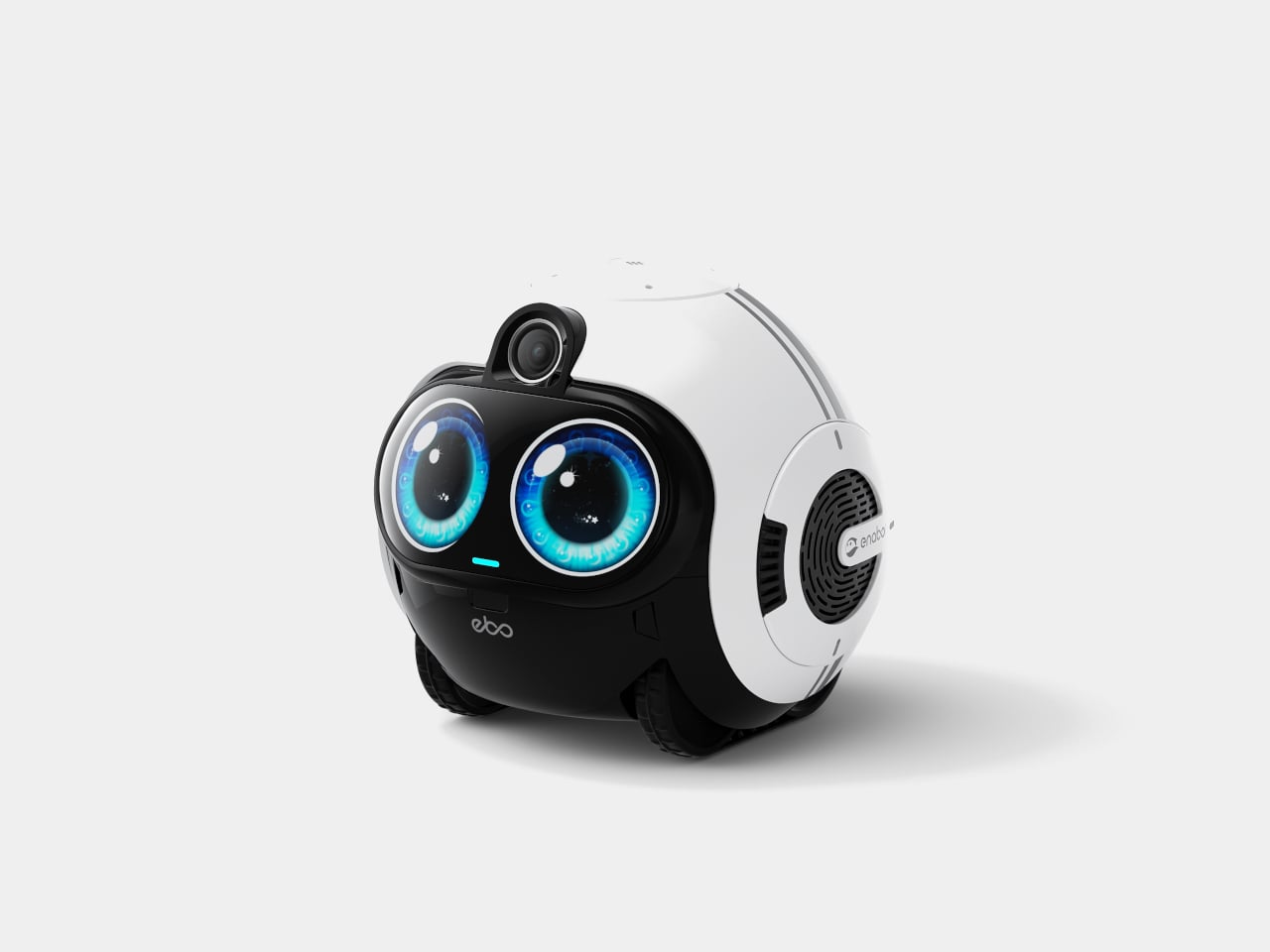
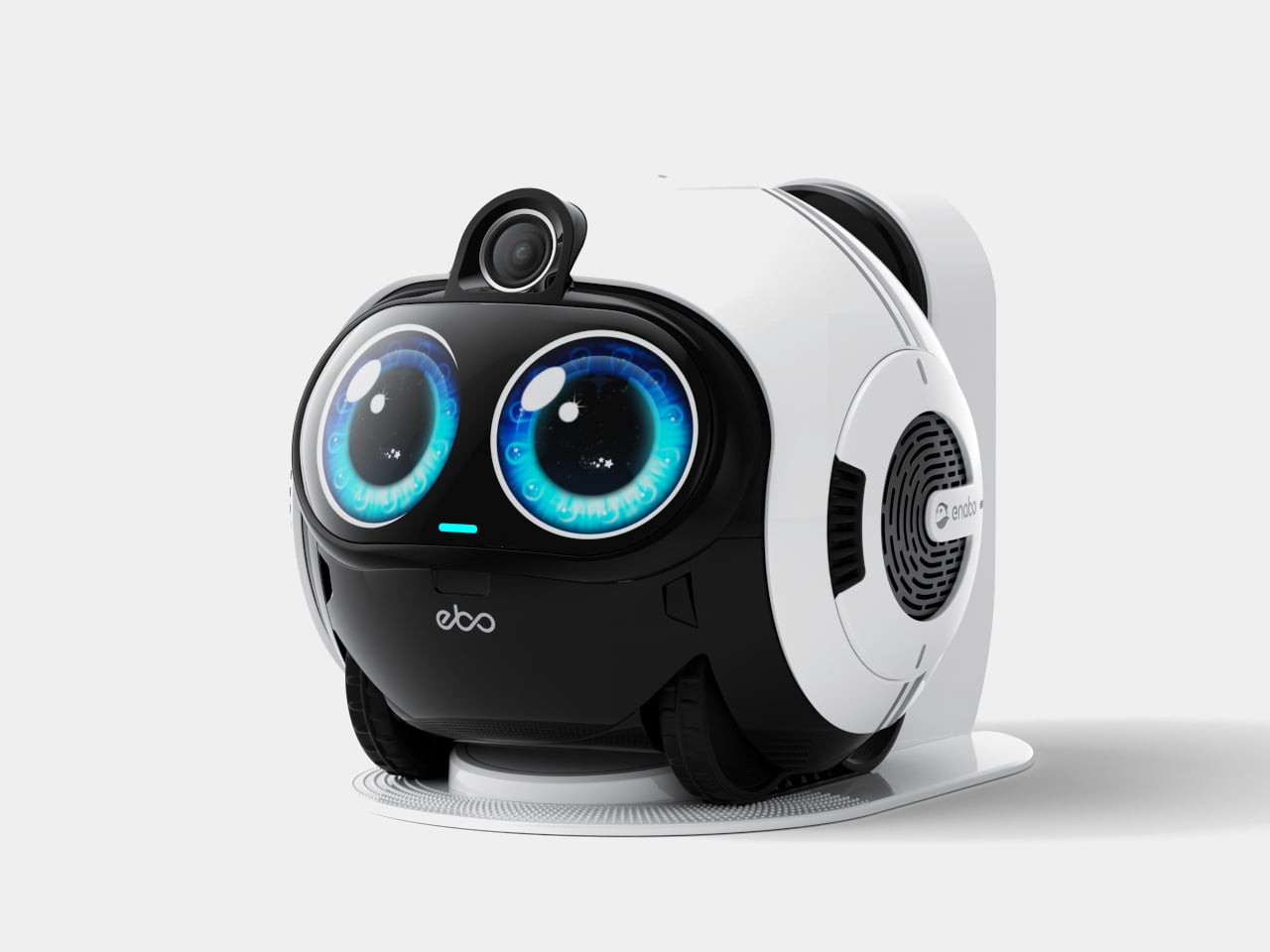
For kids, the EBO Max is something closer to a playmate than a gadget. It answers questions, joins in on simple games, and keeps children company with a curiosity that actually feels engaging. For the adults running the household, it quietly handles reminders, helps keep tabs on what’s happening at home, and keeps everyone looped in through the app without becoming another interruption in an already busy day.
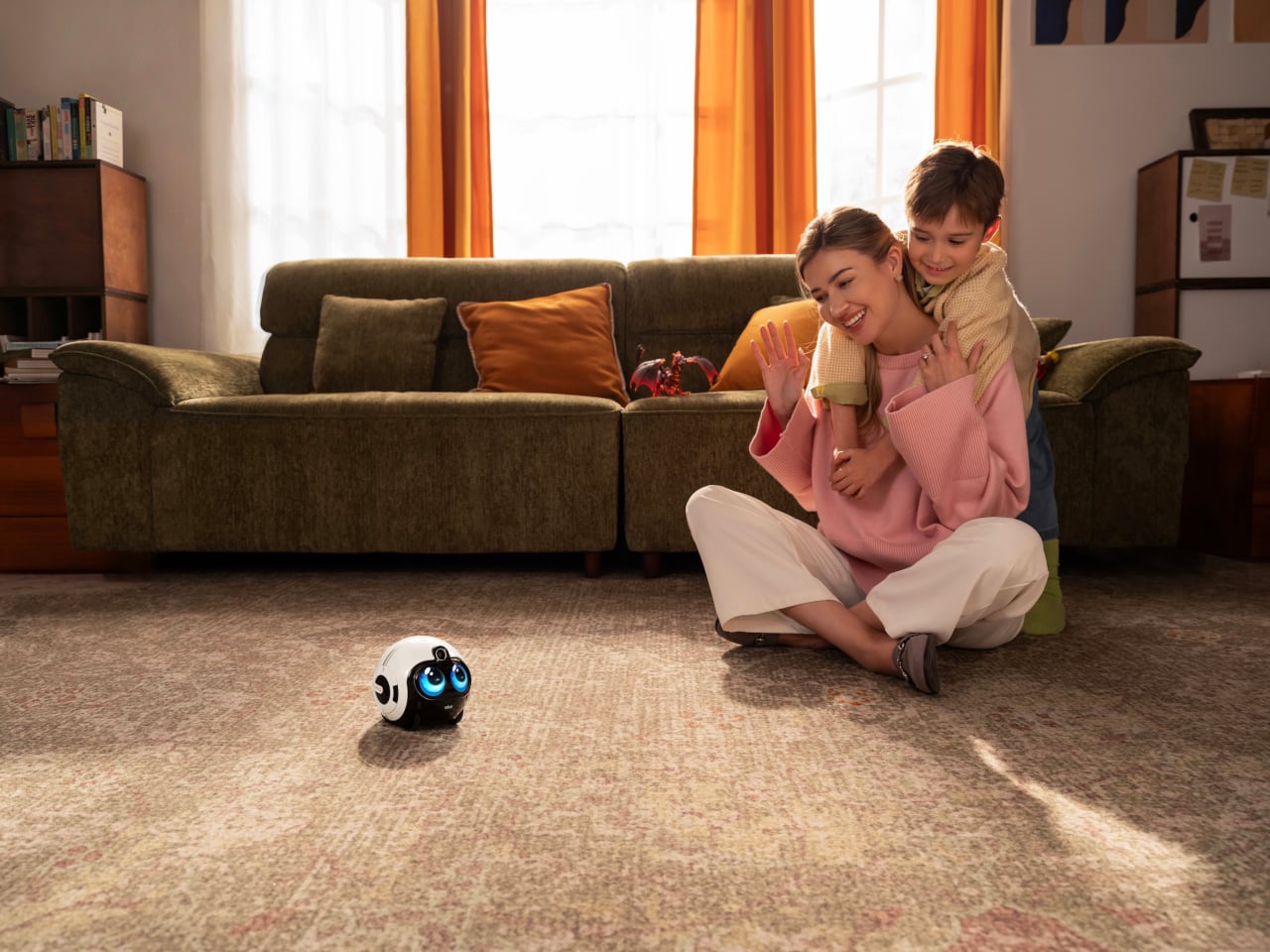
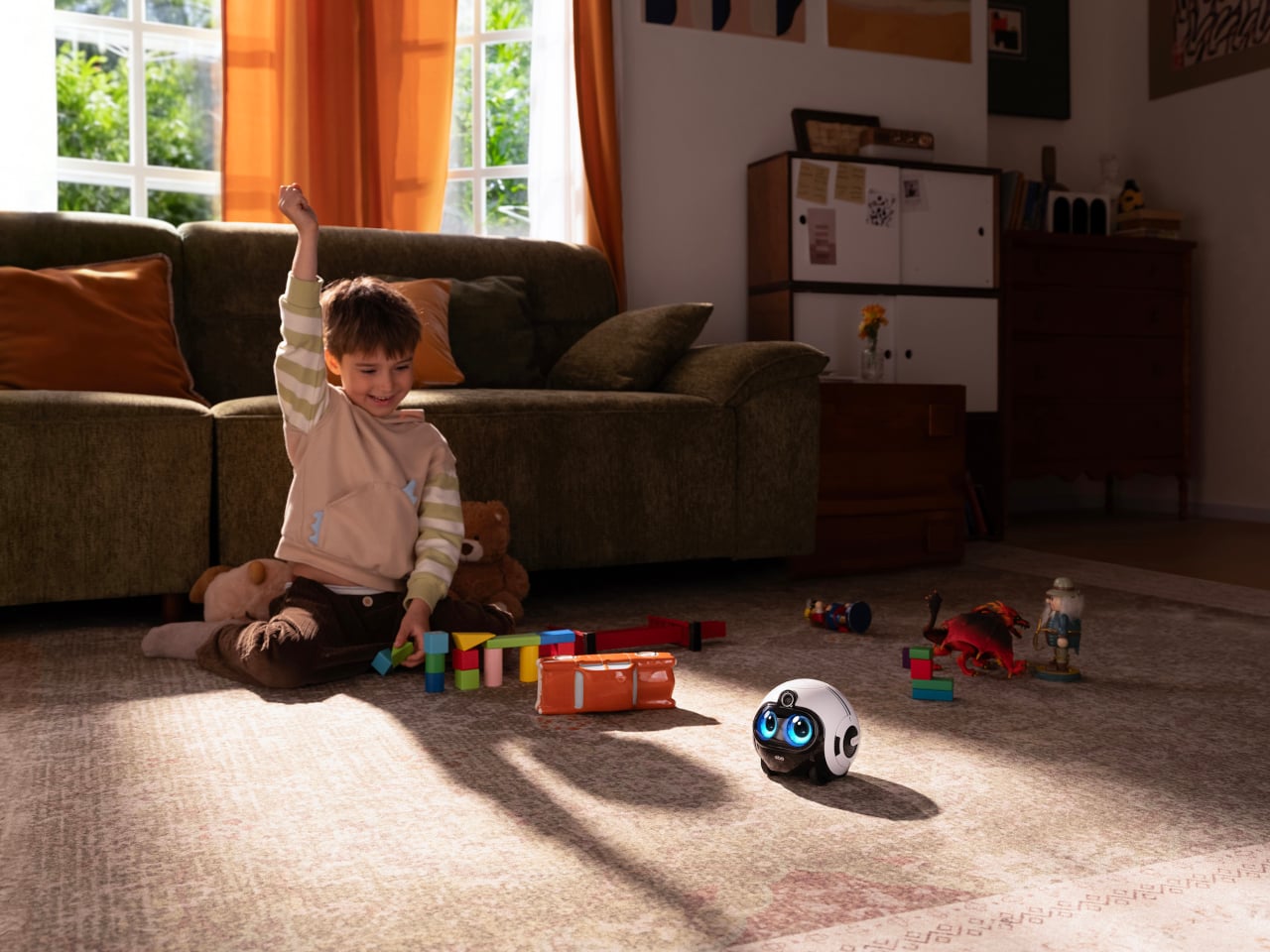
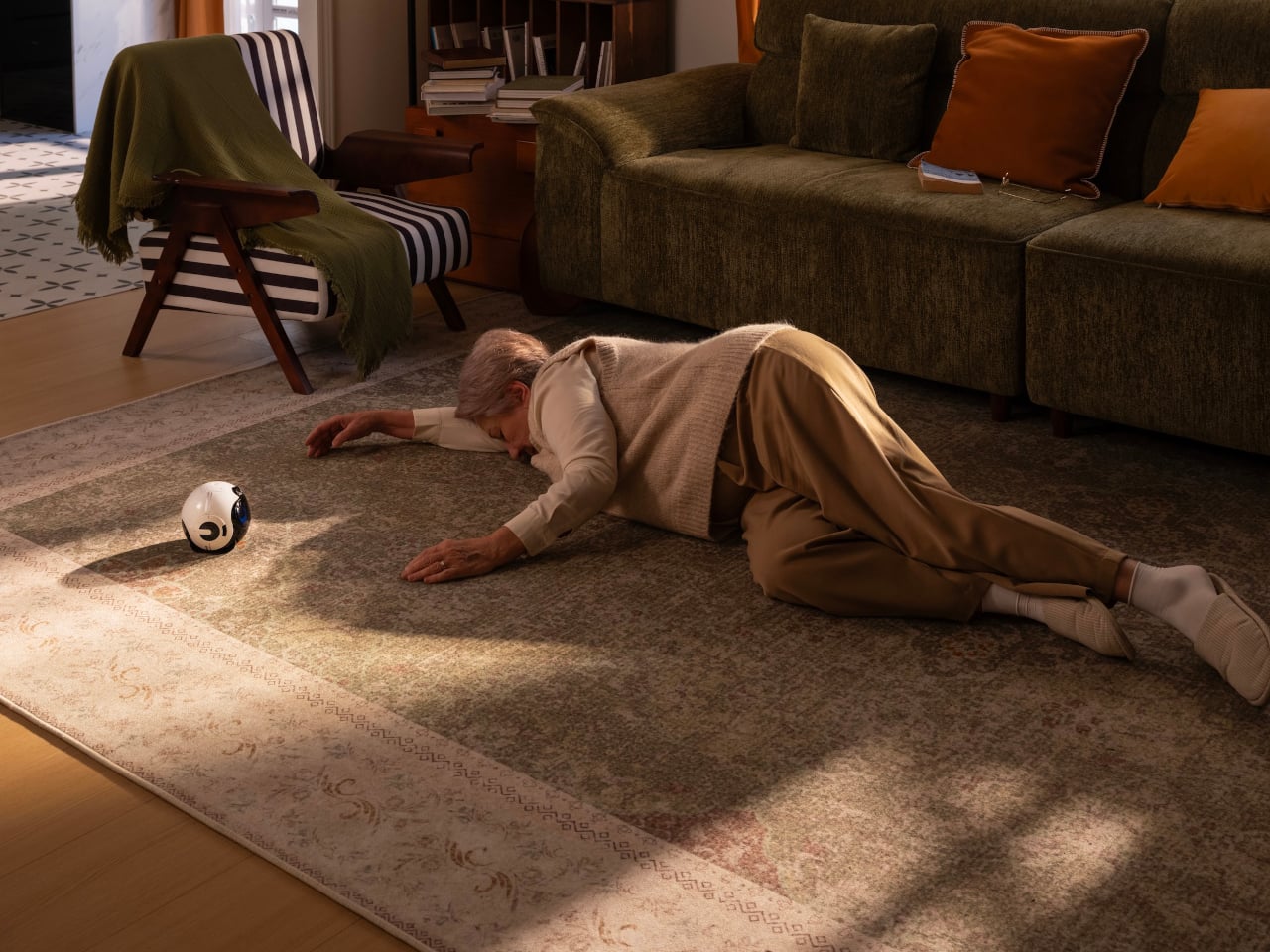
For elderly family members, it carries even more weight. The EBO Max can detect falls and instantly send alerts, which is the kind of safety net that gives everyone a little more peace of mind. It rolls over to check on them, stays close when needed, and keeps them company in a way that a fixed camera in the corner of a room simply can’t replicate.
When you’re away from home, the EBO Max keeps that connection from feeling distant. It streams 4K video through an 8MP wide-angle camera with a 131-degree field of view, so you can hop on a two-way call and actually see what’s going on. You can also direct it to specific spots around the house by voice or through the app, turning it into a mobile eye you control.
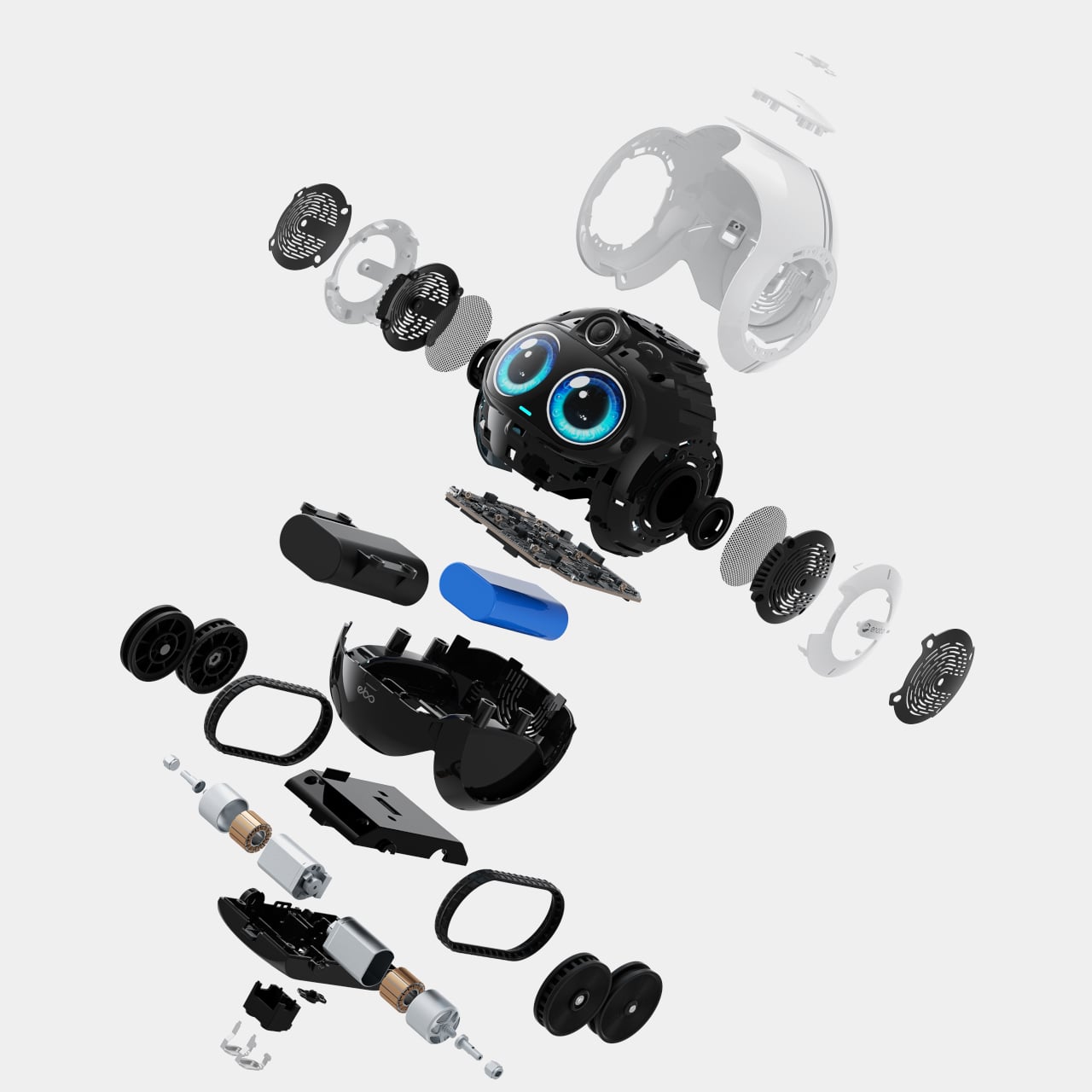
The EBO Max handles its own movement using V-SLAM navigation, a system that maps and remembers the layout of your home for more accurate positioning and smoother routes. It can patrol on a set schedule, cover the entire house on its own, or be pointed at marked spots for targeted check-ins. When the battery runs low, it finds its way back to the docking station without any prompting.
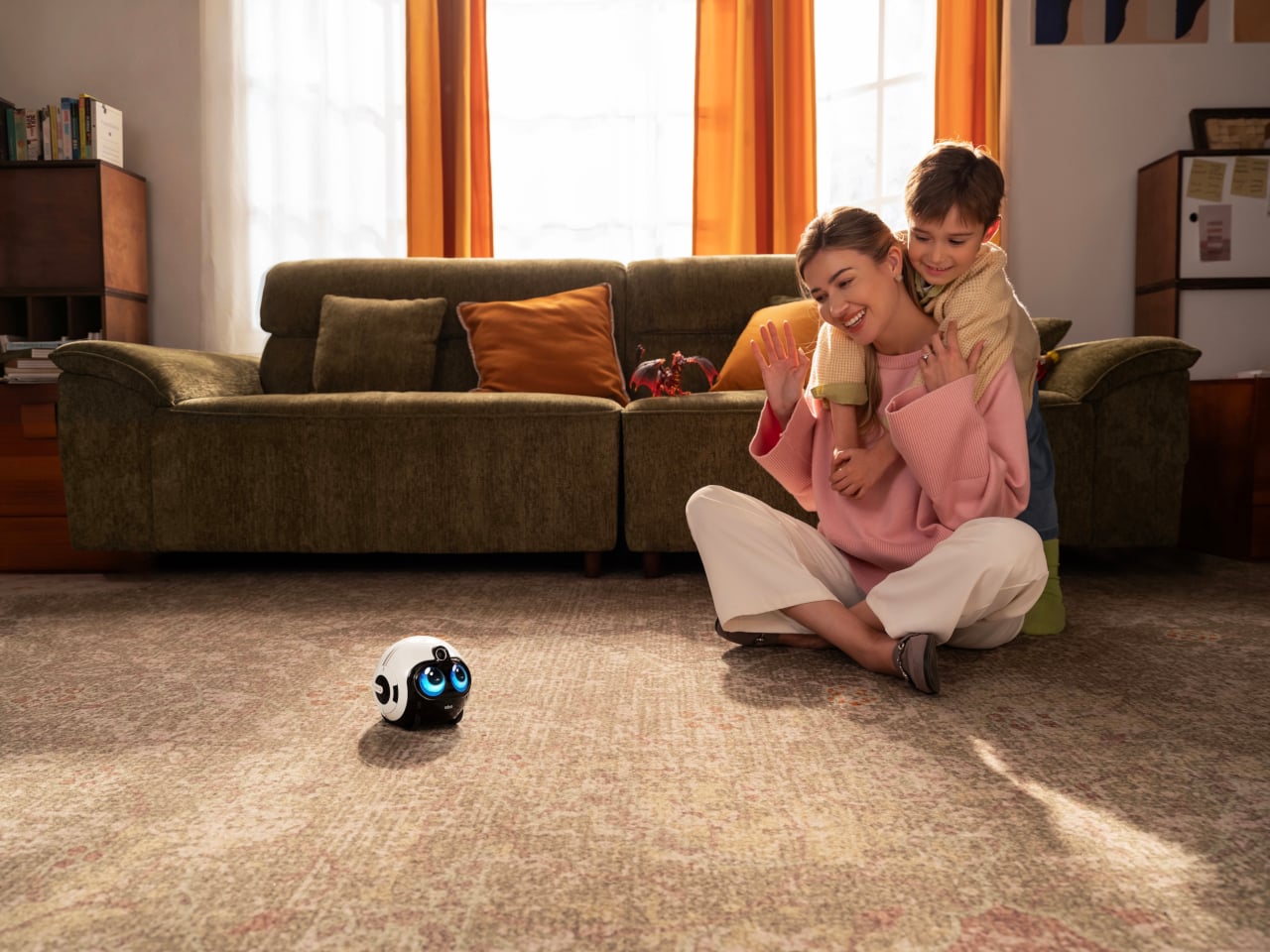
The EBO Max FamilyBot is available for pre-order at $549.99, which feels steep until you start accounting for what it replaces: separate cameras, smart speakers, and the quiet worry of not knowing what’s happening at home. It doesn’t do everything perfectly, but as an AI-powered companion that moves, learns, and actually keeps an eye out, it’s a more thoughtful answer to family care than a camera stuck to the wall.
The post A Rolling Home Robot That Recognizes Faces and Detects Falls for $549 first appeared on Yanko Design.