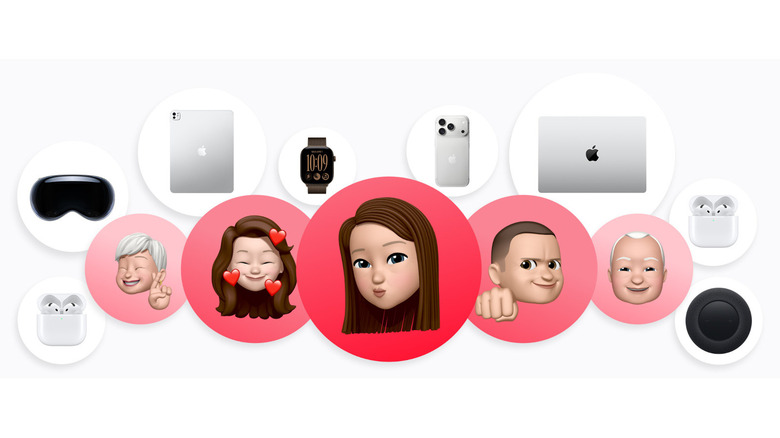
AppleCare One now has a $50 tier per month for families
AppleCareOne Family insurance will cover all eligible devices for up to six members.

Apple has unveiled the Apple Watch Ultra 4, a smartwatch designed for active individuals and those prioritizing health monitoring. Featuring the advanced S11 chip, it offers improved processing speed and multitasking. One standout feature is the Health Sensing System, which combines optical and electrical heart sensors to deliver precise heart rate tracking and a readiness […]
The post Apple Watch Ultra 4 Launches with the S11 Chip For £749 appeared first on Geeky Gadgets.

Anyone who has priced out a decent pair of noise-cancelling headphones this year has felt the sticker shock. Sony’s own flagship, the WH-1000XM6, launches at $449.99, and its wilder sibling, the 1000X The ColleXion, sits even higher. Bose isn’t cheaper. Sennheiser isn’t cheaper. The whole category has quietly drifted toward the idea that “premium” now means “$400 and up,” and a lot of people who just want good ANC for their commute or their next flight have been priced out of the conversation entirely.
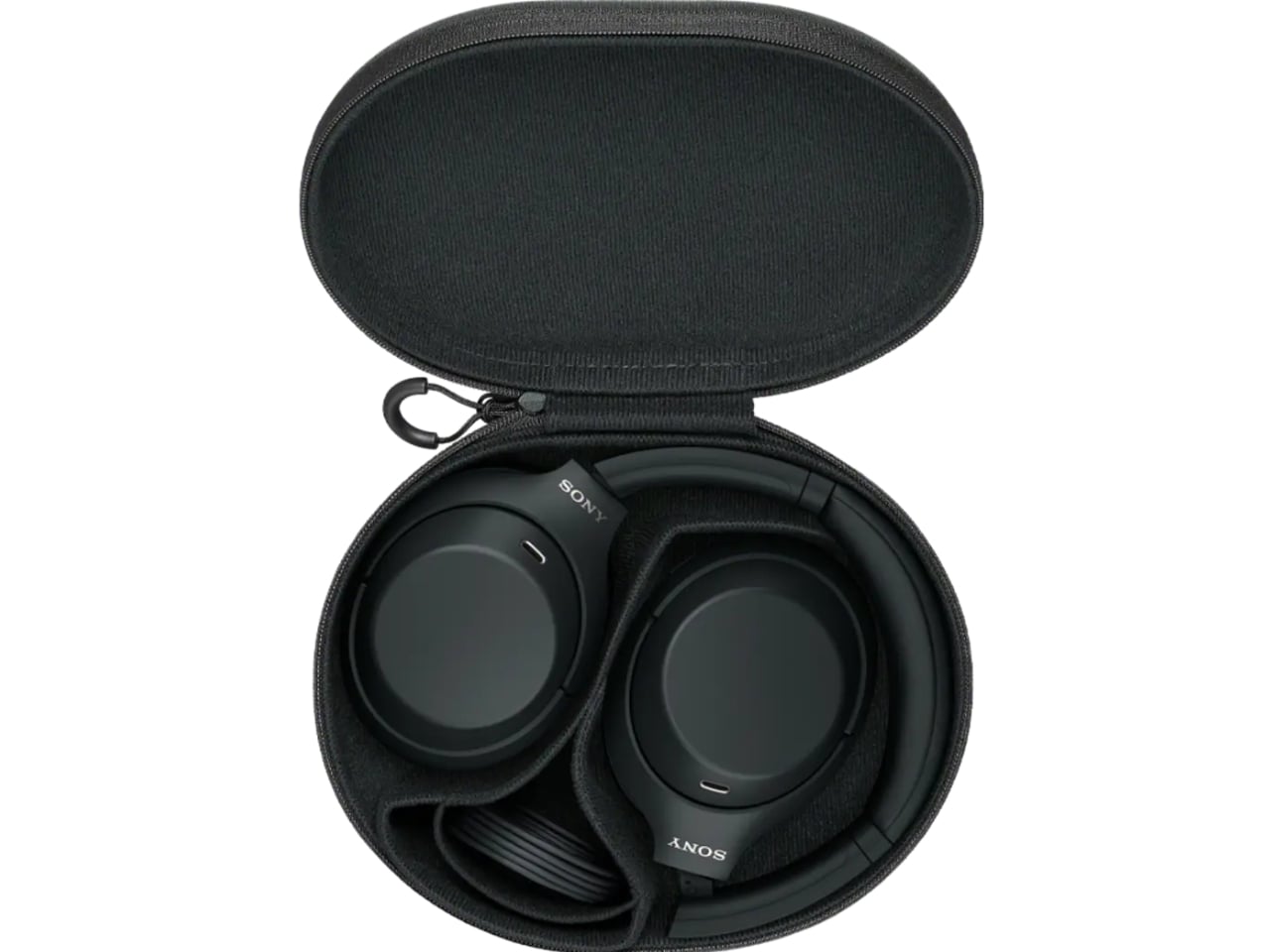
That gap is exactly what the Sony WH-1000XM4C is built to fill. Rather than chase another spec bump nobody asked for, Sony reached backward and pulled the WH-1000XM4, arguably the most decorated headphones the company has ever made, back onto shelves. It’s a strange move on paper. It’s a smart one in practice.
Designer: Sony



The original XM4 launched in 2020 at $349.99 and spent the next few years collecting best-of lists like trophies. Then Sony did what companies do: it moved on. The XM5 arrived in 2022 with a slicker profile and a bigger price tag, and the XM4 quietly slid off the roster, even as secondhand units kept trading hands and forum threads kept insisting it was still the smarter buy. That’s a telling signal. Products don’t usually get nostalgic followings this fast unless they actually solved a problem well the first time.
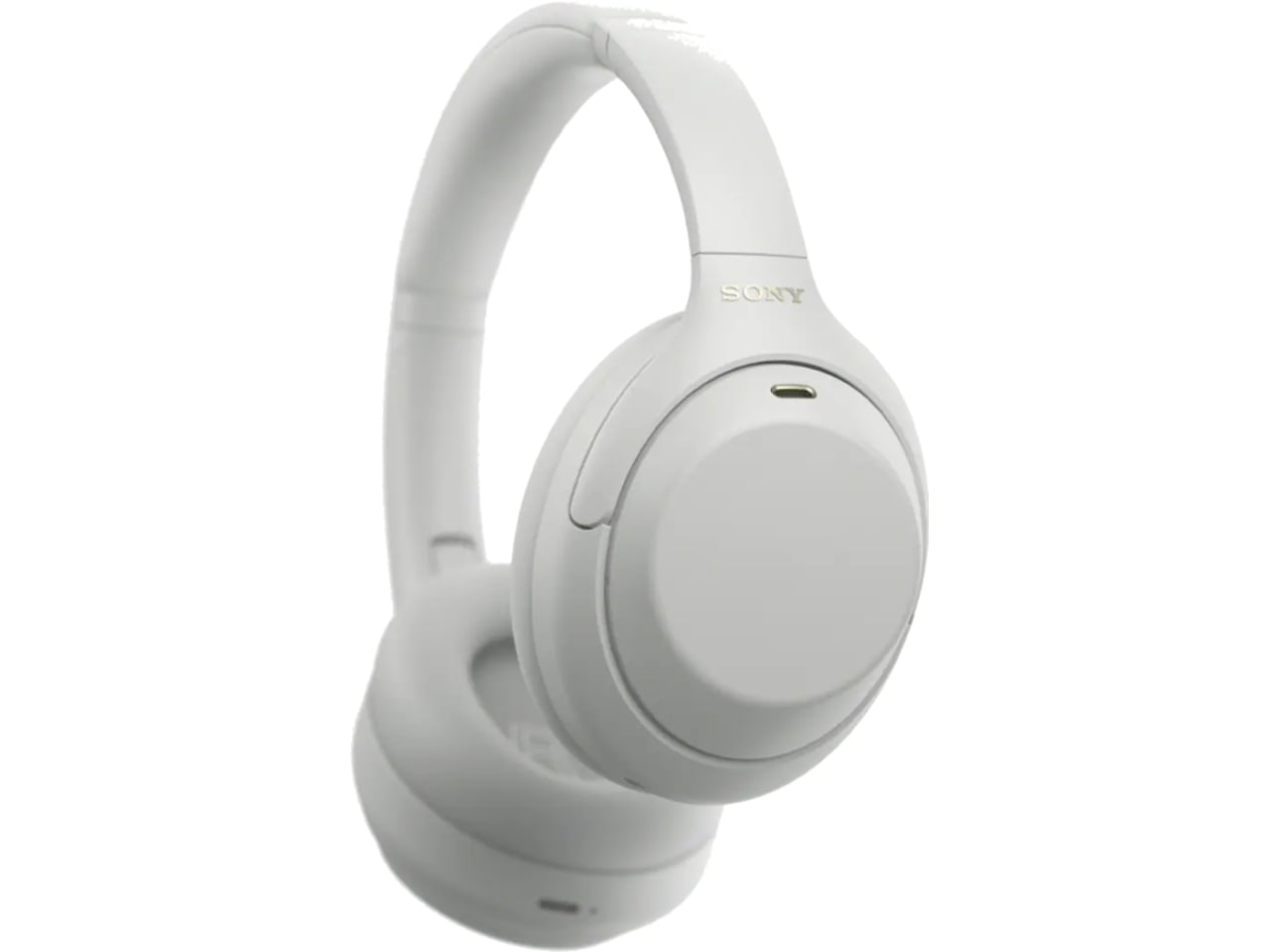
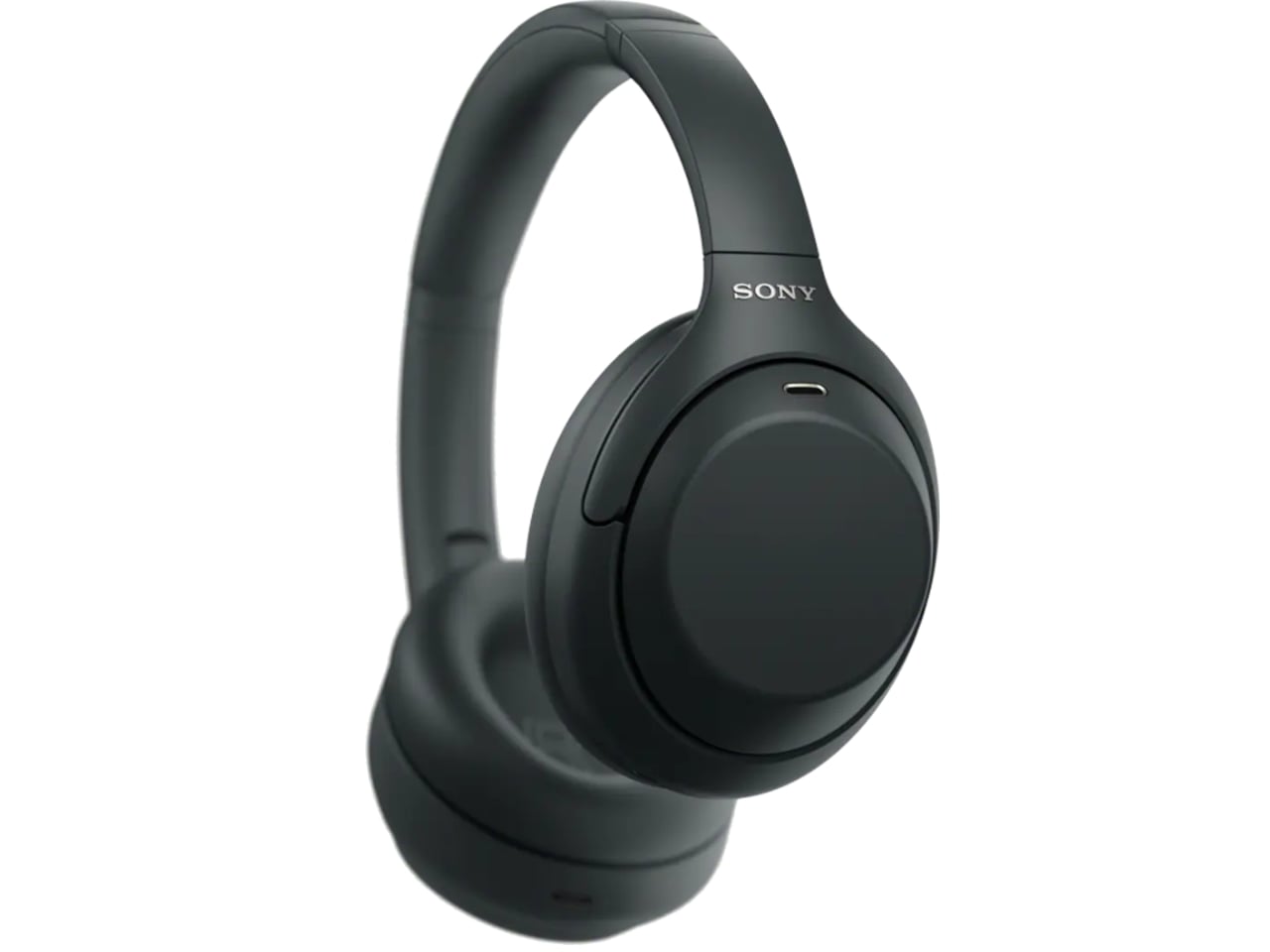
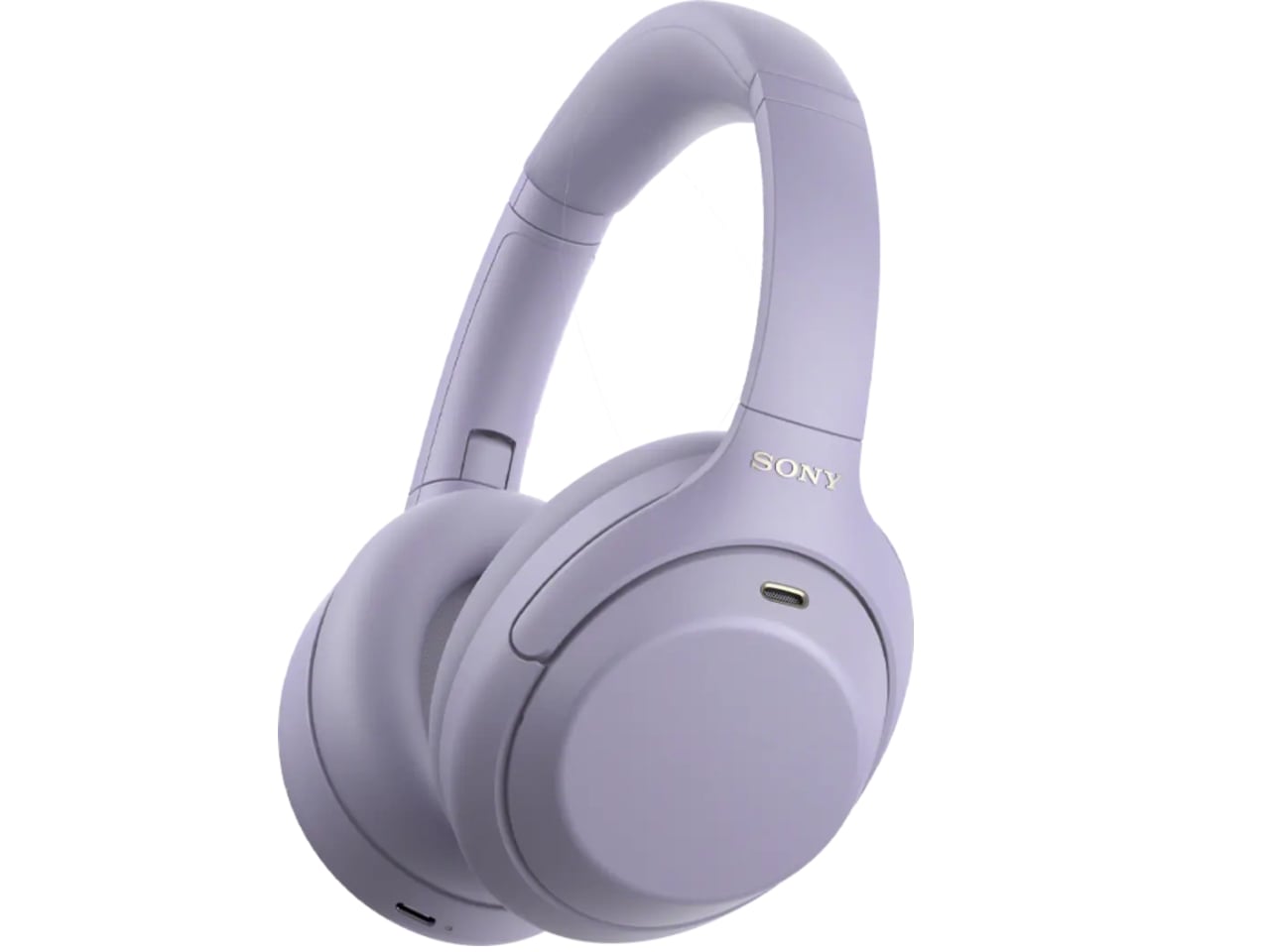
So here comes the WH-1000XM4C, essentially that same beloved design, tuned up and priced down to $299.99, a full fifty dollars less than what the XM4 cost at launch six years ago. Sony isn’t calling it a sequel or a flagship. It’s calling it what it is: the old favorite, finally made available again, minus the frustration of paying more for less.


The changes are modest, and that’s sort of the point. The equalizer jumps from five bands to ten, plus a new gaming EQ, so listeners actually get more control over their sound instead of trusting Sony’s factory tuning blindly. There’s a new Lavender colorway alongside the familiar Black and Platinum Silver, a small but welcome nod to people who don’t want their headphones to look like they were designed for a boardroom. The foldable hinge and rotating ear cups are back too, which matters more than it sounds. The XM5 abandoned that folding design entirely, and the XM6 only brought it back last year. The XM4C proves that some engineering decisions age just fine.
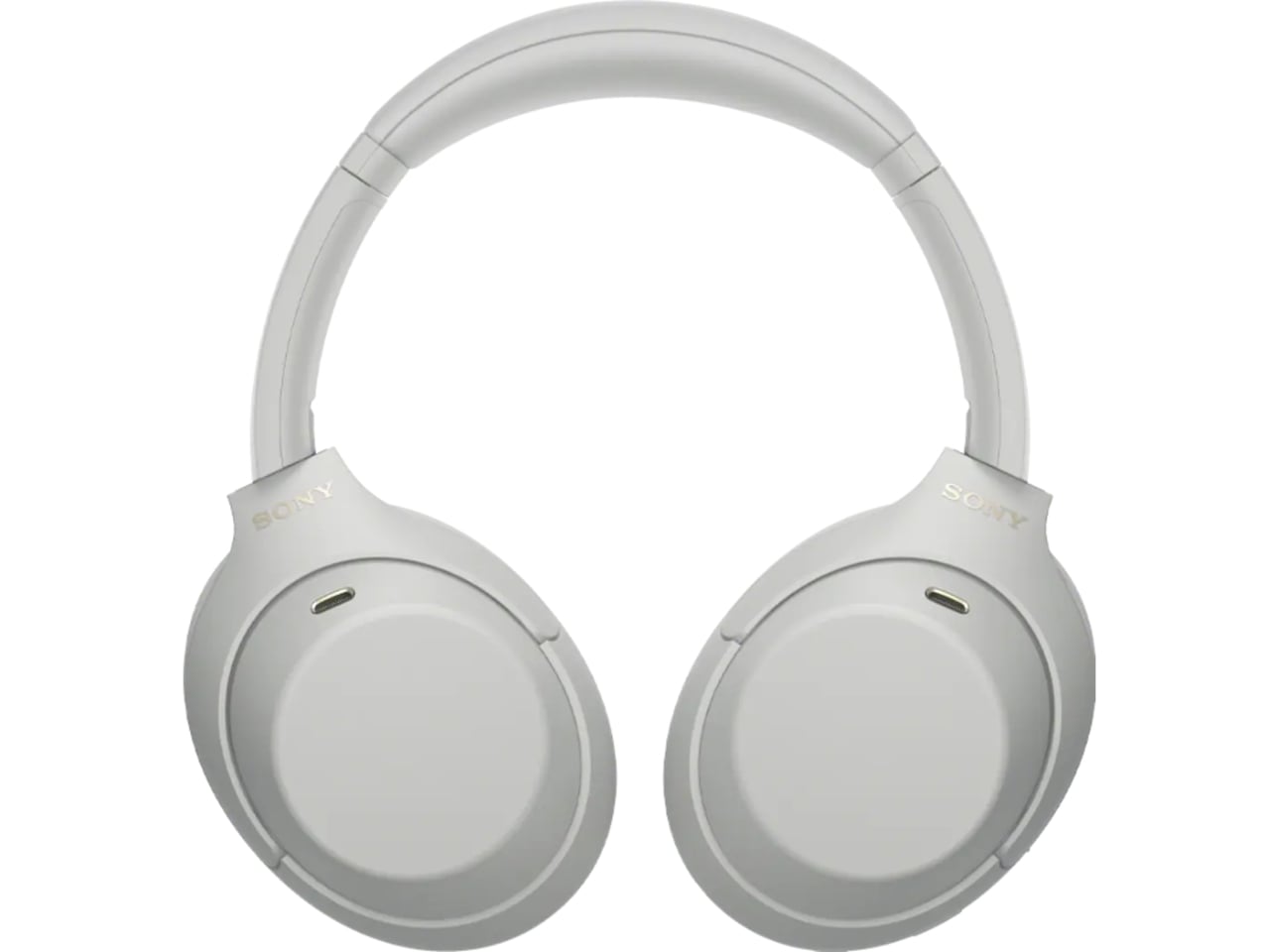
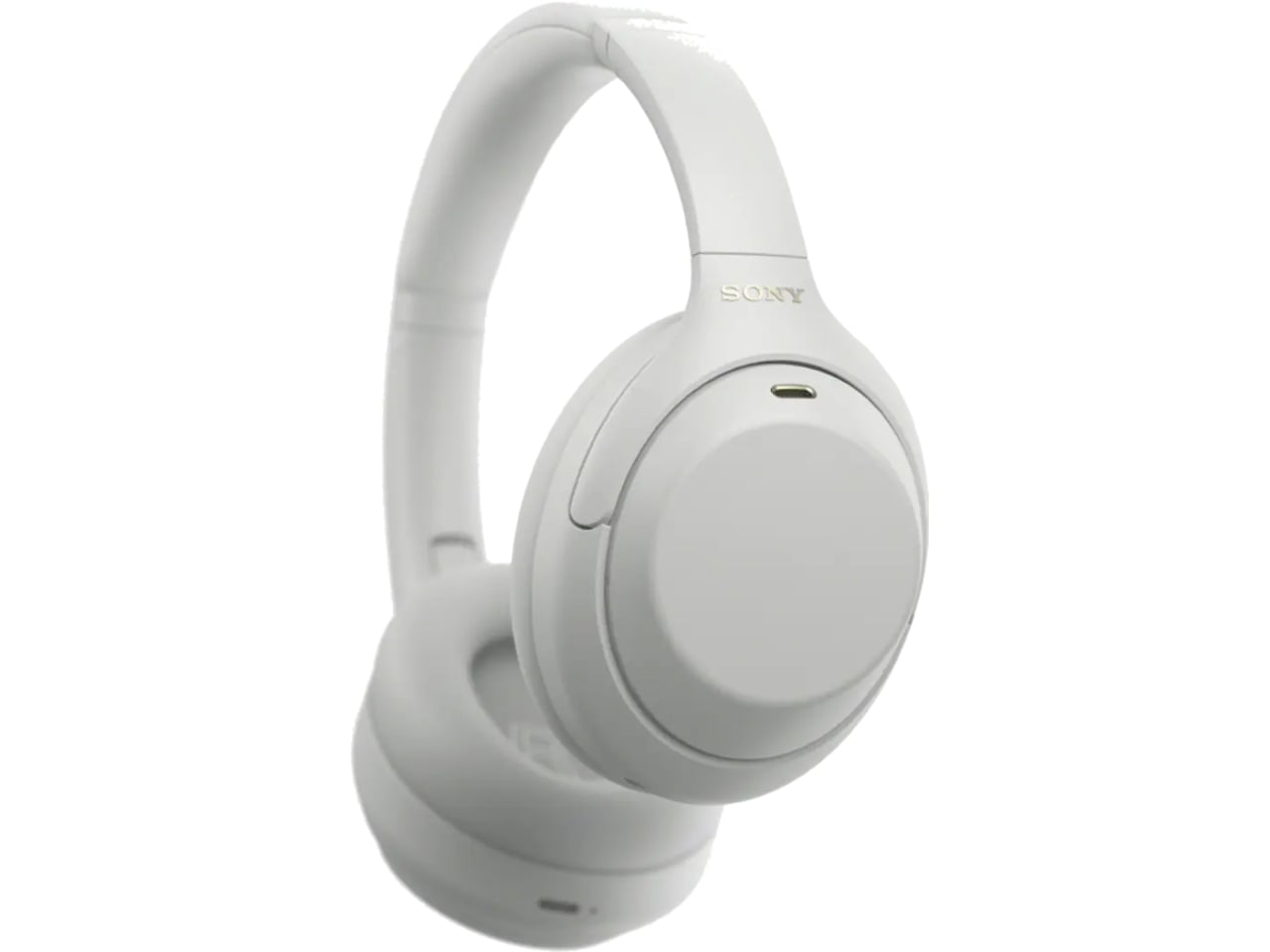
There is one real trade-off. To meet updated battery regulations, the XM4C uses a different cell, and that shaves ANC battery life from 30 hours down to 27. Sony compensates with faster charging, three minutes on the cord for a full hour of playback, which is a fair swap for most people who top up during a commute anyway.
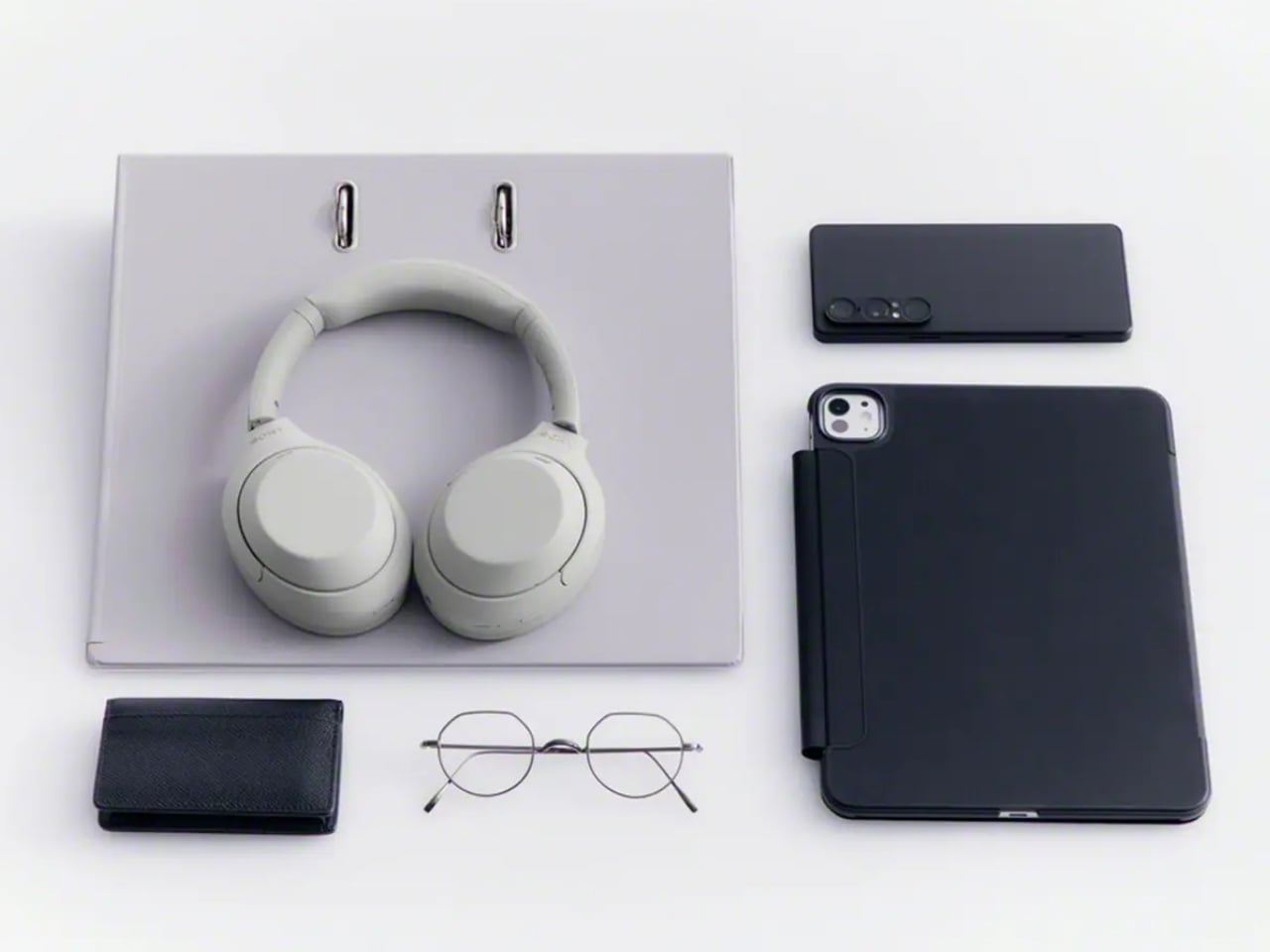
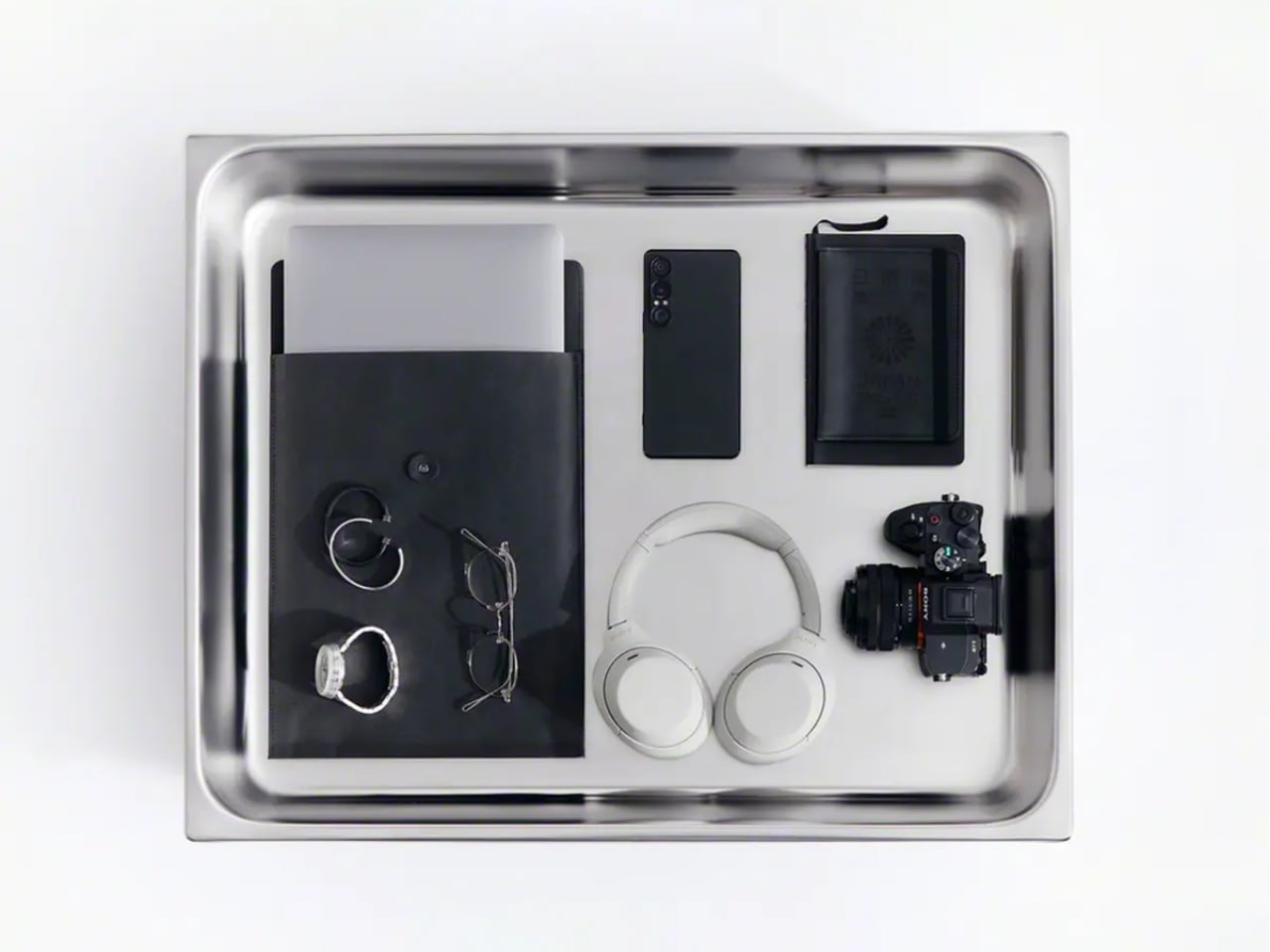
What I appreciate here isn’t the spec sheet. It’s the confidence behind the decision. Bringing back a six-year-old product without dressing it up as something revolutionary takes a certain honesty that most tech companies avoid. Sony isn’t pretending this is groundbreaking. It’s admitting that the formula already worked, and that not every product needs constant reinvention to stay relevant.
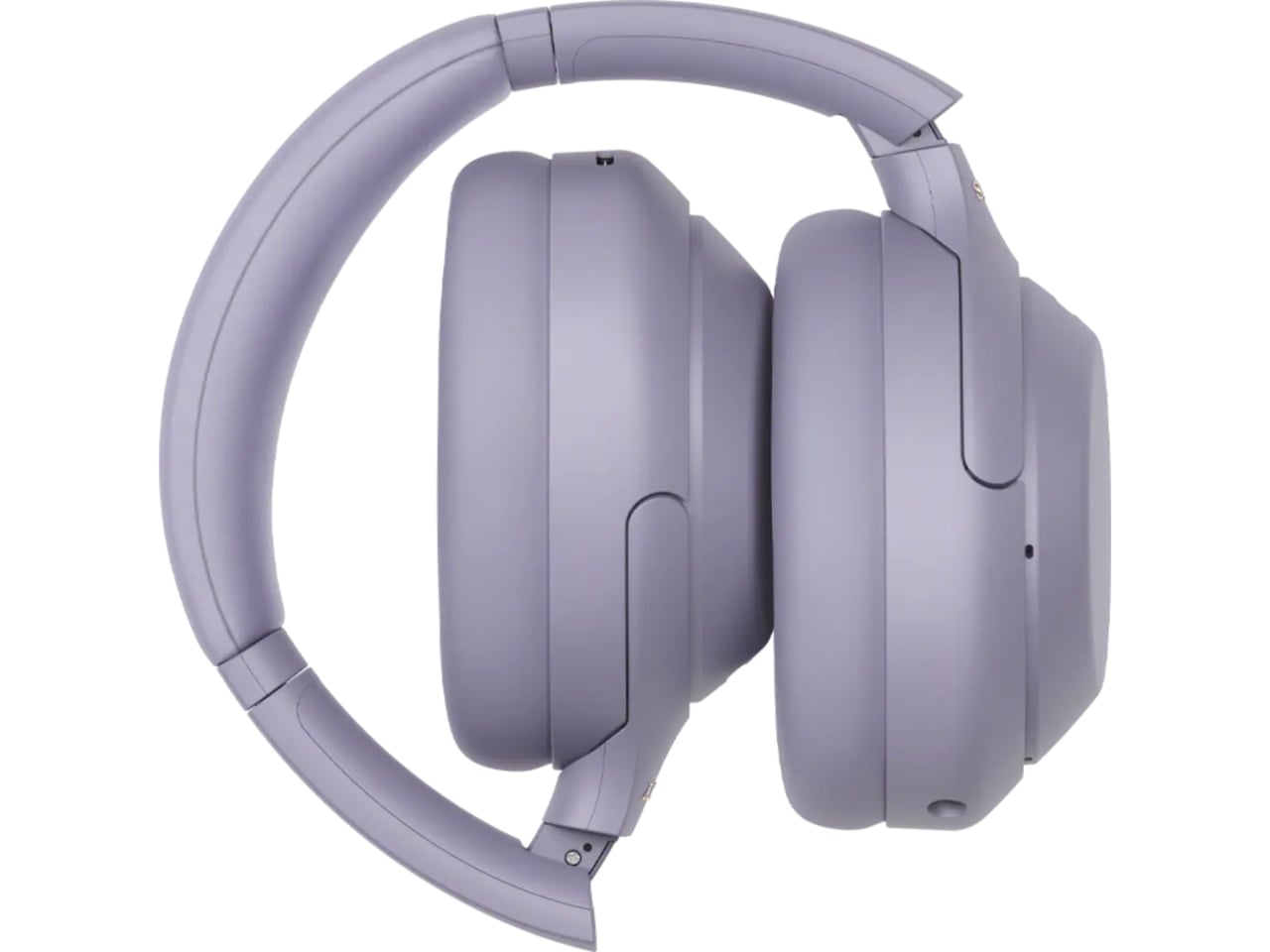
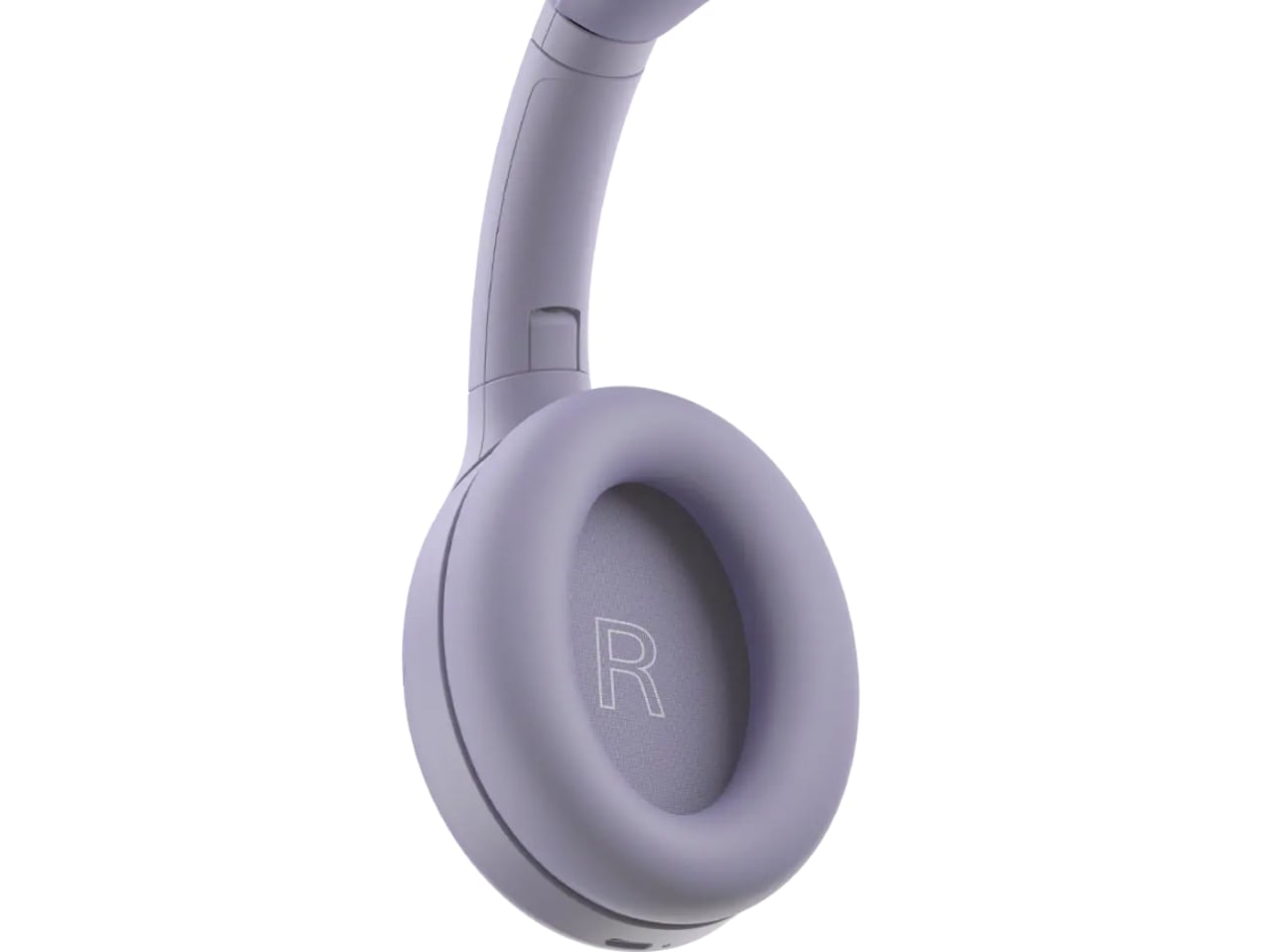
There’s a mild irony worth naming. Sony still sells discounted stock of the original XM4 at the same $300 price point, and by most accounts, that older pair edges out the XM4C slightly on raw sound and noise cancellation. So the company is technically competing with itself. But for shoppers, that’s not really a problem. It just means there are now two well-regarded paths into the same trusted design, instead of one shrinking window before flagship prices take over completely.


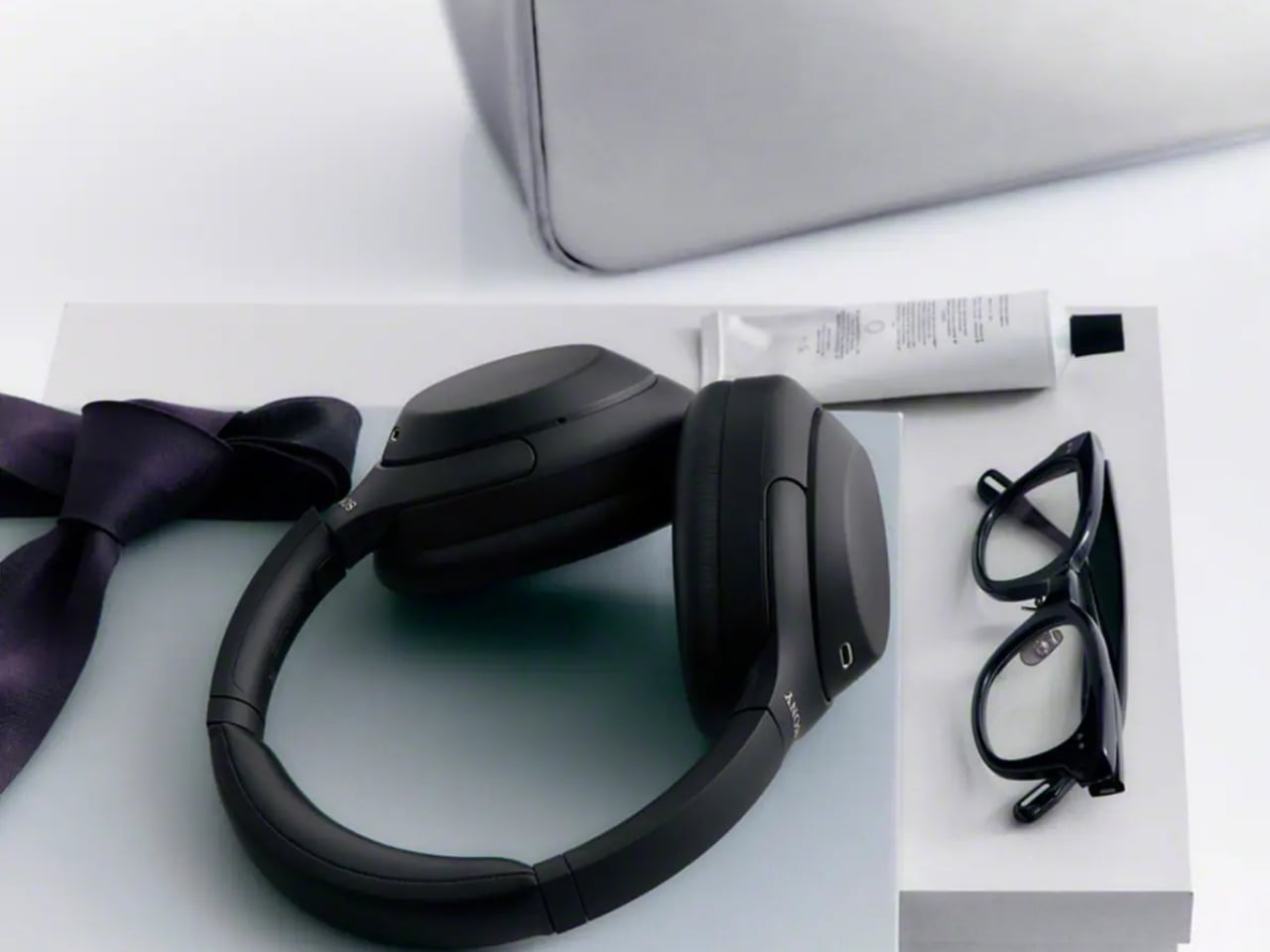
Headphones don’t usually get second chances like this. Most get replaced, discounted into clearance, and forgotten. The XM4C suggests a different approach is possible, one where a genuinely good product doesn’t have to disappear just because something newer showed up. That’s a quieter kind of innovation, but it might be the one more of the industry could stand to learn from.


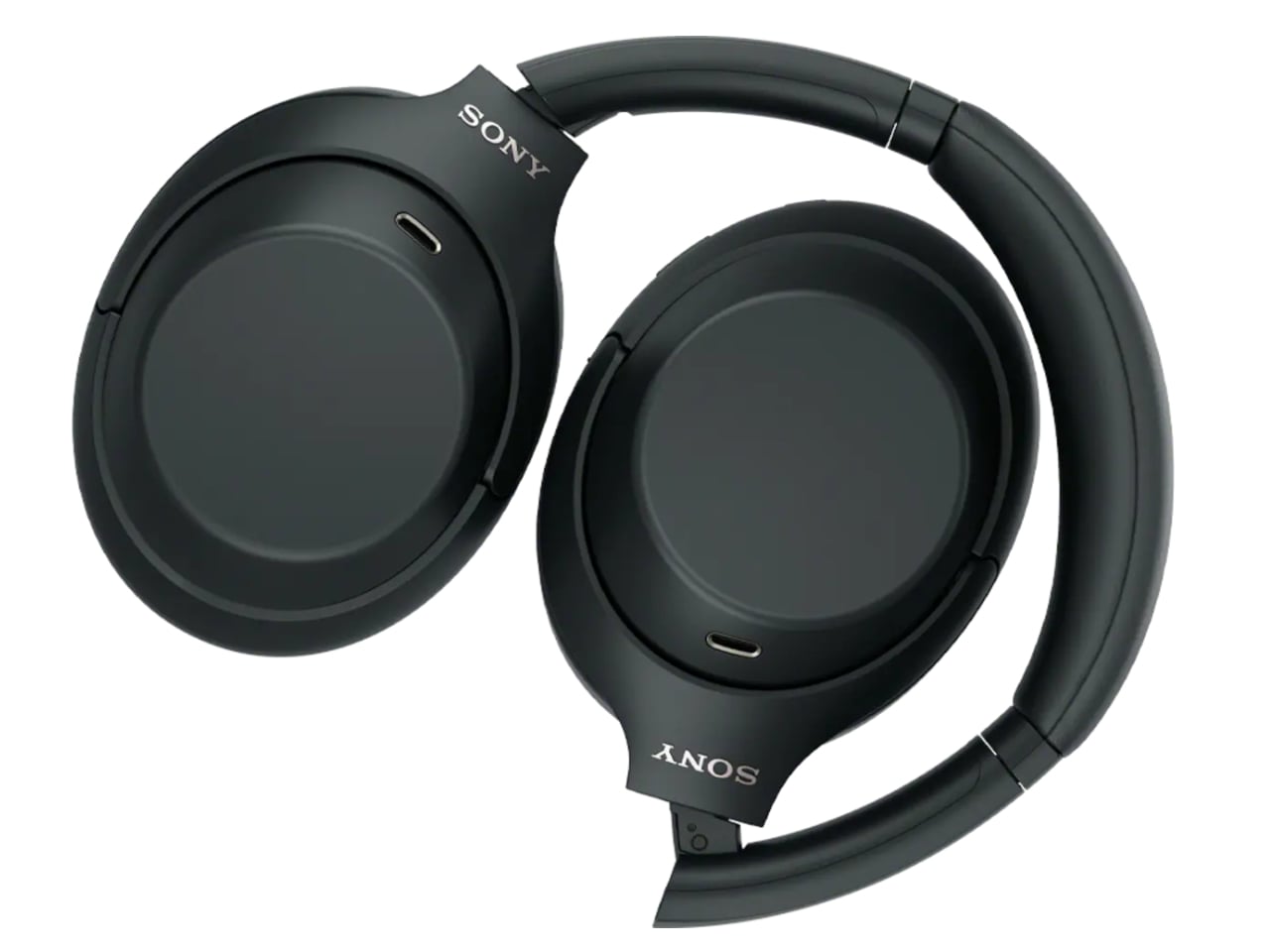
The post The $300 Sony Headphones Everyone Wanted Are Actually Back first appeared on Yanko Design.

Apple’s latest release, the AirPods 5, introduces a suite of upgrades aimed at enhancing both functionality and user experience. Among the standout features is the improved Active Noise Cancellation (ANC), which reduces up to 50% more noise compared to the AirPods 4. This, combined with Adaptive Audio, allows the earbuds to intelligently switch between noise […]
The post New Apple AirPods 5 Block 50% More Noise vs Apple AirPods 4 appeared first on Geeky Gadgets.

Samsung’s highly anticipated Galaxy Z TriFold 2 is facing delays as the company redirects its focus toward an innovative slidable phone featuring a rollable OLED display. This strategic shift underscores Samsung’s ambition to redefine the foldable and flexible device market. The slidable phone, which could debut as early as 2027, represents a bold step forward […]
The post Samsung Galaxy Z TriFold 2 Delayed? Rollable Phone May Arrive First appeared first on Geeky Gadgets.

Selecting a system for local AI workloads involves evaluating performance, scalability and specific use case demands. RepoChad compares two prominent options: Apple’s Mac Studio M5 Ultra and Nvidia’s DGX Spark. The Mac Studio features 512 GB of unified memory and 1.2 TB/s bandwidth, making it well-suited for handling large-scale models, such as those with 700 […]
The post Mac Studio M5 Ultra vs Nvidia DGX Spark: Compared for Local AI appeared first on Geeky Gadgets.

Apple has officially entered the foldable smartphone market with the iPhone Duo, a device that seamlessly combines innovative technology with Apple’s renowned design philosophy. This first-generation foldable smartphone sets a high standard by blending innovative engineering, advanced features, and seamless software integration. While it is not without its limitations, the iPhone Duo positions itself as […]
The post iPhone Duo – Did Apple Get the Hardware Right? appeared first on Geeky Gadgets.


When I sit in a really comfortable chair or couch, there are times when it’s genuinely hard to get up and grab something I need. Half the time, I wish every seat came with built-in storage, so that before I even sit down, everything I need is already within arm’s reach. I’d just have to reach down or reach to the side instead of hauling myself up off the cushions.
This “turtle stool” from China might just be the chair of my dreams, as long as I don’t mind sitting close to the floor. It’s a molded seat mounted on top of a low crate frame built from aluminum extrusions, basically a hybrid of a stool and a storage bin that can also roll around the room whenever you need it to. The stool comes from designer Qingshan, whose work centers on modular, industrial-style furniture built almost entirely from aluminum extrusion systems.
Designer: Qingshan
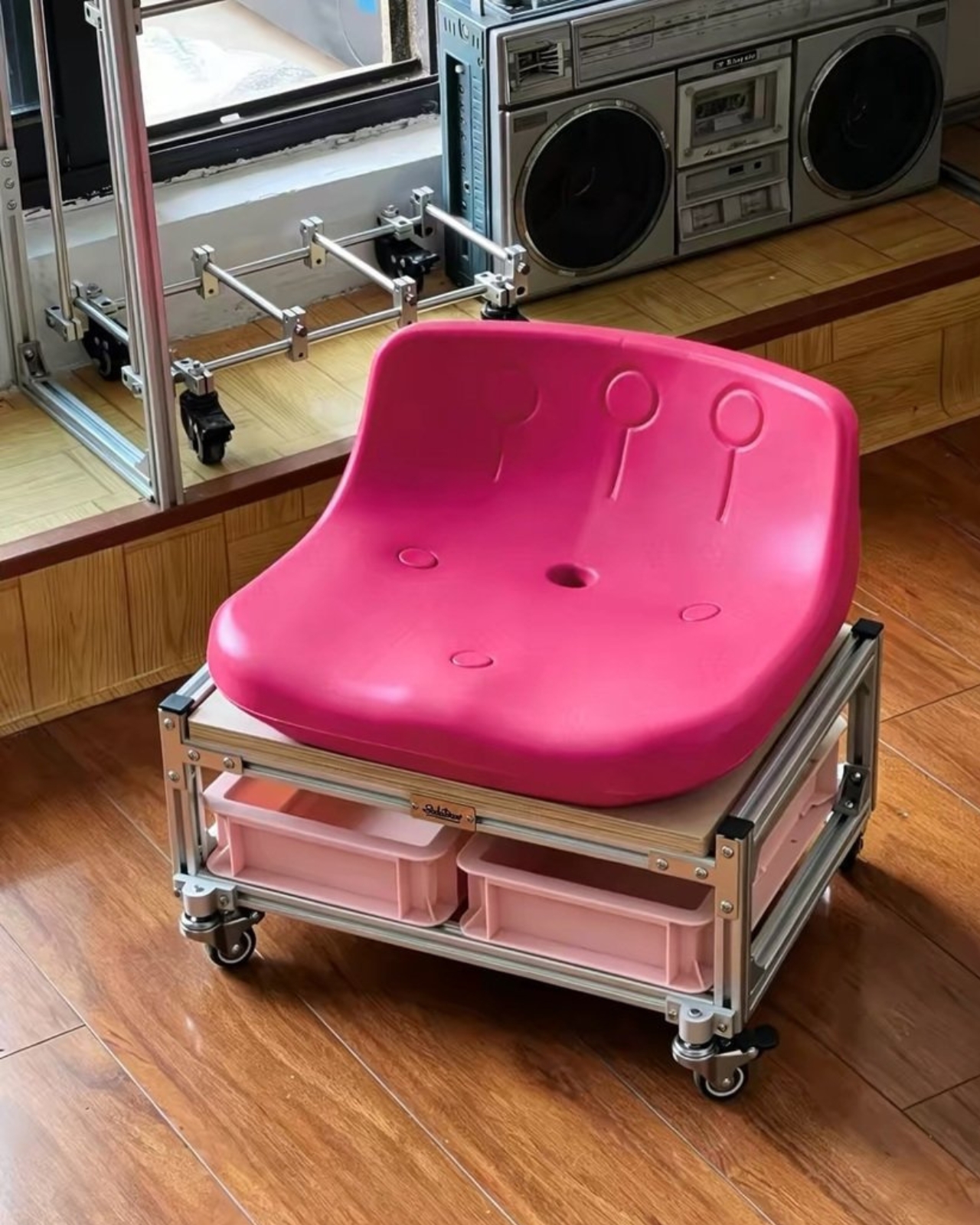
At a glance, the turtle stool has a smooth, rounded, molded seat sitting atop a low, boxy frame, and that shape is exactly why it earned its nickname. The rounded top paired with the low, shell-like base gives the whole thing a squat, turtle-like silhouette, and it’s a design detail that makes the stool instantly recognizable and a little bit charming.
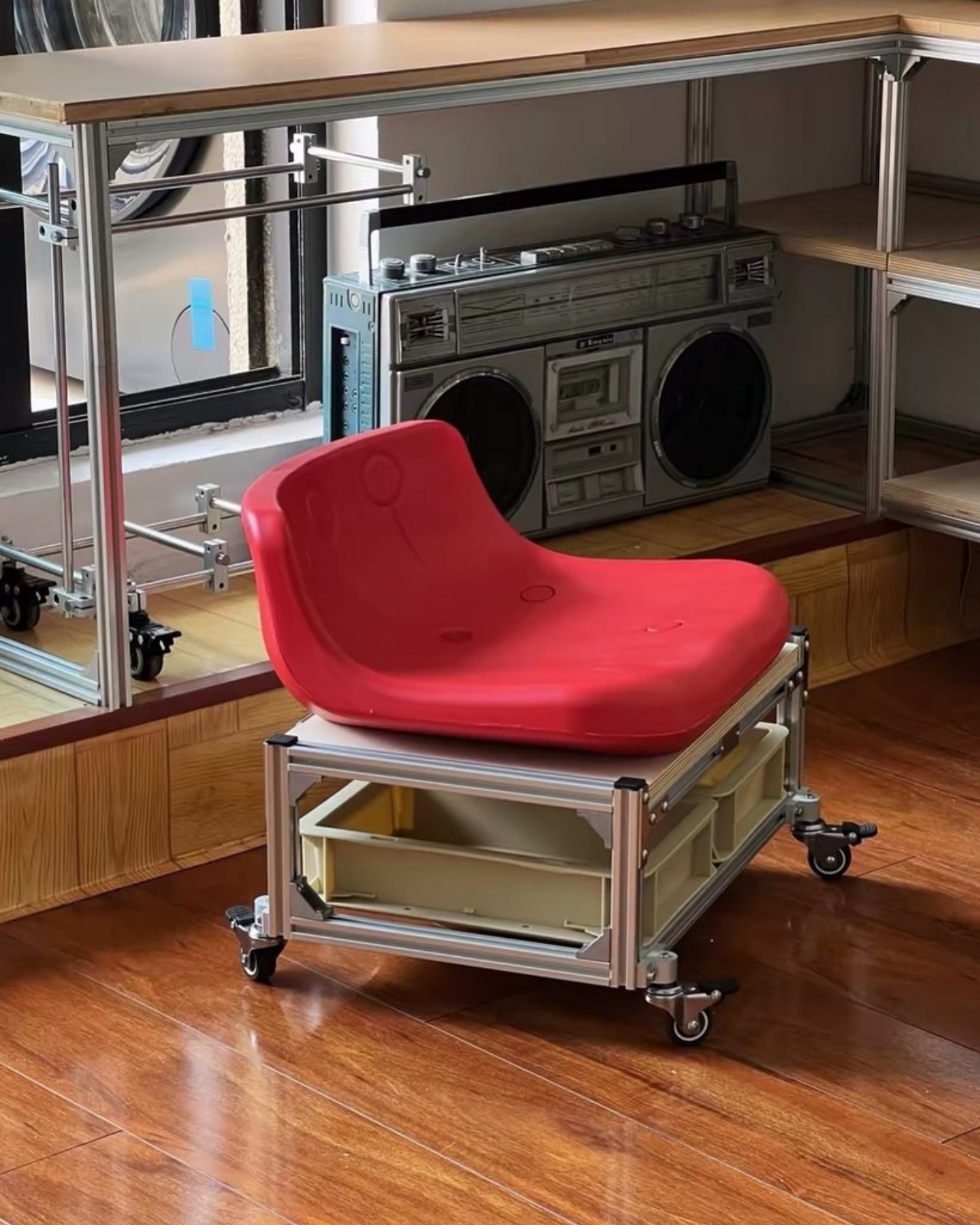
Instead of the wood, plastic, or steel tubing you’d typically find on a stool like this, the base is built entirely out of aluminum extrusions, the same modular aluminum bars used in workbenches, shelving units, and even 3D printer frames. That choice gives the stool a raw, industrial look, and it also means the frame can be engineered and reinforced without welding, since extrusion pieces bolt together using standardized connectors.
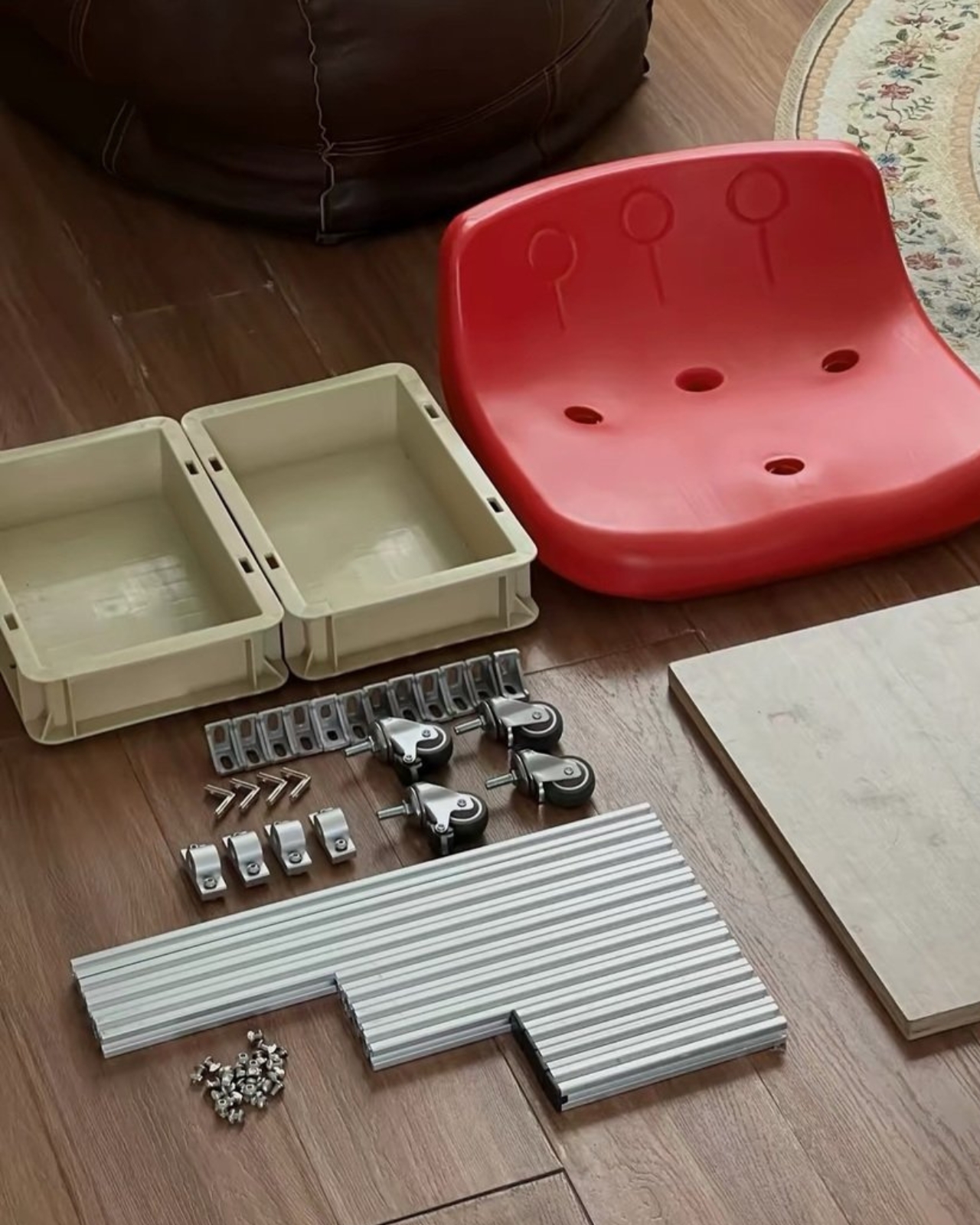
The best part, though, is what’s hiding inside that base: two separate storage bins built right into the frame. Whatever you need close at hand, tools, craft supplies, remote controls, or just general junk, can live inside the stool itself, tucked out of sight but always within reach. On top of that, the whole thing rolls on casters, so you can scoot from one side of the room to the other without ever actually standing up.
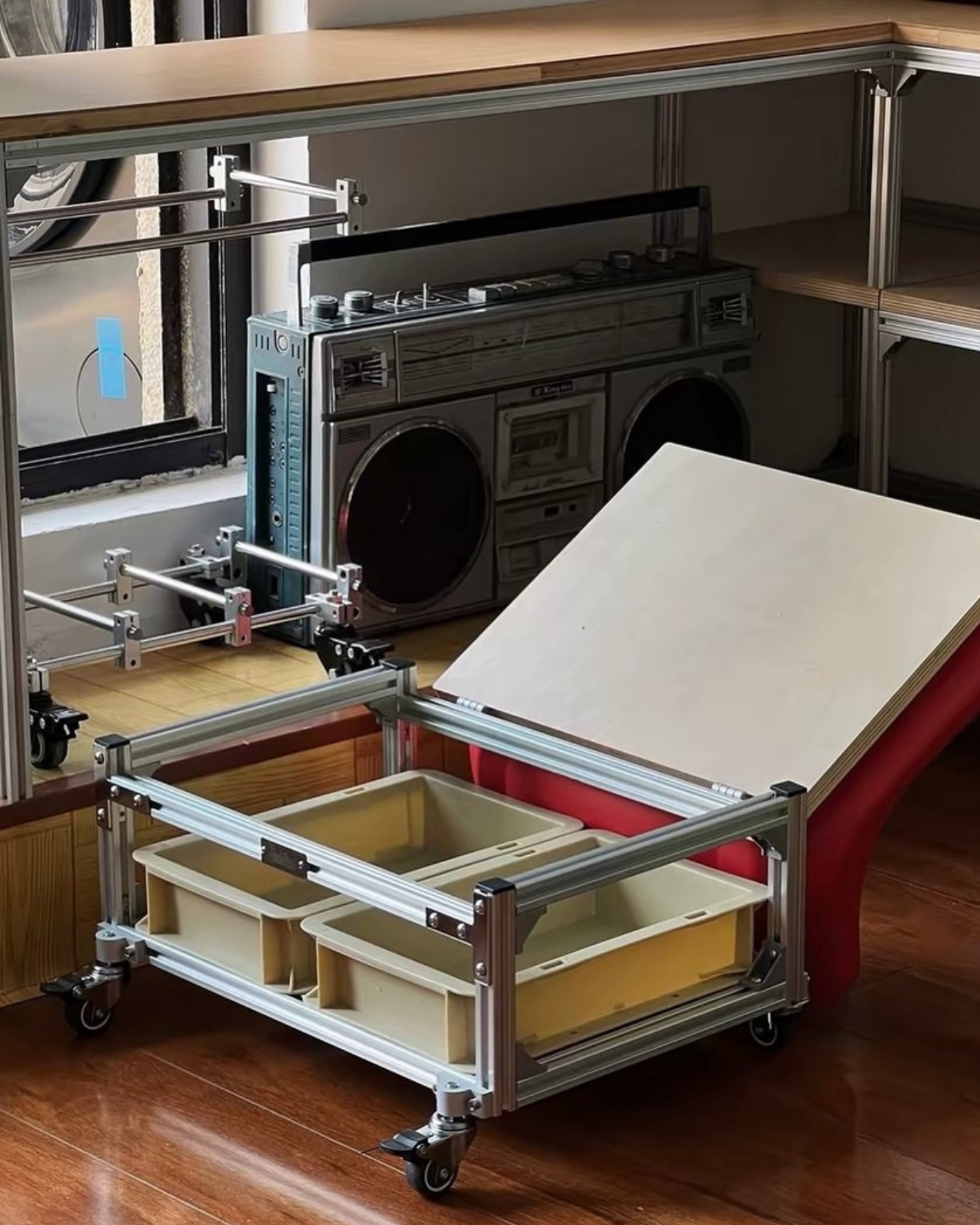
Looking at the stool, it’s probably too low and too compact to catch on in the American or European markets, where seating tends to sit higher off the ground. But in Asia, and in China specifically, a stool like this makes a lot of sense, since low seating is a much more familiar and accepted part of everyday furniture there. This piece also fits neatly into Qingshan’s broader body of work, which leans heavily on modular, industrial-feeling furniture like height-adjustable side tables and monitor risers.

It’s worth comparing the turtle stool to what’s already available in the U.S. market, and the closest match is probably IKEA’s RÅSKOG rolling utility cart, a wildly popular three-tier metal cart that people use for everything from kitchen storage to craft supplies to bathroom organization. IKEA’s version is polished, mass-produced, and instantly recognizable, but it’s built purely for storage and movement, not for sitting. On the flip side, mechanics and garage enthusiasts in the U.S. already use rolling shop stools with built-in storage trays, made by brands like Sunex, for the exact same reason Qingshan built this piece: so you don’t have to get up to grab a tool. The turtle stool essentially splits the difference between these two ideas, combining IKEA-style rolling storage with the seated comfort of a garage stool, wrapped in a much more playful, design-forward shell.
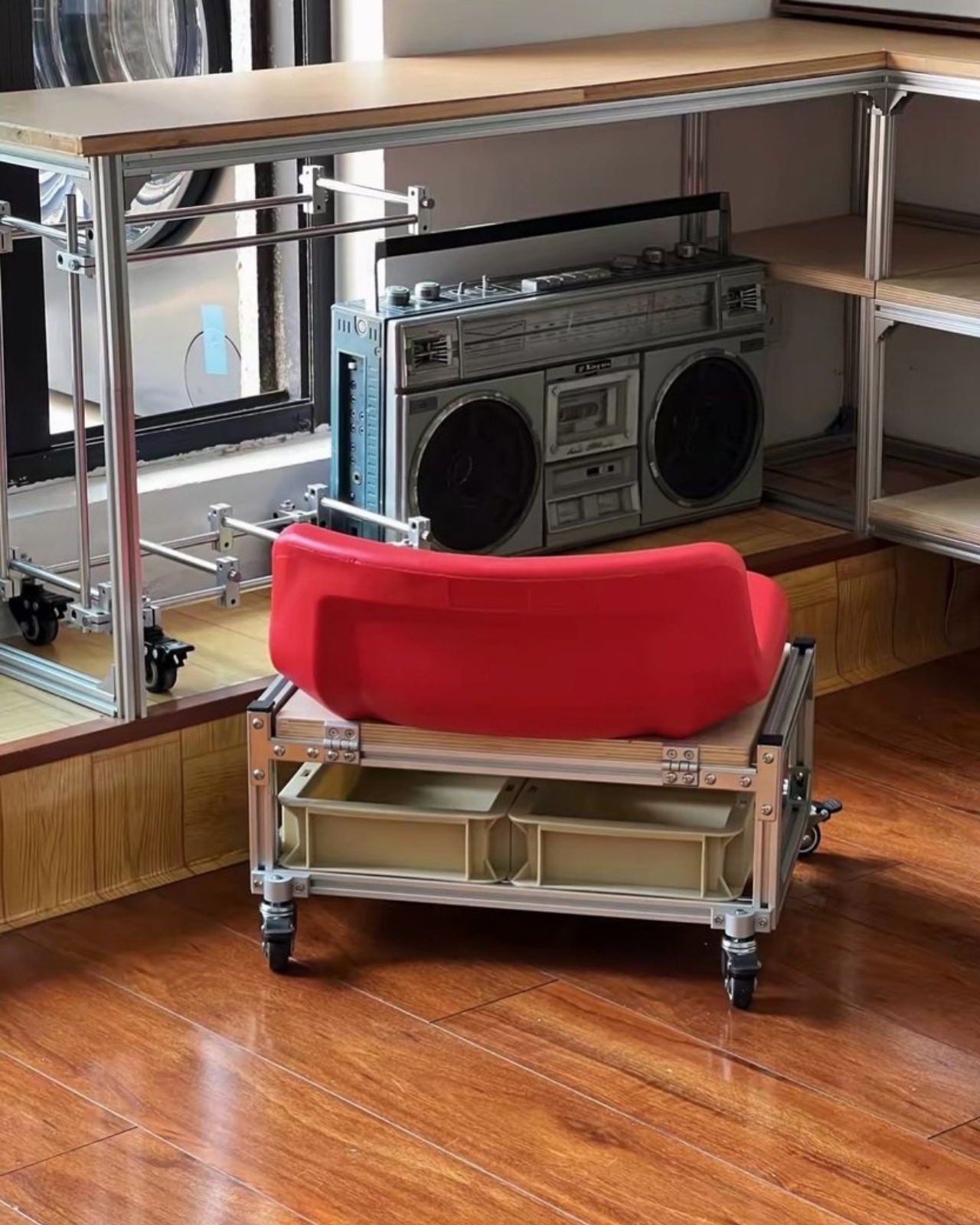
At the end of the day, the turtle stool is a clever little solution to a problem most of us don’t even realize we have until we’re stuck sitting on the couch, five feet away from the TV remote. It won’t replace your living room sofa, and it’s probably not headed for a mass American release anytime soon, but it’s a fun example of how a simple idea, comfort plus storage plus mobility, can turn into a genuinely useful piece of furniture. Sometimes the best designs really are the odd ones.
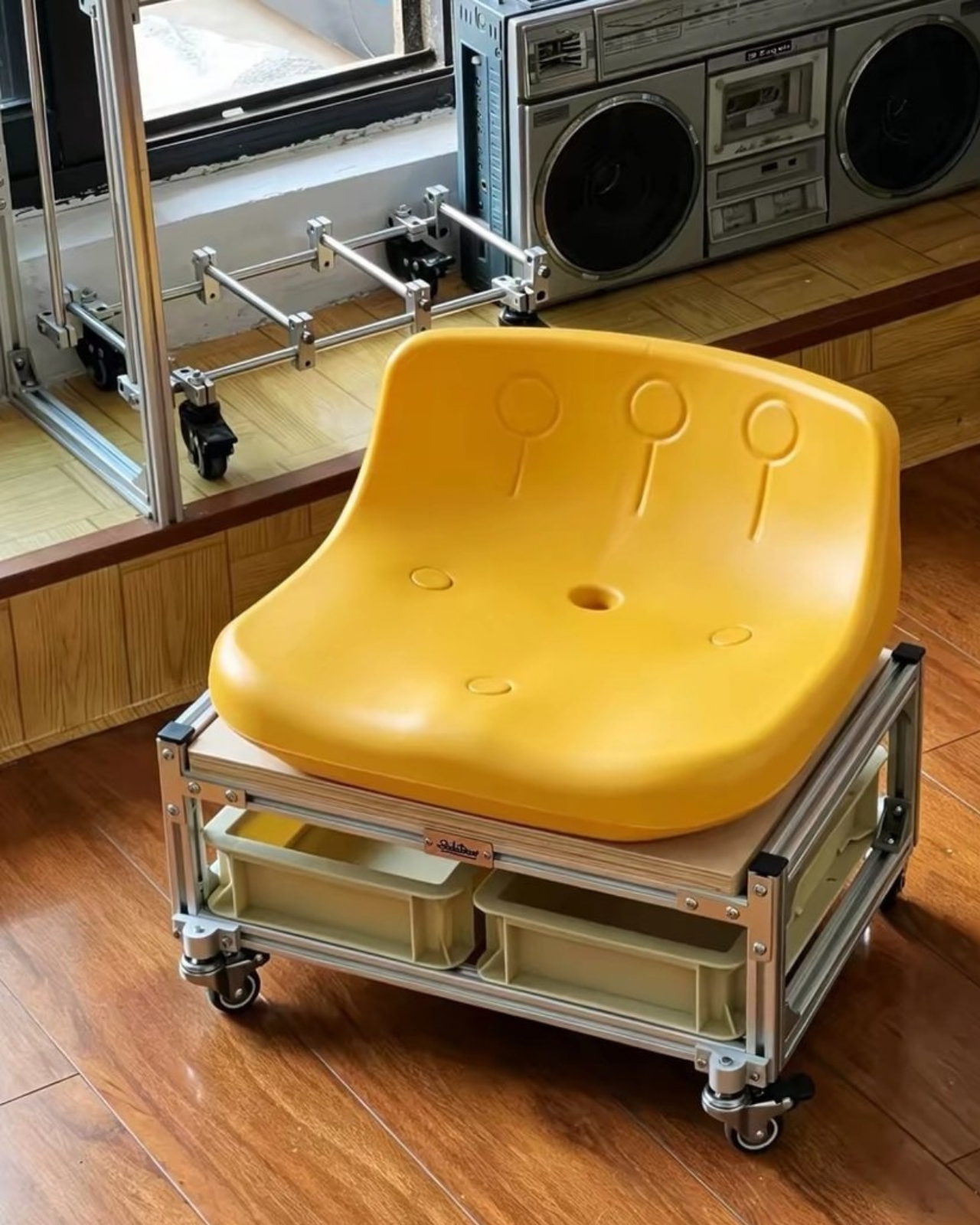
The post This Chinese Stool Hides 2 Storage Bins Right Under Your Seat first appeared on Yanko Design.

Andrej Karpathy, a prominent figure in artificial intelligence, has adopted a thoughtful approach to incorporating AI into everyday tasks. One notable method involves using speech-to-text systems, such as Super Whisper, to interact with AI more naturally and efficiently. By dictating rather than typing, Karpathy minimizes friction in communication and enhances the flow of ideas. As […]
The post How to Work 10X Faster the Andrej Karpathy AI Workflow appeared first on Geeky Gadgets.