Gothic Wooden Box Lamp adds a mystical touch to your desk or shelf

Not all lamps are made to shine brightly and quite a number are designed to be more decorative than utilitarian, enhancing a space’s aesthetic while giving a bit of illumination. Some emit a gentle glow that tries to set a certain mood, while others paint a kaleidoscopic display that liven up a room. Some might be luxurious and elegant, while others are fun and whimsical. This DIY project somewhat straddles those two worlds, bringing an unconventional box lamp with gothic-inspired patterns on every face. The end result is a stunning yet subtle light display that seems to bridge the worlds of the magical and the technological right on your very desk.

Designer: Kostiantyn Andriiuk

Programmable RGB lights are quite common these days and they come in different forms, ranging from finished lamps to LED strips you can add to any project. Of course, simply displaying lights is hardly exciting and fails to take advantage of the flexibility that these lights can offer. So why not put these seemingly magical colored lights inside a design that’s exactly meant to convey a sense of mysticism and awe?

This Gothic-inspired lamp does exactly that, not just through the lights alone but from every inch and face of the box. The walnut veneer material, polished with flaxseed oil, gives it a vintage aesthetic as if the lamp was hidden from mortal eyes for decades or even centuries. All but the bottom faces have intricate cutout patterns that not only let the light shine through from the inside but also give it an otherworldly character.

The illusion of the mystical, however, comes from mundane technology. RGB light strips line the insides of the box and can be controlled remotely through software, almost like magic. The box also has hidden touch sensors that allow you to simply tap on a surface to produce the same results, at least for the most basic controls like turning it on or off and adjusting the brightness. With light shining through the extremely thin cutouts of the gothic-inspired patterns, the Box Lamp emits an almost eerie glow that can be appreciated whether outdoors under the sun or, better yet, inside the darkness of your room.

The Gothic Wooden Desk Lamp is something you might be able to create on your own, provided you have the necessary tools available. The hardest part is actually cutting out those complex patterns, which requires a decent laser engraver that can work with thin wooden boards. Fortunately, all that information, as well as the process, is available for free so anyone can design their own magical light box and fancy themselves as a master of the mystical arts.

The post Gothic Wooden Box Lamp adds a mystical touch to your desk or shelf first appeared on Yanko Design.

DIY macro keyboard gives designers customizable shortcuts for any app

Content creation is a big thing these days, whether you’re producing video for live streaming, making graphic art, or even digitally carving 3D models for virtual spaces. Unsurprisingly, there’s a wide variety of software tools available to creators as well, ranging from simple ones you can run directly on your phone to the more sophisticated suites that require a laptop or even a desktop. The variety of features in apps that people use on a daily basis can become mentally exhausting, especially when it comes to memorizing keyboard combos that should help speed up workflows. Our fingers can only do so much, and the number of shortcuts we have to remember across multiple apps can actually do more harm than good. This DIY project tries to make designers’ and creators’ lives a bit easier by offering a mini keyboard that can adapt its icons and actions to match the app you’re using.

Designer: Maximilian Kern

So-called macro keyboards like the Elgato Stream Deck are becoming more popular not just among streamers but also among computer power users. They provide a dedicated set of buttons separate from your keyboard that you can map to almost any function in an app to make them easier to use. As popular as these gadgets might be, they’re still considered niche and, therefore, expensive, out of reach of budding creators.

If you’re anything of a tinkerer or maker, however, you can also just make your own, like what this Keybon project aims to accomplish. It’s a small box with nine tactile buttons buttons that you can assign to a specific function or keyboard shortcut. And just like those pricey commercial macro keyboards, it can switch to a different layout depending on what software you’re running at the time.

1

What makes Keybon extra special is that each of those nine buttons actually has small 0.66-inch screens on top, and you can select an icon to match the action that the button represents at that time. While it might be faster with muscle memory, visual cues like this will help your brain adjust when switching between apps and layouts. At the same time, you also don’t have to force yourself to actually memorize the actions and buttons and simply take a quick glance at the keyboard to know which one to press.

That said, this kind of project does require a bit of electronics and software know-how to create Keybon, but that also opens the door to more freedom in the design of the device. Fortunately, all the needed pieces are available for free, so it can also become a springboard for makers and creators to customize their own personal macro keyboard to their hearts’ content.

The post DIY macro keyboard gives designers customizable shortcuts for any app first appeared on Yanko Design.

Mac mini wooden organizer stand uses a mini tambour door to hide your stuff

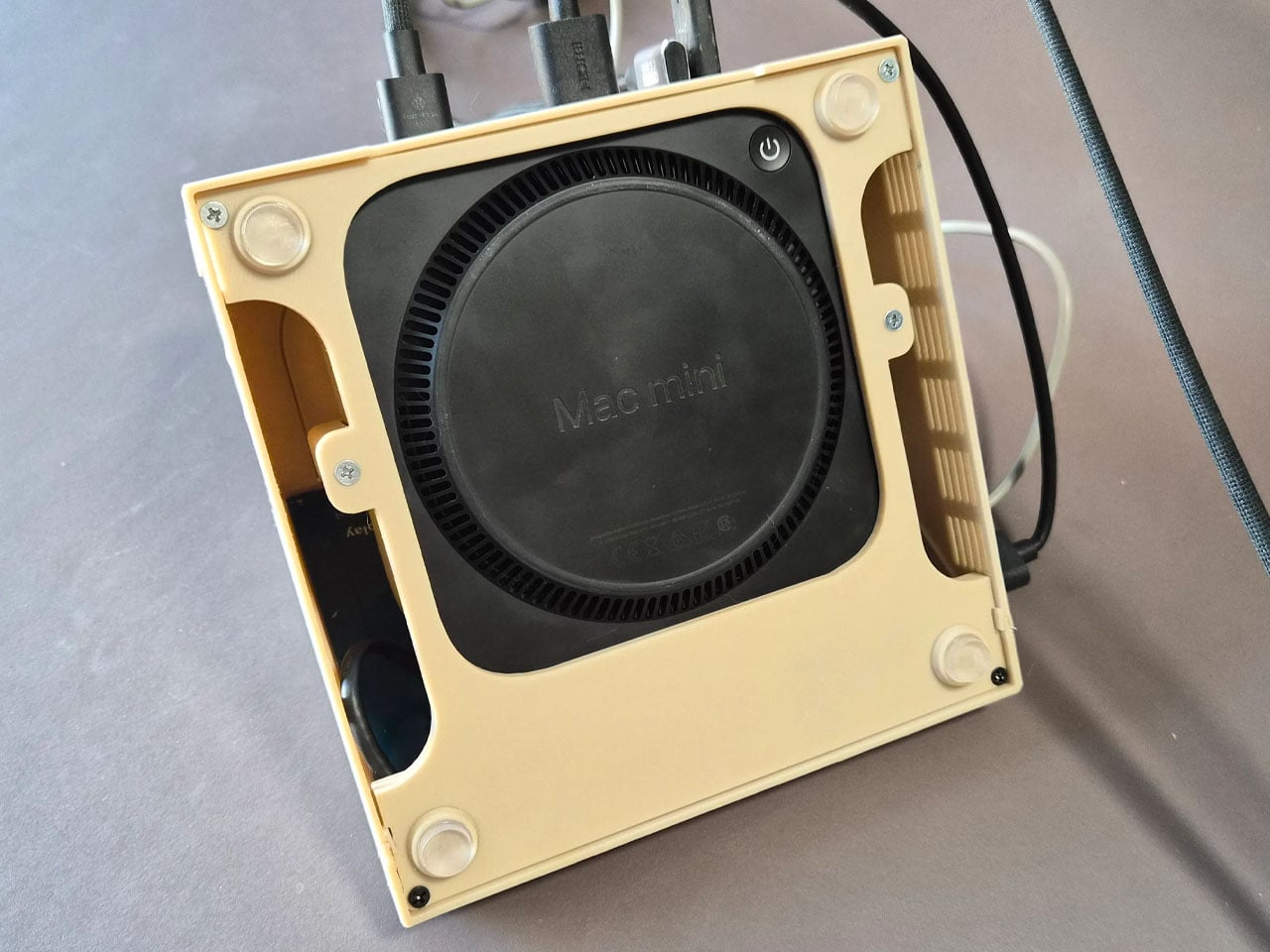
The Mac mini and its more powerful cousin, the Mac Studio, offer an Apple computing experience that prioritizes flexibility and your desk space over functionality you might not even need. Its compact form allows you to place it anywhere you want while also offering the freedom to connect any kind of monitor, keyboard, or peripheral you need to get done. At the same time, however, the mini PC form factor doesn’t have enough space to keep all these external devices always connected, and you will often find yourself repeatedly attaching and detaching bits and pieces as you work. Over time, these dongles, cards, and whatnot start to pile up and make a mess on your desk, which is where this handmade wooden organizer and riser comes in, offering a uniquely elegant solution to keep those tiny objects out of sight and out of mind.

Designer: Kostiantyn Andriiuk

Although Apple designed the Mac Mini and Mac Studio to stand on their own, there are some desk setups and designs that require elevating these minimalist boxes a bit higher. In fact, their small bodies make it easy to place them on top of anything, but that doesn’t mean they’ll look good on it unless that “thing” was specifically made for the mini Macs. This handcrafted riser is made to match the dimensions of the Mac mini and elevates the metal box not just in height but also in style.

Made from Cherry and Alder veneers, the wooden stand exudes a warmth that contrasts with the cold silver exterior of the Mac mini while also perfectly complementing it at the same time. Both pieces carry an air of elegance, despite their different materials and creation processes. While the Mac mini is mass-produced in a factory, each piece of this wooden riser was measured and crafted manually.

The most interesting part of the riser, however, is the drawer inside that’s hidden behind a tambour door. Unlike a simple organizer that exposes its container for everyone to see, you have to slide the row of vertical slats out of the way first before you can pull out the drawer. The mechanism offers functionality that doesn’t take away anything from the design’s aesthetics, a philosophy that is perfectly in line with Apple’s own approach to designing products.

The design for this unique and distinctive tambour organizer stand is fortunately available for everyone to follow, but the painstaking process will probably scare all but the most seasoned makers. That said, it could be a source of inspiration for other accessory makers to make their own spin on the idea, especially the brands that pay a lot of meticulous attention to details, materials, and finishes that would perfectly match an Apple product.

The post Mac mini wooden organizer stand uses a mini tambour door to hide your stuff first appeared on Yanko Design.

DIY LED Flower is the perfect geeky gift that will never wilt

It’s that time of year again when the prices of flowers skyrocket as demand far outpaces supply. Of course, there’s nothing wrong with gifting flowers this week or on any other day of the year, but the sad truth is that those flowers will eventually wilt and die, at least the real ones will. Their ephemeral beauty is actually part of their appeal, but those who want to preserve the memory of the gift will have to resort to other strategies that don’t involve cheap plastic. What better gift is there, then, than a flower that was made by your very own hands? Especially one that will never wilt nor wither away and only requires replacing the broken parts, presuming the recipient is equally adept at electronics.

Designer: Marcel (potblitd)

It won’t be the prettiest flower, admittedly. Not unless you’re actually the type to fall head over heels for the raw beauty of naked electronics. If so, FloLED will definitely be up your alley, but that’s not an assurance that your recipient will have similar tastes. Regardless, it is both an interesting project you can undertake on your own as well as a distinctive piece of decoration should decide to keep it for yourself instead.

This wouldn’t be the first LED-illuminated flower, but the project sets itself apart with its flexibility. The flower has six petals, each with 20 LEDs for a grand total of 120, and each petal has its own microcontroller, which means it can operate on its own independently of the others. That also means that should one petal go awry, it’s a simple matter of replacing that part rather than redoing the whole flower.

Of course, you have to make everything yourself, from the custom-shaped PCB (printed circuit board) to soldering the LEDs down. The circular base, itself a PCB, has slots that make the petals connect at an angle, giving the impression of a flower in mid-bloom. The base also has a single large LED that glows the brightest, representing the head of the flower.

FloLED is definitely a sight to see, especially at night. Given the almost translucent makeup of the petals, you can also see the circuit lines glowing in a yellow light against the red surface. And since each of the petals can be controlled and programmed individually, you could create an animated light show with one or more of these LED flowers, a spectacle that’s sure to enchant anyone, regardless of their aesthetic inclinations.

The post DIY LED Flower is the perfect geeky gift that will never wilt first appeared on Yanko Design.

Polaroid-inspired DIY camera uses AI to print poems instead of photos

AI today powers many devices and services with mixed results. Some produce truly mind-blowing images, captivating narratives, and critical information that help drive cars, vacuum cleaners, and robots. Sometimes, those very same AIs are abused for selfish gains or nefarious purposes. In both cases, it proves that AI, impressive as it may be, is just a tool that can be used for good or for ill, depending on who’s wielding it. Or it could also be used for fun, whimsical projects that, while not exactly advancing the field, turn those rather mundane AI applications into delightful experiences. This DIY Polaroid-inspired camera, for example, does take pictures, but what it prints out isn’t a flat facsimile of the three-dimensional but instead spits out an interpretation expressed in words filtered through the minds of digital poets.

Designer: Sam Garfiedl (sam1am)

Two of the most controversial uses of AI today revolve around images and words, both of which tread gray legal areas. Image generators are infamous for taking well-worded prompts and turning them into images that truly look professional, though sometimes end up looking like an artist’s copyrighted work. On the opposite side of the spectrum are AIs that churn out essays and articles that also border on plagiarism.

The Poetroid, thankfully, won’t be treading those same waters. It does turn images into words, but nothing that can really be attributed to copyrighted material. In a nutshell, this rather crude-looking DIY camera sees the world through a webcam and then produces sheer poetry, literally, based on the object it sees. After all, there is perhaps no better way to truly capture the spirit of a flower, a fruit, or a pizza than with a mosaic of metaphors mixed together in a “mellifluous meter.”

What is rather impressive about this little project is that it can be assembled from off-the-shelf components like a webcam, a single-board computer, and a lunchbox, among other things. The tin lunchbox is probably a bit uninspired, but it was large enough to cram everything necessary inside, with a little modification for the screen and buttons. If the name wasn’t a giveaway, the idea was heavily inspired by the Polaroid instant camera that revolutionized photography during its time. Instead of getting a small photo, however, you get a poem printed out on thermal paper, almost like a receipt and probably just as incomprehensible as one.

The best part is that the AI and large language models needed to pull this off can run locally on the device itself, preventing any private data from leaking and saving you from potential embarrassment over accidental photos and hideous poetry. There’s definitely a lot of room for improvement in the design of the Poetroid, and having all the necessary pieces known and available can go a long way in helping design one that will look just as majestic as the words it ejects from its proverbial mouth.

The post Polaroid-inspired DIY camera uses AI to print poems instead of photos first appeared on Yanko Design.

GRiD Compass 80s computer is reborn in a retro-futuristic DIY laptop

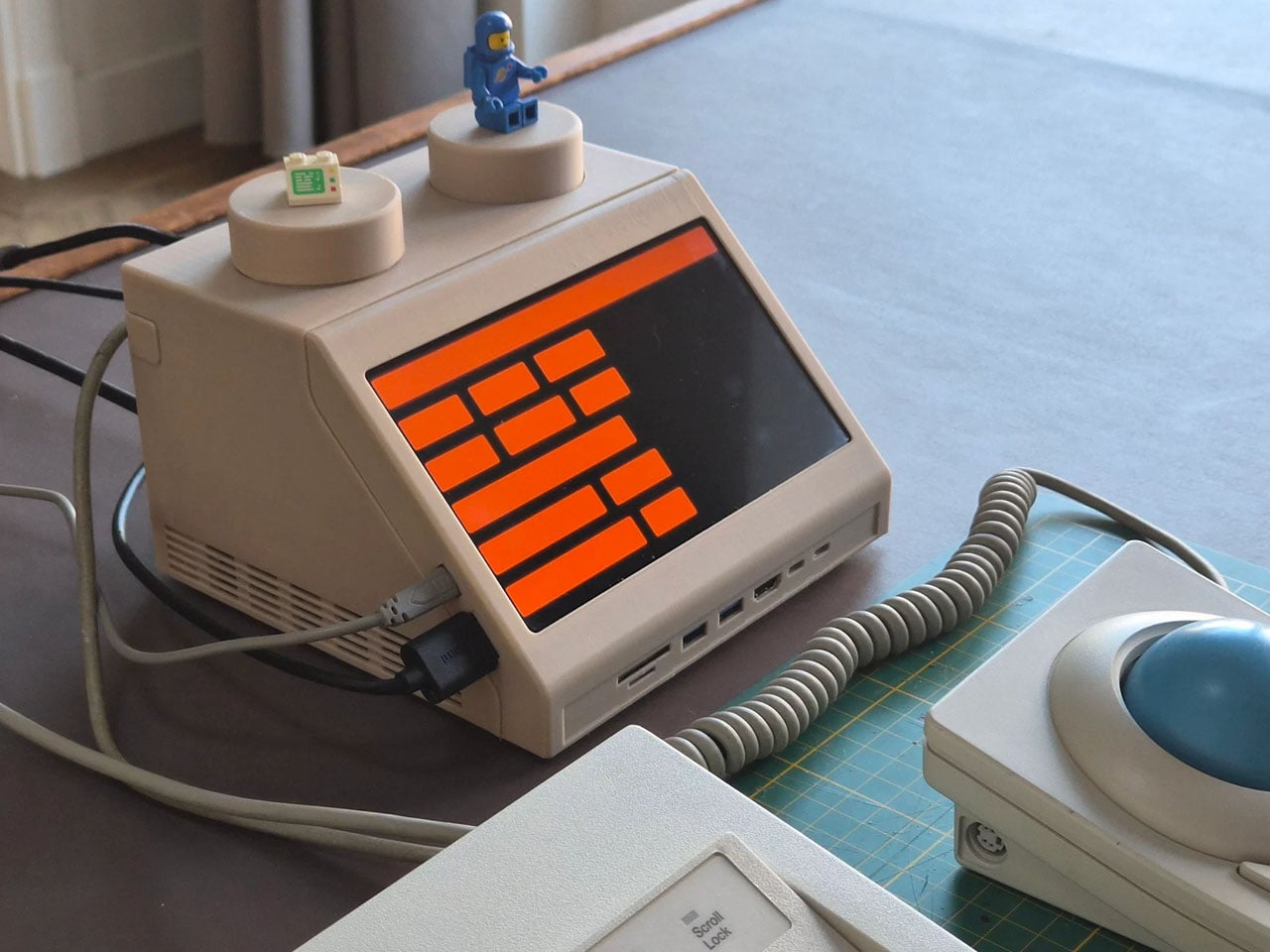
Computing history is filled not only with monumental machines that celebrate the achievement of human ingenuity but also with designs that look both alien and intriguing to our modern eyes. Of course, the computers of the past were designed to work within the limits of technology at that time, resulting in appearances that are simply out of this world yet oddly very desirable, at least as decorative pieces. The recent retro trend, however, is making these vintage designs actually useful by shoving modern-day components inside old shells, or at least a close facsimile of those old shells. Take for example one of the world’s first-ever laptops, recreated as an actual modern laptop that you can use, presuming you have the pieces and the patience to build it yourself.

Designer: Penk Chen

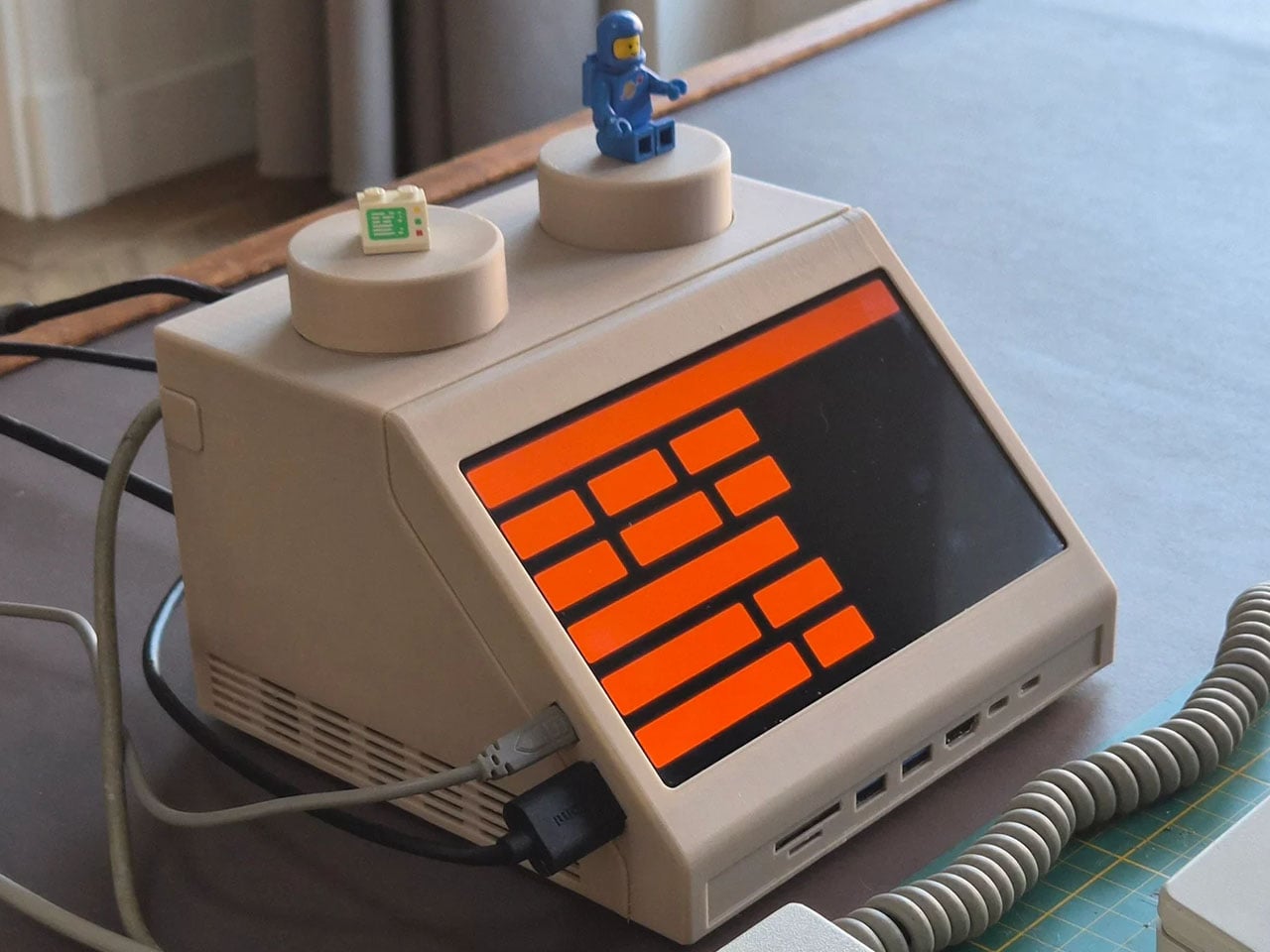
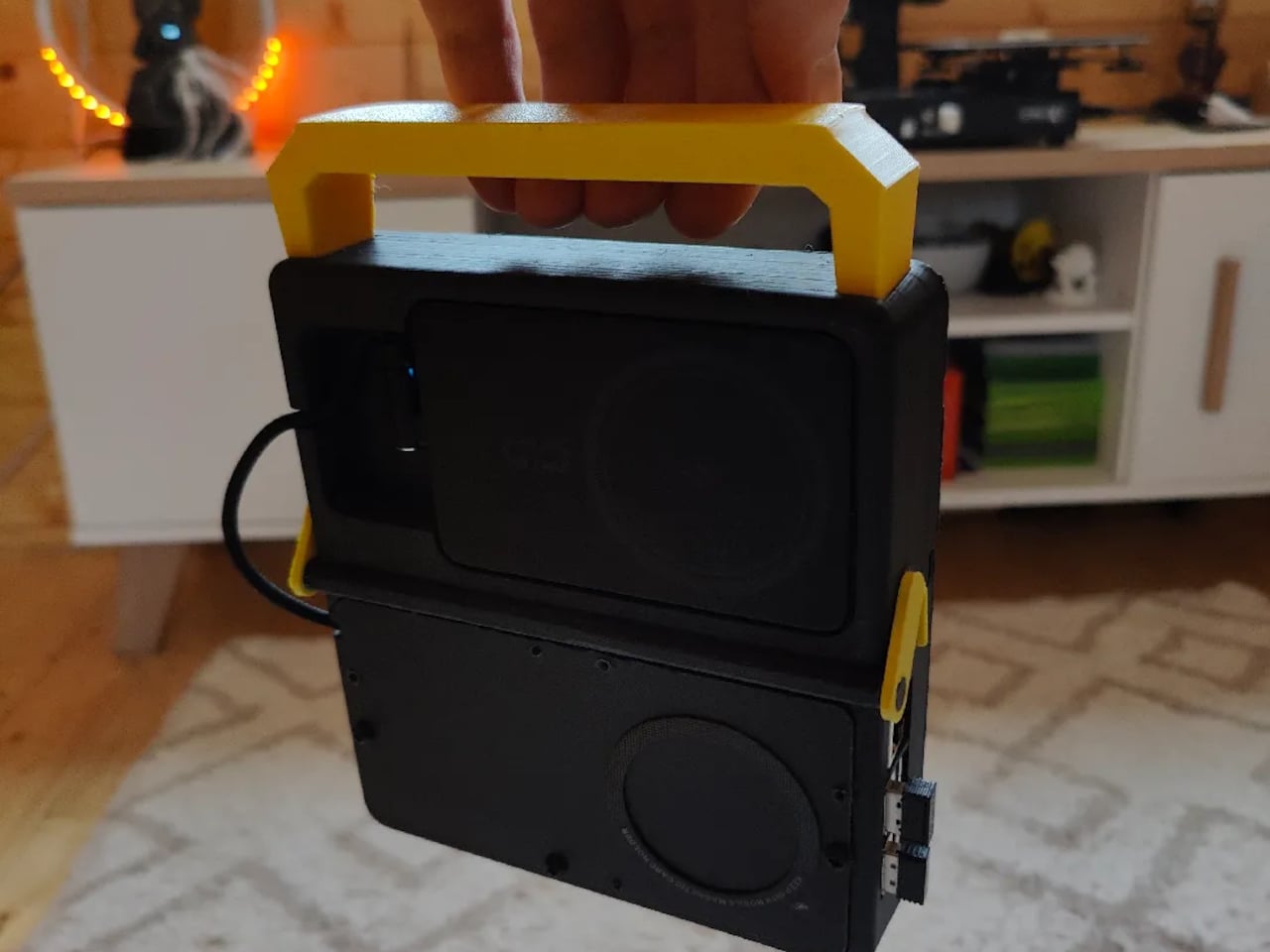
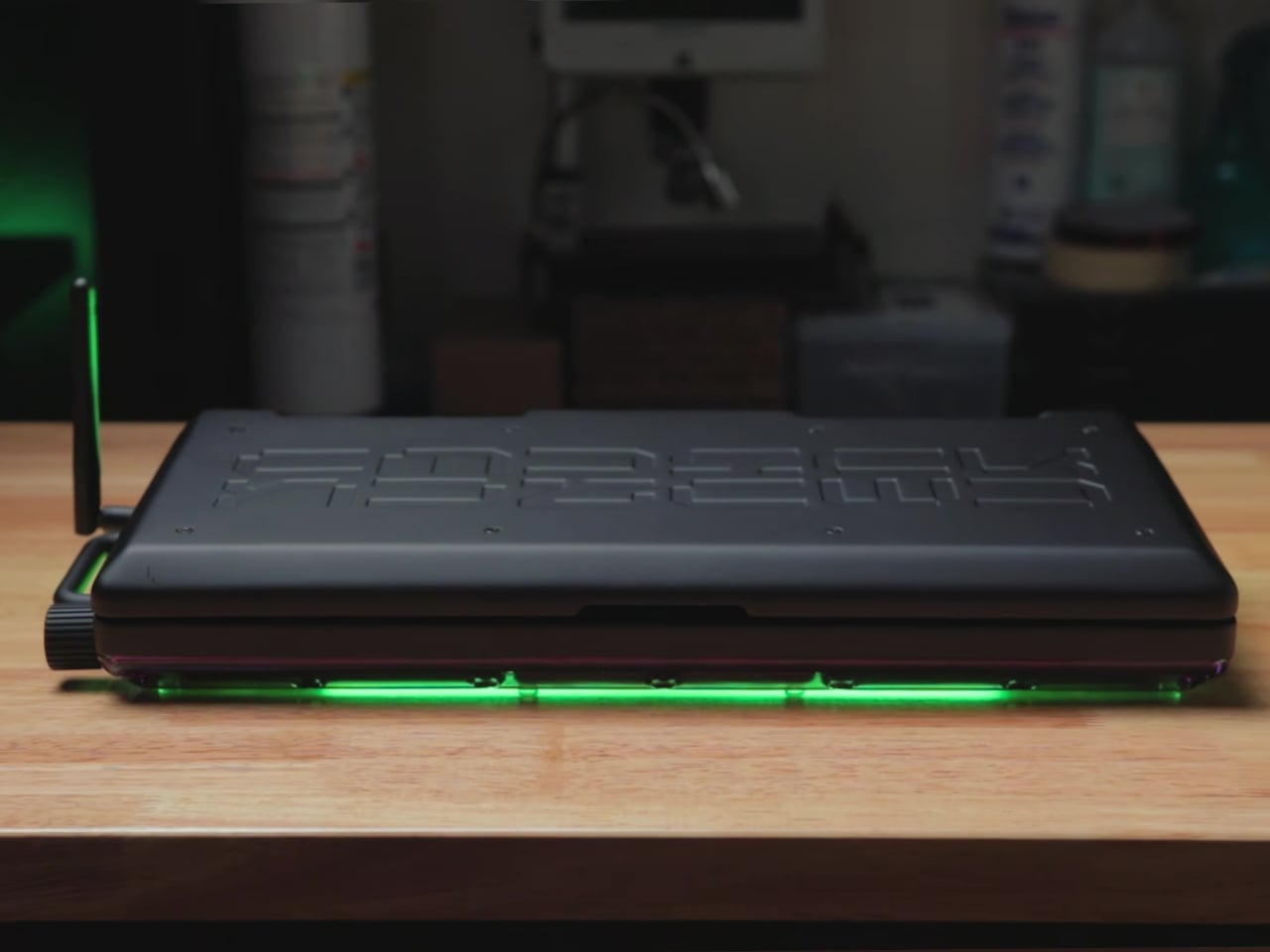
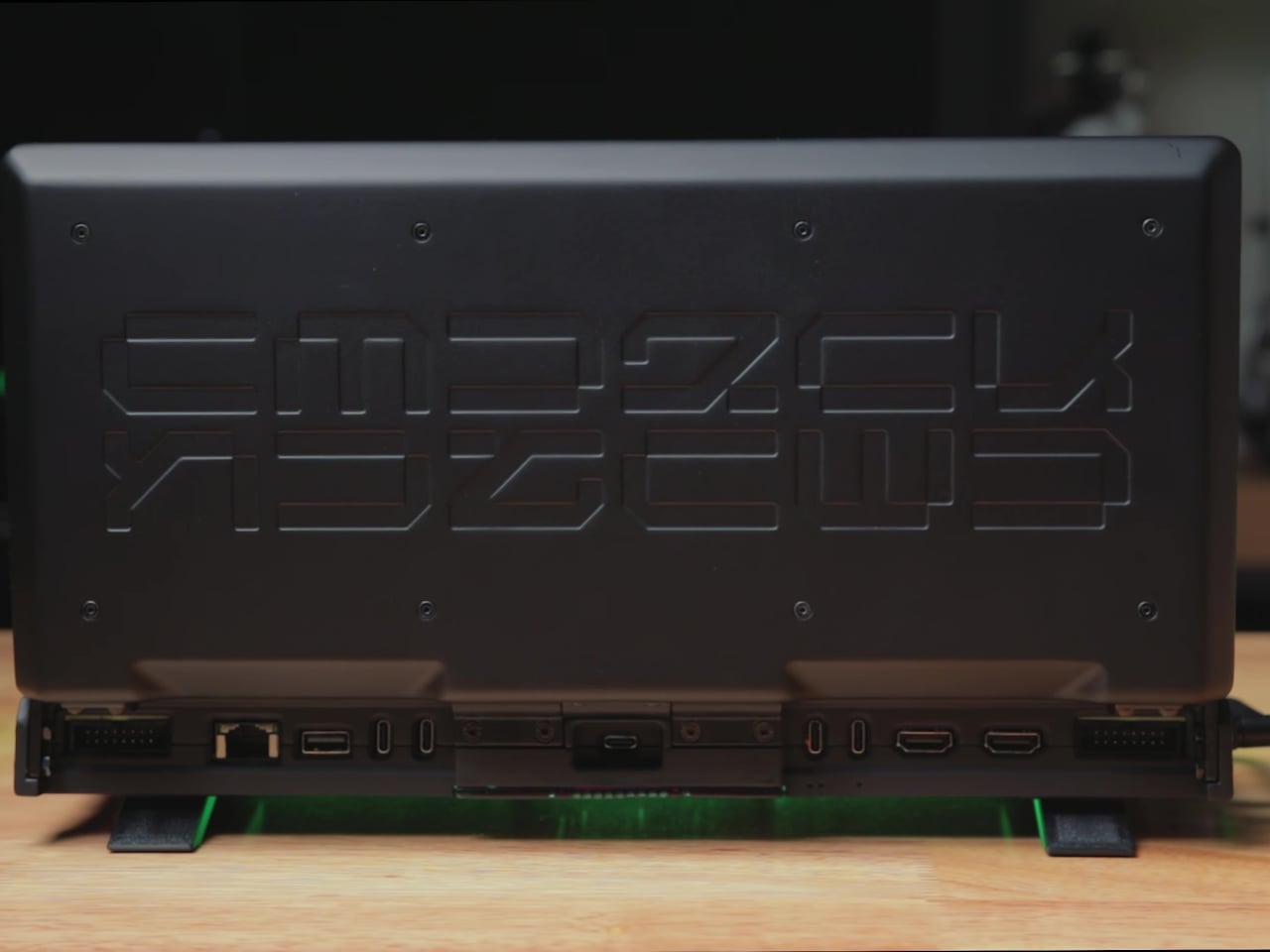
Launched in 1982, the Grid Compass (stylized by its creators as GRiD) is arguably one of the earliest predecessors of today’s laptops or at least the first to feature a clamshell design. The computer’s claim to fame was its use by NASA, particularly in the Space Shuttle program, as well as the US military. Its distinctive appearance, which is a large black box whose lid is only half the length of the box, became the template for many laptops that followed shortly.

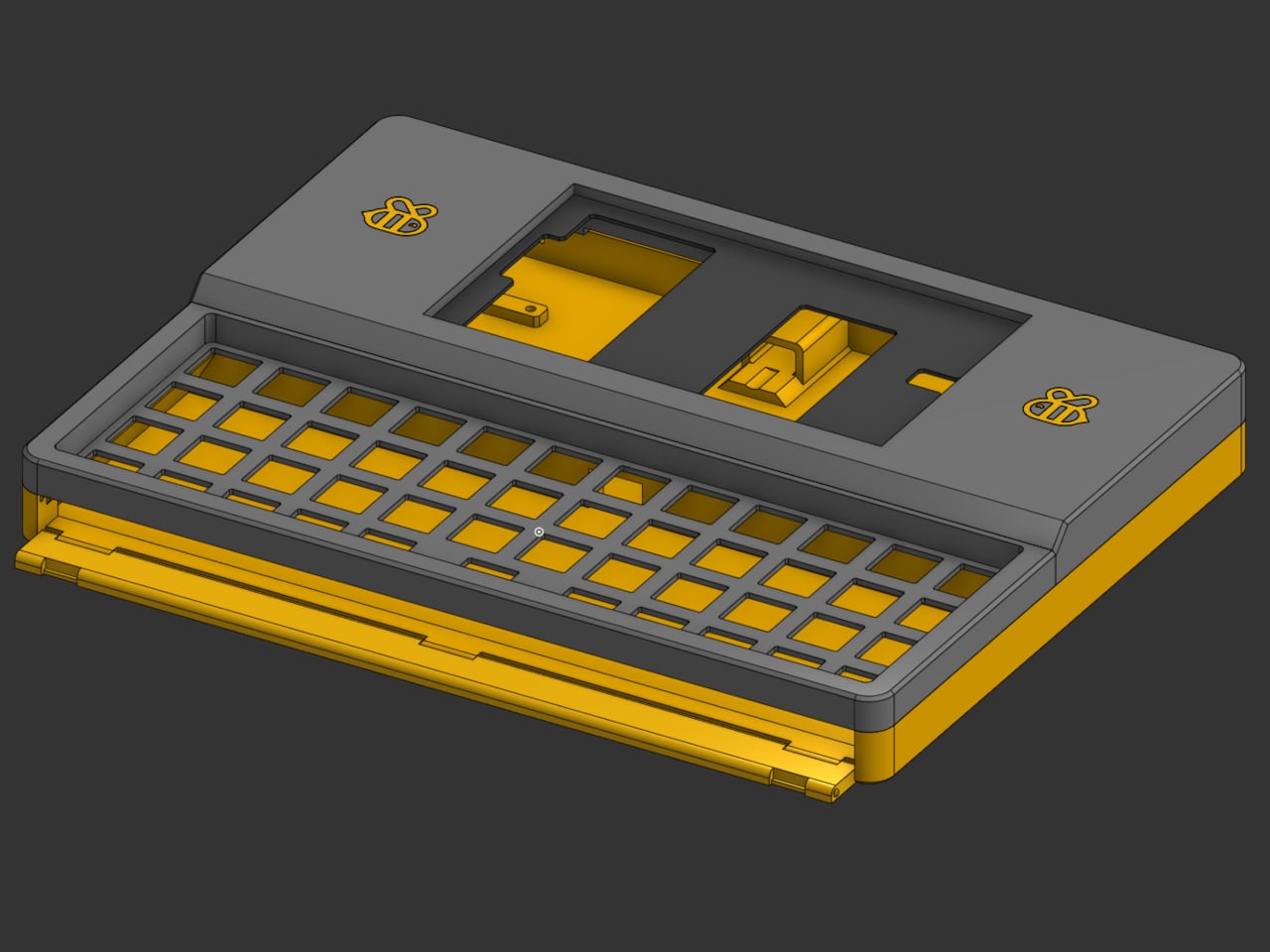
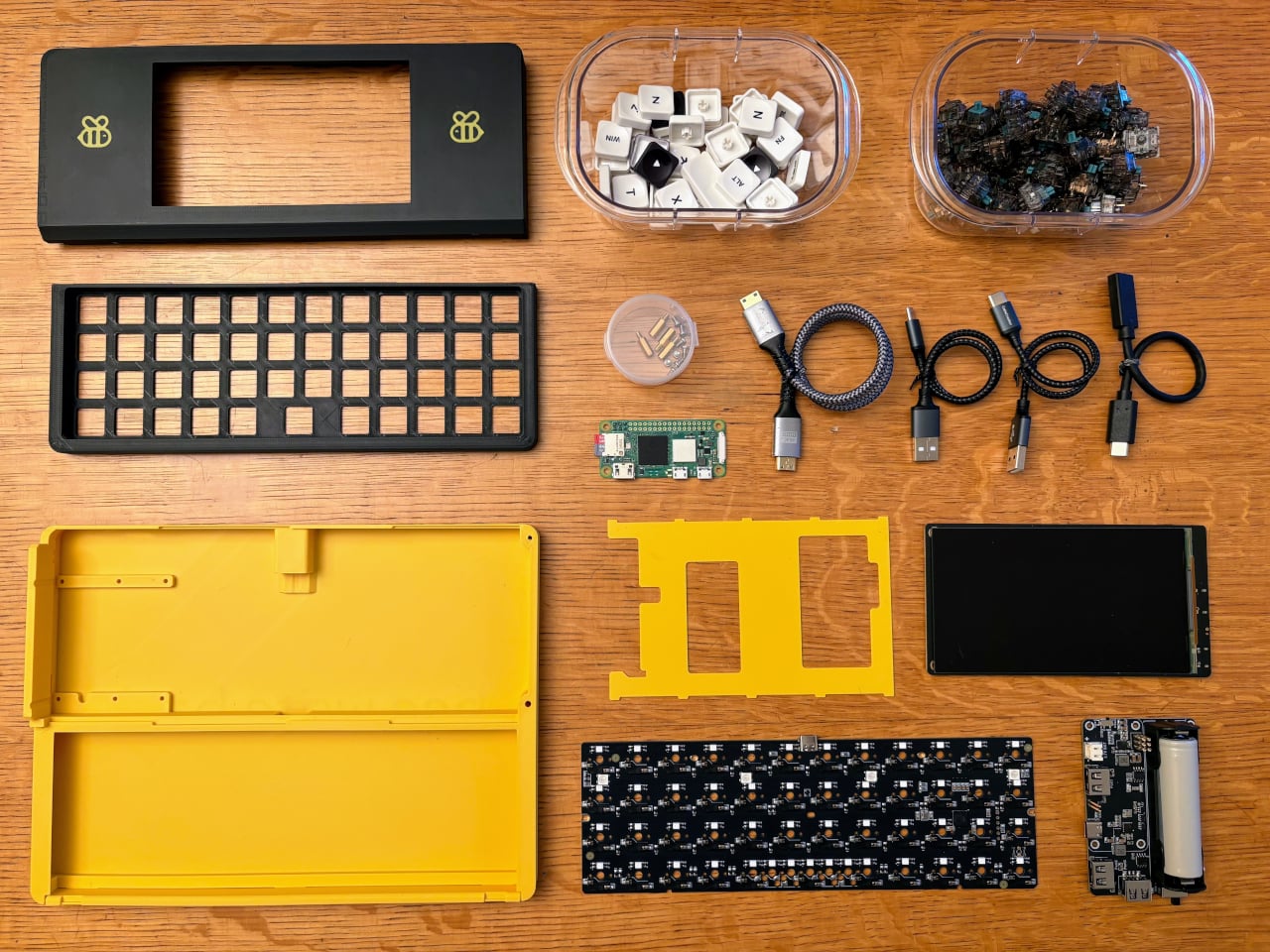
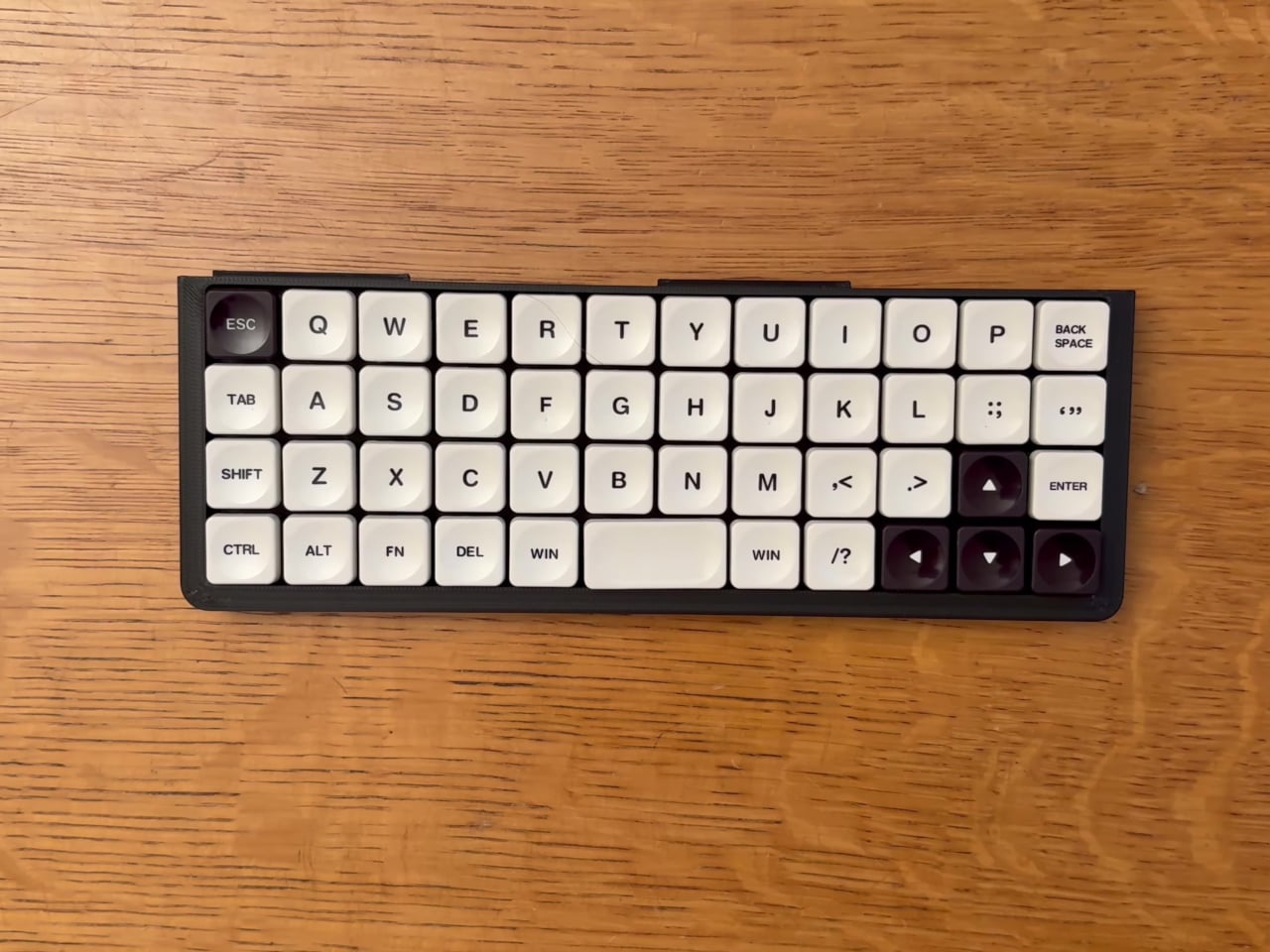
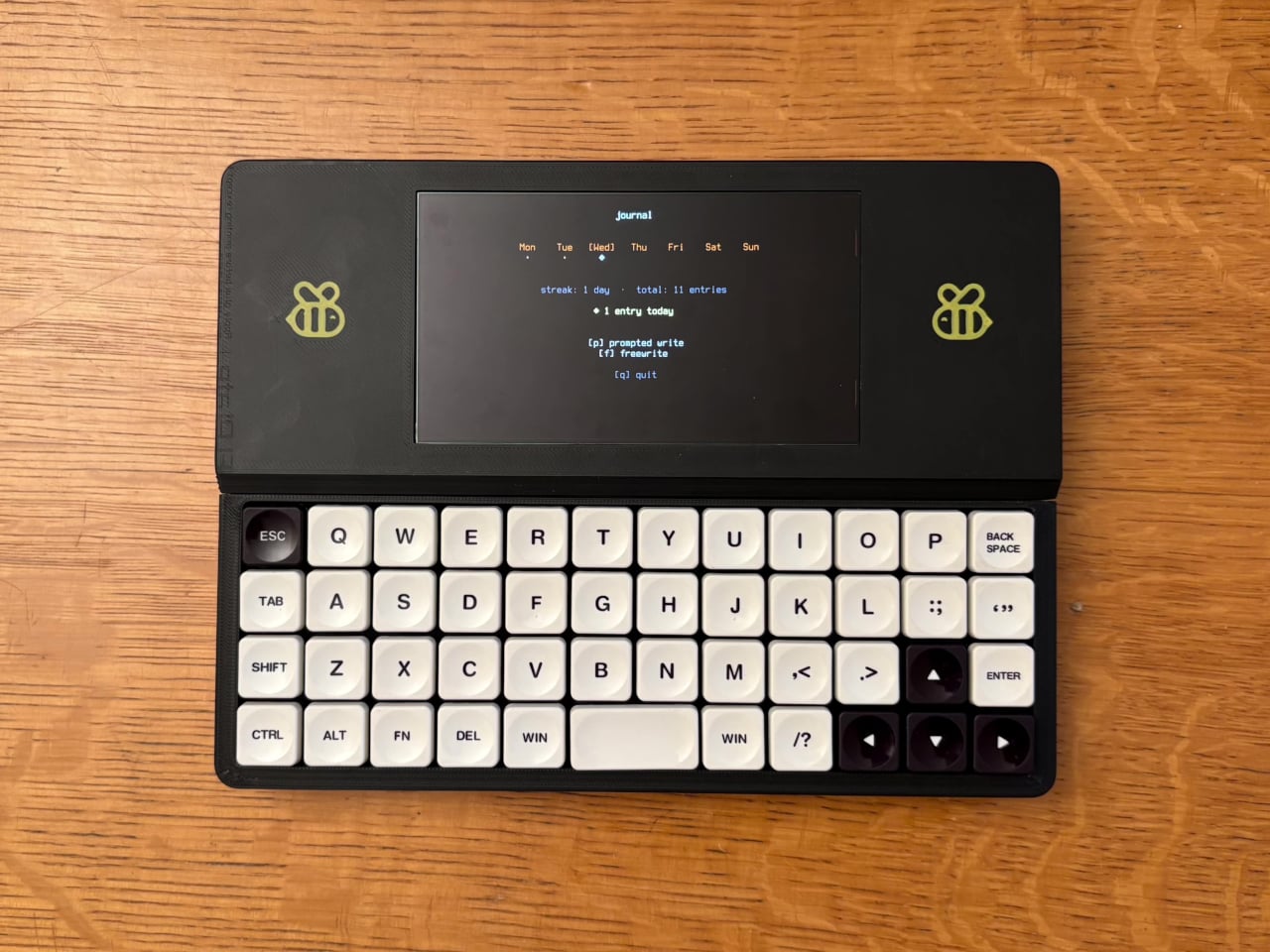
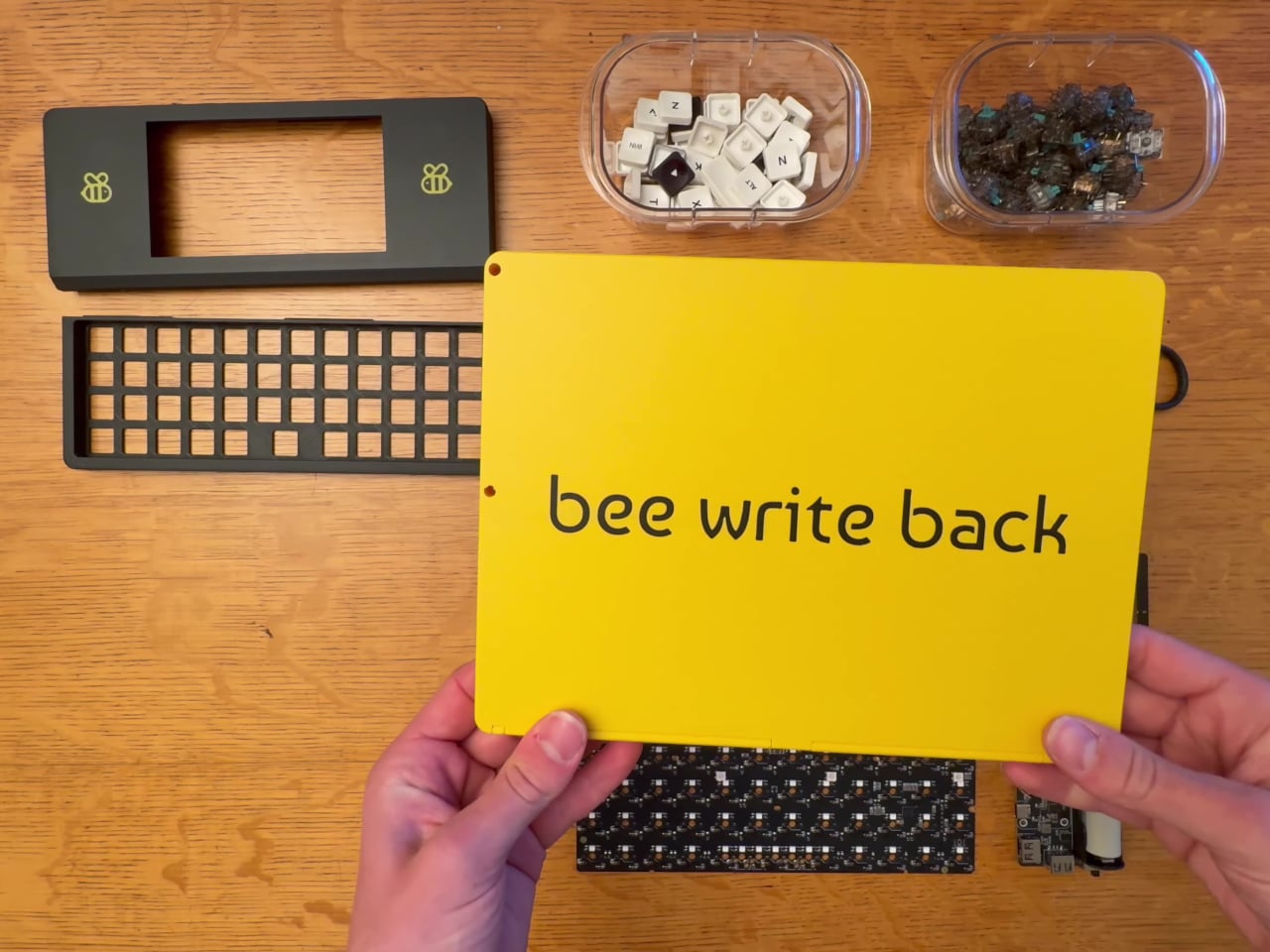
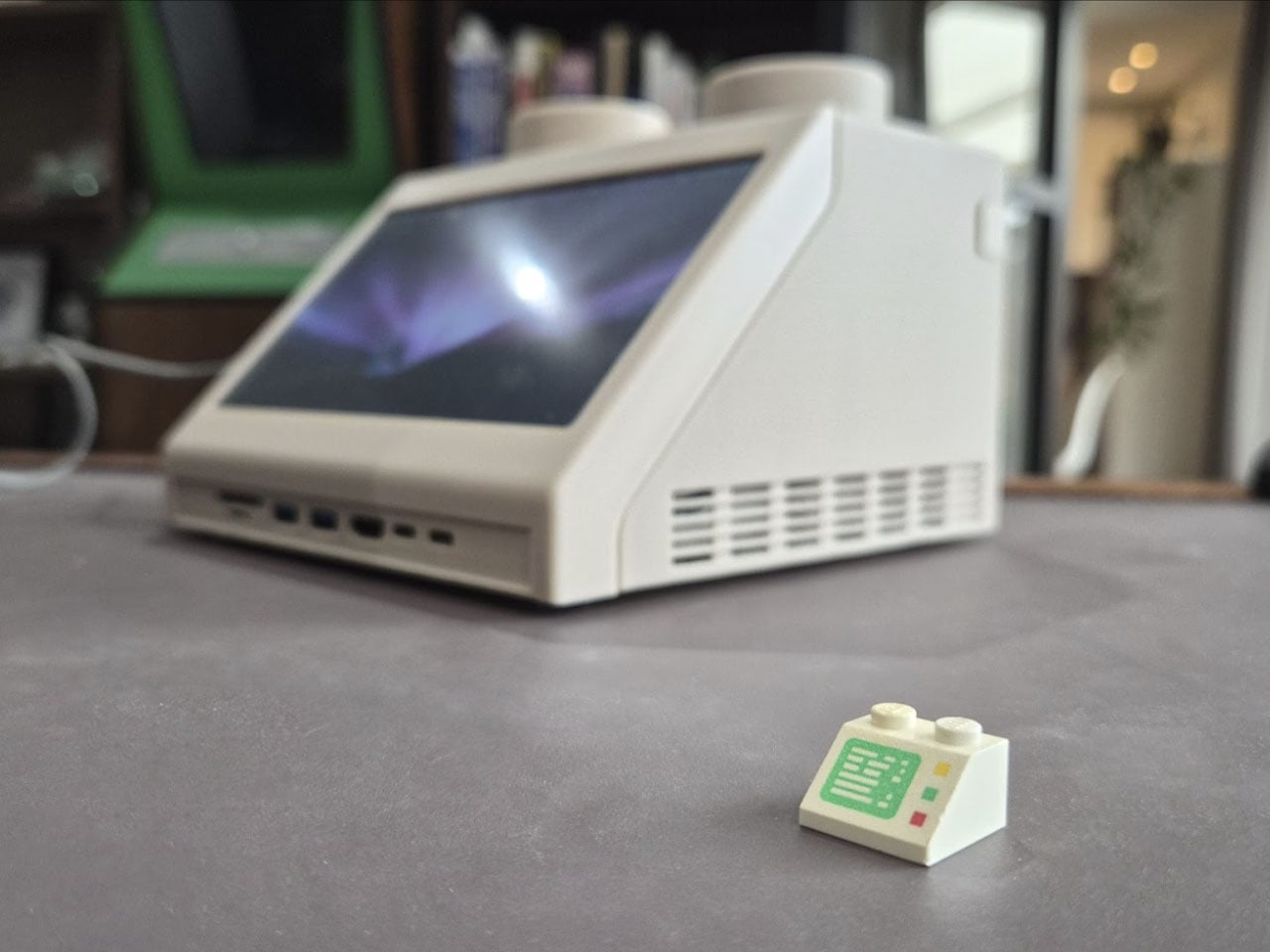
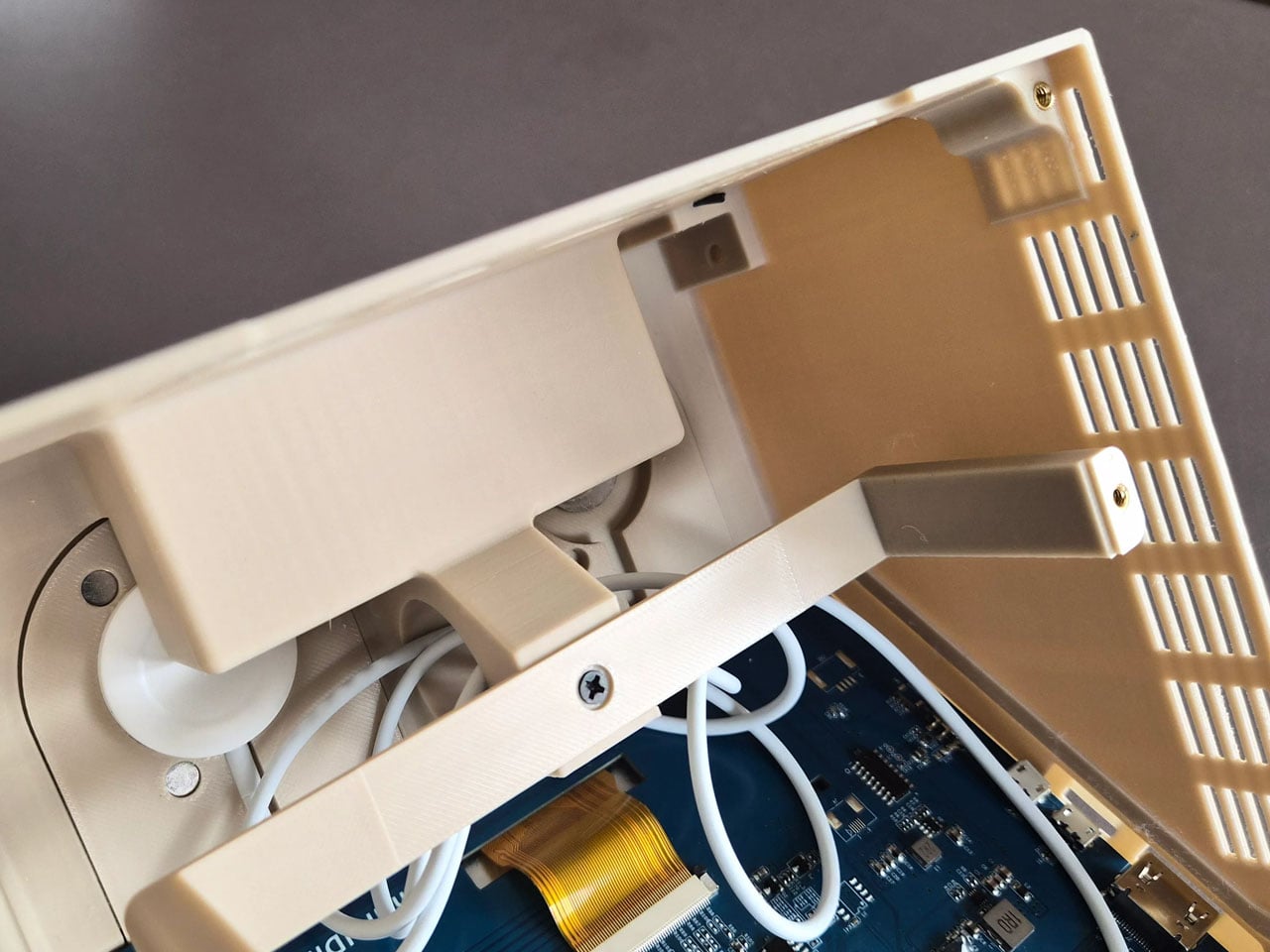
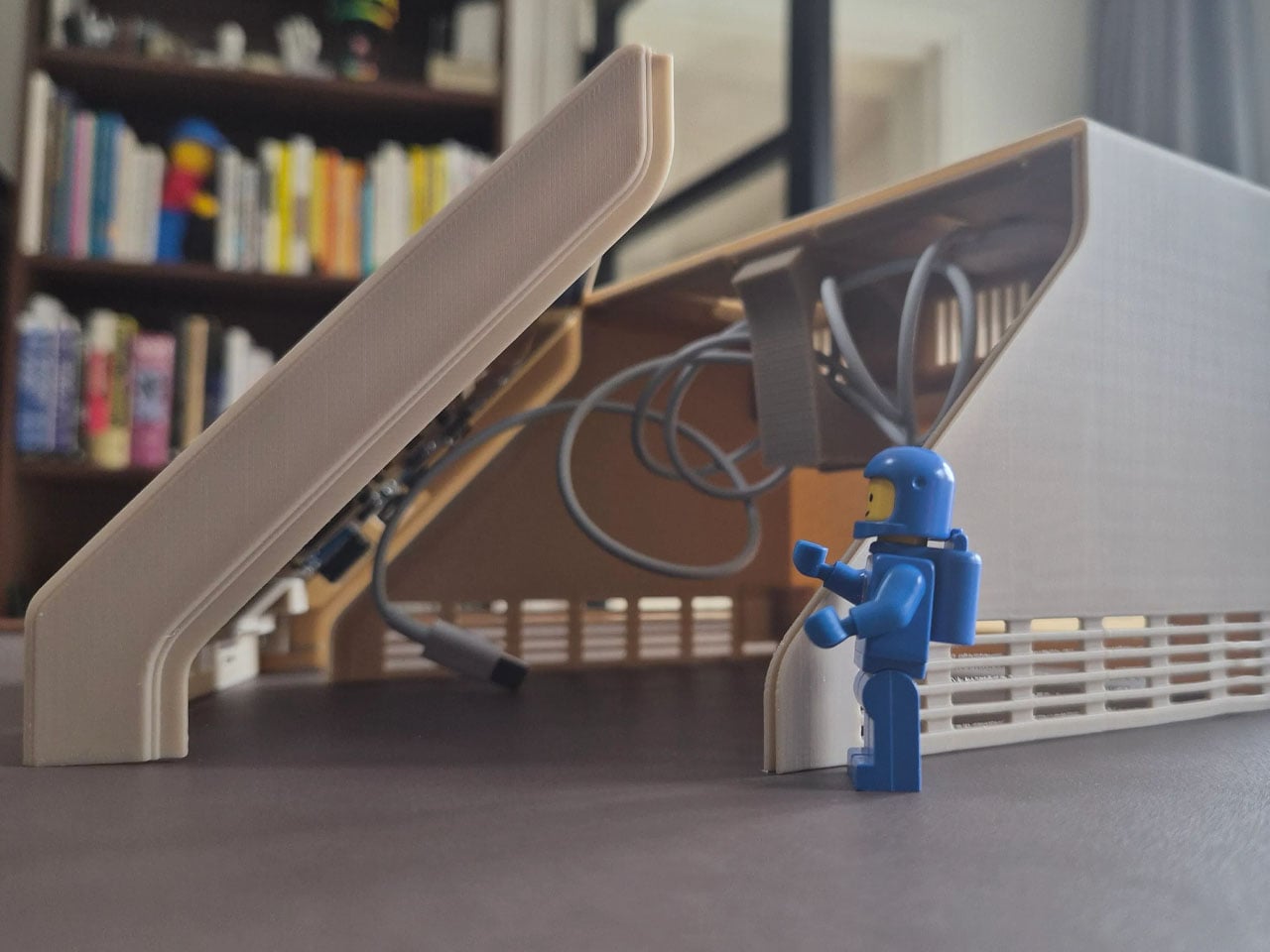
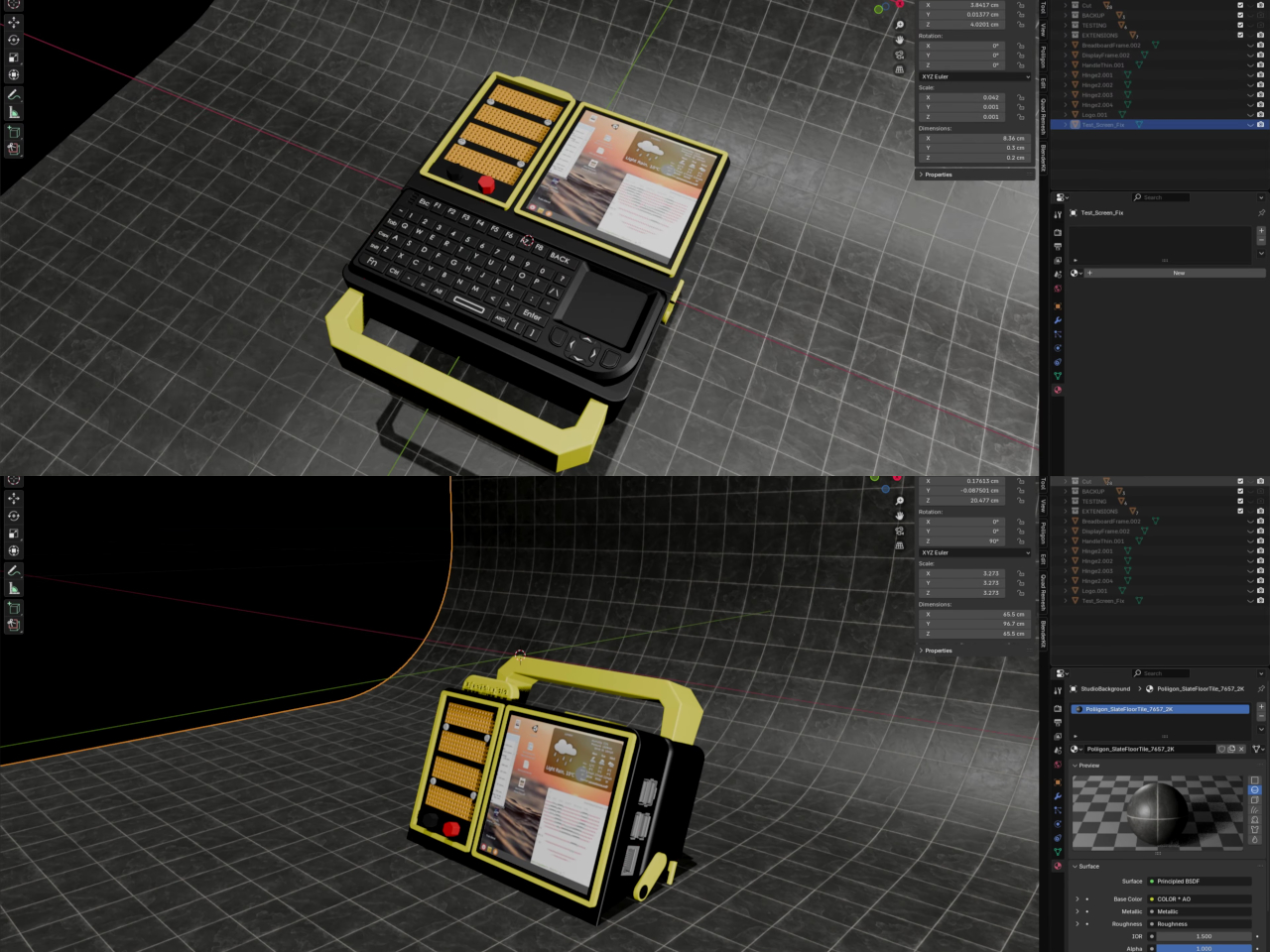
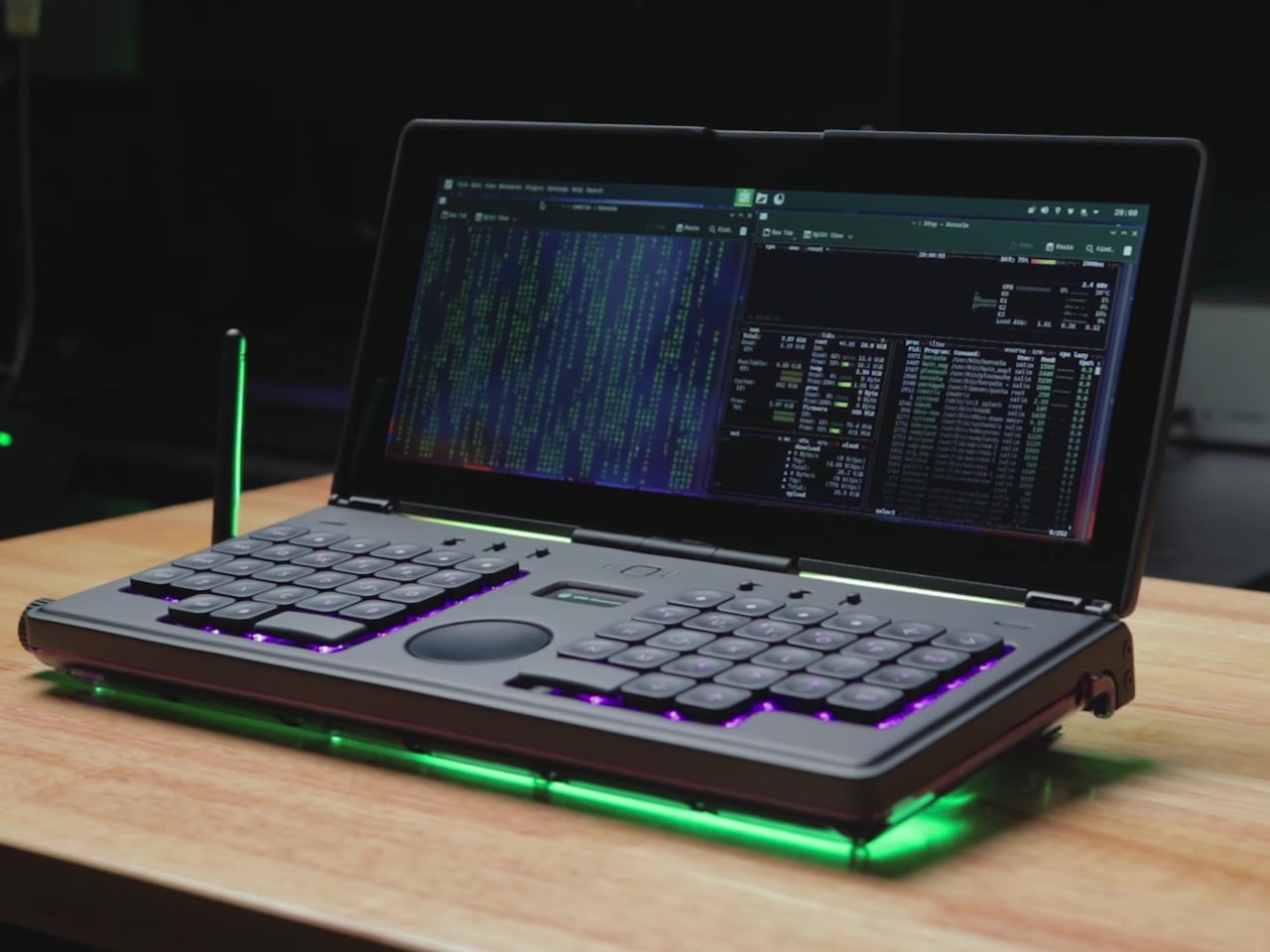
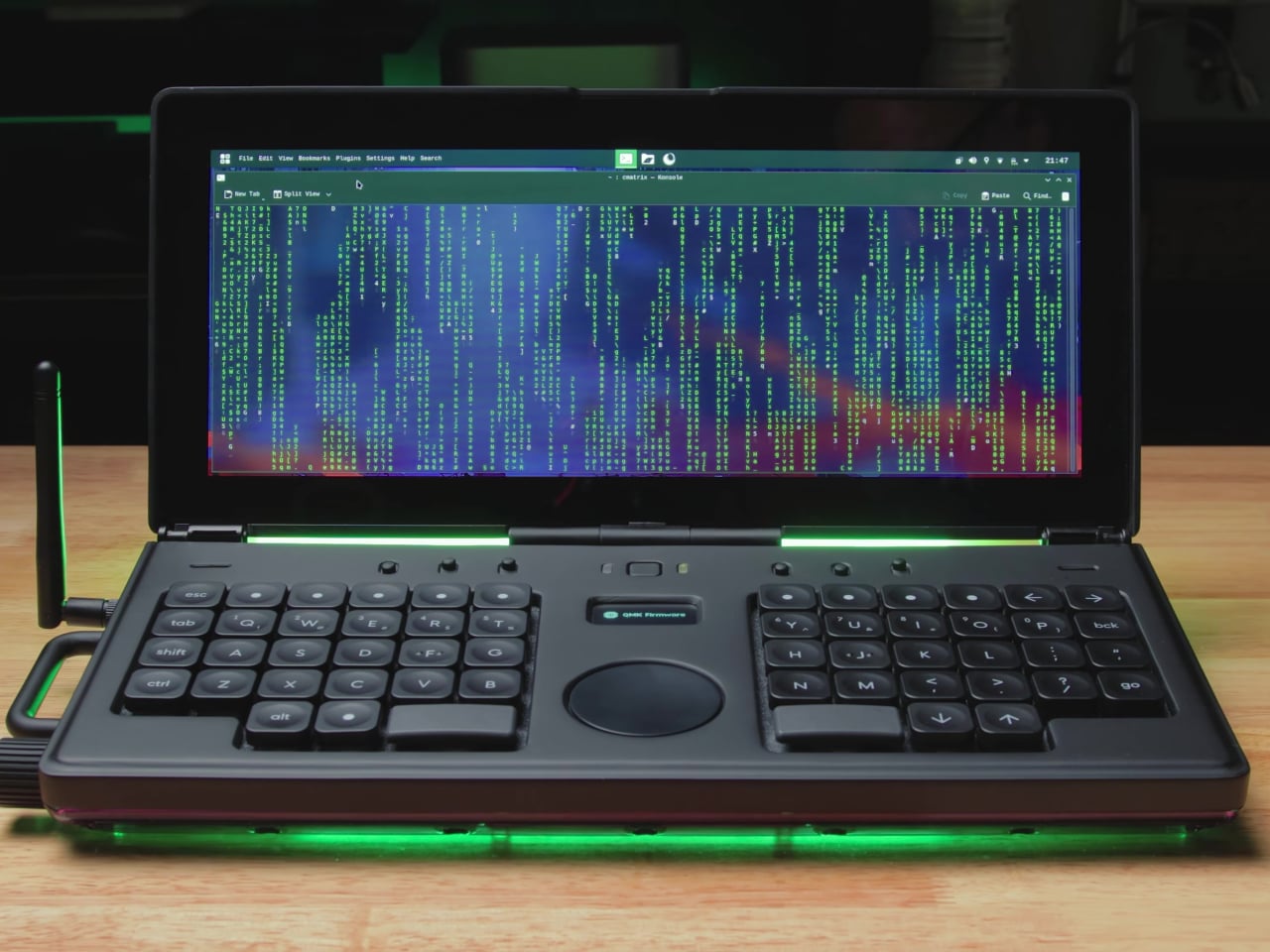
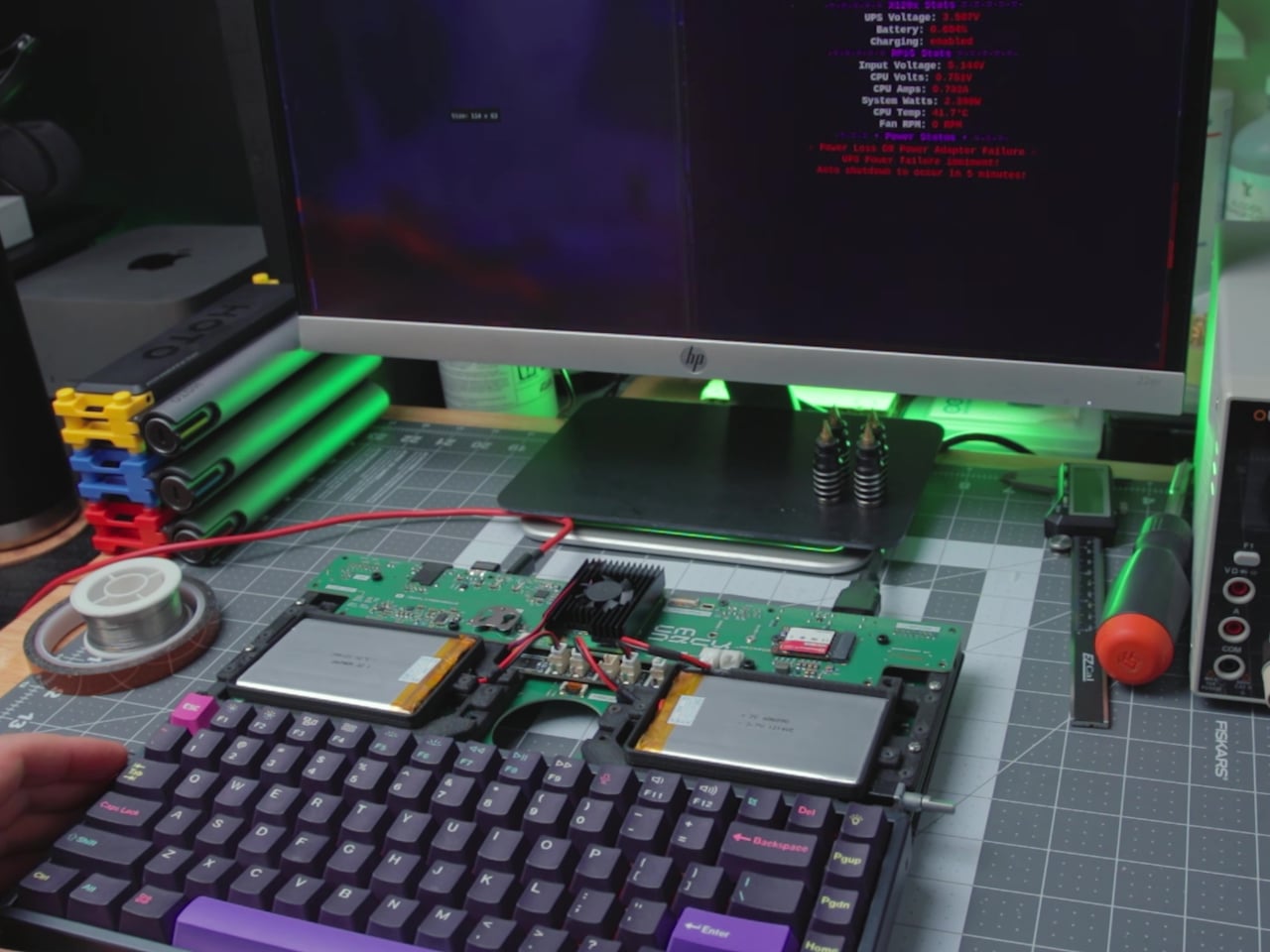
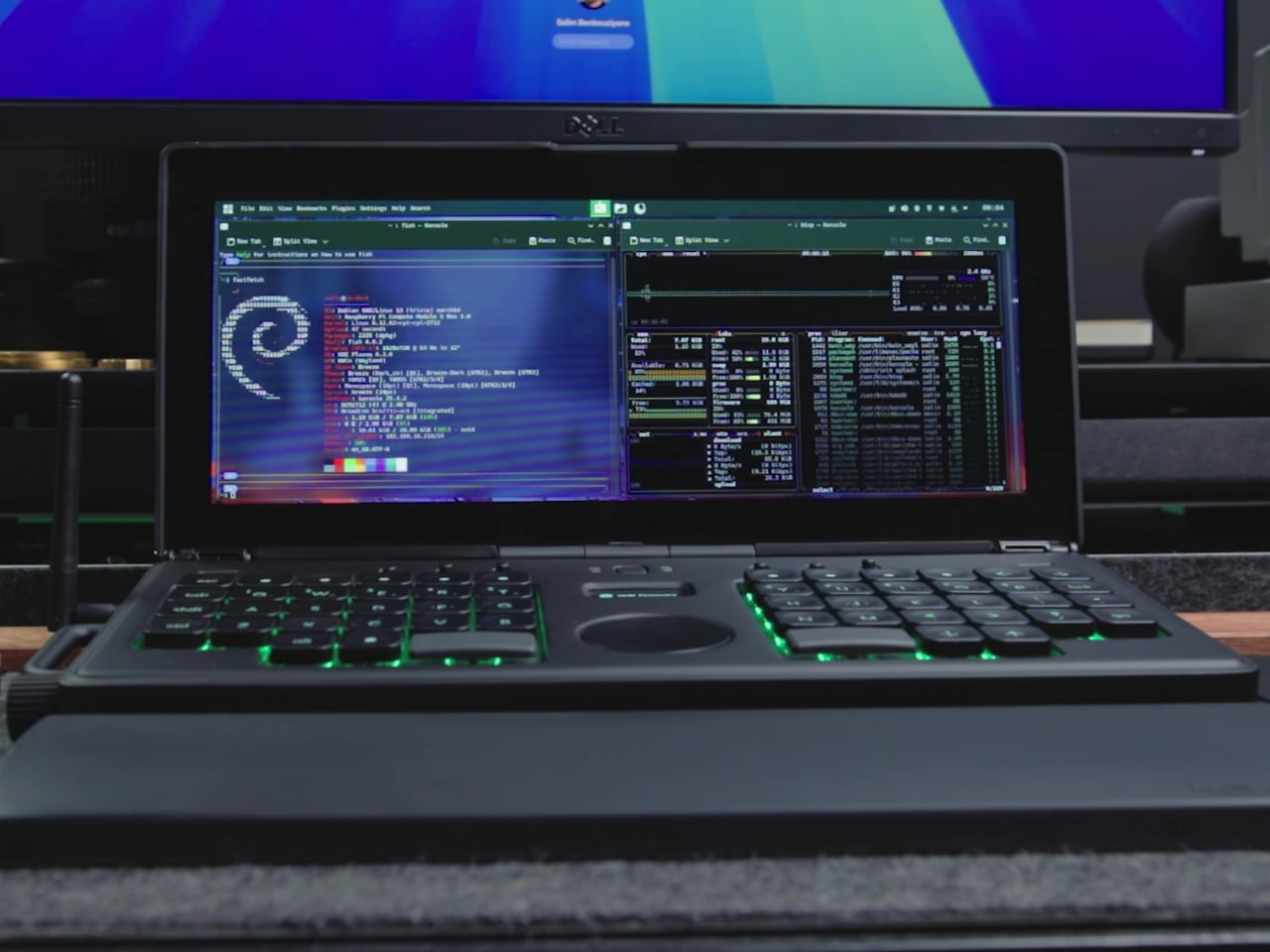
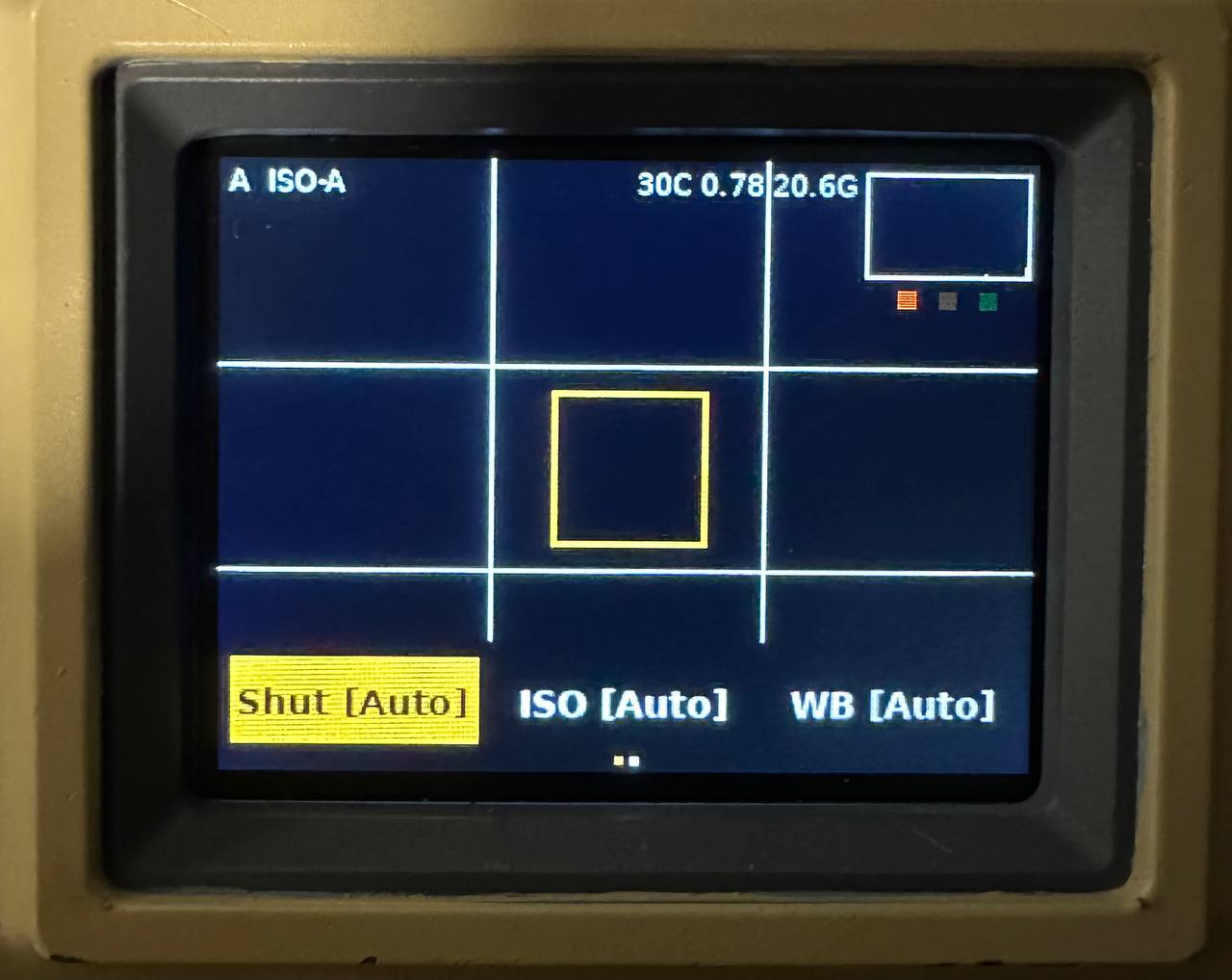
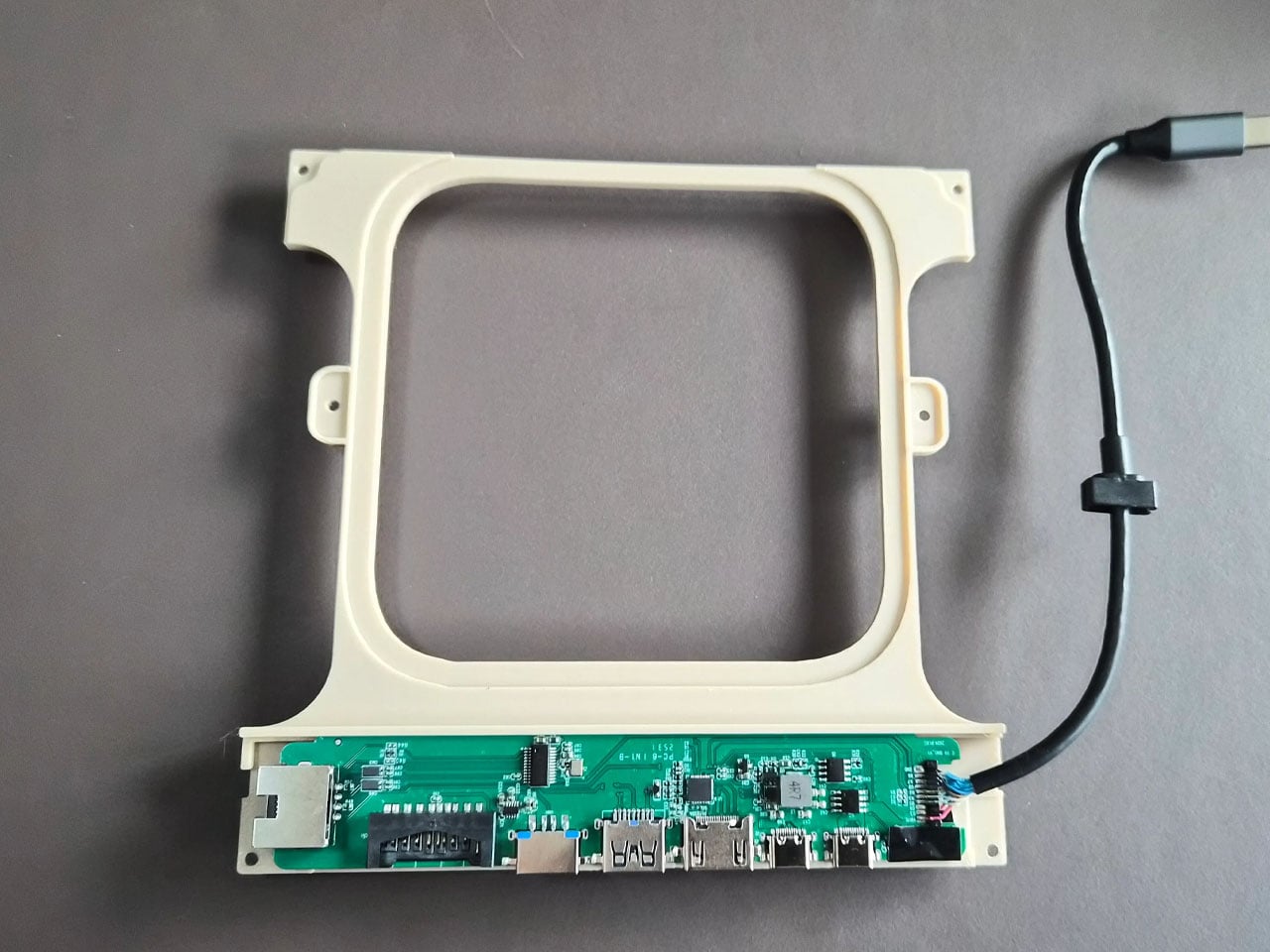
The rasti.computer rides on the ongoing retro wave and brings back that historic laptop with a modern twist: you can actually use it for your everyday work, presuming you’re up to the challenge of building one yourself. The mainboard for this DIY project was gutted from a modular Framework 13 laptop, though you can also buy a fresh new one from the manufacturer. You’re also mostly assembling the laptop from scratch, including the specially-designed keyboard. Fortunately, all of this information is freely available, so you can collect all the needed pieces while waiting for the guide to drop.

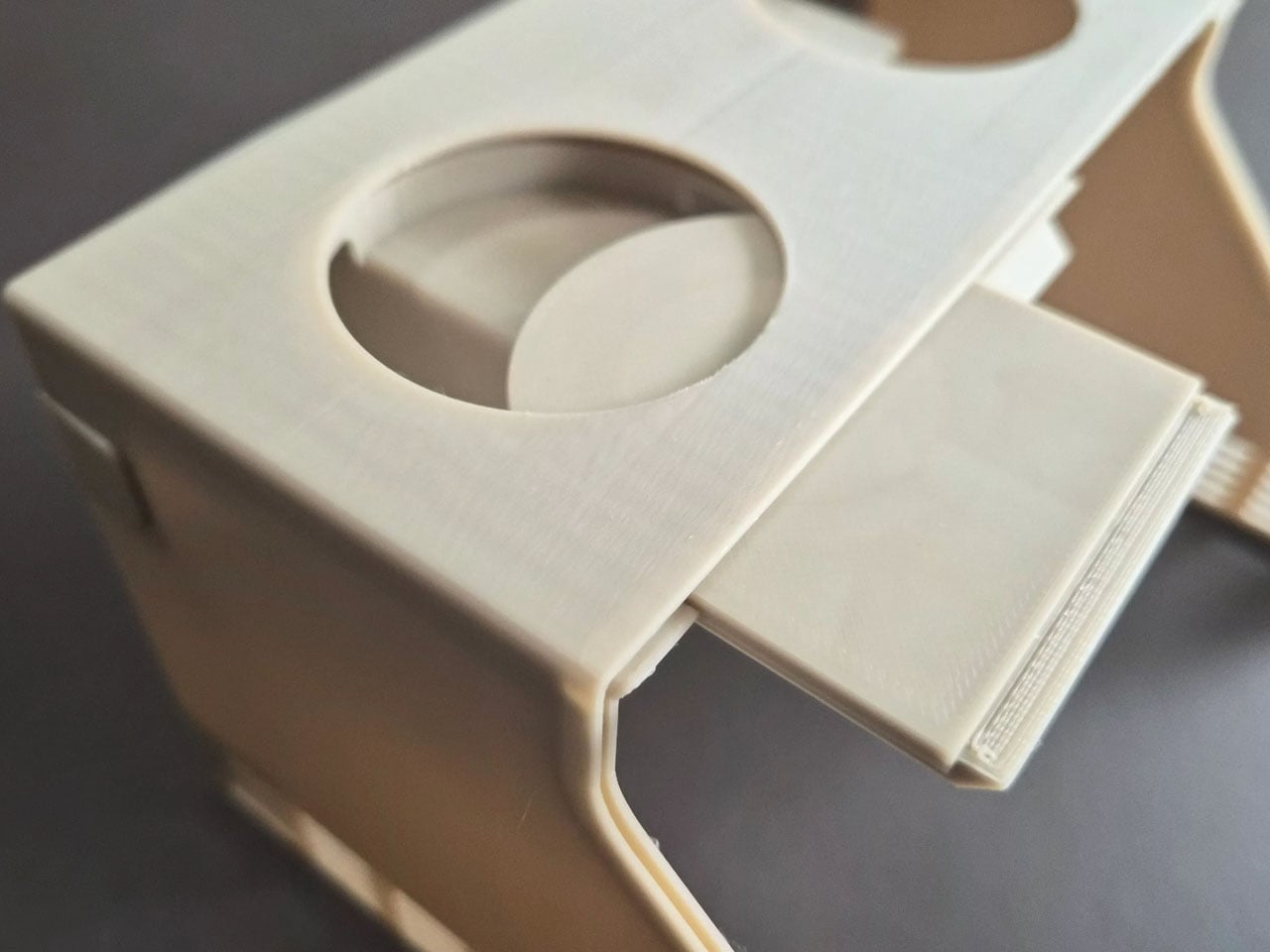
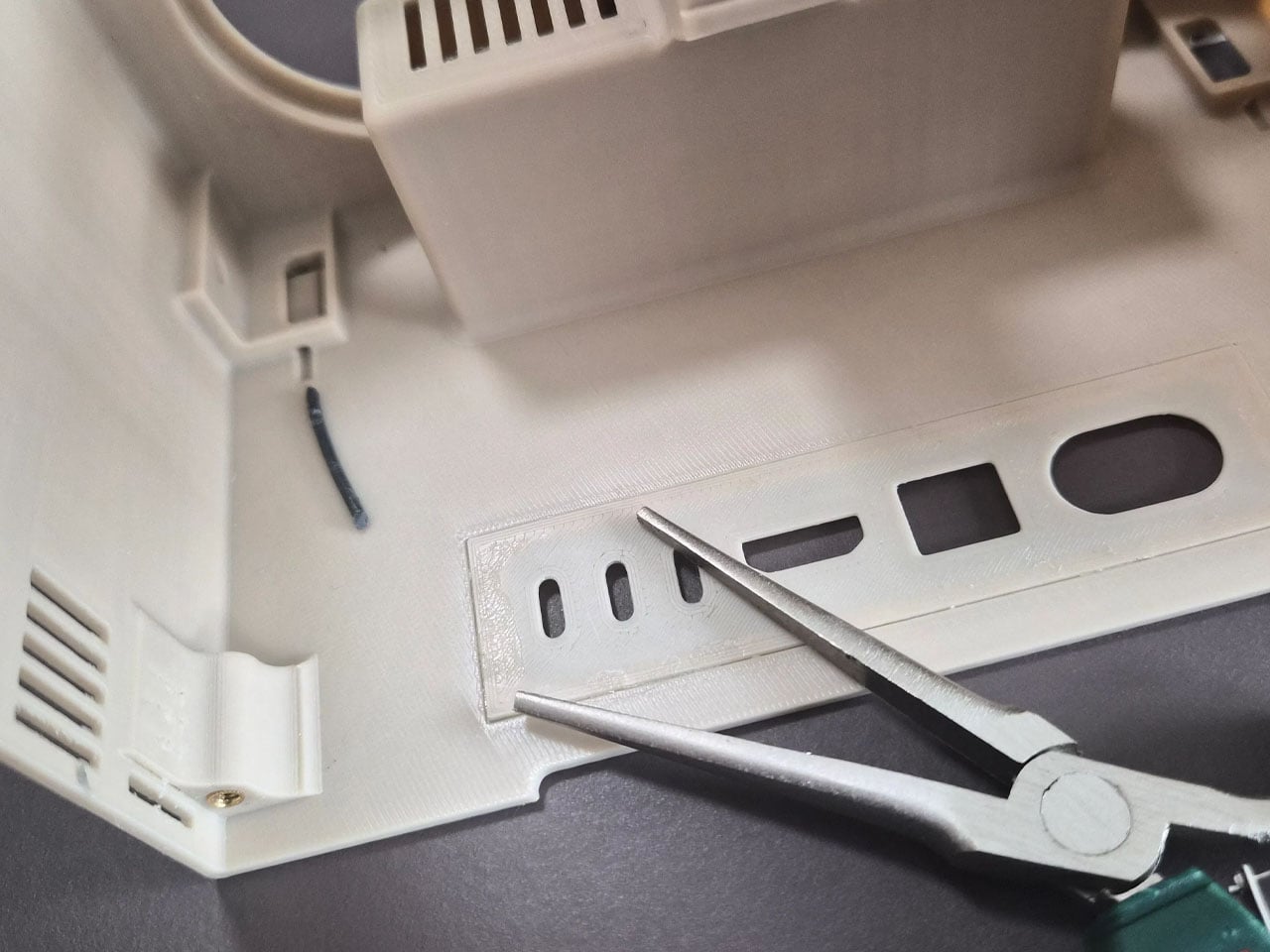
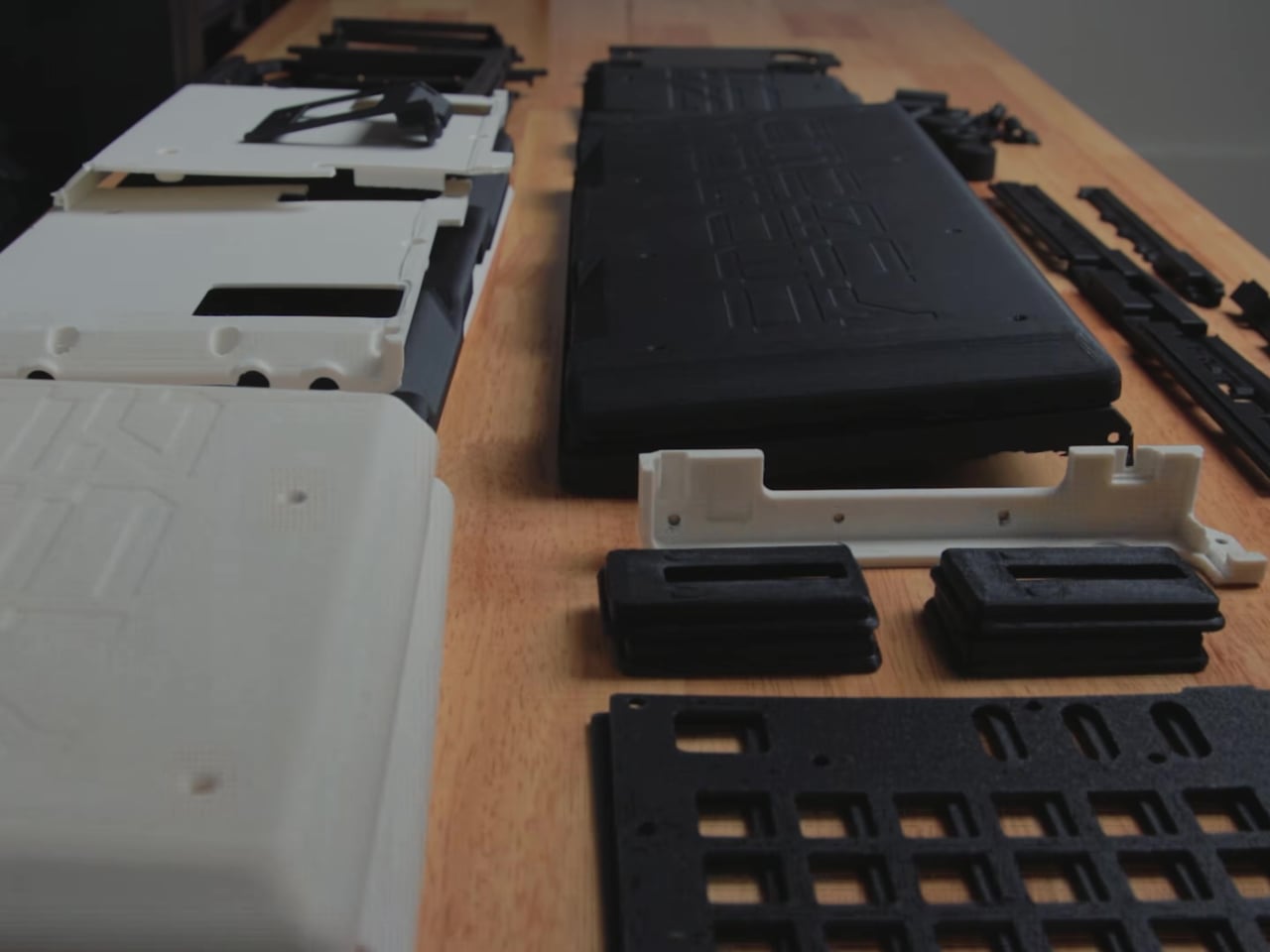
Of course, the process will be quite involved, like many DIY projects tend to be. There will be plenty of 3D printed parts required, not to mention soldering electronics while you’re at it. And just like many DIY projects like this, the satisfaction of the final design is the reward itself.

It doesn’t hurt that you get an actually functional modern computer, thanks to the use of modern computer hardware. It’s going to be a weird experience, nonetheless, with a wide and short 10.4-inch 1600×720 LCD screen and a rather bulky rear. It will definitely make you the center of attraction wherever you go, presuming you’d want to take this outside at all. It might even become a homing beacon to other computing history and tech enthusiasts who are interested in seeing what our ancestors would have experienced in using such a laptop design.

The post GRiD Compass 80s computer is reborn in a retro-futuristic DIY laptop first appeared on Yanko Design.
The Future Is Here! Introducing Flying Umbrellas To Take Convenience To The Next Level

In the fast-paced world of technological innovation, where convenience is key, I Build Stuff, a content creator, has taken the concept of hands-free technology to new heights—literally. In a recent creation that has captured the imagination of tech enthusiasts and casual observers alike, I Build Stuff has designed a flying umbrella drone that hovers above users, shielding them from the rain in a futuristic and whimsical fashion.

Designer: I Build Stuff

In an era dominated by smart devices and voice-controlled assistants, the integration of hands-free technology into everyday objects is a natural progression. The flying umbrella drone is a prime example of this trend, offering a unique solution to the age-old predicament of holding an umbrella while navigating through rain showers.

The concept behind the flying umbrella may seem straightforward—attach propellers, install a drone, and affix an umbrella. However, the designer encountered numerous technical challenges during the development process, leading to a journey of trial and error. The result is a remarkable fusion of cutting-edge technology and creativity.

The core structure of the flying umbrella is a cross-shaped frame made of 3D-printed parts, extending from the edges of a traditional umbrella. At each end of the frame, small propellers resembling a hurricane’s rotation lift the umbrella into the air. To ensure lightweight yet robust construction, carbon fiber tubes form the skeleton of this innovative device, enabling it to gracefully soar above its user.

Crucial to the functionality of the flying umbrella is the incorporation of a flight controller and an electric stability control circuit. The designer meticulously soldered wires to the circuit, regulating the motor’s speed to prevent the device from flying off uncontrollably. The flight controller, programmed to maintain stability, keeps the flying umbrella gracefully following its user.

Despite initial success during the pilot flight, the inventor faced challenges during subsequent tests. The flying umbrella exhibited erratic behavior, shaking violently during one instance. The inventor took a pause, addressing the issues and stabilizing the system, even going so far as to encase the electronics in plastic wrap to protect them from moisture.

While concerns about the device’s stability persist, the I Build Stuff creator has showcased its effectiveness in protecting against drizzles. Anticipating future improvements, the inventor envisions adding a camera and programming the flying umbrella to autonomously follow users, eliminating the need for manual control.

The current controller-operated system opens the door to exciting possibilities. However, the prospect of a fully autonomous flying umbrella holds promise, making this invention accessible to a broader audience. The potential for hands-free technology to benefit not only tech-savvy individuals but also the elderly or those less proficient with remote controllers is an exciting prospect on the horizon.

In a world where innovation knows no bounds, the flying umbrella drone stands out as a quirky yet functional creation, redefining the way we navigate rainy days. As technology continues to evolve, the prospect of a completely hands-free experience with a flying umbrella is both intriguing and eagerly awaited by enthusiasts around the globe.

The post The Future Is Here! Introducing Flying Umbrellas To Take Convenience To The Next Level first appeared on Yanko Design.
Motorcycle riding on monster wheels is a Batcycle on steroid ready to steamroll anything that lies ahead

If ever the Gotham City vigilante desired for an upgrade to the Batcycle (or Batpod if I may) this would be it. The crazy DIY project by a bunch of friends from North Idaho, who’ve built unique automotive projects in the past, is something that’ll spark your instinct for dominance.

Starting their journey with hobby builds on YouTube, the dudes have now amassed millions of views courtesy of their out-of-the-box creations. Their previous builds include the world’s fastest snow bike, 100 HP jet boat, off-road Tesla Model 3 and a crazy fast shopping trolley.

Designer: Grind Hard Plumbing

Their latest exploration is a monstrous bike that looks like the love child of a monster bike and a powerful motorcycle. The power on this one comes from a KTM 1190 Adventure V-twin motor, riding on 46-inch monster truck wheels fitted with mud tires and actuated by a hydraulic steering wheel. Everything on this naked machine is kept together with a stellar trellis frame and those gigantic tires turn as intended (with some effort in standing position) with the pair of single-sided swingarms suspended from the wheels.

Label it as a Batcycle or maybe a Mad Max-style apocalyptic two-wheeler, the machine is built purely for entertainment purposes by the crazy pals. For that, the lay-back position of the chopper makes sure you don’t flex any muscles unwantedly to land in trouble with painful cramps. Turning this monster is not going to be something usual due to the huge size of the front wheel, so the team fitted it with a hydraulic steering system and a drive piston controlled by the handlebar to provide the needed leverage. Even with this assist, the bike seems like a handful while turning!

If you notice closely there is a certain lag from the time when the steering is turned and the wheels actually turn. A gamer would instantly refer to that as latency in the real world. From what we see, the machine is darn hard to control and maybe with some more subtle additions and tweaking it’ll get close to a normal motorcycle. Of course, the project is ongoing and we’re eager to see the monster chopper in action someday with silky smooth steering input and control mechanism.


The post Motorcycle riding on monster wheels is a Batcycle on steroid ready to steamroll anything that lies ahead first appeared on Yanko Design.

DIY PlayStation 5 Tablet almost makes the PlayStation Portal moot

Although the handheld gaming trend has been going strong recently, especially with the likes of the Nintendo Switch and the Steam Deck leading the market, major console makers haven’t taken the plunge completely yet. Granted, Xbox isn’t too concerned because every Windows gaming handheld PC can theoretically run some of its titles, but Sony introduced a rather odd and quite unsatisfying version of this idea. The PlayStation Portal isn’t being “portable” for a reason, since it basically just streams games from the PS5 sitting somewhere in your house. Take it to more enterprising creators to bring the PlayStation 5 Portable dream to life, like this rather impressive gigantic PlayStation 5 “Tablet Edition” that is very much worth all the hard work involved.

Designer: Matthew Perks

The PlayStation 5 diverges from generations of console design with a sleek, futuristic, yet also alien aesthetic that some have compared to a trophy. But it’s especially thanks to that new design, especially the improvement Sony quietly made after launching the console, that makes this creative endeavor even possible. In a nutshell, Sony trimmed the PS5 motherboard down to a smaller size that could be made to fit inside a thick and hefty 14-inch tablet. That, however, was the least of the project’s problems, considering the things inside that actually make the bulk of the PS5’s, well, bulk.

The PlayStation 5 generates around 200W of heat at full power, so the majority of the console’s internals are actually devoted to thermal management. These include bulky fans and a strange-looking heatsink that would never fit any portable design. That’s why the majority of the effort around this PS5 tablet was spent on figuring out an equally efficient thermal management system that didn’t take up too much vertical space. Thanks to some creative thinking and a lot of research, that problem was eventually solved to much satisfaction.

With the biggest engineering hurdle out of the way, putting the rest of the giant tablet was relatively easier. A 3D-printed shell had to be made that matched the black-and-white aesthetic of the PS5. The screen of choice for this project was a 14-inch OLED salvaged from a broken laptop, allowing game graphics to really shine. Finally, an external power source had to be designed since the original PS5 power supply was just too large and too weird to use as is.

After much work, the PS5 Tablet Edition, a.k.a. PS GO, was ready to be put to the test, and the end result is truly impressive, both from the thermal aspect and especially in performance and visual quality. It’s a truly portable system that can fit inside a backpack, though you’ll have to plug it somewhere to actually use it. Then again, the idea was to create a more social console that you can take to your friend’s or relative’s house so that you can enjoy the experience together, rather than sitting in a corner, alone in the dark, mashing the buttons on your handheld PC.

The post DIY PlayStation 5 Tablet almost makes the PlayStation Portal moot first appeared on Yanko Design.

Move over IKEA, Lifecare’s SYSTM furniture can be disassembled, reupholstered, and maintained


In a world where cleanliness and adaptability are paramount, Lifecare Furniture Company has introduced a game-changing solution to the age-old problem of maintaining impeccably clean furniture, especially in healthcare facilities. The SYSTM line, a series of smart furniture designs, is crafted with the unique ability to be swiftly disassembled for thorough cleaning and reupholstering, setting a new standard for hygiene and versatility in the furniture industry.
Designer: Lifecare Furniture (SYSTM)

For most of us, a bit of lint or pet hair on our furniture may be tolerable, but for healthcare facilities mandated to uphold stringent cleanliness standards, furniture with intricate crevices poses a significant challenge. The accumulation of dust and microbes in these hidden spaces can compromise the overall hygiene of the environment. Lifecare Furniture Company recognized this issue and developed the SYSTM line with a focus on addressing the specific needs of healthcare settings.

The hallmark feature of this furniture line is its ability to be quickly and easily disassembled for thorough cleaning. The furniture pieces can be taken apart using a specially designed red-handled Allen key, conveniently stored beneath the seat. This innovative approach not only simplifies the cleaning process but also ensures that every nook and cranny can be accessed, leaving no space for dirt or contaminants to hide.

Beyond its cleaning capabilities, the line offers a unique advantage in reupholstering. The pieces can be disassembled so efficiently that changing upholstery becomes a breeze. Whether dealing with unsightly stains or seeking a fresh look for aesthetic reasons, the ease of reupholstering makes the furniture line an ideal choice for healthcare facilities and high-traffic commercial settings.

Lifecare Furniture Company understands that functionality should not compromise style. The SYSTM line comes in a variety of designs for both chairs and sofas, allowing for customization based on the specific needs and aesthetics of different spaces. This ensures that the furniture not only serves its practical purpose but also enhances the overall visual appeal of its surroundings.

While this line was initially designed with healthcare in mind, its benefits extend far beyond institutional settings. Imagine if all residential furniture were crafted with the same principles – quick disassembly for cleaning and reupholstering. This approach would revolutionize the way we think about furniture maintenance, making it significantly easier to refresh and update our living spaces without the need for constant replacements.

Interior designers often fall in love with furniture for its design qualities. Lifecare’s SYSTM line acknowledges this by allowing for easy upholstery changes. This means that even if a particular piece is adored for its design, it can be effortlessly updated to suit evolving tastes or trends.

The post Move over IKEA, Lifecare’s SYSTM furniture can be disassembled, reupholstered, and maintained first appeared on Yanko Design.