YouTuber Turns Tesla’s Cybertruck Into A Full-Blown Snowmobile With Tracks Instead Of Wheels

We’ve seen the Cybertruck handle off-road tasks with the ease of a machete cutting through soft butter… Whether it’s asphalt, gravel, sand-dunes, or even a shallow riverbed, it seems like Cybertruck drivers have managed to push the electric pickup truck to its limits to have it conquer those surfaces, but what about snow? YouTuber Heavy D Sparks decided to test the truck’s off-road abilities by having it run on one of the trickiest surfaces for any vehicle, snow-capped hills. Except, he wasn’t planning on just taking the Cybertruck as is, no… Heavy D Sparks decided to build the world’s first (and only) Cybertrack – a truck/snowmobile hybrid with treads instead of wheels. Borrowing a Cybertruck from fellow YouTuber Supercar Ron, Heavy D Sparks (also known as Heavy Diesel) decided to give the truck its biggest hardware upgrade ever.

Designer: Heavy D Sparks

The aim was to outfit the Cybertruck with “hell tracks,” a modification promising unparalleled off-road prowess. This endeavor was not without its hurdles, though; given the Cybertruck’s sheer weight and output, multiple parts and brackets ended up needing reinforcements because of how heavy the truck was. Parts would break, fold like cardboard, or even completely disengage, causing the truck to lose control or stop working entirely.

The truck was sourced from Supercar Ron, who happened to have an early Founder’s Edition of the Cybertruck, and very graciously gifted it to the Diesel Brothers team to modify however they saw fit. The journey of modification was a meticulous process involving the creation of custom parts such as bumpers and the addition of extra batteries in the back to support the massive lights installed on the top and the front courtesy Baja Designs. Finally, the truck got a custom wrap featuring a unique camouflage pattern that mimicked the Cybertruck’s angular design.

Testing the modified vehicle revealed a stark duality of success and challenge. On one hand, the Cybertruck demonstrated enhanced stability and performance, a direct result of the thoughtful modifications. On the other, the project was met with significant mechanical setbacks, including a broken spindle—a clear indicator of the factory parts’ limitations under rigorous testing conditions.

However, when the Cybertrack DID work on snow, Heavy D (who was piloting the vehicle) pointed out that the truck was handling the snow incredibly smoothly. “It feels so stable,” he mentioned. “I would feel totally comfortable loading this thing full of skiers and going to the top of any ski resort around, like the steepest runs.” The truck could comfortably cruise around at 40 to 50mph on snow, although there’s a fair discrepancy between what the speedometer says versus your actual ground speed. The speedometer outputs nearly double of what your actual ground speed is (because of how the treads rotate and how that translates to actual ground movement). It held its own on steep inclines too, but there was a bit of a malfunction right towards the end of the video.

Unexpectedly, the project received an encouraging nod from Tesla, an acknowledgment that perhaps was not anticipated. This support not only underscored Tesla’s openness to seeing its vehicles pushed to new boundaries but also cemented a deeper appreciation for the brand and its leadership, marking a positive shift in perception among the project team.

There’s a Part 2 video coming soon, with probably more repairs and modifications to the Cybertrack. You can follow Heavy D Sparks on YouTube for more.

The post YouTuber Turns Tesla’s Cybertruck Into A Full-Blown Snowmobile With Tracks Instead Of Wheels first appeared on Yanko Design.
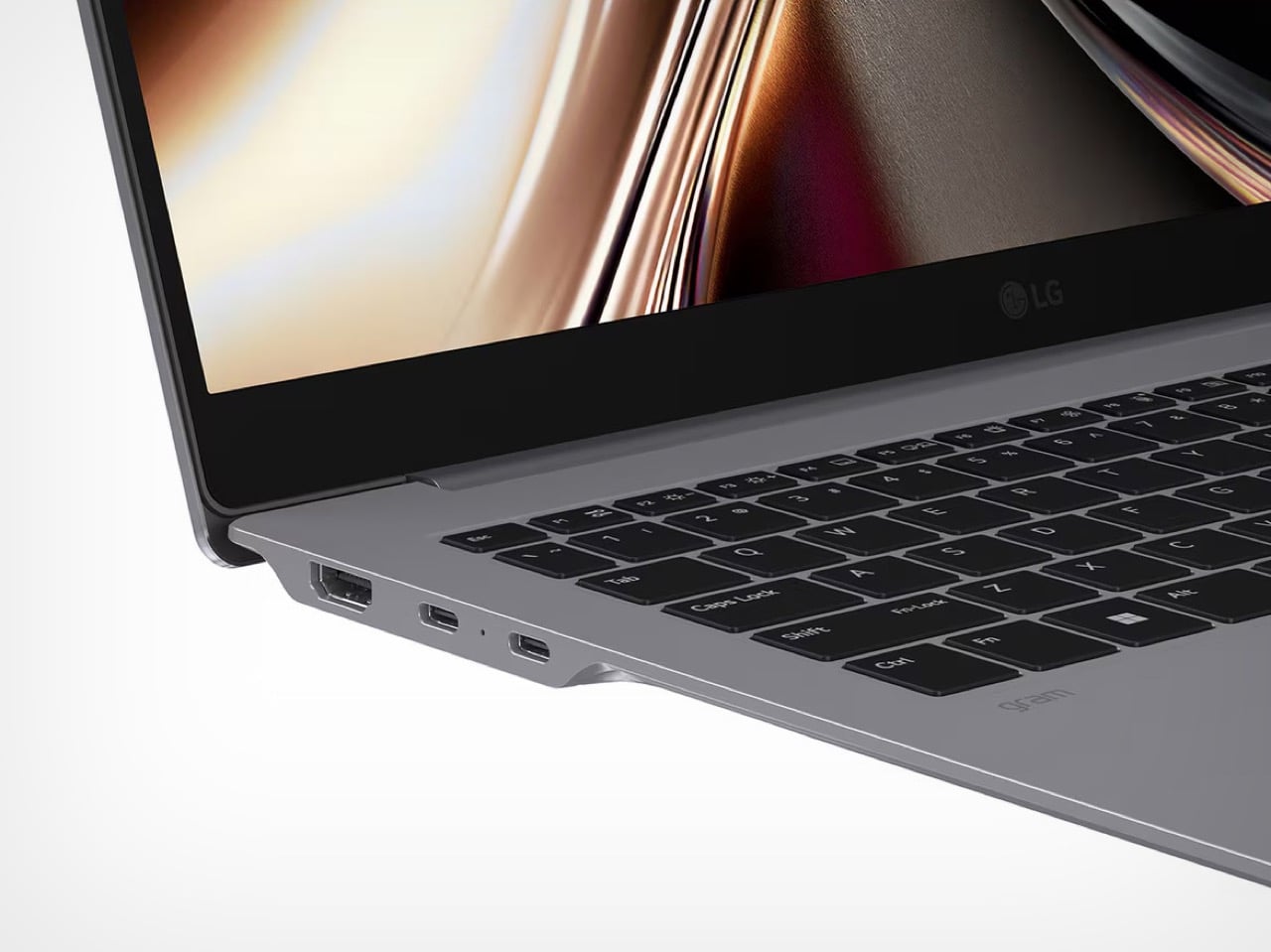
This Ridiculously Simple Trick Can Transform Your Good Designs Into Great Designs

“A great design can’t be great if it doesn’t end up reaching its audience”

If people aren’t sharing/talking about your design, then it’s failed its first basic step: creating an impact. Most designers are so enamored (in a good way, obviously) with the idea of creation that they forget the next logical step – ensuring that the design reaches as many people as it can. The one secret you need to know, whether you’re a designer, a creator, a maker, a studio, or even a company looking to get eyeballs on your work… is to make your design project easy to share with others. The way you do it is simple – create a Press Kit.

A Press Kit or a Media Kit is basically a kit/page/folder that contains high-resolution images, videos, GIFs of your design, and a written document describing your project in detail. It’s the basic raw material for journalists, bloggers, PR teams, marketers, and content creators to help them promote and broadcast your work. When people talk about your work, people notice your work. It’s that simple.

How To Make A Press Kit?

You know how a picture’s worth a thousand words? The press kit is quite literally those thousand words. Instead of leaving your work up to everyone’s interpretation, a Press Kit helps people understand your work so that they can then share it with others. It’s pretty much routine in the media world to have a press kit before writing about any project – the press kit (also known as the media kit) has three important aspects to it: Words, Images, and Videos. Every article you read online (or even offline), every social media post, every reel or TikTok is made up of these three things – Words, Images, and Videos. These three aspects are firmly within your control when you’re the creator, whether it’s a piece of furniture, an app, an electric vehicle, or any product/service/experience. Building a press kit to go with your creation is a great way of helping shape that narrative.

So how do you build a press kit? Simply collect all the information related to your project and present it in text form. On the side, also give people the option to view/download/share high-resolution images and videos regarding your project. You could compile all of these into a compressed folder (a .zip attachment in your email), or make them available via cloud storage or even directly on your website. The latter is a great way to track how many people access the press kit, giving you a unique metric to measure reach.

What To Include In Your Press Kit?

There are three aspects to a press kit – Words, Images, and Videos. The quantity and the emphasis on these three mediums is entirely up to you, but it’s essential to include a combination of all three aspects in your kit. The ‘Words’ element of the press kit is referred to as a press release, it contains all the information people need to know about your project. Hypothetically, you explain the background, the process/intent, the end result, the features, the human context, and other details like pricing and availability. Press releases also end with a note on the creator, giving media personnel a background on you so that they can use it to craft their narrative.

The words or text form the backbone of your press release, but arguably, the images and videos are what grab the attention of people in the first place. Your press kit needs to have great, high-resolution images to attract viewers, and preferably even a video to help people see your product in action, or get a sense of your product’s usage/features/background. The images need to be high-resolution for a variety of reasons – for starters, it just makes sense to not have blurry images in your press kit. Media outlets hate publishing bad-quality images because it reflects directly on their brand. Besides, sometimes a journalist/writer will crop a part of your image to focus on an element, so having good-quality images definitely goes a long way. Besides, search engines prioritize articles with great-quality media, so you want to make the best of that algorithm.

Tips And Tricks For Improving Your Existing Press Kit

As an ex-designer who’s been in the design+tech blogging world for nearly a decade, I think it’s time I share a few tips and tricks to help you build a stellar press kit.

Aspect Ratios – The Not-So-Secret Way To Easily Improve Your Kit

Ten years ago, this wouldn’t have mattered so much, but we’re now in an age of multiple aspect ratios. For years, landscape images and videos were the gold standard, but given the dawn of social media, a lot has changed. Landscape images and videos are still an absolute necessity, but they’re now a form of ‘legacy’ media. Portrait or vertical images and videos dominate apps like TikTok, Instagram, and YouTube Shorts, which people spend most of their time on, and if you want to play it safe, the Square image reigns supreme, working well everywhere, from print to online use, and even on platforms like Facebook, LinkedIn, Twitter (X), Pinterest, and Instagram. Make sure your press kit contains images of all aspect ratios, making it easy for everyone from journalists to influencers to broadcast and share.

Always consider multiple aspect ratios for your press kit so that your work can be viewed on multiple devices

The Human Context

This may sound simple, but nothing makes a product more relatable/understood than actually showing it being used by a human. Flashy renders only go so far – if you’re designing for humans, you should show humans in your media too. An image or a video of a human using your product demonstrates a few things – it shows scale, so people know how big/small your product is, but it also acts as a proof of concept, showing that your product is real, and not a digital rendering.

The ‘Hero’ Image

Books have covers, movies have posters, YouTube videos have thumbnails, and press kits have hero images. The hero image is an image that highlights your product while also creating curiosity or awe. It could be an image at a dramatic angle (especially for cars), showing your product in a dynamic view. Conversely, if your product is best demonstrated through actual usage, a photo of your product in use could be the hero image. It’s vital to make your product the most important subject of your image, so that it’s the first thing people see as they’re scrolling through the internet. Try to play with blurry backgrounds, vibrant images, or somewhat sensationalized imagery to help your hero image stand out. It’s important to remember, your hero image is about the hero – your product. Make your product big and visible, be clear, and try not to clutter your image with too much detail. Hint, if your product needs to be opened to show its functionality (like a folding knife), make sure you consider that too. This hero image will play a vital role for media organizations, allowing them to use it as cover photos, thumbnails, etc. A good hero image can sometimes completely transform your press kit, bringing more eyeballs to your work.

This photo of Motorola’s Bending Phone shows the power of ‘Human Context’ and ‘Hero Image’. It’s eye-catching yet explanatory, showing how the phone bends around your wrist.

The Text – More Is Always Better

Popular consensus will have you believe that with text, you have to be brief, to the point, and engaging. That’s true for almost all forms of writing, but not so much for press releases. Your press release is technically research material, so it NEEDS to be as detailed as possible. Include as much of your process in it, share all your findings (if a writer is viewing your press kit, chances are they’re definitely planning on writing about your project, so don’t worry about driving them away). Good writers love a lot of context because it gives them enough material to choose from. Pepper your release with interesting quotes that the writer can attribute to you as well, it helps get you visibility along with your work.

Get Yourself Visibility Along With Your Work

The press kit may be for your project, but ultimately, you want some of that spotlight on yourself too. Make sure the press release has an “About Me” section at the bottom. Add links to your website and social media that blogs/articles can use to tag/hyperlink you in their written material… and provide an email ID and phone number at the bottom to help writers get in touch with you just in case they want an interview. A press kit should elevate your design as well as your own profile so that people remember you when you launch your next project. Makes sense, right?

How To Distribute Your Press Kit?

Once you’re done building the press kit, this is honestly the easiest part. The press kit can be made available in a variety of ways – through emails. Most creators proactively share their work with people from the media, and personally, as a journalist, nothing feels better than to have good projects land right in my lap! You can reach out to prospective writers/reviewers/influencers via email or on social media with a .zip file or a link to DropBox, Google Drive, or any cloud storage. A great practice is to just have your press kit right at the bottom of your project page too, allowing journalists to quickly download the assets they need to write about your work. If you want to go a step further, embedding tracking into your outreach or your kits can help you understand how many people have viewed your message, checked the press kit, etc. Ideally, you also want to set up a Google alert with your or your project’s name on it so that you can find out when your work’s been shared online… and when that does happen, be sure to reach out to the author and thank them for sharing your work! It helps build a relationship because they’re sure to remember you when you reach out with your next project!

Remember, if nobody’s talking about your work, it’s failed its first step – creating an impact. A press kit makes it easy to generate that buzz so that people flock to your work and share it with others.

The post This Ridiculously Simple Trick Can Transform Your Good Designs Into Great Designs first appeared on Yanko Design.
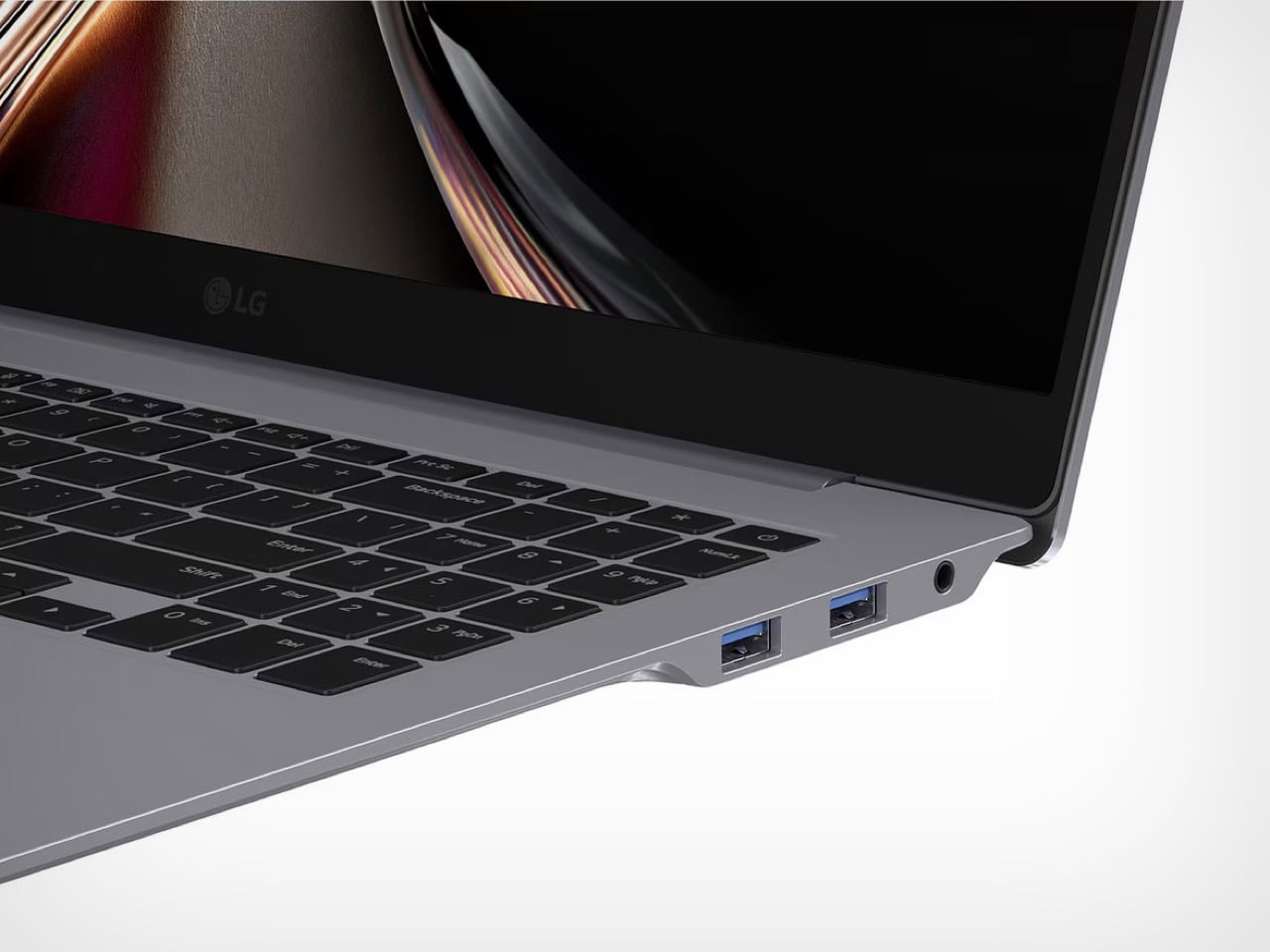
World’s fastest FPV drone with a 350km/h Top Speed will radically change how we watch F1 Races

The fact that the world’s fastest FPV drone looks somewhat like a missile is simultaneously incredibly cool and incredibly scary. It might change how we watch F1 races, but it has the potential to change much more than just that.

This just seems like the kind of crazy thing Red Bull would pull off. The company decided to challenge multiple-time F1 champion Max Verstappen to a race – the catch, Verstappen would be behind the wheel of a Red Bull F1 car, while his opponent would be the world’s fastest FPV drone. The project was in collaboration with Dutch Drone Gods, a group of FPV drone makers and pilots known for holding the existing title of the world’s fastest FPV filming drone with a 150km/h top speed. The only problem – Verstappen’s F1 car is more than twice as fast.

Designers: Red Bull Advanced Technologies & Dutch Drone Gods

Drones aren’t new in the F1 circuit, given that the racing organization uses a combination of aerial filming methods to get their shots. Sustained footage is taken on helicopters that hover above the track, but for up-close shots, the F1 team relies on drones… the only problem is that these drones don’t follow the car around. They simply hover in the air, taking cinematic panning/dolly shots before the camera angle changes. Understandably, creating a drone that can follow an F1 car around like a third-person camera in a video game is just a tad bit short of impossible. Drones have a notoriously low flight time, outputting probably a maximum of 15-20 minutes of flight before their batteries get drained. Moreover, F1 cars can hit speeds of almost 400km/h and are designed to be highly responsive, making razor-sharp turns on the tarmac. The Dutch Drone Gods’ FPV maxes out at 150km/h, and can’t perform sharp maneuvers in mid-air. This meant redesigning the drone to hit higher speeds while being responsive, and perhaps most importantly, not melting or exploding in the air because of all the heat generated by hitting upwards of 300km/h speeds.

Pilot and Founder of DDG Ralph Hogenbirk and F1 World Champion Max Verstappen with the Red Bull PFV Drone

The process saw multiple iterations from the Dutch Drone Gods’ team, who took up the challenge of pushing their drone to be as fast as a Formula 1 racecar. The challenge, aside from speed, was also to make the drone maneuverable, and durable. Initial tests yielded a few pitfalls, wires would melt under extreme heat, parts would wear and tear or even explode, but more interestingly, the drone’s stability would take a beating just because of the wind turbulence created by the F1 car as it zoomed across the track. Two rounds of prototypes also showed that simple off-the-shelf components and 3D-printed outer shells couldn’t handle the task, so the DDG team decided to visit the Red Bull Advanced Technologies headquarters to partner with the team there to design the drone. The new drone had machined metal structures, speed-capable inner components, and an FRP composite outer shell that was lightweight but highly resilient.

The final drone prototype got one single chance to race against Verstappen in the latest RB20 car on the Silverstone track. It fared incredibly well against Verstappen, filming the car as it blitzed through the track. The goal wasn’t to go faster than Verstappen’s car, that would be a foolish mistake, but rather, to capture the racecar from a unique following PoV, giving the audience the effect of moving at the same speed as Verstappen. F1 race broadcasts are already pretty exciting to begin with, but imagine being able to follow a car with a camera, capturing the intense speed, adrenaline, and reflexes of the race in real-time…

The engineering of Red Bull’s FPV drone could potentially revolutionize the landscape of F1 filming. Instead of static camera shots or quick drone shots that just pan across a track, Red Bull has potentially unlocked the ability to now follow cars as they race, creating an even more thrilling broadcast that could practically reinvent how people enjoy the sport. Heck, I could totally conceive the creation of a drone racing championship as a result too. The implications for Hollywood are just as exciting too, with cinematic drones getting a whole lot faster thanks to the Red Bull FPV Drone’s unique shape.

However, a drone hitting speeds of 350km/h has its own pitfalls too. Reconnaissance, surveillance, or potentially even weapon-based payload delivery could somehow become even easier and more accessible to anyone with the right tools. Sure, the Red Bull FPV drone isn’t a ballistic missile, but it’s dangerously close to being unstoppable. Try stopping a drone cutting through a military zone or an airport at 350km/h. This new world is exciting, but just as scary too.

That doesn’t take away from how incredibly impressive Red Bull and Dutch Drone Gods’ demonstration was. The Red Bull FPV Drone currently holds the record for defeating its predecessor by a factor of nearly 200km/h. The new FPV drone also gets the bragging rights of being able to keep up with Verstappen, a feat that not even other F1 racers can hold claim to!

The post World’s fastest FPV drone with a 350km/h Top Speed will radically change how we watch F1 Races first appeared on Yanko Design.

This tiny self-watering planter lets you easily grow microgreens with no soil or effort

Small enough to fit in both your palms, the Patella Crescenda makes growing greens ridiculously easy and quick. The unique shape of the planter allows it to water itself so you don’t need to, and helps you grow seeds without any soil, yielding sprouts in just about a week. The Patella Crescenda is intuitive, fun to use, and is made to be reusable so you can have a constant supply of microgreens for your salads, canapes, and smoothies.

Designer: House of Thol

The Patella Crescenda comes together with just four simple parts – a base tray, two reusable steel seed plates, and a water bulb that fits on top. Fill the bulb with water and place it upturned into the base and an air vacuum inside helps deploy the water slowly, filling up the base tray. Two steel plates sit on top of the base tray, right above the water level. Cuts on these plates let you place clusters of seeds like pulses, legumes, grains, etc. and they begin growing on their own, with the roots descending downwards into the base trey through the cuts.

In just about a week, the microgreens are ready to harvest and can simply be cut with scissors, or pinched off the steel plates. The sprouts grow directly in water without any soil, so you don’t need to clean or rinse them. Garnish them over your food or chuck them in your smoothies. Microgreens are incredibly nutrient-dense compared to their seed/grain/legume counterparts, giving your dishes a fresh burst of color as well a lot of minerals and antioxidants.

The Patella Crescenda simplifies the art of growing microgreens by literally condensing it down into three steps – Add water, add seeds, and harvest. The compact design, coupled with that glass bulb of water gives your interior space a wonderful aesthetic touch, while allowing you to intuitively see how much water your planter has. The steel plates come with six grill-cuts, allowing you to grow a variety of microgreens at the same time in the same dish, and once you’ve reaped your sprouts, cleaning and resprouting a new batch of seeds gives you a fresh harvest in just about a week!

The post This tiny self-watering planter lets you easily grow microgreens with no soil or effort first appeared on Yanko Design.
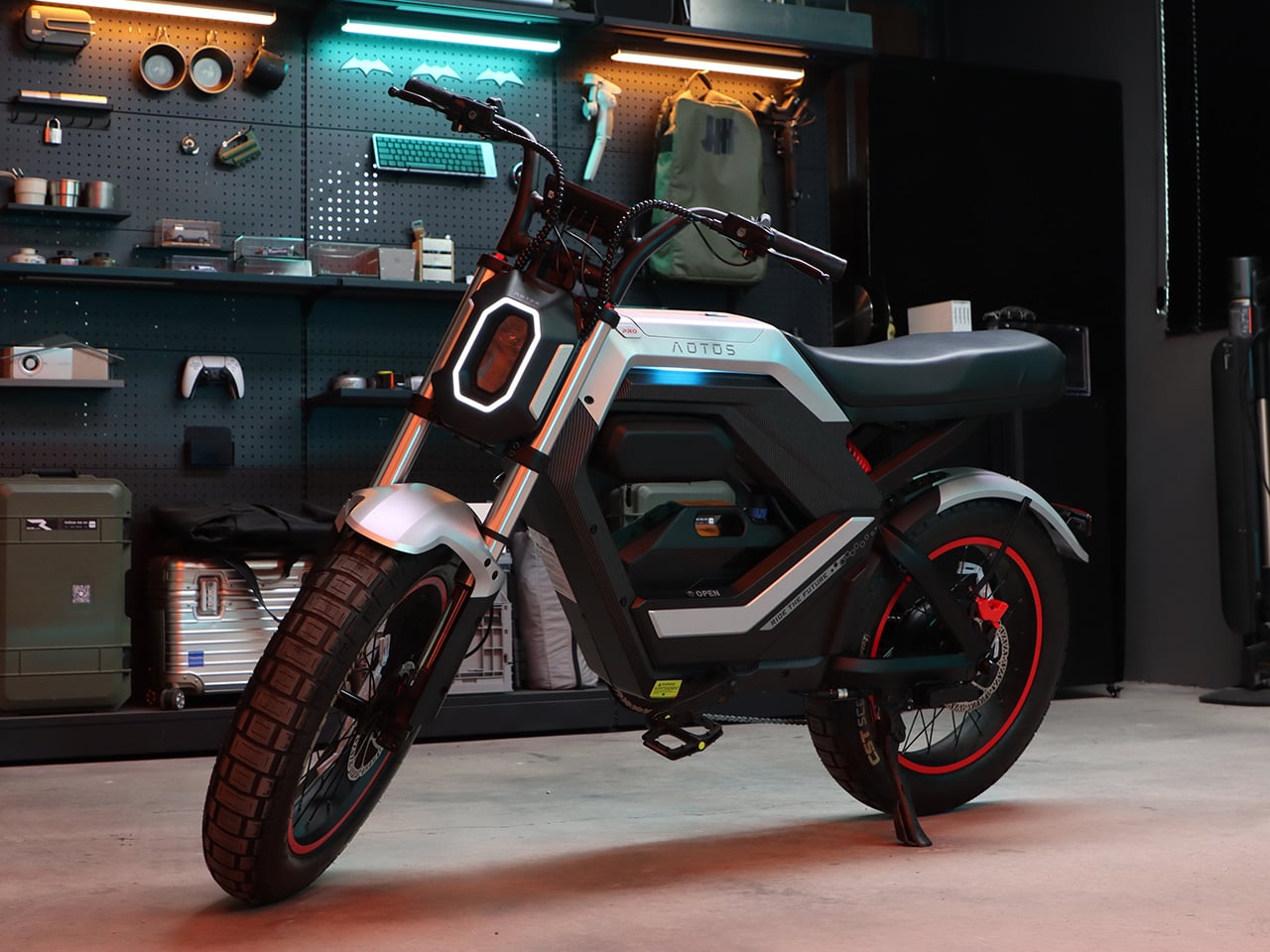
Girard-Perregaux’s Luxury Timepiece Features 4.5 Billion-Year-Old Meteorite on its Dial

There’s a certain poetic beauty in seeing how well a 4.5 billion-year-old cosmic rock blends so seamlessly with some of the most brilliantly modern timekeeping technology in the world. A gadget that measures time, adorned with one of the oldest remnants of space-time ever.

Imagine strapping a piece of outer space to your wrist, where timekeeping transcends mere functionality and becomes a cosmic journey. Girard-Perregaux, the venerable Swiss watchmaker with over two centuries of horological heritage, has just unveiled its latest masterpiece, the Free Bridge Meteorite: a watch graced with a dial forged from an actual 4.5 billion-year-old meteorite. This wrist-bound marvel connects us to the silent ballet of our solar system’s past, offering not only an instrument for measuring time but also a tangible link to the unfathomable vastness of space itself.

Designer: Girard-Perregaux

The watch is housed in a 44mm diameter stainless steel case, striking a balance between robustness and elegance with its 12.2mm thickness. It features a highly domed box-style sapphire crystal that not only safeguards the dial but also enhances the watch’s visual appeal, offering a distinct view from different perspectives. The case showcases a harmony of brushed and polished finishes, reminiscent of the interplay of light in the cosmos.

Central to the allure of the Free Bridge Meteorite is its dial, where Girard-Perregaux’s craftsmanship shines brightest. The black flange and luminescent metallic hour indices offer a contemporary flair, improving readability while maintaining sophistication. The design forgoes a 6 o’clock mark to accommodate the variable inertia balance, with the GP logo at the 12 position serving as a subtle homage to the brand’s history and design ethos.

The crown jewel of the Free Bridge Meteorite, as its name suggests, is the inclusion of meteorite plates flanking each side of the barrel, secured by two screws. These plates, crafted from the Gibeon meteorite found in Namibia, bear unique Widmanstätten patterns, serving as a tangible connection to the cosmos. Composed primarily of an iron-nickel alloy and estimated to be approximately 4.5 billion years old, these meteorite inlays beautifully represent the enduring passage of time and the wonders of the universe.

Technologically, the Free Bridge Meteorite is no less impressive. The movement, visible through the sapphire crystal case-back, is the Girard-Perregaux in-house automatic caliber GP01800. It operates at 28,800 vibrations per hour and offers a 54-hour power reserve, embodying the brand’s dedication to precision and endurance. The use of silicon in the escapement and balance wheel components not only boosts the watch’s functionality but also its longevity, thanks to silicon’s anti-magnetic qualities and resistance to deterioration.

A black calfskin strap with a fabric-like texture and white stitching near the lugs, secured with a steel triple-folding clasp, completes the ensemble. This strap choice lends a modern vibe to the watch, ensuring it fits a wide range of settings, from formal gatherings to everyday wear. The watch boasts a price tag of 27,100 EUR (~$29415 USD), which may sound a little outrageous but hey, that’s the price of wearing a fragment of space and centuries-old Swiss timekeeping technology on your wrist. Girard-Perregaux does sweeten the deal with a 5-year extended warranty, though…

The post Girard-Perregaux’s Luxury Timepiece Features 4.5 Billion-Year-Old Meteorite on its Dial first appeared on Yanko Design.

Modified $849 GoPro HERO12 lets you mount Professional DSLR Lenses on your Action Camera

Not many people really appreciate the GoPro for exactly how advanced it is. For a device that small, it boasts a mighty sensor and can capture media in incredibly high resolutions like 5.3K (with image stabilization no less)… but that tiny form factor has one trade-off, the fact that it doesn’t support interchangeable lenses – and, to be honest, that seems like the one thing that makes photographers and videographers not take the GoPro seriously, even though it outputs videos comparable to larger cameras like the ones from RED and Hasselblad.

So what if you could just switch out the GoPro’s fisheye lens for something much more advanced, like some serious DSLR or film camera lenses? Well, the folks at Canada-based Back-Bone managed to hack together a GoPro Hero12 to make it universally compatible with a whole range of DSLR lenses. The Back-Bone H12PRO comes with quite a few interesting tricks up its sleeve. The front features a special mounting armature to load professional camera lenses, giving your GoPro Hero12 the ability to shoot in ultrawide but also telescopic, or even macro, depending on the lenses you’ve got on hand.

Designer: Back-Bone

For the folks at Back-Bone, creating this modified GoPro was about allowing the action camera to achieve its full potential. The GoPro Hero12 is a multimedia beast, capable of shooting 5.3K HDR videos and even stills with its 27MP shooter. For a camera this capable, restricting it to a simple fisheye lens is quite a disservice if you ask me, which is why the modified H12PRO is so compelling.

The H12PRO lets you attach a variety of mounting brackets, giving you the choice between M12, CS, and C-mount lenses. It’s pretty much the same size as the existing GoPro, which means it also supports the company’s Media Mod, allowing you to add extra accessories like directional mics, flashes, etc. The H12PRO also packs GoPro’s Enduro Battery, offering longer battery life, especially in cold conditions.

With the Media Mod and the ability to pretty much attach any kind of lens to your GoPro, the H12PRO gives you the most powerful camera setup that can fit in your pocket. It’s cheaper and smaller than a flagship phone, and shoots higher quality content than cameras twice or thrice its size. The H12PRO has a tripod mount on the bottom, allowing you to attach it to tripods, gimbals, or even small-ish drones with decent payload abilities. Heck, the folks at Back-Bone are also selling an optional Micro Four-Thirds mounting plate to let you attach MFT lenses to your GoPro. If that isn’t the wildest, most brilliant upgrade to the world’s most advanced action camera, I don’t know what is. After all, an action camera is just a camera designed to capture high quality content at a great frame rate, right? So why not exploit its abilities to the max?!

Back-Bone’s H12PRO is available on its website. The $849 kit includes the following:

  • H12PRO modified HERO12 Black camera
  • Aluminum Tripod Mount
  • Original folding GoPro mount
  • Enduro Battery
  • 5mm C-Mount ring
  • M12 to CS adapter
  • M12 locking ring
  • Plastic cap (C-Mount)
  • USB-C Cable
  • Curved adhesive mount
  • Mounting buckle
  • Spare protective glass filter

Understandably, a modified HERO12 won’t be covered under GoPro’s warranty program, but Back-Bone does offer a 6-month repair guarantee against faulty parts or defects, and a zero-labor-cost repair warranty for a year (you just pay for parts and shipping).

The post Modified $849 GoPro HERO12 lets you mount Professional DSLR Lenses on your Action Camera first appeared on Yanko Design.

This WALL-E-inspired tabletop robot has artificial intelligence and a friendly personality

If we’re going to give in to our eventual robot overlords, my only hope is that they’re as adorable-looking as Doly.

With its googly eyes and treadmill-operated motion system, Doly instantly reminds me of Pixar’s WALL-E. Designed as a robot companion with high emotional intelligence, and the ability to respond to requests, evoke joy, and even serve as a learning tool, Doly combines an open-source build with AI capabilities. The result is remarkably better than the tabletop toys you’re used to expecting. Doly is smart, sensitive, and self-sufficient, as it moves around from A to B, enriches you with interactions and those adorable eyes, and then makes its way back to its charging station when it’s low on batteries.

Designer: Levent Erenler – Limitbit Inc.

Click Here to Buy Now: $299 $449 ($150 off). Hurry, only 4/325 left! Raised over $190,000.

On the design front, the Doly adopts a familiar form factor, mimicking the success of WALL-E and even the Vector robot by Anki. It stands at just 68mm (2.67 inches) tall, but has a personality that’s larger than life. Nearly half that height can be attributed to Doly’s massive eyes that give it its distinct cartoonish character that instantly makes you fall in love with the robot. The eyes can look in different directions, respond to stimuli, express emotions, and can even be replaced by imagery like weather status, a clock, or a timer. Depending on Doly’s mood, or how it reacts to your commands, the eyes do most of the speaking… while voice models allow Doly to speak in any tone of your choice too.

Doly accepts touch and voice inputs, through strategically located microphones and capacitive touch surfaces located on its body. You can tap its head, pet it, tickle it, and Doly emotes exactly how you’d expect a pet to. Talk to it too, and its built-in AI responds intelligently to your queries and commands, letting you set timers, know the weather, take a photo, etc. The robot has natural language understanding, and packs an 8MP camera that lets it see the world around it, identify humans, and even recognize familiar faces. Treads on both sides allow Doly to move around too, shifting forward, backward, and even making turns, while ToF sensors on the front allow it to sense depth, and four strategically placed edge-detection sensors prevent your robot from accidentally driving off surfaces like the stairs or a tabletop (Amazon’s Astro could pick up a few lessons from Doly)

On the inside, Doly runs on a Raspberry Pi board that drives its systems and even powers the AI functions. The robot is built on open-source approach with open-hardware and open-design, allowing you to mod or customize your robot in a variety of ways through I/O ports or even by adding quirky attachments to the robot’s magnetic hands. The hands themselves are an interactive dream to begin with, allowing you fistbump your Doly , or even have it grab things, with lights inside the arms adding a rich layer of interact-ability. I/O ports on the top let you build attachments for your Doly, transforming it in a variety of ways and helping you learn robotics too.

8 MP camera allows Doly to memorize and recognize people with their names, take high quality snapshots and many more.

Doly communicates and responds you back with his own voice when you ask about the weather forecast, time, your name and many more.

To that end, Doly’s much more advanced than most other STEM toys out there. It grows with you, learning and evolving to understand you, your mannerisms, needs, etc. so that no two Doly robots are alike after multiple months/years of usage. Moreover, the robot itself encourages people of all ages to learn coding, with support for languages like C, C++, and Python that let you program your robot, and even much more intuitive block-based coding apps like Google’s own Blockly that help children grasp the basics of programming through the robot toy.

Doly relies on cameras to analyze its surroundings and recognize faces, and built-in microphones to pick up on voice commands – that’s a fair amount of data that your toy robot gathers on a daily basis (sort of like your smart camera and smart speaker combined). Coupled with the fact that Doly has a built-in AI that learns from you (which means it does gather data for machine learning purposes), data privacy can be a pretty large concern. To ensure that your data stays safe and away from hackers, governments, and data-brokers who sell data to third parties, Doly stores and processes all its information locally, oftentimes even working offline. Embedded processing power and local storage ensure that your data never reaches any remote server where it can be compromised by targeted hacks.

Other than that, each Doly comes with an app that lets you access specific features like managing settings or performing graphical programming (Doly’s creators emphasize that you don’t NEED an app to use your robot). The creators do, however, mention that the robot can be customized to wild degrees, with even the ability to swap out the Raspberry Pi module on the inside with better CM4 boards that have better RAM and storage. The Doly robot starts at $269 for a DIY kit that lets you build your own robot from scratch, or $299 for a fully assembled bionic buddy. Limitbit, the creators behind Doly, promise free lifetime over-the-air (OTA) software updates to ensure the robot is always up to date with the latest features, and are apparently even working on ChatGPT integration to make your tiny robotic friend even smarter! Just promise that you won’t turn it against humanity!

Click Here to Buy Now: $299 $449 ($150 off). Hurry, only 4/325 left! Raised over $190,000.

The post This WALL-E-inspired tabletop robot has artificial intelligence and a friendly personality first appeared on Yanko Design.

This WALL-E-inspired tabletop robot has artificial intelligence and a friendly personality

If we’re going to give in to our eventual robot overlords, my only hope is that they’re as adorable-looking as Doly.

With its googly eyes and treadmill-operated motion system, Doly instantly reminds me of Pixar’s WALL-E. Designed as a robot companion with high emotional intelligence, and the ability to respond to requests, evoke joy, and even serve as a learning tool, Doly combines an open-source build with AI capabilities. The result is remarkably better than the tabletop toys you’re used to expecting. Doly is smart, sensitive, and self-sufficient, as it moves around from A to B, enriches you with interactions and those adorable eyes, and then makes its way back to its charging station when it’s low on batteries.

Designer: Levent Erenler – Limitbit Inc.

Click Here to Buy Now: $299 $449 ($150 off). Hurry, only 4/325 left! Raised over $190,000.

On the design front, the Doly adopts a familiar form factor, mimicking the success of WALL-E and even the Vector robot by Anki. It stands at just 68mm (2.67 inches) tall, but has a personality that’s larger than life. Nearly half that height can be attributed to Doly’s massive eyes that give it its distinct cartoonish character that instantly makes you fall in love with the robot. The eyes can look in different directions, respond to stimuli, express emotions, and can even be replaced by imagery like weather status, a clock, or a timer. Depending on Doly’s mood, or how it reacts to your commands, the eyes do most of the speaking… while voice models allow Doly to speak in any tone of your choice too.

Doly accepts touch and voice inputs, through strategically located microphones and capacitive touch surfaces located on its body. You can tap its head, pet it, tickle it, and Doly emotes exactly how you’d expect a pet to. Talk to it too, and its built-in AI responds intelligently to your queries and commands, letting you set timers, know the weather, take a photo, etc. The robot has natural language understanding, and packs an 8MP camera that lets it see the world around it, identify humans, and even recognize familiar faces. Treads on both sides allow Doly to move around too, shifting forward, backward, and even making turns, while ToF sensors on the front allow it to sense depth, and four strategically placed edge-detection sensors prevent your robot from accidentally driving off surfaces like the stairs or a tabletop (Amazon’s Astro could pick up a few lessons from Doly)

On the inside, Doly runs on a Raspberry Pi board that drives its systems and even powers the AI functions. The robot is built on open-source approach with open-hardware and open-design, allowing you to mod or customize your robot in a variety of ways through I/O ports or even by adding quirky attachments to the robot’s magnetic hands. The hands themselves are an interactive dream to begin with, allowing you fistbump your Doly , or even have it grab things, with lights inside the arms adding a rich layer of interact-ability. I/O ports on the top let you build attachments for your Doly, transforming it in a variety of ways and helping you learn robotics too.

8 MP camera allows Doly to memorize and recognize people with their names, take high quality snapshots and many more.

Doly communicates and responds you back with his own voice when you ask about the weather forecast, time, your name and many more.

To that end, Doly’s much more advanced than most other STEM toys out there. It grows with you, learning and evolving to understand you, your mannerisms, needs, etc. so that no two Doly robots are alike after multiple months/years of usage. Moreover, the robot itself encourages people of all ages to learn coding, with support for languages like C, C++, and Python that let you program your robot, and even much more intuitive block-based coding apps like Google’s own Blockly that help children grasp the basics of programming through the robot toy.

Doly relies on cameras to analyze its surroundings and recognize faces, and built-in microphones to pick up on voice commands – that’s a fair amount of data that your toy robot gathers on a daily basis (sort of like your smart camera and smart speaker combined). Coupled with the fact that Doly has a built-in AI that learns from you (which means it does gather data for machine learning purposes), data privacy can be a pretty large concern. To ensure that your data stays safe and away from hackers, governments, and data-brokers who sell data to third parties, Doly stores and processes all its information locally, oftentimes even working offline. Embedded processing power and local storage ensure that your data never reaches any remote server where it can be compromised by targeted hacks.

Other than that, each Doly comes with an app that lets you access specific features like managing settings or performing graphical programming (Doly’s creators emphasize that you don’t NEED an app to use your robot). The creators do, however, mention that the robot can be customized to wild degrees, with even the ability to swap out the Raspberry Pi module on the inside with better CM4 boards that have better RAM and storage. The Doly robot starts at $269 for a DIY kit that lets you build your own robot from scratch, or $299 for a fully assembled bionic buddy. Limitbit, the creators behind Doly, promise free lifetime over-the-air (OTA) software updates to ensure the robot is always up to date with the latest features, and are apparently even working on ChatGPT integration to make your tiny robotic friend even smarter! Just promise that you won’t turn it against humanity!

Click Here to Buy Now: $299 $449 ($150 off). Hurry, only 4/325 left! Raised over $190,000.

The post This WALL-E-inspired tabletop robot has artificial intelligence and a friendly personality first appeared on Yanko Design.
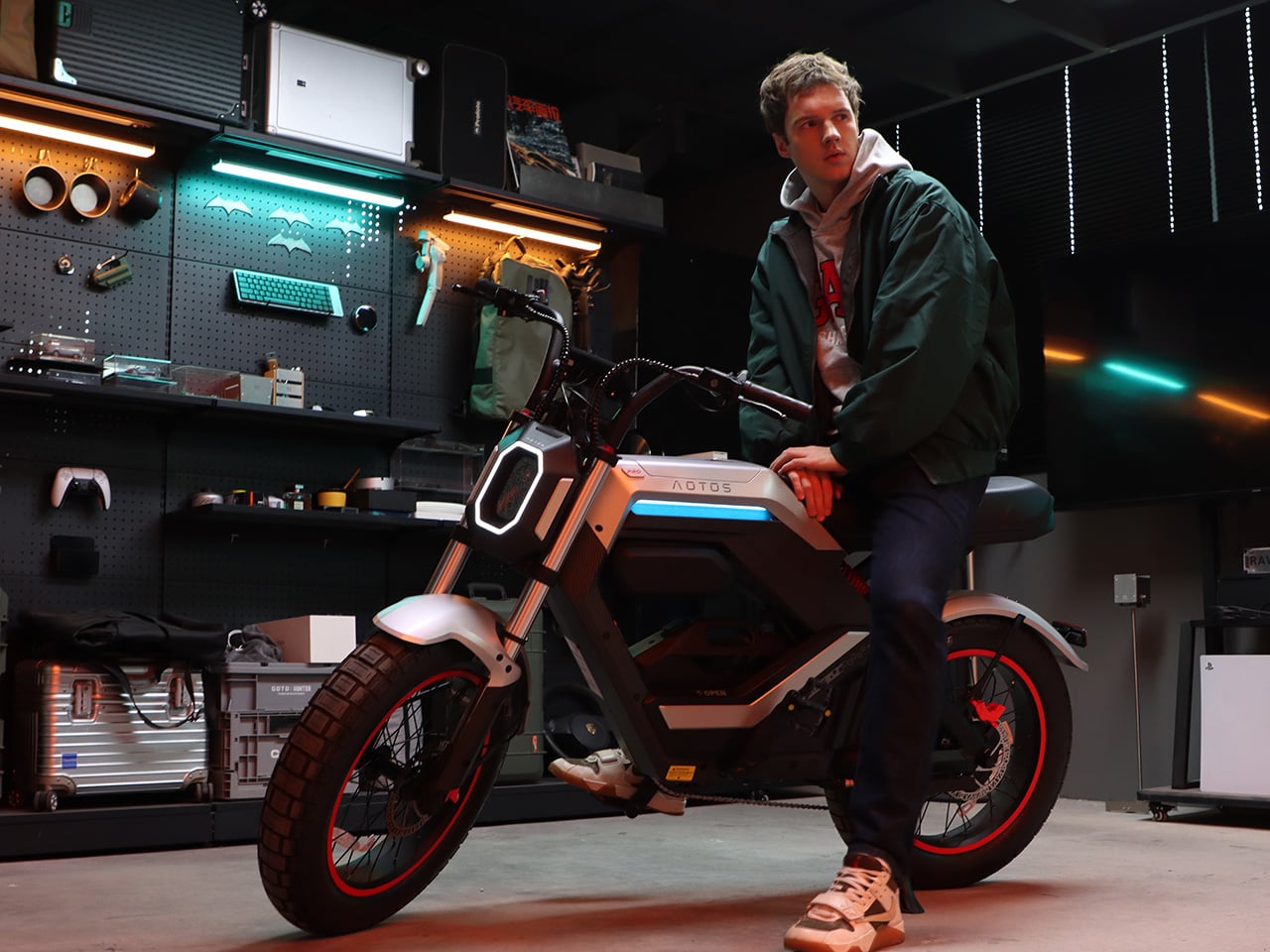
Tiny USB Device Saves You Nearly $1000 Per Year on Cloud Storage by Auto Backing Up Your Photos

How much do you pay for your iCloud+ or Google Drive storage to make sure your photos get backed up on the cloud? Imagine paying zero.

Remember a time when flagship phones came with memory card slots that let you expand storage and potentially even swap out old cards for new ones to get more storage? Sure, some phones still go as far as offering expandable storage, but for the most part, all companies have defaulted to the ‘cloud storage’ model where you pay a monthly subscription and your phone automatically backs data up without you needing to remember. It’s convenient, but it’s also costly, as you’re suddenly required to pay monthly cloud storage fees. It isn’t easy to ask phone makers to revert back to those good old MicroSD card days… but that’s where something as deviously simple as the PhotoCube PD+ comes in. Designed as a simple plug-and-play USB-C device, the PhotoCube automatically backs up your photos to an SD card for you, saving effort and money. A companion app makes the entire process as simple as clicking a button (instead of manually selecting all your images and copy-pasting them) and the PhotoCube does the rest, updating your old storage files with new ones so your photo backups are always up to date. It’ll also create separate file structures for multiple devices, letting you separately back up photos across different phones and even tablets. Your photos remain offline, so you don’t need the internet to access them – and as a result, they’re also hacker-resistant. Quite impressive for a device that just costs $55.

Designer: PhotoFast

Click Here to Buy Now: $55 $99 (45% off) Hurry! Only 4 left of 470.

The reason most people prefer cloud storage is because it’s designed to be the easiest option ever. The phone backs itself up without you needing to remember, the files get stored in a safe server somewhere else, and if you ever lose your device, you can easily restore your photos if you log into your cloud storage account. What users then ignore is the fact that they end up paying hundreds (if not thousands) of dollars each year to store their photos. The PhotoCube PD+ aims at breaking that dependency with a hardware solution that’s just as easy. Plug the PhotoCube in and it literally begins backing up your photos in an instant. Photos get stored on a MicroSD card, so you can choose how much storage you want (you get 2 terabyte MicroSD cards nowadays), and it all happens offline without eating data transfer fees.

The PhotoCube device can easily be configured using an app

The fact that your data gets stored on a MicroSD card allows the PhotoCube to be such a ridiculously compact device. It’s no bigger than an AirTag, albeit square in shape (hence its name). A card slot on one end lets you add a MicroSD card in, while a male USB-C pin on the other end lets you plug your PhotoCube into any Android phone/tablet, any iPad with USB-C, and the latest iPhone 15 series. There’s also a female USB-C port on the opposite end (right under the card slot) that allows you to charge your phone THROUGH the PhotoCube, so you can run long backups while juicing your battery – a feature so wildly convenient it deserves a special mention.

Measuring just 30mm wide and 38mm long, the PhotoCube is smaller than even an AirPods case, but it can store up to 2TB

The PhotoCube’s brilliance lies in the fact that it isn’t a one-trick pony. When it isn’t backing up photos from your phone, it works as a card reader with all your devices (especially with your laptop), allowing you to read photos from your phone, drone, or DSLR on any machine. With USB 3.2 Gen 1, the PhotoCube PD+ can transfer files as rapidly as 5Gb/s, letting you swiftly back up or even access media without waiting for stuff to load.

Speaking of swift, the tiny gadget does a remarkable job of power delivery too, allowing you to charge your phone at an impressive 60W for fast-charging. The PowerCube PD+ supports pass-through fast-charging which means your backups and your charging can happen simultaneously… and rapidly.

Photo transfers happen in tandem with the PhotoFast app, which has a few impressive features. You can do more than just backing up photos and videos – the app lets you back up contacts, calendars, documents, even music (if you still believe in listening to MP3 files)… and if you’ve already paid for cloud storage, the PhotoFast app lets you download your backups from the cloud server onto the PhotoCube so you can cancel that pesky subscription and keep your files safe locally, and access them without needing to connect to the internet. The app intelligently also allows the PhotoCube to create and maintain separate backups for separate devices, so one PhotoCube could potentially store your entire family’s data, getting you off that expensive family cloud storage plan.

This isn’t maker PhotoFast’s first rodeo. Last year’s PhotoCube PD had a similar design, but didn’t support OTG plug-and-play storage (it needed a separate power source), and it wasn’t configured to work with iPhones (because iPhones didn’t have USB-C ports until September last year). The new PD+ comes with all those improvements under the hood, and now with two color options too – a simple white and grey, and a slightly jazzed up white and sky blue. The PhotoCube PD+ starts at $55 for Kickstarter backers (the original price after the crowdfunding campaign goes up to $99) and ships starting June 2024. It doesn’t come with a MicroSD card, so you have the liberty of choosing what brand/capacity of storage card you want to pair with your gadget. That’s quite a lot of flexibility for a device that fits in your pocket and also saves you money every month!

Click Here to Buy Now: $55 $99 (45% off) Hurry! Only 4 left of 470.

Click Here to Buy Now: $55 $99 (45% off) Hurry! Only 4 left of 470.

The post Tiny USB Device Saves You Nearly $1000 Per Year on Cloud Storage by Auto Backing Up Your Photos first appeared on Yanko Design.
The M-Hero 917 is a Military-Inspired SUV with a 1000hp Engine, Steer-By-Wire, and a Companion Drone

For an extra $14,000, the manufacturer will also sell you a companion drone to go with your mammoth SUV.

Meet the Meishi 917, also fondly dubbed the M-Hero 917 from Dongfeng – China’s first off-road automotive brand. Drawing inspiration from the robustness of military vehicles, the M-Hero 917 boasts a design characterized by sharp lines and a commanding presence. Its black matte finish and robust bumper lend it an unmistakably aggressive demeanor, reminiscent of a machine ready to conquer any terrain it encounters. However, despite its formidable appearance, it’s essential to recognize that beneath its rugged exterior lies a meticulously engineered chassis and a formidable powertrain.
Designer: Dongfeng Motor Corporation

The M-Hero 917 offers a choice between two powertrain options tailored to meet the diverse needs of modern drivers. For those inclined towards embracing sustainable mobility, there’s a fully electric variant equipped with four electric motors and a substantial 140-kilowatt-hour NMC battery. Alternatively, there’s a range-extender hybrid model featuring a 1.5-liter turbocharged four-cylinder engine serving as a generator, coupled with a 66-kWh battery pack and three electric motors, delivering an impressive output of 816 horsepower. Such capabilities translate into a blistering 0-62 miles per hour acceleration in a mere six seconds, reaffirming the SUV’s prowess on and off the beaten path.
However, what truly sets the M-Hero 917 apart are its standard and optional features, which elevate the driving experience to unprecedented heights. Inside the cabin, attention to detail reigns supreme, with interior door handles reminiscent of the iconic Desert Eagle pistol, and aircraft throttle-inspired levers adorning the center console, granting intuitive control over the vehicle’s transmission and driving modes. Complementing these design elements are three strategically positioned screens, comprising a digital instrument cluster, a navigation display, and a passenger infotainment screen, ensuring occupants are seamlessly connected and informed throughout their journey.

Yet, perhaps the pièce de résistance lies in the SUV’s optional drone package, a testament to the convergence of automotive and aerial technologies. Priced at $14,000, this package includes a state-of-the-art drone that can be effortlessly controlled via voice commands from within the vehicle, offering a unique perspective and enhancing the overall driving experience. Furthermore, the inclusion of a switchable rear steering system grants the M-Hero 917 the ability to execute the elusive crab walk maneuver, further showcasing its versatility and agility in navigating challenging terrains.

The post The M-Hero 917 is a Military-Inspired SUV with a 1000hp Engine, Steer-By-Wire, and a Companion Drone first appeared on Yanko Design.