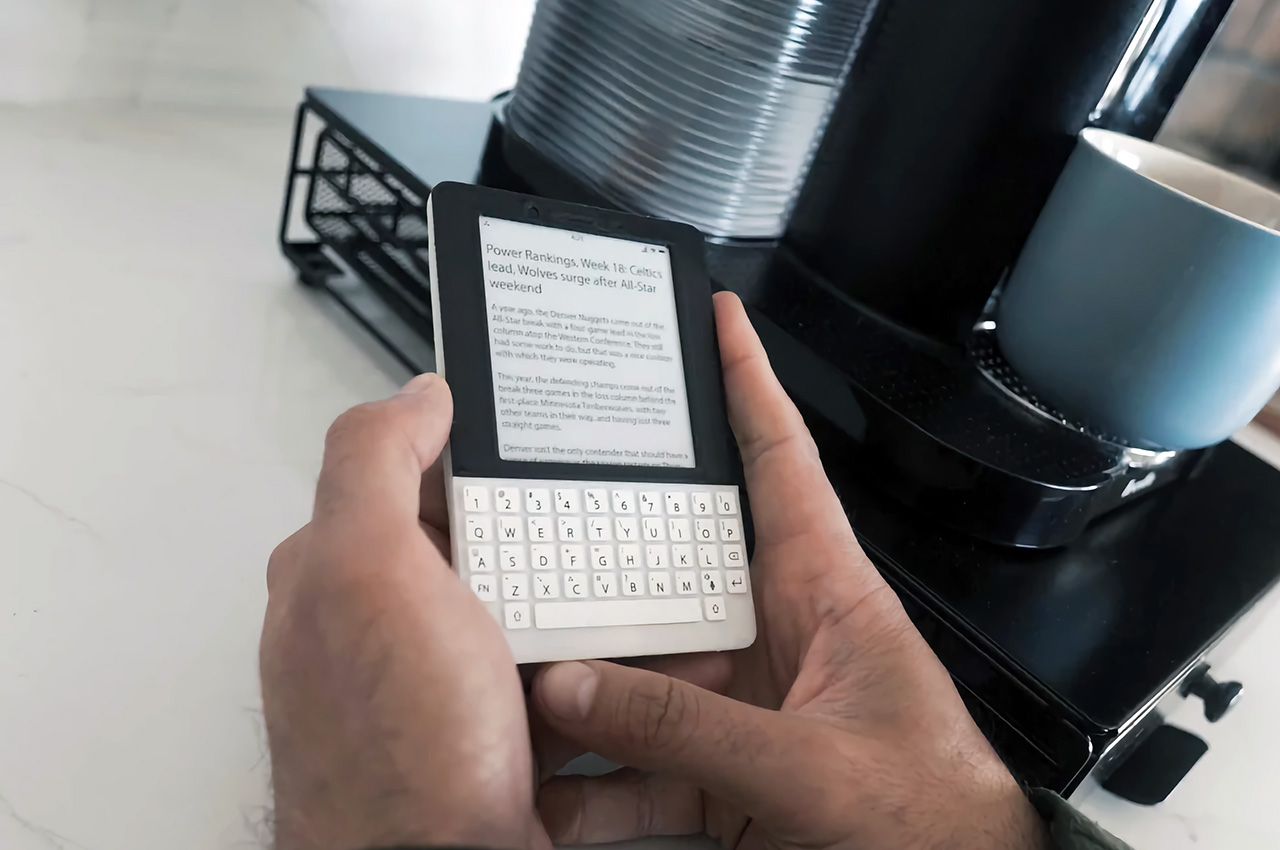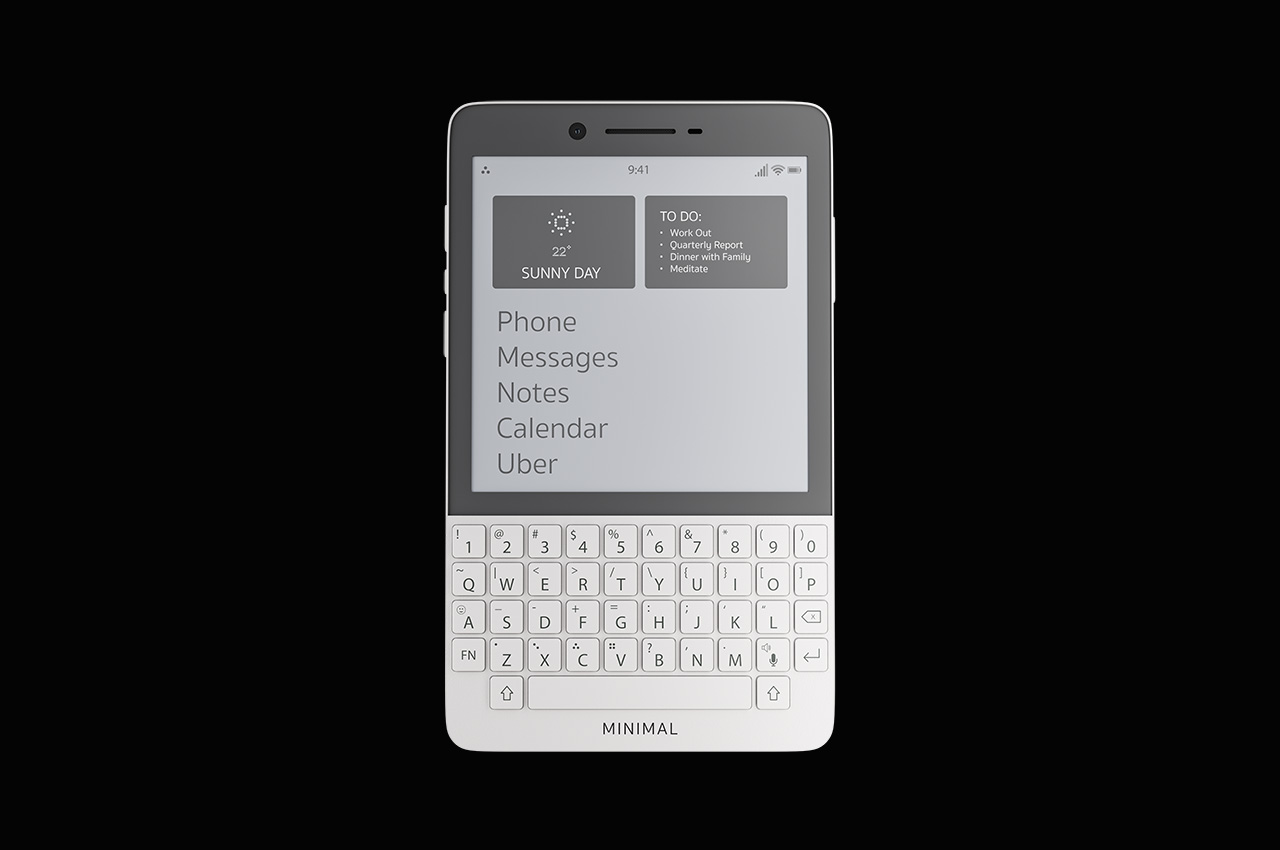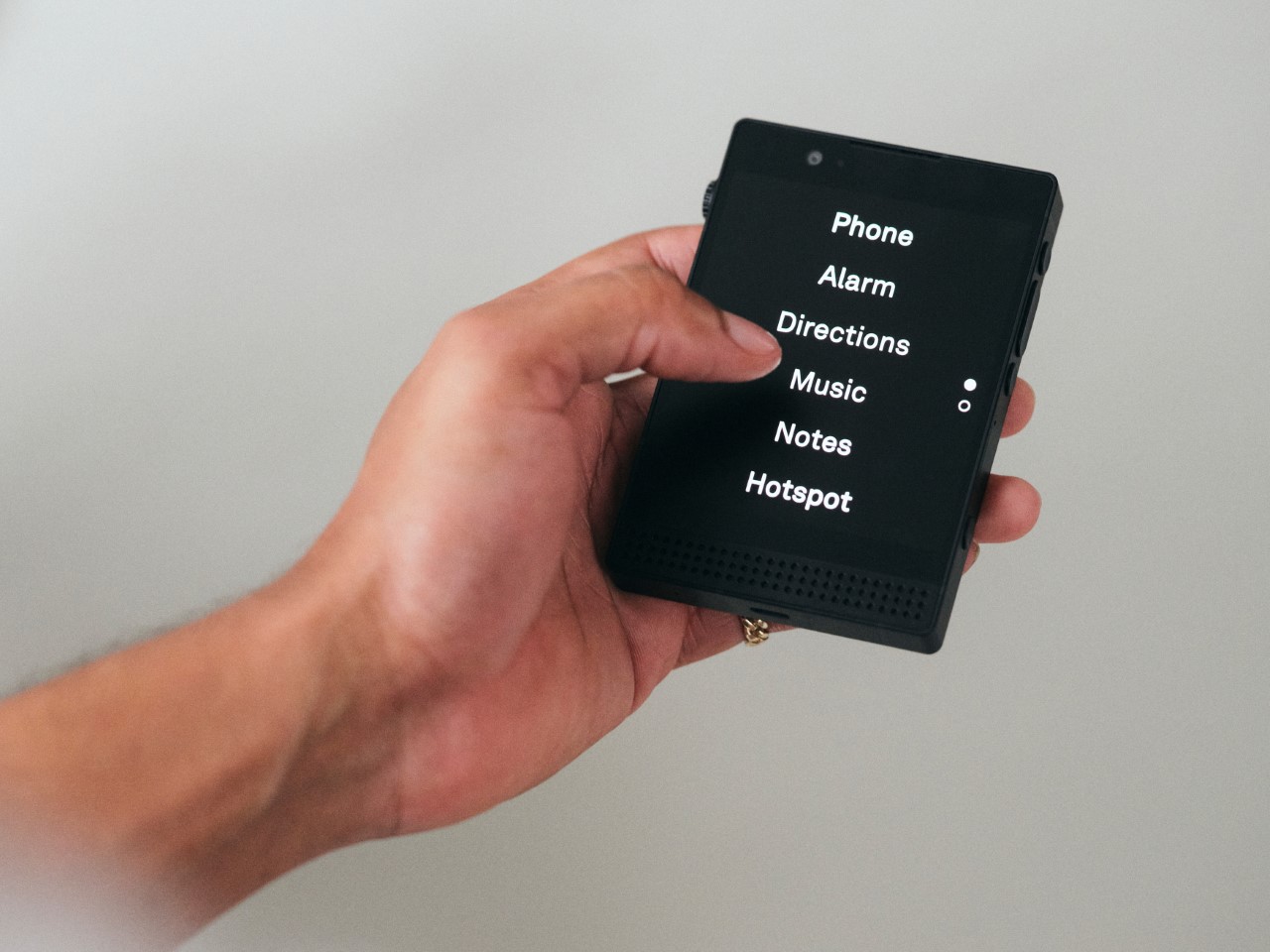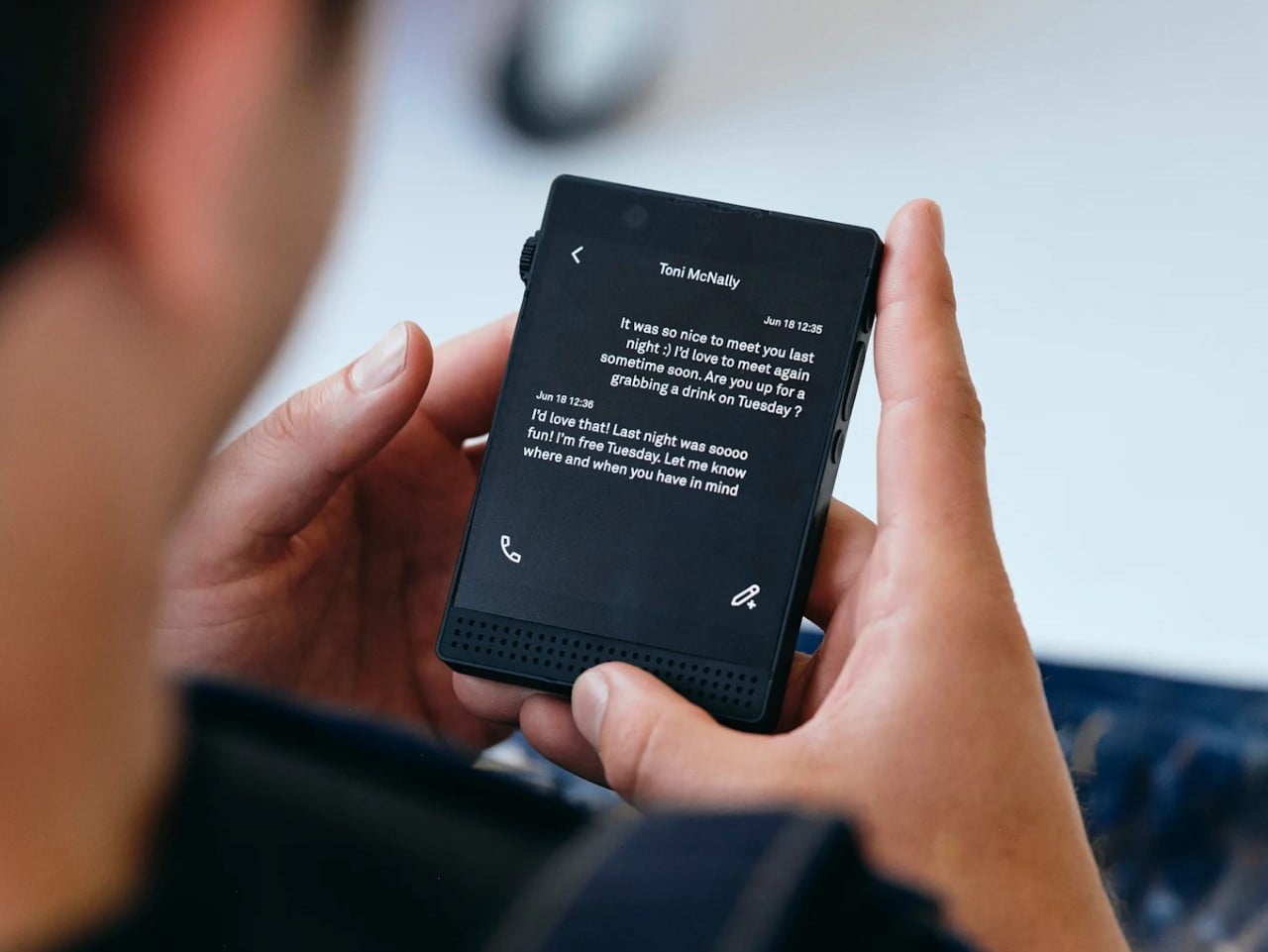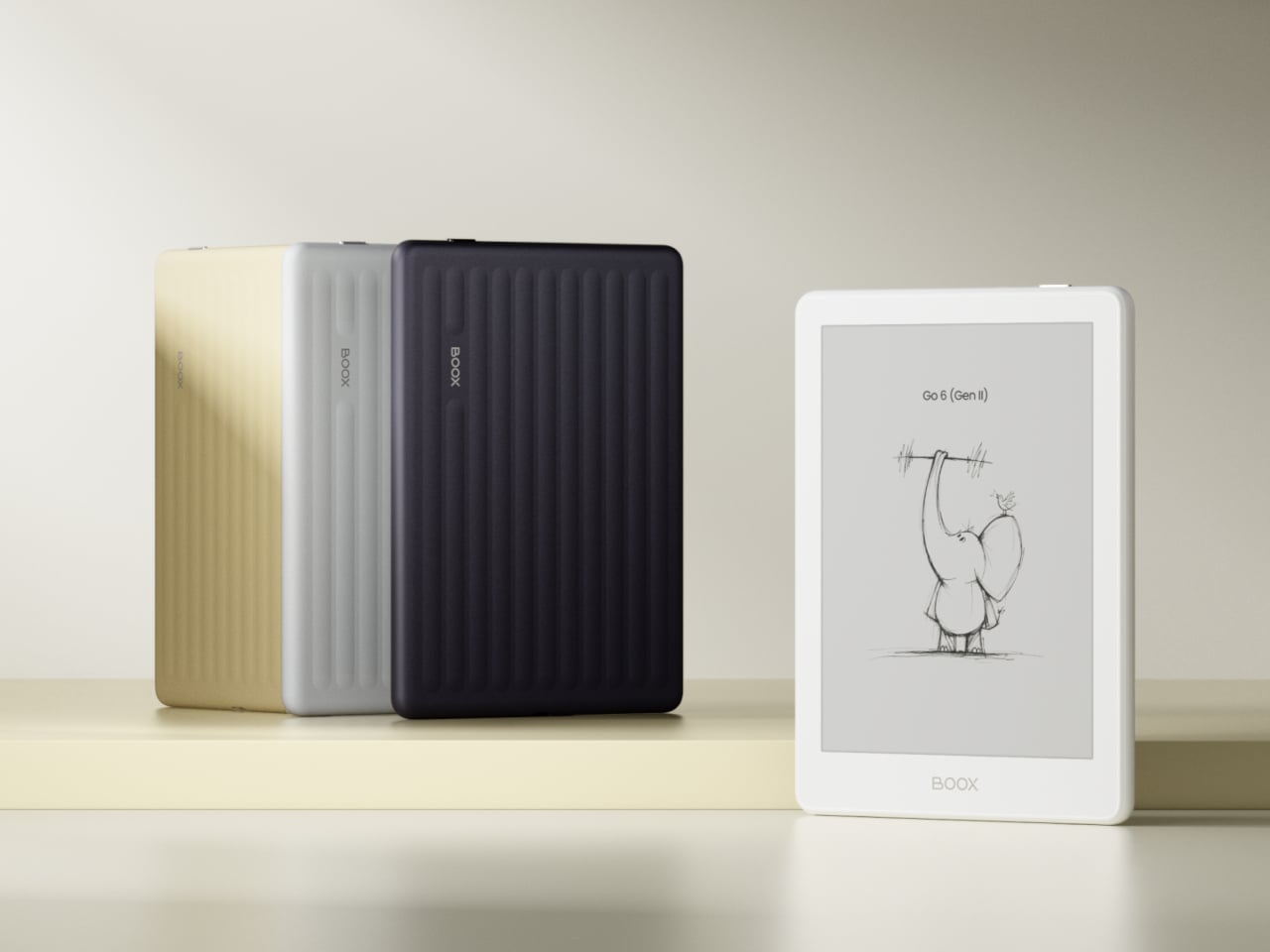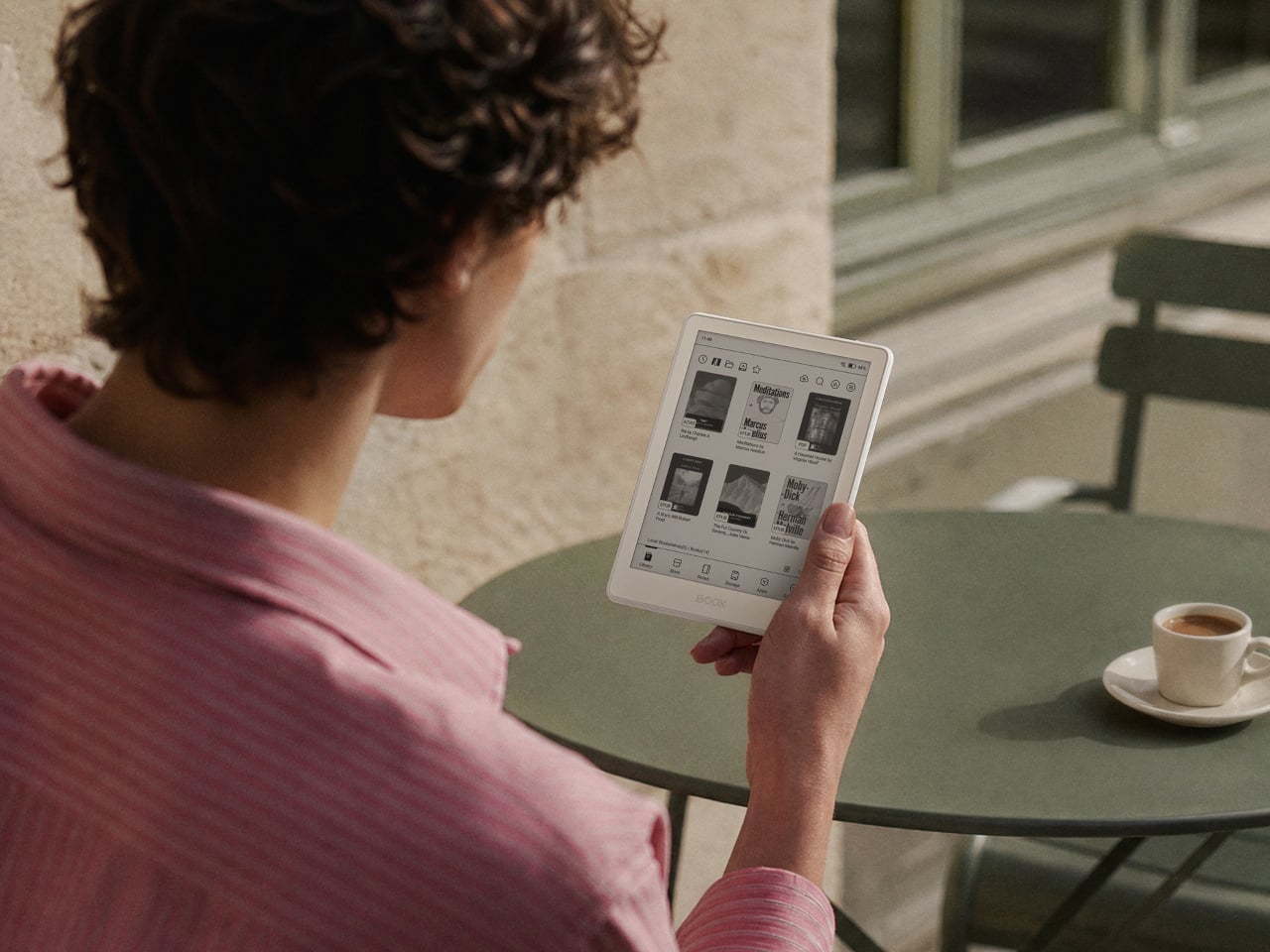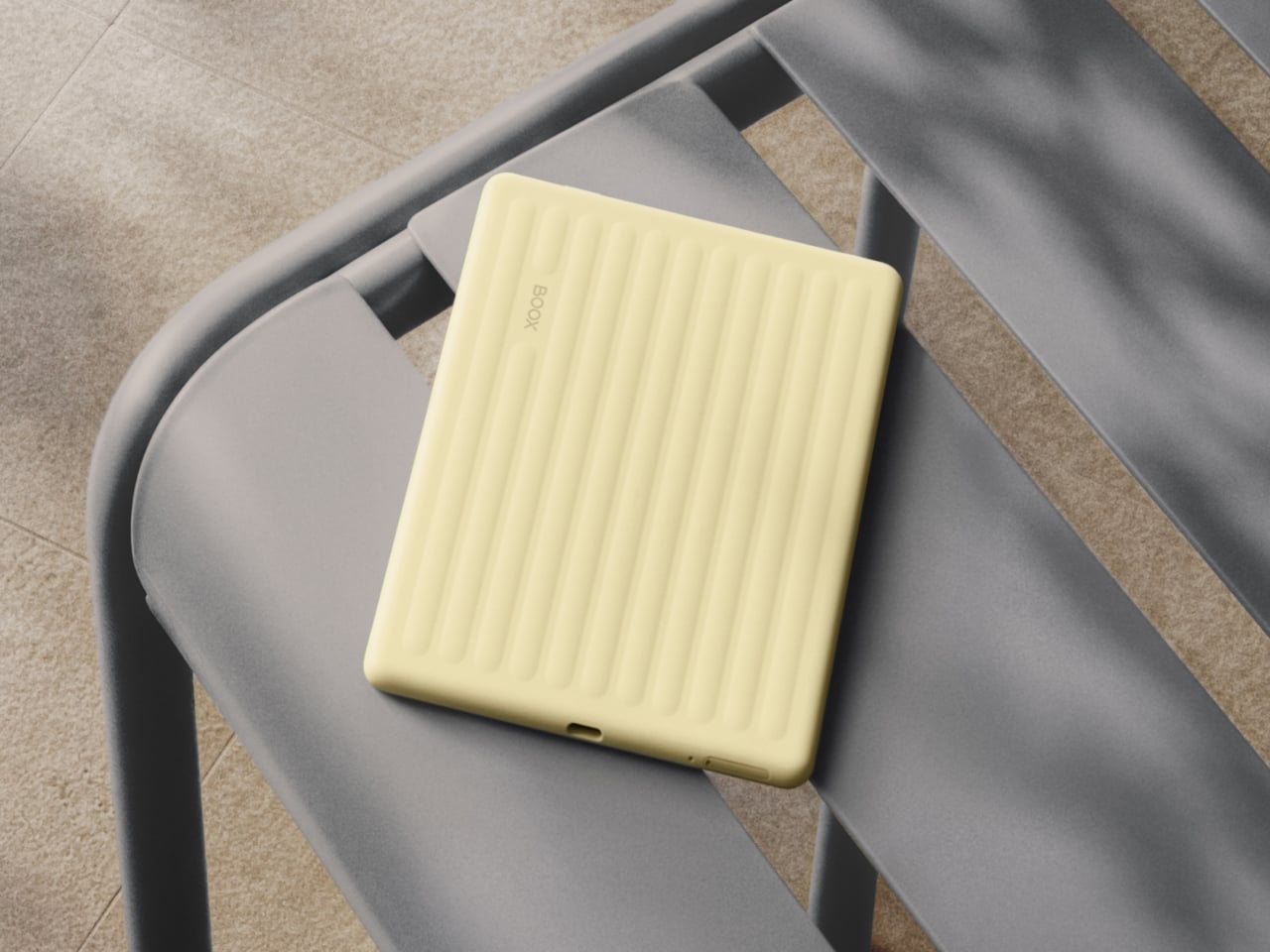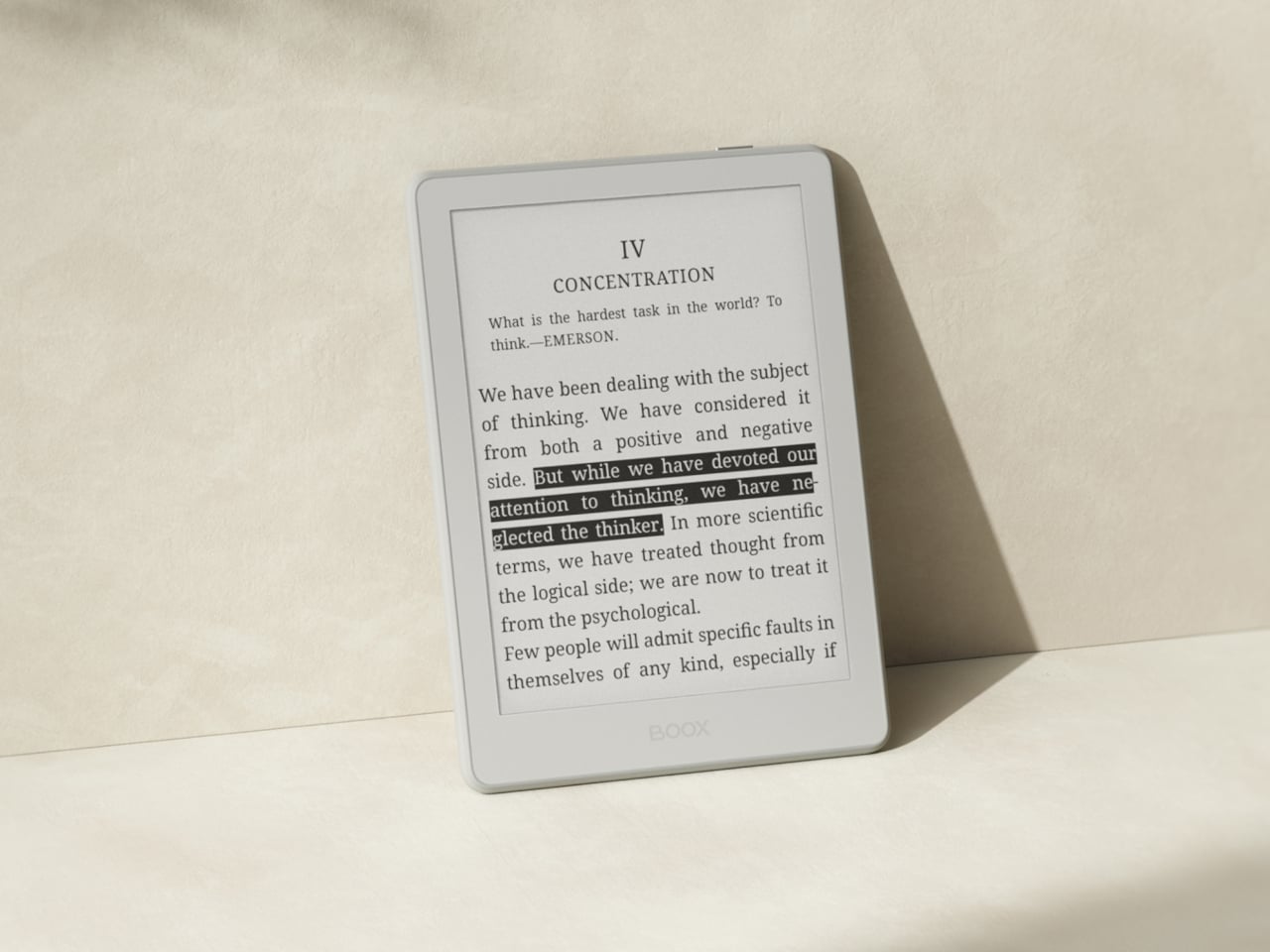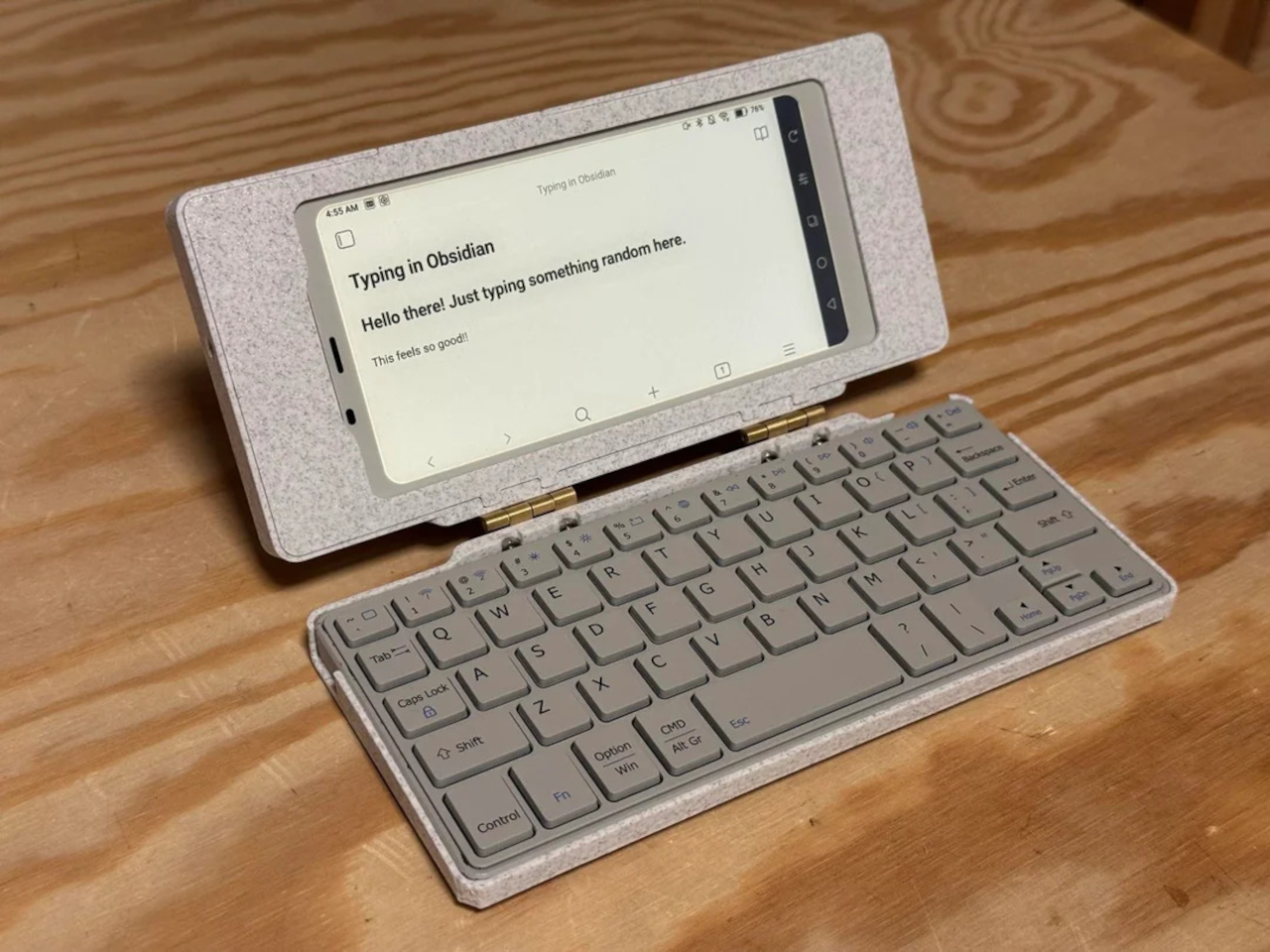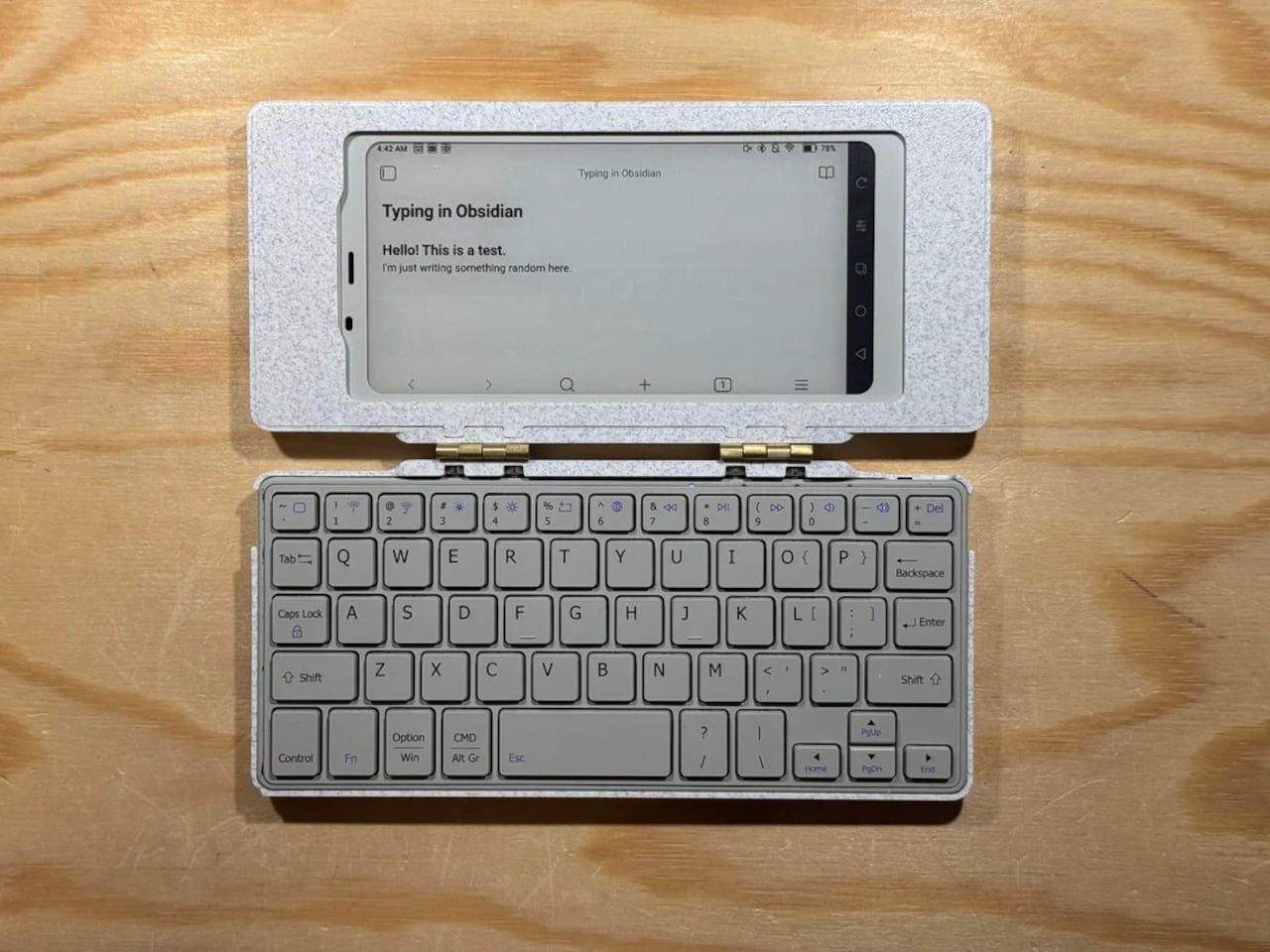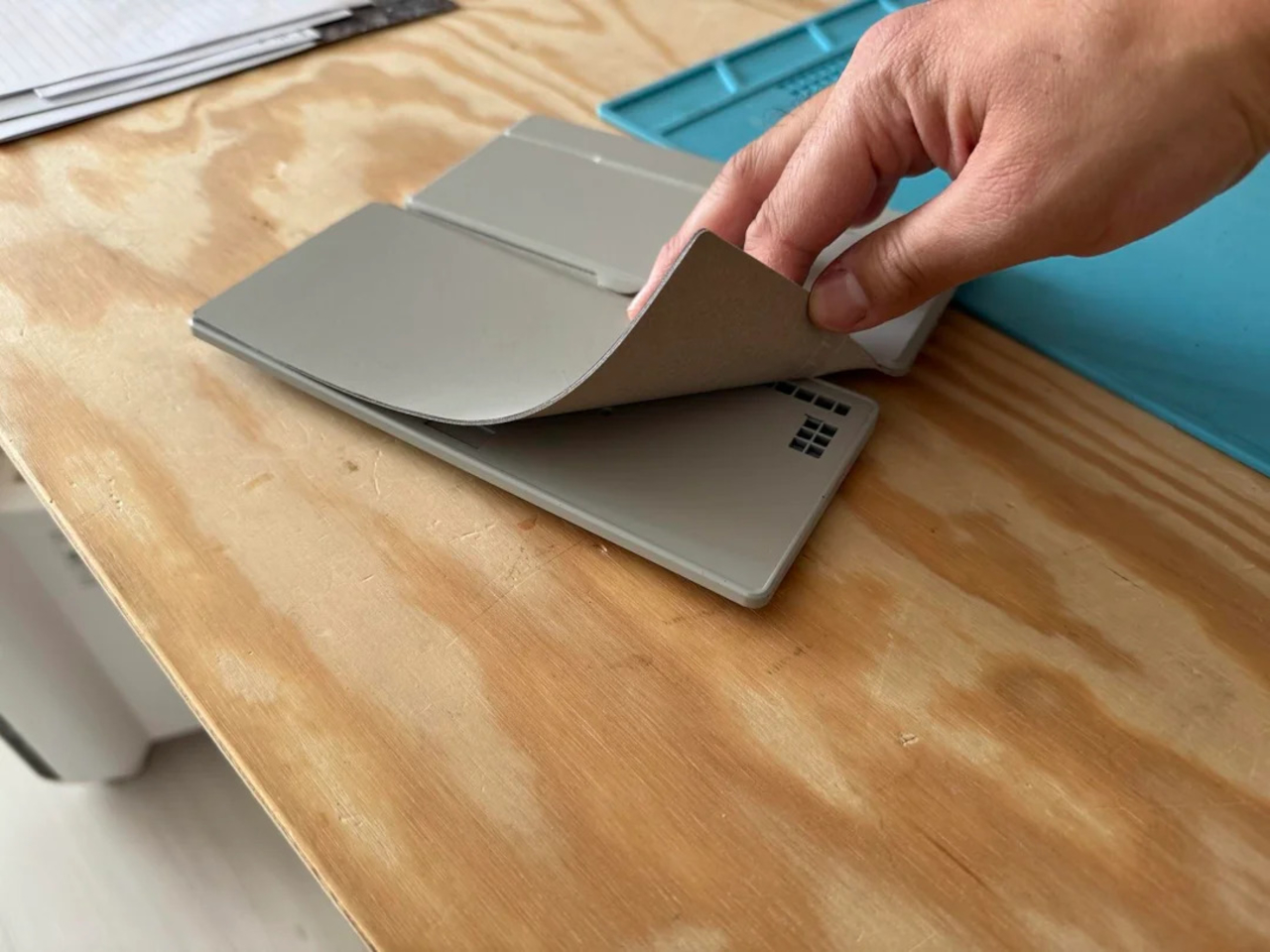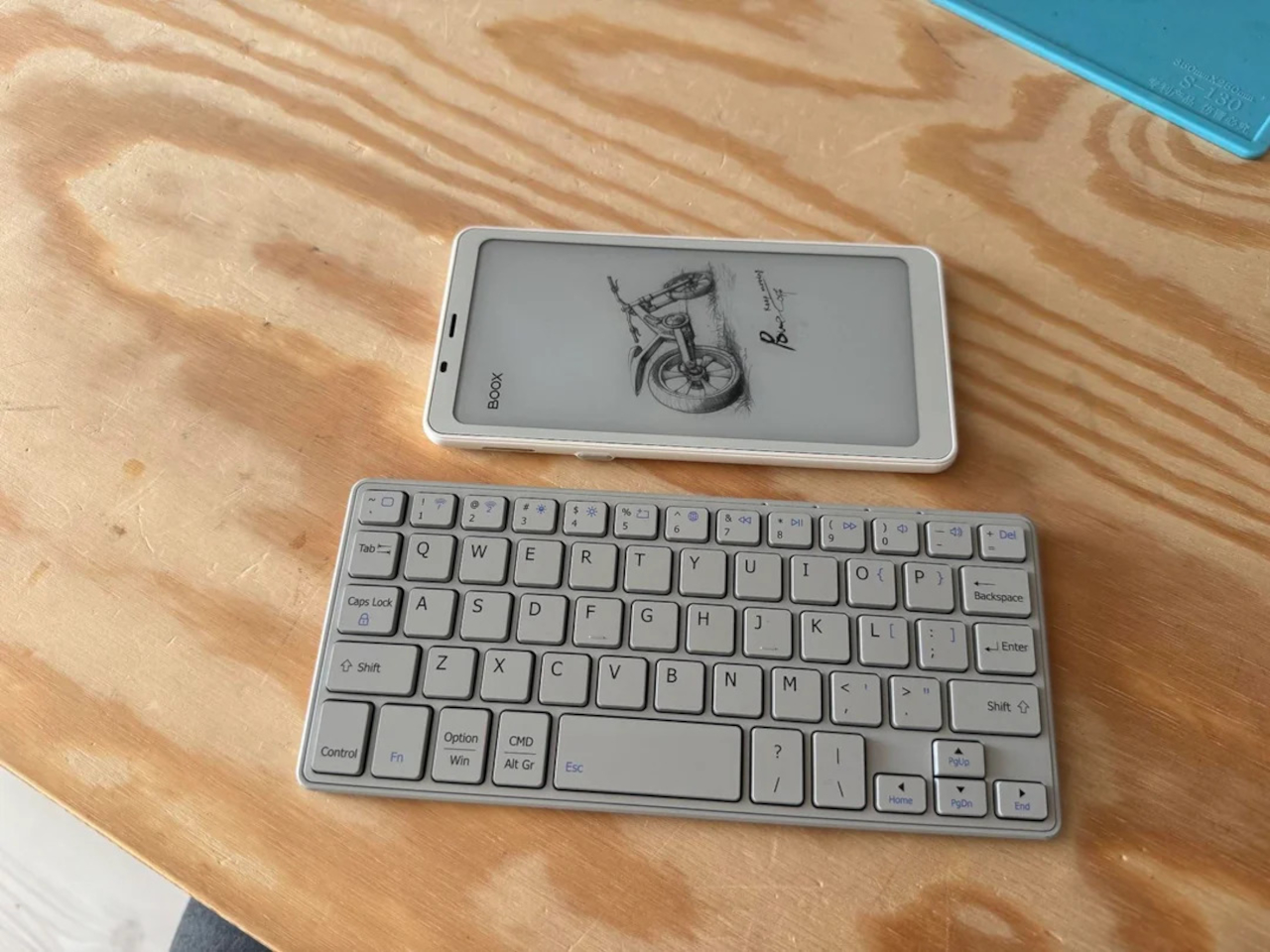
Screens have gotten loud, and most of them are fighting for the same six to eight inches of attention in your pocket. E Ink is quietly answering that fatigue by shrinking instead of growing, going deliberately narrow instead of chasing every feature possible. These five gadgets carry that spirit into pockets, fridges, and phone cases, each one claiming a job so specific that trying to be anything more would ruin it.
That range runs wider than you’d expect from a single display technology. On one end, a screen gets stripped down to nothing but page-turn buttons, refusing every upgrade that isn’t necessary. On the other, a screen becomes the front door to a full computer, complete with an app store and a voice assistant baked right in. Everything else in between quietly picks its own lane instead of trying everything.
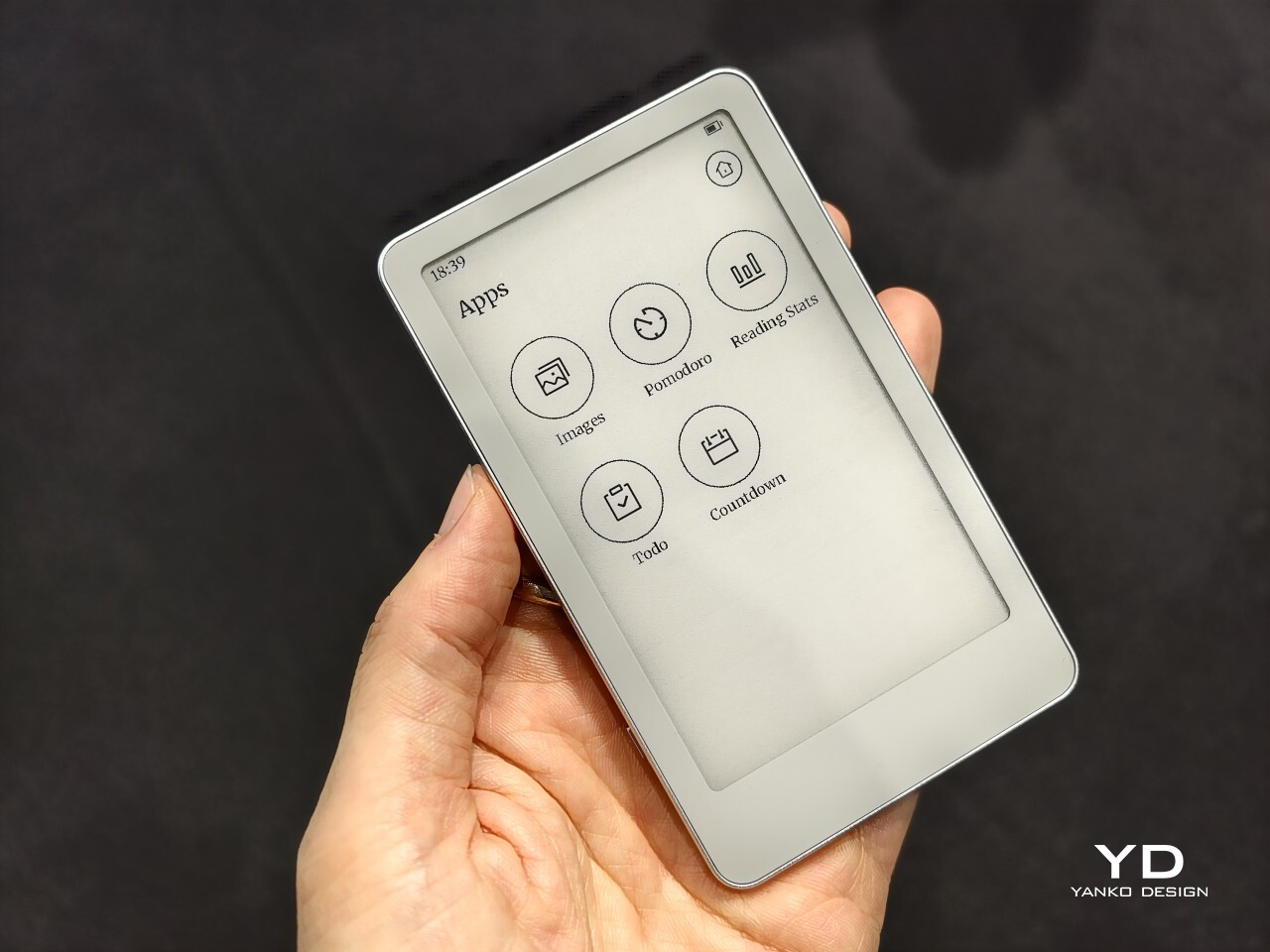
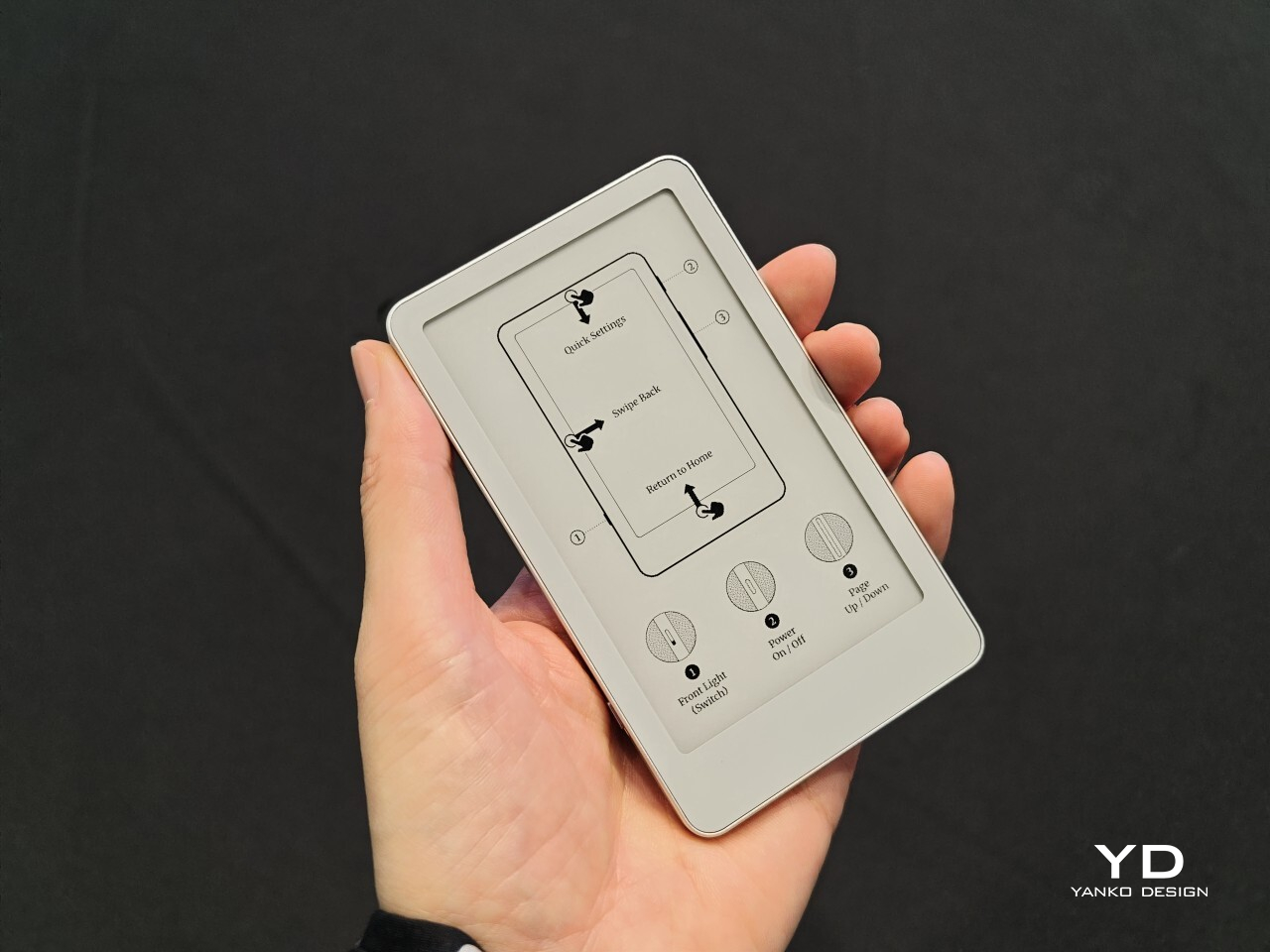
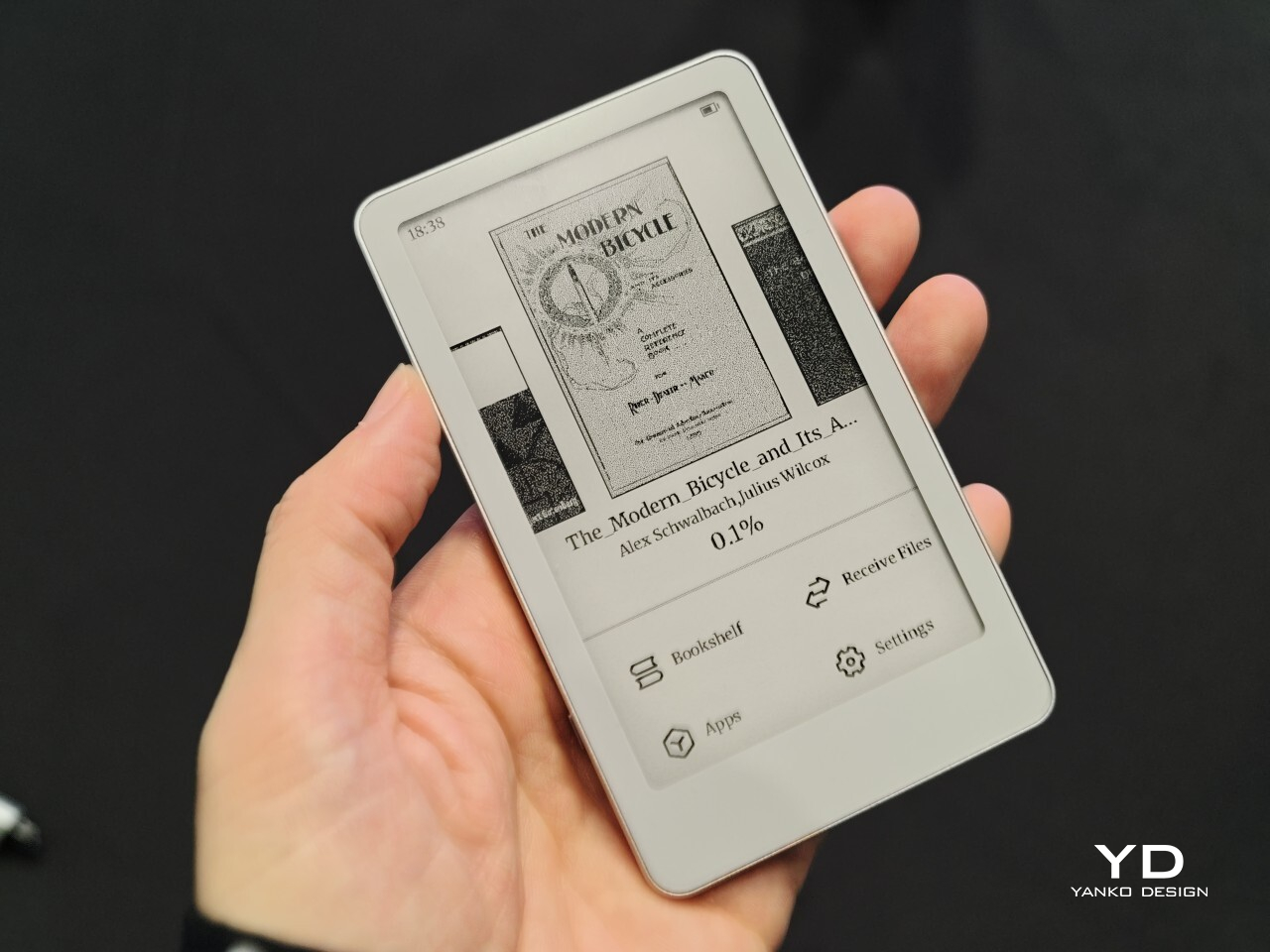
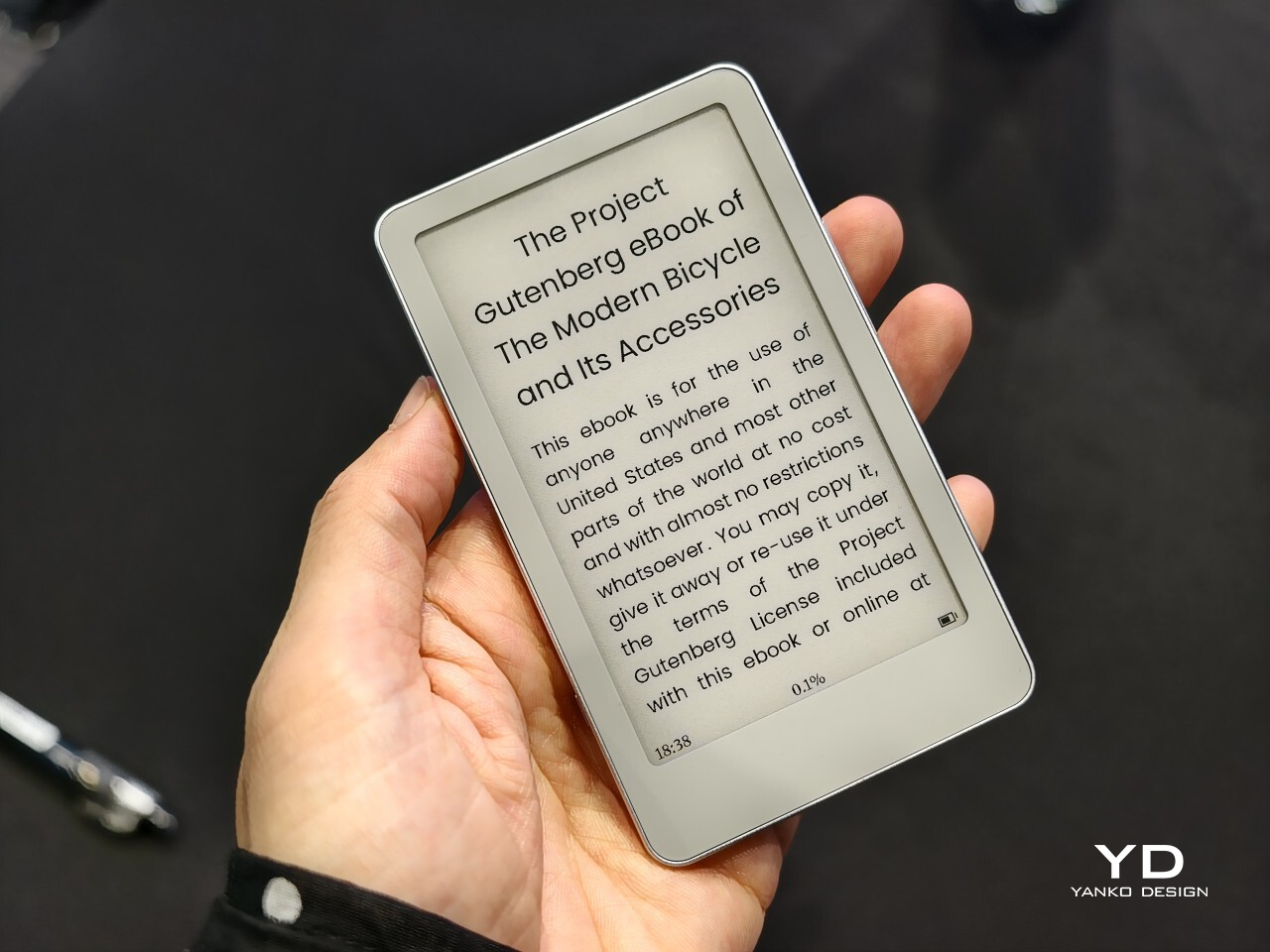
Xteink X4 Classic
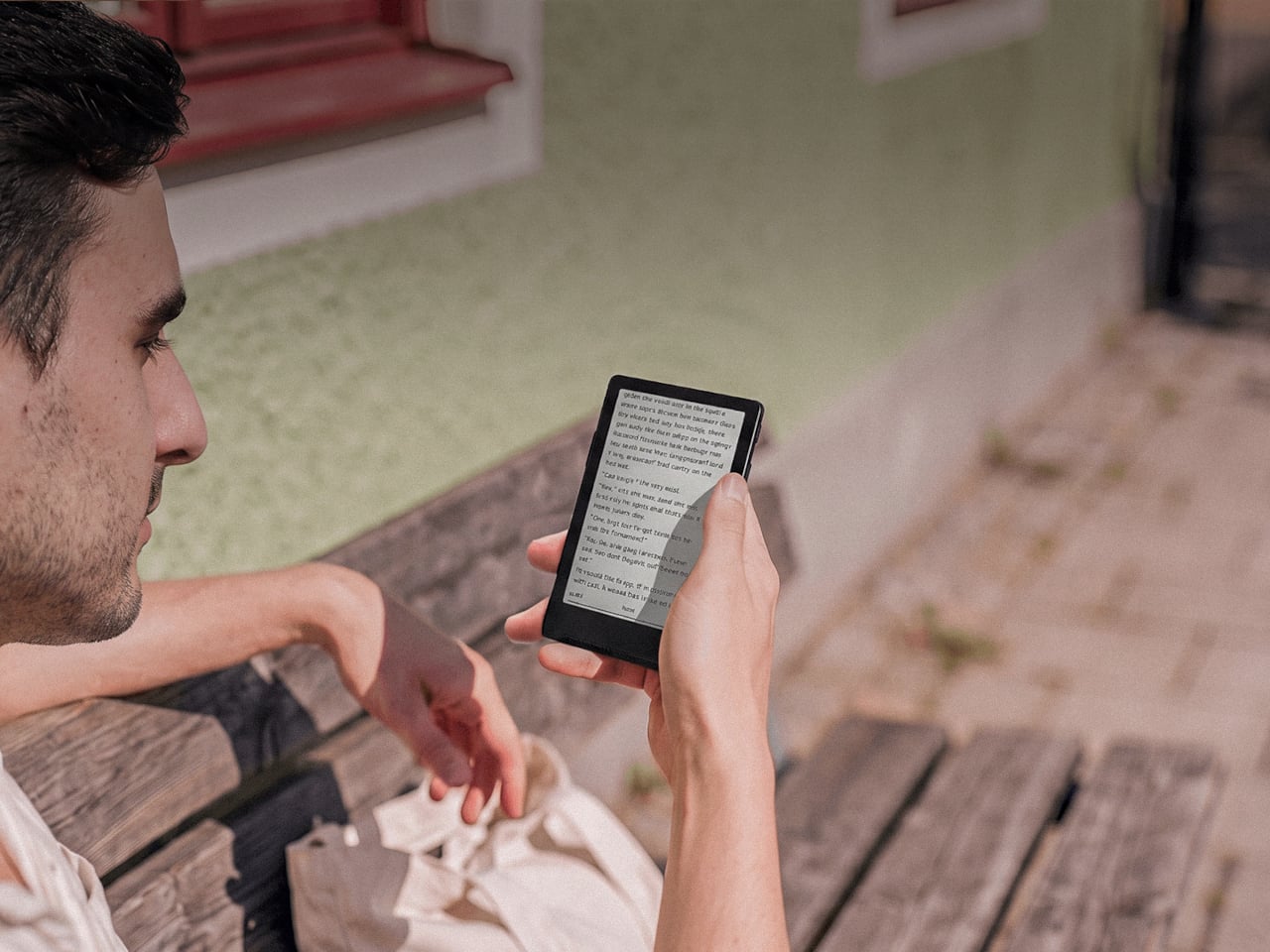
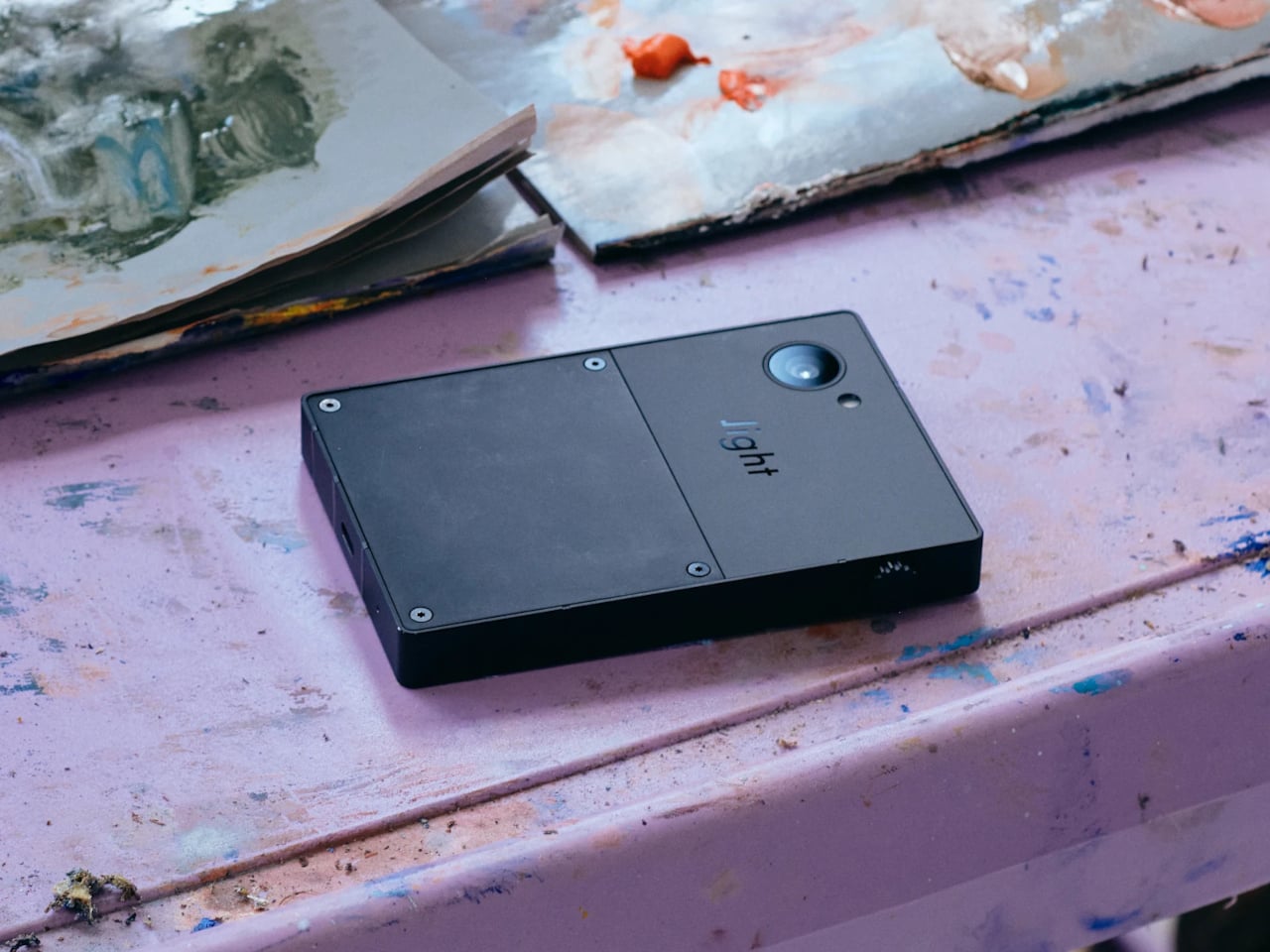
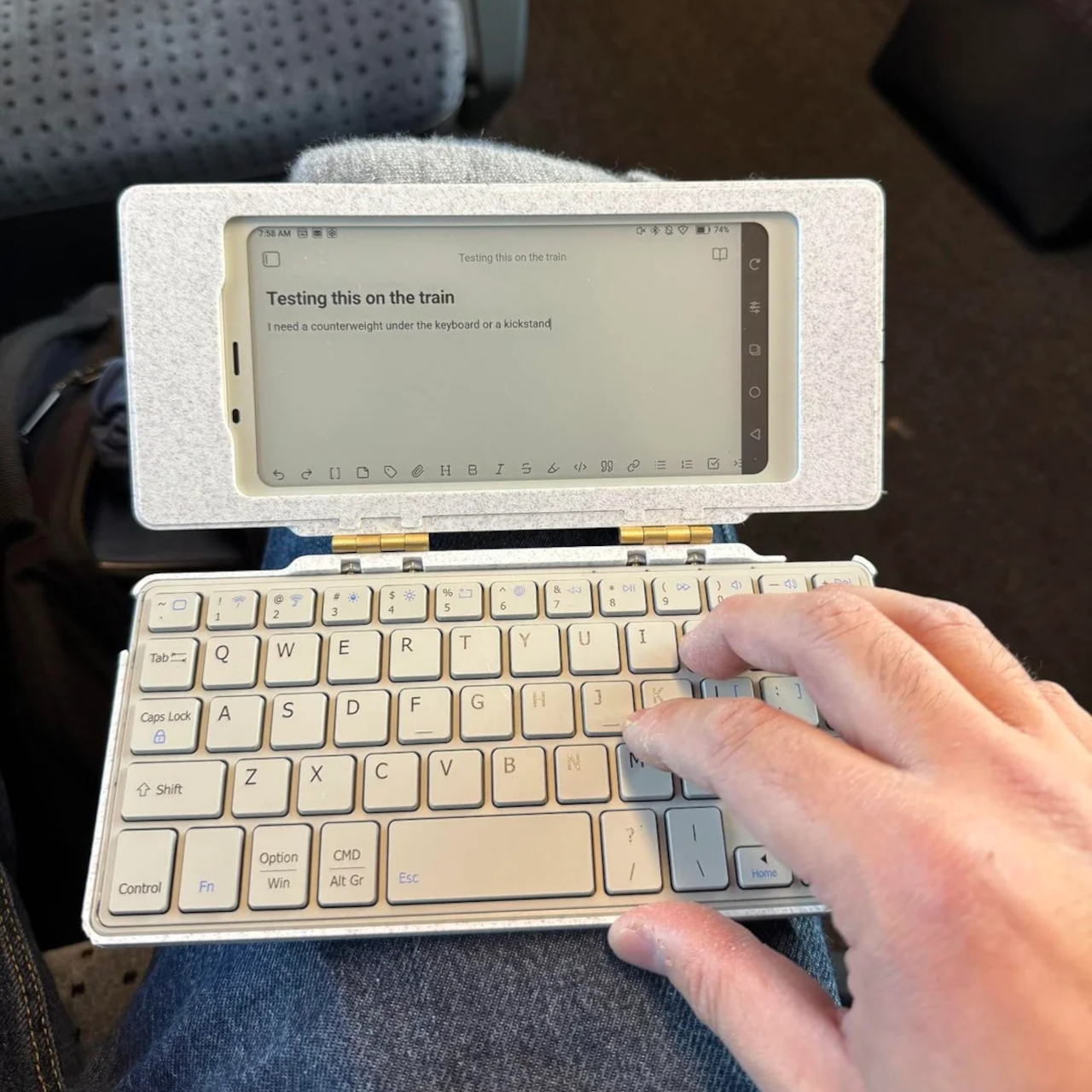
The X4 Classic doesn’t look like an upgrade so much as a refusal to change. It keeps the same 4.3-inch E Ink panel, the same button-only interface, and the same $79 price tag as before, resisting the urge to bolt on a touchscreen or a camera just because it could. What’s new sits underneath the shell: a reinforced magnetic backplate, a faster processor, and a noticeably bigger battery than before.
Designer: XTEINK
That combination changes how the device actually gets used day to day. The magnetic backplate snaps onto any phone case, MagSafe included, turning the X4 into a companion screen that rides along instead of competing for pocket space. Pull it off during a commute or a museum visit, and it fills the in-between minutes a phone usually swallows, no unlocking, no notifications, no excuse to open anything else at all.
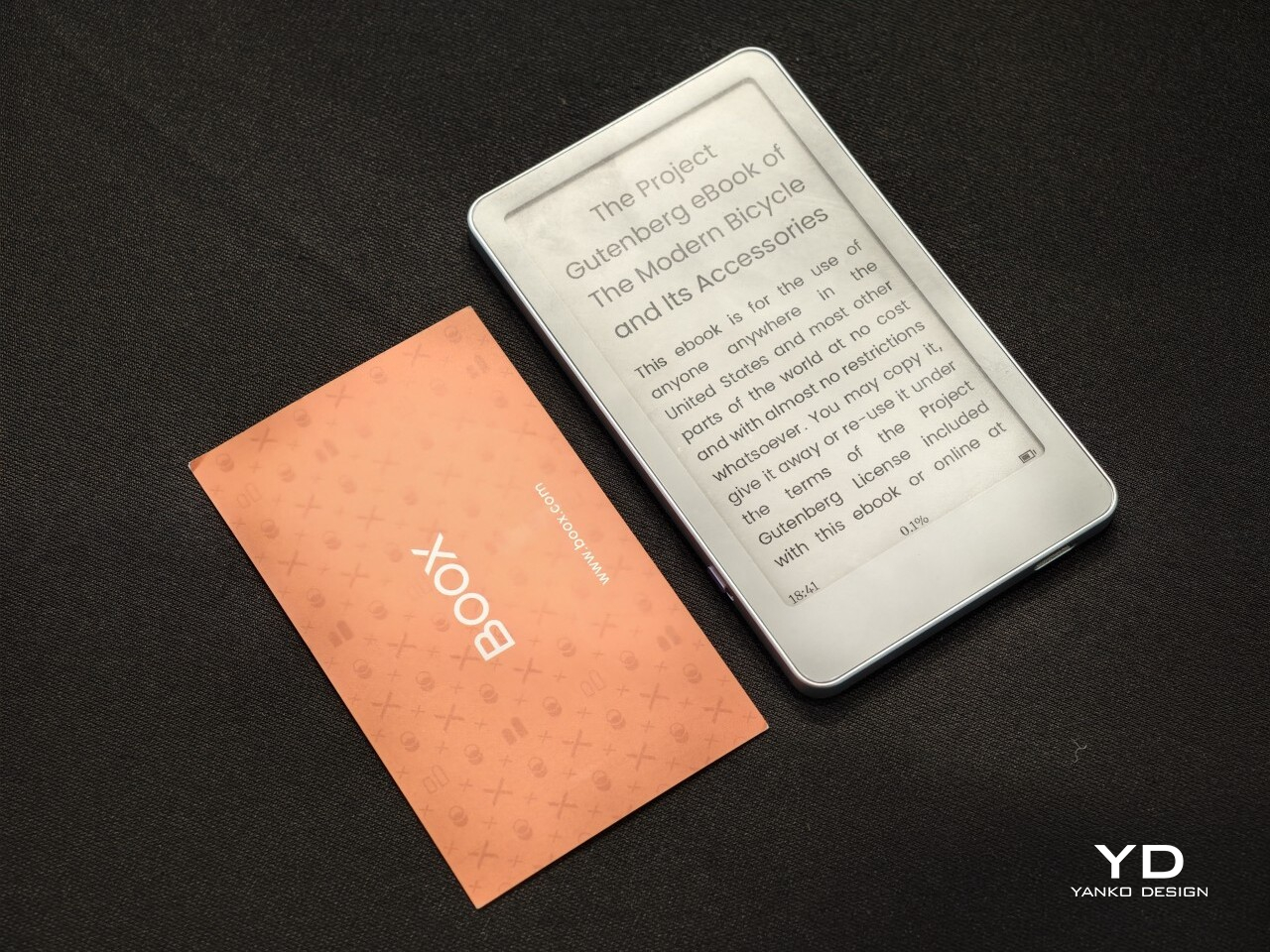
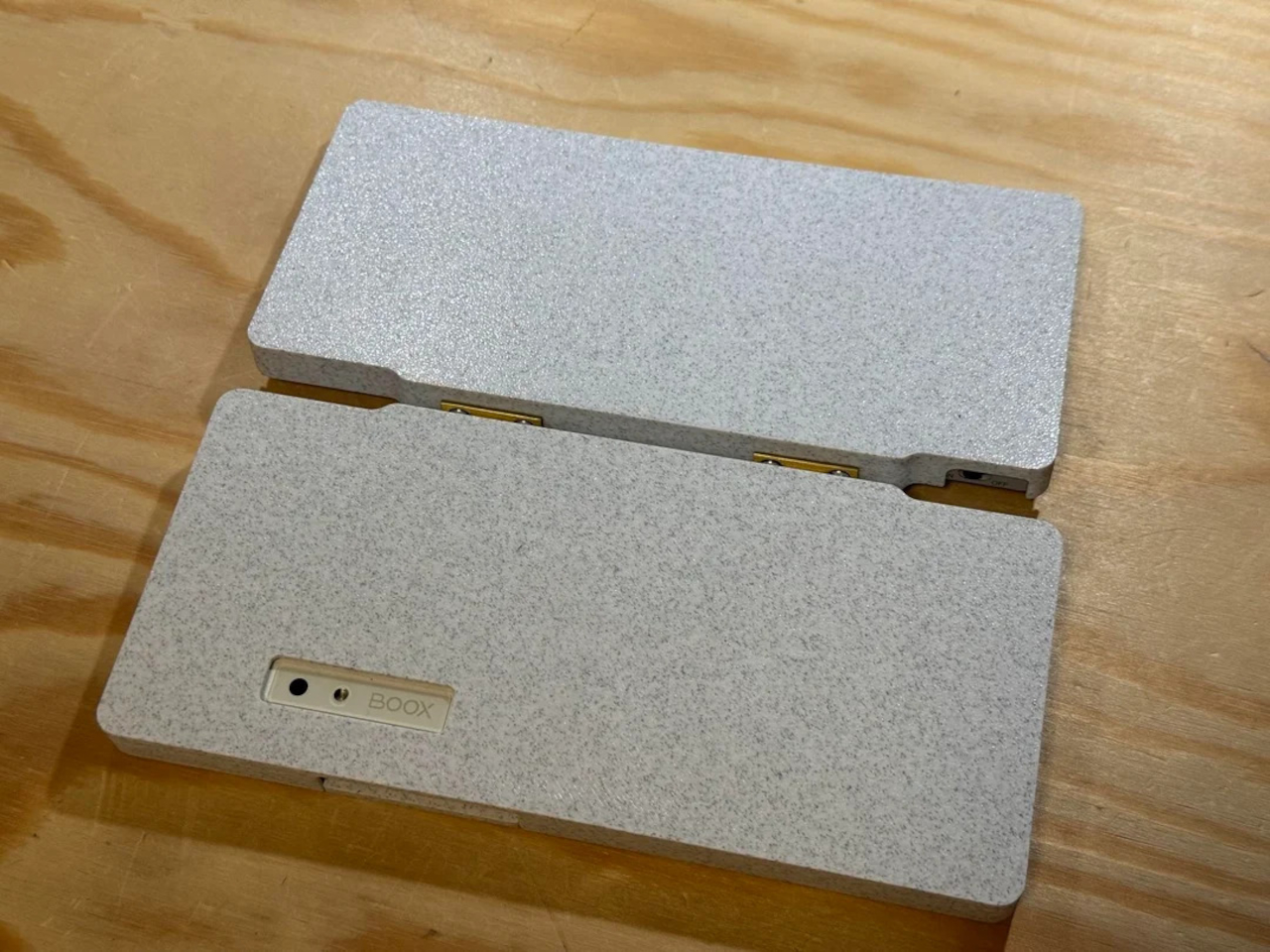
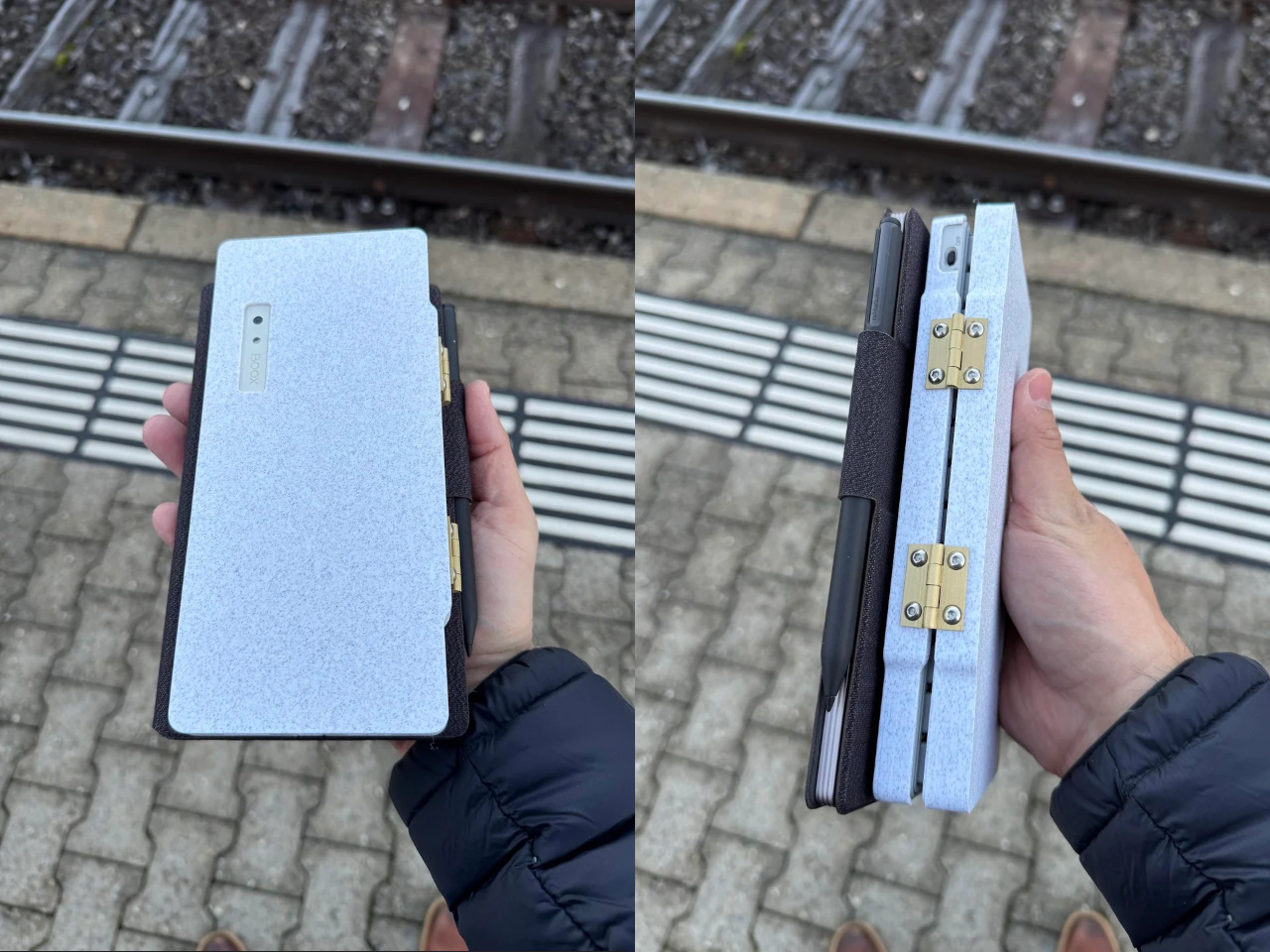
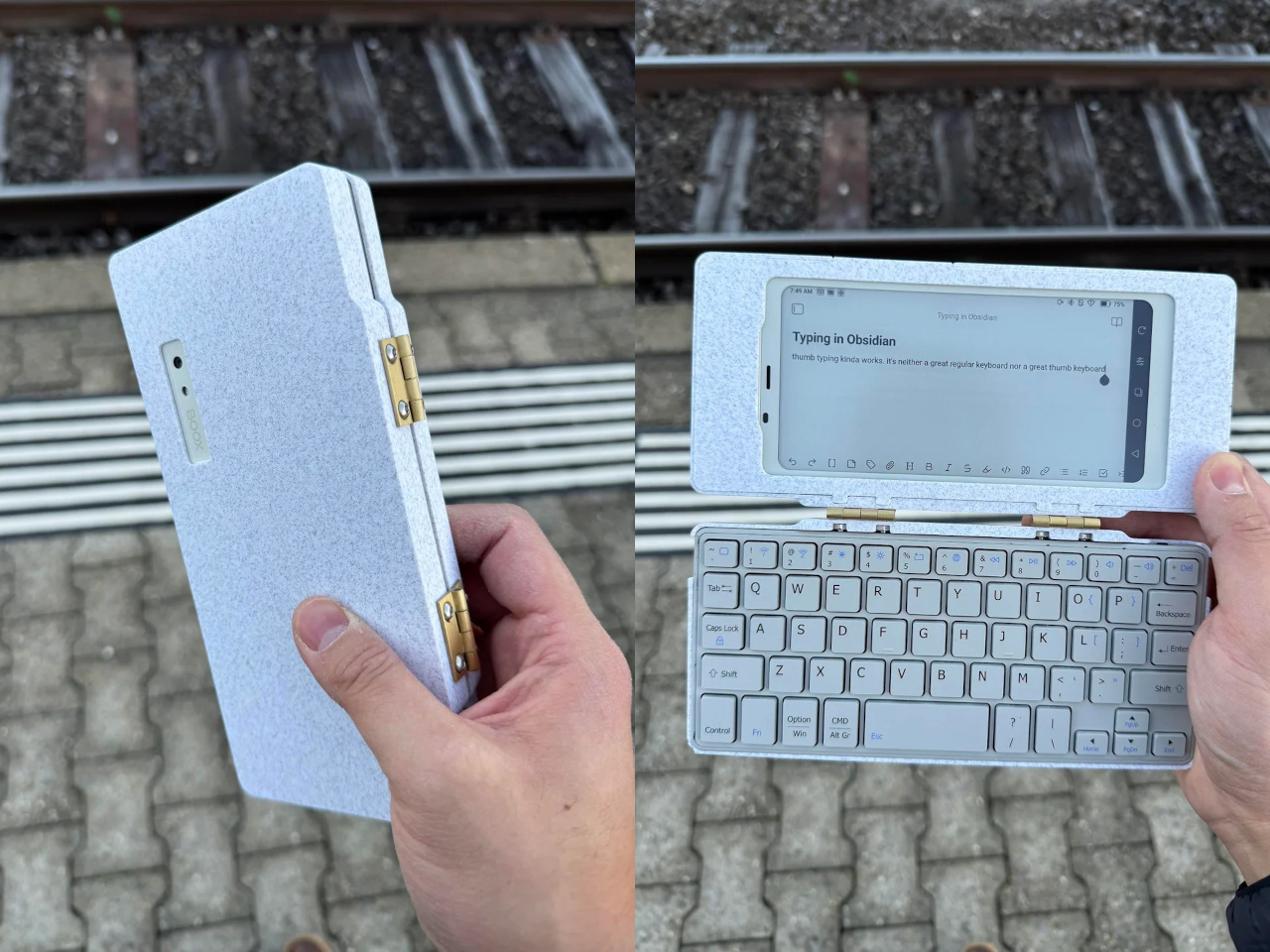
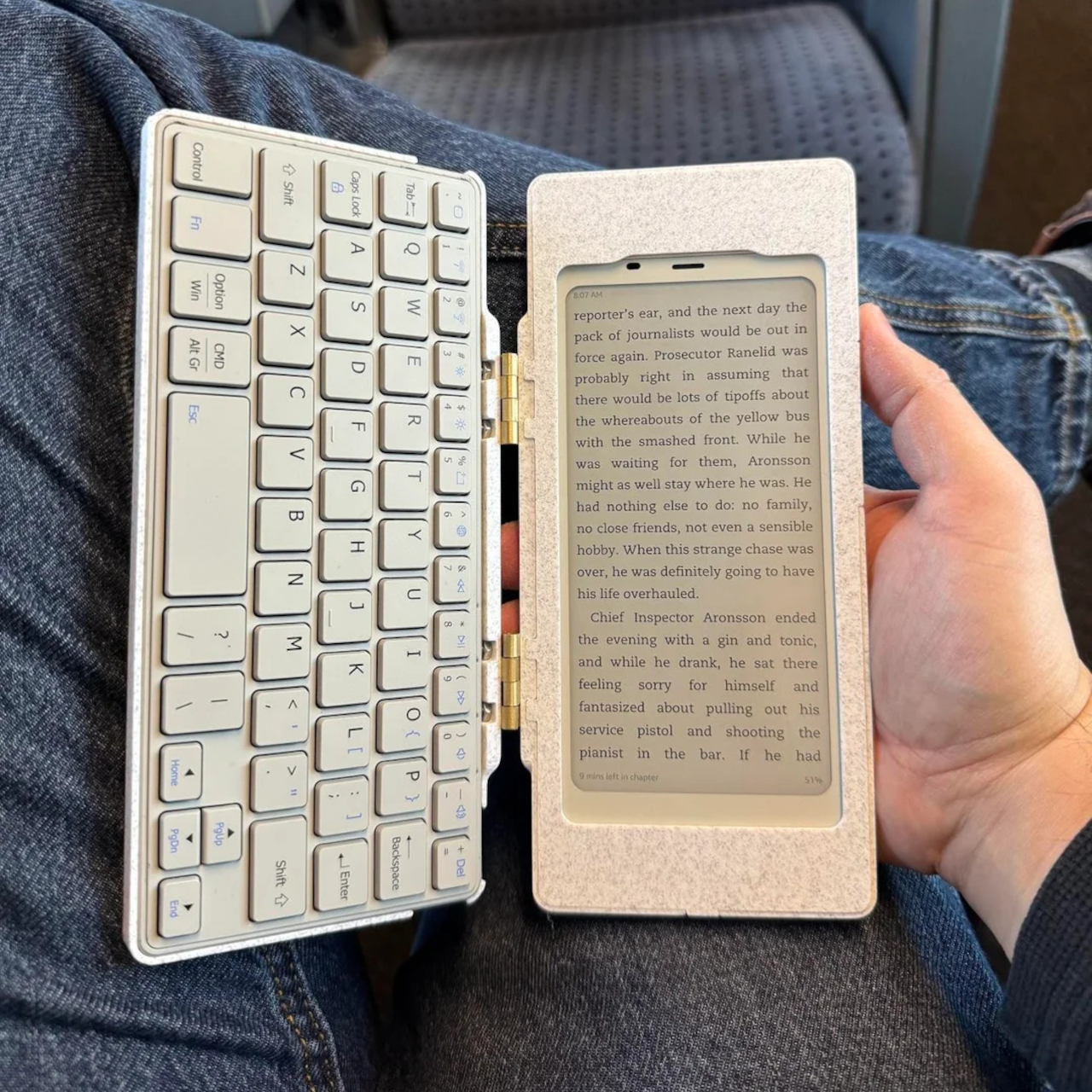
BOOX Picco
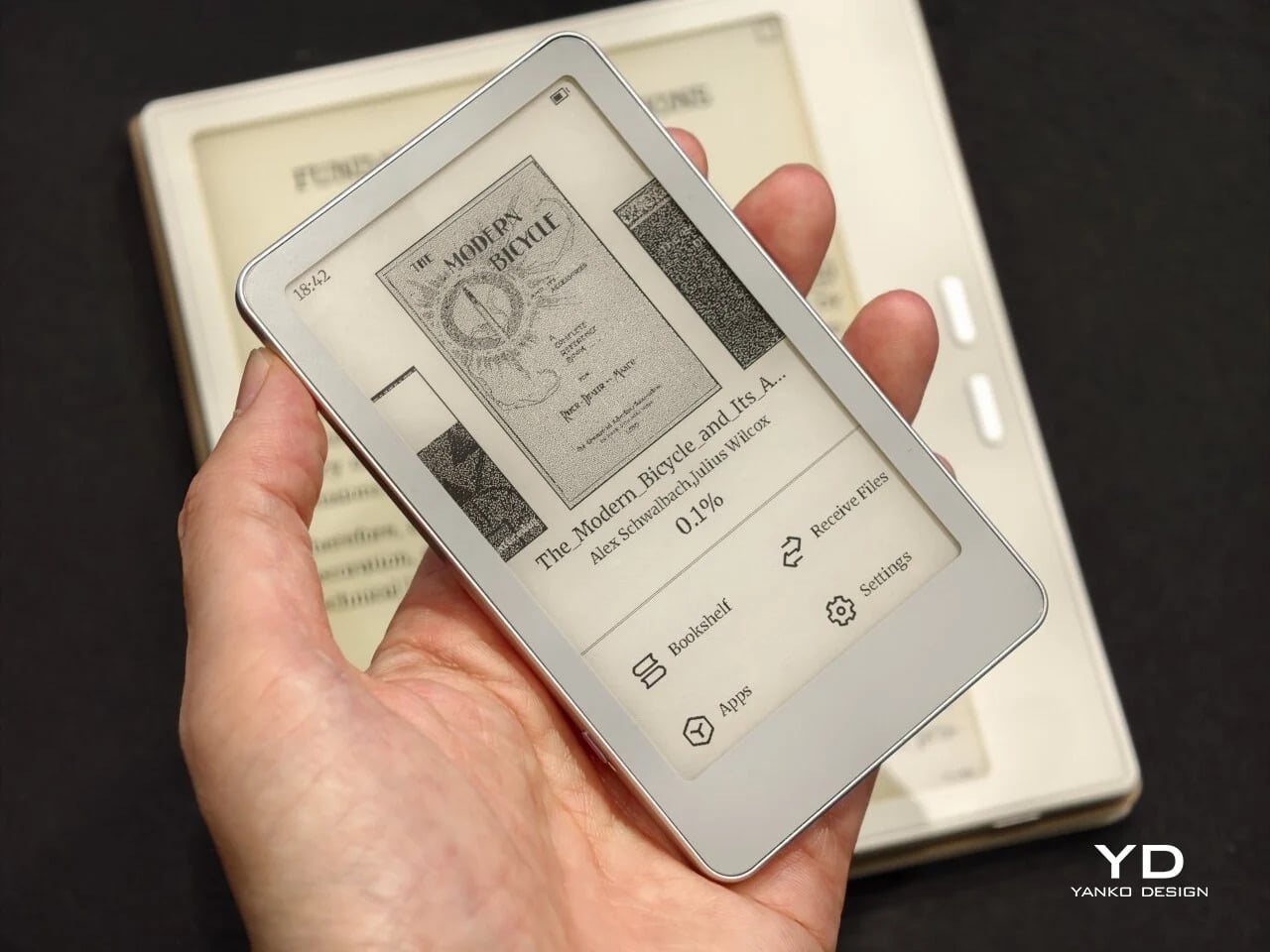
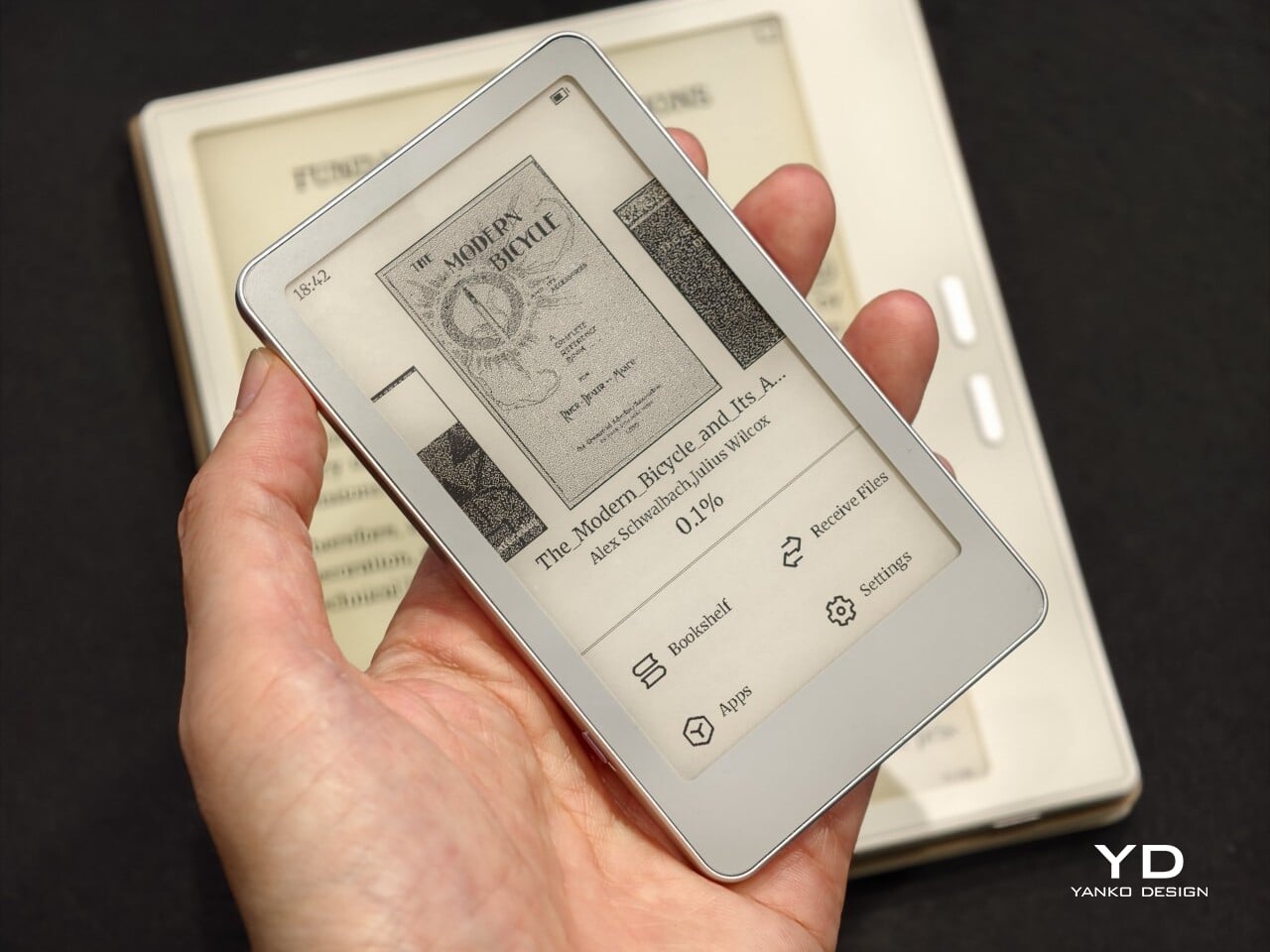
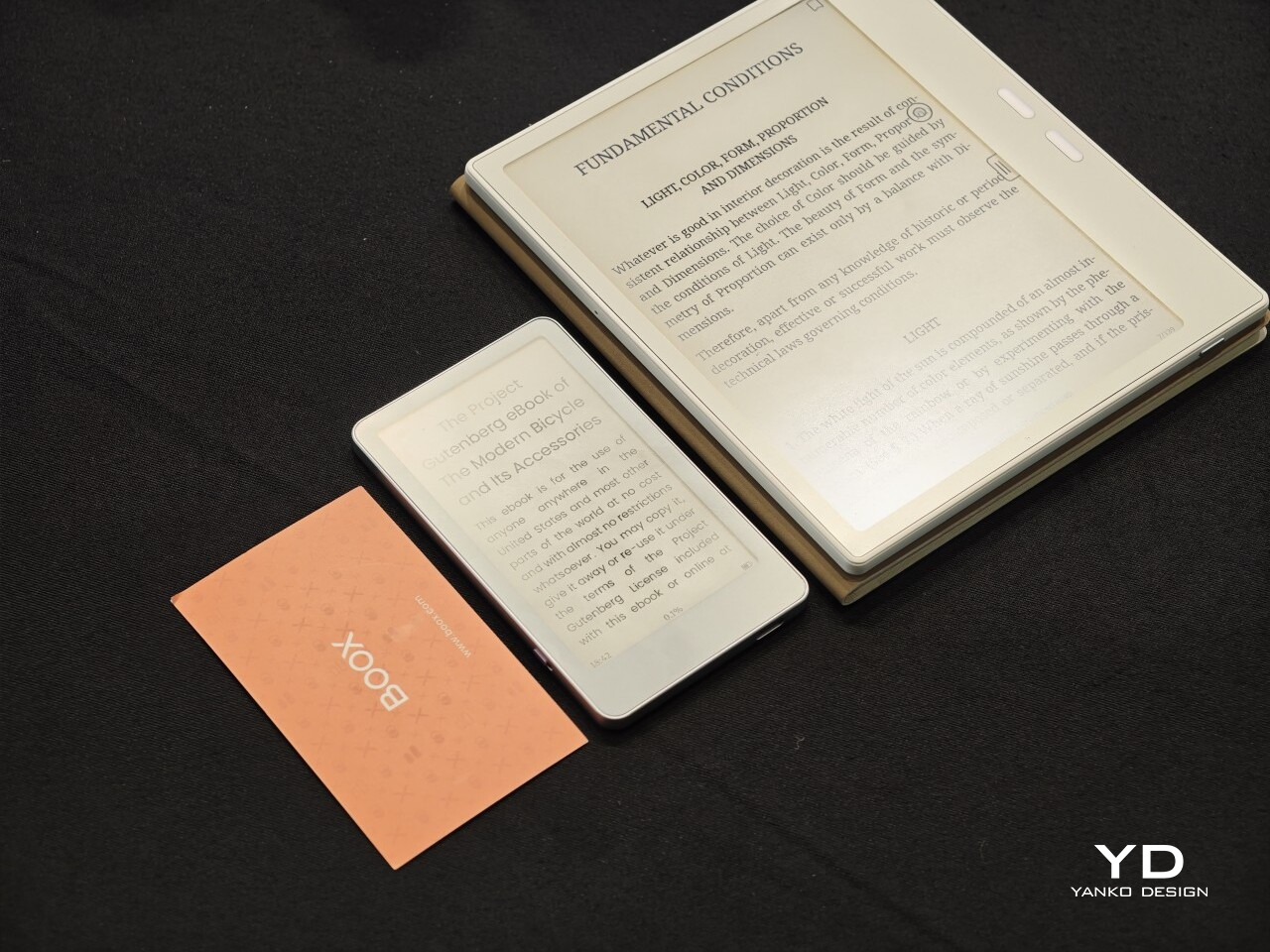
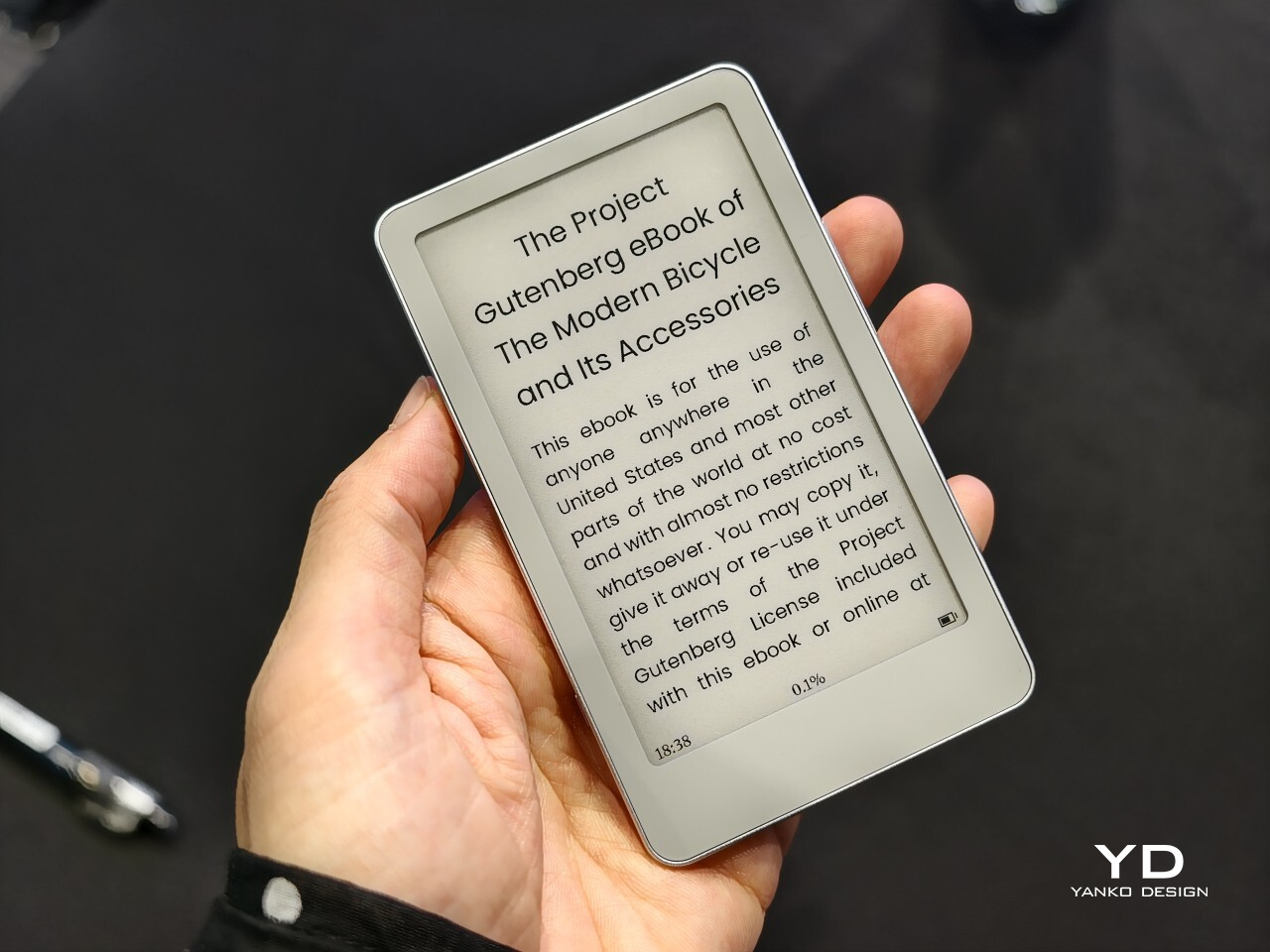
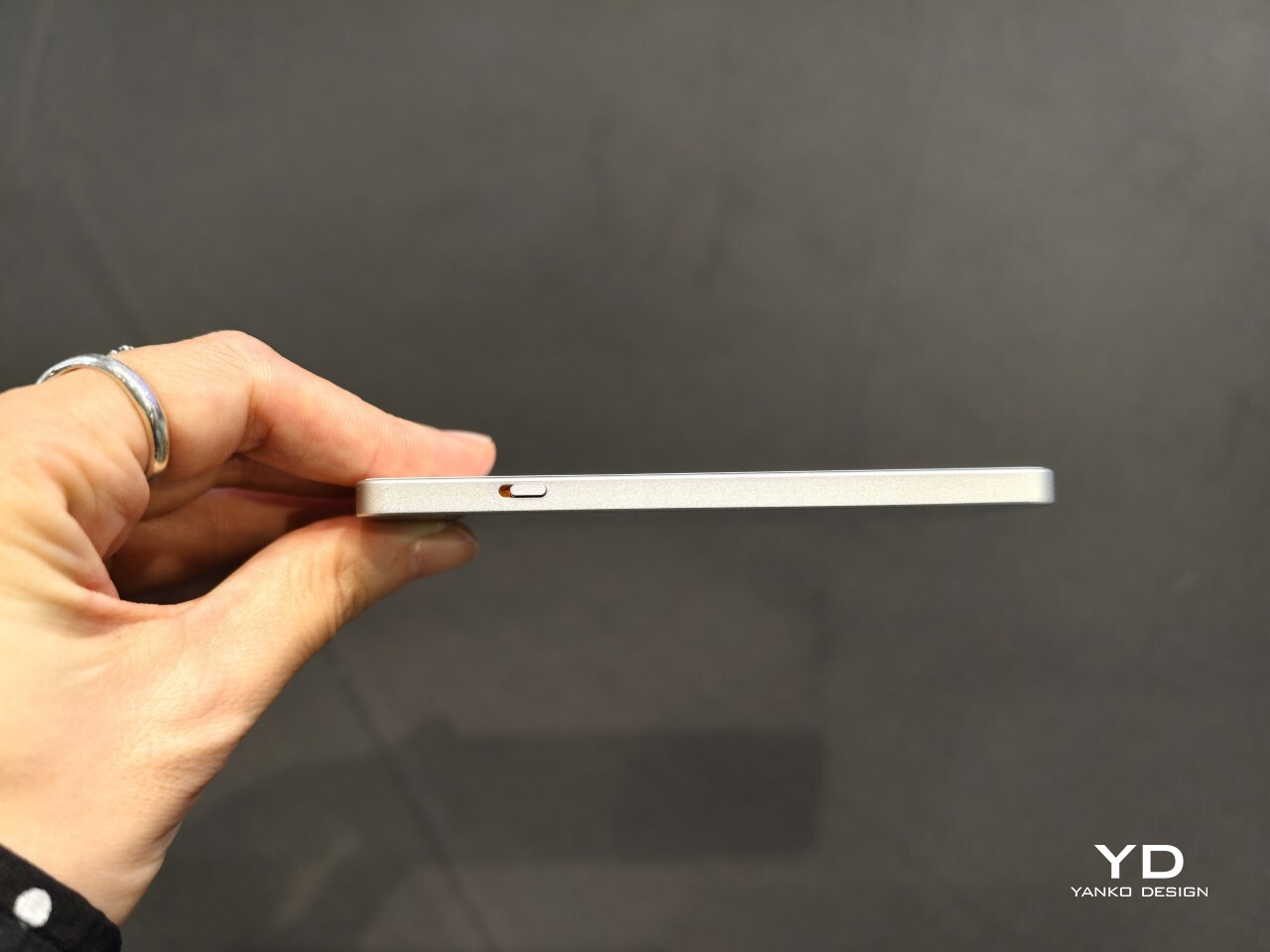
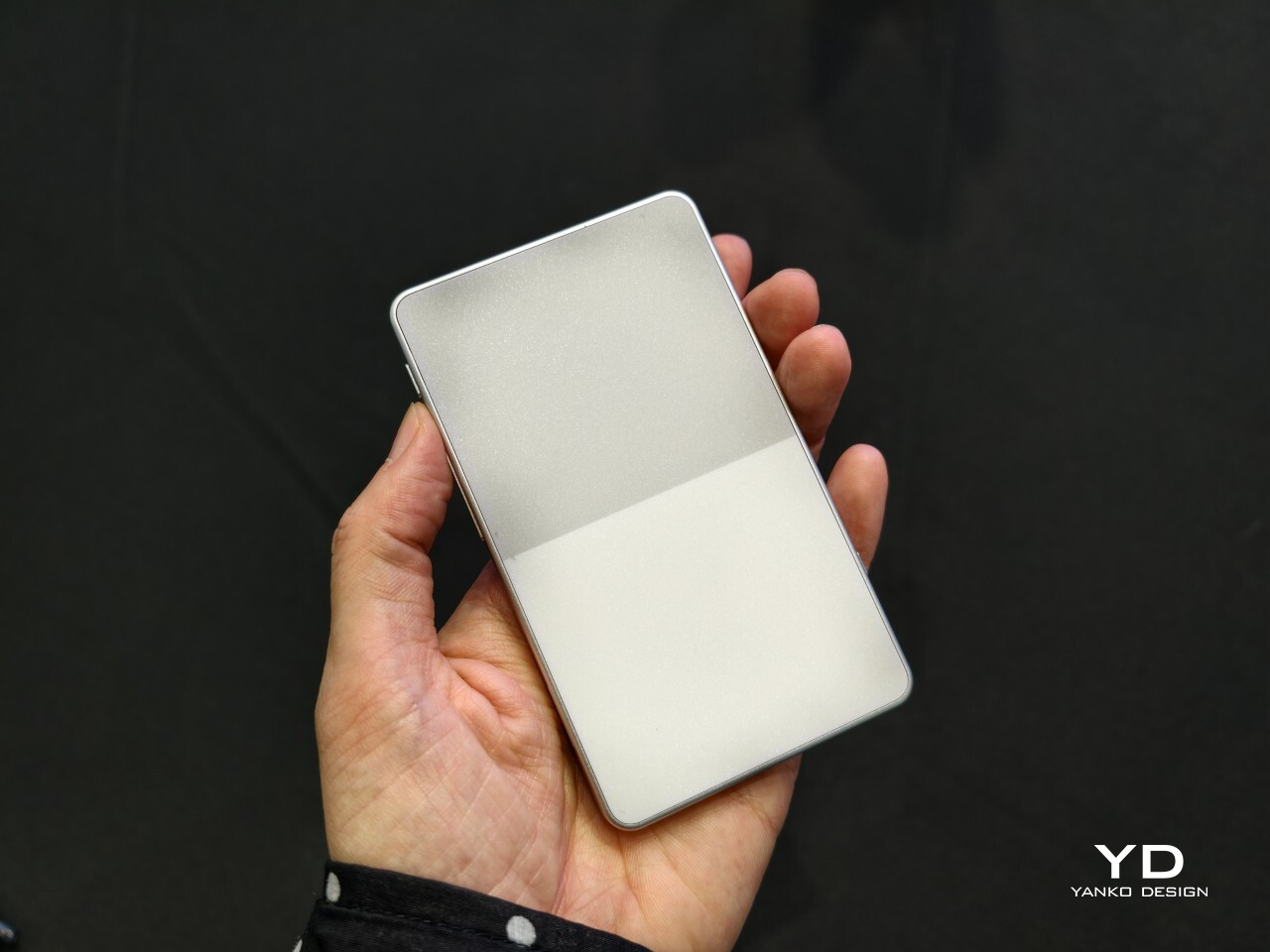
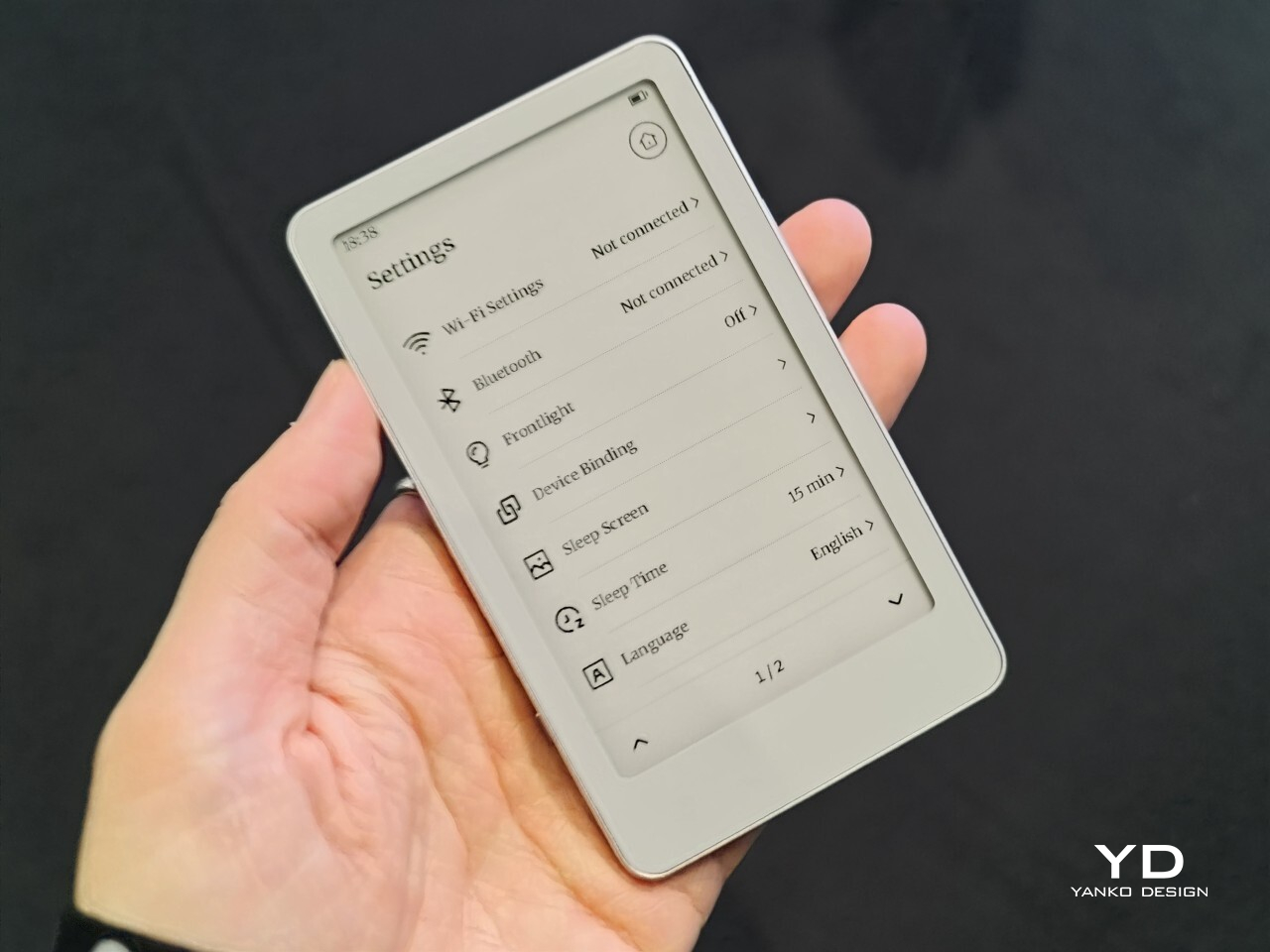
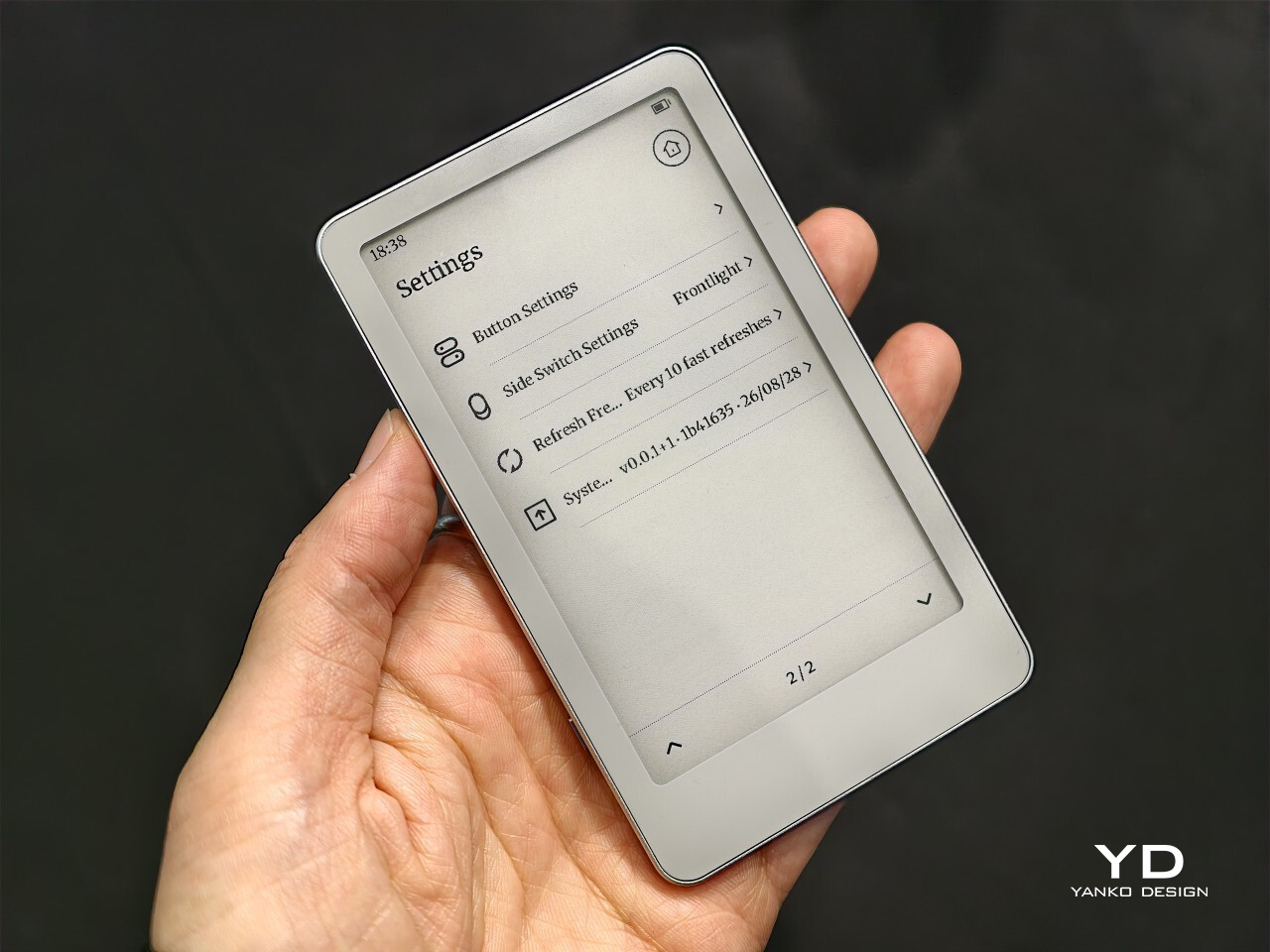
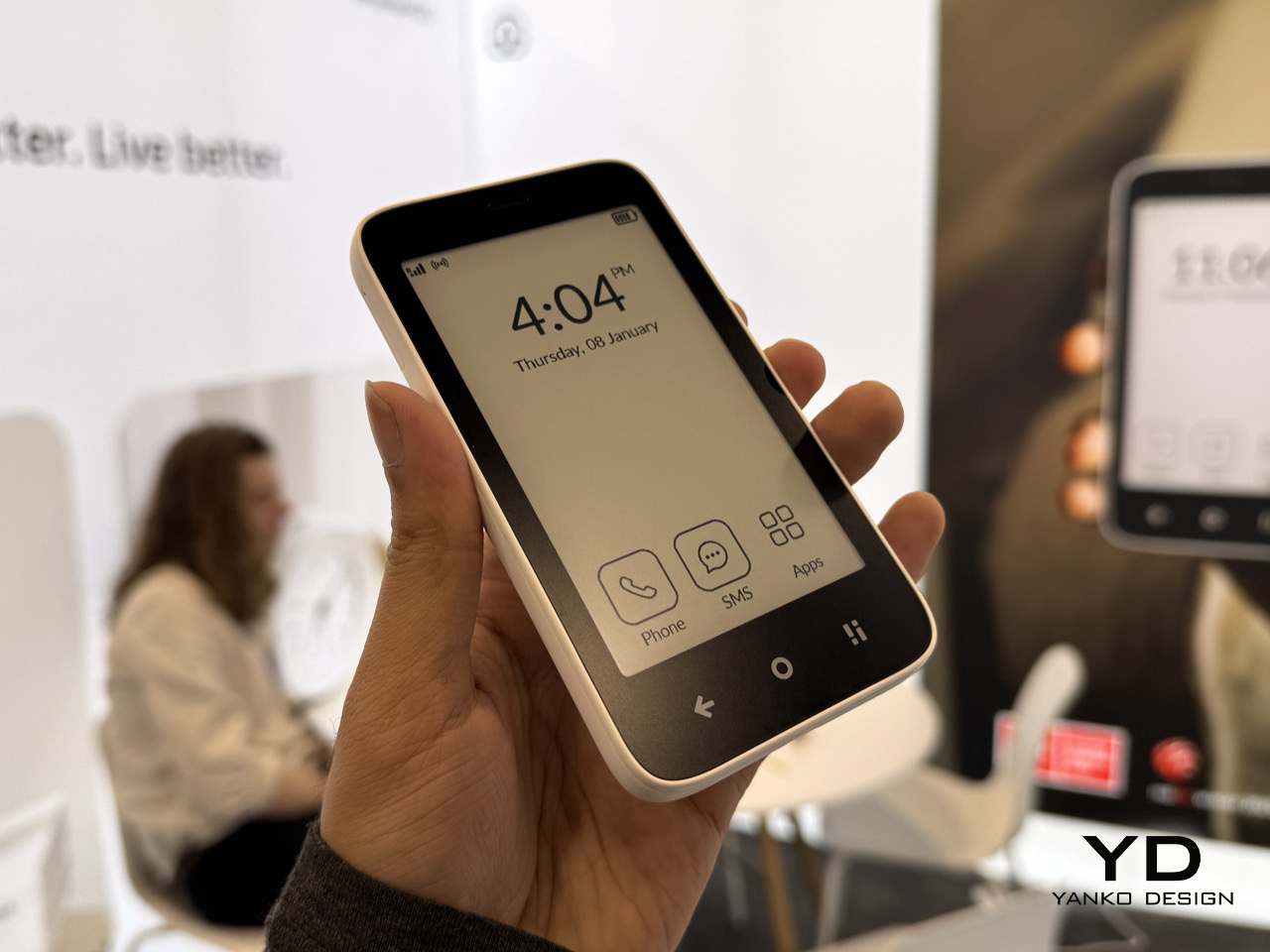
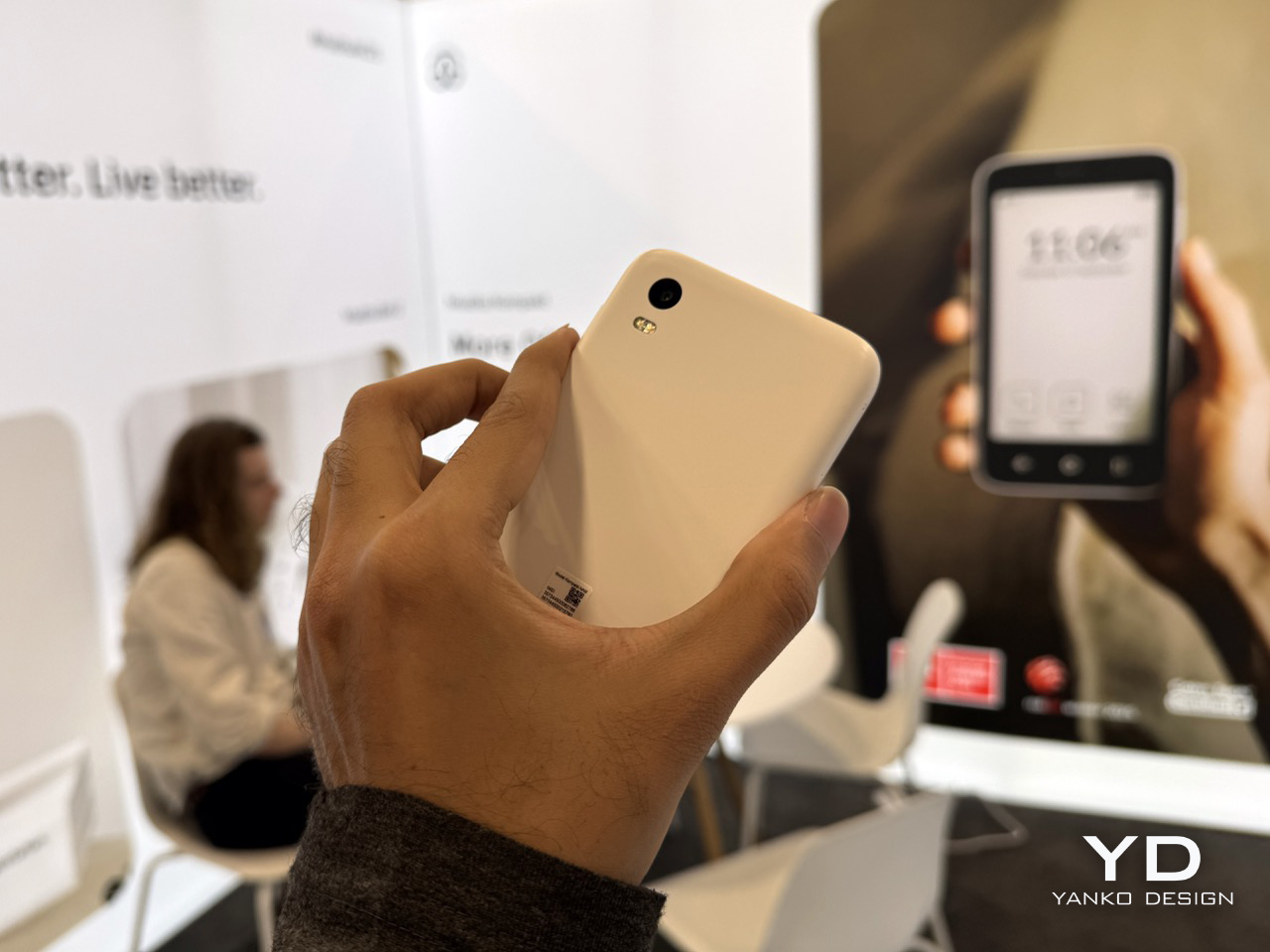
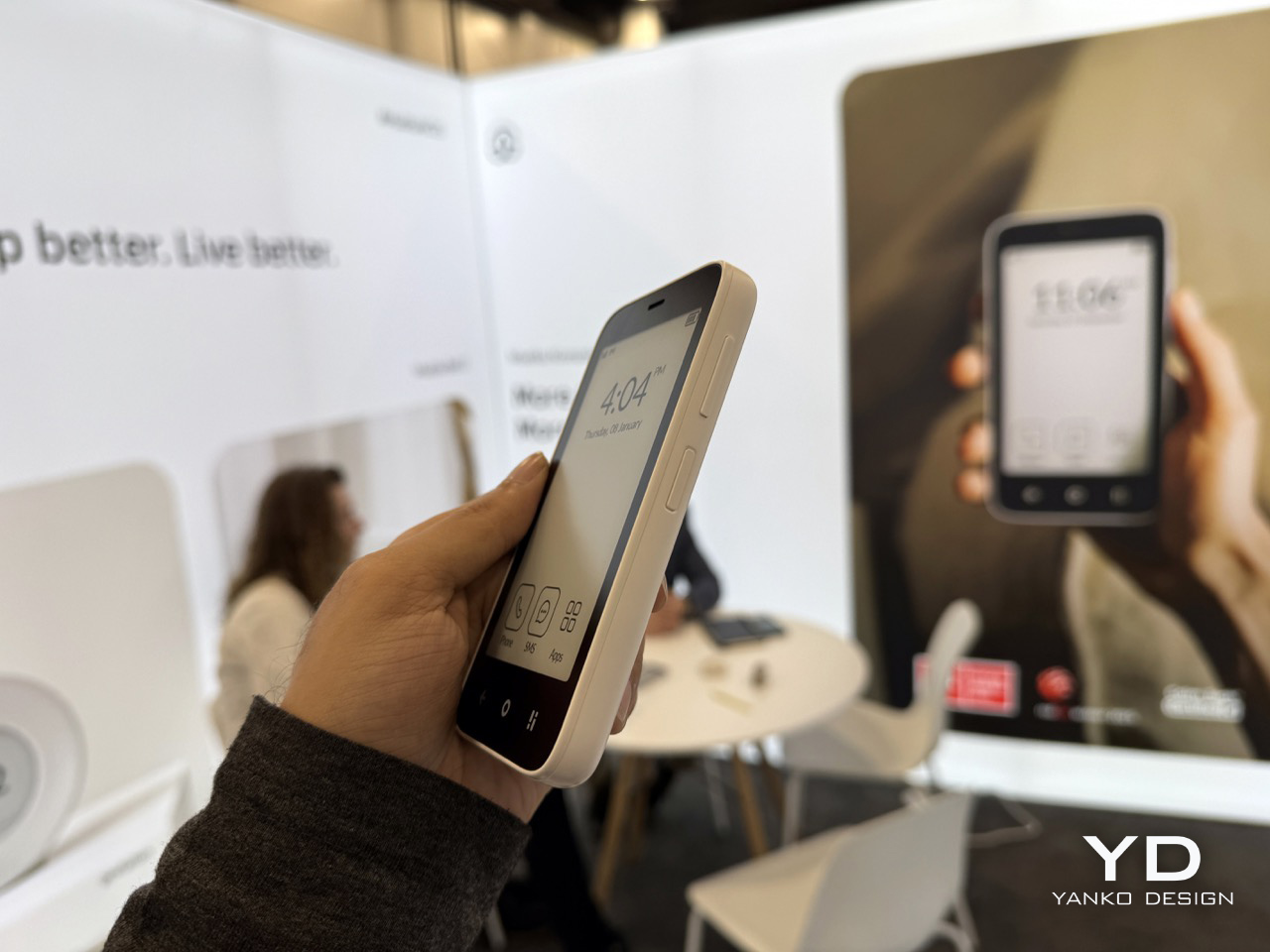
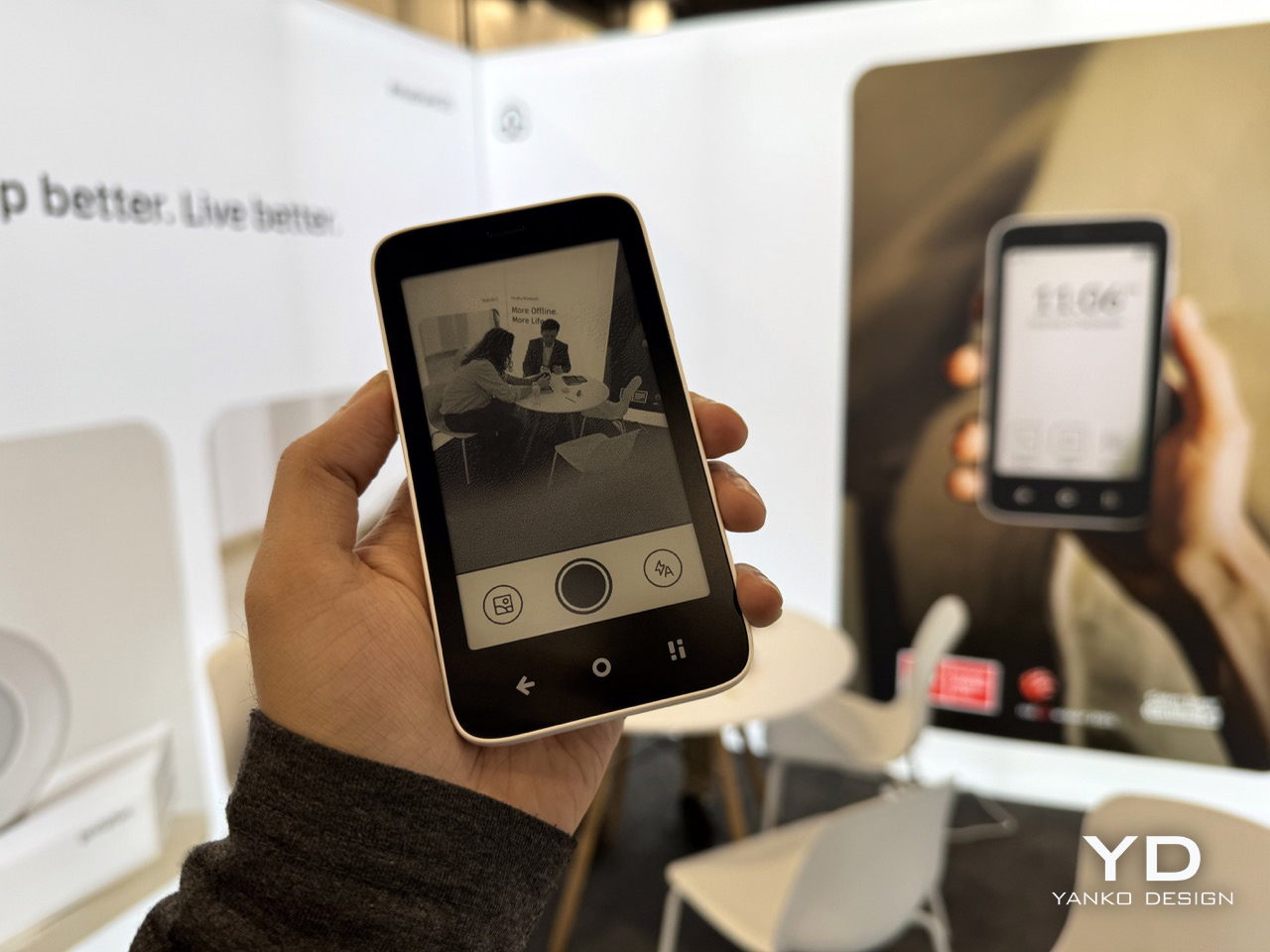
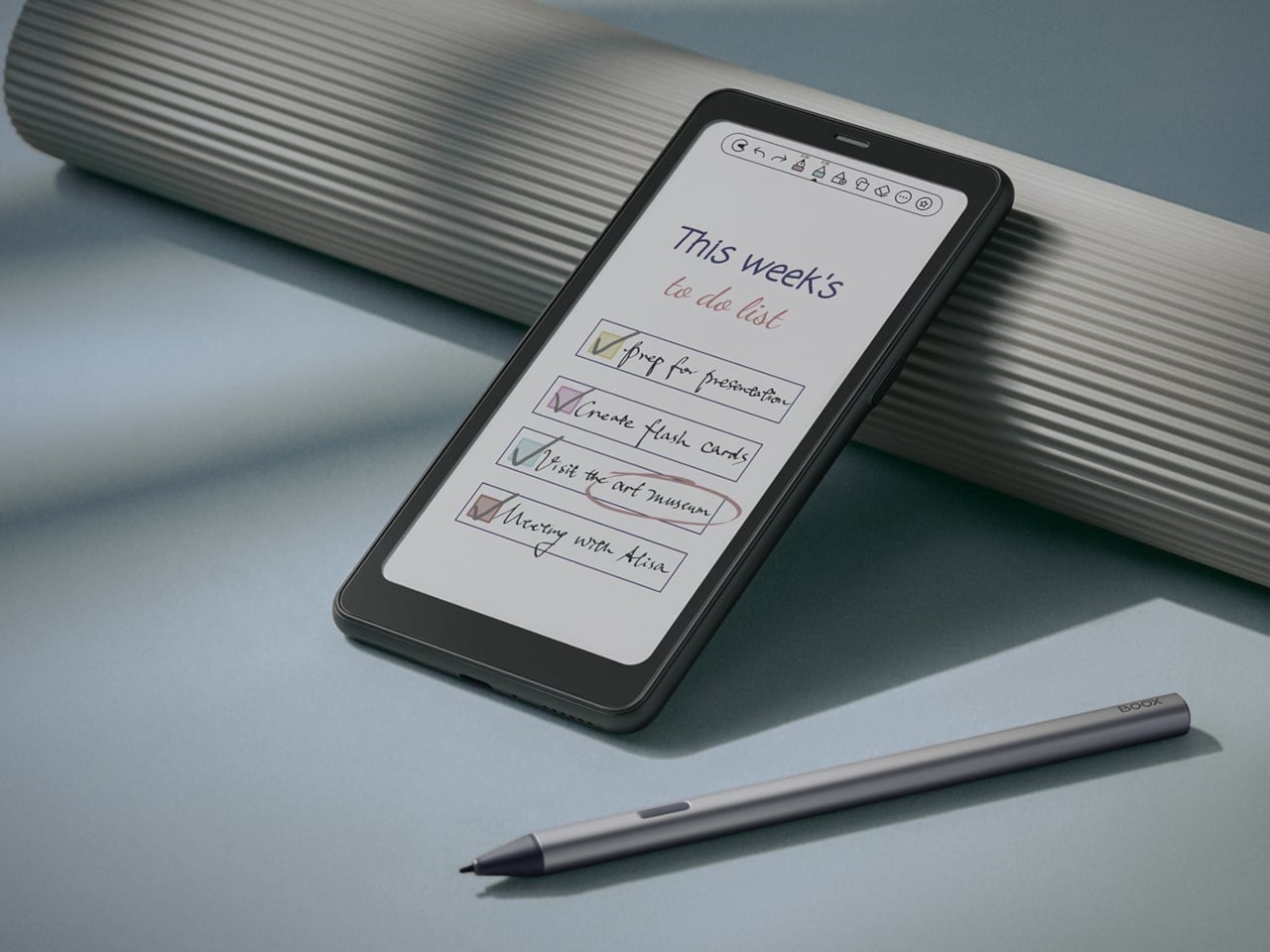
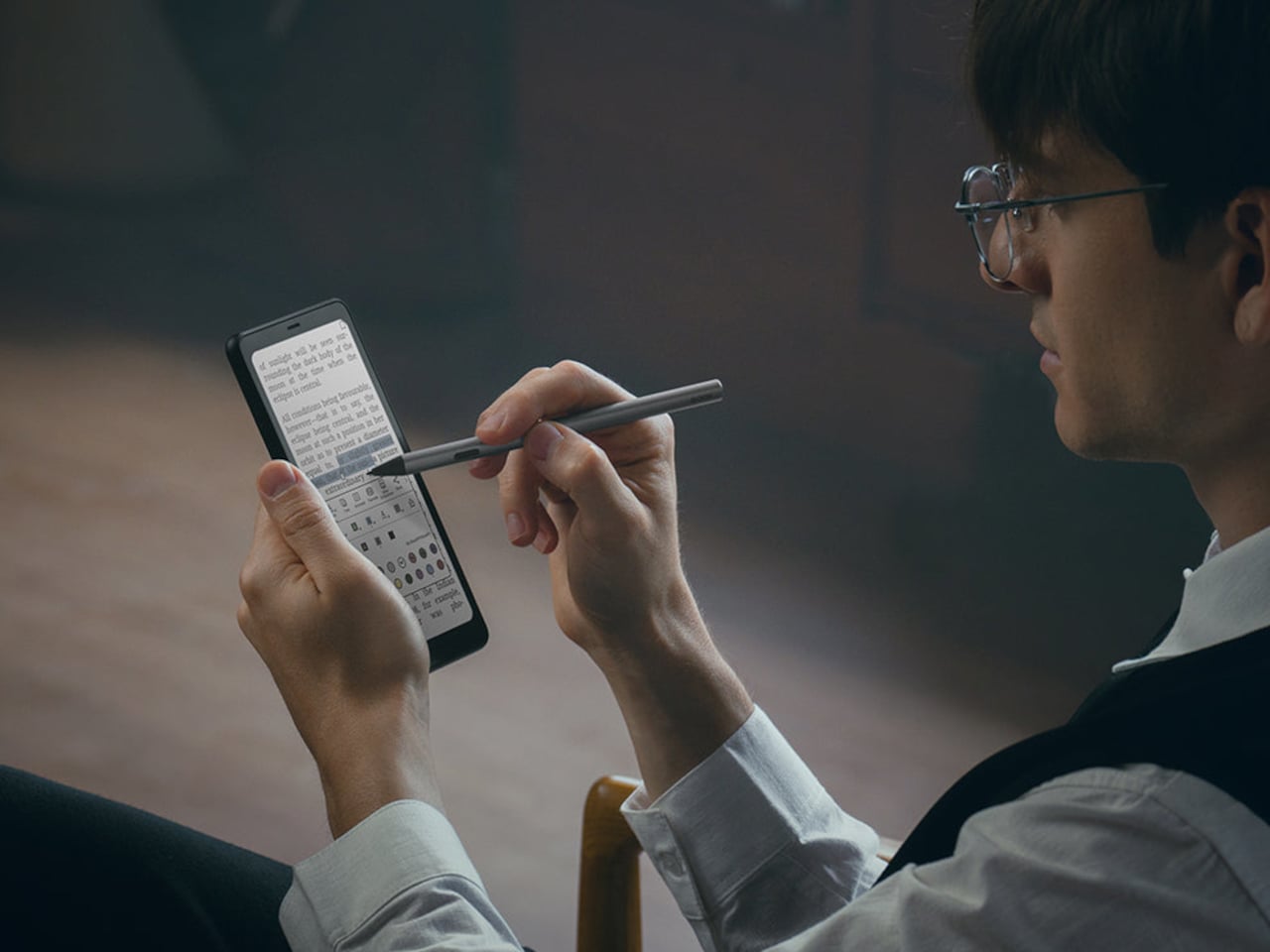
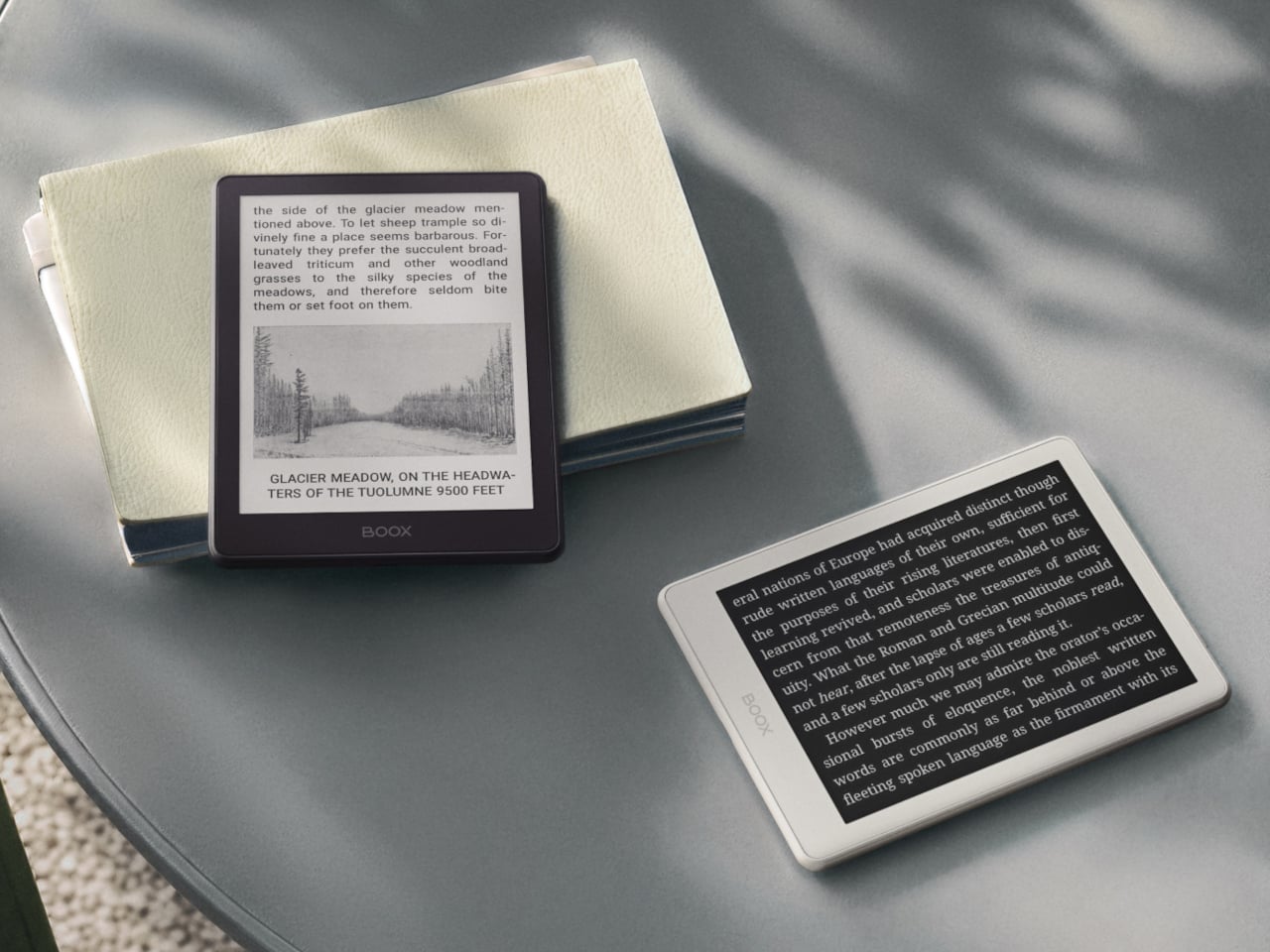
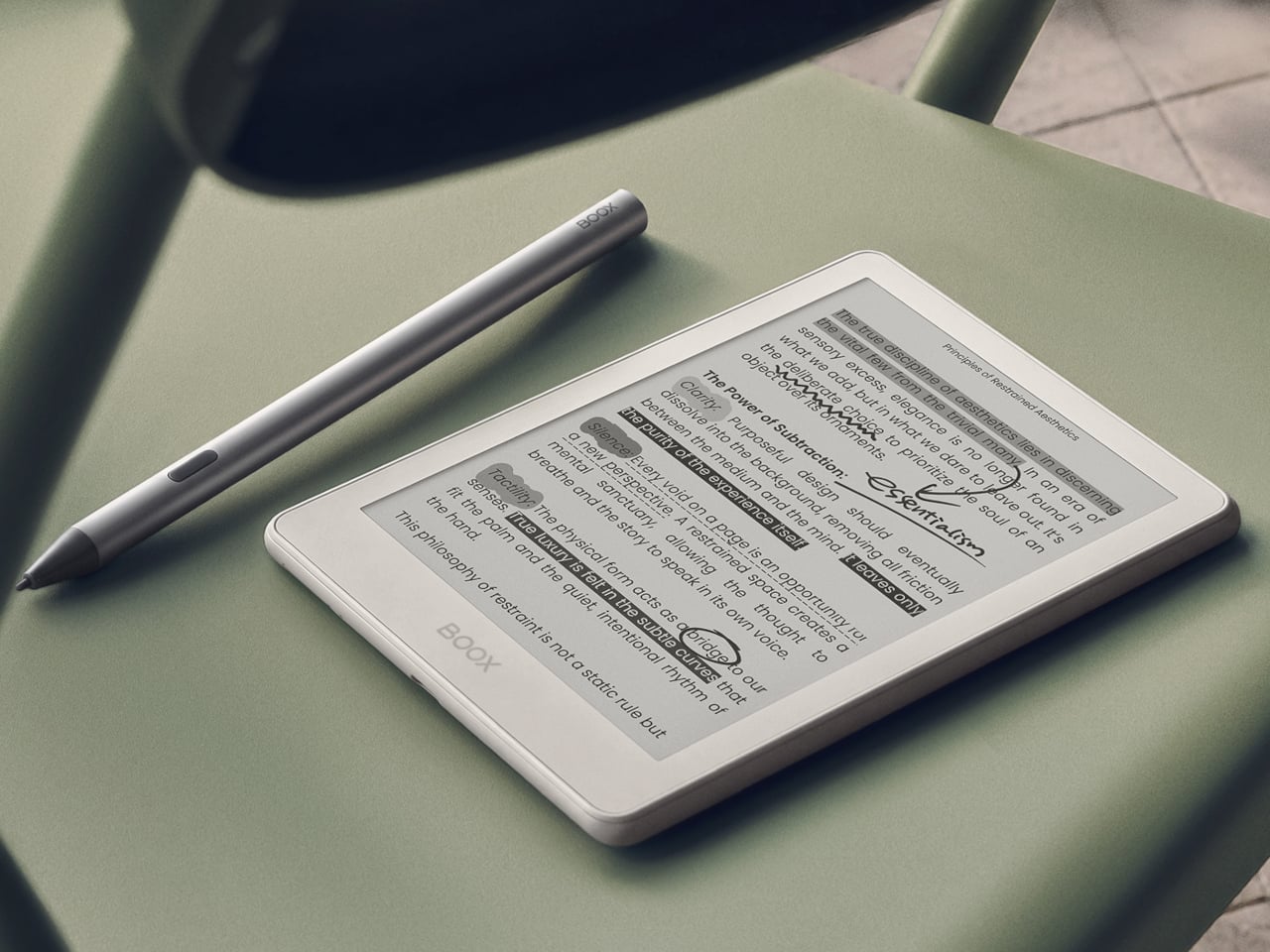
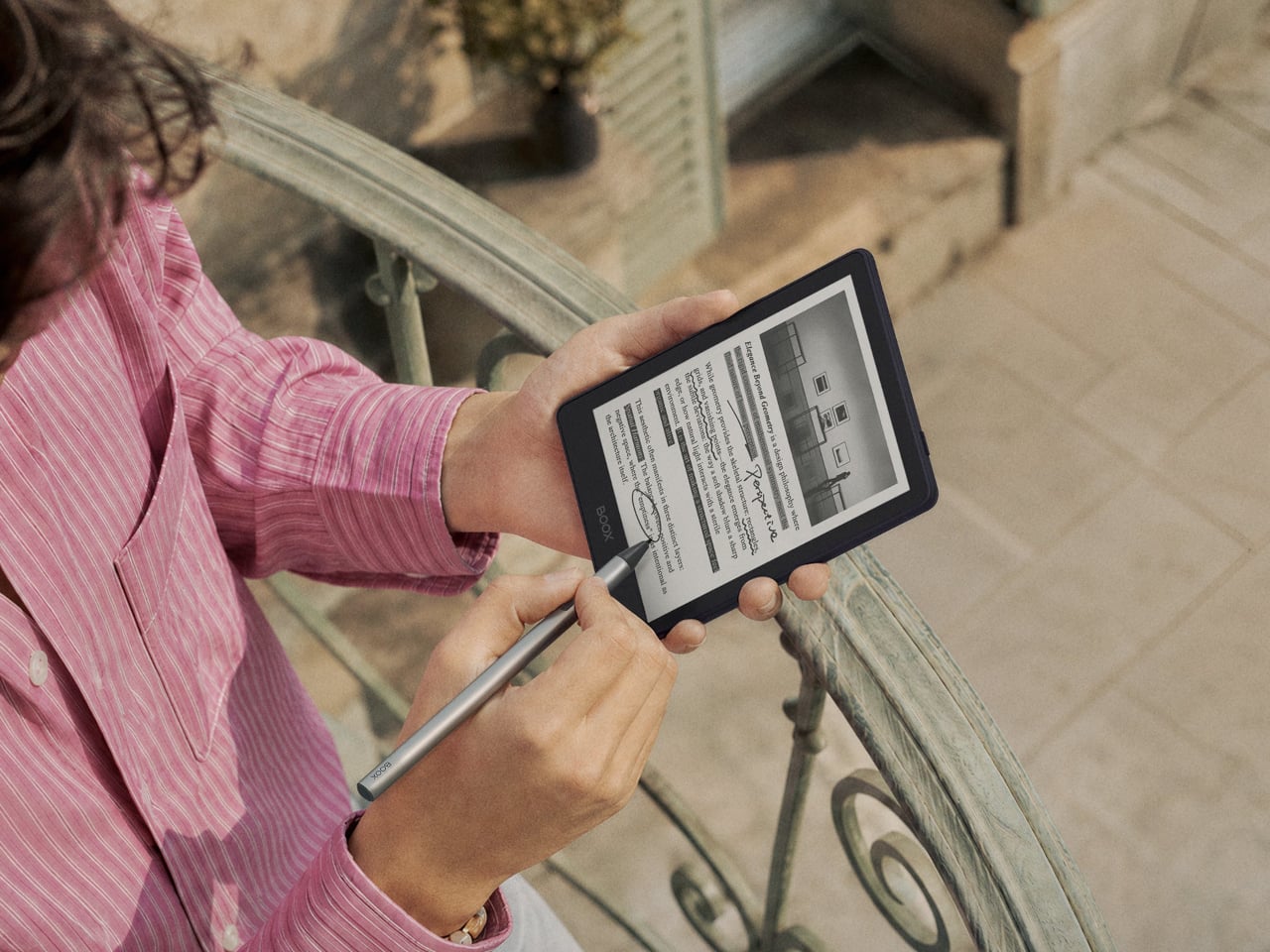
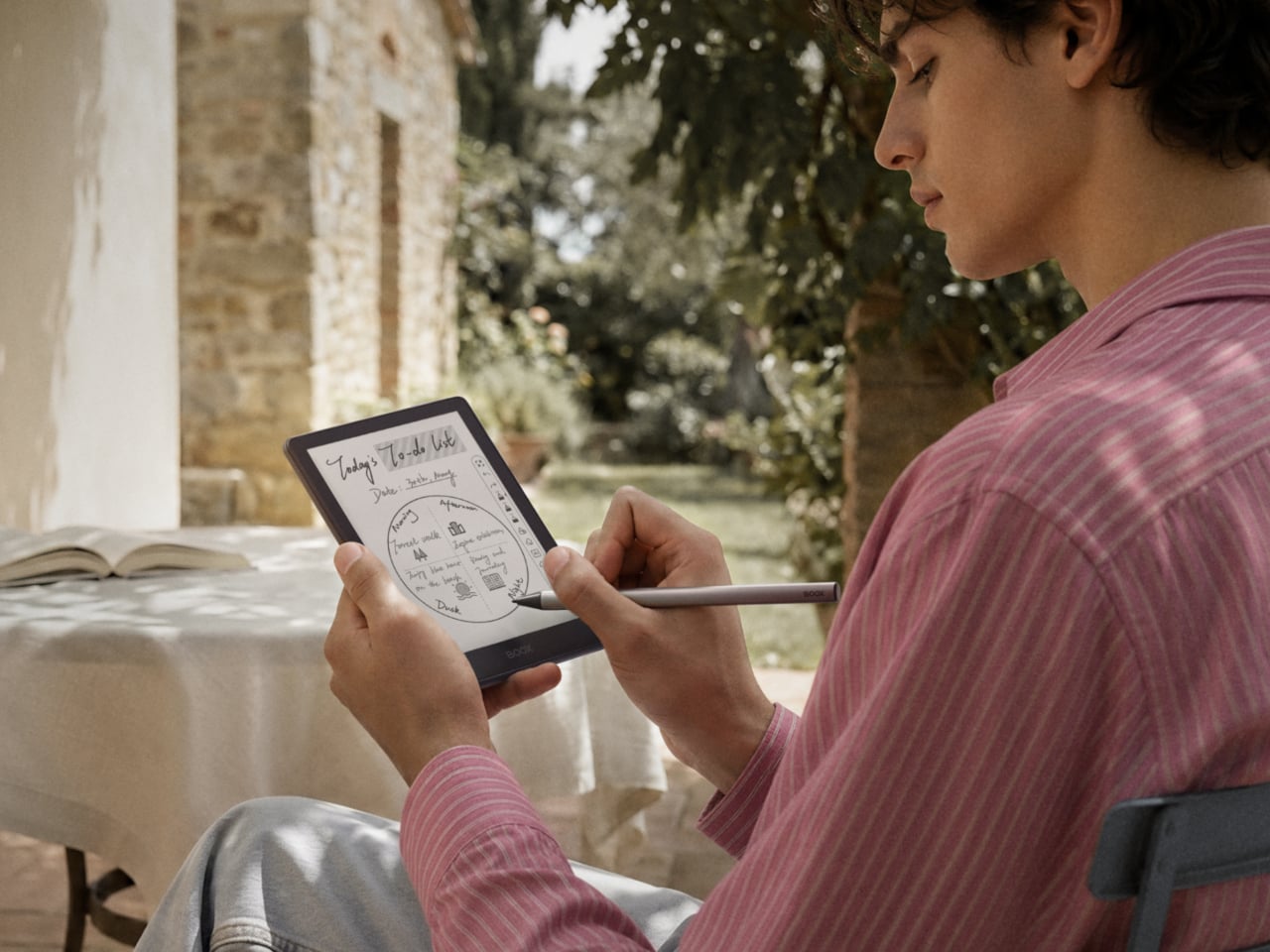
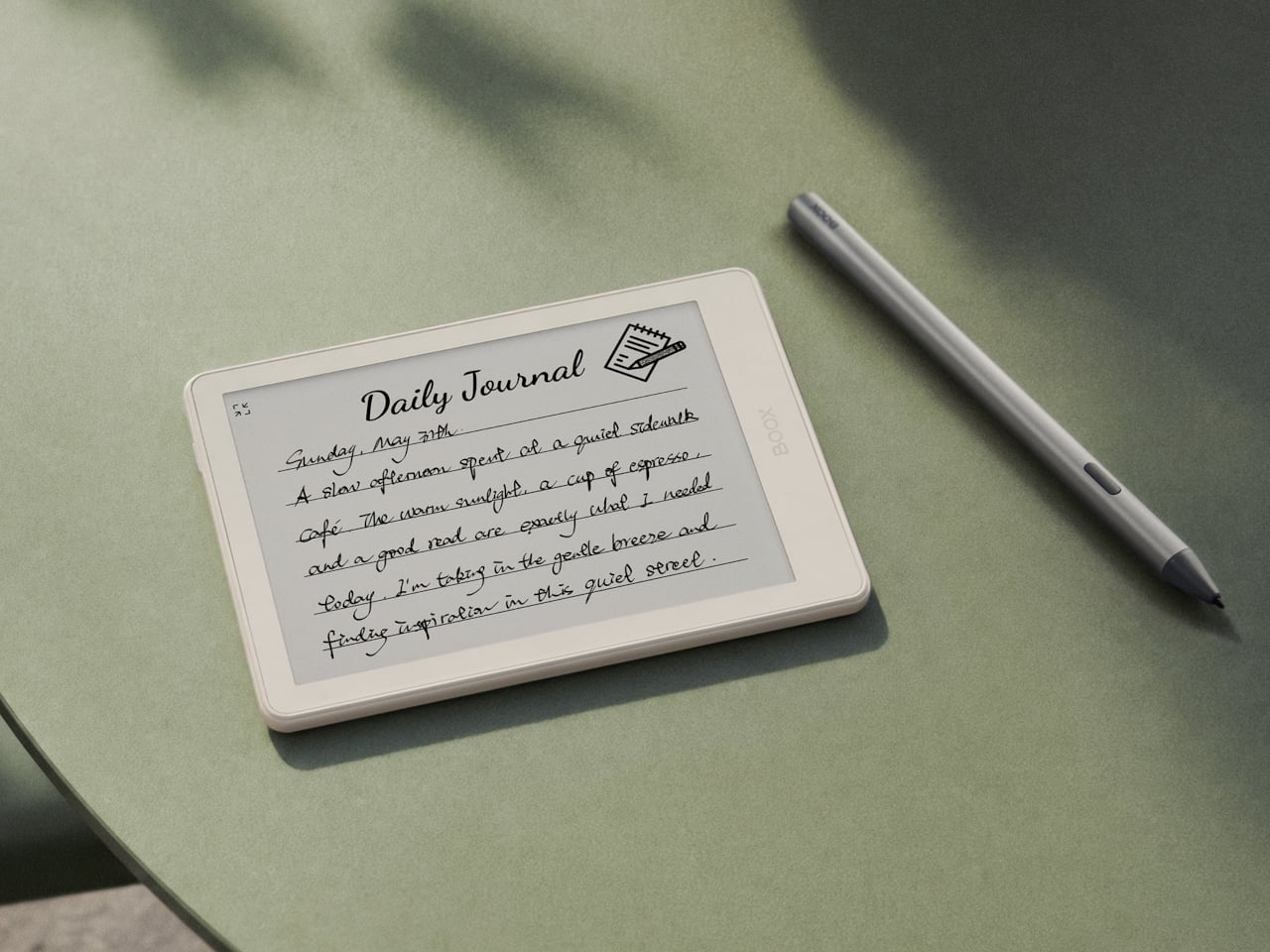
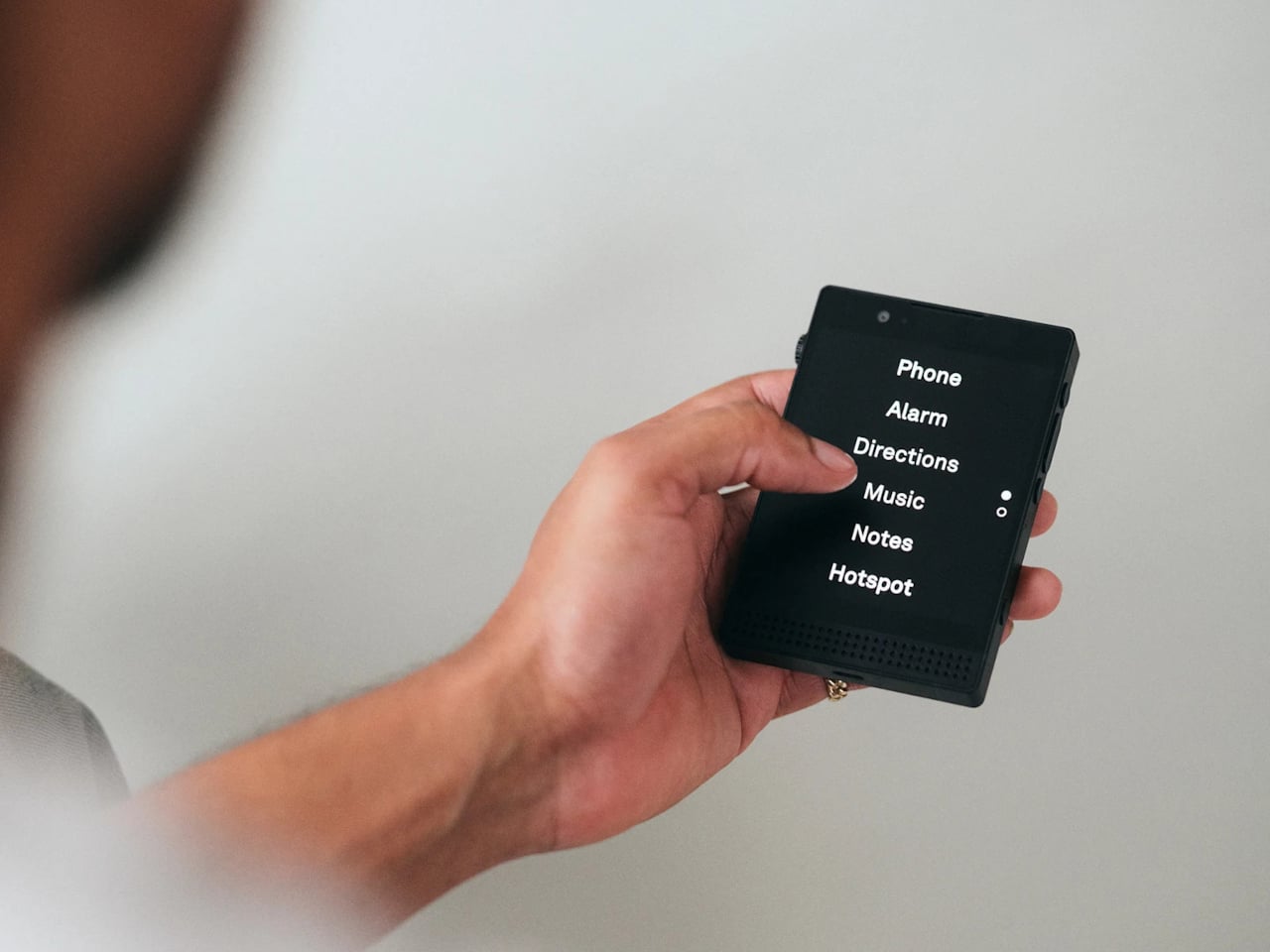
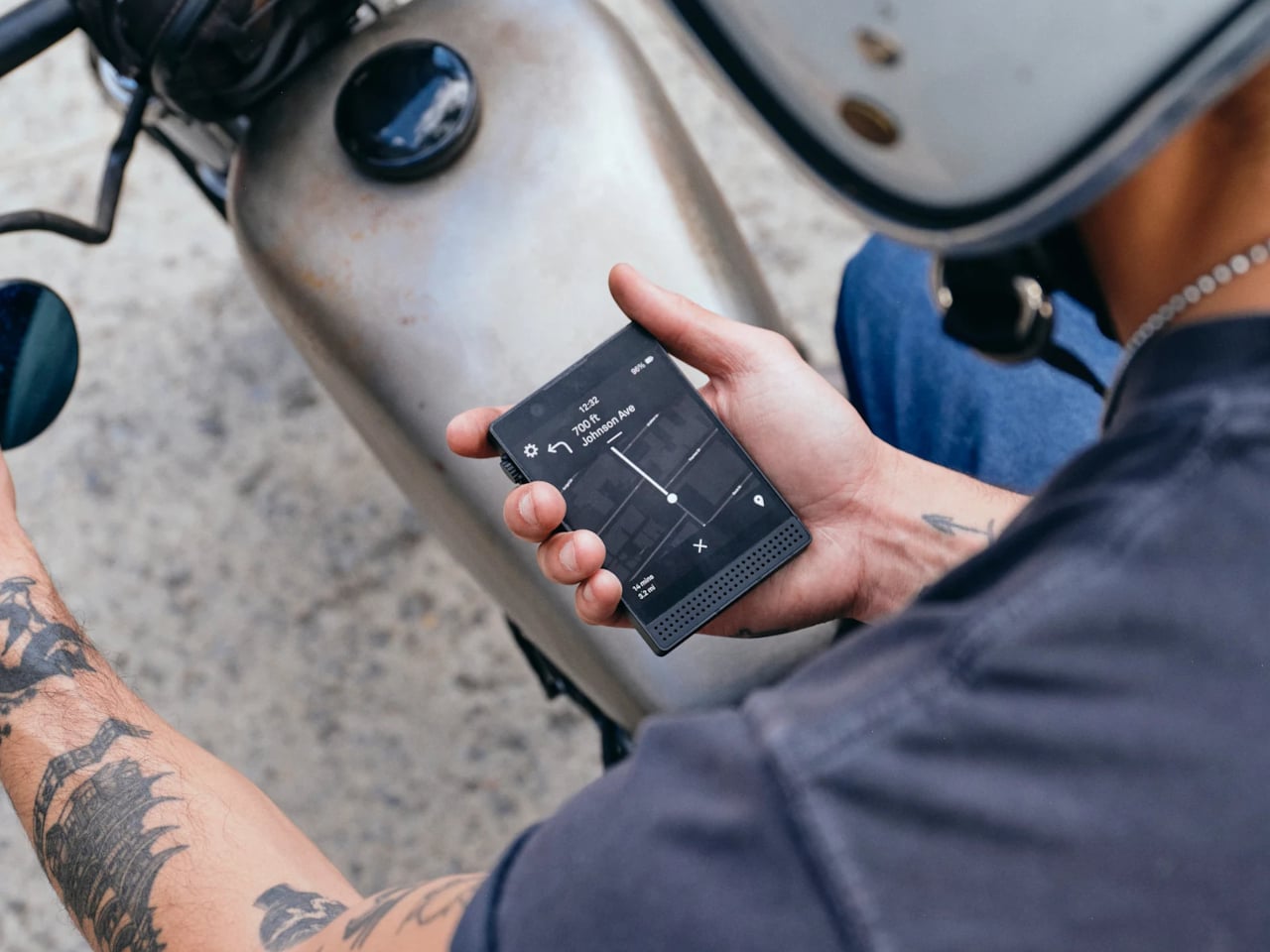
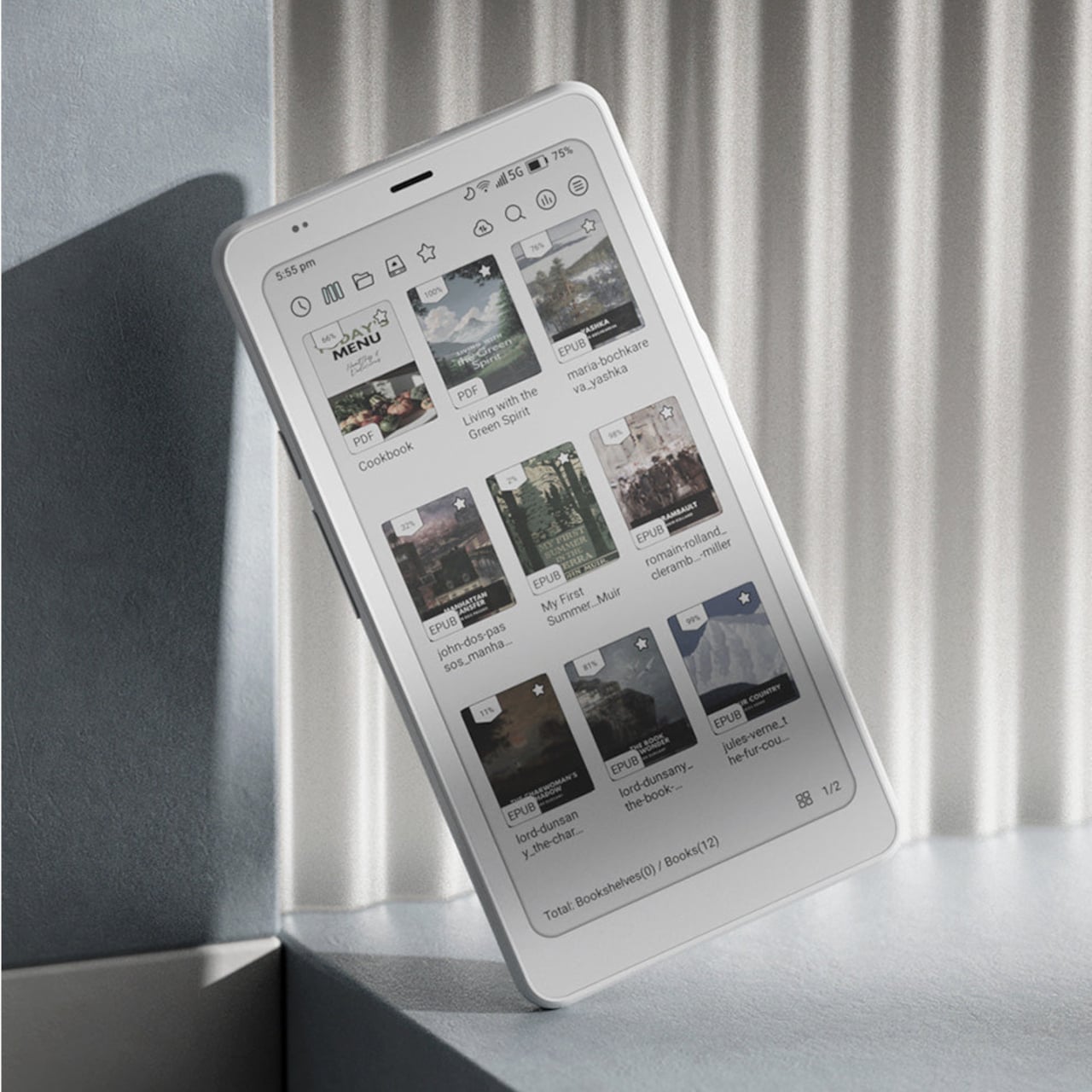
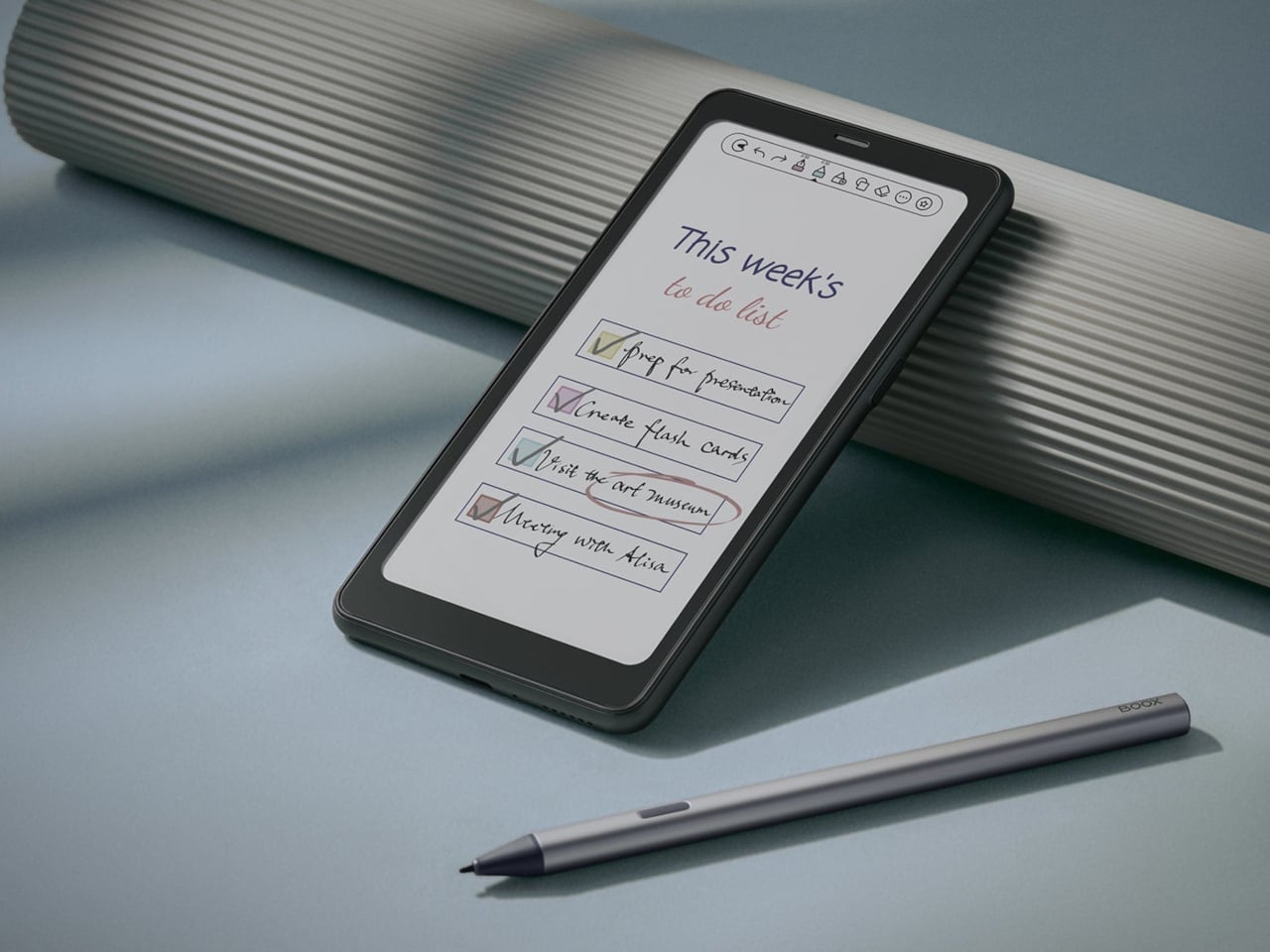
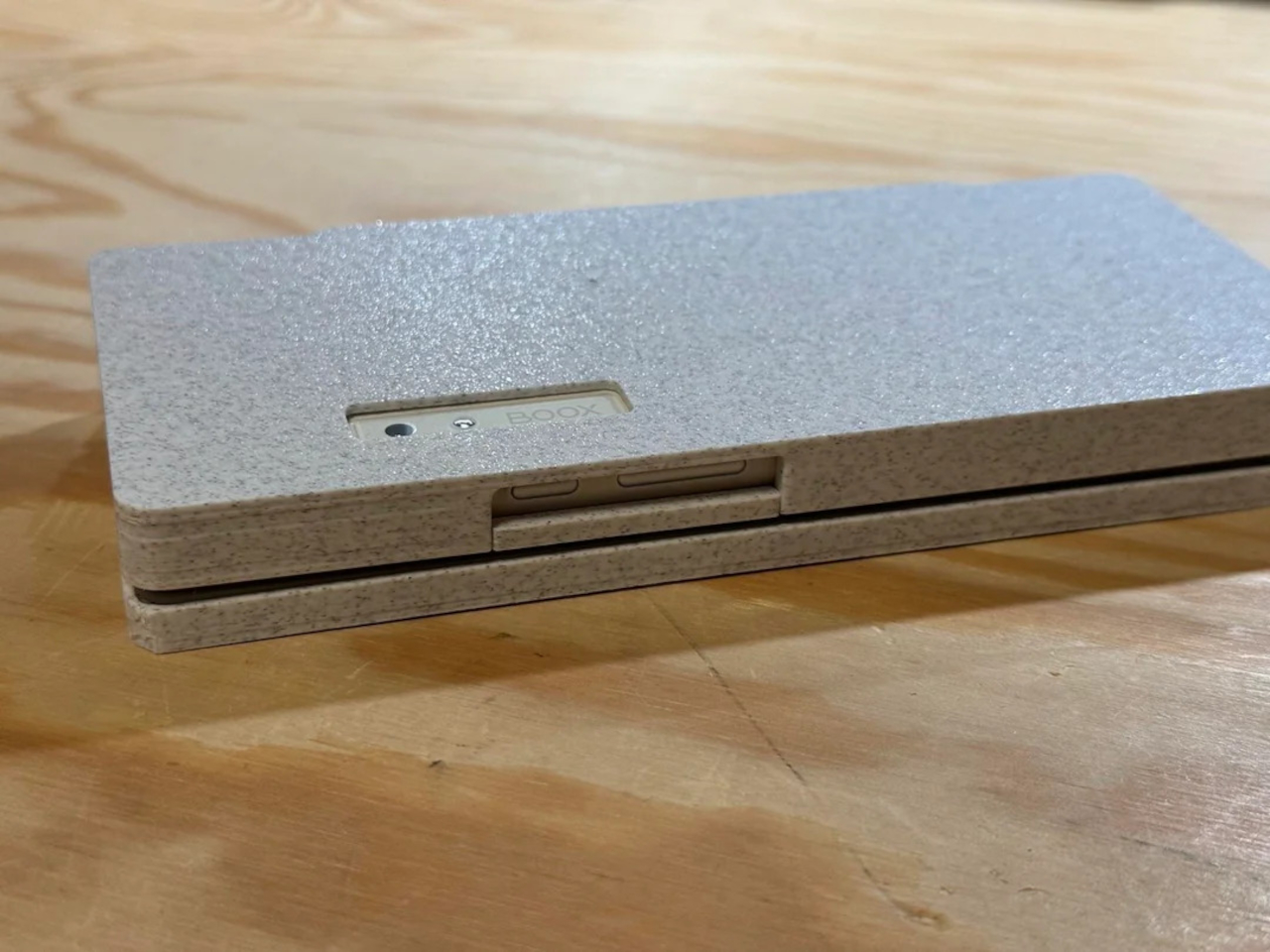
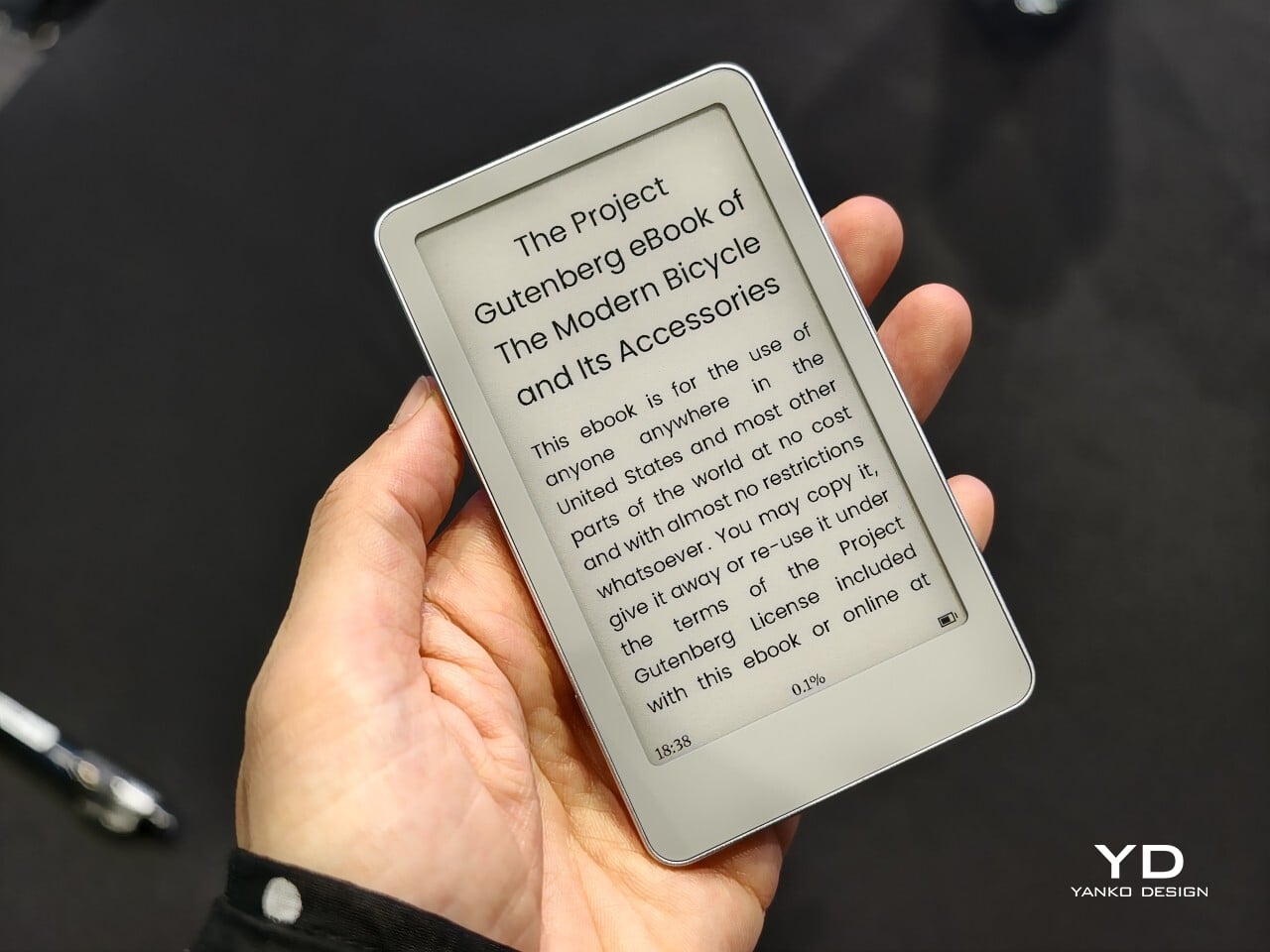
Picco’s whole personality comes from how small it actually manages to be. BOOX shrank a real E Ink touchscreen down to 3.97 inches, closer in size to a stick of gum than an actual book, and paired it with a stripped-back Linux-based interface instead of the full Android build found on its bigger siblings, trimming away anything that would even slow that simple page-turn experience down.
Designer: BOOX
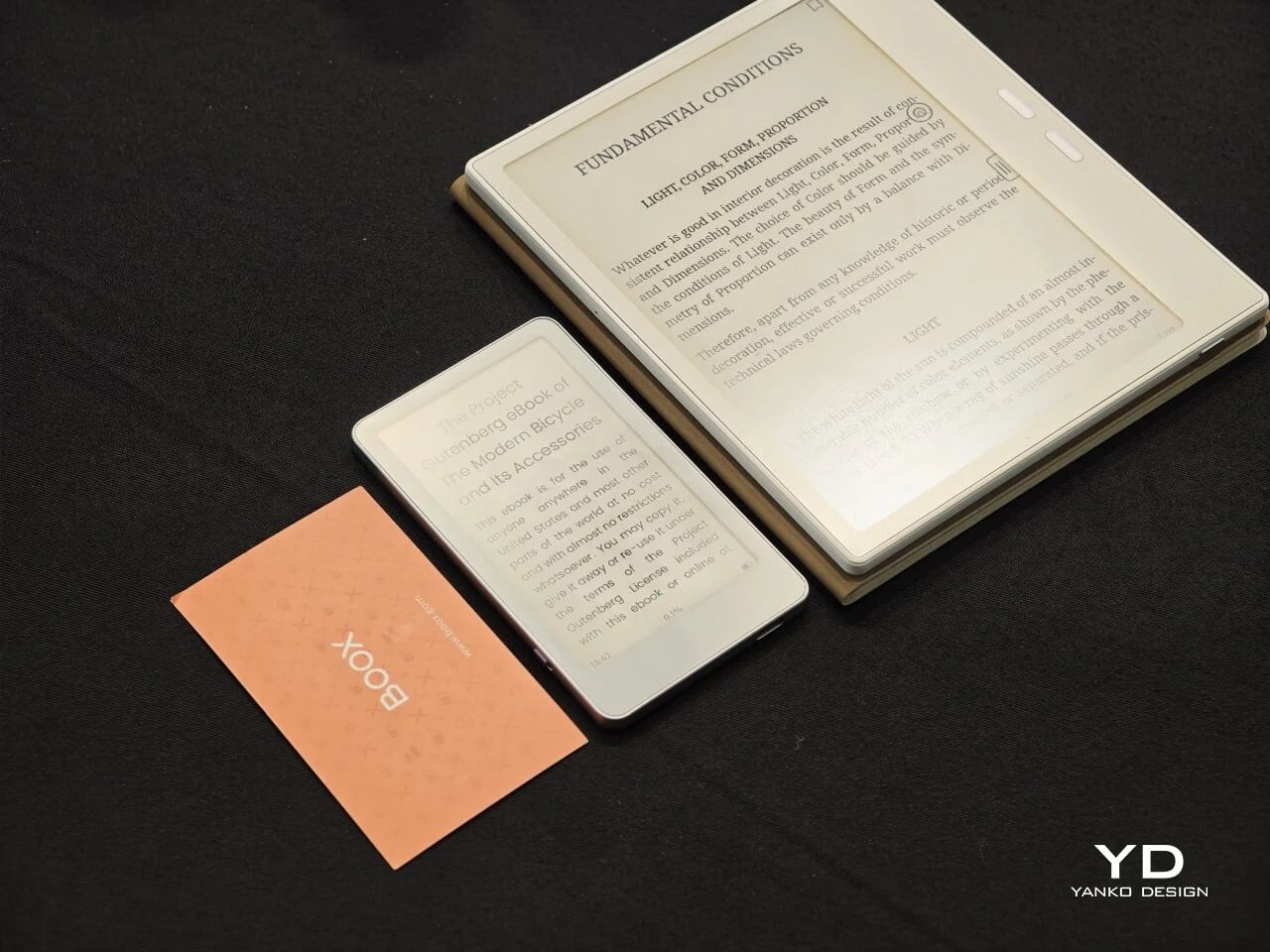
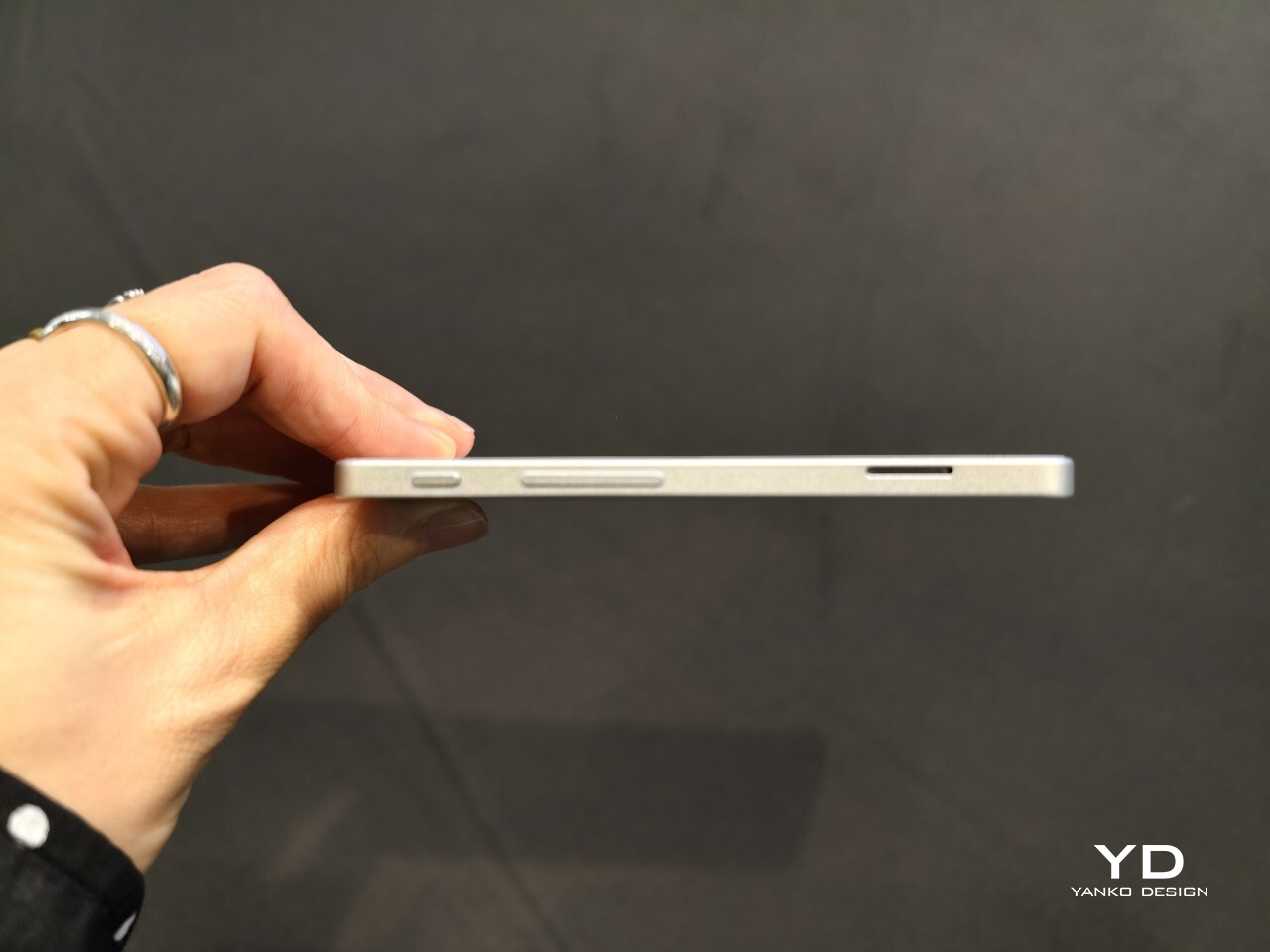
That shrinking act pays off the moment you actually try to carry it somewhere new and unfamiliar. Picco fits flat in a coat pocket or a wallet, slips into a bag without adding bulk, and swaps storage through a microSD card instead of locking you into whatever space came in the box. There’s no algorithmic feed hiding behind the home screen, just books, waiting patiently to be opened.
reTerminal Sticky
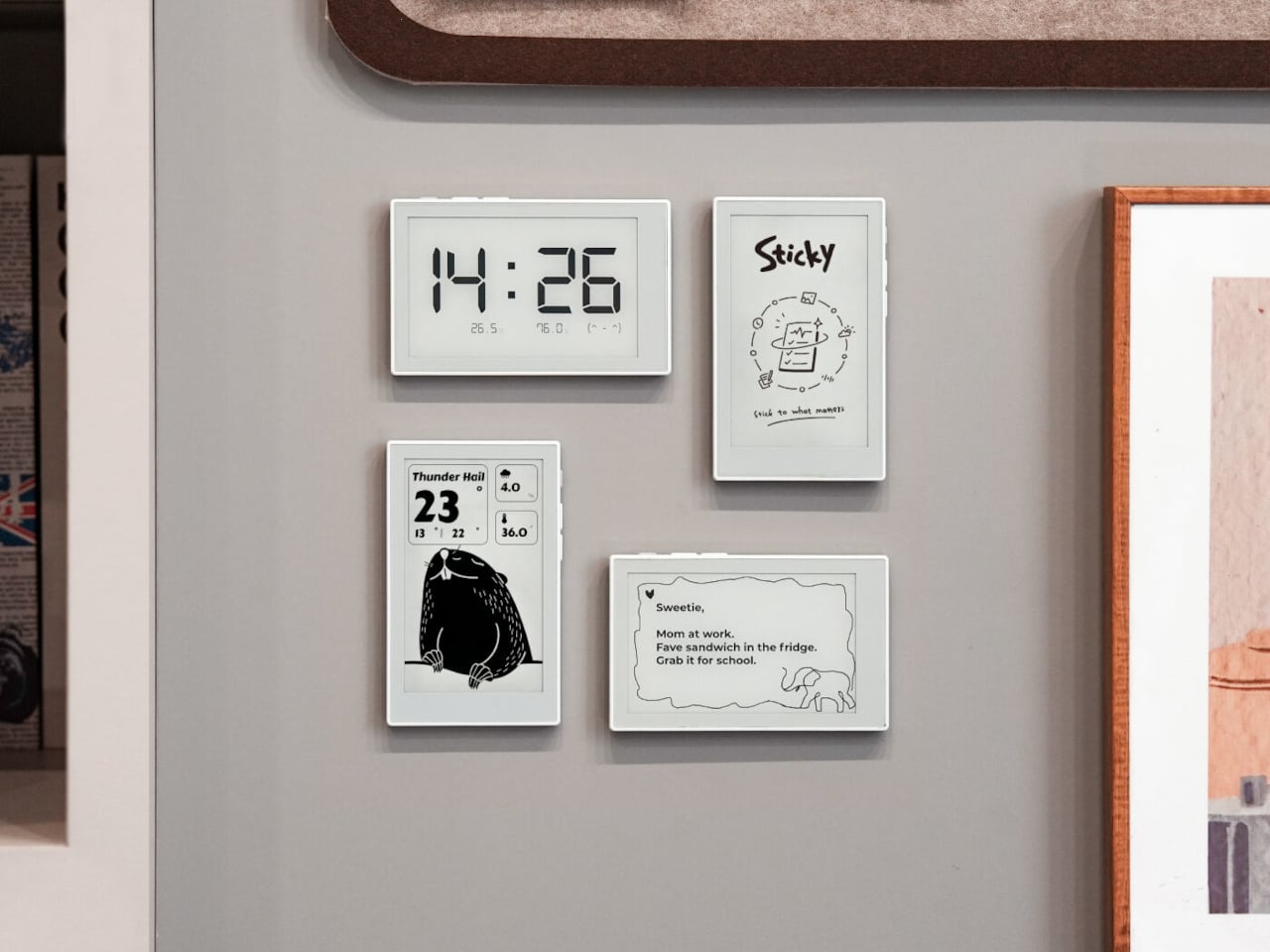
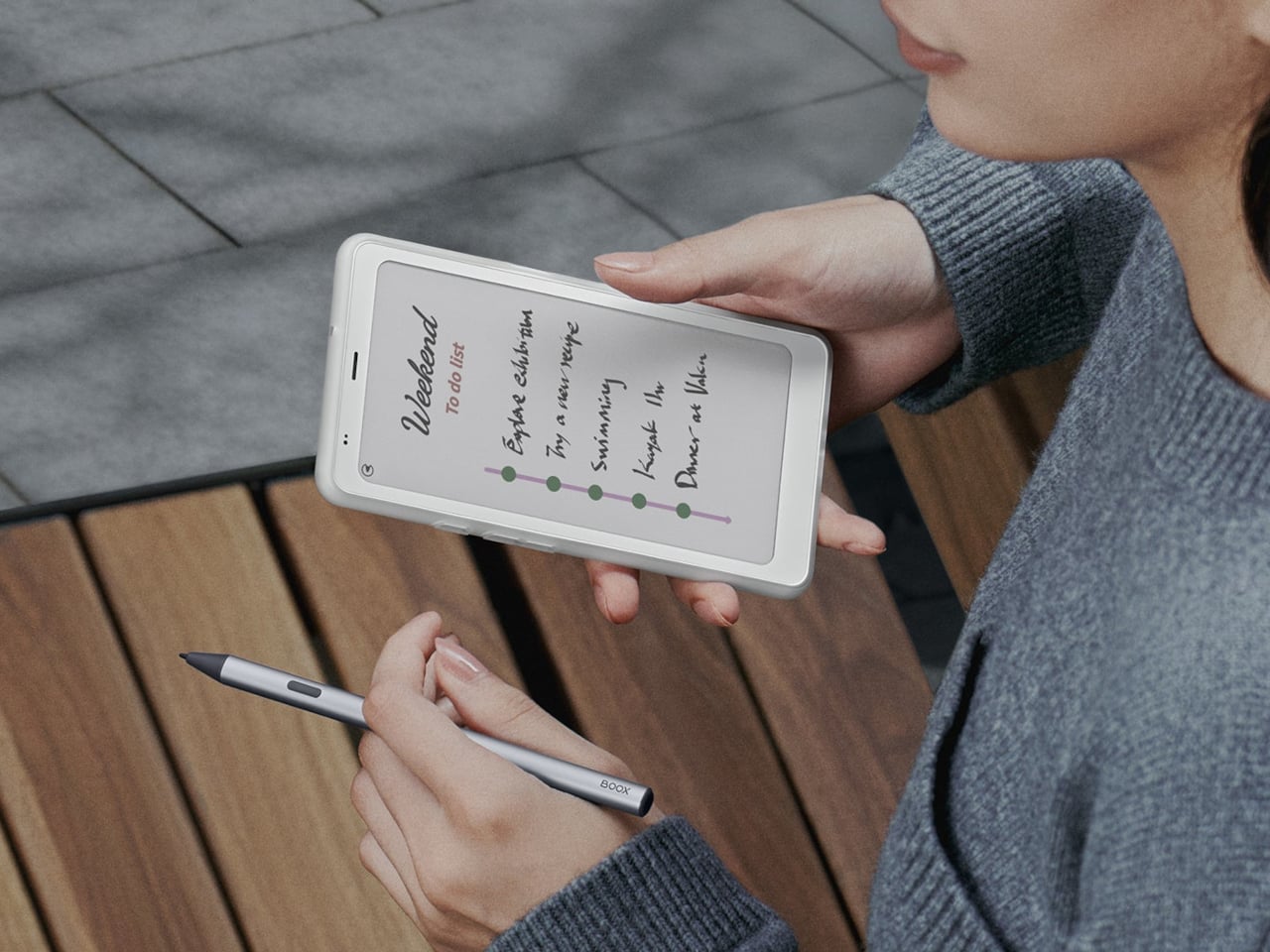
Sticky solves a problem every household already knows all too well: paper notes fall off the fridge, and group chats bury reminders under a dozen other messages before anyone actually reads them. Seeed’s answer is a display that magnets onto any metal surface in the kitchen, runs for up to a week between charges, and turns the fridge door into a genuinely shared notice board again.
Designer: Seeed Studio
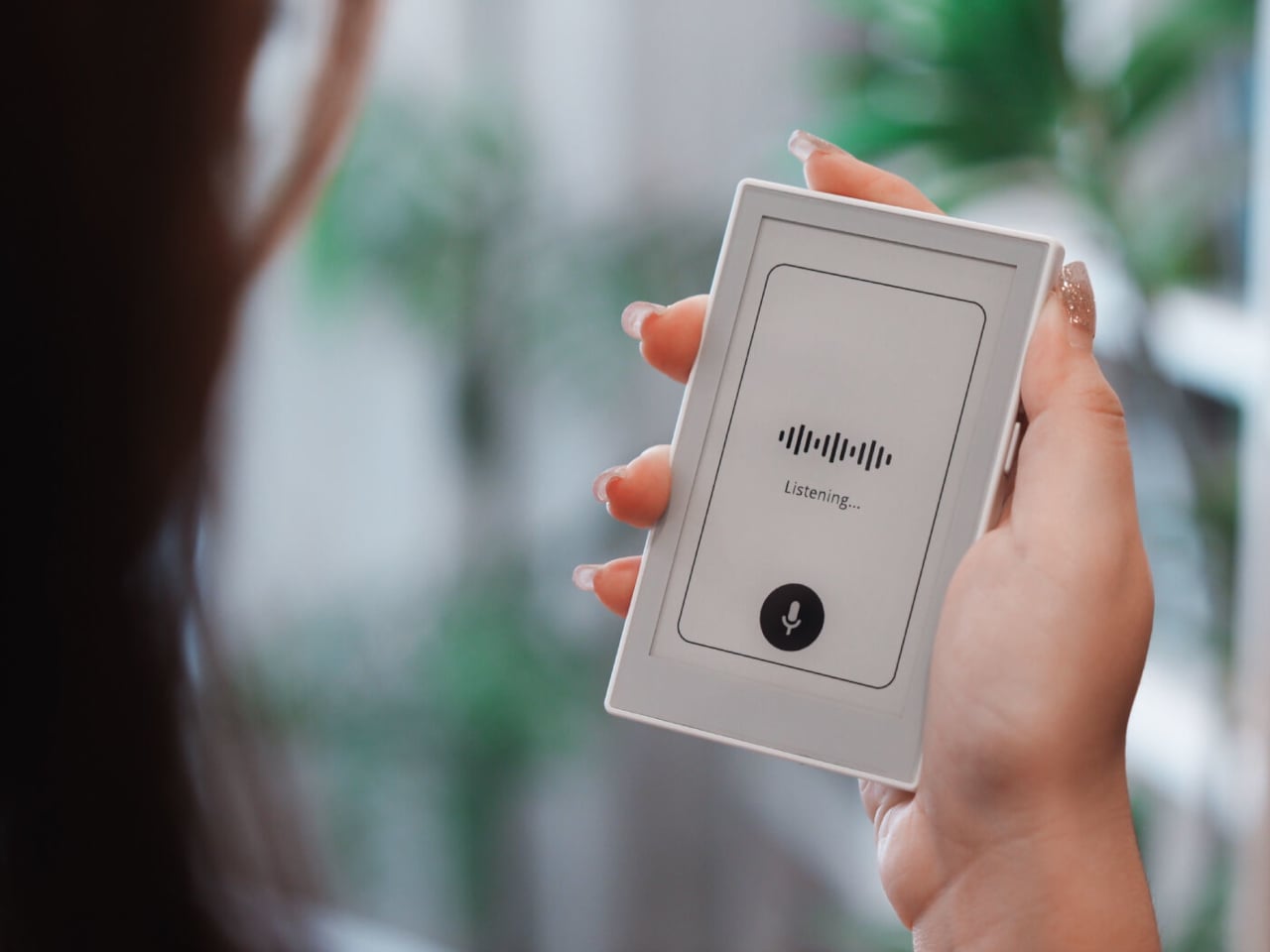
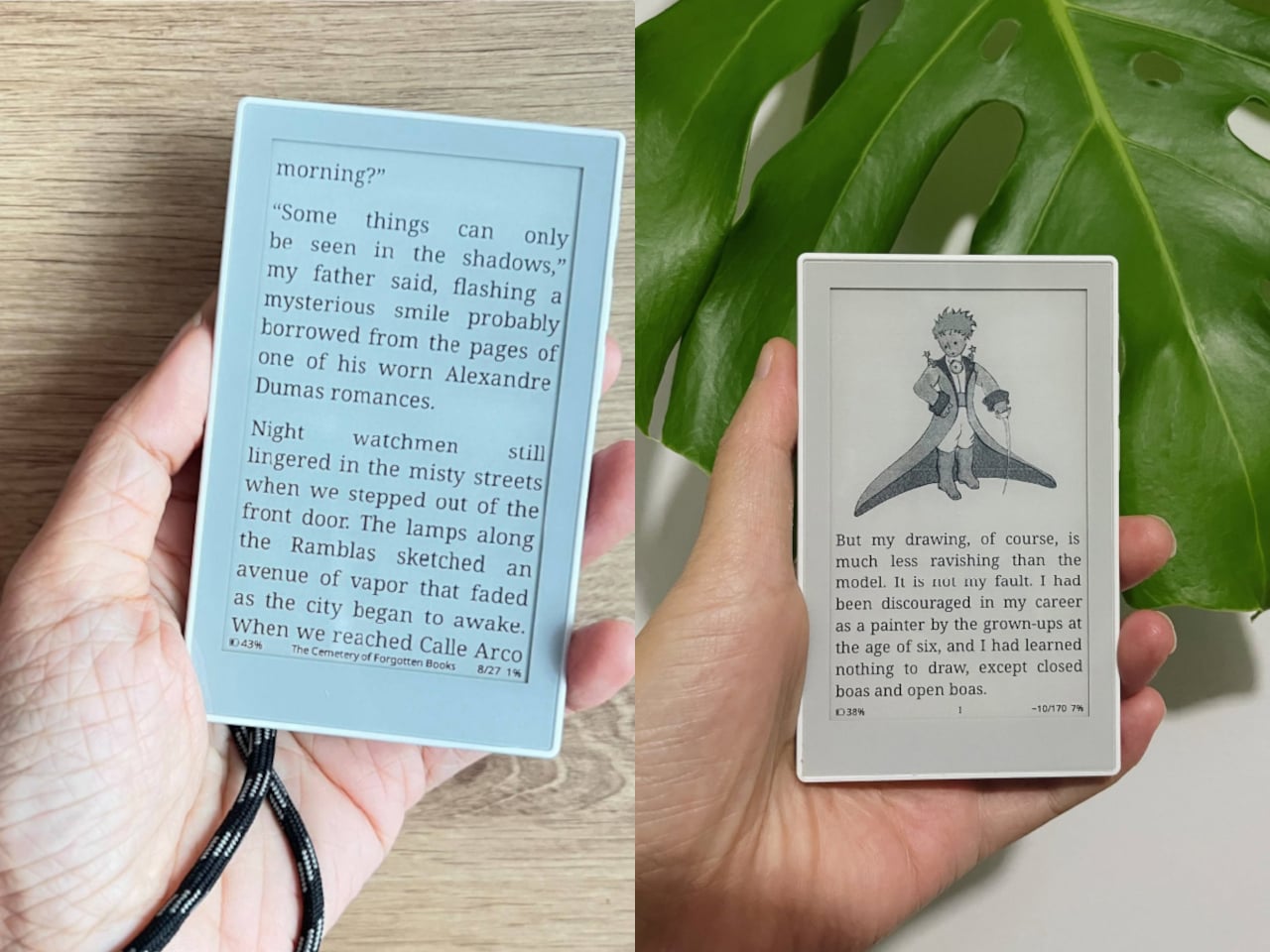
Getting a note onto that screen doesn’t take any real effort at all these days. Press a button and speak, and Sticky transcribes it instantly, no typing on a tiny keyboard required. Anyone away from home can send a reminder remotely through the Seeedash app too, so a parent stuck at work can still get milk on tonight’s list without starting a whole text thread over it. And yes, it can read eBooks, too.
Flowtica Verso
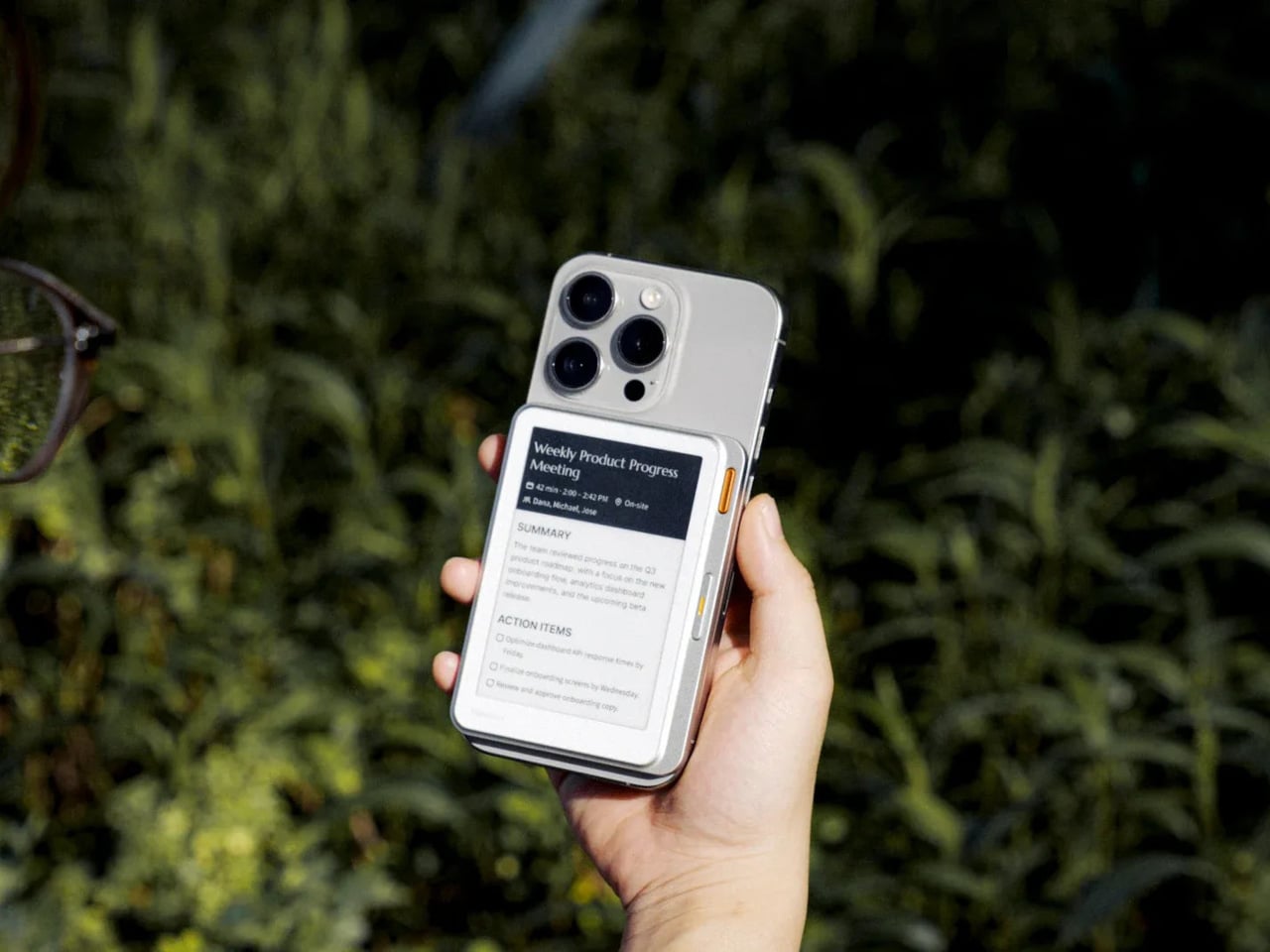
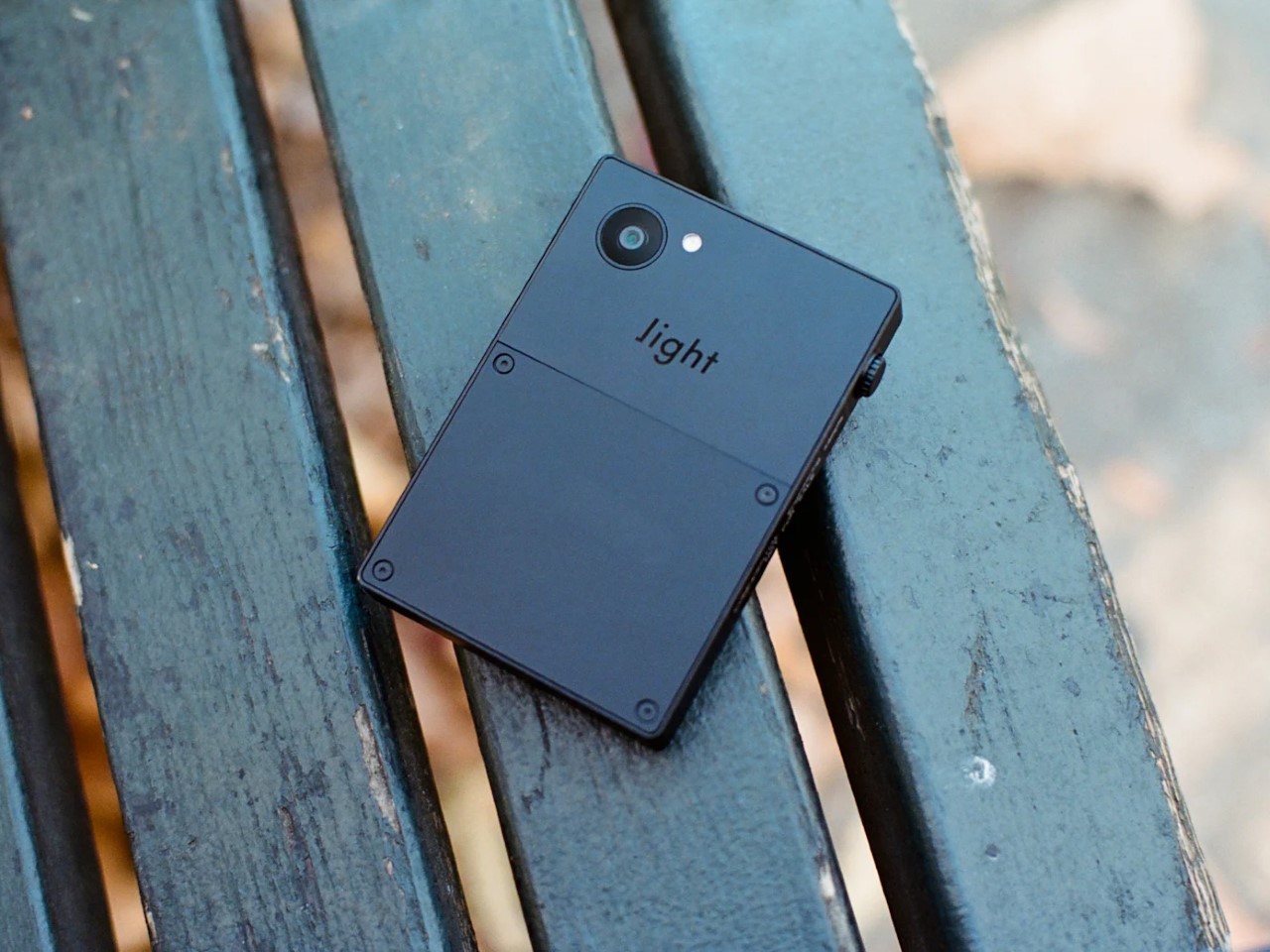
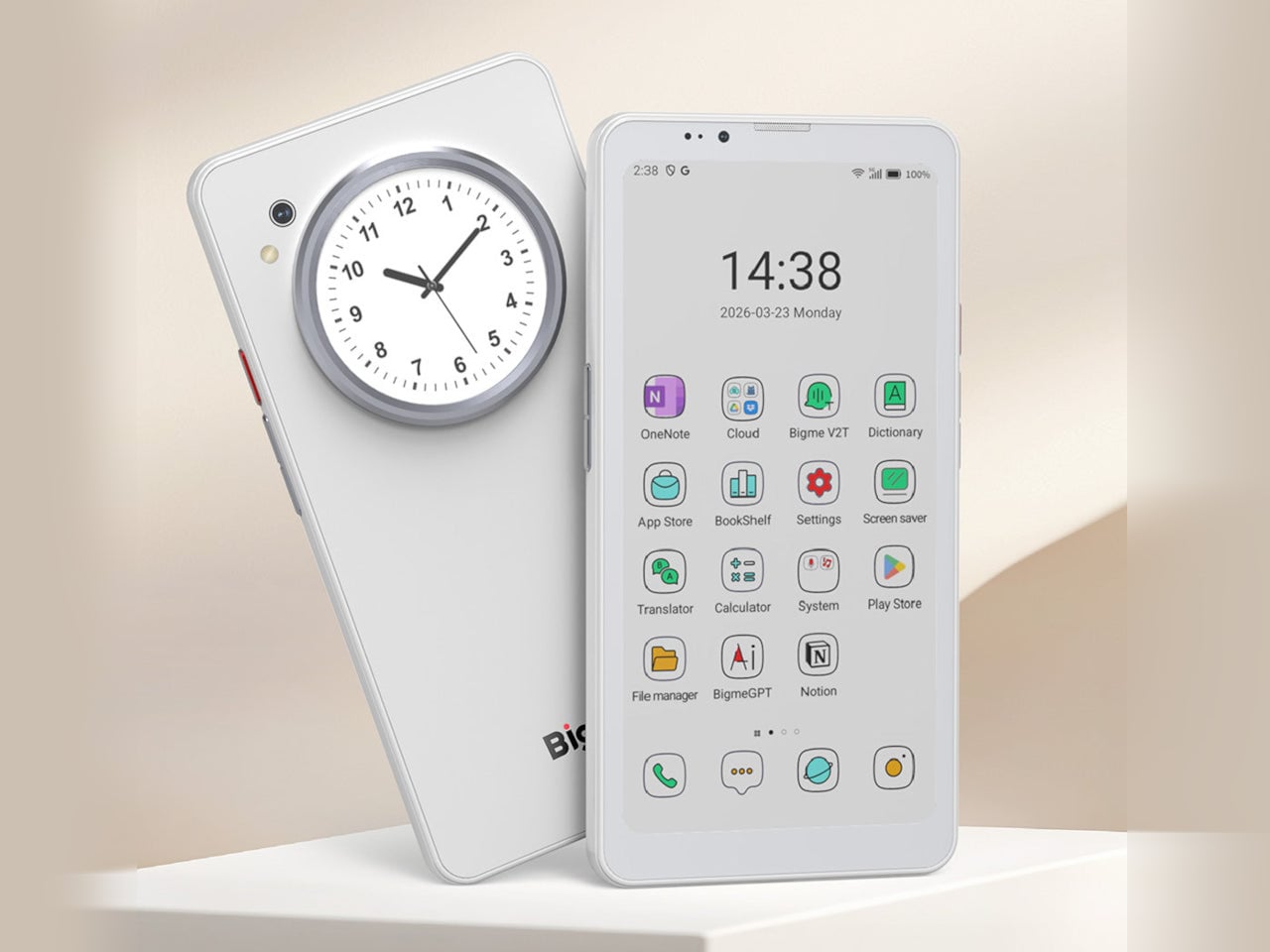
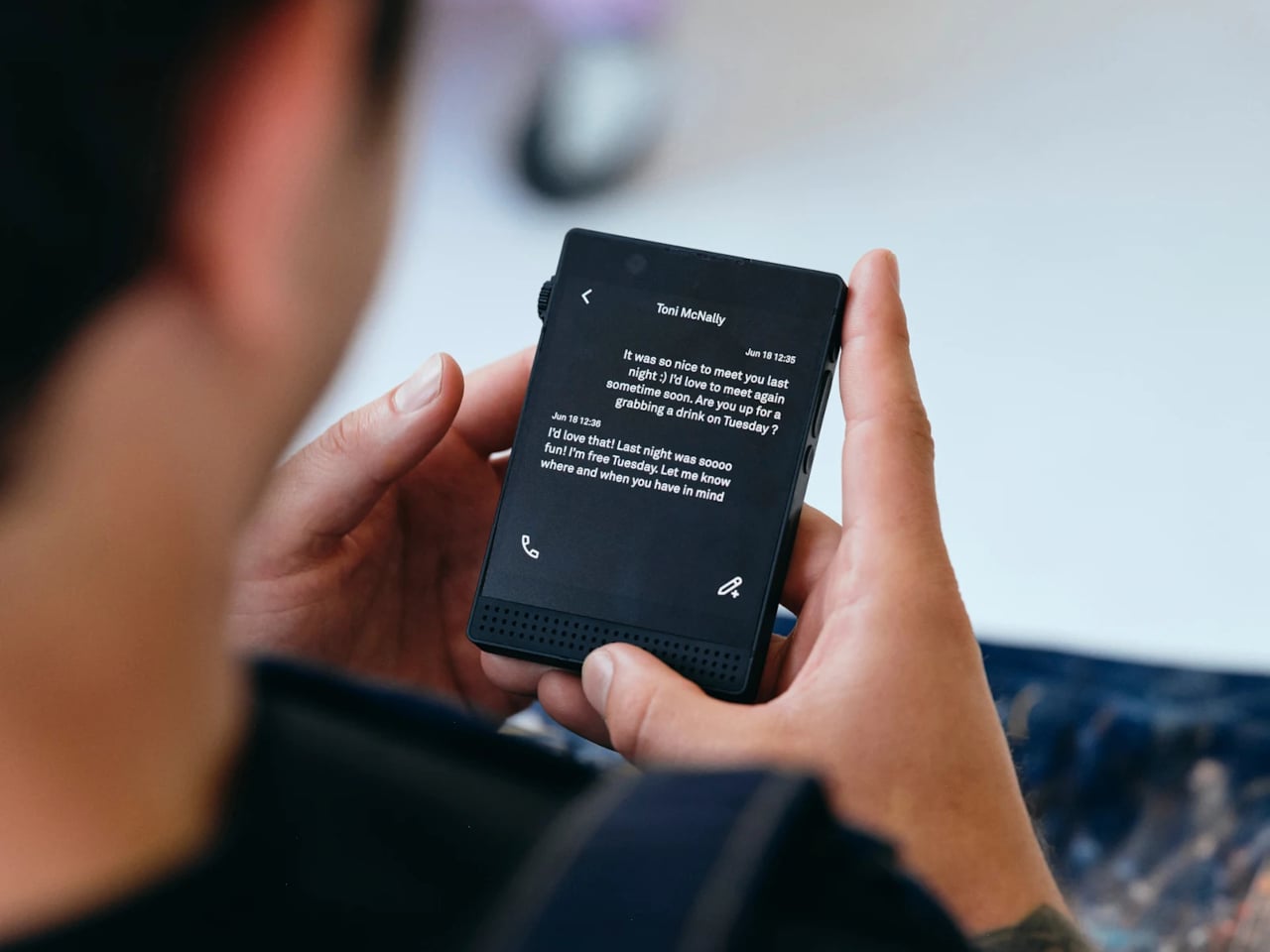
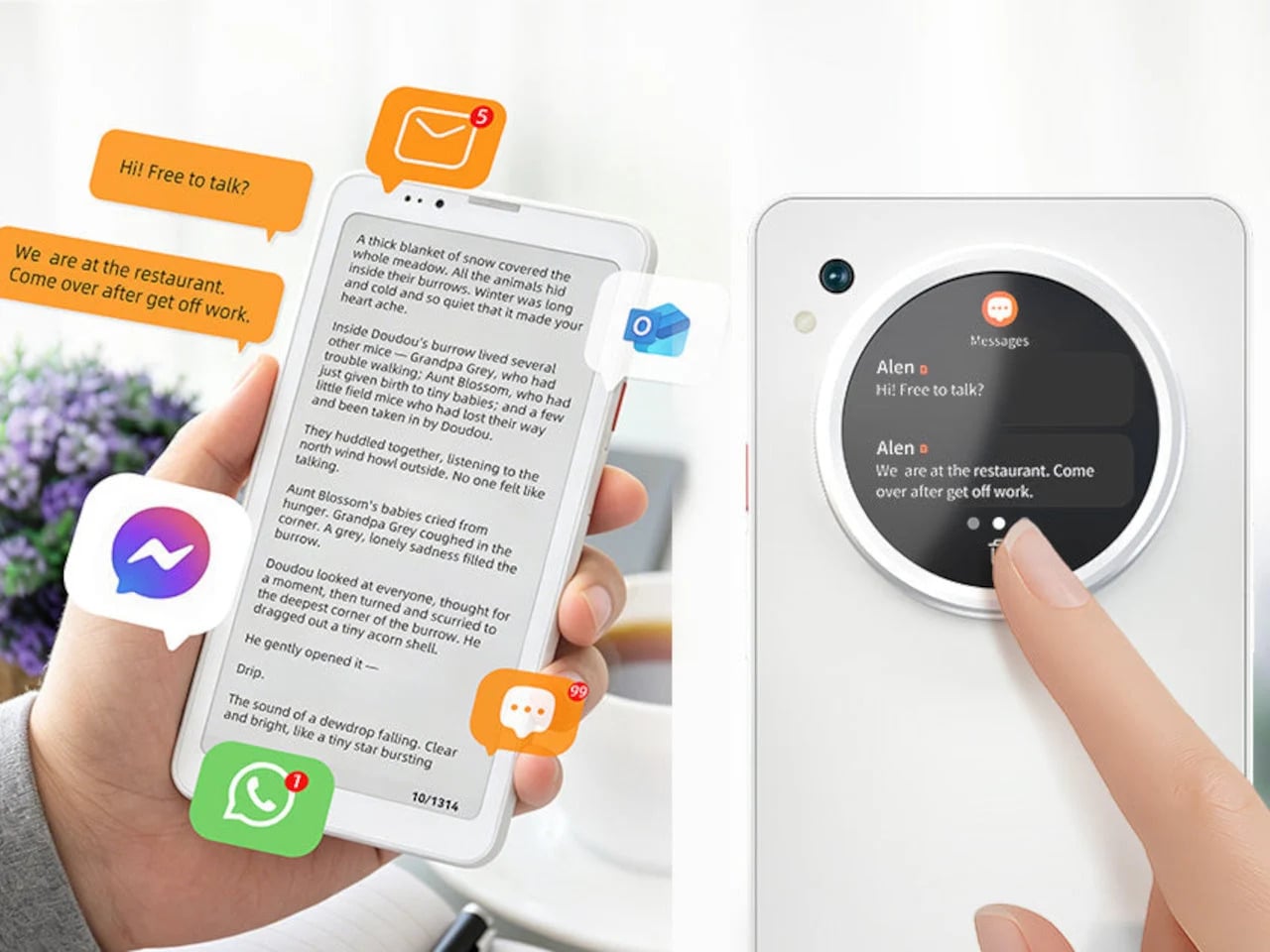
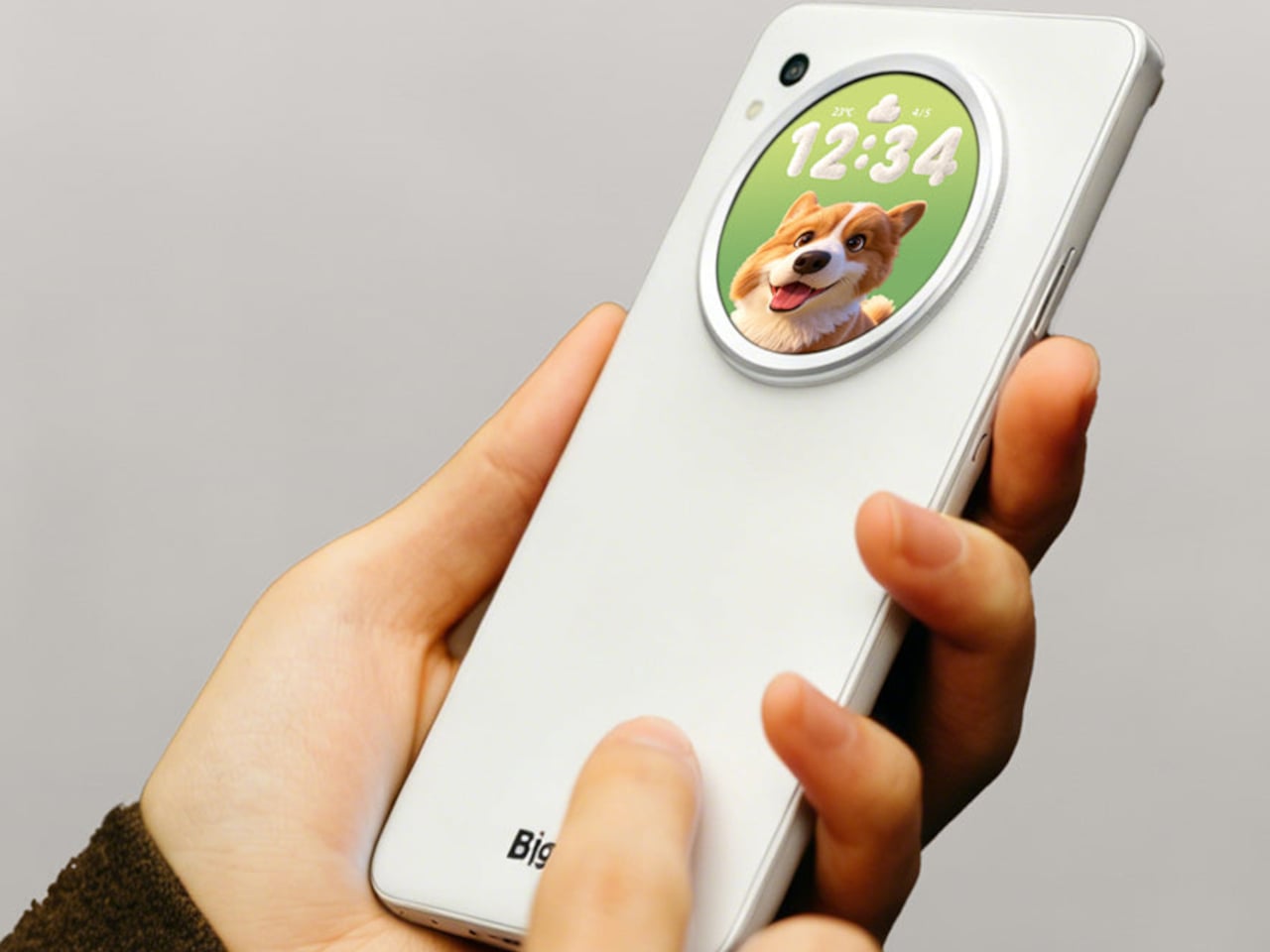
Verso takes a completely different bet on where a small screen actually belongs these days. It’s a panel barely thicker than a couple of credit cards that clips onto the back of a phone, sitting quietly against a five-microphone array that listens through an entire meeting. By the time everyone’s packed up, it’s already turned that conversation into a clean, readable summary, no notebook required at all.
Designer: Flowtica
The same panel keeps working long after that particular meeting actually ends. Calendars and pending to-dos stay visible on that always-on e-paper face, readable even in direct sunlight where a phone screen would wash out completely. Battery life stretches to 72 hours, so it becomes less of a gadget and more of a permanent fixture riding quietly along on the back of a phone.
DuRoBo Krono
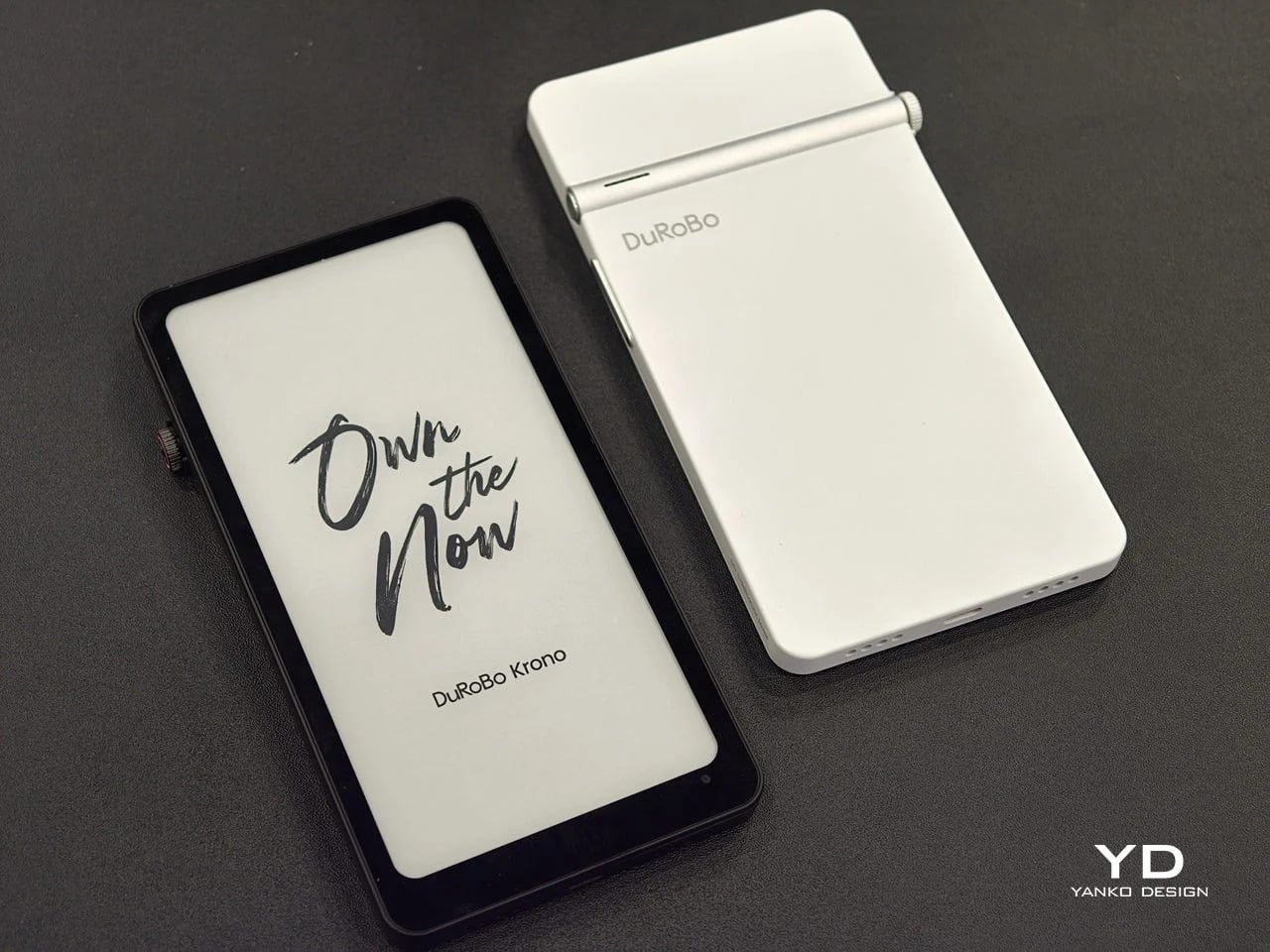
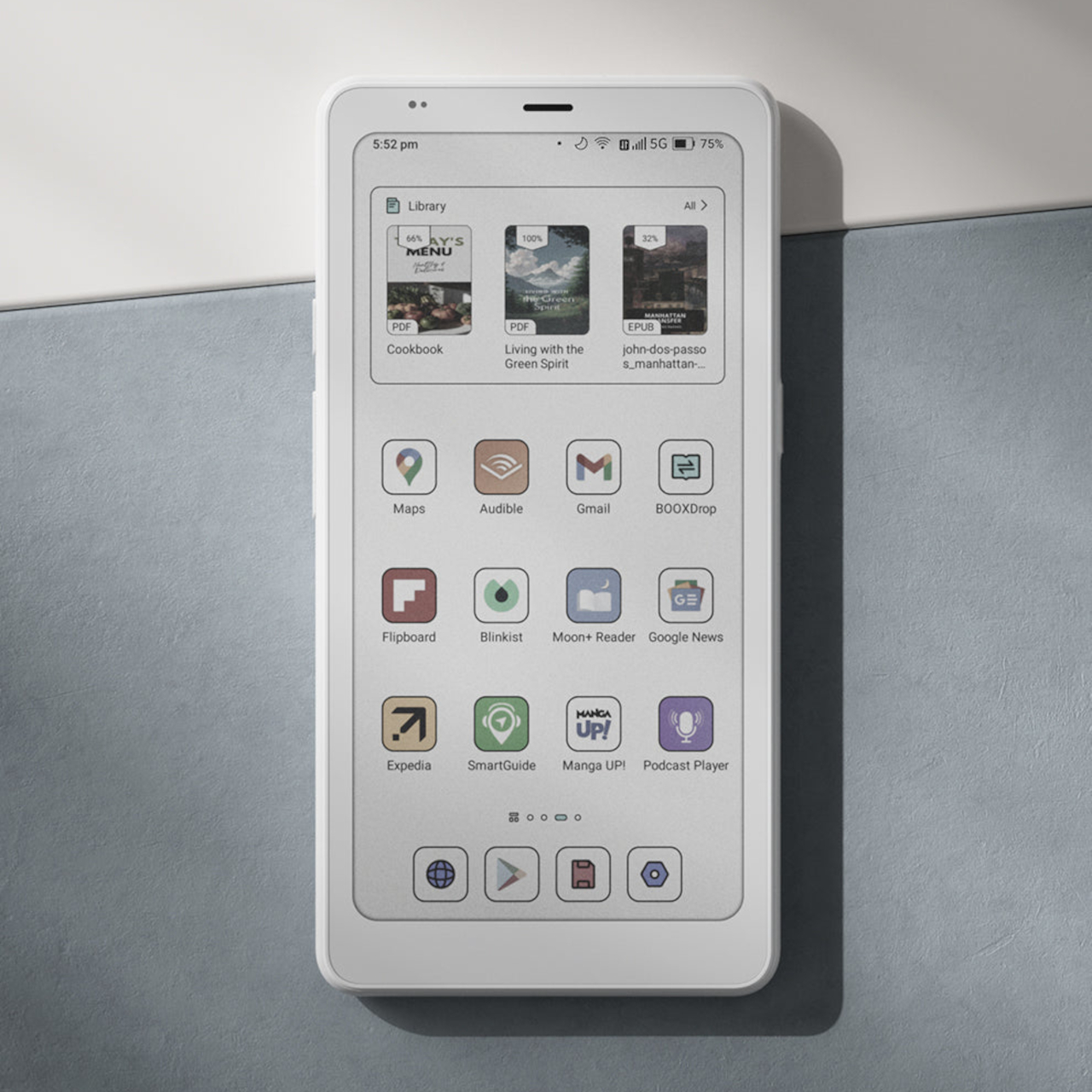
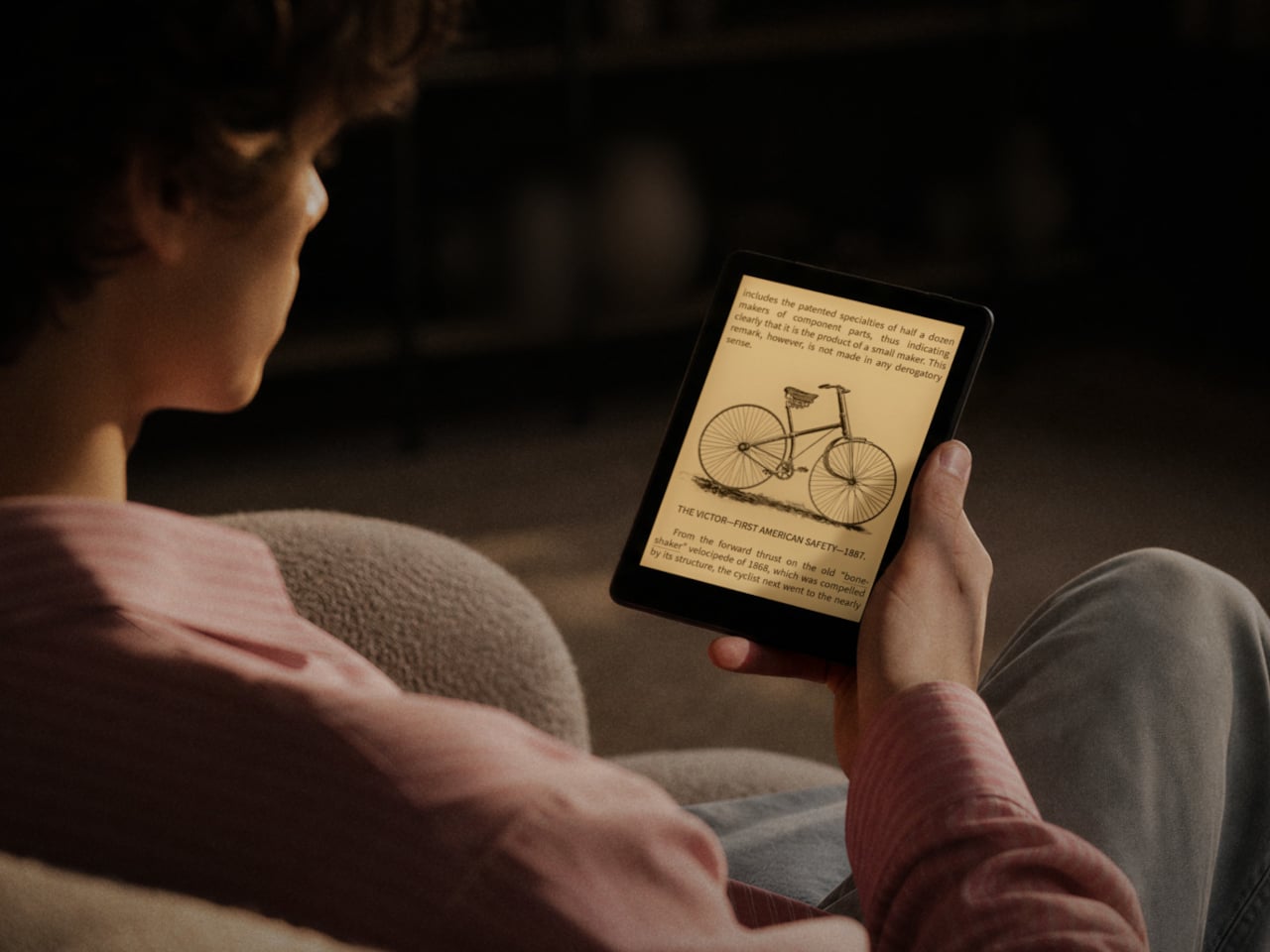
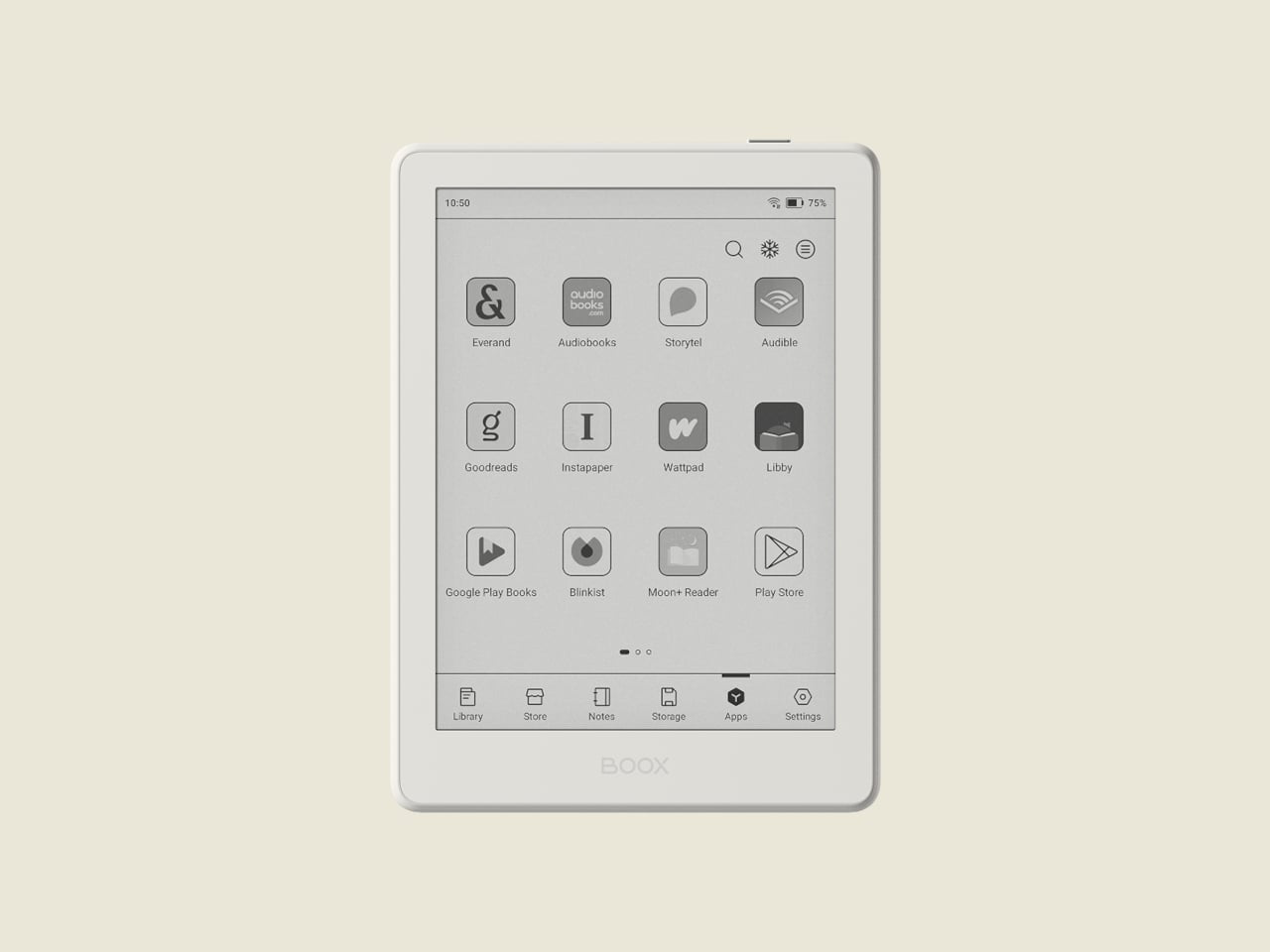
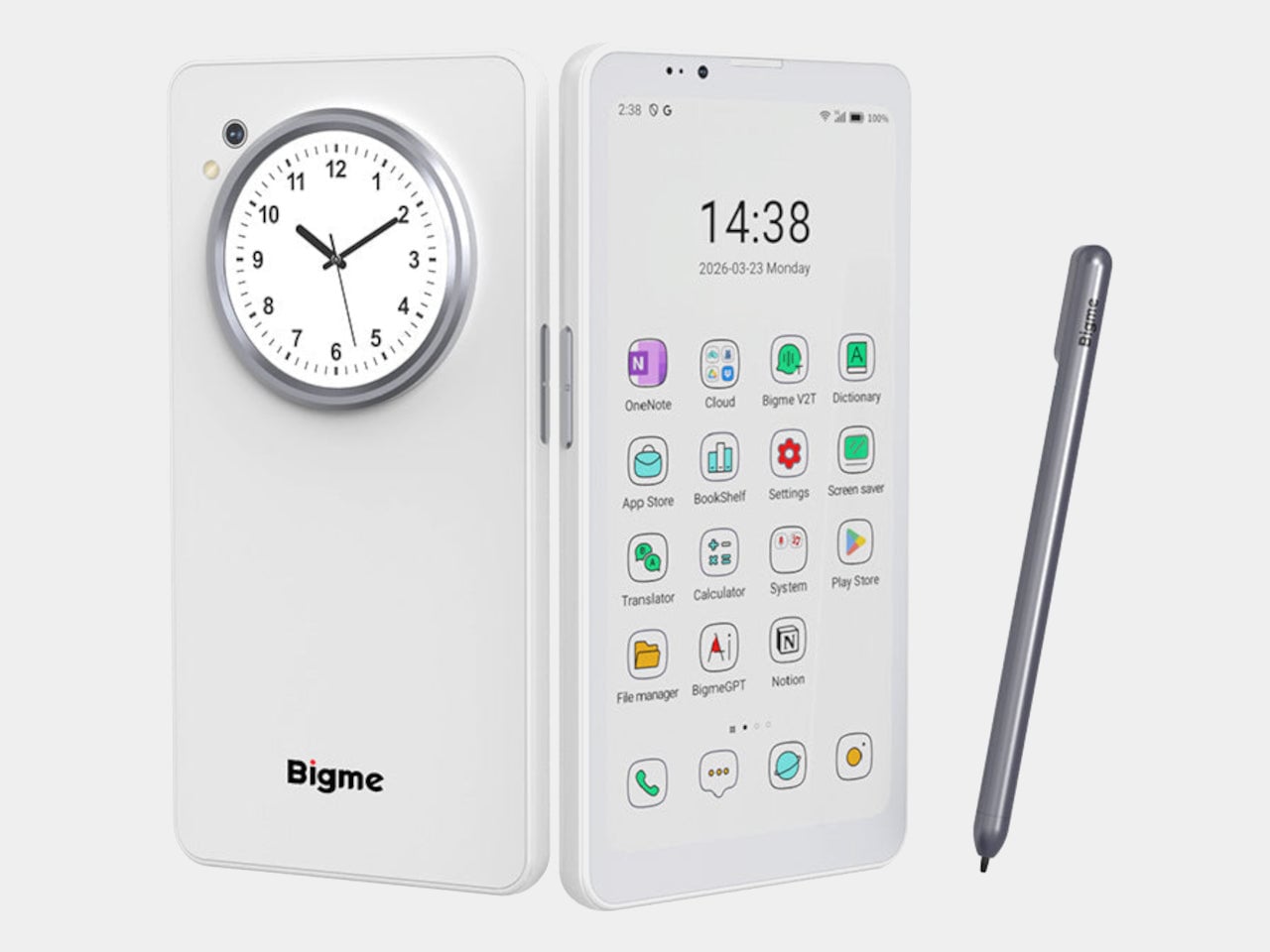
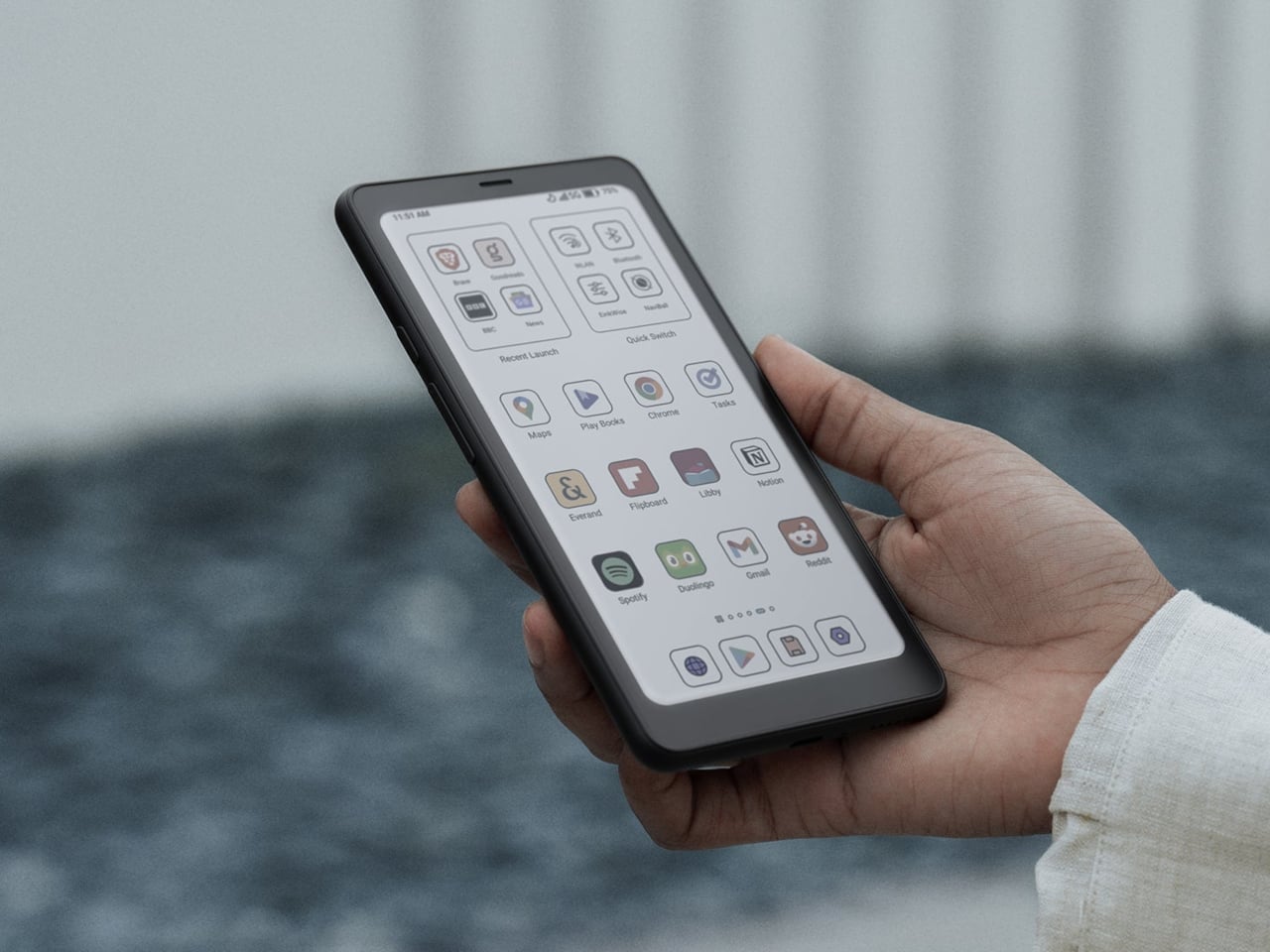
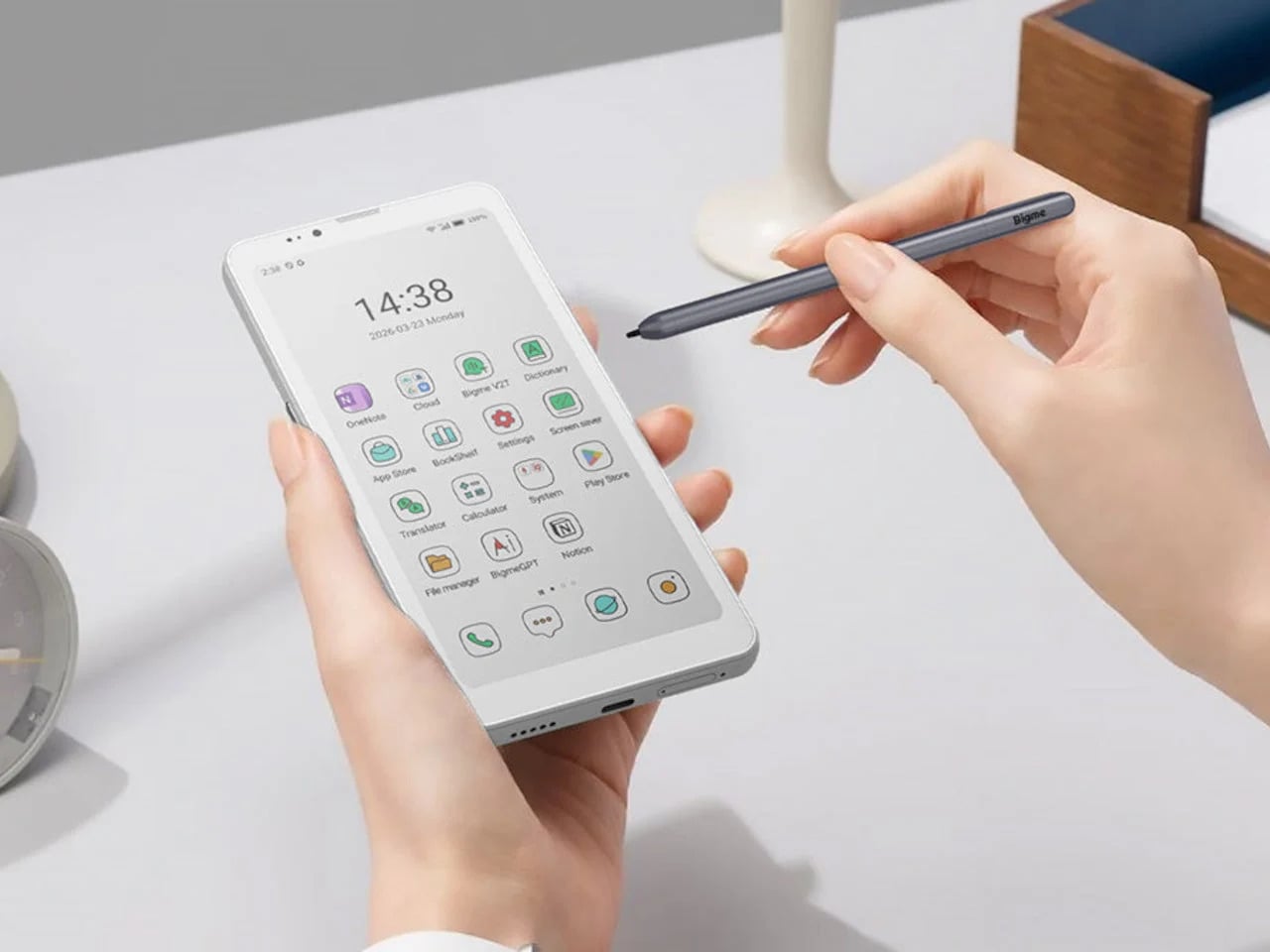
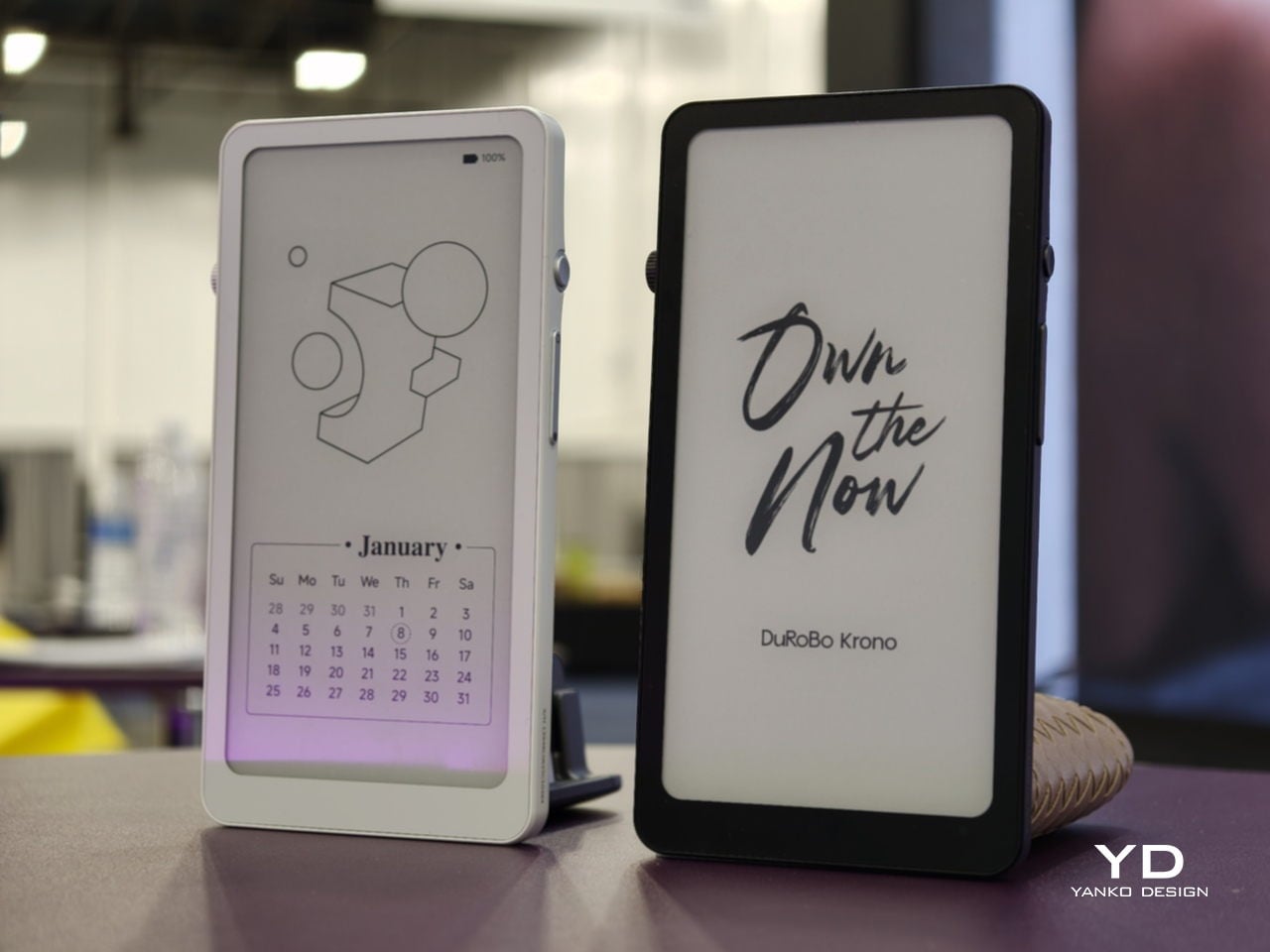
Krono sits at the opposite end of that whole spectrum entirely, and it doesn’t hide it. The 6.13-inch Carta 1200 display lives inside a mechanical-looking body built around a tactile Smart Dial that handles page turns, brightness, and volume with an actual click. Underneath all that hardware runs full Android 15, complete with access to the Google Play Store, a leap the other four devices here don’t attempt.
Designer: DuRoBo
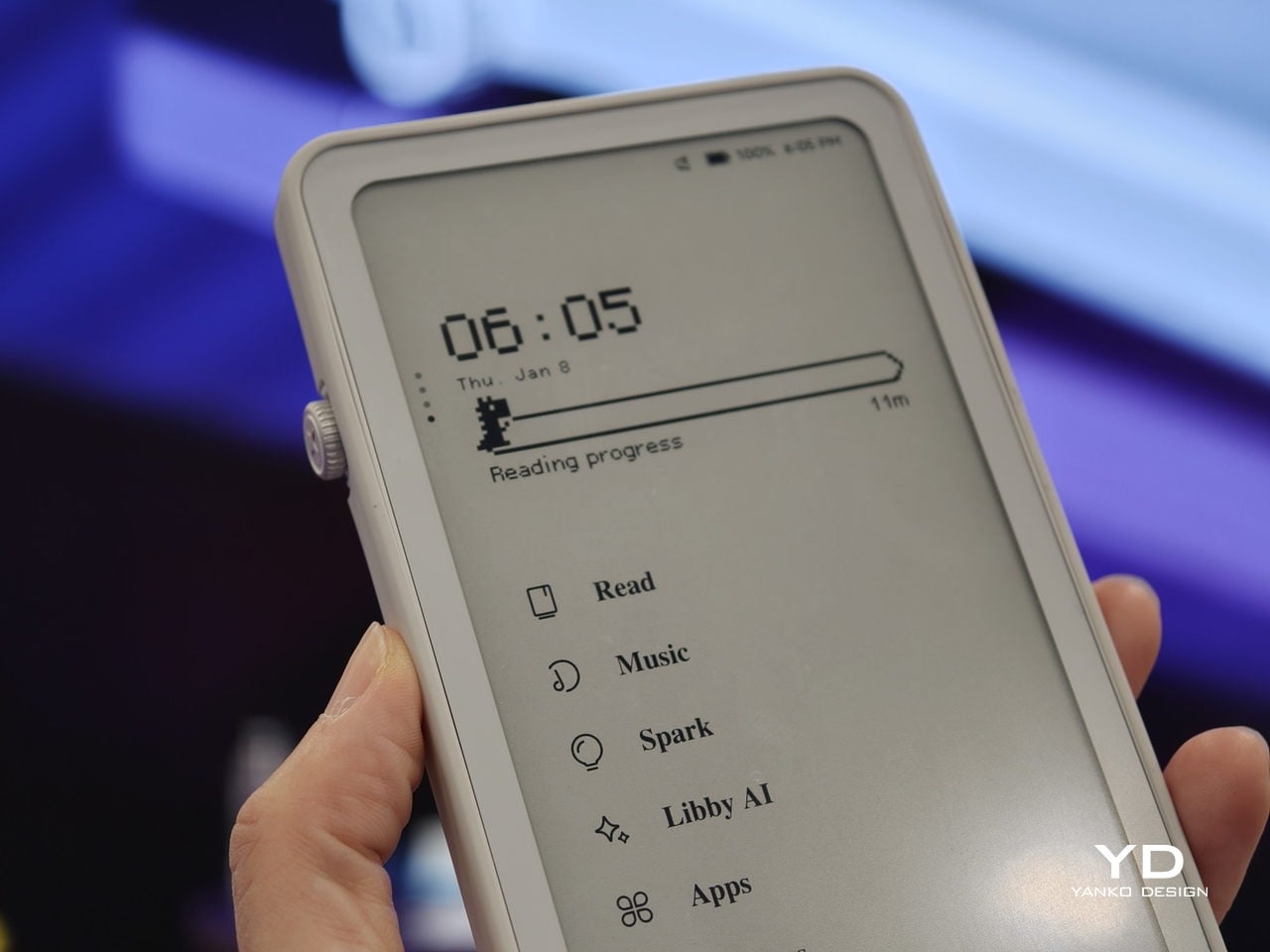
That openness changes what a reading session can actually turn into. A built-in speaker and Bluetooth pull in music or a podcast between chapters, while an on-device assistant answers quick questions without ever breaking focus on the page. It’s the same E Ink material that Xteink stripped down to page-turn buttons, just handed every tool a full operating system can offer, closing the spectrum this list started with.
The post Screens Got Louder, These 5 E-Ink Gadgets Went Deliberately Quiet first appeared on Yanko Design.