This $170 Retro Dock Solves the Mac Mini M4’s Biggest Port + Connectivity Problem With Style

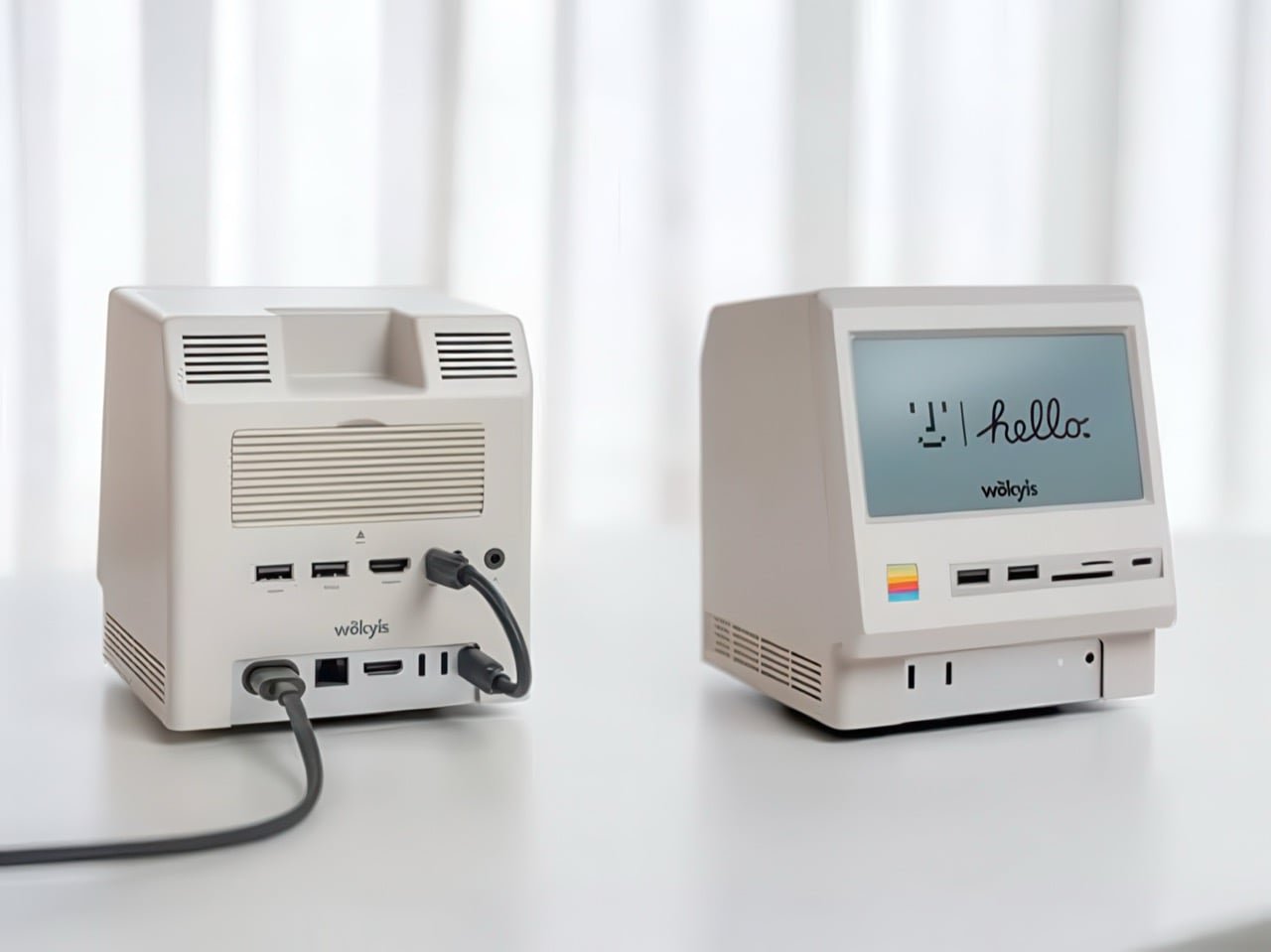
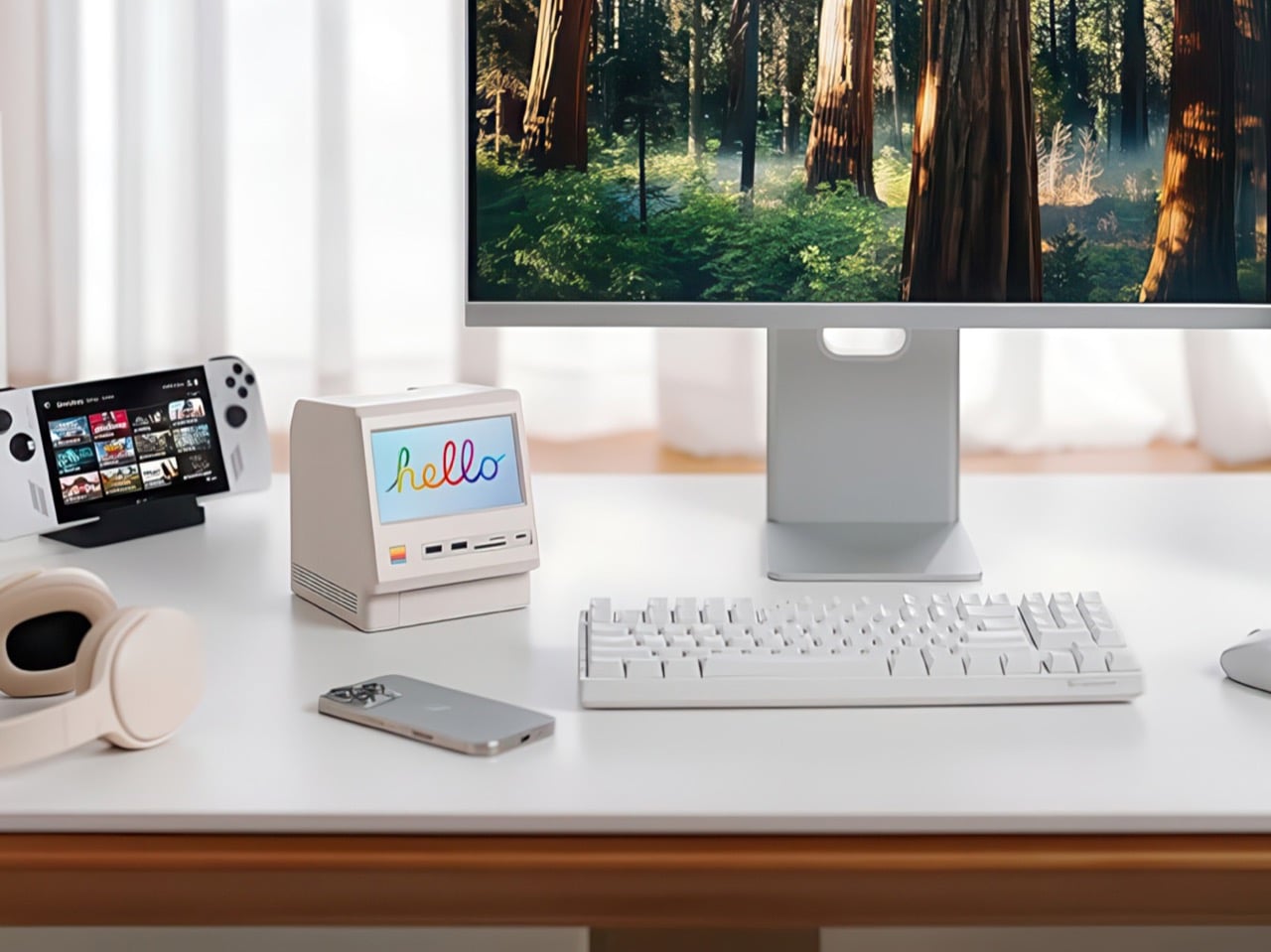
Apple’s Mac mini M4 is absurdly powerful for its size, but connecting anything to it requires a patience-testing game of dongle Tetris. The Wokyis M5 fixes this the fun way, wrapping your diminutive desktop in a retro Macintosh shell that’s actually packed with ports and storage. Yes, the naming is confusing since there’s no Mac mini M5 yet, but the compatibility story is straightforward: this works with the M4, M2, and M1 Mac minis, plus any Mac with Thunderbolt 3/4/5 ports.

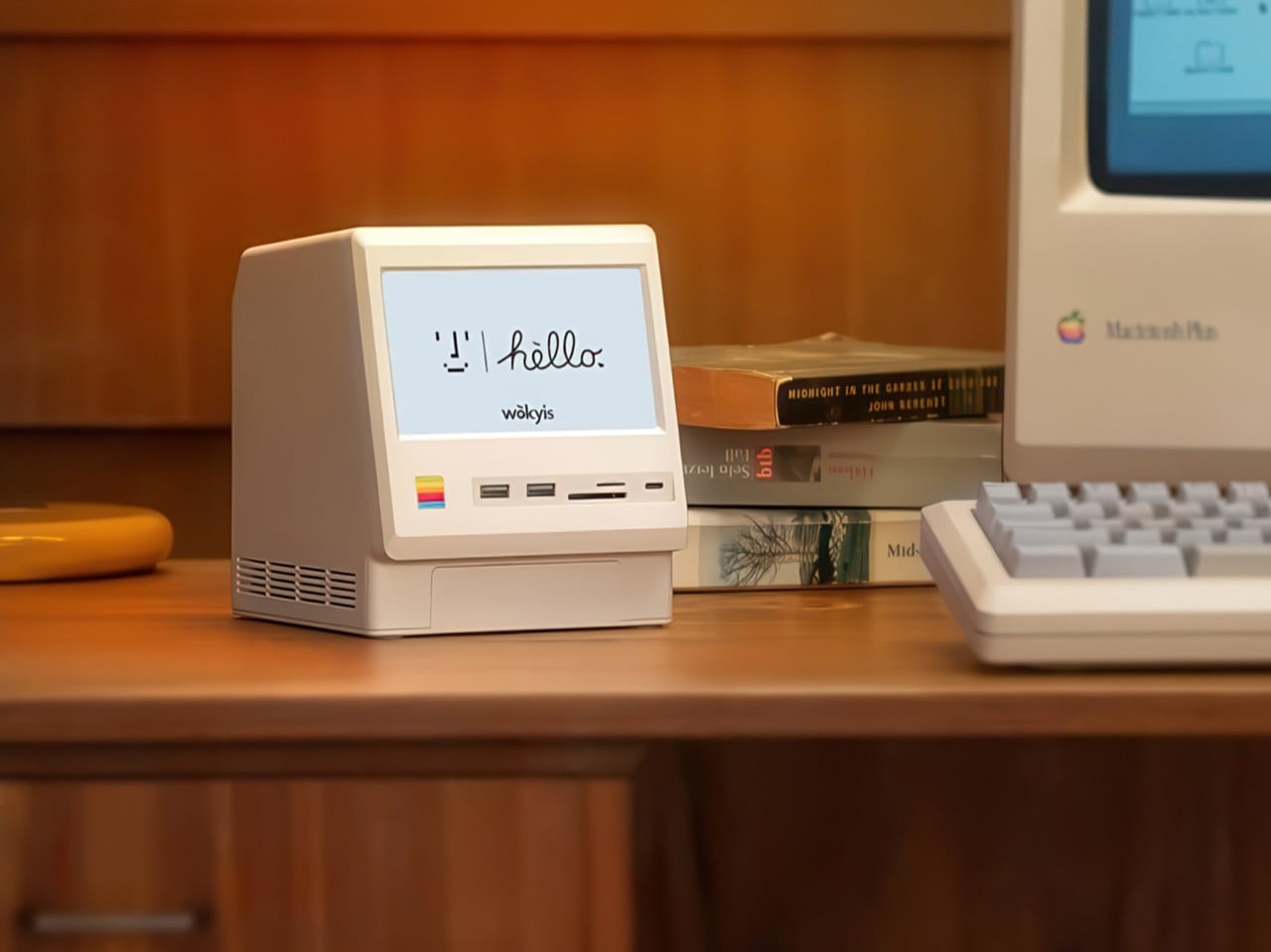
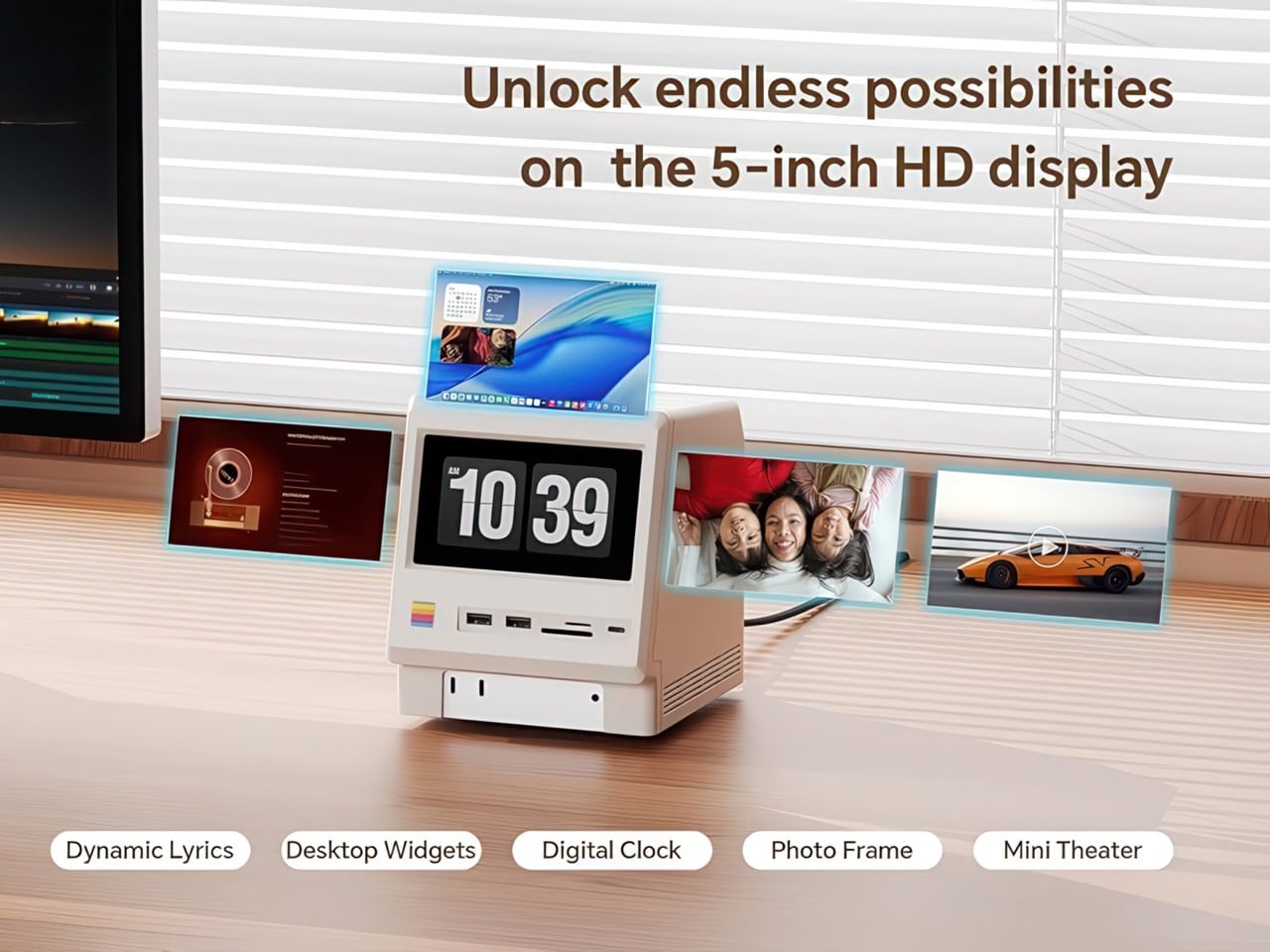
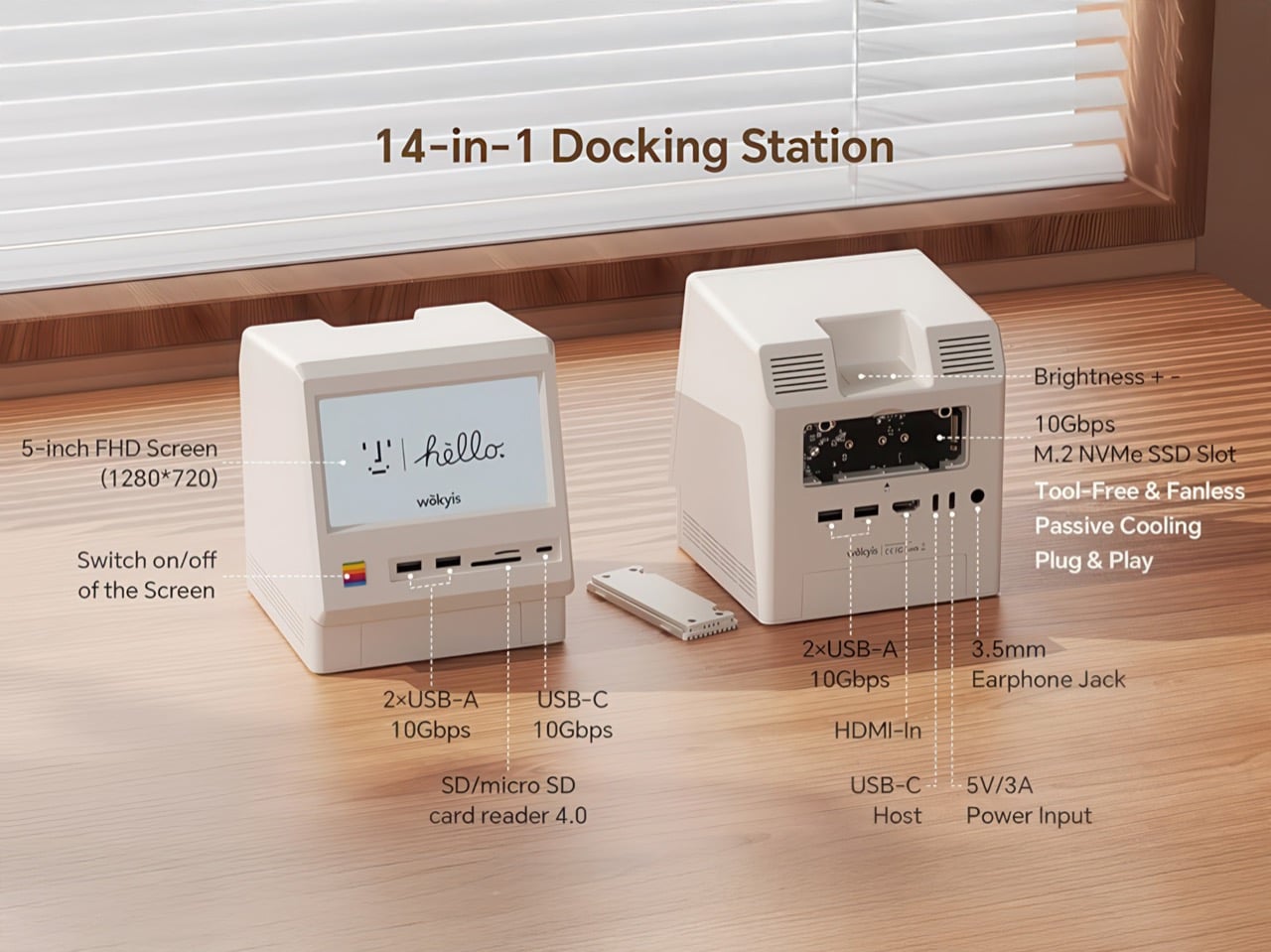
Inside that beige plastic homage to computing history, you’ll find legitimately fast 10Gbps connectivity on both USB-A and USB-C ports, card readers that hit 312MB/s with UHS-II cards, and a tool-free M.2 enclosure with included thermal pads for proper heat management. The 5-inch screen displaying “hello” works as a proper 720p panel for desktop widgets, music lyrics, photo frames, or system stats. Testing shows the SSD enclosure delivers around 900 MB/s with quality NVMe drives, which is respectable for a hub in this price range. The design lets you access the Mac mini’s own ports through a removable bottom panel, so nothing gets sacrificed in the name of aesthetics.

Designer: WOKYIS

Click Here to Buy Now

Photographers and video editors know the Mac mini M4’s port limitation intimately. Three Thunderbolt 4 ports and two USB-A ports sound adequate until your monitor claims one, your external SSD takes another, and you’re suddenly rationing connectivity like it’s a finite resource. The front panel of the M5 solves this with two USB-A 10Gbps ports, one USB-C 10Gbps port, and SD plus microSD slots that handle UHS-II speeds at 312MB/s. Offloading a 128GB card from a photo shoot takes minutes instead of the geological timescale you’d experience with slower readers. You do this without unplugging anything or performing cable gymnastics behind your monitor.

The M.2 enclosure accepts NVMe drives from 2230 to 2280 form factors and supports up to 8TB of storage. Pair it with a Samsung 990 EVO Plus and you’ll see read and write speeds hovering around 800 to 900 MB/s, which translates to genuinely usable performance for 4K editing timelines or RAW photo libraries. Wokyis ships two thermal pads in the box: a thicker one for single-sided SSDs and a thinner variant for double-sided drives. The passive cooling approach works because there’s actual thought behind the thermal management rather than hoping convection does all the heavy lifting. No fans means no noise, which matters when you’re recording voiceovers or working in a quiet space.

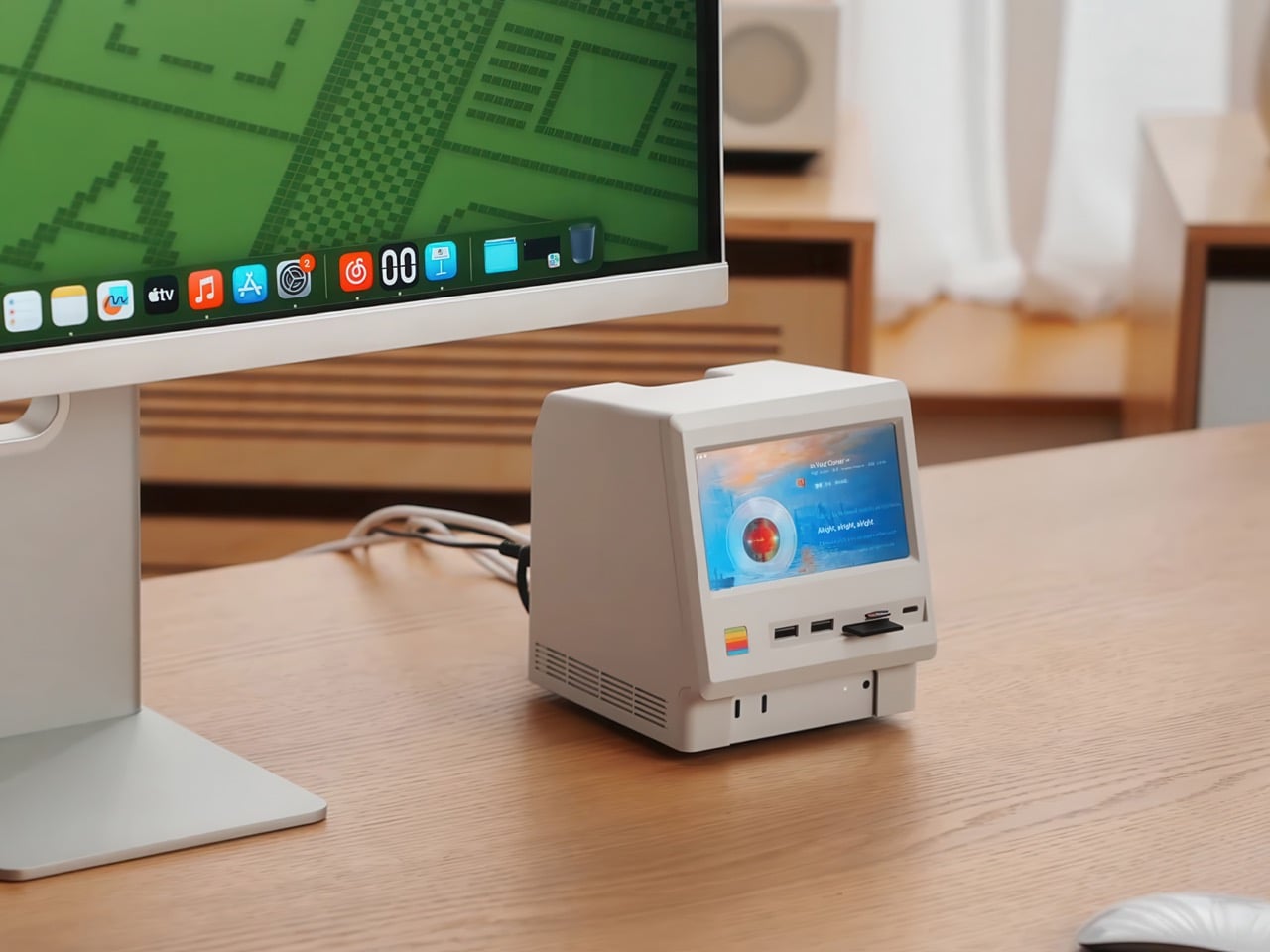
That 5-inch display hits 1280×720 resolution at roughly 290 PPI, putting it squarely in Retina territory for normal viewing distances. Text renders crisp, colors track accurately for casual use, and brightness handles typical indoor lighting without struggle. You can feed it content through the HDMI-in port or the USB-C host connection depending on your setup preferences. People are running Spotify controls on it, system monitoring dashboards, security camera feeds, even Slack notifications. The dedicated power button on the front means you can kill the screen when you don’t need it running, which beats having a perpetually glowing display burning into your peripheral vision at 2 AM.

Wokyis nailed the proportions by treating the original Macintosh as inspiration rather than a blueprint to slavishly recreate. The beige matches Apple’s classic off-white perfectly, the ventilation grills reference the original’s cooling design, and that rainbow stripe sits exactly where your brain expects it. The dimensions wrap the Mac mini M4 specifically, with a removable base plate that keeps every native port accessible. You’re adding capability on top of what Apple gave you rather than trading functionality for aesthetics. The Mac mini slides in, locks down, and you’ve suddenly got a setup that looks like it time-traveled from 1984 while performing like it’s from 2025.

Generic USB-C hubs from Anker or CalDigit run $80 to $150 and offer similar port counts with zero personality. None of them include an SSD enclosure or a display. The M5 at $169.99 lands in a weird value proposition where you’re paying a modest premium for design that actually makes you happy to look at your desk. The 80Gbps Thunderbolt 5 version exists at $389 if you’re pushing enormous video files or running external GPUs, but that’s specialist territory. The 10Gbps model handles what 90% of users throw at it. Ships in two days direct from Wokyis or grab it from Amazon if you’ve got Prime and prefer that refund safety net. Either way, you’re getting a dock that makes the Mac mini M4 better at its job while looking fantastic doing it.

Click Here to Buy Now

The post This $170 Retro Dock Solves the Mac Mini M4’s Biggest Port + Connectivity Problem With Style first appeared on Yanko Design.
ONZA Just Designed a Dock That Replaces 3 Desk Accessories

We’ve all been there. You sit down at your desk, ready to tackle that project, and suddenly you’re drowning in cables, hunting for your phone charger, and watching your battery percentage drop to single digits. Your workspace looks like a tech graveyard, and your creative energy? Well, that died somewhere between untangling the third cable and knocking over your coffee while reaching for your headphones.

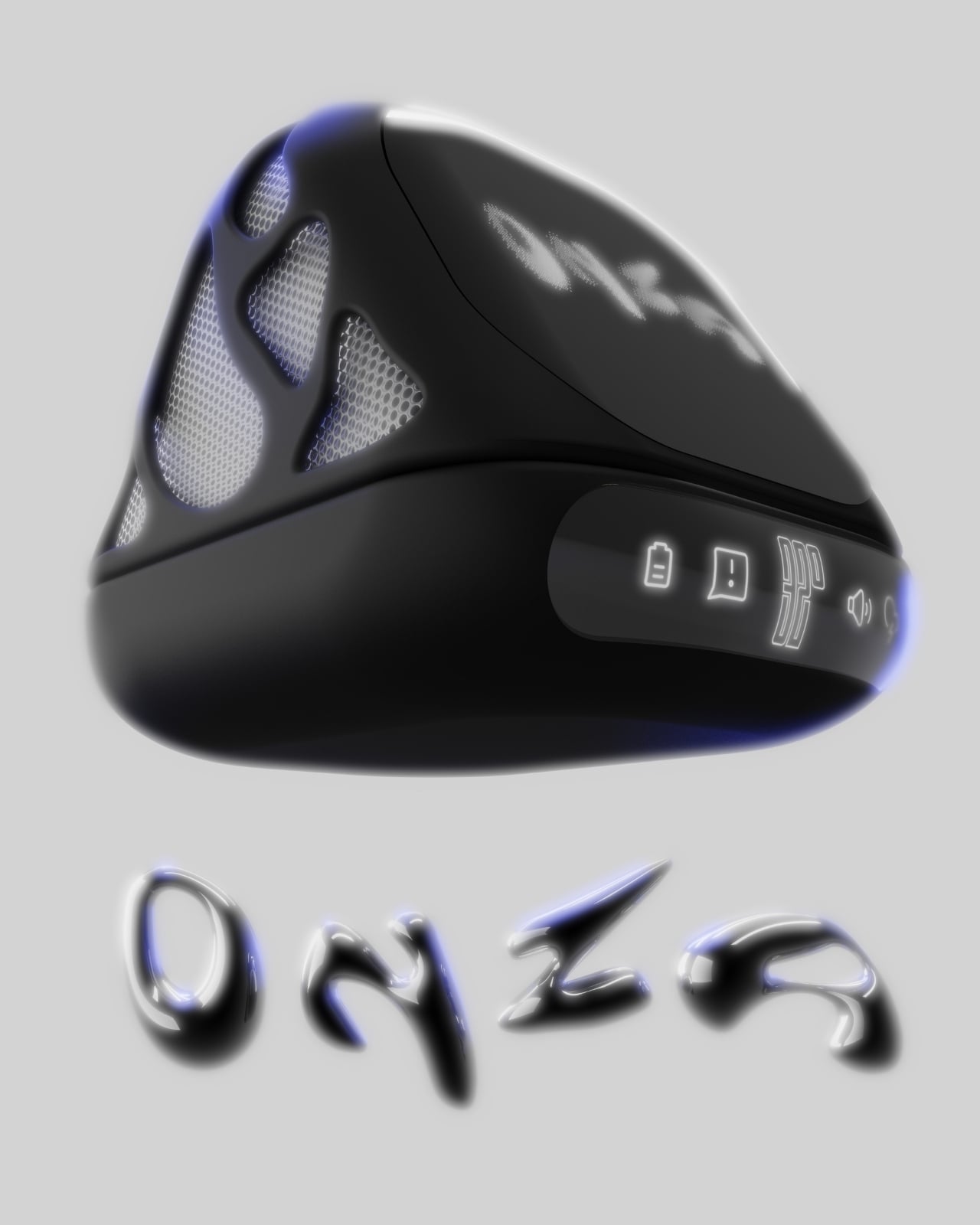
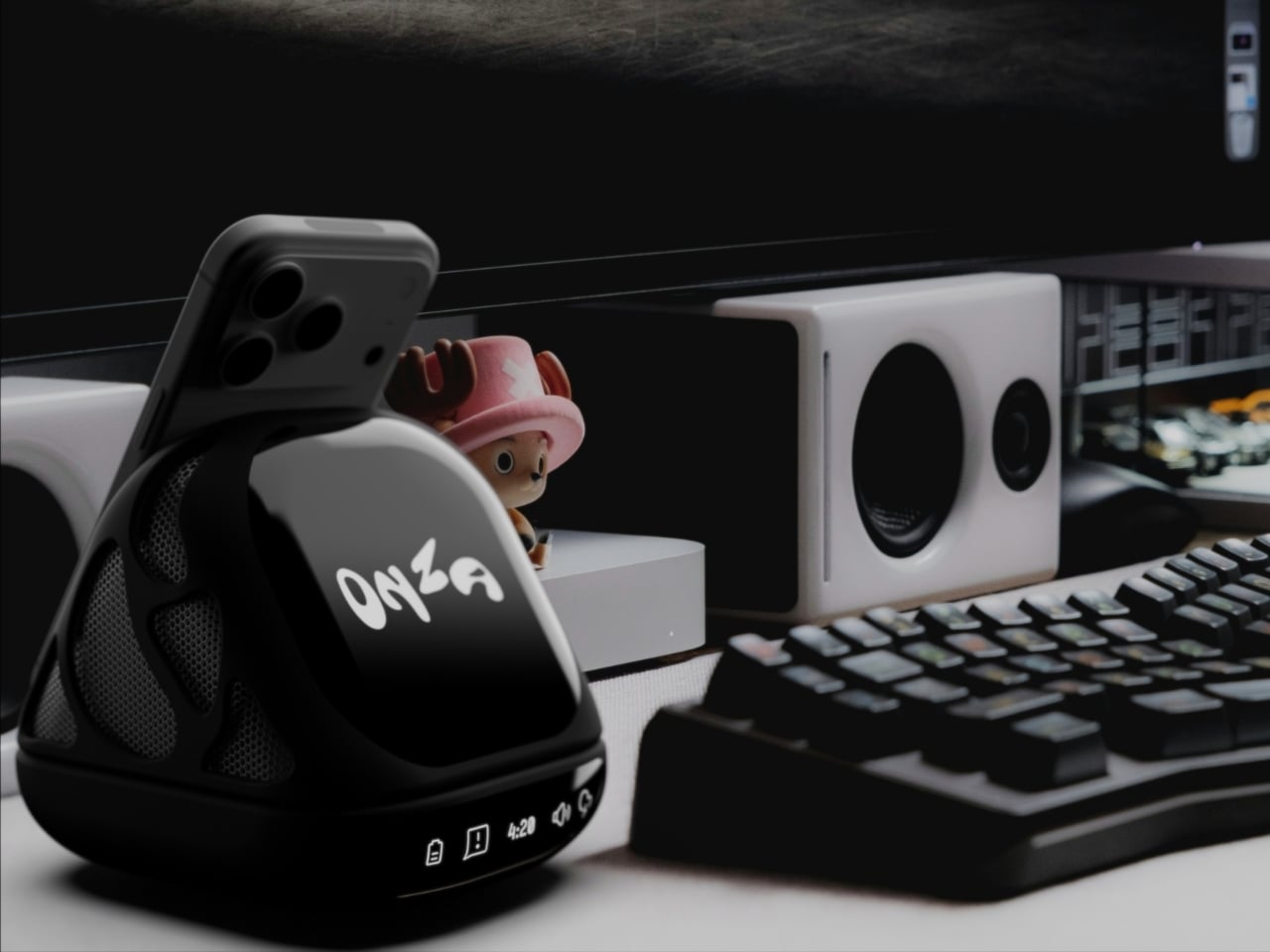
Enter the ONZA Desktop Dock, a concept design by Vedanta Maheshwari that’s making me seriously reconsider what a desk accessory can actually do. This isn’t just another “put your phone here” kind of solution. It’s a complete rethinking of how we interact with our workspace, and honestly, it’s about time someone figured this out.

Designer: Vedanta Maheshwari

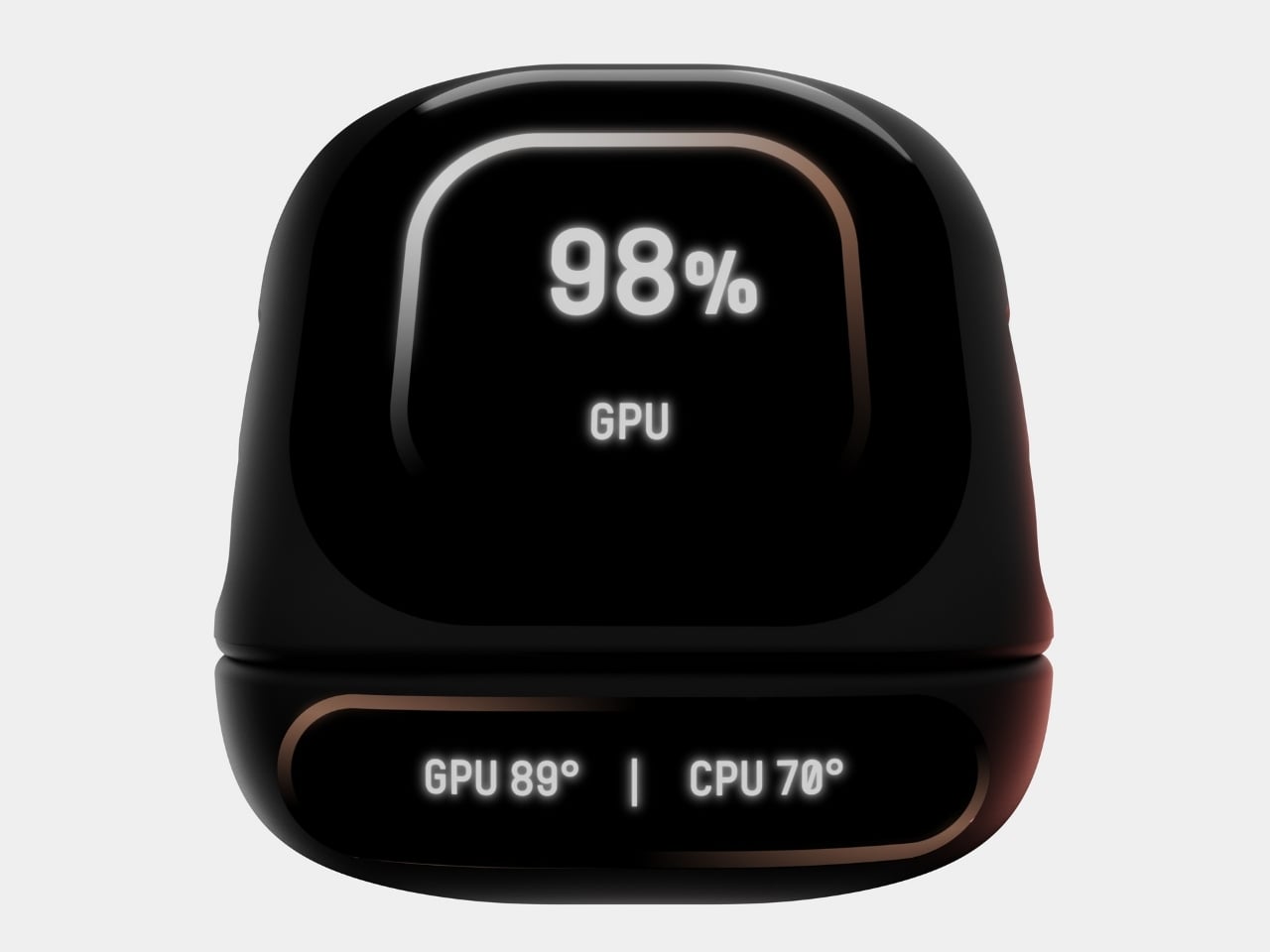
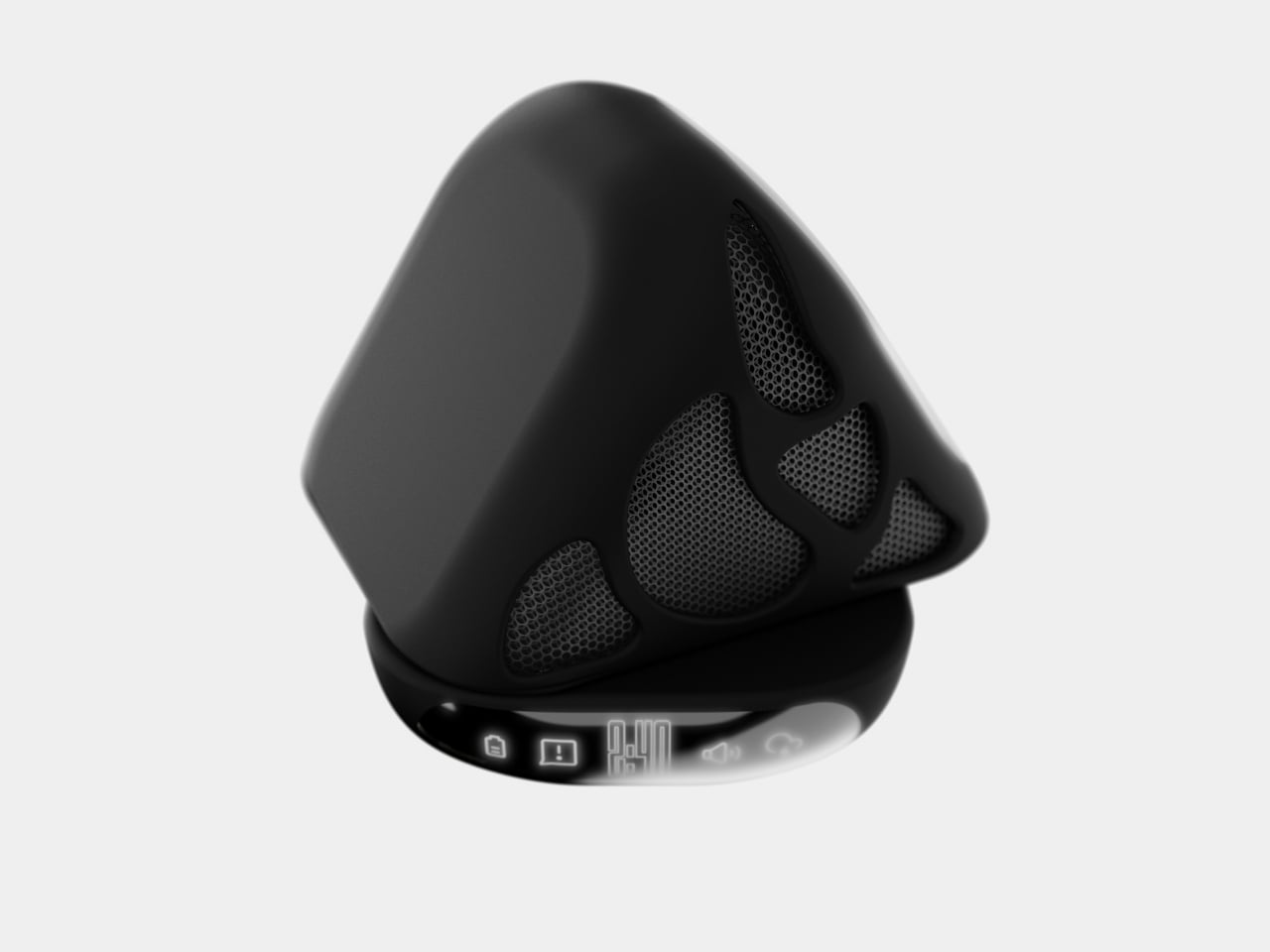
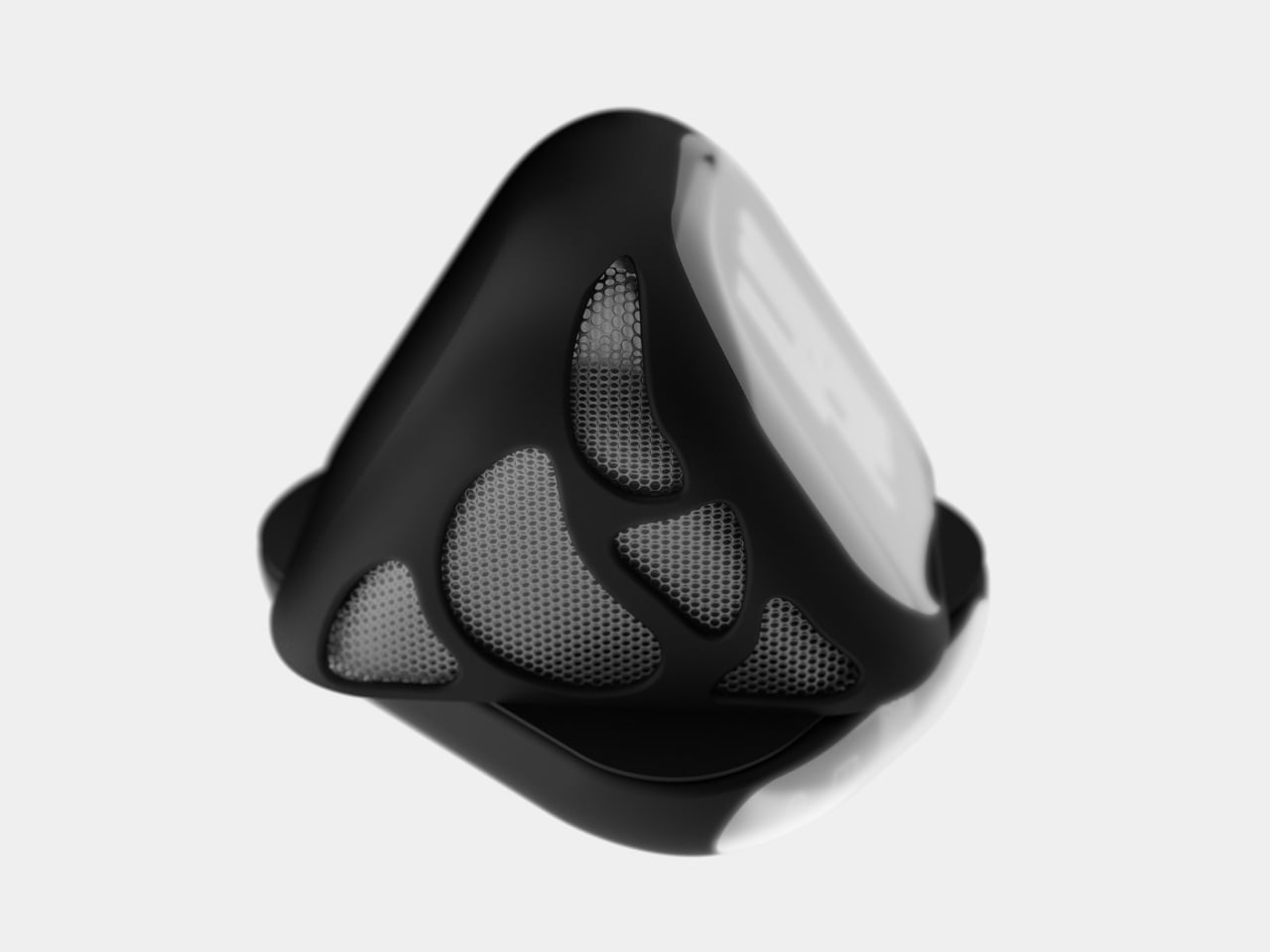
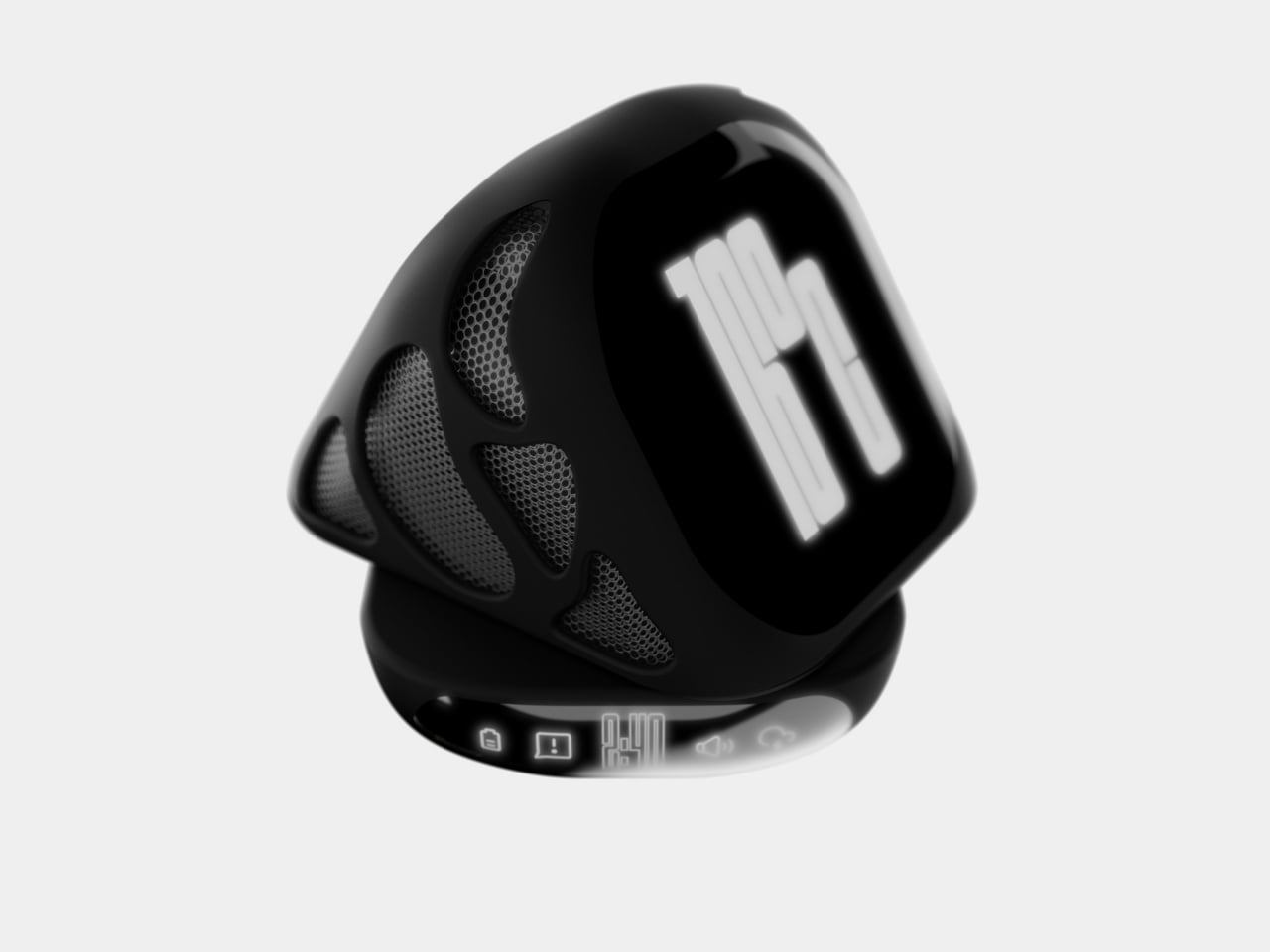
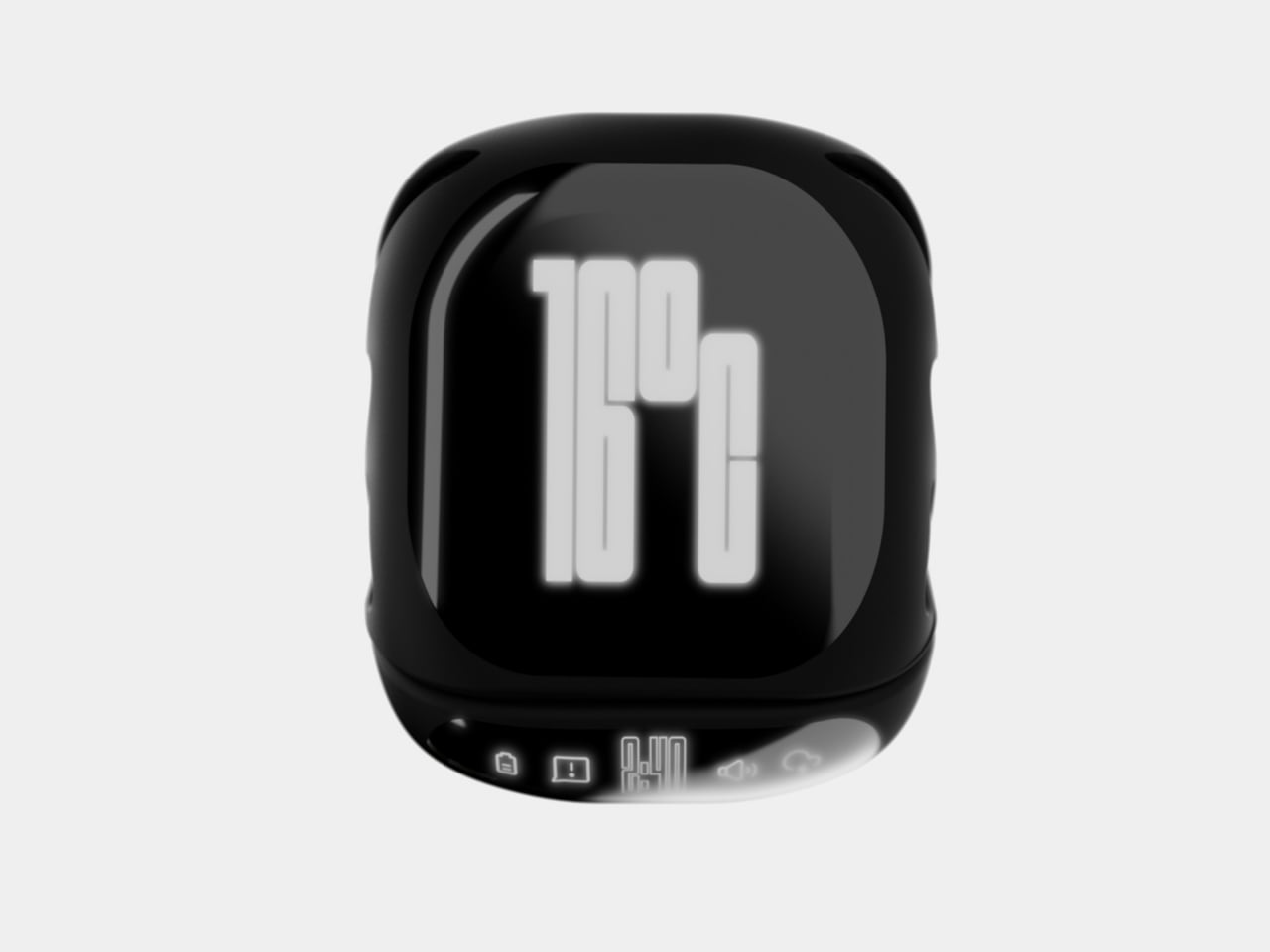
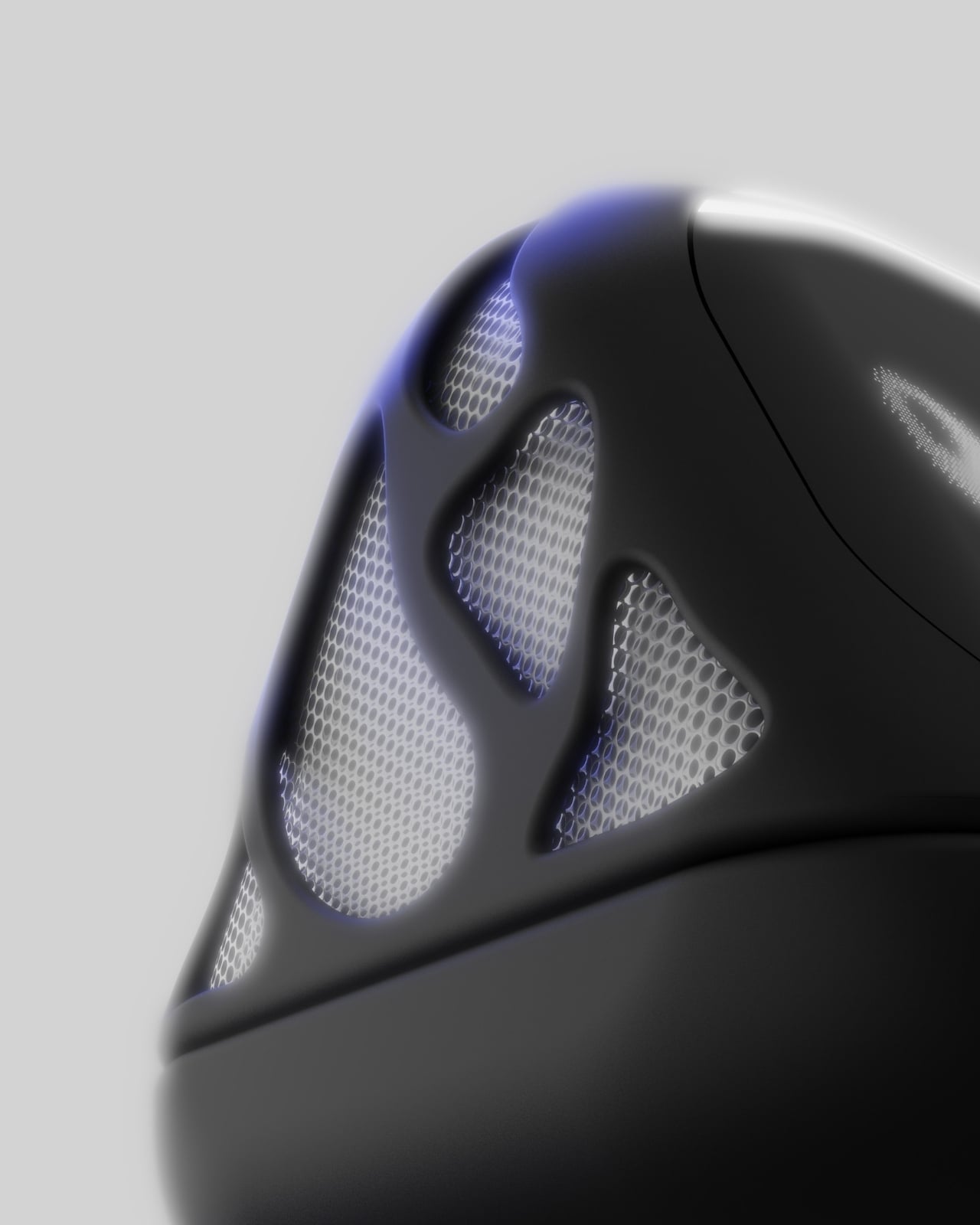
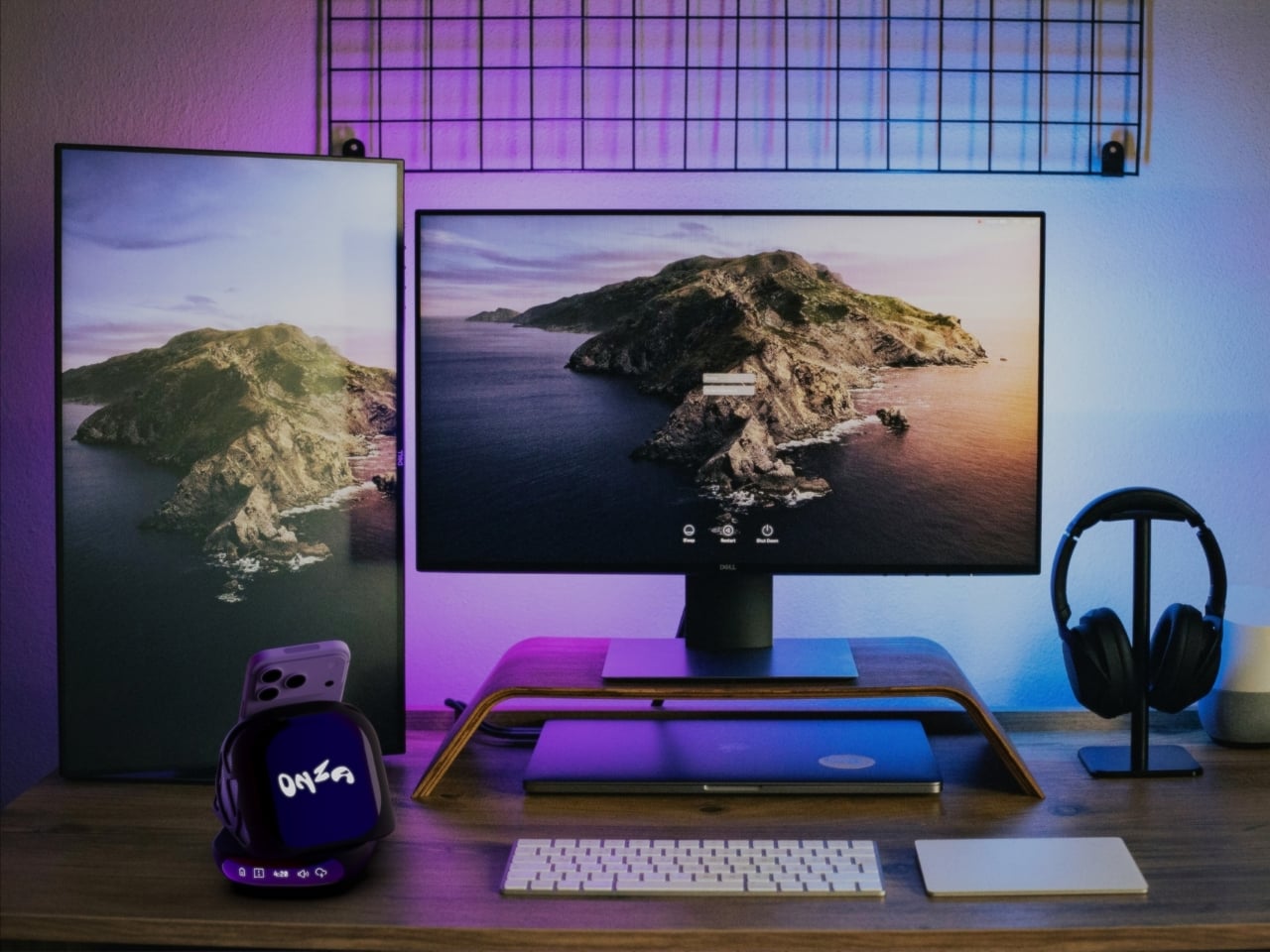
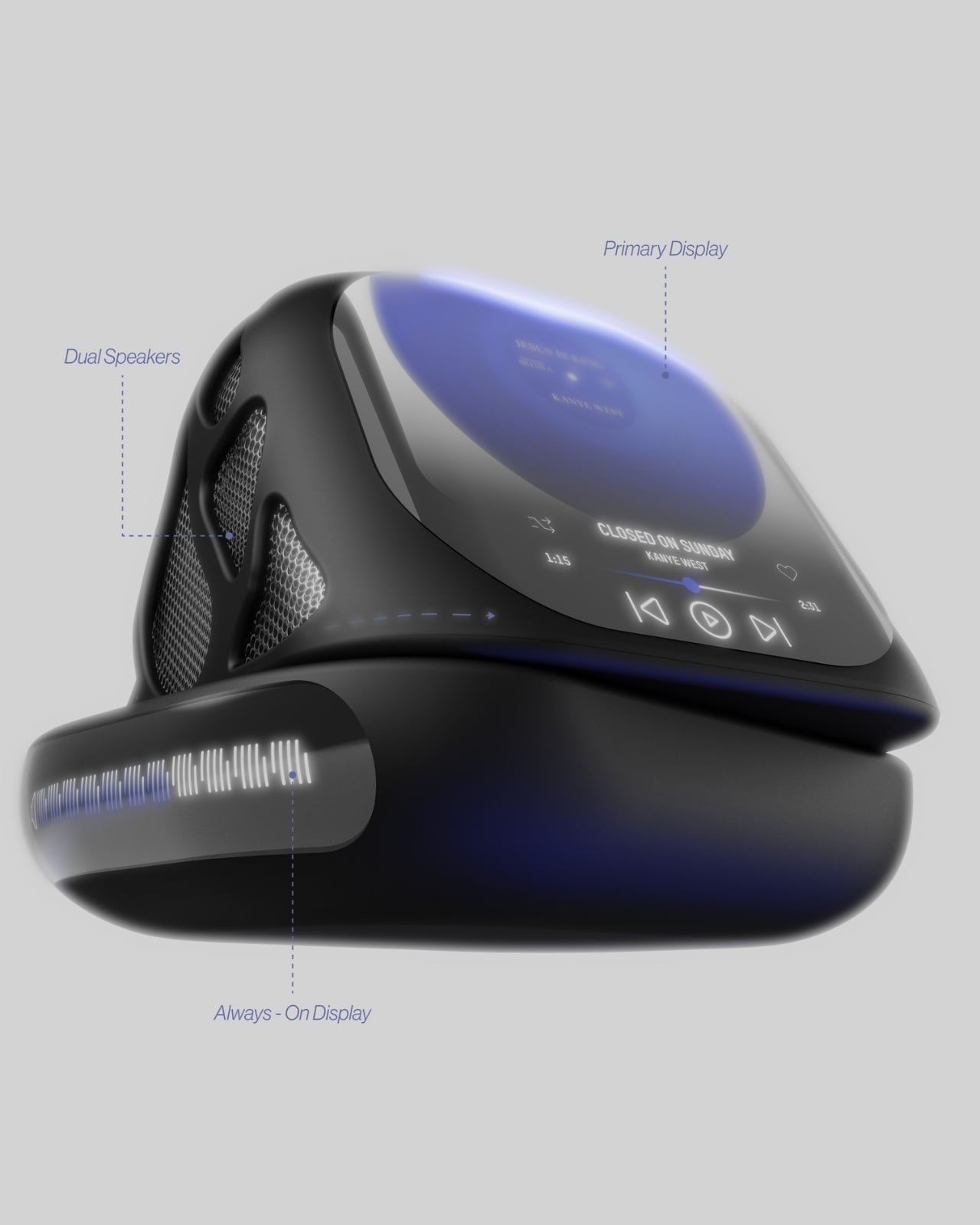
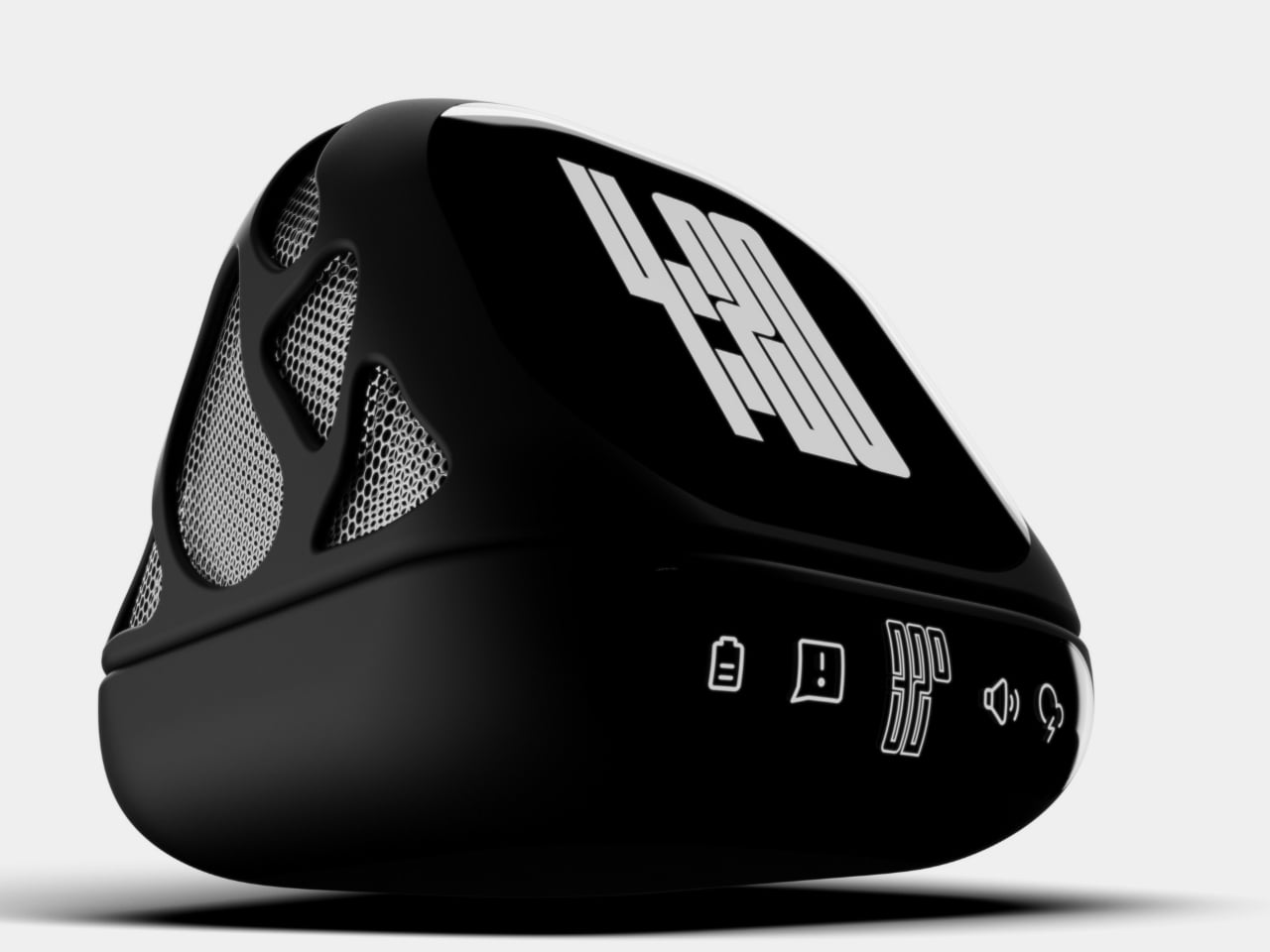
At first glance, the ONZA system looks like something that beamed in from a more aesthetically pleasing future. The design features a sleek, geometric form that immediately catches your eye without screaming for attention. Think angular, almost sculptural, with a glossy black finish that somehow manages to look sophisticated rather than trying too hard. The body has these organic, flowing mesh panels that aren’t just there to look cool (though they definitely do). They’re functional speaker grills that transform this little powerhouse into an audio solution too.

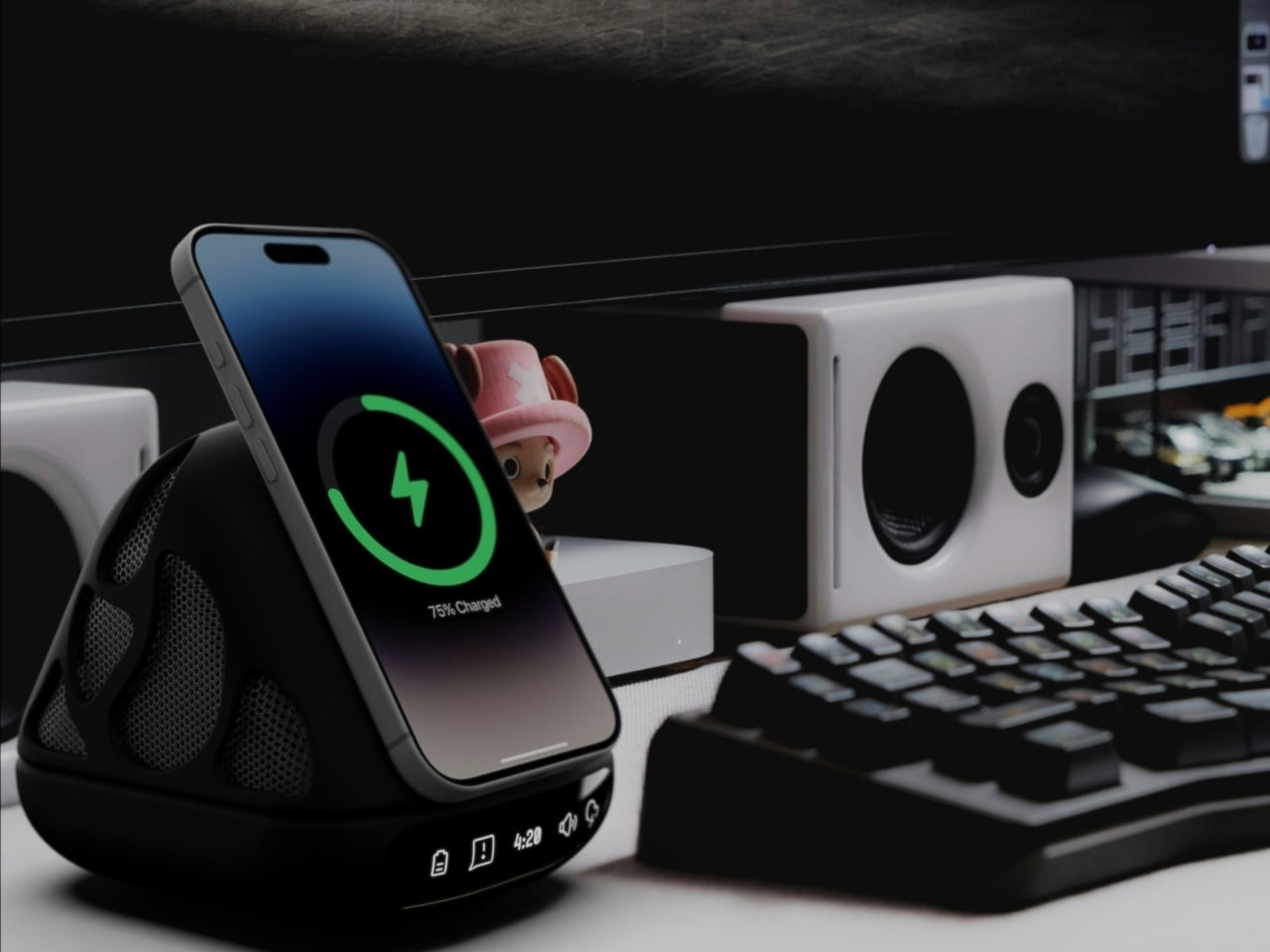
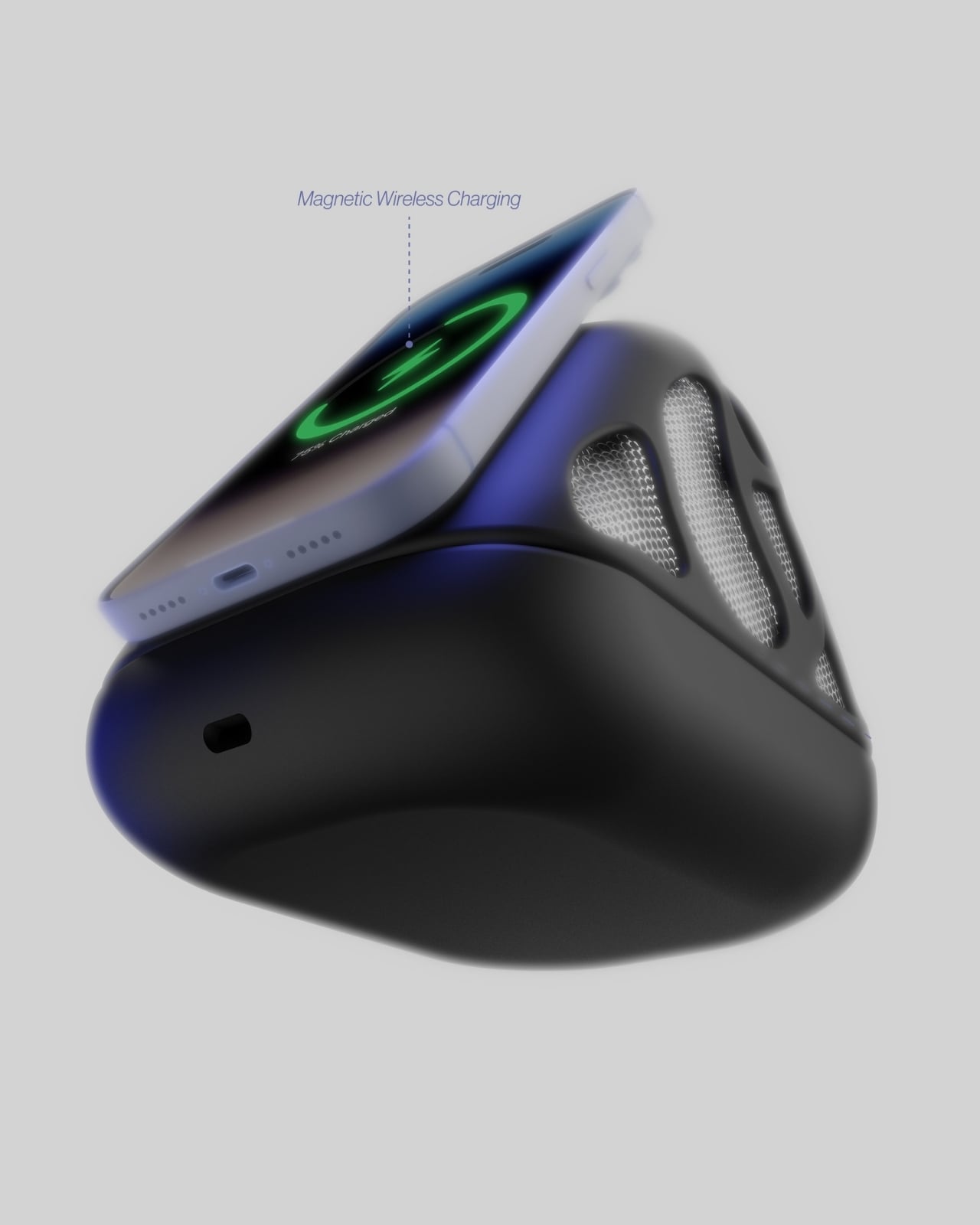
But here’s where it gets interesting. The ONZA isn’t trying to be everything at once while doing nothing particularly well. Instead, it focuses on solving the actual problems creative professionals face every day. The integrated wireless charging pad means your phone gets juice while staying visible and accessible. No more digging through desk drawer chaos or having your device face-down on some random charging pad where you can’t see notifications. The angled design props your phone up at the perfect viewing angle, so it becomes part of your workflow rather than a distraction you have to pick up every five minutes.

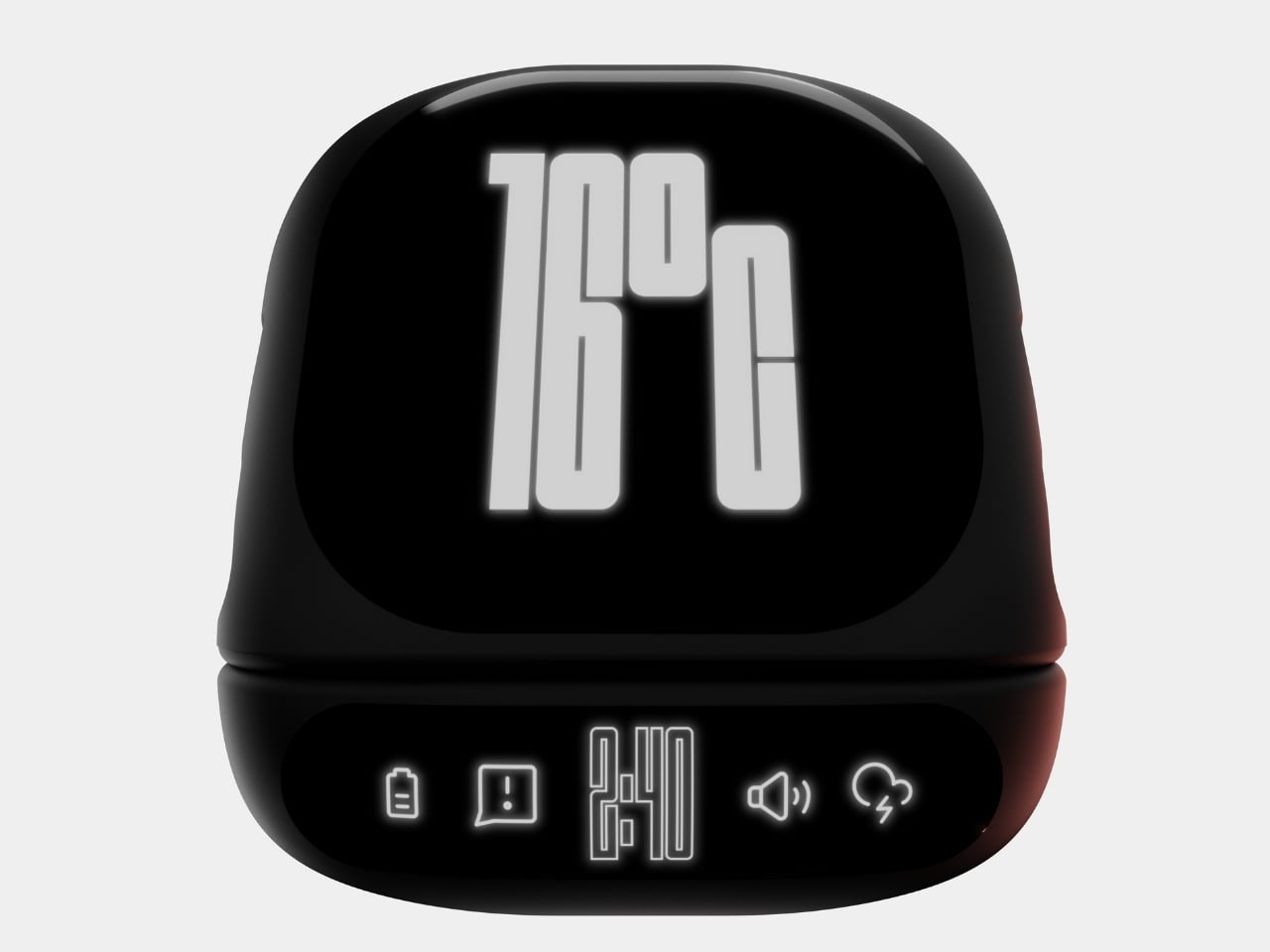
Those subtle icons along the base? They’re not just decorative. They indicate battery status, storage connectivity, wireless capabilities, and audio functions. Everything you need to know at a glance, without any notification overload or annoying lights blinking at you while you’re trying to focus. It’s the kind of thoughtful detail that separates concept art from actual design thinking.

What really sells the ONZA concept, though, is how it plays with the entire desk ecosystem. Maheshwari’s renders show this thing in context, and it’s clear he understands that great design isn’t about creating isolated objects. It’s about creating harmony. The dock sits comfortably alongside mechanical keyboards, designer headphone stands, and dual monitor setups without fighting for visual dominance. It complements rather than competes, which is surprisingly rare in a market full of RGB-everything and aggressive gamer aesthetics.

The speaker integration is particularly clever. Most of us have dealt with the disappointing tinny sound of phone speakers or the hassle of connecting Bluetooth devices every single time we sit down. Having quality audio built into something that’s already anchoring your workspace? That’s the kind of convenience that actually changes how you work. Take a call without fumbling for earbuds. Play music while you design. Listen to a podcast while you’re organizing files. It’s all just there, ready to go.

Now, let’s be real for a second. This is a concept design, which means we can’t exactly run out and buy one tomorrow (trust me, I checked). But that’s also what makes it so exciting. Maheshwari is showing us what’s possible when designers really think about the creative workspace as a holistic environment rather than just a place to dump tech. The ONZA asks better questions: What if your charging solution also managed audio? What if your phone dock could integrate with your entire desktop ecosystem? What if workspace accessories could be genuinely beautiful without sacrificing functionality?

The creative workspace has evolved dramatically over the past few years, but our accessories haven’t always kept pace. We’re still dealing with solutions designed for problems from a decade ago. The ONZA Desktop Dock concept suggests a different path forward, one where form and function aren’t competing priorities but complementary goals. And honestly? That future looks pretty good from here.

The post ONZA Just Designed a Dock That Replaces 3 Desk Accessories first appeared on Yanko Design.
Anker’s CES 2026 Charging Lineup Treats Power as a Coordinated System

Charging has become a daily background task with a mix of wall bricks, wireless pads, power strips, and docks that rarely feel coordinated. As devices become faster and more power-hungry, the friction shifts from “do I have enough power?” to “how many adapters do I need without cluttering the desk?” The answer usually involves a drawer full of chargers that don’t talk to each other and rarely work where needed.

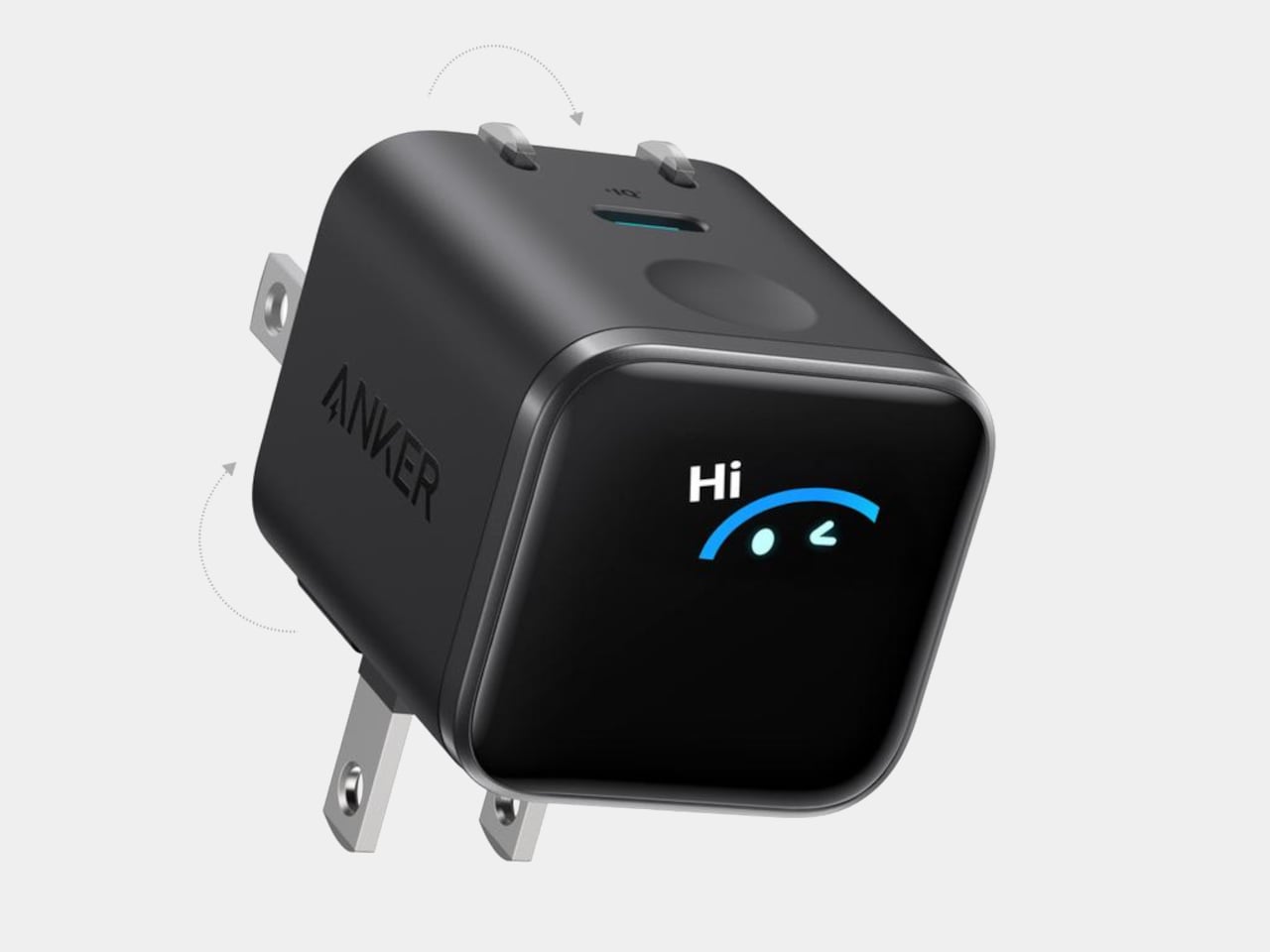
Anker’s CES 2026 portfolio treats this as a system. The Anker Charging lineup introduces four products, the Nano Charger, Prime Wireless Charging Station, Nano Power Strip, and Nano Docking Station, sharing ideas like smarter device recognition, Qi2 25 W wireless, AnkerSense View, and ActiveShield 5.0, but slotting into different moments where power is needed, wanted, or quietly essential to keeping momentum going without searching for another cable.

Designer: Anker

Anker Nano Charger (45W, Smart Display, 180° Foldable)

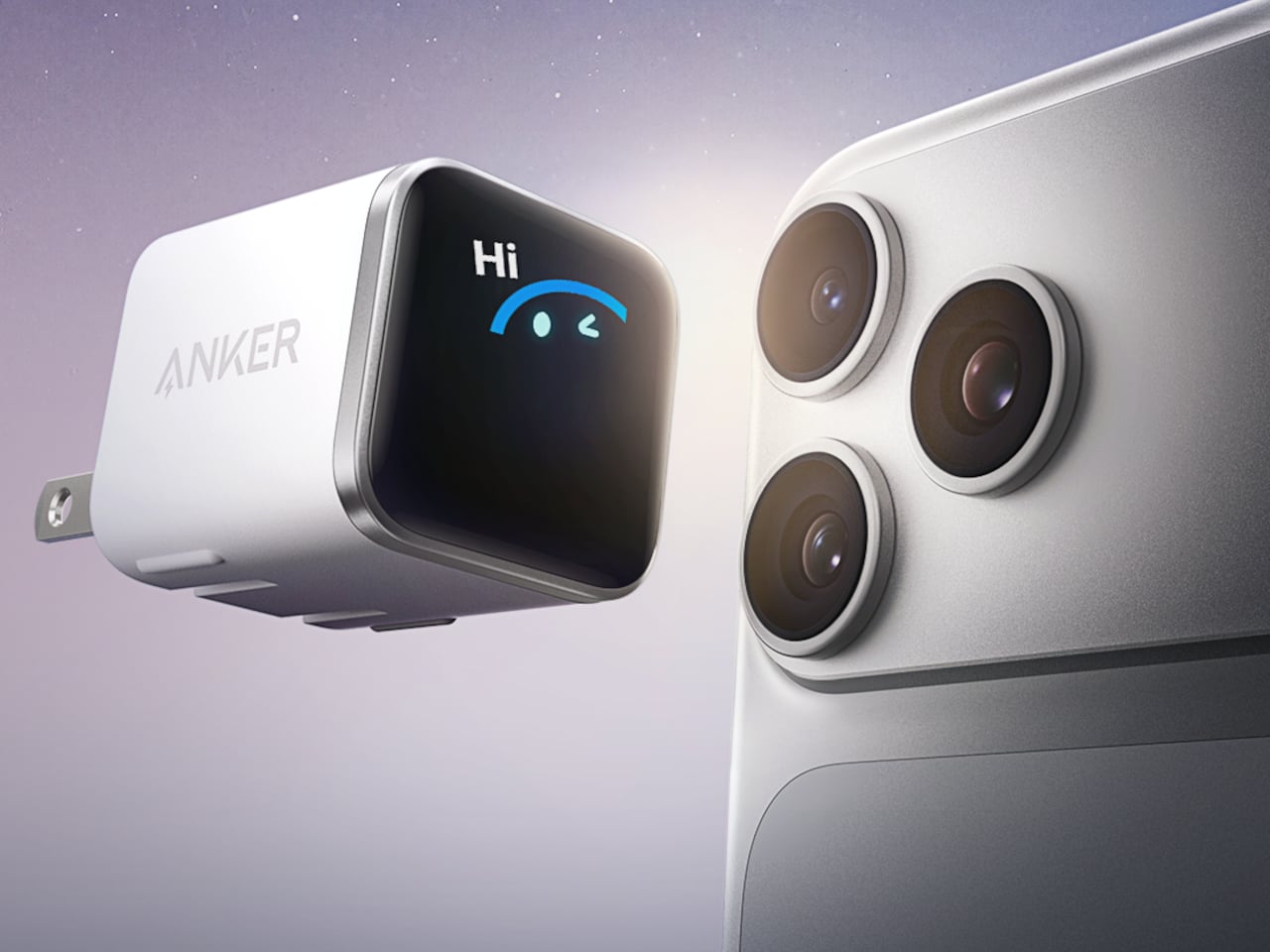
The Nano Charger recognizes recent iPhone and iPad Pro models in seconds, then uses a three-stage power profile to deliver up to 45 W tailored to the device. That auto-matching unlocks faster charging when the battery is low while easing off as it fills, avoiding overstressing batteries for people who charge overnight or keep devices plugged in during long work sessions without thinking about optimal timing.

TÜV-certified Care Mode keeps the phone’s battery about 9 °F cooler than other 45 W chargers, a quiet win for long-term health. The small smart display shows real-time power and temperature with friendly icons, and the 180-degree foldable prongs let the charger sit in tight outlets while keeping the screen visible, fitting desk plugs, kitchen outlets, and behind-cabinets spaces where flat bricks fail.

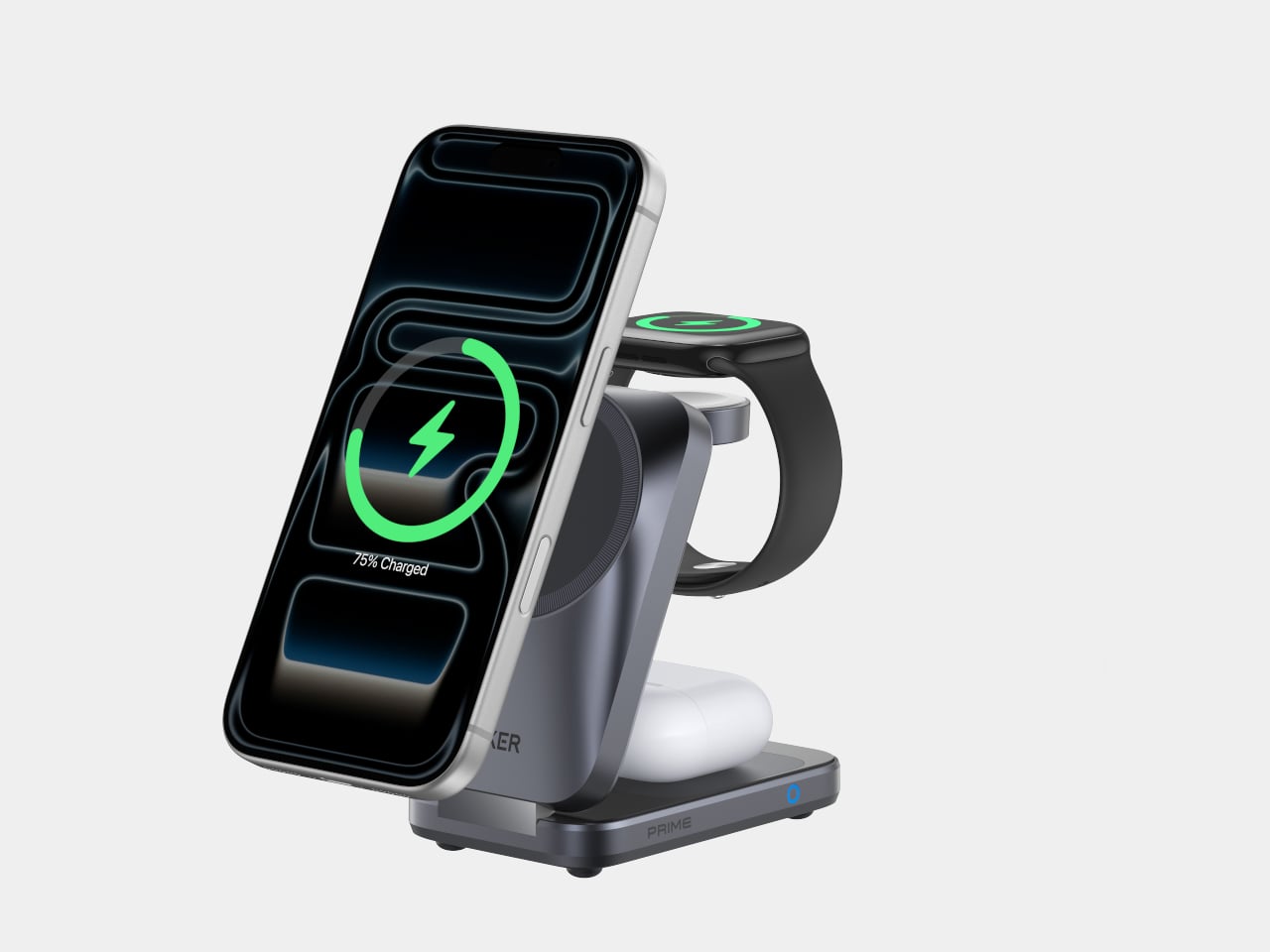
Anker Prime Wireless Charging Station (3-in-1, MagGo, AirCool, Foldable)

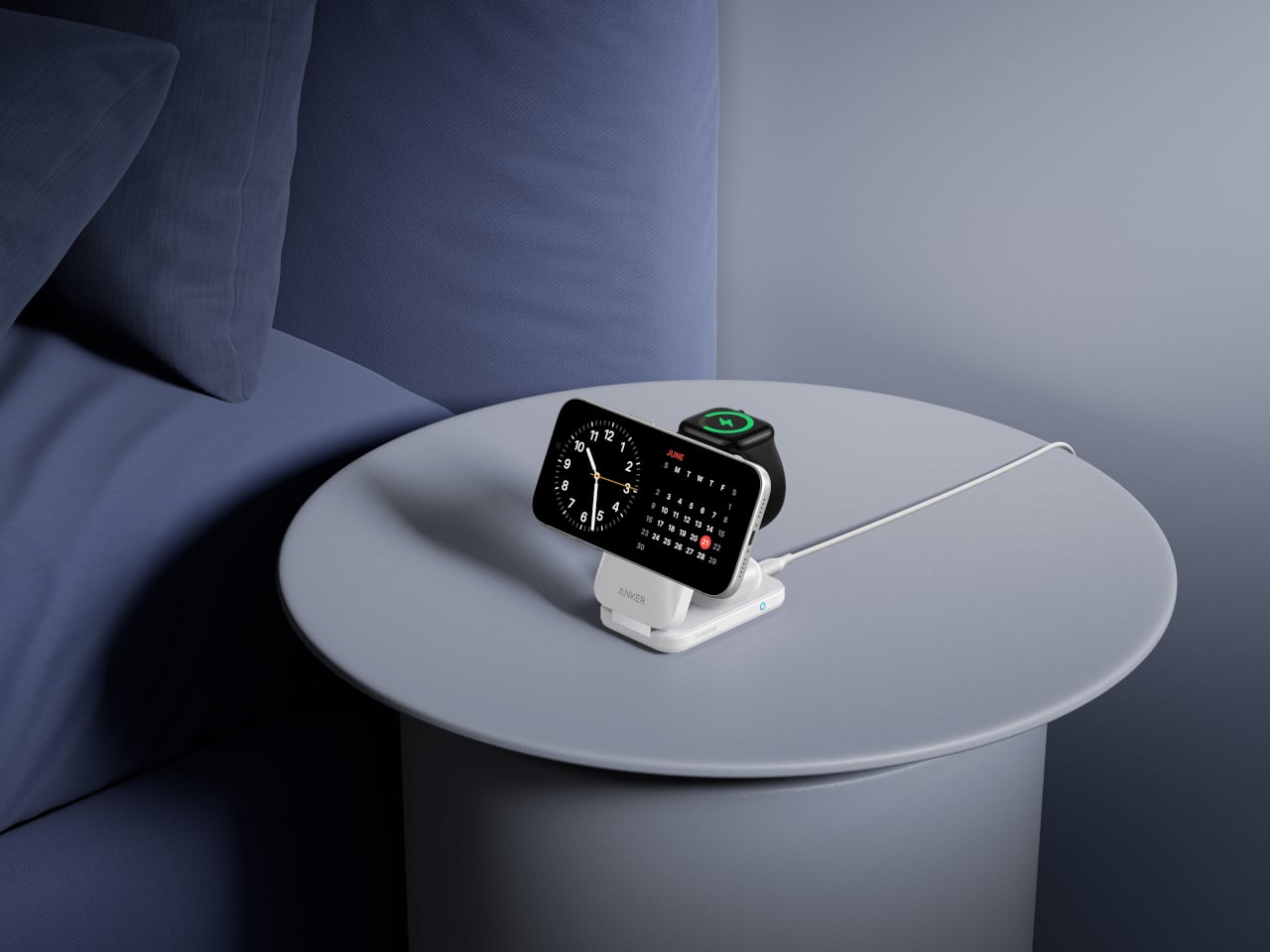
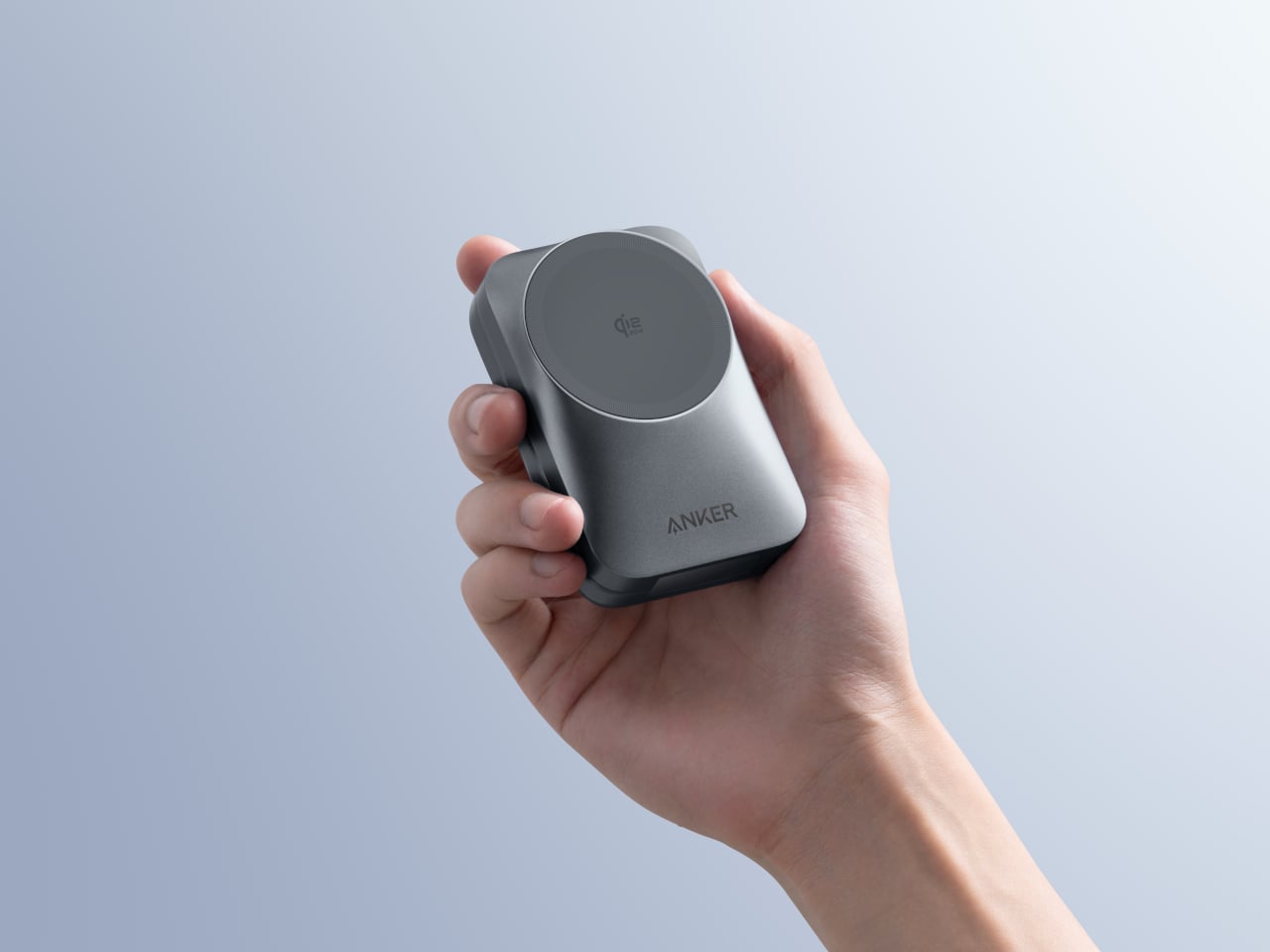
The Prime Wireless Charging Station handles an iPhone, earbuds, and a watch without three separate cables. It uses Qi2 25 W wireless charging to bring iPhone speeds close to wired, quoting 80% in about 55 minutes for an iPhone 17. The stand folds into a palm-sized block lighter than an iPhone 17 Pro Max, so it can live in a bag full-time, turning one USB-C input into a small charging island.

The AirCool airflow system keeps the charger and devices at stable temperatures when everything is stacked overnight or during work sessions, important when running 25 W to a phone while also topping up a watch and earbuds. That thermal management keeps the 3-in-1 from becoming uncomfortably hot on a nightstand or desk, and the foldable form clears cable clutter from hotel rooms and home offices, making it the kind of charger that actually gets packed for every trip.

Anker Nano Power Strip (10-in-1, 70W, Clamp)

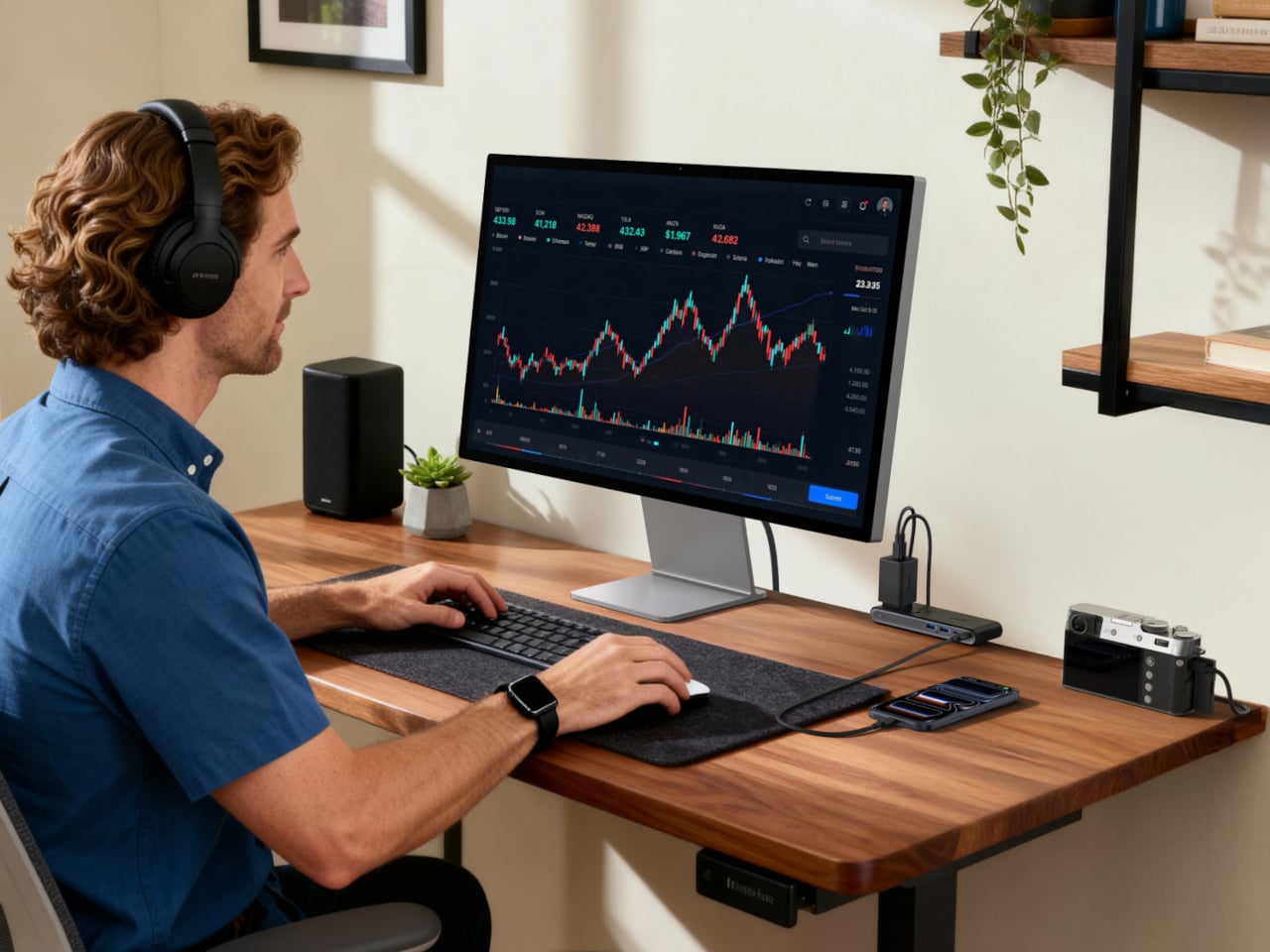
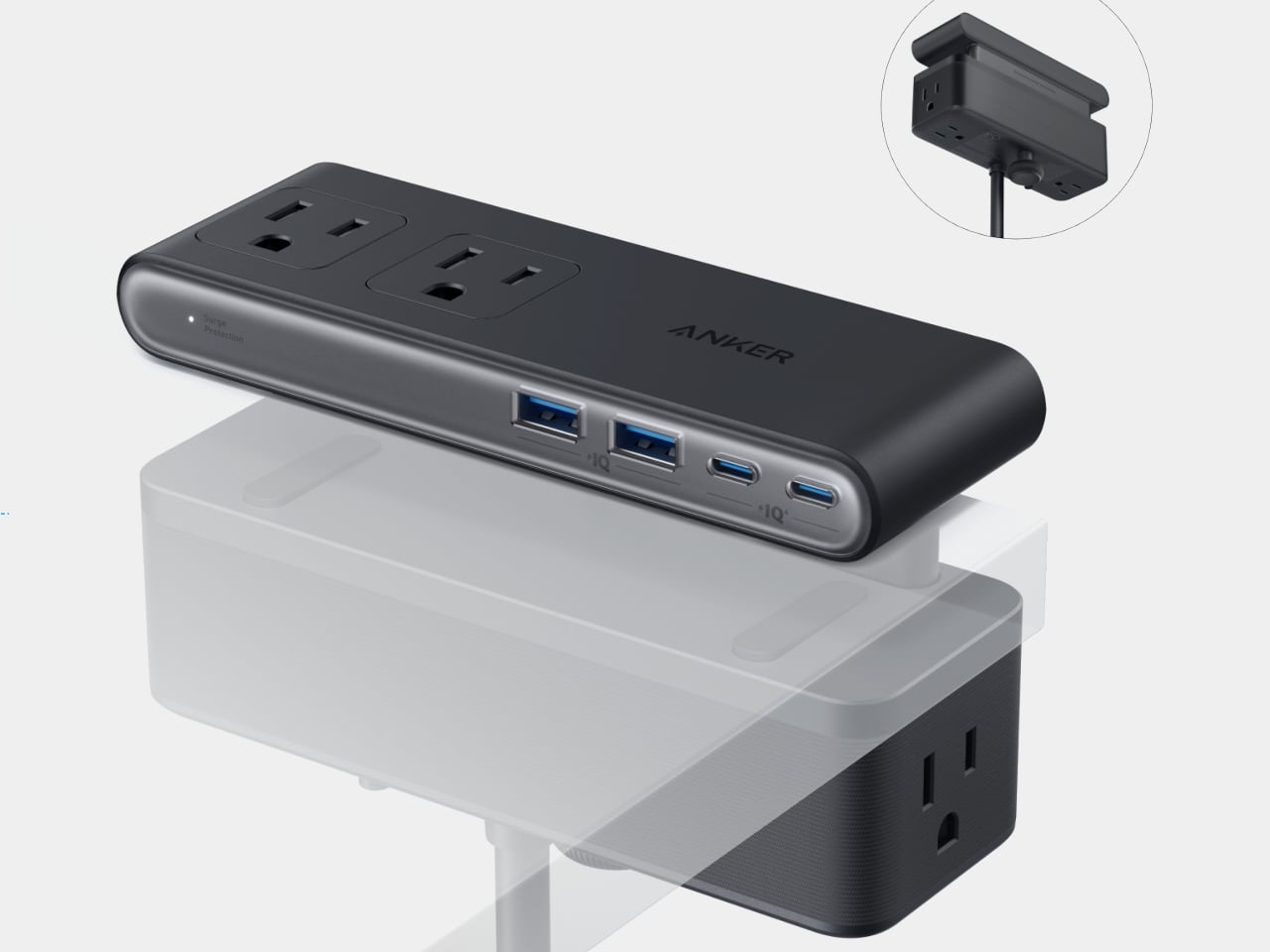
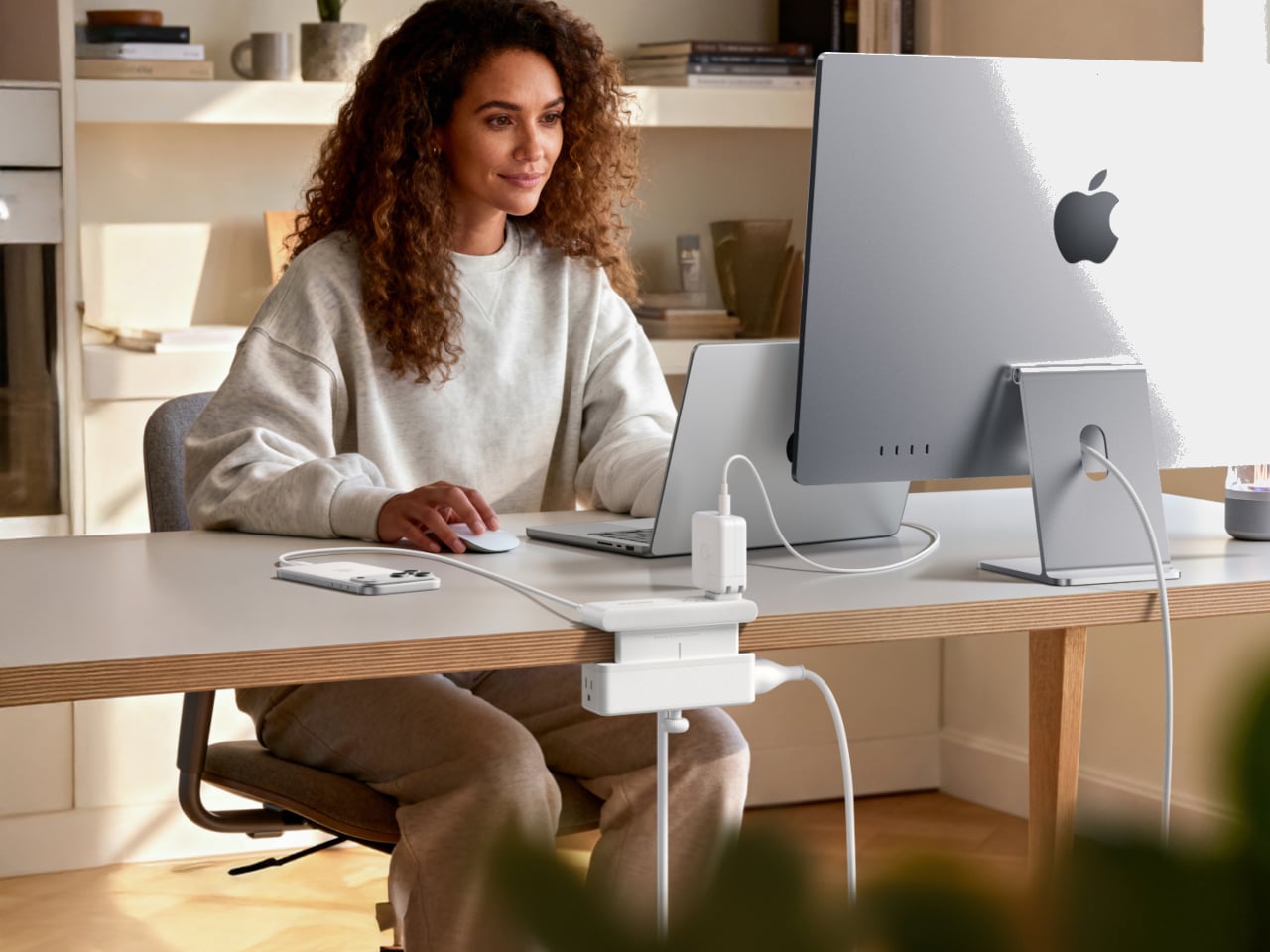
The Nano Power Strip is a dual-zone power bar that lives at the desk edge instead of under it. It combines six AC outlets with two USB-C and two USB-A ports, with a single USB-C delivering up to 70 W, enough to run a laptop or gaming handheld directly. The clamp-on design keeps the strip fixed in place while making ports easy to reach, so you stop crawling under desks to plug in temporary devices.

The built-in 1,500 J surge protection shields connected gear from spikes, which matters when monitors, desktop PCs, and audio equipment all share one outlet. Having the USB ports face forward and the AC outlets below the desk creates a cleaner visual line and makes it easier to manage cable runs, turning the strip into permanent desk infrastructure that handles both power and data charging without sprawling across the surface or tangling behind a monitor stand.

Anker Nano Docking Station (13-in-1, Triple Display, Built-In Removable Hub)

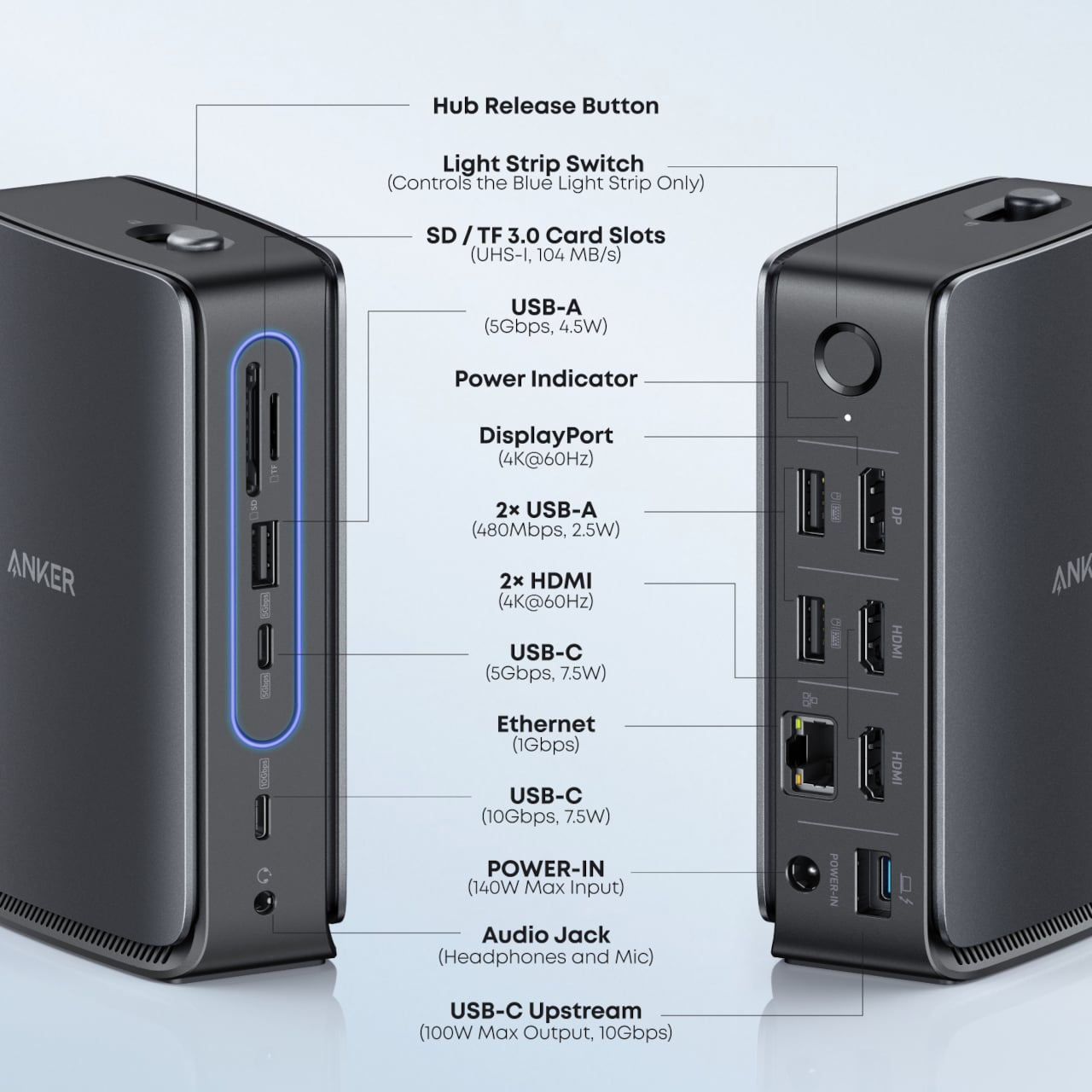
The Nano Docking Station is a 13-in-1 dock for people who treat a laptop as their main machine but want a desktop-class workspace. It supports triple-display output with up to 4K resolution on a single monitor, up to 100 W upstream charging, and USB-C, USB-A, HDMI, DisplayPort, Ethernet, and SD / TF 3.0 card slots, all running at up to 10 Gbps, where it counts for fast file transfers and external storage.

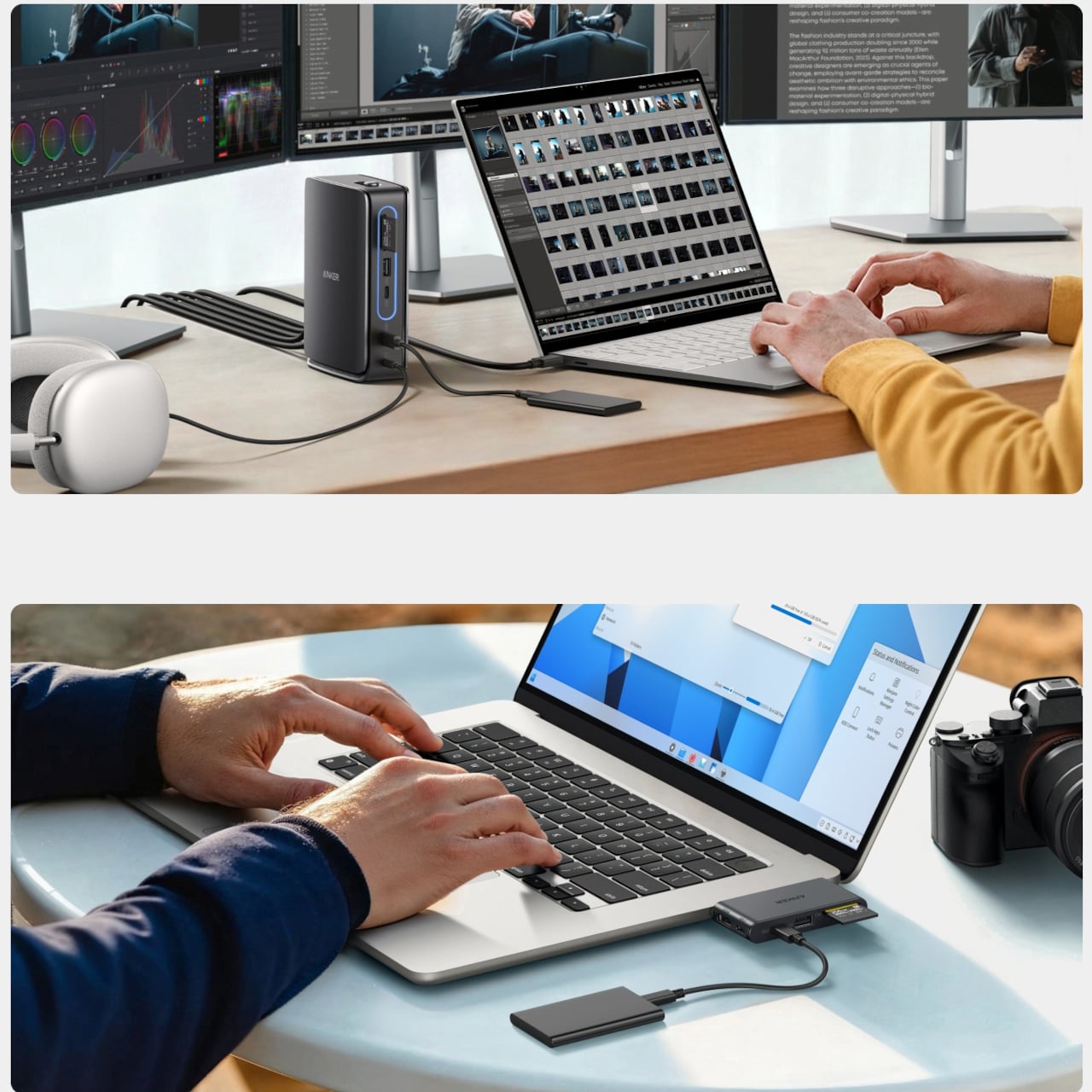
The built-in 6-in-1 removable hub slides out, letting someone leave the desktop cable tree intact while taking key ports and card readers on the road with a single, slim module. That bridging between permanent and mobile workflows makes the dock feel less like a fixed base station and more like a system that adapts to whether you are spending the day at a desk or heading to a meeting with just a laptop and the small hub in a bag.

Anker at CES 2026: Charging as a Coherent System

These four products sketch out Anker’s view of charging in 2026, not as isolated bricks and pads, but as coordinated tools that follow people from pocket to bedside to desk. Instead of chasing ever-higher wattage alone, the lineup leans into smarter interfaces, cooler operation, and forms that respect the spaces they live in, the kind of thinking Yanko Design readers expect from everyday hardware that earns its place by working better and quieter.

The post Anker’s CES 2026 Charging Lineup Treats Power as a Coordinated System first appeared on Yanko Design.
UGREEN’s 13-in-1 Thunderbolt 5 Docking Station is an absolute productivity beast: Hands-On at IFA 2024

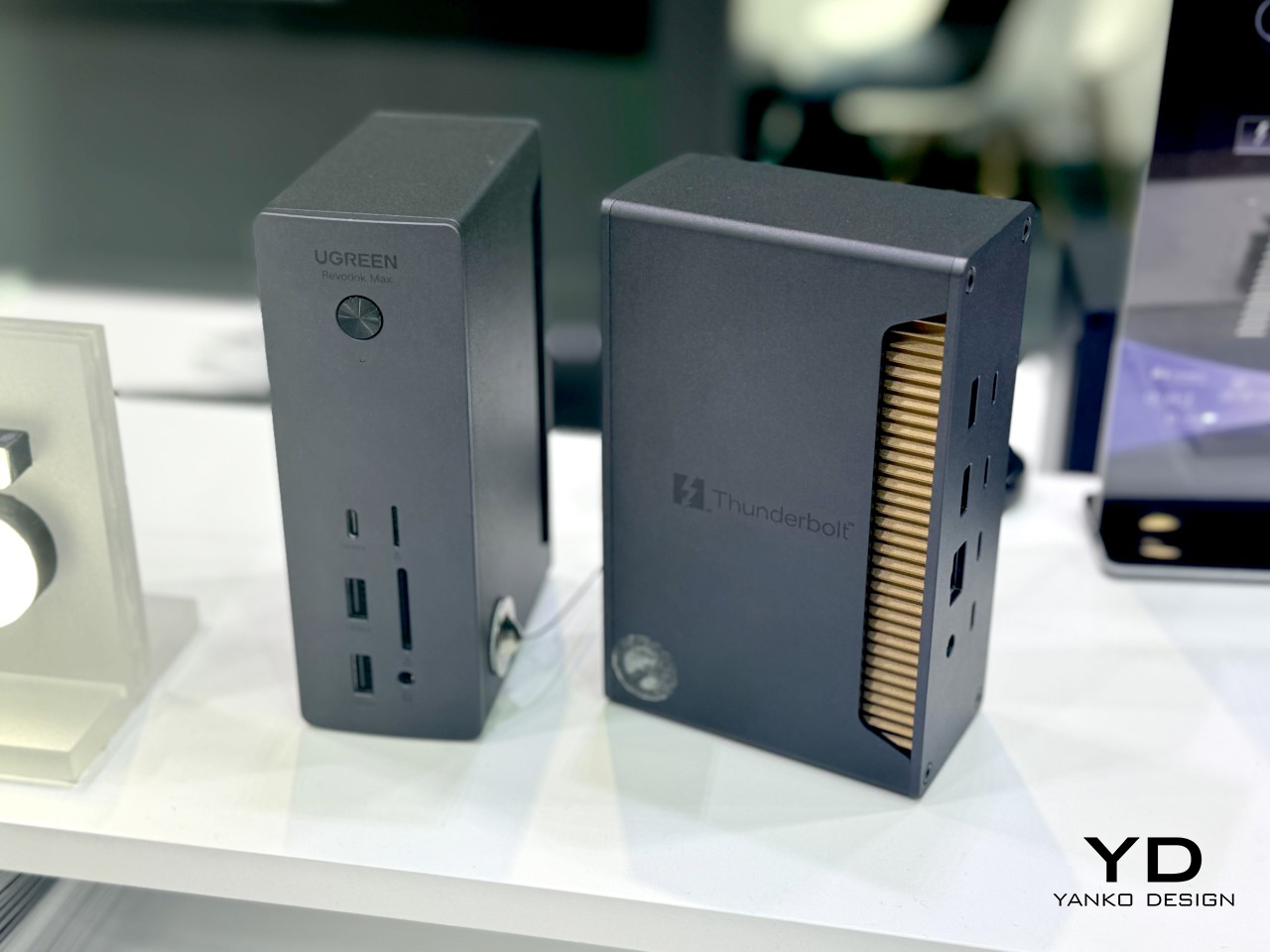
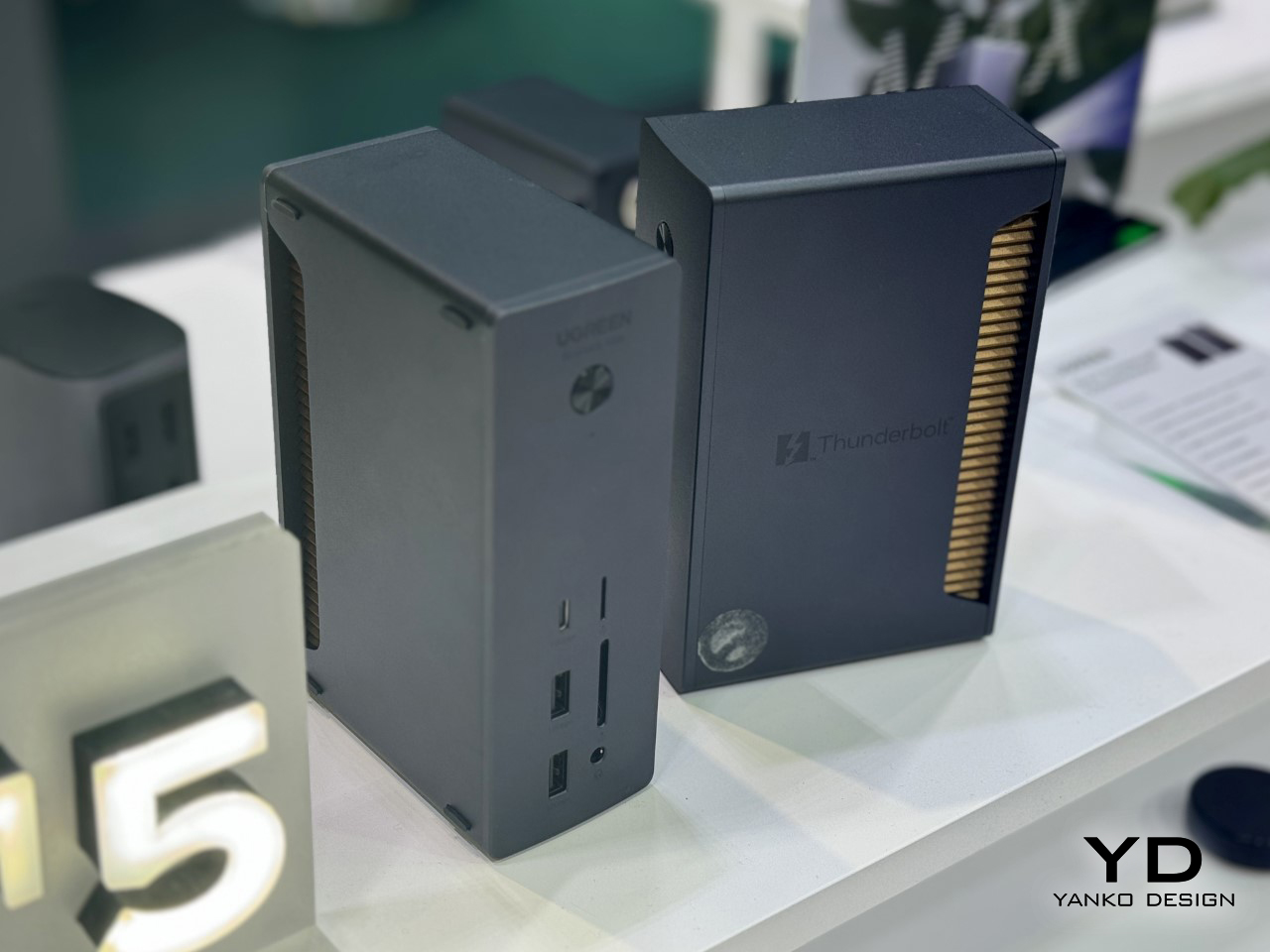
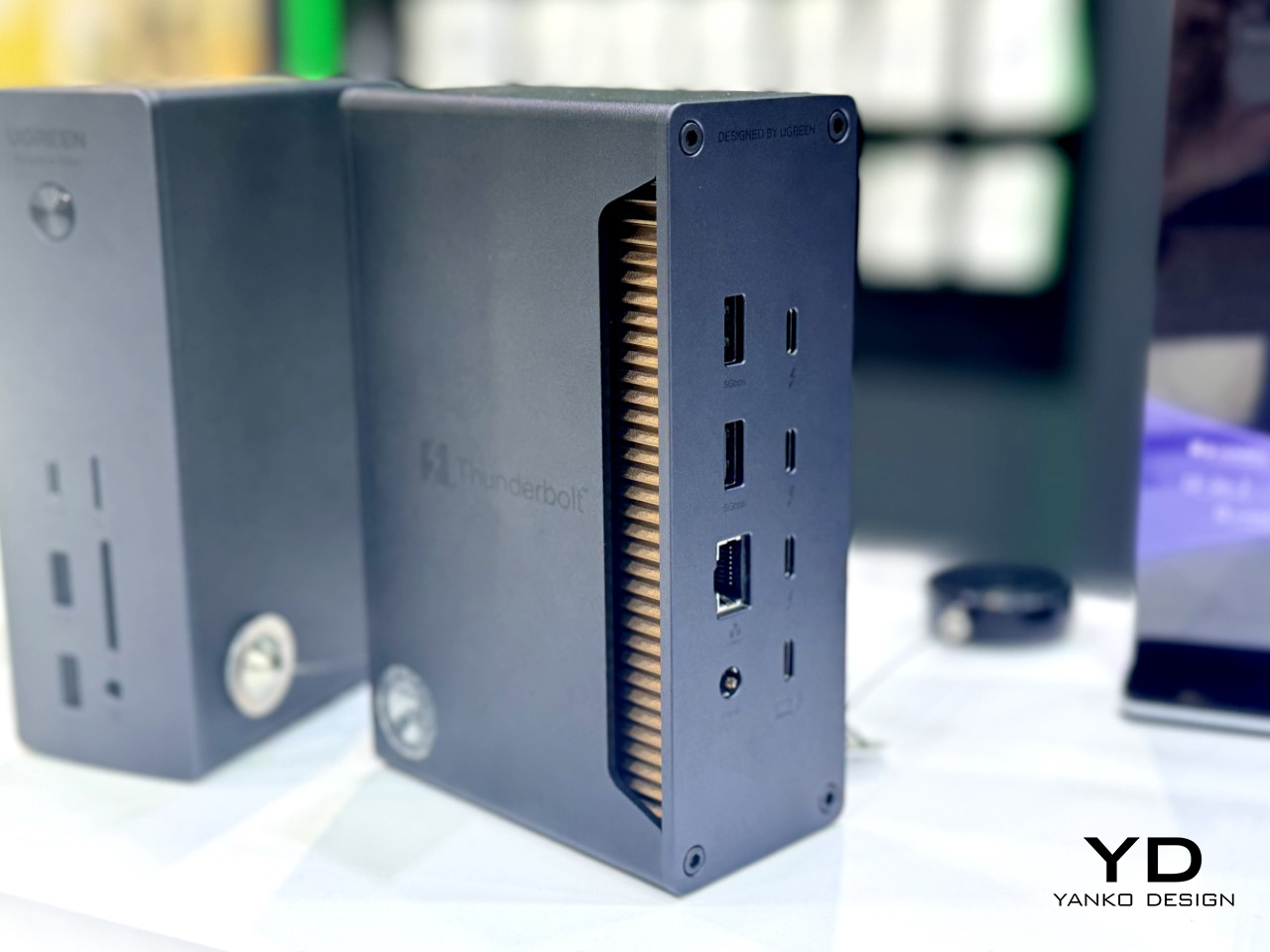
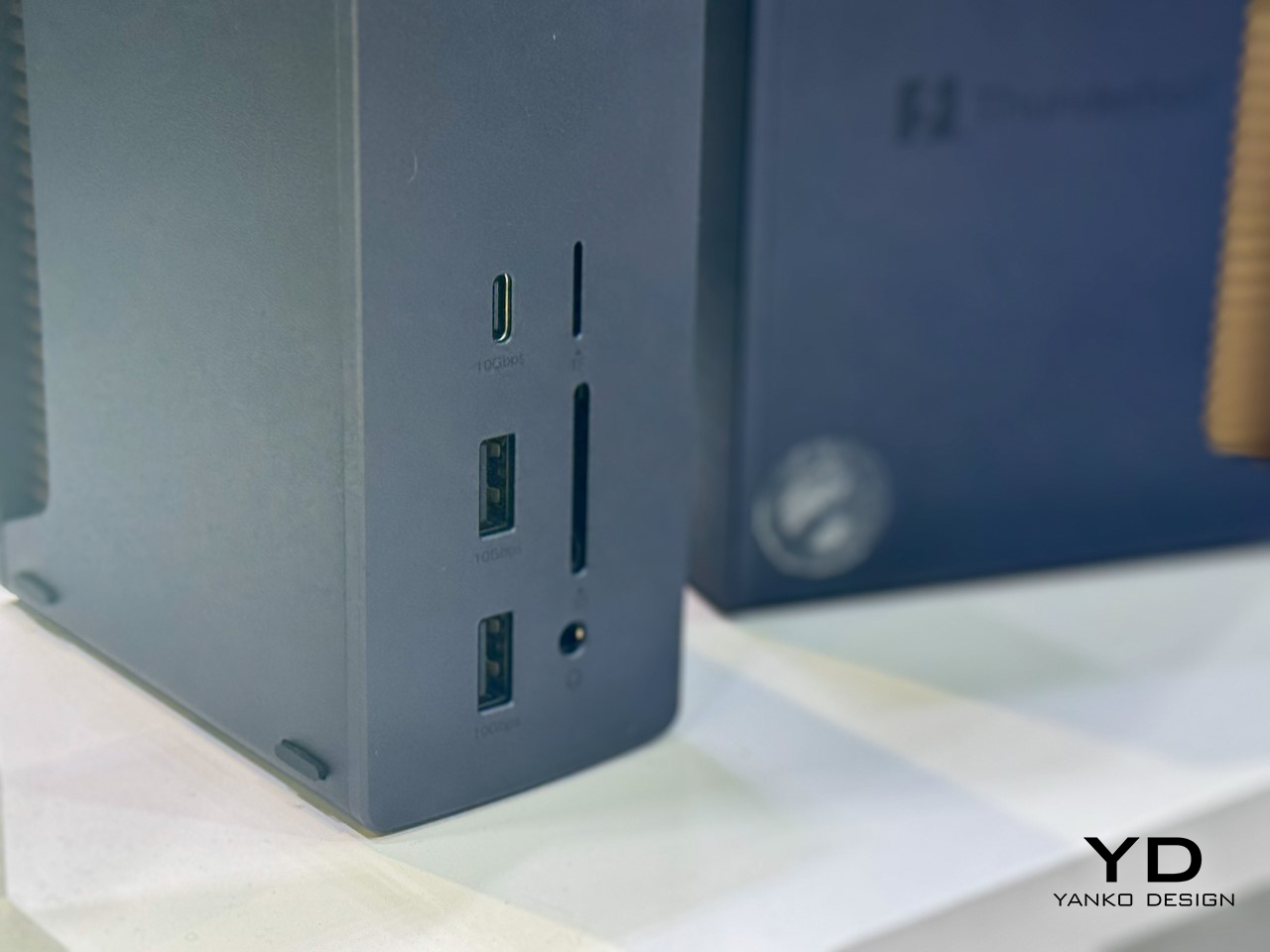
Standing amidst its new NAS system, and all its award-winning chargers and power-banks at the UGREEN Booth at IFA 2024 was this one monolithic device that UGREEN’s rep told me was their next piece of product innovation. The new Revodok Thunderbolt 5 Docking Station is an ambitious piece of hardware boasting a staggering 120 Gbit/s bandwidth, as many as 13 ports, and the ability to support a single 8K display or dual 4K displays. If you’re tired of waiting for files to transfer or struggling with multi-display setups, this dock promises to take care of it all, especially with Thunderbolt 5’s massive 80Gbps speed boost—three times faster than Thunderbolt 4. Its Bandwidth Boost Mode dynamically adjusts the data flow, making sure nothing bottlenecks, even under heavy load. For power users handling 8K video editing or complex workflows, this feature offers serious appeal. The best part? It’s a compact, vertical number that seriously cuts clutter on your desk, giving you a minimal workplace that’s maximal on productivity and output.

Designer: UGREEN

The Revodok is loaded with as many as 13 ports, making it a versatile hub for just about any setup. Whether you need USB-C, USB-A, HDMI, DisplayPort, Ethernet, or even an SD card reader, it’s all there. The dock supports 8K displays at 60Hz and dual 4K setups, catering perfectly to those who thrive on multi-screen environments. Add in 10 Gbps USB 4 support for newer laptops, and you’ve got a future-proof workstation companion. If reliable internet is a priority, the 2.5G Ethernet port ensures stable, high-speed connectivity. Plus, it offers 85W Power Delivery, which can charge demanding devices like laptops, so your desk stays tidy without extra charging bricks cluttering things up.

Despite all the power it packs, the Revodok’s compact design won’t dominate your workspace. Its clean, modern look fits in seamlessly, and it’s portable enough to take with you if your office setup tends to move. Besides, those visible heat-sink fins do tend to give the device a rather cool, almost amphibian aesthetic. Durability and build quality remain key, as UGREEN has a strong track record in this department.

While pricing and exact availability remain under wraps, you can expect the Revodok to hit the high-end market when it arrives later in 2024 or early 2025. It’s aimed at users who are ready for the next generation of connectivity, and it promises to deliver on all fronts. If you’re looking for speed, versatility, and reliability, this dock might be the upgrade you’ve been waiting for—plus, it’s bound to make your desk look a bit more impressive.

The post UGREEN’s 13-in-1 Thunderbolt 5 Docking Station is an absolute productivity beast: Hands-On at IFA 2024 first appeared on Yanko Design.
JSAUX 6-in-1 USB Hub also doubles as a Charging Dock for your Handheld Game Console

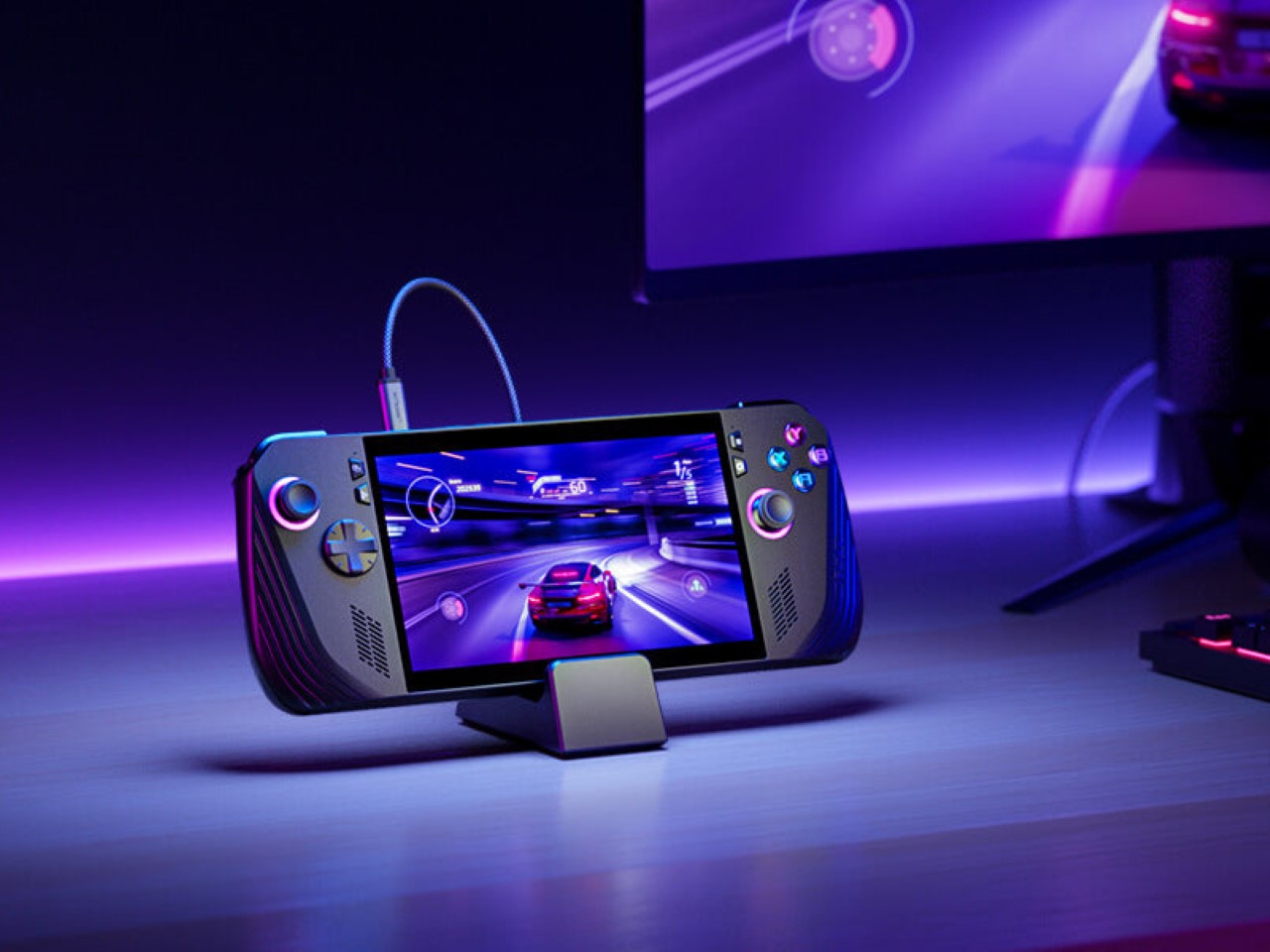
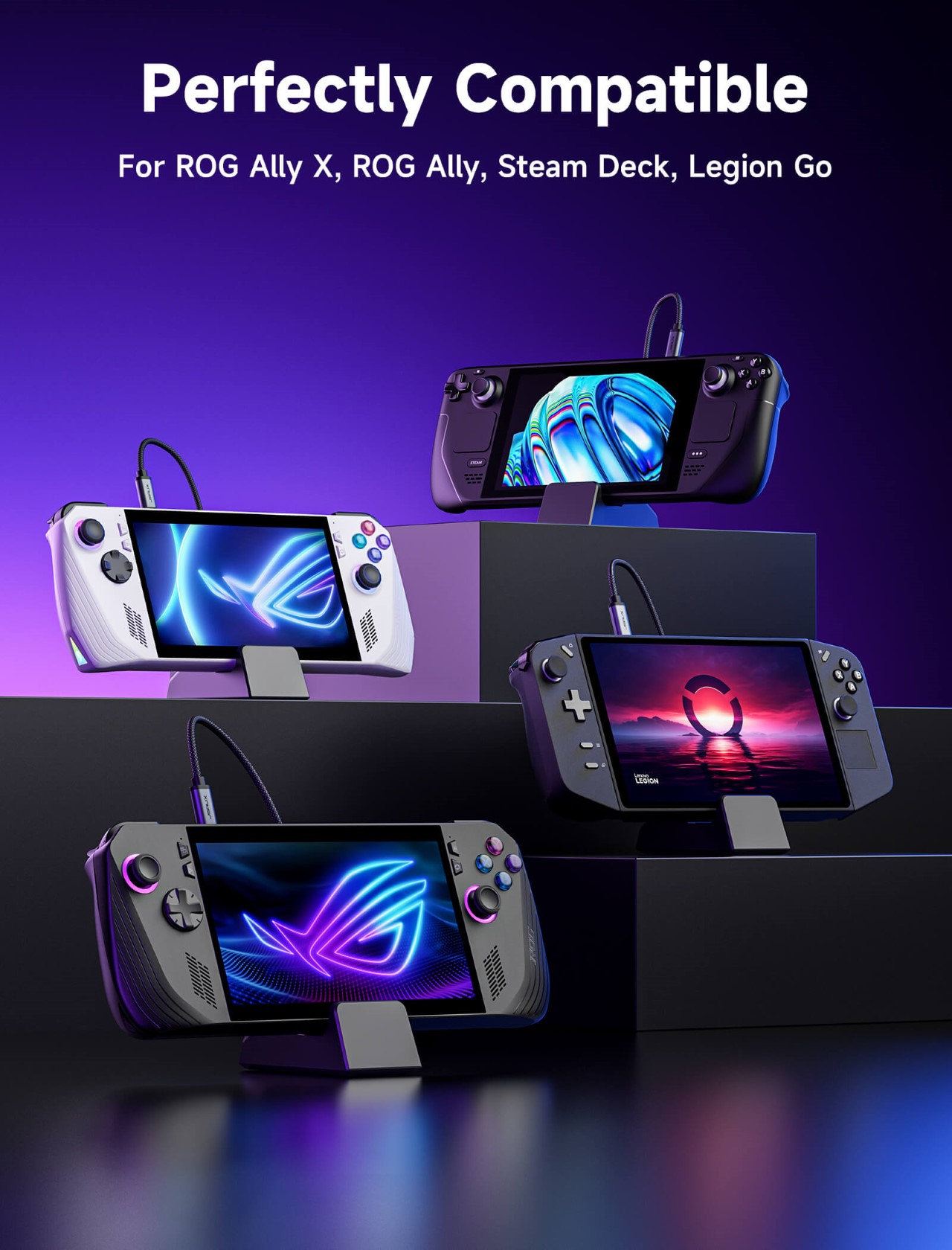
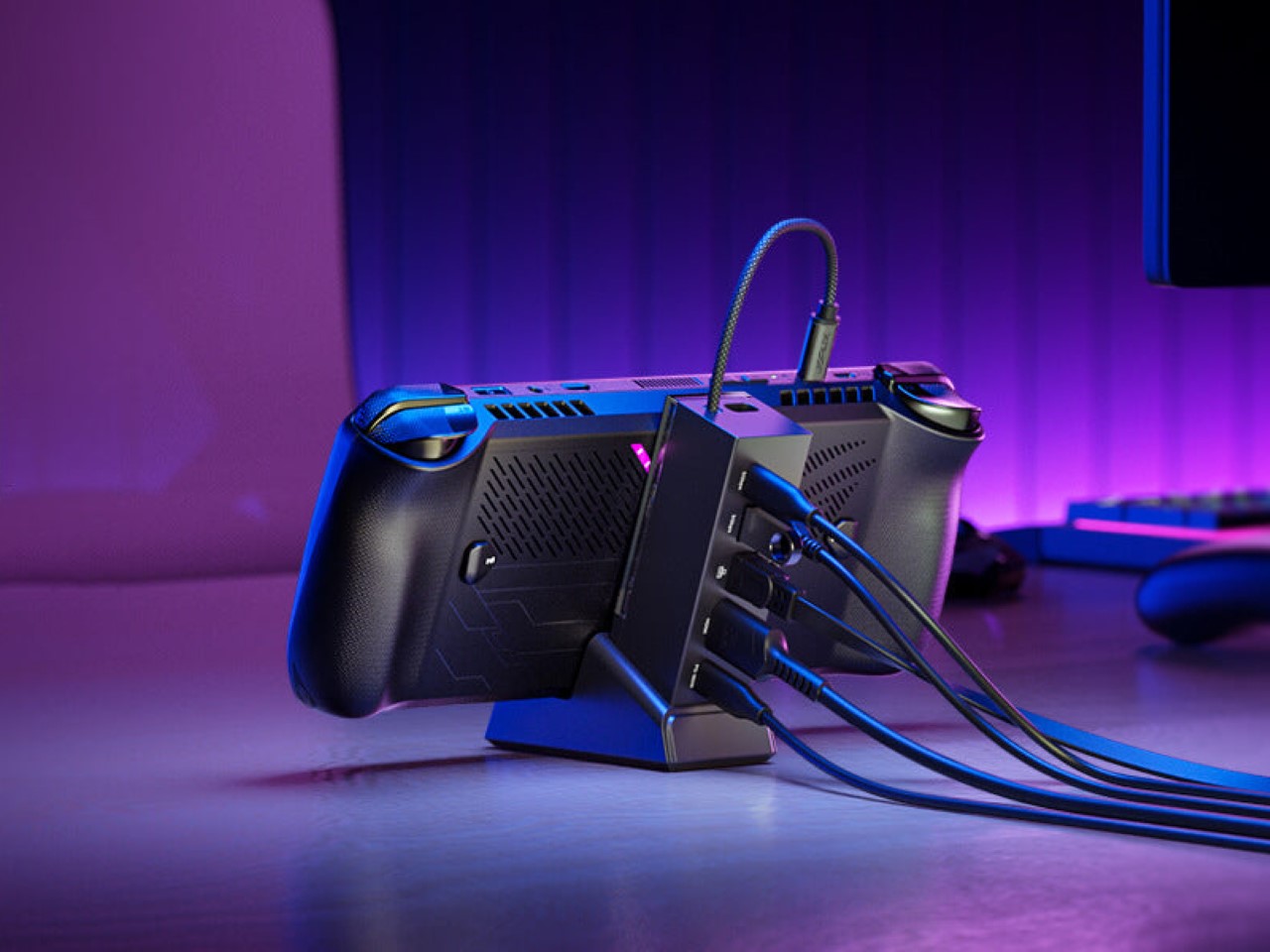
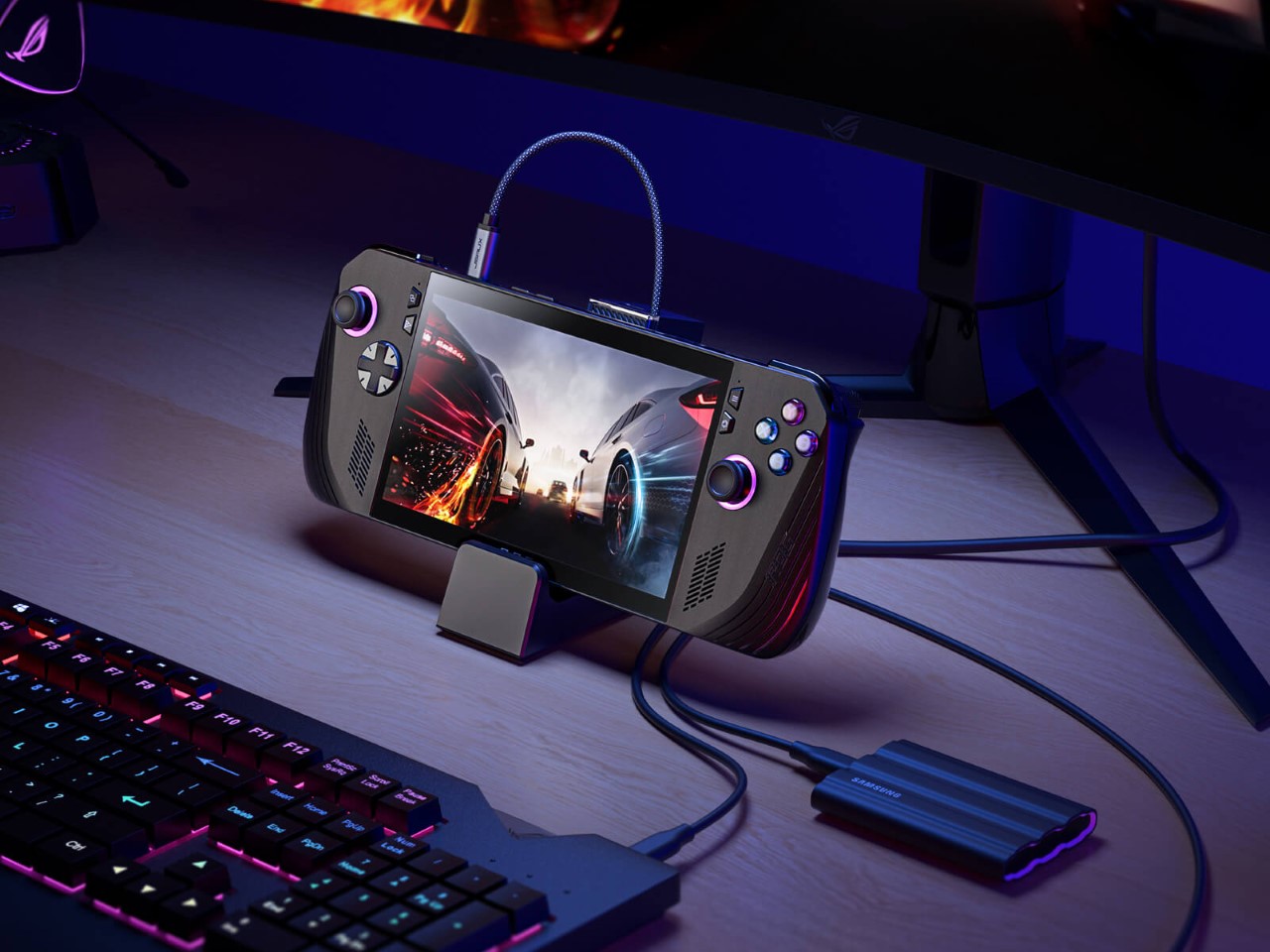
While most USB-C hubs go as far as providing a place to wirelessly charge your phone or TWS earbuds, the new Docking Station from JSAUX is more gamer-focused. Designed specifically for handheld gaming consoles like the Steam Deck, ROG Ally, and Lenovo Legion Go, this docking station gives you the advantage of connectivity as well as a nifty place to rest your gaming gadget while it charges.

Designer: JSAUX

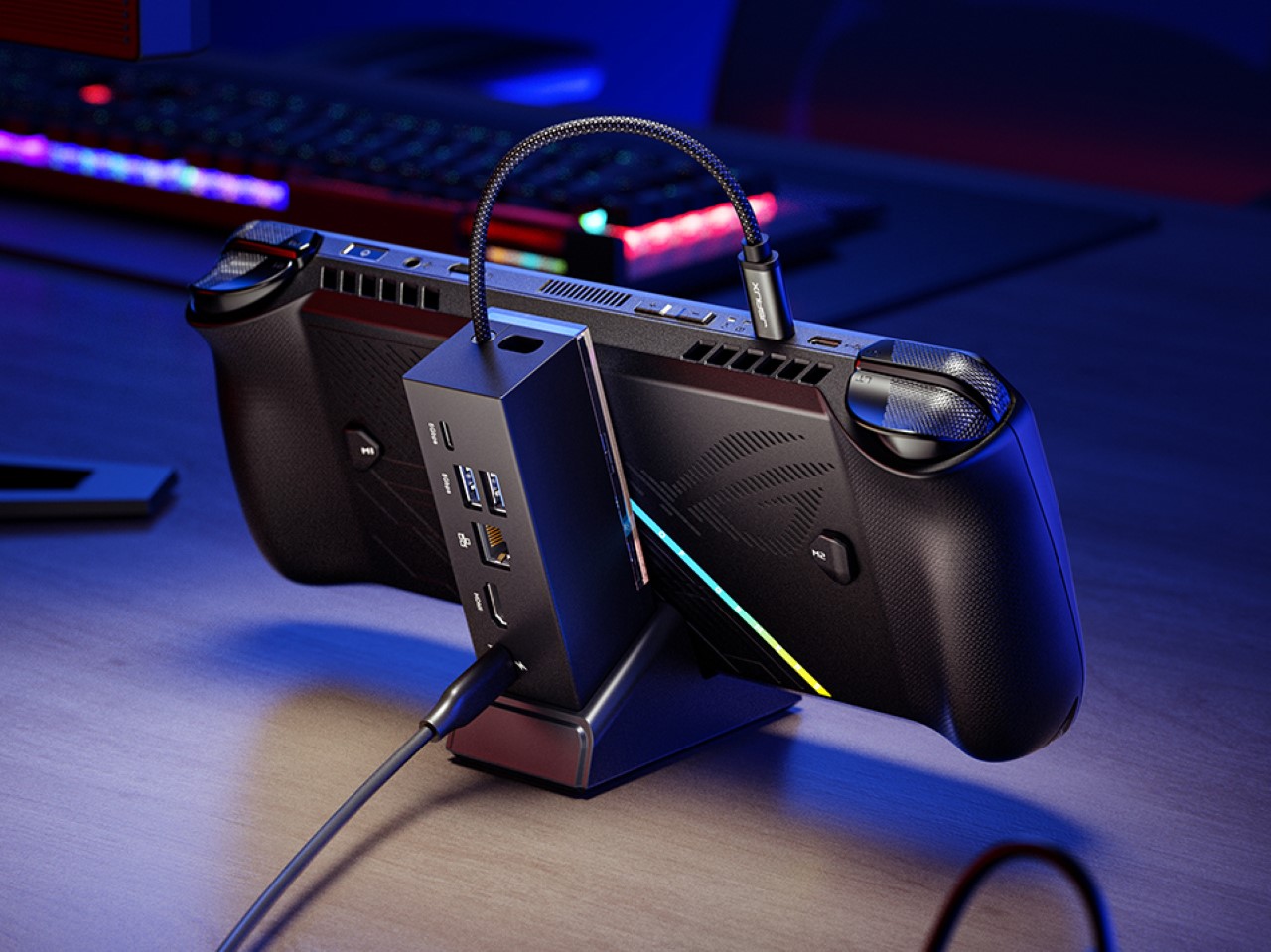
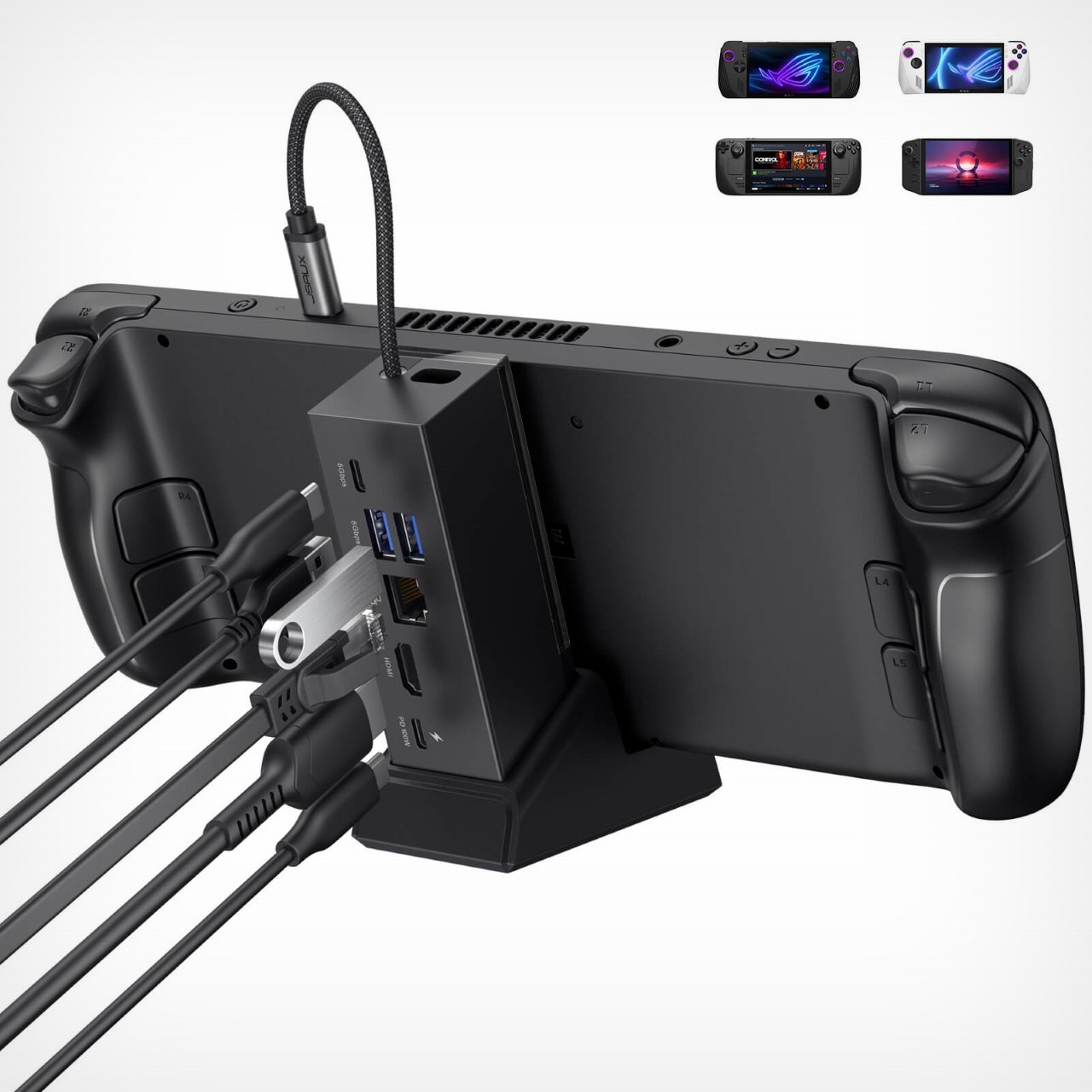
Unlike previous JSAUX Docking Stations, the new 6-in-1 variant features a detachable console stand. This allows users to switch between two configurations: a docked mode for connecting the handheld to a monitor and wired peripherals, and a standalone mode for using the stand on its own. This flexibility caters to gamers who want a dedicated desk setup but also appreciate portability for on-the-go sessions.

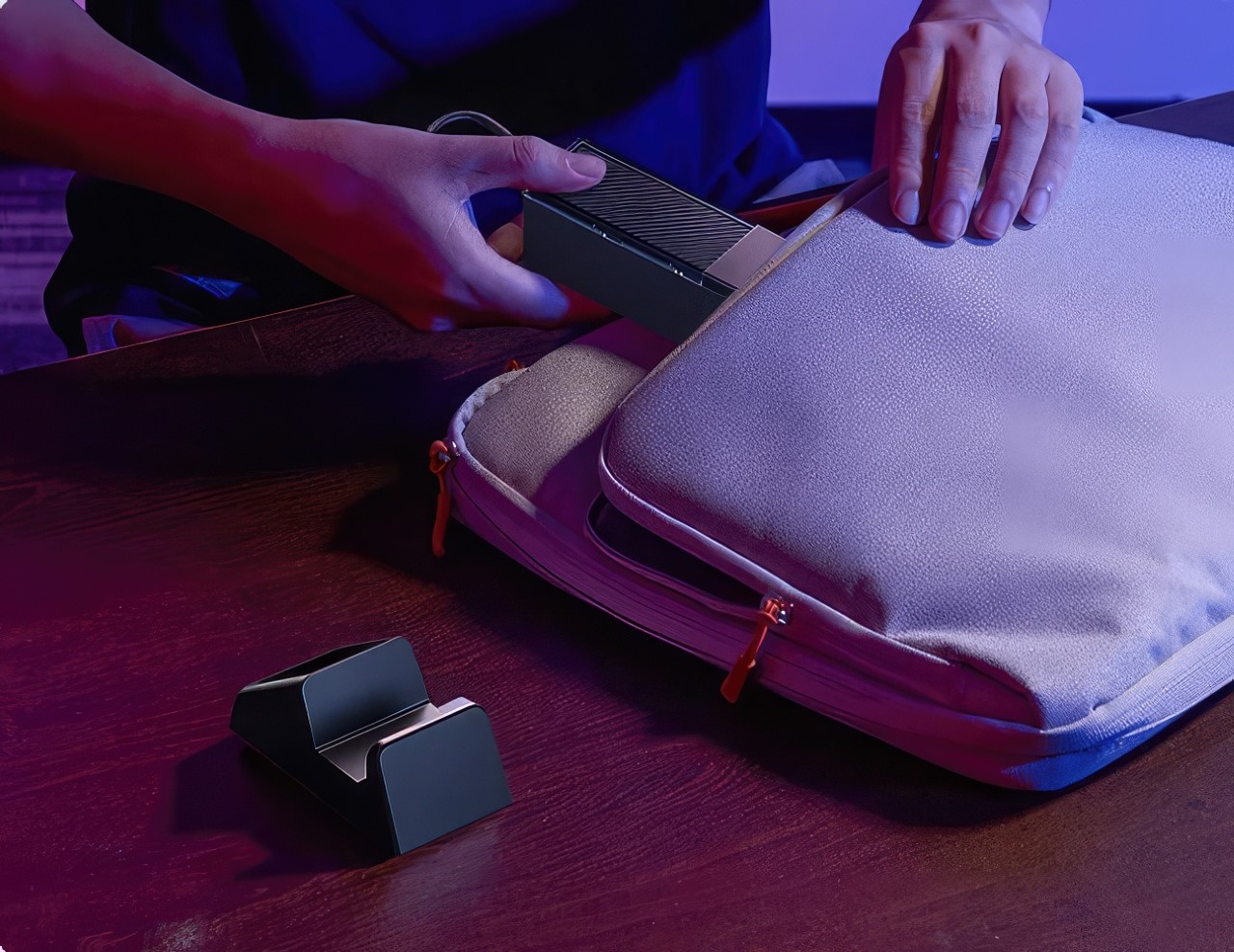
USB hubs are a dime a dozen, but this one’s design is one of its highlights. It comes with a two-part form factor – the hub itself, with all the ports, and a base that holds the console. The hub plugs into the base, effectively becoming a backrest for your console (which is great because the console invariably ends up hiding your cables and clutter), but when you need to travel, detach them and slip them into your backpack and they aren’t as space-consuming as when assembled together.

A USB-C port with 100W Power Delivery ensures your handheld console is always charged and ready for action. For those who rely on a wired internet connection for online gaming, a Gigabit Ethernet port provides a stable and high-speed link. Additionally, two USB-A 3.2 Gen 1 ports offer ample connectivity for peripherals like keyboards, mice, or external storage drives.

But perhaps the most impressive feature is the HDMI port. Capable of outputting stunning 4K visuals at a smooth 120Hz refresh rate, this port elevates the handheld gaming experience to a whole new level. Connect your console to a compatible monitor or TV, and enjoy your games in breathtaking detail.

As of now, the 6-in-1 Multifunctional Docking Station is available for purchase directly from the JSAUX website. While specific pricing details are currently unavailable, considering the previous model’s competitive price point of $31.99 on Amazon, it’s reasonable to anticipate a similarly attractive price tag for this new and improved version.

The post JSAUX 6-in-1 USB Hub also doubles as a Charging Dock for your Handheld Game Console first appeared on Yanko Design.
The Playdate Handheld Gaming Console gets a Nintendo Switch-style dock… but better

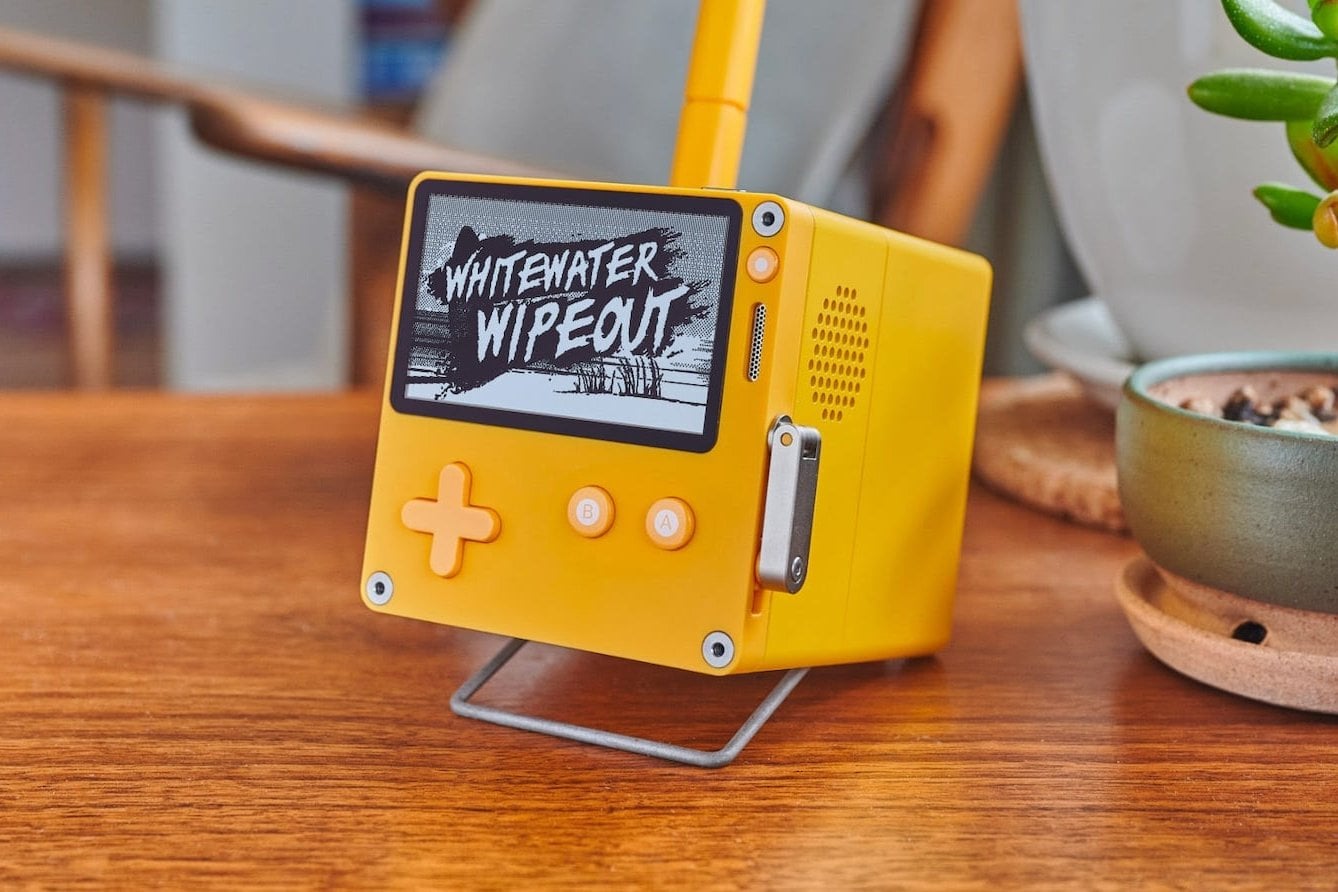
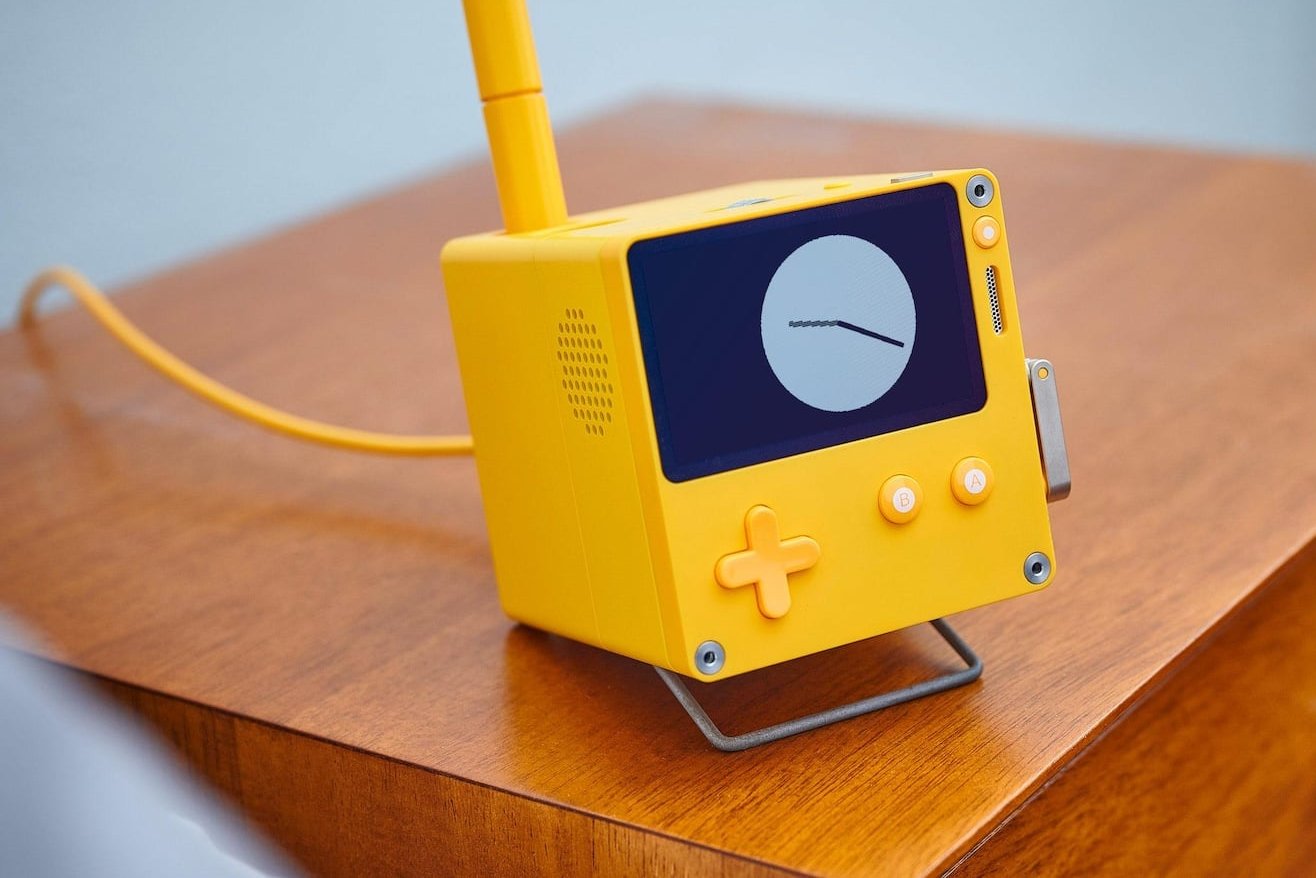
Remember the Playdate console from 2019? If you don’t, here’s a refresher – the Playdate made the rounds on the internet at a time when gaming was becoming quite the craze. Google had just announced Stadia, Apple had recently unveiled their subscription-based games service, and among all that news, the Playdate emerged as this bastion of retro handheld gaming. It came with a quirky, bold design courtesy of Teenage Engineering, and sported a unique hand-cranked control that promised to add a new dimension to your gaming experience. With a retro black and white screen and the promise of immersing you in nostalgia, the Playdate garnered quite a bit of a fan following, but that doesn’t seem to be all on the horizon. The console’s maker, Panic, has just announced a new docking station for the console. Quite similar to Nintendo’s dock, this one lets you attach the gaming device to the dock for charging… but that’s not all. The Stereo Dock, as it’s named, also serves as a Bluetooth speaker, as well as a stand for the Playdate’s stylus, a new input device for the gaming console!
Designer: Panic

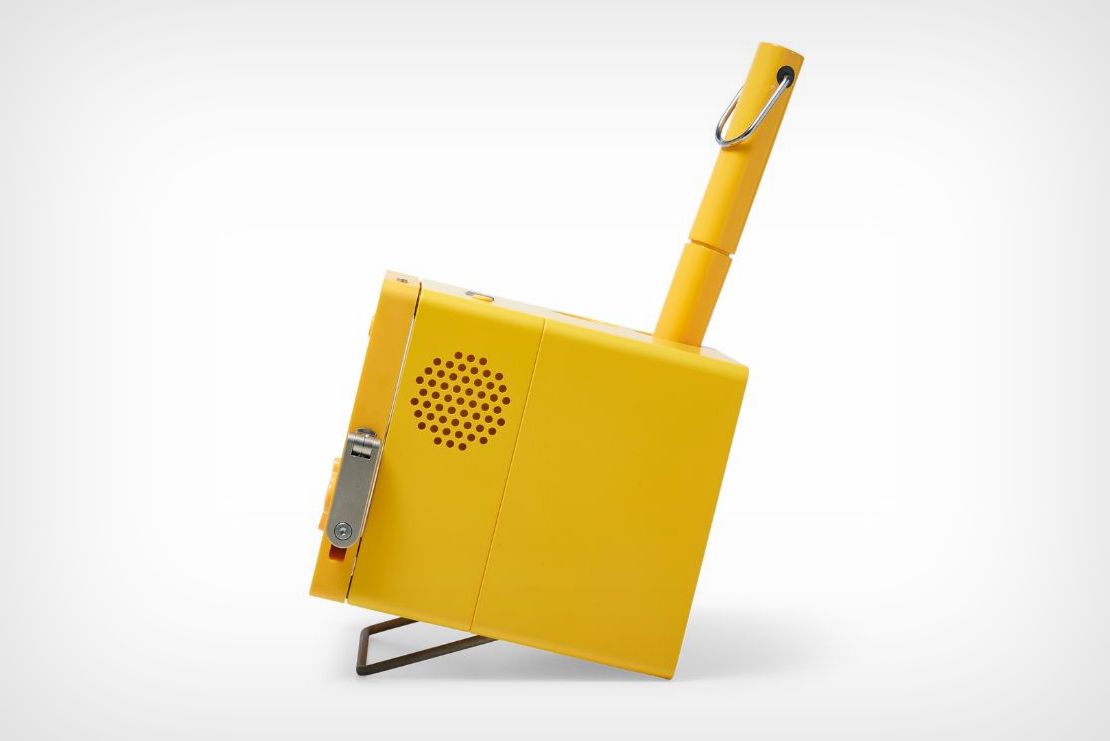
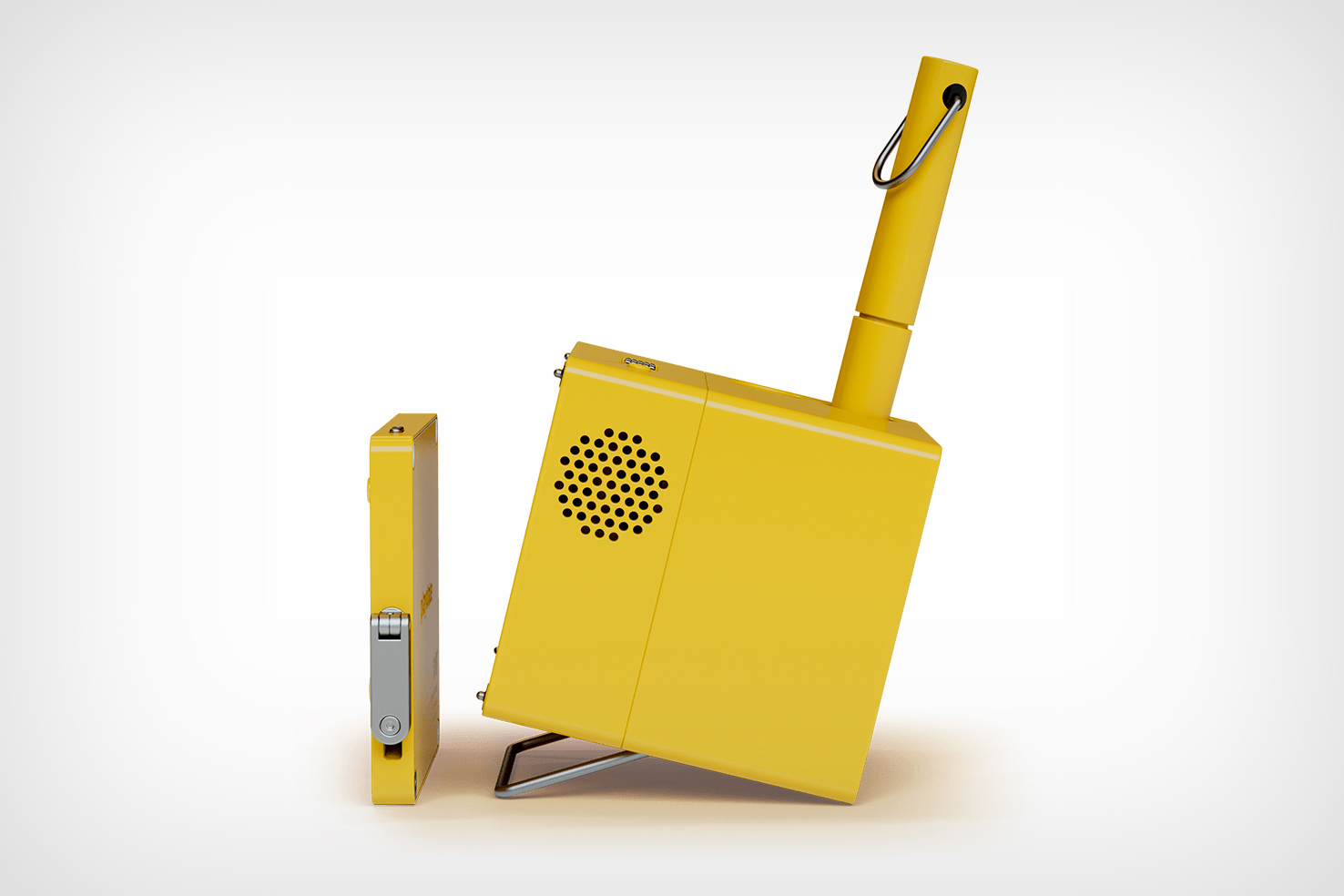
With a design that mirrors the Playdate console’s aesthetic perfectly, the Stereo Dock is a quirky retro-punk box that sits on your desk with speaker grilles on either side, a stylus popping out the top, and a very old-school kickstand at the bottom that lets you prop the dock up at an angle. Along with the Playdate console, it almost looks like a tiny retro television with buttons on the bottom and an antenna on the top!

The Playdate console snaps right onto the front of the dock and begins charging wirelessly. The dock doesn’t just serve as a speaker for the console, but also as a general stereo speaker that you can connect to your phone or any other device for audio playback. The Playdate DOES have a touchscreen interface, so it wouldn’t be a surprise if the stylus in the Stereo Dock would work along with the console. If it relies on regular capacitive touch input then the stylus would just as easily work with your smartphone or touchscreen tablet too, which would surely be interesting.

There’s no official launch date for the Stereo Dock, although Panic has had its share of minor delays. Project Lead Greg Maletic said “We apologize to everyone with a Playdate who has been waiting patiently for the Stereo Dock; it’s been a trickier project than we anticipated and we had a few false starts. We thought we’d save some time on that project by having our factory do the software for the Stereo Dock, but we’ve learned that you don’t always necessarily want that in some cases. The Stereo Dock is very much alive, we have the physical prototypes to prove it! We expect to have a formal update on when you can buy one later this year.”

It isn’t easy being a fledgling gaming company dealing with product success – folks who remember Cyberpunk 2077 know how small companies can sometimes get crushed by the burden of expectations, although Panic certainly delivered on its promise by launching the Playdate in 2022 after a few road bumps that also included needing to change battery suppliers due to a serious battery issue. Hopefully, the Stereo Dock will be out sometime later this year, although it’s currently missing an official price tag.

The post The Playdate Handheld Gaming Console gets a Nintendo Switch-style dock… but better first appeared on Yanko Design.